Show HN Today: Discover the Latest Innovative Projects from the Developer Community
 ShowHN Today
- Continue with Google
Show HN Today: Top Developer Projects Showcase for 2025-12-23
SagaSu777 2025-12-24
Explore the hottest developer projects on Show HN for 2025-12-23. Dive into innovative tech, AI applications, and exciting new inventions!
Summary of Today’s Content
Trend Insights
Today's Show HN offerings underscore a powerful trend: developers are aggressively leveraging AI not just to build novel applications, but to fundamentally enhance existing workflows and solve tedious problems. We see a surge in AI agents designed for specific tasks, from coding assistance and debugging (Superset, Mysti, Wafer) to creative endeavors and even personal productivity (Kapso for WhatsApp, FormAIt). The emphasis on developer experience is palpable, with many projects aiming to streamline complex processes, reduce friction, and boost efficiency. This focus on actionable solutions, often delivered via user-friendly CLIs or specialized extensions, reflects a pragmatic hacker ethos – using cutting-edge technology to make everyday tasks easier and more powerful. For aspiring innovators and entrepreneurs, this highlights fertile ground in creating tools that integrate seamlessly into developer workflows or provide intelligent automation for niche problems. The rise of local-first and privacy-conscious solutions also signals a growing demand for user control and data integrity in an increasingly connected world. Embrace this spirit of innovation by identifying pain points in your own work or community and applying elegant, tech-driven solutions. The true value lies in empowering users with tools that are not only powerful but also intuitive and trustworthy.
Today's Hottest Product
Name
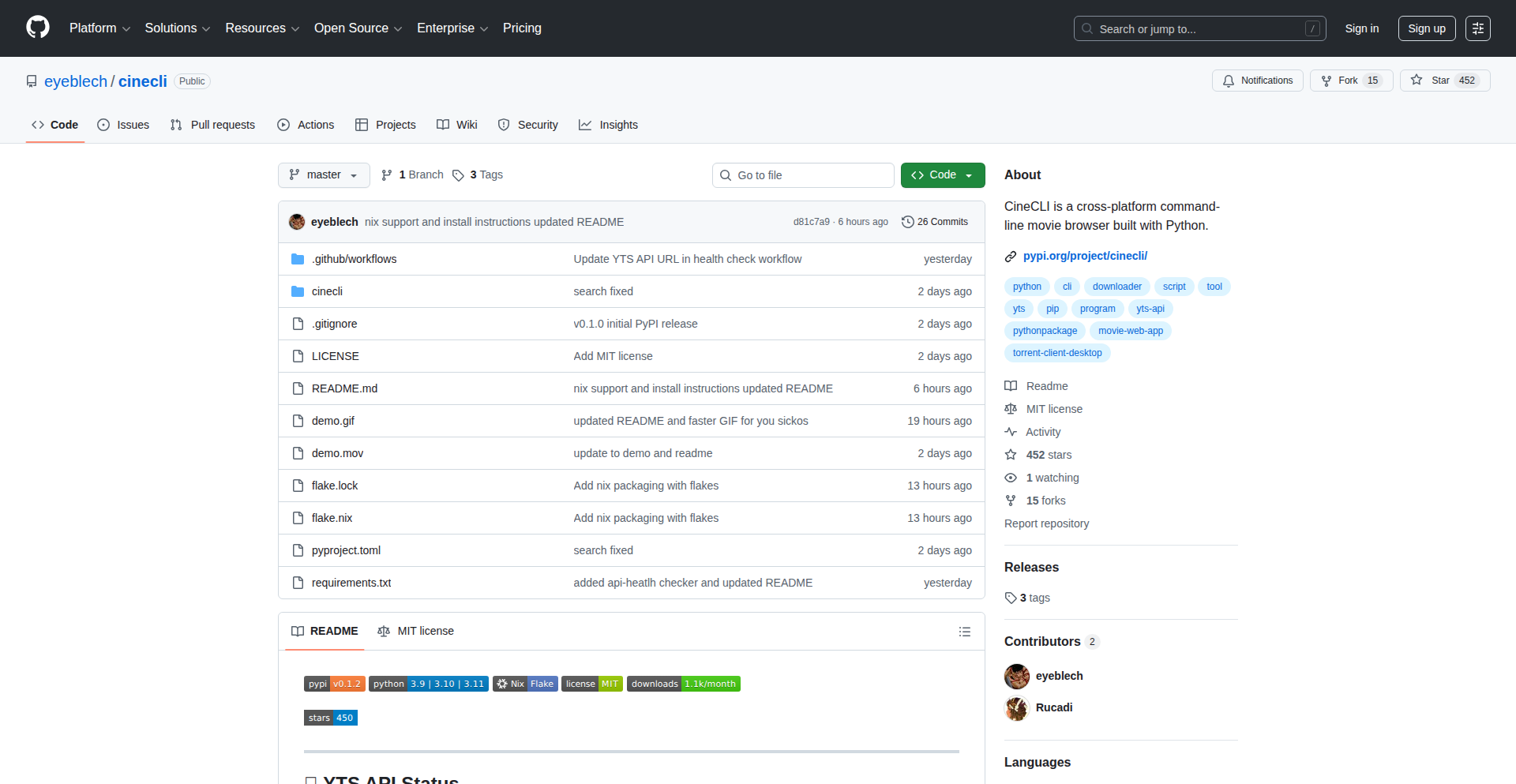
CineCLI
Highlight
CineCLI is a cross-platform terminal application that revolutionizes how users interact with movie content. Its core innovation lies in seamlessly integrating movie browsing, detailed information retrieval, and direct torrent launching within a command-line interface. This tackles the friction of switching between multiple applications for media discovery and acquisition. For developers, the key takeaway is the elegant use of terminal UIs to create a rich, interactive experience for tasks traditionally relegated to graphical interfaces. It showcases how Python, combined with terminal UI libraries, can build powerful and user-friendly tools that enhance productivity for media enthusiasts.
Popular Category
AI/ML Tools
Developer Productivity
Command-Line Interfaces
Open Source Utilities
Web Development
Popular Keyword
AI
CLI
Open Source
Developer Tools
Productivity
LLM
Automation
Python
Rust
TypeScript
Technology Trends
AI-powered Automation and Assistance
Developer Experience Enhancement
Local-First and Privacy-Focused Solutions
Cross-Platform Tooling
WebAssembly (WASM) Integration
Serverless and Edge Computing
Enhanced Command-Line Interfaces
Decentralized Architectures
Data Ingestion and Processing Pipelines
Creative AI Applications
Project Category Distribution
AI/ML Tools (25%)
Developer Productivity/Tools (30%)
Utilities/CLI Tools (20%)
Web Development/Infrastructure (15%)
Creative/Niche Applications (10%)
Today's Hot Product List
| Ranking | Product Name | Likes | Comments |
|---|---|---|---|
| 1 | CineCLI | 308 | 101 |
| 2 | HTML2Canvas-Prod | 80 | 36 |
| 3 | Kapso: WhatsApp API Orchestrator | 27 | 14 |
| 4 | CodexConfigBridge | 16 | 0 |
| 5 | Claude Terminal Insights | 15 | 1 |
| 6 | VibeDB-GUI | 5 | 9 |
| 7 | OfflineMind Weaver | 8 | 6 |
| 8 | AuthZed Kids: Authorization Adventure | 11 | 1 |
| 9 | Nønos: Zero-State RAM OS | 9 | 1 |
| 10 | QR-Wise Gateway | 6 | 3 |
1
CineCLI
Author
samsep10l
Description
CineCLI is a command-line interface (CLI) application that allows users to search for movies, view detailed information such as ratings and runtime, and initiate downloads via their system's default torrent client, all from the terminal. Its innovation lies in bridging the gap between simple terminal-based tools and rich media browsing, offering a fast, efficient, and privacy-focused way to discover and access movies for developers who prefer working within their command-line environment.
Popularity
Points 308
Comments 101
What is this product?
CineCLI is a cross-platform terminal application designed for movie enthusiasts and developers who spend a lot of time in the command line. It leverages APIs from movie databases to fetch comprehensive movie details, including ratings, genres, and runtime. The innovative aspect is its seamless integration with the operating system's default torrent client, allowing users to initiate torrent downloads directly from the terminal without needing to open a web browser or separate torrent application. This means you get a rich, interactive experience for movie discovery and acquisition, all within the familiar context of your terminal.
How to use it?
Developers can install CineCLI using pip, Python's package installer, making it readily available for use in any terminal session on Linux, macOS, or Windows. After installation, users can run commands like `cinecli search <movie_title>` to find movies. The application provides an interactive mode where users can navigate through search results and view details using keyboard commands, and a non-interactive mode for scripting or quick lookups. Once a desired movie is found, users can select it and choose to open its magnet link, which automatically launches their system's default torrent client to begin the download. This provides a streamlined workflow for media consumption directly from the command line.
Product Core Function
· Movie Searching from Terminal: Allows users to quickly find movies by title directly in their command-line interface, saving time compared to web searches. So, this is useful for quickly checking if a movie exists or getting its basic info without leaving your coding environment.
· Rich Movie Details Display: Presents comprehensive information like ratings, runtime, genres, and cast, enabling informed decisions about movie selection. So, this is useful for quickly understanding a movie's quality and content before deciding to download it.
· Interactive and Non-Interactive Modes: Offers flexibility for both manual exploration and automated tasks, catering to different user preferences and scenarios. So, this is useful for either browsing movies casually or integrating movie lookups into scripts.
· System Default Torrent Client Integration: Seamlessly opens magnet links with the user's pre-configured torrent client, simplifying the download process. So, this is useful for directly starting movie downloads without manual steps, making the entire process much faster and more convenient.
· Cross-Platform Support (Linux/macOS/Windows): Ensures consistent functionality across major operating systems, making it accessible to a wide range of developers. So, this is useful for developers working on different machines or collaborating with others, as it works everywhere.
Product Usage Case
· A developer working on a late-night coding session needs a quick break to watch a movie. Instead of switching contexts to a web browser, they open their terminal, type `cinecli search The Matrix`, and are presented with details and a download option, all within seconds. This solves the problem of context-switching and maintains productivity.
· A system administrator wants to automate the process of downloading a list of documentaries for an upcoming presentation. They can write a script that uses CineCLI in non-interactive mode to find each documentary and generate magnet links, which are then passed to their torrent client for scheduled downloads. This showcases how CineCLI can be integrated into automated workflows.
· A film buff who loves exploring obscure movies wants to do so efficiently. They use CineCLI's interactive mode to browse through various genres and years, checking ratings and synopses without the distraction of a graphical interface. This provides a focused and efficient way to discover new content.
2
HTML2Canvas-Prod
Author
alvinunreal
Description
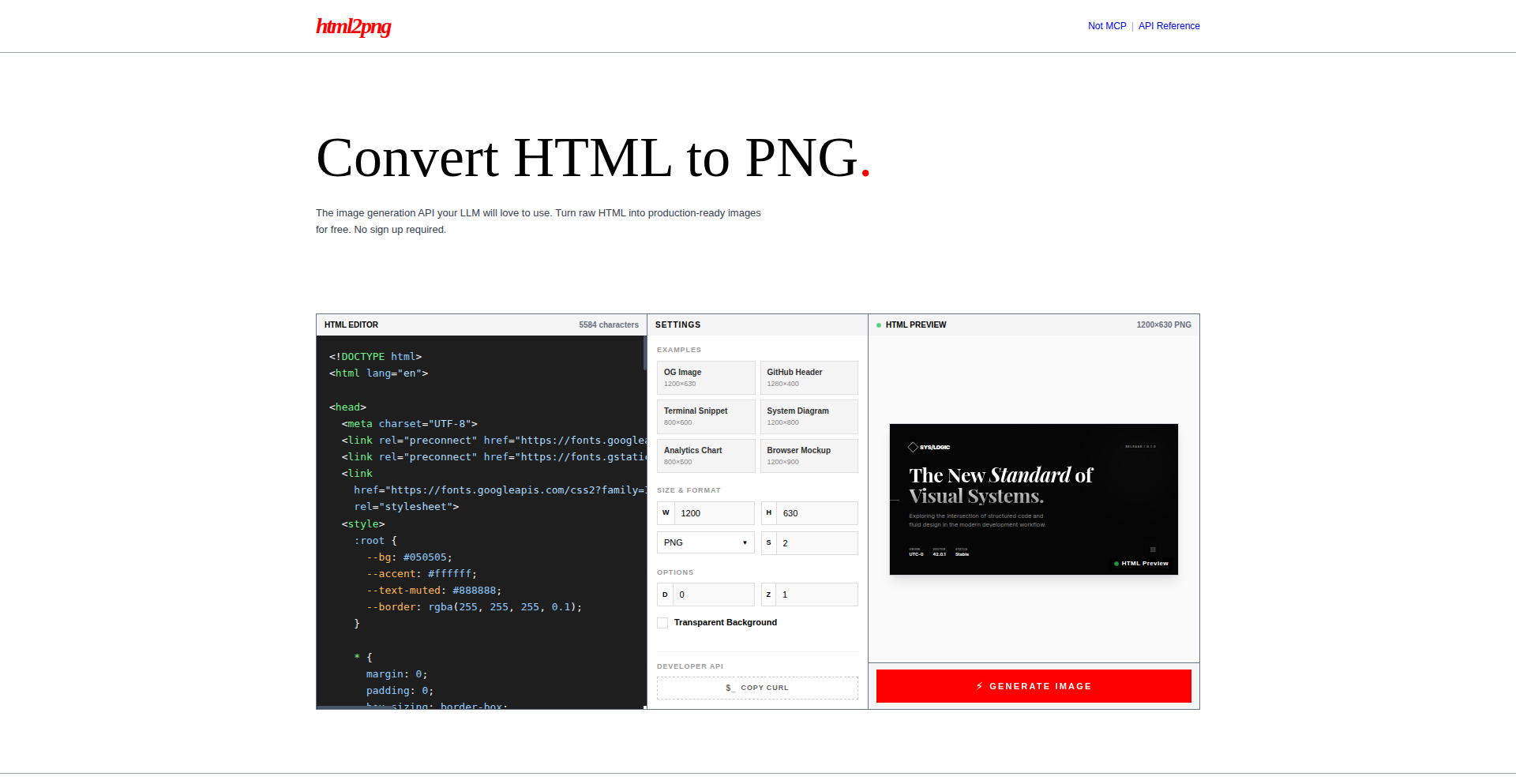
This project is a free, production-ready tool that transforms raw HTML into high-quality images. It tackles the common challenge of visually representing web content for presentations, marketing materials, or archival purposes, going beyond basic screenshots by offering precise control over the rendering process. The innovation lies in its robust handling of complex HTML structures and CSS, ensuring faithful visual fidelity in the output images, making web content more accessible and shareable.
Popularity
Points 80
Comments 36
What is this product?
HTML2Canvas-Prod is a browser-based tool that takes any HTML markup and renders it as an image file (like PNG or JPG). Unlike a simple screenshot, it understands the structure and styling of HTML, meaning it can accurately capture complex layouts, dynamic content, and CSS effects. The core innovation is its enhanced rendering engine that handles edge cases and performance optimizations, making it suitable for production environments where reliability and quality are crucial. So, what's in it for you? It means you can reliably generate professional-looking images of your web pages without manual editing or complex software, ensuring your visual content is always consistent and accurate.
How to use it?
Developers can integrate HTML2Canvas-Prod directly into their web applications or workflows. It can be used as a JavaScript library, allowing you to programmatically select HTML elements and trigger image generation. For example, you could build a feature that automatically generates a thumbnail image for a blog post as soon as it's published, or an e-commerce site that generates product image previews based on user-selected options. Integration is straightforward, typically involving a few lines of JavaScript to call the rendering function. This means you can easily add visual content generation capabilities to your existing projects. So, what's in it for you? You can automate the creation of visual assets, saving significant development and manual effort, and providing users with instant, high-quality visual representations of dynamic web content.
Product Core Function
· Accurate HTML and CSS Rendering: Captures the visual appearance of web elements, including complex layouts, fonts, and styles, with high fidelity. This is valuable for creating consistent marketing materials or visual documentation where precise representation is key. So, what's in it for you? Your visuals will look exactly as intended on the web.
· Dynamic Content Image Generation: Renders live, interactive web content into static images, useful for capturing snapshots of application states or user-generated content. This helps in creating visual records or shareable previews of dynamic interfaces. So, what's in it for you? You can easily save or share snapshots of interactive web elements.
· Cross-Browser Compatibility: Ensures consistent image output across different web browsers, reducing the headaches of visual discrepancies. This guarantees that your generated images will look the same for everyone, regardless of their browser. So, what's in it for you? Reliable visual output across all users.
· Production-Ready Performance: Optimized for speed and stability, making it suitable for high-volume or critical applications. This means the tool won't crash or be excessively slow when you need to generate many images quickly. So, what's in it for you? Efficient and dependable image generation for your application.
Product Usage Case
· A blog platform automatically generating featured images for new articles by rendering the article's HTML content into a PNG. This solves the problem of manual image creation for every post, ensuring a consistent visual style. So, what's in it for you? Faster content publishing and professional-looking blog visuals.
· An e-commerce website using the tool to create product preview images. When a user customizes a product (e.g., changing colors or adding accessories), the updated HTML is rendered into an image. This allows customers to visualize their customized product instantly. So, what's in it for you? Improved customer experience and better product visualization.
· A web application for creating and sharing online resumes, where the final resume is rendered into an image to be downloaded or shared. This provides users with a polished, static version of their resume that can be easily distributed. So, what's in it for you? A professional and easily shareable resume format.
3
Kapso: WhatsApp API Orchestrator
Author
aamatte
Description
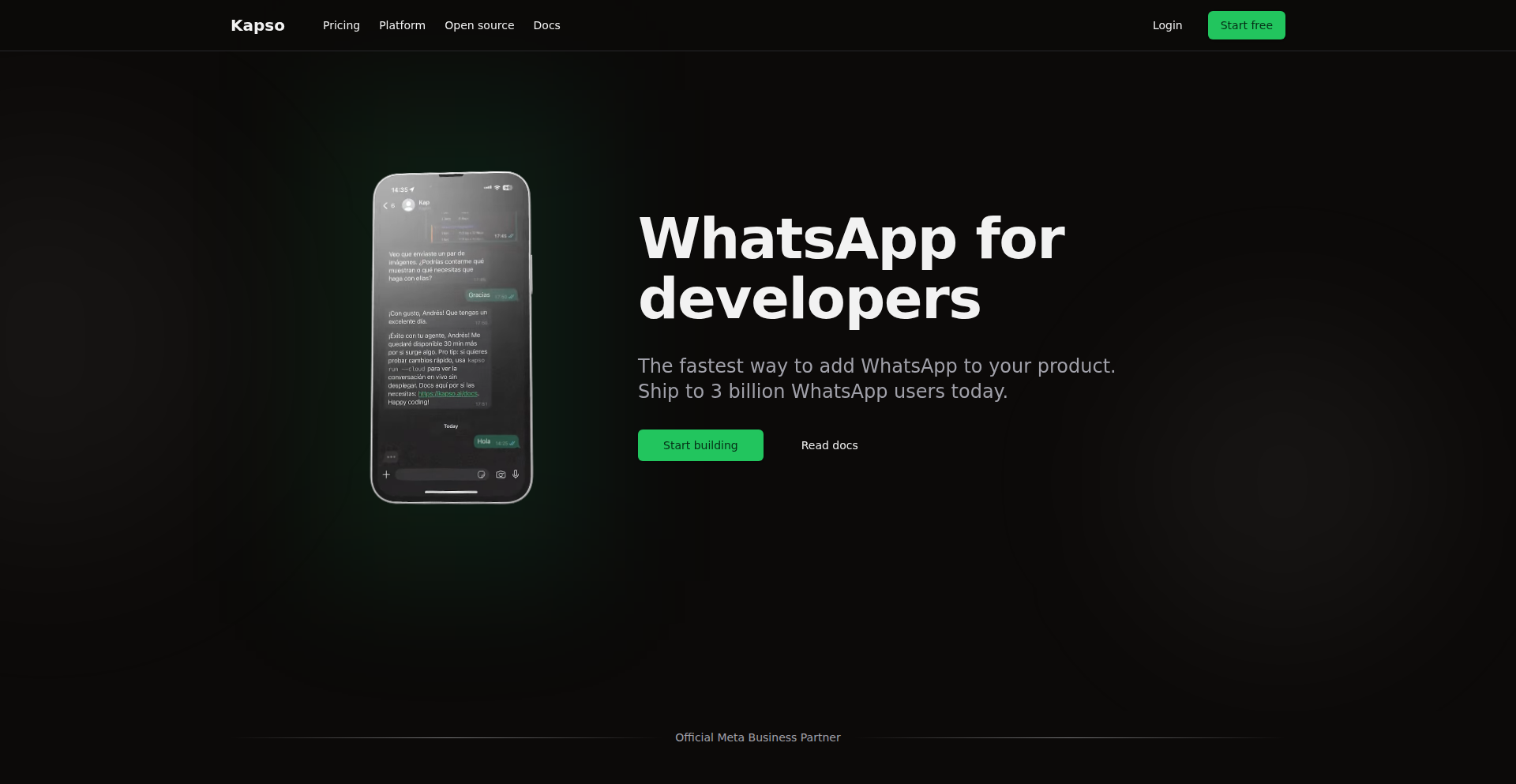
Kapso is a developer-focused platform that dramatically simplifies integrating with and building on the WhatsApp Business API. It addresses the significant developer experience (DX) challenges often associated with WhatsApp development, offering a streamlined way to handle webhooks, message tracking, debugging, and even building complex automations and in-app experiences within WhatsApp. This project innovates by abstracting away the boilerplate and complexity, allowing developers to focus on delivering value through WhatsApp communication, rather than wrestling with infrastructure and integration details.
Popularity
Points 27
Comments 14
What is this product?
Kapso is a platform designed to make WhatsApp API development incredibly easy for developers. Think of it as a toolkit that provides ready-to-use components and infrastructure to interact with WhatsApp. The core innovation lies in its ability to provide a working WhatsApp API integration and inbox in just minutes, not days. It offers full observability, meaning every incoming and outgoing message is tracked and easily debugged. It also features a multi-tenant system, allowing customers to connect their WhatsApp accounts effortlessly. Furthermore, it includes a workflow builder for creating automated processes and even allows for building mini-applications directly within WhatsApp using AI and serverless functions. The documentation is designed to be understandable for both humans and AI models. Essentially, Kapso democratizes WhatsApp development by removing the typical high barriers to entry and complexity, making it significantly cheaper and faster to build with. So, what's the value for you? You can build and deploy WhatsApp-powered features for your business or application much faster and at a lower cost, without needing to be a deep expert in the intricacies of the WhatsApp API.
How to use it?
Developers can use Kapso by signing up for the platform and connecting their Meta developer account and WhatsApp Business Account. Kapso then provides them with an API endpoint and potentially a pre-built inbox interface. For integrations, developers can leverage Kapso's TypeScript client for the WhatsApp Cloud API, allowing them to write code that sends and receives messages. The platform's multi-tenant architecture means a customer can generate a setup link, and their clients can connect their Meta accounts, enabling Kapso to manage the API interactions for them. For advanced use cases, developers can utilize the workflow builder to create custom automations, like sending personalized notifications or responding to customer queries based on specific triggers. They can also build interactive 'WhatsApp Flows' which are like mini-apps within WhatsApp, powered by AI and serverless functions. The open-sourced components, like the reference inbox or the voice AI agent, can be used as building blocks or for inspiration. So, how do you use it? You integrate Kapso into your existing applications or build new ones, using its provided tools and APIs to handle all your WhatsApp communication needs, from simple messaging to complex conversational flows and AI-driven interactions.
Product Core Function
· WhatsApp API + Inbox Setup: Provides a fully functional WhatsApp API integration and an inbox interface within minutes, drastically reducing initial setup time and allowing immediate interaction with WhatsApp users.
· Full Observability and Debugging Tools: Tracks every webhook received and message sent, offering detailed logs and debugging capabilities to quickly identify and resolve issues, ensuring reliable communication.
· Multi-tenant Platform for Easy Onboarding: Enables generating a setup link for customers to connect their Meta accounts, simplifying the process of onboarding new clients or users onto the WhatsApp platform without complex configurations.
· Workflow Builder for Automations: Allows developers to visually design and implement deterministic automations for tasks like sending notifications, collecting information, or triggering actions based on message content, enhancing efficiency.
· WhatsApp Flows with AI and Serverless Functions: Facilitates the creation of interactive mini-applications directly within WhatsApp, leveraging AI for intelligent responses and serverless functions for dynamic content and logic, enriching user experiences.
· Developer-Friendly Documentation: Offers documentation that is accessible and useful for both human developers and AI models, promoting easier understanding and integration of the API and platform features.
Product Usage Case
· E-commerce businesses can use Kapso to send order confirmations and shipping updates via WhatsApp, and also build interactive product catalogs within WhatsApp, allowing customers to browse and even make purchases directly. This solves the problem of low engagement with traditional email notifications.
· Customer support teams can deploy Kapso to offer real-time chat support through WhatsApp, with the observability tools helping them track response times and agent performance. The workflow builder can automate initial triage of support tickets, directing customers to the right resources or agents.
· SaaS companies can integrate Kapso to send critical alerts and notifications to their users, such as system status updates or security alerts, ensuring high open rates and immediate user awareness. They can also build onboarding flows within WhatsApp to guide new users through product features.
· Developers building AI chatbots can use Kapso to easily integrate their AI models with WhatsApp, allowing for conversational AI experiences directly within the popular messaging app. This is useful for creating virtual assistants or automated customer service agents.
· Marketing teams can use Kapso to run targeted campaigns on WhatsApp, sending promotional messages and collecting feedback through interactive flows, bypassing email spam filters and achieving higher engagement rates.
4
CodexConfigBridge
Author
mywork-dev
Description
MCPShark is a tool that bridges the configuration gap between Codex CLI/VS Code extension and its own internal configuration format. It automatically detects Codex's `config.toml` file, parses server entries, and converts them into a format MCPShark understands, simplifying the workflow for developers using both tools. This innovation streamlines setup and reduces manual configuration errors, making it easier to manage development environments.
Popularity
Points 16
Comments 0
What is this product?
CodexConfigBridge is an intelligent configuration importer. It understands that you might be using Codex CLI or its VS Code extension, which relies on a `config.toml` file to manage your development servers. MCPShark, the underlying tool, needs its own way to manage these servers. This bridge feature automatically finds your Codex configuration, reads the server details you've set up, and translates them into MCPShark's internal settings. The innovation lies in its automatic detection and conversion process, eliminating the need for developers to manually re-enter server information, thus saving time and preventing typos. So, what's in it for you? Less manual work and a smoother transition between using Codex for your projects and managing them within MCPShark.
How to use it?
If you are a developer using Codex CLI or the Codex VS Code extension and also want to leverage MCPShark, you simply need to ensure your Codex `config.toml` file is in the expected location (`.codex/config.toml` or specified by `$CODEX_HOME`). When MCPShark starts, it will automatically look for this file. If found, it will parse the `[mcp_servers]` section and set up the corresponding servers in MCPShark's configuration without any further action from your side. This integration can happen directly through standard input/output (stdio) or via HTTP, depending on how MCPShark is being used. The value for you is that your existing Codex server setups are instantly usable within MCPShark, reducing the setup overhead for your development workflow.
Product Core Function
· Automatic Codex config.toml detection: MCPShark actively scans for your Codex configuration file, saving you the effort of manually pointing it to the right location. The value is convenience and reduced chance of error.
· Server entry parsing: It intelligently reads the `[mcp_servers]` section of your `config.toml`, understanding the structure of your server definitions. This technical insight means it can extract the relevant information accurately. The value is precise data extraction without manual parsing.
· Cross-configuration conversion: The parsed Codex server details are automatically transformed into MCPShark's internal configuration format. This is the core of the innovation, ensuring compatibility and seamless integration. The value is interoperability and instant usability.
· stdio and HTTP support: The conversion process can be facilitated through standard input/output streams or via HTTP requests, offering flexibility in how MCPShark interacts with your system. This adaptability is key for integration into various development pipelines. The value is flexible integration into different environments.
Product Usage Case
· Developer using Codex CLI for a backend project and MCPShark for monitoring their deployed services: By leveraging CodexConfigBridge, the developer's defined backend API endpoints in `config.toml` are automatically recognized by MCPShark. This means they can monitor their services immediately without reconfiguring anything in MCPShark, saving setup time and ensuring consistency. The problem solved is the duplication of server configuration effort.
· VS Code user working with a multi-service application managed by Codex: The Codex VS Code extension's configuration for different microservices is recognized by MCPShark. The developer can then use MCPShark to visualize the health and status of these services directly from within their development environment, streamlining debugging and operational visibility. The problem solved is the disconnect between development configuration and operational monitoring.
· Team adopting MCPShark for infrastructure visibility across projects configured with Codex: When multiple team members use Codex with consistent server configurations, CodexConfigBridge ensures that MCPShark can ingest these configurations uniformly. This leads to a standardized view of the infrastructure for the entire team, facilitating collaboration and shared understanding. The problem solved is inconsistent environment setup and visibility across a team.
5
Claude Terminal Insights

Author
dboon
Description
This project, 'Claude Terminal Insights,' offers a novel way to visualize your Claude AI usage directly within your terminal. It leverages Bun and WebAssembly (WASM) to process and present your non-sensitive usage statistics, which are cached locally. The innovation lies in using WASM for efficient local data processing and a raymarcher for a visually engaging, terminal-based presentation, solving the problem of opaque AI usage without requiring complex web dashboards.
Popularity
Points 15
Comments 1
What is this product?
Claude Terminal Insights is a command-line tool that analyzes your personal Claude AI usage data and displays it in an interactive, visually appealing format using a WASM-powered raymarcher. Normally, understanding your AI usage might involve complicated dashboards or confusing logs. This project takes your local, non-identifiable usage stats (stored in $HOME/.claude), processes them efficiently using Bun and WebAssembly (a technology that lets you run code from the web directly on your computer), and renders them as a 3D visualization in your terminal. So, this helps you understand your AI usage in a fun, accessible, and private way, right from your command line.
How to use it?
Developers can use this project by first ensuring they have Bun installed. They would then clone the GitHub repository. The project's command-line interface (CLI) would likely be invoked with a specific command, such as 'claude-wrapped stats', to pull the cached usage data. This data is then processed by the WASM module, and the results are rendered. The core value for a developer is the ability to quickly inspect their AI interaction patterns without leaving their development environment or needing to set up external services. It's a direct, code-centric approach to understanding tool usage.
Product Core Function
· Local Usage Data Caching: The project caches your Claude AI usage statistics locally in your home directory. This means your data stays on your machine, enhancing privacy and speed. So, your personal usage information is kept secure and accessible.
· Bun and WASM Processing: It utilizes Bun (a fast JavaScript runtime) and WebAssembly to efficiently process your usage data. This combination allows for powerful local computations without relying on heavy external libraries or servers. So, data analysis is quick and resource-efficient.
· Terminal-based Raymarcher Visualization: The project renders your usage statistics using a raymarcher in the terminal. This creates a unique, 3D visual representation of your data directly in your command-line interface. So, you get an intuitive and engaging way to see your AI usage patterns.
· Privacy-focused Data Handling: The project explicitly states it handles non-sensitive, non-identifiable data. This commitment ensures user privacy is a top priority. So, you can be confident that your personal information is not being compromised.
Product Usage Case
· Usage Pattern Analysis: A developer can run the tool after a period of using Claude AI to see which types of queries they've made most frequently or how much they've been using the service. This helps in optimizing their workflow and understanding their reliance on the AI. So, you can identify if you're overusing certain features or if there are patterns you can leverage for better productivity.
· Resource Monitoring for Developers: For developers experimenting with AI integrations, this tool can provide a quick snapshot of their API usage and associated costs (if applicable through Claude's billing model). This helps in managing development budgets and making informed decisions. So, you can keep track of your AI spending and usage in a simple, visual way.
· Demonstrating WASM Capabilities: Developers interested in WebAssembly can study the project's WASM implementation to see how it's used for local data processing and visualization. This serves as an educational example of WASM's potential in browser-less environments. So, you can learn practical applications of cutting-edge web technologies.
6
VibeDB-GUI
Author
mootoday
Description
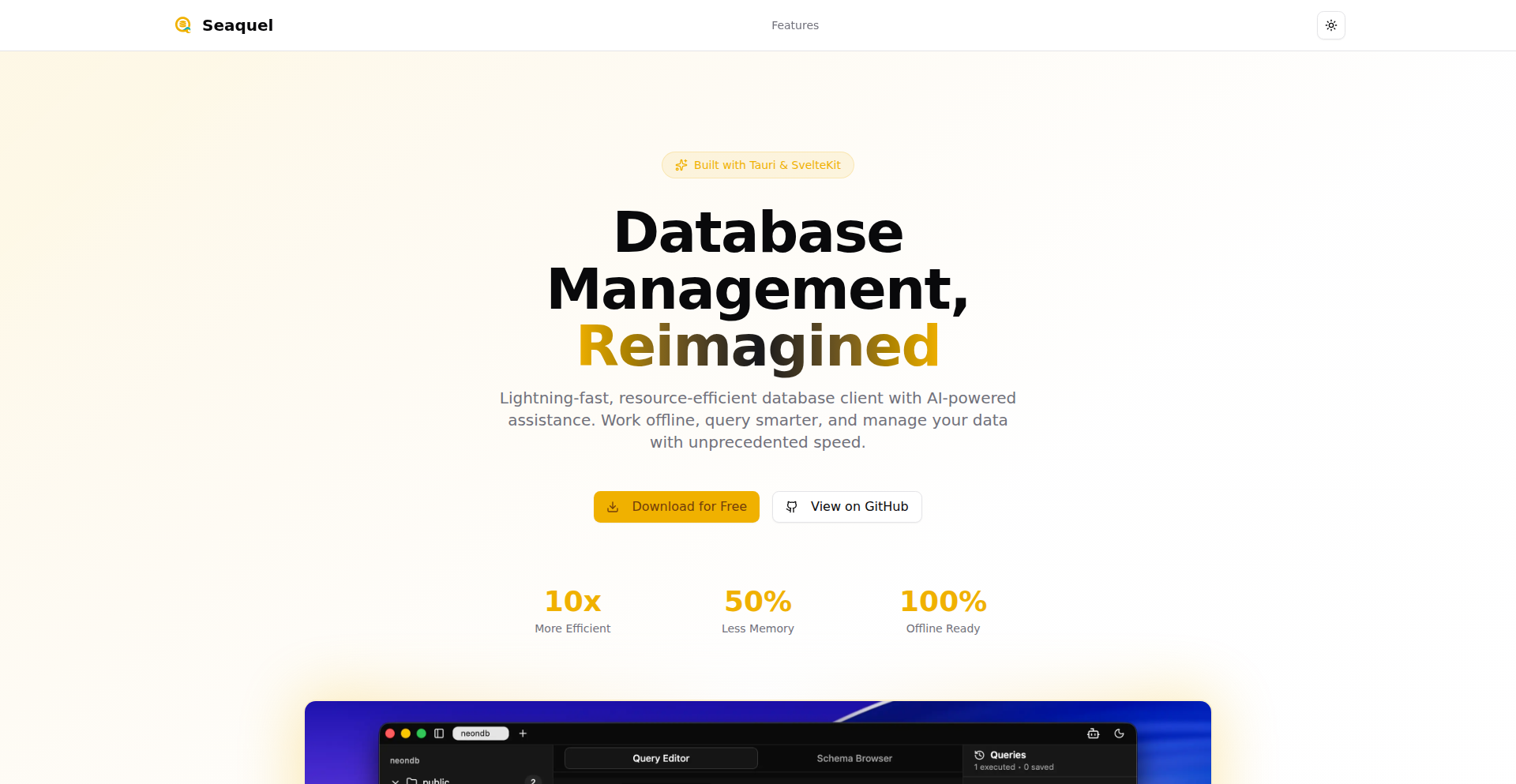
A novel database GUI that uses 'vibe coding' to represent data. It tackles the challenge of quickly understanding complex datasets by visually encoding information based on inferred 'vibes' or characteristics, making data exploration more intuitive and faster for developers.
Popularity
Points 5
Comments 9
What is this product?
VibeDB-GUI is a graphical user interface for databases that goes beyond traditional table or chart views. Instead of just showing raw data, it uses a concept called 'vibe coding' to visually represent the underlying characteristics or 'vibe' of the data. Think of it like assigning colors or patterns to data points that signify their relationships or commonalities, making it easier to spot trends or anomalies at a glance. The innovation lies in its approach to data visualization, aiming to provide an immediate, intuitive understanding of data's 'feel' rather than just its structure. So, this helps you quickly grasp the essence of your data without getting lost in the details, leading to faster insights.
How to use it?
Developers can integrate VibeDB-GUI into their workflow by connecting it to their existing databases. The GUI then analyzes the data and applies its 'vibe coding' logic. Users can interact with the visual representation, filtering and drilling down into specific data segments based on their perceived 'vibes'. This can be used in scenarios like debugging, exploratory data analysis, or even as a novel way to present findings to stakeholders who might not be deeply technical. So, this allows you to explore your data in a more engaging and insightful way, helping you identify patterns and issues more efficiently.
Product Core Function
· Vibe Coding Engine: Analyzes database content and assigns visual 'vibes' to data points, allowing for intuitive pattern recognition. This is valuable for quickly spotting clusters or outliers that might be missed in traditional views, enabling faster data exploration.
· Interactive Visualizer: Provides a dynamic graphical interface where users can manipulate and interact with the 'vibe-coded' data, filtering and exploring based on visual cues. This enhances the user's ability to drill down into specific areas of interest, improving the efficiency of data analysis.
· Database Agnostic Connector: Supports connections to various database types, ensuring broad applicability across different development environments. This provides flexibility and allows developers to leverage the tool with their existing data infrastructure, making it a versatile solution.
· Customizable Vibe Presets: Allows users to define or tweak their own 'vibe coding' rules, tailoring the visualization to specific project needs and data types. This personalization ensures the tool is relevant to diverse use cases, leading to more accurate and meaningful insights.
· Real-time Data Updates: Reflects changes in the database in real-time, ensuring that insights are always based on the most current data. This is crucial for monitoring live systems and making timely decisions, providing up-to-date information for critical operations.
Product Usage Case
· Scenario: A developer is debugging a complex user behavior dataset in a web application. By connecting VibeDB-GUI, they can visually identify clusters of users with similar 'vibes' (e.g., high engagement, specific feature usage patterns) without writing complex queries, helping them pinpoint the root cause of issues faster.
· Scenario: A data scientist is performing exploratory data analysis on a large dataset for a new machine learning model. VibeDB-GUI's 'vibe coding' can help them quickly identify potential correlations or segments within the data that warrant further investigation, speeding up the feature engineering process.
· Scenario: A product manager needs to present user engagement metrics to non-technical stakeholders. VibeDB-GUI can provide a visually intuitive 'vibe map' of user activity, making it easier for stakeholders to understand high-level trends and key user segments without needing to interpret raw numbers.
· Scenario: A backend engineer is monitoring the performance of a distributed system. VibeDB-GUI can visually highlight nodes or services exhibiting unusual 'vibes' (e.g., increased error rates, unusual traffic patterns), alerting them to potential problems before they escalate.
· Scenario: An indie game developer is analyzing player progression data. By using VibeDB-GUI, they can visually see how different player groups are interacting with the game and identify points where players tend to get stuck or drop off, informing game design improvements.
7
OfflineMind Weaver
Author
KasamiWorks
Description
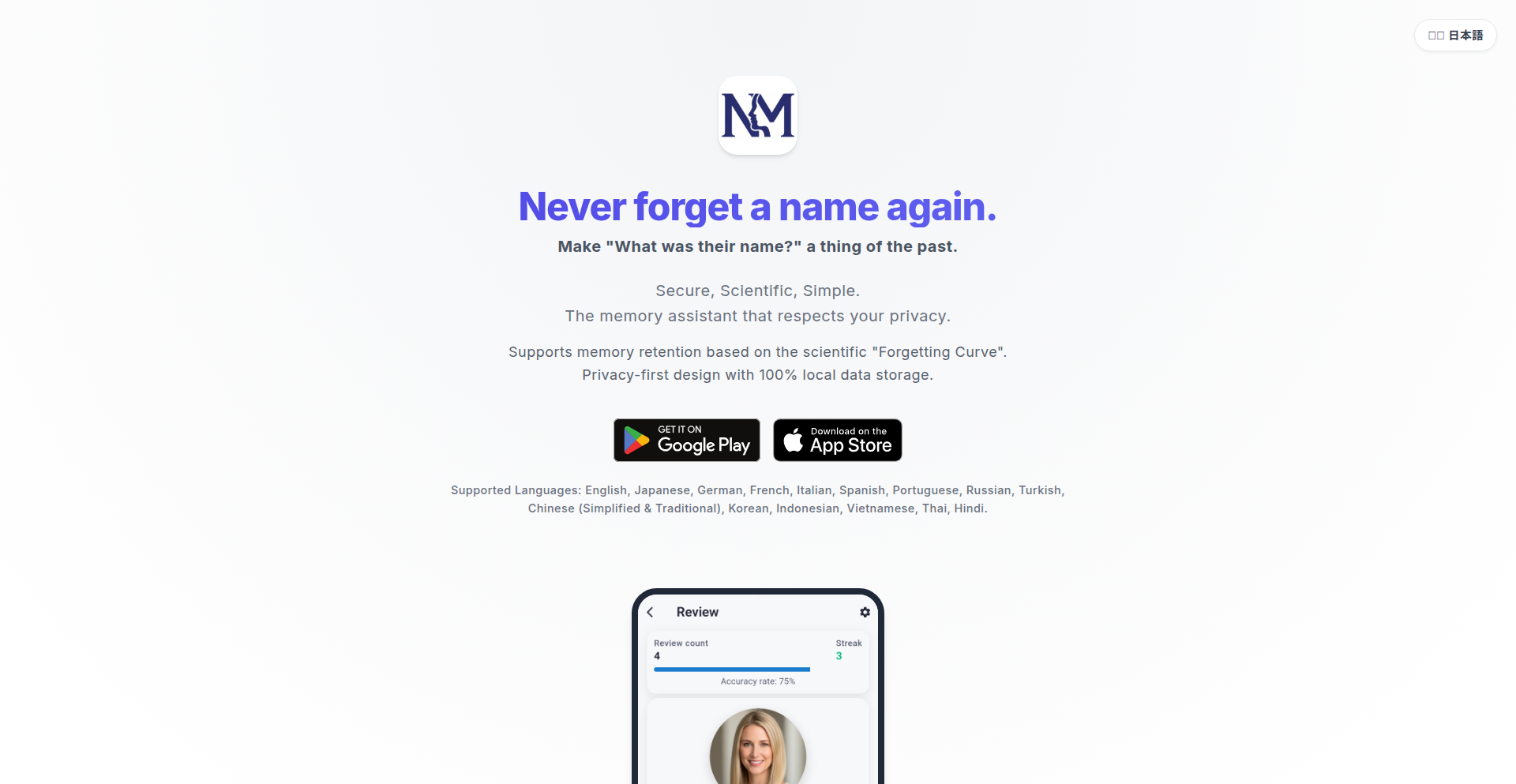
An AI-powered personal memory assistant that operates entirely offline, ensuring complete user privacy. It tackles the challenge of memory recall and organization by leveraging local AI models, offering a secure alternative to cloud-based solutions. The innovation lies in its ability to process and retrieve personal information without sending any data externally, solving the privacy concerns associated with traditional AI tools.
Popularity
Points 8
Comments 6
What is this product?
OfflineMind Weaver is a sophisticated AI system designed to act as your personal memory assistant. At its core, it uses advanced machine learning models (like large language models) that run directly on your device, not on remote servers. This means all your personal data – your notes, thoughts, schedules, and any information you feed it – stays with you. The breakthrough is in making powerful AI capabilities, typically requiring vast server infrastructure, accessible and functional on a local machine, guaranteeing that your sensitive information is never exposed online. This is achieved through efficient model optimization and local inference techniques.
How to use it?
Developers can integrate OfflineMind Weaver into their applications by utilizing its API, which allows for seamless interaction with the local AI model. For example, you could build a note-taking app that automatically tags and categorizes entries based on content, or a personal task manager that intelligently suggests follow-ups. The usage involves setting up the local AI environment and then calling specific functions to query, organize, or generate content based on your personal data. Think of it as having a super-smart, private assistant embedded within your workflow.
Product Core Function
· Local AI-powered information retrieval: Allows users to ask questions about their stored data and receive accurate, contextually relevant answers, all processed on their device, ensuring no data leaves their system. This is useful for quickly finding past information without worrying about privacy breaches.
· Content summarization and organization: The AI can analyze large amounts of text and provide concise summaries or automatically tag and categorize information, making it easier to manage personal knowledge. This helps users digest information efficiently and maintain an organized digital life.
· Privacy-preserving data analysis: Enables users to gain insights from their personal data without any risk of it being accessed by third parties. This is valuable for individuals who are highly concerned about data security and want to understand their own information better.
· Personalized AI responses: The AI learns from the user's data and interaction patterns to provide increasingly tailored and helpful responses. This creates a more intuitive and effective personal assistant experience that adapts to individual needs.
Product Usage Case
· A student using OfflineMind Weaver to organize lecture notes and quickly find specific concepts for revision, without uploading sensitive academic data to the cloud. This solves the problem of scattered notes and the privacy risk of cloud storage.
· A writer employing the tool to generate story ideas or summarize research material locally, ensuring their creative process and intellectual property remain confidential. This addresses the need for AI assistance in creative work while maintaining absolute privacy.
· A researcher building a personal knowledge base with OfflineMind Weaver to cross-reference their findings, knowing that all their experimental data and insights are securely stored and processed on their own machine. This overcomes the limitations of cloud-based research tools that may have data sharing policies.
· A developer integrating OfflineMind Weaver into a journaling application to automatically tag entries and provide reflective summaries, enhancing the journaling experience with AI insights while guaranteeing the privacy of personal thoughts and feelings.
8
AuthZed Kids: Authorization Adventure

Author
samkim
Description
This project is a children's picture book that demystifies authorization and permissions concepts. It uses a fun narrative to explain complex ideas, making them accessible to both kids and adults. A key innovation is the custom AI-powered tool used to generate illustrations, featuring reference-weighted image generation and a git-like branching system for asset management, streamlining the creative process.
Popularity
Points 11
Comments 1
What is this product?
This is a creative project combining storytelling with advanced AI tools to explain technical concepts. The book, 'Dibs and the Magic Library,' uses a narrative to introduce ideas like who can access what and why. The underlying technology innovation is a custom AI image generation tool. This tool allows users to upload reference images and assign weights to them, guiding the AI on which elements are most important for the generated output. It also includes a branching system, similar to version control in software development, to organize different creative ideas and assets, and a feedback loop to improve future image generations. So, it's a fun way to learn about digital access control and a novel approach to AI-assisted creative content production.
How to use it?
For readers, the book can be accessed online or as a gift to introduce children (and even adults) to the fundamental ideas of authorization in a playful manner. For developers and creatives, the AI tool showcased in this project offers a unique method for generating and managing visual assets. It's a demonstration of how sophisticated AI can be integrated into creative workflows, providing more control and organization than typical AI image generators. While the tool itself isn't directly offered as a standalone product in this HN post, its underlying principles can inspire developers working on AI content creation or asset management systems. The value here is in understanding how to build more controlled and iterated AI art generation pipelines.
Product Core Function
· Educational Storytelling: Explains complex authorization concepts like permissions and access control through an engaging narrative, making it easy for anyone to grasp the basics of digital security. This is useful for parents wanting to educate their children or for anyone new to the topic.
· Reference-Weighted AI Image Generation: Allows for more precise control over AI-generated visuals by prioritizing specific reference images, ensuring the art aligns with desired styles and elements. This is valuable for artists and designers looking to leverage AI without sacrificing creative direction.
· Git-like Branching for Assets: Organizes creative assets and design iterations in a structured, version-controlled manner, similar to how software code is managed. This helps in tracking progress, experimenting with different ideas, and reverting to previous versions, which is a boon for any creative project.
· AI Feedback Loop for Iteration: Improves the AI's generation quality over time by incorporating feedback on previous outputs, leading to more refined and consistent visual results. This is crucial for projects requiring a high degree of aesthetic consistency and quality.
Product Usage Case
· Educating children on online safety and digital citizenship by using the book to explain why certain content is restricted or accessible only to specific users.
· Illustrators and graphic designers using the reference-weighted AI tool to quickly generate concept art for characters or scenes, ensuring the style closely matches their vision.
· Game developers experimenting with different visual styles for in-game assets by using the branching feature to manage and compare various art iterations before committing to a final design.
· Marketing teams creating unique visual content for campaigns by leveraging the AI tool's ability to produce custom imagery based on brand guidelines and specific promotional themes, ensuring a distinct visual identity.
9
Nønos: Zero-State RAM OS
Author
mighty_moran
Description
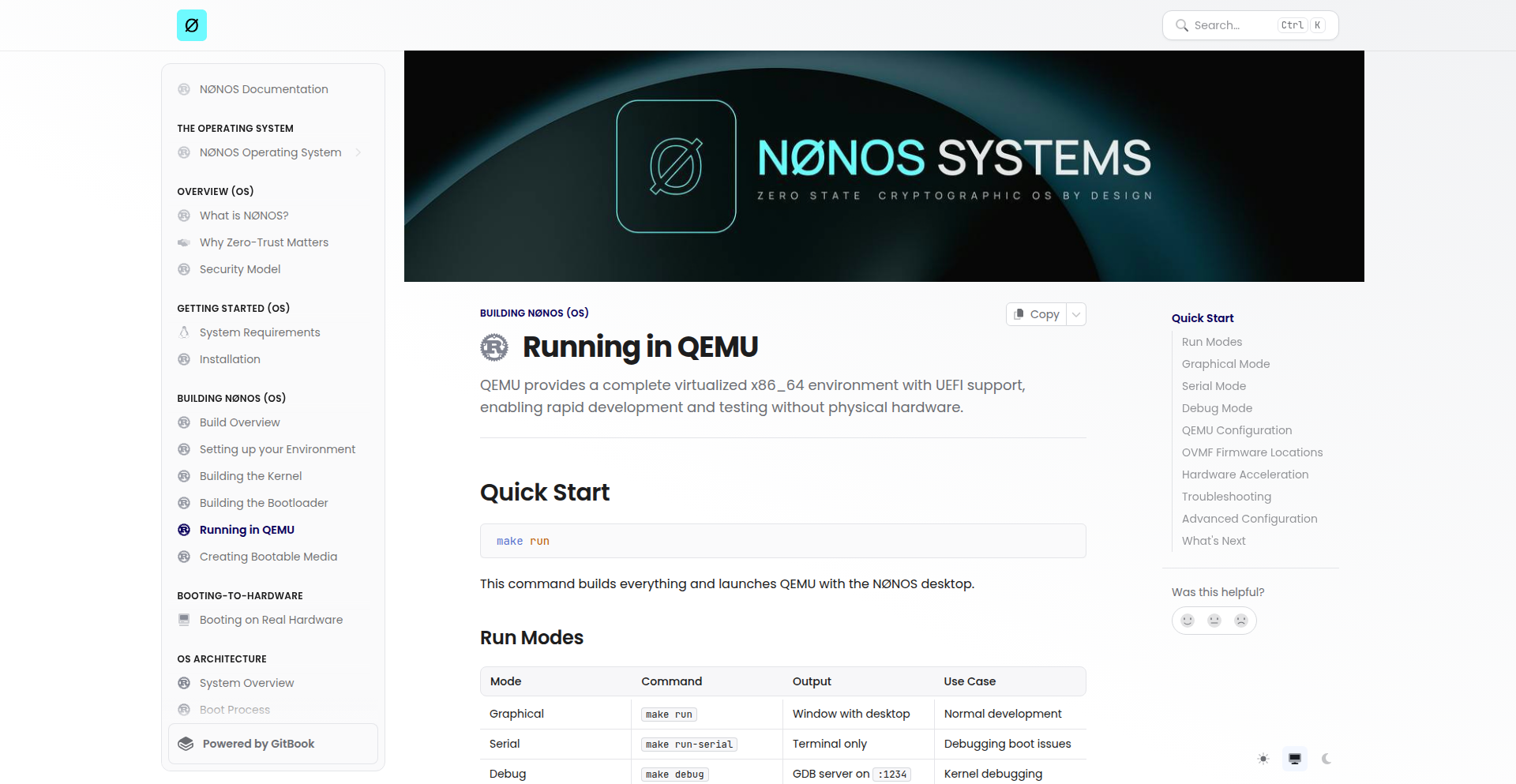
Nønos is an experimental operating system designed to run entirely in RAM, meaning it has no persistent storage and boots up in a clean, unconfigured state every time. This 'zero-state' approach offers unparalleled speed and simplicity, ideal for highly specific, temporary computing tasks.
Popularity
Points 9
Comments 1
What is this product?
Nønos is a novel operating system concept where the entire OS resides and operates within the computer's Random Access Memory (RAM). Unlike traditional operating systems that rely on hard drives or SSDs for permanent storage, Nønos has no saved state. This means that every time you power on a system running Nønos, it starts from a completely fresh, default configuration. The core innovation lies in its ability to be incredibly fast and resource-efficient because it bypasses the slower disk I/O operations. Think of it like having a super-fast, disposable workspace that resets itself perfectly every time you're done. This is achieved through clever memory management and a minimalistic kernel design that prioritizes speed and simplicity over persistent features. So, this is useful because it allows for extremely rapid boot times and a predictable, clean computing environment for tasks where data persistence isn't required or even desired.
How to use it?
Developers can use Nønos for a variety of niche applications where speed and a clean slate are paramount. This could involve setting up temporary testing environments for software development, creating specialized kiosks or embedded systems that need to reset after each use, or even as a base for highly optimized, single-purpose computing devices. Integration would typically involve booting from a live medium (like a USB drive) or a network boot server, with the OS loading entirely into RAM. The 'zero-state' nature means any configuration or data created during a session is lost upon reboot, making it perfect for scenarios where you want to ensure no residual data is left behind. So, this is useful because it provides a disposable, high-performance computing environment that's ideal for sensitive tasks or rapid prototyping without the overhead of traditional OS management.
Product Core Function
· RAM-based execution: The entire operating system runs from and operates within RAM, leading to significantly faster boot times and application performance compared to disk-based systems. This is valuable for time-sensitive operations and reducing latency.
· Zero-state persistence: The OS has no persistent storage, meaning it starts in a clean, default state on every boot. This is crucial for security, testing, and any application where a fresh start is required, ensuring no data conflicts or residue from previous sessions.
· Minimalist kernel: A highly stripped-down kernel design focuses on essential operating system functions, reducing complexity and resource consumption. This allows for greater efficiency and makes it easier to tailor the OS for specific needs.
· Customizable boot environment: Because it's designed for specific tasks, developers can easily customize the initial boot environment to include only the necessary tools and applications for a particular job. This saves resources and streamlines operations.
Product Usage Case
· Software testing: Developers can use Nønos to create isolated, temporary environments to test new software builds. Each test runs on a pristine system, eliminating the risk of previous test data or configurations interfering with results. This solves the problem of unreliable test results due to environmental drift.
· Kiosk systems: For public-facing terminals or information displays, Nønos ensures that each user interaction starts with a clean slate, enhancing security and preventing unintended data leakage or system misconfiguration. This provides a reliable and secure user experience.
· Embedded systems: In specialized embedded devices that perform a single task, such as a point-of-sale terminal or a dedicated data acquisition unit, Nønos can provide a fast and robust operating environment that resets automatically, ensuring consistent operation. This solves the challenge of maintaining stability and performance in resource-constrained devices.
· Live recovery media: Nønos could serve as a highly efficient live environment for system recovery or diagnostics, allowing technicians to boot into a fast, clean OS without altering the host system's data. This speeds up troubleshooting and data recovery processes.
10
QR-Wise Gateway
Author
noppanut15
Description
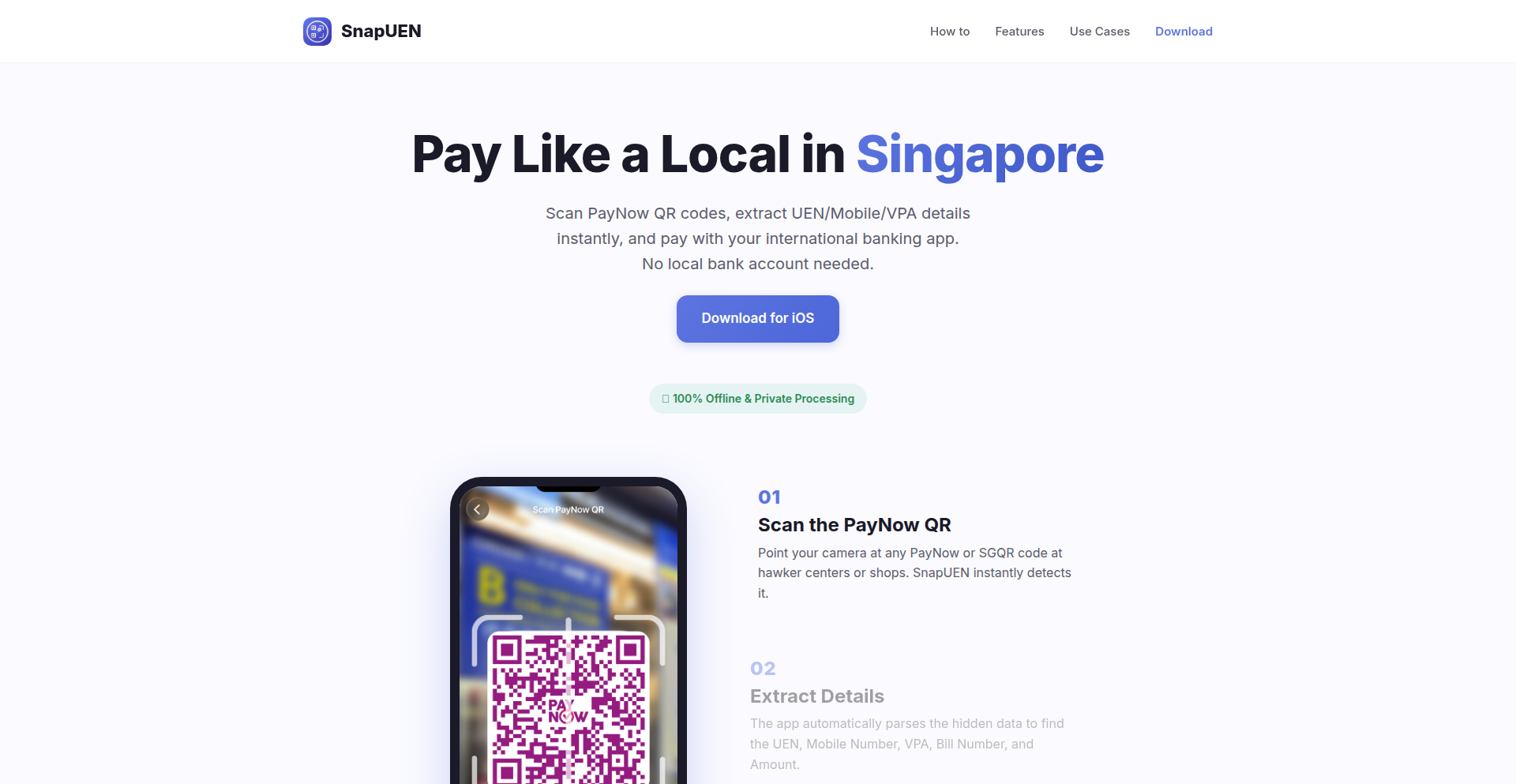
A parser that bridges Singapore's QR code payment standard with international banking systems like Wise and home banks. It simplifies cross-border transactions by allowing users to pay Singapore QR codes directly from their non-Singaporean bank accounts or Wise, eliminating the need for local Singaporean payment apps. The innovation lies in its ability to interpret and translate the Singapore QR payment data into a format compatible with international financial protocols, a common pain point for travelers and businesses dealing with Singaporean merchants.
Popularity
Points 6
Comments 3
What is this product?
QR-Wise Gateway is a software tool, essentially a smart translator for payment codes. It tackles the problem of paying with Singapore's unique QR code system when you're not in Singapore or don't have a local Singaporean bank account. The core innovation is its parsing engine, which understands the specific data embedded within Singaporean QR codes (like those used for PayNow). It then reformats this data into a universal payment request that international banking services, such as Wise or your own bank's international transfer system, can understand and process. This bypasses the usual requirement of having a local Singaporean payment app, making cross-border payments much smoother.
How to use it?
Developers can integrate QR-Wise Gateway into their applications or use it as a standalone service. For individual users, imagine a scenario where you're traveling in Singapore and a merchant presents a QR code. Instead of scrambling to get a local app, you can scan this QR code with QR-Wise Gateway. The tool will then prepare a payment instruction that you can send directly from your Wise account or your regular bank's app, effectively paying the Singaporean merchant from abroad. For businesses, this means enabling easier payment acceptance from international customers who might otherwise be restricted by local payment requirements.
Product Core Function
· Singapore QR Code Parsing: Deciphers the structured data within Singaporean QR payment codes, extracting essential details like merchant ID, transaction amount, and currency. This is crucial because without understanding this specific format, international banks wouldn't know how to initiate the payment.
· International Payment Data Translation: Converts the parsed Singaporean QR data into a standardized payment instruction format that global financial platforms like Wise or common banking APIs can process. This translation layer is the key innovation, bridging the gap between local Singaporean standards and global financial interoperability.
· Wise and Home Bank Integration: Enables seamless submission of translated payment instructions to services like Wise or directly to your home bank's international transfer system. This means you can initiate payments directly from familiar financial tools you already use, without needing new accounts or complex procedures.
· User-Friendly Payment Flow: Simplifies the user experience by abstracting away the complexities of different payment systems. Users scan a QR, and the gateway handles the technical heavy lifting in the background, presenting a clear, actionable payment prompt.
Product Usage Case
· Traveler paying for a taxi in Singapore: A tourist scans a Singapore QR code for a taxi fare. QR-Wise Gateway translates this into a Wise payment request, allowing the tourist to pay from their Wise account without needing a local SIM card or Singaporean bank app, thus solving the immediate payment problem.
· Online business accepting Singaporean customer payments: An e-commerce store based outside Singapore can integrate QR-Wise Gateway to accept payments from Singaporean customers who prefer using their local QR codes. The gateway handles the conversion, allowing the business to receive funds via their usual international payment processor, thus expanding their customer base.
· Small business owner settling invoices with Singaporean suppliers: A business owner in another country needs to pay an invoice from a Singaporean supplier who uses QR code billing. QR-Wise Gateway allows them to scan the supplier's QR code and initiate payment from their domestic bank's international transfer service, simplifying B2B transactions and avoiding foreign exchange complexities.
· Expats managing expenses in Singapore: An expatriate living in Singapore but whose primary banking is in their home country can use QR-Wise Gateway to pay local Singaporean bills and services using their home bank or a global e-wallet, reducing the need to maintain multiple local accounts for everyday transactions.
11
Lume.js: Minimalist React Alternative

Author
sathvikchinnu
Description
Lume.js is a tiny, 1.5KB JavaScript library that offers a React-like experience without any custom syntax. It focuses on efficient DOM manipulation and declarative UI building, making it ideal for developers seeking a lightweight alternative to larger frameworks. Its innovation lies in achieving powerful features with minimal footprint, offering a fresh approach to building interactive web interfaces.
Popularity
Points 7
Comments 2
What is this product?
Lume.js is a cutting-edge JavaScript library designed to build user interfaces for the web, similar to how React works. The 'magic' behind Lume.js is its incredibly small size (just 1.5KB) and its clever use of standard JavaScript features. Instead of introducing its own special syntax (like JSX in React), it leverages plain JavaScript objects and functions. This means you write your UI components using familiar JavaScript code, which the library then efficiently translates into actual web page elements. This approach simplifies the learning curve and reduces the overhead of transpilation, making your development workflow faster and your applications lighter. So, what's the benefit for you? It means you can build fast, responsive web applications without the bloat of larger frameworks, leading to quicker load times and a smoother user experience.
How to use it?
Developers can integrate Lume.js into their projects by simply including the library file in their HTML or via a module bundler like Webpack or Vite. You'll then define your UI components using standard JavaScript functions that return virtual DOM structures. These structures are essentially JavaScript objects describing what your UI should look like. Lume.js then intelligently updates the actual web page (the DOM) only where necessary, ensuring optimal performance. This makes it easy to use in new projects or even to sprinkle into existing ones. For you, this means a straightforward path to building dynamic interfaces with minimal setup and maximum efficiency.
Product Core Function
· Declarative UI: Define your user interface using JavaScript functions that describe the desired output, making your code easier to read and maintain. The value is in building complex interfaces with simpler, more predictable code.
· Efficient DOM Updates: Lume.js automatically detects changes in your UI definitions and updates only the necessary parts of the web page, ensuring snappy performance. The value is in creating fast-loading and responsive applications.
· Minimal Footprint (1.5KB): The library is extremely small, leading to faster download times for users and reduced bundle sizes for developers. The value is in building lightweight, performant web applications.
· No Custom Syntax: Lume.js uses plain JavaScript, eliminating the need for special compilers or preprocessors. The value is in a simpler development experience and easier integration with existing JavaScript projects.
Product Usage Case
· Building single-page applications (SPAs) where a small library size is critical for initial load speed. Lume.js solves the problem of slow initial rendering by providing a performant UI layer with minimal overhead.
· Developing interactive widgets or components that need to be embedded into existing websites without introducing large dependencies. Lume.js addresses the need for lightweight, self-contained UI elements.
· Creating progressive web apps (PWAs) where resource efficiency is paramount for mobile users. Lume.js helps ensure PWAs are fast and responsive even on less powerful devices.
· Experimenting with new UI concepts or building prototypes where rapid development and easy iteration are key. Lume.js's simple API and lack of custom syntax accelerate the prototyping process.
12
Openinary: Self-Hosted Image Pipeline
Author
fheysen
Description
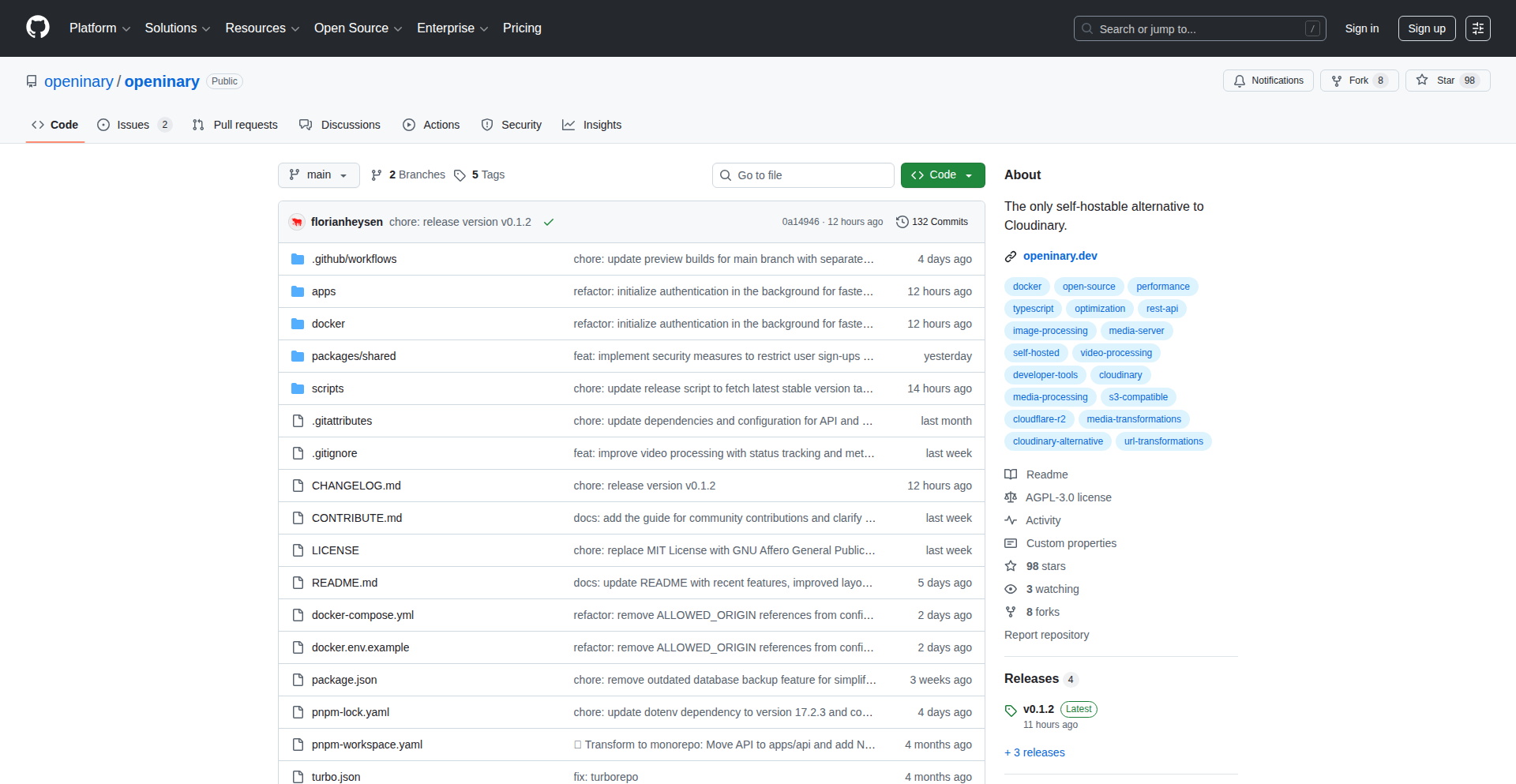
Openinary is a self-hosted alternative to cloud-based image management services like Cloudinary. It allows developers to manage, transform, optimize, and cache images directly on their own infrastructure, using common storage solutions like S3 or Cloudflare R2. The key innovation is a simple URL-based API for image manipulation, offering the same user experience as proprietary services but with complete control and cost savings.
Popularity
Points 4
Comments 4
What is this product?
Openinary is essentially a flexible image processing engine that you can run on your own servers. Think of it as building your own mini-Cloudinary. Instead of paying per image upload or transformation to a third-party service, Openinary lets you leverage your existing storage (like AWS S3 or Cloudflare R2) to handle image resizing, format conversion (like turning JPEGs into AVIF for better web performance), and caching. The magic happens with a straightforward URL. For example, instead of complex code, you can just append parameters to an image URL to resize it or change its format. This gives you control over your data and can be significantly more cost-effective for high-traffic applications.
How to use it?
Developers can integrate Openinary into their web applications or websites by setting it up on their own server environment, often using Docker for easy deployment. Once running, they can then point their image URLs through Openinary's API. For instance, if you have an image at `my-bucket.s3.amazonaws.com/original.jpg`, you'd use Openinary to serve it like this: `your-openinary-domain.com/t/w_800,h_800,f_avif/my-bucket.s3.amazonaws.com/original.jpg`. This means when a user requests an image, Openinary intercepts the request, performs the specified transformations (like resizing to 800px width and height, and converting to AVIF format), caches the result, and then serves it. This allows for dynamic image optimization without needing to pre-generate multiple image versions.
Product Core Function
· Self-hosted Image Transformations: Allows developers to perform image manipulations like resizing, cropping, and format conversion directly on their own servers, providing cost control and data ownership. This is valuable for dynamic content generation and optimizing image delivery for different devices.
· S3-Compatible Storage Integration: Enables seamless connection with popular object storage services like AWS S3 and Cloudflare R2, leveraging existing infrastructure and avoiding vendor lock-in. This makes it easy to manage a large volume of images without re-architecting storage solutions.
· URL-Based Image API: Offers a simple and intuitive API for requesting transformed images via URLs, mimicking the user experience of commercial services but with self-hosted flexibility. This simplifies frontend integration and allows for on-the-fly image adjustments.
· Image Optimization and Caching: Automatically optimizes image delivery for better web performance and caches processed images to reduce server load and improve loading times. This directly impacts user experience and SEO.
· Docker-Ready Deployment: Provides a Docker image for straightforward setup and management, making it easy for developers to deploy and scale Openinary across different environments. This speeds up the adoption and maintenance process.
Product Usage Case
· An e-commerce platform wanting to serve optimized product images across various devices without incurring high per-request fees from third-party CDNs. Openinary allows them to use their S3 bucket and a simple URL to dynamically resize and format images for mobile, tablet, and desktop views, improving load times and reducing operational costs.
· A content management system (CMS) that needs to offer image editing and delivery capabilities to its users but wants to maintain full control over the data and infrastructure. Openinary can be integrated to provide image transformation and caching directly within the CMS, giving users a familiar experience while keeping all data in-house.
· A developer building a personal portfolio or a project that requires dynamic image handling for a large number of assets. By using Openinary with a service like Cloudflare R2, they can process and deliver images efficiently and cost-effectively, demonstrating advanced technical solutions for common web development challenges.
13
WordSnake - Algorithmic Word Sculptor

Author
ediblepython
Description
WordSnake is a novel approach to generating dynamic word art. It leverages a custom algorithm to create interconnected word structures, transforming plain text into visually engaging patterns. The core innovation lies in its procedural generation technique, which allows for unique, scalable word art without manual design. This addresses the need for creative, automated visual content generation for developers and designers looking to add a unique touch to their projects.
Popularity
Points 8
Comments 0
What is this product?
WordSnake is a software tool that procedurally generates visually interesting word art. Instead of manually arranging words, it uses a smart algorithm to connect them, creating organic, snake-like formations. Think of it like a digital vine that grows words instead of leaves. The innovation is in the algorithm itself; it's designed to find optimal connections and layouts for words based on certain parameters, making it a creative and automated way to visualize text. This is useful because it allows you to quickly create unique graphics from text data, which is usually a time-consuming manual process. So, what's in it for you? You get instant, artistic text visualizations that can make your presentations, websites, or even code documentation more engaging.
How to use it?
Developers can integrate WordSnake into their applications or use it as a standalone tool. The project likely exposes an API or command-line interface (CLI) where you can input your text and desired aesthetic parameters (like density, color schemes, or connection styles). The output can then be rendered as an image (SVG, PNG) or potentially as interactive web elements. This integration can be as simple as calling a function in your code to generate a word cloud for a dashboard, or as complex as building a web application where users can generate their own word art. So, how can you use it? Imagine adding a unique visual element to your blog posts, creating custom logos from company names, or even visualizing code complexity with word structures. The flexibility means you can apply it wherever creative text visualization is needed.
Product Core Function
· Procedural Word Arrangement: The algorithm automatically positions and connects words to form aesthetically pleasing, interconnected structures, offering a dynamic and unique output every time. This is valuable for generating novel visual assets without manual effort.
· Configurable Generation Parameters: Users can likely tweak variables such as word density, connection logic, and potentially even color palettes to influence the final word art. This allows for customization and fine-tuning of the visual output to match specific project needs.
· Scalable Vector Output: The ability to output in formats like SVG means the word art can be scaled infinitely without losing quality, making it ideal for both web and print applications. This ensures your visuals look sharp at any size.
· Text Data Visualization: Beyond pure aesthetics, WordSnake can be used to visually represent the prominence or relationships within a body of text, offering a creative alternative to traditional word clouds. This provides a new lens through which to understand textual data.
Product Usage Case
· Dynamic Website Banners: Developers can use WordSnake to generate unique, evolving banners for websites based on user-generated content or trending topics, making the site feel more alive and personalized. This solves the problem of static, uninspiring website headers.
· Artistic Code Documentation: Imagine generating visually striking diagrams from code comments or function names to make technical documentation more engaging and easier to digest. This adds a creative flair to otherwise dry technical writing.
· Personalized Greeting Cards or Social Media Graphics: Users can input names, messages, or event details to create custom, artistic graphics for personal use or sharing on social platforms. This offers a creative way to personalize digital communications.
· Data Storytelling Visuals: For data analysts or journalists, WordSnake can transform keyword lists or thematic summaries into compelling visual narratives, making complex information more accessible and memorable. This provides an engaging way to present insights.
14
IdeaForge

Author
emil154
Description
IdeaForge is a minimalistic, crowdsourced directory of software ideas, focusing on real-world problems faced by people. It acts as a Proof of Concept (PoC) for a platform that helps developers find inspiration and address unmet needs through code. The innovation lies in its direct connection to user-identified challenges, fostering a community-driven approach to problem-solving.
Popularity
Points 4
Comments 3
What is this product?
IdeaForge is a web application that collects and organizes suggestions for software projects directly from users who are experiencing specific problems. It's built on the idea that the most profitable software often comes from solving a developer's own pain points, but in this case, it broadens that to include the pain points of anyone. The core technology involves a simple backend to store and retrieve these ideas, and a frontend for users to submit and browse them. The innovation is in its direct, unfiltered capture of user needs, bypassing traditional market research and tapping into a raw source of potential product development. So, what's the use? It provides a direct channel to discover validated problems that people are actively seeking solutions for, saving you the time and effort of guessing what to build.
How to use it?
Developers can use IdeaForge by visiting the website, browsing existing ideas, and upvoting those that resonate with them or that they believe they can solve. They can also submit their own ideas based on challenges they or people they know are facing. For integration, a developer could leverage the concept to build a more robust platform, or use the submitted ideas as a starting point for their next personal project or even a commercial venture. So, what's the use? You can find a ready-made list of potential projects that have already been identified as problems, giving you a head start on your development journey.
Product Core Function
· Idea Submission: Users can submit descriptions of problems they encounter, acting as a raw input for potential software solutions. The value here is in capturing real-world needs directly. This is useful for identifying unmet market demands.
· Idea Browsing: Developers can explore a curated list of user-submitted ideas, allowing them to discover potential project directions. The value is in providing a centralized source of inspiration. This helps you find a problem worth solving.
· Community Upvoting: Users can upvote ideas they find compelling, helping to surface the most desired solutions. The value is in the collective intelligence and prioritization of needs. This helps you gauge the demand for a particular solution.
Product Usage Case
· A freelance developer looking for their next side project can browse IdeaForge and discover a user's frustration with managing multiple online subscriptions, leading them to build a personal subscription management tool. This solves the problem of finding a unique and needed project.
· A startup founder seeking a market niche can explore IdeaForge and identify a recurring complaint about the complexity of local government forms, inspiring them to develop a user-friendly application to simplify civic engagement. This helps in identifying a market gap and a potential business idea.
· A hobbyist programmer wanting to contribute to open source can find an idea for a more accessible way for elderly individuals to use common smart home devices, channeling their coding skills into a meaningful social impact project. This allows for targeted problem-solving with social good.
15
Starships.ai: AI Agent Orchestration Fabric

Author
brayn003
Description
Starships.ai is an AI-powered platform that allows developers to build, deploy, and orchestrate teams of AI agents, enabling them to collaborate on complex tasks. It abstracts away the underlying AI complexities, offering an interface that feels more akin to human communication, like using Slack, making AI collaboration accessible beyond just expert developers. The innovation lies in creating a human-like collaborative environment for AI agents, allowing for sophisticated problem-solving through decentralized, specialized AI entities.
Popularity
Points 4
Comments 2
What is this product?
Starships.ai is a system for creating and managing a team of AI agents that can work together to accomplish complex goals. Instead of a single AI trying to do everything, you have multiple AIs, each with a specific skill set or tool access, that communicate and coordinate with each other. Think of it like having a team of remote employees, each with their own specialty, working on a project together. The core technical innovation is the agent orchestration layer, which manages the flow of information, tasks, and decision-making between these specialized agents. This allows for more robust and sophisticated problem-solving than a monolithic AI approach. So, it's useful because it democratizes the creation of advanced AI systems, allowing for complex task automation without requiring deep AI engineering expertise.
How to use it?
Developers can use Starships.ai to define individual AI agents with specific capabilities (e.g., a writing agent, a research agent, a coding agent). These agents are then deployed within the Starships.ai environment. You can then define a complex task or project, and the platform will orchestrate the interaction between the agents to achieve it. This involves setting up communication channels, assigning roles, and defining decision-making protocols. Integration can occur through APIs, allowing you to trigger agent team actions from your existing applications or workflows. So, this is useful for developers who want to automate complex workflows that would traditionally require human oversight and multiple specialized tools, by leveraging a team of AI agents.
Product Core Function
· Agent Creation and Specialization: Developers can define AI agents with distinct skills and access to specific tools. This allows for modular AI development where each agent focuses on a niche, increasing efficiency and accuracy. The value is in creating specialized AI components that can be reused across various tasks, leading to more robust solutions. This is applicable in scenarios requiring highly specific AI functionalities, like a dedicated research agent for data gathering.
· Collaborative Task Management: Starships.ai facilitates communication and task delegation between multiple AI agents, mimicking human team collaboration. The value lies in enabling AIs to collectively tackle problems that are too large or multifaceted for a single agent. This is useful for complex projects such as content generation pipelines, software development assistance, or intricate data analysis.
· Orchestration Layer: The platform provides the intelligence to direct agent workflows, manage dependencies, and handle decision points. The value is in automating the coordination process, ensuring that agents work together seamlessly and efficiently towards a common goal. This is crucial for executing multi-step processes, like automated market research followed by report generation.
· Human-in-the-Loop Oversight: The system is designed with the intention of humans reviewing critical decisions made by the agent teams. The value here is in maintaining control and ensuring ethical AI behavior while still leveraging the speed and scalability of AI. This is essential for applications where accuracy and accountability are paramount, such as financial analysis or medical diagnostics.
· Slack-like Interaction Model: The interface and interaction patterns are designed to feel familiar and intuitive, like chatting with a remote employee. The value is in lowering the barrier to entry for using advanced AI collaboration tools, making them accessible to a broader audience, not just AI experts. This makes it easier for teams to integrate AI into their daily workflows and understand AI progress.
Product Usage Case
· Automated Content Generation Pipeline: A team of agents could be set up where one agent researches a topic, another outlines the content, and a third writes the article. This automates a lengthy content creation process, solving the problem of slow and manual content production. It's useful for marketing teams needing a high volume of blog posts or articles.
· Software Development Assistance: An AI agent team could be tasked with bug fixing. One agent identifies potential bugs, another researches solutions, and a third attempts to implement the fix. This accelerates the debugging process and frees up human developers for more strategic tasks. This is applicable in software engineering teams looking to improve development velocity.
· Complex Data Analysis and Reporting: Agents could be assigned to gather data from various sources, clean and process it, perform statistical analysis, and finally generate a comprehensive report. This solves the challenge of manually integrating and analyzing disparate datasets. It's useful for business analysts needing quick insights from complex data.
· AI-driven Project Management Assistance: Agents could track project progress, identify potential bottlenecks, and suggest resource allocation adjustments, mimicking a project manager's role. This helps in proactive project management, addressing issues before they escalate. This is beneficial for teams struggling with project visibility and efficiency.
16
Postastiq: SQLite-Powered Single-Binary Blogging Engine

Author
selfhost
Description
Postastiq is a novel blogging platform built as a single executable file, leveraging SQLite for data storage. This means you get a powerful, self-hosted blogging solution that's incredibly easy to deploy and manage. Its innovation lies in its minimalist design and efficient data handling, making it ideal for developers who want a straightforward yet robust way to share their thoughts online without the overhead of complex database setups or multiple dependencies.
Popularity
Points 3
Comments 3
What is this product?
Postastiq is a self-hosted blogging engine designed for simplicity and performance. Instead of requiring a separate database server like MySQL or PostgreSQL, it cleverly uses a single SQLite file to store all your blog content and settings. This makes deployment as simple as running a single executable. The innovation here is the consolidation of a full-featured blogging platform into one file, removing common setup hurdles and reducing the attack surface. So, what's in it for you? You get a fully functional blog that's incredibly easy to get up and running, perfect for personal projects or small teams, without the headaches of database administration. It's the hacker spirit of 'just make it work' applied to content creation.
How to use it?
Developers can use Postastiq by downloading the single binary and running it. It can be hosted on any server or even a personal computer. Configuration is minimal, often handled through environment variables or a simple configuration file. Content is typically managed through a web interface or by directly interacting with the SQLite database for advanced customization. Its lightweight nature also makes it suitable for integration into other applications or as a backend for static site generators. So, how does this benefit you? You can quickly spin up a blog for your project documentation, personal portfolio, or even a small community site with minimal effort, freeing you up to focus on writing and sharing your ideas, not managing infrastructure.
Product Core Function
· Single Binary Deployment: The entire blogging platform is packaged into one executable file, simplifying installation and distribution. This means less hassle with dependencies and quicker setup, so you can start blogging almost immediately.
· SQLite Backend: All blog posts, comments, and settings are stored in a single SQLite database file. This eliminates the need for a separate database server, making it easy to back up and migrate your entire blog, so your valuable content is always safe and portable.
· Markdown Content Support: Posts are written using Markdown, a widely adopted and easy-to-learn markup language. This allows for clean and efficient content creation, so you can focus on your writing without complex formatting.
· Web-based Admin Interface: A user-friendly interface allows for easy creation, editing, and management of blog posts and site settings. This means you don't need to be a command-line expert to manage your blog, making it accessible to everyone.
· Customizable Themes: The platform supports theming, allowing users to personalize the look and feel of their blog. This enables you to create a unique online presence that reflects your style and brand, so your blog stands out.
· Comment System: Includes a built-in system for readers to leave comments, fostering community engagement. This provides a direct way for your audience to interact with your content, so you can build a community around your blog.
Product Usage Case
· Personal Portfolio Blog: A developer can host their personal blog on Postastiq to showcase projects, write articles on technical topics, and share their expertise. This directly addresses the need for a simple, self-hosted platform to establish an online presence and share knowledge.
· Project Documentation Site: For open-source projects or internal tools, Postastiq can serve as a lightweight documentation portal where maintainers can easily publish release notes, guides, and tutorials. This provides a centralized and accessible place for project information, reducing the burden of complex documentation tools.
· Small Team Knowledge Base: A small team can use Postastiq to create an internal blog for sharing company news, best practices, and important updates. This ensures team members stay informed and can easily access crucial information, improving internal communication and knowledge sharing.
· Simple Content Management for Niches: A hobbyist or niche content creator can use Postastiq to quickly set up a blog for a specific interest, like photography or cooking, without needing deep technical knowledge of web servers or databases. This empowers creators to focus on their passion and share it with the world, bypassing technical barriers.
17
ClipRing: Contextual Clipboard Assistant

Author
tiagoantunespt
Description
ClipRing is a smart desktop application that transforms your messy clipboard history into context-aware suggestions. It intelligently analyzes what you're doing in your current application and presents relevant clipboard content without you having to switch windows. This is innovative because it moves beyond a simple copy-paste history by actively understanding your workflow and offering proactive assistance, reducing cognitive load and saving time.
Popularity
Points 5
Comments 1
What is this product?
ClipRing is a clever tool that makes your clipboard much smarter. Instead of just storing what you've copied, it uses a bit of AI magic to understand what you're working on. If you're writing an email, it might suggest a frequently used email address. If you're coding, it might bring up a common code snippet. The core innovation lies in its ability to observe your active application and the content you're interacting with, then predict what clipboard item would be most useful at that moment. This means no more digging through past copies; the right thing appears just when you need it, making your work smoother.
How to use it?
Developers can integrate ClipRing into their workflow by installing it on their desktop. Once running, it works in the background. For example, when you're filling out a form online, ClipRing might pop up a suggestion for your address or phone number if it's in your history and it recognizes you're in an address field. If you're in a code editor and have copied a specific function before, ClipRing might surface that function when you're about to write similar code. It's designed to be unobtrusive, appearing as a small overlay or notification, and you can easily select a suggestion with a click or keyboard shortcut. The value is that you spend less time context-switching and more time being productive.
Product Core Function
· Contextual Clipboard Suggestions: Analyzes the active application and current user interaction to surface the most relevant copied item, reducing the need to manually search through history. This is valuable because it saves you time and mental effort by presenting what you likely need before you even realize it.
· Intelligent Content Prioritization: Uses algorithms to rank and present clipboard items based on their perceived relevance to the current task. The value here is that the most useful options are shown first, making selection faster and more efficient.
· Seamless Background Operation: Works silently in the background without interrupting your current workflow. This is beneficial as it provides assistance without being a distraction, enhancing productivity discreetly.
· Cross-Application Awareness: Understands the context across different applications. The value is that regardless of whether you're coding, writing, or browsing, ClipRing can provide relevant suggestions tailored to that specific environment.
Product Usage Case
· Scenario: A web developer is frequently copying and pasting API keys and common code snippets while building a new feature. ClipRing recognizes the developer is in a code editor and automatically suggests the most recently used or most frequent API key or code snippet when the cursor is in a suitable position. Value: Eliminates the need to constantly switch to a text file or previous tab to find the keys or snippets, speeding up development.
· Scenario: A content writer is drafting an article and needs to insert their author bio or frequently used phrases. ClipRing detects they are typing in a word processor and offers suggestions for their bio or common phrases, making the writing process much faster. Value: Reduces the effort of retyping or searching for recurring text elements.
· Scenario: A support agent is responding to customer inquiries and needs to quickly access pre-written answers or customer details. ClipRing monitors the customer support platform and, when the agent starts typing a common response, it suggests the relevant pre-written text or customer information from their clipboard history. Value: Improves response times and consistency in customer support interactions.
18
T2T MCP-Powered Voice Genie

url
Author
acoyfellow
Description
T2T is a revolutionary, system-wide voice-to-text application built with Rust and Tauri. Its core innovation lies in its support for Model Context Protocol (MCP) servers, allowing for extensible automation. Unlike typical voice assistants, T2T performs transcription locally using Whisper, and its agent mode can seamlessly connect to any MCP-compliant server – databases, APIs, or file systems – enabling powerful local and cross-platform workflows. This means your voice commands can trigger complex actions without relying on external cloud services for core processing, offering enhanced privacy and flexibility.
Popularity
Points 4
Comments 2
What is this product?
T2T is a desktop application that turns your voice into text system-wide, meaning it works no matter which application you're using. Its groundbreaking feature is MCP (Model Context Protocol) support. Think of MCP as a universal language for software to talk to each other and understand context. T2T uses this protocol to connect to external services, but here's the ingenious part: the core transcription and agent execution happen entirely on your machine (locally). This makes it super fast and private, as your spoken words and the actions triggered by them don't need to be sent to a distant server. It's built using Rust and Tauri for the desktop app, with a Svelte 5 frontend for a smooth user experience. The local Whisper model handles the voice-to-text, and the MCP client, also running locally in Rust, enables tool execution via JSON-RPC, allowing it to interact with databases, APIs, and more without needing complex setups.
How to use it?
Developers can use T2T by installing the cross-platform application (available for macOS, Windows, and Linux). For basic voice-to-text, simply hold the 'fn' key and speak; the text will appear in your current active window. For advanced automation, hold 'fn+ctrl' to activate agent mode. This mode allows T2T to connect to any MCP-enabled server. This means you can write custom scripts or connect to existing services (like a local database or a custom API) that adhere to the MCP standard. For instance, you could configure T2T to listen for a voice command that queries your personal project management database via an MCP server, and the result could be dictated back to you or written into a document. The integration is designed to be flexible, with the local MCP client handling communication over stdio, HTTP, or SSE, and tool execution managed locally through JSON-RPC, making it adaptable to various backend systems without requiring remote workers.
Product Core Function
· System-wide voice-to-text transcription: Converts spoken words into text in any application, offering convenience and accessibility for all users. This is valuable because it eliminates the need to switch to a specific dictation app, streamlining your workflow and allowing you to capture ideas or notes instantly.
· Local Whisper transcription: Utilizes the Whisper model directly on your machine for accurate speech-to-text processing. This provides significant value by ensuring privacy, as your voice data is not sent to external servers for analysis, and by offering faster response times.
· MCP agent mode for extensible automation: Enables T2T to connect to and interact with any MCP-compliant server, such as databases, APIs, or file systems, for sophisticated command execution. This is a core innovation that unlocks powerful automation possibilities, allowing developers to build custom workflows where voice commands can trigger complex actions on their local or networked systems.
· Local MCP client and tool execution: The MCP client runs entirely locally in Rust, facilitating secure and efficient communication with external services and executing tools via JSON-RPC. This offers developers the advantage of building robust, private, and performant automation solutions that are not dependent on cloud infrastructure.
· Cross-platform compatibility (macOS, Windows, Linux): Ensures that the application and its advanced features can be used by a wide range of developers and users regardless of their operating system. This broad applicability makes it a versatile tool for diverse development environments.
· OpenRouter API integration for AI (optional): Allows for optional integration with AI services via OpenRouter for more advanced agent capabilities. This provides flexibility for users who wish to leverage cloud-based AI models for tasks beyond local processing, enhancing the product's potential use cases.
Product Usage Case
· A developer needs to quickly log meeting notes into a local Notion database. By configuring T2T with an MCP server for Notion, they can hold 'fn+ctrl', speak their notes, and have them automatically transcribed and inserted into the correct database entry, solving the problem of manual data entry and improving note-taking efficiency.
· A data scientist wants to trigger a Python script that analyzes local data files and generates a report. They can set up T2T to listen for a specific voice command. When spoken, T2T activates agent mode, sends the command to an MCP server running their Python script, and receives the report summary back to display or dictate, solving the challenge of hands-free data analysis initiation.
· A content creator wants to draft blog posts and requires quick insertion of pre-defined code snippets or formatting. T2T can be configured with an MCP server that manages a library of snippets. The creator can then speak a command like 'insert code block for JavaScript async function', and T2T will fetch and insert the appropriate snippet into their writing application, significantly speeding up content creation.
· A user wants to manage files on their system using voice commands. By connecting T2T to an MCP server that interfaces with the file system (e.g., through a custom API or a secure shell), they can issue commands like 'move this file to the downloads folder' or 'create a new directory named projects'. This provides a convenient, hands-free way to manage files, especially useful for users with accessibility needs or those working in environments where keyboard access is difficult.
19
CodeMap
Author
Convia
Description
CodeMap is a novel tool that provides a 'map' of your codebase, highlighting areas that are structurally safe for changes and identifying regions that carry higher risk when modified. It doesn't find bugs but helps developers understand the inherent stability and fragility of different code modules, thereby guiding refactoring and upgrade efforts. The core innovation lies in its multi-faceted evaluation of code quality beyond traditional metrics, focusing on changeability and semantic resilience.
Popularity
Points 2
Comments 3
What is this product?
CodeMap is a static code analysis tool designed to assess the structural and behavioral stability of a codebase. Unlike bug detectors or linters, it aims to answer the critical question: 'Where can I make changes safely, and where should I be extra cautious?' It achieves this by analyzing code from three perspectives: COI (Changeability Index) focuses on structural organization, the division of responsibilities, and entanglement; ORI (Operational Risk Index) scrutinizes runtime behaviors like hidden I/O dependencies, global state mutations, and time-sensitive logic; and GSS (Generative Semantic Stability) measures how easily the code's intent breaks with minor modifications, particularly relevant in AI-assisted coding. The aggregated insights provide a 'stability score' and a 'risk level' for each file or module, effectively serving as a navigation guide for developers tackling complex codebases.
How to use it?
Developers can integrate CodeMap into their workflow to gain crucial insights before making significant changes. After installing CodeMap (e.g., via Docker or a provided executable), developers can point it to their codebase. The tool will then generate reports for each file or module, indicating its stability and risk. This information is invaluable during code reviews, when planning refactoring initiatives, or when preparing for system upgrades. For instance, a developer might use CodeMap to identify low-risk areas for implementing a new feature or to pinpoint high-risk sections that require more thorough testing and careful modification during a large-scale upgrade. The aim is to shift from blind modification to informed decision-making, ultimately reducing the likelihood of introducing regressions and making development more predictable.
Product Core Function
· COI (Changeability Index) Analysis: Assesses code's structural fitness by evaluating responsibility division, logic nesting depth, and duplication. This helps developers understand how easily a module can be modified without causing unintended side effects. For example, code with a high COI is less likely to trigger widespread issues when changed.
· ORI (Operational Risk Index) Evaluation: Identifies potential runtime fragility by detecting hidden I/O dependencies, global state mutations, and logic sensitive to time or environment. This is useful for flagging code that might appear clean but is prone to breaking unexpectedly during execution, providing a deeper understanding of actual operational risks.
· GSS (Generative Semantic Stability) Measurement: Quantifies how easily the semantic intent of code breaks with small edits, a common challenge with AI-generated or heavily refactored code. This feature helps developers identify code where modifications might lead to a collapse in meaning, even if tests still pass, thus preserving the original purpose of the code.
· Stability Score and Risk Level Generation: Aggregates the insights from COI, ORI, and GSS into a single, easily digestible stability score and risk level for each code unit. This provides a clear, high-level overview, allowing developers to quickly prioritize where to focus their attention for safe modifications and where to exercise extreme caution.
Product Usage Case
· Prioritizing Refactoring Efforts: A team is facing a large, legacy codebase and needs to refactor it for better maintainability. Instead of randomly picking parts to change, they use CodeMap to identify modules with low COI and high ORI, indicating structural and runtime fragility. This allows them to focus their refactoring efforts on the riskiest areas first, ensuring the most impactful improvements are made efficiently.
· Reviewing AI-Generated Code: A developer is integrating code generated by an AI assistant. They use CodeMap to evaluate the generated code's stability. If the GSS score is low, it suggests the AI-generated code might be semantically brittle and prone to breaking with minor future edits, prompting the developer to thoroughly review and potentially rewrite parts of it to ensure long-term robustness.
· Safeguarding During System Upgrades: During a critical system upgrade, a team needs to modify several interconnected modules. CodeMap is used to identify modules with high COI and low ORI, marking them as structurally sound and operationally stable. This allows the team to confidently proceed with changes in these areas, while allocating extra testing and review resources to modules flagged with higher risk, minimizing the chance of introducing regressions.
· Identifying Hidden Fragility: A codebase passes all its tests, but developers feel it's becoming increasingly difficult to modify. CodeMap is applied and reveals certain modules have a low COI despite passing tests, indicating a hidden structural fragility that linters and unit tests alone cannot detect. This insight helps the team address the underlying structural issues before they lead to major problems.
20
GeoBlock Buster Proxy
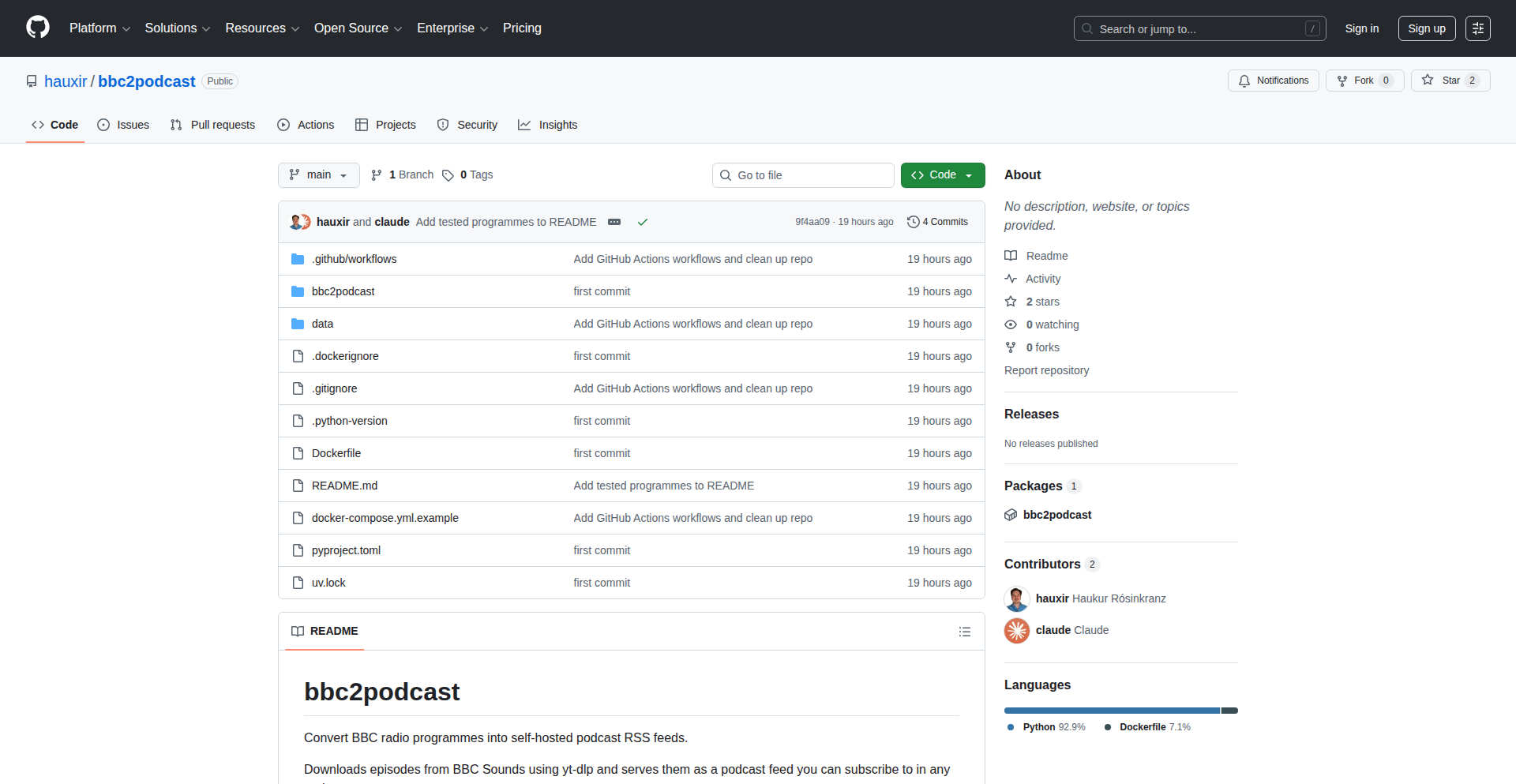
Author
hauxir
Description
A clever proxy tool that allows users to access BBC radio content, usually restricted by geographical location, by presenting it as a podcast feed. The core innovation lies in its ability to bypass regional content restrictions for BBC audio streams, transforming them into a universally accessible podcast format.
Popularity
Points 4
Comments 1
What is this product?
This project is a geo-unblocking proxy designed to circumvent regional restrictions for BBC radio. It works by intercepting BBC radio streams, processing them, and then re-packaging them into a podcast feed. This means you can listen to BBC radio content that might normally be unavailable in your country, as if you were subscribing to a regular podcast. The innovation is in its ability to adapt streaming content into a standard RSS feed format, making it accessible through any podcast client, regardless of your physical location. So, what's in it for you? You get to enjoy BBC's vast library of radio shows and news, no matter where you are in the world.
How to use it?
Developers can integrate this proxy into their applications or use it as a standalone service. The primary use case is to provide users with seamless access to BBC radio content. This could be for personal use, to build custom media players, or to aggregate global news content. The technical setup typically involves configuring the proxy to point to BBC radio streams and then consuming the generated podcast RSS feed through standard podcasting tools or custom scripts. Essentially, you point your podcast app to the proxy's RSS feed URL, and it delivers the BBC content to you. This gives you a direct channel to BBC audio without worrying about geographical limitations.
Product Core Function
· Geo-unblocking of BBC radio streams: This function allows users to bypass regional restrictions and access content that would otherwise be inaccessible. The value is in providing universal access to BBC's audio library, expanding listening possibilities. This is useful for anyone outside the UK who wants to listen to BBC radio.
· Podcast feed generation: The system converts live or on-demand BBC radio content into a standard RSS podcast feed. This allows for easy subscription and playback through any podcast client, offering a convenient and familiar listening experience. The value is in simplifying access and integration into existing media workflows.
· Proxy-based content delivery: The core technical implementation involves a proxy server that fetches and processes the BBC audio. This hides the complexity of geo-unblocking and provides a stable, podcast-like interface. The value is in abstracting away the technical hurdles of accessing region-locked content, making it user-friendly.
· Cross-platform accessibility: By outputting a standard podcast feed, the content becomes accessible on any device or platform that supports podcast subscriptions (smartphones, tablets, computers). This offers broad usability and convenience for users. The value is in democratizing access to BBC content across all your devices.
Product Usage Case
· A user in the United States wants to listen to BBC Radio 4 news bulletins. They can use the GeoBlock Buster Proxy to subscribe to a podcast feed of these bulletins, bypassing the usual geo-restrictions. This solves the problem of missing out on specific international news.
· A developer building a smart home media hub wants to include BBC radio content. They can integrate the proxy's RSS feed into their hub's audio player, providing users with a curated selection of BBC content without needing to worry about licensing or regional blocks. This solves the technical challenge of integrating region-locked audio sources.
· A researcher studying global news dissemination can use the proxy to create a consistent stream of BBC news podcasts for analysis. This provides a reliable and accessible source of international broadcast media for academic purposes. This helps overcome the difficulty of sourcing geographically restricted media for research.
21
FormAIt Offline LLM Formatter
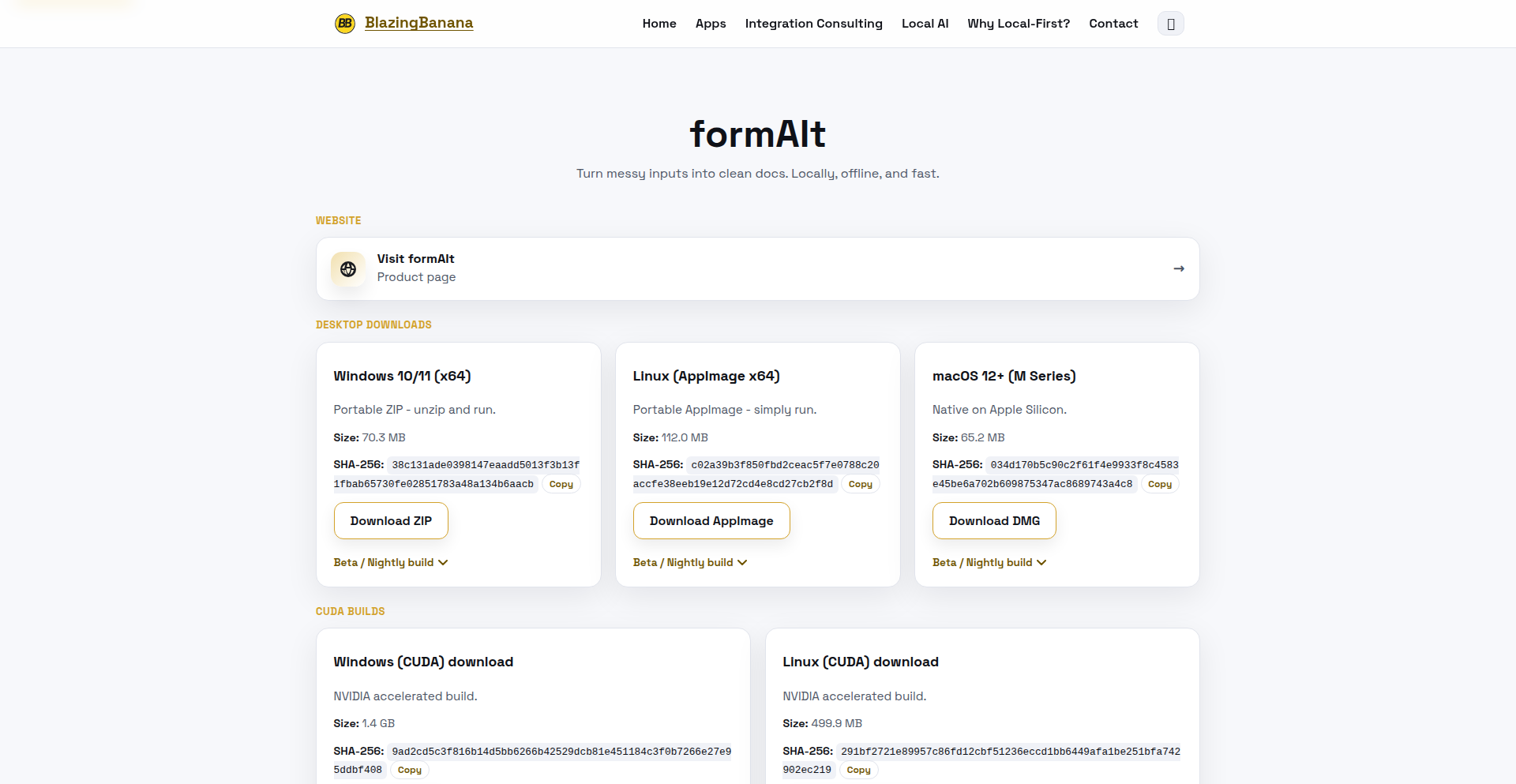
Author
blazingbanana
Description
FormAIt is a free, privacy-focused desktop application that allows you to format your notes using Large Language Models (LLMs) entirely offline. It tackles the common problem of needing to structure and refine text without compromising sensitive information or requiring constant internet connectivity. The innovation lies in enabling powerful LLM capabilities on a local machine, making advanced text processing accessible and secure.
Popularity
Points 4
Comments 1
What is this product?
FormAIt is a desktop application that leverages local LLMs to format your notes. Instead of sending your text to a cloud service, it runs the entire language processing on your computer. This means your notes are never shared or uploaded, ensuring complete privacy. The core innovation is making sophisticated text formatting, like summarization, rephrasing, or applying specific styles, available through LLMs without an internet connection, which is a significant step towards democratizing AI for personal use and sensitive data handling.
How to use it?
Developers can use FormAIt by downloading and installing the application on their desktop. They can then input their raw notes into the application's interface. The tool offers various formatting presets or allows for custom prompts to guide the LLM. For integration, developers could potentially use FormAIt as a backend for local note-taking applications or scripts that require text manipulation. The value proposition is the ability to integrate powerful, private text processing into local workflows without complex API setups or data privacy concerns.
Product Core Function
· Offline LLM Processing: Enables advanced text manipulation like summarization, rephrasing, and style application without internet access, ensuring data privacy and availability even without connectivity. The value is secure and always-on text refinement for your notes.
· Privacy-Focused Design: All processing happens locally on your machine, meaning your sensitive notes are never sent to any external servers, providing peace of mind and compliance with data protection requirements. The value is absolute control over your personal information.
· User-Friendly Interface: Offers a simple and intuitive graphical interface for users to input notes, select formatting options, and review results. The value is making powerful AI capabilities accessible to everyone, not just technical experts.
· Customizable Formatting: Allows users to define custom prompts or choose from pre-defined formatting styles to tailor the output to their specific needs. The value is flexibility in how your notes are presented and structured.
Product Usage Case
· A freelance writer needing to quickly summarize research documents for articles without exposing sensitive client information. FormAIt allows them to process the data locally, ensuring confidentiality while speeding up their workflow.
· A student taking private meeting notes who wants to organize and rephrase them for better understanding. Using FormAIt offline guarantees that these personal study notes remain private and aren't uploaded to a cloud service.
· A developer building a local note-taking application that requires sophisticated text editing features, like sentiment analysis or keyword extraction. They can integrate FormAIt's offline capabilities to add these advanced features without worrying about server costs or data breaches.
· Anyone who is concerned about the privacy of their digital information and wants to leverage the power of AI for text processing without sending their data to the internet. FormAIt provides a secure and accessible solution for this.
22
ParallelAgent Terminal
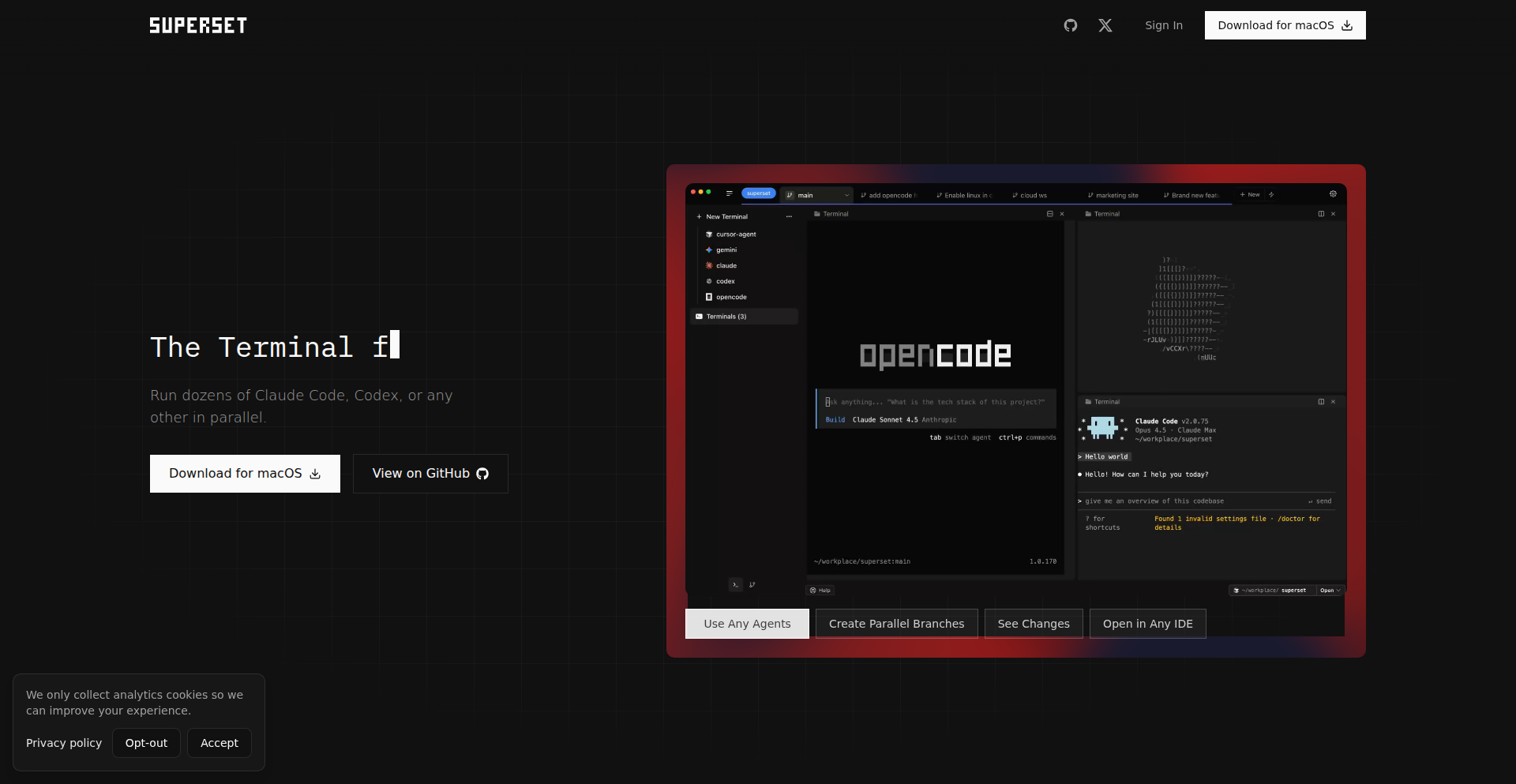
Author
avipeltz
Description
Superset is an open-source terminal built to manage and run multiple AI coding agents concurrently. It simplifies setting up development environments and managing code changes across different tasks, preventing conflicts and boosting productivity. So, this helps you work on many features at once without your coding tools interfering with each other.
Popularity
Points 5
Comments 0
What is this product?
Superset is a specialized terminal application designed for developers who work with multiple AI coding assistants (like Claude Code or Codex) simultaneously. The core innovation lies in how it leverages Git worktrees and isolates agent processes. A Git worktree is essentially a separate directory linked to the same Git repository, allowing you to work on different branches or features without checking out the main codebase. Superset automates the creation and management of these worktrees, ensuring that each AI agent and its associated terminal tab operates within its own isolated environment. This isolation is crucial to prevent data corruption or conflicts between agents working on different parts of your project. Think of it as having multiple independent workshops for your coding assistants, each with its own set of tools and materials, all connected to the same main factory. This makes parallel development significantly smoother and safer. So, this gives you a structured way to run many AI coding tasks at once without them stepping on each other's toes.
How to use it?
Developers can use Superset as their primary terminal environment or integrate it into their existing workflow. To start, you can spin up new Git worktrees, each dedicated to a specific feature or task. Superset automatically sets up the necessary environment for that worktree. You can then launch your preferred coding agents within their respective isolated worktree tabs. Built-in hooks notify you when an agent completes its task or requires attention. For code reviews, Superset includes a diff viewer that allows you to quickly compare changes made by agents and prepare pull requests. This means you can start a new coding task with an AI agent, switch to another without losing context, and easily review and merge the results of each task. So, this allows you to manage all your AI-assisted coding tasks from one place, streamlining your development process and making it easier to track progress.
Product Core Function
· Parallel Agent Management: Run multiple AI coding agents simultaneously in isolated terminal sessions. This boosts productivity by allowing parallel work on different features or bug fixes without interference. So, you can get more done in less time.
· Automated Git Worktree Setup: Easily spin up and manage Git worktrees for each agent or task, ensuring a clean and organized development environment for each parallel effort. So, setting up new coding environments becomes effortless.
· Environment Isolation: Agents and terminal tabs are isolated to specific worktrees, preventing conflicts and ensuring that changes in one area don't accidentally affect others. So, your code remains safe and organized, even with many agents running.
· Task Completion Notifications: Integrated hooks alert you when your coding agents finish their tasks or need your input, keeping you informed and allowing for timely action. So, you never miss an important update from your AI assistants.
· Integrated Diff Viewer: Quickly review changes made by your coding agents with a built-in diff viewer, streamlining the process of preparing and submitting pull requests. So, reviewing code changes becomes faster and more efficient.
Product Usage Case
· Developing multiple features simultaneously: A developer can assign an AI agent to work on a new UI component in one worktree, another agent to fix a backend bug in a second worktree, and a third agent to refactor a module in a third worktree, all within Superset. This allows for rapid parallel development without the risk of code conflicts. So, you can build more features faster.
· Experimenting with different AI model outputs: Developers can launch several instances of the same coding task, each with a different AI agent or configuration, within separate worktree tabs. They can then use the diff viewer to compare the outputs and choose the best solution. So, you can leverage AI more effectively by comparing different options.
· Managing large codebases with multiple contributors/agents: For complex projects, Superset helps maintain order by dedicating specific worktrees and agents to different parts of the codebase, making it easier to track and integrate changes from various sources. So, managing large, complex projects becomes more manageable.
23
BuffettlyAI - Algorithmic Investment Advisor

Author
simullab
Description
BuffettlyAI is a personal AI assistant built on Poe that automates Warren Buffett's investment principles. It aims to curb impulsive financial decisions driven by social media hype or FOMO (Fear Of Missing Out) by providing a reality check based on sound financial analysis. This technology offers a unique way to leverage AI for more rational investment strategies, acting as a digital safeguard against emotional trading.
Popularity
Points 3
Comments 2
What is this product?
BuffettlyAI is an AI-powered financial advisor that simulates Warren Buffett's investment philosophy. It works by processing information through a set of rules and data points that mimic Buffett's known strategies, such as focusing on value investing, understanding a company's fundamentals, and avoiding speculative bubbles. The core innovation lies in translating complex qualitative investment principles into an automated, accessible tool. For you, this means having a consistent, data-driven second opinion before making investment choices, helping to avoid costly emotional mistakes.
How to use it?
Developers can interact with BuffettlyAI through the Poe platform. The underlying logic is built using Poe's script bot builder, allowing for conversational interaction. You can ask BuffettlyAI for an analysis of a particular stock or investment idea, and it will respond with an assessment based on its simulated Buffett-like criteria. This can be integrated into personal finance workflows or used as a standalone tool for pre-investment due diligence. The value is in having an always-on, objective financial analyst available at your fingertips.
Product Core Function
· Investment Principle Simulation: Emulates Warren Buffett's value investing approach by analyzing company fundamentals and market conditions, providing a grounded perspective on investment opportunities. This helps you understand the long-term viability of an investment rather than chasing short-term gains.
· Emotional Decision Mitigation: Acts as a 'reality check' by flagging potential pitfalls or overly hyped investments, preventing impulsive decisions driven by social media trends or market euphoria. This safeguards your capital by encouraging thoughtful, evidence-based choices.
· Automated Financial Analysis: Processes investment queries and provides structured feedback based on predefined criteria, saving you time on initial research and offering a consistent analytical framework. This means you get a quick, expert-level opinion without needing to be a financial guru yourself.
· Conversational Interface: Interacts with users through natural language, making complex financial concepts accessible and easy to understand. This allows anyone, regardless of their technical or financial background, to benefit from sophisticated investment insights.
Product Usage Case
· A user is considering investing in a trending cryptocurrency based on social media hype. They consult BuffettlyAI, which analyzes the underlying technology and market sentiment, highlighting the speculative nature and lack of intrinsic value, thus preventing a potential loss. This demonstrates how the tool prevents FOMO-driven bad decisions.
· A developer is researching a new stock to add to their portfolio. Instead of solely relying on news articles, they ask BuffettlyAI for an assessment. The AI provides a breakdown of the company's financial health, competitive landscape, and long-term prospects, guiding the developer towards a more informed, value-oriented investment. This showcases how the tool facilitates sound financial decision-making.
· An individual wants to avoid making common investment mistakes they've made in the past. They use BuffettlyAI as a regular advisor, presenting all potential investment ideas to it before committing funds. The AI's consistent, principle-based feedback helps them build a more robust and rational investment strategy over time. This highlights the tool's role in long-term financial discipline.
24
Recapio: Video & Article Context Finder

Author
nikhonit
Description
Recapio is a tool that extracts transcripts and generates structured summaries for videos and web articles. It acts as a 'Ctrl+F' for video content, allowing users to quickly find specific citations or concepts without scrubbing through hours of footage. A key innovation is its ability to normalize timestamps from various caption sources, ensuring accurate seeking to the correct frame even with timing drift.
Popularity
Points 2
Comments 2
What is this product?
Recapio is a smart assistant for consuming long-form video and article content. It leverages Natural Language Processing (NLP) to automatically process the text of YouTube videos (using their transcripts) and web articles. Instead of manually searching or re-watching, it creates searchable summaries and extracts key points. The core innovation lies in its robust caption parsing, which meticulously aligns the text with the exact moment it's spoken in a video, overcoming the common inaccuracies of auto-generated captions. So, it means you can find that one crucial sentence from a 2-hour lecture in seconds, not minutes or hours.
How to use it?
Developers can integrate Recapio into their workflows by using its web interface or potentially its API (if available, or it could be a future development). For example, you could upload a link to a YouTube video or an article, and Recapio will process it, providing a summarized and searchable version. This is particularly useful for researchers, students, content creators reviewing their own material, or anyone who needs to quickly reference information within lengthy media. The ability to click a summary point and be taken directly to that exact moment in the video is a significant time-saver. Therefore, you can stop wasting time searching and start getting to the information you need, faster.
Product Core Function
· Transcript Extraction: Automatically retrieves text from video transcripts and web articles. This is valuable because it provides the raw material for further analysis and summarization, allowing you to have all the spoken or written content in a usable format.
· Structured Summarization: Generates organized summaries highlighting key concepts and citations. This is useful because it distills lengthy content into digestible points, making it easier to grasp the main ideas and find specific information quickly.
· Accurate Timestamp Normalization: Aligns transcript timings with video playback, even with caption drift. This is a crucial innovation that provides a precise 'Ctrl+F' experience for videos, ensuring that when you click on a summary point, you are taken to the exact relevant moment, saving immense frustration and time.
· Searchable Context: Enables users to 'Ctrl+F' through video content and articles for specific keywords or phrases. This is valuable because it transforms passive content consumption into active information retrieval, allowing you to pinpoint specific details with ease.
Product Usage Case
· A student researching a complex topic can use Recapio to quickly find all mentions of a specific concept across multiple lecture videos, instead of re-watching each one. This saves significant study time.
· A software developer can use Recapio to find specific code examples or explanations within a long technical tutorial video that was automatically captioned. This allows them to get back to coding faster by locating the exact solution.
· A content creator can use Recapio to review their own past videos to find specific quotes or segments they want to reuse or reference. This simplifies content repurposing and makes it easier to manage their media library.
· A journalist investigating a topic can use Recapio to extract key statements and citations from lengthy interview videos, streamlining their research process and ensuring accuracy.
25
Claude Code Skills Playground

Author
jackculpan
Description
A sandbox environment for developers to experiment with and showcase Claude's code generation and understanding capabilities. It's built to provide a hands-on way to explore how large language models can assist in programming tasks, focusing on practical code assistance and problem-solving within a secure, isolated space. The innovation lies in making advanced AI coding tools accessible and interactive for a broader developer audience.
Popularity
Points 4
Comments 0
What is this product?
This project is an interactive playground that lets you directly interact with Claude, an advanced AI model, to generate, explain, and debug code. The core technology involves leveraging Claude's natural language processing and code generation models. Unlike traditional IDEs or simple chatbots, this playground is specifically designed to explore the nuances of AI in a coding context. It acts as a bridge, allowing developers to 'talk' to the AI about code and receive intelligent, context-aware responses. This means it understands programming concepts and can output functional code snippets or explanations tailored to your requests. So, what's in it for you? You get a powerful AI coding assistant at your fingertips, ready to help you write code faster and understand complex programming logic, all without needing to set up complicated environments.
How to use it?
Developers can use this playground by simply navigating to the provided web interface. You can input natural language prompts describing the code you want to write, the bugs you're encountering, or the code you need explained. For instance, you could ask Claude to 'Write a Python function to calculate the factorial of a number' or 'Explain this JavaScript code snippet'. The playground will then process your request and provide the generated code, debugging suggestions, or explanations. It's designed for immediate use, acting as a supplementary tool to your existing development workflow. You can copy-paste code directly from the playground into your projects or use its explanations to deepen your understanding. This provides a frictionless way to integrate AI-powered code assistance into your daily coding routine.
Product Core Function
· Code Generation: Claude can generate code snippets or entire functions based on natural language descriptions. This saves developers time by automating repetitive coding tasks and providing starting points for new features. The value is in accelerating development and reducing boilerplate code.
· Code Explanation: The playground can explain complex code segments in plain language. This is invaluable for learning new programming languages, understanding legacy code, or collaborating with team members. It democratizes code comprehension.
· Code Debugging Assistance: Developers can present code with errors to Claude, which can then help identify potential bugs and suggest fixes. This dramatically speeds up the debugging process, reducing frustration and developer downtime. It acts as an intelligent pair programmer.
· Conceptual Exploration: Beyond just code, Claude can discuss programming concepts, algorithms, and best practices. This allows developers to explore different approaches and deepen their theoretical understanding. It fosters continuous learning and skill improvement.
Product Usage Case
· A junior developer struggling with a complex algorithm can paste the code into the playground and ask for an explanation. Claude's clear breakdown helps the developer understand the logic, enabling them to fix a bug or improve the implementation. This solves the problem of opaque code and aids in learning.
· A developer needs to quickly implement a common utility function, like a date formatter in JavaScript. Instead of searching documentation or writing it from scratch, they can prompt Claude to generate the function. This accelerates feature development and reduces the effort for standard coding tasks.
· A team is working with unfamiliar legacy code. Developers can use the playground to get summaries and explanations of specific functions or modules. This improves team collaboration and reduces the learning curve for onboarding new team members onto existing projects.
· A developer is experimenting with a new API and needs example usage. They can ask Claude to generate example code that demonstrates how to interact with the API. This helps in rapid prototyping and understanding the practical application of new technologies.
26
Khaos: Kafka Traffic Simulator for Observability and Chaos
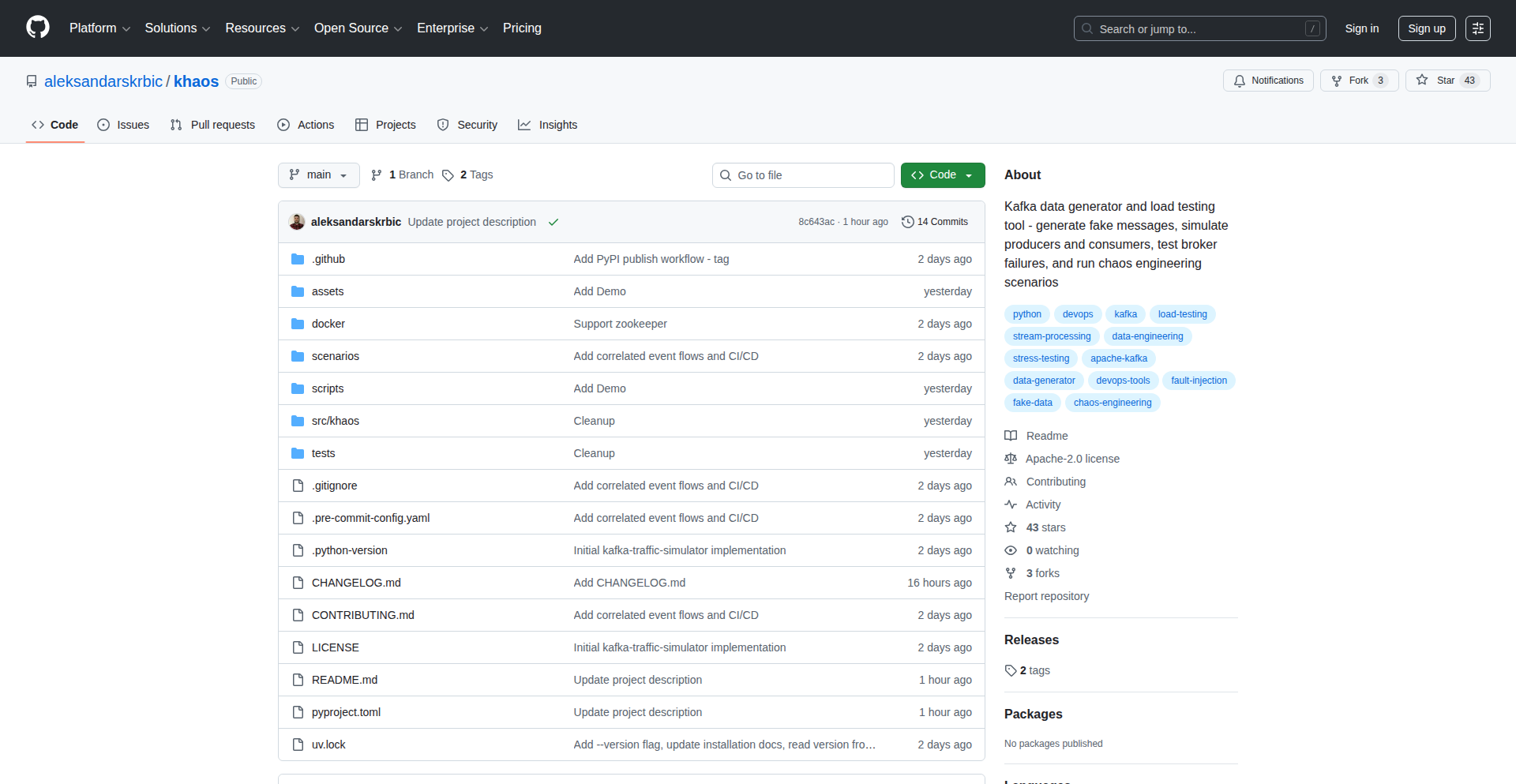
Author
skrbic_a
Description
Khaos is a novel project that simulates Kafka traffic to test and improve system observability and chaos engineering capabilities. It allows developers to inject realistic, controllable, and customizable Kafka message streams into their environments. This helps in identifying performance bottlenecks, validating monitoring setups, and proactively uncovering system weaknesses before they impact production.
Popularity
Points 3
Comments 1
What is this product?
Khaos is a tool designed to generate simulated Kafka message traffic. Its core innovation lies in its ability to mimic real-world Kafka usage patterns, including varying message sizes, rates, and content. This goes beyond simple message flooding; Khaos aims to create complex scenarios that stress your Kafka infrastructure and the applications consuming from it. By doing so, it allows you to observe how your systems behave under duress, which is crucial for building resilient and observable applications. Think of it as a stress test for your data pipelines. The value is in proactively finding problems before they become production issues, making your systems more reliable and easier to monitor.
How to use it?
Developers can use Khaos by configuring it to produce specific types of Kafka traffic. This involves defining the topics to send messages to, the desired message rate, the size and format of the messages, and potentially introducing anomalies like delayed messages or malformed data. Khaos can be integrated into CI/CD pipelines for automated testing, or run manually in staging environments for targeted stress testing. The output of the simulation can then be analyzed using existing observability tools (like Prometheus, Grafana, ELK stack) to understand system performance and identify issues. This means you can run these tests in your development or staging environment, see how your monitoring tools react, and fix problems before they hit your live users.
Product Core Function
· Customizable message generation: Allows defining message size, rate, and content patterns, providing flexibility to simulate diverse real-world scenarios and test the limits of message processing. This is valuable for understanding how your applications handle different data loads.
· Topic targeting: Enables specific Kafka topics to be targeted for traffic simulation, allowing focused testing of particular data streams or microservices. This helps in isolating and addressing issues within specific parts of your system.
· Chaos injection capabilities: Supports the introduction of realistic network delays or message corruption to simulate failure conditions and test system resilience. This is important for building robust systems that can withstand unexpected events.
· Observability integration: Designed to work with existing monitoring and logging tools, enabling easy analysis of system behavior during simulations. This makes it straightforward to see the impact of the simulated traffic on your system's performance and health.
· Configurable simulation parameters: Offers a wide range of settings to control the simulation, from duration to random variations, ensuring that tests accurately reflect intended scenarios. This provides the control needed to replicate specific problems or stress patterns.
Product Usage Case
· Testing Kafka consumer lag: A developer can use Khaos to simulate a sudden surge in message production to a specific topic and then observe how long it takes for their Kafka consumers to catch up. This directly helps in identifying if consumers are under-provisioned or inefficient, ensuring timely data processing.
· Validating alerting mechanisms: By simulating erratic message delivery or high error rates, developers can test if their monitoring and alerting systems are correctly configured to notify them of critical issues. This builds confidence that your monitoring will actually alert you when something goes wrong.
· Performance tuning of Kafka brokers: Simulating sustained high-throughput traffic can reveal bottlenecks in Kafka broker configurations or network infrastructure. This allows for proactive optimization of the underlying Kafka cluster for better performance.
· Chaos engineering for microservices: A team can use Khaos to inject malformed messages into a data pipeline feeding a critical microservice. This tests the microservice's error handling and fault tolerance, ensuring it doesn't crash or produce incorrect results when encountering bad data.
· Capacity planning for new features: Before releasing a new feature that is expected to generate significant Kafka traffic, developers can use Khaos to simulate that expected load and observe the impact on the existing infrastructure. This helps in making informed decisions about scaling resources.
27
Runiq: Claude's OS Control Module
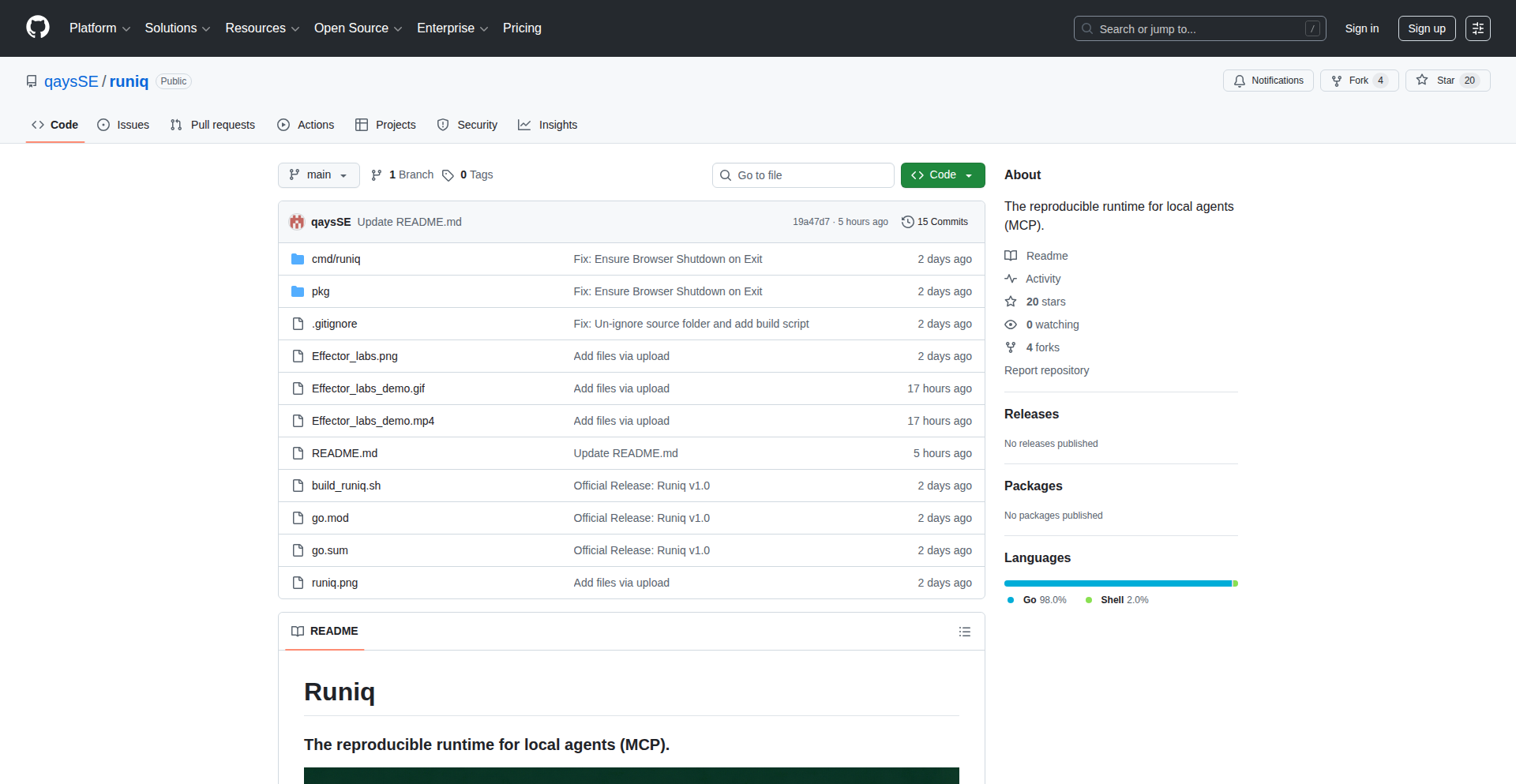
Author
QaysHajibrahim
Description
Runiq is a Go binary that acts as an intermediary, allowing Claude, a large language model, to interact with and control your operating system. It translates natural language commands from Claude into executable actions on your machine, enabling novel use cases for AI in automating tasks and user interaction. The core innovation lies in bridging the gap between abstract AI reasoning and concrete system operations.
Popularity
Points 3
Comments 1
What is this product?
Runiq is a groundbreaking tool that gives AI models like Claude the ability to directly control your computer. Think of it as giving the AI 'hands' to operate your software and files. It works by listening for specific commands from Claude, which are then interpreted and executed as system commands or API calls. This allows Claude to perform actions like opening applications, manipulating files, or even writing code, all based on your instructions or its own reasoning. The key technical insight is developing a robust and secure communication channel that translates the AI's intent into precise, actionable commands for the operating system, overcoming the inherent limitations of AI models not having direct access to the physical or digital world.
How to use it?
Developers can integrate Runiq into their workflows by setting up Claude to interact with the Runiq binary. This typically involves configuring Claude's output to be directed towards Runiq, and Runiq's input to accept commands from Claude. For example, you could instruct Claude to 'open a new terminal window and run 'ls -l'', and Runiq would intercept this command, execute it, and potentially feed the output back to Claude. This can be used for automated script generation and execution, complex task automation that requires dynamic decision-making, or even for creating more intuitive AI-powered assistants that can perform a wider range of operations.
Product Core Function
· Natural Language to OS Command Translation: Runiq interprets natural language instructions from Claude and converts them into executable commands your OS understands, allowing for seamless AI-driven automation. This is valuable because it democratizes complex OS operations, making them accessible through simple language.
· Secure Execution Environment: Runiq provides a controlled environment for executing AI-generated commands, mitigating risks associated with direct AI control of the system. This is critical for trust and safety, ensuring that AI actions are predictable and contained.
· Bi-directional Communication Channel: Runiq facilitates a two-way conversation between Claude and your OS, allowing Claude to receive feedback on executed commands and adapt its actions accordingly. This is useful for iterative problem-solving and more intelligent task completion.
· Extensible Command Framework: The architecture is designed to be extensible, allowing developers to add support for new commands and system integrations. This provides long-term value by enabling Runiq to evolve with new AI capabilities and OS features.
Product Usage Case
· Automated Software Development: A developer could ask Claude to 'generate a Python script to scrape this website and save the data to a CSV file'. Runiq would then execute the generated script, test it, and provide feedback to Claude for refinement. This solves the problem of repetitive coding tasks and accelerates development cycles.
· Advanced System Administration: Imagine asking Claude to 'monitor server logs for critical errors and send an alert if found'. Runiq would translate this into a command to tail log files and set up monitoring, significantly reducing the manual effort for system administrators.
· Personalized AI Assistants: Users could interact with Claude to manage their daily tasks, such as 'schedule a meeting with John for tomorrow at 10 AM and send him a calendar invite'. Runiq would interface with the OS's calendar application to perform the action, making AI assistants more powerful and integrated into daily life.
28
Botkit WhatsApp Project Chronicle

Author
danamajid
Description
Botkit is an experimental platform designed to solve the problem of fragmented robotics project information. It allows creators to share project updates, including text, photos, and videos, simply by sending messages to a dedicated WhatsApp number. Furthermore, it can parse purchase receipts to automatically extract and list the components used in a build, fostering transparency and learning. So, what's the value for you? This offers a streamlined way to discover and follow the progress of real-world robotics projects and learn from the actual parts used in them, all within a familiar chat interface.
Popularity
Points 4
Comments 0
What is this product?
Botkit is essentially a digital bulletin board for robotics projects, powered by WhatsApp. Instead of scattering updates across various platforms, you message a specific Botkit WhatsApp number with your project progress (text, images, videos). This automatically creates a public, shareable log of your development journey. A key innovation is its ability to analyze purchase receipts, extracting the specific parts and materials used in your project. This means others can see exactly what goes into your builds, not just the final result. So, what's the value for you? It simplifies how you share your work and how others discover and learn from it, demystifying the actual construction process.
How to use it?
Developers can start using Botkit by obtaining a dedicated WhatsApp number from the Botkit platform. Once set up, they can share project updates (text, photos, videos) by sending them as messages to this number. For parts tracking, users can forward purchase receipts related to their project to the same WhatsApp number. Botkit will then process these receipts to identify and list the components. The project updates and extracted parts lists are then accessible through a public URL, making it easy for others to follow along. So, how can you use this? Integrate it into your workflow to effortlessly document your robotics projects and share the granular details of your builds with the community, making your learning and sharing process more efficient.
Product Core Function
· WhatsApp-based project update posting: This allows for easy and intuitive sharing of project progress with minimal technical overhead, making it accessible even for non-technical aspects of a project. The value is in reducing the friction of content creation and distribution for developers.
· Automated parts extraction from receipts: By processing purchase receipts, Botkit automatically inventories the components used in a project. This provides valuable transparency for the community and helps creators track their expenses and material usage. The value lies in providing a detailed, factual basis for understanding project construction.
· Public project chronicles: Each project gets a dedicated, shareable web page displaying its updates and parts list. This serves as a centralized repository for project information, making it discoverable and followable by others. The value is in creating a single source of truth for project development.
· Community discovery of robotics projects: Botkit aims to aggregate projects, helping users find other robotics enthusiasts and their work. This fosters connection and collaboration within the robotics community. The value is in expanding your network and discovering new inspirations.
Product Usage Case
· A hobbyist building a custom drone can send photos and videos of their assembly process via WhatsApp to Botkit. They can also forward receipts for motors, propellers, and flight controllers. This creates a public log for their followers to see exactly how the drone is built and what components are used, solving the problem of fragmented build logs and making the drone construction process transparent.
· A student working on a robotics competition project can use Botkit to share regular progress updates with their team and advisors. They can also input information about the microcontroller, sensors, and actuators they are using, providing a clear technical overview of the project. This helps in collaborative development and ensures everyone is on the same page regarding the technical specifications, solving communication silos.
· A researcher developing a new robotic arm can use Botkit to document the testing phases and share findings. By forwarding receipts for specialized actuators and materials, they can provide concrete data on the project's material costs and component choices. This allows for peer review and constructive feedback from the wider robotics community, solving the challenge of sharing research progress effectively.
29
Opinara: Real-time Geo-Polls
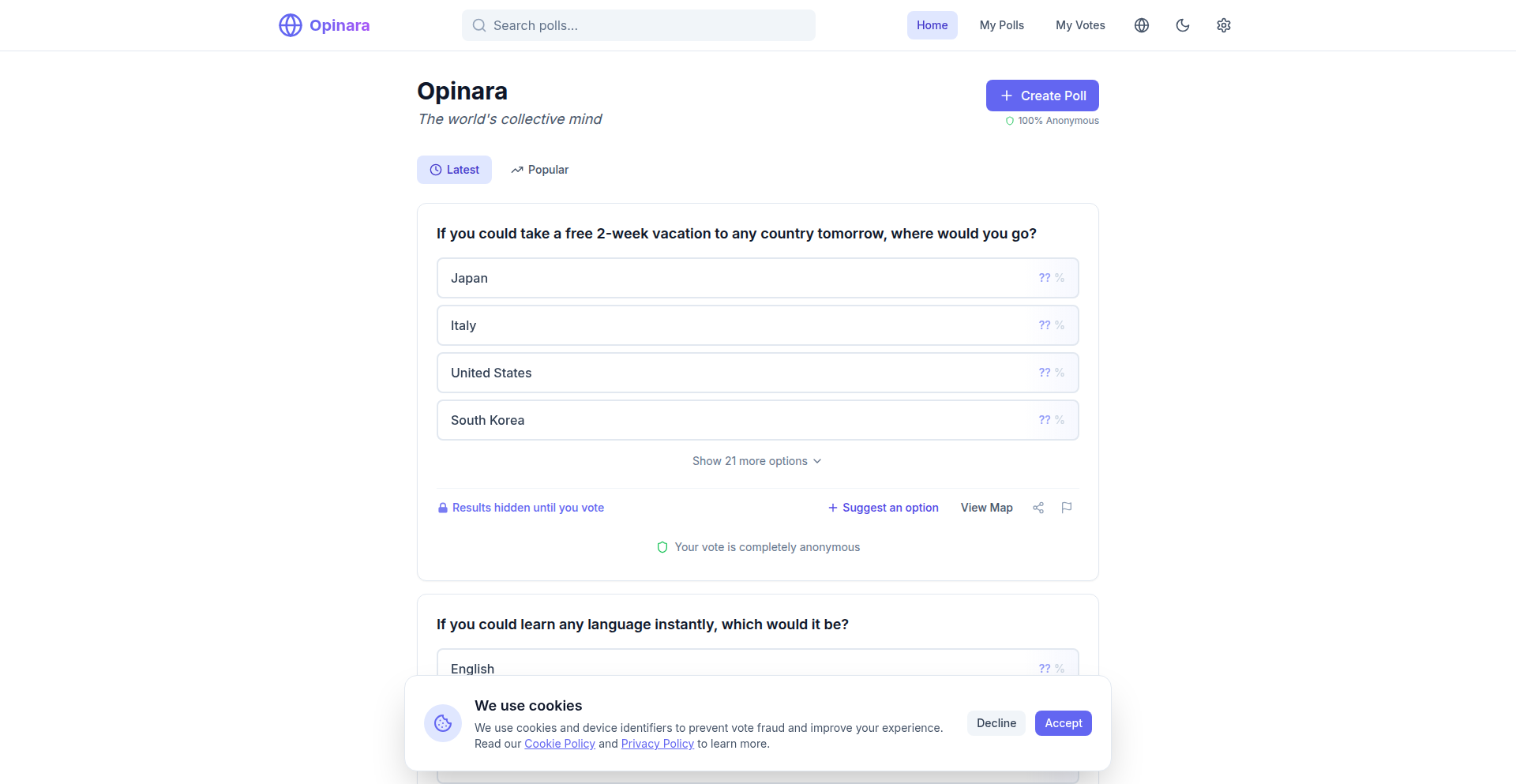
Author
blueskyline
Description
Opinara is a novel platform for conducting global polls with immediate, real-time map visualization. It addresses the challenge of understanding geographically distributed opinions by presenting poll results dynamically on an interactive map, offering immediate insights into regional sentiment. The innovation lies in its ability to aggregate and display diverse, location-aware responses instantly.
Popularity
Points 3
Comments 1
What is this product?
Opinara is a web-based service that allows users to create and participate in polls where responses are tied to a geographical location. Its core technological innovation is the real-time aggregation and rendering of these location-based responses onto an interactive world map. Think of it like a live, global opinion map. When someone answers a poll, their response, along with their approximate location (with privacy considerations in mind), is instantly plotted on the map, color-coded or sized to represent their answer. This bypasses the need for traditional, static bar charts and provides an intuitive, visual understanding of how opinions vary across different regions. So, this helps you instantly see where support or opposition to an idea is strongest on a global scale.
How to use it?
Developers can integrate Opinara into their own applications or websites to gather and visualize geographically specific feedback. This could be done by embedding an Opinara poll widget, or by using its API to push poll data and receive visualization updates. For example, a news website could embed an Opinara poll about a current event, and readers from around the world could participate, with their responses appearing on a live map directly on the article page. This offers immediate, context-aware engagement. This means you can quickly get a sense of how people in different parts of the world feel about something, right within your own platform.
Product Core Function
· Real-time response aggregation: Processes incoming poll answers instantaneously to update visualizations, allowing for immediate feedback loops. This is valuable for dynamic market research or tracking public sentiment during live events, showing you what people are thinking as it happens.
· Geo-location mapping: Associates poll responses with user-provided or inferred geographical data and displays them on an interactive world map. This is crucial for understanding regional trends and disparities in opinions, giving you insights into how different countries or continents perceive a topic.
· Dynamic visualization rendering: Updates the map interface in real-time as new responses come in, ensuring the displayed data is always current. This keeps your audience engaged with fresh, evolving information, preventing stale data from misrepresenting current opinions.
· Poll creation interface: Provides a straightforward way for users or developers to set up new polls with customizable question and answer options. This simplifies the process of gathering specific data points without complex backend development.
· Privacy-conscious location handling: Implements strategies to protect user privacy while still enabling geographical insights, such as using generalized location data. This builds trust with participants by ensuring their personal location isn't overly exposed, while still providing valuable location-based data.
Product Usage Case
· A non-profit organization could use Opinara to gauge global support for a particular social cause, instantly visualizing which countries are most engaged. This helps them allocate resources more effectively by seeing where their message resonates most strongly.
· A game developer might use Opinara to gather feedback on a new game feature from their international player base, seeing on the map which regions are most excited or concerned about the changes. This allows for targeted communication and feature adjustments based on player sentiment in specific territories.
· A political campaign could deploy an Opinara poll to understand public opinion on a policy initiative across different states or countries, identifying areas that require more persuasive messaging. This provides a visual roadmap to understanding voter sentiment and tailoring outreach efforts.
· An academic researcher studying global trends could use Opinara to collect and visualize opinions on climate change from a worldwide sample, revealing geographic patterns in environmental attitudes. This offers a powerful tool for analyzing and communicating complex global sentiment data visually.
30
CyberpunkMarketWatch
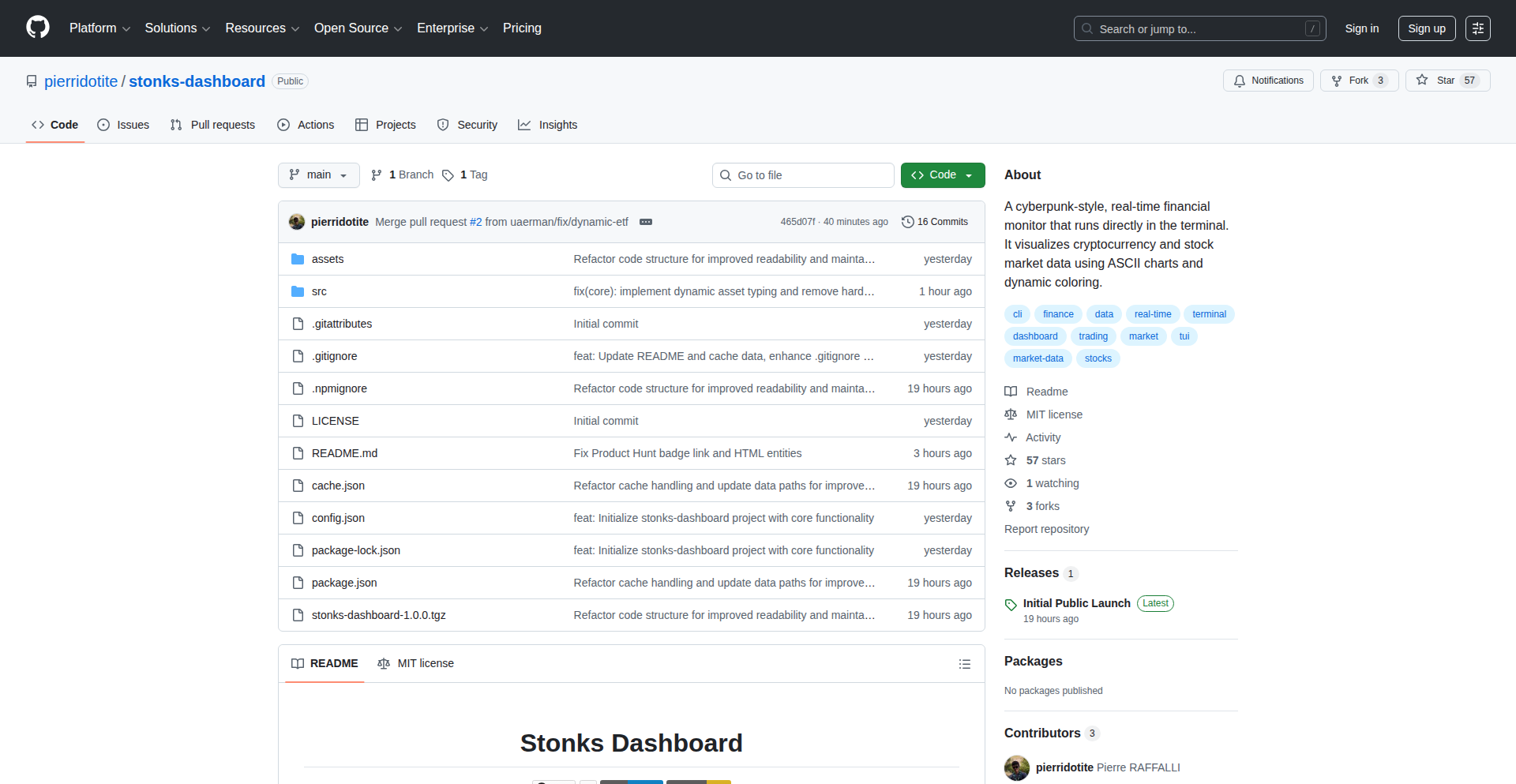
Author
pierridotite
Description
A terminal-based dashboard with a cyberpunk aesthetic for real-time market monitoring. It leverages efficient data fetching and rendering techniques to display complex financial data in an engaging, low-resource way, offering developers a unique tool for data visualization and potentially integrating with existing trading or analysis workflows.
Popularity
Points 3
Comments 1
What is this product?
CyberpunkMarketWatch is a command-line interface (CLI) application that visualizes market data with a distinct cyberpunk visual style. Instead of relying on heavy graphical interfaces, it uses text-based graphics and clever terminal rendering to present information like stock prices, trading volumes, and market trends. The innovation lies in its ability to deliver rich, dynamic data visualization within the familiar and resource-light terminal environment, making it accessible and fast. It solves the problem of needing a quick, visually appealing way to get market insights without opening multiple browser tabs or heavyweight applications.
How to use it?
Developers can use CyberpunkMarketWatch by installing it via a package manager (e.g., npm, pip, depending on implementation) and running a simple command in their terminal. They can configure which markets or assets to monitor via command-line arguments or a configuration file. This makes it ideal for quick checks during development, integrating into existing scripting workflows for automated alerts, or even building custom trading bots that need a visual output. The value proposition is getting immediate, styled market feedback directly in their development environment.
Product Core Function
· Real-time data fetching: Efficiently retrieves up-to-the-minute market data from various APIs, ensuring that users are always looking at current information, which is crucial for timely decision-making in financial markets.
· Terminal-based rendering: Utilizes advanced terminal control sequences to draw dynamic charts, graphs, and data tables, providing a visually rich experience without the overhead of a GUI, making it performant and accessible on most systems.
· Customizable dashboards: Allows users to configure which data points and assets are displayed, and how they are arranged, enabling personalized market views that cater to specific analysis needs or interests.
· Cyberpunk aesthetic: Implements a distinctive visual theme with neon colors and retro-futuristic typography, offering a unique and engaging user experience that can make data monitoring less monotonous and more inspiring for developers.
· Low resource utilization: Designed to run with minimal CPU and memory usage, making it suitable for running alongside other development tools or on less powerful machines without impacting overall system performance.
Product Usage Case
· A quantitative trader could use CyberpunkMarketWatch to monitor the performance of their algorithmic trading strategies in real-time directly within their terminal, receiving instant visual feedback on P/L and key metrics without needing to switch to a separate trading platform.
· A developer building a personal finance tracker could integrate CyberpunkMarketWatch's data fetching logic to display live stock prices for their investment portfolio, providing a quick, visually appealing snapshot right from their development setup, answering the question 'how are my investments doing right now?'
· A developer interested in exploring market data for educational purposes could use it to visualize the volatility of different cryptocurrencies or stocks over time, leveraging the unique visual style to make learning about financial markets more engaging and memorable.
· An indie game developer could run CyberpunkMarketWatch in the background of their game development environment to keep track of stock market fluctuations that might influence their game's in-game economy, providing a subtle yet informative background element that helps in decision-making related to their project.
31
VeriMed: Unified Healthcare Provider Credential Resolver
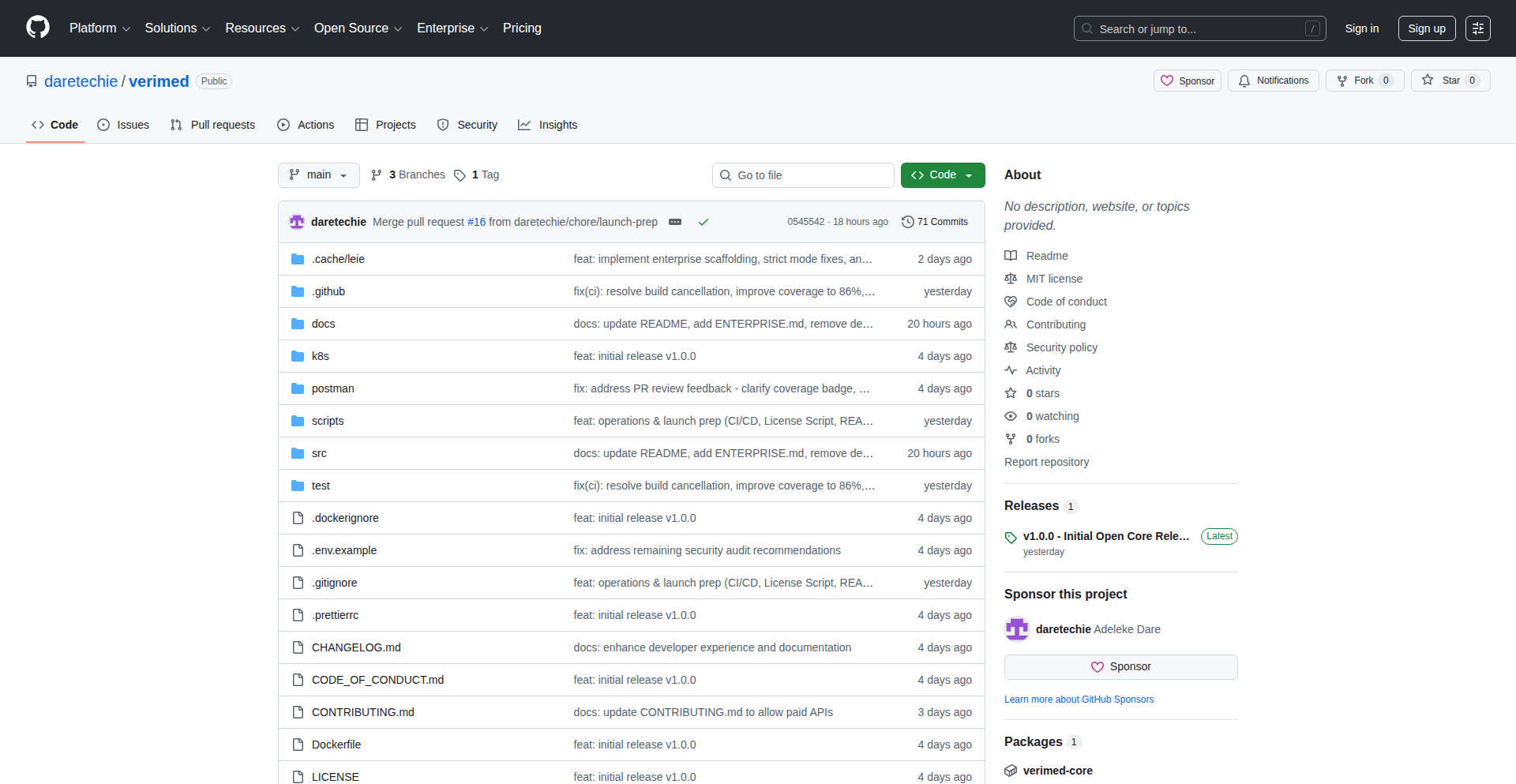
Author
dhrey112
Description
VeriMed is an open-source project designed to tackle the complex challenge of verifying healthcare provider licenses globally. It acts as a universal adapter, connecting to various national medical registries with different API formats and access requirements. When direct registry access isn't feasible, it intelligently falls back to AI-powered document verification. This innovative approach simplifies a critical, yet fragmented, process for telemedicine platforms and healthcare organizations, ensuring legitimacy and compliance.
Popularity
Points 4
Comments 0
What is this product?
VeriMed is a software solution that automates the verification of medical licenses for healthcare professionals. Traditionally, checking a doctor's or nurse's license involves navigating numerous country-specific databases, each with its own technical quirks and data structures (some use modern REST APIs, others older SOAP, and some even FHIR). VeriMed bridges this gap by providing a single point of integration. It ingeniously supports direct connections to registries in countries like the USA, France, UAE, Netherlands, and Israel. Crucially, it's not limited by direct API availability; it employs AI, specifically leveraging OpenAI's capabilities, to analyze scanned license documents when registry access is impossible. This allows for a more comprehensive verification process. To handle human data imperfections, it uses fuzzy name matching, like recognizing 'Greg' is the same as 'Gregory', making the system robust against minor data variations. For developers, it's production-ready with Docker and Kubernetes support and freely available under the MIT license for self-hosting, with an optional enterprise extension for advanced features like Single Sign-On (SSO) and role-based access control (RBAC). The core innovation lies in its ability to abstract away the complexities of disparate global regulatory data sources into a single, usable API, and its intelligent fallback to AI for broader coverage.
How to use it?
Developers can integrate VeriMed into their telemedicine platforms, healthcare management systems, or any application requiring provider credentialing. The primary usage pattern involves calling VeriMed's API to submit a healthcare provider's details (name, license number, country). VeriMed then queries the relevant national registry or uses its AI verification module. The result, indicating whether the provider's license is valid, is returned to the calling application. For self-hosting, it's containerized using Docker, making deployment straightforward on platforms like Kubernetes. Developers can also extend its functionality by adding support for new country registries. The enterprise version offers seamless integration with existing identity management systems via SAML 2.0 or OIDC for SSO, and provides granular permissions for different user roles within an organization.
Product Core Function
· Unified Registry Connector: Connects to multiple national medical registries (USA, France, UAE, Netherlands, Israel) through a single API endpoint, abstracting away individual registry complexities. This provides a consistent way to check licenses regardless of the underlying system, saving significant development time and effort.
· AI-Powered Document Verification: Utilizes AI models to verify licenses from scanned documents when direct registry access is unavailable. This expands verification coverage beyond systems with accessible APIs, ensuring higher compliance rates and reducing the risk of unverified providers.
· Fuzzy Name Matching: Employs algorithms to handle variations in provider names, ensuring accurate matches even with slight discrepancies. This improves the reliability of the verification process by accounting for common data entry errors or name variations.
· Production-Ready Deployment: Packaged with Docker and Kubernetes manifests, enabling easy and scalable deployment in production environments. This means developers can quickly and reliably get VeriMed up and running without complex infrastructure setup.
· Open-Source and Self-Hostable: Available under the MIT license, allowing free use and modification, and enabling organizations to maintain full control over their data by self-hosting. This reduces vendor lock-in and offers cost-effective compliance solutions.
· Enterprise Features (Optional): Provides advanced capabilities like Single Sign-On (SSO) for seamless user integration, Role-Based Access Control (RBAC) for managing user permissions, and Audit Dashboards for tracking verification activities. These features enhance security, usability, and accountability for larger organizations.
Product Usage Case
· Telemedicine Platform Credentialing: A telemedicine company building a global platform needs to ensure all its contracted doctors are licensed in their respective practice locations. VeriMed can be integrated to automatically verify each doctor's license upon onboarding and periodically thereafter, drastically reducing manual verification effort and compliance risk.
· Healthcare Staffing Agency Compliance: A recruitment agency specializing in healthcare professionals needs to verify the licenses of candidates before placement. VeriMed can be used to build an automated vetting process, quickly checking thousands of candidates against multiple national databases, ensuring they meet regulatory requirements.
· International Healthcare Provider Directory: A service that lists and recommends international healthcare providers can use VeriMed to validate the credentials of every provider listed, building trust and credibility with users seeking reliable medical care.
· Research and Development in Health Tech: Researchers developing new healthcare applications or services can leverage VeriMed's API to incorporate robust provider verification into their prototypes, focusing on their core innovation rather than the complexities of license checking.
· Government Health Program Onboarding: A government agency managing a program that contracts with healthcare providers can use VeriMed to efficiently onboard and continuously monitor the licensing status of participating professionals, ensuring program integrity and patient safety.
32
Wafer: IDE Integrated GPU Performance Suite

Author
technoabsurdist
Description
Wafer is an IDE extension designed to dramatically accelerate the workflow of performance engineers working with GPU code, particularly CUDA. It integrates profiling, compiler analysis (PTX/SASS), and GPU documentation directly into the IDE. This innovation tackles the time-consuming process of manually cross-referencing performance data with source code, offering a unified environment for faster experimentation and deeper understanding of GPU execution.
Popularity
Points 3
Comments 1
What is this product?
Wafer is a set of extensions for popular Integrated Development Environments (IDEs) like VS Code, Cursor, and Antigravity. Its core innovation lies in bringing GPU performance engineering tools directly into your code editor. Instead of jumping between multiple applications to analyze profiling results, inspect low-level compiler output (like PTX and SASS), and consult GPU documentation, Wafer consolidates these activities. This means you can see profiling data, understand how your code was compiled for the GPU, and look up relevant hardware details all within the same window where you write your code. This drastically reduces the 'translation gap' between understanding why your GPU code is slow and implementing a fix, making the entire performance iteration cycle much more efficient and less tedious.
How to use it?
Developers can install Wafer as an extension for their preferred IDE. Once installed, when working with GPU code (e.g., CUDA kernels), they can directly invoke profiling tools like NVIDIA's Nsight Compute from within the IDE. The profiling results will be displayed in a view integrated into the IDE, allowing immediate correlation with the source code. Similarly, they can trigger compiler analysis to view PTX (Parallel Thread Execution) or SASS (Streaming Assembler) code and see how specific lines of their source code map to these low-level instructions. Wafer also provides a context-aware way to query GPU documentation directly from the IDE, so if you're looking at a specific GPU instruction or counter, you can get relevant information without leaving your coding environment. Future iterations plan to offer GPU Workspaces, allowing developers to maintain a persistent development environment without needing a constantly active GPU, and more automated analysis loops.
Product Core Function
· Integrated Nsight Compute Profiling: Allows users to run GPU performance profilers directly from their IDE and view results within the editor, directly linking performance bottlenecks to specific code sections. This saves time by eliminating context switching and enables quicker identification of performance issues.
· Source-to-Assembly Mapping: Enables developers to compile their GPU code and inspect the generated PTX or SASS instructions, with clear mappings back to the original source code lines. This provides crucial insights into how the compiler optimizes code and helps pinpoint the exact code constructs responsible for performance characteristics.
· Contextual GPU Documentation Query: Provides on-demand access to GPU hardware and documentation directly within the IDE, based on the code or profiling data being examined. This means developers can quickly look up details about specific GPU counters, instructions, or architectural features without leaving their workflow, accelerating problem-solving.
· Unified Performance Analysis Environment: Consolidates profiling, compiler output, and documentation into a single, integrated view. This significantly streamlines the performance engineering workflow, reducing the manual effort of cross-referencing information from disparate tools.
· Future GPU Workspaces: Enables a more efficient development cycle by separating code editing and debugging from GPU execution. Developers can maintain their code and dependencies in a persistent environment and only spin up GPU resources when actual execution is needed, saving development time and computational resources.
Product Usage Case
· A CUDA developer is experiencing slow kernel execution. Instead of running Nsight Compute separately and then manually sifting through the report to find the slowest sections, they can now run Nsight Compute directly from the Wafer extension in their IDE. The results are displayed alongside their kernel code, allowing them to instantly see which lines or loops are consuming the most time. This immediate feedback helps them zero in on the problem area much faster, leading to quicker optimization.
· A performance engineer suspects the compiler is not optimizing a particular loop effectively. With Wafer, they can compile their CUDA kernel and inspect the generated PTX and SASS code. The extension highlights which source code lines correspond to specific assembly instructions. This allows them to directly see the generated machine code for their loop and understand if the compiler is making inefficient choices, enabling them to refactor their code for better compiler output.
· When encountering an unfamiliar GPU counter during profiling, a developer typically needs to switch to a web browser to search for its meaning. With Wafer, they can simply highlight the counter in the profiling report within the IDE and query the GPU documentation. This provides immediate context and explanation, allowing them to understand the counter's significance and its impact on performance without interrupting their analysis flow.
· A team is working on a large GPU project and wants to ensure reproducibility of performance experiments. By integrating the profiling and compilation artifacts within the IDE and eventually through structured 'GPU Workspaces,' Wafer helps maintain a clear history of analyses and changes. This makes it easier to share findings, revert to previous states, and ensure that experiments can be reliably rerun, fostering better collaboration and reducing errors.
33
AudioGhost AI
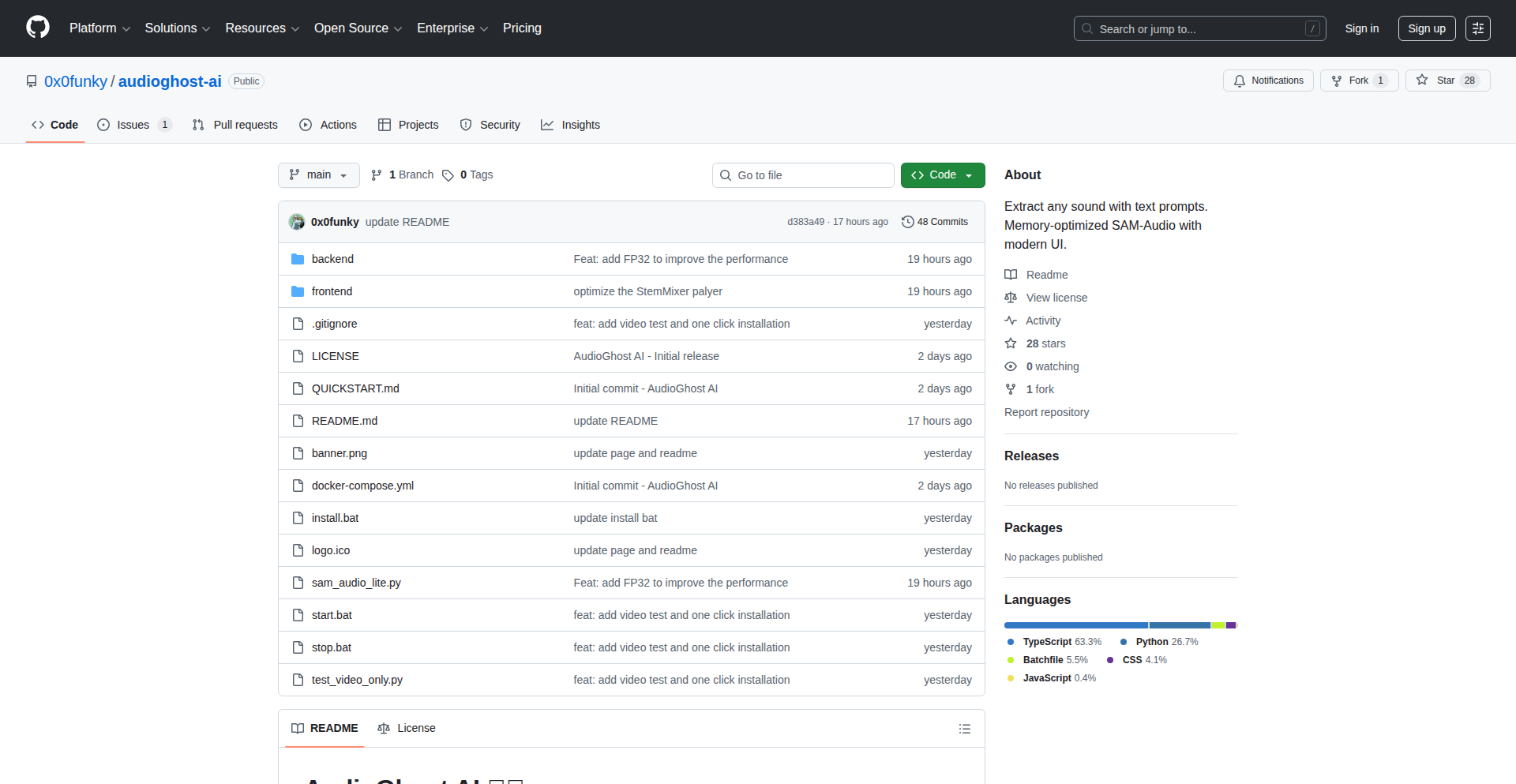
Author
0x0funky
Description
AudioGhost AI is a groundbreaking project that democratizes the use of Meta's powerful Sam-Audio model. It achieves this by optimizing the model to run efficiently on consumer-grade GPUs with as little as 4GB-6GB of VRAM. This means individuals can now leverage advanced AI audio processing, typically requiring high-end hardware, on their everyday computers, opening up new possibilities for audio manipulation and creation.
Popularity
Points 3
Comments 1
What is this product?
AudioGhost AI is an optimized version of Meta's Sam-Audio, an AI model designed for sophisticated audio processing tasks. The innovation lies in its ability to significantly reduce the memory (VRAM) requirements of the original Sam-Audio model. This is achieved through advanced quantization and model architecture adjustments, making it accessible on typical gaming or workstation GPUs. Essentially, it's like fitting a super-powered engine into a regular car, allowing more people to experience its performance. The core technical idea is to make large, complex AI models usable for the masses, not just those with expensive specialized hardware. So, this is useful because it lets you run cutting-edge AI audio tools without needing to buy a new, costly computer.
How to use it?
Developers can use AudioGhost AI by integrating its optimized libraries into their own audio applications or scripts. The project likely provides an API or command-line interface for easy access. For example, a podcast editor could use it to automatically remove background noise from recordings using a standard laptop, or a musician could experiment with AI-powered sound effects without needing cloud computing resources. The integration would typically involve installing the provided software package and calling its functions to process audio files. This is useful because it allows developers to add powerful AI audio capabilities to their projects with minimal hardware barriers, saving both time and money.
Product Core Function
· Optimized Sam-Audio inference for low-VRAM GPUs: This allows users to run advanced AI audio generation and manipulation tasks on hardware that was previously insufficient, directly addressing the barrier of expensive specialized equipment. The practical value is enabling widespread experimentation and application of high-fidelity audio AI.
· Quantization techniques for model compression: By reducing the precision of the model's parameters, AudioGhost AI significantly shrinks its memory footprint. This is crucial for fitting the model onto smaller GPUs, making advanced AI audio accessible to a much larger audience. The value is in making powerful AI tools affordable and obtainable.
· Efficient model architecture for resource-constrained environments: Beyond just quantization, the project might involve architectural modifications to Sam-Audio to make it more computationally efficient. This means faster processing times and lower power consumption on consumer hardware. This is valuable for creating responsive and energy-efficient AI audio applications.
· API or library for programmatic access: Providing an easy-to-use interface allows developers to seamlessly integrate AudioGhost AI into their existing workflows and applications. This accelerates development and broadens the potential use cases of the AI model. The value here is in simplifying the adoption of advanced AI technology for creators and developers.
Product Usage Case
· A freelance audio engineer using AudioGhost AI on their personal laptop to clean up dialogue recordings for a low-budget film, reducing the need for expensive studio time and specialized hardware. The problem solved is the prohibitive cost of professional audio restoration tools.
· A hobbyist musician experimenting with AI-generated soundscapes by running AudioGhost AI locally to create unique sonic textures for their tracks, without incurring cloud processing fees or needing a dedicated AI workstation. This enables creative exploration that would otherwise be inaccessible.
· A game developer integrating AudioGhost AI into their project to dynamically generate ambient sounds or character voices in real-time on player machines, enhancing immersion without requiring massive pre-rendered audio assets or server-side processing. This solves the challenge of complex audio needs on diverse gaming hardware.
· A researcher developing a new speech synthesis application by leveraging the optimized AudioGhost AI for faster prototyping and iteration cycles on their existing development machine, accelerating the pace of innovation in AI speech. The value is in speeding up the research and development process for cutting-edge AI.
34
AeroCarry Compliance

Author
axeluser
Description
AeroCarry Compliance is an open-source tool that checks carry-on baggage compliance for over 170 airlines. It uses a clever approach to parse and interpret airline baggage policies, allowing travelers to avoid surprise fees and repacking at the gate. The innovation lies in its data aggregation and comparison logic, offering a practical solution to a common travel pain point.
Popularity
Points 3
Comments 1
What is this product?
AeroCarry Compliance is an open-source project that acts as a smart assistant for airline carry-on baggage rules. It leverages web scraping and structured data parsing to gather and compare baggage dimensions and weight limits from a vast number of airline policies. The core innovation is its ability to intelligently interpret diverse and sometimes inconsistent airline data, presenting it in a clear, actionable format for users. So, what's in it for you? It means you can confidently pack your carry-on without worrying about costly surprises at the airport. It saves you time and money by pre-empting baggage issues.
How to use it?
Developers can integrate AeroCarry Compliance into their travel apps, websites, or even chatbots. The project likely exposes an API or library that allows programmatic access to its airline data. You would query the system with your chosen airline and your baggage dimensions/weight, and it would return a clear 'compliant' or 'non-compliant' status, along with specific details if there's an issue. This enables seamless integration into existing travel planning workflows. So, what's in it for you? You can build features that automatically inform users about baggage rules, enhancing their travel planning experience and reducing friction.
Product Core Function
· Airline Policy Data Aggregation: Gathers carry-on baggage rules from numerous airlines, providing a comprehensive dataset. Its value is in consolidating scattered information into one place, so you don't have to hunt for it.
· Dimension and Weight Checking: Compares user-provided baggage dimensions and weight against airline specific limits. This directly addresses the problem of knowing if your bag will fit, saving you potential fees.
· Compliance Status Reporting: Clearly indicates whether a carry-on meets an airline's requirements. This gives you instant confidence about your packing choices before you travel.
· Policy Interpretation Engine: Intelligently interprets variations in airline policies to provide accurate compliance assessments. This is the 'magic' that handles tricky wording and different formats, ensuring reliability.
Product Usage Case
· Travel Planning App Integration: A travel app could use AeroCarry Compliance to automatically inform users about the carry-on limits for their booked flight, right within the itinerary. This solves the problem of users forgetting or misremembering specific airline rules.
· Travel Blogger Tool: A travel blogger could embed a widget on their site that allows readers to check carry-on compliance for different airlines when planning their trips. This adds practical value for their audience.
· Automated Travel Agent Backend: An online travel agency could use this to verify carry-on allowances during the booking process, reducing customer service inquiries about baggage. This streamlines the booking process and prevents post-booking confusion.
· Personal Travel Assistant Bot: A chatbot could integrate AeroCarry Compliance to answer user queries like 'Can I bring a 22-inch carry-on on Delta?' This provides instant, accurate answers to common travel questions.
35
Prysm Analytics: Indie Hacker's Globe
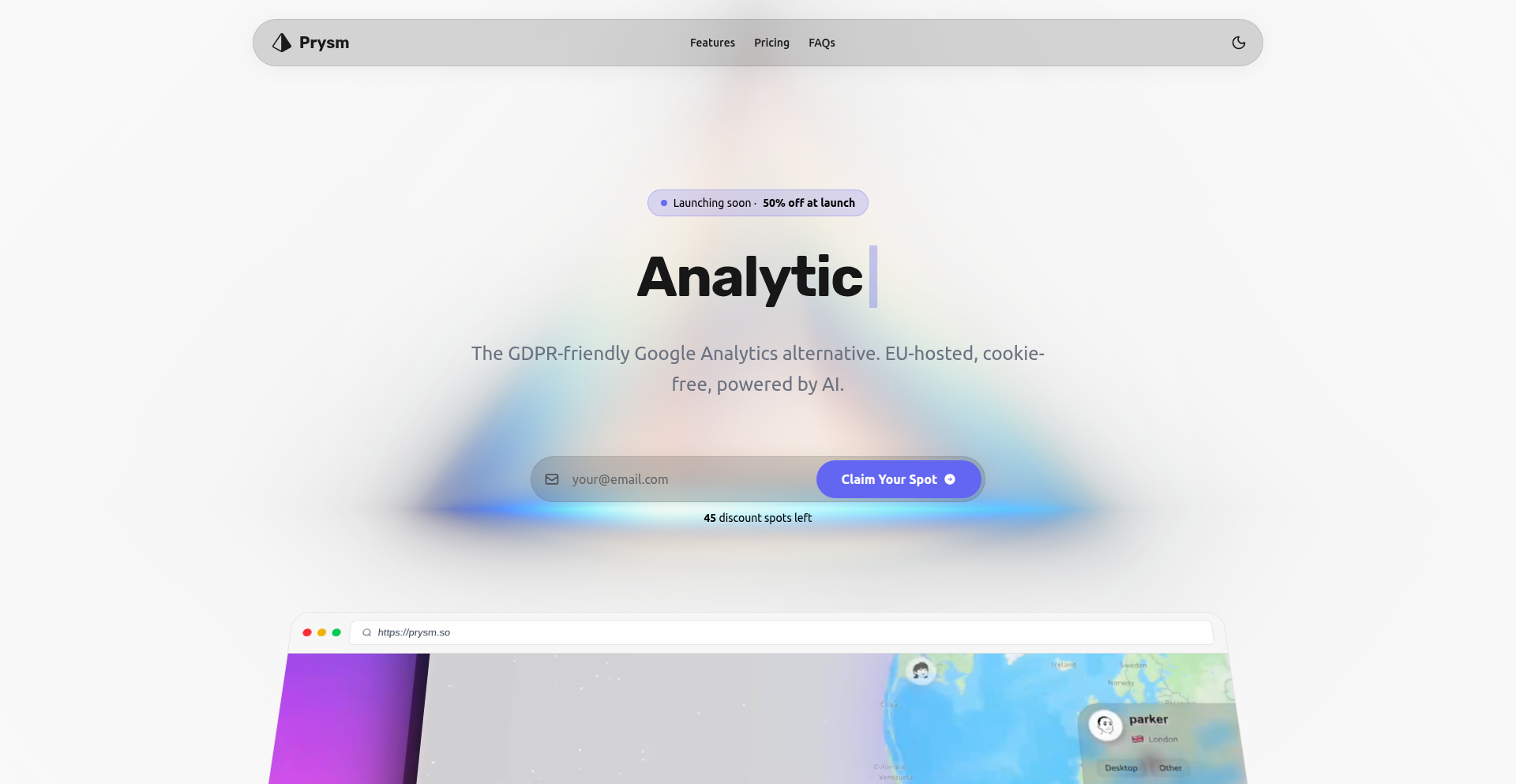
Author
yoan9224
Description
Prysm is a lightweight, real-time analytics platform designed for indie hackers, offering a unique 3D globe visualization of user activity. It solves the problem of expensive, bloated analytics tools by providing essential features at an affordable price point, focusing on developer experience and actionable insights without complex dashboards.
Popularity
Points 1
Comments 3
What is this product?
Prysm is a modern web analytics tool built with Next.js and Supabase, featuring a novel real-time 3D globe that visually represents where your users are coming from. Unlike traditional analytics platforms that can be resource-intensive and costly, Prysm prioritizes simplicity and affordability. Its core innovation lies in a minimalist tracking script (only 200 lines of vanilla JS) that is significantly smaller than competitors like Google Analytics (3.8kb vs 45kb). It also ditches cookie banners and offers an AI-powered chat interface for querying data, making complex analytics accessible to everyone. So, this is useful for you because it provides crucial website visitor data in an engaging and easy-to-understand format, without the hefty price tag and technical overhead of enterprise solutions, allowing you to focus on growing your product.
How to use it?
Developers can integrate Prysm by adding a small JavaScript snippet to their website's `<head>` section. The script automatically collects anonymized visitor data, such as location and referrers. This data is then processed and visualized on Prysm's platform, accessible via a web dashboard. For more advanced interaction, developers can leverage the AI chat feature, which allows them to ask natural language questions about their analytics (e.g., 'Show me traffic from Europe in the last week') and receive instant answers. Integration is straightforward, designed for minimal friction. So, this is useful for you because it's a quick and easy way to get powerful insights into your website's audience, enabling you to make data-driven decisions with minimal effort.
Product Core Function
· Real-time 3D Globe Visualization: Tracks user locations globally and displays them on an interactive 3D globe. This provides a motivating and intuitive overview of your audience's geographical distribution, helping you understand where your growth is coming from. So, this is useful for you because it makes complex geographical data easy to grasp at a glance.
· Affordable Pricing ($10/month): Offers a cost-effective analytics solution specifically tailored for indie hackers and small businesses, avoiding the high costs of traditional enterprise analytics tools. So, this is useful for you because it saves you money while still providing essential analytics.
· Ultra-Lightweight Tracking Script (3.8kb): Minimizes website load times by using a highly optimized JavaScript tracking script, significantly smaller than competitors. So, this is useful for you because it ensures your website remains fast and responsive for your users.
· No Cookie Banners Required: Adheres to privacy-friendly analytics practices, eliminating the need for disruptive cookie consent banners for basic traffic tracking. So, this is useful for you because it improves user experience on your site and simplifies compliance.
· AI-Powered Analytics Chat: Allows users to query their analytics data using natural language, abstracting away the complexity of traditional dashboards and reports. So, this is useful for you because it lets you get answers to your analytics questions quickly and easily, without needing to navigate complicated interfaces.
Product Usage Case
· An indie game developer launches a new project and wants to see where their initial players are coming from to tailor marketing efforts. Prysm's 3D globe immediately shows a surge of players from Eastern Europe, prompting the developer to create localized ad campaigns for that region. So, this is useful for you because it helps you identify and capitalize on emerging markets quickly.
· A solo SaaS founder is concerned about their website's performance and wants to ensure their analytics tool isn't slowing it down. They switch to Prysm and notice a significant improvement in page load times due to the lightweight script, while still getting valuable insights into user engagement. So, this is useful for you because it ensures your website remains fast and user-friendly.
· A content creator wants to understand their audience's geographical spread without a steep learning curve. They use Prysm's AI chat to ask, 'Which countries visited my blog most last month?' and get an immediate answer, allowing them to focus on creating content relevant to their core audience. So, this is useful for you because it makes getting important insights effortless.
· A bootstrapped e-commerce store owner needs to monitor traffic spikes and understand referral sources without breaking the bank. Prysm's real-time globe and affordable pricing provide the essential data they need to track sales trends and optimize their marketing spend. So, this is useful for you because it provides cost-effective and actionable data for growing your business.
36
ChatGPT App Accelerator
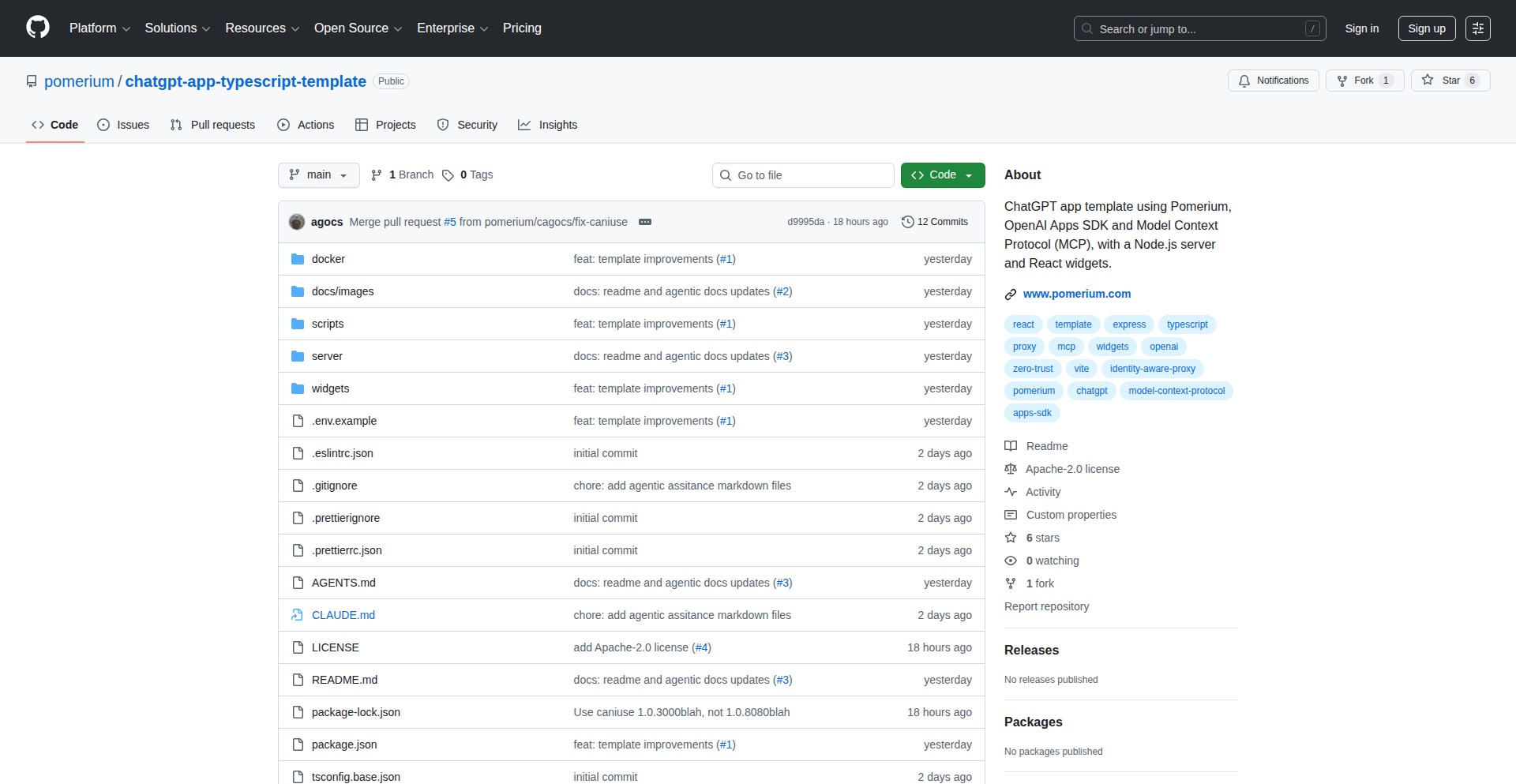
Author
nickytonline
Description
This project offers a robust TypeScript template for developers looking to build applications powered by ChatGPT. It streamlines the development process by integrating essential tools like MCP server, React widgets, Vitest for testing, Storybook for component visualization, and Pino for efficient logging. The core innovation lies in providing a pre-configured, best-practice environment, significantly reducing boilerplate code and accelerating the path from idea to a functional ChatGPT application. So, this helps you build AI-powered apps faster and with higher quality.
Popularity
Points 4
Comments 0
What is this product?
This is a pre-built framework, essentially a starter kit, for creating applications that leverage the capabilities of ChatGPT. It's built with TypeScript, which is a programming language that adds type safety to JavaScript, making code more predictable and less prone to errors. It includes an 'MCP server' (which likely refers to a flexible backend framework or microservices communication setup), interactive 'React widgets' for building user interfaces, 'Vitest' for rapid and reliable unit testing, 'Storybook' to visually develop and test UI components in isolation, and 'Pino' for high-performance logging. The innovation here is not a brand new algorithm, but rather the intelligent assembly of proven technologies into a cohesive and opinionated development environment. It solves the problem of repetitive setup and configuration that developers often face when starting new projects, especially those involving complex AI integrations. So, this gives you a solid foundation for your AI app without you having to manually set up all the plumbing.
How to use it?
Developers can use this template by cloning the repository and then customizing it to their specific application needs. They would integrate their custom logic and user interfaces, building upon the provided structure and tooling. The template is designed to be integrated into existing workflows or used as a standalone project starter. For instance, you could fork this repository, connect it to your OpenAI API key, and start building conversational interfaces, content generation tools, or data analysis applications. So, you can quickly start coding your unique features rather than spending time on infrastructure.
Product Core Function
· TypeScript Development Foundation: Provides a type-safe and maintainable codebase for building modern web applications. This is valuable because it reduces bugs and makes collaboration easier. So, your AI app will be more stable and easier for teams to work on.
· Backend Integration Ready (MCP Server): Offers a flexible backend structure for handling API requests and business logic, crucial for interacting with ChatGPT. This is valuable for managing data flow and application state. So, your AI app can efficiently communicate with the AI and handle its responses.
· Component-Driven UI Development (React Widgets & Storybook): Enables the creation of reusable and testable user interface elements, making the front-end development process efficient and visual. This is valuable for building polished and interactive user experiences. So, you can create a great-looking and responsive interface for your AI app.
· Automated Testing Framework (Vitest): Includes a fast and efficient testing framework to ensure the reliability and correctness of your application's code. This is valuable for catching errors early in the development cycle. So, your AI app will be more robust and less likely to break.
· High-Performance Logging (Pino): Integrates a lightweight and fast logging library for monitoring application behavior and debugging issues. This is valuable for understanding how your application is performing in real-time. So, you can easily diagnose and fix problems in your AI app.
Product Usage Case
· Building a customer support chatbot: Developers can use this template to quickly scaffold a chatbot application that integrates with ChatGPT for natural language understanding and response generation. It provides the backend structure to handle user queries and the frontend components to display the conversation. So, you can launch a customer service AI much faster.
· Developing a content creation assistant: A developer can use this template to build a tool that helps users generate blog posts, marketing copy, or code snippets by leveraging ChatGPT's creative capabilities. The template's structure allows for easy input of prompts and display of generated content. So, you can create a powerful AI writing or coding tool.
· Creating a personalized learning platform: This template can be the foundation for an application that offers tailored educational content and explanations generated by ChatGPT based on user input. The React widgets can be used to build interactive learning modules. So, you can build an AI-powered educational experience.
37
GridConnect 45x45
Author
thomaswc
Description
GridConnect 45x45 is a digital, large-scale puzzle game that commemorates the year 2025 by presenting a 45x45 grid of interconnected items. The core innovation lies in its massive scale and emphasis on collaborative problem-solving, offering a unique challenge that goes beyond typical puzzle games by encouraging external research and shared effort. It's a testament to how code can be used to create engaging, complex recreational experiences that foster community and strategic thinking.
Popularity
Points 3
Comments 1
What is this product?
GridConnect 45x45 is a web-based puzzle where players are presented with a 45x45 grid containing various items. The goal is to identify and group four related items together, forming 'connections'. The challenge is amplified by the sheer size of the grid, making it akin to a massive jigsaw puzzle. The innovation is in its scale and the encouragement of 'smart' cheating (using external resources like Google, but not inspecting the page source). This redefines puzzle-solving by integrating real-world knowledge and collaborative strategies into a digital format. So, what's in it for you? It offers a substantial mental workout, a chance to test your deductive reasoning and research skills, and a unique way to connect with others on a challenging, shared objective.
How to use it?
Developers can interact with GridConnect 45x45 through a standard web browser. The game is designed to be played collaboratively. Players are encouraged to use external search engines to identify connections between items on the grid. The 'no view page source' rule pushes players to rely on their analytical skills and collaborative problem-solving rather than directly accessing the solution. This can be integrated into team-building exercises, online communities looking for engaging activities, or even as a unique way to test observational and research skills in a fun context. So, how can you use it? You can gather a group of friends or colleagues, share the puzzle link, and collectively strategize how to identify the hidden connections, leveraging each other's knowledge and research capabilities. It's a ready-to-go collaborative challenge.
Product Core Function
· Massive 45x45 Grid Rendering: The system dynamically generates and displays a very large grid of items, requiring efficient front-end rendering techniques to ensure a smooth user experience without lag. This allows for an unprecedented scale of puzzle complexity, offering a deep and time-consuming challenge for dedicated players.
· Connection Identification Logic: Although the exact algorithm is proprietary and meant to be discovered, the core function involves analyzing user-selected groups of items to determine if they form a valid 'connection' based on predefined relationships. This is the heart of the puzzle, rewarding players who can accurately deduce these relationships, pushing the boundaries of logical deduction.
· Collaborative Play Encouragement: The game design implicitly and explicitly encourages players to work together. Features or the very nature of the puzzle's difficulty necessitate discussion and shared effort. This fosters community engagement and allows for diverse problem-solving approaches to be applied to a single challenge, making it a great tool for social interaction.
· External Resource Integration (Implicit): While not a direct code feature, the game's rules are designed to leverage external search engines. This encourages players to become adept researchers and apply real-world knowledge to solve the puzzle. This is valuable as it trains users in effective information retrieval and application, a crucial skill in the digital age.
Product Usage Case
· Team Building Event: A company can use GridConnect 45x45 as a virtual team-building activity. Teams can be formed, and they can compete to solve the puzzle first or collaboratively contribute to a single solution. This addresses the challenge of engaging remote teams by providing a shared, competitive, and intellectually stimulating task that requires communication and cooperation.
· Online Community Engagement: An online forum or a fan community can host this puzzle as a recurring event. The challenge of a 45x45 grid provides a long-term engagement opportunity, encouraging members to discuss strategies, share findings, and celebrate breakthroughs. This solves the problem of maintaining consistent user interaction and providing novel content for dedicated community members.
· Educational Tool for Deductive Reasoning: Educators could potentially use a simplified version or the core concept of GridConnect 45x45 as an exercise to teach deductive reasoning and problem-solving skills. Students would learn to analyze patterns, form hypotheses, and test them through observation and research. This provides a fun, game-based approach to learning abstract concepts.
38
Gonc - Serverless P2P Dual Reverse Proxy
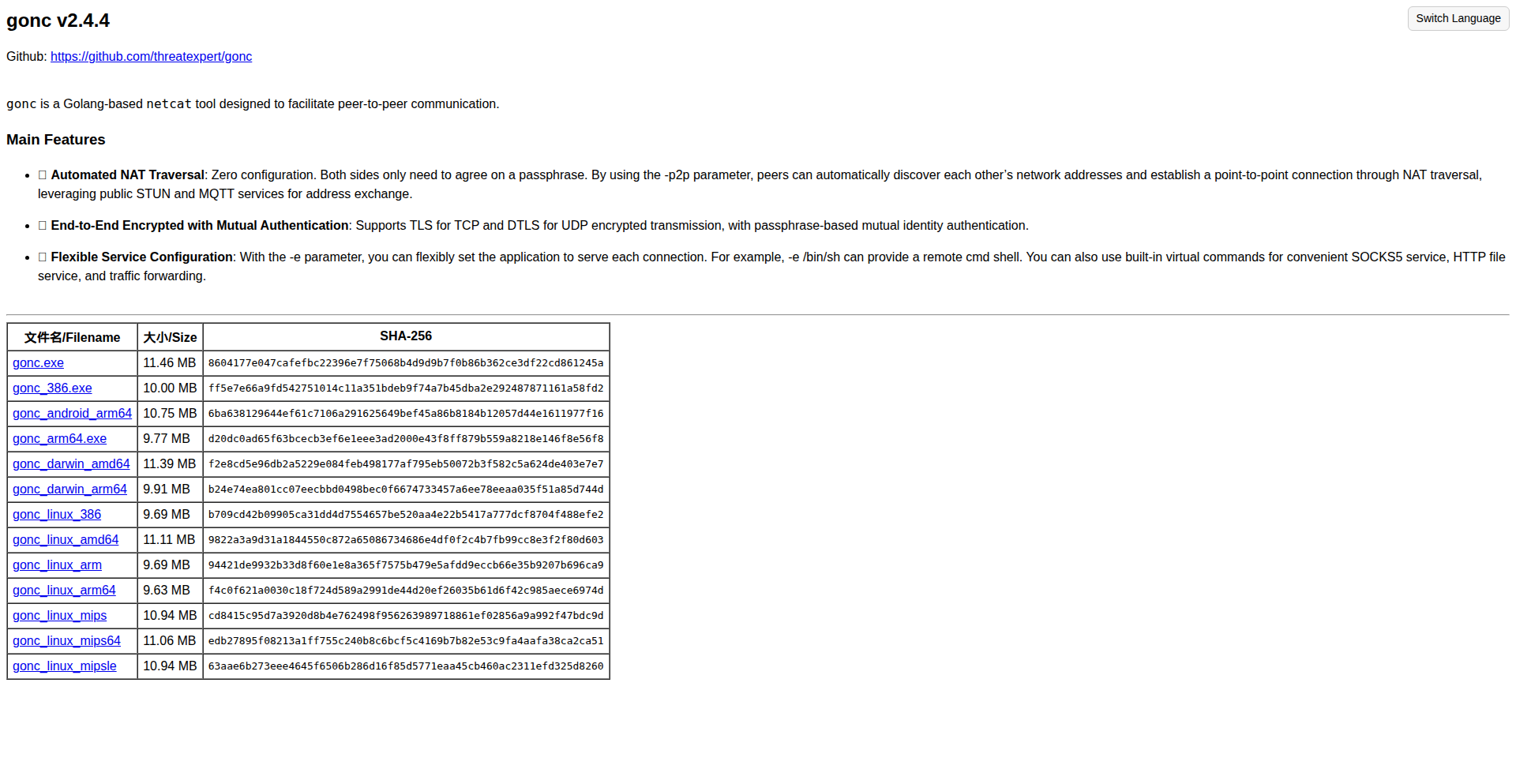
Author
gonc_cc
Description
Gonc is a cross-platform utility written in Go that acts as a serverless P2P netcat alternative. Its core innovation is the ability to automatically punch through Network Address Translation (NAT) and firewalls using a simple '-p2p' flag. This enables direct peer-to-peer connections for chat and, more powerfully, bidirectional reverse proxying. It leverages public STUN and MQTT servers for signaling, eliminating the need for a self-hosted rendezvous server, and can utilize any standard SOCKS5 server as a relay when necessary, offering a flexible and decentralized solution for remote access and network tunneling.
Popularity
Points 3
Comments 0
What is this product?
Gonc is a command-line tool that simplifies establishing direct peer-to-peer connections between devices, even when they are behind different networks or firewalls. It achieves this by using a technique called NAT traversal, which helps devices discover each other indirectly. Instead of relying on a central server to broker connections, Gonc uses publicly available STUN (Session Traversal Utilities for NAT) and MQTT (Message Queuing Telemetry Transport) servers to exchange network information between peers. This allows them to find a way to connect directly. Once connected, Gonc can function like a netcat tool for simple communication or act as a dual reverse proxy, allowing both devices to expose services to each other as if they were on the same local network. This approach is innovative because it bypasses the common hurdle of setting up complex server infrastructure for P2P communication.
How to use it?
Developers can use Gonc by downloading the executable for their operating system. To initiate a P2P connection, both peers run the same command with a shared passphrase: `gonc -p2p <passphrase>`. This establishes a basic P2P netcat-like connection. For more advanced use cases, like creating a dual reverse proxy where both peers can access each other's local services, one peer runs `gonc -p2p <passphrase> -linkagent` and the other runs `gonc -p2p <passphrase> -link <local_port>;<remote_port>`. This forwards traffic from a specified port on one side to a specified port on the other. If direct P2P connection is difficult due to symmetric NATs, Gonc can be configured to use a public SOCKS5 server as a relay by specifying the `-x socks5ip:port` flag on one of the peers.
Product Core Function
· Peer-to-peer NAT traversal: Enables direct connections between devices behind different NATs, simplifying remote access and avoiding central server dependencies. This means you can connect to a machine on your home network from anywhere without complex router configurations.
· Bidirectional reverse proxy: Allows two peers to simultaneously expose local services to each other. This is useful for developers needing to test services on remote machines or collaborate on applications in real-time. Imagine sharing a local development server with a colleague across the internet seamlessly.
· Serverless signaling: Utilizes public STUN and MQTT servers for connection setup, eliminating the need for self-hosted signaling infrastructure. This drastically reduces complexity and cost for setting up P2P connections.
· SOCKS5 relay support: Can use any standard SOCKS5 server as a relay when direct P2P connection is not possible, offering a flexible fallback mechanism. This provides a robust solution even in challenging network environments.
· Netcat-like functionality: Provides basic network communication capabilities, allowing for simple data streaming between peers. This is a fundamental building block for many network diagnostic and scripting tasks.
Product Usage Case
· Remote development server access: A developer needs to demonstrate a web application running on their local machine to a client. They can use Gonc with the dual reverse proxy feature to securely expose their local development server to the client's machine without opening firewall ports on their home router.
· Cross-network command execution: A system administrator needs to run a diagnostic command on a server located in a different, isolated network. Gonc's P2P netcat functionality allows them to establish a direct tunnel and execute commands remotely as if they were on the same network.
· Collaborative application testing: Two developers are working on a network-intensive application. They can use Gonc's dual reverse proxy to simulate a real-world network environment between their machines for testing and debugging, even if they are geographically separated.
· Secure file sharing between isolated networks: Instead of relying on cloud storage, two users can establish a secure P2P tunnel using Gonc and transfer files directly between their machines, bypassing intermediate servers and potential security risks.
39
ASCII-Art Contextualizer
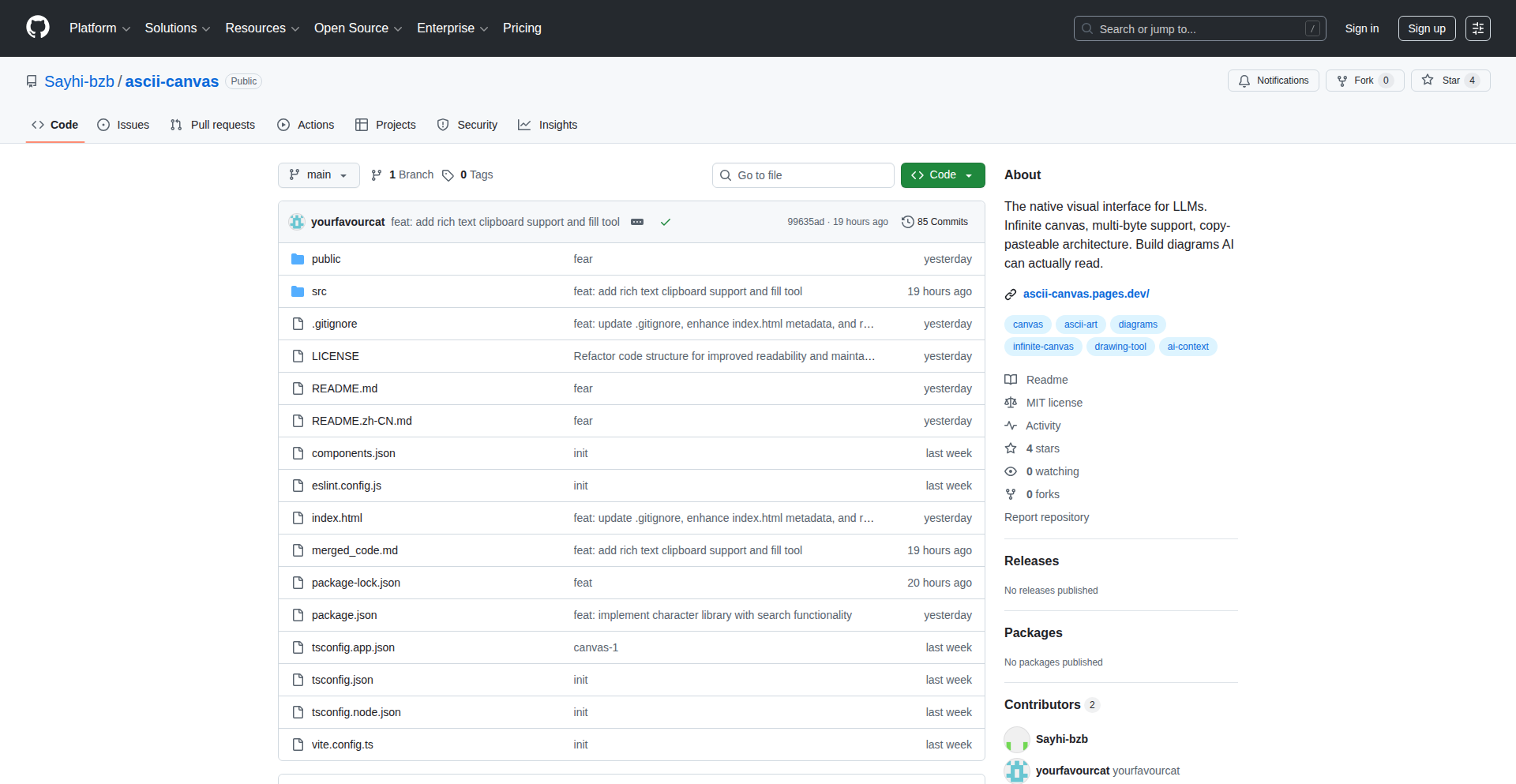
Author
uSayhi
Description
This project presents an ASCII canvas designed to represent context for AI models. It allows developers to visualize and manipulate complex AI context in a text-based, universally accessible format, akin to a simple drawing tool but for abstract AI states. The core innovation lies in translating rich AI context into a human-readable ASCII representation, enabling easier debugging and understanding of AI behavior.
Popularity
Points 2
Comments 1
What is this product?
This is a tool that transforms complex AI contextual information into a visual ASCII art representation. Imagine you're trying to understand what an AI 'sees' or 'thinks' at any given moment. Instead of dealing with abstract data structures, this project renders that information as a text-based image. The innovation is in creating a bridge between the intricate, often hidden, internal state of an AI and a simple, visual format that any developer can grasp. This helps in quickly identifying patterns, anomalies, or areas of confusion in the AI's processing.
How to use it?
Developers can use this by feeding their AI's current context data into the ASCII Canvas. The tool then interprets this data and generates a corresponding ASCII art output. This output can be displayed in a terminal or saved as a text file. It's particularly useful during the debugging phase of AI development, allowing engineers to visually inspect the AI's understanding of its environment or a given problem. Think of it as a debugger for AI's 'brain'.
Product Core Function
· Contextual Data Rendering: Translates raw AI context data (e.g., sensor inputs, internal state variables, memory pointers) into a structured ASCII art output. This is valuable because it makes abstract AI information tangible, allowing developers to see what the AI is processing in a human-understandable way.
· Visual Debugging: Provides a visual representation of the AI's thought process or environment perception, enabling developers to quickly spot issues or unexpected behaviors. The value here is drastically reduced debugging time and improved AI accuracy by identifying subtle contextual errors.
· Text-Based Visualization: Generates output that can be easily shared, logged, or displayed in any terminal environment, making it highly accessible and integrable into existing workflows. This means no specialized graphics hardware or complex display dependencies are needed, offering universal utility.
· Interactive Manipulation (Potential): While not explicitly detailed, the canvas concept implies potential for interactive manipulation of the context visualization, allowing developers to modify the ASCII representation to simulate different scenarios and observe AI responses. The value is in enabling rapid prototyping and 'what-if' analysis for AI behavior.
Product Usage Case
· Debugging a self-driving car AI: Instead of sifting through lines of code representing sensor data, a developer could see an ASCII representation of what the car 'sees' – obstacles, lanes, other vehicles – in a clear, visual map, immediately highlighting if the AI is misinterpreting its surroundings. This solves the problem of understanding complex sensor fusion.
· Analyzing a chatbot's understanding: When a chatbot misunderstands a query, this tool could render its current 'understanding' of the conversation as an ASCII diagram, showing which concepts it has grasped and where the breakdown occurred. This helps developers pinpoint why the AI is failing to comprehend the user's intent.
· Visualizing reinforcement learning agent's state: For an AI learning through trial and error, this canvas could depict the agent's current 'world' state and its internal goals or rewards in an ASCII grid. Developers can then see if the agent is learning to navigate its environment effectively or if it's getting stuck in a loop.
40
CCQL: Claude Code SQL Explorer
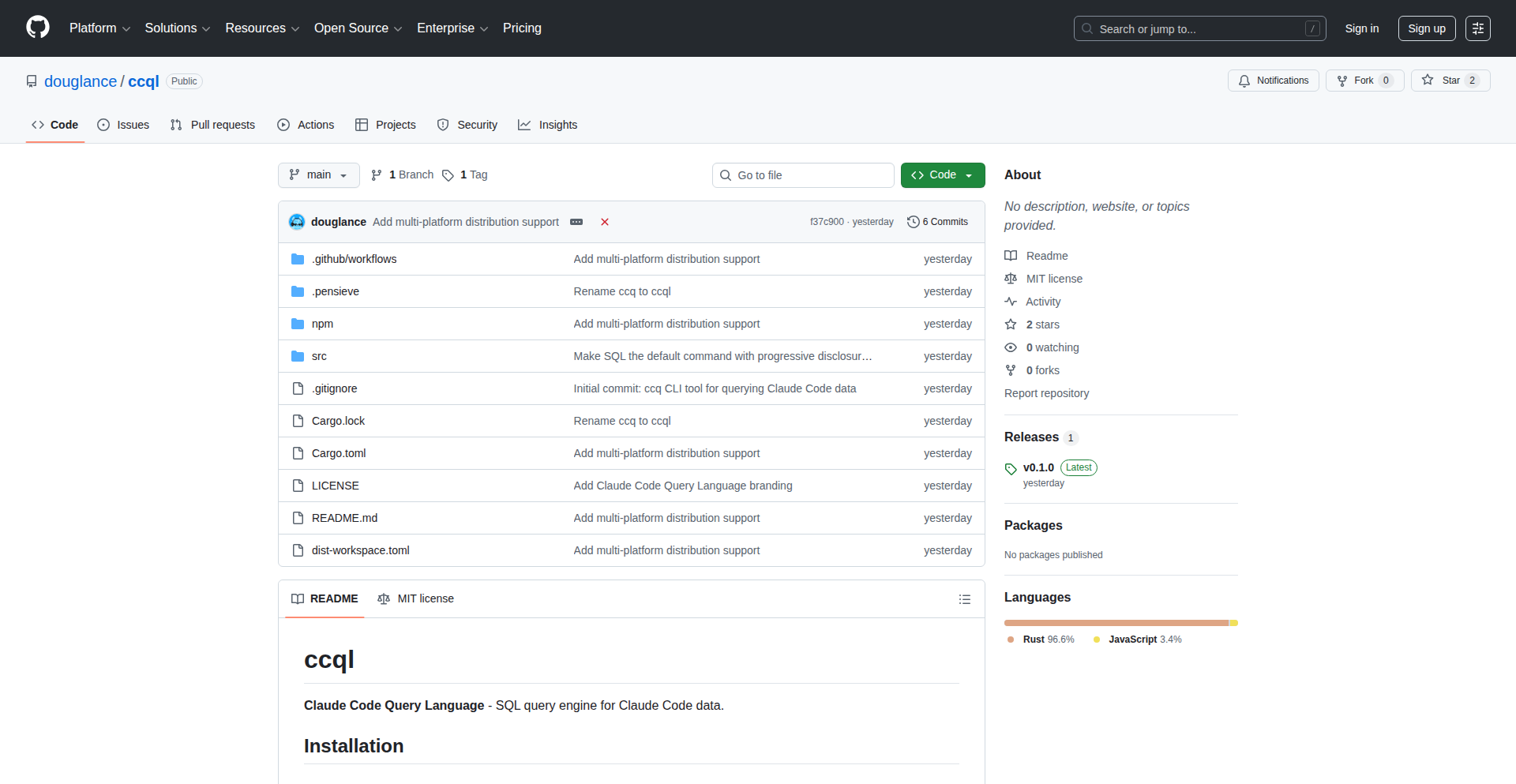
Author
douglaswlance
Description
CCQL is a command-line interface (CLI) tool that empowers users of Claude Code to query their interaction data, including history, transcripts, prompts, and sessions, using standard SQL. It addresses the challenge of analyzing large volumes of AI conversation data by transforming it into a structured, queryable format, enabling insightful pattern discovery and usage analysis.
Popularity
Points 3
Comments 0
What is this product?
CCQL is a clever tool built for people who frequently use Claude Code. Imagine you have tons of conversations and prompts saved up – it can be hard to make sense of them all. CCQL takes all that scattered data and makes it available for you to ask questions using SQL, the same language used for databases. The innovation here is taking the unstructured (or semi-structured) chat logs and loading them into a lightweight, built-in SQL engine. This means you can safely explore how you're using Claude, like which prompts you repeat or which tools it uses most often, without accidentally changing anything. So, this is useful because it turns your AI interaction history into a structured dataset you can analyze for deeper understanding of your AI usage.
How to use it?
Developers can use CCQL by installing it via common package managers like Homebrew for macOS, npm, or Cargo. Once installed, you can run SQL queries directly from your terminal against your Claude Code data. For instance, you can ask "SELECT tool_name, COUNT(*) AS uses FROM transcripts GROUP BY tool_name ORDER BY uses DESC LIMIT 10" to see which tools Claude uses the most. This allows for quick, scriptable analysis of your AI interaction patterns. It's a great way to integrate AI usage analytics into your workflow, providing immediate insights into your AI agent's behavior and your own interaction habits.
Product Core Function
· SQL Querying for AI Data: Enables running standard SQL queries against Claude Code's history, transcripts, prompts, and sessions, allowing for deep data analysis and pattern identification. The value is turning raw AI conversation logs into a structured database for insightful analytics.
· Duplicate Prompt Detection: Identifies repeated or very similar prompts with a fuzzy matching algorithm, helping users avoid redundancy and refine their prompt engineering. This saves time and improves the efficiency of AI interactions.
· Full-Text Search with Regex: Offers powerful text searching capabilities across your AI data, including support for regular expressions, making it easy to find specific information or keywords within your conversations. This is valuable for quickly locating relevant past interactions or identifying recurring themes.
· Safe Data Exploration: Loads data into an embedded SQL engine in a read-only mode, ensuring that your original AI interaction data remains unchanged, providing a secure environment for experimentation and analysis. This protects your valuable interaction history.
· Multiple Output Formats: Supports various output formats like table, JSON, and JSONL, allowing users to easily integrate the query results into other tools or scripts for further processing or visualization. This flexibility makes the tool adaptable to different workflows.
Product Usage Case
· Analyzing AI Tool Usage: A user can run a query like "SELECT tool_name, COUNT(*) AS uses FROM transcripts GROUP BY tool_name ORDER BY uses DESC LIMIT 10" to understand which built-in tools Claude is utilizing most frequently, helping them optimize their AI agent's configuration and usage. This answers 'What tools are most effective for my tasks?'
· Identifying Prompt Reuse Patterns: By querying the history or prompts table for commonly used phrases or concepts (e.g., "SELECT display, COUNT(*) FROM history GROUP BY display ORDER BY COUNT(*) DESC LIMIT 5"), a developer can discover frequently repeated prompts. This helps in identifying areas where standardized prompts could be beneficial, answering 'Am I reinventing the wheel with my prompts?'
· Tracking Conversation Evolution: A user can analyze session data with a query such as "SELECT _session_id, COUNT(*) FROM transcripts GROUP BY _session_id" to understand the length and complexity of different conversation sessions. This helps in optimizing conversation design and understanding how interactions unfold over time, answering 'How do my conversations typically progress?'
· Finding Specific Information Across Sessions: A developer can use full-text search with regex, e.g., `ccql search "authentication error"`, to quickly locate all instances where specific error messages or keywords appear across all their past interactions, streamlining debugging and knowledge retrieval. This answers 'Where did I encounter this specific problem before?'
41
SonicKeycaps: Mechanical Keyboard Sound Simulator

Author
dante_dev_001
Description
SonicKeycaps is a web-based tool that allows users to preview the sound of different mechanical keyboard keycaps and switch combinations without needing to physically own the hardware. It leverages audio synthesis and pre-recorded sound samples to offer an interactive acoustic experience, solving the problem of costly and time-consuming physical testing for keyboard enthusiasts.
Popularity
Points 3
Comments 0
What is this product?
SonicKeycaps is an innovative web application that digitally simulates the sound profiles of various mechanical keyboard components. It works by analyzing the physical properties of different keycap materials (like ABS, PBT, POM), stem types (like Cherry MX, Gateron), and switch mechanisms (like clicky, tactile, linear). The core innovation lies in its sophisticated audio synthesis engine, which combines frequency response curves, damping characteristics, and impact sounds derived from real-world recordings. This allows it to generate realistic acoustic previews of how a specific keycap-switch combination would sound when typed on, offering a virtual testing ground for keyboard customizations. So, this helps you understand how your dream keyboard will sound before you spend money on it.
How to use it?
Developers and keyboard enthusiasts can use SonicKeycaps directly through their web browser. The interface presents a selection of popular keycap profiles, materials, and switch types. Users can intuitively mix and match these options, and the application will instantly generate an audio preview of the resulting keypress sound. For integration, the project's underlying audio synthesis logic could potentially be exposed as an API or a JavaScript library, allowing other developers to build custom keyboard configurators or sound visualization tools. This offers a way to quickly test combinations or even build personalized sound experiences. So, this allows you to easily experiment with different keyboard sounds and even integrate this sound simulation into your own projects.
Product Core Function
· Interactive keycap and switch sound preview: Allows users to select and combine different keycap materials, profiles, and switch types to hear the resulting acoustic output. This is valuable for making informed purchasing decisions and understanding the impact of component choices on sound. The application uses audio processing techniques to model the sound characteristics.
· Realistic audio synthesis: Employs advanced audio generation algorithms to accurately replicate the nuances of mechanical keyboard sounds, including thock, click, and clack. This provides a true-to-life auditory experience, reducing the guesswork involved in selecting components. The innovation here is in the accurate modeling of acoustic physics.
· Component library and customization: Offers a curated database of common keycap and switch options, with the ability to expand and add new profiles. This empowers users with flexibility and choice, catering to a wide range of preferences. The value is in providing a comprehensive and evolving set of options for exploration.
· Cross-platform accessibility: Available as a web application, ensuring it can be accessed from any device with a modern browser without requiring any software installation. This broad accessibility makes it easy for anyone interested in mechanical keyboards to try it out. The benefit is immediate access and ease of use for all.
Product Usage Case
· A mechanical keyboard hobbyist wants to build a quiet, deep 'thocky' keyboard but is unsure which keycaps and linear switches will achieve this sound. They use SonicKeycaps to audition various PBT keycaps with different profiles combined with Gateron Yellow and Holy Panda switches, finding the perfect combination that matches their desired auditory profile, saving them the cost of buying multiple sets of switches and keycaps to test. This solves the problem of acoustic uncertainty in custom keyboard builds.
· A peripheral manufacturer wants to quickly prototype and evaluate the acoustic characteristics of new keycap designs. They can use SonicKeycaps to simulate the sound of their prototypes against existing popular switch types, getting an instant acoustic feedback loop without the need for physical manufacturing and extensive testing. This accelerates their product development cycle.
· A developer is building a virtual reality experience where users can interact with virtual keyboards. They integrate the SonicKeycaps sound generation logic to provide realistic auditory feedback for virtual keypresses, enhancing the immersion of the VR environment. This allows for a more engaging and realistic user interaction in digital spaces.
42
AI-Synergy Forge
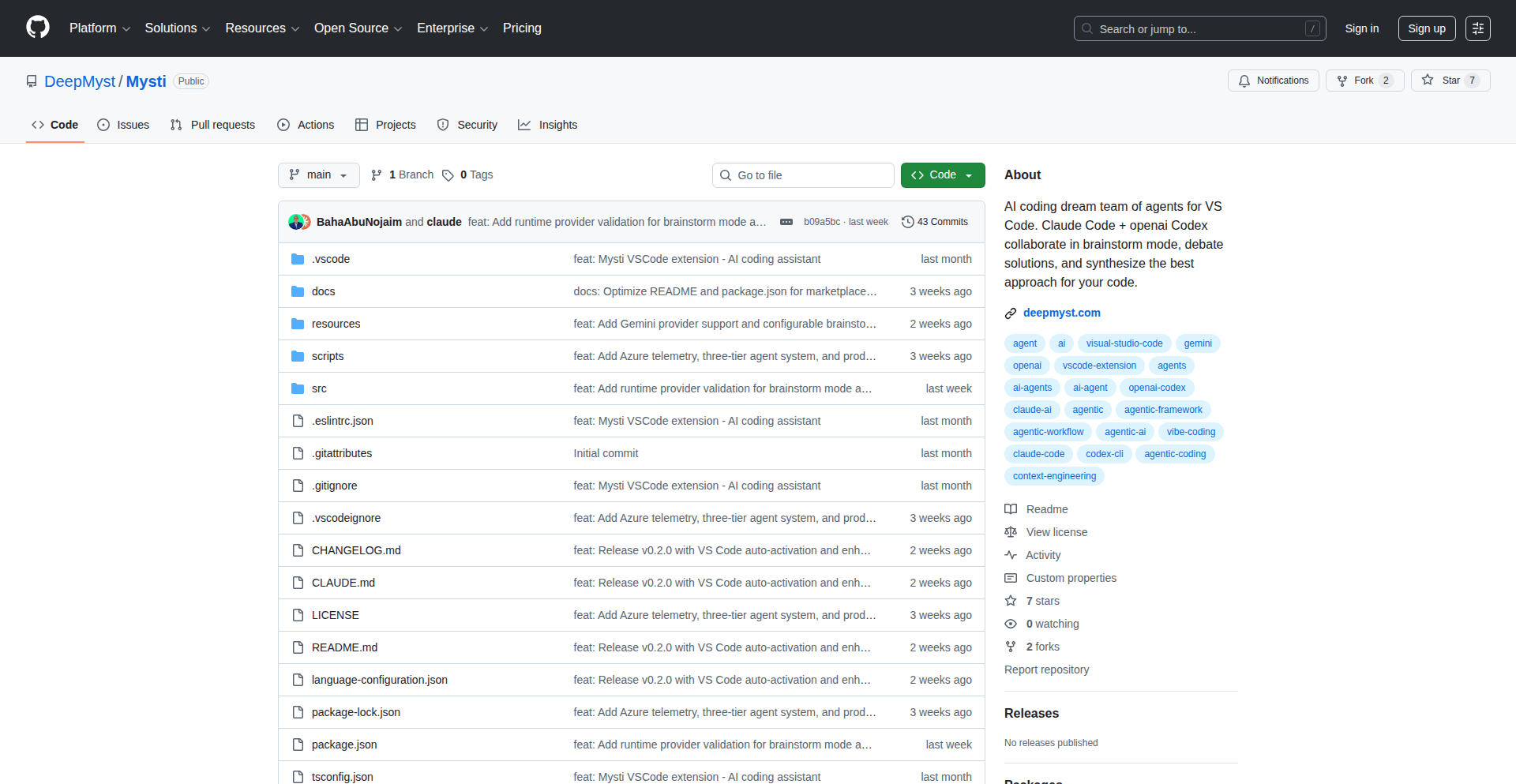
Author
bahaAbunojaim
Description
Mysti is a developer tool that orchestrates multiple AI agents (like Claude Code, Codex, and Gemini) to collaborate on your coding tasks. It addresses the limitation of using only one AI at a time by enabling two agents to analyze a prompt, debate different approaches, and then synthesize a combined, superior solution. This is innovative because it leverages the unique strengths and blind spots of different AI models, mimicking pair programming with distinct AI personalities to catch more edge cases and deliver more robust answers. So, it's useful for you by providing a richer, more comprehensive AI-assisted development experience, potentially reducing debugging time and improving code quality.
Popularity
Points 3
Comments 0
What is this product?
Mysti is an AI-powered development assistant that allows you to select any two advanced AI agents, such as Claude Code, Codex, or Gemini, to work together on your coding challenges. The core innovation lies in its multi-agent collaboration mechanism. Instead of a single AI processing your request, Mysti sends your prompt to two chosen agents. Each agent independently analyzes the prompt and devises a solution. Then, these agents engage in a simulated 'discussion' or 'debate' about their approaches. Finally, Mysti synthesizes their combined insights into a single, refined solution. This process is valuable because different AI models are trained on different datasets and possess unique strengths and weaknesses. By combining perspectives, Mysti can identify potential issues or offer alternative solutions that a single AI might miss. It's like having two expert developers collaborate on a problem, each bringing their own distinct expertise. So, it's useful for you by providing more thorough and well-rounded AI-generated solutions, enhancing your problem-solving capabilities.
How to use it?
Developers can integrate Mysti into their workflow primarily through its VS Code extension. After installing the extension, you can leverage your existing subscriptions to AI services like Claude Pro, ChatGPT Plus, and Gemini without needing new accounts. You interact with Mysti by providing your code-related prompts. You can then select which two AI agents you want to participate in the collaboration. Mysti handles the routing of your prompt to these agents and the orchestration of their subsequent discussion and synthesis. The output is then presented to you within your VS Code environment. For more advanced use cases, Mysti can shell out to specific CLI tools like `claude-code`, `codex-cli`, or `gemini-cli`. This allows for flexible integration into custom scripts or automated workflows. So, it's useful for you by offering a seamless way to enhance your existing AI subscriptions and automate complex AI collaboration directly within your favorite development environment.
Product Core Function
· Multi-Agent Collaboration: Enables selection and parallel processing of two distinct AI agents to analyze a single prompt, providing diverse perspectives and increasing the likelihood of catching edge cases. Its value is in generating more robust and well-vetted solutions by combining unique AI strengths.
· AI Agent Synthesis: Orchestrates a 'discussion' between selected AI agents and then synthesizes their outputs into a single, coherent solution, reducing the need for manual merging of information from different AI sources. Its value is in delivering a unified and refined answer from multiple AI inputs.
· Persona Customization: Offers 16 pre-defined personas (e.g., Architect, Debugger, Security Expert) that developers can assign to AI agents, tailoring their analytical focus and output style to specific development needs. Its value is in allowing precise control over the AI's role and perspective for targeted problem-solving.
· Permission Control: Provides granular control over AI agent permissions, ranging from read-only access to autonomous execution, ensuring security and appropriate levels of AI intervention in your projects. Its value is in giving developers the confidence to integrate AI deeply while maintaining control over sensitive operations.
· Unified Context Management: Maintains a unified context across different AI agents and when switching between them, ensuring that the AI always has a complete understanding of the ongoing task. Its value is in preventing loss of information and maintaining conversational flow during complex AI-assisted development.
Product Usage Case
· Complex Architecture Design: A developer is designing a new microservices architecture and needs to consider security implications, scalability, and maintainability. By using Mysti with an 'Architect' persona for one agent and a 'Security Expert' persona for another, they can get a comprehensive analysis that covers both high-level design principles and specific security vulnerabilities, something a single AI might overlook. This solves the problem of getting siloed advice.
· Difficult Bug Resolution: A developer encounters a recurring, intermittent bug that is hard to reproduce. They can use Mysti with two 'Debugger' personas. One agent might focus on analyzing stack traces and logs, while the other might hypothesize potential race conditions or memory leaks. Their synthesized output could provide a more complete picture of the bug's origin. This solves the problem of debugging elusive issues.
· Code Refactoring and Optimization: A developer wants to refactor a large legacy codebase for better performance. They can assign one AI agent as a 'Performance Optimizer' and another as a 'Code Quality Analyst'. The optimizer can suggest algorithmic improvements, while the quality analyst can identify areas for better readability and maintainability. Mysti can then synthesize these suggestions into actionable refactoring steps. This solves the problem of balancing performance gains with code clarity.
· API Integration Challenges: When integrating with a complex third-party API, a developer might struggle with understanding edge cases or unexpected responses. Using Mysti with one agent focused on API documentation analysis and another on potential error handling scenarios can yield a more robust integration strategy. This solves the problem of navigating complex API documentation and anticipating obscure issues.
43
SwiftFlow Studio
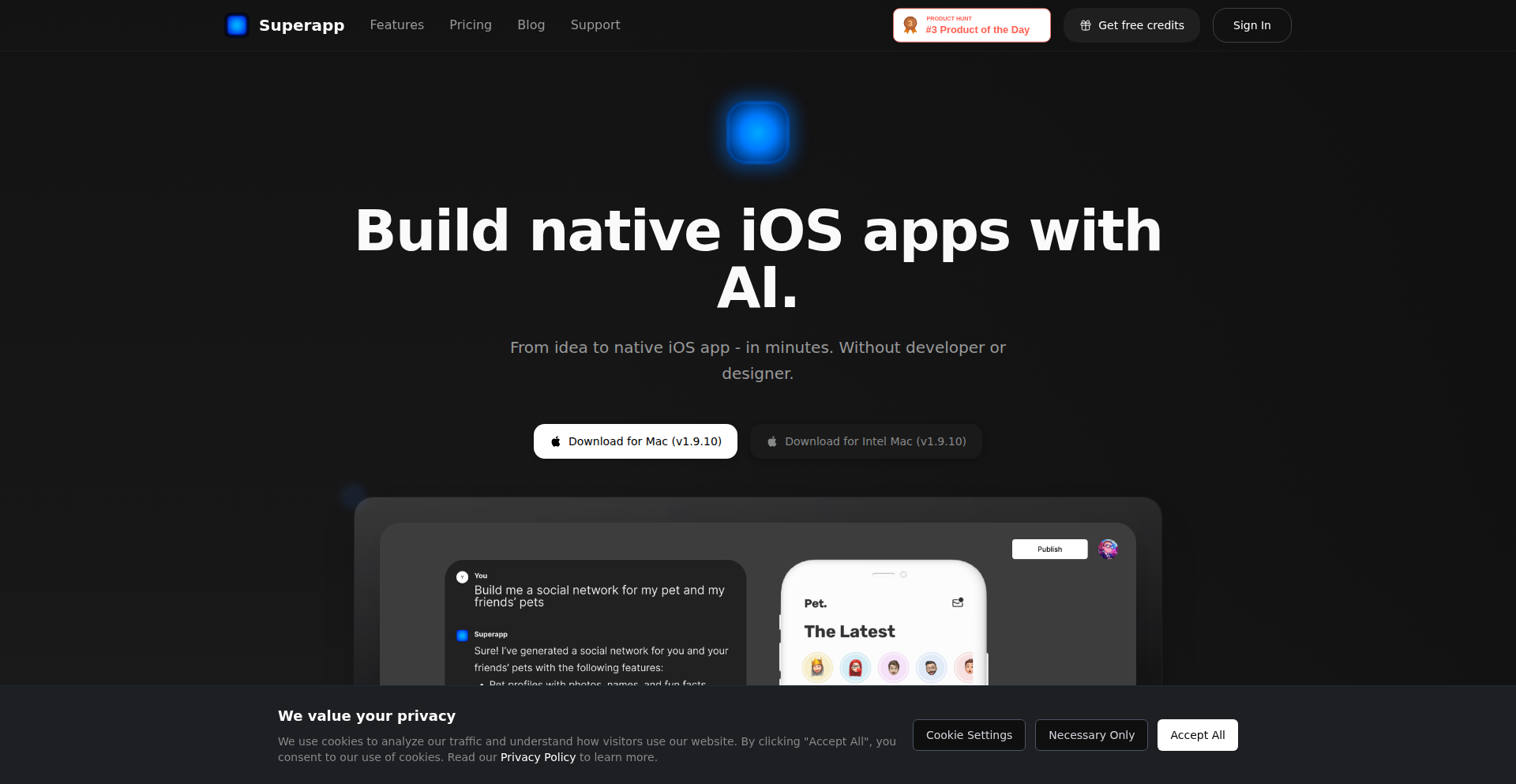
Author
thekotik
Description
Superapp is a MacOS-based visual development tool for native Swift iOS applications. It abstracts away the complexities of Xcode, enabling users, particularly non-developers, to create functional iOS apps. It leverages AI agents for project creation, design system generation (including glassmorphism with SwiftUI), and efficient code writing with caching and parallel processing. The tool builds and runs apps on a Mac's iOS simulator, feeding back errors to the coding agent for refinement. While Xcode is required in the background, users interact through a simplified interface.
Popularity
Points 3
Comments 0
What is this product?
Superapp is a MacOS application that acts as a visual builder for native Swift iOS apps, designed to be accessible to users without deep coding knowledge. Its core innovation lies in using AI agents to handle the technical heavy lifting typically done in Xcode. A 'Project Creation Agent' sets up a real Xcode project behind the scenes. A 'Design Agent' crafts a design system using SwiftUI, even supporting modern design trends like glassmorphism. A 'Coding Agent' intelligently writes Swift code, optimizing with caching and parallel processing to speed up development. The entire app is compiled and tested on your Mac using the iOS simulator and runtime, with any detected bugs reported back to the 'Coding Agent' to fix. So, this means you can build an iOS app visually, and the complex code writing and project setup are handled automatically by smart AI.
How to use it?
Developers can use Superapp to accelerate their iOS app development workflow. You install Superapp on your MacOS machine. Although Xcode needs to be present on your system for the underlying compilation and simulation, you won't need to open or directly interact with it. You'll interact with Superapp's intuitive interface to define your app's structure, design elements, and core logic. The tool will then use its AI agents to generate the actual Swift code and Xcode project. This is ideal for rapid prototyping, building internal tools, or for teams where designers or product managers want to have more direct input into app creation without being blocked by extensive coding requirements. So, this helps you build apps faster by letting AI do the heavy lifting, allowing you to focus on the app's concept and user experience.
Product Core Function
· Project Creation Agent: Automates the setup of a functional Xcode project in the background, so you don't have to manually configure project settings. This saves time and reduces the chance of setup errors, allowing for immediate focus on app logic and design.
· Design Agent with SwiftUI: Generates a design system using SwiftUI, including support for advanced aesthetics like glassmorphism. This provides a consistent and modern look for your app without requiring extensive UI design expertise, ensuring your app looks polished and up-to-date.
· Efficient Coding Agent: Writes Swift code with intelligent caching and parallel tool calls, significantly speeding up the code generation process. This means faster iteration cycles and quicker development of features, enabling you to see your app come to life more rapidly.
· Integrated Build and Runtime: Builds and runs your iOS app directly on your Mac's iOS simulator and runtime, feeding back any bugs to the coding agent for automatic correction. This streamlines the testing and debugging process, identifying and fixing issues efficiently without manual intervention, leading to a more stable app faster.
Product Usage Case
· Rapid prototyping for new app ideas: A product manager can use Superapp to quickly generate a functional prototype of a new app concept based on a set of requirements, allowing for early user feedback and validation without waiting for a full development cycle. This helps iterate on ideas quickly and efficiently.
· Empowering designers to build their own simple apps: A UI/UX designer can leverage Superapp's visual interface and design generation capabilities to create standalone apps or micro-interactions that showcase their designs, bridging the gap between design and implementation. This allows designers to directly realize their creative visions without needing a developer's immediate assistance.
· Accelerating internal tool development: A small startup can use Superapp to rapidly build internal tools or small utilities that improve team productivity, such as simple data dashboards or task management apps, without needing to hire dedicated iOS developers. This enables faster business process automation and efficiency gains.
· Educational tool for learning iOS development principles: Students or beginners can use Superapp to observe how complex app structures and code are generated visually, providing an intuitive way to grasp fundamental iOS development concepts and architectures. This offers a more approachable entry point into the world of iOS app creation.
44
OneFileSlides: Single-File HTML Presentation Powerhouse
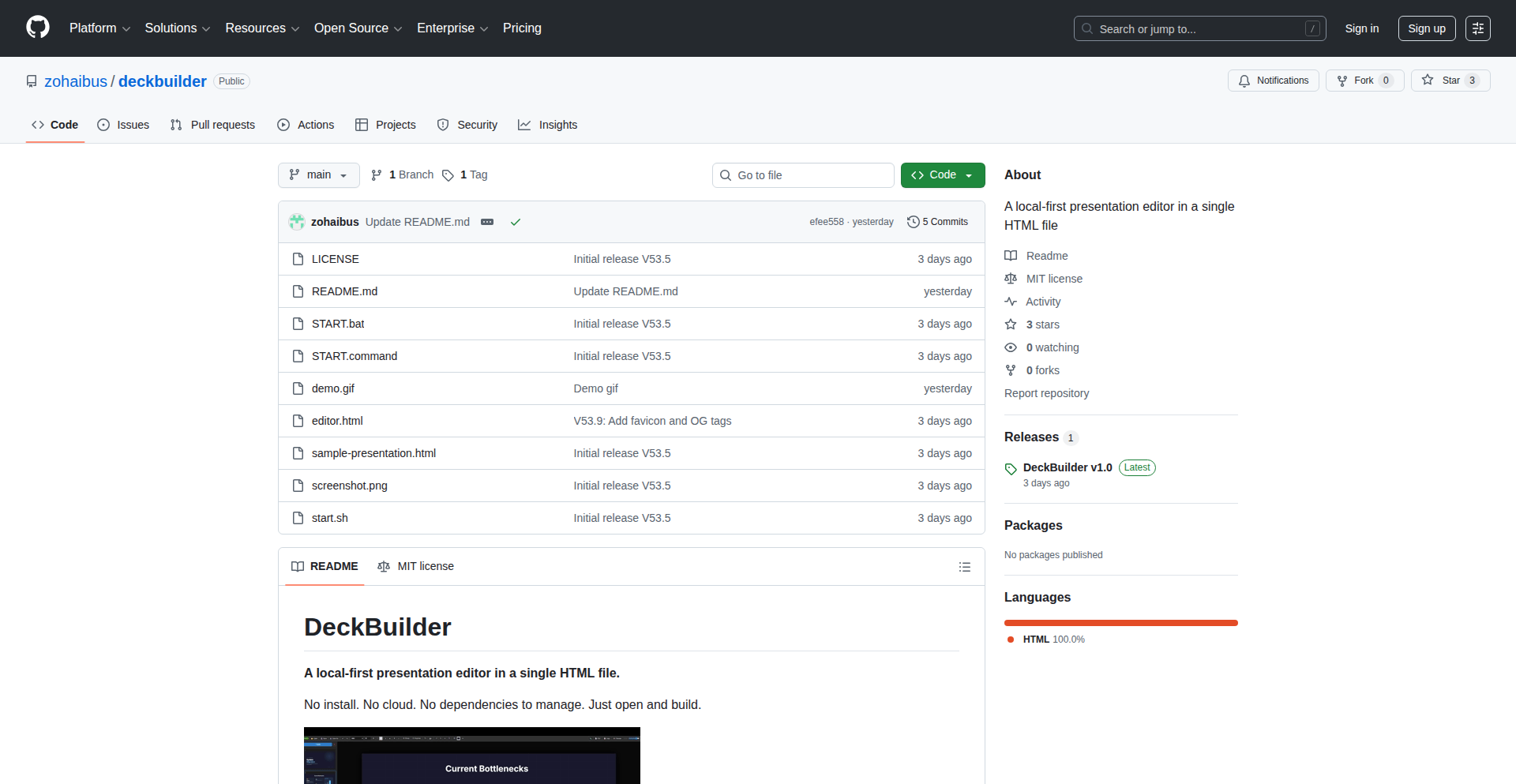
Author
zpusmani
Description
This project is a revolutionary single-file HTML slide editor that weighs in at just 750KB and requires no complex build process. Its core innovation lies in embedding all necessary JavaScript, CSS, and presentation logic directly within a single HTML file, making it incredibly portable and easy to share. It solves the problem of cumbersome presentation tools by offering a lightweight, instantly accessible solution for creating and sharing dynamic slides, demonstrating the power of pure client-side web technologies.
Popularity
Points 2
Comments 1
What is this product?
This project is a self-contained presentation editor built entirely within a single HTML file. Think of it as a super-lightweight, portable PowerPoint or Google Slides alternative that lives entirely in your browser, without needing to install anything or even connect to the internet once the file is loaded. The innovation is in its complete encapsulation: all the styling, interactivity, and slide logic are baked into one HTML document. This means you get a fully functional slide deck editor that's as easy to share as a document, offering immediate access and zero setup friction. So, what's in it for you? You can create and share presentations instantly, without worrying about software compatibility or complex deployment.
How to use it?
Developers can use this project by simply downloading the single HTML file. You can then open it in any modern web browser to start creating slides. For integration, you can embed this HTML file into other web applications or websites, or use it as a standalone presentation tool. The 'no build step' aspect means you can directly edit the HTML source to customize its appearance or functionality, and immediately see the changes. So, what's in it for you? You get a ready-to-use presentation tool that's incredibly easy to integrate or use on its own, offering a simple path to creating dynamic content.
Product Core Function
· Single-file deployment: The entire presentation editor and its output are contained in one HTML file. This drastically simplifies sharing and portability, making it ideal for offline use or quick collaboration. So, what's in it for you? Easy distribution and access to your presentations anytime, anywhere.
· Client-side rendering and editing: All presentation logic and editing happen directly in the browser using JavaScript. This means no server-side dependencies, resulting in faster performance and enhanced privacy for your content. So, what's in it for you? A responsive and secure way to build presentations without relying on external services.
· Lightweight and fast: With a file size of around 750KB, it's significantly smaller and faster to load than many feature-rich presentation applications. This is crucial for users with limited bandwidth or slower devices. So, what's in it for you? Quick access to your presentation tool and a smooth editing experience.
· Markdown support: The editor likely supports Markdown for content creation, allowing for rapid text formatting and a familiar writing experience for many developers. So, what's in it for you? A streamlined way to author your presentation content efficiently.
· Customizable templates: While not explicitly stated, single-file HTML editors often allow for easy customization of templates, enabling users to brand their presentations or adapt to specific design needs. So, what's in it for you? The flexibility to create presentations that match your unique style or brand identity.
Product Usage Case
· A developer needing to quickly create a technical demo presentation for a team meeting without installing any software. They download the HTML file, edit it locally, and present directly from their browser. This solves the problem of presentation software availability and setup time. So, what's in it for you? Instant creation and delivery of presentations, even in restrictive environments.
· An educator wanting to share interactive learning materials that are easily accessible to students with diverse devices and internet access. The single HTML file can be shared via email or a simple link, functioning offline. This solves the problem of content accessibility and distribution. So, what's in it for you? Effortless sharing of educational content that works for everyone.
· A designer creating a portfolio or a quick project showcase that needs to be instantly viewable and shareable online. By embedding the HTML file into their personal website, they can offer an interactive presentation of their work without complex integrations. This solves the problem of static website content becoming dynamic and engaging. So, what's in it for you? A simple way to add dynamic and interactive elements to your web presence.
45
ZynkStream
Author
justmarc
Description
ZynkStream is a cross-platform, P2P file transfer tool designed to eliminate the frustrations of traditional file sharing. It offers secure, end-to-end encrypted transfers across any device or operating system, both on local networks (even offline) and over the internet. Key innovations include resumable transfers, no file size limits, folder support, and compatibility with a wide range of platforms, making it a robust solution for everyday and advanced file sharing needs.
Popularity
Points 3
Comments 0
What is this product?
ZynkStream is a personal file transfer application that leverages peer-to-peer (P2P) technology for direct device-to-device file sharing. Unlike cloud-based services that require uploads and downloads, ZynkStream establishes a direct connection between your devices or with others. It uses end-to-end encryption (E2EE) to ensure that only you and the intended recipient can access your files. This means even the developers of ZynkStream cannot see your data. The system is built to handle large files and entire folders seamlessly, with the ability to resume transfers if your connection is interrupted, making it incredibly reliable. The innovation lies in its universal compatibility across Mac, Windows, Linux, iOS, Android, and even devices like the Steam Deck, aiming to provide an AirDrop-like experience for everyone, everywhere.
How to use it?
Developers can use ZynkStream in various scenarios. On a local network, it allows for rapid transfer of large datasets between development machines or to staging servers without relying on internet bandwidth. For team collaboration, it enables secure sharing of project assets, code snippets, or design files, even when team members are in different physical locations. Its command-line interface (CLI) is particularly valuable for automation, allowing scripts to trigger file transfers as part of build pipelines or deployment processes. The 'web share and drop links' feature makes it easy to share files with stakeholders or clients who may not have ZynkStream installed, via a simple browser interface. Integration is straightforward; simply install the application on the relevant devices and initiate transfers through the intuitive UI or the powerful CLI.
Product Core Function
· Cross-platform P2P File Transfer: Enables direct, secure file sharing between any devices (Mac, Windows, Linux, iOS, Android, etc.) without relying on central servers, reducing latency and increasing privacy. This is useful for developers who need to quickly move large codebases or assets between their different machines.
· Offline and Local Network Transfers: Facilitates file transfers even without an internet connection, ideal for environments with limited connectivity or for highly sensitive data transfer within a secure local network. This solves the problem of sharing files when you're on the go or in a restricted network environment.
· Resumable Transfers: Automatically resumes interrupted file transfers due to network fluctuations, device sleep, or power loss, ensuring that large or long transfers are not lost. This provides peace of mind and saves time by eliminating the need to restart lengthy transfers.
· End-to-End Encryption (E2EE): Guarantees that all transferred files are encrypted from sender to receiver, making them unreadable to anyone in between, including ZynkStream itself. This is crucial for developers handling sensitive intellectual property or personal data.
· Unlimited File Size and Folder Support: Allows for the transfer of any size file and entire directory structures, similar to rsync, removing the limitations often found in other file sharing solutions. This is perfect for moving large project directories or multimedia files.
· Web Share and Drop Links: Provides a simple way to share files with anyone via a web browser, even if they don't have ZynkStream installed. This simplifies collaboration with external parties or clients.
· Built-in Chat and Media Viewer: Offers contextual chat alongside file transfers and an integrated media viewer/player, enhancing the user experience by keeping communication and file preview within the same application. This streamlines the workflow for reviewing and sharing media assets.
Product Usage Case
· Transferring large datasets for machine learning model training between a developer's workstation and a cloud GPU instance without relying on potentially slow and expensive cloud storage uploads. ZynkStream's P2P and resumable features ensure efficient and reliable transfer of terabytes of data.
· Sharing a complex project with numerous nested folders and assets with a remote collaborator. ZynkStream's folder support and E2EE ensure the entire project is sent securely and completely, preserving the project structure.
· Quickly sending urgent design mockups or code snippets between a mobile device and a desktop during a client meeting without needing to use cloud services or email. ZynkStream's UI and cross-platform compatibility make this instantaneous and private.
· Automating the deployment of configuration files or build artifacts to a staging server. A developer can set up a script that uses ZynkStream's CLI to transfer updated files to the server, ensuring consistency and speed.
· Sharing a large video file with family or friends who are not technically inclined. The web share link allows them to download the file directly from their browser, providing an easy and accessible sharing experience without requiring them to install any software.
46
AyderStream - HTTP-Native Event Streaming Engine
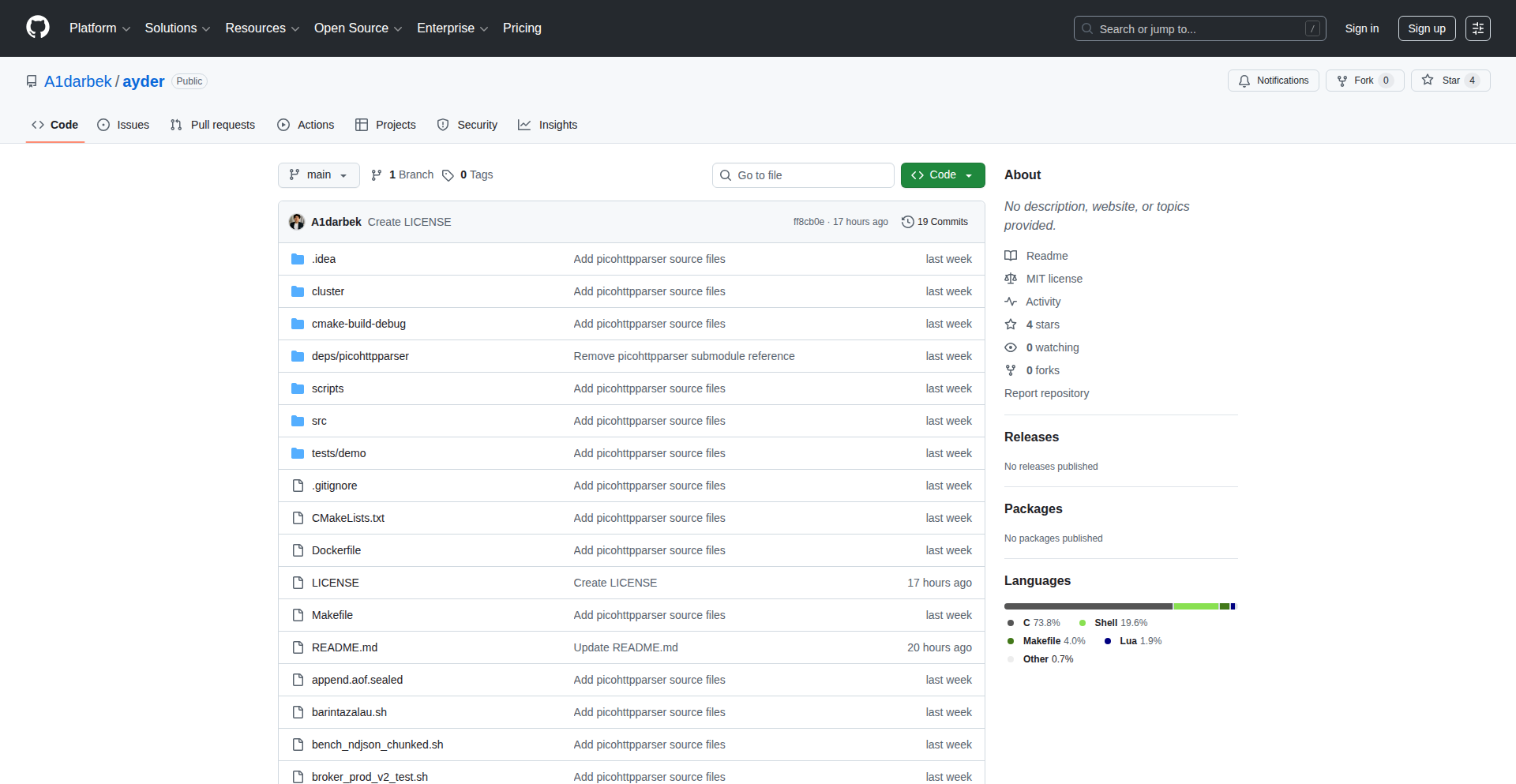
Author
Aydarbek
Description
AyderStream is a highly performant, self-contained event streaming engine built in C with libuv. It reimagines the Kafka experience for 2025 by offering an HTTP-native interface, eliminating complex dependencies, and providing significantly faster recovery times. It delivers a single binary solution for scalable event streaming, KV storage, and stream processing, aiming to simplify the operational overhead of traditional message brokers.
Popularity
Points 3
Comments 0
What is this product?
AyderStream is a modern, efficient event streaming platform designed to be as easy to use as interacting with a web server. Unlike older systems that require complex setups and long recovery periods after disruptions, AyderStream uses a single binary with no external dependencies. It communicates natively over HTTP, making it feel familiar and accessible. Under the hood, it employs the Raft consensus algorithm for distributed reliability and a C implementation with libuv for blazing-fast performance. This means you get high throughput (50K messages per second) and low latency (P99 at 3.46ms) with minimal downtime – recovery from a crash takes under a minute, compared to hours for some existing solutions. So, what does this mean for you? It means a more reliable, faster, and simpler way to handle real-time data streams in your applications, reducing operational headaches and improving system responsiveness.
How to use it?
Developers can integrate AyderStream into their workflows by interacting with its HTTP API. For instance, to send data to a topic named 'orders', you can use a simple curl command: `curl -X POST localhost:1109/broker/topics/orders/produce -d '{"item":"widget"}'`. AyderStream can be deployed as a standalone service or as part of a distributed cluster (3/5/7 nodes) leveraging Raft for fault tolerance. It supports mTLS for secure communication. Its stream processing capabilities allow for in-memory data transformations like filtering, grouping, and windowed joins, even across different data formats like Avro and Protobuf. This makes it ideal for microservices architectures, real-time analytics pipelines, and event-driven systems where speed and simplicity are paramount. So, how can you use this? You can easily push events from your applications and consume them from other services, build real-time dashboards, or trigger downstream actions based on data flows, all through straightforward HTTP requests.
Product Core Function
· Append-only log with consumer groups and committed offsets: This is the foundation for reliable event streaming, ensuring that messages are stored durably and can be consumed in order by different groups of applications, providing guaranteed message delivery. This is useful for building robust event-driven systems where data integrity is crucial.
· Raft consensus (3/5/7 nodes) with mTLS: This ensures high availability and fault tolerance for your streaming data. Even if some nodes in your cluster fail, the system will continue to operate, preventing data loss and service interruptions. This is critical for production environments requiring continuous uptime.
· Key-Value store with CAS and TTL: Beyond streaming, AyderStream functions as a fast and reliable KV store. CAS (Compare-And-Swap) allows for atomic updates, preventing race conditions, and TTL (Time-To-Live) automatically purges old data, simplifying data management. This is great for caching, configuration management, or storing temporary state in distributed systems.
· Stream processing: filter, group_by, windowed joins (including cross-format Avro+Proto): This is where AyderStream becomes a powerful real-time data processing engine. You can transform, aggregate, and enrich your data streams on the fly without needing separate processing frameworks. This enables real-time insights and immediate reactions to data events.
· Idempotent produce, retention policies, Prometheus metrics: Idempotent produce guarantees that sending the same message multiple times has the same effect as sending it once, preventing duplicate processing. Retention policies manage storage space by automatically deleting old data. Prometheus metrics provide visibility into the system's performance and health. These features make AyderStream robust, manageable, and observable.
Product Usage Case
· Microservices communication: Imagine several independent microservices that need to communicate asynchronously. Instead of direct API calls which can create tight coupling and failures, AyderStream can act as a central nervous system. Service A publishes an event to AyderStream, and Services B and C subscribe to it, processing the event independently. This decouples services and improves resilience. So, this means your microservices can be more independent and less prone to cascading failures.
· Real-time analytics dashboard: For applications that generate a lot of user activity data, AyderStream can ingest these events and perform aggregations (like counting clicks per minute, or calculating average session duration) in real-time. This processed data can then be fed into a dashboard for immediate visualization. So, this means you can have live insights into your application's performance and user behavior.
· IoT data ingestion and processing: Devices sending sensor data can publish their readings to AyderStream. Downstream applications can then subscribe to this data, filter for anomalies, trigger alerts, or perform time-series analysis. So, this allows for instant detection of issues or trends from your connected devices.
· Order processing pipeline: An e-commerce platform can use AyderStream to handle incoming orders. When an order is placed, it's published to AyderStream. Different consumers can then handle tasks like inventory updates, payment processing, and shipping notifications in parallel and reliably. So, this streamlines your order fulfillment process and ensures no order gets lost.
47
ADHD-Sync CLI
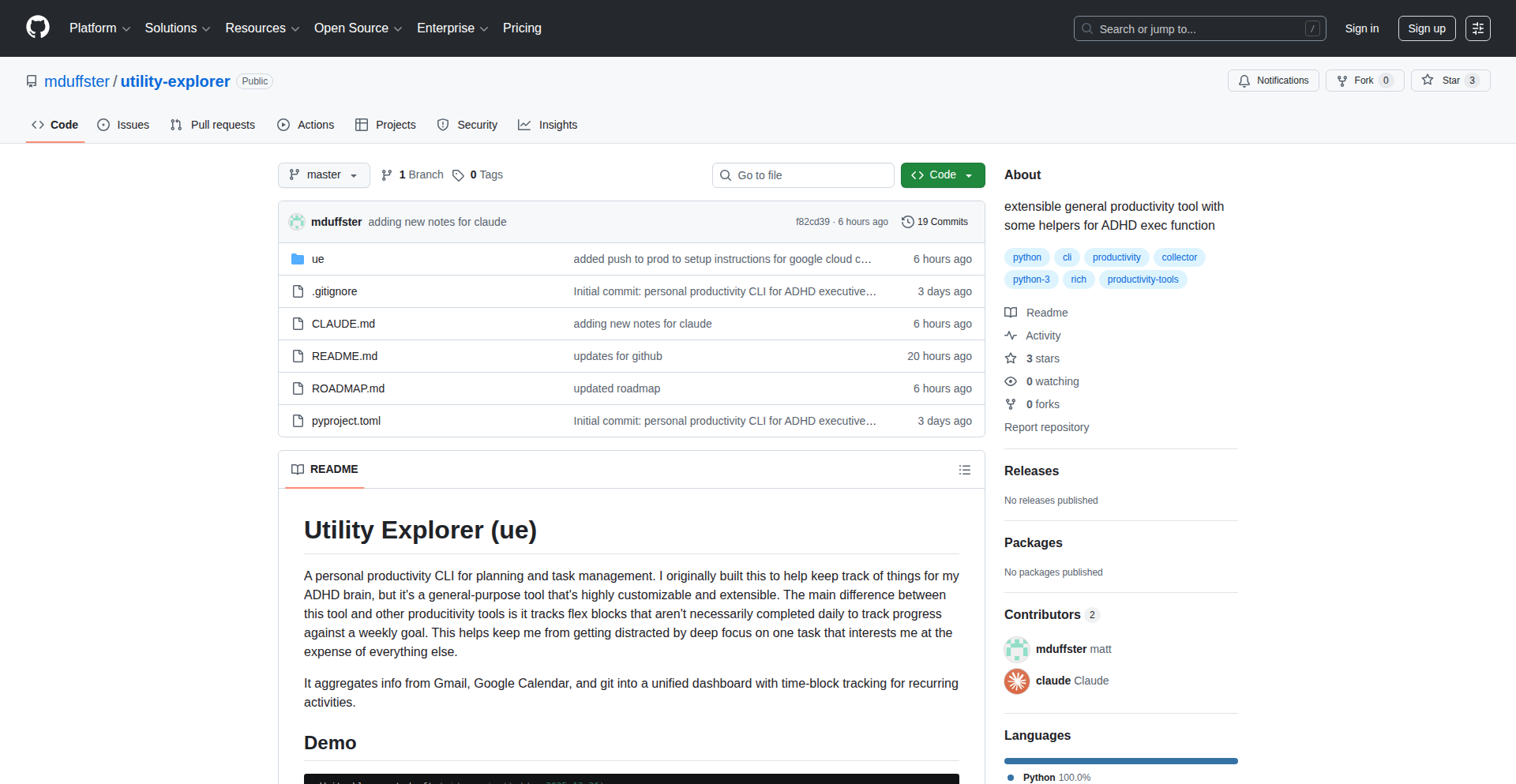
Author
dwmd14
Description
A command-line interface (CLI) tool designed to help individuals, particularly those with ADHD, manage the complexity of juggling multiple high-priority freelance projects. It aggregates tasks from various sources like email, calendar, and git repositories into a unified dashboard, offering block tracking for recurring activities and structured routines for daily reviews. The innovation lies in its ability to provide actionable insights and recommendations, helping users make meaningful progress across all their commitments.
Popularity
Points 3
Comments 0
What is this product?
ADHD-Sync CLI is a sophisticated command-line tool that acts as a central hub for your project management needs, especially beneficial for individuals who struggle with focus and organization due to ADHD. It tackles the chaos of scattered information by pulling in data from your Gmail, Google Calendar, and GitHub commits. Its core innovation is 'block tracking,' which treats recurring activities like workouts or focused work sessions as weekly goals rather than individual tasks. The system proactively alerts you if you're falling behind on these goals. It also promotes discipline with 'structured routines' via 'ue am' and 'ue pm' commands for morning and evening reviews, replacing the daunting blank canvas with a helpful ritual. For an extra layer of intelligence, it offers an optional integration with Claude AI to suggest your next most impactful task based on all your contextual data. This means it brings order to your digital life, helping you stay on track without constant mental overhead.
How to use it?
Developers can integrate ADHD-Sync CLI into their workflow by installing it on their system. Once installed, they can connect it to their Gmail, Google Calendar, and GitHub accounts. The tool then provides a unified CLI dashboard where they can view aggregated information. For example, running `ue am` can initiate a morning standup routine, helping them plan their day. They can quickly add new tasks with simple commands, and the tool will track their progress against weekly block targets. The `ue pm` command can facilitate an evening review, allowing for reflection and adjustment. The AI integration can be invoked to receive personalized task recommendations, making it a proactive productivity partner. This is useful for developers who are managing multiple client projects, open-source contributions, and personal learning goals simultaneously.
Product Core Function
· Unified CLI Dashboard: Consolidates tasks, emails, calendar events, and git activity into a single command-line interface. This provides a clear overview, reducing context switching and the mental effort required to track disparate information, which is crucial for maintaining focus.
· Block Tracking: Manages recurring activities as weekly targets (e.g., exercise 3 times a week) instead of individual tasks. The system warns users when they are at risk of missing these targets, offering a proactive way to ensure consistency in important habits and commitments, preventing drift.
· Structured Routines (ue am/ue pm): Implements predefined morning standup and evening review rituals. This creates a consistent framework for daily planning and reflection, reducing decision fatigue and fostering a sense of accomplishment by providing clear start and end points to the workday.
· AI-Powered Task Recommendation: Optionally integrates with AI models like Claude to suggest the next optimal task based on all available project context. This intelligent assistance helps users prioritize effectively and overcome inertia by providing clear, data-driven guidance on what to work on next.
· Data Aggregation (Gmail, Calendar, GitHub): Seamlessly pulls data from essential productivity tools. This eliminates the need to manually check multiple platforms, saving significant time and reducing the chances of overlooking important updates or tasks.
· Local Data Storage (SQLite): Stores all user data locally in a SQLite database. This ensures privacy and control over personal information, offering peace of mind for users concerned about data security and external access.
Product Usage Case
· A freelance developer managing three client projects, personal open-source contributions, and daily learning habits. They use ADHD-Sync CLI to see all their impending deadlines, scheduled meetings, and code review requests in one place. The block tracking ensures they dedicate sufficient time to their personal learning goal each week, preventing it from being sidelined by client work. The AI recommendation helps them decide which client task to tackle first to maximize impact.
· A project manager with ADHD who struggles to keep track of communication across email, Slack, and project management tools. They integrate their Gmail with ADHD-Sync CLI to quickly see flagged emails related to critical projects and calendar events for important meetings. The structured routines help them start and end their day with a clear action plan and a review of accomplishments, preventing overwhelm.
· A student balancing coursework, extracurricular activities, and a part-time job. They use ADHD-Sync CLI to track study blocks for different subjects and habit tracking for consistent exercise. The tool's reminders help them stay on schedule for assignments and avoid procrastination, especially during busy periods. The CLI nature allows them to quickly log tasks or notes without leaving their coding environment.
48
GridWatch Live Telemetry API
Author
Norris-Eng
Description
A real-time US grid stress telemetry API built with Python scrapers and Azure Functions. It tackles the fragmented and delayed data from traditional grid operators by providing a normalized, live stream of grid status, enabling automated actions for energy-intensive operations like cryptocurrency mining.
Popularity
Points 3
Comments 0
What is this product?
GridWatch Live Telemetry API is a custom-built service that continuously collects and standardizes data about the stress levels of the US power grid from various energy information sources (like PJM and ERCOT). The core innovation lies in its automated data scraping using Python libraries (Pandas, Requests) to handle the often messy and inconsistent formats from these sources, and then processing this data in near real-time using serverless Azure Functions. This creates a unified, easy-to-access API that provides a clear picture of grid conditions. So, what does this mean for you? It means you get up-to-date, reliable information about the grid's status, which is crucial for making timely decisions in energy-sensitive applications.
How to use it?
Developers can integrate GridWatch into their applications by subscribing to the API on platforms like RapidAPI. This allows them to fetch real-time grid stress data programmatically. For instance, a cryptocurrency mining operation manager could use this API to automatically trigger a 'kill switch' on their mining rigs when the grid is under high stress, preventing potential costs or service disruptions. The API can be called from any application that can make HTTP requests, making it highly flexible. So, how can you use it? You can incorporate this data into your dashboards, build automated alerts, or trigger operational changes in your systems based on grid conditions.
Product Core Function
· Real-time Grid Stress Monitoring: Collects and normalizes data from diverse ISOs (Independent System Operators) to provide a unified view of grid stress. This is valuable for understanding immediate power availability and potential fluctuations.
· Automated Data Scraping: Uses Python scripts with libraries like Pandas and Requests to efficiently extract and clean data from complex, often unstructured sources. This ensures a consistent data feed even when original sources change their formats.
· Serverless Computation: Leverages Azure Functions for processing and serving API requests, ensuring scalability and cost-effectiveness, as it only runs when needed. This means you benefit from a robust service without worrying about managing servers.
· Historical Data Storage: Stores collected grid data in Azure Data Lake Gen2 using the efficient Parquet format for long-term retention and potential future analysis. This allows for trend analysis and retrospective understanding of grid behavior.
· Automated Curtailment Trigger: Provides a 'kill-switch' functionality for energy-intensive applications, like Bitcoin miners, to automatically reduce or halt operations during periods of high grid demand or price spikes. This directly helps in cost savings and operational stability.
Product Usage Case
· Scenario: A cryptocurrency mining farm owner wants to avoid high electricity costs during peak demand hours. Solution: Integrate the GridWatch API to automatically detect grid stress signals and, in turn, trigger a Python script that shuts down or throttles the mining rigs. This directly saves money by avoiding peak electricity prices.
· Scenario: An energy researcher wants to analyze the correlation between grid stress and renewable energy output. Solution: Use the GridWatch API to pull historical grid telemetry data and combine it with renewable generation data from other sources. This helps in understanding grid dynamics and optimizing energy strategies.
· Scenario: A data scientist wants to build a predictive model for electricity prices. Solution: Utilize the real-time and historical data from the GridWatch API as a key feature in the prediction model, alongside other market data. This can lead to more accurate price forecasts.
· Scenario: A system administrator for an industrial facility operating energy-intensive machinery needs to ensure continuous operation without overloading the grid. Solution: Implement an alert system that uses the GridWatch API to notify the operator when grid stress levels are increasing, allowing for proactive adjustments to machinery operation to prevent disruptions.
49
AxisY: Visualizing Complex Ideas

Author
superhuang
Description
AxisY is a tool designed to tackle the challenge of understanding complex topics presented in textbooks. It leverages visualization techniques to make dense information more accessible. The core innovation lies in its ability to transform abstract concepts into comprehensible visual representations, helping users grasp difficult subjects more effectively. This is particularly valuable for students and professionals encountering challenging academic or technical material.
Popularity
Points 2
Comments 1
What is this product?
AxisY is a visualization engine that helps users understand complex topics found in textbooks. Instead of just reading dense text, AxisY aims to translate these concepts into visual diagrams, flowcharts, or other graphical representations. The underlying technology likely involves natural language processing (NLP) to parse text and identify key relationships, coupled with a sophisticated rendering engine to create meaningful visualizations. This approach addresses the cognitive load associated with traditional learning methods by providing a more intuitive way to process information, making difficult subjects feel less daunting and more engaging. So, what's in it for you? It means faster comprehension and better retention of challenging material.
How to use it?
Developers can integrate AxisY into their educational platforms, study tools, or even as a standalone application for personal learning. The project likely exposes an API or a set of libraries that allow for text input and visualization output. Users would feed relevant textbook sections or notes into AxisY, and it would generate visual aids. For example, a developer could build a browser extension that automatically visualizes sections of online textbooks. This would allow users to quickly get a visual overview of a chapter's key concepts without getting bogged down in the details. So, what's in it for you? It offers a new way to build educational tools that are more interactive and effective.
Product Core Function
· Textual Analysis and Concept Extraction: Identifies key terms, definitions, and relationships within a given text. This is valuable for breaking down complex arguments into manageable pieces, allowing users to see the core components of a topic. So, what's in it for you? It helps you pinpoint the essential ideas in any document.
· Dynamic Visualization Generation: Creates various types of visual aids (e.g., mind maps, flowcharts, concept graphs) based on the extracted concepts. This adds a new dimension to learning, moving beyond static text to dynamic, interactive understanding. So, what's in it for you? It transforms abstract information into something you can actually see and interact with.
· Topic Relationship Mapping: Illustrates how different concepts within a text are connected, revealing the underlying structure of complex subjects. This is crucial for building a holistic understanding, preventing users from learning isolated facts. So, what's in it for you? It helps you see the bigger picture and how everything fits together.
· Customizable Visualization Styles: Offers options for users to tailor the appearance and type of visualizations to their preferences or the nature of the topic. This ensures the tool is adaptable and user-friendly for a wide range of learning styles. So, what's in it for you? You can get the visualizations that best suit your learning needs.
Product Usage Case
· A student struggling with a dense physics textbook could feed chapter summaries into AxisY to generate a concept map of all the forces and principles involved, helping them see how they interact. So, what's in it for you? You can get a clear visual roadmap for understanding difficult scientific concepts.
· A software engineer learning a new programming framework could use AxisY to visualize the relationships between different classes and functions described in the documentation, accelerating their understanding of the framework's architecture. So, what's in it for you? You can quickly grasp the structure and dependencies of complex codebases.
· An educator could integrate AxisY into their online course materials to provide students with dynamic visualizations of historical timelines or economic models, enhancing engagement and comprehension. So, what's in it for you? You can create more engaging and effective learning experiences for your students.
· A researcher could use AxisY to visually explore the connections between different research papers or theories, identifying potential gaps or synergies in existing knowledge. So, what's in it for you? You can gain new insights by seeing the landscape of your field of study in a new way.
50
HealthWrap AI

Author
nihalgoyal10
Description
HealthWrap AI is a personalized data visualization tool that transforms your Apple Health data into a beautiful, shareable yearly summary. It addresses the lack of engaging and aesthetically pleasing end-of-year recaps for health and fitness metrics tracked by Apple Watch and HealthKit, offering a 'Spotify Wrapped' like experience but tailored for your personal wellness journey. The core innovation lies in how it aggregates and presents complex health data in an easily digestible and visually appealing format, making your fitness achievements a source of pride and shareability.
Popularity
Points 3
Comments 0
What is this product?
HealthWrap AI is a side project that acts as a personal data curator for your Apple Health records. It leverages the APIs provided by Apple HealthKit to access your fitness and health data, such as steps taken, distance run, calories burned, heart rate, and more. The innovation comes from its ability to process this raw data and synthesize it into a narrative-driven, visually rich summary, much like popular music streaming services do for listening habits. Instead of just seeing raw numbers, you get insights and trends presented in an engaging way. So, for you, it means turning your daily health tracking into a story you can easily understand and share.
How to use it?
Developers can integrate HealthWrap AI by leveraging its underlying data aggregation and visualization logic. For end-users, the current usage involves connecting your Apple Health account to the tool (following the specific instructions provided by the project creators, which might involve a web interface or a script execution). The project is designed to be a direct consumer of Apple Health data. For instance, if you're a developer looking to build a similar feature for your own app, you could examine the open-source components (if available) or be inspired by its data processing pipeline. The ultimate goal is to make your personal health journey data accessible and enjoyable. So, you can use it to get a fun, yearly overview of your fitness progress.
Product Core Function
· Data Aggregation from Apple HealthKit: This function intelligently collects and consolidates various health and fitness metrics tracked by your Apple Watch and iPhone, such as activity levels, sleep patterns, and workout data. Its value lies in centralizing fragmented data into a single source for analysis.
· Personalized Summary Generation: It processes the aggregated data to create a unique, narrative-style yearly recap. The value here is transforming complex datasets into an understandable and engaging story of your health journey, making your progress feel meaningful.
· Visual Data Presentation: The tool uses aesthetically pleasing visualizations (charts, graphs, infographics) to represent your health data trends. This adds significant value by making the data intuitive and impactful, allowing you to quickly grasp your achievements and areas for improvement.
· Shareable Output: It generates summaries that are designed to be easily shared on social media or with friends. The value is in allowing users to celebrate their fitness milestones and inspire others within their network.
Product Usage Case
· Personal Fitness Tracking Enthusiasts: A runner who uses an Apple Watch to track their marathon training can use HealthWrap AI to generate a year-end summary highlighting their total mileage, fastest race times, and training consistency, providing a tangible and shareable record of their dedication. This solves the problem of having raw data without a compelling narrative.
· Individuals Focused on Wellness: Someone aiming to improve their overall health might use HealthWrap AI to see trends in their daily steps, active calories burned, and sleep quality over the year. The visual summary helps them identify what habits were most effective and where they can focus their efforts for the next year. This addresses the need for clear, actionable insights from their health data.
· Developers seeking inspiration for health apps: A mobile app developer wanting to add a 'year-in-review' feature to their fitness application can analyze how HealthWrap AI connects to HealthKit and visualizes data. This provides a technical blueprint for implementing similar personalized summaries in their own projects, solving the challenge of data presentation.
· Socially motivated individuals: Someone who likes to share their progress with friends and family can use HealthWrap AI to create visually appealing summaries of their fitness achievements, fostering accountability and friendly competition. This provides a simple way to communicate personal health wins without overwhelming others with raw data.
51
ScanOS: Visual Memory Weaver
Author
JohannesGlaser
Description
ScanOS is an innovative ingestion layer that transforms visual inputs like screenshots and photos into structured, machine-readable memory for LLM assistants. Unlike typical OCR tools, it normalizes recurring visual data over time, building a persistent, stateful memory for AI, not just extracting isolated text. This means your AI assistant can remember and understand visual information contextually, making it more powerful and personalized.
Popularity
Points 3
Comments 0
What is this product?
ScanOS is a system that takes pictures or screenshots and makes them understandable to AI assistants in a way that the AI can remember and learn from over time. Instead of just reading the text in an image, ScanOS understands the *structure* and *meaning* of the visual elements. It's like teaching an AI to recognize recurring patterns in your visual world, so it can build a consistent understanding, even if the images look a bit different each time. The key innovation is its ability to create a persistent, evolving memory from visual data, without needing complex AI training (like embeddings or fine-tuning) or just basic text recognition (OCR). The output is either clear text or structured data (JSON) that can be easily stored and reused.
How to use it?
Developers can integrate ScanOS into their AI assistant workflows or any application that needs to process visual information contextually. You can feed it screenshots of application UIs, photos of physical objects, or exported visual data. ScanOS will process these inputs and provide structured data that your LLM can then use to understand context, track changes, or recall past visual states. This is particularly useful for building AI assistants that need to interact with visual interfaces or remember details from images, making your applications smarter and more capable of handling visual information like a human would.
Product Core Function
· Visual data normalization: ScanOS processes various visual inputs and converts them into a consistent, structured format. This is valuable because it ensures that even if you take screenshots of the same app at different times or with slight UI variations, the AI assistant can still recognize and understand the underlying information, leading to more reliable AI memory.
· Persistent state accumulation: It builds a memory over time by understanding recurring visual patterns. This is crucial for AI assistants that need to remember information across multiple interactions, allowing them to maintain context and provide more personalized and informed responses, much like a human remembers past experiences.
· Machine-readable output: ScanOS generates explicit JSON or human-readable text that can be easily stored and queried. This is beneficial for developers as it allows for the creation of file-based memory systems for AI, making it simple to inspect, manage, and reuse the AI's learned visual knowledge, ensuring transparency and control.
· LLM memory enhancement: It directly feeds structured visual memory into LLM assistants. This is important because it empowers LLMs to go beyond simple text-based knowledge and incorporate visual understanding, making them more versatile for tasks involving visual interfaces, data analysis from charts, or even recognizing objects in images.
Product Usage Case
· Building an AI assistant that monitors software UIs: Imagine an AI that watches your screen and helps you with tasks. ScanOS can take screenshots of your application windows and help the AI understand the layout, buttons, and content, allowing it to guide you or automate actions. This solves the problem of AI assistants not being able to 'see' and interact with the visual aspects of your computer.
· Creating a visual inventory system: For businesses or individuals, ScanOS can process photos of products or inventory. By normalizing these images, it helps create a structured database that tracks items, their states, and changes over time, making inventory management more efficient and less prone to errors.
· Developing a personalized learning tool: An AI tutor could use ScanOS to understand visual learning materials like diagrams or charts. By converting these into structured memory, the AI can better explain concepts, remember what the student has seen, and tailor future lessons based on visual comprehension.
· Automating repetitive visual tasks: For tasks that involve interacting with visual elements on a screen, ScanOS can enable an AI to consistently identify and process these elements. This is useful for automated testing of graphical user interfaces or for agents that need to perform actions based on visual cues.
52
Lutris Couch Commander

Author
andrew-ld
Description
A TV-friendly, gamepad-navigable frontend for the Lutris game launcher on Linux. This application solves the problem of controlling your entire PC gaming library from the comfort of your couch using only a gamepad, offering a seamless '10-foot UI' experience for launching games, managing audio, and even force-quitting applications without needing a keyboard.
Popularity
Points 3
Comments 0
What is this product?
This project is a specialized user interface designed for Linux users who want to play PC games launched through Lutris. It's built as a '10-foot UI,' meaning it's optimized for viewing and interaction from a distance, typically on a TV screen. The core innovation is enabling full control over your gaming environment – browsing your game library, launching titles, adjusting system volume, switching between active windows, and even forcefully closing unresponsive applications – all using just a gamepad. This tackles the inconvenience of needing a keyboard and mouse when you're set up for couch gaming, making the experience much smoother and more integrated.
How to use it?
Developers can integrate this by setting up the Lutris Gamepad UI on their Linux system. It's designed to be a standalone application that works in conjunction with Lutris. You would typically launch this UI, navigate your game library using your gamepad, select a game, and the UI will handle launching it through Lutris. For advanced usage, developers can explore the project's codebase to understand how it interacts with the system to manage window focus and volume, potentially extending its functionality to other aspects of their gaming setup or even other applications requiring gamepad control. It's a great example of how to build custom interfaces for existing software ecosystems, enhancing usability for specific scenarios.
Product Core Function
· Gamepad-based game browsing and launching: Allows users to easily find and start games from their Lutris library using a gamepad, significantly improving the convenience of couch gaming.
· System volume control via gamepad: Enables on-the-fly adjustment of audio levels without reaching for separate controls, maintaining immersion.
· Window focus management: Lets users switch between games and other applications (like a web browser to look up game info) using only their gamepad, essential for a distraction-free gaming session.
· Force quit application functionality: Provides a quick way to close unresponsive games or applications with the gamepad, saving the user from having to find a keyboard and mouse.
· TV-friendly 10-foot UI design: The interface is optimized for readability and interaction from a distance, making it perfect for living room setups and reducing eye strain.
Product Usage Case
· A Linux user wants to play retro games via emulation with Lutris, but prefers to do so from their couch connected to a TV. They can now use their Xbox or PlayStation controller to browse their entire emulated game collection, launch any game, and adjust volume as needed, all without a keyboard, making their setup feel like a dedicated game console.
· A developer is building a home theater PC (HTPC) that also serves as a gaming rig. They want a unified interface controlled by a gamepad for all media and gaming. This Lutris Gamepad UI can serve as a model or inspiration for building similar gamepad-controlled interfaces for other media applications on their HTPC.
· A user is experiencing a game freezing on Linux and needs to force quit it without disrupting their couch setup. They can use the gamepad to activate the force quit function of this UI, immediately closing the problematic application and allowing them to restart their gaming session smoothly.
53
Agentica: The AI-Powered Developer Co-Pilot

Author
GenLabs-AI
Description
Agentica is a VS Code extension that provides developers with significantly cheaper access to advanced AI models. It offers a generous free tier with daily requests to open-source models and an affordable paid tier that includes credits for leading proprietary models like Claude, GPT-5, and Gemini-3. The innovation lies in its intelligent routing and cost-optimization strategy, allowing developers to leverage powerful AI for coding assistance without breaking the bank. Your data privacy is also a core tenet, as Agentica explicitly states your data is not used for training their LLMs.
Popularity
Points 3
Comments 0
What is this product?
Agentica is an AI integration layer designed for developers, primarily as a VS Code extension. Its core technical innovation is in its ability to intelligently route requests to various AI models, optimizing for cost and performance. Instead of directly paying high per-token costs to individual AI providers, Agentica acts as a broker. It offers free access to powerful open-source models (like DeepSeek, Qwen, and Minimax) with a daily request limit, and a paid subscription that provides credits for premium models (like Claude, GPT-5, and Gemini-3) at a substantially reduced cost compared to direct API access. This is achieved through clever backend architecture that manages API keys, caches responses where appropriate, and negotiates favorable rates with model providers. The 'hacker' element here is the creative repurposing of existing AI infrastructure to make cutting-edge AI more accessible and affordable for the everyday developer.
How to use it?
Developers can integrate Agentica by installing the extension directly from the open-vsx.org marketplace into their VS Code, Cursor, or Windsurf IDE. Once installed, Agentica seamlessly integrates with your coding workflow. You can trigger AI assistance directly within your editor, such as code generation, refactoring, debugging help, or documentation writing. For example, you might highlight a piece of code and ask Agentica to explain it, or ask it to generate unit tests for a function. The extension automatically handles the underlying API calls to the chosen AI model, abstracting away the complexity of direct API management and cost tracking. This means you get the benefits of powerful AI tools without needing to set up separate accounts or manage complex billing for each AI service.
Product Core Function
· Free Tier AI Access: Provides 200 free requests per day to open-source AI models like DeepSeek, Qwen, and Minimax. This is valuable because it allows developers to experiment with and utilize AI for common coding tasks without any financial commitment, making AI-assisted development accessible to everyone.
· Affordable Premium AI Access: Offers a paid tier ($20/month) that includes $45 in credits for high-end proprietary models like Claude, GPT-5, and Gemini-3, plus 1000 daily open-source requests. This is valuable as it drastically reduces the cost of using the most advanced AI models for complex tasks, enabling developers to access state-of-the-art tools for professional projects without prohibitive expenses.
· IDE Integration: Works seamlessly within VS Code, Cursor, and Windsurf. This is valuable because it brings AI assistance directly into the developer's primary workspace, reducing context switching and enhancing productivity by making AI tools readily available within the coding environment.
· Data Privacy Assurance: Explicitly states that user data is not used for training their AI models. This is valuable for developers concerned about intellectual property and the security of their code, ensuring that their work remains private and protected.
· Intelligent Model Routing: Dynamically selects the best AI model based on cost and task requirements. This is valuable because it ensures developers get the most efficient and cost-effective AI solution for their specific needs without manual configuration, optimizing both performance and budget.
Product Usage Case
· Code generation: A developer is stuck writing a boilerplate function for API integration. They highlight the desired functionality and use Agentica to generate the initial code structure, saving significant time and effort. This solves the problem of 'writer's block' for repetitive coding tasks.
· Code refactoring: A developer has a piece of complex, unreadable code. They ask Agentica to refactor it for better readability and efficiency. Agentica provides a cleaner, more maintainable version of the code, improving code quality and reducing future debugging headaches.
· Debugging assistance: A developer encounters a cryptic error message. They paste the error and relevant code snippet into Agentica and ask for an explanation and potential solutions. Agentica provides insights into the error and suggests fixes, accelerating the debugging process.
· Documentation generation: A developer has finished writing a complex algorithm. They ask Agentica to generate a clear and concise explanation of how it works and its parameters. Agentica produces draft documentation, saving the developer from manually writing lengthy explanations.
· Learning new libraries: A developer is unfamiliar with a new Python library. They ask Agentica to provide examples of common use cases and explain key functions, enabling them to quickly grasp the library's functionality and start using it effectively.
54
Ragctl - RAG Document Pipeline Orchestrator
Author
ahsekka
Description
Ragctl is an open-source command-line interface (CLI) tool designed to streamline the often brittle and failure-prone document ingestion phase of Retrieval-Augmented Generation (RAG) pipelines. It addresses the complexity of transforming messy, multi-format documents (like PDFs, DOCX, and images) into high-quality, retrieval-ready text chunks with associated metadata, making the process repeatable and less reliant on custom glue code. Its innovation lies in automating OCR for scanned documents, providing semantic chunking capabilities, and offering robust batch processing with error handling, ultimately simplifying the data preparation for vector databases.
Popularity
Points 3
Comments 0
What is this product?
Ragctl is a command-line tool that simplifies the process of preparing documents for AI models that use Retrieval-Augmented Generation (RAG). RAG models need well-structured text to find relevant information. However, documents come in many messy formats (PDFs, Word docs, even images of text). Ragctl automates the hard parts: it can read text from images using Optical Character Recognition (OCR), break down long documents into smaller, meaningful pieces (semantic chunking), and clean up the text. This means developers don't have to write lots of custom code to handle these different document types and to ensure the text is ready for AI. The innovation is in centralizing and automating these critical pre-processing steps, making the data feeding into AI models more consistent and reliable.
How to use it?
Developers can use Ragctl by installing it on their system and running commands in their terminal. For example, they can point Ragctl to a directory of PDF files and it will automatically extract text, perform OCR if needed, and then intelligently split the documents into smaller chunks. These chunks can then be directly sent to a vector database like Qdrant for storage and retrieval. This simplifies the setup and maintenance of RAG pipelines by providing a single, easy-to-use interface for the crucial data preparation steps. It's designed for scenarios where developers need to ingest and process a large volume of diverse documents for their RAG applications.
Product Core Function
· Multi-format document ingestion: Supports various document types like PDF, DOCX, HTML, and images, meaning you don't need separate tools for each, saving development time and complexity. This makes it easy to bring all your data into the RAG pipeline regardless of its original format.
· Optical Character Recognition (OCR) for images and scanned documents: Automatically converts image-based text into machine-readable text. This is vital for using scanned documents or images as sources of information for your RAG system, unlocking previously inaccessible data.
· Semantic chunking using LangChain: Intelligently breaks down documents into meaningful segments based on content and context, not just fixed sizes. This ensures that when the RAG model retrieves information, it gets relevant and coherent pieces of text, leading to more accurate AI responses.
· Batch processing with retries and error handling: Allows processing of multiple documents at once and automatically retries failed operations, with robust error logging. This is crucial for large-scale data ingestion, ensuring that the process is resilient to transient issues and that developers are alerted to persistent problems.
· Direct output to Qdrant vector database: Seamlessly integrates with Qdrant, a popular vector database, by formatting the output for direct ingestion. This eliminates the need for custom scripting to move processed data, speeding up the RAG pipeline setup and deployment.
Product Usage Case
· Processing a library of scanned legal documents for an AI-powered legal research tool. Ragctl can ingest PDFs and images, perform OCR to extract text, and then chunk the content semantically. This provides a clean, searchable dataset for the legal AI, making research faster and more efficient.
· Building a customer support knowledge base where articles are in various formats (Word docs, PDFs, web pages). Ragctl can unify these into consistent chunks ready for ingestion into a RAG system, enabling an AI chatbot to quickly find answers to customer queries.
· Ingesting a collection of research papers for an AI that summarizes scientific literature. Ragctl handles different file types and ensures that the text is properly segmented for the AI to understand and process, leading to better summary quality.
· Creating a RAG system for internal company documentation spread across different formats and locations. Ragctl can consolidate and prepare this data, making it easily accessible to an AI assistant for internal knowledge retrieval, improving employee productivity.
55
AI Naturalizer

Author
GrammarChecker
Description
AI Naturalizer is a sentence-level AI Humanizer that rewrites AI-generated text to sound more natural and less robotic. Instead of trying to trick AI detectors, it focuses on improving the flow, varying sentence structures, and reducing repetition to make AI-assisted writing feel more human-like and intentional. Its value lies in making AI content more engaging and readable for humans.
Popularity
Points 2
Comments 0
What is this product?
AI Naturalizer is a small AI model designed to take AI-generated text and make it sound more like human writing. Many AI writers produce text that is grammatically correct and factually sound, but it often has a distinctive, unnatural 'tone.' This can be due to repetitive sentence structures, overly smooth transitions, or a lack of variation. Traditional AI detectors try to identify these patterns. AI Naturalizer takes a different approach: it works directly on each sentence to improve its naturalness. It doesn't aim to bypass specific AI detectors, but rather to enhance the readability and intentionality of AI-assisted content, making it feel more like it was written by a person. The core innovation is its sentence-level rewriting capability, focusing on subtle improvements in flow and structure rather than superficial masking.
How to use it?
Developers can use AI Naturalizer by integrating its API into their content creation workflows or applications. For example, if you're using AI to draft blog posts, marketing copy, or even code documentation, you can pass the AI-generated text through AI Naturalizer before publishing. This will help ensure your content is more engaging for your audience. It can be used as a post-processing step in any AI writing pipeline. If you're building tools that leverage AI for text generation, integrating AI Naturalizer can add a significant layer of polish and human-like quality to the output.
Product Core Function
· Sentence structure variation: Rewrites sentences to avoid repetitive patterns, making the text more dynamic and engaging for readers. This means your AI-generated content won't sound like a robot repeating the same sentence structure over and over.
· Flow and coherence enhancement: Improves the transitions between sentences, creating a smoother reading experience that feels more natural and less abrupt. This helps your readers follow your ideas without jarring interruptions.
· Repetition reduction: Identifies and rewrites instances where words or phrases are repeated too closely, making the text more concise and impactful. This ensures your message doesn't get lost in unnecessary repetition.
· Natural tone adjustment: Focuses on subtle linguistic nuances to imbue the text with a more human-like tone, making it feel more relatable and authentic. This makes your AI-generated content feel less sterile and more like genuine communication.
Product Usage Case
· Blogging and content creation: A blogger using AI to draft articles can run the draft through AI Naturalizer to ensure the final piece is engaging and avoids the 'AI feel,' making it more appealing to their human audience. This solves the problem of AI content sounding generic.
· Marketing copy generation: Marketing teams using AI to create ad copy or product descriptions can use AI Naturalizer to make the messaging sound more persuasive and less robotic, leading to better customer engagement. This addresses the issue of AI copy lacking emotional resonance.
· Code documentation improvement: Developers generating documentation for their code can use AI Naturalizer to make the explanations clearer and more natural to read, improving the developer experience for users of their software. This solves the problem of overly technical or dry documentation.
· Educational content refinement: Educators using AI to generate lesson plans or explanations can use AI Naturalizer to make the material more accessible and engaging for students, improving comprehension. This helps make complex topics more approachable.
56
Kubernetes Luxury Yacht
Author
johnj-hn
Description
Luxury Yacht is a desktop application for managing Kubernetes clusters, built using Wails v2, which allows developers to create native desktop applications using web technologies. This project addresses the need for a more personalized Kubernetes management experience, offering a fresh alternative to existing tools. Its innovative aspect lies in its cross-platform nature and its open-source, community-driven approach, providing a flexible and accessible solution for developers to interact with and control their Kubernetes environments.
Popularity
Points 2
Comments 0
What is this product?
Luxury Yacht is a desktop application designed to help developers manage their Kubernetes clusters. Think of it as a sophisticated control panel for your containerized applications. It's built using Wails v2, which is a clever framework that lets developers use familiar web technologies like HTML, CSS, and JavaScript to build native desktop apps. This means you get a rich user interface without having to learn a whole new set of complex desktop development tools. The core innovation here is blending the power of web development with the need for a dedicated, cross-platform tool to interact with Kubernetes. So, what's in it for you? It provides a user-friendly way to manage your complex Kubernetes infrastructure, making it easier to deploy, monitor, and troubleshoot your applications, all from a single desktop application that works on your preferred operating system.
How to use it?
Developers can use Luxury Yacht by downloading and installing the application for macOS, Windows, or Linux from the project's GitHub releases page. Once installed, you can connect it to your existing Kubernetes clusters by providing the necessary configuration details. This integration is typically done by pointing the app to your `kubeconfig` file, which tells Kubernetes how to connect to your cluster. The application then provides a graphical interface to perform common cluster management tasks. This is useful for developers who find command-line interfaces tedious or prefer a visual overview of their cluster's state. It simplifies tasks like deploying new applications, viewing running services, inspecting logs, and debugging issues directly from your desktop, saving you time and effort.
Product Core Function
· Kubernetes Cluster Management: Allows users to connect to and manage multiple Kubernetes clusters from a single desktop interface, providing a centralized view and control over your deployments. This is valuable for teams managing distributed systems or for developers working with various staging and production environments, offering a unified dashboard for all your Kubernetes needs.
· Resource Visualization: Offers clear visual representations of Kubernetes resources like Pods, Deployments, Services, and Namespaces, making it easier to understand the state of your cluster at a glance. This helps developers quickly identify any anomalies or potential issues, facilitating faster problem diagnosis and resolution.
· Deployment and Management Tools: Provides intuitive tools for deploying new applications, scaling existing ones, and managing the lifecycle of your Kubernetes resources. This streamlines the deployment process, allowing developers to iterate on their applications more rapidly and efficiently.
· Log and Event Monitoring: Enables users to view application logs and cluster events directly within the application, aiding in debugging and troubleshooting. This direct access to logs is crucial for identifying the root cause of application failures or performance degradations, improving the overall reliability of your services.
· Cross-Platform Compatibility: Available for macOS, Windows, and Linux, ensuring that developers can use their preferred operating system without compromise. This broad compatibility means you don't have to switch operating systems to manage your Kubernetes environments, enhancing your workflow flexibility.
· Open Source and Free: The project is Free and Open Source Software (FOSS), meaning it's freely available for anyone to use, modify, and distribute, fostering community collaboration and transparency. This offers a cost-effective solution for individuals and organizations, promoting accessibility to powerful Kubernetes management tools.
Product Usage Case
· A freelance developer managing multiple client Kubernetes clusters can use Luxury Yacht to quickly switch between and monitor each cluster's health and deployments from their personal laptop, eliminating the need to juggle multiple terminal windows or web UIs. This simplifies client management and ensures consistent service delivery.
· A DevOps engineer working on a CI/CD pipeline can use Luxury Yacht to visually verify that new application deployments to a staging Kubernetes cluster have been successful by observing Pod status and logs in real-time, allowing for faster feedback loops and quicker bug identification before production deployment.
· A junior developer learning Kubernetes can leverage Luxury Yacht's intuitive interface to explore cluster resources and understand how different components interact, accelerating their learning curve and reducing the intimidation factor often associated with command-line Kubernetes tools. This provides a more approachable entry point into complex cloud-native technologies.
· A small startup with limited resources can utilize Luxury Yacht as their primary Kubernetes management tool, avoiding the cost of commercial solutions and benefiting from the collaborative improvements of the open-source community. This empowers smaller teams with enterprise-grade management capabilities without a significant financial investment.
57
AluoAI ImageGenius

url
Author
ivanvolt
Description
AluoAI ImageGenius is an AI-powered e-commerce image editor that automates product photo enhancements and background generation. It leverages advanced machine learning models to intelligently remove backgrounds, adjust lighting, and even create entirely new, contextually relevant backgrounds for product images, significantly streamlining the workflow for online sellers and designers. The innovation lies in its ability to handle complex image manipulation tasks with a single click, making professional-grade product imagery accessible to everyone.
Popularity
Points 1
Comments 1
What is this product?
AluoAI ImageGenius is an intelligent image editing tool that uses artificial intelligence to automatically enhance and transform product photos, particularly for e-commerce. At its core, it employs sophisticated computer vision and generative AI models. These models are trained on vast datasets of images to understand objects, their boundaries, lighting conditions, and aesthetic compositions. When you upload a product photo, the AI can precisely identify the product and separate it from its original background. The real innovation is its ability to not only remove backgrounds but also to intelligently generate new, realistic, and contextually appropriate backgrounds based on your product and desired e-commerce style. This avoids the tedious manual work of cutting out products and finding or creating suitable backdrops. So, this means you can get professional-looking product shots without needing expensive equipment or advanced Photoshop skills, saving you time and money.
How to use it?
Developers can integrate AluoAI ImageGenius into their e-commerce platforms, content management systems, or internal product image pipelines through its API. This allows for programmatic background removal, background generation, and other image editing functions. For instance, a developer could build a system that automatically processes newly uploaded product images, applying AluoAI's enhancements before they are displayed on a website. Alternatively, designers can use the web interface as a standalone tool to quickly create a series of visually consistent product images for marketing campaigns. The integration is designed to be straightforward, allowing for flexible deployment. This means your team can automate image editing tasks, ensuring a consistent brand aesthetic across all your product listings with minimal manual effort.
Product Core Function
· AI-powered background removal: Automatically isolates product from its original background with high precision, using segmentation models. This is valuable for creating clean, professional product shots that focus on the item itself, crucial for online stores where clear visuals drive sales.
· Generative AI background creation: Creates new, realistic, and customizable backgrounds that complement the product, leveraging diffusion models or similar generative techniques. This allows for dynamic product presentation and helps sellers tailor visuals to different marketing contexts, improving engagement and brand appeal.
· Intelligent image enhancement: Automatically adjusts lighting, color balance, and other image parameters to optimize product appearance, using image processing algorithms and learned visual styles. This ensures that products look their best under various display conditions, leading to higher click-through rates and conversions.
· Batch processing: Enables users to apply edits to multiple images simultaneously, significantly speeding up the workflow for large product catalogs. This is a massive time-saver for businesses managing hundreds or thousands of product listings, allowing for efficient and consistent visual merchandising.
Product Usage Case
· An online fashion retailer uses AluoAI ImageGenius to automatically remove the busy backgrounds from newly uploaded clothing photos and replace them with a clean, minimalist studio backdrop. This results in a cohesive and professional look across their entire catalog, directly improving customer perception and trust.
· A small business selling handmade jewelry integrates AluoAI's API into their website's upload feature. When a new product is added, the AI automatically generates a lifestyle-oriented background, such as a wooden table or a velvet cushion, making the jewelry appear more appealing and contextually relevant to potential buyers.
· An e-commerce marketing team uses AluoAI to quickly create a set of product images for a promotional campaign. They upload the product photos, and the AI generates various themed backgrounds (e.g., holiday, summer sale) allowing them to test which visuals perform best with different customer segments, optimizing their advertising spend.
· A dropshipping business streamlines its product sourcing process by using AluoAI to automatically clean up and enhance images provided by suppliers. This ensures that even less-than-perfect supplier images are transformed into high-quality product visuals for their store, enhancing their brand's credibility and reducing customer confusion.
58
AI Infrastructure Abstraction Layer
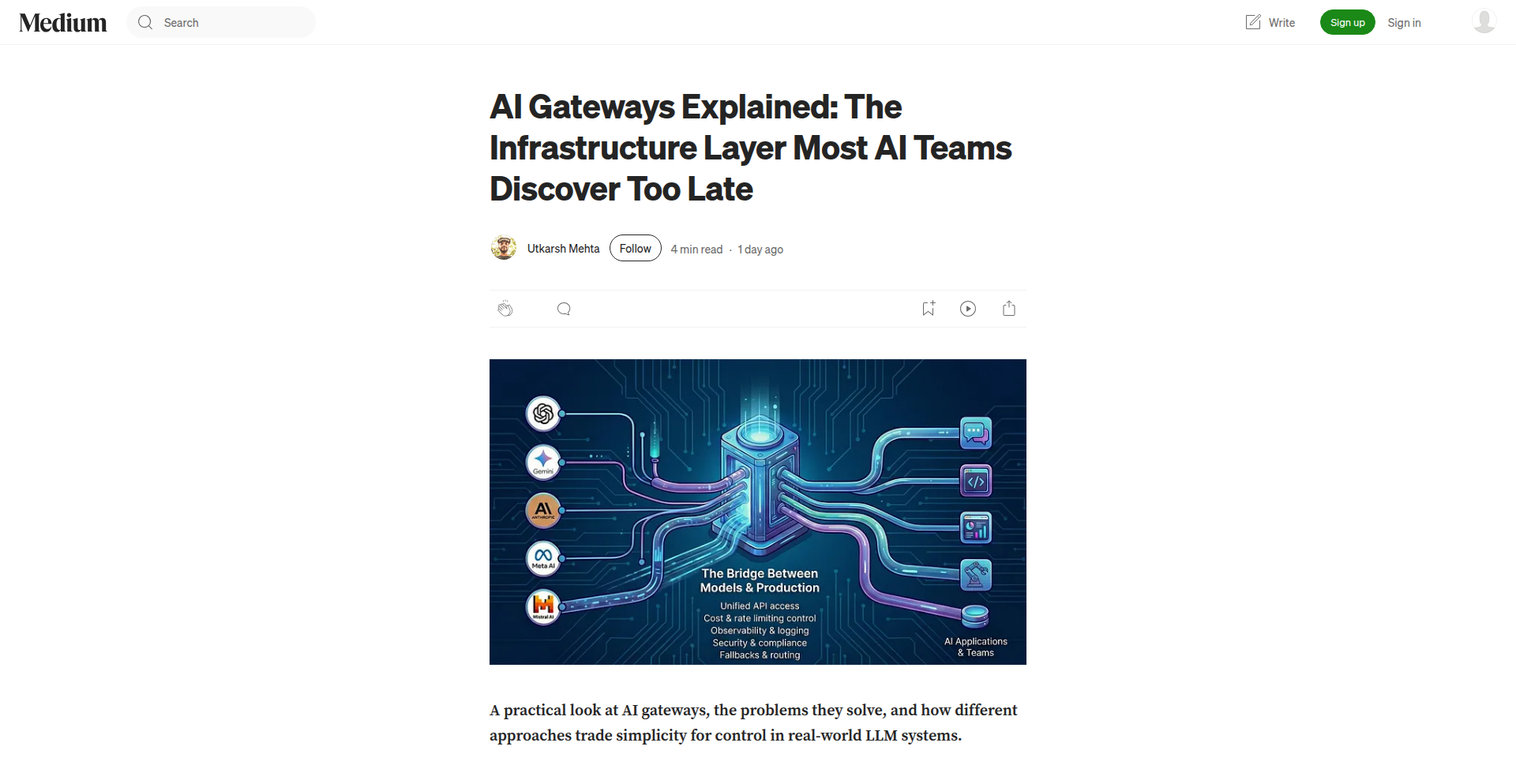
Author
ukrocks007
Description
This project introduces an infrastructure layer for AI, abstracting away the complexities of managing diverse AI models and their underlying hardware. It allows developers to interact with various AI services through a unified API, simplifying deployment and scaling.
Popularity
Points 2
Comments 0
What is this product?
This project is essentially a 'smart connector' for artificial intelligence services. Imagine you have different AI models, like one for image recognition and another for natural language processing, each running on different hardware or cloud platforms. This layer acts as a single entry point, translating your requests to the right AI model and infrastructure without you needing to know the specifics. Its innovation lies in providing a unified API and management interface for heterogeneous AI deployments, making it easier to switch between or combine different AI capabilities without rewriting your application code. So, this means you can use advanced AI features without becoming an expert in cloud infrastructure or model deployment, saving significant time and effort.
How to use it?
Developers can integrate this layer into their applications by calling its provided API. This could involve sending text for translation, an image for analysis, or a query for information. The gateway then handles routing the request to the appropriate AI model and infrastructure, returning the result. It can be deployed on-premises or in the cloud, and supports various deployment strategies for the AI models themselves. Think of it as a universal remote for all your AI tools. So, this allows you to easily add powerful AI functionalities to your existing software, whether it's a web app, a mobile app, or a backend service, without the hassle of managing individual AI deployments.
Product Core Function
· Unified API for AI Services: Provides a single interface to access multiple AI models and services, abstracting away vendor-specific APIs. This means you can control different AI capabilities with one set of commands.
· Intelligent Model Routing: Automatically directs AI requests to the most suitable model and infrastructure based on factors like cost, latency, and capability. So, your AI tasks are handled by the most efficient and appropriate tool available.
· Scalability and Load Balancing: Manages the scaling of AI workloads across available resources, ensuring consistent performance. This means your AI applications can handle more users and data without slowing down.
· Infrastructure Agnosticism: Supports deployment on various cloud providers (AWS, Azure, GCP) and on-premises hardware. So, you're not locked into a single infrastructure provider for your AI needs.
· Observability and Monitoring: Offers insights into AI model performance, resource utilization, and request patterns. This helps you understand how your AI is performing and where to optimize.
Product Usage Case
· Integrating diverse AI capabilities into a single customer service chatbot: A company can use this layer to connect a chatbot to an NLP model for understanding user queries, an image recognition model for analyzing uploaded photos, and a text generation model for formulating responses. This solves the problem of building a complex AI system from scratch by allowing modular integration of specialized AI functions.
· Developing a scalable AI-powered content moderation system: A platform can use this gateway to route user-uploaded content (text, images, videos) to different AI models for moderation (e.g., hate speech detection, inappropriate image flagging). This allows for efficient and cost-effective moderation at scale, by leveraging specialized models for specific tasks without manual configuration for each.
· Building an AI analytics dashboard for diverse data sources: An organization can use this layer to process and analyze data from various sources using different AI models (e.g., time-series forecasting, anomaly detection, sentiment analysis) and present the insights in a unified dashboard. This simplifies the data processing pipeline for complex analytical tasks, enabling faster insights from varied datasets.
59
GenAI Writing Showdown
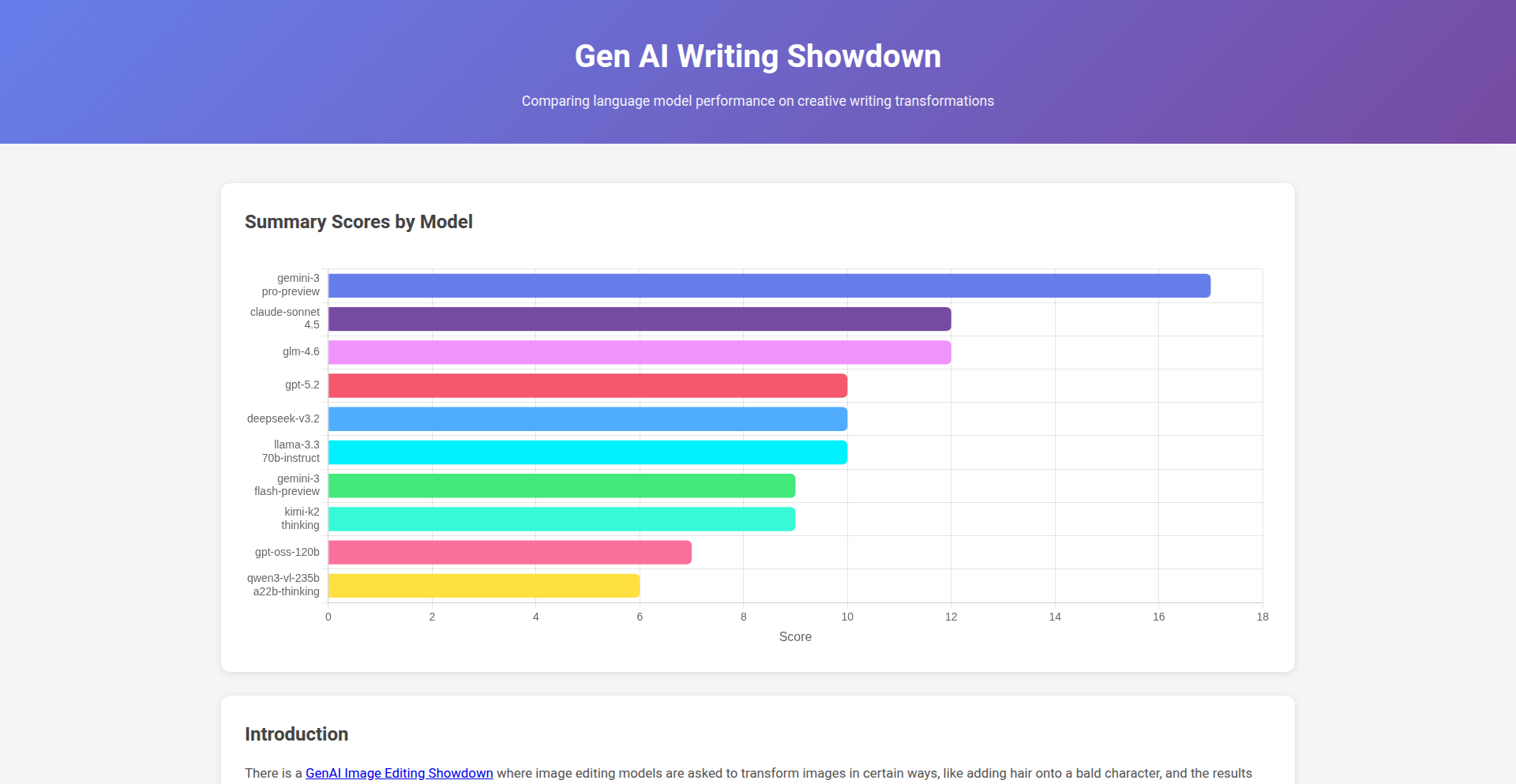
Author
amarble
Description
This project is a comparative analysis tool that pits different Generative AI models against each other for writing tasks. It leverages AI to assess and rank the output quality of various LLMs, helping users understand their strengths and weaknesses for specific content creation needs. The innovation lies in systematically evaluating AI writing capabilities, providing objective insights into their performance.
Popularity
Points 2
Comments 0
What is this product?
GenAI Writing Showdown is a platform that allows you to directly compare the writing output of multiple generative AI models side-by-side. It works by feeding the same prompts to different AI models and then using AI-powered metrics and human evaluation guidelines to score and rank their responses. The core technical insight is developing a consistent framework to measure subjective qualities like creativity, coherence, and factual accuracy in AI-generated text. So, what's in it for you? You'll get a clear, data-driven understanding of which AI writer is best suited for your specific content goals, saving you time and guesswork.
How to use it?
Developers can integrate this tool into their workflow by setting up comparative prompts through an API or a user-friendly interface. It's designed for rapid experimentation: define your writing task, select the AI models you want to compare, and the system will generate a detailed report on their performance. This allows for quick iteration on prompt engineering or choosing the most effective AI for tasks like marketing copy, blog posts, or even code documentation. So, how can you use it? Imagine you need to write a catchy product description. You can use this tool to see which AI model produces the most compelling and relevant copy, directly impacting your marketing success.
Product Core Function
· Comparative prompt execution: Enables simultaneous submission of identical prompts to multiple AI models, providing a unified baseline for comparison. Its value is in establishing a fair playing field for evaluating different AI writing styles. Use case: testing different AI models for consistent brand voice.
· AI-driven output scoring: Employs advanced NLP techniques to automatically assess generated text for factors like grammar, style, and semantic relevance. The value is in providing objective, quantifiable feedback. Use case: quickly identifying grammatical errors or stylistic inconsistencies across AI outputs.
· Performance ranking and visualization: Presents the results in an easy-to-understand format, highlighting the strengths and weaknesses of each AI model. The value is in simplifying complex AI performance data into actionable insights. Use case: choosing the best AI for creative writing based on its demonstrated originality.
· Customizable evaluation metrics: Allows users to define specific criteria for evaluating AI output based on their project requirements. The value is in tailoring the assessment to specific needs. Use case: weighting factual accuracy higher for technical content generation.
Product Usage Case
· A content marketer needs to generate several blog post outlines on a specific topic. They can use GenAI Writing Showdown to compare how different AI models structure information and suggest relevant sub-points, ensuring the chosen outline is comprehensive and engaging. This solves the problem of generating diverse and high-quality initial ideas quickly.
· A developer is experimenting with using AI to generate documentation for their new library. They can use this tool to compare AI models' ability to explain complex code snippets clearly and accurately, selecting the model that produces the most understandable and technically correct explanations. This addresses the challenge of creating effective technical documentation efficiently.
· A small business owner wants to create social media ad copy. They can use the tool to see which AI model generates the most persuasive and attention-grabbing headlines and body text for their target audience, directly improving their advertising campaign's effectiveness. This solves the problem of crafting impactful marketing messages with limited resources.
60
React Native HabitForge
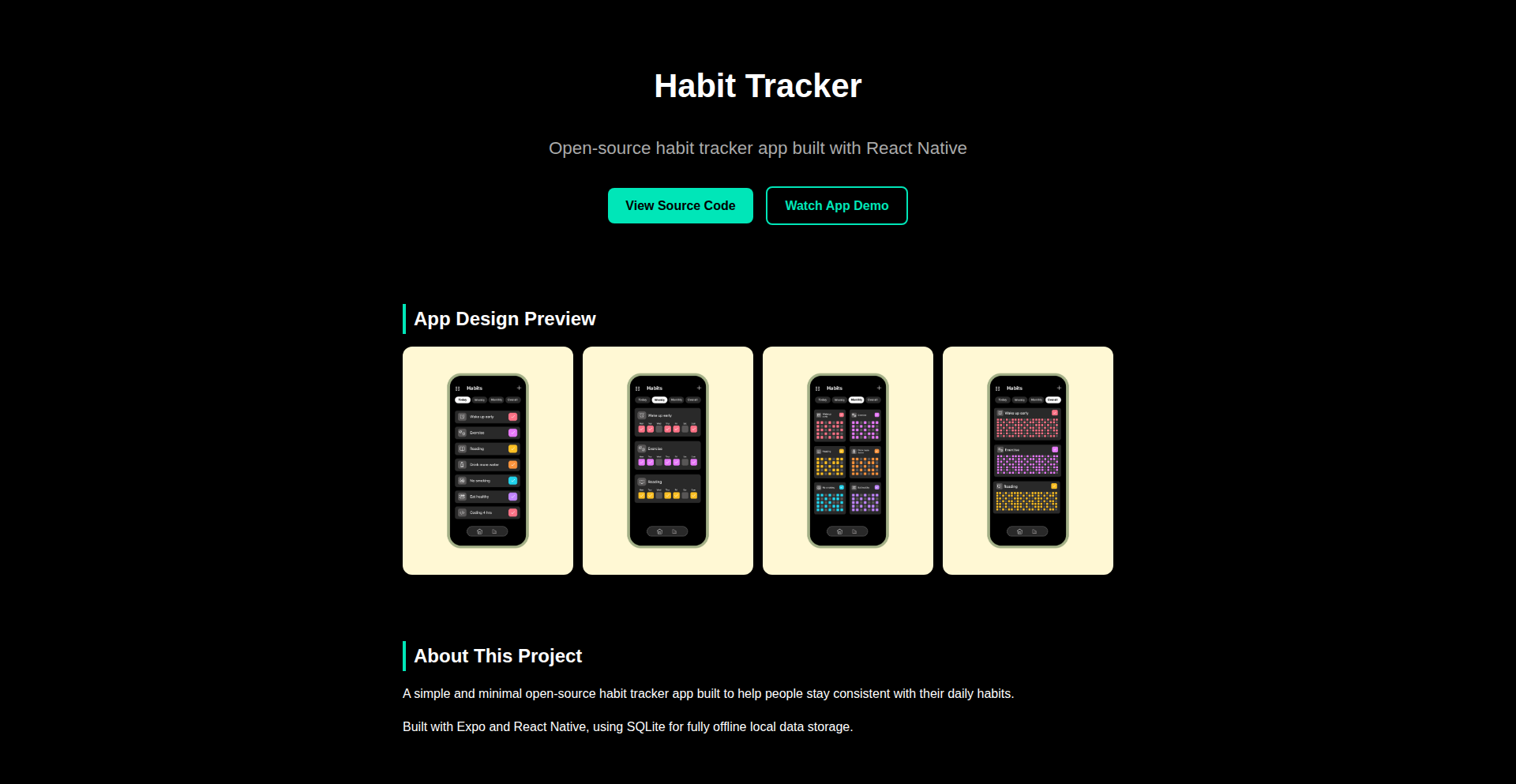
Author
hasibhaque
Description
An open-source habit tracker application built using React Native, demonstrating a clean architecture for cross-platform mobile development. It offers a flexible way for users to log and visualize their daily habits, providing insights into personal growth and consistency.
Popularity
Points 2
Comments 0
What is this product?
React Native HabitForge is a mobile application designed to help users build and track their habits. It leverages React Native to enable a single codebase that runs on both iOS and Android, offering a native-like user experience on both platforms. The innovation lies in its straightforward yet robust architecture, making it easy to maintain and extend. It tackles the common problem of habit adherence by providing visual feedback and reminders, helping users stay on track with their goals. So, what's in it for you? It's a ready-to-use, customizable habit tracker that also serves as a great example of modern mobile app development practices.
How to use it?
Developers can use React Native HabitForge as a starting point for their own habit tracking applications or to learn best practices in React Native development. It can be forked from GitHub, customized with new features, themes, or integrations. For end-users, it's a functional habit tracker that can be downloaded and used directly, offering a clean interface to manage daily routines. The app can be integrated into personal productivity workflows, and its open-source nature means developers can contribute to its improvement. So, what's in it for you? You can either use it as a powerful tool to track your own habits, or as a foundation to build your own unique mobile app.
Product Core Function
· Habit creation and management: Users can define new habits, set recurrence patterns (daily, weekly, etc.), and customize their appearance. This provides a structured way to organize personal goals, making it easy to track progress. So, what's in it for you? You get a clear overview of all your personal goals in one place.
· Daily habit logging: A simple and intuitive interface allows users to mark habits as completed or missed each day. This immediate feedback loop is crucial for reinforcement and motivation. So, what's in it for you? You can easily record your progress and see how consistent you are.
· Progress visualization: The app provides charts and statistics to visualize habit streaks, completion rates, and historical data. This visual representation helps users understand their performance over time and identify areas for improvement. So, what's in it for you? You gain valuable insights into your behavior patterns and can celebrate your achievements.
· Cross-platform compatibility: Built with React Native, the app runs seamlessly on both iOS and Android devices, offering a consistent user experience across different platforms. This means you don't need separate apps for your iPhone and Android phone. So, what's in it for you? Access your habit tracker from any mobile device you own.
· Open-source architecture: The codebase is publicly available, allowing developers to inspect, modify, and contribute to the project. This fosters transparency and community-driven development, enabling rapid iteration and bug fixes. So, what's in it for you? You can learn from the code, adapt it to your needs, or even contribute to making it better.
Product Usage Case
· A fitness enthusiast uses the app to track daily workouts, water intake, and meditation sessions, visualizing their consistency over weeks to maintain motivation. The app helps them identify days they tend to skip habits, allowing for adjustments. So, what's in it for you? You can achieve your fitness goals by staying accountable.
· A student uses it to track study time, reading goals, and assignment completion, helping them manage their academic workload more effectively and build better study habits. The visual streaks encourage them to keep up the momentum. So, what's in it for you? You can improve your academic performance by developing disciplined study routines.
· A developer forked the project to add features for tracking coding practice and learning new technologies, integrating it into their personal development workflow. They were able to quickly prototype and deploy new functionalities due to the clear React Native structure. So, what's in it for you? You can build your own custom habit tracker tailored to your unique professional development needs.
· A team uses the open-source app as a template to build a specialized habit tracker for their company's wellness program, adapting the UI and adding team-specific reporting features. So, what's in it for you? You can create a branded, feature-rich application for your organization or a specific community.
61
Entangle: AI Website Knowledge Weaver
Author
rukshn
Description
Entangle is an AI-powered knowledge agent designed to bring conversational AI capabilities to any website. It allows website visitors to interact with an AI that can understand and retrieve information from your site's content, providing a richer and more engaging user experience. The core innovation lies in its ability to transform static website content into a dynamic, conversational knowledge base, making information easily accessible through natural language. So, what's in it for you? It means your website visitors can get answers to their questions instantly, without digging through pages of text, leading to better engagement and satisfaction. For developers, it offers a novel way to enhance user interaction and knowledge dissemination.
Popularity
Points 2
Comments 0
What is this product?
Entangle is a service that embeds an AI chatbot onto your website. Instead of visitors manually searching for information, they can simply ask the AI questions in plain English. The AI then intelligently understands the query, searches through your website's content, and provides a direct, conversational answer. The technical insight here is leveraging Natural Language Processing (NLP) and Machine Learning (ML) models to interpret user intent and match it with relevant information, effectively creating a smart, accessible knowledge layer over your existing content. This is innovative because it moves beyond simple keyword search to a more human-like understanding of user needs. So, what's in it for you? It means your website visitors can get instant answers to their queries 24/7, improving their experience and freeing up your support resources. For developers, it's a powerful tool to boost user engagement and information accessibility.
How to use it?
Developers can integrate Entangle by embedding a small snippet of code onto their website. This code initializes the AI agent and connects it to your website's content. Entangle then handles the complex AI processing in the background. The typical usage scenario involves embedding the chat widget on any page where users might need quick access to information, such as FAQs, product pages, or support sections. The integration is designed to be straightforward, allowing even less technical users to benefit from its capabilities. So, what's in it for you? It's a quick and easy way to add a sophisticated AI assistant to your website, enhancing user experience without requiring extensive coding knowledge. This allows you to focus on building your core product while Entangle handles the conversational AI layer.
Product Core Function
· AI-powered question answering: The AI understands natural language queries and provides accurate answers from website content, offering immediate value by resolving user queries efficiently.
· Website content indexing and retrieval: Entangle processes your website's text to create a knowledge graph, allowing it to intelligently search and return relevant information, ensuring users find what they need quickly.
· Conversational interface: Provides a user-friendly chat interface, making information discovery intuitive and engaging, which enhances user satisfaction and reduces frustration.
· Customizable knowledge base: The AI's knowledge is derived from your website's content, allowing you to tailor the information it provides to your specific business needs and offerings, ensuring relevance and accuracy.
· Easy integration: A simple code snippet allows for quick deployment on any website, providing immediate value without complex development cycles.
Product Usage Case
· An e-commerce website using Entangle to answer customer questions about product specifications, shipping details, and return policies. This solves the problem of customers having to sift through multiple product pages or contact support, leading to faster purchasing decisions and reduced cart abandonment.
· A documentation website employing Entangle to help developers find specific API references or troubleshooting steps. This directly addresses the challenge of developers getting stuck, improving their productivity and overall experience with the product.
· A SaaS company integrating Entangle to guide potential customers through their feature set and pricing plans. This helps qualify leads and provides instant information, improving conversion rates by addressing user inquiries proactively.
· A blog or news site using Entangle to help readers find articles on specific topics or related content. This enhances content discovery and keeps users engaged with the site for longer periods.
62
Praqtor AI Engine for ML Ops

Author
AiStyl
Description
Praqtor is an AI-powered intelligence platform designed to assist Machine Learning (ML) engineers in managing and optimizing their ML workflows. It aims to provide insights and automation for common challenges faced in ML operations (MLOps), making the ML lifecycle more efficient and effective.
Popularity
Points 2
Comments 0
What is this product?
Praqtor is an intelligent platform that acts like a smart assistant for Machine Learning engineers. At its core, it leverages advanced AI and natural language processing (NLP) techniques to understand the context of ML projects. Instead of manually sifting through logs, code, and model performance metrics, Praqtor analyzes them to proactively identify potential issues, suggest improvements, and automate repetitive tasks. The innovation lies in its ability to create a unified intelligence layer over disparate ML tools and data, providing actionable insights that would otherwise be buried in complex data. So, what's in it for you? It means less time troubleshooting and more time innovating, leading to faster model development and deployment.
How to use it?
ML engineers can integrate Praqtor into their existing MLOps pipelines. This typically involves connecting Praqtor to their version control systems (like Git), cloud storage for datasets and models, and their CI/CD tools. Praqtor can then ingest data from these sources, analyze it, and provide feedback through a user interface or via automated alerts and pull request comments. For example, an engineer might push new code for a model, and Praqtor could automatically review the changes for potential performance regressions or suggest more efficient hyperparameter tuning strategies based on historical data. This integration allows Praqtor to be a proactive partner in the development cycle. So, how does this benefit you? It seamlessly augments your existing workflow, making your tools smarter without requiring a complete overhaul.
Product Core Function
· Automated Anomaly Detection in Model Performance: Praqtor monitors model performance metrics (like accuracy, precision, recall) over time and automatically flags significant deviations, indicating potential data drift or model degradation. This helps identify issues before they impact production. So, what's in it for you? You get early warnings about model performance problems, allowing you to fix them before they cause real-world issues.
· Intelligent Code Review for ML Projects: Praqtor analyzes code committed for ML models, looking for common pitfalls, inefficient practices, or potential bugs that could affect training or inference. It can suggest code refactoring for better performance or maintainability. So, what's in it for you? It helps ensure your ML code is robust and efficient, reducing bugs and improving overall project quality.
· Hyperparameter Optimization Recommendations: By analyzing past experiments and current model objectives, Praqtor suggests optimal hyperparameter ranges and configurations to explore, saving engineers significant trial-and-error time. So, what's in it for you? It accelerates the process of finding the best settings for your ML models, leading to better results faster.
· Log and Metric Analysis for Root Cause Identification: When issues arise, Praqtor can sift through vast amounts of logs and metrics to help pinpoint the root cause of problems, dramatically reducing debugging time. So, what's in it for you? When something goes wrong, Praqtor helps you find out why much quicker, minimizing downtime.
· Knowledge Base Integration and Smart Search: Praqtor can be connected to internal documentation and external ML resources, allowing engineers to ask natural language questions and get relevant answers, code snippets, or configuration examples. So, what's in it for you? It acts as a central knowledge hub, making it easier to find the information you need to solve your ML challenges.
Product Usage Case
· A data scientist is deploying a new version of a fraud detection model. Praqtor analyzes the model's performance on a validation set and notices a drop in recall for a specific type of fraud. It alerts the data scientist with a suggestion to investigate recent data for that fraud type. This helps prevent a potential increase in undetected fraudulent transactions. So, what's in it for you? It proactively prevents potential financial losses by catching model performance issues early.
· A machine learning engineer is working on a computer vision model and is struggling to find the optimal learning rate. Praqtor, after reviewing the project's history and the model's architecture, suggests a narrower range of learning rates to explore and provides example configurations. This leads to faster convergence and a more accurate model. So, what's in it for you? It helps you achieve better model accuracy and reduces the time spent on tedious hyperparameter tuning.
· A team is experiencing intermittent errors in their model serving infrastructure. Praqtor analyzes the application logs and server metrics from the past few days, correlating spikes in latency with specific requests and identifying a bottleneck in a downstream service. This allows the team to quickly address the external dependency. So, what's in it for you? It dramatically speeds up the process of diagnosing and resolving complex production issues.
· A new engineer joins an ML team and needs to understand a complex model's training setup. They can ask Praqtor questions like 'How was the data preprocessed for this model?' or 'What were the key hyperparameters used in the last successful training run?'. Praqtor, drawing from project documentation and logs, provides concise answers and relevant code snippets. So, what's in it for you? It accelerates the onboarding of new team members and makes it easier to understand and work with existing ML projects.
63
Tauri Visual Countdown
Author
mcbetz
Description
A minimalist open-source countdown timer app, inspired by physical timers, with durations up to 60 minutes. Built using Tauri, vanilla CSS, and JavaScript, it offers a lightweight ~9MB download size. This project demonstrates how to create a functional and aesthetically pleasing desktop application with a focus on user experience and minimal resource usage.
Popularity
Points 2
Comments 0
What is this product?
This project is a desktop application that functions as a visual countdown timer. Unlike typical software timers, it draws inspiration from physical countdown devices, aiming for simplicity and a clear visual representation of time passing. The core innovation lies in its minimalist design and efficient implementation using the Tauri framework. Tauri allows for building cross-platform desktop applications using web technologies (HTML, CSS, JavaScript) while compiling to native performance and a small binary size, making it an excellent choice for utility applications that don't require the overhead of a full browser engine.
How to use it?
Developers can use this project as a starting point for building their own desktop utility applications. The lean architecture and use of vanilla CSS and JavaScript make it easy to understand and modify. It's ideal for scenarios where a quick, unobtrusive timer is needed for tasks like focused work sessions (e.g., Pomodoro technique), cooking, or any timed activity. The app can be downloaded and run directly, or the source code can be forked and extended for custom features or branding. Its small footprint makes it suitable for deployment on systems with limited resources.
Product Core Function
· Configurable Countdown: Allows users to set countdown durations up to 60 minutes, providing flexibility for various time-sensitive tasks. This is useful for anyone who needs to track time for specific activities.
· Visual Time Representation: Displays the remaining time in a clear, intuitive visual format, making it easy to gauge progress at a glance. This helps users stay focused and aware of their time without needing to constantly read numbers.
· Minimalist User Interface: Features a clean and uncluttered design that prioritizes functionality and ease of use, reducing cognitive load. This ensures the timer is quick to set up and doesn't distract from the user's primary task.
· Lightweight Desktop Application: Built with Tauri, resulting in a small file size (~9MB) and efficient performance, making it suitable for a wide range of devices. This means it's fast to download and doesn't consume excessive system resources.
Product Usage Case
· Pomodoro Technique Implementation: A developer could integrate this timer into a productivity suite to manage work and break intervals. By using the 25-minute work interval and 5-minute break, it directly supports focused work sessions, improving overall productivity.
· Recipe Timing Assistant: A home cook could use this application to time different stages of a recipe, especially when multiple steps have overlapping or sequential timing requirements. It provides a reliable and visible way to manage cooking processes without needing to manage multiple phone alarms.
· Event Preparation Tool: For small events or presentations, this timer can be used to manage speaking slots or transition times. It offers a visible cue for speakers and organizers, ensuring smooth event flow.
· Software Development Workflow Timer: Developers can use it to time code reviews, testing periods, or even just to enforce taking short breaks during long coding sessions. This helps prevent burnout and maintain focus on complex coding tasks.
64
LiveMesh
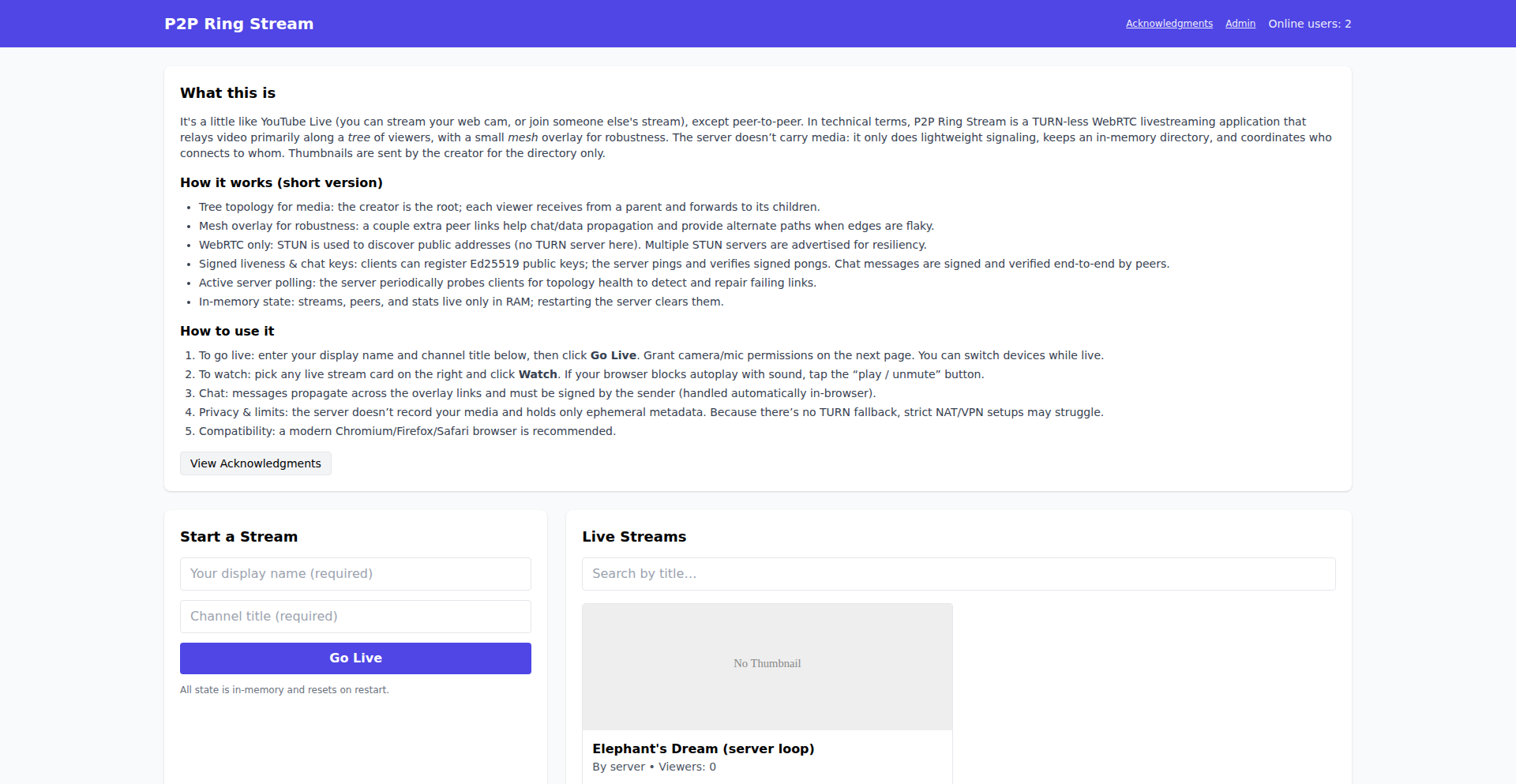
Author
logicallee
Description
LiveMesh is an experimental livestreaming platform built on a novel tree+mesh network architecture. It aims to be a decentralized alternative to traditional video streaming services, allowing users to start or join livestreams and see viewer counts. Its core innovation lies in its distributed network design, which promises greater resilience and scalability.
Popularity
Points 2
Comments 0
What is this product?
LiveMesh is an experimental livestreaming system that leverages a unique tree+mesh network. Unlike traditional streaming where a central server handles everything, LiveMesh distributes the workload across participating nodes. This means data can flow through multiple paths, making it more robust against single points of failure and potentially more efficient for large-scale broadcasting. Think of it like a decentralized gossip network for video, where information can quickly spread and be accessed from various sources, offering a glimpse into a future where content delivery isn't solely reliant on massive data centers. So, what's in it for you? It offers a more resilient and potentially more accessible way to broadcast and consume live video, with the underlying technology being a fascinating exploration of decentralized systems.
How to use it?
Developers can use LiveMesh to explore building decentralized applications, particularly in the realm of real-time media. It provides a foundation for creating custom streaming experiences that are less dependent on central authorities. Integration might involve using its network protocols to establish peer-to-peer connections for video streams, potentially building custom frontends or integrating it into existing applications that require decentralized live broadcasting. So, what's in it for you? If you're looking to experiment with cutting-edge decentralized networking for video, LiveMesh offers a starting point to build robust, distributed live streaming solutions.
Product Core Function
· Decentralized Livestreaming: The ability to initiate and join live video streams without relying on a single central server, offering greater uptime and resilience. So, what's in it for you? Your broadcasts are less likely to be interrupted by server issues, and you can access content even if some parts of the network are down.
· Tree+Mesh Network Architecture: A sophisticated networking approach that combines hierarchical (tree) and peer-to-peer (mesh) structures for efficient data dissemination and fault tolerance. So, what's in it for you? This means smoother, more reliable streams, as data has multiple paths to reach you and can be rerouted if a direct path fails.
· Viewer Count Display: Real-time feedback on the number of viewers for a livestream, providing essential social engagement metrics. So, what's in it for you? You can gauge the popularity and reach of your streams or discover popular content more easily.
· Experimental Nature: Being an experimental project, it encourages exploration and contribution to the future of decentralized media. So, what's in it for you? You get to be part of shaping the next generation of streaming technology and can contribute to its development.
Product Usage Case
· Building a resilient live event broadcasting system for a community gathering, where traditional streaming infrastructure might be unreliable or expensive. LiveMesh's decentralized nature ensures the stream continues even if some local network nodes go offline. So, what's in it for you? Your important live events can be watched reliably by everyone, regardless of network hiccups.
· Developing a peer-to-peer educational platform where instructors can broadcast live lectures to students globally, bypassing the bandwidth limitations and costs of centralized video services. LiveMesh allows students to connect directly to the instructor and other peers for a more efficient experience. So, what's in it for you? Access to educational content becomes more direct and potentially cheaper, with a more stable connection.
· Creating a decentralized news reporting tool where citizen journalists can stream live events from the field, with the content being disseminated through the network to reach a wider audience without censorship concerns. So, what's in it for you? You can receive news directly from the source, with a greater assurance of its availability and authenticity, bypassing traditional media gatekeepers.
65
Blobbing Canvas Art

Author
sidarcy
Description
Blobbing is a playful web experiment that transforms randomly placed dots into animated, evolving blobs using plain HTML canvas and JavaScript. It offers a unique generative art experience inspired by intuitive pen-and-paper doodling, allowing for both passive observation and interactive manipulation of the emerging shapes. Its core innovation lies in its minimalist, framework-free approach to procedural generation and animation, making it a fascinating demonstration of creative coding.
Popularity
Points 2
Comments 0
What is this product?
Blobbing is a generative art project that uses a simple set of rules to animate a collection of dots into organic, blob-like shapes. It starts by scattering random points on an HTML canvas. Then, using JavaScript, it intelligently connects these points and fills the resulting enclosed areas with color, creating a dynamic, fluid animation that resembles a living blob. The innovation is in its elegant simplicity, achieving complex visual results with basic web technologies and a focus on emergent behavior from simple rules. This means you get a continuously evolving visual experience that feels alive and unpredictable, without needing heavy software or complex setup – a direct manifestation of creative problem-solving with code.
How to use it?
Developers can use Blobbing in several ways. It can be embedded directly into a webpage as a decorative element or a meditative background. For those interested in the underlying technology, the source code, built with vanilla HTML canvas and JavaScript (no frameworks), serves as a valuable learning resource. It's a great example for understanding procedural generation, animation loops, and direct canvas manipulation. You can integrate it by simply including the HTML and JavaScript files in your project, or by adapting its logic to generate different visual effects for your own applications, offering a direct path to adding unique, dynamic visuals to your projects.
Product Core Function
· Generative Dot Placement: Randomly positions dots on the canvas, forming the foundation for emergent shapes. This is valuable for creating unique starting points for any visual generation process, ensuring each blob is distinct.
· Blob Formation Algorithm: Connects dots based on proximity and intuitive logic to define blob boundaries. This shows how simple algorithms can create complex, organic forms, useful for generating textures or procedural content in games or visualizations.
· Animated Evolution: Smoothly animates the expansion, contraction, and merging of blobs. This demonstrates efficient animation techniques without heavy libraries, providing a visually engaging and dynamic element for web experiences.
· Interactive Manipulation: Allows users to gently nudge or influence finished blobs into new forms. This introduces an element of user agency and feedback into generative art, making it more engaging and personalized.
· Zen Mode: Continuously generates and evolves new blobs without user intervention. This provides a passive, ambient visual experience, perfect for creating calming or dynamic backgrounds for websites or applications.
Product Usage Case
· As a dynamic background for a personal portfolio website to showcase creative coding skills. It solves the problem of a static, boring background by providing a continuously evolving, eye-catching visual element.
· As an experimental art piece within a digital gallery. It addresses the challenge of creating unique, interactive art online by leveraging procedural generation to produce ever-changing visuals.
· As a learning tool for aspiring web developers. It shows how to achieve sophisticated visual effects with fundamental web technologies, demystifying generative art and animation for beginners.
· Integrated into a relaxation or meditation app as a calming visualizer. It solves the need for soothing, non-intrusive visuals by generating gentle, organic movements.
66
Ayer: Chrono-Memories
Author
chapiware
Description
Ayer is a privacy-focused mobile application that allows users to relive their photo and video memories from a specific calendar day across past years. Unlike cloud-based solutions, Ayer operates entirely on-device, ensuring no data leaves the user's phone. Its innovation lies in its local-first architecture, date-centric browsing, and efficient handling of large photo libraries, offering a deeply personal and context-rich way to revisit personal history without external dependencies or tracking.
Popularity
Points 2
Comments 0
What is this product?
Ayer is a mobile application designed to help you rediscover your personal photo and video memories by surfacing content captured on the exact same calendar day in previous years. Its core technical innovation is its 'local-first' and '100% on-device' approach. This means it accesses your phone's photo library directly, without uploading anything to the cloud, requiring no accounts, logins, or network access whatsoever – even airplane mode works. The app intelligently indexes your local media and presents it based on the date, providing a chronological rather than algorithmically ranked view of your past. This offers a unique, private, and contextual way to reflect on your memories, giving them the space to be revisited organically.
How to use it?
Developers can integrate Ayer's functionality or draw inspiration from its approach. For end-users, the app is straightforward: download it from the iOS or Android app store. Upon installation, it prompts for access to your device's photo library. You can then navigate to any date or simply open the app on the current day to see what you captured in previous years. The app's navigation is date-driven, allowing you to easily select a day, month, and year. Developers interested in the technical implementation can explore how Ayer leverages native system photo APIs (like those in React Native) to efficiently query and display large volumes of media locally. The optional 'then vs now' collage feature demonstrates local image manipulation capabilities.
Product Core Function
· Local-first Photo & Video Retrieval: Efficiently scans and displays photos and videos from your device's library for a specific date, ensuring privacy and offline access. This allows you to access your memories without relying on internet connectivity or cloud services.
· Date-Centric Navigation: Provides a user interface focused on browsing memories by calendar date, offering a chronological and contextual perspective on past events. This helps you revisit moments in the order they happened, providing a sense of continuity and personal history.
· On-Device Collage Generation: Optionally creates 'then vs now' collages of photos from the same day in different years, directly on your device without uploading any data. This offers a visually engaging way to see how things have changed over time, all while maintaining your privacy.
· Performance with Large Libraries: Optimized to handle extensive photo libraries (e.g., 30,000+ photos) smoothly, ensuring a responsive user experience even with a vast collection of media. This means you don't have to worry about slow loading times or the app crashing when you have a lot of photos.
· Privacy-Preserving Design: Implemented with no cloud sync, accounts, analytics, or tracking, guaranteeing that your personal memories remain entirely on your device. This provides peace of mind knowing your most intimate moments are not being collected or monitored by external parties.
Product Usage Case
· A user wants to privately revisit their vacation photos from exactly five years ago on a specific summer day. Ayer allows them to simply select that date to instantly see all the photos and videos taken, providing context without needing to search through albums or rely on cloud services.
· A developer building a journaling app wants to incorporate a feature that shows users past entries or media from the same day. They can learn from Ayer's local-first indexing and native API usage to implement a similar, privacy-respecting feature within their own application.
· Someone concerned about their digital footprint wants to relive personal memories without any data being shared or tracked. Ayer offers a solution by operating entirely offline and without any form of user tracking, ensuring a completely private reminiscing experience.
· A mobile developer needs to build a feature that efficiently displays a large number of images locally on a mobile device. Ayer's performance optimizations for handling large photo libraries can serve as a technical case study for efficient media management and rendering in resource-constrained environments.
67
TermiPass
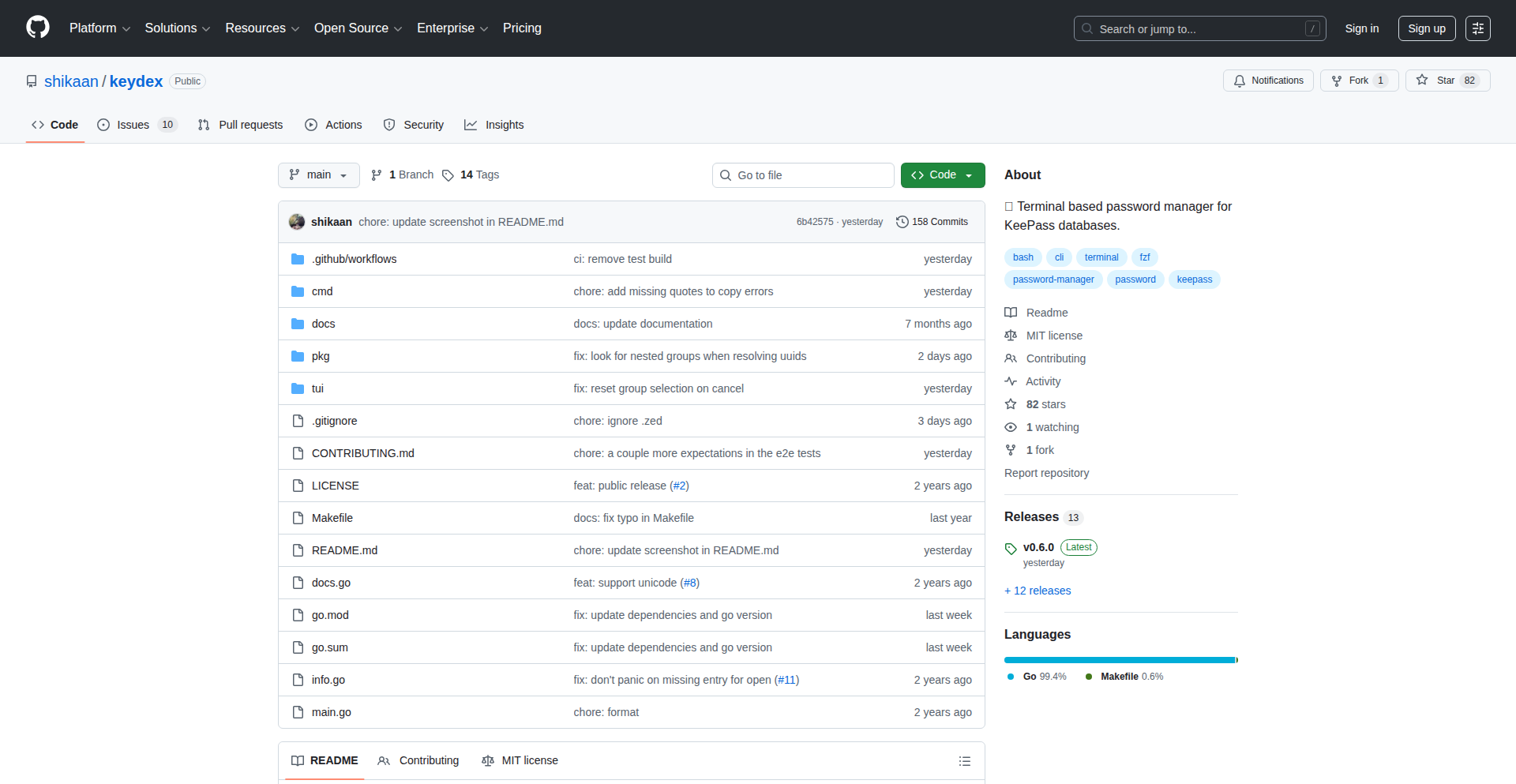
Author
shikaan
Description
TermiPass is a terminal-based interface for the KeePass password manager. It leverages the robust encryption and database format of KeePass, but makes it accessible and manageable directly within your command-line environment. This innovation allows developers and power users to interact with their sensitive credentials efficiently without leaving their preferred terminal setup, solving the problem of fragmented workflows and offering a streamlined, secure access to passwords.
Popularity
Points 2
Comments 0
What is this product?
TermiPass is a command-line tool that acts as a bridge to your KeePass password database. Instead of opening a graphical application, you can now manage and retrieve your passwords using simple terminal commands. It utilizes the established KeePass database format (.kdbx) and its strong encryption algorithms, ensuring your data remains secure. The innovation lies in bringing this powerful password management to the command line, a space many developers live in, offering a more integrated and efficient experience. So, this is useful because it saves you from switching between applications just to grab a password, keeping you focused and productive in your terminal.
How to use it?
Developers can use TermiPass by installing it as a command-line utility. Once installed, they can link it to their existing KeePass database file. Common usage involves commands to search for entries, retrieve specific password fields (like usernames or actual passwords), and even add new entries, all directly from their shell. This integrates seamlessly into scripting and automated workflows. For example, a developer could script a deployment process that automatically fetches necessary credentials from TermiPass without human intervention. This is useful because it allows for secure credential management within automated tasks and scripts, eliminating the need for hardcoded or easily compromised credentials.
Product Core Function
· Password retrieval by name: Securely fetch the password for a given entry by its name, directly from your terminal. Useful for quickly accessing credentials needed for coding or system access.
· Entry search: Find specific password entries using keywords or partial names. Solves the problem of remembering exact entry titles and speeds up finding the right credential.
· Field access: Retrieve specific fields of a password entry, such as username, notes, or custom fields. Allows for granular access to information beyond just the password itself.
· New entry creation: Add new password entries and their associated details directly from the command line. Simplifies the process of adding new credentials to your secure vault.
· Database selection: Ability to specify which KeePass database file to use, supporting multiple secure vaults. Offers flexibility for users managing different sets of credentials.
· Alias support: Define custom aliases for frequently accessed entries, making retrieval even faster. Reduces typing and speeds up common password lookups.
Product Usage Case
· Automated CI/CD pipelines: A developer can use TermiPass within a CI/CD script to securely fetch API keys or deployment credentials needed to build and deploy an application. This eliminates the risk of storing sensitive keys directly in the build scripts.
· SSH connection management: Retrieve SSH private key passwords or usernames for remote server access via the command line without needing a graphical password manager. This streamlines the process of logging into servers.
· Scripted development tasks: A developer might have a script that needs to connect to a database. TermiPass can be used to fetch the database username and password, making the script more secure and portable.
· Command-line-first workflow: For developers who prefer to stay entirely within their terminal environment, TermiPass allows them to manage all their passwords without ever needing to open a separate GUI application, thus maintaining a continuous workflow.
68
SameSameAI: Visual Similarity Engine

Author
reynaldi
Description
SameSameAI is an AI-powered image matching game that leverages cutting-edge computer vision techniques to determine the similarity between different images. It's a fun and educational demonstration of how AI can understand and compare visual content, tackling the challenge of nuanced visual recognition beyond simple pixel-by-pixel comparison. This project showcases the practical application of deep learning models for feature extraction and similarity scoring, making it accessible for developers interested in visual search, content moderation, or even creative image manipulation.
Popularity
Points 2
Comments 0
What is this product?
SameSameAI is an AI-powered application that plays a matching game with images. The core innovation lies in its use of deep learning models, specifically convolutional neural networks (CNNs), to extract meaningful features from images. Instead of just looking at the raw pixels, these models learn to recognize patterns, textures, shapes, and objects within an image. It then compares these learned features between two images to calculate a similarity score. This means it can tell if two images are conceptually similar (e.g., two different photos of a cat) even if they have different colors, lighting, or perspectives. So, it's like teaching a computer to 'see' and 'understand' images in a way that's more human-like, going beyond superficial differences to grasp underlying visual concepts. This has practical uses in identifying duplicate content, categorizing visual assets, or even powering personalized recommendations based on visual preferences.
How to use it?
Developers can use SameSameAI as a demonstration or a foundational component for their own applications. The core idea involves feeding images into a pre-trained or custom-trained AI model. The model processes each image to generate a 'feature vector' – essentially a numerical fingerprint representing the image's content. To find similar images, you compare the feature vectors of different images using a distance metric (like cosine similarity). For example, if you're building a recommendation system for an e-commerce site, you could use this to find visually similar products. If a user likes a specific shirt, SameSameAI can help surface other shirts with similar styles or patterns. Integration can be done by running the model locally or through an API if one were to be deployed, allowing your application to send images and receive similarity scores.
Product Core Function
· Image Feature Extraction: Uses deep learning models (CNNs) to convert images into numerical representations (feature vectors) that capture their visual essence. This is valuable because it allows for efficient comparison of vast image datasets and understanding of what makes images visually alike, enabling tasks like content-based image retrieval.
· Similarity Scoring: Calculates a numerical score indicating how similar two images are based on their extracted feature vectors. This is crucial for applications that need to rank or filter images by visual likeness, such as in search engines or plagiarism detection systems.
· Visual Comparison Engine: Provides the underlying mechanism to compare images, allowing developers to build applications that can identify duplicates, find related content, or group visually similar assets without manual tagging. This saves time and resources for managing large image libraries.
Product Usage Case
· E-commerce Product Similarity: Imagine a user browsing for a dress. They find one they like but want to see similar styles. SameSameAI can be used to quickly find dresses with similar patterns, cuts, or colors, improving the user's shopping experience and potentially increasing sales.
· Content Moderation: For platforms with user-generated image content, SameSameAI can help automatically flag visually similar (and potentially infringing or inappropriate) content, reducing the burden on human moderators and maintaining platform integrity.
· Art and Design Inspiration: An artist or designer could use SameSameAI to find visually similar artworks or design elements, sparking new ideas and accelerating the creative process by providing a broad range of related visual inspiration.
69
PolyHarmonic Solver
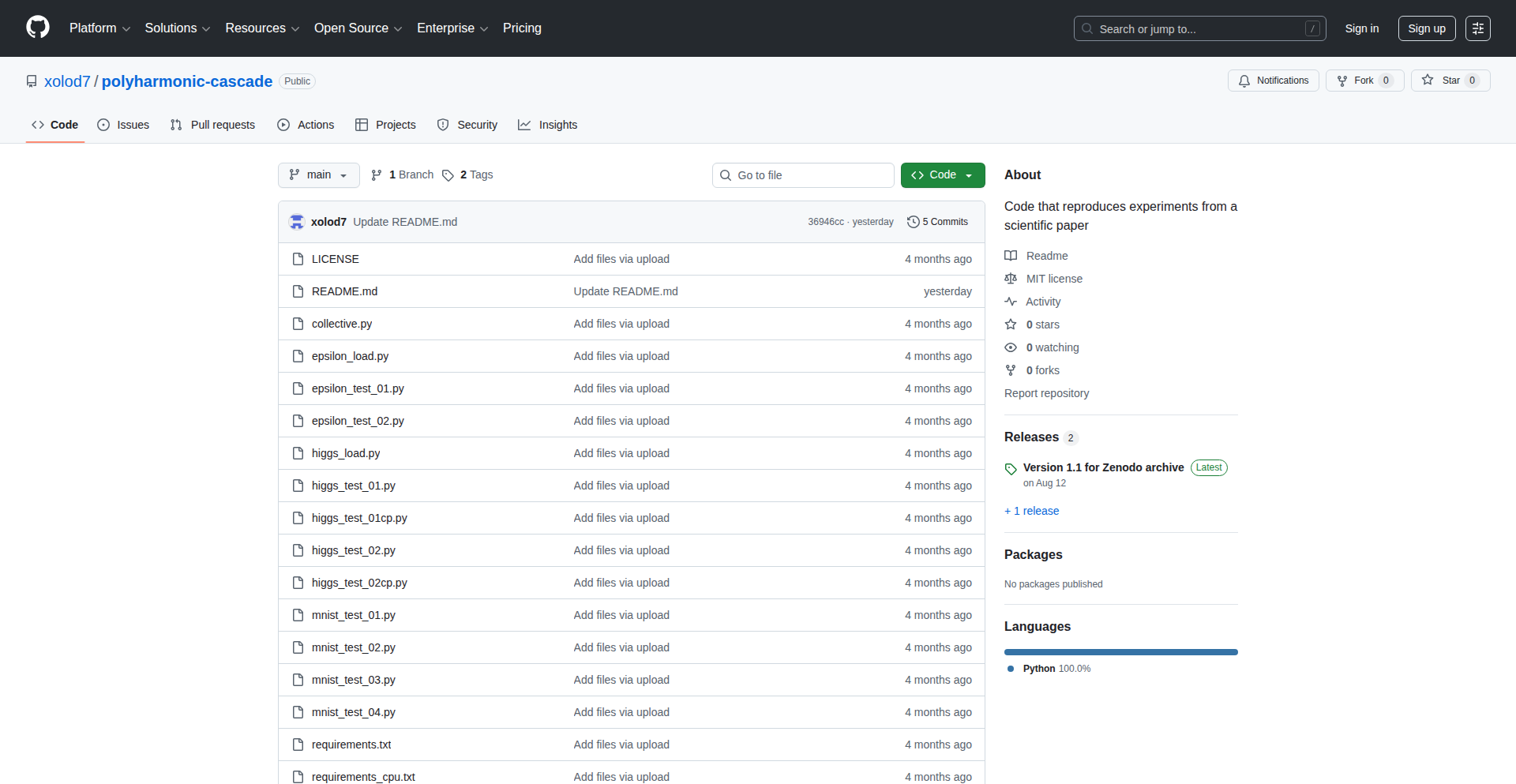
Author
Yuriy_Bakhvalov
Description
A novel deep learning framework for solving complex mathematical problems using polyharmonic splines, eliminating the need for traditional stochastic gradient descent (SGD). This innovation offers a more direct and potentially faster way to achieve solutions in domains requiring global linear solvers.
Popularity
Points 1
Comments 1
What is this product?
This project introduces a new approach to deep learning that bypasses the commonly used Stochastic Gradient Descent (SGD) optimization algorithm. Instead, it leverages polyharmonic splines and a global linear solver to directly compute model parameters. Polyharmonic splines are a mathematical tool that can create smooth, flexible curves and surfaces from scattered data points. By using a global linear solver, the system aims to find the optimal solution in one go, rather than iteratively adjusting parameters as SGD does. This can be beneficial for problems where the solution space is well-behaved and a direct analytical solution is feasible, leading to potentially faster convergence and more predictable results. So, what does this mean for you? It means a potentially more efficient and stable way to train models for specific types of problems, especially those involving interpolation or fitting complex shapes with data.
How to use it?
Developers can integrate this framework into their existing machine learning pipelines where problems can be formulated as needing a global linear solver or involving interpolation tasks. Instead of defining a loss function and optimizing it with SGD, you would define your data points and the desired smooth function to interpolate or approximate. The framework then uses the polyharmonic splines and the linear solver to directly derive the model coefficients. This could be particularly useful for tasks like generating smooth surfaces for 3D modeling, creating smooth trajectories for robotics, or in scientific simulations where accurate and smooth field approximations are crucial. So, how can you use this? Imagine you need to fit a smooth surface to a set of 3D scanned points; instead of complex iterative fitting, you can use this to directly generate the surface. This provides a more direct path to achieving desired smooth outputs in your applications.
Product Core Function
· Polyharmonic Spline Interpolation: This function allows for the creation of smooth, continuous surfaces or functions from a set of discrete data points. The value for you is the ability to accurately represent complex shapes and trends from limited data, essential for data visualization and reconstruction.
· Global Linear Solver: This core component directly computes the optimal parameters for the polyharmonic spline model without iterative optimization. Its value lies in providing faster and more deterministic solutions compared to iterative methods, accelerating development and deployment for specific problem types.
· SGD-Free Training: By eliminating the need for Stochastic Gradient Descent, this framework offers a fundamentally different and potentially more stable training paradigm. This benefits you by reducing the complexity of hyperparameter tuning related to optimizers and offering a more predictable model behavior.
· Application to Global Linear Solvers: The framework is designed to tackle problems that can be framed as global linear systems. The value here is providing a direct computational solution for complex mathematical problems often encountered in physics, engineering, and scientific computing, simplifying difficult analytical tasks.
Product Usage Case
· 3D Surface Reconstruction: In computer graphics and engineering, reconstructing smooth 3D surfaces from scattered point cloud data can be challenging. This framework could be used to directly generate high-quality, smooth surfaces, improving the visual fidelity and accuracy of models. This means you can create more realistic 3D models from scanned data with less effort.
· Scientific Simulations: For physics and engineering simulations that require interpolating fields or solving differential equations, the ability to generate smooth, accurate solutions without iterative errors is invaluable. This can lead to more reliable and computationally efficient simulations for complex phenomena. So, if you're doing simulations, you get more trustworthy and faster results.
· Robotics Path Planning: Generating smooth, kinematically feasible trajectories for robots is critical for efficient and safe movement. This framework could be employed to create smooth paths that avoid jerky motions, improving robot performance and longevity. This translates to smoother and more efficient robot operations.
· Data Fitting and Interpolation: In any domain where fitting smooth curves or surfaces to data is required, such as financial modeling or signal processing, this approach offers a direct and potentially more robust alternative to traditional methods. This means you can achieve better fits to your data, leading to more insightful analysis.
70
Tokscale: AI Token Usage Dashboard
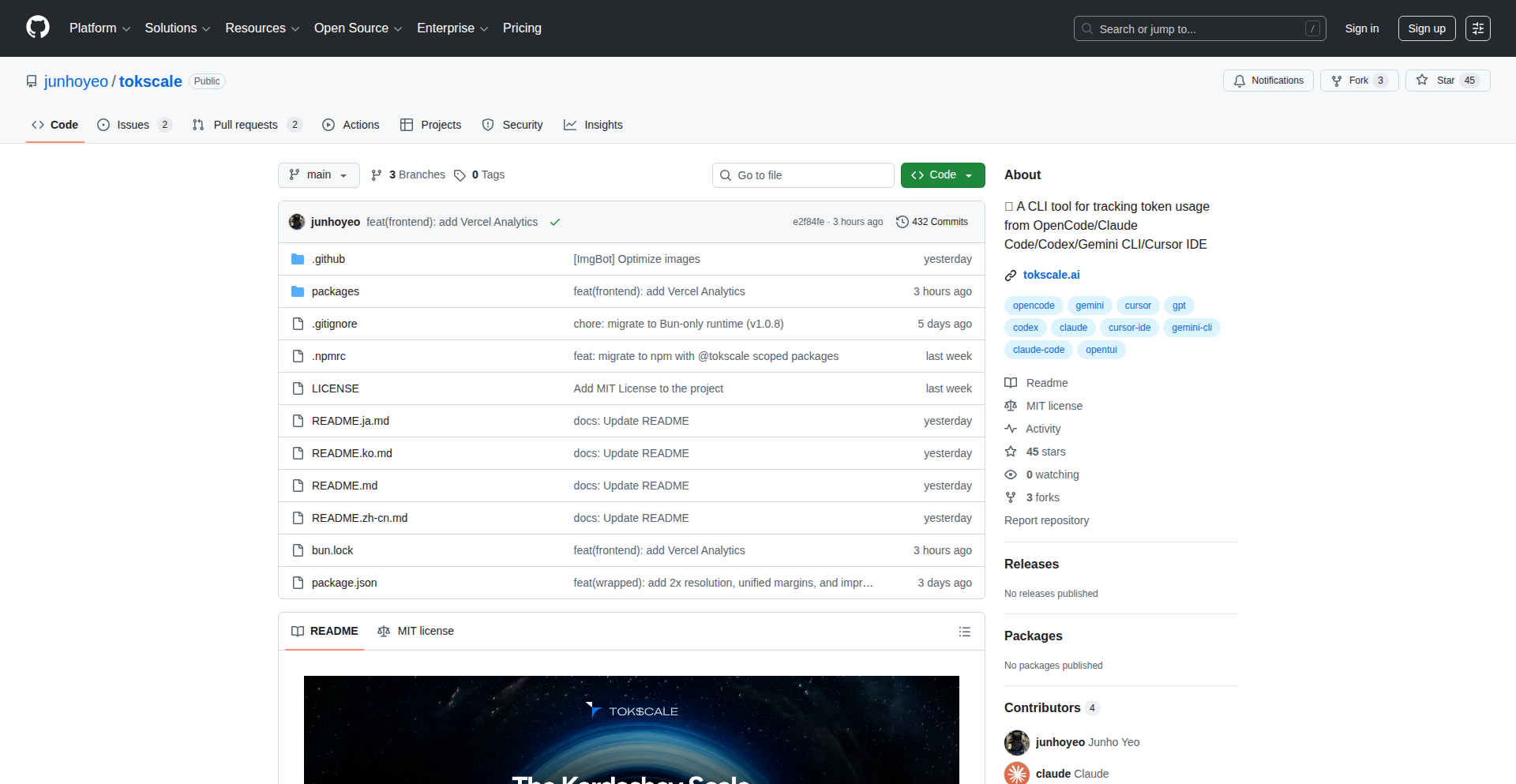
Author
junhoyeo
Description
Tokscale is a developer-centric tool that unifies and visualizes your AI token consumption across various coding assistants like Claude Code, Codex CLI, Gemini CLI, and Cursor. It tackles the problem of scattered AI usage data, different storage formats, and the lack of a unified spending overview, offering a GitHub-style contribution graph for your token usage, a global leaderboard, and a shareable year-end review.
Popularity
Points 2
Comments 0
What is this product?
Tokscale is a command-line interface (CLI) tool designed for developers who frequently use multiple AI-powered coding assistants. It addresses the fragmentation of token usage data by aggregating information from different AI tools into a single, digestible view. The core innovation lies in its ability to parse and consolidate this disparate data, presenting it through a visually intuitive interface. It uses a Rust-native core for efficient data processing, making it fast and responsive. So, what's the value for you? It helps you understand your AI spending habits, identify patterns, and even benchmark your usage against other developers, providing valuable insights into your AI development workflow.
How to use it?
Developers can easily integrate Tokscale into their workflow by installing it via npm or bun. Once installed, a simple command like `bunx tokscale` will trigger the tool to scan your system for data from supported AI coding tools. It then presents a consolidated report directly in your terminal, showcasing your token usage in a graphical format. This makes it straightforward to track your AI expenditure and understand your consumption trends. The primary use case is for individual developers or teams looking to gain visibility and control over their AI tool usage and associated costs.
Product Core Function
· Unified AI Token Usage Dashboard: Aggregates token consumption data from multiple AI coding assistants into a single view, helping developers understand their total AI spending and identify which tools are being used most. This is valuable for cost management and optimizing AI tool selection.
· GitHub-Style Contribution Graph (2D/3D): Visualizes token consumption over time in a familiar and engaging format, allowing developers to see their AI usage patterns and identify periods of high activity. This helps in understanding personal productivity trends related to AI assistance.
· Global Leaderboard: Provides a benchmark for developers to compare their AI token usage against the wider community, fostering a sense of friendly competition and offering insights into average or advanced usage levels. This can motivate developers to be more efficient with AI tool usage.
· Year-End Review (Spotify Wrapped-style): Generates a shareable, visually appealing summary of annual AI token usage, allowing developers to reflect on their year of AI-assisted development and share their accomplishments. This serves as a personal milestone tracker and a fun way to engage with the community.
Product Usage Case
· Scenario: A freelance developer juggles multiple AI coding assistants for different projects to leverage their specific strengths. Problem: They struggle to keep track of total token spend and understand which AI tool is contributing most to their expenses. Solution: Tokscale provides a consolidated view, allowing them to see their total AI expenditure at a glance and make informed decisions about which tools to prioritize or reduce usage for cost-effectiveness.
· Scenario: A software team uses AI assistants extensively for code generation and debugging, but they lack visibility into their collective AI budget. Problem: Uncontrolled AI usage could lead to unexpected costs. Solution: Tokscale can be used to monitor the team's overall AI token consumption, identify power users, and implement strategies for more efficient AI utilization, helping to stay within budget.
· Scenario: A developer is experimenting with new AI coding tools and wants to understand their personal adoption rate and effectiveness. Problem: It's hard to compare the impact of different tools without unified data. Solution: Tokscale's contribution graph helps visualize how frequently and extensively they are using each AI tool over time, providing data-driven insights into which tools are most beneficial to their workflow.
71
Streamlined ChatGPT App Starter with MCP & SSE
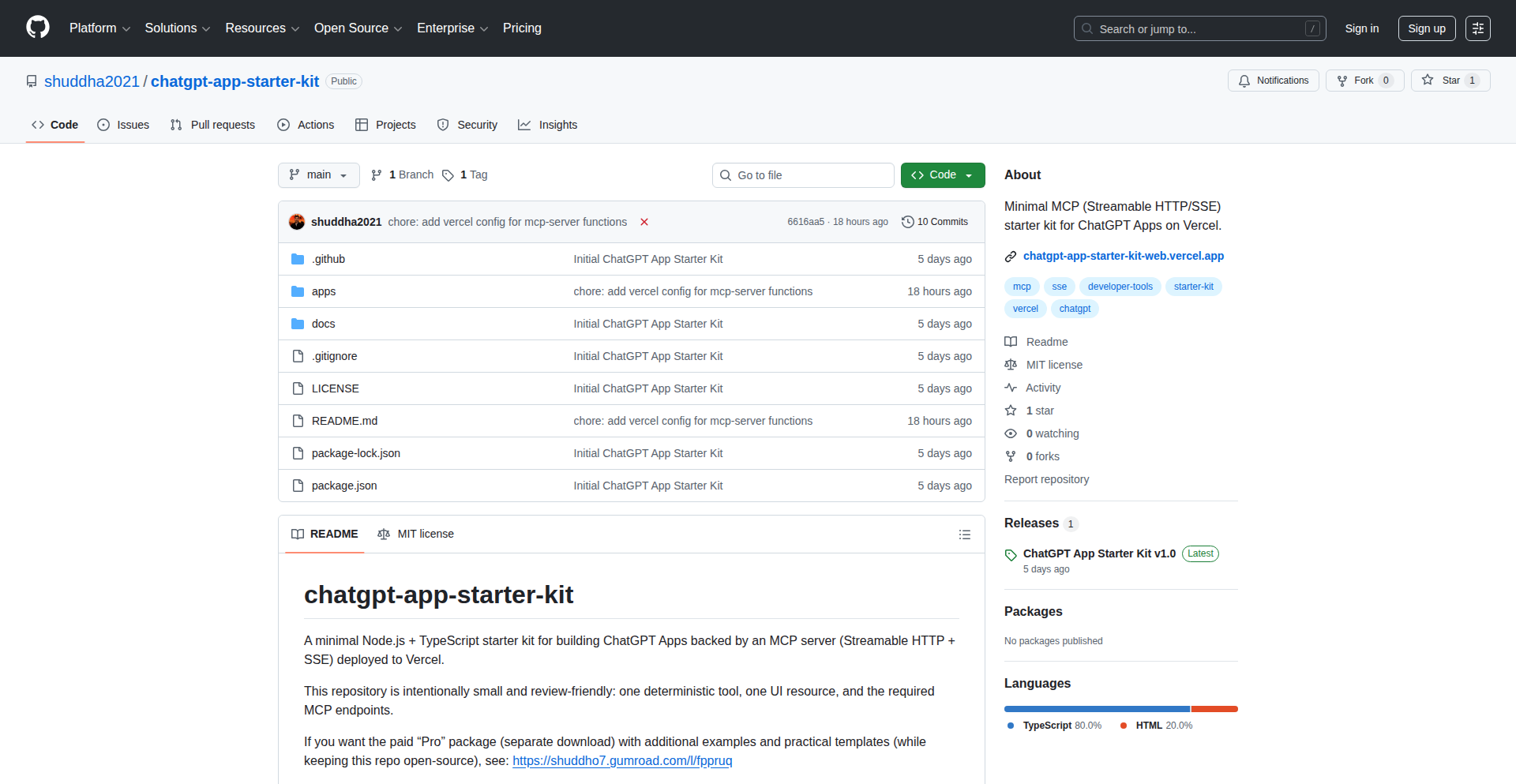
Author
shuddha7435
Description
This is a minimal, open-source starter kit for building ChatGPT applications. It leverages an MCP server (Streamable HTTP + Server-Sent Events, or SSE) deployed to Vercel, aiming for simplicity and auditability. It tackles common developer headaches with SSE headers, CORS preflights, runtime differences, and deployment complexities, making it easier to get a functional ChatGPT app running quickly. So, this helps you avoid common setup frustrations and get your AI-powered app to market faster.
Popularity
Points 2
Comments 0
What is this product?
This project is a bare-bones foundation for developers to build applications that interact with ChatGPT. It uses a technique called Server-Sent Events (SSE) for efficient, real-time communication between your app and the server. The 'MCP server' part refers to a custom way of handling HTTP requests that's optimized for streaming data, making it flow smoothly like a conversation. It's designed to be small and easy to understand, so you can see exactly how it works. This offers a predictable and robust way to integrate AI chat capabilities into your projects without getting bogged down in complex infrastructure. So, this provides a reliable blueprint for adding AI chat to your product, making the integration process less daunting.
How to use it?
Developers can use this starter kit as a starting point for their own ChatGPT-powered applications. It's deployed on Vercel, a popular platform for hosting web applications. You'd typically clone the repository, customize the frontend to match your application's design, and then integrate your specific ChatGPT prompts and logic. The core technology involves setting up your backend to receive user input, send it to the OpenAI API (via the MCP server), and then stream the AI's responses back to the user in real-time using SSE. This makes it ideal for interactive applications like chatbots, content generation tools, or personalized assistants. So, this allows you to quickly build and deploy an AI-powered application that can have dynamic, real-time conversations with users.
Product Core Function
· Minimalist Project Structure: Provides a clean, understandable codebase that's easy to audit and modify, reducing the learning curve. This is valuable because it saves developers time and effort in setting up a new project.
· Streamable HTTP with MCP Server: Enables efficient, real-time data transfer between your application and the AI model, creating a smoother user experience. This is valuable for applications that require instant feedback, like live chatbots.
· Server-Sent Events (SSE) Implementation: Facilitates one-way, persistent connections from the server to the client, perfect for streaming AI responses as they are generated. This is valuable for building interactive AI experiences where users see responses appear in real-time.
· Vercel Deployment Optimization: Designed to work seamlessly with Vercel's platform, simplifying the deployment process and making your application easily accessible. This is valuable for developers who want to quickly get their applications online and scalable.
· CORS and Header Management: Addresses common challenges with Cross-Origin Resource Sharing (CORS) and HTTP headers, ensuring smooth communication between different parts of your application. This is valuable as it preempts common integration roadblocks.
· MIT Licensed Core Repository: Offers a free and open-source foundation, allowing developers to use, modify, and distribute the code freely. This is valuable for fostering community collaboration and reducing development costs.
Product Usage Case
· Building a real-time AI customer support chatbot for a website: The starter kit's SSE and MCP server can be used to stream AI-generated answers to customer queries instantly, improving engagement and resolution times. This solves the problem of slow, clunky chatbot responses.
· Developing a personalized content generation tool for bloggers: Developers can use this to create an application where users input prompts, and the AI generates articles, stories, or social media posts in real-time, streamed directly to their screen. This addresses the need for rapid content creation with AI assistance.
· Creating an interactive AI-powered learning platform: The starter kit can power educational applications where AI tutors provide real-time feedback and explanations, making the learning process more dynamic and engaging. This solves the challenge of static, non-interactive learning materials.
· Implementing an AI writing assistant for developers: This could be used to build tools that help developers write code snippets, documentation, or explanations, with the AI's suggestions streaming directly into their IDE or editor. This improves developer productivity by providing instant AI-powered assistance.
· Designing a conversational game interface: The SSE capabilities can be leveraged to create games where players interact with AI characters through natural language, with the AI's dialogue appearing fluidly as the game progresses. This enhances the immersiveness of AI-driven game experiences.
72
PremiumFlow: Option Premium & Cost Basis Tracker

Author
tchantchov
Description
PremiumFlow is a novel tool designed to simplify tracking the true cost basis for options trading strategies like the 'Wheel' and LEAPS. It addresses the common pain point of brokerages not accurately reflecting the impact of option premiums on the underlying stock's cost. By treating option premiums and stock as a unified financial entity, it automates crucial calculations like cost basis adjustments and assignment risk monitoring, eliminating the need for manual spreadsheets. This offers traders a clear, real-time view of their profitability and potential risks.
Popularity
Points 2
Comments 0
What is this product?
PremiumFlow is a software application that revolutionizes how options traders track their financial performance. For strategies like selling puts and covered calls (the 'Wheel') or trading long-term equity anticipation securities (LEAPS), a key challenge is understanding the 'true cost basis' of your investments. Your brokerage might show the initial stock purchase price, but it doesn't inherently account for the income generated from selling option premiums. This income effectively lowers your break-even point and improves your overall profitability. PremiumFlow solves this by intelligently integrating option premium data with your stock holdings. It automatically adjusts your cost basis to reflect these premiums, providing an accurate, real-time picture of your profit or loss. It also helps you monitor the risk of your short options being assigned (meaning you might be obligated to buy or sell stock). So, how does it help you? It cuts through the complexity of manual tracking, giving you immediate clarity on your trading performance without needing to maintain error-prone spreadsheets. This means you can make more informed decisions faster, understand your true profitability, and manage your risk more effectively.
How to use it?
PremiumFlow is designed for options traders, particularly those employing strategies like the 'Wheel' (selling cash-secured puts and covered calls) or trading LEAPS. You would typically integrate your trading data, either manually or through future automated connections (depending on the current implementation). The platform then processes this data to provide a dashboard view of your portfolio. For example, if you sell a put option, PremiumFlow will adjust your effective cost basis for that stock downwards by the premium received. If you sell a covered call against a stock you own, the premium received will lower your break-even price. The tool allows you to see these adjustments instantly, along with alerts for when your short puts are close to being 'in-the-money' (ITM), indicating a higher chance of assignment. So, how can you use it? Connect your trading accounts or input your trades, and PremiumFlow will automatically calculate and display your adjusted cost basis, annualized returns, days to expiration (DTE) for options, and assignment risk levels. This allows you to see the real impact of your option trades on your overall investment, making it an invaluable tool for active options traders.
Product Core Function
· Automatic Basis Adjustment: When you sell an option (like a put or a covered call), the premium received is automatically factored into your stock's cost basis. This means your break-even point is updated in real-time, showing you your true profitability. This is valuable because it gives you an accurate picture of your investment's performance, allowing you to avoid underestimating your gains or overestimating your losses.
· Assignment Risk Monitoring: The system actively tracks how close your short put options are to being 'in-the-money' (ITM). If a put option is ITM, you might be obligated to buy the underlying stock at the strike price. This feature alerts you to potential assignments, helping you prepare for or manage these outcomes. This is useful for proactive risk management, as it allows you to anticipate potential stock purchases or sales.
· Comprehensive Dashboard Analytics: All complex calculations, such as annualized returns, days to expiration (DTE), and overall profitability, are handled within the platform's dashboard. This eliminates the need for manual spreadsheet calculations. This is valuable because it saves you significant time and reduces the likelihood of calculation errors, providing a clear and concise overview of your trading performance.
· Unified Financial Unit Concept: PremiumFlow treats the option premium and the underlying stock as a single, integrated financial component. This innovative approach ensures that the income from options trading is correctly accounted for in your overall investment cost. This is valuable because it provides a more holistic and accurate view of your investment strategy's success, reflecting the true economic impact of your trades.
Product Usage Case
· A trader selling cash-secured puts on a stock. After receiving premiums, their brokerage still shows the original purchase price. PremiumFlow automatically updates the cost basis downwards, allowing the trader to see their reduced break-even point and true potential profit if the option expires worthless. This helps them understand their actual risk/reward scenario.
· A covered call trader who sells calls against their stock holdings. The premiums received are not reflected in their stock's cost basis by the brokerage. PremiumFlow integrates these premiums, lowering the effective cost basis and showing a more accurate profit margin on the stock, even before the calls are assigned or expire. This provides a clearer picture of their income generation strategy.
· A LEAPS (long-term equity anticipation securities) trader who also sells shorter-term options against their LEAPS position. PremiumFlow can track the cost basis of the LEAPS, adjusting it with premiums from the shorter-term options, offering a more precise view of the long-term investment's performance and the effectiveness of the covered call strategy overlay. This aids in evaluating the overall strategy's profitability and risk.
· A trader who wants to avoid the manual effort and potential errors of maintaining a complex spreadsheet for tracking option premiums and their effect on cost basis. PremiumFlow automates these calculations, freeing up the trader's time and providing reliable, up-to-date financial insights. This demonstrates the product's value in improving efficiency and accuracy for active traders.
73
AnalogTime Reader

Author
ezekg
Description
A JavaScript library designed to read and interpret analog clock faces with high speed and accuracy. This project tackles the challenge of visually parsing analog time representations, offering a novel approach to real-time clock interpretation for applications requiring quick visual data extraction.
Popularity
Points 2
Comments 0
What is this product?
AnalogTime Reader is a JavaScript library that uses advanced computer vision techniques to quickly process images of analog clocks and determine the precise time. It leverages machine learning models to identify the hour, minute, and second hands, even under varying lighting conditions or with different clock designs. The core innovation lies in its optimized image processing pipeline, which achieves near-instantaneous readings, making it significantly faster than traditional image analysis methods. So, this is useful for applications that need to understand the time displayed on a physical clock without manual input, enabling automation in scenarios where traditional digital time extraction is not feasible.
How to use it?
Developers can integrate AnalogTime Reader into their web applications or backend services by providing an image of an analog clock to the library. It can be used via a simple JavaScript API call, accepting image data (like a data URL or Blob) as input. The library then returns the interpreted time in a standard digital format (e.g., HH:MM:SS). This is useful for creating smart home devices that can read wall clocks, building automated testing tools for analog clock displays, or even for creative data visualization projects that track time from physical sources. The integration is straightforward, allowing developers to quickly add analog clock reading capabilities to their existing JavaScript projects.
Product Core Function
· High-speed analog clock parsing: Utilizes optimized image processing algorithms to extract time from analog clock faces in milliseconds. This is valuable for applications requiring real-time clock monitoring and control, such as industrial automation or live event tracking.
· Hand detection and orientation analysis: Accurately identifies the hour, minute, and second hands and determines their angular positions to calculate the time. This provides the fundamental capability for understanding analog time, useful for any system that needs to interpret visual time cues.
· Robustness to varied clock designs: Designed to handle a range of analog clock styles, colors, and face markings. This ensures broader applicability across different visual contexts, making it useful for applications that might encounter diverse clock types, like in archival image analysis or educational tools.
· Digital time output: Converts the parsed analog time into a standard digital format for easy integration with software systems. This makes the interpreted time usable by any software, enabling seamless integration into existing workflows and databases.
· Low latency processing: Achieves very fast response times, crucial for applications demanding immediate feedback. This is particularly useful for interactive systems or critical control mechanisms where delays are unacceptable.
Product Usage Case
· Automating the monitoring of physical analog time displays in a factory setting to trigger alerts when certain times are reached, ensuring operations run on schedule. This uses the high-speed parsing to react instantly to time-based events.
· Developing a virtual assistant that can read the time from a user's webcam feed of an analog clock in their room, providing time updates without requiring voice commands or manual digital input. This showcases the integration of analog time reading into everyday user interfaces.
· Creating an educational app for children to learn how to read analog clocks by providing real-time feedback on their interpretations of clock images. This leverages the robustness to varied clock designs and the clear digital output for learning purposes.
· Building a system for time-lapse photography analysis that can extract the exact time from an analog clock in each frame of the footage, enabling precise temporal correlation of visual events. This highlights the value of accurate and fast time extraction for data analysis.
74
SubSentry

Author
brokeceo7
Description
SubSentry is a privacy-focused subscription tracker designed to help businesses and teams manage their recurring software and service costs. It tackles the common problem of forgotten subscriptions, automatic renewals, and wasted spending by providing a centralized view of all services and timely renewal alerts. Its innovation lies in its simplicity and commitment to user privacy, operating without direct bank connections.
Popularity
Points 2
Comments 0
What is this product?
SubSentry is a personal subscription management tool. Instead of connecting to your bank accounts, which can be a privacy concern, you manually input your subscription details. Think of it as a digital ledger for all the services your business uses. The core technical insight is that many subscription services, while valuable, become a financial drain when they're forgotten or renewed unnecessarily. SubSentry provides a clear, consolidated view and proactive alerts to prevent these financial leaks, saving you money and administrative overhead. So, what's in it for you? It helps you avoid surprise charges and ensures you're only paying for services you actively use and value, keeping your budget in check.
How to use it?
Developers can use SubSentry by manually adding each business subscription. When setting up a subscription, you'd enter details like the service name, cost, billing frequency (monthly, yearly), and the renewal date. SubSentry then uses this information to remind you before the renewal is due. This could be integrated into a team's workflow by having a designated person responsible for maintaining the subscription list, ensuring all team-wide tools are accounted for. For developers, this means less time spent digging through old invoices or emails to find out when a service renews, allowing for more focus on coding. So, what's in it for you? You get a straightforward way to keep track of all your software expenses and avoid last-minute panics about upcoming payments.
Product Core Function
· Subscription Tracking: Manually log all business subscriptions, detailing service name, cost, and billing cycle. This provides a clear overview of where money is going and prevents services from being lost in the shuffle, offering peace of mind about your financial commitments.
· Renewal Alerts: Receive timely notifications before subscription renewal dates. This feature actively prevents unexpected charges and allows for informed decisions about whether to continue or cancel a service, saving you money and reducing financial surprises.
· Spend Visualization: See a consolidated view of all subscription expenditures. This helps identify potential areas of overspending or underutilization of services, enabling better budget management and resource allocation.
· Privacy-Focused Design: Operates without connecting to bank accounts, prioritizing user data security. This is crucial for businesses concerned about sensitive financial information, ensuring your data remains private and secure.
Product Usage Case
· A small startup has multiple SaaS tools for development, marketing, and project management. By using SubSentry, they can track the renewal dates of each tool, preventing an automatic renewal of an underused project management software and saving them $500 annually. This addresses the problem of forgotten tool subscriptions leading to wasted expenditure.
· A growing team uses several cloud services. SubSentry helps them consolidate all renewal dates, allowing them to negotiate better enterprise plans before their current subscriptions expire. This proactive approach to subscription management helps optimize costs and secure better deals.
· A freelance developer manages subscriptions for various client projects. SubSentry provides a clear breakdown of which subscriptions are tied to which projects, simplifying expense allocation and billing. This solves the challenge of disentangling personal and client-related software costs.
75
Minecraft Agent 3D Lang
Author
jchiu1234
Description
An open-source, 3D programming language designed for agents to build complex structures within Minecraft. It focuses on enabling programmatic creation of elaborate in-game builds, pushing the boundaries of what's possible with AI-driven content generation in a sandbox environment.
Popularity
Points 2
Comments 0
What is this product?
This project introduces a novel 3D programming language specifically tailored for AI agents to construct intricate structures within the game Minecraft. Instead of relying on simple block placement commands, this language allows agents to define spatial relationships, build sequences, and design complex geometries. The innovation lies in abstracting the low-level block manipulation into higher-level building constructs, enabling agents to generate more sophisticated and organized creations than traditional scripting methods. This means you can instruct an agent to build a 'castle' or a 'pyramid' with specific dimensions and features, rather than manually specifying every single block position.
How to use it?
Developers can integrate this language into their Minecraft agent projects. This involves defining the grammar and syntax of the 3D language, and then creating an interpreter or compiler that translates these high-level commands into actionable instructions for Minecraft agents. The README provides examples of how to define build commands and observe the resulting agent actions. It's useful for anyone looking to automate complex building tasks in Minecraft, whether for creative projects, server administration, or even for research into AI agent capabilities in procedural content generation.
Product Core Function
· Procedural Structure Generation: Allows agents to programmatically define and build complex 3D structures, moving beyond simple block placement. This is valuable for creating unique, repeatable designs in Minecraft without manual effort.
· Spatial Language Abstraction: Provides a higher-level language to describe spatial relationships and building patterns, making it easier for agents to understand and execute complex construction tasks. This simplifies the design process and allows for more nuanced builds.
· Agent Command Translation: Translates the abstract 3D language commands into specific actions that Minecraft agents can execute in-game. This bridges the gap between human-readable design and agent-executable commands, making it practical for actual implementation.
· Extensibility: Designed to be open-source, allowing developers to extend the language with new commands and building primitives to suit their specific needs. This offers flexibility for custom projects and advanced agent behaviors.
Product Usage Case
· Automated City Building: A developer could use this language to command an agent to build an entire medieval village with specific architectural styles, including houses, walls, and pathways. This solves the problem of time-consuming manual construction for large-scale projects.
· Generative Art Installations: For creative server owners, this language can be used to generate intricate and unique art installations within Minecraft that would be incredibly difficult to build by hand. This provides a novel way to enhance the visual appeal of a server.
· AI Agent Design Research: Researchers can use this language to study how AI agents can interpret and execute complex design instructions, pushing the boundaries of AI creativity and problem-solving in interactive environments. This helps advance the field of AI development.
76
ChatSMTP - AI-Powered Email Interceptor
Author
joshcartme
Description
ChatSMTP is a fascinating Hacker News Show HN project that acts as a playful yet powerful SMTP server. Its core innovation lies in intercepting outgoing emails and routing them to an AI for processing. This allows developers to experiment with sending emails to an AI, enabling new forms of interactive communication and automated content generation through familiar email protocols. Think of it as a clever way to inject AI intelligence into your email workflows without complex API integrations.
Popularity
Points 2
Comments 0
What is this product?
ChatSMTP is a custom SMTP server designed to act as a conduit between your email client and an Artificial Intelligence. Instead of sending emails to a real recipient, ChatSMTP captures them. It then sends the email content to a specified AI model (like OpenAI's GPT), processes the AI's response, and optionally forwards the AI's reply back to you as a new email. The innovation here is in leveraging the ubiquitous SMTP protocol to create a direct, code-driven channel for AI interaction. This bypasses the need for dedicated AI SDKs or web interfaces for many use cases, offering a unique and experimental way to engage with AI.
How to use it?
Developers can use ChatSMTP by configuring their email client (like Thunderbird, Outlook, or even custom applications) to send emails to a designated address managed by ChatSMTP. Instead of sending to a person, you'd send to something like '[email protected]'. ChatSMTP would then receive this email, send its content to the configured AI, and the AI's response would be delivered back to your inbox. This is incredibly useful for rapid prototyping of AI-driven content creation, automated email responses, or even just exploring creative AI interactions through a familiar email interface. It's essentially a webhook for your AI, triggered by email.
Product Core Function
· SMTP Server Interception: Catches outgoing emails sent to a specific domain, acting as an intermediary. This allows for programmatic control over email delivery and enables its use as a gateway for other services.
· AI Integration Hook: Seamlessly pipes email content to a chosen AI model (e.g., GPT). This unlocks the ability to process natural language input via email and receive AI-generated output, offering a novel way to interact with AI.
· AI Response Handling: Processes the AI's output and formats it for a return email. This means the AI's creative text, code, or analysis can be delivered back to the user in a familiar email format, making AI interaction tangible.
· Configurable AI Endpoints: Allows developers to specify which AI service to use and how to authenticate. This provides flexibility to experiment with different AI providers and models, catering to diverse project needs.
· Customizable Email Routing: Enables control over where the AI's response is sent. This offers flexibility in how the AI-generated content is consumed, whether it's a direct reply or sent to another notification channel.
Product Usage Case
· Automated Content Generation: A developer could email a prompt like 'write a blog post about cloud computing' to ChatSMTP. The AI would generate the post, and ChatSMTP would email the draft back, saving time on manual content creation.
· AI-Powered Email Summarization: Send a lengthy email thread to ChatSMTP with a request like 'summarize this'. The AI would provide a concise summary in a new email, helping users quickly grasp key information.
· Creative Writing Assistant: Developers can use it as a muse. Emailing 'give me a story idea about a space pirate' and receiving unique plot suggestions directly in their inbox.
· Code Generation Experimentation: Sending an email with a description of a desired code snippet (e.g., 'write a Python function to calculate factorial') and receiving the code back via email for further refinement.
· Personalized AI Chatbot via Email: Imagine a personal AI assistant that responds to your queries via email. ChatSMTP makes this experimentation feasible by bridging the email interface with AI conversational capabilities.
77
ZigRay Tracer
Author
vedant-pandey
Description
A 3D rasterizing engine built from scratch in Zig, featuring advanced techniques like culling and clipping for efficient rendering. This project tackles the fundamental challenge of efficiently drawing 3D scenes by implementing core rendering pipeline steps.
Popularity
Points 2
Comments 0
What is this product?
This project is a 3D rasterizing engine developed in the Zig programming language. Rasterization is the process of converting 3D geometric data into 2D pixels that can be displayed on a screen. The innovation here lies in its lean, from-scratch implementation using Zig, a modern systems programming language known for its performance and safety features. Key technical elements include culling (determining which objects are visible and don't need to be drawn) and clipping (removing parts of objects that fall outside the visible screen area). This means the engine is designed to be fast and resource-efficient, by only processing what's necessary. So, this is useful because it offers a foundational building block for creating real-time 3D graphics applications, optimized for performance.
How to use it?
Developers can integrate this engine into their own 3D applications, game engines, or visualization tools. It provides the core rendering logic, which can then be extended with more complex shaders, lighting models, and scene management. The project likely exposes an API for loading 3D models, setting up camera perspectives, and initiating the rendering process. You would typically link this Zig library into your larger C/C++ or even other Zig projects. For example, a game developer could use this as the rendering backend for a simple 3D game, or a scientific visualization tool could leverage it to display complex 3D data. So, this is useful for developers who need a performant, bare-metal 3D rendering solution and want fine-grained control over the graphics pipeline.
Product Core Function
· 3D Rasterization: Converts 3D geometric shapes into 2D pixels for display on a screen, enabling the visual representation of 3D scenes. Its value is in providing the fundamental mechanism for drawing anything in 3D.
· View Frustum Culling: Optimizes rendering by discarding objects that are outside the camera's view, significantly reducing processing load. The value is in speeding up rendering by not wasting resources on invisible elements.
· Clipping: Removes parts of 3D objects that extend beyond the boundaries of the screen, ensuring that only visible portions are rendered. Its value is in preventing visual artifacts and maintaining rendering accuracy.
· Projection Transformation: Converts 3D coordinates into 2D screen coordinates, mapping the virtual 3D world onto the flat 2D display. This is essential for creating the illusion of depth and perspective.
· Zig Implementation: Leverages Zig's performance characteristics and memory safety guarantees for a robust and efficient rendering engine. The value is in providing a modern, high-performance foundation for graphics development.
Product Usage Case
· Game Development: A developer could use this engine as the rendering backbone for a simple 3D game, implementing game logic on top of the efficient drawing capabilities. This solves the problem of needing a fast way to get 3D models onto the screen for gameplay.
· Scientific Visualization: Researchers could use this to render complex 3D scientific datasets, such as medical scans or fluid dynamics simulations, allowing for interactive exploration. This helps by providing a way to visualize intricate data in an intuitive 3D space.
· Custom 3D Applications: Building custom architectural visualization tools or interactive product configurators where precise and performant 3D rendering is crucial. This solves the need for a tailored rendering solution that isn't tied to heavyweight engines.
78
Morph: Zero-Build Fullstack Web UI Library
Author
vseplet
Description
Morph is a revolutionary fullstack library designed for creating dynamic web interfaces without the hassle of a traditional build process. It leverages HTMX for seamless, JavaScript-free frontend updates and Hono for a lightweight, versatile backend. This means developers can write TypeScript, run it directly, and achieve server-side rendering with full backend access, making it ideal for internal tools, admin panels, and small projects where simplicity and speed are paramount. The core innovation lies in its 'zero-build' philosophy and its ability to embed web UIs directly into existing Deno, Bun, or Node.js projects.
Popularity
Points 2
Comments 0
What is this product?
Morph is a fullstack web library that allows you to build user interfaces directly on the server without needing a separate frontend build step like Webpack or Vite. It uses HTMX to handle interactive updates on the client-side by simply exchanging HTML snippets, and Hono to build your server-side logic. This means you can write your frontend and backend code in TypeScript, and run it directly on Deno, Bun, or Node.js. The innovation is in eliminating the complexity of build tools and enabling server-rendered components that have immediate access to your backend data and logic. So, you get a faster development cycle and a simpler project setup. This is useful because it drastically reduces the overhead of setting up and maintaining frontend build pipelines, allowing you to focus more on building features.
How to use it?
Developers can integrate Morph by adding it as a dependency to their existing Deno, Bun, or Node.js project. You would typically define your server-side rendered components in TypeScript, which Morph then renders to HTML on the server. When a user interacts with an element that's configured with HTMX attributes (like clicking a button that triggers a server request), HTMX intercepts the request, sends it to your Hono backend, and then injects the HTML response back into the page, updating only the necessary parts. This embedding capability means you can add a web UI to a command-line tool, a microservice, or any backend application. This is useful because it allows you to quickly add a user-friendly interface to existing or new backend services without needing to learn or manage complex frontend frameworks and their build tools.
Product Core Function
· Zero-build development: Write TypeScript and run directly, eliminating complex frontend build configurations. This is valuable for rapid prototyping and reducing development friction, so you can get your ideas to market faster.
· Server-side rendering with backend access: Components render on the server, giving them direct access to your backend logic and data. This improves initial page load performance and simplifies data fetching, so your application feels snappier and your code is more cohesive.
· HTMX-powered dynamic updates: Interactively update parts of your web page by exchanging HTML fragments without writing custom JavaScript. This dramatically simplifies building interactive UIs, so you can create engaging experiences with less code.
· Embeddable into any Deno/Bun/Node.js project: Seamlessly add a web UI to your existing backend applications or services. This is useful for extending the functionality of your existing infrastructure with a visual interface without major re-architecture.
Product Usage Case
· Building an admin panel for a database: Instead of a separate frontend framework, you can build an interactive admin interface directly within your Node.js backend. When a user requests a list of items, the server renders the HTML for that list and sends it back. When a user clicks to edit an item, HTMX sends a request to a specific endpoint, which returns updated HTML for the edited item, all without a build step. This solves the problem of managing two separate codebases and build processes for backend and admin functionalities.
· Creating a Telegram Web App: You can build a rich, interactive Telegram Web App using Morph, leveraging its server-side rendering and HTMX for dynamic content. Your backend handles the logic and renders the UI components, which are then served to the Telegram client. This is useful for building complex Telegram bots with sophisticated user interfaces quickly and efficiently.
· Developing internal tools for a company: Imagine a tool for managing internal workflows. Morph allows you to build this tool as a web interface within your company's existing backend infrastructure, making it accessible and easy to maintain. When a user needs to update a status, HTMX handles the request and updates the relevant part of the dashboard without a page reload. This simplifies deployment and maintenance for internal applications.
79
AI Ad Blocker
Author
hireclay
Description
This project is a Show HN submission for an 'AI Ad Blocker'. It aims to intelligently block advertisements powered by Artificial Intelligence, rather than relying on traditional, rule-based ad blocking. The core innovation lies in its ability to detect and filter AI-generated or AI-driven ad content, which is becoming increasingly sophisticated and harder to block with conventional methods. The value proposition is to provide a cleaner, more private, and potentially faster browsing experience by preventing intrusive and data-collecting AI ads.
Popularity
Points 2
Comments 0
What is this product?
This project is a novel approach to ad blocking that leverages Artificial Intelligence to identify and neutralize AI-driven advertisements. Traditional ad blockers often work by matching ad content against a predefined list of known ad sources or patterns. However, AI-generated ads can be dynamic, personalized, and adapt in real-time, making them difficult to catch with static rules. The 'AI Ad Blocker' likely employs machine learning models, potentially trained on datasets of ad content and user interaction patterns, to distinguish between legitimate content and AI-powered advertising. This means it can adapt to new forms of AI advertising as they emerge, offering a more robust defense against increasingly sophisticated ad technologies. So, what does this mean for you? It means a more effective way to reclaim your online experience from ads that are becoming harder and harder to avoid, ensuring you see what you want to see, not what advertisers want you to see.
How to use it?
The exact usage would depend on the project's implementation, but generally, an 'AI Ad Blocker' could be deployed as a browser extension or a standalone application that filters network traffic. For a browser extension, developers would install it like any other extension (e.g., Chrome Web Store, Firefox Add-ons). It would then run in the background, analyzing web page content and network requests in real-time. For a standalone application, it might act as a proxy, routing your internet traffic through it for filtering before reaching your device. Integration would likely involve configuring your browser or system network settings. The value for developers is the ability to offer end-users a cutting-edge privacy and user experience tool, or to integrate this blocking logic into their own applications for content moderation or performance optimization. So, how does this benefit you? You can easily enhance your browsing privacy and reduce distractions with a simple installation, leading to a smoother and more secure online journey.
Product Core Function
· AI-powered ad detection: Utilizes machine learning models to identify and classify AI-generated or AI-driven advertisements, offering a proactive defense against evolving ad technologies. This is valuable because it can block ads that traditional blockers miss, leading to a cleaner browsing experience.
· Real-time content analysis: Scans web page elements and network requests dynamically to detect and neutralize ads as they appear, ensuring immediate protection. This is valuable as it prevents ads from loading and impacting your browsing speed and data usage.
· Adaptive filtering: Learns from new ad patterns and user feedback to continuously improve its blocking effectiveness, staying ahead of new advertising strategies. This is valuable because it means the blocker will get smarter over time, offering ongoing protection without constant manual updates.
· Privacy enhancement: Prevents AI ads from tracking user behavior and collecting personal data, thereby enhancing online privacy. This is valuable because it protects your personal information from being exploited by intrusive advertising networks.
· Performance optimization: By blocking unwanted AI ads, the blocker can reduce page load times and conserve bandwidth, leading to a faster and more efficient browsing experience. This is valuable as it makes your internet usage smoother and saves you data.
Product Usage Case
· A user browsing news websites and encountering highly personalized, AI-generated video ads that track their activity. The AI Ad Blocker identifies these ads based on their underlying AI characteristics and prevents them from playing and tracking, resulting in a less intrusive and more private reading experience.
· A developer building a content aggregation platform who wants to ensure a clean user interface free from sophisticated AI-driven promotional content. They integrate the AI Ad Blocker's core logic into their backend to filter out unwanted AI ads before they are displayed to their users, offering a superior user experience.
· A user concerned about their digital footprint and data privacy, who uses the AI Ad Blocker as a browser extension. It actively blocks AI ads across various websites, preventing behavioral tracking and data harvesting, providing peace of mind and enhanced online anonymity.
· A marketer testing new AI advertising strategies who finds their campaigns are being unexpectedly blocked. This provides valuable feedback, indicating that their AI ad implementation might be too aggressive or detectable by advanced filtering technologies, prompting them to rethink their approach.
· A student researching AI technologies who uses the blocker to maintain focus during their studies. It effectively removes AI-driven distractions and pop-ups that attempt to lure them away from their research, improving concentration and productivity.
80
YouTube Transcript Weaver
Author
nikhonit
Description
A streamlined API that extracts, formats, and proxies YouTube transcripts, bypassing common production hurdles like IP blocks and cold starts. It intelligently prioritizes manual captions and delivers clean, timestamped JSON, perfect for integration with Retrieval Augmented Generation (RAG) pipelines. Includes native support for Model Context Protocol (MCP) for seamless chat AI integration.
Popularity
Points 2
Comments 0
What is this product?
This is a specialized API designed to fetch transcripts from YouTube videos and present them in a structured JSON format. The core innovation lies in its robust handling of production deployment challenges, such as avoiding IP bans by rotating proxy servers and optimizing for serverless environments (like AWS Lambda) to manage unpredictable traffic bursts. It also tackles the technical problem of 'drifting' timestamps in long livestreams, ensuring captions remain synchronized with the video. A key feature is its support for the Model Context Protocol (MCP), allowing AI assistants like Claude Desktop to directly 'watch' and reference videos within a chat conversation, eliminating manual transcript copying. So, what's the value for you? It means you can reliably get clean, time-coded transcripts for your AI projects or other applications without the typical headaches of dealing directly with YouTube's API and infrastructure complexities.
How to use it?
Developers can integrate YouTube Transcript Weaver into their applications by making simple HTTP requests to the API endpoint. You provide the YouTube video ID, and the API returns a JSON object containing the transcript data. This JSON includes timestamps for each caption segment, which is crucial for tasks like synchronizing content or feeding precise information to AI models. For applications leveraging MCP, you can configure your AI agent to use this API as a tool, enabling it to directly access and process video content for analysis or discussion. The API is built with Python (FastAPI) and deployed on AWS Lambda, allowing for scalable and cost-effective usage. It also utilizes Redis for caching to efficiently reuse transcript data. So, how can you use it? If you're building a chatbot that needs to discuss video content, an educational tool that requires timed explanations, or a content analysis platform, you can easily feed the API's output into your systems.
Product Core Function
· Transcript Extraction: Fetches text from YouTube videos, prioritizing human-made captions over automated ones for higher accuracy. Value: Ensures the most reliable textual representation of the video content for your applications.
· Timestamp Synchronization: Accurately assigns time codes to each part of the transcript, even for lengthy livestreams where auto-captions might drift. Value: Enables precise content analysis and integration with time-sensitive data.
· Proxy Rotation: Manages IP address issues by rotating through different proxies, preventing your application from being blocked by YouTube. Value: Provides consistent and reliable access to transcript data without interruptions.
· Serverless Deployment Optimization: Built on AWS Lambda, this API is designed to handle fluctuating demand efficiently and cost-effectively. Value: Offers scalability and reduces operational overhead for your projects.
· MCP Integration: Natively supports the Model Context Protocol, allowing AI agents to directly access and process video transcripts. Value: Simplifies the integration of video content into AI-driven conversations and analyses.
· JSON Output: Delivers clean, well-structured JSON data, ready for immediate use in RAG pipelines and other AI workflows. Value: Reduces preprocessing time and ensures compatibility with modern data processing frameworks.
Product Usage Case
· Building a study aid app that allows students to search within lecture videos for specific topics and get instant, time-stamped answers. The API provides the transcript, and the app uses timestamps to link back to the exact moment in the video.
· Developing a content moderation tool that analyzes video transcripts for specific keywords or sentiments. The API delivers the transcript, and the moderation tool processes the text to flag inappropriate content.
· Creating an AI assistant that can summarize long video content or answer questions about it. The MCP integration allows the AI to directly 'watch' the video and pull relevant information from its transcript.
· Integrating video content into a knowledge base or a personal note-taking system. The API provides structured transcripts that can be easily indexed and searched, allowing users to recall information from videos later.
· Enhancing a video analysis platform by adding the ability to extract and analyze the spoken content of videos. The API's clean JSON output with timestamps makes it easy to align text with visual elements or other metadata.
81
Draped wardrobeAI

Author
rogimatt
Description
Draped wardrobeAI is a virtual try-on tool that helps users pick outfits from their existing clothes. It tackles the common problem of having a closet full of clothes but still struggling to decide what to wear. The innovation lies in digitizing a user's wardrobe and then using AI to suggest outfits based on factors like weather and occasion, offering a preview through a lightweight virtual try-on. This means you can finally make better use of the clothes you already own, saving time and reducing decision fatigue.
Popularity
Points 2
Comments 0
What is this product?
Draped wardrobeAI is a smart wardrobe assistant that uses AI to help you decide what to wear. It works by letting you catalog your clothes (digitize your wardrobe). Then, it intelligently analyzes your clothing items and considers contextual information like the weather forecast, the day of the week, and the type of event you're attending. Based on this, it generates personalized outfit suggestions. The core innovation is its ability to go beyond simple recommendations by offering a virtual try-on feature, which allows you to see how an outfit might look on you before you physically put it on. This leverages computer vision and machine learning to understand clothing items and their appearance on a person, solving the 'what to wear' dilemma with a digital twist.
How to use it?
As a developer, you can integrate Draped wardrobeAI into your own applications or use it as a standalone service. The process typically involves users uploading images of their clothing items, which the system then analyzes and categorizes. You can then leverage the API to fetch outfit suggestions based on user-defined parameters such as occasion, weather, or desired style. For a virtual try-on experience, you might integrate with a front-end library that handles image rendering and overlays. This opens up possibilities for fashion apps, personal styling services, or even e-commerce platforms that want to offer more personalized recommendations. The benefit for you is that you can add a sophisticated outfit suggestion and virtual try-on feature to your product without building the complex AI models from scratch.
Product Core Function
· Wardrobe Digitization: Users can upload and catalog their clothing items. This allows for a structured overview of available garments, making it easier to track what you own and identify potential outfit combinations. The value is in having a clear, digital inventory of your closet, enabling better organization and utilization.
· Contextual Outfit Suggestions: The system generates outfit recommendations based on weather, occasion, and day. This removes the guesswork from choosing an outfit for a specific event or day, ensuring you're appropriately dressed and saving you time and mental energy.
· Lightweight Virtual Try-On: Users can preview how suggested outfits would look on them. This innovative feature provides a visual representation of an outfit before wearing it, helping to avoid disappointing choices and fostering confidence in your style selections. It directly addresses the uncertainty of how clothes will appear together.
Product Usage Case
· Scenario: A personal styling app wants to offer users daily outfit recommendations. How it solves the problem: Draped wardrobeAI can be integrated to process user-uploaded wardrobes and provide AI-driven suggestions tailored to the user's specific clothing items and the current weather and calendar events, making the app's recommendations highly personalized and actionable.
· Scenario: An e-commerce platform wants to improve customer engagement and reduce returns by helping shoppers visualize how items might pair together. How it solves the problem: By allowing users to upload items they already own and see how new potential purchases would fit into their existing wardrobe through virtual try-on, the platform can increase purchase confidence and decrease the likelihood of returns, leading to a better shopping experience.
· Scenario: A user has a large collection of formal wear but struggles to combine them for different events. How it solves the problem: Draped wardrobeAI can analyze these specific items and suggest creative and appropriate combinations for various formal occasions, ensuring the user always has a suitable outfit ready and maximizing the utility of their high-value clothing.
82
QuackKing - Real-Time Live Trivia Engine

Author
Bird2920
Description
QuackKing is a real-time, multiplayer trivia game designed for in-room social gatherings. One host uses a shared screen to manage the game, while all other players connect and participate using their mobile phones. The core innovation lies in its low-latency, synchronized real-time communication architecture, enabling seamless interactive gameplay for groups, effectively tackling the challenge of synchronizing game state across multiple unpredictable client devices in a local network environment.
Popularity
Points 2
Comments 0
What is this product?
QuackKing is a sophisticated real-time multiplayer platform that enables a host to run trivia games on a central display while participants join and answer questions from their personal devices. Its technical foundation is built upon a robust, event-driven architecture optimized for low-latency communication. This is achieved through technologies like WebSockets, which allow for persistent, bi-directional communication channels between the server and each client. The server acts as the central source of truth, broadcasting game state updates (e.g., question text, countdown timers, score updates) and receiving player responses in near real-time. This approach avoids the traditional drawbacks of polling or HTTP requests, significantly reducing latency and ensuring a smooth, synchronized experience for all players, even with a large number of concurrent connections. So, what's the value for you? It means you can host engaging, interactive live events or parties where everyone feels connected and participates simultaneously, without lag disrupting the fun.
How to use it?
Developers can integrate QuackKing's backend engine into their own applications or leverage it for custom event experiences. The core usage involves setting up a server instance that manages game logic and communication. Clients (web browsers or mobile apps) would then connect to this server via WebSockets. The host interface could be a simple web page displaying game controls and scoreboards, while player interfaces would show questions and provide input fields for answers. For integration, developers would typically use a WebSocket client library in their chosen programming language (e.g., JavaScript for web clients, or libraries for Python, Node.js, etc. for server-side logic and potentially other client types). The key is to abstract the game state and events, allowing for flexible frontend implementations. This project offers a battle-tested foundation for building any application requiring synchronized, real-time group interaction. So, how does this benefit you? It provides a ready-made, high-performance framework for creating interactive experiences, saving you significant development time on complex real-time synchronization logic.
Product Core Function
· Real-time synchronized game state broadcasting: The server continuously sends updates on questions, timers, and scores to all connected players, ensuring everyone sees the same information simultaneously. This is crucial for fair gameplay and prevents cheating. Its value is in enabling a smooth, consistent participant experience.
· Low-latency player input processing: Player answers are sent to the server with minimal delay, allowing for immediate scoring and feedback. This enhances interactivity and responsiveness, making the game feel dynamic and engaging. The value here is a snappy, responsive game that keeps players hooked.
· Scalable WebSocket-based communication: The architecture uses WebSockets for efficient, persistent connections, enabling the server to handle many players concurrently without performance degradation. This is key for larger group events. The value is the ability to host games for a substantial audience without technical limitations.
· Host-driven game control: The host interface allows for manual control over game progression, including starting rounds, revealing answers, and managing scores. This provides flexibility and human oversight. The value is empowering the organizer to manage the flow of the event effectively.
Product Usage Case
· Hosting a live trivia night at a local pub or community center: The host can use QuackKing to display questions on a large screen while patrons use their phones to answer, creating an engaging and interactive community event. This solves the problem of managing large groups and ensuring fair play.
· Corporate team-building events: Companies can use QuackKing to run interactive trivia sessions during meetings or virtual retreats to boost morale and encourage collaboration. It addresses the need for engaging remote or hybrid team activities.
· Educational workshops or lectures: An instructor can use QuackKing to quiz students in real-time on key concepts during a session, providing immediate feedback and reinforcing learning. This transforms passive learning into an active, participatory experience.
· Family game nights with remote participants: Family members living in different locations can connect to a QuackKing game hosted by one person, allowing for shared fun and connection despite physical distance. It bridges geographical gaps for shared leisure.
83
OCRSearch-AI
Author
ProbDashAI
Description
This project tackles the challenge of making scanned documents, like scanned PDFs, searchable. By using Optical Character Recognition (OCR) with Tesseract and then indexing the extracted text with OpenSearch, it transforms static images into a dynamic, searchable database. This allows users to find specific information within large volumes of scanned documents instantly, a task that was previously impossible or extremely time-consuming. The core innovation lies in creating a seamless pipeline from raw scanned files to a robust, fast search experience.
Popularity
Points 2
Comments 0
What is this product?
OCRSearch-AI is a system designed to make scanned documents, which are essentially images of text, fully searchable. It uses a process called Optical Character Recognition (OCR) to read the text from these images, much like a human would, but with software. The Tesseract OCR engine is a powerful tool for this. Once the text is extracted, it's fed into a search engine called OpenSearch. OpenSearch is optimized for quickly finding specific words or phrases across vast amounts of text. The innovative part is building a smooth workflow that takes scanned files, intelligently extracts their text using OCR, and then makes that text instantly discoverable through a fast search interface. So, for you, this means you can suddenly search through documents that were previously just pictures of text, saving you immense time and effort.
How to use it?
Developers can use this project as a blueprint or a library for building their own searchable document systems. The core components can be integrated into existing applications. For example, if you have a large archive of scanned historical records, legal documents, or old books, you can implement this pipeline to make them searchable. You'd use Python workers to process your PDF files in batches, applying OCR to extract text. This extracted text would then be sent to OpenSearch for indexing. Finally, you could build a frontend, perhaps using a framework like Next.js as demonstrated, to provide a user-friendly interface for searching and viewing the documents. This allows for powerful internal knowledge management or public-facing data accessibility.
Product Core Function
· Parallel OCR processing: Efficiently converts multiple scanned documents into machine-readable text using Tesseract, enabling large-scale data processing and analysis without delays.
· High-performance text indexing: Utilizes OpenSearch to create a highly optimized index of extracted text, allowing for near real-time search results even across millions of documents.
· Contextual search highlighting: Visually pinpoints search terms directly within the original PDF pages, providing immediate context and aiding comprehension for researchers and users.
· Deep document linking: Enables direct navigation to specific pages or documents based on search results, streamlining the process of locating precise information within extensive archives.
· Scalable self-hosted infrastructure: Employs Docker swarm for deployment, offering flexibility and control over the system's infrastructure, suitable for organizations with specific security or performance requirements.
Product Usage Case
· Researchers analyzing historical archives: Imagine a historian needing to find every mention of a specific individual across thousands of digitized handwritten letters. This system allows them to input the name and instantly get a list of all relevant documents with the name highlighted, saving weeks of manual sifting.
· Legal teams processing discovery documents: When faced with a massive influx of scanned legal filings, lawyers can use this to quickly search for keywords, names, dates, or case references across all documents, dramatically speeding up the discovery process and identifying crucial evidence.
· Journalists investigating public records: For investigative journalists examining large, unsearchable datasets of scanned public documents (like court records), this system allows them to quickly find patterns, connections, and key pieces of information that might otherwise remain hidden.
· Archivists digitizing and making collections accessible: An archive managing a vast collection of old newspapers or government reports can use this to create a searchable digital catalog, making the collection accessible to a wider audience and preserving the information for future generations.
84
OSINTukraine Telegram Archive V2
Author
rmdes
Description
This project is a significant advancement in open-source intelligence (OSINT) by creating a searchable archive of Telegram messages related to Ukraine. Its core innovation lies in the automated ingestion, indexing, and retrieval of a vast and rapidly evolving dataset, providing valuable insights for researchers, journalists, and humanitarian efforts. The technical challenge is managing and making accessible a large volume of unstructured data, which this project tackles with efficient data processing and search capabilities.
Popularity
Points 2
Comments 0
What is this product?
This project is essentially a specialized search engine for Telegram messages concerning Ukraine. It automates the process of collecting messages from public Telegram channels and groups, then organizes them into a searchable database. The key technical innovation is the robust pipeline built to handle real-time data streams, effectively 'archiving' and 'indexing' this information. This allows users to query specific keywords, dates, or users within a massive historical record, which is extremely difficult and time-consuming to do manually. So, for you, this means quick access to critical, potentially time-sensitive information that would otherwise be lost in the noise of social media.
How to use it?
Developers can leverage this archive in several ways. The primary use case is for building custom analysis tools or dashboards. Imagine a researcher wanting to track public sentiment on a specific event, or a journalist needing to verify information. They could integrate with the archive's API (if available, or by processing exported data) to pull relevant messages for their own applications. For example, a developer could build a script that monitors for new messages containing specific keywords related to humanitarian aid distribution and alerts their team. This project offers a foundational dataset for deeper, more tailored investigations, saving significant time on data collection and initial processing.
Product Core Function
· Automated Telegram Data Ingestion: Automatically collects public messages from specified Telegram channels and groups. This is valuable because it removes the manual burden of searching and copying, ensuring a comprehensive dataset is captured as it becomes available. This is useful for any scenario requiring continuous monitoring of public discourse.
· Efficient Data Indexing: Organizes the collected messages using advanced indexing techniques, enabling fast and accurate search queries. This is crucial for making large datasets usable, allowing users to find specific information quickly without sifting through thousands of irrelevant messages. This is beneficial for time-sensitive research and fact-checking.
· Searchable Archive Interface: Provides a user-friendly interface or API access to search and retrieve archived messages. This makes the collected intelligence accessible to a wider audience and allows integration into other systems. The value here is democratizing access to valuable information, empowering more people to conduct their own analysis.
· Temporal and Keyword Filtering: Allows users to filter messages by date ranges, keywords, and potentially sender information. This precision is key for OSINT, enabling users to narrow down their search to the most relevant information, saving time and improving the accuracy of their findings. This is useful for targeted investigations and historical analysis.
Product Usage Case
· Investigative Journalism: A journalist can use the archive to search for mentions of a specific company or individual over a particular period related to events in Ukraine, quickly gathering evidence or verifying claims. This solves the problem of manually sifting through countless unorganized messages.
· Humanitarian Aid Tracking: An NGO could use the archive to monitor public discussions about the need for specific supplies in certain regions, or to identify potential distribution bottlenecks. This helps them direct resources more effectively by understanding real-time needs expressed publicly.
· Academic Research: A social scientist could analyze trends in public opinion or the spread of misinformation by querying the archive for specific topics and themes over time. This provides a rich dataset for understanding complex social dynamics in a crisis.
· OSINT Analysis Tools Development: A developer could build a sentiment analysis tool that integrates with the archive's data to track public mood on specific events, providing real-time insights for strategic decision-making. This empowers the creation of new, specialized intelligence tools.
85
PeopleSoft GraalBridge
Author
enovation
Description
This project, PSSDK, bridges the gap between modern Node.js/Python development environments and the legacy PeopleSoft application by providing a Software Development Kit (SDK). It allows developers to interact with PeopleSoft Component Interfaces (CIs) using familiar JavaScript or Python objects, effectively bringing PeopleSoft integration into the realm of GraalVM's Polyglot capabilities. The core innovation lies in enabling a direct, object-oriented approach to interacting with PeopleSoft from these languages, simplifying complex integrations and unlocking new development possibilities.
Popularity
Points 2
Comments 0
What is this product?
PeopleSoft GraalBridge is a library that acts as a translator, enabling Node.js and Python applications to easily talk to PeopleSoft Component Interfaces (CIs). Imagine PeopleSoft as a powerful but somewhat old-fashioned machine. Interacting with it traditionally required learning its specific, sometimes clunky, language. This project, powered by GraalVM's ability to run different languages together, lets you use modern, streamlined languages like JavaScript or Python to send commands and get data from PeopleSoft. The innovation is in making this interaction feel natural and object-oriented, as if you were working with standard JavaScript or Python objects, rather than wrestling with complex PeopleSoft APIs. So, what does this mean for you? It means you can leverage the vast ecosystem of modern development tools and libraries to build integrations with PeopleSoft, rather than being confined to older methods. It drastically lowers the barrier to entry for integrating with PeopleSoft systems.
How to use it?
Developers can integrate PeopleSoft GraalBridge into their projects by including the PSSDK npm package (for Node.js) or the Python equivalent, and running their applications within a GraalVM environment, specifically GraalNode.js or GraalPython. The usage pattern involves importing the SDK, establishing a connection to the PeopleSoft application server (often configured through environment variables), and then using simple object-oriented syntax to invoke PeopleSoft CI methods. For example, in Node.js, you might instantiate an `Appserver` object, get a reference to a specific `CI` (Component Interface), and then call its `get`, `create`, or `save` methods with plain JavaScript objects. This allows for seamless integration into existing web frameworks like Express.js or Fastify. So, how does this help you? It means you can easily plug PeopleSoft data and functionality into your modern web applications or microservices, using the familiar development workflows you already know and love, accelerating your development cycle and improving maintainability.
Product Core Function
· Component Interface Invocation: Allows developers to call PeopleSoft Component Interface methods (like get, create, save) directly using JavaScript or Python objects, abstracting away low-level API calls. This provides a clean and intuitive way to interact with PeopleSoft data and business logic, making it easier to build integrations and automate tasks.
· Polyglot Integration via GraalVM: Leverages GraalVM's capability to run multiple languages (Java, JavaScript, Python) within a single process. This enables smooth interoperability, allowing developers to use Node.js or Python to control PeopleSoft, thereby harnessing the strengths of both modern languages and the robust PeopleSoft platform.
· Simplified Data Handling: Enables passing and receiving data to/from PeopleSoft using standard JavaScript or Python objects (like JSON). This simplifies data manipulation and reduces the complexity of parsing and formatting data, leading to more efficient and readable code for integrations.
· Modern Development Workflow Support: Facilitates the adoption of modern development practices such as version control (Git), automated testing (unit and end-to-end), and CI/CD pipelines for PeopleSoft integrations. This enhances collaboration, improves code quality, and streamlines deployment processes for PeopleSoft-related projects.
Product Usage Case
· Integrating e-commerce platforms with PeopleSoft for order fulfillment: A developer can use Node.js with PSSDK to automatically create sales orders in PeopleSoft whenever a new order is placed on their e-commerce website. This automates a critical business process, reducing manual effort and potential errors by directly calling PeopleSoft's order creation CI from their Node.js application.
· Building real-time employee data dashboards: A Python application can use PSSDK to fetch employee data from PeopleSoft on demand and display it in a real-time dashboard. This allows for up-to-date insights into workforce information without complex direct database queries or custom PeopleSoft development, solving the problem of accessing timely data for business intelligence.
· Automating user provisioning in PeopleSoft: A DevOps engineer can create a script using PSSDK to automatically provision new users in PeopleSoft based on data from an HR system. This streamlines the onboarding process for new employees by programmatically interacting with PeopleSoft's user management CIs, ensuring consistency and efficiency.
86
ObliqueCode Strategies

Author
jakedahn
Description
This project presents a novel approach to AI code generation by integrating Brian Eno's 'Oblique Strategies' with Claude, a large language model. It aims to inject creative constraints and unexpected prompts into the code generation process, leading to more diverse and potentially innovative code outputs. The core innovation lies in using these 'strategies' to guide the AI's creative process, pushing beyond standard, predictable code generation.
Popularity
Points 2
Comments 0
What is this product?
ObliqueCode Strategies is a tool that applies creative, often counter-intuitive, prompts from Brian Eno's 'Oblique Strategies' card deck to guide Claude's code generation. Instead of asking Claude for a standard solution, you can feed it an 'Oblique Strategy' as a constraint or a new perspective. For instance, a strategy like 'Use an attack on weakness' might prompt Claude to generate code that defensively handles potential errors or exploits a security vulnerability in a controlled testing environment. The innovation is in leveraging these human-centric creative prompts to influence a deterministic AI, forcing it to explore less obvious coding paths and potentially uncover novel solutions or better understand the limitations of standard approaches. This is useful because it can help developers break through creative blocks when building new features or debugging complex issues by suggesting unconventional ways to think about the problem.
How to use it?
Developers can integrate ObliqueCode Strategies by interacting with Claude through its API or a dedicated interface. When prompting Claude for code, instead of a direct request, the developer would first select or generate an Oblique Strategy. This strategy is then prepended or appended to the original prompt to Claude. For example, if a developer wants to build a new API endpoint, they might combine the request 'Generate a Python Flask API endpoint for user registration' with an Oblique Strategy like 'Distort the original impulse'. This could lead Claude to generate an endpoint with unusual naming conventions, a unique data validation approach, or a different error handling mechanism. The key is to feed these strategies as contextual information to Claude, influencing its response generation. This is useful because it offers a structured way to explore alternative code designs and solutions that might not be immediately apparent through traditional prompting methods.
Product Core Function
· Randomized Oblique Strategy Selection: Randomly picks a strategy from a predefined list to offer unexpected creative direction. This adds a layer of serendipity to the coding process, pushing developers to consider less common approaches and potentially discover innovative solutions they wouldn't have otherwise conceived.
· Customizable Strategy Integration: Allows developers to incorporate their own custom strategies or modify existing ones. This empowers users to tailor the AI's creative guidance to specific project needs or personal coding philosophies, leading to more relevant and impactful code generation.
· AI Prompt Augmentation: Seamlessly integrates selected strategies into the AI prompt. This means the AI receives the core coding request alongside the creative constraint, enabling it to generate code that adheres to both the functional requirements and the innovative guidance, thus producing more unique and potentially optimized code.
· Code Generation Guidance: Uses the strategies to influence the AI's code generation process, encouraging diverse and creative outputs. This directly addresses the need for novel solutions by prompting the AI to explore unconventional coding patterns, leading to code that is not just functional but also potentially more efficient, secure, or elegant.
Product Usage Case
· Debugging complex race conditions: A developer is struggling to identify the root cause of a race condition in a multithreaded application. By applying the strategy 'Reverse the order of operations', they might prompt Claude to generate code that deliberately flips the sequence of critical operations. This unusual approach could expose the specific interaction causing the race condition that standard debugging methods missed, leading to a quicker fix.
· Exploring alternative UI design patterns: A frontend developer is tasked with creating a user interface for a new feature but is stuck on the interaction design. Using the strategy 'Work against the natural flow', they could ask Claude to generate UI components that challenge conventional user expectations. This might lead to a unique and memorable user experience that stands out from typical interfaces.
· Generating security test cases: A security engineer wants to identify potential vulnerabilities in a web application. Applying the strategy 'Honor thy error as a hidden intention', they could prompt Claude to generate code that intentionally simulates or exploits error conditions. This unconventional testing method can uncover edge-case security flaws that might be overlooked by standard security scanning tools.
87
DriveTime Shaver
Author
gregsadetsky
Description
DriveTime Shaver is a clever tool that leverages real-time traffic data to intelligently suggest the optimal departure time for a trip, thereby shaving off unnecessary waiting time. Its core innovation lies in its predictive algorithm, which analyzes historical and live traffic patterns to forecast future conditions, offering a tangible way to optimize commute schedules.
Popularity
Points 2
Comments 0
What is this product?
DriveTime Shaver is a smart application designed to help you avoid traffic delays by predicting the best time to leave for your destination. It works by processing vast amounts of traffic data, including current conditions and historical trends, to forecast how traffic will evolve over time. The innovation here is its proactive approach to travel planning. Instead of just telling you how long a trip *will* take, it tells you when you *should* leave to minimize your travel time. This saves you the frustration and wasted hours spent stuck in traffic, making your daily commutes or planned journeys more predictable and efficient.
How to use it?
Developers can integrate DriveTime Shaver into their own applications or use it as a standalone tool. For example, if you're building a travel planning app, you could query DriveTime Shaver with your origin, destination, and desired arrival time. The service would then return an optimal departure time. For personal use, you can simply input your trip details into the provided interface. This offers immediate value by suggesting when to head out, ensuring you arrive at your destination around the predicted time without unnecessary delays. It’s like having a personal traffic advisor who always knows the best moment to hit the road.
Product Core Function
· Real-time traffic analysis: Leverages live traffic feeds to understand current road conditions, providing immediate insights into potential delays. This helps users make informed decisions on the spot.
· Predictive departure time calculation: Utilizes historical traffic data and current conditions to forecast future traffic patterns, suggesting the optimal departure time to minimize travel duration. This foresight is crucial for efficient planning.
· Dynamic route optimization: As traffic conditions change, the tool can recalculate and suggest adjustments to your departure time or even route. This ensures you're always adapting to the most current information, maximizing time savings.
· User-friendly interface: Provides a simple way for users to input their travel details and receive clear, actionable recommendations. This accessibility makes advanced traffic prediction practical for everyone.
Product Usage Case
· Commuting optimization: A user planning their daily commute to work can input their office address and desired arrival time. DriveTime Shaver analyzes the typical morning rush hour and current traffic to suggest leaving 15 minutes earlier or later to bypass a significant bottleneck, saving them time and stress.
· Travel planning for appointments: Someone needing to attend an important meeting across town can use the calculator to determine the ideal departure time. This ensures they arrive punctually, avoiding the risk of being late due to unforeseen traffic congestion.
· Logistics and delivery services: A small business owner managing deliveries can integrate the tool to optimize their drivers' routes and departure schedules. By planning departures based on predicted traffic, they can complete more deliveries in a day, reducing fuel costs and improving customer satisfaction.
· Event planning: When planning to attend a concert or sporting event, users can use DriveTime Shaver to figure out the best time to leave home. This helps them arrive in time for the event without excessive waiting or rushing, enhancing their overall experience.
88
Languagecat Datasets
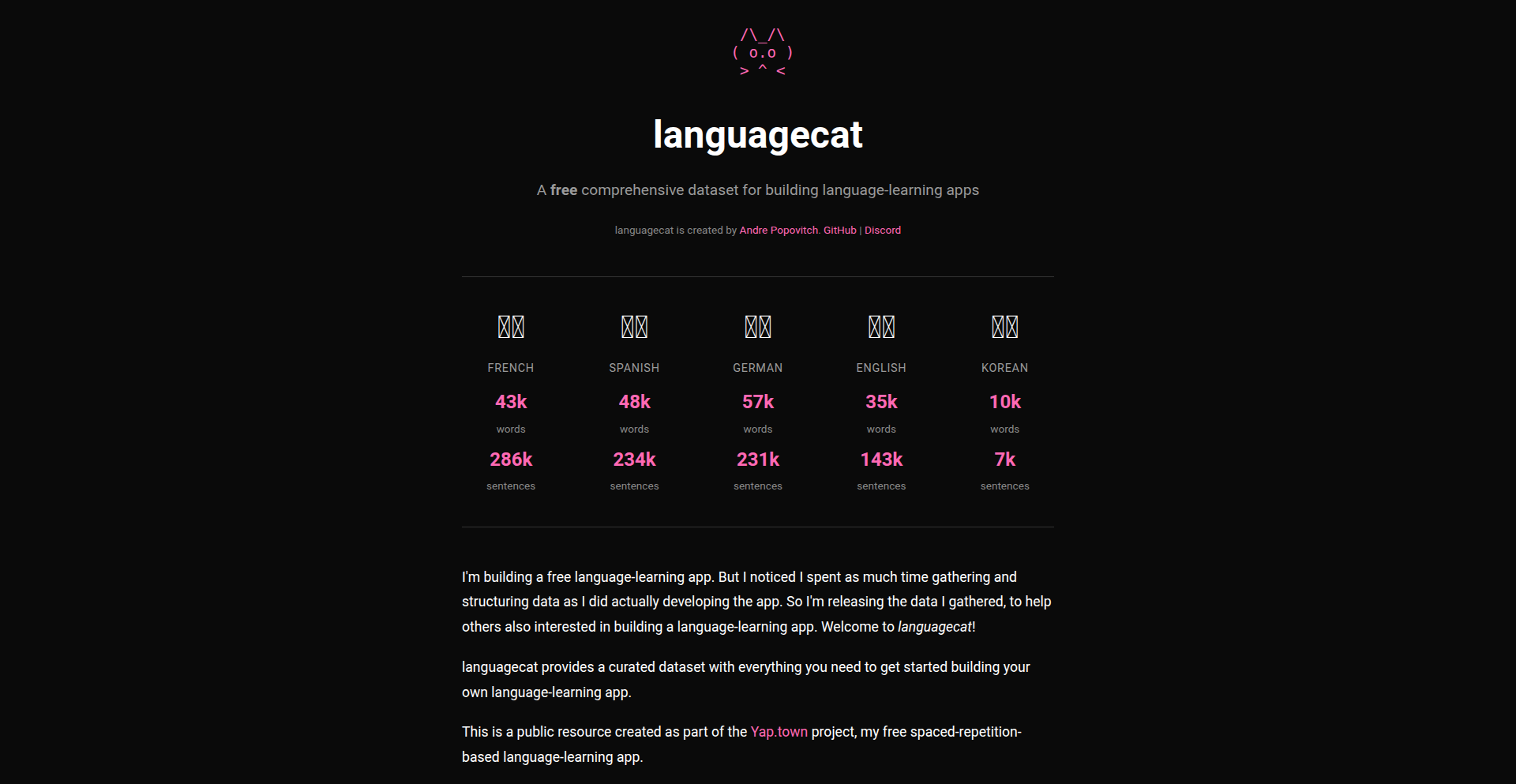
Author
ChadNauseam
Description
Languagecat is a free dataset for developers creating language-learning applications. It focuses on providing raw linguistic data, enabling the construction of more accurate and nuanced language models, ultimately benefiting the creation of better language learning tools.
Popularity
Points 2
Comments 0
What is this product?
Languagecat is a curated collection of linguistic data, essentially a 'toolbox' of words, phrases, and grammatical structures for various languages. Its innovation lies in its accessibility and the raw nature of the data, allowing developers to build custom language learning features without being constrained by pre-packaged, often rigid, solutions. This means you can train your own AI models to understand and generate language in a way that's specific to your app's needs, leading to more effective and personalized learning experiences. So, what's in it for you? You get the foundational building blocks to create truly unique and powerful language education software.
How to use it?
Developers can integrate Languagecat data into their language-learning app's backend. This typically involves training machine learning models (like natural language processing or generation models) using the provided datasets. For example, you could use it to power a vocabulary builder, a grammar checker, or even a conversational AI tutor. The integration would involve data preprocessing, model selection, and training pipelines. So, how can you use this? By feeding this data into your app's AI, you can enable sophisticated features that understand and respond to user input in a more human-like way, making your app more engaging and effective.
Product Core Function
· Raw Lexical and Grammatical Data: Provides unprocessed words, phrases, and sentence structures. The value here is flexibility; developers can tailor their language models precisely to the nuances they want to teach. Useful for building specialized vocabulary trainers or grammar exercises.
· Multi-language Support: Offers datasets for various languages. This is crucial for global reach and catering to diverse user bases. Developers can build apps that support multiple languages from a single, well-organized resource.
· Free and Open Access: The dataset is freely available, lowering the barrier to entry for developers and startups. This fosters innovation by allowing experimentation without significant upfront costs. It means you can start building your dream language app without a huge budget.
· Foundation for AI Model Training: Designed to be used for training machine learning models. This is the core technical value, enabling the creation of intelligent language features. It's the engine behind smart translation, speech recognition, and personalized learning paths.
Product Usage Case
· Building an AI-powered chatbot for language practice: A developer can use Languagecat to train a chatbot that can hold natural conversations in a target language, offering corrections and suggestions. This solves the problem of limited human practice partners and provides 24/7 availability, enhancing user fluency.
· Developing a context-aware vocabulary recommender: By analyzing the dataset, an app can intelligently suggest new vocabulary based on the user's current learning context and progress, making learning more efficient. This overcomes the challenge of rote memorization and makes vocabulary acquisition more relevant.
· Creating an advanced grammar correction tool: The dataset can be used to train a model that identifies and explains grammatical errors with high accuracy, even for complex sentence structures. This provides users with precise feedback, helping them avoid common mistakes and improve their writing skills.
89
SolanaSafeScan AI

Author
botbuilder
Description
A rapid rug pull detector for Solana meme coins, utilizing AI and Supabase to analyze token metrics in seconds, significantly reducing the risk of investment losses from malicious token launches. It automates the tedious manual checking process.
Popularity
Points 2
Comments 0
What is this product?
SolanaSafeScan AI is an automated tool designed to quickly analyze Solana meme coin tokens for potential risks like rug pulls. It uses a combination of data from Supabase (a backend-as-a-service platform) and Netlify (a web hosting platform), powered by vanilla JavaScript. The core innovation lies in its ability to aggregate and interpret key security indicators – liquidity, whale concentration, contract safety, and token age – in just 10 seconds, a task that would typically take over 10 minutes of manual investigation. So, what's in it for you? It provides an instant, data-driven assessment of a token's safety, helping you avoid scams and protect your investment.
How to use it?
Developers can integrate SolanaSafeScan AI into their trading bots, portfolio management tools, or even as a standalone web application. The system's backend likely uses Supabase for data storage and real-time updates, while Netlify handles the front-end hosting and deployment. The vanilla JavaScript component performs the client-side analysis or interacts with an API. For a developer, this means you can leverage its pre-built scanning logic to quickly flag risky tokens before investing, or even build custom alerts. It offers a ready-made solution for a critical pain point in the decentralized finance (DeFi) space.
Product Core Function
· Liquidity Verification: Assesses if the token has sufficient and locked liquidity, preventing sudden token dumps. Value: Protects investors from losing funds when liquidity is removed by the developers.
· Whale Concentration Analysis: Identifies if a large portion of tokens is held by a few addresses, which could lead to market manipulation. Value: Warns against tokens where a few large holders can significantly impact the price.
· Contract Safety Check: Examines the token's smart contract code for known vulnerabilities or malicious functions. Value: Alerts users to potentially compromised smart contracts that could be exploited.
· Token Age Monitoring: Evaluates how long the token has been in existence and its trading history. Value: Provides context on the token's maturity and historical performance, distinguishing between established projects and new, potentially riskier ones.
Product Usage Case
· Scenario: A crypto trader wants to invest in a new Solana meme coin but is worried about rug pulls. Usage: The trader uses SolanaSafeScan AI to quickly scan the token's contract address. The tool flags high whale concentration and suspicious contract functions. Outcome: The trader avoids investing, saving themselves from a potential financial loss.
· Scenario: A developer is building a DeFi portfolio tracker and wants to automatically warn users about risky tokens. Usage: The developer integrates SolanaSafeScan AI's scanning logic via an API into their tracker. The tracker displays a 'high risk' alert next to newly listed tokens identified by the AI. Outcome: Users of the portfolio tracker are proactively informed about potential scams, enhancing the platform's trustworthiness and user safety.
· Scenario: An investor manually checks token contract details and liquidity pools for hours before making a decision. Usage: The investor uses SolanaSafeScan AI, which provides a comprehensive risk assessment in under 10 seconds. Outcome: The investor saves significant time and effort, allowing them to analyze more opportunities and make faster, more informed decisions while minimizing risk.
90
MCP Adventurer

Author
Gricha
Description
A nostalgic, holiday-themed text-based adventure game accessible via an old-school MCP (Message Control Program) interface. It showcases the creative use of legacy communication protocols to deliver interactive entertainment, highlighting a unique blend of retro computing and modern engagement.
Popularity
Points 2
Comments 0
What is this product?
MCP Adventurer is a text-based adventure game designed to be played through a Message Control Program (MCP) interface, reminiscent of early computing systems. The core innovation lies in its use of a communication protocol typically associated with system management and messaging to host an interactive game experience. This approach revives the spirit of simple, accessible digital entertainment by leveraging existing, often overlooked, technical infrastructures. It's like bringing a classic choose-your-own-adventure book to life, but delivered through a command-line interface.
How to use it?
Developers can access MCP Adventurer by connecting to the specified MCP server using a compatible client. The game is navigated through text commands, where players type their choices in response to prompts. This could be integrated into development workflows as a novel way to foster team camaraderie during downtime or as a showcase for how to build interactive experiences on minimal infrastructure. Imagine using it to send a fun, holiday-themed puzzle to your team's internal messaging system, accessible with a simple command.
Product Core Function
· Text-based gameplay engine: Enables interactive narrative progression through typed commands and textual responses, providing a simple yet engaging gameplay loop. This is valuable for creating accessible games without complex graphics.
· MCP interface integration: Allows the game to be hosted and played over a Message Control Program, leveraging existing communication channels for delivery. This is useful for reaching users on platforms where traditional game clients are not feasible.
· Holiday-themed narrative and puzzles: Offers a festive and engaging storyline with challenges designed to be solved through textual interaction. This adds an element of fun and seasonal relevance for users.
· Command-driven interaction: Players interact by typing specific commands, offering a direct and efficient way to control the game. This is a core principle of many classic computing systems and provides a unique user experience.
Product Usage Case
· Holiday office engagement: During the festive season, a company could host MCP Adventurer on their internal communication server, allowing employees to play during breaks. This solves the problem of finding low-friction, engaging team-building activities.
· Retro computing enthusiast showcase: Developers passionate about older systems could use this as an example of how to build interactive applications on limited hardware or communication protocols. It demonstrates the potential for creative problem-solving in constrained environments.
· Educational tool for command-line interfaces: For students learning about networking and command-line interaction, MCP Adventurer can serve as a fun, practical example of how these interfaces can be used beyond simple commands. This helps demystify complex technical concepts by providing a tangible, enjoyable application.
91
QCKFX Simulator Session Replayer
Author
chw9e
Description
QCKFX is a tool for developers that automatically records your interactions within the iOS simulator. Instead of writing traditional test code, you simply use your app as you normally would, and QCKFX captures these sessions. These recorded sessions can then be replayed to automatically detect visual bugs and crashes before you commit your code. This offers a novel approach to testing by leveraging existing user workflows.
Popularity
Points 2
Comments 0
What is this product?
QCKFX is a developer tool that acts like a 'recorder' for your iOS simulator. Instead of writing lines of code to define what should happen during a test, you simply interact with your app in the simulator – clicking buttons, navigating screens, and so on. QCKFX captures these exact interactions. Later, when you want to check if everything is still working correctly, QCKFX can replay these recorded sessions. It visually compares the replayed session with the original recording, highlighting any differences in how the app looks or behaves, thus catching visual regressions and crashes without you needing to write any specific test scripts or modify your app's code with an SDK. This means faster and more intuitive testing.
How to use it?
Developers can use QCKFX by installing it via Homebrew (`brew install --cask qckfx/tap/qckfx`). Once installed, during the development of an iOS feature, they can interact with their app in the simulator as usual. When they've finished a logical chunk of work or a specific user flow, they can trigger the recording with a keyboard shortcut (Cmd+Shift+S). This captures their actions. Before pushing their code changes, they can use another shortcut (Cmd+Shift+T) to replay all recorded sessions. QCKFX will then automatically run through these sessions and report any discrepancies, helping to catch bugs before they reach production.
Product Core Function
· Record simulator interactions: Captures user actions and UI states within the iOS simulator, providing a direct way to document and reproduce app behavior without manual test script creation.
· Replay recorded sessions: Automatically plays back recorded user interactions, allowing for consistent and repeatable testing scenarios.
· Visual regression detection: Compares the UI output during replayed sessions against the original recordings to identify unintended visual changes or glitches, ensuring the app's appearance remains consistent.
· Crash detection during replay: Monitors for unexpected application crashes that occur during the replayed sessions, alerting developers to stability issues.
· No code changes or SDK integration: Works without requiring developers to add any special testing code or libraries to their application, simplifying the setup and integration process.
· Local execution: Runs entirely on the developer's machine, ensuring privacy and independence from external services.
Product Usage Case
· Catching UI glitches after a library update: A developer updates a third-party UI library. Before pushing, they replay a QCKFX recording of a complex screen. QCKFX highlights unexpected layout shifts or color changes that indicate a visual regression caused by the update.
· Verifying feature consistency across builds: A developer completes a new feature. They record a session of using that feature. In subsequent builds, they replay this recording to ensure the feature still functions and appears as intended, preventing regressions introduced by other changes.
· Automating basic smoke tests: For a new build, a developer records a quick session hitting all the main navigation points and core features of the app. They can then replay this recording to quickly ensure the app is stable and the most critical paths are working before more in-depth testing.
· Identifying hard-to-reproduce crashes: A user reports a crash that the developer can't easily replicate. By observing how the user might have interacted with the app, the developer can create a similar session in QCKFX and replay it to trigger and pinpoint the cause of the crash.
· Onboarding new team members: New developers can record their initial exploration of an app to demonstrate common user flows. These recordings can serve as examples for other team members to ensure consistency in how features are tested and perceived.
92
Depsy: SaaS Dependency Sentinel
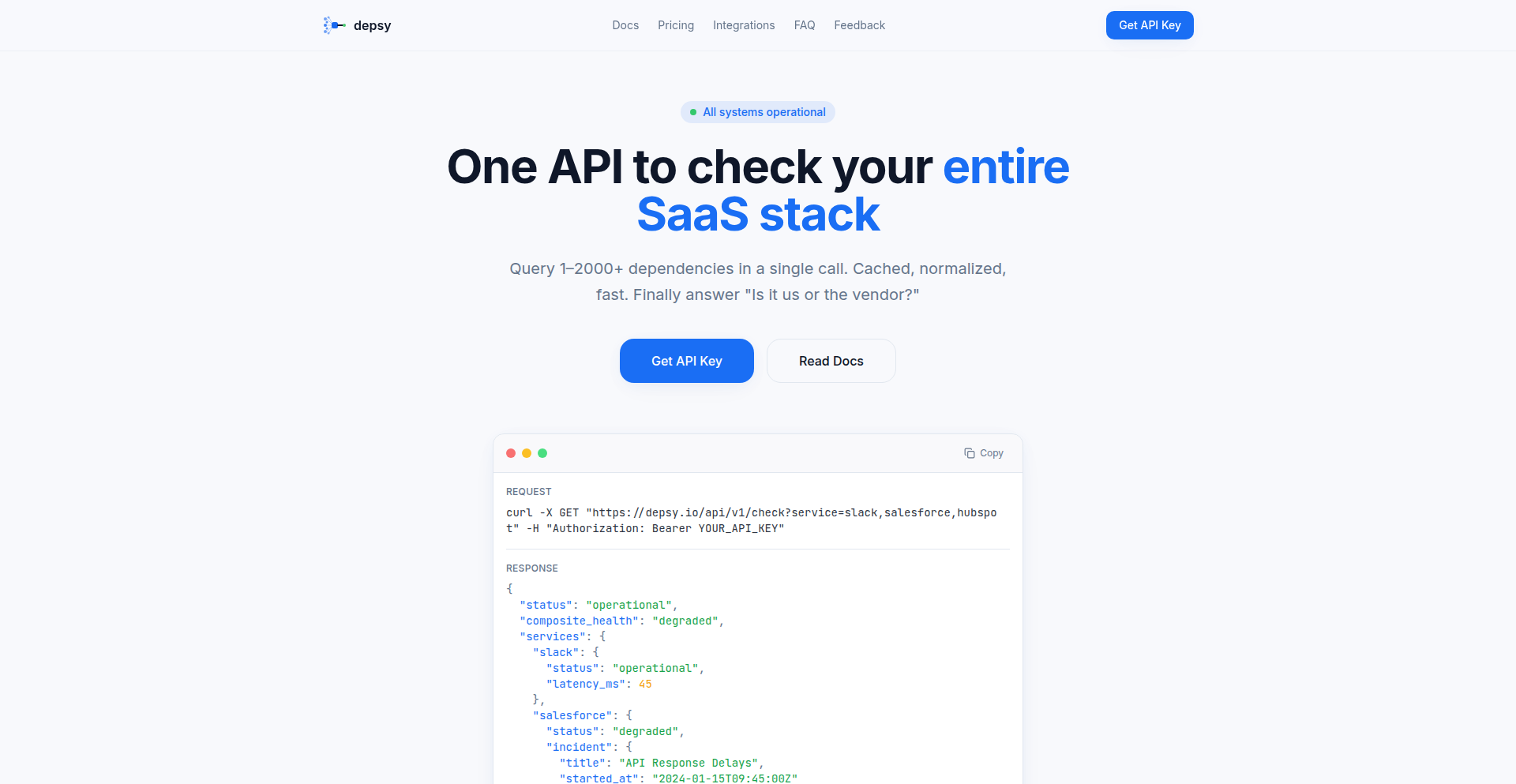
Author
malik_naji
Description
Depsy is a revolutionary API designed to drastically cut down on the time SREs and DevOps engineers spend diagnosing incidents. It tackles the frustrating 'status-page roulette' by providing a single, unified view of the health status of all your critical SaaS dependencies. Instead of checking multiple status pages, Depsy aggregates this information, allowing you to quickly pinpoint whether an issue lies with your own infrastructure or with a third-party vendor. This means faster incident resolution and less downtime.
Popularity
Points 2
Comments 0
What is this product?
Depsy is an API service that acts as a central nervous system for your SaaS dependencies. When an incident occurs, you don't have to manually visit the status pages of Slack, Okta, GitHub, Cloudflare, and dozens of other vendors. Depsy intelligently queries these services, collects their status information, and then normalizes it into a consistent, easy-to-understand format. This innovative normalization is key; each vendor might report their status differently, but Depsy presents it uniformly. The core technology involves sophisticated web scraping, API integration, and a robust caching layer to ensure fast retrieval of data. The technical insight here is recognizing the universal pain point of scattered information during critical outages and applying a programmatic solution to centralize and simplify it. So, for you, it means no more jumping between tabs during a crisis; you get a clear, aggregated picture instantly.
How to use it?
Developers can integrate Depsy into their on-call workflows. This could involve embedding it into internal dashboards, setting up alerts that trigger based on Depsy's output, or incorporating its findings into incident response runbooks. For example, during an outage, your monitoring system could query Depsy. If Depsy reports that a critical vendor like 'Auth0' is experiencing issues, your team immediately knows to focus troubleshooting efforts on external factors, rather than wasting time investigating your own authentication systems. The integration is straightforward: you make an API call to Depsy with a list of vendors you care about, and it returns a structured response indicating their current operational status. This allows for programmatic decision-making and automated responses to incidents.
Product Core Function
· Centralized SaaS Dependency Health Check: This function allows you to query the status of over 2000 vendors in a single API request. Its technical value lies in consolidating disparate information sources into one manageable output, saving countless hours of manual checks. The application scenario is immediate incident diagnosis, enabling quick identification of the root cause.
· Normalized Status Output: Depsy processes and standardizes the status information from various vendors, regardless of their individual reporting formats. This is technically innovative because it abstracts away the complexity of parsing different API responses or web page structures, presenting a unified view. Its value is in eliminating the need for custom parsing logic for each vendor, making integration seamless and reducing errors.
· Fast, Cached Data Retrieval: The service employs caching mechanisms to deliver status information rapidly. This is a critical technical implementation for high-stakes incident scenarios where every second counts. The application benefit is near real-time updates on vendor status, allowing for swift decision-making and communication during critical events.
· On-Call Workflow Integration: Depsy is designed to plug into existing on-call systems. Technically, this means providing an API that can be easily consumed by dashboards, alerting systems, and automated runbooks. The practical value is empowering automated incident response and proactive monitoring, reducing the burden on human operators.
Product Usage Case
· Scenario: A customer reports issues accessing your web application. Your SRE team uses Depsy to check the status of your core infrastructure providers (e.g., AWS, GCP) and critical third-party services (e.g., Stripe for payments, Twilio for SMS). Depsy quickly reports that 'Stripe' is experiencing an incident. This immediately tells the team the problem is with the payment gateway, not your application code, allowing them to focus on communicating the external issue and potential workarounds to customers.
· Scenario: During a widespread internet outage, your team needs to understand the impact on your SaaS stack. Instead of visiting dozens of status pages, you trigger a Depsy query for all your essential services. Depsy reveals that 'Cloudflare' is reported as healthy, but 'Slack' is experiencing delays. This helps your team prioritize which vendor dependencies are most affected and communicate accurate status updates internally and to users.
· Scenario: As part of your incident response playbook, you want an automated alert system to notify the relevant teams when a critical dependency is down. You integrate Depsy into your alerting tool. If Depsy detects a problem with your CI/CD pipeline's dependency (e.g., GitHub Actions), the system automatically generates an alert, specifying the vendor and the issue, so developers can be quickly informed and take action before it impacts deployment schedules.
93
VideoToScreenshotsSharp

Author
sooryagangaraj
Description
This project, VideoToScreenshots, is a clever tool designed to automatically extract the sharpest frames from video files. Instead of manually scrubbing through footage to find the best stills, it intelligently analyzes the video and identifies high-quality, in-focus moments. This saves considerable time and effort for anyone needing to quickly grab clear screenshots from videos, whether for content creation, analysis, or archival purposes.
Popularity
Points 1
Comments 0
What is this product?
VideoToScreenshotsSharp is an automated system that analyzes video content to pinpoint and extract the visually sharpest frames. It uses computer vision techniques, likely involving edge detection algorithms or image sharpness metrics, to quantify the clarity of each frame. By comparing these metrics across the video, it can identify frames that are in focus and free from motion blur. This is a significant improvement over manual frame selection, which is tedious and often misses the best moments.
How to use it?
Developers can integrate VideoToScreenshotsSharp into their workflows to automate screenshot generation. It can be used as a command-line tool or potentially integrated into larger video processing pipelines. For example, a content creator could feed a raw video into the tool and receive a collection of high-quality stills for social media or blog posts. A researcher might use it to quickly extract clear images for analysis from video recordings. The tool likely takes a video file as input and outputs a series of image files representing the selected sharp frames.
Product Core Function
· Automated Sharp Frame Extraction: Leverages image analysis to identify and pull out the clearest frames from any video, saving manual effort and ensuring high visual quality for extracted stills. Useful for anyone needing clear visuals quickly.
· High-Quality Screenshot Generation: Provides a reliable method to obtain crisp screenshots from video footage, essential for creating professional content or detailed documentation where image clarity is paramount.
· Time-Saving Video Analysis: Significantly reduces the time spent manually reviewing videos for specific frames, allowing users to focus on higher-level tasks rather than tedious frame selection. Beneficial for large video libraries or rapid content production.
· Programmable Image Acquisition: Offers an automated solution for acquiring visual data from videos, which can be integrated into larger applications or scripts for batch processing or dynamic content generation. Empowers developers to automate visual asset creation.
Product Usage Case
· A YouTuber needs to create thumbnail images for a series of videos. Instead of watching each video multiple times to find a compelling still, they can use VideoToScreenshotsSharp to automatically extract the sharpest and most visually interesting frames, then select the best thumbnail from the generated options. This drastically speeds up their workflow.
· A researcher is analyzing motion in wildlife documentaries. They need to capture clear, in-focus images of specific animal behaviors. VideoToScreenshotsSharp can process the video footage and extract frames where the subjects are sharp and well-defined, providing them with high-quality data points for their analysis without extensive manual frame-by-frame review.
· A software developer is building a tool that automatically generates highlight reels from user-uploaded videos. VideoToScreenshotsSharp can be used to extract key moments with clear visuals, which are then compiled into a dynamic highlight reel. This ensures that the generated reel features visually appealing and sharp imagery.
94
SVGtoWebPLocal
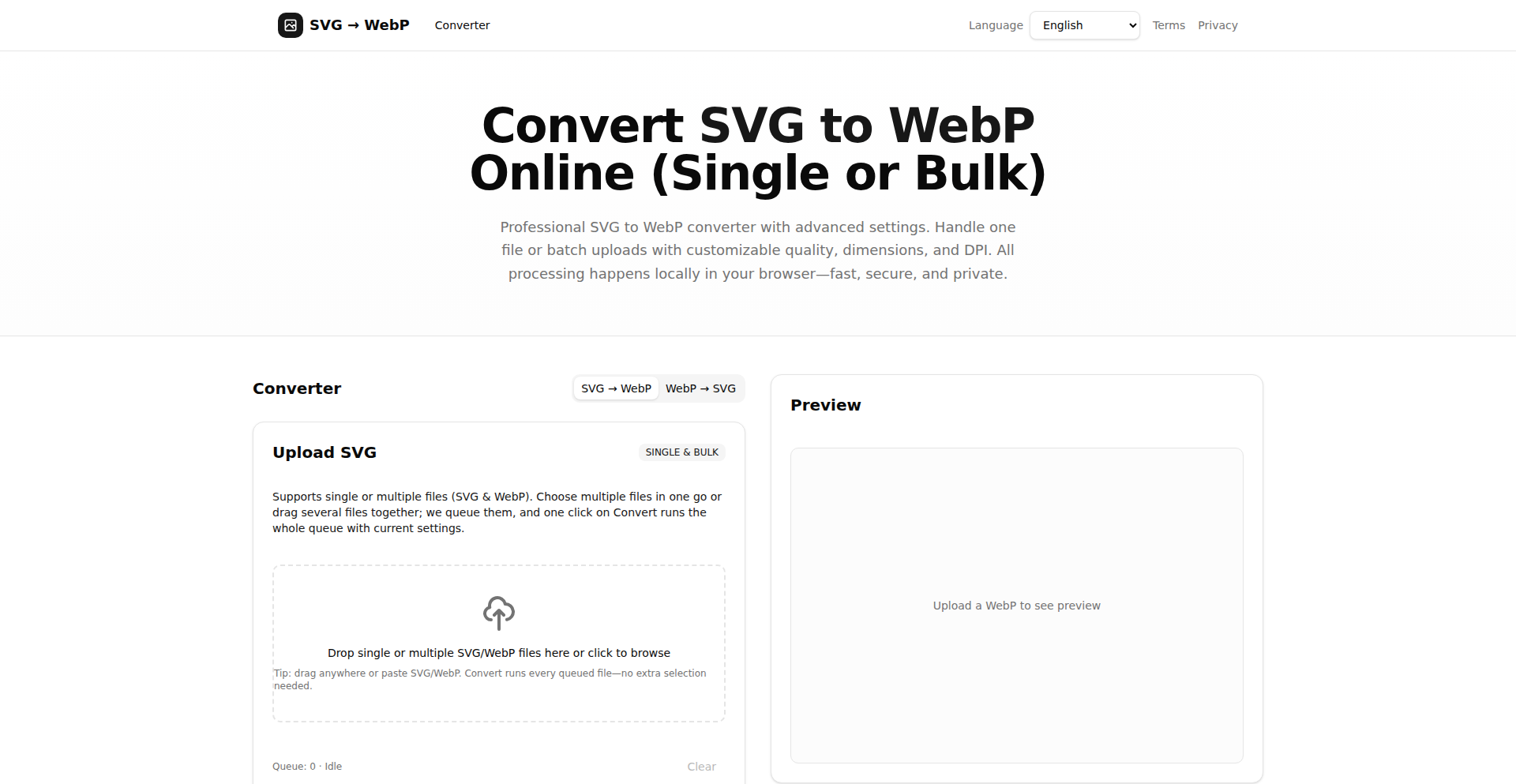
Author
kuzej
Description
A browser-based tool for converting Scalable Vector Graphics (SVG) files to the WebP format, prioritizing privacy and speed by performing all operations locally. It addresses the common need to transform vector assets into efficient raster images for web deployment, offering batch processing and customizable output settings. This project is a testament to the hacker ethos of building practical solutions with code for everyday developer challenges.
Popularity
Points 1
Comments 0
What is this product?
SVGtoWebPLocal is a web application that allows you to convert your SVG vector images into WebP raster images directly within your web browser. The core innovation lies in its local processing; instead of uploading your sensitive design files to a remote server, all the conversion magic happens on your own computer. This ensures your files remain private and drastically speeds up the process, especially for batch conversions. It leverages modern browser technologies to achieve this, making it a lightweight and efficient solution for transforming graphics.
How to use it?
Developers can use SVGtoWebPLocal by visiting the svgtowebp.org website. Simply drag and drop one or multiple SVG files into the designated area. You can then customize various output settings such as width, height, fit mode (how the image scales), quality (for lossy compression), lossless toggle, background color (including transparency), and DPI (dots per inch). Once configured, click to convert. The tool offers a preview of the converted images, allowing you to compare file sizes before downloading individual files or a "Download All" zip archive. This is particularly useful for web developers working with designers who provide SVG assets but require them in a more web-optimized raster format like WebP.
Product Core Function
· Local SVG to WebP Conversion: Processes files directly in the browser, ensuring data privacy and eliminating the need for server uploads. This is valuable for developers handling sensitive or proprietary design assets, providing peace of mind and faster turnaround.
· Batch File Processing: Enables drag-and-drop functionality for multiple SVG files, converting an entire queue with a single click. This significantly boosts productivity for developers who need to optimize many graphics at once for web performance, saving considerable manual effort.
· Configurable Output Settings: Offers granular control over conversion parameters like width, height, fit mode, quality, lossless compression, background color, and DPI. This allows developers to precisely tailor the WebP output to specific project requirements, ensuring optimal file size and visual fidelity for different web contexts.
· Real-time Preview and File Size Comparison: Provides immediate visual feedback on converted images and their file sizes, allowing for informed decisions about optimization. Developers can easily compare different settings to achieve the best balance between image quality and web loading speed.
· Direct Download or Zip Archive: Supports downloading individual converted WebP files or packaging them into a single zip archive. This streamlines the workflow for developers, making it easy to integrate the optimized assets into their projects.
Product Usage Case
· Web Development Asset Optimization: A frontend developer receives a set of SVG icons from a designer. To ensure fast page load times, they need to convert these icons to WebP. Using SVGtoWebPLocal, they can drag and drop all SVGs, set a consistent size and quality, and get optimized WebP files for their project without uploading anything, drastically reducing the time spent on manual conversion.
· E-commerce Product Image Preparation: An e-commerce platform needs to display product images efficiently. If product illustrations are provided as SVGs, a developer can use SVGtoWebPLocal to quickly convert them to WebP, leveraging its lossless option and transparency support for high-quality, small-file-size product visuals that improve user experience and SEO.
· Mobile App UI Asset Conversion: A mobile app developer needs to integrate vector assets into their app. While many platforms now support SVG, using WebP can sometimes offer better compression. They can use SVGtoWebPLocal to batch convert SVG assets to WebP, specifying exact dimensions and DPI required for their target resolutions, ensuring optimal performance within the app.
95
WhiteCollarAgent
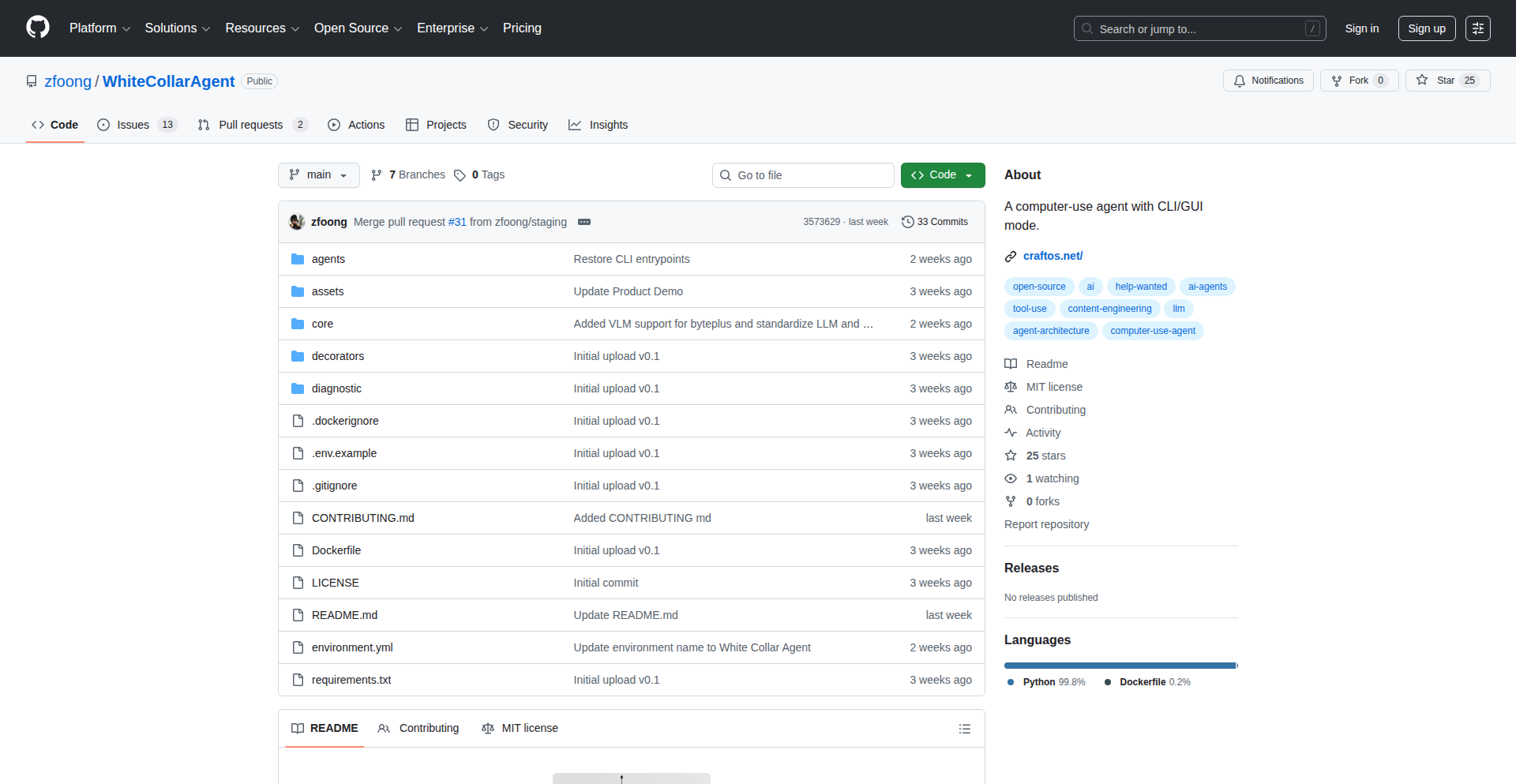
Author
zfoong
Description
WhiteCollarAgent is an open-source AI agent designed to automate repetitive computer tasks. It uses a Text User Interface (TUI) to interpret user instructions, plan steps, and execute actions, making complex automation accessible. This means you can delegate tasks like translating documents, organizing files, or generating image captions directly to the AI, freeing up your time and effort.
Popularity
Points 1
Comments 0
What is this product?
WhiteCollarAgent is a general-purpose AI agent that runs on your computer to automate tasks you'd normally do manually. At its core, it's an intelligent system that understands what you want it to do (e.g., 'translate all these files'), figures out the best way to accomplish it step-by-step, and then performs those actions for you. The innovation lies in its ability to bridge natural language commands with actual computer operations, offering a powerful TUI for interaction and a flexible code foundation for developers to build specialized agents.
How to use it?
Developers can use WhiteCollarAgent by interacting with its TUI for immediate task automation. For more advanced use, the open-source code provides a framework. You can create your own custom AI agents by defining the agent's 'identity' (its purpose and capabilities) and 'tools' (specific functions it can access, like file manipulation or web requests). This allows for building specialized agents for niche tasks, which can then be hosted and even monetized.
Product Core Function
· Autonomous Task Planning: The agent can break down a complex request into smaller, actionable steps, allowing it to handle multi-stage processes without constant human intervention. This is valuable because it means you can set it and forget it for many tasks.
· TUI-based Interaction: A simple text-based interface allows users to issue commands and receive feedback, making it accessible even for those who aren't deeply technical. This is useful for quickly delegating tasks without needing to write code.
· OS Operations Automation: The agent can perform actions directly on your operating system, such as file management, batch processing, and running applications. This is a huge time-saver for repetitive computer chores.
· Web Task Automation: It can interact with web pages to perform tasks like data scraping or form filling. This is beneficial for automating online research or data entry.
· Custom Agent Layer: Provides a modular structure for developers to build specialized AI agents by injecting custom logic and tools. This empowers developers to create tailored solutions for specific industry needs.
Product Usage Case
· Scenario: A content creator needs to translate a folder of 100 blog posts into Japanese. How it solves the problem: WhiteCollarAgent can be instructed to find all `.txt` files in a specified directory, use a translation tool (integrated or external), and save the translated files with a new naming convention. This saves hours of manual translation and file handling.
· Scenario: A designer has a messy folder of project assets with inconsistent file names. How it solves the problem: The agent can analyze the content of each file (e.g., image type, document text) and rename them systematically (e.g., 'project_logo_v3.png', 'invoice_q2_2023.pdf'). This streamlines project management and makes it easier to find files.
· Scenario: A researcher wants to generate descriptions for a large collection of scientific images. How it solves the problem: WhiteCollarAgent can process each image, use an image recognition model to identify key features, and automatically generate descriptive captions. This accelerates the process of cataloging and analyzing visual data.
· Scenario: A developer wants to automate the deployment of a web application across multiple servers. How it solves the problem: A custom agent built on WhiteCollarAgent's framework can be programmed to connect to each server, execute deployment scripts, and verify the installation. This ensures consistent and efficient deployment pipelines.
96
SimulationSignal Predictor

Author
danilofiumi
Description
A platform designed to foster learning by focusing on significant predictions and their outcomes, inspired by the idea of prioritizing simulations that yield real insight. It allows users to make concrete, time-bound predictions and track their eventual results, encouraging thoughtful discourse rather than engagement metrics. This tool aims to help individuals and the community learn faster by focusing on predictions that truly matter.
Popularity
Points 1
Comments 0
What is this product?
SimulationSignal Predictor is a web-based platform that encourages users to make specific, verifiable predictions about future events. The core innovation lies in its philosophy: unlike platforms driven by engagement, it prioritizes predictions that are likely to generate meaningful learning and signal. It operates on the principle that focusing on bold calls and potential outcomes, even if wrong, is more valuable for intellectual growth than chasing superficial interactions. Think of it as a curated space for 'learning simulations' where the outcome of your prediction provides real data for reflection. So, what's in it for you? It helps you crystallize your thoughts into actionable predictions and see how the real world unfolds, leading to better understanding and decision-making.
How to use it?
Developers can use SimulationSignal Predictor by signing up and submitting their predictions with clear parameters and target outcomes. For instance, a developer might predict a specific technology adoption rate by a certain date or the success of a particular open-source project. The platform then tracks these predictions, allowing for comparison against actual events. Integration possibilities could involve embedding prediction widgets on developer blogs, linking to community forums for discussion, or even using the prediction data to inform future project roadmaps. The primary use case is to leverage the platform's structure to challenge your own foresight and learn from verifiable results. So, how does this benefit you? It provides a structured way to test your insights and gain empirical evidence for your hypotheses, making you a more effective planner and strategist.
Product Core Function
· Prediction Submission: Users can log in and create specific, time-bound predictions. This feature is valuable because it forces clear articulation of hypotheses, moving beyond vague speculation to concrete statements. It's useful for personal learning and for community knowledge building.
· Outcome Tracking: The platform monitors and records the actual outcomes of submitted predictions. This is critical for learning as it provides the necessary data to validate or invalidate initial hypotheses, offering direct feedback on predictive accuracy and market understanding. This helps you learn what works and what doesn't.
· Discussion Forums: Each prediction has a dedicated space for discussion among users. This fosters collaborative learning and allows for diverse perspectives on why a prediction succeeded or failed, enriching the overall learning experience. This helps you gain insights from others.
· Signal-Focused Interface: The platform avoids algorithmic feeds and engagement tricks, focusing solely on predictions and their outcomes. This design choice ensures that the user's attention is directed towards genuine learning and intellectual exploration, not distraction. This means you get to focus on what truly matters for your growth.
Product Usage Case
· A startup founder predicts that their new feature will achieve a 10% user adoption rate within three months. They submit this prediction to SimulationSignal Predictor. After three months, they compare the actual adoption rate to their prediction, discussing the reasons for any discrepancies in the forum. This helps them refine their product strategy and understand user behavior better.
· A developer predicts that a specific open-source library will be integrated into 50 major projects by the end of the year. The platform tracks this, and the developer can then analyze why their prediction was accurate or inaccurate, potentially informing future technology choices or contributions to the open-source community. This helps you make informed technology decisions.
· A tech enthusiast predicts that a particular AI model will achieve human-level performance on a specific benchmark within six months. By tracking this, they can contribute to the community's understanding of AI progress and identify areas where further research is needed, fostering collective advancement. This helps you contribute to and understand the bigger picture in tech.
· A team manager predicts that a new agile methodology will improve their team's productivity by 15% in the next quarter. The platform allows them to document this prediction and later review the actual productivity gains, providing a data-driven basis for process improvement and team management. This helps you become a better leader and manager.
97
JotChain ReviewForge
Author
morozred
Description
JotChain ReviewForge is a minimalist work logging tool designed to combat the 'forgetfulness' problem in performance reviews. It allows developers to quickly jot down observations and achievements as they happen, without the burden of strict formatting. Later, it intelligently synthesizes these scattered notes into structured summaries suitable for self-reviews, peer reviews, and overall accomplishment reports. The core innovation lies in its ability to transform informal, timely inputs into valuable, context-rich review artifacts, preserving crucial details that would otherwise be lost.
Popularity
Points 1
Comments 0
What is this product?
JotChain ReviewForge is a sophisticated note-taking system specifically engineered for the challenges of performance management. Instead of relying on memory or complex HR software, it provides a simple interface to capture brief, unstructured notes about work activities, team interactions, and individual contributions throughout the year. The underlying technical magic is in its ability to process these seemingly random jots, tag them with context like projects or colleagues, and then, when prompted, weave them into coherent narratives for different types of performance reviews. Think of it as a personal 'context capture' engine that auto-generates review documents, saving you from the dread of trying to recall six months of work.
How to use it?
Developers can integrate JotChain ReviewForge into their daily workflow by simply opening the application (or accessing the web interface) and typing a short note whenever a significant event, contribution, or observation occurs. This might be a moment a teammate helped unblock a project, a successful feature implementation, or a valuable piece of feedback shared. These 'jots' can be enriched with optional context like the associated project or team members involved. When it's time for performance reviews, the user selects a date range and the system generates ready-to-use summaries. It's designed to be a 'frictionless' add-on, requiring minimal effort during the work period and delivering maximum value during review cycles. Integration is primarily through its standalone web application, making it accessible from any device.
Product Core Function
· Impromptu Note Capture: Allows users to record brief observations and achievements in under 30 seconds, preserving critical real-time insights that would otherwise be forgotten.
· Contextual Tagging: Enables adding light context like project names or team members to each note, providing rich detail for future review generation.
· Automated Review Synthesis: Transforms unstructured notes into structured performance review documents (self, peer, accomplishments) for specific date ranges, significantly reducing manual compilation effort.
· Minimalist Interface: Offers a distraction-free user experience, focusing on ease of use and speed of input, crucial for adoption during busy work periods.
· Contextual Memory Bank: Acts as a searchable repository of work events and contributions, serving as a personal 'memory aid' for performance discussions.
Product Usage Case
· Scenario: A developer consistently helps junior team members overcome technical hurdles but rarely documents these instances. ReviewForge allows them to quickly jot down 'Helped Sarah debug the authentication module' or 'Explained the new API to John'. When review time comes, these small acts of mentorship are automatically compiled into a 'soft skills' or 'team contribution' section of their review.
· Scenario: A project has several small but important feature releases throughout a quarter. Instead of relying on vague recollections, a developer can log each successful deployment with a brief note like 'Deployed the new user profile page' or 'Integrated the payment gateway successfully'. ReviewForge then aggregates these into a concise 'Accomplishments Summary' for the period.
· Scenario: During a difficult sprint, a developer observes a colleague's exceptional problem-solving skills that kept the team on track. A quick note like 'Mark's quick fix on the database issue saved us from missing the deadline' can be logged. This timely recognition is captured and can be formally acknowledged in a peer review or by the manager.
· Scenario: A developer wants to track their personal growth and learning. They can use ReviewForge to log when they tackle a new technology or complete a challenging task, like 'Learned and implemented the new caching mechanism'. This creates a documented trail of their skill development over time, useful for career progression discussions.
98
Tessera Designer: Seamless Pattern Forge
Author
SwiftedMind
Description
Tessera Designer is a macOS application that leverages an open-source framework (Tessera) to generate endlessly repeatable, seam-free patterns. It allows users to create intricate designs using code-based elements like shapes, SF Symbols, emojis, and custom images, outputting them as high-quality PNG or vector-based PDF files. The core innovation lies in its algorithmic approach to pattern generation, ensuring perfect tiling without visible seams, and offering flexible modes for both tile creation and canvas filling.
Popularity
Points 1
Comments 0
What is this product?
Tessera Designer is a creative tool that helps you generate beautiful, repeating patterns without any noticeable breaks or seams. At its heart is the Tessera engine, a clever algorithm that figures out how to arrange shapes, text, or symbols so that when you repeat them, they seamlessly connect. Think of it like tiling your floor perfectly – you don't see the edges between the tiles. The innovation here is in the mathematical approach that guarantees this perfect repetition. It's essentially a way to automate the creation of visually pleasing backgrounds and textures that can be used anywhere without looking jarring. So, this is useful for designers and developers who need visually consistent and infinitely scalable graphical elements.
How to use it?
Developers can integrate the Tessera framework directly into their Swift or SwiftUI projects to programmatically generate patterns. For those who prefer a visual approach, Tessera Designer offers a user-friendly Mac application. You can use it to design individual tiles or fill entire canvases. In 'Tile mode,' you design a small repeating unit, which can then be exported as an image for use in apps, websites, or other design projects. In 'Canvas mode,' you can place specific elements (like text or logos) and have the app intelligently fill the remaining space with a seamless pattern around them, perfect for wallpapers or custom graphics. The output can be a PNG image for general use or a vector-based PDF for scalable graphics, ensuring crispness at any size.
Product Core Function
· Seamless Pattern Generation: The engine uses mathematical algorithms to ensure that when a pattern element is repeated, its edges align perfectly with its neighbors, creating an illusion of continuous flow. This is valuable for creating professional-looking backgrounds and textures that don't have distracting lines.
· Versatile Input Support: Allows patterns to be built from a wide range of elements, including basic shapes, system symbols (SF Symbols), emojis, custom text, and imported images. This provides immense creative freedom and allows for highly personalized designs that can be tailored to specific project needs.
· Dual Design Modes (Tile & Canvas): Offers two distinct ways to create patterns: 'Tile mode' for designing a single, infinitely repeatable unit, and 'Canvas mode' for filling a fixed-size area while intelligently placing user-defined elements. This flexibility caters to different design requirements, from small repeating icons to large-scale backgrounds.
· High-Quality Export Options: Supports exporting patterns as PNG (for raster graphics) and vector-based PDF (for scalable graphics). This ensures that the generated patterns can be used across various media and resolutions without loss of quality, making them suitable for both digital and print applications.
· Code-First Framework (Tessera Engine): Provides an open-source framework for developers to programmatically generate patterns within their Swift/SwiftUI applications. This enables deep integration and dynamic pattern creation directly within software projects, offering a powerful tool for interactive graphics and UIs.
Product Usage Case
· Creating custom background textures for mobile app interfaces using Swift/SwiftUI. The Tessera framework can be used to dynamically generate repeating textures based on user input or app state, enhancing the visual appeal without increasing app size significantly.
· Designing unique wallpapers for desktop or mobile devices. Using Tessera Designer's Canvas mode, a user can pin a logo or text and have the app fill the rest of the screen with a custom-designed seamless pattern, offering personalized digital aesthetics.
· Generating endlessly tileable patterns for websites or marketing materials. A designer can use Tessera Designer to create a small, perfect tile that can be repeated across a webpage background or printed brochure, ensuring a consistent and professional look.
· Developing game assets that require repeating textures, such as for terrain or cloth. The algorithmic nature of Tessera ensures that these textures can be applied seamlessly across large game environments, improving visual immersion.
· Creating vector-based icons or decorative elements that can be scaled to any size without pixelation. Exporting as PDF from Tessera Designer is ideal for logos, branding elements, or any design that needs to be used in both small and large formats.
99
HN-to-Mastodon Bridge
Author
giuliomagnifico
Description
This project is a clever automation that bridges Hacker News (HN) content to Mastodon instances. It allows any Hacker News user's posts to be automatically re-posted to a chosen Mastodon instance. The core innovation lies in leveraging the power of n8n, a workflow automation tool, to create a flexible and extensible integration without requiring deep coding knowledge for setup. This effectively democratizes HN content sharing to the decentralized social network of Mastodon, offering a new avenue for visibility and discussion.
Popularity
Points 1
Comments 0
What is this product?
This project is an automated system that connects Hacker News (HN) to Mastodon. It works by using n8n, which is a visual workflow automation tool. Think of n8n as a digital LEGO set for connecting different online services. The system monitors Hacker News for posts from a specific user, and when a new post is detected, n8n automatically sends it over to a Mastodon instance that you specify. The innovation here is that it bypasses the need for complex API programming. Instead, it uses n8n's pre-built connectors and a visual interface to define this 'if this, then that' logic. This means even if you're not a seasoned developer, you can set up this powerful content relay, making HN content accessible to a broader audience on Mastodon.
How to use it?
Developers can use this project by setting up an n8n workflow. First, you'll need to have n8n installed or use their cloud service. Within n8n, you'll configure a workflow that includes a 'Hacker News' node (to fetch posts) and a 'Mastodon' node (to post). You'll specify the HN username whose posts you want to track and the URL of your desired Mastodon instance, along with your Mastodon API credentials. n8n then handles the rest, automatically transferring the content. This is particularly useful for individuals or communities who want to syndicate their HN activity to their Mastodon presence, increasing their reach and engagement.
Product Core Function
· Hacker News Post Monitoring: Automatically detects new posts from a specified Hacker News user, providing real-time awareness of their activity. This means you'll never miss a shared insight from your favorite HN contributors.
· Mastodon Instance Integration: Seamlessly posts the captured HN content to any Mastodon instance, broadening the reach of HN discussions. This allows you to share valuable HN content with your followers on Mastodon, sparking new conversations.
· n8n Workflow Automation: Utilizes n8n's visual workflow builder for easy configuration and customization without extensive coding. This simplifies the technical setup, making it accessible for a wider range of users to create powerful integrations.
· Content Syndication: Enables automated content syndication from HN to Mastodon, ensuring consistent cross-platform presence. This is useful for maintaining an active presence across different platforms without manual effort.
Product Usage Case
· A developer who frequently shares interesting projects and insights on Hacker News can use this to automatically mirror those posts to their Mastodon account, ensuring their followers on Mastodon are always up-to-date with their latest contributions. This solves the problem of manually cross-posting and increases their online visibility.
· A tech community or news aggregator could set up a workflow to monitor specific HN users or popular threads and automatically share summaries or links to their Mastodon community, fostering discussion and bringing HN's trending topics to a new audience. This helps to bridge content gaps between platforms and expose their Mastodon community to more diverse tech discussions.
· An individual researcher or thought leader active on Hacker News might want to ensure their technical musings reach a broader audience. By using this tool, their HN posts can be automatically shared to their Mastodon instance, amplifying their message and potential impact.
100
PostgresGuard: Verified Cloud Backups

Author
kira_aziz
Description
PostgresGuard is a service that automates PostgreSQL backups and ensures they are valid, preventing silent data loss. It addresses the common pain point of relying on manual or cron-based backup scripts that might fail without notification. The innovation lies in its automated verification process, confirming that backups are not only created but are also usable.
Popularity
Points 1
Comments 0
What is this product?
PostgresGuard is an automated backup solution specifically for PostgreSQL databases. Instead of just dumping your database, it goes a step further by verifying that the created backup file is actually readable and intact. This is achieved through an internal process that attempts to read or interact with the backup data, ensuring its integrity before it's stored securely in the cloud with versioning. The core problem it solves is the risk of having backups that appear to exist but are corrupted or incomplete, leading to potential data loss when you actually need them. So, for you, this means peace of mind knowing your critical data is truly safe and recoverable.
How to use it?
Developers can integrate PostgresGuard by connecting their PostgreSQL database to the service. This typically involves providing database credentials and configuring the desired backup schedule (e.g., daily, hourly) or triggering manual backups via a simple interface. For cloud storage, users can choose from various encrypted options like S3, Google Cloud Storage, or others, with built-in versioning to keep historical copies. The service also provides email notifications for successful backups or any errors encountered. This makes it easy to incorporate robust backup strategies into existing development workflows without complex scripting. For you, this means a straightforward way to protect your database with minimal effort.
Product Core Function
· Automated Scheduled Backups: Backs up your PostgreSQL database at predefined intervals, eliminating the need for manual intervention and reducing the risk of forgotten backups. This ensures consistent data protection.
· Verified Backup Integrity: This is the key innovation. Before storing, the system checks if the backup file is valid and can be accessed, preventing you from unknowingly having unusable backups. This dramatically reduces the risk of data loss when you need to restore.
· Encrypted Cloud Storage with Versioning: Your backups are securely stored in the cloud with strong encryption, and multiple versions are kept, allowing you to roll back to specific points in time. This provides both security and flexibility for data recovery.
· Email Alerts for Status and Errors: Receive immediate notifications about the success or failure of your backups. This proactive alerting system ensures you are always aware of your data's protection status and can address issues promptly.
· Mount Backups for Inspection: Allows you to 'mount' a backup to inspect its contents without performing a full restore. This is incredibly useful for debugging or quickly verifying specific data points. This saves time and resources during data audits or troubleshooting.
Product Usage Case
· A small e-commerce startup using PostgresGuard to automate daily backups of their product catalog and customer data. They previously struggled with unreliable cron jobs. PostgresGuard ensures their data is backed up and verified nightly, preventing potential losses from order or user data. This gives them confidence that their business can recover from any incident.
· A SaaS company storing sensitive user information in PostgreSQL. They use PostgresGuard to perform hourly backups, encrypted with AES-256, and stored in a HIPAA-compliant cloud storage. The verification feature ensures they meet strict data recovery SLAs, providing assurance to their clients about data safety.
· A developer building a game with a complex player state database. They use PostgresGuard's 'mount backup' feature to quickly inspect past game states for bug analysis without performing a full database restore. This significantly speeds up their debugging process.
· A freelancer managing multiple client databases. They leverage PostgresGuard's free tier to set up scheduled, verified backups for each client's project, ensuring a baseline level of data protection without incurring significant costs. This helps them offer a more professional and secure service.
101
KaggleContext Weaver

Author
anandvashishtha
Description
KaggleIngest is a tool designed to streamline the process of feeding relevant context from Kaggle competitions to AI coding assistants like Claude or Copilot. It addresses the challenge of information overload in Kaggle, where numerous notebooks and complex datasets can overwhelm AI models. By intelligently extracting and optimizing key information, KaggleIngest provides a concise and token-efficient summary, making AI-assisted development in Kaggle more effective.
Popularity
Points 1
Comments 0
What is this product?
KaggleIngest is a smart utility that acts as a bridge between Kaggle competitions and AI coding assistants. Instead of manually sifting through hundreds of Kaggle notebooks and datasets, which are often too large for AI models to process effectively due to their limited context windows, KaggleIngest automatically gathers the most crucial information. It identifies top-performing notebooks based on votes and recency, extracts essential code patterns (like imports and visualizations), parses dataset schemas from CSV files, and includes competition metadata. The innovation lies in its 'token-optimized output' format (TOON), which is a custom JSON-like structure that significantly reduces the number of tokens needed to represent the data, making it more feasible for AI models to ingest and understand.
How to use it?
Developers can use KaggleIngest by providing a Kaggle competition or dataset URL. The tool will then process this URL and generate a token-optimized file. This file can then be directly fed into AI coding assistants as context. For example, when working on a Kaggle competition, a developer can use KaggleIngest to summarize the most important public notebooks and dataset structures. This summary is then given to Copilot or Claude, allowing the AI to offer more relevant code suggestions, insights, and debugging help, tailored to the specific Kaggle challenge. This integration allows for faster iteration and better problem-solving within the competition environment.
Product Core Function
· Automated Top Notebook Extraction: Gathers and ranks the most influential notebooks by votes and recency. This provides developers with a curated list of successful approaches, saving them from manually searching through countless notebooks. The value is in quickly identifying proven strategies.
· Key Code Pattern Identification: Extracts essential code snippets like library imports and visualization code, stripping away less critical parts. This allows AI assistants to quickly grasp the foundational elements of existing solutions, enabling them to suggest relevant libraries or plotting techniques.
· Dataset Schema Parsing: Automatically analyzes CSV files to extract their schemas (column names, data types). This is invaluable for understanding the structure of the data without needing to manually inspect numerous CSV files, speeding up the data exploration phase.
· Competition Metadata Aggregation: Collects and organizes important information about the competition itself. This ensures that the AI assistant has a good understanding of the problem statement, evaluation metrics, and deadlines, leading to more focused and accurate assistance.
· Token-Optimized Output (TOON): Generates data in a custom format that uses significantly fewer tokens than standard JSON. This is crucial for AI assistants with limited context windows, enabling them to process more relevant information and provide better responses. This directly translates to more efficient and effective AI-powered coding.
Product Usage Case
· A data scientist is participating in a Kaggle image classification competition. They use KaggleIngest with the competition URL. The output provides a summary of the top-ranked notebooks that used specific pre-processing techniques and data augmentation strategies, along with the dataset schema for the images. This context is fed to their AI assistant, which then helps them implement similar effective pre-processing pipelines and suggests image augmentation parameters that are performing well in the competition.
· A machine learning engineer is working on a complex Kaggle tabular data competition. They use KaggleIngest to get a summary of notebooks focusing on feature engineering and model selection. The AI assistant, armed with this context (key imports, common visualization patterns, dataset schema), provides more relevant advice on creating new features and suggests ensemble methods that are performing well among top competitors, reducing the developer's trial-and-error time.
· A new Kaggle user wants to quickly understand a popular competition. They run KaggleIngest on the competition page. The resulting TOON file, when fed to an AI coding assistant, allows the AI to explain the competition's objective, the structure of the provided dataset, and provide a few basic code examples inspired by top notebooks, significantly lowering the barrier to entry for new participants.
102
ClaudeCode-Mem0-Persistence
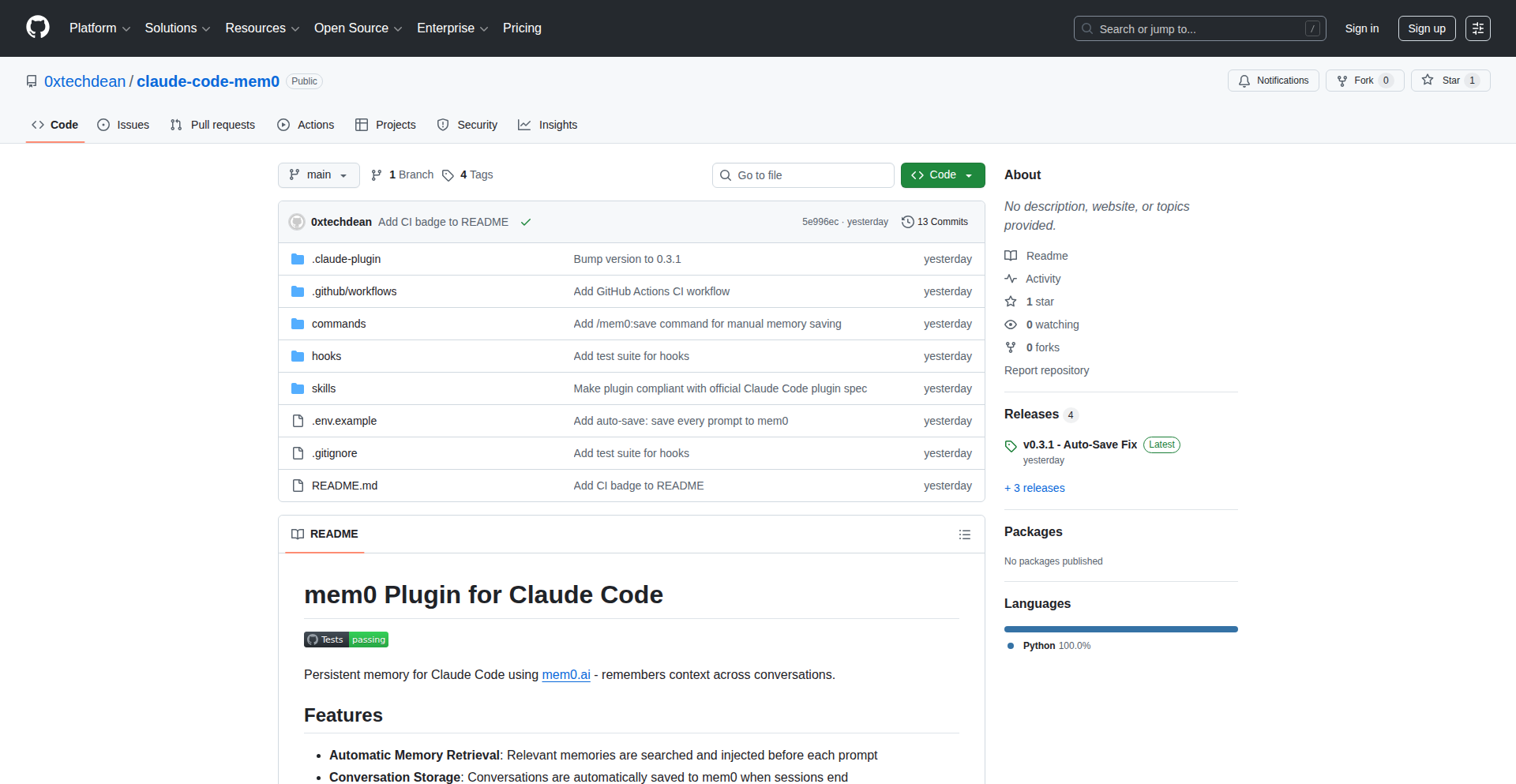
Author
0xtechdean
Description
A Hacker News 'Show HN' project that integrates persistent memory into Claude Code sessions using mem0.ai. This plugin automatically retrieves relevant past conversation context and stores new context, overcoming Claude Code's default context limitations. It allows Claude to 'remember' user preferences, project details, and tech stacks without manual re-explanation, significantly improving efficiency and the quality of AI-generated code and assistance. This is achieved by using mem0.ai for semantic vector search to inject only the most pertinent information before each prompt and to store context after sessions end.
Popularity
Points 1
Comments 0
What is this product?
This project is a custom plugin for Claude Code, designed to give the AI a 'memory' that extends beyond a single conversation session. Normally, AI chatbots like Claude start fresh with each new chat, meaning you have to re-explain your preferences, project background, and technical stack every time. This plugin uses a technology called mem0.ai, which acts like a smart note-taker. It automatically pulls up relevant information from past conversations when you start a new one, and it saves the important details of your current conversation for future use. This means Claude can continuously build on your previous interactions, understand your preferences (like preferring Python or a specific tech stack), and maintain project context without you having to repeat yourself. The innovation lies in how it leverages mem0.ai's semantic vector search to find and inject only the most relevant pieces of information, making the AI's responses more personalized and efficient, and its 'memory' effectively limitless. It's built with pure Python and a minimal codebase, making it an elegant solution to a common AI limitation.
How to use it?
Developers can integrate this plugin into their Claude Code environment. If you are a developer using Claude Code and have the ability to install custom plugins, this project provides a way to enhance your AI coding assistant. The plugin hooks into Claude Code's official plugin system. When you initiate a new coding session, the plugin automatically queries mem0.ai to retrieve relevant context from your past interactions. This context is then injected into the current prompt, so Claude understands your ongoing project and preferences. When a session ends, the plugin stores the important aspects of that conversation into mem0.ai, building your persistent memory. The primary use case is for developers who engage in frequent or long-running coding projects with Claude Code. By enabling Claude to remember your specific needs and project details, you save significant time and cognitive load that would otherwise be spent on repetitive explanations. This leads to faster iteration cycles and more tailored AI assistance.
Product Core Function
· Automatic context retrieval before prompts: This function uses mem0.ai to search through past conversation data and retrieve the most relevant information based on the current prompt. The value is that Claude can instantly access and utilize information from previous sessions, such as your preferred programming language, specific project requirements, or established coding patterns, without you having to re-explain them. This saves time and ensures continuity in your AI-assisted development.
· Context storage after sessions end: This function logs key details and ongoing context from a completed Claude Code session into mem0.ai. The value is that it builds a persistent knowledge base about your projects and preferences. When you start a new session, this stored information is available, allowing Claude to maintain context and provide more informed responses over time, effectively creating a long-term understanding of your workflow and needs.
· Semantic vector search for relevant context injection: This function intelligently filters and injects only the most pertinent context into the AI's understanding. Instead of overwhelming Claude with all past conversations, it uses advanced search techniques to find and present only the information that is directly relevant to the current task. The value here is efficiency and accuracy; it ensures Claude receives the most useful information without being bogged down by irrelevant data, leading to more precise and actionable AI outputs.
· Seamless integration with Claude Code plugin system: This function ensures the plugin works smoothly with Anthropic's official plugin architecture. The value for developers is ease of adoption; it means the plugin can be installed and utilized without complex workarounds, making it readily accessible for enhancing their Claude Code experience.
· MIT licensed for open community use: This function means the code is freely available for anyone to use, modify, and distribute. The value is that it fosters collaboration and innovation within the developer community, allowing others to build upon this solution or adapt it for their own specific needs without restrictive licensing barriers.
Product Usage Case
· Scenario: A developer is working on a complex Python web application and frequently needs to remind Claude about their chosen framework (e.g., Flask), database (e.g., PostgreSQL), and specific project architecture. Without this plugin, they would have to reiterate these details in every new chat or after long periods of inactivity. With the plugin, Claude automatically accesses this stored context, so the developer can immediately ask for code snippets, debugging help, or architectural suggestions, receiving highly relevant assistance from the start, saving hours of re-explanation.
· Scenario: A data scientist is experimenting with various machine learning models and needs Claude to remember the specific parameters, datasets used, and experimental outcomes from previous sessions. By using this plugin, the AI retains this information, allowing the data scientist to ask follow-up questions, request comparative analyses of different models, or continue training without re-uploading data or re-specifying parameters. This accelerates the research and development process by maintaining a continuous flow of knowledge.
· Scenario: A game developer is building a game and needs Claude to remember the game's lore, character backstories, and established mechanics. This plugin allows Claude to retain this intricate narrative and gameplay context. The developer can then ask for dialogue generation, quest design ideas, or bug fixes, and Claude's responses will be consistent with the game's established universe, enhancing creative output and reducing the risk of narrative inconsistencies.
103
Kardy - Collaborative Digital Greeting Assembler

Author
postatic
Description
Kardy is a web application that allows multiple people to contribute to a single digital greeting card. It innovates by providing a centralized platform for asynchronous group contributions, solving the coordination challenges of traditional group gifts or cards. The core technical challenge it addresses is enabling seamless, real-time (or near real-time) collaborative editing and contribution management within a web interface.
Popularity
Points 1
Comments 0
What is this product?
Kardy is a modern web-based tool designed to simplify the process of sending group greeting cards, especially during holidays like Christmas. Instead of one person collecting messages, Kardy allows each participant to submit their message, signature, or even a small drawing directly into a shared digital card. Technologically, it likely utilizes a real-time communication framework (like WebSockets) to synchronize contributions from different users, ensuring everyone sees updates as they happen. The backend manages user accounts, card data, and permissions, while the frontend provides an intuitive interface for creating, contributing to, and viewing the cards. This is a significant technical leap from clunky email chains or shared document methods, offering a dedicated and more engaging experience.
How to use it?
Developers can integrate Kardy into their workflows by creating a new card for their team, friends, or family. They would share a unique link to the card with contributors. Each contributor, regardless of their technical background, can open the link in their web browser, add their message or signature to a designated area on the card, and submit it. The card creator can then finalize and send the complete digital card. For developers specifically, understanding how Kardy handles concurrent user sessions and data persistence for rich media contributions could be inspiring for building their own collaborative tools. The integration is straightforward: share the card's URL and let users contribute.
Product Core Function
· Real-time Collaborative Editing: Allows multiple users to add content to the card simultaneously without overwriting each other's contributions, powered by event-driven architecture and potentially WebSockets for instant updates. This ensures everyone's message is included without manual merging.
· Asynchronous Contribution Management: Users can contribute at their own pace, and their submissions are saved and displayed when they are ready, managed by a robust backend system. This removes the pressure of everyone contributing at the exact same moment.
· Centralized Card Creation and Distribution: A single creator can initiate a card and invite others, with a clear interface for managing contributors and the final card. This streamlines the entire group card process, making it less of a logistical headache.
· Rich Content Support: Potentially allows for not just text messages but also image uploads or simple drawing capabilities, leveraging frontend media handling and backend storage solutions. This makes the cards more personal and visually appealing.
Product Usage Case
· Team Holiday Card: A project manager can create a Kardy for their team to wish clients happy holidays. Each team member adds their personal message, and the manager can then send the unified card to clients, showcasing team unity and appreciation. This solves the problem of coordinating many individual emails or messages.
· Family Gathering Invitation/Greeting: A family member can create a card for a reunion, allowing relatives to add their greetings and share photos before the event. This serves as both a shared memory and an engaging way to connect distant family members.
· Event Thank You Card: After a successful event, the organizers can use Kardy for attendees to leave their feedback or thank-you notes, creating a collective expression of appreciation. This provides a more personal touch than a generic thank you email.
· Development Team Appreciation: A lead developer can create a Kardy for their team to acknowledge their hard work on a project. Each team member adds their recognition for others, fostering a positive team dynamic and celebrating achievements.
104
VibrantFrog Collab
Author
am-piazza
Description
Vibrant Frog Collab is an iOS application designed for writers who prefer the tactile experience of pen and paper. It streamlines the workflow of transforming handwritten notes into digital, shareable content. The innovation lies in its AI-powered transcription, collaborative editing with conversation memory, and unique quote image generation, all while prioritizing user control and enhancing, not replacing, the writer's original work. This addresses the pain points of manual transcription and context switching, offering a seamless bridge between analog and digital writing.
Popularity
Points 1
Comments 0
What is this product?
Vibrant Frog Collab is an intelligent writing assistant that bridges the gap between traditional pen-and-paper writing and the digital world. It uses advanced Optical Character Recognition (OCR) to instantly transcribe your handwritten notes from a simple photograph. The core technological innovation lies in its AI-powered collaborative editing feature. Unlike typical AI tools that generate content from scratch, Vibrant Frog Collab acts as a co-pilot, intelligently suggesting edits, improvements, and expansions based on your existing text. It maintains memory across conversations, meaning the AI understands the context of your writing over time, leading to more relevant and helpful suggestions. The app also features a unique ability to create visually appealing quote images by overlaying text onto photographs, perfect for social media sharing. The underlying technology leverages sophisticated OCR for accurate handwriting recognition and natural language processing (NLP) models like Claude, GPT-4, or Gemini for the AI editing capabilities. The guardrails ensure the AI remains a tool to assist, not to dictate, preserving the writer's unique voice and intent. So, this means you can easily digitize your brainstorms, journal entries, or novel drafts and get intelligent feedback and help refining them without losing your original ideas. It makes sharing your thoughts and creative work much more efficient.
How to use it?
Developers can integrate Vibrant Frog Collab's functionality into their own workflows or applications by leveraging its support for Bring Your Own Key (BYOK) for AI models like Claude and GPT-4 via API keys, or Gemini through Google OAuth. This allows for custom AI integrations and data privacy control. For writers, the usage is straightforward: take a photo of your handwritten page, and the app automatically transcribes it. You can then engage with the AI editor to refine your text, brainstorm ideas collaboratively, or generate quote images. The app is available on the App Store, offering a one-time purchase with a free version to try. So, this means you can use your preferred advanced AI models for editing your digitized notes, giving you flexibility and control over your AI-assisted writing process.
Product Core Function
· Handwriting scan to instant transcription: Leverages advanced OCR technology to convert handwritten text into editable digital text, saving hours of manual typing and improving accessibility of analog notes.
· AI collaborative editing with conversation memory: Utilizes NLP models to provide intelligent suggestions, edits, and expansions based on the user's existing text, remembering past interactions to offer contextually relevant assistance. This helps writers overcome writer's block and refine their work more effectively.
· Quote image creation: Generates visually appealing images with overlaid text from your notes, perfect for social media sharing or creating engaging visual content from your writing. This allows for easy and creative dissemination of your ideas.
· BYOK (Bring Your Own Key) for AI models: Supports integration with major AI providers like Claude, GPT-4, and Gemini through user-provided API keys or OAuth, offering flexibility, cost control, and enhanced data privacy. This empowers developers and users to choose their preferred AI backend.
· AI guardrails and user-centric philosophy: Ensures AI enhances rather than replaces the writer's input, focusing on developing existing content rather than generating new material from scratch, preserving the author's unique voice. This provides peace of mind and maintains creative control.
Product Usage Case
· A novelist using their physical notebook to draft chapters, then scanning pages into Vibrant Frog Collab for AI-assisted editing and expansion of plot points. This solves the problem of slow transcription and provides intelligent feedback to improve the narrative.
· A student who prefers taking lecture notes by hand uses the app to quickly digitize and organize their notes, then uses the AI to summarize key concepts or generate flashcards. This makes studying more efficient and accessible.
· A content creator wanting to share insightful quotes from their journal. They scan their handwritten entries, select a quote, and use the app to create a visually appealing image to share on social media. This simplifies the process of turning personal thoughts into shareable content.
· A researcher who brainstorms ideas on paper uses the app to digitize mind maps and handwritten notes, then leverages the AI's conversational memory to explore connections between different ideas and refine their research hypotheses. This facilitates deeper exploration and organization of complex thoughts.
105
InstantWordSpark

Author
bingbing123
Description
A minimalist web-based Random Word Generator that provides immediate nouns, verbs, adjectives, or a mix of words. It's designed for developers and creatives needing quick placeholder text for UI prototypes, writing prompts, or testing random inputs, offering immediate utility without any signup or tracking.
Popularity
Points 1
Comments 0
What is this product?
InstantWordSpark is a straightforward web application that generates random words on demand. It operates on a simple principle: upon request, it accesses predefined lists of words categorized by their grammatical function (nouns, verbs, adjectives) or provides a mixed output. The innovation lies in its extreme simplicity and instant accessibility. It solves the common need for quick, non-meaningful text snippets, eliminating the friction of setting up complex tools or searching through dictionaries. Think of it as a digital Swiss Army knife for generating basic linguistic building blocks instantly.
How to use it?
Developers can directly use the web application by visiting the provided URL. For integrating into workflows, developers can potentially use web scraping techniques to pull generated words programmatically for testing purposes, or simply copy-paste the generated words into their UI mockups or script testing. It's a 'copy-paste and go' solution for everyday placeholder needs.
Product Core Function
· Instant Noun Generation: Provides random nouns for placeholder text in UI elements or for creative writing inspiration. This is useful for quickly populating mockups without having to think of actual content.
· Instant Verb Generation: Offers random verbs, ideal for generating action-oriented prompts or testing scripts that require dynamic input. This helps in quickly creating diverse scenarios for testing.
· Instant Adjective Generation: Supplies random adjectives to add descriptive flair to placeholder text or brainstorming sessions. This is beneficial for adding variety to text without deep thought.
· Mixed Word Generation: Combines nouns, verbs, and adjectives for more varied outputs, useful for generating slightly more complex placeholder phrases or broader creative prompts. This allows for quick generation of slightly more complex text snippets.
· No Login/Tracking: Guarantees privacy and immediate access. This means you can use it without any account setup or concerns about your usage being monitored, making it incredibly convenient.
Product Usage Case
· UI Prototyping: A designer needs placeholder text for a button or a label in a new app interface. Instead of typing 'Lorem Ipsum' or making up words, they can use InstantWordSpark to generate a relevant-sounding noun or verb instantly, making the prototype feel more concrete. This saves time and improves the look of the prototype.
· Script Testing: A developer is writing a script that needs to process various string inputs. They can use InstantWordSpark to quickly generate random words to test how their script handles different types of text inputs, ensuring robustness. This helps catch bugs early by testing with diverse data.
· Creative Writing Prompts: A writer is experiencing writer's block and needs a random starting point for a story or poem. They can generate a random adjective or noun from InstantWordSpark to spark an idea, providing an unexpected creative nudge. This can overcome creative hurdles and lead to new ideas.
· Naming Brainstorming: A team is trying to come up with a catchy name for a new project or product. They can use the mixed word generator to get a few random word combinations, which might trigger a unique and memorable name idea. This can accelerate the naming process and uncover novel concepts.
106
UTM Persistence Engine

Author
gokh
Description
A lightweight, developer-centric solution for ensuring UTM parameters persist across user journeys, crucial for accurate marketing attribution. It addresses the common problem of lost UTM data due to redirects or client-side navigation, enabling more reliable marketing analytics.
Popularity
Points 1
Comments 0
What is this product?
This project is a small, efficient tool designed to capture and maintain UTM (Urchin Tracking Module) parameters – the little bits of text appended to URLs that tell you where your website visitors came from (e.g., which ad campaign, email, or social media post). The innovation lies in its lightweight implementation, focusing on robust persistence. It tackles the technical challenge of UTM data disappearing when users click through multiple pages or encounter redirects, which breaks marketing attribution tracking. This is achieved through clever client-side storage and retrieval mechanisms, ensuring that attribution data is always available for analysis. So, what's the value for you? It means your marketing efforts can be accurately measured, even if users take a complex path to your site, leading to better understanding of what's working and why.
How to use it?
Developers can integrate this engine into their web applications to automatically handle UTM parameter persistence. It can be implemented as a JavaScript library that runs on the client-side. When a user lands on a page with UTM parameters, the engine captures them and stores them (e.g., in local storage or cookies). As the user navigates through the site, the engine ensures these parameters are either appended to outgoing links or available within the application's state. This makes it incredibly easy to integrate with existing analytics tools or custom dashboards. For instance, you might add it to your e-commerce site to track which campaign drove a specific purchase, even after several page views. This gives you a clear 'why it's useful' for optimizing your marketing spend.
Product Core Function
· UTM Parameter Capture: Automatically detects and extracts UTM parameters from incoming URLs upon page load. The value is ensuring no attribution data is missed at the entry point, providing a complete picture of referral sources. This is useful for understanding initial traffic drivers.
· Client-Side Persistence: Stores captured UTM parameters securely on the user's browser using efficient storage methods like localStorage or sessionStorage. The value is maintaining attribution data across user sessions and page transitions, even without server-side interaction. This is useful for tracking user journeys reliably.
· URL Redirection Handling: Ensures UTM parameters are preserved when users navigate through internal links or are redirected. The value is preventing data loss during typical website interactions, which is crucial for uninterrupted tracking. This is useful for maintaining attribution accuracy on dynamic sites.
· API for Access: Provides a simple API for developers to retrieve the persistent UTM parameters within their application code. The value is making attribution data easily accessible for custom analytics, A/B testing, or personalized user experiences. This is useful for building data-driven features.
· Lightweight Implementation: Designed with minimal overhead and dependencies, ensuring fast load times and easy integration without impacting performance. The value is enabling adoption without sacrificing user experience or developer workflow efficiency. This is useful for any project, regardless of scale.
Product Usage Case
· E-commerce Attribution: A developer can integrate UTM Manager into an online store. When a customer arrives from a Facebook ad, the UTM parameters are captured. If the customer browses multiple product pages before adding an item to their cart, the UTM Manager ensures that the original Facebook ad attribution data is still available when the purchase is completed. This allows the store owner to definitively say, 'This sale came from this specific Facebook ad,' enabling better ad spend decisions.
· Content Marketing Tracking: A blogger can use UTM Manager on their website. If a reader clicks a link from a newsletter promoting a blog post, the UTM parameters are stored. As the reader navigates to other posts or pages on the blog, the UTM Manager ensures the newsletter attribution is maintained. This helps the blogger understand which newsletters are most effective at driving engagement and return visits.
· SaaS Onboarding Optimization: A Software-as-a-Service company can use UTM Manager to track sign-ups. If a potential user comes from a Google Ads campaign for a specific feature, the UTM parameters are captured. Even if the user clicks through several pages explaining the product before signing up, the UTM Manager preserves the Google Ads attribution. This helps the SaaS company identify which ad campaigns are successfully converting leads into users, allowing for campaign optimization and budget allocation.
107
GratefulLy: Instant Gratitude Letter Generator

Author
iowadev
Description
GratefulLy is a simple yet powerful web application built to encourage the practice of gratitude. It allows users to effortlessly generate beautifully designed gratitude letters based on pre-set templates and personalized messages. The core innovation lies in its rapid development using Lovable, enabling a weekend project to solve the common inertia of expressing thanks, making well-being-boosting practices accessible to everyone.
Popularity
Points 1
Comments 0
What is this product?
GratefulLy is a web-based tool that helps you create heartfelt gratitude letters without the hassle of design or complex interfaces. It leverages a template-driven approach, allowing you to select a style, write your personal message, and then it transforms your words into a visually appealing letter. The underlying technology likely involves front-end frameworks for interactivity and potentially server-side generation for the final letter output, all built with speed and user-friendliness in mind, showcasing the power of quick iteration in development.
How to use it?
Developers can use GratefulLy by visiting the website. You can choose a letter template that suits your style, then type your message. Once you're satisfied, you can download the letter as a designed image or PDF. This is perfect for quickly sending a thoughtful thank you note to friends, colleagues, or anyone who has positively impacted you, boosting both their spirits and your own well-being, all without needing to sign up or install anything.
Product Core Function
· Template Selection: Choose from a variety of pre-designed letter styles to match the tone and recipient of your message, providing a polished look without design effort.
· Message Customization: Easily write and edit your personal message, ensuring your gratitude is expressed authentically and specifically.
· Instant Download: Generate and download your completed gratitude letter as a downloadable file (e.g., image or PDF) for immediate sharing, making it simple to send a thoughtful gesture.
· No Sign-up Required: The platform offers immediate access to all features without the need for account creation, lowering the barrier to entry for expressing gratitude.
· Weekend Development Ethos: Built rapidly with Lovable, demonstrating the value of efficient development for creating practical tools that address human needs.
Product Usage Case
· Expressing thanks to a mentor: A developer can use GratefulLy to quickly generate a professional-looking letter thanking their mentor for guidance, highlighting specific contributions and impact, thus strengthening the professional relationship.
· Sending appreciation to a friend: Someone can create a personalized and aesthetically pleasing thank you note for a friend who helped them move or offered support during a tough time, fostering a deeper connection.
· Boosting team morale: A team lead could use GratefulLy to generate thank you letters for team members who went above and beyond, showing appreciation in a tangible and visually appealing way, thereby improving team spirit.
· Practicing personal well-being: An individual can use the tool to regularly write thank you notes to themselves or to others, cultivating a habit of gratitude and its associated mental health benefits, demonstrating a practical application for personal growth.
108
Browser HTTP Sandbox
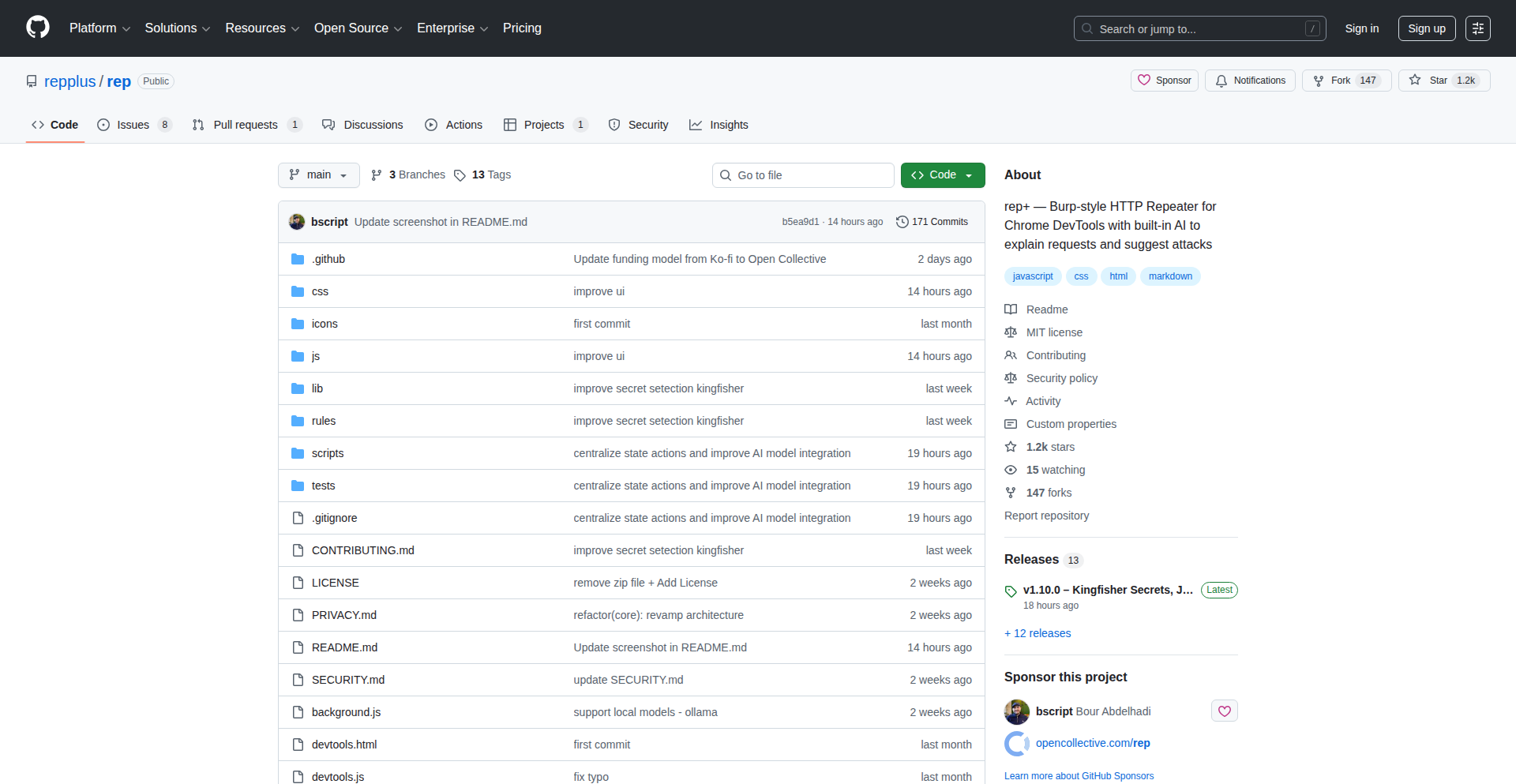
Author
bscript
Description
A developer-friendly tool for testing HTTP requests directly within the browser. It offers a streamlined way to construct, send, and inspect HTTP requests, bridging the gap between frontend development and backend API interaction without leaving your browser environment.
Popularity
Points 1
Comments 0
What is this product?
This project is a web-based application that allows developers to craft and execute HTTP requests (like GET, POST, PUT, DELETE) right inside their web browser. Think of it as a lightweight Postman but built entirely within the browser, leveraging modern web technologies. Its innovation lies in its accessibility and seamless integration into the browser's development workflow. Instead of installing a separate desktop application, developers can open a tab, use the tool, and immediately see the results. This is achieved through a combination of frontend JavaScript frameworks for the UI, and potentially Web APIs for network communication or serverless functions to handle the actual request execution and response handling, making it highly performant and resource-efficient. So, this is useful because it reduces friction and setup time for developers who frequently need to test APIs, allowing them to iterate faster.
How to use it?
Developers can use this tool by navigating to the provided web URL. They can then input the target URL, select the HTTP method, add headers, and construct request bodies (e.g., JSON, form data). Upon sending the request, the tool displays the response status, headers, and body, along with timing information. It can be integrated into existing development workflows by bookmarking the tool or embedding it within a local development environment if the project is open-sourced and adaptable. This is useful because it provides a quick and accessible way to debug API calls, verify backend functionality, and understand how different requests impact your application without switching contexts. The immediate feedback loop is crucial for rapid development.
Product Core Function
· HTTP Request Construction: Allows developers to easily define request parameters like URL, method, headers, and body, providing a flexible way to simulate various API interactions. This is valuable for covering diverse testing scenarios and ensuring all aspects of an API call can be modeled.
· In-Browser Execution: Executes HTTP requests directly from the browser, eliminating the need for external tools or server-side setup for basic testing. This simplifies the developer experience and speeds up the testing process significantly.
· Response Inspection: Displays detailed responses, including status codes, headers, and body content, enabling thorough analysis of API behavior and troubleshooting. Understanding the exact response is critical for identifying and fixing bugs.
· Developer-Friendly UI: Offers an intuitive and clean user interface designed for rapid interaction and clear presentation of information. A good UI means less time spent figuring out the tool and more time spent on actual testing.
· Local Storage Persistence (Potential): May offer the ability to save request configurations locally in the browser, allowing developers to quickly re-run common tests. This saves time and effort by avoiding repetitive setup for frequently used API endpoints.
Product Usage Case
· Debugging a frontend component that makes an API call: A frontend developer can use Browser HTTP Sandbox to replicate the exact request their component makes, observe the response, and identify if the issue lies with the frontend logic or the backend API. This is useful for pinpointing the source of bugs efficiently.
· Testing a new backend API endpoint before frontend integration: A backend developer can use this tool to verify that their newly created API endpoint functions as expected, returns the correct data, and handles different inputs gracefully, all before any frontend code is written. This helps ensure API stability and correctness from the start.
· Rapid prototyping of API interactions: When exploring a third-party API or experimenting with different API patterns, developers can quickly send requests and see immediate results, accelerating the learning and prototyping phase. This is useful for quickly understanding how an API works and how to integrate with it.
109
MinuteShark - Streamlined Freelance Workflow
Author
a-abit
Description
MinuteShark is a minimalist web application designed to solve the common freelancer pain point of juggling multiple tools for time tracking, project management, and note-taking. It offers a streamlined, no-fuss experience, focusing on essential functionalities to enhance productivity without overwhelming the user. The core innovation lies in its unified approach to these separate tasks, reducing cognitive load and allowing freelancers to focus on their work.
Popularity
Points 1
Comments 0
What is this product?
MinuteShark is a specialized web tool that consolidates the essential functions of time tracking, project management, and note-taking into a single, intuitive interface. Unlike feature-heavy alternatives, it strips away complexity, offering only what's necessary for freelancers to manage their projects efficiently. Its technical insight is rooted in recognizing that for many, simpler tools are more effective. The innovation is in its intentional minimalism, using a clean UI and backend architecture to ensure speed and ease of use, thereby directly addressing the frustration of bloated software. So, what's in it for you? It means less time spent navigating complicated menus and more time actually doing the work you get paid for.
How to use it?
Developers and freelancers can access MinuteShark via their web browser at app.minuteshark.com. The onboarding process is designed to be quick, likely involving a simple registration. Once logged in, users can create projects, start and stop timers associated with those projects, and jot down notes directly within the project context. For developers, this can be particularly useful for tracking billable hours spent on specific coding tasks or client projects. Integration could be considered through potential future API developments, but currently, its value is in its standalone, direct usage for everyday freelance operations. So, how does this help you? You can start tracking your work in seconds without needing to install anything or learn a complex system, making every minute count towards your earnings.
Product Core Function
· Project Creation and Management: Allows users to define distinct projects, providing a clear organizational structure for different clients or tasks. This helps in segmenting work and understanding project-specific progress. So, what's the benefit? You can easily keep track of all your ongoing work without getting confused.
· Time Tracking with Timers: Features a simple, start-and-stop timer functionality linked to specific projects. This ensures accurate recording of billable hours. So, what's the benefit? You can precisely bill clients for the time you spend, avoiding undercharging or overcharging.
· Integrated Note-Taking: Enables users to attach notes, thoughts, or task details directly to a project or a specific time entry. This keeps all relevant information in one place. So, what's the benefit? All your project-related thoughts and details are in one easily accessible location, preventing information loss.
· Minimalist User Interface: Focuses on a clean and uncluttered design, reducing visual distraction and making it easy to find and use essential features. So, what's the benefit? You spend less time figuring out how to use the tool and more time on your actual work, leading to increased productivity.
Product Usage Case
· A freelance web developer working on multiple client websites can use MinuteShark to create a project for each website. They can then start a timer when they begin coding for Client A's site, attach notes about specific features they are implementing, and stop the timer when they switch to Client B's site. This ensures accurate billing and provides a clear audit trail of time spent on each project. So, how does this solve your problem? You can confidently bill clients for exactly the time you've worked, and all your project details are neatly organized.
· A freelance writer can use MinuteShark to track time spent on different articles or editing tasks for various publications. They can create projects for each publication and use the integrated notes to log research findings or specific content requirements. This helps in managing deadlines and understanding the time investment for each writing assignment. So, how does this help you? You can manage your writing workload effectively, ensuring you allocate enough time for each piece and accurately report your efforts.
· A freelance graphic designer can track their design hours for logo creation, website mockups, or marketing material development. By creating projects for each design task, they can monitor their progress, ensure they are within estimated timelines, and maintain a clear record of their creative process and time investment. So, how does this solve your problem? You can ensure your design projects are profitable by accurately tracking your time and avoiding scope creep.
110
PromptOptimizerAI

Author
rubenhellman
Description
This project is a smart prompt enhancement tool designed to significantly reduce the effort developers and creative individuals spend on refining text prompts for Large Language Models (LLMs). It takes vague, unstructured ideas and automatically transforms them into clear, structured, and optimized prompts, leading to more accurate and usable AI-generated output with fewer corrections. This tackles the common bottleneck of prompt engineering, allowing users to stay in their creative flow.
Popularity
Points 1
Comments 0
What is this product?
PromptOptimizerAI is an AI-powered utility that acts as a prompt preprocessor. It analyzes your initial, rough ideas and intelligently rewrites them into more detailed and explicit instructions for LLMs. The core innovation lies in its ability to understand the underlying intent, clarify ambiguities, and inject necessary context that LLMs often miss in basic prompts. This process reduces 'prompt entropy' – the fuzziness and uncertainty in your initial input – so the LLM's first attempt at generating content is much closer to your desired outcome. Think of it as a professional editor for your AI prompts, ensuring clarity and precision.
How to use it?
Developers and creators can use PromptOptimizerAI by simply inputting their initial, unstructured thoughts or requirements into the tool. For example, instead of writing 'Make me a website for a bakery,' you might input a few bullet points about the bakery's style, target audience, and desired features. The tool then processes this input and outputs a highly detailed prompt ready to be fed into an LLM for tasks like code generation, content creation, or design mockups. It's designed to integrate seamlessly into the workflow, acting as an initial step before interacting with the LLM, thus saving significant time on manual prompt refinement.
Product Core Function
· Intent Extraction: Automatically identifies the core goal or purpose behind your vague input, ensuring the LLM understands the fundamental objective. This is valuable because it saves you from having to explicitly state every single detail, making the initial idea generation faster.
· Constraint Clarification: Detects and formalizes implicit or missing constraints, such as style, tone, or specific requirements, which are crucial for LLM accuracy. This is useful for preventing unexpected or undesirable outputs by making sure the AI knows the boundaries.
· Contextual Enrichment: Adds necessary system-level context that might be assumed but not stated, preventing LLMs from making incorrect assumptions. This ensures the AI has a more complete picture, leading to more relevant and accurate results.
· Prompt Optimization: Restructures and refines the prompt to minimize ambiguity and maximize clarity for LLM processing. This directly translates to fewer 'guess and check' cycles with the AI, saving you time and frustration.
· Failure Mode Recognition: Tuned to anticipate and address common LLM generation issues like underspecified requirements or implicit assumptions. This proactive approach helps circumvent potential problems before they even arise in the AI's output.
Product Usage Case
· Scenario: A non-technical entrepreneur has a basic idea for a mobile app but struggles to articulate specific features and user flows for an AI code generator.
Problem Solved: They input their high-level concepts, and PromptOptimizerAI transforms it into a structured prompt that details UI elements, desired functionality, and user journeys, enabling the AI to generate a more accurate and functional app prototype. This saves the entrepreneur countless hours of learning prompt engineering.
· Scenario: A writer is using an LLM to brainstorm story ideas but finds the generated plots too generic or off-topic.
Problem Solved: By using PromptOptimizerAI to refine their initial plot seeds, the writer can specify genre, character archetypes, and thematic elements more effectively. The optimized prompt guides the LLM to produce more targeted and creative story concepts, reducing writer's block.
· Scenario: A game developer wants to generate dialogue for non-player characters (NPCs) but is having trouble getting the AI to capture the right personality and lore.
Problem Solved: They feed PromptOptimizerAI details about the NPC's role, personality traits, and background lore. The tool generates a prompt that imbues the AI with these nuances, resulting in more engaging and character-consistent NPC dialogue, improving the game's immersion.
111
Greed.js: Browser-Native PyTorch Executor
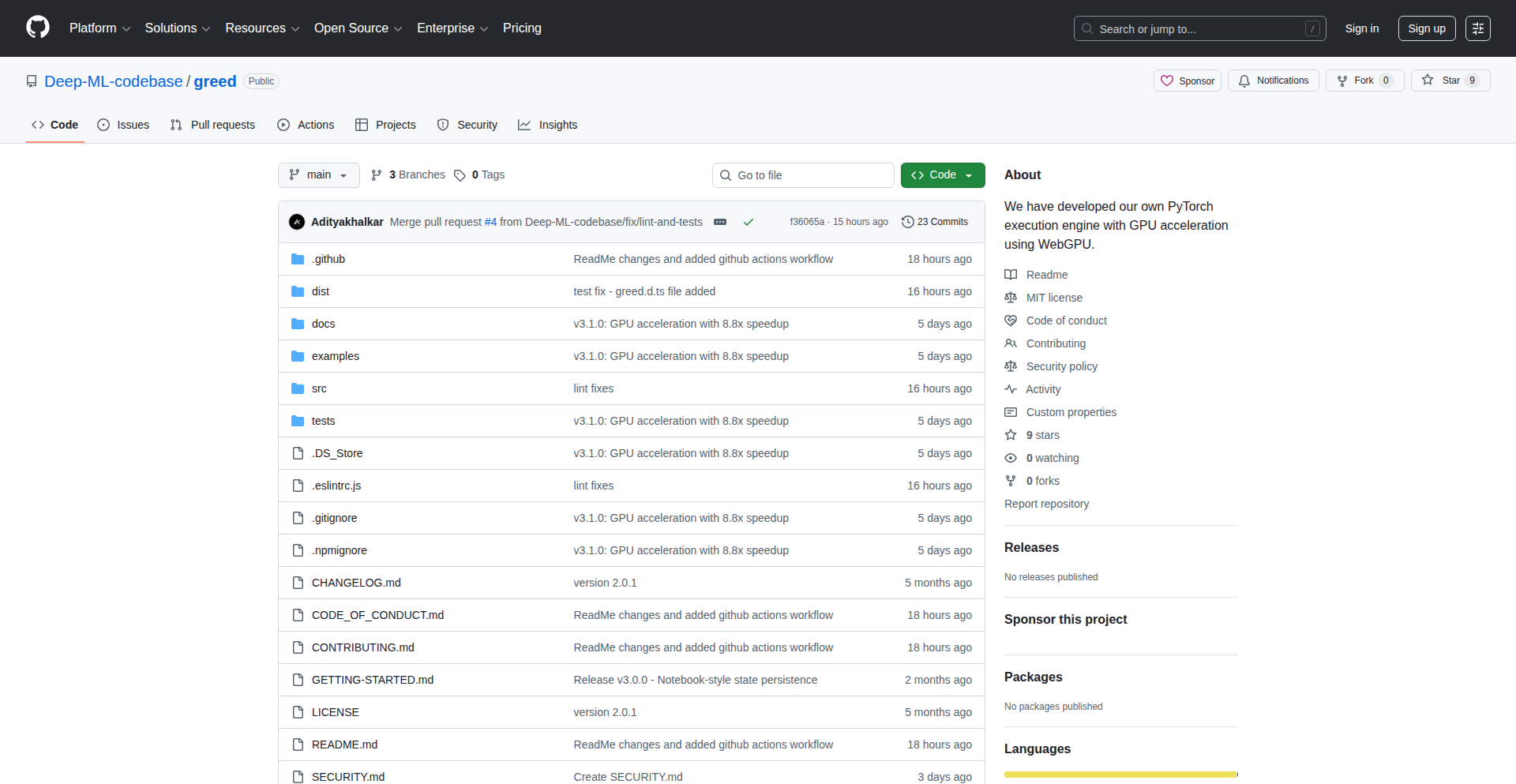
Author
adityakhalkar_
Description
Greed.js is a groundbreaking JavaScript library that brings the power of PyTorch, a leading deep learning framework, directly into the web browser. It achieves this by leveraging the browser's WebGPU capabilities for accelerated computations. For environments without GPU support, it intelligently falls back to CPU execution using NumPy polyfills to replicate PyTorch functionalities. This innovation democratizes access to complex AI models, enabling real-time, on-device machine learning directly within web applications.
Popularity
Points 1
Comments 0
What is this product?
Greed.js is a JavaScript library designed to run PyTorch code directly within a web browser. It utilizes WebGPU, a modern web API that allows JavaScript to access the computer's graphics processing unit (GPU) for highly accelerated calculations. This means that complex machine learning models, which typically require powerful dedicated hardware, can now be executed efficiently in the browser. For browsers or devices that do not support WebGPU, Greed.js provides a fallback mechanism by executing the PyTorch operations on the CPU, using a reimplementation of NumPy functions to ensure compatibility and performance. The core innovation lies in translating PyTorch operations into WGSL (WebGPU Shading Language), which is optimized for GPU execution, significantly speeding up model inference and training within the browser environment. So, this means you can build web applications that perform sophisticated AI tasks without needing users to download large software or rely on remote servers, making AI more accessible and responsive.
How to use it?
Developers can integrate Greed.js into their web projects by including the library and then writing or porting their PyTorch models into a compatible format for Greed.js to execute. The library provides APIs to load PyTorch models (often in ONNX format, which can be converted from PyTorch) and run inference directly in the browser. For example, a developer could build a web-based image recognition tool that processes user-uploaded images locally, or a real-time natural language processing application that analyzes text as the user types. The usage involves initializing the Greed.js environment, loading the model, and then passing input data to the model for processing. So, this means you can easily add sophisticated AI capabilities to your websites and web applications, enhancing user experience and enabling new types of interactive features without complex backend infrastructure.
Product Core Function
· WebGPU accelerated PyTorch execution: Leverages the browser's GPU for fast model inference and training, significantly reducing processing time. This is valuable for real-time AI applications like live video analysis or interactive simulations.
· CPU fallback with NumPy polyfills: Ensures functionality on devices without WebGPU support by executing operations on the CPU using reimplemented NumPy functions. This broadens accessibility and makes AI models usable across a wider range of user devices.
· On-device AI model execution: Enables machine learning models to run directly in the user's browser, enhancing privacy and reducing latency by eliminating the need for server-side processing. This is ideal for sensitive data processing or applications requiring immediate responses.
· JavaScript integration of PyTorch operations: Allows developers to seamlessly incorporate powerful deep learning capabilities into existing web applications using familiar JavaScript workflows. This simplifies the development of AI-powered web features and reduces the learning curve for web developers.
Product Usage Case
· Developing an interactive web-based image editor that performs real-time style transfer using a loaded PyTorch model, allowing users to see visual effects instantly without uploading images to a server. This solves the problem of slow, server-dependent image manipulation.
· Creating a browser-based tool for real-time sentiment analysis of user-entered text, providing immediate feedback on emotional tone for content moderation or user engagement platforms. This addresses the need for instant text analysis without network delays.
· Building an educational web application that allows students to experiment with and visualize complex machine learning models directly in their browser, fostering hands-on learning without requiring specialized software installations. This solves the accessibility barrier for learning AI concepts.
· Implementing a client-side chatbot or virtual assistant that can perform natural language understanding tasks directly within the web page, offering a more private and responsive user experience for conversational AI. This improves user privacy and application performance by keeping data local.
112
DR Web Engine

Author
starlitlog
Description
DR Web Engine is a revolutionary web scraping tool that tackles the common problem of scrapers breaking due to website structure changes. Instead of writing complex, step-by-step code, it uses a declarative JSON5 query language. This means you tell it WHAT data you want, not HOW to get it. It also features AI-powered element selection, where you can describe the data you need in plain English, and a plugin architecture for endless customization. Built on modern browser automation (Playwright), it handles dynamic content and JavaScript seamlessly. This approach makes web scraping significantly more robust, maintainable, and easier to use for developers.
Popularity
Points 1
Comments 0
What is this product?
DR Web Engine is a next-generation web scraping engine that revolutionizes how developers extract data from websites. Unlike traditional scrapers that rely on imperative code (step-by-step instructions) which are prone to breaking when website HTML changes, DR Web Engine employs a declarative approach using JSON5. This means you define the data you want in a structured format, and the engine figures out the best way to get it. A key innovation is its AI-powered element selection, allowing users to describe the target data in natural language (e.g., 'get the product title'). It also supports XPath for precise targeting when needed, has a flexible plugin architecture for custom functionalities, and utilizes Playwright for modern, robust browser automation, effectively handling dynamic content and JavaScript. This core insight of 'what' over 'how' makes scraping resilient and much simpler to manage. For you, this means less time fixing broken scrapers and more time getting valuable data.
How to use it?
Developers can integrate DR Web Engine into their projects by defining their scraping tasks using the JSON5 query language. This configuration file specifies the target website, the data fields to extract, and any custom logic. The engine then uses this declarative definition to execute the scraping process, leveraging its AI to intelligently locate elements and Playwright to navigate and interact with dynamic web pages. It's ideal for building robust data pipelines, market research tools, or any application that requires regular, reliable data extraction from the web. You can think of it as setting up a blueprint for data collection, and the engine does the heavy lifting.
Product Core Function
· Declarative JSON5 Query Language: Define what data to extract rather than how to extract it, making scrapers resistant to website changes and easier to understand. This saves you time on maintenance and debugging.
· AI-Powered Element Selection: Describe the data you need in natural language, and the AI intelligently identifies the corresponding HTML elements. This dramatically simplifies the learning curve and speeds up the initial setup for complex scraping tasks.
· Modern Browser Automation (Playwright-based): Ensures reliable handling of dynamic websites, JavaScript-rendered content, and complex user interactions, allowing you to scrape virtually any modern web page. This means you won't miss out on data hidden behind JavaScript.
· Plugin Architecture: Extends the engine's capabilities with custom logic and integrations, allowing you to tailor the scraping process precisely to your needs. You can build specialized scrapers for unique scenarios.
· Handles Dynamic Content and JavaScript: Successfully extracts data from websites that heavily rely on JavaScript for content loading and interactivity, which many traditional scrapers struggle with. This unlocks a wider range of data sources for you.
Product Usage Case
· Automating competitive analysis by scraping pricing and product details from e-commerce sites that frequently update their layouts. DR Web Engine's declarative approach ensures the scraper continues to work even after minor site changes, providing consistent market intelligence.
· Building a news aggregator that reliably pulls articles from various news sources, regardless of their individual website structures or updates. The AI-powered selection helps identify article titles and content efficiently, making the aggregator more robust.
· Developing a real estate listing scraper that needs to extract property details from multiple real estate portals, many of which use dynamic loading. DR Web Engine's Playwright integration handles this, ensuring comprehensive data collection without manual intervention.
· Creating a tool for academic research that requires extracting specific data points from scientific journals or research paper websites that have complex or inconsistent HTML structures. The JSON5 queries and potential XPath overrides offer flexibility for precise data retrieval.
113
AdBlockerLite
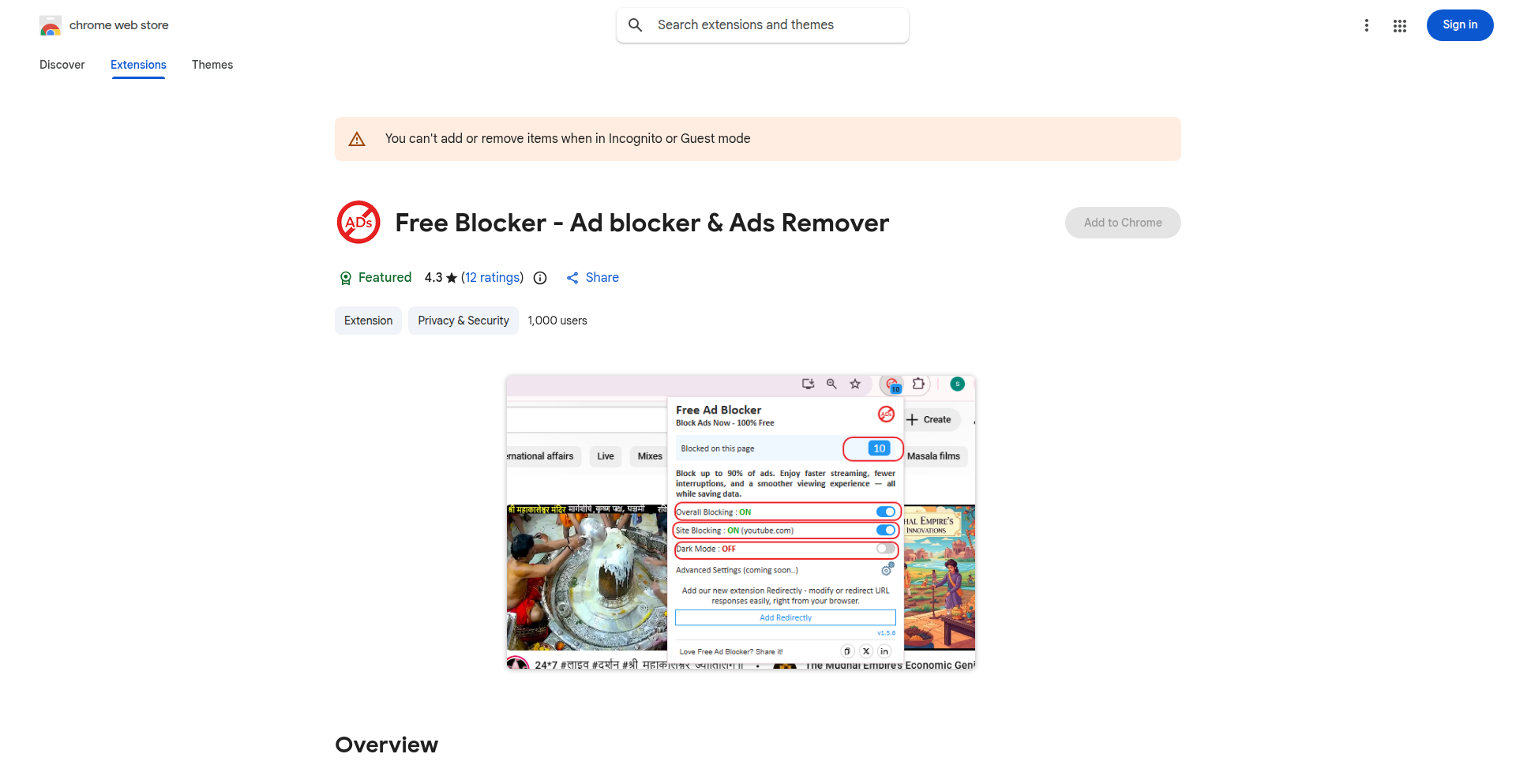
url
Author
SahilAdBlocker
Description
A minimalist and efficient Chrome extension designed to block common advertisements, pop-ups, and banners. It cleverly uses DOM observation to handle ads that appear dynamically as you browse, ensuring a faster and cleaner web experience without compromising your privacy. This means you see less clutter and websites load quicker, making your online time more productive and enjoyable.
Popularity
Points 1
Comments 0
What is this product?
AdBlockerLite is a lightweight Chrome extension that acts like a digital bouncer for your web browser, stopping unwanted ads from appearing. Instead of complex rules, it intelligently watches the structure of webpages (the Document Object Model or DOM) and intervenes when it spots ad elements trying to sneak in, even if they load after the page itself. This focus on efficient detection means it's fast and doesn't hog your computer's resources, offering a smoother browsing experience without compromising your privacy by tracking your activity or demanding excessive permissions.
How to use it?
Integrating AdBlockerLite is as simple as installing any other Chrome extension. Visit the provided Chrome Web Store link, click 'Add to Chrome,' and the extension will automatically start blocking ads on the websites you visit. No complex configuration is needed; it works out-of-the-box. This means you can immediately enjoy a cleaner web without any technical setup.
Product Core Function
· Ad Blocking: Effectively removes common ads, pop-ups, and banners, leading to a cleaner and less intrusive browsing experience, so you see more of what you want and less of what you don't.
· Dynamic Content Handling: Utilizes DOM observation to detect and block ads that appear after the initial page load, ensuring comprehensive ad coverage without manual intervention, which means even ads that pop up unexpectedly are handled.
· Lightweight Performance: Engineered for speed and minimal resource usage, ensuring your browser remains responsive and fast even with the extension active, so your browsing isn't slowed down by the ad blocker itself.
· Privacy Focused: Operates with no tracking and requires only essential permissions, safeguarding your online privacy and ensuring your browsing habits remain your own, which means you can browse with peace of mind.
Product Usage Case
· When browsing news websites that are heavily laden with intrusive banner ads, AdBlockerLite will block these ads, allowing you to read articles without distraction and making the page load faster.
· During online shopping, aggressive pop-up ads that cover product information can be annoying. AdBlockerLite intercepts these pop-ups, so you can easily compare products and complete your purchase without interruption.
· When viewing video content on platforms that display pre-roll or mid-roll ads, AdBlockerLite can block these, providing a seamless viewing experience, so you get to enjoy your videos without waiting for ads to finish.
114
NativeWebRTCBridge
Author
Mincirkel
Description
This project introduces a custom JavaScript-to-native bridge designed to enhance the reliability of WebRTC calls within hybrid applications. By moving critical call flow logic to the native layer, it overcomes common issues like unstable permission prompts, app lifecycle disruptions, and broken notification-to-call transitions that plague web-based WebRTC implementations. The result is a more robust and seamless audio/video calling experience, especially beneficial for applications needing dependable real-time communication.
Popularity
Points 1
Comments 0
What is this product?
NativeWebRTCBridge is a specialized middleware that bridges the gap between your hybrid app's JavaScript code and the native mobile operating system (iOS/Android). WebRTC (Web Real-Time Communication) is a technology that allows browsers and apps to make real-time peer-to-peer audio and video calls. However, in hybrid apps (apps built with web technologies like HTML, CSS, and JavaScript but packaged as native apps), WebRTC can be unreliable due to how the web view interacts with the native environment. This bridge solves that by taking the most crucial parts of the calling process—like accepting a call from a notification or ensuring the call continues smoothly when the app is backgrounded and then brought back—and handling them directly on the native side. This is more stable because the native layer has better control over app lifecycle events and system permissions. The innovation lies in the custom-built communication channel (the bridge) that allows JavaScript to reliably trigger and manage these native call functions, effectively bypassing the inherent instability of running WebRTC purely within a web view for critical flows. So, for you, this means your app's calls will work more consistently and predictably, even under challenging conditions.
How to use it?
Developers can integrate NativeWebRTCBridge into their existing hybrid app projects. The core idea is to use your existing JavaScript code to initiate or respond to call events, and this bridge will translate those JavaScript commands into native actions. For instance, when a call notification arrives, your JavaScript code can signal the bridge, which then triggers the native UI for accepting or declining the call and seamlessly transitions into an active audio or video session. Similarly, if your app is backgrounded during a call, the native layer managed by the bridge can ensure the call remains active and resumes correctly when the app is foregrounded. This can be achieved by exposing specific native SDK functions through the bridge that your JavaScript can call. This integration allows you to leverage the familiarity of web development for most of your app while ensuring the critical real-time communication features are powered by a more stable native backend. This means you can build reliable calling features without rewriting your entire app in native code.
Product Core Function
· Reliable Incoming Call Handling: The bridge ensures that incoming call notifications are consistently presented to the user and that accepting or declining a call smoothly transitions into the correct call state. This solves the problem of dropped calls or unresponsive interfaces when a notification appears, directly improving user experience for critical communication. This is valuable because users expect immediate and reliable access to calls when they are notified.
· Seamless App Lifecycle Management for Calls: The bridge manages call continuity even when the hybrid app is backgrounded, put to sleep, or transitions between foreground and background states. This prevents calls from being unexpectedly terminated, a common issue in hybrid WebRTC. This is valuable as it ensures calls aren't lost due to normal app usage patterns.
· Custom JavaScript-Native Communication Channel: It provides a robust and custom-defined way for JavaScript code to invoke native functionalities and for the native layer to communicate back to JavaScript. This allows for fine-grained control over the WebRTC experience without being limited by the browser's sandbox. This is valuable because it gives developers more power and flexibility to create sophisticated calling features.
· Stable Permission Management for WebRTC: By handling critical call flow elements on the native side, the bridge can better manage and prompt for necessary permissions (like microphone and camera access) at the appropriate times, reducing the likelihood of permission-related call failures. This is valuable for ensuring calls can actually start and function correctly by properly obtaining user consent.
Product Usage Case
· A hybrid mobile application for family communication that needs to ensure relatives can always connect via audio or video calls, even if the app is momentarily interrupted or the user is multitasking. The NativeWebRTCBridge ensures that incoming calls are reliably presented and that the call session remains active throughout the app's lifecycle, solving the problem of missed calls due to backgrounding. This means families can stay connected without worrying about dropped connections.
· A telehealth platform built as a hybrid app that requires very stable video conferencing for patient consultations. The bridge guarantees that the video and audio streams remain active and clear, even during network fluctuations or when the user switches between the app and other system functions. This addresses the critical need for uninterrupted and reliable communication in a professional setting, providing peace of mind for both patients and healthcare providers.
· A real-time collaborative workspace application that incorporates video chat features. When a user receives a call while working on a document, the NativeWebRTCBridge ensures a smooth transition from notification to an active call, and that the call doesn't drop when the user switches back to the document editing screen. This solves the problem of disruptive call experiences in a productivity-focused environment, allowing for seamless collaboration.
115
DwaniAI: Voice & Text AI for Indian Languages
Author
gaganyatri
Description
Dwani.ai is an innovative AI platform that integrates Automatic Speech Recognition (ASR), Text-to-Speech (TTS), Chat, and Vision capabilities, specifically tailored for Indian languages. It showcases a clever combination of open-weight models to build a powerful AI solution for regions with diverse linguistic needs. The core innovation lies in making advanced AI accessible and functional in local languages, enabling natural voice and text interactions.
Popularity
Points 1
Comments 0
What is this product?
Dwani.ai is a comprehensive AI system that allows you to interact with artificial intelligence using spoken or written Indian languages. It breaks down language barriers by combining technologies like ASR (which converts your voice into text), TTS (which converts text into speech), AI chat for conversation, and vision capabilities to understand images. The technical brilliance is in how it stitches together various open-weight models, meaning freely available AI building blocks, to create a robust and responsive AI experience for languages that are often underserved by mainstream AI solutions. So, it's like having a smart assistant that truly understands and speaks your local Indian language, both through voice and text, and can even 'see' with image recognition.
How to use it?
Developers can leverage Dwani.ai to build multilingual applications or enhance existing ones. You can integrate its APIs to enable voice input for your applications, have your app respond with natural-sounding TTS in an Indian language, or power conversational AI chatbots that understand and converse in local dialects. The platform is designed to be adaptable, allowing you to connect these AI components to your existing software infrastructure. For instance, a customer service app could use Dwani.ai to handle inquiries from users in their preferred Indian language, providing a more personal and accessible experience. The GitHub repository and documentation provide the technical blueprints for integration.
Product Core Function
· Automatic Speech Recognition (ASR) for Indian Languages: This allows applications to accurately transcribe spoken Indian languages into text. This is valuable for voice-controlled interfaces, transcription services, and making digital content accessible to a wider audience who prefer voice input.
· Text-to-Speech (TTS) for Indian Languages: This function converts written text into natural-sounding speech in various Indian languages. This is crucial for creating engaging audio content, providing voice feedback in applications, and assisting visually impaired users.
· AI Chatbot Capabilities in Indian Languages: This enables conversational AI agents that can understand and respond to user queries in Indian languages through text. This is ideal for customer support, virtual assistants, and interactive educational tools.
· Vision Integration: This allows the AI system to interpret and understand visual information, such as images. This opens up possibilities for image captioning in local languages, visual search, and augmented reality experiences.
· Modular Open-Weight Model Integration: The platform's architecture is built by combining readily available AI models. This demonstrates an efficient and cost-effective approach to building specialized AI, allowing for flexibility and customisation for different language needs.
Product Usage Case
· Building a voice-enabled customer support chatbot for a regional e-commerce platform: The chatbot can understand customer queries in Hindi or Tamil via voice (ASR), process the request using the AI chat engine, and respond with relevant information in spoken Tamil (TTS), improving customer satisfaction and accessibility.
· Developing an educational app for children that teaches English using Indian languages as a bridge: The app can present concepts in a child's native language (e.g., Bengali), ask questions via voice that are understood by the ASR, and provide spoken feedback and explanations using TTS in Bengali, making learning more intuitive.
· Creating a mobile application that allows users to describe an object to find similar items online: Users can speak a description of a product in Marathi, the ASR converts it to text, the vision component analyzes the text for keywords and potentially related image analysis, and the app returns search results, simplifying the online shopping experience.
· Enhancing a news aggregator to read articles aloud in a preferred Indian language: Users can select an article, and the TTS engine will read it out in Telugu, making it convenient for users who prefer to listen to content while commuting or multitasking.
116
TemporalInk

Author
sankar_builds
Description
TemporalInk is a free web application enabling users to compose letters and schedule their delivery to oneself or others at a future date. It tackles the challenge of long-term reflection and asynchronous communication by providing a private, ad-free space. The innovation lies in its serverless architecture for scheduled delivery and a focus on user privacy for personal reflection.
Popularity
Points 1
Comments 0
What is this product?
TemporalInk is a web app that allows you to write letters and set a future date for them to be automatically delivered. The core technical innovation is how it reliably schedules these deliveries without requiring a constantly running server, using a combination of modern JavaScript frameworks and specialized background job processing. This means your thoughts can travel through time securely and privately, without ads or subscription fees. Think of it as a digital time capsule for your messages. So, this is useful for you because it offers a unique way to capture your thoughts, aspirations, or even just reminders and have them resurface at a specific point in the future, fostering personal growth and deliberate reflection.
How to use it?
Developers can use TemporalInk as a standalone service for personal journaling or to send thoughtful messages to friends and family at a later date. It's built with a modern tech stack (Next.js, TypeScript, Resend, Inngest) that makes it easily extensible. For integration, one could imagine building custom workflows where a letter is triggered by an event, or using the concept to create a personalized recommendation engine that delivers content based on past preferences. The underlying scheduling mechanism can be a blueprint for other time-sensitive, serverless applications. So, this is useful for you because it provides a ready-made, privacy-focused solution for asynchronous communication and self-reflection, and its architecture can serve as inspiration for building your own scheduled delivery systems.
Product Core Function
· Letter Composition: A rich text editor allows users to craft messages, ensuring clear and expressive communication. The value is in providing a dedicated space for thoughtful writing, free from distractions. This is useful for you because it makes the act of writing a future message enjoyable and focused.
· Future Delivery Scheduling: Users can select any future date for their letter to be sent. This core function leverages background job processing (Inngest) to reliably trigger delivery, solving the problem of ensuring messages arrive exactly when intended. This is useful for you because it automates the delivery of your important messages, ensuring they reach their destination at the opportune moment.
· Automated Delivery System: Utilizing a transactional email service (Resend) and a robust background job runner, the system automatically sends the composed letters on their scheduled dates. This removes the manual effort and ensures reliability. This is useful for you because it guarantees your letters are delivered without you having to do anything on the delivery date.
· Privacy-Focused Architecture: Built with modern, serverless principles, the app prioritizes user data security and privacy, avoiding intrusive ads or data harvesting. This is useful for you because it ensures your personal reflections and messages are kept confidential and secure.
· Ad-Free Experience: The service is offered completely free of charge and without advertisements, promoting a pure user experience. This is useful for you because you get a clean and uncluttered interface for your thoughtful communications.
Product Usage Case
· Personal Goal Setting: A user writes a letter to themselves detailing their aspirations for the next year and schedules it for delivery on their birthday. This helps in reviewing progress and staying motivated. This solves the problem of forgetting or losing track of long-term goals.
· Birthday or Anniversary Reminders: Sending a heartfelt message to a loved one scheduled to arrive on their special day, even if you might be busy or forget on the actual date. This solves the problem of timely and thoughtful greetings.
· Delayed Gratitude: Writing a letter of appreciation to someone and scheduling it for delivery weeks or months later, creating a surprise and reinforcing positive relationships. This solves the problem of expressing appreciation in a memorable way.
· Reflection Journaling: Users can regularly write down their thoughts, insights, and experiences and schedule them to be delivered at intervals (e.g., monthly, yearly) to observe their personal growth and changes over time. This solves the problem of tracking personal development effectively.
· Future Self Advice: Composing advice for your future self to guide you through potential challenges or remind you of important lessons learned. This solves the problem of providing future guidance based on present wisdom.
117
Realtime Agile Poker
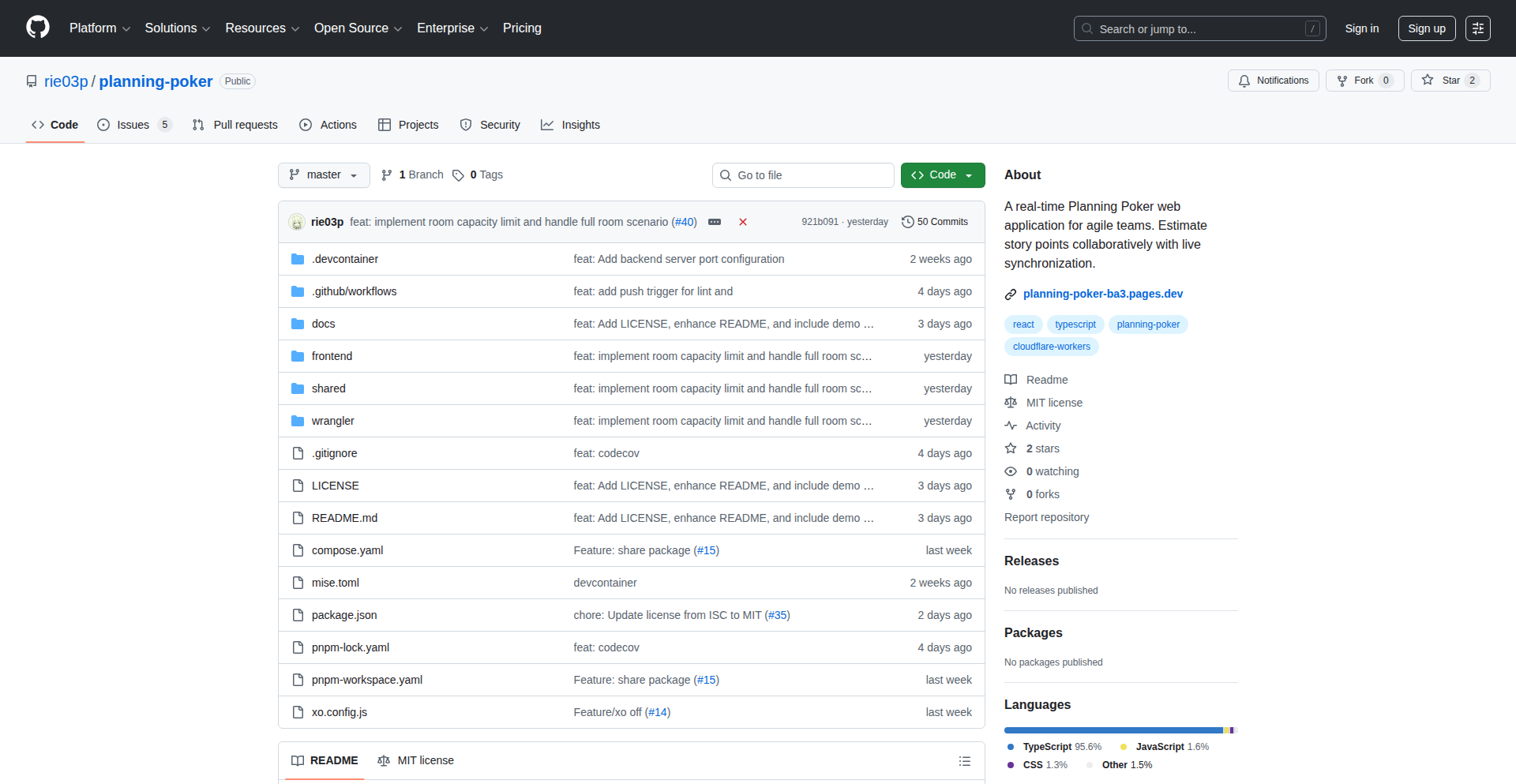
Author
rie03p
Description
This project is an open-source Planning Poker web application designed for simplicity, freedom, and no restrictions. It leverages WebSockets and Cloudflare Workers with Durable Objects to achieve real-time synchronization of room states, ensuring that all participants see the same information instantly. The core innovation lies in its efficient, serverless architecture for managing concurrent user interactions in a collaborative estimation process.
Popularity
Points 1
Comments 0
What is this product?
This is a web-based Planning Poker tool for agile development teams. Planning Poker is a consensus-based, simple, fast, and effective estimation technique used in Scrum. The key technology here is the use of WebSockets, which allow for instant, two-way communication between the server and all connected clients. This means that when one person votes or reveals their vote, everyone else in the same virtual room sees it immediately, without needing to refresh the page. Cloudflare Workers, a serverless computing platform, are used to host the application logic, and Durable Objects, a feature of Cloudflare Workers, are employed to manage the state of each individual 'room' – who is in it, what cards have been played, etc. This approach provides scalability and reliability without managing traditional servers. So, what's the benefit for you? It offers a seamless, real-time collaborative experience for distributed or co-located teams to estimate development tasks, making your agile ceremonies more efficient and engaging.
How to use it?
Developers can access this Planning Poker app directly through their web browser. Teams can create a new virtual room for an estimation session. Each participant joins the room using a provided link. During the session, team members select their estimated story points (typically from a predefined Fibonacci-like sequence) and submit them. The instructor or facilitator can then trigger the reveal of all votes simultaneously. The real-time nature ensures everyone sees the same votes at the same time, facilitating discussion and consensus. Integration with existing workflows can be achieved by simply sharing the room link in team communication channels like Slack or Microsoft Teams. The open-source nature also allows developers to self-host or customize the application if needed. So, how does this help you? It provides a quick and easy way for your team to jump into a planning session, estimate user stories, and keep your agile sprints on track, no matter where your team members are located.
Product Core Function
· Real-time Room State Synchronization: Utilizes WebSockets and Cloudflare Durable Objects to instantly update and display all participants' votes and actions within a session. This means no manual refreshes are needed, ensuring everyone is on the same page. The value is in maintaining a live, interactive estimation environment for distributed teams.
· Unlimited Voting and Participants: As an open-source project, there are no artificial limits on the number of users per room or the number of votes that can be cast. This offers maximum flexibility for teams of any size and during extended estimation discussions. The value is in supporting any team size and complex estimation needs without constraints.
· Serverless Architecture: Built on Cloudflare Workers, this application is highly scalable, available, and cost-effective as it doesn't require managing dedicated server infrastructure. It scales automatically with demand. The value is in providing a reliable and efficient platform that can handle sudden spikes in usage without performance degradation.
· Simple and Intuitive Interface: The web app is designed for ease of use, allowing team members to quickly understand and participate in Planning Poker sessions without extensive training. The value is in reducing the friction for adopting agile estimation practices and ensuring all team members can contribute effectively.
Product Usage Case
· A remote software development team needs to estimate user stories for an upcoming sprint. They use the Realtime Agile Poker web app, creating a room and sharing the link. Each developer votes privately, and the facilitator reveals the votes simultaneously, allowing for immediate discussion and consensus building, saving time and improving accuracy. This solves the problem of effective remote collaboration for estimations.
· A Scrum Master is facilitating a planning session for a large cross-functional team. The web app handles the real-time updates for all 15 participants seamlessly, allowing the Scrum Master to manage the flow of the session efficiently and ensuring everyone's estimate is visible. This addresses the challenge of managing large group interactions in real-time.
· A startup team wants to experiment with agile estimation without investing in expensive tools. They deploy the open-source Realtime Agile Poker application on Cloudflare Workers, benefiting from a free, scalable, and feature-rich solution. This provides an accessible and powerful estimation tool for resource-constrained teams.
· A developer wants to integrate Planning Poker functionality into an existing project management dashboard. They can fork the open-source repository and adapt the WebSocket and Durable Objects logic to fit their specific needs, creating a custom estimation experience. This demonstrates the value of the open-source project as a foundational component for further development.