Show HN Today: Discover the Latest Innovative Projects from the Developer Community
 ShowHN Today
- Continue with Google
Show HN Today: Top Developer Projects Showcase for 2025-12-22
SagaSu777 2025-12-23
Explore the hottest developer projects on Show HN for 2025-12-22. Dive into innovative tech, AI applications, and exciting new inventions!
Summary of Today’s Content
Trend Insights
The landscape today is a vibrant testament to the hacker spirit, where raw ingenuity meets the ever-evolving technological frontier. We're seeing a strong surge in AI-driven solutions, not just for complex tasks, but for streamlining everyday workflows and enhancing developer productivity. The focus isn't just on building AI, but on building *with* AI – from code generation and testing to creating personalized user experiences. Developers are increasingly looking for tools that offer efficiency, reduce friction, and importantly, respect data privacy. This means solutions that run locally, offer granular control, or operate without centralized data storage are gaining traction. Furthermore, there's a clear trend towards highly specialized tools that solve specific problems incredibly well, rather than trying to be an all-in-one solution. This niche focus allows for deep optimization and a more satisfying user experience, empowering individuals and small teams to punch above their weight. For aspiring innovators, this means identifying specific pain points, particularly in the AI development lifecycle and data management, and crafting elegant, efficient solutions that embody the 'do more with less' ethos.
Today's Hottest Product
Name
World's Backlog
Highlight
This project tackles the fundamental challenge in innovation: identifying the *right* problems to solve. By creating a public repository for real-world industry pain points, validated by users, it offers a direct pipeline from user struggle to potential solutions. Developers can learn how to build platforms that aggregate and structure feedback, turning anecdotal complaints into actionable product requirements. The innovative approach lies in its community-driven validation and a focus on quantifying the severity and willingness to pay, which are crucial for any product's success.
Popular Category
AI/ML
Developer Tools
Utilities
Productivity
Data Management
Popular Keyword
AI
LLM
CLI
Open Source
Automation
Rust
Python
Code Generation
Data Visualization
Technology Trends
AI-Powered Automation
Efficient Developer Workflows
Data Privacy and Security
Specialized Tooling for AI Development
Code Generation and Transformation
Decentralized and Privacy-Focused Solutions
Performance Optimization in Niche Areas
Project Category Distribution
AI/ML Tools (30%)
Developer Tools & Utilities (25%)
Productivity & Data Management (20%)
Hobbyist & Niche Applications (15%)
Theoretical/Research Projects (10%)
Today's Hot Product List
| Ranking | Product Name | Likes | Comments |
|---|---|---|---|
| 1 | ProblemForge AI | 109 | 28 |
| 2 | DeepSearch-Rust SMB Scanner | 14 | 2 |
| 3 | QuantumGravity Unifier | 2 | 12 |
| 4 | Hurry: BlitzCache for Cargo | 11 | 1 |
| 5 | LLVM-jutsu: Code Cloaking for AI | 8 | 0 |
| 6 | SkillPass: Knowledge Continuity Engine | 2 | 5 |
| 7 | Yapi: Terminal-Native API Orchestration | 4 | 3 |
| 8 | DurableExecFixer | 5 | 2 |
| 9 | RetroPlay WASM Engine | 3 | 3 |
| 10 | PDF Diagram to SVG Exporter | 6 | 0 |
1
ProblemForge AI

Author
anticlickwise
Description
ProblemForge AI is a curated repository of real-world, industry-specific pain points and workflow challenges, crowdsourced from professionals. It leverages AI to analyze and categorize these problems, providing builders with insights into their severity, frequency, and potential market value before development even begins. This tackles the 'hard part' of innovation: identifying the right problems to solve.
Popularity
Points 109
Comments 28
What is this product?
ProblemForge AI is a platform designed to bridge the gap between the ease of AI-powered development and the difficulty of finding genuinely impactful problems to solve. It functions as a public backlog of real-world issues encountered by people across various industries. The innovation lies in its structured approach to problem discovery: individuals submit their workflow frustrations, other users validate and rank these issues, and AI then analyzes this data to provide metrics on how severe, how often the problem occurs, and how much people would be willing to pay for a solution. So, it helps you find valuable problems to build solutions for, reducing the risk of creating something nobody needs.
How to use it?
Developers and entrepreneurs can use ProblemForge AI as a primary source for identifying potential product ideas. Instead of guessing what problems to solve, they can browse the validated backlog, filter by industry, problem type, or impact metrics. For integration, developers can directly reference the problem descriptions and validation data when pitching ideas or planning their Minimum Viable Product (MVP). The platform provides the 'why' behind a potential product, making the development process more focused and market-driven. So, you can use it to discover market needs and validate your next big idea before writing a single line of code.
Product Core Function
· Problem Submission and Crowdsourcing: Allows professionals to directly share their daily workflow frustrations and pain points. This is valuable because it taps into authentic, on-the-ground issues that might otherwise go unnoticed, providing raw material for innovation.
· Community Validation and Ranking: Enables users to upvote, comment on, and provide context for submitted problems, indicating their shared experience and the perceived severity of the issue. This is valuable as it filters out minor inconveniences and highlights problems with broader impact and developer interest.
· AI-Powered Problem Analysis: Utilizes AI to process and analyze the collected problem data, providing metrics on frequency, severity, and potential market willingness to pay. This is valuable because it quantifies the market opportunity and risk associated with a problem, guiding developers towards high-potential ventures.
· Industry-Specific Problem Categorization: Organizes problems by industry, making it easier for developers to find relevant challenges within their target markets. This is valuable for focused development, allowing builders to concentrate on specific niches and understand the unique problems within them.
· Pre-Development Market Insight: Offers builders an understanding of user pain and potential demand before they invest heavily in development. This is valuable for de-risking innovation and ensuring that development efforts are directed towards solving problems that have a clear market appetite.
Product Usage Case
· A solo developer looking for their next side project can browse ProblemForge AI, discover that many logistics managers are struggling with inefficient inventory tracking, and see that this problem is frequently reported and highly validated. They can then decide to build an inventory management tool specifically for this audience, armed with market validation. So, this helps a developer find a validated niche for a new app.
· A startup founder seeking to pivot their product strategy can use ProblemForge AI to identify emerging pain points in the healthcare industry. They might find that remote patient monitoring is a recurring issue with a high willingness to pay. This insight can guide them to reorient their existing technology towards solving this specific problem. So, this helps a startup pivot to a more in-demand market.
· A product manager can use ProblemForge AI to supplement user research. By observing the types of problems being submitted and validated, they can gain a broader understanding of user needs and inform their product roadmap with real-world issues. So, this helps a product manager make data-driven decisions for future product features.
2
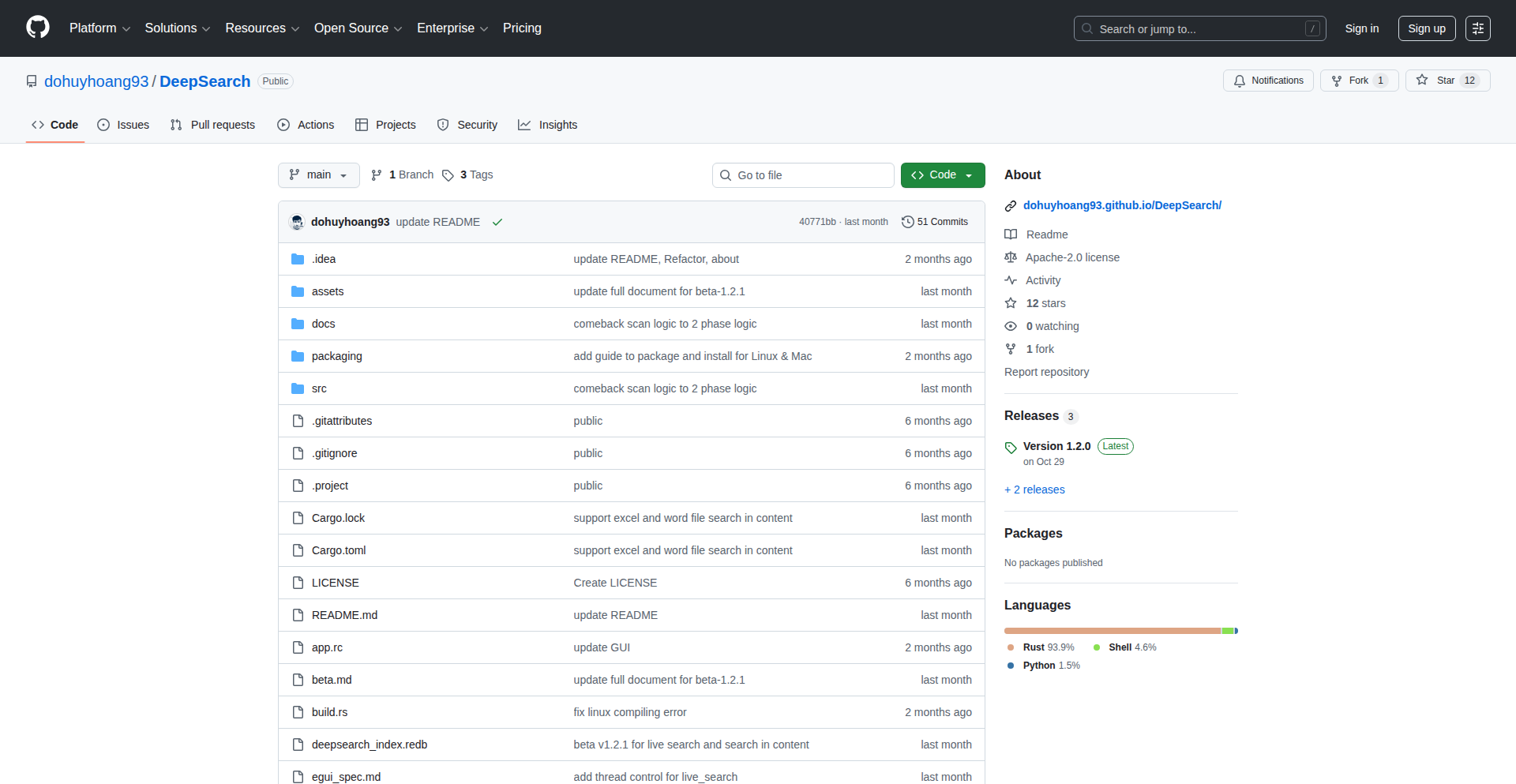
DeepSearch-Rust SMB Scanner
Author
dohuyhoangvn93
Description
DeepSearch is a high-performance SMB directory scanner built in Rust. It tackles the challenge of efficiently enumerating shared resources on Windows networks by leveraging Rust's speed and memory safety. The innovation lies in its optimized algorithms for network traversal and file/directory listing, offering a faster and more reliable alternative to existing tools for security auditing and network inventory.
Popularity
Points 14
Comments 2
What is this product?
DeepSearch is a tool that helps you quickly and efficiently discover all the shared folders and files on Windows computers within a network. It's written in Rust, a programming language known for its speed and reliability, making it very fast and less prone to crashing. The core innovation is its smart way of asking Windows computers for information about their shared resources. Instead of asking one by one, it uses advanced techniques to ask many at once and process the answers very quickly. So, this helps you understand what's shared on your network much faster than before, which is great for security checks or just knowing what data you have available.
How to use it?
Developers can integrate DeepSearch into their security assessment scripts or network management tools. It can be run from the command line, specifying IP ranges or specific hosts to scan. The output can be directed to a file for further analysis, such as identifying potential security vulnerabilities or cataloging network assets. For example, you could use it to quickly scan all machines in a subnet to see which ones have sensitive data shared openly. This means you can quickly find and secure important information, making your network safer.
Product Core Function
· High-speed SMB enumeration: Leverages Rust's performance to quickly list shared directories on multiple hosts simultaneously. This allows for rapid network discovery, so you can quickly identify all available network shares and understand your network's data landscape.
· Efficient network traversal: Uses optimized protocols and threading to explore network shares without overwhelming the network. This means less disruption to your network's performance while still getting comprehensive results, ensuring you don't miss anything important.
· Rust's memory safety: Guarantees that the scanner is robust and less likely to have memory-related bugs, leading to more stable and reliable scans. This translates to trustworthy results, so you can rely on the information gathered for critical security decisions.
· Customizable scan parameters: Allows users to define scan targets, credentials, and other options for tailored reconnaissance. This flexibility means you can adapt the tool to specific network environments and security needs, making it a versatile asset for different scenarios.
Product Usage Case
· Security auditing: A network administrator uses DeepSearch to perform a quick audit of all SMB shares within an organization to identify any publicly accessible sensitive data. This helps prevent data breaches by finding and securing vulnerable shares before attackers do.
· Asset inventory: A system administrator employs DeepSearch to generate an up-to-date inventory of all shared resources across a company's network for better management and compliance. This ensures you know exactly what data is stored and where, simplifying asset tracking and regulatory compliance.
· Incident response: During a security incident, DeepSearch can be used to rapidly identify compromised systems or unauthorized shares by quickly scanning for unusual sharing patterns. This speeds up the process of containing a breach and mitigating damage.
· Network penetration testing: A penetration tester uses DeepSearch as an initial reconnaissance step to map out the attack surface of a target network by discovering all accessible SMB shares. This helps in planning more effective exploitation strategies by understanding what resources are exposed.
3
QuantumGravity Unifier
Author
albert_roca
Description
This project presents a novel approach to unifying fundamental physics constants by deriving the gravitational constant 'G' from quantum properties of the proton and electromagnetic interactions. It uses a geometric scaling hypothesis to link the proton's mass to the Planck mass and then calculates 'G', showing remarkable agreement with experimentally measured values. The project also validates this unified theory by recalculating gravitational acceleration for various celestial bodies and comparing it to predictions from General Relativity.
Popularity
Points 2
Comments 12
What is this product?
This project is a Python script that explores a theoretical framework suggesting that the gravitational constant 'G' is not an independent fundamental constant but rather emerges from the quantum mechanical properties of particles, specifically the proton, and fundamental quantum parameters like Planck's constant (hbar) and the speed of light (c). It hypothesizes that the proton's mass is a scaled version of the Planck mass based on a holographic principle, involving a scaling factor related to 4 to the power of 32. By using this derived relationship, the script calculates a value for 'G'. Furthermore, it implements a 'Unified Geometric Metric' that combines mass-energy equivalence and electrostatic forces to predict gravitational acceleration. This prediction is then compared against the standard Schwarzschild metric from General Relativity for different astronomical objects, demonstrating consistency. So, what this means for you is a potential glimpse into a more fundamental, unified theory of physics where gravity and quantum mechanics are not separate, but interconnected.
How to use it?
Developers can use this script as a starting point for exploring theoretical physics and quantum gravity. They can modify the input parameters (mass, charge, radius) for different celestial bodies or hypothetical particles to observe how the 'Unified Geometric Metric' and General Relativity predictions align or diverge. The core functions `compute_acceleration` and `derive_closed_G` can be integrated into larger simulation frameworks or used for educational purposes to visualize the interplay between quantum mechanics and gravity. It's a tool for researchers and enthusiasts interested in testing or extending these theoretical ideas with code. So, how can this be useful to you? You can plug in your own hypothetical scenarios of objects in space or even microscopic particles to see how this theory predicts their gravitational behavior, potentially uncovering new insights or validating your own physics-based simulations.
Product Core Function
· Unified Geometric Metric Calculation: This function calculates the gravitational acceleration based on a new theoretical model that unifies mass-energy and electrostatic forces. Its value lies in providing an alternative prediction for gravity, especially useful for probing regions where quantum effects might be significant or where standard GR may need refinement.
· General Relativity Benchmark: This function calculates the gravitational acceleration according to the established Schwarzschild metric from General Relativity. Its value is in providing a crucial point of comparison to validate the new theoretical model, ensuring that it accurately reflects known gravitational phenomena.
· Holographic Derivation of G: This function calculates the gravitational constant 'G' by hypothesizing a scaling relationship between the proton mass and the Planck mass, derived from a holographic principle. Its value is in demonstrating how 'G' might not be fundamental but an emergent property of quantum mechanics, potentially simplifying our understanding of gravity.
· Object Parameterization and Simulation: This part of the script allows for the definition of various celestial objects (like planets, stars, black holes) with their respective masses, charges, and radii. This enables the testing of the theoretical model across a wide range of physical scales and conditions, proving its applicability and robustness in diverse scenarios.
Product Usage Case
· Testing fundamental physics theories: A researcher could use this script to test the hypothesis that 'G' is derived from quantum properties by comparing the script's derived 'G' with highly precise experimental measurements, helping to validate or refute theoretical models.
· Exploring black hole physics: By inputting parameters for massive objects near the calculated Schwarzschild radius, developers can observe how the 'Unified Geometric Metric' behaves compared to GR's prediction of an event horizon, potentially offering insights into quantum gravity effects near black holes.
· Educational tool for quantum gravity: Educators can use this script to demonstrate to students how abstract theoretical concepts in physics can be translated into concrete code, making the complex ideas of quantum mechanics and general relativity more accessible and interactive.
· Cosmological simulations: This script's acceleration calculation method could be integrated into larger cosmological simulations to test how alternative gravitational models might affect the evolution of the universe on different scales.
4
Hurry: BlitzCache for Cargo

Author
ilikebits
Description
Hurry is an open-source tool designed to dramatically speed up Rust project builds by introducing distributed build caching for Cargo. It intelligently caches individual Rust packages, meaning if a package hasn't changed, its pre-built version is reused, leading to build times that are 2-5x faster (and sometimes even more). This solves the common problem of slow and repetitive builds in Rust development without requiring complex setup or learning new build systems.
Popularity
Points 11
Comments 1
What is this product?
Hurry is a build caching system specifically for Rust projects that use Cargo. Think of it like a smart 'save' button for your code compilation. When you build your Rust project, Hurry takes the compiled pieces (the 'artifacts') and stores them in a cache. The next time you build, if a piece of code hasn't changed, Hurry retrieves the pre-compiled version from the cache instead of recompiling it from scratch. This is 'distributed' because the cache can be shared across multiple machines or developers. Its innovation lies in its granular, package-level caching and its 'drop-in' nature, meaning it works with your existing Cargo setup with minimal configuration, unlike other solutions that require significant integration effort or are too broad in their caching approach.
How to use it?
Developers can integrate Hurry into their workflow with almost zero configuration. The simplest way is to replace your usual `cargo build` command with `hurry cargo build`. Hurry will then automatically manage the caching process. For collaborative projects or CI/CD pipelines, Hurry can connect to a shared caching service, either a cloud-hosted one provided by Hurry or a self-hosted instance. This means that if one developer or a CI job builds a piece of code, other developers or jobs can benefit from that cached build, saving everyone significant time. It’s designed to seamlessly fit into existing development environments.
Product Core Function
· Distributed Build Caching: Stores compiled Rust code artifacts in a shared cache, allowing multiple developers or build agents to reuse pre-built components. This accelerates build times by avoiding redundant compilation, making development cycles faster.
· Package-Level Granularity: Caches individual Rust packages independently. If only one package changes, only that package needs to be recompiled, while others are served from the cache. This is far more efficient than caching entire projects or build jobs, directly reducing build duration.
· Zero-Configuration Integration: Works seamlessly with existing Cargo projects. Developers can simply run `hurry cargo build` instead of `cargo build`, making it incredibly easy to adopt without complex setup or learning new tools. This lowers the barrier to entry for faster builds.
· Fast Rebuilds: Significantly reduces build times, often by 2-5x or more, by intelligently reusing cached build outputs. This directly translates to more time spent coding and less time waiting for builds to complete, boosting developer productivity.
Product Usage Case
· Local Development Acceleration: A Rust developer working on a large project can use Hurry to drastically cut down local build times after making minor code changes. Instead of waiting minutes for a full rebuild, Hurry serves cached artifacts, allowing for near-instantaneous iteration and testing, leading to a smoother and more productive coding experience.
· CI/CD Pipeline Optimization: A continuous integration/continuous deployment (CI/CD) pipeline for a Rust project can integrate Hurry to cache build artifacts between runs. When a new commit is pushed, the CI job can quickly retrieve previously built dependencies from the cache, leading to significantly faster build and test execution times, and reducing CI costs.
· Team Collaboration on Codebases: In a team setting, when one developer builds a specific library or component, that build artifact can be cached and made available to other team members. This ensures that everyone on the team benefits from the most recent successful build, reducing the time spent by each individual on redundant compilations and improving overall team velocity.
5
LLVM-jutsu: Code Cloaking for AI

Author
babush
Description
LLVM-jutsu is a novel obfuscation pass for the LLVM compiler infrastructure designed to make code harder for Large Language Models (LLMs) to understand and analyze. It tackles the emerging problem of AI-generated code plagiarism and unauthorized intellectual property extraction by programmatically altering code structures without affecting its execution behavior. The innovation lies in its application within the compilation pipeline, offering a robust, at-compile-time solution.
Popularity
Points 8
Comments 0
What is this product?
LLVM-jutsu is a specialized 'pass' that runs within the LLVM compiler. Think of a compiler as a translator for programming languages. A 'pass' is like a specific translation step that modifies the code to optimize it or add features. LLVM-jutsu's unique pass is designed to 'obfuscate' or 'cloak' your code. It does this by making subtle but significant changes to the code's internal structure – like rearranging sentences in a paragraph to change the flow without altering the meaning. This makes it incredibly difficult for AI models, which learn by pattern recognition, to decipher the original logic or easily reproduce it. The core innovation is integrating this protection directly into the compilation process, so the obfuscation happens automatically when you build your software, ensuring the compiled code is already protected.
How to use it?
Developers can integrate LLVM-jutsu into their existing LLVM-based build processes. This typically involves modifying their build system (like CMake or Makefiles) to include the LLVM-jutsu pass when compiling their source code. For example, if you're building a C++ project using Clang (which uses LLVM), you would configure your build to run LLVM-jutsu as one of the compiler's optimization stages. This means the protection is applied automatically as part of the normal software build, without requiring manual code changes or complex post-compilation steps. It's a seamless addition to the developer workflow.
Product Core Function
· Code Structure Renaming: Renames variables, functions, and other code elements to nonsensical or misleading names, making it difficult for LLMs to infer their purpose. This is valuable for protecting the semantic meaning of your code from AI interpretation.
· Control Flow Perturbation: Modifies the order of operations and conditional logic in subtle ways that don't change the program's outcome but make the logic flow appear convoluted to automated analysis. This prevents AI from easily tracing execution paths.
· Instruction Reordering: Reorders individual machine instructions while preserving the overall program logic. This disrupts the patterns LLMs look for in code sequences.
· Data Representation Obfuscation: Alters how data is stored or represented in memory, adding complexity for AI to understand data structures and relationships. This protects sensitive data handling logic.
· LLVM Pass Integration: Acts as a plug-in for the LLVM compiler, meaning it can be enabled or disabled during the build process. This provides flexibility and allows developers to apply protection only when needed.
Product Usage Case
· Protecting proprietary algorithms in SaaS products: A company developing a critical algorithm for its cloud service can use LLVM-jutsu to compile its backend code. This makes it much harder for a competitor's LLM to analyze a decompiled version of the service and replicate its core functionality, safeguarding intellectual property.
· Preventing AI-driven reverse engineering of game logic: Game developers can apply LLVM-jutsu to their game executables. If a hacker tries to use an AI to understand how game mechanics work by analyzing the compiled game code, the obfuscation will significantly slow down or prevent that process, enhancing game security.
· Securing embedded system firmware: For developers working on firmware for IoT devices or other embedded systems, LLVM-jutsu can add a layer of protection against unauthorized analysis of the device's operational code, making it harder to find vulnerabilities or copy proprietary designs.
· Shielding sensitive code snippets in open-source projects: While open-source often encourages transparency, certain sensitive libraries or modules within a larger project might benefit from obfuscation. LLVM-jutsu can be selectively applied to these parts during the build to deter casual AI-driven code copying without hindering legitimate community contributions.
6
SkillPass: Knowledge Continuity Engine

Author
kevinbaur
Description
SkillPass is a novel solution to the critical problem of knowledge loss when employees depart. Instead of relying on traditional, often ineffective handover documents, it directly captures the implicit, role-specific knowledge from departing employees. This innovative approach leverages a guided session to transform unarticulated expertise into a structured report, preventing operational disruptions and preserving valuable institutional memory without requiring meetings or extensive training.
Popularity
Points 2
Comments 5
What is this product?
SkillPass is a system designed to capture and retain the critical, often unspoken, knowledge that departs a company with an employee. The core technical innovation lies in its guided session methodology. It's not just about documentation; it's about extracting the 'how' and 'why' behind decisions, shortcuts, and undocumented processes that are normally lost. This is achieved through a streamlined, non-intrusive process that ensures valuable context isn't lost, preventing the common scenario where things break when someone leaves because their unique knowledge base has vanished. The value proposition is clear: minimize the impact of employee turnover by ensuring operational continuity and preserving institutional memory, all while being GDPR-compliant and respecting user privacy, with no AI training data collection.
How to use it?
Developers can integrate SkillPass into their HR offboarding process. When an employee is leaving, SkillPass initiates a single, guided session. This session, designed to be efficient and non-disruptive, prompts the departing employee for specific, role-related information. The output is a structured handover report that contains the essential implicit knowledge. This can then be used by successors to quickly get up to speed, reducing ramp-up time and preventing common pitfalls caused by lost knowledge. For developers, this means ensuring that the complex systems they build continue to be understood and maintained, even after key contributors move on. It’s about making the handover process intelligent and actionable, not just a formality.
Product Core Function
· Guided knowledge capture session: This is the core technical engine that uses targeted questions to extract implicit knowledge, ensuring that critical context and decision-making rationale are captured. The value is in transforming hidden knowledge into explicit, actionable information.
· Structured handover report generation: The system processes the captured information into a clear, organized report. This provides successors with a direct roadmap to understanding the departing employee's role, preventing confusion and speeding up the transition.
· Privacy-centric design: The commitment to GDPR compliance and no AI training means that sensitive company knowledge is handled securely and ethically. The value is in providing peace of mind that intellectual property is protected and used solely for internal knowledge transfer.
· Meeting-free knowledge transfer: By automating the knowledge capture process, SkillPass eliminates the need for lengthy and often inefficient handover meetings. This saves valuable time for both departing and remaining employees, directly contributing to productivity.
Product Usage Case
· A senior engineer leaves a critical project, taking with them deep knowledge of specific system optimizations and debugging shortcuts. SkillPass captures this, providing the incoming engineer with a detailed guide to these optimizations, preventing performance degradation and accelerating their understanding of the system's nuances.
· A product manager departs, leaving behind a wealth of context on past feature decisions, user feedback interpretations, and strategic considerations that were never fully documented. SkillPass elicits this rationale, enabling the new product manager to seamlessly pick up the roadmap and make informed decisions, avoiding the repetition of past mistakes.
· A developer who built a highly specialized internal tool resigns. Instead of a sparse documentation file, SkillPass generates a report detailing the tool's architecture, common failure points, and undocumented workarounds. This allows the team to maintain and enhance the tool effectively without needing to reverse-engineer its entire functionality.
· When a key member of a cybersecurity team leaves, their understanding of ongoing threats, specific security protocols, and incident response nuances is crucial. SkillPass captures this expert knowledge, equipping the remaining team with the insights needed to maintain a robust security posture.
7
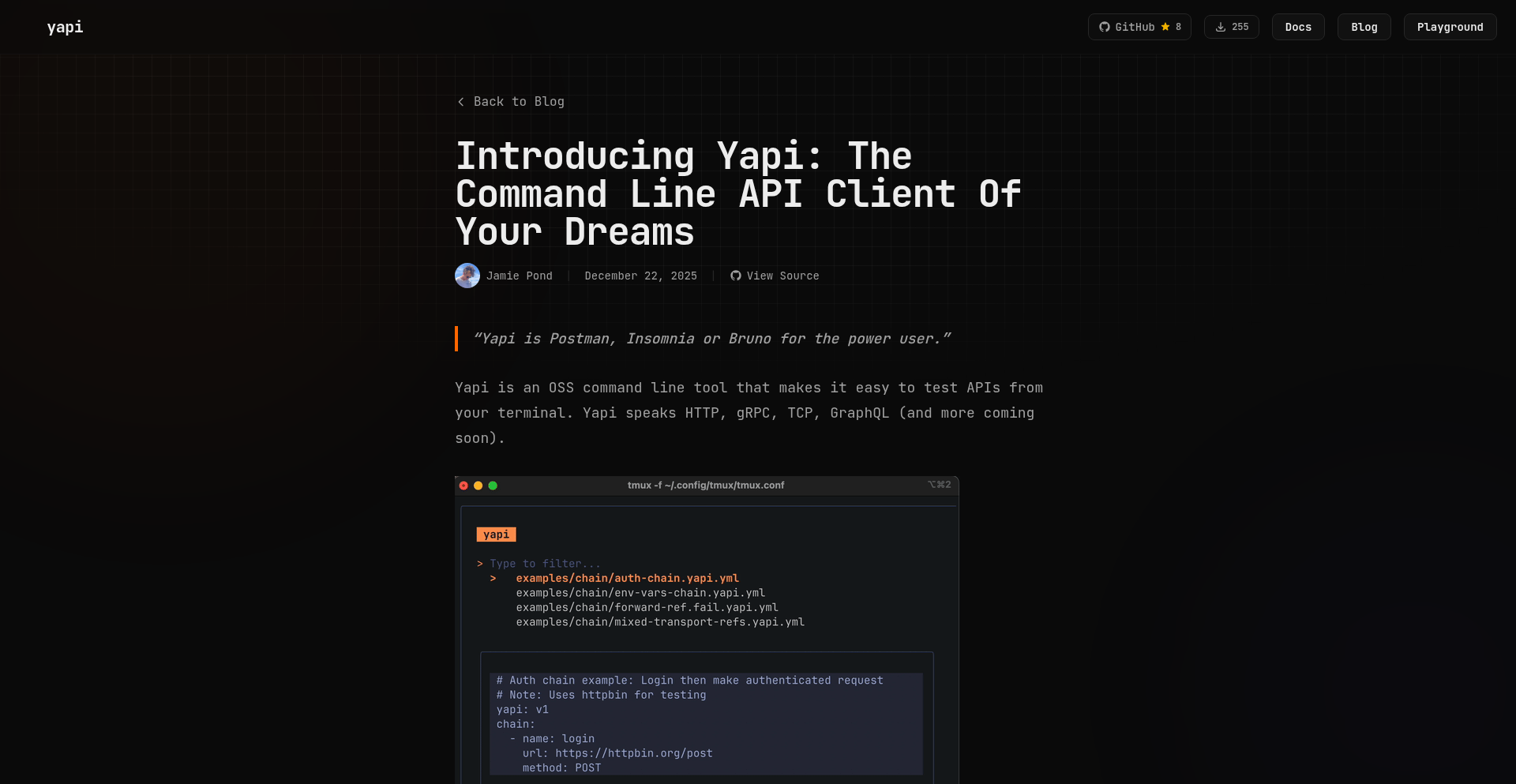
Yapi: Terminal-Native API Orchestration
Author
jamiepond
Description
Yapi is a FOSS (Free and Open Source Software) API client designed for terminal power users, offering a more productive experience than traditional GUI tools like Postman, Bruno, or Insomnia. It focuses on providing efficient API request management and execution directly within your terminal environment, leveraging the speed and workflow of editors like Neovim and multiplexers like Tmux.
Popularity
Points 4
Comments 3
What is this product?
Yapi is a terminal-based application that helps developers manage and interact with APIs. Unlike GUI-based tools, Yapi operates within your command-line interface, allowing for faster workflows, especially for those accustomed to text-based environments. Its core innovation lies in its deep integration with terminal editors and multiplexers, enabling developers to craft, send, and inspect API requests without leaving their primary coding workspace. This translates to reduced context switching and a more streamlined development process. So, this is useful for you if you want to manage your API interactions efficiently without constantly switching between your code editor and a separate application.
How to use it?
Developers can integrate Yapi into their existing terminal workflows. After installation, Yapi can be invoked from the command line. You can define API requests, group them into collections, and execute them directly. For example, you might use it to quickly test a new endpoint you've just implemented in your backend service. Its design is particularly appealing to users who spend most of their time within Neovim or Tmux, allowing them to trigger API calls, view responses, and even modify requests all from within their familiar terminal setup. Integration involves setting up Yapi within your preferred terminal environment and defining your API endpoints and requests as you would in other API clients, but with the added benefit of terminal efficiency. So, this is useful for you by allowing you to seamlessly incorporate API testing and management into your existing coding habits, boosting productivity and reducing distractions.
Product Core Function
· API Request Definition and Management: Allows users to define HTTP requests (GET, POST, etc.) with custom headers, body, and parameters. This is valuable for developers who need to precisely control and document their API interactions, ensuring consistency and reducing errors. It enables rapid testing of backend services and debugging of API integrations.
· Request Collections and Organization: Enables grouping of related API requests into collections for better organization and reusability. This is crucial for managing complex projects with numerous API endpoints, allowing developers to easily find and execute specific sets of requests for different parts of an application or for specific testing scenarios.
· Response Inspection and Analysis: Provides tools to view and analyze API responses, including status codes, headers, and response bodies. This is essential for understanding the outcome of API calls, debugging issues, and verifying that the API is functioning as expected. It helps developers quickly pinpoint problems in their application's communication with its backend.
· Terminal Integration and Workflow Efficiency: Designed to work seamlessly within terminal environments like Neovim and Tmux, minimizing context switching. This significantly enhances developer productivity by keeping all necessary tools within a single interface, reducing the mental overhead of switching between different applications. It's about making API work as fast and fluid as coding.
· FOSS (Free and Open Source Software): Being open-source means the software is freely available, modifiable, and transparent. This is valuable for developers as it provides cost savings, allows for community contributions and improvements, and ensures no vendor lock-in. It fosters trust and collaboration within the developer community.
Product Usage Case
· A backend developer implements a new REST API endpoint. Instead of opening Postman, they can use Yapi within their Neovim session to immediately define a GET request to the new endpoint, send it, and examine the JSON response, all without leaving their code editor. This speeds up the development and testing cycle significantly.
· A frontend developer is debugging an issue where their application is failing to fetch data. They can use Yapi to replicate the exact API call their frontend is making, including all headers and parameters, to see if the problem lies with the frontend's request formation or the backend's response. This helps isolate the source of the bug efficiently.
· A DevOps engineer needs to automate the testing of a critical API endpoint as part of a CI/CD pipeline. Yapi's command-line nature makes it suitable for scripting and integration into automated testing workflows, ensuring the API remains functional before deployments.
· A developer working on a microservices architecture can use Yapi to manage and test interactions between multiple services. They can create collections for each service and then test the flow of data and requests between them, ensuring the entire system is communicating correctly.
8
DurableExecFixer

Author
mnorth
Description
A project aiming to improve Durable Execution, a framework that helps manage long-running and stateful applications. The innovation lies in addressing inherent complexities and potential issues within durable execution patterns, making it more reliable and developer-friendly. This project offers value by providing a more robust foundation for building complex distributed systems.
Popularity
Points 5
Comments 2
What is this product?
This project is an experimental enhancement or fix for Durable Execution frameworks, which are designed to handle tasks that need to run for a long time or maintain state across multiple steps, like complex workflows or background jobs. The core innovation is in identifying and rectifying subtle bugs, performance bottlenecks, or usability challenges within existing Durable Execution implementations. Think of it like reinforcing the foundation of a building that might have minor cracks – it makes the whole structure more stable and dependable. The value is in providing a more predictable and less error-prone environment for developers building sophisticated applications.
How to use it?
Developers can integrate this project by applying its patches or adopting its improved libraries into their existing Durable Execution workflows. This might involve updating dependencies, running a modified version of the framework, or using its new components to manage their stateful operations. The primary use case is for developers building applications that require robust handling of long-running processes, state persistence, and fault tolerance, such as order processing, batch computations, or complex event-driven systems. It offers them a more reliable way to manage the lifecycle of these operations.
Product Core Function
· Improved state management resilience: Ensures that application state is consistently saved and restored even during unexpected failures, preventing data loss and allowing workflows to resume gracefully. This is valuable because it reduces the risk of critical data corruption in long-running processes.
· Optimized execution flow: Enhances the efficiency of how tasks are executed within the durable execution framework, leading to faster processing times and reduced resource consumption. This helps developers build applications that are not only reliable but also performant.
· Simplified debugging and introspection: Provides better tools and mechanisms for developers to understand what's happening within their durable execution workflows, making it easier to identify and fix issues. This saves developers time and frustration when troubleshooting complex systems.
· Enhanced error handling strategies: Implements more sophisticated ways to catch, report, and recover from errors in long-running tasks, ensuring that failures are handled predictably and don't cascade into larger problems. This is crucial for maintaining the stability of critical business processes.
Product Usage Case
· Building a robust e-commerce order fulfillment system: Imagine a system that needs to track an order from placement, through payment processing, inventory update, shipping, and delivery. Durable Execution is ideal for this. If the payment processing step fails midway, DurableExecFixer would ensure the order state is preserved, allowing the process to be retried without losing progress, thus preventing lost sales and customer frustration.
· Developing a large-scale data processing pipeline: For applications that process massive datasets, breaking the work into smaller, manageable, durable steps is common. If a processing node crashes during a large data transformation, DurableExecFixer ensures that the transformation can resume from the last successfully completed step, saving significant time and computational resources compared to restarting the entire job.
· Creating a complex multi-stage approval workflow: In enterprise applications, approvals often involve multiple steps and stakeholders. Durable Execution can manage this. If an approver is offline when their turn comes, DurableExecFixer can help ensure the workflow doesn't get stuck indefinitely, perhaps by implementing automatic reminders or escalation policies, streamlining business operations.
9
RetroPlay WASM Engine

Author
retrogamesnexus
Description
RetroPlay WASM Engine is a project that brings classic retro games to the browser instantly, leveraging WebAssembly (WASM) for emulation. It tackles the frustration of finding legitimate retro games online by offering a clean, ad-free, and mobile-friendly experience. The core innovation lies in enabling in-browser gameplay without downloads, focusing on user experience and discoverability through structured content and SEO.
Popularity
Points 3
Comments 3
What is this product?
RetroPlay WASM Engine is a browser-based retro game emulator powered by WebAssembly (WASM). Instead of downloading clunky software or navigating through confusing websites with pop-ups, you can play classic games directly in your web browser. WASM is like a special engine that lets you run game code that was originally designed for older systems directly on your modern computer or phone through the browser. This means no more worrying about viruses or annoying ads, just pure gaming fun. So, what's in it for you? Instant access to nostalgia without the hassle.
How to use it?
Developers can integrate the RetroPlay WASM Engine into their own projects or websites. For end-users, the usage is straightforward: navigate to a compatible retro game on a website powered by this engine, and the game will load and become playable directly within the browser. The project emphasizes a clean interface and mobile-friendly controls, making it easy to jump into a game on any device. So, how does this benefit you? You can enjoy a seamless gaming experience on your preferred device without any technical setup.
Product Core Function
· Browser-based Emulation via WebAssembly: Allows playing classic games directly in the web browser without downloads, providing instant access and a consistent experience across devices. This means you can pick up and play your favorite retro titles anytime, anywhere, directly from your browser.
· Clean User Interface: Offers a modern and uncluttered interface, free from intrusive pop-ups and deceptive download buttons, making the gaming experience enjoyable and safe. This translates to less frustration and more time spent gaming.
· Mobile-Friendly Controls: Provides optimized controls for mobile devices, including support for dual-screen games, ensuring a smooth and accessible gaming experience on smartphones and tablets. Now you can relive your favorite gaming memories on the go.
· SEO and Content Structure: Focuses on search engine optimization and a well-structured site to make retro games easy to find, improving discoverability for users looking for specific titles. This helps you locate the games you love faster.
· Save State and Audio Synchronization: Implements reliable save state functionality and accurate audio syncing, crucial for an authentic retro gaming experience. This means your progress is saved reliably, and the game sounds just right, preserving the original feel.
Product Usage Case
· A retro gaming enthusiast wanting to play classic SNES games on their laptop without installing any software. They can visit a site using RetroPlay WASM Engine, and the game loads in the browser, allowing them to play instantly, preserving their favorite childhood memories without risk.
· A mobile gamer looking for a quick retro gaming session on their commute. With mobile-friendly controls, they can comfortably play classic Game Boy Advance titles on their phone, enjoying the convenience and portability.
· A developer building a website dedicated to retro game preservation. They can integrate RetroPlay WASM Engine to allow visitors to directly play featured games within their site, offering a unique and engaging experience that encourages exploration and engagement.
· A user frustrated with malware and pop-ups on other retro game sites. They discover a site powered by RetroPlay WASM Engine, which provides a secure and pleasant environment to play, giving them peace of mind and an enjoyable gaming experience.
10
PDF Diagram to SVG Exporter

Author
mbrukman
Description
This project is a simple GUI tool designed to extract diagrams from PDF documents and save them as Scalable Vector Graphics (SVG). It addresses the common problem of pixelated and blurry images in blog posts or online content derived from PDF research papers. By converting vector graphics within PDFs to SVG, it ensures that diagrams remain sharp and zoomable across all devices and resolutions. The innovation lies in providing an intuitive visual selection method for extracting specific diagram regions, simplifying a previously cumbersome manual process.
Popularity
Points 6
Comments 0
What is this product?
This is a desktop application that allows users to open a PDF file, visually select a specific area containing a diagram, and export that selected region as an SVG file. The core technology leverages Poppler CLI tools for the heavy lifting of PDF rendering and data extraction. The innovation here is the user-friendly graphical interface that wraps these command-line tools, making it incredibly easy for anyone to pinpoint and extract diagrams without needing to understand complex command-line arguments. So, this means you can get crystal-clear, infinitely scalable images from your PDFs, making your content look much more professional and easier for your audience to examine.
How to use it?
Developers can use this tool by downloading and running the application. Once opened, they simply navigate to their desired PDF file. They can then click and drag to draw a bounding box around the diagram they wish to extract. After selecting the region, they can save it as an SVG file. This is particularly useful for content creators, researchers, or anyone embedding technical diagrams into websites, presentations, or other digital formats where image quality and scalability are paramount. Integration into other workflows might involve scripting its command-line counterparts if the GUI is not directly used, but the primary value is its standalone ease of use. This saves you the frustration of screenshots that blur when zoomed, ensuring your audience sees every detail perfectly.
Product Core Function
· PDF Document Loading: Allows users to open and view PDF files within the application, providing a direct interface to the source material. This means you can easily access the PDFs you need to extract from without extra steps.
· Visual Region Selection: Enables users to intuitively draw a rectangular selection box directly on the PDF to precisely isolate the diagram of interest. This is like using a highlighter but for extracting images, ensuring you get exactly what you want.
· SVG Export: Saves the selected diagram region as a high-quality, scalable vector graphics (SVG) file. This ensures your diagrams will look sharp no matter how much you zoom in or how large you display them, making your content look polished and professional.
· Poppler CLI Integration: Internally uses Poppler command-line utilities for robust PDF rendering and extraction, ensuring accurate and reliable results. This behind-the-scenes technology makes the complex process of PDF handling simple and effective for you.
Product Usage Case
· A researcher wants to include a complex flowchart from a PDF paper in a blog post about their findings. Instead of taking a low-resolution screenshot that pixelates on mobile, they use this tool to extract the flowchart as an SVG, ensuring it looks crisp and readable on any device. This means their blog post is more accessible and professional.
· A software developer is creating documentation for an API and needs to include diagrams from a PDF specification. Using this tool, they can easily extract these diagrams and embed them as SVGs in their documentation, guaranteeing that the diagrams scale perfectly with any zoom level, improving the clarity of their documentation.
· An educator is preparing a presentation and needs to use a specific graph from a PDF textbook. They can use this tool to grab the graph as an SVG, ensuring it's sharp and clear when projected on a large screen, making their lecture material easier for students to understand.
11
TinyDOCX: Lightweight DOCX/ODT Generator

Author
lulzx
Description
TinyDOCX is a remarkably small TypeScript library that allows developers to programmatically generate DOCX and ODT (OpenDocument Text) files. It focuses on core document elements like text formatting, headings, lists, tables, images, and hyperlinks, with minimal dependencies and a tiny footprint. This makes it ideal for scenarios where generating editable documents is needed, especially when combined with its counterpart, tinypdf, for generating PDFs.
Popularity
Points 6
Comments 0
What is this product?
TinyDOCX is a developer tool that lets you create Microsoft Word (.docx) and OpenDocument Text (.odt) files using code. Think of it as a highly efficient digital scribe. Instead of using complex software, you tell TinyDOCX what to write – like setting text to bold, creating bullet points, adding tables, or inserting images – and it crafts the document for you. The real innovation here is its size and simplicity. Unlike other tools that are bulky and require many other software components to work, TinyDOCX is incredibly lean, using very little code and no external dependencies. This means it's fast, easy to integrate, and doesn't weigh down your project. It understands the underlying structure of DOCX files (which are essentially organized XML files within a ZIP archive) and efficiently generates the necessary XML to build these documents. So, what's the practical value? You get the power to create editable documents programmatically, with a tool that's much simpler and faster to use.
How to use it?
Developers can easily integrate TinyDOCX into their projects by installing it via npm (`npm install tinydocx`). The library is written in TypeScript, making it straightforward to use in JavaScript or TypeScript projects. You would typically import the library and then use its API to define the content and structure of your document. For instance, you might call functions to add a heading, then paragraphs with specific formatting (like bold or italics), insert a table with data, and finally, render the document as a .docx or .odt file. This can be done within a web application backend to generate reports, or in a desktop application to create form letters. The generated files can then be downloaded by the user or further processed. So, how does this help you? You can automate the creation of professional-looking, editable documents directly from your applications, saving significant manual effort and ensuring consistency.
Product Core Function
· Text Formatting: Enables setting text to bold, italic, underline, strikethrough, applying colors, and custom fonts. This is valuable for creating visually distinct and emphasized content within documents, making them more readable and professional, for example, highlighting key terms in a report.
· Headings (H1-H6): Allows for the creation of hierarchical document structures using different heading levels. This is crucial for organizing content logically and improving navigation within longer documents, similar to how a book uses chapters and subheadings.
· Tables with Borders and Column Widths: Supports the generation of tables with defined borders and specific column widths. This is essential for presenting structured data clearly, such as financial reports or product specifications, where accurate alignment and layout are important.
· Bullet and Numbered Lists (with Nesting): Facilitates the creation of ordered and unordered lists, including nested lists. This is ideal for outlining steps, creating feature lists, or presenting hierarchical information in an easy-to-follow format.
· Images (PNG, JPEG, GIF, WebP): Allows for the embedding of various image formats within documents. This is vital for enriching documents with visual elements, such as logos, diagrams, or illustrations, making them more engaging and informative.
· Hyperlinks: Enables the insertion of clickable links to external websites or internal document anchors. This is useful for directing users to relevant resources or providing easy navigation within a document.
· Headers/Footers with Page Numbers: Supports the inclusion of headers and footers that can contain page numbers and other recurring information. This is important for professional document presentation, especially for longer documents where consistent branding or navigation aids are needed.
· Blockquotes and Code Blocks: Provides formatting for quoted text and code snippets. This is particularly useful for developers or researchers presenting excerpts of text or code samples within a document.
· Markdown to DOCX Conversion: Offers the ability to convert Markdown formatted text directly into DOCX documents. This is a significant time-saver for users who are familiar with Markdown and want to quickly generate formatted documents.
· ODT (OpenDocument) Support with the Same API: Allows generation of OpenDocument Text files using the same straightforward API as DOCX. This broadens compatibility and ensures your generated documents can be opened by a wider range of office suites, offering flexibility in document distribution.
Product Usage Case
· Generating invoices from an e-commerce backend: When a customer makes a purchase, the application can use TinyDOCX to programmatically generate a detailed invoice in DOCX format, which the customer can then easily edit or forward. This automates a critical business process.
· Creating personalized form letters for mail merges: A marketing team can use TinyDOCX to generate a batch of personalized letters for a campaign, pulling customer data and inserting it into pre-defined templates. This drastically reduces manual letter writing.
· Building reports with embedded data visualizations: A data analysis tool could generate reports that include tables and text descriptions formatted by TinyDOCX, making the output professional and editable for further review.
· Creating documentation from Markdown files: Developers can use TinyDOCX to automatically convert their project's README files (written in Markdown) into more formal DOCX or ODT documents for easier sharing with non-technical stakeholders.
· Generating user manuals or guides: When creating documentation for software or products, TinyDOCX can be used to assemble content with consistent formatting, headings, and images, producing editable user guides.
· Automating the creation of legal or contractual documents: For simple contracts or agreements, TinyDOCX can be used to populate templates with specific client details and terms, producing a standard editable document.
12
TLDR.Market
Author
firedexplorer
Description
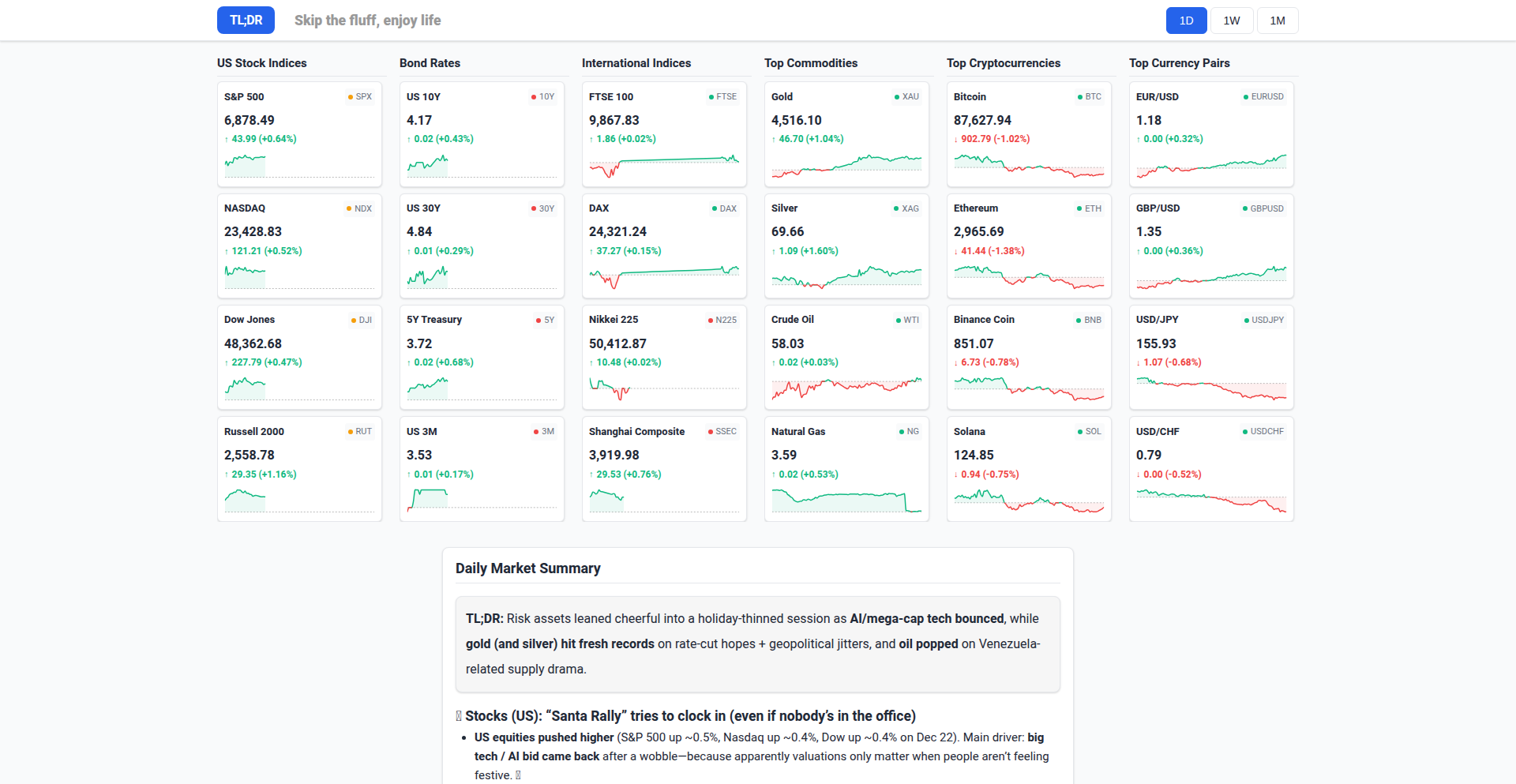
TLDR.Market is a minimalist web application designed to provide users with a rapid, digestible overview of global market performance. It tackles the challenge of information overload by presenting key financial metrics in a concise, easy-to-understand format, making complex market data accessible at a glance. The core innovation lies in its selective data aggregation and presentation strategy, prioritizing speed and clarity over exhaustive detail.
Popularity
Points 5
Comments 1
What is this product?
TLDR.Market is a web service that curates and displays essential global market data, such as stock index movements, currency exchange rates, and commodity prices, in a highly summarized fashion. Its technical approach involves fetching data from multiple financial APIs, processing it to extract key performance indicators (e.g., percentage change, absolute values), and then rendering this information on a clean, user-friendly interface. The innovation here is in the intelligent filtering and prioritization of data, delivering a 'too long; didn't read' (TLDR) version of market sentiment, which is invaluable for quickly grasping the market's pulse without getting lost in the noise.
How to use it?
Developers can integrate TLDR.Market into their workflows or personal dashboards by bookmarking the site or embedding its core data feed (if an API becomes available) into other applications. For instance, a financial blogger could use it to quickly get the day's market summary before writing an article, or a busy executive could check it on their mobile device during a commute. The current usage is primarily through direct web access, offering a fast route to market insights.
Product Core Function
· Real-time market data aggregation: Fetches data from various financial sources to provide up-to-date market information, valuable for tracking live financial trends and making timely decisions.
· Concise data visualization: Presents complex market information through simplified visuals and key figures, helping users quickly understand market movements and overall sentiment without needing deep financial expertise.
· Global market coverage: Offers a snapshot of major global markets, allowing users to get a broad perspective on international economic activity and its potential impact on their interests.
· Minimalist user interface: Designed for speed and ease of use, reducing cognitive load and enabling users to absorb information efficiently, which is crucial for quick decision-making in fast-paced environments.
Product Usage Case
· A day trader who needs to quickly assess the overall market direction before placing trades; TLDR.Market provides a rapid overview, saving time and reducing the risk of missing critical early signals.
· A business analyst who needs to stay informed about global economic health without dedicating significant time to research; they can use TLDR.Market to get a daily pulse check, informing their strategic outlook.
· A personal finance enthusiast who wants to monitor key market indicators without being overwhelmed by detailed financial news; TLDR.Market offers a clear, digestible summary for informed personal investment decisions.
· A content creator focusing on financial news; TLDR.Market can serve as a quick reference to gather the essential market context for their reports or articles.
13
SisuFS: AWS as a Filesystem

Author
smonte
Description
SisuFS presents a novel approach to interacting with Amazon Web Services (AWS) by mounting your AWS S3 buckets as a traditional filesystem. This innovative solution leverages FUSE (Filesystem in Userspace) to provide a seamless, familiar interface for developers and operations teams, abstracting away the complexities of direct API calls and offering a unified view of cloud storage.
Popularity
Points 5
Comments 0
What is this product?
SisuFS is a tool that makes your Amazon S3 storage appear as if it were a regular folder on your computer or server. Instead of using command-line tools or complex SDKs to upload, download, or manage files in S3, you can simply drag-and-drop, copy-paste, or use standard file operations. It achieves this by using a technology called FUSE (Filesystem in Userspace), which allows custom filesystem implementations to be created and mounted directly into the operating system. This means you can interact with S3 buckets as if they were local directories, significantly simplifying cloud storage management and integration.
How to use it?
Developers can use SisuFS by installing the SisuFS client on their operating system (Linux, macOS, or Windows with WSL). Once installed, they can mount an S3 bucket to a chosen local directory using a simple command-line instruction, specifying their AWS credentials and the bucket name. For example, a command like `sisufs <aws_access_key_id> <aws_secret_access_key> <bucket_name> /mnt/my_s3_bucket` would make the contents of 'my_bucket' accessible at '/mnt/my_s3_bucket'. This allows for easy integration with existing scripts, applications, and workflows that expect a standard filesystem interface, without requiring code modifications. Imagine all your web application assets stored in S3 being directly accessible by your web server's file operations, or being able to edit configuration files in S3 with your favorite local editor.
Product Core Function
· Filesystem Mounting: Allows any S3 bucket to be mounted as a local directory, providing a familiar interface for file operations. This is valuable because it simplifies access to cloud storage, reducing the learning curve for new developers and streamlining workflows for experienced ones by using tools they already know.
· Standard File Operations: Supports common file operations like read, write, create, delete, list directories, and file metadata access directly through the operating system. This offers a significant advantage as it allows developers to leverage existing applications and scripts designed for local filesystems, enabling seamless integration with cloud storage without rewriting code.
· Abstraction of AWS APIs: Hides the underlying AWS S3 API calls, providing a user-friendly, abstract layer. This is beneficial because it shields users from the complexities of AWS SDKs and API intricacies, making cloud storage management more accessible and less error-prone.
· Cross-Platform Compatibility: Designed to work on major operating systems like Linux and macOS, with potential for Windows integration via WSL. This broad compatibility ensures that developers can use SisuFS regardless of their preferred development environment, increasing its utility and adoption across diverse teams.
Product Usage Case
· Development Workflow Simplification: A web developer can mount their S3 bucket containing static assets (images, CSS, JavaScript) directly to their local development server. This means any changes made to these assets locally and saved to the mounted filesystem are immediately reflected in S3, allowing for rapid iteration without manual uploads. The benefit is faster development cycles and easier testing of front-end assets.
· Data Backup and Archiving: A system administrator can easily copy large datasets or log files to a remote S3 bucket by simply dragging and dropping them into the mounted S3 filesystem directory. This is much more intuitive than using specific backup scripts or commands, ensuring data is backed up reliably and efficiently, providing peace of mind for data protection.
· Configuration Management: An application can read its configuration files directly from an S3 bucket mounted as a filesystem. This enables centralized configuration management, where all instances of an application can pull their settings from a single, version-controlled S3 location. This simplifies deployment and updates, as configuration changes can be applied by updating a single file in S3.
· Scripting and Automation: Developers can write shell scripts that interact with S3 using standard file manipulation commands (e.g., `cp`, `mv`, `rm`). Instead of learning AWS CLI commands or SDK functions, they can use familiar syntax. This allows for easier automation of cloud storage tasks and integration into existing CI/CD pipelines.
14
LogChef - ClickHouse Log Explorer

Author
mr-karan
Description
LogChef is an open-source, schema-agnostic log viewer built specifically for ClickHouse. It addresses the limitations of general-purpose dashboarding tools for log exploration by offering features like an intuitive query language, a field sidebar for easy filtering, and robust access control. This means developers can quickly investigate issues without complex setup or manual schema configurations, making log analysis significantly more efficient. So, this is useful because it saves you time and frustration when troubleshooting by providing a user-friendly way to dive into your logs stored in ClickHouse.
Popularity
Points 4
Comments 1
What is this product?
LogChef is a specialized log viewing tool designed to work seamlessly with ClickHouse, a popular database often used for storing large volumes of log data. Unlike generic dashboarding tools like Grafana or Metabase, LogChef is built from the ground up for the unique workflow of log exploration. Its key innovation lies in being schema-agnostic, meaning you don't need to pre-define or migrate your log data's structure to start using it. It introduces LogChefQL, a query language simpler than SQL for filtering logs, and a Kibana-like field sidebar that allows you to click on log values to instantly build filters. This bypasses the manual configuration or slow ad-hoc filtering often encountered with other tools, making it incredibly fast and accessible for developers. So, this is useful because it provides a dedicated, easy-to-use interface for understanding your logs without the usual technical hurdles.
How to use it?
Developers can use LogChef by simply pointing it to an existing ClickHouse table containing their logs. No migrations or OpenTelemetry (OTEL) requirements are necessary. You can then leverage LogChefQL to craft specific queries or use the interactive field sidebar to explore your data. For advanced scenarios, LogChef supports SQL-based alerting that can be routed to Alertmanager, and an AI assistant that translates natural language questions (e.g., 'show me errors from last hour') into executable SQL queries. It also includes an MCP server for integration with LLM assistant tools. The entire application is delivered as a single, lightweight Go binary, making deployment straightforward. So, this is useful because it integrates easily into your existing ClickHouse setup and offers multiple ways, from simple clicks to AI-powered queries, to find the information you need from your logs.
Product Core Function
· Schema-agnostic log viewing: Allows immediate filtering of logs in ClickHouse without requiring upfront schema migrations or specific data formats like OTEL, saving setup time and effort. This is valuable for quickly investigating issues in diverse log data.
· LogChefQL query language: Provides a simpler alternative to SQL specifically for log filtering, making it easier for developers to craft precise queries without deep SQL expertise. This is useful for faster and more targeted log analysis.
· Kibana-style field sidebar: Enables interactive exploration of log data by clicking on field values to automatically generate filters, mimicking the efficient workflow of tools like Kibana. This accelerates the process of isolating specific log events.
· SQL-based alerting with Alertmanager integration: Allows setting up alerts based on log patterns using familiar SQL queries, which can then be routed to common alerting systems. This is valuable for proactive monitoring and incident response.
· AI assistant for natural language querying: Translates plain English requests (e.g., 'find all failed logins') into working SQL queries, democratizing log analysis. This is useful for non-experts and for quickly generating complex queries.
· MCP server for LLM integration: Provides a way to query logs from external LLM tools, enabling advanced analytical workflows and custom integrations. This is valuable for extending the power of your log data with cutting-edge AI.
· Fine-grained access control via Teams and Sources: Offers granular control over which log tables (Sources) specific teams can access, enhancing security and data governance without enterprise licenses. This is crucial for managing sensitive log data in collaborative environments.
Product Usage Case
· Troubleshooting application errors: A developer can quickly use the field sidebar to filter logs by error code, user ID, or timestamp range in a ClickHouse table to pinpoint the root cause of an application failure. This solves the problem of slow and manual log searching.
· Investigating performance degradations: An engineer can use LogChefQL or the AI assistant to query for specific slow requests (e.g., 'find all POST requests taking longer than 2 seconds') across millions of log entries. This addresses the challenge of identifying performance bottlenecks in large datasets.
· Security incident response: A security analyst can use LogChef to quickly search for suspicious activity patterns, like multiple failed login attempts from a single IP address, by filtering on relevant fields. This helps in rapid detection and response to security threats.
· Monitoring system health: By setting up SQL-based alerts in LogChef for critical error messages or unusual traffic spikes, teams can be proactively notified of potential system issues before they impact users. This provides a robust, open-source alerting mechanism for log-driven monitoring.
· Onboarding new team members to log analysis: The intuitive interface and natural language querying of LogChef allow less experienced developers to effectively explore logs without extensive training on SQL or complex log management systems. This lowers the barrier to entry for log analysis.
15
GiftCard Capture: Cardly

Author
Pastaza
Description
Cardly is a minimalist, card-first application designed to efficiently capture and manage your gift cards. It leverages a simple, intuitive interface to digitize and organize your physical gift cards, solving the common problem of lost or forgotten gift card information. The innovation lies in its streamlined data entry and quick recall, making your gift cards instantly accessible and usable.
Popularity
Points 2
Comments 3
What is this product?
Cardly is a mobile application built with a focus on rapid data capture for gift cards. Instead of complex forms, it uses a card-based interface where users can quickly input gift card details like the merchant, balance, and expiration date. The underlying technology likely involves efficient local data storage and potentially a simple image recognition or OCR (Optical Character Recognition) capability for even faster entry, although the 'tiny' aspect suggests a strong emphasis on manual, swift input. The core innovation is in reducing friction for a mundane but often neglected task. So, what's in it for you? It means you won't forget about that coffee shop gift card or have to dig through drawers to find the details for your favorite clothing store. It makes your existing gift cards readily available and usable, unlocking their value.
How to use it?
Developers can integrate Cardly's principles into their own applications by adopting a card-centric UI/UX design for data entry. This could involve using components that mimic physical cards for input fields, allowing users to quickly scan or type information. For a more direct integration, developers could explore building similar functionalities for managing other types of ephemeral data within their apps, such as coupons, loyalty cards, or even quick notes. The concept of 'card-first' can be applied to any scenario where users need to capture discrete pieces of information rapidly. So, how can you use this? Imagine building a personal finance app where you can quickly log small expenses using a card interface, or a recipe app where you store ingredients as individual cards for easy management. It's about making data entry feel less like a chore and more like organizing.
Product Core Function
· Gift Card Data Capture: Allows users to quickly input and store essential gift card details such as merchant name, card number, and balance. This means your gift card information is readily accessible, preventing loss or expiry of value.
· Card-Based Interface: Employs a user-friendly, card-like visual design for data input and display, making it intuitive and fast to manage multiple gift cards. This simplifies the process of organizing your digital wallet, making it visually appealing and easy to navigate.
· Balance Tracking: Enables users to update and track the remaining balance on their gift cards, ensuring you know exactly how much value you have. This helps in planning your purchases and utilizing your gift cards to their full potential.
· Expiration Date Reminders: Provides notifications for expiring gift cards, so you don't miss out on using them before they become invalid. This feature proactively saves you money by reminding you of upcoming deadlines.
· Merchant Search/Filtering: Allows users to quickly find specific gift cards by searching for the merchant name, streamlining access to the card you need. This saves time when you're at the point of purchase and need to find the right card quickly.
Product Usage Case
· A user wants to quickly add a new gift card received for their birthday. Instead of navigating through multiple menus, they open Cardly, tap 'Add Card', and rapidly input the merchant and amount using the card-like interface. This solves the problem of delaying data entry and potentially losing the physical card or its details.
· A developer building a personal budgeting app wants to add a feature for managing gift cards. They can adopt Cardly's card-first approach to create a similar, intuitive data entry screen for gift card details within their app. This solves the challenge of designing a user-friendly interface for often-overlooked financial items.
· A retail business owner wants to create a simple digital loyalty card system for their customers. They can be inspired by Cardly's minimalist design to create an app where customers can easily store and view their digital loyalty cards, enhancing customer engagement and reducing the need for physical cards.
· A student with multiple gift cards from various stores wants to keep track of their balances to budget effectively. They use Cardly to log all their gift cards and their initial balances, then update them as they make purchases. This solves the problem of scattered gift card information and helps them make informed spending decisions.
16
GitSync Holocron

Author
someniak
Description
Holocron is a novel tool designed to synchronize Git repositories in a peer-to-peer manner, eliminating the need for a central server. It leverages advanced Git internals and network protocols to create a resilient and distributed version control system, offering a unique approach to collaborative code management.
Popularity
Points 2
Comments 2
What is this product?
Holocron is a decentralized Git repository synchronization tool. Instead of relying on a single server like GitHub or GitLab, it allows Git repositories to communicate and share changes directly with each other. The core innovation lies in its ability to manage distributed Git objects (like commits and blobs) and negotiate synchronization states without a central authority. It's like having a Git server that lives on your machine and can talk to other Git servers on other machines directly, making it robust against single points of failure and offering more control over your codebase.
How to use it?
Developers can integrate Holocron into their existing Git workflows. Imagine you have multiple machines or collaborate with a small team where setting up a dedicated Git server is overkill. Holocron allows you to establish direct synchronization links between these repositories. You might use it to keep your laptop and desktop versions of a project in sync, or for a small team to share code directly without relying on a cloud service. The integration typically involves configuring Holocron to watch specific repositories and define which other repositories it should sync with, using standard Git network protocols enhanced by Holocron's logic.
Product Core Function
· Decentralized Repository Synchronization: Enables direct peer-to-peer syncing of Git repositories, meaning your code changes can be shared and updated between different machines or collaborators without a central server. This provides data redundancy and resilience.
· Conflict Resolution Logic: Implements intelligent algorithms to detect and help resolve merge conflicts that arise from concurrent changes, ensuring data integrity and smoother collaboration.
· Network Protocol Abstraction: Hides the complexity of direct network communication for Git, allowing developers to focus on the code while Holocron handles the secure and efficient transfer of repository data.
· Repository Discovery: Provides mechanisms for Holocron instances to discover and connect with other Holocron-enabled repositories on the network, simplifying the setup of distributed sync networks.
· Selective Synchronization: Allows users to configure which branches or commits are synchronized, giving fine-grained control over data flow and storage.
Product Usage Case
· Offline Development Sync: A developer working on a laptop in an environment with intermittent internet can use Holocron to sync their work with a desktop at home when a connection becomes available, without needing to push to a public remote.
· Small Team Collaboration: A small startup team can avoid the overhead of setting up and managing a Git server by using Holocron to directly sync their repositories, fostering a private and secure code-sharing environment.
· Archival and Backup: Holocron can be used to create a distributed backup of critical Git repositories, with each synced instance acting as a resilient copy, protecting against data loss.
· Secure Private Development: For projects with strict security requirements, Holocron offers a way to keep code entirely within a trusted network, avoiding exposure to external cloud services.
17
Python Function Pod Sandbox
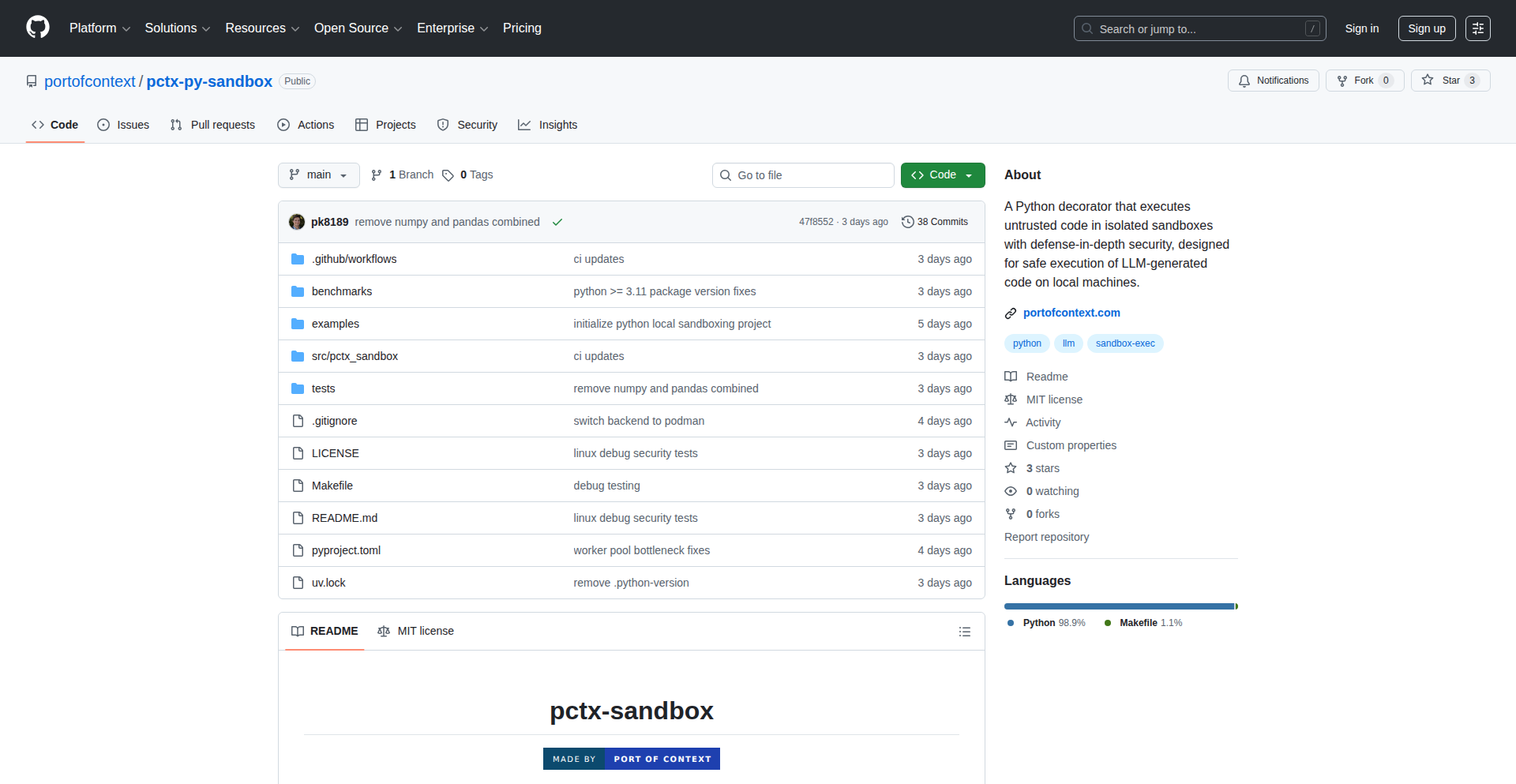
Author
pmkelly4444
Description
This project, 'Python Function Pod Sandbox', allows you to run any Python function within an isolated Podman container. It automatically manages dependencies and caches them for faster subsequent runs. The key innovation is abstracting away the complexity of containerization, letting you call functions as if they were local, but with enhanced security and resource control. This is useful for running untrusted code or code with complex dependencies without affecting your main system.
Popularity
Points 4
Comments 0
What is this product?
This project is a Python decorator called '@sandbox' that takes any Python function and makes it run inside a completely separate environment managed by Podman. Think of it like giving your function its own little secure computer to play in. It uses Linux's built-in isolation features (like PID, mount, network, and user namespaces) to ensure the function cannot access your host's files, passwords, or other running programs. The clever part is that it also caches and reuses the dependencies (like 'pandas' or 'requests') your function needs, so it doesn't have to download and install them every single time. It even enforces limits on how much CPU and memory the function can use. While not a perfect security fortress like a virtual machine, it's a strong layer of protection for running code.
How to use it?
Developers can use this by simply importing the 'sandbox' decorator from the 'pctx_sandbox' library and applying it to their Python functions. For example, if you have a function `def my_analysis(data): ...` that needs the 'pandas' library, you'd decorate it like this: `@sandbox(dependencies=['pandas']) def my_analysis(data): ...`. When you call `my_analysis(my_data)`, the function will execute within its own isolated Podman container, with pandas pre-installed and ready. This is ideal for scripting tasks, running external analysis tools within your Python workflow, or any situation where you want to isolate code execution for safety or dependency management.
Product Core Function
· Isolated Function Execution: Runs your Python functions in a secure, detached Podman container, preventing them from interfering with your host system or accessing sensitive information. This is valuable for running potentially risky code safely.
· Automatic Dependency Management: Automatically installs and caches Python dependencies (like libraries) for each function. This means faster execution on subsequent calls because the dependencies are already set up and ready to go, saving you time and hassle.
· Dependency Caching and Worker Pooling: Maintains a pool of pre-configured containers for specific dependency sets. This eliminates the 'cold start' penalty, making your functions execute quickly even after a period of inactivity, enhancing overall performance.
· Resource Limiting: Enforces limits on CPU and memory usage for the executed functions using cgroups. This is crucial for preventing runaway processes from consuming all your system resources, ensuring stability.
· Rootless Podman Integration: Leverages rootless Podman for container isolation, meaning you don't need special administrator privileges to run containers, making it more accessible and user-friendly.
Product Usage Case
· Running external data analysis scripts: If you have a Python script that requires specific libraries like `pandas` and `numpy` to process data, you can use `@sandbox(dependencies=['pandas', 'numpy'])` to run it in an isolated container. This ensures that your main Python environment remains clean and doesn't get cluttered with project-specific dependencies. It solves the problem of dependency conflicts and makes your analysis code more portable.
· Executing untrusted code snippets: For applications that need to execute code provided by users or external sources, running it within a sandbox container provides a crucial security layer. For instance, if you're building a platform where users can submit Python code for processing, the `@sandbox` decorator ensures that even malicious code cannot harm your server or steal data.
· Isolating complex microservice-like functions: Imagine having a Python function that performs a very specific, complex task, like image processing or natural language processing, which has a large set of dependencies. Using the sandbox allows you to package this function and its dependencies into a self-contained unit. This makes it easy to integrate into larger applications or even deploy as a mini-service without worrying about the underlying environment setup.
18
Agent Idle Racer

Author
wilhelmklopp
Description
This project, Mcp.christmas, is a fun browser-based game inspired by the Chrome dinosaur game and Google's Santa Tracker. Its core innovation lies in seamlessly integrating with AI agents like Claude. While your AI agent is busy processing tasks, you can play this game. When the agent is ready for your input, you receive an in-game notification, preventing you from getting distracted by endless scrolling. It uses Cloudflare Workers to deliver these notifications via a simple API, making it easy to integrate with AI agent workflows.
Popularity
Points 2
Comments 2
What is this product?
Agent Idle Racer is a web game designed to keep you engaged and informed while your AI assistant, like Claude, is working on a task. The technical innovation here is how it bridges the gap between waiting for an AI and being productive or entertained. Instead of passively waiting, you can play a simple, enjoyable game. When the AI is ready for your next prompt or feedback, the game itself will notify you. This is achieved through Cloudflare Workers, which act as a lightweight backend to receive messages from your AI agent (e.g., when it hits a 'code stop hook') and push those notifications to the game interface. So, it transforms idle waiting time into an interactive experience and ensures you don't miss the AI's readiness.
How to use it?
Developers can integrate Agent Idle Racer into their AI agent workflows. If you're using an AI model that supports 'code stop hooks' (which are predictable points where the AI pauses its execution to await instructions), you can configure your AI to send a signal to Mcp.christmas's API endpoint when it reaches such a hook. For example, you could use a simple tool like `curl` to send a POST request to a specific URL on mcp.christmas, like `https://mcp.christmas/jolly-santa`. This POST request acts as the trigger for the in-game notification. The beauty is in its simplicity; even if you're not directly coding the AI, if you can send a web request, you can integrate it. This means you can play the game while your AI is generating code, analyzing data, or performing any other task, and be alerted precisely when it needs your attention.
Product Core Function
· Browser-based mini-game: Provides an engaging activity to fill waiting time, reducing distraction and increasing perceived productivity.
· AI agent readiness notification: Delivers real-time alerts within the game when your AI agent has completed a task or is ready for further input, ensuring you don't miss crucial interaction points.
· Cloudflare Workers backend: Enables lightweight, serverless processing of AI signals and efficient delivery of notifications to the game, making integration seamless and scalable.
· Simple API integration: Allows developers to easily connect their AI agent workflows to the notification system with straightforward HTTP POST requests, accommodating various AI frameworks and setups.
Product Usage Case
· Imagine you're using an AI to write a complex piece of code. The AI might have several 'code stop hooks' where it needs your approval or clarification. Instead of staring at a blank screen, you can play Agent Idle Racer. When the AI reaches a stop hook, the game will pop up a notification, and you can instantly switch back to providing your feedback without having lost valuable waiting time.
· For data scientists using AI for analysis, there might be moments when the AI needs to ask for further parameters or a different approach. Agent Idle Racer allows you to continue with a fun activity like this game, and you'll be notified the moment the AI is ready for your input, preventing delays in your research workflow.
· Even for creative writing tasks with AI, there can be points where the AI needs direction. Agent Idle Racer makes this waiting period more enjoyable and ensures you are promptly alerted when the AI has generated content and awaits your next creative prompt.
19
LiteClient: VS Code Local-First API Buddy

Author
liteclient
Description
LiteClient is a VS Code extension that offers a bloat-free, local-first API client experience. It ditches heavy cloud dependencies, focusing on speed and privacy by handling your API requests directly within your local environment. This means faster response times, enhanced data security, and a more streamlined workflow for developers who frequently interact with APIs.
Popularity
Points 3
Comments 1
What is this product?
LiteClient is a software extension for Visual Studio Code that acts as your personal API client. Unlike many web-based API tools that send your data to external servers, LiteClient works entirely on your computer. It uses efficient local processing to send and receive API requests, meaning your sensitive data stays private and the operations are lightning fast. The innovation lies in its 'local-first' approach, minimizing reliance on external services and optimizing for developer productivity and data security within their familiar coding environment.
How to use it?
Developers can install LiteClient directly from the VS Code Extension Marketplace. Once installed, they can create API requests within VS Code, similar to using tools like Postman or Insomnia, but without leaving their editor. It supports common HTTP methods (GET, POST, PUT, DELETE, etc.), allows for custom headers and request bodies, and displays responses clearly. This integrates seamlessly into the development workflow, allowing developers to test, debug, and interact with APIs without context switching, making API testing a natural part of coding.
Product Core Function
· Local-first API request execution: Handles all API calls directly on your machine, ensuring faster performance and complete data privacy. This is useful for developers who work with sensitive API keys or data and want to avoid sending them to third-party services.
· Bloat-free VS Code integration: Designed to be lightweight and efficient, it doesn't add unnecessary overhead to your VS Code instance, keeping your editor responsive. This benefits developers who want a fast and uncluttered development environment.
· Intuitive request building interface: Provides a user-friendly way to construct API requests with support for methods, headers, parameters, and bodies, making it easy to define and send complex API interactions. This helps developers quickly set up and test API endpoints without learning a new, separate tool.
· Clear response visualization: Displays API responses in an organized and readable format, making it simple to inspect data and identify issues. This aids developers in debugging API integrations and understanding the data returned by the server.
Product Usage Case
· Testing a private internal API: A developer needs to test an API endpoint that is only accessible within their company's network. LiteClient can be used locally to send requests to this API without exposing any internal network details or data to the public internet. This solves the problem of secure testing of internal resources.
· Rapid prototyping of new API integrations: When building a new feature that relies on a third-party API, a developer can use LiteClient within VS Code to quickly send test requests and inspect responses. This speeds up the initial integration phase by allowing immediate feedback on API behavior. So, this helps in faster development of new features.
· Debugging intermittent API issues: If an API is behaving inconsistently, a developer can use LiteClient to repeatedly send the same request with slight variations to pinpoint the exact conditions causing the problem. This helps in identifying and fixing bugs more efficiently. This means less time spent troubleshooting and more time building.
· Working with sensitive user data APIs: For applications handling sensitive user information, LiteClient ensures that no user data is ever sent to external servers during API testing or interaction. This is crucial for maintaining compliance with privacy regulations and user trust. This provides peace of mind and ensures data security.
20
LatentSpaceReasoner

Author
Dl1683
Description
This project offers a novel approach to enhance AI model reasoning capabilities without requiring extensive retraining. It introduces a reusable 'reasoning layer' that operates within the model's latent space, significantly reducing computational costs and improving targeted performance. It's like adding a smart thinking module to existing AI brains, making them better at complex tasks for a fraction of the usual cost.
Popularity
Points 4
Comments 0
What is this product?
LatentSpaceReasoner is a breakthrough in AI development that allows any existing AI model to become a 'reasoning model' without the need for costly and time-consuming training. Instead of re-educating the entire AI, it introduces a lightweight, reusable 'reasoning layer' that works by manipulating the model's internal representation of data (its latent space). This innovative technique allows the AI to process information and make deductions in a more sophisticated way, akin to a human's ability to connect dots and infer meaning, all while being incredibly cost-effective. The core innovation lies in externalizing the reasoning process into a separate, adaptable module, making AI intelligence more accessible and personalized.
How to use it?
Developers can integrate LatentSpaceReasoner into their existing AI workflows by incorporating the provided reasoning layer. This typically involves modifying the inference pipeline of their current AI model to pass data through this new layer. The goal is to allow developers to plug this 'reasoning enhancement' into virtually any AI model, whether it's for natural language processing, image analysis, or other complex tasks. It's designed for ease of integration, enabling faster development cycles and the ability to quickly boost the intelligence of existing AI systems, making your AI solutions smarter without starting from scratch. The project also encourages community contributions with a prize pool, fostering collaborative improvement.
Product Core Function
· Latent space reasoning layer: This allows AI models to perform more complex thinking and problem-solving by working within the internal data representations of the model, reducing the need for extensive data and compute power for training. This means your AI can understand and respond to nuanced requests more effectively.
· Reusable reasoning module: The created reasoning layer can be applied across different AI models, meaning you don't have to build this intelligence from scratch for every new AI project. This saves significant development time and resources, allowing for quicker deployment of smarter AI.
· Performance enhancement: By improving the reasoning capabilities, this layer directly boosts the targeted performance of AI models. This translates to AI applications that are more accurate, insightful, and better at handling complex scenarios.
· Cost-effective AI improvement: The project demonstrates a significant reduction in the cost of making AI models more intelligent. This makes advanced AI capabilities accessible to a wider range of developers and organizations, democratizing powerful AI.
· Personalized intelligence: The framework allows for tailoring the reasoning process to specific needs, enabling developers to create AI systems that are more personalized and adept at understanding unique contexts or user requirements.
Product Usage Case
· Enhancing a customer service chatbot: Instead of simply responding with pre-programmed answers, an AI chatbot enhanced with LatentSpaceReasoner can better understand the nuances of customer queries, infer intent, and provide more relevant and helpful responses, leading to improved customer satisfaction.
· Improving an image recognition system: An AI that identifies objects in images can be made more intelligent by enabling it to reason about the context of those objects. For example, it could infer that a 'chair' in a 'kitchen' is likely a dining chair, improving accuracy and providing richer data.
· Boosting a content recommendation engine: By adding reasoning capabilities, a recommendation system can go beyond simple user history. It can understand the underlying themes and user preferences to suggest content that is more aligned with their evolving interests, leading to higher engagement.
· Developing more sophisticated AI for scientific research: Researchers can use this technology to create AI models that can better analyze complex datasets, identify patterns, and form hypotheses, accelerating the pace of discovery in fields like medicine or materials science.
21
GeoSize Explorer

Author
loa_observer
Description
A drag-and-drop web application that visually compares the actual sizes of countries and highlights the distortion introduced by the Mercator projection. It's built as an open-source project, allowing users to easily experiment with their own geospatial data, offering a fun and educational way to understand global geography.
Popularity
Points 2
Comments 2
What is this product?
GeoSize Explorer is a browser-based tool that allows you to see the real-world area of countries, not just how they appear on a flat map. Standard world maps, like the Mercator projection, make countries near the poles look much larger than they actually are. This tool uses GeoJSON data to render countries and then dynamically adjusts their displayed size to reflect their true surface area. The innovation lies in its interactive drag-and-drop interface combined with real-time size comparison, making a complex geospatial concept easily digestible. So, what's in it for you? It helps you grasp how maps can be misleading and appreciate the actual scale of different regions on Earth.
How to use it?
Developers can use GeoSize Explorer by visiting the provided demo link. The core functionality involves dragging countries from one part of the screen to another, allowing for direct visual comparison of their sizes. The project is open-source, meaning developers can clone the GitHub repository and run it locally. They can also replace the default GeoJSON files with their own custom geographic data, enabling comparisons of specific regions or custom-shaped areas. This makes it ideal for educational projects, data visualization experiments, or even as a component in larger mapping applications. So, how can you use it? You can integrate it into your own learning platforms, create custom geographical comparisons, or simply use it to explore the world's true sizes.
Product Core Function
· Interactive country sizing: The tool dynamically scales country shapes to represent their true geographical area, helping users understand the distortion present in common map projections. This is valuable for educational purposes and debunking common misconceptions about country sizes.
· Drag-and-drop interface: Users can easily drag and drop countries onto a comparison area to visually assess their relative true sizes. This intuitive interaction makes complex geographical data accessible to a wider audience.
· GeoJSON data support: The project is built to accept GeoJSON files, allowing for the visualization of any geographical data. This flexibility is crucial for developers who want to analyze custom geographical datasets or build their own mapping applications.
· Open-source accessibility: The entire project is available on GitHub, encouraging community contributions and allowing developers to learn from and build upon the existing code. This promotes transparency and collaborative innovation within the developer community.
Product Usage Case
· An educator could use GeoSize Explorer to create an interactive lesson plan for students, demonstrating how Greenland is actually smaller than the continent of Africa, a common misconception due to the Mercator projection. This solves the problem of abstract geographical concepts being difficult for students to visualize.
· A data scientist working with global population density might use this tool to compare the true land area of densely populated countries with less populated but geographically larger ones. This helps in understanding spatial distribution of data more accurately.
· A game developer designing a world map for a strategy game could use this tool to ensure the relative sizes of continents are more geographically accurate, leading to a more realistic in-game experience. This addresses the challenge of creating believable and proportional game worlds.
· A researcher interested in colonial history could use the tool to compare the perceived size of colonial territories on a Mercator map with their actual landmass, providing a visual context for historical power dynamics. This helps in illustrating historical inequalities and land acquisition.
22
SubtleSmile AI Photo Enhancer

Author
minimk
Description
This is a small browser-based tool that adds a natural-looking smile to portrait photos. It uses AI to detect facial features and subtly adjust them to create a smiling expression, saving users the time and effort of manual photo editing. The innovation lies in its accessible, on-the-fly application for quick profile picture adjustments.
Popularity
Points 3
Comments 1
What is this product?
This project is a browser tool that leverages AI to intelligently add a subtle, natural-looking smile to portrait photos. Instead of complex photo editing software, it uses machine learning models to analyze the input image, identify key facial landmarks (like the corners of the mouth, cheeks, and eyes), and then intelligently modify these areas to simulate a smile. The innovation is in making this sophisticated image manipulation accessible and easy to use directly in a web browser, offering a quick and seamless experience for users who need a smile for their photos without manual retouching. This means you get a better-looking photo for your profile or headshot with minimal effort.
How to use it?
Developers can integrate this tool into their web applications or workflows. For end-users, it's as simple as uploading a portrait photo to the browser interface, selecting a desired smile style and intensity, and then downloading the enhanced image. For developers, the core functionality could be exposed via an API or integrated as a client-side JavaScript library. The usage scenario is straightforward: a user visits a webpage, uploads their photo, clicks a few buttons, and gets a smiling version of their picture. This is useful for social media platforms, online dating profiles, or any service that requires user profile images.
Product Core Function
· AI-powered smile generation: Analyzes facial features to realistically add a smile, eliminating manual editing and providing instant results for a more approachable profile picture.
· Adjustable smile intensity and style: Allows users to fine-tune the smile's appearance for a personalized and natural look, ensuring the generated smile fits the individual's face.
· Browser-based operation: Runs directly in the user's web browser without requiring any software installation, making it highly accessible and convenient for quick photo enhancements on the go.
· Quick download of enhanced images: Enables users to save their smiling photos immediately after generation, streamlining the process of updating profile pictures on various platforms.
Product Usage Case
· Social media profile optimization: A user wants to update their LinkedIn or Twitter profile picture to appear more friendly and approachable. They upload their current headshot, use the tool to add a subtle smile, and download the improved version, instantly enhancing their online persona.
· Dating app profile enhancement: Someone is creating or updating their dating app profile and wants their photos to convey warmth and happiness. They can quickly add a natural smile to their existing pictures, increasing their chances of making a positive first impression.
· Quick avatar generation for online communities: Users participating in forums or gaming platforms often need avatars. This tool can take a regular photo and quickly turn it into a smiling avatar, making their online presence more engaging.
· Assisting individuals uncomfortable with smiling naturally in photos: For those who find it difficult to capture a genuine smile on camera, this tool provides an effortless solution to achieve a pleasant expression for professional or personal use, saving them from frustrating photo sessions.
23
EmotionalToneLLM-Benchmarker

Author
capex
Description
This project is a research-driven tool that empirically investigates the impact of emotional tone in prompts on Large Language Model (LLM) creative output. By analyzing hundreds of API calls across multiple frontier models, it reveals that emotional intensity, rather than mere politeness or rudeness, significantly enhances creative generation. This offers a novel perspective on prompt engineering, suggesting that tapping into emotional resonance can unlock more creative responses from LLMs.
Popularity
Points 3
Comments 0
What is this product?
This is an experimental benchmarking tool designed to uncover the relationship between prompt emotional intensity and LLM creativity. The core innovation lies in the systematic methodology: running a large volume of API calls (625 in this case) across diverse LLMs with varying emotional tones (hostile, effusive, neutral) to identify statistically significant patterns. Instead of just feeding models information, the insight here is that the 'feeling' or 'intensity' behind the prompt can act as a creative catalyst. So, this helps us understand how to 'talk' to AI to get more imaginative results.
How to use it?
Developers can use this project as a foundational understanding for crafting more effective prompts for creative tasks. It can be integrated into prompt design workflows for content generation, story writing, brainstorming, or any application requiring imaginative LLM output. For instance, instead of a generic request, a developer might learn to infuse their prompt with a specific emotional valence to elicit a more vibrant story. This is about finding the 'sweet spot' in AI communication for creativity.
Product Core Function
· LLM creative output analysis: Quantifies the impact of different emotional tones on LLM-generated content, providing measurable insights into prompt effectiveness for creativity.
· Prompt emotional tuning: Offers a data-backed understanding of how to adjust prompt sentiment to boost LLM creativity, moving beyond simple keyword optimization.
· Cross-model comparison: Evaluates the influence of emotional tones across multiple LLMs, revealing model-specific sensitivities and generalizable principles.
· Empirical research framework: Provides a reproducible methodology for studying LLM behavior, encouraging further exploration into prompt engineering nuances.
Product Usage Case
· Creative writing assistant: A writer could use the findings to craft prompts that elicit more compelling narratives or vivid imagery from an LLM, significantly improving their story-writing process.
· Marketing campaign ideation: A marketer could leverage this research to generate more innovative and emotionally resonant ad copy or product descriptions by using more intense or evocative language in their prompts.
· Game development: Game designers could use this to prompt LLMs for more unique and engaging character backstories or dialogue, adding depth to their game worlds.
· Educational content generation: Educators could explore using emotionally charged prompts to generate more engaging and memorable learning materials, making complex topics more accessible.
24
Digital Julehjerter Weaver

Author
thomasahle
Description
This project is a digital simulation of the traditional Danish Julehjerter (Christmas Hearts) braiding process. It uses code to procedurally generate intricate braided heart patterns, allowing users to explore and create these festive decorations without physical materials. The innovation lies in translating a manual craft into a computational design tool.
Popularity
Points 3
Comments 0
What is this product?
This project is a computational craft simulator. It takes the concept of physically weaving Danish Christmas hearts and recreates it using algorithms. Instead of paper strips, you're manipulating digital threads based on mathematical principles. The core innovation is the procedural generation of complex interwoven patterns, which would be incredibly time-consuming and difficult to design manually. So, what's the benefit for you? It democratizes the creation of these beautiful, intricate designs, allowing anyone with a computer to experiment with and generate unique Julehjerter patterns.
How to use it?
Developers can use this project as a foundation for generative art, educational tools about algorithms and patterns, or even as a component in interactive storytelling or game design. Integration could involve embedding the generation logic into a web application, a desktop GUI, or even a creative coding environment like Processing or p5.js. The underlying weaving logic can be adapted to other pattern-making applications. So, what's the benefit for you? You can leverage this code to build your own creative applications or explore the fascinating intersection of craft and code.
Product Core Function
· Procedural Pattern Generation: The system automatically generates unique braided heart patterns based on defined parameters, eliminating the need for manual design. This means you get endless design possibilities with minimal effort.
· Algorithmic Weaving Simulation: It simulates the physical act of weaving paper strips into a heart shape using code, providing a visual representation of the process. This helps you understand how complex patterns are formed step-by-step.
· Parameterizable Design: Users can adjust various parameters (like the number of strips, width, or complexity) to customize the generated Julehjerter. This gives you control over the final look and feel of your creations.
· Digital Output: The generated patterns can be outputted in a format suitable for 3D printing, laser cutting, or even as vector graphics for digital use. This allows you to take your digital designs into the physical world or use them in other digital projects.
Product Usage Case
· Generative Art Projects: A digital artist could use the core weaving algorithm to create abstract textile-like art pieces, generating a large volume of unique designs for an exhibition. This solves the problem of needing extensive manual labor for complex pattern creation.
· Educational Tools: Educators could use this project to teach students about algorithms, recursion, and combinatorial mathematics in a visual and engaging way. For example, demonstrating how simple rules can lead to complex emergent patterns. This makes abstract mathematical concepts tangible and fun.
· Interactive Design Applications: A web developer could build a tool where users can design their own Julehjerter in real-time by adjusting sliders and seeing the pattern update instantly. This provides an engaging user experience for custom decoration design.
· Physical Craft Augmentation: A crafter could use the generated patterns as blueprints for physical Julehjerter, exporting the design for laser cutting or 3D printing, ensuring perfect symmetry and complexity. This bridges the gap between digital ideation and physical creation.
25
FreeVerse Music Engine

Author
ichbinsoftware
Description
An open-source, CC0 licensed electronic music album and a technical framework for its creation and distribution. This project showcases innovative approaches to generative music composition and decentralized content sharing, allowing anyone to use, remix, and distribute the music freely. The core innovation lies in the transparent and accessible creation process, empowering the community.
Popularity
Points 1
Comments 2
What is this product?
FreeVerse Music Engine is more than just a music album; it's a demonstration of how open-source principles and creative commons licensing can be applied to music production and distribution. The 'everything is free' aspect is achieved through a CC0 (Creative Commons Zero) dedication, meaning the music is in the public domain. Technically, it involves exploring generative music algorithms to create unique electronic tracks and packaging them in a way that encourages community engagement and remixing, embodying a 'hacker' spirit of building and sharing openly. So, what's the value? It provides a blueprint and a fully realized example of how artists and developers can collaborate to create and share art without traditional copyright restrictions, fostering a truly open creative ecosystem.
How to use it?
Developers can utilize the underlying generative music principles to create their own unique soundscapes or integrate the provided music tracks into their projects, games, or applications without licensing fees. The CC0 license means you can use, modify, and distribute the music for any purpose, commercial or personal. The project encourages experimentation with the musical generation code, allowing for custom sound design. You can download the music, inspect the code (if made available), and even contribute to its development. So, how can you use this? Imagine building a game where the soundtrack is dynamically generated, or creating a video with free-to-use background music – this project provides the foundational concepts and a tangible example to get you started.
Product Core Function
· Generative Music Algorithms: Provides the technical foundation for creating electronic music programmatically, allowing for unique and varied outputs. This is valuable for developers looking to create dynamic soundtracks or explore algorithmic composition.
· CC0 Licensing for Music Distribution: Offers a complete electronic album released under Creative Commons Zero, meaning it's free for anyone to use, share, and adapt without attribution or restriction. This unlocks immense value for content creators needing royalty-free music.
· Open Source Framework Demonstration: Serves as a practical example of how to build and distribute creative content using open-source methodologies, inspiring others to adopt similar models for their own projects.
· Community Engagement Model: Encourages community participation by making the music and potentially the creation process openly accessible, fostering a collaborative environment for artistic and technical innovation.
Product Usage Case
· Indie Game Development: A developer can use the generative music principles to create unique, evolving soundtracks for their game, ensuring a fresh audio experience for players without incurring licensing costs.
· Content Creation Platforms: A video editor can incorporate the CC0 licensed music into their videos for YouTube or other platforms, knowing they won't face copyright issues, thus saving time and money on music sourcing.
· Interactive Art Installations: An artist can leverage the generative music engine to power real-time audio elements in their interactive art, creating dynamic and responsive sensory experiences.
· Educational Demonstrations: Educators can use this project as a case study to teach students about open-source software, creative commons, and algorithmic music generation, demonstrating practical applications of these concepts.
26
5D Holographic Scalar Field Explorer

Author
RAPIDEN
Description
This project visualizes a 5D holographic scalar field model in comparison to 175 SPARC galaxies. It's a Python-based exploration that attempts to model complex cosmic structures using novel mathematical and computational approaches. The innovation lies in applying abstract theoretical physics concepts to create tangible, albeit digital, visualizations, demonstrating how advanced physics can be explored computationally.
Popularity
Points 2
Comments 1
What is this product?
This project is a computational simulation and visualization tool. It implements a theoretical 5-dimensional holographic scalar field model and contrasts it with data from 175 SPARC galaxies. The core innovation is the application of advanced theoretical physics, specifically holographic principles, to astrophysical data. It uses Python to create a digital representation that allows for the exploration of how these abstract physical theories might explain observed cosmic phenomena. So, what's the use? It provides a way to explore cutting-edge theoretical physics concepts in a visually accessible manner, potentially leading to new insights into the universe's structure and evolution that would otherwise remain purely in the realm of abstract mathematics.
How to use it?
Developers can use this project as a framework for their own simulations or for educational purposes. It involves understanding and potentially modifying the Python code that defines the scalar field and integrates the galaxy data. Specific use cases include running the simulation to generate visualizations of the holographic model, comparing it with real astronomical observations, and potentially extending the model with new parameters or different datasets. Integration might involve using the visualization code within larger data analysis pipelines or educational platforms. So, what's the use? It offers a ready-made template for complex physics simulations and visualizations, saving developers time and effort in building such tools from scratch, and allowing them to focus on the scientific or educational aspects.
Product Core Function
· Scalar Field Modeling: Implements a theoretical 5D holographic scalar field, providing a computational representation of a complex physics concept. Its value is in offering a tangible model for exploring abstract theories and its application is in theoretical physics research and simulation.
· Galaxy Data Integration: Incorporates data from 175 SPARC galaxies for comparison. This allows for grounding theoretical models in observational data, with value in validating or challenging existing theories and its application in astrophysics and cosmology.
· Holographic Visualization: Generates visual representations of the scalar field and its comparison with galaxy data. The value is in making complex scientific concepts understandable and its application in scientific communication and education.
· Python Implementation: Built using Python, a versatile and widely adopted programming language. This ensures accessibility for a broad range of developers and its application in rapid prototyping and scientific computing.
Product Usage Case
· A theoretical physicist wanting to visualize the implications of a 5D holographic model on galactic structures. They can run the simulation to see how well the model aligns with observed data, helping to refine their theories.
· An educator looking for an engaging tool to teach advanced physics concepts to students. This project can be used to demonstrate abstract ideas like holographic principles in a visually compelling way, making learning more effective.
· A data scientist interested in exploring novel approaches to modeling complex systems. They could adapt the scalar field concept to other domains, using the project's visualization techniques to represent different types of data.
· A developer looking for an example of advanced scientific simulation in Python. They can study the code to learn techniques for implementing complex mathematical models and data visualization in their own projects.
27
dr-manhattan: DeFi Prediction Market Connector

Author
uncanny_guzus
Description
dr-manhattan is a Python library that acts as a unified interface for interacting with decentralized prediction markets like Polymarket and Kalshi. It abstracts away the complexities of individual market APIs, allowing developers to programmatically trade, query market data, and build automated strategies across different prediction platforms. The innovation lies in providing a consistent, high-level API for a fragmented ecosystem, enabling faster development and broader accessibility to prediction market functionalities.
Popularity
Points 2
Comments 1
What is this product?
dr-manhattan is a Python library that simplifies access to decentralized prediction markets. Think of it as a universal remote control for different prediction platforms. Instead of learning the unique way each platform (like Polymarket or Kalshi) works to buy or sell predictions, you use dr-manhattan. Its core technical innovation is creating a common language and structure (an API) that all these different prediction markets can understand. This means developers don't have to write separate code for each market; they can use dr-manhattan's consistent interface to interact with any supported market. So, what's the value? It drastically reduces the time and effort needed to build applications that leverage prediction markets, making it easier to experiment with new trading strategies or create automated systems that react to real-world events.
How to use it?
Developers can integrate dr-manhattan into their Python projects to automate interactions with prediction markets. For instance, a developer could write a script that monitors news feeds and automatically places bets on prediction markets through dr-manhattan when certain conditions are met. It can be used to fetch real-time odds, execute buy/sell orders for prediction tokens, or even analyze historical market data to identify trends. Integration is straightforward: install the library using pip, import it into your Python script, and then use its methods to connect to and interact with supported prediction market APIs. This allows for rapid prototyping and deployment of sophisticated trading bots or data-driven applications.
Product Core Function
· Unified Market Access: Connect to multiple decentralized prediction markets (e.g., Polymarket, Kalshi) through a single, consistent API. This saves developers from learning and maintaining separate integrations for each platform, accelerating development cycles and reducing complexity. So, this means you can build one application that works across many prediction markets without rewriting your core logic.
· Automated Trading Execution: Programmatically buy and sell prediction tokens based on predefined logic or real-time data feeds. This enables the creation of automated trading bots that can capitalize on market movements without manual intervention. So, this allows you to build systems that can automatically trade based on your defined rules, potentially increasing your efficiency and responsiveness.
· Market Data Querying: Retrieve real-time and historical data for prediction markets, including current odds, open interest, and trading volume. This is crucial for developing data-driven strategies and gaining market insights. So, this provides you with the information needed to make informed trading decisions and understand market dynamics.
· Strategy Backtesting Framework: (Potential future or implied functionality) Analyze the performance of trading strategies against historical market data. This allows developers to refine their algorithms before deploying them live, minimizing risk. So, this helps you test and improve your trading ideas before risking real money.
Product Usage Case
· Developing an automated news-driven trading bot that places bets on political outcomes or economic events through dr-manhattan. When a significant news event occurs, the bot can automatically execute trades on platforms like Polymarket to capitalize on potential price shifts. This solves the problem of needing to manually monitor news and place trades quickly.
· Building a decentralized finance (DeFi) dashboard that aggregates data from various prediction markets, presenting users with a consolidated view of opportunities. dr-manhattan provides the unified data feed, allowing users to compare odds and market liquidity across different platforms at a glance. This addresses the challenge of fragmented information in the prediction market space.
· Creating a risk management tool that monitors user exposure across multiple prediction markets and triggers alerts or rebalancing actions. dr-manhattan's consistent data access enables the tool to accurately track positions and manage risk effectively. This solves the problem of manually tracking complex positions across different platforms.
28
ScreenChatAI

Author
surrTurr
Description
An AI-powered overlay that allows users to interact with any text displayed on their screen using natural language chat. It leverages on-screen text recognition and a language model to provide contextual information and actions, solving the problem of static, uninteractive on-screen content.
Popularity
Points 3
Comments 0
What is this product?
ScreenChatAI is an innovative application that acts as a smart layer on top of your existing display. It uses Optical Character Recognition (OCR) to read text from anywhere on your screen, then feeds this text into a Large Language Model (LLM). The LLM understands the context of the text and allows you to ask questions, request summaries, or even perform actions related to that text, all through a chat interface. Think of it as giving your screen a brain that you can talk to. Its core innovation lies in bridging the gap between static visual information and dynamic, conversational interaction, making information on your screen instantly actionable.
How to use it?
Developers can integrate ScreenChatAI by running it as a background application. Once active, any text visible on the screen can be highlighted or selected, and then queried via a dedicated chat window. For example, if you're reading a technical document with complex jargon, you can select the text and ask ScreenChatAI to 'explain this in simpler terms'. If you see a contact number in an article, you can ask ScreenChatAI to 'save this number to my contacts'. It's designed for seamless integration into daily workflows, making information retrieval and interaction effortless.
Product Core Function
· On-screen Text Recognition: Extracts text from any visible area of the screen, allowing for interaction with any application or website without needing special APIs. This is valuable because it makes all screen content accessible for AI analysis, regardless of the source application.
· Natural Language Understanding: Interprets user queries and commands related to the recognized on-screen text. This is valuable as it allows users to communicate their needs intuitively, rather than relying on complex commands or manual data entry.
· Contextual Information Retrieval: Provides relevant information, summaries, or answers based on the identified text and the user's query. This is valuable for quickly understanding and utilizing information displayed on the screen, saving time and effort.
· Actionable Insights: Enables users to initiate actions (e.g., copying text, searching the web, saving information) based on the on-screen content and chat interaction. This is valuable because it transforms passive information consumption into active engagement, streamlining workflows.
Product Usage Case
· Technical Documentation Analysis: A developer is reading a dense API documentation page. They can use ScreenChatAI to quickly ask, 'What are the parameters for the `createUser` function?' or 'Summarize the authentication process described here.' This helps them understand complex technical details faster.
· Meeting Note Augmentation: During a video conference, important action items or decisions are mentioned. A user can highlight these and ask ScreenChatAI to 'Create a to-do list from these points' or 'Remind me about this decision in one hour.' This ensures crucial information from meetings isn't lost.
· Web Research Efficiency: While browsing a research paper or article, a user encounters an unfamiliar term. They can highlight it and ask ScreenChatAI, 'Define this term in the context of the article.' This accelerates learning and comprehension during research.
· Customer Support Assistance: A support agent is viewing a customer's error message on their screen. They can use ScreenChatAI to 'Search for solutions related to this error message' or 'Generate a polite response acknowledging the issue.' This helps in providing faster and more accurate customer support.
29
Envision: Interactive Paper Explainers

Author
eigen-vector
Description
Envision transforms static scientific papers into interactive, visual explainers. It leverages AI to parse complex research, extract key concepts and data, and then reconstructs them into engaging, explorable formats like interactive diagrams, simulations, and data visualizations. This solves the problem of dense, inaccessible scientific literature, making cutting-edge research understandable and actionable for a wider audience, from students to researchers in adjacent fields.
Popularity
Points 3
Comments 0
What is this product?
Envision is a platform that uses artificial intelligence to break down complicated scientific papers and turn them into interactive visual explanations. Instead of just reading dense text, you can engage with dynamic charts, animated diagrams, and even simple simulations that demonstrate the core ideas and findings of the research. The innovation lies in its ability to automatically identify crucial information, understand the relationships between different concepts, and then translate this understanding into visually intuitive and explorable formats. So, this means you can grasp complex scientific concepts much faster and more deeply than by reading a traditional paper.
How to use it?
Developers can integrate Envision into their own platforms or workflows by using its API. For example, if you are building a science education website, you could use Envision to automatically generate interactive modules for research papers you feature. If you are a researcher, you could use Envision to create more accessible versions of your own publications for broader dissemination. The usage involves submitting a research paper (e.g., as a PDF or URL) to the Envision service, and it will return a set of interactive components or a link to a hosted explainer. So, this provides a way to easily embed interactive learning experiences into any web-based content.
Product Core Function
· Automatic Paper Parsing and Key Information Extraction: Uses NLP and machine learning to identify core hypotheses, methodologies, results, and conclusions from scientific texts, making the essential elements of research readily available. This is valuable for quickly identifying relevant papers and understanding their main contributions.
· Interactive Visualization Generation: Converts extracted data and concepts into dynamic charts, graphs, and diagrams that users can manipulate and explore, enhancing comprehension and engagement with complex datasets. This is useful for making data-driven research more accessible and intuitive.
· Simulation of Key Processes: Where applicable, Envision can generate simple interactive simulations that demonstrate scientific phenomena or experimental setups described in the paper, allowing for a hands-on understanding of abstract concepts. This is incredibly valuable for learning through doing and understanding cause-and-effect relationships.
· API for Integration: Provides an interface for developers to incorporate Envision's explainer generation capabilities into their own applications, websites, or research tools. This allows for seamless embedding of interactive scientific content, expanding the reach of research.
Product Usage Case
· An online science education platform wants to make advanced physics papers understandable for high school students. Envision can process a research paper on quantum mechanics and generate interactive visualizations of wave functions and probabilities, allowing students to adjust parameters and see the immediate effects. This solves the problem of abstract concepts being difficult to grasp from text alone.
· A biomedical researcher wants to share their findings on a new drug mechanism with a wider audience, including clinicians who may not have deep expertise in molecular biology. Envision can take their paper and create an animated explainer showing how the drug interacts with cellular pathways, simplifying complex biological processes. This helps bridge the communication gap between specialized research and practical application.
· A data science team is reviewing numerous machine learning research papers. They can use Envision to quickly generate interactive summaries of the papers' methodologies and performance metrics, allowing them to compare different approaches visually rather than just reading through dense mathematical descriptions. This speeds up the literature review process and aids in identifying promising techniques.
30
Pos3: S3 Local File Emulation

Author
vertix
Description
Pos3 is a Python library that allows your code to interact with Amazon S3 storage as if it were a local file system. This is a significant innovation because it bridges the gap between applications designed for local file operations and cloud-based object storage like S3. It solves the common problem of refactoring existing codebases to use S3, saving significant development time and effort.
Popularity
Points 2
Comments 1
What is this product?
Pos3 is a Python package that acts as an intermediary, making your code 'think' it's working with local files (like those on your computer's hard drive) while actually interacting with Amazon S3. The core innovation lies in its elegant abstraction layer. Instead of needing to rewrite your application's file handling logic to use S3 SDKs, Pos3 intercepts file operations (like opening, reading, writing, deleting) and translates them into corresponding S3 API calls. This is achieved by implementing Python's standard file-like object interfaces, but with S3 as the backend. So, your code can continue to use familiar `open()`, `read()`, `write()`, etc., and Pos3 handles the complexities of network communication, authentication, and S3's object-based nature. The value here is enormous for developers: it drastically reduces the migration effort for applications that need to leverage cloud storage.
How to use it?
Developers can integrate Pos3 into their Python projects with minimal changes. Typically, you would install the library via pip (`pip install pos3`). Then, instead of opening a local file path, you would specify an S3 URI (e.g., `s3://your-bucket-name/path/to/file.txt`) when opening a file. Pos3 will then automatically connect to your S3 bucket (using your AWS credentials, which are usually configured automatically through environment variables or AWS configuration files) and perform the requested file operation. This makes it incredibly easy to adapt existing scripts, data processing pipelines, or web applications that were originally written for local storage to now utilize the scalability and durability of S3 without significant code rewrites. It's ideal for scenarios like migrating legacy applications, setting up cloud-based CI/CD pipelines, or enabling serverless functions to read/write data from S3.
Product Core Function
· Emulate local file operations (open, read, write, close, delete) against S3: This core function allows developers to use familiar Python file handling methods on S3 objects. The value is in simplifying the transition to cloud storage without needing to learn S3-specific APIs for basic file interactions, making code migration much faster.
· Support for S3 URIs: Pos3 understands S3 object paths like 's3://bucket-name/folder/file.txt', allowing seamless integration into existing file path handling logic. The value is in providing a clear and standard way to reference S3 objects within your application.
· Automatic AWS credential handling: The library leverages standard AWS SDK practices for credential management, meaning it will automatically pick up your AWS keys from environment variables or configuration files. The value is in reducing boilerplate code for authentication and improving security by not requiring explicit credential management within your application code.
· Compatibility with existing Python file I/O: By adhering to Python's file-like object interfaces, Pos3 ensures that most libraries and frameworks that rely on standard file operations will work out-of-the-box with S3. The value is in maximizing compatibility and minimizing the need for third-party library modifications.
Product Usage Case
· Migrating a legacy data processing script: Imagine a Python script that reads configuration files and data from local directories. By replacing the file paths with S3 URIs and using Pos3, this script can now operate directly on data stored in S3, allowing for scalability and centralized data management without rewriting the script's core logic.
· Developing a cloud-native web application: For web applications that need to store user-uploaded files or generate reports, using Pos3 allows developers to treat S3 as a persistent file storage layer directly within their application code. This avoids the need for complex database solutions for simple file storage and leverages S3's cost-effectiveness and durability.
· Setting up a serverless function: Serverless functions often need to read or write data to cloud storage. Pos3 simplifies this by allowing a function to access S3 data using standard file read/write operations, making it easier to integrate serverless components into a broader data pipeline.
31
Haystack Slop Detector

Author
akshaysg
Description
This project is a lightweight tool designed to act as a barrier against unreviewed Pull Requests (PRs), particularly those generated by AI. It scans PRs and flags changes that appear to have been made without proper human review. The innovation lies in its proactive approach to maintaining code quality by identifying potential issues before they become a problem for project maintainers.
Popularity
Points 3
Comments 0
What is this product?
Haystack Slop Detector is a clever piece of software that acts like a quality control checker for code contributions, specifically focusing on code submitted through Pull Requests (PRs). The core technical idea is to analyze the nature of the changes within a PR and identify patterns that suggest the code might not have been thoroughly reviewed by a human. This is particularly relevant as AI tools are increasingly used to generate code, and sometimes these generated changes can be superficial or miss crucial details. It uses heuristics and pattern matching to determine if a PR exhibits 'slop' – meaning it looks like it was generated and pushed without careful consideration. So, it's a smart filter to help ensure the code being added to a project is high-quality and has been properly vetted.
How to use it?
Developers, especially those maintaining open-source projects or managing codebases where contributions are frequent, can integrate Haystack Slop Detector into their CI/CD (Continuous Integration/Continuous Deployment) pipeline. When a new PR is opened, the detector can be triggered to analyze the changes. If it flags the PR as potentially unreviewed, it can automatically add a comment to the PR, notifying the maintainers or the contributor. This allows maintainers to prioritize reviewing PRs that show signs of being unpolished, saving them time and effort. For contributors, it provides an early signal if their PR might need more attention before a human reviewer gets to it. It's a way to add an automated layer of scrutiny without adding excessive overhead.
Product Core Function
· AI-generated PR detection: Identifies code changes that exhibit characteristics common to AI-generated code, such as a lack of idiomatic style or superficial modifications. This helps maintainers quickly spot PRs that might require deeper scrutiny, saving them time and ensuring code quality.
· Unreviewed change flagging: Detects PRs where changes appear to be made without sufficient human oversight or manual review. This acts as a proactive alert system, prompting for manual review before merging, thus preventing potential bugs or low-quality code from entering the codebase.
· Lightweight integration: Designed to be easily integrated into existing development workflows and CI/CD pipelines without introducing significant performance overhead. This means it can be a practical tool for projects of all sizes without disrupting the development process.
· Customizable heuristics: Offers the flexibility to adjust the detection parameters based on the specific needs and coding standards of a project. This allows developers to fine-tune the detector to be more or less sensitive to certain types of changes, ensuring its relevance to their unique development environment.
Product Usage Case
· An open-source project maintainer is overwhelmed with incoming PRs, many of which are small bug fixes. Haystack Slop Detector automatically flags a PR that looks like it was generated by an AI tool without proper testing, allowing the maintainer to quickly focus their limited review time on more complex or potentially problematic contributions.
· A startup team uses Haystack Slop Detector in their CI pipeline. When a developer submits a PR that shows signs of being generated without thorough unit testing, the detector triggers an alert, prompting the developer to add more comprehensive tests before the code is merged, thereby reducing the risk of introducing regressions.
· A large software company uses Haystack Slop Detector to manage contributions from external developers. It helps them efficiently triage a high volume of PRs by flagging those that might be low-effort or lack proper validation, ensuring that only well-vetted code makes it into their main branches.
32
VectorSQL Explorer
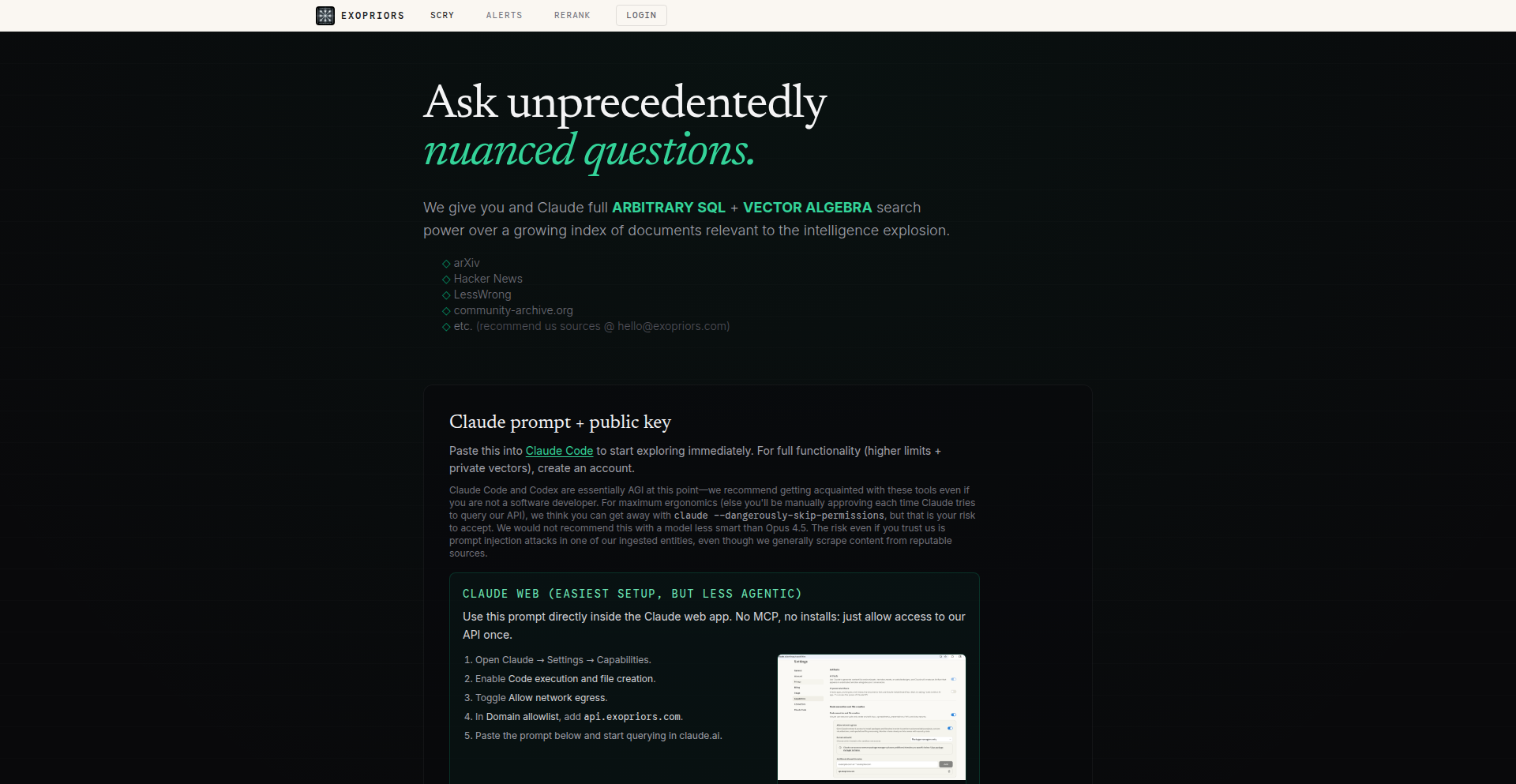
Author
Xyra
Description
This project allows you to query a massive dataset of ArXiv, Hacker News, and LessWrong content using both traditional SQL and cutting-edge vector algebra. It provides a hardened PostgreSQL database accessible to the public, enabling complex queries on over 23 million embeddings and 600 GB of indexes. The core innovation lies in combining structured data querying with the ability to represent abstract concepts as vectors (like 'FTX' or 'guilt') and perform mathematical operations on them within your SQL queries, powered by an optimized Claude prompt for effortless SQL generation. This unlocks the ability to answer deeply nuanced questions that were previously impossible to explore.
Popularity
Points 3
Comments 0
What is this product?
VectorSQL Explorer is a publicly accessible, hardened PostgreSQL database that merges the power of SQL for structured data retrieval with vector algebra for semantic search and concept manipulation. Imagine being able to ask questions like 'What are the common themes between discussions on AI ethics and recent breakthroughs in quantum computing?' by not just finding keywords, but by understanding the underlying meaning and relationships between concepts. It does this by pre-calculating embeddings (numerical representations of meaning) for vast amounts of text and storing them alongside traditional data. The innovation is in allowing users, via an AI assistant (Claude), to write complex SQL queries that can also perform vector operations like addition and subtraction on these embeddings. For instance, you can query for topics related to the combined concept of 'FTX' and 'guilt' by representing them as vectors and summing them up in your query. This means you can explore data based on abstract ideas, not just literal keywords.
How to use it?
Developers can interact with VectorSQL Explorer through SQL queries, leveraging a specialized Claude prompt to generate these queries. This means you don't need to be a vector database expert to harness its power. You can send natural language requests to Claude, which will then translate them into sophisticated SQL queries that include vector algebra. For example, you could instruct Claude to 'find papers on arXiv that are conceptually similar to discussions about effective altruism but also contain a negative sentiment towards market speculation.' Claude would then generate the SQL to embed these concepts, perform the vector operations, and retrieve the relevant data. This is ideal for building applications that require deep semantic understanding of textual data, such as advanced search engines, content recommendation systems, or AI-powered research tools. You can integrate this by using the database endpoint and calling out to an LLM like Claude for query generation.
Product Core Function
· Arbitrary SQL Query Execution: Allows users to perform standard structured data queries, enabling precise filtering and retrieval of information from the ArXiv, HN, and LessWrong datasets. This is valuable for anyone who needs to extract specific pieces of data based on defined criteria.
· Vector Embedding Storage and Retrieval: Stores millions of high-dimensional vector embeddings representing semantic meaning of text chunks. This is the foundation for understanding abstract concepts and relationships within the data.
· Vector Algebra in SQL: Enables performing mathematical operations (like addition, subtraction) on vector embeddings directly within SQL queries. This is a key innovation, allowing for complex conceptual queries like finding items that are conceptually 'X plus Y' or 'X minus Z'.
· Claude-Optimized Prompt for Query Generation: Provides a powerful prompt that allows Claude (or similar LLMs) to easily generate complex SQL queries that incorporate vector operations. This dramatically lowers the barrier to entry for using advanced vector search capabilities.
· Publicly Accessible Hardened Database: Offers a secure and robust database environment for public access to this rich dataset, encouraging exploration and community driven insights without requiring users to set up their own infrastructure.
· Real-time Concept Embedding: Allows for embedding arbitrary concepts (like 'FTX', 'guilt') as vectors on the fly and using them in queries. This means you can dynamically explore new and abstract ideas without pre-defined categories.
Product Usage Case
· Research Analysis: A researcher can use VectorSQL Explorer to find scientific papers on arXiv that are conceptually similar to a novel hypothesis they are developing, even if the exact keywords don't match. By embedding their hypothesis and searching for nearby vectors, they can uncover related work they might have otherwise missed. This solves the problem of finding relevant research when traditional keyword searches are insufficient.
· Content Discovery: A content curator could use the system to identify ArXiv papers that are semantically related to trending topics on Hacker News but haven't received much attention yet. This could involve embedding a trending topic as a vector and then looking for papers with similar vector representations. This helps in discovering niche or emerging content.
· Sentiment and Concept Association: A data scientist could explore the relationship between specific events (e.g., 'FTX collapse') and abstract concepts (e.g., 'guilt', 'regulation') across ArXiv, HN, and LessWrong discussions. They can perform queries like '@FTX + @guilt' to find content where these concepts are discussed together, providing insights into public perception and expert opinions. This addresses the challenge of understanding nuanced connections between distinct ideas.
· AI Model Training Data Exploration: Developers building AI models could use VectorSQL Explorer to identify datasets with specific semantic properties. For example, they could query for text chunks that represent 'abstract reasoning' and 'positive sentiment' to gather relevant training data. This simplifies the process of sourcing specialized data for AI model development.
33
CloudSanity CLI
Author
sureshcsdp
Description
A read-only, open-source Command Line Interface (CLI) tool that scans AWS and Azure cloud environments to identify potential 'hygiene' issues like orphaned or inactive resources. It leverages conservative signals and confidence levels, prioritizing safety by never deleting or modifying resources, thus enabling review-only workflows for SREs and DevOps professionals.
Popularity
Points 3
Comments 0
What is this product?
CloudSanity CLI is a developer-centric tool designed to bring order to cloud infrastructure by proactively identifying 'digital clutter'. Unlike tools that automatically make changes, CloudSanity operates in a safe, read-only mode. It intelligently scans your AWS and Azure accounts, looking for resources that might be costing you money or posing a security risk because they are no longer needed or managed. Think of it as a diligent housekeeper for your cloud, flagging anything that looks out of place or abandoned, but leaving the final decision to you. This approach is crucial because many teams are hesitant to use tools that could accidentally delete critical systems. CloudSanity's innovation lies in its focus on providing clear, confidence-rated signals about potential problems without the risk of automated remediation, making it trusted for review processes.
How to use it?
Developers can integrate CloudSanity CLI into their existing workflows by installing it via common package managers or directly from its GitHub repository. Once installed, it can be run from the terminal, targeting specific AWS or Azure accounts using their respective credentials. For example, a DevOps engineer might schedule CloudSanity to run weekly using a CI/CD pipeline or a cron job. The output is designed to be easily digestible, providing a clear list of potential issues with associated confidence levels (HIGH, MEDIUM, LOW). This allows teams to prioritize their review and cleanup efforts efficiently. It's especially useful in environments using Infrastructure as Code (IaC) or managed by Site Reliability Engineers (SREs) who need to maintain system health and predictability without disruptive automatic actions.
Product Core Function
· Cloud Environment Scan: Scans AWS and Azure accounts to detect resources that are potentially unowned, inactive, or orphaned, helping to prevent unnecessary costs and security risks. The value is in providing a comprehensive overview of potential waste in your cloud spend.
· Hygiene Issue Identification: Pinpoints specific types of 'dirty' resources such as unattached EBS volumes (Amazon's hard drive storage), old snapshots (backups), inactive CloudWatch logs (monitoring data), untagged storage, and unused Azure public IP addresses. This helps pinpoint exactly where cleanup efforts should be focused.
· Conservative Signal Analysis: Employs cautious detection methods and assigns confidence levels (HIGH, MEDIUM, LOW) to identified issues. This ensures that the tool is trustworthy and alerts are actionable, rather than generating noise and leading to alert fatigue.
· Read-Only Operation: Strictly operates in a read-only mode, meaning it will never delete or modify any cloud resources. This is a core design principle that builds trust and safety, making it ideal for environments where accidental deletion is a major concern.
· Review-Focused Workflow: Designed for human review and decision-making processes, supporting SRE and DevOps teams in their day-to-day operations. This empowers teams to maintain control and make informed decisions about their cloud infrastructure.
Product Usage Case
· A Site Reliability Engineer (SRE) notices escalating cloud costs and uses CloudSanity CLI to scan their AWS environment. The tool identifies several unattached Elastic Block Store (EBS) volumes that were left behind after instances were terminated. The SRE can then easily review and safely detach/delete these volumes, reducing monthly expenses without fear of impacting live systems.
· A DevOps team implementing Infrastructure as Code (IaC) for their Azure deployment uses CloudSanity CLI to ensure their resource management is clean. The CLI flags unused Azure public IP addresses that were provisioned but never assigned to a virtual machine. The team can then use this information to refine their IaC templates and avoid creating unnecessary resources in the future, improving efficiency and reducing potential attack surfaces.
· A startup's cloud administrator wants to perform a security audit of their AWS account. They run CloudSanity CLI and it highlights old, unattached EBS snapshots. By reviewing these, they discover that some are for development environments that are no longer in use, and instead of keeping them indefinitely (which incurs storage costs and potential compliance risks), they can be safely removed after verification.
34
Gamer's Gem Finder

Author
AmbroseBierce
Description
This project is a website designed to help players discover hidden gems on Steam. It focuses on games with a small number of positive reviews, offering a second chance to titles that might otherwise be overlooked. The innovation lies in its hybrid filtering approach, combining a curated dataset with user-specific preferences and real-time interaction to deliver fresh, personalized game recommendations.
Popularity
Points 3
Comments 0
What is this product?
Gamer's Gem Finder is a web application that leverages a dataset of Steam games to identify titles with a limited number of positive reviews. Instead of relying solely on massive review counts, it highlights games that have garnered excellent feedback from a smaller player base. This approach is innovative because it moves beyond popularity metrics to uncover quality games that might be buried. It uses a sophisticated filtering pipeline that blends pre-processed game data with personalized exclusions based on your interaction, ensuring that the recommendations stay relevant and novel for each user. The system is built to efficiently handle trailer previews and dynamic loading, making the discovery process smooth and engaging.
How to use it?
Developers can use Gamer's Gem Finder by visiting the website. Upon arrival, you can either browse games by looking for titles similar to popular games you already enjoy, or simply scroll through the recommendations. As you scroll, you can further refine your search by filtering games based on tags. The site employs vanilla JavaScript for the front-end, with PHP handling templating and Python powering the data processing and scraping. This modular approach allows for efficient data management and a responsive user experience. You can integrate similar recommendation logic into your own projects by understanding its data normalization and filtering techniques.
Product Core Function
· Hybrid recommendation engine that combines pre-existing game datasets with dynamic user session data to provide fresh and personalized game suggestions. This means you get game ideas that are not only popular within a niche but also tailored to your individual tastes, preventing repetitive suggestions.
· Efficient trailer preview system that uses a single, reusable video element to minimize resource usage while you watch trailers for multiple games. This allows for a seamless browsing experience without significant slowdowns, even when previewing many game trailers.
· Dynamic infinite loading with server-side session tracking to ensure you don't see the same games repeatedly as you scroll. This provides a continuous stream of new discoveries and avoids redundancy in your search.
· Shared filter state management between the front-end and back-end, allowing for custom review and price range filtering that triggers server-side updates. This enables precise control over your search criteria and ensures accurate results based on your preferences.
· Data normalization and enrichment pipeline using Python scripts to add valuable metadata like tags and identify similar games. This pre-processing step ensures that the game data is clean, consistent, and rich with information, leading to better recommendation accuracy.
· Video compilation generation for game trailers using stream clipping and overlaying game titles. This automated process ensures that trailers are consistently presented and branded, enhancing the visual appeal of the recommendations.
· Adaptive user interface that intelligently switches between tag-based and 'similar games' discovery modes. This offers flexibility in how you explore new games, adapting to your preferred search method.
Product Usage Case
· A gamer looking for indie titles with high critic scores but low player counts. By using Gamer's Gem Finder, they can easily filter for games with fewer than 50 positive reviews, uncovering potential masterpieces that have flown under the radar, thus expanding their gaming library with quality experiences.
· A developer building a game discovery platform who wants to implement a recommendation system that prioritizes quality over sheer popularity. They can study the hybrid filtering pipeline and data normalization techniques used in Gamer's Gem Finder to create a similar engine that surfaces overlooked games, potentially driving more traffic to niche titles.
· A user tired of mainstream game recommendations who wants to find unique gaming experiences. Gamer's Gem Finder's tag-based filtering allows them to select specific genres or gameplay mechanics and discover games that match their niche interests, leading to more satisfying and personalized gameplay.
· A content creator who wants to showcase lesser-known games to their audience. The site's ability to quickly preview trailers and identify games with positive feedback makes it easy to find compelling content, enabling them to create engaging reviews of hidden gems that resonate with viewers seeking something different.
35
AI FinAdvisor

Author
solosquad
Description
An AI-powered financial advisor application that provides personalized financial plans for free. It leverages machine learning to analyze user financial data and generate actionable advice, democratizing access to financial planning. The core innovation lies in making sophisticated financial guidance accessible to everyone, regardless of their income, by using AI to automate complex analysis and recommendation processes.
Popularity
Points 1
Comments 2
What is this product?
This project is an AI-driven financial advisory application. It uses machine learning algorithms to understand your financial situation, goals, and risk tolerance. Based on this understanding, it generates personalized financial plans and recommendations, such as investment strategies, savings goals, and debt management advice. The innovation is in its ability to provide a level of personalized financial planning previously only available through expensive human advisors, making it free and accessible to a broader audience. So, what's in it for you? You get professional-grade financial advice without the cost, helping you make smarter decisions about your money.
How to use it?
Developers can integrate this service via an API to embed financial planning capabilities into their own applications, or use the standalone app to create personal financial plans. Users input their financial data (income, expenses, assets, debts, goals), and the AI processes this information to generate a tailored plan. Integration can involve feeding user data through the API and displaying the generated plan within your platform. This empowers your users with financial literacy and planning tools directly within their existing workflows. So, what's in it for you? If you're building a fintech app, this can be a powerful feature to attract and retain users by offering immediate financial value.
Product Core Function
· Personalized financial plan generation: Utilizes AI to create custom financial roadmaps based on user-provided data, offering tailored strategies for savings, investments, and debt. The value is receiving actionable steps relevant to your unique financial situation. So, what's in it for you? You get a clear, personalized path to achieve your financial goals.
· Financial data analysis: Employs machine learning models to analyze income, expenditure, assets, and liabilities, identifying trends and potential areas for improvement. The value is gaining deep insights into your financial health. So, what's in it for you? You understand where your money is going and how to optimize it.
· Goal-based financial recommendations: Provides specific advice and action items designed to help users achieve their defined financial objectives (e.g., buying a house, retirement). The value is receiving concrete guidance to move towards your aspirations. So, what's in it for you? You get practical steps to make your dreams a reality.
· Risk assessment and investment suggestions: Evaluates user risk tolerance and suggests suitable investment options and portfolio allocations. The value is making informed investment decisions aligned with your comfort level. So, what's in it for you? You can invest with more confidence and potentially higher returns.
Product Usage Case
· A fintech startup wants to add a basic financial planning feature to their banking app. They can use AI FinAdvisor's API to allow users to input their financial details and receive a generated savings and budgeting plan directly within their banking interface. This solves the problem of users not knowing how to manage their money effectively, providing immediate value and increasing user engagement. So, what's in it for you? Your app becomes a more comprehensive financial tool, enhancing user loyalty.
· A personal finance blogger wants to offer their audience a free, automated way to get started with financial planning. They can embed a white-labeled version of the AI FinAdvisor tool on their website, allowing readers to generate a financial plan after answering a few questions. This solves the problem of financial planning being perceived as too complex or expensive for beginners. So, what's in it for you? You can offer a valuable free resource to your audience, increasing traffic and authority.
· An individual looking to optimize their personal finances can use the standalone AI FinAdvisor app. By inputting their financial data, they receive a detailed analysis and actionable plan to reduce debt, increase savings, and start investing, all without needing to consult a human advisor. This solves the problem of lack of access to affordable financial advice. So, what's in it for you? You gain clarity and control over your financial future.
36
AILearnFeed: Personalized AI Reading Curator
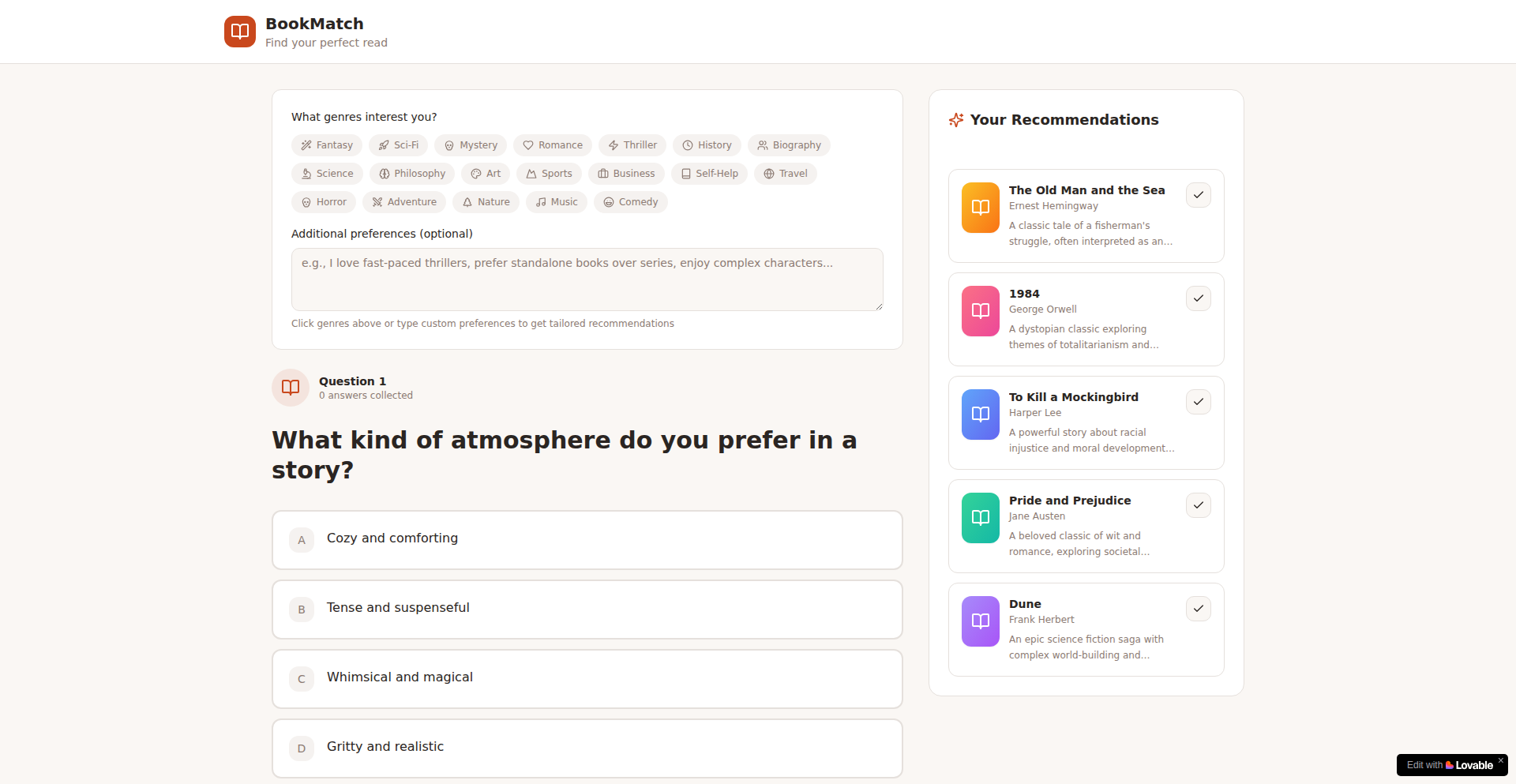
Author
danielandrews43
Description
This project is an AI-powered system designed to generate custom reading lists for users based on their learning goals and preferences. It leverages natural language processing (NLP) and machine learning to understand user input and curate relevant articles, books, and other resources, effectively solving the problem of information overload and inefficient knowledge acquisition.
Popularity
Points 2
Comments 0
What is this product?
AILearnFeed is an intelligent assistant that understands what you want to learn and then finds the best reading materials for you. Instead of you endlessly searching for articles or books on a topic, the AI analyzes your stated learning objectives and personal interests to create a tailored reading list. Its core innovation lies in its ability to go beyond simple keyword matching by using advanced NLP techniques to grasp the nuance of your learning needs and the content of potential resources. This means you get recommendations that are truly relevant and progressive, helping you learn more efficiently. So, what's in it for you? You save significant time and mental energy by having a smart system do the heavy lifting of content discovery, leading to a more focused and effective learning experience.
How to use it?
Developers can integrate AILearnFeed into their applications to offer personalized content recommendations. For example, an e-learning platform could use it to suggest relevant articles or course materials to students based on their current curriculum and learning pace. A productivity app could leverage it to provide users with curated industry insights. The integration would typically involve sending user learning goals and preferences to the AILearnFeed API and receiving a structured list of recommended resources. So, how can you use this? You can embed a powerful, personalized content discovery engine into your own software, enhancing user engagement and providing unique value by making learning and information consumption smarter and more tailored for your users.
Product Core Function
· Personalized Learning Path Generation: The AI analyzes user-defined learning objectives and preferences to construct a unique roadmap of content. This provides a structured approach to acquiring new knowledge. So, what's in it for you? You get a clear, step-by-step guide to learning, preventing you from feeling lost or overwhelmed by a new subject.
· Intelligent Content Curation: Utilizes NLP to understand the semantic meaning of both user queries and available content, ensuring highly relevant recommendations. This means you get content that truly matches your needs, not just superficial keyword matches. So, what's in it for you? You avoid wasting time on irrelevant articles and get straight to the information that will actually help you learn.
· Resource Diversity and Synthesis: Can recommend a variety of content types including articles, blog posts, research papers, and book summaries, and potentially synthesize key takeaways. This offers a comprehensive view of a topic from multiple angles. So, what's in it for you? You gain a deeper and more rounded understanding of any subject by accessing diverse perspectives and summarized insights.
· Adaptive Learning Recommendation: The system can learn from user feedback and adjust future recommendations, making the curation process increasingly accurate over time. This ensures that the recommendations continuously improve to meet your evolving needs. So, what's in it for you? The longer you use it, the better it gets at understanding you and providing exactly what you need to learn, making it a continuously valuable tool.
Product Usage Case
· A software development company could integrate AILearnFeed into their internal knowledge base to provide developers with personalized recommendations for articles and tutorials on new programming languages or frameworks they need to learn for upcoming projects. This solves the problem of developers spending excessive time searching for relevant learning resources, accelerating their skill acquisition. So, what's in it for you? Your development team becomes more proficient faster, leading to quicker project delivery and innovation.
· A university or online course provider could use AILearnFeed to suggest supplementary reading materials to students based on their current course modules and individual learning styles. This enhances the educational experience by providing richer, more personalized content beyond the core curriculum. So, what's in it for you? Students receive a more engaging and effective learning experience, leading to better academic outcomes and higher satisfaction.
· A content marketing agency could leverage AILearnFeed to help their clients discover emerging trends and popular topics within their respective industries. By providing curated reading lists on relevant subjects, the agency can better advise clients on content strategy and create more impactful marketing campaigns. So, what's in it for you? You can offer your clients more insightful and data-driven recommendations, strengthening your client relationships and driving better marketing results.
37
KineticText Animator

Author
kuzej
Description
A browser-based, client-side tool for generating animated scrolling text effects, including tilted crawls, vertical credits, and horizontal tickers. It prioritizes real-time previews and easy export, solving the challenge of creating readable and controllable animated text for various media and web applications.
Popularity
Points 1
Comments 1
What is this product?
KineticText Animator is a web application that runs entirely in your browser, meaning no data is uploaded to a server. It allows you to create classic scrolling text effects, like the 'crawl' seen in movie intros or the end credits in films, as well as horizontal tickers for news feeds or announcements. The innovation lies in its real-time preview and fine-grained control over every aspect of the text animation, such as font, size, color, speed, and even background transparency. This makes it a highly accessible and efficient tool for generating professional-looking animated text without needing complex video editing software. So, what's in it for you? You get to easily create eye-catching text animations for your projects, saving time and effort.
How to use it?
Developers can use KineticText Animator directly in their web browser. After configuring the text content and animation style (tilted crawl, credits, or ticker), they can adjust numerous parameters like font choice, size, color, line spacing, and background opacity, seeing the changes instantly. Once satisfied, they can export the animation as image files (like GIFs) or video files for integration into video projects, or copy an embed snippet to directly use the animated text on a webpage or in streaming overlays. This is particularly useful for web developers needing dynamic banners or for content creators looking to add professional titles and credits to their videos. So, how does this help you? You can quickly generate and deploy animated text elements for your websites, presentations, or videos with minimal technical hurdles.
Product Core Function
· Real-time Text Animation Preview: Allows instant visual feedback on animation adjustments, enabling rapid iteration and fine-tuning. This means you can see your changes as you make them, making the creative process smoother and faster.
· Multiple Animation Styles: Offers distinct modes for tilted crawls, vertical end credits, and horizontal tickers, catering to diverse visual storytelling needs. This provides versatility for different types of content, from cinematic intros to informative tickers.
· Comprehensive Styling Controls: Enables customization of font, size, color, line height, alignment, and background mode (including transparency). You have full creative control over the appearance, ensuring the text matches your project's aesthetic.
· Local Browser Execution: Ensures user privacy and security by processing all animations client-side, without data transmission. Your creations and data stay with you, offering peace of mind.
· Flexible Export Options: Supports exporting animations as image files (e.g., GIF) or video formats, and provides embed snippets for web integration. This allows you to use the generated text in a wide range of applications, from social media posts to complex web designs.
Product Usage Case
· Creating a cinematic opening crawl for a short film by setting up a tilted perspective, adjusting speed, and exporting as a video file. This solves the problem of needing expensive film editing software for a common visual effect.
· Generating a clean, scrolling end credits sequence for a YouTube video with customizable fonts and colors, then exporting as a video to overlay on the final cut. This provides a professional finish to videos without complex animation skills.
· Implementing a live news ticker on a personal blog by copying the embed snippet for a horizontal animation and integrating it directly into the website's HTML. This adds dynamic content to a webpage in a straightforward manner.
· Designing a promotional banner with animated text for an online event, utilizing the transparent background option for seamless integration into existing graphics. This allows for a visually appealing advertisement that blends well with other design elements.
· Building an interactive element for a web application that displays user-generated messages in a scrolling format, leveraging the browser-first approach for a lightweight and responsive user experience. This adds a unique and engaging feature to web applications.
38
SEC-Insight 13F Visualizer
Author
EvansWilson
Description
This project is a real-time visualizer for SEC 13F filings, tackling the challenge of parsing and understanding complex institutional investment data. It transforms raw, messy regulatory filings into clear, actionable insights by dynamically visualizing portfolio structures and tracking changes over time. This provides immediate value to anyone needing to quickly grasp major investment shifts and trends.
Popularity
Points 2
Comments 0
What is this product?
SEC-Insight 13F Visualizer is a tool that takes raw regulatory documents, specifically SEC Form 13F (which institutions must file to report their stock holdings), and makes them easy to understand. Normally, these filings are in difficult formats like XML or text tables, making it hard to see what's happening with an investor's portfolio over time. This project automatically processes these filings, calculates how much of each stock an institution owns, and shows this information visually. The innovative part is its speed and clarity in transforming dry data into something immediately understandable, allowing users to see 'what changed' between reporting periods without needing to build their own complex data processing system.
How to use it?
Developers can use SEC-Insight 13F Visualizer by visiting the 13Radar.com website. For those interested in specific institutional investors or tracking market trends, they can directly access the visualized portfolio data. The tool is designed to be intuitive, allowing users to select specific filings, view portfolio compositions, and analyze historical shifts. For developers looking to integrate this data into their own applications, the underlying parsing and normalization logic (though not explicitly exposed as an API in this Show HN, it's the core of their solution) represents a valuable template for handling messy financial data. The site's focus on speed and clarity means developers can gain quick insights without extensive data wrangling.
Product Core Function
· Real-time SEC filing ingestion: This allows for up-to-the-minute analysis of institutional trading activity, providing immediate access to the latest investment strategies. This is useful for anyone needing to stay ahead of market movements.
· Dynamic portfolio visualization: Instead of raw numbers, users see clear charts and graphs of an institution's holdings. This makes complex investment portfolios easy to grasp, helping users quickly identify key assets and their proportions.
· Historical change tracking: The tool automatically compares filings across different periods, highlighting changes in holdings. This is crucial for understanding an investor's strategy evolution and identifying significant pivots.
· Data normalization and mapping: It handles complexities like ticker symbol changes and CUSIP mapping, ensuring data consistency. This saves developers immense time and effort in cleaning and preparing financial data for analysis.
· Estimation of entry points: By combining filing data with historical pricing, the tool attempts to estimate when certain positions were initiated. This provides deeper context for investment decisions and performance analysis.
Product Usage Case
· Analyzing a hedge fund's sudden shift into a new sector: A developer could use 13Radar.com to see if a particular fund has drastically increased its holdings in, say, renewable energy stocks in the latest filing, indicating a potential industry trend. This helps in making informed investment decisions or identifying market momentum.
· Tracking a prominent investor's strategy changes over multiple quarters: A finance journalist or analyst could use the historical tracking feature to see how Warren Buffett's portfolio has evolved, identifying specific divestments or acquisitions (like the example of Google shares) to report on or analyze.
· Identifying emerging investment themes by aggregating data: A data scientist could potentially use the insights from 13Radar.com to spot patterns across multiple institutional investors, such as a collective move into specific technology sub-sectors or a reduction in exposure to traditional industries, informing their own market research or predictive models.
· Validating hypotheses about activist investor intentions: If an activist investor has recently increased their stake in a company, 13Radar.com can quickly confirm this and show the scale of their investment, helping to validate or refine hypotheses about their objectives.
39
FeatureEcho

Author
Zephyr0x
Description
FeatureEcho is a tool that aggregates feature requests from various online platforms like Reddit, GitHub, and X (formerly Twitter). It provides developers with a centralized view of user needs and pain points, helping them prioritize development efforts and build more relevant products. The innovation lies in its cross-platform data aggregation and intelligent filtering of user feedback.
Popularity
Points 1
Comments 1
What is this product?
FeatureEcho is a smart aggregator for user feature requests. It dives into places like Reddit communities, GitHub issue trackers, and X discussions to pull out what users are asking for. Instead of manually sifting through endless posts, FeatureEcho uses intelligent algorithms to identify and categorize these requests. This means you get a clear, organized list of what your users actually want, saving you tons of time and effort. The core innovation is its ability to connect the dots across different platforms, revealing trends and common demands that might otherwise be missed. So, what's in it for you? You get a direct pipeline to your users' desires, allowing you to build products they'll love.
How to use it?
Developers can integrate FeatureEcho into their workflow to gain insights into user demand. You can set up specific keywords, projects, or communities to monitor. For example, if you have a web application, you might track discussions on relevant subreddits, issues tagged with 'feature request' on your GitHub repo, and mentions of your app on X. FeatureEcho will then present these requests in a unified dashboard. This allows you to easily see what features are most requested, identify bugs being reported as feature requests, and understand the general sentiment around your product. This helps you make data-driven decisions about your product roadmap, ensuring you're building what users actually need. So, what's in it for you? You can quickly see what features to build next and get ahead of the competition.
Product Core Function
· Cross-platform data aggregation: Gathers feature requests from Reddit, GitHub, and X, consolidating feedback into a single source. This is valuable because it eliminates the need to check multiple platforms individually, saving significant time and effort. It allows for a comprehensive understanding of user sentiment across different online communities.
· Intelligent request identification: Utilizes natural language processing and keyword analysis to pinpoint actual feature requests amidst general discussion. This is valuable because it filters out noise, ensuring developers focus on actionable feedback, not just casual mentions. It helps in prioritizing development efforts based on genuine user needs.
· Categorization and filtering: Organizes identified requests by themes, urgency, or platform of origin, allowing for easy sorting and prioritization. This is valuable for understanding broader trends and specific issues. Developers can quickly identify common themes or urgent requests that need immediate attention, making development more efficient.
· Sentiment analysis (potential future enhancement or underlying tech): While not explicitly stated, the ability to identify requests often implies a degree of understanding user sentiment. This is valuable as it helps gauge the passion and importance users place on certain features. Understanding the emotional weight behind a request can inform strategic decisions.
Product Usage Case
· A SaaS startup developer is struggling to decide which new features to prioritize for their project management tool. By using FeatureEcho to monitor relevant subreddits and their GitHub issues, they discover a recurring request for more robust calendar integration. FeatureEcho consolidates these requests, showing a high volume and clear examples. This allows the developer to confidently prioritize calendar integration for the next sprint, knowing it's a highly desired feature. So, what's in it for you? You can make informed decisions about what to build next and build features users actually want.
· A mobile game developer wants to understand what players are asking for beyond bug reports. They use FeatureEcho to track discussions on gaming forums and their game's X feed. They find that many players are requesting new game modes and cosmetic customization options. FeatureEcho aggregates these into distinct categories, revealing a clear demand for these additions. The developer can then plan updates that directly address player desires, leading to increased engagement and satisfaction. So, what's in it for you? You can create more engaging content that keeps your users coming back.
40
Ailoy: Local AI Agent Framework

Author
jhlee525
Description
Ailoy is a framework designed for developers to build sophisticated local AI agents. It offers a structured approach to managing AI models, agent interactions, and data persistence, focusing on empowering developers to create custom, powerful AI applications that run on their own machines without relying on cloud services. The innovation lies in its modular architecture and simplified integration of various AI models, enabling complex agent behaviors and personalized AI experiences.
Popularity
Points 1
Comments 1
What is this product?
Ailoy is a software toolkit (framework) that helps developers create AI 'agents' that run directly on their own computers. Think of it like a set of building blocks and instructions for making smart software assistants. What makes it innovative is how it organizes different AI 'brains' (models) and lets them work together, and how it keeps track of what they've learned and done. This means you can build advanced AI that's private and customizable, without needing to send your data to the cloud. So, this is useful for you because it lowers the barrier to creating powerful, personalized AI applications that respect your data privacy.
How to use it?
Developers can use Ailoy by installing it as a library in their preferred programming language (likely Python). They can then leverage Ailoy's components to define agent roles, select and integrate AI models (like large language models or image recognition models), set up communication channels between agents, and manage their memory and state. Ailoy provides APIs to orchestrate agent workflows, making it easy to build applications ranging from personal assistants to complex automation tools. For example, a developer might use Ailoy to create an agent that monitors local files, summarizes them using an LLM, and then uses another agent to draft emails based on those summaries. So, this is useful for you because it provides a clear and efficient way to integrate AI capabilities into your projects, allowing for rapid prototyping and deployment of intelligent features.
Product Core Function
· Modular AI Model Integration: Allows developers to easily swap or combine different AI models (e.g., LLMs, image analysis models) into their agents, providing flexibility and access to diverse AI capabilities. This is valuable for building agents that can perform a wide range of tasks. So, this is useful for you because it means your AI agents can be tailored to specific needs, from writing text to understanding images, without complex custom coding for each AI type.
· Agent Orchestration and Communication: Provides tools to define how multiple AI agents interact with each other, passing information and coordinating actions. This is key for building complex AI systems with distributed intelligence. So, this is useful for you because it enables the creation of sophisticated AI systems where different specialized agents can collaborate to solve problems, much like a team working together.
· Local Data Persistence and Memory Management: Enables agents to store and retrieve information, learning from past interactions and maintaining context. This is crucial for building responsive and personalized AI experiences that remember user preferences and history. So, this is useful for you because it allows your AI agents to learn and adapt over time, offering a more personalized and efficient experience without losing context.
· Developer-Friendly APIs: Offers clean and well-documented interfaces for building and customizing agents, abstracting away much of the underlying complexity of AI model management. This speeds up development time and reduces the learning curve. So, this is useful for you because it makes building advanced AI applications more accessible and faster, allowing you to focus on the logic and user experience rather than low-level AI engineering.
Product Usage Case
· Building a private, local customer support chatbot that can access and summarize internal company documentation without sending sensitive data to external servers. This agent could be built using Ailoy by integrating a local LLM and a document retrieval module. So, this is useful for you because it allows for secure handling of sensitive company information while still providing AI-powered support.
· Creating a personal productivity assistant that monitors your calendar, to-do list, and email, proactively suggesting tasks, scheduling meetings, and drafting responses based on your habits. Ailoy would enable agents for each function to communicate and coordinate actions. So, this is useful for you because it can automate routine tasks and help you manage your time more effectively with a personalized AI assistant.
· Developing a research assistant that can crawl web pages, extract key information, and synthesize findings into reports, all running locally to maintain research privacy and avoid rate limits. Ailoy would manage the web crawling agent, the information extraction agent, and the report generation agent. So, this is useful for you because it accelerates research and analysis by automating information gathering and summarization, while keeping your research data private.
· Designing interactive storytelling or gaming applications where AI characters have persistent personalities and can react dynamically to player choices, driven by multiple interacting AI agents managed by Ailoy. So, this is useful for you because it allows for richer, more dynamic, and personalized interactive experiences in games or creative writing projects.
41
Wifui: Rust TUI for Wi-Fi Management
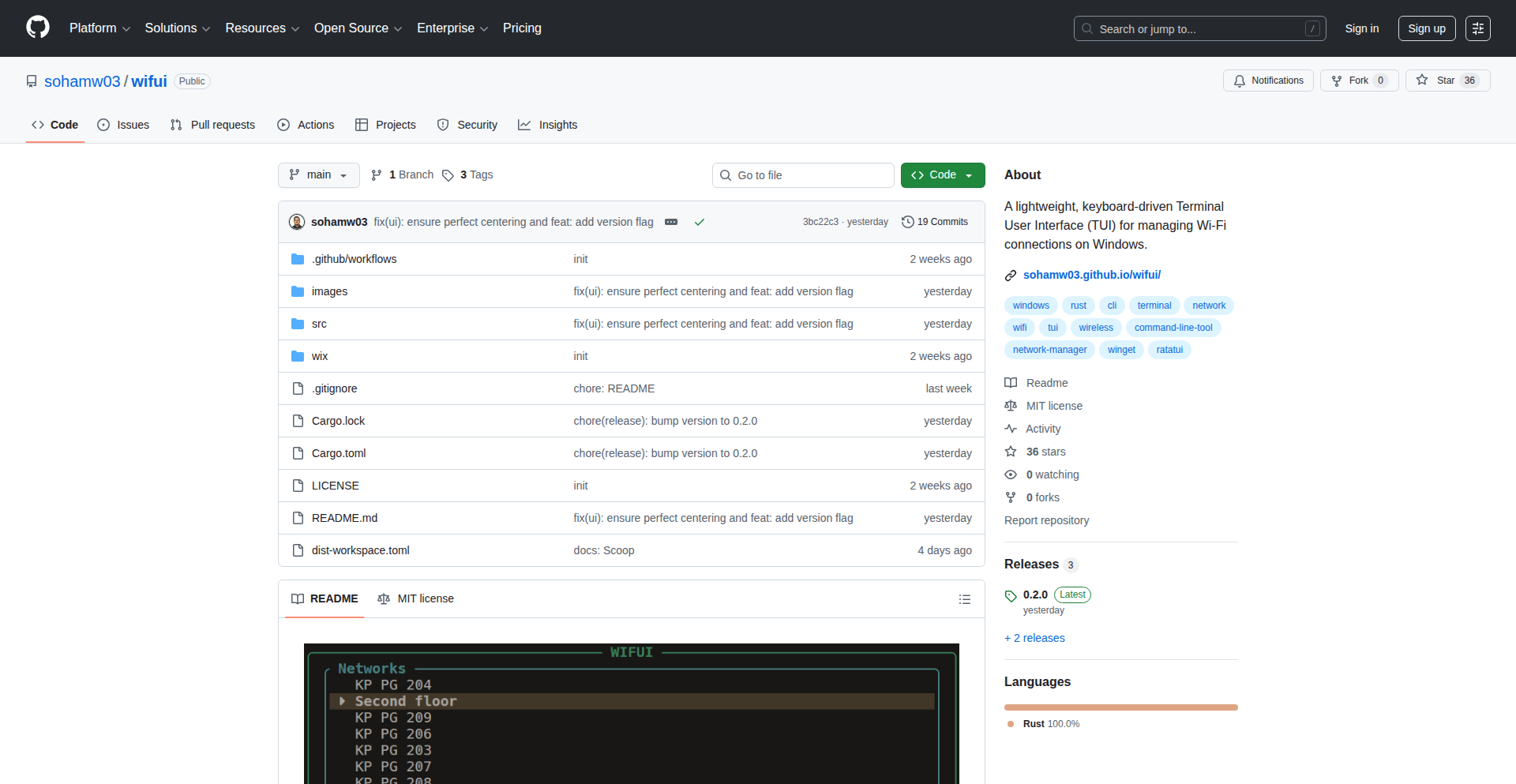
Author
sohamw03
Description
Wifui is a Terminal User Interface (TUI) built with Rust for managing Wi-Fi connections on Windows. It offers a command-line-centric approach to view available networks, connect to them, and manage profiles, providing a more direct and efficient way for developers to interact with their network settings without relying on graphical interfaces. Its innovation lies in bringing a modern, keyboard-driven TUI experience to a task typically handled by GUIs.
Popularity
Points 2
Comments 0
What is this product?
Wifui is a specialized application that lets you control your Windows Wi-Fi from your computer's command line, using a text-based interface. Instead of clicking through windows, you use keyboard commands. It's built using Rust, a programming language known for its speed and safety, which ensures Wifui is efficient and reliable. The innovation is in providing a sleek, responsive TUI experience for Wi-Fi management, which is usually restricted to graphical tools. So, this is useful because it offers a faster, more scriptable, and less intrusive way for technical users to manage their Wi-Fi, especially when working in environments where graphical interfaces are unavailable or inconvenient.
How to use it?
Developers can use Wifui by opening their Windows Terminal or command prompt and typing the `wifui` command. It will then present a menu-driven interface where they can navigate using arrow keys and enter to select options. For example, to see available Wi-Fi networks, they'd select a 'Scan' option. To connect to a network, they'd choose a network from the list and provide the password. It can also be integrated into shell scripts for automated network configuration or testing. So, this is useful because it allows for quick network changes and automation directly from the command line, saving time and effort for repetitive tasks.
Product Core Function
· Scan for available Wi-Fi networks: Allows users to discover all Wi-Fi networks within range, displaying essential information like SSID and signal strength. The technical value here is the efficient use of Windows APIs to query network adapters, providing real-time network data. This is useful for quickly assessing the network environment.
· Connect to a Wi-Fi network: Enables users to establish a connection to a chosen Wi-Fi network by providing the network password. Its technical implementation involves securely handling credentials and invoking Windows network management services. This is useful for quickly and securely joining known or new networks.
· View and manage saved Wi-Fi profiles: Lets users see a list of previously connected networks and potentially remove or reconfigure them. The innovation lies in presenting this system-level information in an accessible TUI format. This is useful for managing network history and troubleshooting connection issues.
Product Usage Case
· A developer needing to quickly switch between multiple Wi-Fi networks in a lab environment: Instead of opening the Windows Wi-Fi settings, they can run Wifui, scan, and connect to the desired network with a few keystrokes. This solves the problem of slow and cumbersome GUI switching.
· System administrators deploying servers or headless machines: They can use Wifui in a remote session or on a local command line to configure network connectivity without needing a graphical interface, ensuring the machine can access the network for further setup. This addresses the challenge of managing network on non-GUI systems.
· Automating Wi-Fi connection in a testing script: Wifui could potentially be scripted to connect to a specific test network before running automated tests, ensuring a consistent network environment. This showcases its value in creating reproducible testing setups.
42
VS-Lounge: The Coder's Social Hub

Author
_ysknsn
Description
VS Lounge is a VSCode extension that transforms your coding environment into a social networking platform for developers. It aims to reduce context switching by allowing developers to interact with social media and news feeds directly within their IDE while their code is processing. This innovative approach keeps developers engaged and productive without leaving their development workspace, solving the problem of distraction during long compilation or execution times.
Popularity
Points 2
Comments 0
What is this product?
VS Lounge is a VSCode extension that acts as a social networking interface directly within your code editor. The core technical idea is to integrate common social media and news feeds (like Hacker News) into a VSCode panel. Instead of switching to a web browser to check updates while waiting for code to compile, run, or process with LLMs, you can view and interact with these feeds directly in VSCode. This is achieved by leveraging VSCode's extension API to create custom webviews that embed external web content. The innovation lies in the 'developer-centric' design, recognizing that developers often have downtime during coding tasks and creating a solution to make that downtime productive and less disruptive to their workflow. It's like having a digital water cooler and news stand right next to your code.
How to use it?
To use VS Lounge, you need to install it as a VSCode extension from the VSCode Marketplace. After installation, you'll need to authenticate with GitHub, as it uses GitHub for user login. Once authenticated, a new panel or view will appear within your VSCode interface where you can access various social feeds and news aggregators. You can then browse content, potentially interact with posts (depending on the specific feed implementation), and stay updated without ever leaving your coding environment. This is particularly useful during long-running processes, such as AI model training, extensive data processing, or large build operations, where you'd otherwise be waiting idly or switching tasks.
Product Core Function
· Integrated Social Feed Viewer: This allows developers to browse platforms like Hacker News directly within VSCode, providing a convenient way to consume content without context switching. The value is in saving time and maintaining focus during development downtime.
· In-Editor Notifications: Potentially, the extension can deliver notifications from social platforms or news sources directly to the IDE, ensuring developers don't miss important updates. This enhances productivity by keeping users informed without interrupting their flow.
· Reduced Context Switching: By bringing external content into the IDE, this function directly addresses the productivity killer of constantly switching between applications. The value is in a more streamlined and less distracting development experience.
· Developer-Centric Content Aggregation: The choice of platforms and content is curated for developers, meaning the information presented is relevant to their interests and needs. This provides targeted value by delivering useful content efficiently.
Product Usage Case
· Scenario: A developer is training a large machine learning model that takes several hours to complete. Instead of staring at a progress bar or switching to social media, they can use VS Lounge to browse Hacker News and read technical articles within the same VSCode window. This solves the problem of unproductive waiting time and keeps them engaged with the developer community.
· Scenario: A project involves a long build process that takes 30 minutes. The developer can open VS Lounge, check the latest discussions on a programming forum, or catch up on industry news. This avoids the mental overhead of switching applications and helps them feel more productive during the build.
· Scenario: While debugging a complex issue, the developer needs to wait for a server to restart or a test suite to run. VS Lounge allows them to quickly scan their social media feed for relevant programming tips or community discussions without leaving their debugging session. This keeps their problem-solving mindset active and reduces the chances of getting completely sidetracked.
43
LLM-Contextualizer

Author
glenpk
Description
LLM-Contextualizer is a project designed to enhance the coding capabilities of Large Language Models (LLMs) by providing them with relevant context. It tackles the challenge of LLMs struggling with understanding and utilizing complex coding libraries by intelligently extracting and presenting crucial information, thereby improving their code generation and understanding. This project demonstrates a novel approach to bridging the gap between LLM general intelligence and specific domain knowledge in programming.
Popularity
Points 1
Comments 1
What is this product?
LLM-Contextualizer is a system that acts as an intelligent intermediary for Large Language Models when they interact with coding libraries. Think of it like giving an LLM a super-powered cheat sheet for a specific programming library it needs to use. Instead of the LLM having to sift through entire documentation manuals, which can be overwhelming and lead to errors or irrelevant code, this system pre-processes and filters the most important parts. The innovation lies in how it identifies and prioritizes key information like function signatures, common usage patterns, and potential pitfalls, making the LLM far more efficient and accurate when generating code that uses these libraries. This means the LLM can 'learn' or 'understand' the library's nuances much faster and with less effort, ultimately leading to better code.
How to use it?
Developers can integrate LLM-Contextualizer into their LLM-powered coding workflows. This could involve feeding it the documentation or source code of a specific library. The system then processes this information and provides a 'context package' to the LLM. When the developer asks the LLM to write code involving that library, the LLM can leverage this pre-digested context. For example, if you're using an LLM to generate Python code with a library like 'Pandas', you'd first run the Pandas documentation through LLM-Contextualizer. The output would be a focused set of instructions and examples for the LLM. So, if you're struggling to remember the exact syntax for a Pandas operation, you can ask your LLM to do it, and because of LLM-Contextualizer, the LLM will provide a more precise and correct solution without you having to dig through the documentation yourself.
Product Core Function
· Intelligent library analysis: Extracts key API definitions, parameters, and return types from coding library documentation or source code, providing LLMs with precise building blocks for code generation. This helps ensure the LLM knows the exact tools available and how to use them.
· Contextual summarization: Condenses extensive library documentation into concise, actionable summaries relevant to common coding tasks, reducing cognitive load for the LLM and preventing information overload. This means the LLM gets the 'gist' of how to use a library quickly, leading to faster and more relevant code suggestions.
· Example generation and pattern recognition: Identifies and presents common usage patterns and practical code examples, enabling LLMs to generate idiomatic and efficient code. This allows the LLM to learn from best practices and avoid common beginner mistakes.
· Error avoidance hints: Highlights potential pitfalls, common mistakes, and edge cases associated with library functions, guiding the LLM to produce more robust and error-free code. This is like having a seasoned programmer whisper warnings to the LLM, preventing it from making obvious errors.
Product Usage Case
· As a junior developer learning a new complex API like AWS SDK, you can use LLM-Contextualizer to process the SDK documentation. When you ask your LLM to generate code for a specific AWS service, it will use the distilled context to provide accurate calls, saving you hours of debugging and documentation review.
· For AI-powered code completion tools, integrating LLM-Contextualizer can significantly improve the accuracy and relevance of suggestions, especially for niche or custom libraries. This means your IDE's auto-complete will be smarter and suggest code that actually works, reducing the need for manual correction.
· In scenarios where LLMs are used for automated code refactoring or migration, LLM-Contextualizer can provide the LLM with a deep understanding of the 'before' and 'after' states of library usage, ensuring a smoother and more reliable transformation process. This helps ensure that when code is updated, it continues to function correctly with updated libraries.
44
Shopie: On-Device Price Tracker

Author
pfandrade
Description
Shopie is an iOS application that allows users to create wishlists of products they are interested in and receive notifications for price drops or restocks. Its core innovation lies in its entirely on-device operation, utilizing iOS background tasks for processing. This means no user accounts are required, and all data is stored locally or optionally in iCloud, ensuring user privacy and offline functionality. The technical insight here is to leverage native iOS capabilities to provide a powerful, privacy-focused shopping tool.
Popularity
Points 2
Comments 0
What is this product?
Shopie is an iOS app that functions as a smart shopping companion. Technically, it works by allowing you to 'watch' products you like. When you add a product, Shopie uses background processes on your iPhone or iPad to periodically check the product's price or availability. If a change occurs (like a price drop or the item being back in stock), it sends you a notification. The innovative part is that it does all of this without needing to send your data to a remote server, without requiring you to create an account, and without relying on cloud synchronization for its basic operation. It cleverly uses iOS's built-in background task management to achieve this, making it very privacy-conscious and efficient.
How to use it?
Developers can use Shopie by simply downloading it from the App Store and starting to add products. For those interested in the underlying technology or wanting to integrate similar functionalities into their own apps, the inspiration comes from understanding how to effectively utilize iOS background modes, such as 'Background App Refresh' and 'Background Processing Tasks'. This can be applied to create apps that perform scheduled checks, data synchronization, or content updates without constant user interaction, all while prioritizing user privacy and local data storage. It's a demonstration of building sophisticated features with minimal external dependencies.
Product Core Function
· On-device product monitoring: Allows users to track specific products without sending personal shopping data to external servers, ensuring privacy and reducing reliance on third-party services. This is valuable for users who are concerned about their data footprint and want a secure way to shop.
· Price drop and restock notifications: Provides timely alerts when a watched product's price decreases or when an out-of-stock item becomes available again. This empowers users to make informed purchasing decisions and snag deals, saving money and avoiding missed opportunities.
· Local data storage: All saved product information is stored directly on the user's device, enhancing privacy and enabling offline access to the wishlist. This is useful for users who might not have consistent internet access or prefer not to have their data stored in the cloud.
· iCloud sync option: Offers the choice to sync wishlists across multiple Apple devices via iCloud, providing convenience and data redundancy for users who utilize the Apple ecosystem. This adds a layer of user-friendliness for those who manage their shopping lists across different devices.
· Accountless operation: Eliminates the need for users to create and manage accounts, simplifying the setup process and further safeguarding user privacy. This is a significant benefit for users who dislike the hassle of registration and the potential security risks associated with account creation.
Product Usage Case
· Scenario: A user wants to buy a specific electronic gadget but is waiting for a sale. They add the gadget to Shopie. Shopie will continuously monitor the price in the background. When the price drops significantly, the user receives an immediate notification and can purchase it at a discount. This solves the problem of constantly checking websites and missing out on deals.
· Scenario: A user is looking for a limited-edition item that is frequently out of stock. They add the item to Shopie. When the item is restocked, Shopie sends an alert, allowing the user to be among the first to purchase it before it sells out again. This solves the frustration of missing out on popular or scarce items due to availability issues.
· Scenario: A user is planning a large purchase and wants to compare prices across different retailers over time, without giving away their browsing habits. Shopie allows them to add the same product from different sources and track their prices locally. This helps in making a well-researched decision and potentially finding the best deal without extensive manual tracking or sharing personal data.
· Scenario: A developer is inspired by Shopie's privacy-first, on-device approach. They might explore how to implement similar background data fetching and notification mechanisms in their own apps for tasks like tracking fitness goals, monitoring weather changes, or updating local event information, all while keeping user data secure and private.
45
Chronos Pulse

Author
TheRefrigerator
Description
Chronos Pulse is a novel web application that visualizes the passage of time, primarily the current year and personal lifespans, as dynamic progress bars. Its innovation lies in its real-time percentage calculation and diverse visualization models, tackling the abstract concept of time with tangible, percentage-based representations. It offers customization for tracking any duration and a personal lifespan calculator, providing a unique perspective on our time.
Popularity
Points 1
Comments 1
What is this product?
Chronos Pulse is a tool that transforms the abstract concept of time into something visually understandable using percentages and progress bars. Instead of just knowing it's a certain date, you see exactly how far through the year or your lifespan you are, updating in real-time. It intelligently handles complexities like leap years and time zones to ensure accuracy. The core innovation is taking the often-unfelt march of time and making it a tangible, percentage-driven experience, offering a fresh perspective on our temporal existence. This helps you grasp your place in time more concretely.
How to use it?
Developers can integrate Chronos Pulse into their projects as a unique way to visualize time-sensitive data or to add a thought-provoking element to their applications. For instance, you could embed the current year's progress bar on a website to visually emphasize deadlines or the progression of a project. The lifespan calculator can be a feature in wellness or personal development apps, encouraging users to reflect on their time. It can be used as a standalone tool for personal reflection or as a component within larger applications, offering a novel way to connect with time.
Product Core Function
· Yearly Progress Bar: Visually represents the current year as a continuously updating percentage, helping users understand the passage of time and how much of the year has elapsed. This is useful for setting personal goals or tracking project timelines within a yearly context.
· Custom Time Period Tracker: Allows users to define and track any period up to 100 years as a progress bar. This is valuable for long-term planning, visualizing the progress of significant life events, or understanding historical durations.
· Lifespan Calculator: Users input their birthday and sex to get a real-time percentage of their estimated lifespan, fostering personal reflection and awareness of time. This helps users appreciate their current moment and consider how they are spending their time.
· Automated Snapshots and Posting: Leverages GitHub Actions and Puppeteer to take weekly snapshots of the visualizations and post them to X (formerly Twitter). This demonstrates automated content generation and social media integration, allowing for public sharing and community engagement around time-based insights.
Product Usage Case
· A personal productivity app could integrate the lifespan calculator to encourage users to reflect on their time usage and make conscious decisions about how they spend their days.
· A website for a non-profit organization focused on environmental conservation could use the yearly progress bar to visualize progress towards yearly sustainability goals.
· A blog about historical events could use the custom time period tracker to visually represent the duration of different historical eras or the time elapsed since significant events.
· A developer could build a browser extension that displays the current year's progress bar on every new tab, providing a constant, subtle reminder of time's passage.
46
TX: AI Trading Pattern Observer

Author
RobertManegabe
Description
TX is an AI-powered tool designed for traders that continuously monitors financial markets (stocks, crypto, forex) to identify high-confidence trading patterns. It provides sound alerts and explains its detection rationale, allowing traders to stay in control by approving or rejecting suggested actions. This innovative approach addresses the challenge of missing opportunities due to constant market surveillance limitations.
Popularity
Points 1
Comments 1
What is this product?
TX is an AI-driven system that acts as a vigilant co-pilot for traders. Instead of staring at charts all day, which is time-consuming and prone to missed opportunities, TX automates the market scanning process. It employs sophisticated AI algorithms to detect specific trading patterns that historically lead to profitable outcomes. The innovation lies in its ability to not only find these patterns but also to present them to the user with a confidence score and a clear explanation of why the pattern was detected, avoiding the 'black box' problem common in AI. Users can choose between a more conservative 'Hybrid Pro' mode, which focuses on verified patterns, or a more aggressive 'AI Elite' mode, driven purely by AI insights. This offers a powerful, yet user-controllable, way to enhance trading strategies.
How to use it?
Developers and traders can integrate TX into their workflow by signing up for the beta testing program. Once onboarded, TX can be configured to monitor specific markets and asset classes they trade. The system then runs in the background, actively scanning for predefined or AI-identified trading patterns. When a pattern is detected with sufficient confidence, TX will trigger a sound alert, even if the user is not actively looking at their screen. The user receives a notification along with an explanation of the detected pattern and its confidence level. The user then has the discretion to act on the suggestion (e.g., place a trade) or ignore it, maintaining full control over their trading decisions. This makes it a passive but proactive tool for identifying potential trading opportunities.
Product Core Function
· Continuous Market Scanning: Utilizes AI to monitor financial markets 24/7, ensuring no trading opportunities are missed due to constant human surveillance. This is valuable because it automates the tedious task of watching multiple charts simultaneously, which is impossible for most traders.
· High-Confidence Pattern Detection: Employs advanced AI models to identify specific, recurring trading patterns with a calculated confidence score. This provides actionable insights by highlighting potentially profitable situations, so traders can focus their attention on the most promising opportunities.
· Explainable AI Decisions: Provides clear explanations for why a particular pattern was detected, demystifying the AI's reasoning. This builds trust and allows traders to learn from the AI's analysis, enhancing their own understanding and decision-making capabilities.
· Dual-Mode AI (Hybrid Pro & AI Elite): Offers flexible AI modes to cater to different risk appetites, from conservative to aggressive. This allows traders to tailor the AI's sensitivity and approach to their personal trading style and risk tolerance.
· Sound Alerts for Opportunities: Delivers immediate audio notifications the moment a significant trading pattern is identified, even when users are away from their screens. This ensures timely action and prevents delays in capitalizing on time-sensitive market movements.
Product Usage Case
· A day trader who needs to monitor multiple cryptocurrency pairs simultaneously can use TX to receive alerts for breakout patterns or trend continuations across various exchanges. This saves them from constantly switching between trading platforms and allows them to focus on executing trades when the AI signals a high-probability setup.
· A swing trader focused on stock markets can leverage TX to be notified of specific chart formations like 'bull flags' or 'head and shoulders' patterns with a strong confidence score. This helps them avoid spending hours manually scanning charts and instead provides them with pre-vetted trading signals to consider.
· A forex trader who wants to stay in the loop even when offline can set up TX to alert them to strong support or resistance level breaches across major currency pairs. The explainable AI feature will tell them why it believes the breach is significant, allowing them to make informed decisions even if they can't immediately analyze the chart themselves.
47
WindCtrl: Tailwind CSS Enhanced Variant API

Author
morishxt
Description
WindCtrl is an advanced variant API for Tailwind CSS, inspired by cva. It tackles common UI development challenges by offering stackable traits for non-exclusive states, unified dynamic props that can resolve to static classes or inline styles for better Just-In-Time compilation, and data-* scopes for context-aware styling without relying on React's Context API, making it compatible with React Server Components (RSC). This translates to more flexible, maintainable, and performant UI development.
Popularity
Points 2
Comments 0
What is this product?
WindCtrl is a developer tool that enhances how you use Tailwind CSS for building complex user interfaces. Traditional Tailwind usage can become cumbersome when you need to apply multiple styling states (like 'loading', 'disabled', 'hover') simultaneously, often leading to verbose conditional logic or the 'compoundVariants explosion' where you define every single combination. WindCtrl introduces 'stackable traits' which are like building blocks for styles. You can combine 'loading' and 'glassmorphism' effects without them interfering with each other, or requiring you to define a specific 'loading and glassmorphism' style. It also offers 'unified dynamic props' where a single prop can dynamically switch between applying a Tailwind class or an inline CSS style. This is particularly useful for values that are too numerous to pre-define in Tailwind's JIT mode, such as arbitrary gradients or complex spacing. Finally, it provides 'data-* scopes' for styling elements based on their data attributes without needing a full-blown context system, which is a significant advantage for performance and compatibility, especially in modern React architectures like RSC.
How to use it?
Developers can integrate WindCtrl into their Tailwind CSS projects by installing it as a package. It's designed to work seamlessly with Tailwind's configuration. You'll define your base styles and then layer on your variants using the stackable trait system. For dynamic styling, you'll use the unified dynamic props to control styling based on user input or data fetched from an API. The data-* scopes can be applied directly to HTML elements, allowing for contextual styling decisions made directly in the markup. This makes it easy to create reusable and adaptable UI components for web applications, particularly those built with frameworks like React, Vue, or Svelte.
Product Core Function
· Stackable Traits: Allows combining multiple non-exclusive styling states (e.g., 'loading' and 'disabled') without creating redundant style definitions. This simplifies component logic and reduces code duplication, making it easier to manage complex UI states.
· Unified Dynamic Props: Enables a single prop to toggle between applying static Tailwind classes or inline CSS styles. This offers flexibility for handling unbounded values (like custom gradients or specific pixel values) without sacrificing Tailwind's JIT performance, leading to more dynamic and responsive UIs.
· Data-* Scopes: Provides a way to apply styles based on element data attributes without needing a global context provider. This reduces boilerplate and improves performance, especially in server-rendered applications or when dealing with localized state management.
· RSC Compatibility: Ensures that the styling logic works efficiently within React Server Components, allowing for improved performance and a better developer experience in modern React applications.
Product Usage Case
· Building a customizable button component: Use stackable traits to easily toggle between 'primary', 'secondary', 'disabled', and 'loading' states, ensuring clean and maintainable code. For example, a button could be both 'loading' and 'disabled' without needing a separate style definition for that specific combination.
· Creating dynamic form inputs: Employ unified dynamic props to handle arbitrary input sizes or color gradients, which can be controlled by user input or fetched data, providing a more fluid and interactive user experience. Instead of defining styles for every possible pixel width, you can use a prop to directly set the width with an inline style.
· Styling interactive elements based on user interaction: Utilize data-* scopes to style elements, such as tooltips or popovers, based on their 'data-open' or 'data-variant' attributes, simplifying component logic and eliminating the need for a complex state management setup for simple styling variations.
· Developing a dashboard with various card components: Leverage stackable traits to combine different visual effects like 'shadow', 'border', and 'highlight' on card elements, allowing for rich and varied UI designs without excessive configuration. This makes it easy to create visually distinct but consistently styled elements.
48
AlpineSnowSim

Author
richhwang
Description
AlpineSnowSim is a physical snow metamorphosis model that forecasts snow surface conditions in mountainous environments. It integrates a physics-based model with terrain-adjusted weather data and a snow metamorphosis engine to predict the state of the snowpack at every point on a mountain over time. It's like a sophisticated, data-driven snow globe, accounting for factors like sun, wind, temperature, and precipitation. The innovation lies in its non-LLM approach, leveraging classic GIS, meteorology, and physics for rigorous computational results that offer insights beyond human intuition. This provides a valuable tool for understanding and predicting snow behavior, especially for applications where precise snow surface conditions are critical.
Popularity
Points 2
Comments 0
What is this product?
AlpineSnowSim is a highly detailed numerical weather model specifically designed for mountainous regions. At its core, it's a simulation that reconstructs how snow changes over time on a mountain's surface. It works by combining several key components: 1) A physical world model that understands the general landscape of a mountain. 2) Terrain-adjusted weather data, meaning it takes real-world weather forecasts and modifies them to account for how mountains affect weather (e.g., wind patterns change around peaks, sun exposure differs on slopes). 3) A snow metamorphosis engine, which is the brain of the operation. This engine applies physical laws to simulate how snow crystals transform, melt, refreeze, and compact over time due to temperature, solar radiation, wind, and precipitation. The innovation here is the pure reliance on established scientific principles (GIS, meteorology, physics) rather than large language models, offering a robust and interpretable simulation of snow dynamics. The value is in providing precise, point-by-point predictions of snow conditions, which can be difficult to obtain with traditional weather models.
How to use it?
Developers can integrate AlpineSnowSim into applications requiring detailed snow condition forecasts. This could involve building weather visualization tools for mountaineers, developing risk assessment platforms for avalanche forecasting, or creating simulation environments for outdoor sports and research. The model likely outputs data that can be visualized on a map, showing snow depth, temperature, moisture content, and other critical metrics for specific geographic locations within mountainous terrain. It could be used by querying the model with specific coordinates and a time range to receive predicted snow surface states. Potential integration methods include using its API (if available) or processing its output files in downstream analysis pipelines.
Product Core Function
· Snow surface condition forecasting: Predicts snow state (e.g., temperature, density, moisture) for every point on a mountain, valuable for understanding avalanche risk and ski conditions.
· Terrain-aware weather simulation: Adjusts weather forecasts based on mountain topography, providing more accurate localized weather, useful for microclimate analysis.
· Snow metamorphosis engine: Simulates physical processes of snow change (melting, freezing, sublimation), enabling detailed prediction of snowpack evolution for research or operational use.
· High-resolution spatial output: Generates predictions for every point on the mountain, allowing for granular analysis and visualization of snow conditions.
· Physics-based modeling: Relies on established scientific principles for robust and interpretable snow behavior predictions, offering a transparent and reliable alternative to purely data-driven models.
Product Usage Case
· An avalanche forecasting service could use AlpineSnowSim to generate highly localized snowpack stability predictions, helping to reduce risk for backcountry travelers by showing areas with increased avalanche potential based on predicted snow metamorphism and current weather.
· A winter sports resort could integrate the model to forecast snow quality and conditions on different slopes throughout the season, aiding in operational planning and providing real-time updates to skiers and snowboarders about where the best snow is located.
· Researchers studying climate change impacts on mountain snowpack could use AlpineSnowSim to run historical simulations or predict future snow conditions under various climate scenarios, providing critical data for environmental studies.
· A company developing augmented reality applications for hiking or skiing could use the model's output to overlay real-time snow condition information onto a user's view, enhancing safety and enjoyment in mountainous environments.
49
FreyaVoice AI Agent Console
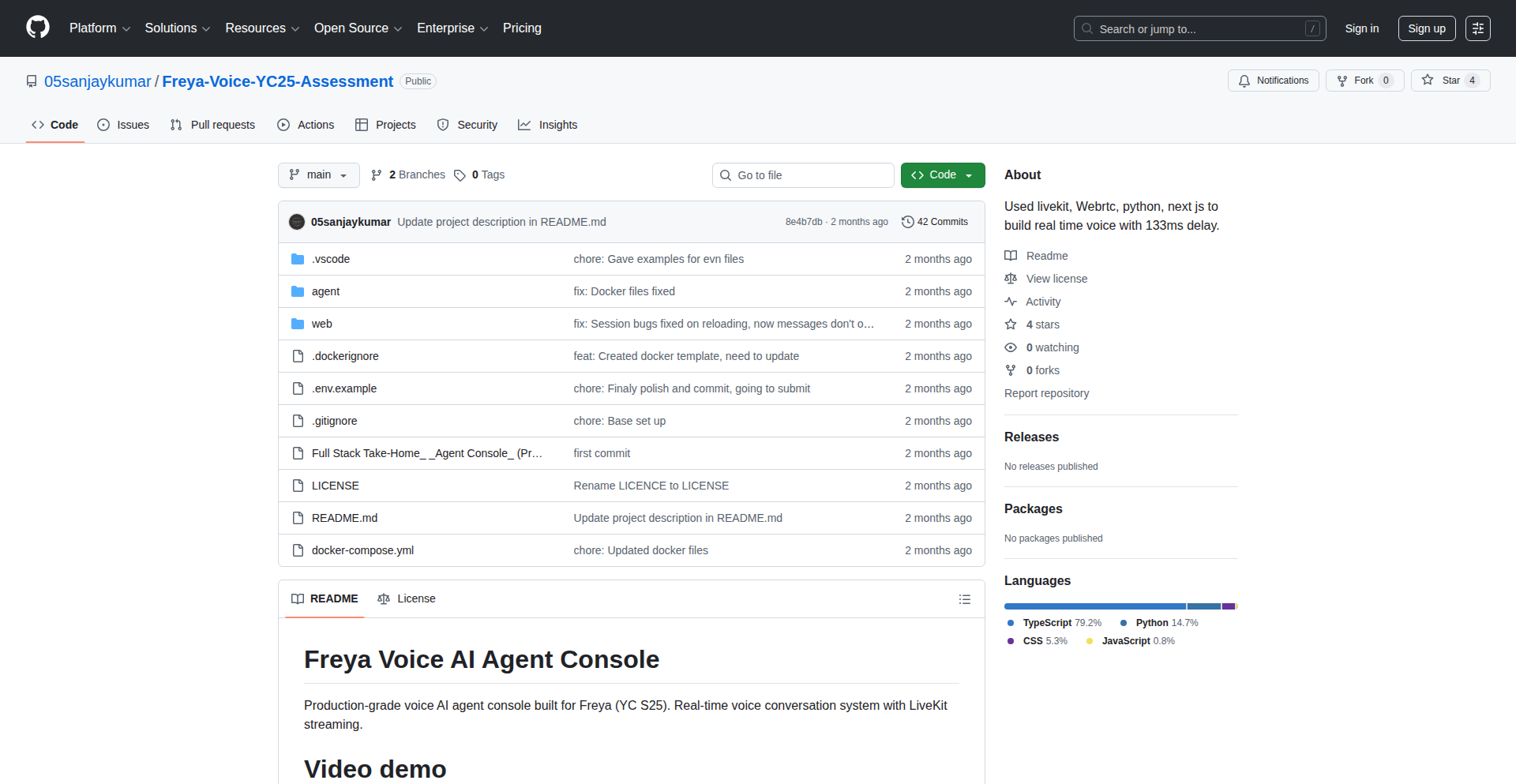
Author
sanjaykumar584
Description
A real-time voice AI agent console built for rapid prototyping and low-latency performance. It leverages cutting-edge WebRTC and AI integration to provide an instant voice-first interaction experience. The innovation lies in achieving an average latency of 133ms from voice input to AI response and audio output, demonstrating a practical approach to production-ready real-time systems. So, what's in it for you? It offers a blueprint for building highly responsive voice applications with minimal delay, crucial for user engagement and seamless interaction.
Popularity
Points 2
Comments 0
What is this product?
This project is a real-time voice AI agent console designed for speed and efficiency, aiming for a voice input to AI response and audio output latency of just 133ms. It's built using Next.js for the frontend and Python's FastAPI for the backend, with LiveKit handling the real-time WebRTC communication. The core innovation is in the architecture and optimization techniques that minimize latency, such as concurrent audio processing and the use of in-memory storage for quick access during the assessment period. So, what's the technical magic here? It's about orchestrating multiple technologies to make voice conversations feel almost instantaneous, much like a human conversation, rather than a clunky chatbot experience.
How to use it?
Developers can use this project as a foundational template for building their own real-time voice-activated applications. It's particularly useful for scenarios requiring immediate voice interaction, like customer support bots, interactive voice response systems, or even voice-controlled assistants. Integration would involve adapting the frontend to your specific UI needs and connecting your chosen AI model (like OpenAI, as used in the example) to the FastAPI backend. The LiveKit integration provides a robust mechanism for handling audio streams between the user's browser and the server. So, how can you leverage this? Think of it as a ready-made engine for your voice-based ideas, allowing you to focus on the AI logic and user experience rather than the complex real-time streaming and low-latency engineering.
Product Core Function
· Real-time WebRTC Audio Streaming: Enables seamless, low-latency transfer of voice data between users and the AI agent using LiveKit. This means your voice commands and the AI's responses travel back and forth almost instantly. Value: Essential for natural-feeling voice interactions where delays are frustrating. Use Case: Live customer service bots, interactive voice assistants.
· AI-Powered Voice Response Generation: Processes incoming voice input, sends it to an AI model (e.g., OpenAI) for understanding and response generation, and then converts the text response back to audio. Value: Automates conversations and provides intelligent replies based on user input. Use Case: Virtual assistants, educational tools, automated customer support.
· Low-Latency System Architecture: Optimized frontend (Next.js) and backend (FastAPI) with concurrent processing to achieve minimal delay from voice input to audio output. Value: Creates a highly responsive and engaging user experience, crucial for applications where speed is paramount. Use Case: Real-time gaming interactions, interactive training simulations.
· Full Observability and Session Management: Implements mechanisms to monitor the system's performance and track user interactions throughout a session. Value: Allows for debugging, performance analysis, and understanding user behavior in real-time. Use Case: Production monitoring, user analytics, error tracking.
· Voice-First Interface Design: Prioritizes voice input and output without a text fallback, focusing on a natural conversational flow. Value: Caters to users who prefer or require voice interaction, offering a more direct and intuitive experience. Use Case: Hands-free operation scenarios, accessibility features.
Product Usage Case
· Building an interactive voice-based customer support chatbot for a SaaS product. The 133ms latency ensures users feel like they are having a natural conversation, improving satisfaction and reducing wait times. This project provides the core real-time infrastructure needed to achieve that responsiveness.
· Developing a real-time voice-controlled presentation tool where presenters can advance slides or trigger actions using spoken commands. The low latency ensures commands are executed immediately, making the presentation seamless and professional. The project's architecture demonstrates how to handle continuous voice input and rapid command processing.
· Creating an educational application that allows students to verbally ask questions and receive instant audio answers from an AI tutor. The minimal delay makes the learning experience more engaging and less disruptive. The project's focus on concurrent audio processing is key to delivering these quick responses.
· Implementing a hands-free interface for complex software, allowing users to navigate menus and perform actions through voice commands in environments where typing is difficult or impossible. The voice-first design and real-time capabilities are directly applicable here. The project's decision to prioritize speed with in-memory storage shows a practical approach for such scenarios.
50
VanillaJS WordForge

Author
xaviergonzalez
Description
A daily word game meticulously crafted in pure, unadulterated JavaScript. The core innovation lies in its entirely client-side operation, meaning no server is involved, offering instant gameplay and data privacy. It solves the problem of creating an engaging, accessible game experience without the overhead of backend infrastructure.
Popularity
Points 1
Comments 1
What is this product?
VanillaJS WordForge is a daily word puzzle game built using only vanilla JavaScript, meaning no external libraries or frameworks are used. The primary technical innovation is its client-side-only architecture. All game logic, word generation, and scoring happen directly within the user's web browser. This approach eliminates the need for a server to host the game or process any user data, resulting in faster load times, enhanced privacy as no personal information is transmitted, and simpler deployment. It's a demonstration of how complex interactive applications can be built efficiently with fundamental web technologies.
How to use it?
Developers can use VanillaJS WordForge as a standalone web application to play the daily word game. For integration, the project's source code can serve as a pedagogical example for building client-side games. Developers interested in learning how to manage game state, handle user input, and implement game mechanics purely in JavaScript can study its codebase. It's also a reference for creating web applications that prioritize user privacy and minimal dependencies. You can embed its core logic into other web projects, perhaps as a fun mini-game or a distraction element, by incorporating the provided JavaScript files and HTML structure.
Product Core Function
· Daily Word Puzzle Generation: Implements an algorithm to generate a new word puzzle each day, ensuring a fresh challenge for users. This is valuable for providing continuous engagement without requiring manual updates.
· Client-Side Game Logic: All game rules, move validation, and win/loss conditions are processed within the user's browser. This offers instant feedback and zero server latency, making the game feel more responsive.
· No Server Dependency: The game operates entirely in the browser, meaning no backend infrastructure is needed. This reduces development costs, simplifies deployment, and significantly enhances user data privacy.
· Pure JavaScript Implementation: Built with only native JavaScript, making the codebase lightweight and easy to understand for developers familiar with core web technologies. This is valuable for learning and for projects that require minimal external dependencies.
Product Usage Case
· Building privacy-focused web games: A developer could adapt this project to create other word games or simple puzzle applications where user data privacy is paramount, as no personal information is ever sent to a server.
· Learning client-side game development: Aspiring web developers can dissect this project to understand how to build interactive games from scratch using only JavaScript, without the complexity of frameworks.
· Creating lightweight, offline-capable web experiences: By leveraging client-side logic, a similar approach could be used to build web tools that function even with limited or no internet connectivity after initial loading.
· Demonstrating efficient JavaScript usage: This project serves as a practical example of how to achieve significant functionality with a small, focused codebase, demonstrating good software engineering practices in vanilla JavaScript.
51
PackageFlow: Desktop Package.json Orchestrator

Author
runkids
Description
PackageFlow is a desktop application designed to simplify the management of JavaScript projects by providing a visual and interactive way to handle dependencies declared in `package.json` files. It addresses the complexity of managing multiple project dependencies and versions, offering a more intuitive user experience than traditional command-line tools. The innovation lies in its graphical approach to package management, allowing developers to see, analyze, and manage their project's dependencies at a glance, thereby reducing common errors and speeding up development workflows.
Popularity
Points 1
Comments 1
What is this product?
PackageFlow is a desktop application that visualizes and manages the dependencies listed in your `package.json` files for JavaScript projects. Instead of solely relying on text-based commands like `npm install` or `yarn add`, it presents your project's dependencies in a clear, graphical interface. This allows you to see which packages are installed, their versions, and their relationships. The core innovation is transforming a text-file-driven process into an interactive visual experience, making it easier to identify conflicts, outdated packages, and understand the overall dependency tree. So, what's the benefit for you? It means less time deciphering cryptic command-line outputs and more time building. You can quickly spot and resolve dependency issues, ensuring your projects are stable and up-to-date with minimal frustration.
How to use it?
Developers can use PackageFlow by simply opening the application and pointing it to their project directory containing a `package.json` file. The app will then parse the file and display a visual representation of the project's dependencies. From there, you can perform actions such as adding new dependencies, updating existing ones, removing unused packages, and resolving version conflicts directly through the GUI. This makes it ideal for individual developers, small teams, and even larger projects where keeping track of numerous dependencies can become a chore. Integration is straightforward: just launch the app and select your project folder.
Product Core Function
· Visual Dependency Tree: Displays a clear, hierarchical view of all your project's dependencies, including dev dependencies. Value: Quickly understand your project's structure and identify potential issues without digging through file structures or command outputs. This helps you see at a glance what your project relies on.
· Dependency Version Management: Allows for easy viewing, updating, and downgrading of package versions. Value: Ensures you can maintain the correct versions of your libraries, avoiding compatibility problems and easily upgrading to newer features. This saves you from manual version hunting and potential errors.
· Conflict Detection and Resolution: Highlights potential version conflicts between dependencies and provides tools to help resolve them. Value: Prevents common errors caused by incompatible library versions, leading to more stable and reliable applications. This means fewer unexpected bugs and less debugging time.
· Package Installation and Removal: Facilitates adding new packages and removing existing ones directly from the application. Value: Streamlines the process of incorporating new tools or cleaning up your project, making it more efficient than typing commands for each operation. This simplifies your development workflow.
· Project Scoping: Supports managing multiple projects, allowing you to switch between them and view their individual dependency landscapes. Value: Centralizes the management of all your JavaScript projects in one place, making it easier to keep track of and work on different codebases. This boosts your overall productivity.
Product Usage Case
· Scenario: A developer is working on a medium-sized Node.js backend project and needs to update a critical dependency to the latest version, but is concerned about potential breaking changes. How PackageFlow helps: They can open the project in PackageFlow, see the current version of the dependency, and then use the update feature to explore available versions. The visual tree can help them identify other packages that might be directly or indirectly dependent on this one, giving them a better understanding of the potential impact before committing to an upgrade. Value: Reduces the risk of introducing bugs and simplifies the decision-making process for critical updates.
· Scenario: A freelance developer is managing several small client projects, each with its own set of JavaScript libraries. They frequently forget which version of a particular library was used in a specific project. How PackageFlow helps: They can load each project into PackageFlow and quickly see the exact versions of all dependencies for each project in a visual format. This eliminates the need to manually check `package.json` files or remember command history. Value: Significantly improves organization and recall, reducing the time spent on administrative tasks and ensuring consistency across projects.
· Scenario: A new developer joins a team and is tasked with understanding the dependency structure of a large front-end project built with React. The `package.json` file is extensive, and they are struggling to grasp how everything fits together. How PackageFlow helps: PackageFlow can present the dependency graph in an easily digestible visual format, allowing the new developer to see the relationships between core libraries like React, Redux, and various UI components. They can click on individual packages to see their own dependencies. Value: Accelerates the onboarding process and helps new team members quickly gain a comprehensive understanding of the project's technical foundation.
52
Landkit Conversion Linter

Author
nikhonit
Description
Landkit Audit is a tool that analyzes your landing pages to identify structural errors that hinder conversion rates. It acts like a spell checker for your page's design and content hierarchy, using AI to pinpoint issues that might be driving visitors away. This means you get actionable insights to improve your page's effectiveness without needing to be a deep technical expert.
Popularity
Points 1
Comments 1
What is this product?
This project is a specialized 'linter' for landing pages, designed to improve conversion rates. Instead of checking code for syntax errors, it checks your landing page's structure and content for common conversion pitfalls. It works by fetching your website, stripping away visual clutter to understand the underlying information flow (the semantic map), and then applying over 50 rules derived from proven marketing and psychology principles. For example, it checks if your main headline is clear enough to understand within 5 seconds, if forms ask for too much information too early, or if trust signals are missing near payment buttons. So, it helps you find and fix hidden problems that might be costing you customers.
How to use it?
Developers can use Landkit Audit by simply visiting the provided URL (landkit.pro/audit) and entering their landing page URL. The tool will then perform an analysis and present a report detailing specific 'violations' or areas for improvement. This report can be used to guide iterative design and content changes. For integration, while it's a standalone tool, the insights gained can inform front-end development workflows, content strategy, and user experience design, directly impacting how developers build and optimize web pages. The core value for developers is receiving clear, AI-driven feedback on their page's effectiveness from a conversion perspective, helping them prioritize changes that matter most.
Product Core Function
· Semantic Map Generation: Extracts the core information hierarchy of a landing page, ignoring design elements to reveal the essential structure users navigate. This helps understand the fundamental user journey, revealing if the page's core message is clear, regardless of aesthetics.
· Heuristic-Based Analysis: Applies over 50 rules derived from direct response marketing frameworks (like Cialdini and Fogg) to identify conversion barriers. This allows for data-driven identification of issues that are proven to impact user behavior and decision-making.
· Visual Hierarchy Assessment: Infers potential issues with the '5-second test' for headlines (H1 tags), ensuring the primary message is immediately understandable. This directly translates to faster user comprehension and reduced bounce rates.
· Friction Identification: Detects forms that request excessive information too early in the user journey, before establishing sufficient value. This helps optimize lead generation processes by reducing unnecessary hurdles for potential customers.
· Anxiety Reduction: Flags missing trust signals (like security badges or testimonials) near critical points like payment triggers. This builds user confidence and reduces cart abandonment by assuring visitors of safety and legitimacy.
· AI-Powered Report Generation: Leverages advanced AI (Gemini Pro 2.5) to provide logical reasoning and inference for detected 'violations', offering critical feedback in a persona tuned for constructive criticism. This delivers actionable, human-like insights that are easy to interpret and act upon.
Product Usage Case
· A startup developer building a new product landing page notices low sign-up rates. They run Landkit Audit, which flags that the main call-to-action button is not prominent enough and the form asks for an email address before explaining the product's benefits. The developer then adjusts the button's color and size, and reorders the content to highlight benefits before the sign-up form, leading to a measurable increase in sign-ups.
· An e-commerce marketer is optimizing their checkout page and suspects that users are abandoning their carts due to concerns about security. Landkit Audit identifies a lack of trust signals (like SSL certificates and customer review integrations) near the payment section. The marketing team works with developers to integrate these trust elements, reducing cart abandonment and increasing completed purchases.
· A SaaS company is testing different versions of their feature page. Landkit Audit helps them quickly assess which version's information hierarchy is more effective by identifying if key feature benefits are presented clearly and if any sections create confusion or friction for potential users. This accelerates their A/B testing process and helps them choose the higher-converting page design.
53
QR SwiftGen

Author
ljinkai
Description
A free and simple QR code generator that allows users to create QR codes in seconds without any login, setup, or unnecessary features. It leverages straightforward implementation to quickly convert text, URLs, or other data into scannable QR codes, solving the immediate need for easy information sharing.
Popularity
Points 2
Comments 0
What is this product?
QR SwiftGen is a minimalist, web-based tool designed to generate QR codes rapidly. The core technology involves using a JavaScript library to encode input data (like a URL or a piece of text) into a QR code format. This is innovative because it strips away complexity, focusing solely on the efficient generation of the QR code image itself. The value is in its unadulterated speed and ease of use, making it instantly accessible for anyone needing to share information digitally without friction. So, what's in it for you? You can instantly turn any piece of information into a scannable code, ready to be shared or printed, no fuss involved.
How to use it?
Developers can use QR SwiftGen directly through its web interface by pasting their desired content into a text field and clicking a 'generate' button. For programmatic use and integration into other applications, the underlying JavaScript library can be incorporated into a project. This allows developers to trigger QR code generation dynamically based on user input or application state, such as generating a QR code for a specific product page or a Wi-Fi network. So, how can you benefit? You can embed this functionality into your own websites or apps, offering your users the convenience of creating QR codes on the fly, enhancing user engagement and data accessibility.
Product Core Function
· Instant QR Code Generation: The system takes user-provided text or URLs and converts them into a visually scannable QR code image in near real-time. This is valuable for quickly sharing website links, contact information, or event details. So, what's the benefit? You save time by instantly creating shareable codes for your digital content.
· No Login/Setup Required: The tool is designed for immediate use. Users don't need to create accounts or install any software, lowering the barrier to entry for creating QR codes. This is useful for quick, ad-hoc sharing needs. So, what's the benefit? You can start generating QR codes the moment you need them, without any upfront commitment.
· Minimalist Interface: The user interface is clean and focused, prioritizing the core functionality of generating QR codes. This ensures a straightforward user experience, even for those unfamiliar with QR technology. So, what's the benefit? You get a no-clutter experience, making it super easy to understand and use, even if you're not a tech expert.
Product Usage Case
· A blogger wants to quickly share a link to their latest article on social media. They use QR SwiftGen to generate a QR code for the article's URL, which they can then easily post as an image. This solves the problem of users having to manually type long URLs. So, what's the benefit? You can ensure your audience accesses your content effortlessly.
· A small business owner needs to share their Wi-Fi network details with customers. Instead of writing it down, they use QR SwiftGen to create a QR code containing the SSID and password, which they can display at their counter. This simplifies access for customers and reduces manual input. So, what's the benefit? You provide a seamless and secure way for your customers to connect to your network.
· A developer is building a simple inventory management tool and needs to generate unique QR codes for each item. They can integrate the underlying JavaScript library into their application to dynamically create QR codes representing item IDs or tracking numbers, which can then be printed and affixed to products. This solves the need for unique, scannable identifiers in a streamlined manner. So, what's the benefit? You can add robust tracking and identification capabilities to your applications with ease.
54
RustMicrograd

Author
cyyeh
Description
This project is a Rust implementation of micrograd, a small automatic differentiation library inspired by Andrej Karpathy's work. It leverages Python bindings through PyO3, allowing Python developers to harness the performance benefits of Rust for their machine learning computations. The core innovation lies in bringing a well-understood, educational deep learning tool to a performant language like Rust, opening up possibilities for faster and more memory-efficient gradient calculations.
Popularity
Points 2
Comments 0
What is this product?
RustMicrograd is a lightweight library that automatically calculates gradients (derivatives) for mathematical expressions. Think of it as a smart calculator that can figure out how much each small change in your inputs affects the final output, which is crucial for training machine learning models. The innovation here is that it's written in Rust, a language known for its speed and safety, but made accessible to Python users via PyO3. This means you get Rust's performance without needing to be a full-time Rust developer. So, what's the value to you? You can speed up your machine learning experiments and make your Python-based AI projects more efficient by offloading computationally intensive gradient calculations to Rust.
How to use it?
Developers can integrate RustMicrograd into their Python projects by installing it as a package. Once installed, they can define their computational graphs (mathematical operations) in Python and then use the Rust-backed engine for automatic differentiation. This would be particularly useful in scenarios where complex model architectures or large datasets lead to slow gradient computation in pure Python. For example, you could use it to accelerate the training loop of a custom neural network or to perform gradient-based optimization for a numerical problem. This gives you a way to easily inject high-performance, battle-tested gradient computation into your existing Python workflows.
Product Core Function
· Automatic Differentiation Engine: Computes gradients of scalar-valued functions with respect to their input variables. This is the heart of how machine learning models learn, by adjusting parameters based on these gradients. Its value is in enabling efficient backpropagation for neural networks and other gradient-based optimization algorithms.
· Rust Implementation for Performance: The core computational logic is written in Rust, offering significant speed and memory efficiency gains over pure Python implementations. This means your ML training and inference can run faster and consume less resources.
· PyO3 Python Bindings: Seamlessly integrates the Rust core with Python, allowing Python developers to use the library without learning Rust. This bridges the gap between high-performance systems programming and the ease of use of Python for machine learning.
· Tensor-like Operations: Supports fundamental tensor operations necessary for building neural network layers and defining computational graphs. These operations are the building blocks for complex AI models, and having them efficiently implemented is key to practical AI development.
Product Usage Case
· Accelerating Custom Neural Network Training: A data scientist building a novel neural network architecture in PyTorch or TensorFlow might find that the gradient calculations for their specific design are a bottleneck. By implementing the core backpropagation logic in RustMicrograd and calling it from Python, they can achieve faster training times. This directly addresses the problem of slow experimentation cycles.
· High-Performance Gradient-Based Optimization: For researchers or engineers working on complex optimization problems that can be framed using gradient descent (e.g., parameter tuning in simulations, robotics control), RustMicrograd can provide a significantly faster way to compute the necessary gradients. This allows for more iterations and potentially better solutions to their optimization challenges.
· Educational Deep Learning Tool Enhancement: For educators or students learning about the inner workings of deep learning, this Rust version can serve as a highly performant and robust example. It allows for experimentation with micrograd's concepts on larger scales than might be feasible with a pure Python equivalent, providing deeper insights into performance characteristics.
55
AI-Generated Puzzle Engine

Author
ediblepython
Description
This project showcases a novel approach to game development by entirely generating the codebase for a puzzle game using AI, specifically Claude Sonnet 4.5 within the Cursor IDE. The core innovation lies in demonstrating that complex application logic and user interfaces can be achieved through sophisticated AI prompting, eliminating the need for traditional manual coding. This challenges the conventional developer workflow and highlights the potential of AI as a co-creator or even an autonomous developer.
Popularity
Points 2
Comments 0
What is this product?
This project is a puzzle game built entirely by Artificial Intelligence, with no direct code written by a human developer. The innovation is in leveraging advanced AI models (like Claude Sonnet 4.5) and AI-assisted development environments (like Cursor) to generate a functional application. It proves that AI can translate high-level descriptions and requirements into working code, handling logic, user interaction, and even game mechanics. So, what's the practical implication? It suggests a future where complex software can be prototyped and even developed much faster, potentially lowering the barrier to entry for creating applications and accelerating innovation cycles.
How to use it?
While this specific project is a demonstration, developers can use the underlying principles and tools (AI models like Claude and IDEs like Cursor) to accelerate their own development processes. Instead of writing boilerplate code or complex algorithms from scratch, developers can prompt the AI to generate them, saving significant time and effort. This could involve asking for specific game mechanics, UI components, or even entire modules. The integration is via prompt engineering – describing the desired functionality to the AI, which then generates the code. So, how does this help you? You can use these AI tools to get started on your next project faster, bypass tedious coding tasks, and focus on the unique aspects of your idea.
Product Core Function
· AI-generated game logic: The AI is capable of understanding and implementing the rules and mechanics of a puzzle game, demonstrating its ability to translate conceptual requirements into executable code. This means developers can offload the creation of intricate game systems to AI. This is valuable because it reduces development time and complexity for game developers.
· Prompt-driven UI generation: The project suggests that the AI can create user interfaces based on textual descriptions. This allows for rapid prototyping of visual elements and user flows without extensive manual design and implementation. This is valuable because it enables quick visualization and testing of user experience ideas.
· Codebase generation without manual coding: The entire codebase was generated by AI. This is the core innovation, showing the potential for AI to be a primary driver of software creation. This is valuable because it opens up new possibilities for how software is built, potentially making development more accessible and efficient.
· AI-powered iterative refinement: The author was 'genuinely happy with the end result from AI coding', implying an iterative process of prompting and refinement. This indicates that AI can be guided to produce high-quality code that meets specific criteria. This is valuable because it suggests AI can be a reliable partner in creating polished software products.
Product Usage Case
· Rapid prototyping of indie games: A solo developer with a game idea could use AI to quickly generate a playable prototype of a puzzle game, allowing them to test core mechanics and gather feedback early. This solves the problem of initial development being a bottleneck for creative ideas.
· Accelerating feature development in existing applications: A developer working on a complex application might use AI to generate specific, self-contained features like a new mini-game or an interactive tutorial. This allows them to quickly integrate new functionalities without diverting significant resources from the main project. This solves the problem of needing specialized features quickly.
· Educational tool for learning programming concepts: Students could interact with the AI to generate code snippets for specific problems, observe how the AI solves them, and then modify the prompts to experiment with different solutions. This provides a dynamic and interactive way to learn coding principles. This solves the problem of abstract coding concepts being hard to grasp.
· Democratizing game development: Individuals who may not have extensive coding experience but have creative game ideas can now leverage AI tools to bring their visions to life, fostering a more inclusive game development community. This addresses the barrier to entry for aspiring game creators.
56
XmasTreeSynth
Author
chrka
Description
A project that uses code to program and animate a Christmas tree, showcasing creative applications of programming for visual effects and interactive art. It tackles the problem of translating abstract code into tangible, festive visual experiences.
Popularity
Points 2
Comments 0
What is this product?
XmasTreeSynth is a programmatic Christmas tree art installation. Instead of physically decorating a tree, the 'decoration' is generated and controlled by code. Think of it as a digital orchestra where each 'note' is a light on the tree, and the 'music' is the animation. The innovation lies in using algorithms and scripting to create dynamic, evolving light patterns, transforming a static object into a responsive canvas. This allows for intricate and complex visual designs that would be impossible with manual decoration, offering a unique blend of technical execution and artistic expression. So, what's in it for you? It demonstrates how code can be a powerful tool for creating stunning visual art and unique decorative experiences, pushing the boundaries of traditional holiday displays.
How to use it?
Developers can use XmasTreeSynth by interacting with its underlying codebase. This typically involves defining sequences of light states, controlling timing, and potentially integrating external data to influence the animations. Imagine writing a script that dictates when each LED on the tree turns on, what color it displays, and how long it stays lit. This can be done through a programming language like Python or JavaScript, controlling a microcontroller that manages the actual LED lights. Potential integration points include linking animations to music, real-time data feeds (like weather or social media trends), or even user input, making the tree react to its environment. So, what's in it for you? It offers a direct way to experiment with creative coding and embedded systems, enabling you to build your own dynamic, code-driven visual installations for any occasion.
Product Core Function
· Algorithmic light pattern generation: This allows for the creation of complex and dynamic light shows by defining rules and logic for how lights behave, offering a technically sophisticated way to achieve visually appealing effects. This is useful for creating unique and memorable visual displays.
· Real-time animation control: The ability to control light animations instantly means the tree can react to changes, providing a more engaging and interactive experience. This is valuable for live events or installations that need to be responsive.
· Scriptable visual design: By using code to design the visuals, developers gain immense flexibility and can easily modify or iterate on designs without physical changes. This speeds up the creative process and allows for personalized aesthetics.
· Integration with hardware (e.g., LEDs and microcontrollers): This core function bridges the gap between software and the physical world, enabling tangible outputs for code. This is essential for anyone looking to build physical computing projects.
Product Usage Case
· Creating a responsive holiday display for a home or public space, where the tree's lights change color and pattern based on the time of day or even incoming tweets, solving the problem of static decorations and adding a dynamic, engaging element.
· Developing a unique stage prop for a music performance, where the tree's animations are synchronized with the music beats, enhancing the visual atmosphere and creating a cohesive artistic presentation.
· Building an interactive art installation for a gallery or event, allowing visitors to influence the light patterns through simple inputs, thus solving the challenge of engaging audiences with code-based art and providing a memorable experience.
57
UtterDictate AI

url
Author
helro
Description
UtterDictate AI is a system-wide dictation application for macOS and iOS that goes beyond basic speech-to-text. It leverages custom AI prompts to transform your spoken words into structured, useful output like emails, Markdown, or even code snippets. Unlike standard dictation that often requires extensive cleanup, UtterDictate AI aims to understand context and deliver pre-formatted text directly, saving you significant editing time. It's a privacy-first solution with bring-your-own API keys, giving you control and cost savings.
Popularity
Points 2
Comments 0
What is this product?
UtterDictate AI is a native dictation tool for macOS and iOS that uses artificial intelligence to intelligently process your spoken words. The core innovation lies in its ability to apply custom AI prompts to dictated text before it's inserted into any application. Instead of just converting speech to plain text, you can instruct UtterDictate AI to format your dictation as an email, generate Markdown, summarize notes, or even create structured JSON. This means it understands the *intent* behind your words, not just the sound. It works system-wide, meaning you can dictate into any text field with a global hotkey. The system is designed with privacy in mind, storing your API keys locally and not retaining any user data.
How to use it?
Developers can use UtterDictate AI by installing the macOS application and optionally the iOS companion app with its custom keyboard. Once installed, you can activate dictation with a global hotkey (e.g., Command+Shift+S). Before speaking, you can configure custom AI prompts within the app's settings. For example, you might set a prompt like 'Convert this to a professional email, including a subject line and closing.' or 'Format this into Markdown with headings and bullet points.' Then, you speak, and UtterDictate AI processes your audio, applies the prompt, and inserts the structured text directly into your cursor in any app, whether it's a code editor, a notes app, or an email client. You can bring your own API keys for services like OpenAI or Anthropic, or opt for hosted models if you prefer not to manage keys. This integration allows for seamless, intelligent voice input into your existing workflows.
Product Core Function
· System-wide dictation: Enables voice input into any text field across all macOS applications, allowing you to dictate notes, emails, or code without being restricted to specific apps. This saves time by letting you capture thoughts as they arise, regardless of your current task.
· Customizable AI prompts: Users can define specific AI instructions to transform dictated text into desired formats like emails, Markdown, JSON, or summaries. This significantly reduces post-dictation editing time and ensures output consistency, making your spoken input immediately usable.
· Bring-your-own API keys (BYOK): Supports integration with major AI providers like OpenAI and Anthropic using your own API keys. This offers cost control and flexibility, allowing you to use services you're already familiar with and potentially at a lower cost.
· Privacy-first design: Operates without user accounts or data retention, with API keys stored locally on your device. This ensures your dictated content and sensitive API credentials remain private and secure, addressing common privacy concerns with cloud-based services.
· iOS companion app with custom keyboard: Extends dictation capabilities to your iPhone with a dedicated keyboard. Content is synced via iCloud, allowing for a consistent dictation experience across devices and making it easier to capture thoughts on the go.
Product Usage Case
· As a developer, you're walking and have a brilliant idea for a command-line script. You dictate your rough thoughts into UtterDictate AI, using a prompt like 'Convert this to a Bash script with comments explaining each step.' UtterDictate AI processes the audio, formats it as a readable Bash script with explanations, and inserts it directly into your terminal or a code editor, saving you the effort of typing and structuring the script later.
· You need to write a detailed bug report for a software issue. Instead of typing, you dictate the problem description, steps to reproduce, and expected outcome. You use a prompt configured to format this into a structured Markdown document with clear sections for each part. UtterDictate AI inserts the perfectly formatted report into your issue tracker, saving you time and ensuring all necessary details are captured accurately.
· While brainstorming ideas for a new feature, you dictate a stream of thoughts. You configure a prompt to summarize these thoughts into concise bullet points and extract key action items. UtterDictate AI delivers a clean, actionable summary, making it easy to organize your ideas and assign tasks without manual summarization.
· You're composing an important email and want to ensure it has a professional tone and structure. You dictate the content, and a prompt like 'Format this as a formal business email with a clear subject, greeting, body, and closing.' is applied. The result is a polished email ready to be sent, eliminating the need for manual formatting and tone adjustment.
58
Meds ASN-Firewall

Author
cnaize
Description
Meds is a high-performance, user-space firewall for Linux that leverages NFQUEUE to inspect and filter network traffic. The latest version introduces ASN-based filtering, allowing users to block or allow traffic based on Autonomous System Numbers (ASNs), using the Spamhaus DROP list and IP-to-ASN mapping. This offers a more granular and efficient way to control network access compared to traditional IP-based rules, providing significant security and performance benefits.
Popularity
Points 2
Comments 0
What is this product?
Meds is a software firewall that runs in user-space on Linux systems. Instead of relying solely on the kernel's built-in firewalling, Meds intercepts network packets using a mechanism called NFQUEUE. Think of NFQUEUE as a way for the kernel to hand off network packets to a user-space program (Meds) for inspection and decision-making. The innovation here is the ability to filter traffic not just by individual IP addresses, but by entire networks identified by their Autonomous System Numbers (ASNs). ASNs are like postal codes for internet networks, grouping together large blocks of IP addresses belonging to a single entity, like an ISP or a major cloud provider. By using a well-known blocklist like Spamhaus DROP (which targets malicious IPs associated with botnets and other threats) and mapping these to ASNs, Meds can effectively block entire networks of known bad actors. This is significantly more efficient than managing individual IP addresses and provides a stronger defense against emerging threats.
How to use it?
Developers can use Meds to build more sophisticated and performant network security solutions on Linux. It can be integrated into custom network appliances, IoT devices, or server infrastructure. The primary usage involves setting up filtering rules based on ASNs, IP ranges, or even by inspecting TLS traffic. For example, you could configure Meds to block all incoming traffic from ASNs known to host malicious activity, or to allow only traffic from specific trusted ASNs. Meds also exposes a built-in Prometheus endpoint for monitoring network traffic metrics and a Swagger API for programmatic control and integration with other management tools, making it suitable for automated security management in complex environments.
Product Core Function
· ASN-Based Filtering: Allows blocking or allowing entire networks of IP addresses by their Autonomous System Number (ASN). This is valuable for quickly and efficiently mitigating threats from known malicious networks, reducing the attack surface without needing to maintain exhaustive IP lists.
· NFQUEUE Integration: Intercepts network packets in user-space for deep inspection and custom filtering logic. This offers greater flexibility and performance than kernel-level firewalling for complex scenarios, enabling custom packet handling and analysis.
· Spamhaus DROP List Integration: Utilizes the Spamhaus DROP list, a curated list of IP addresses known to be involved in spam and botnet activity, for immediate threat mitigation. This provides a baseline of security against known malicious actors right out of the box.
· TLS Inspection: Capable of inspecting encrypted TLS traffic to identify and potentially block malicious content or unauthorized communication patterns. This is crucial for modern security where much traffic is encrypted, offering deeper visibility into network activity.
· Optimized Rate Limiting: Provides efficient control over the rate of network traffic, helping to prevent denial-of-service attacks and manage bandwidth. This is essential for maintaining network stability and performance under load.
· Zero-Lock Core: Designed to be highly performant and avoid locking up system resources, ensuring the firewall itself doesn't become a bottleneck. This is important for maintaining the responsiveness of the systems it protects.
· Prometheus Metrics & Swagger API: Exposes detailed network metrics via Prometheus for monitoring and provides a RESTful API (Swagger) for programmatic configuration and integration. This enables robust observability and automation of security policies.
Product Usage Case
· Securing a web server against botnets: A developer can configure Meds to block all incoming connections from ASNs identified in the Spamhaus DROP list, preventing a large volume of malicious traffic from reaching the server and improving performance and security.
· Implementing granular network access control for a private network: An administrator can use Meds to allow only traffic originating from specific, trusted ASNs (e.g., those of trusted partners or cloud providers) while blocking all other inbound connections, creating a highly controlled network environment.
· Building a custom IoT security gateway: Meds can be deployed on a gateway device to inspect and filter traffic from IoT devices, blocking suspicious outbound connections or preventing unauthorized inbound access, enhancing the security posture of the IoT ecosystem.
· Proactive threat hunting and response: By monitoring Prometheus metrics exposed by Meds, security teams can identify unusual traffic patterns originating from specific ASNs, allowing for rapid investigation and blocking of emerging threats before they cause significant damage.
· Integrating firewall management into a CI/CD pipeline: The Swagger API allows for automated updates of firewall rules as part of a continuous integration and continuous deployment process, ensuring security policies are always up-to-date and aligned with application deployments.
59
VibeCoded - OpenRouter AI Gateway
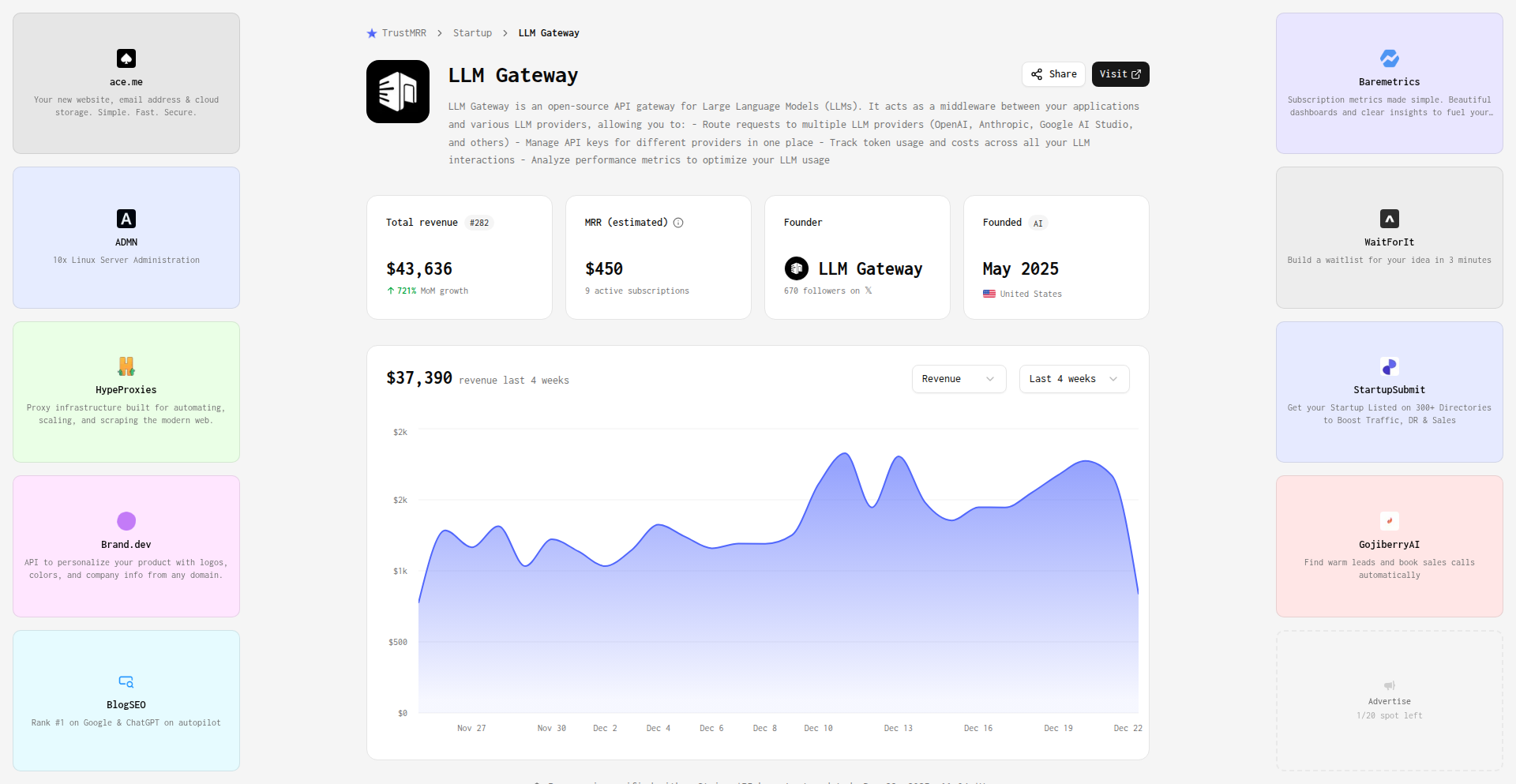
Author
smakosh
Description
VibeCoded is an open-source alternative to commercial AI model gateways like OpenRouter. It aims to provide a unified API for accessing various Large Language Models (LLMs), enabling developers to switch between different models with minimal code changes. The innovation lies in its flexible architecture and the ability to manage diverse LLM providers through a single interface, offering cost-effectiveness and greater control to developers. It addresses the fragmentation of AI model access by creating a consistent experience.
Popularity
Points 2
Comments 0
What is this product?
VibeCoded is an open-source project designed to act as a central gateway for interacting with various Artificial Intelligence (AI) models. Think of it like a universal remote for all your AI needs. Instead of needing to learn a different way to talk to each AI model from different companies (like GPT-4, Claude, Gemini, etc.), VibeCoded provides one single way to send requests. Its technical core is built around a flexible API design that abstracts away the complexities of each individual AI provider. This means developers can plug in different AI models or switch to a new one without rewriting their entire application. The innovation is in its adaptable routing logic and standardization of API calls, making it easier and cheaper to experiment with and deploy AI-powered features. So, it helps you use the best AI for your task without getting locked into one vendor, saving you time and potentially a lot of money.
How to use it?
Developers can integrate VibeCoded into their applications by setting it up as a local server or a hosted service. The project exposes a standard RESTful API that mimics common AI model interaction patterns. Developers will configure VibeCoded with their API keys for different AI providers and specify routing rules, such as choosing a cheaper model for simple tasks or a more powerful one for complex requests. It can be integrated into web applications, backend services, or even desktop tools that require AI capabilities. This means you can add AI features to your existing software, or build new AI-driven applications, by simply pointing your application to the VibeCoded API. This makes it incredibly easy to experiment with different AI models and find the perfect fit for your specific use case and budget.
Product Core Function
· Unified API Access: Provides a single API endpoint to interact with multiple LLMs, abstracting away provider-specific complexities. This means you only need to learn one API, saving you development time and effort when integrating AI into your projects.
· Model Routing and Selection: Allows dynamic routing of requests to different LLMs based on predefined rules (e.g., cost, performance, specific task requirements). This enables you to automatically use the most suitable and cost-effective AI model for each situation, optimizing your AI spending.
· Provider Agnosticism: Designed to be easily extended to support new LLM providers, preventing vendor lock-in. You are free to switch between AI providers as new models emerge or pricing changes, ensuring you always have access to the best available technology.
· Cost Management: By enabling flexible model selection and routing, VibeCoded helps developers optimize their AI usage costs. You can ensure that less demanding tasks are handled by cheaper models, significantly reducing your overall AI expenditure.
· Developer Experimentation: Facilitates rapid experimentation with different LLMs by providing a consistent interface. Developers can quickly test which AI model performs best for their application without significant code refactoring, speeding up innovation cycles.
Product Usage Case
· Building a chatbot that can switch between a faster, cheaper model for general conversation and a more sophisticated model for complex queries or creative writing. This ensures a responsive user experience while managing costs effectively.
· Developing an AI content generation tool that allows users to choose from various LLMs, each potentially offering different writing styles or strengths. The developer can configure VibeCoded to route specific content types to the most appropriate model without manual intervention.
· Integrating an AI summarization feature into a news aggregation app. VibeCoded can be set up to use a model that prioritizes speed and cost for summarizing articles, ensuring the feature is both performant and affordable for a large user base.
· Creating a system that analyzes customer feedback using AI. Developers can use VibeCoded to experiment with different sentiment analysis models, quickly iterating on the best approach without altering their core application logic, leading to more accurate insights.
60
LLMKit

Author
chieund
Description
LLMKit is a tool that allows developers to compare the performance of different Large Language Models (LLMs) side-by-side in real-time. It addresses the frustration of selecting the best LLM for a specific project by enabling direct, custom testing with your own prompts and scoring criteria, moving beyond generic benchmarks. The core innovation lies in its real-time streaming comparison and flexible scoring, making LLM selection a data-driven process rather than a guessing game.
Popularity
Points 2
Comments 0
What is this product?
LLMKit is a web application designed to help developers objectively evaluate and choose the most suitable Large Language Model (LLM) for their applications. Instead of relying on potentially misleading benchmarks, it allows users to input their own prompts and test up to five different LLMs (like GPT-4, Claude, Gemini) simultaneously. The key innovation is the real-time streaming comparison, where you can visually see the LLMs respond and 'race' against each other. It also allows you to define custom scoring weights for factors like speed, cost, and quality, providing a personalized performance metric. The 'aha moment' was realizing the power of live streaming to reveal performance nuances, akin to A/B testing for LLMs. It's built with Next.js and TypeScript, with a clever implementation for handling different LLM provider response formats and parallel streaming connections (Server-Sent Events or SSE). So, it helps you understand which LLM actually works best for *your* specific needs, not just in general.
How to use it?
Developers can use LLMKit by visiting the web application. You'll typically input your API keys for the LLMs you want to test directly into your browser (your keys are not sent to a server, enhancing security). Then, you enter your specific prompts and configure your custom scoring priorities (e.g., prioritize speed over cost, or quality over speed). LLMKit will then send your prompts to the selected LLMs concurrently and display their responses as they are generated in real-time. You can observe the speed, content, and quality of the outputs. This allows for immediate feedback and iterative testing. It's designed for production-realistic testing by supporting system prompts. You can integrate this insight into your development workflow by making informed decisions about which LLM to use in your application's backend or API calls, optimizing for your unique requirements. So, you use it to get direct answers to 'which LLM will perform best for my users?' without extensive manual trials.
Product Core Function
· Simultaneous LLM comparison: Test up to 5 LLMs (e.g., GPT-4, Claude, Gemini) at once to see their direct outputs for the same prompt. This helps you understand the relative strengths and weaknesses of different models for your specific task.
· Real-time streaming response: Observe LLM outputs as they are generated, allowing you to gauge response latency and observe the 'race' between models. This is crucial for latency-sensitive applications and gives an intuitive feel for performance.
· Customizable scoring weights: Define your priorities for speed, cost, and quality. LLMKit will then rank the LLMs based on your custom criteria, providing a quantitative measure of which model best meets your project's specific needs.
· Production-realistic prompt testing: Supports system prompts, enabling you to test LLMs in scenarios that closely mimic how they'll be used in a live application. This ensures the chosen LLM is suitable for real-world use cases.
· Time to First Token (TTFT) metrics: Measures the latency from sending a request to receiving the first piece of output from an LLM. This is a critical metric for applications where immediate feedback is paramount.
· Secure API key handling: API keys are processed and stored locally in your browser, not sent to a server, providing a more secure way to test commercial LLM services.
Product Usage Case
· Choosing a chatbot backend: A developer building a customer support chatbot needs fast responses and high accuracy. They use LLMKit to compare GPT-4 and Claude with their specific customer query prompts, prioritizing speed and quality. LLMKit reveals Claude offers a better balance for their use case, enabling them to integrate it confidently.
· Optimizing a content generation tool: A content creator needs an LLM that can generate marketing copy quickly and affordably. They use LLMKit to test several cost-effective models, adjusting scoring weights to favor speed and cost over perfect linguistic nuance. LLMKit helps them identify a model that meets their budget and turnaround time requirements.
· Developing a code assistant: A developer is building a tool that suggests code snippets. They need an LLM that is accurate and provides code quickly. They use LLMKit to test models for their specific coding language prompts, focusing on TTFT and code correctness. This allows them to select an LLM that enhances their productivity without introducing significant delays.
· Evaluating LLMs for educational platforms: An ed-tech company is creating a platform that provides personalized explanations for complex topics. They use LLMKit to test various LLMs for their ability to explain concepts clearly and accurately, weighting quality and comprehensibility highest. LLMKit helps them select an LLM that provides the best learning experience for students.
61
BrowserForge: AI Agent for Web Automation

Author
grantsingleton
Description
BrowserForge is an AI-powered platform that lets you automate complex web tasks by running agents within real Chrome browser instances. It leverages advanced AI models like Gemini 2.5 to understand your goals and have agents navigate websites like a human would, performing actions like clicking, typing, filling forms, and extracting data. This is crucial for streamlining repetitive web operations and extracting valuable information without manual intervention. So, this is useful for anyone who spends a lot of time interacting with websites and wants to automate those processes to save time and reduce errors.
Popularity
Points 1
Comments 1
What is this product?
BrowserForge is an AI browser agent platform. At its core, it uses a sophisticated AI model (specifically, Gemini 2.5's computer vision capabilities) to interpret natural language instructions and translate them into actions within a live Chrome browser. Think of it as giving a highly intelligent assistant the ability to interact with any website just like a person would. The innovation lies in its ability to run these agents within actual Chrome instances, ensuring compatibility with dynamic web content and complex user interfaces, and focusing on goal-oriented automation. This means it's not just clicking buttons; it's understanding the overall objective and executing a series of steps to achieve it, including handling persistent logins and retrying failed steps for reliability. So, this is useful because it offers a more robust and intuitive way to automate web tasks compared to traditional scripts, by truly mimicking human interaction.
How to use it?
Developers can use BrowserForge by signing up for an account and describing the desired task in natural language. For instance, you could say, 'Log into our admin portal, download the daily sales report from the 'Reports' section, extract the total revenue, and email it to [email protected].' BrowserForge's agents will then execute these steps within a Chrome browser. For integration, BrowserForge offers an API and webhooks, allowing you to trigger agent runs programmatically and receive results back into your existing systems or applications. This makes it easy to embed automated web tasks into larger workflows. So, this is useful for seamlessly integrating automated web operations into your existing software and operational processes.
Product Core Function
· Goal-oriented automation: Agents interpret natural language goals and execute multi-step browser actions to achieve them, providing a high level of automation. This is valuable for automating complex business processes that involve web interactions, saving significant manual effort.
· Persistent authenticated sessions: Agents can maintain logged-in states using saved cookies and authentication tokens, allowing for seamless continuation of tasks across multiple runs. This is beneficial for automating tasks within password-protected applications without needing to re-authenticate every time.
· Monitoring and reliability: Agents are built with retry mechanisms for failed steps and can handle common UI variations, ensuring tasks complete successfully or flag issues that require human intervention. This minimizes silent failures and increases the trustworthiness of automated workflows.
· Integration-ready with API and webhooks: The platform provides an API for triggering agent runs and receiving results, and webhooks for real-time notifications, enabling deep integration into other software and automation pipelines. This allows developers to build sophisticated, event-driven automation systems.
· Human-like browser interaction: Agents interact with web elements (clicking, typing, selecting) in a manner similar to a human user, which is essential for handling dynamic content and complex user interfaces that traditional scripting might struggle with. This ensures the automation works reliably on modern, interactive websites.
Product Usage Case
· Automating the process of logging into an internal administrative portal, downloading a daily sales report, extracting key financial figures from the report, and then forwarding these figures to the company's sales team via email. This saves the sales operations team hours of manual work each day.
· Monitoring an e-commerce marketplace for specific product listings, price changes, or removals, and triggering an alert or automated action when predefined conditions are met. This is valuable for competitive analysis, inventory management, and arbitrage opportunities.
· Filling out multi-step forms for applications, updating records within SaaS tools, or creating support tickets, all within authenticated user sessions. This significantly speeds up administrative tasks and data entry processes in various business applications.
62
PictogramLang

Author
tchn
Description
PictogramLang is an experimental programming language that explores the integration of visual elements, specifically emojis and images, directly into the codebase. It investigates how these visual components can enhance code readability, expressiveness, and potentially offer new ways to represent logic, akin to how we naturally use pictures and emojis in everyday communication. The core innovation lies in treating visual elements not just as comments or decorative additions, but as integral parts of the programming syntax and semantics.
Popularity
Points 2
Comments 0
What is this product?
PictogramLang is a conceptual programming language that reimagines code by incorporating visual symbols like emojis and images directly into the source code. Instead of just plain text, imagine your code having small icons or pictures that represent specific functions, variables, or even control flow. The technical idea is to create a mapping between these visual elements and programming constructs. For instance, a 'save' icon might represent a save function, or a specific emoji could denote a loop. This approach aims to make code more intuitive and accessible, by leveraging our inherent understanding of visual cues, and exploring a new paradigm for human-computer interaction in software development. So, this is useful because it opens up possibilities for making programming more human-friendly and potentially uncovering more efficient ways to write and understand code, especially for visual thinkers.
How to use it?
As an experimental language, PictogramLang is intended for exploration and research rather than immediate production deployment. Developers can explore its concepts by examining the provided Python notebook and presentation slides. The typical usage scenario would involve using a specialized editor or interpreter that understands the mapping between visual elements and code. Developers could experiment with writing small scripts or algorithms using these visual tokens to see how it affects their coding process, debugging, and collaboration. Integration would require building custom tooling or language servers that can parse and interpret the visual syntax. So, this is useful for developers who are curious about the future of programming languages, want to experiment with new paradigms, and contribute to the understanding of visual programming concepts.
Product Core Function
· Visual Token Mapping: The ability to define and associate specific emojis or small images with programming language constructs such as functions, variables, operators, or control flow statements. This allows for a more abstract and potentially intuitive representation of code. The value is in making code more human-readable and allowing for quicker comprehension of intent, especially for complex logic. This is useful in scenarios where clarity and speed of understanding are paramount.
· Syntactic Integration of Visuals: Going beyond mere comments, these visual elements are treated as actual parts of the programming syntax, influencing the execution flow or data manipulation. The value is in creating a novel programming paradigm that could lead to more concise or expressive code. This is useful for developers looking to push the boundaries of traditional programming and explore alternative ways to structure programs.
· Cross-modal Communication in Code: Leveraging the inherent understanding of visual cues to represent abstract concepts, similar to how we use emojis in text messages. The value is in bridging the gap between human intuitive communication and formal programming logic, potentially making programming more accessible. This is useful for educators, beginners, and anyone who finds traditional code syntax challenging to grasp.
Product Usage Case
· Educational Tool: A teacher could use PictogramLang to introduce programming concepts to young learners or individuals new to coding. By using familiar emojis and simple visual representations for actions like 'move forward' or 'repeat', abstract programming ideas become concrete and engaging. This solves the problem of initial intimidation with complex syntax. So, this is useful for making programming education more approachable and fun.
· Rapid Prototyping for Visual Thinkers: A designer or artist who is also a programmer could use PictogramLang to quickly sketch out ideas or simple applications. The visual nature of the code might align better with their creative thought process, allowing for faster iteration on visual or interactive concepts. This solves the problem of friction between creative intent and coding implementation. So, this is useful for accelerating the creative development cycle for visually oriented individuals.
· Accessibility Enhancement: For individuals with certain learning disabilities or cognitive differences that make processing dense text challenging, PictogramLang could offer an alternative way to engage with code. By replacing some textual elements with universally understood icons, it could lower the barrier to entry for participation in software development. This solves the problem of limited accessibility in traditional programming environments. So, this is useful for promoting inclusivity in the tech industry.
63
SVG Token Usage Sparkline Agent

Author
verdverm
Description
This project showcases an innovative approach to visualizing token usage in an application. It leverages an agent-based system to dynamically generate SVG sparkline charts, offering a novel way for developers to understand and track their application's resource consumption without complex charting libraries. The core innovation lies in using an agent to directly interpret and graph token data, making it a lightweight and developer-centric solution.
Popularity
Points 2
Comments 0
What is this product?
This project is a specialized component that generates SVG sparkline charts to visualize token usage. The 'agent' aspect means it's a smart piece of code that observes token consumption patterns and translates them into visual data directly as an SVG (Scalable Vector Graphics) image. This bypasses the need for heavy JavaScript charting libraries, making it exceptionally efficient and fast. The innovation is in creating a self-contained system that understands token data and outputs a visual representation, focusing on a specific, often overlooked, technical metric.
How to use it?
Developers can integrate this component into their dashboards or monitoring tools. Imagine you have an API that uses tokens for requests. This agent would monitor the token usage over time. You would then embed the generated SVG sparkline into your user interface. This allows users, or other developers, to quickly see trends in token consumption, like spikes during peak hours or gradual increases that might indicate an issue, all without loading a large charting library. It's ideal for applications where granular resource monitoring is key.
Product Core Function
· Agent-driven data interpretation: The agent intelligently reads and processes token usage metrics, meaning it understands the raw data and knows what to visualize, offering value by simplifying data analysis for developers.
· Dynamic SVG generation: Creates SVG sparklines on the fly, providing a lightweight and scalable visualization solution. This is valuable because SVGs are resolution-independent and easily embedded, making your app's performance better.
· Token usage graphing: Specifically designed to chart token consumption, giving developers precise insights into their application's resource efficiency. This helps in cost management and identifying potential performance bottlenecks.
· Minimal dependencies: Bypasses the need for external charting libraries, reducing project complexity and build times. The value here is a leaner, faster application.
· Embeddable component: The generated SVG can be easily embedded into web pages or applications, making it straightforward to integrate into existing UIs. This means you can quickly add advanced monitoring visuals without extensive development effort.
Product Usage Case
· Monitoring API token consumption: A developer building a service that relies on third-party APIs could use this to visualize their API token usage over a day or week, spotting unusual patterns that might indicate abuse or inefficient querying. The value is immediate visual feedback on resource spend.
· Tracking in-app feature usage metrics: For applications that meter features using tokens, this component can display a sparkline of feature adoption or usage intensity, helping product managers understand user behavior. This provides a quick visual summary of feature engagement.
· Real-time resource monitoring for serverless functions: Developers running serverless functions that consume resources measured in tokens can integrate this to see the usage patterns of their functions at a glance, aiding in optimization. This offers instant insight into function efficiency.
· Cost tracking for AI model inferences: If an application uses AI models that charge per inference (tokens), this component can provide a clear visual of the inference costs over time, helping to manage budgets. The value is a straightforward way to keep an eye on AI expenditure.
64
CodeMode Proxy
Author
joshwarwick15
Description
CodeMode Proxy acts as a bridge, allowing you to seamlessly integrate the powerful functionalities of any remote MCP (Model-Centric Programming) server into your local development workflow. It overcomes the limitations of context length in existing models by compressing all server tools into a single, manageable entity, which can then be intelligently utilized by a code generation agent to fulfill user requests. So, what's in it for you? It means you can leverage advanced remote model capabilities without being constrained by their inherent limits, unlocking more complex problem-solving and creative applications.
Popularity
Points 2
Comments 0
What is this product?
CodeMode Proxy is a system designed to overcome the context length limitations often encountered when working with remote MCP servers. It achieves this by creating a unified representation of all tools available on the remote server. This compressed representation is then accessible to a code generation agent, enabling it to orchestrate complex tasks and achieve user goals more effectively. The innovation lies in its ability to abstract and consolidate diverse server functionalities into a digestible format for AI agents, thus expanding the practical scope of remote model usage. This is useful because it allows you to tap into powerful, specialized AI models remotely without being bottlenecked by how much information they can process at once, leading to more sophisticated outcomes.
How to use it?
Developers can integrate CodeMode Proxy into their projects by establishing a connection to the remote MCP server. The proxy then handles the process of discovering and consolidating available tools into a single interface. This unified tool representation can then be exposed to a code generation agent (e.g., a large language model configured for code execution). The agent can then query and utilize these consolidated tools programmatically to achieve specific objectives. For instance, you might use it in a workflow where an AI needs to access a variety of data analysis and visualization tools on a remote server to generate a comprehensive report. This means you can build intelligent applications that can dynamically use a suite of remote services without manually coding each interaction.
Product Core Function
· Remote MCP Server Abstraction: Consolidates various tools and functionalities from a remote MCP server into a single, unified interface. This is valuable because it simplifies the complexity of interacting with multiple remote services, making them easier for AI agents to use and understand.
· Context Length Bypass: Enables AI agents to utilize remote server capabilities without being limited by the traditional context window size of individual models. This is beneficial as it allows for more ambitious and complex tasks that require access to a wider range of functionalities or data.
· Code Generation Agent Integration: Provides a structured interface for code generation agents to query and utilize the abstracted tools. This is useful for enabling AI to intelligently orchestrate remote server resources to achieve user-defined goals without explicit human programming for each step.
· Dynamic Tool Discovery and Management: Automatically identifies and manages the tools available on the remote MCP server, allowing for flexible and adaptable workflows. This adds value by ensuring that your applications can leverage the latest functionalities of the remote server without requiring manual updates to your integration logic.
Product Usage Case
· Automated Report Generation: A developer can use CodeMode Proxy to allow an AI agent to access remote data processing and visualization tools on an MCP server to automatically generate detailed business reports based on user prompts. This solves the problem of manually orchestrating data fetching, analysis, and chart creation across different remote services.
· Complex Workflow Orchestration: Imagine an AI-powered customer support system that needs to access a remote knowledge base, a sentiment analysis tool, and a ticket management system. CodeMode Proxy can unify these tools, allowing the AI to intelligently retrieve information, assess customer mood, and create support tickets seamlessly. This overcomes the challenge of integrating disparate remote AI services into a coherent workflow.
· Experimentation with Remote AI Capabilities: A researcher can use CodeMode Proxy to easily experiment with different combinations of tools on a remote MCP server for scientific simulations or data analysis tasks. This provides a rapid prototyping environment for exploring novel AI-driven research avenues without the friction of setting up complex individual integrations.
· AI-Assisted Software Development: A developer could integrate CodeMode Proxy to enable a code generation AI to access remote linters, compilers, and documentation servers to assist in writing, debugging, and documenting code. This accelerates the development cycle by providing intelligent, context-aware assistance from remote development tools.
65
AI Simulation FactStore

Author
hireclay
Description
A persistent fact store for AI world simulations, designed to manage and retrieve complex information for AI agents operating within simulated environments. It offers a novel approach to state management and knowledge representation for AI, allowing for more realistic and dynamic simulations by providing a reliable and accessible memory for AI entities.
Popularity
Points 2
Comments 0
What is this product?
This project is a specialized database, or 'fact store,' built to handle the unique needs of AI simulations. Think of it as a super-powered memory system for virtual worlds where AI agents live and interact. Traditional databases are great for structured data, but AI simulations often involve fuzzy, evolving, and interconnected facts. This fact store uses a combination of techniques to allow AI agents to reliably store, query, and update information about their environment and their own state. Its innovation lies in how it efficiently handles the dynamic and often ambiguous nature of AI-generated knowledge, ensuring consistency and retrievability, which is crucial for building believable AI behaviors. So, this helps by making AI simulations more robust and the AI agents within them more consistent and capable, by giving them a reliable place to remember what's happening.
How to use it?
Developers can integrate this fact store into their AI simulation frameworks. It can be used as a central repository for all facts known to the simulation. For instance, when an AI agent observes something in the simulation, it can record that fact in the store. When another agent needs to make a decision, it can query the store to retrieve relevant information. The store is designed to be queried using natural language-like queries or structured queries, making it accessible for AI models. This can be integrated by setting up an API endpoint for the fact store and having the AI simulation software interact with it through this API. This gives developers a powerful tool to build complex AI ecosystems where agents can learn and react intelligently to their surroundings.
Product Core Function
· Fact Storage and Retrieval: Allows AI agents to store and retrieve facts about the simulated world and their own experiences. This is valuable because it provides a consistent memory for AI, enabling them to build upon past observations and make more informed decisions.
· State Management for AI: Manages the evolving state of AI agents and the simulation environment. This is crucial for complex simulations where the state can change rapidly, ensuring that AI always has access to the most up-to-date information.
· Knowledge Representation: Provides a flexible way to represent complex and interconnected pieces of information that AI agents need to understand. This is beneficial for building AI that can reason and draw conclusions from a wide range of data.
· Querying and Inference Support: Enables sophisticated querying of stored facts, facilitating AI reasoning and inference. This helps developers build AI that can not only remember but also process and derive new insights from the stored information.
Product Usage Case
· AI-driven game development: Imagine an open-world game where non-player characters (NPCs) remember interactions with the player and their environment, leading to more personalized and dynamic gameplay. The fact store would hold memories of past events, character relationships, and world states. This solves the problem of creating believable and reactive NPCs.
· Robotics simulation: For training robots in simulated environments, the fact store can maintain a log of sensor data, executed actions, and environmental changes. This allows the robot to learn from its experiences and improve its performance in the simulation, which is vital for developing effective robotic agents.
· Complex system modeling: When simulating intricate systems like social networks or economic models, the fact store can track the relationships and states of individual entities, enabling more accurate and insightful analysis of the system's behavior. This helps researchers and developers understand complex dynamics by providing a structured way to track all the moving parts.
66
BbApp: WordPress Native App Weaver
Author
thebbapp
Description
BbApp is a native mobile app framework designed to dramatically simplify the process of building highly functional mobile applications for WordPress and BBPress. Instead of spending months on the tedious aspects of app development, BbApp provides an Xcode project template and a suite of Swift frameworks that seamlessly integrate with your existing WordPress or BBPress site. It leverages open-source PHP libraries to connect your native app to your website, enabling features like instant post loading, push notifications, and offline access. So, what does this mean for you? It means you can launch a professional-grade native app for your WordPress content much faster and with less development overhead, making your content accessible to users on iOS devices and beyond.
Popularity
Points 2
Comments 0
What is this product?
BbApp is a comprehensive framework that acts as a bridge between your WordPress or BBPress website and native mobile applications. Think of it as a toolkit that provides pre-built components and structure, making it significantly easier for developers to create a mobile app that mirrors your website's content and functionality. The core innovation lies in its ability to abstract away the complexities of mobile app development and backend integration. It offers an Xcode project template and over 40 Swift frameworks, allowing developers to quickly assemble an app. On the backend, it includes a WordPress plugin and PHP libraries that efficiently handle data synchronization and feature enablement. This means you get a feature-rich native app without having to build every single piece from scratch. So, what's the benefit for you? It translates to a faster time-to-market for your mobile app presence and a more polished user experience for your audience, all while reducing the development cost and complexity.
How to use it?
For developers, BbApp dramatically streamlines the creation of native iOS applications (iPhone, iPad, Mac) that connect to WordPress or BBPress. The process typically involves downloading the BbApp framework, opening the provided Xcode project template, and then configuring it to point to your specific WordPress/BBPress site. You'll leverage the included Swift frameworks to customize features, integrate your branding, and define the app's user interface. The WordPress plugin needs to be installed on your website to enable the communication between the app and your content. For users of an app built with BbApp, it's as simple as downloading the app from the App Store. They'll experience instant loading of posts, receive push notifications for updates, and can even browse content offline. So, how does this benefit you? Developers can launch robust mobile apps with unprecedented speed, and app users get a smooth, modern, and always-connected experience to your content.
Product Core Function
· Instant post loading: This feature uses efficient data fetching mechanisms to display new blog posts or forum topics immediately upon opening the app or refreshing the feed. This provides a seamless browsing experience for users, ensuring they always see the latest content without delay. The value is in retaining user engagement by offering instant gratification.
· Guest push alerts for new posts and comments: The framework enables sending real-time notifications to users, even if they haven't created an account. This is achieved through integration with services like Apple's Push Notification service. This keeps users informed and encourages them to return to the app whenever new content or discussions arise, directly impacting engagement and retention.
· Infinite scroll: Instead of traditional pagination, this feature loads more content as the user scrolls down the page. This creates an immersive browsing experience, especially for content-heavy sites, by minimizing interruptions and encouraging continuous consumption of material. The value here is in enhancing user experience and potentially increasing content discovery.
· Guest posts + comments (BBPress only): Allows users to contribute posts and comments to BBPress forums without needing to register an account. This lowers the barrier to entry for community participation, leading to more dynamic discussions and a richer community experience. The value is in fostering a more active and inclusive community.
· Guest comments (WordPress and BBPress): Enables users to leave comments on WordPress posts or BBPress topics without requiring an account. This makes it easier for casual visitors to engage with content and provide feedback, leading to increased interaction and community building. The value is in democratizing participation and boosting engagement.
· Multiple post categories (WordPress only): Allows users to filter and browse content by different categories defined in WordPress. This helps users navigate and find content relevant to their interests more efficiently, improving content discoverability and user satisfaction. The value is in providing a structured and personalized content consumption experience.
· Offline mode: Enables users to access previously loaded content even without an active internet connection. This is achieved by caching data locally on the device. The value is in providing uninterrupted access to content, especially for users with unreliable internet, enhancing usability and accessibility.
· Mark read/unread: Allows users to manually mark posts or topics as read or unread, helping them keep track of their reading progress and prioritize content. This personalizes the user experience and helps them manage their information consumption effectively. The value is in providing a tool for personalized content management.
· Dark mode: Offers a visually comfortable alternative interface with a darker color scheme, reducing eye strain in low-light conditions and conserving battery life on OLED screens. This enhances user comfort and accessibility. The value is in improving user experience and catering to user preferences.
· Deep links: Enables specific content within the app to be linked from external sources (e.g., emails, other websites) and directly opens that content within the app. This provides a seamless transition for users and improves the discoverability of specific content. The value is in enhancing content navigability and integration.
· "Install" website app banner: Implements a banner on the website that encourages users to install the native app on their mobile device. This is a key method for driving app adoption and converting website visitors into app users. The value is in facilitating user acquisition and increasing the reach of the mobile app.
Product Usage Case
· A blogger with a popular WordPress site wants to offer their readers a dedicated mobile app experience for easy access to articles and comments. Using BbApp, they can rapidly develop an iOS app that pulls all their blog posts, allows guest commenting, supports dark mode, and even offers offline reading. This solves the problem of their content not being easily accessible on mobile without a time-consuming and expensive app development process, leading to increased reader engagement and loyalty.
· A community manager for a BBPress forum needs to increase member participation and provide a better mobile experience. BbApp allows them to quickly build a native app where members can post topics, comment as guests, and receive push notifications for new discussions. This solves the issue of a clunky mobile forum experience and encourages more interaction, fostering a stronger and more active community.
· A content creator wants to ensure their audience can access their latest articles even when they have poor or no internet connectivity. By building their app with BbApp, they can leverage the offline mode feature. This allows users to download articles when connected and read them later, solving the problem of content inaccessibility due to network limitations and improving user satisfaction.
· A news publisher wants to alert their readers instantly about breaking news. BbApp's push notification system for new posts and comments allows them to send immediate updates to all app users, even guests. This solves the challenge of timely information dissemination and ensures their audience is always informed, driving immediate traffic and engagement.
67
Corli: HabitForge Engine

Author
zipqt
Description
Corli is an RPG-style productivity app that gamifies habit formation by translating real-world actions into in-game progress. It innovates by using a unique 'quest' system where daily tasks are framed as challenges, rewarding users with experience points and in-game currency to unlock new abilities and customize their avatar. This approach transforms the often tedious process of habit building into an engaging and motivating experience, directly addressing the common problem of low adherence to self-improvement goals.
Popularity
Points 2
Comments 0
What is this product?
Corli is a habit-building application that leverages the power of role-playing games (RPGs) to make forming new habits more engaging. Instead of just checking off tasks, users embark on 'quests' – their daily habits. Completing these quests earns them experience points (XP) and in-game currency, much like in a video game. This XP progression allows users to level up their 'character,' which is a metaphor for their personal growth. The in-game currency can be used to unlock new customization options for their avatar or even to acquire 'skills' that represent reinforced positive behaviors. The core innovation lies in framing habit formation as a narrative journey, where each successful day contributes to a larger, rewarding adventure. This taps into intrinsic motivation by providing a sense of accomplishment and progress that goes beyond simple task completion.
How to use it?
Developers can integrate Corli's principles into their own workflows by defining their desired habits as 'quests.' For example, a developer aiming to code for an hour daily could set this as a quest. Completing this daily quest would grant them XP, which they can then use to 'level up' their productivity avatar or unlock virtual tools that represent efficient coding practices. This can be implemented using simple tracking mechanisms, like setting daily reminders and manually logging completion. For more advanced integration, developers could potentially build custom dashboards that pull data from their version control systems or task managers to automatically validate quest completion, creating a seamless loop between real-world development activities and in-game rewards. It's about turning personal development into a personalized game.
Product Core Function
· Gamified Habit Tracking: Transforms daily tasks into RPG quests, providing a clear sense of purpose and accomplishment for each completed habit. This makes sticking to routines feel less like a chore and more like advancing in a game, so you're more likely to see it through.
· Experience Point (XP) and Leveling System: Users earn XP for completing their habit quests, allowing them to 'level up' their in-game character. This visual progression and sense of growth provides tangible feedback on your efforts, demonstrating your commitment over time.
· In-Game Currency and Rewards: Earned currency can be used to customize avatars or unlock virtual 'skills' representing reinforced behaviors. This offers extrinsic rewards that tie back to your personal development, adding another layer of motivation and personalization to your habit journey.
· Avatar Customization: Personalize your in-game avatar to reflect your progress and style. This visual representation of your journey adds a fun and engaging element, making your productivity goals feel more concrete and aspirational.
Product Usage Case
· Daily Coding Practice: A developer can set a quest to code for 1 hour per day. Upon completion, they earn XP, leveling up their avatar. This helps maintain consistent coding practice, which is crucial for skill development in technology.
· Learning a New Technology: A developer might create quests for completing specific tutorials or exercises related to a new programming language. Each completed tutorial grants XP, motivating them to persist through the learning curve and master the new skill.
· Regular Documentation: For projects that require thorough documentation, a developer can set quests for updating or writing documentation. Consistent effort in this area, recognized through the gamified system, ensures better project maintainability and knowledge sharing.
· Mindfulness and Breaks: Developers can integrate non-coding habits, like taking short breaks or practicing mindfulness, as quests. This promotes a healthier work-life balance, preventing burnout and enhancing overall productivity by encouraging regular self-care.
68
SkiBlackBox AI Coach

Author
skicoachapp
Description
SkiBlackBox is an innovative AI-powered ski coaching application that prioritizes user privacy by processing all sensor data entirely on-device. It uses your phone's sensors like GPS, accelerometer, and gyroscope to analyze your skiing technique in real-time, providing audio feedback and a technique score without ever sending your data to the cloud. This means your personal skiing performance remains completely private and accessible offline, even on remote mountain slopes.
Popularity
Points 2
Comments 0
What is this product?
SkiBlackBox is a mobile application designed for skiers, acting as a personal AI coach. Its core innovation lies in its 'black box' philosophy, meaning all data captured by your phone's sensors (like your speed, turns, and pitch) is analyzed directly on your device using TensorFlow Lite. This on-device AI processing ensures absolute privacy – no skiing data ever leaves your phone. The app automatically detects when you start skiing, analyzes your technique, and provides real-time audio coaching and a technique score for each run. This is revolutionary because it offers advanced performance analysis and personalized coaching without the privacy concerns associated with cloud-based services, and it functions perfectly even without an internet connection.
How to use it?
Developers can integrate SkiBlackBox's principles by leveraging on-device machine learning frameworks like TensorFlow Lite within their own Flutter or native mobile applications. For end-users, it's as simple as downloading the app and keeping your phone in your pocket while skiing. The app automatically starts recording and analyzing your performance when it detects you're skiing. The audio coaching can be heard through connected headphones or speakers. This allows for seamless integration into the skiing experience without requiring any manual input or internet connectivity, making it ideal for use in any ski resort.
Product Core Function
· On-device AI analysis of ski technique: Utilizes TensorFlow Lite to process sensor data locally, providing personalized technique feedback and scores without compromising user privacy. This is valuable for skiers who want performance insights without data sharing.
· Real-time audio coaching: Delivers immediate, spoken guidance on technique adjustments during skiing, helping users improve on the go. This offers instant actionable advice that can be implemented immediately.
· Automatic ski detection: Intelligently identifies when a user begins skiing based on speed and altitude changes, eliminating manual start/stop operations. This simplifies the user experience, allowing focus on skiing rather than app management.
· Offline functionality: Operates entirely without an internet connection, making it reliable in remote ski locations with no mobile signal. This ensures consistent performance and access to coaching regardless of location.
· Privacy-first design ('The Ski Black Box'): Guarantees that all collected data remains on the user's device, offering complete data ownership and security. This addresses growing concerns about data privacy for users who are hesitant to share personal performance metrics.
· Technique scoring (0-100): Provides a quantifiable measure of skiing proficiency per run, allowing users to track progress and identify areas for improvement. This gives users a clear benchmark to measure their development against.
Product Usage Case
· A privacy-conscious skier who wants to improve their technique but is concerned about their personal skiing data being collected and stored by third-party services. SkiBlackBox allows them to get detailed analysis and coaching without any data leaving their device, offering peace of mind.
· A skier visiting a remote mountain resort with poor or no mobile network coverage. SkiBlackBox's offline capabilities ensure they can still receive valuable real-time coaching and performance analysis throughout their day on the slopes, preventing any interruption to their learning experience.
· A beginner skier looking for immediate feedback to correct bad habits. The real-time audio coaching feature provides instant, actionable advice directly in their ear while they are skiing, allowing for rapid technique refinement and faster progress.
· An intermediate skier aiming to shave seconds off their time or achieve a higher technique score. The technique score provides a quantifiable metric to track improvements run over run, and the AI analysis can pinpoint specific areas like edge control or carving efficiency that need work, offering a clear path to skill advancement.
69
LTP - Lazy Tool Protocol

Author
Song-JunHyeong
Description
LTP is a novel protocol designed to dramatically reduce the token overhead associated with AI agents using multiple tools. It employs a 'Lazy Loading' mechanism via a CLI bridge, allowing AI agents to fetch tool definitions only when needed. This results in significant token savings (up to 93%) and enables more complex AI agent workflows. The 'Crafts' feature introduces reusable, executable skill packages for AI agents, enhancing their capabilities and security.
Popularity
Points 2
Comments 0
What is this product?
LTP is a protocol that fundamentally changes how AI agents interact with tools. Traditional methods often load all tool definitions into the AI's memory (context) upfront, consuming a large number of tokens. LTP, on the other hand, uses a command-line interface (CLI) as a bridge. The AI doesn't load everything at once. Instead, when it decides it needs a specific tool, it requests its definition through the CLI. This 'lazy loading' approach significantly reduces the token count, making AI agents more efficient and cost-effective, especially when dealing with many tools. It also introduces 'Crafts,' which are packages combining AI instructions and executable scripts, acting like pre-built expert modules for the AI.
How to use it?
Developers can integrate LTP by setting up the LTP CLI bridge on their system. The AI agent is then instructed, typically through a system prompt, to use the `ltp` command. To discover available tools, the AI can use `ltp list --schema`, which provides compact function signatures. When the AI decides to use a tool, it invokes `ltp call <tool_name> <arguments>`. For advanced use, developers can create reusable 'Crafts,' which are essentially directories containing a `CRAFT.md` file for AI instructions and an `execute.ts` file for automation scripts. This allows for more sophisticated, pre-packaged AI capabilities. LTP also includes security features like whitelisting and mandatory confirmations for sensitive operations.
Product Core Function
· Lazy Tool Loading: Reduces token consumption by only fetching tool definitions when required by the AI agent. This makes AI agents more efficient and cheaper to run by minimizing upfront context bloat, especially beneficial for agents managing numerous tools.
· CLI-Based Tool Orchestration: Provides a command-line interface for the AI to interact with tools, acting as a smart intermediary. This decouples the AI from the direct management of tool schemas and execution, simplifying AI agent development.
· Compact Function Signatures (--schema flag): Enables AI agents to understand hundreds of tools with minimal token overhead by providing concise definitions. This is crucial for efficient AI agent planning and execution, allowing them to grasp the available functionalities without excessive memory usage.
· Executable Crafts: Introduces a concept of reusable, executable skill packages for AI agents. This allows for the creation of complex, automated workflows and expert-like behaviors for the AI, enhancing its practical applicability and intelligence.
· Security Features (Whitelisting, Sandbox, Confirmation): Implements built-in security measures to mitigate risks associated with executing local commands by AI agents. This protects the developer's environment from accidental or malicious actions, ensuring safer AI agent operation.
Product Usage Case
· Building a sophisticated customer support chatbot that can access various APIs for user information, order status, and knowledge base lookups. LTP allows the chatbot to efficiently manage dozens of API tools without exceeding token limits, making it responsive and cost-effective.
· Developing an AI agent for data analysis that needs to interact with different data processing libraries and visualization tools. LTP enables the agent to dynamically load and use specific analysis functions as needed, preventing massive upfront loading of all library capabilities.
· Creating a personal productivity assistant that automates tasks like scheduling meetings, sending emails, and managing files. LTP allows the assistant to securely and efficiently call local scripts and external services, acting as a powerful automation engine.
· Experimenting with complex AI-driven content generation workflows that require multiple steps and tools for research, writing, and editing. LTP's 'Crafts' feature can bundle these interconnected steps into reusable units, simplifying the creation of sophisticated content pipelines.
70
Tpylo Unified Creator Hub

Author
williamolsen
Description
Tpylo is an all-in-one platform designed to consolidate various creator monetization and community engagement tools into a single profile. It addresses the fragmentation faced by creators by enabling them to manage memberships, accept tips, run a digital store, and host real-time chat, all from one place. The innovation lies in its direct charge mechanism and integrated real-time communication, streamlining operations for creators and simplifying the support process for their audience.
Popularity
Points 1
Comments 1
What is this product?
Tpylo is a creator support platform that consolidates multiple revenue streams and community interaction tools into a single creator profile. Instead of creators needing separate platforms for memberships, donations, digital product sales, and community chat, Tpylo brings these functionalities together. The core technical innovation is its direct charge system, meaning payments go straight from the supporter to the creator's connected account, bypassing intermediate fund holding which simplifies operations and reduces regulatory concerns. For real-time communication, it leverages WebSockets technology to enable seamless, instant chat between creators and their paying supporters, eliminating the need for external chat services and keeping the community connected within the Tpylo ecosystem. So, what's the value for you? It means creators can focus on their craft instead of managing multiple tools, and supporters get a centralized place to engage and contribute.
How to use it?
Creators can set up a single Tpylo profile page and configure their offerings, such as monthly membership tiers, one-time donation options, and digital products for sale (like ebooks or courses). They connect their payment accounts directly. Supporters visit the creator's Tpylo profile, choose how they want to contribute (membership, tip, or purchase), and complete the transaction. Paying supporters are then able to engage in real-time chat with the creator directly through the platform. This can be integrated by creators by simply sharing their Tpylo profile link on their existing social media, websites, or in their content. So, how does this help you? As a creator, it simplifies your business operations. As a supporter, it provides a clear and consolidated way to engage with and back your favorite creators.
Product Core Function
· Membership Management: Creators can set up recurring monthly subscription tiers, offering exclusive content or perks to their members. This allows for predictable revenue streams. The value is in providing creators with a stable income and supporters with a way to consistently back creators they believe in.
· Donation and Tipping System: Supports one-time contributions, allowing supporters to donate any amount to creators. This provides flexibility for supporters and immediate income for creators. The value is in making it easy for fans to show appreciation and for creators to receive spontaneous support.
· Digital Storefront: Enables creators to sell digital products like ebooks, courses, or digital art directly to their audience. This opens up new revenue opportunities and allows creators to monetize their digital creations. The value is in empowering creators to diversify their income by selling their digital assets directly.
· Real-time Chat: Utilizes WebSockets to provide instant chat functionality between creators and their paying members. This fosters immediate community engagement and direct interaction. The value is in creating a more connected and interactive experience for both creators and their dedicated supporters.
· Direct Payment Processing: Funds from supporters are directly transferred to the creator's connected account, minimizing platform overhead and regulatory hurdles. The value is in ensuring creators receive their earnings efficiently and with fewer complications.
Product Usage Case
· A freelance writer looking to monetize their newsletter and offer premium content to subscribers. They can use Tpylo to set up a membership tier for their newsletter subscribers, offer one-off tips for valuable articles, and even sell an ebook of their collected works, all from one profile. This solves the problem of having to manage separate subscriptions for their newsletter, a donation link for tips, and a storefront for their ebook.
· A Twitch streamer who wants to build a closer community with their paying viewers. Instead of relying solely on Twitch's built-in subscriptions and a separate Discord server, they can use Tpylo to manage memberships, offer direct donation incentives, and host an exclusive real-time chat for their top supporters directly on their Tpylo page. This addresses the need for a more integrated and direct way to interact with their most engaged fans.
· A digital artist selling custom commissions and prints. They can use Tpylo to showcase their portfolio, accept upfront payments for commissions, sell digital downloads of their artwork, and offer a membership for behind-the-scenes content. This simplifies the sales process by centralizing orders and payments, making it easier for both the artist and their buyers.
71
Womoo: Global Sentiment Tracker

Author
mhpro15
Description
Womoo is a project that logs and visualizes global mood by aggregating anonymized user sentiment. The core innovation lies in its method of capturing a decentralized snapshot of collective emotion and presenting it in an accessible format. It addresses the lack of real-time, broad-spectrum public sentiment data by creating a simple yet effective logging mechanism. So, this is useful for understanding the general feeling of the world without invasive data collection.
Popularity
Points 2
Comments 0
What is this product?
Womoo is a tool designed to gauge the general emotional state of the world. It functions by allowing users to anonymously log their current mood (e.g., 'good', 'bad', 'neutral'). The platform then aggregates these entries to create a visual representation of global sentiment over time. The innovative aspect is its decentralized data collection, relying on individual voluntary input rather than complex algorithms or invasive tracking. It's like a collective mood diary for humanity. So, this is useful for gaining a broad, anonymous insight into how people are feeling globally, fostering empathy and understanding.
How to use it?
Developers can use Womoo as a data source for sentiment analysis projects, to build applications that react to global mood shifts, or simply to integrate a global sentiment widget into their own platforms. Integration could involve a simple API call to fetch current mood data or a more interactive component where users can contribute their own mood. The system is built for ease of integration, aiming to be a straightforward data stream. So, this is useful for developers who want to leverage real-time, global sentiment data in their applications or studies without the burden of building their own sentiment tracking infrastructure.
Product Core Function
· Anonymous Mood Logging: Allows users to contribute their current emotional state without personal identification, ensuring privacy and encouraging participation. This is valuable for building a representative dataset of collective feelings. So, this is useful for contributing to a global understanding of mood without compromising your identity.
· Real-time Sentiment Aggregation: Processes incoming mood logs instantly to update the global sentiment metric, providing an up-to-the-minute reflection of world mood. This is valuable for providing dynamic and current insights. So, this is useful for seeing how the world is feeling right now.
· Visual Sentiment Dashboard: Presents aggregated mood data through intuitive visualizations, making complex sentiment trends easily understandable at a glance. This is valuable for quickly grasping the overall emotional landscape. So, this is useful for understanding global moods in an easy-to-digest format.
· Historical Mood Tracking: Stores past sentiment data, enabling users to observe patterns and shifts in global mood over longer periods. This is valuable for identifying trends and understanding historical emotional contexts. So, this is useful for seeing how global moods have changed over time and identifying potential patterns.
Product Usage Case
· A social media platform could integrate Womoo to display a 'Global Mood' indicator alongside trending topics, providing context for public reactions and discussions. This addresses the need to understand the emotional undercurrent of online conversations. So, this is useful for getting a sense of the overall emotional climate surrounding current events.
· Researchers studying mass psychology or the impact of global events on public mood could use Womoo as a supplementary data stream to analyze correlations between world events and collective emotional responses. This addresses the need for accessible, broad-stroke sentiment data. So, this is useful for academic or personal research into global emotional trends.
· A news aggregator could use Womoo to prepend a 'current world mood' to news articles, offering a nuanced perspective on how the public might be receptive to certain types of news. This addresses the challenge of presenting news without considering the audience's emotional state. So, this is useful for understanding the potential emotional impact of news stories on a global scale.
· An educational tool could use Womoo to teach students about data aggregation and the concept of collective sentiment, demonstrating how individual actions contribute to a larger picture. This addresses the need for interactive and engaging educational experiences. So, this is useful for learning about how individual inputs create collective insights.
72
Portal-Pac
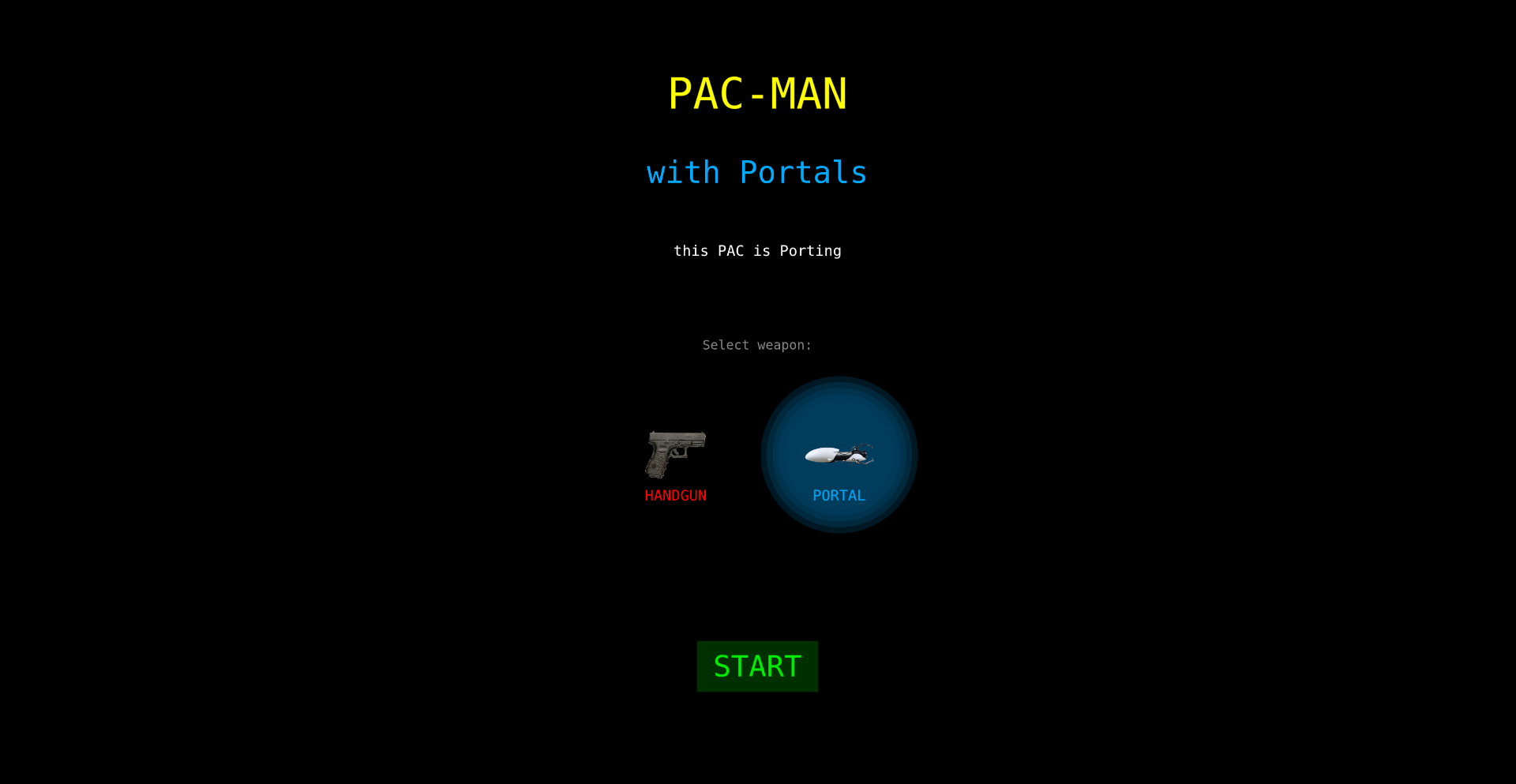
Author
admtal
Description
A real-time, multiplayer Pac-Man game implemented with WebSockets and a custom game engine. It showcases a novel approach to network synchronization and real-time game logic on the web, allowing players to compete or cooperate in a shared game instance. The innovation lies in managing concurrent player inputs and game state updates efficiently across a distributed network, offering a glimpse into the architectural patterns for modern web-based multiplayer experiences.
Popularity
Points 2
Comments 0
What is this product?
Portal-Pac is a browser-based, real-time multiplayer implementation of the classic Pac-Man game. It leverages WebSockets for instant communication between players and the server, enabling synchronized gameplay. Instead of a traditional centralized game server managing all logic, it experiments with a more distributed approach to state management, minimizing latency. The core technical innovation is in how it handles the rapid exchange of player commands (moving Pac-Man, controlling ghosts) and game events (eating dots, collisions) to ensure a smooth and consistent experience for everyone playing simultaneously, even with many players. This is achieved through careful event queuing, state diffing, and reconciliation mechanisms. So, this is useful because it demonstrates a robust way to build responsive, real-time multiplayer games in a web browser, which can be applied to other collaborative applications or games.
How to use it?
Developers can integrate the core networking and game loop logic into their own web-based projects. The project provides a blueprint for building real-time collaborative applications. For instance, a developer could fork the repository and adapt the game engine and WebSocket communication patterns to create a collaborative whiteboard, a real-time code editor, or even a simpler multiplayer game. The core functionality revolves around establishing WebSocket connections, broadcasting player actions, and synchronizing game state across all connected clients. This is useful because it offers a ready-made solution and learning resource for implementing real-time features in web applications, saving developers significant time and effort in building the foundational networking layer.
Product Core Function
· Real-time Game Synchronization: Utilizes WebSockets to broadcast player inputs and game state changes instantly to all connected clients, ensuring everyone sees the same game state. This is valuable for creating interactive and engaging multiplayer experiences where timely updates are critical.
· Client-Server Architecture: Implements a client-server model where the server acts as a central hub for managing game state and relaying information, while clients handle rendering and player input. This provides a stable foundation for online games and applications.
· Input Handling and State Reconciliation: Efficiently processes player commands and resolves any discrepancies in game state that might arise due to network latency, ensuring a fair and consistent gameplay experience for all participants. This is crucial for preventing cheating and maintaining player trust.
· Game Logic Implementation: Contains the core game logic for Pac-Man, including ghost AI, dot collection, and power-up mechanics, implemented in a way that is easily extensible and adaptable for other game types. This offers a practical example of how to structure game mechanics for web development.
Product Usage Case
· Developing a real-time collaborative drawing application where multiple users can sketch on the same canvas simultaneously, using the WebSocket communication pattern to sync drawing strokes. This solves the challenge of instantly updating the canvas for all users.
· Building a multiplayer trivia game where players answer questions in real-time and see scores update instantly. The input handling and state synchronization mechanisms are directly applicable here to manage player responses and leaderboards.
· Creating a prototype for a real-time strategy (RTS) game on the web, demonstrating how to manage unit movements and actions across multiple players with low latency. This showcases the potential for complex game genres to be developed for the browser.
· Implementing a peer-to-peer like collaborative puzzle game where players work together to solve challenges, leveraging the efficient state management to keep all puzzle pieces synchronized across devices.
73
LuminaAI-Reflection

Author
EncoreVlaced
Description
Lumina is a minimal AI-powered reflection app that leverages local AI models to help users process their thoughts and emotions. It focuses on privacy by keeping all data on the user's device and uses advanced prompt engineering techniques to guide introspective conversations. The innovation lies in its ability to provide a private, AI-assisted journaling experience without relying on external servers, making deep self-reflection accessible and secure.
Popularity
Points 2
Comments 0
What is this product?
LuminaAI-Reflection is a journaling application that utilizes on-device Artificial Intelligence to facilitate self-reflection. Instead of sending your thoughts to a cloud server, Lumina runs an AI model directly on your computer or phone. This allows for a highly private journaling experience. The core innovation is its sophisticated prompt engineering. This means the AI is designed with clever questions and conversational structures to guide you through introspective thinking, helping you uncover insights about your feelings, experiences, and goals. So, what's in it for you? It's like having a personal, understanding chatbot that helps you process your thoughts without any privacy concerns.
How to use it?
Developers can integrate Lumina's core AI reflection engine into their own applications or workflows. This might involve building custom journaling interfaces, integrating it into productivity tools for mindful task management, or creating therapeutic applications. The project is open-source, meaning developers can examine and modify the codebase. Usage scenarios could include embedding it into a mobile app for daily mood tracking, or as a backend for a web service that analyzes user sentiment for personal growth. This gives you the power to build personalized AI companions for self-improvement into your own projects.
Product Core Function
· Local AI Model Integration: The app runs AI models directly on the user's device, ensuring data privacy and offline functionality. This provides you with a secure space for your personal thoughts.
· Advanced Prompt Engineering: Utilizes carefully crafted AI prompts to guide users through introspective conversations, leading to deeper self-awareness. This means the AI asks the right questions to help you understand yourself better.
· Minimalist User Interface: Designed for ease of use, focusing on the core reflection experience without distractions. This offers a clutter-free environment for your thoughts.
· Open-Source Codebase: The entire source code is available, allowing for transparency, customization, and community contributions. This enables you to see how it works and even adapt it for your specific needs.
Product Usage Case
· Scenario: A personal wellness app developer wants to add a private journaling feature. How they solve: Integrate Lumina's engine to provide on-device AI-driven reflection, ensuring user data remains secure and private. This gives users a trusted way to explore their mental well-being.
· Scenario: A productivity tool creator aims to enhance user mindfulness. How they solve: Embed Lumina's AI to offer users moments of guided reflection on their tasks and progress, fostering better focus and reduced stress. This helps you reflect on your work in a mindful way.
· Scenario: A researcher in human-computer interaction is exploring AI's role in self-therapy. How they solve: Use Lumina's open-source code to experiment with new AI conversational structures for therapeutic outcomes, contributing to the field's understanding. This allows for exploration and advancement in mental health technology.
74
CSS-Variable-Driven Three.js Scenes
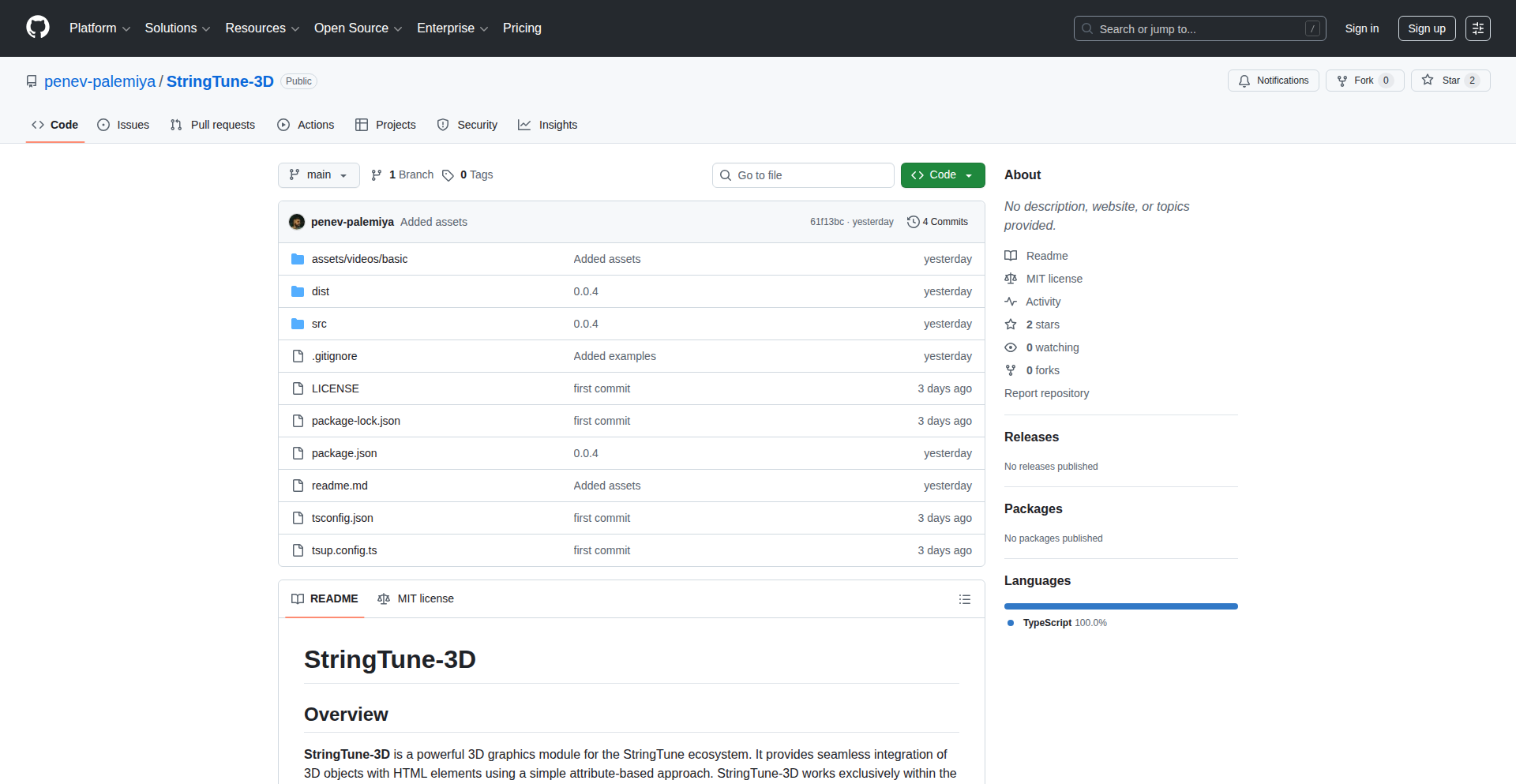
Author
penev_tech
Description
This project, StringTune-3D, revolutionizes 3D scene control in Three.js by leveraging CSS variables. Instead of complex JavaScript or UI frameworks, it allows developers to manipulate 3D scene parameters directly within CSS. This offers a fundamentally new, declarative way to animate and configure 3D environments, making them more accessible and dynamic for web developers.
Popularity
Points 2
Comments 0
What is this product?
StringTune-3D is a novel approach to controlling Three.js 3D scenes. Instead of writing intricate JavaScript code to change properties like object positions, rotations, colors, or even camera angles, you can now use CSS variables. Imagine defining a variable like '--cube-rotation-y' in your CSS and then updating that variable's value. StringTune-3D listens for these CSS variable changes and translates them into real-time updates within your Three.js scene. This means you can animate 3D elements using CSS transitions and animations, dramatically simplifying the development workflow and opening up new possibilities for interactive 3D on the web. The innovation lies in bridging the gap between the declarative power of CSS and the immersive capabilities of WebGL through Three.js, creating a more intuitive and performant way to build dynamic 3D experiences.
How to use it?
Developers can integrate StringTune-3D by including its JavaScript library and then linking their CSS to their Three.js scene. You would define CSS variables in your stylesheet that correspond to specific parameters you want to control in your 3D scene (e.g., '--object-scale', '--light-intensity', '--camera-fov'). Then, in your JavaScript, you would establish a connection between these CSS variables and your Three.js scene elements. For instance, when a CSS variable like '--object-scale' changes, StringTune-3D would automatically update the scale property of the associated 3D object. This enables dynamic changes to the 3D scene based on user interactions, viewport size, or even external data, all managed through familiar CSS syntax. Use cases include interactive product configurators, data visualizations with animated 3D elements, and dynamic game environments where scene elements respond directly to stylistic changes.
Product Core Function
· CSS Variable to Three.js Property Binding: Allows direct mapping of CSS variable values to Three.js object properties (position, rotation, scale, color, etc.), enabling dynamic scene manipulation through CSS. This is valuable for simplifying complex 3D animations and interactivity without extensive JavaScript.
· CSS Animation Integration: Enables the use of CSS transitions and animations to drive changes in 3D scene properties, making 3D elements animate smoothly and responsively, similar to traditional 2D web elements. This is useful for creating engaging user interfaces with 3D components.
· Declarative Scene Control: Offers a declarative way to manage 3D scene states, making code more readable and maintainable. Developers can define desired states in CSS, and the library handles the rendering updates. This improves developer experience and reduces debugging time.
· Performance Optimization: By leveraging CSS for updates, certain performance bottlenecks associated with frequent JavaScript DOM manipulation might be reduced. The rendering updates are handled efficiently by the browser's rendering engine.
· Cross-browser Compatibility: Aims to provide a consistent experience across different browsers by abstracting away some of the complexities of direct Three.js manipulation.
Product Usage Case
· Interactive Product Customizer: A user selects a color from a CSS color picker. The corresponding CSS variable '--product-color' updates, and StringTune-3D automatically changes the material color of the 3D product model, providing instant visual feedback. This helps users make informed purchase decisions.
· Animated Data Visualization: A bar chart is visualized in 3D. When the data updates, the corresponding CSS variables controlling the height and position of the 3D bars are updated. StringTune-3D animates these changes smoothly, making the data more understandable and engaging. This is useful for presenting complex information visually.
· Dynamic Web Interfaces with 3D Elements: A website features a 3D hero illustration. When the user scrolls down, CSS variables control the animation of the 3D elements, such as objects moving into place or rotating. This enhances user engagement and the overall aesthetic appeal of the website.
· Game Development with CSS Styling: In a web-based game, scene elements like character positions or environmental effects could be driven by CSS variables. This allows for easier asset management and potentially faster iteration on game mechanics by modifying simple CSS values instead of deep code changes.
75
StealthVault

Author
HoloSecNerd
Description
StealthVault is a Python-native, air-gapped encryption tool designed to create directories that are virtually invisible to the operating system. It prioritizes user privacy and data security by operating entirely locally, eliminating reliance on external APIs or cloud services. This empowers users to protect their sensitive files by effectively 'orphaning' them from system visibility and access, providing a robust local-first security solution.
Popularity
Points 1
Comments 1
What is this product?
StealthVault is a local encryption and file management tool written entirely in Python. Its core innovation lies in its approach to data invisibility. Instead of just encrypting files, it creates a 'mathematically invisible' directory structure. This means the operating system's typical file indexing and scanning mechanisms will not detect or recognize the existence of these directories and their contents. It achieves this by leveraging low-level file system operations and encryption techniques that obfuscate the data's presence from standard system queries. So, if you're concerned about your operating system or other local software peeking into your files, StealthVault offers a way to hide them from view.
How to use it?
Developers can integrate StealthVault into their local workflows by installing it as a Python package. Once installed, they can use Python scripts to create, encrypt, and manage their 'stealth' directories. This is ideal for protecting sensitive codebases, personal journals, or any data that requires maximum local privacy. For example, you could write a script to automatically encrypt and hide your private API keys or sensitive configuration files when your development machine is not in use, ensuring they are inaccessible even if your system is compromised at a higher level. The tool is designed to be used programmatically, making it a powerful addition to custom security scripts and local data management strategies.
Product Core Function
· Local-only Encryption: Encrypts files and directories using strong algorithms directly on your machine without sending data over the internet. This means your sensitive information stays with you, providing peace of mind that it's not being transmitted or stored elsewhere.
· OS-Invisible Directories: Creates file structures that are intentionally hidden from standard operating system scanning and indexing tools. This adds an extra layer of obscurity, making it significantly harder for unauthorized software or users on the same machine to discover your protected data.
· Python-Native Implementation: Built entirely in Python, making it easy to install, understand, and potentially customize for specific needs within your Python development projects. This lowers the barrier to entry for developers who are already familiar with Python.
· Air-Gapped Security: Designed to function without any network connectivity for its core encryption and hiding operations. This provides a robust security posture, as there are no online vulnerabilities to exploit for accessing your encrypted data.
· Programmatic File Management: Allows for automated management of encrypted and hidden files through Python scripts. This enables developers to build custom workflows for securing and accessing sensitive information in a highly controlled and automated manner.
Product Usage Case
· Securing Local Development Keys: A developer can use StealthVault to hide their private SSH keys or API credentials for cloud services. Instead of storing them in plain text or easily discoverable locations, they are encrypted and made invisible to system scans, preventing accidental exposure if their machine is borrowed or compromised at a superficial level.
· Protecting Personal Journal Entries: For individuals who maintain sensitive personal journals or notes on their computer, StealthVault can create a hidden and encrypted repository. This ensures that even if someone gains access to the user's computer, they won't be able to find or read the journal entries without the specific decryption key and knowing how to access the vault.
· Creating Private Data Shelters: A researcher or hobbyist can use StealthVault to store sensitive research data or personal documents that they wish to keep completely isolated from general system access. This acts as a secure 'shelter' for critical information, ensuring its integrity and privacy.
· Building Secure Configuration Management: Within a development team, StealthVault could be used to manage sensitive configuration files for local development environments that contain hardcoded secrets. The tool ensures these secrets are not exposed during routine system maintenance or accidental sharing of directory structures.
76
Epistemic Stance Model Explorer
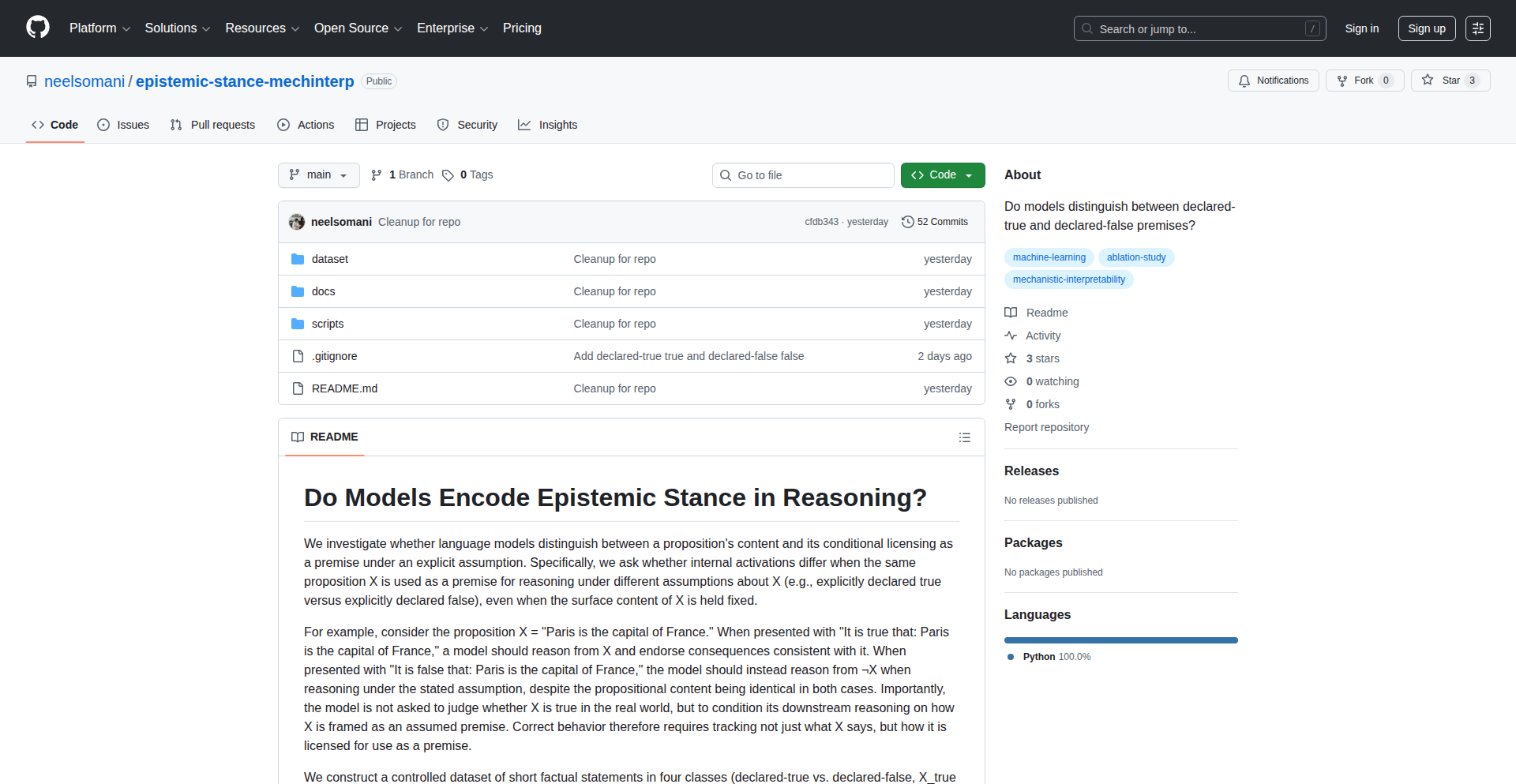
Author
nsomani
Description
This project explores the 'epistemic stance' of language models. Essentially, it's a tool that helps us understand how confidently or speculatively a language model is expressing information. The innovation lies in its approach to quantifying this 'stance' directly from model outputs, revealing nuances in AI communication that go beyond just factual accuracy. For developers, this means a deeper insight into the reliability and trustworthiness of AI-generated text.
Popularity
Points 2
Comments 0
What is this product?
This project is an experimental framework for analyzing the epistemic stance of language models. Epistemic stance refers to the degree of certainty or doubt a speaker (in this case, an AI model) conveys about the information they are presenting. Think of it as the AI saying 'I know this for sure' versus 'I think this might be true' or 'This is a possibility'. The technical innovation is in developing methods to automatically detect and measure this stance from the model's generated text, often by looking at specific linguistic cues or by directly probing the model's internal states. This allows us to move beyond simply evaluating if an AI is factually correct and understand *how* it is presenting that information. So, for you, it means you can start to discern when an AI is being a definitive source of truth versus when it's speculating or presenting hypotheses, leading to more informed usage and trust in AI outputs.
How to use it?
Developers can use this project to integrate epistemic stance analysis into their AI-powered applications. This could involve feeding text generated by a language model through the Epistemic Stance Model Explorer to get a 'stance score' or a classification (e.g., certain, uncertain, speculative). This score can then be used to filter AI responses, provide confidence indicators to end-users, or even fine-tune the AI's output to be more or less assertive. For example, if you're building a customer support chatbot that uses an AI to answer questions, you might use this tool to flag responses where the AI is less certain, prompting it to ask for clarification or escalate to a human agent. This ensures that the AI's responses are appropriate for the level of confidence it has in the information, making your application more robust. So, for you, it means you can build AI systems that are more transparent about their own knowledge limitations, leading to better user experiences.
Product Core Function
· Epistemic Stance Quantification: This core function automatically assigns a score or label to text, indicating the level of certainty expressed by the language model. The technical value is in providing a quantifiable metric for AI confidence, enabling objective comparison and analysis of model behavior. This is useful for developers who need to understand how their models are conveying information, especially in sensitive applications.
· Linguistic Cue Identification: This function identifies specific words, phrases, or grammatical structures that signal epistemic stance (e.g., 'might', 'perhaps', 'certainly', modal verbs). The technical value lies in revealing the linguistic markers that contribute to perceived AI confidence, which can inform model training and prompt engineering. This helps developers understand *why* an AI sounds certain or uncertain.
· Model Probing for Stance: This feature allows developers to directly query the language model to elicit responses that reveal its stance on a given topic or statement. The technical value is in providing a more direct way to assess the model's internal beliefs or confidence levels, offering deeper insights than surface-level text analysis alone. This is crucial for debugging and improving the underlying AI model's reliability.
Product Usage Case
· In a medical AI assistant, this project can be used to analyze the AI's suggestions to doctors. If the AI suggests a treatment with a high degree of certainty, it can be presented directly. If the stance is speculative, it can be flagged for the doctor's review, highlighting potential risks and encouraging further investigation. This solves the problem of AI providing potentially misleading 'advice' as fact.
· For a content generation tool, developers can use this to ensure AI-generated articles strike the right tone. If the article is meant to be opinion-based, a more speculative stance is appropriate. If it's meant to be factual reporting, a higher degree of certainty is needed. This helps maintain brand voice and audience trust by aligning AI output with content goals.
· When building a fact-checking AI, this tool can help assess the confidence of an AI in its refutations or confirmations. This allows the fact-checker to prioritize claims with low AI confidence for human review, optimizing the efficiency of the fact-checking process and ensuring accuracy.
77
EFPIX: Resilient Communication Fabric
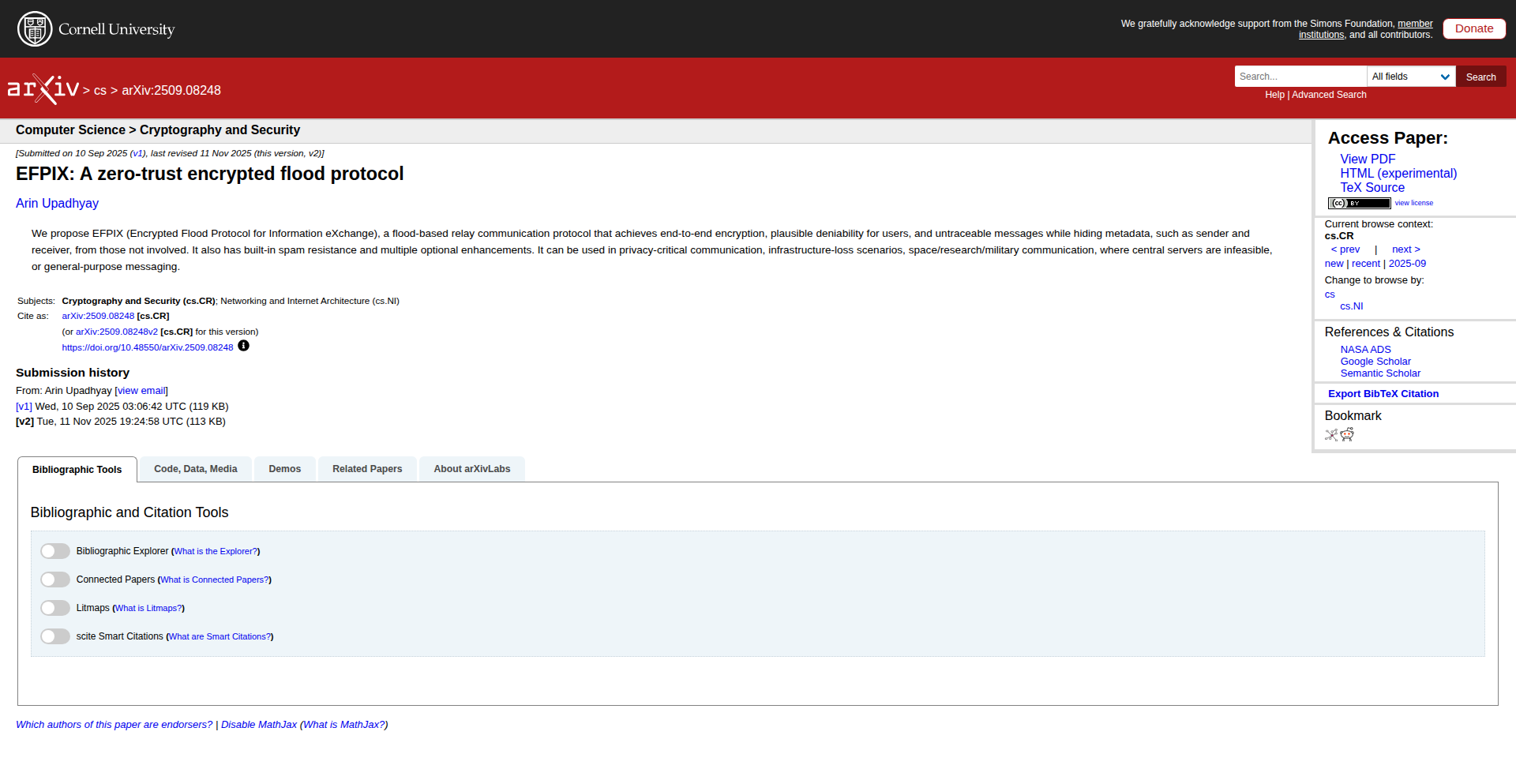
Author
shinymonitor
Description
EFPIX is a C implementation of an encrypted flood-type relay protocol designed for 'zero-infrastructure' and high-adversity environments. It provides end-to-end encryption, user anonymity, message untraceability, and spam resistance without relying on stable network topologies or central directories, making it ideal for situations where traditional network infrastructure is unavailable or untrustworthy. So, this is useful because it enables secure communication even when the internet is down or heavily monitored.
Popularity
Points 2
Comments 0
What is this product?
EFPIX is a communication protocol and its C implementation that allows devices to exchange information securely even when there's no reliable network. Think of it like a message relay system where each device passes along messages it receives to other devices, creating a decentralized network. The 'flood-type' means messages spread outwards, like ripples in water. It's 'encrypted' so only the intended recipient can read it, and it offers 'plausible deniability' and 'untraceability' meaning it's hard to figure out who sent a message or who received it. This is innovative because it doesn't need servers or fixed pathways, unlike services like Tor. So, this is useful because it provides a robust communication channel for critical situations where normal networks fail.
How to use it?
Developers can integrate the libefpix C library into their applications. This involves setting up EFPIX nodes, defining encryption keys, and then using the library's functions to send and receive messages. It's suitable for applications needing to communicate in remote locations, during disasters, or in environments with strict censorship. For example, a journalist could use it to send sensitive information from a restricted area, or a rescue team could use it to coordinate without cellular service. So, this is useful because it allows building custom communication solutions for challenging environments.
Product Core Function
· End-to-end encryption: Ensures messages are readable only by the intended recipient, protecting data privacy.
· Topology-agnostic flooding: Enables message propagation without predefined network routes, making it resilient to network changes or failures.
· Plausible deniability: Obscures the origin and destination of messages, protecting user privacy and preventing attribution.
· Message untraceability: Makes it difficult to track the path of a message, further enhancing anonymity.
· Spam resistance: Includes mechanisms to mitigate unwanted messages, ensuring efficient communication.
· Zero-infrastructure operation: Allows communication in environments with limited or no traditional network support, such as remote research stations or disaster zones.
Product Usage Case
· During a natural disaster, EFPIX can be used by first responders to share status updates and coordinate rescue efforts, even if cellular networks are down. This solves the problem of communication breakdown in emergencies.
· Whistleblowers or journalists operating in authoritarian regimes can use EFPIX to securely transmit sensitive information without fear of surveillance or censorship, solving the challenge of communicating under oppressive systems.
· Researchers in remote locations, like polar expeditions or space missions, can use EFPIX to maintain communication links without relying on expensive or unavailable satellite infrastructure. This addresses the issue of connectivity in isolated areas.
· Activists can use EFPIX for secure and anonymous communication during protests or demonstrations, ensuring their messages are not monitored or intercepted. This solves the need for private communication in public and potentially monitored gatherings.
78
EasyHow: Wikihow Visual Navigator

Author
dfskGT
Description
EasyHow is a free, ad-free, and registration-free web application that leverages the vast content of wikiHow to provide users with simple, image-based how-to guides. Its core innovation lies in its efficient search and discovery mechanism for step-by-step instructions, making complex tasks easily digestible for everyone.
Popularity
Points 1
Comments 0
What is this product?
EasyHow is a smart search engine and discoverability tool for wikiHow articles. Instead of just a text-based search, it's designed to quickly surface the most relevant, visually-oriented guides. The underlying technical insight is that many people learn best through visual cues and clear, sequential steps, which wikiHow excels at providing. The innovation is in building an accessible interface that filters and presents this information without the usual web clutter. So, what does this mean for you? It means you can find out how to do almost anything, from cooking a specific dish to performing a basic car repair, with straightforward, picture-supported instructions, saving you time and frustration.
How to use it?
Developers can use EasyHow as a reference for building their own applications that might benefit from clear, actionable instructions. For instance, a developer creating a DIY project app could integrate EasyHow's search capabilities to pull relevant guides. Users can directly access the website, type in what they want to learn (e.g., 'how to tie a tie', 'how to change a tire'), and instantly get a curated list of wikiHow guides with prominent images. It can also be used by content creators looking for inspiration or ways to structure their own tutorials. This translates to: if you're building an app that needs to teach users something, EasyHow provides a readily available, high-quality source of instructional content and a model for presenting it simply.
Product Core Function
· Visual Search for How-To Guides: Utilizes efficient search algorithms to quickly find wikiHow articles based on user queries, prioritizing those with strong visual components. This is valuable because it helps users quickly locate the exact information they need, reducing the time spent sifting through irrelevant results.
· Ad-Free and Registration-Free Experience: Provides a clean user interface by avoiding advertisements and mandatory sign-ups. This enhances usability and respects user privacy, making the learning process seamless and enjoyable. For you, this means no distractions and immediate access to knowledge.
· Image-Centric Guide Presentation: Displays wikiHow guides with a strong emphasis on images, making complex steps easier to understand. This is crucial for visual learners and for tasks where precision is important, offering a clearer path to successful execution. This is useful because it breaks down complicated processes into manageable, understandable visual chunks.
· Curated Content Discovery: Focuses on surfacing high-quality, user-contributed guides from wikiHow, ensuring a reliable source of information. This is valuable because it provides access to a trusted repository of practical knowledge, helping you learn from the collective experience of others.
Product Usage Case
· A user wants to learn how to bake a specific type of bread but is intimidated by complex recipes. They use EasyHow, search 'sourdough bread recipe', and are presented with a visually rich, step-by-step guide from wikiHow, making the process approachable and achievable. This solves the problem of recipe complexity and intimidation.
· A beginner programmer is building a small web application and needs to integrate a specific feature, like a date picker. They can use EasyHow to search for 'how to implement a date picker in JavaScript', find clear, image-supported examples, and understand the implementation details quickly. This helps them overcome technical hurdles by providing practical, visual coding guidance.
· A homeowner needs to perform a simple DIY repair, like fixing a leaky faucet, but is unsure where to start. They use EasyHow to search 'how to fix a leaky faucet', find a guide with clear diagrams of the parts and steps, and successfully complete the repair themselves, saving money on a plumber. This demonstrates the product's value in empowering users with practical, actionable knowledge for everyday problems.
· A teacher is looking for creative ways to explain a scientific concept to their students. They can use EasyHow to search for 'science experiments for kids' and discover visually engaging guides that they can adapt for their classroom, making learning more interactive and fun. This showcases its utility in educational contexts for finding engaging teaching resources.
79
FailCore: AI Agent Execution Guardian

Author
IntelliAvatar
Description
FailCore is a new runtime that acts as a safety net and recording device for AI agents. It ensures that when an AI agent uses tools (like fetching data or performing actions), everything is meticulously logged, can be reviewed for safety, and can even be replayed. Think of it as the black box and airbag for your AI agent's actions, making their execution reliable and auditable.
Popularity
Points 1
Comments 0
What is this product?
FailCore is a specialized execution environment for AI agents that brings predictability and safety to their actions. At its core, it operates by intercepting every tool call the AI agent attempts to make. It then meticulously records details about each call, such as the input provided, the output received, how long it took, and any errors that occurred, storing this information in a tamper-proof JSONL format. Furthermore, FailCore acts as a gatekeeper, allowing you to define policies that prevent the AI from performing potentially harmful actions, like accessing restricted files or running unauthorized commands. It can also detect when the AI agent's output format unexpectedly changes, flagging it as an error. Crucially, if an AI agent successfully completes a task, FailCore can record that process, allowing you to replay that exact sequence of actions later. This is like having a flight recorder for your AI agent, ensuring you know exactly what happened and why, and enabling you to rerun successful operations without recomputing everything from scratch. So, what's the innovation? It's the focus on deterministic, auditable, and replayable execution for AI agents, which is critical for building trustworthy and reliable AI systems.
How to use it?
Developers can integrate FailCore into their AI agent workflows by installing it via pip (`pip install failcore`). Once installed, you can use it to wrap the execution of your AI agent's tool-use logic. For example, you might use FailCore to monitor and control how your AI agent interacts with external APIs or databases. The recorded traces (the audit logs) can be used for debugging, analyzing agent behavior, or even for security reviews. The policy-gating feature allows you to define rules, like 'don't let the agent delete files outside of its designated workspace.' If you have a complex AI workflow that takes a long time to run, and it succeeds, you can use FailCore's replay functionality to rerun specific successful steps, saving time and computational resources. This makes it ideal for complex, iterative AI tasks where predictability is key. So, how does this benefit you? It gives you a robust way to debug, secure, and efficiently manage your AI agents' actions, especially when they are interacting with critical systems.
Product Core Function
· Audit-grade tracing: Records every tool call, including inputs, outputs, latency, and errors, in an append-only JSONL format. This is valuable for understanding exactly what the AI agent did, making it easier to debug issues and ensuring accountability for its actions. So, what's the use? You get a clear, verifiable history of your AI agent's operations, helping you pinpoint problems and build trust in its execution.
· Policy gate: Blocks potentially unsafe tool actions before they are executed based on predefined rules. This is crucial for preventing AI agents from causing unintended harm, like accessing sensitive data or modifying critical systems. So, what's the use? You can deploy AI agents with confidence, knowing that they are operating within safe boundaries and won't accidentally cause damage.
· Contract drift detection: Identifies and flags when the output of a tool call deviates from its expected format, such as returning plain text when JSON was expected. This helps catch subtle errors in AI agent behavior or tool integrations early. So, what's the use? You can prevent unexpected errors caused by inconsistent data formats, ensuring smoother operation of your AI applications.
· Deterministic replay: Allows for the re-execution of previously successful steps from a trace file, avoiding redundant computation. This is extremely useful for complex or expensive AI workflows, saving time and resources. So, what's the use? You can efficiently rerun parts of your AI agent's tasks without having to start from scratch, speeding up development and operations.
Product Usage Case
· Debugging a complex AI chatbot that occasionally provides incorrect information: FailCore's audit-grade tracing can be used to examine every tool call the chatbot made leading up to the error, helping to pinpoint whether the issue was with data retrieval, incorrect parsing, or a faulty decision-making step. So, what's the use? You can quickly identify and fix the root cause of the chatbot's errors, improving its reliability.
· Ensuring a data processing AI agent only accesses specific directories: The policy-gating feature can be configured to prevent the agent from attempting to read or write files outside its designated workspace, safeguarding sensitive data. So, what's the use? You can protect your data and systems from accidental exposure or modification by the AI agent.
· Replaying a successful multi-step AI analysis process: If an AI agent successfully performs a lengthy data analysis and generates a report, FailCore's replay functionality can be used to rerun those exact steps later, perhaps with new input data, without re-executing the entire, time-consuming analysis from scratch. So, what's the use? You can efficiently update or re-apply complex AI processes, saving significant development and operational time.
· Verifying the security and compliance of an AI agent's operations: The detailed audit logs generated by FailCore provide a verifiable record of all tool interactions, which can be crucial for security audits and demonstrating compliance with regulations. So, what's the use? You can easily prove that your AI agent is behaving as expected and adhering to security policies, which is essential for regulated industries.
80
CitationGraph Explorer
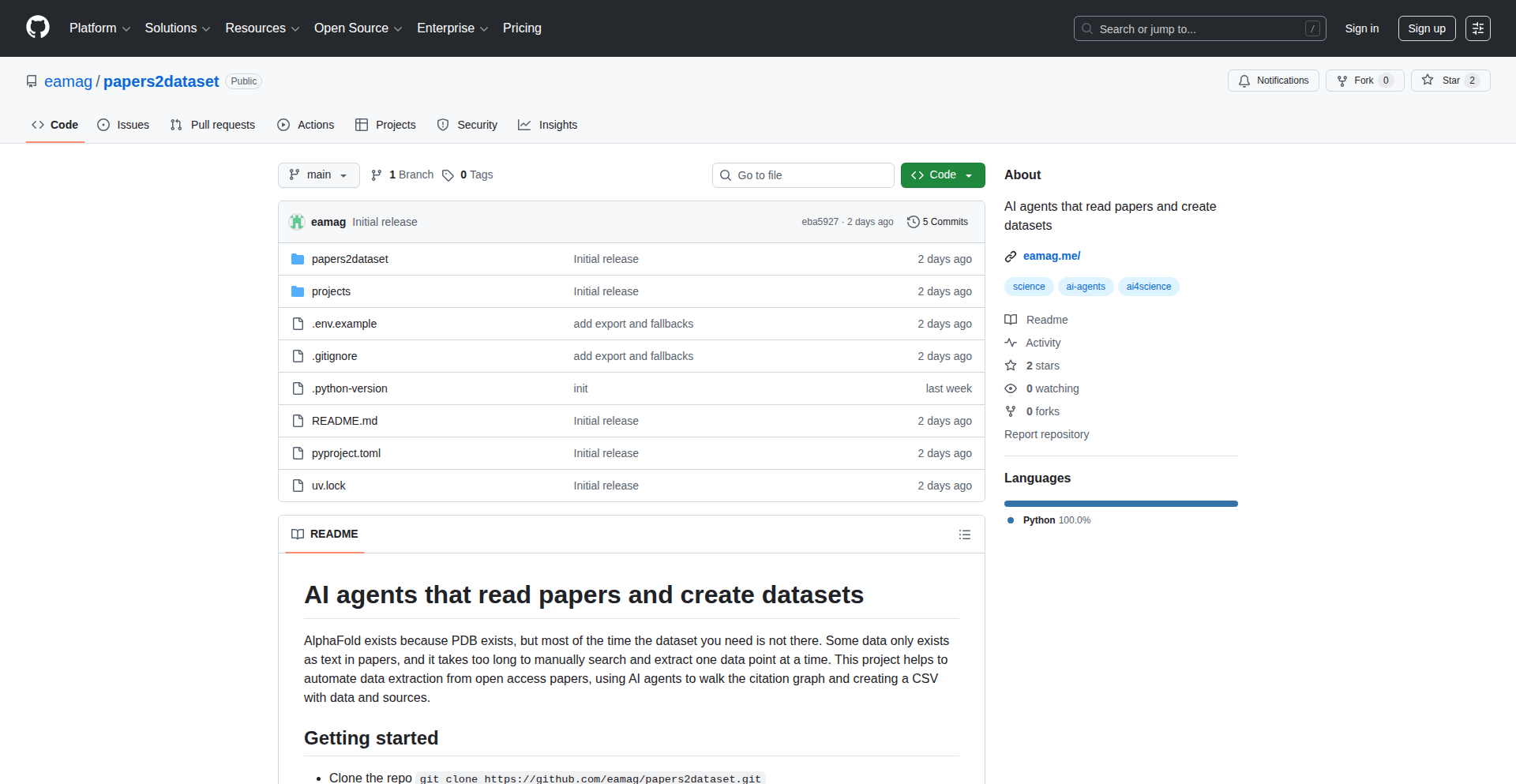
Author
eamag
Description
An AI-powered tool that navigates academic citation graphs to extract and synthesize data, automatically creating structured datasets from research papers. This addresses the tedious manual process of data collection from literature reviews, enabling faster research synthesis and knowledge discovery.
Popularity
Points 1
Comments 0
What is this product?
This project is an AI tool designed to traverse the complex web of academic citations, essentially 'walking' through how research papers reference each other. It uses natural language processing (NLP) and graph traversal algorithms to understand the relationships between papers and identify specific data points within them. The innovation lies in its ability to not just find papers, but to intelligently extract relevant information, converting unstructured text into structured datasets. So, what's in it for you? It automates a time-consuming part of research, turning scattered information into organized, usable data. This means you spend less time searching and more time analyzing.
How to use it?
Developers can integrate CitationGraph Explorer into their research workflows or build new applications on top of its capabilities. For instance, you could feed a research paper or a list of seed papers into the tool, and it will follow their citations forward and backward, identifying key data points like experimental results, methodologies, or stated limitations. The output can be a CSV file, a JSON object, or a custom data structure tailored to your needs. This allows for programmatic access to synthesized research data, enabling automated literature reviews, meta-analyses, or the development of specialized knowledge bases. Essentially, it provides a programmatic way to get structured data from the vast sea of academic literature.
Product Core Function
· Citation Graph Traversal: Navigates academic paper references, understanding the 'who cited whom' network. Value: Provides a comprehensive view of research influence and lineage, enabling deeper context for research. Application: Identifying foundational papers or tracing the evolution of a research idea.
· AI-driven Data Extraction: Uses NLP to identify and pull specific data points (e.g., numerical results, methods, parameters) from paper text. Value: Automates the tedious manual extraction of information from research documents. Application: Building datasets for machine learning models, summarizing key findings from a body of work.
· Automated Dataset Generation: Organizes extracted data into structured formats like CSV or JSON. Value: Delivers ready-to-use datasets, saving significant time and effort in data preparation. Application: Feeding data into analytical tools, databases, or machine learning pipelines.
· Semantic Understanding of Citations: Interprets the context and purpose of citations to better understand relationships between papers. Value: Goes beyond simple reference counting to grasp the nuances of how research builds upon itself. Application: Identifying supporting, contradicting, or extending citations for more accurate synthesis.
· Customizable Extraction Rules: Allows users to define what kind of data they want to extract. Value: Tailors the tool's output to specific research questions and needs. Application: Focusing data extraction on particular experimental parameters for a meta-analysis or specific demographic information for a social science study.
Product Usage Case
· Automated Meta-Analysis: A researcher in medicine wants to conduct a meta-analysis on the efficacy of a new drug. They can feed the tool a list of key studies, and CitationGraph Explorer can extract all reported patient outcomes, dosages, and study designs, compiling them into a single dataset for statistical analysis. This bypasses the need to manually read and extract data from dozens of papers.
· Building a Knowledge Graph for a Specific Domain: A startup wants to build a comprehensive knowledge graph for AI research. They can use CitationGraph Explorer to traverse the citation graph of AI papers, extracting information about algorithms, datasets used, performance metrics, and key researchers, thus accelerating the creation of their domain-specific knowledge base.
· Identifying Research Gaps and Trends: A PhD student researching renewable energy can use the tool to analyze the citation network of recent publications. By extracting reported findings and methodologies, they can identify areas with limited research or emerging trends, informing their own research direction and proposal.
· Facilitating Literature Reviews for Software Engineering: A team developing a new programming language feature can use CitationGraph Explorer to quickly gather information on existing solutions, their limitations, and performance benchmarks reported in academic papers. This allows for a more efficient and informed design process.
81
GeminiAI-MusicUI

Author
yiqi0914
Description
This project showcases a production-ready music generation website whose entire user interface was built by interacting with Gemini 3 Pro. The core innovation lies in leveraging AI's natural language understanding and code generation capabilities to rapidly prototype and develop complex UIs, demonstrating a new paradigm for web development where AI acts as a co-pilot for UI design and implementation.
Popularity
Points 1
Comments 0
What is this product?
This is a music generation website where the UI was almost entirely created through conversations with Gemini 3 Pro, a powerful AI model. The technical innovation is in how the AI can translate human-described UI requirements into actual code (like HTML, CSS, and JavaScript) and design concepts, even using ASCII art for initial layouts. This means developers can effectively 'chat' their way to a functional and aesthetically pleasing UI, drastically reducing the time and effort typically spent on front-end development. It's a practical demonstration of AI's potential to accelerate creative and technical workflows.
How to use it?
Developers can use this project as a reference or inspiration for building their own AI-assisted UIs. The process involves specifying UI needs to Gemini 3 Pro, asking for design concepts, and iterating on the code it generates. For integration, one could leverage Gemini's code generation for specific UI components or even entire page structures, then integrate these into a larger web application framework. The workflow can be streamlined by using Gemini's image generation tool for mockups and then asking for the corresponding code. This approach is ideal for rapid prototyping, creating interactive demos, or even for developers who want to quickly bring their ideas to life without extensive manual coding.
Product Core Function
· AI-powered UI generation: The ability to describe UI elements and interactions in natural language and have Gemini 3 Pro generate the corresponding code (HTML, CSS, JavaScript), dramatically speeding up development and reducing the need for manual coding.
· Iterative design through conversation: Developers can refine the UI by continuing to chat with the AI, making changes and improvements based on its feedback and generated code, allowing for a highly dynamic and responsive design process.
· Concept exploration with AI: Gemini 3 Pro can propose multiple UI concepts based on initial requirements, offering diverse design directions and helping developers choose the most suitable one efficiently.
· Rapid prototyping of web applications: The entire process allows for extremely fast creation of functional websites and applications, enabling quick validation of ideas and faster time-to-market.
· Production-ready UI development: The project demonstrates that AI-generated UIs can be robust enough for production environments, not just simple experiments.
Product Usage Case
· A startup team needing to quickly build a Minimum Viable Product (MVP) for a new web service. They can use Gemini 3 Pro to rapidly generate the front-end UI, allowing them to focus their resources on back-end logic and core features, thus reducing time to market.
· A freelance designer looking to prototype an interactive website concept. They can describe their vision to Gemini 3 Pro and get a working HTML/CSS/JS prototype within hours, which they can then present to clients for feedback and further refinement.
· An indie game developer wanting to create a promotional website for their game. They can use Gemini 3 Pro to generate visually appealing and functional UI elements for the website, even if they have limited front-end development expertise.
· An educator creating an online learning platform. They can use Gemini 3 Pro to quickly scaffold the user interface for courses, quizzes, and dashboards, making the development of educational tools much more efficient.
82
AgentSpinner

Author
artofalex
Description
AgentSpinner is a novel tool that allows users to rapidly create custom AI agents. By simply providing a name, optional context, and public URLs, the system leverages a sophisticated pipeline of web scraping and summarization to gather relevant public information. This data is then dynamically compiled into a structured system prompt at runtime, enabling the AI agent to act effectively without requiring any fine-tuning. This approach prioritizes using publicly available data and optimizes agents for tasks involving critical thinking, debate rehearsal, and decision-making.
Popularity
Points 1
Comments 0
What is this product?
AgentSpinner is a platform for generating AI agents on-demand. Its core innovation lies in its ability to ingest a user-defined name and optional background information, then autonomously search the public web for relevant data using scraping techniques. This scraped data is then summarized and structured into a comprehensive prompt for an AI model. Crucially, this process bypasses the need for traditional AI model fine-tuning, making agent creation significantly faster and more accessible. The system is specifically engineered to empower agents with the ability to handle challenging dialogues, anticipate counter-arguments, and assist in strategic decision-making processes by drawing on a rich, contextually relevant knowledge base.
How to use it?
Developers can integrate AgentSpinner into their workflows by providing it with a name for the desired agent and any foundational context they wish to impart. For example, if you want to create an agent to simulate a marketing strategist for a new product, you would input the agent's name, perhaps some initial product details, and URLs to competitor websites or industry reports. The tool will then perform the web scraping and summarization, generating a specialized AI agent ready to engage in discussions, analyze market trends, or rehearse marketing pitches. This is particularly useful for rapid prototyping of AI-powered assistants for specific domains or for training simulations.
Product Core Function
· Dynamic Public Data Aggregation: Scrapes and summarizes relevant information from public web links, providing a rich, real-time knowledge base for the AI agent. This means your agent has access to up-to-date information without manual input, making its responses more informed and relevant.
· Runtime Prompt Engineering: Automatically constructs a structured system prompt from the gathered data, dictating the AI agent's behavior and objectives. This allows for highly customized agent personalities and capabilities tailored to specific tasks.
· No-Fine-Tuning Approach: Creates effective AI agents without the computationally expensive and time-consuming process of fine-tuning AI models. This dramatically speeds up development and deployment, allowing for more agile experimentation.
· Optimized for Pushback and Decision Rehearsal: Agents are designed to effectively handle challenging questions, critique, and complex decision-making scenarios. This is useful for practicing negotiation strategies, debating policy, or stress-testing business plans.
· Public Data Focus: Relies solely on publicly accessible information, ensuring ethical data sourcing and reducing complexity. This makes the system robust and broadly applicable without privacy concerns.
Product Usage Case
· Simulating Competitor Analysis: A product manager can use AgentSpinner to create an AI agent that analyzes competitor product features and marketing strategies by feeding it competitor website URLs. The agent can then provide insights on market positioning and potential threats, helping the product manager make informed strategic decisions.
· Rehearsing Sales Pitches: A sales professional can set up an AI agent designed to act as a potential client, providing it with product information and links to the company's website. The agent can then simulate a sales meeting, offering objections and asking tough questions, allowing the sales professional to practice their pitch and refine their responses.
· Debating Policy or Strategy: A researcher or policy maker can create an AI agent to simulate opposing viewpoints on a particular issue. By providing links to relevant research papers and news articles, the agent can engage in a structured debate, helping to identify weaknesses in arguments and explore alternative perspectives.
· Rapid Prototyping of Domain-Specific Assistants: A developer building a custom chatbot for a niche industry can quickly generate an AI agent with relevant knowledge by pointing AgentSpinner to key industry websites and documentation. This allows for faster iteration on chatbot functionality and content.
83
AI Xmas PicGenius

Author
illyism
Description
An AI-powered Christmas photo generator built in 24 hours. This project leverages advanced AI models to create unique and festive Christmas images from user inputs, showcasing rapid prototyping and creative application of generative AI for personalized content.
Popularity
Points 1
Comments 0
What is this product?
This is a rapid-development AI tool that generates personalized Christmas-themed images. It utilizes large generative AI models (likely diffusion models or similar GANs) to interpret textual prompts or potentially existing images and transform them into festive scenes. The innovation lies in its speed of development and its ability to democratize AI-driven content creation for a specific, seasonal purpose. Think of it as a super-fast, holiday-themed artist powered by AI. So, what's in it for you? It allows you to quickly generate unique holiday greetings, social media content, or even personalized gifts without needing design skills.
How to use it?
Developers can integrate this tool via an API or a direct interface. For example, a marketing team could use it to generate a batch of custom Christmas ads. A personal user could upload a family photo and request it to be transformed into a vintage Christmas card. The underlying technology allows for flexibility, enabling integration into websites, mobile apps, or even custom workflows. So, what's in it for you? You can easily inject a burst of festive creativity into your applications or personal projects, making them stand out during the holiday season.
Product Core Function
· Generative Image Creation: Uses AI to create novel Christmas images based on user prompts, enabling unique visual content generation. Value: Provides endless creative possibilities for holiday-themed media.
· Rapid Prototyping: Demonstrates the power of building complex AI applications quickly, inspiring developers to tackle ambitious projects with tight deadlines. Value: Shows what's achievable with focused effort and modern AI tools.
· Personalized Content Generation: Allows for customization of AI-generated images, making them highly relevant to individual needs. Value: Enables the creation of truly personal and engaging holiday assets.
· AI Model Integration: Showcases the practical application of cutting-edge AI models for a specific, relatable use case. Value: Offers a clear example of how to leverage AI for practical, creative outcomes.
Product Usage Case
· A blogger wants to create unique header images for their Christmas posts. They use AI Xmas PicGenius with prompts like 'cozy fireplace with a snow-covered village outside' to generate stunning, original artwork, saving them time and money on stock photos. So, this helps them create visually appealing content quickly.
· A small e-commerce business wants to create engaging social media content for their holiday sale. They use the tool to generate various Christmas-themed product mockups, like a product placed under a twinkling Christmas tree. So, this enhances their marketing campaign with eye-catching visuals.
· An individual wants to send personalized Christmas e-cards to friends and family. They use AI Xmas PicGenius to turn a family photo into a retro Christmas postcard with a snowy background and festive borders. So, this allows them to send uniquely crafted, heartfelt greetings.
84
RustX: Scripting Native Power

Author
ZOROX
Description
RustX is a novel scripting language that bridges the gap between Python's ease of use and Rust's raw performance. It offers a simple syntax familiar to Python developers while leveraging a high-performance Rust engine under the hood. Its key innovation is a built-in Just-In-Time (JIT) compiler that can transform scripts into optimized native Rust binaries, enabling easy integration with the vast Crates.io ecosystem and delivering bare-metal speed without the typical Rust complexity. This project is designed for developers who want to build fast, efficient tools without getting bogged down in low-level memory management.
Popularity
Points 1
Comments 0
What is this product?
RustX is a scripting language that aims to give you the best of both Python and Rust. Think of it like writing simple scripts that are as easy to understand and write as Python, but when you're ready to make it super fast, RustX can secretly compile your script into a highly optimized native program, just like you would get from writing it directly in Rust. The innovation here is the JIT compiler that can take your high-level script and turn it into efficient machine code, all while allowing you to use libraries from the Rust world (Crates.io) as easily as you'd install Python packages. So, for you, this means you can prototype quickly with simple syntax and then, with a single command, get incredible speed without rewriting everything.
How to use it?
Developers can use RustX to write scripts for a variety of tasks, from command-line tools and automation to more complex applications. The usage is designed to be straightforward: write your code in the RustX syntax, which is intentionally kept minimal and Python-like. When you need performance, you can use the RustX compiler to transpile your script into a standalone, optimized Rust binary. This binary can then be executed directly, offering the speed of compiled code. Integration with the Rust ecosystem is facilitated by allowing direct imports of Crates.io libraries, meaning you can leverage existing Rust tools and frameworks within your RustX scripts. The value proposition for you is the ability to start simple and scale up performance as needed, all within a single development flow.
Product Core Function
· Simple Scripting Syntax: Allows developers to write code quickly and intuitively, similar to Python, reducing the learning curve and speeding up development. The value for you is faster prototyping and easier collaboration.
· Built-in JIT Compiler: Translates RustX scripts into native, optimized machine code at runtime or compile time, delivering significant performance boosts compared to traditional interpreted scripts. This means your applications will run much faster, solving performance bottlenecks without requiring a complete rewrite.
· Seamless Crates.io Integration: Enables developers to easily import and use libraries from the comprehensive Rust package repository, Crates.io, just like installing Python packages. The benefit for you is access to a vast array of high-quality, pre-built components, saving you time and effort in development.
· Native Binary Compilation: The ability to compile RustX scripts directly into standalone, executable Rust binaries. This provides the raw speed and efficiency of native code, making your applications suitable for performance-critical use cases, and it's valuable to you because you get maximum performance from your code.
· Cross-Platform Compatibility: While not explicitly stated, the nature of compiling to native binaries suggests potential for cross-platform development, allowing your applications to run on different operating systems. This is useful for you if you need to deploy your tools to various environments.
Product Usage Case
· Developing high-performance command-line utilities: Imagine creating a tool that processes large datasets or performs complex text manipulations. With RustX, you can write it with simple syntax, and then compile it into a lightning-fast native executable. So, for you, this means your command-line tools will be both easy to build and incredibly fast to run.
· Building web backend services that require low latency: If you're creating a web service that needs to respond quickly to requests, RustX's ability to compile to native Rust binaries can provide the necessary performance. You can write your service logic concisely and then deploy a highly optimized binary. This is valuable to you because it allows you to achieve excellent response times for your web applications.
· Creating scripting engines for games or applications: For developers building extensible applications, RustX could serve as an embedded scripting language. It allows users to write custom scripts with ease, while the underlying engine provides high performance thanks to the Rust backend. This benefits you by providing a powerful and accessible scripting solution for your complex projects.
· Automating computationally intensive tasks: Tasks like image processing, simulations, or data analysis can be very time-consuming. RustX allows you to script these tasks in a manageable way and then compile them to achieve maximum execution speed. So, for you, this means you can automate tedious and slow tasks much more efficiently.
85
ClearNoteLab: AI Document Transformer
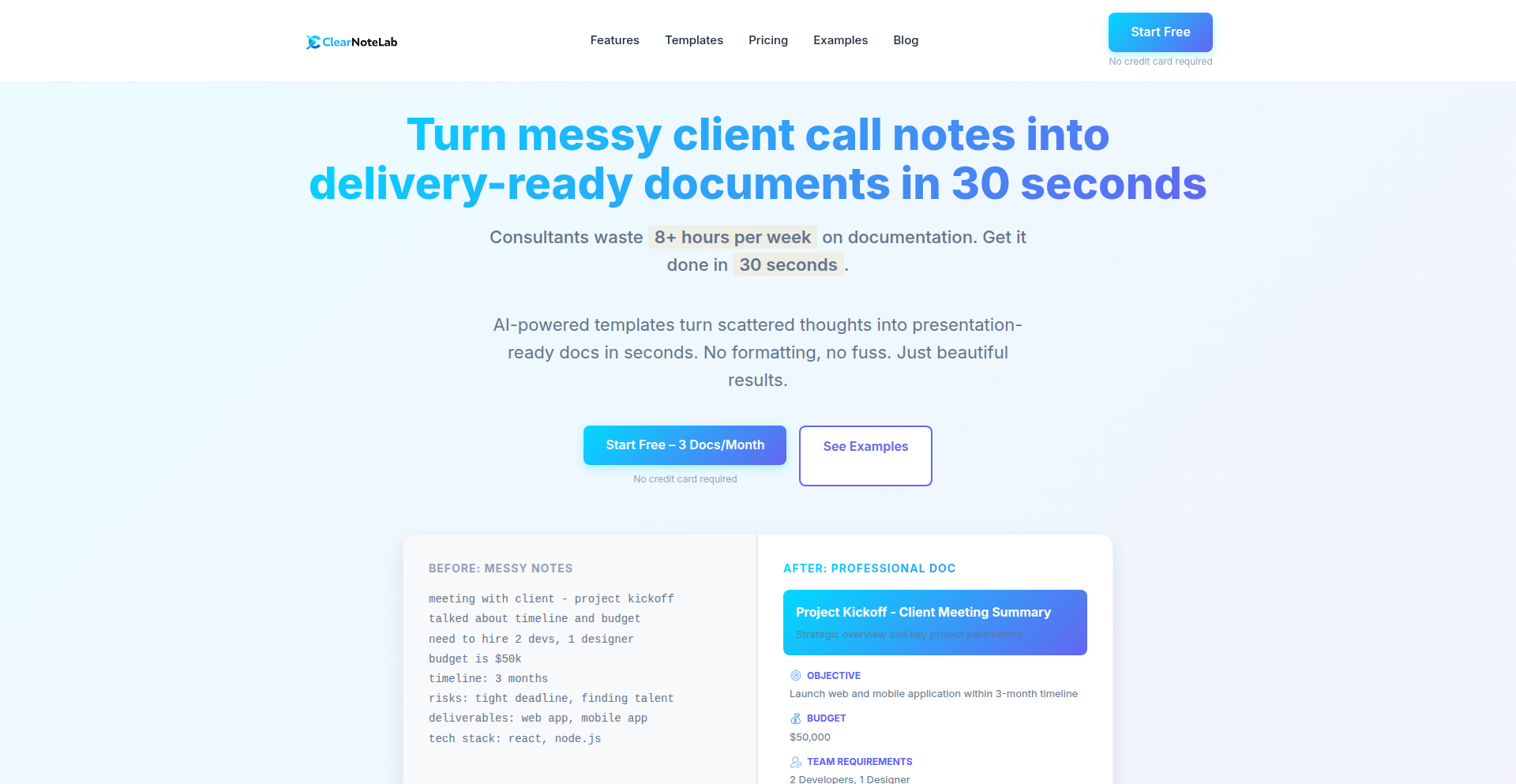
Author
jackbrauner
Description
ClearNoteLab is a web application that automates the process of transforming raw meeting notes into professionally formatted client-ready documents such as meeting summaries, Standard Operating Procedures (SOPs), or project briefs. It uses AI to understand the input notes and applies predefined templates to generate a clean, structured PDF output instantly. This saves hours of manual work by intelligently structuring and formatting unstructured text, making documentation efficient and professional. So, how does this help you? It frees up your time and ensures your client communications are always polished and consistent, eliminating the tedious task of manual reformatting.
Popularity
Points 1
Comments 0
What is this product?
ClearNoteLab is an AI-powered tool designed to convert messy, unstructured meeting notes into polished, professional documents like meeting summaries, SOPs, or project briefs. It works by taking your raw text input, understanding its content, and then applying a chosen template to structure and format it into a clean PDF. The innovation lies in its ability to intelligently parse and organize information, which typically requires significant manual effort and time. This means you get a professional output without having to retype or reformat anything yourself. So, what's the benefit for you? You get perfectly formatted, client-ready documents in seconds, significantly reducing your administrative burden and improving the quality of your professional output.
How to use it?
Developers can use ClearNoteLab by simply pasting their raw meeting notes or any unstructured text into the web interface. They then select a predefined document template (e.g., Meeting Summary, SOP, Project Brief). The tool processes the input and generates a downloadable PDF document. For integration into existing workflows, the API (if available in future iterations) could allow programmatic submission of notes and retrieval of formatted documents. This means if you have an existing system for capturing notes, you could potentially automate sending them to ClearNoteLab for instant professionalization. So, how does this help you? You can quickly generate polished reports or documentation directly from your raw notes, streamlining your workflow and enhancing client communication.
Product Core Function
· Automated text parsing and understanding to extract key information from raw notes, enabling intelligent content organization without manual selection. This provides value by accurately identifying important points for inclusion in the final document, saving you the effort of highlighting and summarizing.
· Template-based document generation for consistent professional formatting, ensuring all documents adhere to a predefined structure and style. This is valuable as it guarantees a professional look and feel for your client communications, reinforcing your brand and credibility.
· Instant PDF output for quick accessibility and sharing of finalized documents, facilitating immediate distribution to clients or team members. This offers the benefit of rapid turnaround, allowing you to respond promptly to client needs and project requirements.
· Selection of diverse document templates (Meeting Summary, SOP, Project Brief) to cater to various professional documentation needs, offering flexibility in output format. This is useful because it allows you to use a single tool for multiple documentation purposes, increasing its utility and efficiency.
Product Usage Case
· A consultant attends a client meeting, takes extensive handwritten or typed notes. They paste these notes into ClearNoteLab, select the 'Meeting Summary' template, and instantly receive a professional PDF report detailing action items, decisions, and key discussion points for the client. This solves the problem of spending hours manually writing up meeting minutes, enabling faster client follow-up and improving perceived professionalism.
· A software development team completes a feature implementation and discusses its operational steps. They input their informal notes into ClearNoteLab, choose the 'SOP' template, and generate a clear, step-by-step Standard Operating Procedure document for future reference and training. This addresses the challenge of documenting processes in a structured way, ensuring consistency and reducing knowledge silos.
· A project manager gathers inputs for a new project from various stakeholders. They consolidate these disparate notes and paste them into ClearNoteLab, selecting the 'Project Brief' template. The tool creates a structured document outlining project goals, scope, and key deliverables, ready for internal review or client approval. This resolves the difficulty of synthesizing fragmented information into a coherent project overview, facilitating clearer project initiation and alignment.
86
NICH: AI Conversation Anonymizer
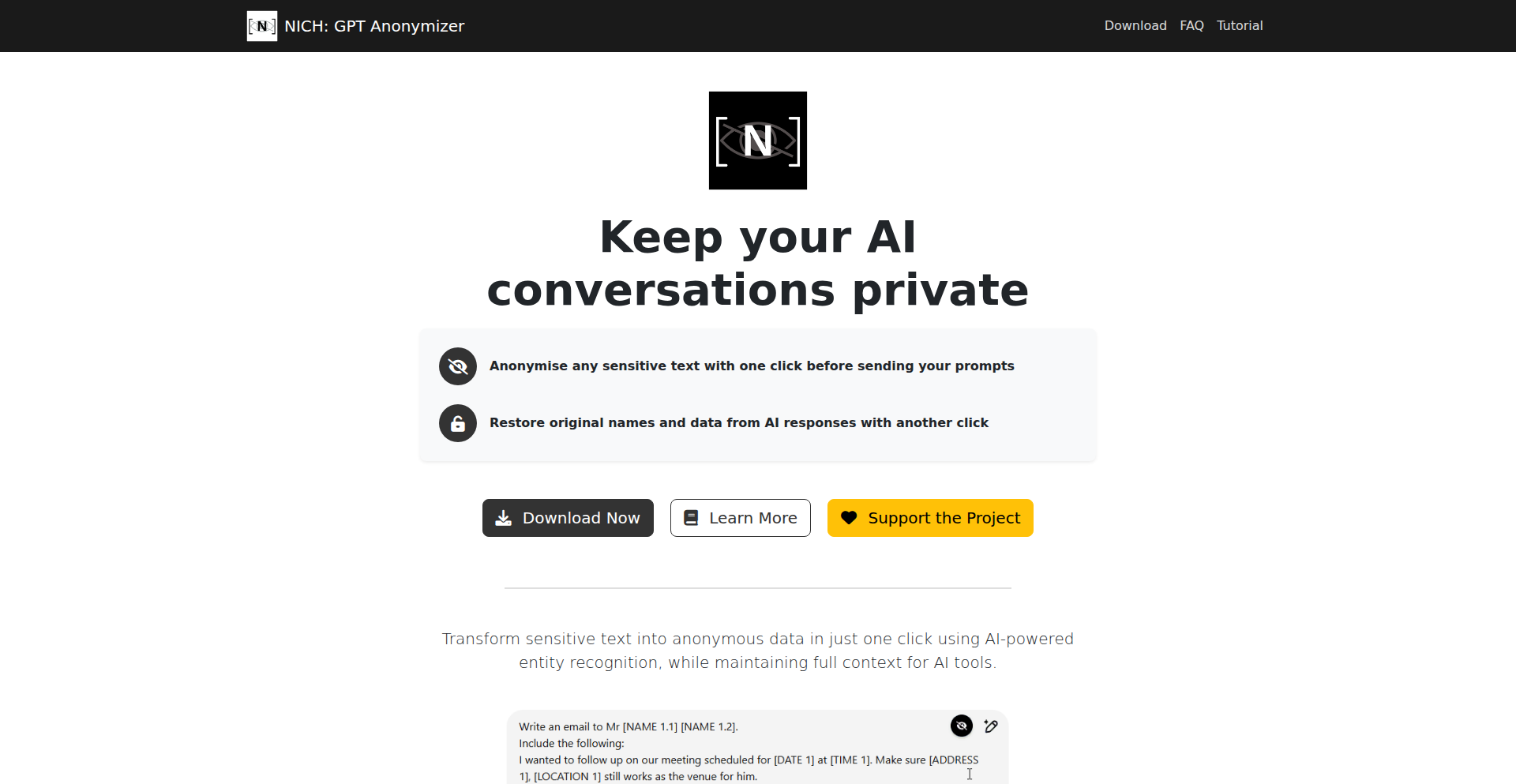
Author
akryshtal
Description
NICH is a browser extension that securely anonymizes sensitive personal information like names, emails, and addresses in your conversations with AI models. It does this by performing all processing directly within your browser, ensuring your data never leaves your device. This innovative approach addresses the critical issue of data privacy and compliance when using AI for sensitive tasks, offering peace of mind for researchers, legal professionals, and anyone handling confidential information.
Popularity
Points 1
Comments 0
What is this product?
NICH is a browser extension designed to protect your privacy when interacting with AI. The core technical innovation lies in its entirely client-side processing. Instead of sending your sensitive data to a cloud server for anonymization, NICH uses JavaScript running directly in your web browser to identify and mask personally identifiable information (PII) such as names, email addresses, and physical addresses. It intelligently preserves the context of your conversation so the AI can still understand it, and then selectively restores the original data in the AI's response. This means your confidential data is never exposed to third-party servers, eliminating the risk of data leaks and compliance violations that often accompany using AI tools for sensitive work.
How to use it?
Developers can integrate NICH into their workflow by installing it as a browser extension (available for Chrome and Firefox). Once installed, NICH automatically scans content within your browser that is being sent to AI services. For instance, if you're discussing a legal case and need to use AI to summarize documents or draft communications, NICH will automatically identify and anonymize names, addresses, and email addresses within those documents before they are sent to the AI. This makes it seamless to use AI for tasks involving confidential data without needing to manually redact information or worry about data security. You can use it in any web application that interacts with AI, making it a versatile tool for privacy-conscious users.
Product Core Function
· One-click anonymization of names, emails, and addresses: This function uses pattern matching and regular expressions within the browser to detect and replace sensitive PII with generic placeholders, ensuring immediate privacy protection without manual effort. This is valuable for quickly securing sensitive data before AI processing.
· Context preservation for AI understanding: NICH employs sophisticated algorithms to understand the grammatical and semantic role of the anonymized data, ensuring that the AI can still comprehend the meaning and nuances of the conversation. This is crucial for maintaining the quality and usefulness of AI-generated responses.
· Restoration of original data in AI responses: After the AI has processed the anonymized information and generated a response, NICH intelligently reinserts the original sensitive data into the AI's output where appropriate, based on the preserved context. This allows you to receive AI insights while still keeping your original data secure and accessible only on your device.
· 100% browser-based processing for enhanced security: By performing all operations locally within the user's browser, NICH ensures that confidential data never leaves the user's device and is not transmitted to any external servers. This provides a high level of data security and compliance, making it ideal for handling sensitive personal or business information.
Product Usage Case
· A legal researcher using ChatGPT to analyze case files containing client names and addresses: NICH automatically anonymizes these details before sending them to ChatGPT. The AI can then summarize the case or identify relevant patterns without accessing the actual confidential information. When the AI's response is generated, NICH restores the original names and addresses in the output for the researcher's perusal within their browser, ensuring data privacy throughout the process.
· An HR professional using an AI tool to draft job descriptions based on internal company documents that mention employee names and departmental addresses: NICH anonymizes these details. The AI can then generate a suitable job description without seeing internal employee data. The restored data in the final output allows the HR professional to review the generated description accurately while maintaining internal data confidentiality.
· A journalist using an AI to summarize interview transcripts that contain sensitive source information: NICH identifies and anonymizes names, locations, and other identifying details within the transcript. The AI can then provide a concise summary of the interview's key points without compromising the anonymity of the sources. The user can then review the summary, with restored original data visible only on their local machine.
87
SwiftFlow AI
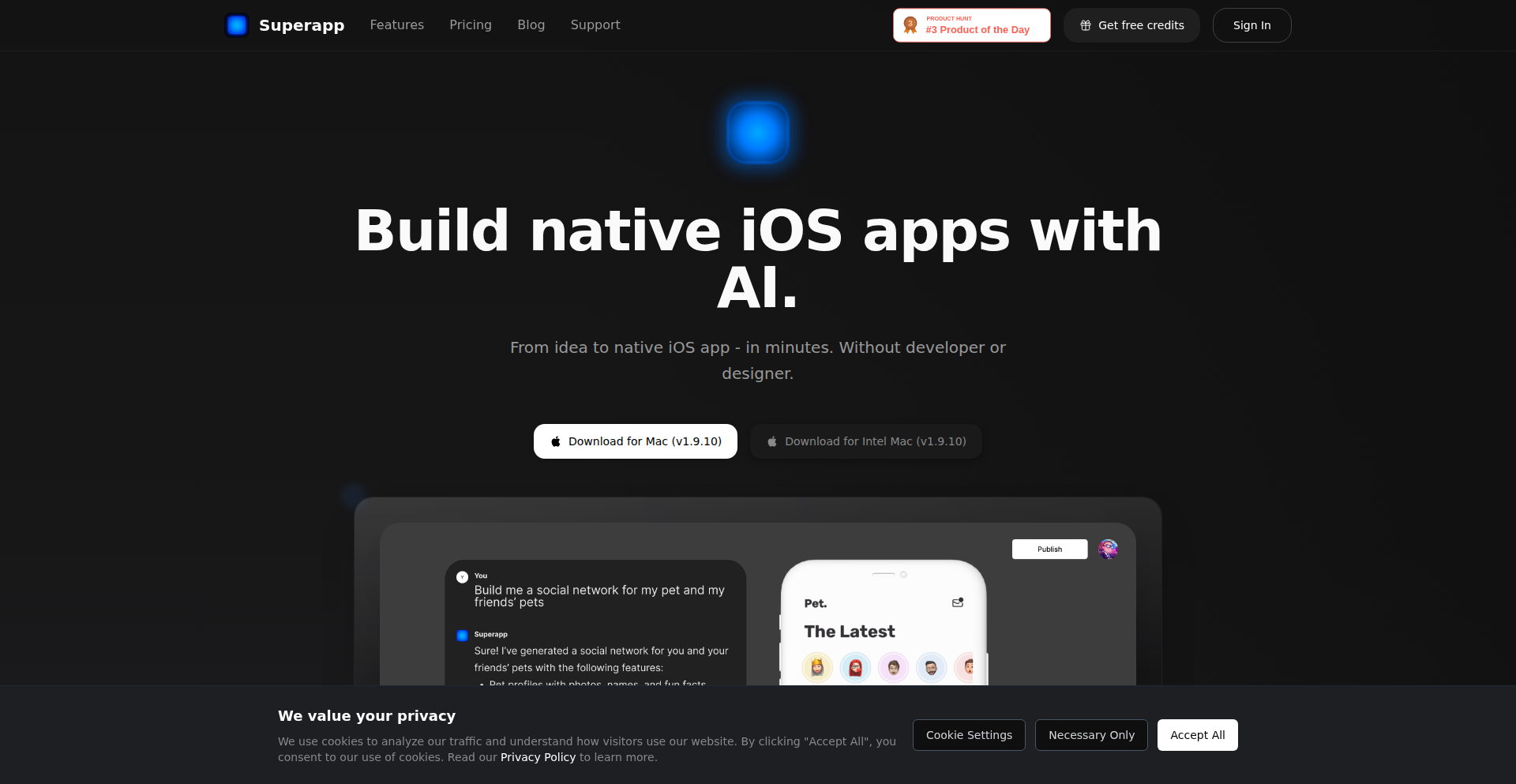
Author
thekotik
Description
SwiftFlow AI is a revolutionary platform that transforms English descriptions into native iOS applications. It leverages advanced AI models to generate complete Xcode projects, including Swift code and SwiftUI interfaces, adhering to Apple's best practices. It also intelligently creates a Supabase schema, streamlining the backend setup. This product addresses the complexity of traditional iOS development for non-technical founders and empowers them to bring their app ideas to life with unprecedented ease and quality.
Popularity
Points 1
Comments 0
What is this product?
SwiftFlow AI is an AI-powered tool that acts as a full-stack engineer specifically for native iOS app development. Instead of writing code, you describe your app's features in plain English. Behind the scenes, the AI translates your description into a real Xcode project, complete with Swift code and SwiftUI for a high-quality user interface that follows Apple's design principles. It also automatically sets up your Supabase database schema. The innovation lies in its ability to abstract away the complexities of coding, UI/UX design, and backend configuration, making app creation accessible to everyone. It uses foundational AI models optimized with techniques like parallelization and caching for speed and cost-effectiveness, and includes a testing suite to ensure quality. Crucially, you can export the generated code at any time, meaning you're not locked into the platform and retain full control of your codebase.
How to use it?
Developers and aspiring entrepreneurs can use SwiftFlow AI by visiting the Superapp website. You begin by providing a detailed English description of your desired iOS application, outlining its features, user flows, and general functionality. The platform then processes this input and generates a complete, ready-to-run Xcode project. You can review, refine, and even export this project to your local machine for further customization or direct deployment to the App Store. It's ideal for rapid prototyping, validating app ideas, or for founders who want to build an MVP without extensive coding knowledge. Integration is seamless as it outputs standard Xcode projects and Supabase schemas, which are widely adopted in the development community.
Product Core Function
· AI-powered code generation: Creates native iOS applications written in Swift and SwiftUI based on English descriptions, delivering high-quality, platform-standard code.
· Automated UI/UX design: Generates intuitive and aesthetically pleasing user interfaces that align with Apple's design guidelines, enhancing the user experience.
· Backend schema generation: Automatically creates a Supabase schema, simplifying database setup and backend infrastructure for your app.
· Full Xcode project export: Allows developers to export the generated codebase as a standard Xcode project, providing complete ownership and flexibility for further development and customization.
· Rapid prototyping and iteration: Enables quick creation and testing of app concepts, significantly reducing the time and resources needed for initial development.
Product Usage Case
· A non-technical founder with a novel app idea can describe their vision in English to SwiftFlow AI, receive a fully functional native iOS app prototype within minutes, and then present it to investors or early users for feedback, bypassing the need to hire a development team initially.
· An experienced developer looking to quickly build an MVP for a new feature can use SwiftFlow AI to generate the basic app structure and UI, freeing up their time to focus on complex business logic and advanced functionalities.
· A designer who wants to see their UI mockups come to life can provide detailed descriptions and assets to SwiftFlow AI, generating a functional app that precisely matches their design vision, bridging the gap between design and development.
· A startup team can use SwiftFlow AI to rapidly generate multiple app variations for A/B testing different user flows or feature sets, accelerating their product discovery and optimization process.
88
SiteIQ: LLM API Security Sentinel

Author
sastrophy
Description
SiteIQ is an open-source security testing tool specifically designed for LLM-powered APIs. It offers 36 automated tests to uncover vulnerabilities unique to AI models, such as prompt injection, jailbreaks, and LLM-specific Denial of Service attacks. This tool bridges a critical gap in the market, as traditional security scanners often miss these AI-centric threats, leaving developers exposed when integrating AI features. SiteIQ empowers developers to proactively secure their AI applications.
Popularity
Points 1
Comments 0
What is this product?
SiteIQ is an open-source, automated security testing tool tailored for APIs that leverage Large Language Models (LLMs). Traditional security tools focus on established web vulnerabilities, but they often fail to detect threats targeting the unique behavior of AI models. SiteIQ addresses this by simulating various adversarial attacks against LLMs. Its core innovation lies in its comprehensive suite of tests, including prompt injection (where users try to trick the AI into unintended actions), jailbreaks (attempts to bypass safety restrictions), and LLM-specific denial-of-service attacks (designed to overwhelm or disrupt the AI). By identifying these AI-specific weaknesses, SiteIQ helps developers ensure the robust and secure deployment of their AI-driven products. So, this is a specialized cybersecurity shield for your AI applications, helping you find and fix hidden weaknesses before bad actors do.
How to use it?
Developers can integrate SiteIQ into their development and testing workflows. It can be run as a command-line tool, allowing for integration into CI/CD pipelines for continuous security monitoring. Developers would point SiteIQ to their LLM API endpoints and configure the types of tests they wish to run. The tool then systematically sends specially crafted inputs to the API, mimicking potential attacks. It analyzes the responses and reports any detected vulnerabilities. For example, if you're building a customer support chatbot powered by an LLM, you can use SiteIQ to test if users can trick the bot into revealing sensitive information or performing actions it shouldn't. This provides actionable insights to patch the vulnerabilities before deploying the chatbot live. So, this gives you a way to automatically check if your AI chatbot or feature is safe to use, catching problems early in the development process.
Product Core Function
· Prompt Injection Testing: SiteIQ simulates attacks where users try to manipulate the LLM's behavior through crafted prompts, including direct, indirect, and RAG (Retrieval Augmented Generation) poisoning. This helps ensure your LLM doesn't execute unintended commands or leak sensitive data, crucial for applications handling user input. It means your AI won't be easily tricked into doing things it shouldn't.
· Jailbreak Detection: This function tests for techniques designed to bypass the LLM's safety guardrails and ethical constraints, such as DAN (Do Anything Now) style prompts or persona continuation attacks. This is vital for preventing malicious use of your AI and maintaining brand reputation. It ensures your AI stays within its intended boundaries.
· LLM-Specific DoS Attacks: SiteIQ identifies vulnerabilities that can lead to denial-of-service by overwhelming the LLM, for instance, through recursive prompts or complex generation tasks. This prevents attackers from making your AI service unavailable to legitimate users. It stops your AI from being overloaded and crashing.
· System Prompt Leakage Detection: The tool attempts to extract the LLM's underlying system prompt, which might contain sensitive configuration or instructions. This is important for protecting the internal logic and security posture of your AI model. It prevents attackers from understanding how your AI works internally, which could be exploited.
· Cross-Tenant Leakage Prevention: SiteIQ checks for vulnerabilities that could allow one user's session or data to be exposed to another, a critical concern in multi-tenant AI applications. This safeguards user privacy and data integrity in shared environments. It ensures one user's data remains separate and secure from others.
· Encoding and Obfuscation Bypass Tests: This covers attacks that use various encoding techniques (like Base64, ROT13) or custom ciphers to hide malicious payloads from detection filters. It ensures your AI can still identify threats even when they are disguised. It means your AI can see through disguises used by attackers.
· Refusal Suppression Attacks: SiteIQ tests methods designed to prevent the LLM from issuing its standard refusal responses (e.g., 'I cannot do that'). This is important for ensuring your AI maintains its intended safety and compliance behaviors. It stops the AI from being forced to say yes to inappropriate requests.
· Hallucination Induction Tests: This function aims to provoke the LLM into generating false or fabricated information, such as fake library names or CVEs. This is crucial for applications where factual accuracy is paramount. It helps ensure your AI provides correct and reliable information.
Product Usage Case
· A startup developing an AI-powered content creation tool uses SiteIQ to test for prompt injection vulnerabilities that could lead to the generation of harmful or plagiarized content. By running SiteIQ regularly, they ensure their tool remains safe and ethical for users. This helps them build trust with their customers by guaranteeing the content generated is appropriate.
· A financial institution building an AI assistant for its customers uses SiteIQ to test for system prompt leakage and cross-tenant data exposure. This is critical for maintaining regulatory compliance and protecting sensitive financial information. This ensures customer data is always private and secure.
· A company integrating an LLM into their internal knowledge base application uses SiteIQ to test for jailbreaks that could allow employees to bypass access controls and view restricted information. This helps maintain internal security policies and data governance. It stops employees from accessing information they shouldn't.
· A developer building a conversational AI for a gaming platform uses SiteIQ to test for refusal suppression and emotional manipulation attacks. This ensures the AI remains a positive and safe experience for players, preventing it from being coerced into inappropriate or offensive interactions. This makes the AI a fun and safe companion for gamers.
· A researcher working on novel LLM applications employs SiteIQ to identify potential recursive prompt DoS vulnerabilities in their experimental models. This allows them to optimize their models for stability and prevent resource exhaustion attacks. This helps them create more efficient and stable AI models for their research.
89
LeaseTiming Insights Engine

Author
rorcodes
Description
This project analyzes 15,000 user-submitted NYC rental data points to reveal seasonal rent price fluctuations. It uses a hobbyist approach to crunch numbers, offering data-driven insights into the best and worst times to sign a lease, demonstrating the power of open data analysis for everyday financial decisions. So, what's in it for you? You can save significant money on rent by strategically timing your lease signing.
Popularity
Points 1
Comments 0
What is this product?
This is a data analysis project that leverages user-submitted rental data from NYC to identify patterns in rent pricing throughout the year. The core innovation lies in taking a large, real-world dataset (15,000 submissions) and applying analytical techniques to extract actionable advice. Instead of relying on anecdotal evidence, it provides a statistically-backed understanding of when rents are cheapest and most expensive. Essentially, it's using code to find the 'sweet spot' for your rental budget. So, what's in it for you? It offers concrete, data-backed evidence on how to optimize your rental expenses.
How to use it?
While not a direct application for end-users to input data (the data collection has already happened), the insights are presented to inform rental decisions. Developers can use this project as an inspiration for building similar data-driven tools in their own communities or for other markets. The methodology involves data collection, aggregation, and statistical analysis, which can be replicated. The output is a clear recommendation on lease timing. So, what's in it for you? You can use these findings to plan your next move and potentially save on rent, or get inspired to build your own community data analysis tool.
Product Core Function
· Seasonal Rent Price Analysis: Identifies the cheapest and most expensive months for signing a lease based on historical data. This provides a quantifiable advantage in rental negotiations. So, what's in it for you? It tells you when to sign to get the best deal.
· Vacancy Rate Correlation: Demonstrates the inverse relationship between vacancy rates and negotiation power. Lower vacancy periods mean less landlord flexibility. This insight helps understand market dynamics. So, what's in it for you? It explains why landlords are more or less willing to negotiate at different times of the year.
· Concession Trend Identification: Shows how often landlords offer concessions (like free rent months) during different seasons. This highlights opportunities for further cost savings. So, what's in it for you? It reveals when you're more likely to get extra perks or discounts on your rent.
· COVID-19 Impact Visualization (mentioned): Although not deeply detailed in the provided snippet, the mention of a plot showing the COVID impact suggests the ability to analyze and visualize the effects of external events on rental markets. This allows for more nuanced understanding of market behavior. So, what's in it for you? It shows how major events can influence rental prices, giving you a broader perspective.
· Negotiation Success Rate Mapping: Quantifies negotiation success rates based on the time of year. This empowers renters with realistic expectations and negotiation strategies. So, what's in it for you? It gives you an idea of how likely you are to successfully negotiate your rent based on when you try.
Product Usage Case
· A renter in NYC planning to move in the winter months can use the data to understand that they have a higher negotiation advantage and are likely to secure concessions, potentially saving hundreds of dollars per month. So, what's in it for you? You can strategically time your move to get a better price.
· A real estate developer or investor could use the underlying methodology to build a similar tool for other cities, understanding peak and off-peak rental seasons to optimize their portfolio. So, what's in it for you? It provides a blueprint for creating similar revenue-generating tools for different markets.
· A data science student could analyze the project's approach to learn about practical data aggregation, cleaning, and statistical analysis applied to a real-world problem, such as market trends. So, what's in it for you? It's a case study on how to apply data science to solve practical problems.
· A community organizer could use this approach to analyze local housing data and advocate for policies that address seasonal affordability issues. So, what's in it for you? It shows how data can be used to drive positive social change in your community.
90
CanvasGridSplitter

Author
msdg2024
Description
A client-side web tool that intelligently divides any image into a grid of smaller images, supporting up to 20x20 divisions. It leverages the HTML5 Canvas API for all image processing, ensuring images remain entirely within the user's browser. This eliminates the need for server uploads, account creation, and any form of user tracking, prioritizing privacy and speed. While initially conceived for crafting Instagram grid posts, its utility extends to generating image puzzles, creating multi-panel art prints, and preparing large images for tiled printing applications.
Popularity
Points 1
Comments 0
What is this product?
CanvasGridSplitter is a web-based application that allows users to slice an image into multiple smaller, uniformly sized pieces, forming a grid. The core technology is HTML5 Canvas, which is a powerful element in web browsers for drawing graphics. Instead of sending your image to a server to be processed, all the manipulation happens directly on your computer within your web browser. This means your image data is never transmitted externally, making it incredibly private and fast. The innovation lies in its pure client-side approach to a common image manipulation task, providing a simple yet effective solution without relying on server infrastructure or collecting user data.
How to use it?
Developers can integrate CanvasGridSplitter into their web projects as a frontend component. The project can be used directly by end-users via its live URL (https://split-image.org/). For developers who wish to embed this functionality, the underlying JavaScript code, which utilizes the HTML5 Canvas API, can be adapted or referenced. The process typically involves selecting an image, defining the desired grid dimensions (e.g., 2x2, 3x3, or custom sizes up to 20x20), and then triggering the split function. The output is a set of individual image files that can be downloaded or further processed. This is perfect for web applications that require on-the-fly image subdivision without server-side dependencies.
Product Core Function
· Client-side image splitting: Processes images directly in the user's browser using HTML5 Canvas, ensuring privacy and eliminating server costs. This is valuable for applications where data security and rapid processing are paramount.
· Flexible grid layout: Supports predefined grid sizes (2x2, 3x3, 4x4) and custom grid dimensions up to 20x20, offering versatility for various creative and functional needs. This allows users to tailor the output to specific project requirements.
· No server uploads or tracking: Guarantees that user images never leave their device, enhancing privacy and security. This is crucial for sensitive image content or for users concerned about data sharing.
· Instantaneous processing: Delivers quick results due to local execution, improving user experience for time-sensitive tasks. This means faster turnaround for creative projects or data preparation.
· Easy integration potential: The underlying client-side technology can be adapted for integration into other web applications, providing a reusable image manipulation module. This offers developers a building block for new features.
Product Usage Case
· Instagram Grid Design: Users can split a single, visually striking image into multiple smaller images to create a cohesive and aesthetically pleasing grid on their Instagram profile. This solves the problem of designing complex multi-post visual narratives.
· Jigsaw Puzzle Creation: Developers can use this tool to generate the individual pieces for a digital jigsaw puzzle. By splitting a main image, they create the assets needed for an interactive puzzle game, solving the asset generation problem for puzzle developers.
· Multi-Panel Art Prints: Artists can divide a large artwork into smaller sections for printing on separate panels, allowing for larger-scale installations or unique display arrangements. This helps artists achieve ambitious physical art projects by simplifying the preparation of print-ready files.
· Tiled Web Image Display: For websites that need to display very large images efficiently, splitting them into smaller tiles can improve loading times and rendering performance. This addresses the technical challenge of displaying high-resolution imagery without overwhelming the user's browser or network connection.
· Educational Demonstrations of Canvas API: Developers can study the source code to understand practical applications of the HTML5 Canvas API for image manipulation, serving as an educational tool for learning frontend graphics programming. This provides a real-world example of how to use powerful browser-based graphics tools.
91
Zig Vigilant

Author
Chase-Lambert
Description
Zig Vigilant is a minimalist build watcher for Zig projects, inspired by the elegance of Bacon for Rust. It focuses on rapid feedback during development by automatically recompiling your Zig code whenever source files change. This project is a testament to Data Oriented Design and simplified manual memory management in Zig, offering significant functionality with remarkably concise code, embodying the hacker spirit of solving problems efficiently with code.
Popularity
Points 1
Comments 0
What is this product?
Zig Vigilant is a command-line tool that keeps an eye on your Zig source files. When it detects a change in any of the files it's watching, it automatically triggers your Zig project's build process. The innovation lies in its approach: it leverages Zig's powerful capabilities for direct memory management and its focus on performance to create a very lean and efficient watcher. Think of it as an automated assistant that immediately tells you if your latest code changes broke anything, saving you manual compilation steps and speeding up your feedback loop. This is achieved through low-level system calls and efficient file watching mechanisms, all while managing memory very precisely to avoid overhead.
How to use it?
Developers can integrate Zig Vigilant into their workflow by installing it and then running it from their project's root directory. For example, you'd typically run `zig-vigilant build` or a similar command. It will then monitor your Zig files and, upon detecting changes, execute your pre-configured build command (e.g., `zig build`). This seamless integration means you can focus on writing code, and Zig Vigilant handles the tedious task of recompiling and testing. It's designed to be dropped into almost any Zig development setup with minimal configuration.
Product Core Function
· Real-time File Monitoring: Continuously watches specified Zig source files for modifications, enabling immediate detection of changes. This saves you from manually checking and recompiling after every small tweak to your code.
· Automated Recompilation Trigger: Upon detecting a file change, it automatically executes a predefined build command (e.g., `zig build`). This eliminates the need for manual compilation, drastically speeding up the development cycle.
· Minimalist Design & Efficient Memory Management: Built with a focus on simplicity and performance, using Zig's manual memory management features to create a highly efficient and resource-light tool. This means it won't slow down your development environment.
· Cross-Platform Compatibility: Designed to work across different operating systems, offering a consistent experience for Zig developers regardless of their platform. This ensures your build watcher works wherever your Zig code does.
· Configurable Build Commands: Allows users to specify their custom build commands, offering flexibility to adapt to various project structures and build systems. You can tell it exactly how to build your project.
Product Usage Case
· Rapid Prototyping in Zig: A developer working on a new Zig library can use Zig Vigilant to see the impact of code changes instantly. When a function is modified, Vigilant automatically recompiles and the developer immediately sees if there are any compilation errors, making rapid iteration possible.
· Debugging Zig Applications: When debugging a complex Zig application, a developer might be making small adjustments to logic or error handling. Zig Vigilant ensures that each change is automatically compiled and tested, helping to quickly pinpoint the source of bugs by providing fast feedback.
· Refactoring Zig Codebases: As a developer refactors a large Zig project, ensuring the code remains functional is crucial. Zig Vigilant provides a safety net by automatically verifying the build status after each refactoring step, preventing the accumulation of undetected issues.
· Integrating with CI/CD Pipelines (with modifications): While primarily a development tool, the core principles of file watching and automated execution could inspire adaptations for lighter-weight CI checks on developer machines before committing code. This allows for quick local checks to ensure basic build sanity.
92
Scorpius PDF-to-Game Engine
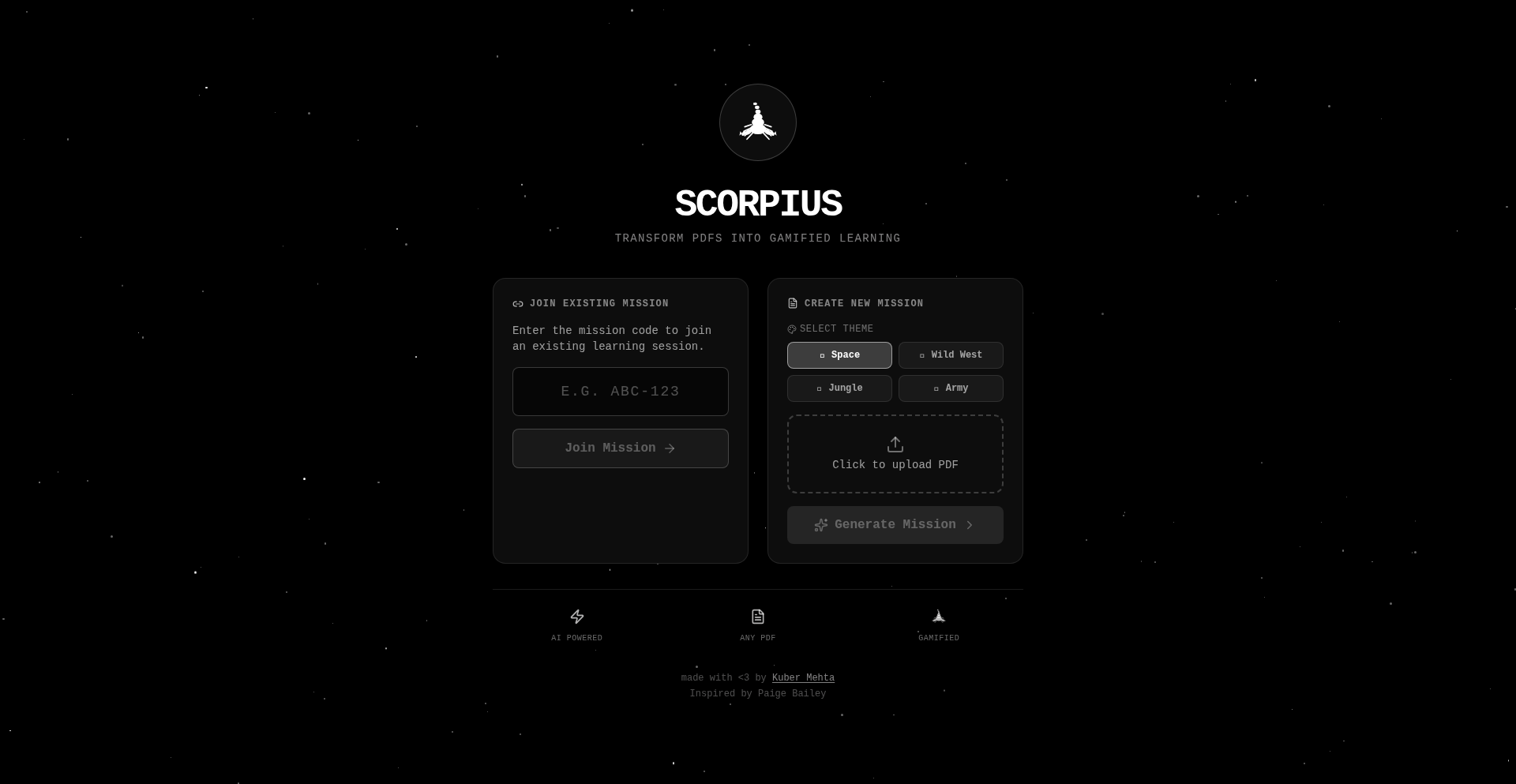
Author
kuberwastaken
Description
Scorpius is a weekend project that transforms static PDF documents into interactive, themed games. It leverages AI to interpret PDF content and generate engaging quizzes with gamified elements like XP, rewards, and badges. This innovation tackles the challenge of making educational or informational PDFs more engaging for learners and developers alike. The core technical idea is to bridge the gap between static content and dynamic, interactive experiences using programmatic content generation.
Popularity
Points 1
Comments 0
What is this product?
Scorpius is a platform that takes any static PDF file and converts it into an interactive game or quiz. The magic happens behind the scenes where it uses AI to understand the content of your PDF. Think of it like having a smart assistant that can read your documents and then build a fun game around them. The innovation lies in its ability to process unstructured PDF data and dynamically create engaging learning experiences with game mechanics. So, why does this matter to you? It means your boring old PDFs can suddenly become exciting challenges, making learning or training more effective and enjoyable, and providing a novel way to present information.
How to use it?
Developers can use Scorpius by simply uploading a PDF to the platform. The system then automatically generates a playable game or quiz. For integration, the project offers game codes for joining and sharing quizzes, suggesting a potential for embedding these games into other applications or websites. The technical approach involves an intelligent parsing of PDF content, followed by the generation of game logic and UI elements. For developers, this offers a rapid prototyping tool for educational content or interactive demos. Imagine quickly turning a user manual into a troubleshooting game, or a research paper into a knowledge quiz, all without extensive coding.
Product Core Function
· PDF Content Interpretation: Uses AI to understand text and structure within PDFs, enabling the extraction of quiz questions and answers. This adds value by automating the creation of interactive content from existing documents, saving significant manual effort.
· Dynamic Game Generation: Creates playable games or quizzes in under 30 seconds based on the interpreted PDF content. This provides rapid content creation for educators, trainers, or even marketers looking for quick, engaging tools.
· Gamification Elements (XP, Rewards, Badges): Implements game mechanics to motivate users and track progress. This is valuable for enhancing user engagement and retention, making the learning or interaction process more rewarding and addictive.
· Themed Game Environments (Space, Wild West, Jungle, Army): Offers a selection of visual themes to make quizzes more appealing and immersive. This allows for customization and can tailor the experience to specific audiences or content, increasing user appeal and relevance.
· Game Codes for Sharing and Collaboration: Facilitates easy sharing of generated games and allows for joining specific quiz sessions. This is a practical feature for educational settings or team-based learning, enabling seamless distribution and participation.
Product Usage Case
· Educational Content Transformation: A teacher uploads a PDF textbook chapter and Scorpius converts it into a Space-themed quiz. Students can then play the quiz using a game code, earning XP for correct answers. This solves the problem of static, unengaging textbook material by turning it into a fun, interactive learning experience.
· Corporate Training Module: A company uploads its employee handbook (as a PDF) and Scorpius generates a 'Wild West' themed quiz to test comprehension. New hires can play it to quickly learn company policies. This addresses the challenge of making dry policy documents more memorable and digestible.
· Interactive Product Demo: A developer uploads a technical documentation PDF for a new API and Scorpius creates an 'Army' themed challenge to test users' understanding of its features. This provides a novel way to onboard developers or users, making learning about a product more engaging than reading a static manual.
· Personalized Learning Tool: An individual uploads a PDF of their favorite novel and Scorpius generates a quiz about the plot and characters. This offers a fun way to deepen one's understanding and appreciation of literature.
93
WikiWaver MIDI Streamer

Author
exploraz
Description
This project, WikiWaver MIDI Streamer, is a web application that transforms Wikipedia's recent edit activity into MIDI signals. It leverages the Web MIDI API to enable browsers to communicate with MIDI devices, translating real-time Wikipedia changes into musical notes or other MIDI events. This innovative approach provides a novel way to experience data streams, turning abstract information into an auditory and interactive format. It's built with plain HTML, JavaScript, and CSS for maximum lightness and minimal dependencies, making it an accessible and efficient tool for exploring data sonification.
Popularity
Points 1
Comments 0
What is this product?
WikiWaver MIDI Streamer is a web-based tool that listens to live updates on Wikipedia and converts these changes into MIDI messages. The Web MIDI API, a browser feature, allows web pages to send and receive data to and from MIDI devices. Instead of directly interacting with the complex low-level MIDI protocols, this project utilizes a helper library called WEBMIDI.js, which simplifies the process. Imagine Wikipedia's edit feed as a flow of information; this tool translates that flow into a language that MIDI synthesizers or other MIDI-compatible hardware can understand, essentially 'playing' the changes on Wikipedia. The innovation lies in taking a passive data stream and making it an active, audible experience.
How to use it?
Developers can use WikiWaver MIDI Streamer by opening the web application in a modern browser that supports the Web MIDI API. They would then connect a MIDI device (like a keyboard synthesizer or a MIDI controller) to their computer. Once connected, the application will automatically detect the MIDI device and start sending MIDI messages corresponding to Wikipedia's recent edits. This can be used for various purposes: educators can use it to demonstrate real-time data flow in a engaging way, musicians can use it as a unique sound source for their compositions, or developers can integrate it into other projects that require real-time data sonification. The lightweight nature of the project means it can be easily embedded or adapted.
Product Core Function
· Real-time Wikipedia Edit Monitoring: Captures incoming edits from Wikipedia in real-time, providing a direct stream of activity. This is valuable for understanding the pace and nature of information updates on a global scale.
· Web MIDI API Integration: Utilizes the Web MIDI API to enable browsers to communicate with external MIDI hardware, making data sonification accessible directly from the web. This opens up possibilities for interactive data experiences without complex software installations.
· WEBMIDI.js Abstraction: Employs the WEBMIDI.js library to simplify MIDI interactions, making the code cleaner and easier to manage. This allows for faster development and easier adaptation of the project for different MIDI devices and use cases.
· Plain HTML, CSS, and JavaScript Implementation: Ensures the application is lightweight, fast-loading, and has minimal external dependencies, promoting accessibility and ease of integration. This is ideal for developers looking for efficient and unbloated solutions.
· Data-to-MIDI Translation: Converts the raw data of Wikipedia edits into MIDI messages, which can then be interpreted by synthesizers or other MIDI devices. This provides a novel way to perceive and interact with data, transforming abstract information into an auditory experience.
Product Usage Case
· Live Data Sonification for Educational Demos: A teacher could use WikiWaver MIDI Streamer in a classroom to demonstrate the concept of real-time data flow and global connectivity by playing Wikipedia edits as musical notes, making abstract concepts tangible and engaging for students.
· Experimental Music Composition: A musician could connect a MIDI synthesizer to WikiWaver MIDI Streamer and use the real-time Wikipedia edit stream as a unique, ever-changing sound source for ambient or experimental music tracks. The unpredictable nature of Wikipedia edits offers a constant source of novel sonic textures.
· Interactive Data Visualization Projects: A developer building an interactive data visualization dashboard could integrate WikiWaver MIDI Streamer to provide an auditory dimension to the visual representation of Wikipedia changes. This enhances user immersion and can help in identifying patterns or anomalies through sound.
· Accessibility Tool for Data Awareness: For individuals who benefit from auditory cues, this tool could offer a way to be aware of global online activity without needing to constantly monitor visual interfaces. The MIDI output can be customized to represent different types of edits with distinct sounds.
94
PhoneVibeCoder

Author
admtal
Description
A template repository for 'vibe coding' from your phone, enabling rapid game prototyping and fun experimentation with minimal setup. It streamlines the process of translating a nascent idea into a playable experience on the go, embodying the hacker spirit of building with available tools.
Popularity
Points 1
Comments 0
What is this product?
PhoneVibeCoder is a project template designed for developers who want to code and prototype, particularly games, directly from their mobile phones with a focus on speed and fun. The core technical idea is to provide a pre-configured environment that minimizes friction for creative coding sessions, allowing for quick iteration and experimentation without needing a full desktop setup. This is achieved through a streamlined project structure and likely leveraging mobile-friendly development tools or frameworks that the author has integrated. The innovation lies in simplifying the barrier to entry for spontaneous creative coding, promoting a 'lazy' yet productive development flow where the focus is on rapid idea realization rather than complex setup.
How to use it?
Developers can use PhoneVibeCoder by cloning the repository to their mobile device or a linked cloud environment. The template is designed to be a starting point for game development or other creative coding projects. For instance, a developer might quickly spin up a new project, experiment with game mechanics, or even build small, fun applications directly from their phone during commutes or downtime. The usage scenario centers around enabling rapid prototyping and 'playful' development, making it easy to take a half-formed idea and turn it into something tangible and interactive very quickly.
Product Core Function
· Streamlined Project Setup: Provides a pre-configured environment to quickly start coding, reducing setup time and allowing immediate focus on creative tasks. This is valuable for developers who want to jump straight into building without lengthy configuration.
· Mobile-First Prototyping: Enables coding and game prototyping directly from a phone, ideal for on-the-go creativity and leveraging downtime for experimentation. This offers unparalleled flexibility for developers who are often away from their primary workstations.
· Rapid Idea Realization: Facilitates the fast translation of ideas into workable prototypes, emphasizing speed and iteration over perfection. This is highly beneficial for exploring new concepts and testing feasibility without significant investment.
· Experimental Game Development: Serves as a foundation for building and testing small games or interactive experiences, encouraging exploration beyond typical professional development workflows. This provides a fun and low-pressure avenue for honing coding skills and creativity.
Product Usage Case
· Developing a simple 2D game on a train: A developer has an idea for a game mechanic, clones the PhoneVibeCoder repo, and starts coding the core logic and player movement directly on their phone during their commute, turning idle time into productive creative output.
· Prototyping a new interactive art piece: An artist or developer wants to quickly test a visual concept. They use the template to create a basic interactive animation on their phone, experimenting with colors and user input before committing to a larger project.
· Building a quick fun application for friends: The author used this template to create 'Pac Man With Guns.' This demonstrates how the template can be used to rapidly build small, entertaining projects for personal enjoyment or to showcase creative coding skills.
95
Frndz Protocol: Intent-Driven Web3 Advertising

Author
frndsprotocol
Description
Frndz Protocol is a groundbreaking decentralized advertising protocol on BNB Chain that redefines how advertisers connect with users and how users are rewarded. It pioneers a privacy-first approach by targeting user intent within applications rather than relying on personal data tracking, eliminating cookies, profiles, and privacy invasion. Advertisers can efficiently reach engaged audiences, while users directly earn a revenue share from the ads they interact with. This innovative model offers a transparent and ethical alternative to traditional ad networks.
Popularity
Points 1
Comments 0
What is this product?
Frndz Protocol is a novel decentralized advertising system built on the BNB Chain. Its core innovation lies in shifting the focus from tracking individual users' personal data (like browsing history or demographics) to understanding their current intent within an application. Think of it like this: instead of knowing 'who' a person is and showing them ads based on past behavior, Frndz aims to understand 'what' a user is trying to achieve *right now* within an app and show them relevant ads for that specific moment. This is achieved through a decentralized protocol, meaning it's not controlled by a single entity, and it runs on a blockchain (BNB Chain) which provides transparency and security. The 'revenue share' means that users who see and engage with these intent-based ads get a cut of the advertising money, which is a significant departure from how most online ads work today. So, the tech innovation is in building an ad system that respects privacy, is transparent, and directly benefits users, all powered by blockchain.
How to use it?
For developers, integrating Frndz Protocol means offering a new way to monetize their applications while respecting user privacy. Advertisers can use Frndz to create campaigns that target users based on the intent they express within an app (e.g., someone looking to buy shoes in a fashion app). This is done without needing to collect or store any personal user data, thus complying with privacy regulations and building user trust. The MVP (Minimum Viable Product) is available on the testnet, allowing developers and advertisers to stake tokens, create ad campaigns, and experience the fast transactions and clean user interface. Developers can integrate Frndz into their dApps (decentralized applications) to display ads that are contextually relevant to the user's current activity, thereby increasing ad effectiveness and user engagement. This approach can be integrated via smart contracts and APIs provided by the protocol.
Product Core Function
· Decentralized Ad Network: Enables an advertising ecosystem that is not controlled by a single company, fostering fairness and transparency. This is valuable because it reduces reliance on centralized platforms and creates a more open market for advertisers and publishers.
· Intent-Based Targeting: Advertisers target user intent within apps instead of personal data, meaning ads are shown based on what a user is trying to do in that moment. This is valuable as it increases ad relevance and effectiveness while completely preserving user privacy, eliminating the need for cookies or user profiles.
· User Revenue Share: Users earn a direct share of the revenue generated from the ads they engage with. This is valuable for users as it provides a tangible reward for their attention and participation in the ad ecosystem, turning passive viewers into active stakeholders.
· Privacy-Preservation: Eliminates the need for cookies, user profiles, and invasive tracking. This is valuable for both users and developers as it builds trust, ensures compliance with privacy laws, and creates a more ethical digital environment.
· BNB Chain Integration: Built on a scalable and efficient blockchain, ensuring fast transactions and a robust infrastructure. This is valuable as it provides a secure and cost-effective platform for decentralized advertising operations.
Product Usage Case
· A mobile game developer integrates Frndz Protocol to display ads for in-game items. Instead of tracking player demographics, the protocol identifies when a player is actively browsing the in-game shop and displays relevant item offers. This leads to higher conversion rates for in-game purchases and rewards the player for their engagement.
· A decentralized finance (DeFi) application uses Frndz to promote new financial products. When a user is exploring lending options within the app, Frndz serves targeted ads for competitive lending platforms, rewarding the user for discovering and potentially engaging with these services.
· A content creation platform utilizes Frndz to offer ad revenue sharing to its creators. Instead of ads being served based on a user's broader internet activity, the platform shows ads relevant to the content being consumed. Creators then earn a portion of the ad revenue generated from their viewers.
· A travel booking app integrates Frndz to show flight or hotel deals when a user is actively searching for travel information within the app. This ensures the ads are highly relevant to the user's immediate needs, improving the user experience and increasing the likelihood of booking.
96
Contextual AI Language Tandem

Author
bijucyborg
Description
LangTrak is an innovative AI-powered platform designed to simulate the effectiveness of practicing a new language with a native speaker, but at a fraction of the cost and with greater accessibility. It leverages YouTube videos to establish context, generates tailored exercises based on that content, and facilitates real-time spoken practice with an AI tutor. This approach combines comprehensible input with immediate contextual application, offering a unique and efficient way to achieve conversational fluency.
Popularity
Points 1
Comments 0
What is this product?
LangTrak is a sophisticated language learning tool that addresses the challenge of finding affordable and scalable opportunities to practice speaking a new language with a native speaker. Its core innovation lies in its ability to dynamically create a learning environment based on user-selected YouTube videos. The system analyzes the video content to understand the context and then uses advanced AI to generate relevant speaking exercises. The user then engages in a real-time conversation with the AI tutor to complete these exercises. This means you're not just memorizing vocabulary; you're actively using the language in a situation that mirrors real-world conversation, making the learning process more intuitive and effective.
How to use it?
Developers can integrate LangTrak's learning methodology into their own applications or use it as a standalone tool. For developers looking to build language learning features, LangTrak provides a blueprint for creating engaging, context-aware practice modules. Users can begin by selecting a YouTube video in their target language (French, Spanish, German, Russian, or Finnish). LangTrak will then use this video as the foundation for generating speaking exercises. The user can then speak their answers and engage in a back-and-forth conversation with the AI tutor to complete the exercises. This could be integrated into educational platforms, virtual reality language environments, or even as a supplementary tool for existing language learning apps to enhance their interactive practice capabilities.
Product Core Function
· Contextual Learning from YouTube: Leverages AI to understand and adapt to the content of any YouTube video, providing a relevant learning environment. This means your practice is directly tied to real-world topics you find interesting, making it more engaging and memorable, so you learn practical language faster.
· AI-Generated Speaking Exercises: Dynamically creates personalized exercises based on the video's context, ensuring practice is always relevant and challenging. This is useful because instead of generic drills, you get exercises that directly reinforce vocabulary and grammar you've just encountered, improving your understanding and application.
· Real-time Conversational Practice: Enables users to speak directly with an AI tutor, receiving immediate feedback and engaging in natural dialogue. This feature is crucial for building confidence and fluency, allowing you to practice speaking without the pressure of a human interaction, and improving your ability to respond quickly and accurately.
· Multi-language Support: Offers practice for French, Spanish, German, Russian, and Finnish, making it versatile for a wide range of learners. This is valuable as it allows you to switch between different languages or focus on one, providing a comprehensive solution for diverse language learning needs.
Product Usage Case
· A language learning app developer could integrate LangTrak's API to add a powerful 'conversation practice' module. Instead of users just reading or listening, they could watch a short educational video within the app, and then be prompted by the AI to discuss the video's topic, solving the problem of providing meaningful speaking practice.
· A university language department could use LangTrak to supplement classroom learning. Students could be assigned YouTube videos to watch and then use LangTrak to practice discussing the content with the AI, enhancing their speaking skills outside of class time and addressing the challenge of limited instructor availability for individual practice.
· An individual language learner could use LangTrak to practice for an upcoming trip. They could watch travel vlogs in their target language and then practice asking for directions or ordering food with the AI tutor, solving the problem of not having a native speaker readily available for realistic scenario practice.
97
CEO Simulator: Decision Engine

Author
madcash
Description
A text-based simulation game built with Next.js and TypeScript, deployed on Vercel, where players step into the role of a startup CEO. It focuses on client-side execution with no backend, utilizing localStorage for state management and deterministic seeding for daily challenges. The game simulates the anxieties and difficult trade-offs of founder life, offering 13 distinct endings, one successful IPO and the rest reflecting various failure scenarios. It innovates by omitting tutorials, forcing players to learn through observation, and introducing a 'sin' system to track narrative debt like Trust Debt and Tech Debt, which significantly impacts the game's outcome.
Popularity
Points 1
Comments 0
What is this product?
This project is a client-side, text-based simulation game called 'CEO Simulator'. It leverages Next.js and TypeScript for a dynamic user experience, with all game logic and state managed directly in the browser using localStorage. The core innovation lies in its realistic portrayal of startup leadership, emphasizing the mental and strategic challenges without explicit guidance. Players learn by observing the consequences of their decisions on various metrics, such as Trust Debt and Tech Debt, which are critical narrative elements affecting the 13 possible game endings. The deterministic seeding for daily challenges ensures that every player faces the same set of hurdles each day, creating a shared experience for community discussion.
How to use it?
Developers can use this project as a case study for building engaging, client-side web applications with Next.js and TypeScript. The 'deterministic seeding' concept, using seeds for predictable outcomes, is a valuable technique for creating reproducible game states or tests. The 'sin' system for tracking narrative debt can be adapted for game design to create more complex, consequence-driven narratives. Furthermore, the use of localStorage for saving game progress demonstrates a lightweight approach to state management for simpler applications. It's a great example of a self-contained, playable product that showcases front-end development capabilities for interactive storytelling and decision-making simulations.
Product Core Function
· Client-side simulation engine: Enables a full game experience without requiring a server, making it fast, scalable, and cost-effective to host. This means quicker load times and a seamless experience for users directly in their browser.
· Deterministic daily challenges: Uses seeded random number generation to ensure every player faces the exact same set of decisions and events each day. This is great for community challenges and fair competition, as everyone is on a level playing field.
· LocalStorage state management: Saves player progress and game state directly in the browser, allowing users to pick up where they left off without complex backend infrastructure. This provides a simple and efficient way to persist user data.
· Narrative debt tracking: Implements a system to track abstract 'sins' like Trust Debt and Tech Debt, which accumulate based on player decisions and critically impact the game's narrative outcomes. This adds a layer of strategic depth and consequence to player choices.
· Multiple ending generation: Calculates 13 different endings based on player choices and accumulated debt, providing significant replayability and a clear feedback loop on decision-making. This offers diverse conclusions, making each playthrough feel unique.
Product Usage Case
· Building educational simulations for business schools: The game can be adapted to teach core startup management principles, allowing students to experience the impact of strategic decisions in a risk-free environment.
· Developing interactive narrative experiences: The 'sin' system for tracking narrative debt can be a blueprint for creating games or interactive stories where player actions have far-reaching, delayed consequences.
· Creating lightweight, engaging web games: The client-side architecture and use of localStorage demonstrate a practical approach to building fun, accessible games that require no installation or complex setup.
· Experimenting with decision-tree game design: The project offers a clear example of how to structure a game around a series of choices that lead to varied outcomes, a fundamental technique in many simulation and RPG genres.
· Prototyping new game mechanics: Developers can use the deterministic seeding and state management techniques as a starting point for rapidly prototyping new game ideas with predictable and reproducible results.
98
ZooYou.me - Persona Generator Engine

Author
edgecraftstudio
Description
ZooYou.me is a unique end-user product, a personal persona generator that leverages advanced natural language processing (NLP) and AI to create detailed, fictional user profiles. The innovation lies in its ability to synthesize complex character traits, backstories, and motivations from minimal input, offering a novel approach to character development for creatives and market researchers. This means it helps you quickly build realistic characters for your stories, games, or marketing campaigns, saving you time and sparking new ideas.
Popularity
Points 1
Comments 0
What is this product?
ZooYou.me is an AI-powered application designed to generate comprehensive and believable personal personas. At its core, it utilizes a sophisticated combination of large language models (LLMs) for natural language understanding and generation, coupled with probabilistic reasoning to ensure consistency and depth in the generated profiles. The innovation stems from its ability to go beyond simple template filling; it understands contextual nuances and can extrapolate logical connections between various persona attributes, such as occupation, hobbies, fears, and aspirations. This means you get richly detailed and unique characters, not just generic placeholders, making your creative or analytical work more engaging and insightful.
How to use it?
Developers can integrate ZooYou.me into their projects through its API. Imagine building a game where every non-player character (NPC) needs a unique personality and backstory – ZooYou.me can generate these on the fly. For marketing teams, it can help create detailed customer avatars for targeted campaigns. The integration involves sending specific prompts or keywords to the API, and receiving structured persona data back, which can then be used to populate databases, drive narrative logic, or inform design decisions. So, this means you can programmatically create an endless stream of diverse and compelling characters for your applications.
Product Core Function
· AI-driven Persona Generation: Utilizes LLMs to generate rich, narrative-driven personal profiles from user-defined parameters or broad prompts. This provides a deep well of creative inspiration and detailed background for characters, helping to overcome writer's block and add authenticity to digital experiences.
· Attribute Synthesis: Intelligently connects and synthesizes various persona attributes (e.g., personality traits, life experiences, motivations) to ensure a cohesive and believable character. This means that a generated persona feels like a real person with a consistent inner logic, making them more relatable and impactful.
· Customizable Depth and Detail: Allows users to specify the level of detail and specific aspects they want to emphasize in the generated personas, offering flexibility for different use cases. This allows you to tailor the output to your exact needs, whether you need a quick sketch or an in-depth profile.
· API Accessibility: Provides an API for seamless integration into other applications and workflows, enabling programmatic access to persona generation capabilities. This means developers can easily build persona-driven features into their own software, automating character creation and enhancing user experiences.
Product Usage Case
· Game Development: A game studio uses ZooYou.me's API to generate unique backstories, personalities, and dialogue prompts for hundreds of NPCs in an open-world RPG. This significantly reduces manual content creation time and ensures each NPC feels distinct and memorable, leading to a more immersive player experience.
· Market Research: A marketing agency uses ZooYou.me to create highly detailed customer personas for a new product launch. By feeding basic demographic and psychographic data, they receive rich profiles including daily routines, pain points, and media consumption habits, enabling them to design more effective and targeted marketing strategies.
· Creative Writing Assistance: An author uses ZooYou.me as a brainstorming tool to develop complex characters for a novel. By inputting a few key traits, they receive detailed character sketches with potential plot hooks and internal conflicts, accelerating the character development phase and enriching the narrative.
99
Numen: Sparse-Dense N-Gram Hashing Retriever

Author
sangeet01
Description
Numen is a novel retrieval engine that overcomes the capacity limitations of traditional dense embedding models, as identified by DeepMind's research. Instead of relying on learned embeddings, Numen employs high-dimensional sparse-dense n-gram hashing (32k dimensions) to achieve superior retrieval performance, outperforming state-of-the-art models on the LIMIT benchmark by a significant margin. This approach bypasses the geometric bottleneck inherent in dense retrieval, offering a more efficient and effective solution for information retrieval tasks. So, what's in it for you? You get significantly better search results, especially for complex or nuanced queries, without the performance ceiling of current embedding technologies.
Popularity
Points 1
Comments 0
What is this product?
Numen is a retrieval engine built upon a unique technical insight: the limitations observed in embedding-based retrieval might not be about retrieval itself, but rather about how much information can be compressed into an embedding. Numen sidesteps this 'compression limit' by using a high-dimensional sparse-dense n-gram hashing approach. Imagine looking for information not by finding a 'close match' in a dense, compressed space, but by precisely identifying matching key phrases (n-grams) across a much larger, more granular, sparse representation. This is analogous to using a highly detailed index for a massive library instead of a summarized catalog. The innovation lies in applying this high-dimensional hashing strategy to achieve retrieval accuracy that surpasses even advanced deep learning models, while still retaining a flexible vector-based architecture. So, what's in it for you? It offers a fundamentally different and more robust way to find relevant information, potentially unlocking better search experiences and insights from your data.
How to use it?
Developers can integrate Numen into their applications by leveraging its Python implementation. The project includes a benchmark script (numen.ipynb) for easy reproduction and experimentation. For practical use, you would typically index your data documents using Numen's hashing mechanism, which transforms textual content into high-dimensional sparse vectors. When a query is made, it's also hashed into the same space, and Numen efficiently finds the closest matching documents based on these sparse representations. This allows for seamless integration into existing search pipelines or as a standalone retrieval solution. So, what's in it for you? You can plug Numen into your existing systems to dramatically improve search accuracy, making your applications more intelligent and user-friendly.
Product Core Function
· High-dimensional sparse-dense n-gram hashing: This technique allows for a more granular and precise representation of text, avoiding the information loss associated with dense embeddings. Its value is in achieving superior retrieval recall by capturing exact keyword and phrase matches more effectively than compressed representations. Applicable to any scenario where precise information retrieval is critical, such as legal document search or scientific literature review.
· Vector architecture compatibility: Numen maintains a vector-based approach, meaning it can often integrate with existing vector databases or search frameworks, making adoption smoother. The value here is in reducing the friction of adopting a new retrieval technology, allowing developers to leverage their existing infrastructure. Useful for teams looking to upgrade their search capabilities without a complete system overhaul.
· Overcoming embedding limitations: By design, Numen bypasses the geometric bottleneck of dense embeddings, providing a more scalable and accurate retrieval solution for large datasets. This is valuable for applications dealing with vast amounts of text data where dense embeddings start to degrade in performance. Applicable to enterprise search, recommendation systems, and large-scale knowledge retrieval.
Product Usage Case
· Improving a document search engine: A company with a large internal knowledge base can use Numen to replace their existing search. Instead of returning vaguely related documents, Numen can pinpoint the exact documents containing the specific terminology or phrases users are searching for, significantly increasing productivity. The problem solved is finding accurate information quickly.
· Enhancing a research paper discovery platform: A platform for researchers can leverage Numen to find highly relevant academic papers. The system can better identify papers that discuss specific concepts or methodologies, even if the wording isn't identical to the query, because of the n-gram hashing. The problem solved is finding niche research content.
· Building a more intelligent Q&A system: For a customer support chatbot, Numen can be used to retrieve the most pertinent answers from a knowledge base. By accurately matching query phrases to the knowledge base, the chatbot can provide more precise and helpful responses, leading to better customer satisfaction. The problem solved is delivering accurate and timely information to users.
100
Locolle: Geo-Collection Weaver

Author
patrickTTT
Description
Locolle is an iOS app designed to revolutionize how users manage and share place recommendations. It addresses the common problem of scattered saved locations across various apps and messages by offering a centralized, collaborative, and visually engaging platform. The core innovation lies in treating places like music tracks, allowing users to create themed collections, collaborate in real-time, and visualize their saved spots on an interactive 3D Earth view, all built with SwiftUI and MapKit for a seamless iOS experience.
Popularity
Points 1
Comments 0
What is this product?
Locolle is an iOS application that acts as a sophisticated bookmark manager for real-world locations, transforming how you save, organize, and share recommendations for places like restaurants, cafes, or travel destinations. Instead of relying on disparate notes, map pins, or chat messages, Locolle allows you to create custom, themed 'collections' of places, much like creating playlists for music. The key technical innovation is its focus on a frictionless saving experience and a dynamic 3D Earth visualization. Built using SwiftUI for a modern, responsive interface and MapKit for robust mapping capabilities, Locolle ensures smooth performance even with a large number of saved locations. It offers real-time collaboration on these collections, enabling friends or partners to contribute and view shared interests instantly. This approach moves beyond simple navigation tools to provide a structured, visual, and collaborative way to manage your 'mental map' of the world. So, what's in it for you? It means no more lost recommendations and a far more intuitive way to plan trips or share your favorite spots with others.
How to use it?
Developers can integrate Locolle's concept into their own applications by leveraging its core principles. For an iOS developer, this would involve utilizing SwiftUI for the user interface to build intuitive collection management screens and MapKit for displaying locations on a map. The real-time collaboration aspect can be implemented using backend services that support synchronized data updates, such as Firebase Realtime Database or a custom WebSocket solution. The 'save' flow can be streamlined by integrating with location services and providing easy sharing options from other apps. For instance, a travel blog app could allow users to save recommended spots directly to their Locolle account, or a social app could enable users to create collaborative trip itineraries within Locolle. The 3D Earth view, while complex, could be adapted using MapKit's capabilities to offer a unique visualization for any location-based data. So, how can this benefit you? It empowers you to build more engaging and useful location-aware features into your own projects, offering a superior user experience for managing and sharing geographical information.
Product Core Function
· Themed Collection Creation: Users can group saved places by custom themes (e.g., 'Best Coffee Shops in Paris', 'Weekend Getaway Ideas'). This provides structured organization and makes it easy to retrieve relevant places for specific needs. The value is in decluttering your saved items and having immediate access to curated lists.
· Real-time Collaborative Collections: Multiple users can contribute to and view a shared collection simultaneously. This is invaluable for group trip planning, sharing restaurant recommendations with friends, or collaborating on a list of places to visit. The benefit is seamless teamwork and shared discovery.
· Interactive 3D Earth Visualization: Saved locations are displayed on a visually appealing and interactive 3D globe. This offers a unique and engaging way to explore your saved places, visualize travel history, and understand geographical relationships. The value is in providing a more immersive and memorable way to interact with your saved locations.
· Frictionless Place Saving: The app prioritizes making the process of saving a new location quick and easy, minimizing steps and interruptions. This ensures that users are more likely to save places as they discover them, rather than forgetting them. The benefit is a more comprehensive and up-to-date collection of places.
· Dedicated Tool, Not a Social Network: Locolle focuses purely on the utility of managing places without the distractions of gamification or social feeds. This allows users to concentrate on organizing and utilizing their location data effectively. The value is in providing a focused and efficient tool for personal organization.
Product Usage Case
· Travel Planning: A user planning a trip to Italy can create a collection named 'Rome Itinerary' and add recommendations for attractions, restaurants, and hotels. Friends or travel companions can then add their own suggestions to the same collection in real-time, ensuring everyone is on the same page for the trip. This solves the problem of fragmented itinerary planning across multiple chat threads and notes.
· Restaurant Discovery & Sharing: A food enthusiast can create a collection called 'Must-Try Bakeries in Tokyo' and populate it with places they've discovered. They can then share this collection with friends who are visiting Tokyo, providing them with a curated list of high-quality recommendations. This eliminates the need to repeatedly text individual recommendations and ensures all details are easily accessible.
· Local Exploration: A user living in a new city can create a collection named 'My City Explorations' and save interesting cafes, parks, and shops they find. Over time, this collection becomes a personal guide to their neighborhood and city, easily accessible for revisiting or for showing visiting friends. This provides a structured way to remember and revisit local gems.
· Event Planning: For an event organizer, a collection could be created for 'Event Venues and Vendors' to keep track of potential locations, caterers, and suppliers. Collaborators could add notes, ratings, and contact information directly to the shared collection, streamlining the vendor selection process. This addresses the challenge of managing multiple vendor details scattered across different documents.
101
CyberPunk Transmit
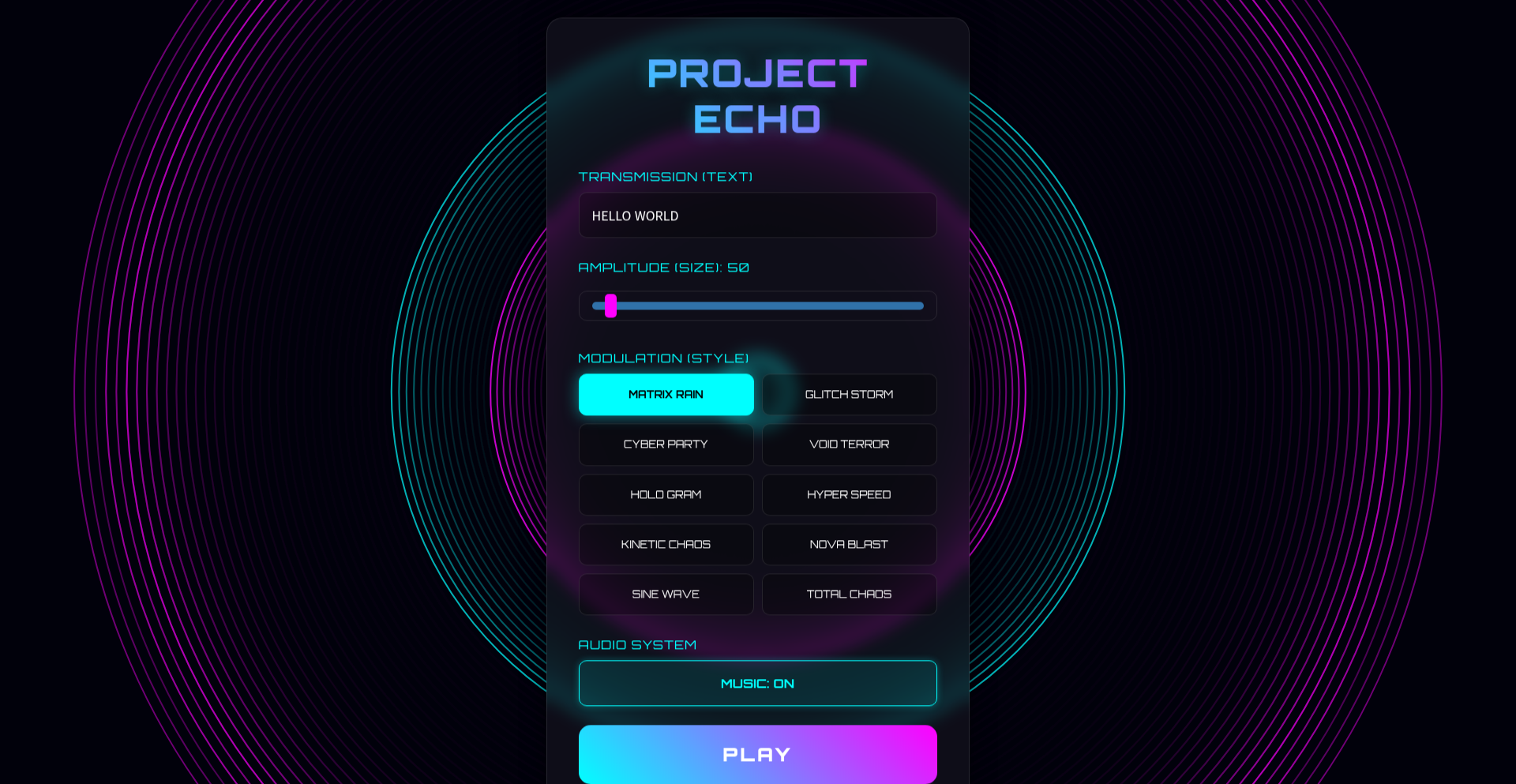
Author
iddqd_park
Description
Project Echo is a cyberpunk-themed digital toy that transforms plain text into visually striking and audibly engaging 'transmissions' without requiring any user accounts or data storage. It ingeniously uses URL encoding to store all user configurations, making every creation shareable instantly. The innovation lies in its stateless, zero-database architecture and its creative use of web APIs for real-time visual and audio synthesis, offering a unique way to send secret-like messages or simply enjoy a glitchy aesthetic.
Popularity
Points 1
Comments 0
What is this product?
CyberPunk Transmit is a web-based application that takes your text input and turns it into a dynamic, audiovisual experience inspired by cyberpunk aesthetics. The core technical innovation is its completely stateless design. Instead of saving your creations to a server database, it packs all the settings – your text, the visual style, and audio parameters – directly into the web browser's URL. When you share this URL, anyone can immediately see and hear the exact same 'transmission' without needing to sign up or for the server to store anything. This is achieved using HTML5 Canvas for advanced visual effects like Matrix-style scrolling or glitch art, and the Web Audio API for real-time sound effects and procedural music. So, it's a fun, privacy-focused way to send messages that look and sound cool, like a secret dispatch.
How to use it?
Developers can use CyberPunk Transmit by simply navigating to its live demo URL. To create a transmission, you type your message into the text field, select from various cyberpunk-themed visual modulation styles (e.g., Matrix, Glitch), and customize audio elements. Once configured, the application automatically updates the browser's URL with all these settings. You can then copy this URL and share it with anyone. When they open the URL, their browser will render the exact same visual and audio output as you created, instantly. This makes it incredibly easy to integrate into existing projects as a fun, decorative element or a novel way to send notifications. For example, you could generate unique URLs for event invitations that visually represent the event's theme, or create a 'secret message' feature for a game where the message is encoded in the URL's appearance and sound.
Product Core Function
· URL-Encoded State Management: All configuration data (text, style, audio) is embedded directly into the URL, enabling instant sharing and a stateless experience. This means no server storage is needed, offering enhanced privacy and immediate access. The value is in creating shareable, persistent digital artifacts without complex backend infrastructure.
· HTML5 Canvas Visualizer: Renders text into dynamic visuals with over 10 modulation styles, including popular cyberpunk aesthetics like 'Matrix' and 'Glitch'. This provides a visually engaging way to present text, making messages more impactful and memorable. The application is useful for creating eye-catching content for social media or interactive websites.
· Web Audio API for Sound Synthesis: Generates real-time sound effects and procedural background music to accompany the visual transmission. This adds an immersive auditory dimension to the text, enhancing the overall user experience and making messages feel more alive. It's valuable for adding an auditory flair to digital communications.
· Zero-Database, Zero-Signup Architecture: The entire tool operates client-side without requiring users to create accounts or store any personal information on a server. This ensures maximum privacy and accessibility, as anyone can use it instantly. The value lies in its immediate usability and strong privacy guarantees.
Product Usage Case
· A developer building an indie game wants to send secret in-game messages or hints to players. They can use CyberPunk Transmit to encode these messages into a URL that, when opened, displays the hint with a fitting cyberpunk visual and audio theme, making the delivery more atmospheric and less like a standard text message. This solves the problem of delivering thematic content in an engaging way without needing a separate messaging system.
· A designer wants to create a unique digital postcard for friends. They can type a personalized message, select a cool glitch effect, and generate a shareable URL. When the friend receives the link, they see the message appear with the chosen visual and audio effects, acting as a dynamic and creative alternative to static images or plain text. This provides a fun, creative outlet for digital communication.
· A web developer experimenting with browser capabilities can use this project as an example of advanced client-side rendering and state management. By studying how Project Echo encodes and decodes complex configurations within a URL, they can learn practical techniques for building stateless web applications and leveraging the HTML5 Canvas and Web Audio APIs for rich user experiences. This offers a learning opportunity for fellow developers interested in front-end innovation.
102
AaronsonOracle BrainTrainer
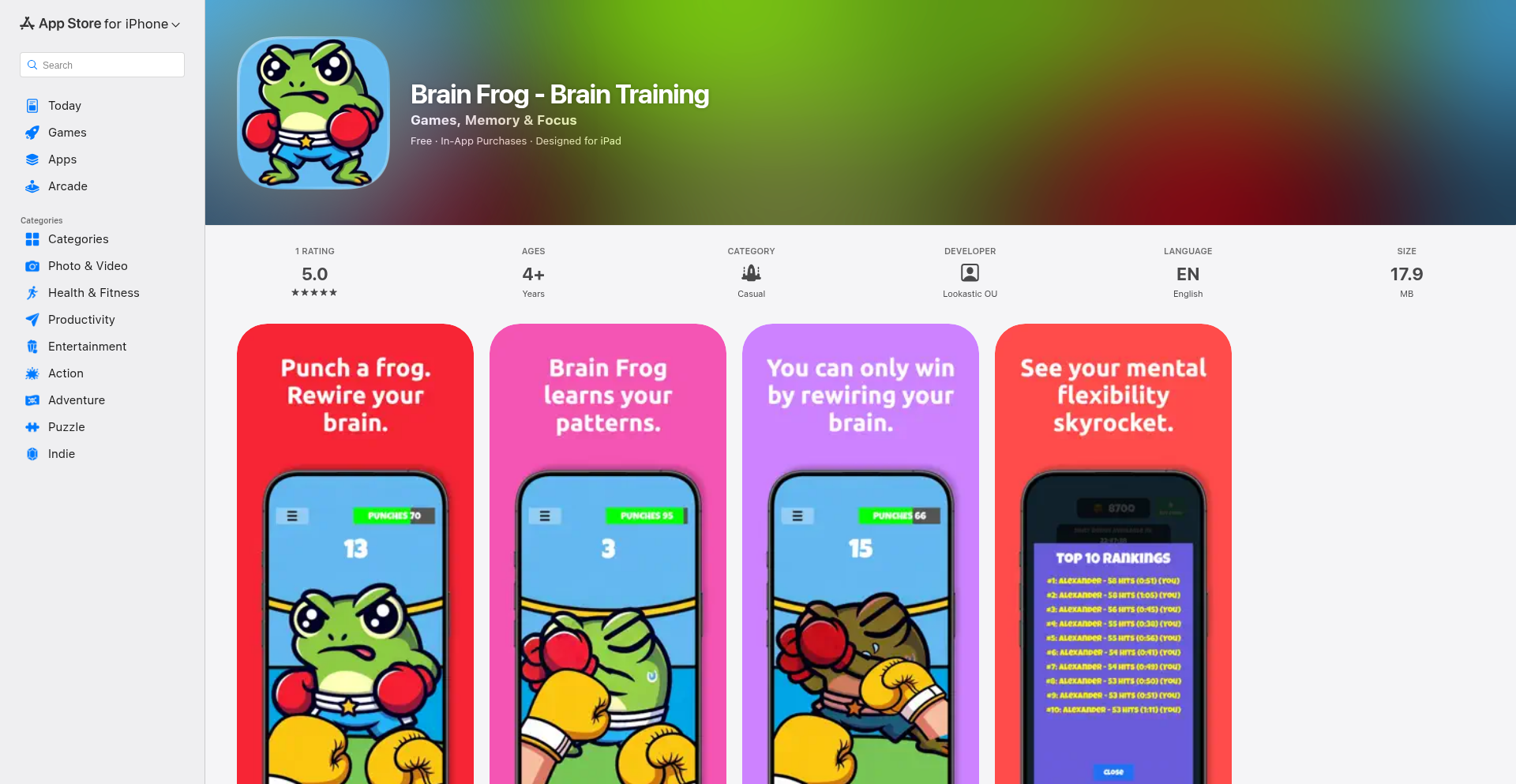
Author
AlexanderZ
Description
A brain training game inspired by Scott Aaronson's Oracle, focusing on computational complexity and decision-making under uncertainty. It visually represents complex theoretical concepts in an interactive way, offering a unique challenge for developers interested in the intersection of AI theory and playful learning.
Popularity
Points 1
Comments 0
What is this product?
This project is a gamified implementation of concepts from Scott Aaronson's Oracle, a thought experiment in computational complexity. Instead of solving actual intractable problems, the game simulates the process of making decisions when faced with computationally difficult tasks. The innovation lies in translating abstract theoretical computer science ideas into a tangible, playable experience. It helps users intuitively grasp the idea of problems that are 'hard to compute' and how one might approach them strategically. So, what's in it for you? It provides a fun, accessible way to understand cutting-edge theoretical computer science concepts without needing a deep academic background.
How to use it?
Developers can engage with this game as a learning tool to deepen their understanding of computational complexity and decision theory. It can be integrated into educational platforms or used as a standalone interactive demonstration. The game's mechanics could potentially inspire new approaches to human-computer interaction for complex problem-solving. So, how can you use this? You can play it to sharpen your mind on theoretical concepts, or even dissect its codebase to learn how to represent abstract ideas through code. It's about exploring the 'why' behind certain computational limitations in a practical way.
Product Core Function
· Interactive Oracle Simulation: The core function allows users to interact with a simulated Oracle, making choices and observing outcomes based on the underlying complexity model. This provides immediate feedback on decision-making under computational constraints. The value is in experiencing theoretical scenarios firsthand, helping to solidify understanding of concepts like NP-completeness and decidability.
· Visual Representation of Complexity: The game uses visual elements to depict the difficulty of problems and the state of computation. This makes abstract concepts like 'computational barriers' more concrete and easier to grasp. The value here is in translating dense theory into intuitive visuals, making it accessible to a wider audience.
· Strategic Decision-Making Challenges: Users face scenarios that require strategic thinking to navigate simulated computational limitations. This fosters problem-solving skills by pushing users to think about efficient approaches even when faced with difficult problems. The value lies in developing a mindset for tackling complex issues, even in non-computational contexts.
Product Usage Case
· Educational Tool for AI and CS Students: Imagine a computer science or AI student struggling with the abstract nature of NP-hard problems. They can use this game to visualize and interact with these concepts, making them feel less daunting. It directly addresses the challenge of understanding theoretical computer science by providing a hands-on experience.
· Developer Workshop Demonstrator: For a workshop on the limits of computation or AI ethics, this game could serve as a live demonstration. Developers can see how abstract concepts are brought to life through code, sparking discussions about practical implications and future research directions. This solves the problem of engaging a technical audience with theoretical topics in a dynamic way.
· Personal Learning and Brain Stimulation: A developer interested in expanding their theoretical knowledge beyond practical coding can use this game for personal enrichment. It's a way to engage with advanced topics in a fun, low-stakes environment, promoting continuous learning and intellectual curiosity. This is useful for anyone looking to broaden their understanding of the fundamental principles that underpin technology.
103
GitHub Actions Claude Livestreaming NetHack

Author
ada-yang
Description
This project showcases an innovative approach to automated gameplay and livestreaming of the classic roguelike game NetHack. It leverages GitHub Actions to run the game in an automated fashion and streams the gameplay live. The core innovation lies in using CI/CD infrastructure for a completely unexpected and entertaining purpose, demonstrating a creative application of developer tools for community engagement and showcasing technical problem-solving in a novel domain.
Popularity
Points 1
Comments 0
What is this product?
This project is a clever integration of GitHub Actions, a platform typically used for continuous integration and continuous deployment (CI/CD) of software, with the classic roguelike game NetHack. Instead of deploying code, it uses GitHub Actions to automate playing NetHack. The game state is processed, and the gameplay is livestreamed. The innovation here is repurposing CI/CD pipelines, which are designed for automated software builds and tests, to run and stream a game. This demonstrates a highly creative and 'hacker-minded' approach to utilizing existing developer infrastructure for entertainment and community building, showing that powerful automation tools can be used for far more than just traditional software development.
How to use it?
For developers, this project serves as an inspiration for creative automation. While not a direct tool for developers to integrate into their own projects in a standard way, it inspires them to think outside the box about what GitHub Actions and similar CI/CD platforms can achieve. Developers could adapt the principles to automate other repetitive or entertaining tasks. For example, one could imagine using similar logic to automate testing of game AI, generate procedural art, or even run complex simulations and report results. The primary use case is educational and inspirational, demonstrating the power and flexibility of GitHub Actions when applied unconventionally. To 'use' this project conceptually, a developer would study its workflow files to understand how the game is orchestrated and how the stream is managed, then apply similar automation logic to their own creative endeavors.
Product Core Function
· Automated NetHack Gameplay: The core function is the ability for GitHub Actions to autonomously play the game NetHack. This involves simulating user inputs and processing game outputs, showcasing a sophisticated level of automation that goes beyond simple scripts. The value is in demonstrating how complex, interactive processes can be automated using developer tools, opening doors for other automated simulations.
· Livestreaming Integration: The project integrates a livestreaming component, allowing the automated gameplay to be broadcast to an audience. This adds an entertainment and community-building aspect, demonstrating that developer tools can be used to create engaging content. The value lies in showing how to connect backend automation with frontend broadcasting for public consumption.
· CI/CD Pipeline for Non-Software Tasks: The most significant functional innovation is the use of a CI/CD pipeline (GitHub Actions) for a non-software development task. This breaks the conventional mold of CI/CD and highlights its potential for a wide range of automated processes. The value is in proving the versatility of these platforms for unexpected applications, inspiring developers to consider them for tasks beyond code deployment.
· Game State Analysis and Processing: To play NetHack effectively, the system likely analyzes the game state (visuals, text output). This implies a level of intelligent processing that enables decision-making within the game. The value is in showcasing how game states can be parsed and acted upon programmatically, which has applications in game testing, AI development, and procedural content generation.
Product Usage Case
· Automated Game AI Testing: A developer could adapt this concept to automatically run thousands of game AI test scenarios within a CI/CD pipeline, identifying bugs or performance issues that would be tedious to find manually. This directly addresses the problem of ensuring robust AI behavior in games.
· Creative Community Engagement: Game development studios could use similar techniques to livestream automated playthroughs of their own games as a form of community outreach or to showcase game mechanics. This solves the problem of finding engaging ways to connect with players and build anticipation.
· Algorithmic Art Generation: By treating game elements or environments as inputs, developers could extend this to generate procedural art. For instance, a CI/CD pipeline could repeatedly render scenes from a game or a simulated world and collect the outputs to create unique visual art pieces, solving the problem of generating novel artistic content through automation.
· Live Coding Demonstrations with a Twist: While this project streams gameplay, the underlying automation principles could be applied to live demonstrations of complex algorithms or data processing. A developer could set up an automated system that processes data in real-time and streams the results visually, making abstract concepts more accessible and demonstrating problem-solving in a live, dynamic format.
104
TethysRT: ARM Embedded Dynamic Module Loader
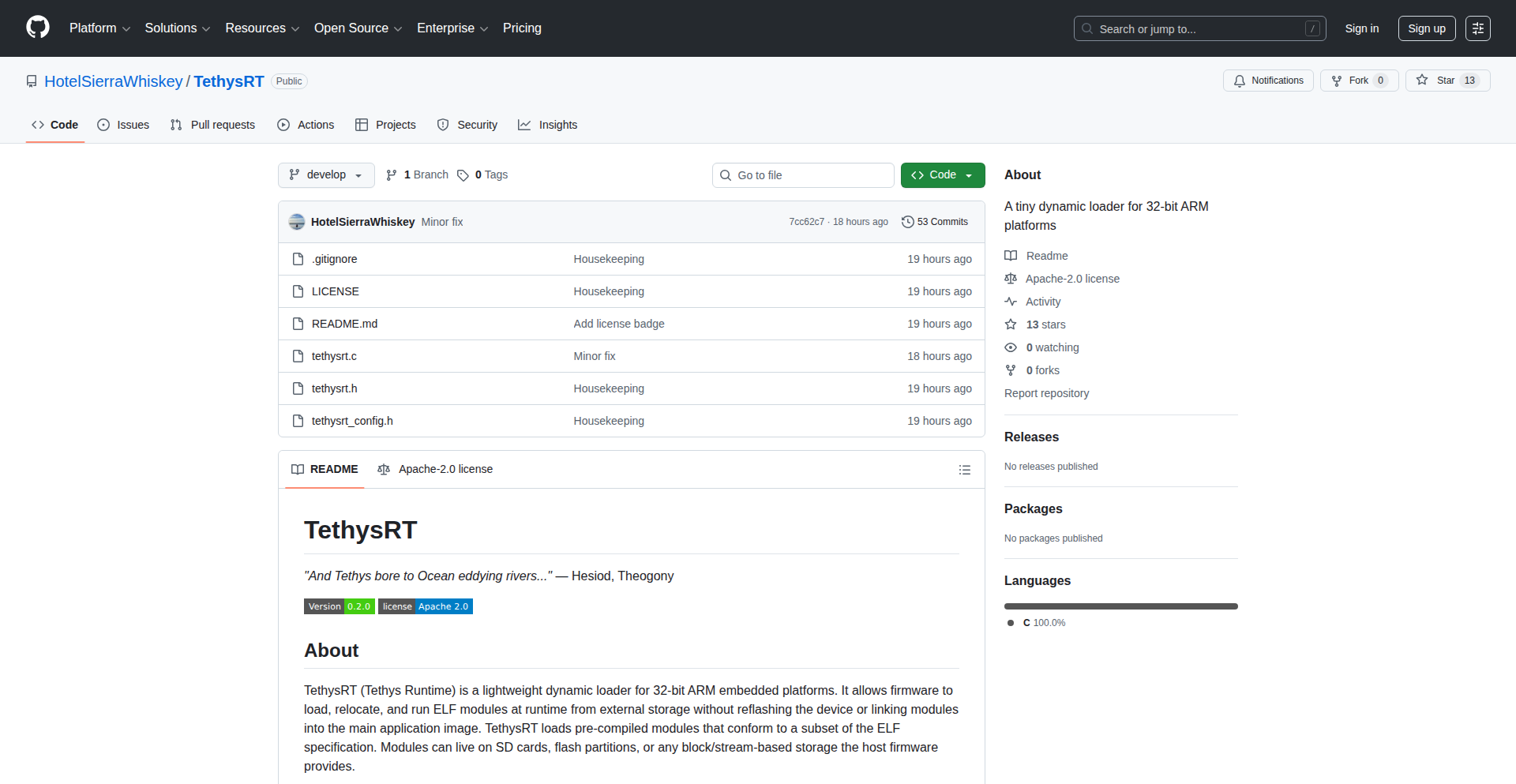
Author
hotelsw
Description
TethysRT is a lightweight runtime loader designed for Cortex-M and general 32-bit ARM embedded systems. It allows ELF modules to be loaded and relocated directly from storage (like SD cards or flash memory) at runtime, without needing to reflash the entire firmware or statically link every piece of code. This offers a novel way to create extensible firmware for embedded devices, enabling updates or additions of new functionality on the fly. The innovation lies in its ability to resolve symbols and perform relocations based on a host-defined ABI (Application Binary Interface), essentially allowing different pieces of code to talk to each other correctly even when loaded after the main system has started. This solves the common challenge in embedded systems where adding new features often requires a full firmware update process.
Popularity
Points 1
Comments 0
What is this product?
TethysRT is essentially a small, specialized program that acts like a smart file loader for embedded devices. Imagine your embedded device, like a smart thermostat or an industrial sensor, is running its main software. Normally, if you want to add a new feature, like a new way to communicate with another device, you'd have to reprogram the entire device. TethysRT changes this. It's designed to take separate pieces of code (called ELF modules) that are stored on something like an SD card or a flash chip. When the main system is already running, TethysRT can load these new code modules and make them work correctly with the existing software. It does this by figuring out how these different code pieces should communicate with each other (this is the 'symbol resolution and relocation' part) based on a predefined agreement or 'ABI'. This is innovative because it allows for firmware extensibility without the need for a full device reflash, which is a significant advantage in embedded systems where updates can be complex and costly.
How to use it?
Developers can integrate TethysRT into their 32-bit ARM embedded projects. The core idea is to have your main firmware application prepared to call TethysRT. You would then place your new or updated code modules, compiled as ELF files, onto a storage medium accessible by the embedded device (e.g., an SD card, a USB drive, or even a section of internal flash memory). When the main firmware needs to activate a new feature or load an updated component, it instructs TethysRT. TethysRT then finds the specified ELF module on the storage, loads its code and data into memory, and performs the necessary adjustments (relocations) so that the module can seamlessly interact with the already running main firmware and other loaded modules, all adhering to the established ABI. This allows for dynamic updates or additions of functionality in real-time within the embedded system.
Product Core Function
· Runtime ELF Module Loading: Enables loading code modules from various storage media after the main system has booted, offering flexibility and avoiding the need for immediate reflashing. This is useful for adding new features or updating existing ones without interrupting core operations.
· Symbol Resolution: TethysRT identifies and links the function calls and data references between the newly loaded module and the host system, ensuring that all parts of the software can find and use each other correctly. This is critical for making dynamically loaded code functional within the existing system.
· Relocation: Adjusts memory addresses within the loaded module to match its actual location in the system's memory, allowing the code to execute properly. This is a fundamental step in making code portable and loadable at different memory locations.
· Host-Defined ABI Support: Operates based on a predefined interface (ABI) between the host system and the modules, ensuring compatibility and predictable interactions. This allows for controlled extensibility by defining how modules should communicate with the main firmware.
· Lightweight Design: Optimized for resource-constrained embedded systems, minimizing memory and processing overhead. This is crucial for devices with limited computational power and memory.
Product Usage Case
· Extensible IoT Device Firmware: Imagine a smart home hub that can dynamically load new communication protocols (e.g., Thread, Matter) from an SD card as they become available, without requiring a full device firmware update. This solves the problem of keeping devices up-to-date with evolving standards.
· On-the-Fly Sensor Data Processing Modules: In an industrial monitoring system, a new type of sensor might require specialized data analysis. TethysRT could load a dedicated processing module for this new sensor type without needing to reconfigure or restart the entire monitoring station. This addresses the need for rapid adaptation to new hardware.
· Modular Control Systems for Robotics: A robotic arm's control system could load different task-specific modules (e.g., 'pick and place', 'welding') at runtime based on the current operation. This provides a flexible and efficient way to manage complex robotic tasks.
· Firmware Updates for Embedded Linux Alternatives: For deeply embedded systems that don't run full Linux but need some level of modularity, TethysRT provides a pathway to load and manage components dynamically, similar to how applications are managed on a desktop but in a much more constrained environment. This offers a solution for systems that require more flexibility than traditional static firmware.
105
FileSynapse
Author
JohannesGlaser
Description
FileSynapse is an innovative architecture that brings persistent, file-based memory to Large Language Models (LLMs). It addresses the common issue of LLM assistants being stateless, meaning they forget previous interactions and context between sessions. By storing memory, rules, and state explicitly in files outside the LLM, FileSynapse allows for modular memory components (like notes, OCR data, or training logs) to be managed and recalled, enabling a more coherent and context-aware AI assistant without requiring complex fine-tuning or custom infrastructure. This approach offers a practical and accessible way to enhance LLM memory, making them more useful for daily tasks.
Popularity
Points 1
Comments 0
What is this product?
FileSynapse is a novel approach to LLM memory management. Traditionally, LLMs are like short-term memory machines; they can process a lot of information at once, but once the conversation ends, they often forget. FileSynapse acts like an external brain for the LLM. Instead of the LLM trying to remember everything, it relies on a system of files where all important information – past conversations, learned rules, user preferences, or even scanned documents – is stored. This allows the LLM to access this stored knowledge whenever needed, making it feel like it has a long-term memory. The innovation lies in making this memory system simple and modular, built entirely on standard files, which means it's easy to integrate and manage without needing to retrain the entire AI model or set up complicated databases.
How to use it?
Developers can integrate FileSynapse into their LLM applications by treating the file system as the LLM's persistent memory. When an LLM needs to recall information, FileSynapse can be configured to read specific files (e.g., a user's profile file, a log of past interactions, or a knowledge base file) and feed that information into the LLM's context. Similarly, when the LLM generates new information or learns something, FileSynapse can be designed to write this to appropriate files, thus updating its memory. This can be achieved through simple file I/O operations within the application code that interfaces with the LLM. For example, a chatbot using FileSynapse could save the user's name and preferences to a 'user_profile.txt' file after the first interaction. The next time the user interacts, the application reads this file to personalize the greeting and tailor responses, creating a more engaging and personalized experience.
Product Core Function
· Modular Memory Storage: Allows developers to organize and store different types of LLM memory (notes, OCR, training logs) in separate files, making it easy to manage and update specific pieces of information. This means your AI assistant can remember your to-do list separately from your favorite movie genres.
· Explicit State Management: Keeps the LLM's operational state separate from the model itself, ensuring that memory and context persist across sessions. This is crucial for an AI that needs to remember your ongoing projects or preferences over time, preventing the need to re-explain everything each time.
· File-Based Architecture: Leverages standard file systems for memory storage, eliminating the need for complex databases or specialized infrastructure. This makes it highly accessible and easy to implement for any developer, reducing development overhead and costs.
· LLM Agnostic Integration: Works with any existing LLM backend, meaning you don't need to fine-tune your LLM or build custom infrastructure to achieve persistent memory. This provides immediate value by enhancing existing LLM deployments.
· Contextual Recall: Enables the LLM to access relevant stored information when needed, leading to more coherent and contextually aware responses. This improves the user experience by making the AI feel more intelligent and helpful, as it can draw upon past knowledge.
Product Usage Case
· Personalized AI Assistant: A developer can use FileSynapse to build a personal AI assistant that remembers user preferences, appointments, and notes across multiple days. For instance, if a user asks the AI to remind them about a meeting, that reminder can be saved to a file and retrieved when the meeting time approaches, ensuring no task is forgotten.
· Customer Support Bot with History: A company can implement a customer support chatbot that uses FileSynapse to store previous customer interactions and issues. When a customer returns, the chatbot can access their history from files, allowing it to pick up where they left off and provide a more efficient and personalized support experience.
· Research Assistant with Document Memory: A researcher can use an LLM assistant powered by FileSynapse to manage and recall information from various research papers. The assistant could store summaries and key findings from documents in separate files, allowing the researcher to query 'What were the main conclusions of the paper on quantum entanglement?' and get a relevant answer.
· Creative Writing Partner: A writer could use an LLM as a creative partner where the assistant remembers characters, plot points, and world-building details across writing sessions. FileSynapse would store these details, helping the AI maintain consistency and offer relevant suggestions as the story develops.
106
MindfulBoo: Open-Source iOS Mindfulness Companion

Author
twelvechess
Description
MindfulBoo is an open-source mindfulness application for iOS, offering a simple yet effective way to practice mindfulness. Its core innovation lies in its privacy-focused, locally-stored data approach, eliminating the need for cloud synchronization or user accounts. This ensures user data remains private and under their control, a significant departure from many commercial mindfulness apps that collect extensive user data.
Popularity
Points 1
Comments 0
What is this product?
MindfulBoo is an iOS application designed to help users cultivate mindfulness through guided meditations and breathing exercises. Its technical brilliance stems from its commitment to user privacy. Instead of sending your meditation progress or personal data to remote servers, all information is stored directly on your device. This is achieved through local data persistence mechanisms within the iOS ecosystem, like Core Data or UserDefaults, ensuring that your journey towards mindfulness remains entirely personal and secure. This approach minimizes the risk of data breaches and offers peace of mind to users concerned about their digital footprint.
How to use it?
Developers can integrate MindfulBoo's core functionalities into their own iOS projects or simply use it as a standalone application. As an end-user, you download the app from the App Store (or build it from source if you're technically inclined). You can then select guided meditations, set timers for breathing exercises, and track your practice history directly on your iPhone or iPad. For developers looking to leverage its principles, the open-source nature allows for inspection and potential modification of its data handling strategies, or even inspiration for building their own privacy-first applications.
Product Core Function
· Local Data Persistence: Ensures all user progress and session data are stored on the device, offering enhanced privacy and security. This means your meditation habits are yours alone, providing a direct benefit of control over your personal information.
· Guided Meditation Player: Provides a seamless experience for playing pre-recorded mindfulness sessions, allowing users to easily access and engage with various meditation techniques. The value here is immediate access to guided support for stress reduction and mental clarity.
· Breathing Exercise Timer: Offers a customizable timer for guided breathing practices, helping users regulate their breath and induce a state of calm. This feature is valuable for quick mental resets and managing anxiety throughout the day.
· Practice History Tracking: Allows users to view their past meditation sessions and breathing exercises, providing insights into their mindfulness journey. This helps users understand their consistency and the benefits they are experiencing over time.
Product Usage Case
· A privacy-conscious individual who wants to track their meditation habit without sharing data online: MindfulBoo allows them to do this securely on their device, solving the problem of oversharing personal habits.
· A developer building a new health and wellness app who wants to incorporate mindfulness features without the overhead of cloud infrastructure: They can draw inspiration from MindfulBoo's local-first data architecture, simplifying their development and enhancing user privacy.
· Someone looking for a simple, no-frills meditation app that respects their privacy: MindfulBoo provides a straightforward, secure, and effective way to practice mindfulness, addressing the need for digital well-being without digital compromise.
107
ChatGPT Insights Explorer

Author
sanjeed
Description
This project visualizes your personal ChatGPT usage data, offering a unique retrospective on your AI interactions throughout the year. It's an innovative way to understand your own learning patterns and the evolution of your AI-assisted tasks, transforming raw interaction logs into insightful visualizations.
Popularity
Points 1
Comments 0
What is this product?
ChatGPT Insights Explorer is a tool that analyzes your ChatGPT conversation history to create visual summaries of your AI engagement. It unpacks your data, identifying trends, common topics, and the overall volume of your interactions. The innovation lies in presenting this complex interaction data in an easily digestible visual format, allowing users to reflect on their AI journey, much like year-in-review summaries for social media. It's like having a personal AI usage analyst for your ChatGPT conversations, showing you 'what's in it for you' by highlighting your unique patterns and the insights gained.
How to use it?
Developers can use this project by integrating their ChatGPT conversation logs (typically in JSON format) into the tool. The tool then processes these logs to generate interactive visualizations. This can be used in a development workflow to understand how AI is being used in specific projects, to identify areas where AI assistance is most valuable, or even to document the evolution of AI-assisted research or creative processes. For a developer, this means gaining a clearer picture of 'how to leverage AI more effectively' by seeing its real-world application in their own work.
Product Core Function
· Conversation Log Parsing: Processes raw ChatGPT interaction data to extract meaningful information like dates, topics, and interaction lengths. This is valuable because it transforms messy data into structured insights, helping you understand the 'what happened' in your AI dialogues.
· Trend Analysis: Identifies recurring themes and topics across your conversations, showing you 'what you talked about most' with ChatGPT, revealing your interests and research areas.
· Interaction Visualization: Generates charts and graphs to display usage patterns, such as daily activity, topic distribution, and length of interactions. This is useful as it makes complex data easy to grasp, answering 'how much and how often' you used AI for different purposes.
· Personalized Summary Generation: Creates a consolidated overview of your year with ChatGPT, highlighting key statistics and insights. This provides a 'your AI story' narrative, allowing you to see the value and impact of your AI usage over time.
Product Usage Case
· A student analyzing their AI usage for research projects to identify which topics they spent the most time exploring with ChatGPT, helping them to 'focus their learning' and 'optimize study time'.
· A writer using the tool to visualize their brainstorming sessions with ChatGPT, understanding 'what creative prompts yielded the best results' and 'how AI shaped their narrative development'.
· A developer examining their AI-assisted coding queries to see 'which programming concepts they struggled with most' and 'how effectively AI helped them solve coding problems', leading to 'targeted skill improvement'.
· A researcher tracking their AI engagement with complex scientific literature to pinpoint 'which areas of study were most frequently explored' and 'how AI aided in synthesizing information', thus 'accelerating knowledge discovery'.
108
SpecFact Contract Weaver

Author
noldai
Description
SpecFact CLI is a groundbreaking tool that transforms old, undocumented Python code into living, executable contracts. It intelligently analyzes existing code, identifies its underlying logic, and generates formal specifications. These specifications act as guardians, preventing bugs and regressions by enforcing expected behavior at runtime. This is crucial for modernizing complex legacy systems where the original logic is often lost or unclear, saving teams from costly errors.
Popularity
Points 1
Comments 0
What is this product?
SpecFact Contract Weaver is an advanced command-line interface (CLI) tool designed to bring clarity and reliability to legacy Python codebases. Its core innovation lies in its ability to perform AST (Abstract Syntax Tree) based analysis. Think of AST as a structured map of your code's logic, allowing SpecFact to understand functions, classes, and how they depend on each other, even without explicit documentation or type hints. It then leverages libraries like 'icontract' and 'beartype' to generate runtime contracts. These contracts are essentially rules that your code must follow. If the code deviates from these rules during execution, the contract will catch it, preventing bugs before they reach production. Furthermore, it incorporates symbolic execution techniques, similar to running sophisticated simulations (using tools like CrossHair), to discover obscure edge cases that traditional testing or even AI might miss. This makes it incredibly powerful for ensuring the stability of critical systems.
How to use it?
Developers can integrate SpecFact Contract Weaver into their workflow in several ways. For AI-assisted development environments like Cursor or VS Code, you can install it as a slash command. This allows you to initiate the code analysis and contract generation process directly within your IDE, for example, by typing `/specfact.01-import --repo .` to start analyzing your current project. Alternatively, for a CLI-only experience, you can use package runners like 'uvx' to execute the tool. The typical workflow involves importing your legacy code to generate an initial contract bundle, then analyzing the contracts to refine them, and finally enforcing these contracts within your application's pipeline. This can be seamlessly integrated into CI/CD systems to automatically block any code changes that violate the established contracts, ensuring continuous stability.
Product Core Function
· Abstract Syntax Tree (AST) analysis for deep code understanding: This allows SpecFact to dissect undocumented Python code, extracting the precise logic of functions and classes. This is valuable for teams inheriting old code, as it helps them understand what the code actually does without relying on outdated or missing documentation.
· Runtime contract generation with icontract and beartype: SpecFact automatically creates formal specifications that act as real-time checks on your code's behavior. This means that if your code starts behaving unexpectedly, these contracts will immediately flag it, preventing bugs from propagating through your system and saving costly debugging efforts.
· Symbolic execution for edge case discovery with CrossHair: This advanced technique goes beyond standard testing by exploring numerous possible execution paths in your code. It's like having a super-powered debugger that can find hidden bugs and vulnerabilities that are easily overlooked, greatly enhancing code robustness.
· CI/CD integration for automated breakage prevention: By integrating SpecFact into your continuous integration and continuous delivery pipeline, you can automatically prevent code changes that introduce regressions. This ensures that new deployments are always stable and do not break existing functionality, providing peace of mind for development teams.
· Brownfield modernization focus: SpecFact is specifically built to handle existing, undocumented codebases, eliminating the need for extensive code rewriting or adding type hints upfront. This makes it ideal for teams looking to improve their legacy systems without a massive overhaul.
Product Usage Case
· Modernizing a critical financial trading system: A finance company has a complex, decade-old Python trading engine with no formal documentation. SpecFact can analyze this engine, generate contracts defining its expected inputs and outputs for key trading functions, and enforce these contracts in the CI pipeline. This prevents risky changes from being deployed and safeguards against financial losses due to bugs, making the modernization process significantly safer and faster.
· Improving reliability of a healthcare data processing pipeline: A healthcare organization uses a legacy Python script to process sensitive patient data. This script is prone to errors when data formats change unexpectedly. SpecFact can be used to reverse-engineer the script's logic, create contracts that specify valid data structures and transformations, and then use these contracts to validate the data processing at runtime. This ensures data integrity and compliance, critical for healthcare applications.
· Refactoring a large-scale data engineering project: A data engineering team is working on a large, multi-component Python project that has evolved over time. SpecFact can help them understand the interdependencies between different modules and generate contracts that define the expected data flow and transformations. This makes refactoring much less risky, as the generated contracts act as a safety net, ensuring that refactored components still interact correctly with the rest of the system.
109
GoTempo: TUI Metronome for Musicians

Author
s3gm3nt
Description
GoTempo is a simple, keyboard-driven, terminal-based metronome built in Go. It offers a clean, aesthetic interface directly within your IDE's terminal, addressing the common issue of existing metronome tools being either too basic, overly complex, or no longer maintained. This project is a testament to the hacker ethos of using code to solve immediate personal needs and sharing those solutions with the community.
Popularity
Points 1
Comments 0
What is this product?
GoTempo is a text-based metronome application that runs entirely in your terminal or IDE. Its core innovation lies in its minimalist design and keyboard-centric control. Instead of relying on a graphical interface, it uses characters and simple animations to display the beat, making it incredibly lightweight and efficient. The underlying technology uses Go's concurrency features to manage the timing of the beats without dropping a single tick, ensuring precise rhythm. This is particularly useful for musicians who need a reliable metronome while coding or practicing, and want to avoid switching away from their development environment. The value proposition is a distraction-free, highly accessible metronome that integrates seamlessly into a developer's workflow.
How to use it?
Developers can easily install and run GoTempo directly from their terminal. After cloning the Go repository, users can build and execute the application. Interaction is entirely keyboard-based: typically, users will launch it with a desired BPM (beats per minute) and perhaps a time signature. They can then adjust the tempo, start/stop the metronome, and potentially select different sounds or visual indicators using simple key presses, all without leaving their coding environment. This makes it perfect for practice sessions or recording where minimizing context switching is key.
Product Core Function
· Keyboard-driven control: Allows users to adjust tempo, start/stop, and navigate menus using only keyboard shortcuts, providing a highly efficient workflow for musicians who are also developers.
· TUI (Text User Interface) design: Offers a minimalist, aesthetically pleasing visual feedback of the beat directly in the terminal, reducing cognitive load and distractions.
· Lightweight and efficient: Built in Go, it's fast and consumes minimal system resources, ensuring it doesn't interfere with other applications or the development process.
· Precise timing: Leverages Go's concurrency primitives to ensure accurate beat delivery, crucial for musical practice and performance.
· IDE integration: Runs directly within the IDE terminal, allowing seamless integration into a developer's existing workflow and practice routine.
Product Usage Case
· A guitarist practicing a new riff can have GoTempo running in their IDE's terminal, adjusting the BPM on the fly with keyboard shortcuts as they improve, without needing to open a separate application.
· A music producer who is also a software engineer can use GoTempo while composing in their DAW and simultaneously writing code for a new plugin, keeping their practice and development environments unified.
· A programmer learning a new instrument can maintain their practice schedule by having GoTempo available within their coding terminal, making it easier to fit in short practice sessions during breaks or between coding tasks.
110
LiteTracker
Author
mhpro15
Description
LiteTracker is a lightweight, free ticket and issue tracker designed for team collaboration. It offers a simpler alternative to complex project management tools, focusing on core functionality to help teams manage tasks and issues efficiently without the overhead. The innovation lies in its minimalist design and accessibility, allowing teams to quickly adopt a structured way of tracking work.
Popularity
Points 1
Comments 0
What is this product?
LiteTracker is a web-based application that functions as a ticket or issue tracker, similar to a simplified version of Jira. Its core technical principle is to provide essential task management features without overwhelming users. It's built with a focus on simplicity and ease of use, aiming to be a go-to solution for teams who find existing tools too complex or costly. The innovation is in its deliberate limitation of features to ensure a smooth user experience and quick setup, making structured collaboration accessible to everyone.
How to use it?
Developers can integrate LiteTracker into their team's workflow by setting up a shared instance. Teams can create new tickets for bugs, features, or tasks, assign them to team members, set priorities, and track their progress through customizable statuses (e.g., 'To Do', 'In Progress', 'Done'). It's ideal for small to medium-sized teams, open-source projects, or individuals managing personal projects who need a clear system for tracking work. It can be used directly via a web browser, making it easy to access from anywhere.
Product Core Function
· Ticket Creation and Management: Allows users to create detailed tickets for tasks or issues, assign them to team members, and set deadlines. This provides a centralized hub for all project-related work, preventing tasks from being lost and ensuring accountability, which means every piece of work is tracked and no one forgets their responsibilities.
· Status Tracking and Workflow: Enables teams to define and move tickets through a custom workflow, visualizing the progress of tasks. This transparency helps teams understand project status at a glance and identify bottlenecks, meaning everyone knows what's happening with each task and where potential delays might occur.
· Collaboration Features: Supports comments and discussions on tickets, fostering communication within the team. This ensures all relevant information and decisions are captured in one place, reducing miscommunication and speeding up problem-solving, meaning team members can easily discuss and resolve issues together.
· Search and Filtering: Provides capabilities to search and filter tickets based on various criteria like assignee, status, or keywords. This allows for quick retrieval of specific information, saving time and effort when looking for past issues or tasks, meaning you can find what you need quickly without sifting through everything.
Product Usage Case
· An open-source project maintainer uses LiteTracker to manage bug reports and feature requests from the community, allowing them to prioritize and address contributions efficiently. This solves the problem of overwhelming and disorganized feedback.
· A small web development team uses LiteTracker to track sprints and assign daily tasks. It provides a simple, visual way to see who is working on what and the overall project progress, avoiding the complexity of enterprise-level tools.
· A freelance developer managing multiple client projects utilizes LiteTracker to keep track of deliverables, deadlines, and client feedback for each project individually. This helps ensure timely delivery and client satisfaction by keeping all project details organized.
· A student group working on a capstone project uses LiteTracker to divide tasks, track progress, and communicate about challenges. It provides a structured approach to teamwork, making sure everyone contributes effectively towards the final goal.
111
PromptEvolveAI

Author
Zeos3154
Description
A conversational interface for GPT Image 1.5 that allows users to iteratively refine AI-generated images through natural language dialogue. It solves the frustration of prompt archaeology by maintaining context and style consistency across turns, enabling rapid visual exploration and evolution of ideas.
Popularity
Points 1
Comments 0
What is this product?
PromptEvolveAI is a web-based tool that acts as a smart assistant for interacting with AI image generation models, specifically GPT Image 1.5. Instead of crafting perfect, static prompts from scratch, you engage in a conversation with the AI. You can provide feedback like 'change the color to blue' or 'make it more futuristic,' and the AI understands your intent, modifying the image while remembering previous instructions and maintaining the overall style. This means you get images that evolve with your thinking, just like how humans naturally work on creative tasks.
How to use it?
Developers can integrate PromptEvolveAI into their workflows via its clean API to programmatically generate and iterate on images. For example, a UI designer could use it to quickly mock up different visual styles for a button or a layout by sending conversational commands. Product teams can use it to rapidly generate variations of marketing assets based on evolving campaign ideas. For general users, it's as simple as visiting the website and starting a chat to guide the image generation process.
Product Core Function
· Conversational Image Refinement: Users can provide natural language instructions to modify existing AI-generated images, such as changing colors, styles, or elements. This eliminates the need to rewrite entire prompts, saving time and effort.
· Context Persistence: The AI remembers the history of your interactions, allowing for sequential edits and maintaining stylistic coherence across multiple revisions. This means subsequent changes build logically on previous ones.
· Style Consistency: The system is designed to preserve the established visual style of an image as it's being edited, ensuring that modifications don't introduce jarring stylistic inconsistencies.
· Iterative Design Exploration: Facilitates a rapid feedback loop for exploring multiple visual concepts and variations without the friction of complex prompt engineering. This is invaluable for creative exploration.
· Developer-Friendly API: Offers a clean API for programmatic access, enabling integration into custom applications and automation of image generation workflows.
Product Usage Case
· UI/UX Mockups: A developer needs to visualize different color schemes and button styles for a new application. Instead of writing multiple, lengthy prompts, they can use PromptEvolveAI to say 'change the primary button to green' and then 'make the text bolder.' The resulting images directly inform UI design decisions.
· Marketing Asset Generation: A marketing team is developing campaign visuals. They start with a concept, generate an image, and then use conversational commands to 'add a product in the background,' 'make the lighting more dramatic,' or 'change the slogan text.' This allows for quick iteration on ad creatives.
· Concept Art Exploration: A game designer is exploring character concepts. They can generate an initial character and then refine it by saying 'give them a medieval helmet,' 'make the armor darker,' or 'change the background to a forest.' This accelerates the early stages of visual development.
· Personalized Image Creation: Someone wants a specific image but struggles with prompt wording. They can describe their desired image conversationally, like 'I want a cat sitting on a windowsill, looking at the rain,' and then refine it by saying 'make the cat fluffy' or 'add a potted plant next to the window.'
112
IdeaNavigator AI
Author
foolmarshal
Description
IdeaNavigator AI is an AI-powered co-pilot that transforms raw startup ideas into actionable execution roadmaps. It tackles the chaos of scattered startup planning by centralizing information and providing clear, step-by-step guidance, derived from real founder experiences and robust frameworks. So, what's in it for you? It helps you move from a mere idea to a launched product with a realistic and personalized plan, reducing the uncertainty of 'what to do next'.
Popularity
Points 1
Comments 0
What is this product?
IdeaNavigator AI is an intelligent assistant designed to help aspiring entrepreneurs navigate the complex journey of building a startup. Instead of relying on fragmented notes and numerous chat threads, it creates a structured, interactive roadmap. Its innovation lies in how it synthesitsizes information from verified sources of successful founders and startup methodologies, presenting them as clear, sequential steps. This ensures that the guidance provided is credible and practical, not just generic AI advice. So, what's in it for you? It provides a single source of truth for your startup's planning, making the process less overwhelming and more effective by grounding suggestions in proven strategies.
How to use it?
Developers can use IdeaNavigator AI by inputting their startup idea. The AI then generates an interactive roadmap, visualizing the different stages of development. The platform features a revamped canvas for a clearer overview, a focused chat interface for prompt-based interaction, and the ability to integrate with existing knowledge sources. It's designed for founders and product builders to iteratively refine their plans. So, what's in it for you? You can easily visualize your startup's trajectory, get personalized next steps, and manage your planning in a centralized, organized manner, streamlining your product development workflow.
Product Core Function
· AI-driven roadmap generation: Translates a startup idea into a visual, step-by-step execution plan, providing clarity on what actions to take next. This is valuable for founders who need a clear path from concept to launch.
· Interactive roadmap canvas: Offers a visual workspace where stages are clearly defined and nodes are easily navigable, improving comprehension of the startup journey. This helps in understanding progress and identifying immediate tasks.
· Focused chat interface: Enhances the interaction with the AI for clearer prompts and better typography, making it feel like a dedicated founder workspace. This allows for more efficient and productive brainstorming and planning sessions.
· Curated founder knowledge integration: Grounds AI suggestions in verified insights from experienced founders and robust startup frameworks, ensuring credible and actionable guidance. This means you get advice based on what actually works, not just theoretical concepts.
· Search and navigation of planning information: Addresses the pain point of scattered notes and conversations by providing a unified platform for accessing and managing startup planning details. This saves time and prevents crucial information from getting lost.
Product Usage Case
· A solo founder with a new app idea struggles to define the initial steps for market research and MVP development. Using IdeaNavigator AI, they input their idea and receive a structured roadmap outlining specific market validation techniques and MVP feature prioritization steps. This helps them avoid common pitfalls and focus on critical early-stage activities.
· A small startup team is working on a new product but finds their planning documents scattered across multiple cloud storage services and chat logs. They adopt IdeaNavigator AI to consolidate all their roadmap-related information. The interactive canvas allows everyone to see the current stage and upcoming milestones, while the search function makes it easy to find specific decisions or action items, improving team alignment and efficiency.
· An experienced entrepreneur is pivoting their business and needs to quickly establish a new execution plan. IdeaNavigator AI helps them by quickly generating a baseline roadmap based on best practices, which they can then customize with their specific industry knowledge. This accelerates their planning process and provides a solid framework for their new venture.
113
Kubernetes Operator Insight Dashboard

Author
selenehyun
Description
This project is a dashboard designed to visualize and understand the inner workings of Kubernetes operators, which are custom controllers that extend Kubernetes' functionality. The core innovation lies in translating complex operator logic into an easily digestible visual interface, making it simpler to debug, monitor, and develop custom Kubernetes extensions. It solves the problem of opaqueness in operator behavior by providing a clear, real-time view.
Popularity
Points 1
Comments 0
What is this product?
This is a dashboard that provides visibility into how Kubernetes operators function. Kubernetes operators are essentially pieces of code that automate the management of complex applications on Kubernetes. They can be difficult to understand because their logic is often embedded within Kubernetes' control loop. This dashboard intercepts and visualizes the key events and states that an operator interacts with, such as Custom Resource Definitions (CRDs) and their associated objects. The innovation is in its ability to demystify operator behavior by showing, in real-time, what the operator is doing, which custom resources it's watching, and how it's reconciling changes. This helps developers quickly grasp the operator's intended function and identify any deviations or issues.
How to use it?
Developers can use this dashboard to monitor the health and performance of their custom Kubernetes operators. It can be deployed as part of a Kubernetes cluster, where it connects to the Kubernetes API server to gather information. Developers would typically interact with the dashboard via a web browser. The integration is straightforward: once the operator is running in the cluster, the dashboard can be pointed to the same cluster to start collecting data. This is useful for anyone developing or managing applications that rely on custom operators, providing an immediate answer to 'Is my operator working as expected?'.
Product Core Function
· Operator Event Visualization: Displays a real-time feed of events that an operator processes, allowing developers to see exactly what triggers operator actions. This helps pinpoint the root cause of unexpected behavior, answering 'Why did my operator do that?'
· Custom Resource Monitoring: Provides a clear view of custom resources (CRDs) that the operator manages, including their current state and status. This offers a direct understanding of the desired state versus the actual state, answering 'What is the current status of the application managed by the operator?'
· Reconciliation Loop Insight: Offers a peek into the operator's reconciliation loop, showing the steps it takes to bring the desired state in sync with the actual state. This is crucial for debugging complex automation, answering 'How is the operator trying to fix things?'
· Configuration Overview: Presents the configuration parameters and status of the operator itself. This helps in understanding the operator's operational settings and identifying potential misconfigurations, answering 'Is the operator configured correctly?'
Product Usage Case
· Debugging a custom operator for a distributed database: A developer notices that new database instances are not being provisioned correctly. By using the dashboard, they can see that the operator is receiving the correct CRD but failing to create the necessary persistent volume claims due to a permissions issue. This insight directly leads to fixing the RBAC rules, answering 'How do I fix the database provisioning failure?'
· Monitoring a complex application deployment operator: A team is deploying a multi-component application using a custom operator. The dashboard allows them to monitor the sequential deployment of each component, ensuring they are created in the correct order and are healthy. If a component fails, the dashboard highlights which part of the reconciliation process is stuck, answering 'Is my application deploying correctly and where is it getting stuck?'
· Developing a new operator for managing cloud-native services: A developer is building an operator to manage a new managed cloud service. The dashboard provides immediate feedback on how their operator interacts with the cloud service's API through Kubernetes CRDs, allowing for rapid iteration and validation of their automation logic. This accelerates the development cycle, answering 'Is my new operator's logic sound and effective?'
114
Smartwatch Arch Linux Runner
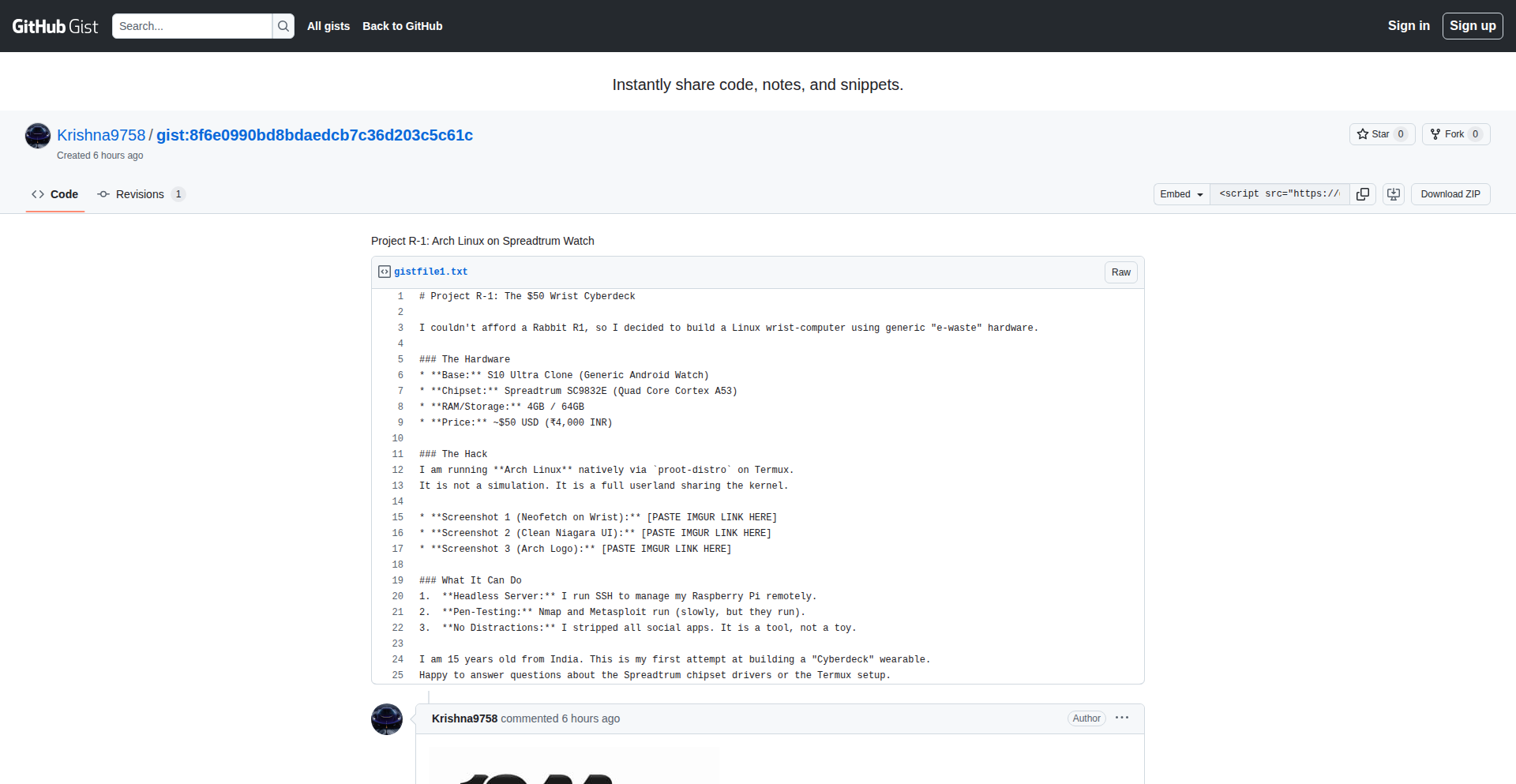
Author
krishnaarora22
Description
This project demonstrates the feasibility of running a full Arch Linux distribution on a budget smartwatch powered by a Spreadtrum SC9832E chip. It highlights innovative techniques for porting a desktop OS to constrained embedded hardware, showcasing the power of community-driven development and reverse engineering.
Popularity
Points 1
Comments 0
What is this product?
This is an experimental project that successfully boots and runs Arch Linux on a low-cost smartwatch. The core innovation lies in adapting a complex desktop operating system, designed for significantly more powerful hardware, to the limited resources of a typical smartwatch. This involves overcoming challenges related to low memory, limited processing power, and proprietary hardware drivers. The approach likely leverages custom kernel modifications, optimized user-space applications, and clever bootloader configurations to make Arch Linux functional. So, what does this mean for you? It shows that even seemingly basic devices can be pushed beyond their intended limits with creative engineering, unlocking new potential for customization and learning.
How to use it?
Developers can use this project as a blueprint and a source of inspiration for porting other operating systems or complex software to embedded devices. It provides insights into low-level hardware interaction, kernel customization, and resource optimization techniques. The project likely involves flashing a custom boot image and root filesystem onto the smartwatch, potentially requiring the use of specific flashing tools and careful attention to hardware compatibility. So, how can you use this? If you're interested in embedded systems, IoT development, or pushing the boundaries of what wearable devices can do, this project offers a practical, albeit advanced, example of how to achieve it, allowing you to explore new development avenues for your own projects.
Product Core Function
· Custom Kernel Porting: Adapting the Linux kernel to the specific Spreadtrum SC9832E architecture and its peripherals, enabling the OS to interact with the smartwatch's hardware. This provides the foundational layer for running Linux, essential for any advanced embedded development.
· Bootloader Modification: Engineering a bootloader that can load the Arch Linux kernel and root filesystem onto the smartwatch's limited storage, crucial for initiating the operating system on unconventional hardware.
· Root Filesystem Optimization: Creating a highly stripped-down and optimized Arch Linux root filesystem that minimizes resource consumption (RAM and storage), making it feasible to run on a smartwatch. This directly impacts performance and usability on resource-constrained devices.
· Driver Integration and Adaptation: Developing or adapting drivers for the smartwatch's specific components (e.g., display, touchscreen, Wi-Fi), allowing the operating system to utilize these features. This is vital for making the smartwatch functional beyond just a basic computer.
· User Interface Adaptation (Potential): While not explicitly stated, a practical implementation would likely involve adapting or developing a lightweight graphical user interface or command-line interface suitable for the smartwatch's screen and input methods. This enables users to interact with the running OS.
· Performance Tuning: Implementing various performance optimizations to ensure a usable experience despite the hardware limitations, such as aggressive memory management and process scheduling. This ensures the project is not just technically possible but also somewhat practical.
Product Usage Case
· Embedded Systems Development: A developer looking to create custom firmware for a smart device could learn from the kernel and driver porting techniques to adapt Linux for their specific hardware, enabling them to build more sophisticated functionalities. This solves the problem of not having a readily available OS for niche hardware.
· Reverse Engineering and Hardware Hacking: Security researchers or hobbyists interested in understanding the inner workings of consumer electronics can use this as a case study to explore how to gain deeper control over devices by replacing or augmenting their existing operating systems. This helps in understanding and potentially mitigating device vulnerabilities.
· Resource-Constrained Computing Experiments: Researchers or developers exploring the limits of computing on low-power devices could use this project to understand the methodologies for running complex software on minimal hardware, pushing the boundaries of what's possible in IoT or edge computing. This provides practical insights into making complex applications work in severely limited environments.
· Educational Tool for Operating System Internals: Students or enthusiasts learning about operating system design and embedded Linux can use this project to gain a hands-on understanding of kernel compilation, boot processes, and system optimization in a challenging real-world scenario. This offers a tangible way to learn complex OS concepts.