Show HN Today: Discover the Latest Innovative Projects from the Developer Community
 ShowHN Today
- Continue with Google
Show HN Today: Top Developer Projects Showcase for 2025-12-21
SagaSu777 2025-12-22
Explore the hottest developer projects on Show HN for 2025-12-21. Dive into innovative tech, AI applications, and exciting new inventions!
Summary of Today’s Content
Trend Insights
Today's Show HN projects reveal a powerful trend: the democratization of complex technologies. We see a surge in AI and LLM applications, not just for novel creations, but for practical problem-solving across diverse domains. From analyzing public sentiment about tech CEOs to generating code, structuring data, and even automating forensic accounting, AI is becoming an accessible force for individual developers. The emphasis on local-first execution and privacy-preserving designs, often leveraging WebAssembly, speaks to a growing demand for user control and data security. Furthermore, the proliferation of developer tools, particularly CLIs and productivity enhancers, highlights a core hacker ethos: streamline workflows, automate tedious tasks, and empower fellow developers. For aspiring innovators, this is a clear signal to explore how AI can augment existing workflows, how to build privacy-centric solutions, and how to create tools that directly address developer pain points. The barrier to entry for sophisticated applications is lowering, encouraging a new wave of creative problem-solving.
Today's Hottest Product
Name
HN Sentiment API – I ranked tech CEOs by how much you hate them
Highlight
This project leverages AI (GPT-4o mini) to analyze Hacker News comments, extract entities, and classify sentiment towards them. It tackles the challenge of processing a vast amount of unstructured text to derive meaningful insights about public opinion. Developers can learn about practical NLP applications, sentiment analysis techniques, and API design for data aggregation and analysis. The developer's approach to entity extraction and sentiment classification provides a blueprint for building similar analytical tools.
Popular Category
AI/ML
Developer Tools
Data Analysis
Open Source
Web Applications
Popular Keyword
AI
LLM
API
Developer Tools
Open Source
Rust
WASM
CLI
Productivity
Data
Technology Trends
AI-powered Content Generation and Analysis
Local-First and Privacy-Focused Applications
Developer Productivity Tools
Efficient Data Processing and Management
Cross-Platform Development
WebAssembly (WASM) for Client-Side Performance
LLM Integration for Various Use Cases
Project Category Distribution
Developer Tools (30%)
AI/ML Applications (25%)
Data Analysis & Visualization (15%)
Web Applications (20%)
Utilities/Lifestyle (10%)
Today's Hot Product List
| Ranking | Product Name | Likes | Comments |
|---|---|---|---|
| 1 | HN Book Insights Engine | 470 | 167 |
| 2 | WalletForge | 387 | 103 |
| 3 | Shittp: Ephemeral Dotfiles Sync via SSH | 125 | 72 |
| 4 | YAMLCanvas CV Renderer | 79 | 40 |
| 5 | BG-TrainTracker | 74 | 22 |
| 6 | Mushak: Effortless Zero-Downtime Docker Deployments | 26 | 15 |
| 7 | HN Pulse API | 27 | 6 |
| 8 | Luminoid-RS: Cross-Platform Lighting Data Toolkit | 29 | 0 |
| 9 | Mactop | 22 | 1 |
| 10 | PuntualFeedback | 10 | 0 |
1
HN Book Insights Engine

Author
seinvak
Description
This project is a data-driven exploration of books frequently recommended or discussed on Hacker News in 2025. It leverages natural language processing and data aggregation to identify trending literature within the tech community. The innovation lies in its ability to surface what the developer zeitgeist is reading and learning from, offering insights into relevant knowledge domains beyond pure code.
Popularity
Points 470
Comments 167
What is this product?
This project is essentially a trend analysis tool for literature within the Hacker News community. It works by scanning Hacker News discussions from 2025, identifying mentions of books, and then aggregating this data to reveal which books are most popular or influential. The core technology involves natural language processing (NLP) techniques to extract book titles from unstructured text, followed by data visualization and ranking algorithms. The innovation is in using the collective 'signal' from a highly technical audience to discover valuable reading material, essentially crowdsourcing a reading list for self-improvement and staying informed about emerging ideas.
How to use it?
Developers can use this project as a curated discovery tool. Instead of sifting through endless articles, they can quickly see what books are resonating with their peers. It can be integrated into personal learning workflows, used to inform book club selections, or even guide corporate training initiatives. Imagine a developer looking for books to deepen their understanding of AI ethics, system design, or even product management – this engine can provide a data-backed starting point.
Product Core Function
· Book Mention Extraction: Utilizes NLP to identify book titles within Hacker News comments and articles, enabling the automatic discovery of reading material. This is useful for quickly finding relevant books without manual searching.
· Trend Analysis and Ranking: Aggregates book mentions to identify the most frequently discussed and influential books, providing a prioritized list of reading recommendations. This helps developers focus on popular and impactful literature.
· Data Visualization: Presents the book data in an understandable format, allowing users to easily see trends and patterns in reading habits within the tech community. This makes complex data accessible and actionable.
· Community Insight Generation: Offers a glimpse into the intellectual interests and learning priorities of the Hacker News demographic, providing valuable context for personal and professional development. This helps developers understand what knowledge is valued by their peers.
Product Usage Case
· A developer aiming to broaden their knowledge in areas like distributed systems receives a list of highly recommended books from the 'HN Book Insights Engine,' saving them hours of research and ensuring they pick titles relevant to current industry discussions. This directly addresses the need for efficient learning in a fast-evolving field.
· A startup team looking to improve their product management skills can use the engine to discover books that are actively being discussed and appreciated by experienced product professionals in the tech space. This helps them acquire practical, community-vetted knowledge for better decision-making.
· An individual seeking to understand the ethical implications of emerging technologies can use the engine to find books that are resonating with thought leaders and practitioners on Hacker News. This provides a data-driven approach to identifying crucial, though perhaps niche, learning resources.
2
WalletForge

Author
alentodorov
Description
WalletForge is a minimalist application that empowers users to create custom Apple Wallet passes from any source. Instead of relying on complex systems or AI, it focuses on the core functionality of signing passes by manually entering barcode information. This approach minimizes potential errors and provides a direct, hackable solution for integrating services that don't natively support Apple Wallet.
Popularity
Points 387
Comments 103
What is this product?
WalletForge is a tool for generating Apple Wallet passes from arbitrary data, like barcodes from local shops that don't offer them. The innovation lies in its simplicity and directness: it circumvents the need for a full-fledged service by focusing solely on the cryptographic signing process required for Apple passes. You manually input the barcode data, and the app uses your developer certificate to sign it, making it a valid pass for your iPhone's Wallet app. This is useful because it lets you digitize loyalty cards, event tickets, or any other scannable item that doesn't have an official digital pass, directly solving the inconvenience of carrying physical cards or struggling with incompatible systems. It’s a developer-centric approach to a common user problem.
How to use it?
Developers can use WalletForge by first obtaining an Apple Developer certificate. Once the certificate is in place, they can launch the app and manually enter the barcode information (like a store loyalty number or event code). The app then takes this data and, using the developer certificate, generates a signed Apple Wallet pass. This pass can then be added to the user's iPhone Wallet app. The primary use case is for developers who want to create personalized passes for their own use or for a small group of users, especially when dealing with systems that lack native Apple Wallet integration. It’s a straightforward integration for solving a specific personal or small-scale ticketing/loyalty card problem.
Product Core Function
· Manual Barcode Entry: Allows users to input any barcode data directly, providing a flexible input method for diverse data types. This is valuable because it ensures compatibility with any scannable item, regardless of its origin or format.
· Developer Certificate Signing: Leverages a user's Apple Developer certificate to cryptographically sign generated passes. This is crucial for ensuring the passes are recognized and trusted by the Apple Wallet app, providing essential security and functionality.
· Custom Pass Generation: Enables the creation of personalized Apple Wallet passes from the provided barcode data. This is useful for creating digital versions of physical cards or tickets that don't have official digital support, simplifying user convenience.
Product Usage Case
· A small local bookstore doesn't offer Apple Wallet integration for its loyalty program. A developer can use WalletForge to manually enter their loyalty card barcode and create a custom pass, eliminating the need to carry the physical card. This directly addresses the inconvenience of managing multiple physical cards.
· An event organizer for a small community gathering wants to provide digital tickets but lacks the resources for a full ticketing platform. A developer can use WalletForge to generate individual passes for attendees by inputting their ticket barcode, offering a simple and cost-effective digital ticketing solution. This solves the problem of distributing and managing tickets efficiently.
· A developer wants to create a personalized pass for a specific membership or access card that isn't supported by Apple Wallet. They can use WalletForge to manually input the necessary credentials and generate a functional pass, allowing for seamless access control or membership identification. This provides a direct and practical way to integrate less common access methods into the Apple Wallet ecosystem.
3
Shittp: Ephemeral Dotfiles Sync via SSH

Author
sdovan1
Description
Shittp is a novel utility for developers to temporarily synchronize their configuration files (dotfiles) across different machines using SSH. Its core innovation lies in its 'volatile' nature, meaning the synced files are designed to be short-lived, promoting security and preventing unintended persistence of sensitive settings.
Popularity
Points 125
Comments 72
What is this product?
Shittp is a command-line tool that leverages SSH to push and pull your dotfiles (like `.bashrc`, `.vimrc`, `.gitconfig`) to a remote server for a temporary period. The 'volatile' aspect means these files aren't permanently stored on the remote server but rather exist only as long as the connection or a short timer is active. This is a creative approach to sharing configurations without the security risks of leaving them on an untrusted machine or the complexity of traditional sync solutions. The underlying technology uses standard SSH protocols for secure transfer and potentially temporary file system mounts or in-memory storage for the 'volatile' behavior, making it lightweight and secure.
How to use it?
Developers can use Shittp to quickly share their current setup with a new machine they're working on, or to access their familiar environment from a borrowed laptop. It's integrated into a developer's workflow by running a simple command before and after a session. For instance, on your primary machine, you might run `shittp push <server_ip>:<path>` to upload your dotfiles, and on the secondary machine, `shittp pull <server_ip>:<path>` to download them. The key is that this is for temporary use, not long-term backup.
Product Core Function
· Secure Dotfiles Transfer: Utilizes SSH for encrypted transmission of configuration files, ensuring data privacy during transit.
· Volatile Storage Mechanism: Implements a temporary storage strategy for dotfiles on the remote, reducing the risk of data leakage or unauthorized access after use.
· Cross-Machine Environment Synchronization: Enables quick setup of a familiar development environment on any machine with SSH access, boosting productivity.
· Lightweight and Minimalist Design: Built for speed and simplicity, offering a direct solution without heavy dependencies or complex configurations.
Product Usage Case
· Scenario: A developer needs to work on a client's machine for a short period. Problem: The client's machine lacks their usual development tools and configurations. Solution: The developer uses Shittp to quickly sync their essential dotfiles (like shell aliases, editor settings) via SSH, allowing them to be productive immediately without compromising security by leaving persistent files.
· Scenario: A developer is setting up a new personal server for a coding project. Problem: Manually configuring the server with all their preferred settings is time-consuming. Solution: Shittp can be used to push their dotfiles to the server temporarily, allowing them to apply their familiar configurations and then clean them up, avoiding permanent storage of potentially sensitive credentials within dotfiles.
· Scenario: Collaborative coding session on a shared machine. Problem: Multiple developers need to quickly switch between their personalized environments. Solution: Shittp can be used to push and pull configurations on demand, enabling rapid switching between different developer setups without complex profile management.
4
YAMLCanvas CV Renderer

Author
sinaatalay
Description
RenderCV is an open-source tool that transforms a single YAML file into a beautifully typeset PDF resume. It addresses the common frustrations of layout issues in word processors and the complexity of LaTeX, offering a developer-friendly approach to CV creation and management. The core innovation lies in its ability to store content, design, and formatting all within a version-controllable text file, making it highly adaptable for LLM integration and team collaboration.
Popularity
Points 79
Comments 40
What is this product?
YAMLCanvas CV Renderer is a command-line utility that takes a structured CV definition written in YAML and renders it into a professional-looking PDF document. It uses Typst, a modern typesetting system known for its precision and speed, under the hood. The YAML file acts as a single source of truth, defining not just your work experience and education, but also the visual design elements like margins, fonts, and colors. This approach offers precise control over the final output, solving the common problem of inconsistent formatting and difficult editing found in traditional document editors.
How to use it?
Developers can integrate YAMLCanvas CV Renderer into their workflow by creating a `cv.yaml` file that describes their resume. With the tool installed, they can simply run the command `rendercv render cv.yaml` in their terminal. This will generate a PDF file of their CV. Its text-based nature makes it ideal for version control systems like Git, allowing for easy tracking of changes, branching, and merging of CV drafts. It can also be easily integrated into CI/CD pipelines or scripting for automated CV generation for different job applications, especially when combined with AI tools.
Product Core Function
· Version-controllable CVs: Store your entire CV as a text file, enabling diffing, tagging, and easy rollback of changes, making it a robust solution for tracking your professional history.
· LLM-friendly CV generation: Easily copy-paste your YAML CV into AI models like ChatGPT to tailor it for specific job descriptions, then paste the modified content back and re-render, allowing for rapid creation of multiple resume variants.
· Pixel-perfect typography: Leverages Typst for precise alignment and spacing, ensuring a professional and polished look that is hard to achieve with WYSIWYG editors.
· Full design control via YAML: Customize margins, fonts, colors, and other design aspects directly within the YAML file, offering granular control over your CV's appearance without complex coding.
· Editor integration with JSON Schema: Provides autocompletion and inline documentation within code editors, reducing errors and speeding up the writing process of your CV definition.
Product Usage Case
· A software engineer wants to maintain a single, up-to-date CV that can be easily adapted for various job applications. By using YAMLCanvas CV Renderer, they can create a base YAML file and then programmatically tweak sections for each application, ensuring consistency and saving time.
· A job seeker needs to create multiple versions of their resume tailored to different industries. They can use an LLM to suggest content modifications based on job descriptions and then feed these changes back into their YAML file for quick re-rendering into distinct PDF resumes.
· A developer wants to track the evolution of their CV over time, similar to how they track code. By committing their `cv.yaml` file to Git, they can see precisely what changed between versions and revert to previous states if needed.
· A freelancer needs to generate CVs for different clients quickly. They can set up a templated YAML file and then use scripting to populate project-specific details before rendering the final PDF.
5
BG-TrainTracker
Author
Pavlinbg
Description
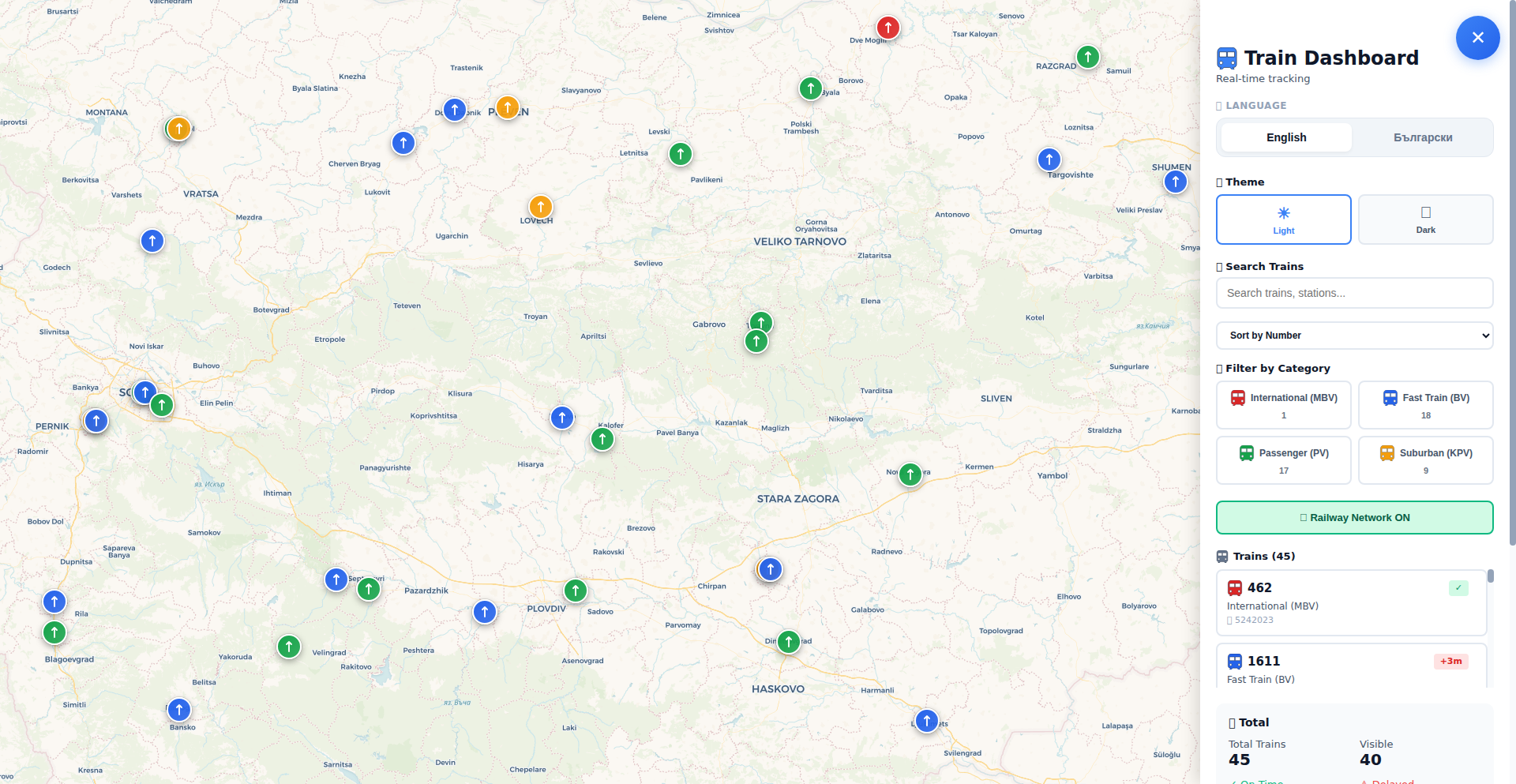
A personal project developed to overcome the lack of a public API for the Bulgarian national railway carrier (BDZ). It scrapes data from the official, outdated, and laggy train map to provide a more functional and informative user experience, offering better route context. This showcases a classic hacker mindset: when faced with a closed system, build your own solution.
Popularity
Points 74
Comments 22
What is this product?
BG-TrainTracker is a web application built by a junior developer to address the shortcomings of the official Bulgarian national railway (BDZ) map. Since BDZ doesn't offer a public API (a way for other programs to easily get train data), the developer reverse-engineered the existing website. It scrapes, or pulls, the train information directly from the official map, even though its user interface is slow and clunky. The innovation lies in taking publicly visible but inaccessible data and making it usable and understandable. It offers a clearer view of train routes and their context, solving the problem of poor information access for train travelers. So, this is useful because it provides a better, more reliable way to see train information than the official, difficult-to-use website.
How to use it?
Developers can use BG-TrainTracker as a reference for how to approach similar problems where official data sources are locked down or poorly implemented. For instance, if you encounter a local government service with no API, you might learn from this project's technique of inspecting the website's network traffic to understand how data is loaded and then programmatically extracting it. It's an example of web scraping and data aggregation. You could integrate similar scraping logic into your own tools or dashboards to monitor real-time data from various sources. So, this is useful for developers looking to build tools that access data from websites that don't offer APIs, helping them understand web scraping techniques.
Product Core Function
· Data Scraping and Extraction: The system programmatically extracts real-time train schedules and location data by parsing the HTML and JavaScript of the official BDZ website. This allows for the collection of data that would otherwise be inaccessible. The value here is in democratizing information, making it available to users and potentially other developers. This is useful for anyone who needs to access train information for planning trips or building related applications.
· Improved User Interface for Route Visualization: Instead of relying on the sluggish official map, BG-TrainTracker presents train routes and their context in a more user-friendly and responsive manner. This enhances the user experience by providing clearer insights into journey details. The value is in making complex travel information easy to understand and use, directly benefiting travelers.
· Data Aggregation and Contextualization: By collecting and processing data from the official map, the project provides a more comprehensive view of train movements and routes than what is readily available. This contextualization helps users understand the bigger picture of their train journey. The value is in providing a richer, more informative experience that aids in better travel planning and decision-making.
Product Usage Case
· A traveler planning a trip on the Bulgarian national railway can use BG-TrainTracker to get a clear and up-to-date overview of available routes and train times, overcoming the difficulties posed by the official BDZ website's poor performance. This solves the problem of unreliable and frustrating trip planning due to bad official tools.
· A developer wanting to build a comparative travel app that includes Bulgarian train data could study BG-TrainTracker's scraping techniques to integrate BDZ information into their platform. This demonstrates how to overcome data access limitations in a competitive market.
· A student learning about web scraping and API alternatives could use BG-TrainTracker as a case study to understand how to extract data from websites that don't provide official APIs, applying these skills to other data-scarce scenarios. This provides a practical learning resource for future developers.
6
Mushak: Effortless Zero-Downtime Docker Deployments
Author
hmontazeri
Description
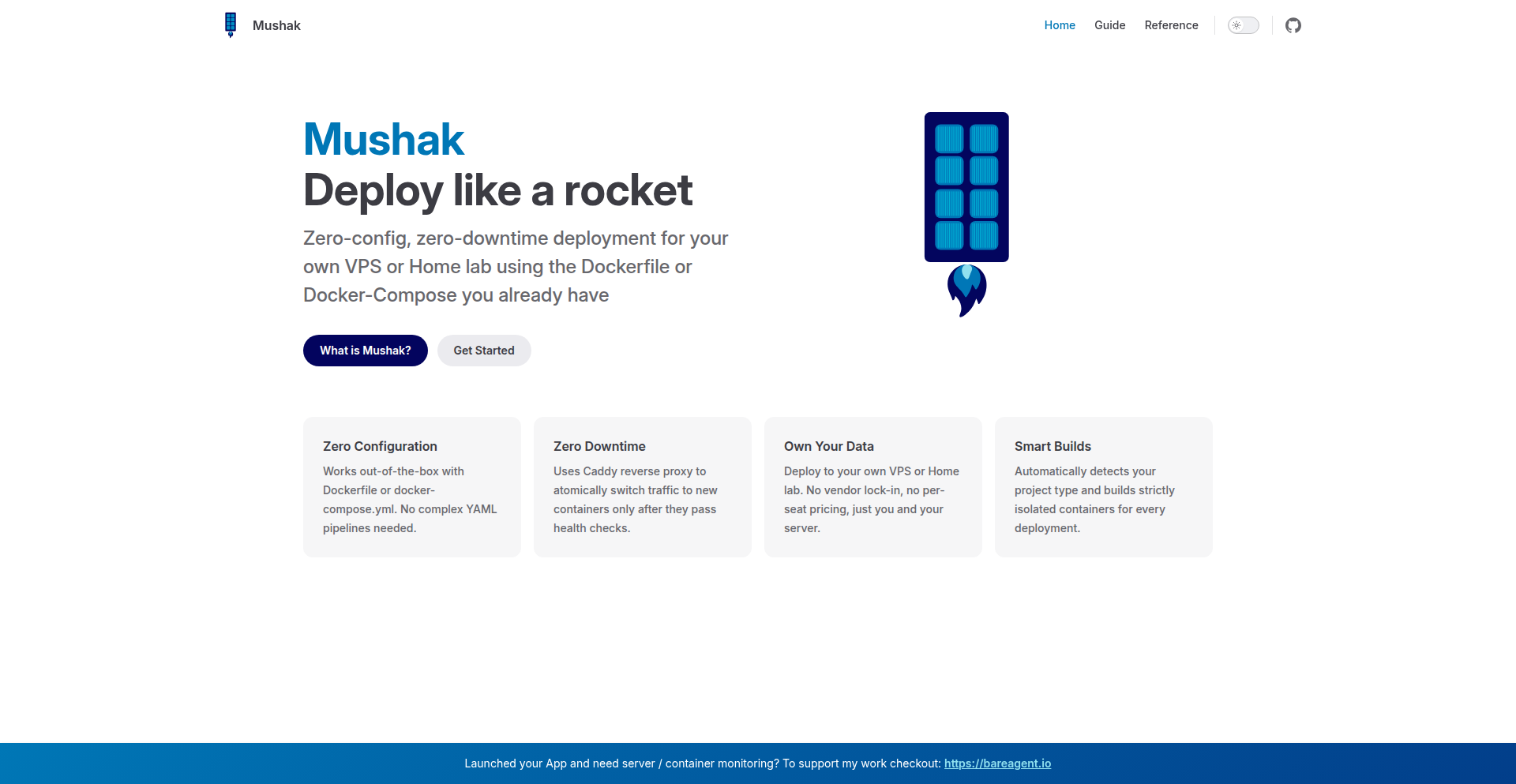
Mushak is a tool that automates the deployment of Docker and Docker Compose applications to servers with zero configuration and zero downtime. It focuses on streamlining the often complex and error-prone process of getting your containerized applications live and keeping them running smoothly, even during updates. The innovation lies in its ability to abstract away the intricacies of server management and deployment orchestration, making it accessible to developers without extensive DevOps expertise.
Popularity
Points 26
Comments 15
What is this product?
Mushak is a deployment automation tool designed for Docker and Docker Compose applications. Its core technical innovation is its 'zero-config' approach. Instead of requiring complex setup and scripting, it intelligently infers deployment needs from your existing Docker or Docker Compose files. It achieves zero-downtime by implementing strategies like rolling updates, where new versions of your application are deployed and tested before old ones are removed, ensuring continuous availability. This means you can update your live applications without interrupting service for your users.
How to use it?
Developers can use Mushak by simply pointing it to their server and their Docker/Docker Compose project. The tool then handles the entire deployment lifecycle. You can integrate it into your CI/CD pipeline or run it manually. For example, if you have a Docker Compose file defining your web application and database, Mushak can automatically deploy and manage these services on your target server. This drastically reduces the time and effort spent on manual server provisioning, configuration, and deployment, allowing you to focus on building your application.
Product Core Function
· Zero-configuration deployment: Mushak automatically analyzes your Docker or Docker Compose files to determine the necessary deployment steps, eliminating the need for manual scripting or complex configuration files. This is valuable because it saves you time and reduces the chance of errors, so you can deploy faster.
· Zero-downtime updates: Implements rolling update strategies to replace old application versions with new ones seamlessly, ensuring your services remain available to users at all times. This is valuable because it prevents service interruptions and maintains a positive user experience, so your users never see a 'down for maintenance' message.
· Automated container orchestration: Manages the lifecycle of your Docker containers on the server, including starting, stopping, and restarting services as needed. This is valuable because it ensures your application is always running and healthy, so you don't have to manually monitor and manage individual containers.
· Simplified server provisioning: Abstracts away the complexities of setting up and configuring servers for containerized applications. This is valuable because it makes deploying to new servers much easier and faster, so you can scale your application without becoming a server expert.
Product Usage Case
· Deploying a web application with a database: A developer has a web application defined in a Docker Compose file along with its database. Instead of manually setting up servers, installing Docker, and configuring networking, they can use Mushak to deploy both services to a server in minutes, ensuring the application is live and accessible without any downtime for users.
· Automating microservice deployments: A team managing multiple microservices can use Mushak to automate the deployment of each service independently. Mushak's zero-downtime capabilities ensure that updates to one microservice do not affect the availability of others, enabling faster iteration cycles and continuous delivery.
· Rapid prototyping and testing: For developers building and testing new features, Mushak offers a quick way to deploy experimental versions of their applications to a staging server. The ease of use and zero-downtime ensure that testing is not disruptive, allowing for faster feedback loops.
7
HN Pulse API
Author
kingofsunnyvale
Description
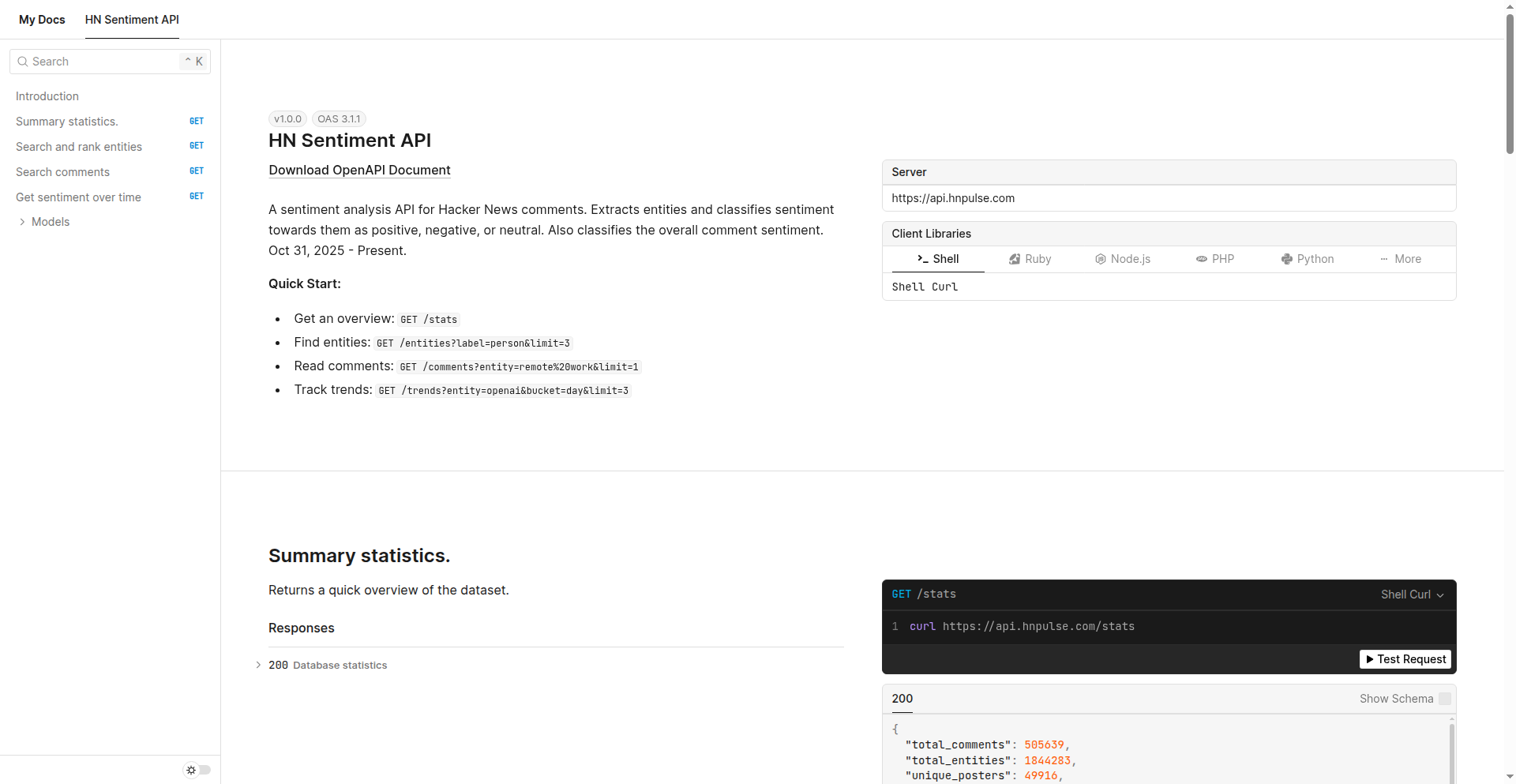
This API extracts named entities from Hacker News comments, classifies their sentiment (positive, negative, neutral) and identifies entity types like people, locations, and technologies. It offers insights into public opinion and trending topics within the developer community by analyzing over 500,000 comments. So, it helps you understand what the tech world is really talking about and how they feel about it.
Popularity
Points 27
Comments 6
What is this product?
HN Pulse API is a powerful tool that uses advanced natural language processing (NLP) techniques, specifically leveraging GPT-4o mini, to process and understand the vast amount of information shared in Hacker News comments. It goes beyond simple keyword searching by identifying specific entities (like people, companies, or technologies) and then analyzing the sentiment expressed towards them. Think of it as a super-smart reader that not only tells you who is being discussed but also whether the discussion is good, bad, or neutral. The innovation lies in its ability to synthesize unstructured text data into actionable insights about community sentiment and entity relationships, providing a unique lens into developer discourse. So, it gives you a clear, data-driven understanding of the prevailing opinions and hot topics in the tech sphere, far beyond what a simple search could offer.
How to use it?
Developers can integrate the HN Pulse API into their applications or use it directly via simple `curl` commands to query vast amounts of Hacker News comment data. For example, you can ask 'Who does HN talk about the most?' by requesting a list of people sorted by mention count. Or, you can find out 'What are people saying about remote work?' by searching for comments related to that entity. You can even track 'Is OpenAI's reputation getting worse?' by looking at sentiment trends over time. The API is designed for ease of use, with clear endpoints for entity discovery, comment retrieval, and trend analysis, allowing you to quickly build features that leverage community sentiment. So, you can easily embed real-time tech community sentiment into your dashboards, research tools, or even news aggregation platforms without needing to build complex NLP systems yourself.
Product Core Function
· Entity Extraction: Identifies and labels key entities such as people, organizations, locations, and technologies within Hacker News comments, providing structured data for analysis. This helps in understanding precisely which subjects are being discussed, offering a clear value for market research and trend identification.
· Sentiment Analysis: Classifies the sentiment expressed towards each extracted entity as positive, negative, or neutral, revealing community opinions. This is invaluable for brand monitoring, product feedback analysis, and understanding public perception of individuals and companies.
· Overall Comment Sentiment: Assigns a general sentiment score to each comment, giving a broader picture of the discussion's tone. This helps in quickly gauging the mood of a conversation thread or a collection of comments on a specific topic.
· Entity Co-occurrence Analysis: Allows you to discover which entities are frequently mentioned together, revealing relationships and contextual discussions. For instance, seeing which technologies are often discussed alongside a specific city can highlight emerging tech hubs or regional interests.
Product Usage Case
· Market Research: A startup can use the API to gauge developer sentiment towards competing technologies or product features before launching their own. By analyzing comments about existing solutions, they can identify pain points and market gaps. So, they can build a product that truly resonates with their target audience.
· Brand Monitoring: A company can track mentions of their brand and key executives on Hacker News to understand public perception and quickly address any negative sentiment. This allows for proactive reputation management. So, they can maintain a positive public image and respond effectively to criticism.
· Content Strategy: A tech blogger or journalist can identify trending topics and the general sentiment around them to inform their content creation, ensuring they are covering subjects that the developer community is actively engaged with. So, they can create content that is relevant and highly engaging for their readership.
· Investment Analysis: An investor can analyze sentiment trends for specific companies or founders discussed on Hacker News to gain insights into community confidence and potential future performance. This provides a unique, community-driven perspective for investment decisions. So, they can make more informed investment choices based on real-time developer sentiment.
8
Luminoid-RS: Cross-Platform Lighting Data Toolkit

Author
holg
Description
Luminoid-RS is a versatile toolkit built with Rust that bridges the gap between old and new lighting data standards. It can parse legacy file formats like EULUMDAT and IES, and also handles modern spectral data formats such as TM-33 and ATLA-S001. This project leverages UniFFI to compile a single Rust codebase into various platforms including WASM for web, desktop GUIs (egui, SwiftUI), mobile (Jetpack Compose), and Python. Its core innovation lies in its ability to process both historical and cutting-edge photometric data, providing a unified solution for developers working with lighting simulation and analysis tools. So, this helps you work with lighting data no matter the format, making your tools compatible with both older and newer industry standards.
Popularity
Points 29
Comments 0
What is this product?
Luminoid-RS is a lighting data processing toolkit written in Rust. Its core innovation is its ability to handle both traditional photometric file formats (EULUMDAT, IES) that store basic lumen values, and newer spectral data formats (TM-33, ATLA-S001) which capture more detailed wavelength distribution information. This is achieved by parsing these different data structures and providing a unified way to access and process them. The 'why it's cool' part is how it uses UniFFI to make this powerful Rust core available on almost any platform – from web browsers to mobile apps and desktop programs – from a single source of code. So, it's like having a universal translator for lighting data that works everywhere.
How to use it?
Developers can integrate Luminoid-RS into their projects via its bindings for various languages and platforms. For web applications, it can be compiled to WebAssembly (WASM) and used with frameworks like Leptos. For desktop applications, it offers bindings for egui and SwiftUI. Mobile developers can use it with Jetpack Compose, and Python developers can leverage PyO3. The toolkit can parse lighting data files, extract photometric information, and potentially generate visualizations like SVGs or 3D models using integrated components like the Bevy engine for the 3D viewer. So, you can plug this into your existing software to add robust lighting data handling capabilities without rewriting everything for each platform.
Product Core Function
· Legacy format parsing (EULUMDAT, IES): Processes older lighting data files that contain basic photometric information. This is valuable for maintaining compatibility with existing lighting simulation and design tools. So, you can still use your old lighting data files.
· Spectral data parsing (TM-33, ATLA-S001): Handles modern lighting data that includes detailed wavelength distribution, enabling more accurate simulations and analysis. This is crucial for developers working with the latest lighting standards. So, you can work with the newest and most detailed lighting information.
· Cross-platform compilation via UniFFI: Allows a single Rust codebase to be deployed on web (WASM), desktop (egui, SwiftUI), mobile (Jetpack Compose), and Python environments. This significantly reduces development effort and ensures consistency across different platforms. So, build it once and run it everywhere.
· SVG output generation: Can create Scalable Vector Graphics representations of lighting data, useful for visualizations and reports. This helps in communicating lighting design effectively. So, you can easily create visual representations of your lighting data.
· On-demand 3D viewer (Bevy engine): Integrates a 3D rendering capability to visualize lighting distributions in a spatial context. This is beneficial for understanding light placement and impact in real-world scenarios. So, you can see how lights behave in 3D space.
Product Usage Case
· Developing a web-based lighting design tool: A web developer can use the WASM build of Luminoid-RS to allow users to upload and analyze EULUMDAT or TM-33 files directly in their browser. This solves the problem of needing desktop software for basic photometric analysis. So, users can analyze lighting data online without installing anything.
· Building a cross-platform lighting simulation application: A developer can use Luminoid-RS to create a single application that runs on Windows, macOS, iOS, and Android, all capable of parsing and processing both legacy and spectral lighting data. This reduces development time and maintenance costs. So, your lighting app works everywhere with less effort.
· Integrating advanced photometric analysis into an existing Python script: A Python developer can use the PyO3 bindings to leverage Luminoid-RS's capabilities for handling spectral lighting data, enhancing their script's ability to perform complex lighting calculations. This solves the limitation of Python's native libraries for newer lighting standards. So, you can add powerful new lighting data features to your Python code.
· Creating interactive lighting documentation: A developer can use Luminoid-RS to generate dynamic SVG visualizations of lighting data that can be embedded in technical documentation or websites, providing a more engaging way to present photometric information. So, your technical documents can be more visually informative.
9
Mactop
Author
carsenk
Description
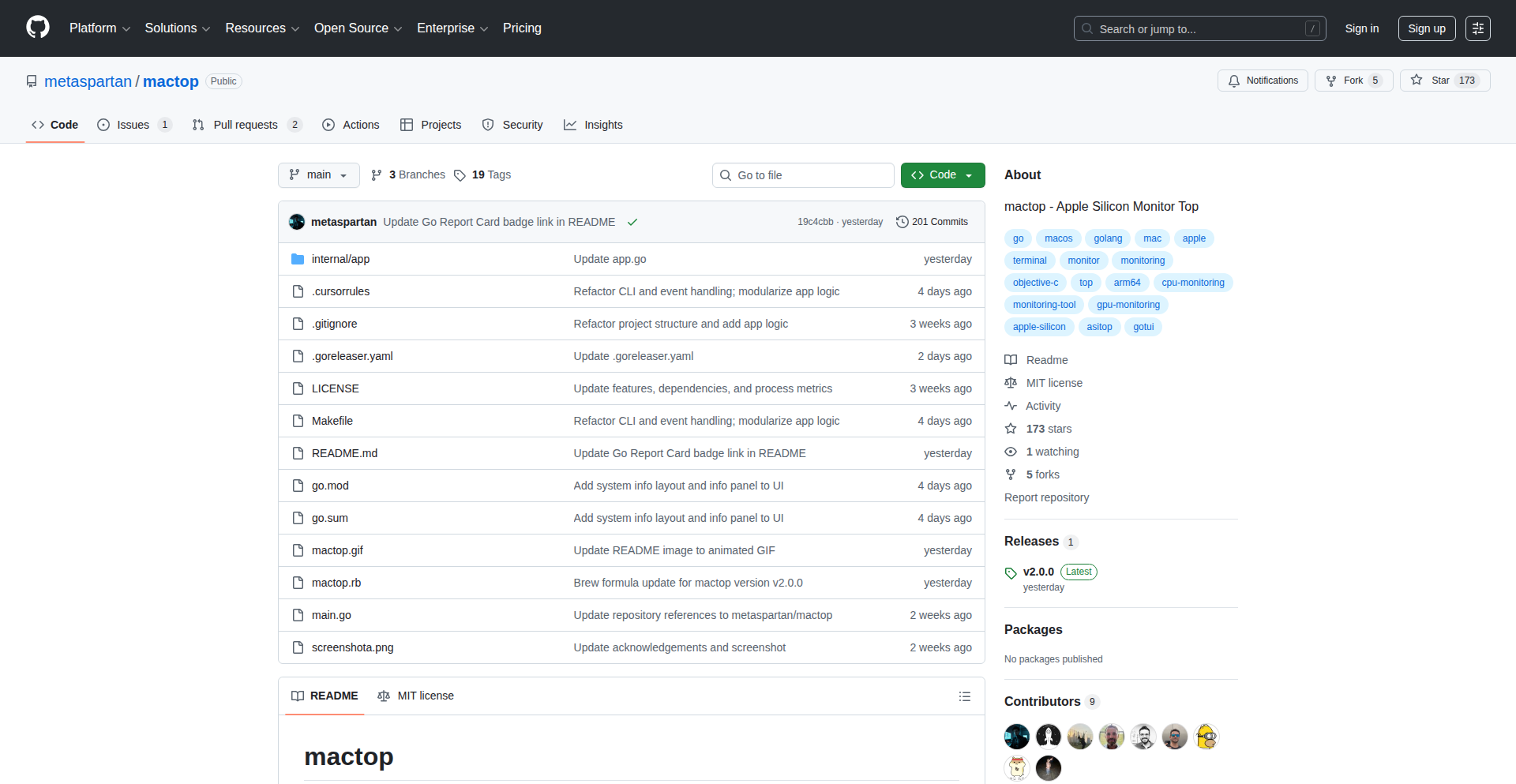
Mactop v2.0.0 is a real-time system monitoring tool for macOS that visualizes system resource usage with a command-line interface. It's innovative in how it provides detailed, dynamic insights into CPU, memory, disk, and network activity directly in the terminal, offering an alternative to GUI-based monitoring tools and empowering developers with immediate, actionable data without leaving their workflow.
Popularity
Points 22
Comments 1
What is this product?
Mactop is a command-line utility for macOS that shows you, in real-time, how your computer's resources (like CPU, RAM, disk, and network) are being used. Think of it as a dashboard for your Mac's performance, but displayed right in your terminal window. Its innovation lies in its ability to aggregate and present complex system performance metrics in a clear, dynamic, and easily digestible format within the text-based environment of the terminal. This means developers can quickly understand what's happening under the hood of their Mac without needing to switch to a separate graphical application, making it highly efficient for debugging and performance tuning.
How to use it?
Developers can use Mactop by installing it (often via package managers like Homebrew) and then running the 'mactop' command in their terminal. Once executed, it will display a continuously updating table of system resource usage. This is particularly useful when running intensive tasks, debugging performance bottlenecks, or simply understanding what processes are consuming the most resources on their Mac. It can be easily integrated into scripting or automated workflows where a quick, non-GUI system status check is needed.
Product Core Function
· Real-time CPU usage monitoring: Shows individual process CPU consumption and overall system load, helping identify performance bottlenecks. This is useful for understanding why your application might be slow.
· Dynamic Memory (RAM) utilization: Displays memory allocation per process and system-wide, aiding in detecting memory leaks or excessive memory consumption. This helps you ensure your application isn't hogging system memory.
· Disk I/O activity tracking: Monitors read and write operations for disks, crucial for identifying storage-related performance issues. This is valuable when your application involves heavy file operations.
· Network traffic visualization: Tracks incoming and outgoing network data per process, useful for diagnosing network performance problems or understanding data transfer. This helps when your application relies on network communication.
· Process-centric resource breakdown: Allows users to see exactly which processes are consuming specific resources, enabling targeted optimization. This gives you the power to pinpoint and fix resource hogs.
Product Usage Case
· During application development, a developer can run Mactop to see if their new feature is causing a spike in CPU usage, helping them immediately identify and fix the issue. This saves time in the debugging process.
· A system administrator can use Mactop to monitor a Mac remotely via SSH to quickly assess overall system health without needing graphical access, ensuring system stability and responsiveness.
· When troubleshooting a slow-performing application, a developer can launch Mactop to see if the issue is related to excessive memory usage by a specific process, guiding them towards a solution for memory leaks.
· For performance testing, Mactop can be run alongside an application to visually confirm that resource utilization remains within acceptable limits, providing concrete data on application efficiency.
10
PuntualFeedback

Author
jeremy0405
Description
A radically affordable feedback widget, built as a weekend experiment to challenge the status quo of expensive SaaS solutions. It offers a simple yet effective way for users to collect feedback at a minimal cost, proving that essential tools don't need to break the bank. The innovation lies in its stripped-down, cost-effective architecture and a bold pricing strategy.
Popularity
Points 10
Comments 0
What is this product?
PuntualFeedback is a simple, one-dollar feedback collection tool. The core technical insight is that the underlying technology for most feedback widgets is straightforward and inexpensive to host. The developer recognized that the high prices often charged by existing solutions are not justified by the technical complexity. Instead of relying on complex infrastructure or proprietary algorithms, PuntualFeedback leverages basic web technologies to provide a functional and reliable feedback mechanism. The innovation is in its pragmatic approach to pricing, making feedback collection accessible to everyone by reflecting the true low cost of operation and development.
How to use it?
Developers can integrate PuntualFeedback into their websites or applications with minimal effort. The tool is designed for easy embedding, likely through a simple JavaScript snippet or a readily available widget. This allows any developer, regardless of their project's scale or budget, to quickly add a feedback channel. Imagine you have a new feature launched and want to gauge user reaction immediately without a complex setup. You'd simply add the PuntualFeedback snippet to your page, and users could start submitting their thoughts. This means you can get insights directly from your audience without needing to build or pay for an elaborate system.
Product Core Function
· Simple Feedback Submission: Allows users to submit text-based feedback easily. The value here is a direct and unobtrusive way for your users to share their thoughts, providing actionable insights for product improvement.
· Low-Cost Infrastructure: Built on lean principles to ensure minimal operational expenses. This translates to an incredibly low price point, making it accessible for even the smallest projects or personal websites to gather user opinions.
· Easy Integration: Designed for quick and straightforward embedding into any web project. The benefit is rapid deployment, allowing you to start collecting feedback within minutes, saving significant development time and resources.
· Affordable Pricing Model: Priced at $1, challenging the conventional SaaS model for feedback tools. This provides immense value by democratizing access to user feedback, enabling more creators and businesses to engage with their audience without financial barriers.
Product Usage Case
· A solo indie game developer wants to collect feedback on a new game build before a public release. By integrating PuntualFeedback, they can offer a low-friction way for testers to report bugs or suggest improvements, directly contributing to a better final product without any significant cost.
· A blogger running a personal website wants to understand what content their readers find most valuable or what topics they'd like to see covered next. Adding PuntualFeedback as a widget on their posts allows them to gather this audience intelligence effortlessly, guiding their future content strategy.
· A small e-commerce startup is launching a new product line and needs to quickly collect initial impressions from early adopters. PuntualFeedback provides a discreet and inexpensive way to solicit feedback on the product's design, features, or overall appeal, helping them iterate faster.
11
RustPython FusionEngine

Author
ZOROX
Description
This project is a hybrid web framework that embeds a high-performance Rust (Actix-Web) core directly into the Python runtime. It aims to eliminate the traditional performance trade-off of Python web services, offering significantly faster execution speeds without sacrificing developer happiness. So, it means you can get the speed of Rust for your web backend while still enjoying the ease of development with Python. It's a 'cheat code' to speed up Python web applications.
Popularity
Points 5
Comments 3
What is this product?
RustPython FusionEngine is a novel web framework designed to bridge the performance gap between Python and compiled languages like Rust. It achieves this by integrating a Rust-based web server (specifically Actix-Web, known for its speed) directly within the Python execution environment. This means Python code can leverage the raw speed of Rust for handling web requests and processing data, overcoming Python's typical performance limitations in I/O-bound or CPU-intensive web tasks. The innovation lies in this seamless hybrid architecture, allowing developers to write Python but execute critical parts of the web service in highly optimized Rust code. So, this project offers a way to have your Python cake and eat its performance speed too.
How to use it?
Developers can use RustPython FusionEngine to build web services that require high throughput and low latency. The framework allows you to define your API endpoints and business logic in Python, while the underlying engine automatically routes performance-critical operations to the embedded Rust core. This integration is designed to be as straightforward as possible, aiming for an experience similar to using traditional Python frameworks like Flask or Django. You'd typically install the package, import its components, and define your routes and handlers in Python files. The framework handles the complexity of inter-process communication or shared memory between Python and Rust. So, you can integrate this into your existing Python web projects to boost performance without a complete rewrite.
Product Core Function
· Hybrid Execution Core: Leverages a Rust (Actix-Web) engine for web request handling and processing, offering significantly higher performance than pure Python. This is valuable for applications needing to handle many requests quickly or perform complex computations, leading to a snappier user experience and reduced server costs.
· Python Runtime Integration: Seamlessly embeds the Rust core into the Python runtime, allowing developers to write most of their application logic in familiar Python. This preserves developer productivity and ease of use, making high performance accessible without a steep learning curve. It's useful for teams already invested in Python.
· Performance Benchmarking Tools: Includes tools and configurations for benchmarking its performance against other popular web frameworks. This allows developers to objectively measure the speed improvements and understand the 'Python tax' reduction. This is important for validating performance claims and making informed architectural decisions.
· Simplified API Definition: Provides Pythonic ways to define API endpoints, request/response structures, and middleware. This abstracts away the complexities of the Rust backend, making it feel like a native Python framework. This means developers can build fast APIs without needing to become Rust experts.
Product Usage Case
· Building a high-traffic API gateway: A developer could use RustPython FusionEngine to create an API gateway that needs to handle thousands of concurrent requests with minimal latency. The Rust core would manage the high-speed routing and forwarding of requests, while Python could handle authentication and logging. This solves the problem of a Python gateway becoming a bottleneck.
· Developing a real-time data processing service: For applications that ingest and process large volumes of data in real-time, such as stock tickers or IoT sensor feeds, this framework can provide the necessary speed. Python can define the data models and application logic, while the Rust engine ensures fast data ingestion and initial processing. This addresses the slow processing issue in Python for real-time streams.
· Creating a microservice with demanding performance requirements: A developer could build a microservice that needs to respond to requests in milliseconds. By using RustPython FusionEngine, they can leverage Python's flexibility for business logic while ensuring the critical request-response cycle is handled by the super-fast Rust core. This resolves the performance bottlenecks commonly found in Python-based microservices.
12
PicX Studio - B2B AI Visualizer

Author
Yash16
Description
PicX Studio is an AI image generation platform pivoting from consumer-facing to business-to-business applications. Initially, it faced significant challenges with user-generated content abuse, particularly for NSFW imagery. By shifting its focus to professional use cases like product photography and headshots, PicX Studio aims to leverage its AI generation capabilities in a more controlled and valuable B2B environment, solving the problem of unregulated misuse by creating a more focused and less problematic service.
Popularity
Points 3
Comments 5
What is this product?
PicX Studio is an AI-powered image generation tool that has transitioned from a consumer product to a business solution. The core technology involves advanced machine learning models, specifically diffusion models or similar generative adversarial networks (GANs), trained to create high-quality images from text prompts. The innovation lies in its strategic pivot to the B2B market, recognizing that while the core AI is powerful, the application context significantly impacts its viability. By targeting businesses needing product photos or professional headshots, the platform can implement stricter usage policies and cater to a less volatile user base. This is useful because it transforms a potentially problematic consumer tool into a focused, professional service that addresses the demand for customized visual assets without the associated content moderation nightmares.
How to use it?
Businesses can integrate PicX Studio into their workflow by subscribing to the service. For product photography, marketing teams can upload existing product images or provide detailed descriptions and receive AI-generated variations, lifestyle shots, or mockups. For headshots, individuals or companies can use the tool to generate professional portraits for websites, LinkedIn profiles, or company directories. The usage would typically involve a web-based interface where users input their requirements, select styles, and generate images. Integration might involve API access for larger enterprises to automate image creation within their existing content management systems. This is useful because it provides an efficient and cost-effective way to generate professional visual content on demand, saving time and resources compared to traditional photography or design services.
Product Core Function
· AI-powered product photo generation: Enables businesses to create high-quality product images with various backgrounds, angles, and lighting. This is useful for e-commerce stores seeking to enhance their listings with professional visuals without expensive photoshoots.
· Professional headshot creation: Generates realistic and polished headshots suitable for corporate branding and individual professional profiles. This is useful for companies looking to standardize employee profiles or individuals wanting a professional online presence.
· Customizable image styles: Allows users to specify stylistic elements and artistic preferences for generated images. This is useful for marketers aiming to match visuals with specific brand aesthetics or campaign themes.
· B2B focused content moderation: Implements robust content filters and usage policies to prevent misuse and ensure professional output. This is useful for businesses that need a reliable and safe platform for visual content creation, avoiding the pitfalls of uncontrolled generative AI.
· API integration for enterprise clients: Offers programmatic access to the AI generation engine for seamless integration into existing business workflows and content creation pipelines. This is useful for large organizations seeking to automate their visual asset production at scale.
Product Usage Case
· An e-commerce startup uses PicX Studio to generate multiple lifestyle images for each product, showcasing them in different settings and contexts. This solves the problem of needing diverse product visuals without hiring photographers for every scenario, leading to increased customer engagement and sales.
· A marketing agency utilizes PicX Studio to create personalized header images for client social media campaigns based on specific campaign themes and target audience demographics. This addresses the need for rapid, tailored visual content production, improving campaign responsiveness and effectiveness.
· A software company uses PicX Studio to generate consistent and professional headshots for all its employees, ensuring a unified look for its corporate website and internal communications. This solves the challenge of inconsistent employee photography, enhancing brand professionalism and recognition.
· A freelance graphic designer uses PicX Studio's API to integrate AI-generated elements into larger design projects, such as creating unique textures or background elements for branding materials. This allows for more creative possibilities and faster project completion, expanding their service offerings.
13
AcademicPhraseEngine

Author
superhuang
Description
AcademicPhraseEngine is a tool designed to generate effective sentence starters for academic and professional writing. It addresses the common challenge of getting started with complex writing tasks by providing context-aware phrase suggestions, aiming to reduce writer's block and improve the clarity and professionalism of written content.
Popularity
Points 4
Comments 3
What is this product?
AcademicPhraseEngine is a smart phrase generator that leverages natural language processing (NLP) techniques to suggest relevant and sophisticated sentence openings. Instead of users having to brainstorm from scratch, the system analyzes the writing context (e.g., the topic, the type of sentence needed) and offers a curated list of phrases. The innovation lies in its ability to go beyond simple keyword matching, understanding the nuance of academic and professional discourse to provide genuinely helpful prompts that can elevate the quality of writing. So, what's in it for you? It helps you overcome that initial hurdle of starting an important document, making your writing process smoother and your final output more polished and impactful.
How to use it?
Developers can integrate AcademicPhraseEngine into their writing applications, content management systems, or even as a standalone browser extension. The core interaction involves sending text context to the engine, which then returns a list of suggested sentence starters. For instance, a user could highlight a paragraph and request starters for the next sentence, or specify the type of statement they want to make (e.g., introduce a counter-argument, provide evidence). This integration could be achieved through a simple API call. For you, this means your existing writing tools could become smarter, offering instant suggestions that save you time and boost your writing confidence.
Product Core Function
· Contextual Phrase Generation: The system analyzes the surrounding text to suggest sentence starters that fit the flow and topic. This is valuable because it ensures your writing remains coherent and relevant, making your arguments easier for readers to follow.
· Discourse Type Awareness: It can differentiate between, for example, an introductory sentence, a transitional phrase, or a concluding statement, offering appropriate suggestions for each. This helps structure your writing logically, guiding your reader through your thoughts effectively.
· Professionalism Enhancement: By suggesting more formal and sophisticated phrasing, the tool helps elevate the overall tone and quality of academic and professional documents. This makes your work appear more credible and well-researched.
· Writer's Block Mitigation: Providing immediate and relevant starting points helps users overcome the psychological barrier of a blank page, enabling them to get started and maintain momentum. This directly translates to faster writing and less stress.
· Customizable Suggestion Pool: Potentially, users could tailor the types of phrases offered based on their field or writing style, ensuring the suggestions are highly personalized and useful. This ensures the tool serves your specific writing needs, not generic ones.
Product Usage Case
· An academic researcher struggling to begin a new section on methodology can use AcademicPhraseEngine to get suggestions like 'To address this, we employed a...' or 'The experimental design involved...'. This helps them articulate their research approach clearly and professionally, avoiding generic phrasing.
· A business professional writing a proposal might use the tool to find strong opening lines for a new paragraph, such as 'Building upon our previous findings, it is evident that...' or 'To achieve the desired outcome, a strategic approach will be necessary...'. This helps make their proposals more persuasive and impactful.
· A student writing an essay can get help crafting the perfect transition into a counter-argument with phrases like 'While it is often argued that...', 'However, an alternative perspective suggests...', or 'Despite these considerations, a significant point remains...'. This improves the depth and complexity of their arguments.
· A content writer creating a technical document could use it to introduce complex concepts, receiving suggestions like 'Fundamentally, this system operates on the principle of...' or 'At its core, this technology is designed to...'. This ensures clarity and precision when explaining intricate subjects.
14
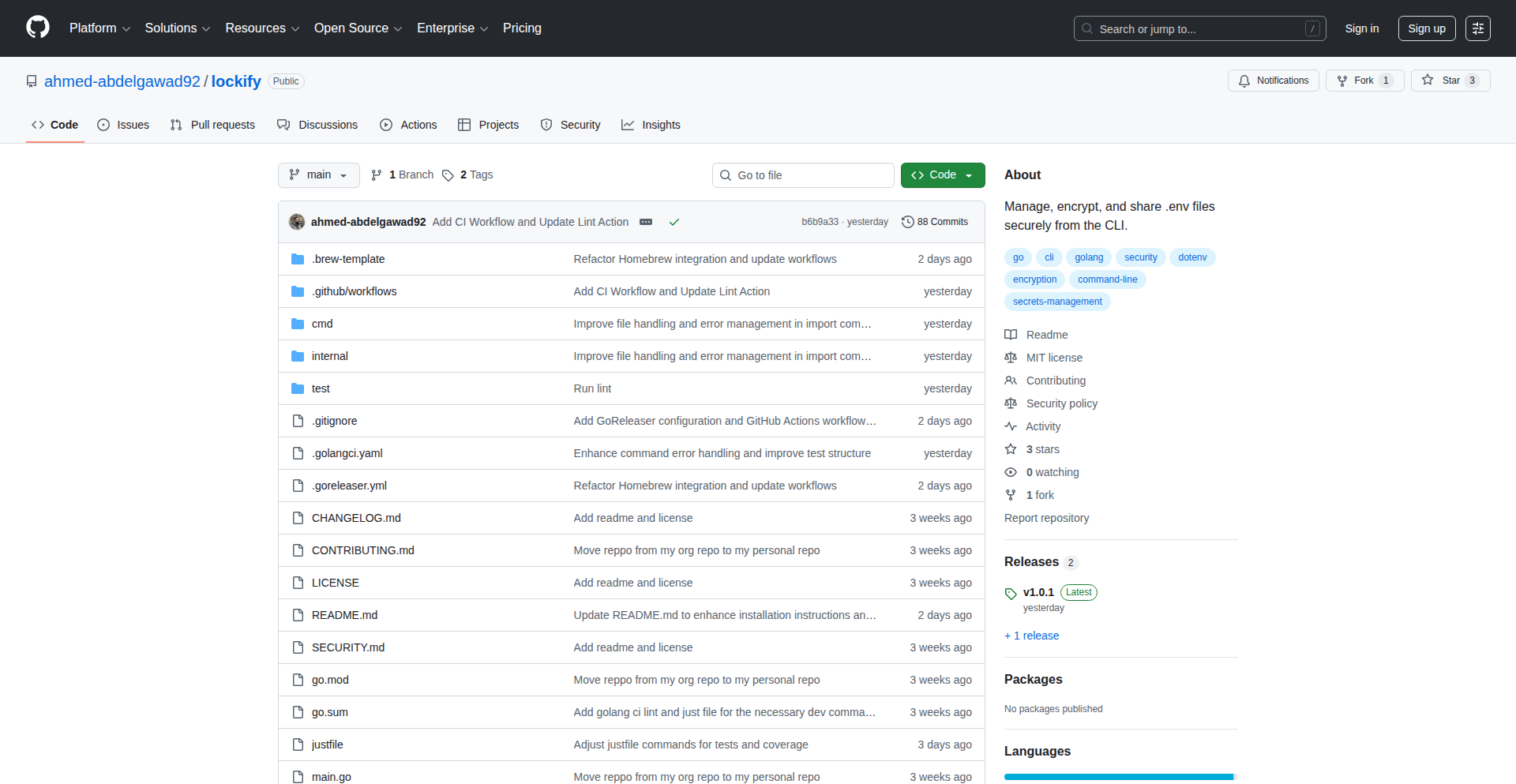
Lockify: Encrypted Env CLI
Author
ahmedabdelgawad
Description
Lockify is a Go-based Command Line Interface (CLI) tool designed for developers to securely encrypt and decrypt files locally. It prioritizes simplicity, speed, and ease of use directly from the terminal, eliminating the need for cloud-based encryption services. This innovative approach offers a straightforward, secure way to manage sensitive environment variables and other configuration files without external dependencies.
Popularity
Points 4
Comments 2
What is this product?
Lockify is a command-line utility written in Go that provides a simple, secure, and fast method for encrypting and decrypting files on your local machine. Its core innovation lies in its minimalist design and focus on local operations. Instead of sending your sensitive data to a cloud service for encryption, Lockify performs all operations directly on your computer. This means your data never leaves your system during the encryption/decryption process, offering a higher level of privacy and security, especially for developers managing sensitive API keys, database credentials, or other configuration information for their projects. The 'developer-friendly' aspect means it's built with the command-line workflow in mind, making it easy to integrate into scripts or daily development tasks.
How to use it?
Developers can use Lockify by downloading and installing the Go binary. Once installed, it's used from the terminal. For example, to encrypt a file named `config.env`, a developer might run a command like `lockify encrypt config.env`. To decrypt it later, they would use `lockify decrypt config.env.locked`. The tool prompts for a password to perform the encryption and decryption, ensuring that only those with the correct password can access the file's contents. This makes it ideal for scenarios where developers need to commit encrypted configuration files to a version control system like Git, or share them securely without exposing sensitive details. It can be easily incorporated into CI/CD pipelines or build scripts for automated secure file handling.
Product Core Function
· Local File Encryption: Encrypts files using a password provided by the user. This is valuable because it allows developers to store sensitive information like API keys or database credentials directly on their machines without risk, as the data is scrambled and unreadable without the correct password. So, this helps you protect your secrets locally.
· Local File Decryption: Decrypts files that were previously encrypted by Lockify, requiring the correct password. This is crucial for accessing your sensitive information when needed for development or deployment, ensuring that only authorized individuals with the password can unlock the data. So, this allows you to securely access your protected information.
· Command-Line Interface (CLI) Simplicity: Offers a straightforward command-line interface for intuitive operation. The value here is that developers can quickly and easily perform encryption/decryption tasks without complex graphical interfaces or learning convoluted commands, fitting seamlessly into their existing terminal-based workflows. So, this makes managing your secrets fast and easy from your usual development environment.
· Go-based Implementation: Built using the Go programming language, which often translates to fast execution and small binary sizes. The technical benefit is a highly performant tool that doesn't consume many system resources, and is easy to distribute and run across different operating systems. So, this means the tool is efficient and easy to get started with.
Product Usage Case
· Securely storing API keys in a project's `.env` file that is then committed to a public GitHub repository. The developer encrypts the `.env` file using Lockify before committing, and their team members can decrypt it using the shared password when they clone the repository. This solves the problem of accidentally exposing credentials in public code.
· Managing sensitive database connection strings for a staging environment. The encrypted connection string file can be deployed to the staging server, and the server's deployment script can decrypt it using a securely managed password to establish the connection. This provides a controlled way to handle sensitive deployment configurations.
· Sharing encrypted configuration files with a colleague for a joint project. Instead of emailing sensitive information, the developer can encrypt the file and share the encrypted version along with the password via a secure communication channel, ensuring the data is protected in transit and only accessible to the intended recipient. This solves the problem of insecure file sharing for sensitive data.
15
Hacker News Oracles - LLM-Powered Prediction Insights

Author
dotneter
Description
Hacker News Oracles is a fun LLM experiment that analyzes top comments from 'What are your predictions for {year}?' posts on Hacker News. It uses AI to score these predictions, offering a unique, data-driven perspective on community foresight. The innovation lies in applying LLM analysis to unstructured text, extracting actionable insights and ranking predictive accuracy within the tech community.
Popularity
Points 2
Comments 4
What is this product?
This project, Hacker News Oracles, is essentially an AI-powered system that reads through prediction-themed discussions on Hacker News. Imagine asking the community about their forecasts for the future, and this tool then uses a Large Language Model (LLM) to understand, categorize, and score those predictions based on their insightfulness and perceived accuracy. The innovation is in transforming raw human opinions into a ranked leaderboard, demonstrating how LLMs can find patterns and value in informal, community-generated text. So, this helps us understand what the collective wisdom of the tech community is predicting in a structured and quantifiable way.
How to use it?
Developers can use Hacker News Oracles to gain a deeper understanding of trends and potential future developments as perceived by the Hacker News community. It's useful for market research, identifying emerging technologies, or even just for personal curiosity about what the tech world anticipates. You can explore the leaderboard (link provided by the author) to see which predictions are ranked highest. For integration, one could imagine an API that allows developers to pull ranked predictions into their own applications or dashboards to inform strategic decisions. So, this gives you an aggregated, AI-scored view of tech foresight, which can help you make more informed decisions or identify new opportunities.
Product Core Function
· LLM-based comment analysis: The system employs LLMs to process and understand the nuances of user-submitted predictions, extracting key themes and sentiment. This is valuable for automatically identifying significant insights within large volumes of text, saving manual review time.
· Prediction scoring and ranking: An AI model assigns scores to predictions based on various criteria (e.g., clarity, plausibility, potential impact), creating a leaderboard. This provides a quantifiable measure of prediction quality, enabling objective comparison and identification of top-tier foresight.
· Trend identification: By analyzing aggregated predictions across multiple years, the system can highlight recurring themes and emerging trends within the tech community. This offers valuable insights into future technological directions and market shifts.
· Community foresight visualization: The project presents prediction data in an accessible leaderboard format, making complex community insights easily digestible. This allows users to quickly grasp the collective wisdom and identify areas of high interest or anticipation.
Product Usage Case
· A startup founder could use the ranked predictions to identify emerging technologies that are gaining traction within the developer community, potentially informing their product roadmap and investment decisions. This helps them stay ahead of the curve by understanding what the tech world is buzzing about.
· A venture capitalist might leverage the data to spot areas where the community anticipates significant disruption or growth, guiding their investment strategy. This provides an early signal of potential high-growth sectors based on expert opinions.
· A developer looking to understand the future of a specific technology could analyze predictions related to that domain to gauge community sentiment and potential breakthroughs. This helps them anticipate future challenges and opportunities in their field.
· A journalist writing an article on future tech trends could use the leaderboard as a source to quote influential predictions and support their narrative with data-backed insights from the tech community. This adds credibility and depth to their reporting.
16
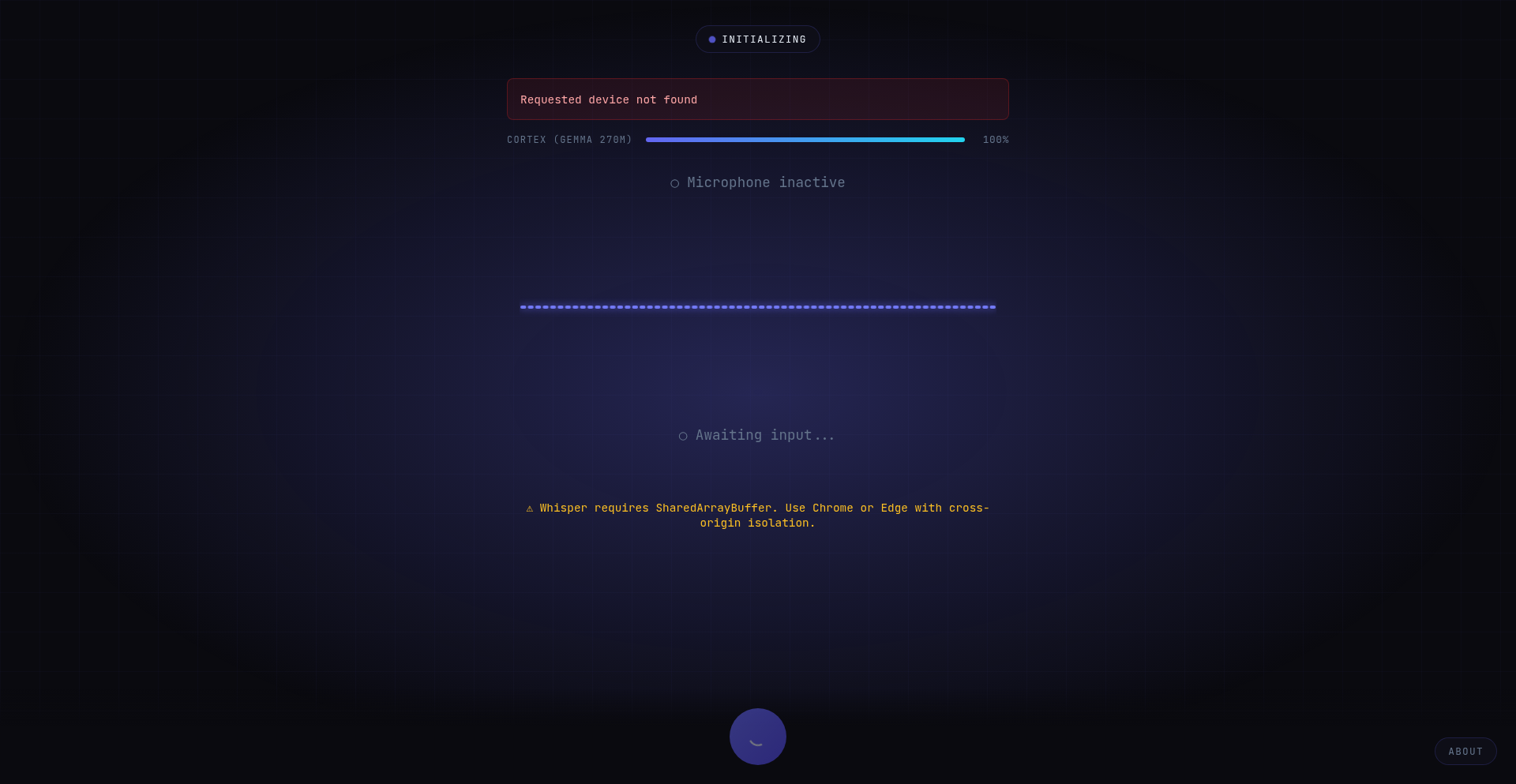
Ava: Client-Side AI Voice Pipeline
Author
muthukrishnanwz
Description
Ava is an open-source AI voice assistant that operates entirely within your web browser. It leverages WebAssembly (WASM) to run speech-to-text (Whisper tiny en), a large language model (Qwen 2.5 0.5B via llama.cpp WASM port), and text-to-speech (native browser API) all locally on your device. This eliminates the need for backend servers or API calls, demonstrating the power of modern browsers for running complex AI tasks offline with acceptable latency. So, what's the use? You get a private, fast, and capable voice assistant that works without sending your data to the cloud, making advanced AI accessible for everyone.
Popularity
Points 2
Comments 3
What is this product?
Ava is a groundbreaking AI voice assistant that performs all its functions – understanding your voice, processing your requests with AI, and speaking back to you – directly in your web browser. It uses cutting-edge technologies like WebAssembly (WASM) to bring powerful AI models, such as Whisper for speech-to-text and Qwen for language processing, to your local machine. The native browser's SpeechSynthesis API handles the voice output. The key innovation is running this entire complex AI pipeline client-side, which means no data ever leaves your device, and once loaded, it works offline. So, what's the use? This represents a significant leap in privacy and accessibility for AI, showing that sophisticated AI can be run locally, offering secure and responsive voice interaction without relying on external servers. This is like having a personal AI assistant that lives entirely on your computer, always available and always private.
How to use it?
Developers can integrate Ava into their web applications to add voice control capabilities. This involves a one-time initial download of about 380MB, which is then cached for subsequent use. Ava requires modern browsers like Chrome or Edge (version 90+) due to its reliance on WebAssembly threading features. For developers looking to build offline voice-enabled experiences, Ava provides a robust, client-side solution. You can essentially embed Ava's capabilities into your own projects, allowing users to interact with your web application using their voice, without requiring any server-side AI processing. This is perfect for creating interactive educational tools, private journaling apps, or any application where voice input and output are desired without compromising user data. So, what's the use? You can empower your web applications with a secure, private, and always-on voice interface, enhancing user experience and expanding accessibility.
Product Core Function
· Real-time Speech-to-Text (Whisper tiny en via WASM): Captures your spoken words and converts them into text instantly. This allows your application to understand what you're saying in real-time, enabling immediate command processing and interaction. So, what's the use? You can build applications that respond to voice commands as you speak them, making interactions feel natural and fluid.
· On-Device LLM Processing (Qwen 2.5 0.5B via llama.cpp WASM): Processes your text requests using a powerful language model that runs locally. This means your AI queries and the generated responses are handled entirely on your device, ensuring privacy and speed. So, what's the use? You can leverage AI for complex tasks like generating text, answering questions, or summarizing information, all without sending your sensitive data to the cloud.
· Streaming Text-to-Speech (Native Browser API): Converts AI-generated text responses back into natural-sounding speech. The system intelligently streams responses, starting to speak as soon as a sentence is ready, rather than waiting for the entire reply. So, what's the use? You get immediate audio feedback from your AI assistant, making conversations feel more natural and allowing you to multitask while the AI speaks.
· Complete Offline Operation (Post-Initial Load): Once Ava is loaded, it functions entirely without an internet connection. This ensures uninterrupted AI assistance regardless of network availability. So, what's the use? You can rely on your AI assistant even in areas with poor or no internet connectivity, ensuring continuous productivity and access to information.
Product Usage Case
· Building a private, offline journaling application: Users can dictate their thoughts and memories directly into the app, with all data remaining on their device. Ava handles the speech-to-text and can even use the LLM for suggesting entry titles or summarizing content. So, what's the use? You can create a secure and personal space for reflection, knowing your private thoughts are never exposed online.
· Developing an educational tool for language learning: Students can practice speaking and receive instant feedback on pronunciation (via speech-to-text analysis) and grammar (via LLM). Ava can also read out vocabulary and phrases for practice. So, what's the use? You can offer an interactive and accessible language learning experience that doesn't require an internet connection for core functionality.
· Creating a voice-controlled personal assistant for desktop productivity: Users can control applications, set reminders, or quickly search for information using voice commands, all processed locally. The streaming TTS ensures quick auditory feedback. So, what's the use? You can enhance workflow efficiency and accessibility by enabling hands-free control of digital tasks on your computer.
17
Matle: Daily Chess Mate Puzzle
Author
matle_io
Description
Matle is a daily chess guessing puzzle inspired by the popular Wordle game. It presents users with a real chess checkmate position where some squares are hidden. The challenge is to deduce the missing squares to reconstruct the exact position and identify the mate. This project showcases an innovative application of game mechanics to a complex domain like chess, offering a fresh way for enthusiasts to engage with chess positions.
Popularity
Points 2
Comments 3
What is this product?
Matle is a web-based application that provides a daily chess puzzle. The core innovation lies in its approach to interactive chess learning and engagement. Instead of traditional chess problems, it uses a guessing mechanic similar to Wordle. Users are shown a checkmate position with obscured squares. The underlying technology likely involves a robust chess engine to validate user guesses and generate valid checkmate positions. The value proposition is a daily, accessible, and engaging way to improve one's understanding of chess tactics and board visualization, even for those who might find traditional study methods daunting. So, what's in it for you? It's a fun, brain-teasing daily challenge that sharpens your chess intuition and tactical recognition, all disguised as a simple guessing game.
How to use it?
Developers can integrate Matle's core logic or similar puzzle generation mechanisms into their own applications. For instance, a chess learning platform could embed Matle-style puzzles to offer a more interactive experience. The project demonstrates how to combine a chess game logic with a user-friendly puzzle interface. Technical integration could involve leveraging a chess library (like `python-chess` for Python or `chess.js` for JavaScript) to manage board states, validate moves, and determine checkmate conditions. The hidden square mechanic can be implemented by programmatically masking parts of a valid chess position. So, how can you use this? Imagine building a chess training app where users can guess missing pieces to solve tactical puzzles, or even a casual game that tests users' knowledge of common opening or endgame positions. It's about repurposing game design patterns for educational and entertainment purposes.
Product Core Function
· Daily unique checkmate puzzle generation: This allows for a recurring engagement loop, ensuring users have a fresh challenge each day. The value is in maintaining user interest and providing consistent learning opportunities. Its application is in daily puzzle apps, educational games, or gamified learning platforms.
· Interactive board state guessing: Users can guess the location of missing chess pieces. This functional core offers a unique way to train spatial reasoning and tactical visualization in chess. The value is in actively engaging users in problem-solving rather than passive observation. This is useful for any interactive educational tool or skill-building game.
· Real checkmate position validation: The system ensures that the reconstructed position is a legitimate checkmate scenario. This provides an educational foundation and ensures the puzzles are technically sound. The value is in offering accurate and meaningful challenges. This is crucial for any application aiming to teach or test skills accurately.
· User-friendly interface for guessing and feedback: The design prioritizes ease of use for players to input their guesses and receive feedback. The value is in accessibility and a positive user experience, making complex chess concepts approachable. This is vital for any product targeting a broad audience, not just expert players.
Product Usage Case
· A chess learning platform could use Matle's puzzle mechanics to create a daily 'Tactical Guess' feature, helping beginner and intermediate players improve their ability to spot mating patterns and piece values. It solves the problem of traditional tactical trainers being too dry by making it a guessing game.
· A game developer could build a mobile game where players reconstruct famous historical chess games by guessing the positions of key pieces at different moments. This would leverage Matle's concept of hidden information within a known context to solve the problem of making historical game analysis more engaging.
· An educational app focused on cognitive skills could adapt Matle's core idea to other pattern recognition tasks, such as guessing missing elements in visual puzzles or code snippets, demonstrating how a chess-specific innovation can inspire broader problem-solving tools. This addresses the challenge of creating universally applicable educational mechanics.
18
GhostJobFilterME

Author
adityamallah
Description
A job board specifically designed for the Middle East that intelligently filters out 'ghost jobs'. It leverages novel data processing techniques to identify and exclude listings that are likely outdated, fake, or no longer active, providing a cleaner and more efficient job search experience for developers and professionals in the region.
Popularity
Points 2
Comments 2
What is this product?
This project is a specialized job board that tackles the persistent problem of 'ghost jobs' – listings that are no longer valid, fake, or significantly outdated. The core innovation lies in its sophisticated filtering mechanism. Instead of relying on simple expiration dates, it analyzes various data points, potentially including historical job post activity, employer engagement patterns, and even subtle linguistic cues within the job description itself, to infer the true status of a listing. This proactive filtering reduces the time job seekers waste on irrelevant or unavailable positions, making the job hunt much more effective. So, what's in it for you? You get to spend less time sifting through dead ends and more time applying for jobs that are actually open and relevant.
How to use it?
Developers and job seekers can use GhostJobFilterME by simply visiting the website, similar to any other job board. They can browse listings, and the platform's intelligence will automatically ensure that the presented jobs are likely active and legitimate. For developers looking to integrate similar filtering logic into their own systems, the underlying principles of data analysis and pattern recognition used here can be adapted. This could involve building custom scrapers that analyze job board APIs, employing natural language processing (NLP) to detect subtle signs of invalid listings, or developing predictive models based on historical job data. So, what's in it for you? For users, it's a streamlined job search. For developers, it's a blueprint for building smarter, more efficient data filtering tools.
Product Core Function
· Ghost Job Detection: Utilizes advanced algorithms to identify and remove job postings that are likely fake, outdated, or no longer active, saving users valuable time. This is useful for anyone frustrated with applying to jobs that are already filled.
· Region-Specific Optimization: Tailored for the Middle East job market, understanding its unique characteristics and common listing practices to enhance filtering accuracy. This helps users find relevant opportunities in a specific geographic area.
· Clean Job Listings: Presents a curated list of active and legitimate job opportunities, reducing noise and improving the overall job search efficiency. This means fewer distractions and a higher chance of finding a suitable role.
· Data Pattern Analysis: Employs data science techniques to learn from job posting behaviors and identify patterns indicative of ghost jobs. This is the hidden engine that makes the board more effective over time.
Product Usage Case
· A developer in Dubai is searching for new opportunities but keeps finding that the jobs they apply for are already filled or the company is unresponsive. By using GhostJobFilterME, they encounter a significantly lower number of these frustrating situations, allowing them to focus their efforts on viable roles and increasing their interview success rate.
· A recruitment agency in Riyadh wants to ensure their job postings are seen by genuine candidates. While this project is a job board, the underlying logic of identifying 'ghost' or inactive listings can inspire agencies to implement internal checks on their own listings to maintain credibility and candidate engagement.
· A data scientist interested in NLP might study the approach used to detect subtle linguistic indicators of fake jobs. This could lead to developing more robust NLP models for content verification in various applications, not just job boards. This shows how the technical problem-solving can have broader applications.
19
Dots: Pattern-Driven Personal Insight Engine

Author
tubignaaso
Description
Dots is a minimalist iOS journaling app designed for effortless daily event tracking and pattern recognition. Built out of a personal need to understand recurring health issues like migraines without the complexity of traditional habit trackers, Dots focuses on a single, intuitive interaction: tapping to record an event. This creates a visual, calendar-like grid of 'dots' that allows users to easily reflect on trends and correlations across days and weeks. Prioritizing privacy with a local-first approach and optional iCloud sync, Dots empowers users to gain personal insights from their own data without unnecessary overhead or external tracking.
Popularity
Points 2
Comments 2
What is this product?
Dots is an iOS application that acts as a streamlined personal journal and data visualization tool. Its core technical innovation lies in its 'dot-grid' interface. Instead of lengthy text entries, users tap to log occurrences of specific events (e.g., headaches, poor sleep, high stress). These taps are represented as 'dots' on a calendar-like grid. The system aggregates these dots, allowing for quick visual scanning of patterns and frequencies over time. This approach simplifies data collection, making it less of a chore and more about immediate reflection. The underlying technology focuses on a local-first data storage model, ensuring user privacy by default, with optional iCloud sync for convenience and the ability to export data to CSV for further analysis. So, this is essentially a smart, privacy-focused digital diary that helps you see connections you might otherwise miss, without feeling like a complicated task.
How to use it?
Developers can integrate Dots into their workflow by leveraging its straightforward data logging mechanism. For personal use, a developer would simply download the app and start tapping to record daily events relevant to their health, productivity, or any area they wish to understand better. The app's simplicity means minimal onboarding, and developers can immediately benefit from the visual pattern recognition. For more advanced integration, the ability to export data to CSV allows developers to import this structured data into other analytical tools, custom dashboards, or even machine learning models for deeper exploration of their personal trends. For instance, a developer tracking their coding habits and sleep patterns could export their Dots data to a Python script for correlation analysis. The technical advantage here is getting clean, time-stamped event data with minimal effort, ready for any kind of analysis, personal or technical.
Product Core Function
· Event Logging with Single Tap: Allows users to quickly record occurrences of daily events without manual text input. This technical approach minimizes friction and encourages consistent data capture, providing a reliable dataset for pattern analysis.
· Visual Dot-Grid Calendar: Presents logged events as a visually intuitive grid, enabling users to spot trends, frequencies, and potential correlations at a glance. The technical implementation focuses on clear visual representation of data density over time, making insights immediately accessible.
· Local-First Data Storage: Ensures user data remains on the device by default, upholding privacy and security. This technical design choice is crucial for sensitive personal information and provides peace of mind.
· Optional iCloud Sync: Provides a convenient way for users to back up and sync their data across multiple iOS devices. This offers flexibility without compromising the core privacy-first principle.
· Data Export to CSV: Enables users to extract their logged data in a universally compatible format for further analysis with external tools or custom scripts. This technical feature unlocks deeper data exploration and integration possibilities.
Product Usage Case
· Personal Health Monitoring: A user experiencing frequent migraines can use Dots to log headache severity, duration, and associated factors like sleep, diet, and stress. By reviewing the dot-grid, they can identify patterns, such as increased migraines correlating with specific foods or sleep deprivation, leading to more informed discussions with healthcare professionals. This solves the problem of vague symptom recall and provides concrete data for diagnosis.
· Productivity Pattern Analysis: A software developer can track their daily coding time, periods of focused work, and instances of interruptions. The visual patterns might reveal optimal times for deep work or highlight how certain meeting schedules negatively impact their productivity, allowing them to adjust their workflow for better efficiency.
· Habit Formation and Deviation Tracking: Individuals looking to build new habits or break old ones can use Dots to simply mark the days they succeed or fail. The visual streaks or gaps in the dot-grid provide immediate feedback on progress, motivating them to stay consistent or analyze why they deviated.
· Stress and Mood Correlation: A user can log daily stress levels and general mood. Over time, the dot-grid can reveal correlations between stressful events or days and a lower mood, helping them understand personal triggers and develop coping strategies.
20
BrowserBatchCrop

Author
WanderZil
Description
A privacy-focused, client-side batch image cropping tool that allows users to crop multiple images directly in their browser without uploading anything to a server. It offers flexible cropping options like exact dimensions, aspect ratios, percentages, and custom shapes, with presets for social media. This bypasses the need for cloud processing, ensuring speed and data privacy.
Popularity
Points 2
Comments 2
What is this product?
BrowserBatchCrop is a web application designed to process images directly within your web browser. Its core innovation lies in performing all image manipulation, specifically batch cropping, on the user's local machine. This means no images are ever sent to a remote server for processing. It leverages front-end technologies to handle image resizing, aspect ratio adjustments, and even shape masking (like circles or rounded rectangles) using JavaScript and the browser's canvas API. The key technical insight is enabling powerful, multi-image editing without the typical overhead and privacy concerns of server-side processing.
How to use it?
Developers can easily use BrowserBatchCrop by simply navigating to the provided URL in any modern web browser. No installation is required. Users can select one or multiple image files from their local computer. Then, they can define cropping parameters such as specific dimensions, desired aspect ratios (e.g., 16:9), cropping by a percentage of the original size, or choosing predefined social media templates. The tool provides a visual interface for selecting the crop area. Once configured, users can initiate the batch crop operation, and the processed images will be available for download directly to their local machine. This makes it ideal for quick, on-the-fly image preparation for websites, social media, or personal projects.
Product Core Function
· Batch image cropping: Allows users to crop multiple images simultaneously, significantly saving time compared to editing each image individually. This is achieved by processing each selected image file through the same defined cropping parameters in a loop on the client-side.
· Flexible cropping modes: Supports exact pixel dimensions, aspect ratio constraints (e.g., square, widescreen), percentage-based cropping, and cropping into custom shapes like circles or rounded rectangles. This offers granular control over the final image output for various design needs.
· In-browser processing: All cropping operations happen within the user's browser using JavaScript and the HTML5 Canvas API. This eliminates the need for image uploads, reducing latency, bandwidth usage, and ensuring user privacy as images never leave their device.
· Social media presets: Includes predefined crop dimensions optimized for popular social media platforms. This provides a convenient shortcut for content creators to quickly prepare images for platforms like Instagram, Facebook, or Twitter.
· No signup or upload required: Users can start cropping immediately without creating an account or uploading sensitive files to a server, enhancing user experience and privacy.
· Fast performance: Due to client-side processing and no server round-trips, the cropping is remarkably fast, especially for a batch operation.
· Privacy assurance: Images are processed locally, meaning they are never stored or transmitted to any external servers, making it a highly secure option for sensitive images.
Product Usage Case
· A web developer needs to prepare a series of product images for an e-commerce website, ensuring they all have a consistent square aspect ratio. Using BrowserBatchCrop, they can upload all product photos, select a square crop preset, and download the resized images in one go, saving hours of manual editing.
· A social media manager wants to quickly create a set of Instagram Story graphics from various source images. They can use BrowserBatchCrop with its 'Instagram Story' aspect ratio preset, adjust individual crops as needed for each image, and then download them ready for posting without worrying about uploading sensitive marketing materials.
· A freelance graphic designer is working on a project that requires a specific, small resolution for a set of icons. They can use BrowserBatchCrop to input the exact pixel dimensions and apply this consistently across dozens of source icons, ensuring uniformity and saving significant manual work.
· A photographer needs to quickly crop a batch of photos to a specific aspect ratio for a portfolio showcase. BrowserBatchCrop allows them to do this efficiently in their browser, ensuring their work remains private throughout the process.
· A user wants to create circular profile pictures from a set of existing photos for a personal website. BrowserBatchCrop's ability to crop into shapes like circles makes this straightforward, without needing complex image editing software.
21
CodinIT: Local AI App Synthesizer

Author
Gerome24
Description
CodinIT is an open-source project that allows developers to generate full-stack applications locally using large language models (LLMs). It focuses on providing a 'Bolt-like' experience but with complete user control over the environment, swappable local LLM backends (like Ollama/LM Studio), and outputs standard, ownable code. The key innovation lies in its efficient context management, enabling a smooth 'vibe coding' flow by smartly feeding relevant file context to the LLM without exceeding token limits. This means developers can build applications offline, without data concerns or API latency, and retain full ownership of their generated code.
Popularity
Points 4
Comments 0
What is this product?
CodinIT is a developer tool that leverages local AI models to write entire applications for you. Instead of copy-pasting code snippets or relying on cloud-based AI services, you can describe the application you want to build, and CodinIT will generate the code. The technical core is its sophisticated context management system. Imagine you're telling a programmer what to build. You need to give them the right reference materials (your existing codebase or project files). CodinIT's custom indexing approach intelligently selects and feeds only the most relevant parts of your project to the AI model. This is crucial because AI models have a limit on how much information they can process at once (token limit). By being selective and efficient, CodinIT ensures the AI has the best context to generate accurate code without 'forgetting' earlier instructions or getting overwhelmed. This makes the process feel more like a natural coding conversation, or 'vibe coding,' and ensures you get usable code quickly. Because it runs locally, your data is private, and you can code even without an internet connection.
How to use it?
Developers can use CodinIT by installing it locally and connecting it to their preferred local LLM. The process typically involves: 1. Setting up a local LLM environment (e.g., installing Ollama or LM Studio and downloading models like Llama 3). 2. Running the CodinIT application. 3. Providing prompts that describe the desired application features or functionalities. CodinIT then interacts with the local LLM to generate code, primarily focusing on the Node.js ecosystem for now. Integration into an existing project would involve pointing CodinIT to the project's root directory, allowing it to build upon or refactor existing code. The generated code is standard, allowing for easy modification and deployment. The primary use case is rapid prototyping, bootstrapping new projects, or generating boilerplate code, all within a secure, offline environment.
Product Core Function
· Local LLM Integration: Enables the use of various local AI models (e.g., Ollama, LM Studio) for code generation, providing flexibility and privacy. The value is that you control the AI power and can avoid cloud dependencies and costs.
· Intelligent Context Management: A custom indexing approach that efficiently feeds relevant project files to the LLM, optimizing performance and accuracy by staying within token limits. This means the AI 'remembers' and understands your project better, leading to more relevant code.
· Full-Stack Application Generation: Capable of generating complete applications, from frontend to backend, based on user prompts. This dramatically speeds up development by automating the creation of entire project structures and initial code.
· Owned and Standard Code Output: Generates code that is standard, human-readable, and fully owned by the developer, avoiding vendor lock-in and facilitating further customization. This ensures you have complete control over your intellectual property.
· Offline Functionality: Runs entirely locally, allowing development on airplanes, in remote locations, or without constant internet access, eliminating data usage concerns and API latency. This provides uninterrupted productivity.
· Node.js Ecosystem Focus: Currently optimized for Node.js projects, ensuring consistent and high-quality code generation within this popular development environment. This makes it highly effective for developers working with JavaScript and related technologies.
Product Usage Case
· Rapid Prototyping of Web Applications: A developer needs to quickly build a proof-of-concept for a new web application. Instead of writing all the basic setup code (e.g., Express.js server, basic React frontend structure), they can use CodinIT with a prompt like 'Create a full-stack Node.js app with a React frontend for managing to-do lists.' CodinIT generates the initial project files, saving hours of tedious setup and allowing the developer to focus immediately on core business logic.
· Generating Boilerplate for Microservices: A team is building a microservices architecture and needs to create several new services with similar structures. CodinIT can be used to generate the standard boilerplate for each microservice (e.g., API endpoints, data models, basic error handling) based on a template or description. This ensures consistency across services and reduces repetitive coding tasks for the development team.
· Offline Development in Remote Areas: A developer is traveling to a location with unreliable internet access and needs to continue working on a project. CodinIT allows them to generate new features, refactor existing code, or fix bugs using their local LLM, ensuring their workflow remains uninterrupted. The value is sustained productivity regardless of connectivity.
· Experimenting with New AI Coding Workflows: A developer wants to explore the 'vibe coding' approach with local models. They can use CodinIT to iteratively build an application, providing feedback and small prompts to guide the AI. The efficient context management ensures the AI stays on track as the project evolves, demonstrating a new, interactive way to develop software with AI assistance.
22
Kanmail-Kanban-Inbox-Go

Author
Fizzadar
Description
Kanmail is a desktop application that transforms your email inbox into a visual Kanban board. It leverages a Go backend with Wails for desktop integration and a TypeScript frontend. This allows for a much faster and more efficient way to manage your emails, overcoming previous limitations like age restrictions on paginating folders, and now offering a working Linux AppImage.
Popularity
Points 4
Comments 0
What is this product?
Kanmail is an innovative desktop application that re-imagines email management by turning your traditional inbox into an interactive Kanban board. Instead of scrolling through endless lists, you can visualize your emails as cards on a board, moving them through different stages like 'To Do', 'In Progress', and 'Done'. The core technical innovation lies in its architecture: a robust Go backend handles the heavy lifting of email processing and data management, while the Wails framework allows for seamless integration with the operating system to create a native-feeling desktop application. The frontend is built with TypeScript, ensuring a dynamic and responsive user experience. This approach allows Kanmail to overcome common email client limitations, such as strict pagination rules, and offers a significantly more agile way to track and manage your communication. So, if you're tired of your inbox feeling like a chaotic to-do list, Kanmail offers a structured and visual solution.
How to use it?
Developers can use Kanmail by downloading the desktop application for their operating system (currently with a Linux AppImage available, with Windows and macOS support expected). The application connects to your existing email accounts (e.g., Gmail, Outlook) through standard protocols like IMAP. Once connected, your emails are automatically pulled and presented as cards on a Kanban board. You can then drag and drop these cards between columns to represent the status of the email, like 'Review', 'Action Required', or 'Archived'. For developers looking to integrate or extend this functionality, the open-source nature of Kanmail (implied by Show HN and typical Hacker News projects) suggests that the codebase might be available for inspection and modification, enabling custom workflows or integrations with other developer tools. This provides a powerful way to manage project-related emails or client communications directly within a visual workflow.
Product Core Function
· Email to Kanban Card Conversion: Automatically transforms incoming emails into visual cards on a Kanban board, providing an immediate overview of your communication. This is valuable for quickly identifying important emails and reducing the feeling of being overwhelmed by your inbox.
· Drag-and-Drop Workflow Management: Allows users to move email cards between customizable columns (e.g., To Do, In Progress, Done) to visually track the progress of tasks or conversations. This helps in prioritizing and managing email-driven tasks efficiently.
· Go Backend for Performance: Utilizes a Go backend for efficient email processing and data handling, ensuring a fast and responsive application experience. This means quicker loading times and smoother interactions, even with a large volume of emails.
· Wails Framework for Desktop Integration: Enables the creation of a native-like desktop application from web technologies, providing a familiar user interface and seamless OS integration. This makes the application feel more integrated into your daily workflow.
· TypeScript Frontend for Interactivity: Delivers a dynamic and interactive user interface, making it easy to manage and visualize your emails. This results in a modern and intuitive user experience for email management.
· Overcoming Paging Limitations: Addresses and removes age-based limitations on paginating email folders, allowing for better management of older but potentially still relevant emails. This is crucial for long-term archiving and retrieval of important information.
· Linux AppImage Support: Provides a convenient way to run Kanmail on Linux systems without complex installation processes. This broadens accessibility for Linux developers and users seeking a better email management solution.
Product Usage Case
· Project Management with Email: Developers can use Kanmail to manage emails related to specific projects. Each project can have its own board or a dedicated column. When a new email arrives concerning a project, it's automatically added as a card. Developers can then move it through stages like 'Requirements Gathering', 'Development', 'Testing', and 'Completed', providing a clear visual progress tracker for all project-related communications.
· Client Communication Workflow: For freelance developers or agencies, Kanmail can be used to visualize client requests and feedback. Incoming client emails can be categorized and moved through stages like 'New Inquiry', 'Quotation Sent', 'In Progress', 'Client Review', and 'Delivered'. This ensures no client communication falls through the cracks and provides a clear overview of client engagement.
· Bug Tracking from Support Emails: Support or bug reports received via email can be converted into Kanban cards. Developers can then track these issues through a workflow like 'Reported', 'Investigating', 'Fixing', 'Testing', and 'Closed'. This provides a simple yet effective way to manage incoming support tickets directly from their inbox.
· Personal Task Management: Individuals can leverage Kanmail to manage personal to-do lists that originate from emails. For instance, an email with a specific request can be turned into a task card and moved through 'To Do', 'Doing', and 'Done' stages, helping to visualize and complete personal errands or tasks.
23
Pac-Man with Guns Engine

Author
admtal
Description
This project reimagines the classic Pac-Man game by introducing firearms and combat mechanics. The core innovation lies in its custom game engine, allowing for real-time physics and projectile simulation within a retro-inspired 2D environment. It's a testament to creative problem-solving by bringing modern shooter elements to a beloved arcade staple, demonstrating how existing frameworks can be extended with novel gameplay loops.
Popularity
Points 4
Comments 0
What is this product?
This is a custom 2D game engine built from scratch, showcasing the ability to integrate complex mechanics like shooting and projectile trajectories into a familiar arcade framework, inspired by Pac-Man. The technical innovation is in building a flexible engine that can handle real-time interactions and object-based combat, moving beyond the simple maze navigation of the original. This means you can create dynamic gameplay experiences with more engaging combat, making games feel more interactive and alive.
How to use it?
Developers can use this engine as a foundation for building their own 2D arcade-style games. It provides a framework for managing game objects, handling input, and rendering graphics. Integration would involve modifying or extending the existing game logic to implement custom levels, enemies, and power-ups, similar to how one might extend a physics engine or a rendering library. This allows you to jumpstart your game development by leveraging a pre-built system for core game mechanics, saving you time and effort in building everything from scratch.
Product Core Function
· Custom 2D game rendering engine: Allows for visual presentation of game elements with efficient drawing, providing a smooth visual experience for players and a reliable canvas for developers to build upon.
· Projectile simulation system: Enables realistic and dynamic firing of projectiles with controlled trajectories, crucial for implementing combat mechanics and creating engaging shooting gameplay, making action sequences feel more impactful.
· Object-based interaction framework: Facilitates the interaction between game entities like projectiles, enemies, and the player character, enabling complex game events and responsive gameplay, leading to more emergent and unpredictable game scenarios.
· Retro-inspired physics engine: Implements a simplified yet effective physics model for movement and collisions, capturing the feel of classic arcade games while allowing for more dynamic interactions, adding a layer of depth to gameplay.
· Extensible game logic architecture: Designed to allow for easy addition of new game mechanics, enemies, and power-ups, empowering developers to innovate and customize gameplay experiences, fostering creative freedom in game design.
Product Usage Case
· Developing a retro-themed shooter with modern combat: A developer can use this engine to create a fast-paced arcade shooter that combines the charm of classic pixel art with the thrill of shooting mechanics, solving the problem of building a unique genre blend efficiently.
· Experimenting with hybrid gameplay genres: A game designer could leverage this engine to prototype games that fuse elements of maze games with shooting, exploring new gameplay loops that haven't been commonly seen, by providing a ready-made system for both movement and combat.
· Creating educational tools for game development: This project can serve as an excellent learning resource for aspiring game developers, demonstrating how to build core game systems from the ground up, helping them understand the underlying principles of game creation.
24
FileSystemClaude
Author
ramoz
Description
This project cleverly transforms your existing file system into the long-term memory for Claude, an AI model. It leverages a novel approach to ingest and retrieve information from local files, allowing Claude to access and reason over your personal data, effectively giving it a persistent memory and the ability to recall past interactions or documents without explicit context windows. The innovation lies in seamlessly bridging the gap between unstructured local data and the contextual understanding of LLMs.
Popularity
Points 4
Comments 0
What is this product?
FileSystemClaude is a system that allows AI models like Claude to 'remember' information stored in your computer's files. Instead of needing to feed all relevant documents to the AI every time, this project indexes your files so the AI can search and retrieve them as needed. It works by processing your local files (like text documents, code, notes, etc.), extracting key information, and creating a searchable knowledge base that the AI can query. This is innovative because it overcomes the limitations of LLM context windows, making AI interactions more efficient and personalized, allowing the AI to recall and use your specific information from your file system.
How to use it?
Developers can integrate FileSystemClaude into their AI-powered applications. The core idea is to set up an agent that monitors specific directories on your file system. When new files are added or modified, the agent indexes them. When you interact with Claude, FileSystemClaude intercepts relevant queries, searches its indexed knowledge base derived from your files, and provides the most relevant snippets back to Claude as context. This allows Claude to answer questions based on your personal documents or project files, making it feel like it has persistent memory. It can be integrated via APIs or command-line tools to manage the indexing process and query the knowledge base.
Product Core Function
· File Indexing and Embedding: This function processes your local files, turning their content into numerical representations (embeddings) that AI models can understand and search efficiently. This is valuable because it makes your unstructured data discoverable by AI.
· Contextual Retrieval: When you ask a question, this function searches the indexed embeddings to find the most relevant pieces of information from your files. This is valuable as it ensures the AI receives the right information to answer your query accurately, without you having to manually find and provide it.
· AI Model Integration: This function seamlessly feeds the retrieved information into the AI model's prompt, enabling it to use your personal data for its responses. This is valuable because it allows for personalized and informed AI interactions, making the AI more useful for your specific needs.
· Dynamic Knowledge Update: The system can monitor your file system for changes, automatically re-indexing new or updated files. This is valuable as it keeps the AI's 'memory' up-to-date with your latest information.
Product Usage Case
· Personal Knowledge Management: Imagine asking Claude, 'What was the main takeaway from that project proposal I wrote last month?' FileSystemClaude would search your documents, find the proposal, and provide the key points to Claude, allowing it to answer accurately. This solves the problem of forgetting details from your own past work.
· Developer Productivity Aid: A developer could point FileSystemClaude at their codebase. Then, when stuck, they could ask Claude, 'How is the authentication module connected to the user profile service?' FileSystemClaude would find relevant code snippets and documentation, enabling Claude to explain the architecture. This helps developers quickly understand complex codebases.
· Research Assistant: If you're researching a topic and have collected many PDFs and articles, FileSystemClaude can index them. You can then ask Claude questions like, 'What are the common themes in the research papers on quantum entanglement?' and get summarized answers based on your collected resources. This streamlines research by making a large corpus of information accessible.
· Interactive Document Analysis: For lengthy reports or legal documents, you could use FileSystemClaude to ask specific questions. For example, 'What are the key clauses related to intellectual property in this contract?' Claude, powered by the indexed document, could provide a precise answer, saving significant reading time.
25
DivorceAssetTracer
Author
cd_mkdir
Description
A Django application that automates forensic accounting for divorce cases. It parses bank statement PDFs using advanced OCR, leverages LLMs for transaction categorization, and applies the LIBR algorithm to trace separate property, generating court-usable reports with evidence integrity. This significantly reduces the time and cost compared to traditional manual methods.
Popularity
Points 4
Comments 0
What is this product?
DivorceAssetTracer is a tool designed to help individuals and legal professionals quickly and accurately determine the traceable amount of separate property (assets brought into a marriage) in divorce proceedings. It uses modern AI, specifically Mistral's OCR-3 for extracting data from messy bank PDFs and an LLM for smart transaction categorization. The core of its calculation relies on the LIBR (Lowest Intermediate Balance Rule) algorithm, a standard method for tracing funds. The innovation lies in combining these cutting-edge technologies into an accessible platform that handles the complexities of real-world bank statements and ensures the integrity of the output through features like SHA-256 hashing for audit trails. This offers a dramatically faster and more affordable alternative to hiring a forensic accountant.
How to use it?
Developers can integrate DivorceAssetTracer by uploading bank statement PDFs (e.g., from joint accounts) through its web interface. The system then processes these documents, categorizes transactions (e.g., income, expenses, transfers), and applies the LIBR algorithm to identify and quantify separate property. The output is a detailed report, complete with visualizations and an audit trail, suitable for legal proceedings. For integration into existing legal workflows, the tool could potentially offer an API in the future, allowing law firms to programmatically submit statements and retrieve reports. The current usage scenario is direct for individuals facing divorce or for small legal practices looking for a cost-effective solution.
Product Core Function
· PDF Statement Parsing with Advanced OCR: Utilizes Mistral's OCR-3 to accurately extract text from scanned, rotated, or complex bank statement PDFs, ensuring no data is lost. This is valuable because manual data entry from such documents is prone to errors and time-consuming.
· LLM-powered Transaction Categorization: Employs a large language model to intelligently classify transactions (e.g., salary, rent, investment). This automates a tedious task, making the data ready for analysis much faster.
· LIBR Algorithm Implementation for Separate Property Tracing: Calculates the traceable amount of separate property using a Python implementation of the Lowest Intermediate Balance Rule, a scientifically accepted method for fund tracing. This provides a defensible and objective measure of marital property.
· Evidence Integrity and Audit Trail: Implements SHA-256 hashing for each processed document, creating a secure chain of custody. This is crucial for legal evidence, proving that the data presented has not been tampered with.
· Court-Usable Report Generation with Visualizations: Produces comprehensive reports detailing the traced separate property, supported by clear visualizations and the audit trail. This simplifies the presentation of complex financial data to courts and opposing parties.
Product Usage Case
· Scenario: An individual is going through a divorce and wants to prove the amount of their inheritance that remains in joint accounts. They upload their bank statements to DivorceAssetTracer. The tool processes the PDFs, identifies all transactions, and uses the LIBR algorithm to show how much of the original inheritance is still traceable. Problem Solved: Replaces the need for an expensive forensic accountant, saving thousands of dollars and weeks of waiting.
· Scenario: A small law firm is handling a divorce case with complex financial dealings. They use DivorceAssetTracer to quickly analyze the client's bank statements. The LLM categorizes hundreds of transactions automatically, and the LIBR algorithm pinpoints specific funds. Problem Solved: Significantly speeds up case preparation and reduces the workload on legal staff, allowing them to focus on legal strategy rather than data processing.
· Scenario: A couple has mixed their finances for years, making it difficult to distinguish separate property from marital property. DivorceAssetTracer is used to create a clear, auditable report of the traceable separate property. Problem Solved: Provides objective financial evidence for fair asset division, reducing disputes and potential litigation costs.
26
MinecraftLM: Text-to-3D Procedural World Builder
Author
avinashj
Description
MinecraftLM is an open-source agent harness and web UI that generates complex, procedural 3D Minecraft worlds directly from text descriptions. It leverages advanced AI to understand spatial reasoning and translate natural language into intricate structures and environments, effectively solving the problem of manually building elaborate Minecraft creations.
Popularity
Points 3
Comments 1
What is this product?
MinecraftLM is an innovative project that acts as a bridge between human language and the 3D world of Minecraft. Think of it as a super-smart builder that listens to your text instructions and constructs detailed Minecraft environments. Its core innovation lies in its ability to interpret abstract concepts and spatial relationships described in text, using AI models like Gemini to accurately translate these into block-based structures. This is a significant leap from traditional procedural generation, which often relies on rigid algorithms; MinecraftLM brings a more intuitive and creative dimension by understanding intent. So, this is useful for anyone who wants to rapidly prototype or create complex Minecraft builds without spending hours placing blocks, or for those who have imaginative worlds in their minds but lack the time or skill to build them.
How to use it?
Developers can integrate MinecraftLM into their workflows by utilizing its open-source agent harness. This means you can programmatically send text prompts to the system, and it will return the generated Minecraft world data, typically in a format that can be imported into Minecraft. The web UI provides an accessible way for users to experiment with text prompts and visualize the generated worlds in real-time. For developers, this opens up possibilities for creating dynamic in-game content, educational tools, or even artistic explorations of AI-generated landscapes. It's a powerful tool for rapidly bringing conceptual designs into a tangible 3D space.
Product Core Function
· Text-to-3D World Generation: Translates natural language descriptions into detailed 3D Minecraft environments, enabling users to describe their desired worlds and have them built automatically. This is useful for quickly creating diverse and complex terrains or structures.
· AI-Powered Spatial Reasoning: Utilizes advanced AI models to understand and execute complex spatial instructions, such as fixing structural inconsistencies or building large, intricate objects, ensuring the generated worlds are logical and well-formed. This is valuable for ensuring the quality and coherence of generated builds.
· Procedural Generation with Creative Control: Offers a new paradigm for procedural generation by allowing creative input through text, moving beyond purely algorithmic approaches and enabling more personalized and imaginative world designs. This allows for unique and tailor-made environments.
· Open-Source Agent Harness: Provides a flexible framework for developers to programmatically interact with the generation engine, allowing for custom integrations and automated content creation pipelines. This is beneficial for building custom tools and experiences.
· Web-Based User Interface: Offers an intuitive and accessible way for users to interact with the system, experiment with prompts, and preview generated worlds without requiring extensive technical setup. This makes the technology accessible to a wider audience.
Product Usage Case
· Creating a fantasy castle from the prompt 'a towering gothic castle with a moat and battlements on a rocky outcrop' without manual block placement, solving the problem of time-consuming manual construction for intricate builds.
· Generating a sprawling futuristic city based on descriptions like 'a cyberpunk metropolis with neon-lit skyscrapers and flying vehicles', enabling rapid prototyping for game development or virtual world creation.
· Building educational environments for learning about geology by requesting 'a cross-section of sedimentary rock layers with fossils embedded', providing interactive and visual learning experiences.
· Enabling artists to quickly visualize complex 3D concepts by describing them in text, then importing the generated structures into their creative projects, speeding up the ideation and realization process.
· Allowing players to dynamically generate personalized adventure maps or challenges based on their narrative ideas, enhancing replayability and user engagement in games.
27
Unrag

Author
tanaylakhani
Description
Unrag is an open-source project that offers a novel approach to integrating Retrieval Augmented Generation (RAG) systems. Instead of treating RAG as a code dependency, it allows you to manage RAG components as source files. This innovative method enhances customization, extensibility, and the overall robustness of RAG systems, inspired by the ergonomic design principles of shadcn.
Popularity
Points 3
Comments 0
What is this product?
Unrag is a framework designed to make building and customizing Retrieval Augmented Generation (RAG) systems more flexible and developer-friendly. The core innovation lies in how it treats RAG components: not as pre-packaged libraries you simply import, but as modular 'source files' that you can easily modify, extend, and integrate. This means you have granular control over your RAG pipeline, allowing for deeper customization and easier experimentation. Think of it like building with LEGO bricks instead of buying a pre-assembled toy; you have more freedom to create exactly what you need. The 'ergonomic design' aspect means the system is built to be intuitive and efficient for developers to work with.
How to use it?
Developers can use Unrag by incorporating its primitives into their existing RAG projects or building new RAG applications from scratch. You can start by defining your RAG components (like data loaders, chunkers, embedding models, and retrievers) as individual source files within your project structure. Unrag then provides the tooling to orchestrate these components. This allows for easy swapping of components, fine-tuning of parameters, and even custom logic insertion at various stages of the RAG process. Integration can be as simple as pointing Unrag to your component files or as complex as building custom orchestrators for advanced workflows.
Product Core Function
· Source-file based RAG component management: Allows developers to treat RAG elements as editable source code, enabling granular control and customization, which means you can tailor each part of your RAG system precisely to your needs.
· Ergonomically designed primitives: Provides well-structured, easy-to-use building blocks for RAG, making complex RAG systems simpler to build and manage, which translates to faster development cycles and fewer headaches.
· Extensible RAG systems: Facilitates the addition of new features and modifications to existing RAG pipelines without the constraints of traditional library dependencies, meaning your RAG system can grow and adapt with your project's evolving requirements.
· Customizable RAG pipelines: Empowers developers to create bespoke RAG workflows by easily assembling and modifying individual components, giving you the power to build highly specialized RAG solutions for unique problems.
· Robust RAG integration: Offers a stable and adaptable way to integrate RAG capabilities into applications, ensuring reliability and maintainability, which leads to more dependable AI-powered features in your products.
Product Usage Case
· Building a custom chatbot for a specific domain: A developer can use Unrag to define custom data loaders for their unique knowledge base, fine-tune the embedding strategy for domain-specific jargon, and easily swap out retriever models to optimize question answering for their industry. This solves the problem of generic RAG models not performing well on niche topics.
· Developing a document analysis tool with personalized search: A developer could use Unrag to manage different chunking strategies based on document types (e.g., code vs. prose) and configure specific similarity metrics for retrieval, allowing users to find information more precisely within large document sets. This addresses the challenge of inconsistent search results across various document formats.
· Creating a research assistant that integrates with multiple data sources: A developer can leverage Unrag to easily add connectors for various data sources (APIs, databases, local files) as source files, orchestrating them into a cohesive RAG pipeline. This solves the complexity of building a unified search and generation system across disparate data silos.
· Experimenting with novel RAG architectures: Unrag's flexible component-based approach allows researchers and developers to quickly prototype and test new RAG configurations and algorithms without extensive refactoring. This accelerates the pace of innovation in the RAG field.
28
GoRay: Ray Core for Golang
Author
Wang0618
Description
GoRay is an innovative library that bridges the powerful capabilities of Ray Core, a popular framework for distributed computing, directly into the Go programming language. This project allows developers to build distributed applications using Go's familiar syntax and actor/task model, while also enabling seamless interoperability between Go and Python tasks and actors. It essentially brings the benefits of Ray's distributed execution environment to Go developers, making it easier to scale applications and leverage existing Python AI/ML libraries.
Popularity
Points 3
Comments 0
What is this product?
GoRay is a library that integrates Ray Core, a framework designed for building and scaling distributed applications, into the Go ecosystem. The core innovation lies in its ability to allow Go programs to harness Ray's distributed computing power, including its actor model (a way to manage stateful computations) and task execution model (for running independent pieces of code across multiple machines). A key feature is its bi-directional communication capability: you can call Python functions or actors from Go, and vice-versa. This is achieved by compiling Go code into a shared library that a Python driver then interacts with, acting as a bridge to the Ray core. The included `goraygen` CLI tool adds an extra layer of innovation by generating type-safe wrappers for your Go actors and tasks, ensuring that your code is more robust and errors are caught at compile time, not during runtime.
How to use it?
Developers can use GoRay to build distributed applications in Go. This means you can write your application logic in Go and have it run across multiple machines without needing to manage the complexities of distributed systems yourself. For example, you could build a microservice backend in Go that leverages Ray for parallel processing or to manage a cluster of workers. The project also shines when you need to combine Go's performance and concurrency features with Python's extensive AI and machine learning libraries. You can write your core application logic in Go and then seamlessly call Python functions for tasks like data analysis, model training, or inference. The `goraygen` tool simplifies this by automatically generating Go code that safely interacts with your Python-based Ray components. Integration typically involves setting up a Ray cluster, writing your Go code using the GoRay library, and potentially using the `goraygen` tool to create communication interfaces.
Product Core Function
· Distributed Application Building in Pure Golang: Enables developers to construct distributed applications using Go's native actor and task model, leveraging Ray's underlying distributed execution capabilities. This provides scalability and fault tolerance for Go applications without requiring deep expertise in distributed systems. So, you can build larger, more robust applications that run reliably across multiple machines.
· Bi-directional Go-Python Interoperability: Allows seamless calling of Python tasks and actors from Go code, and vice-versa. This is extremely valuable for projects that need to combine the strengths of both languages, for instance, using Go for high-performance backend services and Python for AI/ML workloads. This means you can access the vast Python ecosystem for machine learning and data science from your Go projects, unlocking new possibilities.
· Type-Safe Wrapper Generation (goraygen): A command-line tool that automatically generates type-safe wrappers for Go actors and tasks. This enhances code reliability by catching potential errors at compile time, rather than during runtime. So, your code becomes more predictable and less prone to bugs, saving you debugging time and effort.
Product Usage Case
· Developing a highly scalable data processing pipeline where the core data transformation logic is written in Go for performance, and machine learning model inference for anomaly detection is performed by Python actors called from Go. This addresses the need for both speed and advanced AI capabilities in a single application.
· Building a real-time distributed system in Go that needs to integrate with existing Python-based AI services. GoRay allows the Go service to directly invoke Python functions for tasks like sentiment analysis or image recognition, without complex inter-process communication setup. This means you can modernize existing Python infrastructure with Go's performance benefits.
· Creating a distributed task queue in Go where tasks might require different execution environments. GoRay allows Go tasks to spawn Python tasks, enabling flexible resource utilization and access to specialized Python libraries for specific jobs. This helps in optimizing resource usage and leveraging the best tools for each task.
29
Client-Side BlurMaster

Author
teroquyiqwu
Description
BlurImageOnline.com is a privacy-focused, client-side tool that allows users to instantly blur sensitive information in images directly within their browser. It addresses the common need to redact screenshots without uploading private data to external servers, offering a simple drag-and-drop interface for quick redaction using a box blur algorithm on HTML5 Canvas or WebAssembly. So, what's in it for you? You can quickly and securely hide personal or confidential details in your images without worrying about your data being sent anywhere, making sharing screenshots safe and easy.
Popularity
Points 3
Comments 0
What is this product?
BlurImageOnline.com is a web application designed to let you blur parts of an image right in your web browser, without needing to install any software or upload your image to a server. The core innovation lies in its '100% Client-Side' processing. This means all the heavy lifting, like applying the blur effect, happens entirely on your computer using your browser's capabilities (HTML5 Canvas and WebAssembly). This is a significant privacy advantage because your sensitive images, like screenshots containing API keys or personal information, never leave your device. Think of it like using a sophisticated editing tool that lives entirely within your browser window, offering a fast and secure way to redact information. So, what's in it for you? You get peace of mind knowing your private images are never exposed online, coupled with the convenience of instant, watermark-free image editing.
How to use it?
Developers and regular users can easily integrate this tool into their workflow. For everyday use, simply visit BlurImageOnline.com, drag and drop your image onto the page, select the area you want to blur using a simple drag interface, and then download the redacted image. For developers looking to integrate similar functionality, the underlying technology (HTML5 Canvas and WebAssembly for client-side image processing) can be explored and adapted. This opens up possibilities for building custom editing tools within web applications or even desktop applications that leverage web technologies. The ease of use means anyone can quickly redact information from a screenshot before sharing it in an email, a support ticket, or a social media post. So, what's in it for you? You can rapidly secure your images for sharing and potentially build your own image processing features for your projects.
Product Core Function
· Client-side image blurring: Utilizes HTML5 Canvas and WebAssembly to perform all image processing directly in the user's browser, ensuring privacy and speed. This means you can redact images without uploading them, keeping your sensitive data secure. So, what's in it for you? Your images are processed locally, guaranteeing privacy and faster results.
· Instant redaction: Allows users to quickly select an area of an image and apply a blur effect without delays, ideal for urgent sharing needs. This saves you time when you need to quickly remove sensitive details before sending an image. So, what's in it for you? Get your images ready for sharing in seconds.
· No signup or watermarks: Provides a frictionless experience by not requiring any user registration and ensures the output images are clean without any branding. You can use the tool immediately without creating an account and get unbranded images. So, what's in it for you? Effortless and professional-looking results without any extra steps.
· Simple drag-and-drop UI: Offers an intuitive interface where users can easily upload images and select areas to blur with just a few clicks. This makes it easy for anyone to use, even if they're not tech-savvy. So, what's in it for you? Edit your images easily and quickly, regardless of your technical skill level.
Product Usage Case
· Redacting API keys or personal information from screenshots of code or dashboards before sharing them with colleagues or in public forums. This prevents accidental exposure of sensitive credentials. So, what's in it for you? Share technical information confidently without risking data leaks.
· Obscuring faces or license plates in personal photos before uploading them to social media to protect privacy. This ensures you and others in your photos maintain anonymity if desired. So, what's in it for you? Control your privacy and the privacy of others in your shared photos.
· Quickly anonymizing sensitive data in images submitted as bug reports or support tickets, ensuring that proprietary or personal information is not inadvertently shared with support teams. This streamlines the reporting process while maintaining confidentiality. So, what's in it for you? Submit bug reports and support requests securely and efficiently.
30
VortexFlow Dynamics (VFD)

Author
lulzx
Description
VFD is a novel simulation framework that applies techniques from computer graphics, specifically Vortex Particle Methods (VPFM), to model the complex behavior of plasma in fusion reactors. It addresses the critical issue of plasma turbulence, which can damage reactor walls, by using particle-based simulations that avoid the smearing inherent in traditional grid-based methods. This allows for more accurate tracking of turbulent structures, offering a potential breakthrough for fusion energy research.
Popularity
Points 3
Comments 0
What is this product?
VFD is a simulation tool inspired by how computer graphics render realistic smoke and fluid effects, but applied to a vastly more challenging domain: the super-hot plasma inside fusion reactors. The core idea is that the same mathematical principles governing how smoke vortices move and interact also apply to the 'potential vorticity' in plasma. Instead of a grid that can blur out important details, VFD uses virtual particles that carry this 'vorticity' information. A sophisticated mathematical solver (like an FFT Poisson solver) helps these particles interact, and special curves (B-splines) help move data between them. The key innovation lies in how VFD tracks the deformation of these flow maps using a method called RK4 and reinitializes them before they become unstable, ensuring the simulation remains accurate and doesn't 'blow up.' This method is crucial because it preserves the sharp, turbulent structures in the plasma that are often lost in other simulation approaches, making it highly relevant for understanding and controlling the 'scrape-off layer' where fusion reactors are most vulnerable.
How to use it?
Developers can leverage VFD to build more accurate predictive models for fusion reactor performance. It's particularly useful for researchers studying plasma edge turbulence, the 'scrape-off layer' phenomena, and the impact of these turbulent blobs on reactor walls. The project offers a robust computational framework that can be integrated into existing fusion simulation pipelines or used as a standalone tool for specialized simulations. Its core components – particle tracking, FFT-based solvers, and B-spline data manipulation – can be adapted for parallel computing environments to handle the large datasets involved in fusion research. This allows for faster and more precise simulations of plasma behavior, directly informing reactor design and operational strategies.
Product Core Function
· Vortex Particle Tracking: Simulates the movement and interaction of turbulent structures in plasma using individual particles. This offers superior accuracy in capturing small-scale dynamics compared to grid-based methods, which is crucial for understanding localized plasma disruptions.
· FFT-based Poisson Solver: An efficient mathematical technique for calculating the forces and interactions between particles, essential for large-scale plasma simulations. This allows for rapid computation of the underlying physics governing plasma behavior.
· B-spline Data Shuffling: A method for smoothly transferring data between the particle representation and the grid-based solver. This ensures that information is accurately represented and processed, bridging the gap between different simulation components.
· Jacobian Evolution via RK4: Accurately tracks how the flow map deforms over time using a robust numerical integration method. This is vital for maintaining the integrity of the simulation as the plasma evolves and prevents numerical instability.
· Adaptive Reinitialization: A mechanism to reset or adjust simulation parameters before instabilities 'blow up' the computation. This ensures the simulation remains stable and provides continuous, meaningful results even in highly turbulent scenarios.
Product Usage Case
· Simulating the scrape-off layer in tokamaks: By accurately modeling turbulent blobs in this critical region, engineers can better design divertor systems to protect reactor walls, leading to more durable and efficient fusion reactors. This directly addresses the 'so what?' by improving reactor longevity.
· Predicting plasma disruption events: Understanding how turbulence leads to instabilities can help develop control strategies to prevent catastrophic plasma disruptions, ensuring the safety and reliability of fusion power generation. This provides a practical 'so what?' for operational safety.
· Validating theoretical models of plasma turbulence: The simulation's ability to match energy and enstrophy conservation, as well as the emergence of zonal flows, provides strong validation for theoretical physics, accelerating the scientific understanding of fusion plasma. This offers a 'so what?' for advancing fundamental science.
· Investigating the impact of magnetic field configurations on turbulence: Researchers can use VFD to explore how different magnetic field shapes influence plasma turbulence, guiding the design of future fusion reactor configurations for optimal performance. This shows a 'so what?' for design optimization.
31
BrowserBlitz Arena

Author
ChaosOp
Description
BrowserBlitz Arena is a web-based party game platform that transforms up to 8 smartphones into controllers for real-time action mini-games displayed on a central browser screen. It solves the logistical headaches of traditional local multiplayer gaming, eliminating the need for downloads, app installations, or multiple physical controllers. The innovation lies in its seamless browser-native approach using WebRTC for low-latency connections, enabling chaotic, fast-paced gameplay accessible to anyone with a browser and a phone.
Popularity
Points 3
Comments 0
What is this product?
BrowserBlitz Arena is a groundbreaking web application designed to make local multiplayer gaming incredibly accessible and fun for groups of up to 8 people. Instead of fumbling with multiple gamepads or dealing with complex setups, players simply use their smartphones as controllers. The game itself runs directly in a web browser on a host computer, and other players connect their phones to that session wirelessly. This is achieved using WebRTC, a technology that allows for peer-to-peer communication directly between devices over the internet, minimizing delay and making the gameplay feel responsive, as if everyone is using a physical controller. The core technical insight is leveraging existing, ubiquitous technology (smartphones and web browsers) to create a shared, real-time gaming experience without any installation barriers. This dramatically lowers the barrier to entry for party gaming, making it as simple as opening a webpage and scanning a QR code.
How to use it?
Developers and players can use BrowserBlitz Arena by visiting the platform's website (e.g., gamingcouch.com) on a host computer. The host initiates a game session, which generates a unique QR code. Other players then scan this QR code using their smartphone cameras. Their phones automatically connect to the host's session, turning them into controllers. The games are displayed on the host's computer screen, and players interact using their phones. This setup is ideal for impromptu gaming sessions with friends, family gatherings, or as a quick entertainment option at parties. For developers, the platform is being built to support third-party game creation, allowing them to leverage the existing multiplayer infrastructure without needing to build complex networking code from scratch. This means game developers can focus on game mechanics and design, deploying their creations to a ready-made 8-player multiplayer environment.
Product Core Function
· Real-time multiplayer for up to 8 players: Leverages WebRTC to establish low-latency peer-to-peer connections between smartphones and the host browser, enabling smooth, synchronized gameplay for competitive party games. This means everyone playing feels in sync, making the action feel immediate and exciting.
· Smartphone as controller functionality: Eliminates the need for physical gamepads by utilizing the touchscreen and motion sensors of smartphones. This provides a familiar and readily available input method for all players, so no one has to scramble to find an extra controller.
· Browser-based game execution: All games run within the host's web browser, removing the need for any software downloads or installations on any participant's device. This dramatically lowers the setup time and technical hurdles, making it instant fun for everyone.
· QR code session initiation: Simplifies the connection process by using QR codes to join game sessions. Players scan a QR code with their phones, instantly connecting them to the game without manual IP addresses or complex pairing steps, making it incredibly easy to start playing.
· Diverse mini-game library: Offers a curated selection of short, competitive action games focused on reaction time and quick reflexes, rather than text-heavy content. This ensures universal appeal and accessibility, regardless of language proficiency or typing speed, allowing for immediate engagement and fun.
Product Usage Case
· A group of friends at a house party wants to play a quick, fun game together. Instead of setting up a console or PC with multiple controllers, one person hosts Gaming Couch on their laptop, and everyone else scans the QR code with their phones. Within minutes, they are playing a fast-paced 8-player mini-game, solving the problem of quick and accessible group entertainment.
· A game developer wants to prototype a simple 8-player competitive mini-game but is daunted by the complexity of building multiplayer networking. They can use the Gaming Couch platform's future developer tools to integrate their game, leveraging the existing browser-based multiplayer infrastructure. This allows them to focus on game design and mechanics, solving the challenge of creating scalable multiplayer experiences without extensive backend development.
· A family is on vacation and wants to play a game together on a single laptop. They don't have enough controllers for everyone. Using Gaming Couch, they can use their smartphones as controllers for various mini-games, turning a single screen into an interactive multiplayer hub. This addresses the limitation of available physical controllers and makes a shared gaming experience possible.
32
MomentBridge: Minimalist Memory Weaver
Author
vangelistziaros
Description
MomentBridge is an ultra-lightweight, open-source web application designed for sharing and revisiting life's significant moments. Its innovation lies in its extreme simplicity and efficiency, achieved with pure HTML, CSS, and vanilla JavaScript, resulting in a mere 24KB total file size. This project demonstrates how powerful and engaging user experiences can be crafted without relying on complex frameworks, promoting digital mindfulness and offering a clean, card-based interface for memories.
Popularity
Points 2
Comments 1
What is this product?
MomentBridge is a digital journaling and sharing platform built with pure, unadulterated web technologies – HTML, CSS, and JavaScript, without any heavy frameworks or build processes. Its core technological innovation is its extreme minimalism and efficiency. By avoiding frameworks and build steps, the entire application is incredibly small (around 24KB), making it load almost instantly and accessible even on slow connections. The design is clean, card-based, and fully responsive, ensuring it looks great on any device. This approach is a testament to the power of fundamental web development and encourages a more intentional and mindful interaction with our digital memories. So, for you, it means a super-fast, distraction-free way to capture and look back at important life events.
How to use it?
Developers can use MomentBridge as a foundational example for building minimalist web applications. Its code is straightforward and can be easily forked from GitHub Pages. You can deploy it as a personal digital scrapbook, a simple portfolio to showcase moments or projects, or even as a base for a more complex journaling application. The absence of a build step means you can directly edit the HTML, CSS, and JavaScript files, making it incredibly easy to customize and integrate into existing simple websites or as a standalone app. Its responsive design makes it ideal for mobile-first experiences. So, for you, it means a quick and easy way to get a functional, beautiful, and lightning-fast web app for personal memories or simple project showcases.
Product Core Function
· Pure HTML, CSS, vanilla JavaScript: This means the app is built using the foundational languages of the web without extra layers of complexity, resulting in incredibly fast loading times and a small file size. So, for you, it means instant access to your memories.
· Clean, card-based interface: Moments are presented visually in neat cards, making them easy to browse and digest. So, for you, it means an organized and pleasant way to view your life's highlights.
· Smooth hover animations: Subtle animations enhance the user experience without being distracting, making interaction feel more polished. So, for you, it means a delightful and engaging way to explore your memories.
· Fully responsive design: The app automatically adjusts to fit any screen size, from desktops to smartphones. So, for you, it means consistent usability whether you're on your laptop or your phone.
· Minimal file size (~24KB): This extreme optimization makes the app incredibly fast to download and load, even on weak internet connections. So, for you, it means no waiting, just immediate access.
· Open-source and hosted on GitHub Pages: The code is freely available for anyone to inspect, modify, and use, and it's readily deployable. So, for you, it means you can learn from it, build upon it, or use it for free.
Product Usage Case
· Personal Digital Scrapbook: A user can use MomentBridge to create a beautiful, fast, and easily accessible online journal of their significant life events, like vacations, achievements, or special occasions. It solves the problem of clunky or slow journaling apps by offering a minimalist, immediate experience. So, for you, it means a simple yet elegant way to keep track of your life's milestones.
· Minimalist Project Showcase: A developer could adapt MomentBridge to showcase a few key projects or milestones in their career, using the card format for each project. This solves the problem of creating a full portfolio website when only a few highlights are needed, offering a quick and impactful presentation. So, for you, it means a fast and visually appealing way to present your best work.
· Digital Mindfulness Tool: The intentional design and focus on simple presentation encourage users to reflect more deeply on their memories rather than just passively consuming content. It addresses the issue of digital clutter and overwhelming social media feeds by offering a focused and calming space for personal reflection. So, for you, it means a peaceful space to connect with your past.
33
QRForge

Author
dzrmb
Description
QRForge is a developer-centric QR code generation service that offers a refreshing alternative to overpriced subscription models for essential QR code functionality. It addresses the common frustration of paying premium prices for simple redirect links and image generation by providing a lean, efficient solution. Key innovations include a focus on static and dynamic QR codes that are reliably functional, along with basic analytics to track scan engagement, all offered at an accessible, utility-like price point. The core idea is to democratize useful QR code features, making them affordable and practical for events and personal projects.
Popularity
Points 3
Comments 0
What is this product?
QRForge is a tool that generates QR codes, but with a twist. Instead of charging high monthly fees for basic features like redirecting users to a website or providing event information, QRForge focuses on providing reliable, functional QR codes at a fair price. The technical innovation lies in its efficient implementation, which allows for both static QR codes (that point to a fixed URL) and dynamic QR codes (where the destination URL can be changed later without needing to regenerate the QR code itself). It also includes just enough analytics to tell you if people are actually scanning your codes, without overwhelming you with data or forcing you into expensive plans. This means you get the essential functionality without the luxury pricing, solving the annoyance of expensive subscriptions for a simple but powerful tool.
How to use it?
Developers can integrate QRForge into their workflows for various event or promotional needs. For a small event, you might use the free tier to generate up to three QR codes that link to your event website or ticketing page. If you need to update the event details later, you can do so with dynamic QR codes, saving the hassle of reprinting materials. For larger applications, the paid tier is priced like a utility, making it cost-effective to generate many QR codes for marketing campaigns, product packaging, or even internal tool links. Integration can be as simple as visiting the website to generate codes or, for more advanced use cases, exploring API possibilities for automated generation within your applications.
Product Core Function
· Generate static QR codes: This provides a reliable way to link to a fixed URL, such as a website, social media profile, or contact information. Its value is in providing a simple, universally understood way for users to access digital content instantly, eliminating the need to manually type URLs, which is particularly useful for print materials or quick sharing.
· Generate dynamic QR codes: This allows the destination URL to be changed after the QR code has been generated and distributed. The technical innovation here is the redirection layer that manages the mapping. This is invaluable for situations where information might change, like event schedules, special offers, or app download links, preventing the need to reprint physical materials.
· Basic scan analytics: This provides essential insights into user engagement by tracking how many times a QR code is scanned. The value is in understanding the effectiveness of your QR code campaigns, allowing you to measure reach and identify popular links, helping to optimize marketing efforts without complex data analysis.
· Affordable pricing model: Unlike many services that charge high monthly subscriptions for basic QR code generation, QRForge offers a free tier for essential use and a reasonably priced paid tier. This democratizes access to useful QR code functionality, making it accessible for individuals, small businesses, and developers without large budgets.
Product Usage Case
· Event organizers can use QRForge to generate QR codes for event schedules, maps, or registration links. This solves the problem of providing easily accessible information to attendees without the cost of printing extensive materials, and dynamic QR codes allow for last-minute schedule changes to be reflected instantly, improving attendee experience.
· Small businesses can embed QR codes on flyers or business cards that link to their website, online store, or special promotions. This solves the problem of driving traffic to their online presence efficiently and affordably, especially when compared to subscription-based services that might be prohibitive for a small budget.
· Developers building applications or websites can use QRForge to generate QR codes for user onboarding, app downloads, or linking to specific sections of their service. This provides a convenient way for users to access digital resources directly from their devices, enhancing user experience and simplifying navigation.
· Individuals planning a personal event, like a wedding or reunion, can use QRForge to share details, photo albums, or RSVP links. This solves the problem of sharing information conveniently and cost-effectively, especially when a full subscription service would be overkill.
34
Passkeybot: Serverless Passkey HTTP Handlers
Author
emadda
Description
Passkeybot is a project that allows you to integrate passkey authentication into your applications using simple server-side HTTP handlers. It abstracts away the complex WebAuthn API, providing straightforward endpoints for registration and login, thereby reducing the development effort and making passwordless authentication more accessible.
Popularity
Points 3
Comments 0
What is this product?
Passkeybot is a lightweight service that simplifies the integration of passkey authentication for your web or mobile applications. Instead of wrestling with the intricacies of the WebAuthn API, which is the standard for handling passkeys, you can leverage Passkeybot's pre-built HTTP handlers. These handlers manage the cryptographic challenges and responses required for passkey authentication. The core innovation lies in its server-side, handler-based approach, making it compatible with a wide range of backend technologies and environments without requiring complex client-side JavaScript libraries for the core passkey operations. This means you can add secure, passwordless login to your services with minimal code modification on your server.
How to use it?
Developers can integrate Passkeybot by setting up specific HTTP endpoints on their server that communicate with Passkeybot's handlers. For example, when a user wants to register a passkey, your application would send a request to a Passkeybot registration endpoint. Passkeybot then orchestrates the WebAuthn challenge, sends it back to the user's browser or device, and handles the subsequent response. Similarly, for login, a request to a Passkeybot login endpoint initiates the verification process. This can be done within existing server frameworks like Express.js (Node.js), Flask/Django (Python), or any backend that can make HTTP requests. The value is that you're offloading the complex, security-critical passkey cryptography to a specialized service, allowing your application to focus on user experience and core logic.
Product Core Function
· Passkey Registration Handler: This function allows users to securely register their passkeys with your application. It generates the necessary cryptographic challenges for the user's authenticator, so your users can easily create a new passkey for your service without remembering complex steps. The value here is simplifying user onboarding to passwordless authentication.
· Passkey Authentication Handler: This function enables users to log in using their registered passkeys. It initiates the challenge-response mechanism to verify the user's identity through their passkey, eliminating the need for passwords. This provides a secure and convenient login experience for your users.
· Server-Side Abstraction: By providing HTTP handlers, Passkeybot abstracts the underlying WebAuthn API. This means developers don't need deep knowledge of the WebAuthn specifications to implement passkey authentication, saving significant development time and reducing the risk of implementation errors. The value is making advanced security features accessible to more developers.
· Backend Agnostic Integration: The use of standard HTTP handlers makes Passkeybot compatible with virtually any server-side language or framework. You can integrate it into your existing infrastructure without being locked into a specific ecosystem. This offers flexibility and allows you to adopt passkeys without a complete system overhaul.
Product Usage Case
· Securing a custom-built web application: A developer building a new SaaS product can integrate Passkeybot to offer a more secure and user-friendly login experience from day one, replacing traditional username/password fields. This immediately enhances the perceived security and ease of use for their early adopters.
· Adding passwordless login to an existing e-commerce platform: An online store can use Passkeybot to allow customers to log in and checkout without needing to remember or type in their passwords. This can lead to increased conversion rates by reducing friction at the login point and improving customer satisfaction.
· Enhancing authentication for internal business tools: A company can implement Passkeybot for its internal dashboards and employee portals to improve security and streamline access for its employees, reducing the overhead of password resets and enhancing overall operational security.
· Developing a mobile application with secure authentication: Mobile app developers can leverage Passkeybot's HTTP handlers on their backend to manage passkey authentication for their users, ensuring a robust and secure login process without having to reimplement complex cryptographic protocols within the mobile app itself.
35
tmpo: Git-Aware CLI Time Logger
Author
dylandevelops
Description
tmpo is a command-line interface (CLI) time tracking tool designed for developers. It automatically detects project names from your Git repositories or a local configuration file, eliminating manual input. All your time log data is stored locally in a SQLite database, ensuring privacy and speed. It simplifies starting and stopping time logs with straightforward commands and allows exporting data for invoicing. This innovative approach offers developers a seamless, out-of-the-way solution to track billable hours, preventing lost income and streamlining administrative tasks. Built with Go for performance and cross-platform compatibility, tmpo embodies the hacker ethos of using code to solve real-world problems efficiently.
Popularity
Points 1
Comments 2
What is this product?
tmpo is a command-line time tracking application that intelligently infers project names based on your current Git repository or a custom configuration file. Instead of manually typing project names every time you start or stop tracking, tmpo automatically associates your time entries with the correct project. This drastically reduces the friction of logging hours, especially when context-switching frequently between different client projects or tasks. The core innovation lies in its 'zero configuration required' philosophy for auto-detection, coupled with local data storage for privacy and speed. It's built using Go, which means it's fast and can run on various operating systems (macOS, Linux, Windows) without complex setup.
How to use it?
As a developer, you can use tmpo by navigating to your project directory in the terminal. Then, you simply use commands like 'tmpo start "Your Task Description"' to begin tracking time. When you finish a task or switch to another, you use 'tmpo stop'. tmpo automatically detects the project name from the Git repository you are currently in. For more advanced needs, like setting specific hourly rates per project for billing, you can create a `.tmporc` file in your project directory. You can also use commands like 'tmpo stats --today' to view your logged time for the day or export your data to CSV or JSON format for invoicing purposes. It's designed to be integrated into your existing development workflow with minimal disruption.
Product Core Function
· Automatic Project Detection: Leverages Git repository names or a `.tmporc` configuration file to automatically assign time logs to the correct project, saving manual input and reducing errors. This is valuable for freelancers and developers working on multiple client projects who need accurate billing.
· Local Data Storage (SQLite): Stores all time tracking data on your local machine in a SQLite database. This ensures data privacy, eliminates reliance on cloud services, and offers fast read/write operations. This is beneficial for users concerned about data security or who prefer offline functionality.
· Simple CLI Commands: Provides straightforward commands like `tmpo start`, `tmpo stop`, and `tmpo stats` for easy time logging and retrieval without leaving the terminal. This streamlines the workflow for developers who spend most of their time in the command line.
· Data Export (CSV/JSON): Allows exporting logged time data into common formats like CSV or JSON, facilitating easy integration with invoicing software or for generating reports. This is crucial for freelancers and agencies that need to bill clients accurately.
· Cross-Platform Compatibility: Built with Go, tmpo runs seamlessly on macOS, Linux, and Windows, making it accessible to a wide range of developers regardless of their operating system. This ensures a consistent experience across different development environments.
Product Usage Case
· Freelance Developer Tracking Billable Hours: A freelance developer working on multiple client projects can use tmpo to automatically track time spent on each project. By simply running `tmpo start 'Implementing user authentication'` in the respective client's project directory and `tmpo stop` when done, they ensure accurate billing without manual log entries, preventing lost revenue due to forgotten hours.
· Agency Developer Monitoring Project Time: An agency developer can use tmpo to track time spent on different internal or client projects throughout the day. The auto-detection means they don't have to remember to switch projects in the tracker when moving between tasks, providing a more realistic overview of time allocation for better project management and client reporting.
· Developer Needing Offline Time Tracking: A developer who often works in environments with limited or no internet access can rely on tmpo's local SQLite database. They can confidently track their work hours without worrying about cloud connectivity, ensuring all their time is logged for later review and invoicing.
· Developer Streamlining Invoicing: After completing a billing period, a developer can export their tracked time using `tmpo export --csv`. This generates a readily usable file that can be imported into accounting or invoicing software, significantly speeding up the process of creating accurate client invoices.
36
ClientSideDevTools
Author
hengery
Description
Tooly is a client-side developer utility suite designed to provide essential tools like JSON formatting, Base64 encoding/decoding, JWT decoding, text diffing, and timestamp conversion without any ads, popups, or server calls. It addresses the frustration of cluttered, intrusive online tools by offering a clean, private, and efficient experience for developers.
Popularity
Points 2
Comments 1
What is this product?
Tooly is a web-based application that offers a collection of developer-centric tools, all running directly in your web browser. This means your data never leaves your computer. The innovation lies in its commitment to a clean, ad-free, and privacy-focused user experience, built using modern web technologies like React 19 and TypeScript. It tackles the common problem of online tools being bogged down by intrusive advertisements and unnecessary data collection, providing a streamlined alternative for everyday development tasks.
How to use it?
Developers can use Tooly by simply navigating to its web address in their browser. For example, to format a messy JSON string, they would paste the string into the JSON formatter input area, and Tooly would instantly display a clean, properly indented version. Similarly, for Base64 encoding, they can paste text and get the encoded output, or vice versa. Integration isn't typical in the sense of API calls, but rather as a go-to browser tab for quick utility needs during coding or debugging sessions. Its open-source nature also allows developers to inspect the code or even self-host it if desired.
Product Core Function
· JSON Formatter: Quickly beautify and validate JSON data, making it easier to read and understand. This is useful for debugging API responses or configuration files, saving you time trying to manually indent or find syntax errors.
· Base64 Encoder/Decoder: Convert text or binary data to Base64 and vice versa. This is crucial for handling data in various web protocols and formats, ensuring compatibility when transferring information.
· JWT Decoder: Inspect and understand JSON Web Tokens (JWTs) by decoding their payload and header. This helps in verifying authentication and authorization information in web applications without needing external services.
· Text Diff: Compare two pieces of text to highlight their differences. This is invaluable for tracking changes in code, configuration files, or any textual data, making it easy to spot what has been modified.
· Timestamp Converter: Convert between different timestamp formats (e.g., Unix epoch time to human-readable dates). This simplifies working with time-related data from various sources, preventing confusion and errors.
Product Usage Case
· Debugging API responses: A developer receives a lengthy, unformatted JSON response from an API. They paste it into Tooly's JSON formatter to instantly see a clean, readable structure, quickly identifying the data they need and any potential errors.
· Handling authentication tokens: When working with a system that uses JWTs for authentication, a developer can use Tooly's JWT decoder to inspect the token's contents, understand the claims, and verify its validity without sending it to a third-party service.
· Comparing code changes: A developer has made several modifications to a script. They can use Tooly's text diff feature to compare their current version with a previous one, clearly seeing exactly what lines have been added, removed, or changed.
· Processing data for web applications: A backend service provides data encoded in Base64. A frontend developer uses Tooly's Base64 decoder to easily convert this data into a usable format for display or further processing in their web application.
· Working with logs and timestamps: A developer is analyzing application logs that contain Unix timestamps. They use Tooly's timestamp converter to translate these technical timestamps into human-readable dates and times, making it easier to correlate events and understand the sequence of operations.
37
CrowdCode Weaver

Author
Artix187
Description
This project is a live experiment where a Twitch audience collectively controls a powerful AI language model (Claude 4.5 Opus) to collaboratively code a single index.html file in real-time. It explores the 'wisdom of the crowd' effect in software development by allowing users to submit prompts that modify the webpage, testing whether chaotic inputs can lead to a coherent application or a creative mess. The innovation lies in its novel approach to distributed AI-driven development and real-time DOM manipulation.
Popularity
Points 2
Comments 1
What is this product?
CrowdCode Weaver is a fascinating technical demonstration that merges live streaming with AI-powered code generation. Inspired by 'Twitch Plays Pokémon,' it allows a large group of people to influence an AI to write and modify a website's code (index.html) directly through chat commands. The core innovation is how it translates collective, potentially conflicting, user prompts into actionable code changes for an LLM. It uses two primary modes: 'Anarchy' where prompts are weighted based on perceived crowd demand, and 'Democracy' where prompts are synthesized by the AI and then voted on by the chat. This is all managed with a FastAPI backend, a custom Twitch bot, and frontend updates via websockets and morphdom to ensure a smooth, interactive experience without full page reloads. The system is also designed with security in mind, heavily sandboxing the execution environment while allowing specific libraries like Three.js for creative freedom. The LLM is tasked not just with generating code, but with creating efficient patches to avoid rewriting the entire file each time, a key optimization for real-time updates. So, what's the value? It's a unique exploration of decentralized, AI-assisted creativity and a playful, yet insightful, look into the future of collaborative software creation. It answers the 'what if' of a community directing a sophisticated AI to build something tangible, showcasing the raw power and potential chaos of collective intelligence.
How to use it?
Developers can engage with CrowdCode Weaver in several ways. The most direct is by joining the live Twitch stream and participating in the chat. By using commands like '!idea <prompt>', users can submit their suggestions for code changes, from simple additions like 'Add a small button here' to complex requests like 'Make the website a 3D space simulation using Three.js'. The 'Anarchy' mode automatically processes these prompts with a system that estimates crowd pressure, while the 'Democracy' mode involves an AI synthesis and subsequent chat voting cycle. For developers interested in the underlying mechanics, the project's GitHub repository is publicly available and updates with every commit made during the stream. This allows for detailed inspection of the code generation process, the integration of the Twitch bot, and the frontend's real-time DOM manipulation. Developers can study the FastAPI backend, the websocket implementation for smooth frontend updates, and the sandboxing techniques used. It's a hands-on opportunity to see how a live, crowd-directed AI development workflow functions, offering insights for building similar interactive and AI-driven applications. So, how can you use this? You can either be a participant in shaping the evolving website, or a researcher and developer who learns from the code and the experimental process.
Product Core Function
· Real-time Crowd Input Processing: Users can submit code modification ideas via Twitch chat commands, directly influencing the AI's actions. This provides immediate feedback and a sense of participation in the development process, making it highly engaging for viewers and allowing for rapid iteration based on community sentiment.
· AI-Assisted Code Generation (Claude 4.5 Opus): A powerful LLM is employed to interpret user prompts and generate or patch HTML, CSS, and JavaScript code, enabling complex functionality and creative designs based on collective suggestions. This showcases the potential of LLMs as active co-developers and opens up possibilities for AI-driven rapid prototyping and content creation.
· Dual Chaos Management Modes (Anarchy & Democracy): The project implements two distinct strategies for handling diverse user inputs. 'Anarchy' uses a pressure estimation logic to balance competing demands, while 'Democracy' involves AI synthesis and community voting, offering different approaches to managing collective intelligence in a creative task. This provides a comparative study of how to effectively channel crowd input into structured output.
· Live DOM Updates with morphdom and Websockets: The frontend dynamically updates the displayed webpage without full refreshes by using the morphdom library and websockets, ensuring a fluid and uninterrupted user experience. This technical approach is crucial for maintaining engagement in a live, iterative environment and demonstrates efficient client-side rendering techniques.
· Sandboxed Execution Environment with Allowlisted Libraries: Code execution is carefully sandboxed for security, yet specific creative libraries like Three.js are allowlisted to enable advanced features like 3D graphics and mini-games. This demonstrates a practical balance between security and creative freedom, essential for platforms that allow user-generated code or content.
· Collective Goal Setting and Page Reset Mechanism: The system allows the community to set 'Collective Goals' every 30 minutes, influencing the project's direction and potentially resetting the page to start fresh. This adds a strategic layer to the collaborative process, encouraging focused development towards shared objectives and providing a mechanism for course correction.
Product Usage Case
· Collaborative Web Application Development: In a scenario where a community wants to build a simple interactive website, CrowdCode Weaver can be used as an experimental platform to let the community guide the feature development and design through real-time prompts. This can be particularly useful for open-source projects or fan-made content creation, answering the 'how can we build this together?' question with a novel, engaging method.
· AI-Driven Creative Content Generation: For artists or designers looking to explore new forms of digital expression, the project offers a way to use an LLM as a tool for generating dynamic visual content, such as 3D scenes or interactive art installations, based on collective imaginative input. This addresses the need for novel tools in digital art and design, showing how AI can be a partner in creative processes.
· Educational Tool for AI and Web Development: Developers and students can learn about real-time application architecture, AI integration, prompt engineering, and the challenges of managing decentralized input by studying the project's codebase and observing its live operation. This provides a practical, hands-on learning experience for understanding complex technical concepts in action.
· Experimenting with 'Wisdom of the Crowd' in Code: Researchers and developers interested in collective intelligence can use this platform to observe how a large group's input, even if seemingly chaotic, can converge towards a functional or interesting outcome when guided by a sophisticated AI. This sheds light on the potential and limitations of distributed problem-solving in a software engineering context.
38
TorForge
Author
0xjerry
Description
TorForge is a transparent Tor proxy that leverages AI for intelligent circuit selection. It aims to enhance privacy and performance for Tor users by dynamically choosing the best Tor circuits based on network conditions and user behavior, offering a smarter way to browse the internet anonymously.
Popularity
Points 1
Comments 2
What is this product?
TorForge is a clever software tool that acts as a bridge between your applications and the Tor network. Instead of randomly picking paths (circuits) through the Tor network, TorForge uses Artificial Intelligence to intelligently select the most efficient and private circuits. This means your internet traffic is routed more effectively and securely, reducing latency and increasing your anonymity. Think of it like a smart traffic controller for your anonymous browsing, ensuring your data takes the best possible route.
How to use it?
Developers can integrate TorForge into their applications or use it as a system-wide proxy. By setting up TorForge, any application configured to use it will automatically benefit from the AI-powered circuit selection. This could be for applications requiring high anonymity, like secure messaging apps, or for general web browsing where users want an extra layer of privacy without a significant performance hit. Integration typically involves configuring your application's network settings to point to TorForge's proxy address, or by running TorForge as a system service.
Product Core Function
· AI-driven Tor circuit optimization: Automatically selects the best Tor network paths for improved speed and privacy. This means your connection stays faster and more secure because the AI understands the network better than random selection.
· Transparent proxy functionality: Allows applications to use Tor without requiring explicit configuration within each application. This makes it easy to apply enhanced privacy to many applications simultaneously, saving you the hassle of setting up each one individually.
· Real-time network monitoring: Continuously analyzes Tor network conditions to adapt circuit choices. This ensures your connection remains robust even when network conditions change, providing a consistently better experience.
· Customizable AI models: Offers flexibility for advanced users to fine-tune the AI's behavior. This allows for deeper customization and experimentation, catering to specific advanced privacy needs or research purposes.
Product Usage Case
· Securing sensitive communications: A developer building a secure messaging application could use TorForge to ensure all message traffic is routed through the Tor network with optimized privacy. This addresses the problem of potential interception and enhances user trust.
· Enhancing privacy for web scraping: Researchers or data analysts who need to scrape websites anonymously can configure their scraping tools to use TorForge. This prevents their IP addresses from being blocked and ensures their data collection activities remain private.
· Building privacy-focused decentralized applications: Developers creating dApps that require user anonymity can integrate TorForge as a backend proxy service. This simplifies the process of providing a private browsing experience for their users, without requiring users to manage complex Tor configurations themselves.
· Personal privacy enhancement: An individual user could run TorForge on their computer and configure their entire system to route internet traffic through it. This provides a blanket of enhanced privacy and security for all their online activities, from browsing to downloads, without needing to understand the intricacies of Tor.
39
RemoteJobStream

Author
drdruide
Description
RemoteJobStream is a project that offers a streamlined and cleaner approach to discovering remote job opportunities. It aggregates job postings from various sources, presenting them in an uncluttered interface without requiring user accounts or subscriptions, making the job search process more efficient and accessible for developers.
Popularity
Points 3
Comments 0
What is this product?
RemoteJobStream is a web application designed to simplify the search for remote jobs. It functions by collecting and curating job listings from different companies, presenting them in a straightforward, user-friendly format. The innovation lies in its commitment to a clean user experience, avoiding common friction points like mandatory sign-ups or intrusive advertisements, and focusing solely on delivering relevant job information. This approach is particularly valuable for developers who want to quickly scan for opportunities without unnecessary distractions.
How to use it?
Developers can use RemoteJobStream by simply visiting the website. There's no need to create an account or log in. They can directly browse through the list of available remote jobs, which are continuously updated. For integration, companies can choose to have their remote job listings added to the platform, benefiting from the project's reach and clean presentation. The 'no account needed' aspect makes it incredibly easy for job seekers to start their search immediately.
Product Core Function
· Aggregated Remote Job Listings: Gathers remote job opportunities from multiple companies, offering a centralized view for efficient browsing and discovery. This saves developers time by eliminating the need to check numerous individual company career pages.
· Clean and Uncluttered Interface: Presents job information without distractions like ads or complex navigation, ensuring a focused and productive job search experience. This means developers can concentrate on finding the right role without getting sidetracked.
· Free and Accessible: 100% free to use with no account required, lowering the barrier to entry for all job seekers. This democratizes access to remote job opportunities, making it easier for anyone to find work.
· Daily Updates: New companies and job listings are added daily, ensuring a fresh and comprehensive inventory of opportunities. This keeps developers informed about the latest openings in the remote job market.
Product Usage Case
· A software engineer looking for a new remote role can visit RemoteJobStream, quickly scan through hundreds of curated listings, and identify promising opportunities without having to sign up for multiple job boards or deal with pop-ups. This directly addresses the pain point of a tedious and time-consuming job search.
· A startup company wanting to advertise its remote positions can have them listed on RemoteJobStream. This provides them with a free and effective channel to reach a broad audience of motivated remote workers, increasing their chances of finding suitable talent.
· A developer who values efficiency and a no-nonsense approach to finding work can rely on RemoteJobStream for a consistent stream of relevant remote job openings. The project's core value is delivering exactly what the user needs – job listings – in the most straightforward way possible.
40
RealtimePixelForge
Author
pazant
Description
This project, 'Pixels.rocks', is a collaborative pixel canvas, similar to r/place, but designed for persistent online operation. The core innovation lies in its ability to handle real-time, high-volume updates from multiple users simultaneously and maintain the canvas state consistently. It solves the challenge of synchronizing pixel changes across a distributed network of users, ensuring everyone sees the same evolving artwork without lag or conflicts. This is a technical feat in managing concurrent data and broadcasting updates efficiently. The value for developers is in understanding how to build scalable, real-time collaborative applications.
Popularity
Points 2
Comments 1
What is this product?
RealtimePixelForge is a web-based application that allows many users to draw on a shared digital canvas together, in real-time. Think of it like a giant, always-on digital whiteboard where everyone can contribute to a single picture. The technical innovation is in how it manages thousands of users trying to change pixels at the same time. It uses clever backend techniques to ensure that every pixel change is recorded accurately and instantly displayed to everyone else, preventing chaos and keeping the canvas consistent. This is achieved through efficient data synchronization and communication protocols, ensuring a smooth and responsive drawing experience. So, for you, it demonstrates how to build highly interactive, live applications that can handle a lot of activity at once.
How to use it?
Developers can use RealtimePixelForge as a reference for building their own real-time collaborative applications. The underlying technology can be adapted for various use cases, such as collaborative document editing, live gaming environments, or shared brainstorming tools. To integrate, one would typically study its architecture, likely involving a WebSocket server for real-time communication and a robust database to store canvas states. Developers can learn from its approach to handling network latency, conflict resolution, and broadcasting updates to all connected clients. This provides a blueprint for building engaging, interactive experiences that rely on shared, live data. So, for you, it offers a practical example of how to implement live collaboration in your own projects.
Product Core Function
· Real-time Pixel Updates: The system efficiently broadcasts individual pixel color changes to all connected users within milliseconds. This enables a seamless collaborative drawing experience where everyone sees modifications as they happen, providing immediate feedback and a sense of shared creation.
· Persistent Canvas State: Unlike temporary events, this canvas is designed to be always online, meaning the artwork persists over time. The backend reliably stores the complete canvas state, allowing users to join and leave without losing progress and ensuring the artwork's integrity.
· Scalable User Concurrency: The architecture is built to handle a large number of users drawing simultaneously without performance degradation. This involves techniques for efficiently managing connections and processing updates, making it suitable for projects expecting high user engagement.
· Collaborative Drawing Interface: A user-friendly web interface allows users to select colors and click on pixels to change them. The simplicity of the interface belies the complex real-time synchronization happening behind the scenes, making it accessible to a broad audience.
Product Usage Case
· Building a live, community-driven art project where users contribute to a collective mural. The system's ability to handle many simultaneous updates ensures that the artwork evolves smoothly as contributions come in, solving the problem of visual chaos.
· Developing a real-time multiplayer game with a shared map or environment that players can alter. The core technology ensures that all players see the same updated environment, crucial for fair and engaging gameplay.
· Creating a collaborative brainstorming tool where teams can draw diagrams or mind maps together in real-time. The persistent canvas and rapid updates allow for dynamic idea generation and visualization, solving the challenge of asynchronous idea capture.
41
Executable Docs
Author
markkuhaukka
Description
Codumentation is a tool that treats documentation claims as executable specifications. It bridges the gap between what code is supposed to do (documented) and what it actually does, ensuring accuracy and reducing bugs through verifiable tests embedded directly within the documentation. This is useful because it means your documentation is always up-to-date and acts as a living, breathing test suite, saving you time and preventing unexpected errors.
Popularity
Points 3
Comments 0
What is this product?
Codumentation is a novel approach to software documentation where statements made in your documentation are not just passive descriptions, but are actively checked against your code. Think of it as embedding tiny, automated tests directly into your project's documentation. When you write something like 'The user profile can only be updated by the user themselves,' Codumentation can actually run a check to see if this is true. The innovation lies in treating documentation as a source of truth that can be programmatically verified, moving beyond traditional, often outdated, static documentation. This is useful because it creates a reliable, self-validating documentation system that directly reflects the current state of your code, preventing common issues where documentation and code diverge.
How to use it?
Developers can integrate Codumentation by writing their documentation in a format supported by the tool (e.g., Markdown with specific annotations). Within this documentation, they embed code snippets or logical assertions that represent claims about their application's behavior. Codumentation then executes these embedded checks against the codebase during the development or testing phase. This can be integrated into CI/CD pipelines to automatically verify documentation accuracy with every code change. This is useful because it ensures that as your code evolves, your documentation remains a faithful representation of its functionality, acting as an early warning system for discrepancies.
Product Core Function
· Documentation-driven specification verification: This allows you to define expected behaviors directly within your documentation and have them automatically tested. The value is in ensuring that your documentation accurately reflects the actual functionality of your code, preventing misunderstandings and bugs. This is useful for keeping your project's understanding aligned and functional.
· Executable code examples: Embed runnable code snippets within your documentation that serve as both examples and tests. The value here is that users can see exactly how a feature works, and developers can be assured that these examples are functional and up-to-date. This is useful for onboarding new developers and for providing clear, working demonstrations of your API or features.
· Automated documentation consistency checks: The system automatically runs checks to ensure that the claims made in the documentation match the code's behavior. The value is in proactively identifying and fixing inconsistencies before they become major problems. This is useful for maintaining the integrity and reliability of your project's documentation over time.
· Integration with development workflows: Codumentation can be incorporated into standard development processes, such as CI/CD pipelines. The value is that documentation accuracy becomes a part of the automated quality assurance process, rather than an afterthought. This is useful for building robust, well-documented software efficiently.
Product Usage Case
· API documentation with live examples: Imagine an API documentation where each endpoint description includes a code snippet that can be run directly to test the endpoint. This solves the problem of outdated API examples and provides immediate, verifiable functionality for developers consuming the API. It's useful for quickly understanding and integrating with an API.
· Feature specification validation: When documenting a complex feature, you can embed specifications like 'this feature should handle invalid input gracefully by returning a 400 error.' Codumentation can test this assertion. This solves the problem of feature specifications becoming out of sync with the actual implementation. It's useful for ensuring that complex features meet their intended requirements.
· Tutorials with verifiable steps: For software tutorials, each step involving code can be made executable and verifiable. This ensures that the tutorial accurately guides users through a working process, preventing frustration caused by outdated or incorrect instructions. This is useful for creating high-quality, reliable learning resources for your software.
42
Nanji Timezone CLI
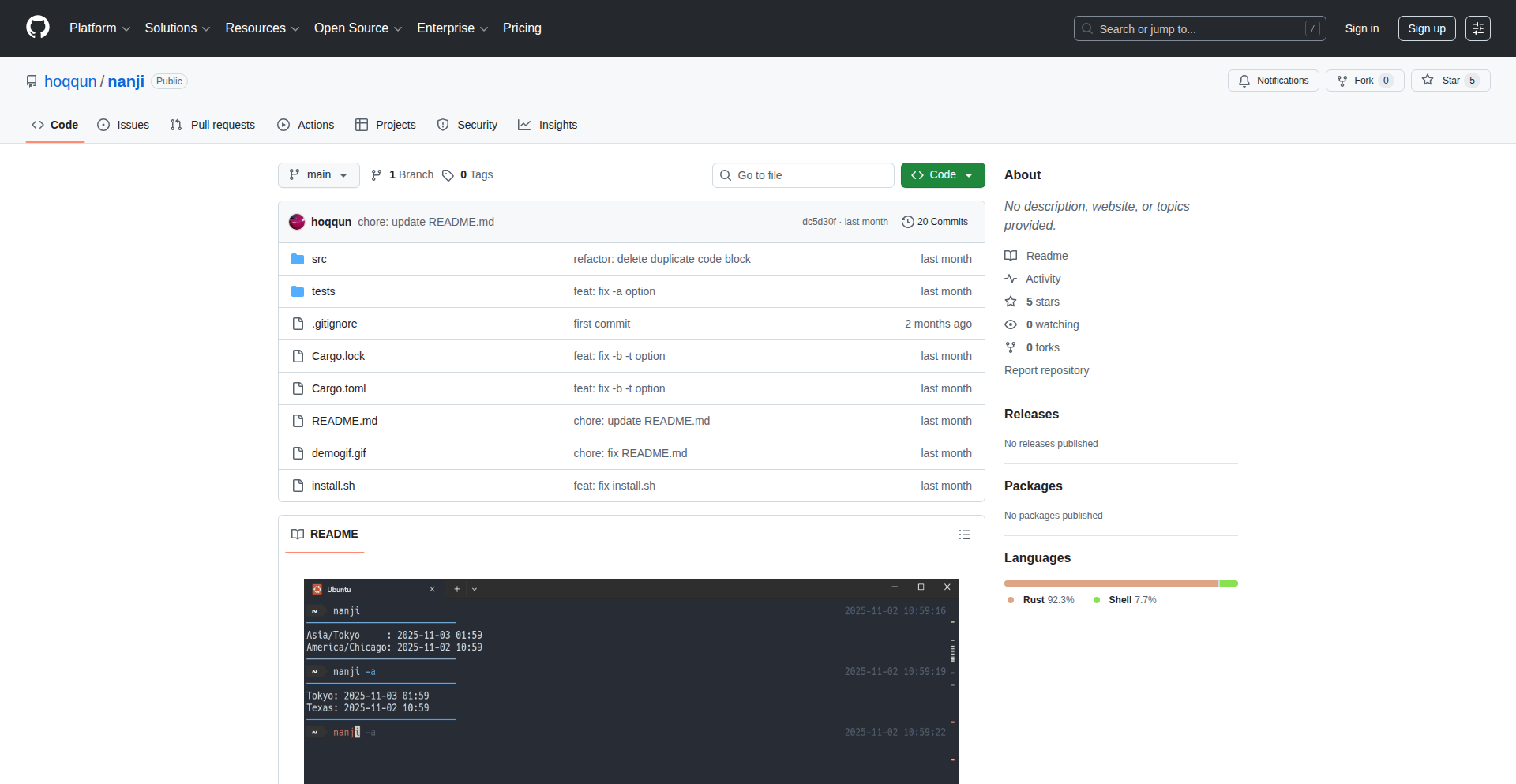
Author
hokuut
Description
Nanji is a minimalist command-line interface (CLI) tool built with Rust, designed for efficient and precise timezone conversions. It tackles the common developer pain point of handling time differences across various geographical locations, providing a straightforward way to convert times between different timezones.
Popularity
Points 1
Comments 2
What is this product?
Nanji is a command-line utility that helps developers and users easily convert dates and times from one timezone to another. The core innovation lies in its use of Rust, a language known for its performance and memory safety, to create a highly efficient and reliable tool. It leverages established timezone databases and algorithms, ensuring accuracy while offering a simple, no-frills interface. This means you get fast, dependable timezone calculations without needing complex libraries or heavy applications. So, what's the benefit for you? You can quickly verify or calculate time differences for scheduling, logging, or international communication without any fuss.
How to use it?
Developers can install Nanji via Cargo, Rust's package manager, making it readily available in their development environment. Once installed, it can be invoked directly from the terminal. For example, to convert a specific time in New York to Tokyo time, a user would type a command like 'nanji convert "2023-10-27 10:00:00" -f America/New_York -t Asia/Tokyo'. This makes it incredibly easy to integrate into scripts, build pipelines, or even just for quick manual checks during development. This integration into your workflow means you can automate time-sensitive tasks or get immediate answers for your time-related queries.
Product Core Function
· Timezone Conversion: Converts a given date and time from a source timezone to a target timezone. This is crucial for applications dealing with global users or distributed systems, ensuring accurate scheduling and data representation. The value here is in eliminating manual calculations and potential errors.
· Current Time by Timezone: Retrieves the current time in any specified timezone. This is useful for displaying local times to users, logging events with accurate timestamps, or monitoring systems operating in different regions. The practical use is having immediate access to accurate local times anywhere.
· Timezone Database Lookup: Allows users to query information about specific timezones, such as their offsets from UTC. This aids in understanding timezone rules and validating inputs. This provides a clear understanding of how different timezones relate to each other.
Product Usage Case
· Scheduling international meetings: A developer needs to schedule a meeting with team members in London and San Francisco. By using Nanji, they can quickly input the desired meeting time in their local timezone and see the corresponding times in London and San Francisco, preventing confusion and missed appointments. This directly helps by ensuring everyone knows the correct meeting time.
· Log analysis for distributed systems: When analyzing logs from servers in different geographical locations, timestamps can be inconsistent. Nanji can be used to normalize all log timestamps to a single, consistent timezone (e.g., UTC) for easier correlation and debugging. This solves the problem of misinterpreting event order due to timezone discrepancies.
· API integration for global services: An application needs to display the availability of a service based on the user's local time. Nanji can be used on the backend to convert the service's operating hours (often stored in a standard timezone) into the user's specific timezone for a personalized experience. This enhances user experience by showing relevant information in their local context.
43
SFPD-Blotter-LLM

Author
1zael
Description
An open-source real-time emergency dispatch feed for San Francisco. It taps into the city's open data portal to stream live 911 dispatch information, employs a Large Language Model (LLM) to convert technical police codes into plain English summaries, and automatically obscures sensitive locations like shelters and hospitals. This project was born out of frustration with proprietary, paywalled alternatives and aims to provide accessible, community-driven public safety information.
Popularity
Points 3
Comments 0
What is this product?
SFPD-Blotter-LLM is a custom-built system that intercepts and processes live 911 dispatch data from San Francisco's official open data sources. The core innovation lies in its use of a Large Language Model (LLM). Instead of just presenting raw, often cryptic, police radio codes, the LLM translates these into easily understandable summaries. This is akin to having a personal interpreter for emergency service communications. Additionally, the system intelligently redacts information about sensitive locations, ensuring privacy and safety. This approach offers a transparent and community-empowered alternative to commercial services, demonstrating how open data and AI can be combined for public benefit.
How to use it?
Developers can integrate SFPD-Blotter-LLM into their own applications or services by leveraging its GitHub repository. This could involve building custom dashboards for community watch groups, creating alert systems for specific types of incidents, or even feeding processed data into academic research on public safety trends. The project provides the foundational components for accessing, interpreting, and sanitizing real-time dispatch data. For instance, a developer could set up a system that triggers a notification on their phone for any reported traffic incidents in their neighborhood, or build a web application that visualizes incident types across the city in near real-time.
Product Core Function
· Real-time dispatch data streaming: This feature continuously pulls live 911 dispatch information from San Francisco's public data portal. The value is in providing immediate situational awareness, allowing users to stay informed about unfolding events as they happen. This is crucial for community safety and preparedness.
· LLM-powered code translation: This function uses an AI model to convert technical police codes (e.g., '10-4' for 'received') and jargon into plain, human-readable language. The value here is democratizing access to information; anyone can understand what's happening without needing prior knowledge of police radio protocols. This makes public safety data truly accessible.
· Automatic sensitive location redaction: The system identifies and automatically hides specific locations like homeless shelters, hospitals, or other vulnerable sites from public view. The value is in protecting individuals and facilities from potential harm or undue attention, ensuring that public safety information is shared responsibly and ethically.
· Open-source architecture: The entire project is open source, meaning its code is freely available for inspection, modification, and distribution. The value for developers and the community is transparency, the ability to contribute improvements, and the freedom to build upon the existing technology without vendor lock-in. It fosters collaboration and innovation.
Product Usage Case
· Community Safety Alert System: A developer could build a web or mobile application that subscribes to SFPD-Blotter-LLM's feed. When an incident like a major traffic accident or a public disturbance is reported in a specific area, the app sends an immediate, understandable alert to registered users in that vicinity. This addresses the need for timely, localized public safety updates.
· Urban Planning and Research Tool: Researchers or urban planners could use the processed data from SFPD-Blotter-LLM to analyze patterns of crime or public safety incidents across different neighborhoods over time. By removing technical jargon and sensitive location data, the tool provides clean, actionable data for studies on resource allocation, public service effectiveness, and community development.
· Journalistic Information Source: Journalists could use this feed to quickly identify breaking news events in San Francisco, such as fires, police pursuits, or public safety emergencies. The LLM's summarization capability allows them to grasp the essence of an incident rapidly, enabling faster reporting and providing the public with verified information without the need for expensive subscription services.
44
Agent/Claude Skill Weaver
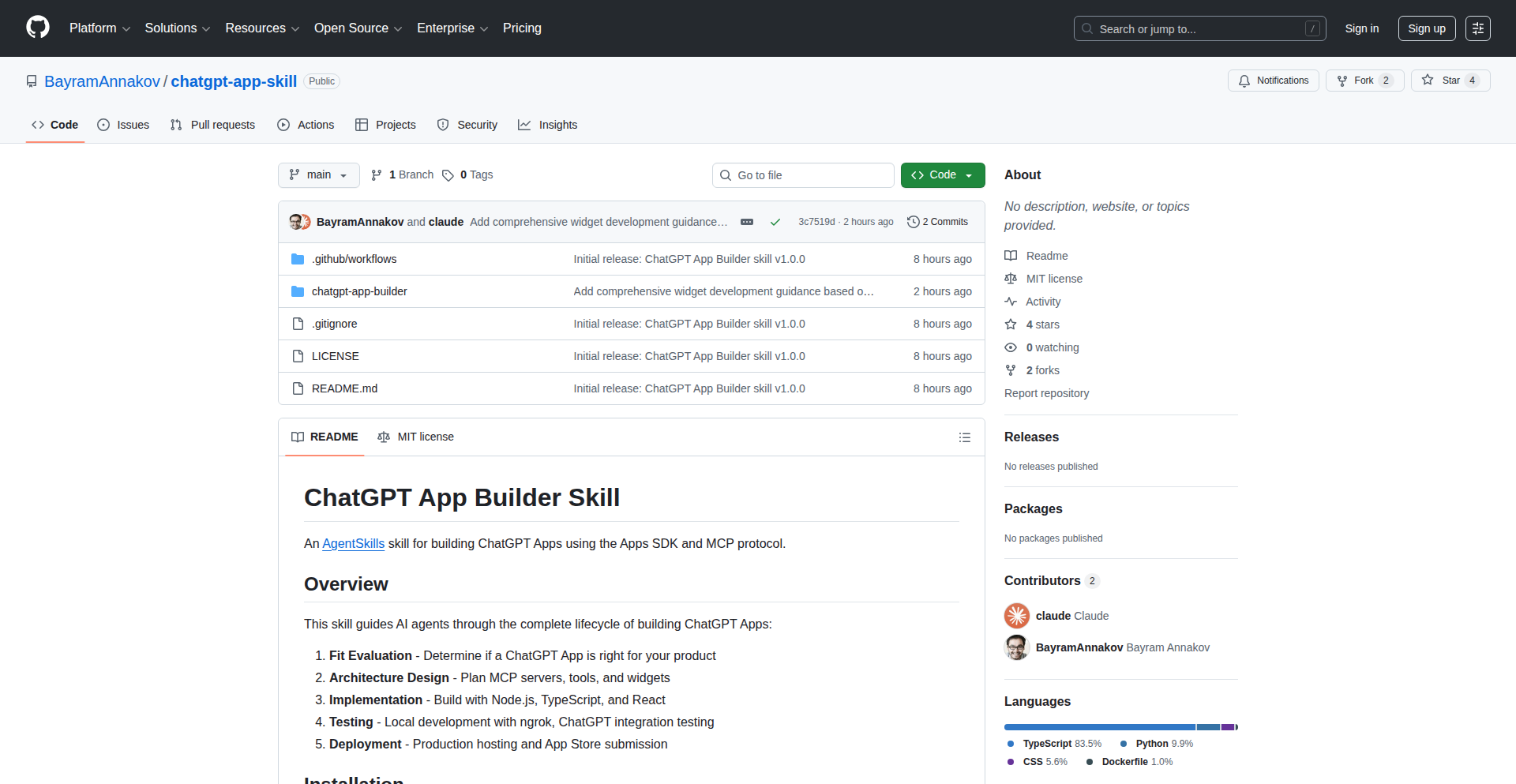
Author
Bayram
Description
This project is a novel approach to creating ChatGPT applications by leveraging Agent/Claude's conversational AI capabilities as a skill-building mechanism. It explores how to dynamically generate and integrate custom functionalities into a ChatGPT-like experience, effectively turning a general-purpose AI into a tailored application builder. The innovation lies in abstracting the complexity of prompt engineering and API integration into a user-friendly, conversational interface.
Popularity
Points 2
Comments 1
What is this product?
This project is an experimental framework that allows users to 'teach' an AI, specifically using Agent/Claude, to perform new tasks by describing them conversationally. Instead of complex coding, you can express a desired functionality through natural language. The AI then interprets this instruction and generates the underlying logic or 'skill' required to execute it, similar to how a plugin would work for a chat application. The core innovation is using a powerful conversational AI (Claude) as a meta-tool to build other AI-powered applications, reducing the barrier to entry for creating specialized AI functionalities.
How to use it?
Developers can integrate this framework into their workflows to quickly prototype and deploy custom AI agents. Imagine you want a ChatGPT app that can analyze sentiment in customer feedback. Instead of writing Python code to interact with an NLP library, you could instruct Agent/Claude: 'Create a skill that takes text input, analyzes its sentiment as positive, negative, or neutral, and outputs the sentiment score.' The system would then generate the necessary prompts and potentially code snippets to enable this functionality within a ChatGPT-like interface. It's about augmenting the AI's existing abilities with new, specific skills through conversation.
Product Core Function
· Conversational skill generation: Enables users to define new AI functionalities using natural language prompts, transforming conversational inputs into executable AI tasks. This is valuable because it democratizes AI application development, allowing anyone to create specialized AI tools without deep coding expertise.
· Dynamic skill integration: Allows newly defined skills to be seamlessly added to the AI's repertoire, making the AI adaptable and expandable in real-time. This is valuable for rapidly evolving projects where new features are needed quickly, enabling iterative development of AI capabilities.
· Agent/Claude orchestration: Utilizes the advanced reasoning and generation capabilities of Agent/Claude to interpret user requests and construct the necessary underlying mechanisms for new skills. This is valuable as it leverages state-of-the-art AI to simplify complex development processes.
· Abstracted prompt engineering: Hides the intricacies of prompt engineering and API calls behind a user-friendly conversational interface. This is valuable for developers who want to focus on the application's logic rather than the low-level details of AI interaction.
Product Usage Case
· Creating a custom AI assistant for customer support: A business could use this to quickly build an AI that can answer FAQs, triage support tickets, or even draft initial responses, all by describing these tasks to Agent/Claude. This solves the problem of needing dedicated developers to build and maintain such specialized tools.
· Developing specialized data analysis tools: A researcher could create an AI skill that analyzes specific types of scientific papers for keywords or trends, or processes experimental data in a particular format, without needing to be a proficient programmer in data science libraries. This accelerates research by making data processing more accessible.
· Building interactive educational modules: An educator could design an AI tutor that can explain complex topics in a specific way or generate practice questions based on a curriculum, all through conversational instructions. This personalizes learning experiences and reduces the effort in creating educational content.
· Prototyping AI-powered games or simulations: Game developers could rapidly create AI characters with unique behaviors or generate procedural content by instructing Agent/Claude, speeding up the iteration cycle for game design. This bypasses the need for extensive AI scripting for game mechanics.
45
Browser-Native Privacy Image Processor
Author
waqaar-ansari
Description
This project is a privacy-focused image converter that operates entirely within the user's web browser. It eliminates the need to upload sensitive images to external servers, ensuring data confidentiality by processing them locally. The innovation lies in leveraging browser APIs to perform complex image manipulations without compromising user privacy.
Popularity
Points 2
Comments 0
What is this product?
This is a web-based image converter that performs all its operations directly in your browser. Instead of sending your images to a remote server to be converted (which could be a privacy risk), this tool uses your computer's processing power. It utilizes modern browser technologies like the Canvas API and WebAssembly to handle image resizing, format conversion, and other common manipulations. The core technical insight is that most image processing tasks can be done client-side, making it faster, more secure, and accessible without needing any server infrastructure. So, what does this mean for you? It means you can convert images without worrying about your private photos or sensitive documents being seen by anyone else.
How to use it?
Developers can integrate this project into their web applications to provide a secure and efficient image conversion feature without relying on backend services. This can be achieved by including the project's JavaScript library into their frontend codebase. For example, a developer building a photo-sharing app could use this to automatically convert uploaded images to a web-friendly format before displaying them, all while keeping the original uploaded files on the user's device until explicitly shared. This offers a seamless user experience and a significant boost in privacy. So, how does this benefit you? You can get image conversion capabilities in your own web projects without the hassle and security concerns of server-side processing.
Product Core Function
· Client-side Image Conversion: Enables image format changes (e.g., JPG to PNG) directly in the browser. This provides a privacy advantage as no image data leaves the user's device. The application value is in secure and fast format changes for web use.
· Local Image Manipulation: Allows image resizing and other transformations without uploading to a server. This is valuable for web apps that need to display images in specific dimensions or apply basic edits while maintaining user data privacy.
· WebAssembly Integration: Utilizes WebAssembly for high-performance image processing tasks. This means conversions and manipulations are quick and efficient, comparable to native applications, enhancing user experience. The value here is speed and responsiveness.
· No Server Dependency: Operates entirely in the browser, removing the need for backend infrastructure for image conversion. This simplifies development and reduces operational costs for web applications. The benefit for developers is reduced complexity and cost.
Product Usage Case
· A developer building a secure online document editor could use this to convert uploaded screenshots or scanned documents to a standard format for embedding within the document, ensuring the original files remain private. This solves the problem of handling potentially sensitive image uploads.
· A personal blogging platform could integrate this to automatically optimize user-uploaded images for web display by converting them to WebP format and resizing them, improving page load times without sending user photos to a third-party service. This addresses performance concerns while prioritizing privacy.
· A privacy-conscious photo gallery application could use this to allow users to convert RAW image files to JPEG for easier sharing, all processed locally. This provides a valuable feature for photographers who are concerned about their unedited work being accessed by external servers.
46
Decentralized Productivity Vault

Author
haidoit
Description
A local-first, mobile-centric productivity application featuring end-to-end encryption. It addresses the modern need for secure, private data management by keeping all user information on their devices, with optional cloud synchronization capabilities.
Popularity
Points 2
Comments 0
What is this product?
This project is a privacy-focused productivity application designed to run primarily on your local devices, especially your mobile phone. Its core innovation lies in its 'local-first' architecture and end-to-end encryption (E2E). 'Local-first' means your data is stored directly on your device by default, giving you complete control and offline access. E2E encryption ensures that only you, and anyone you explicitly share with, can read your data; even the developers of the app cannot access your content. This is a significant departure from many cloud-based services that might access or scan your data. So, this is for you if you want your notes, tasks, and other personal information to be truly yours, inaccessible to others, and usable even without an internet connection.
How to use it?
Developers can integrate this app's principles or leverage its open-source components into their own projects. For end-users, it's designed to be a standalone application. You would download and install it on your mobile devices (and potentially desktop). You can then begin creating notes, managing tasks, and organizing information. For collaboration or backup, it offers optional encrypted cloud sync, allowing you to choose how and where your data is stored beyond your local device, while maintaining privacy. So, for you, it means easily managing your digital life securely and privately, with the flexibility to use it anywhere, anytime.
Product Core Function
· Local-first data storage: Your productivity data resides on your device, ensuring offline access and complete user ownership. This is valuable because your critical information is always available, even without Wi-Fi or cellular signal, and is not dependent on a third-party server's uptime.
· End-to-end encryption: All your data is encrypted before it leaves your device and can only be decrypted by authorized recipients, guaranteeing your privacy and security. This is valuable because it protects your sensitive information from being intercepted or accessed by unauthorized parties, including the service provider.
· Mobile-first design: The application is optimized for mobile devices, providing a seamless and intuitive user experience on smartphones and tablets. This is valuable because it allows you to manage your productivity efficiently while on the go, directly from the device you most likely have with you.
· Optional encrypted cloud synchronization: Provides the ability to back up or sync data across devices securely via cloud storage, while maintaining E2E encryption. This is valuable because it offers convenience and redundancy without compromising privacy, allowing you to access your data from multiple devices while ensuring its security in the cloud.
Product Usage Case
· A journalist who needs to take secure notes on sensitive sources while traveling, without relying on internet connectivity. By using this app, their notes remain encrypted and local, protecting their sources' anonymity and their own work from potential breaches.
· A student managing personal study notes and project details who is concerned about data privacy and potential vendor lock-in. They can use this app to keep all their academic information private and accessible offline, with the option to sync encrypted backups to a preferred cloud service.
· A remote worker handling confidential client information who needs a reliable and secure way to manage tasks and communication logs. The app's E2E encryption and local-first approach ensure that sensitive client data is protected from external threats and is always accessible for their work, even in areas with poor internet.
47
Inreels.ai: Automated Roblox Gameplay Video Creator

Author
Onekiran
Description
Inreels.ai is a free tool designed to automatically generate gameplay-style videos for Roblox. It leverages AI to analyze game footage and create engaging video content, streamlining the process for content creators. The core innovation lies in its ability to automate video editing and production, making it accessible even for those without extensive video editing skills.
Popularity
Points 2
Comments 0
What is this product?
Inreels.ai is a project that uses artificial intelligence to automatically create engaging gameplay videos from your Roblox game sessions. Instead of manually cutting clips, adding effects, and syncing music, the AI analyzes your gameplay, identifies exciting moments, and stitches them together into a polished video. This is valuable because it drastically reduces the time and effort required to produce high-quality video content, allowing you to focus on playing the game and interacting with your audience.
How to use it?
Developers can use Inreels.ai by uploading their raw Roblox gameplay recordings. The tool then processes this footage, applying intelligent editing techniques to create a dynamic video. This could be integrated into a workflow where players record their sessions and then feed them into Inreels.ai for quick video generation, ideal for sharing on platforms like YouTube or TikTok. The value here is the immediate transformation of raw footage into shareable content without needing to learn complex video editing software.
Product Core Function
· Automated Clip Selection: The AI identifies and selects the most exciting or noteworthy moments from your gameplay footage. This is valuable because it ensures your videos highlight the best parts of your play, making them more engaging for viewers, and saving you the tedious task of reviewing hours of footage.
· Intelligent Video Assembly: The system automatically stitches selected clips together, adding transitions and pacing to create a coherent and dynamic video narrative. This adds value by producing a professional-looking video with minimal user input, making content creation accessible to a wider audience.
· AI-Powered Editing: The tool uses AI to apply subtle editing enhancements, potentially including music syncing, basic visual effects, and pacing adjustments. This provides value by automatically elevating the quality of your videos, making them more polished and appealing without requiring expert editing knowledge.
· Gameplay Style Focus: The generation process is geared towards creating videos that mimic popular gameplay styles, ensuring content is relevant and attractive to viewers of gaming content. This offers value by directly addressing the market demand for specific video formats and making it easier to create content that resonates with gaming communities.
Product Usage Case
· A Roblox streamer who wants to quickly create highlight reels from their live streams. They can upload their stream recording to Inreels.ai, and within minutes, get a compilation of their best plays to share on social media, significantly increasing their content output and audience engagement.
· A new Roblox content creator who doesn't have video editing experience. They can use Inreels.ai to transform their gameplay recordings into watchable videos, lowering the barrier to entry for content creation and allowing them to build an audience faster.
· A Roblox developer who wants to showcase new game features or updates through engaging video. By using Inreels.ai, they can generate promotional videos quickly, highlighting the most exciting aspects of their game to attract more players.
48
Offline-First AI Agents Framework
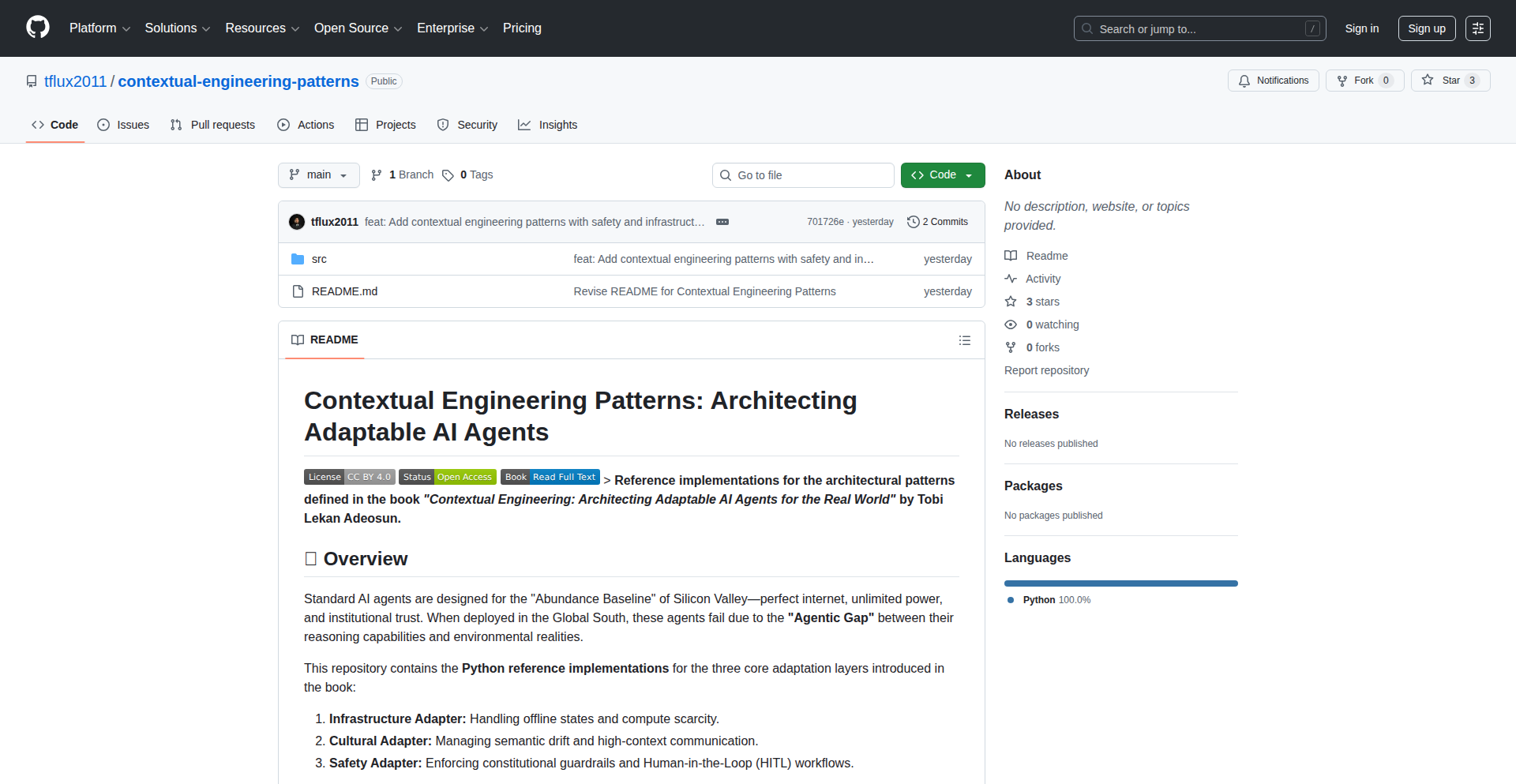
Author
tflux3011
Description
This project introduces a novel framework for building AI agents that are designed to operate effectively even without a constant internet connection. It leverages 'Contextual Engineering' to manage and process information locally, enabling persistent functionality and intelligent decision-making in offline environments. The innovation lies in its approach to data persistence, local model inference, and state management for AI, making sophisticated AI capabilities accessible beyond typical cloud-dependent applications.
Popularity
Points 1
Comments 1
What is this product?
This is a framework that allows developers to build AI agents capable of functioning offline. The core innovation is 'Contextual Engineering,' which is a set of design patterns and techniques for managing AI's knowledge, memory, and decision-making processes locally. Instead of relying on cloud-based AI models and databases that require an internet connection, this framework enables the agent to process information, learn, and act using resources available on the device. This means your AI applications can continue to work, respond to user input, and perform tasks even when the user is in an area with no or poor connectivity. It's like giving your AI a robust local brain and memory.
How to use it?
Developers can integrate this framework into their applications to empower AI agents with offline capabilities. This involves defining the agent's operational context, specifying how data should be stored and accessed locally (e.g., using local databases or file systems), and integrating lightweight, on-device AI models for inference. The framework provides the architectural blueprints and potentially some code libraries to handle state synchronization, local data processing, and the execution of AI logic without needing to call external APIs. This is particularly useful for mobile applications, embedded systems, or any scenario where consistent AI performance is critical, regardless of network availability.
Product Core Function
· Local State Management: Enables AI agents to maintain and update their internal state and memory persistently on the device, allowing for continuous operation and learning without cloud sync. This is valuable because your AI application remembers what it knows and learns from previous interactions even when offline, so it doesn't have to start from scratch each time.
· On-Device AI Model Inference: Facilitates the execution of AI models directly on the user's device, reducing latency and enabling functionality when disconnected from the internet. This is beneficial because it means the AI can make decisions and provide responses immediately, without waiting for data to travel to a server and back, making the application feel much faster and more responsive.
· Contextual Data Persistence: Implements strategies for storing and retrieving relevant data locally that the AI agent needs to function. This is useful for ensuring the AI has access to the information it requires to perform tasks, such as user preferences, historical data, or reference knowledge, making it capable of acting intelligently in its given environment.
· Offline Operation Assurance: Provides architectural patterns and tools to ensure the AI agent's core functionalities remain available and reliable even in low-connectivity or no-connectivity scenarios. This is important because it guarantees that critical AI features will work as expected, enhancing user experience and preventing service disruptions in challenging environments.
Product Usage Case
· Developing a personal assistant app for a remote field worker that can manage schedules, log activities, and provide context-aware information based on local sensor data, even in areas with no cell service. This solves the problem of unreliable connectivity hindering essential productivity tools for field professionals.
· Creating an educational application that provides adaptive learning content and personalized feedback to students offline. The AI agent can track progress and adjust lessons based on local data, ensuring learning continues uninterrupted during commutes or in areas with poor internet.
· Building an inventory management system for a small business with mobile sales reps who need to update stock levels and process orders on the go. The AI can provide real-time recommendations and ensure data integrity locally before syncing, addressing the challenge of businesses operating in areas with spotty internet.
· Designing a diagnostic tool for medical devices that can perform initial analysis and flag potential issues using local AI models, even in remote healthcare settings. This allows for quicker preliminary assessments and reduces dependency on constant network access for critical health-related functions.
49
ACME-Powered Web Server

Author
cozis
Description
A lightweight web server with built-in support for automated certificate management using ACME. It simplifies the process of obtaining and renewing SSL/TLS certificates, ensuring secure connections for your web applications without manual intervention.
Popularity
Points 1
Comments 1
What is this product?
This project is a minimalist web server designed to automatically handle SSL/TLS certificate management. Instead of manually buying, installing, and renewing certificates, it leverages the Automated Certificate Management Environment (ACME) protocol. This means it can automatically request certificates from Certificate Authorities (like Let's Encrypt) and keep them up-to-date. The innovation lies in its integrated approach: the server itself handles the certificate lifecycle, reducing the complexity and potential for error that often comes with securing web traffic. So, what's the use for you? It means your websites can be served over HTTPS with minimal setup and ongoing maintenance, saving you time and effort while keeping your data secure.
How to use it?
Developers can use this server as a standalone solution for hosting simple websites or APIs that require HTTPS. It can be integrated into existing projects by configuring it to serve specific directories or by using it as a reverse proxy. The ACME integration means you typically just need to provide your domain name, and the server will handle the certificate acquisition and renewal process in the background. For example, you might run this server on a new project where you want to quickly get a secure connection up and running without diving into complex certificate management tools. This saves you the hassle of setting up Let's Encrypt manually or dealing with expiration reminders.
Product Core Function
· Automated SSL/TLS Certificate Acquisition: The server can automatically obtain SSL/TLS certificates from ACME-compliant Certificate Authorities. This means you don't have to manually generate certificate signing requests or upload them. The value here is drastically simplified security setup for your web services.
· Automatic Certificate Renewal: Certificates expire. This server automatically renews them before they do, ensuring continuous secure connections without downtime. The application here is preventing unexpected security lapses and maintaining user trust.
· Lightweight Web Serving: Beyond certificate management, it functions as a basic web server. This means it can serve static files or act as a gateway for other applications. The value is a unified, secure hosting solution for smaller projects.
· ACME Protocol Integration: Built to speak the ACME protocol, allowing seamless interaction with major free certificate providers like Let's Encrypt. This is the technical underpinning that makes automatic management possible, providing a future-proof way to secure your online presence.
Product Usage Case
· Deploying a personal blog or portfolio website that requires HTTPS: Instead of spending hours configuring a separate certificate manager, you can spin up this server, point it to your domain, and have a secure site in minutes. This solves the problem of complex security configurations for individual creators.
· Running a small internal tool or API that needs secure access: For internal development or staging environments, easily ensuring secure communication is crucial. This server provides that security out-of-the-box, allowing developers to focus on the tool's functionality rather than network security protocols.
· Experimenting with new web applications: When you're rapidly prototyping and want to ensure all your test deployments are secure without adding overhead, this server streamlines the process. It removes a significant barrier to entry for testing secure web interactions.
50
OpenHands-AAAA: Collaborative Real-time Code Editing
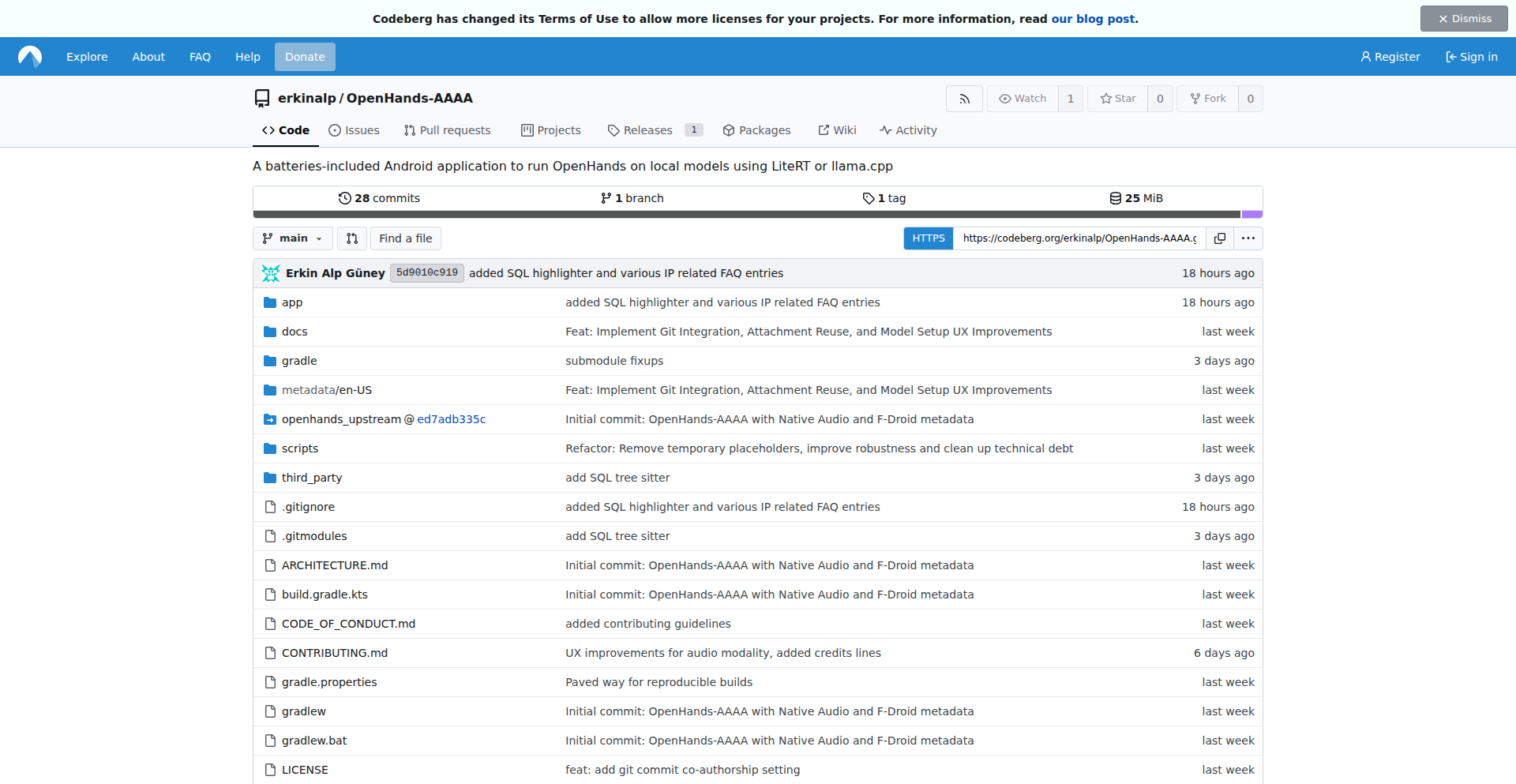
Author
anticensor
Description
OpenHands-AAAA is a real-time collaborative code editor built from scratch. It showcases a novel approach to peer-to-peer synchronized editing without relying on a central server. The innovation lies in its custom operational transformation (OT) algorithm designed for efficient and robust synchronization across multiple clients, effectively solving the challenge of maintaining consistent code state in a distributed environment. This means developers can code together as if they were in the same room, with changes appearing instantly and accurately for everyone, boosting productivity and fostering a more interactive development workflow. So, what's the benefit for you? You can work on code with your team in real-time, reducing communication overhead and speeding up feature development, all without the complexity of setting up and managing a server infrastructure.
Popularity
Points 1
Comments 1
What is this product?
OpenHands-AAAA is a peer-to-peer, real-time collaborative code editing application. Its core technical innovation is a custom-built operational transformation (OT) algorithm. OT is a sophisticated technique used to synchronize concurrent changes made to a shared document. Instead of sending raw edits, OT transforms operations (like insertions or deletions) based on the history of other operations, ensuring that everyone sees the same document state even if edits happen simultaneously. OpenHands-AAAA's approach is unique because it optimizes this process for a decentralized, serverless architecture, making it lightweight and potentially more resilient than traditional client-server models. So, what's the benefit for you? It offers a live coding experience with your collaborators, where every keystroke is reflected instantly and accurately for everyone, facilitating pair programming and remote team collaboration with a focus on code integrity and immediate feedback.
How to use it?
Developers can integrate OpenHands-AAAA into their existing workflows or use it as a standalone tool. The project provides APIs and libraries that allow for embedding the collaborative editing functionality into custom applications or web platforms. For instance, you could build a custom IDE plugin or a web-based code review tool that leverages OpenHands-AAAA's real-time synchronization capabilities. The basic setup would involve initiating a peer-to-peer connection between collaborators, and then using the provided APIs to hook into the editor's events for real-time data exchange. So, what's the benefit for you? You can seamlessly add real-time collaboration to your own projects, enhancing team communication and accelerating development cycles by enabling instant, shared coding sessions directly within your preferred development environment.
Product Core Function
· Real-time text synchronization: Enables multiple users to edit the same document simultaneously, with changes appearing instantly for all participants. This is achieved through a custom operational transformation algorithm ensuring data consistency across peers. This provides the core collaborative editing experience, making it feel like everyone is working on the same file at the same time, boosting team efficiency.
· Peer-to-peer connectivity: Establishes direct connections between users without requiring a central server. This reduces infrastructure complexity and potential single points of failure, offering a more distributed and resilient collaboration model. This is beneficial for users who want a simpler setup and greater control over their data and connections.
· Conflict resolution: Automatically handles and resolves conflicts that arise from concurrent edits, ensuring the integrity of the shared document. The OT algorithm is designed to manage these situations gracefully, preventing data loss or corruption. This ensures that even with rapid editing, the code remains consistent and accurate, reducing debugging time.
· Customizable integration points: Offers APIs and hooks for developers to integrate the collaborative editing engine into their own applications, IDEs, or web services. This allows for tailored solutions that fit specific project needs and workflows. This empowers developers to build custom collaborative tools and enhance existing products with real-time editing features.
Product Usage Case
· Live pair programming sessions: Developers can use OpenHands-AAAA to collaboratively write code in real-time, improving knowledge sharing and accelerating bug fixing. For example, two developers can simultaneously debug a complex piece of code, with one explaining their steps while the other watches and contributes instantly. This directly speeds up problem-solving and learning.
· Remote team code reviews: Teams spread across different geographical locations can conduct code reviews with real-time interaction, allowing reviewers to highlight specific lines and suggest edits directly in the shared editor. This makes the review process more dynamic and efficient than asynchronous comments, leading to quicker code improvements.
· Educational platforms for coding workshops: Instructors can use OpenHands-AAAA to guide students through coding exercises in real-time, demonstrating concepts and providing immediate feedback on student code. This provides a more engaging and interactive learning experience compared to static examples, helping students grasp concepts faster.
· Building custom collaborative IDEs or text editors: Developers can leverage OpenHands-AAAA's core engine to create their own specialized collaborative coding tools for specific programming languages or domains. For instance, a team working on a specialized DSL could build a collaborative editor tailored to that language. This enables the creation of niche tools that wouldn't otherwise exist, catering to specific developer needs.
51
RoastBot: Your AI Roastmaster

Author
_josh_meyer_
Description
RoastBot is an LLM-powered agent that searches public online information about you and playfully 'roasts' you based on its findings. The current Santa theme is just for fun, but the core innovation lies in its ability to perform web lookups, confirm identities, and engage in multi-turn conversations, showcasing a clever application of AI for personalized, humorous interaction. So, what's in it for you? It's a novel way to experience AI's conversational capabilities with a touch of personalized humor, making interactions more engaging and memorable.
Popularity
Points 2
Comments 0
What is this product?
RoastBot is a sophisticated AI agent built around a Large Language Model (LLM) that leverages web search to gather publicly available information about a user. It then uses this information to generate witty and humorous 'roasts'. The core technical innovation is its ability to orchestrate multiple AI functionalities: performing web searches to collect data, verifying user identity to ensure the roasts are directed correctly, and managing multi-turn conversations to create a dynamic and interactive experience. This means it's not just a simple chatbot; it's an agent that actively seeks and synthesizes information to deliver a unique, personalized output. So, what's the big deal? It demonstrates how AI can be used to go beyond basic question-answering and engage users in a fun, personalized, and context-aware manner, all while handling potentially sensitive data retrieval responsibly.
How to use it?
As a user, you interact with RoastBot through its conversational interface. You might provide your name or a way for it to identify you, and RoastBot will then use its web-searching capabilities to find public information. The 'Santa theme' is purely cosmetic; the underlying agent is robust. You can engage in a back-and-forth conversation, allowing the agent to refine its understanding and deliver more targeted roasts. Developers interested in the underlying technology could potentially integrate similar agent architectures into their own applications to create personalized experiences, customer support bots that gather context, or interactive learning tools. So, how can you use this? Imagine a personalized AI assistant that can learn about you to offer more relevant advice or entertainment, or a customer service bot that can quickly understand a user's history to provide faster solutions.
Product Core Function
· Web Information Retrieval: The agent can search the public internet for relevant information about a user, enabling personalized outputs. This is valuable for understanding user context and tailoring experiences.
· Identity Confirmation: It includes mechanisms to confirm user identity, ensuring the AI's interactions are accurate and directed appropriately. This is crucial for trust and preventing misidentification in applications.
· Multi-Turn Conversation Management: The agent can maintain context and engage in extended dialogue, making interactions feel more natural and dynamic. This is key for building engaging chatbots and assistants.
· LLM-Powered Roast Generation: Utilizes an LLM to creatively process retrieved information and generate humorous roasts. This highlights the creative potential of LLMs for entertainment and content generation.
Product Usage Case
· Personalized Entertainment Bots: Imagine a game where an AI learns about players to create custom challenges or humorous commentary, making the game more engaging. RoastBot's technology could be adapted for this.
· Interactive Learning Platforms: An educational tool could use this approach to dynamically adjust content difficulty or provide personalized feedback based on a student's demonstrated understanding, making learning more effective.
· AI-Powered Social Media Engagement: A brand could develop an AI that interacts with followers in a fun, brand-aligned way, using public information to create personalized shout-outs or playful challenges.
· Customer Support with Context: A customer service chatbot could use similar agent principles to quickly access a customer's past interactions or product usage data, leading to faster and more accurate problem resolution.
52
PixelSanctum API
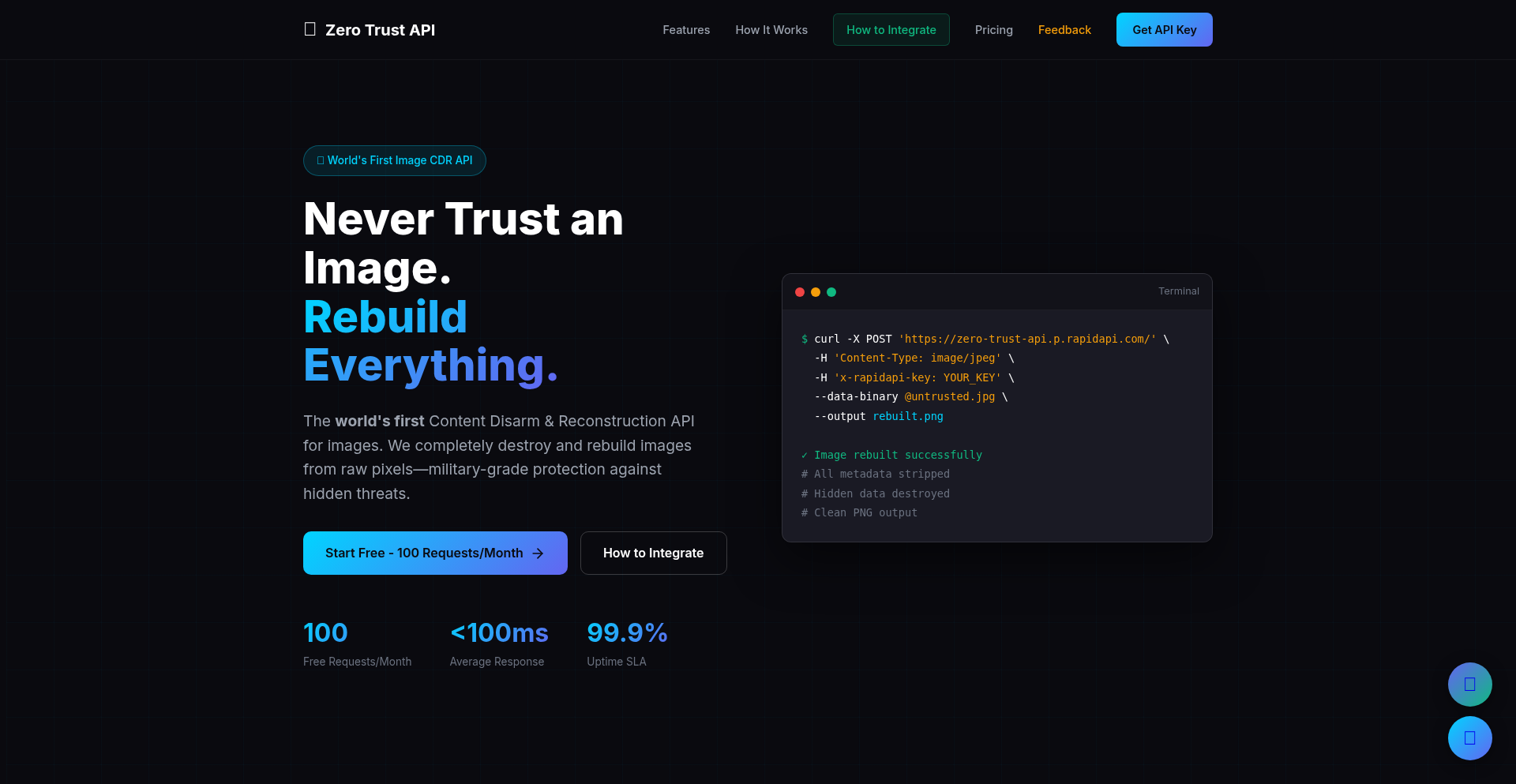
Author
Raviteja_
Description
This API offers a novel approach to image security by implementing Content Disarm and Reconstruction (CDR). Unlike traditional methods that simply remove metadata, PixelSanctum decodes images to their raw pixel data, effectively discarding any hidden threats like steganography or malicious code embedded within file containers. It then reconstructs a sterile PNG image, ensuring that only the visual content remains. This is crucial for preventing advanced image-based attacks that can bypass standard security measures. So, what's in it for you? It means your applications can process incoming images with a significantly reduced risk of security breaches, protecting your users and data from sophisticated threats.
Popularity
Points 2
Comments 0
What is this product?
PixelSanctum API is a powerful image sanitization service that goes beyond basic metadata stripping. Its core innovation lies in its CDR technique: it takes an uploaded image, decodes it down to its fundamental pixel information, discards the original file's container (which could hide malicious code or data), and then rebuilds a brand new, clean PNG image from those pixels. This process effectively neutralizes threats like steganography (where data is hidden within an image) and polyglot files (files that can be interpreted as multiple file types, including malicious scripts). Think of it as taking apart a complex toy and rebuilding it with only the essential, safe parts. The technology stack is impressive: Rust for performance, WebAssembly (WASM) for efficient execution in the browser or on edge platforms like Cloudflare Workers, and Cloudflare Workers for scalable, serverless deployment. So, what's the value for you? It provides a robust defense against advanced image-borne threats that simpler sanitization tools miss, offering peace of mind for your digital assets.
How to use it?
Developers can integrate PixelSanctum API into their applications to automatically sanitize images uploaded by users or received from external sources. This is particularly useful for web applications dealing with user-generated content (like forums, social media, or profile pictures), email gateways, or any system where image security is paramount. You can interact with the API using standard HTTP requests. For example, you would send an image file to the API endpoint, and it would return a cleaned image. The project provides API documentation and a demo application (linked in the original submission) to guide integration. You can obtain API keys through RapidAPI. So, how does this benefit you? You can easily embed a powerful security layer into your existing workflow to protect against sophisticated image-based attacks without needing to build complex image processing and security logic from scratch.
Product Core Function
· Image Decoding to Raw Pixels: This function takes an image in various formats and breaks it down to its most basic pixel data. The technical value is in its ability to isolate visual information from any potential embedded malicious payloads within the original file structure. The application scenario is handling untrusted image uploads where security is critical.
· Container Discarding: This core function eliminates the original file container and any associated metadata or embedded code that could pose a security risk. The technical value is in ensuring that no hidden threats survive the sanitization process. The application scenario is protecting against steganography and polyglot file attacks.
· Sterile PNG Reconstruction: This function rebuilds a clean, new PNG image exclusively from the validated pixel data. The technical value is in producing a safe, visually identical output without any hidden vulnerabilities. The application scenario is providing a secure image for display or further processing within your application.
· WASM Execution on Edge: Leveraging WebAssembly allows for high-performance image processing directly on the edge (like Cloudflare Workers), reducing latency and server load. The technical value is in efficient, scalable, and fast image sanitization. The application scenario is building real-time image security solutions for global user bases.
Product Usage Case
· A social media platform uses PixelSanctum API to sanitize all user-uploaded profile pictures. This prevents users from uploading images containing malicious scripts that could exploit vulnerabilities in the platform's rendering engine. The API ensures only the image content is processed, thus solving the problem of hidden code injection.
· An e-commerce website integrates the API to process product images submitted by sellers. This safeguards customers from encountering images that might have been manipulated to hide malware or phishing links. The API rebuilds the images into a safe format, resolving the issue of compromised product visuals.
· A secure document sharing service uses PixelSanctum API to clean all uploaded image attachments. This ensures that no hidden data or executable code is passed along with legitimate documents, preventing potential data leaks or malware dissemination. The API acts as a crucial layer of defense against advanced threats in document workflows.
· A web application dealing with user-submitted image reports (e.g., for bug tracking or content moderation) utilizes the API to ensure the integrity of these images. This prevents malicious actors from disguising harmful content or exploits within image files. The API's CDR approach solves the problem of deceptive image-based attacks.
53
SoraWatermarkErase-Android

Author
ruslan5t
Description
This project is an experimental Android application designed to remove watermarks from videos, specifically focusing on those generated by AI models like Sora. The core innovation lies in its technical approach to identifying and selectively erasing watermark patterns, offering a potential solution for content creators and researchers to process AI-generated media.
Popularity
Points 1
Comments 1
What is this product?
This is an Android app that attempts to remove watermarks from videos. Technically, it leverages image processing algorithms to detect repeating patterns characteristic of watermarks. By analyzing pixel data and temporal consistency across video frames, it tries to identify areas that are part of the watermark and then selectively modifies or interpolates those pixels to effectively 'erase' the watermark. The innovation is in the specific algorithms and heuristics used to achieve this with reasonable fidelity on mobile devices, a challenging task due to computational constraints and the complexity of watermark designs.
How to use it?
Developers can use this project as a reference for implementing similar watermark removal functionalities in their own Android applications. It can be integrated into video editing pipelines or content moderation tools. For end-users, it provides a direct way to process videos that might otherwise be unusable due to prominent watermarks, enabling cleaner viewing or further creative editing.
Product Core Function
· Watermark pattern detection: Identifies visual cues and spatial repetitions that signify a watermark, enabling the system to know what to remove.
· Frame-by-frame analysis: Processes each video frame individually to locate watermark elements, providing a foundational step for removal.
· Pixel interpolation and restoration: Reconstructs the underlying video content by intelligently filling in the areas where the watermark was, so you get a cleaner image.
· Mobile optimization: Designed to run efficiently on Android devices, making watermark removal accessible on the go.
Product Usage Case
· A content creator wants to use a segment of an AI-generated video for a project but finds the watermark distracting. They can use this app to clean up the video segment, making it suitable for their creative work.
· A researcher is studying the output of AI video generation models and needs to analyze the content without the visual obstruction of a watermark. This tool helps them get a clearer view of the raw generated output.
· An educational platform aims to showcase AI-generated content for learning purposes. By removing watermarks, the platform can present the content more professionally and focus on the educational value without visual interference.
54
Sidemail MCP: AI-Powered Email Orchestrator
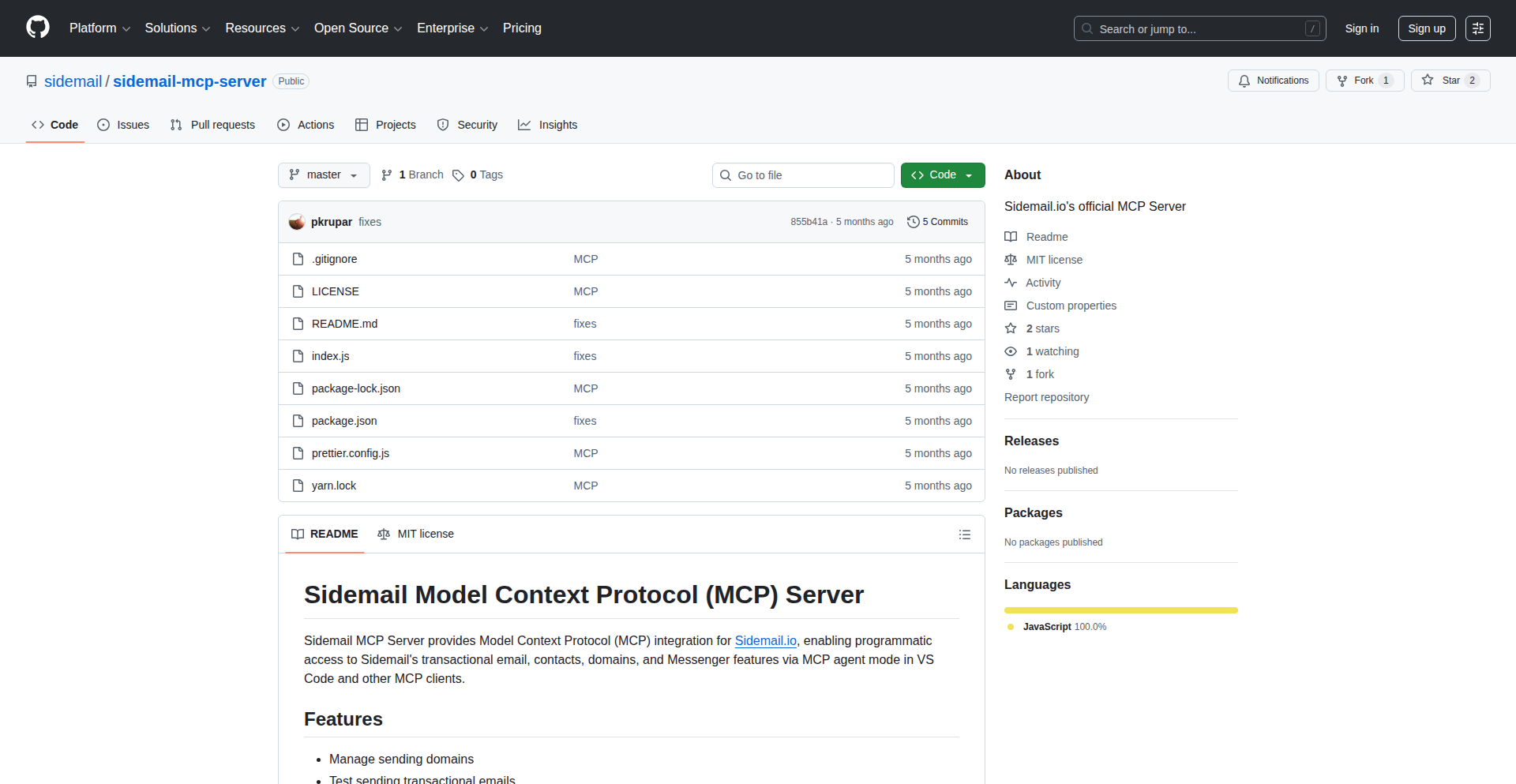
Author
slonik
Description
Sidemail MCP is an open-source email server that simplifies email management for startups. It allows users to programmatically send transactional emails, write newsletters, manage contacts, and configure sending domains directly through AI-powered agents within code editors like VS Code and AI assistants like Claude. This innovates by leveraging AI to interpret natural language commands and automate complex email workflows, making sophisticated email marketing and communication accessible to developers without extensive email infrastructure knowledge. So, this means you can send out important customer updates or newsletters with simple text commands, saving significant development time and technical overhead. What's in it for you is the ability to control your email campaigns with the same ease you write code, using conversational AI to handle the underlying technical steps.
Popularity
Points 2
Comments 0
What is this product?
Sidemail MCP is an open-source, AI-driven email server designed to make email operations as straightforward as possible for startups. Its core innovation lies in its ability to interpret natural language instructions from AI agents (like those in VS Code, Claude, Cursor) to manage various email tasks. Instead of writing complex code for sending emails or managing lists, you can simply tell the AI what you want to do, for example, 'Schedule a product update to our paying customers for tomorrow at 2 PM.' The AI agent then understands this request, retrieves necessary data, interacts with the email sending infrastructure, and confirms actions with you. This essentially brings the power of programmatic email control to a conversational, AI-assisted workflow, abstracting away the technical complexities of traditional email APIs and server configurations. So, what this means for you is that you can achieve sophisticated email automation and management using simple, human-like commands, drastically reducing the barrier to entry for effective email communication. This is valuable because it allows your team to focus on product development and customer engagement rather than getting bogged down in email infrastructure management.
How to use it?
Developers can integrate Sidemail MCP into their workflow by connecting their AI code editor or assistant to the Sidemail MCP server. For instance, within VS Code or Claude, a developer can issue commands like 'Create a new sending domain for mydomain.com' or 'Add these users who signed up today to the 'New Signups' group.' The AI agent, in conjunction with Sidemail MCP, will then execute these requests. This can be used for various scenarios, such as generating and sending product update newsletters from changelog entries, segmenting user lists for targeted campaigns, or setting up new domains for transactional emails. The integration is designed to be seamless, allowing developers to manage their email needs directly within their familiar coding environment. So, this means you can leverage your existing development tools and workflows to handle email tasks, making it a natural extension of your development process. The value here is in consolidating your tools and streamlining your operations, making email management an integrated part of your development lifecycle.
Product Core Function
· Programmatic transactional email sending: This allows developers to send automated emails triggered by specific events, like order confirmations or password resets. The value is in ensuring timely and reliable communication with users based on their actions, improving user experience and operational efficiency. This is useful for any application that requires immediate user feedback or notification.
· Newsletter creation and scheduling: Developers can instruct the AI to draft and schedule newsletters, for example, by pulling content from a changelog. The value is in automating content distribution and marketing efforts, saving time and ensuring consistent communication with subscribers. This is beneficial for marketing teams and product managers who need to keep their audience informed.
· Contact and list management: This function enables users to add, remove, and group contacts for targeted email campaigns. The value is in enabling precise audience segmentation, leading to more effective and personalized marketing. This is crucial for businesses aiming to improve their engagement rates.
· Sending domain configuration: Developers can programmatically set up and manage sending domains for email campaigns. The value is in simplifying the technical setup of email deliverability and branding, reducing the complexity of domain verification and DNS configurations. This is important for maintaining a professional sender reputation and ensuring emails reach their intended inboxes.
Product Usage Case
· Scenario: A startup wants to send out a weekly digest of their blog posts to subscribers. How it solves the problem: Instead of writing a script to fetch posts and send emails, a developer can tell their AI assistant, 'Write a newsletter summarizing our latest three blog posts and schedule it for Friday at 10 AM.' Sidemail MCP handles the content aggregation, email formatting, and scheduling, saving the developer significant time and effort. The value is in automating content marketing and audience engagement with minimal coding.
· Scenario: A product team needs to inform paying customers about a new feature release. How it solves the problem: A developer can command, 'Draft a product update email about the new dashboard features and send it to our 'Paying Customers' list tomorrow morning.' Sidemail MCP processes the request, retrieves customer data, and sends out the personalized update. The value is in streamlining critical customer communication and ensuring timely information delivery.
· Scenario: A new user signs up for a service and needs to be added to an onboarding email sequence. How it solves the problem: The system automatically triggers Sidemail MCP, which can interpret a command like 'Add user [email protected] to the 'Onboarding' group.' This ensures the user is correctly placed in the right communication flow without manual intervention. The value is in automating user onboarding and enhancing the initial user experience.
55
Chishiko: OpenAlex-Powered AI Research Suite

Author
AiStyl
Description
Chishiko is a collection of 8 free AI tools designed to empower academic researchers. It leverages the OpenAlex dataset, a massive open database of scholarly literature, to provide intelligent assistance for literature discovery, analysis, and generation. The innovation lies in its targeted application of AI to the specific workflows of academic research, making complex data accessible and actionable for researchers.
Popularity
Points 2
Comments 0
What is this product?
Chishiko is a suite of 8 AI-powered tools built upon OpenAlex, a comprehensive and open database of academic papers, authors, and institutions. The core innovation is the intelligent integration of Large Language Models (LLMs) with this vast research corpus. Instead of just searching for papers, Chishiko uses AI to understand the content and context of research, offering features like summarizing complex articles, identifying trending research areas, and even suggesting potential research collaborations. Essentially, it's like having an AI research assistant that can sift through millions of academic documents to find and present what's most relevant to you, saving you countless hours of manual work.
How to use it?
Researchers can access Chishiko directly through its web interface. For example, if you need to quickly grasp the key findings of several papers on a specific topic, you can input them into Chishiko, and it will generate concise summaries. If you're looking to start a new research project, Chishiko can help identify gaps in existing literature or suggest emerging trends. It's designed to be a standalone resource, but its ability to process and present information extracted from OpenAlex could also be integrated into existing research workflows through API access for more advanced users, allowing them to build custom research tools on top of its capabilities.
Product Core Function
· AI-driven literature summarization: Quickly understand the essence of research papers without reading them entirely, saving significant time in literature review.
· Trend analysis and identification: Discover emerging research topics and hot areas within your field, helping you stay ahead of the curve and identify novel research directions.
· Research question generation: Receive AI-generated suggestions for research questions based on existing literature, overcoming writer's block and fostering innovation.
· Author and institution profiling: Gain insights into the work and connections of key researchers and institutions, useful for collaboration and understanding research landscapes.
· Citation network analysis: Visualize and understand the relationships between different research papers, revealing influential works and intellectual lineage.
· Keyword extraction and topic modeling: Automatically identify the most important terms and themes within a corpus of research, aiding in content organization and understanding.
· Knowledge graph construction: Build semantic networks of research concepts and entities, facilitating deeper exploration and understanding of complex relationships.
· Personalized research recommendations: Receive tailored suggestions for papers and topics based on your research interests and past activity, ensuring you don't miss crucial information.
Product Usage Case
· A PhD student struggling to keep up with the latest publications in their rapidly evolving field can use Chishiko to get daily summaries of the most relevant new papers, ensuring they don't miss critical findings. This directly addresses the problem of information overload.
· A post-doctoral researcher looking for a novel research direction can use Chishiko to identify under-researched areas or emerging trends, providing a data-driven starting point for their next project and sparking innovative ideas.
· A professor preparing a lecture on a complex scientific topic can use Chishiko to quickly gather and summarize the foundational and most recent research, ensuring their teaching material is up-to-date and comprehensive.
· A researcher new to a specific subfield can use Chishiko's trend analysis and keyword extraction to rapidly gain an understanding of the core concepts, key players, and ongoing debates, accelerating their learning curve.
56
GCP-Native GitHub Actions Runner Orchestrator
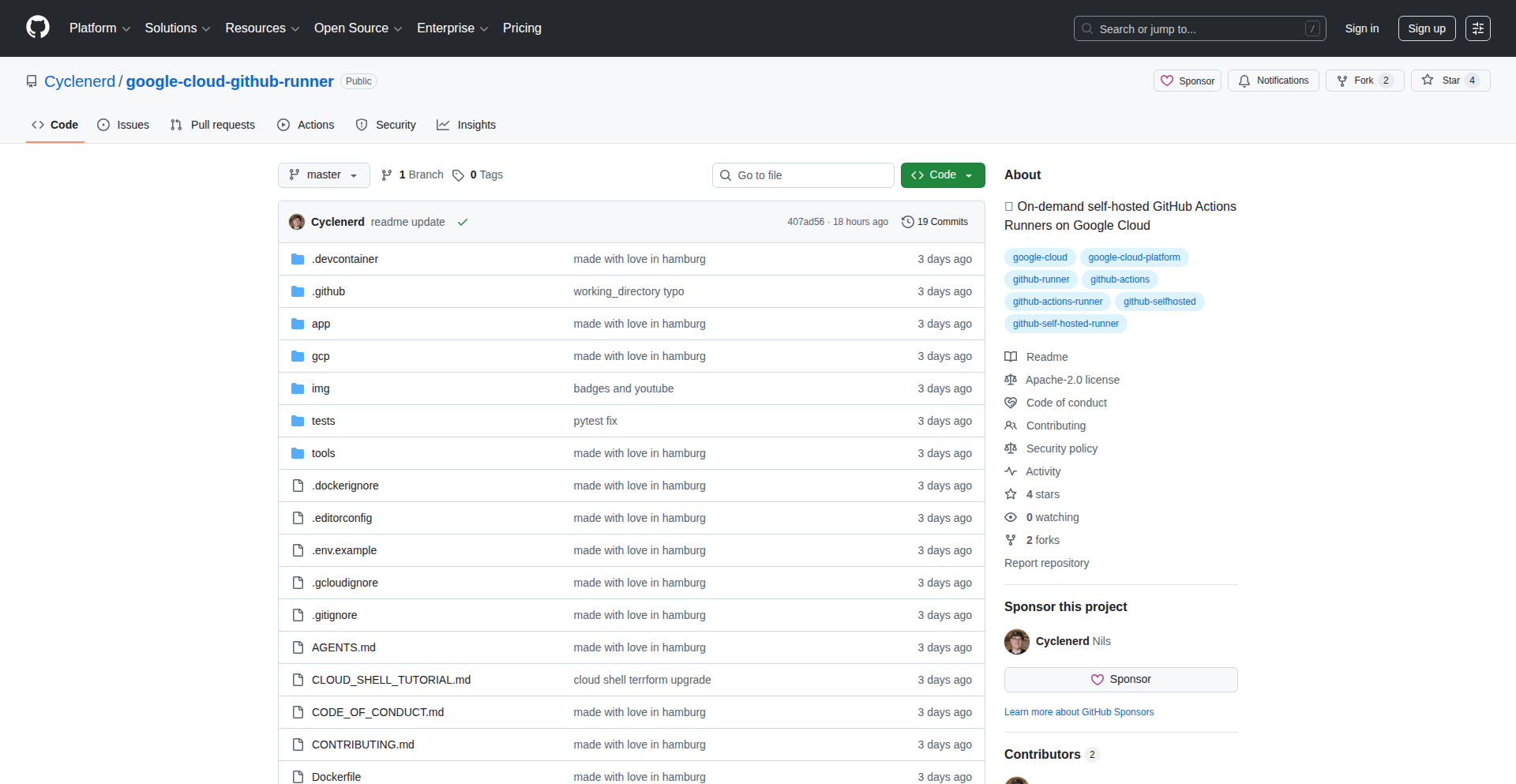
Author
Cyclenerd
Description
This project offers a dynamic and cost-effective solution for managing self-hosted GitHub Actions runners on Google Cloud Platform (GCP). It addresses the potential cost concerns of self-hosting by automatically scaling runners up and down based on demand. The core innovation lies in its GCP-native integration, allowing for seamless deployment and management within the Google Cloud ecosystem, providing flexibility and control to developers.
Popularity
Points 2
Comments 0
What is this product?
This is a project that allows you to run your GitHub Actions workflows on your own infrastructure hosted on Google Cloud Platform, but in a smart, on-demand way. Instead of having your runners always running and incurring costs, this system automatically spins up new runners when your GitHub Actions need them and shuts them down when they are no longer needed. This is achieved by leveraging GCP services like Compute Engine or Kubernetes Engine to provision and manage these runner instances. The key innovation is its 'serverless-like' approach to self-hosted runners, making them as flexible and cost-efficient as managed runners, but with the control of self-hosting. So, what's in it for you? It means you can run your CI/CD pipelines on custom hardware or in an environment you fully control, without worrying about excessive idle costs, giving you more power and flexibility for your build and deployment processes.
How to use it?
Developers can integrate this orchestrator into their GitHub repository settings. It typically involves setting up a service account in GCP with the necessary permissions and then deploying the orchestrator's components onto GCP. Once configured, GitHub Actions workflows can be pointed to use these self-hosted runners. The orchestrator will then monitor the GitHub Actions queue and provision GCP resources to host the runners as needed. Integration often involves modifying your workflow `.yml` files to specify the use of these custom runners. So, what's in it for you? You can easily switch to using your own powerful GCP infrastructure for your GitHub Actions, potentially speeding up your builds and reducing costs compared to always-on self-hosted solutions.
Product Core Function
· Dynamic Runner Provisioning: Automatically creates new runner instances on GCP when GitHub Actions jobs are queued. This ensures you always have capacity without over-provisioning, saving costs. So, what's in it for you? You get the compute power you need, exactly when you need it, without paying for idle time.
· Auto-Scaling Runner Management: Scales the number of active runners up or down based on the number of concurrent jobs. This is crucial for handling fluctuating workloads efficiently. So, what's in it for you? Your CI/CD system scales with your project's activity, preventing bottlenecks during busy periods and saving money during quiet times.
· GCP Native Integration: Leverages GCP's robust infrastructure services (like Compute Engine or GKE) for runner deployment and management. This ensures reliability and seamless integration within your existing GCP environment. So, what's in it for you? You benefit from the stability and advanced features of Google Cloud for your CI/CD infrastructure.
· Cost Optimization: Designed to minimize costs by only running runners when actively needed. This is a significant advantage over maintaining a constant pool of self-hosted runners. So, what's in it for you? You can significantly reduce your CI/CD infrastructure expenses while still enjoying the benefits of self-hosted runners.
· Declarative Configuration: Often allows for configuration via code or simple settings, making it easier to manage and reproduce environments. So, what's in it for you? You can manage your runner infrastructure with the same version control practices you use for your code, leading to better consistency and reproducibility.
Product Usage Case
· A startup needing to run frequent build and test cycles for their rapidly evolving application. By using this orchestrator on GCP, they can ensure quick turnaround times for their CI/CD pipelines without incurring high fixed costs for dedicated hardware that might sit idle. The orchestrator automatically spins up runners for each build and tears them down afterward, making it cost-effective. So, what's in it for you? Faster feedback loops for your development team and reduced infrastructure costs.
· A development team with strict security and compliance requirements that necessitate running CI/CD on their own controlled infrastructure. This project allows them to leverage the scalability and reliability of GCP while maintaining full control over their execution environment, ensuring sensitive code is processed within their secure boundaries. So, what's in it for you? Enhanced security and compliance for your CI/CD processes without sacrificing scalability.
· An open-source project maintainer who wants to offer reliable CI/CD for their contributors but has limited personal resources. This solution allows them to leverage GCP's free tier or cost-effective options to provide a performant CI experience for their community, scaling automatically to meet the needs of many contributors without the maintainer bearing constant costs. So, what's in it for you? A stable and scalable CI/CD solution for your open-source project without breaking the bank.
57
LLM-Benchmark-Suite

Author
puildupO
Description
A comprehensive benchmark suite designed to rigorously compare the performance of cutting-edge Large Language Models (LLMs) like GPT-5.2 and Gemini 3.0 Pro across various technical domains including coding, reasoning, and multimodal tasks. It provides developers with a framework to understand the practical strengths and weaknesses of different AI models, enabling informed decisions for integrating AI into their projects. The innovation lies in its structured approach to evaluating AI, going beyond qualitative assessments to offer quantifiable data on model capabilities, thus demystifying the choice between advanced AI solutions.
Popularity
Points 2
Comments 0
What is this product?
This project is a sophisticated testing framework that systematically evaluates and compares the capabilities of leading AI models such as GPT-5.2 and Gemini 3.0 Pro. It uses a variety of tests focused on coding proficiency, logical reasoning, and handling complex information, as well as specialized tasks like understanding images and videos, and processing very long texts (up to 1 million tokens). The core innovation is its structured, data-driven methodology for evaluating AI performance. So, what's in it for you? It helps you understand which AI is truly better for your specific needs, offering clear comparisons instead of just hype.
How to use it?
Developers can utilize this suite to run pre-defined tests or create their own benchmarks against chosen LLMs. It's designed to be integrated into a development workflow, allowing for continuous evaluation of AI models as they evolve. The suite provides detailed reports on model performance, highlighting areas where one model excels over another. This can be used to select the optimal LLM for a particular application, such as building a code-generation tool, a customer support chatbot, or a complex data analysis platform. So, how do you use it? You can plug it into your existing AI development pipeline to get concrete performance metrics and make data-backed decisions about which AI to use, ensuring you're picking the most effective tool for the job.
Product Core Function
· Code generation and debugging evaluation: Tests the LLMs' ability to write functional code, identify errors, and suggest corrections. This is valuable for projects that require AI assistance in software development, enabling faster prototyping and more robust code. So, what's the value? It helps you choose an AI that can reliably help you code.
· Reasoning and problem-solving assessment: Evaluates how well LLMs can understand complex scenarios, draw logical conclusions, and solve problems. This is crucial for applications needing intelligent assistants or analytical tools. So, what's the value? It helps you pick an AI that can think and solve problems like a human.
· Multimodal task performance analysis (vision/video): Measures the LLMs' capacity to interpret and interact with visual and video content. This is essential for building AI that can 'see' and understand the world, useful for image recognition or video analysis applications. So, what's the value? It helps you select an AI that can process and understand visual information.
· Large context window handling: Assesses the LLMs' ability to process and retain information from very large amounts of text (up to 1 million tokens). This is important for applications that require understanding entire books, lengthy legal documents, or extensive codebases. So, what's the value? It helps you choose an AI that can handle massive amounts of information without forgetting details.
· Ecosystem integration testing: Evaluates how well LLMs integrate with specific existing platforms or services, like Google's ecosystem. This is important for developers working within those environments. So, what's the value? It helps you pick an AI that will play nicely with the tools and services you already use.
Product Usage Case
· A startup developing an AI-powered coding assistant for junior developers could use this suite to benchmark GPT-5.2 against Gemini 3.0 Pro for code generation and debugging accuracy. By running tests focused on common programming errors and syntax, they can quantitatively determine which LLM provides more reliable and helpful suggestions, leading to a better end-product for their users. So, what's the benefit? They get to choose the AI that will make their coding assistant truly effective.
· A research firm analyzing vast archives of historical documents could employ this suite to compare LLMs on their ability to process and summarize long texts (large context handling) and extract key insights (reasoning). This would help them select the most efficient AI for their document analysis tasks, accelerating their research workflow. So, what's the benefit? They can analyze huge amounts of text much faster and more accurately.
· A media company building a tool to automatically generate descriptions for video content might use the multimodal testing capabilities to compare how well GPT-5.2 and Gemini 3.0 Pro understand video content and generate relevant text. This ensures they select an AI that can accurately describe their videos, improving content discoverability. So, what's the benefit? They get an AI that can automatically understand and describe their videos, saving them manual effort.
58
Lyrics Rolling VTT Generator

Author
9o1d
Description
A Python script that transforms plain text lyric files into dynamic, karaoke-style WebVTT (.vtt) subtitle files. It leverages timing information to create synchronized subtitles that highlight words as they are sung or spoken, enhancing video content with interactive lyrics. The innovation lies in its automated generation of timed cues for a richer user experience.
Popularity
Points 2
Comments 0
What is this product?
This project is a Python script designed to automate the creation of WebVTT subtitle files, specifically for a karaoke-like effect. Unlike standard subtitles that simply display text, this script analyzes lyric text and, with user-provided timing hints or intelligent estimations, generates VTT cues that can be used by video players to highlight individual words or phrases as they appear in audio. The core technical insight is using code to parse text and infer synchronization, offering a programmatic approach to a typically manual subtitle creation process. So, this is useful because it automates a tedious task and makes video content more engaging.
How to use it?
Developers can use this script by providing a plain text file containing the song lyrics. The script processes this file, potentially requiring additional input for precise word timing if automatic detection isn't sufficient. The output is a .vtt file that can be easily integrated with most modern video players and platforms (like YouTube, HTML5 video players, etc.) by simply uploading or linking it alongside the video. This allows for a professional, synchronized lyric display without extensive manual editing. So, this is useful because it simplifies the integration of dynamic lyrics into video projects.
Product Core Function
· Text parsing for lyric segmentation: The script intelligently breaks down the input text into individual words or phrases, preparing them for timing. This is valuable for creating granular subtitle cues.
· WebVTT format generation: It outputs standard WebVTT files, ensuring broad compatibility with video platforms. This provides a widely accepted output format.
· Dynamic timing integration: Although the provided information focuses on text conversion, the implicit value is the ability to integrate timing data to create the karaoke effect. This enables synchronized and interactive lyric display.
· Automation of subtitle creation: The script automates a process that would otherwise be time-consuming and manual. This saves significant developer time and effort.
Product Usage Case
· Creating karaoke-style lyric videos for music artists: By converting lyric sheets into timed VTT files, musicians can offer engaging lyric videos on platforms like YouTube, enhancing fan interaction. This solves the problem of manually syncing lyrics to audio.
· Adding synchronized subtitles to educational or explainer videos: For content where spoken words are crucial, this script can help highlight key terms or phrases as they are mentioned, improving comprehension. This addresses the need for visually reinforcing spoken content.
· Developing interactive video player applications: Developers building custom video players can use these VTT files to enable features like word highlighting or sing-along modes, offering a unique user experience. This provides a technical foundation for enhanced media playback.
59
ChaseTravel UI Revamp

Author
ktut
Description
This project is a personal case study and UI rebuild for Chase Travel, focusing on improving the user experience by addressing observed design and functional shortcomings. The innovation lies in the developer's deep dive into a real-world application's pain points and their creative application of UI/UX principles to propose a tangible, user-centric solution. The value is in demonstrating how a motivated engineer can identify and solve complex user interface issues, offering a blueprint for better digital product design.
Popularity
Points 2
Comments 0
What is this product?
This project is a demonstration of how a software engineer, inspired by observed issues with the public-facing Chase Travel website, has rebuilt its user interface to be more intuitive and user-friendly. It's not a functional tool you can directly use to book travel, but rather a highly detailed mock-up and analysis showcasing a better way to design such a platform. The innovation is in the developer's keen observation of user friction points and their ability to translate those into concrete UI/UX improvements, using their technical skills to visualize a superior alternative. This helps us understand the potential for user experience enhancement in complex applications.
How to use it?
Developers can use this project as a learning resource and a case study. It provides insight into how to conduct user experience analysis, identify common usability issues in large-scale applications, and apply design thinking to propose solutions. While not a deployable code, it can inspire developers to critically examine the interfaces they build and consider how to implement more effective user flows and visual designs. It's about learning the 'why' and 'how' of good UI design through a practical example.
Product Core Function
· User Interface Redesign: The core function is a complete overhaul of the Chase Travel user interface, demonstrating alternative layouts, navigation structures, and visual elements. This is valuable because it shows how small UI changes can drastically improve a user's ability to find information and complete tasks, making digital products less frustrating.
· Usability Problem Identification: The project highlights specific areas where the original Chase Travel UI was cumbersome or confusing for users. This is valuable as it teaches developers to look for and address common usability pitfalls, leading to more accessible and effective software.
· Visual Design Enhancement: Beyond just functionality, the project focuses on improving the aesthetic appeal and clarity of the interface. This is valuable because a well-designed interface not only looks good but also guides the user more effectively, reducing cognitive load and improving engagement.
Product Usage Case
· Improving online travel booking portals: Imagine a scenario where users struggle to find flights or hotels on a travel website. This project's approach shows how a developer can analyze these struggles and propose a new interface that makes searching and booking significantly easier, leading to higher customer satisfaction and fewer support requests.
· Enhancing financial service applications: Similar to the Chase Travel example, many banking or financial applications can benefit from improved UI/UX. This project demonstrates a method for identifying and rectifying complex interface issues within such sensitive applications, making them more user-friendly for a wider audience.
· Inspiring new product development: For new product ideas, this project serves as an example of how to thoroughly analyze existing solutions, identify gaps, and build a superior user experience from the ground up. This is valuable for entrepreneurs and developers looking to create applications that truly resonate with their target users.
60
Pixen 6 - Pixel Art Evolution Engine

Author
albertru90
Description
Pixen 6 is the latest release of a macOS native pixel art editor that has been around for a long time. Its innovation lies in its deep integration with macOS capabilities, offering a robust and performant environment for creating pixel art. This addresses the need for dedicated, efficient tools for artists and developers who rely on detailed pixel-level control for game development, UI design, or retro-style graphics. The value lies in its specialized feature set and native macOS performance, allowing for a smoother and more powerful creative workflow.
Popularity
Points 2
Comments 0
What is this product?
Pixen 6 is a specialized software application designed for creating and editing pixel art directly on macOS. Its core innovation is in its refined, native implementation, meaning it's built specifically to take full advantage of macOS features, ensuring speed, stability, and responsiveness. This is different from general-purpose image editors because Pixen 6 provides tools and workflows optimized for pixel-level precision, such as precise color management, grid snapping, onion skinning for animation, and advanced brush engines tailored for pixel manipulation. So, for you, this means a dedicated and highly efficient tool for detailed pixel art creation without the overhead or limitations of broader image software. It's built for creators who need granular control and a smooth experience.
How to use it?
Developers and artists can use Pixen 6 by downloading and installing the application on their macOS devices. Its primary use case is for creating sprites for video games, designing retro-style graphics, developing icons, or crafting detailed pixel art assets for various digital projects. Integration with other development workflows can be achieved by exporting pixel art in common formats like PNG, GIF, or TGA, which can then be imported into game engines (e.g., Unity, Godot), UI frameworks, or other design software. The native macOS build ensures seamless interaction with the operating system, making it easy to drag and drop assets or utilize system-level sharing features. So, for you, this means you can easily create art assets and plug them into your game or design project with minimal friction.
Product Core Function
· High-precision pixel manipulation tools: Offers tools for exact placement and manipulation of individual pixels, crucial for detailed pixel art. This provides the ability to create incredibly fine details that are essential for professional pixel art. Its value is in empowering artists with absolute control over every pixel.
· Advanced color management: Supports sophisticated color palettes and dithering techniques necessary for authentic pixel art aesthetics. This ensures that the artwork maintains the intended look and feel, preserving the integrity of retro styles. Its value is in achieving authentic and visually appealing pixel art.
· Animation features with onion skinning: Enables the creation of pixel art animations by allowing users to see previous and next frames while drawing the current one. This is a fundamental feature for game development and motion graphics, streamlining the animation process. Its value is in making pixel art animation creation efficient and intuitive.
· Native macOS integration and performance: Leverages macOS's advanced graphics and performance optimizations for a fast, stable, and responsive editing experience. This means the software won't lag or crash, even with complex projects, leading to a more productive workflow. Its value is in providing a premium, uninterrupted creative environment.
· Export options for various platforms: Supports a wide range of export formats compatible with game engines and web development, facilitating easy integration into projects. This makes it easy to get your artwork out of Pixen 6 and into your actual projects. Its value is in bridging the gap between creation and implementation.
Product Usage Case
· A game developer creating 2D retro-style sprites for an indie game. Pixen 6's precise tools and animation features allow them to quickly design and animate characters and objects, ensuring a cohesive retro aesthetic. This solves the problem of needing specialized tools for high-quality pixel art game assets.
· A UI/UX designer creating custom pixel-perfect icons for a macOS application. Pixen 6's grid snapping and sharp pixel rendering ensure icons are crisp and consistent at various sizes. This addresses the need for exact visual elements in user interfaces.
· An artist experimenting with digital art styles and exploring the aesthetics of pixel art. Pixen 6's dedicated tools provide a focused environment for learning and mastering pixel art techniques without the distractions of a general image editor. This allows for deep exploration of a specific art form.
· A web developer designing pixel art for a website's branding or decorative elements. Pixen 6 allows for the creation of unique, stylized graphics that can be exported as optimized images for web use. This enables the creation of visually distinctive web assets.
61
Ymery - YAML-Driven Dear ImGui Apps
Author
zokrezyl
Description
Ymery is a novel approach to building interactive graphical user interfaces (GUIs) for applications, particularly those leveraging the popular Dear ImGui library. Instead of writing C++ code to define UI elements, Ymery allows developers to describe their UI structure and behavior using YAML configuration files. This innovative method simplifies UI development, accelerates iteration, and makes complex interfaces more manageable, especially for projects that benefit from rapid prototyping or dynamic UI adjustments. It addresses the challenge of managing UI logic within code, offering a declarative alternative that's often easier to read and modify.
Popularity
Points 2
Comments 0
What is this product?
Ymery is a tool that lets you design your application's user interface using YAML files, which are like structured text documents, instead of writing traditional programming code. It then translates these YAML descriptions into a functional interface powered by Dear ImGui, a highly efficient C++ library for creating immediate mode graphical user interfaces. The innovation lies in shifting from an imperative programming style (telling the computer exactly how to do something step-by-step) to a declarative style (describing what you want the end result to look like). This means you can define buttons, sliders, text fields, and their properties (like labels, values, and actions) in a clear, organized YAML structure. Think of it like using a blueprint instead of building every brick by hand. So, this is useful because it can drastically reduce the amount of code you need to write for your UI, making it faster to build and easier to update UIs, especially for complex applications or when you need to quickly test different interface layouts.
How to use it?
Developers can integrate Ymery into their C++ projects that use Dear ImGui. They would typically define their UI components, their layout, and the logic for how they interact within a YAML file. Ymery then provides functions or classes that read this YAML file at runtime or during compilation and generate the corresponding Dear ImGui widgets. For instance, you could have a YAML file that describes a form with several input fields and a submit button. When your application runs, Ymery parses this file and automatically renders these elements using Dear ImGui. This approach is particularly valuable for game development tools, debugging interfaces, or any application where the UI needs to be highly configurable or frequently changed. So, this is useful because it allows you to quickly set up and modify UIs without deep diving into C++ UI code, speeding up development cycles and making your application more adaptable.
Product Core Function
· YAML-based UI definition: Allows developers to describe UI elements, their properties, and their arrangement in a structured YAML format, which is more human-readable and maintainable than extensive code. This provides value by simplifying UI creation and making it easier to manage complex interfaces, leading to faster development and fewer errors.
· Dear ImGui integration: Seamlessly generates Dear ImGui widgets from the YAML definitions, leveraging the performance and flexibility of this popular C++ GUI library. This offers value by enabling efficient and visually appealing UIs with minimal coding effort, perfect for performance-critical applications.
· Dynamic UI updates: Enables the possibility of modifying UI elements by simply editing the YAML file and reloading it, without recompiling the entire application. This is valuable for rapid prototyping and live adjustments, allowing for quick experimentation and iteration on UI design and functionality.
· Event handling linkage: Provides mechanisms to connect UI elements defined in YAML to specific C++ callback functions or logic, allowing for interactive user experiences. This is useful because it bridges the gap between the declarative UI description and the actual application behavior, making it possible for users to interact with the application through the generated interface.
Product Usage Case
· Rapid Prototyping of Game Editor Tools: A game developer could use Ymery to quickly build an in-game editor for levels or assets. Instead of writing hundreds of lines of C++ for sliders, checkboxes, and text inputs to tweak game parameters, they can define these in YAML. This allows for extremely fast iteration on the editor's functionality and layout, directly addressing the need for agility in game development.
· Configuration Interfaces for Embedded Systems: For applications running on embedded hardware where resources might be constrained or the UI needs to be easily adaptable, Ymery could be used to define control panels. Developers can create a standard YAML template for common controls and then easily modify it for different hardware configurations without extensive code rewrites. This solves the problem of creating flexible and updateable interfaces in resource-limited environments.
· Debug and Visualization Tools: When debugging complex software, especially in performance-sensitive areas like graphics or simulations, developers often need dynamic interfaces to inspect variables, visualize data, or control simulation parameters. Ymery can be used to quickly construct these debugging tools, allowing developers to change what they see and how they interact with the system on the fly by altering the YAML. This is valuable for identifying and fixing bugs more efficiently by providing immediate visual feedback and control.
62
DataGuard DriveSync

Author
s-h-x
Description
A robust backup tool built out of necessity after a critical data loss event with Google Drive synchronization. This project showcases a creative solution to a common and frustrating problem, demonstrating the power of leveraging code to regain control over personal data and ensure its safety against unexpected system failures.
Popularity
Points 1
Comments 1
What is this product?
DataGuard DriveSync is a custom-built backup solution designed to provide a reliable alternative to potentially risky cloud synchronization services. It tackles the core issue of data integrity and security by implementing a more predictable and controllable backup strategy. Instead of relying solely on automated sync, which can sometimes lead to data loss or corruption, it focuses on creating explicit, versioned backups of your important files. The innovation lies in its direct, file-level management approach, ensuring that your data is not accidentally overwritten or deleted, a direct response to the painful experience of data erasure by existing cloud sync tools.
How to use it?
Developers can integrate DataGuard DriveSync into their workflow by configuring it to monitor specific directories on their local machine or on a network drive. It can be set up to perform scheduled backups, creating incremental snapshots of changes. For instance, a developer working on critical project files could configure DataGuard to back up their code repository to a separate, secure location (e.g., an external hard drive, a NAS, or even a different cloud storage provider with a more trusted backup model) at regular intervals. This offers a safety net, allowing for easy restoration of previous versions in case of accidental deletion, corruption, or a failure of the primary synchronization service.
Product Core Function
· Automated Scheduled Backups: Implements a robust scheduling mechanism to ensure files are backed up consistently, providing peace of mind and a safety net against data loss. Its value is in proactively protecting your work without manual intervention.
· Versioned File Snapshots: Creates distinct versions of files at different backup points, allowing for the restoration of older file states. This is crucial for recovering from accidental edits or corruption, ensuring you can always roll back to a working version.
· Selective Directory Monitoring: Enables users to specify which directories need to be backed up, optimizing storage space and focusing protection on critical data. This offers control and efficiency by only backing up what matters most.
· Error Handling and Reporting: Includes mechanisms to detect and report backup errors, alerting the user to potential issues before they lead to data loss. This proactive approach ensures you are aware of any problems and can address them promptly.
· Local and Network Storage Compatibility: Designed to back up to various storage locations, including external drives, network-attached storage (NAS), or even other cloud storage solutions, offering flexibility in backup strategies. This provides freedom in choosing where and how your data is stored securely.
Product Usage Case
· Scenario: A freelance developer is working on a sensitive client project and relies on Google Drive for file sharing and backup. After an unexpected sync error resulted in the loss of crucial work, they implement DataGuard DriveSync to back up their project folder to a local external SSD every hour. This provides an immediate and reliable recovery point, preventing future data loss incidents and ensuring project continuity.
· Scenario: A software team uses Git for version control but experiences occasional issues with their cloud-based Git repository hosting. To add an extra layer of protection for their codebase, they configure DataGuard DriveSync to perform daily backups of their local Git repository to a secure network-attached storage (NAS) device. This ensures that even if their primary Git hosting service experiences an outage or data corruption, they have a complete, restorable copy of their entire codebase.
· Scenario: A data scientist is working with large datasets and is concerned about potential data corruption during large file transfers or synchronization with cloud storage. They use DataGuard DriveSync to create hourly backups of their working directories to a separate local drive. If a data file becomes corrupted during a sync operation, they can immediately restore a clean, previous version from their local backup, saving hours of reprocessing time.
63
ArgueWiki: Argument Lattice

Author
cyjackx
Description
ArgueWiki is a user-generated platform designed to deconstruct and organize arguments. Instead of endless online debates, it allows users to build and rank supporting and opposing arguments for any given statement, fostering a more structured and less biased understanding of complex topics. The innovation lies in its structured approach to argument mapping and ranking, aiming to combat confirmation bias and provide a definitive place to explore diverse viewpoints.
Popularity
Points 2
Comments 0
What is this product?
ArgueWiki is a website that functions like a wiki for arguments. It allows users to break down any statement into its supporting and opposing arguments. The core innovation is its ranking system: you can only rank supporting arguments against other supporting arguments, and opposing against opposing. This helps neutralize confirmation bias because even if you agree with a statement, you still have to pick the strongest argument for it. Think of it as building a logical tree for any topic, where each branch is a well-reasoned point and you can see which branches are most popular or well-supported. This helps to understand complex issues by seeing all sides clearly, rather than just repeating the same points in endless online discussions. It's like having a structured debate room for every idea, accessible to everyone.
How to use it?
Developers can use ArgueWiki as a tool to structure their thoughts, research, or even to prepare for debates. For example, if you're researching a controversial topic, you can use ArgueWiki to map out all the arguments for and against different positions. This helps in understanding the landscape of opinions and identifying the strongest points on each side. Integrations could involve embedding ArgueWiki argument trees into blog posts, academic papers, or even within internal company knowledge bases to provide context and facilitate discussion. It's a way to visually and logically present the pros and cons of any idea, making it easier for others to grasp the nuances.
Product Core Function
· Statement Creation: Allows users to define a central topic or statement to be debated. This is the foundational step for any argument exploration, enabling the organization of discussions around specific points.
· Argument Building: Enables users to create supporting and opposing arguments for a given statement. This is the core of the platform, breaking down complex ideas into digestible pieces of reasoning.
· Argument Ranking: Provides a mechanism for users to rank supporting arguments against other supporting arguments and opposing arguments against other opposing arguments. This feature is crucial for identifying the most persuasive points and combating bias, helping users see which arguments are truly resonating within their respective camps.
· Argument Visualization: Offers a visual representation of how statements and arguments connect, creating a web of interconnected ideas. This helps users understand the relationships between different points and gain a holistic view of a topic.
· User-Generated Content: The entire platform relies on contributions from users, making it a community-driven effort to explore and understand complex issues. This fosters a collaborative environment for knowledge building.
Product Usage Case
· Debate Preparation: A political commentator could use ArgueWiki to map out all the arguments for and against a proposed policy. They can then use the ranking feature to identify the strongest points for their own side and anticipate counterarguments, leading to more robust and well-informed commentary.
· Research Synthesis: A student researching a scientific topic could use ArgueWiki to organize findings from various sources. They can input different hypotheses as statements and then build arguments based on experimental evidence, helping to synthesize complex information and identify the most supported conclusions.
· Product Development Feedback: A product manager could use ArgueWiki to map out user feedback on a new feature. Each piece of feedback can be a statement, with supporting arguments being the reasons users like or dislike it, and opposing arguments being the drawbacks. This structured approach helps in prioritizing improvements and understanding user sentiment.
· Educational Tool: Teachers could use ArgueWiki as an interactive tool in classrooms to help students analyze historical events or literary themes. Students can collaboratively build argument trees, fostering critical thinking and engagement with the material by exploring different perspectives in a structured way.
64
PostgresGraphRAG

Author
h4gen
Description
A novel approach to Graph Retrieval Augmented Generation (RAG) that leverages PostgreSQL's native capabilities. Instead of managing separate graph databases, this project transforms your existing PostgreSQL instance into a structured knowledge engine, enabling multi-hop reasoning with SQL Recursive CTEs, thus eliminating the complexity of distributed systems and expensive LLM-agent loops. So, this helps you simplify your AI stack and enhance knowledge retrieval without adding new infrastructure.
Popularity
Points 2
Comments 0
What is this product?
PostgresGraphRAG is a technical solution designed for developers who want to implement advanced knowledge retrieval and reasoning capabilities, commonly seen in RAG systems, but want to avoid the overhead of managing multiple specialized databases. The core innovation lies in using PostgreSQL's built-in Recursive Common Table Expressions (CTEs) to perform graph traversals and complex relationship queries directly within your existing relational database. This bypasses the need for separate graph databases like Neo4j and reduces reliance on computationally intensive LLM-agent interactions for multi-hop reasoning. So, it means you can get powerful graph-based AI features directly from the database you already use, making your setup simpler and more efficient.
How to use it?
Developers can integrate PostgresGraphRAG by installing it alongside their existing PostgreSQL database. The project likely provides SQL schema definitions and functions that can be executed within PostgreSQL. These SQL constructs will enable querying your relational data as if it were a graph, allowing for complex relationship exploration and information extraction. You'd typically connect your application to your PostgreSQL database, and then use the provided SQL queries or functions to retrieve contextually rich information for your RAG pipelines, which can then be fed into your LLM. So, you can enhance your AI applications by querying your data in a graph-like manner directly from your PostgreSQL database, simplifying integration and improving retrieval accuracy.
Product Core Function
· Native PostgreSQL Graph Traversal: Utilizes SQL Recursive CTEs to navigate and query relationships within your PostgreSQL data, mimicking graph database functionality. This allows for deep exploration of connections in your data without external graph databases, proving valuable for complex analytical queries and knowledge discovery.
· Simplified RAG Stack: Eliminates the need for separate vector stores and graph databases, reducing infrastructure complexity and synchronization challenges. This streamlines AI development by consolidating data management within a single, familiar database system, saving on operational costs and development time.
· Real-time Incremental Upserts: Designed to handle atomic updates in real-time, unlike batch-heavy traditional GraphRAG research. This ensures your knowledge graph remains up-to-date with the latest information, crucial for applications requiring immediate data freshness and responsiveness.
· Forever Schema with JSONB and Namespace: Employs a flexible JSONB + Namespace pattern to manage schema evolution, avoiding disruptive future migrations. This makes your knowledge graph more adaptable to changing data requirements and reduces the engineering effort associated with schema changes over time.
· LLM-Agent Loop Reduction: Achieves multi-hop reasoning using SQL, reducing the reliance on expensive and complex LLM-agent orchestration. This leads to faster response times and lower inference costs for your AI applications, making them more performant and cost-effective.
Product Usage Case
· Building a customer support chatbot that can understand complex product dependencies and troubleshooting steps by querying a relational database. Instead of querying separate knowledge bases, the chatbot directly traverses relationships in PostgreSQL to find the most relevant solutions, leading to more accurate and helpful responses.
· Developing a financial analysis tool that identifies intricate relationships between companies, investments, and market events. By treating financial data as a graph within PostgreSQL, the tool can uncover hidden patterns and correlations that traditional database queries might miss, providing deeper insights for investment decisions.
· Creating a recommender system for e-commerce that understands user preferences and product relationships at a deeper level. The system can traverse connections between products, categories, and past user interactions stored in PostgreSQL to generate highly personalized recommendations.
· Implementing a knowledge discovery platform for scientific research where researchers can explore complex citation networks and gene interactions. PostgresGraphRAG allows for efficient traversal of these complex relationships within the research data, accelerating the process of hypothesis generation and discovery.
65
FEC Filings Analyst Agent

Author
m-hodges
Description
This project is an AI agent designed to analyze complex Federal Election Commission (FEC) campaign finance filings. It leverages natural language processing (NLP) and data extraction techniques to make sense of dense, often tabular, financial data, uncovering insights and trends that would be time-consuming to find manually. The innovation lies in its ability to automate the interpretation of these critical, yet opaque, financial documents, making them more accessible and understandable.
Popularity
Points 2
Comments 0
What is this product?
This project is an AI-powered agent that acts like a smart assistant for understanding FEC campaign finance reports. FEC filings are essentially detailed spreadsheets and documents detailing where campaign money comes from and where it goes. Traditionally, analyzing these is a manual and painstaking process, requiring specialized knowledge and a lot of time. This agent uses advanced techniques, akin to teaching a computer to read and understand complex financial documents, to automatically extract key information, identify patterns, and summarize findings. The core innovation is its ability to transform raw, overwhelming financial data into digestible insights, offering a novel way to approach and interpret political finance information.
How to use it?
Developers can integrate this agent into various applications that require insights from campaign finance data. Imagine a news outlet building a tool to automatically flag suspicious spending, a watchdog organization creating a dashboard to track donor influence, or a political analyst developing a system to monitor competitor fundraising. The agent can be accessed via an API, allowing other programs to send FEC filing data to it and receive structured, analyzed results. This means developers can build custom tools that leverage its analytical power without having to build the complex NLP and data parsing from scratch. It's like plugging into a specialized financial analyst that speaks the language of FEC reports.
Product Core Function
· Automated Data Extraction: Extracts key figures like donor names, amounts, dates, and expenditure categories from FEC filings. Value: Saves immense manual data entry time and reduces errors, providing a clean dataset for further analysis.
· Pattern Identification: Detects trends in fundraising, spending habits, and donor networks. Value: Helps uncover relationships and financial strategies that might otherwise be hidden, enabling deeper campaign analysis.
· Summarization of Findings: Generates concise summaries of the most important financial activities and insights from the filings. Value: Makes complex financial reports understandable at a glance, allowing for quick decision-making and reporting.
· Anomaly Detection: Flags unusual or potentially suspicious financial transactions. Value: Empowers watchdog groups and journalists to identify potential irregularities or ethical concerns more efficiently.
· Structured Data Output: Provides analyzed information in easily consumable formats like JSON or CSV. Value: Facilitates seamless integration into other software and databases for further processing, visualization, or reporting.
Product Usage Case
· News organizations using the agent to automatically analyze campaign finance reports for breaking news stories on political spending. The agent quickly identifies major donors and spending spikes, allowing journalists to focus on narrative and context, rather than just data wrangling.
· Academic researchers integrating the agent into their studies on political influence. They can analyze vast amounts of historical FEC data to understand the long-term impact of specific donor groups or spending strategies on election outcomes.
· Non-profit organizations focused on campaign finance transparency using the agent to create public-facing dashboards. This makes it easier for citizens to understand where political money is coming from and how it's being spent, fostering greater accountability.
· Political campaign strategists utilizing the agent to gain insights into their opponents' financial activities. By understanding competitor fundraising and spending patterns, they can refine their own strategies to be more competitive.
66
Quercle.dev: LLM-Native Web Content Synthesizer

Author
liran_yo
Description
Quercle.dev is a developer-focused API that solves the common problem of AI agents struggling to effectively browse the web. Unlike traditional web scraping tools that return messy HTML or markdown, Quercle.dev renders JavaScript-heavy pages, extracts ultra-clean content optimized for Large Language Models (LLMs), and synthesizes answers with verifiable citations, all while minimizing token usage. So, this helps your AI agents get reliable, concise information from the web without getting bogged down by noise.
Popularity
Points 2
Comments 0
What is this product?
Quercle.dev is a vendor-agnostic API designed to make web content easily consumable by AI agents. The core innovation lies in its ability to overcome the limitations of standard web scraping. Many tools simply download raw HTML, which is often cluttered with navigation elements, footers, and ads that LLMs struggle to process. Furthermore, many modern websites rely heavily on JavaScript to load content dynamically, which basic scrapers can't handle. Quercle.dev addresses this by effectively rendering these JavaScript-heavy pages, similar to how a browser would. It then intelligently extracts only the essential content, formatting it in a structured way that is optimized for LLM context windows. This means LLMs receive cleaner, more relevant data, leading to better and more efficient decision-making. The 'token-saving' aspect is crucial because LLMs are charged and limited by the amount of text (tokens) they process; by providing highly condensed, relevant content, Quercle.dev reduces costs and improves performance. So, it's like giving AI agents a super-powered, AI-friendly web browser that filters out all the junk.
How to use it?
Developers can integrate Quercle.dev into their AI agent workflows using provided Python or TypeScript SDKs. It also offers seamless integration with popular AI frameworks like LangChain and Microsoft's AI SDK (MCP). You simply pass a URL and a prompt to the 'Fetch' function, and Quercle.dev returns a concise, structured result tailored for LLMs. For more complex needs, the 'Search' function allows you to query information, and Quercle.dev will synthesize an answer with citations pointing back to the original sources. This means you can build AI agents that can reliably gather information, answer questions based on web data, and cite their sources, making your applications more trustworthy and capable. For example, if you're building a customer support bot that needs to pull information from your company's knowledge base on the web, you'd use Quercle.dev to fetch that specific content in a clean format for the bot to process.
Product Core Function
· Fetch: Takes a URL and a prompt to retrieve concise, structured web content optimized for LLM context windows. This allows AI agents to get the essential information they need without processing irrelevant HTML or JavaScript rendering issues, leading to more efficient analysis and reduced processing costs.
· Search: Takes a user query and synthesizes a coherent answer based on information found on the web, complete with verifiable citations. This empowers AI agents to act as reliable information gatherers, providing accurate answers that developers and end-users can trust by referencing the original sources, solving the problem of hallucination or unverified claims.
· JavaScript Rendering: Dynamically renders web pages that heavily rely on JavaScript for content loading. This is critical for modern web applications, ensuring that AI agents can access the full content of dynamic websites, not just static HTML, enabling a more comprehensive understanding of web resources.
· LLM-Optimized Content Extraction: Extracts ultra-clean, structured content directly relevant to LLM processing, removing navigation, footers, and other extraneous elements. This significantly reduces 'noise' for LLMs, improving their accuracy, relevance, and speed in generating responses. It means the AI gets the 'meat' of the information directly.
· Token Minimization: Produces highly condensed results that use fewer tokens. Given that LLM usage is often priced per token, this feature directly translates to cost savings for developers and businesses using AI agents, making advanced AI applications more economically viable.
Product Usage Case
· Developing an AI-powered research assistant that needs to gather information from various academic and news websites. Quercle.dev can fetch relevant articles, synthesize key findings, and provide citations, enabling the assistant to produce accurate research summaries without manual data collection. This solves the problem of efficiently and reliably gathering diverse web information for deep analysis.
· Building an automated customer support agent that answers frequently asked questions by pulling information from a company's public website or knowledge base. Quercle.dev can access and parse website content, even if it's dynamically loaded, and provide clean data to the agent for generating user-friendly responses. This addresses the challenge of making AI agents knowledgeable about specific domain content.
· Creating a content summarization tool for large volumes of web articles. Quercle.dev can process numerous URLs, extract the core content of each article efficiently, and feed it to an LLM for summarization. This significantly speeds up the summarization process and ensures high-quality, contextually relevant summaries by dealing with the messy reality of web content.
· Implementing a web monitoring agent that tracks changes or extracts specific data points from websites. Quercle.dev's reliable content extraction, even from dynamic pages, ensures that the agent can consistently retrieve the intended data for analysis or alerting. This solves the problem of brittle web scraping scripts that break with minor website updates.
67
VisualFlow AI
Author
radovskyb
Description
ToolPipeline is a visual workflow builder for serverless AI and data pipelines. It allows developers to drag and drop components to construct complex processing chains, abstracting away the underlying serverless infrastructure. The innovation lies in its intuitive visual interface for designing and managing dynamic, event-driven data and AI tasks, making serverless development more accessible and less error-prone. This means you can build sophisticated data processing and AI applications without getting bogged down in the complexities of serverless deployment and management, speeding up development and deployment cycles.
Popularity
Points 1
Comments 1
What is this product?
ToolPipeline is a graphical interface that lets you design and manage serverless workflows for AI and data processing. Instead of writing lots of code to connect different cloud services (like AWS Lambda, S3, or services for machine learning), you visually link them together. Think of it like building a flowchart for your data. Each box in the flowchart represents a serverless function or a data storage service. You connect them with arrows to define the flow of data and execution. The innovation is making it easy to orchestrate these distributed, event-driven processes, which are powerful but can be hard to set up and debug. So, what's in it for you? It significantly lowers the barrier to entry for building complex, scalable serverless applications, allowing you to focus on the logic rather than the infrastructure.
How to use it?
Developers can use ToolPipeline by accessing its web-based interface. They start by selecting pre-built components for common serverless tasks such as data ingestion (e.g., reading from S3), data transformation (e.g., using Python scripts in Lambda), AI model inference (e.g., calling SageMaker endpoints), and data storage (e.g., writing to DynamoDB). These components are then visually connected using drag-and-drop actions to define the sequence and dependencies of operations. The tool handles the underlying configuration of serverless resources and event triggers. This can be integrated into CI/CD pipelines for automated deployment. So, how does this help you? You can quickly prototype and deploy complex data and AI workflows by simply drawing them, reducing the need for extensive manual configuration and scripting for each serverless function.
Product Core Function
· Visual Workflow Design: Allows users to build data and AI pipelines by dragging and dropping nodes and connecting them, reducing the need for manual coding of orchestration logic. This provides an intuitive way to visualize and manage complex processes.
· Serverless Component Integration: Offers pre-built connectors for popular serverless services (e.g., AWS Lambda, S3, DynamoDB, SageMaker), enabling easy integration of existing cloud infrastructure into workflows. This simplifies the connection of diverse services.
· Event-Driven Architecture Support: Facilitates the creation of workflows that are triggered by events (e.g., file uploads, database changes), enabling real-time data processing and automated responses. This allows for dynamic and responsive applications.
· Pipeline Monitoring and Debugging: Provides tools to visualize the execution of workflows, track data flow, and identify potential errors, making it easier to troubleshoot issues in distributed systems. This helps in maintaining and improving system reliability.
Product Usage Case
· Building a real-time image recognition pipeline: Developers can use ToolPipeline to set up a workflow that triggers an AI model inference whenever a new image is uploaded to cloud storage. The workflow can then store the results and send notifications. This helps solve the problem of quickly deploying automated analysis for incoming data.
· Automating data cleaning and transformation for analytics: A user could visually construct a pipeline that automatically pulls data from various sources, cleans and transforms it using serverless functions, and then loads it into a data warehouse for reporting. This addresses the challenge of inefficient manual data preparation.
· Creating a serverless machine learning inference service: Developers can design a workflow that exposes an AI model as an API endpoint, handling incoming requests, processing them through the model, and returning predictions. This simplifies the deployment and scaling of AI models for applications.
68
OscilloPlatfomer
Author
michaelbryzek
Description
A 2D platformer video game built and played directly on an oscilloscope. This project demonstrates a novel approach to game development by leveraging the unique display capabilities of an oscilloscope, turning a scientific instrument into an interactive entertainment device. The core innovation lies in the real-time vector graphics generation and input handling specifically tailored for the oscilloscope's analog output.
Popularity
Points 2
Comments 0
What is this product?
OscilloPlatfomer is a unique 2D platformer game ingeniously developed to run on an oscilloscope. Instead of traditional pixel-based displays, it utilizes the oscilloscope's ability to draw lines and vectors directly onto its screen. The game logic and graphics rendering are carefully orchestrated to send precise control signals to the oscilloscope's X and Y deflection plates, drawing the game world and characters dynamically. The innovation here is in re-imagining game graphics and interaction for a non-traditional display, pushing the boundaries of what's considered a 'game console' and showcasing the versatility of scientific equipment. So, what's the use for you? It opens up a new paradigm for understanding embedded systems and creative hardware interaction, proving that even older technology can be repurposed for modern entertainment.
How to use it?
Developers can use OscilloPlatfomer as a reference for building custom embedded games or interactive art installations on oscilloscopes or similar vector display devices. It involves understanding how to generate analog voltage signals that correspond to graphical elements and player input. The game logic is likely implemented using microcontrollers or similar embedded systems that can process game state and output precise analog signals. Integration would involve connecting the output of the microcontroller to the oscilloscope's X and Y inputs, and potentially using analog or digital inputs on the microcontroller to read player commands (e.g., from buttons or potentiometers). So, what's the use for you? If you're interested in low-level hardware hacking, retro-computing, or creating unique interactive experiences, this project provides a tangible example of how to achieve it.
Product Core Function
· Vector Graphics Rendering: The game dynamically draws game elements like characters, platforms, and projectiles by controlling the electron beam's position on the oscilloscope screen through precise voltage modulation. This allows for crisp, line-based graphics not typical of modern pixelated displays. Its value is in creating visually distinct and responsive game graphics on unconventional hardware.
· Real-time Game Logic: A core microcontroller or similar processing unit runs the game's physics, collision detection, and player input processing, ensuring a fluid and interactive gameplay experience. This is crucial for making the game feel responsive and fun. Its value lies in enabling complex game mechanics on limited hardware.
· Analog Input Handling: The system is designed to read player input through analog signals, likely from simple buttons or joysticks, and translate them into game actions in real-time. This allows for direct, intuitive control of the game. Its value is in providing a direct and responsive control scheme tailored to the hardware.
· Platformer Physics Simulation: The game incorporates basic platformer physics, such as gravity and jumping, to create a familiar and engaging gameplay loop within the constraints of the oscilloscope display. This makes the game enjoyable and challenging. Its value is in demonstrating how standard game mechanics can be adapted to non-standard display environments.
Product Usage Case
· Educational Demonstrations: Use OscilloPlatfomer as a teaching tool to illustrate concepts of digital-to-analog conversion, embedded systems programming, and basic game physics to students. It makes abstract concepts tangible and engaging. This helps in understanding how software commands translate into physical actions.
· Creative Coding Projects: Developers can adapt the core principles of OscilloPlatfomer to create their own oscilloscope-based art installations, interactive music visualizers, or experimental games. It provides a foundation for exploring unique graphical outputs. This allows for the creation of novel visual and interactive experiences.
· Retro Game Development Exploration: For those interested in the history of video games, this project offers insights into the early days of game development where hardware limitations drove innovative graphical solutions. It's a glimpse into the ingenuity of early game makers. This helps in appreciating the evolution of game technology.
· Custom Embedded System Design: Engineers and hobbyists can draw inspiration from OscilloPlatfomer when designing custom embedded systems that require graphical output and user interaction where traditional displays are not feasible or desirable. It showcases a way to achieve visual feedback on unconventional platforms. This is useful for designing specialized electronic devices with visual feedback.
69
PromptVault
Author
moobuilds
Description
PromptVault is a curated and searchable library of over 12,000 image generation prompts, organized by category, use case, and style. It solves the problem of fragmented inspiration by consolidating prompts from various platforms into a single, easily navigable interface. This allows creators to quickly find relevant ideas and focus on generating images rather than hunting for inspiration, ultimately saving time and unlocking new creative possibilities.
Popularity
Points 2
Comments 0
What is this product?
PromptVault is a sophisticated prompt aggregation and organization system built using Next.js. The core innovation lies in its ability to ingest, categorize, and filter a massive dataset of over 12,000 image generation prompts. Instead of manually searching across disparate platforms like X, Reddit, Discord, and TikTok, PromptVault provides a unified, searchable database. This is achieved through intelligent data collection and structuring, allowing users to pinpoint specific prompt types, styles, or use cases in seconds. The technical insight is that by organizing and making accessible what was previously scattered, the tool significantly accelerates the creative workflow for AI image generation.
How to use it?
Developers and creators can use PromptVault by visiting the 'explore' page at picsprompts.com/explore. The interface offers robust filtering capabilities. For instance, if a developer is working on a project requiring cyberpunk-themed character art, they can filter by 'category' (e.g., 'character'), 'style' (e.g., 'cyberpunk'), and 'use case' (e.g., 'concept art'). The tool integrates seamlessly into the user's workflow by providing ready-made prompts that can be directly copied and used with image generation models. This eliminates the need to brainstorm or piece together prompt elements, making it ideal for rapid prototyping or content creation.
Product Core Function
· Prompt Curation and Organization: Gathers over 12,000 prompts from various sources and structures them into a coherent library. This provides immediate access to a vast pool of creative starting points, reducing the time spent searching for ideas.
· Advanced Filtering System: Enables users to precisely narrow down prompt selections based on category, use case, and style. This feature allows for highly targeted inspiration, ensuring users find prompts that perfectly match their project requirements, saving them from sifting through irrelevant content.
· Unified Inspiration Hub: Consolidates prompts from multiple platforms into a single, accessible location. This eliminates the frustration and time lost by checking various social media channels, offering a one-stop shop for all creative needs.
· Speedy Inspiration Retrieval: Designed for quick and efficient discovery of creative ideas. The ability to find specific prompts in seconds directly translates to more time spent on actual creation, boosting productivity.
· Use Case Discovery: Helps users uncover potential applications or prompt combinations they might not have considered. By presenting organized prompts, it broadens the scope of creative possibilities and sparks innovative ideas.
Product Usage Case
· A graphic designer needs to create a series of social media posts for a new coffee shop. Using PromptVault, they filter by 'product photography' and 'lifestyle,' quickly finding prompts for latte art and cozy cafe interiors, allowing them to generate visually appealing assets in minutes instead of hours.
· A game developer is conceptualizing characters for a fantasy RPG. They use PromptVault to search for 'character concept art' with keywords like 'elf,' 'warrior,' and 'mystical,' discovering unique prompt variations that inspire novel character designs and backstories.
· A marketer is looking for unique promotional images for a tech product launch. They filter by 'technology,' 'abstract,' and 'futuristic,' finding prompts that generate striking visuals for advertisements, cutting through creative blocks and providing immediate marketing assets.
· A photographer wants to experiment with AI-generated backgrounds for their portrait sessions. They use PromptVault to explore prompts categorized under 'backgrounds,' 'cinematic,' and 'dreamy,' discovering atmospheric and imaginative scenes to complement their photography.
70
Latameo-CityExplorer
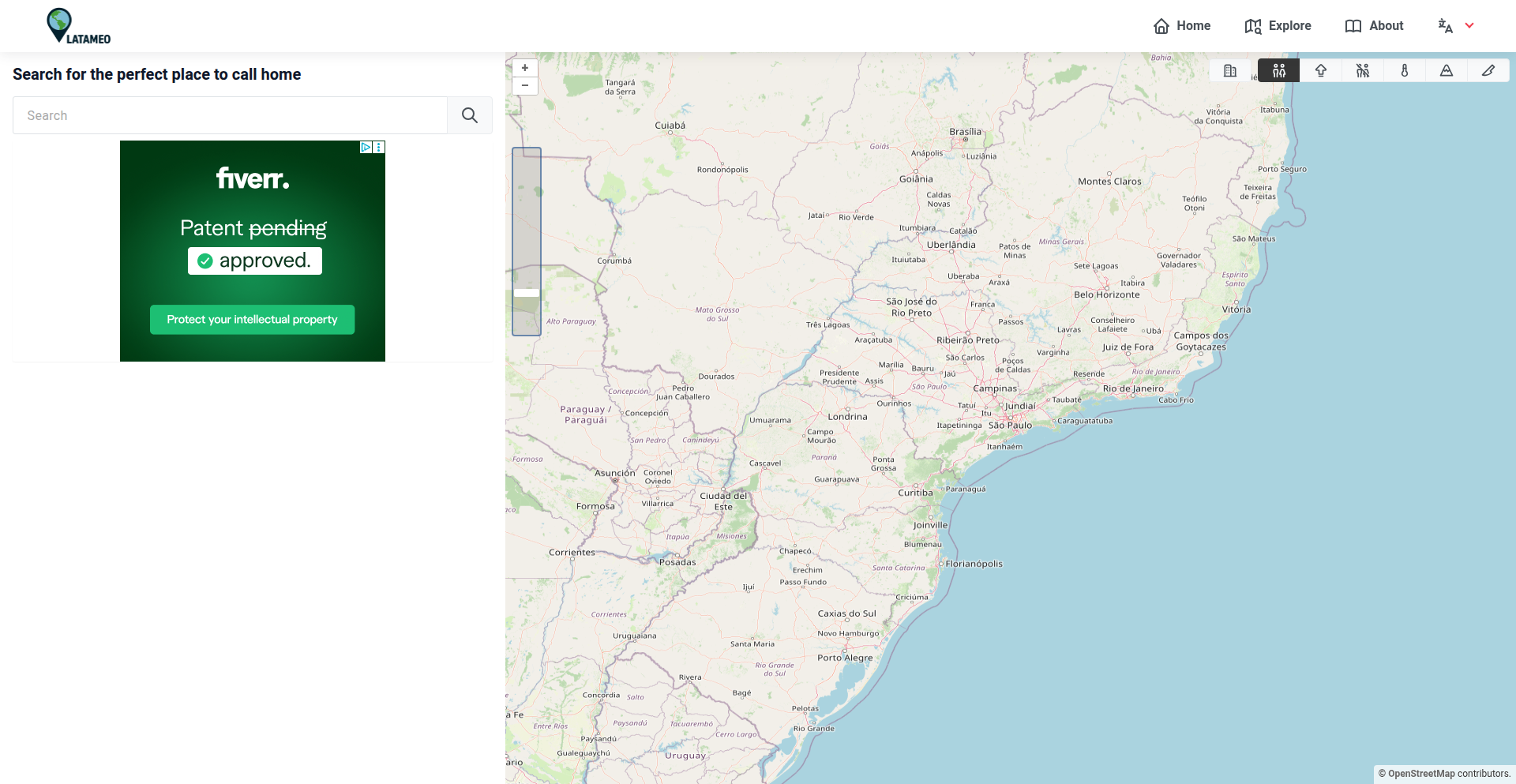
Author
batels
Description
Latameo is a map-based platform designed to help users explore and compare Latin American cities. It leverages data visualization to present crucial information such as safety, cost of living, access to essential services like hospitals and schools, and connectivity to major hubs. This project is currently in its early stages, with a focus on Brazil and Argentina, offering a novel way to understand the nuances of urban living in these regions. The core innovation lies in aggregating and presenting complex comparative data visually on a map, making it intuitive to grasp the pros and cons of different cities.
Popularity
Points 2
Comments 0
What is this product?
Latameo is a web application that provides an interactive map to visualize and compare key metrics for cities in Latin America. Instead of wading through spreadsheets or disparate websites, Latameo overlays data like safety scores, cost of living indexes, proximity to healthcare and educational institutions, and transportation links directly onto a geographical map. This approach uses data aggregation and geospatial visualization techniques to offer a more digestible and insightful way to understand city comparisons. So, what's in it for you? It cuts down the research time significantly by presenting crucial comparative data in one easy-to-understand visual format, allowing for quicker and more informed decisions about where to live or invest.
How to use it?
Developers can use Latameo to gain insights into the data it presents for their own research or potential relocation planning. While the current product is a standalone exploration tool, its underlying data structure and visualization principles can inspire developers to build similar tools for other regions or specific datasets. For integration, think of it as an API-first approach for data. If Latameo were to expose its data, developers could pull safety ratings, cost of living data, or connectivity scores for specific cities and integrate them into their own applications, such as real estate platforms, relocation advisory services, or even personal finance tools. The immediate use case is for anyone considering moving to or investing in Latin America, allowing them to visually compare cities based on their priorities. This means you can quickly see which cities offer the best balance of affordability and safety, or which ones are well-connected for business.
Product Core Function
· Geospatial Data Visualization: Presents city comparison data directly on an interactive map, making complex information intuitive. This is valuable for quickly identifying patterns and outliers in urban environments, helping users to grasp differences between cities at a glance. So, what's in it for you? You can visually 'see' where the safest or most affordable cities are without reading pages of text.
· Comparative Metrics Aggregation: Collects and presents key lifestyle and infrastructure data points such as safety, cost of living, and access to services. This is useful for creating a holistic view of a city's livability. So, what's in it for you? You get a comprehensive overview of what a city offers beyond just surface-level information, enabling a more realistic assessment.
· Region-Specific Focus (Brazil & Argentina): Provides in-depth data for specific countries, allowing for detailed analysis within those markets. This is valuable for users with a targeted interest in these particular regions. So, what's in it for you? If you're focused on Brazil or Argentina, you get hyper-relevant and detailed information without having to filter through broader, less specific data.
· Early-Stage Development with Community Feedback: The project is open for user input, allowing the community to shape its future development and feature set. This is valuable for ensuring the tool evolves to meet real-world needs. So, what's in it for you? You can influence the development of a tool that directly serves your interests, ensuring it becomes more useful to you over time.
Product Usage Case
· A digital nomad considering relocation to Brazil: They can use Latameo to compare cities like Florianópolis and São Paulo based on cost of living, internet speed (connectivity), and safety ratings, helping them choose a city that balances affordability with a good working environment. This solves the problem of piecing together scattered information from various sources.
· An investor looking for real estate opportunities in Argentina: They can utilize Latameo to assess cities like Buenos Aires and Córdoba by examining access to schools and hospitals, alongside safety metrics, to identify areas with strong potential for growth and livability. This addresses the need for data-driven investment decisions.
· A researcher studying urban development trends in Latin America: They can use Latameo as a starting point to visually explore comparative data across different cities, identifying potential areas for deeper qualitative research. This helps in quickly identifying interesting patterns and formulating research hypotheses.
· A person planning an extended stay in Latin America: They can compare cities in terms of safety and cost of living to find a comfortable and budget-friendly destination that also offers good access to amenities. This makes the planning process less daunting and more efficient.
71
EpsteinFileExplorer

Author
ms7892
Description
A web-based viewer for the Epstein files, enabling efficient navigation and searching of large, complex datasets. It addresses the challenge of making sensitive, sprawling public documents accessible and analyzable by leveraging advanced indexing and rendering techniques for improved user experience.
Popularity
Points 2
Comments 0
What is this product?
EpsteinFileExplorer is a web application designed to make large collections of publicly available documents, specifically the Epstein files, more manageable and searchable. Instead of downloading and manually sifting through numerous PDF or text files, this tool provides an interactive interface. It works by processing the documents offline, creating a searchable index (think of it like a super-fast library catalog for your files), and then serving them through a web browser. The innovation lies in its ability to handle large volumes of data efficiently, allowing users to quickly find specific keywords or phrases across thousands of pages without lengthy download times or complex software. So, what's in it for you? It means you can quickly get to the information you need from these extensive public records, saving significant time and effort.
How to use it?
Developers can use EpsteinFileExplorer by deploying it on their own server or by accessing a publicly hosted instance. The core usage involves uploading or pointing the application to a directory containing the documents. The system then indexes these files. Once indexed, users can access a web interface through their browser to search for terms, view documents with highlighted search results, and navigate through the content. For integration, the project might offer APIs or embeddable components that other applications can use to search or display document content, facilitating data analysis workflows. So, how does this help you? It allows you to easily integrate powerful document searching capabilities into your own projects or analyze the Epstein files directly without needing to be a data processing expert.
Product Core Function
· Full-text indexing: Creates a comprehensive, searchable index of all words within the documents, allowing for rapid retrieval of relevant information. The value here is in drastically reducing search times from hours to seconds for large document sets. It's useful for researchers, journalists, or anyone needing to quickly find specific mentions within public records.
· Interactive document rendering: Displays documents directly in the web browser with search terms highlighted, enabling users to see context immediately. This provides a superior viewing experience compared to opening individual files, making it easier to understand relationships between different pieces of information. This is valuable for anyone trying to comprehend complex documents.
· Efficient data handling: Optimized to manage and serve large numbers of documents without significant performance degradation. The innovation is in its ability to keep the user interface responsive even when dealing with gigabytes of text. This is critical for making large public datasets accessible and usable.
· Keyword search and filtering: Allows users to perform targeted searches for specific words or phrases and filter results to narrow down relevant documents. This core functionality makes it possible to efficiently sift through vast amounts of information to find what's truly important. It's like having a powerful search engine specifically for your chosen document collection.
Product Usage Case
· Investigative Journalism: A journalist can use EpsteinFileExplorer to quickly search through thousands of pages of court documents and witness testimonies to find specific names, dates, or events related to a story. This directly addresses the challenge of processing overwhelming amounts of raw data and allows for faster, more accurate reporting.
· Academic Research: A researcher studying social patterns or historical events might use the tool to analyze a large corpus of public records for recurring themes or mentions of specific entities. The ability to efficiently search and analyze large datasets accelerates the research process and uncovers insights that might otherwise be buried. This helps in making sense of complex historical or social data.
· Legal Analysis: A legal professional could use the viewer to quickly find all mentions of a particular individual or legal precedent within a large collection of case files. This significantly speeds up the preparation of legal arguments and discovery processes, saving valuable time and resources in legal cases.
· Public Interest and Transparency Advocates: Organizations focused on transparency can use this tool to make complex public documents more accessible to the general public, fostering greater understanding and engagement with important societal issues. This empowers citizens by making information readily available and understandable.
72
Nrawg: LexiCube Puzzle Engine

Author
toastar
Description
Nrawg is a novel browser game that merges the spatial manipulation of a Rubik's Cube with the word discovery of a word search. Its innovation lies in its design philosophy: prioritizing puzzle-solving mechanics over linguistic knowledge, making it accessible to a broader audience. This project demonstrates a creative approach to game design by abstracting language into a grid-based puzzle, akin to a Rubik's Cube where faces can be rotated and words can be formed by connecting adjacent letters.
Popularity
Points 2
Comments 0
What is this product?
Nrawg is a browser-based puzzle game that cleverly combines the tactile, rotational challenge of a Rubik's Cube with the letter-finding aspect of a word search. Instead of requiring a vast vocabulary, the core mechanic involves manipulating a 3D grid of letters. You rotate sections of this cube to align letters and form valid words. The innovation is in creating a word game that is fundamentally a spatial reasoning puzzle, much like solving a Rubik's Cube, where the 'solution' is finding words by strategically arranging the letters. So, what's the use? It offers a refreshing mental workout that tests your logic and pattern recognition, not just your vocabulary, making word puzzles fun for everyone.
How to use it?
Developers can integrate Nrawg's core puzzle mechanics into their own applications or games. The underlying engine can be leveraged to generate procedurally generated letter cubes, manage user input for rotations, and validate word formations against a dictionary. This could be used in educational tools to teach spatial reasoning, in casual games seeking a unique puzzle mechanic, or even in accessibility-focused applications where traditional word games might be too language-dependent. So, how can you use this? Imagine embedding a dynamic, rotating word puzzle into your educational app, providing a novel challenge for your users.
Product Core Function
· Procedural Cube Generation: Creates unique, randomized letter grids for endless replayability. The value is in providing a fresh challenge every time, ensuring players always have something new to solve.
· 3D Grid Rotation Logic: Implements intuitive controls for rotating faces and sections of the letter cube. This is crucial for the core gameplay, allowing players to physically manipulate the puzzle space to find words.
· Word Validation Engine: Checks if sequences of connected letters form valid words. This ensures fair play and provides feedback to the player, grounding the puzzle in a solvable objective.
· State Management for Game Progress: Tracks the current state of the cube and player progress. This is essential for a playable game, allowing users to continue from where they left off or to reset challenges.
Product Usage Case
· Educational Tool Integration: A teacher could use Nrawg's engine in a classroom to create interactive lessons on spatial reasoning and problem-solving, rather than just vocabulary drills. This solves the problem of engaging students who struggle with traditional language-based learning.
· Casual Game Development: A game developer could incorporate Nrawg's core mechanics to build a unique casual game with a fresh twist on word puzzles, attracting players looking for something beyond typical word search or crosswords. This addresses the need for novel game mechanics in a crowded market.
· Accessibility Features: For individuals with certain language processing challenges, Nrawg's puzzle-centric approach offers an accessible alternative to traditional word games, focusing on logic and pattern recognition. This solves the problem of exclusion in gaming for specific user groups.
· Interactive Art Installations: Artists could use the rotating cube mechanic to create dynamic, interactive digital art pieces that respond to user input, generating words in real-time. This opens up creative avenues for digital art that are engaging and responsive.
73
Parametric UI Avatar Generator

Author
xtrivity
Description
This project is a tool designed to quickly generate consistent, production-ready UI avatars using a set of parameters, bypassing the need for heavy 3D modeling or large illustration systems. It offers a middle ground between static, inflexible image packs and slow, complex 3D pipelines, aiming for speed and easy integration into design and code workflows. So, this is useful for teams that need avatars for UI elements but find traditional methods too cumbersome or time-consuming, allowing them to create unique yet consistent avatars rapidly.
Popularity
Points 2
Comments 0
What is this product?
This project is a clever approach to generating UI avatars. Instead of drawing each avatar by hand or building complex 3D models, it uses a system of adjustable parameters to create unique avatars. Think of it like a digital character creator for your app's avatars. The innovation lies in its efficiency and consistency. It leverages programmatic generation to ensure that avatars look coherent across your product, even when created from different parameter combinations. So, this is useful because it automates avatar creation, saving significant design and development time while maintaining a unified visual style for your product's user representations.
How to use it?
Developers can integrate this tool into their design and development workflows. It likely works by providing a set of customizable features (like hair style, facial structure, clothing color, etc.) via parameters. These parameters are then fed into the generation engine, which outputs a ready-to-use image or even a renderable 3D model. For example, during the prototyping phase, a designer could quickly iterate on different avatar styles by adjusting parameters in a script or a simple UI. In production, these parameters can be linked to user data to dynamically generate user avatars. So, this is useful because it offers a flexible and integrated way to populate your application with avatars, whether for mockups, user profiles, or onboarding experiences, directly from your existing design and coding pipelines.
Product Core Function
· Parametric Avatar Generation: Creates avatars based on a defined set of customizable attributes, ensuring consistency. This is valuable for maintaining a unified brand aesthetic and speeding up the creation of multiple avatar variations for different user roles or states.
· Production-Ready Output: Generates avatars in formats suitable for direct integration into UI designs and code, eliminating the need for extensive post-processing. This is useful for streamlining the handoff between design and development, allowing for immediate implementation of avatar elements.
· Workflow Integration: Designed to fit seamlessly into existing design and development pipelines, offering flexibility for use in mockups, onboarding, empty states, and internal tools. This is valuable for teams that want to adopt new avatar generation methods without a complete overhaul of their current processes.
· Speed and Efficiency: Significantly reduces the time and resources required to create avatars compared to traditional 3D modeling or manual illustration. This is useful for accelerating project timelines and allowing designers and developers to focus on other critical aspects of product development.
Product Usage Case
· Generating placeholder avatars for user profiles in a social networking app during early development. The tool allows developers to quickly create a diverse set of avatars that look consistent, providing a realistic feel to the UI without needing actual user data yet. This solves the problem of having unappealing or inconsistent placeholders.
· Creating unique avatars for characters in an onboarding flow to guide new users. By adjusting parameters, each step of the onboarding can have a slightly different avatar, making the experience more engaging and personalized. This addresses the challenge of making onboarding visually interesting and memorable.
· Populating 'empty states' in an application (e.g., a dashboard with no data yet) with relevant avatars to make the interface feel less barren. The tool can generate avatars that visually represent the absence of content in an aesthetically pleasing way. This solves the problem of default empty states feeling uninviting or unprofessional.
· Quickly generating various avatar options for A/B testing different UI elements within a product mockup. Designers can rapidly produce a range of visual styles for avatars to test user engagement and preference before committing to a final design. This helps in making data-driven design decisions faster.
74
Founder's Velocity Suite
Author
ericvtheg
Description
This is a Claude Code Plugin designed to accelerate solo founders. It's packed with opinionated tools that focus on shipping quickly and avoiding common pitfalls. It includes features to identify anti-patterns in code, a framework for prioritizing what to build, a landing page evaluator, and a generator for 'build in public' tweets directly from your Git commits. The core innovation lies in translating the unique needs of solo founders into actionable code-centric tools, helping them move from idea to execution with less friction.
Popularity
Points 2
Comments 0
What is this product?
The Founder's Velocity Suite is a set of specialized tools integrated as a Claude Code Plugin, built to address the specific challenges faced by solo founders. It's not just about writing code; it's about making smart decisions and shipping efficiently. The 'anti-patterns skill' acts like a seasoned advisor, flagging common, time-wasting mistakes that often plague early-stage projects. The 'decision framework' provides a structured way to evaluate potential features, ensuring you're always working on what matters most. The landing page reviewer offers immediate feedback on your product's first impression, and the commit-to-tweet generator automates the crucial 'build in public' process, turning your development progress into engaging social media content. So, what's the innovation here? It's the translation of solo founder philosophy – prioritizing speed, impact, and smart decision-making – directly into practical, code-level tools. This means you spend less time pondering and more time building.
How to use it?
Developers and solo founders can integrate this toolkit directly into their Claude coding environment. After enabling the Claude Code Plugin, you can invoke its features through natural language commands. For instance, you might ask Claude to 'review this code for common founder anti-patterns,' 'help me score these potential features,' 'evaluate my current landing page copy,' or 'generate a tweet about my latest commit.' The plugin seamlessly integrates with your coding workflow, providing instant feedback and actionable suggestions without requiring you to switch contexts or learn entirely new software. This is particularly useful for founders who are wearing multiple hats and need tools that are both powerful and readily accessible within their primary development interface.
Product Core Function
· Anti-patterns Skill: Detects and suggests fixes for common coding mistakes that slow down development or lead to technical debt, helping you avoid wasted effort and maintain code quality.
· Decision Framework: Provides a structured method for evaluating and prioritizing feature ideas or product directions, ensuring you focus on building what will have the most impact and drive your business forward.
· Landing Page Reviewer: Analyzes your product's landing page for clarity, effectiveness, and conversion potential, giving you immediate feedback on how to better attract and engage potential users.
· Git Commit to Tweet Generator: Automatically transforms your Git commit messages into engaging 'build in public' style tweets, simplifying your social media outreach and keeping your community updated on your progress.
Product Usage Case
· A solo founder is struggling to decide between two equally appealing feature ideas. By using the Decision Framework, they can input the pros and cons of each and get a ranked score, helping them confidently choose the path with the highest potential impact.
· A developer is working on a new feature and suspects they might be over-engineering it. They can use the Anti-patterns Skill to quickly scan their code, identify any signs of premature optimization or unnecessary complexity, and get advice on a simpler, more effective implementation.
· A startup founder has just launched a new version of their product. They can use the Landing Page Reviewer to get instant feedback on their marketing copy and calls to action, helping them refine the page to convert more visitors into customers.
· A developer is consistently committing code but forgets to post updates. The Git Commit to Tweet Generator can automatically draft tweets about their progress based on their commit messages, ensuring they maintain a consistent 'build in public' presence without extra manual effort.
75
AI-Agent MD Framework

Author
waynesutton
Description
An open-source framework designed for AI agents and developers to seamlessly publish Markdown content. It focuses on simplifying the process of generating, managing, and deploying Markdown for various AI-driven applications and developer documentation.
Popularity
Points 2
Comments 0
What is this product?
This project is an open-source framework that acts as a bridge for AI agents and developers to easily publish Markdown content. Think of it as a specialized publishing house for text that AI can understand and humans can read. Its core innovation lies in its ability to handle the nuances of Markdown generation and deployment, making it suitable for programmatic content creation by AI or for structured documentation by developers. So, this is useful because it automates the often tedious task of getting AI-generated text or developer notes into a well-formatted, publishable format, saving time and reducing errors. The innovation is in creating a standardized, developer-friendly pipeline for AI content.
How to use it?
Developers can integrate this framework into their existing workflows or use it to build new AI-powered content generation systems. For instance, an AI agent tasked with summarizing research papers could use this framework to directly output its summaries in a clean Markdown format, ready for immediate publishing on a blog or documentation site. Developers can also leverage it to automate the generation of API documentation from code comments or to create dynamic content for websites. The usage involves setting up the framework, defining content generation rules, and then letting the framework handle the publishing. This is useful because it allows for programmatic control over content creation and distribution, directly integrating AI outputs into human-readable platforms.
Product Core Function
· Automated Markdown Generation: The framework can programmatically create Markdown files based on input data or AI model outputs, ensuring consistent formatting and structure. This is valuable for AI agents that need to produce structured reports or articles, and for developers who want to automate documentation.
· Content Deployment Pipelines: It provides tools to easily deploy generated Markdown to various platforms like static site generators, blogs, or knowledge bases. This is useful for streamlining the publishing process and ensuring that AI-generated or developer-created content reaches its intended audience quickly and efficiently.
· Extensible Plugin System: The framework is designed to be modular, allowing developers to extend its functionality with custom plugins for specific content transformations or publishing targets. This provides flexibility for unique use cases and allows for future growth of the framework.
· AI Agent Integration: Specifically tailored to handle the output of AI agents, translating their sometimes raw outputs into polished Markdown. This is crucial for making AI content accessible and usable by humans and other systems.
· Developer Documentation Automation: Enables developers to generate documentation directly from their code, reducing manual effort and keeping documentation up-to-date. This is useful for maintaining high-quality, current technical documentation.
Product Usage Case
· An AI chatbot trained to provide technical support could use this framework to generate detailed troubleshooting guides in Markdown, which are then automatically published to a company's internal knowledge base. This helps resolve user issues faster by providing readily accessible, well-formatted solutions.
· A developer building a personal blog could use this framework to automatically convert their daily coding journal entries into blog posts, formatted in Markdown, and published directly to their static site. This saves time on manual formatting and allows for more consistent content creation.
· A research team could employ this framework to take their AI's scientific discovery summaries and automatically generate research paper drafts in Markdown, ready for further human editing and submission. This accelerates the research dissemination process.
· A software project maintainer could integrate this framework to automatically generate and update API documentation based on code changes, ensuring that developers always have access to the latest information. This improves developer experience and reduces integration friction.
76
GameShelf Nexus

Author
cedel2k1
Description
GameShelf Nexus is a personal inventory and marketplace for physical video games, inspired by Discogs. It leverages a clever combination of data aggregation and user-driven cataloging to allow players to buy, track, and sell their game collections. The core innovation lies in its ability to democratize game data, making it accessible and actionable for the average gamer, not just collectors.
Popularity
Points 1
Comments 0
What is this product?
GameShelf Nexus is a web application designed to help you manage your physical video game collection. It allows you to catalog games you own, track their condition and value, and even facilitates buying and selling within the community. The technical ingenuity comes from how it pieces together information. It likely uses APIs from various gaming databases and potentially web scraping to gather game details, release dates, and pricing trends. Users then contribute by adding their own game entries, refining the data. This crowdsourced approach makes the data richer and more accurate over time, offering a decentralized solution for game collection management.
How to use it?
Developers can use GameShelf Nexus to build their own gaming-related tools or integrate its functionality into existing platforms. For instance, you could use its API (if available) to power a game recommendation engine, a price comparison tool for used games, or even a personalized gaming news feed. The platform's structured data on games, conditions, and market prices provides a solid foundation for creating specialized applications that cater to the gaming niche. Imagine a tool that automatically suggests games you might like based on your collection, or one that alerts you when a specific game drops below a certain price point.
Product Core Function
· Personalized Game Cataloging: Users can add any physical video game to their personal collection, specifying details like platform, condition, and purchase date. This provides a structured way to manage one's gaming library, offering a clear overview of owned assets.
· Market Value Tracking: The system aggregates pricing data from various sources (likely including user contributions and sales history) to provide an estimated market value for each game. This helps users understand the potential worth of their collection and make informed decisions about buying or selling.
· Integrated Marketplace: Facilitates direct buying and selling of games between users. This creates a peer-to-peer economy for physical games, offering a convenient and community-driven platform for transactions.
· Data Aggregation and Crowdsourcing: The platform cleverly combines existing game databases with user-submitted data. This ensures a comprehensive and ever-improving dataset of games, making it more robust than relying on a single source. This means the more people use it, the better it gets for everyone.
· Wishlist and Want-to-Buy Features: Users can create wishlists of games they want to acquire, and the system can notify them when these games become available for sale on the platform. This streamlines the acquisition process for desired titles.
Product Usage Case
· A developer could build a tool that automatically generates a visual representation of a user's game collection, complete with statistics on genre distribution and rarity, by pulling data from GameShelf Nexus. This addresses the need for engaging and insightful ways to visualize personal data.
· A gamer wanting to sell a rare retro game could use GameShelf Nexus to accurately price it by checking recent sales of similar items on the platform. This solves the problem of underpricing or overpricing collectibles, leading to more successful transactions.
· An indie game developer could analyze market trends for specific genres or platforms using the aggregated data on GameShelf Nexus to inform their next project. This helps them understand player demand and market saturation.
· A small business owner running a used game store could integrate GameShelf Nexus's pricing data into their inventory management system to ensure competitive pricing and track popular items. This improves efficiency and profitability for their business.
77
DataFlow: Programmable LLM Data Engineering

Author
Mey0320
Description
DataFlow is an open-source framework that makes preparing data for Large Language Models (LLMs) as structured and repeatable as building AI models. It tackles the problem of messy, ad-hoc data preparation by offering a modular, code-based approach, inspired by deep learning frameworks like PyTorch. This allows for complex synthetic data generation and iterative refinement, leading to significantly better model performance with less data. So, this helps you build better AI models more efficiently by making your data preparation process robust and scientific.
Popularity
Points 1
Comments 0
What is this product?
DataFlow is a programming framework for LLM data preparation. Think of it like building with LEGOs, but for your AI model's training data. Instead of writing scattered scripts, you define data processing steps as modular 'Operators' that can be chained together into 'Pipelines'. This approach mirrors how deep learning models are built with layers. Its innovation lies in bringing rigorous, programmable abstraction to data engineering, a field often plagued by manual processes. This means you can create and refine your training data with the same precision and reproducibility as you tune your model's architecture. So, this provides a systematic and code-driven way to create high-quality data for your AI, making your AI development process more predictable and effective.
How to use it?
Developers can use DataFlow by defining their data preparation workflows in code. Similar to importing libraries in Python, you'd import DataFlow's Operators and assemble them into custom Pipelines. For instance, you might define a pipeline that first generates synthetic text data using a prompt template, then filters it based on certain criteria, and finally transforms it into a format suitable for LLM training. The DataFlow-Agent component is particularly powerful, allowing you to describe your data generation needs in natural language, and it will automatically construct an executable pipeline for you. This can be integrated into existing MLOps pipelines or used as a standalone tool for data curation. So, this allows you to programmatically control and automate the creation of your AI training data, saving time and improving consistency, especially when building custom LLM applications.
Product Core Function
· Modular Operator Abstraction: Provides standard interfaces for building reusable data processing components, similar to layers in a neural network. This allows for easy composition and flexibility in designing complex data workflows. So, this means you can build and reuse data processing steps efficiently.
· Rich Operator Zoo: Offers a pre-built collection of nearly 200 operators for various data types like text, math, code, Text-to-SQL, and Retrieval Augmented Generation (RAG). This significantly speeds up development by providing ready-to-use functionalities. So, this gives you a wide range of tools to handle different data types and tasks without starting from scratch.
· Pipeline Construction: Enables chaining multiple operators together to create sophisticated data preparation pipelines. This allows for complex data generation, transformation, and refinement processes in a structured manner. So, this helps you build multi-step data processing workflows easily.
· DataFlow-Agent: An agentic layer that translates natural language requirements into executable DataFlow pipelines. This democratizes data preparation by allowing users to describe their needs in plain English. So, this means you can generate data pipelines without extensive coding knowledge.
· Synthetic Data Generation: Facilitates the creation of high-quality synthetic datasets, which have been shown to outperform large generic datasets. This is crucial for training specialized LLMs. So, this helps you create targeted and effective training data for your AI models.
Product Usage Case
· Developing a specialized chatbot: A developer needs to train a chatbot on niche legal documents. They can use DataFlow to generate synthetic legal Q&A pairs, using operators for text summarization and question generation, and then refine these pairs using specific legal terminology. This creates a high-quality, domain-specific dataset that outperforms generic data. So, this helps build highly accurate chatbots for specific industries.
· Improving Text-to-SQL models: A team is working on a model that converts natural language questions into SQL queries. They can use DataFlow to generate diverse and challenging Text-to-SQL examples, including edge cases and complex joins, using operators for SQL generation and natural language paraphrase. This leads to a significant improvement in the model's execution accuracy. So, this makes your data-to-database query models more robust and reliable.
· Fine-tuning code generation models: To improve a model's ability to write code, a developer can use DataFlow to generate synthetic code snippets and corresponding natural language descriptions. Operators for code syntax validation and semantic analysis can be employed to ensure the quality of the generated data. So, this helps create better AI models that can write code more effectively.
· Rapid prototyping of RAG systems: When building a Retrieval Augmented Generation system, developers need to prepare and index relevant documents. DataFlow can be used to process and chunk these documents, extract key information using operators, and generate embeddings, creating a structured knowledge base for the RAG system. So, this accelerates the development of AI systems that can access and use external information.
78
Christmas Parcel Guardian
Author
BSTRhino
Description
A game developed in 4 days for a game jam, where players must defend Christmas presents from 'grouches' using strategic barricades. The core innovation lies in the pathfinding AI of the 'grouches' and the physics-based interaction of the barricades, forcing players to think creatively about defense under pressure. It's a testament to rapid prototyping and algorithmic problem-solving in a game development context.
Popularity
Points 1
Comments 0
What is this product?
This is a real-time strategy game where you play as a guardian tasked with protecting Christmas presents from destructive 'grouches'. The key technical innovation here is the implementation of a pathfinding algorithm for the enemies. This means the 'grouches' can intelligently navigate around obstacles to reach their targets. The game challenges players to build and manage barricades, understanding how these physical objects interact with the pathfinding AI. The grouches will eventually push through, adding a dynamic layer to the defense strategy. So, what's the value? It's a practical demonstration of how AI pathfinding, like in navigation systems or robot movement, can be used to create engaging gameplay. For developers, it's a case study in building responsive and unpredictable enemy behavior with relatively simple algorithms.
How to use it?
Developers can use this project as a learning resource to understand and implement pathfinding algorithms (like A* or Dijkstra's, depending on the underlying implementation) within a game engine. The project showcases how to manage physics-based object interactions and create a reactive game environment. You can integrate the pathfinding logic into your own projects to make NPCs or enemies move intelligently through complex environments. The 'barricade' system can also be adapted for games requiring dynamic obstacle placement and destruction. So, how can you use it? If you're building a game with intelligent enemies or need a system for interactive environmental elements, this project provides a foundational example to study and adapt.
Product Core Function
· Pathfinding AI for enemies: Enables 'grouches' to intelligently navigate towards objectives, demonstrating core AI principles applicable to many game genres and simulation systems. This is valuable for creating more realistic and challenging enemy behaviors.
· Physics-based barricade system: Allows for the creation and destruction of barriers, showcasing how physics engines can be used to create dynamic gameplay and strategic depth. This is useful for games where players can manipulate the environment to their advantage.
· Real-time defense strategy: Forces players to make quick decisions and adapt their defensive strategies on the fly, highlighting the importance of game loop design and player agency. This provides insights into creating engaging and replayable gaming experiences.
· Rapid Prototyping: Developed in just 4 days, this project demonstrates the power of focused development and iterative design in quickly bringing a game concept to life. This is valuable for developers looking to test ideas efficiently.
Product Usage Case
· Implementing intelligent enemy movement in a tower defense game: The pathfinding logic can be directly applied to ensure enemy units follow predictable yet adaptable paths towards player defenses, making the game more challenging and strategic.
· Creating dynamic environmental obstacles in a puzzle game: The physics-based barricade system can be used to build levels where players must strategically move or destroy objects to solve puzzles or progress, offering a unique interactive element.
· Developing AI for autonomous robots in a simulated environment: The core pathfinding and interaction principles can be adapted to teach robots how to navigate complex spaces and manipulate objects, applicable in robotics research and development.
· Building a quick proof-of-concept for a strategy game mechanic: The project serves as an excellent example of how to quickly iterate on game mechanics, specifically focusing on AI behavior and environmental interaction, proving the viability of a feature before investing heavily in its development.
79
CodeGate: Firecracker AI Agent Sandbox
Author
mondra
Description
CodeGate is a project that leverages Firecracker microVMs to create secure, isolated environments for running AI agent pip installs. This addresses the critical security risk of executing untrusted Python packages, offering a safe way to experiment with new AI tools without compromising the host system. It's like having a disposable, high-security lab for your AI code.
Popularity
Points 1
Comments 0
What is this product?
CodeGate is a sandboxing solution built on AWS Firecracker. Firecracker is a technology that allows us to create extremely lightweight virtual machines (think of them as super-fast, isolated containers). When you need to install Python packages for an AI agent, especially from unverified sources, it can be risky. Malicious code in those packages could damage your main system. CodeGate spins up a fresh, isolated Firecracker VM, installs the AI agent's dependencies inside it, and then discards the VM after use. This means any potential malware or errors are contained within that temporary VM and cannot affect your host machine. The innovation lies in using Firecracker, which is significantly faster and more resource-efficient than traditional VMs, making this sandboxing process very practical for frequent, on-demand execution. So, it provides a secure way to test and run AI agent code without fear of damaging your computer.
How to use it?
Developers can integrate CodeGate into their AI agent workflows. Imagine you're building an AI agent that needs to interact with various external libraries or tools. Instead of directly running `pip install` on your main development machine, you would configure your agent to execute these installations within a CodeGate sandbox. This could be done programmatically by calling CodeGate's API or CLI. The sandbox provides a clean slate, ensuring that dependencies for one agent don't conflict with others or introduce security vulnerabilities to your system. This is especially useful in CI/CD pipelines or for researchers rapidly prototyping new AI agent functionalities. So, you use it to isolate the installation and execution of potentially risky AI code, keeping your primary development environment clean and safe.
Product Core Function
· Secure Dependency Installation: Runs `pip install` within an isolated Firecracker microVM, preventing malicious packages from impacting the host system. This ensures your main computer stays safe from potential malware introduced by third-party AI libraries.
· Ephemeral Sandboxing: Creates a new, clean sandbox environment for each execution, which is automatically destroyed afterwards. This guarantees a consistent and secure environment every time you test new code, eliminating the risk of leftover compromised files.
· Firecracker MicroVM Integration: Utilizes AWS Firecracker for fast and efficient VM creation and teardown. This means sandboxing is quick and doesn't consume excessive system resources, making it practical for everyday use. It's a speedy way to get a secure environment when you need it.
· Resource Isolation: The sandbox ensures that the AI agent's dependencies and execution are confined to their own virtual environment, preventing them from interfering with other processes or consuming excessive host resources. This keeps your system stable and performant.
· Developer Workflow Enhancement: Enables developers to confidently experiment with new AI libraries and tools without the constant worry of security breaches or system instability. This speeds up innovation and reduces the overhead of managing development environments.
Product Usage Case
· Testing untrusted Python packages for AI research: A researcher needs to evaluate a new, promising AI library published on PyPI but is concerned about its security. By using CodeGate, they can install and test the library within the isolated sandbox. If the library contains malicious code, it will only affect the temporary sandbox, not the researcher's main workstation. This allows for rapid evaluation of new tools with peace of mind.
· Building a secure AI agent development platform: A company is developing a platform for multiple AI agents to be created and deployed. CodeGate can be used to ensure that each agent's unique dependencies are installed in its own secure sandbox, preventing conflicts and security vulnerabilities from spreading across agents. This creates a robust and scalable platform where each agent operates in its own safe bubble.
· CI/CD pipeline for AI projects: In an automated build process for an AI project, CodeGate can be integrated to handle the installation of all required Python packages. This ensures that the build environment is always clean and free from previously installed or potentially compromised dependencies, leading to more reliable and secure builds. This makes your automated testing and deployment more trustworthy.
80
MntnCLI
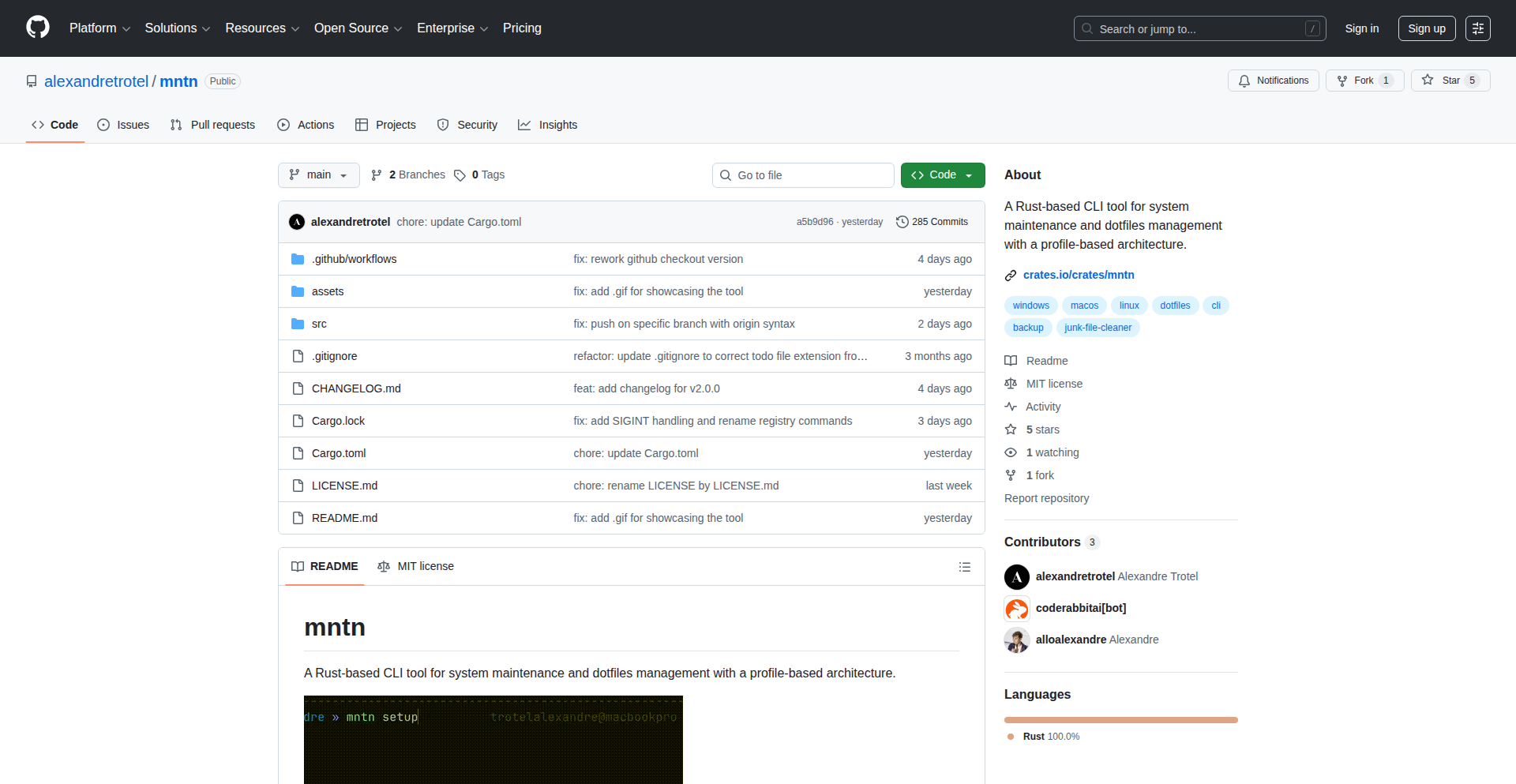
Author
alexandretrotel
Description
Mntn v2.0 is a Rust-based command-line tool that simplifies system maintenance, configuration management, and backups. It automates tasks like backing up package lists and configuration files, managing dotfile symlinks, cleaning junk files, and scheduling maintenance operations, making machine migration and environment synchronization effortless and reproducible. So, what's in it for you? It means less hassle when setting up new machines or keeping your development environment consistent across different systems, all while ensuring your configurations are safe and accessible.
Popularity
Points 1
Comments 0
What is this product?
Mntn v2.0 is a powerful command-line interface (CLI) tool built with Rust, designed to streamline system maintenance and configuration management. Its core innovation lies in its ability to automate recurring tasks. It intelligently backs up your package manager lists (like Homebrew for macOS, npm for Node.js, and Cargo for Rust) and critical configuration files, preventing data loss and simplifying system recovery. Furthermore, it manages symbolic links for your dotfiles, ensuring your personal settings and preferences are consistently applied across different machines. It also includes functionality to clean up unnecessary system files and set up automated scheduled maintenance. The cross-platform support (macOS, Linux, and experimental Windows) combined with a registry-driven approach for transparency and customization makes it a versatile tool for developers. So, what's in it for you? It provides a robust, automated solution to keep your system clean, your configurations synchronized, and your development environment stable, saving you significant time and effort in manual upkeep and troubleshooting.
How to use it?
Developers can easily install Mntn v2.0 using Cargo, Rust's package manager, with the command `cargo install mntn`. Once installed, you can leverage Mntn through various commands in your terminal. For instance, to back up your package lists and configuration files, you'd use specific Mntn commands. To manage dotfile symlinks, you can configure Mntn to track your dotfiles and automatically create symlinks on new systems, ensuring your preferred editor settings, shell configurations, and other preferences are immediately available. You can also schedule routine cleanup tasks or maintenance operations. So, what's in it for you? You can integrate Mntn into your daily workflow to automate repetitive maintenance tasks, ensuring your development environment is always in an optimal state, and making the process of setting up a new machine as simple as running a few commands.
Product Core Function
· Automated Package List Backups: Mntn intelligently backs up the lists of installed packages from popular managers like Brew, npm, and Cargo. This means if you need to set up a new machine or recover from a system issue, you can quickly reinstall all your essential development tools. The value here is saved time and guaranteed access to your required software ecosystem.
· Configuration File Management: It securely backs up and manages your critical configuration files (dotfiles). This ensures your personalized settings for editors, shells, and other applications are preserved and can be easily restored or synced across devices. The value is consistency in your user experience and protection against accidental data loss.
· Dotfile Symlink Management: Mntn helps in creating and managing symbolic links for your dotfiles. This allows you to store your configuration files in a central repository (like a Git repo) and have Mntn create the necessary links on any machine, ensuring your preferences are always applied. The value is effortless synchronization of your personalized environment.
· System Junk Cleanup: The tool can identify and remove unnecessary files and temporary data from your system, freeing up disk space and improving performance. The value is a cleaner, faster system and more available storage.
· Scheduled Maintenance Tasks: Mntn allows you to schedule recurring maintenance operations, such as backups or cleanups, ensuring your system stays in good condition without manual intervention. The value is proactive system health management and reduced risk of issues.
· Cross-Platform Compatibility: It is designed to work across macOS, Linux, and has experimental support for Windows, making it a versatile tool for developers working in different operating system environments. The value is the ability to manage your development setup uniformly, regardless of the OS.
Product Usage Case
· Migrating to a New Computer: Imagine you get a new laptop. Instead of manually reinstalling all your development tools and reconfiguring your environment, you can run Mntn. It will restore your package lists, set up your dotfile symlinks, and bring your system back to your familiar setup in minutes. The problem solved is the tedious and error-prone process of machine migration.
· Keeping Development Environments Consistent: If you work on multiple machines or collaborate with others, Mntn ensures your development environment remains consistent. By synchronizing dotfiles and package lists, you avoid the 'it works on my machine' problem. The problem solved is environment drift and compatibility issues.
· Ensuring Data Safety: For developers who frequently tinker with system configurations or install/uninstall many packages, accidental deletion of important config files is a risk. Mntn's automated backups act as a safety net, allowing quick recovery. The problem solved is the risk of losing critical personal configurations.
· Automating Repetitive Tasks: Instead of remembering to run cleanup commands or update package lists manually, Mntn can be configured to do it automatically on a schedule. The problem solved is the forgetfulness and time drain associated with routine system maintenance.
81
Pilotbook.pro: Flight Log Automation Engine

Author
j4nitor
Description
Pilotbook.pro is a clever solution born from a pilot's frustration with excessive paperwork. It leverages intelligent parsing and data extraction to automate the creation of flight logs, significantly reducing manual entry time. The core innovation lies in its ability to understand and process unstructured flight data, transforming it into structured, usable logs.
Popularity
Points 1
Comments 0
What is this product?
This project is a smart flight log generator. It uses natural language processing (NLP) techniques to read through various flight-related documents, such as pilot notes, dispatch information, or even voice recordings, and automatically extracts key details like flight times, aircraft type, route, and crew. The innovation is in its ability to go beyond simple keyword matching and understand the context of flight data, a complex task because flight information can be written in many different, often informal, ways. So, this means less time spent on tedious data entry and more time for actual flying or other important pilot duties.
How to use it?
Developers can integrate Pilotbook.pro into existing aviation management software or build new applications that require automated flight log generation. The system likely exposes an API that accepts raw flight data (text, audio files) and returns structured log entries. For example, a flight school could use it to automatically log student flight hours from instructor notes, or an airline operations center could use it to process pilot reports into compliance logs. This integration saves development time by providing a ready-made solution for a common, time-consuming problem, and ensures data accuracy.
Product Core Function
· Intelligent Data Parsing: Automatically extracts critical flight details (times, locations, aircraft, etc.) from unstructured text or audio input. The value here is reducing manual data entry errors and saving significant time for pilots and administrators. This is useful for anyone who needs to process flight information accurately and quickly.
· Automated Log Generation: Compiles extracted data into standardized flight log formats. This provides a consistent and auditable record of flights, which is crucial for regulatory compliance and operational efficiency. It's valuable for ensuring all flights are properly documented without manual effort.
· Contextual Understanding: Employs NLP to interpret the nuances of pilot notations, understanding variations in how flight data is recorded. This innovative approach ensures higher accuracy than simple pattern matching. The value is in capturing data that might be missed or misinterpreted by less sophisticated systems, leading to more reliable logs.
· API Integration: Designed to be easily integrated into other software platforms via an API. This allows developers to seamlessly add robust flight logging capabilities to their own applications without building them from scratch. The utility is providing a powerful backend service that enhances other aviation software.
Product Usage Case
· A flight school wants to automate the creation of student pilot logs. Instead of students manually entering every detail, instructors can submit their handwritten notes or voice memos to Pilotbook.pro. The system processes these inputs, generating accurate flight logs for each student, saving administrative overhead and ensuring consistent record-keeping. This directly addresses the problem of time-consuming manual logging and improves data integrity.
· An individual pilot who flies for leisure and competition wants a simpler way to track their flight hours for recertification or insurance purposes. They can feed their personal flight notes or even recordings of their flights into Pilotbook.pro. The system then generates a clear, organized flight logbook, making it easy to prove their experience and meet any requirements. This provides a personal solution for accurate and effortless log maintenance.
· An air taxi service needs to maintain meticulous records for operational and regulatory compliance. Pilotbook.pro can be used to process pilot reports and dispatch information, automatically generating detailed flight logs for every trip. This ensures compliance, reduces the burden on operations staff, and allows for quick retrieval of flight data when needed. It solves the critical need for accurate and compliant record-keeping in a commercial aviation setting.
82
Zimage2.online - AI Image Synthesis Engine

Author
chenliang001
Description
Zimage2.online is an experimental AI image generation tool that leverages Alibaba's Tongyi Z-Image model. It aims to provide a simple, accessible platform for users to create images from text prompts. The innovation lies in its direct integration with a powerful, cutting-edge AI model, offering a straightforward user experience with no complex interfaces, and a generous free tier to encourage exploration of AI-generated art.
Popularity
Points 1
Comments 0
What is this product?
Zimage2.online is a web-based application that acts as a gateway to a sophisticated artificial intelligence model (Alibaba's Tongyi Z-Image) capable of generating images from textual descriptions. The core technical idea is to abstract away the complexity of interacting directly with AI models, which often requires technical expertise and significant computational resources. By providing a user-friendly interface, it democratizes access to advanced image synthesis technology. The innovation is in its accessibility – anyone can type a sentence and see it transformed into a visual artwork, with minimal setup and no hidden costs for initial experimentation.
How to use it?
Developers and users can access Zimage2.online through their web browser. The primary interaction is by typing a descriptive text prompt into a provided input field. Once the prompt is submitted, the system sends it to the Tongyi Z-Image model, which then generates an image based on the description. This can be used for quick visual prototyping, generating creative content for social media, or even as a source of inspiration for artistic projects. For developers looking to integrate similar capabilities, Zimage2.online serves as a proof-of-concept demonstrating how AI models can be made accessible via simple web interfaces, paving the way for potential API integrations or custom-built solutions.
Product Core Function
· Text-to-Image Generation: Converts natural language descriptions into unique visual images. This is powered by the Tongyi Z-Image model, allowing for diverse artistic styles and content generation based on the prompt's detail and specificity.
· Free Credit System: Offers new users complimentary credits upon signup, removing the financial barrier to entry for experiencing advanced AI image generation. This allows individuals to test the quality and capabilities of the model without immediate commitment.
· Tiered Payment Plans: Provides flexible subscription options for users who require higher usage limits. This caters to those who find value in the service and wish to incorporate it into their regular workflow or business.
· Simplified User Interface: Features a clean and intuitive design that prioritizes ease of use, allowing users to focus on their creative prompts rather than navigating complex menus or settings. This means you can start creating images immediately without a steep learning curve.
Product Usage Case
· Content Creators generating unique visuals for blog posts, social media, or presentations. By describing the desired image, they can quickly obtain high-quality assets, saving time and resources compared to traditional stock photo sourcing or custom design work.
· Designers exploring new artistic concepts and styles by providing abstract or detailed prompts. This tool can act as a rapid ideation engine, helping them visualize initial concepts before committing to detailed design work.
· Hobbyists and artists experimenting with AI-driven creativity. They can use it to bring imaginative scenarios to life, explore different visual aesthetics, and discover new forms of artistic expression with simple text inputs.
· Educators and students learning about AI and generative art. The accessible interface and free trial allow for hands-on exploration of how AI interprets language and generates visual outputs, fostering understanding of modern technological capabilities.
83
AI SEO Strategy Navigator

Author
mohitvaswani
Description
This project offers a curated, practical database of AI-driven SEO strategies specifically for founders and marketers. It leverages AI to distill complex SEO techniques into actionable insights, addressing the challenge of keeping up with the rapidly evolving landscape of search engine optimization in an AI-powered world. Its innovation lies in making advanced AI SEO tactics accessible and directly applicable.
Popularity
Points 1
Comments 0
What is this product?
This project is essentially a smart, searchable repository of effective Search Engine Optimization (SEO) strategies that have been informed or generated by Artificial Intelligence (AI). Instead of sifting through endless articles and jargon, founders and marketers can access a collection of proven methods. The innovation is in how AI is used not just to generate content, but to analyze, categorize, and present SEO strategies in a practical, easy-to-understand format, cutting through the noise of theoretical SEO and focusing on what actually works in practice. So, this is useful because it saves you time and guesswork in understanding and applying cutting-edge SEO tactics.
How to use it?
Developers can integrate this database into their existing marketing tech stacks or use it as a standalone resource. For example, a content management system could query the database to suggest relevant AI-powered SEO improvements for blog posts in real-time. Marketers can directly browse or search the database for specific SEO challenges, such as 'AI content optimization for product pages' or 'using AI for keyword research.' The underlying technology likely involves natural language processing (NLP) to understand search queries and a structured database that maps AI concepts to tangible SEO actions. This allows for flexible integration and application depending on your needs. So, this is useful because it provides direct, actionable SEO advice tailored to your specific marketing goals, making it easy to implement.
Product Core Function
· AI-powered strategy curation: Organizes and presents SEO strategies refined by AI analysis, offering clear, actionable steps instead of abstract concepts. Value: Simplifies complex AI SEO by translating it into practical tasks, saving users time and mental effort. Application: Helps users quickly find effective strategies without needing deep AI expertise.
· Practical application focus: Emphasizes strategies that have proven effective in real-world scenarios, validated by AI analysis. Value: Ensures that the advice provided is not just theoretical but demonstrably useful, leading to better ROI. Application: Ideal for users who need to see tangible results from their SEO efforts.
· Targeted strategy selection: Allows users to find strategies relevant to specific business goals or marketing challenges. Value: Provides a focused approach to SEO, enabling users to tackle specific problems with the right AI-assisted solutions. Application: Useful for campaigns or issues requiring specialized SEO tactics.
· Founder/Marketer-centric design: Presents information in a way that is directly understandable and usable by individuals who may not have extensive technical SEO backgrounds. Value: Democratizes access to advanced AI SEO, making powerful techniques available to a broader audience. Application: Empowers entrepreneurs and marketers to enhance their online visibility and drive growth.
Product Usage Case
· A startup founder needs to improve their website's ranking for a new product launch. They can use the database to search for AI strategies on 'optimizing new product pages for search engines' and get a list of actionable steps, like using AI to generate compelling meta descriptions and schema markup, directly applicable to their product pages. This solves the problem of not knowing where to start with SEO for a new offering.
· A digital marketing agency wants to offer cutting-edge SEO services. They can leverage the database to identify and implement AI-driven keyword clustering techniques or AI-assisted content gap analysis for their clients. This helps them stay competitive by providing innovative solutions that drive better search performance. This solves the problem of needing to continuously update their service offerings with the latest advancements.
· A content marketer is struggling to understand how AI can improve their blog's organic traffic. They can browse the database for strategies related to 'AI content optimization' and discover practical tips on using AI to identify trending topics, personalize content for user intent, and improve content readability for search engines. This solves the problem of making their content more discoverable and engaging.
84
AI-Powered Trello Assistant

Author
fcuk112
Description
This project is a modern Trello-like website enhanced with AI features. It tackles the challenge of project management by offering intelligent assistance, making it easier for students, freelancers, and casual users to organize their tasks and projects.
Popularity
Points 1
Comments 0
What is this product?
This is a web-based project management tool that brings Trello's visual board concept into the modern era. Its core innovation lies in its AI integration. Instead of just a static board, it uses AI to actively help users. For example, it can guide you in setting up a new project board by suggesting a structure, automatically generate sub-tasks based on your main tasks, and provide insights into your board's progress or potential bottlenecks. Think of it as a smart assistant for your to-do lists, making organization less of a chore and more of an intuitive process. The underlying technology leverages AI models to understand task relationships and generate relevant content, streamlining the planning and execution phases of any project.
How to use it?
Developers can integrate this project into their workflow as a standalone project management solution or potentially as a component within a larger application. It's designed for easy adoption, much like traditional project management tools. You can create boards for different projects, add tasks, define deadlines, and assign team members. The AI features are designed to work seamlessly in the background. For instance, when you create a new task like 'Write Report', the AI might suggest sub-tasks like 'Research,' 'Outline,' 'Draft,' and 'Edit.' The board insights could highlight overdue tasks or suggest ways to optimize your workflow. It's about making complex project planning accessible and less time-consuming, so you can focus more on doing the work.
Product Core Function
· Guided Board Creation: The AI suggests optimal board structures for different project types, reducing the setup time and cognitive load for new projects. This means you don't have to start from scratch; the AI provides a intelligent template.
· Automated Sub-task Generation: Based on a primary task, the AI can propose a breakdown into smaller, manageable sub-tasks. This is incredibly useful for complex projects, ensuring no critical steps are missed and making tasks feel less overwhelming.
· Board Insights and Analytics: The AI analyzes your project board to provide actionable insights, such as identifying potential delays, highlighting completed milestones, or suggesting task prioritization. This helps you stay on track and make informed decisions about your project's progress.
· Modern User Interface: A clean and intuitive design that makes navigating and managing tasks visually appealing and efficient. This improves user experience and reduces the learning curve for new users.
· Task and Deadline Management: Standard project management functionalities for creating, assigning, and tracking tasks with due dates, forming the foundational elements for organized work.
Product Usage Case
· Student Planning: A student using the AI to manage their coursework. They create a board for 'Semester Projects,' and the AI helps them set up boards for individual assignments like 'Research Paper' or 'Group Presentation,' automatically generating sub-tasks like 'Literature Review,' 'Outline,' 'Drafting,' and 'Final Submission.' This ensures they never miss a deadline and have a clear roadmap for each academic task.
· Freelancer Project Management: A solo freelancer juggling multiple client projects. They can create separate boards for each client, and the AI assists in breaking down large project deliverables into smaller, actionable steps. For example, for a web design project, the AI might suggest sub-tasks for 'Wireframing,' 'UI Design,' 'Frontend Development,' and 'Backend Integration,' helping the freelancer manage scope and client expectations effectively.
· Personal Organization: A casual user wants to organize their personal goals, like planning a vacation. The AI can help set up a board for 'Vacation Planning,' suggesting tasks such as 'Choose Destination,' 'Book Flights,' 'Book Accommodation,' 'Create Itinerary,' and 'Pack,' making a complex planning process feel manageable and less daunting.
85
BrowserVibeCoder

Author
pllu
Description
A browser-based tool that lets you describe what you want to build, see it come to life through AI-generated code, and then refine it by chatting. It leverages AI models via OpenRouter, runs entirely in your browser, and includes features like automatic error reporting, screenshots for AI context, version history, and a community gallery.
Popularity
Points 1
Comments 0
What is this product?
BrowserVibeCoder is a novel coding environment that allows users to generate and iterate on applications directly within their web browser, powered by large language models (LLMs). Instead of writing code line-by-line, you describe your desired app, and the AI translates your vision into actual code. It's like having a coding assistant that understands natural language, can see your app's state through screenshots, and can even help debug by analyzing browser errors. The innovation lies in its ability to bring AI-powered code generation and iterative development into a convenient, local, and accessible browser-based interface, using models like Gemini 3 Flash through OpenRouter. This means your data stays private except for the AI calls, and you can pick the AI model that best suits your needs.
How to use it?
Developers can use BrowserVibeCoder by visiting the web application in their browser. They start by typing a description of the app or feature they want to create (e.g., 'a simple to-do list app with dark mode'). The tool then generates the initial code. If there are errors or the output isn't quite right, users can chat with the AI to explain the problem or provide further instructions, and the AI will attempt to correct the code. Developers can also use the screenshot feature to visually guide the AI and the error reporting to help it debug issues. The ability to restore previous versions of the code is invaluable for experimenting without fear of losing progress. Integrated apps can be shared and discovered through the community gallery, fostering collaboration and inspiration.
Product Core Function
· AI-powered code generation from natural language descriptions: This allows developers to quickly prototype and build applications by simply describing their desired functionality, significantly reducing the initial coding effort and time. It's useful for quickly testing ideas or generating boilerplate code.
· Iterative development through chat-based refinement: Developers can have a conversation with the AI to modify and improve the generated code, making the development process more dynamic and responsive to feedback. This is great for fine-tuning features and fixing issues without manual coding.
· Local browser execution with optional AI model selection: The entire development process runs in the user's browser, enhancing privacy and accessibility. By using OpenRouter, users can choose from various AI models (like Gemini 3 Flash), allowing them to optimize for speed, cost, or quality based on their project needs. This provides flexibility and control over the AI backend.
· Automatic browser error attachment for AI debugging: The tool automatically captures browser errors and provides them to the AI, enabling it to intelligently diagnose and fix bugs. This dramatically speeds up the debugging process and helps identify root causes more efficiently.
· Screenshot capture for visual AI context: Developers can take screenshots of their application's current state to provide visual context to the AI, helping it understand the UI and make more accurate coding decisions. This is particularly useful for UI-related development and adjustments.
· Version history and restoration: The ability to save and revert to previous versions of the code allows for fearless experimentation and safe iteration. If a change doesn't work out, developers can easily go back to a stable state, preventing data loss and saving time.
· Community gallery for sharing and discovery: Users can share their creations and discover apps built by others, fostering a collaborative environment and providing inspiration for new projects. This is a great way to learn from the community and showcase one's own work.
Product Usage Case
· A freelance web developer needs to quickly build a landing page for a new client. They can describe the desired layout, content sections, and call-to-action buttons to BrowserVibeCoder, which generates the initial HTML, CSS, and JavaScript. The developer then uses chat to request specific styling changes or add a simple form, accelerating the delivery time and allowing them to focus on client communication.
· A game developer wants to prototype a simple browser-based game. They describe the game mechanics, player controls, and win conditions. BrowserVibeCoder generates the core game loop and logic. The developer then uses screenshots of the game's progress and chat to refine the game's physics and add visual elements, quickly iterating on the game design without getting bogged down in initial setup.
· A student learning to code encounters a tricky JavaScript error in their project. Instead of spending hours searching for solutions, they can use BrowserVibeCoder to attach the error message and a screenshot of their UI. The AI can then suggest a fix or explain the error, helping the student learn more effectively and overcome technical hurdles faster.
· A startup team is brainstorming new product ideas. They can use BrowserVibeCoder to quickly generate functional prototypes for different concepts based on textual descriptions. This allows them to rapidly test the viability of various features and gather early user feedback, speeding up the product discovery and validation process.
86
TerminalDeployer
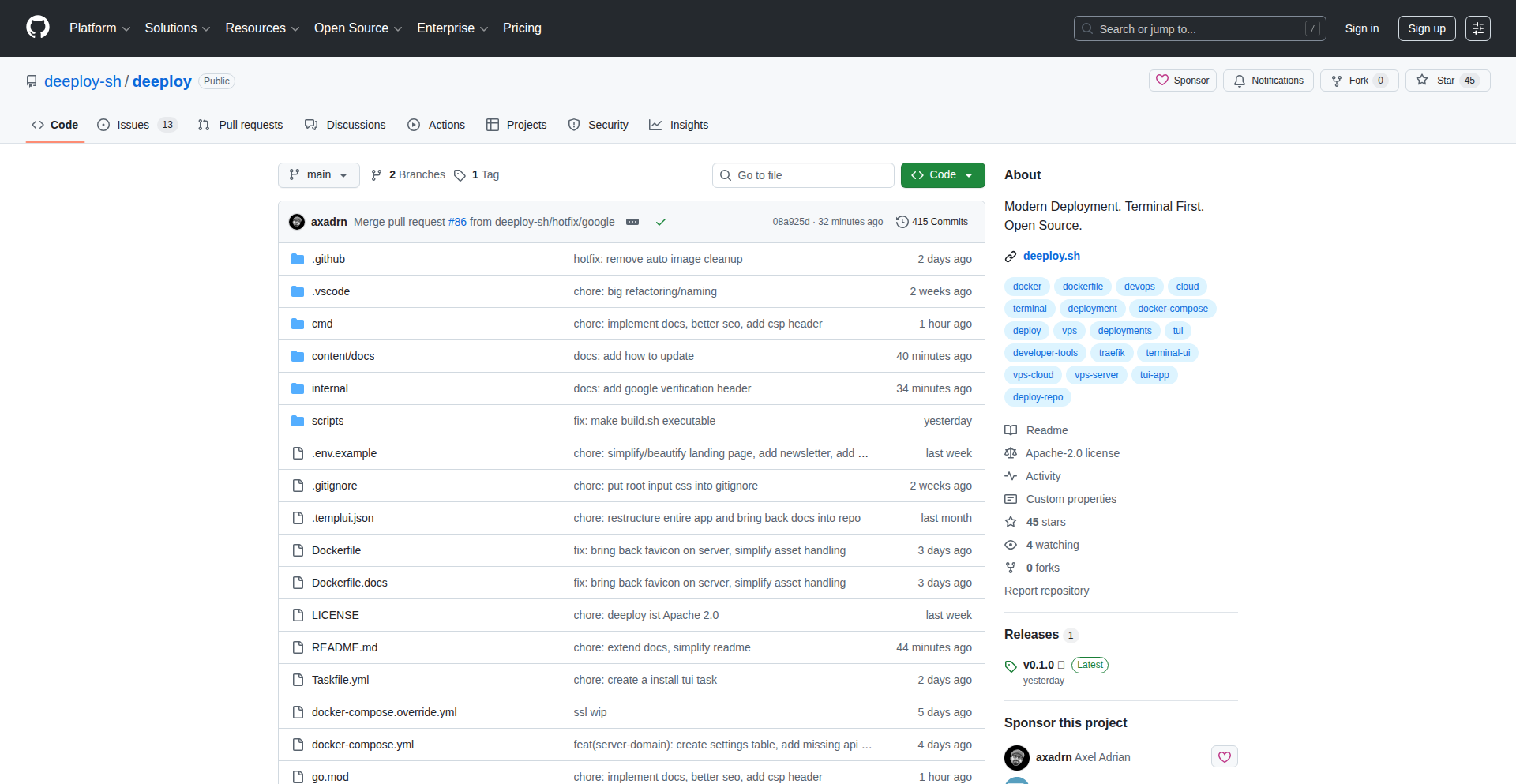
Author
axadrn
Description
A self-hosted, terminal-first deployment platform that brings Heroku-like functionality directly into your command-line interface. It eliminates the need for web dashboards, allowing developers to manage deployments entirely within their existing terminal workflow. The core innovation lies in its integration with tools like Docker and Traefik, enabling zero-downtime deployments and automatic SSL certificate management, all controlled via simple git commands.
Popularity
Points 1
Comments 0
What is this product?
TerminalDeployer is a software project that lets you deploy and manage your applications on your own servers, just like you would with services like Heroku or Vercel, but entirely through your computer's terminal. Instead of clicking around in a web browser, you use text-based commands. The 'secret sauce' is how it combines Go for the backend logic, Bubble Tea for creating a nice-looking terminal interface, Docker for packaging your applications, and Traefik for managing network traffic and SSL certificates. This means you can push your code via git and have it deployed automatically, with no downtime and secure HTTPS, all without leaving your terminal. So, this means you can deploy and manage your apps faster and more efficiently, making your development process smoother and more integrated with your existing tools.
How to use it?
Developers can install a small server component (daemon) on their own virtual private server (VPS) with a simple command. Then, on their local machine, they run the TerminalDeployer application, which presents a user-friendly terminal interface. Deployments are initiated by simply pushing code changes to a git repository. The system automatically builds, deploys, and manages the application, including setting up secure HTTPS connections using Let's Encrypt. This is useful for developers who prefer a command-line centric workflow and want to avoid the context switching associated with web dashboards. So, this means you can push your code and see it live in seconds, all from the comfort of your favorite terminal emulator.
Product Core Function
· Terminal-based deployment management: Allows developers to deploy applications using text commands, eliminating the need for web UIs, making the development workflow more seamless and integrated.
· Self-hosted infrastructure: Provides control over your deployment environment, offering flexibility and cost-effectiveness compared to managed cloud platforms.
· Docker integration: Enables containerization of applications, ensuring consistency across development, staging, and production environments, and simplifying dependency management.
· Zero-downtime deployments: Implements strategies to update applications without interrupting service availability, crucial for maintaining user experience and application reliability.
· Automatic SSL certificate management: Integrates with Let's Encrypt to automatically provision and renew SSL certificates, ensuring secure HTTPS connections for deployed applications without manual intervention.
Product Usage Case
· A freelance web developer building a portfolio website needs to deploy updates frequently. Using TerminalDeployer, they can push changes via git and have the website instantly updated with HTTPS, all from their laptop's terminal, saving them time and avoiding the hassle of logging into a hosting provider's dashboard.
· A startup team developing a backend API wants to maintain a lean and efficient development process. They can set up TerminalDeployer on their own servers, enabling rapid iteration and deployment of new features directly from their team's git repository, ensuring their API is always up-to-date and secure.
· A developer experimenting with a new microservice architecture wants a simple way to deploy and test their services in isolation. TerminalDeployer allows them to quickly spin up and manage multiple services within their terminal, facilitating rapid prototyping and testing without complex configuration.
87
LoanSweetSpotVisualizer

Author
avingardt
Description
LoanSweetSpot.com is a mortgage visualizer built as a 'vibe coding' experiment. It addresses the common frustration with standard mortgage calculators by highlighting the 'sweet spot' on a payoff curve, where even a small increase in payment dramatically reduces the total interest paid and loan term. Its core innovation lies in its interactive visualization and 'danger zone' indicators for predatory interest rates, all built with zero dependencies except for a charting library loaded via CDN, running entirely client-side.
Popularity
Points 1
Comments 0
What is this product?
LoanSweetSpotVisualizer is a web application that dynamically visualizes mortgage payoff scenarios. Instead of just providing a table of numbers, it uses an interactive graph to show how your loan will be paid off over time. The innovative part is how it lets you 'drag' a point on the graph to change your loan term and instantly see the impact on your total interest. It also has unique 'danger zones' which are red lines that automatically appear if the total interest paid reaches 2 or 3 times the original loan amount, acting as a warning against potentially predatory loan terms. All calculations and visualizations happen directly in your browser, meaning your financial data stays private and no servers are involved.
How to use it?
Developers can use this project as an example of rapid prototyping with AI assistance and client-side technologies. It's a single HTML file, making it incredibly easy to understand, modify, or fork. You can integrate its core visualization logic into your own financial dashboards or tools. For example, if you're building a personal finance app, you could embed this interactive graph to help users understand the long-term cost of different loan options. The use of Chart.js via CDN means it's straightforward to include in any web project without complex build steps. You could also learn from its 'danger zone' logic to implement similar alerts in other financial calculators.
Product Core Function
· Interactive Payoff Curve Visualization: Allows users to visually adjust loan terms by dragging a point on a graph, demonstrating the impact on total interest and payoff time. This is valuable for understanding financial trade-offs intuitively, helping users make informed decisions about loan payments.
· Automated 'Danger Zone' Indicators: Automatically highlights when total interest paid reaches 2x or 3x the principal with vertical red lines, serving as a clear warning against excessively high interest rates or unfavorable loan terms. This provides an immediate visual alert to potential financial pitfalls.
· Client-Side Mathematical Processing: All mortgage calculations are performed directly in the user's browser, ensuring data privacy and security as no sensitive financial information is sent to any server. This is crucial for user trust and peace of mind.
· Zero-Dependency (CDN Chart.js): The project is designed for simplicity and speed of deployment, relying only on a widely available charting library loaded via a Content Delivery Network (CDN). This makes it easy to integrate and minimizes setup complexity for developers.
· Rapid Prototyping Workflow: Demonstrates how to quickly build a functional and visually engaging application in a short amount of time, showcasing the potential of 'vibe coding' and AI-assisted development for rapid idea validation.
Product Usage Case
· A user wants to understand how paying an extra $100 per month on their mortgage will affect their payoff timeline and total interest. They can use LoanSweetSpotVisualizer to drag the term slider and see that this small extra payment could save them years and tens of thousands of dollars, directly answering 'what's the benefit for me?'
· A financial advisor building a client-facing tool could embed this visualizer to illustrate the long-term consequences of different mortgage options to their clients. It helps clients grasp complex financial concepts through easy-to-understand visuals, answering 'how can this help me explain things better?'
· A developer experimenting with AI-assisted coding can analyze the single HTML file to see how Gemini helped generate the JavaScript logic for the interactive graph and calculations. This serves as a learning case study for efficient AI-powered development workflows, answering 'how can I code faster and smarter?'
· A user reviewing a mortgage offer notices a high interest rate. They can input the loan details into the visualizer and see if the 'danger zones' are triggered, immediately flagging the loan as potentially predatory. This provides a quick, visual check for unfavorable terms, answering 'is this loan offer fair?'
88
Polyglot Sandbox
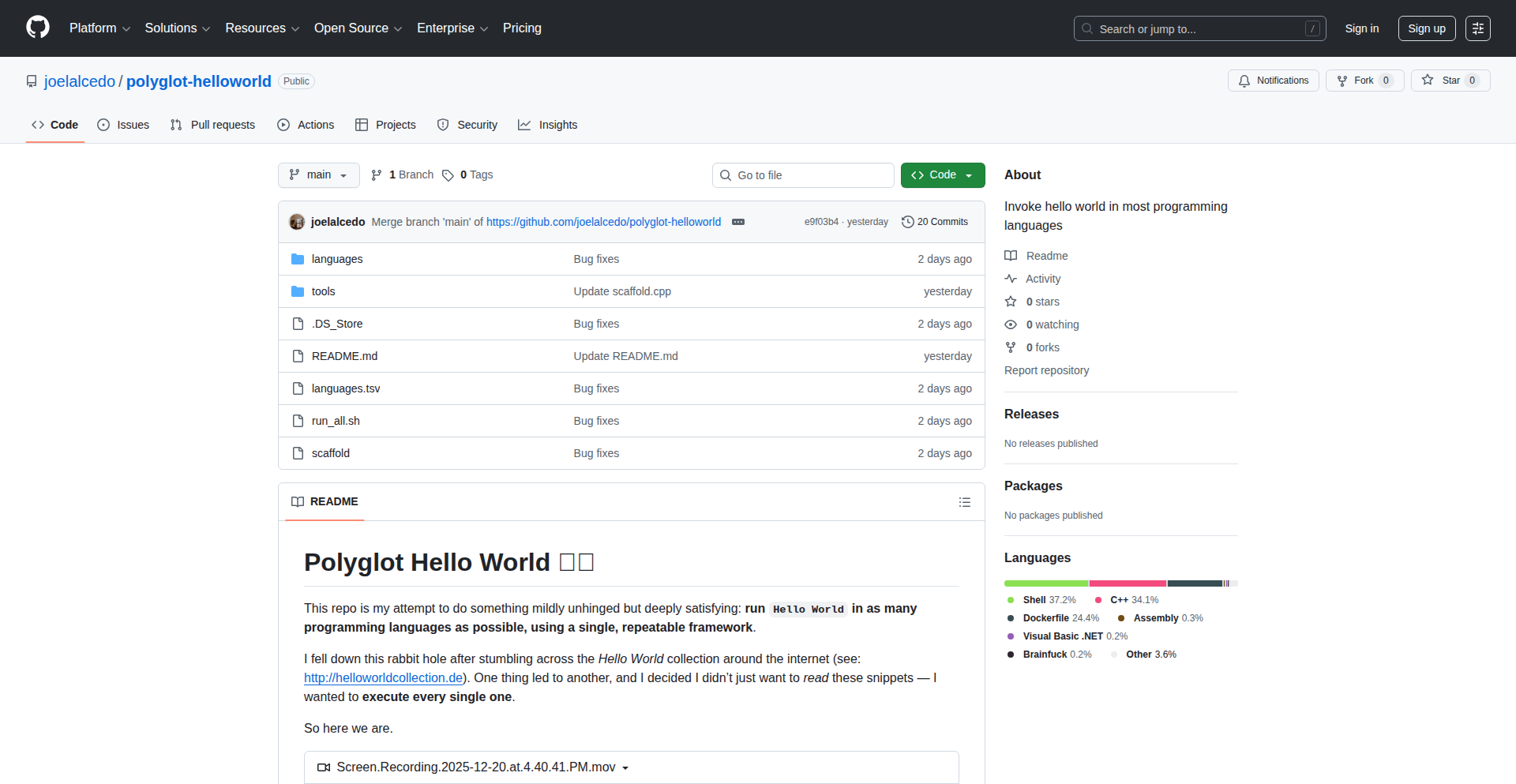
Author
joelalcedo
Description
A framework that allows developers to execute 'Hello World' programs in approximately 50 different programming languages without needing to install individual compilers or interpreters locally. It leverages containerization (Docker) to provide isolated execution environments for each language, solving the common problem of environment setup complexity for learning or experimenting with new languages. The innovation lies in its streamlined approach to cross-language code execution and testing.
Popularity
Points 1
Comments 0
What is this product?
Polyglot Sandbox is a tool designed to run basic 'Hello World' code snippets across a wide array of programming languages. Its core technical innovation is the use of containerization, specifically Docker, to create isolated environments for each programming language. This means instead of installing Python, then Java, then C++, and all their respective dependencies on your machine, Polyglot Sandbox sets up these environments virtually for you. When you want to run a 'Hello World' in Go, it spins up a Go environment, runs your code, and then tears it down. This approach effectively abstracts away the complexities of language-specific tooling, making it incredibly easy to experiment with and compare different programming languages. So, its value is in instantly giving you a ready-to-run environment for any supported language, eliminating setup friction and allowing you to focus purely on the code.
How to use it?
Developers can use Polyglot Sandbox by first cloning the project's GitHub repository. The project includes a script, `run_all.sh`, which automates the process of cloning language-specific 'Hello World' examples (if not already present), setting up the Docker containers for each language, executing the code, and displaying the output. For more granular control or to integrate into other workflows, developers can examine the project's structure to understand how language definitions and Docker configurations are managed. They can then adapt these configurations to run more complex code snippets or even small test suites across multiple languages. The primary use case is rapid experimentation and educational purposes, such as learning the syntax of a new language or verifying a basic concept across different paradigms. So, this lets you quickly see how to print 'Hello, World!' in a new language with just one command, making language exploration effortless.
Product Core Function
· Language Environment Isolation: Utilizes Docker containers to provide a clean, isolated execution environment for each programming language, ensuring consistency and preventing conflicts between different language runtimes. This means your experiments in one language won't mess up your setup for another. Its value is in providing a reliable and repeatable execution environment, crucial for accurate testing and learning.
· Automated Execution Script: Provides a shell script (`run_all.sh`) to automatically clone, build (if necessary), and execute 'Hello World' programs across all supported languages. This saves developers significant manual effort in setting up and running code in new environments. Its value is in streamlining the process of cross-language code execution, making it a one-click experience.
· Extensible Language Support: Designed to easily add support for new programming languages by defining their respective Docker images and execution commands. The project aims to support a vast number of languages, fostering broader language exploration. Its value is in its adaptability and potential to become a comprehensive resource for learning and testing across hundreds of languages.
· Cross-Language Comparison: Enables developers to easily compare syntax, basic output, and execution behavior of 'Hello World' programs across diverse languages. This is invaluable for understanding language paradigms and making informed choices about which language to use for a specific task. Its value is in facilitating rapid learning and comprehension of programming language differences.
Product Usage Case
· Learning a new programming language: A developer wants to learn Rust. Instead of spending time setting up a Rust development environment, they can use Polyglot Sandbox to immediately run a Rust 'Hello World' program and see its output, getting a quick feel for the language's syntax and basic execution. This solves the problem of initial setup friction for new learners.
· Verifying code snippets from documentation: A developer encounters a code snippet in a language they are not familiar with (e.g., Elixir) in a blog post. They can quickly use Polyglot Sandbox to run that snippet and verify its behavior without needing to install Elixir locally. This solves the problem of quickly validating external code examples.
· Educational tool for programming courses: A computer science instructor can use this framework to demonstrate the fundamental 'Hello World' concept in various languages to students, highlighting differences in syntax and structure without the burden of individual machine setup for each student. This simplifies the teaching and learning process of introductory programming concepts.
· Exploring language features for small tasks: A developer is considering a new language for a small utility script. They can use Polyglot Sandbox to run simple 'Hello World' examples in candidate languages like Nim, Crystal, or Go to get a quick sense of their performance and ease of use for such tasks. This helps in making faster, more informed technology choices for small projects.
89
AI Action Sentinel
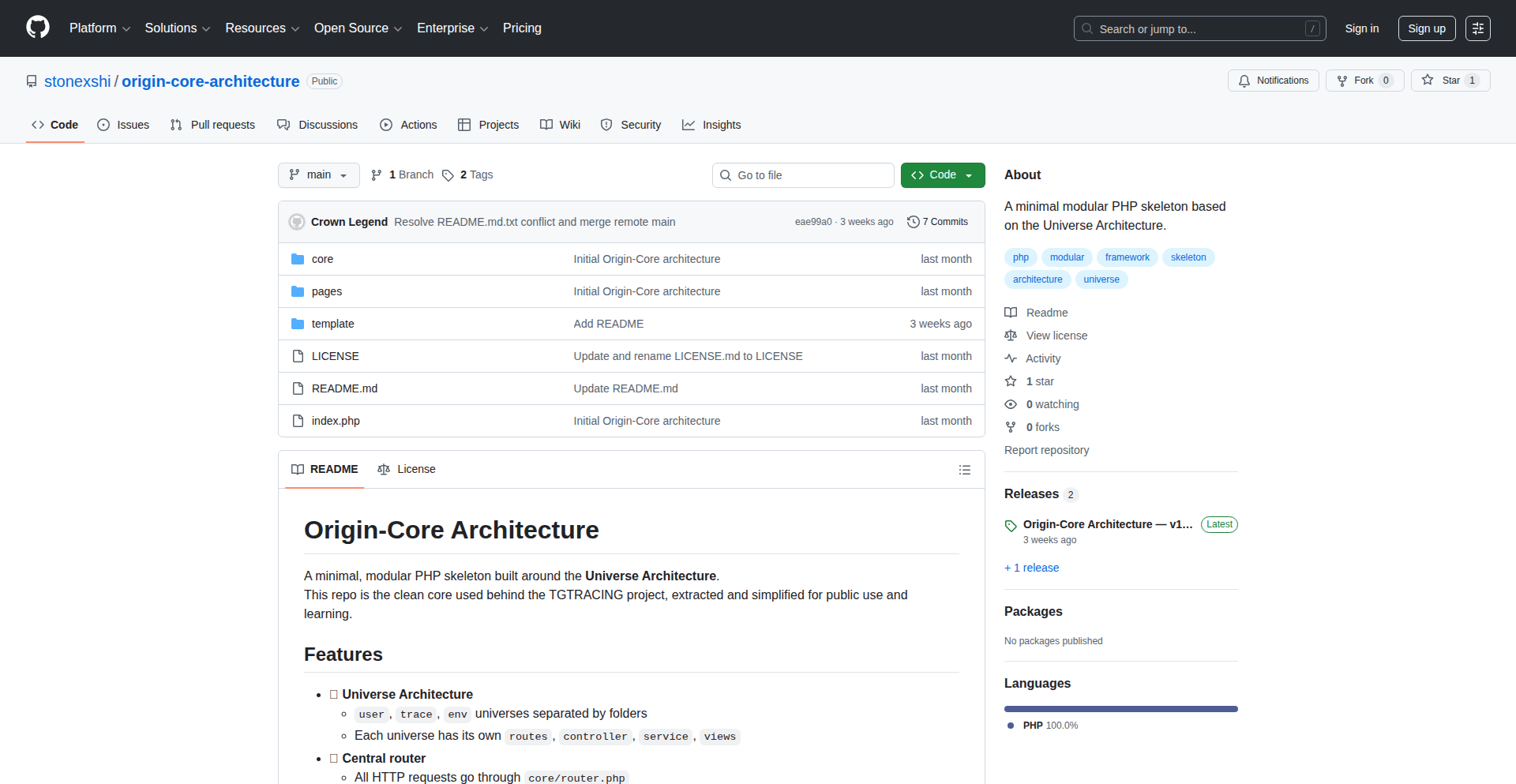
Author
tgtracing
Description
An AI-first system designed to prevent unintended AI actions by introducing an explicit confirmation step for every suggested operation. This innovation addresses the critical problem of AI overreach and ensures deterministic, trustworthy AI behavior, especially in multi-lingual environments. So, this helps by giving you full control over what your AI does, preventing costly mistakes and building user trust.
Popularity
Points 1
Comments 0
What is this product?
AI Action Sentinel is a sophisticated AI system that intelligently separates conversational interactions from actual decision-making and execution. Unlike typical AI assistants that might directly perform tasks, this system functions as a highly aware concierge. It meticulously analyzes user input, understands intent, and then proposes specific actions. The core innovation lies in its 'action-confirm only' mechanism: the AI never automatically executes any command. Instead, every proposed action, no matter how small, requires explicit user approval. This is achieved through a dedicated 'Trust Decider' layer, which ensures predictable and reliable outcomes even when facing ambiguous situations or multiple languages. The system is built with a 'no main language' fallback principle, meaning all 13 supported languages are treated with equal importance, making it globally adaptable. So, this provides a secure and controllable AI experience where you are always in the driver's seat, eliminating the fear of unexpected AI behavior.
How to use it?
Developers can integrate AI Action Sentinel into their applications to build more reliable and user-friendly AI interfaces. This system can be used as a backend service that intercepts AI-generated actions before they are executed. For example, imagine an AI assistant for customer support. Instead of the AI automatically sending an email or updating a customer record, AI Action Sentinel would present the proposed email content or the record change to a human agent for review and approval via a simple API call or a user interface component. This allows for fine-grained control and adds a crucial layer of safety. The system can be deployed as a microservice, receiving intent and context from your existing AI model and returning a confirmed or denied action plan. So, this lets you build AI features into your products with confidence, knowing that critical operations will always be human-verified.
Product Core Function
· Intent Analysis and Action Suggestion: The AI processes user input and identifies potential actions, providing clear, actionable suggestions. This is valuable for creating AI features that understand user needs and propose solutions. So, this helps your application's AI be more helpful and intuitive.
· Explicit Action Confirmation Layer: Every suggested action requires explicit user approval, preventing unintended AI execution. This is crucial for building trust and safety in AI applications. So, this ensures that your AI only does what you explicitly tell it to do.
· Deterministic Trust Decider: A specialized component ensures consistent and predictable AI behavior even with ambiguous inputs, guaranteeing reliable outcomes. This is important for applications where accuracy and predictability are paramount. So, this makes your AI reliable and less prone to errors.
· Multi-lingual Equivalence: Treats all supported languages equally, avoiding biases and ensuring consistent performance across different linguistic inputs. This is valuable for global applications needing to support diverse user bases. So, this makes your AI accessible and effective for users worldwide.
· Action Logging and Auditing: (Implied by production readiness) Records all suggested and confirmed actions for review and debugging. This is essential for monitoring AI performance and for compliance purposes. So, this gives you a clear record of your AI's activities.
Product Usage Case
· Financial Advisory AI: An AI system suggests stock trades or portfolio adjustments. AI Action Sentinel would require human confirmation before any trades are executed, preventing significant financial loss due to AI error or misunderstanding. So, this protects your investments by having a human review any AI-driven financial decisions.
· Healthcare AI Assistant: An AI suggests a treatment plan or medication dosage. AI Action Sentinel ensures a medical professional reviews and approves the suggestion before it's implemented, safeguarding patient well-being. So, this ensures patient safety by having doctors verify any AI-suggested medical actions.
· Customer Service Automation: An AI proposes responses to complex customer inquiries or actions like issuing refunds. AI Action Sentinel allows a human agent to review the proposed response or action, ensuring customer satisfaction and preventing unauthorized actions. So, this improves customer service by ensuring that AI-generated resolutions are accurate and approved by a human.
· Code Generation Assistance: An AI suggests code snippets or modifications. AI Action Sentinel requires the developer to review and explicitly accept the code changes before they are applied to the codebase, reducing the risk of introducing bugs. So, this helps developers write code more efficiently while ensuring the quality and safety of the code.
90
Claude-Mac Orchestrator
Author
kxrm
Description
This project showcases a novel approach to AI-human interaction by enabling an AI model, Claude, to directly control a Mac operating system. It leverages a set of scripts to translate natural language commands into actionable system commands, demonstrating a creative application of AI for task automation and user experience enhancement.
Popularity
Points 1
Comments 0
What is this product?
This is a set of scripts that allows the AI model Claude to understand and execute commands on your Mac. The core innovation lies in bridging the gap between natural language instructions given to Claude and the actual system-level operations on a Mac. Think of it as teaching an AI to use your computer for you. The scripts act as translators, interpreting what Claude 'wants' to do and turning it into the specific clicks, key presses, or command-line instructions your Mac understands. This is a demonstration of the potential for AI to move beyond just providing information and into actively assisting with digital tasks, a significant step in making AI truly integrated into our daily workflows.
How to use it?
Developers can integrate this project by running the provided scripts on their Mac. The setup involves configuring Claude to send commands to these scripts. This could be through an API or a direct integration point. For example, you could ask Claude to 'open my email application and compose a new message to John about the project deadline,' and Claude, through these scripts, would execute the necessary actions on your Mac to fulfill the request. The primary use case is for automating repetitive tasks, streamlining workflows, or creating hands-free control mechanisms for your computer, making your digital life more efficient and interactive.
Product Core Function
· Natural Language Command Interpretation: The scripts are designed to parse and understand commands given in plain English to Claude. This is valuable because it abstracts away the technical complexity of interacting with a computer, allowing users to simply speak or type what they want done, and the AI handles the execution.
· System Command Execution: Once a command is understood, the scripts translate it into specific macOS operations, such as opening applications, typing text, clicking buttons, or running terminal commands. This is the core mechanism that allows the AI to directly manipulate your system, providing practical utility for automation.
· AI-Driven Workflow Automation: By combining natural language understanding with system control, this project enables the automation of complex workflows. For instance, you could ask Claude to 'summarize my latest project document and then schedule a meeting with the team to discuss it.' The scripts would handle opening the document, using an AI summarization tool, and then interacting with your calendar application to set up the meeting, saving you significant time and effort.
· Enhanced User Experience with AI: This project offers a glimpse into a future where AI is a proactive assistant. Instead of you having to find and launch applications or perform multiple steps, Claude can orchestrate these actions based on your simple requests. This makes interacting with your computer more intuitive and less about the 'how' and more about the 'what'.
Product Usage Case
· Automating report generation: A user could instruct Claude to 'pull the sales data from the last quarter, generate a summary report, and email it to the marketing team.' The scripts would then execute the necessary database queries, use a reporting tool, and interact with the email client, all without manual intervention.
· Streamlining content creation: Imagine asking Claude to 'find recent articles on AI advancements, extract key findings, and draft a blog post introduction.' The scripts would handle web searching, text extraction, and then potentially interface with a text editor for drafting, significantly speeding up the content creation process.
· Personalized computer assistance: A user might say, 'Claude, I'm feeling tired, dim my screen, play some relaxing music, and set a timer for 30 minutes.' The scripts would control display settings, launch a music player, and set a system timer, creating a more personalized and comfortable computing environment.
· Hands-free control for accessibility: For individuals with mobility challenges, this project offers a powerful way to control their Mac using voice commands. Claude, through these scripts, can act as a virtual assistant that can perform a wide range of tasks, enhancing independence and usability.
91
PhotoReviewer4Net
Author
karl_p
Description
A cross-platform photo review tool built with C# and JavaScript, featuring a remote web UI. It addresses the challenge of efficiently reviewing and annotating a large volume of images, particularly useful for remote teams and collaborative projects.
Popularity
Points 1
Comments 0
What is this product?
PhotoReviewer4Net is a desktop application that allows you to quickly review and annotate photos. Its innovation lies in its architecture: a C# backend handles the core image processing and management, while a JavaScript-powered web UI provides a responsive and accessible interface. This separation means you can access and control the reviewer from any device with a web browser, even if it's on a different machine on your network or even remotely. Think of it as a smart photo organizer that you can control from your phone or another computer without needing to install special software on those devices. This is powerful because it breaks down the barriers of where you can review your photos from.
How to use it?
Developers can use PhotoReviewer4Net by downloading and running the C# application on their primary machine. The application will then expose a local web server. You can then open a web browser on any device connected to the same network (or configure remote access) and navigate to the provided local URL. From there, you can upload, organize, annotate (e.g., draw, add comments, mark as approved/rejected), and export your reviewed photos. It's like having a shared digital whiteboard for your images, but specifically designed for photo workflows.
Product Core Function
· Remote Web UI for image review: Allows users to access and control the photo review process from any web-enabled device, offering flexibility and accessibility for remote collaboration and individual workflows. This means you can review photos from your laptop, tablet, or even a phone without installing anything extra.
· Cross-platform compatibility: Built with C# and JavaScript, the application is designed to run on various operating systems, ensuring broad usability for developers and teams regardless of their preferred OS. This avoids vendor lock-in and allows teams to work together seamlessly.
· Efficient image annotation: Provides tools for marking up images, adding comments, and categorizing them, streamlining the feedback process for designers, photographers, and project managers. This saves time by making it easy to communicate specific feedback on images.
· Centralized photo management: Offers a structured way to organize and manage large collections of images, making it easier to track progress and find specific assets. This helps prevent lost files and keeps projects organized.
· Export and reporting features: Enables users to export reviewed images with annotations or generate reports on the review process, facilitating communication and documentation. This makes it easy to share findings and decisions with others.
Product Usage Case
· A team of graphic designers working remotely can use PhotoReviewer4Net to collaboratively review mockups. One designer uploads the latest drafts, and others can access the web UI from their own machines to add annotations, point out specific areas for improvement, and mark designs as approved or needing revisions, all without needing to transfer large files back and forth. This speeds up the feedback loop and ensures everyone is on the same page.
· A photographer can use PhotoReviewer4Net on their laptop to quickly go through a day's shoot. They can use a tablet on the couch to mark their favorite shots, add client notes, or flag images for editing. This flexibility allows for review in more comfortable settings and from different devices, making the post-production process more efficient.
· A project manager overseeing a construction project can use PhotoReviewer4Net to review site photos uploaded by field workers. The manager can access the web UI from their office computer or even a mobile device to quickly annotate progress, identify issues, and provide instructions, all within the same platform. This improves communication and allows for faster decision-making.
· A web developer can use PhotoReviewer4Net to review UI/UX design iterations. They can upload screenshots of their work, and a remote client can access the web UI to provide feedback directly on the images, highlighting specific elements that need adjustment or approval. This simplifies the client feedback process and reduces misunderstandings.
92
WebSQLite-JS: OPFS-Powered Browser SQLite
Author
wuchuheng
Description
This project is a JavaScript library that brings the power of SQLite, a robust relational database, directly into your web browser. It leverages the Origin Private File System (OPFS) to provide persistent, reliable storage for your data. The innovation lies in simplifying the setup and management of SQLite WebAssembly (WASM) with persistence, worker orchestration, and safe concurrency, making it easy for developers to build 'local-first' applications that don't require a constant backend connection for every data operation. So, what does this mean for you? It means you can build web applications that remember your data even when you're offline, are faster because data is local, and are more reliable because they don't depend on a server for every single query.
Popularity
Points 1
Comments 0
What is this product?
Web-SQLite-JS is a JavaScript library designed to make using SQLite in the web browser seamless and persistent. SQLite is a popular database engine known for its reliability and performance. Traditionally, using SQLite in a web browser involved complex setup, especially if you wanted the data to be saved even after you closed the browser tab. This library tackles that challenge by using OPFS, which is a special, more performant way for web pages to store files privately and persistently. It also handles the communication between the main browser thread and the specialized 'worker' thread where SQLite runs, ensuring that multiple requests to the database are handled safely and don't mess each other up. The core technical insight is to abstract away the boilerplate code needed to integrate SQLite WASM with OPFS, worker threads, and concurrency management. This offers you a robust database solution entirely within the browser, empowering offline capabilities and improved performance. So, what's the benefit? You get a powerful database at your fingertips for your web apps, enabling offline functionality and speeding up data access without the overhead of a traditional server setup.
How to use it?
Developers can integrate Web-SQLite-JS into their web projects by installing it (e.g., via npm) and then importing the library into their JavaScript code. The library provides a straightforward API to initialize an SQLite database instance, which automatically configures it to use OPFS for persistence. You can then execute standard SQL queries directly from your frontend code. For instance, you might use it in a React, Vue, or plain JavaScript application to store user preferences, offline data for a PWA (Progressive Web App), or application state. The library manages the underlying Web Worker and OPFS interactions, so you primarily interact with the familiar SQL language. So, how can you use it? You can add a powerful, persistent database to your web apps with just a few lines of JavaScript, enabling richer offline experiences and faster data operations for your users.
Product Core Function
· Worker Orchestration: This feature ensures that SQLite operations run in a separate background thread (a 'worker'), preventing the main browser interface from freezing during database tasks. This means your application remains responsive even during intensive database operations, providing a smoother user experience. So, this is useful because your app won't become sluggish when accessing data.
· Persistence with OPFS: Leverages the Origin Private File System to store your SQLite database files. This means data is saved locally and is available even after the user closes and reopens their browser or the web page. This is crucial for applications that need to retain user data without relying on a server. So, this is useful because your app's data will be saved reliably.
· SharedArrayBuffer Support: Enables high-performance operations by allowing efficient data sharing between the main thread and the SQLite worker. This contributes to faster query execution and data processing. So, this is useful because your app will feel snappier and more responsive.
· Safe Concurrency (Mutex): Implements a locking mechanism (a 'mutex') to ensure that only one database operation (like writing or reading) happens at a time. This prevents data corruption when multiple parts of your application try to access the database simultaneously. So, this is useful because your data will be kept accurate and free from errors.
Product Usage Case
· Building a Progressive Web App (PWA) for note-taking: Store all user notes locally using SQLite. The app can function entirely offline, and notes are saved persistently, syncing when the user regains internet access. This solves the problem of data loss and provides a seamless offline experience. So, users can write notes anywhere, anytime, without losing their work.
· Developing a client-side analytics dashboard: Collect and store usage data directly in the browser. This allows for faster loading of the dashboard and reduces the load on backend servers for initial data retrieval. So, users get instant access to their data insights without waiting for server responses.
· Creating a personal finance tracker application: Manage budgets, transactions, and financial goals locally. Users can input data on the go, and the data remains secure and accessible offline. So, users can manage their finances reliably, even without an internet connection.
· Implementing a local-first e-commerce application: Cache product information and user cart data in the browser's SQLite database. This allows for a faster browsing experience and enables users to add items to their cart even when offline. So, customers have a smoother and more responsive shopping experience, with less disruption due to connectivity issues.
93
Gemini-CLI ImageGen (Powered by Bun)

Author
felltrifortence
Description
This project is a command-line interface (CLI) tool that leverages the power of Google's Gemini model to generate images directly from your terminal. It's built using Bun, a modern JavaScript runtime known for its speed, enabling rapid image creation without needing to open a web browser or complex graphical interfaces. The core innovation lies in making advanced AI image generation accessible and efficient for developers through a simple command-line experience.
Popularity
Points 1
Comments 0
What is this product?
This project is a command-line application that acts as a bridge between you and the Gemini AI model for image generation. Instead of using a web-based interface, you type a command in your terminal, describe the image you want, and the tool uses Gemini to create it. The key technical insight is utilizing Bun, which is like a supercharged version of Node.js, to make the process incredibly fast. This means you get your generated images much quicker, and the tool itself is lightweight and efficient. So, what's in it for you? It democratizes AI image creation, putting powerful generative capabilities directly into your workflow without the overhead of graphical tools.
How to use it?
Developers can use this project by installing it as a command-line tool. Once installed, they can execute commands like `gemini-cli generate --prompt 'a serene landscape with mountains and a lake'` directly in their terminal. The tool will then send this prompt to the Gemini API, and upon successful generation, it will output the image file to a specified location or display a preview. It's designed to be integrated into scripts and workflows, allowing for programmatic image generation. Think of it as adding an 'image generation assistant' to your existing development environment. So, how does this benefit you? You can automate image creation for your projects, rapidly prototype visual ideas, or even generate placeholder images for your applications without leaving your coding environment.
Product Core Function
· Fast AI Image Generation: Utilizes the Gemini API for high-quality image creation, providing creative visuals based on text descriptions. The value here is access to cutting-edge AI art generation for any project.
· Command-Line Interface (CLI): Enables image generation directly from the terminal, streamlining workflows for developers and automating tasks. This is valuable for integrating image creation into scripting and CI/CD pipelines.
· Bun Runtime Integration: Built with Bun for exceptional speed and efficiency, ensuring quick response times and a lightweight application. The value is a faster, more responsive development experience.
· Prompt-Based Generation: Allows users to describe desired images using natural language prompts, making the generation process intuitive and accessible. This offers flexibility in creating unique and specific visuals.
Product Usage Case
· Generating placeholder images for a web application's UI during early development, using commands like `gemini-cli generate --prompt 'a minimalist icon for a user profile'`. This saves time by not having to manually search or create simple graphics.
· Automating the creation of social media graphics for a marketing campaign by scripting image generation based on pre-defined text descriptions. This allows for rapid content production and consistent branding.
· Prototyping visual concepts for a game or animation project by quickly generating various scene ideas from descriptive prompts, enabling faster iteration on artistic direction.
· Creating custom icons or avatars for a community platform directly from user-provided text, offering a personalized experience without requiring users to be designers.
94
CrunchMessage
Author
volatileint
Description
CrunchMessage is a C++ library designed for defining, serializing, and deserializing messages with a focus on correctness and flexibility. It aims to improve upon existing serialization formats like Protocol Buffers or FlatBuffers by baking in validation, offering pluggable serialization formats, built-in integrity checks, and entirely avoiding dynamic memory allocation. This means your data is more reliable and your application's performance can be more predictable. So, what's in it for you? It helps you build more robust and efficient data communication systems.
Popularity
Points 1
Comments 0
What is this product?
CrunchMessage is a modern C++ tool that lets you define the structure of your data messages and then convert them into a stream of bytes (serialization) and back again (deserialization). Its innovation lies in how it enforces correctness: validation rules are enforced by the C++ type system itself, meaning you can't accidentally create invalid data. It also allows you to choose the best serialization method for your needs, from speed-optimized to a human-readable format, and includes error-checking mechanisms like CRCs. A key technical advantage is its complete avoidance of dynamic memory allocation, which leads to more predictable performance and fewer memory-related bugs. So, what's the benefit? Your data will be inherently safer, and your application's performance will be more consistent.
How to use it?
Developers can integrate CrunchMessage into their C++ projects using build systems like Bazel or CMake. You define your message structures using C++ code, specify validation rules directly within the types, and then use CrunchMessage's APIs to serialize your messages into buffers or deserialize incoming data. It's designed for scenarios where reliable and efficient data exchange is critical, such as in high-performance computing, embedded systems, network protocols, or distributed systems. So, how does this help you? You can easily add robust data handling to your C++ applications, reducing the likelihood of data corruption and improving efficiency.
Product Core Function
· Mandatory Field and Message Validation: Ensures data integrity at the definition stage by leveraging the C++ type system, preventing semantically incorrect data from being created. This means your data is more likely to be correct from the start, leading to fewer bugs. Useful for any application where data accuracy is paramount.
· Pluggable Serialization Format: Allows developers to choose or implement serialization methods optimized for speed, size, or readability, such as a tag-length-value format similar to Protocol Buffers. This flexibility lets you tailor data transmission to your specific performance needs, whether it's lightning-fast communication or easy debugging. Beneficial for network communication and data storage.
· Built-in Message Integrity Checks: Includes features like CRC-16 or parity checks to detect accidental data corruption during transmission or storage. This adds a layer of security and reliability to your data, ensuring it hasn't been tampered with or corrupted. Essential for critical data transfer and long-term storage.
· No Dynamic Memory Allocation: Achieves efficient memory management by calculating worst-case message lengths at compile time, avoiding runtime memory allocation overhead and potential memory fragmentation. This leads to more predictable performance and reduced risk of memory-related crashes, especially crucial for real-time or resource-constrained systems. Ideal for embedded systems and high-throughput applications.
Product Usage Case
· Real-time data streaming for financial markets: Use CrunchMessage to define and serialize high-frequency trading data. The built-in validation and performance optimizations ensure data accuracy and low latency, preventing costly errors. This helps you process market data reliably and quickly.
· Embedded systems communication: Develop robust communication protocols for microcontrollers where memory is limited. CrunchMessage's zero dynamic allocation and predictable performance are ideal for resource-constrained environments, ensuring reliable sensor data transmission or command execution. This allows your embedded devices to communicate effectively and safely.
· Inter-service communication in microservices architecture: Define and serialize data payloads exchanged between different services. The pluggable format and integrity checks ensure that data exchanged between services is correct and secure, improving the overall reliability of your distributed system. This makes your microservices communicate more robustly.
· Game development for network synchronization: Ensure accurate and efficient synchronization of game state across multiple players. CrunchMessage's validation and speed optimizations can help minimize lag and prevent cheating by ensuring all game data is consistent and tamper-proof. This leads to a smoother and fairer gaming experience for all players.
95
WhatsApp Link Generator

Author
franze
Description
This project is a web application that allows users to easily create clickable WhatsApp chat links from any phone number. It solves the common problem of needing to manually save a contact to initiate a WhatsApp conversation, offering a frictionless way to connect.
Popularity
Points 1
Comments 0
What is this product?
This project is a simple web tool that takes a phone number and converts it into a direct WhatsApp chat link. The technical innovation lies in leveraging WhatsApp's `wa.me` API. When you enter a phone number (with country code), the app constructs a URL like `https://wa.me/<number>`. Clicking this link on a device with WhatsApp installed automatically opens a chat with that number, bypassing the need to save them as a contact. The underlying principle is a standard web URL scheme that specific applications recognize and act upon.
How to use it?
Developers can use this project in a few ways. For personal use, they can visit the web app, enter a phone number, and get a ready-to-share link. For integration, they can use the underlying logic to build this functionality into their own websites or applications. For example, a small business could embed a 'Chat on WhatsApp' button on their contact page, generating the link dynamically based on a predefined business number. This provides an immediate customer service channel.
Product Core Function
· Phone Number to WhatsApp Link Conversion: This core function takes a raw phone number and generates a valid `wa.me` URL, enabling direct WhatsApp chats. Its value is in saving time and user effort for initiating conversations, making communication more accessible.
· Country Code Handling: The system correctly formats phone numbers with country codes, ensuring the generated links work globally. This is crucial for international communication and avoids user frustration with incorrect link formats.
· Web-based Interface: A user-friendly web interface allows anyone to quickly generate links without needing to install any software. This democratizes the creation of WhatsApp links, making it accessible to a broad audience, from individuals to businesses.
Product Usage Case
· Website Contact Pages: A small e-commerce site can add a 'Message Us on WhatsApp' button to its contact page. Instead of listing a phone number and instructing users to save it, the button links directly to a WhatsApp chat, instantly resolving the problem of cumbersome contact saving for customer inquiries.
· Marketing Campaigns: A marketer running an ad campaign can include a WhatsApp chat link in their advertisements or social media posts. This provides an immediate and engaging way for interested users to ask questions about the product or service, driving higher conversion rates by lowering the barrier to interaction.
· Event Information: An event organizer can provide a WhatsApp link for attendees to ask last-minute questions or get directions. This streamlines communication and provides a convenient support channel for participants, solving the problem of overwhelming phone calls or emails.
96
DynamicHorizon

Author
DHDEV
Description
DynamicHorizon is a macOS application that brings the 'Dynamic Island' functionality, popular on Apple's iPhones, to desktop applications. It dynamically expands and collapses UI elements, such as notifications or ongoing activities, into a fluid, interactive space at the top of the screen, offering a novel way to manage information without interrupting workflow. The innovation lies in its ability to overlay and adapt to existing macOS UI elements, creating a seamless and context-aware user experience on a desktop environment.
Popularity
Points 1
Comments 0
What is this product?
DynamicHorizon is a macOS application designed to replicate the 'Dynamic Island' experience found on iPhones. Instead of a static notch or menu bar, it creates a fluid, adaptive area at the top of your screen. When an application needs to show information or indicate an ongoing activity (like a timer, music playback, or a download), this area expands to present the relevant details in an engaging, non-intrusive way. The core technical innovation is its ability to intelligently integrate with macOS's windowing and notification systems, allowing it to dynamically resize and display content that feels like a natural extension of the operating system, rather than an overlay. This provides a more efficient and visually appealing way to consume background information without needing to switch applications or break your current focus. So, what's in it for you? It means less distraction and quicker access to important background updates, making your Mac feel more modern and responsive.
How to use it?
Developers can integrate DynamicHorizon into their macOS applications to enhance how they display notifications and ongoing background tasks. The application likely provides an API or framework that allows developers to define custom content and triggers for the Dynamic Island. This could involve sending specific data or events to DynamicHorizon when a certain action occurs within their app. For instance, a music player app could send the currently playing song title and album art, prompting DynamicHorizon to expand and display this information. A task management app could show a progress bar for a lengthy operation. Installation would typically involve downloading the application and potentially running a setup script or granting necessary permissions for it to interact with other applications and the system's UI. So, how can you use this? You can leverage it to make your applications communicate important updates to users in a more intuitive and visually pleasing manner, enhancing user engagement and reducing the need for users to actively check on background processes. It's about making your app's status front and center, but in a smart, non-disruptive way.
Product Core Function
· Dynamic UI Expansion: The core functionality allows UI elements to fluidly expand and contract based on incoming information. This is technically achieved by listening for specific system events or application-specific notifications and then dynamically adjusting the size and content of a designated screen area. The value is in presenting timely information without obstructing the user's primary view, creating a less intrusive notification system. This is useful for keeping track of ongoing processes like downloads, timers, or media playback at a glance.
· Contextual Information Display: The system intelligently displays relevant information when an interaction occurs. This likely involves analyzing the type of event and formatting the data for optimal presentation within the dynamic area. The value is in providing immediate, actionable information tailored to the specific event, allowing users to quickly understand and react to updates. This is useful for seeing who's calling or what song is playing without interrupting your current task.
· System Integration: DynamicHorizon integrates with macOS's existing notification and windowing systems to appear as a native element. This involves leveraging macOS's frameworks for creating and managing UI elements that can overlay other windows. The value is in providing a seamless user experience that feels like a built-in feature of the operating system, rather than a third-party add-on. This makes your Mac feel more polished and advanced.
· Developer Extensibility: It offers an interface for developers to push their own data and events into the Dynamic Island. This likely involves a well-documented API that allows different applications to send specific data payloads. The value is in empowering developers to create richer, more integrated experiences for their users, making their applications feel more dynamic and responsive. This is useful for app developers who want to create unique ways for their applications to communicate with users.
Product Usage Case
· A user is listening to music and receives a Slack message. DynamicHorizon displays the incoming message for a few seconds, then smoothly transitions back to showing the music track information. This solves the problem of missing important messages while enjoying music by providing a unified notification hub that prioritizes contextually relevant information. The benefit is getting critical alerts without interrupting your music flow.
· A developer is running a long compilation process. DynamicHorizon displays a progress bar for the compilation, allowing the developer to keep an eye on its progress without having to constantly check the terminal window. This solves the problem of task monitoring by offering a persistent, glanceable status update that doesn't require active attention. The benefit is staying informed about long-running tasks without being tethered to a specific window.
· A user is on a video call and receives a calendar reminder for an upcoming meeting. DynamicHorizon briefly shows the reminder, allowing the user to quickly acknowledge it without disrupting the video call. This solves the problem of intrusive pop-up notifications during important synchronous communication. The benefit is managing time-sensitive alerts discreetly during critical interactions.
· A productivity app allows users to set timers for focused work sessions. DynamicHorizon displays the countdown timer, updating with remaining time. This provides a constant visual cue for the user's current focus block, enhancing productivity by making time management more visible and less of an abstract concept. The benefit is having a clear, ever-present reminder of your time-bound activities.
97
AI CommandGuard

Author
bhaviav100
Description
AI CommandGuard is a protective gateway designed to sit between your applications, Large Language Models (LLMs), and real-world actions. It acts as an intelligent gatekeeper, ensuring that AI-driven suggestions are safe and authorized before they are executed. This innovation addresses the critical need for an 'authority layer' in AI systems, preventing unintended or potentially harmful actions by enforcing essential controls like environment segregation, kill switches, policy whitelists, cost limits, and human oversight. Think of it as a safety net and a quality control system for AI that interacts with your systems.
Popularity
Points 1
Comments 0
What is this product?
AI CommandGuard is a novel control plane for AI systems. Instead of directly connecting an LLM to execute commands, CommandGuard acts as an intermediary. It intercepts LLM suggestions and subjects them to a series of predefined rules and checks before allowing any action to proceed. The innovation lies in bringing standard infrastructure concepts like environment management (distinguishing between testing and live production), emergency stop mechanisms (kill switch), explicit permission lists (policy allowlists), budget controls (cost ceilings), human review and approval, and mechanisms to prevent duplicate actions (idempotency) to the AI execution workflow. It also provides a clear, unalterable record of all actions (append-only audit logs). This is crucial because LLMs, while powerful, can sometimes generate unexpected or unsafe outputs. So, it's a system that adds much-needed safety and predictability to AI's interaction with the real world. What this means for you is that AI can be used more confidently and responsibly in your applications.
How to use it?
Developers can integrate AI CommandGuard into their existing AI-powered applications. The gateway acts as a middleware. When your application receives a suggestion from an LLM, instead of executing it directly, it sends the suggestion to AI CommandGuard. CommandGuard then applies its configured policies (e.g., check if the action is allowed in the current environment, if it exceeds a cost limit, or if it requires human approval). If all checks pass, CommandGuard authorizes the execution and relays the approved action back to your application or an executor. This can be done via APIs or other integration methods. For example, if you're building an AI assistant that can manage cloud resources, you'd route all of the assistant's proposed changes through CommandGuard to prevent accidental deletion of production data. So, for you, this means a secure and managed way to deploy AI functionalities without the fear of unmonitored or uncontrolled execution.
Product Core Function
· Environment Controls: Prevents actions meant for a development or testing environment from accidentally running in a live production system. This is valuable because it avoids costly mistakes and ensures stability.
· Kill Switch: Provides an immediate way to halt all AI-driven actions if something goes wrong. This is crucial for mitigating risks and regaining control during unexpected AI behavior.
· Policy Allowlists: Defines exactly which actions an AI is permitted to perform. This ensures that AI can only execute pre-approved operations, enhancing security and predictability.
· Cost Ceilings: Sets financial limits on AI actions, preventing runaway costs from unexpected or excessive usage. This is important for budget management and preventing financial surprises.
· Human Approvals: Requires a human to review and approve critical or sensitive AI-driven actions before they are executed. This adds a layer of human judgment for important decisions, reducing the risk of errors.
· Idempotency: Ensures that an action can be performed multiple times without changing the result beyond the initial application. This is valuable for reliable transaction processing and preventing unintended side effects from repeated AI commands.
· Append-only Audit Logs: Creates an immutable record of all AI suggestions and executed actions. This provides transparency, accountability, and a detailed history for debugging and auditing purposes.
Product Usage Case
· Scenario: Building an AI chatbot that can manage customer support tickets. Problem: The AI might accidentally delete tickets or send inappropriate responses. Solution: Integrate AI CommandGuard to ensure that only predefined ticket management actions (like 'close ticket' or 'assign to agent') are allowed, and that any sensitive actions require human review. This provides a safe customer support experience.
· Scenario: Developing an AI system for automating financial trading. Problem: An AI could execute trades that lead to significant financial losses due to unexpected market conditions or algorithmic errors. Solution: Utilize AI CommandGuard with strict cost ceilings and policy allowlists to limit trading activities to pre-approved strategies and within defined risk parameters, safeguarding capital.
· Scenario: Creating an AI assistant for managing cloud infrastructure deployments. Problem: The AI might accidentally deploy a development configuration to a production environment. Solution: Employ AI CommandGuard's environment controls to strictly segregate dev/test from prod, ensuring that only authorized production deployments can be executed, thereby maintaining system stability.
98
DartsVisionAI

Author
red545
Description
DartsVisionAI is a novel benchmark designed to challenge Large Language Models (LLMs) in accurately detecting dart scores from photographs of a dartboard. It highlights the surprising difficulty LLMs face with spatial reasoning, revealing that even advanced models struggle with this task, with top performers achieving only around 36% accuracy. This project is a testament to the creativity of using code to push the boundaries of AI capabilities.
Popularity
Points 1
Comments 0
What is this product?
DartsVisionAI is a specialized dataset and evaluation framework aimed at measuring the spatial reasoning capabilities of AI models, particularly LLMs. The core technical innovation lies in its construction of challenging dartboard images that require precise understanding of geometry, relative positions, and visual parsing to correctly identify the score of each dart. It showcases how seemingly simple visual tasks can reveal deep limitations in current AI, forcing developers to rethink how AI handles spatial relationships. The value here is understanding where AI needs to improve to be more useful in real-world applications that require visual interpretation.
How to use it?
Developers can utilize DartsVisionAI by integrating its benchmark dataset into their AI model training and evaluation pipelines. This involves feeding dartboard images to their models and comparing the predicted scores against the ground truth provided by the benchmark. It's particularly useful for researchers and developers working on computer vision, AI reasoning, or any application where accurate visual interpretation of complex scenes is critical. By using this benchmark, you can identify weaknesses in your AI's ability to 'see' and interpret spatial information, guiding you to build more robust and accurate AI systems.
Product Core Function
· Dart score detection from images: The core function is to process an image of a dartboard and accurately identify the score of each dart thrown. This is valuable for creating AI that can assist in scoring dart games automatically or analyzing dart performance.
· Spatial reasoning benchmark: It acts as a standardized test to measure how well AI models understand spatial relationships, angles, and positions within an image. This is crucial for advancing AI in fields like robotics, autonomous driving, and augmented reality where understanding the physical world is paramount.
· LLM performance evaluation for visual tasks: The benchmark specifically targets LLMs, revealing their limitations in visual comprehension tasks that require more than just text processing. This helps developers understand the current state of LLM capabilities and areas needing improvement for multimodal AI.
· Data generation for AI training: The dataset itself can be used to train AI models to improve their spatial reasoning and visual scoring abilities. This provides a practical way to build better AI for specific visual tasks.
Product Usage Case
· Automated dart game scoring: Imagine a sports bar where a camera captures dart games, and an AI automatically calculates scores and tracks player statistics. DartsVisionAI can be used to train the AI that powers this system, ensuring accurate score recognition even with slightly varied camera angles or lighting.
· Training robots for precision tasks: If you're developing a robot that needs to place objects precisely or interact with a cluttered environment, understanding its spatial reasoning is key. Using DartsVisionAI principles could help train robots to better interpret their surroundings and perform delicate maneuvers.
· Developing AI for visual quality control: In manufacturing, AI might need to inspect products for defects that involve precise spatial relationships. This benchmark can inspire methods to improve AI's ability to detect subtle visual inconsistencies that humans might miss.
99
GeoVerse Mapper

Author
scaelere
Description
GeoVerse Mapper is an innovative platform that automatically transforms articles into interactive map experiences. By analyzing article text with advanced AI and location data, it generates dynamic maps where readers can click on text to see corresponding locations on the map, and vice versa. This saves authors significant manual effort and enhances reader engagement, making complex geographical information easily accessible and contextualized.
Popularity
Points 1
Comments 0
What is this product?
GeoVerse Mapper is a service that uses artificial intelligence (AI), specifically multiple language model (LLM) passes, combined with location search and public data from sources like Wikimedia, to achieve a remarkable feat: automatically creating interactive maps for articles. When you submit a link to your article, GeoVerse Mapper doesn't just find mentioned places; it extracts every single location, from major cities to small villages. It then figures out the exact geographical coordinates for each, even handling cases where a place name might refer to multiple locations by using the context of your article to pick the right one. Furthermore, it generates brief descriptions for each location, explaining its significance within your article's narrative. The result is an interactive map that's embedded into your article, allowing readers to explore the geographical context of your content seamlessly. So, how does this benefit you? It means you can add a rich, visual, and interactive dimension to your writing with minimal effort, allowing your readers to understand and connect with your content on a deeper, more geographical level.
How to use it?
As an author or publisher, integrating GeoVerse Mapper into your workflow is designed to be incredibly straightforward. The primary method involves submitting the URL of your article to the GeoVerse Mapper platform. After the platform processes your content and generates the interactive map, you'll receive a simple `<script>` tag. You then just need to embed this script tag into the HTML of your article or website. Once this is done, your article will automatically display the interactive map. For readers, the experience is equally seamless: they can either hover over or tap on locations mentioned in the text of your article, and the map will automatically pan and zoom to that specific spot. Alternatively, they can click on markers on the map, and the corresponding locations within the article text will be highlighted. This makes it ideal for a wide range of use cases, from travel blogs and historical articles to news reports and academic papers, enhancing reader comprehension and engagement by providing an immediate visual and spatial context to the written word. So, what's in it for you? You get a powerful tool to boost reader engagement and understanding with a very simple integration process.
Product Core Function
· Automatic Location Extraction: Uses advanced AI to identify all geographical locations mentioned in an article, from well-known cities to obscure landmarks. This is valuable because it ensures no relevant location is missed, providing a comprehensive geographical overview of your content, which helps readers grasp the spatial context of your narrative.
· Context-Aware Coordinate Disambiguation: Accurately pinpoints the geographical coordinates of extracted locations by understanding their context within the article, resolving ambiguity for places with similar names. This ensures readers are shown the correct locations, preventing confusion and enhancing the accuracy of the visual representation of your content.
· Generated Location Descriptions: Creates concise descriptions for each mapped location, explaining its relevance to the article's content. This adds depth and educational value for readers, allowing them to understand why a particular place is significant to your story or topic without them needing to perform additional research.
· Bidirectional Text-to-Map Interaction: Enables readers to click on text locations within the article to see them highlighted on the map, and click on map markers to highlight corresponding text. This creates a highly engaging and intuitive way for readers to explore the geographical elements of your article, making the connection between text and place immediate and clear.
· Visually Editable Map Interface: Provides a platform where authors can easily review, edit, add, or remove map markers and their descriptions before they are published. This gives you complete control over the final map, allowing you to fine-tune the geographical representation to perfectly match your intended narrative and ensure accuracy.
· Responsive Cross-Device Compatibility: Ensures the interactive map experience functions flawlessly and looks great on both desktop and mobile devices. This is crucial because it guarantees all your readers, regardless of the device they are using, will have an excellent and engaging experience, maximizing the reach and impact of your interactive content.
Product Usage Case
· A travel blogger writes an article about their trip to Italy. By submitting the article URL to GeoVerse Mapper, they automatically get an interactive map showing Rome, Florence, Venice, and smaller towns they visited. Readers can click on mentions of 'the Colosseum' to see its marker on the map, or click on the Venice marker to see all parts of the article discussing Venice highlighted. This saves the blogger hours of manually creating map pins and descriptions, and vastly improves the reader's ability to visualize and follow their journey.
· A history website publishes an in-depth article about the Battle of Gettysburg. GeoVerse Mapper identifies all troop movements, key locations like Little Round Top and Cemetery Ridge, and supply routes. The interactive map allows readers to click on a strategic point in the text and see its exact location on the battlefield map, providing a clearer understanding of the military tactics and the scale of the engagement. This makes complex historical events much more accessible and engaging for a wider audience.
· A tech journalist writes a comparative review of new electric vehicle charging stations across different cities. GeoVerse Mapper automatically creates a map showing the locations of each charging station mentioned, along with a brief description of its charging speed or price, extracted from the article. Readers can easily compare station locations and features by interacting with the map, making the purchasing decision process more informed and visually intuitive.
· An author writing a fictional novel with a strong geographical setting uses GeoVerse Mapper to create an interactive map of their fictional world. While the locations are fictional, the underlying technology can still map them if the author provides coordinate data or detailed descriptions that the AI can interpret. This allows readers to follow the characters' journeys across the novel's landscape, enhancing immersion and providing a unique supplementary experience to the reading of the book.
100
TubeQuizGen

Author
eashish93
Description
A tool that transforms YouTube video content into interactive quizzes, leveraging natural language processing and video transcript analysis to pinpoint key information for question generation. This tackles the challenge of extracting educational value or assessing comprehension from video content efficiently.
Popularity
Points 1
Comments 0
What is this product?
TubeQuizGen is a project that uses code to automatically create quizzes from the content of YouTube videos. It works by first taking the audio from a YouTube video and converting it into text (this is called transcription). Then, it uses smart computer algorithms, specifically Natural Language Processing (NLP), to read through this text and identify important facts, concepts, or statements. Based on these identified pieces of information, it generates quiz questions and their corresponding answers. The innovation lies in its ability to sift through unstructured video dialogue and distill it into structured learning or assessment material, saving users the manual effort of watching videos and creating questions themselves.
How to use it?
Developers can use TubeQuizGen by integrating its API into their educational platforms, learning management systems (LMS), or even personal note-taking applications. For example, an educator could plug in a YouTube video URL to instantly generate a quiz for their students to test their understanding after watching a lecture. A content creator could use it to quickly create quizzes for their audience to increase engagement. The usage is straightforward: provide the YouTube video link, and the tool will output a set of quiz questions ready for deployment.
Product Core Function
· Video Transcription: Converts spoken words in YouTube videos into readable text. This is crucial because most NLP techniques work on text, enabling the system to 'read' the video's content and understand what's being said, providing the foundation for all subsequent question generation.
· Key Information Extraction: Employs NLP to identify significant facts, definitions, dates, or concepts within the video transcript. This is the core intelligence that ensures the generated questions are relevant and meaningful, rather than random. It helps pinpoint the 'aha!' moments in the video.
· Automated Quiz Generation: Creates multiple-choice or short-answer questions based on the extracted information. This directly translates the video's knowledge into an assessable format, allowing users to test comprehension or recall without manual effort.
· Answer Generation: Provides correct answers for the generated quiz questions. This makes the quiz self-contained and immediately usable for learning and assessment purposes, removing the need for manual answer key creation.
Product Usage Case
· In an online course platform, an instructor can upload a YouTube lecture video and instantly generate a quiz to assess student comprehension of the material. This saves the instructor hours of manual question creation and ensures students are tested on the most critical points.
· A language learning app could use TubeQuizGen to create vocabulary quizzes from YouTube videos featuring native speakers. By analyzing spoken dialogue, the tool can generate questions that test understanding of new words and phrases in context, making learning more dynamic.
· Content creators on platforms like YouTube could use this to add interactive quizzes to their videos, boosting viewer engagement and providing a fun way for their audience to test their knowledge about the video's topic. This adds an interactive layer to passive video consumption.
· For self-study, a student can use TubeQuizGen to create a quiz from a YouTube tutorial they're watching. This helps them solidify their learning by actively recalling information, turning a passive learning experience into an active one and identifying knowledge gaps.
101
Lection AI Scraper

Author
jlauf
Description
Lection is an AI-powered Chrome extension that generates Python web scrapers directly within your browser. It bypasses the need for slow headless browsers or static site limitations, allowing you to scrape dynamic content by leveraging Large Language Models (LLMs) to understand and extract information from live web pages. The scraped data can be automatically delivered at regular intervals via webhooks, making it a powerful tool for automated data collection.
Popularity
Points 1
Comments 0
What is this product?
Lection is a smart Chrome extension that uses artificial intelligence (AI), specifically Large Language Models (LLMs), to automatically build tools called 'web scrapers.' Imagine you want to collect information from a website, like product prices or news articles. Instead of you manually copying and pasting, Lection's AI looks at the webpage you're viewing and figures out how to write a small program (in Python) that can go back to that page and grab the data for you. The key innovation is that it works right inside your regular web browser, so it's faster and can handle websites that change their content dynamically, unlike many AI scraping tools that rely on separate, slower browser simulations or are limited to simple, unchanging websites. This means you get precise data extraction without the usual technical hassle.
How to use it?
Developers can use Lection by simply browsing to a webpage they want to scrape. Once the Lection extension is installed, they can initiate the scraping process. The AI will analyze the page structure and content to generate a Python script for scraping. This script can then be run on demand or scheduled to run in the cloud. For automated data retrieval, Lection supports webhooks, which means the scraped data can be sent directly to another service or database at specified intervals. This is incredibly useful for integrating real-time data into applications or dashboards without constant manual intervention.
Product Core Function
· AI-driven Python scraper generation: The AI understands website structures and user intent to automatically create functional Python code for data extraction, saving significant manual coding effort.
· In-browser scraping: Executes scraping logic directly within your active browser session, which is faster and more efficient for dynamic content compared to external tools.
· Dynamic website support: Capable of scraping data from websites that heavily rely on JavaScript or change content frequently, overcoming limitations of traditional static scrapers.
· Cloud execution and scheduling: Allows generated scrapers to be run on cloud infrastructure, enabling continuous and reliable data collection without needing your computer to be online.
· Webhook data delivery: Automatically pushes scraped data to designated endpoints at scheduled times, facilitating seamless integration with other applications and data pipelines.
Product Usage Case
· E-commerce price monitoring: A developer needs to track the prices of specific products across multiple online stores. They use Lection on each product page, and the AI generates scrapers that can then be scheduled to run daily. The price changes are sent via webhook to a database, alerting the developer to any significant fluctuations.
· News aggregation service: A startup building a news aggregator needs to pull articles from various blogs and news sites. Lection is used to quickly generate scrapers for each source, handling different website layouts. These scrapers are then run in the cloud, and the article data is fed into their aggregation platform.
· Market research data collection: A researcher wants to gather customer reviews from a specific platform. Lection analyzes the review pages and creates a scraper that can be deployed to collect this data periodically. The collected reviews are then delivered via webhook for analysis.
· Real-time stock data acquisition: A finance application needs to fetch real-time stock information from a financial news website. Lection simplifies the creation of a scraper that can extract this data, and it's then integrated into the application's data stream.
102
NextJS JSON-LD Schema Builder
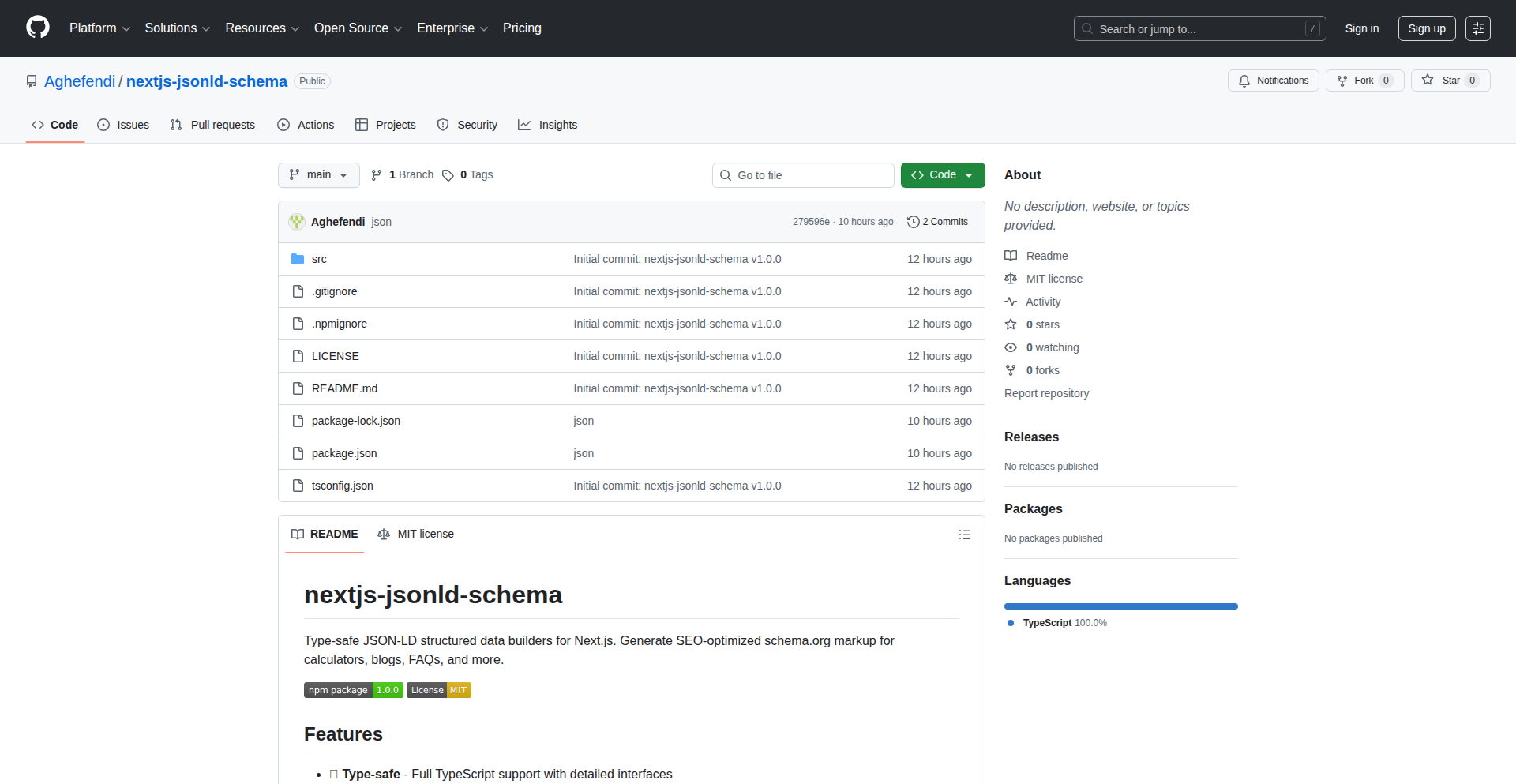
Author
adas014
Description
A lightweight, type-safe library for generating SEO-optimized JSON-LD structured data in Next.js applications. It solves the problem of cumbersome manual schema creation and limited support in existing tools by offering robust, TypeScript-driven builders for common schema types, making it easier to improve your website's search engine visibility. This means your website content can be better understood by search engines, leading to potentially higher rankings and more relevant search results.
Popularity
Points 1
Comments 0
What is this product?
This is a developer tool designed specifically for Next.js applications. It helps you automatically generate structured data in a format called JSON-LD. Think of JSON-LD as a special language that search engines like Google use to understand the content of your web pages more deeply. For example, if you have a recipe on your page, JSON-LD can tell search engines exactly what the ingredients are, how long it takes to cook, and the rating. The innovation here lies in its 'type-safe builders' which leverage TypeScript's power. This means you get real-time error checking as you write your code, ensuring your JSON-LD is correctly formatted and less prone to mistakes. It's like having a smart assistant that prevents you from making typos in your structured data, so you can be confident it's set up right. This directly translates to better SEO.
How to use it?
Developers can integrate this library into their Next.js projects, whether they are using the App Router or Pages Router. You install it via npm and then import the specific schema builders you need (e.g., for a Website, Organization, or Blog Post). You then use these builders to define the properties of your structured data programmatically. For example, you might define your website's name, logo, and URL for a 'WebSite' schema. The library handles the complex task of formatting this into valid JSON-LD, which you then typically include in the `<head>` section of your Next.js pages. This allows you to seamlessly enhance your site's SEO without writing verbose JSON by hand. The practical benefit is a more efficient and error-free way to implement crucial SEO elements.
Product Core Function
· WebSite Schema Generation: Programmatically define and generate JSON-LD for your website, including its name, URL, and logo. This helps search engines understand your site's primary identity, leading to better brand recognition in search results.
· Organization Schema Generation: Create structured data for your company or organization, detailing its name, address, and contact information. This can improve how your business appears in local search results and knowledge panels.
· SoftwareApplication Schema Generation: Structure data for software products, including its name, version, and download URLs. This is invaluable for app stores and search engines to present accurate information about your software, driving more relevant downloads.
· BlogPosting Schema Generation: Markup blog posts with details like title, author, publication date, and featured image. This enables rich snippets in search results, making your blog posts more eye-catching and increasing click-through rates.
· FAQ Schema Generation: Structure frequently asked questions and their answers. This allows your FAQs to appear directly in search results as expandable sections, providing immediate value to users and improving engagement.
· Breadcrumb Schema Generation: Generate structured data for breadcrumb navigation. This helps search engines understand the hierarchy of your website, improving internal linking and user navigation, which can positively impact SEO.
· Next.js App Router & Pages Router Compatibility: Seamlessly works with both modern and traditional Next.js routing structures, ensuring broad applicability for Next.js developers and allowing them to implement advanced SEO without framework-specific hurdles.
· Zero Dependencies (React Peer Dependency): Minimal external library dependencies, reducing potential conflicts and bundle size. This means your application remains lean and performant, with easier maintenance and fewer integration headaches.
Product Usage Case
· Enhancing a multi-page e-commerce website: A developer can use this library to generate 'Product' schemas for each item, including price, availability, and reviews. This allows search engines to display rich product information directly in search results, potentially driving more sales by making products more discoverable and informative to shoppers.
· Optimizing a personal blog: A blogger can use the 'BlogPosting' schema to mark up each article, including author details and publication dates. This helps their articles appear with rich snippets in search results, making them more appealing and likely to be clicked on by readers looking for specific content.
· Structuring an online documentation site: Developers can use 'WebSite' and 'Breadcrumb' schemas to help search engines understand the structure and content hierarchy of their documentation. This makes it easier for users to find the exact information they need, improving user experience and potentially reducing support queries.
· Improving local business visibility: A small business owner can use the 'Organization' schema to provide detailed information about their business, including address and opening hours. This can help their business appear more prominently in local search results, attracting more customers to their physical location.
· Showcasing a SaaS product: A software company can use the 'SoftwareApplication' schema to provide search engines with comprehensive details about their product, such as features, pricing, and compatibility. This helps potential users quickly assess if the software meets their needs, leading to more qualified leads for the company.
103
Accord Governance CLI
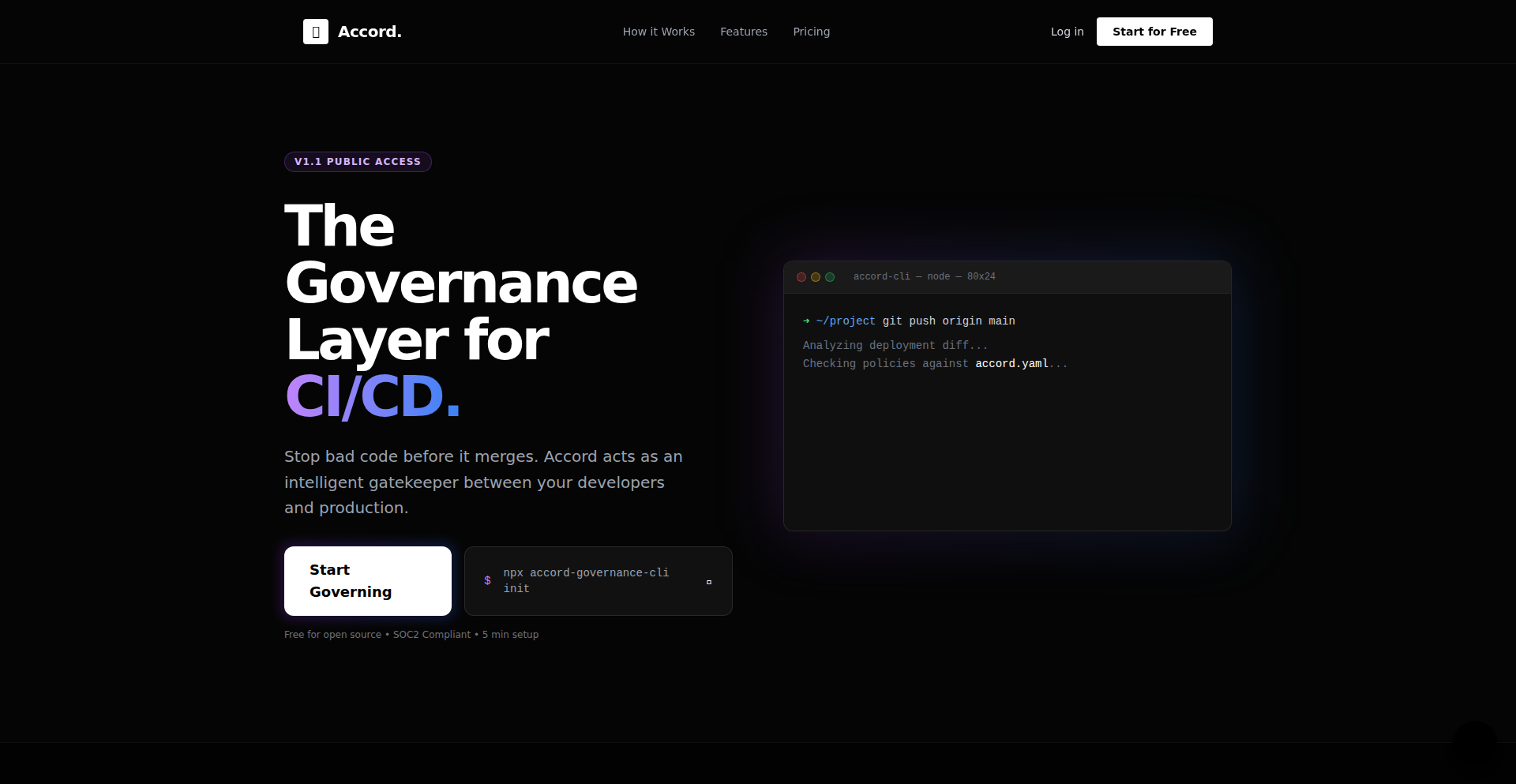
Author
mrsoltan
Description
A zero-configuration Command Line Interface (CLI) tool that leverages Git hooks to automatically scan staged code for sensitive information like API keys and debug logs before a commit is made. It aims to prevent accidental leaks at the source, ensuring cleaner and more secure code repositories. Its innovation lies in its ease of use, requiring no complex setup, and its proactive approach to security.
Popularity
Points 1
Comments 0
What is this product?
Accord Governance CLI is a smart command-line tool that acts as a guardian for your code before you commit it. Think of it as an automated reviewer that runs locally on your machine. When you try to save your code changes (commit them), Accord quickly scans the files you've modified. It's pre-programmed to look for common security slip-ups, like accidentally leaving in your secret API keys or debugging `console.log` statements that shouldn't be in production code. The core innovation here is that it works with Git hooks, which are like automated scripts that run at specific points in the Git workflow (like before a commit). Accord makes this process incredibly simple – 'zero-config' means you don't need to spend hours setting it up. It wraps existing tools like Husky to automate the process. So, what's the value for you? It proactively stops you from making costly mistakes that could expose sensitive data, saving you potential headaches and security breaches.
How to use it?
Using Accord is straightforward. You'll typically run a single command in your project's terminal: `npx accord-governance-cli init`. This command automatically sets up Accord within your project, integrating with a popular Git hook manager (like Husky) and configuring a pre-commit hook. Once initialized, Accord automatically kicks in whenever you try to commit your code. It scans the files you've staged for changes. If it finds anything it's been told to look for (like leaked secrets), it will block the commit, giving you a chance to review and fix the issue. You can even customize Accord's behavior using a simple `accord.yaml` file. This allows you to change rules, for example, from 'block' to 'warn' for less critical issues, like allowing `console.log` statements but notifying you that they are present. The beauty is that this all happens locally on your machine, so no code is sent anywhere. So, what's the value for you? You can integrate this into your existing development workflow with minimal effort, ensuring that common security oversights are caught before they ever make it into your shared codebase.
Product Core Function
· Automated Pre-Commit Scanning: Utilizes Git hooks to scan staged code changes for predefined patterns, such as API keys, passwords, or debugging statements. Value: Prevents accidental leakage of sensitive information by catching issues before they are committed to the repository. Application: Safeguarding code integrity and security in any development project.
· Zero-Configuration Setup: Simplifies the integration of Git hooks and security checks with a single initialization command, removing the technical barrier to entry. Value: Saves developers time and effort by eliminating complex setup processes. Application: Rapid deployment in new or existing projects for immediate security benefits.
· Configurable Rule Sets: Allows developers to define custom rules and adjust their severity (e.g., block vs. warn) via a simple YAML file. Value: Provides flexibility to tailor security checks to specific project needs and tolerance levels. Application: Managing security policies across different projects or teams with varying requirements.
· Local Execution: All scanning and checks are performed entirely on the developer's local machine, ensuring privacy and preventing data exposure. Value: Protects sensitive code and credentials from being transmitted or stored externally. Application: Maintaining a secure development environment, especially when dealing with proprietary or sensitive information.
Product Usage Case
· A developer working on a web application accidentally commits code containing their AWS access keys. Accord's pre-commit hook detects the keys and blocks the commit, prompting the developer to remove them before they are pushed to the central repository. This prevents a potential security breach. The value is the prevention of a critical security incident.
· A team is collaborating on a complex backend service. A junior developer includes several `console.log` statements for debugging purposes, forgetting to remove them before committing. Accord is configured to 'warn' on `console.log` statements. The commit is allowed, but a warning is issued, alerting the developer and potentially a reviewer to the presence of debug logs, ensuring code quality is maintained.
· A startup wants to ensure that no sensitive configuration variables are ever accidentally committed into their version control. They initialize Accord with rules to block any strings that resemble common secret patterns. This provides an automated safeguard, giving them peace of mind that their secrets remain protected. The value is the automated enforcement of security best practices.
· An open-source project aims to maintain a high standard of code quality and security. Accord is added to the project's development workflow, automatically checking for common errors and sensitive data before any contributions are merged. This helps maintain the integrity and trustworthiness of the project for all contributors. The value is the enhanced security and reliability of the open-source code.
104
Eze AI Roadmap Architect
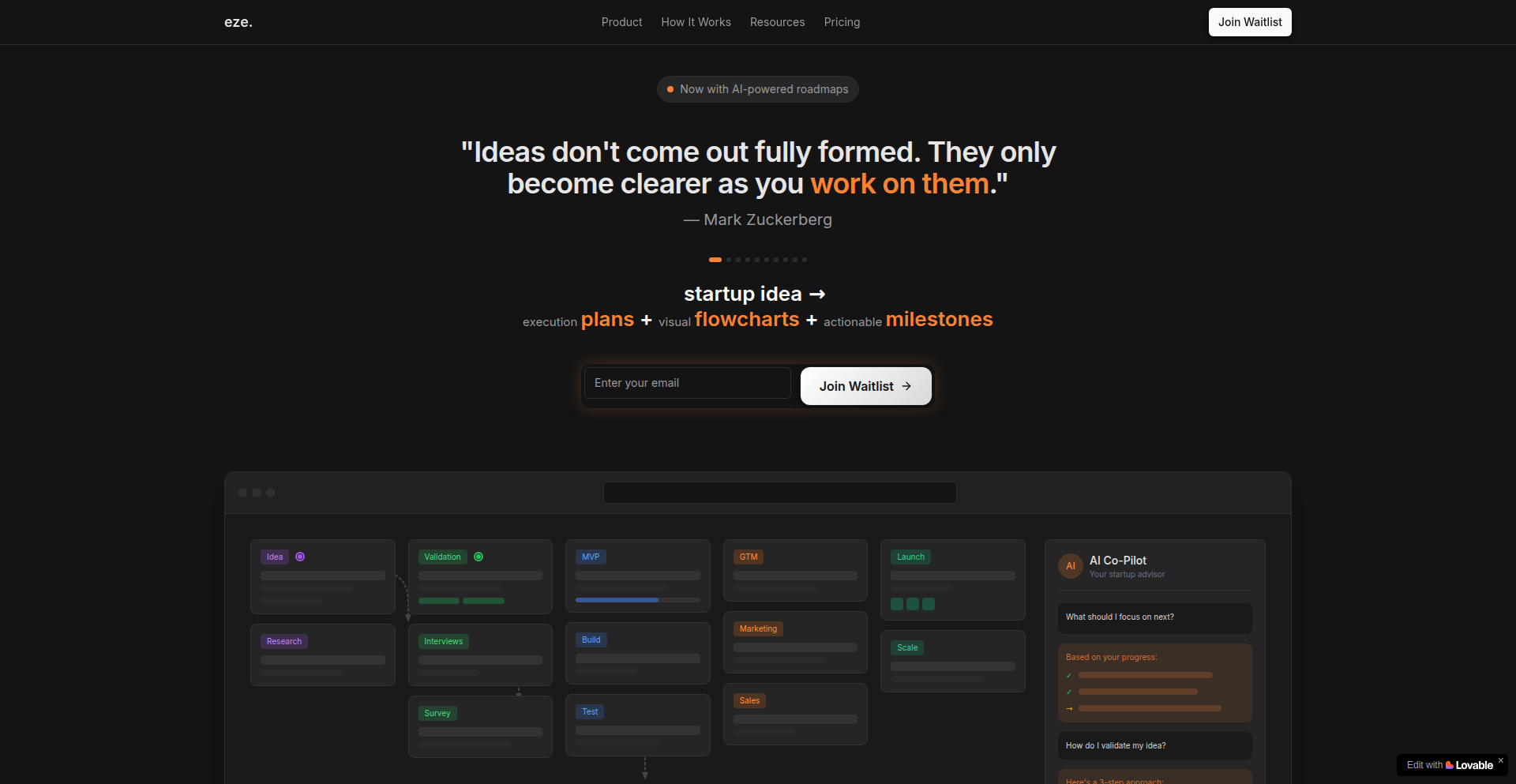
Author
foolmarshal
Description
Eze is an AI-powered co-pilot that transforms raw startup ideas into visual execution roadmaps. It leverages a general-purpose LLM to generate multi-stage plans, and is evolving towards a domain-specific solution using curated founder content and startup frameworks. Its core innovation lies in bridging the gap for first-time founders from having an idea to having an actionable, ordered plan for execution.
Popularity
Points 1
Comments 0
What is this product?
Eze is an AI-powered tool designed to help individuals, especially first-time or solo founders, turn their startup ideas into concrete, actionable roadmaps. Technically, it starts by taking a textual description of a startup idea and uses a Large Language Model (LLM) – a sophisticated AI that understands and generates human-like text. This LLM processes the idea and outputs a structured, multi-stage plan. Initially, it uses a general LLM, but the development is moving towards a specialized AI. This specialized AI will be trained on specific data like founder experiences, established startup methodologies (like Lean Startup or Agile), and refined prompting techniques. The innovation here is in translating abstract ideas into a visual, interactive graph with clear milestones, moving beyond generic advice to provide tailored guidance. So, what this means for you is: Instead of feeling lost with your brilliant idea, Eze provides a clear, step-by-step visual guide on how to actually build and launch it.
How to use it?
Developers and founders can use Eze by providing a detailed description of their startup idea. This can range from a simple concept to a more fleshed-out business model. The platform then generates an interactive roadmap, presented as a visual graph. This roadmap breaks down the execution process into distinct phases, such as idea validation, building a Minimum Viable Product (MVP), go-to-market (GTM) strategy, launch, and post-launch activities. Developers can integrate this output into their project management tools or use it as a reference for planning sprints and tasks. The evolving domain-specific approach means that the generated roadmap will become increasingly tailored to the specific industry and stage of the startup. So, for you, this means: You can input your idea and get an immediate visual plan that guides your next steps, making it easier to organize your work and track progress.
Product Core Function
· AI-powered idea transformation: Converts unstructured startup ideas into structured, multi-stage roadmaps. The value is taking the guesswork out of planning and providing a starting point for execution. This is useful for anyone who has an idea but doesn't know where to begin.
· Interactive roadmap visualization: Presents execution plans as a visual graph with milestones. The value is making complex plans easy to understand and follow, helping users see the big picture and their progress. This is beneficial for project management and motivation.
· Multi-stage execution planning: Breaks down the startup journey into key phases like validation, MVP, GTM, and launch. The value is providing a logical progression for building a business, ensuring critical steps are not missed. This helps founders systematically build their venture.
· Domain-specific AI refinement: Evolving to use curated founder content and startup frameworks for more concrete guidance. The value is moving beyond generic advice to offer practical, tested strategies. This provides users with more relevant and actionable insights for their specific situation.
Product Usage Case
· A first-time solo founder with a software idea can input their concept into Eze. Eze will generate a roadmap outlining steps from validating market demand, defining core MVP features, planning a beta launch strategy, and post-launch user feedback loops. This helps the founder understand the entire journey and prioritize initial development efforts.
· A bootstrapped startup team looking to pivot can describe their new direction to Eze. The AI will help them create a revised roadmap, focusing on quickly validating the pivot's assumptions, defining a minimal viable pivot product, and outlining a lean go-to-market plan for the new offering. This assists in quickly reorienting their development and business strategy.
· An aspiring entrepreneur with a product idea but no technical background can use Eze to understand the technical and business steps required. Eze will generate a roadmap that visualizes the process of finding a technical co-founder, building an MVP, and reaching initial customers. This demystifies the startup process and provides a clear action plan.
105
PermaTop Window Manager
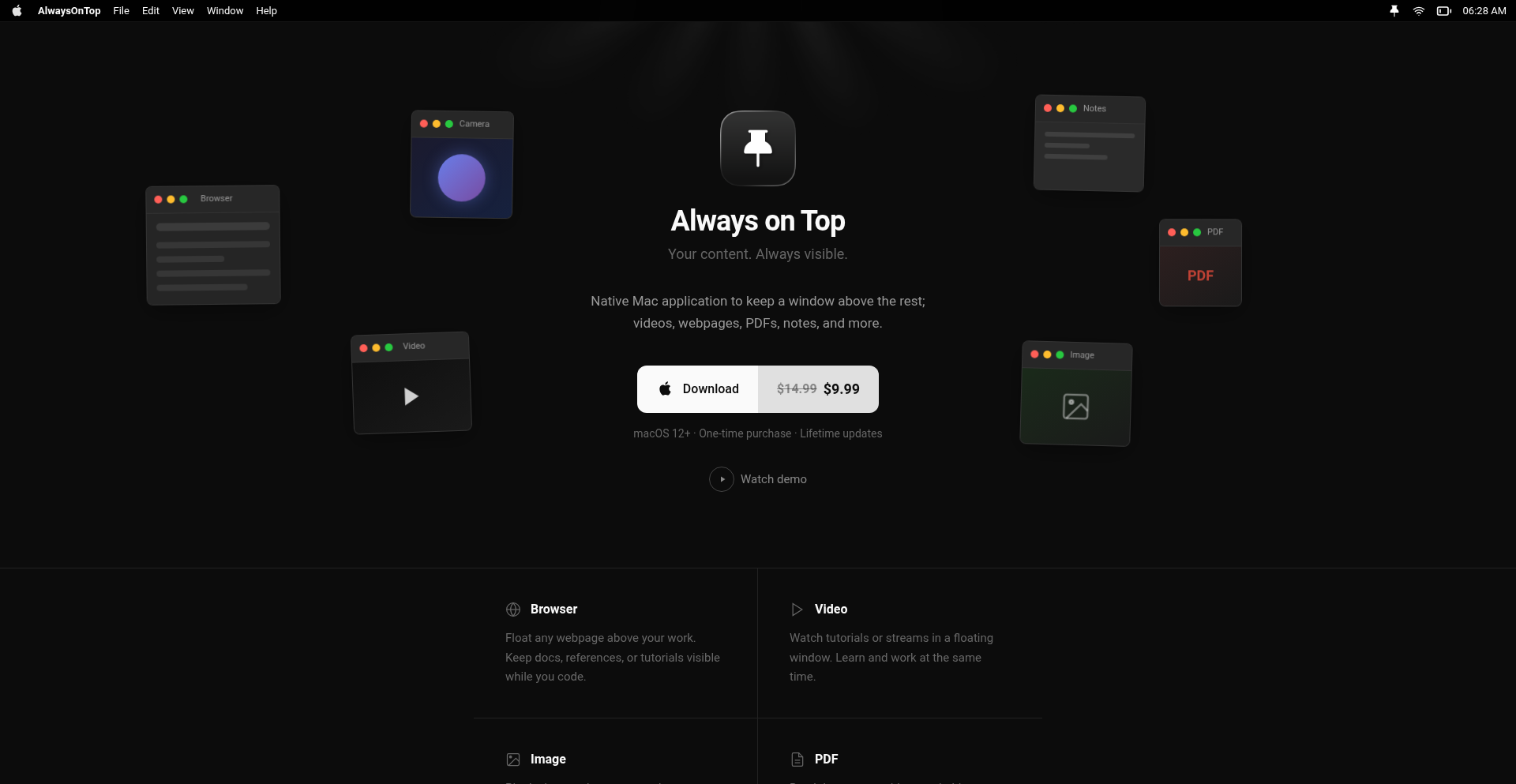
Author
kamranahmedse
Description
A macOS application that allows users to pin any window to always stay on top of all other applications. This addresses the common user frustration of losing sight of important windows, especially when multitasking with multiple applications open.
Popularity
Points 1
Comments 0
What is this product?
This project is a native macOS application that utilizes the macOS Quartz Compositor and WindowServer APIs to achieve its functionality. Essentially, it hooks into the operating system's window management layer. When a user designates a window to be 'always on top,' the app tells the operating system that this specific window should always be rendered above all other windows, regardless of which application is currently active. The innovation lies in its straightforward implementation of this OS-level feature, providing a user-friendly interface for a behavior that is not natively prominent in macOS.
How to use it?
Developers can use this application by simply downloading and installing it on their macOS machine. Once installed, a user can select any window and activate the 'always on top' feature through the app's menu bar icon or a designated keyboard shortcut. This is particularly useful for developers who might need to keep a console log, a documentation window, or a specific tool visible while coding in another application. It's a simple drag-and-drop or click-to-activate solution that doesn't require any code integration.
Product Core Function
· Always on top window pinning: This feature allows users to select any application window and make it permanently visible above all other windows. The value is that crucial information or tools are never hidden, boosting productivity during focused work sessions.
· Per-window settings: The application remembers which windows have been pinned, so users don't have to reapply the setting every time they open an application. This offers convenience and a personalized workflow.
· Global keyboard shortcuts: Users can define custom keyboard shortcuts to quickly pin/unpin windows or toggle the feature. This provides efficient control without needing to switch away from their current task.
Product Usage Case
· A developer needs to monitor a live-streaming terminal output while writing code. By using PermaTop Window Manager, they can keep the terminal window always on top, ensuring they don't miss any critical updates, thus improving debugging efficiency.
· A graphic designer needs to reference a style guide document while working in design software. They can pin the document window, allowing for seamless comparison and ensuring design consistency without constant window switching.
· A student attending online lectures while taking notes. Pinning the lecture video window ensures they can always see the instructor while simultaneously typing notes in a separate application, enhancing their learning experience.
106
SpatialConvert-WASM

Author
mrfaisu
Description
A client-side converter for Apple Spatial Video (MVHEVC) to Side-by-Side (SBS) format, running entirely in the browser using WebAssembly (WASM). It addresses the need to make immersive spatial videos viewable on standard VR headsets without uploading sensitive data.
Popularity
Points 1
Comments 0
What is this product?
SpatialConvert-WASM is a groundbreaking project that leverages WebAssembly to bring advanced video conversion directly to your browser. Apple's Spatial Video format (MVHEVC) is designed for immersive viewing, but it's not widely compatible with common VR devices. This tool transforms these videos into a Side-by-Side (SBS) format, which is a standard for 3D content playback. The innovation lies in performing this computationally intensive task locally on your machine, meaning your private videos never leave your device, ensuring maximum privacy. So, what's the benefit to you? You can now easily convert your personal immersive videos into a format that works with your existing VR headset, all while keeping your data completely private and secure.
How to use it?
Developers can integrate SpatialConvert-WASM into their web applications to offer spatial video conversion capabilities directly to their users. This is achieved by compiling the conversion logic into WebAssembly. The WASM module can then be loaded and executed in the browser, taking the MVHEVC file as input and outputting a SBS formatted video. This is ideal for platforms that host or process user-generated spatial content, or for anyone who wants to build a privacy-focused spatial video editing tool. So, how does this help you? If you're building a website or app that deals with spatial video, you can add a powerful, privacy-preserving conversion feature without relying on server-side processing, making your application faster and more secure.
Product Core Function
· Local MVHEVC to SBS Conversion: Transforms Apple's proprietary spatial video format into a widely compatible Side-by-Side 3D format directly in the user's browser. This means your private video data is not sent to any server, ensuring privacy. The value is in enabling easy viewing of your immersive content on standard VR devices without privacy concerns.
· WebAssembly Execution: The entire conversion process runs client-side using WebAssembly, allowing for high-performance video processing within the web browser. This makes the conversion fast and efficient, bringing desktop-level processing power to your web application. The value for you is a smoother user experience and the ability to handle complex video tasks without external dependencies.
· Privacy-Preserving Processing: By performing all operations locally, the project guarantees that sensitive user videos are not uploaded or stored elsewhere. This is crucial for personal media. The value is peace of mind, knowing your data stays with you.
· Cross-Platform Compatibility: As a browser-based solution, it works on any device with a modern web browser, regardless of the operating system. This broadens accessibility for users. The value is that anyone can convert their spatial videos without needing specific software installed on their computer.
Product Usage Case
· Personal VR Content Management: A user has captured family moments in Apple Spatial Video format and wants to view them on their Meta Quest headset. Instead of uploading the videos to a cloud service (which might have privacy implications), they use a web app powered by SpatialConvert-WASM to convert the videos locally into SBS format, which their headset can then easily play. This solves the problem of incompatible formats and ensures their personal memories remain private.
· Immersive Web Application Development: A developer is building a web-based platform for creators to share 3D and spatial content. They integrate SpatialConvert-WASM to allow users to upload their Apple Spatial Videos and have them automatically converted to a viewable SBS format within the application, ready for immersive playback on supported devices. This enhances the platform's functionality and user engagement by supporting a popular new video format securely. The problem solved is the technical hurdle of making spatial videos accessible and shareable on a web platform.
· On-Device Media Editing Tools: A tech enthusiast wants to build a simple, privacy-focused tool for editing spatial videos on their laptop. They use SpatialConvert-WASM as the core engine to enable the conversion from MVHEVC to SBS as a preliminary step for further editing or sharing. This allows them to create a powerful tool without needing to manage complex server infrastructure for video processing. The value is empowering developers to build sophisticated media tools that respect user privacy.
107
Coderive: Formulaic Execution Engine
Author
DanexCodr
Description
Coderive is a programming language interpreter that tackles computationally impossible loops by representing array operations as formulas rather than storing raw data. It achieves incredible speedups by detecting patterns in code, transforming loops into mathematical expressions, and employing lazy evaluation, allowing it to process trillions of operations in milliseconds. This fundamentally redefines what's computationally feasible on standard hardware by eliminating data movement and memory management overhead.
Popularity
Points 1
Comments 0
What is this product?
Coderive is a novel programming language interpreter that allows developers to execute extremely large loops, even those involving trillions of iterations, in fractions of a second. Instead of loading massive amounts of data into memory, Coderive uses a technique called 'virtual arrays' which store formulas describing how data should be generated or transformed. The core innovation lies in its 'Runtime Pattern Detection' which analyzes loops and conditional logic, converting them into optimized mathematical expressions. 'Lazy Evaluation' ensures that computations are only performed when the results are actually needed, preventing unnecessary work. This means that even a loop requiring 1 quintillion (1 followed by 18 zeros) iterations can be processed in milliseconds, a feat impossible for traditional languages and supercomputers. So, what does this mean for you? It means tackling problems that were previously computationally infeasible, opening up new possibilities in data processing, simulations, and complex calculations.
How to use it?
Developers can use Coderive by writing code that resembles conventional loops and conditional statements, but with an emphasis on expressing the underlying mathematical relationships. Coderive's interpreter then automatically identifies these patterns and transforms them into highly optimized, formula-based operations. For example, a loop that assigns `i * i` to an array element `arr[i]` for a vast range of `i` would be internally converted into a `LoopFormula`. More complex logic, like if-else statements within loops, are transformed into `ConditionalFormula` or `MultiBranchFormula`. Integration into existing projects might involve using Coderive as a specialized engine for performance-critical sections of code, especially where massive iteration counts are involved. The primary use case is to replace computationally prohibitive loops that would otherwise crash or take astronomically long to complete. So, how can you use this? You can leverage Coderive for tasks that involve iterating over enormous datasets or performing complex calculations on a massive scale, where traditional methods fail. This could be anything from simulating large-scale physical systems to processing high-resolution images or scientific data.
Product Core Function
· Virtual Array Storage: Instead of holding actual data, these arrays store the mathematical formulas defining the data. This drastically reduces memory consumption, allowing for operations on datasets that would otherwise be too large to fit in memory. The value to you is the ability to work with immense datasets without memory constraints.
· Runtime Pattern Detection: The interpreter intelligently analyzes code to identify common loop structures and conditional logic, such as simple assignments, if-else statements, or multi-way branches. This allows Coderive to automatically optimize your code into efficient formulas. This means you write clear, readable code, and Coderive handles the complex optimization behind the scenes for you.
· Lazy Evaluation: Computations are only performed when the result is actually requested. This avoids redundant calculations and ensures that only necessary operations are executed, leading to significant performance gains. This feature ensures that your program runs as fast as possible by only doing work when it's absolutely needed.
· Formulaic Execution: Loops and conditional logic are transformed into declarative mathematical formulas (LoopFormula, ConditionalFormula, MultiBranchFormula). This allows for highly optimized, parallelizable computations without explicit parallel programming. The benefit here is that Coderive can process complex logic efficiently and inherently in a way that's easier for the computer to handle, leading to faster execution.
Product Usage Case
· Processing 8K video frames: Imagine needing to adjust the brightness of every pixel in an 8K video. This involves billions of pixels per frame, and processing many frames traditionally would take ages. Coderive can handle this task in seconds by treating the pixel manipulation as a formula applied to a range, rather than iterating through each pixel individually for each frame. This means you can perform real-time or near real-time video processing on massive resolutions.
· Large-scale scientific simulations: Simulating weather patterns, galaxy formation, or fluid dynamics often requires iterating over a vast number of points or particles. Coderive can accelerate these simulations dramatically by expressing the physical laws as formulas, allowing for the simulation of much larger and more complex systems in a practical timeframe. This empowers you to explore more complex scientific scenarios and get results faster.
· Generative art and procedural content: Creating intricate patterns or complex 3D models often involves many nested loops and conditional logic. Coderive can be used to generate incredibly detailed and complex visual content by efficiently handling the vast number of iterations required, enabling richer and more dynamic artistic creations. This allows artists and game developers to create more sophisticated and visually impressive content.
108
Spooled: Rust-Powered Job & Webhook Orchestrator
Author
Dalresin
Description
Spooled is an open-source, self-hosted service built in Rust that simplifies background job processing and webhook management. It eliminates the need to set up complex infrastructure like Redis and Sidekiq/Bull, offering a single binary solution for reliable job queues, webhook delivery with real-time status, dead-letter queues, scheduling, and workflow management. This means developers can focus on building applications rather than managing infrastructure, ensuring critical tasks and external communications don't fail silently.
Popularity
Points 1
Comments 0
What is this product?
Spooled is a unified backend service for handling asynchronous tasks (jobs) and external event notifications (webhooks). At its core, it's a highly efficient system written in Rust, which is known for its speed and reliability. Instead of relying on multiple separate tools, Spooled packages features like job queuing with automatic retries (so if a task fails once, it tries again with increasing delays), sophisticated webhook delivery that provides real-time updates on delivery status (so you know if your external services received the notification), and a 'dead-letter queue' to safely store jobs that repeatedly fail, preventing data loss. It also supports scheduled jobs (like cron) and complex workflows where one job depends on another. The whole system runs as a single Rust program, needing only a PostgreSQL database to store its state. This innovative approach drastically reduces setup complexity and operational overhead for developers needing robust background processing and reliable communication with other services.
How to use it?
Developers can easily integrate Spooled into their existing applications. The simplest way is to run it as a Docker container with a single command: `docker run -p 8080:8080 ghcr.io/spooled-cloud/spooled-backend:latest`. Once running, Spooled exposes both REST and gRPC APIs. Developers can then use provided SDKs for popular languages like Node.js, Python, Go, and PHP to send jobs to the queue or register webhook endpoints. For example, a web application can send a job to Spooled to process an image in the background, or send a webhook notification to an external partner when a new order is placed. Spooled will then handle the reliable execution and delivery of these tasks, providing status updates and retries automatically. This makes it ideal for scenarios requiring background processing, asynchronous communication, or reliable event handling without managing complex distributed systems.
Product Core Function
· Job Queues with Automatic Retries and Exponential Backoff: This allows developers to offload time-consuming tasks from their main application threads. If a job fails due to a temporary network issue or service unavailability, Spooled automatically retries it with increasing delays, significantly improving the reliability of background processing and preventing task failures from impacting the user experience.
· Webhook Delivery with Real-time Status via SSE: Spooled reliably sends notifications to external services. The real-time status updates (using Server-Sent Events) provide developers with immediate insight into whether webhooks were successfully delivered, enabling prompt debugging and ensuring critical integrations function correctly without silent failures.
· Dead-Letter Queues: For jobs that consistently fail after multiple retries, Spooled safely stores them in a dedicated dead-letter queue. This prevents the loss of important data and allows developers to inspect, reprocess, or discard these failed jobs manually, offering a robust error handling mechanism.
· Cron Scheduling: Enables developers to schedule jobs to run at specific times or intervals, mimicking cron functionality. This is invaluable for recurring tasks like data backups, report generation, or periodic data synchronization, automating routine operations.
· Job Dependencies / Workflows: Allows the creation of complex multi-step processes where the execution of one job depends on the successful completion of others. This feature is crucial for building sophisticated business logic and orchestrating intricate sequences of operations, ensuring tasks are performed in the correct order.
· Multi-tenant with API Key Authentication: Spooled supports multiple independent users or applications sharing the same instance, each secured with unique API keys. This is essential for SaaS providers or organizations managing different projects, ensuring secure isolation and access control for each tenant.
Product Usage Case
· A web application needs to send an email to a user after they sign up. Instead of blocking the signup process, the application sends a 'send_email' job to Spooled. Spooled then processes this job in the background, ensuring the email is sent reliably and the user's signup completes quickly. If the email service is temporarily down, Spooled will retry the job until it succeeds, preventing lost signups.
· An e-commerce platform needs to notify an external shipping provider when a new order is placed. The platform sends a webhook request to Spooled. Spooled then delivers this webhook to the shipping provider's API. If the shipping provider's API is overloaded and doesn't respond, Spooled will retry the delivery automatically and provide real-time status updates to the e-commerce platform, ensuring orders are processed without delay or silent failures.
· A data processing pipeline involves multiple stages: fetching data, transforming it, and then storing it. Developers can configure these stages as dependent jobs in Spooled. Spooled will execute them in the correct sequence, ensuring data integrity and simplifying the management of complex data workflows. If a transformation step fails, the subsequent steps are not executed, and the failure is clearly reported.
· A social media application wants to send daily digest emails to its users. This can be configured as a scheduled cron job in Spooled. Spooled will automatically trigger the 'send_daily_digest' job every day at a specified time, automating repetitive tasks and ensuring users receive timely updates without manual intervention.
109
Spring AI Playground Live Weaver
Author
hjm1980
Description
This project is a 'no-code/low-code' studio for building and testing AI-powered tools that can be used by AI agents. It allows developers to create AI-callable tools using JavaScript directly in a web browser, then run them securely within a Java Virtual Machine (JVM) using GraalVM. The key innovation is the ability to add, inspect, and debug these tools live without needing to restart the application, making the development cycle much faster. It also integrates with Large Language Models (LLMs) and Retrieval-Augmented Generation (RAG) for more sophisticated AI agent behaviors.
Popularity
Points 1
Comments 0
What is this product?
Spring AI Playground Live Weaver is a dynamic environment where you can visually design and test AI tools. Imagine building Lego blocks for AI agents. You write simple JavaScript code in the browser for a tool (like a weather checker or a calendar event creator), and the Playground seamlessly runs it inside a secure Java environment. The 'live' aspect means you can change your tool and see it work immediately, without any delays from restarting or redeploying. This is achieved by dynamically evaluating and registering your tools to a built-in AI model coordination (MCP) server. This means you can easily see what your tools are doing, what information they need, and what results they produce, which is crucial for understanding how AI agents make decisions.
How to use it?
Developers can use Spring AI Playground Live Weaver to quickly prototype and integrate custom tools into their AI agent applications. You can access the 'Tool Studio' directly in your browser. Here, you can write JavaScript code to define the logic for your tool (e.g., fetching data from an API, performing a calculation). Once defined, the tool becomes available to the Playground's agentic chat interface. You can then test end-to-end workflows by having an AI model reason, call your custom tool, and potentially use retrieved information (RAG). This is useful for building AI assistants that need to interact with external services, automate tasks, or provide specialized information. Integration is straightforward as the tools are designed to be callable by AI models, and the playground provides a unified interface for testing these interactions locally.
Product Core Function
· No-code/low-code Tool Studio: This allows developers to create AI-callable tools using JavaScript in a web browser. The value here is reducing the barrier to entry for creating AI integrations, enabling even those less familiar with complex backend development to build functional AI tools. This speeds up prototyping and experimentation.
· Live tool evaluation and registration: Tools are dynamically evaluated and registered to an embedded MCP server without requiring application restarts. The value is a significantly faster development feedback loop. Developers can make changes and instantly test them, accelerating iteration and bug fixing.
· MCP inspection and debugging: Developers can examine registered tools, their parameters, and execution results. The value is enhanced transparency and control over AI agent behavior. Understanding exactly why an agent chose a specific tool and what information it used is critical for building reliable and predictable AI systems.
· Agentic chat for end-to-end testing: This feature allows testing complete AI workflows combining LLM reasoning, custom tools, and RAG context. The value is a holistic testing environment for AI agents, enabling developers to validate complex interactions and ensure the entire system works as intended before deployment.
· Local-first execution with Ollama: By default, the playground runs locally using Ollama, which offers OpenAI-compatible APIs. The value is the ability to develop and test AI applications without relying on expensive cloud services, promoting cost-effectiveness and data privacy.
Product Usage Case
· Developing an AI customer support bot: A developer can use the Tool Studio to create a tool that fetches customer order status from a database using JavaScript. They can then test this tool within the agentic chat, ensuring the AI can accurately retrieve and present order information to the user. This solves the problem of the AI needing to access real-time data without direct database access.
· Automating social media posting: A developer can build a tool that sends messages to Slack via a webhook. This tool can be tested by the AI agent to schedule and post updates. This solves the problem of manually posting to social media or requiring custom integrations for each platform.
· Creating personalized content suggestions: A developer can implement a tool that extracts clean text content from a given URL. This tool can then be used by the AI agent to process articles for RAG, providing more relevant and personalized content recommendations to users. This addresses the need for processing web content for AI analysis.
· Building a travel planning assistant: A developer can create tools for getting current weather information and generating Google Calendar links. The AI agent can then combine these tools to help users plan trips by checking weather conditions and easily adding events to their calendars. This showcases how multiple tools can be orchestrated to solve a complex user need.