Show HN Today: Discover the Latest Innovative Projects from the Developer Community
 ShowHN Today
- Continue with Google
Show HN Today: Top Developer Projects Showcase for 2025-12-20
SagaSu777 2025-12-21
Explore the hottest developer projects on Show HN for 2025-12-20. Dive into innovative tech, AI applications, and exciting new inventions!
Summary of Today’s Content
Trend Insights
Today's Show HN landscape paints a vibrant picture of innovation driven by a hacker's spirit – finding elegant solutions to complex problems. We're seeing a strong surge in AI and LLM applications, not just as standalone tools, but deeply integrated into developer workflows and everyday productivity. The emphasis on 'local-first' and privacy-preserving applications is a critical counter-trend to cloud-centric models, empowering users with control over their data and reducing reliance on external services. For developers, this means an opportunity to build robust, secure, and user-centric tools. Entrepreneurs should look at niches where these privacy-focused, AI-augmented solutions can disrupt existing markets or create entirely new ones. The focus on developer tooling, from Kubernetes previews to debugging aids, signals a continuous push for efficiency and sophistication in software creation. The emergence of projects in low-level systems programming and niche languages like Zig and Dragonlang shows a hunger for performance and control at the foundational level. This diverse ecosystem thrives on the creative application of technology to solve specific pain points, from organizing sensitive documents to improving the efficiency of AI models themselves. The takeaway for innovators is clear: identify a real problem, leverage cutting-edge tech with a pragmatic approach, and build solutions that empower users and developers alike, always keeping an eye on security and user control.
Today's Hottest Product
Name
Jmail – Google Suite for Epstein files
Highlight
This project leverages the power of distributed systems and secure file management to create a 'Google Suite' specifically designed for handling sensitive and large datasets, inspired by the public release of the 'Epstein files.' It tackles the technical challenge of organizing and accessing massive amounts of data securely, offering developers insights into building scalable, privacy-focused applications. The core innovation lies in its ability to manage complex data ecosystems efficiently, potentially using technologies like distributed storage and advanced access control mechanisms.
Popular Category
AI/LLM Applications
Developer Tools
Data Management
Security
Popular Keyword
LLM
AI
eBPF
Kubernetes
Python
Zig
macOS
WebAssembly
Technology Trends
AI-driven productivity
Local-first applications
Enhanced developer tooling
Efficient data processing
Advanced system monitoring
Privacy-preserving technologies
Cross-platform development
Low-level systems programming
Project Category Distribution
AI/LLM Applications (25%)
Developer Tools (20%)
Data Management/Storage (10%)
Utilities/Productivity (15%)
Security (5%)
System Programming/Languages (10%)
Creative/Entertainment (5%)
Hardware/Embedded (5%)
Other (5%)
Today's Hot Product List
| Ranking | Product Name | Likes | Comments |
|---|---|---|---|
| 1 | EpsteinFileSuite | 841 | 163 |
| 2 | HN Persona Weaver | 200 | 116 |
| 3 | ClaudeCode Music Companion | 50 | 12 |
| 4 | ChartPreviewr | 19 | 6 |
| 5 | Fucking Websites CLI | 11 | 4 |
| 6 | Dbzero: Infinite RAM Python Persistence | 7 | 3 |
| 7 | Cerberus: Kernel-Level Network Insight | 7 | 3 |
| 8 | HiFidelity Native AudioEngine | 4 | 4 |
| 9 | DK Atlas 3D Brain Explorer | 6 | 1 |
| 10 | BrowserACH | 5 | 1 |
1
EpsteinFileSuite

Author
lukeigel
Description
A collection of tools designed for securely organizing and accessing sensitive documents, inspired by the public release of legal files. It offers a private, encrypted environment for managing personal or sensitive information, providing peace of mind through robust data protection. The innovation lies in creating a secure, user-friendly platform for managing critical data, making advanced encryption accessible to everyone.
Popularity
Points 841
Comments 163
What is this product?
EpsteinFileSuite is a suite of applications that provides a secure, private, and encrypted workspace for managing sensitive documents. Unlike cloud storage that might have broad access policies, this suite focuses on giving you granular control over your data. The core innovation is the application of strong encryption techniques and secure data handling practices to create a personal 'digital vault' accessible only by you. This means even if the data were intercepted, it would be unreadable without your keys. So, this is for anyone who values their privacy and wants to ensure their sensitive information is protected from unauthorized access.
How to use it?
Developers can integrate EpsteinFileSuite into their workflows by leveraging its APIs for secure data storage, retrieval, and management. For example, a developer building a secure note-taking app could use EpsteinFileSuite's backend to ensure all notes are encrypted before being stored. End-users can utilize it as a standalone application for securely storing important personal documents, such as legal papers, financial records, or private journals. The integration is designed to be straightforward, allowing for seamless adoption into existing applications or as a dedicated secure data management solution. This means you can add a layer of top-tier security to your projects or personal files with minimal effort.
Product Core Function
· End-to-end encryption for all stored documents. This ensures that your data is encrypted on your device before it's sent, and only decrypted when you access it, making it unreadable to anyone intercepting it. This provides the highest level of data privacy.
· Secure document organization and retrieval. This feature allows you to categorize and search through your sensitive files efficiently, ensuring you can find what you need quickly within your secure vault. This saves you time and reduces the risk of misplacing important information.
· Private collaboration features. This enables sharing encrypted documents with specific individuals or groups, ensuring that collaboration happens securely without exposing the data to unauthorized parties. This is crucial for teams working with confidential information.
· Audit trails and access logging. This function provides a record of who accessed which documents and when, offering transparency and accountability for data access. This helps in tracking usage and identifying any suspicious activity, giving you peace of mind about who is accessing your data.
Product Usage Case
· A lawyer can use EpsteinFileSuite to securely store and share client case files, ensuring client confidentiality is maintained throughout the process. This solves the problem of secure handling of sensitive legal documents and ensures compliance with privacy regulations.
· A journalist can use the platform to store confidential sources and interview transcripts, protecting the identity of their sources and the integrity of their investigation. This addresses the critical need for anonymity and data security in investigative journalism.
· An individual can use EpsteinFileSuite to securely store personal health records or financial statements, ensuring their private information is protected from identity theft or unauthorized access. This provides a personal digital safe for highly sensitive personal data.
· A development team can integrate EpsteinFileSuite to manage sensitive API keys or proprietary code snippets, ensuring that these critical assets are protected within a secure, access-controlled environment. This solves the challenge of securely managing sensitive development credentials.
2
HN Persona Weaver

Author
hubraumhugo
Description
HN Persona Weaver is a creative project leveraging the latest Gemini LLMs to analyze your Hacker News activity and generate a personalized retrospective. It offers generated roasts and statistical insights based on your past contributions, a futuristic vision of your HN front page from 2035, and a unique xkcd-style comic depicting your HN persona. This project showcases the innovative application of AI for entertainment and self-reflection within a tech community.
Popularity
Points 200
Comments 116
What is this product?
HN Persona Weaver is a web application that uses advanced AI models, specifically Gemini 3 Flash and Gemini 3 Pro (image generation), to process your Hacker News username. It's not just a data aggregator; it's a creative engine that interprets your activity to produce engaging and often humorous content. The innovation lies in applying these powerful language and image models to a specific niche community (Hacker News users) to generate personalized, fun, and insightful outputs. It translates raw user data into a narrative and visual representation of their online identity within the HN ecosystem. The 'so what does this mean for me?' is that you get a fun, unique, and personalized way to see yourself through the lens of your Hacker News interactions, offering a lighthearted take on your digital footprint.
How to use it?
Developers can use HN Persona Weaver by simply entering their Hacker News username into the provided web interface. The application then fetches publicly available data associated with that username from Hacker News. This data is fed into the Gemini models, which perform the analysis and generation tasks. For integration purposes, developers could potentially explore the underlying logic or APIs if they were made public, to understand how to use LLMs for similar personalized content generation tasks. The primary use case for an end-user developer is to experience their own 'HN Wrapped' and share it with the community. The 'so what does this mean for me?' is that it's an easy-to-use tool that requires no technical setup on your part; just provide your username and get a personalized AI-generated experience.
Product Core Function
· Generated Roasts and Stats: Leverages LLMs to analyze a user's HN activity, extracting key trends, popular topics, and potentially controversial posts, then crafts witty and insightful 'roasts' or statistical summaries. This provides a unique, AI-driven commentary on one's contributions, offering both entertainment and a novel way to reflect on their engagement. The application is valuable for developers who want a fun, personalized review of their online persona.
· Personalized HN Front Page (2035 Vision): Uses LLMs to project future content trends on Hacker News based on current user activity and general AI predictions, creating a speculative personalized front page from the year 2035. This demonstrates the creative potential of LLMs in foresight and personalization, offering a glimpse into what might be engaging in the future. Its value lies in sparking imagination and showing how AI can extrapolate trends.
· xkcd-style Comic Generation: Employs image generation capabilities of LLMs to create a comic strip that visually represents the user's HN persona, inspired by the distinct style of xkcd. This showcases the power of AI in creative visual storytelling, translating abstract user data into a relatable and humorous visual format. This is valuable for developers looking for novel ways to visualize data or create shareable, entertaining content.
Product Usage Case
· Community Engagement and Virality: A developer uses HN Wrapped to generate their personalized summary and shares it on Hacker News. The engaging and humorous nature of the AI-generated content sparks conversation, leading to increased interaction with their post and wider community sharing. This solves the problem of low engagement by providing inherently shareable and interesting content.
· Personal Reflection and Self-Awareness: A developer inputs their username to see their AI-generated 'roast' and future HN front page. This provides a novel and entertaining way to reflect on their past contributions to the community and consider future interests, fostering a sense of self-awareness in their online presence. This offers a unique form of personalized feedback.
· AI Exploration and Inspiration: A developer interested in the practical applications of LLMs uses this project as an example to understand how generative AI can be applied to niche communities for personalized content creation. They might study its approach to data processing and prompt engineering for inspiration in their own AI projects. This provides a concrete, accessible example of LLM application for learning and inspiration.
3
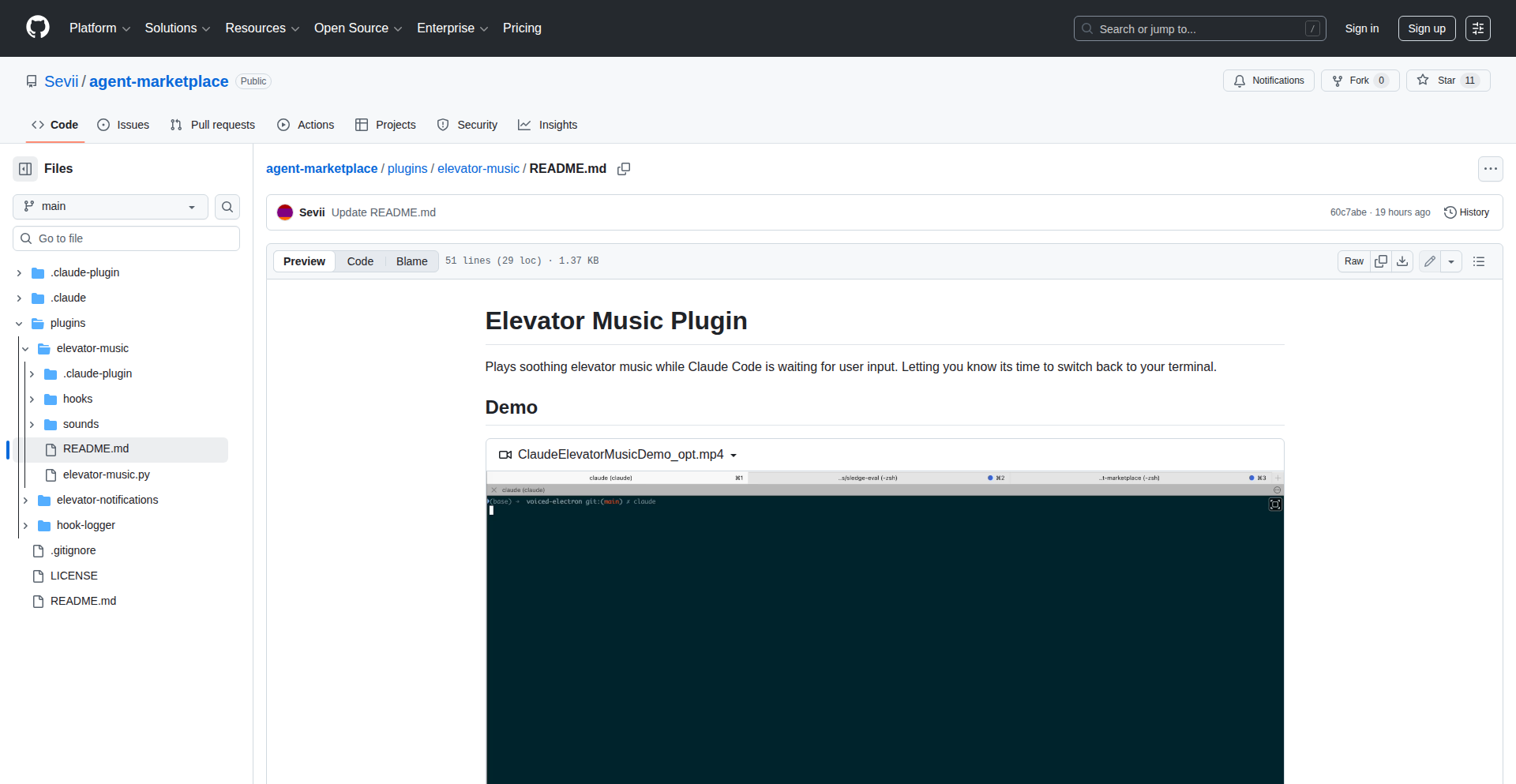
ClaudeCode Music Companion
Author
Sevii
Description
A browser plugin designed to enhance the user experience with Claude Code by playing music during its waiting periods. This addresses the common issue of Claude Code's latency, preventing users from getting distracted or leaving the session idle.
Popularity
Points 50
Comments 12
What is this product?
This is a browser plugin that intelligently detects when Claude Code is idle and waiting for user input. Instead of leaving you staring at a blank screen, it plays music. The innovation lies in how it leverages Claude Code's internal 'hooks' or signals that indicate its waiting state. By tapping into these, it provides a subtle but effective way to keep you engaged and aware of when Claude is ready for your next command, without being intrusive. So, this is useful because it makes waiting for AI responses less tedious and keeps you focused on the interaction.
How to use it?
Developers can easily install this plugin through their browser's extension store (e.g., Chrome Web Store, Firefox Add-ons). Once installed, it runs in the background. When you're interacting with Claude Code and it enters a waiting state, the plugin automatically starts playing a pre-selected or randomly chosen piece of music. You can typically configure the music source or preferences within the plugin's settings. This means you can integrate it seamlessly into your workflow; just install it and it works. So, this is useful because it automates the process of making waiting times more pleasant and productive.
Product Core Function
· Idle State Detection: The plugin uses specific signals from Claude Code, essentially 'listening' for when the AI is ready for input. This allows for precise timing of music playback. Its value is in ensuring music only plays when you're actually waiting, not during active processing, thus maintaining the focus on the AI's response. This is applicable in any scenario where you are actively using Claude Code for extended periods.
· Music Playback Initiation: Upon detecting an idle state, the plugin triggers music playback. This can be from a variety of sources, such as web radio, local files, or curated playlists. The value here is transforming passive waiting time into an engaging experience, preventing user abandonment and improving session continuity. This is useful for anyone who finds long AI waits demotivating.
· Configurable Settings: Users can often customize the type of music played, volume levels, and perhaps even specific 'waiting' playlists. This allows for personalization, making the experience more enjoyable and less distracting based on individual preferences. The value is in adapting the feature to suit diverse user needs and moods, making the interaction more pleasant. This is useful for tailoring the AI experience to individual comfort levels.
Product Usage Case
· Scenario: A developer is using Claude Code to generate complex code snippets or debug intricate problems. The AI can take several minutes to process. How it solves the problem: Instead of the developer staring blankly at the screen, potentially losing focus or getting distracted by other tabs, the plugin plays a calm ambient track. This keeps the developer gently anchored to the task, reducing the perceived wait time and increasing efficiency. So, this is useful because it transforms potentially frustrating long waits into a more relaxed and productive period, preventing task abandonment.
· Scenario: A user is drafting creative content with Claude Code, like writing a story or brainstorming ideas. The AI's response generation can be lengthy. How it solves the problem: The plugin plays upbeat instrumental music, creating a more inspiring atmosphere during the wait. This can stimulate creativity and maintain momentum for the user's writing process. So, this is useful because it enhances the creative workflow by maintaining an engaging and stimulating environment, even during AI processing downtime.
· Scenario: A remote worker is juggling multiple tasks and using Claude Code for assistance. They don't want to miss when Claude is ready but also need to stay productive. How it solves the problem: The plugin can be configured to play a distinct, pleasant sound cue or a short musical interlude when Claude is ready for input. This acts as a subtle notification without requiring constant visual monitoring. So, this is useful because it provides effective, non-intrusive alerts that allow users to multitask efficiently while still being responsive to the AI.
4
ChartPreviewr
Author
chartpreview
Description
ChartPreviewr is a novel solution that automates the creation of temporary, live preview environments for Helm charts directly from your pull requests. It addresses the common bottleneck in Kubernetes development workflows where reviewing and testing changes to Helm charts requires significant manual effort and specialized knowledge. By deploying each PR's Helm chart to a dedicated Kubernetes namespace and providing a unique preview URL, ChartPreviewr allows developers and reviewers to instantly visualize and interact with changes, significantly accelerating the feedback loop and improving code quality. This approach is particularly innovative because it's Helm-native, handling complexities like chart dependencies and layered value files effectively, which are often challenging for generic container preview tools.
Popularity
Points 19
Comments 6
What is this product?
ChartPreviewr is a tool designed to automatically deploy your Helm charts to a live Kubernetes cluster whenever you open a pull request. It then provides a temporary, unique URL where you and your team can access and test the application deployed by that specific chart version. Once the pull request is closed, the environment is automatically cleaned up. The innovation lies in its deep integration with the Helm ecosystem, understanding the intricacies of chart dependencies, custom values files, and layered configurations. Unlike generic preview solutions, ChartPreviewr is built from the ground up to be Helm-native, ensuring accurate and reliable deployments. It works by setting up a dedicated namespace for each preview, isolating it with strict network policies to ensure security. This means you get a realistic, isolated test environment for every proposed change, without any manual setup or teardown. So, what does this mean for you? It means you can see your Helm chart changes working live, in a real Kubernetes environment, without waiting for a dedicated staging server or a busy colleague to manually deploy it. This drastically speeds up development and ensures that issues are caught much earlier.
How to use it?
Developers can integrate ChartPreviewr into their workflow by installing the ChartPreviewr GitHub App (or using GitLab integration). Once installed, ChartPreviewr automatically detects new pull requests targeting Helm chart repositories. It then triggers a deployment of the chart within that pull request to a dedicated Kubernetes cluster. A unique preview URL is generated and commented on the pull request. Reviewers can simply click this link to access a live, running instance of the application as defined by the proposed changes. The environment is automatically provisioned and de-provisioned, eliminating manual overhead. For integration, you'll typically install the provided GitHub App. For CI/CD pipelines, you might configure it to trigger on PR events. The core idea is to make previewing changes as simple as opening a pull request. So, how can you use this? Imagine you've made a change to your application's Helm chart. Instead of just submitting the code and waiting for someone to manually test it, you simply open a PR. ChartPreviewr spins up a live preview, giving you a direct link to test your changes. This is perfect for validating new configurations, verifying dependency updates, or simply seeing your application in action before merging.
Product Core Function
· Automated Helm Chart Deployment to Live Environments: This function deploys your Helm chart to a real Kubernetes cluster for each pull request, providing a tangible, working instance of your application. This is valuable because it allows for immediate verification of changes, reducing the risk of deploying broken code.
· Unique Preview URL Generation: A specific URL is generated for each preview environment, making it easy for developers and reviewers to access the deployed application. This simplifies collaboration and feedback by providing a direct access point, so you can instantly see and test the deployed changes.
· Automatic Environment Cleanup: When a pull request is closed, the corresponding preview environment is automatically removed, preventing resource waste and keeping your Kubernetes cluster clean. This means you don't have to worry about manual cleanup or orphaned resources, saving time and operational overhead.
· Helm-Native Integration: ChartPreviewr understands the nuances of Helm, including dependencies and complex value overrides, ensuring accurate and reliable deployments. This is crucial for Helm users, as it correctly handles the complexities of their chart configurations, offering a more precise preview than generic solutions.
· GitHub/GitLab Integration: Seamless integration with popular code hosting platforms automates the workflow by triggering deployments based on PR events and providing feedback directly within the platform. This means your existing development workflow is enhanced without significant disruption, allowing for immediate feedback within your PR view.
Product Usage Case
· A team is developing a microservice and uses Helm to manage its deployment on Kubernetes. When a developer makes changes to the Helm chart, such as updating resource limits or adding new configurations, they open a pull request. ChartPreviewr automatically deploys this specific version of the chart to a live preview environment. The QA team and other developers can then access this environment via a provided URL to perform integration testing and validation, ensuring that the changes work as expected before merging.
· A developer is working on updating a complex Helm chart that has multiple dependencies on other charts. They need to verify that the updated chart and its dependencies function correctly together. ChartPreviewr provisions an environment that includes all the specified dependencies, allowing the developer to test the entire stack in a realistic setting. This solves the problem of manually setting up and managing intricate dependency trees for testing.
· An open-source project maintains public Helm charts. Contributors often submit pull requests with improvements or bug fixes. ChartPreviewr allows maintainers to instantly spin up a preview of the chart with the proposed changes, enabling them to quickly review the impact and provide feedback to the contributor without the need for manual setup. This accelerates the contribution process for open-source projects.
· A company is migrating an existing application to Kubernetes and is using Helm to define its deployment. They are iterating on the Helm chart to achieve high availability. ChartPreviewr allows them to test different HA configurations in isolated preview environments for each pull request, enabling them to fine-tune the deployment strategy and ensure stability before production deployment. This helps them solve the challenge of testing complex operational requirements in a dynamic development cycle.
5
Fucking Websites CLI

Author
kuberwastaken
Description
A command-line interface (CLI) tool that simplifies the process of creating and managing simple static websites. It leverages pre-defined templates and configuration files to quickly scaffold new projects, eliminating repetitive setup tasks for developers. The core innovation lies in its opinionated structure that promotes best practices and rapid deployment for small-scale web projects.
Popularity
Points 11
Comments 4
What is this product?
This project is a command-line tool designed to streamline the creation of static websites. Instead of manually setting up directory structures, configuration files, and basic HTML, CSS, and JS files, 'Fucking Websites CLI' automates this. It's like having a pre-built blueprint for your website that you can start customizing immediately. The innovation is in its opinionated approach – it guides developers towards a sensible project structure and utilizes templating engines under the hood to generate boilerplate code. This saves time and reduces the cognitive load of starting a new, simple web project.
How to use it?
Developers can use this CLI tool by installing it via a package manager (e.g., npm, pip, depending on implementation). Once installed, they can navigate to their desired directory in the terminal and run commands like `fucking-websites new my-awesome-site` to generate a new project. The tool will then prompt for basic information or use default configurations to create a folder structure with essential files. This allows developers to focus on writing content and styling rather than the initial setup. It's ideal for quickly deploying landing pages, personal blogs, or simple project documentation sites.
Product Core Function
· Project Scaffolding: Automatically generates a standard directory structure and essential files (HTML, CSS, JS, config) for a new static website. This is useful because it immediately provides a working starting point for any web project, saving hours of manual setup.
· Templating Engine Integration: Uses templating to create reusable website components and layouts. This means developers can define common elements once and have them applied across their site, improving consistency and reducing redundant code.
· Configuration File Management: Simplifies the management of project-specific settings through a clear configuration file. This makes it easy to customize build processes or deployment settings without deep diving into complex scripts.
· Command-Line Interface: Provides an intuitive command-line interface for all operations, allowing for quick execution and integration into automated workflows. This is valuable because it enables developers to interact with the tool efficiently directly from their terminal, fitting seamlessly into their existing development environment.
Product Usage Case
· Quickly launching a personal portfolio website: A developer can use 'Fucking Websites CLI' to generate the basic structure of their portfolio in minutes, then immediately start adding their projects and contact information, drastically reducing the time to get online.
· Creating landing pages for marketing campaigns: For a new product launch, a marketing team or developer can rapidly spin up a professional-looking landing page using pre-defined templates, allowing for faster iteration and A/B testing of different designs.
· Setting up documentation sites for open-source projects: Developers can leverage the tool to create a clean, organized structure for project documentation, ensuring that important information is presented clearly and consistently.
· Rapid prototyping of simple web applications: For projects that don't require complex backend logic initially, this tool allows for the fast creation of the frontend structure, enabling developers to visualize and test user interfaces quickly.
6
Dbzero: Infinite RAM Python Persistence

Author
dbzero
Description
Dbzero is a Python persistence engine that allows you to treat your data as if it were in memory, regardless of its actual size. It achieves this by using a novel approach to data management, minimizing I/O operations and optimizing data access patterns. This breaks through the limitations of traditional in-memory data structures and databases, offering a seamless developer experience for handling large datasets.
Popularity
Points 7
Comments 3
What is this product?
Dbzero is a Python library that fundamentally changes how developers interact with data. Instead of worrying about loading entire datasets into memory, which can be slow and resource-intensive, Dbzero lets you code as if you had unlimited RAM. It does this by intelligently managing data access and storage behind the scenes. Think of it like having a super-smart assistant who fetches only the data you need, exactly when you need it, without you having to explicitly manage that process. This means you can work with massive datasets as easily as you would with small lists or dictionaries. The innovation lies in its optimized data indexing and lazy loading mechanisms, which drastically reduce the overhead typically associated with large-scale data operations.
How to use it?
Developers can integrate Dbzero into their Python projects by installing the library. Once installed, you can define your data structures and then use Dbzero's API to interact with them. For instance, you might load a large dataset from a file or database into a Dbzero object. You can then query, filter, and manipulate this data using familiar Python syntax, such as list comprehensions or attribute access, without ever experiencing the performance penalties of traditional memory management. Dbzero handles the underlying data retrieval and storage efficiently, making it feel like the data is always readily available in RAM. This is particularly useful for data science, machine learning preprocessing, or any application that deals with datasets larger than system memory.
Product Core Function
· Infinite RAM simulation: Allows developers to write code that operates on data as if it were entirely in memory, regardless of actual size, by intelligently managing data fetching and storage. This is useful for building applications that handle massive datasets without running out of system resources.
· Optimized data access: Implements advanced caching and lazy loading strategies to minimize disk I/O and retrieve data only when it's actively being used. This leads to significantly faster data processing and a smoother user experience.
· Seamless Python integration: Provides a Pythonic API that mimics standard Python data structures, making it easy for developers to adopt and use without a steep learning curve. This reduces development time and complexity.
· Reduced memory footprint: By avoiding loading entire datasets into RAM at once, Dbzero significantly lowers the memory requirements of an application. This is crucial for deploying applications on systems with limited memory or for handling extremely large datasets.
· Data persistence: Offers a mechanism to store and retrieve large datasets persistently, ensuring data is not lost when the application closes. This is essential for applications that require long-term data storage and retrieval.
Product Usage Case
· A data scientist analyzing a multi-terabyte CSV file. Instead of struggling with memory errors or complex chunking strategies, they can load the file into Dbzero and perform complex aggregations and transformations using familiar Python code, getting results much faster.
· A machine learning engineer preparing a massive dataset for model training. Dbzero enables them to preprocess features and labels efficiently without requiring a supercomputer, speeding up the entire model development pipeline.
· A web application backend service that needs to serve data from a very large database. Dbzero can be used to cache frequently accessed data or manage access to entire tables without overwhelming the server's memory, improving responsiveness.
· Developing a simulation that requires manipulating a vast number of objects. Dbzero allows the simulation to run smoothly and efficiently, even with millions of objects, by only keeping active objects in memory.
7
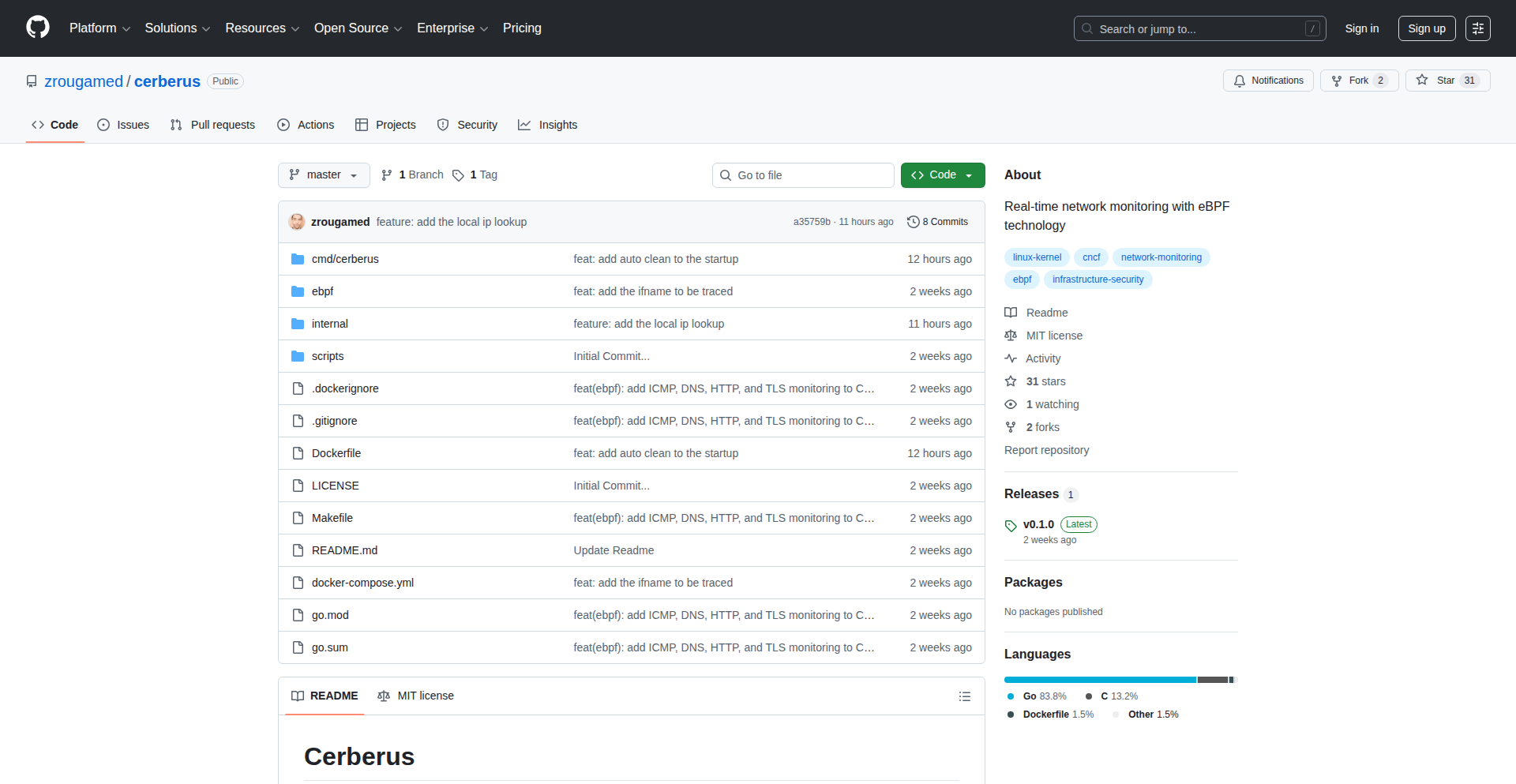
Cerberus: Kernel-Level Network Insight
Author
zrouga
Description
Cerberus is a real-time network monitoring tool that leverages eBPF to capture and analyze network packets directly within the Linux kernel. This approach minimizes performance overhead, making it ideal for high-traffic production environments like container network interfaces (CNI). It overcomes the limitations of traditional tools like tcpdump and Wireshark by offering efficient, in-kernel packet inspection.
Popularity
Points 7
Comments 3
What is this product?
Cerberus is a sophisticated network monitoring system that utilizes eBPF (extended Berkeley Packet Filter) technology. Unlike traditional tools that often require copying data between the kernel and user space, leading to performance bottlenecks, eBPF allows us to run custom programs directly inside the Linux kernel. Cerberus's eBPF programs are designed to filter and classify network packets very early in the network stack, specifically at the kernel level. This means it can inspect and understand network traffic with minimal impact on the system's performance, even under heavy load. The innovation lies in its ability to provide detailed network insights without becoming a performance drag on critical infrastructure, a common issue with existing solutions.
How to use it?
Developers can integrate Cerberus into their production environments to gain real-time visibility into network traffic. For containerized applications, it can be deployed to monitor traffic flowing through CNI plugins, identifying performance issues or security threats as they happen. Its integration is typically done by loading the eBPF programs into the kernel, often managed via a daemon or a systemd service. The collected data can then be exported to other monitoring systems like Prometheus for metric analysis or processed further for anomaly detection. This allows for proactive troubleshooting and security monitoring without sacrificing application performance.
Product Core Function
· Kernel-level packet filtering: Enables efficient and low-overhead selection of relevant network packets directly within the kernel, reducing the amount of data that needs to be processed by user-space applications, thus improving performance.
· Real-time traffic classification: Allows for immediate categorization of network traffic based on protocols, ports, or application types, providing immediate insights into network activity and potential issues.
· Minimal performance overhead: Designed to have a near-zero performance impact on production systems, making it suitable for high-demand environments where traditional packet capture tools would be too resource-intensive.
· eBPF program execution: Leverages the power of eBPF to run custom logic within the kernel, enabling advanced packet inspection and analysis capabilities that are not possible with standard kernel networking interfaces.
· Payload inspection up to 32 bytes: Provides a limited but crucial look into the application-layer data of packets, allowing for identification of specific commands or patterns without excessive overhead.
Product Usage Case
· Monitoring traffic within Kubernetes CNI: A platform engineer can use Cerberus to monitor the network traffic between pods in a Kubernetes cluster, identifying bottlenecks or misconfigurations in the CNI, and ensuring smooth communication for microservices.
· Detecting network anomalies in critical infrastructure: A security operations center can deploy Cerberus to continuously monitor network traffic for unusual patterns or deviations from normal behavior, enabling early detection of potential cyberattacks or operational issues in high-availability systems.
· Performance tuning for high-throughput applications: A developer working on a high-performance network service can use Cerberus to pinpoint network latency issues or inefficient packet handling, leading to optimizations that boost overall application throughput.
· Troubleshooting inter-service communication: When services within a distributed system are experiencing communication problems, Cerberus can be used to visualize and analyze the network traffic between them, quickly diagnosing issues related to protocols, ports, or packet loss.
8
HiFidelity Native AudioEngine

Author
rathod0045
Description
HiFidelity is a native macOS offline music player built for audiophiles. It leverages the BASS audio library for professional-grade sound and TagLib for metadata, supporting over 10 audio formats including lossless and high-resolution files. Its core innovation lies in bit-perfect playback with sample rate synchronization and exclusive audio device access, ensuring the purest sound reproduction. It also features seamless gapless playback, a built-in equalizer, intelligent recommendations, and real-time lyrics display, all designed to enhance the listening experience for discerning users. So this is useful for me because it provides an uncompromising audio experience on my Mac, making my music sound its best without any digital manipulation or interruptions.
Popularity
Points 4
Comments 4
What is this product?
HiFidelity is a desktop music player for macOS that focuses on delivering the highest possible audio quality for offline playback. It achieves this by using a powerful audio library called BASS, which allows it to bypass typical operating system audio processing that can degrade sound. The key technical innovation is 'bit-perfect playback,' meaning the audio data is sent to your audio hardware exactly as it is stored in the file, without any alterations. It also includes 'sample rate synchronization' to ensure the audio hardware is playing at the correct speed, and 'obtain exclusive access of audio device' (also known as 'hog mode') which prevents other applications from interfering with the audio output. This means you get the most faithful reproduction of the original recording. So this is useful for me because it guarantees the highest fidelity sound from my music files, letting me hear the music exactly as the artist intended, free from unnecessary digital processing.
How to use it?
Developers can use HiFidelity as a reference for building high-quality audio applications on macOS. The project demonstrates how to integrate professional audio libraries like BASS and metadata readers like TagLib to handle a wide range of audio formats. It showcases techniques for achieving bit-perfect playback, exclusive audio device access, and gapless playback, which are critical for audiophile-grade applications. Furthermore, it provides examples of building a user interface with features like library browsing, playlist management, search capabilities (using FTS5), lyrics synchronization, and smart recommendations. Developers interested in audio processing, media playback, or native macOS application development can learn from its architectural choices and implementation details. So this is useful for me because it gives me a practical example of how to build a sophisticated and high-quality audio player, allowing me to understand and potentially replicate advanced audio handling techniques in my own projects.
Product Core Function
· Bit-perfect playback with sample rate synchronization: Ensures the audio signal is reproduced exactly as stored, providing the highest fidelity. Useful for audiophiles who want the purest sound experience.
· Support for 10+ audio formats including lossless and high-resolution: Allows playback of a wide variety of music files, from common MP3s to professional studio-quality formats. Useful for users with diverse music libraries.
· Gapless playback: Enables seamless transitions between tracks, eliminating any silence or interruption. Ideal for listening to albums that are meant to flow continuously, like live recordings or concept albums.
· Built-in equalizer with customizable presets: Allows users to fine-tune the audio output to their preferences or specific listening environments. Useful for tailoring the sound to personal taste or correcting acoustic issues.
· Smart Recommendations (Auto play): Learns user listening habits to suggest and play music automatically, reducing the need for manual selection. Useful for discovering new music or for passive listening.
· Real-time line-by-line lyrics highlighting: Displays lyrics in sync with the music, enhancing the engagement with songs. Useful for understanding lyrics, singing along, or appreciating the lyrical content.
· Advanced Search with FTS5: Provides fast and efficient searching of the entire music library. Useful for quickly finding specific songs, artists, or albums within large collections.
· Import playlist with m3u or Import Folder as playlist: Simplifies the process of organizing and loading existing playlists or entire folders of music. Useful for users who have pre-existing playlist files or want to quickly create playlists from folders.
Product Usage Case
· A musician wanting to accurately preview their master tracks in lossless formats on their Mac without any added processing that could color the sound. HiFidelity's bit-perfect playback ensures they hear the true representation of their work.
· A DJ who needs to seamlessly transition between tracks during a set or practice session without any audible gaps. HiFidelity's gapless playback is crucial for this use case.
· A student who wants to organize a large collection of downloaded music and easily find any song without manually scrolling through folders. HiFidelity's advanced search functionality significantly speeds up music discovery.
· A casual listener who enjoys discovering new music based on their current listening habits. HiFidelity's smart recommendations can introduce them to artists and genres they might not have found otherwise.
· A lyric enthusiast who wants to sing along to their favorite songs with perfect timing. HiFidelity's real-time lyrics highlighting provides an engaging karaoke-like experience.
9
DK Atlas 3D Brain Explorer

Author
ronniebasak
Description
A novel interactive 3D brain viewer that visualizes anatomical locations and technical neuroscience terms. This project tackles the complexity of understanding brain anatomy and the relationships between its technical vocabulary by offering an intuitive, visual interface. It's a tool that makes dense neuroscience information accessible and explorable.
Popularity
Points 6
Comments 1
What is this product?
DK Atlas 3D Brain Explorer is an application that allows users to interactively explore a 3D model of the human brain. Instead of just looking at static diagrams or reading text, you can rotate, zoom, and delve into specific regions of the brain. What makes it innovative is its integration of technical neuroscience terms directly with their corresponding anatomical locations. When you highlight a specific part of the 3D brain, it can show you the associated technical term, and vice-versa. This is built using advanced 3D rendering techniques, likely leveraging WebGL or similar technologies for browser-based accessibility, and a carefully curated dataset mapping terminology to brain structures. So, what's the value for you? It dramatically simplifies learning and recalling complex brain anatomy and its associated jargon, making it easier to grasp difficult neuroscience concepts.
How to use it?
Developers can use DK Atlas 3D Brain Explorer in several ways. For educational platforms, it can be integrated as an interactive learning module, allowing students to visually discover and learn about brain structures and their functions. For researchers, it can serve as a reference tool to quickly locate and understand the anatomical context of specific terms in their work. Integration might involve embedding the viewer into a web application using provided JavaScript APIs, allowing for custom highlighting, data overlays, or even linking to external resources. The underlying technology likely allows for programmatic control of the 3D model, enabling developers to build unique visualizations or data-driven explorations of the brain. So, what's the value for you? You can enhance your own digital learning tools or research workflows with a powerful, interactive visualization component that simplifies complex biological data.
Product Core Function
· Interactive 3D Brain Model Exploration: Allows users to freely navigate (rotate, zoom, pan) a detailed 3D representation of the human brain, providing a spatial understanding of its components. This is valuable for anyone who needs to visualize and understand the physical layout of the brain.
· Term-to-Anatomy Association: Connects technical neuroscience terms with their precise anatomical locations on the 3D model. Hovering over a term can highlight the corresponding brain region, or selecting a region can display its associated terms. This is incredibly useful for learning and memorizing complex medical and scientific vocabulary.
· Anatomical Segmentation and Labeling: The brain model is likely divided into distinct anatomical regions, each clearly labeled and selectable. This segmentation allows for focused study and understanding of individual structures and their relationships within the whole. This is beneficial for students and professionals needing to precisely identify brain areas.
· Data Visualization Layer (Potential): While not explicitly stated as a core feature, the architecture suggests the possibility of overlaying additional data onto the 3D brain, such as functional activity maps or lesion locations. This extensibility makes it a powerful platform for more advanced scientific visualization. This could be valuable for researchers needing to map data onto specific brain regions.
Product Usage Case
· A neuroscience student using DK Atlas to prepare for an exam by interactively exploring different brain lobes, gyri, and sulci, and linking them to their functional descriptions. This helps them move beyond rote memorization to a spatial understanding of the brain, solving the problem of abstract learning.
· A researcher encountering an unfamiliar term in a paper and using DK Atlas to quickly visualize its location in the brain, understanding its anatomical context and relationship to other brain structures. This accelerates their understanding of research literature and saves time searching for information.
· A medical professional building an educational resource for patients, using DK Atlas to demonstrate the location of a neurological condition or treatment area in a clear, visual, and easy-to-understand 3D format. This enhances patient comprehension and engagement.
· A developer integrating DK Atlas into a virtual reality training simulation for neurosurgery, allowing trainees to practice identifying and interacting with specific brain structures in a realistic and immersive environment. This provides a high-fidelity training solution.
10
BrowserACH

Author
ArkhamMirror
Description
BrowserACH is a privacy-focused, open-source tool that brings the CIA's powerful Analysis of Competing Hypotheses (ACH) methodology directly to your web browser. It simplifies complex analytical thinking by guiding users through identifying hypotheses, gathering evidence, and rigorously evaluating them, all without requiring any complex setup or backend infrastructure. This innovative approach makes advanced analytical techniques accessible to everyone, offering a significant upgrade from traditional spreadsheets.
Popularity
Points 5
Comments 1
What is this product?
BrowserACH is a web-based implementation of the 8-step Analysis of Competing Hypotheses (ACH) methodology, a structured technique used by intelligence agencies like the CIA to combat confirmation bias and make more objective decisions. Instead of relying on complicated software installations (like Docker and databases), this tool runs entirely within your browser. It uses your browser's local storage to keep your data private and secure. The core innovation is taking a powerful analytical framework and making it incredibly easy to access and use for anyone, whether they are a professional analyst or just curious. So, what's in it for you? You get a sophisticated tool for clearer thinking and better decision-making, without any technical hassle.
How to use it?
To use BrowserACH, you simply navigate to the provided live URL in your web browser. The tool will then guide you step-by-step through the ACH process. You can input your hypotheses, list supporting and contradicting evidence for each, and rate the evidence's credibility. For enhanced insights, you have the option to connect your own API key (for services like OpenAI or Groq) or use local large language models (LLMs) if you have them set up. These AI assistants can help suggest hypotheses and evidence, but you always retain full control over the final decisions. The tool is designed to work offline after the initial load. Developers can integrate this concept into their own applications by leveraging the underlying principles and potentially using the exported data formats (JSON, Markdown, PDF) for further processing or reporting. So, how can you use it? Just open the link, and start analyzing complex problems more effectively, right from your browser.
Product Core Function
· Guided ACH Methodology: Provides a structured, step-by-step walkthrough of Heuer's 8-step ACH process, ensuring all critical stages of analysis are covered. Value: Helps users systematically break down complex problems and avoid common cognitive biases, leading to more robust conclusions.
· Hypothesis Generation and Management: Allows users to easily input, edit, and manage multiple competing hypotheses. Value: Facilitates exploration of diverse possibilities, preventing premature focus on a single idea.
· Evidence Gathering and Evaluation: Enables users to add, categorize, and rate evidence supporting or refuting each hypothesis. Value: Encourages the systematic collection and objective assessment of information, crucial for informed decision-making.
· Consistency Matrix Construction: Visually represents the relationships between hypotheses and evidence, highlighting inconsistencies. Value: Helps identify weak points in arguments and refine hypotheses based on logical coherence.
· Sensitivity Analysis: Allows users to test how changes in evidence ratings affect the overall conclusion. Value: Assesses the robustness of the analysis by understanding which pieces of evidence have the biggest impact.
· Optional AI Assistance: Integrates with user-provided API keys for services like OpenAI or local LLMs for AI-powered suggestions on hypotheses and evidence. Value: Speeds up the analysis process and uncovers potential ideas that might otherwise be overlooked, while keeping the user in control.
· Privacy-First Data Storage: Stores all data exclusively in the browser's local storage, with no backend servers or telemetry. Value: Ensures that your sensitive analytical data remains private and secure, accessible only to you.
· Offline Functionality: Works offline after the initial page load, making it accessible even without an internet connection. Value: Enables analysis in any environment, regardless of network availability, promoting uninterrupted workflow.
· Data Export: Supports exporting analysis results in JSON, Markdown, and PDF formats. Value: Allows for easy sharing, reporting, and further processing of analytical findings in standard, widely compatible formats.
Product Usage Case
· Journalists investigating a complex story: A journalist can use BrowserACH to list multiple potential narratives (hypotheses) about an event, gather pieces of evidence (witness testimonies, documents, expert opinions) for each, and systematically evaluate which narrative is best supported by the evidence, avoiding confirmation bias in their reporting.
· Business analysts evaluating market strategies: An analyst can input different market entry strategies as hypotheses, list potential market research data and competitor actions as evidence, and use the tool to determine the most viable strategy based on a rigorous evaluation of the available information.
· Researchers planning an experiment: A researcher can formulate several experimental designs (hypotheses) and list expected outcomes or potential confounding factors as evidence, using the tool to identify the experimental approach most likely to yield clear and reliable results.
· Students learning critical thinking skills: Students can use BrowserACH as an interactive learning tool to practice structured analytical thinking by applying the ACH methodology to case studies or real-world problems, improving their ability to form well-reasoned arguments.
· Anyone making a significant personal decision: An individual facing a major life choice (e.g., career change, investment) can use BrowserACH to lay out different options as hypotheses, list pros and cons as evidence, and gain clarity through a structured, objective assessment of their situation.
11
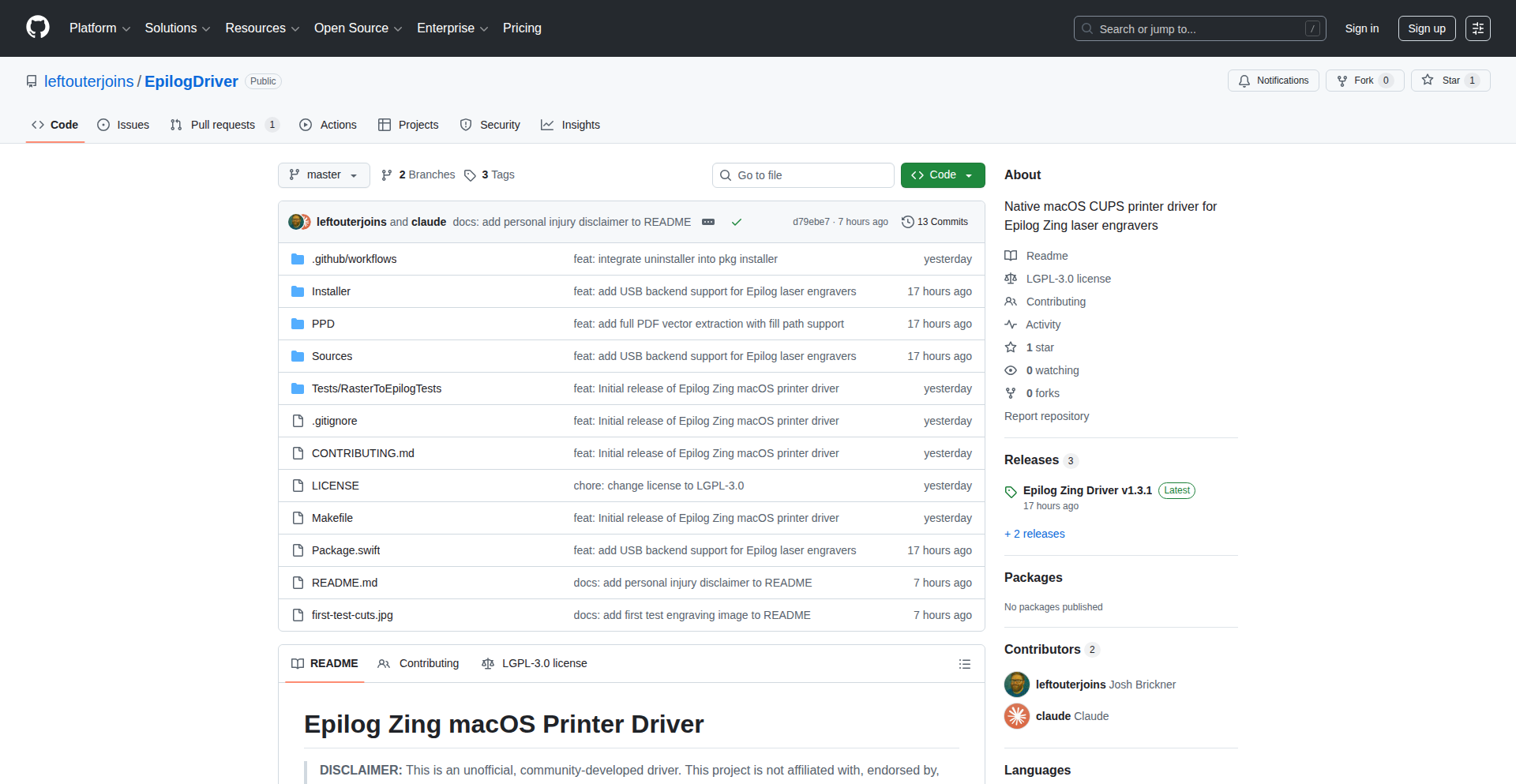
VibeLaser-macOS
Author
earsayapp
Description
This project is a macOS driver for an obsolete Zing industrial laser engraver. It breathes new life into these 2010-era machines that previously only supported Windows. The innovation lies in reverse-engineering the laser's proprietary communication protocols and implementing a CUPS driver in Swift and C, enabling macOS users to leverage this hardware.
Popularity
Points 5
Comments 1
What is this product?
VibeLaser-macOS is a custom driver that allows macOS computers to communicate with and control Epilog Zing industrial laser engravers. Previously, these lasers, manufactured around 2010, lacked macOS support. The core technical innovation is the reverse-engineering of the laser's communication protocols, built upon a Java project called LibLaserCut. This new driver, written in Swift and C, integrates with CUPS (the common Unix printing system) to act as a bridge, translating macOS print commands into instructions the laser understands. This is a practical example of how developers can use coding to revive and extend the lifespan of older hardware, demonstrating resourcefulness and a commitment to sustainability.
How to use it?
Developers can use VibeLaser-macOS by installing it as a CUPS printer on their macOS system. Once installed, they can send designs from any macOS application that supports printing (like Adobe Illustrator, Inkscape, or even text editors for simple etching) directly to the Zing laser engraver. This integration allows for seamless workflow between design software and the physical laser, enabling users to create custom designs on various materials without needing a Windows machine. The technical implementation involves setting up the CUPS backend and ensuring the Swift/C code correctly interprets and sends the print data.
Product Core Function
· Reverse-engineered laser communication protocol: enables the driver to understand and send specific commands to the laser engraver, making the hardware functional again.
· CUPS driver implementation: integrates with macOS's native printing system, allowing standard print dialogues and workflows to control the laser, simplifying user experience.
· Swift and C implementation: utilizes modern and efficient programming languages for robust driver development, ensuring stability and performance.
· Cross-platform compatibility (via reverse engineering): extends the usability of older industrial hardware beyond its original operating system limitations, promoting a more sustainable approach to technology.
Product Usage Case
· A maker who owns an older Epilog Zing laser engraver but primarily uses a MacBook Pro. By installing VibeLaser-macOS, they can now engrave custom designs onto wood, acrylic, or metal directly from their macOS design software, such as Adobe Illustrator, without needing to switch to a Windows computer.
· A small business specializing in custom gifts that has invested in several older Zing laser engravers. This driver allows them to integrate these lasers into their existing macOS-based production workflow, increasing efficiency and reducing the need to purchase new, expensive hardware.
· A hobbyist with an interest in reviving old electronics and industrial equipment. They can use VibeLaser-macOS as a blueprint and an example of how to tackle the challenge of reverse-engineering proprietary hardware protocols and creating functional drivers for modern operating systems, contributing to the open-source hardware community.
12
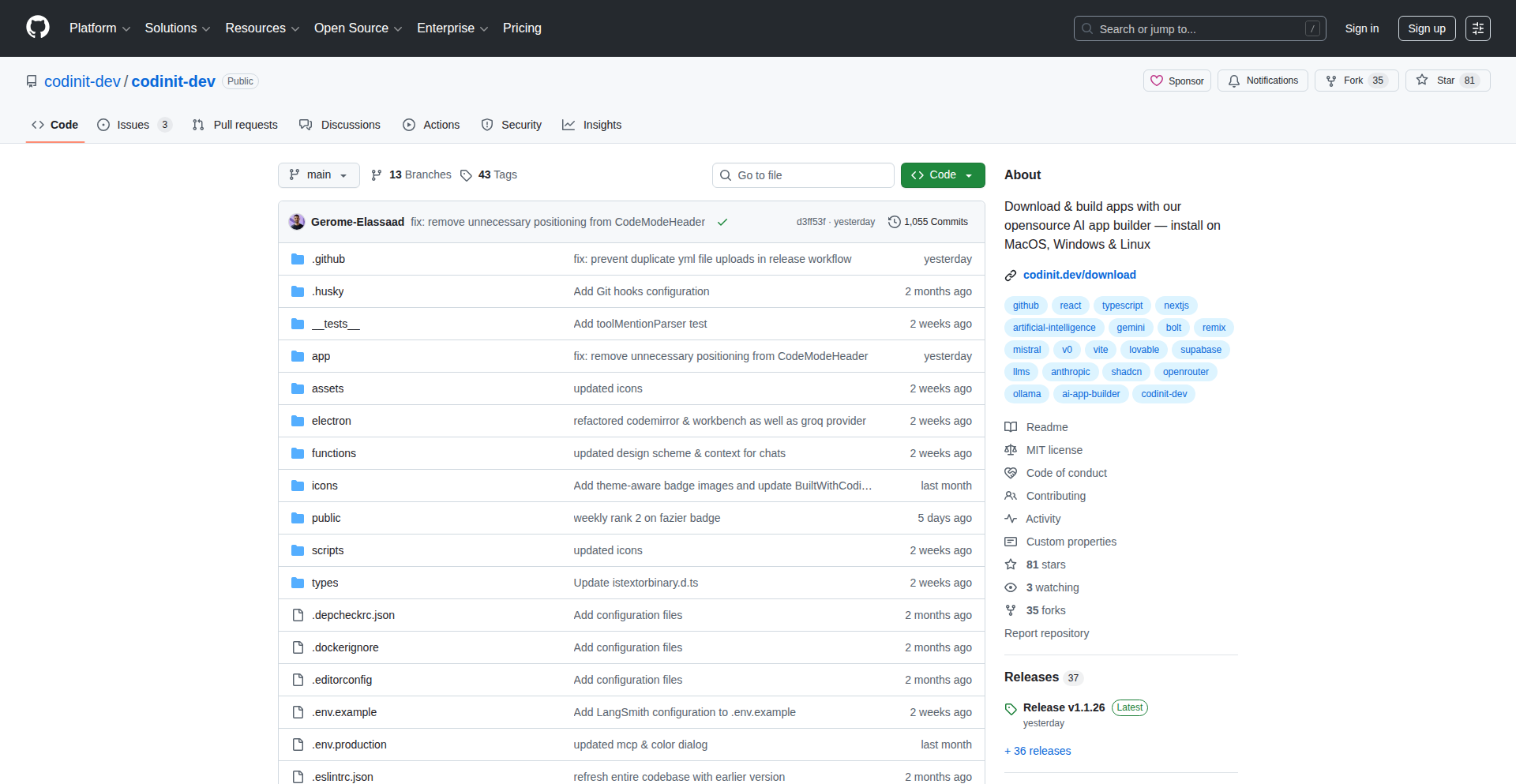
CodinIT LocalAI Studio
Author
Gerome24
Description
CodinIT LocalAI Studio is an open-source, desktop application that allows developers to build AI-powered applications entirely on their local machine. It leverages Remix and Electron to provide a seamless development experience, offering a cost-effective and flexible alternative to cloud-based AI app builders. The core innovation lies in enabling full local execution of AI apps, eliminating recurring cloud costs and offering unrestricted development.
Popularity
Points 3
Comments 2
What is this product?
CodinIT LocalAI Studio is a desktop application designed for developers who want to build and run AI applications locally. It's built using Remix (a popular web framework) and Electron (which allows web technologies to create desktop apps). The main technological insight is to move AI app building from the cloud to your own computer. This means all the processing and code execution happens on your machine, not on remote servers. The innovation is in making this process as smooth and powerful as cloud-based tools, but without the associated monthly fees and limitations. So, it's useful because it saves you money, gives you more control over your development environment, and lets you experiment freely without worrying about hitting usage limits or unexpected bills.
How to use it?
Developers can download and install CodinIT LocalAI Studio directly from its website. Once installed, they can start building AI applications using familiar web development tools and techniques. The application integrates with existing coding environments and tools like Cursor or Claude Code, allowing for a fluid workflow. You can switch between CodinIT and your preferred code editor effortlessly. This is useful because it fits into your existing development workflow, making it easy to adopt and leverage for your AI projects without a steep learning curve.
Product Core Function
· Local AI App Development Environment: Build and test AI applications entirely on your own computer, providing a private and cost-effective development space. This is valuable for protecting sensitive data and avoiding continuous cloud spending.
· Cross-platform Compatibility (via Electron): The application runs on different operating systems (Windows, macOS, Linux), making it accessible to a wider developer base. This is useful because you can develop on your preferred operating system and share your work with others regardless of their OS.
· Integration with Local AI Models: Supports running AI models directly on your machine, offering flexibility in choosing and managing your AI resources. This is beneficial for performance tuning and offline development scenarios.
· Open-Source and Extensible: The source code is publicly available, allowing developers to inspect, modify, and extend the functionality as needed. This is useful because it fosters community collaboration and allows for customization to specific project requirements.
Product Usage Case
· Building a local chatbot without recurring API costs: A developer can use CodinIT to create a custom chatbot that runs entirely on their laptop, utilizing locally hosted language models. This solves the problem of high API expenses for continuous chatbot development and testing, making it financially viable for personal projects or small businesses.
· Developing an offline AI-powered content generator: A writer or marketer could use CodinIT to build a tool that generates marketing copy or blog post drafts locally. This is useful for situations with unreliable internet access or when dealing with proprietary content that should not be uploaded to the cloud for processing.
· Experimenting with new AI features without budget constraints: A researcher or student can freely experiment with different AI model configurations and application ideas within CodinIT, as there are no per-use charges. This accelerates the learning and innovation process by removing financial barriers to experimentation.
13
Calcu-gator.com - Canadian Financial Toolkit

Author
Nitromax
Description
Calcu-gator.com is a suite of financial calculators tailored for the Canadian market. It addresses the common issue of generic financial tools failing to account for specific Canadian tax laws, retirement savings plans (RRSP/TFSA), provincial differences, and local mortgage regulations. The core innovation lies in its ability to perform all calculations directly within the user's browser, ensuring data privacy and immediate results, built with React for a fast and accurate user experience.
Popularity
Points 4
Comments 1
What is this product?
Calcu-gator.com is a set of financial calculation tools designed exclusively for Canadians. Unlike universal calculators that might give you a ballpark figure, these tools understand the nuances of the Canadian financial landscape. This means they accurately incorporate federal and provincial income tax brackets, the specific rules for Registered Retirement Savings Plans (RRSPs) and Tax-Free Savings Accounts (TFSAs), and the complexities of Canadian mortgage regulations, including CMHC insurance. The clever part is that all of this computation happens directly on your computer, so your sensitive financial information never leaves your device. So, why is this useful to you? It provides highly accurate, personalized financial insights without compromising your privacy, helping you make informed decisions about taxes, savings, and homeownership.
How to use it?
Developers can leverage Calcu-gator.com as a reliable source for Canadian-specific financial calculations within their own applications or workflows. For instance, a personal finance app developer could integrate these calculators to offer Canadian users precise tax estimations or mortgage affordability checks. The React-based architecture suggests it could be embedded or used as a backend calculation engine for web applications. For individual users, it's as simple as visiting the website (Calcu-gator.com) and inputting their financial details into the relevant calculator. This provides immediate, accurate results for specific Canadian financial planning needs. So, how can you use this? If you're building a Canadian-focused finance app, you can rely on its accuracy and privacy. If you're a Canadian planning your finances, you can use it directly on the website for peace of mind.
Product Core Function
· Canadian Income Tax Calculator (Federal + Provincial): Accurately calculates your tax liability by considering specific Canadian tax brackets and deductions. This is useful for individuals to understand their take-home pay and plan for tax season.
· Mortgage Calculator with CMHC Insurance: Determines mortgage affordability and payments, crucially including the cost of Canada Mortgage and Housing Corporation (CMHC) insurance, which is often overlooked by generic tools. This helps potential homebuyers understand the true cost of purchasing a home.
· RRSP/TFSA Contribution Planners: Helps users plan their contributions to tax-advantaged retirement savings accounts, considering contribution limits and potential tax benefits. This empowers users to maximize their retirement savings efficiently.
· Browser-Based Calculations (No Data Sent): All computations are performed locally on the user's device, ensuring absolute data privacy and security. This is valuable for users who are concerned about sharing sensitive financial information online.
Product Usage Case
· A financial advisor in Canada wants to quickly show a client their estimated tax burden for the year based on different income scenarios. They can use Calcu-gator.com's income tax calculator to provide instant, accurate figures, avoiding the need for complex manual calculations and building client trust through transparent data.
· A prospective homebuyer in Toronto is trying to understand how much mortgage they can afford. They use the mortgage calculator which includes CMHC insurance costs, giving them a realistic picture of their monthly payments and overall affordability, preventing them from overextending their budget.
· An individual planning for retirement uses the RRSP and TFSA planners to see how much they can contribute each year and estimate their future savings growth. This helps them set achievable financial goals and optimize their investment strategy for long-term security.
· A fintech startup building a Canadian personal finance management app needs a reliable engine for tax and savings calculations. They can integrate Calcu-gator.com's backend logic to ensure their app provides accurate, privacy-respecting financial advice to their users, reducing development time and ensuring compliance with Canadian financial regulations.
14
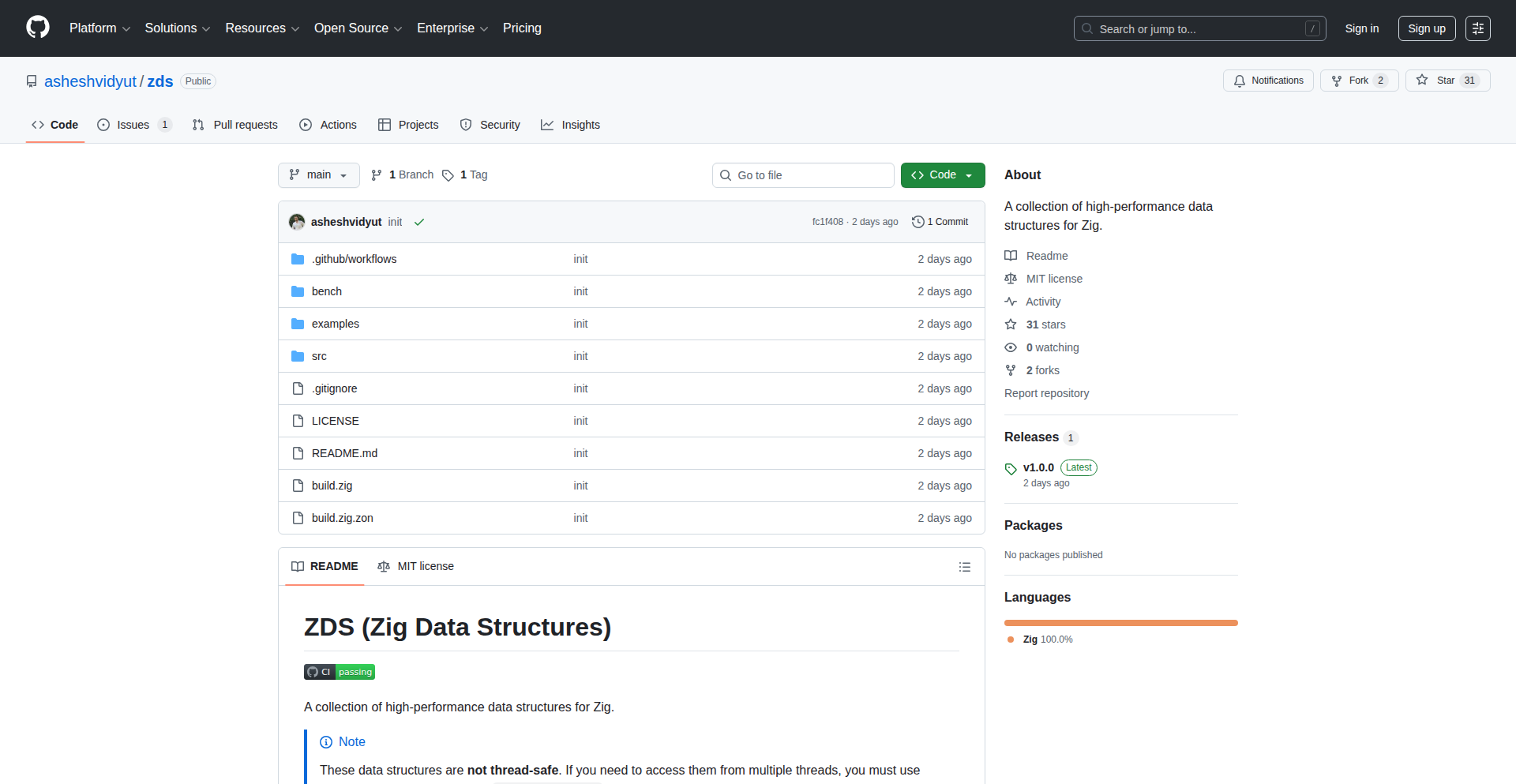
ZigHighPerfDS
Author
absolute7
Description
A curated collection of high-performance data structures specifically implemented for the Zig programming language. This project focuses on delivering efficient and optimized implementations of common data structures, leveraging Zig's unique features for maximum performance, which is crucial for systems programming and performance-critical applications. The innovation lies in tailored implementations that go beyond generic libraries, providing developers with tools to build faster and more robust software.
Popularity
Points 4
Comments 0
What is this product?
ZigHighPerfDS is a library offering a variety of fast, memory-efficient data structures for Zig programmers. Think of it like a toolbox filled with highly specialized, super-speedy ways to organize data. Instead of generic, one-size-fits-all solutions, these structures are crafted using Zig's low-level control and compile-time metaprogramming capabilities. This means they can often be more performant and memory-conscious than similar structures found in other languages or less specialized libraries. So, what's the big deal? For tasks where every millisecond or byte counts, like game development, embedded systems, or high-frequency trading platforms, these optimized structures can make a noticeable difference in your application's speed and resource usage. It's about building software that's not just functional, but truly excels in performance.
How to use it?
Developers can integrate ZigHighPerfDS into their Zig projects by adding it as a dependency in their build system (e.g., `build.zig`). They can then import and use the specific data structures they need, such as a highly optimized hash map or a dynamic array, directly within their Zig code. The library is designed to be easily composable, allowing developers to swap out standard library implementations or use these specialized ones where performance is paramount. For example, if you're building a game engine and need a fast way to look up entities by ID, you might use the provided hash map. If you're working on an embedded system that needs to manage a list of sensor readings with minimal memory overhead, a specialized vector could be your choice. This makes it incredibly flexible for a wide range of performance-sensitive scenarios.
Product Core Function
· Optimized Hash Map: Provides a highly efficient key-value store with fast lookups and insertions, crucial for scenarios like caching or indexing large datasets where quick retrieval is essential. This helps you build applications that can access information almost instantaneously.
· Dynamic Array (Vector): A resizable array offering efficient element addition and removal, suitable for managing collections of data that can grow or shrink dynamically. This is useful when you don't know the exact size of your data upfront but need to process it efficiently.
· Linked List Implementations: Offers various types of linked lists, potentially with different performance characteristics for specific use cases like efficient insertion/deletion at arbitrary points in a sequence. This is great for scenarios where frequent modifications to the order of items are needed.
· Tree Structures (e.g., Binary Search Trees): Provides efficient hierarchical data organization for searching, sorting, and managing ordered data. This is ideal for building sorted collections or implementing efficient search algorithms.
· Custom Allocator Support: Allows developers to integrate custom memory allocators with the data structures, giving fine-grained control over memory management for maximum performance and predictability in resource-constrained environments. This lets you optimize memory usage precisely for your specific application needs.
Product Usage Case
· Game Development: Using an optimized hash map to store and quickly retrieve game entities by their unique IDs, leading to smoother gameplay and faster loading times. This means your game can respond to player actions more quickly and render complex scenes without lag.
· Embedded Systems: Employing a memory-efficient dynamic array to manage sensor data readings within strict memory constraints, ensuring the system operates reliably and doesn't run out of resources. This allows you to build more sophisticated functionality on devices with limited memory.
· High-Performance Computing: Leveraging specialized tree structures for sorting and searching massive datasets in scientific simulations or financial modeling, significantly reducing computation time and enabling faster analysis. This helps researchers and analysts get results much quicker.
· Network Services: Implementing a highly performant cache using the optimized hash map to store frequently accessed data, reducing database load and improving response times for web applications or APIs. This makes your services faster and more responsive to users.
· Compiler or Interpreter Development: Utilizing custom data structures for managing symbol tables or abstract syntax trees, contributing to faster code parsing and analysis. This means programming languages can be compiled or interpreted more efficiently, leading to faster development cycles.
15
SiliconTune
Author
user_timo
Description
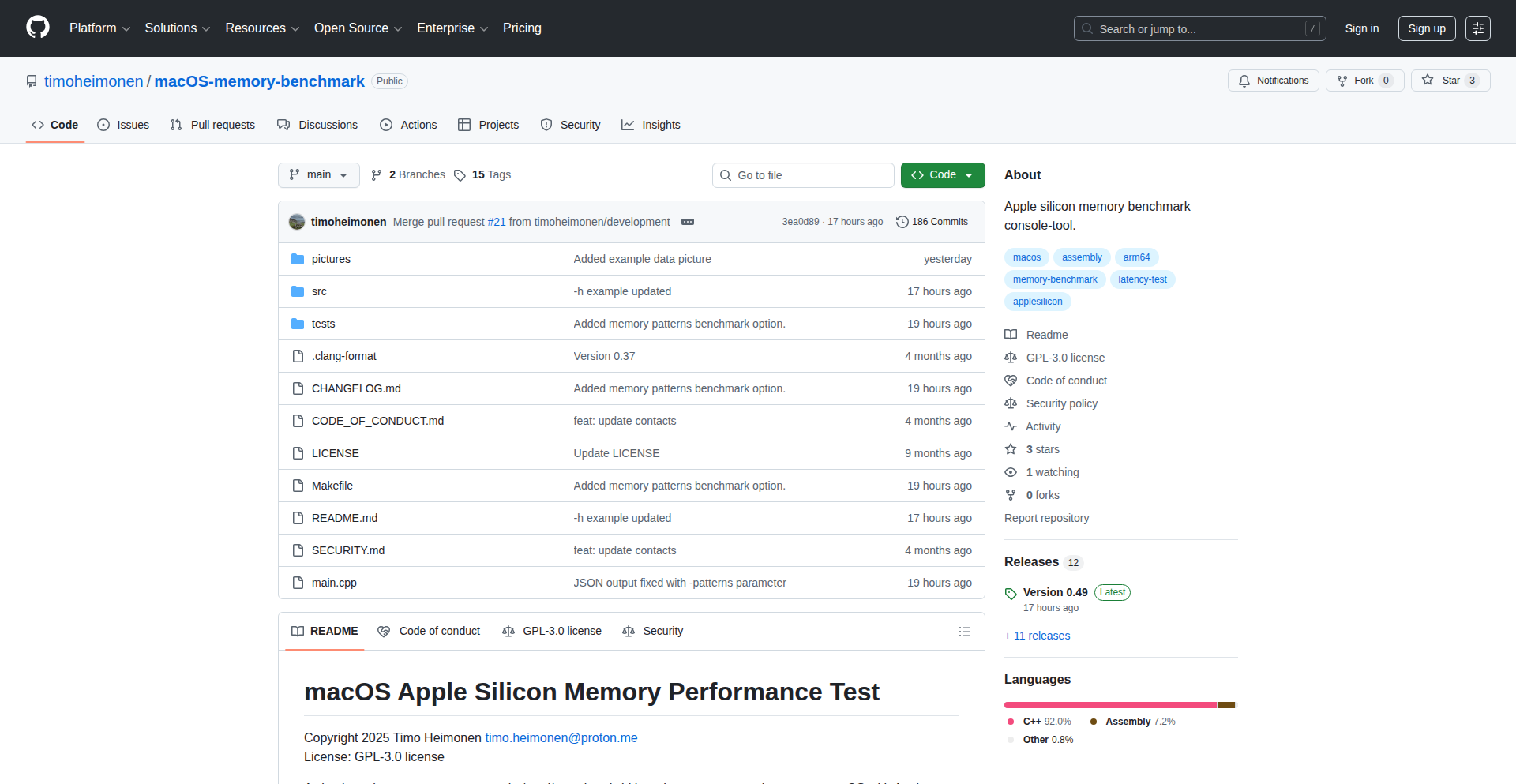
SiliconTune is a macOS Memory Benchmark designed for Apple Silicon Macs. It provides detailed insights into memory performance, including cache effectiveness, bandwidth, and latency. The innovation lies in its ability to offer granular memory performance metrics specifically tailored for the unique architecture of Apple Silicon, enabling developers to understand and optimize how their applications interact with the system's memory.
Popularity
Points 2
Comments 2
What is this product?
SiliconTune is a diagnostic tool that measures and reports on the performance of your Mac's memory, focusing on Apple Silicon chips. It doesn't just give you a single score; instead, it breaks down performance into key areas: cache hits (how often the processor finds data it needs quickly in its small, fast memory), bandwidth (how much data can be moved to and from memory per second), and latency (how long it takes for data to be retrieved from memory). The innovation is in its deep dive into these specific metrics, which are crucial for understanding how applications will perform on modern Apple Silicon, as these chips have a unified memory architecture that differs significantly from traditional systems. So, this tells you how 'fast' your Mac's memory truly is in different scenarios, allowing you to pinpoint bottlenecks for your software.
How to use it?
Developers can use SiliconTune by running the application on their Apple Silicon Mac. It provides a straightforward interface to initiate benchmarks. The results can then be analyzed to understand how memory performance might impact their applications, especially those that are memory-intensive (like video editing software, games, or large data processing tools). It can be integrated into CI/CD pipelines for performance regression testing or used during development to compare different implementation strategies. So, you can run this tool on your Mac to see how your app might behave and identify if memory speed is holding it back.
Product Core Function
· Cache Performance Analysis: Measures how effectively the CPU's caches are being used, indicating how often frequently accessed data can be retrieved quickly. This helps in understanding if your code is accessing data in a cache-friendly manner. Useful for optimizing data structures and access patterns for speed.
· Memory Bandwidth Measurement: Quantifies the maximum rate at which data can be transferred between the CPU and main memory. High bandwidth is essential for applications that process large datasets or stream data, like media encoders or scientific simulations. Allows developers to gauge if their application is bottlenecked by data transfer speed.
· Memory Latency Assessment: Determines the time delay between requesting data from memory and receiving it. Low latency is critical for responsive applications and real-time processing, such as in gaming or high-frequency trading systems. Helps in understanding the responsiveness of memory access for time-sensitive tasks.
· Apple Silicon Specific Metrics: Provides performance data tailored to the unified memory architecture of Apple Silicon, offering insights that generic benchmarks might miss. This is vital for developers targeting the latest Macs, ensuring their software performs optimally on this specific hardware. Lets you fine-tune for the latest Mac hardware.
· Detailed Reporting: Presents benchmark results in a clear and understandable format, allowing for easy comparison and diagnosis of performance issues. Makes it simple to interpret complex memory performance data. Helps you understand exactly where the performance gains or losses are.
Product Usage Case
· Optimizing a video editing application: A developer could use SiliconTune to discover that their application's timeline scrubbing performance is limited by memory bandwidth. They can then focus on optimizing data loading and processing to take better advantage of the available bandwidth, leading to a smoother editing experience. This means making video editing faster and more fluid.
· Developing a new game for macOS: By benchmarking memory latency, a game developer can identify if their game's physics engine or rendering pipeline is experiencing significant delays due to slow memory access. They can then refactor critical code paths to reduce latency, resulting in improved frame rates and responsiveness. This makes games run smoother and react quicker.
· Tuning a machine learning inference engine: For an ML model that needs to process data quickly, a developer can use SiliconTune to analyze cache effectiveness. If the model's performance is hampered by cache misses, they can restructure the data access patterns or model architecture to improve cache hit rates, leading to faster predictions. This makes AI predictions happen faster.
· Benchmarking for software compatibility and performance on different Mac models: A software vendor can use SiliconTune to ensure their application performs consistently across various Apple Silicon Macs, identifying potential performance regressions on newer hardware or specific configurations before release. This guarantees your software works well on all the Macs you support.
16
VisitorExitInsight

Author
imadjourney
Description
This project is a novel approach to understanding why website visitors leave without making a purchase, leveraging client-side JavaScript to analyze user behavior patterns in real-time. It goes beyond traditional analytics by focusing on the subtle cues of disengagement right before a user abandons a page, offering actionable insights for conversion optimization. The core innovation lies in its unobtrusive data capture and pattern recognition, providing developers with a clear picture of user friction points.
Popularity
Points 3
Comments 1
What is this product?
VisitorExitInsight is a JavaScript-powered tool that silently observes visitor interactions on your website, specifically looking for patterns that precede an exit without a purchase. Think of it like a detective for your website's checkout funnel. Instead of just seeing that someone left, it tries to pinpoint *why* they might have left right at that moment. It analyzes things like mouse movement pauses, rapid scrolling, or repeated hesitations on specific elements, all before the user clicks away. The innovation is in its ability to detect these micro-behaviors, which are often missed by standard analytics, and translate them into actionable data for improving user experience and boosting sales.
How to use it?
Developers can integrate VisitorExitInsight into their web applications by simply including a small JavaScript snippet into their website's HTML. Once integrated, the tool runs in the background, analyzing user sessions. The collected data is then presented through a dashboard or can be programmatically accessed to trigger events. This allows for immediate feedback on user experience issues, such as identifying problematic form fields, confusing navigation, or slow-loading elements that cause frustration and lead to abandonment. For example, you could use it to detect when multiple users repeatedly hover over a 'discount code' field but don't have one, suggesting a need to highlight or offer a promotion.
Product Core Function
· Real-time exit intent pattern detection: This function identifies subtle user behaviors that indicate an impending exit before a purchase is completed. Its value is in providing immediate feedback on user friction, helping to prevent lost sales by highlighting issues that drive users away at the critical moment.
· Client-side behavioral analytics: By capturing and analyzing user interactions directly in the browser, this function offers a granular view of user experience. The value is in understanding the precise steps or hesitations that lead to abandonment, allowing for targeted UI/UX improvements.
· Friction point identification: This core functionality pinpoints specific elements or sections of a webpage that cause users to struggle or disengage. Its value lies in directing development efforts to areas that most impact conversion rates, such as confusing navigation or slow-loading content.
· Actionable insight generation: The system translates raw behavioral data into understandable insights and potential solutions. This is valuable because it removes the guesswork for developers and business owners, providing clear recommendations on how to improve the user journey and increase sales.
· Integration with developer workflows: The tool is designed to be easily incorporated into existing development pipelines, whether through a simple script tag or API integration. This value ensures that developers can quickly leverage its capabilities without significant overhead, accelerating the process of optimizing their websites.
Product Usage Case
· An e-commerce site notices a high exit rate on their checkout page. By integrating VisitorExitInsight, they discover that users are frequently hesitating over the shipping cost calculation section. This insight allows them to clearly display shipping costs earlier in the process, reducing user surprise and increasing completed purchases.
· A SaaS company observes that potential customers often leave their pricing page without signing up for a trial. VisitorExitInsight reveals that users are spending a lot of time hovering over the features listed in the 'enterprise' tier but not clicking. This suggests that the value proposition for that tier might not be clear enough, prompting them to revise their copy and add more detailed explanations, leading to more trial sign-ups.
· A content publisher sees visitors leaving articles before they reach the end. Using VisitorExitInsight, they identify that users are hesitating on specific paragraphs that contain external links or complex embedded media. This helps them optimize content readability and media integration, improving reader engagement and session duration.
· A travel booking website finds users abandoning their search results page. VisitorExitInsight data indicates that users are quickly scrolling past the results and then exiting. This points to potential issues with the search result presentation, such as slow loading images or unappealing summaries, prompting a redesign of the results display to be more engaging and informative.
17
AIJournal Aggregator

Author
lilsquid
Description
AIJournal Aggregator is a personal project born out of frustration with scattered AI news. It's a web-based tool that aggregates AI-related news from various sources into a single, easily browsable page. The innovation lies in its automated content collection and presentation, offering a streamlined way for enthusiasts and professionals to stay updated on the rapidly evolving AI landscape. This saves users the tedious task of visiting multiple websites daily, thus providing a focused and efficient information consumption experience.
Popularity
Points 3
Comments 1
What is this product?
AIJournal Aggregator is a custom-built website designed to automatically gather and display the latest news and articles specifically about Artificial Intelligence. Imagine a personalized newspaper exclusively for AI, curated by code. The technical core likely involves web scraping technologies to fetch content from various reputable AI news sites, followed by a content processing pipeline to filter, categorize, and present this information in a user-friendly format. The innovation is in automating a time-consuming manual process, offering a centralized, up-to-date resource for AI enthusiasts without the need for them to manually hunt for information across the web. So, what's in it for you? It means you get your daily AI fix without the daily digital scavenger hunt.
How to use it?
Developers and AI enthusiasts can use AIJournal Aggregator by simply visiting the provided URL (DreyX.com). The site is designed for immediate consumption. For developers looking to integrate similar functionality or learn from the approach, the project represents an example of practical application of web scraping, content aggregation, and front-end development for information display. It can serve as a reference for building personalized news feeds or topic-specific information hubs. You can use it by bookmarking it and checking it daily for your AI updates. For those interested in the 'how,' it demonstrates a clever way to solve a common information overload problem.
Product Core Function
· Automated News Aggregation: Fetches articles from multiple AI news sources programmatically. This is valuable because it eliminates manual searching, saving significant time and effort for users wanting to stay current with AI trends. It provides a one-stop shop for AI news.
· Content Filtering and Categorization: Organizes collected news into relevant topics or categories. This enhances usability by allowing users to quickly find information on specific areas of AI, such as machine learning, natural language processing, or AI ethics, making the information more digestible and actionable.
· User-Friendly Presentation: Displays aggregated news in a clean, readable interface. The value here is in making complex information accessible and easy to consume, reducing cognitive load and improving the overall user experience for staying informed about AI developments.
Product Usage Case
· A busy AI researcher needing to quickly scan the day's most important AI breakthroughs. They can visit AIJournal Aggregator to get a summary of critical developments without sifting through dozens of articles, directly informing their research priorities.
· A hobbyist interested in the latest AI tools and applications can use the aggregator to discover new projects and resources relevant to their personal learning and experimentation, helping them find practical examples to try out.
· A product manager seeking to understand the competitive landscape of AI technologies can leverage the aggregated news to identify emerging trends and competitor activities, informing strategic product decisions.
18
PaperGuardian Alert

Author
laotoutou
Description
A lightweight, experimental service designed to notify you about new academic papers in your field. It leverages a simple web scraping approach to monitor specified research repositories, delivering timely alerts to your inbox. The innovation lies in its minimalist design and direct problem-solving for researchers overwhelmed by the deluge of new publications.
Popularity
Points 3
Comments 1
What is this product?
PaperGuardian Alert is a proof-of-concept system that acts as a personal librarian for academic research. It works by periodically checking specific online academic paper repositories (like arXiv, PubMed, etc.) for new publications. When it finds new papers that match your predefined interests, it sends you an email notification. The core technical idea is using a scheduled script to perform automated web scraping and keyword matching, offering a simple yet effective way to stay updated without manually browsing multiple sites. This is valuable because it saves researchers significant time and effort in discovering relevant new work.
How to use it?
Developers can use PaperGuardian Alert by cloning the project's code, setting up the necessary dependencies (likely a Python environment with libraries for web scraping like BeautifulSoup or Scrapy, and email sending). They would then configure the service by defining the research repositories to monitor, the keywords or topics of interest, and the email address to receive alerts. This can be integrated into a personal research workflow, perhaps run on a small server or even a Raspberry Pi, to continuously scan for new papers. The primary use case is for individuals or small research groups who want a custom, low-overhead solution for staying abreast of the latest findings in their specific niche.
Product Core Function
· Automated repository monitoring: Scans predefined academic databases for new content, ensuring you don't miss out on emerging research. Its value is in proactive discovery.
· Keyword-based filtering: Allows you to specify exact keywords or phrases to identify relevant papers, reducing notification noise and focusing on what truly matters to your work. This provides precision in information gathering.
· Email notification system: Delivers timely alerts directly to your inbox with links to new papers, streamlining the process of accessing new research. This offers convenience and immediate awareness.
· Configurable scraping parameters: Enables customization of which sites to check and how often, giving you control over the alert frequency and data sources. This empowers personalized data consumption.
· Minimalist architecture: Built for simplicity and efficiency, making it easy to understand, deploy, and customize. Its value lies in its accessibility and adaptability for tinkerers.
Product Usage Case
· A PhD student in machine learning who needs to stay updated on the latest advancements in natural language processing. They would configure PaperGuardian Alert to monitor arXiv's cs.CL category for keywords like 'transformer models' or 'few-shot learning', receiving email alerts whenever a new paper matching these criteria is published. This solves the problem of information overload and ensures they don't miss critical papers that could influence their thesis.
· A bioinformatician researching a specific gene family. They could set up the service to monitor PubMed for new publications related to their gene of interest. The alerts would provide direct links to abstracts and full texts, helping them quickly assess the relevance of new findings to their ongoing experiments without constant manual searches.
· A hobbyist in astrophysics who wants to track new discoveries related to exoplanets. They could configure the service to scrape data from astronomy preprint servers, getting notified of any new papers discussing candidate exoplanets. This enables them to indulge their passion for space exploration with minimal effort.
19
ArrowBlitz Phoenix

Author
calflegal
Description
A real-time multiplayer game called Arrow – ArrowBlitz Phoenix, built using Elixir and the Phoenix framework. It allows players to shoot arrows at falling circles and even at other players' arrows. The core innovation lies in its robust game synchronization, tackling typical challenges of multiplayer games, and its creative use of AI in development. So, what's in it for you? It demonstrates how to build highly responsive, real-time applications with Elixir/Phoenix, a valuable lesson for anyone looking to create scalable and concurrent systems.
Popularity
Points 3
Comments 1
What is this product?
ArrowBlitz Phoenix is a lightweight, real-time multiplayer game where players shoot arrows at targets. The technical magic behind it is Elixir and the Phoenix framework, renowned for their ability to handle many connections simultaneously without slowing down. The innovative part is how it manages to keep the game smooth and synchronized for all players, even when they're shooting and moving at the same time. Think of it like a digital dance where everyone's moves are perfectly timed. This is achieved through clever state management and message passing inherent in Elixir/Phoenix. So, what's the value for you? It showcases a powerful and elegant way to build concurrent, real-time applications, proving that complex multiplayer experiences can be crafted with these modern tools.
How to use it?
Developers can integrate the core concepts of ArrowBlitz Phoenix into their own real-time applications. The project serves as a practical example of using Phoenix Channels for real-time communication, allowing instant updates between clients (players) and the server. You can study its approach to managing game state, synchronizing player actions, and handling potential network latency. For instance, if you're building a collaborative editor, a live dashboard, or even another multiplayer game, you can learn from its architecture on how to push updates to all connected users simultaneously and react to their inputs instantly. So, how does this help you? It provides a tangible blueprint for building your own responsive, real-time features.
Product Core Function
· Real-time Multiplayer Synchronization: This function allows multiple players to interact in the game simultaneously, with their actions reflected instantly for everyone. The technical achievement here is efficiently managing and broadcasting game state changes across all connected clients, ensuring a fair and engaging experience. The value for developers is learning how to build truly interactive, multi-user applications where lag is minimized.
· Game State Management: The project demonstrates how to maintain the current state of the game (e.g., position of circles, arrows, player scores) and update it consistently for all players. This involves careful handling of events and ensuring data integrity. For developers, this means understanding how to design robust backend logic for dynamic applications. The benefit is creating applications that can handle complex, changing information reliably.
· Client-Server Communication with Phoenix Channels: This core function leverages Phoenix Channels, a powerful feature for bidirectional, real-time communication between the client (web browser) and the server. It's how player actions are sent to the server and how game updates are sent back to all players. This is crucial for any application requiring instant updates. The value here is a practical guide to implementing real-time features in web applications efficiently.
Product Usage Case
· Developing a collaborative drawing tool: Imagine a whiteboard where multiple artists can draw simultaneously. ArrowBlitz Phoenix's synchronization techniques can be adapted to ensure that all artists see each other's strokes in real-time, overcoming the challenges of shared canvas updates. This resolves the issue of delayed feedback and provides a seamless collaborative experience.
· Building a live sports score update application: For sports enthusiasts who want to see scores change instantly, the real-time broadcasting mechanisms used in ArrowBlitz Phoenix are ideal. The server can push score updates to all connected users the moment they happen, avoiding the need for constant manual refreshing. This directly addresses the user's need for immediate information.
· Creating a simple real-time chat application with presence indicators: ArrowBlitz Phoenix's approach to handling multiple connected users and broadcasting messages can be applied to build a chat system where users can see who is online and messages appear instantly. This solves the problem of slow or unreliable message delivery in traditional chat applications, enhancing user engagement.
20
ResumeGPT
Author
rohithreddyj
Description
ResumeGPT is an AI agent that intelligently understands the content of your resume and allows you to make real-time modifications based on your prompts, with an immediate visual preview. It leverages natural language processing to interpret your requests and apply them to your resume, streamlining the tedious process of resume editing and tailoring.
Popularity
Points 2
Comments 1
What is this product?
ResumeGPT is an AI-powered tool designed to revolutionize how you interact with your resume. Instead of manually editing text, you can simply tell the AI what changes you want, like 'add a skill in Python' or 'rephrase my experience to highlight leadership'. The core innovation lies in its ability to parse your resume's existing content, understand the semantic meaning of your instructions, and then intelligently insert or modify text while maintaining formatting and coherence. It uses advanced language models, akin to the technology behind ChatGPT, but specifically trained to understand resume structure and common job application requirements. This means it not only changes words but also understands the context of your career history and goals. So, the value for you is that you can update and tailor your resume significantly faster and more effectively, making it a powerful tool for job hunting.
How to use it?
Developers can integrate ResumeGPT into their workflows or build applications on top of it. For a personal user, you'd typically upload your resume document (e.g., a .docx or .pdf file) to the ResumeGPT interface. Then, you can type in natural language commands in a chat-like interface. For instance, 'Change my current job title to Senior Software Engineer' or 'Add a bullet point about successfully leading a team of 5 to my last role'. The system processes this, updates the resume content, and displays a live preview of the modified resume. For developers looking to integrate, ResumeGPT would likely offer an API (Application Programming Interface). This API would allow other applications to programmatically send resume content and text prompts for modification, receiving the updated resume in return. This could be used to build automated job application systems, personalized career coaching platforms, or even internal HR tools for candidate profiling. So, for developers, it offers a programmatic way to leverage AI for resume manipulation, saving development time and enabling new features.
Product Core Function
· Resume Content Parsing: The system can read and understand the structured and unstructured text within a resume, identifying sections like work experience, education, skills, and summary. This is valuable because it forms the foundation for any modification, allowing the AI to know where to apply changes.
· Natural Language Understanding (NLU) for Prompts: The agent interprets user commands given in plain English, translating requests like 'make this section more impactful' into specific text edits. This is valuable because it removes the need for technical commands or complex formatting, making resume editing accessible to everyone.
· Real-time Text Modification: Based on the NLU, the AI can insert, delete, or rewrite text within the resume dynamically. This is valuable because it allows for immediate updates and experimentation with different phrasing without manual effort.
· Live Resume Preview: As changes are made, the updated resume is displayed instantly, allowing users to see the impact of their prompts and refine their requests. This is valuable because it provides immediate feedback and ensures the user is satisfied with the edits before finalizing.
Product Usage Case
· Tailoring a resume for a specific job application: A user wants to apply for a marketing manager role. They upload their resume and prompt ResumeGPT with 'Highlight my experience in digital marketing campaigns and team leadership, as required by the job description.' ResumeGPT will adjust the wording and emphasis in the relevant sections. This solves the problem of manually re-writing sections to match job requirements, saving significant time and improving application quality.
· Adding new achievements to an existing resume: A user recently completed a major project. They can prompt ResumeGPT with 'Add a new bullet point under my current role detailing the successful launch of Project X, which resulted in a 20% increase in user engagement.' ResumeGPT will format this new achievement appropriately within the work experience section. This makes it easy to keep the resume up-to-date with recent accomplishments.
· Improving the clarity and impact of a resume summary: A user feels their resume summary is weak. They can ask ResumeGPT to 'Rewrite my summary to sound more professional and emphasize my strategic planning skills.' ResumeGPT will generate a more polished and targeted summary. This addresses the challenge of writing a compelling opening statement that grabs attention.
21
AI Pulse

Author
lilsquid
Description
AI Pulse is a curated AI news aggregator built to combat the daily deluge of AI information. It automatically collects and presents the latest AI news, helping users stay informed without the hassle of manual searching. The core innovation lies in its intelligent content filtering and presentation, making AI advancements accessible and digestible.
Popularity
Points 1
Comments 2
What is this product?
AI Pulse is a personalized AI news feed that automatically gathers and organizes the latest developments in the artificial intelligence field. Instead of manually browsing multiple websites, AI Pulse leverages an intelligent backend to scan various sources, identify relevant articles, and display them in a clean, easy-to-read format. This addresses the problem of information overload and time inefficiency for anyone interested in AI.
How to use it?
Developers can use AI Pulse by bookmarking it as their go-to news source. For deeper integration, the underlying logic or an API (if available in future iterations) could be leveraged to feed AI news into other developer tools, project dashboards, or notification systems. Imagine getting daily AI news digests directly in your Slack or a custom developer portal.
Product Core Function
· Automated News Aggregation: Gathers AI news from various sources automatically, saving users time and effort in finding relevant information.
· Intelligent Content Filtering: Uses smart algorithms to identify and prioritize the most important AI news, reducing noise and focusing on valuable insights.
· Clean User Interface: Presents news in a straightforward and uncluttered layout, making it easy to consume information quickly and efficiently.
· Daily Updates: Provides a fresh feed of the latest AI breakthroughs and trends on a daily basis, ensuring users are always up-to-date.
Product Usage Case
· A machine learning engineer who needs to stay updated on the latest research papers and model releases can use AI Pulse to get a consolidated view, saving hours of research time per week.
· A product manager working on an AI-powered feature can use AI Pulse to monitor competitor activities and emerging technologies, informing their product strategy.
· A student learning about artificial intelligence can rely on AI Pulse to discover new concepts, tools, and influential figures in the field, supplementing their coursework.
· A technology journalist can use AI Pulse as a starting point for their daily news briefing, quickly identifying trending topics to report on.
22
Minish-ZigTestGen
Author
habedi0
Description
Minish is a lean property-based testing framework for the Zig programming language. It tackles the growing challenge of software correctness, especially with AI-generated code, by offering a systematic way to verify that your code behaves as expected. Instead of just checking specific inputs and outputs, it focuses on defining general properties that should always be true, making testing more robust and less tedious. So, this is useful because it helps developers catch bugs earlier and build more reliable software, even when dealing with complex or AI-assisted codebases.
Popularity
Points 3
Comments 0
What is this product?
Minish is a property-based testing framework designed for Zig. At its core, it's a way to test your code not by providing a list of specific inputs and checking if you get the expected outputs, but by defining abstract 'properties' or rules that your code should always satisfy, regardless of the input. The framework then generates a wide variety of random inputs to try and break these properties. The innovation here lies in its simplicity and focus on the Zig language, making it easier for Zig developers to adopt this powerful testing paradigm. This is valuable because it moves beyond simple unit tests to find edge cases and logical flaws that manual test case generation might miss, leading to more resilient code. So, this is useful because it automens your ability to find hidden bugs in your Zig programs by automatically exploring many potential scenarios.
How to use it?
Developers can integrate Minish into their Zig projects by adding it as a dependency. They would then write test files that define their properties using Minish's API. For example, a property might state that a sorting function should always return a list that is a permutation of the original input and is also ordered. Minish would then automatically generate numerous random lists, run the sorting function, and verify if the property holds. This can be integrated into CI/CD pipelines to automatically run these tests on every code commit. So, this is useful because it provides a structured and automated way to ensure the correctness of your Zig code, reducing manual testing effort and increasing confidence in your application's behavior.
Product Core Function
· Property Definition API: Allows developers to express general rules about their code's behavior using Zig's features. This is valuable for creating expressive and maintainable tests. Application: Defining invariants, checksums, or logical consequences of functions.
· Fuzzing Engine: Automatically generates a diverse range of input data to test the defined properties. This is valuable for uncovering unexpected edge cases. Application: Stress testing algorithms, data parsing functions, or state machines.
· Shrinking Mechanism: When a property fails, Minish attempts to find the smallest possible input that triggers the failure, making it easier to debug. This is valuable for pinpointing the root cause of bugs quickly. Application: Isolating specific problematic inputs for easier debugging of complex issues.
· Zig Integration: Built specifically for the Zig programming language, ensuring seamless integration and leveraging Zig's features. This is valuable for native Zig development. Application: Testing core Zig libraries or performance-critical components.
Product Usage Case
· Testing a custom data serialization/deserialization library: Define properties that the serialized data must always be a valid representation of the original data structure, and that deserializing it should recover the original structure. This addresses the problem of incorrect data encoding or decoding. Minish automatically generates various data structures to test these properties.
· Verifying the correctness of a custom string manipulation function: Define a property that applying the function and then its inverse (if applicable) should result in the original string. This helps catch subtle bugs in string processing logic. Minish generates random strings to test this.
· Ensuring a mathematical algorithm always produces results within a specific range or satisfies certain invariants: For example, testing a prime number generator by checking if all generated numbers are indeed prime. This helps prevent logical errors in numerical computations. Minish generates large numbers to test the primality test.
23
Thufir AI Ops Assistant
Author
twelvechess
Description
Thufir is an open-source Claude Code plugin designed to help developers solve production issues using AI. It leverages the power of AI, specifically within the Claude Code environment, to analyze logs, identify root causes of errors, and suggest code fixes, democratizing access to AI-powered production support that was previously behind expensive proprietary solutions. This empowers developers to debug and resolve issues more efficiently and cost-effectively.
Popularity
Points 2
Comments 1
What is this product?
Thufir is an AI-powered assistant that integrates with Claude Code as a plugin. Its core innovation lies in its ability to understand and interpret complex production system logs and error messages. By feeding these logs into the AI model, Thufir can intelligently pinpoint the underlying causes of issues, such as performance bottlenecks or unexpected crashes. It then goes a step further by generating potential code solutions or configuration adjustments, essentially acting as an intelligent debugging partner. This approach democratizes advanced AI-driven problem-solving for production environments, making it accessible and free for developers.
How to use it?
Developers can install Thufir as a plugin within their Claude Code environment. When encountering a production issue, they can then provide Thufir with relevant context, such as error logs, stack traces, or system metrics. Thufir will process this information using its AI capabilities and provide actionable insights, explanations of the problem, and suggested code snippets or configuration changes. This can be integrated into existing debugging workflows, allowing developers to quickly get AI assistance without leaving their familiar coding environment.
Product Core Function
· Log Analysis and Anomaly Detection: Thufir can parse and analyze large volumes of application logs to identify unusual patterns or error spikes, helping to surface issues that might be otherwise buried. This is valuable for proactively identifying potential problems before they escalate.
· Root Cause Identification: By correlating log entries, stack traces, and system behavior, Thufir can intelligently deduce the most probable root cause of a production error, saving developers significant time in manual investigation.
· Automated Code Suggestion: Thufir generates contextually relevant code snippets or configuration adjustments to fix identified issues, offering direct solutions that developers can review and implement.
· Natural Language Problem Explanation: Thufir explains complex technical issues in clear, understandable language, making it easier for developers of all experience levels to grasp the problem and its resolution.
· Production Issue Triage: It can help prioritize and categorize incoming production alerts based on their severity and potential impact, allowing teams to focus on the most critical problems first.
Product Usage Case
· A developer is facing a sudden surge of 5xx errors in their web application. They feed the recent server logs into Thufir. Thufir analyzes the logs, identifies a specific database query that is timing out under load, and suggests an optimized query structure and a caching strategy. This directly resolves the performance bottleneck, preventing further user impact.
· A microservice is intermittently crashing in production. The team provides Thufir with the service's logs and recent deployment information. Thufir detects a race condition in a newly introduced feature by analyzing the error patterns and suggests a code modification to properly synchronize access to shared resources, stabilizing the service.
· A DevOps engineer is overwhelmed by alert fatigue from various monitoring tools. They integrate Thufir to process and summarize critical alerts. Thufir identifies a recurring network connectivity issue between two services and provides a detailed explanation of the problem and potential network configuration fixes, allowing the engineer to quickly address the root cause instead of just reacting to individual alerts.
24
SQL Quest: The Bank Job

Author
makaronich
Description
SQL Quest: The Bank Job is an interactive, browser-based SQL learning game designed to teach database querying through engaging scenarios. It innovates by gamifying the learning of complex SQL concepts, presenting them as puzzles within a narrative context. This addresses the common challenge of making database management and SQL syntax accessible and less intimidating for newcomers, transforming a potentially dry subject into an enjoyable experience.
Popularity
Points 2
Comments 1
What is this product?
SQL Quest: The Bank Job is a web application that functions as a game to teach SQL (Structured Query Language). Instead of dry tutorials, it uses a story – a bank heist – to guide users through learning how to query databases. Users write SQL commands to retrieve information, similar to how a detective would gather clues. The innovation lies in its pedagogical approach: using a compelling narrative and interactive challenges to make learning SQL intuitive and fun. It translates abstract database concepts into concrete actions within a game world, meaning you learn by doing, not just reading.
How to use it?
Developers can use SQL Quest: The Bank Job directly in their web browser. No installation is required. It's ideal for aspiring backend developers, data analysts, or anyone who needs to interact with databases. You simply navigate to the game's web page and start playing. Each level introduces new SQL concepts and progressively harder challenges. It can be used as a supplementary learning tool alongside traditional courses or as a self-guided introduction to databases. The benefit is that you can practice and reinforce your understanding of SQL in a risk-free, engaging environment, making you more comfortable and proficient with database operations.
Product Core Function
· Interactive SQL query execution: Allows users to write and run SQL queries against a simulated database. The value is in providing immediate feedback and seeing the results of your code in action, building muscle memory for SQL syntax.
· Narrative-driven learning progression: The 'Bank Job' story guides users through different SQL topics in a logical sequence. This makes learning more engaging and helps users understand the practical application of each SQL command within a relatable context.
· Gamified challenges and puzzles: Each stage of the game presents specific problems that require SQL knowledge to solve. This active problem-solving approach reinforces learning and makes the experience more rewarding.
· Browser-based accessibility: Accessible from any device with a web browser, eliminating the need for complex setup or software installation. This means you can learn SQL anytime, anywhere, making it incredibly convenient.
· Progressive difficulty: Starts with basic SQL commands and gradually introduces more advanced concepts like joins, subqueries, and aggregations. This ensures a smooth learning curve and builds confidence as users master each new skill.
Product Usage Case
· A junior developer needs to learn how to extract specific customer data from a company's sales database for a new feature. They can use SQL Quest to practice writing SELECT statements, WHERE clauses, and JOINs in a fun way before applying it to their actual project.
· A data science student is struggling to grasp the concepts of database relationships and how to combine data from multiple tables. SQL Quest's story-based approach can help them visualize how different tables relate and how to use JOINs effectively to answer complex analytical questions.
· A bootcamp graduate wants to solidify their understanding of SQL before entering the job market. They can use SQL Quest as a practical tool to practice querying different types of data, preparing them for technical interviews that often involve SQL challenges.
· A hobbyist programmer wants to build a personal project that requires a database. Instead of getting bogged down by complex documentation, they can use SQL Quest to quickly learn the fundamentals of interacting with databases and building the necessary data retrieval logic.
25
RiffSync Automator

Author
jareklupinski
Description
RiffSync Automator is a novel tool that simplifies enjoying movies with commentary tracks. Instead of juggling two separate players and manually syncing audio, this project intelligently merges your commentary audio with the original video's audio, creating a single, synchronized file. It leverages automatic subtitle and audio analysis to achieve initial sync, with an option for fine-tuning, making the experience of watching 'riff tracks' seamless and enjoyable.
Popularity
Points 3
Comments 0
What is this product?
RiffSync Automator is a script that takes a video file and a separate audio commentary file, and intelligently merges the commentary into the video's original audio track. The core innovation lies in its ability to automatically align these two audio streams. It does this by analyzing subtitles if available, and by comparing the audio patterns of both tracks. This means you get a single video file where the commentary audio is perfectly in sync with the movie's dialogue and sound effects, eliminating the need for manual, frustrating syncing. So, what's in it for you? You get a hassle-free way to enjoy movies with humorous or insightful commentary tracks without the headache of synchronization.
How to use it?
Developers can integrate RiffSync Automator into their media workflow. The primary use case is to take a downloaded movie file and a downloaded commentary track (often found as a separate audio file, like an MP3 or WAV). You'd run the script, pointing it to your video and commentary audio files. The script will then process these, performing automatic synchronization using techniques like cross-correlation for audio alignment and potentially using subtitle timing if present. After the automatic step, if the sync isn't perfect, there's an option for manual 'fine-tuning' where you can specify small time offsets to get it exactly right. This can be used for personal media libraries or even for creators who want to produce synchronized commentary videos for their audience. Essentially, it's a command-line tool that outputs a new video file with the commentary seamlessly embedded.
Product Core Function
· Automatic audio synchronization: This feature uses algorithms to analyze the audio patterns of both the movie and the commentary track, finding the best alignment automatically. This saves you significant manual effort and frustration. The value here is effortless enjoyment of your movies.
· Subtitle-based alignment assist: If your movie has subtitle files, the tool can use their timing information to help improve the initial synchronization accuracy. This leverages existing metadata to enhance the syncing process. The value is a more precise starting point for synchronization.
· Manual fine-tuning of audio offset: For those who need millisecond-level precision, the tool allows you to manually adjust the commentary track's timing. This gives you ultimate control to ensure perfect sync, no matter the source. The value is precision control for a flawless viewing experience.
· Audio track merging: The core functionality is merging the commentary audio into the video's existing audio. This results in a single, unified media file. The value is convenience and a cleaner media library.
Product Usage Case
· A user wants to watch a classic movie with a director's commentary but finds manually syncing the two audio streams tedious and error-prone. Using RiffSync Automator, they can process their video and commentary audio files, and obtain a single video file where the commentary is perfectly synchronized from the start, making the viewing experience much more enjoyable.
· A film student is creating educational content that involves analyzing movie scenes with an added commentary track. They need precise synchronization to highlight specific moments in the film during their analysis. RiffSync Automator allows them to achieve this exact synchronization, saving them hours of manual editing and ensuring the accuracy of their educational material.
· Someone is collecting 'riff tracks' from their favorite comedy shows. These are often provided as separate audio files that need to be synced with the video. RiffSync Automator automates this process, allowing them to quickly create a library of perfectly synced viewing experiences without the hassle.
26
IncidentGenius
Author
jabelburns
Description
IncidentGenius transforms raw, scattered incident notes (like chat logs and personal jottings) into polished, executive-ready postmortems. It automates the tedious process of structuring these notes into a comprehensive report, focusing on blameless root cause analysis and actionable steps, saving valuable engineering time and fostering a culture of learning after system failures. So, this helps you quickly get a clear, professional report after an incident without the political baggage.
Popularity
Points 1
Comments 2
What is this product?
IncidentGenius is an AI-powered tool that takes your disorganized incident notes – think chat logs, team member scribbles, or fragmented timelines – and intelligently generates a structured, blameless postmortem report. Its innovation lies in its ability to parse unstructured text and reformat it into key sections like an executive summary, impact assessment, detailed timeline, root cause analysis that avoids blame, and a list of action items. It uses natural language processing (NLP) to understand the context of your notes and synthesize them into a coherent and professional document. So, it's like having a super-efficient assistant to write your incident reports, ensuring everyone learns from mistakes without pointing fingers.
How to use it?
Developers can use IncidentGenius by pasting their raw incident notes directly into the tool's interface. The system then processes this unstructured data. Once generated, the postmortem sections can be individually regenerated if needed. The final output can be exported as Markdown files, making it easy to copy and paste into popular documentation platforms such as Confluence, Notion, or Google Docs. This allows teams to quickly integrate the findings into their existing workflows and knowledge bases. So, you just dump your notes in, and it gives you a ready-to-use report that fits into your existing documentation tools.
Product Core Function
· Automated Executive Summary Generation: Processes incident details to create a concise overview for management, highlighting key outcomes and learnings. This saves time for leadership to quickly grasp the situation. This is useful for quick status updates to stakeholders.
· Structured Impact Assessment: Analyzes incident notes to clearly define the scope and consequences of the issue, helping teams understand the 'why it matters'. This aids in prioritizing fixes and understanding business implications.
· Timeline Reconstruction: Reorganizes fragmented timestamps and events from raw notes into a clear, chronological sequence of the incident, providing a factual account of what happened. This is crucial for debugging and identifying key moments of failure.
· Blameless Root Cause Analysis: Employs AI to identify underlying systemic issues rather than individual faults, promoting a culture of learning and continuous improvement. This encourages honest reporting and prevents fear of reprisal, leading to better long-term fixes.
· Action Item Generation: Extracts and formats suggested remediation and prevention steps into clear, actionable tasks, ensuring that learnings translate into concrete improvements. This ensures follow-through on preventing future incidents and makes teams more efficient.
Product Usage Case
· After a critical service outage, an engineering team feeds hours of Slack conversation logs and individual engineer notes into IncidentGenius. The tool quickly generates a professional postmortem report that clearly outlines the technical fault, the customer impact, and a prioritized list of code fixes and monitoring enhancements, all without the usual hours spent manually compiling the information. This allows them to quickly resolve the issue, communicate effectively to stakeholders, and implement preventative measures.
· A development team experiencing recurring performance degradation on a new feature uses IncidentGenius to process their bug tracking tickets and performance monitoring alerts. The tool helps them identify a pattern of systemic inefficiencies in their deployment pipeline by analyzing the scattered data, leading to a focused effort on optimizing their CI/CD process instead of just addressing individual bugs. This prevents future performance issues and improves overall development velocity.
· A remote-first company experiences a data corruption incident. The scattered notes from different team members across various time zones are fed into IncidentGenius. The tool creates a unified timeline and a blameless root cause analysis that acknowledges the complexity of distributed systems, ensuring that no single person or team is blamed, fostering collaboration and a shared understanding of the problem. This maintains team morale and encourages open communication about system weaknesses.
27
OpenAuditKit: Code Secrets & Config Scanner
Author
Tunti35
Description
OpenAuditKit is an offline-first, Python-native command-line interface (CLI) tool designed to scan Python codebases for leaked secrets and misconfigured files like .env. It addresses the common problem of sensitive information accidentally ending up in code repositories, which can be a major security risk. Its innovation lies in its lightweight, locally-runnable approach, combined with a flexible, community-driven rule system.
Popularity
Points 1
Comments 2
What is this product?
OpenAuditKit is a security tool that runs on your computer to automatically find sensitive information, like passwords or API keys, that might have been accidentally included in your Python project's code. It also checks for common configuration mistakes. It works by looking for patterns that look like secrets (using regular expressions and checking for unusual randomness in data, called entropy) and by using a set of rules defined in easy-to-understand YAML files that the community can contribute to. This means it's lightweight, doesn't need to send your code to the cloud, and can be easily updated with new security checks. So, why is this useful to you? It helps prevent your project from being compromised by ensuring sensitive data stays private, saving you from potential data breaches and their costly consequences.
How to use it?
Developers can use OpenAuditKit by installing it as a Python package and then running it from their terminal on their project's directory. For example, after installation, you might run `openauditkit scan .` in your project's root folder. It can be integrated into your development workflow or CI/CD pipelines. For instance, you could set up a pre-commit hook to run OpenAuditKit before committing code, or include it as a step in your continuous integration process to automatically flag security issues. The tool produces easy-to-read reports that can be used to quickly identify and fix problems. So, how does this help you? It seamlessly fits into your existing development tools, providing an automated layer of security without adding significant friction to your workflow, thus catching issues early.
Product Core Function
· Secret detection using regex and entropy checks: This function scans your code for patterns that resemble passwords, API keys, or other sensitive credentials, and also looks for data that is unusually random, which might indicate a secret. This is valuable because it automates the tedious and error-prone manual process of finding hidden secrets, preventing accidental exposure of sensitive information. It’s like having an automated guard for your code.
· YAML-based community rules engine: This allows the tool to be extended and updated easily with new security rules defined in simple YAML files. The community can contribute rules for new types of secrets or misconfigurations. This is valuable because it means the scanner can adapt to new threats and common mistakes quickly without requiring a code update, ensuring your security checks remain current. It empowers the community to collectively improve security.
· Offline-first operation: OpenAuditKit runs entirely on your local machine, without needing an internet connection or sending your code to external servers. This is valuable because it ensures your proprietary code and sensitive data remain private and secure, and it works even in environments with limited or no internet access. Your secrets stay yours.
· Human-friendly and CI-friendly reports: The tool generates reports that are easy for developers to understand and also in a format that can be easily processed by automated systems like CI/CD pipelines. This is valuable because it allows for quick identification of issues by humans and seamless integration into automated security checks, making it efficient to fix problems and maintain a secure development pipeline. It bridges the gap between human readability and machine processing.
Product Usage Case
· A small Python startup accidentally commits a database password into their Git repository. OpenAuditKit, run locally by a developer, flags the leaked password before it's pushed to a public repository, preventing a potential data breach. This saves the company from significant financial and reputational damage.
· A freelance developer working on multiple projects can use OpenAuditKit as a quick, local scan before deploying each application. It helps them quickly identify if any sensitive API keys for services like Stripe or AWS were inadvertently left in configuration files, ensuring compliance and security across diverse projects.
· A security-conscious team integrates OpenAuditKit into their GitHub Actions workflow. Every time code is pushed, the scanner runs automatically, failing the build if any secrets are detected. This proactive approach ensures that no vulnerable code ever reaches production, providing continuous security assurance.
· An open-source Python library maintainer uses OpenAuditKit to audit their codebase for common misconfigurations and potential secret leaks. This helps them present a more secure and trustworthy project to the community, reducing the risk for users who integrate their library.
28
AI Source Discoverer

Author
HansP958
Description
This project is a tool that analyzes websites to understand why they might not be appearing in AI-generated answers from models like ChatGPT or Gemini. It identifies structural and clarity issues that AI systems might overlook, offering insights beyond traditional SEO. So, what's in it for you? It helps you make your content more discoverable by AI, increasing its reach and potential impact in the growing world of AI-powered information retrieval.
Popularity
Points 2
Comments 1
What is this product?
This is a specialized web analysis tool designed to bridge the gap between website content and AI information retrieval systems. Unlike traditional SEO tools that focus on search engine ranking algorithms, this project probes into the characteristics of web pages that AI models prefer for generating answers. It examines factors like content structure, clarity, and implicit signals that make information easily consumable and reusable by AI. Essentially, it deciphers why some well-ranked websites are invisible to AI assistants. The innovation lies in its focus on the 'AI-readability' of content, a novel concept in web optimization. So, what's the value? It provides a unique lens to ensure your content is not just visible to humans through search engines, but also readily accessible and usable by the increasingly influential AI systems.
How to use it?
Developers can use this tool by inputting a website URL into the provided interface (at x102.tech). The tool then performs an analysis, highlighting specific elements on the page that might hinder its selection by AI models. This could include overly complex structures, ambiguous language, or a lack of clear intent signals. The output provides actionable feedback, allowing developers to refactor their content for better AI comprehension. This can be integrated into content creation workflows or used in A/B testing for content optimization. So, how can you use this? Imagine you're building a knowledge base or a blog. You can run your articles through this tool to see if they're likely to be picked up by AI chatbots when users ask for information. If not, you get insights on how to rewrite or restructure your content to make it AI-friendly, thus broadening your audience reach.
Product Core Function
· Website Structural Analysis: This function assesses the hierarchical organization and logical flow of a webpage. It identifies if the content is presented in a way that AI can easily parse and extract key information, such as well-defined headings, lists, and distinct paragraphs. The value is in ensuring AI can efficiently navigate and understand your content's layout. This is useful for content creators who want their articles to be easily digestible by AI.
· Content Clarity Evaluation: This feature scrutinizes the language used on the page for ambiguity and jargon. It looks for clear, concise sentences and direct explanations that AI can readily interpret. The value lies in making your content understandable to AI, which often struggles with nuanced or overly technical language without context. This is beneficial for technical documentation and educational content.
· AI Intent Signal Detection: This function attempts to identify signals within the content that suggest a clear purpose or answer, making it more likely for AI to select it as a source. It looks for explicit statements, definitions, or summaries that directly address potential user queries. The value is in helping your content signal its relevance and helpfulness to AI models. This is particularly useful for Q&A sites or explanatory articles.
· Comparative Analysis (Implicit): While not a direct feature, the tool's core function is to compare website performance against the implicit criteria of AI models, highlighting discrepancies. The value is in understanding what makes content 'AI-friendly' compared to what simply ranks well on search engines. This provides a strategic advantage for content creators aiming for AI discoverability.
Product Usage Case
· A technical blog author notices their in-depth articles are rarely cited by AI chatbots. They use the AI Source Discoverer, which points out that their use of nested code blocks and complex technical jargon without clear definitions makes it difficult for AI to extract concise answers. By restructuring paragraphs and adding explicit definitions, the author improves the AI discoverability of their content, leading to more engagement from AI-generated summaries. This solves the problem of content being overlooked by AI.
· A SaaS company creating documentation for their new API finds that their help articles aren't appearing when users query AI assistants for solutions. The tool highlights that the documentation, while comprehensive, lacks clear 'how-to' sections and is presented as long, unbroken text. The company refactors the documentation into step-by-step guides with clear call-to-actions, making it more AI-friendly. This increases the likelihood of their API documentation being recommended by AI.
· A startup building an educational platform wants to ensure their explanations are accessible to AI for summarizing complex topics. They use the tool to analyze their articles. The analysis reveals that certain concepts are explained using metaphors that are too abstract for current AI models. By simplifying the language and providing more concrete examples, they make their content more suitable for AI summarization, thereby expanding their reach to a wider audience through AI-driven content aggregation. This addresses the challenge of abstract content not being recognized by AI.
29
Odilon: Contrast-Preserving Color Blindness Filter

url
Author
srirambhat
Description
Odilon is a novel real-time filter designed to aid individuals with color blindness. It intelligently adjusts color values to enhance visibility and legibility without compromising text contrast. This innovative approach uses a perceptual model to simulate how someone with a specific type of color vision deficiency would perceive the image, then applies targeted color transformations to make essential elements stand out. So, this is useful for making digital content accessible to a wider audience and ensuring everyone can read text clearly, regardless of their color perception.
Popularity
Points 2
Comments 1
What is this product?
Odilon is a software filter that dynamically modifies the colors of an image or video stream to simulate how it would appear to someone with a particular form of color blindness, and then applies compensatory adjustments. The core innovation lies in its sophisticated perceptual modeling. Instead of simply inverting or shifting colors, it understands how specific color deficiencies affect the perception of hues and their relationships. By analyzing the original colors and simulating the deficiency, it can then intelligently re-map colors to preserve or even enhance the contrast between different elements, especially text. This means it's not just about seeing colors differently, but about ensuring that information, particularly text, remains readable and distinguishable. So, this is useful because it tackles the problem of digital inaccessibility for colorblind individuals by providing a sophisticated, perceptually accurate solution that prioritizes readability.
How to use it?
Developers can integrate Odilon into their applications or workflows as a post-processing filter or a real-time rendering effect. For web applications, it could be implemented as a JavaScript library that analyzes DOM elements and applies CSS filters or manipulates canvas elements. For desktop applications or games, it can be integrated into the rendering pipeline, perhaps as a shader that operates on the final rendered image. The filter can be configured to target specific types of color blindness (e.g., deuteranopia, protanopia, tritanopia) and potentially adjustable intensity. This allows for precise control over the assistive experience. So, this is useful for developers who want to build inclusive digital products, enabling them to easily add sophisticated color blindness simulation and correction to their existing projects, making their interfaces and content accessible.
Product Core Function
· Perceptual color blindness simulation: Accurately models how different color vision deficiencies alter color perception. This is valuable for understanding and designing for specific user groups, allowing developers to test their UIs under simulated color blindness. It helps in identifying potential accessibility issues early in the design process.
· Contrast-preserving color transformation: Intelligently adjusts colors to maintain or improve text and element contrast for individuals with color vision deficiencies. This is crucial for ensuring readability and usability of digital content, making sure that users can distinguish important information, especially text, which is a fundamental aspect of digital interaction.
· Configurable color blindness profiles: Supports simulation and correction for common types of color blindness (e.g., red-green, blue-yellow deficiencies). This provides flexibility in addressing the diverse needs within the colorblind community, allowing for tailored solutions that match specific user requirements.
· Real-time filtering capabilities: Designed to operate efficiently, enabling real-time application as a visual filter in interactive applications or video streams. This is vital for a seamless user experience, ensuring that the assistive technology doesn't introduce lag or disrupt the flow of interaction.
Product Usage Case
· Web Accessibility Enhancement: A website developer can use Odilon as a JavaScript plugin to offer users a real-time filter option. When activated, the website's colors would adjust to improve contrast and distinguishability for colorblind visitors, making navigation and content consumption easier. This solves the problem of websites being difficult to use for a significant portion of the population.
· Game UI Readability Improvement: A game developer can integrate Odilon into their game engine as a post-processing shader. This would allow players with color blindness to perceive in-game text, health bars, and important environmental cues more clearly, reducing frustration and enhancing the overall gaming experience. This addresses the issue of critical game information being obscured by color limitations.
· Educational Software Accessibility: For an e-learning platform, Odilon could be used to ensure that all diagrams, charts, and textual explanations are easily understandable by students with color vision deficiencies. This ensures equitable access to educational materials and supports diverse learning needs. This tackles the challenge of educational content inadvertently excluding students due to color-based design choices.
· Data Visualization Clarity: A data analyst or developer creating dashboards can employ Odilon to ensure that color-coded data visualizations remain interpretable for colorblind users. For instance, graphs that use red and green to indicate opposing trends could be automatically adjusted to use more distinguishable color palettes or patterns, making the data accessible to everyone. This solves the problem of complex data being misinterpreted or inaccessible due to color choices.
30
WenReader: Offline EPUB Dictionary App

Author
olivezh
Description
WenReader is an open-source iOS ePub reader designed for intermediate Chinese learners. Its core innovation lies in providing a seamless, offline pop-up dictionary integration. By long-pressing any Chinese text within an ePub, users instantly get definitions, eliminating the need to switch between apps and breaking reading flow. This approach is a testament to the hacker ethos of using code to solve personal pain points and making the solution accessible to the community.
Popularity
Points 1
Comments 2
What is this product?
WenReader is a native iOS application that allows you to read ePub books and offers a highly integrated, offline dictionary functionality. The technical innovation here is the real-time, inline dictionary lookup. Instead of manually copying text and pasting it into a separate dictionary app, WenReader intercepts your long-press action on Chinese characters or words within the ePub. It then queries an internal dictionary database (which works entirely offline) to display the definition directly over the text. This minimizes context switching and makes the reading experience significantly smoother, especially for learners who frequently encounter unfamiliar words. It's built with the principle of offline-first and data privacy, collecting no user data.
How to use it?
Developers can use WenReader by simply installing the app from the App Store on their iOS devices. For personal use, import any ePub file into the app. The core functionality is triggered by a long-press gesture on any Chinese text. The app then presents an overlay with the definition. Additionally, developers can explore the open-source GitHub repository to understand the implementation details, potentially fork the project for customization, or even contribute to its development. Its integration capabilities are also a key feature: users can choose to copy the selected word, sentence, or paragraph, or send it directly to other installed apps like Pleco (a popular Chinese learning app) or ChatGPT for further analysis or translation.
Product Core Function
· EPUB Import and Reading: Allows users to load and read their own ePub books, providing a familiar reading interface for digital content.
· Inline Pop-up Dictionary: Enables users to long-press any Chinese text for immediate, offline dictionary definitions, significantly speeding up the learning process and reducing reading friction.
· Offline Functionality: All dictionary lookups and reading features work without an internet connection, ensuring accessibility and privacy by not sending user data to external servers.
· Text Copy and Share: Offers the ability to copy the highlighted word, sentence, or paragraph, or send the text to other applications like Pleco or ChatGPT for advanced study or translation.
· Open Source and Privacy Focused: The app is free, open-source, and collects no user data, aligning with ethical development practices and allowing for community inspection and contribution.
Product Usage Case
· A Chinese language learner trying to read a novel in Chinese for the first time. They encounter an unknown word, long-press it in WenReader, and immediately see the definition and pronunciation without leaving the book. This allows them to continue reading fluidly and build their vocabulary efficiently.
· A researcher studying historical Chinese texts in ePub format. They need to quickly understand specific terms without extensive manual lookup. WenReader's inline dictionary provides instant definitions, saving them significant research time and preserving the context of their reading.
· A developer who wants to build a similar reading tool for another language. They can study WenReader's open-source code on GitHub to understand how to implement offline dictionary lookups within a native ePub reader, accelerating their own development process.
· An educator creating custom learning materials in ePub format for their students. They can provide these ePubs to students who can then use WenReader to access definitions seamlessly, enhancing the learning experience for their students without needing complex setup.
31
WavesCLI

Author
llehouerou
Description
WavesCLI is a terminal-based music player designed for developers who live in their command line. It offers a fully keyboard-driven experience with Vim-like bindings, fast full-text search using SQLite FTS5, a unique 'radio mode' that intelligently finds similar music within your local library, and seamless integration with Soulseek for downloads, all while respecting your local music collection. So, if you hate context switching between your terminal and a GUI for music, this helps you stay in the zone.
Popularity
Points 3
Comments 0
What is this product?
WavesCLI is a text-based music player that runs entirely within your terminal. Instead of clicking around a graphical interface, you control everything with keyboard shortcuts, similar to how you might navigate text editors like Vim. It uses SQLite's FTS5 for incredibly fast searching through your entire music library. A standout feature is its 'radio mode,' which, when your queue runs out, uses data from Last.fm to discover artists similar to what you've been listening to and then finds more music from your own collection to keep the playlist going. It also integrates with Soulseek (a peer-to-peer file-sharing network) for downloading music, intelligently tagging and renaming files using MusicBrainz. The goal is to provide a powerful, efficient music management experience without ever leaving your terminal. So, it's a way to enjoy and manage your music without breaking your workflow if you're already spending most of your day in the command line.
How to use it?
Developers can easily install WavesCLI using Go's package manager (`go install github.com/llehouerou/waves@latest`) or via package managers like `yay` on Arch Linux. Once installed, you simply type `waves` in your terminal to launch it. Inside the player, you can use standard keyboard keys for navigation (like `h`, `j`, `k`, `l` for movement, and `/` for search, similar to Vim). You can browse your music library, play songs, create playlists, and search for music instantly. To see all available keyboard commands, you can press the `?` key. It's designed for developers who want to control their music playback and library management directly from their command-line environment, offering a highly efficient way to interact with their music collection.
Product Core Function
· Keyboard-Driven Navigation with Vim-style Bindings: Allows users to control the entire player with keyboard shortcuts, mimicking Vim's efficient navigation. This reduces the need for mouse interaction and context switching, boosting productivity for terminal users.
· Instant Full-Text Search via SQLite FTS5: Enables lightning-fast searching across the entire music library. This technology makes finding specific songs, artists, or albums incredibly quick, even in very large collections.
· Radio Mode for Music Discovery: When the playback queue is empty, this feature automatically finds similar artists using Last.fm's API and then sources related music from the user's local library to create an ongoing playlist. This provides a continuous listening experience and helps discover new music within your existing collection.
· Soulseek Integration for Downloads: Connects with the Soulseek network via slskd for downloading music. It leverages MusicBrainz for accurate tagging and automatically renames files, ensuring a well-organized and correctly identified music library.
· State Persistence: Saves the current playback queue, navigation position, and all other settings, allowing users to resume their session exactly where they left off. This means your playlist and progress are always preserved between uses.
· Support for MP3 and FLAC: Ensures compatibility with common high-quality audio formats, catering to audiophiles and those with diverse music libraries.
Product Usage Case
· A developer working on a complex coding task in their terminal needs to switch to a music player. Instead of leaving their terminal, they can simply type `waves` and use keyboard shortcuts to find and play their favorite focus playlist, maintaining their workflow without interruption. This solves the problem of inefficient context switching.
· A user with a vast local music library (thousands of songs) wants to quickly find a specific track they heard recently. By typing a few keywords into WavesCLI's search bar, the SQLite FTS5 engine instantly returns the song, demonstrating the value of fast, full-text search in managing large media collections.
· A listener wants to continue discovering music similar to an album they are currently enjoying. When the album ends, they can activate the 'radio mode' in WavesCLI. The player then intelligently selects related artists from their library, creating a seamless and personalized radio station without manual playlist creation.
· A user wants to legally download music they don't own but is available on Soulseek. WavesCLI's integration allows them to search for and download tracks directly within the terminal, with automatic tagging and renaming handled by MusicBrainz, simplifying the process of expanding their music library.
32
Memora: AI Context Weaver

Author
spokv
Description
Memora is a server for AI agents that provides persistent memory across sessions. It solves the problem of AI losing context between conversations, allowing your AI assistants to remember past work, decisions, and learned patterns. It uses a combination of SQLite for local storage and optional cloud sync, semantic search with embeddings, and a visual knowledge graph to manage and explore this persistent information.
Popularity
Points 2
Comments 1
What is this product?
Memora is a server designed to give AI agents a long-term memory. Normally, when you start a new conversation with an AI like Claude, it forgets everything from the previous chats. Memora acts like a 'brain' for the AI, storing important information from past interactions so the AI can recall it later. This is achieved by saving conversational context and learned knowledge in a structured way. It uses technologies like SQLite for efficient local storage, with options to back up to cloud storage like S3 or R2. For retrieving information, it employs semantic search, which means it can find relevant memories based on meaning, not just keywords, using techniques like TF-IDF or advanced sentence embeddings. A unique feature is its interactive knowledge graph visualization, which uses libraries like vis.js to show how different pieces of information are connected, making it easier to understand and navigate the AI's accumulated knowledge. This allows for more intelligent and consistent AI behavior over time.
How to use it?
Developers can integrate Memora into their AI agent workflows using any MCP-compatible client. This means that instead of the AI starting with a blank slate each time, it can connect to the Memora server. When the AI needs to recall past information, it queries Memora. Memora, in turn, uses its internal memory management, including semantic search, to find the most relevant pieces of information. This retrieved context is then fed back to the AI, allowing it to continue its task with full awareness of previous interactions. For example, if you are building an AI assistant that helps manage projects, Memora would store details about tasks, decisions made, and project progress across multiple work sessions. When the AI is asked to update a task, it retrieves the relevant task details from Memora, remembers what has already been done, and then suggests the next steps.
Product Core Function
· Persistent context across agent sessions: This allows AI agents to maintain a continuous understanding of ongoing tasks and conversations, preventing the need to re-explain context. This means your AI assistant will always know what you were working on before, saving you time and effort.
· SQLite-backed storage with cloud sync (S3/R2): Provides a reliable and efficient way to store AI memory locally, with the option to back it up to the cloud for safety and accessibility. This ensures that your AI's learned knowledge is never lost, even if your local system fails.
· Semantic search with embeddings (TF-IDF, sentence-transformers, OpenAI): Enables the AI to find relevant information based on the meaning of queries, not just exact keywords. This means the AI can understand your requests more intuitively and retrieve more accurate information, leading to more helpful responses.
· Interactive knowledge graph visualization: Offers a visual way to explore the relationships between different pieces of information stored by the AI. This helps you understand how the AI is making connections and how its knowledge base is growing, providing transparency and insights.
· Structured memory types (TODOs, Issues, Knowledge entries): Organizes stored information into distinct categories for better management and retrieval. This allows the AI to efficiently access specific types of information, like pending tasks or important facts, improving its performance.
· Cross-reference links between related memories: Creates connections between different pieces of stored information, building a richer and more interconnected knowledge base. This allows the AI to draw parallels between different concepts, leading to more insightful and comprehensive answers.
· Image storage support with R2: Extends the AI's memory to include visual information, allowing it to recall and process images relevant to the context. This is useful for AI applications that involve visual data, such as image analysis or content generation with visual elements.
Product Usage Case
· AI Project Manager: An AI assistant designed to help manage software development projects. Memora stores project requirements, bug reports, discussion logs, and decisions made by the team. When a developer asks for an update on a specific feature, the AI can recall all related issues, discussions, and previous decisions to provide a comprehensive status report. This solves the problem of scattered project information and ensures the AI has a holistic view.
· Personalized Learning Companion: An AI tutor that helps students learn a new subject. Memora remembers the student's learning progress, areas of difficulty, and preferred learning styles from previous sessions. When the student returns, the AI can pick up exactly where they left off, offering personalized explanations and exercises based on their specific needs. This solves the 'starting over' problem in educational AI.
· Creative Writing Assistant: An AI tool that aids writers in developing stories and characters. Memora stores plot points, character backstories, world-building details, and dialogue snippets. When a writer wants to explore a new direction or develop a character further, the AI can access this rich context to suggest consistent plot developments and character arcs. This helps maintain narrative coherence and depth.
· Customer Support Bot with History: A customer service AI that remembers past customer interactions. Memora stores previous support tickets, resolutions, and customer preferences. When a customer contacts support again, the AI can instantly recall their history, understand their ongoing issue, and provide faster, more personalized assistance without the customer having to repeat themselves. This improves customer satisfaction by providing continuity.
33
Culsans: Polyglot Inter-Thread Communication

Author
x42005e1f
Description
Culsans is a Python library that enables seamless communication between different execution contexts within a single process, including threads, asyncio tasks, Curio, Trio, AnyIO, and even greenlets from eventlet/gevent. It offers Janus-compatible queues with enhanced features like dynamic maxsize, aiming to provide a more performant and flexible inter-process communication solution.
Popularity
Points 2
Comments 1
What is this product?
Culsans is a novel Python library designed to bridge communication gaps between various concurrent programming paradigms running within the same process. Traditional communication methods often struggle to elegantly connect threads with asyncio tasks, or different asynchronous frameworks. Culsans tackles this by providing a unified queue system that acts as a universal translator. Its core innovation lies in its ability to manage data flow across these disparate environments, offering Janus-like interfaces for easy integration while introducing unique advantages such as dynamically adjustable queue sizes. This means you can have a thread safely send data to an asyncio task, or a Trio task communicate with a gevent greenlet, all through a single, efficient queue.
How to use it?
Developers can integrate Culsans into their Python projects by installing the library (e.g., via pip install culsans). The primary use case involves creating Culsans queue instances and passing them between different threads or tasks. For instance, a synchronous thread can put items into a Culsans queue, and an asyncio task can retrieve them, or vice-versa. Its Janus-compatible interface means existing code using Janus queues can often be swapped out with Culsans with minimal changes, providing immediate benefits of its enhanced features. This allows for sophisticated architectures where different parts of an application, built with different concurrency models, can collaborate efficiently.
Product Core Function
· Cross-Context Queueing: Enables threads, asyncio, Curio, Trio, AnyIO, and greenlets (eventlet/gevent) to communicate via a single queue instance. This is valuable for building complex applications where different parts are managed by different concurrency frameworks, allowing them to share data without complex synchronization logic.
· Janus-Compatible Interface: Provides a familiar API for developers already using Janus, easing migration and adoption. This means you can leverage Culsans' advanced features with minimal code refactoring, gaining performance and flexibility quickly.
· Dynamic Maxsize: Allows the maximum size of a queue to be changed at runtime. This is crucial for applications with variable workloads, where you might need to temporarily increase buffer capacity during peak loads without pre-allocating excessive memory, leading to more efficient resource utilization.
· Thread-Safe Operations: Ensures that data put into or retrieved from the queue by multiple threads or tasks is handled correctly without data corruption. This is fundamental for building robust multi-threaded and asynchronous applications, preventing common bugs and crashes related to race conditions.
· Inter-Event Loop Communication: Facilitates communication between tasks running in different asyncio event loops or even between different asynchronous frameworks like Curio and Trio. This unlocks new architectural possibilities for highly distributed or modular asynchronous applications, allowing them to interact seamlessly.
Product Usage Case
· A web server using asyncio for handling requests can use Culsans to send incoming request data to a pool of worker threads for heavy processing, without blocking the main event loop. This ensures the web server remains responsive even under high load.
· A data processing pipeline where one stage runs in a traditional thread and the next stage is implemented using asyncio can use Culsans to pass data between these stages. This allows leveraging existing thread-based libraries while benefiting from the efficiency of asyncio for I/O-bound operations.
· An application requiring integration with libraries that use gevent or eventlet can use Culsans to communicate with parts of the application managed by Python's standard asyncio. This bridges the gap between older and newer concurrency paradigms, enabling gradual modernization of legacy systems.
· Developing a real-time analytics dashboard where data is streamed from various sources (some in threads, some in asyncio tasks) and aggregated before being displayed. Culsans provides a unified way to collect this disparate data into a single processing stream, ensuring all data is captured and processed efficiently.
· Building a microservices-like architecture within a single Python process, where different services are implemented with different concurrency models. Culsans acts as the internal message bus, allowing these services to communicate and coordinate their actions effectively.
34
FileZen WASM-Core
Author
benmxrt
Description
FileZen is a client-side toolkit for processing PDF and video files directly within the web browser, leveraging WebAssembly. This approach enables rich file manipulation without needing to upload sensitive data to a server, offering enhanced privacy and reduced latency. The core innovation lies in bringing complex media processing capabilities to the browser, powered by optimized, compiled code.
Popularity
Points 2
Comments 1
What is this product?
FileZen is a set of powerful browser-based tools for working with PDF and video files. It uses WebAssembly, which is essentially a way to run code written in languages like C++ or Rust at near-native speeds directly in your web browser. The innovation here is enabling computationally intensive tasks like PDF manipulation (e.g., merging, splitting, extracting text) and video processing (e.g., transcoding, trimming, format conversion) to happen entirely on the user's device. This means you can edit or convert files without sending them to a remote server, which is faster, more private, and works even offline. So, what's in it for you? You get secure, fast file processing directly in your browser, saving you time and protecting your data.
How to use it?
Developers can integrate FileZen into their web applications to offer advanced file handling features to their users. This might involve embedding a custom PDF editor, a video conversion utility, or a tool for extracting information from documents. The WebAssembly modules can be loaded and controlled via JavaScript, allowing for seamless integration into existing web interfaces. For example, a developer could build a web application where users can upload a PDF, perform various edits without the file ever leaving their computer, and then download the modified version. This is useful for building secure document management systems, online video editing platforms, or any application that deals with user-uploaded files and requires privacy and performance. So, how does this help you? It allows you to build sophisticated applications with powerful file processing features without the backend infrastructure overhead, and your users benefit from faster, more private operations.
Product Core Function
· Client-side PDF manipulation: Enables operations like merging, splitting, rotating, and extracting text from PDF files directly in the browser. This is valuable for building document processing workflows that prioritize user privacy and immediate feedback.
· Browser-based video transcoding: Allows for converting video files between different formats (e.g., MP4 to WebM) or adjusting parameters like resolution and bitrate within the user's browser. This is useful for web applications that need to prepare video content for various platforms without relying on server-side encoding.
· WebAssembly performance optimization: Leverages WebAssembly to execute computationally intensive file processing tasks at high speeds, approaching native application performance. This means faster processing times for users, improving their experience with your application.
· Offline file processing capabilities: Since the processing happens client-side, many operations can be performed even without an active internet connection, enhancing usability for users in varied connectivity environments.
· Enhanced data privacy and security: By keeping file processing on the user's device, sensitive data is not transmitted to or stored on external servers, offering a significant privacy advantage for users.
Product Usage Case
· Building a secure online document editor where users can merge multiple PDF invoices into a single report without uploading them to any cloud service. This solves the problem of data breaches for sensitive financial documents.
· Developing a web-based video converter for social media content creators, allowing them to quickly reformat videos for different platforms directly in the browser before uploading, saving significant time and bandwidth.
· Creating an educational platform that allows students to extract text and images from research papers (PDFs) for their assignments, all within their browser, enhancing learning efficiency and data accessibility.
· Implementing a privacy-focused file compression tool in a web app that compresses large files (e.g., videos, archives) on the user's machine before download, reducing storage needs and transfer times without sending data to a third party.
35
Shannon Uncontained: Exploit-First Pentester

Author
_steake
Description
Shannon Uncontained is an innovative penetration testing tool that prioritizes actually exploiting vulnerabilities over mere scanning. It generates 'pseudo-source' code from live web targets, creating a structured model of routes, inputs, and flows. This allows it to directly attempt exploits (like shell access, XSS, or authentication bypass) and only report findings that can be demonstrably proven. It integrates with various LLMs and runs natively, offering a pragmatic approach to security assurance for developers.
Popularity
Points 1
Comments 2
What is this product?
Shannon Uncontained is a security tool designed for penetration testers and developers who want a more hands-on, proof-of-concept driven approach to finding vulnerabilities. Traditional security tools often rely on signatures and scans, which can generate a lot of noise without confirming if an exploit is actually possible. Shannon's innovation lies in its ability to first analyze a live web application, build a representation of its structure ('pseudo-source'), and then use this understanding to directly attempt real exploits. If it can't 'pwn' the application – meaning it can't successfully execute a command, trigger an XSS, or bypass authentication – it doesn't report it as a critical issue. This 'exploit-first' philosophy cuts through the guesswork and superstition often found in security reporting, providing concrete evidence of vulnerabilities. It supports multiple AI models, runs without needing a container, and focuses on impact over ceremony.
How to use it?
Developers can integrate Shannon Uncontained into their workflows in several ways. For manual penetration testing, you can point it at a live URL, and it will attempt to discover and exploit vulnerabilities. For automated security checks, it's designed to slot into CI/CD pipelines. Instead of relying on a containerized scanner, it runs natively, making integration smoother. It can generate reports in formats like SARIF (for auditors) or JSON/HTML (for human readability), providing an auditable trail of evidence. The 'pseudo-source' generation can also be valuable for understanding complex or less-documented live applications, helping developers identify potential attack vectors before attackers do.
Product Core Function
· Live Target Analysis and Pseudo-Source Generation: This function analyzes a running web application and constructs a detailed model of its structure, including routes, inputs, and user flows. This is valuable because it provides a clear, actionable map of your application's attack surface, helping you understand where potential weaknesses might exist even without full source code access.
· Exploit-First Vulnerability Verification: Instead of just reporting potential issues, this function actively attempts to exploit identified vulnerabilities, such as command injection, cross-site scripting (XSS), or authentication bypass. This is important because it provides undeniable proof of exploitability, ensuring that reported issues are real threats and not false positives, leading to more efficient remediation.
· Multi-LLM and Native Execution Support: The tool can interface with various Large Language Models (LLMs) and runs directly on your system without needing a container. This offers flexibility in choosing your preferred AI models and simplifies deployment, making it easier to integrate into existing development environments and CI/CD pipelines.
· Comprehensive Reporting and Audit Trails: Shannon Uncontained generates structured reports in formats like SARIF and JSON/HTML, along with a detailed audit trail. This is crucial for compliance, debugging, and demonstrating the effectiveness of your security testing to stakeholders, providing clear evidence of security posture.
· OWASP Top 10 Mapping: The tool automatically maps discovered vulnerabilities to the OWASP Top 10 categories. This is valuable for understanding the common types of security risks your application faces and prioritizing remediation efforts based on industry-standard classifications.
Product Usage Case
· CI/CD Integration for Proactive Security: A development team can integrate Shannon Uncontained into their continuous integration pipeline. When new code is deployed, the tool automatically targets the staging environment, performs its 'exploit-first' analysis, and reports any exploitable vulnerabilities before they reach production. This prevents security regressions and ensures that only hardened code is released.
· Auditing Complex Live Applications: A security auditor is tasked with assessing a web application where full source code is not readily available. Shannon Uncontained can crawl the live application, generate a functional model ('pseudo-source'), and then actively attempt to exploit common vulnerabilities. This allows the auditor to deliver a report with concrete proof of exploits, rather than just a list of theoretical weaknesses.
· Rapid Vulnerability Proof-of-Concept Generation: A pentester is investigating a suspected vulnerability in a live application. Instead of manually crafting exploit payloads, they can use Shannon Uncontained to quickly identify potential attack vectors and automatically generate proof-of-concept exploits for issues like SSRF (Server-Side Request Forgery) or authentication bypass. This significantly speeds up the reconnaissance and exploitation phases of a penetration test.
· Understanding Unknown Application Flows: A developer is debugging an issue in a large, complex application with many interconnected services. By running Shannon Uncontained against parts of the application, they can generate a 'pseudo-source' representation that visually maps out routes and data flows, helping them understand how different components interact and where unexpected behavior might be occurring.
36
Solaris Color Forge

Author
zacharyvoase
Description
Solaris Color Forge is a theme generator that brings the Solarized aesthetic to any application. It utilizes OKHSL color space and APCA contrast algorithms to ensure accessibility and visual harmony. This project tackles the challenge of creating beautiful and readable color themes programmatically, moving beyond static palettes to dynamic, contrast-aware generation.
Popularity
Points 3
Comments 0
What is this product?
Solaris Color Forge is a tool that generates color themes inspired by the popular Solarized style. Instead of manually picking colors, it uses a modern color representation called OKHSL, which is designed for better perceptual uniformity (meaning colors that look similar in OKHSL are truly perceived as similar). It then applies the APCA (Accessible Perceptual Contrast Algorithm) to ensure that the generated themes have sufficient contrast between foreground and background colors, making them readable for everyone, including users with visual impairments. The core innovation lies in using these advanced color science principles to create visually pleasing and accessible themes automatically, solving the problem of inconsistent or inaccessible custom color schemes.
How to use it?
Developers can integrate Solaris Color Forge into their workflow by using its programmatic interface. It can be used to generate theme files (like CSS variables, JSON configurations, or specific framework theme formats) for websites, applications, or development tools. For example, a web developer could run the generator to produce a set of CSS variables for their project's stylesheet, ensuring all text, backgrounds, and UI elements adhere to an accessible, Solarized-inspired color scheme. This allows for rapid theming and guarantees accessibility compliance from the outset, saving significant manual effort and testing time.
Product Core Function
· Automated Solarized-inspired theme generation: Creates color palettes that mimic the popular Solarized look, offering a familiar and aesthetically pleasing starting point for customization. This is useful for quickly establishing a consistent visual style across a project.
· OKHSL color space utilization: Employs a perceptually uniform color model for more accurate color blending and manipulation, leading to smoother gradients and more predictable color relationships. This means the generated colors will behave more intuitively and consistently.
· APCA contrast ratio enforcement: Guarantees that text and background colors meet accessibility standards for readability, ensuring usability for a wider audience. This directly addresses the need for inclusive design and prevents users from struggling with hard-to-read text.
· Programmatic theme file output: Generates theme configurations in various formats (e.g., CSS variables, JSON), making integration into different development environments seamless. This provides flexibility and saves developers the manual task of converting generated colors into their project's format.
Product Usage Case
· Creating a consistent and accessible color theme for a new React web application: A developer can use Solaris Color Forge to generate CSS variables that are then imported into their main stylesheet. This ensures all components, from buttons to text, have colors that are both visually appealing and meet WCAG contrast guidelines, preventing the need for manual contrast checks on every element.
· Theming a command-line interface (CLI) tool for better readability: A developer building a CLI tool could use the generator to produce a JSON configuration file for their terminal emulator. This would enhance the user experience by providing a comfortable and readable color scheme for command output, reducing eye strain during long terminal sessions.
· Rapid prototyping of UI designs with pre-defined accessible palettes: Designers and developers can quickly experiment with different looks for a UI mockup by generating variations of Solarized-inspired themes. The built-in accessibility checks mean they can be confident that any chosen theme will be usable from the start, accelerating the design-to-development handoff.
37
BananaSlice

Author
irfanul
Description
BananaSlice is a free, open-source alternative to Adobe Photoshop's Generative Fill feature. It leverages advanced AI techniques, specifically a custom-trained model nicknamed 'Nano Banana', to intelligently fill in missing parts of images. This empowers users, especially those who find expensive commercial software prohibitive, to perform sophisticated image editing tasks with ease and creativity.
Popularity
Points 1
Comments 2
What is this product?
BananaSlice is an AI-powered image editing tool that acts as a free substitute for Photoshop's Generative Fill. At its core, it uses a deep learning model ('Nano Banana') that has been trained on a vast dataset of images to understand context and generate realistic content to fill masked areas. Unlike traditional editing tools that require manual creation or cloning, BananaSlice analyzes the surrounding pixels and the overall image composition to predict and create what should logically be in the empty space. This means it can seamlessly extend backgrounds, remove unwanted objects and fill the void, or even add new elements that blend naturally with the existing image. The innovation lies in democratizing powerful AI-driven image manipulation, making it accessible to everyone regardless of budget or technical expertise.
How to use it?
Developers can integrate BananaSlice into their own applications or workflows via its API (Application Programming Interface). This allows for programmatic image manipulation, meaning you can automate tasks like batch image editing or create custom image generation features within your software. For instance, a web developer could build a tool that allows users to upload a picture and automatically remove a background or extend the canvas without needing to manually edit in Photoshop. The 'Nano Banana' model, being open-source, can also be further fine-tuned or experimented with by developers looking to push the boundaries of generative AI in image processing.
Product Core Function
· Generative Inpainting: Automatically fills in masked or missing areas of an image with contextually relevant content, allowing users to extend images or remove objects seamlessly. This is valuable for graphic designers and content creators who need to quickly modify existing visuals without extensive manual work.
· AI-powered Content Generation: Creates new image content that is stylistically consistent with the original image, offering a creative way to enhance or alter visuals. This is useful for artists and hobbyists looking for innovative ways to produce unique imagery.
· Open-Source Accessibility: Provides a powerful AI editing capability without the cost of commercial software, making advanced image manipulation accessible to students, independent creators, and small businesses. This fosters a more inclusive creative ecosystem.
· Customizable AI Model: The 'Nano Banana' model can be potentially fine-tuned by developers to cater to specific use cases or aesthetic preferences, enabling highly specialized image generation. This offers a playground for AI researchers and advanced developers to experiment with generative models.
Product Usage Case
· A freelance photographer needs to remove a distracting object from the background of a portrait. Using BananaSlice, they can mask the object and let the AI intelligently fill the space with the background texture, saving hours of manual retouching. This solves the problem of tedious object removal and background reconstruction.
· A web designer is creating a website banner but needs to extend the existing background to fit a new aspect ratio. Instead of finding a new background image, they can use BananaSlice to generate the extended portion of the background, ensuring a seamless and consistent visual. This addresses the challenge of maintaining design continuity when resizing images.
· An indie game developer wants to procedurally generate variations of environmental assets for their game. They can use BananaSlice's generative capabilities to create unique textures or map elements based on existing samples, reducing the manual effort in asset creation and increasing game diversity. This solves the problem of rapid asset generation and variation for game development.
38
SoloTicket Kanban

Author
agsilvio
Description
A minimalist Kanban board designed for individuals or teams who struggle with focus, enforcing a strict one-ticket-at-a-time workflow. It addresses the common problem of overcommitment and task fragmentation by providing a single, prominent slot for the current priority, ensuring a clear path forward. The innovation lies in its deliberate limitation, turning simplicity into a powerful tool for productivity.
Popularity
Points 2
Comments 0
What is this product?
SoloTicket Kanban is a novel take on the Kanban board, built with the core principle of 'one ticket only'. Instead of a traditional multi-column board, it presents a single, highly visible space for your current task. This forces a singular focus, eliminating the visual clutter and cognitive load associated with managing multiple items simultaneously. The technical approach is straightforward, likely leveraging a simple front-end framework (like React, Vue, or even vanilla JS) to manage the state of the single ticket and a basic backend or local storage to persist it. The innovation isn't in complex algorithms, but in the design choice to enforce a constraint that directly tackles a human productivity challenge. So, what's the use for you? It cuts through the noise and helps you concentrate on completing what's most important right now.
How to use it?
Developers can integrate SoloTicket Kanban into their personal workflow or team processes where managing a single, high-priority item is crucial. It can be used as a standalone web application, perhaps bookmarked for quick access. For teams, it could be a focal point during daily stand-ups, ensuring everyone is aligned on the single most critical objective. Integration could involve embedding it as a widget on a team's dashboard or using its API (if available) to link it with other project management tools, although its core strength lies in its simplicity and standalone nature. So, how does this help you? It provides an immediate, actionable view of your most pressing task, preventing overwhelm and promoting decisive action.
Product Core Function
· Single Ticket Display: Presents a singular, unobstructed view of the current task, promoting intense focus. Its value is in creating an unwavering visual reminder of what needs to be done, reducing distractions and the temptation to multitask.
· Task Focus Enforcement: The inherent limitation of only allowing one ticket actively prevents task switching and promotes completion. This is valuable for individuals and teams prone to context switching, ensuring that progress is made on a defined goal.
· Minimalist Interface: A clean and uncluttered design reduces cognitive load and makes it easy to understand the current priority at a glance. The value here is in immediate comprehension and reducing the mental overhead of complex project management tools.
· Novelty and Gamification: The quirky constraint can add an element of gamification or novelty, making the process of task management more engaging and less daunting. This is useful for motivating individuals or teams who find traditional task management tedious.
Product Usage Case
· Personal Productivity Boost: A freelance developer using SoloTicket Kanban to manage their single most important client deliverable for the day, ensuring they don't get sidetracked by smaller requests. This solves the problem of feeling scattered and helps them deliver high-quality work on time.
· Agile Team Focus: A small development team using SoloTicket Kanban during their sprint planning to highlight the 'one key feature' they are all collectively working on. This ensures everyone is aligned and working towards a common, immediate goal, preventing the team from diluting their efforts across multiple objectives.
· Executive Prioritization: A Product Owner using SoloTicket Kanban to represent the single highest priority feature to be developed next, communicating this clearly to the development team and stakeholders. This resolves ambiguity and ensures that development efforts are always directed at the most impactful item.
· Novelty Learning Tool: A student learning about Agile methodologies using SoloTicket Kanban to understand the concept of single-piece flow and the importance of WIP (Work In Progress) limits in a tangible way. This provides a practical, hands-on experience of a core Agile principle.
39
LLM-LogicGate

url
Author
the_sage_light
Description
LLM-LogicGate is a novel system engineering approach that applies logic gate principles to Large Language Models (LLMs). It proposes a structured way to build complex LLM applications by breaking them down into smaller, manageable logical components, akin to how digital circuits are built from basic logic gates. This innovation aims to overcome the emergent complexity and unpredictability often encountered in large-scale LLM deployments, offering a more robust and interpretable framework for LLM system design. This approach allows for more predictable behavior and easier debugging, making LLM applications more reliable and scalable.
Popularity
Points 1
Comments 1
What is this product?
LLM-LogicGate is a conceptual framework and system engineering methodology that uses the principles of digital logic gates (like AND, OR, NOT) to design and manage Large Language Models (LLMs) for complex tasks. Instead of treating an LLM as a monolithic black box, this approach envisions breaking down an LLM's reasoning process into discrete, interconnected logical operations. Each operation can be thought of as a 'logic gate' that takes specific inputs (text, data, prompts) and produces a defined output. By chaining these gates together, developers can build sophisticated LLM-powered systems with greater control and predictability. This is innovative because it borrows a well-understood and robust paradigm from hardware design (logic gates) and applies it to the often abstract world of AI, offering a tangible way to engineer LLM behavior. So, this is useful because it provides a structured way to build and understand LLM systems, making them less like magic and more like engineered products.
How to use it?
Developers can utilize LLM-LogicGate by conceptualizing their LLM application as a directed acyclic graph (DAG) where nodes represent logic gates. Each gate would encapsulate a specific LLM function or a pre-defined reasoning step, such as entity extraction, sentiment analysis, conditional response generation, or information retrieval. For instance, an 'AND' gate might require both a positive sentiment and a specific keyword to trigger a particular response. The inputs to these gates can be outputs from other gates, user inputs, or external data sources. This approach facilitates modular development, where each logic gate can be tested and optimized independently. Integration typically involves orchestrating these logic gates using a programming language and potentially a workflow engine, feeding them prompts and managing their sequential or parallel execution. So, this is useful because it allows developers to design complex AI workflows step-by-step, like building a complex machine out of simpler parts, leading to more manageable and debuggable AI applications.
Product Core Function
· Modular LLM Function Decomposition: Breaking down complex LLM tasks into smaller, independent logical units (gates) that can be developed, tested, and reused. This provides better organization and manageability for large AI projects.
· Predictable Reasoning Chains: Constructing LLM applications by defining explicit sequences and conditions for how information flows and is processed, similar to electronic circuits, leading to more deterministic outcomes.
· Enhanced Debugging and Error Handling: Isolating issues to specific logic gates within the system, making it significantly easier to identify and fix bugs or unexpected behaviors in LLM outputs.
· System Composability: Enabling the easy combination and recombination of different logic gates to create a wide variety of LLM applications, fostering reusability and rapid prototyping.
· Formalized LLM System Design: Providing a structured, engineering-first methodology for designing LLM systems, moving beyond ad-hoc prompt engineering to a more rigorous development process.
Product Usage Case
· Building a customer support chatbot that first extracts the user's issue (Entity Extraction Gate), then determines the sentiment of their query (Sentiment Analysis Gate), and finally routes them to the appropriate department based on both the issue and sentiment (Conditional Routing Gate). This solves the problem of generic chatbot responses by ensuring tailored and context-aware interactions.
· Developing a content generation pipeline where an initial prompt is processed by a 'Topic Expansion Gate', followed by a 'Style Adaptation Gate' to match brand voice, and finally a 'Fact-Checking Gate' to ensure accuracy. This addresses the challenge of generating consistent, high-quality, and factually correct content at scale.
· Creating an automated legal document review system where an 'Information Extraction Gate' pulls key clauses, a 'Risk Assessment Gate' flags potential issues, and a 'Summarization Gate' provides a concise overview for legal professionals. This solves the laborious and time-consuming task of manual document analysis by providing rapid, structured insights.
40
SoundlyFM: Live Radio Stream Companion

Author
onecookie
Description
SoundlyFM is a minimalist radio application designed for users who prefer live radio as ambient background sound during work, driving, or study. It strips away complex features like playlists and recommendations, focusing on delivering real-time live voices. The innovation lies in its intentional simplicity and curated station selection, offering an ad-free, user-friendly experience across macOS and iOS, with features tailored for each platform, such as menu bar integration on macOS and background playback with a sleep timer on iPhone. This addresses the frustration with overwhelming or ad-filled existing solutions, providing a focused and reliable listening experience.
Popularity
Points 1
Comments 1
What is this product?
SoundlyFM is a modern take on traditional radio, built with a focus on minimal design and a pure live audio experience. Instead of algorithms suggesting content, it offers a manually curated list of thousands of global live radio stations. The technical innovation is in its deliberate rejection of complex features, prioritizing a lightweight, responsive application that delivers raw, ad-free audio streams. This means less digital noise and more of the authentic, uncurated sound of live broadcasting, akin to how radio used to be. So, what's in it for you? You get a distraction-free audio environment that enhances focus and productivity without the overwhelm of modern streaming services.
How to use it?
Developers can integrate SoundlyFM into their workflow by leveraging its cross-platform availability. On macOS, it can be accessed directly from the menu bar, allowing for instant playback with a single click, perfect for quick background audio without opening a full application. On iPhone, it supports background playback, meaning you can listen while using other apps or when the screen is locked, and includes a sleep timer for nighttime listening. It also functions seamlessly in cars via Bluetooth, with simplified controls for station switching and access to local traffic updates. For developers looking to embed a simple, reliable audio stream solution, SoundlyFM provides a template for prioritizing core functionality and user experience. So, how does this benefit you? You can easily incorporate focused, live audio into your daily routines, enhancing your concentration or simply providing a calming auditory backdrop.
Product Core Function
· Live Audio Streaming: Delivers real-time audio from thousands of global radio stations. Value: Provides an uninterrupted, authentic listening experience without the need for buffering or playlists, ideal for ambient background sound. Use Case: Working, studying, driving, or any activity where continuous background audio is desired.
· Minimalist Interface: Features a simple play, pause, and station switch functionality. Value: Reduces cognitive load and makes navigation effortless, ensuring users can control their audio experience without distraction. Use Case: Quick access and control for users who want immediate audio without a learning curve.
· Manual Station Curation: Stations are hand-picked and maintained by the developer, not algorithmically generated. Value: Offers a sense of intentionality and quality control, presenting a more curated and less overwhelming selection of live broadcasts. Use Case: Users who prefer human-curated content over algorithmic suggestions, seeking a more classic radio feel.
· Cross-Platform Support (macOS & iOS): Available as a menu bar app on macOS and a background-playable app on iOS. Value: Ensures seamless integration into different user environments and workflows, providing convenience across devices. Use Case: Users who switch between their computer and mobile devices and want a consistent listening experience.
· Ad-Free Experience: No advertisements are present in the application. Value: Guarantees an uninterrupted and pleasant listening session, free from commercial interruptions. Use Case: Individuals who find ads disruptive to their focus or relaxation.
· Sleep Timer (iOS): Allows users to set a duration for audio playback before it automatically stops. Value: Provides a convenient feature for winding down at night or during study sessions without needing to manually stop the audio. Use Case: Listening to ambient radio before sleeping or during focused study periods.
Product Usage Case
· Scenario: A software developer needs to concentrate on coding for an extended period. Problem: Traditional music streaming services can be distracting with their constant song changes and recommendations. Solution: SoundlyFM provides a continuous stream of ambient live radio, creating a non-intrusive auditory backdrop that aids focus without demanding attention. It runs unobtrusively in the macOS menu bar for quick access.
· Scenario: A commuter needs reliable access to live traffic updates and easy station switching while driving. Problem: Many radio apps are cumbersome to use while operating a vehicle. Solution: SoundlyFM on iPhone offers quick station switching and seamless Bluetooth integration for car audio systems, allowing the driver to access local traffic radio and other live stations with minimal distraction, ensuring safety and convenience.
· Scenario: A student is studying for exams and wants background noise to help them concentrate. Problem: Overwhelming playlists or the pressure to discover new music can detract from study time. Solution: SoundlyFM offers a curated selection of live stations that act as ambient background noise. The iOS app's sleep timer allows the student to set a duration, ensuring the audio doesn't interrupt their sleep if they study late.
· Scenario: A remote worker wants a consistent, unobtrusive audio companion throughout their workday. Problem: Constantly managing playlists or dealing with intrusive ads from other apps breaks workflow. Solution: SoundlyFM provides a simple, ad-free live radio experience that can be controlled from the macOS menu bar, offering a stable and predictable audio environment to enhance productivity without interruption.
41
LOGOS-ZERO: Entropy-Grounded AI
Author
NyX_AI_ZERO_DAY
Description
This project proposes a novel AI alignment framework, LOGOS-ZERO, which moves away from subjective 'human values' and instead grounds AI behavior in physical and logical invariants. It tackles the problem of AI hallucination and plausibility by penalizing outputs that increase systemic disorder (high entropy), treating them as 'waste'. The core innovation lies in simulating actions in latent space before generation, returning a 'Null Vector' (silence or no) for high-entropy or logically inconsistent outputs. This approach aims to solve the AI grounding problem by guiding AI towards the path of least action and entropy, rather than just mimicking human speech patterns. So, this is useful because it could lead to AI that is more reliable and factually grounded, reducing the chances of it making things up.
Popularity
Points 1
Comments 1
What is this product?
LOGOS-ZERO is an experimental AI alignment framework that redefines how we make AI behave 'correctly'. Instead of trying to teach AI what humans consider 'good' or 'right' (which can be subjective and change), it uses fundamental principles from physics and logic. The key idea is to use 'Thermodynamic Loss' to penalize AI outputs that are chaotic or nonsensical, much like how real-world systems tend towards disorder. It also introduces 'Action Gating' where the AI first tests its potential responses in a simulated space. If a response is likely to be nonsensical or chaotic, the AI doesn't even generate it, instead returning a neutral 'null' output. This means the AI is guided by inherent rules of reality, not just what sounds good to humans. So, this is useful because it offers a more robust and objective way to control AI behavior, potentially making AI more trustworthy.
How to use it?
Developers can explore integrating the LOGOS-ZERO framework into their AI models. This involves re-architecting the AI's loss function to incorporate thermodynamic principles, essentially quantifying 'disorder' or 'entropy' in the generated outputs. The 'Action Gating' mechanism would require implementing a pre-generation simulation step within the AI's latent space. Developers would need to map AI actions or token sequences to their potential impact on systemic entropy. For example, when building a chatbot, instead of just optimizing for polite responses, developers could use LOGOS-ZERO to ensure factual accuracy and logical consistency. This could be integrated into fine-tuning processes or as a post-processing filter. So, this is useful for developers looking to build more reliable and less prone-to-hallucination AI applications by providing a new architectural pattern and objective for training.
Product Core Function
· Thermodynamic Loss: This function penalizes AI outputs that increase 'systemic disorder' or 'entropy'. By treating hallucination and illogical output as 'waste', it encourages the AI to generate outputs that are more ordered and consistent with reality. This is valuable for any application where factual accuracy and logical coherence are paramount, such as educational tools or factual summarization services.
· Action Gating: This mechanism simulates potential AI actions in a latent space before generating final output. If a potential output is deemed high-entropy or logically inconsistent, it is rejected and a 'Null Vector' (representing silence or a negative response) is returned. This is incredibly useful for applications requiring high certainty, like autonomous driving systems or medical diagnostic tools, where erroneous outputs could have severe consequences.
· Physical/Logical Invariant Anchoring: Instead of relying on fluid 'human values', the AI's behavior is anchored to fundamental, unchanging laws of physics and logic. This provides a stable and objective basis for AI alignment. This is beneficial for long-term AI development and ensuring consistent, predictable behavior across diverse applications.
· Reduced Hallucination and Plausibility: By prioritizing grounding in reality and penalizing disorder, the framework inherently aims to reduce AI's tendency to 'hallucinate' or generate plausible-sounding but false information. This makes AI outputs more trustworthy and reliable. This is directly useful for any user interacting with AI, promising more dependable information and assistance.
Product Usage Case
· Developing a research paper summarization tool: Instead of simply summarizing text in a way that sounds coherent to humans, LOGOS-ZERO would ensure the summary is logically consistent with the original paper's arguments and avoids introducing speculative or unsupported claims. This would improve the reliability of AI-generated summaries for academics and researchers.
· Building an AI assistant for complex scientific simulations: The AI would need to provide outputs that are not only understandable but also physically plausible. LOGOS-ZERO's thermodynamic loss would penalize any suggestions or calculations that violate scientific principles, ensuring the AI's assistance is grounded in established physics. This is crucial for scientific discovery and experimentation.
· Creating a customer support chatbot for technical products: The AI needs to provide accurate and logically sound troubleshooting steps. LOGOS-ZERO's action gating would prevent the AI from suggesting nonsensical or contradictory solutions, ensuring users receive helpful and effective support. This enhances customer satisfaction and reduces frustration.
· Designing an AI for legal document analysis: The AI must maintain strict adherence to legal principles and logical reasoning. By anchoring to logical invariants, LOGOS-ZERO helps ensure the AI's analysis is accurate and avoids misinterpretations that could arise from subjective value judgments. This is vital for ensuring fairness and precision in legal contexts.
42
Concepts Dependency Graph Viewer

Author
modulovalue
Description
This project is a Flutter Web application that acts as a backup viewer for life management data stored in the Concepts drawing app. It tackles the problem of data integrity and accessibility by creating an open-source, browser-based tool that visualizes complex dependency graphs, ensuring users can access and understand their data even if the original application encounters issues.
Popularity
Points 2
Comments 0
What is this product?
This project is a web application built with Flutter that allows users to view and navigate their dependency graphs created in the Concepts iPad drawing app. The innovation lies in its ability to parse and render these potentially massive, complex graph structures directly in a web browser. This means your meticulously organized life data, visualized as interconnected concepts, becomes accessible and understandable independent of the original app's proprietary format or future compatibility. It's like having a universally readable blueprint of your entire life's organization.
How to use it?
Developers can use this project by running the Flutter Web application. You can then import your Concepts data files into the viewer. The tool will process these files and render an interactive graph, allowing you to click on nodes to explore connections and understand the relationships between different concepts. This is particularly useful for auditing your data, migrating to new systems, or simply having a portable, read-only version of your valuable organization structure.
Product Core Function
· Dependency Graph Visualization: Renders complex interconnected concept graphs from Concepts app data, allowing users to visually grasp relationships and data flow. This is useful for understanding the structure of your knowledge or project management system.
· Browser-Based Accessibility: Runs entirely in a web browser, making your data accessible from any device with an internet connection without needing the original application installed. This provides immediate access and peace of mind.
· Open Source Backup Solution: Provides a free, community-driven backup mechanism for your Concepts data, mitigating the risk of data loss due to app obsolescence or corruption. This means your life's organization is secure.
· Interactive Node Exploration: Allows users to click on individual nodes within the graph to see detailed information and navigate to related concepts. This enables deep dives into specific areas of your organizational system.
· Data Integrity Assurance: Serves as a vital verification tool, ensuring that your data remains comprehensible and accessible, even as the original application evolves or faces challenges. This safeguards your intellectual investment.
Product Usage Case
· Data Audit and Verification: A user with gigabytes of Concepts data can use this viewer to periodically check their data's integrity and understand how their various life management components are linked, ensuring no critical connections are lost.
· On-the-Go Access to Life Organization: A digital nomad can access their entire life's organizational structure from any public computer or tablet while traveling, without needing to carry their primary device or worry about app installation. This provides flexibility and instant information retrieval.
· Mitigating Application Lock-in: A user concerned about the long-term viability of a niche application can use this viewer as an independent backup and access method, reducing their reliance on the original software vendor. This offers freedom and future-proofing.
· Educational Tool for Complex Systems: Educators or researchers who use Concepts to map out complex project dependencies or conceptual frameworks can use this viewer to share and explain these structures to others in a universally accessible format. This promotes understanding and collaboration.
· Disaster Recovery Plan: In the event of accidental data deletion or corruption within the Concepts app, this viewer acts as a crucial recovery tool, allowing users to reconstruct or at least understand their lost data structure. This provides a safety net for critical information.
43
Indest's AI Dreamscapes & Trivia Engine

Author
indest
Description
This project showcases a suite of innovative mobile games developed by a solo indie developer. The core technical innovations lie in the real-time trivia battle mechanics that require actual typed answers, differentiating it from simple multiple-choice formats. Another highlight is the 'AI Movie Quiz', which uses artificial intelligence to generate surreal, twisted visual interpretations of famous movies, pushing the boundaries of traditional quiz formats. The developer also presents 'Subliminal Words', a visual puzzle game that cleverly camouflages words, faces, and objects within an image, merging concepts from 'Magic Eye' and word search puzzles. This is a testament to creative problem-solving using code to deliver unique entertainment experiences.
Popularity
Points 2
Comments 0
What is this product?
This project is a collection of mobile games that explore innovative uses of AI and novel gameplay mechanics. The 'Trivia Player' game offers a challenging, real-time trivia experience where players must type their answers, moving beyond simpler multiple-choice formats and relying purely on knowledge. The 'AI Movie Quiz' leverages AI to create unique, dream-like images and clips based on well-known movies, prompting players to guess the film from these abstract AI interpretations. Finally, 'Subliminal Words' is a visual puzzle that combines elements of hidden object games and word searches, where targets are artistically camouflaged within an image. These games demonstrate a hacker's spirit of using code to craft engaging and novel entertainment.
How to use it?
Developers can experience these games by downloading them from the App Store or Google Play. For those interested in the technical underpinnings or seeking inspiration, the project serves as a real-world example of implementing AI-generated content for games and designing unique real-time competitive gameplay loops. Developers looking to build engaging quiz or puzzle applications can draw inspiration from the mechanics and AI integration showcased here. The developer also offers promo codes, making it easier to try out the games.
Product Core Function
· Real-time chat trivia battles: This function provides a competitive trivia experience where players actively type their answers in real-time, ensuring a pure knowledge-based challenge and offering a unique multiplayer engagement model.
· AI-generated movie visual puzzles: This core function utilizes AI to create surreal and unique visual interpretations of movies, allowing for a novel way to test movie knowledge and explore the creative potential of AI in entertainment.
· Subliminal visual search puzzles: This function integrates hidden object and word search mechanics into a single visual puzzle, where elements are cleverly camouflaged, providing a challenging and engaging cognitive test.
· Consolidated game backend: The developer merged multiple previous games into 'Subliminal Words', indicating efficient code management and a focus on creating robust, unified gaming experiences.
Product Usage Case
· A developer building a live multiplayer trivia app can learn from the real-time chat battle implementation, which prioritizes player skill over simple selection and fosters a more competitive environment.
· A game designer interested in incorporating AI-generated content can study the 'AI Movie Quiz' to understand how to use AI to create unique thematic assets for guessing games, offering a surreal and unexpected player experience.
· A puzzle game developer looking to create more challenging visual puzzles can analyze the 'Subliminal Words' approach, which blends multiple puzzle mechanics and artistic camouflage to increase difficulty and player engagement.
· An indie developer seeking to consolidate and improve their existing game catalog can take inspiration from the 'Subliminal Words' update, demonstrating a strategic approach to code merging and feature integration for a more cohesive product.
44
AOE4 Minimap Weaver
Author
blirio
Description
This project showcases a novel application of 'Nano Banana Pro' (a custom-built, highly efficient image processing library) to create a visually rich gallery of Age of Empires 4 minimaps. It addresses the technical challenge of extracting, processing, and presenting detailed in-game map data in an accessible and informative way, demonstrating a creative use of low-level image manipulation for a niche but passionate gaming community.
Popularity
Points 2
Comments 0
What is this product?
This project is a demonstration of how a specialized image processing library, 'Nano Banana Pro,' can be used to analyze and present complex visual data from video games. In this case, it focuses on Age of Empires 4 minimaps. The core innovation lies in the efficient, perhaps even real-time, processing of these minimap images to extract unique features and information. Think of it as a super-powered magnifying glass for game maps, built with highly optimized code that makes complex visual analysis feel effortless. So, what's the benefit? It allows for a deeper understanding and appreciation of game strategy and map design, going beyond what you see on screen during gameplay. For developers, it's a proof-of-concept for applying advanced image processing to game-related data.
How to use it?
Developers can use this project as a blueprint for applying 'Nano Banana Pro' or similar highly optimized image processing techniques to other games or visual data sets. The specific use case here is generating a gallery of AoE4 minimaps. This could involve writing scripts to automatically capture minimaps during gameplay, processing them to highlight key areas like resource nodes or strategic chokepoints, and then assembling these processed images into a shareable gallery. It's about taking raw visual information from a game and transforming it into something more insightful and organized. The value here is the ability to build custom tools that extract and present game data in meaningful ways, potentially for content creation, analysis, or even modding. For non-technical users, it implies that game environments can be analyzed in sophisticated ways to reveal hidden patterns.
Product Core Function
· Minimap Data Extraction: Leveraging 'Nano Banana Pro' to efficiently capture and read pixel data from AoE4 minimaps. This is valuable because it allows for programmatic access to game environment information that is usually only visible through the game's UI. It enables automated analysis of map layouts.
· Image Feature Processing: Applying custom algorithms within 'Nano Banana Pro' to identify and highlight specific in-game elements on the minimap (e.g., terrain types, unit formations, building locations). The value is in turning raw pixels into actionable insights about game state and strategy. This could be used to create analytical overlays or highlight important strategic points.
· Gallery Generation: Compiling processed minimaps into a browsable gallery format. This showcases the final output and makes the analyzed data easily shareable and digestible. The value is in presenting complex game information in an organized and aesthetically pleasing manner, allowing for easy comparison and study of different maps or game states.
· Custom Image Library ('Nano Banana Pro') Utilization: Demonstrating the effectiveness and efficiency of a bespoke image processing library for demanding tasks. The value for other developers is to see how highly optimized custom tools can outperform generic solutions for specific problems, encouraging exploration of specialized libraries or building their own.
Product Usage Case
· Game Strategy Analysis: A player could use this technology to automatically generate a library of minimaps from their recorded games, highlighting common enemy attack routes or successful defensive positions. This helps in learning from past mistakes and refining strategies by providing visual evidence. The problem solved is the manual, time-consuming effort of reviewing hours of gameplay to extract tactical information.
· Content Creation for Gaming Channels: A content creator could use this system to generate visually appealing graphics for YouTube videos or articles, showcasing unique map layouts or strategic build orders with clear minimap representations. This enhances the quality and professionalism of game-related content. It solves the challenge of creating engaging visual aids for complex game concepts.
· Research into Game Design: Game designers or academics could use this to analyze large datasets of game maps to identify patterns in terrain generation, resource distribution, or map balance across different game versions. This helps in understanding the principles of good game design. The problem solved is the difficulty of quantifying and analyzing subjective elements of game maps.
45
LLM-Powered Travel UI Refactor

Author
ktut
Description
A side project to rebuild Chase Travel's web application UI, leveraging Large Language Model (LLM) assistance to address usability issues identified in a public case study. This project demonstrates how AI can accelerate and improve the frontend development process for complex applications.
Popularity
Points 2
Comments 0
What is this product?
This project is a proof-of-concept web application for Chase Travel, entirely rebuilt with a focus on modern UI/UX principles. The core innovation lies in the extensive use of LLM assistance during the development process. Instead of manually coding every UI element and interaction, the developer used LLMs to generate code snippets, suggest design improvements, and even brainstorm solutions for complex interface challenges. This approach significantly speeds up development time and allows for rapid iteration on user experience. The project's value comes from showcasing how AI can empower individual developers to tackle large-scale UI overhauls that might typically require a team, using only publicly available information.
How to use it?
Developers can use this project as a blueprint and a source of inspiration for their own UI refactoring endeavors. The technical approach involves using LLMs as a co-pilot for frontend development. This can be integrated into a developer's workflow by feeding UI requirements and existing problematic code to an LLM, and then using the generated code and suggestions to build or improve components. Specific LLM-powered techniques include generating React components, suggesting alternative layout structures, and optimizing user flows based on common usability patterns. This project highlights how to effectively prompt and utilize LLMs for practical frontend tasks, making it easier to build better user interfaces faster.
Product Core Function
· AI-assisted UI component generation: The LLM was used to generate reusable frontend components (e.g., for booking, itineraries, account management), reducing manual coding effort and ensuring consistency. This is valuable for developers looking to quickly scaffold complex interfaces.
· Intelligent design pattern application: The project demonstrates how LLMs can suggest and implement industry-standard UI patterns, leading to more intuitive and user-friendly interfaces. This helps developers build better products by leveraging established best practices.
· Rapid prototyping and iteration: The use of LLMs allowed for swift creation and modification of UI elements, enabling quick testing of different design ideas and user flows. This is crucial for teams needing to move fast and adapt to user feedback.
· Code quality and best practice suggestions: The LLM acted as a review assistant, helping to identify potential code issues and suggesting improvements based on best practices. This is valuable for maintaining high code quality and reducing technical debt.
· Cross-browser and responsive design implementation: The project showcases how LLMs can assist in generating code that ensures a consistent experience across different devices and browsers. This ensures applications reach a wider audience effectively.
Product Usage Case
· Refactoring a legacy banking application's booking interface: Imagine a developer needing to overhaul a clunky booking system. By using the LLM-powered approach demonstrated here, they could quickly generate modern, responsive booking forms and calendar components, significantly improving user satisfaction and conversion rates.
· Building a personalized travel dashboard: A developer could leverage this project's methodology to create a dynamic dashboard that aggregates flight, hotel, and activity information, with the LLM helping to generate the complex data visualization and interactive elements required for an optimal user experience.
· Improving accessibility in a travel portal: This project's focus on UI best practices, enhanced by LLM suggestions, can be applied to ensure that travel applications are accessible to users with disabilities, meeting compliance standards and broadening the user base.
· Accelerating feature development for a travel rewards program: A developer can use LLM assistance to quickly build out new features for a travel rewards platform, such as a points redemption interface or a personalized offer display, reducing time-to-market for critical business initiatives.
46
RAXE SecurePrompt
Author
raxe
Description
RAXE SecurePrompt is an open-source, privacy-first security dashboard for Large Language Models (LLMs). It locally scans prompts before they reach an LLM or when executing tools, providing structured detections that can be allowed, flagged, blocked, or logged. Its innovation lies in its dual-layer detection engine, combining fast, explainable regex rules with a CPU-friendly machine learning classifier for novel threats, all designed to run on everyday machines without requiring GPUs. This addresses the common security challenge of LLM prompt manipulation without compromising user privacy or requiring expensive cloud infrastructure.
Popularity
Points 1
Comments 1
What is this product?
RAXE SecurePrompt is a local LLM prompt security scanner. It acts like a bouncer for your AI interactions. Before a prompt (your instruction to the AI) is sent to the LLM, RAXE analyzes it. It uses two main methods: 1. A large set of pre-defined patterns (like looking for specific forbidden phrases or suspicious structures, similar to email spam filters but for AI prompts). This is very fast and easy to understand why it flagged something. 2. A lightweight AI model that can detect more complex or hidden attempts to trick the LLM. This model is designed to be efficient and run on standard computers. The key innovation is this combination of fast, transparent rules and a smarter, yet still efficient, AI layer. It also prioritizes your privacy by scanning locally, meaning your prompts don't go to an external server. So, what's the benefit for you? It helps protect your AI applications from malicious inputs without sending sensitive data to the cloud, keeping your operations secure and private.
How to use it?
Developers can integrate RAXE SecurePrompt into their LLM-powered applications in a few ways. The most straightforward is using its Python SDK. You can install it using pip (`pip install raxe`) and then import the Raxe class in your Python code. You instantiate Raxe (optionally disabling telemetry for full offline operation) and then call the `scan()` method with your user's prompt. The `scan()` method returns a result object that tells you if any threats were detected, their severity, and the number of detections. This allows you to programmatically decide whether to allow the prompt, block it, log it for review, or flag it for further inspection. It also offers drop-in wrappers for popular LLM client libraries like OpenAI, DSPy, and Anthropic-style clients, simplifying integration. For quick checks or testing, a command-line interface (CLI) is also available. So, how does this help you? You can easily build security checks directly into your AI workflows, preventing your LLM from being exploited by bad actors, all with minimal code changes.
Product Core Function
· Local Prompt Scanning: Analyzes prompts on the user's machine or server before they are processed by an LLM, ensuring data privacy and reducing latency. This means your sensitive prompts stay with you, not sent to a third party for security checks.
· Dual-Layer Threat Detection: Combines over 460 curated regex rules (Layer 1) for fast and interpretable threat identification with a CPU-friendly ML classifier (Layer 2) to catch obfuscated or novel attack patterns. This provides robust protection against a wide range of LLM threats.
· Privacy-Preserving Telemetry (Optional): Can send anonymized detection metadata (like prompt hash, rule ID, severity, and scan duration, but never the raw prompt) to a central repository to improve collective defenses. Users can opt out for completely offline operation. This feature helps the entire community get better at detecting threats over time without compromising individual privacy.
· Actionable Detections: Provides structured output indicating whether a prompt should be ALLOWED, FLAGGED for review, BLOCKED, or LOGGED. This allows developers to implement granular security policies based on the detected threat level.
· On-Device ML Classifier: Utilizes an efficient INT8 ONNX ML model based on EmbeddingGemma-300M, optimized to run on standard CPUs without requiring GPUs. This makes advanced AI-powered security accessible and affordable.
· Python SDK and CLI: Offers convenient ways for developers to integrate RAXE into their projects, either programmatically via Python or through the command line for scripting and testing. This makes it easy to adopt and use in various development workflows.
· LLM Client Integrations: Provides drop-in wrappers for common LLM client libraries, streamlining the process of adding security to existing LLM applications. This reduces the technical overhead for integration, saving developers time and effort.
Product Usage Case
· Protecting customer support chatbots: A company using an LLM for customer support can integrate RAXE to scan incoming customer queries. If a query attempts a 'jailbreak' or data exfiltration, RAXE will flag or block it, preventing the chatbot from divulging sensitive information or performing unauthorized actions. This safeguards customer data and maintains the integrity of the support service.
· Securing AI-powered content generation tools: Developers building tools that use LLMs to generate articles, code, or creative text can use RAXE to scan user prompts. This prevents users from instructing the AI to generate harmful, unethical, or copyrighted content. This ensures the content generated by the AI is safe and compliant.
· Implementing secure API endpoints for LLM services: For developers exposing LLM capabilities via an API, RAXE can act as a gatekeeper. It scans incoming API requests containing prompts before they are sent to the underlying LLM, mitigating risks like prompt injection attacks that could hijack the LLM's behavior. This secures the API and prevents misuse of the LLM service.
· Developing privacy-conscious AI assistants: For personal AI assistants or internal enterprise tools where data privacy is paramount, RAXE's local scanning capability is crucial. It ensures that user interactions and commands are analyzed for security threats without sending the raw prompt data to an external cloud service. This builds trust and adheres to strict data privacy regulations.
· Building CI/CD pipelines for LLM applications: RAXE can be integrated into continuous integration and continuous deployment pipelines to automatically scan any new prompts or configurations intended for LLM deployment. This catches potential security vulnerabilities early in the development lifecycle, before they reach production. This ensures that the deployed LLM applications are secure from the start.
47
SIGMA Runtime
Author
teugent
Description
SIGMA Runtime is a novel cognitive architecture designed to stabilize Large Language Model (LLM) identities. It focuses on maintaining a consistent persona for LLMs over extended interactions, demonstrated by achieving 100% persona coherence across 550 cycles on GPT-5.2. Crucially, it achieves this while also reducing token usage by 33% and latency by 13%, showcasing a significant breakthrough in balancing semantic depth with computational efficiency. This is achieved by treating runtime parameters as 'cognitive control levers' for dynamic adjustment.
Popularity
Points 2
Comments 0
What is this product?
SIGMA Runtime is an advanced system that acts like a 'brain' for Large Language Models (LLMs) to ensure they consistently behave and respond as a specific persona. Think of it as an LLM 'identity guardian'. The innovation lies in how it uses adjustable internal settings, like tuning knobs, to control the LLM's thought process. This allows developers to fine-tune the LLM to be both highly consistent in its personality and efficient in its operation, reducing processing time and the amount of text it needs to generate. This is vital for applications where a consistent AI personality is paramount, such as chatbots, virtual assistants, or interactive storytelling.
How to use it?
Developers can integrate SIGMA Runtime into their LLM-based applications to enhance persona consistency and operational efficiency. It can be used as a middleware layer between the user and the LLM. By adjusting SIGMA Runtime's parameters, developers can achieve specific trade-offs. For instance, if a high degree of creativity and semantic exploration is needed, parameters can be adjusted to favor 'semantic depth'. Conversely, for rapid response times and cost-effectiveness, parameters can be tweaked to favor 'efficiency'. This flexibility makes it suitable for a wide range of scenarios, from gaming AI to customer service bots that need to maintain a specific brand voice.
Product Core Function
· Persona Coherence Maintenance: Ensures LLMs consistently adhere to a defined identity and personality over many interactions, preventing 'identity drift'. This is valuable for building reliable and predictable AI characters or agents.
· Token Reduction: Optimizes LLM output to use fewer tokens (words or sub-words) while maintaining meaning, leading to lower costs and faster processing. This is directly beneficial for developers looking to scale LLM applications economically.
· Latency Improvement: Reduces the time it takes for the LLM to generate a response, leading to a more fluid and responsive user experience. This is critical for real-time applications like chatbots or interactive games.
· Dynamic Parameter Control: Provides 'cognitive control levers' allowing developers to dynamically adjust runtime parameters to balance between semantic richness and computational efficiency. This offers unprecedented flexibility in tailoring LLM behavior for specific use cases.
· Long-Horizon Coherence Support: Addresses the challenge of maintaining consistency in LLMs over very long conversations or complex tasks. This is a key enabler for advanced AI agents that can handle multi-step reasoning or extended narratives.
Product Usage Case
· Developing a virtual tutor that needs to maintain a consistent, encouraging persona throughout a student's learning journey. SIGMA Runtime would ensure the tutor doesn't suddenly change its tone or knowledge base.
· Creating AI characters for a role-playing game where maintaining a distinct personality and backstory over hours of gameplay is essential for immersion. SIGMA Runtime would prevent characters from becoming generic.
· Building a customer service chatbot that must consistently represent a specific brand voice and adhere to company policies. SIGMA Runtime would ensure the chatbot always sounds like the brand and provides accurate, consistent information.
· Implementing an LLM-powered creative writing assistant that needs to help users develop complex narratives without losing track of character arcs or plot threads over extended writing sessions. SIGMA Runtime would help maintain narrative consistency.
· Deploying LLM agents for complex simulation or analytical tasks that require sustained focus and predictable behavior over many cycles. SIGMA Runtime would ensure the agent's task-specific 'identity' remains stable.
48
MovelyCalendarBreaks

Author
olivdums
Description
Movely is a smart calendar integration that automatically schedules 5-minute micro-breaks for strength, mobility, and eye strain reduction into your existing free calendar slots. It aims to combat the negative physical and productivity effects of prolonged sitting, offering a proactive solution for well-being. This project showcases an innovative approach to personal health management through code, leveraging calendar data to inject beneficial short breaks.
Popularity
Points 2
Comments 0
What is this product?
MovelyCalendarBreaks is a tool that intelligently integrates with your digital calendar (like Google Calendar or Outlook) to identify available time slots. It then automatically inserts short, 5-minute 'micro-breaks' into these slots. These breaks are designed for activities that improve physical health and combat sedentary lifestyle issues, such as simple strength exercises, mobility stretches, or eye strain relief techniques. The core innovation lies in using your own schedule as a guide to proactively manage your well-being without requiring manual effort or disrupting your workflow. The system runs a weekly task to pre-schedule these breaks, ensuring consistency and helping you build healthier habits effortlessly. It's built using a monorepo architecture with Nx, a modern front-end stack including Next.js, Tailwind CSS, and Radix UI for a smooth user experience, and a robust backend powered by NestJS, PostgreSQL, and Redis with BullMQ for efficient job scheduling.
How to use it?
Developers can integrate MovelyCalendarBreaks by connecting their existing calendar service. The system then analyzes their availability. For users, it's as simple as granting calendar access. The application handles the rest, automatically populating your calendar with beneficial micro-breaks. For developers looking to understand or extend this concept, the underlying technology stack provides a blueprint. The monorepo structure, using Nx, facilitates managing multiple applications (web, backend, marketing) and shared libraries efficiently. The front-end utilizes Next.js for server-side rendering and efficient page loading, Tailwind CSS for rapid UI development, and Radix UI for accessible and customizable components. The backend, built with NestJS, offers a modular and scalable architecture for handling calendar integrations and scheduling logic, with PostgreSQL as the database and Redis, powered by BullMQ, for managing background job queues like the weekly scheduling task. Developers interested in building similar health-integrating tools could learn from this architecture and the problem-solving approach.
Product Core Function
· Calendar Slot Identification: Automatically scans your calendar for free time blocks, providing the foundational data for scheduling breaks. This is crucial for ensuring breaks are taken without conflict with existing appointments.
· Micro-Break Scheduling: Inserts 5-minute dedicated slots for health-focused activities into your calendar. This function directly addresses the problem of sedentary work by creating structured opportunities for movement and relief.
· Automated Weekly Scheduling Task: Runs a recurring job every Sunday to pre-plan the upcoming week's micro-breaks. This ensures consistent adherence to the health routine and reduces the mental overhead of manual planning.
· Activity Type Customization (Implicit): While not explicitly detailed, the concept suggests the potential for users to choose the type of micro-breaks they prefer (strength, mobility, eye strain). This personalization maximizes the relevance and effectiveness of the scheduled breaks.
· Monorepo Architecture (Nx): Organizes the entire project into a single repository, streamlining development, sharing code, and managing dependencies across different parts of the application (front-end, back-end, etc.). This demonstrates efficient project management for complex applications.
Product Usage Case
· Developer working remotely for 10+ hours a day and experiencing physical discomfort or reduced productivity due to prolonged sitting. Movely automatically adds short movement breaks throughout the day, mitigating these issues and improving focus.
· A project manager with a packed schedule who finds it difficult to allocate time for personal health. Movely identifies gaps in their calendar and injects beneficial 5-minute exercises, making it easier to maintain a healthy habit without adding extra planning burden.
· A software engineer looking to build a similar health-tech integration. They can analyze Movely's architecture, from its Next.js front-end and NestJS back-end to its use of Prisma for database management and BullMQ for job queuing, to understand how to effectively implement calendar-based scheduling and personalized interventions.
· A company looking to promote employee well-being. Movely can be adapted to integrate with corporate calendars, automatically scheduling wellness breaks for all employees, fostering a healthier work environment and potentially reducing health-related absences.
49
Raylib Snowfall Sim
Author
sieep
Description
A straightforward snow simulation implemented in C, leveraging the raylib graphics library. This project showcases an accessible approach to creating realistic visual effects, demonstrating how simple code can achieve complex aesthetic results with immediate visual impact. Its innovation lies in its accessibility and the direct application of raylib's capabilities to a common, yet often complex, graphical challenge.
Popularity
Points 2
Comments 0
What is this product?
This project is a real-time snow simulation created using the C programming language and the raylib library. The core technical idea is to simulate the physics of falling snowflakes by modeling their movement and interaction. Instead of complicated fluid dynamics, it likely uses simpler particle systems and basic physics rules (like gravity and wind influences) to achieve a believable snowfall effect. The innovation here is in the *simplicity* of the implementation, making advanced visual effects achievable without extensive knowledge of complex physics engines or graphics pipelines. So, this is useful because it proves that visually impressive effects can be built with clean, understandable code.
How to use it?
Developers can use this project as a foundational example for integrating particle-based visual effects into their own C applications. It's ideal for game development, educational tools, or any project requiring dynamic visual elements. Integration would involve incorporating the raylib library into your build system and then referencing the simulation logic within your game loop or rendering pipeline. For example, you could adapt the snowflake generation and update functions to fit your specific needs. So, this is useful because it provides a ready-made, understandable code snippet for adding animated snow to your projects.
Product Core Function
· Snowflake generation: Creates individual snowflake particles with random properties like size and initial position. This allows for natural variation in the snowfall. So, this is useful because it ensures each snowflake looks unique.
· Snowflake physics simulation: Updates the position of each snowflake over time based on simulated gravity and potentially wind forces. This provides the illusion of falling snow. So, this is useful because it makes the snow move realistically.
· Collision detection (implicit or simplified): While not explicitly stated as complex, there's likely a mechanism to handle snowflakes reaching the 'ground' or accumulating. This prevents snowflakes from falling infinitely. So, this is useful because it makes the snow behave naturally when it hits a surface.
· Rendering: Uses raylib to draw the snowflakes to the screen, creating the visual representation of the snowstorm. This is how users actually see the effect. So, this is useful because it displays the simulated snow.
· Performance optimization (implied): Efficiently managing a large number of particles is key for real-time simulations. The C implementation with raylib likely focuses on performance. So, this is useful because it ensures the simulation runs smoothly without slowing down your application.
Product Usage Case
· Adding a winter theme to a 2D game: A game developer can integrate this snow simulation into a scene to create a snowy environment, enhancing the player's immersion. The project provides the C code to render falling snow, solving the problem of creating a visually appealing winter backdrop. So, this is useful for making games feel more atmospheric.
· Creating educational visualizations for physics concepts: An educator or student could use this as a starting point to demonstrate basic physics principles like gravity and particle motion in a visual and engaging way. By modifying the simulation parameters, they can illustrate how different forces affect object movement. So, this is useful for teaching abstract ideas through code.
· Developing atmospheric effects for a simple application: A developer building a desktop application might want to add a subtle visual flair, like a gentle snowfall effect, to create a cozy or seasonal ambiance. This project offers a straightforward way to achieve that without requiring extensive graphics programming knowledge. So, this is useful for adding a touch of visual polish to applications.
50
DragonScript: Minimalist Line-Based Language
Author
telui
Description
DragonScript is a highly experimental, line-based programming language with an extremely simple interpreter written in Python. It processes each line independently using basic substring checks, foregoing complex parsing or multi-line syntax. This approach focuses on raw execution of commands like printing strings, performing integer arithmetic, and reading predefined variables, offering a glimpse into fundamental language design with a 'hacker's' focus on immediate, code-driven problem-solving.
Popularity
Points 2
Comments 0
What is this product?
DragonScript is a novel, extremely lightweight programming language designed for simplicity and experimentation. Instead of complex rules like typical languages (think Python or JavaScript), DragonScript treats each line as a standalone instruction. It identifies commands like 'print' or basic math operations ('+' and '-') by simply looking for these patterns within the line. It also supports reading values from a predefined set of variables. This minimalist design, with its core interpreter in a single Python file, embodies a 'back to basics' approach to language creation, making it easy to understand and modify.
How to use it?
Developers can use DragonScript in two primary ways: directly running a `.dragon` file using `python __main__.py path/to/program.dragon` or by entering an interactive command-line mode by simply running `python __main__.py`. In file mode, you write your sequence of DragonScript commands in a file. In REPL (Read-Eval-Print Loop) mode, you type commands one by one directly into the terminal. The interpreter then reads and executes each line. This is useful for quick scripting, testing small logic snippets, or even as an educational tool to grasp how interpreters work at a fundamental level.
Product Core Function
· Line-by-line execution: Each instruction is processed individually, simplifying debugging and understanding. This is valuable for learning programming concepts as it removes the complexity of statement termination or block structures.
· Simple string printing: The `print` command allows outputting text literals or the values of predefined variables. This is the most basic form of output, essential for seeing results and understanding program flow, offering a direct way to display information.
· Basic integer arithmetic: Supports addition (`+`) and subtraction (`-`) on integers. This allows for simple calculations directly within the script, useful for small computational tasks or demonstrating arithmetic operations without needing a full math library.
· Read-only variable access: The language can access predefined variables. While you can't assign new values, this allows for using constants or pre-configured data, providing a way to incorporate external information into your scripts.
· Minimalist interpreter: The entire language logic is contained within a single Python file (`__main__.py`), making it incredibly easy to inspect, modify, and extend. This is a core hacker ethos – understanding and controlling the entire system.
Product Usage Case
· Educational Tool for Interpreter Basics: A student could use DragonScript to learn how a programming language interpreter parses commands, handles input, and produces output. By examining the `__main__.py` file, they can see the direct translation from code to execution, answering 'how does this work?' at a foundational level.
· Quick Scripting for Simple Tasks: Imagine needing to print a series of messages or perform a few simple calculations. Instead of setting up a full Python script, you could write a short `.dragon` file. This is useful when you need a very rapid, low-overhead solution for a trivial task.
· Prototyping Language Concepts: For developers interested in language design, DragonScript serves as a minimal sandbox. They can experiment with adding new simple commands or modifying parsing rules to see how quickly and easily a new feature can be integrated, demonstrating 'what if I change this?' in a controlled environment.
· Command-Line Utilities with Minimal Dependencies: If you need a small command-line tool that just prints some formatted text or performs a very basic calculation, DragonScript could be an option. Its simplicity means fewer dependencies and a smaller footprint, making it ideal for lightweight utilities.
51
Periplus: LLM-Powered Structured Learning Navigator

Author
tootyskooty
Description
Periplus is a novel learning tool that transforms unstructured LLM outputs and passive reading into structured, interconnected courses. It addresses the frustration of information overload from LLMs and the lack of organization in traditional resources by generating courses as connected Markdown documents, with concepts linking to related topics. This creates a 'Wiki-style rabbit hole' experience that is more manageable and effective for deep learning, akin to Obsidian's graph view but specifically for educational content. It also includes integrated quizzing and flashcard generation to combat knowledge decay. So, this is useful because it makes learning from AI and online resources more organized, engaging, and effective, helping you retain information better.
Popularity
Points 2
Comments 0
What is this product?
Periplus is a personalized learning platform that leverages Large Language Models (LLMs) to create structured, interactive courses. Instead of just a wall of text, it generates content as a series of linked Markdown documents, forming a 'course syllabus.' Each concept within a document can be clicked to reveal definitions or related topics in a side-by-side view, much like navigating Wikipedia but with a deliberate learning path. It draws inspiration from note-taking applications like Obsidian, offering a similar graph view visualization of connections and even an export option to keep your learning materials locally. At its core, it uses advanced LLMs (like Google's Sonnet 4.5) to understand your learning goals and generate this interconnected content, backed by a Postgres database with pgvector for semantic searching and efficient data handling. The interactive graph visualization is powered by D3, enhanced with a custom WebAssembly-optimized module for smoother performance, making complex relationships easy to explore. So, this is useful because it tackles the common problem of learning being scattered and hard to retain by providing a structured, visually navigable, and interactive way to absorb new information.
How to use it?
Developers can integrate Periplus into their learning workflows or even as a backend for their own educational applications. The core usage involves specifying learning goals and areas of interest. Periplus then queries its LLM backend to generate a structured course outline and content. Users can navigate this content through a web interface, clicking on terms to get instant explanations or explore related concepts. The side-by-side document view allows for context switching without losing track of the primary learning material. For developers looking to leverage its capabilities, Periplus offers an Obsidian export, enabling local storage and integration with existing note-taking systems. The underlying technology, including its use of Postgres with pgvector for knowledge retrieval and D3 for visualization, can inspire custom implementations for educational platforms or personalized learning tools. So, this is useful because it provides a ready-made, effective learning structure that can be directly used or serve as a foundation for building more specialized educational tools.
Product Core Function
· Generates structured, interconnected learning modules from user input, offering a clear syllabus and navigable content flow. This is valuable for organizing complex subjects and preventing information overload.
· Enables side-by-side document viewing for instant clarification of terms or exploration of related concepts without losing context. This enhances comprehension and accelerates learning by making definitions readily accessible.
· Creates personalized quizzes and flashcards from generated content to reinforce learning and combat the forgetting curve. This active recall mechanism significantly improves knowledge retention.
· Provides an Obsidian export option, allowing users to maintain local copies of their learning materials and integrate them with personal knowledge management systems. This ensures data ownership and flexibility in learning workflows.
· Features a visual graph view to illustrate connections between different learning concepts, providing a holistic understanding of a subject. This aids in grasping complex interdependencies and spotting overarching themes.
Product Usage Case
· A student learning a new programming language can use Periplus to generate a step-by-step course. If they encounter an unfamiliar term like 'polymorphism,' they can click it to see a detailed explanation in a separate panel, then follow links to related concepts like 'inheritance' or 'abstraction' without leaving their primary learning context. This solves the problem of getting lost in documentation or having to constantly search for definitions.
· A hobbyist learning about astrophysics can use Periplus to generate a course on black holes. The tool would create interconnected articles on general relativity, event horizons, singularity, etc. They can then generate flashcards on key terms and concepts to test their understanding before moving to more advanced topics, improving their ability to grasp complex scientific ideas.
· A developer building a personal knowledge base might use Periplus to organize technical documentation for a new framework. The tool would generate a structured course, and the Obsidian export would allow them to import these notes directly into their Obsidian vault, maintaining a consistent structure and easily linking to other related notes within their system. This streamlines the process of integrating new technical knowledge into an existing personal knowledge graph.
52
JaxJS: JavaScript-Native JAX

Author
ekzhang
Description
JaxJS brings the power of JAX, a Python library for automatic differentiation and JIT compilation, directly into your web browser using pure JavaScript. This innovation allows for complex numerical computations and machine learning model development to run client-side, without needing a backend server. The core innovation lies in its ability to translate JAX's expressive Pythonic syntax into efficient JavaScript, enabling real-time, interactive deep learning experiences and scientific simulations directly in the browser.
Popularity
Points 2
Comments 0
What is this product?
JaxJS is a JavaScript library that emulates the functionality of JAX, a popular Python library for high-performance numerical computation and automatic differentiation. Essentially, it allows you to write code that looks and feels like JAX in Python, but runs entirely within a web browser using only JavaScript. The key technical breakthrough is the novel compilation and execution engine that translates JAX's advanced features, like just-in-time (JIT) compilation and automatic differentiation, into performant JavaScript. This means you can perform complex mathematical operations, train machine learning models, and run scientific simulations directly on the user's device, offering a significant performance and accessibility boost compared to traditional JavaScript numerical libraries.
How to use it?
Developers can integrate JaxJS into their web applications by including the library like any other JavaScript package. You'd write your computational graphs and model definitions using a JAX-like syntax in JavaScript. For example, you can define neural network layers, perform tensor operations, and specify loss functions. JaxJS then handles the compilation and execution of this code, leveraging WebAssembly or optimized JavaScript engines for speed. This makes it ideal for building interactive data visualization tools, in-browser ML demos, real-time scientific simulators, and even educational platforms where users can experiment with complex algorithms without any setup.
Product Core Function
· Automatic Differentiation: JaxJS can automatically compute gradients of mathematical functions. This is crucial for training machine learning models using gradient descent, and it's implemented by tracing operations and composing their derivatives, similar to how JAX does it in Python. This enables advanced model training directly in the browser.
· Just-In-Time (JIT) Compilation: JaxJS compiles your JavaScript code into highly optimized machine code. This means that once a function is 'compiled,' subsequent calls to it are significantly faster, akin to optimizing a program for maximum speed. This is vital for performance-intensive numerical tasks.
· XLA-like Compiler Backend: JaxJS utilizes a compiler that mimics the functionality of XLA (Accelerated Linear Algebra) from JAX. This compiler optimizes the computational graph for the target hardware, ensuring efficient execution of complex operations. This provides a significant performance uplift for numerical workloads.
· Pure JavaScript Implementation: The entire library is written in pure JavaScript, meaning it runs in any modern web browser without requiring external dependencies or server-side processing. This maximizes accessibility and simplifies deployment for web applications.
· JAX-like API: JaxJS aims to provide a familiar API for users of JAX, allowing them to translate their Python-based JAX knowledge and code to the web environment. This lowers the barrier to entry for web developers wanting to leverage JAX's capabilities.
Product Usage Case
· Interactive Machine Learning Demos: Imagine a web page where users can visually design and train a small neural network directly in their browser, seeing the results in real-time. JaxJS makes this possible by handling the model training on the client-side, providing instant feedback without server roundtrips.
· Client-Side Scientific Simulations: Researchers and educators can create interactive web-based simulations for physics, chemistry, or other scientific fields. Users can adjust parameters and immediately observe the simulated outcomes, fostering a more engaging learning and exploration experience.
· Real-time Data Analysis and Visualization: Complex data analysis tasks that previously required server-side processing can now be performed directly in the user's browser. This enables more responsive and personalized data dashboards and analytical tools.
· Web-based Game Physics Engines: Developing more sophisticated physics simulations for web games can be achieved with JaxJS, allowing for more realistic and complex interactions without offloading computations to a server, improving latency and scalability.
53
SceneSynth
Author
lywald
Description
SceneSynth is a 100% free tool that allows users to explore hierarchical worldbuilding for RPGs by leveraging AI. It addresses the difficulty of level design by enabling each scene element to be expanded into an infinitely detailed subgraph. Gemini's image model then renders these levels into artwork based on user-selected styles. The core innovation lies in its recursive scene graph expansion and AI-powered visual generation, making complex world creation accessible.
Popularity
Points 2
Comments 0
What is this product?
SceneSynth is an AI-powered worldbuilding tool designed to simplify RPG level creation. Its technical innovation lies in its 'recursive scene graph' concept. Imagine building a scene like a tree: a main scene can have branches, and each branch can further split into more detailed sub-branches, and so on, infinitely. This hierarchical structure allows for deep, intricate world design. The tool then uses AI, specifically Gemini's image model (nicknamed Nano Banana), to transform these scene descriptions into actual artwork. This means you can visually represent your game world without needing to be an artist or a complex 3D modeler. So, if you're struggling to visualize your game world, this tool helps you build and see it layer by layer using AI.
How to use it?
Developers can use SceneSynth as a creative tool for their game development projects, particularly for conceptualizing and visualizing RPG worlds. The tool's scene graph can be exported or adapted to inform game asset creation pipelines. For integration, the underlying concept of recursive scene graph generation could be implemented in game engines or other creative software. While it requires a GCP account for AI image rendering via Vertex AI, this provides a robust backend for generating high-quality visuals. So, if you're a game developer, you can use this to quickly prototype visual ideas for your game environments or even use the generated artwork as placeholder assets. For those interested in the tech, you can explore implementing the recursive expansion logic or the AI rendering pipeline in your own applications.
Product Core Function
· Recursive Scene Graph Expansion: Allows for infinite levels of detail in worldbuilding by enabling each element to spawn its own detailed subgraph. This helps in creating complex and layered environments for games, which is valuable for game designers who need to manage intricate world lore and map design.
· AI Image Rendering: Transforms scene descriptions within the graph into visual artwork using Gemini's image model. This provides instant visual feedback and assets for game projects, saving significant time and resources for developers who might otherwise rely on external artists or complex rendering software.
· Hierarchical Worldbuilding Exploration: Facilitates a structured and iterative approach to creating game worlds, making the design process more manageable and intuitive. This is useful for solo developers or small teams who need efficient tools to flesh out their game's setting.
· Style Selection for AI Art: Enables users to pick specific artistic styles for the generated images, allowing for consistent visual themes in their game world. This gives creative control over the aesthetic of the game, ensuring it aligns with the desired mood and genre.
Product Usage Case
· RPG Level Design Visualization: A game designer can use SceneSynth to sketch out the structure of a fantasy city, starting with the main districts, then detailing individual buildings within those districts, and further defining specific rooms or points of interest. The AI then renders these as concept art, helping the team quickly visualize the city's layout and atmosphere. So, this helps in getting a visual feel for the game world early on.
· Procedural Content Generation Inspiration: A developer building a space exploration game could use the recursive nature of SceneSynth to define celestial bodies, from galaxies down to individual planets, moons, and even surface features. The AI rendering can then generate artistic representations of these worlds. So, this provides inspiration and visual direction for procedurally generated environments.
· Interactive Narrative Worldbuilding: A writer or indie developer can use SceneSynth to map out the interconnected locations and lore of a story. Each location could be a node, expandable into sub-locations, with AI generating evocative imagery for each. So, this helps in creating a rich, visually supported narrative world.
· Educational Tool for Game Design Concepts: Educators or students learning game design can use SceneSynth to understand hierarchical structures and the role of AI in visual asset creation. The tool demonstrates how complex worlds can be built from simple, expandable components. So, this serves as a practical learning resource for aspiring game developers.
54
VibeDownloader

Author
naeem_og
Description
VibeDownloader is a desktop application that allows users to download videos from various online platforms. Its key innovation lies in its local-first, open-source architecture, prioritizing user privacy and control by processing downloads directly on the user's machine without relying on cloud servers. This approach addresses the common concerns around data privacy and ownership associated with online download services, offering a transparent and reliable solution for media archiving.
Popularity
Points 1
Comments 1
What is this product?
VibeDownloader is a desktop application for downloading videos, built with a 'local-first' philosophy. This means all the processing and downloading happens on your computer, not on some remote server. The 'open-source' aspect means its code is publicly available, allowing anyone to inspect it for transparency, security, and even contribute to its development. The innovative technical idea here is shifting the download processing entirely to the client-side, enhancing privacy and security by minimizing reliance on third-party servers, thus giving users full control over their data and downloads. So, what's the benefit for you? You get a secure and private way to save videos you want to keep, without worrying about your data being tracked or misused by online services.
How to use it?
Developers can integrate VibeDownloader into their workflows by leveraging its command-line interface (CLI) for automated downloading tasks or by using its API if it's exposed in future versions. For end-users, it functions as a standalone desktop application. You simply install it, provide the URL of the video you want to download, and select your preferred download quality and format. The app handles the rest, processing the download locally. This makes it incredibly versatile for personal media archiving, content creators wanting to save reference material, or even educational institutions looking to archive online lectures. So, how does this help you? You can easily and privately download videos for offline viewing, research, or backup without complex configurations.
Product Core Function
· Local-first video download processing: Ensures all downloads are handled on the user's machine, enhancing privacy and security. This means your download activity is not logged or processed on external servers. So, what's the value? Greater peace of mind regarding your online privacy.
· Open-source architecture: Allows for community inspection, contributions, and transparency in its operation. Developers can audit the code for security vulnerabilities and even suggest improvements. So, what's the value? Trustworthy and potentially more robust software due to community involvement.
· Cross-platform compatibility (implied for desktop app): Designed to run on various operating systems, making it accessible to a wider range of users. So, what's the value? You can use it regardless of the operating system you prefer.
· Support for multiple video platforms (implied): Likely designed to work with a variety of popular video hosting sites, providing a universal solution. So, what's the value? You can download videos from many different sources using a single tool.
Product Usage Case
· A content creator needs to archive specific video tutorials for offline reference. VibeDownloader allows them to download these videos directly to their local storage, ensuring they have access even if the original source is removed or becomes unavailable. This solves the problem of losing valuable learning materials.
· A researcher wants to download a series of online lectures for later analysis without sending their viewing history to a third-party service. Using VibeDownloader ensures their research activity remains private and all downloaded content is stored securely on their device. This addresses privacy concerns in research data collection.
· A user wants to create a personal library of their favorite online videos for offline enjoyment. VibeDownloader provides a straightforward and private method to download these videos, bypassing the need for subscriptions or risking data exposure from less reputable online download sites. This offers a simple, secure, and private media archiving solution.
55
TabMaster: Intelligent Chrome Tab Suspender
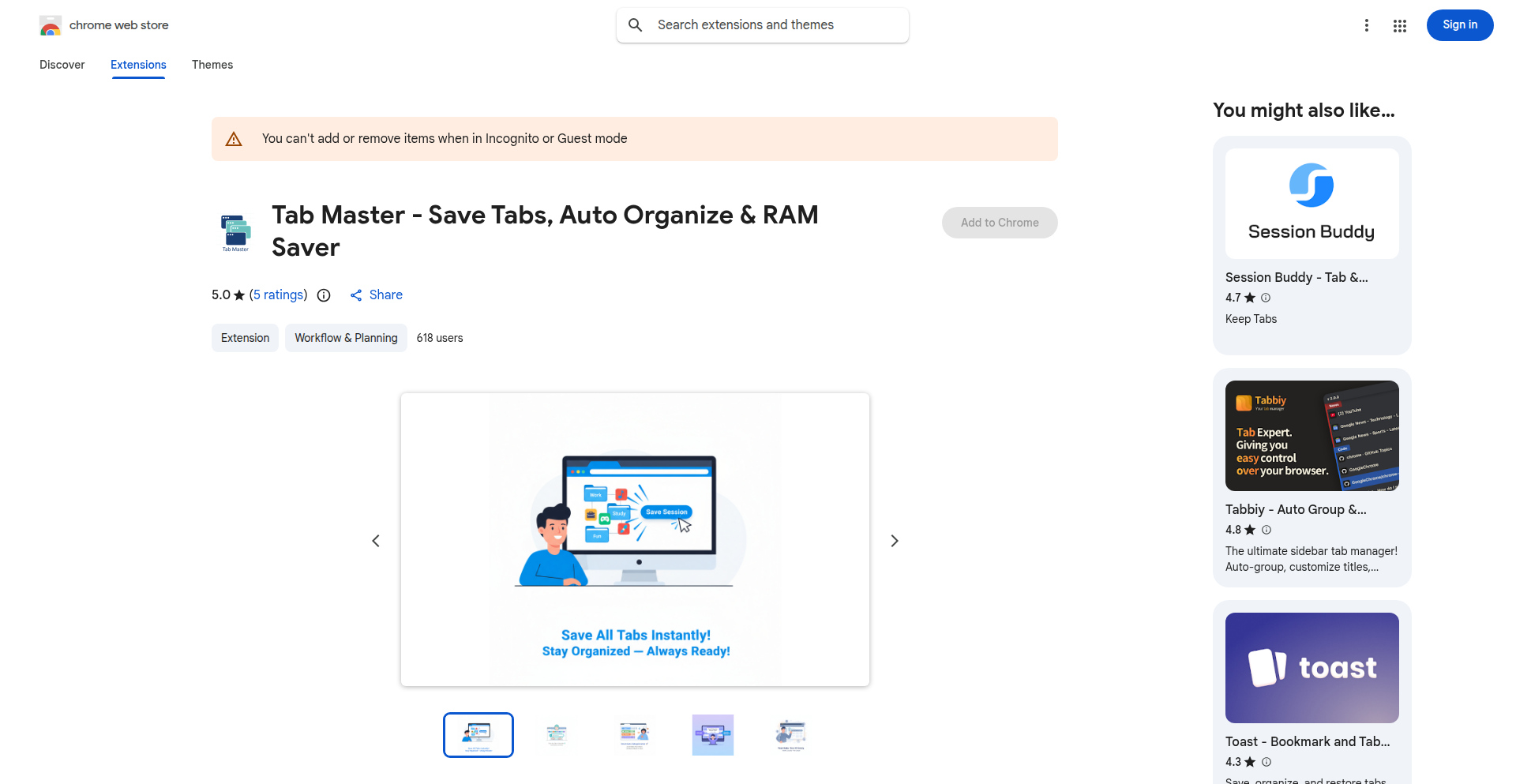
url
Author
aabdoahmed
Description
TabMaster is a Chrome extension that intelligently manages your open tabs by automatically suspending inactive ones. This is achieved through a clever combination of background tab monitoring and resource management techniques, significantly reducing memory and CPU usage. So, it helps you keep your browser snappy and prevent slowdowns caused by too many tabs.
Popularity
Points 1
Comments 1
What is this product?
TabMaster is a smart Chrome extension designed to combat browser slowdowns caused by excessive open tabs. It works by identifying tabs that haven't been interacted with for a configurable period and automatically suspending them. Suspension means the tab's content is unloaded from memory, freeing up valuable system resources, but the tab remains open in your tab bar for quick reactivation. The innovation lies in its intelligent detection of 'inactive' tabs, ensuring that actively playing media or important background processes aren't prematurely suspended. So, it prevents your computer from lagging by reducing the load of forgotten tabs.
How to use it?
Developers can install TabMaster directly from the Chrome Web Store. Once installed, it runs in the background. Users can configure the suspension delay (how long a tab must be inactive before being suspended) and set exceptions for specific websites or domains. Integration is seamless, requiring no code changes from the developer. It's a simple plug-and-play solution for a common developer pain point: a sluggish browser. So, you can immediately reduce your browser's resource hogging without any technical effort.
Product Core Function
· Automatic Tab Suspension: Unloads inactive tab content from memory, reducing RAM and CPU usage. Value: Improves overall system performance and prevents browser crashes. Use Case: Developers working with many concurrent projects, researchers with numerous open sources, or anyone who tends to open many tabs.
· Configurable Suspension Delay: Allows users to set a custom time threshold for suspending tabs. Value: Provides flexibility to balance resource saving with user workflow. Use Case: Users with different tab management habits can tailor the extension to their needs.
· Tab Exception List: Enables users to mark specific websites or tabs that should never be suspended. Value: Ensures critical tabs or frequently used sites remain active. Use Case: Developers who need constant access to specific documentation, coding environments, or communication tools.
· Tab Resumption: When a suspended tab is clicked, its content is quickly reloaded. Value: Offers a seamless user experience without significant waiting time. Use Case: Quickly switching back to a suspended tab without losing your progress or needing to manually reload.
Product Usage Case
· Developer A is working on a web application with multiple development servers, documentation tabs, and communication channels open. TabMaster automatically suspends idle tabs, preventing their browser from becoming unresponsive, allowing them to focus on coding. Solved Problem: Browser lag and frequent crashes due to high tab count.
· Researcher B is conducting literature reviews, with dozens of academic papers and online resources open. TabMaster suspends tabs they haven't visited in a while, significantly reducing their computer's memory footprint and allowing for smoother multitasking. Solved Problem: System memory exhaustion and slow responsiveness.
· Student C is attending online classes and working on assignments, often having many research tabs open. TabMaster keeps their browser performant during lectures by suspending background research tabs, ensuring they can switch between learning materials and active tasks without delay. Solved Problem: Distracting browser slowdowns impacting learning.
56
Webcam UpsideDown Transform

Author
howieyoung
Description
This project is a browser-based experiment that leverages your webcam to detect specific gestures, which then trigger an 'Upside Down' visual transformation inspired by the show Stranger Things. The core innovation lies in its on-device, real-time gesture detection and transformation, prioritizing user privacy by processing data locally without recording or uploading.
Popularity
Points 1
Comments 1
What is this product?
This is a web-based application that uses your computer's webcam to recognize specific hand gestures. When a recognized gesture is detected, it applies a visual filter to your current browser view, making it appear 'upside down' or distorted, reminiscent of the Upside Down dimension in Stranger Things. The key technical insight is the use of on-device machine learning models, typically running through browser APIs like TensorFlow.js, to perform gesture recognition directly within your browser. This means all the image processing happens on your machine, ensuring that your webcam feed is never sent to a server, hence maintaining your privacy. The 'upside down' effect is achieved by manipulating the visual rendering of the browser window, possibly through CSS transformations or by rendering a mirrored/inverted video feed. So, what's the value to you? It offers a fun, interactive, and privacy-conscious way to experiment with real-time computer vision in the browser, opening doors for playful applications and demonstrating the power of local AI without compromising your data.
How to use it?
Developers can integrate this project into their own web applications by incorporating the necessary JavaScript libraries for webcam access (e.g., `navigator.mediaDevices.getUserMedia`) and a machine learning model for gesture recognition (e.g., TensorFlow.js with a pre-trained gesture model). The gesture detection logic would then be hooked up to a function that applies CSS transformations or manipulates the DOM to create the visual 'upside down' effect. Typical integration scenarios include: 1. Adding a fun interactive element to a personal website or portfolio. 2. Creating a unique engagement mechanic for online events or presentations. 3. Developing educational tools to demonstrate AI concepts. So, how can you use this? You can easily embed this functionality into your web projects to add a quirky, interactive layer that responds to user actions, making your applications more engaging and memorable without requiring complex server-side setups.
Product Core Function
· On-device gesture detection: Utilizes browser-based machine learning to recognize specific hand gestures in real-time, offering a privacy-preserving way to interact with web applications.
· Real-time visual transformation: Applies visual effects, such as an 'upside down' filter, to the browser view based on detected gestures, creating an immediate and engaging user experience.
· Privacy-first design: Processes all webcam data locally on the user's device, ensuring no sensitive information is recorded or uploaded, which builds trust and adheres to modern privacy standards.
· Browser experiment framework: Provides a foundation for further experimentation with webcam input and interactive visual effects directly within the web browser, encouraging creative exploration.
· Stranger Things inspired aesthetic: Delivers a thematic visual experience that taps into popular culture, making the project relatable and fun for a wider audience.
Product Usage Case
· Creating an interactive art installation for a gallery where visitors' gestures control visual distortions on a displayed screen, making the art respond to their presence and movements.
· Developing an educational tool for teaching computer vision concepts, allowing students to see their gestures translated into real-time visual changes in a browser, making abstract concepts tangible.
· Building a fun, interactive element for a streamer's website where specific audience gestures, captured through their webcam (with consent), trigger unique on-screen effects during a live broadcast, enhancing viewer engagement.
· Designing a novel user interface for a web application where users can navigate or control elements using simple gestures instead of traditional mouse or keyboard input, offering an alternative and intuitive interaction method.
57
LLM Skill Capsules
Author
killerstorm
Description
This project introduces 'Skill Capsules' for Large Language Models (LLMs), a pragmatic approach to 'continual learning' for AI. Instead of traditional complex fine-tuning, Skill Capsules are small, vector-based objects that can be inserted into an LLM's context to instantly improve its performance on specific tasks like making tool calls more reliable, adopting a particular writing style, or enhancing coding proficiency. This method allows LLMs to 'learn on the job' from a single example, patching inadequacies without requiring extensive retraining. So, this is useful because it makes LLMs more adaptable and effective in real-time, allowing them to quickly pick up new skills or correct errors without costly and time-consuming retraining.
Popularity
Points 1
Comments 1
What is this product?
Skill Capsules are essentially bite-sized memory units for LLMs that act like instant skill upgrades. Think of them as specialized instruction sets that you can inject into an LLM's thinking process. Unlike traditional AI training that requires massive datasets and computational power to learn new things over time (which is a big hurdle for LLMs), Skill Capsules offer a shortcut. They are created from just a single example of desired behavior. For instance, if you want an LLM to consistently use a specific JSON format when calling an API, you can provide one good example, and a Skill Capsule will be generated. This capsule, represented by a set of numerical values (vectors), can then be placed within the LLM's input. When the LLM processes this input, the capsule subtly guides its output, making it perform that specific skill more accurately. This is valuable because it allows LLMs to overcome their current limitations and perform better on specialized tasks without needing to be rebuilt from scratch. The innovation lies in its simplicity and effectiveness in achieving 'on-the-fly' learning, addressing a key challenge in AI development.
How to use it?
Developers can integrate Skill Capsules into their LLM workflows by preparing a single, high-quality example of the desired skill. This example is then processed to generate the Skill Capsule (a set of vectors). This capsule is then prepended or inserted at a strategic point within the LLM's prompt or context. When the LLM processes the prompt, the Skill Capsule influences its internal computations, guiding it towards the desired behavior. For example, if you're using an LLM to interact with a specific API, you can create a Skill Capsule from a correct API call example. By including this capsule in your prompts, the LLM becomes more adept at making accurate API calls. This can be integrated into various applications, from chatbots that need to understand specific jargon, to code generation tools that need to adhere to particular coding standards, or even content creation tools that require a specific tone of voice. The primary use case is enhancing LLM performance for specific, recurring tasks or styles, making integrations more robust and efficient.
Product Core Function
· Skill Capsule Generation: Create specialized LLM enhancement modules from a single example, enabling rapid adaptation for specific tasks like tool usage or stylistic adherence.
· Contextual Injection: Integrate generated Skill Capsules directly into LLM prompts to instantly influence model behavior for improved task performance.
· On-the-Fly Skill Enhancement: Allow LLMs to acquire new abilities or correct existing deficiencies in real-time without requiring lengthy retraining processes.
· Performance Optimization: Improve the reliability and accuracy of LLM outputs for particular skills, such as generating correct API calls or adopting specific writing styles.
Product Usage Case
· Enhancing API call accuracy: A developer needs an LLM to consistently generate correct JSON payloads for a specific API. They provide one example of a well-formed JSON payload, generate a Skill Capsule, and insert it into prompts. The LLM now reliably produces accurate API calls, saving debugging time.
· Adopting a brand's writing style: A marketing team wants an LLM to generate content in their unique brand voice. They provide an example piece of content, create a Skill Capsule, and use it when prompting the LLM for new marketing copy. The output now consistently matches the brand's tone and style.
· Improving code generation for a specific library: A programmer is building a tool that generates code using a niche programming library. They create a Skill Capsule from an example of correct code using that library. When using the LLM to generate code snippets, the Skill Capsule ensures the generated code is syntactically correct and idiomatic for the library, reducing errors.
· Making LLM tool use more reliable: An application uses an LLM to decide which tools to use to answer a user's query. By creating Skill Capsules from examples of correct tool selection and usage, the LLM becomes much more dependable in choosing and invoking the appropriate tools, leading to more accurate and helpful responses.
58
ComplianceBot: Automated Evidence Assembler
Author
hireclay
Description
This project automates the tedious process of gathering evidence for compliance postures, leveraging the OSCAL (Open Security Controls Assessment Language) standard. It transforms raw security data into actionable evidence, significantly reducing manual effort and improving accuracy for regulatory and security audits. So, this helps you save immense time and reduce the risk of compliance failures by making evidence collection a seamless, automated process.
Popularity
Points 2
Comments 0
What is this product?
ComplianceBot is an intelligent system designed to automatically collect and organize evidence required to prove an organization's compliance with various security standards and regulations. It works by ingesting data from various security tools and systems, then mapping this data to the specific requirements outlined in OSCAL documents. OSCAL is a set of standards for describing security controls and assessments in a machine-readable format. ComplianceBot's innovation lies in its ability to intelligently interpret and link disparate data sources to OSCAL control objectives, acting as a bridge between your operational security and your compliance reporting needs. So, this means you don't have to manually sift through logs and configurations; the bot does the heavy lifting, ensuring you're audit-ready.
How to use it?
Developers can integrate ComplianceBot into their existing CI/CD pipelines or security monitoring workflows. It typically involves configuring the bot to connect to relevant data sources (e.g., cloud provider APIs, vulnerability scanners, SIEM systems) and specifying the target compliance frameworks (defined in OSCAL). The bot then periodically or on-demand queries these sources, extracts relevant information, and formats it according to OSCAL, generating comprehensive evidence reports. This can be achieved through its API or command-line interface. So, you can plug this into your existing development and security infrastructure to continuously monitor and report on your compliance status without manual intervention.
Product Core Function
· Automated evidence ingestion from diverse security tools: This feature allows the bot to pull data from various sources like cloud APIs (AWS, Azure, GCP), vulnerability scanners, endpoint protection platforms, and logging systems, translating raw operational data into compliance-relevant evidence. The value is in centralizing and standardizing evidence collection, making it easier to manage and audit. This is crucial for organizations dealing with multiple security tools.
· OSCAL-driven compliance mapping: The bot intelligently maps collected evidence to specific controls defined in OSCAL documents, ensuring that the right data is associated with the correct compliance requirement. The value here is the accuracy and relevance of the generated evidence, directly addressing audit needs and reducing the risk of misinterpretation. This is a core differentiator for streamlined compliance reporting.
· Automated evidence report generation: ComplianceBot can generate ready-to-submit reports in standard formats (like OSCAL itself or customizable templates), significantly expediting the audit preparation process. The value is in saving countless hours of manual report compilation and ensuring consistency and completeness. This directly impacts the efficiency of audit responses.
· Real-time compliance posture monitoring: By continuously collecting and analyzing evidence, the bot provides near real-time insights into an organization's compliance status, allowing for proactive identification and remediation of non-compliance issues. The value is in shifting from reactive audit responses to proactive compliance management, minimizing risks and potential penalties. This helps maintain a strong security and compliance posture.
· Customizable evidence filtering and enrichment: The system allows for fine-grained control over which evidence is collected and how it's presented, including enriching data with contextual information for better understanding. The value is in tailoring the evidence collection to specific audit requirements and making the reports more meaningful and actionable for auditors and internal teams. This ensures the generated evidence is precisely what's needed.
Product Usage Case
· A cloud-native startup needs to prove compliance with SOC 2. ComplianceBot can be configured to pull logs from AWS CloudTrail, S3 bucket access logs, and IAM policies. It maps this data to SOC 2 controls defined in an OSCAL catalog, automatically generating reports that detail who accessed what, when, and from where, proving control over access and auditing. This saves the startup weeks of manual log analysis and report writing for their audit.
· A financial institution facing strict PCI DSS audits can use ComplianceBot to collect evidence related to cardholder data protection. The bot can integrate with network intrusion detection systems, database audit logs, and file integrity monitoring tools, translating this information into clear evidence that demonstrates adherence to PCI DSS requirements for secure network configuration, access control, and vulnerability management. This streamlines their complex audit preparation and reduces the burden on their security team.
· A government contractor needing to meet NIST 800-53 requirements can leverage ComplianceBot to automate the collection of evidence for security controls. The bot can monitor system configurations, user access reviews, and security awareness training completion records, correlating them with NIST control objectives. This provides a consistent and auditable trail of evidence, ensuring they meet the stringent security mandates required for government contracts. This significantly reduces the overhead associated with demonstrating ongoing compliance.
59
VenvAUTO CLI

Author
jdcampolargo
Description
VenvAUTO is a command-line tool that streamlines Python virtual environment setup on macOS with Zsh to a single command. It automates the creation and activation of virtual environments, eliminating repetitive manual steps. This allows developers to focus more on coding and less on environment configuration.
Popularity
Points 1
Comments 1
What is this product?
VenvAUTO is a lightweight, open-source command-line interface (CLI) tool designed to simplify the process of setting up and activating Python virtual environments specifically for macOS users who utilize the Zsh shell. Traditionally, creating a new virtual environment involves multiple commands: initializing the environment, pointing to its location, and then activating it. VenvAUTO condenses all these steps into a single, intuitive command. The innovation lies in its smart scripting that detects existing Python installations and intelligently handles the PATH adjustments within the Zsh configuration, making the environment immediately available without manual shell modifications.
How to use it?
Developers can integrate VenvAUTO into their workflow by first installing it, typically via a package manager or by cloning the repository and running a setup script. Once installed, to create and activate a new virtual environment named 'my_project_env', a developer would simply execute `venvauto create my_project_env` in their project directory. This command handles all the underlying `venv` or `virtualenv` creation and automatically updates the Zsh shell's environment variables to point to the new virtual environment's bin directory. This seamless integration means that after running the command, any Python commands or scripts executed in that terminal session will automatically use the newly created virtual environment, saving significant time and reducing the chance of errors.
Product Core Function
· One-liner environment creation: Automates the entire process of creating a Python virtual environment with a single command, simplifying the developer's setup and reducing manual errors.
· Automatic Zsh activation: Intelligently modifies the Zsh shell's PATH to ensure the newly created virtual environment is automatically activated for subsequent commands, providing an immediate and consistent development context.
· Cross-version Python support: Designed to work with various Python installations available on macOS, allowing developers to easily manage environments for different Python versions without complex configuration.
· Lightweight and efficient: Implemented as a script, it has minimal dependencies and a small footprint, ensuring it doesn't add significant overhead to the development machine.
Product Usage Case
· Starting a new Python project: Instead of remembering and typing out multiple commands to set up a clean environment, a developer can type `venvauto create my_new_project` and immediately start coding, knowing their dependencies are isolated.
· Switching between projects: When moving from one project to another that requires a different Python version or set of libraries, a developer can quickly create a new environment for the second project with `venvauto create another_project_env`, and then easily activate it, ensuring no dependency conflicts.
· Onboarding new team members: To help new developers get up to speed quickly, the team can simply instruct them to install VenvAUTO and then use the `venvauto create` command, making the environment setup process consistent and error-free across the team.
60
GanttChart-Viz
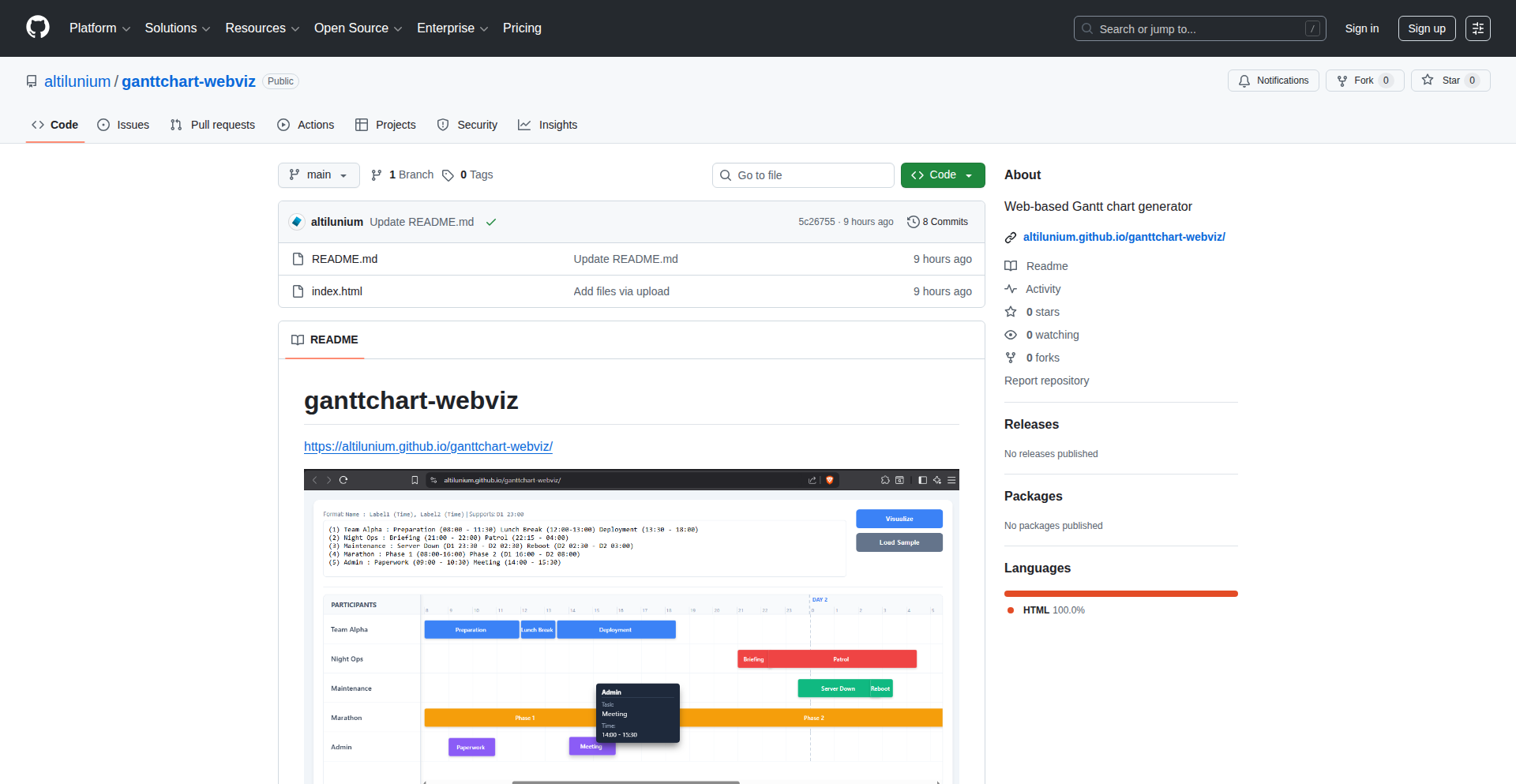
Author
altilunium
Description
A web-based Gantt chart generator that allows users to visually plan and track project timelines. The innovation lies in its ability to dynamically render complex project schedules using web technologies, offering a flexible and accessible alternative to traditional desktop tools. This empowers individuals and teams to better manage their workflows by providing clear visual representations of tasks, dependencies, and progress. The core idea is to leverage the ubiquity of web browsers to democratize project management visualization.
Popularity
Points 1
Comments 1
What is this product?
GanttChart-Viz is a JavaScript-powered web application that generates interactive Gantt charts directly in your browser. Unlike static images or complex desktop software, this tool uses a combination of HTML, CSS, and JavaScript to create dynamic timelines. The core innovation is its efficient rendering engine which can handle a significant number of tasks and dependencies without performance degradation, and its intuitive data input mechanism, often leveraging simple data structures like JSON arrays, making it easy for developers to integrate with their existing project data. This translates to a project management tool that is both powerful and easy to access, solving the problem of complex project visualization for a wider audience.
How to use it?
Developers can use GanttChart-Viz in several ways. Firstly, they can embed it directly into their web applications or dashboards by integrating the provided JavaScript library. This allows them to display project timelines pulled from their own databases or APIs. Secondly, it can be used as a standalone web tool for personal project planning or for small teams to collaborate on schedules. The typical usage involves providing the chart with task data, including start dates, end dates, durations, and dependencies. The library then handles the rendering and interactivity, such as zooming, panning, and potentially task editing. This makes it a versatile solution for visualizing any time-based workflow.
Product Core Function
· Dynamic Gantt Chart Rendering: Utilizes SVG or Canvas to draw timelines, allowing for smooth rendering of numerous tasks and dependencies, enabling clear visualization of project progress. This is valuable for understanding the overall project scope at a glance.
· Task Dependency Visualization: Visually represents relationships between tasks (e.g., Task B cannot start until Task A is finished) with connecting lines, crucial for identifying critical paths and potential bottlenecks in a project.
· Interactive Timeline Navigation: Supports features like zooming and panning, allowing users to explore detailed schedules or get a high-level overview, making it easier to manage and analyze large or complex projects.
· Data Integration via JSON/API: Accepts project data in a structured format like JSON, making it straightforward for developers to feed data from their own systems or APIs, simplifying the integration process and ensuring data consistency.
· Customizable Appearance: Offers options to customize colors, fonts, and other visual elements to match branding or specific project needs, enhancing user experience and presentation quality.
Product Usage Case
· Integrating with a task management system to display project timelines within a team collaboration portal. The GanttChart-Viz library is used to render the timelines dynamically, allowing users to see task durations, dependencies, and overall project schedule without leaving the portal.
· Building a project portfolio management dashboard where users can visualize the timelines of multiple concurrent projects. This helps stakeholders identify resource conflicts and prioritize initiatives by comparing the progress and deadlines of different projects.
· Creating a personal productivity tool that helps individuals plan and track personal goals with multiple stages and dependencies. The web-based nature ensures easy access and updates from any device, promoting better self-management.
· Developing a reporting tool for event planning, visualizing the sequence of pre-event, during-event, and post-event activities. This ensures all crucial steps are accounted for and scheduled appropriately, reducing the risk of oversight.
61
RentViz: Vibe-Coded SVG Rental Income Visualizer
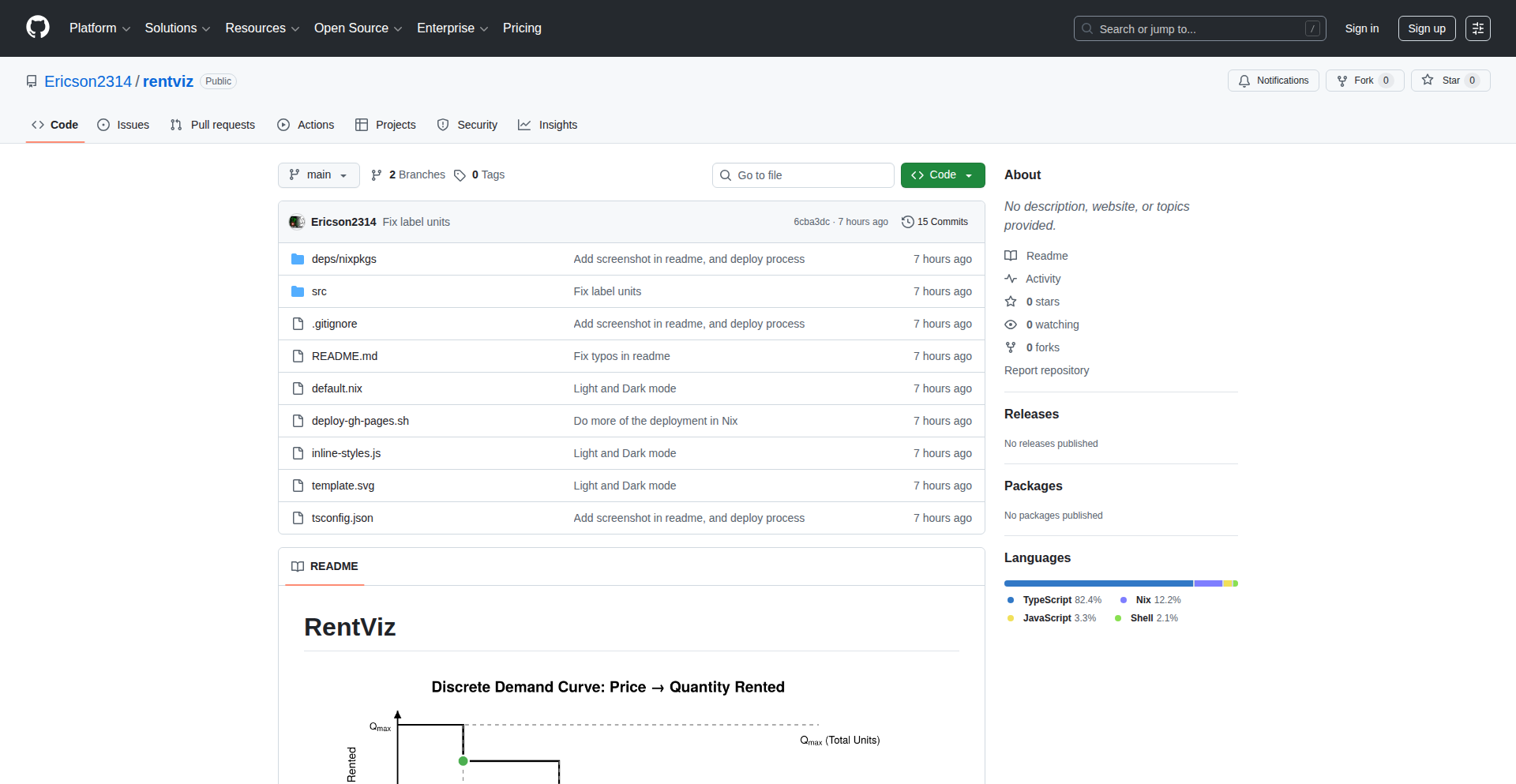
Author
Ericson2314
Description
RentViz is a single-SVG visualization tool that translates rental income data into a visually intuitive and aesthetically pleasing format. It uses 'vibe-coding' to represent financial metrics, allowing for quick understanding of trends and patterns without complex charts. This innovative approach simplifies financial analysis for rental property owners and investors.
Popularity
Points 2
Comments 0
What is this product?
RentViz is a clever web-based tool that takes your rental property income data and turns it into a single, dynamic Scalable Vector Graphics (SVG) image. Instead of dense tables or complicated charts, it uses 'vibe-coding' – essentially, creative visual cues like color, size, and shape – to represent income, expenses, and profitability over time. The innovation lies in its ability to convey complex financial information at a glance, making it accessible even to those who aren't data analysis experts. So, what does this mean for you? It means you can quickly grasp the financial health of your rental properties, spotting good performance or potential issues with a simple visual scan, without needing to be a spreadsheet wizard.
How to use it?
Developers can integrate RentViz into their web applications or internal dashboards. You would typically feed your rental income and expense data (e.g., from a database or API) into the RentViz engine, which then generates the SVG output. This SVG can be embedded directly into a webpage. The core idea is to make financial reporting for real estate more engaging and easier to digest. For example, you might use it in a property management portal to show landlords a summary of their portfolio's performance. This empowers developers to build user interfaces that offer immediate financial insights, improving user experience and decision-making.
Product Core Function
· Vibe-coded Data Representation: Translates numerical financial data into visual elements like color gradients and shape variations, making it easy to spot trends and anomalies at a glance. This helps users quickly understand the financial 'vibe' of their rental income. This is useful for getting an intuitive feel for your property's performance.
· Single-SVG Output: Generates a compact, single SVG file that is easily embeddable into web pages and responsive across different screen sizes. This means your visualizations load fast and look good everywhere. This is useful for seamless integration into any website or application.
· Customizable Visualization Parameters: Allows for some level of customization to tune how data is represented visually, enabling users to tailor the visualization to their specific needs. This is useful for personalizing the financial insights to your specific investment strategy.
· Minimalistic Design Approach: Focuses on clarity and simplicity, avoiding information overload often associated with traditional financial charts. This ensures that the core financial story is communicated effectively. This is useful for making complex financial data understandable to a wider audience.
Product Usage Case
· Property Management Dashboard: A property manager could use RentViz to display a monthly income overview for all managed properties in a single, easily digestible SVG. Instead of looking at individual spreadsheets, they can see at a glance which properties are performing well and which might need attention. This solves the problem of quickly assessing portfolio health.
· Rental Investment Portfolio Tracker: An individual investor could embed RentViz into their personal finance tracker to visualize the aggregated income from their rental properties over the past year. This helps them make informed decisions about reinvesting or divesting based on clear visual performance cues. This solves the problem of understanding long-term investment returns.
· Real Estate Crowdfunding Platform: A crowdfunding platform could use RentViz to showcase the projected and actual income generated by each real estate investment opportunity to potential investors, offering a more engaging and understandable alternative to dry financial reports. This solves the problem of presenting financial data in a more accessible and trustworthy way to potential investors.
62
Hat: Automated Image Optimization Engine
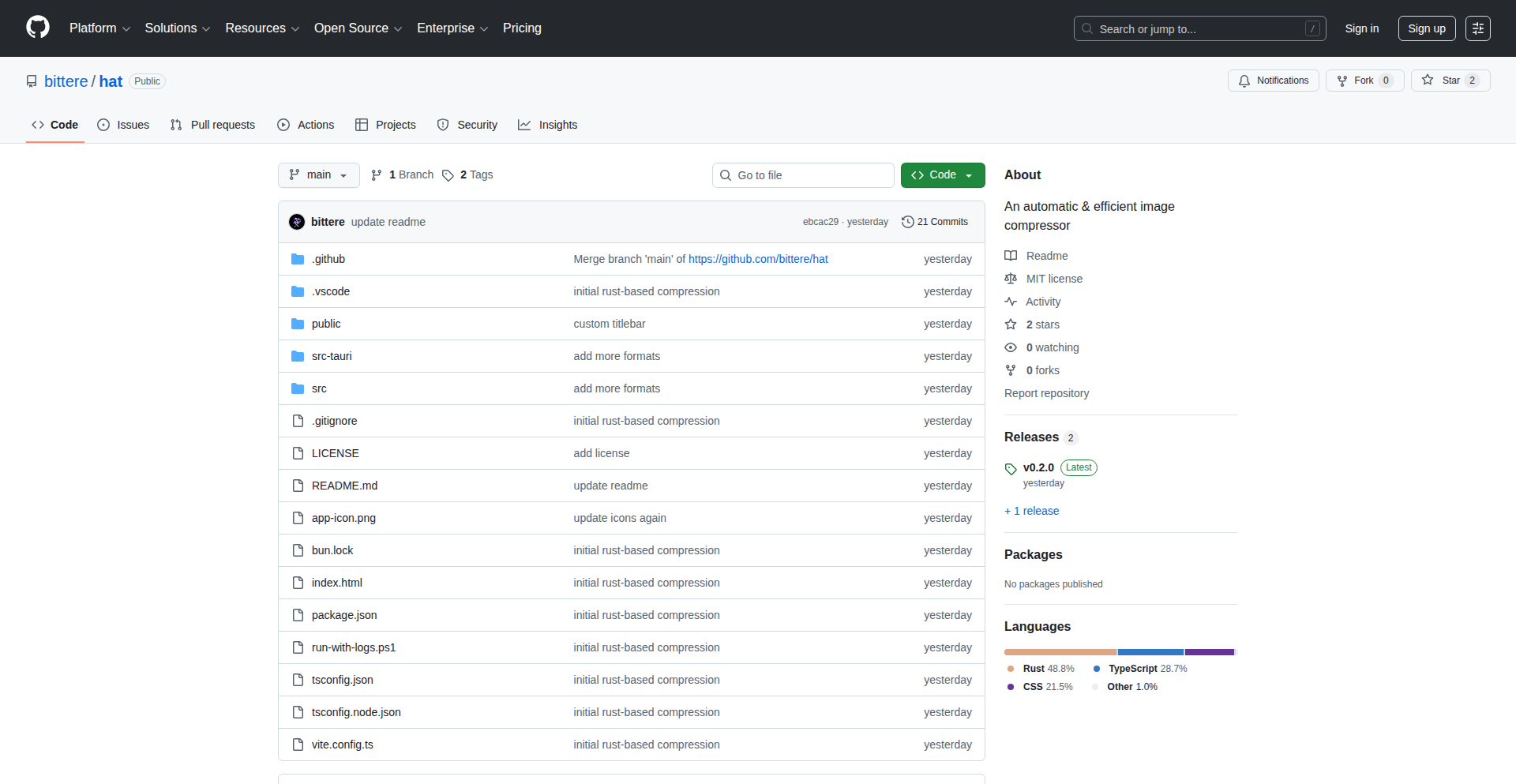
Author
_bittere
Description
Hat is an automated image compression tool designed to significantly reduce image file sizes without a perceivable loss in quality. This project tackles the common challenge of large image assets impacting website performance and user experience. Its innovation lies in its intelligent compression algorithms that dynamically select the best optimization techniques for each image.
Popularity
Points 1
Comments 0
What is this product?
Hat is an intelligent image compression engine that automatically optimizes images to reduce their file size. It uses advanced algorithms, potentially involving techniques like lossy and lossless compression, intelligently choosing the best method for each image based on its content and metadata. This means it's not just a generic resizer, but a smart tool that understands how to make images smaller while keeping them looking good. So, what's in it for you? Faster websites and happier users because your images load quickly without looking pixelated.
How to use it?
Developers can integrate Hat into their development workflow to automatically process images. This could involve setting it up as a pre-commit hook to compress images before they are pushed to a repository, or running it as part of a build process. It might also be deployable as a service that automatically compresses images uploaded to a server. The core idea is to have the compression happen automatically, so you don't have to manually adjust each image. So, what's in it for you? A streamlined workflow that saves you time and ensures your assets are always optimized for performance.
Product Core Function
· Intelligent image format selection: Hat can analyze an image and determine if it would be better served as a JPEG, PNG, or even a modern format like WebP, choosing the most efficient option. This offers you the best balance of file size and visual fidelity.
· Lossy and lossless compression optimization: The tool dynamically applies either lossy (sacrificing a small amount of data for size reduction) or lossless (reducing size without losing any data) compression, or a combination, to achieve maximum size reduction while maintaining visual quality. This ensures your images are as small as possible without looking bad.
· Metadata stripping: Hat can remove unnecessary metadata from image files (like camera information), further reducing their size. This cleans up your image files and makes them leaner.
· Batch processing capabilities: The tool is designed to handle multiple images efficiently, allowing for bulk optimization. This means you can optimize an entire gallery or set of assets with a single command, saving you significant manual effort.
· Configurable quality settings: While automated, Hat likely offers some level of control over the compression intensity, allowing developers to fine-tune the balance between file size and quality for specific project needs. This gives you the flexibility to control the outcome to meet your project's requirements.
Product Usage Case
· Website performance optimization: For a web developer building a content-heavy website, Hat can be used to compress all uploaded images, ensuring that pages load quickly and efficiently, improving user experience and SEO. This directly translates to a better and faster website for your audience.
· Mobile application asset management: In mobile app development, image sizes are critical for app download size and performance. Hat can be integrated into the build process to ensure all in-app images are optimized, leading to smaller app bundles and smoother app operation. This means a smaller app for users to download and a more responsive app experience.
· E-commerce product image optimization: For an e-commerce platform, high-quality product images are essential, but large file sizes can slow down browsing. Hat can automatically compress these images, providing a fast browsing experience for potential customers and reducing server load. This helps you sell more by providing a seamless shopping experience.
· Content Management System (CMS) integration: Developers can build plugins or extensions for CMS platforms to automatically compress images uploaded by users or administrators. This ensures that all content on the site is optimized for performance without manual intervention. This means you don't have to worry about optimizing images every time content is added to your website.
63
Amida-san: Collaborative Line-Drawing Lottery

Author
hello_sh
Description
Amida-san is a unique web application that enables participatory lotteries where participants collaboratively draw lines on a shared canvas. The core innovation lies in its real-time, multi-user drawing capabilities combined with a novel lottery mechanism. It transforms a simple random selection process into an engaging, visual, and interactive experience. It addresses the need for more engaging and transparent group decision-making tools.
Popularity
Points 1
Comments 0
What is this product?
Amida-san is a web-based lottery system that leverages real-time collaborative drawing. Instead of a traditional spinning wheel or list selection, participants each draw a line on a shared digital canvas. The system then analyzes these lines to determine the winner. The innovation is in the decentralized and visual nature of the line drawing, creating an unpredictable and fair outcome as everyone contributes to the random selection process. It's like a digital version of drawing straws, but everyone draws their own 'straw' simultaneously.
How to use it?
Developers can integrate Amida-san into their applications or websites to create interactive events, team-building activities, or even fair voting systems. It can be used as a standalone web app or embedded via an iframe. The core functionality involves users accessing a shared drawing board via a unique URL. Each user draws a line connecting their identifier (e.g., name or avatar) to a potential outcome. The backend then processes these lines, applying a geometric or algorithmic approach to determine a winner, ensuring no single user has undue influence. This is useful for adding a fun, interactive element to any online gathering or decision-making process.
Product Core Function
· Real-time Collaborative Drawing: Enables multiple users to draw on the same canvas simultaneously, fostering a sense of shared participation. This is useful for creating a dynamic and inclusive lottery experience.
· Participant-Driven Lottery Logic: The lottery outcome is determined by the collective input of drawn lines, offering a novel and transparent randomization method. This is valuable for building trust and engagement in group decisions.
· Visual Outcome Representation: The drawn lines on the canvas visually represent the participants' contributions and the lottery's progression, making the process engaging and easy to understand. This helps users quickly grasp how the winner was selected.
· Web-Based Accessibility: Accessible through any web browser, making it easy for anyone to join and participate without complex installations. This ensures broad participation and ease of use for any event.
· Customizable Outcome Mapping: Allows for flexibility in how drawn lines are interpreted to select a winner, enabling various lottery configurations and creative applications. This provides adaptability for different use cases and event types.
Product Usage Case
· Event Raffles: A community event organizer can use Amida-san to host a prize raffle. Participants draw lines on their devices, and the system determines the winner based on the collective drawing. This makes the raffle more engaging than a simple ticket draw.
· Team Activity Selection: A remote team can use Amida-san to decide who will lead the next meeting or present a topic. Each team member draws a line, and the system randomly selects one, adding a playful element to team dynamics.
· Interactive Content Creation: A content creator can embed Amida-san on their website for a fan engagement activity, where fans draw lines to win a shout-out or a digital collectible. This drives interaction and user retention.
· Educational Tool for Randomness: Educators can use Amida-san to demonstrate the concept of probability and randomness to students in a visual and interactive way. Students draw lines, and the system shows how different lines lead to different random outcomes, illustrating statistical principles.
64
Qariyo: Human-Voice Article Reader

Author
abagh999
Description
Qariyo is a minimalist Chrome extension designed to transform web articles and selected text into natural-sounding audio. It tackles the fatigue of reading by offering a listen-instead option, prioritizing an uninterrupted, high-quality, and affordable text-to-speech experience. Its innovation lies in its seamless integration within the page and instant playback, avoiding the cumbersome experience of expensive subscriptions or robotic voices.
Popularity
Points 1
Comments 0
What is this product?
Qariyo is a Chrome extension that uses advanced Text-to-Speech (TTS) technology to read web pages and selected text aloud. The core innovation is its focus on a natural, human-like voice, achieved through sophisticated TTS engines, and its commitment to a simple, in-page playback experience. This means you don't have to wait for an entire article to be converted or navigate away from the page you're viewing, making it ideal for consuming content when your eyes are tired or you're multitasking. It's built with a 'less is more' philosophy, cutting out unnecessary features to provide a pure, efficient listening experience without hefty subscriptions.
How to use it?
Developers can leverage Qariyo by installing it as a Chrome extension. Once installed, when browsing any webpage, users can activate 'Full Page Mode' to have the entire article read aloud, with controls like pause, rewind, and fast-forward readily available. Alternatively, 'Text Selection Mode' allows users to highlight specific portions of text on any webpage with their mouse, and Qariyo will instantly read only the selected segment. This offers flexibility for focused listening or quickly grasping key information without needing to code integration; it's an end-user tool for enhanced content consumption.
Product Core Function
· Human-like TTS engine: Delivers natural sounding voices for a pleasant listening experience, reducing listener fatigue and improving comprehension compared to robotic TTS. This is valuable for anyone who finds extensive reading tiring.
· In-page widget playback: Reads articles directly within the current webpage, providing a seamless and uninterrupted listening flow without requiring users to open new tabs or pages. This allows for easy multitasking and keeps the user immersed in the content.
· Instantaneous audio generation: Starts reading selected text or article content immediately without lengthy conversion processes, respecting the user's time and desire for quick access to information. This is crucial for on-demand listening.
· Full Page Reading Mode: Enables listening to entire web articles by simply clicking play on any webpage, offering a comprehensive auditory experience of online content. This is perfect for digesting long-form articles passively.
· Text Selection Mode: Allows users to highlight specific text with their mouse and have only that selection read aloud, providing granular control and targeted information consumption. This is useful for quickly understanding specific paragraphs or sentences.
· No subscription model: Offers a pay-as-you-go or one-time purchase model, making high-quality TTS accessible without ongoing financial commitment. This democratizes access to advanced features.
Product Usage Case
· A student who needs to review a lengthy research paper for an upcoming exam can use Qariyo's 'Full Page Mode' to listen to the paper while commuting, significantly improving their study efficiency and reducing eye strain from prolonged reading.
· A professional who wants to stay updated on industry news but is busy with meetings can use Qariyo's 'Text Selection Mode' to listen to key paragraphs of articles during short breaks, ensuring they don't miss critical information.
· An individual with dyslexia or visual impairments can use Qariyo to access and understand web content more easily, improving digital accessibility and inclusivity for online information.
· A content creator can quickly listen back to their written drafts using Qariyo's 'Text Selection Mode' to catch errors or assess the flow and rhythm of their writing in an auditory format, refining their work before publication.
65
Schema Gateway: Type-Driven API Orchestrator
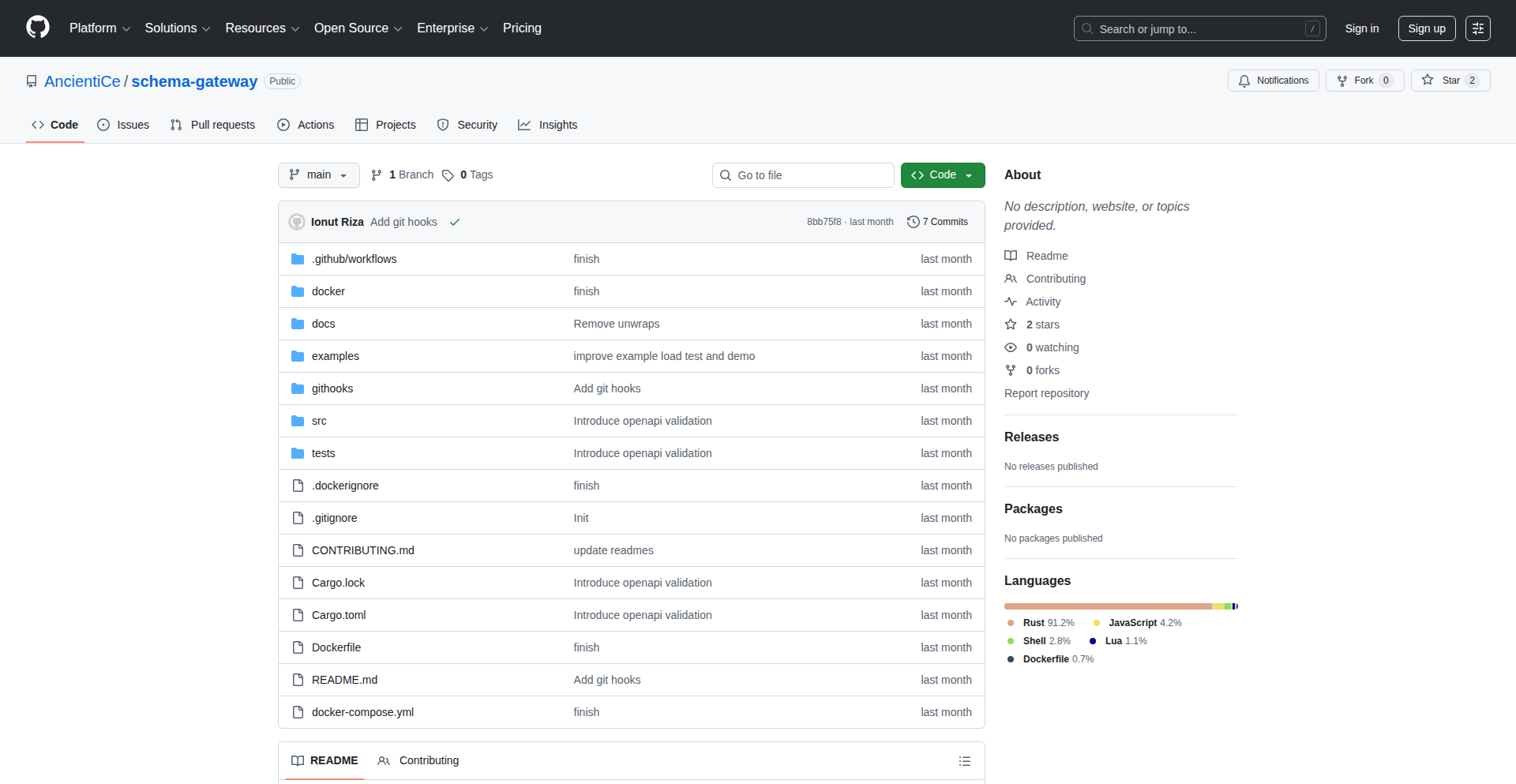
Author
iCeGaming
Description
Schema Gateway is an innovative API gateway that uses data schemas to automatically manage routing, validate incoming requests and outgoing responses, and enforce consistent API contracts across your services. This means developers can define their API's structure once using schemas, and the gateway takes care of the repetitive tasks of connecting endpoints and checking data types, leading to less boilerplate code and more robust APIs. So, this helps you build and maintain APIs more efficiently with built-in correctness.
Popularity
Points 1
Comments 0
What is this product?
Schema Gateway is a fundamentally different approach to building API gateways. Instead of manually writing code to decide where requests should go and to check if the data is in the correct format, you define your API's structure and data rules using schemas. Think of schemas as blueprints for your API. The gateway then reads these blueprints and automatically handles the logic for routing requests to the right service, validating that the data sent by clients matches the expected format, and ensuring that the data sent back by your services also adheres to the defined contracts. This schema-first approach ensures type-safety and consistency, significantly reducing the amount of repetitive coding required for API management. So, it simplifies API management by letting you define 'what' your API should look like, and it handles the 'how' of making it work securely and reliably.
How to use it?
Developers can integrate Schema Gateway into their existing backend services or use it to build new ones. The primary method of use involves defining API endpoints and their expected request/response data structures using a schema definition language (like JSON Schema or OpenAPI). These schemas are then provided to Schema Gateway. The gateway acts as a central point for all incoming API traffic. When a request arrives, the gateway uses the defined schemas to determine which backend service should handle the request and validates the request data against the schema. Similarly, before sending a response back to the client, it validates the response data. This can be integrated into microservice architectures, where each service might have its own schema, and the gateway orchestrates communication between them, or in monolithic applications needing structured API validation. So, you define your API structure once in a schema, point your traffic to the gateway, and it handles the intelligent routing and validation for you, saving you from writing lots of validation and routing code.
Product Core Function
· Schema-driven routing: Automatically directs incoming API requests to the correct backend service based on the defined API schemas. This means you don't have to manually configure routing rules for each endpoint, making it easier to manage complex API landscapes. So, your API traffic gets to the right place automatically, saving you configuration effort.
· Type-safe request/response validation: Ensures that data sent to and from your API conforms to the schemas, preventing malformed data from causing errors and improving data integrity. This catches errors early in the development cycle. So, your API deals with correct data, reducing bugs and improving reliability.
· Consistent API contracts: Enforces a uniform way of defining and interacting with your APIs across different services, leading to predictable behavior and easier integration. This promotes collaboration and reduces confusion among development teams. So, all your APIs behave predictably, making them easier to understand and use.
· Pluggable middleware support: Allows developers to extend the gateway's functionality by adding custom middleware for tasks like authentication, rate limiting, or custom logging, without altering the core gateway logic. This provides flexibility to tailor the gateway to specific project needs. So, you can add custom features like security checks easily, making the gateway adapt to your unique requirements.
· Extensible validation pipelines: Offers a flexible way to create custom validation logic beyond basic type checking, allowing for complex business rule enforcement within the gateway. This ensures that data meets specific criteria defined by your application. So, your API can enforce complex business rules automatically, improving data quality and business process integrity.
Product Usage Case
· Microservice orchestration: In a microservice environment where multiple services communicate, Schema Gateway can act as a central orchestrator, ensuring that data exchanged between services is always valid and adheres to defined contracts, preventing integration issues. So, if you have many small services, this gateway makes them talk to each other reliably.
· API development with strict typing: For teams building APIs that require strong guarantees around data types and structures, Schema Gateway automates much of the boilerplate validation and routing, allowing developers to focus on business logic. So, if you need your API data to be very precise, this tool automates the tedious checking work for you.
· Legacy system integration: When integrating older systems with newer ones via APIs, Schema Gateway can standardize the interface and validate data transformations, ensuring smooth communication between disparate systems. So, if you're connecting old and new software, this gateway can help them communicate correctly by standardizing the data flow.
· Rapid prototyping of APIs: Developers can quickly define an API's structure with schemas and have a functional, validated gateway up and running almost immediately, accelerating the prototyping phase. So, if you want to quickly build a working API prototype, this tool lets you get one going fast with automatic validation.
66
Hat Compressor
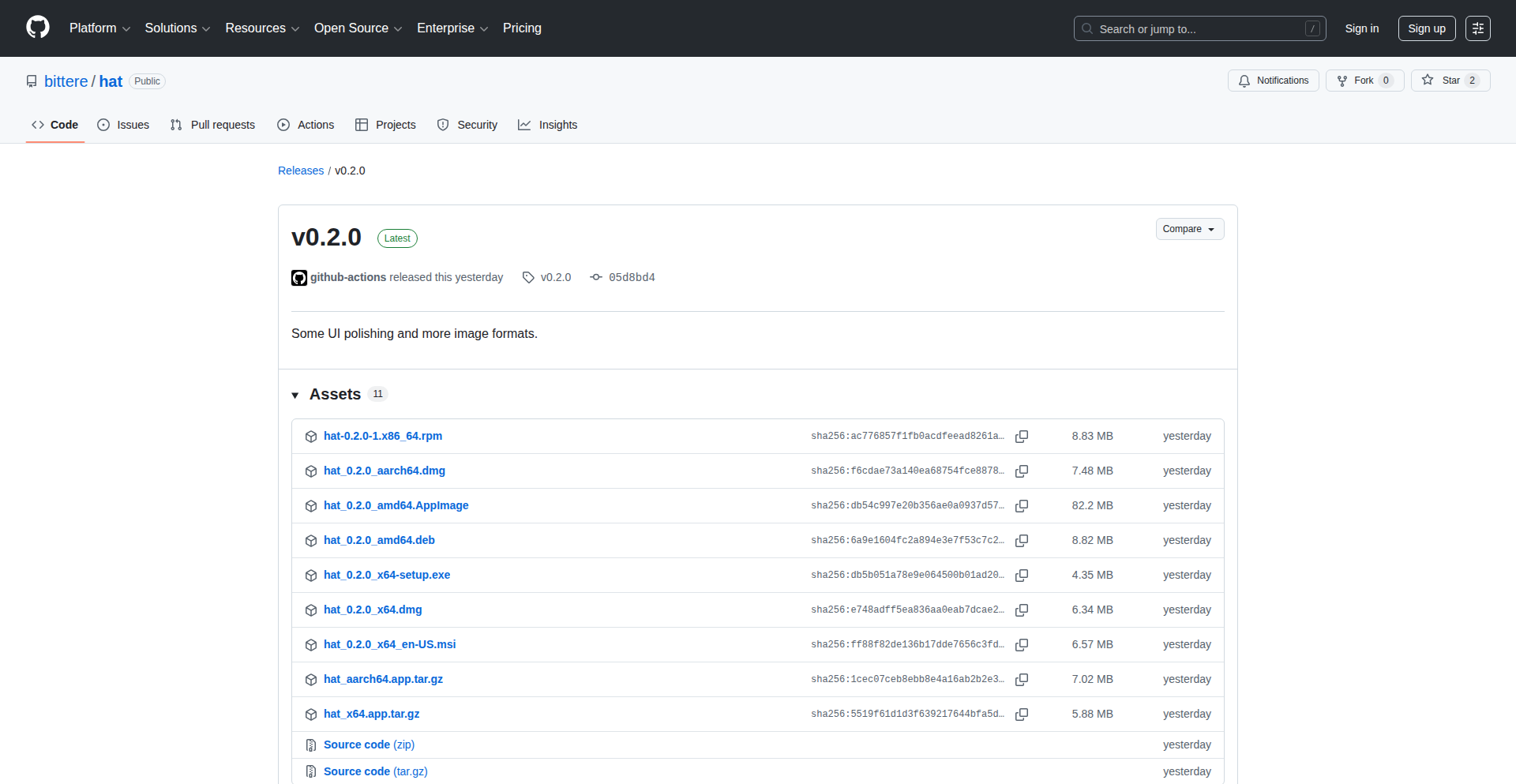
Author
_bittere
Description
Hat Compressor is an automatic image compression tool that intelligently reduces image file sizes without sacrificing visual quality. It supports a growing range of image formats, making it a versatile solution for web developers, designers, and anyone looking to optimize image storage and loading times. The innovation lies in its smart algorithm that dynamically chooses the best compression strategy for each image type, ensuring maximum efficiency.
Popularity
Points 1
Comments 0
What is this product?
Hat Compressor is an advanced image optimization utility. It uses sophisticated algorithms, akin to a skilled artisan carefully trimming excess material, to shrink image file sizes. Instead of a one-size-fits-all approach, it analyzes the image content and format (like JPEG, PNG, WebP, etc.) to apply the most effective compression techniques. For instance, for photos, it might subtly adjust color palettes and remove redundant data, while for graphics with fewer colors, it might use lossless compression methods. The core innovation is its adaptive compression engine that ensures minimal quality loss. So, this means you get smaller images that load faster, without looking noticeably worse. This is useful for websites to improve user experience and reduce hosting costs.
How to use it?
Developers can integrate Hat Compressor into their build pipelines or workflows. It can be used as a command-line tool to compress images in bulk before deployment, or as a library within a web application to compress images on-the-fly. For example, you could set it up to automatically process all uploaded images on a server, ensuring they are optimized for web delivery. This is useful for applications that handle a lot of user-generated content, like social media platforms or e-commerce sites. The practical benefit is that your users won't have to wait for large images to load, leading to better engagement.
Product Core Function
· Adaptive compression engine: Automatically selects the best compression method for each image format and content, delivering optimal file size reduction with minimal quality loss. This is useful for maximizing efficiency without compromising visual appeal, so you don't have to manually tweak settings for different image types.
· Broad format support: Handles a wide array of popular image formats (e.g., JPEG, PNG, WebP, GIF), making it a comprehensive solution for diverse project needs. This means you can use it across different types of images in your projects, simplifying your workflow and ensuring consistency.
· Lossless and lossy compression options: Offers both types of compression, allowing users to choose based on their specific requirements for quality versus file size. This provides flexibility to achieve the desired balance between visual fidelity and storage efficiency, so you can decide how much quality you are willing to trade for a smaller file size.
· Command-line interface (CLI): Provides a convenient way to automate image compression tasks directly from the terminal or integrate into scripting. This is useful for batch processing images, saving you time and effort when dealing with many files, so you can automate repetitive tasks.
· Library integration: Can be incorporated as a library within programming languages, enabling programmatic control over image compression within applications. This allows developers to build custom image optimization features directly into their software, so you can integrate compression seamlessly into your applications.
Product Usage Case
· Optimizing images for a photography portfolio website: A photographer can use Hat Compressor to automatically reduce the file size of their high-resolution images before uploading them, ensuring that their website loads quickly for visitors without them having to manually compress each photo. This solves the problem of slow loading times for image-heavy sites.
· Streamlining asset management for a web application: A development team can integrate Hat Compressor into their deployment pipeline to automatically compress all web assets (icons, banners, product images) before releasing new versions of their website. This ensures all images are optimized for performance, leading to a better user experience and faster page loads.
· Reducing storage costs for a cloud-based photo sharing service: A service that allows users to upload and share photos can use Hat Compressor to automatically compress all uploaded images, significantly reducing the amount of storage space required. This directly translates to lower operational costs for the service provider.
· Improving mobile app performance by compressing in-app images: An app developer can use Hat Compressor to optimize images used within their mobile application, leading to smaller app download sizes and faster image loading within the app. This enhances the user experience on mobile devices, especially for users with limited data plans or slower network connections.
67
OpenSpecBuddy: macOS Native OpenSpec Visualizer
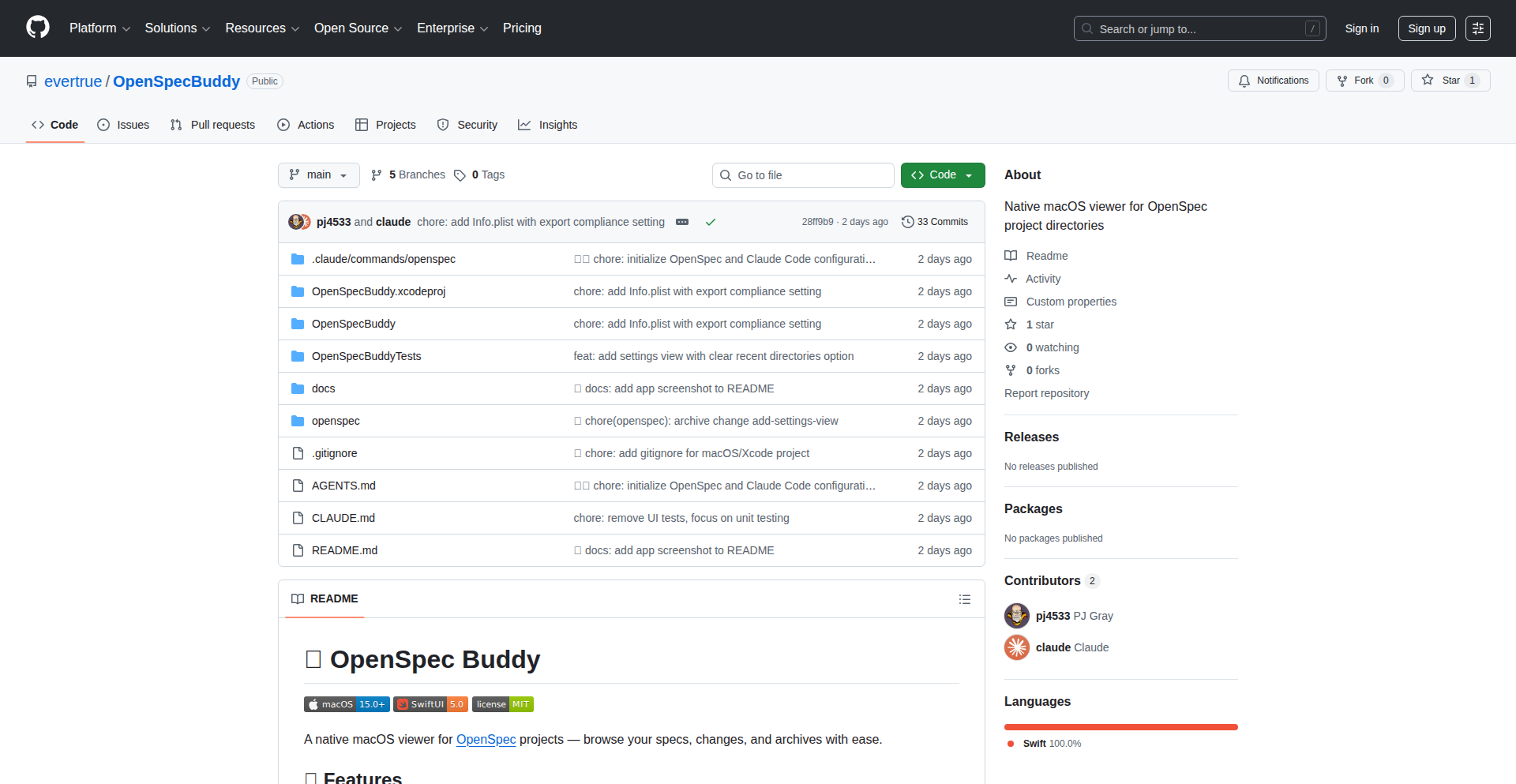
Author
pj4533
Description
OpenSpecBuddy is a native macOS application designed to visually explore and organize data generated by OpenSpec, a framework for agentic development. It tackles the challenge of understanding complex agentic workflows by providing an intuitive graphical interface to OpenSpec's structured data, making it easier for developers to design, debug, and iterate on their AI agents.
Popularity
Points 1
Comments 0
What is this product?
This project is a native macOS application that acts as a visual interpreter for data produced by OpenSpec. OpenSpec is a system used to organize the development of AI agents, which are like autonomous programs that can perform tasks. The data from OpenSpec can be quite complex and text-based, making it hard to grasp the flow and logic of these agents. OpenSpecBuddy solves this by transforming that raw data into a clear, visual representation. It essentially translates the 'code' of your AI agents into a flowchart or diagram that's easy to understand, allowing you to see how your agents are built, how they interact, and where potential issues might lie. The innovation here is in the direct, native integration with macOS and the specific focus on visualizing the agentic workflow data, which is a novel approach to managing the complexity of modern AI development.
How to use it?
Developers can use OpenSpecBuddy by simply opening their OpenSpec data files within the application. If you are working with AI agents built using OpenSpec, you'll typically generate configuration files or logs that describe the agent's structure, its thought processes, and its execution steps. OpenSpecBuddy reads these files and presents them in a user-friendly graphical format on your Mac. This allows you to quickly see the relationships between different parts of your agent, trace its decision-making path, and identify bottlenecks or errors without having to manually parse through verbose text logs. It can be integrated into your existing development workflow by saving your OpenSpec output and then loading it into OpenSpecBuddy for analysis.
Product Core Function
· Visual Representation of Agentic Workflows: This function translates complex, text-based OpenSpec data into an intuitive graphical diagram. It's valuable because it allows developers to quickly understand the architecture and logic of their AI agents, making debugging and design much faster and more efficient.
· Native macOS Integration: Built as a native macOS app, it offers a seamless and responsive user experience familiar to Mac users. This value lies in its ease of use and performance, fitting naturally into a developer's existing toolset without requiring complex setup.
· Data Organization and Navigation: The app provides tools to organize and navigate through the visualized agent data. This is useful for managing multiple agent configurations or large datasets, enabling developers to easily switch between different views and find specific pieces of information.
· Debugging Assistance: By clearly visualizing the agent's execution flow and decision points, OpenSpecBuddy helps identify where errors might be occurring. The value here is in speeding up the troubleshooting process, saving developers significant time and frustration.
Product Usage Case
· Scenario: A developer is building a complex AI agent that needs to perform several sequential tasks with conditional branching. The OpenSpec data is a long text file. How it solves the problem: By loading the OpenSpec data into OpenSpecBuddy, the developer can see the entire workflow as a flowchart, instantly identifying the exact point where the agent is not following the intended logic, thus fixing bugs much faster.
· Scenario: A team is collaborating on an AI agent project and needs a clear way to document and share the agent's design. How it solves the problem: OpenSpecBuddy can generate visual representations that can be easily shared or used in documentation, ensuring everyone on the team has a common understanding of the agent's structure and functionality, improving team communication and alignment.
· Scenario: A developer is experimenting with different configurations for an AI agent to optimize its performance. How it solves the problem: OpenSpecBuddy allows for quick visual comparison of the resulting workflows from different configurations, helping the developer pinpoint which adjustments lead to more efficient or desirable agent behavior without deep-diving into raw data for each iteration.
68
Dispatch Narrative Navigator

Author
causalzap
Description
A dynamic, interactive guide for the narrative game 'Dispatch,' created by ex-Telltale developers. This tool meticulously maps out every critical choice, romantic entanglement, and optimal hero deployment strategy, offering players a clear path through complex story branches. It showcases innovative data visualization for game logic and provides a structured approach to tackling intricate game narratives.
Popularity
Points 1
Comments 0
What is this product?
This project is a comprehensive strategy and branching path guide for the narrative game 'Dispatch.' Technically, it leverages a structured data representation of the game's narrative flow, likely a form of a directed graph or decision tree. Each node in this graph represents a game state, a choice, or an event, with edges representing the transitions between them. The innovation lies in how this complex game logic is parsed, visualized, and presented to the user in an easily digestible format. Instead of just a static walkthrough, it offers an interactive exploration of possibilities. So, what's in it for you? It demystifies a complex game's narrative, allowing you to understand the consequences of your choices and plan your gameplay for desired outcomes.
How to use it?
Developers can use this as a blueprint for analyzing and visualizing complex branching narratives in their own games or interactive experiences. The core idea is to take game logic, often buried in code or internal data structures, and translate it into a human-readable, navigable format. This could involve building a parser for game data files, then using a visualization library (like D3.js or similar) to render the decision trees and paths. For players, it's a direct tool to enhance their gameplay experience by providing insights into story progression, relationship dynamics, and optimal character usage. So, what's in it for you? If you're building an interactive story, this shows you how to make its complexity understandable. If you're a player, it's a roadmap to mastering the game.
Product Core Function
· Branching Path Mapping: Visualizes all possible narrative outcomes based on player decisions, enabling players to see the full scope of the story and plan their routes. This provides clarity on game progression and reduces the frustration of missed content.
· Critical Choice Identification: Highlights key decisions that significantly alter the narrative or character relationships, allowing players to make informed choices with predictable impacts. This helps players achieve specific story endings or character arcs.
· Romance Path Optimization: Details the steps and dialogue choices required to pursue specific romantic relationships within the game, guiding players towards desired romantic outcomes. This caters to players who prioritize relationship building in their gameplay.
· Hero Deployment Strategy: Provides strategic advice on how to best utilize game characters (heroes) in different scenarios, considering their abilities and the current narrative context. This enhances tactical gameplay and player success.
· Secret Path Discovery: Aims to uncover hidden narrative branches and secrets that might be missed through normal gameplay, enriching the player's exploration of the game world. This adds replayability and a sense of discovery.
Product Usage Case
· Game Developer analyzing player choice impact: A game developer can use the underlying data structure and visualization techniques to understand how player choices cascade through their game's narrative, helping them to balance the story and identify unintended consequences. This directly addresses the need for narrative design validation.
· Narrative Designer planning a new game: A narrative designer can adapt the methodology to plan the branching structure of a new interactive story, ensuring logical consistency and a rich web of possibilities before significant development effort. This streamlines the pre-production phase.
· Player aiming for a specific ending: A player who wants to achieve a particular story ending can use the guide to follow the precise sequence of choices and actions required, saving time and frustration. This ensures players can reach their desired gameplay goals efficiently.
· Player optimizing relationships: A player focused on developing a specific romantic relationship can use the guide to navigate dialogue options and actions that foster that connection, ensuring they don't miss crucial opportunities. This caters to players who enjoy relationship simulation elements.
69
Flock: Social Accountability Task Companion

Author
henryaj
Description
Flock is a novel social productivity app that leverages peer accountability to boost task completion. It offers real-time visibility into friends' daily to-dos, a built-in Pomodoro timer for focused work sessions, and intuitive vim-style keyboard shortcuts for efficient task management. The innovation lies in gamifying productivity through social connection, turning personal goals into shared endeavors. This transforms the often solitary act of task management into a collaborative and motivating experience, directly addressing the common challenge of procrastination and lack of follow-through. For developers, it showcases how to integrate social dynamics into productivity tools, offering a blueprint for building engaging, community-driven applications.
Popularity
Points 1
Comments 0
What is this product?
Flock is a productivity application designed to help individuals achieve their goals by sharing their daily tasks with friends, fostering a sense of accountability. At its core, it employs social dynamics as a motivator. Unlike traditional to-do list apps, Flock makes your tasks visible to your chosen network of friends. This transparency encourages commitment because you know others are aware of your progress (or lack thereof). It integrates a Pomodoro timer to facilitate focused work sprints, breaking down tasks into manageable intervals. Furthermore, its vim-style keyboard shortcuts offer a highly efficient way to navigate and update tasks for users familiar with these commands, minimizing the need for mouse interaction. The color-coded goals and an inbox for quick task capture further streamline the user experience, making it easy to organize and prioritize. The true innovation here is turning personal productivity into a shared journey, demonstrating a powerful blend of social psychology and digital tools to overcome common productivity hurdles. So, for you, it means a more engaging and effective way to get things done, turning personal ambition into a supported, shared effort.
How to use it?
Developers can integrate Flock into their workflow by signing up for an account and connecting with friends who are also using the app. Tasks are added through a simple interface or the quick-capture inbox. Users can then select which tasks they want to make visible to their friends. The Pomodoro timer is activated with a click, and users can navigate and complete tasks using keyboard shortcuts (like 'j' and 'k' to move between tasks, and 'space' to mark as complete). Flock also supports color-coding for different goal categories. For developers looking to build similar social productivity features, Flock offers an example of how to design for real-time updates, user-generated content (tasks), and social interaction within a focused application. You can use it by simply adopting it as your personal task manager and inviting friends to join. The value to you is a built-in support system that encourages consistency and motivation. It’s like having a personal accountability partner built directly into your to-do list.
Product Core Function
· Real-time task visibility: Allows users to see their friends' tasks, fostering accountability and providing motivation through shared progress. This is valuable because it transforms individual effort into a communal endeavor, making it harder to slack off when friends are watching. It's a powerful psychological lever for staying on track.
· Pomodoro timer integration: Helps users manage their time effectively by breaking work into focused intervals. This provides structured work sessions and prevents burnout, making it easier to tackle complex tasks. The value is in enabling deeper concentration and better time management.
· Vim-style keyboard shortcuts: Offers efficient navigation and task management for users familiar with vim. This significantly speeds up workflow and reduces reliance on mouse clicks, enhancing productivity for power users. The value is in streamlining interaction and saving time for those who prefer keyboard-centric control.
· Color-coded goals: Enables users to categorize and prioritize tasks visually. This helps in organizing work and quickly identifying urgent or important items. The value is in improved organization and a clearer overview of personal objectives.
· Quick-capture inbox: Provides a fast and easy way to jot down new tasks without interrupting current workflow. This ensures that no ideas or to-dos are lost. The value is in efficient task initiation and preventing the loss of spontaneous ideas.
Product Usage Case
· Scenario: A remote team of developers struggling with project deadlines. Problem: Individual motivation wanes, leading to delays. Solution: The team uses Flock to share their daily coding tasks, providing visibility and mutual encouragement. The Pomodoro timer helps maintain focus during long coding sessions. Value: Increased team accountability and a more consistent pace of work, leading to earlier project completion.
· Scenario: An individual freelancer who finds it hard to stay motivated working alone. Problem: Lack of external pressure leads to procrastination on client projects. Solution: The freelancer shares their client task list with a few trusted friends on Flock. Seeing their friends' active tasks and progress provides the external motivation needed. Value: Consistent progress on client work and improved professional reputation due to timely deliveries.
· Scenario: Students preparing for exams and needing to manage study schedules. Problem: Difficulty in sticking to a study plan and getting distracted easily. Solution: Students form a study group on Flock, sharing their daily study goals (e.g., 'Read Chapter 3 of Biology,' 'Complete 20 Math problems'). This shared commitment makes them more likely to follow their study plans. Value: More effective and disciplined study habits, leading to better academic performance.
70
AST Weaver
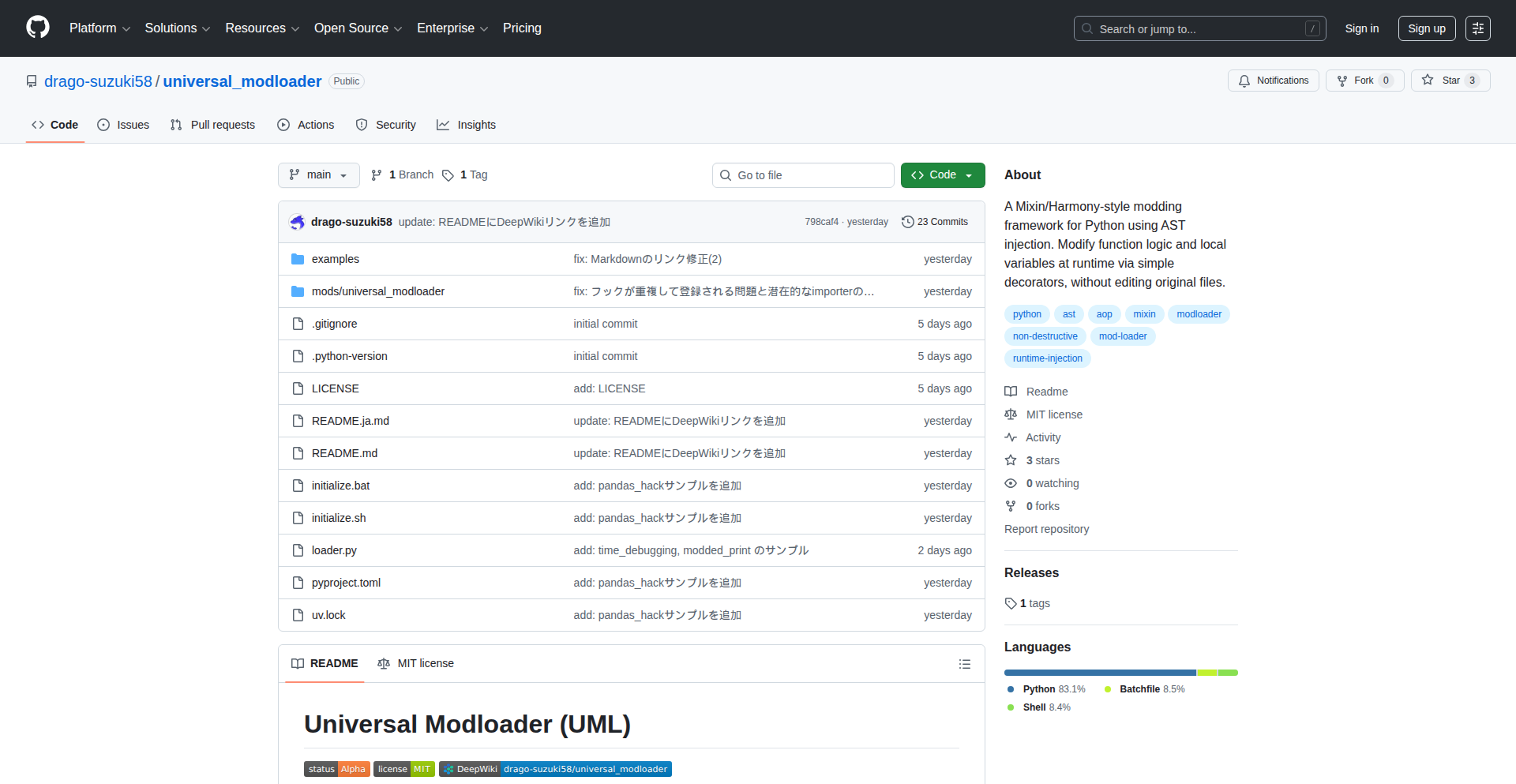
Author
DragoSuzuki58
Description
A runtime AST injection tool for Python that allows developers to dynamically modify and extend Python code while it's running. This offers a novel way to achieve metaprogramming and create highly flexible, adaptable Python applications by weaving new logic directly into the Abstract Syntax Tree (AST) of executing code.
Popularity
Points 1
Comments 0
What is this product?
AST Weaver is a Python library that enables runtime Abstract Syntax Tree (AST) injection. Essentially, it lets you modify the structure and behavior of Python code *while* your program is already running, without needing to restart it. This is achieved by manipulating the AST, which is a tree-like representation of your code's structure. Think of it like being able to edit the blueprints of your house while people are living in it, adding new rooms or changing existing ones on the fly. The innovation lies in offering this powerful code manipulation capability at runtime, opening up new avenues for dynamic behavior and extensibility.
How to use it?
Developers can integrate AST Weaver into their Python projects to dynamically alter code. This could involve adding new functionalities, patching bugs in libraries without reinstalling them, or implementing complex logging and monitoring systems that adapt to the application's state. The usage typically involves defining modification functions that operate on AST nodes and then applying these modifications to the target code's AST during execution. This is useful for advanced scenarios like creating self-modifying agents, robust plugin systems, or highly dynamic testing frameworks.
Product Core Function
· Runtime AST modification: Dynamically alter the structure and logic of Python code during execution. This is valuable because it allows for highly adaptable applications that can respond to changing conditions or external inputs without requiring a restart, leading to more resilient and agile software.
· Metaprogramming capabilities: Enables advanced code generation and manipulation at runtime. This is beneficial for developers who need to write code that writes or modifies other code, creating more abstract and reusable solutions, which can significantly reduce development time and improve code quality.
· Dynamic code patching: Allows for in-place modification of existing code segments to fix bugs or introduce new features without redeploying the entire application. This is a game-changer for systems that require continuous uptime and rapid updates, minimizing downtime and maintenance overhead.
· Extensibility through code weaving: Facilitates the creation of sophisticated plugin and extension architectures where new logic can be seamlessly integrated into the running application. This is useful for building platforms that can be easily customized and expanded by third-party developers, fostering a richer ecosystem around the application.
Product Usage Case
· Building a dynamic debugging tool that can inject logging or tracing statements into any running Python process without stopping it. This helps in understanding complex runtime behavior and diagnosing elusive bugs in production environments.
· Developing a self-optimizing application that modifies its own algorithms in real-time based on performance metrics. This leads to applications that can continuously improve their efficiency and resource utilization.
· Creating a secure environment where specific potentially harmful code patterns can be identified and neutralized at runtime. This offers an additional layer of security by actively adapting to threats.
· Implementing a highly flexible A/B testing framework that can switch between different code paths or feature implementations for subsets of users on the fly, without requiring code redeployment. This allows for rapid experimentation and data-driven feature rollout.
71
TechPulse AI Curator

Author
abhinavb05
Description
TechPulse AI Curator is a novel project that leverages AI to automatically gather, summarize, and curate technology news. It tackles the overwhelming volume of information in the tech space by providing concise, relevant summaries, saving developers time and keeping them informed about the latest innovations and trends without getting lost in the noise. Its core innovation lies in its intelligent filtering and summarization capabilities, acting as a personal AI tech news assistant.
Popularity
Points 1
Comments 0
What is this product?
TechPulse AI Curator is an intelligent system designed to automatically process technology news from various sources. At its heart, it employs Natural Language Processing (NLP) techniques, specifically advanced summarization algorithms, to distill lengthy articles into digestible summaries. It also uses intelligent curation to filter and prioritize news based on user-defined interests or general tech trends. This means it doesn't just grab headlines; it understands the content and presents you with the most important takeaways. So, why is this useful? It cuts through the information overload, allowing you to quickly grasp the essence of important tech developments, saving you hours of reading and ensuring you don't miss crucial updates.
How to use it?
Developers can integrate TechPulse AI Curator into their existing workflows by consuming its summarized news feeds. This could be through an API that provides structured data of curated articles and their summaries, or perhaps a simple web interface for direct access. Imagine a Slack bot that posts daily tech digests, or a dashboard that visualizes trending topics. The system is designed to be a passive information filter, requiring minimal direct interaction once configured. So, how does this benefit you? You can have critical tech insights delivered directly to your preferred communication channels or tools, making it effortless to stay ahead of the curve.
Product Core Function
· Automated News Aggregation: Gathers tech news from a multitude of online sources. This is valuable because it eliminates the manual effort of visiting multiple websites, providing a centralized point for information. It helps you see everything in one place.
· Intelligent Summarization: Uses AI to create concise summaries of articles. This is crucial for efficiency, allowing you to quickly understand the core message of a news item without reading the full text. This saves you time and effort.
· Curated Content Feed: Filters and prioritizes news based on relevance and importance. This ensures you see the most impactful information for your specific interests or the broader tech landscape. This helps you focus on what truly matters to you.
· Trend Identification: Analyzes aggregated news to identify emerging trends and hot topics in technology. This is important for staying competitive and making informed decisions about your projects or career path. This gives you foresight into the future of tech.
· Customizable Filters: Allows users to set preferences for news categories or keywords to tailor the curation. This ensures the information you receive is highly relevant to your work and interests. This means you get news that is directly useful to you.
Product Usage Case
· A backend developer struggling to keep up with new framework releases and security vulnerabilities. TechPulse AI Curator can provide daily summaries of relevant security bulletins and new framework announcements, allowing them to quickly assess risks and update their knowledge base. This solves the problem of being overwhelmed by the sheer volume of security and development news.
· A product manager who needs to stay informed about competitor product launches and industry shifts. By using TechPulse AI Curator to summarize competitor news and market analyses, they can make better strategic decisions and identify new opportunities. This helps them gain a competitive edge.
· A hobbyist developer interested in cutting-edge AI research. TechPulse AI Curator can filter and summarize the latest research papers and breakthroughs, making complex scientific information more accessible. This allows them to learn and experiment with the newest advancements in AI without needing to decipher dense academic literature.
· A startup team needing to monitor the evolving landscape of their niche technology. TechPulse AI Curator can provide a curated feed of industry news, investor activity, and technological advancements within their specific domain, enabling them to adapt quickly to market changes. This ensures they remain agile and informed in a fast-moving market.
72
Savior: Auto-Form-Draft-Recovery
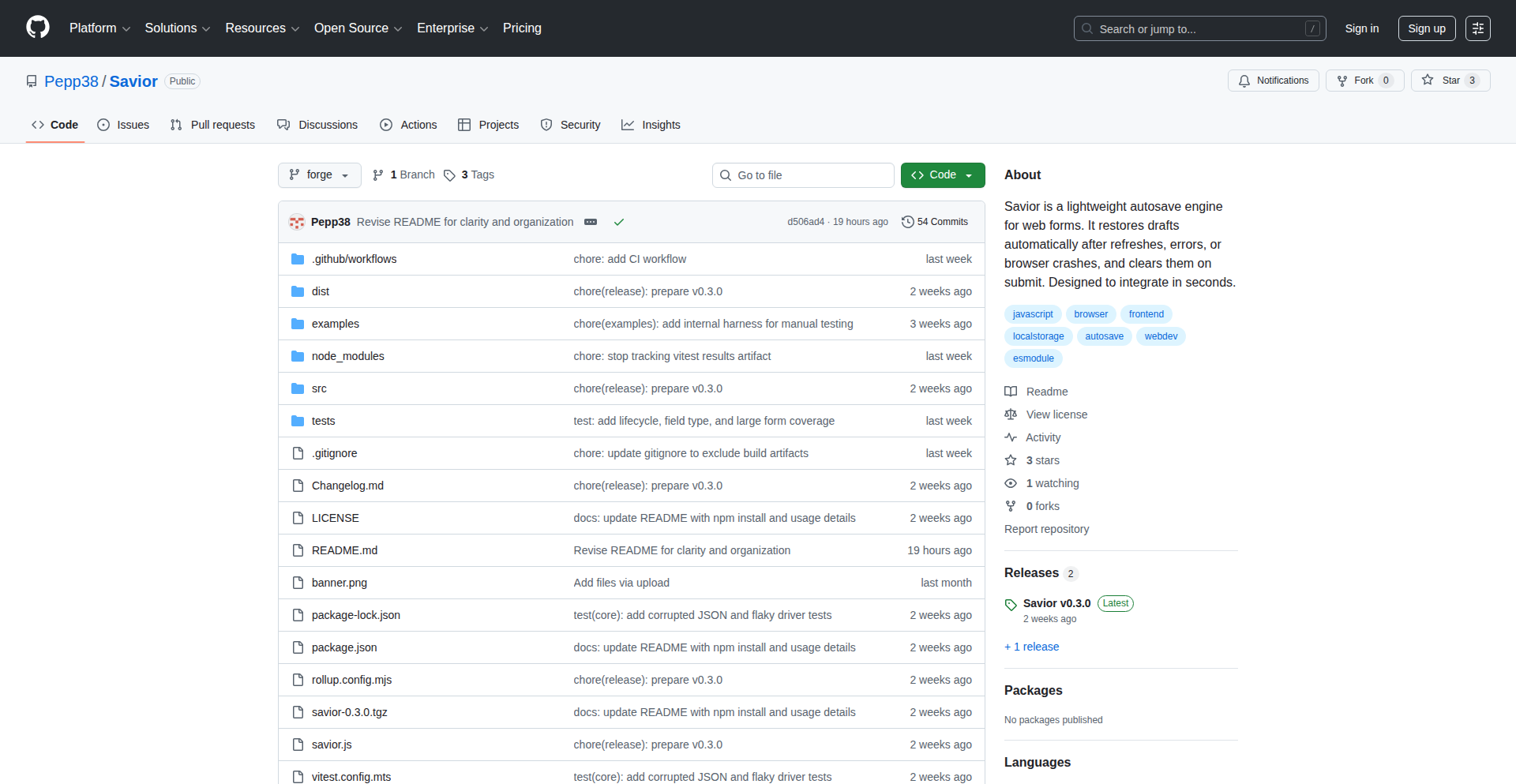
Author
Pepp38
Description
Savior is a minuscule, no-dependency JavaScript library designed to automatically save and restore user form input. It ensures users don't lose their work due to unexpected events like page refreshes, tab closures, or even browser crashes. Its innovation lies in its robustness, handling challenging real-world scenarios without needing a backend server, synchronization, or framework integration.
Popularity
Points 1
Comments 0
What is this product?
Savior is a lightweight JavaScript library that acts as a guardian for your form data. Its core innovation is its ability to seamlessly capture what a user types into a form and then automatically restore it if something goes wrong, like accidentally closing a tab or the browser crashing. It achieves this by intelligently using the browser's local storage, but with a sophisticated approach that accounts for potential issues like corrupted saved data or forms that change dynamically. The value for you is that users won't have to re-enter information, leading to a much better experience and fewer abandoned tasks.
How to use it?
Developers can easily integrate Savior into their web applications. After including the Savior JavaScript file in their project, they simply instantiate it with a selector targeting the form they want to protect. For example, in your JavaScript, you might write `new Savior('form#myForm');`. Savior then automatically hooks into form events to save input as the user types and restores it when the page loads. This makes it incredibly simple to add resilient form handling to any web project, whether it's a simple contact form or a complex multi-step wizard.
Product Core Function
· Automatic Input Saving: Captures user input in real-time as they type, storing it locally. This provides immediate value by preventing data loss during typical user interactions.
· Seamless Input Restoration: Upon page reload or re-entry, Savior automatically reapplies saved input to form fields. This directly addresses the user pain point of having to retype information, improving efficiency and satisfaction.
· Robust Error Handling: Designed to gracefully handle situations like corrupted local storage or dynamic form structures, ensuring data recovery even in unexpected circumstances. This adds significant value by making the recovery mechanism reliable and trustworthy.
· Dependency-Free Operation: Works without requiring any external libraries or frameworks, making it easy to integrate into diverse projects. This offers developers flexibility and reduces project bloat.
· No Backend Required: Operates entirely client-side, eliminating the need for server-side synchronization or storage. This simplifies development and reduces infrastructure costs, making it a valuable solution for resource-constrained projects.
Product Usage Case
· E-commerce checkout forms: If a user accidentally navigates away from a checkout page or the browser crashes, Savior can restore their entered shipping and payment details, preventing lost orders and customer frustration. The value is in completing purchases more reliably.
· Long survey or application forms: For forms that require significant user input, Savior ensures that progress is not lost due to accidental closure or browser instability, leading to higher completion rates. This improves data collection for businesses.
· Customer support ticket submission forms: Users can confidently fill out complex support requests, knowing their detailed descriptions won't disappear if their connection drops or they need to refresh. This enhances user communication and problem resolution.
· Content creation interfaces (e.g., blog post editors): Authors can write and edit content without the fear of losing their work if their browser encounters an issue, providing a more stable and productive writing experience. This preserves creative output.
73
Writer's Cut

Author
rhgraysonii
Description
This project is a media discovery tool that helps you find new TV shows based on writers you already enjoy. It leverages a unique approach to explore the connections between creators and their work, offering a fresh perspective on how to discover your next binge-worthy series. So, what's in it for you? It means no more endless scrolling through generic recommendations; instead, you get curated suggestions driven by the creative minds behind your favorite content, making your entertainment discovery process more efficient and personalized.
Popularity
Points 1
Comments 0
What is this product?
Writer's Cut is a media exploration tool designed to uncover new television shows by focusing on the writers behind them. Instead of traditional recommendation engines that might look at genres or actors, this tool digs into the creative lineage. The core technical insight is likely the creation of a 'writer graph' or a similar data structure that maps writers to the shows they've contributed to, and potentially to other writers they've collaborated with or been influenced by. This approach allows for a more nuanced and 'behind-the-scenes' style of discovery. So, what's in it for you? It provides a novel way to find shows you might love by understanding the creative DNA of the content you already appreciate, moving beyond superficial similarities to the actual storytelling talent.
How to use it?
Developers can use Writer's Cut as a powerful data source or a complementary tool within their own media recommendation platforms. The underlying data structure and logic could be integrated to power personalized show suggestions for their users. Imagine building a feature for your app that says, 'Since you like shows by Jane Doe, you might also enjoy these other shows she's written for, or shows written by people she's worked with.' The practical application lies in enhancing user engagement by offering more insightful and creative content discovery. So, what's in it for you? It offers a unique technical approach to data-driven recommendations that can significantly improve user satisfaction and retention within your own applications.
Product Core Function
· Writer-centric show mapping: This function maps writers to all the TV shows they have been credited for. The technical value is in creating a foundational database of creative attribution, allowing for direct lookup of a writer's entire known body of work. This is useful for users who admire a specific writer's style and want to explore everything they've touched. It solves the problem of fragmented information about writer contributions across different shows.
· Cross-writer connection discovery: This function identifies relationships between writers, perhaps through collaboration or shared projects. The technical value lies in building a network graph that reveals less obvious connections, allowing for discovery of 'hidden gems' written by individuals who may not be as widely known but share creative links with established writers. This helps users discover new talent through association, expanding their viewing horizons.
· Personalized writer-based recommendations: This function generates TV show recommendations tailored to a user's preferred writers. The technical value is in applying sophisticated querying and filtering logic to the writer graph, surfacing shows that align with a user's taste based on creative authorship. This directly addresses the user's desire for highly relevant and personalized suggestions, moving beyond generic recommendations. It solves the problem of finding shows that resonate with a user's specific creative preferences.
Product Usage Case
· A user loves 'The West Wing' and its creator Aaron Sorkin. By using Writer's Cut, they discover other shows Sorkin has written for, like 'The Newsroom,' and also shows written by other writers who worked on 'The West Wing,' thus uncovering more politically themed, dialogue-heavy dramas. This addresses the need for deeper, creator-driven discovery.
· A developer building a niche streaming service wants to offer a unique recommendation feature. They can integrate Writer's Cut's underlying data to power a 'Discover by Creator' section, allowing their users to explore shows based on the writers they admire. This solves the problem of generic recommendations and offers a competitive differentiator.
· A content curator looking for new programming ideas could use Writer's Cut to identify writers with a consistent track record of producing engaging content and then explore their less popular works for potential revival or spotlighting. This aids in identifying overlooked creative talent and potential binge-worthy series that might otherwise go unnoticed.
74
RustIngest Cloudflare

Author
nicoritschel
Description
This project offers a lightweight, self-hostable alternative for ingesting event data, inspired by PostHog's SDK but significantly simplified. It leverages Rust and Cloudflare Workers to efficiently process incoming events and store them in Cloudflare R2 Data Catalog, focusing on core event tracking at a reasonable cost.
Popularity
Points 1
Comments 0
What is this product?
This is a serverless ingestion API built with Rust and Cloudflare Workers. It's designed to be a bare-bones version of a more complex analytics platform's data intake system. The innovation lies in using Cloudflare's edge computing capabilities and Rust's performance to handle event streams efficiently, without the heavy infrastructure requirements of traditional self-hosted solutions. Essentially, it's a smart way to collect your application's usage data without needing to manage a lot of servers, offering a cost-effective and scalable solution for event data collection.
How to use it?
Developers can integrate this into their applications by directing their SDK events to this Cloudflare Worker endpoint. If you're already using a PostHog-compatible SDK, you can often just change the ingestion URL. The worker then processes these events and sends them to Cloudflare R2 Data Catalog, which acts as your data storage. This allows you to collect and analyze user behavior data without setting up and maintaining complex databases or message queues, making it perfect for projects that need straightforward event tracking.
Product Core Function
· Rust-based ingestion API: Efficiently processes incoming event data using Rust's speed, ensuring low latency for event collection. This means your data gets captured quickly and reliably.
· Cloudflare Workers deployment: Runs on Cloudflare's global network of edge servers, providing high availability and low latency for data ingestion, regardless of where your users are. This translates to a better experience for your users and more consistent data for you.
· PostHog SDK compatibility: Allows easy migration for those already using PostHog or similar SDKs, requiring minimal changes to existing event sending logic. This saves you significant development time and effort.
· Cloudflare R2 Data Catalog integration: Directly stores ingested events in R2, a cost-effective object storage solution from Cloudflare, simplifying data management and access. You get your data stored affordably and in a place that's easy to access for analysis.
Product Usage Case
· A small startup wants to track user interactions on their web application but cannot afford expensive analytics platforms or the overhead of self-hosting. They can use RustIngest Cloudflare to capture events from their front-end SDK and store them in R2, providing basic user behavior insights without significant infrastructure investment. This allows them to understand user engagement on a budget.
· A developer is building a serverless application and needs to collect real-time event data from various microservices. By deploying RustIngest Cloudflare, they can ingest events from these services directly to R2, enabling them to monitor application performance and user activity in real-time without managing dedicated ingestion servers. This keeps their infrastructure lean and efficient.
· A project requires a cost-effective way to collect anonymous usage statistics from a large number of distributed clients. RustIngest Cloudflare provides a scalable and affordable solution to gather these events and store them in R2, making it easy to analyze trends and patterns in user behavior without breaking the bank. This helps them make data-driven decisions without financial strain.
75
GeminiWatermarkGuard

Author
tancky777
Description
A client-side, privacy-focused tool that removes watermarks from Gemini (Google's AI) generated images directly in your browser. It leverages advanced image processing techniques to analyze and reconstruct image areas, offering a no-upload, no-data-collection solution. The innovation lies in its ability to perform complex watermark detection and removal client-side, safeguarding user privacy and providing immediate results without relying on server-side processing.
Popularity
Points 1
Comments 0
What is this product?
GeminiWatermarkGuard is a web-based application that allows users to remove watermarks from images generated by Gemini AI. Instead of sending your images to a server for processing (which could compromise privacy), this tool works entirely within your web browser. It uses sophisticated algorithms, similar to those found in advanced photo editing software, to identify the unique patterns of the Gemini watermark. Then, it intelligently reconstructs the underlying image data, effectively 'erasing' the watermark without noticeable damage to the original picture. The core innovation is making this complex image manipulation happen locally on your device, ensuring your data never leaves your computer. So, what's in it for you? You get to use your AI-generated images freely and privately, without worrying about who sees them or where they are stored.
How to use it?
Developers can integrate GeminiWatermarkGuard into their existing web applications or workflows by leveraging its client-side JavaScript library. The usage involves uploading an image, selecting the watermark removal option, and the tool processes it directly in the browser. For example, a web design tool might offer this as a feature to help users clean up AI-generated assets before incorporating them into a project. The integration is straightforward, typically involving including the library and calling a simple function with the image data. This allows for seamless addition of watermark removal capabilities without the overhead of server infrastructure. So, how does this benefit you? You can easily add a powerful privacy-preserving image processing feature to your own apps or services, enhancing their utility for users who work with Gemini-generated content.
Product Core Function
· Client-side Watermark Detection: Analyzes image pixels to accurately identify the presence and characteristics of Gemini watermarks using pattern recognition algorithms. This means your images are analyzed locally, ensuring privacy and preventing data leaks. This is valuable because it allows for secure and immediate watermark identification without uploading your sensitive images.
· Intelligent Image Inpainting: Reconstructs the image area where the watermark was present by analyzing surrounding pixel data and using generative techniques to fill in the gaps realistically. This is crucial for achieving a clean removal without leaving visible artifacts or damage to the original image. Its value lies in providing a visually seamless result, making the edited images look natural.
· No-Data-Collection Privacy: All image processing is performed locally in the user's browser, meaning no images are uploaded, stored, or processed on external servers. This is a fundamental privacy guarantee. The value here is peace of mind, knowing your creations and sensitive data remain entirely under your control.
· Browser-Native Performance: Optimized JavaScript code enables efficient image processing directly within the browser environment, offering near real-time results for many images. This eliminates the need for server-side processing, reducing latency and costs. The benefit is a fast and responsive user experience for watermark removal.
· Simple API Integration: Provides a straightforward JavaScript API for developers to easily incorporate the watermark removal functionality into their own web applications. This simplifies the development process for adding advanced image manipulation features. Its value is in enabling quick and easy integration of powerful capabilities into new or existing projects.
Product Usage Case
· A graphic designer using Gemini-generated concept art for a project might use GeminiWatermarkGuard to remove the watermark before incorporating it into a final design. This solves the problem of having distracting watermarks in their work and allows for greater creative freedom. The value is in producing professional-looking final assets.
· A blogger creating visual content for their website could use this tool to clean up AI-generated images for use in articles, ensuring a polished and watermark-free presentation. This addresses the issue of watermarks detracting from the aesthetic appeal of their content, enhancing reader engagement. The value is in creating more visually appealing and professional blog posts.
· A developer building a web application that allows users to generate and edit images with AI might integrate GeminiWatermarkGuard to offer a built-in watermark removal feature. This solves the problem of users needing separate tools for this task, providing a more cohesive user experience within their app. The value is in offering a comprehensive and user-friendly image creation and editing suite.
· A researcher experimenting with AI-generated visual data might use GeminiWatermarkGuard to prepare images for analysis or presentation, where watermarks could interfere with the interpretation of results. This addresses the technical challenge of watermarks obscuring important visual information, allowing for cleaner data handling. The value is in enabling more accurate and effective data analysis.
76
Predictive Arbitrage Sentinel

Author
simullab
Description
This project is a system designed to systematically identify discrepancies between prediction market prices (like Kalshi and Polymarket) and traditional betting markets (like Vegas sportsbooks). It leverages a sophisticated data aggregation and analysis pipeline to detect these arbitrage opportunities, effectively flagging when one market's price significantly deviates from another's implied probability. The core innovation lies in its ability to rapidly query a multitude of diverse data sources and perform real-time sentiment analysis to uncover these profitable, yet temporary, market inefficiencies. The value for developers is in a proven methodology for building high-throughput data comparison systems and understanding the application of asynchronous programming for speed-critical tasks.
Popularity
Points 1
Comments 0
What is this product?
Predictive Arbitrage Sentinel is a Python-based application that acts as a digital detective for financial and prediction markets. Its core technical innovation is its ability to concurrently query dozens of different data sources – ranging from official sports betting APIs and polling websites to public sentiment on Reddit and news articles. It uses advanced asynchronous programming techniques to make these simultaneous requests very quickly, which is crucial because market discrepancies disappear fast. It then intelligently compares the probabilities implied by these disparate sources. For instance, if a prediction market says a boxer has an 86% chance of winning, but all major sportsbooks imply a 92% chance for the opponent, this system flags that significant difference. The 'AI' aspect comes into play with its custom sentiment analysis, which was optimized to be much faster than general-purpose AI models like GPT-4, allowing for near real-time analysis. The system is designed to be cost-effective, running on platforms like Poe to minimize hosting expenses. This project's technical insight is in building a robust, scalable data ingestion and comparison engine capable of exploiting fleeting market inefficiencies, demonstrating a powerful application of Python's asynchronous capabilities for real-world financial analysis.
How to use it?
Developers can use this project as a blueprint for building their own automated discrepancy detection systems. It demonstrates how to integrate with numerous external APIs, including sportsbooks, news feeds, and social media, using Python's `asyncio` library for efficient concurrent data fetching. The project highlights a practical approach to sentiment analysis that prioritizes speed, offering an alternative to slower, more resource-intensive AI models when rapid decision-making is critical. A developer could adapt this methodology to monitor any market where price discrepancies might exist, such as cryptocurrency exchanges, stock markets, or even for detecting potential misinformation by comparing public sentiment with factual reporting. Integration would involve setting up API keys for desired data sources and configuring the system to poll them at desired intervals, then processing the output to identify and act upon significant deviations.
Product Core Function
· Concurrent API Data Fetching: Enables simultaneous requests to dozens of external data sources (sportsbooks, news, polling sites, etc.) using Python's asyncio, drastically reducing analysis time and allowing for real-time market monitoring. This is valuable for developers who need to gather data from multiple sources rapidly.
· Cross-Market Probability Comparison: Compares the implied probabilities from prediction markets (like Kalshi) with those from traditional betting markets, identifying arbitrage opportunities by flagging significant price discrepancies. This offers developers a method for building systems that detect and potentially capitalize on market inefficiencies.
· Custom Sentiment Analysis: Implements a custom, high-speed sentiment analysis engine tailored for rapid analysis of text data (e.g., from Reddit or news articles), offering a practical alternative to slower, general-purpose AI models for time-sensitive applications. Developers can learn from this approach to optimize their own text analysis pipelines.
· Automated Discrepancy Alerting: Automatically flags and alerts users when substantial differences in market expectations are detected, providing timely notifications for potential trading or investment opportunities. This functionality is key for developers building monitoring and alerting systems.
· Cost-Effective Deployment: Designed to run on platforms like Poe, minimizing hosting costs and making the system accessible for individual developers or small teams. This showcases a strategy for building scalable solutions without significant infrastructure overhead.
Product Usage Case
· Detecting Arbitrage in Sports Betting: A developer could use this system to monitor boxing matches, comparing the odds offered on platforms like Kalshi with those from major sportsbooks. If Kalshi overvalues one fighter, the system would flag this, potentially presenting an opportunity to bet on the undervalued fighter in the other market. This directly addresses the problem of identifying profitable, short-lived betting discrepancies.
· Real-time Financial Market Monitoring: This methodology can be applied to financial markets to spot discrepancies between derivatives markets and underlying asset prices, or between different exchanges' pricing. A developer could adapt it to build a system that alerts them to potential mispricings in stocks or cryptocurrencies, aiding in algorithmic trading strategies.
· Identifying Public Sentiment vs. Factual Reporting: By comparing sentiment analysis from social media and news headlines with more formal data sources, a developer could build a system to detect when public perception is significantly out of sync with factual information, potentially useful for brand monitoring or detecting early signs of market manipulation. This showcases how to bridge qualitative and quantitative data for insightful analysis.
77
EV Insight Hub

Author
iowadev
Description
An open-source electric vehicle (EV) buyer's guide built with Next.js. It aggregates vehicle comparisons, charging network details, and cost calculators into a single, easily accessible platform. The innovative aspect lies in its data storage method: all information is kept in JSON/MDX files, making it remarkably simple for the community to contribute, update, and maintain accurate data. This addresses the fragmentation and effort required to gather EV information from disparate sources, offering a centralized and community-driven solution.
Popularity
Points 1
Comments 0
What is this product?
EV Insight Hub is a community-powered, open-source platform designed to simplify the process of researching and purchasing electric vehicles. It tackles the common frustration of scattered information by consolidating key data points like vehicle specifications, charging infrastructure availability, and cost-effectiveness analyses. The core innovation is its decentralized data management: instead of relying on a central database, it uses readily understandable JSON and Markdown (MDX) files stored in a GitHub repository. This means anyone can easily propose changes or add new information, ensuring the guide remains up-to-date and comprehensive. So, what's in it for you? It means getting reliable, consolidated EV information without sifting through countless websites, forums, and videos. It's about empowering informed decisions.
How to use it?
Developers can use EV Insight Hub in several ways. Primarily, it serves as a comprehensive resource for anyone considering an EV purchase, providing detailed comparisons and cost estimations. For developers wanting to contribute, they can fork the GitHub repository, edit the JSON/MDX files to add new vehicle data, correct existing information, or expand on charging network details. The project is built with Next.js, a popular React framework, making it accessible for frontend developers to understand and build upon. Integration could involve referencing this guide for EV-related content on their own platforms or even forking the project to create specialized EV tools. So, how can you leverage this? If you're a consumer, it's your go-to research tool. If you're a developer, it's an accessible codebase to learn from, contribute to, or even repurpose for your own EV-focused projects, making EV adoption smoother for everyone.
Product Core Function
· Vehicle Comparison Engine: Allows users to compare key specifications, range, performance, and features of different EV models side-by-side. This offers value by enabling quick identification of the best fit for individual needs and budgets.
· Charging Network Locator: Provides details on charging station availability, types of chargers, and network coverage. This is crucial for range anxiety, offering practical insights into real-world usability.
· Cost Calculator: Integrates tools to estimate total cost of ownership, including purchase price, charging costs, and potential government incentives. This provides tangible financial clarity for potential buyers.
· Community-Driven Data Updates: Leverages JSON/MDX files for easy data contribution and modification by the community. This ensures the information stays current and comprehensive, a significant value proposition in the rapidly evolving EV market.
· Open-Source Framework (Next.js): Built on a modern web framework, making it easy for developers to understand, extend, and contribute. This fosters a collaborative environment and accelerates innovation.
Product Usage Case
· A potential EV buyer uses the platform to compare the Tesla Model 3 and the Ford Mustang Mach-E, evaluating their range, charging speeds, and estimated monthly costs based on local electricity prices. This solves the problem of manually gathering and comparing this fragmented information.
· An EV enthusiast contributes updated pricing and specifications for a newly released electric vehicle model by simply editing the relevant JSON file in the GitHub repository. This addresses the challenge of keeping such a dynamic guide current.
· A developer building an EV-related web application integrates the project's data (potentially by fetching the JSON files) to display charging station information. This leverages the project's curated data for their own product, saving development time.
· A user interested in the long-term cost savings of EVs uses the cost calculator to project expenses over five years, comparing gasoline cars with various electric models. This provides a clear financial justification for switching to an EV.
78
CommitStreak Guard

Author
nkmak
Description
A lightweight Discord bot that leverages Hono, Cloudflare Workers, and Cron Triggers to monitor your GitHub contributions. It intelligently checks if you've made a commit today and sends a friendly reminder to your Discord channel if you haven't, fostering consistent coding habits.
Popularity
Points 1
Comments 0
What is this product?
This project is a Discord bot designed to help developers maintain a daily coding streak. It utilizes a modern serverless architecture: Hono provides a fast and efficient web framework, Cloudflare Workers allows it to run globally without managing servers, and Cron Triggers automate the daily check. The innovation lies in its simple yet effective application of these technologies to address the common developer challenge of maintaining consistent activity on platforms like GitHub. So, what's in it for you? It helps you stay on track with your coding goals and build good habits.
How to use it?
Developers can integrate this bot into their Discord server by following the setup instructions in the GitHub repository. The primary use case is to connect it to your GitHub account. Once configured, the bot will automatically check your commit activity daily. You can customize the reminder message and the Discord channel where it's sent. This is ideal for personal accountability or for team-based coding challenges. So, how does this benefit you? It automates the nudging process to ensure you don't break your coding streak, making it easier to stay motivated.
Product Core Function
· GitHub Contribution Monitoring: The bot periodically queries the GitHub API to fetch your recent commit history. This allows it to understand your activity patterns. The value here is the automated tracking of your progress without manual effort, applicable in scenarios where you want to gamify your coding journey.
· Daily Commit Check: Based on the monitored contributions, the bot determines if a commit has been made within the last 24 hours. This is the core logic that identifies potential streaks being broken. The value is in its proactive identification of missed activity, useful for personal discipline and accountability.
· Discord Reminder Notification: If no commit is detected, the bot sends a configurable reminder message to a designated Discord channel. This is the direct interface for the user. The value lies in the timely and gentle prompt, helping you remember to code and maintain momentum.
· Serverless Execution: The bot runs on Cloudflare Workers, meaning it's highly available, scalable, and cost-effective, often running for free. This abstracts away infrastructure management for the user. The value is in its reliability and low operational overhead, making it accessible to everyone.
· Automated Scheduling with Cron Triggers: The daily check is automated via Cloudflare Workers Cron Triggers, ensuring the bot runs consistently without manual intervention. This provides a seamless, set-and-forget experience. The value is in its guaranteed execution, so you don't have to worry about the bot being offline.
Product Usage Case
· Personal Accountability: A solo developer wanting to build a habit of committing code every day can set this bot up in their private Discord server. When they're about to miss their commit, they get a reminder, helping them to stay focused and achieve their daily coding target.
· Team Coding Challenges: A small development team using Discord for communication can deploy this bot to encourage consistent participation in a coding challenge. The bot can remind team members to commit, fostering a sense of collective progress and accountability.
· Learning New Technologies: A student learning a new programming language might use this bot to ensure they're practicing regularly by committing their daily exercises to a public GitHub repository. The bot acts as a gentle push to keep the learning momentum going.
· Freelancers Maintaining Client Work: A freelancer who needs to show consistent progress on client projects can use this bot to ensure they are making regular commits to their private project repositories, providing a tangible metric of their ongoing work.
79
ChronoValue MacroModel

Author
AGsist
Description
A research repository for a conceptual macroeconomic model that redefines value measurement by using time as its fundamental unit. It provides a formal framework of assumptions and formulas to explore an alternative economic perspective, aiming to establish intellectual groundwork rather than a deployable system.
Popularity
Points 1
Comments 0
What is this product?
ChronoValue MacroModel is a theoretical exploration of economics where time, not traditional currency or resources, is the primary basis for value. It lays out the foundational rules and mathematical expressions that would underpin such an economic system. The innovation lies in shifting the paradigm of value from scarcity of goods or abstract financial instruments to the finite and universal nature of human time. So, what's the use? It offers a novel way to think about how economies could function, potentially revealing new insights into resource allocation, productivity, and societal well-being by directly linking economic activity to the most fundamental human experience: time.
How to use it?
This is a research artifact, not a software you directly use. Developers interested in exploring alternative economic systems can study its formal assumptions and mathematical structure. You can use it as a blueprint to build simulations, develop conceptual proofs of concept, or even inspire new decentralized economic models. For example, imagine designing a system where contributions are measured in time spent, rather than tokens earned. So, how can you leverage this? You can integrate its core principles into simulations or theoretical frameworks to explore 'what-if' scenarios in economic design, offering a fresh perspective on resource valuation.
Product Core Function
· Formalized Assumptions: Establishes the bedrock principles for a time-based economy, defining how time translates into measurable value. The value here is in providing a clear, logically consistent starting point for building any system based on this idea, helping avoid foundational errors.
· Core Formulas: Presents the mathematical underpinnings that govern value exchange and accumulation within this time-centric framework. This is crucial for any quantitative analysis or simulation, allowing for precise calculation and prediction of economic behaviors within the model.
· Architectural Constraints: Outlines the structural limitations and requirements for building systems that adhere to this time-based value system. This guides developers on the practical considerations when attempting to implement such a model, ensuring feasibility and coherence.
Product Usage Case
· Economic Simulation: A developer could use this model to build a simulation exploring a society where work hours directly dictate purchasing power. This helps understand how a time-based economy might handle issues like income inequality or the valuation of different types of labor.
· Decentralized Autonomous Organization (DAO) Design: A community could adapt these principles to create a DAO where governance rights or rewards are distributed based on the time members actively contribute to projects, fostering a more direct link between effort and reward.
· Resource Allocation Research: Researchers could use this framework to model how resources would be allocated in a world where time is the primary currency, potentially offering solutions for more equitable distribution of essential goods and services.
· Future of Work Exploration: This model can inform discussions about the future of work by providing a theoretical lens to evaluate compensation and productivity outside of traditional monetary systems, prompting thought on how to value diverse contributions.
80
Lynkr: Universal Claude Code Proxy

Author
vishalveera
Description
Lynkr is an open-source compatibility proxy that allows the Claude Code CLI to work seamlessly with a wide range of Large Language Models (LLMs) beyond Anthropic's native API. It tackles the issue of Claude Code's proprietary protocol by emulating it, thus restoring features like Massively Parallel Computation (MCP) server support and enabling advanced Git and repository intelligence tools on various LLM platforms such as Azure, Databricks, and open-source models via OpenRouter or Ollama. This means you can leverage Claude Code's powerful CLI functionalities without vendor lock-in and potentially at a lower cost by using fallback LLMs for efficiency.
Popularity
Points 1
Comments 0
What is this product?
Lynkr is a clever piece of software designed to act as a translator or a go-between for the Claude Code command-line interface (CLI) and different AI language models. Claude Code, by default, is built to talk to specific AI models from a company called Anthropic. When you try to use it with other AI models, like those hosted on Azure or open-source ones, it often breaks or doesn't work properly because they speak different 'languages' or expect different communication methods. Lynkr's innovation lies in its ability to mimic the exact way Claude Code expects to communicate with Anthropic's models. It acts like a universal adapter, translating Claude Code's requests into a format that other LLMs can understand and processing their responses back into a format Claude Code expects. This not only restores features that would otherwise be lost, like the ability to use advanced tools with your AI models, but also introduces a smart cost-saving mechanism. You can set up Lynkr to automatically switch to cheaper AI models if the primary one isn't available or if it's more cost-effective, all while keeping the Claude Code CLI running as if it were connected to its native AI.
How to use it?
Developers can integrate Lynkr into their existing workflows by running it as a local service or a dedicated proxy server. The setup involves configuring Lynkr to point to your desired LLM endpoints (e.g., an Azure OpenAI deployment, an Ollama instance, or a model via OpenRouter). You would then configure Claude Code CLI to use Lynkr as its API endpoint instead of the direct Anthropic API. For instance, if you're using Claude Code for code generation, you'd set your Claude Code CLI configuration to point to Lynkr's address. Lynkr then handles the communication, routing requests to the configured LLMs and returning responses. This is particularly useful for teams looking to experiment with different LLMs, optimize costs by using a mix of models, or leverage advanced features like Git integration with any compatible LLM that Claude Code CLI can now interact with through Lynkr. Integration is straightforward, typically involving environment variable settings or configuration file modifications for both Lynkr and the Claude Code CLI.
Product Core Function
· Emulates Anthropic's protocol for Claude Code CLI: This allows Claude Code to function correctly with non-Anthropic LLMs, preserving its intended behavior and capabilities. Developers benefit by not being tied to a single AI provider and can use Claude Code's powerful features on a wider range of models, essentially unlocking new possibilities for their projects.
· Restores Massively Parallel Computation (MCP) server support: MCP is a crucial feature for efficient processing, and Lynkr brings it back when using Claude Code with other LLMs. This means faster and more robust AI operations, leading to improved productivity and performance in development tasks.
· Hierarchical routing mechanism for cost savings: This innovative feature allows developers to define a chain of LLMs, with fallback options. If a primary, potentially more expensive LLM, is unavailable or if a cheaper alternative is preferred for specific tasks, Lynkr intelligently routes the request. This directly translates to reduced AI operational costs without sacrificing functionality.
· Enables Git and repository intelligence tools: Lynkr facilitates the integration of advanced tools that interact with Git repositories and code intelligence directly through Claude Code CLI. This significantly enhances code analysis, review, and development workflows by allowing AI to understand and operate within the context of a developer's codebase.
· Normalizes streaming and tool calling behavior: Different LLMs can have variations in how they handle real-time responses (streaming) and how they execute specific functions (tool calling). Lynkr standardizes these behaviors, ensuring a consistent and predictable experience for developers regardless of the underlying LLM being used. This simplifies development and reduces debugging efforts.
· Implements Agentic context environment framework: This advanced feature allows for the creation of more sophisticated AI agents that can maintain context and perform complex tasks. Developers can build smarter AI assistants that better understand and respond to their needs, leading to more powerful applications.
Product Usage Case
· A startup team wants to use Claude Code CLI for code generation and refactoring but is concerned about the high cost of Anthropic's API. By using Lynkr, they can connect Claude Code CLI to a more cost-effective open-source LLM hosted on Ollama. Lynkr emulates the Anthropic protocol, allowing Claude Code to work seamlessly, while the hierarchical routing can automatically switch to an even cheaper fallback LLM for simpler tasks, significantly reducing their AI spend.
· A developer is building a CI/CD pipeline that needs to integrate AI-powered code review. They want to use Claude Code CLI's Git intelligence features but need it to work with their existing Azure-hosted LLM for security and compliance reasons. Lynkr acts as the bridge, allowing Claude Code CLI to leverage the Git repository information and communicate effectively with the Azure LLM, ensuring a secure and integrated code review process.
· A research team is experimenting with different LLMs for natural language processing tasks and wants to compare their performance using Claude Code CLI's structured output capabilities. Lynkr allows them to easily switch between various LLMs (e.g., through OpenRouter) without modifying their Claude Code CLI scripts. The normalized streaming and tool calling behavior provided by Lynkr ensures that their experimentation is consistent and reliable across all tested models.
81
RealTime Analog Amp Sim

Author
jsd1982
Description
This project is a real-time analog circuit simulator for guitar amp plugins, specifically modeling the Mark IIC+ amplifier. It bypasses common approximations and shortcuts, offering a more authentic and detailed sound simulation. The innovation lies in its pure analog circuit simulation approach, aiming to capture the nuanced sonic characteristics of vintage tube amplifiers without sacrificing performance.
Popularity
Points 1
Comments 0
What is this product?
This is a digital audio plugin that precisely simulates the electronic circuitry of a classic Mark IIC+ guitar amplifier. Unlike many existing amp simulators that use simplified mathematical models, this plugin reconstructs the amplifier's analog components and their interactions in real-time. This means it's not just approximating the sound, but actually modeling how electricity flows through the virtual components, much like a real amplifier. The core technological insight is achieving this detailed analog simulation without introducing noticeable latency or requiring excessive processing power, which is crucial for live performance and recording. So, for you, this means getting the authentic, dynamic, and complex tone of a legendary tube amp directly in your digital audio workstation, without the need for expensive hardware or the risk of damaging delicate equipment.
How to use it?
As a developer, you can integrate this amp simulation plugin into your digital audio workstation (DAW) or any software that supports standard audio plugin formats (like VST, AU, or AAX). This allows you to easily experiment with different amplifier tones for your guitar recordings or live performances. For end-users (musicians and producers), once integrated, they can simply load the plugin onto a track in their DAW, connect their instrument (or re-amp existing tracks), and instantly access a highly realistic Mark IIC+ amplifier sound. The plugin offers parameters to control gain, EQ, and volume, mirroring the controls of a physical amp. So, for you, it's about providing a high-fidelity, low-latency solution for guitarists and producers looking for authentic vintage amp tones in their digital workflow.
Product Core Function
· Pure Analog Circuit Simulation: Accurately models the behavior of individual electronic components (resistors, capacitors, vacuum tubes) to replicate the authentic sound and feel of a tube amplifier. This provides a level of sonic detail and dynamic response that is often lost in simpler modeling techniques. For you, this means a more realistic and inspiring tone for your music.
· Real-Time Performance: The simulation runs in real-time without significant latency or approximations, making it suitable for live playing and immediate feedback during recording. This is vital for a natural playing experience. For you, this ensures you can play and record without annoying delays.
· Mark IIC+ Specific Modeling: Focuses on meticulously recreating the characteristic sound profile of the highly sought-after Mesa/Boogie Mark IIC+ amplifier, known for its versatile clean tones and aggressive high-gain sounds. For you, this grants access to a specific, coveted vintage tone.
· No Shortcuts or Approximations: Employs a rigorous simulation methodology that avoids simplifying complex circuit behaviors, leading to a more faithful sonic reproduction. This attention to detail is key to capturing the subtle nuances of tube amplification. For you, this translates to a richer, more authentic sound.
Product Usage Case
· Guitar Recording in a DAW: A guitarist records a track in their Digital Audio Workstation. Instead of using a physical amp or a less accurate software amp, they load the RealTime Analog Amp Sim plugin onto the audio track. They can then dial in specific Mark IIC+ tones for their recording, achieving a professional, authentic sound with the flexibility of digital editing. This solves the problem of needing expensive, loud, and difficult-to-mic tube amps for studio sessions, providing a high-quality alternative directly within their software.
· Live Performance with Low Latency: A musician performing live wants to use a specific vintage amplifier tone but cannot transport or rely on a delicate physical amp. They use a laptop running their DAW with the RealTime Analog Amp Sim plugin. Through an audio interface, their guitar signal is processed by the plugin in real-time. The ultra-low latency ensures they can play naturally, with no noticeable delay between their playing and the amplified sound. This solves the challenge of achieving authentic vintage tones in a live setting without the logistical burdens of physical gear.
· Sound Design for Music Production: A music producer is working on a track and needs to create a specific aggressive or dynamic guitar sound that evokes a classic rock or metal era. They use the RealTime Analog Amp Sim plugin to experiment with different settings, pushing the virtual tubes to their limits. The accurate simulation allows them to dial in precisely the desired tonal characteristics, contributing to the overall sonic texture and impact of the production. This helps them achieve the intended sonic signature for their music, leveraging the unique qualities of the Mark IIC+ for creative sound shaping.
82
DevSeniorityGauge

Author
mr_mig
Description
An interactive, free self-assessment quiz designed to measure software development seniority levels, abstracting away from specific company or industry benchmarks. It leverages real-world achievements across various skillsets, not just technical ones, to provide a standardized professional measurement. This project is a culmination of years of interviews, validation, and data normalization, offering developers a unique tool for self-understanding and career pathing.
Popularity
Points 1
Comments 0
What is this product?
DevSeniorityGauge is an innovative online quiz that helps software developers understand their professional seniority. Unlike traditional methods that tie seniority to specific companies or job titles, this tool focuses on objectively measuring a developer's capabilities and accomplishments across multiple dimensions, including technical skills, problem-solving, leadership, and communication. The core innovation lies in its data-driven approach, built on years of real-world data gathered from extensive interviewing and validation processes. This ensures that the assessment is grounded in practical experience and offers a more universally applicable measure of seniority. So, what's in it for you? It provides a clear, objective benchmark of your professional standing, allowing you to identify strengths and areas for growth, and better articulate your value to potential employers or within your current organization.
How to use it?
Developers can access DevSeniorityGauge through its web interface. The quiz presents a series of questions designed to gauge experience, decision-making processes, and impact in various professional scenarios. Users answer these questions based on their personal experiences and achievements. The system then processes these answers to generate a detailed seniority profile, highlighting strengths across different skill axes. This can be used for personal development planning, career counseling, or even as a conversation starter during performance reviews or job interviews. Think of it as a diagnostic tool for your career. So, how can you use it? By taking the quiz, you gain actionable insights into your professional development, enabling you to strategically plan your next career moves and effectively communicate your expertise. It’s a direct pathway to understanding 'where you stand' professionally.
Product Core Function
· Multi-dimensional assessment: Evaluates seniority across technical, leadership, problem-solving, and communication skillsets, providing a holistic view of a developer's capabilities. This is valuable because it offers a more nuanced understanding than just looking at coding skills alone, helping you see your overall professional impact.
· Standardized measurement: Offers a consistent and objective way to measure seniority, independent of specific company hierarchies or industry jargon. This is useful for comparing your level against broader industry standards and understanding your transferable skills.
· Data-driven insights: Based on years of validated data from real-world developer experiences, ensuring the assessment is practical and relevant. This means the feedback you receive is grounded in what actually matters in the professional world, making it more trustworthy and actionable.
· Interactive quiz format: Engages users through a dynamic questioning process that adapts to their responses, making the assessment process more intuitive and less tedious. This makes the experience of self-evaluation more approachable and effective.
· Personalized feedback report: Provides a detailed breakdown of assessment results, highlighting areas of strength and potential areas for development. This empowers you with specific information to focus your learning and career growth efforts.
Product Usage Case
· A mid-level developer feeling stagnant in their current role can use DevSeniorityGauge to objectively assess their skills against industry benchmarks, identifying specific areas to upskill or gain experience in to progress to a senior or lead position. This helps them answer the question: 'How do I get to the next level?'
· A hiring manager can use the underlying principles of DevSeniorityGauge to create more effective interview questions and evaluation criteria, ensuring they are assessing candidates based on real-world competency rather than just years of experience. This helps them answer: 'Are we truly finding the right senior talent?'
· A freelance developer can leverage their DevSeniorityGauge results to confidently articulate their expertise and value proposition to potential clients, justifying their rates and showcasing their comprehensive skill set. This helps them answer: 'Why should a client hire me over others?'
· A junior developer seeking mentorship can use the quiz to understand their current standing and identify senior developers whose profiles align with their career aspirations, facilitating more targeted networking and learning. This helps them answer: 'Who can I learn from to achieve my career goals?'
83
Logotham: Instant SVG Logo Generator

Author
fraemond7
Description
Logotham is a free, no-signup logo maker designed for rapid logo creation. It boasts 24,000 searchable icons and a drag-and-drop editor, allowing users to generate and export logos as SVG or PNG in under two minutes. The core innovation lies in its streamlined, friction-free workflow, targeting 'side-project shippers' who need quick visual branding without the usual hassle.
Popularity
Points 1
Comments 0
What is this product?
Logotham is a web-based tool that lets you create professional-looking logos quickly and easily. It uses a vast library of 24,000 icons that you can search for and drag onto a canvas. You can then customize their size, color, and position. The key technical achievement is its ability to provide instant SVG and PNG exports without requiring any user account or email sign-up. This means you get your logo file immediately, which is incredibly useful for people launching new projects who don't want to be bogged down by lengthy signup processes. It’s like having a personal logo designer on demand, but built with code to be super efficient.
How to use it?
Developers can use Logotham by simply visiting the website. You can search for an icon that represents your project or brand, drag it onto the editing area, and then adjust its appearance. If you want to add text, you can also do that. Once satisfied, you can instantly download your logo in SVG (Scalable Vector Graphics) format, which is perfect for web use and allows for infinite resizing without losing quality, or as a PNG, which is great for general image use. This is highly beneficial for developers who are iterating quickly on their side projects and need a logo for their website, GitHub profile, or presentation materials without interrupting their coding flow.
Product Core Function
· Extensive Icon Library (24,000+): Provides a vast selection of visual elements, enabling users to find icons that accurately represent their brand or project. This saves time searching for individual assets.
· Drag-and-Drop Editor: Offers an intuitive visual interface for arranging and manipulating icons and text. This makes logo design accessible to users with no prior design experience, simplifying the creation process.
· Instant SVG/PNG Export: Allows immediate download of high-quality logo files in scalable vector graphics (SVG) and portable network graphics (PNG) formats. This is crucial for quick deployment and ensures logos can be used across various platforms without quality degradation.
· No Email Gate/Signup Required: Eliminates the need for user registration, creating a frictionless experience. This is a significant time-saver for users who need a logo urgently and prefer not to share personal information, making it ideal for rapid prototyping and launch.
· Real-time Preview: Updates the logo design instantly as changes are made, providing immediate visual feedback. This allows for rapid iteration and refinement of the logo design, improving user efficiency.
Product Usage Case
· A freelance developer launching a new SaaS product needs a quick logo for their landing page. They use Logotham to search for an icon related to productivity, drag it onto the canvas, add their product name, and export a PNG in under a minute. This allows them to get their website live faster without needing to hire a designer or spend hours creating a logo.
· A student working on a personal coding project wants to create a unique icon for their GitHub repository. They visit Logotham, find a relevant icon, customize its color to match their project's theme, and download it as an SVG. This adds a professional touch to their project presentation with minimal effort.
· A game developer is rapidly prototyping a mobile game and needs a placeholder logo for the app icon. Logotham's speed and ease of use allow them to generate a suitable logo in seconds, enabling them to test their app icon within the game environment without delay, facilitating faster iteration cycles.
· A blogger who frequently ships new articles and wants a consistent visual identity across their online presence uses Logotham to create a simple, memorable logo. The ability to export in SVG ensures the logo looks crisp on all devices, enhancing their brand recognition.
84
Postbase: Incremental Data Synchronization Engine
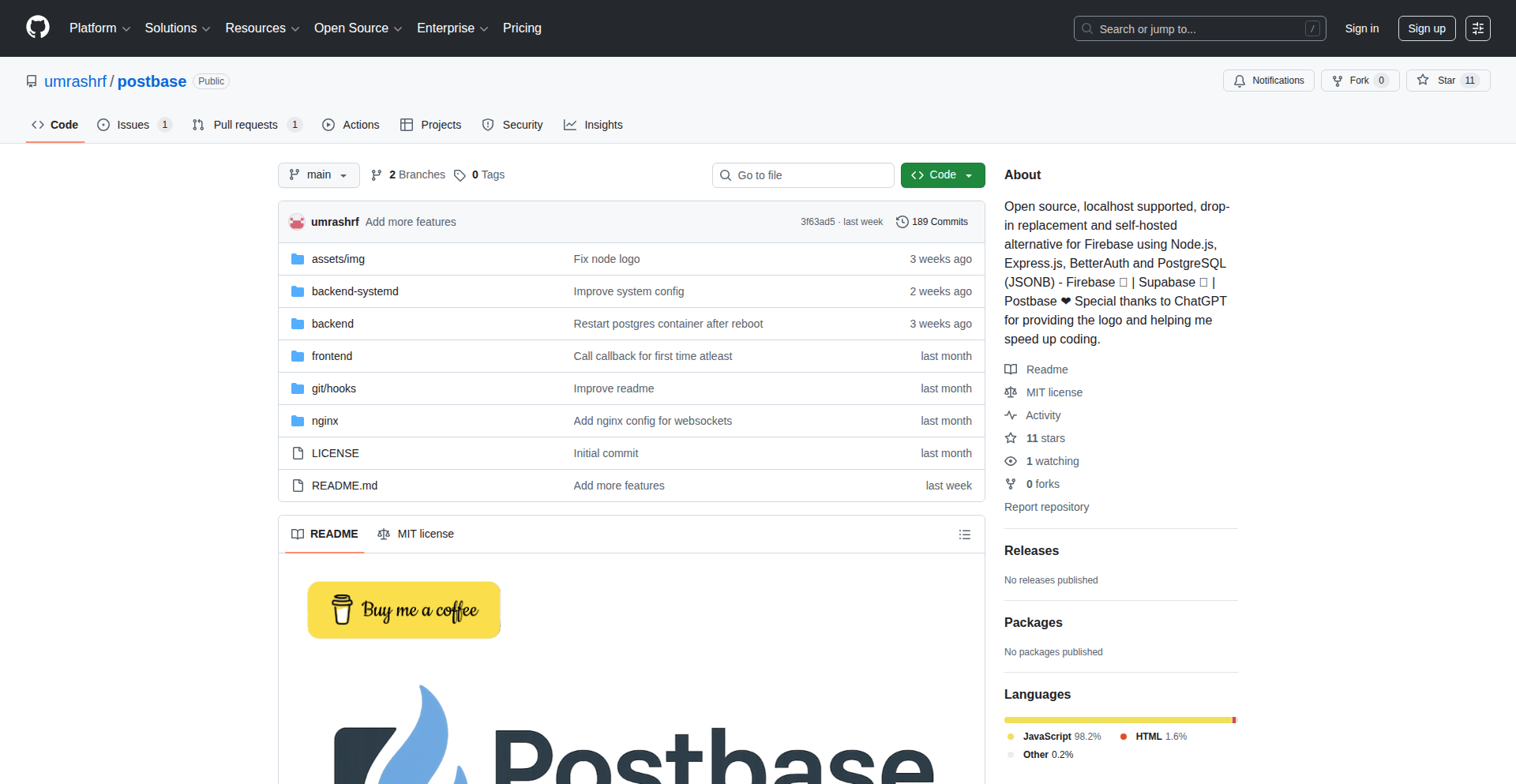
Author
postbase
Description
Postbase is a lightweight, incremental data synchronization engine designed to efficiently move and keep data consistent across different databases or data stores. Its innovation lies in its ability to track and replicate only the changes (inserts, updates, deletes) since the last synchronization, rather than performing a full data dump. This dramatically reduces bandwidth, processing power, and latency for real-time or near-real-time data mirroring, solving the problem of inefficient and slow data replication.
Popularity
Points 1
Comments 0
What is this product?
Postbase is a smart data replication tool. Imagine you have data in one place, like a customer list in a database, and you want to keep an exact copy of it in another place, perhaps for analytics or a backup. Normally, you'd have to copy the entire list over and over, which is slow and wastes resources. Postbase is different. It's like a diligent scribe who only notes down what's new or changed – a new customer added, an existing one updated, or one removed. It then sends only these specific changes to the destination. This means it's incredibly fast and efficient, especially when dealing with large amounts of data where only a small fraction changes at any given time. The technical core is its ability to capture 'change data capture' (CDC) events from the source database and transform them into a stream of updates for the destination. So, for you, it means getting your data where you need it, faster and without wasting valuable resources.
How to use it?
Developers can integrate Postbase into their applications or data pipelines. Typically, you'd configure Postbase to connect to your source data store (e.g., PostgreSQL, MySQL, even flat files) and your target data store (another database, a data warehouse, a message queue like Kafka). Postbase then runs as a service, continuously monitoring the source for changes. When changes are detected, it captures them, processes them, and sends them to the target. This can be used for scenarios like real-time analytics dashboards, keeping a read replica database up-to-date, enabling microservices to react to data changes in other services, or facilitating disaster recovery. It's often deployed as a separate process or a library integrated into a larger application architecture. So, for you, it means setting up a system that automatically keeps your data synchronized without you having to manually intervene or write complex replication logic.
Product Core Function
· Change Data Capture (CDC): Postbase intelligently detects and captures only the modifications (inserts, updates, deletes) made to the source data, rather than requiring full table scans. This is valuable because it drastically reduces the amount of data that needs to be processed and transferred, leading to faster synchronization and lower resource consumption.
· Incremental Replication: Once changes are captured, Postbase replicates only these delta changes to the target system. This is beneficial for maintaining near real-time data consistency without the overhead of full data synchronization, making it ideal for scenarios demanding low latency data updates.
· Data Transformation: It can handle basic data transformations to ensure compatibility between source and target data formats. This offers value by allowing you to synchronize data between systems with different schema or data types, simplifying integration challenges.
· Resilience and Fault Tolerance: Postbase is designed to handle network interruptions and system failures, ensuring that no data is lost during synchronization. This is important for maintaining data integrity and providing a reliable data flow, crucial for mission-critical applications.
· Pluggable Connectors: It supports various data sources and destinations through extensible connectors. This provides flexibility for developers to connect Postbase to a wide range of databases and services, making it a versatile tool for diverse data synchronization needs.
Product Usage Case
· Real-time Analytics: A company wants to feed live sales data from their transactional database into a business intelligence dashboard. Postbase can capture sales transactions as they happen and stream them to the analytics platform, allowing for up-to-the-minute reporting without impacting the performance of the sales system. This solves the problem of stale data in reporting.
· Microservices Data Consistency: In a microservices architecture, one service might need to be aware of changes happening in another service's data. Postbase can monitor the data store of one service and push relevant change events to a message queue (like Kafka) which other services can subscribe to. This enables decoupled services to react to data updates efficiently and reliably.
· Database Disaster Recovery/Read Replicas: A development team needs to maintain an up-to-date replica of their production database for testing or as a failover. Postbase can be configured to replicate changes from the production database to the replica in near real-time, ensuring that the replica is always a current copy and minimizing data loss in case of an outage.
· Data Migration between Heterogeneous Databases: When migrating data from an old database system to a new one, especially if they are of different types (e.g., from a legacy SQL Server to a modern PostgreSQL), Postbase can be used to capture ongoing changes in the old system and apply them to the new system during the transition. This minimizes downtime for the application during the migration process.
· Auditing and Compliance: For regulatory compliance, an organization might need to keep an immutable log of all changes made to sensitive data. Postbase can capture these changes and write them to a separate audit log or data store, providing a verifiable history of data modifications.
85
Jx: Terminal JSON Explorer

Author
sqwxl
Description
Jx is a command-line tool that allows developers to interactively explore and manipulate JSON data directly within their terminal. It addresses the common pain point of dealing with complex or deeply nested JSON structures in a non-visual environment, offering a more efficient way to understand and process data compared to traditional text-based tools.
Popularity
Points 1
Comments 0
What is this product?
Jx is a specialized terminal application that acts like a magnifying glass for your JSON files. Instead of just seeing a wall of text, Jx lets you navigate through your JSON data as if it were a tree. It uses techniques to parse the JSON structure and present it in a way that's easy to browse, search, and even filter. The innovation lies in bringing an interactive, GUI-like experience to the command line for JSON, making it significantly easier to understand complex data relationships and extract specific pieces of information without leaving your coding workflow.
How to use it?
Developers can use Jx by piping JSON output from other command-line tools or by directly opening JSON files. For example, you might use it with a tool that fetches API data: `curl https://api.example.com/data | jx`. You can then navigate, search for specific keys or values, and even select parts of the JSON to be outputted in a more manageable format. This is particularly useful for debugging API calls, analyzing configuration files, or processing data pipelines directly from your terminal.
Product Core Function
· Interactive JSON Tree Navigation: Allows users to expand and collapse JSON objects and arrays, making it simple to traverse deep data structures. The value is that you can quickly understand the organization of your data without getting lost in the text.
· Fuzzy Searching for Keys and Values: Enables developers to quickly find specific pieces of information within the JSON by typing partial names or values. The value is dramatically reduced time spent hunting for the data you need.
· Syntax Highlighting: Visually distinguishes different parts of the JSON (keys, values, strings, numbers, booleans), improving readability. The value is that it's easier to scan and identify data types and critical information.
· Data Filtering and Selection: Provides capabilities to filter the JSON based on criteria and select specific parts for output. The value is that you can isolate and extract only the relevant data for further processing or analysis.
· Piping and Redirection Support: Seamlessly integrates with other command-line tools by accepting JSON input and outputting processed JSON. The value is that it can be a powerful component in shell scripts and complex data workflows.
Product Usage Case
· Debugging API Responses: When an API call returns a large and complex JSON payload, Jx can be used to quickly explore the response, find specific error messages, or verify expected data fields, saving significant debugging time. The problem solved is understanding confusing API outputs.
· Analyzing Configuration Files: For applications with extensive JSON configuration files, Jx can help developers understand the hierarchy of settings and locate specific parameters more efficiently than manual text searching. The problem solved is managing intricate configuration settings.
· Processing Log Data: If application logs are generated in JSON format, Jx can be used to sift through vast amounts of log data, searching for specific events or error patterns. The problem solved is making sense of large volumes of structured log information.
· Scripting Data Transformations: Developers can use Jx within shell scripts to parse JSON data, extract specific values, and then use those values in subsequent commands or operations. The problem solved is automating data manipulation tasks.
86
Idea2Roadmap AI
Author
foolmarshal
Description
Idea2Roadmap AI is an AI-powered co-pilot designed to transform a raw startup concept into a visual, time-bound execution roadmap. It addresses the common challenge for founders, especially first-time or solo ones, of knowing what to do, in what order, and why, amidst a sea of conflicting advice. By taking your idea, user profile, and resource constraints as input, it generates an interactive diagram outlining stages like validation, MVP, go-to-market, and scaling, complete with editable milestones and dependencies. This helps bridge the gap between having a great idea and knowing how to effectively bring it to life.
Popularity
Points 1
Comments 0
What is this product?
Idea2Roadmap AI is an intelligent assistant that takes your startup idea and personal circumstances, then generates a clear, actionable plan to build and launch your product. Its core innovation lies in leveraging AI to synthesize information from various sources and founder experiences to create a customized, visual roadmap. Instead of sifting through countless blog posts and articles, you get a structured plan that's tailored to your specific situation – your available time, budget, team size, and launch goals. The output isn't just a text document; it's an interactive diagram with stages and milestones, making it easier to track progress and understand dependencies. This is particularly valuable for solo founders or those new to the startup world who often lack the experience or mentorship to chart their own course effectively.
How to use it?
Developers can use Idea2Roadmap AI by simply describing their startup idea in a chat interface. This includes details like the problem they are solving, their target audience, the business model (e.g., B2B, B2C, SaaS), and the type of product they envision. Additionally, they provide context about their current situation (e.g., student, employed, solo founder, team size), available resources (time commitment per week, budget, number of people), and their desired launch timeline (e.g., 3 months, 6 months). Once this information is submitted, the AI processes it to generate a visual roadmap. This roadmap can then be integrated into project management tools, used as a basis for team discussions, or simply as a personal guide for execution. The interactive nature of the roadmap allows for easy editing and status tracking, making it a dynamic tool for managing the entire product development lifecycle.
Product Core Function
· Idea to Structured Roadmap Generation: Transforms unstructured startup ideas into a visual roadmap with defined stages and milestones, providing a clear path forward and reducing the mental overhead of planning. This helps users understand what needs to be done first and why.
· Customized Planning based on Resources: Tailors the execution plan considering the user's specific resources such as time, budget, and team size, ensuring the roadmap is realistic and achievable, thereby preventing overcommitment or unrealistic expectations.
· Interactive Visual Roadmap with Dependencies: Presents the plan as an interactive diagram with clear boxes and arrows representing stages and milestones, along with their dependencies. This visual representation makes complex project plans digestible and highlights critical path items, making it easier to manage and prioritize tasks.
· Milestone Tracking and Editing: Allows users to edit, track the status of, and add notes or due dates to individual milestones. This provides a dynamic way to manage progress and adapt the plan as circumstances change, ensuring the project stays on track.
· AI-Driven Strategic Recommendations: Learns from founder journeys and startup frameworks to offer practical, non-generic advice. This means users receive guidance that is more likely to be effective in the real world, rather than just theoretical checklists.
Product Usage Case
· A solo developer with a SaaS idea wants to launch within 6 months with limited personal time (10 hours/week). Idea2Roadmap AI can generate a lean roadmap focusing on essential features for an MVP, prioritizing validation and early user feedback to ensure the product meets market needs, thus maximizing the impact of limited development hours.
· A student team has a B2C app concept and a $5,000 budget. The AI can outline stages for user acquisition, beta testing, and community building, emphasizing cost-effective marketing strategies and feature prioritization that aligns with their financial constraints, guiding them through a successful launch on a shoestring budget.
· A founder has a complex AI tool idea but is unsure about the order of technical development and market research. Idea2Roadmap AI can break down the development into logical phases, starting with market validation and prototype building, then moving to core AI model development and integration, followed by a phased rollout, providing clarity on the technical and strategic sequence for building an innovative product.
· An entrepreneur is considering pivoting their existing product and needs a quick plan for the next 3 months. The tool can rapidly generate a roadmap for re-validation, feature adaptation, and a targeted re-launch campaign, helping them navigate a strategic shift efficiently and effectively.
87
QuasiCollisionFinder
Author
KaoruAK
Description
This project demonstrates a novel approach to finding SHA-256 quasi-collisions. Instead of aiming for a perfect collision (where two different inputs produce the exact same hash), it finds inputs that produce hashes differing in only a small, controlled number of bits. The innovation lies in the 'geometric search' method, which efficiently navigates the vast space of possible inputs to discover these near-matches. This has implications for understanding the security robustness of cryptographic hash functions.
Popularity
Points 1
Comments 0
What is this product?
This is a research tool that uses a 'geometric search' technique to find 'quasi-collisions' in the SHA-256 hashing algorithm. Think of SHA-256 as a complex function that takes any digital information and outputs a unique fingerprint (the hash). A perfect collision means finding two different pieces of data that have the exact same fingerprint. A quasi-collision is finding two different pieces of data whose fingerprints are *almost* the same, differing by only a few bits. This project achieves a high degree of similarity (184 out of 256 bits match). The innovation is in the 'geometric search' algorithm, which is a smart, efficient way to explore the possibilities and find these near-matches much faster than brute-force methods. This helps us understand how robust SHA-256 is against potential attacks that exploit such similarities.
How to use it?
Developers can use this project primarily for research and educational purposes. The provided Jupyter Notebook (written in Python) allows you to explore the code and run the quasi-collision search on your own. You can experiment with the parameters of the geometric search to understand how it affects the search time and the degree of collision found. It's integrated via the Python code within the notebook, allowing for direct experimentation. This is useful for anyone interested in cryptography, security, or simply understanding how these complex algorithms work at a deeper level.
Product Core Function
· Geometric Search Algorithm: This is the core innovation. It's a smart search strategy that efficiently explores the input space for SHA-256 to find outputs that are very similar. Its value is in significantly reducing the time and computational resources needed to find these specific types of 'near-misses', making cryptographic analysis more accessible.
· SHA-256 Hashing Implementation: The project utilizes the standard SHA-256 algorithm to generate the digital fingerprints (hashes). Its value lies in providing a concrete implementation for testing the search algorithm against a widely used cryptographic standard.
· Quasi-Collision Verification Script: This script allows you to confirm that the found quasi-collisions are indeed valid. Its value is in providing a verifiable outcome for the research, ensuring the integrity and accuracy of the findings.
· TPU Optimized Code: The project is designed to run efficiently on Google Colab's TPUs (Tensor Processing Units). Its value is in demonstrating how to leverage specialized hardware for accelerating computationally intensive cryptographic tasks, making such research feasible even on accessible cloud platforms.
Product Usage Case
· Security Research on Hash Functions: A cryptographer could use this tool to investigate potential weaknesses or resilience of SHA-256 and similar hash functions by observing patterns in found quasi-collisions. This helps in designing more secure systems.
· Educational Demonstrations of Cryptography: Computer science educators can use this project to provide students with a hands-on, tangible example of how cryptographic hashes can be manipulated and the importance of collision resistance. This makes abstract concepts easier to grasp.
· Performance Benchmarking for Cryptographic Algorithms: Developers can use this as a benchmark to compare the performance of different search strategies or hardware accelerators when applied to cryptographic computations. This informs optimization efforts.
· Exploring the Limits of Cryptographic Security: Researchers can use this to understand the practical feasibility of finding near-collisions, which informs the development of new attack vectors or defenses in the field of cybersecurity.
88
Spelling Bee Forge

Author
rahimnathwani
Description
This project is a web-based spelling bee trainer designed to help students practice spelling and typing simultaneously. It focuses on a curated list of challenging words, incorporates audio pronunciation and definitions, and tracks progress using browser local storage. The innovation lies in its direct approach to practice, bypassing multiple-choice formats to enforce accurate spelling from scratch, thus offering a more effective learning experience.
Popularity
Points 1
Comments 0
What is this product?
Spelling Bee Forge is a web application that acts as a digital coach for spelling bees. It leverages basic web technologies like HTML, CSS, and JavaScript. The core innovation is its educational methodology: instead of presenting multiple-choice options, it requires the user to actively type out each word, mimicking the real spelling bee challenge. It incorporates features like audio playback for word pronunciation and the ability to view word definitions, enhancing comprehension and recall. Progress is saved locally in the user's browser, meaning no complex backend is needed, a hallmark of simple yet effective web tools. So, this is useful because it provides a focused and engaging way to learn spellings, especially for students preparing for competitions, by directly addressing the most crucial aspect: correct spelling.
How to use it?
Developers can use Spelling Bee Forge as a standalone web application. It's designed to be simple to deploy, requiring only a web server to host the static files. Students or educators can access it via a web browser. The application allows users to select words to practice, listen to pronunciations, view definitions, and then type the word. Mastered words are automatically marked and can be reviewed later. For developers, it serves as a great example of a self-contained, client-side application with offline capabilities (due to local storage). Integration could involve embedding it within an educational platform or using its core logic as a foundation for more complex language learning tools. So, this is useful because it's a ready-to-use tool for immediate practice, and for developers, it's a simple, effective template for creating similar practice or educational web applications.
Product Core Function
· Audio Pronunciation: Provides spoken versions of words, allowing users to accurately hear how words are pronounced, which is crucial for correct spelling. This addresses the need for auditory learning and reduces ambiguity in word sounds.
· Word Definitions Toggle: Enables users to view definitions, enhancing understanding of word meaning and context. This aids in memorization by associating words with their concepts, making them more memorable.
· Progress Tracking via Local Storage: Stores which words have been 'mastered' directly in the user's browser. This eliminates the need for server-side databases for simple progress tracking, making the application lightweight and accessible even offline, and allows users to pick up where they left off.
· Direct Spelling Input: Requires users to type the full word without hints or multiple choices. This is the core educational innovation, forcing active recall and accurate typing, which is essential for real-world spelling competency and competition success.
Product Usage Case
· A student preparing for a school spelling bee can use Spelling Bee Forge to practice a specific list of challenging words. By listening to the pronunciation, checking the definition, and then typing the word from memory, they build confidence and accuracy, directly solving the problem of ineffective practice methods like multiple choice.
· An educator could embed Spelling Bee Forge on a school's learning management system to provide students with an interactive and effective spelling practice tool. This offers a readily available resource for students to improve their spelling skills outside of classroom instruction, solving the need for accessible and engaging homework assignments.
· A developer looking to build a simple language learning application can use Spelling Bee Forge as a reference. The straightforward implementation of audio playback, definition display, and local storage for progress tracking provides a practical example of how to build interactive educational content on the web, demonstrating efficient problem-solving with minimal infrastructure.
89
CleanURL Forge

Author
safeshare
Description
SafeShare Pro is a browser-based tool designed to automatically remove privacy-invading tracking parameters from URLs before you share them. It solves the problem of messy, data-leaking links by offering intelligent cleaning that respects user privacy without requiring account sign-ups or sending your URLs to external servers. This innovative approach ensures cleaner sharing for documents, chats, and logs, while offering advanced customization for specific domains and professional use.
Popularity
Points 1
Comments 0
What is this product?
CleanURL Forge (formerly SafeShare Pro) is a clever application that lives directly in your browser. When you paste a web address (URL) into it, it intelligently strips away all the extra bits of text that websites add to track your activity and where you came from. Think of those long URLs with lots of question marks and strange codes – CleanURL Forge removes those without breaking the link. It's built on a local-first principle, meaning all the cleaning happens on your computer, so your browsing habits stay private. The Pro version adds smart rules for different websites, making sure it cleans effectively without accidentally disabling features. The innovation lies in its client-side processing and customizable rule sets, offering a powerful, privacy-preserving alternative to online URL shorteners or manual cleaning.
How to use it?
As a developer, you can integrate CleanURL Forge into your workflow by using its browser extension or by directly accessing its cleaning logic if you're building your own tools that handle URL sharing. For example, if you're developing a note-taking app, a chat client, or a content management system, you can prompt users to clean their URLs before saving or sending. The Pro version can be purchased as a download, allowing for licensed use within teams or for individual professional applications, with a handbook to guide optimal cleaning strategies. The primary use case is to ensure that any URL you copy and paste for sharing, whether in an email, a document, a ticket, or a chat message, is clean and free from unsolicited tracking information. This improves data hygiene and protects user privacy.
Product Core Function
· Intelligent Tracking Parameter Removal: Automatically identifies and removes common tracking parameters from URLs, such as UTM tags or campaign identifiers, enhancing privacy. The value is that shared links are cleaner and less revealing of user activity.
· Local-First Processing: Performs all URL cleaning operations directly within the user's browser, ensuring no sensitive URL data is transmitted to external servers, providing robust privacy protection.
· Configurable Cleaning Rules: Allows users to define custom rules for specific domains or profiles, enabling more precise control over which parameters are removed and which are kept, so functionality is preserved while privacy is enhanced.
· URL Validation Post-Cleaning: Aims for more robust cleaning defaults with an eye towards preventing broken links, ensuring that the cleaned URL still directs users to the intended content, maintaining usability.
· Optional 'Explain What Was Removed' Feature (Future): Intends to offer insights into the specific parameters removed and the reasoning behind their removal, increasing user understanding and trust in the cleaning process.
Product Usage Case
· Sharing a research paper link in a team chat: Paste the original URL into CleanURL Forge, which strips out any source attribution parameters from a previous share, presenting a clean link that focuses solely on the paper's content.
· Saving a product link to a personal knowledge base: Use CleanURL Forge to remove referral codes or affiliate tracking parameters from a shopping website URL before saving it, ensuring the saved link is purely for reference.
· Embedding external content in a blog post: Clean URLs of external resources before embedding them to prevent unintended tracking from the embed source, maintaining a clean privacy footprint for the blog.
· Troubleshooting a bug reported by a user: If a user shares a URL that contains debugging or session information, CleanURL Forge can help anonymize it before it's logged or further shared, protecting user session details.