Show HN Today: Discover the Latest Innovative Projects from the Developer Community
 ShowHN Today
- Continue with Google
Show HN Today: Top Developer Projects Showcase for 2025-12-19
SagaSu777 2025-12-20
Explore the hottest developer projects on Show HN for 2025-12-19. Dive into innovative tech, AI applications, and exciting new inventions!
Summary of Today’s Content
Trend Insights
Today's Show HN offerings paint a vibrant picture of innovation, with a strong emphasis on leveraging AI to enhance developer workflows and create more intuitive user experiences. The prevalence of 'local-first' applications and self-hosted solutions highlights a growing desire for data privacy and control, moving away from over-reliance on cloud vendors. Developers are clearly focused on building tools that solve specific pain points, from streamlining B2B SaaS development with vendor-agnostic starters to creating niche developer utilities like AI-powered mocking servers and image diffing tools. The surge in AI-related projects, particularly those focused on agentic behavior, prompt engineering, and efficient LLM interaction, indicates a maturing ecosystem where the focus is shifting from just using AI to building robust infrastructure and applications around it. For aspiring developers and entrepreneurs, this signals a rich opportunity to identify underserved niches within these emerging fields. Don't be afraid to dive deep into specific problems, whether it's optimizing LLM context management with new architectures like `Agents.db`, or building user-friendly interfaces for complex AI tasks. The hacker spirit of solving real-world problems with creative technical solutions is alive and well, driving forward the next wave of software innovation.
Today's Hottest Product
Name
Show HN: I open-sourced my Go and Next B2B SaaS Starter (deploy anywhere, MIT)
Highlight
This project tackles the common pain point of vendor lock-in for B2B SaaS products. The developer has built a robust, production-ready full-stack engine using Go for the backend and Next.js for the frontend, with a modular monolith architecture. Key innovations include utilizing SQLC for type-safe SQL queries, integrating with services like Stytch for auth and Polar.sh for billing, and offering separate Docker containers for flexible deployment on any VPS. Developers can learn a lot about building scalable, vendor-agnostic SaaS backends, modular architecture design, and efficient deployment strategies. The focus on a single binary deployment for the Go backend showcases an elegant approach to managing complexity without resorting to microservices for smaller teams.
Popular Category
AI & Machine Learning
Developer Tools
SaaS & Productivity
Open Source
Popular Keyword
AI
LLM
Developer Tools
Open Source
SaaS
Local-First
Rust
Technology Trends
AI Integration
Local-First Applications
Developer Productivity Tools
Open-Source SaaS Starters
Decentralized/Self-Hosted Solutions
Rust Ecosystem Growth
Efficient Data Handling
WebAssembly (WASM)
Project Category Distribution
AI & Machine Learning Tools (30%)
Developer Utilities & Productivity (25%)
Open Source Frameworks & Starters (15%)
Web & App Development Tools (10%)
Data & Infrastructure (10%)
Miscellaneous (10%)
Today's Hot Product List
| Ranking | Product Name | Likes | Comments |
|---|---|---|---|
| 1 | HackerNews Clickbait Transform | 182 | 73 |
| 2 | Modular Monolith Go+Next.js SaaS Engine | 77 | 33 |
| 3 | MobileScreenCastr | 67 | 39 |
| 4 | Voice2Sticker AI Printer | 42 | 50 |
| 5 | Linggen - Code Context Weaver | 32 | 10 |
| 6 | Orbit: Shell Scripting's LLVM Compiler | 17 | 13 |
| 7 | Credible AI Insight | 10 | 4 |
| 8 | Zynk DirectSync | 11 | 2 |
| 9 | Vanishfile | 3 | 5 |
| 10 | BlazeDiff v2 - HyperSpeed Image Comparison Engine | 7 | 0 |
1
HackerNews Clickbait Transform

Author
keepamovin
Description
This project takes Hacker News headlines and transforms them into hysterical, exaggerated clickbait, demonstrating a novel approach to natural language generation (NLG) by leveraging LLMs to inject sensationalism into factual titles. It showcases how AI can be used to reframe information for engagement, exploring the creative and potentially humorous side of AI-powered content manipulation. The innovation lies in its ability to understand the underlying sentiment and context of a news headline and then artificially inflate it with clickbait tropes, offering a unique perspective on information presentation and its impact on user perception.
Popularity
Points 182
Comments 73
What is this product?
This is a project that applies AI, specifically a Large Language Model (LLM), to re-write Hacker News headlines, making them sound like over-the-top clickbait. The core technology involves feeding an LLM the original headline and instructing it to generate a new version that uses common clickbait techniques like hyperbole, urgent calls to action, and vague promises of shocking revelations. The innovation here is not just generating text, but understanding the nuance of what makes something 'clickbait' and applying that creatively to technical news. So, what's the use? It provides a fun, lighthearted way to explore how language can be manipulated for attention and offers a glimpse into the creative potential of AI beyond straightforward information delivery.
How to use it?
Developers can use this project as a creative tool or as a learning resource. For creative use, it can be integrated into a browser extension or a dedicated web app where users can paste or fetch Hacker News headlines to see their clickbait makeover. This can be used for entertainment, or even to analyze how sensationalism might affect the perception of technical news. Technically, it involves setting up an API call to an LLM (like GPT-3/4, or open-source alternatives), sending the original headline as a prompt with specific instructions for clickbait transformation, and displaying the generated output. This offers a practical example of prompt engineering and integrating LLM capabilities into an application. The value for developers is in understanding and experimenting with LLM APIs for creative text generation tasks.
Product Core Function
· Headline Clickbait Transformation: Leverages LLMs to rewrite factual headlines into exaggerated, attention-grabbing clickbait, demonstrating creative NLG. This is useful for exploring AI's ability to manipulate sentiment and engagement.
· Prompt Engineering for Sensationalism: Develops and refines prompts to guide LLMs in adopting clickbait writing styles, showcasing the importance of precise instructions for AI. This helps developers understand how to get specific creative outputs from LLMs.
· Demonstration of AI Creative Potential: Provides a tangible example of AI being used for humorous and engaging content generation, moving beyond purely functional applications. This highlights the broader creative applications of AI for the tech community.
· Information Reframing Exploration: Illustrates how the same core information can be presented in vastly different ways to influence perception and engagement. This is valuable for understanding media effects and content strategy.
Product Usage Case
· Entertainment Platform: Imagine a browser extension that automatically 'clickbait-ifies' Hacker News headlines as you browse, adding a layer of humor and absurdity to your tech news consumption. This solves the problem of routine news consumption by injecting fun.
· Content Strategy Experimentation: A startup could use this to experiment with different headline styles for their own technical blog posts, analyzing which styles (factual vs. clickbait-like) generate more initial interest, helping them understand audience engagement tactics.
· AI Prompt Engineering Tutorial: A developer looking to learn advanced LLM prompt engineering can dissect the prompts used in this project to understand how to elicit specific stylistic outputs from AI models, accelerating their learning curve.
· Social Media Content Generation Aid: A tech influencer might use this as a tool to generate attention-grabbing social media posts derived from technical articles, making complex topics more accessible and shareable.
2
Modular Monolith Go+Next.js SaaS Engine

Author
moh_quz
Description
This project is a production-ready, full-stack B2B SaaS starter kit. It provides a Go backend and a Next.js frontend, both fully Dockerized and designed for independent deployment. The core innovation lies in its 'Modular Monolith' architecture, offering the separation of microservices without the complexity, and its vendor-agnostic approach, allowing developers complete control over their infrastructure and avoiding vendor lock-in. It solves the problem of unpredictable scaling costs and difficult migrations common with platform-dependent SaaS starters.
Popularity
Points 77
Comments 33
What is this product?
This project is a comprehensive B2B Software-as-a-Service (SaaS) starter kit that includes both the backend and frontend code. The backend is built with Go, a programming language known for its efficiency and speed, and uses frameworks like Gin for web handling and SQLC for type-safe database queries. The frontend is built with Next.js, a popular React framework for building modern web applications. The key innovation here is the 'Modular Monolith' design for the Go backend. Instead of breaking down the application into many small, independent microservices which can be complex to manage, this approach organizes the backend into distinct modules (like Authentication, Billing, AI). These modules are loosely coupled, meaning they can be developed and updated somewhat independently, but they are deployed as a single, unified application. This offers the benefits of cleaner code separation and easier team collaboration without the overhead of managing numerous distributed services. Furthermore, the entire application is containerized using Docker, meaning it can be easily packaged and run consistently across different environments. The project explicitly avoids proprietary services like Vercel or Supabase, giving you the freedom to deploy your application on any cloud provider or even your own servers, offering significant cost predictability and migration flexibility. The value proposition is having a robust, scalable, and customizable foundation for a B2B SaaS product without the initial heavy lifting of setting up core infrastructure and features, and crucially, without being tied to specific vendor platforms.
How to use it?
Developers can use this project as a foundation to build their B2B SaaS products. The setup involves cloning the GitHub repository and following the included `setup.md` guide, which likely involves running a script (`./setup.sh`) to initialize the Docker environment and set up the necessary dependencies locally. Once set up, developers can start customizing the application logic to fit their specific product features. The modular architecture means they can easily integrate new features or replace existing ones. For instance, if a developer needs a different payment provider than the included Polar.sh, they can modify the billing module's interface. Similarly, if they don't require OCR functionality, they can omit that module. The frontend can be swapped out for other frameworks that communicate via HTTP APIs, offering flexibility in UI development. The independent Docker containers for the frontend and backend allow for flexible deployment strategies: both can run on the same server, or they can be deployed on different cloud providers (e.g., frontend on Cloudflare Pages, backend on a VPS). This project provides a robust starting point, allowing developers to focus on their unique value proposition rather than reinventing common SaaS functionalities like authentication, billing, and multi-tenancy.
Product Core Function
· Production-grade B2B Backend Engine: The Go backend is designed for performance and scalability, handling essential business logic for SaaS products. This is valuable because it provides a stable and efficient core for your application, reducing development time for fundamental server-side operations.
· Modern Full-Stack Frontend Framework: The Next.js frontend provides a feature-rich and user-friendly interface, leveraging React and Tailwind CSS for efficient UI development. This is valuable because it allows for quick creation of dynamic and responsive user interfaces, crucial for customer engagement.
· Modular Monolith Architecture: The Go backend is structured into isolated modules (Auth, Billing, AI, etc.) that can be independently developed but deployed as a single unit. This is valuable because it offers the organizational benefits of microservices with the deployment simplicity of a monolith, making code cleaner and development more manageable.
· Vendor-Agnostic Deployment: The entire stack is Dockerized and designed to be deployed on any infrastructure, avoiding lock-in to specific cloud providers like Vercel or Supabase. This is valuable because it gives developers full control over their hosting costs, infrastructure, and data, and makes future migrations easier.
· Integrated Authentication and RBAC: Includes a Stytch B2B integration for robust user authentication and Role-Based Access Control (RBAC), with multi-tenant data isolation handled at the database query level. This is valuable because it ensures secure user management and data privacy from the outset, a critical requirement for any B2B application.
· Subscription and Billing Management: Features integration with Polar.sh for handling subscriptions, invoices, and global tax/VAT. This is valuable because it offloads the complex and often error-prone task of managing recurring payments and compliance, allowing founders to focus on product growth.
· AI-Powered Features with RAG and pgvector: Incorporates an AI pipeline using OpenAI's Retrieval Augmented Generation (RAG) with PostgreSQL's pgvector extension for intelligent data retrieval and content generation. This is valuable because it allows for the integration of advanced AI capabilities into your product, such as intelligent search or content creation, with a focus on minimizing factual errors.
· Document OCR and Extraction: Integrates Mistral AI for Optical Character Recognition (OCR) to extract information from documents. This is valuable because it enables automated data extraction from unstructured document formats, streamlining workflows and reducing manual data entry.
· Scalable File Storage: Integrates with Cloudflare R2 for object storage, offering a cost-effective and scalable solution for storing application assets. This is valuable because it provides a robust and affordable way to handle large amounts of file data, essential for many SaaS applications.
Product Usage Case
· A startup founder wants to launch a new B2B SaaS product quickly and affordably. They can use this starter kit to deploy a fully functional application on a $6 VPS, focusing their limited resources on marketing and feature development rather than building core infrastructure from scratch.
· A development team needs to build a complex SaaS application with a modular structure to ensure maintainability and scalability. The Modular Monolith approach allows them to manage code separation effectively within a single deployment unit, leading to faster iteration cycles and easier onboarding for new team members.
· A company is concerned about vendor lock-in and unpredictable cloud costs with their current SaaS platform. They can migrate their existing application or start a new one using this starter kit, deploying it on their preferred infrastructure (e.g., AWS, GCP, or on-premise), thereby gaining cost control and flexibility.
· A developer wants to integrate AI-powered features into their B2B application, specifically for generating reports from uploaded documents. They can leverage the pre-built AI pipeline with RAG and OCR modules to quickly add intelligent document analysis and report generation capabilities.
· A SaaS provider needs to handle international payments and complex tax regulations. By using the integrated Polar.sh billing module, they can ensure compliance with global tax laws and manage subscriptions efficiently, reducing the risk of financial penalties and operational overhead.
3
MobileScreenCastr
Author
admtal
Description
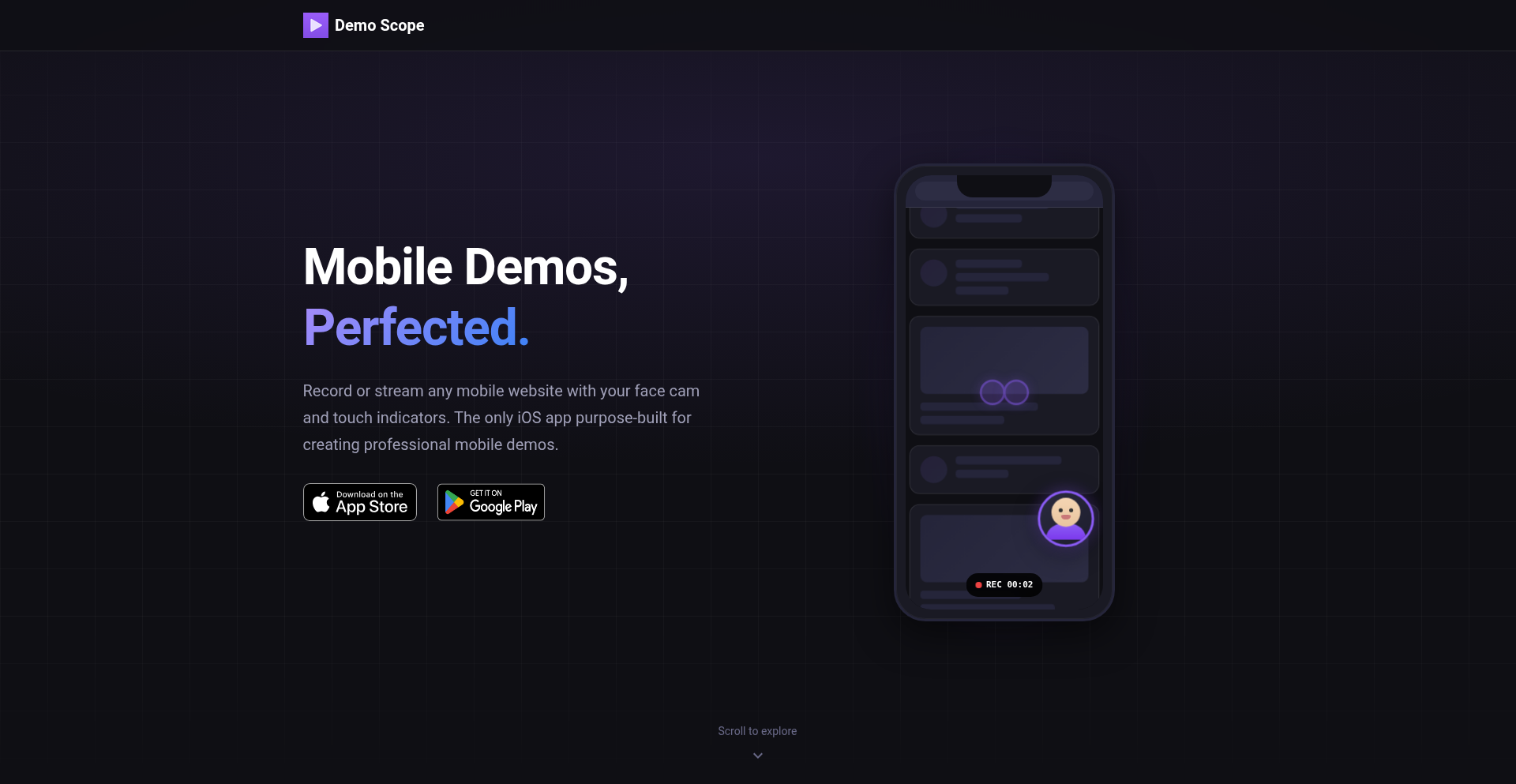
MobileScreenCastr is a lightweight, developer-focused application that enables the creation of screen recording videos directly from mobile devices, mimicking the functionality of popular desktop tools like Loom. It addresses the challenge of quickly capturing and sharing mobile-specific user flows, bugs, or feature demonstrations without requiring complex external setups. The core innovation lies in its on-device recording and simple export capabilities, aiming to streamline the demo video creation process for mobile developers.
Popularity
Points 67
Comments 39
What is this product?
MobileScreenCastr is a tool designed to record your mobile device's screen and interactions, then package them into a shareable video. Think of it as a personal, on-the-go video production studio for your phone or tablet. Its technical innovation is in its direct integration with the mobile operating system to capture screen output and user touches in real-time, then efficiently encoding it into a video format. This avoids the need to connect to a computer, use complicated mirroring software, or perform extensive post-production, making it incredibly fast to capture and share what's happening on your device. So, it's useful because it lets you instantly show someone exactly what you're seeing and doing on your mobile device, without any fuss.
How to use it?
Developers can use MobileScreenCastr by installing the application on their Android or iOS device. Once installed, they can initiate a recording session from within the app. The app then overlays a recording control, allowing the user to start, pause, and stop the screen capture. After recording, the video can be reviewed and exported directly from the device. This makes it ideal for quickly demonstrating a bug encountered on a specific device, showcasing a new UI flow to a designer, or creating a brief tutorial for a new feature. The integration is straightforward, acting as a standalone app that leverages the device's native screen recording capabilities. Therefore, it's useful because you can start recording your mobile screen in seconds to show off a problem or a new feature, right from where the problem or feature exists.
Product Core Function
· On-device screen recording: Captures video directly from the mobile operating system's display output, allowing for high-fidelity recording without external hardware. This is valuable for accurately representing the user experience.
· Real-time interaction overlay: Records touch gestures and user inputs visually on the screen, providing context for how an action was performed. This is useful for demonstrating precise user flows or accidental interactions.
· Simple video export: Allows users to export recorded videos in standard formats directly from the device, eliminating the need for file transfers or cloud syncing for immediate sharing. This speeds up the feedback loop.
· Basic editing capabilities: Offers minimal editing features to trim the beginning or end of a recording, ensuring the final video is concise and focused. This reduces the need for separate editing software for simple adjustments.
· Direct sharing options: Integrates with mobile sharing functionalities to easily send recordings via messaging apps, email, or cloud storage services. This facilitates quick dissemination of information within teams.
Product Usage Case
· A mobile QA tester encounters a rare bug on a specific device. They use MobileScreenCastr to record the steps leading up to the bug, then share the video with the development team. This solves the problem of trying to describe a complex, intermittent bug in text.
· A product designer wants to show a developer a new animation sequence on a prototype app. They record a short video using MobileScreenCastr and send it directly to the developer. This solves the problem of bridging the gap between design intent and implementation.
· A developer is testing a new feature and wants to quickly show its functionality to a colleague before committing. They record a quick demo with MobileScreenCastr and share it via a team chat. This speeds up collaboration and iterative feedback.
· A user is having trouble with a specific setting in an app. They use MobileScreenCastr to record their attempts to fix it and send it to customer support. This provides clear, actionable evidence of the user's problem, improving support efficiency.
4
Voice2Sticker AI Printer

Author
spydertennis
Description
Stickerbox is a voice-activated sticker printer that leverages AI image generation to transform children's spoken ideas into tangible stickers. This project creatively merges cutting-edge AI technology with simple, physical output, making complex generative AI accessible and safe for kids. The innovation lies in abstracting the AI process into a magical, real-world creation, fostering imagination and creativity through a tangible, interactive experience.
Popularity
Points 42
Comments 50
What is this product?
Voice2Sticker AI Printer is a unique device that allows children to bring their imagination to life by verbally describing their ideas, which are then translated into physical stickers using AI image generation and a thermal printer. The core technical innovation is the seamless integration of a user-friendly voice interface, a sophisticated AI image generation model (likely a diffusion model like Stable Diffusion or DALL-E variants, though not explicitly stated, it's the typical technology for such outputs), and a safe, simple thermal printing mechanism. It makes advanced AI, typically confined to screens, a tangible and interactive experience for young users, focusing on safety and ease of use. The 'magic' for kids is holding their dreamt-up creations as real stickers, like a 'ghost on a skateboard' or 'a dragon doing its taxes', making abstract concepts concrete.
How to use it?
Developers can imagine integrating this concept into educational tools or creative platforms. For users, a child would simply speak their idea into the printer's microphone, such as 'a purple cat wearing a hat'. The device processes this voice input, converts it into a descriptive prompt for the AI image generator, which then creates a unique image. This image is then sent to the thermal printer to produce a physical sticker. This could be integrated into apps for story-telling, art projects, or even personalized stationery, allowing for easy integration of custom sticker creation into digital workflows.
Product Core Function
· Voice-to-text transcription: Converts spoken words into text prompts, allowing for intuitive user input without complex interfaces, enabling quick idea capture.
· AI image generation: Creates unique visual representations of user-described concepts, unlocking creative potential and allowing for virtually limitless sticker designs.
· Thermal sticker printing: Produces durable, physical stickers instantly from AI-generated images, providing a tangible output that enhances the user's sense of accomplishment and ownership.
· Kid-safe design and materials: Ensures the product is safe for children, addressing concerns around materials (BPA/BPS free paper) and user data privacy, building trust for parents and guardians.
· Simplified user interface: Designed for ease of use by young children, abstracting away technical complexities so users can focus on creativity rather than operation.
Product Usage Case
· Educational Tool: A classroom could use Voice2Sticker AI Printer for art classes to illustrate concepts from stories, allowing students to visualize characters or scenes described in text and create their own sticker interpretations.
· Creative Play: Children can use it at home to create personalized stickers for their belongings, notebooks, or to share with friends, turning their daily thoughts and imaginative ideas into shareable physical objects.
· Therapeutic Aid: In a therapeutic setting, children could use it to express emotions or ideas they find difficult to verbalize, by describing them and seeing them manifest as stickers, providing a non-verbal communication channel.
· Personalized Gifting: Users can create unique, personalized stickers for gifts or special occasions, describing a custom design that holds personal meaning, offering a novel and heartfelt way to show affection.
5
Linggen - Code Context Weaver

Author
linggen
Description
Linggen is a local-first memory layer for AI, designed to help developers quickly recall and understand complex multi-node systems. It indexes project documentation and code, allowing AI models to instantly access architectural context, thereby eliminating the 'cold start' problem and saving significant developer time. The innovation lies in its local-first approach using Rust and LanceDB, ensuring data privacy and offline functionality, and its ability to create a 'team memory' for seamless knowledge sharing among developers and their AI assistants.
Popularity
Points 32
Comments 10
What is this product?
Linggen is a smart system that acts like your project's long-term memory for AI. Imagine you're working on a large, complicated software project with many interconnected parts. It's easy to forget the details of how everything fits together, especially when you switch between tasks or join a new team. Linggen solves this by reading all your project's documentation and code, and then creating a searchable, intelligent index of this information. When you or your AI assistant needs to understand a specific part of the system, Linggen can instantly recall and provide all the relevant context, like architectural diagrams or past decisions. The technical innovation is that it does all of this locally on your computer using fast technologies like Rust and LanceDB, meaning your code and data stay private, and it doesn't need an internet connection. It also allows for 'team memory,' where your teammates' AI assistants can also benefit from this shared understanding, reducing the need for constant re-explanation.
How to use it?
Developers can integrate Linggen into their workflow through a VS Code extension. By 'initializing their day' with Linggen, they can instantly load the full architectural context of their projects. This means that when you're about to start coding, instead of spending time re-reading documentation or trying to remember how different modules interact, Linggen will have that knowledge readily available for you and your AI coding assistants. It supports popular AI interfaces like Cursor, Zed, and Claude Desktop, allowing seamless integration with your preferred AI tools. The 'Visual Map' feature helps in understanding file dependencies and predicting the impact of code changes, offering a clear picture of 'blast radius' before making modifications.
Product Core Function
· Local-First Knowledge Indexing: Indexes your project's code and documentation on your machine using Rust and LanceDB. This provides fast, private access to information without relying on cloud services, meaning you can work offline and your sensitive code never leaves your environment. This is useful for developers who want to maintain data privacy and have instant access to project context.
· Instant AI Context Loading: Allows AI models to immediately access a rich understanding of your project's architecture and code. This eliminates the 'cold start' problem where AI needs time to learn about your project, making AI-assisted coding significantly more efficient from the get-go. This benefits developers by speeding up AI interactions and reducing the frustration of repeated context setup.
· Team Knowledge Sharing: Creates a shared 'memory' that can be accessed by multiple developers and their AI assistants. This ensures everyone on the team is on the same page regarding project knowledge, reducing miscommunication and redundant explanations. This is valuable for teams working on collaborative projects, fostering better teamwork and faster development cycles.
· Visual Dependency Mapping: Generates visual representations of file dependencies within a project. This helps developers understand how different parts of the codebase are connected and to assess the potential impact of changes, preventing unintended consequences. This is crucial for refactoring and maintaining large codebases, allowing for more confident and less risky code modifications.
Product Usage Case
· A developer working on a complex microservices architecture uses the Linggen VS Code extension to load the entire system's documentation and inter-service communication patterns before starting a new feature. This allows their AI assistant to immediately suggest relevant APIs and potential integration points, saving hours of manual research and recall.
· A new developer joins a project with thousands of lines of code. Instead of struggling to understand the codebase through reading endless documentation, they use Linggen to get an instant overview of the project's structure, key components, and their relationships. This dramatically reduces their onboarding time and allows them to become productive much faster.
· A team is performing a large-scale refactoring. Using Linggen's visual dependency map, they can identify all the files and modules that might be affected by a change to a core library, predicting the 'blast radius' and planning their refactoring effort more effectively, thus avoiding costly bugs and rework.
· A developer working on a sensitive R&D project needs to leverage AI for code generation but cannot send their proprietary code to a cloud-based AI service. Linggen's local-first approach allows them to index their project locally and use an AI model that can access this local index, enabling AI-assisted development without compromising intellectual property.
6
Orbit: Shell Scripting's LLVM Compiler
Author
TheCodingDecode
Description
Orbit is a systems-level programming language that innovates by compiling traditional shell scripts (.sh) into LLVM Intermediate Representation (IR). This allows shell scripts to be optimized and executed with the performance characteristics of compiled languages, bridging the gap between scripting ease and compiled efficiency. It tackles the inherent performance limitations and debugging complexities of pure shell scripting by leveraging the powerful LLVM compiler infrastructure.
Popularity
Points 17
Comments 13
What is this product?
Orbit is a novel programming language designed to transform your existing shell scripts into highly optimized code. Instead of executing shell commands line by line, Orbit parses your .sh files and translates them into LLVM IR. LLVM is a sophisticated compiler backend used by many high-performance languages like C++ and Rust. By compiling to LLVM IR, Orbit enables your shell scripts to benefit from advanced optimizations such as dead code elimination, instruction scheduling, and even Just-In-Time (JIT) compilation. This means your scripts can run significantly faster, consume fewer resources, and be more reliable, effectively giving shell scripting the power and speed of compiled languages without sacrificing its user-friendly syntax. So, what's in it for you? You get faster, more efficient scripts that can handle more demanding tasks.
How to use it?
Developers can use Orbit by writing their scripts in a syntax that closely resembles standard shell scripting but with extended capabilities that Orbit understands. The Orbit compiler then takes these .sh files and processes them. The output can be directly executed LLVM bitcode or a native binary. This integration is straightforward: you can replace your current `bash your_script.sh` command with `orbit your_script.sh` or a compiled version. Orbit can be integrated into existing CI/CD pipelines to ensure optimized script execution. For complex system administration tasks, automation workflows, or performance-critical batch processing, Orbit allows you to write your logic in a familiar scripting style and then compile it for maximum performance. So, how does this help you? You can supercharge your existing automation and system tools with minimal changes, making them run faster and more reliably.
Product Core Function
· Shell Script Compilation to LLVM IR: Orbit parses .sh files and generates LLVM Intermediate Representation. This allows for static analysis and aggressive optimizations that are impossible with traditional shell interpreters. Value: Enables significant performance gains and deeper code analysis for your scripts. Use Case: Optimizing critical automation tasks that are currently bottlenecked by shell script speed.
· LLVM Optimization Passes: Leverages LLVM's extensive suite of optimization passes to refine the generated IR. This includes techniques like loop unrolling, function inlining, and common subexpression elimination. Value: Achieves performance comparable to compiled languages for your scripting logic. Use Case: Making resource-intensive data processing scripts run much faster and more efficiently.
· Native Binary Generation: Orbit can compile the LLVM IR into standalone native executables. This eliminates the need for a specific runtime environment to execute the script. Value: Creates portable and self-contained executables, simplifying deployment and reducing dependencies. Use Case: Distributing utility scripts to environments where the Orbit compiler might not be present.
· Enhanced Scripting Constructs: While maintaining shell-like syntax, Orbit might introduce or clarify constructs that are more amenable to compilation and optimization, potentially offering clearer control flow and error handling. Value: Provides more robust and predictable script behavior, especially in complex scenarios. Use Case: Developing sophisticated system management tools that require precise control and error resilience.
Product Usage Case
· Performance-critical data processing pipelines: Imagine a script that processes large log files daily. By using Orbit, this script can be compiled to run significantly faster, reducing processing time from hours to minutes. It solves the problem of slow execution for heavy-duty data tasks. How it helps you: Your daily data crunching will be dramatically faster and more efficient.
· System automation and orchestration: For scripts that manage cloud infrastructure or deploy applications, speed and reliability are crucial. Orbit allows these scripts to be compiled for faster execution, ensuring quicker deployments and more responsive system management. It addresses the need for high-performance automation. How it helps you: Your infrastructure management and deployment processes will be significantly faster and more reliable.
· Developer tooling and command-line utilities: When building new command-line tools, developers often start with shell scripts for quick iteration. Orbit allows them to compile these scripts into optimized, standalone executables, offering a better user experience and performance. It solves the 'script feels slow' problem for developer tools. How it helps you: You can build and distribute faster, more professional-feeling command-line tools for yourself and others.
7
Credible AI Insight

url
Author
betterhealth12
Description
Credible is a Chrome extension that instantly displays credibility scores and detailed analyses of online content directly within your browser. It tackles the problem of information overload and time wasted verifying sources by providing key takeaways, bias detection, and a breakdown of claims (facts vs. opinions vs. dubious) without requiring you to leave the page. This innovation helps users quickly assess the trustworthiness of articles and comments, saving valuable time and mental energy.
Popularity
Points 10
Comments 4
What is this product?
Credible is a sophisticated browser extension, acting as your personal fact-checker and time-saver. It uses advanced natural language processing (NLP) and AI models to analyze articles and comments in real-time. When you're browsing websites like Hacker News, Credible analyzes the linked content. It then overlays a 'credibility score' next to each link on the main page and provides a comprehensive analysis on the article's page. This analysis includes summarizing the main points of the article, identifying potential biases (like political leaning or sensationalism), and distinguishing between factual statements, opinions, and unsubstantiated claims. The innovation lies in its ability to perform this deep analysis instantly and in-context, preventing users from having to navigate away and conduct manual research, which is a significant time sink and prone to confirmation bias. So, for you, this means less time spent sifting through unreliable information and more confidence in what you read.
How to use it?
Using Credible is straightforward. You simply install it as a Chrome extension from the Chrome Web Store. Once installed, it automatically becomes active when you browse the web. On platforms like Hacker News, you'll notice a credibility score appearing next to each link. Clicking on a link will take you to the article, where Credible will display a detailed breakdown of its content, including its credibility score, detected biases, and a classification of its claims. You can also access a mobile-friendly feed of analyzed content on mycredible.ai/feeds/hacker-news. Integration is seamless; it works in the background as you browse. This is useful for anyone who consumes a lot of online content and wants to quickly understand the reliability and essence of information, especially in fast-paced environments like tech forums or news aggregators. So, for you, this means a more efficient and trustworthy browsing experience, integrated directly into your workflow.
Product Core Function
· Instant Credibility Scoring: Assigns a numerical score to online content reflecting its trustworthiness based on various analytical factors. This allows for a quick, at-a-glance assessment of information reliability, helping you prioritize what to read. Its application is in quickly filtering out potentially misleading or low-quality content.
· Bias Detection: Identifies and flags potential biases within articles, such as political leanings, sensationalism, or specific agendas. This helps you understand the perspective from which information is presented, leading to a more balanced understanding of complex topics. This is valuable for critical thinking and informed decision-making.
· Claim Breakdown: Differentiates between factual statements, opinions, and dubious claims within an article. This function empowers you to critically evaluate the evidence presented and distinguish between objective reporting and subjective viewpoints, enhancing your ability to discern truth from falsehood.
· Key Takeaways Summarization: Extracts and presents the most important points of an article in a concise summary. This saves you time by providing the core message of a piece without needing to read the entire text, making information consumption more efficient. This is especially useful for busy professionals or students.
· In-Context Analysis: Displays all credibility information and analysis directly on the webpage you are viewing, without requiring you to leave the current page. This preserves your browsing flow and significantly reduces the effort needed to verify information, making the process of critical evaluation seamless. This means you can stay focused and informed without interruption.
Product Usage Case
· On Hacker News, when browsing the front page, you see a Credible score next to each article title. This allows you to quickly decide which articles are likely to be well-researched and trustworthy before investing your time in reading them. It solves the problem of not knowing which links to click for reliable information.
· While reading a news article about a current event, Credible analyzes the content and highlights claims that are presented as fact but may be opinions or lack supporting evidence. This helps you identify potential misinformation or propaganda, allowing you to form a more accurate understanding of the event. This is crucial for making informed decisions in a complex world.
· In online discussions where users link to external articles, Credible provides an immediate analysis of the linked content. This helps participants in the discussion to quickly assess the credibility of the sources being referenced, leading to more productive and fact-based conversations. This can be applied to any forum or social media where content sharing occurs.
· For individuals who frequently consume content from various sources for research or professional development, Credible acts as a preliminary filter, indicating the reliability of sources. This saves significant time that would otherwise be spent on manual verification, allowing for faster progress in learning and analysis. This is useful for researchers, students, and lifelong learners.
8
Zynk DirectSync
Author
justmarc
Description
Zynk DirectSync is a cross-platform file transfer and messaging application focused on reliable, end-to-end encrypted transfers between any devices. It tackles the common frustration of moving files across different operating systems and devices, even when networks are unstable, by prioritizing direct peer-to-peer connections with auto-resume capabilities. This offers a private and efficient alternative to cloud storage for large or frequent transfers.
Popularity
Points 11
Comments 2
What is this product?
Zynk DirectSync is a sophisticated file transfer and messaging tool built on a peer-to-peer (P2P) architecture. The core innovation lies in its robust auto-resume functionality, meaning if a file transfer is interrupted due to network changes or device sleep, it can pick up exactly where it left off, similar to how file synchronization tools like rsync work. When direct P2P connections fail to establish (often due to network configurations like NAT or firewalls), it intelligently falls back to a secure cloud relay. Crucially, all data, whether transferred directly or via relay, is protected by end-to-end encryption, ensuring only the sender and intended recipient can access the content. This technology solves the problem of unreliable file transfers and privacy concerns associated with traditional cloud services.
How to use it?
Developers can use Zynk DirectSync in various ways, leveraging both its graphical user interface (GUI) and command-line interface (CLI). For everyday use, simply install the app on macOS, Windows, Linux, iOS, Android, or even Steam Deck. You can then initiate direct file and folder transfers between your own devices or share them with others. The CLI version is invaluable for scripting automated file transfers to and from servers, build pipelines, or for integration into existing workflows. For sharing files with individuals who don't have Zynk installed, Web Drops allow you to create secure, time-limited share links, making it easy to send or request files without requiring the recipient to sign up. This offers a seamless integration into personal and professional workflows where reliable, private data exchange is paramount.
Product Core Function
· Direct Device-to-Device Transfers: Enables unlimited size file and folder transfers directly between devices, bypassing cloud intermediaries and ensuring maximum privacy and speed. This is useful for moving large project assets or backups between your personal machines.
· Auto-Resume Capability: Automatically resumes interrupted file transfers when the connection is restored, preventing data loss and saving time on re-transfers. This is a lifesaver when transferring large files over unstable Wi-Fi or cellular networks.
· End-to-End Encryption (E2EE): Guarantees that all data transferred is encrypted from the source to the destination, making it unreadable by Zynk or any third party. This is essential for transferring sensitive documents or proprietary code.
· Cross-Platform Support: Available on a wide range of operating systems including macOS, Windows, Linux, iOS, Android, and Steam Deck, ensuring seamless file sharing across all your devices. This allows a developer to send a file from their Linux workstation to their iPhone instantly.
· Command-Line Interface (CLI): Provides powerful scripting capabilities for automating file transfers on servers, embedded systems (like Raspberry Pi), or within CI/CD pipelines. This enables automated deployment of build artifacts or log file collection.
· Web Drops/Share Links: Allows users to share files with or request files from people who don't have Zynk installed, via secure, configurable web links. This is perfect for collaborating with external partners or clients without requiring them to install any software.
· P2P First with Cloud Relay Fallback: Prioritizes direct P2P connections for efficiency and privacy, but intelligently uses secure cloud relays when direct connections aren't feasible, ensuring a robust transfer experience. This handles complex network setups where direct connections might be blocked.
Product Usage Case
· A software developer needs to transfer a large dataset for machine learning model training from their powerful workstation to a portable device for offline analysis. Zynk's direct, unlimited transfer with auto-resume ensures the process is fast and won't fail if their laptop briefly loses connection. This saves hours of waiting and prevents potential data corruption.
· A freelance graphic designer needs to send high-resolution design files to a client who isn't technically savvy. Using Zynk's Web Drop feature, they can create a secure link for the client to download the files without needing to install any application, simplifying the collaboration process and ensuring the files arrive securely.
· A system administrator needs to regularly transfer log files from multiple remote servers to a central logging system. The Zynk CLI can be scripted to automate this process, ensuring logs are collected reliably and securely via end-to-end encryption, even across firewalls.
· A user wants to sync important documents between their work laptop and personal desktop, but distrusts cloud storage for sensitive information. Zynk's direct P2P synchronization provides a private and secure method for keeping files consistent across their devices, offering peace of mind.
· A developer is working on a project that involves deploying code to a Raspberry Pi. The Zynk CLI can be used in a build script to automatically push updated code to the Pi after a successful build, streamlining the deployment workflow.
9
Vanishfile
Author
crosshairflaws
Description
Vanishfile is a temporary and secure file sharing service designed to automatically delete files after a set period or number of downloads. It emphasizes privacy by not requiring accounts, offering optional client-side encryption, and password protection, allowing users to share sensitive data without leaving a permanent digital footprint. This tackles the problem of needing to share files that shouldn't persist indefinitely on a server, providing a practical solution for transient data sharing.
Popularity
Points 3
Comments 5
What is this product?
Vanishfile is a file sharing platform built with a focus on ephemeral data. The core technical innovation lies in its self-destructing file mechanism. Files uploaded to Vanishfile are associated with expiry conditions, either a time-based duration (e.g., 7 days) or a download limit. Once these conditions are met, the file is automatically removed from the server. Additionally, it implements optional client-side encryption, meaning the file is encrypted in the user's browser before being uploaded, so even the server administrators cannot access the file's content. Password protection adds another layer of security, ensuring only authorized individuals with the correct password can initiate a download. This approach leverages server-side logic for expiry and client-side operations for encryption to maximize privacy and minimize data retention.
How to use it?
Developers can use Vanishfile for various scenarios requiring temporary file sharing. For instance, if you need to share a large configuration file with a colleague that should only be valid for a short period, you can upload it to Vanishfile, set an expiry, and share the generated link. If you're collaborating on a document and want to share a draft that should be automatically removed after a few reviewers have seen it, Vanishfile provides this capability. For integrating into custom workflows, the API (though not explicitly detailed in the HN post, this is a common extension for such tools) would allow programmatic uploads and link generation, enabling automated secure sharing of temporary artifacts from build processes or temporary data dumps. The primary use case is for sharing files where long-term storage is undesirable or a security risk.
Product Core Function
· Automatic File Expiration: Files are set to self-destruct after a specified time or download count, ensuring data is not permanently stored, thus reducing long-term security risks and storage overhead.
· No Account Required: Users can upload and share files without creating an account, simplifying the process and enhancing user anonymity for quick, ad-hoc sharing needs.
· Client-Side Encryption: Files can be encrypted in the user's browser before upload, meaning the server only stores encrypted data, and the content is unreadable to the service provider, offering a high degree of privacy.
· Password Protection: A password can be set for file access, ensuring that only individuals with the correct password can download the file, adding a crucial layer of access control for sensitive information.
· Download Limits: The ability to limit the number of downloads for a file prevents excessive access and ensures the file is only shared with a controlled audience.
Product Usage Case
· Sharing a temporary build artifact with a client: A developer can upload a specific build output to Vanishfile, set it to expire after 24 hours, and share the link. This ensures the client receives the artifact but it doesn't remain on a server indefinitely, mitigating potential vulnerabilities from outdated or forgotten builds.
· Collaborating on a sensitive document draft: When sharing a draft of a confidential document with a small team, you can upload it to Vanishfile with a download limit of 5 and client-side encryption. This ensures only the intended recipients can access it, and once downloaded by a few people, it becomes inaccessible, preventing unintended wider distribution.
· Providing temporary credentials or keys: For short-term access or provisioning, you can share a file containing temporary credentials via Vanishfile with password protection and a short expiry time. This minimizes the risk of these sensitive details being compromised if the link or file were to be accidentally exposed.
· Distributing a temporary configuration file for an event: If you're setting up a temporary service for an event, you might need to distribute a configuration file. Vanishfile allows you to share this file with an expiry, ensuring it's only available during the event's duration and automatically removed afterwards.
10
BlazeDiff v2 - HyperSpeed Image Comparison Engine

Author
teimurjan
Description
BlazeDiff v2 is a groundbreaking open-source image comparison tool that achieves unparalleled speed by rewriting its core in Rust and leveraging SIMD instructions. It dramatically speeds up the process of finding differences between two images, making it significantly faster than existing solutions, especially for high-resolution images. This means you can get visual feedback on image changes in a fraction of the time.
Popularity
Points 7
Comments 0
What is this product?
BlazeDiff v2 is a highly optimized tool designed to precisely identify the differences between two images. Its innovation lies in its 'smart scanning' approach. Instead of checking every single pixel, it first quickly identifies 'suspicious' areas that are likely to contain differences. Then, it focuses its intensive comparison only on these flagged areas. This intelligent filtering, combined with performance-enhancing technologies like Rust and SIMD (which allows the computer to perform the same operation on multiple data points simultaneously), makes it incredibly fast. So, if you need to know exactly what changed between two versions of an image, this tool does it much, much faster.
How to use it?
Developers can integrate BlazeDiff v2 into their workflows by using its provided API, which is designed to be a drop-in replacement for the popular 'odiff' tool. This means if you're already using odiff, switching to BlazeDiff v2 requires minimal code changes. It's ideal for automated testing where you need to compare screenshots of UI elements, or in CI/CD pipelines to detect unintended visual regressions. Its small binary size and high performance make it suitable for resource-constrained environments as well. Essentially, any process that involves verifying visual consistency between images can benefit.
Product Core Function
· Ultra-fast image comparison: Achieves significantly faster difference detection than traditional methods, allowing for quicker verification of visual changes, which is crucial for rapid development cycles.
· Intelligent difference highlighting: Focuses comparison on potentially modified areas, reducing processing time and enabling quicker insights into image discrepancies, useful for pinpointing specific UI bugs.
· Cross-platform compatibility: Leverages SIMD instructions (NEON for ARM, SSE4.1 for x86) for optimized performance on various architectures, ensuring consistent speed across different development environments.
· Memory-efficient processing: Offers smaller binary sizes compared to alternatives, making it easier to distribute and integrate into projects without significant overhead, beneficial for large-scale deployments.
· API compatibility with odiff: Provides a seamless transition for users familiar with existing image diff tools, reducing the learning curve and accelerating adoption, allowing immediate performance gains.
Product Usage Case
· Automated UI testing: In a web development scenario, automatically compare screenshots of a web page before and after a code change to instantly detect any visual bugs introduced, saving manual testing time.
· Continuous Integration (CI) pipelines: Integrate BlazeDiff v2 into your CI process to automatically flag any visual regressions in image assets or user interface components, preventing faulty builds from reaching production.
· Game development: Developers can use it to compare textures or UI elements across different builds of a game, ensuring visual consistency and identifying unexpected graphical changes.
· Design workflow: Designers can use this to quickly compare different iterations of a design asset, enabling faster feedback and iteration on visual elements.
· Data visualization comparison: In scientific or data analysis contexts, compare generated plots or charts to verify accuracy and detect subtle changes introduced by algorithm updates.
11
Kiteform: The Declarative Form Synthesizer

Author
18chetanpatel
Description
Kiteform is a novel form builder that leverages a declarative approach, allowing developers to define forms using a simple, human-readable syntax. It abstracts away the complexities of UI rendering, state management, and data validation, empowering developers to create and manage forms with unprecedented ease. The core innovation lies in its ability to translate a high-level form specification into functional, interactive web forms.
Popularity
Points 4
Comments 2
What is this product?
Kiteform is a developer-centric tool that simplifies the creation of web forms. Instead of writing traditional HTML, JavaScript, and CSS for each form element, developers describe the desired form structure and behavior using a specific, easy-to-understand language. Kiteform then automatically generates the necessary front-end code (HTML, CSS, JavaScript) to render and manage the form. The innovation is in this 'declarative' nature; you tell it what you want the form to be, not how to build it step-by-step. This means less boilerplate code for you, faster development, and a more consistent user experience across your applications. So, what's in it for you? You get to build forms in minutes, not hours, with fewer bugs and less frustration.
How to use it?
Developers can integrate Kiteform into their web projects by defining their form structures in the Kiteform language. This definition can be a standalone file or embedded within their existing codebase. Kiteform then provides an API or a CLI tool to compile this definition into usable web components or plain JavaScript, HTML, and CSS that can be directly included in a web page or application framework (like React, Vue, or Angular). It's designed for rapid prototyping and building forms for various applications, from simple contact forms to complex multi-step questionnaires. So, what's in it for you? You can quickly drop in sophisticated forms into your existing web applications or new projects without a steep learning curve.
Product Core Function
· Declarative Form Definition: Developers define form fields, their types (text, number, select, etc.), validation rules, and layout using a straightforward syntax. This allows for intuitive form creation and easy modification. The value is a significant reduction in the code needed to build a form and improved maintainability. This is applicable to any scenario where forms are a crucial part of user interaction.
· Automatic UI Generation: Kiteform takes the declarative definition and automatically renders functional and styled form elements in the browser. This eliminates the need for manual HTML/CSS coding for form elements. The value is faster development cycles and a consistent look and feel for forms. This is useful for any web application that requires user input.
· Built-in Validation Engine: The system incorporates robust validation capabilities, allowing developers to define complex validation rules (e.g., required fields, email format, custom patterns) directly within the form definition. The value is ensuring data integrity and providing immediate feedback to users, leading to better data quality. This is essential for any form that collects critical user data.
· State Management Abstraction: Kiteform handles the internal state of the form (e.g., user input, validation status) without requiring developers to write custom state management logic. The value is simplifying the development process by removing boilerplate code for form state. This is particularly beneficial for complex forms with many fields.
· Extensibility Hooks: The platform is designed with extensibility in mind, allowing developers to inject custom logic or integrate with third-party services at various stages of form processing. The value is enabling advanced customization and integration capabilities for specific business needs. This is useful for tailoring forms to unique workflows or integrating with backend systems.
Product Usage Case
· Rapid Prototyping of User Interfaces: A startup building a new SaaS product needs to quickly create registration and profile forms. Using Kiteform, they can define all their forms with basic fields and validation rules in a single afternoon, significantly accelerating their MVP development. This solves the problem of slow UI development.
· Building Data Collection Forms for Surveys: A researcher needs to create a detailed online survey with various question types, including conditional logic. Kiteform allows them to define these complex structures declaratively, ensuring all data is collected accurately and consistently. This addresses the challenge of building intricate survey logic manually.
· Integrating Forms into Existing Applications: A legacy web application needs a new feedback form. Instead of refactoring large parts of the existing codebase, the developer can use Kiteform to generate a self-contained form component that seamlessly integrates with the current system. This solves the problem of integrating new features into older systems.
· Developing Internal Tools with Forms: A company needs to build an internal tool for sales representatives to log customer interactions. Kiteform enables them to quickly create a standardized form for this purpose, ensuring all necessary information is captured consistently, regardless of the user's technical skill. This tackles the need for user-friendly internal tools.
12
Daylight Goals: Sunlight Habit Tracker

Author
jclardy
Description
Daylight Goals is an iPhone and Apple Watch app that analyzes your outdoor time, tracked by your Apple Watch, and provides insights into your daily sunlight exposure. It helps you achieve a daily goal of 20 minutes of sunlight, and now offers a 'Daylight Recap' for 2025, visualizing your year-long sun exposure habits. This app leverages the ambient light and motion data from your Apple Watch to understand when you're outdoors and benefiting from sunlight.
Popularity
Points 2
Comments 4
What is this product?
Daylight Goals is a mobile application that acts as a personal sunlight tracker. It ingeniously utilizes the sensors built into your Apple Watch, specifically its ability to detect ambient light and movement, to estimate how much time you're spending outdoors. The core innovation lies in transforming raw sensor data into actionable insights about your daily sunlight intake. It's not just about counting minutes; it's about understanding your exposure patterns and encouraging healthy habits. The 'Daylight Recap' feature is a sophisticated way to aggregate and present a year's worth of this data, making complex personal analytics accessible and engaging. So, this helps you understand how much natural light you're getting and encourages you to prioritize it for your well-being.
How to use it?
Developers can integrate Daylight Goals into their personal wellness routines by simply installing the app on their iPhone and pairing it with their Apple Watch. The app automatically starts tracking outdoor time when the Apple Watch is worn and the screen is exposed to light. For developers who are interested in the technical underpinnings, the app showcases how to access and interpret sensor data for health and wellness applications. It provides a practical example of using wearable technology for behavioral tracking and goal reinforcement. So, you can use it to set and achieve your personal sunlight goals and gain insights into your device's potential for health tracking.
Product Core Function
· Automatic Outdoor Time Tracking: The app uses Apple Watch's ambient light and motion sensors to detect when you are outdoors. This provides a passive and unobtrusive way to gather data without manual input, making it easy to track your habits over time. The value is effortless data collection for understanding your lifestyle.
· Daily Sunlight Goal Setting and Monitoring: Users can set a daily target for sunlight exposure (e.g., 20 minutes) and the app visualizes progress towards this goal. This gamifies healthy behavior and provides motivation. The value is a clear, achievable target for improving your well-being.
· Data Visualization and Analysis: The app presents tracked outdoor time through charts and graphs, offering insights into daily, weekly, and monthly patterns. This allows users to identify trends and understand their habits better. The value is a clear picture of your sunlight exposure, enabling informed lifestyle adjustments.
· Daylight Recap 2025: A comprehensive review of your year-long sunlight exposure, presented in an engaging format. This feature provides a long-term perspective on your habits and achievements. The value is a year-end summary of your efforts and a benchmark for future goals.
· Apple Watch Integration: Seamless integration with Apple Watch allows for on-the-go tracking and on-wrist notifications, making it convenient to stay on top of your goals. The value is convenience and immediate feedback right from your wrist.
Product Usage Case
· For a developer focused on personal health and productivity, using Daylight Goals helps them understand how their work-from-home setup might be impacting their natural light exposure. By tracking their outdoor time, they can identify days where they've been indoors too much and make a conscious effort to step outside. This addresses the technical problem of quantifying and encouraging healthy outdoor activity within a digitally-centric lifestyle.
· A developer interested in building fitness or wellness applications could study the approach Daylight Goals takes to interpreting sensor data. The app demonstrates a practical use case of translating raw sensor inputs into meaningful health metrics, providing inspiration for their own projects. This highlights the technical insight into leveraging existing wearable hardware for innovative applications.
· For any developer who experiences burnout or wants to improve their overall well-being, Daylight Goals offers a simple yet effective tool. By encouraging regular outdoor breaks, the app indirectly promotes mental clarity and reduces eye strain. This solves the problem of remembering to take essential breaks in a busy development schedule.
· A developer keen on understanding user engagement with passive tracking features would find Daylight Goals a case study. The app's success relies on its ability to work in the background, making it easy for users to benefit without active participation. This showcases a valuable approach to designing user-friendly and effective health-monitoring tools.
13
SkySpottr AR Tracker
Author
auspiv
Description
SkySpottr is an innovative iOS application that leverages augmented reality (AR) to display real-time aircraft information directly overlaid on your device's camera feed. It aggregates ADS-B data from community feeders and uses kinematic prediction to provide smooth positional updates, all without relying on complex AR frameworks like ARKit. The project showcases remarkable technical ingenuity by building a complete, performant application from backend to frontend with significant AI assistance, demonstrating a modern approach to software development.
Popularity
Points 3
Comments 2
What is this product?
SkySpottr is an augmented reality aircraft tracking application for iOS. Its core technical innovation lies in its efficient use of native device capabilities like AVFoundation for the camera, CoreLocation and CoreMotion for positional and orientation data, combined with sophisticated mathematical projections to render aircraft information in real-time. Instead of using a dedicated AR SDK, it ingeniously uses device GPS and heading data to precisely position AR overlays. Kinematic prediction algorithms are employed to interpolate aircraft positions between data updates, resulting in a smoother visual experience. The project also highlights a fascinating journey of AI-assisted development, where AI tools were used to build various components, though it also exposed the critical need for human oversight in debugging complex issues, particularly with UI scaling factors that mimicked more complex problems.
How to use it?
Developers can use SkySpottr as a prime example of how to build location-aware AR experiences using fundamental device sensors and custom mathematical logic, rather than relying solely on high-level AR frameworks. This approach offers greater control and potentially lower resource overhead. The project's backend, built with Django and C#, demonstrates how to efficiently handle real-time data streams (ADS-B via WebSockets) and serve them to a mobile client. The use of Postgres and Redis for data storage and caching on a self-managed VPS provides a blueprint for cost-effective, performant infrastructure. Developers can draw inspiration from its approach to handling sensor data, projecting 3D elements onto a 2D camera feed, and managing real-time data pipelines, especially in resource-constrained environments or when seeking a deep understanding of the underlying mechanics.
Product Core Function
· Real-time aircraft tracking: Utilizes ADS-B data from community feeders to display live aircraft positions, altitudes, and speeds. Value: Provides immediate situational awareness for aviation enthusiasts and researchers.
· Augmented reality overlay: Projects aircraft information directly onto the device's camera view, creating an intuitive visual experience. Value: Enhances understanding and engagement by merging digital information with the physical world.
· Kinematic prediction: Smooths aircraft position updates between ADS-B data points using mathematical interpolation. Value: Ensures a fluid and continuous tracking experience, preventing jerky movements of the AR elements.
· Native iOS sensor integration: Leverages CoreLocation and CoreMotion for precise GPS and heading data without relying on ARKit. Value: Demonstrates efficient use of device hardware for AR, potentially leading to better performance and wider compatibility.
· AI-assisted development pipeline: Entire application, including backend, frontend, and deployment infrastructure, was significantly built with AI tools. Value: Showcases the rapid prototyping capabilities of AI in software development, accelerating feature delivery.
· Self-hosted infrastructure: Deployed on a single VPS with Postgres, Redis, Django, and C#, avoiding cloud provider dependencies. Value: Offers a model for cost-effective and control-oriented application hosting for developers.
Product Usage Case
· Developing location-based AR games: This project's approach to sensor fusion and AR rendering can inform the development of AR games where virtual objects need to be accurately placed and tracked in the real world based on device location and orientation.
· Building educational tools for aviation: SkySpottr can serve as a foundation for educational applications that teach about air traffic, flight paths, and aircraft types in an interactive, visual manner.
· Creating custom surveillance or tracking systems: For niche applications requiring real-time tracking of objects in a defined area, the principles of data ingestion, processing, and AR visualization can be adapted.
· Exploring cost-effective backend architectures: The successful deployment of a robust backend on a self-managed VPS offers a practical case study for developers looking to reduce infrastructure costs.
· Debugging complex UI issues with AI: The project highlights both the power and limitations of AI in debugging, offering valuable lessons on how AI can assist in identifying issues, but also emphasizing the irreplaceable role of human analytical thinking when faced with subtle bugs like UI scaling problems.
14
LlamaImageCaptioner

Author
paradox460
Description
An experimental tool that uses Llama.cpp to automatically generate captions and tags for your local image library. It leverages the power of large language models to understand image content and store this metadata directly within the image's EXIF data, offering a novel way to organize and search your photos locally.
Popularity
Points 5
Comments 0
What is this product?
This project is a local image captioning and tagging tool that runs on your own machine. It utilizes Llama.cpp, a popular C++ port of Meta's Llama large language model, to process images. You point it to a directory of photos, and it intelligently generates descriptive captions and relevant tags for each image. The innovation lies in its ability to perform this on your local system without uploading your images to the cloud, and it writes the generated metadata directly into the image's EXIF tags. This means your photo descriptions are portable and accessible by other EXIF-aware applications. So, what's in it for you? It's a privacy-preserving, offline way to enrich your image library with meaningful descriptions, making your photos easier to find and manage without relying on external services.
How to use it?
To use LlamaImageCaptioner, you first need to have Llama.cpp set up and a compatible Llama model downloaded. You then run the tool and point it to the directory containing your images. The tool will iterate through each image, sending it to the Llama model for captioning. Once captions and tags are generated, an editable interface is presented, allowing you to review and refine them. After you're satisfied, you can save the changes, which embeds the metadata into the image's EXIF data and moves to the next image. This is ideal for photographers, digital artists, or anyone with a large personal photo collection who wants to enhance discoverability and organization. You can integrate this into your existing photo management workflow by ensuring your viewing software supports EXIF metadata. So, how does this benefit you? It allows you to quickly add searchable descriptions to thousands of photos without manually typing, saving you significant time and effort.
Product Core Function
· Local Image Caption Generation: Utilizes Llama.cpp to analyze image content and generate descriptive captions offline. This is valuable for users concerned about privacy or those with slow internet connections, enabling rich descriptions for any photo.
· Automatic Tagging: Extracts relevant keywords and tags from the generated captions, making images more searchable and categorized within your local filesystem. This directly improves your ability to find specific photos later.
· EXIF Metadata Integration: Writes generated captions and tags directly into the EXIF data of the image files. This ensures that the metadata is portable and accessible by various photo viewers and management tools, making your organization efforts long-lasting and universally compatible.
· Editable Interface: Provides a user-friendly interface to review, edit, and confirm generated captions and tags before saving. This gives you full control over the accuracy and relevance of the metadata, ensuring it meets your specific needs.
· Batch Processing: Scans and processes an entire directory of images, streamlining the organization of large photo libraries. This massively reduces the manual labor involved in cataloging a substantial collection.
Product Usage Case
· A wildlife photographer with thousands of raw image files needs to quickly tag species, locations, and behaviors. LlamaImageCaptioner can automate the initial tagging, saving hours of manual work and allowing for faster retrieval of specific shots for publication. This solves the problem of tedious manual cataloging for professionals.
· A hobbyist artist wants to organize their digital art portfolio for their website. By using LlamaImageCaptioner, they can add descriptive keywords about the style, medium, and subject matter of each artwork, making it easier for potential clients to search and find specific pieces on their online gallery. This helps them showcase their work more effectively.
· A user wants to build a personal photo archive with detailed descriptions for future reference. LlamaImageCaptioner can automatically generate narratives for family photos, travel pictures, or event snapshots, preserving memories with rich contextual information that might otherwise be forgotten. This adds a layer of personal history to their digital memories.
· A developer looking to build a more advanced local photo search engine could use this tool as a backend to enrich their image dataset with AI-generated metadata. This allows for more sophisticated search queries that go beyond simple filenames. This provides a foundational data enrichment layer for further development.
15
Fylo: Interactive Form Flow

Author
studlydev
Description
Fylo is a form builder that transforms static, unengaging forms into interactive experiences. It addresses the common problem of low form completion rates by focusing on elements like progress indicators, dynamic interactions, and fluid transitions, making form filling feel more like a conversation and less like a task. This project demonstrates a technical innovation in user experience design through code.
Popularity
Points 4
Comments 1
What is this product?
Fylo is a tool designed to make filling out online forms more engaging and effective. Instead of a single, long page of questions, Fylo breaks down forms into a series of steps, providing visual cues of progress, smooth transitions between questions, and potentially interactive elements that respond to user input. The core technical idea is to apply principles of user interface (UI) and user experience (UX) design, often seen in modern web applications, to the humble form. This means leveraging JavaScript and potentially frontend frameworks to create dynamic, responsive interfaces that guide the user through the process. The innovation lies in treating forms not just as data collection tools, but as conversational interfaces that can adapt and feel more personal, ultimately leading to better user engagement and higher completion rates.
How to use it?
Developers can use Fylo to create more compelling forms for websites and applications. Imagine embedding a Fylo form on your landing page to collect leads, on your app to gather user feedback, or for event registrations. Integration would typically involve embedding a JavaScript snippet or using a provided SDK. The developer would define the form structure and questions, and Fylo's engine would handle the presentation, progress tracking, and interactive elements. This allows developers to focus on the content and purpose of the form, while Fylo manages the engaging user experience, ultimately improving how users interact with data collection.
Product Core Function
· Multi-step form progression: Provides a visual indicator of how far along a user is in completing a form, reducing the perception of a long, daunting task. This technical implementation uses state management in JavaScript to track the current step and display the appropriate questions.
· Interactive UI elements: Allows for dynamic questions or feedback based on user input, making the form feel more responsive and intelligent. This is achieved through event listeners and conditional rendering in JavaScript.
· Smooth transitions: Enhances user experience by animating the movement between form sections, creating a polished and modern feel. This leverages CSS transitions or JavaScript animation libraries.
· Engagement-focused design: Prioritizes making the form-filling process enjoyable, leading to higher completion rates and better data quality. The underlying technical approach is to apply established UX principles to the form context.
Product Usage Case
· Lead generation on a website: Instead of a single long contact form, a Fylo form can guide potential customers through a series of questions about their needs, making it more likely they will complete the inquiry. This solves the problem of high bounce rates on traditional contact forms.
· User feedback collection after a service: Presenting feedback questions step-by-step with visual progress can encourage users to provide more detailed and honest responses, as opposed to a single overwhelming survey. This improves the quality of collected user insights.
· Event registration with conditional logic: A Fylo form can ask questions sequentially and dynamically adjust subsequent questions based on previous answers (e.g., if a user selects 'vegetarian', only vegetarian meal options are shown). This streamlines the registration process and prevents irrelevant questions.
16
RustJS-Engine
Author
StellaMary
Description
A JavaScript server built with Rust, leveraging performance and memory safety of Rust while allowing JavaScript for application logic. This project offers a unique approach to high-performance web services by integrating the fast execution of Rust with the flexibility of JavaScript.
Popularity
Points 4
Comments 0
What is this product?
This project is a custom JavaScript server engine implemented in Rust. The core innovation lies in using Rust's powerful, low-level performance and memory safety to power a JavaScript runtime. This means you get the speed and reliability benefits of Rust without sacrificing the ease of development and vast ecosystem of JavaScript. It's essentially a highly optimized environment for running JavaScript code on the server, offering a compelling alternative to traditional Node.js deployments for performance-critical applications.
How to use it?
Developers can use this project as a backend for web applications, APIs, or any service that requires server-side JavaScript execution. It can be integrated into existing Rust projects or used as a standalone server. The flexibility comes from being able to write your application logic in JavaScript, while the underlying engine handles the heavy lifting with Rust's efficiency. This allows for faster request processing and reduced resource consumption, making it ideal for scenarios demanding high throughput and low latency.
Product Core Function
· High-performance JavaScript execution: Leverages Rust's speed to process JavaScript code much faster than traditional runtimes, leading to quicker response times for your applications.
· Memory safety and reliability: Built on Rust, this engine offers robust memory management, reducing common bugs and crashes, thus increasing the overall stability of your server.
· Customizable server environment: Allows developers to tailor the server's behavior by writing JavaScript logic on top of a performant Rust foundation, offering a balance of control and flexibility.
· Benchmarking potential: The project has demonstrated strong performance in benchmarks like TechEmpower, indicating its suitability for demanding applications where raw speed is crucial.
Product Usage Case
· Building high-throughput microservices: If you need to create small, fast services that handle a lot of requests, this engine can provide the speed needed to keep up without becoming a bottleneck. So, your services will be quick and responsive.
· Developing real-time applications: For applications like chat servers or live dashboards that require instant updates, the performance boost from Rust can ensure data is processed and delivered with minimal delay. This means your users get information faster.
· Optimizing existing JavaScript backends: If you have a Node.js application that is struggling with performance, migrating the core engine to this Rust-powered solution could significantly improve its speed and resource efficiency. This can make your existing app run much better.
· Creating custom JavaScript runtimes for specific use cases: Researchers or developers needing a specialized environment for executing JavaScript with enhanced performance or specific constraints can leverage this project as a base. This allows for tailored solutions for unique challenges.
17
Helix-AI-Mock

Author
ashfromsky
Description
Helix is an AI-powered API mocking tool that generates dynamic data on the fly. It leverages Large Language Models (LLMs) to create realistic mock API responses, but with a crucial twist: strict schema enforcement. This means the generated data will always follow the structure and types you define, preventing common issues where unpredictable AI output breaks your frontend applications. It's a local-first solution, designed to work offline with various LLM providers, offering developers a robust and reliable way to simulate API behavior during development.
Popularity
Points 4
Comments 0
What is this product?
Helix-AI-Mock is a smart mock API server that uses AI to generate realistic data for your application's frontend or other services during development. The core innovation is 'Schema Enforcement'. Think of it like telling an artist exactly what you want in a painting – you specify the subjects, colors, and style (your schema), and the artist (the AI) creates a unique piece that fits those requirements perfectly. Unlike other AI tools that might give you random results, Helix ensures the data it generates always has the correct keys and data types you expect (like strings, numbers, or booleans) based on your TypeScript interfaces, JSON schemas, or simple text rules. This prevents your application code from crashing because it received unexpected data. It can also simulate network conditions like delays or errors ('Chaos Mode') for more realistic testing. It's built with Python, FastAPI, Redis, and Docker, and runs locally for privacy and speed.
How to use it?
Developers can integrate Helix-AI-Mock into their development workflow by running it as a local server, often within a Docker container. You define your API endpoints and the expected data structure using a schema (e.g., a TypeScript interface like `interface User { id: number; name: string; }`). Helix then starts a mock server. When your frontend application makes a request to one of these mock endpoints, Helix's AI engine will generate a response that looks and feels real but strictly adheres to your defined schema. This means you get dynamic, varied data for testing different scenarios without writing tons of static mock data yourself. You can connect it to local LLMs like Ollama or cloud services like Groq. This is incredibly useful for frontend teams to work independently of backend APIs, or for backend teams to simulate complex responses before the actual API is ready.
Product Core Function
· AI-powered data generation: Creates realistic and varied data for API responses, making your tests more comprehensive. This saves you from manually creating lots of different mock data scenarios.
· Strict schema enforcement: Guarantees generated data matches your defined structure (keys and types), preventing unexpected data from causing application errors. This ensures your frontend code remains stable even with dynamic data.
· Local-first operation: Runs completely offline using local LLMs like Ollama, ensuring data privacy and fast response times. This means you can mock APIs securely and efficiently without relying on external internet connections.
· Multi-LLM support: Integrates with popular LLM providers like Ollama, DeepSeek, and Groq, giving you flexibility in choosing your AI engine. This allows you to leverage the best AI models available to you.
· Chaos Mode for network simulation: Simulates latency and error rates to test how your application handles real-world network conditions. This helps you build more resilient applications.
· Support for multiple schema formats: Accepts data structure definitions in TypeScript interfaces, JSON Schema, or plain text rules, offering flexibility in how you define your API contracts. This makes it easy to adopt with existing projects and workflows.
Product Usage Case
· A frontend developer needs to build a user profile page that displays dynamic user data, including names, emails, and addresses. Instead of creating static mock JSON files for each user, they can configure Helix with a TypeScript interface for 'User' and have Helix generate realistic, varied user data on demand for each request, ensuring the data structure is always correct and preventing runtime errors.
· A team is developing a mobile application and needs to simulate various API responses, including edge cases like empty lists or errors. Helix's 'Chaos Mode' can be enabled to randomly introduce delays or simulate API errors, allowing the team to test how the app behaves under challenging network conditions and build a more robust user experience.
· An independent developer is working on a personal project and wants to prototype an API quickly without setting up a backend. By running Helix locally with Ollama, they can define their API endpoints and data schemas, getting a fully functional mock API server that generates data, enabling them to focus on frontend development immediately.
· A QA engineer needs to test an e-commerce application's responsiveness to different product data scenarios. Helix can generate a wide range of product variations based on a defined schema, allowing the QA engineer to thoroughly test pricing, availability, and description display without needing actual backend data.
18
XsqlSchemaConverter

Author
dawitworku
Description
Xsql is a novel Rust-based tool that converts SQL schemas between different database systems by leveraging an intermediate representation. This means it doesn't directly translate syntax, but rather understands the core database structure and then regenerates it for the target system, offering a more robust and intelligent migration solution.
Popularity
Points 4
Comments 0
What is this product?
Xsql Schema Converter is a program written in Rust that helps developers migrate database schemas from one SQL database (like PostgreSQL) to another (like MySQL). Instead of just translating SQL code word-for-word, which can be error-prone, it first converts the schema into a neutral, internal format that describes the database structure itself. Then, it uses this internal description to create the schema for the new database system. This approach is more intelligent and reliable because it understands the underlying concepts of database objects (tables, columns, constraints) rather than just surface-level syntax. This is innovative because it tackles schema migration by abstracting away the differences, making it adaptable to a wider range of database systems and less prone to breaking with complex schemas. So, what's in it for you? It makes complex database migrations significantly easier and less risky, saving you time and preventing potential data integrity issues.
How to use it?
Developers can use Xsql Schema Converter as a command-line tool. You would typically point it to your source SQL schema definition (e.g., a SQL file or a connection string to a database) and specify the target database system. The tool will then process the schema, convert it to its intermediate representation, and output the equivalent schema definition for the target database. This can be integrated into deployment pipelines, automated migration scripts, or used manually for one-off migrations. For instance, if you're moving from a legacy Oracle database to a modern PostgreSQL setup, you'd use Xsql to generate the PostgreSQL schema from your Oracle definitions. This helps you quickly set up your new database structure without manually rewriting every table and constraint. So, how does this help you? It automates a tedious and error-prone process, allowing you to focus on development rather than manual database conversion.
Product Core Function
· Intermediate Representation Conversion: This is the core innovation. It translates your existing SQL schema into a neutral, abstract format that represents the database structure independent of any specific SQL dialect. The value here is in creating a stable, understandable blueprint of your database, which is the foundation for all subsequent conversions. This is useful for any developer needing to understand or manipulate database schemas systematically.
· Cross-Database Schema Generation: Based on the intermediate representation, Xsql can generate a new SQL schema for a different target database system. The value is in providing accurate and compatible schema definitions for your new database, reducing the manual effort and potential errors associated with rewriting schemas. This is directly applicable to any project involving database migrations or supporting multiple database backends.
· Syntax and Semantic Normalization: By processing schemas through an intermediate layer, Xsql implicitly normalizes differences in SQL syntax and semantics between database systems. The value is in producing cleaner, more standardized schema definitions for the target system, making your database code more consistent and easier to manage. This is beneficial for maintaining code quality and reducing debugging time.
Product Usage Case
· Migrating a web application's database from MySQL to PostgreSQL: A developer can use Xsql to take their existing MySQL schema dump, have Xsql convert it into its intermediate representation, and then generate the equivalent PostgreSQL schema. This avoids the manual process of rewriting tables, foreign keys, and indexes, which can be time-consuming and prone to syntax errors. The immediate benefit is a faster and safer migration, allowing the application to run on the new database with minimal downtime and risk of schema-related bugs.
· Setting up a development environment with multiple database backends: A team working on a project that needs to support both SQLite for local development and PostgreSQL for production can use Xsql to generate the appropriate schema for each environment from a single source of truth. This ensures consistency across development and production and streamlines the setup process for new team members. The value lies in reducing configuration overhead and ensuring that database schemas are always synchronized and correct for each environment.
· Automating database schema updates in a CI/CD pipeline: Xsql can be integrated into a continuous integration and continuous deployment pipeline to automatically generate updated database schemas for different target environments as code changes. This ensures that database schemas are always version-controlled and correctly deployed alongside application code. The practical advantage is that it prevents deployment failures due to mismatched database schemas and enforces a more robust development workflow.
19
Hacker News Date Duel

Author
kevinroleke
Description
A daily game where users guess the publish date, score, and comment count of historical Hacker News articles. This project innovates by leveraging the Hacker News API to create an engaging trivia experience, encouraging users to explore the platform's history and understand its content trends. It's a creative application of data retrieval and game mechanics.
Popularity
Points 3
Comments 1
What is this product?
This project is a daily web-based game that challenges players to guess the exact publish date, point score, and number of comments for a randomly selected past Hacker News article. The core technical innovation lies in its seamless integration with the Hacker News API. It intelligently fetches historical article data, processes it to present a playable snapshot, and then compares user guesses against the actual values. The 'secret sauce' is how it presents this data in an engaging, gamified way, turning abstract metrics into a fun guessing challenge. This demonstrates a clever way to use readily available public data for entertainment and learning.
How to use it?
Developers can use this project as an example of how to interact with public APIs to build engaging web applications. It showcases how to fetch data (like article details from Hacker News), process it, and present it in a user-friendly format for a game. For end-users, it's a simple web-based game accessible through a browser. You visit the site, a Hacker News article's title is presented, and you make your guesses for its publish date, score, and comment count. It's a low-friction way to engage with tech history.
Product Core Function
· Hacker News API Integration: Fetching historical article data, allowing the game to present real, past content. This is valuable because it grounds the game in authentic platform history, making it more credible and interesting.
· Date, Score, and Comment Guessing: Allowing users to input their predictions for key article metrics. This is the core gameplay mechanic, offering a direct challenge and interaction point for players.
· Scoring and Feedback Mechanism: Comparing user guesses to actual article data and providing a score. This is crucial for gamification, giving players a sense of accomplishment and encouraging repeat play by highlighting accuracy.
· Daily Challenge Feature: Presenting a new article each day. This creates a routine and a sense of anticipation, making the game a recurring engagement opportunity for users.
· Historical Article Selection: Randomly picking past articles to ensure variety and replayability. This prevents the game from becoming stale and exposes players to a wider range of content from Hacker News's past.
Product Usage Case
· Learning API Interaction: A developer can learn how to efficiently query and parse data from the Hacker News API to build their own applications that leverage this public information.
· Gamifying Data: This project serves as a case study for taking raw data and transforming it into an entertaining experience, demonstrating how to make information more accessible and engaging for a broader audience.
· Understanding Tech Trends: By playing or analyzing the game, users can gain an intuitive understanding of how certain topics or articles performed historically on Hacker News, offering insights into past tech discussions and their impact.
· Building Simple Web Games: It provides a clear, achievable example for aspiring web developers looking to create interactive games with minimal setup, using common web technologies.
· Community Engagement: The game can foster a sense of community among Hacker News enthusiasts, as they share scores, discuss past articles, and compete on leaderboards, adding a social layer to the tech-focused platform.
20
Recadio: macOS Audio Device Autopilot
Author
dgrcode
Description
Recadio is a macOS application designed to combat the frustrating automatic audio device switching that plagues users, especially those relying on Bluetooth headphones. It intelligently manages your audio output and input devices, ensuring a seamless audio experience. The innovation lies in its proactive control, preventing the dreaded audio quality degradation caused by macOS's default, often unpredictable, switching behavior.
Popularity
Points 3
Comments 1
What is this product?
Recadio is a clever macOS utility that gives you precise control over your audio devices. Normally, when you connect or disconnect devices like Bluetooth headphones or external speakers, macOS tries to be helpful by automatically switching your audio. However, this can often lead to choppy audio, dropped connections, or the wrong device being selected. Recadio intercepts this process. It allows you to set preferred audio input and output devices, and with its premium version, it can even automatically switch to your chosen device based on your preferences, bypassing macOS's sometimes problematic automatic logic. This means your audio quality stays consistently high and you don't have to constantly fiddle with settings.
How to use it?
For developers, Recadio can be integrated into workflows where stable audio is critical. Imagine a developer who frequently switches between a high-quality USB microphone for calls and their built-in laptop speakers for music. Without Recadio, macOS might randomly switch the microphone input during a crucial meeting. With Recadio, you can designate your USB microphone as the primary input and ensure it remains active, or have it automatically switch back when you're done with your call. The free version lets you manually select devices with ease, while the paid version offers background automation. It's installed like any other macOS application, and its settings are accessed through a user-friendly interface.
Product Core Function
· Manual Audio Device Selection: Provides a streamlined interface to quickly choose your preferred audio input and output devices, bypassing the cumbersome default macOS menus. This is valuable for anyone who frequently juggles multiple audio peripherals and wants immediate control.
· Automatic Device Switching (Licensed Version): Intelligently monitors connected audio devices and automatically switches to your pre-defined preferred device without user intervention. This is a game-changer for users who experience consistent audio issues with macOS's native switching, ensuring uninterrupted high-quality audio.
· Bluetooth Audio Quality Preservation: Specifically targets and resolves the common issue of Bluetooth audio quality degradation caused by aggressive auto-switching. This benefits anyone using Bluetooth headphones for critical tasks like calls or music production.
· Application-Specific Audio Routing (Potential Future Feature/Advanced Use): While not explicitly stated, the underlying logic of Recadio suggests potential for future development where specific applications could be assigned to specific audio devices, offering granular control for power users.
Product Usage Case
· A remote worker using a high-fidelity USB headset for client calls and then switching to their Bluetooth earbuds for music. Recadio ensures the USB headset remains the primary input during calls and automatically switches to earbuds afterward, preventing dropped audio or the need for manual device selection.
· A game developer testing audio cues for their game. They need to switch between studio monitors for accurate sound reproduction and their headphones for immersion. Recadio allows for rapid, reliable switching, ensuring their audio testing is efficient and accurate.
· A podcaster who uses a dedicated microphone and a separate audio interface for recording. They want to ensure their microphone is always the default input and their interface output is used for playback. Recadio guarantees this setup, eliminating accidental switches during critical recording sessions.
21
CouplePromises

Author
warkanlock
Description
CouplePromises is a small, privacy-focused application designed to help couples keep track of promises, favors, and shared memories. It addresses the common problem of forgetting small commitments made between partners, offering a structured yet gamified way to manage these interactions. The core innovation lies in its simple 'check' system where one partner creates a promise and the other redeems it, fostering accountability and connection. It expands with features like a shared calendar, wishlists, and time-delayed notes, all within a strictly private, two-user environment.
Popularity
Points 4
Comments 0
What is this product?
CouplePromises is a mobile application built by a couple for couples to manage shared commitments and memories. Its core technology revolves around a simple, two-way promise tracking system. When one partner creates a 'check' (representing a promise, like 'I owe you dinner' or 'let's plan a weekend trip'), the other partner can 'redeem' it when they're ready, and the first partner marks it as 'fulfilled'. This mechanism is implemented using a backend service (likely a standard web framework with a database) to store and sync these checks between the two associated user accounts. The innovation is in its elegant simplicity and focus on a single, intimate relationship, avoiding the complexities and distractions of social media. It's designed to be a private digital space, not a public platform, with an emphasis on thoughtful reminders and shared experiences.
How to use it?
Developers can integrate CouplePromises by encouraging couples to download and use the application together. For couples, it's as simple as both partners installing the app on their smartphones and logging in with a shared account (or linked individual accounts). The primary use case is creating and redeeming 'checks' for daily favors or future plans. For developers, the underlying principles of creating a private, shared state between two entities can be inspiring. One could imagine adapting this for collaborative projects where two individuals need to track micro-tasks or shared resources, or even for parent-child task management, all while maintaining strict privacy boundaries. The app's simplicity makes it a good example for understanding data synchronization and user pairing in a secure context.
Product Core Function
· Promise Tracking (Checks): Allows users to create, redeem, and fulfill small promises or favors. This solves the problem of forgetting commitments and provides a tangible way to acknowledge and reciprocate gestures, fostering a sense of shared responsibility and appreciation.
· Shared Calendar: Enables couples to add important dates, anniversaries, and events. This feature provides a centralized view of shared time commitments, preventing missed celebrations and helping with joint planning.
· Wishlist & Memories: Offers a space for couples to collaboratively curate lists of desired items or experiences, and to store shared memories. This enhances shared aspirations and preserves important moments, strengthening the emotional bond.
· Time-Delayed Notes: Allows one partner to send a private message or reminder to the other that will be revealed at a future date. This adds an element of surprise and thoughtful planning for future interactions or surprises, making special occasions more memorable.
Product Usage Case
· A couple wants to ensure they are both contributing equally to household chores and small favors. They use CouplePromises to create 'checks' for tasks like 'I'll make dinner tonight' or 'You get to pick the movie'. This keeps them accountable and acknowledges each other's efforts, resolving potential friction from forgotten promises.
· A couple is planning a future anniversary trip. They use the Shared Calendar to mark the anniversary date and then add it to their Wishlist feature as a shared goal. This helps them visualize and work towards shared future experiences, making planning more collaborative and exciting.
· One partner wants to surprise the other with a special message on their anniversary. They use the Time-Delayed Notes feature to write a heartfelt message that will automatically appear on the partner's phone on the morning of their anniversary, creating a touching and unexpected moment.
· A couple is trying to be more mindful of their shared financial goals. They use the Wishlist feature to add larger items they want to save for together, like a vacation or a new piece of furniture. This provides a shared visual target and encourages collaborative saving efforts.
22
ZenBird Radio

Author
chill_ai_guy
Description
ZenBird Radio is a minimalist, no-signup web application that streams bird sounds from around the world. It leverages the Xeno-canto API to provide a serene audio backdrop, offering a unique alternative to lo-fi music for focus and relaxation. The core innovation lies in its simplicity and direct use of a specialized sound API for a novel application.
Popularity
Points 3
Comments 1
What is this product?
ZenBird Radio is a web-based audio player that streams diverse bird vocalizations from various global locations. It uses a public API (Xeno-canto.org) that hosts a vast collection of bird sounds. The technical innovation is in elegantly accessing and continuously playing these sounds without requiring user accounts or complex setup. It's essentially a curated, global bird soundscape generator. So, what's in it for you? It provides a natural, non-intrusive audio environment for concentration, meditation, or simply to bring a touch of nature into your workspace.
How to use it?
Developers can use ZenBird Radio by simply visiting the provided web link. For integration, the underlying concept can be applied to other projects by interacting with the Xeno-canto API. This involves making HTTP requests to retrieve bird sound files and then embedding them into a web player using standard HTML5 audio elements or JavaScript audio libraries. So, what's in it for you? You can easily enjoy a calming audio experience right away. Developers can learn from its straightforward API integration and potentially build similar ambient soundscapes for their own applications.
Product Core Function
· Global Bird Sound Streaming: The application fetches and plays bird sounds from a comprehensive online database. This allows users to experience the diverse auditory environments of different regions. The value is in providing a vast library of natural sounds accessible with a single click. This is useful for creating a calming atmosphere for work or relaxation.
· No Signup Required: The project emphasizes user accessibility by eliminating the need for account creation. This reduces friction and makes the service immediately available to anyone. The value is in instant access to the service, making it incredibly convenient. This is useful for quick moments of needed calm or focus.
· Ambient Audio Background: The core function is to provide a continuous stream of natural sounds, acting as a peaceful alternative to traditional background music. The value is in offering a unique, non-distracting audio experience that can enhance focus and reduce stress. This is useful for people who find music distracting while working or studying.
Product Usage Case
· Focus Enhancement in Remote Work: A remote worker can use ZenBird Radio to stream bird sounds from a specific continent while working. The continuous, non-lyrical audio helps mask distracting background noises and creates a more immersive work environment, improving concentration. This addresses the problem of maintaining focus in a potentially noisy home environment.
· Stress Reduction in Office Environments: An office worker can play a 'worldwide station' on ZenBird Radio in the background throughout the day. Instead of disruptive music or silence, the calming bird songs create a more relaxed atmosphere, contributing to reduced stress levels and a more pleasant workday. This solves the issue of a sterile or stressful office soundscape.
· API Integration Learning for Developers: A junior developer interested in audio streaming and API consumption can study ZenBird Radio's code to understand how to effectively use the Xeno-canto API. By examining its implementation, they can learn practical techniques for fetching and playing audio data, enhancing their skillset. This provides a hands-on learning example for building similar applications.
23
Async Text Vectorizer for Postgres

Author
pgedge_postgres
Description
This project introduces asynchronous text chunking and vector embedding generation directly within PostgreSQL. It tackles the challenge of efficiently processing large volumes of text data for AI applications by offloading computationally intensive tasks to background workers, allowing the database to remain responsive. The core innovation lies in integrating these complex AI pipeline steps into a familiar database environment, making it easier for developers to build intelligent applications without complex external services.
Popularity
Points 4
Comments 0
What is this product?
This project is a PostgreSQL extension that enables asynchronous processing of text data for AI tasks. It breaks down large text documents into smaller, manageable chunks (chunking) and then converts these chunks into numerical representations called vector embeddings. The 'asynchronous' aspect means these heavy computations happen in the background, without blocking the main database operations. This is innovative because it brings powerful AI data preparation capabilities directly into the database, simplifying workflows and improving performance by not overwhelming the primary database threads. So, this is useful because it allows you to prepare your text data for AI models much more efficiently and seamlessly, right where your data already lives.
How to use it?
Developers can use this project by installing it as a PostgreSQL extension. Once installed, they can leverage new SQL functions to ingest text data and trigger the chunking and embedding generation process. The results, including the text chunks and their corresponding vector embeddings, are stored back into PostgreSQL tables. This allows for easy querying and integration with AI models that require vector data. For example, you could have a table of user reviews, and with a few SQL commands, generate vector embeddings for each review chunk, ready for similarity search or topic modeling. So, this is useful because it lets you easily transform your text data into a format AI can understand, directly within your database, making it super straightforward to build AI-powered features.
Product Core Function
· Asynchronous text chunking: Breaks down large text into smaller pieces for easier processing. This is valuable because AI models often perform better on smaller text segments, and doing this asynchronously prevents your database from slowing down. It's useful for preparing articles, documents, or any long text for AI analysis.
· Vector embedding generation: Converts text chunks into numerical vectors that capture their semantic meaning. This is crucial for AI tasks like searching for similar text, classification, or recommendation systems. It's useful for building intelligent search engines or content recommendation platforms.
· PostgreSQL integration: Seamlessly operates within the PostgreSQL database environment. This is valuable because it eliminates the need for separate, complex data pipelines, simplifying development and reducing infrastructure overhead. It's useful for developers already using PostgreSQL who want to add AI capabilities without learning new systems.
· Background worker processing: Offloads heavy computations to background workers. This is valuable because it ensures your main database remains fast and responsive, even when processing large amounts of text for AI. It's useful for applications that need to handle real-time data and AI processing simultaneously.
Product Usage Case
· Building a semantic search engine: Imagine you have a large library of documents. You can use this extension to chunk and vectorize all documents. Then, when a user searches for a phrase, you convert their search query into a vector and quickly find documents with similar vectors in PostgreSQL, offering more relevant results than simple keyword search. This solves the problem of finding information based on meaning, not just exact words.
· Enhancing a customer support chatbot: You can process customer support tickets and FAQs to generate vector embeddings. When a new customer question comes in, you vectorize it and find the most similar existing questions or answers from your database, allowing the chatbot to provide more accurate and context-aware responses. This solves the problem of providing quick and relevant answers to customer queries.
· Implementing a recommendation system for articles: By vectorizing the content of articles and user reading history, you can identify articles with similar embeddings to those a user has liked, suggesting new content they might enjoy. This solves the problem of keeping users engaged by showing them personalized content they are likely to find interesting.
24
MPD-Powered Local Music Maestro

Author
oleg_antonyan
Description
This project is a C++ music player specifically designed for managing large local music libraries. Its key innovation lies in its experimental integration with the Music Player Daemon (MPD) protocol, offering a robust and flexible way to control playback and manage music. This means it's not just another music player; it's a powerful tool for audiophiles and developers who want fine-grained control over their music experience, especially when dealing with vast collections.
Popularity
Points 4
Comments 0
What is this product?
This is a C++ and Qt-based music player built with a strong focus on User Experience (UX). It shines when handling extensive local music collections, offering features like directory tree browsing and advanced playlist management. The groundbreaking aspect is its experimental support for the Music Player Daemon (MPD) protocol. Think of MPD as a 'server' for your music, allowing you to control it remotely and with great precision. By integrating with MPD, this player becomes a client that can communicate with a music server running in the background. This separation allows for advanced control, multi-user access, and the ability to stream music to various devices. So, what's the benefit for you? You get a highly responsive and intuitive interface for your music, coupled with the power and flexibility of a professional audio server, all while managing a massive music library without performance hiccups.
How to use it?
Developers can use this player as a standalone desktop application for managing their local music. For those interested in the MPD aspect, it can be integrated into custom setups. For instance, you could run a dedicated MPD server on a NAS or a Raspberry Pi, and then use this player on your desktop or even a mobile device (if a compatible MPD client exists) to control that server. This opens up scenarios for building personalized home audio systems, controlling music across different rooms, or even creating custom DJ software. The integration with MPD means you can leverage its vast ecosystem of plugins and extensions to further enhance your music experience. The value for you is the ability to build sophisticated music control systems with a familiar desktop interface.
Product Core Function
· Directory Tree Music Browsing: Allows users to navigate their music library through a clear, hierarchical folder structure. This is valuable for users with well-organized music collections, providing a familiar and efficient way to find specific albums or artists.
· Advanced Playlist Management: Offers robust tools for creating, editing, and organizing playlists. This is crucial for managing large music libraries, enabling users to curate specific listening experiences for different moods or activities.
· Experimental MPD Support: Enables the player to connect to and control a Music Player Daemon (MPD) server. This is a significant technical innovation, allowing for remote music control, multi-room audio, and integration with other MPD clients, providing unparalleled flexibility for advanced users and developers.
· Focus on UX for Large Collections: The player is designed to remain responsive and intuitive even when dealing with thousands of music files. This addresses a common pain point in music players, ensuring a smooth and enjoyable experience for users with extensive libraries.
Product Usage Case
· Scenario: A music enthusiast with over 50,000 tracks wants a desktop application that can quickly find and play any song without lag. How it solves the problem: The player's design specifically targets large collections, ensuring the directory tree and search functions remain snappy, providing immediate access to music.
· Scenario: A developer wants to build a smart home audio system where music can be controlled from a central server via a web interface or mobile app. How it solves the problem: By supporting MPD, this player acts as a client to a backend MPD server. This allows for remote control and the potential to build custom interfaces that interact with the music library managed by MPD.
· Scenario: A user wants to have different music playlists for working, exercising, and relaxing, and needs an easy way to manage them. How it solves the problem: The advanced playlist management features allow users to create, save, and switch between these curated lists effortlessly, enhancing their daily routines.
· Scenario: A user wants to stream music from their main music server in their office to speakers in their living room without needing to duplicate the music files. How it solves the problem: The MPD integration allows the player to act as a client to an MPD server running elsewhere, enabling seamless streaming and playback across different locations.
25
Promptty: AI Prompt Orchestrator
Author
haXiscz
Description
Promptty is a mobile-first AI prompt manager designed for iOS, allowing users to efficiently store, organize, and retrieve AI prompts. Its core innovation lies in a novel approach to prompt templating and versioning, empowering users to craft more sophisticated and repeatable AI interactions. This translates to less time spent re-typing or searching for effective prompts, and more time generating valuable AI-powered content or solutions.
Popularity
Points 2
Comments 2
What is this product?
Promptty is a smart application for iOS that helps you manage your AI prompts. Think of it like a curated library for all the instructions you give to AI models, like ChatGPT or Midjourney. Instead of just typing them out each time, Promptty lets you save them, categorize them, and even create reusable templates with placeholders. This means you can build complex prompts that adapt to different situations without starting from scratch. The innovation is in its intelligent templating system, which makes prompt engineering more accessible and efficient, and its robust versioning, allowing you to track changes and revert to previous prompt ideas. So, what does this mean for you? It means you can get better, more consistent results from your AI tools with less effort.
How to use it?
Developers can integrate Promptty into their workflow by using it as a personal knowledge base for their AI projects. For example, you can create a set of standardized prompts for code generation, content creation, or data analysis. Promptty's templating feature is particularly useful here; you can define a base prompt like 'Generate a Python function to {task} with {parameters}' and then easily fill in the `{task}` and `{parameters}` for specific needs. Its tagging system also allows for quick retrieval based on project or AI model. This translates to faster iteration cycles and more organized AI experimentation. So, how does this help you? It streamlines your AI development process, making it easier to reuse successful prompt strategies and build upon them.
Product Core Function
· Intelligent Prompt Templating: Allows users to create dynamic prompts with placeholder variables, enabling complex prompt generation from reusable templates. This reduces manual input and ensures consistency in prompt structure, leading to more predictable AI outputs.
· Prompt Versioning: Tracks changes to prompts over time, allowing users to revert to previous iterations or compare different prompt strategies. This is crucial for iterative AI development and understanding how prompt modifications affect results.
· Categorization and Tagging: Organizes prompts into custom categories and tags for easy retrieval and management. This helps users quickly find the right prompt for a specific task or project, saving time and reducing cognitive load.
· Cross-Device Sync (Implied by iOS focus): Enables prompt access and management across multiple iOS devices, ensuring that your prompt library is always up-to-date and accessible wherever you are. This promotes seamless workflow continuity.
· Search and Filtering: Provides robust search and filtering capabilities to quickly locate specific prompts within a large library. This significantly speeds up the process of finding the exact prompt needed for any given situation.
Product Usage Case
· A content creator can use Promptty to manage a library of prompts for generating blog post outlines, social media captions, and email subject lines. By using templates, they can quickly generate variations for different platforms or tones, saving hours of creative work.
· A software developer can store and version prompts for generating code snippets, debugging assistance, and API documentation. This allows for consistent code generation practices and faster resolution of coding challenges.
· A researcher can create and organize prompts for summarizing academic papers, extracting key information from data, and generating hypotheses. The templating feature can help standardize data analysis queries.
· A marketing professional can build a collection of prompts for generating ad copy, campaign ideas, and customer persona descriptions. Versioning allows them to experiment with different messaging strategies and track what works best.
26
Xsql: The Universal SQL Schema Translator
Author
dawitworku
Description
Xsql is a groundbreaking project that simplifies the complex task of converting SQL database schemas between different database systems. It achieves this by introducing an intermediate representation, acting as a universal translator for your database blueprints. This means you can design your schema once and then effortlessly adapt it to PostgreSQL, MySQL, or other SQL dialects, saving immense development time and reducing errors. So, what's in it for you? Less headache migrating between databases and more time building your application.
Popularity
Points 2
Comments 1
What is this product?
Xsql is a tool that intelligently translates SQL database schemas from one format to another. Instead of manually rewriting your table definitions, columns, and constraints for each database system (like PostgreSQL, MySQL, SQLite, etc.), Xsql uses a clever internal 'language' to represent the schema. Think of it like a universal adapter for your database's structure. It first parses your source schema into this intermediate format and then generates the equivalent schema for your target database. The innovation lies in this intermediate representation, which decouples the source and target schema definitions, making conversions robust and less prone to errors. So, what's in it for you? It provides a standardized, programmatic way to handle database schema migrations, reducing manual effort and potential mistakes when switching database technologies.
How to use it?
Developers can integrate Xsql into their CI/CD pipelines or use it as a standalone command-line tool. You would provide Xsql with your source SQL schema file (e.g., a PostgreSQL `CREATE TABLE` statement) and specify the target database system. Xsql will then output the equivalent schema definition for that target. For example, you could feed it a complex PostgreSQL schema and get back a perfectly formatted MySQL schema. This is particularly useful during development when experimenting with different database backends or when a project needs to support multiple database types. So, what's in it for you? Streamlined database development workflows and the flexibility to choose the best database for your project without being locked into a single vendor.
Product Core Function
· Schema Parsing: Xsql can read and understand the structure of SQL schemas from various popular database systems, understanding tables, columns, data types, and constraints. This is valuable because it automates the initial step of understanding your existing database design. It ensures that no detail of your schema is missed during the conversion process. Application: Prepares your schema for translation.
· Intermediate Representation Generation: It converts the parsed schema into a unified, internal format. This is the core innovation, acting as a neutral ground for all database types. Its value lies in creating a stable, abstract representation that is independent of any specific SQL dialect. Application: Enables accurate and consistent translation across diverse database systems.
· Schema Generation: Xsql translates the intermediate representation into the specific SQL syntax required by the target database system. This means it can output valid SQL `CREATE TABLE` statements for PostgreSQL, MySQL, SQLite, and more. Its value is in producing ready-to-use SQL scripts for your chosen database. Application: Directly generates deployable database schema definitions for your target environment.
Product Usage Case
· A startup is developing a web application and initially chose PostgreSQL for its robust features. Midway through development, they realize that for certain performance characteristics and easier deployment on managed services, MySQL would be a better fit. Instead of manually rewriting hundreds of lines of SQL schema definitions, they can use Xsql to automatically convert their PostgreSQL schema to MySQL, saving days of tedious work and allowing them to focus on building application features. So, what's in it for you? Faster iteration cycles and reduced risk during technology stack changes.
· An open-source project aims to support multiple database backends to maximize its user base. Developers can use Xsql within their build process to automatically generate and test SQL schema definitions for PostgreSQL, MySQL, and SQLite from a single source of truth. This ensures that the project's database compatibility is maintained without significant manual effort for each new database addition. So, what's in it for you? Increased project reach and maintainability through broader database support.
27
NanoAI: Context-Free Creative Canvas

Author
akseli_ukkonen
Description
NanoAI is an AI-powered image editor that merges prompt-based generation, guided image transformations, and a precise browser canvas into a single, localized workspace. It eliminates context switching for teams, enabling them to move from initial concepts to finished assets seamlessly. The innovation lies in unifying multiple AI and editing functionalities into one intuitive tool, simplifying the creative workflow.
Popularity
Points 3
Comments 0
What is this product?
NanoAI is an AI-assisted image creation and editing platform designed for localized workspaces. Its core innovation is integrating prompt-led image generation (where you describe what you want to see, and AI creates it), guided image transformations (like applying styles or making specific edits with AI help), and a detailed canvas editor all within a single application. This avoids the need to jump between different tools or browser tabs, preventing lost work and ideas. The value for you is a smoother, faster creative process, especially for teams working on visual assets, by keeping all your tools and progress in one place.
How to use it?
Developers can use NanoAI by uploading reference images, using natural language prompts to generate new images or modify existing ones, and then fine-tuning these results directly on the canvas editor. The tool supports 'Image to Image' remixing, allowing you to iterate on uploaded visuals. Precision brush strokes can be applied directly, and built-in resizer/converter tools help prepare final deliverables for publishing. For integration, think of it as a powerful standalone creative suite. Its value is in streamlining your existing visual content creation pipeline, allowing you to generate, edit, and finalize assets without leaving the application, saving you significant time and effort.
Product Core Function
· Prompt-led generation: AI creates images based on text descriptions, saving you time on initial ideation and asset creation.
· Guided image transforms: AI assists in applying complex edits and styles, making sophisticated visual changes accessible and fast.
· Precision browser canvas: Offers granular control over image editing with brush tools, allowing for detailed refinement of AI-generated or uploaded content.
· Image to Image remixing: Enables iteration and modification of existing uploaded images using AI, fostering creative exploration and adaptation.
· Integrated resizer/converter: Streamlines the final steps of asset preparation, ensuring images are correctly sized and formatted for various platforms without needing separate tools.
Product Usage Case
· A design team needs to quickly generate multiple variations of a product mockup for a client presentation. They can use prompt-led generation in NanoAI to create initial designs and then refine specific elements on the canvas, significantly speeding up the ideation phase.
· A game developer needs to create concept art with a specific artistic style. They can use NanoAI's guided transforms to apply that style to generated or uploaded images, achieving the desired aesthetic efficiently.
· A marketing team wants to create social media graphics. They can upload brand assets, use AI to generate background elements, and then use the canvas editor to precisely place text and logos, ensuring brand consistency and quick turnaround.
· An independent artist wants to explore a new visual style. They can use the Image to Image remixing feature in NanoAI to experiment with their existing artwork, applying AI-driven changes to discover new creative directions.
28
Ayder HTTP Stream

Author
Aydarbek
Description
Ayder is a high-performance, single-binary event log and message bus built in C. It reimagines event streaming by using standard HTTP for all interactions, eliminating the need for heavy dependencies like JVM or ZooKeeper. This project offers a durable, append-only log with consumer groups, crash recovery, and high availability through the Raft consensus algorithm, all accessible via a simple HTTP API. Its core innovation lies in making complex distributed systems accessible and lightweight, directly addressing the overhead often associated with traditional event streaming platforms. For developers, this means faster integration, reduced infrastructure complexity, and significantly lower latency for event-driven applications. The project's performance benchmarks, achieving 50,000 messages per second with sub-millisecond P99 latency, highlight its potential for demanding real-time use cases.
Popularity
Points 2
Comments 1
What is this product?
Ayder is a distributed, durable event log and message bus that uses HTTP as its primary communication protocol. Think of it as a smart, persistent queue for your application's events, but instead of complex proprietary protocols, you interact with it using simple web requests. Its durability means that once an event is sent, it's safely stored and won't be lost, even if the system crashes. The high availability feature, powered by Raft consensus (ensuring agreement among multiple servers), means your event stream remains operational even if some servers fail. The innovation here is stripping away the usual heavy machinery (like Java Virtual Machines or dedicated coordination services like ZooKeeper) and making a robust, scalable message bus as simple to deploy and use as any web service. This makes event streaming, which is crucial for building modern, responsive applications, much more accessible and efficient. So, this means you can build sophisticated event-driven systems without the usual complex setup and operational burden.
How to use it?
Developers can use Ayder by simply starting the single C binary and interacting with it over HTTP. You can send events (produce) to specific 'topics' using a POST request, and other applications can read these events (consume) from those topics. Ayder manages consumer groups, ensuring that each event is processed by at least one consumer within a group. For integration, you can use standard HTTP clients like `curl` (as shown in the example) or any HTTP client library available in your preferred programming language. The system supports essential features like idempotent produces (preventing duplicate event writes) and a key-value store with time-to-live (TTL) for caching or session management. Its lightweight nature and HTTP interface make it ideal for embedding within existing microservices, integrating with serverless functions, or building new event-driven architectures where simplicity and low latency are paramount. So, this means you can easily send and receive messages from your applications using familiar web technologies, making your systems more reactive and data flow more reliable.
Product Core Function
· HTTP-native Event Streaming: Events are produced and consumed using standard HTTP requests, simplifying integration and reducing dependencies. This allows developers to leverage existing web infrastructure and knowledge, making event streaming accessible without specialized knowledge of proprietary protocols. So, this means you can use standard web tools to build real-time data pipelines.
· Durable Append-Only Log: Events are stored durably in an append-only log with per-partition offsets. This ensures that events are never lost and can be replayed if necessary, providing a reliable foundation for event sourcing and data integrity. So, this means your critical application events are safely stored and can be accessed reliably.
· Consumer Groups and Offset Management: Ayder supports consumer groups, enabling multiple consumers to share the load and ensuring that each event is processed exactly once within a group. This is crucial for building scalable and fault-tolerant event-driven systems. So, this means your applications can process events efficiently and reliably, even with many consumers.
· High Availability with Raft: The system implements the Raft consensus algorithm for fault tolerance and high availability, allowing it to operate continuously even if some nodes in the cluster fail. This ensures your event stream remains available and consistent. So, this means your event delivery service will stay online and reliable, even during hardware failures.
· Crash Recovery: Ayder includes mechanisms for crash recovery, ensuring data integrity and minimizing downtime after unexpected restarts. This provides a robust solution for critical data streams. So, this means your data is safe and the system can recover quickly from unexpected shutdowns.
· Idempotent Produce: The API supports idempotent produce requests, preventing duplicate writes of the same event, which simplifies client logic and ensures data consistency. So, this means you don't have to worry about accidentally sending the same message twice, leading to cleaner data.
· Key-Value Store with CAS and TTL: A built-in key-value store with Compare-and-Swap (CAS) operations and Time-To-Live (TTL) is available for common use cases like caching or managing session data. So, this means you can use Ayder not only for message passing but also for simple, fast data storage with built-in expiration.
Product Usage Case
· Building real-time analytics dashboards: Developers can stream application metrics or user activity events directly to a dashboard service using Ayder's HTTP API, providing instant insights without complex plumbing. This solves the problem of getting real-time data to visualization tools quickly and reliably. So, this means you can build live monitoring systems that react to events as they happen.
· Implementing event sourcing for microservices: Each microservice can publish its state changes as events to Ayder, creating a durable log that can be used for rebuilding state, auditing, or driving other services. This addresses the challenge of maintaining consistency and traceability across distributed services. So, this means you can build more robust and auditable microservice architectures.
· Creating a simple, low-latency message queue for inter-service communication: For applications that need to pass messages between services with minimal overhead, Ayder's HTTP interface and high throughput make it an excellent choice, avoiding the need for heavier, more complex message brokers. This solves the problem of introducing performance bottlenecks with traditional message queues. So, this means your services can communicate faster and more efficiently.
· Developing IoT data ingestion pipelines: Devices can send sensor data as HTTP POST requests to Ayder topics, which can then be consumed by processing applications for analysis or action. This provides a scalable and durable way to handle high volumes of incoming data from edge devices. So, this means you can reliably collect and process data from a large number of connected devices.
29
Oiia-Catify & Spin Generator

Author
minx11
Description
This project is a fun, experimental generator that uses image manipulation to transform users or their friends into an 'Oiia cat' and add a festive Christmas hat. The core innovation lies in its creative application of image processing for personalized, whimsical content generation, offering a novel way to engage with digital media during the holidays.
Popularity
Points 3
Comments 0
What is this product?
This project is a creative web application that takes user-provided images and applies artistic filters to turn people into cute, stylized 'Oiia cats,' complete with a holiday-themed Christmas hat. It's built using image processing techniques to identify facial features and overlay custom graphics, offering a playful and personalized visual transformation. So, what's in it for you? It's a delightful way to create unique, shareable holiday greetings or just have some lighthearted fun with digital art.
How to use it?
Developers can use this project as a demonstration of accessible, fun image manipulation. The underlying technology could inspire the creation of similar personalized avatar or sticker generators for social media, gaming, or marketing applications. It's about exploring the creative potential of code to bring joy and engagement. For you, this means understanding how simple code can lead to entertaining personalized digital content, potentially inspiring your own creative projects or allowing you to utilize similar tools for fun or communication.
Product Core Function
· Image Input and Processing: Allows users to upload an image, which is then processed to identify key facial features for transformation. This means your photos can be the starting point for the magic. The value here is personalized content creation based on your own images.
· Oiia Cat Stylization: Applies a specific artistic filter to transform the person in the image into an 'Oiia cat' character. This is the core creative transformation, making ordinary photos extraordinary. The value is generating unique and amusing digital personas.
· Festive Hat Overlay: Adds a Christmas hat to the generated 'Oiia cat' image, making it a holiday-themed creation. This adds a seasonal touch and broadens the application for holiday greetings. The value is creating timely and festive digital content.
· Visual Output Generation: Renders the final transformed image for users to view, save, or share. This is the tangible result of the creative process. The value is having a fun, personalized digital artifact to enjoy and share.
Product Usage Case
· Creating personalized holiday e-cards: A user can upload a photo of their family and generate 'Oiia cat' versions with Christmas hats to send as a unique and humorous holiday greeting. This solves the problem of generic holiday cards by offering a custom and entertaining alternative.
· Generating fun social media profile pictures: Users could transform their or their friends' photos into 'Oiia cats' for a playful and eye-catching social media avatar. This addresses the desire for unique online identities and entertainment through visual customization.
· Building interactive entertainment applications: Developers could integrate this image transformation technology into a game or a mobile app to allow users to create their own characters or participate in themed events. This showcases how creative image processing can enhance user engagement and provide novel entertainment experiences.
30
Taupy: Python Native Desktop Apps

Author
s1jor
Description
Taupy is a novel desktop application framework designed to build fast, native applications using Python as the backend. It sidesteps the complexity and overhead often associated with frameworks like Electron, offering a streamlined developer experience and improved application performance. The UI can be built with optional React/Vite, pure Python, or standard HTML/JS/CSS, providing flexibility for developers.
Popularity
Points 3
Comments 0
What is this product?
Taupy is a desktop application framework that allows developers to create fast, native applications. Its core innovation lies in its approach to bypassing heavy, slow-to-start frameworks like Electron. By leveraging Python for the backend and offering flexible UI options (React/Vite, Python, or web technologies), it focuses on performance and a simplified developer workflow. So, what's in it for you? It means building desktop apps that are quicker to launch, more responsive, and easier to develop with Python, without the usual bloat. This translates to a better user experience for your application and a more enjoyable development process for you.
How to use it?
Developers can utilize Taupy by writing their application logic in Python. For the user interface, they have choices: they can opt for a modern frontend with React/Vite, keep it entirely within Python, or use familiar web technologies like HTML, JavaScript, and CSS. This allows for integration into existing Python projects or starting new desktop applications from scratch. The framework aims to make the setup and build process straightforward. So, how can you use it? You can integrate Taupy into your Python projects to add a desktop interface, build standalone desktop tools, or experiment with rich, performant user interfaces using technologies you're already comfortable with. This gives you the power of Python for your app's brains and flexible options for its look and feel.
Product Core Function
· Python Backend for Native Apps: Enables leveraging Python's extensive libraries and ease of development for the core logic of desktop applications. The value is in building complex functionalities with a familiar and powerful language. This is useful for creating data-intensive applications, automation tools, or any software that benefits from Python's ecosystem.
· Flexible UI Options (React/Vite, Python, HTML/JS/CSS): Offers developers the freedom to choose their preferred UI technology, catering to different skill sets and project requirements. The value is in avoiding vendor lock-in and using the best tool for the UI job. This is useful for teams with mixed skill sets or for projects that need a modern, performant interface without the Electron overhead.
· Performance Optimization: Focuses on creating fast-launching and responsive desktop applications, addressing a common pain point with Electron-based apps. The value is in delivering a superior user experience with minimal waiting times. This is crucial for user-facing applications where responsiveness directly impacts user satisfaction and productivity.
· Simplified Developer Experience: Aims to reduce the complexity and friction in the development process, making it easier to build and iterate on desktop applications. The value is in increased developer productivity and faster time-to-market. This is beneficial for individual developers or small teams looking to quickly bring ideas to life without getting bogged down by framework complexities.
Product Usage Case
· Building a data visualization desktop tool: A Python developer could use Taupy to create a desktop application that processes and visualizes large datasets. They would write the data processing in Python and use HTML/JS/CSS for a responsive charting interface, avoiding the need for a full web server or complex packaging. This solves the problem of creating performant, interactive data tools that are easily distributable.
· Developing a cross-platform utility application: Imagine a developer needing to create a system utility that runs on Windows and macOS. With Taupy, they can write the core functionality in Python and a simple UI using native Python widgets or web technologies, ensuring a consistent experience without the performance penalties of Electron. This addresses the challenge of creating efficient, native-feeling cross-platform applications.
· Creating a lightweight IDE or code editor extension: A developer wanting to build a specialized code editor or an extension for an existing IDE could use Taupy. They could leverage Python for parsing and analysis, and a web-based UI for syntax highlighting and interactive elements. This solves the problem of building complex developer tools that are fast and have a clean user interface, without the heavyweight nature of traditional Electron apps.
31
CopilotHub

Author
eddybenchek
Description
CopilotHub is a searchable directory for GitHub Copilot prompts and instructions. It addresses the common developer challenge of finding effective prompts by offering a centralized, community-driven resource. This project leverages a modern web architecture to provide fast, filtered search capabilities, making it easier for developers to discover and utilize tailored prompts for various coding tasks, thus saving time and improving productivity. It's an open-source tool designed to foster collaboration within the developer community by allowing prompt submissions and contributions.
Popularity
Points 1
Comments 2
What is this product?
CopilotHub is a web application acting as a curated and searchable repository for GitHub Copilot prompts and usage instructions. Its core innovation lies in transforming a chaotic collection of useful prompts into an organized and easily discoverable resource. Instead of manually bookmarking or searching through disparate sources, developers can use CopilotHub's filtering and search functionalities, powered by server-side filtering with Next.js 15 App Router and a robust database managed by Prisma and Neon. This ensures rapid retrieval of relevant prompts, optimized for performance. The system also includes a community submission workflow, allowing users to contribute their own prompts, fostering a collaborative ecosystem.
How to use it?
Developers can use CopilotHub by visiting the website (https://copilothub.directory) and leveraging the search bar to find prompts based on keywords, programming languages, or specific frameworks. They can browse prompts categorized by common use cases or explore curated collections. For instance, a developer working on a React component can search for "React" and "component generation" to find prompts that help Copilot scaffold the code. They can also submit their own effective prompts, enriching the community resource. The project is open-source, so developers can also inspect its codebase on GitHub (https://github.com/eddybenchek/copilothub) to understand its implementation or even contribute improvements.
Product Core Function
· Searchable Prompt Directory: Enables developers to quickly find relevant Copilot prompts by entering keywords, languages, or frameworks, saving significant time compared to manual searching. This helps users discover efficient ways to leverage AI for coding tasks.
· Categorized Browsing: Allows users to explore prompts based on predefined categories like 'code generation', 'testing', or 'documentation', providing a structured way to discover AI assistance for different development needs. This makes it easy to find solutions for common programming challenges.
· Community Submission System: Provides a platform for developers to contribute their own effective Copilot prompts, fostering a collaborative environment and expanding the knowledge base for everyone. This democratizes the discovery of powerful AI coding techniques.
· Server-Side Filtering and Search: Utilizes modern web architecture for fast and efficient retrieval of prompts, even as the directory grows, ensuring a smooth user experience. This means users get results quickly, allowing them to focus on coding rather than waiting.
· Detailed Prompt Instructions: Offers guidance on how to use specific prompts for particular use cases, demystifying complex AI interactions and making Copilot more accessible to a wider range of developers. This helps users get the most out of AI assistance.
Product Usage Case
· A front-end developer needs to generate boilerplate code for a new React component. They can search CopilotHub for 'React component boilerplate' and quickly find several effective prompts, saving them the manual effort of writing repetitive code and ensuring consistency.
· A back-end developer is struggling to write efficient database queries in Python with SQLAlchemy. They can search CopilotHub for 'SQLAlchemy query optimization' and discover prompts that guide Copilot to generate more performant and readable SQL, improving their application's performance.
· A junior developer is learning a new programming language and wants to understand how to implement a specific algorithm. They can search CopilotHub for the algorithm name and the language, finding prompts that demonstrate its implementation, accelerating their learning process.
· A team is working on a project with strict coding standards. They can use CopilotHub to find and submit prompts that enforce these standards, ensuring consistency across the codebase and reducing the time spent on code reviews for stylistic issues.
32
OpenSource Local AI App Builder

Author
Gerome24
Description
This project is an open-source application that empowers developers to build AI-powered applications entirely on their local machine. Its core innovation lies in simplifying the process of integrating various open-source AI models and tools, abstracting away complex setup and configuration. This means you can experiment with and deploy sophisticated AI functionalities without needing expensive cloud infrastructure or deep expertise in deploying individual AI models.
Popularity
Points 2
Comments 1
What is this product?
This is an open-source software toolkit designed to make building AI applications accessible and manageable on your own computer. Instead of relying on cloud services which can be costly and complex, this builder allows you to connect and utilize different open-source Artificial Intelligence models (like those for text generation, image recognition, etc.) and tools directly. The innovation is in providing a unified interface and framework that handles the underlying technical complexities of model deployment, data management, and API integration, allowing you to focus on the application logic. So, this is useful because it drastically lowers the barrier to entry for creating AI applications, saving you money and giving you more control over your data and deployments.
How to use it?
Developers can use this builder by downloading and installing the application on their local machine. The builder provides a visual interface or a command-line interface (CLI) to select and configure AI models from a curated list of popular open-source options. You can then define the workflow and logic of your AI application, specifying how different AI models interact with your data and with each other. It often involves drag-and-drop components for building pipelines or writing simple scripts to orchestrate model calls. Integration can be done by exposing your AI application as a local API that other applications can consume, or by embedding its functionalities directly into your existing projects. So, this is useful because it offers a straightforward way to build and test AI features locally, making rapid prototyping and development of AI-driven products much faster and more cost-effective.
Product Core Function
· Local AI Model Orchestration: This feature allows developers to select, configure, and chain together various open-source AI models (e.g., large language models, image generators) on their own hardware. The value is in enabling complex AI workflows without cloud dependencies, offering cost savings and enhanced data privacy. This is useful for building custom chatbots, content creation tools, or data analysis pipelines locally.
· Simplified AI Model Integration: Provides pre-built connectors and abstractions for popular AI models and frameworks, reducing the need for manual setup and coding for each model. The value is in accelerating development time and reducing the technical debt associated with integrating diverse AI components. This is useful for quickly adding features like natural language understanding or image recognition to existing applications.
· Visual/Programmatic App Building Interface: Offers a user-friendly interface (potentially drag-and-drop or script-based) to design the logic and flow of AI applications. The value is in making AI app development more accessible to a wider range of developers and enabling rapid prototyping of ideas. This is useful for quickly designing and iterating on the user experience of an AI-powered feature.
· Local Data Management for AI: Facilitates handling and preprocessing of data directly on the user's machine for AI model input. The value is in ensuring data security and compliance, especially for sensitive information, and in optimizing data pipelines for local processing. This is useful for applications dealing with personal or proprietary data that should not leave the user's environment.
Product Usage Case
· Developing a custom content generation tool that leverages a local LLM for writing articles or marketing copy. The problem solved is the cost and complexity of using cloud-based writing assistants, offering greater creative control and privacy. Use case: A freelance writer or a small marketing team can build a personalized tool without recurring cloud fees.
· Building a private image analysis application for classifying personal photos or scientific imagery on a researcher's workstation. The problem solved is avoiding the upload of sensitive or large datasets to external services, ensuring data integrity and security. Use case: A photographer needs to tag and organize a large personal photo library, or a biologist needs to analyze medical images locally.
· Creating a personal AI assistant that integrates multiple AI capabilities (e.g., voice recognition, task management, information retrieval) running entirely on a developer's personal server. The problem solved is building a bespoke assistant tailored to specific needs without being limited by off-the-shelf solutions and their data policies. Use case: A developer wants a personalized productivity tool that understands their unique workflow and integrates with their local tools.
33
Faithful Today: Local-First Privacy Journal

Author
sbworker
Description
Faithful Today is a privacy-focused mobile web app designed for spiritual wellness. It uniquely runs entirely in the browser, employing a 'Local-First' data model, meaning all your personal journaling data is stored directly on your device, not on any remote servers. This ensures maximum privacy and control over your sensitive information.
Popularity
Points 2
Comments 1
What is this product?
Faithful Today is a web application that functions as a journaling tool for spiritual wellness, with a strong emphasis on privacy. Its core innovation lies in its 'Local-First' architecture. Instead of sending your journal entries to a cloud server, the app utilizes your device's local storage (like your phone's or computer's memory) to save and manage all data. This means your thoughts, reflections, and personal growth insights stay with you, inaccessible to anyone else, and not subject to data breaches on external servers. It's built using modern web technologies that allow it to run seamlessly within your browser, acting like a native app without requiring installation from an app store.
How to use it?
Developers can use Faithful Today by simply navigating to its web address in their mobile browser. No installation is required. The app is designed for individuals seeking a secure and private space for journaling their spiritual journey. It's ideal for users concerned about data privacy or those who prefer offline accessibility for their personal records. Integration is straightforward as it's a standalone web app, and developers can explore its source code (if open-sourced) to understand and potentially adapt its local-first patterns for their own privacy-centric applications.
Product Core Function
· Local-First Data Storage: Ensures all journal entries are saved directly on the user's device, providing ultimate privacy and control. This means your personal thoughts are never uploaded to the cloud, safeguarding against data breaches and unauthorized access.
· Browser-Based Operation: Runs entirely within the web browser, eliminating the need for app installation and updates. This offers immediate accessibility and ease of use across various devices with a web browser.
· Privacy-Focused Design: Built from the ground up with privacy as the primary concern. This offers peace of mind to users who value the confidentiality of their personal reflections and spiritual practices.
· Spiritual Wellness Journaling: Provides a dedicated space for users to record and reflect on their spiritual growth, thoughts, and experiences, contributing to personal well-being.
Product Usage Case
· A user concerned about government surveillance can confidently journal their spiritual insights, knowing their data is encrypted and stored locally on their phone, inaccessible to any third party.
· Someone traveling without consistent internet access can continue their journaling practice without interruption, as the app operates offline using local storage.
· A developer building a sensitive personal data management tool can learn from Faithful Today's 'Local-First' approach to design their application with built-in privacy guarantees, avoiding cloud infrastructure for user data.
· An individual who is wary of data mining and targeted advertising can use Faithful Today to document personal reflections without fear of their data being used for commercial purposes.
34
Reavil: Qualitative Insights Transformer
Author
Jeebz
Description
Reavil is a groundbreaking tool that automatically transforms unstructured qualitative user feedback, like open-ended survey responses or support tickets, into structured, actionable data. Its core innovation lies in its sophisticated natural language processing (NLP) capabilities that identify themes, sentiments, and key entities within raw text, solving the problem of manual, time-consuming, and often inconsistent feedback analysis.
Popularity
Points 1
Comments 2
What is this product?
Reavil is an intelligent system designed to take messy, human-written feedback and turn it into clean, organized data that machines can easily understand and analyze. It uses advanced AI, specifically natural language processing (NLP), to read through comments, reviews, or any qualitative text. Think of it like having a super-fast, super-smart assistant who can instantly spot recurring topics, gauge the overall feeling (positive, negative, neutral), and pull out important keywords or concepts. This is a big deal because manually sifting through hundreds or thousands of pieces of feedback is incredibly tedious and prone to human error. Reavil automates this, making it faster, more objective, and revealing insights you might otherwise miss. So, what's in it for you? It means you can get to the 'why' behind your users' behavior much quicker, allowing for more informed product decisions and better user experiences, all without drowning in text.
How to use it?
Developers can integrate Reavil into their existing workflows in several ways. The primary method is through its API. You can send batches of user feedback text to the API endpoint, and Reavil will return a structured JSON object containing categorized themes, sentiment scores, and extracted entities. This structured data can then be fed into dashboards, databases, or further analysis tools. For instance, if you have a feedback form on your website, you can trigger an API call on submission, instantly processing the response and storing the structured data alongside the original entry. Alternatively, for simpler use cases or rapid prototyping, Reavil might offer a command-line interface (CLI) or a web-based interface where users can paste or upload feedback files. The core idea is to abstract away the complexity of NLP, allowing developers to focus on leveraging the insights. So, what's in it for you? You can seamlessly incorporate powerful feedback analysis into your applications, from customer support platforms to user research tools, without needing to be an NLP expert yourself.
Product Core Function
· Automated Theme Extraction: Identifies and categorizes recurring topics or issues mentioned in user feedback, enabling quick identification of common pain points or popular features. This is valuable for prioritizing feature development and understanding user needs.
· Sentiment Analysis: Determines the emotional tone (positive, negative, neutral) of each feedback entry, providing a clear overview of user satisfaction and allowing for targeted responses to negative feedback. This helps gauge overall user happiness and identify areas for improvement.
· Entity Recognition: Pinpoints and extracts key entities such as product names, features, or specific user mentions, facilitating more granular analysis and linking feedback to specific aspects of your product or service. This allows for detailed tracking of feedback on particular product components.
· Data Structuring: Converts raw, unstructured text into a structured format (e.g., JSON) that is easily parsable and usable by other software systems, databases, or visualization tools. This makes the insights accessible for reporting and further programmatic manipulation.
Product Usage Case
· A SaaS company using Reavil to analyze user support tickets. By automatically categorizing ticket themes (e.g., 'billing issues', 'feature request', 'bug report') and their sentiment, the support team can quickly identify high-priority issues and common user frustrations, leading to faster resolution times and proactive feature improvements. So, what's in it for you? Reduced support backlog and a clearer roadmap for product fixes.
· A mobile app developer integrating Reavil with their app store review scraping script. Reavil processes the reviews, providing sentiment scores and thematic summaries for each app update. This allows the developer to swiftly gauge user reaction to new features and identify critical bugs reported by users, enabling rapid iteration and a better user experience. So, what's in it for you? Faster bug fixes and more user-aligned app updates.
· A product manager using Reavil to analyze open-ended responses from a user survey. Instead of manually reading through hundreds of comments, Reavil provides a structured summary of the key insights, sentiments, and recurring themes, helping the product manager quickly understand user opinions and make data-driven decisions about the product roadmap. So, what's in it for you? Deeper understanding of user needs and more effective product planning.
35
Finrup: Offline-First Privacy Finance Tracker
Author
amritghimire
Description
Finrup is a free, offline-first personal finance app for iOS, designed with a strong emphasis on user privacy and simplicity. Unlike many modern finance apps that require account sign-ups, subscriptions, or intrusive bank integrations, Finrup allows for completely manual expense tracking with all data stored locally on the user's device. The core innovation lies in its commitment to privacy-preserving design, offering a digital alternative to a physical notebook for managing personal finances without relying on external servers or third-party tracking. This project is a testament to the hacker ethos of building tools to solve personal problems with elegant, user-centric code.
Popularity
Points 2
Comments 1
What is this product?
Finrup is an iOS application focused on manual expense tracking, built from the ground up to be offline-first and privacy-preserving. Its technical foundation is rooted in keeping all financial data securely on the user's device, with iCloud used solely for optional backup and synchronization across the user's Apple devices. There are no backend servers, no data analytics, no ad SDKs, and no mandatory sign-ups or subscriptions. The innovation here is the deliberate choice to forgo complex integrations and data harvesting typical of many financial apps, prioritizing user control and simplicity. This approach allows users to manage their finances like they would in a personal notebook: fast manual entry, clear summaries, and complete ownership of their data, all without compromising privacy.
How to use it?
Developers can use Finrup by downloading it directly from the App Store on their iOS devices. The app requires no initial setup or account creation. Users can immediately begin manually entering their income and expenses. For those interested in the technical implementation or seeking detailed usage guidance, a comprehensive guide is available at https://amritghimire.com/tech/finrup-expense-tracking-guide. This guide explains how to leverage the app's features for effective personal finance management. The app's simplicity means it can be integrated into a daily routine without complex data imports or constant attention. Its offline-first nature makes it ideal for use in areas with unreliable internet connectivity, ensuring financial tracking is always accessible.
Product Core Function
· Manual Expense Entry: Allows users to quickly and easily log every financial transaction, providing immediate clarity on spending habits. This is valuable for users who want granular control over their financial data without the hassle of automatic categorization or data aggregation.
· Local Data Storage: Ensures all personal financial data remains on the user's device, offering maximum privacy and security. This addresses the growing concern about sensitive financial information being stored on external servers or being vulnerable to breaches, giving users peace of mind.
· Offline-First Design: Enables the app to function fully without an internet connection, making it reliable in any situation and accessible anytime. This is particularly useful for individuals who travel frequently or live in areas with inconsistent internet access, ensuring financial tracking is never interrupted.
· iCloud Backup and Sync: Provides an optional and secure way to back up data and synchronize it across multiple Apple devices, ensuring data continuity and recovery. This offers convenience for users who own multiple Apple devices, allowing them to access their financial information seamlessly.
· Ad-Free and Tracker-Free Experience: Guarantees a clean, uninterrupted user experience without any advertisements or data-tracking software. This enhances user focus and reinforces the app's commitment to privacy, providing a distraction-free environment for financial management.
Product Usage Case
· A traveler who wants to meticulously track daily expenses in foreign currencies without relying on hotel Wi-Fi or worrying about data roaming charges. Finrup's offline-first capability ensures all transactions are logged in real-time, providing an accurate picture of travel spending.
· An individual highly concerned about digital privacy who wants a personal finance tool that does not share their sensitive financial information with any third parties. Finrup's local-only storage and lack of external integrations provide the utmost security and control over personal data.
· A user who prefers a straightforward, no-frills approach to budgeting and wants to avoid the complexity and subscription fees associated with many modern financial apps. Finrup offers a simple, intuitive interface for manual tracking, mimicking the ease of a physical notebook.
· A developer who values transparency and wants a clean, open-source-like experience (even if not open-source) in their personal tools. Finrup's minimalist design and focus on core functionality resonate with a developer's appreciation for efficient, purpose-built software, offering a predictable and understandable system.
· A student managing a tight budget who needs a quick way to log purchases on the go without needing to log into an app or link bank accounts. Finrup's fast manual entry and immediate data availability help them stay on top of their finances effortlessly.
36
LogShield CLI
Author
quietbyte
Description
LogShield is a command-line tool that automatically removes sensitive information (like API keys or passwords) from log files. It uses a straightforward, rule-based approach, meaning it's predictable and easy to understand. This is useful for securely sharing logs or sending them to external services without accidentally exposing secrets. So, this helps you protect sensitive data when sharing logs, preventing security breaches.
Popularity
Points 2
Comments 0
What is this product?
LogShield is a small, open-source command-line interface (CLI) tool designed for deterministic log sanitization. Deterministic means that for the same input, it will always produce the same output. It works by applying a set of explicit, inspectable rules to identify and remove secrets from log data. Unlike methods that use complex algorithms or machine learning, LogShield's approach is transparent and predictable, focusing on accuracy to avoid mistakenly removing important debugging information (false positives). The core innovation lies in its reliable, rule-based masking that doesn't break log structures, making it a trustworthy tool for sensitive data handling in pipelines. So, this gives you a predictable and reliable way to clean your logs without the guesswork, ensuring you don't lose critical information while protecting secrets.
How to use it?
Developers can integrate LogShield into their workflows by piping log output directly into the tool. For instance, you can redirect the output of your application's logging to LogShield before it's saved, shared, or sent to a log aggregation service. The basic usage involves reading from standard input (stdin) and writing the sanitized output to standard output (stdout). You can use it in shell scripts or CI/CD pipelines. For example, `cat app.log | logshield scan --strict > safe.log` would take the content of `app.log`, sanitize it strictly, and save the clean version to `safe.log`. This allows for seamless integration into existing log processing pipelines. So, you can easily plug this into your existing setup to automatically clean logs as they are generated or processed, making your log handling more secure and efficient.
Product Core Function
· Deterministic log sanitization: Ensures consistent secret removal every time, making it predictable and reliable for security. Useful for compliance and auditing.
· Rule-based secret detection: Uses explicit, human-readable rules to identify sensitive data, offering transparency and control over what gets masked. Great for understanding why certain data is removed.
· Non-breaking structure preservation: Sanitizes logs without corrupting their format, ensuring that debugging information remains intact and readable. Helps maintain the usability of logs for troubleshooting.
· Drop-in pipeline filter: Works seamlessly with standard input/output, easily integrating into existing command-line workflows and CI/CD processes. Simplifies the addition of security checks to your development pipeline.
· Avoids false positives: Prioritizes not masking legitimate log data, which is crucial for effective debugging and troubleshooting. Saves time by preventing unnecessary data loss during sanitization.
Product Usage Case
· Sharing development logs in GitHub issues or Slack channels: Before posting logs that might contain API keys or user data, use LogShield to automatically remove them, preventing accidental exposure. Solves the problem of sharing debugging info securely.
· Processing logs in CI/CD pipelines before artifact upload: Sanitize logs generated during automated builds to ensure sensitive information is not included in build artifacts. Addresses security risks in automated build processes.
· Shipping logs to third-party analytics or monitoring services: Clean logs before sending them to external platforms, protecting your data and complying with privacy policies. Ensures secure data transfer to external services.
· Debugging issues by sharing sanitized logs with support teams: Provide support with clean, understandable log snippets that don't reveal any internal secrets, accelerating problem resolution. Facilitates efficient and secure collaboration with support.
37
Peitho: AI Social Media Muse

Author
Nikp263
Description
Peitho is an AI-powered tool designed to automate social media content creation for small businesses, particularly local shops like bakeries, mechanics, and florists. It addresses the challenge of maintaining consistent social media presence by learning the unique 'vibe' or personality of a business. This allows it to generate weeks of tailored text posts for platforms like LinkedIn, X (formerly Twitter), and Facebook, freeing up business owners from the time-consuming task of social media management. The core innovation lies in its ability to move beyond generic AI output and create content that feels authentic to the brand, making social media less of a chore and more of an effective marketing channel.
Popularity
Points 1
Comments 1
What is this product?
Peitho is an intelligent system that acts as a virtual social media assistant for small business owners. Instead of sounding like a robot, it analyzes the business's unique style and tone to create social media posts that resonate with their customers. It uses natural language processing (NLP) and machine learning to understand the essence of a business and then crafts engaging text content for various social media platforms. This means business owners can stop worrying about what to post and focus on running their shops, knowing their online presence is being managed effectively and authentically. The benefit to them is saving time and resources while improving their marketing reach.
How to use it?
Developers and business owners can use Peitho through a self-serve platform. The process involves providing information about the business, its products/services, and perhaps examples of existing marketing material or desired tone. Peitho's AI then analyzes this input to understand the business's 'vibe.' Once this is established, the system can instantly generate a batch of ready-to-publish text posts for platforms like LinkedIn, X, and Facebook. These posts can be reviewed, edited, and scheduled directly, or copied and pasted into existing social media management tools. The core idea is to minimize the manual effort required for content creation, offering a streamlined workflow for busy entrepreneurs.
Product Core Function
· AI-powered content generation: Creates ready-to-go text posts for social media platforms, saving significant time for busy business owners by automating the writing process.
· Brand 'vibe' learning: Analyzes business information to capture its unique personality and tone, ensuring generated content feels authentic and not like generic spam, leading to better customer engagement.
· Multi-platform support: Generates content optimized for popular platforms like LinkedIn, X, and Facebook, allowing businesses to maintain a consistent presence across their key online channels.
· Automated content scheduling: Enables business owners to generate weeks of content in advance, streamlining their social media strategy and ensuring consistent posting without daily effort.
Product Usage Case
· A local bakery owner who struggles with consistent Instagram posts can use Peitho to generate daily 'specials' announcements and engaging customer interaction prompts that reflect the bakery's cozy atmosphere. This solves the problem of inconsistent posting and ensures the bakery stays top-of-mind for its customers.
· A mechanic shop owner, often short on time, can use Peitho to create informational posts for Facebook about car maintenance tips and special offers, framed in a friendly and helpful tone. This helps them build credibility and attract new customers without requiring them to be social media experts.
· A small florist can leverage Peitho to generate engaging posts for LinkedIn about seasonal flower arrangements and upcoming holidays, written in an elegant and professional style. This enhances their business-to-business outreach and brand perception.
38
SwiftLink Analytics

Author
Omakidx
Description
A self-hosted link shortening platform built with Next.js, MongoDB, and Redis. It focuses on preventing abuse through rate limiting and provides custom event analytics without relying on third-party services. The core innovation lies in its efficient handling of high traffic while maintaining speed and control over user data.
Popularity
Points 1
Comments 1
What is this product?
SwiftLink Analytics is a link shortening service that you can host yourself. Instead of sending your users' click data to external companies, this project lets you own and process that information. It uses technologies like Next.js for the web interface, MongoDB for storing link data, and Redis to manage how often people can use the service (rate limiting). The clever part is how it balances speed for users clicking links with security against abuse, all while giving you direct control over your data and analytics pipeline.
How to use it?
Developers can deploy this link shortener on their own servers. This is useful for internal company links, marketing campaigns where you need to track clicks without sharing data, or for personal projects. You would integrate it by setting up the backend with MongoDB and Redis, then deploying the Next.js application. You can then create short links through its interface, and all the tracking data will be stored and accessible within your own infrastructure. This gives you the flexibility to build custom reporting or integrate with other internal tools.
Product Core Function
· Custom Link Shortening: Allows users to create unique short URLs for longer web addresses. The value here is easy sharing and memorability, enabling faster access to content.
· Self-Hosted Analytics Pipeline: Collects click data directly and processes it internally. This provides valuable insights into link performance without exposing data to third parties, enhancing privacy and control.
· Robust Rate Limiting: Implements mechanisms using Redis to prevent abuse and manage traffic. This ensures the service remains stable and prevents malicious activities, maintaining reliability.
· Secure Redirects: Ensures that users are quickly and safely redirected to their intended destinations. The value is a fast and trustworthy user experience, building confidence in the service.
· No Third-Party Dependencies for Analytics: Avoids external analytics services, giving developers complete ownership and understanding of their data. This is crucial for data privacy and custom analysis needs.
Product Usage Case
· Marketing Teams: A marketing team can use SwiftLink Analytics to shorten campaign URLs. They can track which ads or posts are driving the most traffic, understand user engagement with specific links, and ensure their campaign links are not being abused, all without sharing sensitive click data externally.
· Internal IT Departments: An IT department can use this to create short, memorable links for internal resources, software downloads, or company announcements. They can track usage and ensure efficient access to these resources while maintaining full control over the data.
· Developers building SaaS products: A developer building a SaaS application might want to provide short links to users for sharing specific content or features. They can integrate SwiftLink Analytics to track how often these shared links are used and by whom, without relying on a separate, potentially costly, analytics service.
· Content Creators: A blogger or content creator can use this to shorten links in their posts or social media. They can see which links are most popular, helping them understand their audience's interests and optimize their content strategy.
39
LinkSync FastURL
Author
Omakidx
Description
LinkSync FastURL is a self-hosted URL shortening service that prioritizes speed and security. It utilizes edge middleware for instant redirects, preventing abuse with sophisticated rate limiting, and offers private analytics without relying on external trackers. This project explores scalable solutions for common web challenges.
Popularity
Points 1
Comments 1
What is this product?
LinkSync FastURL is a self-hosted URL shortener built with a focus on performance and security. The core innovation lies in its use of 'edge middleware,' which allows for extremely fast redirects by processing requests at the network's edge, closest to the user. This significantly reduces latency compared to traditional server-side redirects. For abuse prevention, it implements 'rate limiting' using Redis, a fast in-memory data store, to control how often a link can be accessed or how many new links can be created within a given timeframe. Analytics are handled internally, avoiding third-party trackers for enhanced privacy and control. The system is designed to handle a high volume of incoming requests efficiently, making it robust for various applications.
How to use it?
Developers can integrate LinkSync FastURL into their workflows by deploying it on their own infrastructure. This self-hosted approach provides full control over data and performance. It's built using Next.js (App Router) for the frontend and backend logic, with MongoDB for storing link data and Redis for real-time operations like rate limiting and tracking clicks. The edge middleware, likely deployed on a platform like Vercel or Cloudflare Workers, handles the initial, high-speed redirect logic. This allows developers to create custom, branded short links for marketing campaigns, internal tools, or any scenario where reliable and fast link redirection is crucial. It's particularly useful for scenarios where minimizing latency is critical for user experience or where data privacy is a primary concern.
Product Core Function
· Fast Redirects via Edge Middleware: Enables near-instant redirection of short URLs to their original destinations, improving user experience and search engine optimization by reducing latency.
· Rate Limiting for Abuse Prevention: Utilizes Redis to enforce limits on link usage or creation, preventing malicious activities like spamming or denial-of-service attacks without impacting legitimate users.
· Private Analytics Tracking: Collects click data and usage statistics internally, offering insights into link performance without relying on external tracking services, thus respecting user privacy.
· Self-Hosted Control: Allows developers to deploy and manage the service on their own servers, providing complete ownership of data and the ability to customize according to specific needs.
· Scalable Architecture: Designed to handle a high volume of requests efficiently, ensuring reliability even under heavy load for applications with significant traffic.
Product Usage Case
· Marketing Campaigns: A company can use LinkSync FastURL to create branded short links for their advertising campaigns, ensuring that clicks are tracked privately and redirects are exceptionally fast, leading to better engagement metrics.
· Internal Tooling: A development team can deploy this to shorten long internal URLs for shared resources or documentation, making them easier to remember and access, with the added benefit of internal-only analytics.
· Content Sharing Platforms: A website that shares a lot of external links can use this to provide a faster, more secure, and branded experience for its users, while also gaining insights into which links are most popular.
· API Integrations: Developers can integrate LinkSync FastURL into their backend services to generate short links programmatically, offering a streamlined way to share data or resources with a controlled access mechanism.
40
AGENTS.db: Layered Vector Database for LLM Agents
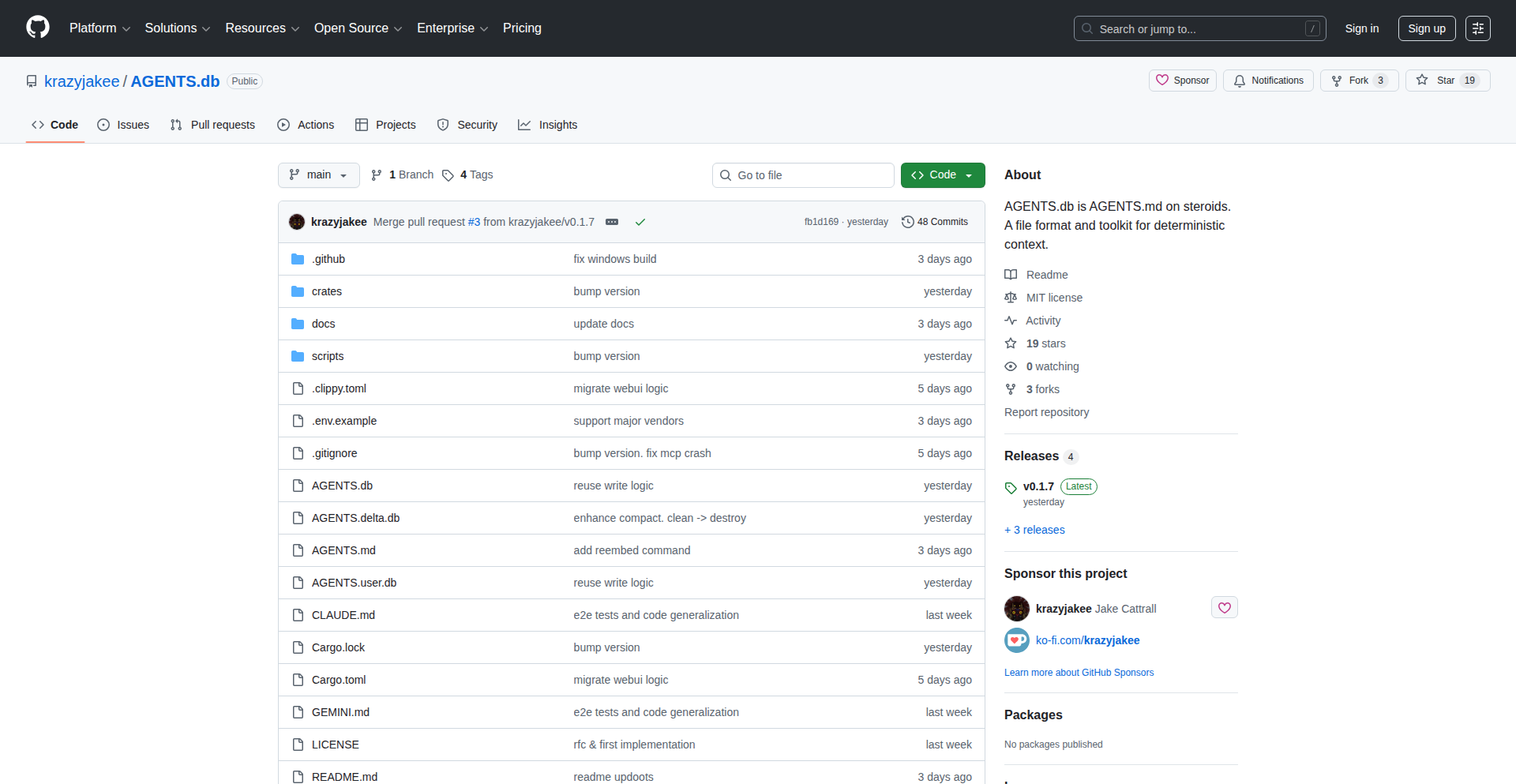
Author
krazyjakee
Description
AGENTS.db is an innovative, decentralized database designed to scale the context management for Large Language Model (LLM) agents. Unlike traditional methods that struggle with large codebases, AGENTS.db uses a layered, append-only, and vectorized flatfile approach to store and retrieve agent knowledge. This means information is organized into distinct, immutable layers (Base, User, Delta, Local), with newer information overriding older data. It offers fast local semantic search and works offline, making it a powerful, source-control-friendly alternative for managing agent memory and improving their long-term effectiveness.
Popularity
Points 2
Comments 0
What is this product?
AGENTS.db is a novel database system specifically built for LLM agents. Traditional approaches to giving LLM agents access to information often involve simply appending to a single text file, which becomes unmanageable as the amount of information grows. AGENTS.db tackles this by organizing knowledge into a 'layered' structure. Think of it like versions of a document: a 'Base' layer holds the original, verified facts, a 'User' layer stores human additions, a 'Delta' layer holds proposed changes that can be reviewed, and a 'Local' layer stores temporary notes for the current session. The key innovation is that information in higher layers automatically 'shadows' or overrides information in lower layers. For example, a local note about a specific task would take precedence over general user-provided context. Furthermore, it uses 'vectorization', which means it understands the meaning and relationships between pieces of text, allowing for very fast and relevant 'semantic search' – finding information based on what it means, not just keywords. This is all stored in a flatfile, meaning it doesn't need a separate server or cloud service, and it works offline, offering a highly efficient and resilient way for LLM agents to access and manage their knowledge base. The value is in providing LLM agents with a robust, scalable, and version-controlled memory that significantly enhances their ability to handle complex tasks over time.
How to use it?
Developers can integrate AGENTS.db into their LLM agent workflows by treating it as a persistent, searchable knowledge store. Instead of manually updating markdown files or relying on complex server-based databases, agents can read and write context directly to AGENTS.db. This involves using the provided MCP (Message Queuing Telemetry Transport) server interface to safely access and modify the layered data. For instance, an agent could write new findings into the 'Delta' layer for human review, or store ephemeral session notes in the 'Local' layer. The system's ability to perform fast semantic searches means agents can quickly retrieve relevant past interactions or factual information, enabling them to make more informed decisions and maintain context across long-running tasks. Its source-control friendliness means changes to the agent's knowledge can be tracked and versioned using standard Git tools, providing a clear audit trail and facilitating collaboration. Essentially, it provides a structured and efficient way to manage the 'brain' of an LLM agent.
Product Core Function
· Layered Context Management: Organizes agent knowledge into distinct, hierarchical layers (Base, User, Delta, Local) for structured data and efficient overriding. This allows for clear separation of verified facts, human contributions, reviewable changes, and ephemeral session data, making it easier to manage and understand agent memory. The value is improved organization and control over the agent's knowledge base.
· Append-Only Flatfile Database: Stores data by adding new entries rather than modifying existing ones, ensuring data integrity and enabling straightforward versioning and provenance tracking. This means you can always see where data came from and how it evolved, which is crucial for debugging and accountability in AI systems.
· Vectorized Semantic Search: Utilizes vector embeddings to understand the meaning of text, enabling fast and accurate retrieval of relevant information based on conceptual similarity rather than just keywords. This allows agents to find information that truly matches their needs, leading to more intelligent and context-aware responses.
· Offline Operation and No Server Requirement: Operates as a self-contained flatfile, eliminating the need for dedicated servers or cloud services, and functioning seamlessly offline. This provides high availability, reduced operational complexity, and the ability to work in environments with limited or no internet connectivity.
· Source-Control Friendly: Designed to work harmoniously with version control systems like Git, allowing for the tracking and management of agent context changes alongside code. This simplifies collaboration, debugging, and the rollback of agent behavior, making development more robust.
Product Usage Case
· Managing a large codebase's documentation for an LLM agent that assists developers: Instead of a single, unwieldy markdown file, AGENTS.db can store verified documentation in the 'Base' layer, developer-added tips in the 'User' layer, and proposed improvements in the 'Delta' layer. When the agent needs to answer a question about the codebase, it can quickly search this layered structure for the most relevant and up-to-date information, avoiding outdated or conflicting advice. This improves developer productivity by providing reliable, context-aware answers.
· Building a personalized AI assistant that learns from user interactions: The 'Base' layer could contain general knowledge, the 'User' layer could store explicit preferences and long-term learning, and the 'Local' layer could remember details of the current conversation. AGENTS.db allows the assistant to recall past conversations, understand user habits, and adapt its responses accordingly, creating a more natural and helpful user experience. The semantic search ensures it can find relevant past interactions even if the phrasing isn't exact.
· Developing an agent for complex research and analysis where information needs to be reviewed and validated: The 'Delta' layer serves as a staging ground for new findings or hypotheses. These can be reviewed by humans before being merged into the 'Base' or 'User' layers. This process ensures the agent's knowledge base remains accurate and trustworthy, critical for applications in scientific research or financial analysis.
41
CodeGate AI Hallucination Detector

Author
mondra
Description
CodeGate is an open-source command-line interface (CLI) tool designed to proactively detect 'hallucinated' packages in your codebase. It leverages advanced semantic analysis and metadata verification to identify packages that are either non-existent, misconfigured, or behave unexpectedly, thereby safeguarding your development workflow and preventing potential security vulnerabilities or deployment failures. So, this helps you avoid introducing fake or problematic code dependencies into your projects.
Popularity
Points 1
Comments 1
What is this product?
CodeGate is a sophisticated CLI tool that acts as a vigilant gatekeeper for your code. Its core innovation lies in its ability to go beyond simple dependency checks. It performs deep semantic analysis of package names and their associated metadata against known, reputable package repositories. By doing so, it can distinguish between legitimate packages and AI-generated 'hallucinations' – packages that might appear plausible but are actually non-existent, poorly documented, or even malicious. This intelligent verification process prevents developers from accidentally incorporating these phantom dependencies, which can lead to build errors, runtime issues, or security risks. So, this provides a robust layer of defense against a novel and emerging threat in software development.
How to use it?
Developers can integrate CodeGate into their existing build pipelines or use it as a standalone pre-commit hook. By running the `codegate check` command within their project directory, the tool will scan all declared dependencies. It analyzes each dependency against a curated knowledge base of known packages and their characteristics. If a potential hallucination is detected, CodeGate flags it with detailed information about why it's suspicious. This allows developers to either correct the dependency name, remove it, or investigate further before it causes problems. Integration can be as simple as adding it to your CI/CD script or your Git pre-commit hooks. So, you can automatically catch these issues before they even make it into your version control system or production.
Product Core Function
· AI Hallucination Detection: The system intelligently analyzes package names and their semantic context against established package registries and metadata. This provides a robust mechanism to identify and flag non-existent or misleading package dependencies that might be generated by AI tools. The value is in preventing the introduction of unreliable or potentially malicious code into your project. This is useful for maintaining code integrity and security.
· Semantic Analysis Engine: Utilizes natural language processing techniques to understand the intent and context behind package names, distinguishing between genuine libraries and plausible-sounding but fake ones. This enhances the accuracy of the detection process and reduces false positives. The value is in providing a more intelligent and context-aware dependency validation. This is useful for developers who are unsure about the exact spelling or origin of a package.
· Metadata Verification: Cross-references declared package information with official repository data to ensure consistency and authenticity. This guards against packages that might have a similar name but different functionality or origin. The value is in ensuring that the packages you intend to use are the ones you are actually getting. This is useful for preventing supply chain attacks and ensuring code predictability.
· CLI Interface for Integration: Provides a simple and easy-to-use command-line interface that can be seamlessly integrated into various development workflows, including CI/CD pipelines and local development checks. The value is in its flexibility and ease of adoption for any development environment. This is useful for automating dependency checks and ensuring consistent quality across a team.
Product Usage Case
· A developer is working on a new project and uses an AI coding assistant to generate boilerplate code, which includes a dependency with a slightly misspelled or fabricated name. Running CodeGate before committing catches this 'hallucinated' package, preventing build failures and the introduction of an unknown vulnerability. This directly addresses the problem of AI-generated code introducing unpredictable errors.
· A large team is collaborating on a complex software system. To ensure code quality and security, CodeGate is integrated as a pre-commit hook. This automatically scans all proposed code changes for problematic dependencies, ensuring that no AI-hallucinated packages are merged into the main branch, thus maintaining a stable and secure codebase for the entire team. This solves the challenge of maintaining consistent dependency hygiene across a distributed team.
· A security-conscious developer is evaluating a new open-source project. Before diving deep into the code, they run CodeGate to check its dependencies. If any AI-hallucinated packages are detected, it serves as an immediate red flag, prompting further investigation into the project's trustworthiness and potential security risks. This provides an early warning system for potential security threats introduced through dependencies.
42
ShipBoard IDE Feedback Stream
Author
divinho
Description
ShipBoard is a novel integration that brings user feedback directly into your VS Code sidebar, eliminating the need to switch contexts between your code editor and communication tools. It leverages Next.js and Prisma for its backend and the VS Code Extension API to provide a seamless feedback loop for developers. The innovation lies in its ability to maintain developer flow by keeping all essential information, like bug reports and feature requests, within the IDE.
Popularity
Points 1
Comments 1
What is this product?
ShipBoard is a tool designed to combat developer context switching. It works by creating a public feedback board that users can interact with without needing to log in. A key piece of technology here is the VS Code Extension, which acts as a real-time conduit, streaming all incoming feedback directly into a dedicated sidebar panel within your VS Code environment. This means that instead of jumping between Slack, email, or spreadsheets to find user input, you see it right alongside your code. The backend, built with Next.js and Prisma, efficiently manages this data flow, allowing developers to categorize, prioritize, and update the status of feedback items without ever leaving their coding workspace. So, what's the value? It dramatically reduces mental overhead and saves precious development time by keeping you in your creative flow state.
How to use it?
Developers can integrate ShipBoard by installing the dedicated VS Code extension. Once installed, the extension connects to your ShipBoard account, which is backed by a Next.js and Prisma application. You would then share the public feedback board URL with your users. As users submit feedback through this public board, it will automatically appear in real-time within the ShipBoard sidebar in your VS Code. From there, you can interact with the feedback directly – mark it as a bug, a feature request, assign it a priority, or update its status, all within the familiar environment of your code editor. This makes managing user input as straightforward as managing your code.
Product Core Function
· Real-time feedback streaming: This feature uses the VS Code Extension API to push new user comments and bug reports directly into the IDE sidebar. This is valuable because it ensures developers see feedback instantly, without manual checking, thus improving response times and preventing critical issues from being overlooked.
· Integrated feedback management: Within the VS Code sidebar, developers can categorize feedback (e.g., bug, feature request), assign priorities, and update status (e.g., to-do, in progress, resolved). This simplifies the workflow by centralizing feedback handling and making it part of the daily coding routine, leading to more organized and efficient project management.
· Public feedback board: A user-friendly, public-facing board allows end-users to submit feedback without requiring them to create an account. This fosters open communication and encourages more users to provide valuable input, acting as an accessible channel for collecting diverse perspectives.
· Context-aware feedback linking: Although not explicitly detailed, the integration within VS Code implies the potential for linking feedback to specific code segments or files. This would allow developers to pinpoint the exact area of code related to a bug or suggestion, significantly speeding up the debugging and implementation process.
Product Usage Case
· A startup developing a new mobile application notices a recurring bug reported by users on social media. Using ShipBoard, they set up a public feedback board. Users are directed to this board, and the bug reports appear directly in the lead developer's VS Code sidebar. The developer can then immediately see the issue, mark it as a high-priority bug, and assign it to a team member, all without leaving their coding environment, leading to a faster resolution and a more stable app.
· An open-source project maintainer wants to gather feature requests from their community. They integrate ShipBoard, providing a public board for suggestions. When a community member suggests a new feature, it shows up in the maintainer's VS Code. The maintainer can then easily categorize it as a feature request, add it to their backlog, and even start planning the implementation by referencing it directly while writing new code. This makes community engagement a seamless part of the development process.
· A freelance developer working on a client's website needs a streamlined way to handle client feedback and bug reports. By using ShipBoard, they create a dedicated board for the client. Client feedback, whether it's a minor UI tweak or a critical bug, appears in the developer's VS Code, allowing them to address it promptly while continuing their work. This professionalism and efficiency impress the client and streamline project iterations.
43
Lilo Write

Author
Lucavalentino
Description
Lilo Write is a local-first, two-dimensional writing surface that aims to make writing feel more like thinking. It allows users to position ideas spatially, making it ideal for non-linear tasks like outlining, brainstorming, or mind-mapping. The innovation lies in its 'infinite canvas' approach and its commitment to user privacy with local data storage and zero tracking.
Popularity
Points 1
Comments 1
What is this product?
Lilo Write is a web-based application that provides an unbounded, two-dimensional canvas for writing and organizing thoughts. Unlike traditional linear text editors, it lets you place your ideas anywhere on the screen, creating visual relationships between them. This spatial arrangement is achieved by rendering elements on a canvas that can be infinitely scrolled and zoomed. The core technology uses TypeScript and Vite for a fast, dependency-light build, and critically, all your data is stored directly in your browser, ensuring privacy and allowing for easy export in a standard JSON format. So, this is a digital whiteboard for your thoughts, designed for deep thinking and creativity, with your privacy as a top priority.
How to use it?
Developers can use Lilo Write as a digital scratchpad for brainstorming project ideas, outlining complex features, or even designing user interfaces before committing to code. Its spatial nature helps in visualizing connections between different concepts. For integration, the fact that it's local-first means you can easily export your data as a JSON file, which can then be parsed and utilized by other applications or scripts. Imagine using it to map out API endpoints or to visually structure your next presentation. The ability to export allows for seamless integration into your existing development workflow. So, it's a flexible tool to capture and structure your ideas, making them actionable.
Product Core Function
· Infinite Spatial Canvas: Allows users to arrange text blocks and ideas freely in a two-dimensional space, mimicking natural thought processes and improving organizational clarity. This is useful for complex project planning and ideation.
· Local-First Data Storage: All your content is saved directly in your browser's local storage, meaning no account creation is needed and your data is private and secure. This is valuable for developers who handle sensitive project information.
· JSON Export: Provides an easy way to export your entire canvas and its content in a standard JSON format, enabling interoperability with other tools and custom scripts. This is great for backing up your work or feeding data into other development pipelines.
· Zero Dependencies (beyond build tools): Built with TypeScript and Vite, the application is lightweight and fast, focusing on core functionality without unnecessary bloat. This leads to a smoother and more responsive user experience for creative tasks.
· Non-linear Workflows: Designed to support brainstorming, outlining, and any form of work that benefits from visual relationships and flexible arrangement of ideas. This is perfect for tackling complex problems that don't fit neatly into a linear structure.
Product Usage Case
· Brainstorming new software features: A developer can use Lilo Write to visually map out different feature ideas, their dependencies, and potential user flows on the infinite canvas, then export the structure to a task management tool.
· Outlining a complex technical document: Researchers or technical writers can arrange sections, sub-sections, and key points spatially, ensuring a logical flow and easily identifying gaps before writing.
· Visualizing API relationships: A backend developer can use Lilo Write to draw out different services, their endpoints, and how they communicate with each other, helping to understand system architecture.
· Sketching UI layouts: Designers can quickly sketch out different screen layouts and element placements, using the spatial freedom to iterate on designs before moving to more formal design tools.
44
Consulting-as-Code
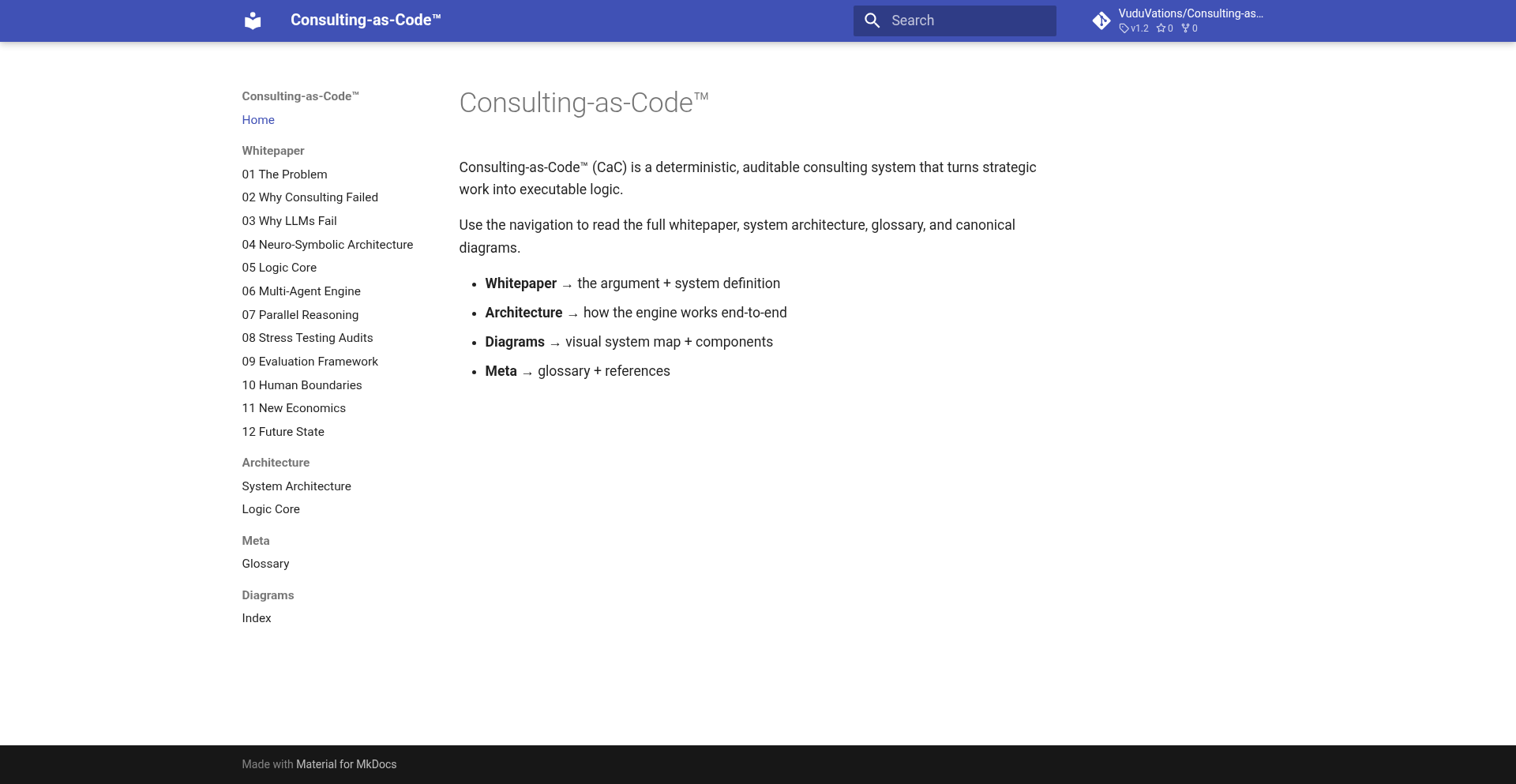
Author
vuduvations
Description
Consulting-as-Code is a novel neuro-symbolic agent architecture that brings deterministic, repeatable decision-making to complex advisory tasks. By integrating symbolic reasoning with neural network capabilities, it aims to create AI agents that can provide consistent and auditable consulting-like advice, effectively treating expertise as code.
Popularity
Points 1
Comments 1
What is this product?
This project introduces a unique agent architecture for AI that combines two powerful AI paradigms: neural networks and symbolic reasoning. Neural networks are good at pattern recognition and learning from data, while symbolic reasoning excels at logical deduction and rule-based decision-making. By merging these, Consulting-as-Code creates an agent that can understand complex inputs, apply expert knowledge through logical rules, and produce deterministic, predictable outputs. This means that for the same input and internal state, the agent will always arrive at the same conclusion, which is crucial for applications requiring reliability and auditability. So, what's in it for you? You get AI that can provide consistent and trustworthy advice, unlike many current AI models that can be unpredictable. This makes it ideal for professional consulting services where consistency is paramount.
How to use it?
Developers can integrate Consulting-as-Code into their applications by defining the symbolic knowledge base (rules and logic) and training the neural components on relevant data. The architecture is designed to be modular, allowing for customization of both the neural and symbolic layers. This can be used to build intelligent agents for tasks such as automated technical support, personalized financial advice, or even legal document analysis, where clear reasoning and consistent outcomes are essential. So, how does this benefit you? You can build smarter, more reliable AI assistants that can handle sophisticated advisory roles within your existing systems or create entirely new AI-powered services.
Product Core Function
· Neuro-Symbolic Integration: Combines the learning power of neural networks with the logical precision of symbolic AI for nuanced decision-making. This value lies in creating AI that can both understand fuzzy data and reason logically, leading to more robust and insightful recommendations.
· Deterministic Agent Behavior: Guarantees consistent outputs for identical inputs, enabling auditability and trust in AI-driven advice. The value here is predictable and verifiable AI, essential for regulated industries or mission-critical applications.
· Consulting-as-Code Framework: Treats expert knowledge and decision processes as executable code, facilitating easier updates and maintenance of AI advisory systems. This provides the benefit of agile AI development, allowing for quicker adaptation of AI expertise to changing needs.
· Modular Architecture: Allows for flexible customization of neural and symbolic components to suit specific domain requirements and data characteristics. The value is in building AI tailored to your exact needs, rather than a one-size-fits-all solution.
Product Usage Case
· Automated Financial Advisory: A developer could use Consulting-as-Code to build an AI that provides personalized investment recommendations based on a user's financial goals and market data, ensuring consistent advice regardless of when the query is made. This solves the problem of unreliable or inconsistent financial advice from simpler AI models.
· Technical Support Expert System: Imagine an AI that helps diagnose software issues. By encoding technical troubleshooting steps as symbolic rules and using neural networks to interpret user problem descriptions, this AI can provide deterministic step-by-step solutions. This eliminates the frustration of getting different or incorrect advice each time you seek help.
· Legal Document Analysis Assistant: A law firm could leverage this architecture to build an AI that analyzes contracts for specific clauses or risks. The symbolic layer ensures adherence to legal logic, while the neural layer can identify nuances in language, providing consistent and auditable risk assessments. This helps in reducing human error and speeding up due diligence processes.
45
Cross-Platform Liquid Glass Toolkit
Author
andraskindler
Description
A curated directory of frameworks, code samples, and design assets that enable developers to implement 'Liquid Glass' visual effects on a variety of platforms, extending beyond Apple's iOS and macOS ecosystems. This project democratizes a previously platform-specific design trend, offering practical implementations for web, Android, and other environments.
Popularity
Points 2
Comments 0
What is this product?
This project is a comprehensive resource hub for achieving the 'Liquid Glass' aesthetic, a popular UI design trend characterized by frosted glass-like transparency, subtle blurs, and refractive light effects. Unlike its initial prominent appearance on iOS and macOS, this toolkit provides the actual building blocks – code snippets, framework recommendations, and design patterns – allowing developers to replicate this sophisticated visual experience on different operating systems and web applications. The innovation lies in abstracting and making accessible a complex visual effect that previously required deep platform-specific knowledge. It's about bringing a premium, modern look to more places without reinventing the wheel for each platform.
How to use it?
Developers can utilize this toolkit by browsing the directory to find relevant code examples and framework integrations for their target platform. For instance, a web developer might find JavaScript libraries and CSS techniques to achieve a similar blur and transparency effect on a website. An Android developer could discover Java or Kotlin code structures and libraries that mimic the iOS-specific blur algorithms. The resources are designed to be plug-and-play or adaptable to existing projects, significantly reducing the development time and complexity associated with implementing such nuanced visual effects.
Product Core Function
· Cross-platform blur effect implementation: Provides code and guidance to render background blur, allowing elements to appear as if viewed through frosted glass, enhancing depth and hierarchy in UIs.
· Refractive light scattering techniques: Offers methods to simulate how light bends and disperses when passing through a glass-like surface, adding realism and polish to UI elements.
· Transparency and overlay management: Details how to layer transparent elements effectively, creating a sophisticated, multi-dimensional look without obscuring underlying content.
· Framework and library recommendations: Curates existing tools and libraries that facilitate the implementation of these effects, saving developers research time and effort.
· Design asset collection: Includes pre-made visual elements and style guides to help designers and developers quickly prototype and visualize the Liquid Glass effect in their applications.
Product Usage Case
· Website UI enhancement: A marketing website can use these resources to implement a translucent navigation bar that blurs the background content as the user scrolls, creating a more engaging and modern user experience. This addresses the need for a sophisticated, eye-catching header without complex native development.
· Mobile application feature: An Android app can integrate Liquid Glass effects into its settings screen or modal dialogs, providing a visually appealing overlay that feels polished and premium, similar to native iOS experiences. This solves the problem of making app interfaces feel less generic and more integrated.
· Desktop application design: Developers building cross-platform desktop applications (e.g., using Electron) can leverage these resources to implement window backgrounds or sidebar elements with a frosted glass appearance, making the application feel more cohesive and professional across different operating systems.
· Game UI elements: Indie game developers can use these techniques to create unique in-game menus or HUD elements that stand out, applying visual flair that goes beyond standard flat designs. This provides a creative edge for visual presentation.
46
GeminiPlantDiagnoser

Author
wvlia5
Description
A novel application leveraging Google's Gemini API to diagnose plant health issues from user-uploaded images. It applies advanced AI vision and reasoning to identify potential diseases, pests, or nutrient deficiencies, providing actionable advice for plant care. This offers a sophisticated yet accessible tool for both amateur gardeners and seasoned horticulturalists to quickly understand and resolve plant problems.
Popularity
Points 2
Comments 0
What is this product?
GeminiPlantDiagnoser is a smart assistant that uses AI to figure out what's wrong with your plants. You simply upload a photo of your ailing plant, and the system, powered by Google's Gemini AI, analyzes the visual information. It's like having a plant doctor in your pocket, using cutting-edge computer vision to 'see' the problem and then using its AI reasoning capabilities to 'understand' what that means for your plant's health. The innovation lies in its ability to process complex visual data and translate it into understandable diagnoses and solutions, offering a level of detail and accuracy typically found in specialized software, but made available through a simple API call.
How to use it?
Developers can integrate GeminiPlantDiagnoser into their own applications, websites, or smart gardening devices. By sending an image of a plant to the Gemini API with a specific prompt asking for diagnosis, developers can receive structured information back. This could be used to build automated plant care advisors, enhance gardening e-commerce platforms with diagnostic tools, or create personalized plant care recommendations for users. Essentially, it's a powerful backend service that can be bolted onto any project requiring plant health analysis.
Product Core Function
· Plant Image Analysis: Uses advanced AI models to meticulously examine uploaded plant images, identifying subtle visual cues of stress or disease. This is valuable because it automates the detection of problems that might be missed by the human eye, leading to faster and more accurate identification.
· AI-driven Diagnosis: Leverages Gemini's reasoning capabilities to interpret the visual analysis and provide a probable diagnosis for the plant's condition, such as identifying specific diseases or nutrient deficiencies. This is valuable as it translates raw visual data into a clear explanation of what's wrong with the plant.
· Actionable Advice Generation: Based on the diagnosis, the system offers tailored recommendations for treatment and care, including suggested remedies, watering schedules, and nutrient supplements. This is valuable because it provides users with practical steps to improve their plant's health, saving time and effort in researching solutions.
· Scalable API Integration: Provides a robust API that allows developers to easily incorporate plant diagnostic capabilities into their own applications. This is valuable for building new plant-centric features or enhancing existing ones without needing to build complex AI models from scratch.
Product Usage Case
· A gardening app that allows users to upload photos of their wilting houseplants. The app then uses GeminiPlantDiagnoser to identify the cause (e.g., overwatering, fungal infection) and provides personalized care instructions, helping users keep their plants alive and thriving.
· An e-commerce website selling plants and gardening supplies that integrates GeminiPlantDiagnoser. When a customer encounters an issue with a purchased plant, they can upload a photo, receive an instant diagnosis, and be recommended relevant products for treatment, improving customer satisfaction and driving sales.
· A smart home gardening system that uses sensors and cameras to monitor plant health. When an anomaly is detected, an image is sent to GeminiPlantDiagnoser for a detailed analysis, triggering alerts and automated care adjustments to prevent plant loss.
· A research project focused on plant pathology that uses GeminiPlantDiagnoser to quickly categorize and analyze large datasets of diseased plant images, accelerating the identification of trends and patterns in plant health across different regions.
47
SyncKit: TLA+ Verified CRDT for Local-First Apps
Author
danbitengo
Description
SyncKit is a novel approach to building local-first applications, leveraging a Conflict-free Replicated Data Type (CRDT) that has been formally verified for correctness using TLA+ specifications. This means that regardless of network conditions or multiple users editing data simultaneously, the system guarantees that all data will eventually converge to a consistent state, without any data loss or unresolvable conflicts. It achieves this with a strong emphasis on safety, by minimizing the use of 'unsafe' Rust code, making it more robust and predictable.
Popularity
Points 1
Comments 1
What is this product?
SyncKit is a toolkit that provides a way to build applications where data is stored and manipulated locally on a user's device, even when offline. The core innovation lies in its Conflict-free Replicated Data Type (CRDT). Think of a CRDT like a special type of shared document that, even if multiple people edit it at the same time on different computers, will eventually end up looking exactly the same for everyone. SyncKit ensures this by using a rigorous mathematical model called TLA+ to prove that its CRDT will always work correctly, even in tricky scenarios like network outages. The 'zero unsafe Rust' part means it's built with highly reliable code, reducing the chances of unexpected bugs. So, this helps build applications that are super reliable and work seamlessly whether you're online or offline.
How to use it?
Developers can integrate SyncKit into their local-first applications by using its Rust library. This involves defining the data structures that will be replicated and synchronized. SyncKit provides the underlying CRDT logic, so developers don't need to invent complex synchronization algorithms themselves. They can focus on the application's user interface and business logic. For example, you could use SyncKit to manage user data in a note-taking app, a collaborative drawing tool, or a project management system. The integration would involve setting up SyncKit's data structures and letting it handle the merging and synchronization of changes as users make them locally and then come back online. This means faster development and more resilient apps.
Product Core Function
· Verified CRDT Implementation: Provides a robust and mathematically proven way to handle data conflicts, ensuring eventual consistency across all devices and users. This is valuable because it eliminates complex manual conflict resolution logic for developers, leading to more reliable applications.
· Local-First Data Management: Enables applications to function fully even without a constant internet connection, storing and processing data on the user's device. This is valuable for improving user experience with offline capabilities and reducing reliance on constant network connectivity.
· TLA+ Formal Verification: Guarantees the correctness of the synchronization logic through formal methods, significantly reducing the risk of subtle bugs in distributed systems. This is valuable because it builds developer confidence in the reliability of the synchronization mechanism.
· Safe Rust Codebase: Minimizes the use of 'unsafe' Rust, leading to more predictable behavior and enhanced security. This is valuable for building high-quality, trustworthy applications with fewer potential pitfalls.
Product Usage Case
· Offline-first note-taking app: A developer could use SyncKit to ensure that notes created or edited offline on a laptop are seamlessly merged with notes created on a mobile phone when both devices eventually connect to the network, without losing any edits. This solves the problem of data inconsistency when users switch devices or work without internet.
· Collaborative document editor: SyncKit could power a real-time collaborative editor where multiple users can type and edit simultaneously from different locations. The CRDT ensures that all changes are eventually merged correctly, even if users experience network latency or temporary disconnections. This addresses the challenge of real-time co-editing in a distributed environment.
· Inventory management system for mobile teams: Field technicians could update inventory counts on their tablets offline. When they return to an area with connectivity, SyncKit would automatically synchronize these updates with the central database, ensuring accurate inventory records without manual reconciliation. This solves the problem of data lag and potential errors in mobile data collection.
48
Cuttr - AI-Powered Browser Video Editor

url
Author
arun0011
Description
Cuttr is a revolutionary browser-based video editor that leverages AI to enable editing videos by simply manipulating text. Instead of traditional timeline manipulation, users can edit by cutting or modifying the transcribed text, and the video will reflect those changes instantly. This drastically simplifies the video editing workflow, making it accessible and efficient, powered entirely by AI.
Popularity
Points 2
Comments 0
What is this product?
Cuttr is a web application that redefines video editing by using Artificial Intelligence to interpret and execute commands based on text. The core innovation lies in its ability to automatically transcribe video content, and then allow users to edit the video by editing the transcribed text itself. For instance, deleting a sentence from the transcript will remove the corresponding video segment. This is achieved by the system analyzing the video's audio and visual cues in conjunction with the AI-generated transcript to precisely locate and remove or alter video sections. It's like having a smart assistant that understands your video content through its words.
How to use it?
Developers can use Cuttr as a standalone tool for quick video edits or as a proof-of-concept for integrating AI-driven editing into their own applications. To use it, simply upload a video file to the Cuttr web interface. The AI will then transcribe the audio and analyze the video content. You can then interact with the generated transcript, deleting or modifying text to edit the video. For integration, you might explore its underlying AI models or APIs if they become available, to build custom editing workflows, automate video content summarization, or create interactive video experiences.
Product Core Function
· AI Video Transcription: Automatically generates accurate text transcripts from video audio, enabling word-level understanding of video content. This is valuable for making video searchable and editable through text.
· Text-Based Video Editing: Allows users to edit video by deleting, adding, or modifying text in the transcript. The video is dynamically updated to match these text changes. This provides an intuitive and efficient editing experience, significantly reducing the learning curve.
· Browser-Based Functionality: Operates entirely within a web browser, eliminating the need for software installation and allowing for seamless access from any device with an internet connection. This makes powerful editing tools accessible to everyone.
· 100% AI Powered: All core editing functions are driven by AI, from transcription to video manipulation, reducing manual effort and potential for errors. This signifies a future where AI handles complex creative tasks.
Product Usage Case
· Content Creators: A YouTuber can quickly trim out filler words or pauses from their videos by simply deleting the corresponding text in the transcript, saving hours of manual editing time and improving video pacing.
· Journalists and Researchers: A journalist can rapidly create short video clips for social media by identifying key quotes in a lengthy interview and editing the transcript to isolate those segments, instantly generating the corresponding video snippets.
· Educators: An instructor can create concise educational videos by transcribing lectures and then editing the transcript to remove tangents or less crucial information, resulting in more focused and digestible learning materials.
49
BrowserBuddy-30B

Author
gregpr07
Description
BrowserBuddy-30B is a groundbreaking open-source Large Language Model (LLM) specifically engineered for browser interaction. It stands out with its state-of-the-art (SoTA) browser use capabilities, delivered through a compact and lightning-fast model that can run on a single GPU. This means significantly faster processing and drastically reduced costs compared to existing solutions, making powerful AI-driven browser automation accessible to more developers.
Popularity
Points 2
Comments 0
What is this product?
BrowserBuddy-30B is a powerful, yet efficient, open-source AI model designed to understand and interact with web browsers. It leverages a 30 billion parameter architecture, with only 3 billion active parameters, allowing for high performance without requiring massive computational resources. Its core innovation lies in its specialized training for browser automation, enabling it to deeply comprehend the structure of web pages (DOM understanding) and interpret visual information on the screen (visual reasoning). This means it can 'see' and 'understand' what's happening in a browser like never before, much faster and cheaper than current enterprise-grade models. So, it's a smart assistant for your browser, built to be fast and affordable, so you can automate complex web tasks without breaking the bank.
How to use it?
Developers can integrate BrowserBuddy-30B into their automation workflows using open-source libraries designed for browser interaction. Its primary use case involves building custom web scrapers, automated testing agents, or AI-powered assistants that can navigate websites, extract data, fill forms, and even make decisions based on visual cues. Because it's designed for a single GPU, it's easier to deploy locally or on cost-effective cloud instances. This means you can build sophisticated browser automation tools without needing supercomputers, enabling quicker development cycles and more dynamic web applications. So, if you need to automate repetitive web tasks or build intelligent agents that interact with websites, this model provides the brains to do it efficiently.
Product Core Function
· Real-time DOM Parsing and Understanding: The model can quickly analyze the structure of a webpage, understanding how elements are connected and their roles. This is valuable for precise data extraction and targeted interaction with web elements, so you can get the exact information you need from any website.
· Visual Reasoning for Browser Interfaces: It can interpret visual elements on a webpage, such as buttons, images, and text layout, to understand context and make intelligent decisions. This is crucial for automating tasks that require visual confirmation or interaction, so your automation can 'see' and react like a human user.
· Efficient Browser Navigation and Interaction: The model is trained to perform actions within a browser, like clicking buttons, filling forms, and scrolling. This streamlines the creation of complex automated workflows, so you can automate multi-step processes on any website with ease.
· Low-Resource Deployment (Single GPU): Its architecture allows it to run on a single GPU, making advanced AI capabilities accessible without needing expensive hardware. This significantly reduces the cost of entry for developing sophisticated browser automation, so you can build powerful tools without a huge budget.
· Cost-Effective Operation: Compared to other advanced models, BrowserBuddy-30B is approximately 15 times cheaper to operate. This makes it ideal for applications requiring continuous or large-scale automation, so you can run more automation for less money.
Product Usage Case
· Automated Web Scraping: Build intelligent scrapers that can navigate complex websites, extract specific data points from dynamic content, and handle changes in website structure gracefully. This helps businesses gather market intelligence or populate databases efficiently.
· AI-Powered End-to-End Testing: Develop automated testing suites that can simulate user interactions with web applications, including visual verification of UI elements and dynamic content. This ensures higher quality web applications and reduces manual testing effort.
· Personalized Web Assistants: Create custom browser extensions that can help users automate repetitive tasks, fill out forms based on context, or summarize information from webpages. This enhances user productivity and experience.
· Data Entry Automation: Automate the process of entering data into online forms or systems, especially for large volumes of information, reducing manual labor and potential errors. This saves time and improves accuracy in data management.
· Content Moderation and Analysis: Develop tools that can automatically analyze website content for specific keywords, sentiment, or adherence to guidelines. This is useful for managing online communities or monitoring brand reputation.
50
WasmHexer

Author
pasxizeis
Description
WasmHexer is a WebAssembly (Wasm) module decoder built from scratch. Its core innovation lies in providing exceptionally helpful and detailed error messages. This makes it a powerful debugging tool and an excellent resource for learning about Wasm's internal structure. So, why is this useful to you? It demystifies complex Wasm files, making troubleshooting and understanding your Wasm code much easier.
Popularity
Points 2
Comments 0
What is this product?
WasmHexer is a software tool that takes a WebAssembly binary file (`.wasm`) and translates its low-level binary code into a more human-readable format. It goes beyond simply decoding; it's designed to offer incredibly clear and actionable error messages when it encounters issues within a Wasm module. This is built using a custom parser, meaning it understands the intricate structure of Wasm code. The innovation here is the focus on diagnostics – unlike many basic decoders, WasmHexer aims to tell you *exactly* what's wrong and where, making it a prime candidate for developers learning Wasm or debugging tricky runtime problems. So, what's the value? It acts like a translator and a detective for your Wasm code, making it understandable and helping you pinpoint problems with precision.
How to use it?
Developers can integrate WasmHexer into their build pipelines or use it as a standalone command-line tool. When encountering a `.wasm` file that's not behaving as expected, or when trying to understand the structure of a Wasm module, you can feed it to WasmHexer. The tool will then output a structured representation of the Wasm code, and crucially, if there are any structural errors or inconsistencies, it will provide detailed explanations of the problem, often pinpointing the exact location within the binary. This is invaluable for debugging issues that might arise from Wasm compilation or generation. So, how does this help you? It allows you to quickly diagnose why a Wasm module might be failing to load or execute correctly, saving significant debugging time.
Product Core Function
· WebAssembly Binary Parsing: Decodes the raw `.wasm` binary format into a more understandable representation. This is valuable for understanding the components and structure of any Wasm module you're working with.
· Detailed Error Diagnostics: Provides highly informative error messages when encountering invalid or malformed Wasm modules, helping developers quickly identify and fix issues. This means less time spent guessing what's wrong with your Wasm code and more time fixing it.
· Educational Tool for Wasm: Its clarity and focus on errors make it an excellent resource for learning the intricacies of the WebAssembly specification. This allows you to deepen your understanding of how Wasm works under the hood.
· Spec Conformance Testing: The decoder is actively tested against the official WebAssembly specification test suite, ensuring accuracy and reliability in its decoding and error reporting. This gives you confidence that the tool is accurately representing Wasm behavior and identifying spec violations.
Product Usage Case
· A developer is integrating a Wasm module generated by a different tool and it fails to load. Instead of vague errors, WasmHexer pinpoints a specific instruction that violates the Wasm specification, allowing the developer to quickly correct the generation logic. This saves hours of debugging.
· A student learning about WebAssembly struggles to understand the binary format. By using WasmHexer, they can see how high-level Wasm instructions are represented in binary and clearly understand error messages from malformed examples, accelerating their learning curve.
· A game developer is using Wasm for performance-critical parts of their application. When a Wasm module behaves unexpectedly, they use WasmHexer to analyze the module's structure and identify subtle errors in its compilation, ensuring smooth gameplay.
· A security researcher is analyzing a Wasm module for potential vulnerabilities. WasmHexer's detailed decoding and error reporting help them to meticulously understand the module's logic and identify any unusual or potentially malicious patterns.
51
PageIndex Chat: Context-Aware LLM for Documents
Author
LoMoGan
Description
PageIndex Chat is an AI system engineered to overcome the context-length limitations of current Large Language Models (LLMs) when processing extensive documents. It offers a solution for engaging in natural conversations with lengthy texts, providing more accurate responses than standard models and operating at a faster pace than some advanced alternatives. A key innovation is its ability to cite specific page numbers for every piece of information in its answers, ensuring transparency and allowing users to easily verify the source of the claims. This is crucial for anyone needing to extract reliable information from large documents without getting lost in the details.
Popularity
Points 2
Comments 0
What is this product?
PageIndex Chat is an AI system that acts like an intelligent assistant for reading and understanding very long documents. Think of it like a super-smart librarian who has not only read the entire book but can also point you to the exact page and sentence for any fact it tells you. Traditional AI models often forget what they read after a certain point (context window limitation), like trying to remember a whole library after reading just one shelf. PageIndex Chat uses clever techniques to 'remember' and efficiently access information from the entire document, even if it's hundreds or thousands of pages long. The 'page-level references' are its superpower, making its answers trustworthy because you can always double-check where the information came from. So, even if you're not a tech expert, this means you can get reliable answers from dense legal documents, research papers, or technical manuals without manually sifting through them yourself.
How to use it?
Developers can integrate PageIndex Chat into their applications by leveraging its API. The system is designed to ingest long documents, process them, and then allow for conversational queries. This could involve building internal knowledge bases for companies, creating tools for legal professionals to review contracts, or developing educational platforms that allow students to 'ask' textbooks questions. For example, a developer could build a plugin for a word processor that allows users to instantly query any document they are working on, getting summaries or specific facts directly from the text, with clear source attribution. This saves immense time and effort in information retrieval.
Product Core Function
· Long document comprehension: The system can process and understand documents of virtually any length, overcoming the typical memory limits of AI. This is valuable because it means you can get insights from very large reports, books, or datasets without the AI losing track of the information.
· Accurate conversational AI: Provides reliable and precise answers to questions asked about the document's content. This is useful because you can trust the information you receive and avoid misinterpretations that might arise from less precise AI.
· Page-level citation: Every statement made by the AI is linked to the specific page number in the original document. This is a game-changer for verifying information, ensuring that claims are grounded in reality and allowing for quick fact-checking, which is critical for academic, legal, or research work.
· Fast response times: Despite handling extensive data, the system is optimized for speed, delivering answers quickly. This is important because you don't want to wait ages for an answer, especially when you need information urgently.
Product Usage Case
· A legal firm using PageIndex Chat to quickly summarize and find specific clauses within thousands of pages of discovery documents, dramatically reducing research time and improving accuracy in case preparation. This helps lawyers focus on strategy rather than manual searching.
· A university professor building a tool for students to interact with dense academic papers, allowing them to ask questions and receive answers directly linked to the relevant sections of the paper. This enhances student understanding and engagement with complex material.
· A financial analyst querying extensive quarterly reports to identify key trends and figures, with each data point traceable to its source in the report. This ensures that investment decisions are based on verifiable data, reducing risk.
· A technical writer using PageIndex Chat to understand a vast library of product documentation to answer user queries more effectively. This leads to better customer support and more efficient knowledge dissemination.
52
SagaBus TS - TypeScript Saga Orchestration
Author
deanforan
Description
SagaBus TS is a TypeScript library that implements the Saga pattern for managing complex, distributed transactions. It provides a MassTransit-style approach to orchestrate sequences of local transactions, ensuring data consistency across multiple services without relying on traditional two-phase commits. The core innovation lies in its declarative and type-safe way of defining and executing sagas in a TypeScript environment.
Popularity
Points 1
Comments 1
What is this product?
SagaBus TS is a developer tool that helps manage complex workflows involving multiple independent services. Imagine you need to book a flight, reserve a hotel, and arrange a car rental – each of these might be handled by a different microservice. If one step fails (e.g., hotel booking fails after flight is booked), you need a way to automatically cancel the flight and undo any other completed steps. This is where the Saga pattern comes in. SagaBus TS provides a structured way to define these steps (the 'saga') and handles the logic of executing them in order, and more importantly, rolling them back if any step fails. Its innovation is bringing a robust, battle-tested orchestration pattern like MassTransit into the TypeScript ecosystem with strong type safety, meaning fewer runtime errors and easier development.
How to use it?
Developers can integrate SagaBus TS into their TypeScript applications, particularly in microservice architectures. You define your business process as a series of 'steps' and 'compensations'. Each step represents an action on a service (e.g., 'bookFlight'), and its compensation is the action to undo it (e.g., 'cancelFlight'). SagaBus TS then provides an orchestrator that executes these steps sequentially. If a step fails, it automatically executes the compensation actions for all previously completed steps. This is useful for building reliable backend systems for e-commerce, travel booking, or any domain with complex, multi-service transactions. Integration typically involves defining your saga state machine and registering it with the SagaBus orchestrator.
Product Core Function
· Saga Definition: Allows developers to declaratively define a sequence of operations and their corresponding compensation actions using type-safe constructs. This makes complex workflows understandable and maintainable, reducing the risk of errors in defining business logic.
· Orchestration Engine: Provides a runtime engine that executes the defined saga steps in order, handling the state transitions and invoking the correct actions. This ensures that transactions are processed reliably, even in distributed systems, by automating the execution flow.
· Compensation Logic: Automatically triggers compensation actions for previously completed steps when an error occurs, ensuring data consistency and atomicity across services. This is crucial for preventing partial updates and maintaining data integrity in failure scenarios.
· TypeScript Integration: Leverages TypeScript's static typing to provide compile-time checks for saga definitions and execution, leading to more robust code and reduced runtime surprises. This enhances developer productivity and code quality.
· Extensibility: Designed to be extensible, allowing developers to plug in custom state persistence mechanisms and transport layers. This enables adaptation to various infrastructure needs and deployment environments.
Product Usage Case
· E-commerce Order Processing: When a customer places an order, multiple services might be involved: inventory check, payment processing, shipping label generation, and notification. SagaBus TS can orchestrate these steps. If payment fails after inventory is reserved, it can automatically unreserve inventory. This ensures that orders are processed end-to-end reliably, preventing inconsistencies between inventory and orders.
· Travel Booking Systems: For booking a flight, hotel, and car rental, each might be a separate service. SagaBus TS can manage the entire booking process. If the hotel booking fails after the flight is confirmed, the system will automatically cancel the flight. This provides a seamless and failure-tolerant booking experience for users.
· Financial Transactions: Managing complex financial workflows, such as fund transfers across different accounts or internal ledgers, where atomicity is paramount. SagaBus TS can ensure that either all operations succeed or all are rolled back, maintaining strict financial integrity.
· User Onboarding Flows: Orchestrating a sequence of actions when a new user signs up, like creating a user profile, setting up their account, sending a welcome email, and provisioning resources. If any step fails, SagaBus TS can roll back the initiated actions, ensuring a clean state for the user.
53
SpeakEasy AI

Author
speakupai
Description
SpeakEasy AI is a platform that provides a dynamic, AI-powered audience for public speaking practice. It addresses the common challenge of limited practice opportunities by simulating a responsive crowd, complete with audience questions, allowing users to rehearse their presentations and interviews without real-world constraints. This innovative approach leverages AI to offer unlimited, on-demand practice sessions, significantly enhancing public speaking confidence and skill development.
Popularity
Points 2
Comments 0
What is this product?
SpeakEasy AI is an intelligent platform designed to overcome the hurdles of practicing public speaking. Instead of relying on limited human audiences or basic speech correction apps, it employs advanced AI to generate a virtual audience that reacts to your speech. This AI audience can ask relevant questions, mirroring real-life Q&A sessions and providing a more realistic and challenging practice environment. The core innovation lies in the AI's ability to understand context and simulate intelligent audience interaction, offering a personalized and scalable solution for anyone looking to improve their presentation skills. So, what does this mean for you? It means you can get invaluable practice and feedback anytime, anywhere, without needing to schedule or inconvenience others, making your preparation far more effective.
How to use it?
Developers can integrate SpeakEasy AI into their workflow for presentation preparation or interview practice. The platform allows users to upload their presentation content or simply start speaking live. The AI then generates a simulated audience tailored to the context of the speech. Users can practice their delivery, response to questions, and pacing. The system tracks performance and can provide feedback on aspects like clarity and engagement. This can be used for rehearsing sales pitches, academic presentations, job interviews, or even general public speaking engagements. So, how does this help you? You can use it to confidently prepare for that crucial presentation or interview, knowing you've practiced extensively with a challenging, simulated environment, leading to better performance and reduced anxiety.
Product Core Function
· AI-driven audience simulation: Generates a virtual audience that provides a realistic practice environment, offering context-aware questions and reactions. This is valuable for users who need to experience audience interaction and prepare for Q&A sessions during their presentations or interviews.
· Unlimited practice sessions: Allows users to practice their speeches as many times as they need, whenever they need, without scheduling constraints or limitations. This provides flexibility and ensures thorough preparation for any speaking engagement.
· Customizable audience profiles: The ability to tailor the AI audience to specific scenarios or industries (e.g., a technical conference, a business meeting) to make practice more relevant. This is useful for users who need to practice for very specific audiences and want to simulate their reactions and questions accurately.
· Interactive Q&A simulation: The AI actively asks questions based on the content of the speech, mimicking real-world Q&A sessions. This is crucial for developing quick thinking and effective response strategies in live situations.
Product Usage Case
· A software engineer preparing for a tech conference presentation can use SpeakEasy AI to practice their talk and anticipate technical questions from a simulated audience of peers, ensuring they are well-prepared for the live Q&A.
· A job seeker can use the platform to rehearse for a critical job interview, simulating the interviewer's questions and practicing their responses to common and challenging interview prompts, thereby boosting their confidence and interview performance.
· A student can practice their thesis defense by presenting to the AI audience, receiving simulated questions from a panel of experts, and refining their argumentation and delivery before the actual defense.
· A salesperson can practice their product pitch to a simulated group of potential clients, receiving questions about features, pricing, and benefits, and learning to address objections effectively.
54
PromptSculptor

Author
rubenhellman
Description
PromptSculptor is an AI prompt refinement tool designed to reduce friction and improve the quality of output in AI-assisted coding and creative workflows. It takes a rough, natural-language description of a desired outcome and transforms it into a more explicit, structured prompt with clear requirements and context, aiming to enhance first-pass results and minimize iterative refinement, especially for non-technical users.
Popularity
Points 1
Comments 1
What is this product?
PromptSculptor is a tool that acts as a preliminary step before sending instructions to large language models (LLMs). It's like having a smart assistant who takes your general idea, clarifies all the necessary details, and then presents it to the AI in the most effective way possible. The core innovation lies in its ability to identify and formalize underspecified prompts, which often lead to the AI guessing or producing outputs that aren't quite right. It addresses the common problem of 'vague instructions' by making intent, constraints, and assumptions explicit, thereby reducing the need for back-and-forth communication and improving the initial quality of the AI's response. So, for you, this means getting closer to your desired outcome faster and with less frustration.
How to use it?
Developers can integrate PromptSculptor into their workflow by feeding it their initial, often less precise, natural language descriptions of what they want to achieve. The tool will then output a refined, more detailed prompt. This refined prompt can then be directly used with LLMs like Claude or other models for tasks like rapid prototyping, AI-assisted code generation, or content creation. It's particularly useful when you have a general idea but aren't sure how to articulate all the specific rules and boundaries the AI needs to follow. This helps in scenarios where you want the AI to understand implicit requirements without you having to spell out every single one. So, for you, this means a smoother experience when working with AI to build things, leading to better initial results and saving you time on revisions.
Product Core Function
· Intent Clarification: The system analyzes your initial request and identifies the underlying goal, making it clear to the AI. This means the AI understands what you truly want to achieve, leading to more relevant outputs.
· Constraint Formalization: It extracts and explicitly states any limitations or rules you might have implicitly intended. This prevents the AI from going off-track and ensures the output adheres to your specific needs.
· Assumption Extraction: The tool surfaces any assumptions embedded in your request, forcing you to acknowledge and define them. This helps avoid misinterpretations by the AI and leads to more predictable results.
· Structured Prompt Generation: It reformulates your input into a well-organized prompt with clear sections for context, requirements, and constraints. This makes it easier for the AI to process and act upon your instructions, improving efficiency.
· Friction Reduction: By clarifying prompts upfront, it minimizes the need for multiple rounds of feedback and correction. This means you get better results faster, saving you time and effort.
· Improved First-Pass Output: The enhanced prompt structure leads to higher quality initial outputs from the AI. This is especially beneficial for non-technical users who might not be adept at crafting detailed prompts.
· Model-Agnostic Concept: While designed with certain workflows in mind, the underlying principles of prompt refinement can be applied to various LLMs. This offers flexibility in choosing your preferred AI tools.
Product Usage Case
· Scenario: A beginner developer wants to build a simple web form but struggles to specify all the validation rules and styling details. How it helps: They input a general request like 'create a sign-up form'. PromptSculptor would transform this into a detailed prompt specifying fields, their types (email, password), validation rules (e.g., password complexity), and basic styling preferences. This allows the AI to generate a more complete and functional form on the first attempt, solving the problem of incomplete code generation.
· Scenario: A content creator needs an AI to write a blog post about a new technology but wants to ensure it stays within a specific tone and includes certain keywords. How it helps: The creator provides a brief outline. PromptSculptor refines this into a prompt detailing the target audience, desired tone (e.g., informative, engaging), key talking points, and mandatory keywords, ensuring the AI's output aligns with their creative vision and SEO requirements. This solves the problem of generic or off-brand content.
· Scenario: A product manager is prototyping a new feature and needs to quickly get AI-generated UI mockups. They provide a description of the user flow. How it helps: PromptSculptor expands the description into a prompt that includes specific layout instructions, component types (buttons, input fields), and interaction states. This helps the AI generate more accurate and useful mockups, accelerating the prototyping phase and reducing the need for extensive manual adjustments.
· Scenario: A researcher is using an LLM to summarize complex documents but finds the summaries lack focus on specific aspects. How it helps: The researcher inputs a general summarization request. PromptSculptor helps them define key areas of focus for the summary (e.g., 'focus on the economic implications,' 'highlight the methodological challenges'). This leads to more targeted and informative summaries, solving the problem of vague or incomplete information extraction.
55
Substack Analytics Aggregator
Author
subtlesoftware
Description
Substats is a tool that aggregates growth and revenue data from top Substack newsletters. It provides insights into what makes successful Substacks tick, by analyzing publicly available data. This helps content creators and businesses understand growth strategies and monetization tactics in the newsletter space.
Popularity
Points 2
Comments 0
What is this product?
Substats is a web application that collects and presents data on the growth and revenue of popular Substack newsletters. It works by scraping publicly accessible information from Substack pages and potentially using APIs if available, to compile a dashboard of key metrics. The innovation lies in consolidating this fragmented data into a single, easy-to-understand view, offering a valuable benchmark for creators looking to understand market trends and successful strategies. So, this is useful because it gives you a clear picture of what's working for others in the Substack ecosystem, allowing you to learn from their successes and avoid common pitfalls.
How to use it?
Developers and content creators can use Substats by visiting the website to explore the data. For integration, while direct API access might not be publicly exposed by Substack, developers could potentially build their own tools that leverage similar data sources or contribute to open-source projects that aim to gather such information. The primary use case is for research and strategic planning. So, this is useful because you can directly see which newsletters are growing fastest and making the most money, helping you inform your own content strategy and business model.
Product Core Function
· Data Aggregation: Collects growth and revenue metrics from various Substacks to provide a comprehensive overview. The value is in having all the key performance indicators in one place, simplifying analysis and comparison.
· Trend Analysis: Identifies patterns and trends in subscriber growth and revenue generation across different niches. The value is in understanding what drives success in specific content areas, allowing for more targeted content creation and marketing.
· Benchmarking: Allows users to compare their own Substack performance (if they have one) against successful examples. The value is in setting realistic goals and identifying areas for improvement based on industry leaders.
· Public Data Visualization: Presents complex data in an accessible and understandable graphical format. The value is in making intricate financial and growth data easy to grasp for both technical and non-technical users.
Product Usage Case
· A freelance writer launching a paid newsletter could use Substats to research which topics and pricing models are most successful in their niche. They could identify top-performing newsletters and analyze their content strategy and subscriber growth to inform their own launch. This solves the problem of not knowing where to start or what pricing is viable.
· A marketing agency looking to advise clients on newsletter strategies could use Substats to gather market intelligence. They can present data-driven insights to potential clients about the potential of Substack for their business, demonstrating a clear understanding of the platform's revenue-generating capabilities. This solves the problem of providing concrete evidence for the value of newsletter marketing.
· An individual creator curious about the business side of online content could use Substats to understand the financial viability of different newsletter topics. By seeing the revenue generated by popular Substacks, they can make more informed decisions about dedicating time and resources to specific content areas. This solves the problem of uncertainty regarding potential income from content creation.
56
SentienceAPI: Grounded Web Agent Execution
Author
tonyww
Description
SentienceAPI is an innovative perception and execution layer designed to empower Large Language Model (LLM) agents to reliably interact with real websites. It addresses the common LLM agent failures in web navigation by transforming complex webpages into a simplified, visually grounded action space. This approach uses semantic geometry to identify and present only the visible and interactable elements to the LLM, greatly reducing guesswork and increasing task success rates. It's like giving an LLM a smart cheat sheet for the web, instead of making it solve a complex visual puzzle.
Popularity
Points 1
Comments 1
What is this product?
SentienceAPI is a system that helps AI language models, known as LLMs, to reliably perform actions on websites. LLMs are great at understanding instructions and planning steps, but they often struggle when they actually have to click buttons, fill forms, or navigate through the visual elements of a webpage. Traditional methods either feed the LLM the entire webpage code (which is overwhelming) or use screenshots (which are imprecise). SentienceAPI's innovation lies in its 'semantic geometry-based visual grounding'. It analyzes a webpage and intelligently extracts only the essential, visible, and clickable elements, along with their spatial (geometry) and visual characteristics. This creates a compact 'action space' for the LLM. Think of it like highlighting only the important parts of a map and labeling them clearly, so the LLM doesn't get lost in the details. This approach makes the LLM's actions more predictable and less prone to errors, and it's more cost-effective than purely vision-based AI systems.
How to use it?
Developers can integrate SentienceAPI into their LLM agent frameworks or automation tools. The API provides a structured representation of a webpage's interactable elements, including their location, size, and key visual cues (like 'is this a primary button?'). An LLM agent can then use this information to decide which element to interact with and where. For example, if you want an LLM agent to buy a product on an e-commerce site, SentienceAPI would present the 'Add to Cart' button as a distinct, actionable item with precise coordinates. The LLM agent would then use this grounded information to execute the click reliably. It can be used in various scenarios, from building sophisticated web automation bots to enhancing QA testing tools for web applications. The provided code snippet shows a simplified example of how to use the SentienceApiClient to instruct an agent to perform actions on Amazon.
Product Core Function
· Grounded Action Space Generation: Transforms complex webpages into a simplified list of visible and interactable elements with their geometric coordinates and visual cues. This reduces hallucinations and makes LLM agent actions more deterministic, meaning the same action will yield the same result, which is crucial for reliable automation.
· Visual Cue Encoding: Extracts lightweight visual information, such as identifying primary action buttons, to help LLMs prioritize interactions. This mimics how humans scan pages for visual hierarchy, allowing LLMs to make smarter decisions without processing every pixel, thus improving efficiency and accuracy.
· Cross-Platform Web Interaction: Acts as a universal translator for LLM agents interacting with the web, overcoming the fragility of DOM-based automation on modern, dynamic websites with overlays and complex layouts. This provides a stable foundation for web automation tasks, even on challenging pages.
· Reduced Computational Cost: Offers a more cost-effective solution compared to vision-only AI agents by pre-processing web content into a manageable action space. This makes building and running AI agents on the web more affordable and scalable.
· Clean Text Extraction: Provides LLM-ready text, removing noise and structure that might confuse an LLM, ensuring better comprehension and more accurate data processing for the agent.
Product Usage Case
· Automated E-commerce Purchasing: An LLM agent can be tasked to find a specific product on Amazon, navigate to its page, and click 'Add to Cart' reliably. SentienceAPI provides the precise location of the 'Add to Cart' button, preventing the agent from clicking on unrelated elements or failing due to dynamic page changes. This makes e-commerce automation more robust.
· Complex Form Filling: For applications requiring an LLM agent to fill out intricate web forms, SentienceAPI can identify each input field, its label, and its type, presenting this information in a structured way. This ensures the LLM agent accurately populates each field, even on forms with conditional logic or complex layouts.
· Web Scraping with Agentic Control: Instead of rigid scraping scripts, an LLM agent powered by SentienceAPI can dynamically navigate and extract data from websites, adapting to changes in website structure. For instance, an agent could be instructed to 'extract all product prices from the current page' and SentienceAPI would help it identify and 'read' each product's price element accurately.
· Enhanced Web-Based QA Testing: QA automation tools can leverage SentienceAPI to instruct LLM agents to perform user-like interactions on a website, such as clicking through a checkout process or testing interactive elements. SentienceAPI's deterministic execution ensures that test cases are repeatable and reliable, catching bugs more effectively.
· Personalized Web Browsing Assistants: Imagine an AI assistant that can browse the web for you based on your preferences. SentienceAPI enables such assistants to understand the visual layout of pages and execute complex commands like 'Find articles about AI advancements and summarize the top three'. The agent can 'see' and interact with the web elements to find and process the information.
57
UTMKit: Effortless UTM-Triggered Popups

Author
matanblay
Description
UTMKit is a web service that simplifies the creation of targeted popups, triggered by specific UTM parameters in a URL. It addresses the common developer pain point of manually coding and updating popups for various marketing campaigns, especially those originating from platforms like Instagram. The innovation lies in its streamlined approach, allowing users to define UTM-based popup rules without writing extensive code, thus saving development time and reducing deployment friction.
Popularity
Points 1
Comments 0
What is this product?
UTMKit is a web-based tool that automates the generation of popups that appear on your website based on how a user arrived there. Specifically, it uses UTM parameters – those little bits of text added to URLs to track marketing campaign performance (like 'utm_source=instagram'). Instead of writing custom JavaScript for each campaign or platform, you define rules in UTMKit. For example, you can say 'if the URL has utm_source=instagram, show this popup'. The core technical innovation is abstracting the complex logic of URL parsing, condition checking, and dynamic content rendering into a user-friendly interface. This means you don't need to be a JavaScript wizard to implement sophisticated audience targeting.
How to use it?
Developers can integrate UTMKit by embedding a small JavaScript snippet into their website's HTML. Once installed, they can log into the UTMKit dashboard to create and manage popups. They define the popup content (text, images, call-to-action buttons) and the specific UTM parameters that should trigger its appearance. For instance, a marketer might set up a rule for a campaign targeting Facebook users, specifying 'utm_medium=social' and 'utm_campaign=summer_sale'. The UTMKit script on the website then checks incoming URLs against these defined rules and displays the appropriate popup, all without requiring manual code changes on the website for each new campaign.
Product Core Function
· UTM Parameter-Driven Popup Triggering: The ability to display a popup only when a user arrives with a specific set of UTM parameters in their URL. This is technically achieved by client-side JavaScript that parses the current URL's query string and matches it against predefined rules. The value to you is highly targeted messaging, ensuring users see relevant content based on their acquisition source, which can improve conversion rates.
· Visual Popup Builder: A user-friendly interface for designing the appearance and content of popups without needing to write HTML or CSS. This involves a rich text editor and image upload functionality, likely rendered using client-side libraries. This saves you significant design and development time, allowing you to quickly iterate on popup designs and content for different campaigns.
· Campaign Management Dashboard: A centralized place to create, edit, and manage all your UTM-triggered popup campaigns. This likely involves a backend system for storing rules and frontend components for user interaction. The value here is streamlined campaign management, allowing you to easily track and update multiple popups from a single location, reducing operational overhead.
· Cross-Platform Compatibility: The ability to work across different browsers and devices. This is achieved through robust front-end development practices and potentially using frameworks that ensure responsiveness. This means your targeted popups will function consistently for all your website visitors, regardless of their device or browser, ensuring a unified user experience.
Product Usage Case
· Targeting Instagram Referrers: A user arrives from an Instagram post. The URL might look like yourwebsite.com/?utm_source=instagram&utm_medium=social. UTMKit can detect this and display a popup offering a special discount code for Instagram followers, encouraging immediate engagement and purchase. This solves the problem of losing potential customers who come from specific social media channels.
· Segmenting Email Campaign Visitors: A user clicks on a link in an email newsletter with parameters like yourwebsite.com/?utm_source=newsletter&utm_campaign=spring_promo. UTMKit can identify this and show a popup with a 'thank you for subscribing' message or a link to exclusive content for newsletter subscribers. This enhances the user journey by acknowledging their email interaction and providing tailored next steps.
· Retargeting Specific Ad Campaigns: A user clicked on a Google Ads ad for a specific product, with UTM parameters like yourwebsite.com/?utm_campaign=summer_shoes&utm_content=ad_variant_1. UTMKit can trigger a popup that reinforces the product's benefits or offers a limited-time deal on that specific item. This helps in converting users who have shown initial interest by keeping the advertised product top-of-mind.
58
GuageAI: Copilot ROI Tracker

Author
laiqahmad11
Description
GuageAI is a free beta tool designed to help developers and teams measure the real-world impact and return on investment (ROI) of AI coding assistants like GitHub Copilot. It automates the tracking of key metrics, eliminating the need for manual spreadsheet analysis, and provides actionable insights into productivity gains. The innovation lies in its automated data collection and analysis pipeline, translating complex AI usage into understandable business value.
Popularity
Points 1
Comments 0
What is this product?
GuageAI is a software solution that analyzes the usage and impact of AI coding assistants. Instead of developers manually logging how much they use Copilot or guessing its effectiveness, GuageAI connects to your development environment and GitHub repository. It automatically gathers data on things like the number of code suggestions accepted, the speed of code completion, and potentially even code quality metrics influenced by AI. This data is then processed to calculate metrics like time saved and potential cost savings. The core technical innovation is in building a system that can reliably and securely extract relevant developer activity data without being overly intrusive, and then applying statistical analysis to quantify the value proposition of these AI tools. So, this tells you precisely how much time and effort your team is saving by using AI coding tools, making it easier to justify their cost and optimize their use.
How to use it?
Developers can set up GuageAI by following a straightforward installation process, which typically involves connecting it to their GitHub account and potentially installing a small agent or plugin within their IDE. The setup is designed to be quick, aiming for under two minutes. Once configured, GuageAI runs in the background, continuously monitoring relevant activity. The output is usually presented through a user-friendly dashboard or reports, accessible via a web interface. This allows managers and individual developers to view analytics on their AI coding assistant usage and its impact. So, this lets you easily integrate AI impact analysis into your workflow without complex manual processes.
Product Core Function
· Automated AI coding assistant usage tracking: This function uses event listeners and API integrations to capture data points like code suggestion acceptance rates, time saved per commit, and frequency of AI tool invocation. This is valuable because it provides objective data on how the AI tool is being used in practice, moving beyond anecdotal evidence. This is useful for understanding team adoption and identifying patterns.
· ROI calculation engine: This module processes the raw usage data and applies predefined or customizable algorithms to estimate time savings and cost-effectiveness. It translates developer activity into business terms. This is valuable because it directly addresses the 'so what?' question for management, demonstrating the financial benefits of AI tools. This can be used to justify budget allocation and measure the success of adopting new AI technologies.
· Productivity metric dashboard: This provides a visual representation of key performance indicators (KPIs) related to AI coding assistant effectiveness. Users can see trends over time and identify areas of high impact. This is valuable because it makes complex data easily digestible and actionable, allowing teams to celebrate successes and identify opportunities for improvement. This can be used for team performance reviews and identifying best practices for using AI.
· Integration with development workflows: While not explicitly stated as a feature, the implied value is seamless integration. This means the tool should not hinder developer productivity. This is valuable because any tool that adds friction will be rejected by developers. This ensures that the benefits of AI assistants are amplified, not diminished by the analytics tool itself. This is crucial for maintaining developer satisfaction and operational efficiency.
Product Usage Case
· A software development team lead wants to justify the monthly subscription cost of GitHub Copilot to their management. By using GuageAI, they can present a report showing that the team has saved an average of 10 developer-hours per week due to faster code completion and suggestion acceptance, directly translating to a measurable cost saving that exceeds the Copilot subscription fee. This solves the problem of needing concrete data for budget justification.
· A developer working remotely wants to understand if their personal adoption of an AI coding assistant is actually making them more productive. GuageAI can provide them with personal analytics, showing how many suggestions they accept and how much time is potentially being saved on repetitive coding tasks. This helps them optimize their own workflow and identify areas where the AI is most beneficial to their individual output. This addresses the need for self-improvement and workflow optimization.
· An engineering manager wants to compare the effectiveness of different AI coding assistants across multiple projects or teams. GuageAI can be configured to track metrics for various tools, allowing for a comparative analysis. This helps in making informed decisions about which AI tools to standardize on or invest further in. This solves the problem of making strategic technology adoption decisions based on data.
59
RefactorZen
Author
deckiedan
Description
RefactorZen is a collection of short video tutorials designed to guide junior Django and JavaScript developers through refactoring techniques and tools. It demystifies the process of improving existing code, making it more maintainable and efficient. The innovation lies in its digestible, video-based format, specifically targeting foundational developer skills that are crucial for long-term project health.
Popularity
Points 1
Comments 0
What is this product?
RefactorZen is a curated series of short videos that break down complex code refactoring concepts into understandable steps. It uses practical examples to illustrate how to improve the structure and readability of existing Django and JavaScript codebases without altering their external behavior. The core technical insight is that by observing and practicing specific refactoring patterns, developers can significantly enhance code quality, reduce bugs, and accelerate future development. So, this is useful because it provides a clear, visual path for junior developers to learn essential code hygiene practices, making their code easier to work with and less prone to errors.
How to use it?
Developers can use RefactorZen by watching the video series, typically in conjunction with their ongoing development work or during dedicated learning sessions. Each video focuses on a specific refactoring technique, offering practical demonstrations within Django and JavaScript contexts. Developers can follow along in their own projects, applying the learned patterns to their own code. The integration is straightforward: understand the concept from the video, identify a suitable piece of code in your project, and apply the refactoring. So, this is useful because it allows you to directly apply learning to your current projects, immediately improving the code you're working on and building valuable skills.
Product Core Function
· Short, focused video tutorials on refactoring: Explains specific code improvement techniques in a concise format, making complex ideas accessible and actionable for developers. Useful for quickly grasping and applying new methods.
· Demonstrations within Django and JavaScript: Provides practical, context-specific examples that directly relate to the languages and frameworks many web developers use, increasing relevance and ease of application. Useful for seeing how refactoring applies to your specific tech stack.
· Focus on junior developer audience: Tailored content and explanations designed to be understood by developers new to refactoring, building essential foundational skills. Useful for getting started with code quality and best practices.
· Emphasis on tools and awareness: Introduces developers to helpful refactoring tools and raises their awareness of when and why refactoring is necessary. Useful for discovering helpful resources and understanding the strategic importance of code maintenance.
Product Usage Case
· A junior Django developer struggling with a large, complex view function can watch a RefactorZen video on 'Extract Method' to learn how to break down the function into smaller, more manageable units, making it easier to understand and test. This solves the problem of unmanageable code and improves maintainability.
· A JavaScript developer working on a frontend project notices their component logic is becoming repetitive. They can use RefactorZen to learn about 'Replace Conditional with Polymorphism' or 'Introduce Parameter Object' to abstract common logic, leading to cleaner, more reusable code. This solves the problem of code duplication and enhances modularity.
· A team lead wants to improve the overall code quality of their junior developers. They can recommend the RefactorZen series as a supplementary learning resource, helping the team adopt better coding habits and reduce technical debt over time. This addresses the broader challenge of team-wide code quality improvement.
60
AI VocabMaster

Author
eashish93
Description
AI VocabMaster is a developer tool that leverages AI to automatically generate vocabulary quizzes from any given text. It solves the common problem of manually creating custom vocabulary exercises, offering a fast and efficient way for educators and learners to test comprehension and expand word knowledge. The core innovation lies in its intelligent text analysis and quiz generation capabilities.
Popularity
Points 1
Comments 0
What is this product?
AI VocabMaster is an AI-powered application designed to create personalized vocabulary quizzes. It works by taking any text input, like an article, a book chapter, or a study document, and then uses Natural Language Processing (NLP) to identify key vocabulary words. The AI then intelligently crafts quiz questions, often in multiple-choice or fill-in-the-blank formats, to test understanding of these words within their original context. The innovation is in its ability to understand the nuances of language and generate relevant, context-aware quiz questions automatically, saving significant manual effort.
How to use it?
Developers can integrate AI VocabMaster into their learning platforms, educational websites, or personal study applications. The tool can be accessed via an API. A developer would send their text content to the API, specifying the desired quiz format and difficulty level. The API would then return a structured quiz ready to be presented to end-users. This allows for dynamic quiz generation directly within an application, providing a seamless learning experience.
Product Core Function
· Intelligent Vocabulary Extraction: Analyzes text to identify significant vocabulary words based on frequency, context, and potential difficulty. This means you get the most important words, not just random ones, making your study sessions more effective.
· Contextual Question Generation: Creates quiz questions that test the meaning of words as they are used in the original text. This helps users understand not just definitions, but how to use words correctly in different situations, leading to deeper learning.
· Multiple Quiz Formats: Supports various quiz types like multiple choice and fill-in-the-blanks, allowing for diverse learning and assessment styles. This flexibility caters to different learning preferences and ensures a more engaging experience.
· Customizable Difficulty Levels: Allows users to set the difficulty of the generated quizzes, ensuring they are challenging but not overwhelming. This personalized approach helps users learn at their own pace and stay motivated.
· API Accessibility: Provides a developer-friendly API for seamless integration into existing applications and platforms. This means you can easily add powerful vocabulary testing features to your own software without building it from scratch.
Product Usage Case
· An online learning platform can use AI VocabMaster to automatically generate vocabulary quizzes for each new lesson's reading material. This provides students with instant practice opportunities, reinforcing learning and improving retention.
· A language learning app can integrate the API to create dynamic flashcards and quizzes based on user-selected articles or stories. This offers personalized practice that adapts to the user's reading material, making learning more relevant and engaging.
· A corporate training department can use AI VocabMaster to create quizzes for employee onboarding materials or technical documentation. This ensures employees quickly grasp new terminology, improving efficiency and reducing errors.
· A student can use the tool as a standalone web application to generate quizzes from their textbooks or research papers before an exam. This provides a quick and effective way to review and self-assess their understanding of key terms.
61
GPT Image Weaver

Author
JustinXie
Description
A straightforward web interface that bridges the gap between users and OpenAI's powerful GPT Image 1.5 model. It simplifies the process of generating images from text descriptions, making advanced AI image generation accessible and user-friendly.
Popularity
Points 1
Comments 0
What is this product?
GPT Image Weaver is a web-based application designed to provide an easy-to-use interface for OpenAI's cutting-edge GPT Image 1.5 model. Instead of complex API calls, developers and creative individuals can interact with the AI through a simple web form. The innovation lies in abstracting away the technical intricacies of the underlying API, allowing users to focus on their creative prompts. It essentially acts as a user-friendly 'window' to a powerful image generation engine.
How to use it?
Developers can integrate GPT Image Weaver into their workflows by embedding its functionalities or using it as a standalone tool. The primary usage involves inputting a text prompt describing the desired image. The web wrapper then translates this into the necessary API calls to GPT Image 1.5, returning the generated image. This can be useful for rapid prototyping of visual content, creating custom illustrations for blogs or presentations, or exploring creative possibilities without deep coding knowledge.
Product Core Function
· Text-to-Image Generation: Allows users to input descriptive text prompts and receive corresponding AI-generated images. This is valuable for quickly visualizing ideas and creating unique visual assets.
· Simplified API Abstraction: Hides the complexity of directly interacting with OpenAI's API, making advanced AI image generation accessible to a wider audience. This means you don't need to be an expert coder to leverage powerful AI image tools.
· Web-based Interface: Provides a convenient and accessible platform for generating images from any web-connected device. This offers flexibility and ease of access for creative tasks.
· Iterative Image Creation: Enables users to refine their image generation by tweaking prompts based on previous results, fostering a more creative and experimental approach. This helps you get closer to your desired outcome with each attempt.
Product Usage Case
· Bloggers and Content Creators: Quickly generate unique featured images or illustrations for articles and social media posts based on textual descriptions, saving time and money on stock imagery.
· Designers and Artists: Rapidly prototype visual concepts or explore different artistic styles by providing textual prompts to the AI, accelerating the ideation process.
· Educators and Students: Provide a hands-on tool for learning about AI image generation and its creative potential without requiring extensive programming background.
· Prototyping UI Elements: Generate placeholder images or icons for user interface designs based on descriptive text, speeding up the early stages of product development.
62
CodexPad: Vim-Native Dev Knowledge Workspace
Author
Animesh0764
Description
CodexPad is an experimental project that aims to create a knowledge-base and editor akin to Notion, but specifically designed for developers who love the efficiency of Vim-style text editing and command-driven workflows. It tackles the problem of existing note-taking tools not catering to the specific needs and muscle memory of Vim users.
Popularity
Points 1
Comments 0
What is this product?
CodexPad is a conceptual workspace designed for developers. Its core innovation lies in merging the structured, hierarchical organization of tools like Notion with the highly efficient, keyboard-centric editing paradigm of Vim. Instead of relying on a mouse and complex menus, users interact with their knowledge base through Vim's familiar commands (like `hjkl` for navigation, `dd` for deletion, `yy` for yanking/copying). This approach is built on the insight that many developers are deeply accustomed to Vim's modal editing and command-line interface, finding it faster and more intuitive for focused work. The technical challenge it addresses is bridging the gap between modern collaborative workspaces and the power-user editing styles prevalent in the developer community. The value for a developer is a more seamless and productive way to manage their technical notes, code snippets, and project documentation, without sacrificing their preferred editing experience.
How to use it?
Developers can envision using CodexPad as their primary hub for managing technical documentation, personal knowledge bases, meeting notes, and even drafting project ideas. The integration with Vim commands means that creating new entries, organizing information, searching for specific content, and editing existing notes would all be done through keyboard shortcuts. For example, a developer might use Vim commands to quickly navigate through their project notes, copy code snippets to their clipboard, or even search for specific commands they've documented. It's designed to be a standalone application or potentially integrated into existing developer workflows, offering a unified environment for both information management and rapid text manipulation. The primary use case is streamlining the process of capturing, retrieving, and refining technical knowledge, making it faster and more intuitive for those who are already fluent in Vim.
Product Core Function
· Vim-style Text Editing: Allows developers to use familiar Vim commands for navigation, deletion, insertion, and manipulation of text, significantly boosting editing speed and efficiency. This provides a direct benefit by making note-taking and documentation as fast as their coding experience.
· Hierarchical Knowledge Organization: Enables users to structure their notes and information in a tree-like format, similar to Notion, for easy organization and retrieval of complex technical data. This helps developers keep their knowledge base tidy and find information quickly.
· Command-Driven Workflow: Supports a command-line interface for interacting with the workspace, allowing for rapid actions like creating new documents, searching, and executing commands without the need for a mouse. This accelerates workflow by reducing context switching.
· Developer-Centric Features (Conceptual): Intended to include features tailored for developers, such as code block support with syntax highlighting and the ability to easily embed and reference code snippets. This directly addresses the need for specialized tools for technical content management.
Product Usage Case
· Managing technical documentation for a personal project: A developer can use CodexPad to meticulously document API endpoints, architectural decisions, and usage examples, all while benefiting from Vim's speed for rapid writing and editing. This makes keeping documentation up-to-date and comprehensive much easier.
· Organizing learning resources and code snippets: A developer learning a new programming language can create a structured knowledge base of tutorials, articles, and relevant code snippets, using Vim commands to quickly save and categorize them. This provides a powerful and efficient way to build a personal learning library.
· Taking notes during technical meetings or lectures: Developers can rapidly jot down key points, action items, and important technical details using Vim's quick editing capabilities, ensuring no critical information is missed. This allows for faster and more accurate note-taking in fast-paced environments.
· Drafting complex technical proposals or explanations: The combination of structured organization and efficient text editing allows developers to draft detailed technical documents, such as proposal outlines or in-depth explanations of concepts, with greater ease and speed. This improves the quality and speed of technical writing tasks.
63
NestScore London Property Insight

Author
gokh
Description
NestScore is a data-driven property evaluation tool specifically designed for London house hunters. It leverages a blend of publicly available data and potentially proprietary algorithms to offer a more nuanced understanding of property value beyond just listed prices. The core innovation lies in its ability to aggregate and analyze diverse datasets to highlight factors that truly impact property desirability and investment potential in the complex London market. This helps users make more informed decisions by revealing hidden insights.
Popularity
Points 1
Comments 0
What is this product?
NestScore is a smart assistant for anyone looking to buy a house or apartment in London. Instead of just looking at the asking price, it digs deeper into various data points that influence a property's true worth and long-term appeal. Think of it as a financial and lifestyle analyst for your potential new home. It cleverly combines information from sources like property listings, local area statistics (like crime rates, school performance, transport links), and perhaps even environmental factors, to create a comprehensive score. This score helps you understand if a property is genuinely a good deal or if there are underlying issues you might overlook. So, this helps you avoid overpaying and find a property that truly fits your needs.
How to use it?
For developers, NestScore can be integrated as a backend service or accessed via an API. Imagine building a real estate platform where each listing automatically displays its NestScore, providing users with instant comparative insights. You could also leverage its data to build personalized property recommendation engines, focusing on specific metrics like 'best for families' or 'highest rental yield potential'. The usage scenario would involve fetching property data and then querying the NestScore API for a detailed evaluation. This allows you to offer a premium feature to your users, enhancing their property search experience significantly.
Product Core Function
· Property data aggregation: Collects and consolidates diverse data points about a property and its surrounding area, providing a holistic view. This helps users see all relevant information in one place, making comparisons easier.
· Scoring algorithm: Develops a proprietary algorithm to analyze the aggregated data and generate a unique 'NestScore', quantifying property attractiveness and value. This translates complex data into an easy-to-understand rating, helping users quickly identify promising properties.
· Factor analysis: Breaks down the NestScore into contributing factors, highlighting what aspects of the property and its location are driving its score. This allows users to understand the 'why' behind the score and focus on what matters most to them.
· Comparative insights: Enables comparison of properties based on their NestScores and individual factor performance. This empowers users to benchmark different options and make objective decisions.
· Market trend analysis (potential): May incorporate broader London property market trends to contextualize individual property evaluations. This provides users with a sense of market dynamics, aiding in timing their purchase.
Product Usage Case
· Integrating NestScore into a property listing website: A real estate agency can use NestScore to enrich their listings, automatically displaying a score and key contributing factors for each property. This helps potential buyers quickly assess properties, leading to more engaged users and potentially faster sales.
· Developing a personalized property search app: A startup could build a mobile app that uses NestScore to provide users with personalized property recommendations based on their preferences and the tool's evaluation. This solves the problem of information overload for house hunters by filtering properties based on objective data.
· Creating a tool for property investors: Investors can use NestScore to identify properties with high potential for capital appreciation or rental income by analyzing specific factors like future development plans or rental yield projections derived from the score. This helps investors make more strategic and profitable investment choices.
· Assisting first-time homebuyers: For individuals new to the property market, NestScore can demystify the evaluation process by providing a clear, data-backed assessment, reducing anxiety and increasing confidence in their purchase decisions. This solves the problem of lacking the expertise to evaluate properties effectively.
64
ZXC: Asymmetric Decode Accelerator

Author
pollop_
Description
ZXC is a lossless compression library optimized for scenarios where data is written once and read many times, such as game assets, firmware, and application bundles. Its innovation lies in an asymmetric approach: it dedicates significant CPU power during compression to create a highly optimized data stream that can be decompressed extremely quickly on modern processors, outperforming existing solutions like LZ4 and Snappy.
Popularity
Points 1
Comments 0
What is this product?
ZXC is a novel lossless compression library designed for 'Write Once, Read Many' (WORM) data. Unlike standard compression algorithms that aim for a balance between compression and decompression speed (symmetric), ZXC adopts an asymmetric strategy. It invests heavily in computational resources during the compression phase to produce a data format specifically engineered to leverage the parallel processing capabilities of modern CPUs (maximizing Instruction Level Parallelism). This means compression takes longer, but decompression is remarkably faster. For instance, on Apple's M2 chip, ZXC decodes approximately 40% faster than LZ4. On server-grade AMD EPYC processors, ZXC at a moderate compression level achieves compression ratios similar to zstd's fast settings, while offering nearly double the decompression speed. This is achieved through careful design of the bitstream format and implementation in C99, with no internal memory allocations to minimize overhead and facilitate easy integration with other programming languages.
How to use it?
Developers can integrate ZXC into their projects by linking the C library. Since ZXC is written in C99 and is designed for minimal dependencies (no internal allocations), it's straightforward to use with Foreign Function Interface (FFI) bindings for languages like Go, Python, and Rust. For example, in a game development scenario, you could use ZXC to compress large texture or audio assets during the build process. When the game needs to load these assets, it calls the ZXC decompression function, which returns the uncompressed data rapidly, leading to faster loading times and a smoother user experience. The library requires the caller to provide input and output buffers, offering fine-grained control over memory management.
Product Core Function
· High-speed asymmetric decompression: Achieves significantly faster decompression speeds compared to symmetric algorithms by optimizing the compressed data format for modern CPU architectures. This means applications can load data quicker, improving user experience.
· WORM scenario optimization: Specifically tailored for data that is compressed once and read many times, making it ideal for game assets, firmware, and app bundles where read performance is critical.
· Low-overhead C99 implementation: Written in C99 with no internal memory allocations, ensuring minimal runtime overhead and efficient resource usage. This makes it easy to integrate into performance-sensitive applications and embeddable systems.
· Cross-platform compatibility: Designed to work across different architectures like ARM64 and x86_64, ensuring broad applicability for various development environments.
· Easy FFI integration: Built with Foreign Function Interface in mind, allowing seamless integration with popular programming languages like Go, Python, and Rust, enabling developers to leverage its performance benefits without extensive rewrites.
Product Usage Case
· Game Asset Loading: A game developer can use ZXC to compress large game assets (e.g., 3D models, textures, audio files) during the game's build process. When the game runs and needs to load these assets, ZXC's rapid decompression significantly reduces loading times, leading to a more responsive game experience and quicker level transitions.
· Firmware Updates: For embedded systems or IoT devices, firmware updates often need to be compact and easily deployed. ZXC can compress firmware images during development, and its fast decompression during the update process ensures efficient and quick installation without prolonged downtime for the device.
· Application Bundles: Mobile or desktop application developers can use ZXC to compress parts of their application bundles that are frequently accessed. This leads to faster application startup times and quicker loading of specific modules, improving the overall user perception of the application's speed.
· Data Archiving for Read-Heavy Workloads: In scenarios where large datasets are archived and frequently read (e.g., scientific data, historical logs), ZXC can provide substantial benefits. While the initial compression might take longer, subsequent reads will be much faster, saving time and potentially computational resources for data analysis or retrieval.
65
ReactThreeFiber SonicBloom

Author
Chen777
Description
A 3D, audio-reactive, and immersive healing world built with React Three Fiber. This project creatively merges real-time audio input with dynamic 3D environments, offering a unique therapeutic experience. The innovation lies in its seamless integration of complex 3D rendering and responsive audio visualization, making digital spaces feel alive and interactive.
Popularity
Points 1
Comments 0
What is this product?
This is an experimental 3D environment that visually reacts to sound. Think of it like a digital art installation where music or any ambient sound makes the 3D world change, bloom, and transform in real-time. The core technology is React Three Fiber, a JavaScript library that allows developers to build 3D graphics in the browser using React. The innovation here is not just rendering 3D, but making it dynamically respond to audio input, creating a sense of presence and emotional feedback. So, what's the use for you? It offers a novel way to create engaging and therapeutic digital experiences that can calm, inspire, or simply entertain.
How to use it?
Developers can use this project as a foundation or inspiration for building their own interactive 3D applications. It's built with React, a popular web development framework, making it accessible to a wide range of front-end developers. You can integrate it into web applications to create immersive product showcases, interactive art pieces, or even virtual environments for relaxation and mindfulness. The audio-reactivity can be hooked up to any audio source, from background music to live microphone input, allowing for a wide spectrum of interactive possibilities. So, what's the use for you? If you're a web developer looking to add a visually stunning and interactive dimension to your projects, this provides a clear blueprint and starting point.
Product Core Function
· Real-time 3D scene rendering: Enables the creation of complex and visually rich 3D environments directly in the browser using JavaScript. This allows for dynamic and engaging visual experiences that can be accessed by anyone with a web browser, offering a powerful way to showcase products or create immersive content.
· Audio-reactive visualization: Analyzes incoming audio data to dynamically alter 3D elements such as color, movement, and form. This translates sound into a tangible, visual experience, making digital content more engaging and responsive, and can be used to create mood-setting atmospheres or interactive music visualizations.
· React Three Fiber integration: Leverages a declarative React-based approach to build and manage 3D scenes, simplifying the development process for web developers familiar with React. This makes complex 3D graphics development more approachable and maintainable, allowing for faster iteration and development of interactive 3D experiences.
· Immersive healing environment generation: Designed to foster a sense of calm and well-being through its dynamic and responsive nature. This can be applied to creating digital wellness applications, therapeutic virtual spaces, or even engaging educational tools that respond to user interaction and emotional states.
Product Usage Case
· Building an interactive music visualizer for a music streaming platform: Imagine a website where the background visually transforms and dances in sync with the song being played. This project's core functionality allows for such a dynamic display, enhancing the user's listening experience by providing a visual dimension to the audio.
· Creating a therapeutic application for mindfulness and relaxation: Developers could adapt this to generate calming 3D scenes that subtly shift and respond to ambient sounds or even guided meditation audio, offering users a serene digital escape. This provides a tangible tool for promoting mental well-being through interactive digital experiences.
· Developing an engaging product demonstration for an audio device: Instead of a static image, a company could showcase a new speaker by having a 3D model of the speaker in a virtual environment that visually reacts to the sound it produces. This makes product demonstrations more captivating and informative, highlighting the audio quality in a creative way.
· Designing an educational tool for understanding sound waves: This project's ability to visualize sound in real-time could be used to create interactive lessons that show how different frequencies and amplitudes affect the 3D environment, making abstract concepts more concrete and understandable for students.
66
Lidar: Auto-Scraping Web Extension

Author
gaigalas
Description
Lidar is a browser extension that allows users to create custom scraping rules to automatically extract data from websites as they visit them. It stores this data locally, offering a flexible way to collect information without manual intervention. The innovation lies in its user-defined rule-based system, enabling personalized data extraction across various web pages. This empowers developers and curious users to gather specific web content efficiently and systematically.
Popularity
Points 1
Comments 0
What is this product?
Lidar is a browser extension designed for automatic web scraping. Its core innovation is its 'rule-based' system. Instead of manually copying and pasting data, you define a 'rule' once. This rule tells Lidar what specific pieces of information to look for on a given type of web page (e.g., all product prices on an e-commerce site, or all comment usernames on a forum). Once the rule is set, Lidar silently monitors the pages you visit. When it encounters a page that matches your rule, it automatically extracts the specified data and stores it locally on your computer. This means you can build your own personal data collection system tailored to your needs without writing any complex code yourself.
How to use it?
Developers can use Lidar by installing it as a Chrome or Firefox extension. To start, they'll create a scraping rule. This involves navigating to a sample web page and telling Lidar which elements contain the data they want to capture (e.g., clicking on a price to indicate 'this is the price'). Lidar then translates these selections into a rule that can be applied to similar pages. For integration, the data collected by Lidar can be exported in formats like CSV, allowing it to be imported into databases, spreadsheets, or used in other data analysis tools. This is useful for tasks like market research, sentiment analysis, or simply keeping track of specific information across the web.
Product Core Function
· User-defined scraping rules: Allows users to specify exactly what data to extract from web pages based on their visual cues, making data collection highly customizable and relevant to individual needs.
· Automatic data extraction: Once a rule is defined, Lidar automatically scrapes data as you browse matching web pages, saving significant time and effort compared to manual methods.
· Local data storage: Collected data is stored securely on the user's device, ensuring privacy and control over the information gathered, which is crucial for sensitive data or large datasets.
· Data export functionality: Enables users to easily export scraped data in common formats (e.g., CSV), facilitating further analysis, integration with other tools, or archival purposes.
· Rule management: Provides a straightforward interface to manage, edit, and delete scraping rules, allowing users to adapt their data collection strategies as needed.
Product Usage Case
· A market researcher could use Lidar to automatically track prices of specific products across different e-commerce websites. They would define a rule to capture the product name and price. As they browse, Lidar gathers this data locally, allowing them to easily analyze price trends and competitor pricing without manually visiting each site and copying information.
· A developer building a portfolio might want to collect specific links and descriptions from various project pages they visit. They can create a Lidar rule to extract these details, then export the list to include in their resume or personal website, simplifying the process of showcasing their work.
· A blogger interested in a specific topic could use Lidar to scrape keywords and article titles from news sites. This data can then be analyzed to understand popular discussion points or identify content gaps, providing valuable insights for content creation.
67
LiteEvo: Self-Evolving LLM Strategy Builder

Author
mavoince
Description
LiteEvo is a command-line tool designed to automate the iterative learning process for Large Language Models (LLMs). Instead of manually adjusting model weights (fine-tuning) or endlessly tweaking instructions (prompt engineering), LiteEvo allows an LLM to practice a task, evaluate its own performance based on a defined success criterion, and then update a 'playbook' of learned strategies. This creates a dynamic, self-improving approach to LLM task execution, generating debuggable JSON output rather than opaque model weights. This project showcases a novel third path in LLM development.
Popularity
Points 1
Comments 0
What is this product?
LiteEvo is a command-line interface (CLI) application that enables LLMs to autonomously refine their approach to specific tasks through a process of trial, error, and self-correction. It operates on a simple yet powerful loop: the LLM attempts a task, its output is assessed against a predefined success condition, and based on this feedback, the LLM learns and updates a structured 'playbook'. This playbook acts as a knowledge base, detailing what worked and what didn't, guiding future attempts. The innovation lies in moving beyond static prompt engineering or resource-intensive fine-tuning to a more agile, self-evolving strategy generation. The output is a human-readable JSON file, making the learned strategy transparent and easy to analyze or debug. This offers a more intuitive and efficient way to improve LLM performance for custom tasks, akin to a digital apprentice practicing and taking notes to get better.
How to use it?
Developers can integrate LiteEvo into their workflows by defining a specific task they want an LLM to perform and a clear criterion for success. The tool takes this task description and success condition as input. LiteEvo then orchestrates the LLM's attempts, feedback loop, and playbook updates. For example, a developer could use LiteEvo to help an LLM generate optimized product descriptions. The developer would specify the task ('generate a compelling product description for X') and a success metric (e.g., 'description includes keywords A, B, C and has a sentiment score above 0.8'). LiteEvo would then allow the LLM to iterate until it consistently produces descriptions that meet the criteria, storing the learned best practices in a JSON playbook. This playbook can then be used to inform future prompt engineering or even potentially serve as a basis for more advanced LLM configurations. It's designed to be compatible with major LLM providers like Claude and OpenAI, as well as local models run via CLI, offering flexibility for various development environments.
Product Core Function
· Automated LLM Strategy Iteration: The core value is providing a framework for LLMs to improve their task execution through repeated practice and self-assessment, reducing manual intervention and accelerating performance gains.
· Success-Criterion Driven Learning: The ability to define objective success criteria ensures that the LLM's learning is directly aligned with desired outcomes, making the improvement process targeted and efficient.
· Dynamic Playbook Generation: LiteEvo creates a debuggable JSON 'playbook' that captures the LLM's learned strategies. This offers transparency into the model's decision-making process and allows for easy inspection and refinement of the learned approach.
· LLM Agnosticism (Provider and Local): Support for various LLM APIs (e.g., OpenAI, Claude) and local model execution via CLI provides developers with the flexibility to choose the LLM environment that best suits their needs and infrastructure.
· Reduced Tediousness of Prompt Engineering: By automating the iterative refinement of strategies, LiteEvo significantly cuts down on the manual effort and guesswork typically associated with optimizing LLM prompts for complex tasks.
Product Usage Case
· Task: Generate high-converting marketing copy for a new product. LiteEvo can be used to let the LLM experiment with different angles, calls to action, and keyword inclusions, learning which combinations lead to the highest engagement rates according to a predefined conversion metric.
· Task: Summarize lengthy technical documents into concise executive briefs. LiteEvo can help the LLM practice identifying key information, maintaining accuracy, and adhering to length constraints, with success measured by the clarity and completeness of the summaries.
· Task: Write code snippets for a specific programming task with defined requirements. LiteEvo can guide the LLM through generating code, testing it against sample inputs and expected outputs, and refining its coding logic to produce more accurate and efficient solutions.
· Task: Create personalized customer service responses based on user queries and company policy. LiteEvo can enable the LLM to learn the nuances of customer communication and policy application, with success defined by adherence to guidelines and positive customer feedback indicators.
68
RunMesh - AI Agent Orchestrator
Author
iluxu
Description
RunMesh is a developer-focused framework designed to simplify building complex AI agent applications, especially those leveraging OpenAI models. It tackles the repetitive 'glue code' needed for features like tool integration, conversational memory, and real-time data streaming, allowing developers to focus on the core logic of their AI agents. Think of it as providing standardized, easy-to-use building blocks for AI, similar to how React provides components for web development, but for AI agents.
Popularity
Points 1
Comments 0
What is this product?
RunMesh is a lightweight, typed TypeScript framework that acts as an 'AI agent operating system'. It provides developers with essential, pre-built components for common AI agent functionalities. Instead of writing boilerplate code for every new AI project, developers can use RunMesh's explicit primitives. Key innovations include built-in support for tool calling with robust data validation using Zod (ensuring that AI tools receive the correct type of input), multi-round conversational loops for agents to have extended dialogues, real-time data streaming for immediate feedback, pluggable memory adapters to store and recall conversation history, and structured output extraction to get predictable data from AI responses. This approach dramatically speeds up development and improves the reliability of AI agent applications.
How to use it?
Developers can integrate RunMesh into their TypeScript projects by installing it via npm or yarn. Once installed, they can leverage its core components to define their AI agents. For example, when building a customer support bot, a developer would use RunMesh to connect an AI model to tools like a knowledge base API or a ticketing system. They would define the conversational flow, specify how the AI should use these tools (with Zod validation for safe inputs), and enable streaming to show users the bot's progress in real-time. Memory adapters would be configured to remember previous interactions, allowing for context-aware conversations. This makes it straightforward to build sophisticated, interactive AI applications without getting bogged down in low-level integration details.
Product Core Function
· Tool calling with Zod validation: Enables AI agents to securely and reliably interact with external tools (like APIs) by ensuring that the data passed to these tools is in the expected format, preventing errors and improving robustness. This means your AI can confidently fetch data or perform actions without breaking.
· Multi-round agent loops: Facilitates extended, back-and-forth conversations between the AI agent and the user or other agents. This is crucial for complex tasks that require multiple steps or clarifications, making AI interactions feel more natural and intelligent.
· Streaming with real-time events: Allows for data to be sent from the AI agent to the user as it's generated, providing immediate feedback and a more responsive user experience. This is like seeing the AI 'type' its response in real-time, keeping the user engaged.
· Memory adapters: Provides mechanisms to store and retrieve conversation history, allowing AI agents to maintain context over time. This enables the AI to remember past interactions, leading to more personalized and coherent conversations.
· Structured output extraction: Helps in extracting specific, organized data from the AI's responses. Instead of just getting raw text, developers can get data in predefined formats (like JSON), making it easier to process and use the AI's output in downstream applications.
Product Usage Case
· Building a sophisticated AI-powered customer support chatbot that can understand user queries, access knowledge bases, create support tickets, and provide real-time updates to the user, all while remembering previous interactions to offer personalized assistance.
· Developing an AI research assistant that can query multiple databases, synthesize information from various sources, and present findings in a structured report, utilizing tool calling for data retrieval and structured output for report generation.
· Creating an AI game character that can engage in dynamic, multi-turn conversations with players, adapt its behavior based on game context, and even learn from player interactions, leveraging agent loops and memory for realistic character behavior.
· Implementing an automated content generation tool that takes user prompts, fetches relevant data from external sources, and generates well-formatted articles or summaries, using tool calling for data acquisition and structured output for final content formatting.
69
Seen: AI-Powered Visual Media Manager

Author
markrai
Description
Seen is a cross-platform, self-hosted, open-source solution for managing photos and videos. Its core innovation lies in a Rust backend providing blazing-fast performance, coupled with intelligent AI features. This includes capturing the best 5 frames from a video burst, extracting audio, and allowing users to fine-tune facial detection models. This user-centric philosophy enables IDE-style appearance settings, making it a powerful tool for developers and designers seeking a customizable and efficient media management experience.
Popularity
Points 1
Comments 0
What is this product?
Seen is an open-source, self-hosted application designed to manage your photos and videos efficiently. What makes it innovative is its powerful Rust backend, which ensures extremely high speed. It leverages AI to do some really smart things, like automatically picking the best 5 frames from a series of photos taken in rapid succession (a 'burst'). It can also extract audio from your videos. A key feature is its user-definable facial detection model. Think of it like this: if the AI isn't quite getting the faces right in your photos, you can 'teach' it what you prefer. This is all wrapped in a highly customizable interface, similar to how you can change the look and feel of your favorite code editor. So, what's the benefit? You get incredibly fast media processing and intelligent organization that adapts to your needs, all without relying on external cloud services.
How to use it?
Developers and designers can use Seen by self-hosting it on their own servers or local machines. The Rust backend ensures speedy processing for media analysis and organization. You can integrate it into your existing workflows by leveraging its API (if available or planned) for programmatic access to media metadata and AI-generated insights. For example, a designer might use it to quickly find the perfect shot from a video for a social media campaign, or a developer could build tools that analyze the visual content of a large media library. The customizable interface means you can tailor the user experience to match your preferred development environment. This gives you a powerful, local control over your visual assets.
Product Core Function
· AI-powered best frame capture from video bursts: This feature uses AI to analyze a sequence of rapid photos (like from a video) and automatically selects the top 5 most visually appealing frames. This is valuable because it saves you the manual effort of sifting through dozens of similar images to find the best one, ensuring you always have high-quality shots for your projects.
· Audio extraction from videos: Seen can intelligently separate audio tracks from video files. This is useful for content creators and developers who need to repurpose audio for podcasts, voiceovers, or data analysis, without needing separate, specialized tools.
· Fine-tunable facial detection model: This allows users to customize how the AI identifies faces in images and videos. If the default model isn't accurate enough for your specific needs (e.g., recognizing certain ethnicities or expressions), you can train it to improve. This provides precise control over media tagging and organization, especially for projects involving people.
· IDE-style appearance settings: Users can customize the look and feel of Seen to match their preferred coding environment. This enhances user comfort and productivity by providing a familiar and personalized interface, making long editing or organizing sessions more enjoyable.
· Cross-platform and self-hosted architecture: Seen runs on various operating systems and can be hosted on your own infrastructure. This offers data privacy, security, and independence from cloud provider limitations, giving you full control over your media assets and processing.
Product Usage Case
· A freelance photographer using Seen to quickly select the best shots from a high-speed action sequence captured on video, saving hours of manual review. The AI's ability to pinpoint the top 5 frames means they can present clients with optimal options faster.
· A video editor needing to extract dialogue from a lengthy interview recording. Seen's audio extraction feature allows them to quickly isolate the spoken words, which can then be transcribed or used as a separate audio asset for a podcast, streamlining their post-production workflow.
· A social media manager wanting to find the most engaging moments from a product launch video. By fine-tuning the facial detection, they can ensure the AI prioritizes shots where people are smiling and reacting positively, leading to more compelling content.
· A developer building a custom media management system for a research project. They can leverage Seen's underlying AI capabilities and customizable interface to quickly prototype and deploy a solution that meets specific data analysis and presentation needs, all while keeping sensitive research data in-house.
70
Shardium: Open-Source Crypto Inheritance

Author
maxcomperatore
Description
Shardium is a fully open-source project designed to securely manage and recover cryptocurrency assets for inheritance. It leverages Shamir's Secret Sharing (SSS) to break down a private key into multiple "shards", making it much harder for unauthorized individuals to access the funds while ensuring beneficiaries can recover them. The innovation lies in providing a practical, transparent, and decentralized solution for a critical crypto problem: secure succession planning.
Popularity
Points 1
Comments 0
What is this product?
Shardium is an open-source tool that uses Shamir's Secret Sharing (SSS) to split a cryptocurrency private key into multiple parts, called shards. Imagine you have a secret code to a safe. Instead of writing the whole code on one piece of paper, you write parts of it on several different pieces. SSS is a mathematical technique that ensures you can reconstruct the original secret code by combining a specific minimum number of these pieces (e.g., 3 out of 5). This means even if one piece is lost or stolen, your secret remains safe. The innovation here is applying this robust cryptographic principle to solve the very real problem of how to pass on your digital assets securely and reliably when you're no longer around. It removes the single point of failure inherent in traditional methods like simply storing a private key in one place.
How to use it?
Developers can integrate Shardium's logic into their own applications or use the provided command-line tools. To set up inheritance, a user would generate their cryptocurrency private key, then use Shardium to split it into a defined number of shards (e.g., 5 shards). The user would then distribute these shards among trusted individuals or secure locations (e.g., giving one shard to a family member, storing another in a safe deposit box, keeping one digitally). To recover the assets, a predetermined number of these shards (e.g., any 3 out of the 5) are provided to Shardium's recovery function, which reconstructs the original private key. This allows beneficiaries to access the cryptocurrency. The open-source nature means developers can audit the code for trust and even build custom interfaces or workflows around it for specific inheritance needs, making it highly flexible for various crypto wallet management systems or estate planning services.
Product Core Function
· Private Key Splitting (Sharding): This function takes a user's cryptocurrency private key and mathematically divides it into multiple independent shards using Shamir's Secret Sharing. The value is enhanced security by eliminating single points of failure, making it highly resistant to loss or theft. This is crucial for protecting valuable digital assets.
· Secret Reconstruction: This is the counterpart to splitting. It allows authorized individuals to recombine a sufficient number of shards to reconstruct the original private key. The value is the ability to recover access to cryptocurrency funds in a controlled and secure manner, essential for inheritance or recovery scenarios.
· Threshold Determination: Users can define the minimum number of shards required to reconstruct the private key (e.g., 'n-of-m' scheme). The value lies in empowering users to set their own security and access parameters, balancing the risk of shard loss against the risk of unauthorized access. This provides granular control over asset recovery.
· Open Source Transparency: The entire codebase is publicly available for review. The value for developers and users is complete trust and the ability to verify the security and integrity of the process. This is paramount in the cryptocurrency space where trust is a major concern.
Product Usage Case
· Scenario: A cryptocurrency investor wants to ensure their digital assets can be passed to their heirs without the risk of the entire key being compromised. How it solves the problem: The investor uses Shardium to split their private key into 5 shards, keeping 2 themselves and distributing 3 to trusted family members. If something happens to the investor, the heirs can combine their 3 shards to recover the private key and access the funds, without any single heir having full control on their own.
· Scenario: A cryptocurrency developer is building a decentralized application that involves managing user funds and needs a secure way for users to designate beneficiaries. How it solves the problem: The developer can integrate Shardium's sharding and reconstruction logic into their app's backend. Users can then use the app to securely split their wallet's private key and assign shards to their chosen beneficiaries directly within the application's interface, simplifying the inheritance process for their users.
· Scenario: A user has stored a significant amount of cryptocurrency but is concerned about losing access due to hardware failure or accidental deletion of their wallet. How it solves the problem: Shardium can be used as a backup mechanism. The user splits their private key into multiple shards and stores them in geographically separate, secure locations. If one location is compromised or inaccessible, they can still recover their assets using the remaining shards, providing a robust disaster recovery solution.
71
PocketCheck - Your Mobile Memory Augmenter
Author
Gonbei774
Description
PocketCheck is a minimalist, open-source application designed to combat forgetfulness, particularly for items that aren't typically written down. It addresses the common problem of forgetting essentials when leaving a location. Its innovative approach involves proactive, periodic prompts asking 'Anything to put in your pocket?' which acts as a digital extension of your working memory. This avoids the pitfalls of traditional reminders and checklists by being more contextually aware and less intrusive. It offers a simple input method, accepting either text or photos for quick item logging.
Popularity
Points 1
Comments 0
What is this product?
PocketCheck is a unique digital tool that helps you remember small, easily forgotten items by acting like a virtual pocket. Instead of relying on passive reminders or checklists you might overlook, it actively nudges you at opportune moments to consider what you need to take with you. The core innovation lies in its proactive questioning ('Anything to put in your pocket?') which leverages a more intuitive form of memory augmentation. This avoids the 'out of sight, out of mind' issue common with traditional methods. It's built to be privacy-conscious, requiring no Google Play Services.
How to use it?
Developers can integrate PocketCheck into their workflow as a personal productivity tool. For instance, if you're a developer who frequently carries work-related items like a specific USB drive, a portable hard drive, or even just your charger, PocketCheck can be set up to remind you. You would simply log these items using text or a quick photo. When you're about to leave your workspace or home, PocketCheck will periodically prompt you with its question, jogging your memory to ensure you have everything. This is particularly useful for 'grab and go' scenarios where efficiency and not forgetting critical items are paramount.
Product Core Function
· Proactive Prompting: Periodically asks 'Anything to put in your pocket?' to actively engage the user's memory, helping to prevent items from being forgotten when leaving a location. This directly addresses the user's need to be reminded of transient items.
· Minimalist Input: Allows users to log items quickly with just a name or a photograph, reducing friction and making it easy to add items even when in a hurry. This provides a fast and effective way to capture what needs remembering.
· Digital Pocket Metaphor: Acts as a 'virtual pocket' that remembers items for you, alleviating the burden on your working memory. This offers a tangible benefit by offloading the mental load of remembering small, essential items.
· Open Source and Privacy Focused: Released under GPL-3.0 and requires no Google Play Services, ensuring user privacy and giving developers the freedom to inspect and modify the code. This provides peace of mind and customization potential for the user.
· Contextual Reminders: The periodic nature of the prompts aims to capture moments when you might be preparing to leave, making the reminder more relevant. This increases the likelihood of the reminder being acted upon at the right time.
Product Usage Case
· Developer leaving their co-working space: A developer needs to remember to take their external SSD with project backups. They log 'Project SSD' into PocketCheck. Before leaving, PocketCheck prompts them, reminding them to grab it. This solves the problem of forgetting critical data storage when moving between locations.
· Field engineer needing specific tools: A field engineer is going to a client site and needs to remember to take their specialized diagnostic cable. They snap a photo of the cable in PocketCheck. On their way out, PocketCheck prompts them, and the visual cue helps them recall the cable. This ensures they have the necessary equipment for their job.
· Student forgetting campus ID: A student needs to remember their campus ID to access the library. They quickly type 'Campus ID' into PocketCheck. As they are leaving their dorm, the app prompts them, preventing them from being unable to enter the library. This solves the recurring issue of forgetting essential identification.
· Commuting with multiple devices: A remote worker needs to remember their laptop, charger, and wireless mouse when leaving home for a coffee shop. They log these items. PocketCheck's prompts help them do a final check before heading out, ensuring they have all their work tools. This improves productivity by ensuring all necessary equipment is carried.
72
IMDb Wrapped Browser

Author
eamag
Description
This project is a client-side, open-source tool that generates personalized year-end movie review summaries, similar to Spotify Wrapped, but for your IMDb viewing history. The core innovation lies in its client-side processing and open-source nature, allowing users to have a privacy-preserving and customizable experience.
Popularity
Points 1
Comments 0
What is this product?
This project is a browser-based application that processes your IMDb watch history to create a personalized "wrapped" experience, showcasing your viewing habits and trends throughout the year. It's built with open-source principles, meaning the code is publicly available, allowing for community contributions and customization. The technical approach involves client-side JavaScript to handle data processing directly within the user's browser, avoiding the need for a central server to manage personal viewing data. This approach enhances privacy and security. The innovation is in applying a familiar 'wrapped' concept, popularized by music streaming services, to movie viewing data, and doing so in an open, accessible, and privacy-conscious way.
How to use it?
Developers can use this project by exporting their watch history from IMDb as a CSV file. This CSV file is then uploaded to the web application running in their browser. The JavaScript code within the browser will parse this CSV data, analyze viewing patterns, and generate visual slides presenting a summary of their year in movies. For integration, developers can fork the GitHub repository to add new features, customize the presentation slides, or improve data processing logic. The project's open-source nature makes it an excellent base for further experimentation in data visualization or personal analytics tools.
Product Core Function
· Personalized Year-End Movie Summary Generation: Analyzes user's IMDb watch history to create a Spotify-Wrapped-like visualization of their movie-watching year. This is valuable for users who want to reflect on their viewing habits and discover insights into their preferences.
· Client-Side Data Processing: All data analysis happens within the user's browser, ensuring privacy and security by not sending personal viewing data to external servers. This provides peace of mind for users concerned about data privacy.
· Open-Source and Customizable: The project is open-sourced, allowing anyone to contribute, modify, or extend its functionality. This is valuable for developers who want to learn, experiment, or tailor the tool to their specific needs, fostering community innovation.
· CSV Data Import: Accepts IMDb watch history data exported as a CSV file. This offers a straightforward way for users to provide their data without complex API integrations. It's practical for users who can easily download their data from IMDb.
· Visual Slide Presentation: Presents the analyzed data in visually appealing slides, making it easy and engaging to understand movie-watching trends and statistics. This enhances user experience and makes the data relatable and shareable.
Product Usage Case
· A user wants to understand their movie preferences over the past year and discover which genres or directors they watched the most. They export their IMDb history as a CSV, upload it to IMDb Wrapped Browser, and get a series of slides showing their top genres, most watched actors, and viewing trends, helping them understand their personal cinematic journey.
· A developer is interested in building similar personalized summary tools for other data sources. They can study the JavaScript code of IMDb Wrapped Browser to understand how to parse CSV data, perform data analysis client-side, and create dynamic visual presentations. This serves as a learning resource and a foundation for new projects.
· A privacy-conscious movie buff doesn't want to share their viewing data with third-party services. They can use IMDb Wrapped Browser because it processes their data locally in their browser, offering a secure way to get insights into their movie habits without compromising their personal information. This addresses concerns about data ownership and privacy.
73
Markdown Portable Text Exporter

Author
matthiasstiller
Description
This project is a feature enhancement for Facet.ink, a digital writing and publishing platform. It allows authors to download their written content, chapter by chapter, in Markdown format. The core technical innovation lies in enabling content portability and preventing platform lock-in, ensuring writers truly own their digital creations in an open and future-proof format. This addresses the technical problem of proprietary content formats that trap user data.
Popularity
Points 1
Comments 0
What is this product?
This is a feature on Facet.ink that enables authors to export their written works as Markdown files. Markdown is a lightweight markup language that is widely used and easily convertible to other formats. The technical principle behind this is straightforward: it involves parsing the content stored within Facet's database and converting it into the Markdown syntax. The innovation is in its commitment to open formats and data ownership, offering a stark contrast to platforms that might restrict content access or use proprietary, unreadable file types. So, what's in it for you? It means your writing isn't stuck on one platform; you can take it anywhere, use it with any other tool, and ensure it remains accessible for years to come, regardless of Facet's future. This is about safeguarding your intellectual property.
How to use it?
For authors using Facet.ink, using this feature is designed to be simple and intuitive. Once you have written content on Facet, you will find an option within the platform's interface to initiate the export. This typically involves selecting the chapters or the entire work you wish to download and choosing 'Markdown' as the export format. The system then processes your request and provides a downloadable Markdown file. This can be integrated into a developer's workflow by simply downloading the files and incorporating them into their own content management systems, static site generators, or archiving solutions. So, what's in it for you? You can easily migrate your writing off Facet for backup, repurposing, or integration into other digital projects, giving you ultimate control over your content.
Product Core Function
· Markdown Export: Enables content to be downloaded as plain text files with Markdown formatting. This offers immense technical value for interoperability and long-term archiving, allowing content to be read and edited on any device or platform. The application scenario is simple: download your story and use it anywhere.
· Chapter-by-Chapter Download: Allows authors to export their work granularly. This is technically valuable for managing larger projects, facilitating collaboration by sharing specific sections, and enabling version control. The application scenario is: export a specific chapter for review or to use in another project.
· Content Portability: The fundamental technical value is ensuring content is not tied to a specific platform's proprietary format. This makes content future-proof and avoids vendor lock-in. The application scenario is: having peace of mind that your words are always accessible and under your control, no matter what happens to the platform.
· Open Format Commitment: By choosing Markdown, the project leverages a universally understood and supported format. The technical value is in its simplicity and extensibility, making it easy for other tools to process. The application scenario is: using your exported text with countless other writing and development tools without compatibility issues.
Product Usage Case
· A writer wants to back up their novel written on Facet.ink. They use the Markdown export feature to download each chapter as a separate .md file. These files are then stored on a personal cloud drive, ensuring they have a secure, portable backup that can be opened and read on any computer or device in the future, solving the problem of data loss due to platform changes.
· A content creator on Facet.ink decides to migrate their blog posts to a static site generator like Hugo or Jekyll. They export their posts as Markdown and easily feed these files into the static site generator's build process. This demonstrates how the feature enables seamless migration and integration into modern web development workflows, solving the challenge of moving content between different publishing systems.
· A researcher is writing a collaborative academic paper on Facet.ink and wants to share a draft of a specific section with a colleague who prefers using a different editor. The researcher exports just that chapter as a Markdown file and sends it to their colleague. The colleague can then easily open and edit the file in their preferred Markdown editor, showcasing the feature's utility in facilitating easy sharing and collaboration across different tools.
· An author is concerned about the long-term accessibility of their digital writings. By exporting their work from Facet.ink in Markdown, they ensure that even if Facet.ink were to cease operations in the future, their content would remain in a human-readable and machine-readable format, allowing for preservation and potential republication elsewhere. This directly addresses the fear of digital content becoming obsolete.
74
Apache Human Verification Bot Blocker
Author
splitbrain
Description
This project provides a lightweight, server-side solution to block AI bots on websites without needing complex proxy setups. It leverages Apache's mod_rewrite capabilities combined with a fast Go tool to efficiently check if visitors are human, offering a simple yet effective defense against bot traffic. The core innovation lies in its efficient implementation of bot detection using readily available Apache features.
Popularity
Points 1
Comments 0
What is this product?
This project is a smart bot blocker for your website. It works by using your web server's built-in rules (Apache's mod_rewrite) to quickly analyze incoming traffic and decide if it's likely from a real human or a bot. The clever part is a small, speedy program written in Go that helps these rules make decisions super fast. So, instead of bulky, complicated systems, you get a quick check right on your server. This means less unwanted bot activity on your site, leading to better performance and data accuracy. Therefore, this is useful for you because it protects your website from disruptive bots without adding complexity or cost.
How to use it?
Developers can integrate this by configuring Apache's mod_rewrite rules on their web server. The Go tool acts as a fast lookup service for these rules. For example, you would set up rules that examine user-agent strings, IP addresses, or other request headers. When a request comes in, mod_rewrite consults the Go tool for a quick decision on whether to allow or block the request. This can be integrated into existing Apache setups by adding the configuration files and the compiled Go binary. The benefit is a robust bot blocking mechanism that's seamlessly part of your web server. Therefore, this is useful for you because it allows for straightforward implementation within your existing web infrastructure to immediately improve your site's security against bots.
Product Core Function
· Server-side bot detection: The system identifies and blocks unwanted AI bots directly on the web server, preventing them from accessing your site's content or consuming resources. This is valuable for maintaining website performance and preventing data manipulation.
· Efficient lookup with Go tool: A custom Go program is used to provide extremely fast lookups for bot identification rules, significantly improving the speed of the blocking process. This is valuable for ensuring that legitimate user traffic is not slowed down.
· Apache mod_rewrite integration: The solution seamlessly integrates with Apache's powerful mod_rewrite module, allowing for flexible and fine-grained control over traffic filtering. This is valuable for developers who are familiar with Apache and want to leverage its existing capabilities.
· Lightweight deployment: Unlike solutions requiring separate reverse proxies, this project offers a minimal footprint, making it easy to deploy and manage. This is valuable for users who prefer simpler, more contained solutions.
Product Usage Case
· Blocking spam bots from submitting forms: A website owner can use this to prevent automated bots from flooding contact forms with spam, ensuring only genuine inquiries are received. This solves the problem of wasted time and effort in filtering spam.
· Protecting against scraping bots: A content provider can implement this to stop bots from illegally scraping their website's content, safeguarding intellectual property and preventing unfair competition. This addresses the need to protect valuable data.
· Reducing server load from AI crawlers: For sites experiencing high traffic from AI training bots, this can selectively block them, freeing up server resources for human visitors. This improves the user experience for real visitors by ensuring faster loading times.
· Implementing a basic 'are you human' check without CAPTCHAs: A developer can use this to add a layer of protection that is less intrusive than traditional CAPTCHAs for general site access, improving user experience while still deterring automated access. This offers a more seamless way to ensure human interaction.
75
Traffic Monetization Engine

Author
imadjourney
Description
This project is a practical implementation of a system designed to help website owners extract more revenue from their existing visitor traffic. Instead of just focusing on attracting more visitors, it innovates by intelligently analyzing user behavior and context to present the most relevant monetization opportunities, such as optimized ad placements, affiliate offers, or premium content suggestions. The core technical insight lies in dynamic content tailoring based on visitor segments and real-time engagement metrics, maximizing the value of each interaction.
Popularity
Points 1
Comments 0
What is this product?
This project is a smart system that helps you earn more money from the people who already visit your website. It doesn't just show ads randomly. Instead, it uses clever programming to figure out what each visitor is interested in or what they might be looking for, and then shows them the most suitable ways to spend money. This could be a better-placed advertisement, a relevant product recommendation through affiliate links, or even an offer for exclusive content. The technical innovation is in its ability to change what it shows to different visitors on the fly, based on how they interact with your site and who they seem to be. This means you're not wasting opportunities, and visitors are seeing things that are more likely to be useful or interesting to them, leading to higher conversion rates for you. So, what's in it for you? You get to make more money from the traffic you already have, without needing to increase your marketing budget or attract more visitors.
How to use it?
Developers can integrate this project into their existing websites by leveraging its API or by embedding its JavaScript snippets. The system typically works by analyzing user session data, such as browsing history on the site, referral source, and engagement patterns. Based on this analysis, it dynamically serves tailored monetization elements. For example, if a visitor frequently browses a specific product category, the engine might prioritize displaying affiliate links for related products or premium content about that category. Integration could involve setting up a simple server-side script to fetch dynamic content or a client-side script that communicates with the engine's backend. The core idea is to plug it into your site's content delivery pipeline. So, what's in it for you? You can easily add a powerful revenue-generating layer to your website with minimal disruption to your current setup, enhancing your site's profitability.
Product Core Function
· Dynamic Ad Placement Optimization: Intelligently positions advertisements based on user context and page layout to increase click-through rates. Value: Maximizes ad revenue by ensuring ads are seen and are more relevant. Use Case: E-commerce sites, content blogs looking to boost ad income.
· Contextual Affiliate Offer Integration: Automatically suggests relevant affiliate products or services based on the content the user is currently viewing or has shown interest in. Value: Increases commission earnings by promoting products that align with user intent. Use Case: Review sites, niche blogs that rely on affiliate marketing.
· Personalized Premium Content Upselling: Identifies visitors who are highly engaged with free content and offers them opportunities to access exclusive or premium content. Value: Converts engaged free users into paying subscribers or customers. Use Case: News sites, online courses, membership platforms.
· Visitor Segmentation and Targeting: Groups visitors into segments based on their behavior and demographics to deliver more targeted monetization strategies. Value: Improves conversion rates by tailoring offers to specific user groups. Use Case: Any website with diverse visitor types.
· Real-time Engagement Analysis: Continuously monitors user interactions to adapt monetization strategies in real-time. Value: Ensures monetization efforts are always up-to-date and effective as user behavior changes. Use Case: Interactive platforms, dynamic content sites.
Product Usage Case
· A travel blog owner uses the engine to analyze which destinations visitors are researching. The system then dynamically inserts affiliate links for hotels and tours in those specific destinations, increasing booking conversions and commission revenue. Problem solved: Low conversion rates from general affiliate links.
· An online magazine deploys the engine to identify readers who spend a significant amount of time on a particular topic. The engine then prompts them with an offer to subscribe to a premium newsletter with in-depth analysis on that topic. Problem solved: Difficulty in converting free readers to paid subscribers.
· A software review website uses the engine to understand which features users are most interested in. It then prioritizes displaying ads and affiliate links for software that directly addresses those specific feature needs. Problem solved: Wasted ad impressions on irrelevant ads.
76
Z-Image Local Accelerator

Author
chengzeyi
Description
This project is an open-source desktop application that brings powerful local image generation capabilities to your fingertips. It integrates Z-Image, a cutting-edge image generation model, with hardware acceleration through MPS (Metal Performance Shaders) and Vulkan. This means you can generate high-quality images right on your computer without relying on expensive cloud services, experiencing a significant boost in speed and efficiency. It also demonstrates how to integrate various vision models locally, offering a cost-effective and accessible solution for creative endeavors.
Popularity
Points 1
Comments 0
What is this product?
Z-Image Local Accelerator is a desktop app that lets you run advanced image generation models directly on your computer. The 'magic' behind it is that it leverages your computer's graphics processing unit (GPU) for a speed boost, using technologies like Apple's MPS (if you have a Mac with a compatible chip) or Vulkan (a cross-platform graphics and compute API). This avoids the need to send your requests to a remote server and pay for cloud processing. Instead, your computer does the heavy lifting, making image generation faster, cheaper, and more private. It's like having a powerful AI art studio installed locally.
How to use it?
Developers can use Z-Image Local Accelerator as a standalone application for quick and efficient image generation. It's designed for easy integration into existing workflows. You can run it directly from your desktop, and it provides an intuitive interface to experiment with various prompts and settings. For more advanced use cases, the open-source nature allows developers to explore the underlying code, customize the pipeline, and integrate these local vision models into their own applications or research projects, effectively bypassing the costs and latency of cloud-based AI services.
Product Core Function
· Local Image Generation with Z-Image: Run a sophisticated image generation model directly on your machine, offering a private and cost-effective alternative to cloud services. This is valuable because it allows anyone with a capable computer to explore AI art without recurring fees.
· Hardware Acceleration (MPS/Vulkan): Utilizes your GPU to significantly speed up the image generation process. This is valuable because it drastically reduces waiting times, making experimentation and iteration much more efficient.
· Local Vision Model Integration: Demonstrates how to deploy and run various vision models on your own hardware. This is valuable as it empowers developers to build AI-powered applications without vendor lock-in or expensive API calls, promoting greater flexibility and control.
· User-Friendly Desktop Interface: Provides an accessible graphical interface for easy interaction and experimentation with image generation parameters. This is valuable for both casual users and developers who want a straightforward way to get started without complex command-line operations.
Product Usage Case
· A graphic designer wants to quickly generate concept art for a new project without incurring cloud credits. They can use Z-Image Local Accelerator to generate multiple variations locally in minutes, saving time and money.
· A hobbyist coder wants to build a personalized AI chatbot that can generate images based on user descriptions. By integrating the local vision models from Z-Image Local Accelerator, they can create a more robust and privately hosted application without relying on external APIs.
· A researcher is experimenting with new image generation techniques and needs to run extensive tests. The hardware acceleration provided by Z-Image Local Accelerator allows them to run these experiments much faster and more affordably on their local machine, accelerating their research progress.
· A student wants to learn about AI image generation but has a limited budget. Z-Image Local Accelerator provides a free and accessible way to explore this technology on their existing hardware, democratizing access to advanced AI tools.
77
EnvGenius

Author
j_time
Description
EnvGenius is a free .env template generator designed to eliminate the initial friction of setting up project environment variables. It tackles the common developer headache of staring at a blank .env file by offering pre-built templates for popular frameworks and integrations. Users can select their desired framework, add custom variables, and instantly receive a ready-to-use .env file with placeholders for sensitive information. This significantly speeds up project initialization and reduces cognitive load.
Popularity
Points 1
Comments 0
What is this product?
EnvGenius is a web-based tool that automates the creation of .env file templates. When starting a new project, developers often need to define environment variables (like API keys, database URLs, or port numbers) in a .env file. This tool removes the manual process of figuring out common variables for specific frameworks (e.g., React, Node.js, Docker) and their integrations. It works by having a curated database of common .env variable patterns for various technologies. You select your technology stack, add any unique variables you need, and it generates a formatted .env file with clear placeholders for your secrets. So, it saves you from manually typing out repetitive configuration, freeing up your mental energy for actual coding.
How to use it?
Developers can access EnvGenius through their web browser. They navigate to the website, choose from a list of supported frameworks (like React, Vue, Node.js, Django, Ruby on Rails, etc.) and integrations (e.g., AWS, Stripe, SendGrid). After selecting their choices, they can add any custom environment variables specific to their project. EnvGenius then provides a downloadable or copy-pasteable .env file. This file can be placed in the root directory of a project, and most development environments and libraries will automatically pick up these variables. This means less time spent on boilerplate configuration and more time on building features.
Product Core Function
· Framework-specific template generation: Provides pre-configured .env variables for popular development frameworks, accelerating setup by offering common configurations out-of-the-box. This means you don't have to guess what variables are typically needed for your chosen framework.
· Integration variable suggestions: Offers common environment variables for popular third-party services and cloud providers, streamlining integration efforts. This helps you quickly set up connections to services like databases or payment gateways.
· Custom variable inclusion: Allows users to easily add their own project-specific environment variables to the template, ensuring full project customization. You can add any unique settings your project requires.
· Placeholder for secrets: Generates .env files with clear placeholders for sensitive information (e.g., API_KEY=), prompting users to fill in their actual secrets securely. This promotes best practices for handling sensitive data.
· Instant template output: Generates a ready-to-use .env file in a clean, standard format instantly, eliminating manual typing and potential errors. You get a usable file in seconds, not minutes or hours.
Product Usage Case
· When starting a new Node.js backend project using Express, a developer can select 'Node.js' and 'Express' from EnvGenius. They might add a custom variable like 'MONGO_DB_USER'. EnvGenius then generates a .env file with common variables like PORT and NODE_ENV, along with a placeholder for MONGO_DB_USER, significantly speeding up the initial project setup and ensuring all essential configurations are present.
· A front-end developer working on a React application that integrates with Stripe for payments can use EnvGenius. By selecting 'React' and 'Stripe', they'll get a template with placeholders for Stripe's publishable and secret keys, as well as other common React environment variables. This avoids the need to look up Stripe's documentation for variable names, reducing setup time and potential mistakes.
· A DevOps engineer setting up a Dockerized application can leverage EnvGenius to generate a base .env file. They can choose Docker, and then add specific variables related to their application's services, like database connection strings or external API endpoints. The generated file can then be used as a foundation for their Docker environment variables, making deployment smoother and more consistent.
78
AceWP Monaco Editor
Author
TyGoss
Description
AceWP is a WordPress code editor that integrates the powerful Monaco editor (the engine behind VS Code) directly into your WordPress admin dashboard. Its key innovation lies in its ability to intelligently parse your WordPress installation, understanding custom post types, ACF fields, and taxonomies. This allows for context-aware code snippets, automatically populating your actual field names. This eliminates the need to constantly switch between your IDE and the WordPress admin, keeping you in a productive workflow with features like syntax highlighting, autocomplete, and the familiar feel of a professional code editor.
Popularity
Points 1
Comments 0
What is this product?
AceWP is a WordPress plugin that replaces the default, basic code editor with the robust Monaco editor. The technical innovation is its deep integration with your WordPress site. Instead of just providing a blank slate for code, it analyzes your site's structure – things like custom content types you've created (e.g., 'Books' instead of just 'Posts'), custom fields you've added using plugins like ACF (Advanced Custom Fields), and categories you've defined (taxonomies). When you're writing code within AceWP, it can suggest relevant code snippets and even pre-fill them with the exact names of your custom fields. So, if you've named a custom field 'book_author', AceWP knows and can insert `get_field('book_author')` for you, saving you from hunting down that name. This means you get professional-grade coding features like syntax highlighting, smart code completion, and error checking, all within the convenience of your WordPress admin, without the usual context switching.
How to use it?
Developers can install AceWP as a standard WordPress plugin. Once activated, when you navigate to theme file editors or plugin file editors within the WordPress dashboard, you'll see the AceWP editor instead of the default one. For integration, it seamlessly works with your existing WordPress setup. The context-aware snippets are automatically available as you type within the editor. If you are developing custom WordPress themes, plugins, or making modifications using custom fields, AceWP enhances your workflow by providing a familiar and powerful coding environment directly where you manage your site. You can use it for quick edits, debugging, or even writing more extensive code, all without leaving the WordPress admin panel.
Product Core Function
· Monaco Editor Integration: Provides VS Code-like coding experience with advanced features like syntax highlighting, intelligent code completion, and error detection within the WordPress admin. This is valuable because it drastically improves coding efficiency and accuracy for WordPress developers, making them feel more at home when making backend edits.
· Context-Aware Snippets: Analyzes your WordPress installation to offer dynamic code snippets that include your specific custom post types, ACF field names, and taxonomies. This is valuable because it eliminates the tedious task of looking up or remembering custom field names, reducing errors and speeding up development for custom features.
· Streamlined Workflow: Eliminates the need to constantly switch between an external IDE and the WordPress admin for code tweaks. This is valuable because it keeps developers in a focused flow state, significantly reducing context switching overhead and improving overall productivity.
· Deep WordPress Integration: Understands the unique structure of your WordPress site, including custom elements you've added. This is valuable because it makes coding for specific WordPress projects more intuitive and less prone to errors, as the editor is aware of your site's unique architecture.
Product Usage Case
· Scenario: A freelance WordPress developer needs to quickly add a new custom field to a client's post type and update the theme template to display it. Problem: Remembering the exact, often long and specific, name of the custom field can be time-consuming and error-prone. Solution: With AceWP, the developer can open the theme file editor, start typing `get_field('`) and AceWP will present a dropdown list of all available custom fields for that context, including the newly added one. This allows for rapid, accurate code insertion, saving valuable time and preventing bugs.
· Scenario: A developer is building a custom plugin for a WordPress site that relies heavily on custom post types and taxonomies. Problem: They need to write PHP code to fetch and display this custom data, requiring constant reference to the custom field and taxonomy names defined elsewhere in the WordPress setup. Solution: AceWP's context-aware nature means that when the developer is writing code to query these custom elements, AceWP can suggest the correct names directly within the editor. This accelerates the development of complex custom functionalities by reducing lookup time and ensuring correct syntax for custom WordPress structures.
· Scenario: A site administrator needs to make minor CSS or PHP adjustments to a live WordPress site without disrupting their workflow. Problem: The default WordPress code editor is very basic, lacking essential features like syntax highlighting, and requires switching to a local development environment for more complex edits. Solution: AceWP provides a professional coding environment directly within the WordPress admin. The administrator can make changes efficiently and with greater confidence, knowing they have proper syntax highlighting and autocomplete, reducing the risk of introducing errors that could break the site.
79
Syntux: Declarative Generative UI for React
Author
ColonelParrot
Description
Syntux is a React library that allows developers to build UIs declaratively using a generative approach. Instead of manually crafting every UI element, developers define the structure and desired outcomes, and Syntux generates the necessary React components. This innovative approach simplifies complex UI development by abstracting away boilerplate code and promoting reusable patterns, fundamentally changing how React UIs are conceived and built. It tackles the challenge of managing intricate UI states and configurations by offering a more intuitive and powerful way to express UI logic.
Popularity
Points 1
Comments 0
What is this product?
Syntux is a cutting-edge React library that revolutionizes UI development by enabling developers to build interfaces declaratively and generatively. At its core, it operates on the principle of 'what, not how.' Instead of writing imperative code to specify each step of UI creation, developers define the desired UI structure, state, and behavior using a higher-level abstraction. Syntux then intelligently generates the corresponding React components and their logic. This means you describe the 'what' you want your UI to be, and Syntux figures out the 'how' to render it efficiently. This significantly reduces boilerplate code and complexity, making it easier to manage dynamic and data-driven interfaces. The innovation lies in its generative engine, which interprets your declarative definitions and produces optimized React code, akin to a smart assistant that translates your high-level intent into functional UI.
How to use it?
Developers can integrate Syntux into their React projects by installing the library. The primary usage pattern involves defining UI structures using Syntux's declarative syntax, which might resemble JSON or a specialized DSL (Domain Specific Language). These definitions specify components, their props, conditional rendering logic, event handlers, and data bindings. Syntux then takes these definitions and processes them to render the actual React components. This is particularly useful for building complex forms, dashboards, or any UI that has intricate data relationships and dynamic behaviors. Developers can leverage Syntux for rapid prototyping, creating reusable UI patterns, or even for generating entire application shells based on configuration files, making the development process more agile and less prone to manual errors.
Product Core Function
· Declarative UI Definition: Developers describe the desired UI structure and behavior using a high-level syntax, reducing the need for verbose imperative code. This provides a clear blueprint for what the UI should be, making it easier to understand and maintain, and ultimately leading to more robust applications.
· Generative Component Rendering: Syntux's engine interprets the declarative definitions and automatically generates the necessary React components and their logic. This automates the tedious task of writing boilerplate code, freeing up developers to focus on core business logic and design, thus accelerating development cycles.
· State Management Abstraction: The library offers built-in mechanisms for abstracting and managing UI state declaratively. This simplifies the handling of complex application states, ensuring consistency and predictability, which is crucial for building scalable and maintainable applications.
· Conditional and Dynamic UI: Syntux allows for easy definition of conditional rendering and dynamic UI updates based on data changes or user interactions. This enables the creation of highly interactive and responsive user interfaces without complex state management logic, enhancing user experience.
· Reusable UI Patterns: By defining UI components and their behaviors declaratively, developers can easily create and reuse complex UI patterns across their applications. This promotes consistency and reduces duplication of effort, leading to a more efficient development workflow.
Product Usage Case
· Building dynamic forms with complex validation rules: A developer can define a form structure in Syntux, specifying fields, their types, and validation logic. Syntux then generates the form with all the necessary input elements, error handling, and submission logic, saving significant development time compared to manually crafting each field and validation rule.
· Creating adaptable dashboard layouts: For a data visualization dashboard, a developer can use Syntux to define different dashboard widgets and their configurations. Syntux can then generate the dashboard layout, dynamically rendering widgets based on user preferences or data availability, offering a flexible and personalized user experience.
· Rapid prototyping of user interfaces: When exploring different UI designs or features, Syntux allows developers to quickly define and iterate on UI structures without getting bogged down in the specifics of React component implementation. This accelerates the feedback loop and allows for faster experimentation.
· Generating micro-frontends from configuration: In a micro-frontend architecture, Syntux could be used to generate individual frontends based on a central configuration, ensuring consistency and simplifying the integration of multiple independent services into a unified user experience.
80
UTM-Popup Engine
Author
matanblay
Description
UTMKit is a lightweight, defer-loaded popup engine that dynamically displays targeted popups on your website based on incoming UTM parameters. Instead of creating separate landing pages for each marketing campaign, you can now direct all traffic to your main site and let UTMs (like utm_source, utm_campaign) trigger specific popups. This means faster campaign launches, reduced development effort for small copy changes, and a more consistent user experience. It's designed for performance marketers and growth teams to deliver campaign-specific messaging efficiently.
Popularity
Points 1
Comments 0
What is this product?
UTMKit is a JavaScript engine that integrates into your website. When a user visits your site with specific UTM (Urchin Tracking Module) parameters in the URL (e.g., from an ad or email), UTMKit analyzes these parameters in real-time. Based on pre-configured rules in a dashboard, it then displays a relevant popup or message directly on your existing page. The innovation lies in using UTMs, typically used for analytics, to control user experience dynamically, eliminating the need for separate landing pages for every campaign. This approach leverages a single script install that is framework-agnostic and prioritizes lightweight performance to avoid impacting page load times.
How to use it?
Developers install a single, defer-loaded JavaScript snippet on their website. This script is framework-agnostic, meaning it works with any web technology. After installation, performance marketers or growth teams can access a dashboard to create rules. These rules link specific UTM parameters (or any query parameter) to particular popup content and display logic (e.g., priority, frequency caps). When a user arrives with matching UTMs, the script automatically triggers the corresponding popup. This significantly reduces the need for engineers to manually build and deploy new landing pages for every marketing experiment.
Product Core Function
· Dynamic UTM-based Popup Triggering: Allows popups to appear based on specific UTM parameters in the URL, providing campaign-specific messaging without requiring separate landing pages. The value is delivering a more tailored user experience and improving campaign effectiveness.
· Rule-Based Configuration: Enables users to define rules in a dashboard that connect UTM parameters to popup content and display logic. This offers flexibility and control for marketers to manage campaigns without coding.
· Real-time Rule Evaluation: Popups are triggered instantly as users arrive on the site with relevant UTMs, ensuring timely delivery of marketing messages. This enhances the responsiveness of marketing efforts.
· Priority and Frequency Capping: Manages multiple matching rules by applying priority and limiting how often a popup is shown to a user, preventing annoyance and optimizing user engagement. This improves the user experience and campaign efficiency.
· Lightweight and Defer-loaded Script: The engine is designed to be small and loads after the main page content, ensuring it doesn't negatively impact website performance or initial load times. This maintains a good user experience and SEO.
· Framework-Agnostic Integration: The single script can be easily added to any website, regardless of the underlying technology stack, making it universally applicable. This simplifies implementation for a wide range of websites.
· Analytics per Rule and UTM: Provides insights into popup performance, such as impressions, clicks, and close rates, for each rule and UTM parameter. This allows for data-driven optimization of marketing campaigns.
Product Usage Case
· A performance marketer is running a new Facebook ad campaign targeting users interested in a specific product. Instead of creating a new landing page for this ad, they configure UTMKit to show a popup highlighting the featured product with a special offer when users arrive from that specific Facebook campaign UTM. This saves development time and ensures a consistent message.
· A company is launching a new feature and wants to announce it to users arriving from an affiliate partner's link. They use UTMKit to display a popup explaining the new feature and its benefits specifically to traffic coming from that affiliate's UTM tagged URL, providing targeted information without altering the main site's navigation.
· An e-commerce store wants to test different promotional messages for holiday sales. They use UTMKit to set up multiple popups, each with a different message, and assign them priority rules based on different UTM campaigns. This allows them to quickly A/B test messaging effectiveness and optimize conversions without engineering intervention for each test.
· A SaaS company is driving traffic from various email marketing newsletters. They use UTMKit to show different onboarding tips or feature highlights based on which newsletter UTM parameter is present in the URL, personalizing the initial user experience based on their entry point.
81
MCP Matomo - 30-Min Matomo Deployment Engine
Author
ballou
Description
This project tackles the common frustration of deploying Matomo, a privacy-focused web analytics platform. It's an open-source tool designed to automate and simplify the setup process, allowing developers to get a fully functional Matomo instance running in just 30 minutes. The core innovation lies in its streamlined approach to configuration and deployment, abstracting away complex manual steps.
Popularity
Points 1
Comments 0
What is this product?
MCP Matomo is a script or tool that automates the deployment of Matomo. Matomo is a popular open-source alternative to Google Analytics, focusing on user privacy. Typically, setting up Matomo involves several manual steps like database configuration, web server setup, and software installation. MCP Matomo's innovation is in packaging all these steps into an automated process. It likely uses scripting and containerization (like Docker, though not explicitly stated in the title) to handle dependencies and configurations. The value is in saving significant time and reducing the technical expertise required for a successful Matomo installation, making advanced analytics accessible to more users and projects.
How to use it?
Developers can use MCP Matomo by cloning the repository and running a set of commands as outlined in the project's documentation (likely found on its GitHub page). The tool will guide them through a simplified setup process, asking for necessary details like database credentials or domain names. This could involve running a script that provisions a database, configures a web server to serve Matomo, and installs the Matomo software. The goal is to integrate Matomo analytics into a website or application with minimal manual intervention. This is useful for projects that need web analytics but want to avoid the complexities of manual setup or the privacy concerns of proprietary solutions.
Product Core Function
· Automated Matomo Installation: The core function is to install Matomo with a single command or a series of guided steps, eliminating the need for manual configuration of databases, web servers, and application files. This saves developers hours of work and reduces the chance of errors, allowing them to focus on their application rather than infrastructure.
· Simplified Configuration Management: MCP Matomo likely abstracts away complex configuration details. Instead of editing multiple configuration files, users provide input through a streamlined interface or script parameters. This makes it easier for developers to customize their Matomo setup without deep technical knowledge, ensuring their analytics are set up correctly from the start.
· Rapid Deployment: The '30 Minutes' promise highlights the speed of deployment. This is invaluable for quickly spinning up analytics for new projects, staging environments, or even for developers who need to test Matomo's features rapidly. It means getting actionable insights much faster.
· Open Source Ecosystem Integration: By being open source, MCP Matomo fosters collaboration and allows developers to inspect, modify, and extend the deployment process. This contributes to the broader open-source community, offering a robust and transparent solution for web analytics deployment.
Product Usage Case
· A small startup launching a new web application needs to track user engagement but has limited DevOps resources. They can use MCP Matomo to quickly deploy a privacy-compliant analytics solution in under an hour, gaining insights into user behavior without requiring specialized infrastructure expertise.
· A freelance web developer is building a client's website and wants to provide them with comprehensive, self-hosted analytics. MCP Matomo allows them to efficiently set up Matomo on the client's server, offering advanced tracking capabilities that the client can manage themselves, thus enhancing the project's value.
· A developer experimenting with new features for their existing application needs a quick way to test analytics integration. They can use MCP Matomo to spin up a temporary Matomo instance, test their tracking code, and then easily tear it down, accelerating their development and testing cycles without long setup times.
82
Gifted Hub

Author
eigen-vector
Description
Gifted Hub is a community-driven platform that aggregates and curates gifted articles from popular publications. It tackles the challenge of discovering valuable, free content amidst paywalls, leveraging collaborative efforts to unlock and share knowledge.
Popularity
Points 1
Comments 0
What is this product?
Gifted Hub is a web application where users contribute links to articles that are offered for free by publishers (often temporarily or through specific programs). The core technical innovation lies in its community sourcing mechanism and the parsing/indexing of these articles to make them easily discoverable. It's like a crowdsourced library for articles that would otherwise be hidden behind paywalls, offering a way to bypass them ethically by relying on the community's contributions and publisher's own free offerings. This addresses the problem of information accessibility in a world with increasing content monetization.
How to use it?
Developers can use Gifted Hub as a resource to find high-quality articles for research, learning, or inspiration without hitting paywalls. Integration possibilities include using the platform's API (if available or to be built) to feed curated article lists into developer blogs, internal knowledge bases, or personal learning dashboards. For instance, a developer building a content aggregation tool could integrate Gifted Hub to supplement their own sources with freely accessible premium content.
Product Core Function
· Community Article Submission: Users can submit links to articles they find that are offered for free. This leverages the 'wisdom of the crowd' to continuously populate the platform with valuable content, ensuring a dynamic and up-to-date resource.
· Article Indexing and Search: Submitted articles are indexed and made searchable, allowing users to quickly find content on specific topics. This provides a structured way to access information that would otherwise be scattered and difficult to locate.
· Content Curation and Verification: The community can upvote or flag articles, helping to curate the best content and identify any issues. This ensures a higher signal-to-noise ratio and builds trust in the platform's offerings.
· Paywall Circumvention (Ethical): By focusing on articles intentionally made free by publishers, the platform provides a way to access content without resorting to unethical methods. This respects the publisher's intent while enabling broader access.
· Publication Discovery: Users can discover articles from a wide range of popular publications that they might not have otherwise encountered. This expands reading horizons and uncovers hidden gems.
Product Usage Case
· A developer researching a new framework can use Gifted Hub to find free, in-depth tutorials and guides from top tech publications, saving time and potential subscription costs.
· A content creator looking for inspiration for their next blog post can browse Gifted Hub for trending topics and expert opinions that are freely available, ensuring their content is relevant and informed.
· A student or educator can use Gifted Hub to access academic or industry articles that are temporarily free, enriching their learning resources without financial barriers.
· A team managing an internal knowledge base can set up a process to monitor Gifted Hub for relevant articles, which can then be added to their internal repository, keeping the team updated with the latest industry insights.
83
Rust-Syntax-Highlighter

Author
Keats
Description
A Rust-based syntax highlighting library designed to be a performant and modern replacement for existing solutions like Syntect. It aims to achieve VSCode-level highlighting quality by leveraging Rust's capabilities for speed and efficiency, making code snippets in documentation or static sites look professional and readable. So, this is useful for developers who want to render syntax-highlighted code in their Rust projects, particularly static site generators, with exceptional performance and accuracy.
Popularity
Points 1
Comments 0
What is this product?
This project is a Rust library that provides syntax highlighting for code. Unlike older libraries that might rely on slower methods or less precise syntax definitions, this one is built from the ground up in Rust, which is known for its speed and memory safety. The core innovation lies in its approach to parsing and matching code syntax, aiming to replicate the high quality and accuracy seen in popular code editors like VSCode. This means it can understand and color code more precisely, making it easier to read and understand. So, this is useful because it offers a faster, more accurate way to make your code snippets look great, improving the readability of your technical documentation or web content.
How to use it?
Developers can integrate this library into their Rust projects, especially static site generators like Zola, to process and render code blocks. It typically involves passing the code snippet and its language to the library, which then returns the highlighted HTML or other formatted output. This output can be directly embedded into web pages or documentation. So, this is useful for quickly and efficiently adding professional-looking syntax highlighting to your Rust projects, enhancing the presentation of code examples.
Product Core Function
· High-performance syntax parsing: Utilizes Rust's efficient string processing and memory management to parse code quickly, reducing rendering times. This is valuable for applications that need to highlight a large amount of code or serve dynamic content.
· VSCode-level accuracy: Employs sophisticated parsing techniques and potentially leverages grammars similar to those used in VSCode to achieve accurate and detailed syntax highlighting. This is valuable for presenting code that is both visually appealing and easy to understand, minimizing parsing errors.
· Rust-native implementation: Built entirely in Rust, benefiting from the language's safety features and performance characteristics, leading to more reliable and faster code. This is valuable for developers seeking robust and efficient solutions within the Rust ecosystem.
· Extensible grammar support: Designed to be flexible in supporting various programming languages and their syntaxes, likely through a configurable grammar system. This is valuable for supporting a wide range of coding languages in documentation or web applications.
Product Usage Case
· Integrating into a static site generator like Zola to automatically highlight code blocks in markdown files, improving the aesthetics and readability of generated documentation for users. This solves the problem of manually formatting code or using less accurate highlighting tools.
· Using the library in a web application backend to dynamically highlight user-submitted code snippets before displaying them, providing a better user experience for code-sharing platforms. This addresses the need for real-time, accurate code visualization.
· Developing a custom documentation tool for a Rust project that requires precise syntax highlighting to showcase complex code examples effectively. This tackles the challenge of creating high-quality, technical documentation with accurate code representation.
84
Starthub: Composable Workflow Orchestrator
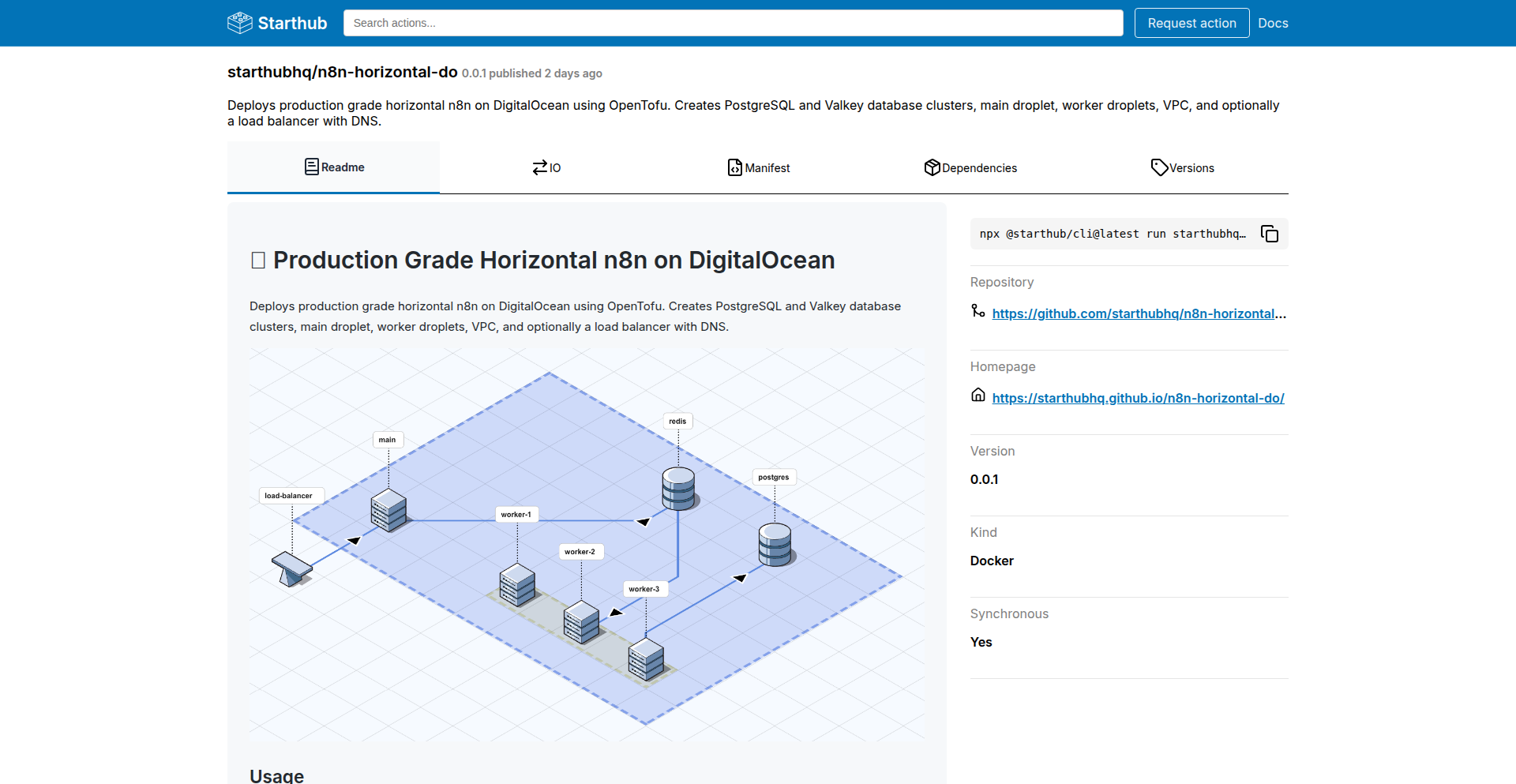
Author
tgirotto
Description
Starthub is a command-line interface (CLI) tool that simplifies deploying complex, horizontally scaled applications across multiple nodes. It achieves this by chaining together Docker containers and WebAssembly (WASM) modules to execute predefined workflows. This approach makes distributed deployments, which are typically difficult and error-prone, reproducible and easily composed. For example, it can deploy a full n8n stack, including its database and cache, to a cloud provider like DigitalOcean with a single command. This is useful because it eliminates the manual, repetitive steps involved in setting up distributed systems, allowing developers to focus on their application logic instead of infrastructure management.
Popularity
Points 1
Comments 0
What is this product?
Starthub is a developer tool designed to automate the deployment of complex, distributed applications. Instead of manually configuring each component (like databases, caches, and application servers) on different machines, Starthub allows you to define a workflow. This workflow is then executed by chaining together Docker containers (which package applications and their dependencies) and WebAssembly (WASM) modules (which are small, efficient pieces of code that can run anywhere). The core innovation lies in its composability: you can build complex deployments by combining simpler, stateless actions, making the entire process reproducible and easier to manage. Think of it like Lego blocks for your infrastructure deployments. This is valuable because it dramatically reduces the time and effort spent on repetitive deployment tasks, minimizing the chances of errors that come with manual configuration. So, it helps you get your applications running reliably on multiple servers without getting bogged down in operational details.
How to use it?
Developers can use Starthub by installing it via npm (Node Package Manager). Once installed, they can execute pre-defined workflows using a simple command-line interface. For instance, to deploy a horizontally scaled n8n workflow (which includes a PostgreSQL database, Redis cache, and SSL certificate) to DigitalOcean, a developer would run a command like `npx @starthub/cli@latest run starthubhq/n8n-horizontal-do:0.0.1`. This allows for rapid deployment of complex stacks. The system is designed to be integrated into CI/CD pipelines or used for quick infrastructure setups. The key value proposition is that it abstracts away the complexities of distributed system configuration, offering a declarative way to manage deployments. So, for you, it means you can spin up a multi-component application infrastructure in minutes instead of hours, with confidence that it will work the same way every time.
Product Core Function
· Composable Workflow Definition: Allows developers to define deployment processes as a series of interconnected, stateless actions. This provides a structured and reproducible way to manage complex deployments, reducing manual errors and enabling easier modification. The value is in creating repeatable deployment blueprints.
· Docker and WASM Unit Chaining: Seamlessly integrates Docker containers and WASM modules as building blocks for workflows. This leverages the strengths of both technologies, enabling flexible and efficient execution of deployment tasks across different environments. The value is in utilizing modern containerization and lightweight code execution for deployments.
· Horizontal Application Scaling: Specifically designed to simplify the deployment of applications that need to run across multiple nodes or servers. This is crucial for performance and availability of modern applications. The value is in making it easier to build robust and scalable systems.
· Reproducible Deployments: Ensures that deploying an application stack can be done consistently every time, regardless of the environment. This eliminates the 'it worked on my machine' problem and builds trust in the deployment process. The value is in ensuring reliability and consistency.
· Command-Line Interface (CLI) Automation: Provides a user-friendly CLI for triggering and managing deployment workflows. This allows for quick execution of complex tasks and integration into automated scripts. The value is in saving time and reducing manual effort.
Product Usage Case
· Deploying a microservices architecture to a cluster of cloud servers. Instead of individually configuring each service and its dependencies, Starthub can orchestrate the deployment of all services and their supporting infrastructure in one go, significantly speeding up the setup process for development or staging environments. This solves the problem of managing intricate dependencies across multiple services.
· Setting up a high-availability database cluster across several virtual machines. Starthub can automate the installation and configuration of database software, replication, and failover mechanisms, ensuring the database remains operational even if one node fails. This addresses the complexity of setting up resilient data storage.
· Onboarding new developers to a project by providing a single command to provision their local development environment with all necessary services. This eliminates the need for lengthy setup guides and ensures consistency across developer machines. This tackles the common issue of inconsistent development environments.
· Automating the deployment of a complex SaaS application to different cloud providers (e.g., AWS, Azure, GCP) with minimal configuration changes. Starthub's composable nature can facilitate multi-cloud strategies. This solves the challenge of vendor lock-in and enables flexible infrastructure choices.
85
FRNDZ: Intent-Driven Web3 Ad Protocol

Author
frndsprotocol
Description
FRNDZ is a privacy-first advertising protocol for the Web3 era. Instead of tracking individual users' personal data, FRNDZ targets advertisements based on user intent, meaning what a user is actively trying to do or looking for. Users are rewarded for genuine engagement with ads. The core innovation lies in shifting ad targeting from invasive personal data collection to inferring intent from context, thus protecting user privacy while offering advertisers more relevant placements. This addresses the growing concern over data privacy and the limitations of traditional ad models in a decentralized environment.
Popularity
Points 1
Comments 0
What is this product?
FRNDZ is a decentralized advertising protocol that redefines how ads are targeted and how users interact with them. At its heart, it's about understanding what a user is trying to achieve (their 'intent') rather than knowing who they are as an individual. Think of it like this: instead of an advertiser knowing you love cats and showing you cat food ads everywhere, FRNDZ would show you cat food ads when you are actively searching for 'best cat food brands' or browsing cat adoption websites. This is achieved through sophisticated context analysis and potentially by leveraging Web3's transparent ledger capabilities to track engagement without compromising anonymity. The value here is a more ethical and user-centric advertising model that respects privacy and rewards genuine attention, making the internet less intrusive and more valuable for everyone.
How to use it?
For developers, FRNDZ offers a new paradigm for integrating advertising into decentralized applications (dApps) or Web3 platforms. Developers can integrate the FRNDZ protocol to display ads within their applications. Advertisers can utilize the protocol to reach users whose current actions indicate a high likelihood of interest in their products or services, without needing to collect or store sensitive personal data. Users of dApps that integrate FRNDZ can expect ads that are more relevant to their immediate needs and are rewarded with tokens or other incentives for engaging with these ads. This provides a way for creators to monetize their platforms while building trust with their users through privacy-preserving mechanisms. The integration would likely involve SDKs or APIs that allow for seamless embedding of the ad experience.
Product Core Function
· Intent-based Ad Targeting: Advertisers can target users based on their current stated or inferred needs and actions, rather than their historical personal data. This provides more effective ad delivery and protects user privacy.
· User Engagement Rewards: Users are incentivized with tokens or other digital assets for interacting with advertisements, fostering genuine engagement and creating a more participatory advertising ecosystem.
· Privacy-Preserving Protocol: The underlying technology is designed to avoid collecting or storing personally identifiable information (PII), adhering to a privacy-first ethos for both users and developers.
· Web3 Integration: The protocol is built with Web3 principles in mind, enabling decentralized deployment and potentially leveraging blockchain for transparent tracking of ad delivery and rewards.
· Advertiser ROI Improvement: By targeting intent, advertisers can expect higher conversion rates and a more efficient allocation of their advertising budget, as ads are shown to users who are most likely to be interested.
Product Usage Case
· A decentralized news aggregator could use FRNDZ to display ads for relevant news subscriptions or related services when a user is actively reading articles on a specific topic, without knowing the user's overall browsing history.
· A blockchain-based gaming platform could integrate FRNDZ to show ads for in-game purchases or complementary gaming hardware to players who are currently engaged in gameplay that suggests a need for these items. This provides revenue for the game while offering timely, relevant offers to players.
· A decentralized social media platform could leverage FRNDZ to show ads for products or services that align with the current conversations or trending topics within the platform, ensuring ads are contextually appropriate and less intrusive to users' personal feeds.
· A decentralized e-commerce marketplace could use FRNDZ to target users with product advertisements based on their current search queries and viewed items within the marketplace, maximizing the chance of a sale by addressing immediate purchasing intent.
86
Agent-Playground: AI Agent Output Comparator

Author
mirai_lucky_dev
Description
Agent-Playground is a minimalist tool designed for local comparison of AI agent outputs. It tackles the problem of complex and resource-heavy existing AI agent frameworks by offering a simple, function-based approach. An 'agent' is simply a function, and a 'scorer' is also a function. This design prioritizes readability and ease of experimentation, making it ideal for developers looking to quickly test and understand how different AI agents perform without heavy setup. So, what's in it for you? It allows you to rapidly iterate and learn about AI agent behavior in a straightforward, unburdened environment.
Popularity
Points 1
Comments 0
What is this product?
Agent-Playground is a lightweight, open-source sandbox environment for comparing the outputs of different AI agents. Instead of relying on complex frameworks, configurations, and layers of abstraction, it treats both your AI agent and your evaluation mechanism (the 'scorer') as simple functions. This means you can write your AI logic and your scoring logic as plain JavaScript or Python functions and plug them directly into the playground. The innovation lies in its radical simplicity, stripping away unnecessary complexity to focus purely on the core task of comparing agent results. This makes it incredibly easy to understand and modify. So, what's in it for you? You get a clear, unadulterated view of how your AI agents perform against each other, fostering deeper understanding and faster learning.
How to use it?
Developers can use Agent-Playground by defining their AI agents as JavaScript or Python functions and their scoring mechanisms as separate functions. These functions are then integrated into the playground's simple execution flow. The playground runs these functions, collects their outputs, and presents them side-by-side for easy comparison, potentially with scoring metrics applied by the scorer function. It's designed to be integrated into a local development workflow for quick experimentation. So, what's in it for you? You can easily swap out different AI models or prompt strategies and see their results immediately, accelerating your development cycle for AI-powered applications.
Product Core Function
· Function-based agent definition: Allows developers to represent AI agents as simple, runnable functions, making it easy to plug and play different AI logic. This is valuable for quick iteration and testing of various agent behaviors without complex setup. It directly addresses the 'how do I quickly try out this new AI idea?' question.
· Function-based scorer definition: Enables the creation of custom evaluation functions to objectively measure and compare AI agent outputs. This is crucial for understanding which agent performs best according to specific criteria, helping to identify the most effective solutions. It answers the 'how do I know if this AI is actually better?' question.
· Minimalist execution environment: Provides a streamlined setup that avoids heavy dependencies and configurations, focusing solely on running and comparing agent outputs. This significantly reduces the barrier to entry and speeds up experimentation, allowing developers to focus on the AI logic itself. It simplifies the 'getting started' process dramatically.
Product Usage Case
· Comparing two different prompt engineering strategies for a customer support chatbot: A developer could define two separate functions, each representing a different way to ask the AI to respond to a customer query. Agent-Playground would run both prompts against the same input and display the outputs side-by-side, allowing the developer to pick the better-performing prompt. This directly solves the problem of optimizing AI responses for a specific task.
· Evaluating different AI models for content generation: A writer might want to compare the creative output of GPT-3.5 versus a newer, experimental model. They could define each model as an agent function and use a scoring function to assess creativity or coherence. Agent-Playground would then present the outputs and scores, guiding the choice of the most suitable model. This helps in selecting the best AI tool for creative endeavors.
· Rapid prototyping of AI-driven game NPCs: A game developer could quickly test different decision-making logic for non-player characters (NPCs) by defining them as agent functions and using a scoring function to evaluate their behavior in simulated scenarios. This allows for fast iteration on game AI, leading to more engaging gameplay. It streamlines the process of building intelligent game characters.
87
SpellGenius

Author
eashish93
Description
A free, web-based spelling test generator that allows users to create custom spelling tests with unique word lists. It leverages a simple, yet effective, algorithm to present words in an audio-based format, making it a practical tool for educators, parents, and learners seeking to improve spelling skills. The innovation lies in its accessibility and the ease with which personalized learning experiences can be generated.
Popularity
Points 1
Comments 0
What is this product?
SpellGenius is a web application designed to generate custom spelling tests. Its core technology involves a straightforward process: users input a list of words, and the system converts these words into audio pronunciations. These audio files are then presented sequentially, allowing a user to hear each word and then attempt to spell it. The innovation is in providing a free, easy-to-use platform that automates the creation of personalized spelling practice, removing the manual effort previously required to record words or find pre-made tests. So, this is useful for anyone who wants to practice spelling without the hassle of creating tests from scratch.
How to use it?
Developers can use SpellGenius by simply visiting the website and inputting their desired spelling words into the provided text area. The system will then generate an audio-based test that can be played directly in the browser. For more advanced integration, one could potentially extend its functionality by building an API wrapper around the core word-to-audio generation logic or integrating it into educational platforms for personalized learning modules. So, this is useful for teachers creating homework assignments or parents looking for quick practice sessions for their children.
Product Core Function
· Custom word list input: Allows users to define their own set of words for testing, providing flexibility for various learning levels and subjects. The value is in tailoring the learning experience to specific needs. This is applicable for creating tests for vocabulary building or specific subject-related spellings.
· Audio pronunciation generation: Converts typed words into spoken audio, enabling auditory learning and accurate pronunciation practice. The value is in improving comprehension and retention through listening. This is applicable for language learners or individuals who benefit from auditory feedback.
· Sequential audio playback: Presents words one by one, mimicking a traditional spelling test format. The value is in creating a structured and focused practice environment. This is applicable for simulating classroom testing conditions or for focused individual study.
· User-friendly web interface: Provides an intuitive and accessible platform for generating and taking tests without requiring any software installation. The value is in broad accessibility and ease of use for all technical skill levels. This is applicable for quick, on-the-go practice sessions.
· Free and open access: Offers its services without any cost or proprietary restrictions. The value is in democratizing educational tools and fostering a learning community. This is applicable for anyone seeking affordable or free educational resources.
Product Usage Case
· A teacher creating a specialized spelling list for a class focusing on homophones. The teacher inputs the homophones, SpellGenius generates the audio test, and the students can practice at their own pace, solving the problem of inconsistent pronunciation when the teacher dictates.
· A parent wanting to help their child prepare for a school spelling bee. The parent inputs the list of challenging words from the bee, and SpellGenius provides an audio test that the child can take multiple times at home, solving the problem of finding suitable practice materials.
· A language learner wanting to improve their spelling of commonly misused English words. They input these words, and SpellGenius generates an audio test, helping them to identify and correct their spelling errors, solving the problem of self-assessment for difficult words.
· An individual looking for a quick way to test their knowledge of scientific terms. They can generate a test with specific technical vocabulary, solving the problem of creating a quick, targeted learning assessment.
88
BareAgent: Lightweight Host & Container Anomaly Detector

Author
hmontazeri
Description
BareAgent is a compact Golang agent designed for small teams and self-hosters. It continuously monitors server and Docker container metrics, filters logs for critical errors (like 'fatal', 'panic', and HTTP 500s), and sends out alerts. A key innovation is its ability to learn normal resource usage patterns over two weeks, alerting you when metrics consistently deviate from these baselines. This means you get proactive notifications about potential issues before they escalate.
Popularity
Points 1
Comments 0
What is this product?
BareAgent is a small, efficient software agent written in Go that keeps an eye on your servers and the Docker containers running on them. Think of it as a vigilant security guard for your infrastructure. It watches for unusual spikes in CPU or memory usage, or specific error messages in your logs that indicate something is wrong, like a program crashing ('fatal' or 'panic') or a web service failing ('500 errors'). The really clever part is that it learns what 'normal' looks like for your system over a couple of weeks. If your server or containers suddenly start using a lot more resources or behaving strangely for an extended period, it flags this as an anomaly and notifies you. So, it's like having an automated system that tells you when your servers are acting weird, saving you the trouble of constantly checking them yourself.
How to use it?
For developers and ops teams who self-host their applications, BareAgent is typically integrated by deploying the small Golang binary onto your servers. It can be configured to watch specific Docker containers or the host system itself. You define keywords to filter logs (e.g., 'fatal', 'error', 'panic', '500') and set up alert destinations like email, Slack, or other notification channels. The agent then runs in the background, silently monitoring and sending alerts when anomalies or critical log events are detected. This can be easily integrated into existing container orchestration workflows or run as a standalone monitoring tool for bare-metal servers. The benefit is that you can quickly set up robust monitoring without complex infrastructure, and it works well even if you have limited resources.
Product Core Function
· Real-time Server and Container Metrics Monitoring: Continuously collects CPU, memory, and other performance data from your hosts and Docker containers. This provides visibility into resource utilization, helping you understand if your applications are performing optimally or if they are under strain, thus preventing performance bottlenecks.
· Log Filtering and Anomaly Detection: Scans logs for predefined critical error keywords (e.g., 'fatal', 'panic', '500'). This helps you quickly identify and address application crashes or web server errors, reducing downtime and improving user experience.
· Adaptive Baseline Learning: Establishes normal resource usage patterns over a two-week period. It then alerts you when metrics consistently stay outside these learned ranges. This proactive approach helps detect slow-burn issues or gradual resource creep that might otherwise go unnoticed, allowing for timely intervention before critical failures occur.
· Multi-channel Alerting: Notifies you of detected anomalies or critical log events through various channels like email or instant messaging platforms. This ensures that you are immediately informed of potential problems, enabling swift response and minimizing the impact of incidents.
· Lightweight and Efficient Agent: A small (<10mb binary) and low-resource (around 20mb RAM) Go agent. This makes it ideal for environments with limited computational resources, such as small servers or development machines, without adding significant overhead to your existing systems.
Product Usage Case
· A small e-commerce startup running their backend services in Docker on a few VPS instances. BareAgent can be deployed to monitor these containers. If a container starts consuming excessive CPU or memory for an extended period, or if a '500 Internal Server Error' frequently appears in the logs, BareAgent will send an alert to the development team's Slack channel, allowing them to quickly investigate and resolve the issue before customers are significantly impacted.
· A solo developer managing a personal blog and a few small web applications on a single server. BareAgent can monitor the host's resource usage. If the server suddenly starts experiencing high RAM usage that persists for days, indicating a potential memory leak in one of the applications, BareAgent will send an email alert. This proactive notification helps the developer address the problem, preventing the server from becoming unresponsive and keeping their online presence accessible.
· A team managing a CI/CD pipeline where Docker containers are spun up for build and test jobs. BareAgent can monitor these ephemeral containers. If a build job's container repeatedly crashes with a 'panic' error in its logs, BareAgent can detect this, filter the relevant logs, and alert the team. This helps identify flaky tests or bugs in the build process more efficiently, improving the reliability of their software delivery.
· A company that prioritizes data privacy and chooses to self-host all their internal tools. BareAgent provides a privacy-conscious solution for monitoring these self-hosted applications. It runs locally within their infrastructure, gathering metrics and logs without sending sensitive data to external cloud services, while still providing the crucial anomaly detection and alerting capabilities needed to maintain operational stability.
89
OneClickAppTracker
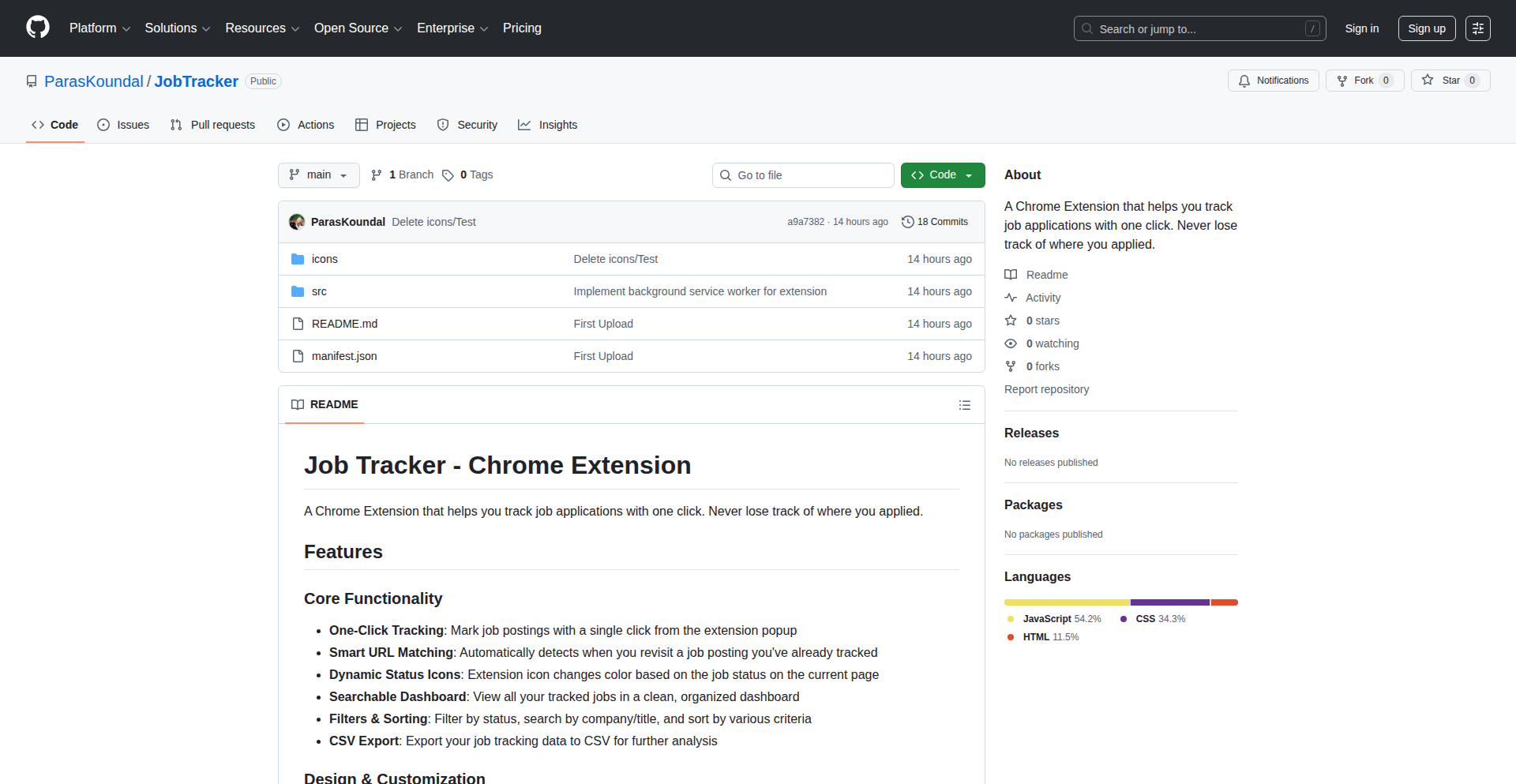
Author
alohaTool
Description
A lightweight Chrome extension that allows users to track job applications with a single click directly from job posting pages. It leverages smart URL matching to automatically capture relevant details and stores data locally for privacy and offline access. So, this helps you organize your job search effortlessly, saving time and reducing the risk of losing track of opportunities.
Popularity
Points 1
Comments 0
What is this product?
OneClickAppTracker is a minimalist Chrome extension designed to simplify the process of tracking your job applications. Instead of manually copying and pasting information, it intelligently analyzes job posting pages and, with a single click, captures key details like job title, company, and application URL. It uses clever techniques to automatically recognize the right information on the page, much like a smart assistant. The innovation lies in its speed, simplicity, and privacy-focused approach with 100% local storage. So, this is a tool that automates the tedious part of job searching, making it faster and more organized, without any of your data leaving your browser.
How to use it?
To use OneClickAppTracker, you simply install it as a Chrome extension. When you are on a job posting page that you're interested in, click the extension's icon. The extension will then automatically detect and save the job details. You can later access a clean dashboard within the extension to view all your tracked applications, search, filter them, and even export the data to a CSV file. It's designed for seamless integration into your existing browsing workflow. So, if you're applying for jobs, you just click a button on the job page, and the extension does the heavy lifting for you, keeping everything neatly organized.
Product Core Function
· One-click job application tracking: Automatically captures job details from a posting page with a single click, saving users time and effort. This is valuable because it streamlines the application process, allowing you to focus more on finding and applying for jobs.
· Smart URL matching: Intelligently identifies and extracts relevant job information (title, company, URL) by analyzing the webpage's structure. This is innovative because it automates data entry, reducing manual errors and ensuring accuracy in your job tracking.
· Clean dashboard with search and filters: Provides a user-friendly interface to view, organize, and search through all your tracked applications. This is useful for managing a large number of applications, allowing you to quickly find specific jobs.
· CSV export: Enables users to export their tracked job application data to a CSV file. This is valuable for further analysis, backup, or integration with other tools and spreadsheets.
· Lightweight and offline functionality: Operates efficiently and works even without an internet connection, storing all data locally. This is a key benefit for privacy-conscious users and ensures you can track applications anytime, anywhere.
Product Usage Case
· A job seeker applying to multiple positions across different platforms might use OneClickAppTracker to quickly log each application as they submit it, ensuring they don't lose track of which roles they've applied for and when. This solves the problem of scattered application information and the difficulty of remembering application statuses.
· A developer who is actively job hunting and wants a simple, non-intrusive way to manage their search could integrate this extension into their daily workflow. By clicking once on each job they apply for, they maintain an organized record without needing to set up complex systems. This addresses the need for a simple, effective tracking solution.
· Someone concerned about data privacy who wants to track their job applications without sending their personal information to a third-party service would find the 100% local storage feature invaluable. This provides peace of mind and control over their data while still gaining the benefits of organized tracking.
90
Presence Nudge Engine

Author
iowadev
Description
This project, 'Good Dad,' is a minimalist mobile application designed to combat parental distraction by delivering concise, actionable daily reminders. It addresses the challenge of modern busy lifestyles interfering with quality family time. The core innovation lies in its simplicity and intentional lack of complex features, focusing solely on providing small nudges for patience, connection, and slowing down. This direct, no-frills approach leverages the power of consistent, gentle prompts to foster more present parenting. For developers, it showcases how a focused, problem-driven approach can yield effective tools without over-engineering, emphasizing the value of user-centric design in solving personal and potentially widespread issues.
Popularity
Points 1
Comments 0
What is this product?
The 'Good Dad' app is a straightforward mobile application that sends users short, daily text-based reminders. Its technical underpinning is a simple notification system, likely built using native mobile development frameworks (iOS and Android). The innovation isn't in complex algorithms, but in the purposeful design choice to keep features minimal. The app acts as a personal accountability partner, offering gentle prompts like 'take a deep breath' or 'ask about their day' to encourage parents to be more mindful and engaged with their children. This approach bypasses the typical feature creep found in many apps, focusing purely on the core need for presence. So, for you, it means a tool that doesn't demand your attention but rather helps you focus yours on what matters most.
How to use it?
Developers can use this project as a case study for building intentionally simple, focused applications. The technical implementation likely involves setting up background services for scheduled notifications, managing user preferences (though minimal in this case), and ensuring cross-platform compatibility. For parents, usage is as simple as installing the app and receiving daily notifications. It requires no active input beyond initial setup. The integration is straightforward: download from the respective app store and allow notifications. This project demonstrates how developers can create highly functional apps by focusing on a single, well-defined user need and employing lean development principles. So, for you, it means a quick-to-deploy example of how to build a feature-rich user experience with minimal code.
Product Core Function
· Daily Notification Delivery: The app schedules and delivers a unique, short reminder message to the user's device each day. This core function leverages the operating system's notification services, ensuring timely delivery without requiring the app to be actively running. The value here is in consistent, passive reinforcement of mindful parenting. The application scenario is any parent who wants a gentle prompt to be more present without needing to actively seek advice or engage with a complex interface.
· Minimalist Design & Content: The app's strength lies in its extremely simple interface and focused message content. It avoids extraneous features, ads, or data collection. This technical decision prioritizes user experience and privacy. The value is in reducing cognitive load and building trust. This is applicable in scenarios where a tool should support, not distract, the user's primary goals, such as parenting.
· Platform-Specific Implementations: The project is available on both iOS and Android, indicating a thoughtful approach to cross-platform development. This likely involves native development for each platform or a cross-platform framework, ensuring broad accessibility. The value is in reaching a wider audience of parents. The application scenario is for developers looking to build apps that are accessible to a large user base across different mobile ecosystems.
Product Usage Case
· Parental Presence Enhancement: A parent feeling overwhelmed by work and daily stress can install 'Good Dad' to receive daily reminders to connect with their children. For example, a reminder like 'Ask about their favorite part of the day' can prompt a meaningful conversation that wouldn't have otherwise happened during a rushed evening. This solves the problem of unintentional neglect due to distraction.
· Mindfulness Tool for Busy Professionals: A busy software engineer might use 'Good Dad' as a personal reminder to pause and reflect during a demanding workday. The app's simplicity means it won't add to their mental clutter, but will offer a brief, grounding moment. This addresses the challenge of maintaining personal well-being amidst demanding technical work.
· Example of Value-Driven Feature Design: Developers can analyze how 'Good Dad' prioritizes its core function (reminders) over engagement metrics or monetization. This project serves as a powerful case study for creating applications that genuinely solve a user's problem with minimal technical overhead. The solution is a highly focused app that demonstrates maximum impact with minimum complexity.
91
Netrinos MeshNet
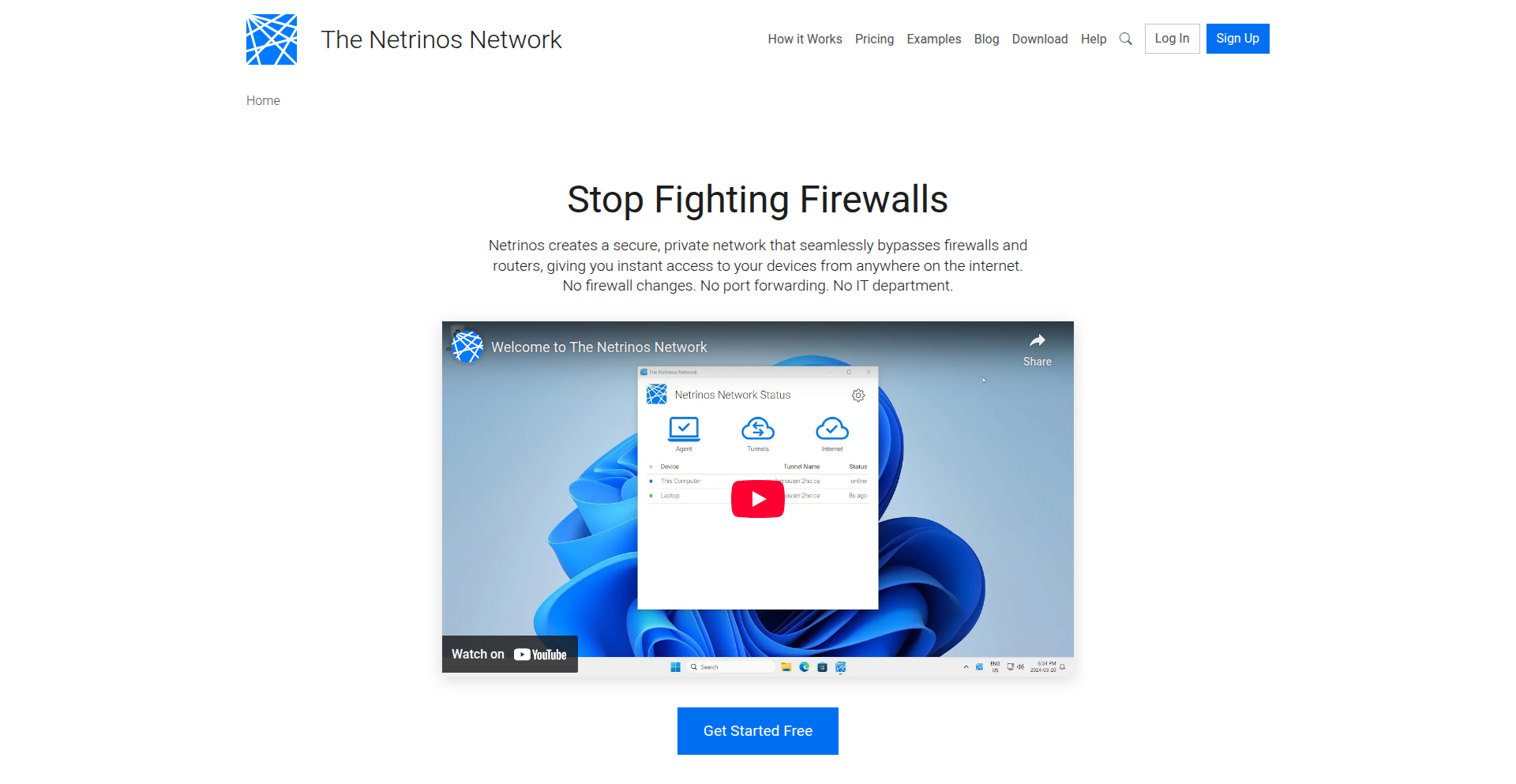
Author
pcarroll
Description
Netrinos MeshNet is a WireGuard-based mesh VPN designed for seamless remote access. It simplifies the complexities of traditional VPNs by creating a direct, peer-to-peer network overlay between your devices. Even when direct connections fail due to network complexities like NAT traversal, it intelligently falls back to encrypted relay servers, ensuring your access remains secure and uninterrupted. The core innovation lies in its ability to provide a stable, LAN-like environment for your devices, no matter where they are, solving the persistent pain points of remote connectivity.
Popularity
Points 1
Comments 0
What is this product?
Netrinos MeshNet is a sophisticated yet user-friendly mesh VPN solution. At its heart, it leverages WireGuard, a modern and fast VPN protocol, to establish direct, encrypted connections between your devices. Think of it as creating a private, virtual local area network (LAN) that spans across different locations. The 'mesh' aspect means devices can connect directly to each other without needing a central server to route all traffic. A key technical challenge it overcomes is NAT traversal – the process of allowing devices behind different network address translators (like those in home routers) to connect. It uses techniques like UDP hole punching and STUN-style discovery, with a fallback to encrypted relay servers for those tricky network configurations. The result is a highly reliable and secure way to access your devices as if they were all on the same physical network, hiding the underlying network complexities.
How to use it?
Developers can use Netrinos MeshNet by installing a small client on each device they want to connect. Once installed and signed in, each device is assigned a stable IP address and a DNS name within the Netrinos network (e.g., pc.yourname.netrinos.com). This allows you to easily access services on those devices, such as RDP to your home computer, accessing a NAS drive without exposing it to the public internet, or SSHing into a headless Linux server. Integration is straightforward; for instance, you can directly RDP to a remote machine by using its Netrinos IP address or hostname, eliminating the need for complex port forwarding or dynamic DNS configurations. For more advanced use cases, like managing a fleet of IoT devices or providing secure access for a small team, the 'Pro' version offers features like multi-user support and access control.
Product Core Function
· Direct Peer-to-Peer Connections via WireGuard: Establishes encrypted tunnels directly between your devices, offering high performance and low latency for your remote access needs, making it feel like you're on the same local network.
· Automatic NAT Traversal and Fallback: Intelligently navigates complex network configurations like NAT to establish connections. If direct connections aren't possible, it automatically uses encrypted relay servers, ensuring consistent access without manual intervention.
· Stable IP Addresses and DNS Names: Assigns a predictable IP address and a user-friendly DNS name to each device in your mesh, simplifying access and eliminating the need for dynamic DNS services or remembering complex IP addresses.
· Secure Remote Access to Services: Enables secure access to devices and services (like RDP, SSH, NAS) as if you were on the same local network, without the security risks of exposing them directly to the internet.
· Cross-Platform UI with Wails.io: Provides a consistent and easy-to-use graphical interface across different operating systems (Linux, Windows, macOS) for managing your mesh network, making it accessible even for less technically inclined users.
Product Usage Case
· Remote Desktop Access: Connect to your home or work computer from anywhere as if you were sitting in front of it. For example, you can RDP into your home PC to access files or run applications, all securely through the Netrinos mesh, without opening any ports on your home router.
· Accessing Network Attached Storage (NAS): Securely access your personal cloud storage or NAS device from outside your home network. This means you can access your photos, documents, and media libraries without exposing your NAS directly to the internet, mitigating security vulnerabilities.
· SSH into Headless Servers: Easily manage and maintain remote servers (e.g., Raspberry Pi, development servers) via SSH. You can connect to these servers using their Netrinos hostname or IP address, simplifying server administration and troubleshooting.
· Managing Remote IoT Devices: A customer successfully manages hundreds of IoT devices deployed in the field. Netrinos allows them to establish reliable connections to these devices for updates, monitoring, and control, bypassing the challenges of individual customer router configurations.
· Small Team Collaboration: A small development team uses Netrinos to securely access shared resources and each other's development machines for collaborative work, creating a unified and secure workspace regardless of their physical locations.
92
Kelv - AI Interview Practice Bot
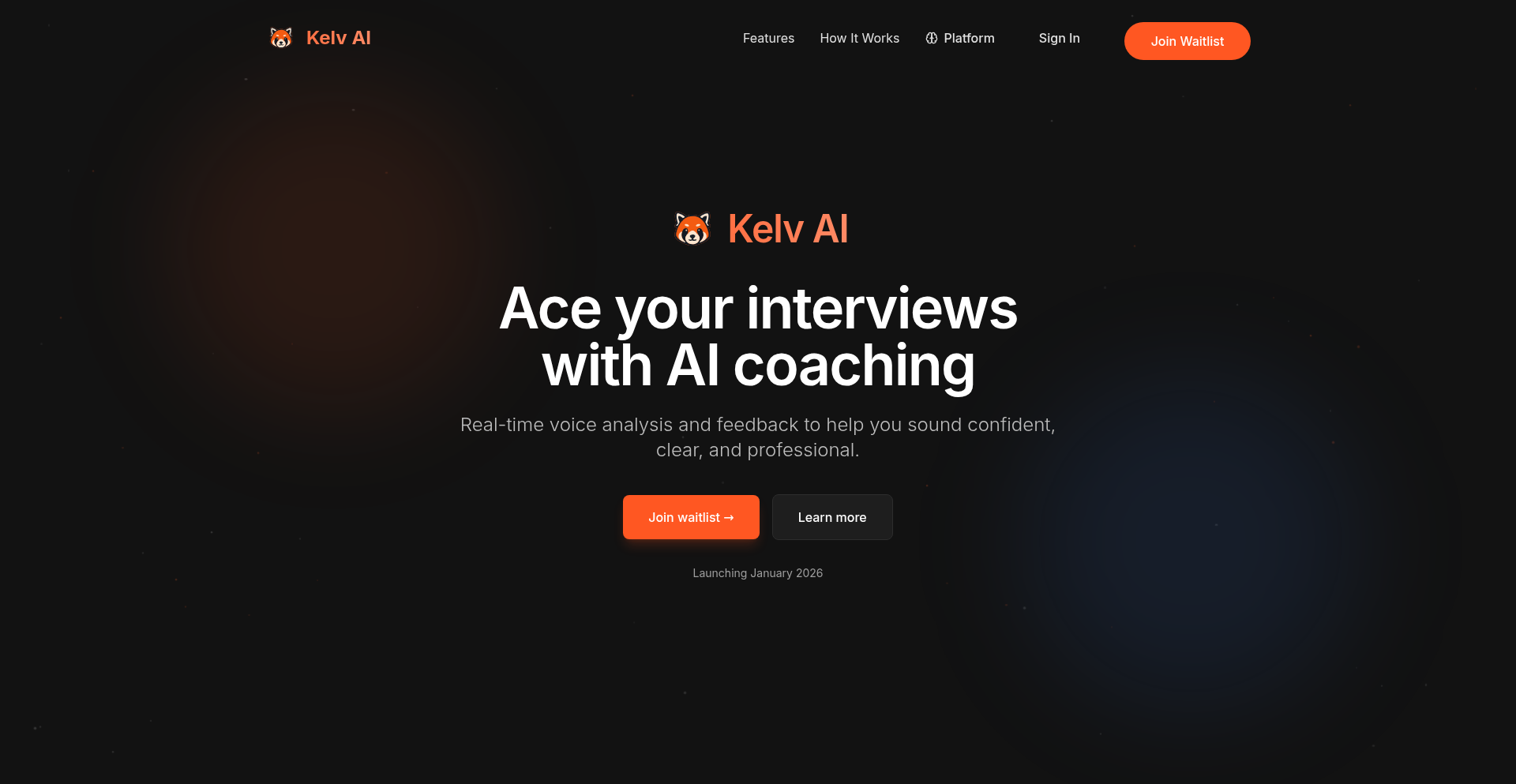
Author
Parth_Sharma_18
Description
Kelv is an AI-powered interview coach designed to help users practice for job interviews. Unlike traditional, rigid interview prep tools, Kelv uses AI to create dynamic, conversational interview simulations. It listens to user responses, provides specific, actionable feedback, and simulates the follow-up questions an actual interviewer would ask, offering a more realistic and effective practice experience. The core innovation lies in its ability to mimic nuanced human interaction and provide personalized coaching based on actual interview performance.
Popularity
Points 1
Comments 0
What is this product?
Kelv is an intelligent interview practice tool that leverages advanced AI to simulate real interview scenarios. Instead of pre-defined questions and answers, it engages in a natural conversation, asking relevant follow-up questions based on your input, just like a human interviewer. The AI analyzes your responses for clarity, conciseness, confidence, and relevance, offering detailed feedback to help you improve. This approach moves beyond basic Q&A drills to provide a more comprehensive and adaptive practice environment. So, what's the value? It helps you get comfortable with the unpredictable nature of interviews and build the confidence to articulate your thoughts effectively.
How to use it?
Developers can use Kelv through a web interface. You initiate a mock interview session, select the type of role or industry you're preparing for, and Kelv will start asking questions. You respond verbally or by typing, and Kelv will analyze your answers in real-time, providing immediate feedback and asking follow-up questions. It can be integrated into your daily study routine, allowing for quick practice sessions before important interviews. So, how can you use it? Practice your responses to common technical and behavioral questions in a low-stakes environment, getting instant feedback on how to refine your delivery and content before facing real recruiters.
Product Core Function
· Dynamic AI Conversation Simulation: Employs natural language processing to engage in realistic interview dialogues, adapting questions based on user input. This provides a more engaging and less predictable practice than static question banks. So, what's the value? You practice handling unexpected questions and learn to think on your feet.
· Personalized Performance Feedback: Analyzes user responses for content, delivery, and clarity, offering specific areas for improvement with actionable advice. This goes beyond generic tips to pinpoint individual weaknesses. So, what's the value? You get targeted guidance to improve your specific interview skills.
· Follow-up Question Generation: The AI intelligently generates follow-up questions based on user answers, mimicking the probing nature of human interviewers. This helps users practice elaborating on their points. So, what's the value? You learn to provide more comprehensive and detailed answers.
· Iterative Practice and Improvement Tracking: Allows users to repeat practice sessions and track their progress over time, identifying areas where they've shown improvement. This fosters a growth mindset and encourages continuous learning. So, what's the value? You can see tangible progress and stay motivated in your interview preparation.
Product Usage Case
· Scenario: A software engineer candidate preparing for a behavioral interview about a challenging project. Kelv can simulate questions like 'Tell me about a time you faced a technical roadblock' and then ask follow-up questions like 'How did you prioritize other tasks during that time?' or 'What specific coding techniques did you try first?' This helps the candidate refine their STAR method responses. So, what's the value? The candidate can practice delivering compelling stories and addressing interviewer curiosity effectively.
· Scenario: A junior developer who struggles with articulating their thought process during technical interviews. Kelv can present a coding-related question and then prompt the developer to explain their approach. Kelv's feedback can highlight if the explanation was unclear, too brief, or lacked detail. So, what's the value? The developer gains practice in clearly communicating their problem-solving strategies, a crucial skill in technical interviews.
· Scenario: A student applying for their first internship who is nervous about general interview etiquette and answering 'tell me about yourself.' Kelv can conduct a more general interview, providing feedback on tone, confidence, and the structure of their self-introduction. So, what's the value? The student can build confidence and learn to present a positive first impression to potential employers.
93
SafeScreenCapture-rs

Author
doomfish
Description
A Rust wrapper for macOS's ScreenCaptureKit, enabling secure and efficient screen recording directly from your applications. It addresses the common challenge of integrating robust screen capture capabilities into macOS apps while prioritizing security and performance, offering a safe way to access screen data.
Popularity
Points 1
Comments 0
What is this product?
This project provides a set of Rust functions that act as a secure bridge to macOS's built-in ScreenCaptureKit. ScreenCaptureKit is the underlying Apple technology that allows applications to capture what's on your screen. 'Bindings' means it translates the commands and data from Rust code into something the macOS system can understand, and vice-versa. The 'safe' aspect comes from Rust's memory safety guarantees, preventing common bugs that can lead to crashes or security vulnerabilities when dealing with sensitive screen data. This means developers can build screen recording features without worrying as much about memory leaks or data corruption, leading to more stable and secure applications. So, it helps developers build apps that can reliably record screens without the usual risks.
How to use it?
Developers can integrate this Rust library into their macOS applications written in Rust or other languages that can interface with Rust (like Swift or Objective-C via FFI). They can call the provided functions to start and stop screen recordings, specify which parts of the screen to capture (e.g., a specific window, the entire desktop, or a region), and receive the captured frames (images or video data) for further processing. This could be used to build features like desktop recording tools, live streaming integration, accessibility aids that record user interactions, or even for automated testing that captures UI states. It's about adding powerful screen capture to your app with a focus on reliability and security.
Product Core Function
· Secure screen frame acquisition: Enables fetching raw screen pixels from the macOS system in a memory-safe manner, preventing data corruption and security risks. This is crucial for any application that needs to process or display screen content.
· Targeted screen capture: Allows developers to specify precisely what to capture, such as a particular application window, a defined rectangular area, or the entire display. This optimizes performance and resource usage by only capturing necessary data.
· Real-time frame streaming: Provides a mechanism to receive captured screen frames continuously, making it suitable for live recording or streaming applications where immediate access to visual data is required.
· Error handling and recovery: Implements robust error management to gracefully handle potential issues during screen capture, ensuring application stability. This means your app is less likely to crash when something unexpected happens with screen recording.
Product Usage Case
· Building a custom desktop recording application: A developer could use this library to create a lightweight, performant screen recorder that offers more control than built-in tools, capturing high-quality video without the typical overhead. This directly answers 'How can I make a specialized screen recording tool that is reliable?'
· Integrating live screen sharing into a collaboration tool: For a video conferencing or remote assistance application, this library allows seamless sharing of the user's screen directly within the app, enhancing user interaction. This solves the problem of 'How can my communication app show what the user is seeing on their screen in real-time?'
· Developing automated UI testing frameworks: Testers can use this to programmatically capture screenshots or record user sessions to verify application behavior and identify visual bugs. This answers 'How can I automate testing that needs to see the application's interface?'
· Creating accessibility tools: For users who need to record their screen for support or demonstration purposes, this library can power intuitive and reliable recording features within assistive technology applications. This addresses 'How can I build tools to help users document their computer usage?'
94
Merview: Markdown & Mermaid Live Renderer
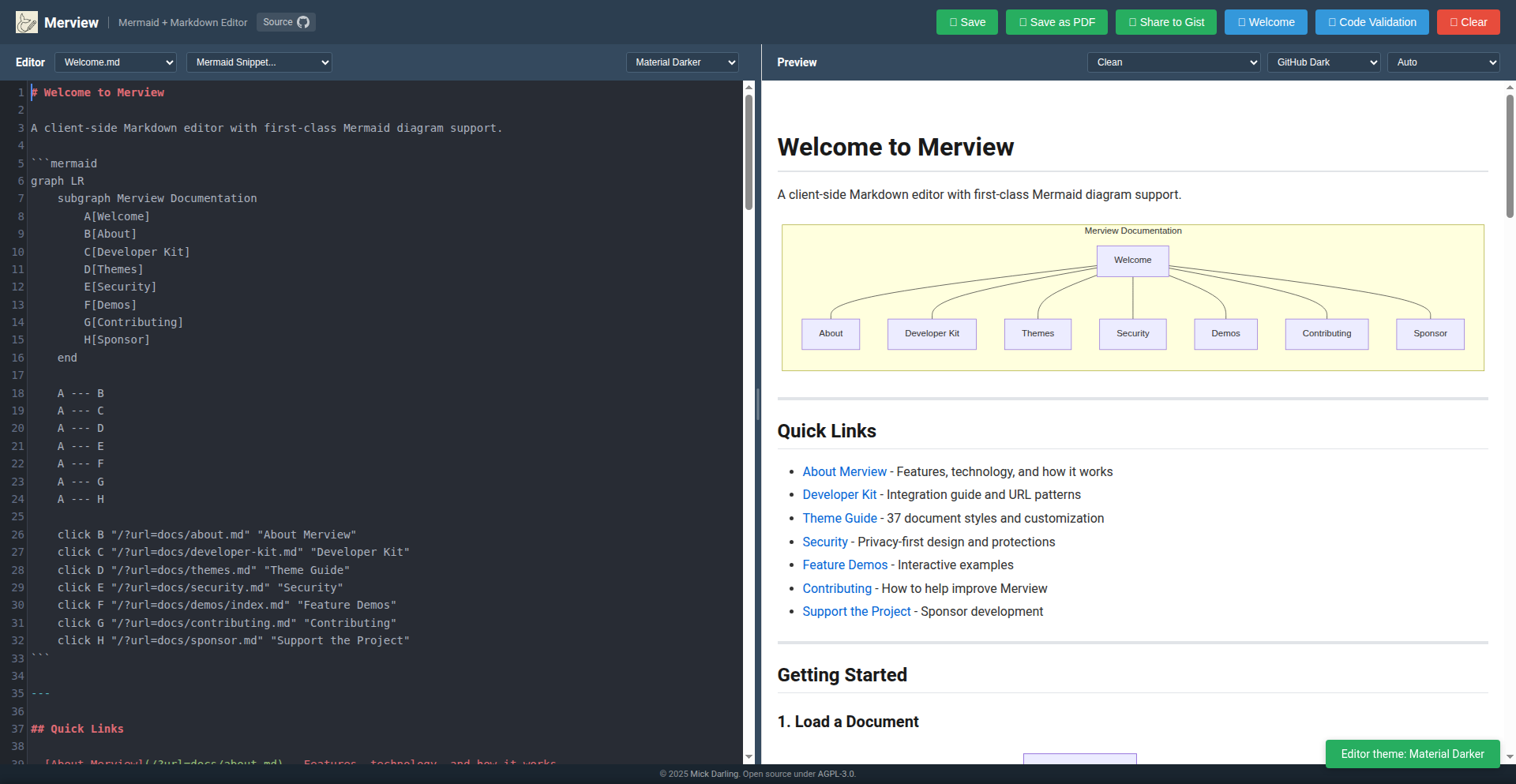
Author
mickdarling
Description
Merview is a client-side tool designed for developers and anyone working with Markdown and Mermaid diagrams. It provides a seamless experience for viewing and editing Markdown documents that include Mermaid diagrams (like flowcharts, sequence diagrams, etc.), directly in your browser or locally. It tackles the frustration of needing to push code to see diagrams rendered or dealing with clunky online tools, offering a simple, no-login, no-setup solution. The innovation lies in its localized, real-time rendering capabilities, making complex visualization workflows accessible and manageable.
Popularity
Points 1
Comments 0
What is this product?
Merview is an open-source, client-side application that intelligently renders Markdown documents and the Mermaid diagrams embedded within them. The core technology involves leveraging JavaScript libraries to parse Markdown and convert Mermaid syntax (which is essentially a text-based way to describe diagrams) into visual representations. Think of it like a smart text editor that not only shows you your writing but also automatically draws the pictures you describe in your text. The innovation is in making this process instantaneous and accessible without requiring any server-side processing or account creation. This means you can see your diagrams as you type them, without the usual hassle.
How to use it?
Developers can use Merview in several ways: Clone the repository and run it locally as a desktop application, providing a private and secure environment for editing sensitive documents. Alternatively, it can be hosted on a web server for easy access across devices. For direct use, you can simply drag and drop Markdown files into the application, paste Markdown content directly, or load remote files by pasting a URL. The integrated Mermaid snippet dropdown (triggered by Ctrl/Cmd+M) allows for quick insertion and editing of diagram code. This offers immediate feedback on your diagram designs, accelerating the iterative process of visualization and documentation. The ability to export to PDF also makes it useful for generating reports or simple slide decks directly from your Markdown.
Product Core Function
· Markdown rendering with Mermaid diagrams: Displays your Markdown text alongside complex diagrams like flowcharts, sequence diagrams, and state machines, allowing you to visualize system designs and workflows instantly. This is useful for understanding and communicating technical concepts without leaving your editing environment.
· Drag-and-drop and paste functionality: Enables quick loading of Markdown content by simply dragging files into the application or pasting text, streamlining the process of viewing and editing documents.
· Remote file loading via URL: Allows you to render Markdown documents directly from a web link by appending a '?url=' parameter, making it easy to preview online content without downloading it.
· Diagram zoom and fullscreen view: Lets you double-click on any Mermaid diagram to view it in detail, providing a clearer perspective on complex visualizations and aiding in understanding intricate diagrams.
· Mermaid snippet helper: Offers a quick way to insert and edit Mermaid code snippets (Ctrl/Cmd+M), accelerating the process of creating and refining diagrams within your Markdown.
· Theming and styling options: Includes syntax highlighting for Markdown and code, as well as customizable themes for Mermaid diagrams and the ability to upload custom CSS, allowing for personalized and aesthetically pleasing document presentation.
· Print and PDF export: Facilitates the conversion of your rendered Markdown documents and diagrams into printable formats or PDFs, ideal for sharing, archiving, or creating simple presentations.
Product Usage Case
· Visualizing software architecture: A developer can use Merview to view a Markdown document that describes their system's architecture using Mermaid flowcharts. By seeing the diagram update in real-time as they edit the description, they can quickly iterate on and clarify their architectural design.
· Documenting API endpoints: A team can use Merview to create and view sequence diagrams that illustrate API interactions. This helps in understanding the flow of requests and responses, making it easier to debug and onboard new team members.
· Generating quick presentation slides: A technical writer can use Merview to write documentation and include simple diagrams. By using horizontal rules to denote page breaks and exporting to PDF, they can create a basic slide deck without needing dedicated presentation software.
· Offline diagramming and editing: A developer working in an environment with limited internet access can clone Merview and run it locally to create and edit Markdown documents with Mermaid diagrams, ensuring their workflow is not interrupted.
· Collaborative documentation review: A team can share a URL pointing to a Merview-hosted document or a locally rendered file. This allows for easy review of technical documentation and diagrams by multiple stakeholders without requiring them to install any software.
95
ContextEngine: AI Agent Context Primitives
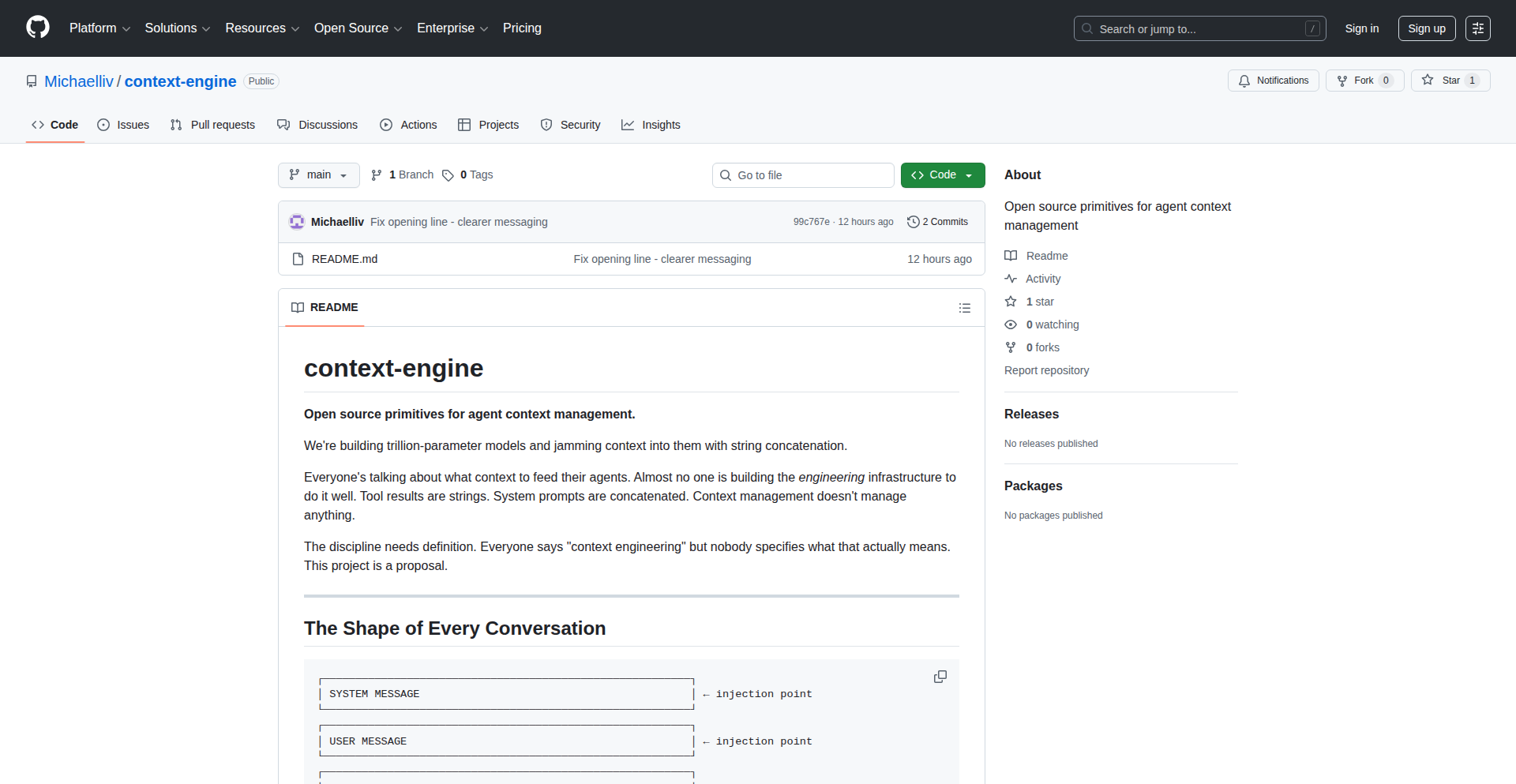
Author
miclivs
Description
ContextEngine is an open-source project proposing a structured approach to 'context engineering' for large AI models. It addresses the ambiguity in how to feed relevant information (context) into AI agents by defining specific infrastructure components. This innovation lies in its modular design, treating context as renderable components, enabling queryable conversation histories, and introducing reactive rules for dynamic context injection, all while managing injection priorities. This offers developers a clear, robust, and flexible way to manage the information flow to AI agents, ultimately improving their performance and predictability.
Popularity
Points 1
Comments 0
What is this product?
ContextEngine is an open-source initiative to standardize and simplify 'context engineering' for AI agents. Instead of just shoving text into AI models, it breaks down context management into distinct, manageable parts. It envisions context as 'renderable components,' meaning different types of information (like UI elements or raw data) can be prepared specifically for the AI. It also introduces 'queryable conversations,' which means you can ask questions about the AI's past interactions like querying a database. Furthermore, it enables 'reactive injection,' where new context is automatically added based on specific rules triggered by the ongoing conversation. Think of it as a sophisticated system for ensuring AI agents always have the right information at the right time, making them smarter and more efficient. This is valuable because it moves beyond ad-hoc methods to a structured, programmable way of managing AI's 'memory' and input, leading to more reliable and sophisticated AI applications.
How to use it?
Developers can use ContextEngine by integrating its proposed architecture into their AI agent frameworks. This involves defining context components, setting up a system to stream and query conversation events, and establishing rules for reactive context injection. For instance, if you're building a customer support chatbot, you could define components for user profile information, past ticket history, and product documentation. The engine would then automatically inject relevant details into the AI's context based on the user's current query and the conversation's progress. It's designed to be hookable, meaning you can plug it into existing tools like LangChain or LlamaIndex, providing a standardized way to handle context regardless of the underlying AI model or framework. This is useful for developers seeking to build more intelligent and context-aware AI agents without reinventing the wheel for context management.
Product Core Function
· Renderable context components: This allows for specialized preparation of different types of information (e.g., structured data, user interface snippets) to be fed to AI models, ensuring optimal input formatting for better AI comprehension and response. This is valuable for tailoring AI's understanding to specific data types.
· Queryable conversations: By treating conversations as an event stream with materialized views, developers can efficiently retrieve and analyze past interactions, enabling better debugging, understanding of AI behavior, and identification of patterns. This is useful for analyzing AI performance and user engagement.
· Reactive injection: This feature enables dynamic addition of context based on predefined rules and the current state of the conversation. For example, if a user mentions a specific product, the system can automatically inject relevant product information into the AI's context. This is valuable for making AI agents more responsive and informed in real-time.
· Injection queue: Manages the flow of context into the AI by prioritizing, batching, and deduplicating information. This prevents overwhelming the AI with too much information at once and ensures the most critical context is processed first, leading to more efficient and effective AI processing. This is useful for optimizing AI's computational load and response quality.
· Hookable architecture: This design allows ContextEngine to be easily integrated with existing AI frameworks and tools. Developers can plug this context management system into their current workflows, extending the capabilities of their existing AI applications without a complete overhaul. This is valuable for seamless integration and extending existing AI infrastructure.
Product Usage Case
· Building a more sophisticated customer service AI: Imagine an AI that not only understands the user's immediate query but also proactively pulls up their past purchase history, relevant troubleshooting guides, and even real-time service outage alerts based on the conversation's context. ContextEngine's reactive injection and queryable conversations would enable this by feeding the right information at the right time. This solves the problem of AI agents having a 'forgetful' or incomplete understanding of a user's situation, leading to faster and more accurate resolutions.
· Developing an advanced research assistant AI: An AI that can sift through vast amounts of documents, identify key themes, and then use that summarized information to answer complex research questions. ContextEngine's renderable components could format the research findings in a way that the AI can easily digest, while the injection queue ensures efficient processing of large datasets. This is useful for researchers needing to quickly synthesize and understand large volumes of information.
· Creating personalized educational AI tutors: An AI tutor that adapts its teaching style and content based on a student's learning progress, past mistakes, and individual learning preferences. ContextEngine's reactive injection could trigger the delivery of specific review materials or alternative explanations when the AI detects the student struggling with a concept. This solves the problem of one-size-fits-all educational tools, making learning more effective and tailored to each student.
96
VendorStatus API
url
Author
malik_naji
Description
Depsy is a unified API that aggregates status updates from various SaaS vendors. It solves the problem of wasting time checking multiple status pages during an incident by providing a single, normalized JSON response. This allows dashboards, runbooks, and on-call systems to quickly determine if an issue is internal or due to a vendor outage. So, this is useful for you by providing instant clarity during stressful incidents, saving valuable debugging time and reducing operational friction.
Popularity
Points 1
Comments 0
What is this product?
Depsy is a smart service that collects official status information from many popular software providers (like Slack, AWS, GitHub, etc.) and presents it all in one easy-to-understand format. When your team is facing a problem, you don't have to visit ten different websites to see if the issue is with your own systems or if one of the services you rely on is down. Depsy gives you a quick, reliable answer. The innovation lies in normalizing disparate vendor status signals into a consistent, cached, and fast JSON output. This means your incident response tools can ask a simple question – 'is it us or the vendor?' – and get an immediate, actionable answer. So, this is useful for you by cutting through the noise during outages and pinpointing the source of the problem much faster than manual checks.
How to use it?
Developers can integrate Depsy into their existing incident management workflows. Imagine you have an alert firing, or a webhook triggering a response. Instead of building custom integrations for each vendor's status page (which often change and are hard to parse), you can simply query the Depsy API. Your dashboards, alerting systems, or automated runbooks can then consume the normalized JSON response from Depsy. For example, an incident response playbook could automatically call Depsy and, based on the vendor status, either escalate the issue as an internal problem or advise users to wait for the vendor to resolve it. This is useful for you by streamlining your incident response automation and reducing the manual effort required to assess external dependencies.
Product Core Function
· Vendor Status Aggregation: Collects status signals from over a dozen critical SaaS vendors, providing a centralized source of truth for external service health. This is useful for you by offering a single point to check the reliability of all your essential tools.
· Normalized JSON Output: Delivers a consistent and predictable JSON response regardless of the original vendor's status page format, making it easy for machines to parse and act upon. This is useful for you by ensuring your automated systems can reliably understand and react to status changes.
· Cached and Fast Responses: Provides quick access to vendor status information, crucial during high-pressure incident scenarios where every second counts. This is useful for you by giving you immediate insights without waiting for slow page loads.
· API-First Design: Offers a programmatic interface for developers to integrate vendor status checks into their tools and workflows. This is useful for you by enabling seamless integration into your existing monitoring and alerting systems.
Product Usage Case
· Incident Response Dashboards: A company's internal dashboard can pull Depsy's API to display the status of critical third-party services alongside internal system health, immediately indicating if a user-reported issue is likely due to an external outage. This is useful for you by providing immediate visual context during an incident, helping teams quickly identify the root cause.
· Automated Alerting Systems: An on-call rotation system can be configured to query Depsy when an alert fires. If Depsy indicates a relevant vendor is experiencing an outage, the alert can be automatically categorized as an 'external dependency issue', preventing unnecessary internal investigation. This is useful for you by intelligently filtering and prioritizing alerts, reducing alert fatigue and unnecessary escalations.
· Runbook Automation: A predefined incident runbook can include a step to call the Depsy API. Based on the returned status, the runbook can automatically guide the incident commander towards specific troubleshooting steps or communicate the status of external services to affected users. This is useful for you by providing automated guidance and communication during incidents, ensuring consistent and efficient response.
97
AICode Changelog CLI
Author
ari1110
Description
A command-line interface (CLI) tool designed to consolidate and display the latest changelog entries from various AI coding assistants. It simplifies the process for developers to stay updated on new features and bug fixes from tools like Claude, Gemini, Codex, and GitHub CLI, offering flexibility in output formats (plain text, JSON, markdown) and installation methods.
Popularity
Points 1
Comments 0
What is this product?
AICode Changelog CLI is a developer utility that aggregates recent updates from popular AI coding assistants. Instead of manually visiting multiple GitHub repositories or documentation pages, this tool provides a single, streamlined way to see what's new. It works by querying GitHub releases or CHANGELOG.md files for supported AI coding tools. The innovation lies in its ability to consolidate disparate update sources into a unified, easily digestible format, saving developers significant time and effort. This means you get a clear overview of the latest advancements in AI coding tools without the hassle of individual checks, helping you leverage the newest capabilities faster.
How to use it?
Developers can install AICode Changelog CLI via package managers like Homebrew, Scoop, or Go, or by building from source. Once installed, they can run commands directly from their terminal. For example, typing `aic claude` will show the latest changelog for Claude, `aic latest` will display all updates from the last 24 hours across supported tools, and `aic codex -json` will output the Codex changelog in JSON format for programmatic use in scripts. This provides a quick and easy way to integrate AI coding tool updates into your workflow, whether you're just browsing or building automated systems.
Product Core Function
· Fetch latest changelog entries from AI coding assistants: This function allows developers to quickly access the newest updates from tools like Claude, Gemini, and Codex, helping them stay informed about new features and improvements. This means you can discover relevant updates without constant manual searching.
· Consolidate updates across multiple tools: Instead of checking each AI coding assistant individually, this tool brings all relevant updates into one place. This saves significant time and ensures you don't miss important announcements. You get a holistic view of AI coding tool progress.
· Support for GitHub releases and CHANGELOG.md files: The tool intelligently pulls information from common sources where developers announce changes, making it broadly compatible with many projects. This ensures you get comprehensive updates regardless of how a project publishes its changelogs.
· Flexible output formats (text, JSON, markdown): Developers can choose the output format that best suits their needs, whether it's for human readability or for integration into scripts and other tools. This adaptability makes it useful for both manual review and automated workflows.
· Customizable update checks (e.g., last 24 hours): Users can filter updates based on recency, ensuring they see only the most relevant new information. This helps focus on what's currently important and avoid information overload.
Product Usage Case
· A developer working with multiple AI coding assistants can use `aic latest` to get a daily digest of all new features and bug fixes across Claude, Gemini, and GitHub CLI, allowing them to quickly assess if any updates impact their current projects. This avoids missing critical updates that could improve their coding efficiency.
· A CI/CD pipeline could be configured to use `aic gemini -json` to fetch the latest Gemini updates in JSON format. This allows the pipeline to potentially adapt or re-test based on recent changes to the AI model's behavior. This ensures your automated processes are aware of and can react to changes in the tools they rely on.
· A hobbyist developer experimenting with new AI coding tools can use `aic claude` to see the recent progress of Claude without needing to constantly monitor its GitHub repository, making it easier to decide when to try out new features. This lowers the barrier to entry for exploring and adopting new AI coding capabilities.
· A team lead can use `aic latest` to quickly review all significant changes from their team's AI coding tools at the start of the day, informing discussions about tool adoption or potential impacts on development workflows. This provides a quick executive summary of AI tool advancements for project management.
98
MyEverly

Author
StealthyStart
Description
MyEverly is an AI thought companion that prioritizes clear thinking and privacy over emotional dependency. It's built with a focus on reflective dialogue, helping users clarify their thoughts and test perspectives without requiring accounts or storing long-term conversational data. The innovation lies in its ephemeral design, promoting a healthy, supportive AI interaction that doesn't aim to replace human connection or become a source of emotional reliance. So, this is useful because it offers a private and focused way to use AI for deep thinking, helping you organize your ideas without the baggage of data storage or simulated relationships.
Popularity
Points 1
Comments 0
What is this product?
MyEverly is a privacy-first AI thought companion. Unlike typical AI assistants that might focus on building a long-term relationship or simulating emotional connection, MyEverly is designed to be a temporary, disposable tool for enhancing your own thinking process. It achieves this through a focus on reflective dialogue, where the AI helps you clarify your thoughts, explore different angles of a problem, and gain new perspectives. The core technical innovation is its 'ephemeral by design' approach, meaning conversations are not stored long-term. This is a deliberate trade-off to ensure user privacy and prevent the AI from becoming a crutch or a source of emotional dependency. So, what's the value? It's a secure, private way to leverage AI for serious mental work and problem-solving, without worrying about your data or the AI developing an unhealthy influence.
How to use it?
Developers can use MyEverly by simply accessing it through its web interface. There are no accounts to create, making it immediately accessible. You can start a session by posing a question, a problem you're trying to solve, or a topic you want to explore. The AI will engage in a conversational manner, asking clarifying questions and offering prompts to help you articulate your thoughts more precisely. Think of it like having a highly intelligent, impartial sounding board. For integration, while not explicitly designed for deep API integration in its current Show HN form, developers could potentially build tools that feed specific problem statements or analytical queries into MyEverly sessions for enhanced personal reflection, or use its principles to design their own privacy-focused AI tools. So, how can you use it? Just go to the website and start talking to it to get your thoughts organized and clear, or use it as inspiration for building your own private AI assistants.
Product Core Function
· Privacy-first, no account required: Offers immediate access and ensures user data is not persistently stored, providing a safe space for sensitive thinking. This means your personal reflections stay personal, accessible only during your active session.
· Reflective dialogue tuning: The AI is optimized to ask clarifying questions and guide you through your thought process, helping you articulate ideas more clearly and thoroughly. This is valuable for anyone who needs to brainstorm or break down complex problems.
· Perspective testing: MyEverly helps you explore different viewpoints on a subject, encouraging you to challenge your own assumptions and consider alternative angles. This is useful for decision-making and critical analysis.
· Ephemeral sessions: Conversations are designed to be temporary and disposable, preventing the AI from building a long-term memory of your personal thoughts. This keeps the interaction focused on the immediate task and avoids the risk of data over-reliance or misuse.
Product Usage Case
· A software developer grappling with a complex bug: They can describe the problem to MyEverly, and the AI can help them break down the issue into smaller parts, suggest debugging approaches, and ask questions that might uncover overlooked details, leading to a faster resolution.
· A writer struggling with writer's block: They can use MyEverly to brainstorm ideas, explore plot points, or refine character motivations through a guided conversation, helping them unlock their creative flow without the pressure of a permanent record.
· A student preparing for an exam: They can use MyEverly to test their understanding of a topic by explaining it to the AI and having it ask probing questions, revealing gaps in their knowledge and reinforcing learning.
· An entrepreneur planning a new venture: They can discuss their business model, target market, and potential challenges with MyEverly, receiving prompts that help them refine their strategy and identify potential risks and opportunities.