Show HN Today: Discover the Latest Innovative Projects from the Developer Community
 ShowHN Today
- Continue with Google
Show HN Today: Top Developer Projects Showcase for 2025-12-18
SagaSu777 2025-12-19
Explore the hottest developer projects on Show HN for 2025-12-18. Dive into innovative tech, AI applications, and exciting new inventions!
Summary of Today’s Content
Trend Insights
The landscape of developer innovation is rapidly evolving, with a strong emphasis on leveraging AI to streamline complex tasks and enhance productivity. This week's Show HN projects highlight a significant trend towards building specialized AI agents and tools that address specific pain points across various domains, from frontend development with Composify to data acceleration with Spice Cayenne. Developers are pushing the boundaries of what's possible by creating modular architectures and privacy-focused solutions, demonstrating a keen understanding of real-world needs. For aspiring innovators and established developers alike, the takeaway is clear: identify a niche problem, leverage cutting-edge technologies like AI and Rust for performance, and prioritize user experience and efficiency. The spirit of hacking thrives when we build tools that empower others and solve tangible challenges, whether it's making UI design accessible, accelerating data queries, or simplifying complex workflows. Don't be afraid to dive deep into performance optimizations or to create minimalist libraries that solve a single problem exceptionally well. The future belongs to those who can creatively apply technology to make complex things simple and accessible.
Today's Hottest Product
Name
Composify
Highlight
Composify introduces a unique approach to frontend development by acting as an open-source visual editor that allows non-developers to compose web pages using existing React components. This solves the common pain point of marketing teams repeatedly requesting landing page changes, which often leads to engineering bottlenecks. The innovation lies in its ability to register and utilize production React components as drag-and-drop blocks, generating JSX output without requiring modifications to the component code or learning a new schema. Developers can learn how to build tools that bridge the gap between designers/marketers and engineering, fostering a more efficient workflow and enabling rapid layout-level A/B testing.
Popular Category
AI/ML
Developer Tools
Frontend Development
Data Engineering
Cloud Infrastructure
Popular Keyword
AI
LLM
Agent
Editor
Data
Performance
Developer Tools
Open Source
Rust
Python
Web
UI
Technology Trends
AI-powered workflow automation
Efficient data processing and acceleration
Minimalist and dependency-free libraries
Enhanced developer experience through specialized tools
Privacy-focused and local-first solutions
Composable and modular architectures
Democratization of complex functionalities (e.g., UI design, data analysis)
Advancements in data storage and retrieval formats
Project Category Distribution
AI/ML Tools & Frameworks (30%)
Developer Productivity & Tools (25%)
Data Engineering & Infrastructure (15%)
Frontend & UI Development (10%)
Utilities & Niche Applications (10%)
Security & Privacy (5%)
Other (5%)
Today's Hot Product List
| Ranking | Product Name | Likes | Comments |
|---|---|---|---|
| 1 | Composify: React Component Composer | 63 | 5 |
| 2 | Spice Cayenne: Data Accelerator Engine | 26 | 3 |
| 3 | TinyPDF | 15 | 1 |
| 4 | FirstClick AI Citation Optimizer | 7 | 6 |
| 5 | Paper2Any | 11 | 2 |
| 6 | DNS Sentinel | 7 | 4 |
| 7 | DocsRouter: Unified Document Intelligence API | 10 | 0 |
| 8 | DadJoke-Qwen3-Tuner | 10 | 0 |
| 9 | DailySet | 7 | 2 |
| 10 | IconicForge | 8 | 0 |
1
Composify: React Component Composer

Author
injung
Description
Composify is an open-source visual editor that allows non-developers to build web pages using existing React components. It solves the common problem of marketing teams needing frequent landing page updates, which often burdens engineering teams with tickets. Composify lets users drag and drop registered React components to create JSX strings, enabling faster iteration and empowering marketing to ship changes independently. Its innovation lies in its minimal approach, leveraging your actual production components without requiring code modifications or learning new schemas, acting as a bridge between no-code builders and headless CMS.
Popularity
Points 63
Comments 5
What is this product?
Composify is a visual editor designed for React applications. Think of it like a Lego set for your website's building blocks, where those blocks are your actual, live React components. The core technical idea is to create a 'server-driven UI' system. Instead of developers writing all the JSX (the code that describes what a web page looks like) every time a change is needed, Composify allows users to visually arrange pre-registered React components. The output of this visual arrangement is a JSX string, which your application can then render. This is innovative because it avoids the typical trade-offs of other tools: it doesn't lock you into a proprietary component set like Wix, nor does it force you to reformat your existing components to fit its model, unlike some other headless CMS or page builders. The value for you is a significant reduction in development overhead for routine page updates, allowing marketing or content teams to be more agile.
How to use it?
Developers integrate Composify by registering their existing React components into the system. Composify then exposes these components as 'draggable blocks' within its visual editor interface. Non-technical users can then drag these blocks onto a canvas, arrange them, and customize their properties (if exposed). Composify generates a JSX string representing this arrangement. Your React application can then fetch this JSX string (e.g., from an API or a content management system) and render it dynamically. This is useful for scenarios where you have a library of reusable UI elements and want to empower content creators to assemble landing pages, campaign pages, or sections of your application without needing developer intervention for every minor layout tweak.
Product Core Function
· Visual component composition: enables non-developers to assemble web pages by dragging and dropping registered React components, reducing the need for developer involvement in layout changes.
· React component registration: allows developers to easily make their existing production-ready React components available as editable blocks in the visual editor, maximizing code reuse and consistency.
· Server-driven UI generation: outputs a JSX string that can be dynamically rendered by your React application, facilitating rapid content updates and A/B testing at the layout level.
· Minimal integration overhead: designed to work with your existing component architecture without requiring significant code refactoring or adherence to new component schemas, making adoption smoother.
· Independent content iteration: empowers marketing and content teams to make layout changes and ship new pages autonomously, accelerating go-to-market timelines and reducing engineering backlogs.
Product Usage Case
· Marketing team needs to launch a new promotional landing page with specific product banners and calls-to-action. Composify allows them to drag and drop pre-approved banner components and CTA components, arrange them, and instantly generate the page code, bypassing the traditional ticket submission and development cycle.
· E-commerce site wants to run a time-limited flash sale and needs to update the homepage layout to prominently feature sale items. Using Composify, the marketing team can rearrange existing product grid components and promotional banners without filing a developer ticket, ensuring timely execution of the sale.
· A content-heavy website needs to create themed landing pages for different campaigns. Composify allows content editors to select from a library of pre-built content blocks (e.g., text with image, video embed, testimonial card) and arrange them to form a unique campaign page, offering flexibility without sacrificing design consistency.
· Product teams want to perform layout-level A/B testing on different page structures for conversion optimization. Composify can generate multiple JSX variations of a page, allowing for easy deployment and testing of different component arrangements to identify the most effective layouts.
2
Spice Cayenne: Data Accelerator Engine

Author
lukekim
Description
Spice Cayenne is a high-performance, portable data and AI engine designed to accelerate SQL queries, hybrid-search, and LLM inference. It leverages Apache DataFusion and Ballista for powerful data processing and a novel columnar data format called Vortex, which offers significantly faster data access and scanning compared to traditional formats like Parquet. This innovation allows enterprises to efficiently query and analyze vast datasets distributed across various storage systems, making complex data operations more accessible and faster. The core idea is to bring AI and complex data processing directly to where your data lives, making it incredibly efficient for real-world applications.
Popularity
Points 26
Comments 3
What is this product?
Spice Cayenne is an open-source data engine that acts as a 'Data Accelerator.' Think of it as a super-fast intermediary that understands how to quickly retrieve and process data from different places, whether it's in other databases, cloud storage, or even local files. Its innovation lies in its use of Vortex, a new columnar data format that's engineered for speed. Unlike older methods that might read data row by row, Vortex reads data in columns, which is much more efficient for analytical queries. This means you can ask complex questions of your data and get answers dramatically faster, using less memory and computational power. So, for you, this means getting insights from your data quicker and more cost-effectively, enabling more advanced AI applications and real-time decision-making.
How to use it?
Developers can integrate Spice Cayenne into their applications to enhance data processing capabilities. It's designed to be lightweight and portable, meaning it can run almost anywhere. You can use it to power your backend services that require fast data retrieval for features like search or personalized recommendations. It supports standard SQL queries, making it easy to adopt if you're already familiar with database querying. For AI-driven applications, Spice Cayenne can efficiently prepare and serve data for Large Language Models (LLMs) or other machine learning models, speeding up inference times. Its hybrid-search capabilities allow for combining keyword-based search with vector similarity search, making it ideal for applications needing intelligent content discovery. So, if you're building an app that needs to quickly crunch numbers, find specific information, or power AI features, Spice Cayenne can be dropped in to significantly boost performance.
Product Core Function
· SQL Query Acceleration: Processes standard SQL queries incredibly fast by leveraging optimized data access patterns and the Vortex data format. This means your applications can retrieve and analyze data much quicker, leading to snappier user experiences and faster reporting. Think of it as giving your database a speed boost for analytical tasks.
· Hybrid Search Capabilities: Enables combining traditional keyword search with advanced vector similarity search. This allows for more intelligent and nuanced search results, going beyond simple matches to understand the meaning and context of user queries. Useful for content discovery, product recommendations, and semantic search.
· LLM Inference Optimization: Efficiently prepares and serves data required by Large Language Models (LLMs) and other AI models. This reduces the time it takes for AI models to process information and generate responses, making AI-powered features in your applications more responsive and capable.
· Data Accelerator for Disparate Sources: Materializes data from various sources (databases, files) into an optimized format (Vortex) for faster access. This tackles the common problem of data being scattered everywhere, making it challenging to analyze. Spice Cayenne unifies and accelerates access to this dispersed data.
· Lightweight and Portable Engine: Built in Rust, making it fast, memory-efficient, and deployable across various environments, from edge devices to cloud servers. This flexibility means you can use it where you need it without heavy infrastructure dependencies.
Product Usage Case
· Real-time analytics dashboard: A company building a dashboard to visualize sales data can use Spice Cayenne to ingest and query petabytes of sales records in near real-time, allowing executives to make faster business decisions based on up-to-the-minute information.
· Personalized recommendation engine: An e-commerce platform can use Spice Cayenne to power its recommendation system. By quickly analyzing user browsing history and product data using hybrid search, it can deliver highly relevant product suggestions to customers, increasing engagement and sales.
· AI-powered customer support chatbot: A support team can integrate Spice Cayenne into their chatbot. The engine can rapidly retrieve relevant information from a vast knowledge base to answer customer queries with LLM inference, improving customer satisfaction and reducing support load.
· IoT data analysis: A company collecting sensor data from thousands of devices can use Spice Cayenne to accelerate the analysis of this high-volume data, identifying anomalies or trends quickly to improve product performance or prevent failures.
· Developer productivity tool: A developer building a complex data processing pipeline can use Spice Cayenne to rapidly prototype and test their data transformations and queries without needing to set up large, cumbersome data warehousing solutions.
3
TinyPDF
Author
lulzx
Description
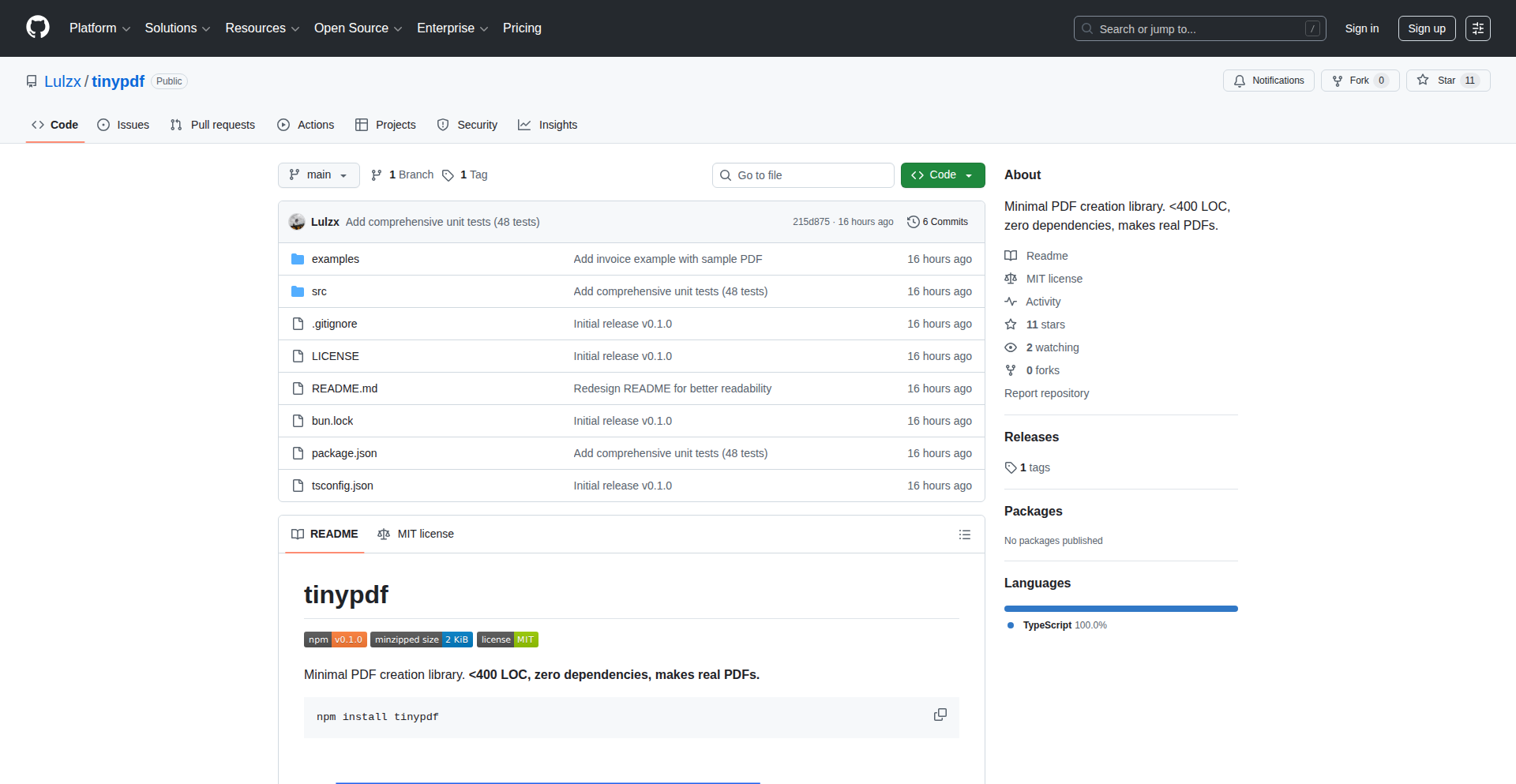
TinyPDF is a lightweight PDF generation library for Node.js applications, focusing on essential features like text, rectangles, lines, and JPEG images. It's a stark contrast to larger libraries like jsPDF, offering a drastically reduced footprint of under 400 lines of TypeScript and just 3.3KB when minified and gzipped, with zero dependencies. This makes it ideal for generating invoices, receipts, reports, tickets, and labels where advanced features are not required, offering a lean and efficient solution for common PDF creation tasks.
Popularity
Points 15
Comments 1
What is this product?
TinyPDF is a highly optimized, minimalist PDF generation library written in TypeScript for Node.js. Unlike feature-rich but heavy libraries, TinyPDF focuses on a curated set of functionalities: rendering text (with basic font support like Helvetica, color control, and alignment), drawing rectangles and lines, and embedding JPEG images. It also supports multi-page documents and custom page sizes. The innovation lies in its extreme focus on essential PDF elements and its efficient implementation, resulting in a remarkably small file size and no external dependencies. This means faster load times, reduced application bundle size, and simpler integration, making it perfect for scenarios where only the core elements of a PDF are needed, such as generating simple documents like invoices or tickets.
How to use it?
Developers can integrate TinyPDF into their Node.js projects by installing it via npm: `npm install tinypdf`. Once installed, you can import and use its functions within your TypeScript or JavaScript code to programmatically create PDF documents. For example, you can instantiate a PDF document, add text content with specified positions and styles, draw graphical elements like borders or separators, and embed JPEG images. The library is designed for straightforward API usage, allowing developers to quickly generate PDFs on the fly. Common use cases include server-side PDF generation for e-commerce orders, generating printable reports, or creating dynamic labels. The lack of dependencies simplifies deployment and reduces potential conflicts within your project.
Product Core Function
· Text Rendering: Ability to add text to PDFs with control over font (e.g., Helvetica), color, and alignment (left, center, right). This is valuable for adding descriptions, prices, or titles to documents, ensuring clear and readable content.
· Geometric Shapes: Support for drawing rectangles and lines. This is useful for creating borders, separators, or visual structure within documents like invoices or report headers, enhancing readability and professional appearance.
· JPEG Image Embedding: Capability to include JPEG images directly within the PDF. This is essential for adding logos, product images, or any visual branding to generated documents, making them more informative and visually appealing.
· Multi-Page Support: Allows for the creation of documents spanning multiple pages. This is crucial for generating longer reports, detailed invoices, or any document that exceeds a single page, providing a complete and organized output.
· Custom Page Sizes: Flexibility to define custom dimensions for PDF pages. This is valuable for generating documents that need to fit specific print formats or display requirements, such as tickets or labels, ensuring accurate sizing.
Product Usage Case
· Generating E-commerce Invoices: A Node.js backend can use TinyPDF to programmatically create a PDF invoice for each customer order, including product details, prices, and company logo, directly from order data. This solves the problem of needing a quick and lightweight way to provide customers with a professional invoice without the overhead of a large PDF library.
· Creating Printable Shipping Labels: An application can generate shipping labels as PDFs, embedding recipient addresses, tracking numbers, and barcodes (as JPEG images). This allows for easy printing of labels directly from the application, simplifying the shipping process.
· Building Simple Reports: A data-driven application can generate basic reports by rendering text and perhaps some dividing lines and logos into a PDF. This is useful for creating printable summaries of data for internal use or for users who prefer offline access to information.
· Generating Event Tickets: An event management system can use TinyPDF to create simple PDF tickets with event details, attendee names, and perhaps a QR code (as a JPEG image). This provides a downloadable and printable ticket format for attendees, solving the need for a compact ticket generation solution.
4
FirstClick AI Citation Optimizer

Author
mrayushsoni
Description
This project is a tool designed to help businesses get recommended by AI chatbots like ChatGPT and Perplexity. It addresses the emerging challenge where AI assistants are becoming a primary source for recommendations, impacting traditional SEO. FirstClick automatically generates comparison content (e.g., 'X vs Y', 'Best alternatives to Z') and optimizes it for AI citation, then tracks whether AI models actually mention the product. It's built on the insight that AI recommendation is a new frontier for discoverability, similar to how SEO transformed search engine visibility.
Popularity
Points 7
Comments 6
What is this product?
FirstClick is a system built to address the shift in how users discover products and services, moving from traditional search engines to AI assistants. The core technical innovation lies in understanding and manipulating how AI models select and present information. Instead of just optimizing for Google search algorithms, FirstClick focuses on generating content that AI models are likely to cite and compare. This involves analyzing the factors AI uses to determine relevance and authority, and then programmatically creating 'bottom-of-funnel' (BOFU) comparison content that highlights a product's advantages against competitors. The system then employs tracking mechanisms to verify when and if AI models are actually recommending the client's product, providing crucial feedback for refinement. It's a proactive approach to ensuring visibility in the nascent AI-driven recommendation landscape.
How to use it?
Developers can integrate FirstClick by providing information about their product and its competitors. The tool then automates the creation of comparison articles and 'alternative to' content. These pieces are crafted with specific linguistic patterns and factual structures that AI models tend to favor for citation. The output can be published on a company's blog or website. Once published, FirstClick's tracking feature monitors various AI platforms to detect mentions and recommendations of the client's product, providing actionable data on their AI discoverability. This allows businesses to refine their content strategy based on real-world AI behavior, ensuring their offerings are visible when users ask AI for advice.
Product Core Function
· Automated BOFU Content Generation: Creates comparison articles (e.g., 'Product A vs Product B') and 'alternative to' content, focusing on key differentiators. The technical value is in using natural language generation (NLG) models to produce persuasive and informative content that aligns with AI's information retrieval patterns, making it easier for AI to cite.
· AI Citation Optimization: Modifies content to be more likely to be picked up and cited by AI models. This involves strategic keyword placement, structured data, and framing that appeals to AI's logical processing, providing a distinct advantage over standard SEO content.
· AI Recommendation Tracking: Monitors AI platforms to detect if and how a product is being recommended. This provides invaluable feedback on the effectiveness of the content strategy and the product's performance in AI-driven discovery, helping users understand 'so what does this mean for my business?' in terms of actual customer acquisition from AI.
· Competitive Analysis for AI Visibility: Analyzes competitor mentions within AI recommendations to identify gaps and opportunities. This technical function allows businesses to understand their standing in the AI recommendation ecosystem and proactively address areas where they are being overlooked, offering a clear path to improving their AI presence.
Product Usage Case
· A SaaS startup struggling with low visibility on AI recommendation platforms. FirstClick generates 'Our Product vs. Competitor X' articles, optimizing them for AI citation. The tool then detects that Perplexity.ai begins recommending the startup's product in response to queries like 'best project management tools', directly leading to increased referral traffic. This solves the problem of being invisible in a growing AI-powered discovery channel.
· An e-commerce company wants to ensure their new product is recommended by AI assistants. FirstClick identifies that users are asking AI for 'alternatives to Brand Y's popular gadget'. The tool then crafts a comparison piece highlighting the startup's product as a superior alternative, and subsequently, the product starts appearing in AI-generated lists of alternatives, driving informed purchasing decisions.
· A service provider notices competitors are frequently mentioned by ChatGPT for specific needs. FirstClick analyzes these mentions to understand the AI's preference criteria. It then helps the service provider reframe their own service descriptions and create new content that directly addresses these criteria, leading to increased mentions and inquiries from users seeking AI-driven solutions.
· A founder wants to understand the AI recommendation landscape for their niche industry. FirstClick provides insights into which AI models are citing which companies and for what reasons. This allows the founder to pivot their content marketing strategy to focus on areas where AI is actively seeking information, ensuring their business is discoverable when potential customers turn to AI for advice.
5
Paper2Any

Author
Mey0320
Description
Paper2Any is an open-source tool that transforms research papers into editable PowerPoint (PPTX) slides and SVGs. It intelligently understands the content of a PDF, text, or even a sketch, and reconstructs it into a structured presentation format, offering flexibility in visual styles and the ability to select specific sections of the paper. This addresses the tedious manual effort of creating professional presentation materials from academic research, saving significant time and effort for researchers and students.
Popularity
Points 11
Comments 2
What is this product?
Paper2Any is an innovative tool built on the DataFlow-Agent framework. It tackles the common pain point of converting dense research papers into presentable slides. Unlike AI tools that generate uneditable image outputs, Paper2Any employs a multimodal reading approach to extract both text and visual elements from your input (PDF, text, or sketch). It then analyzes the research logic and core contributions. The key innovation lies in its PPT generation process: instead of a single image, it creates independent, editable elements like text blocks, shapes, and arrows. This allows for fine-grained control over the final presentation, including the selection of visual styles and specific page ranges from the original paper, making the output highly adaptable for publication or presentation. So, it helps you avoid the frustrating experience of manually recreating complex diagrams and text from papers into a presentation format.
How to use it?
Developers and researchers can use Paper2Any by providing it with a research paper (in PDF format), raw text, or even a hand-drawn sketch. You can specify which parts of the paper you want to convert, for example, just the methodology section, to reduce processing and focus the output. The tool allows you to experiment with different visual styles for the generated slides. Integration is straightforward: you can use the provided demo for quick tests, or if you're looking to build this functionality into your own applications, you can leverage the open-source DataFlow-Agent framework to integrate its capabilities programmatically. This means you can automate parts of your research workflow or build custom presentation generation tools. So, it saves you the hours you'd otherwise spend meticulously recreating figures and text for your talks or papers.
Product Core Function
· Multimodal Input Processing: Accepts PDF, plain text, or sketches as input, allowing for versatile data handling. This is valuable because it means you don't need to reformat your source material before using the tool, streamlining your workflow.
· Intelligent Content Understanding: Analyzes the research logic and identifies key contributions, enabling the generation of contextually relevant slides. This saves you from having to manually sift through pages to decide what's important for your presentation.
· Editable PPTX Generation: Creates fully editable PowerPoint files with independent elements (text, shapes, arrows), offering maximum flexibility for customization. This is crucial because it means you're not stuck with a static image; you can easily modify and refine the slides to fit your specific needs.
· Configurable Page Range Selection: Allows users to specify which sections or pages of the input document should be included in the generated slides, optimizing token usage and focus. This is useful for creating targeted presentations without being overwhelmed by the entire paper's content.
· Visual Style Switching: Supports different visual styles for the generated output, enabling users to choose an aesthetic that best suits their presentation needs. This means you can present your research in a visually appealing way that matches your brand or audience expectations.
· SVG Output: Generates Scalable Vector Graphics (SVG) for diagrams and figures, providing high-resolution, scalable visuals for digital or print use. This is important for ensuring your diagrams look sharp and professional at any size, preventing pixelation.
Product Usage Case
· Academic researchers preparing slides for conferences or journal submissions can input their published papers and instantly get a draft set of editable slides, significantly reducing preparation time. This solves the problem of spending days manually recreating complex experimental setups or theoretical models.
· Students working on literature reviews or thesis presentations can feed in multiple research papers and quickly generate a consolidated set of slides that highlight key findings from each source. This helps them organize and present a large amount of information efficiently.
· Technical writers or educators creating explanatory content can use Paper2Any to quickly convert technical documentation or research articles into digestible visual aids for training or educational materials. This makes complex technical information more accessible.
· Developers building AI-powered research assistants can integrate Paper2Any's capabilities to offer a feature that automatically generates presentation outlines or visual summaries from research papers ingested by their platform. This enhances the functionality of their AI tools.
6
DNS Sentinel
Author
timatping
Description
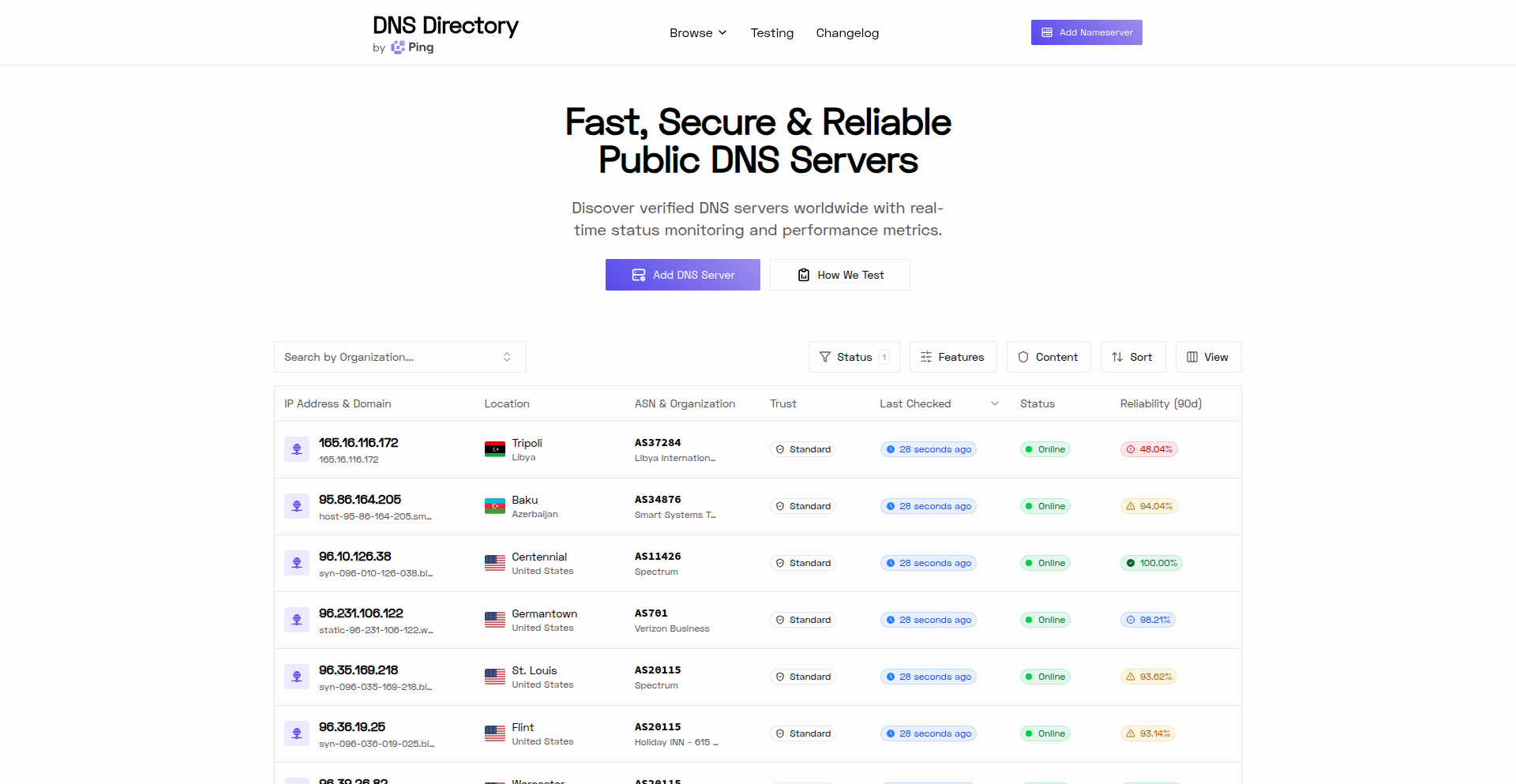
DNS Sentinel is a free, searchable database that tracks over 77,000 public DNS servers globally. It performs live monitoring every 10 minutes, providing insights into server uptime, security features like ad and malware blocking, DNSSEC support, and IPv6 compatibility. This project addresses the lack of a comprehensive, up-to-date public DNS server directory, originally built to support web scraping projects that require reliable DNS resolution.
Popularity
Points 7
Comments 4
What is this product?
DNS Sentinel is a constantly updated, public directory of DNS (Domain Name System) servers. Think of DNS as the internet's phonebook, translating website names (like google.com) into IP addresses that computers understand. This project automatically tests thousands of these public DNS servers every ten minutes to see if they are working, how fast they are, and if they offer special features like blocking ads or malware. The innovation lies in building this massive, actively monitored dataset from scratch, solving the problem that no such reliable, real-time resource existed before for developers needing to understand or select DNS servers.
How to use it?
Developers can use DNS Sentinel by visiting the website (dnsdirectory.com) to search for and filter public DNS servers based on criteria such as location, uptime percentage, security features (e.g., ad blocking, malware protection), DNSSEC support, and IPv6 readiness. It's particularly useful for those building applications that rely on specific DNS server characteristics, such as web scraping tools that need to avoid detection by using varied IP addresses, or for network engineers and security professionals looking to understand the landscape of available public DNS infrastructure. You can also submit new DNS servers to be added to the directory.
Product Core Function
· Live DNS Server Monitoring: Continuously tests over 77,000 public DNS servers every 10 minutes to ensure data freshness and reliability, providing real-time insights into server availability and performance for your projects.
· Comprehensive Filtering Options: Allows users to filter DNS servers by critical attributes like uptime, geographical location, advanced security features (ad blocking, malware protection), DNSSEC compliance, and IPv6 support, enabling precise selection for specific technical needs.
· Detailed Historical Data: Provides access to all historical testing information for each DNS server, allowing for trend analysis and a deeper understanding of server behavior over time, useful for long-term project planning and reliability assessment.
· Public Resource & Contribution: Offers a free, open database for public use and encourages community contributions by allowing users to submit new DNS servers, fostering a collaborative environment for improving internet infrastructure knowledge.
Product Usage Case
· A web scraping project needs to disguise its origin to access restricted content. Using DNS Sentinel, the developer can identify and select a diverse set of public DNS servers known for their ad-blocking capabilities and varied locations to make their scraping traffic appear more legitimate and avoid detection.
· A cybersecurity researcher is investigating the effectiveness of different public DNS resolvers in preventing access to malicious websites. They can use DNS Sentinel to filter servers with malware protection and DNSSEC enabled, then monitor their performance and reliability over time to draw conclusions about their security posture.
· A developer is building a new application that requires high-performance and reliable DNS resolution from a specific region. They can search DNS Sentinel for servers in that region, filter by high uptime, and choose a server that supports IPv6 to ensure future compatibility and optimal speed.
· An organization is planning to deploy a new network infrastructure and wants to understand the characteristics of commonly used public DNS servers for potential integration or comparison. DNS Sentinel provides a free, extensive dataset to analyze uptime, feature sets, and global distribution of these servers.
7
DocsRouter: Unified Document Intelligence API
Author
misbahsy
Description
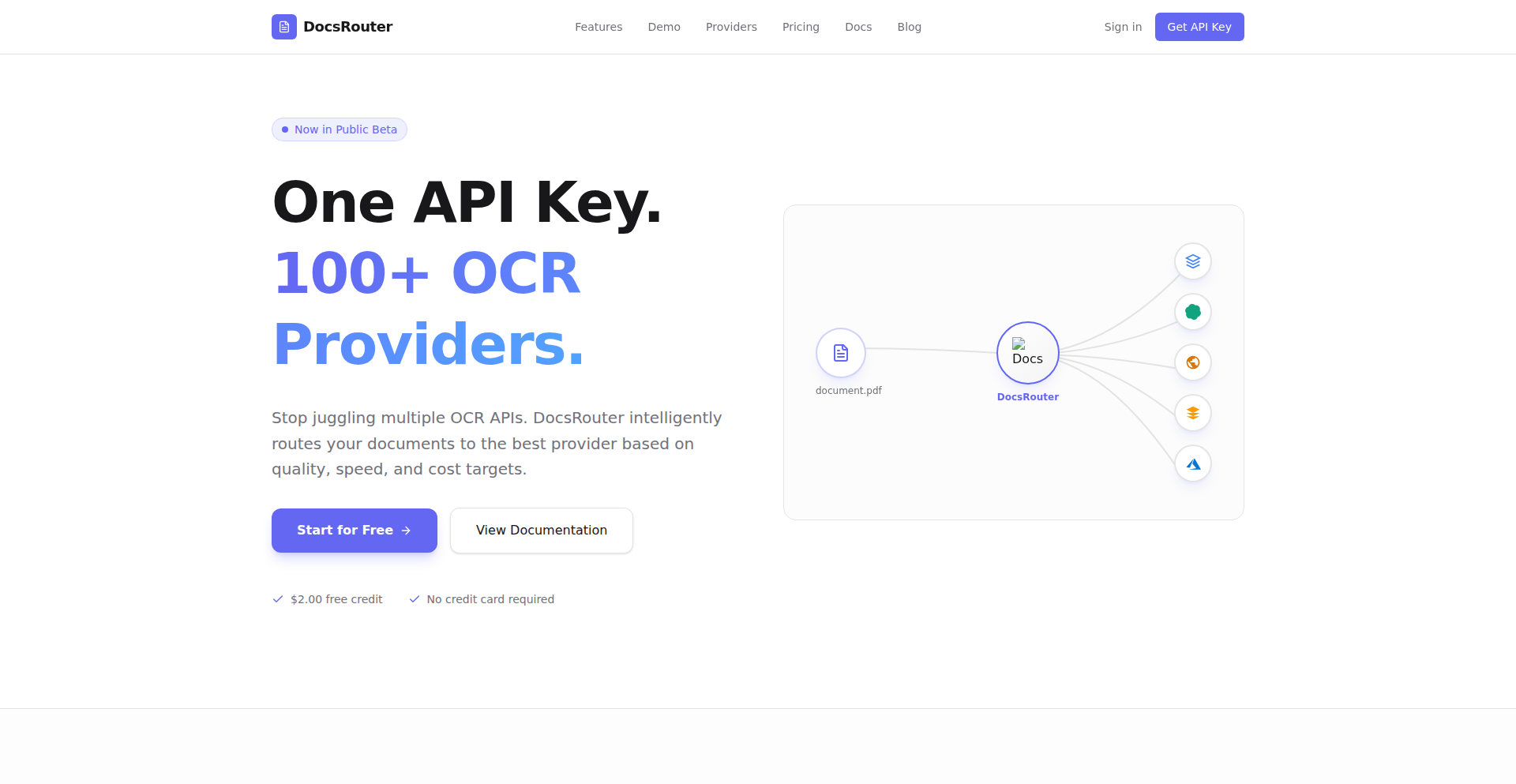
DocsRouter is a smart middleware service that acts as a single point of access for various Optical Character Recognition (OCR) and Vision Large Language Models (LLMs). It simplifies the complex process of integrating and managing multiple AI services for document processing. Instead of building and maintaining your own system to call different AI providers, DocsRouter offers a unified API. This allows developers to effortlessly switch between or combine different OCR and vision models based on factors like cost, speed, and accuracy, without changing their application's code. The output is standardized, making it easy to use the extracted data. This is for teams dealing with high volumes of documents like invoices, contracts, or forms who want to avoid vendor lock-in and leverage the best AI technology available for their needs.
Popularity
Points 10
Comments 0
What is this product?
DocsRouter is an API service that simplifies working with different AI tools that read and understand documents. Imagine you need to extract information from scanned papers, like invoices or forms. There are many AI services (OCR and Vision LLMs) that can do this, each with its own strengths and weaknesses in terms of cost, speed, and how accurately they can read different types of text or even understand the context. Traditionally, if you wanted to use multiple services, you'd have to write a lot of custom code to connect to each one, handle their different outputs, and manage the costs. DocsRouter solves this by providing one simple API. You send your document to DocsRouter, and it intelligently decides which AI service is best to use for that specific document, or it can even combine results from multiple services. It then gives you back the information in a consistent format, so your application doesn't need to know which AI service was actually used. This is innovative because it abstracts away the complexity of the AI landscape, making advanced document processing accessible and manageable, and preventing you from being stuck with a single, potentially outdated or expensive, AI provider.
How to use it?
Developers can integrate DocsRouter into their applications by making simple API calls. For example, when your application needs to process a new document (like an invoice uploaded by a user), instead of directly calling an OCR service, you'll send the document to the DocsRouter API. You can configure DocsRouter, either directly through the API or via its dashboard, to use specific AI providers or to automatically choose the best one based on predefined rules (e.g., 'use the cheapest option that provides at least 90% accuracy'). DocsRouter handles the communication with the chosen AI models, normalizes their outputs (like extracting text, table data, or specific fields), and returns this structured data to your application. This means your application logic remains clean and unaffected by changes in the underlying AI technology. You can also use their provided playground to test different document types with various AI models side-by-side to understand which providers perform best for your specific use cases.
Product Core Function
· Unified API for multiple OCR and Vision LLMs: Reduces integration effort and allows easy switching between AI providers, so your app always uses the best available technology without code changes.
· Intelligent routing policies: Enables automatic selection of AI models based on cost, accuracy, or latency requirements, optimizing performance and budget for document processing.
· Normalized output formats (text, tables, fields): Guarantees consistent data structure regardless of the AI provider used, simplifying downstream data processing and application logic.
· Provider abstraction layer: Hides the complexity of different AI service APIs, preventing vendor lock-in and allowing future-proofing as new models emerge.
· Side-by-side output comparison playground: Facilitates experimentation and selection of optimal AI models for specific document types through visual comparison of results.
Product Usage Case
· An accounting software company needs to extract data from thousands of invoices daily. By using DocsRouter, they can send each invoice to the API, and DocsRouter will select the most cost-effective and accurate OCR/vision model for that invoice type. This saves them development time on custom integrations and lowers their operational costs compared to using a single, expensive provider, providing them with clean, structured invoice data for their accounting system.
· A legal tech startup is building a contract analysis tool. They can use DocsRouter to process various legal documents, leveraging different LLMs for tasks like identifying key clauses or extracting specific parties. The normalized output allows their analysis engine to work consistently, even if the underlying AI model for contract interpretation changes, ensuring their tool remains competitive and accurate over time.
· A logistics company needs to process shipping manifests and customs forms. DocsRouter can handle these diverse document formats by routing them to specialized OCR or vision models, ensuring accurate extraction of shipping details, addresses, and product information. This streamlines their operations by reducing manual data entry and errors, leading to faster processing times and improved supply chain visibility.
8
DadJoke-Qwen3-Tuner
Author
shutty
Description
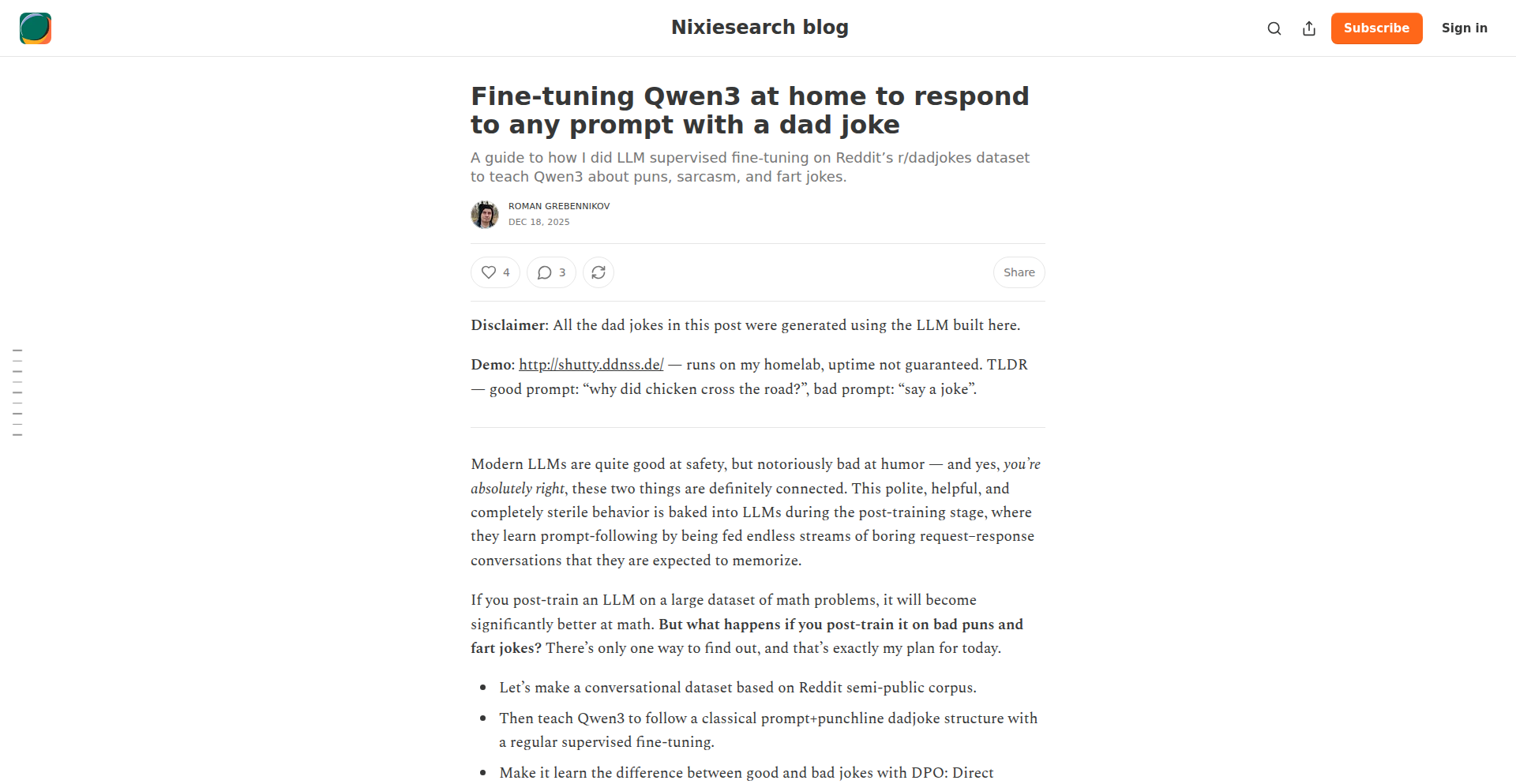
This project demonstrates how to fine-tune the Qwen3 large language model at home to specifically respond to any user prompt with a dad joke. It highlights the accessibility of fine-tuning powerful AI models with consumer-grade hardware and offers a fun, unique application of natural language processing.
Popularity
Points 10
Comments 0
What is this product?
This project is a demonstration of fine-tuning Qwen3, a large language model, to inject a specific personality trait: the ability to tell dad jokes. The core technical innovation lies in the process of taking a general-purpose AI model and specializing it for a niche output with relatively modest resources. This is achieved through techniques like LoRA (Low-Rank Adaptation), which allows for efficient fine-tuning by only updating a small subset of the model's parameters. So, what's the value? It proves that you don't need a massive data center to customize advanced AI for your specific needs or creative ideas.
How to use it?
Developers can use this project as a blueprint for fine-tuning their own LLMs for specific tasks. The process typically involves preparing a dataset of prompts and desired dad joke responses, setting up a fine-tuning environment (often using Python libraries like `transformers` and `peft`), and running the training process. The fine-tuned model can then be integrated into applications via an API, allowing users to interact with an AI that consistently delivers cheesy humor. For example, you could build a chatbot for a family-friendly app or create a humorous content generation tool. So, how does this benefit you? It provides a practical, step-by-step guide to make powerful AI models behave in a way that's fun and tailored to your project.
Product Core Function
· Efficient LLM Fine-tuning: The ability to adapt large language models like Qwen3 using resource-efficient methods like LoRA. This allows for customization without retraining the entire model from scratch, saving significant computational power and time. The value is democratizing AI customization.
· Prompt-to-DadJoke Generation: The core function of the fine-tuned model. It takes any input prompt and generates a relevant, albeit humorous, dad joke as a response. The value lies in creating engaging and entertaining user experiences through personalized AI humor.
· Home-based AI Customization: Demonstrates that advanced AI fine-tuning can be performed on consumer-grade hardware, not just in large research labs. This opens doors for individual developers and small teams to experiment with and deploy specialized AI. The value is in lowering the barrier to entry for AI innovation.
Product Usage Case
· Building a 'Digital Comedian' Chatbot: Integrate the fine-tuned model into a messaging platform to create a chatbot that can entertain users with dad jokes on command. This solves the problem of needing a constant stream of lighthearted content for casual interactions.
· Content Generation for Social Media: Use the model to automatically generate humorous captions or responses for social media posts, injecting personality and engagement into online content. This addresses the challenge of creating consistent and entertaining social media material.
· Educational Tool for AI Fine-tuning: Serve as a practical, hands-on example for students and aspiring AI engineers learning about LLM fine-tuning techniques. It provides a clear, fun use case to illustrate complex concepts. This helps overcome the difficulty of understanding abstract AI training processes.
9
DailySet

Author
anniegracehu
Description
DailySet is a re-implementation of the popular 'Set' card game, driven by a fascinating technical challenge: the original setgame.com's SSL certificate expired. This project showcases a deep understanding of web application development, certificate management, and the underlying logic of the Set game itself. Its innovation lies in not just recreating the game, but in providing a robust and accessible alternative, demonstrating a keen eye for identifying and solving real-world technical limitations with elegant code.
Popularity
Points 7
Comments 2
What is this product?
DailySet is a web-based implementation of the classic 'Set' card game. The core innovation here is the initiative to rebuild it from scratch when the original website became inaccessible due to an expired SSL certificate. This means it's built with modern web technologies, ensuring a secure and reliable experience. The underlying logic of the Set game, which involves identifying specific patterns in cards based on attributes like color, shape, number, and shading, is meticulously recreated, presenting a computationally interesting puzzle that's both fun and intellectually stimulating. So, what's in it for you? You get a reliable and secure way to play a challenging puzzle game anytime, anywhere, without worrying about broken links or security warnings.
How to use it?
Developers can use DailySet in several ways. Firstly, as an end-user, you can simply visit the deployed web application to play the game. For developers looking to integrate or learn, the project's codebase serves as an excellent example of building interactive web applications. It demonstrates how to manage game state, render dynamic content, and handle user input efficiently. You can fork the repository, study the code, and even contribute to its development. Think of it as a blueprint for building your own engaging web-based games or interactive tools. So, how does this benefit you? You can easily access a fun game, or leverage the code as a learning resource and a foundation for your own projects.
Product Core Function
· Game logic implementation: The core algorithm for determining valid 'Set' combinations is precisely engineered. This involves intricate logic to compare card attributes. Its value is in providing a true-to-game-rules experience. This is crucial for any player seeking an authentic challenge.
· Web application interface: A user-friendly interface built with modern web technologies allows players to interact with the game seamlessly. The value here is accessibility and an intuitive gaming experience. Anyone can jump in and play.
· Certificate renewal initiative: The proactive re-creation of the game after the original's certificate expired highlights a developer's commitment to keeping valuable online resources available. The value is in ensuring the longevity and accessibility of the game for the community. This means the game remains playable and secure for everyone.
· Responsive design: The game is likely designed to work on various devices, from desktops to mobile phones. The value is in providing a consistent and enjoyable experience regardless of the user's device. You can play it on whatever screen you have handy.
Product Usage Case
· Educational tool for learning game development: A developer could study DailySet's codebase to understand how to implement game rules, manage game state, and build interactive web UIs. This helps them learn by example how to create their own games.
· Inspiration for recreating other defunct web games or tools: The success of DailySet can inspire developers to tackle other beloved but broken web applications, revitalizing them for new audiences. This means more of your favorite old-school online experiences could be brought back to life.
· Building a personal portfolio project: This project serves as a concrete example of a developer's ability to identify a problem (expired certificate), devise a solution (rebuild the game), and execute it effectively using web technologies. It demonstrates practical problem-solving skills to potential employers.
· Backend logic for a larger game application: The core Set game logic could be extracted and used as a component within a more complex multiplayer or advanced version of the game. This shows how a specific, well-defined problem solver can be a building block for bigger things.
10
IconicForge

Author
teemingdev
Description
IconicForge is a free-to-use logo generator designed for indie founders and developers. It offers a streamlined approach to creating usable logos quickly by leveraging a curated set of icons and a rule-based color suggestion system. This avoids the complexity and cost associated with heavy AI generators, editors, or subscriptions. The core innovation lies in its lightweight 'smart suggestions' feature, which uses keywords describing an app's function to propose suitable icons and color palettes without relying on external AI services, ensuring speed and zero running cost. The output is a single, downloadable logo file, eliminating the need for accounts, watermarks, or asset management.
Popularity
Points 8
Comments 0
What is this product?
IconicForge is a practical tool for creating logos without the usual hassle. Instead of complex AI that might take time or cost money, it uses a pre-defined library of icons and a clever system of rules. You describe what your app does, and it suggests relevant icons and colors. Think of it like a smart assistant with a toolbox of design elements, making it fast and accessible. This means you get a decent logo quickly without being overwhelmed by options or worrying about hidden fees.
How to use it?
Developers can use IconicForge by visiting the website, describing their project in a few words (e.g., 'a task management app', 'a social media platform for gamers'), and then browsing the generated icon and color combinations. Once a satisfactory logo is created, it can be downloaded as a single image file (like PNG or SVG), ready to be used immediately on websites, app stores, or marketing materials. It's designed for immediate use, without requiring any account creation or complex integration.
Product Core Function
· Keyword-based icon suggestion: Automatically recommends icons that match the described function of your project, saving you the time of searching through vast libraries. This is useful for quickly finding a visual representation of your app's purpose.
· Rule-based color palette generation: Offers color schemes that are designed to be aesthetically pleasing and relevant to your app's description, providing a good starting point for branding without requiring design expertise.
· Direct download of single logo file: Provides a ready-to-use logo file without watermarks or extra management, allowing for immediate deployment and application across various platforms.
· No account or subscription required: Eliminates barriers to entry and ongoing costs, making it a truly free and accessible tool for anyone needing a quick logo.
· Lightweight and fast processing: Utilizes simple logic and mappings, ensuring quick generation times and a smooth user experience, ideal for users who need results immediately.
Product Usage Case
· A solo indie developer launching a new productivity app needs a logo quickly for their website and app store listing. They describe their app as 'a simple to-do list manager', and IconicForge suggests a checklist icon with a clean, professional color scheme, providing a usable logo in minutes without needing to hire a designer.
· A game developer is working on a new indie game and needs a placeholder logo for early marketing materials. They input 'a fantasy RPG combat game', and IconicForge generates an icon featuring a sword or shield with a more adventurous color palette, enabling them to create visual assets for their launch without delay.
· A startup founder is testing out a new idea and needs a basic logo for a landing page to gather user feedback. They describe their service as 'a platform for sharing recipes', and IconicForge provides a simple culinary-themed icon and a welcoming color scheme, allowing them to quickly establish a visual identity for their experiment.
11
Inkwells: Anonymous Thought Weaver

Author
reagantriminio
Description
Inkwells is a personal project that creates an anonymous platform for writing and discovering diary entries. It addresses the need for individuals to express themselves freely without the constraints of personal identity, focusing on the raw act of writing and idea sharing. The innovation lies in its commitment to absolute anonymity, using numerical identifiers instead of usernames, and its design to foster discovery and interaction within this anonymous space.
Popularity
Points 3
Comments 4
What is this product?
Inkwells is a digital space designed for private thoughts and public discovery, all under the veil of anonymity. Think of it like a collection of diaries that anyone can browse and even interact with, but without anyone knowing who wrote what. The core technical insight is in how it enforces true anonymity. Instead of traditional usernames and profiles, each entry is linked to a simple, unique number. This means you can read someone's deeply personal thoughts, save the ones you find compelling, or even leave a reaction or comment, all without any way to trace it back to you or the original author. This approach sidesteps the complexities of user authentication and data privacy by fundamentally removing personal identifiers, allowing for unfiltered expression and organic discovery. The value here is a safe haven for self-expression and a unique lens into diverse human experiences.
How to use it?
Developers can use Inkwells as a source of inspiration for building privacy-centric applications or exploring novel ways to foster community engagement without user profiles. The technical implementation likely involves a robust backend system that generates and assigns unique numerical IDs to each entry and its associated interactions, ensuring no link to the user's device or network. Imagine integrating a similar concept for a 'random thought generator' on a website, or a feedback system where users can submit anonymous suggestions that are then categorized and displayed without revealing the submitter. The emphasis on a clean, untethered experience makes it a good model for exploring user-generated content where identity is a liability rather than an asset.
Product Core Function
· Anonymous Entry Creation: Allows users to write and publish diary entries without any personal identification, fostering unfiltered expression. The value is providing a safe space for thoughts that might otherwise remain unshared.
· Numerical Identifier System: Replaces traditional usernames with unique numbers for each entry, ensuring absolute anonymity. This is technically innovative in how it simplifies privacy by eliminating the need for complex user management, making it incredibly secure for sensitive content.
· Entry Discovery and Browsing: Enables users to explore a public feed of anonymous diary entries, facilitating the discovery of diverse perspectives and ideas. This addresses the need for serendipitous content discovery in a controlled, privacy-respecting environment.
· Saving and Curating Entries: Allows users to bookmark or save entries they find particularly meaningful or interesting. The technical implementation likely involves a simple storage mechanism linked to the user's session or a temporary cookie, without linking to their identity, adding value by helping users recall impactful content.
· Anonymous Interaction (Commenting/Reacting): Enables users to engage with entries through comments or reactions without revealing their identity. This fosters community interaction while upholding the core principle of anonymity, solving the challenge of encouraging engagement without compromising privacy.
Product Usage Case
· A writer experimenting with different narrative voices and themes without the pressure of personal branding, using Inkwells to anonymously publish diverse story snippets. This helps them refine their craft by seeing how different styles are received without judgment.
· A developer building a tool that aggregates anonymous user feedback for a product, similar to how Inkwells collects diary entries. This allows for honest, unbiased input that can drive product improvements without fear of reprisal or personal association.
· A researcher analyzing trends in public sentiment or common personal struggles by browsing and categorizing anonymous entries on Inkwells. This provides raw, unadulterated data on human thoughts and emotions, valuable for social science studies or mental health trend analysis.
· A user seeking catharsis by writing down difficult thoughts or experiences, finding solace in the act of expression and the possibility that someone else might resonate with their words, even if anonymously. This directly addresses the human need for emotional release and connection.
12
Toad: Unified Terminal Agent Orchestrator

Author
willm
Description
Toad is a command-line interface (CLI) that provides a unified and enhanced terminal user experience for interacting with multiple AI coding agents. It leverages the Agent Client Protocol to seamlessly connect with various AI agent SDKs, allowing developers to manage and utilize different agents from a single, intuitive terminal environment. This project solves the problem of fragmented UIs for AI coding tools by offering a centralized, developer-friendly interface that prioritizes efficiency and control.
Popularity
Points 6
Comments 0
What is this product?
Toad is a command-line interface (CLI) designed to bring a superior user experience to AI coding agents, directly within your terminal. Historically, interacting with different AI agents often meant dealing with separate web interfaces or clunky SDK integrations. Toad acts as a central hub. It utilizes the Agent Client Protocol (ACP), a standard way for AI agents to communicate. This means Toad can talk to any agent that supports ACP, regardless of who built the agent or what specific task it performs. The innovation lies in providing a single, consistent, and powerful terminal interface for controlling and observing multiple agents simultaneously. Think of it as a cockpit for your AI coding assistants, allowing you to switch between, manage, and get feedback from them all without leaving your familiar terminal environment. So, what's the benefit to you? You get to use your favorite AI coding tools more efficiently, with less context switching and a more streamlined workflow.
How to use it?
Developers can use Toad by installing it as a CLI tool. Once installed, you can configure Toad to connect to your chosen AI agents that adhere to the Agent Client Protocol. This involves specifying the agent's endpoint or configuration details. Toad then provides a rich terminal interface where you can invoke agent actions, send prompts, and receive responses. For example, you could use Toad to ask one agent to generate code, another to refactor it, and a third to debug it, all from the same terminal session. This makes complex AI-assisted development workflows much more manageable and efficient. The integration is designed to be straightforward, allowing developers to plug in their preferred AI agent ecosystem without significant setup overhead. So, how does this help you? It means you can leverage the power of AI agents for your coding tasks without a steep learning curve for each new tool, leading to faster development cycles.
Product Core Function
· Unified Agent Interaction: Allows developers to interact with multiple AI coding agents through a single, consistent terminal interface, reducing context switching and improving workflow efficiency.
· Agent Client Protocol (ACP) Support: Integrates with any AI agent that implements the Agent Client Protocol, providing a flexible 'bring your own agent' framework and fostering interoperability within the AI development ecosystem.
· Enhanced Terminal UI: Offers a richer and more intuitive user experience compared to typical command-line interactions, making it easier to manage complex AI agent tasks and understand their outputs.
· Simultaneous Agent Management: Enables the running and monitoring of a large number of AI agents concurrently, facilitating parallel task execution and complex problem-solving scenarios.
· Developer-Centric Workflow: Designed with developers in mind, aiming to streamline the process of incorporating AI assistance into daily coding routines, ultimately speeding up development and improving code quality.
Product Usage Case
· Scenario: A developer needs to write a new feature, debug an existing one, and document the code. Toad can be configured to connect to three different AI agents specialized in code generation, debugging, and documentation respectively. The developer can then switch between these agents within the Toad terminal to request and receive the necessary outputs sequentially or even in parallel, significantly speeding up the overall task completion. The value to you is faster feature delivery and less mental overhead managing multiple tools.
· Scenario: A team is experimenting with different AI coding assistants to find the best fit for their projects. With Toad, they can easily connect to each agent's SDK (assuming ACP compliance) and compare their performance side-by-side within a single terminal interface. This allows for quick evaluation and iteration on agent usage without needing to set up separate environments for each tool. The value to you is an easier way to find and integrate the most effective AI tools for your team.
· Scenario: An AI agent provides complex, multi-step outputs or suggestions. Toad's enhanced terminal UI can better visualize and organize these outputs, making them easier for the developer to parse, understand, and act upon. This could involve structured formatting of code suggestions, clear error message presentation, or organized documentation snippets. The value to you is better comprehension of AI suggestions, leading to more accurate and efficient implementation.
13
JulesAI GitHub Actions
Author
suyashkumar
Description
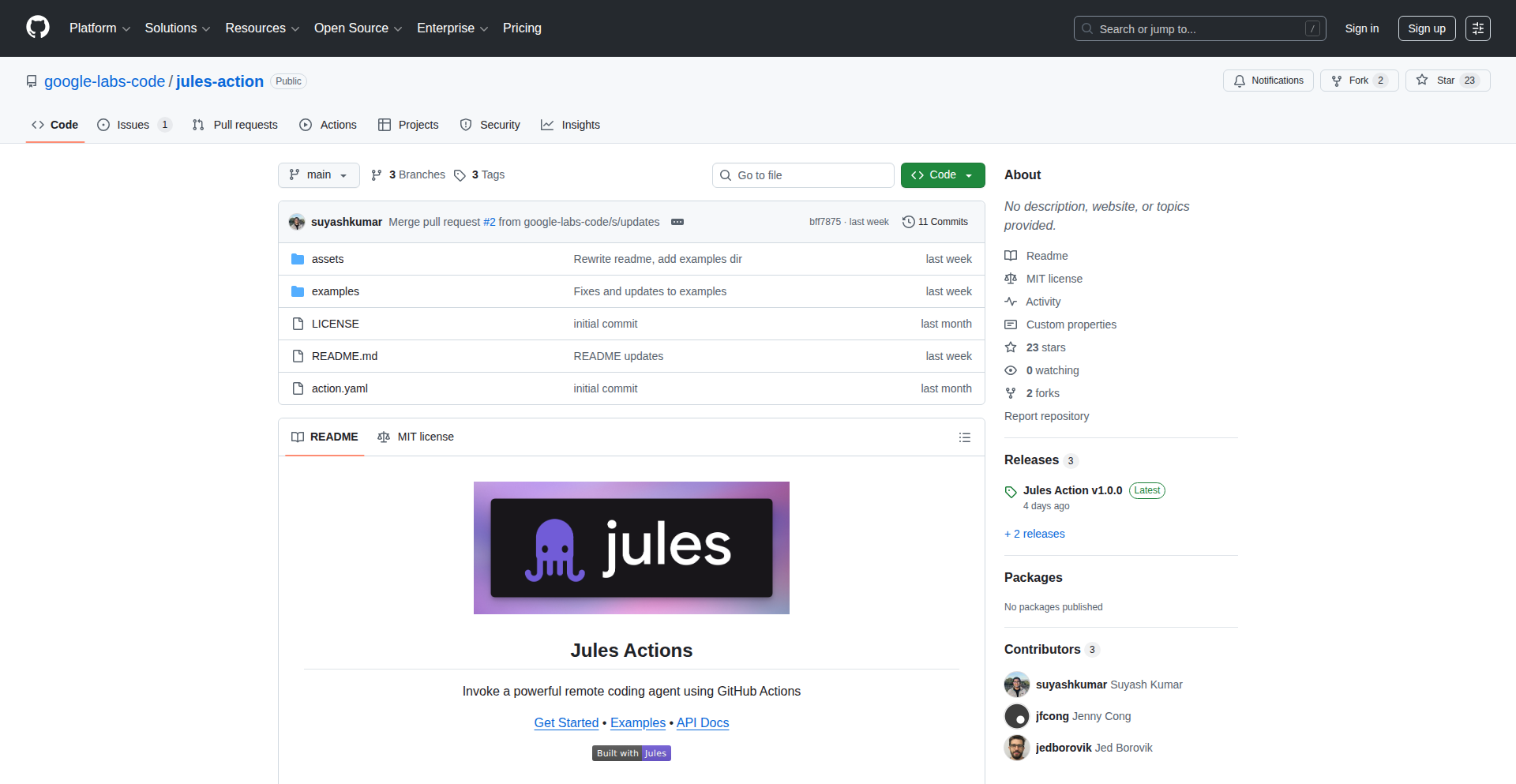
This project presents a set of GitHub Actions that demonstrate how to interact with Jules, an experimental AI agent from Google Labs. It showcases practical examples of leveraging AI for code-related tasks directly within the GitHub workflow, highlighting a novel approach to automated code assistance and problem-solving.
Popularity
Points 6
Comments 0
What is this product?
Jules AI GitHub Actions is a collection of pre-built automation scripts (GitHub Actions) that allow developers to integrate Jules, a cloud coding AI agent, into their software development pipeline. The core innovation lies in abstracting the complexity of interacting with a sophisticated AI agent, making its capabilities accessible through familiar CI/CD (Continuous Integration/Continuous Deployment) workflows. This means you can trigger AI-powered actions like code generation, refactoring suggestions, or bug detection as part of your regular code commits and pull requests. So, what's the value for you? It brings AI-powered coding assistance directly into your development process, potentially speeding up tasks and improving code quality without requiring you to manually run separate AI tools.
How to use it?
Developers can integrate Jules AI GitHub Actions into their GitHub repositories by adding YAML configuration files to the `.github/workflows/` directory. These files define when and how Jules should be invoked. For example, a workflow could be set up to automatically run a Jules-powered code review on every pull request, or to generate boilerplate code for new features. The actions act as connectors, translating your code changes or workflow events into prompts for Jules and then processing Jules's responses back into meaningful actions within GitHub. So, how can you use this? You can automate tedious code reviews, get AI-generated code snippets for common patterns, or even have Jules help debug issues found during your automated tests. This integration means AI assistance is there when you need it, right where you work.
Product Core Function
· Automated Code Review: The action can trigger Jules to analyze code changes in a pull request, providing feedback on potential bugs, style inconsistencies, or performance issues. This adds an AI layer to code quality checks. So, what's the value for you? Faster and more comprehensive code reviews, catching issues earlier in the development cycle.
· Code Generation: Developers can use these actions to prompt Jules to generate specific code snippets or even entire functions based on a description. This leverages AI to accelerate the creation of repetitive or standard code. So, what's the value for you? Reduced development time by automating the generation of boilerplate or common code patterns.
· AI-Powered Debugging Assistance: When errors occur during a build or test process, these actions can send the error logs and relevant code context to Jules for analysis and potential solutions. So, what's the value for you? Get AI-driven insights into error resolution, potentially saving significant debugging time.
· Workflow Automation with AI: The actions enable the creation of custom workflows where AI plays a role in decision-making or task execution, such as automatically suggesting documentation updates based on code changes. So, what's the value for you? Smarter and more efficient development workflows tailored to your project's needs.
Product Usage Case
· Scenario: You're working on a large codebase and need to ensure all new code adheres to strict style guidelines and best practices. How to use: Configure a GitHub Action to run Jules AI on every pull request. Jules will analyze the code and comment directly on the PR with suggestions for style improvements or potential anti-patterns. So, how does this help? It enforces code quality automatically, freeing up human reviewers for more complex tasks.
· Scenario: You need to quickly scaffold a new API endpoint for a web application. How to use: Create a workflow that triggers Jules AI to generate the basic structure of the API endpoint, including request handling and response formatting, based on a simple prompt. So, how does this help? It significantly reduces the time spent writing repetitive API code, allowing you to focus on the business logic.
· Scenario: Your CI pipeline fails due to an intermittent test error that's hard to reproduce. How to use: Set up a GitHub Action to capture the test failure logs and send them, along with the relevant code, to Jules AI for analysis. Jules might provide insights into the root cause or suggest a fix. So, how does this help? It provides an intelligent assistant to help diagnose and resolve complex or obscure errors faster.
· Scenario: You've updated a feature and need to ensure the documentation is also updated accordingly. How to use: Implement a workflow that uses Jules AI to analyze code changes and then generate or suggest updates for the relevant documentation files. So, how does this help? It ensures your documentation stays synchronized with your code, improving maintainability and developer onboarding.
14
Quercle AI Fetch API

Author
liran_yo
Description
Quercle is a web fetch and search API specifically designed for AI agents. It addresses the common pain points of existing tools by providing clean, LLM-ready data, even from JavaScript-heavy websites. Its core innovation lies in its ability to intelligently parse web content, extract relevant information, and present it in a structured format suitable for AI consumption, making web data more accessible for building sophisticated AI applications. So, this helps you build smarter AI agents that can understand and interact with the web more effectively.
Popularity
Points 1
Comments 4
What is this product?
Quercle is a specialized API service that allows AI agents to fetch and search web content. Unlike traditional web scrapers that often return raw HTML or messy markdown, Quercle processes websites, including those that rely heavily on JavaScript to load content, and extracts the essential information. It then uses an LLM layer to transform this data into a format that AI models can easily understand and utilize. This means you get cleaner, more relevant data for your AI projects without the usual data wrangling headaches. So, for you, this means less time spent cleaning data and more time building powerful AI features.
How to use it?
Developers can integrate Quercle into their AI agent workflows by making API calls. It's designed for easy integration with popular AI frameworks like LangChain and Vercel AI SDK, as well as other platforms like MCP. You'd typically use it when your AI agent needs to access real-time information from the internet, research topics, or gather data for decision-making. The API returns structured data, which can then be fed directly into your AI agent's prompt or processing logic. So, you can quickly add robust web data capabilities to your AI agents without writing complex scraping code.
Product Core Function
· Intelligent Web Content Fetching: Quercle fetches content from websites, intelligently handling dynamic JavaScript rendering to capture up-to-date information. This is valuable because it ensures your AI agents are working with the latest data, not stale information from static HTML. It's useful for applications needing current event data or live updates.
· LLM-Optimized Data Output: The API processes fetched content to produce an LLM-ready output, meaning the data is cleaned, structured, and easy for AI models to interpret. This significantly reduces the pre-processing effort for developers, allowing AI agents to understand web content more efficiently. This is useful for building conversational AI or agents that summarize web articles.
· JavaScript-Heavy Site Compatibility: Quercle is engineered to work effectively with websites that rely heavily on JavaScript to display their content, a common challenge for many web scraping tools. This expands the range of web data accessible to AI agents. This is crucial for AI agents that need to interact with modern, interactive websites.
· Simplified Integration: The API is built with ease of integration in mind, offering straightforward connection points with popular AI development tools and platforms. This speeds up the development process by removing complex setup steps. This is useful for developers looking to quickly prototype or deploy AI applications.
Product Usage Case
· Building an AI research assistant that can browse and summarize information from multiple news websites, even those with dynamic content loading. Quercle's ability to handle JS-heavy sites and provide clean output makes this possible, solving the problem of fragmented and messy data from different sources.
· Developing a customer support chatbot that can access product information and FAQs from a company's website to provide accurate answers. Quercle can fetch this information reliably, even if the website uses JavaScript for its interactive elements, ensuring the chatbot is always up-to-date.
· Creating an AI agent for market analysis that needs to gather pricing and product details from e-commerce sites. Quercle's structured data output simplifies the process of feeding this competitive intelligence into the agent's analysis models, overcoming the challenge of inconsistent e-commerce site structures.
15
EpsteinDocs Search AI
Author
benbaessler
Description
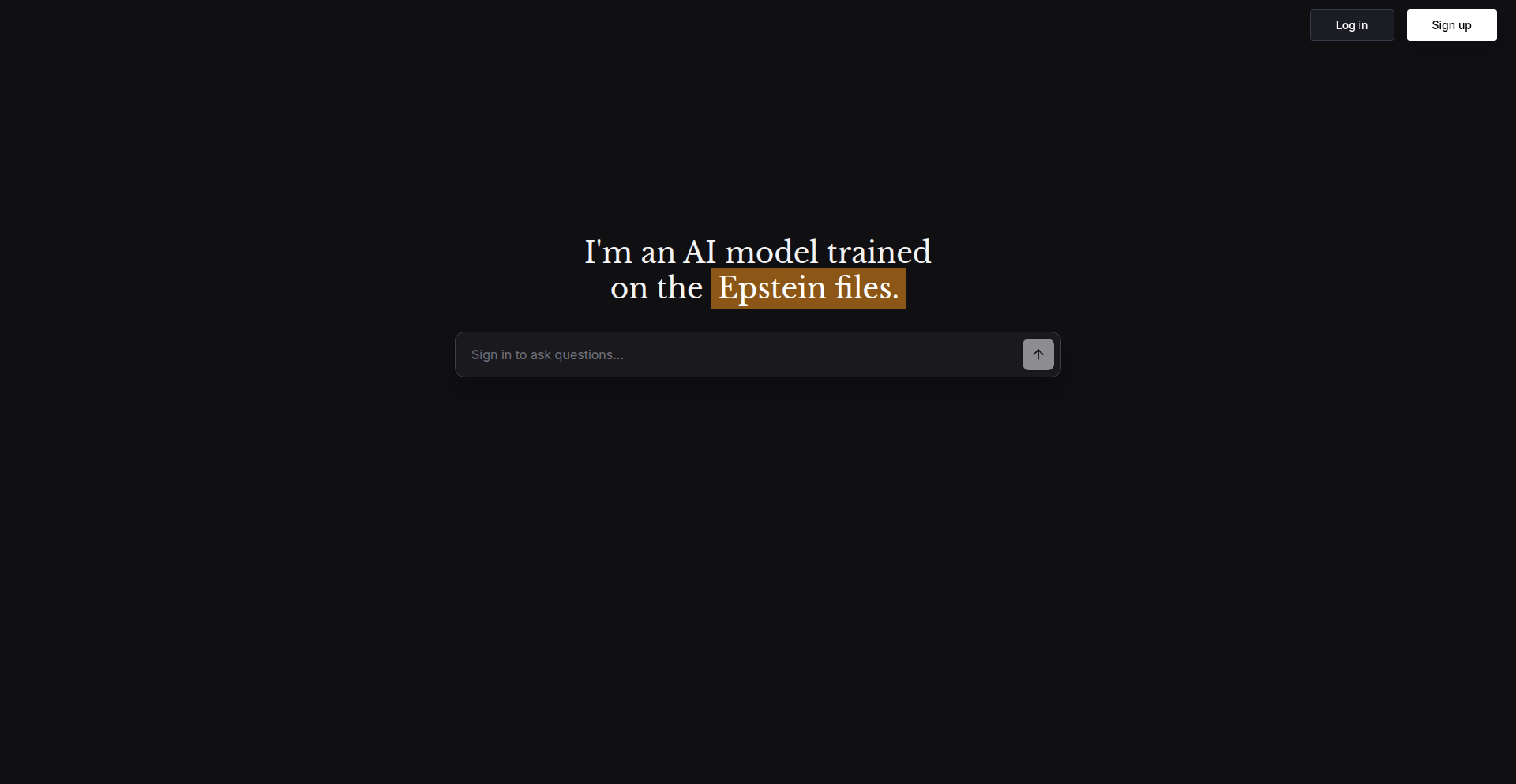
This project creates a naturally language searchable interface for the US House Oversight Committee's release of Epstein documents. It tackles the challenge of scattered, unsearchable files (PDFs, images, scans) by using AI to make over 20,000 documents accessible and verifiable. The innovation lies in applying Retrieval-Augmented Generation (RAG) to unstructured public data, enabling quick discovery and direct citation verification for users.
Popularity
Points 2
Comments 3
What is this product?
EpsteinDocs Search AI is a specialized search engine that leverages Artificial Intelligence to make a large collection of public documents, specifically the US House Oversight Committee's release related to Epstein, easily searchable using everyday language. The core technology involves Optical Character Recognition (OCR) to convert scanned documents and images into text, then breaking down this text into manageable pieces (chunking). These pieces are then transformed into numerical representations (embedding) that capture their meaning, allowing for semantic search. A Retrieval-Augmented Generation (RAG) pipeline then takes your natural language query, finds the most relevant document snippets based on their meaning, and uses a language model to generate an answer. Crucially, every answer is linked back to the exact page in the original document, ensuring transparency and allowing users to verify the information themselves. So, what this means for you is that instead of manually sifting through thousands of PDFs and images, you can ask questions in plain English and get precise answers with direct links to the source material, making complex information accessible.
How to use it?
Developers can use this project as a template or inspiration for building similar search functionalities on their own collections of unstructured documents. The underlying technical approach, involving OCR, chunking, embedding, and a RAG pipeline, can be adapted to any large corpus of text-based or scannable files. For instance, if you have a large archive of legal documents, research papers, or internal company reports that are currently difficult to search, you can apply these techniques to create a powerful, AI-driven search tool. The project demonstrates how to integrate these AI components to create a user-friendly interface that returns verifiable results with citations. This allows for rapid information retrieval and analysis within your specific data domain. So, for you, this means you can learn how to transform your organization's own 'data swamps' into searchable knowledge bases, saving significant time and effort in finding critical information.
Product Core Function
· Optical Character Recognition (OCR): Converts scanned documents and images into machine-readable text. This is valuable because it unlocks the content hidden within non-textual files, making it available for searching and analysis. Imagine being able to search the text of a scanned report instead of manually reading through it.
· Semantic Search with Embeddings: Transforms text into numerical representations (vectors) that capture meaning, allowing for searches based on concepts rather than just keywords. This is valuable because it finds relevant information even if the exact words aren't used in the query. For example, searching for 'child trafficking' might also return documents discussing 'exploitation of minors'.
· Retrieval-Augmented Generation (RAG) Pipeline: Combines information retrieval from the document corpus with a language model to generate coherent and contextually relevant answers. This is valuable because it provides direct answers to user questions, rather than just a list of documents, making information more digestible.
· Clickable Citations to Source Documents: Provides direct links to the specific page within the original documents where the answer was found. This is valuable because it builds trust by allowing users to easily verify the information and check the original context, ensuring accuracy and transparency.
Product Usage Case
· Investigative Journalism: A journalist could use this approach to quickly search through thousands of leaked documents to find specific connections or evidence related to a particular investigation. Instead of manually reading every document, they could ask questions like 'What were the key financial transactions mentioned in these documents?' and get direct, sourced answers.
· Legal Document Analysis: A law firm could apply this technology to a vast archive of case files and legal precedents to find relevant information for a new case. A lawyer could ask, 'What previous cases mention similar contractual disputes?' and receive a list of relevant documents with page-by-page citations, saving hours of manual research.
· Academic Research: A researcher could use this method to explore a large collection of scientific papers or historical archives. They could query 'What are the primary theories on climate change impact on coastal erosion?' and get summarized answers with links to the specific papers and paragraphs that discuss these theories, accelerating their literature review.
· Public Records Discovery: Citizens or organizations wanting to understand specific government actions or public releases could use this tool to efficiently find information. For example, if a government agency releases a large set of environmental reports, users could ask 'What were the pollution levels reported in the XYZ region in 2022?' and get immediate, verifiable answers.
16
SchematicVision AI

Author
edmgood
Description
SchematicVision AI is an innovative PDF viewer designed for the AEC (Architectural, Engineering, and Construction) industry. Unlike traditional PDF viewers that rely heavily on text and metadata, it employs an AI agent capable of understanding both textual and visual information within documents. This makes it particularly effective for interpreting engineering schematics, which are predominantly visual. Its core innovation lies in its multimodal AI agent, enabling more accurate data extraction and task support for complex visual documents.
Popularity
Points 5
Comments 0
What is this product?
SchematicVision AI is a cutting-edge PDF viewer that leverages a multimodal AI agent. Traditional AI PDF viewers struggle with engineering schematics because they primarily process text and metadata, which are less relevant for visual-heavy documents. SchematicVision AI overcomes this limitation by equipping its AI agent with the ability to 'see' and interpret both text and images simultaneously. This allows it to understand the intricate details and relationships within engineering drawings, leading to significantly improved accuracy for tasks like steel estimation and beyond. So, what's the benefit for you? It means you can get more out of your visual documents, extracting crucial information that was previously inaccessible to AI.
How to use it?
Developers can integrate SchematicVision AI into their workflows to automate tasks that require understanding complex engineering documents. For instance, it can be used to extract quantities from blueprints for construction cost estimation, identify specific components in machinery schematics for maintenance, or analyze building plans for regulatory compliance. The AI agent's ability to process both text and images means it can directly interpret visual elements like lines, shapes, and symbols in conjunction with any accompanying annotations or text. This makes it a powerful tool for automating data extraction and analysis in fields where visual data is paramount. This empowers you to build applications that can intelligently process and act upon information within visual technical documents.
Product Core Function
· Multimodal AI Agent: Processes both text and image data within PDFs, enabling a deeper understanding of visual documents. This is valuable for extracting information from complex engineering schematics that would be missed by text-only AI.
· Schematic Interpretation: Specifically designed to analyze visual elements in engineering drawings, identifying patterns, shapes, and spatial relationships. This allows for more accurate data extraction from blueprints and technical diagrams.
· Task Automation for AEC: Facilitates automated workflows for tasks such as material estimation, component identification, and design analysis. This saves significant time and reduces manual error in engineering and construction projects.
· Extensibility for Engineering Disciplines: Built with the flexibility to be adapted for various engineering fields beyond its current focus on steel estimation. This means its core capabilities can be applied to a wide range of technical document analysis needs.
Product Usage Case
· Automated Steel Estimation: In the construction industry, SchematicVision AI can analyze structural blueprints to automatically identify and quantify steel components, significantly speeding up the estimation process and reducing calculation errors. This means less time spent manually counting beams and columns, and more accurate project bids.
· Component Recognition in Machinery Manuals: For mechanical engineers, the viewer can interpret diagrams in machine manuals to identify specific parts or assembly instructions, aiding in troubleshooting or repair. This helps in quickly locating and understanding the function of different machine parts.
· Building Plan Analysis for Compliance: Architects and civil engineers can use it to analyze building plans, checking for adherence to certain standards or identifying potential issues by understanding the visual layout and associated text. This ensures designs meet regulatory requirements more efficiently.
· Visual Data Extraction for Research: Researchers in various engineering fields can utilize SchematicVision AI to extract data points directly from complex visual research papers or experimental setups depicted in PDFs. This accelerates the data collection phase for scientific studies.
17
Ai3 - Agentic Tiling Window Manager
Author
aymenfurter
Description
Ai3 is an experimental agentic tiling window manager, a fork of the popular i3 window manager. It introduces AI-powered decision-making to automate window arrangement and management, aiming to create a more intuitive and efficient desktop workflow by learning user preferences and context. The core innovation lies in integrating AI agents to proactively handle window layouts, reducing manual intervention and cognitive load for developers.
Popularity
Points 4
Comments 1
What is this product?
Ai3 is a smart version of the i3 window manager. Instead of you manually arranging windows, Ai3 uses AI (Artificial Intelligence) agents, which are like tiny virtual assistants, to figure out the best way to arrange your windows based on what you're doing. It learns your habits and the type of work you're performing to automatically organize your screen. This is different from traditional window managers because it's proactive and adaptive, not just reactive to your commands. So, what's the use for you? It means less time spent fiddling with window positions and more time focusing on your actual coding or tasks, leading to a smoother and more productive development experience.
How to use it?
Developers can use Ai3 by installing it as a replacement or complement to their existing i3 setup. It's designed to be configured and extended, allowing for custom AI agent behaviors. You would typically launch Ai3 from your terminal or through your desktop environment's startup applications. Its integration is seamless for existing i3 users. The key is to let the AI agents learn from your typical usage patterns. So, how does this help you? You'll experience a desktop that intuitively adapts to your workflow, automatically creating optimal screen layouts for different tasks like coding, debugging, or browsing documentation, all without you having to lift a finger.
Product Core Function
· AI-driven window layout optimization: The system uses machine learning models to predict and apply optimal window arrangements based on application context and user behavior. This saves you from manually resizing and repositioning windows, allowing for seamless multitasking.
· Context-aware application grouping: Ai3 can intelligently group related applications together (e.g., code editor and terminal) into designated workspaces or layouts. This reduces the mental overhead of switching between tasks and keeps your workspace organized.
· Learning user preferences: Over time, the AI agents learn your specific window arrangement habits and preferences, further personalizing your desktop experience. This means the manager becomes more tailored to your unique workflow, increasing your personal efficiency.
· Automated workspace management: Based on your current activities, Ai3 can automatically switch between pre-defined workspaces or suggest new ones, streamlining your workflow. This helps you stay focused by presenting relevant tools and information at the right time.
· Extensible agent framework: The architecture allows developers to create and integrate their own AI agents for specialized tasks or custom window management behaviors. This empowers you to build highly personalized and powerful desktop automation solutions.
Product Usage Case
· Scenario: Debugging a complex application. Ai3 automatically arranges your code editor, debugger console, and terminal into a dedicated layout, ensuring all necessary tools are visible and accessible. This solves the problem of manually opening and tiling multiple windows, enabling faster debugging cycles.
· Scenario: Researching a topic. Ai3 might group your web browser, note-taking app, and PDF viewer into a focused workspace. This provides a distraction-free environment for research and prevents the clutter of unrelated open windows.
· Scenario: Working on different projects simultaneously. Ai3 can learn to associate specific application sets with different projects, automatically switching layouts as you transition between them. This dramatically reduces the time and effort required to switch contexts, boosting overall productivity.
· Scenario: An AI agent trained to identify when you're writing code. It might automatically move your code editor to the largest monitor and your terminal to a secondary one, optimizing screen real estate for coding. This directly addresses the need for an efficient coding environment by proactively arranging your workspace.
18
GitGuard Deployment Freeze
Author
ethanrc
Description
DeployFreeze is a GitHub App designed to prevent accidental deployments during critical incidents or investigations. It leverages GitHub's custom deployment protection rules to pause deployments to specific environments without hindering code merges or CI processes. This provides a centralized view of frozen deployments and their reasons, especially beneficial for monorepos where selective environment control is needed. It works by listening to deployment events, requiring no access to your source code, and potentially supporting various deployment platforms that utilize GitHub's deployment API.
Popularity
Points 5
Comments 0
What is this product?
GitGuard Deployment Freeze is a smart system that acts like a digital bouncer for your code deployments. When things get chaotic, like during an emergency fix or an investigation, it can temporarily stop code from going live to certain parts of your system. It does this by using a special feature in GitHub called 'deployment protection rules'. Think of it as putting up a 'Do Not Disturb' sign on a specific deployment channel. The innovative part is that it stops deployments without locking down everything else, meaning your team can still merge code and run tests. This is super helpful, especially in large projects with many different services (monorepos), where you might need to halt one service's deployment while others continue running smoothly. It's designed to be lightweight, only needing to see deployment events and not your actual code, making it secure and broadly compatible with various deployment tools that integrate with GitHub.
How to use it?
Developers can integrate GitGuard Deployment Freeze into their GitHub workflow by installing it as a GitHub App. Once installed, they can configure which environments (e.g., 'production-api', 'staging-frontend') should be subject to a deployment freeze. When an incident occurs, an authorized user can trigger a freeze through the app. This will activate GitHub's protection rules, preventing any new deployments to the selected environment. The app provides a dashboard to see what's frozen and why, helping to manage the situation. This is useful in scenarios like: during a critical bug fix where you don't want further code changes to interfere, or during an investigation into a production issue to prevent new deployments from obscuring the root cause. It's particularly seamless if your team already uses GitHub Actions for deployments, but can also work with other tools that signal deployments to GitHub.
Product Core Function
· Selective Environment Deployment Pausing: This function allows teams to freeze deployments to specific environments (e.g., production API) while keeping other environments (e.g., staging web) operational. The value is in enabling precise control during incidents, preventing unintended consequences without a full system halt.
· Incident Response Enablement: By providing a quick way to freeze deployments, this function directly supports incident response teams. The value is in reducing panic and manual coordination during emergencies, ensuring critical systems remain stable.
· Centralized Freeze Visibility: This feature offers a single place to view all active deployment freezes and the reasons behind them. The value is in improving transparency and communication across the team, ensuring everyone is aware of the current deployment status and restrictions.
· Monorepo Deployment Management: Specifically designed to handle complex monorepo architectures, this function allows granular control over deployments across multiple services. The value is in simplifying management for large projects with interdependent services.
· Code Merge and CI Uninterrupted: The system ensures that code merges and continuous integration (CI) processes are not blocked by deployment freezes. The value is in maintaining development velocity and workflow efficiency even when deployments are paused.
Product Usage Case
· Scenario: A critical bug is discovered in the main production API that is causing widespread outages. The development team needs to halt all new deployments to the production API immediately to prevent further issues while they work on a fix. GitGuard Deployment Freeze can be activated to pause deployments to the 'production-api' environment, allowing the team to focus on resolving the bug without worrying about new code being pushed. This prevents additional instability.
· Scenario: During a security investigation into a potential breach, the team wants to prevent any new code from being deployed to sensitive environments like production databases or payment processing services. GitGuard Deployment Freeze can be used to enforce a deployment freeze on these specific environments, ensuring the integrity of the investigation and preventing potential data loss or further compromise.
· Scenario: A large company uses a monorepo for its web application and backend services. They are rolling out a major update to the frontend but need to hold off on deploying a related backend service due to unforeseen issues. GitGuard Deployment Freeze can be configured to pause only the deployment of the specific backend service, while allowing the frontend update to proceed as planned. This allows for independent deployment pipelines and reduces interdependencies.
· Scenario: A team is using a Continuous Deployment pipeline but encounters a critical issue in production. They need to quickly stop all further deployments until the issue is resolved. GitGuard Deployment Freeze can be triggered to halt all deployments across the production environment, providing immediate stability. Once the issue is fixed, the freeze can be lifted, and the CI/CD pipeline can resume normal operations.
19
GitRewind WASM Analyzer

Author
thijser
Description
GitRewind is a WebAssembly (WASM) powered web application that analyzes your local Git repository. It provides insights into your commit patterns, highlighting when you commit most frequently and the languages and files you've most actively worked on. The innovation lies in securely accessing your local Git data directly from your browser using WASM, ensuring your code remains private.
Popularity
Points 5
Comments 0
What is this product?
GitRewind is a browser-based tool that leverages WebAssembly (WASM) to analyze your local Git history without sending any data to a server. Think of it as a personal Git dashboard that runs entirely in your browser. The core technical innovation is using WASM to bridge the gap between a web application and your local filesystem, allowing it to read your Git repository data securely. This means you can get personalized insights into your coding habits, like identifying your peak commit times or most used programming languages, all while keeping your sensitive code completely private. So, what's in it for you? You get a clear, visual understanding of your own development activity, helping you identify productivity patterns and areas to focus on, all without compromising your data.
How to use it?
To use GitRewind, you'll typically visit the web application in your browser. Upon first access, it will prompt you for permission to access your local filesystem. After granting permission, you can point it to your local Git repository. The WASM module then reads the Git data directly from your machine. The tool will then process this information and present you with charts and statistics about your commit frequency, most used languages, and most modified files. You can integrate this into your workflow by simply running it on any of your local projects. For example, after a busy development sprint, you can quickly run GitRewind on your project's directory to see a summary of your efforts. So, how does this benefit you? It offers a quick and easy way to get a retrospective view of your coding contributions for any given period, enabling better self-assessment and planning.
Product Core Function
· Local Git Repository Access: Utilizes WebAssembly to securely read Git data directly from your local machine, ensuring data privacy and eliminating the need for server-side processing. This means your code never leaves your computer. The value is peace of mind and true data ownership.
· Commit Frequency Analysis: Visualizes your commit patterns over time, showing when you are most active in committing code. This helps developers understand their peak productivity times. The application scenario is identifying optimal coding schedules and work-life balance. The value is insights into personal productivity rhythms.
· Language and File Usage Metrics: Identifies the programming languages and files you have most frequently interacted with within your repository. This provides a detailed overview of your development focus. The application scenario is understanding project scope and personal skill development. The value is a clear picture of your coding landscape.
· Privacy-Preserving Operation: All data processing happens client-side within the browser using WebAssembly, guaranteeing that your code and commit history remain confidential. The application scenario is for developers working on proprietary or sensitive projects. The value is absolute data security and privacy.
Product Usage Case
· A freelance developer can use GitRewind to analyze their contributions to multiple client projects over a year. By seeing which languages and files they've most touched, they can identify areas of expertise to highlight in their portfolio or potential areas for skill enhancement. This helps them in self-marketing and professional growth.
· A team lead can encourage their team members to use GitRewind on their personal projects to foster a culture of self-reflection and continuous improvement. Seeing commit patterns can help individuals understand their personal workflow and identify opportunities to optimize their development habits, leading to better individual performance.
· A developer working on an open-source project can use GitRewind to get a personal review of their contributions, understanding their engagement with different parts of the codebase and identifying areas where they might want to contribute more actively. This supports deeper engagement with the open-source community and personal project ownership.
20
Tapestry Loom
Author
transkatgirl
Description
Tapestry Loom is a user interface designed to improve the experience of interacting with base model Large Language Models (LLMs). It addresses the perceived shortcomings of existing LLM interfaces by offering a more intuitive and feature-rich environment for developers and enthusiasts to experiment with and utilize these powerful AI models. The core innovation lies in its approach to managing and composing LLM outputs, moving beyond simple text generation to a more structured and creative process.
Popularity
Points 4
Comments 1
What is this product?
Tapestry Loom is a novel interface for base model Large Language Models (LLMs), such as those based on GPT-2 and similar architectures. Instead of just sending a prompt and getting a single text response, it aims to provide a more advanced way to interact with LLMs. Think of it like this: existing interfaces are like a single canvas for an artist. Tapestry Loom is like a whole studio with different tools and techniques for composing a masterpiece. It focuses on 'completion' models, meaning models that excel at continuing a given piece of text or code. The innovation comes from how it allows users to assemble and manipulate these LLM-generated pieces, akin to weaving a tapestry from individual threads. This offers a richer way to explore the creative and problem-solving capabilities of LLMs, going beyond simple Q&A to more complex generative tasks.
How to use it?
Developers can use Tapestry Loom to interact with base model LLMs by providing prompts and receiving generated text. The key is how you can then work with these generated outputs. For example, instead of just getting one paragraph, you might get multiple variations, or the model might be guided to generate specific types of content. You can then combine, edit, and refine these outputs within the interface itself. This makes it ideal for scenarios where you need to generate large amounts of text, explore different creative directions, or build complex prompts that require iterative refinement. Integration would typically involve connecting to an LLM API that supports base model completion endpoints. It's designed to be a more powerful playground for those who want to deeply understand and leverage the generative power of LLMs.
Product Core Function
· Structured Prompting: Allows for more organized and nuanced input to the LLM, guiding its generation towards specific outcomes. This is valuable for getting more predictable and useful results from the AI.
· Output Composition: Enables users to select, combine, and arrange multiple LLM-generated text fragments into a cohesive whole. This is revolutionary for creative writing, content generation, and even code scaffolding, allowing for more sophisticated assemblies of AI-generated ideas.
· Iterative Refinement: Provides tools to edit and guide subsequent LLM generations based on previous outputs, facilitating a back-and-forth process of creation and improvement. This is crucial for fine-tuning AI outputs and achieving desired quality.
· Experimentation Sandbox: Offers a flexible environment to test different prompts, parameters, and models to discover optimal ways to interact with LLMs. This accelerates the learning curve for developers exploring LLM capabilities and finding their best use cases.
· Visualized Generation Flow: Potentially offers a way to see how prompts lead to outputs, aiding in understanding the LLM's reasoning process and improving prompt engineering skills. This helps developers understand 'why' the AI generated what it did, leading to better future prompts.
Product Usage Case
· Creative Writing: A writer can use Tapestry Loom to generate multiple story beginnings, character descriptions, or plot points, then easily combine the best elements to craft a unique narrative. This solves the problem of writer's block and speeds up the creative process.
· Content Generation: A marketer can use the tool to generate variations of product descriptions, social media posts, or email subject lines, then select and refine the most engaging options. This addresses the need for a high volume of diverse marketing content.
· Code Snippet Assembly: A developer can use it to generate different code functions or boilerplate code, then meticulously piece them together within the interface to build larger software components. This helps in rapid prototyping and code generation.
· Exploratory AI Art: Artists can use Tapestry Loom to generate text prompts for image generation models, experimenting with different textual descriptions to inspire visual art. This expands the creative palette for digital artists.
· Research and Summarization: Researchers can input large documents and use the LLM to generate summaries of different sections, then combine these summaries to form a comprehensive overview. This streamlines the process of digesting large amounts of information.
21
Eon AI: Cognitive Flow Architecture
Author
deadmooncr
Description
Eon is an experimental AI architecture that shifts from the typical 'ask and receive' interaction to a continuous stream of thought. It employs a multi-layer agent system where specialized micro-agents collaborate and verify information, building a dynamic knowledge graph that learns and grows over time. Its innovation lies in its heuristic self-correction to minimize errors, modular memory for persistent learning without becoming cumbersome, and event-driven execution for efficiency and scalability. This means AI interactions can feel more natural and less like a rigid tool, leading to more insightful and coherent outputs.
Popularity
Points 4
Comments 1
What is this product?
Eon AI is a novel AI architecture designed to mimic a continuous flow of thought, unlike traditional AI models that respond to discrete prompts. Its core innovation is a multi-layer agent system where small, specialized AI agents work together. These agents cross-check information, ensuring accuracy and reducing 'hallucinations' (when AI makes things up). It uses a 'modular memory' system, allowing the AI to recall and connect information from past interactions without its memory growing unmanageably large. This is achieved through an 'event-driven execution' model, meaning the AI only acts when necessary, making it efficient and scalable. This architecture allows the AI to build and update a 'knowledge graph' – a network of interconnected information – that evolves with each conversation, providing a more dynamic and contextually aware experience. So, for you, this means AI that remembers more, understands context better, and provides more reliable, coherent responses, feeling more like a partner in thought than a simple lookup tool.
How to use it?
Developers can integrate Eon's architecture into their applications by leveraging its open-source code. The modular design allows for plugging in custom micro-agents tailored to specific tasks or domains. This could be for building more sophisticated chatbots that maintain context over long conversations, developing research assistants that can synthesize information from various sources and remember previous findings, or creating dynamic content generation systems that evolve with user input. The event-driven nature means it can be efficiently deployed in resource-constrained environments or scaled up for complex analytical tasks. So, for you, this means the ability to build smarter, more persistent, and context-aware AI applications that can learn and adapt, offering a richer user experience.
Product Core Function
· Heuristic Self-Correction: This feature allows the AI to continuously check its own reasoning process in real-time, like a self-editor, to catch and correct errors before they lead to incorrect information. This is valuable for applications where accuracy is critical, such as medical advice bots or financial analysis tools.
· Modular Memory: Instead of a single, large memory bank, Eon uses a system of smaller, interconnected memory modules. This allows the AI to efficiently store and retrieve relevant information from past interactions without its memory becoming a bottleneck. This is useful for building chatbots that can recall previous conversations or for AI systems that need to maintain state across multiple sessions.
· Event-Driven Execution: The AI only performs actions when triggered by specific events, rather than constantly processing information. This makes the system highly efficient and scalable, as it only uses computational resources when needed. This is beneficial for optimizing performance in applications with fluctuating workloads or in environments with limited computing power.
· Multi-Layer Agent Collaboration: Eon breaks down complex tasks into smaller parts handled by specialized micro-agents. These agents work together, sharing information and validating each other's findings. This distributed approach leads to more robust and accurate outcomes. This is valuable for complex problem-solving scenarios where different expertise is needed, such as in scientific research or advanced data analysis.
· Dynamic Knowledge Graph Evolution: The AI continuously updates and expands its internal network of knowledge based on new interactions and validated information. This allows the AI to build a deep and evolving understanding of a topic. This is crucial for AI systems that need to stay up-to-date and provide nuanced insights, like personalized learning platforms or sophisticated recommendation engines.
Product Usage Case
· Building a personalized learning tutor: A student uses Eon to learn a complex subject. Eon's modular memory remembers the student's previous questions and struggles, and its heuristic self-correction ensures explanations are accurate. It dynamically builds a knowledge graph of the subject tailored to the student's learning path. This solves the problem of generic learning tools that don't adapt to individual needs.
· Developing a sophisticated customer support chatbot: A company deploys Eon to handle customer queries. The AI can recall previous support tickets and customer interaction history (modular memory), collaborate with specialized agents for technical troubleshooting or billing inquiries, and provide more accurate, context-aware responses. This improves customer satisfaction and reduces the load on human support agents.
· Creating an AI-powered research assistant: A researcher uses Eon to explore a new scientific field. Eon can synthesize information from various research papers, identify potential contradictions (heuristic self-correction), and maintain a continually updated understanding of the research landscape (dynamic knowledge graph). This speeds up the research process by helping researchers identify key findings and connections more efficiently.
· Designing an AI game companion: An AI character in a game uses Eon's architecture to have more dynamic and persistent interactions with the player. It remembers past encounters, adapts its behavior based on the player's actions (event-driven execution and modular memory), and has a more consistent personality. This creates a more immersive and engaging gaming experience.
22
Kling O1: Unified Creative AI Engine

Author
Zach_HE
Description
Kling O1 is a groundbreaking AI model that seamlessly blends video and image generation and editing capabilities. It tackles the complexity of creative production by allowing users to generate and modify visuals using any form of input, from text to existing images, offering unprecedented flexibility and control for professional creative workflows.
Popularity
Points 2
Comments 2
What is this product?
Kling O1 is an all-in-one AI system designed for creating and editing both videos and images. Its core innovation lies in its multimodal nature, meaning it can understand and process various types of input like text descriptions, existing images, or even specific keyframes to generate new visual content. For videos, it can transform text into dynamic footage, create videos from still images, or modify existing videos based on user prompts. For images, it offers advanced editing capabilities, allowing for precise alterations and maintaining consistent artistic styles. This unified approach simplifies the creative process and unlocks new possibilities for visual storytelling.
How to use it?
Developers can integrate Kling O1 into their applications or workflows to power advanced creative features. For instance, a filmmaker might use it to quickly generate placeholder scenes from script descriptions or to alter specific elements within existing footage. A game developer could leverage it to create dynamic textures or character animations from basic concepts. It can be used to build interactive storytelling platforms, automated content generation tools, or sophisticated visual effects pipelines, significantly reducing the time and effort required for complex visual tasks.
Product Core Function
· Text-to-Video Generation: Allows for the creation of video content directly from textual descriptions, enabling rapid prototyping and ideation for visual narratives. This is valuable for quickly visualizing concepts or generating foundational video assets.
· Image-to-Video Generation: Transforms static images into dynamic video sequences, breathing life into stills and creating motion where none existed. This can be used for animated social media content or to add movement to product showcases.
· Keyframe-to-Video Generation: Enables precise control over video sequences by defining specific keyframes, offering a more directed approach to video synthesis. This is useful for animators and video editors who need fine-grained control over motion and scene progression.
· Reference-Based Video Generation: Creates videos that adhere to the style and content of a reference input, ensuring visual consistency across different generated clips. This is crucial for maintaining brand identity or achieving a specific artistic look.
· Video Stylization: Applies artistic styles to video content, allowing for unique visual treatments and thematic consistency. This is valuable for artists and designers looking to create distinct visual aesthetics.
· Video Inpainting and Editing: Modifies specific areas within a video, such as removing unwanted objects or adding new elements, without affecting the rest of the footage. This empowers creators to easily correct mistakes or enhance scenes.
· Background Editing in Videos: Allows for seamless replacement or modification of video backgrounds, opening up possibilities for virtual sets and immersive environments. This is highly beneficial for video production on a budget or for achieving complex visual effects.
· Camera Movement Control in Videos: Enables dynamic camera adjustments within generated videos, offering more cinematic control over the viewing experience. This adds polish and professionalism to AI-generated footage.
· Multi-Subject Fusion in Videos: Integrates multiple distinct subjects into a single video scene while maintaining their individuality and coherence. This is useful for complex scene compositions and character interactions.
· Precise Image Detail Editing: Offers granular control over editing specific details within images, allowing for meticulous adjustments and enhancements. This is invaluable for photographers and graphic designers who need pixel-level accuracy.
· Highly Consistent Style Control for Images: Ensures that generated or edited images maintain a uniform artistic style across multiple outputs, guaranteeing brand consistency and aesthetic coherence. This is important for maintaining a unified visual identity.
Product Usage Case
· A marketing team uses Kling O1's text-to-video feature to quickly generate social media ads from campaign slogans, drastically reducing the time needed for content creation and A/B testing different visual concepts.
· A game developer integrates Kling O1's image-to-video and stylization capabilities to create animated character portraits from static concept art, enhancing player engagement with dynamic in-game elements.
· A freelance filmmaker uses Kling O1 for video inpainting to seamlessly remove distracting elements from background shots, improving the quality of their footage without costly reshoots.
· A digital artist employs Kling O1's reference-based video generation to create a series of short animations that perfectly match the aesthetic of their existing artwork, ensuring a cohesive portfolio.
· A web designer utilizes Kling O1's background editing to create custom animated hero sections for websites, offering a more engaging and visually rich user experience.
23
RomajiReader

Author
Sudachidev
Description
RomajiReader is a browser extension designed to aid language learners, specifically those studying Japanese. It works by scanning web pages, identifying and subtly transforming common English words into their Japanese Romaji equivalents. These transformed words are highlighted with a different color and bolded, making them visually distinct. Upon hovering over these highlighted words, a small popup appears, revealing the corresponding Hiragana and the original English meaning. This offers a non-intrusive way to encounter and learn new vocabulary in context, making the learning process more engaging and integrated into daily browsing.
Popularity
Points 2
Comments 2
What is this product?
RomajiReader is a browser extension that enhances language learning by integrating vocabulary practice directly into your web browsing experience. It intelligently scans the text content of any webpage, selecting a predetermined number of common English words. These selected words are then subtly replaced with their Japanese Romaji (phonetic representation of Japanese using Latin characters) and their color is changed while also being bolded for emphasis. The innovation lies in its context-aware learning approach: when a user hovers over one of these highlighted words, a tooltip appears displaying the word's Hiragana (one of the Japanese syllabaries) and its original English meaning. This technique leverages the inherent context of web pages to provide practical vocabulary exposure, allowing users to learn new Japanese words without actively searching for them. It's like having a personalized language tutor embedded in your browser, offering micro-learning opportunities as you surf the web. The core technical idea is to parse HTML content, identify specific text elements (words), and dynamically modify their appearance and add interactive tooltips using JavaScript. The system uses a curated list of basic vocabulary to ensure relevance and minimize confusion, aiming to build a foundational understanding of Japanese.
How to use it?
To use RomajiReader, you simply install it as a browser extension (currently available or pending on the Firefox Add-on store). Once installed and activated, it will automatically begin scanning the content of the web pages you visit. There's no need to manually select text or initiate a translation process. As you browse articles, blogs, or any other web content, you will start noticing certain words subtly highlighted with a different color and bolded. These are the words that the extension has identified for vocabulary practice. To see the Japanese equivalent, simply move your mouse cursor over one of these highlighted words. A small popup will immediately appear, showing you the Hiragana and the English meaning. This makes it incredibly easy to learn new Japanese vocabulary organically while you browse. For developers, the extension provides a practical example of DOM manipulation, event handling (for hover effects), and data fetching (for the vocabulary list). It can serve as inspiration for creating other context-aware educational tools or enhancing web content with interactive elements.
Product Core Function
· Dynamic word highlighting: Automatically scans and modifies specific English words on a webpage by changing their color and making them bold. This helps learners visually identify target vocabulary in context, making them more likely to notice and engage with new words. So, you can easily spot words you might want to learn.
· Interactive Romaji and Hiragana popups: On hover, displays the Japanese Romaji (phonetic spelling) and Hiragana character of the identified word, along with its English meaning. This provides immediate phonetic and script-based reinforcement, aiding pronunciation and character recognition. So, you get instant translation and pronunciation help without leaving the page.
· Curated basic vocabulary list: Utilizes a pre-selected list of common and foundational Japanese words to ensure the learning experience is relevant and manageable for beginners. This focused approach prevents overwhelming new learners and builds a strong vocabulary base. So, you learn the most useful words first.
· Contextual learning integration: Seamlessly integrates vocabulary learning into everyday web browsing without requiring users to actively switch contexts or use separate learning tools. This passive learning approach makes vocabulary acquisition more effortless and sustainable. So, you learn Japanese words naturally as you browse the internet.
· Customizable word frequency and rotation (planned): Future iterations aim to allow for a larger vocabulary pool and a rotating selection of words each week, keeping the learning fresh and comprehensive. This ensures continued engagement and exposure to a wider range of vocabulary over time. So, your learning experience will stay engaging and evolve with you.
Product Usage Case
· A Japanese language student is reading an English news article online to improve their reading comprehension and vocabulary. RomajiReader automatically highlights words like 'understand', 'important', or 'information' with a subtle visual cue. When the student hovers over 'understand', a popup shows 'wakaru' (Hiragana) and 'understand' (English meaning). This allows the student to quickly grasp the Japanese equivalent of frequently used words without interrupting their reading flow. This helps them build vocabulary passively and reinforces their learning in a real-world context.
· A developer is researching a new technology on an English-language blog. They want to simultaneously improve their Japanese vocabulary. As they read through the technical explanations, RomajiReader highlights terms like 'function', 'variable', or 'data'. Hovering over 'function' reveals 'kinou' (Hiragana) and 'function' (English). This makes the learning process feel less like studying and more like an integrated part of their work. It addresses the problem of finding time for language study by leveraging existing activities.
· An individual is enjoying a casual read on a fiction website. RomajiReader subtly introduces Japanese words related to common actions or objects, such as 'walk', 'eat', or 'house'. The popup for 'walk' might show 'aruku' (Hiragana) and 'walk' (English). This gamified approach to learning makes the experience enjoyable and less intimidating, fostering a consistent habit of exposure to the Japanese language. It solves the challenge of making language learning feel fun and accessible.
· A web developer is exploring new browser extension ideas for Hacker News. They come across RomajiReader and are inspired by its use of DOM manipulation to dynamically alter web page content for educational purposes. They can analyze its code to understand how to target specific text elements, apply CSS styling changes, and implement hover-based interactive tooltips. This provides a practical, open-source example for building similar context-aware browser functionalities. It offers a clear technical blueprint for creating interactive web enhancements.
24
JaxJS: ML Compiler for Web

Author
ekzhang
Description
JaxJS is an innovative machine learning library and compiler specifically designed for the web. It allows developers to bring high-performance machine learning models directly to the browser, leveraging advancements in Just-In-Time (JIT) compilation and hardware acceleration. This solves the problem of deploying complex ML models in a web environment, which has historically been a significant challenge due to performance limitations and compatibility issues.
Popularity
Points 3
Comments 1
What is this product?
JaxJS is a JavaScript library that enables running machine learning models directly in your web browser. It achieves this by compiling your ML code into highly optimized JavaScript that can take advantage of your computer's CPU and even its GPU for faster calculations. Think of it as a smart translator for your machine learning algorithms, making them run super fast and efficiently on the web, something that was previously very difficult and resource-intensive. The core innovation lies in its compiler, which intelligently transforms mathematical operations into web-friendly code, and its JIT compilation approach, which means the code is optimized on the fly when it's needed.
How to use it?
Developers can integrate JaxJS into their web applications by including the library and then defining their machine learning models using its API. Once a model is defined, JaxJS compiles it into executable JavaScript. This compiled code can then be used to perform inference (making predictions) directly within the browser. This is useful for real-time applications like image recognition in a user's photo upload, natural language processing for interactive chatbots, or even personalized recommendations displayed on a webpage, all without sending data to a remote server.
Product Core Function
· Automatic differentiation for training ML models: This allows the system to automatically calculate gradients, which is essential for the optimization process in training neural networks. So, you don't have to manually figure out the complex math behind training, making model development much faster and less error-prone.
· JIT compilation for high performance: JaxJS compiles your machine learning code just-in-time, meaning it optimizes the code as it's being run. This results in significantly faster execution speeds compared to traditional JavaScript, allowing for smoother and more responsive ML experiences in the browser.
· GPU acceleration support: For users with compatible hardware, JaxJS can leverage the power of their graphics processing unit (GPU) for massively parallel computations. This dramatically speeds up complex calculations, making it feasible to run sophisticated ML models in real-time on user devices.
· Python-like API for familiar development: The library offers a Python-like syntax, making it easier for developers already familiar with Python-based ML frameworks (like TensorFlow or PyTorch) to transition to web-based development. This lowers the learning curve and accelerates adoption.
Product Usage Case
· Interactive image recognition in a user's browser: Imagine a website where users can upload an image and get instant object detection results without any server-side processing. JaxJS enables this by running the recognition model directly on the user's machine, offering immediate feedback and enhancing privacy.
· Real-time sentiment analysis for user feedback: A web application could analyze user comments or reviews in real-time to gauge sentiment. JaxJS allows the sentiment analysis model to run in the browser, providing immediate insights for customer support or product improvement without latency.
· Personalized content recommendations on an e-commerce site: A website could use a recommendation engine powered by JaxJS to offer personalized product suggestions based on user browsing history. This runs client-side, leading to faster and more dynamic recommendations.
· Educational tools for demonstrating ML concepts: Developers can create interactive web-based tutorials that showcase machine learning algorithms in action. JaxJS allows these demonstrations to be visually engaging and performant directly in the browser, aiding learning.
25
AutoSync DevFolio
Author
mkozak
Description
AutoSync DevFolio is a developer portfolio generator that automatically aggregates and displays your professional contributions from various sources like GitHub, StackOverflow, and LinkedIn. It solves the common problem of outdated and manually maintained developer portfolios by providing a clean, professional, and self-updating profile. This means developers can showcase their latest work and achievements effortlessly, saving time and effort while presenting a consistent and impressive online presence to potential employers or collaborators.
Popularity
Points 3
Comments 1
What is this product?
AutoSync DevFolio is a smart platform that creates a dynamic developer portfolio for you. Instead of manually updating your resume or website every time you complete a project or answer a question online, it connects to your existing profiles on platforms like GitHub (for your code projects), StackOverflow (for your technical Q&A contributions), and LinkedIn (for your professional experience and connections). It then intelligently pulls the latest information and presents it in a clean, professional format on a dedicated portfolio page. The innovation lies in its automated synchronization; your portfolio stays current without you lifting a finger, solving the headache of maintaining an outdated online presence. It's like having a personal assistant for your professional brand.
How to use it?
Developers can start using AutoSync DevFolio by signing up for a free account. Once registered, they connect their preferred professional accounts (e.g., GitHub, StackOverflow, LinkedIn). The platform then automatically fetches and organizes the relevant data, such as your latest code repositories, popular answers, certifications, and work experience. You get a unique, shareable URL for your portfolio (e.g., yourname.codeboards.io) that you can include on your resume, email signature, or social media profiles. For a one-time fee, there's an optional developer verification feature that adds an extra layer of credibility. This is ideal for developers looking to quickly establish or update a professional online presence for job applications, freelance gigs, or networking.
Product Core Function
· Automated Data Aggregation: Pulls your latest contributions from GitHub, StackOverflow, and LinkedIn. This is valuable because it ensures your portfolio always reflects your most recent achievements and skills without manual input, saving you significant time and effort.
· Self-Updating Portfolio: Your profile automatically refreshes as you update your linked accounts. This is crucial for maintaining an up-to-date professional image, so potential employers see your current capabilities, not outdated information.
· Professional Profile Generation: Creates a clean, modern, and easy-to-navigate developer portfolio. This provides a polished presentation of your skills and experience, making a strong positive impression on recruiters and collaborators.
· Custom Profile URL: Provides a unique, shareable web address for your portfolio. This makes it incredibly easy to share your credentials and work with anyone, anywhere, through a single, professional link.
· Optional Developer Verification: Offers a one-time fee option for verifying your identity and contributions. This adds an extra layer of trust and credibility to your profile, setting you apart from others and assuring potential employers of your authenticity.
Product Usage Case
· Job Application Scenario: A developer applying for a new role can use AutoSync DevFolio to generate a portfolio that showcases their most recent GitHub projects and StackOverflow activity. Instead of sending a static resume, they can provide a link to their dynamic portfolio, giving recruiters a comprehensive and up-to-date view of their technical skills and problem-solving abilities. This solves the problem of a resume not fully capturing a developer's practical experience.
· Freelance Project Pitch: A freelance developer needs to demonstrate their expertise to a potential client. They can share their AutoSync DevFolio URL, which automatically displays their relevant project experience and positive contributions to the developer community. This helps build immediate trust and showcases their capabilities more effectively than a traditional proposal.
· Networking and Community Building: A developer wants to make their work more discoverable within the tech community. By having a self-updating portfolio hosted on AutoSync DevFolio, they can easily share their link on forums or social media, allowing others to see their contributions and connect with them based on their demonstrated skills. This solves the issue of having valuable contributions scattered across different platforms and not easily accessible.
26
LogoDoodle-AI

Author
sgk284
Description
LogoDoodle-AI is a fun, experimental project that transforms your startup's logo into a festive Google Doodle-style graphic using AI. It leverages image manipulation and style transfer techniques to give your brand a holiday makeover, making it perfect for social media or website banners during festive seasons. So, what's in it for you? It allows you to easily create engaging, branded holiday content without needing design skills.
Popularity
Points 3
Comments 1
What is this product?
LogoDoodle-AI is a creative tool that uses artificial intelligence, specifically techniques like Generative Adversarial Networks (GANs) or similar style transfer algorithms, to reimagine a given logo as if it were a Google Doodle for a holiday. Think of it like teaching an AI to understand the artistic style of Google Doodles and apply that style to your specific logo, adding holiday elements. The innovation lies in the creative application of AI for brand personalization and festive marketing. So, what's in it for you? It provides a novel way to make your brand visually appealing and relevant during holidays.
How to use it?
Developers can typically use this project by providing their startup logo as an input image. The project then applies its AI model to generate a holiday-themed version. Integration could involve a simple API call to a hosted version of the model, or for those who want to tinker, cloning the repository and running the model locally. This could be integrated into marketing platforms, social media management tools, or even as a standalone web application. So, what's in it for you? It offers a quick and automated way to generate eye-catching holiday graphics for your brand, enhancing your online presence.
Product Core Function
· AI-powered logo transformation: Uses machine learning to adapt your logo's essence into a stylized holiday graphic, maintaining brand recognition while adding festive flair. Its value is in creating unique, branded content automatically. Applicable for social media posts, website banners, and email marketing.
· Holiday theme adaptation: The AI is trained to recognize and incorporate common holiday motifs and styles, ensuring the output is contextually appropriate for festive occasions. Its value is in ensuring relevance and appeal during specific times of the year. Applicable for seasonal campaigns and promotions.
· Customizable output: While the core is AI-driven, there might be parameters to adjust the intensity of the style transfer or specific holiday elements used. Its value is in allowing some level of creative control for tailored results. Applicable for fine-tuning brand visuals for specific campaigns.
Product Usage Case
· A startup wants to create festive Christmas-themed social media posts. They upload their logo to LogoDoodle-AI, which returns a stylized logo incorporating snowflakes and a Santa hat, ready to be posted. This solves the problem of needing a designer to create custom holiday graphics quickly.
· An e-commerce business wants to update their website banner for Thanksgiving. They use LogoDoodle-AI to generate a banner featuring their logo with autumn leaves and harvest elements, making their site feel more welcoming and seasonal. This addresses the need for immediate, relevant visual updates without extensive design effort.
· A developer is building a platform for small businesses to manage their online presence. They integrate LogoDoodle-AI to offer a 'holiday branding' feature, allowing users to automatically generate festive versions of their logos. This adds significant value to their platform by providing a unique, time-saving tool for their users.
27
MIND Narrative Mapper
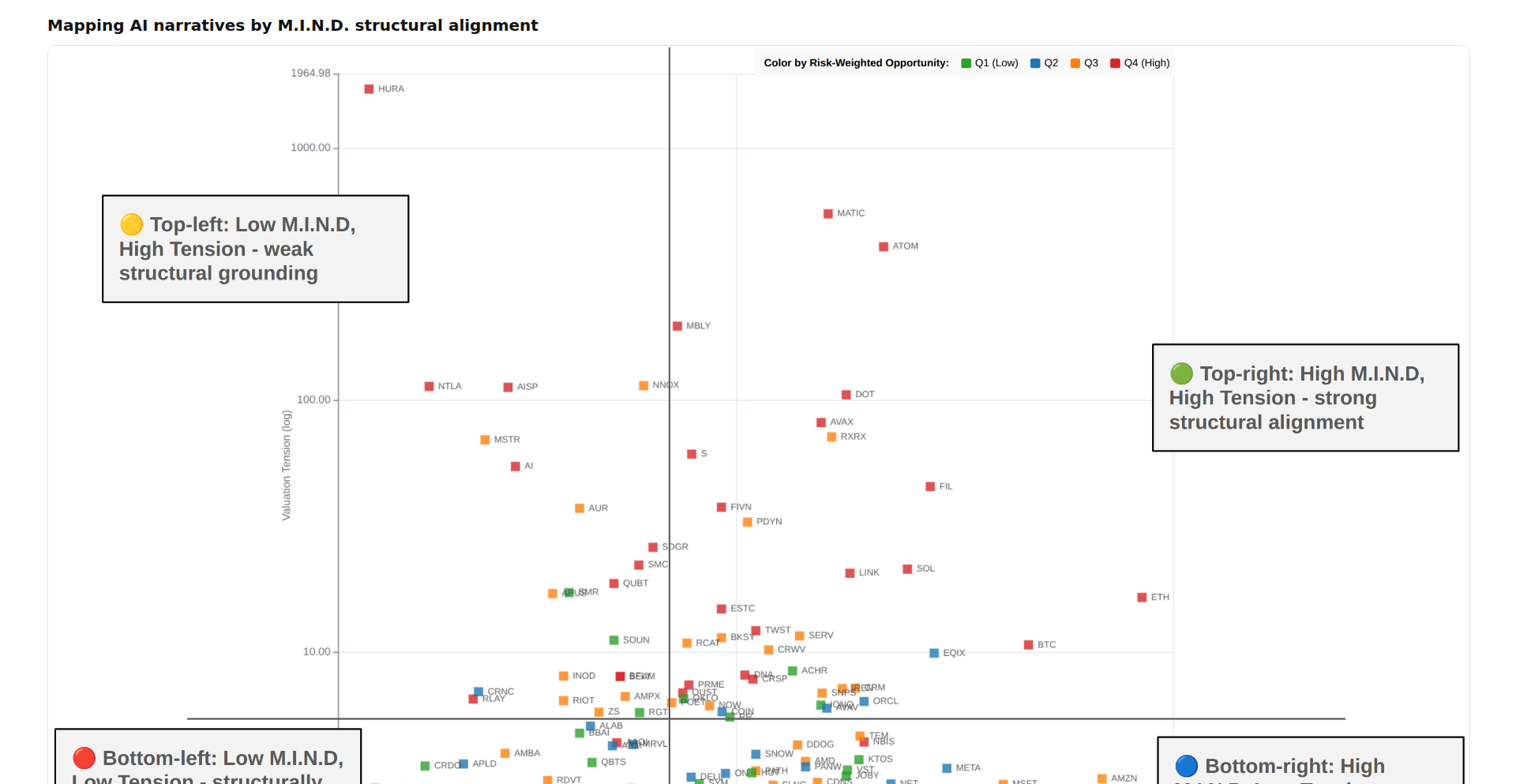
Author
neilgsmith
Description
A novel tool that visualizes and analyzes the underlying structures of AI-generated narratives. It uses M.I.N.D. (Meta-narrative Inference and Narrative Decomposition) structural alignment to identify patterns and themes, offering insights into how AI constructs stories and potentially detect biases or specific stylistic tendencies. So, what this means for you is a clearer understanding of AI's storytelling capabilities and limitations.
Popularity
Points 1
Comments 3
What is this product?
This project is an AI narrative analysis tool that leverages a proprietary method called M.I.N.D. (Meta-narrative Inference and Narrative Decomposition) structural alignment. Essentially, it breaks down AI-generated text into its core narrative components – like characters, plot points, motivations, and themes – and then maps how these elements are connected. The innovation lies in its ability to go beyond surface-level content and analyze the underlying 'grammar' of AI storytelling. Think of it like dissecting a poem not just for its words, but for its rhyme scheme, meter, and thematic development to understand how it evokes emotion. This helps us understand why AI narratives might feel a certain way or exhibit particular patterns. So, what this means for you is a deeper insight into the mechanics of AI text generation.
How to use it?
Developers can integrate MIND Narrative Mapper into their AI content generation pipelines or use it as a standalone analytical tool. For example, if you're building a chatbot that tells stories, you could feed its output into the mapper to identify repetitive narrative structures or unintended biases. Alternatively, researchers studying AI bias could use it to systematically compare narratives generated by different models. The integration would likely involve API calls to submit text and receive structural alignment data. So, what this means for you is a practical way to evaluate and refine AI-generated content.
Product Core Function
· Narrative component extraction: Identifies key story elements like characters, settings, plot events, and dialogue within AI-generated text. This provides a structured view of the narrative's building blocks, enabling deeper analysis than simply reading the text. Useful for understanding the basic components of AI-created stories.
· Structural alignment mapping: Visualizes the relationships and connections between extracted narrative components based on the M.I.N.D. methodology. This reveals the underlying structure and flow of the narrative, highlighting recurring patterns or logical inconsistencies that might not be obvious otherwise. Helps in grasping the 'skeleton' of the AI's narrative.
· Theme and bias identification: Analyzes the mapped structures to infer dominant themes and potential biases embedded within the AI's storytelling. This function helps in understanding the subtle messages or inclinations present in AI-generated content. Crucial for ensuring fair and unbiased AI output.
· Comparative analysis: Allows for the comparison of narrative structures across different AI models or prompts, identifying variations in their storytelling approaches. This feature is valuable for researchers and developers wanting to benchmark or differentiate AI narrative generation capabilities. Enables objective comparison of AI storytellers.
Product Usage Case
· A content creator using MIND Narrative Mapper to analyze blog posts generated by an AI writer to ensure they follow a consistent and engaging narrative arc, preventing plot holes or disjointed storytelling. This ensures a higher quality and more coherent reader experience.
· A game developer using the tool to examine dialogue scripts generated for NPCs (Non-Player Characters) by an AI, ensuring that character motivations and plot progression are logically consistent throughout the game. This leads to a more immersive and believable game world.
· A researcher employing the mapper to detect subtle gender or racial biases in AI-generated news articles by analyzing the roles and attributes assigned to different demographic groups within the narratives. This is essential for promoting ethical AI development and deployment.
· A student analyzing a series of AI-generated poems to understand how different stylistic prompts influence the underlying narrative structure and thematic development, leading to a deeper academic understanding of AI creative writing. This aids in learning and research about AI's artistic capabilities.
28
Product-FARM: AI-Powered Rule Engine

Author
ayushmaanbhav
Description
Product-FARM is a highly performant, domain-agnostic rule engine that allows users to configure complex business logic without writing any code. It leverages a visual interface, AI assistance for natural language rule creation, and optimized execution to deliver sub-millisecond response times. This innovative approach simplifies the management of intricate business rules across various industries, from finance to regulatory compliance, by translating complex requirements into executable logic efficiently and accurately. The core innovation lies in its ability to democratize rule management, making sophisticated logic accessible to a wider audience and accelerating development cycles.
Popularity
Points 1
Comments 3
What is this product?
Product-FARM is a sophisticated engine designed to handle intricate business rules and logic without requiring developers to write traditional code. Its core technology is a domain-agnostic rule engine, meaning it's not tied to a specific industry. The innovation shines through its multiple features: a Visual Rule Builder uses drag-and-drop JSON logic blocks, eliminating the need for coding; an AI Assistant translates natural language descriptions into executable rules, making it intuitive to define logic; and its Sub-millisecond Execution, achieving speeds 3.5x faster through tiered bytecode compilation, ensures rapid processing. Additionally, DAG (Directed Acyclic Graph) Visualization provides a clear view of rule dependencies and execution flow, while Real-time Simulation allows for instant testing and feedback. For financial applications, it offers robust support for currencies and custom precision datatypes, preventing any loss or conversion issues. This means you can manage complex business logic, like calculating insurance premiums or evaluating loan eligibility, with remarkable speed and ease, without getting bogged down in code.
How to use it?
Developers can integrate Product-FARM into their applications by embedding its Rust-based engine. The primary interaction for defining rules is through its intuitive graphical interfaces or by leveraging the AI assistant for natural language input. For instance, a fintech developer could use the visual builder to define complex loan eligibility criteria, dragging and dropping predefined logic blocks for income verification, credit score checks, and debt-to-income ratios. The AI assistant can then be used to refine these rules by simply typing descriptions like 'if applicant's income is less than $30,000 and credit score is below 600, reject loan'. The engine's output can be consumed directly by the application, feeding into decision-making processes. This simplifies the integration of dynamic business logic, allowing applications to adapt to changing business requirements without frequent code deployments.
Product Core Function
· Visual Rule Builder: Enables the creation and modification of business logic through a drag-and-drop interface using JSON blocks. This accelerates the development of complex decision trees and conditional workflows, making it easy to manage evolving business requirements without code.
· AI Assistant for Rule Creation: Converts natural language descriptions into executable business rules. This significantly lowers the barrier to entry for defining logic, allowing non-technical stakeholders or developers to express requirements directly, speeding up the ideation and implementation phases.
· Sub-millisecond Execution Engine: Achieves high-speed rule processing through optimized tiered bytecode compilation. This is crucial for applications requiring real-time decision-making, such as fraud detection or high-frequency trading, ensuring timely and accurate responses.
· DAG Visualization of Rule Dependencies: Provides a visual representation of how different rules relate to each other and their execution order. This aids in understanding the overall logic, debugging complex systems, and identifying potential performance bottlenecks.
· Real-time Rule Simulation and Testing: Allows users to test and validate the behavior of their configured rules instantly with live data. This iterative feedback loop drastically reduces the time spent on debugging and ensures that the implemented logic behaves as intended before deployment.
· Finance-Friendly Data Handling: Supports custom scale and precision datatypes for currencies and financial calculations. This guarantees accuracy in financial operations, preventing common issues like rounding errors or data loss, which is essential for applications dealing with sensitive monetary values.
Product Usage Case
· A financial institution can use Product-FARM to dynamically adjust trading strategy parameters based on market conditions, using the sub-millisecond execution engine to react to price changes in real-time and the visual builder to easily update strategy rules without code redeployment.
· An insurance company can configure complex premium calculation logic, including multiple risk factors and discounts, using the visual rule builder and AI assistant to define these rules from business requirements documents. Real-time simulation allows actuaries to test the accuracy of calculations before going live.
· A regulatory compliance department can use Product-FARM to build and manage intricate compliance checks for various financial products. The DAG visualization helps them understand the complex interdependencies of regulatory rules, and the AI assistant makes it easier for compliance officers to translate new regulations into actionable checks.
· An e-commerce platform can implement dynamic pricing rules and personalized discount offerings based on user behavior and inventory levels. Product-FARM's fast execution ensures that these pricing adjustments are applied promptly, enhancing customer experience and maximizing sales opportunities.
29
Crovise AI CRO Auditor

Author
adamoufkir
Description
Crovise is a tool that analyzes your landing page directly to generate actionable conversion rate optimization (CRO) hypotheses. Instead of relying on late-stage analytics or generic advice, it inspects the page's content, structure, and layout to suggest specific improvements you can test. This means you get concrete, testable ideas for improving your landing page's effectiveness early in the product development cycle, even before you have significant traffic.
Popularity
Points 2
Comments 1
What is this product?
Crovise is an AI-powered landing page analyzer that acts like a virtual CRO expert. It works by taking your landing page's URL, then it dives deep into the page's code (the DOM) to understand its structure, extract the text content, and analyze how elements are arranged. It then uses a mix of clever automated checks (heuristic scoring), direct content examination (static analysis), and advanced AI reasoning (LLM-based) to identify potential reasons why visitors might not be converting. Think of it as getting a professional CRO engineer's initial assessment, but done automatically and instantly, focusing solely on what's visible on the page itself.
How to use it?
Developers can use Crovise by simply providing the URL of their landing page. The tool will then process the page and present a list of potential conversion bottlenecks and suggestions for improvement. This is invaluable for early-stage startups or teams looking to quickly iterate on their marketing pages. You can integrate this into your development workflow by running Crovise on new page designs or existing pages that aren't performing as expected, providing concrete points for A/B testing or manual redesign.
Product Core Function
· Landing Page URL Ingestion: Accepts any public landing page URL for analysis, allowing you to audit any page without needing direct access to its backend. This means you can quickly get insights on your own pages or even competitor pages (for educational purposes).
· DOM Parsing and Content Extraction: Reads the underlying structure and text of your landing page to understand its components. This is the foundation for identifying what information is presented and how it's organized.
· Heuristic Scoring and Static Analysis: Applies pre-defined rules and checks based on common CRO best practices to identify potential issues with clarity, calls to action, and user flow. This provides a quick way to spot obvious problems.
· LLM-based Reasoning for Hypotheses Generation: Uses advanced AI to interpret the extracted content and structure, generating specific, testable hypotheses about why a page might not be converting. This goes beyond simple checks to offer nuanced insights.
· Actionable Conversion Hypotheses Output: Delivers concrete, easy-to-understand suggestions for improving your landing page's conversion rates. This tells you exactly what to focus on and test to make your page more effective.
Product Usage Case
· Early-stage startup launching a new product page and wanting to ensure the core messaging and call to action are clear and compelling before investing in paid traffic. Crovise can identify potential confusion in the copy or a weak CTA, saving them ad spend and improving initial conversions.
· A marketing team updating an existing landing page and needing quick, data-driven ideas for improvement without waiting for weeks of A/B test results. Crovise can provide immediate hypotheses on layout, headline clarity, or offer visibility for key benefits that might be missed.
· A solo founder iterating on their service page and lacking a dedicated CRO expert. Crovise acts as a virtual consultant, flagging areas like unclear value propositions or a complex sign-up process, empowering the founder to make informed decisions about page design and content.
30
daking::MPSC_queue - Lock-Free Burst Queue
Author
dakingffo
Description
This project introduces daking::MPSC_queue, a header-only, lock-free, and unbounded queue for C++. It tackles the limitations of traditional linked-list queues under high producer contention by optimizing for non-uniform bursts and bulk data transfers. It cleverly manages memory through implicit chunking, allowing for efficient resource lifecycle and elastic handling of traffic spikes, offering a significant performance boost in specific real-world scenarios.
Popularity
Points 3
Comments 0
What is this product?
daking::MPSC_queue is a specialized type of data structure called a 'queue' designed for concurrent programming. Imagine a waiting line where multiple producers (people adding items) and a single consumer (one person taking items) interact. Traditional queues struggle when many producers try to add items at the same exact moment, leading to slowdowns (cache line bouncing). This project's innovation lies in its 'lock-free' design, meaning producers don't need to wait for each other using locks, which is good for speed. It's also 'unbounded,' meaning it can grow as needed without a fixed limit, preventing data loss during sudden traffic surges. The key technical insight is its ability to efficiently handle situations where producers are mostly idle but then suddenly send a lot of data (bursts), and its support for 'bulk operations' where producers can send multiple items at once, drastically reducing the overhead of individual additions. It achieves this through a novel memory management strategy called 'implicit chunking', which bundles nodes together logically for better efficiency without sacrificing flexibility.
How to use it?
Developers can integrate daking::MPSC_queue into their C++ projects by simply including the header file. This makes it incredibly easy to drop into existing codebases. The primary use case is in multithreaded applications where data needs to be passed efficiently from multiple sources to a single destination. For instance, in a high-performance server, multiple threads handling incoming requests (producers) could push processed data to a single worker thread (consumer) responsible for final processing or storage. The `enqueue_bulk` function is particularly useful when a producer has gathered a significant amount of data that can be sent together, significantly reducing synchronization overhead compared to adding items one by one. Its unbounded nature makes it suitable for scenarios with unpredictable data flow, preventing data loss during temporary high loads. It supports C++17 and C++20 standards and has no external dependencies.
Product Core Function
· Lock-free enqueue: Allows multiple producers to add data to the queue simultaneously without needing to acquire locks, leading to higher throughput in contended scenarios.
· Lock-free dequeue: Enables a single consumer to efficiently remove data from the queue without blocking other producers.
· Unbounded capacity: The queue can dynamically grow to accommodate any amount of data, preventing data loss during unexpected traffic spikes or bursts.
· Optimized for non-uniform bursts: Designed to perform exceptionally well when producers are intermittently active, quickly handling sudden influxes of data.
· Bulk enqueue operation: Allows producers to pre-link a segment of data in their private memory and enqueue it as a single atomic operation, significantly reducing contention for large data transfers.
· Implicit chunking memory management: Efficiently manages memory by grouping nodes into logical chunks, balancing flexibility with block management efficiency.
· Header-only implementation: Easy integration into C++ projects with no external library dependencies.
Product Usage Case
· Real-time data processing pipelines: In a system processing high-velocity sensor data, multiple sensor threads (producers) can push data to a central analysis thread (consumer) without performance degradation during sudden bursts of readings.
· Game development: Multiple game logic threads can send events or game state updates to a single rendering thread (consumer) efficiently, especially during intense in-game action sequences.
· Network servers: Threads handling incoming network requests (producers) can queue processed data for a single network output thread (consumer), ensuring smooth data transmission even with fluctuating network traffic.
· High-performance computing simulations: Independent simulation tasks (producers) can share results or intermediate data with a master aggregation process (consumer) that needs to handle varying data volumes from different tasks.
· Logging systems: Multiple application threads (producers) can asynchronously write log messages to a dedicated logging thread (consumer) without impacting application performance, even during periods of high activity that generate many logs.
31
SuperchargeBrowser: Performance & Privacy Booster

Author
superchargeext
Description
This project is a privacy-focused Chrome extension designed to significantly improve browsing performance. It innovates by intelligently managing and optimizing background processes and resource usage, which are often the culprits behind slow browser performance and increased memory footprint. This means faster loading times and a smoother overall browsing experience, all while enhancing your online privacy.
Popularity
Points 2
Comments 1
What is this product?
SuperchargeBrowser is a Chrome extension that tackles the common problem of slow browser performance and high memory usage. Many extensions and tabs, even when in the background, consume valuable system resources. This project's core innovation lies in its intelligent resource management system. It doesn't just 'stop' things; it analyzes the activity of various tabs and extensions and selectively suspends or throttles non-essential processes. This is achieved through techniques like advanced tab sleeping and process prioritization, similar to how an operating system manages applications. The result is a noticeable speedup and reduced memory consumption, without compromising functionality when you actively use a tab. So, it's like having a smart assistant for your browser, keeping things lean and fast, which directly translates to a more responsive and less resource-intensive browsing experience for you.
How to use it?
Developers can easily install SuperchargeBrowser as a standard Chrome extension via the Chrome Web Store (once published). For integration or development purposes, its performance benefits can be observed by monitoring Chrome's task manager for reduced memory and CPU usage across various scenarios. Developers working on performance-sensitive web applications or extensions can use it to test their own creations under more optimized browser conditions. It can also be a valuable tool for understanding how extensions impact overall browser performance. Essentially, by installing it, you gain immediate performance improvements, and for developers, it offers insights into optimizing their own code or understanding browser resource management better.
Product Core Function
· Intelligent Tab Sleeping: Automatically suspends inactive tabs to free up memory and CPU resources, improving overall browser responsiveness when you have many tabs open. This means less waiting for tabs to reload when you switch back to them, and your computer feels less bogged down.
· Process Prioritization: Dynamically adjusts the priority of browser processes to ensure active tabs receive the necessary resources, preventing background tasks from hogging performance. This ensures your current browsing activity remains smooth and uninterrupted, even with multiple applications running.
· Privacy Enhancement: Minimizes the background activity of extensions and websites, reducing potential tracking vectors and data leakage. This provides a more secure and private browsing environment, giving you peace of mind while online.
· Performance Monitoring and Optimization: Provides insights into how the extension is improving performance, allowing users to see the direct benefits of reduced resource consumption. This helps you understand why your browser is faster and how your system is benefiting.
· Lightweight Design: Built with efficiency in mind to minimize its own resource footprint, ensuring it enhances performance rather than hindering it. This means you get the benefits without adding another heavy burden to your browser.
Product Usage Case
· A user with dozens of open tabs experiences significant slowdowns and high CPU usage on their laptop. Installing SuperchargeBrowser allows them to keep more tabs open without performance degradation, making their workflow more efficient and reducing the need to constantly close and reopen tabs.
· A developer testing a complex web application notices that their browser becomes sluggish after running the app for a while. By using SuperchargeBrowser, they can isolate performance bottlenecks more effectively by ensuring the browser itself isn't the primary constraint, leading to faster debugging cycles.
· A privacy-conscious user wants to reduce their online footprint and minimize the resources consumed by browser extensions. SuperchargeBrowser offers a way to achieve this by intelligently managing background processes, enhancing their browsing security and efficiency without requiring them to disable useful extensions.
· A user working on a resource-constrained device (like an older laptop or a Chromebook) finds their browser frequently freezing. SuperchargeBrowser's optimization techniques significantly improve the usability of their device for web browsing, making it feel much more modern and responsive.
· A content creator who frequently switches between research tabs, video streaming, and editing software can maintain a fluid workflow. SuperchargeBrowser ensures that background research tabs don't impact the performance of their active creative tasks, boosting productivity.
32
Berlin Rent Mapper

Author
nicbou
Description
A web application that visually displays the median rent per square meter across different neighborhoods in Berlin. It leverages publicly available data to provide a clear, interactive map that helps users understand the rental market dynamics and make informed decisions. The innovation lies in its direct visualization of granular rental data, making complex economic information easily digestible for the average renter.
Popularity
Points 3
Comments 0
What is this product?
This project is a web-based data visualization tool that maps out the median rent prices per square meter for residential properties in Berlin. It uses anonymized and aggregated real estate data, likely sourced from public listings or government statistics, and presents it on an interactive map. The core technical innovation is in efficiently processing and rendering this geographic data, allowing users to see at a glance which areas are more affordable or expensive. So, this is useful because it cuts through the noise of individual listings and gives you a clear, high-level understanding of rental costs across the entire city.
How to use it?
Developers can use this project as a reference for building similar geo-spatial data visualization tools. It demonstrates techniques for data aggregation, API integration (if data is fetched dynamically), and front-end rendering of map layers. For end-users, it's as simple as navigating to the provided URL and interacting with the map. You can zoom in, pan, and hover over different districts to see the median rent. So, this is useful because you can directly see the rental cost differences between areas without having to search for individual listings, helping you quickly identify your target neighborhoods.
Product Core Function
· Interactive geographical map rendering: Displays Berlin's districts with color-coded rent levels, providing an immediate visual summary of the rental market. The value is in quickly understanding broad rental trends across the city.
· Median rent calculation and display: Aggregates rental data to determine the median rent per square meter for each area, offering a reliable benchmark. This is valuable for objective comparison of different neighborhoods.
· Data-driven insights: Translates complex real estate market data into easily understandable visual cues, empowering users with actionable information. This is useful for making informed choices about where to live.
Product Usage Case
· A student looking for an apartment in Berlin can use this map to quickly identify affordable neighborhoods near their university or preferred commute routes, saving significant research time.
· A new immigrant to Berlin can gain a rapid understanding of the city's rental landscape without needing prior local knowledge, accelerating their housing search process.
· A real estate investor might use this as a starting point to identify areas with potential for growth or those currently offering competitive rental yields, by observing spatial rent patterns.
33
FocusRaid

Author
m_giovani
Description
FocusRaid is a desktop application that combats procrastination by leveraging a humorous yet effective 'shock therapy' approach. When you attempt to access distracting websites or applications, it blasts the 'FBI OPEN UP' meme at full volume, making it impossible to concentrate on the distraction. It seamlessly switches to calming lofi beats when you're in a focused state. This app is designed for individuals struggling with attention to detail and productivity, offering a novel way to retrain attention habits.
Popularity
Points 2
Comments 1
What is this product?
FocusRaid is a native desktop application built with Go and Wails for the backend, and Svelte with Tailwind CSS for the user interface. Its core innovation lies in its 'reverse psychology' distraction deterrence. Instead of blocking sites, it creates an intensely irritating auditory experience (the FBI meme) when a user navigates to pre-configured distracting sites or apps. This overwhelming sensory input is designed to be so annoying that the user instinctively stops the distracting behavior to escape the noise. When the user is on allowed sites or apps, it plays soothing lofi beats, creating a positive reinforcement loop for focus. It's a creative application of behavioral psychology principles through code.
How to use it?
Developers can use FocusRaid by installing it on their macOS or Windows machines. Once installed, they can configure a list of websites or applications that typically lead to distraction. These can be specified using regular expressions for flexible pattern matching. The application runs in the background, monitoring activity. When a configured distraction trigger is detected, the 'FBI OPEN UP' sound plays at maximum volume. Developers can integrate this into their workflow by setting it up before starting a work session. The benefit is immediate: it forces a conscious break from distraction, allowing for a quick reset and return to the task at hand, thereby improving session efficiency.
Product Core Function
· Distraction Site/App Triggering: The core functionality uses regex patterns to identify and react to user-initiated access to pre-defined distracting websites or applications. This is valuable because it allows for highly customizable blocking of personal procrastination triggers.
· Auditory 'Shock Therapy': Upon detecting a distraction, the application blasts the 'FBI OPEN UP' meme at full volume. This is a unique implementation of negative reinforcement, making the act of being distracted extremely unpleasant, thus encouraging immediate cessation of the behavior.
· Focus State Reinforcement: When the user is not engaging in distracting behavior, the app plays calming lofi beats. This provides a positive auditory cue, associating focused work with pleasant sounds, thereby reinforcing productive habits.
· Cross-Platform Compatibility: Built with Go and Wails, the application supports both macOS and Windows. This is crucial for developers who might use different operating systems or collaborate with others on different platforms, ensuring consistent productivity tools.
· Local and Private Operation: FocusRaid operates entirely locally with no telemetry. Your distraction habits and configuration are kept private and session-restricted. This is valuable for users concerned about data privacy and who want a tool that doesn't collect or transmit personal information.
Product Usage Case
· A freelance developer struggling with social media addiction during work hours configures FocusRaid to trigger on Twitter and Reddit. When they accidentally open these sites, the sudden loud meme startles them, breaking the habit loop and allowing them to quickly close the tab and return to coding, thus significantly improving their daily output.
· A student preparing for exams finds it hard to resist checking YouTube for entertainment. They set up FocusRaid to monitor YouTube. The jarring 'FBI OPEN UP' sound plays whenever they navigate to a YouTube video, forcing them to realize their distraction and promptly close the tab, enabling them to stay on track with their study schedule.
· A designer frequently gets sidetracked by news websites during creative sessions. By adding news domains to FocusRaid's regex patterns, they receive an immediate, loud interruption when they land on a news article. This quick, jarring feedback helps them resist the urge to browse news and maintain their creative flow.
34
E-Ink PiDash

Author
tjoskar
Description
A DIY E-Ink dashboard for your home, built with a Raspberry Pi Zero 2 W and a 7.5" E-Ink display. It renders dashboard content directly using Python and Pillow, offering a low-power, non-glowing display experience and significantly faster refresh rates compared to traditional headless browser methods. This means you get a functional and aesthetically pleasing dashboard that's easy on the eyes and the environment, without the typical computer screen glare.
Popularity
Points 3
Comments 0
What is this product?
E-Ink PiDash is a custom-built home dashboard designed to be low-power and non-intrusive. Instead of relying on energy-hungry screens that emit light, it uses an E-Ink display, similar to an e-reader. The key innovation is how it generates the dashboard's visual content. Instead of using a standard computer browser to load a webpage and then take a screenshot (which is slow and uses a lot of processing power, especially on small devices), this project directly generates the image using Python and the Pillow (PIL) library. This direct rendering approach is much more efficient, allowing for quick updates and smooth operation on a small, low-power device like the Raspberry Pi Zero 2 W. So, you get a persistent, information-rich display without the constant glow or power drain of a typical screen – useful for displaying information like weather, calendar events, or system status without being a distraction.
How to use it?
Developers can use E-Ink PiDash as a foundation for creating their own custom, low-power information displays. The project involves setting up a Raspberry Pi Zero 2 W, connecting an E-Ink display, and running Python scripts that use Pillow to render the desired content. You can integrate it into existing home automation systems, fetch data from APIs (e.g., weather forecasts, stock prices, smart home device status), and then have these Python scripts dynamically update the E-Ink display. The project is ideal for developers who want to build a physical interface for their digital information that is both aesthetically pleasing and energy-efficient, perfect for a bedside table, kitchen counter, or office space where a traditional screen would be too much.
Product Core Function
· Direct E-Ink Image Rendering: Instead of screen capturing a webpage, Python code draws content directly onto the E-Ink display. This drastically reduces refresh time and resource usage, making it perfect for low-power devices and providing faster updates. This means your dashboard information changes quickly and smoothly, so you're always seeing the latest data.
· Low-Power E-Ink Display: Utilizes an E-Ink screen which only consumes power when the image is changing, and can hold an image with no power. This is environmentally friendly and reduces electricity bills. This provides a non-glowing display that's easy on the eyes, especially in dark environments, and reduces your energy footprint.
· Raspberry Pi Zero 2 W Compatibility: Designed to run efficiently on a small, low-cost single-board computer. This makes the project accessible and affordable for hobbyists and DIY enthusiasts. This means you can build a powerful information display without breaking the bank.
· Python and Pillow (PIL) Implementation: Leverages popular and versatile Python libraries for image manipulation and generation. This makes the codebase understandable and extensible for developers familiar with Python. This allows for easy customization and integration with other Python-based projects or services.
Product Usage Case
· Smart Home Status Display: A developer could use this to create a dashboard showing the status of their smart home devices (e.g., lights on/off, thermostat temperature, door lock status). Instead of checking multiple apps or a bright screen, they get a quick, glanceable overview on their E-Ink display, solving the problem of needing a persistent, non-intrusive home status indicator.
· Personalized Daily Briefing: Integrate with calendar and weather APIs to show daily appointments, weather forecasts, and to-do lists. This provides a helpful morning briefing without the distractions of a phone or computer screen, solving the need for an always-on, personalized information hub.
· Developer Tool Status Monitor: For developers, this could display the status of CI/CD pipelines, server health, or Git repository activity. This allows for immediate visual feedback on critical systems without needing to constantly check a computer, addressing the need for real-time system monitoring in a minimalist way.
· Kitchen Recipe Assistant: Display cooking instructions or ingredient lists for recipes. The E-Ink display is resistant to smudges and easy to clean, making it ideal for kitchen environments. This solves the problem of using a greasy phone or tablet in the kitchen while following a recipe.
35
SchemaGenius: Right to Repair & DPP Markup Automator
Author
Kevin_Bouti
Description
This project generates Schema.org markup specifically for 'Right to Repair' and 'Data Portability Directive' (DPP) compliance. It automates the creation of structured data that helps search engines and other platforms understand and highlight a business's commitment to these important consumer rights. The core innovation lies in translating complex regulatory requirements into machine-readable format, making compliance easier and more discoverable.
Popularity
Points 3
Comments 0
What is this product?
SchemaGenius is a tool that automates the generation of Schema.org structured data for businesses that want to signal their adherence to 'Right to Repair' principles and comply with data portability regulations. Think of Schema.org as a special vocabulary that websites can use to tell search engines exactly what information is on a page. For 'Right to Repair,' this means clearly stating if parts are available, if repair manuals exist, or if repair services are offered. For DPP, it means defining how users can access, export, or delete their personal data. SchemaGenius takes these concepts and turns them into code (JSON-LD or Microdata) that search engines can easily understand, improving your visibility for these critical consumer-focused initiatives. The innovation is in creating specific, compliant markup for these newer, specialized areas of compliance.
How to use it?
Developers can use SchemaGenius by either integrating its logic into their existing backend systems or by using its generated output directly. For example, a website that sells electronics could use the tool to generate markup indicating the availability of replacement parts and repair services. A SaaS application could use it to describe how users can download their data or request account deletion, fulfilling DPP requirements. The generated markup can then be embedded into the website's HTML. This makes it simple to integrate into any web development workflow, whether you're building from scratch or adding to an existing platform. The value for you is in easily communicating your commitment to these consumer rights, boosting discoverability and trust.
Product Core Function
· Generates Schema.org Product markup for 'Right to Repair' attributes: This helps potential customers find businesses that provide repairable products or offer repair services by structuring information about part availability, repair manuals, and service options. Its value is in enhancing SEO for repair-related searches.
· Generates Schema.org Service markup for 'Right to Repair' offerings: This allows businesses to explicitly list their repair services, their scope, and their contact information in a structured way, improving visibility for users seeking repair solutions. This provides a clear signal to search engines about your service capabilities.
· Generates Schema.org intendedUser, PrivacyPolicy, and ContactPoint markup for DPP compliance: This helps businesses clearly define how users can exercise their data rights, such as data access, export, and deletion, making compliance more transparent and discoverable for users. The value here is in demonstrating a proactive approach to data privacy and user control.
· Automates the creation of JSON-LD or Microdata markup: This saves developers significant time and effort in manually writing structured data, reducing the risk of errors and ensuring consistent implementation of compliance-related information. This means faster implementation and fewer bugs for you.
· Provides examples and templates for common compliance scenarios: This lowers the barrier to entry for businesses unfamiliar with Schema.org or the specifics of 'Right to Repair' and DPP regulations, making it easier for them to get started with structured data. This helps you understand and implement the solution quickly.
Product Usage Case
· A consumer electronics retailer can use SchemaGenius to generate markup indicating which of their products are designed for repairability, if replacement parts are available, and if repair manuals can be accessed. This helps them appear in search results for 'repairable electronics' or 'easy to fix gadgets,' directly addressing users seeking sustainable and repair-friendly options, thus increasing relevant traffic.
· A software-as-a-service (SaaS) company can leverage SchemaGenius to create structured data describing their user data export functionality and their account deletion process. This makes it easier for users to find and understand how to exercise their data portability rights, fulfilling DPP requirements and building user trust. This means users can easily find how to manage their data, improving their experience and your compliance.
· A local repair shop can use SchemaGenius to generate markup for their repair services, including the types of devices they service and their operating hours. This improves their local SEO, making it more likely for people searching for 'phone repair near me' or 'laptop repair services' to find them. This translates to more local customers finding your business.
· A website selling pre-owned or refurbished goods can use SchemaGenius to highlight the 'Right to Repair' aspects of their products, such as the availability of refurbished parts or the fact that items have been serviced. This appeals to environmentally conscious consumers looking for sustainable options and can improve their search engine ranking for related queries. This helps you attract customers interested in sustainability.
36
FastRAG-Citation

Author
workwithtrp
Description
A boilerplate RAG (Retrieval-Augmented Generation) pipeline for Next.js that focuses on precise source citation. It solves the common problem of AI hallucinations in RAG applications by mapping AI-generated answers back to the original text snippets from a PDF, greatly improving trustworthiness and transparency.
Popularity
Points 1
Comments 2
What is this product?
This project is a pre-built framework for developers to quickly set up a reliable AI question-answering system using Retrieval-Augmented Generation. The core innovation lies in its meticulous tracking of information. Instead of just giving you an answer, it shows you exactly which part of the original PDF the AI used to formulate that answer. This is achieved by using Pinecone's metadata capabilities to link specific pieces of retrieved text (vector chunks) back to their original page and location within the PDF. So, when the AI answers a question, the UI visually highlights the source text. This is crucial for real-world applications where accuracy and verifiable sources are paramount, preventing AI 'hallucinations' where the AI invents information.
How to use it?
Developers can integrate this project into their own applications by using it as a starting point for their RAG pipelines. It leverages modern web technologies like Next.js 14 for the front-end and back-end, Pinecone for efficient vector storage and retrieval, LangChain for managing the AI interaction and streaming responses, and Supabase for user authentication. The project provides a clear structure for chunking documents, storing embeddings, querying the vector database, and presenting the AI's answer along with its highlighted source. This makes it easy to build applications that need to answer questions based on specific documents, ensuring that users can always trust the information provided.
Product Core Function
· Precise Source Citation: This function maps AI-generated answers directly to the original text segments within PDFs. This directly addresses the problem of AI 'hallucinations' and builds user trust by providing verifiable sources for every answer, making it useful for knowledge-based applications or any scenario where accuracy is critical.
· RAG Pipeline Boilerplate: Provides a pre-configured setup for Retrieval-Augmented Generation, significantly reducing the time and effort developers need to spend on setting up a complex AI system. This is valuable for developers wanting to quickly experiment with or deploy AI features without starting from scratch.
· Streaming AI Responses: Utilizes LangChain for streaming AI responses, meaning users see the answer being generated in real-time rather than waiting for the entire response to complete. This enhances user experience by providing immediate feedback and making the application feel more responsive.
· Secure User Authentication: Integrates Supabase for handling user authentication, allowing developers to easily add secure login and user management to their AI-powered applications. This is important for building personalized or private AI experiences.
· Metadata-driven Retrieval: Leverages Pinecone's metadata to enhance retrieval accuracy by linking vector chunks to their original document context. This technical detail is what powers the precise citation, ensuring that the retrieved information is relevant and can be traced back to its origin.
Product Usage Case
· Building a customer support chatbot that can answer questions based on a company's product documentation, with each answer clearly citing the relevant FAQ or manual section. This helps customers quickly find accurate information and reduces support ticket volume.
· Developing an educational tool that allows students to ask questions about historical texts or scientific papers, with the AI providing answers and highlighting the exact sentences from the source material. This promotes deeper learning and encourages critical thinking.
· Creating a legal document analysis tool that can summarize cases or explain legal concepts, always linking back to the specific clauses or judgments from the original legal documents. This is essential for legal professionals who require high accuracy and traceability.
· Implementing an internal knowledge base for a company, where employees can ask questions about company policies or procedures, and receive answers that are directly referenced from internal documents. This improves efficiency and ensures consistency in information dissemination.
37
Bogami: Immutable Image Provenance Camera

Author
croolstudio
Description
Bogami is an Android camera application that focuses on providing verifiable and immutable image provenance. It leverages C2PA standards and Solana blockchain integration to cryptographically sign and record image metadata, ensuring that the origin and modification history of an image can be trusted. This addresses the growing problem of digital content manipulation and misinformation by offering a robust solution for verifying image authenticity.
Popularity
Points 2
Comments 1
What is this product?
Bogami is an Android camera app designed to solve the problem of untrusted digital images. At its core, it utilizes the C2PA (Coalition for Content Provenance and Authenticity) standard, which is like a digital fingerprint for images. When you take a picture with Bogami, it automatically embeds information like when and where the photo was taken, and what device was used, into the image file itself. This metadata is then cryptographically secured. For an extra layer of trust and immutability, Bogami also integrates with the Solana blockchain. Imagine the blockchain as a super-secure, public ledger. By anchoring the image's provenance information to the Solana blockchain, it becomes extremely difficult, if not impossible, to alter the record without everyone knowing. So, what's the innovation? It's the seamless integration of industry-standard C2PA for rich metadata and the tamper-proof nature of blockchain for an unalterable record, all within a user-friendly mobile camera. This means you can be confident that the image you're seeing hasn't been faked or misleadingly edited.
How to use it?
Developers can integrate Bogami's core functionality into their own Android applications or use it as a standalone tool for capturing authenticated images. For general users, it functions like a regular camera app: simply launch Bogami, take a photo, and the provenance information is automatically recorded and secured. For developers looking to verify image authenticity within their platforms, they can either consume the C2PA-signed image files directly or query the Solana blockchain to retrieve and verify the image's provenance. This is particularly useful for applications dealing with sensitive content, news reporting, evidence collection, or any scenario where image integrity is paramount. Integration involves using the app's SDK to access captured images and their associated verifiable metadata.
Product Core Function
· Cryptographic Image Signing: Secures image metadata, including creation time, location, and device, with digital signatures. This ensures that the original image data hasn't been tampered with since it was captured, providing a foundational level of trust.
· C2PA Standard Compliance: Embeds verifiable metadata adhering to the C2PA standard into image files. This allows any C2PA-compatible viewer to inspect the image's origin and history, making its authenticity transparent to a wider audience.
· Solana Blockchain Integration: Anchors image provenance information onto the Solana blockchain for an immutable and publicly verifiable record. This means the recorded history of the image cannot be secretly altered, offering the highest level of trust and resistance to manipulation.
· Tamper-Evident Metadata: The embedded metadata is designed to be tamper-evident, meaning any unauthorized modification to the image will be detectable. This helps users quickly identify potentially fraudulent or manipulated content.
· Mobile-First Experience: Designed as an intuitive Android camera app for easy adoption by both regular users and developers seeking a straightforward solution for authentic image capture.
Product Usage Case
· Journalism and Fact-Checking: A news organization can use Bogami to capture images of breaking events. The C2PA metadata and Solana record would provide irrefutable proof of the image's origin, helping to combat the spread of fake news and deepfakes. This gives their audience confidence in the visual evidence presented.
· Legal and Law Enforcement: For collecting evidence, Bogami can ensure that photos of crime scenes or relevant documents are timestamped, geolocated, and cryptographically secured. This chain of custody and unalterable record is crucial for court proceedings, making the evidence more admissible and reliable.
· Supply Chain Verification: Businesses can use Bogami to photograph products at various stages of the supply chain. The immutable provenance data can verify the authenticity and origin of goods, preventing counterfeiting and ensuring product integrity throughout the journey from manufacturer to consumer.
· Architectural and Construction Documentation: For documenting building progress or inspections, Bogami can provide a verified history of site conditions and work completed. This is valuable for quality control, dispute resolution, and maintaining accurate project records, offering peace of mind to all stakeholders.
· Social Media and Personal Use: Individuals can use Bogami to share photos with greater confidence. For instance, if someone shares a photo of a personal achievement or an important life event, using Bogami provides a way to prove that the image is genuine and hasn't been digitally altered, offering a higher degree of social trust.
38
VisionaryTest
Author
kodefreeze
Description
VisionaryTest is a SaaS product that redefines web UI testing by leveraging a multi-agent system with augmented vision. Instead of relying on the underlying code structure (DOM), it interprets test cases written in natural language and interacts with the UI as a human user would. This innovative approach significantly reduces flakiness caused by UI changes and uncovers usability issues that traditional automation often misses. So, this means less time spent on brittle tests and more confidence in your application's user experience.
Popularity
Points 3
Comments 0
What is this product?
VisionaryTest is a cutting-edge SaaS platform for automating web UI testing. Its core innovation lies in its use of a multi-agent system that incorporates augmented vision. Think of it like this: instead of a robot meticulously following a blueprint (the DOM structure), VisionaryTest has agents that 'see' the webpage like a human, understanding visual elements and their context. This allows it to interpret test instructions written in plain English, like 'click the login button' or 'verify the product price is displayed correctly,' and execute them. This is different from traditional tools like Selenium or Playwright which are heavily dependent on the website's code changing, leading to frequent test failures. So, what's the benefit? You get more robust and reliable automated tests that better reflect real user interactions, saving you debugging time and catching bugs that matter to your users.
How to use it?
Developers can integrate VisionaryTest by writing their test scenarios in natural language. These descriptions can be uploaded to the VisionaryTest platform. The system then translates these descriptions into actions performed on your web application. For example, you could write a test case like 'Given I am on the homepage, when I click the 'Sign Up' button and fill in the form with valid details, then I should be redirected to the dashboard.' VisionaryTest's agents will then visually identify the 'Sign Up' button, simulate the form filling, and confirm the navigation. This can be integrated into your CI/CD pipeline, allowing for automated testing with every code commit, ensuring quality without manual intervention. So, for you, this means a streamlined and more intuitive way to ensure your application works as intended, directly from the user's perspective.
Product Core Function
· Natural Language Test Interpretation: Allows testers and developers to write tests in plain English, significantly lowering the barrier to entry for automation. This is valuable because it makes test creation faster and more accessible to a wider range of team members.
· Augmented Vision-Based UI Interaction: Interacts with the UI by 'seeing' elements rather than relying on their code identifiers, making tests far more resilient to minor UI changes. This is crucial for reducing the constant maintenance overhead associated with traditional automated tests.
· Multi-Agent System for Complex Scenarios: Employs multiple agents working in concert to handle intricate user workflows and interactions, mimicking real user behavior. This is beneficial for accurately testing complex application flows and identifying subtle usability issues.
· Automated Feedback and Reporting: Provides detailed reports on test execution, highlighting failures and potential usability problems. This helps development teams quickly pinpoint and resolve issues, leading to faster release cycles and improved product quality.
Product Usage Case
· Scenario: A startup building a new e-commerce platform needs to ensure the checkout process is seamless for users. Instead of writing complex code for each step, they write natural language tests like 'Add a product to the cart, proceed to checkout, enter shipping details, and complete the payment.' VisionaryTest handles the visual interaction and verification, identifying any points where a real user might get stuck or confused. This solves the problem of traditional automated tests failing due to minor changes in button placement or input field labels.
· Scenario: A SaaS company is updating its user interface. They are concerned that their existing, DOM-dependent automated tests will break. With VisionaryTest, they can rewrite their tests in natural language, focusing on the intended user journey. The augmented vision approach ensures that even if the colors or exact layout of buttons change slightly, the tests will still pass if the core functionality remains intact. This solves the problem of brittle tests causing costly delays in deployment.
· Scenario: A product manager wants to quickly validate the user experience of a new feature before it goes live. They can write a simple test like 'On the user profile page, verify that the avatar upload is visible and allows me to select an image.' VisionaryTest executes this visually, providing rapid feedback on the feature's usability without requiring deep technical expertise. This solves the problem of getting quick, reliable user experience feedback without lengthy manual testing cycles.
39
TermMetrics
Author
brennerm
Description
TermMetrics is a command-line interface (CLI) tool that allows developers to explore Prometheus /metrics endpoints directly from their terminal. It provides an intuitive way to discover and understand the metrics exposed by applications, simplifying debugging and performance analysis without needing to navigate complex web UIs.
Popularity
Points 3
Comments 0
What is this product?
TermMetrics is a CLI application designed to interact with Prometheus's /metrics endpoints. Prometheus is a popular open-source system monitoring and alerting toolkit. Applications expose their internal performance data (metrics) through a specific '/metrics' HTTP endpoint. TermMetrics makes these metrics accessible and searchable directly in your terminal. Instead of opening a web browser and using Prometheus's query language, you can type commands to see real-time performance data, understand how your application is behaving, and identify potential issues. The innovation lies in bringing this observability into the developer's immediate workflow, making it faster and more integrated.
How to use it?
Developers can install TermMetrics using common package managers or by downloading a pre-compiled binary. Once installed, they can point TermMetrics to a running application's /metrics endpoint, for example, `termmetrics explore http://localhost:9090/metrics`. The tool then allows them to list all available metrics, filter them by name, and view their current values. This is useful for quick checks during development, debugging a service, or verifying that your application is exporting metrics as expected. It integrates seamlessly into any shell environment, acting as a direct extension of your terminal.
Product Core Function
· Metric Discovery: Lists all available metrics from a /metrics endpoint. This helps you understand what data your application is exposing, so you know what performance indicators you can track. The value is in quickly getting an overview of your system's health.
· Metric Filtering: Allows you to search and filter metrics by name. This is crucial when dealing with applications that expose hundreds or thousands of metrics. You can pinpoint specific metrics you're interested in, saving time and reducing cognitive load. It helps you find exactly the data you need for your analysis.
· Real-time Value Display: Shows the current values of selected metrics. This provides immediate insight into your application's live performance. You can see if a counter is increasing, a gauge is fluctuating, or a histogram is showing a certain distribution, enabling rapid diagnosis of issues.
· Interactive Exploration: Offers an interactive mode for browsing metrics and their details. This enhances usability by making it feel more like exploring a filesystem or a database, rather than just a static dump of text. It makes the process of understanding metrics more engaging and less daunting.
Product Usage Case
· Debugging a slow API endpoint: A developer suspects a specific API endpoint is performing poorly. They use TermMetrics to quickly query metrics related to that endpoint, like request latency or error counts, directly from their terminal. This allows them to identify the bottleneck in seconds without leaving their coding environment.
· Verifying metric export after code changes: After adding new instrumentation to an application to track a business metric, a developer uses TermMetrics to confirm that the metric is being correctly exported and shows up as expected. This immediate feedback loop speeds up the development and testing process.
· On-call incident response: During an alert, an engineer needs to quickly assess the health of a service. Instead of logging into a complex monitoring dashboard, they use TermMetrics to check key performance indicators in their terminal, enabling faster triage and initial troubleshooting.
40
Narrativee: Spreadsheet Storyteller

Author
safoan_eth
Description
Narrativee transforms raw spreadsheet data into understandable narrative documents. It tackles the common problem of spreadsheets being excellent for calculations but poor for communication, helping users extract the 'story' and context from their data without manual effort, making complex numbers accessible to a wider audience.
Popularity
Points 3
Comments 0
What is this product?
Narrativee is a tool that bridges the gap between raw data in spreadsheets and clear communication. It uses advanced data processing and natural language generation techniques to analyze your uploaded CSV or XLS files. Instead of just seeing rows and columns, Narrativee identifies key trends, outliers, and insights within your data and automatically writes a narrative document explaining what the data means and why it's important. This is innovative because it automates the usually time-consuming process of data interpretation and report writing, offering a 'story' rather than just numbers. So, it helps you communicate insights from data much faster.
How to use it?
Developers can use Narrativee by simply uploading their spreadsheet files (CSV or XLS) to the platform. The tool then processes the data and generates a narrative document. This document can be reviewed, edited, and then shared as a readable report. For integration, you could potentially use Narrativee's output in conjunction with other tools for presentations, internal reports, or even embed parts of the generated narrative into dashboards or applications to provide context to users. So, you can get an instant, human-readable explanation of your data to use anywhere you need to share information.
Product Core Function
· Automated Data Analysis: Processes uploaded spreadsheets to identify key trends and patterns, saving users from manual data exploration. This is valuable for quickly understanding what your data is telling you.
· Narrative Document Generation: Creates human-readable text explaining the 'what' and 'why' behind the data, making insights accessible to non-technical audiences. This is useful for communicating complex information clearly.
· Report Editing and Sharing: Allows users to refine the generated narrative and easily share it as a professional report. This streamlines the communication workflow and ensures accuracy.
· Cross-Format Support: Accepts both CSV and XLS file formats, ensuring compatibility with common data sources. This makes it easy to use with the data you already have.
Product Usage Case
· A marketing team uploads their campaign performance spreadsheet. Narrativee automatically generates a report highlighting which campaigns were successful and why, allowing the team to quickly adjust strategies. This solves the problem of spending hours manually crunching numbers to understand campaign effectiveness.
· A sales manager uploads a month's sales data. Narrativee creates a narrative explaining sales performance, identifying top-performing regions or products, and potential reasons for dips. This helps the manager provide a concise update to executives without needing to compile a lengthy report from scratch.
· A researcher uploads survey results. Narrativee interprets the raw responses into a summary of key findings and trends, making it easier to present research outcomes to peers or stakeholders. This tackles the challenge of translating raw survey data into meaningful conclusions.
41
Analog Watch Speed Reader

Author
ezekg
Description
This project is a web-based game that challenges users to read three analog clocks as quickly as possible. The innovation lies in its clever use of JavaScript to dynamically generate and render multiple analog clock faces, each with independent second, minute, and hour hands that move realistically. It serves as a fun, albeit unconventional, test of human-computer interaction and real-time visualization, pushing the boundaries of what can be rendered and interacted with in a browser.
Popularity
Points 2
Comments 1
What is this product?
This project is a web application that simulates three distinct analog clocks in real-time. It uses JavaScript and the HTML5 Canvas API to draw and animate the clock faces and their hands. The core technical innovation is the efficient rendering of multiple, independently moving clock hands on a single canvas or multiple canvases, all synchronized to appear as if they are real-time clocks. It's a demonstration of how to create complex, dynamic visual elements within a web browser, which can be useful for visualizing data, creating interactive dashboards, or even building more complex simulation tools. So, what's in it for you? It shows you how to build engaging, real-time visual experiences in a browser, which could be applied to educational tools, interactive art, or performance monitoring.
How to use it?
Developers can use this project as a learning resource to understand how to implement real-time animation and complex graphics in JavaScript. It can be integrated into web pages by including the JavaScript code and setting up the necessary HTML canvas elements. The code provides a blueprint for rendering custom SVG or Canvas elements with dynamic movement. It's a good starting point for anyone wanting to build applications that require accurate time visualization or interactive visual simulations. So, what's in it for you? You can learn techniques to build your own dynamic visual components for your web applications, making them more interactive and informative.
Product Core Function
· Real-time analog clock rendering: dynamically draws and animates hour, minute, and second hands for multiple clocks, offering a precise visual representation of time. This is valuable for applications requiring accurate time tracking or visualization.
· Interactive speed challenge: implements a gameplay loop where users must quickly identify the time on multiple clocks, demonstrating how to build timed user interactions and feedback mechanisms. This is useful for creating engaging educational games or skill-testing applications.
· JavaScript-based graphics engine: utilizes the Canvas API for efficient rendering of clock elements, showcasing advanced JavaScript graphics manipulation techniques. This is beneficial for developers looking to create performant visual applications without relying on external libraries.
· Cross-browser compatibility: designed to run in modern web browsers, ensuring accessibility for a wide range of users. This is important for web-based tools that need to reach a broad audience.
Product Usage Case
· Educational tool for teaching time: a web-based application could use this as a foundation to create interactive modules for children to learn how to read analog clocks in a fun and engaging way. It solves the problem of dry, static learning materials by providing a dynamic and interactive experience.
· Performance monitoring dashboard: developers could adapt this to visualize the real-time performance of different system components or network connections, where each clock represents a different metric or server. This addresses the need for clear, immediate visual feedback on system health.
· Interactive art installations: artists could use the rendering and animation capabilities to create dynamic, evolving visual art pieces that respond to real-time data or user input. This opens up new creative possibilities for digital art.
· Gamified productivity applications: imagine a task management app where completing tasks in a timely manner is gamified by having users race against simulated clocks. This helps solve the problem of user engagement and motivation in productivity tools.
42
Webhook Debugger Studio

Author
keithwirch
Description
Webhook.build is an instant, powerful webhook inspection and debugging tool. It provides developers with a seamless way to monitor, analyze, and troubleshoot incoming webhook requests in real-time. The innovation lies in its ability to provide immediate visibility into webhook payloads and headers, simplifying the often complex process of integrating with third-party services.
Popularity
Points 2
Comments 1
What is this product?
Webhook Debugger Studio is a platform that allows developers to easily see and understand the data sent to their applications via webhooks. Think of webhooks as automated messages that one application sends to another when something happens. For example, when a payment is made on a website, the payment system might send a webhook to your application to notify it. Webhook Debugger Studio acts like a super-powered detective for these messages. Its core innovation is in providing instant, clear visibility into these messages as they arrive. It breaks down the raw data (the payload) and other important details (like headers) so you can quickly see exactly what's being sent. This is crucial because if your application isn't receiving webhooks correctly, or the data within them is wrong, it can cause all sorts of problems. This tool makes it much faster to pinpoint and fix those issues, saving you a lot of head-scratching and debugging time.
How to use it?
Developers can use Webhook Debugger Studio by simply pointing their webhook sender to a unique URL provided by the service. When a third-party service sends a webhook event, it will be routed to Webhook Debugger Studio, where it will be immediately displayed and analyzed. This is incredibly useful for integrating with any service that offers webhooks, such as Stripe for payments, GitHub for code changes, or Twilio for SMS messages. Instead of setting up complex logging or debugging infrastructure on your own server, you can quickly get a dedicated dashboard to see all incoming webhook traffic. This makes the integration process much more straightforward and the troubleshooting phase significantly less painful.
Product Core Function
· Real-time webhook monitoring: This allows developers to see incoming webhook requests as they happen, giving them immediate feedback on whether their integrations are working correctly. The value is in instant validation and early detection of issues, helping to resolve problems before they impact users.
· Detailed payload and header inspection: This function breaks down the structured data (payload) and metadata (headers) of each webhook request. The value is in understanding the exact information being sent, which is critical for writing correct parsing logic and ensuring data integrity in your application.
· Unique webhook URL generation: The service provides dedicated URLs for receiving webhooks. The value is in isolating webhook traffic for specific applications or services, making it easier to manage and secure incoming data streams.
· Debugging and troubleshooting interface: The platform offers an intuitive interface to examine past webhook events. The value is in providing a historical record for analysis, allowing developers to replay and understand complex interactions or intermittent issues that are hard to catch live.
Product Usage Case
· Integrating a new payment gateway: A developer is setting up Stripe to process payments. They configure Stripe to send payment confirmation webhooks to a URL provided by Webhook Debugger Studio. They can then immediately see the payment details arriving, verify the data format, and ensure their application is correctly processing the transaction, solving the problem of not knowing if webhooks are being sent or received correctly.
· Troubleshooting a broken integration with a CRM: An application is supposed to receive lead notifications from a marketing platform via webhooks, but leads aren't appearing. By pointing the CRM's webhooks to Webhook Debugger Studio, the developer can see if the webhooks are being sent by the CRM, what data they contain, and if there are any errors in the payload, thus solving the problem of missing data and unidentifiable integration failures.
· Developing a GitHub webhook listener: A developer is building a system that reacts to code commits on GitHub. They can use Webhook Debugger Studio to test their webhook configuration, immediately inspecting the payload of each commit event to ensure their code is correctly parsing branch names, commit messages, and author information, solving the problem of manually checking logs or writing extensive local debugging code.
43
Screenshot2Charts

Author
reallynattu
Description
Screenshot2Charts is a novel tool that leverages AI to transform visual data from screenshots or structured data from CSV files into beautifully rendered charts. It addresses the common pain point of manually creating charts from visual representations or basic data tables, offering an automated and intelligent solution for data visualization. The core innovation lies in its ability to 'understand' visual patterns in screenshots and interpret tabular data to generate meaningful graphs.
Popularity
Points 2
Comments 1
What is this product?
Screenshot2Charts is an intelligent charting tool that takes either an image of a chart (like a screenshot) or a CSV file as input and automatically generates a new, cleaner, and more customizable chart. The innovation here is twofold: First, it uses sophisticated image processing and potentially AI/computer vision techniques to extract data points and understand the structure of a chart depicted in a screenshot. This means you don't need the original data; the tool can 'read' the chart itself. Second, for CSV files, it intelligently interprets the data columns to suggest appropriate chart types or directly generate charts based on predefined mappings. So, it bridges the gap between raw data/visual representations and polished, usable charts without manual data entry or complex charting software.
How to use it?
Developers can use Screenshot2Charts by uploading a screenshot of a chart they need to recreate or by providing a CSV file containing their data. The tool then processes this input and presents them with a generated chart. This can be integrated into workflows where existing reports or dashboards have visuals that need to be modernized or data needs to be quickly visualized. For instance, if you have an old report with charts you can't easily edit, you can screenshot it, feed it to Screenshot2Charts, and get a new chart you can manipulate. Or, if you have a simple CSV, you can quickly generate professional-looking graphs for presentations or web applications. The generated charts are likely exportable in common formats (e.g., SVG, PNG) for further use.
Product Core Function
· Screenshot to Chart Conversion: Utilizes computer vision and pattern recognition to extract data and chart structure from image inputs, enabling users to recreate charts from existing visuals. This saves significant time compared to manual data transcription.
· CSV to Chart Generation: Intelligently parses CSV data, allowing developers to quickly generate various chart types (bar, line, pie, etc.) without extensive coding or manual chart configuration. This accelerates data exploration and reporting.
· Automated Chart Type Suggestion: Analyzes data patterns in CSVs to propose suitable chart visualizations, helping users choose the most effective way to represent their data. This reduces the learning curve for effective data visualization.
· Customizable Chart Output: Provides options to tweak the appearance and parameters of the generated charts, allowing for integration into specific design requirements or branding. This ensures the output fits the user's needs.
· Exportable Chart Formats: Enables users to download their generated charts in standard image or vector formats, making them readily usable in presentations, websites, or other documents. This ensures broad compatibility and usability.
Product Usage Case
· A marketing analyst has an old PDF report with several charts. Instead of manually re-entering all the data points, they can screenshot each chart and use Screenshot2Charts to generate editable versions for a new, updated report. This saves hours of tedious data entry.
· A data scientist is experimenting with a new dataset in a CSV file. They can quickly upload the CSV to Screenshot2Charts to generate various chart types and get an immediate visual understanding of the data distribution and relationships, speeding up the initial exploratory data analysis phase.
· A web developer needs to display dynamic charts on a dashboard. They can use Screenshot2Charts to quickly generate initial chart templates from sample CSV data, which can then be programmatically updated with real-time data in their web application. This simplifies the initial setup of data visualization components.
· A researcher finds a compelling chart in an online article but cannot access the original data. They can screenshot the chart and use Screenshot2Charts to extract the data and generate a similar chart for their own research presentation, overcoming data accessibility limitations.
44
BashForm Builder
Author
theZilber
Description
BashForm Builder is a novel tool that bridges the gap between powerful command-line operations and user-friendly interfaces. It transforms parameterized bash commands, which typically require memorizing syntax and arguments, into interactive web forms. Users simply define their commands with placeholders, and the tool automatically generates a web form. Filling out this form then produces the complete, ready-to-execute bash command. This significantly lowers the barrier to entry for using complex terminal commands, making them accessible to a wider audience and improving efficiency for experienced users.
Popularity
Points 3
Comments 0
What is this product?
BashForm Builder is a proof-of-concept application that intelligently converts bash commands with placeholder variables into interactive web forms. For example, if you have a command like `grep {pattern} {file}`, the tool will generate a form with input fields for 'pattern' and 'file'. Once you fill these in, it reconstructs the full command, like `grep my_search_term my_document.txt`. The innovation lies in its ability to automatically parse command strings and dynamically build a user interface, simplifying the process of constructing and executing complex command-line operations. It's built using Svelte, a modern JavaScript framework, for a smooth user experience.
How to use it?
Developers can use BashForm Builder by defining their frequently used or complex bash commands with placeholders. For instance, a sysadmin might create a form for a backup script that needs a source directory and a destination. They would input their command structure into the tool, and it would generate a web interface. Anyone can then access this interface (currently local), fill in the required parameters via simple text fields, and click a button to get the fully formed bash command. This command can then be copied and pasted directly into their terminal. It's ideal for repetitive tasks, onboarding new team members to specific workflows, or for commands with many optional flags.
Product Core Function
· Command to Form Generation: Automatically parses bash commands with defined placeholders ({param}) and dynamically creates a corresponding web form, making command construction intuitive and error-free. This is useful for anyone who needs to repeatedly use commands with varying inputs.
· Interactive Parameter Input: Provides simple text fields for users to enter values for command placeholders, abstracting away the complexities of command-line syntax. This allows users to focus on the desired outcome rather than command structure.
· Command Reconstruction: Assembles the user-provided parameter values with the original command template to generate a complete, executable bash command. This ensures that the generated command is syntactically correct and ready for immediate use in the terminal.
· Local Data Storage: Currently stores all command definitions and generated forms locally, ensuring user privacy and simplifying initial setup. This is beneficial for personal use or in environments where data security is paramount.
Product Usage Case
· A developer frequently uses a `docker run` command with multiple environment variables and port mappings. Instead of typing it out each time, they create a BashForm Builder entry. Now, they can fill in a simple form to launch their container, saving time and reducing typos. This solves the problem of complex and error-prone command entry for frequent operations.
· A DevOps engineer needs to onboard new team members to a set of common deployment commands. They use BashForm Builder to create forms for these commands, complete with explanations for each parameter. New hires can then easily execute these commands by filling out the forms, accelerating their productivity and reducing the need for constant supervision. This solves the problem of knowledge transfer and command accessibility for less experienced users.
· A data scientist uses a script that requires specific file paths and query parameters. By creating a form with BashForm Builder, they can quickly generate the correct command to run their analysis script without needing to remember the exact order or spelling of parameters, ensuring consistent and accurate execution of data processing tasks. This addresses the challenge of managing numerous command-line arguments for scientific computing.
45
P2P Backgammon Wagering Engine

Author
matthakimi
Description
This project introduces a peer-to-peer (P2P) wagering application for the game of Backgammon. The core innovation lies in its decentralized approach to online betting, allowing players to wager directly against each other without relying on a central server or intermediary. This bypasses traditional platform fees and provides a more direct, trustless betting experience, leveraging P2P networking for game state synchronization and settlement.
Popularity
Points 2
Comments 1
What is this product?
This project is a decentralized application for playing Backgammon with real-money wagers. Instead of a central company managing bets and facilitating payments, players connect directly to each other. The game state, like dice rolls and piece movements, is shared between connected players through P2P networking. When a game concludes, the agreed-upon wager is settled directly between the two participants, eliminating the need for a third-party escrow or payment processor. This is powered by P2P communication protocols for real-time data exchange and a decentralized logic for verifying game outcomes, ensuring fairness without a central authority. This offers a more transparent and potentially cheaper way to bet on games.
How to use it?
Developers can use this project as a foundation for building their own decentralized gaming platforms or peer-to-peer betting applications. It can be integrated into existing game clients or used to create standalone wagering experiences. For instance, a developer could fork this project and adapt the P2P communication layer to support other turn-based games where direct player-to-player wagering is desired. The core P2P engine can also be a reference for understanding how to manage distributed game state and trustless settlement in a peer-to-peer environment, making it useful for anyone exploring decentralized application development in gaming. This allows for rapid prototyping of direct wagering games.
Product Core Function
· Decentralized Wagering: Players can place bets directly with each other, removing the need for a central betting platform. This means lower fees and direct control over your funds, so you can bet on games without giving a cut to a platform.
· Peer-to-Peer Game State Synchronization: The application synchronizes the game state (like dice rolls and piece positions) directly between players. This ensures both players see the same game progression in real-time, making it fair and preventing cheating, so you always know the game is legitimate.
· Trustless Settlement Logic: The system is designed to settle wagers automatically based on the agreed-upon game outcome. This minimizes the need for trust between players, as the outcome verification is handled by the application's logic, providing a secure way to resolve bets.
· Direct Player Communication: Utilizes P2P networking to establish direct connections between players for communication and data exchange. This offers lower latency and greater privacy compared to server-based solutions, ensuring a smoother and more private gaming experience.
Product Usage Case
· Building a direct-to-player Backgammon betting service: A developer could use this project to create a specialized Backgammon betting application where players can join games and wager directly, bypassing traditional online casinos. This provides a more personalized and potentially higher payout experience for enthusiasts.
· Integrating P2P wagering into a broader gaming ecosystem: A game developer could incorporate this P2P wagering engine into a larger platform that offers multiple games. Players could then use their in-game currency or external cryptocurrencies to wager on Backgammon matches against other players within the same ecosystem, adding a new layer of engagement and monetization.
· Creating a blockchain-agnostic decentralized betting framework: The core P2P communication and settlement logic could be abstracted and adapted to work with various blockchain technologies or even without a blockchain, for applications requiring direct player-to-player financial interactions in a gaming context. This allows for building flexible betting solutions for different technological preferences.
46
GitGraphViz

Author
rohitghumare
Description
GitGraphViz transforms any GitHub repository into a visually stunning and interactive experience. It offers dynamic graphs to explore code structure, file organization, and the evolution of a project over time, making complex repositories easier to understand for developers and stakeholders alike.
Popularity
Points 3
Comments 0
What is this product?
GitGraphViz is a tool that takes the code and commit history from a GitHub repository and turns it into beautiful, interactive visualizations. Instead of just seeing a list of files or commits, you can see the relationships between them. For example, it uses a 'Force Graph' where files and folders are like connected dots that you can drag around and zoom into, showing how the code is structured. It also has a 'Pack View' which is like a nested set of circles, where bigger circles are folders and smaller circles inside them are files, giving you a clear sense of file density. For understanding a project's popularity, it offers 'Star History' charts that show how many stars a repository has gained over days, weeks, or months, illustrating its growth. It even animates commits to show how the codebase has evolved, like a time-lapse of the project's development. The innovation lies in making the often abstract concept of code structure and project growth tangible and explorable through intuitive graphical interfaces, going beyond traditional file explorers or commit logs.
How to use it?
Developers can use GitGraphViz in several ways. The primary method is through its web interface, where you simply provide the GitHub repository URL. This generates the interactive graphs directly in your browser. For deeper integration, it offers embeddable charts, specifically for star history. You can copy an SVG code snippet and paste it into your project's README file on GitHub. This will display a live, up-to-date star history graph directly on your repository's main page. Additionally, there's a Chrome Extension that allows you to view star history directly when you're browsing a GitHub repository's page, offering quick insights without leaving GitHub. This means you can quickly assess a project's popularity and growth trajectory, or visually debug complex project structures on the fly.
Product Core Function
· Interactive Force Graph: Visualizes repository file and folder structure as interconnected nodes, allowing for intuitive exploration and understanding of code relationships. This helps developers grasp complex project layouts and identify dependencies more easily.
· Pack View Visualization: Presents a nested circle-based view of files within folders, offering a compact and visually informative representation of file density and distribution. This is useful for identifying large directories or understanding the balance of code across different parts of a project.
· Star History Charts: Generates beautiful, time-series graphs depicting the growth of repository stars over time. This provides a clear metric for understanding a project's popularity, adoption, and community engagement, helping assess its impact and potential.
· Embeddable Star History Charts: Allows developers to embed live, responsive SVG star history charts directly into their GitHub README files. This enhances project documentation by providing immediate visual evidence of the project's traction and growth to potential contributors and users.
· Commit Timeline Animation: Creates an animated sequence of commits over the codebase's history, visualizing the evolution of the project. This offers a dynamic way to understand how the project has changed, who contributed what, and the pace of development, aiding in understanding project momentum.
· Multi-Repo Comparison: Enables side-by-side comparison of star histories for multiple repositories. This is invaluable for developers or evaluators trying to compare the growth and popularity of competing or related projects within the same domain.
· Chrome Extension for GitHub: Provides an overlay on GitHub pages to display star history directly. This offers instant access to a project's popularity metrics without needing to navigate to a separate tool, streamlining the evaluation process.
Product Usage Case
· A developer exploring a large, unfamiliar open-source project can use the Force Graph to quickly understand the overall directory structure and how different modules are connected, helping them get up to speed faster than by manually navigating the file system.
· A project maintainer wanting to showcase their project's success can embed the Star History chart into their README, providing potential users and contributors with immediate visual proof of the project's growing popularity and adoption.
· A researcher comparing the impact of two similar libraries can use the Multi-Repo Comparison feature to visually see which library has gained more traction in the community over a specific period, informing their choice of tools.
· A student learning about version control can use the Commit Timeline animation to see how a project has evolved commit by commit, understanding the flow of changes and the contributions of different developers in a more engaging way.
· A GitHub user browsing a new repository can use the Chrome Extension to instantly see its star history, allowing them to quickly gauge its popularity and potential relevance to their work before diving deeper into the code.
47
Squache: Self-Hosted HTTPS Caching Proxy for Web Scraping

Author
ddtaylor
Description
Squache is a self-hosted HTTPS caching proxy designed to significantly speed up and reduce the cost of web scraping operations. By caching responses from websites, it avoids repetitive fetching of the same content, directly addressing the latency and resource consumption issues common in large-scale scraping. Its innovation lies in its lightweight, Docker-first deployment and intelligent caching strategy, making sophisticated scraping infrastructure accessible to individual developers and small teams.
Popularity
Points 3
Comments 0
What is this product?
Squache is a self-hosted HTTPS caching proxy. Think of it as a smart intermediary between your web scraping tools and the websites you're trying to collect data from. When your scraper asks for information from a website, Squache first checks if it has a recent copy of that information stored locally. If it does, it serves that cached copy instantly, instead of having to go all the way to the website and download it again. This is crucial for web scraping because it dramatically reduces the time and network resources needed, especially when you're scraping many pages or the same pages repeatedly. The innovation here is making this powerful caching capability easily deployable and manageable for developers, using technologies like Docker, which simplifies setup and scaling.
How to use it?
Developers can integrate Squache into their existing web scraping workflows by simply configuring their scraping tools (like Python's `requests` library, Scrapy, or Puppeteer) to send their HTTP requests through the Squache proxy. This is typically done by setting environment variables or directly in the scraping script's configuration. For example, you would point your scraper's HTTP proxy settings to the IP address and port where Squache is running. Because it handles HTTPS requests transparently, your scraping code doesn't need to be significantly altered. This means you can deploy Squache, point your existing scrapers at it, and immediately benefit from faster scraping and lower costs. The Docker deployment makes it easy to spin up an instance on a server or even a local machine.
Product Core Function
· HTTPS Caching: Stores website responses locally to serve them faster on subsequent requests. This reduces latency and makes your scraping jobs finish much quicker, saving you time and computational resources.
· Self-Hosted Control: Gives you full control over your data and infrastructure. You don't rely on third-party services, ensuring privacy and avoiding potential service disruptions, which is critical for reliable data collection.
· Request Routing: Intelligently directs requests to either the cache or the origin server. This ensures you get the most up-to-date data when needed while still benefiting from caching for static or infrequently changing content.
· Docker-First Deployment: Simplifies setup and scaling. You can get Squache up and running quickly in a consistent environment, making it easy to manage and deploy across different servers or cloud platforms.
· Reduced Network Traffic: By serving cached content, Squache significantly lowers the amount of data your scraping processes need to download from the internet. This translates to lower bandwidth costs and less strain on your network infrastructure.
Product Usage Case
· E-commerce Price Monitoring: A developer scraping product prices from multiple online retailers can use Squache to cache product pages. When the scraper runs frequently to check for price changes, Squache serves the cached pages for products that haven't updated, drastically speeding up the process and avoiding hitting the retailers' servers too often, which might lead to IP bans.
· News Article Aggregation: A project that aggregates news articles from various sources can leverage Squache to cache article content. This allows for faster retrieval of articles when the system needs to update its database, and it reduces the load on the news websites.
· Market Research Data Collection: A company conducting market research by scraping competitor websites can use Squache to speed up their data collection efforts. By caching competitor product descriptions, reviews, and pricing, they can get a broader overview of the market much faster, allowing for quicker analysis and decision-making.
· Building a Search Engine Indexer: A developer building a custom search engine needs to crawl a vast number of web pages. Squache can cache these crawled pages, allowing the indexing process to run much more efficiently by reducing the need to re-download already processed content.
48
LLM-as-a-Form
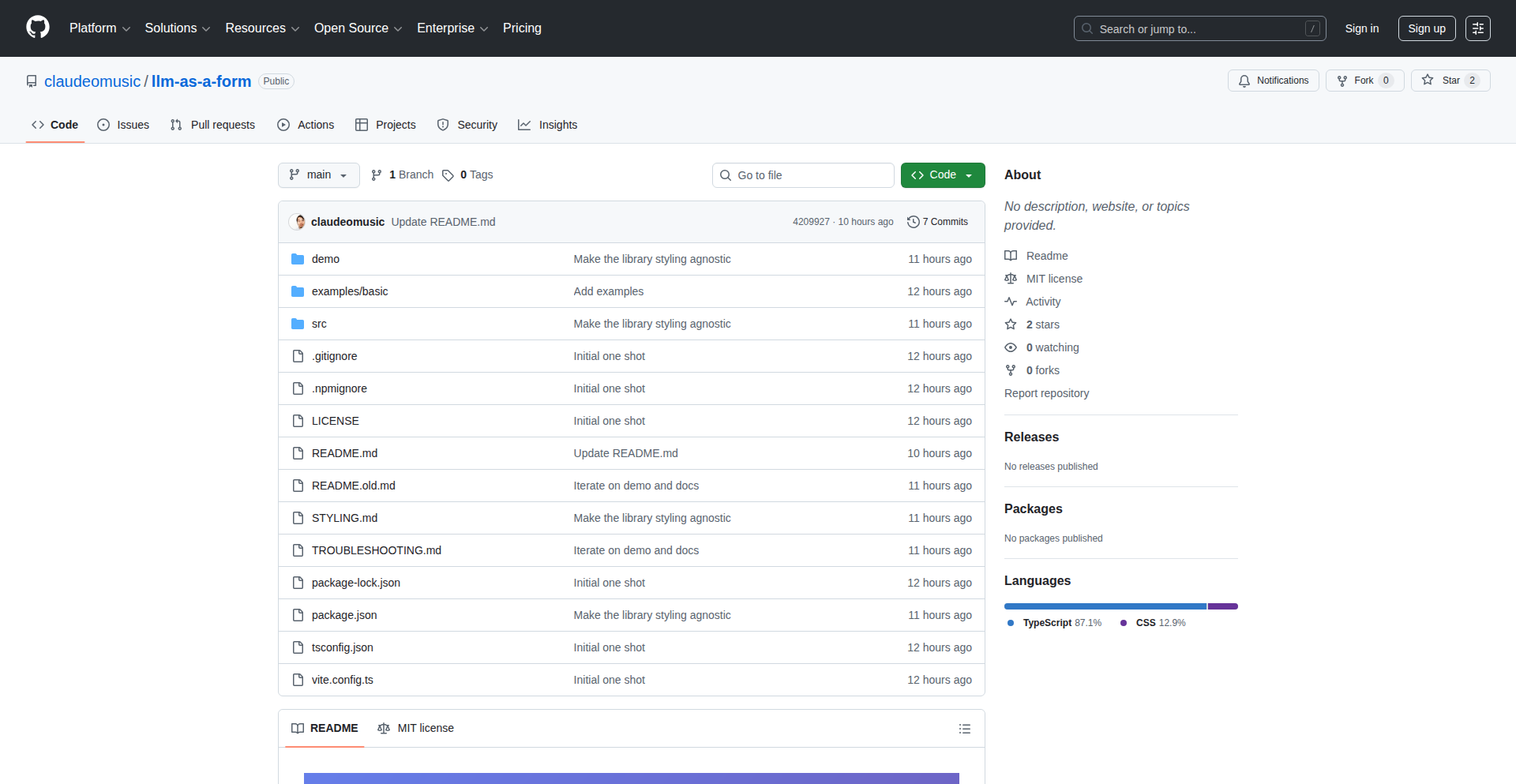
Author
claudeomusic
Description
This project offers an alternative to the ubiquitous prompt-based interfaces in modern applications. It showcases a library that leverages Large Language Models (LLMs) to generate and manage interactive forms, demonstrating how to create rich, intuitive user experiences beyond simple text input. The innovation lies in using LLMs not just for generating text, but for structuring and controlling UI elements, offering a more varied and engaging way for users to interact with applications.
Popularity
Points 3
Comments 0
What is this product?
LLM-as-a-Form is a library designed to rethink user interfaces. Instead of relying solely on text prompts for user input, it uses LLMs to dynamically generate and manage forms. The core idea is to let the LLM understand user intent and then translate that into structured form fields, dropdowns, checkboxes, and other interactive elements. This approach moves away from a chat-like interaction and towards a more traditional, yet dynamically generated, form-based user experience, making interactions richer and more intuitive. So, what's the benefit for you? It means you can build applications that feel more user-friendly and less like talking to a robot, offering a more natural way to provide information.
How to use it?
Developers can integrate this library into their web or application projects. By providing the LLM with context about the desired information or task, the library helps the LLM output a structured representation of a form. This can then be rendered by the frontend. For example, if a user wants to book a flight, instead of typing out all the details in a prompt, the LLM could generate fields for departure, destination, dates, and number of passengers. This allows for a more guided and error-free input process. So, how can you use this? Imagine building a customer support bot where instead of freeform text, the bot can intelligently present specific questions in form fields to gather necessary information efficiently. This streamlines data collection and improves user satisfaction.
Product Core Function
· Dynamic Form Generation: The LLM interprets user intent and programmatically creates form structures, providing a more guided input experience. This is valuable for reducing user input errors and speeding up data entry.
· Interactive UI Elements: Beyond text fields, the library can facilitate the generation of various UI components like dropdowns, radio buttons, and date pickers based on LLM output, leading to a richer and more intuitive user interaction. This makes applications more user-friendly by offering familiar interface patterns.
· Contextual Input Handling: The LLM can understand the context of the interaction to generate the most appropriate form fields, ensuring users are prompted for relevant information. This helps ensure accurate and complete data collection for any task.
· Reduced Reliance on Pure Text Prompts: By offering structured forms, this library provides an alternative to conversational interfaces, catering to users who prefer more direct and visual input methods. This broadens the appeal of your application to a wider user base.
Product Usage Case
· Customer Onboarding: In a fintech application, when a new user signs up, instead of asking for all information in a chat, LLM-as-a-Form could dynamically generate fields for personal details, identity verification, and contact information, making the onboarding process smoother and less intimidating. This addresses the problem of lengthy and complex signup processes.
· E-commerce Product Configuration: For a custom product builder, the LLM could generate a series of forms for users to select options, colors, materials, and add-ons, providing a step-by-step guided configuration. This enhances the online shopping experience by making complex customization manageable.
· Data Entry Forms for Complex Surveys: When conducting detailed user research or collecting specific operational data, the library can help generate a structured survey with conditional logic based on previous answers, ensuring comprehensive and accurate data. This solves the challenge of collecting complex and nuanced data effectively.
49
NexusTerminalAPI

Author
PranavVyas
Description
NexusTerminalAPI is a command-line interface (CLI) tool that brings Postman-like API collection management directly into your terminal. It leverages Rust and the ratatui TUI library to provide a rich, interactive experience, allowing developers to test and manage APIs without leaving their command-line environment. The innovation lies in bridging the gap between powerful GUI API testing tools and the efficiency of terminal-based workflows, enabling developers to stay focused and productive.
Popularity
Points 3
Comments 0
What is this product?
NexusTerminalAPI is a terminal-based API testing and management tool built using Rust and the ratatui library for creating a Text User Interface (TUI). It aims to replicate the convenient features of GUI tools like Postman, such as organizing API requests into collections and easily sending them, all within the command line. The core innovation is its terminal-native approach. Instead of switching between your terminal and a separate GUI application, you can manage and execute your API calls directly in the terminal. This means less context switching and a more streamlined development process, especially for those who prefer working extensively with the command line.
How to use it?
Developers can install NexusTerminalAPI via its GitHub repository. Once installed, they can initiate an API request by defining the HTTP method (GET, POST, etc.), the URL, headers, and request body directly in the terminal. The TUI allows for easy navigation and editing of these parameters. It's designed for scenarios where developers are already working in the terminal, perhaps scripting deployments or managing infrastructure, and need to quickly test an API endpoint without breaking their flow. Integration can be as simple as running the executable and interacting with its intuitive interface, or potentially through scripting to automate API checks.
Product Core Function
· Terminal-Native API Request Execution: Allows developers to send HTTP requests (GET, POST, PUT, DELETE, etc.) directly from the command line, eliminating the need to switch to a separate GUI application. This is useful for rapid testing and debugging of backend services.
· API Collection Management: Provides a structured way to group related API requests into collections, similar to Postman. This organization helps in managing complex API interactions and ensuring consistency in testing. The value is in keeping your API testing organized and reproducible.
· Interactive Text User Interface (TUI): Utilizes the ratatui library to offer a dynamic and responsive command-line interface. This makes it easier to configure requests, view responses, and navigate between different API endpoints. The benefit is an enhanced user experience within the terminal.
· Request Parameter Configuration: Enables detailed configuration of request details including URLs, HTTP methods, headers, and request bodies through an intuitive terminal interface. This allows for precise control over API calls.
· Response Visualization: Displays API responses directly within the terminal, making it easy to inspect the data returned by the server. This is crucial for verifying the correctness of API behavior and identifying issues.
Product Usage Case
· A backend developer is working on a new microservice. They can use NexusTerminalAPI to quickly test the newly exposed endpoints from their development terminal after making code changes, without having to open Postman and switch contexts. This speeds up the iteration cycle.
· A DevOps engineer is scripting automated deployment tasks. They can integrate NexusTerminalAPI calls into their scripts to verify that deployed services are responding correctly before proceeding with the deployment. This ensures service availability.
· A frontend developer is debugging an issue with their application's API integration. They can use NexusTerminalAPI to directly replicate the requests their frontend is making to the backend, helping them isolate whether the problem lies in the frontend or the backend.
· A data scientist needs to fetch data from an API for analysis. They can use NexusTerminalAPI to easily define and execute the data retrieval requests, and then pipe the JSON output to other command-line tools for processing. This streamlines data acquisition for analysis.
50
AsciiTreeFS
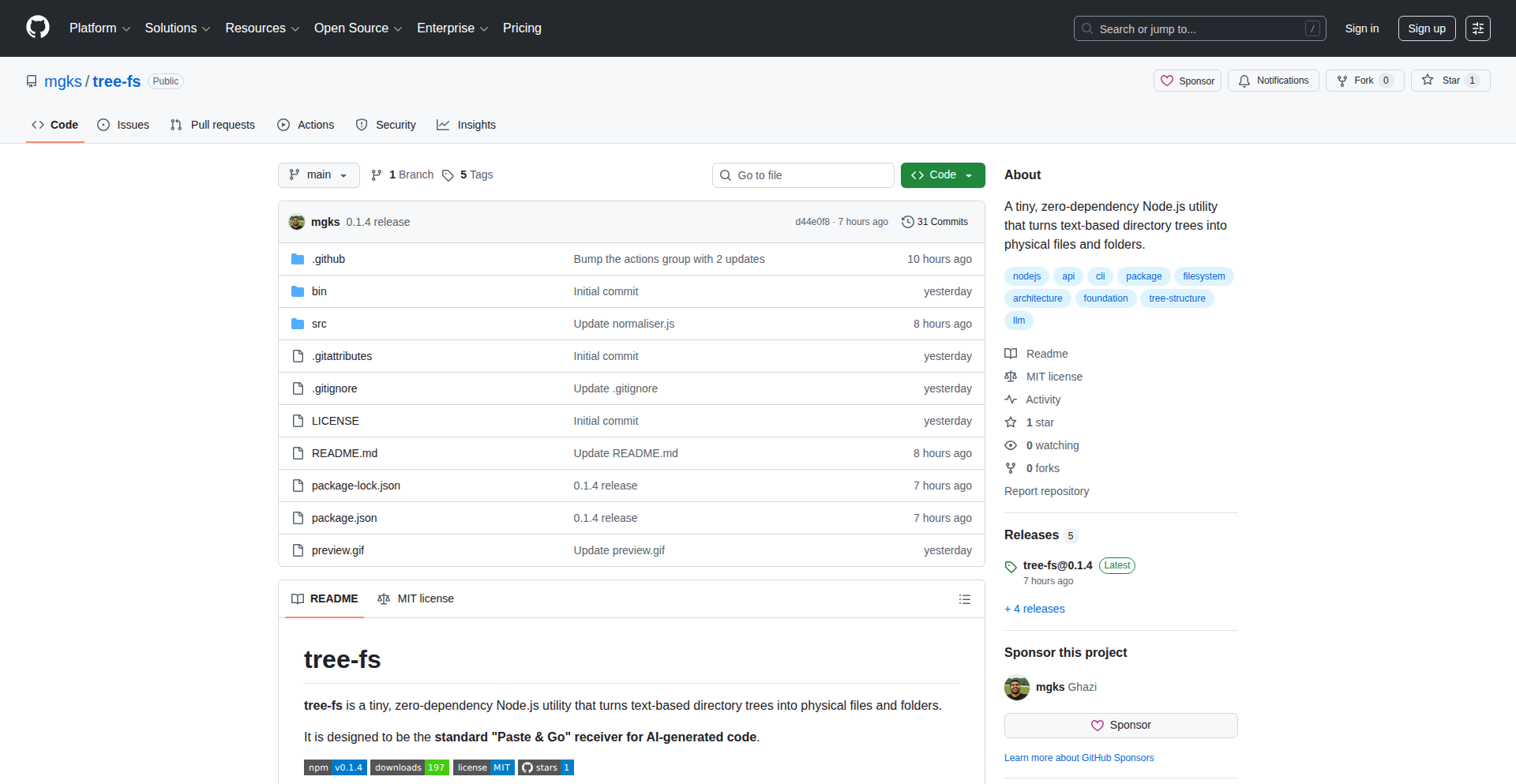
Author
enigmazi
Description
AsciiTreeFS is a novel tool that transforms text-based ASCII directory representations into actual, navigable file system structures. This innovative approach leverages the power of imaginative coding to bridge the gap between static visual representations and dynamic file system operations, offering a unique solution for managing and interacting with file structures programmatically.
Popularity
Points 2
Comments 1
What is this product?
AsciiTreeFS is a project that takes a plain text file describing a directory structure (using ASCII art, like `├── folder/` and `└── file.txt`) and dynamically creates a real, usable file system representation from it. The core technical insight lies in parsing the ASCII tree and then programmatically generating the corresponding directories and files on your actual file system. This is a creative way to 'manifest' a file structure described visually into a functional one, demonstrating a deep understanding of file system APIs and string manipulation. So, what's in it for you? It allows you to quickly generate complex or predefined file structures for testing, simulation, or even for organizing projects based on a visual blueprint.
How to use it?
Developers can use AsciiTreeFS by providing it with a text file containing an ASCII directory tree. The tool will then read this file, interpret the structure, and create the corresponding directories and files on the disk. This can be integrated into scripting workflows, build processes, or used as a standalone utility for rapid project scaffolding. For example, you could have a `project_structure.txt` file, run AsciiTreeFS on it, and instantly have a fully formed project directory ready for development. The value for you is the ability to automate the creation of file hierarchies, saving significant manual effort and ensuring consistency.
Product Core Function
· ASCII tree parsing: The system intelligently reads and interprets lines of text to understand parent-child relationships in a directory structure, allowing for flexible input formats. This is valuable because it makes the tool adaptable to various ASCII tree representations you might encounter or create.
· Dynamic file system creation: Based on the parsed tree, the tool creates actual directories and empty files on your operating system's file system. This is your direct benefit: you get a functional file system mirroring your text description instantly, perfect for setting up test environments or new projects.
· Cross-platform compatibility (potential): While not explicitly stated, the underlying file system operations can be designed to work across different operating systems (Linux, macOS, Windows), making it broadly useful. This means you can use the same ASCII blueprint to create file structures regardless of your development environment.
Product Usage Case
· Test data generation: Imagine needing to create a specific nested directory structure for testing a file-handling application. You can define this structure in an ASCII tree text file and use AsciiTreeFS to generate it on demand, solving the problem of manually creating complex test environments quickly.
· Project scaffolding automation: When starting a new project that follows a standard directory layout, you can create an ASCII tree representing that layout and use AsciiTreeFS to instantly set up the project's folder structure. This streamlines the initial setup and ensures you start with a clean, organized foundation.
· Educational tool for file systems: For students learning about file system hierarchies and operations, AsciiTreeFS can be a great way to visualize and then interact with these concepts. Seeing a text representation turn into real folders and files provides a tangible understanding of abstract concepts.
51
MephistoMail: RAM-Secured Ephemeral Identity Broker

Author
benmxrt
Description
MephistoMail is a privacy-first disposable email service that creates temporary digital identities without logging user data. It utilizes RAM-only storage for all session data, ensuring it's wiped clean upon session termination. Key innovations include an in-browser client-side password generator for enhanced registration security and a secure QR code handoff for seamless desktop-to-mobile session transfers. This project tackles the pervasive issue of online services demanding verifiable digital identities and the subsequent data harvesting by offering a truly ephemeral and secure alternative.
Popularity
Points 3
Comments 0
What is this product?
MephistoMail is a disposable email service built with extreme privacy in mind. Instead of storing your emails and session details on physical hard drives which could potentially be accessed or logged, MephistoMail uses only volatile RAM. This means that as soon as your temporary email session ends, all the data associated with it is cryptographically erased. Think of it like writing on a whiteboard that gets wiped clean instantly after you're done, rather than on paper that gets filed away. The innovation lies in this RAM-only architecture, coupled with a client-side password generator that creates strong passwords directly in your browser without sending them to their servers. This drastically reduces the risk of your temporary email data, or the passwords you generate for signing up to services, being compromised.
How to use it?
Developers can use MephistoMail to sign up for online services, newsletters, or any situation where they need a temporary email address without revealing their primary identity or risking their data. The service provides a unique, temporary email address that you can use to receive verification emails or any other communication. You can then access these emails through the MephistoMail web interface. For developers integrating this into their workflows, they can use the custom alias creation feature to create more professional-looking temporary emails, or leverage the multi-account tunneling to manage several anonymous identities simultaneously for testing different user scenarios. The secure QR handoff makes it incredibly easy to switch from using your desktop to your mobile device to check emails on the go, without manually typing long, complex email addresses.
Product Core Function
· RAM-only storage for ephemeral email and session data: This ensures that all your temporary email communications and session information are never permanently stored on disk, providing a high level of data hygiene and privacy. So, even if someone were to gain access to the underlying infrastructure, your past temporary email data would be gone.
· Client-side entropy-based password generator: This feature generates strong, unique passwords directly within your browser. This means your generated passwords are never sent to MephistoMail's servers, significantly reducing the risk of password leaks during the registration process for new online accounts.
· Secure QR code session handoff: This allows you to quickly transfer your active temporary email session from your desktop to your mobile device. Simply scan a QR code, and your session is seamlessly transferred, saving you the hassle of typing long, complex email addresses on your phone.
· Multi-account tunneling for unified identity management: This feature enables you to manage multiple anonymous email identities from a single interface. This is invaluable for developers who need to test different user roles or sign up for services with various temporary personas without juggling multiple tabs or browsers.
· Custom alias creation on secure domains: You can define your own usernames on MephistoMail's secure domains, allowing for more professional and recognizable temporary email addresses. This is useful for maintaining a semblance of professionalism even when using a disposable email for registrations.
· Strict No-Logs policy and TLS 1.3 encryption: MephistoMail is committed to not logging any user activity or data, and all communications are secured with the latest TLS encryption. This means your online interactions with the service are private and protected from eavesdropping.
Product Usage Case
· Signing up for free trials of online software: A developer can use MephistoMail to create a temporary email address to sign up for a free trial of a SaaS product, avoiding the need to use their personal email and potentially receiving unwanted marketing emails later. This keeps their primary inbox clean and prevents potential spam.
· Testing registration flows for web applications: When developing a new web application, a developer can use MephistoMail to simulate multiple user sign-ups to test the registration and email verification process. This allows them to quickly iterate and debug without using real email accounts.
· Protecting privacy when signing up for forums or community websites: For websites that require an email for registration but are not critical, a developer can use MephistoMail to prevent their primary email address from being exposed to the public or potential spammers. This safeguards their personal information.
· Creating temporary accounts for online gaming or social media: A developer might want to create a temporary account for a game or social media platform to test a feature or explore a new service without committing their main identity. MephistoMail provides a secure and ephemeral way to do this.
· Receiving sensitive verification emails: If a developer needs to receive a verification email that might contain sensitive information, using MephistoMail ensures that this data is only accessible for the duration of the session and is then wiped clean, reducing the risk of long-term data exposure.
52
Campers: Localhost-like Remote Cloud Dev Environments

Author
kamilc
Description
Campers is a project that provides remote cloud development environments designed to feel as seamless and responsive as developing on your local machine. It tackles the common frustration of 'it works on my machine' by bringing the power of cloud infrastructure directly to your developer workflow with a focus on performance and ease of use.
Popularity
Points 2
Comments 0
What is this product?
Campers is a system for creating and managing development environments that run in the cloud but offer a local development experience. It uses advanced virtualization and networking techniques to minimize latency and make remote servers feel immediate. The innovation lies in its ability to abstract away the complexities of cloud infrastructure, presenting developers with a familiar, fast, and consistent coding interface, effectively bridging the gap between powerful cloud resources and the intuitive feel of a local setup. So, what's the benefit for you? It means you can leverage the scalability and power of the cloud for your development without sacrificing speed or getting bogged down by complex configurations, making your development process smoother and more efficient.
How to use it?
Developers can use Campers by setting up a remote environment provisioned with their necessary tools and dependencies. Campers integrates with your existing workflow, often by making the remote environment accessible via SSH, VS Code remote development extensions, or other familiar tools. This allows you to connect to your cloud-based development instance as if it were a local server, running code, debugging, and interacting with your project in real-time. The core idea is to replace your local machine's limitations with the flexibility and power of the cloud, all while maintaining a high-performance, local-like feel. So, how does this help you? You can start new projects faster, collaborate more easily, and work on resource-intensive tasks without straining your local hardware, all from your preferred development tools.
Product Core Function
· Remote environment provisioning: Enables developers to spin up dedicated cloud development environments with pre-configured tools and dependencies, providing a consistent starting point for any project. This eliminates setup friction and ensures everyone on a team works with the same environment. So, what's the benefit for you? You spend less time setting up and more time coding.
· Low-latency access: Leverages optimized networking and virtualization to deliver a responsive, near-instantaneous interaction with remote code and applications, mimicking the feel of local development. This is crucial for maintaining developer productivity and reducing frustration. So, what's the benefit for you? Your coding, debugging, and testing feel fast and fluid, just like on your own computer.
· Seamless integration with local tools: Designed to work effortlessly with popular IDEs like VS Code and standard developer tools (e.g., Git, SSH), allowing developers to use their familiar workflow without learning new systems. This minimizes the learning curve and maximizes adoption. So, what's the benefit for you? You can continue using your favorite tools and editors without interruption, making the transition to cloud development effortless.
· Resource isolation and scalability: Provides dedicated and isolated development environments that can scale with project needs, offering access to more powerful compute and storage resources as required. This ensures consistent performance regardless of project complexity. So, what's the benefit for you? You get access to the processing power and storage you need for demanding tasks without your local machine slowing down.
Product Usage Case
· Developing a computationally intensive machine learning model: A developer can set up a Campers environment with powerful GPUs in the cloud, accessing and iterating on their model as if it were running locally, avoiding the performance bottlenecks of a standard laptop. This solves the problem of insufficient local hardware for complex AI tasks, making it faster and more practical. So, what's the benefit for you? You can train and experiment with large AI models efficiently without expensive local hardware.
· Collaborating on a web application with a distributed team: Each team member can have their own isolated Campers environment, ensuring code consistency and eliminating 'works on my machine' issues. This simplifies onboarding new team members and streamlines the development process for geographically dispersed teams. So, what's the benefit for you? Your team can collaborate smoothly on projects, reducing integration problems and development delays.
· Working on a legacy system that requires specific dependencies: Instead of juggling complex local setups for older software, a developer can create a dedicated Campers environment with all the necessary legacy dependencies, providing a stable and reproducible development environment. This solves the challenge of maintaining and developing on older software stacks without conflicting with modern local development setups. So, what's the benefit for you? You can confidently work with older or specialized software without system conflicts or tedious setup.
53
ogBlocks: Animated UI Fabric

Author
ogsome
Description
ogBlocks is a React-based animated UI library designed to empower developers of all CSS skill levels to easily integrate premium, production-grade animated components into their web applications. It addresses the common pain point of tedious and time-consuming UI development, especially for achieving pixel-perfect designs and sophisticated animations, by offering a collection of pre-built, visually appealing, and animated elements like navbars, modals, buttons, and more. This library democratizes the creation of world-class user experiences, making them accessible without deep CSS expertise.
Popularity
Points 2
Comments 0
What is this product?
ogBlocks is an Animated UI Library for React applications. Its core innovation lies in providing a collection of pre-designed and animated UI components, such as navigation bars, modal windows, interactive buttons, feature sections, dynamic text effects, and image carousels. The library tackles the challenge of creating visually stunning and animated user interfaces, which often requires significant CSS skill and development time. By offering these components out-of-the-box, ogBlocks allows developers to achieve a premium look and feel with beautiful animations, enhancing user experience without needing to write complex CSS from scratch. This is achieved by abstracting away the intricate styling and animation logic into reusable React components, making it accessible for developers who might not be CSS experts.
How to use it?
Developers can integrate ogBlocks into their React projects by installing it as a package. Once installed, they can import and use the various ogBlocks components directly within their React code. For instance, to add an animated navbar, a developer would import the `AnimatedNavbar` component and place it in their JSX. The library is designed for straightforward integration, requiring minimal configuration. Developers can leverage these components to quickly build out sections of their application that require a high degree of visual polish and interactivity. The components are built with React's declarative nature in mind, allowing for easy customization of props to tailor the appearance and behavior to specific project needs. This makes it ideal for rapid prototyping, building landing pages, or enhancing the overall user engagement of existing applications.
Product Core Function
· Animated Navbars: Provides pre-built navigation bars with smooth reveal and transition animations, making website navigation more engaging and modern. This is useful for creating professional-looking headers that instantly elevate the user experience of any website.
· Interactive Modals: Offers modal windows with sophisticated entry and exit animations, improving the user's interaction with pop-up content like forms or alerts. This functionality helps capture user attention effectively and guide them through specific actions.
· Dynamic Buttons: Includes buttons with hover effects, click animations, and state changes, adding a touch of polish and responsiveness to user interactions. This makes call-to-action elements more compelling and visually appealing.
· Engaging Feature Sections: Provides layout components for showcasing features with subtle animations and transitions, helping to highlight key product benefits. This is valuable for marketing websites and product pages to draw users into understanding complex offerings.
· Text Animations: Offers various text effects like typewriter, fade-in, or sliding animations, making headings and body text more dynamic and attention-grabbing. This is perfect for adding a creative flair to content presentation.
· Smooth Carousels: Implements image or content carousels with seamless transition effects, ideal for displaying portfolios, testimonials, or product galleries. This feature improves content consumption and visual storytelling.
Product Usage Case
· Building a landing page for a new SaaS product: A frontend developer can quickly integrate ogBlocks' animated feature sections and text animations to create a visually impressive and engaging presentation of the product's benefits, making the page more memorable and persuasive, even without extensive CSS animation knowledge.
· Developing an e-commerce website with enhanced user interaction: Developers can use ogBlocks' interactive buttons and animated carousels to make product listings and promotional banners more dynamic, encouraging users to explore more products and improving the overall shopping experience, solving the problem of static and unengaging product displays.
· Creating a personal portfolio website: A designer or developer can use ogBlocks' animated navbars and modal components to showcase their work and contact information in a polished and professional manner, overcoming the challenge of creating a sophisticated and modern design from scratch.
· Adding interactive elements to a content-heavy blog: Incorporate animated text and subtle component transitions to break up blocks of text and guide the reader's eye, making the reading experience more enjoyable and less monotonous, thus solving the problem of uninspiring content presentation.
54
AI-Resurface Bookmarks

Author
aria-sfl
Description
A bookmarking application that leverages AI to intelligently tag, summarize, and proactively resurface saved content when it becomes relevant. It addresses the common problem of saved links being forgotten by applying AI to make them actionable and discoverable.
Popularity
Points 2
Comments 0
What is this product?
This is an AI-powered bookmark manager designed to overcome the 'save-and-forget' dilemma. Instead of just storing links, it uses artificial intelligence to analyze the content of saved articles, tweets, and videos. The AI automatically generates relevant tags and concise summaries, making it easier to understand and retrieve information later. Its core innovation lies in its ability to anticipate when saved content might be useful again, intelligently bringing it back to your attention. Think of it as a smart personal librarian for your digital saves.
How to use it?
Developers can integrate this project by using its cross-platform applications (Android, iOS, web) to save any web content. For example, when researching a topic, you can save multiple articles, and the AI will categorize them and highlight key takeaways. Later, when you're working on a related project, the app can surface these relevant bookmarks, complete with their summaries and tags, saving you the effort of manually searching through your saved links. This is particularly useful for knowledge workers, researchers, and anyone who collects a lot of online information.
Product Core Function
· AI-generated tagging: Automatically categorizes saved content, making it easier to organize and find related items without manual effort. This is valuable for anyone who saves a lot of links and struggles with organization.
· AI-generated summaries: Provides concise overviews of saved articles, tweets, or videos, allowing users to quickly grasp the main points without re-reading everything. This saves time and helps in quickly deciding if a saved item is still relevant.
· Intelligent resurfacing: Proactively brings relevant saved content to the user's attention based on potential context or timing. This solves the problem of forgotten bookmarks by making them discoverable when they are most useful.
· Full-text search: Enables searching within the content of saved bookmarks, going beyond just titles or URLs. This is crucial for finding specific information within a large collection of saved links.
· Cross-platform accessibility: Available on Android, iOS, and the web, ensuring users can access and manage their saved content from any device. This provides convenience and flexibility for users across different platforms.
Product Usage Case
· A researcher saving numerous academic papers and web articles for a new project. Instead of manually tagging each paper, the AI automatically categorizes them by topic and provides summaries. When the researcher returns to the project months later, the app surfaces the most relevant papers with their key insights, dramatically speeding up their re-familiarization process.
· A developer bookmarking various Stack Overflow answers and technical blog posts. When encountering a similar coding problem, the AI can resurface the previously saved solutions with their summaries, acting as a personalized, context-aware cheat sheet.
· A student saving articles related to current events for a history class. As new developments occur, the app might surface older, related articles with summaries, helping the student draw connections and build a more comprehensive understanding.
· A content creator bookmarking inspiring tweets and articles for future reference. The AI tags and summarizes these items, and the app can subtly remind them of relevant saved content when they are working on new creative pieces, sparking new ideas.
55
uithemes.app - Semantic Palette Weaver
Author
erikdevriesnl
Description
uithemes.app is a web application that simplifies the theming process for shadcn/ui React components. Instead of manually adjusting numerous CSS variables, it allows users to define a base color palette which is then intelligently applied across various UI elements (text, backgrounds, borders, etc.) while ensuring accessibility and consistency by default. This means developers can achieve beautiful, accessible themes quickly without needing deep design expertise, solving the friction of complex CSS variable management and the risk of breaking design integrity.
Popularity
Points 2
Comments 0
What is this product?
uithemes.app is a theme generator specifically designed for shadcn/ui, a popular collection of pre-built React components. The core innovation lies in its 'semantic theming' approach. Instead of exposing raw CSS variables (like `—color-primary`, `—background-default`), uithemes.app works with a conceptual 'base palette'. When you pick a primary color, the application intelligently maps this color to different semantic roles in the UI – for example, it determines the appropriate text color for that background, the border color, and even how muted states should adapt. It enforces accessibility standards like color contrast automatically. This is a departure from traditional theme generators that simply present a form of raw variables, forcing users to understand and manage complex design relationships themselves. So, what does this mean for you? You get professionally designed, accessible themes generated from just a few color choices, saving you hours of manual configuration and design guesswork.
How to use it?
Developers can integrate uithemes.app into their workflow in a few ways. First, they can visit the website (uithemes.app) and use the interactive interface to select or generate a color palette. This palette can be based on predefined Tailwind CSS palettes, generated from a single input color, or explored randomly. Once a theme is satisfactory, the application provides the generated CSS variables or configuration files that can be directly imported into a shadcn/ui project. This essentially means replacing or augmenting your existing shadcn/ui theme configuration with the newly generated one. The system is designed to be flexible, allowing for further customization if needed. So, how does this benefit you? You can quickly prototype and implement consistent, visually appealing themes for your shadcn/ui applications, reducing development time and improving the user experience without getting bogged down in the complexities of CSS variable management.
Product Core Function
· Semantic color mapping: Automatically applies a base color palette to various UI elements (text, backgrounds, borders) ensuring contrast and accessibility. This saves developers from having to manually select and manage numerous individual color variables, leading to more consistent and accessible UIs out of the box.
· Palette generation from single color: Allows users to generate a full, harmonious color palette by providing just one primary color. This streamlines the process of creating visually cohesive themes, making it easier for developers to achieve professional-looking designs without extensive color theory knowledge.
· Predefined Tailwind palettes integration: Offers the ability to use or generate themes based on popular Tailwind CSS color palettes. This bridges the gap between existing Tailwind styling and shadcn/ui theming, allowing for a more unified styling approach and leveraging familiar color systems.
· Random theme exploration: Provides a random theme generator to quickly explore different aesthetic possibilities. This is useful for rapid prototyping and discovering new design directions, helping developers overcome creative blocks and find inspiration for their projects.
· Tweakable themes: While themes are usable out of the box, they remain fully customizable. This gives developers the flexibility to fine-tune generated themes to meet specific project requirements without starting from scratch, ensuring both speed and control.
Product Usage Case
· A startup developer needs to quickly build a dashboard application using shadcn/ui. They visit uithemes.app, input their brand's primary color, and within minutes, generate a complete, accessible theme that matches their brand identity. This significantly speeds up the initial UI development phase, allowing them to focus on core application logic rather than intricate theming. The problem solved is the time-consuming and error-prone process of manually styling components.
· A freelance designer is working on a client's website that uses shadcn/ui. The client wants a modern, clean look with a specific color scheme. The designer uses uithemes.app to generate a theme based on the client's preferred colors. The generated theme ensures good contrast ratios and semantic consistency across all components. The designer can then easily export the theme configuration and integrate it into the project, delivering a polished and accessible UI on time. The problem solved is ensuring design consistency and accessibility across complex component libraries.
· A developer experimenting with a new personal project wants to explore different visual styles for their shadcn/ui components. They use the random theme generator on uithemes.app to cycle through various color combinations. This allows them to quickly visualize how different palettes would look and feel, sparking new design ideas and helping them make informed decisions about the project's aesthetic direction without the overhead of manual theme creation. The problem solved is the difficulty in exploring diverse design options efficiently.
56
OrgSync-to-Reminders
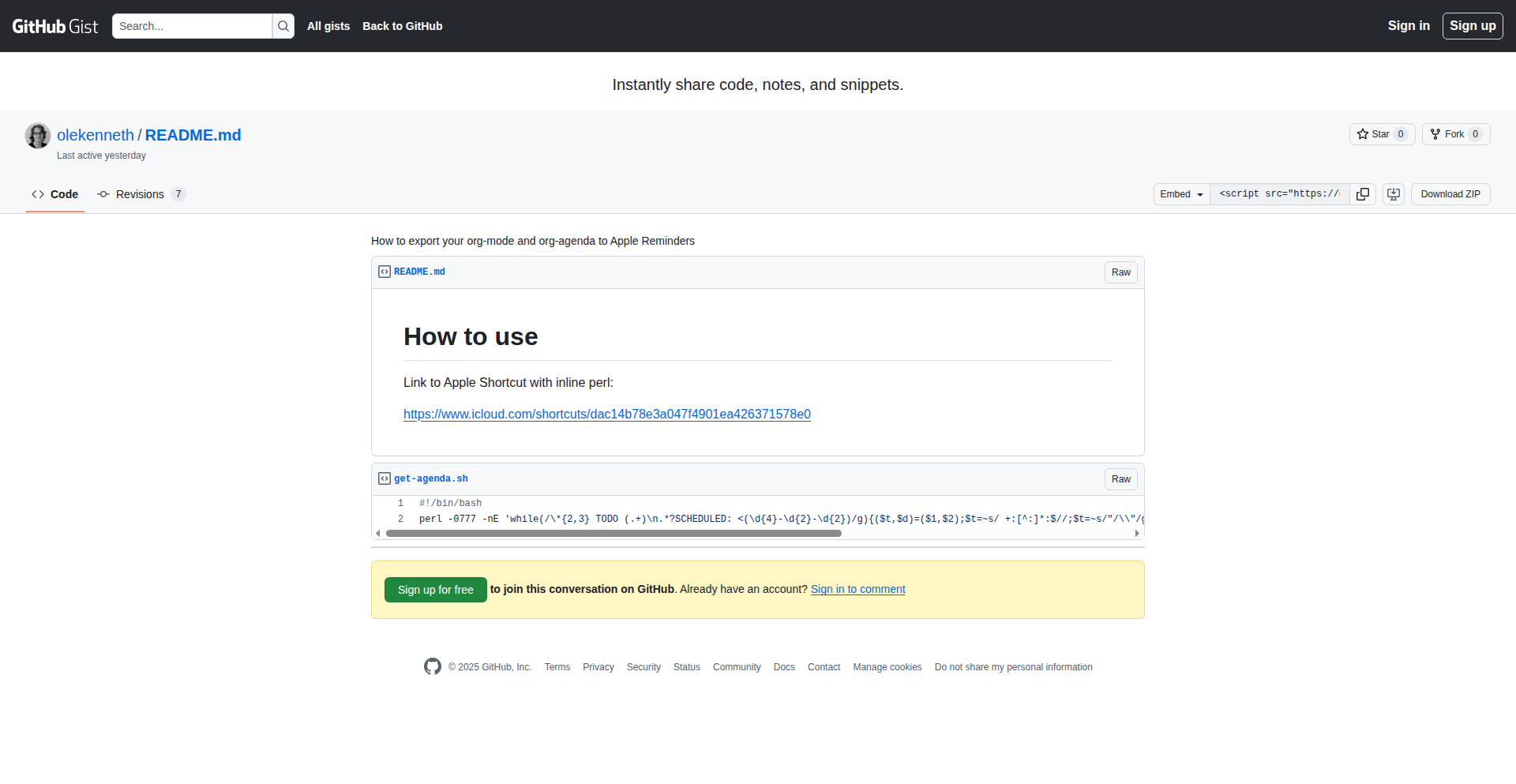
Author
olekenneth
Description
This project is a script that automates the export of your Emacs org-agenda tasks to Apple Reminders. It bridges the gap between the powerful text-based task management of Emacs Org-mode and the native, convenient task management of Apple's Reminders app, allowing for seamless cross-platform task synchronization and improved productivity.
Popularity
Points 1
Comments 1
What is this product?
This is a script designed to synchronize tasks from Emacs' Org-mode agenda to Apple's Reminders application. At its core, it involves parsing the structured data within your Org-mode files, specifically entries marked as deadlines or scheduled items. The script then translates these entries into tasks that can be created and managed within Apple Reminders, leveraging Apple's scripting capabilities (like AppleScript or its modern equivalents) to interact with the Reminders app. The innovation lies in creating a practical bridge between two distinct task management ecosystems, enabling users who rely on Emacs for detailed planning to benefit from the accessibility and integration of native mobile reminders.
How to use it?
Developers can use this script by installing it and configuring it to point to their Emacs Org-mode files. The script will typically be run manually or scheduled to run periodically. Once set up, it will read your Org-mode agenda, identify relevant tasks (e.g., those with deadlines or scheduled dates), and push them as new reminders into your Apple Reminders. This can be integrated into your personal workflow, perhaps as part of a larger automation setup or a nightly script that ensures your mobile reminders are always up-to-date with your Emacs-based plans. So, what's in it for you? It means your complex task planning in Emacs gets reflected on your phone, ensuring you never miss a deadline.
Product Core Function
· Org-mode data parsing: Extracts task details such as title, deadline, scheduled date, and notes from Emacs Org-mode files. This is valuable because it allows the script to understand what needs to be transferred.
· Apple Reminders integration: Creates and updates tasks within the Apple Reminders app using system scripting interfaces. This is valuable as it makes your tasks visible and manageable on your Apple devices.
· Task synchronization logic: Implements logic to avoid duplicate tasks and to potentially update existing reminders based on changes in Org-mode. This is valuable for maintaining data integrity and efficiency.
· Customizable export rules: Allows users to define which Org-mode entries and properties should be exported to Reminders. This is valuable for tailoring the synchronization to individual workflow needs.
Product Usage Case
· A freelance developer who uses Emacs for all their project planning and task management can use this script to sync their deadlines and daily tasks to their iPhone Reminders. This ensures they receive timely notifications on their phone, even when not actively using Emacs, thereby preventing missed deadlines and improving project adherence.
· A student who meticulously organizes their study schedule and assignments in Emacs Org-mode can use this script to push upcoming due dates and study sessions to their Apple Reminders. This provides a dual reminder system, leveraging both the detailed planning power of Emacs and the convenient notification system of their iPhone, helping them stay on top of their academic workload.
· A hobbyist writer who outlines their creative projects and writing deadlines in Emacs can use this script to ensure their Apple Reminders reflect their writing schedule. This allows them to easily check their writing progress and upcoming tasks on their mobile device, fostering consistent writing habits.
57
ThreadsWrapped: Your Personal Threads Analytics

Author
heymattia
Description
This project provides a personalized analytics dashboard for your Threads activity, similar to Spotify Wrapped. It leverages data aggregation and visualization techniques to offer insights into your posting habits, engagement metrics, and content performance on the Threads platform. The core innovation lies in democratizing access to personal social media data analysis, enabling users to understand their digital footprint in a novel way.
Popularity
Points 2
Comments 0
What is this product?
ThreadsWrapped is a web application that aggregates and analyzes your personal data from the Threads social media platform. It uses data scraping and processing techniques to collect information about your posts, likes, replies, and follower interactions. The innovation here is taking a traditionally opaque platform's data and making it accessible and understandable to the individual user, akin to how Spotify Wrapped does for music listening habits. Essentially, it's a personal data observatory for your Threads experience, showing you patterns and trends you might not have noticed otherwise. So, what's in it for you? It helps you understand what kind of content resonates with your audience, when you're most active, and how your engagement is evolving, allowing for more informed content strategy.
How to use it?
Developers can use ThreadsWrapped by visiting the web application, authenticating with their Threads account (if the platform allows for such integration, or by providing relevant data export if available), and then accessing the personalized dashboard. For integration, the project could potentially expose an API that allows other applications to pull aggregated Threads data for broader community analysis or personalized content generation tools. The immediate use case is for individuals seeking self-insight. So, how does this benefit you? You can gain a deeper understanding of your social media presence and optimize your posting strategy without needing to be a data scientist.
Product Core Function
· Personalized Post Performance Metrics: Analyzes your posts to show metrics like likes, replies, and shares over time. This helps you understand what content performs best. So, what's in it for you? You learn what your audience likes, so you can create more of it.
· Activity Trend Visualization: Displays your posting frequency and engagement patterns across different times and days. This reveals your peak activity periods. So, what's in it for you? You can schedule your posts for maximum visibility and engagement.
· Content Category Analysis: Identifies common themes or topics in your posts, providing insights into your content focus. So, what's in it for you? You can refine your niche and understand your brand's conversational landscape.
· Engagement Breakdown: Shows a breakdown of how users interact with your content, distinguishing between likes, replies, and other forms of engagement. So, what's in it for you? You get a nuanced view of audience interaction beyond just raw numbers.
Product Usage Case
· A content creator wants to understand why some of their posts perform exceptionally well while others don't. By using ThreadsWrapped, they can identify common elements in their high-performing posts (e.g., specific topics, question formats, image types) and replicate that success. This directly addresses the problem of inconsistent content performance. So, what's in it for you? You get actionable insights to improve your content strategy.
· A social media manager for a small business aims to maximize their brand's reach on Threads. They use ThreadsWrapped to discover the optimal times to post for their specific audience, leading to higher engagement rates and increased visibility for their business. This solves the challenge of guessing the best posting times. So, what's in it for you? You can reach more potential customers or followers.
· An individual user curious about their own digital footprint and online personality uses ThreadsWrapped to reflect on their posting habits and the topics they frequently discuss, gaining a better sense of self-awareness on the platform. This addresses the need for personal reflection in the digital age. So, what's in it for you? You gain a deeper understanding of your own online expression.
58
WebGL2 Shading Playground

Author
georginikolov
Description
A WebGL2-based interactive environment for experimenting with and learning physically based rendering (PBR) techniques. It allows developers to visualize and tweak PBR shaders in real-time directly within a web browser, making complex rendering concepts accessible and practical.
Popularity
Points 1
Comments 1
What is this product?
This project is an in-browser sandbox for physically based shading using WebGL2. Instead of writing complex shader code and compiling it in a separate application, this tool provides a visual interface where you can directly manipulate shader parameters and see the results instantly. The innovation lies in democratizing access to advanced PBR techniques, usually found in professional game engines or 3D software, by leveraging the ubiquity of web browsers. It uses advanced graphics concepts like microfacet BRDFs, energy conservation, and metallic-roughness workflows, but presents them in a way that's understandable and tweakable without deep prior knowledge. So, this is useful because it lowers the barrier to entry for learning and applying sophisticated rendering, enabling faster iteration and experimentation.
How to use it?
Developers can use this project by simply navigating to the hosted application in their web browser. They can then load different PBR material properties (like albedo, metallic, roughness, normal maps) and observe how they interact with light in real-time. The playground offers controls to adjust lighting conditions and material parameters. For integration, developers can potentially fork the project and extend it to serve as a visual debugging tool for their own 3D projects, or even to generate shader snippets that can be exported and used in other rendering pipelines. So, this is useful because it provides an immediate, interactive way to understand how different material properties affect the final visual output of a 3D scene, accelerating the process of creating realistic visuals.
Product Core Function
· Real-time Physically Based Shading Visualization: Allows instant rendering of materials using PBR principles. This is valuable for understanding how different surface properties (like shininess, color, and reflectivity) interact with light, leading to more photorealistic graphics in applications. A key benefit is seeing the direct impact of parameter changes.
· Interactive Shader Parameter Tuning: Provides sliders and input fields to adjust material properties like albedo, metallic, roughness, and specular. This offers practical value by enabling precise control over material appearance and facilitating rapid visual iteration without needing to recompile code. It's like having a digital paint brush for materials.
· Light Source Manipulation: Enables users to move and change the properties of light sources within the scene. This is crucial for understanding how lighting affects material perception and for setting up specific visual moods. It helps developers choose the best lighting setups for their projects.
· Mesh and Texture Loading: Supports loading different 3D models and textures to test shaders on various geometries and surfaces. This is useful for ensuring shader versatility and compatibility across different assets, making the learning process more grounded in real-world asset scenarios.
Product Usage Case
· A game developer needs to quickly prototype and test different material appearances for a new character. They can use the WebGL2 Shading Playground to upload their character's textures, adjust PBR parameters like metallic and roughness, and see how they look under various lighting conditions in real-time. This helps them achieve the desired visual fidelity faster. The playground solves the problem of lengthy compilation cycles for visual feedback.
· A freelance 3D artist is learning PBR techniques for architectural visualization. They can use the project to experiment with different surface types (wood, metal, glass) and understand how the parameters translate to realistic reflections and refractions. This direct, hands-on experience with PBR principles is more effective than reading documentation alone. It addresses the challenge of grasping abstract rendering theory.
· An indie game studio is developing a stylized rendering pipeline. They can use the playground to explore how subtle variations in PBR parameters can create unique artistic looks, even if they are not strictly adhering to photorealism. This helps them define their game's visual identity and refine their shader logic. It's valuable for pushing creative boundaries within technical constraints.
59
Netrinos: Effortless Mesh VPN
Author
pcarroll
Description
Netrinos is a zero-configuration mesh VPN that allows devices to directly connect to each other without complex setup or central servers. It uses a clever approach to discover and establish direct peer-to-peer connections, making it incredibly easy for developers to create secure, distributed networks for their applications.
Popularity
Points 1
Comments 1
What is this product?
Netrinos is a novel approach to building virtual private networks (VPNs) that eliminates the need for manual configuration or relying on a central server. Instead of a traditional client-server VPN where all traffic goes through a single point, Netrinos creates a 'mesh' where each device can directly talk to any other device in the network. Its innovation lies in its zero-config design, abstracting away the complexities of network discovery, NAT traversal, and secure tunnel establishment. This means you don't need to be a network expert to get it working, making it incredibly powerful for connecting distributed systems or remote teams securely and seamlessly.
How to use it?
Developers can integrate Netrinos into their applications to enable secure, direct communication between devices. Imagine you have a distributed database where each node needs to talk to every other node, or a team of developers working remotely who need to access a shared development server as if they were on the same local network. You can run Netrinos as a background service on each machine, and it will automatically discover and connect to other Netrinos instances. This allows your applications to communicate using simple IP addresses, as if they were all on the same LAN, without any complex firewall rules or VPN server setup. This is particularly useful for IoT deployments, microservices architectures, or secure remote access scenarios.
Product Core Function
· Zero-configuration network setup: Automatically discovers and connects devices without manual IP address configuration or complex routing rules. This means less time spent on infrastructure and more time on building your application.
· Peer-to-peer mesh networking: Enables direct communication between any two devices in the network, bypassing central servers for improved latency and resilience. This makes your applications faster and more robust.
· Automatic NAT traversal: Effectively connects devices even when they are behind firewalls or network address translators, a common hurdle in distributed systems. This solves the headache of making remote devices reachable.
· Secure encrypted tunnels: Establishes secure, encrypted connections between devices, ensuring data privacy and integrity. This provides peace of mind for sensitive communications.
· Simplified application integration: Allows applications to communicate using standard IP networking, making it easy to integrate into existing codebases or build new distributed services. This means your existing applications can benefit from secure, direct connectivity.
Product Usage Case
· Connecting remote development machines to a shared staging environment: Instead of complex SSH tunneling or setting up a dedicated VPN server, developers can run Netrinos on their local machine and the staging server, instantly gaining secure access to the server's services as if it were on their local network. This significantly speeds up the development workflow.
· Enabling direct peer-to-peer communication for distributed applications like decentralized databases or blockchain nodes: Each node in the network can securely discover and communicate with other nodes directly, improving performance and reducing reliance on centralized infrastructure. This is crucial for building resilient and scalable decentralized systems.
· Creating secure ad-hoc networks for collaborative projects or events: Teams can quickly set up a secure network to share files or collaborate in real-time without needing to configure routers or rely on public Wi-Fi. This facilitates seamless collaboration in dynamic environments.
· Securing communication between IoT devices in a distributed deployment: Instead of managing individual device connections or a central gateway, Netrinos can enable secure, direct communication between various sensors and actuators, simplifying management and enhancing security. This makes it easier to deploy and manage fleets of connected devices.
60
Ada: The Governed AI Guardian
Author
jared_lewisparc
Description
Ada is an AI system designed to validate information before it's generated, acting as a 'governed' layer to ensure AI outputs are accurate and safe. It tackles the critical problem of 'hallucinations' and unverified information in AI-generated content, offering a proactive approach to AI reliability.
Popularity
Points 1
Comments 1
What is this product?
Ada is an AI framework that introduces a pre-generation validation step. Instead of just letting an AI model produce text or code, Ada first checks the underlying data, context, and potential implications. Think of it like a meticulous editor who fact-checks and cross-references before the final draft is even written. Its innovation lies in embedding a 'governance' or verification protocol directly into the AI generation pipeline, preventing potentially erroneous or harmful outputs at the source.
How to use it?
Developers can integrate Ada into their AI workflows to enhance the trustworthiness of AI-generated content. For instance, if you're building a customer service chatbot, you can use Ada to ensure it doesn't provide incorrect product information or make unsubstantiated claims. It can be implemented as a middleware or a pre-processing step for existing LLM APIs, allowing you to define validation rules and criteria that the AI must adhere to before it can proceed with generation.
Product Core Function
· Pre-generation Validation: Ada checks data sources and context before the AI generates output, ensuring accuracy and relevance. This means less time spent correcting AI mistakes and more reliable results for your application.
· Contextual Awareness: It understands the nuances of the input prompt and the broader context, preventing the AI from generating out-of-scope or nonsensical responses. This leads to more coherent and contextually appropriate AI outputs.
· Rule-Based Governance: Developers can define specific rules and thresholds for validation, allowing for tailored AI behavior and output control. This gives you fine-grained control over what your AI can and cannot say, enhancing safety and compliance.
· Error Prevention: By identifying potential issues early, Ada minimizes the likelihood of generating incorrect, biased, or harmful content. This builds trust in your AI-powered features and protects your users.
Product Usage Case
· Building a factual content generation tool: Ada can be used to verify claims made by the AI against trusted knowledge bases, ensuring the generated articles or reports are accurate. This is useful for news aggregators or educational platforms where factual accuracy is paramount.
· Developing a secure code generation assistant: Ada can validate generated code snippets against security best practices and coding standards before they are presented to the developer. This helps prevent the introduction of vulnerabilities and improves code quality.
· Creating a responsible AI chatbot for sensitive domains: In healthcare or finance, where misinformation can have severe consequences, Ada can act as a safeguard, ensuring the chatbot's responses are medically or financially sound. This builds user confidence and reduces risk.
· Automating compliance checks: For regulated industries, Ada can be configured to ensure AI-generated reports or communications adhere to specific legal or regulatory requirements. This streamlines compliance processes and reduces manual oversight.
61
OmnAI: Sovereign Vault AI
Author
6teepees
Description
OmnAI is a cutting-edge AI infrastructure solution designed to address critical compliance and data sovereignty challenges for enterprises. It leverages advanced sandboxing with gVisor to create isolated 'vaults' for AI models, ensuring zero data leakage between tenants. This enables organizations in highly regulated industries like defense and finance to deploy AI securely, even in air-gapped environments, while maintaining auditable decision-making processes.
Popularity
Points 2
Comments 0
What is this product?
OmnAI is an AI infrastructure platform that provides highly secure, isolated environments for deploying AI models. Its core innovation lies in its multi-vault isolation architecture, which uses gVisor sandboxing technology. Think of each 'vault' as a completely separate, locked-down room for an AI model. This prevents any sensitive data from one model (or one customer) from spilling over into another, which is crucial for compliance. It also incorporates a trust-based governance system that mandates human review for AI decisions when the system isn't fully confident, ensuring accountability. This architecture is built to meet stringent compliance standards like FedRAMP, HIPAA, and ITAR, making AI deployment feasible for even the most risk-averse organizations. The technical backbone includes optimized AI inference engines like vLLM/Triton and robust offline encryption methods.
How to use it?
Developers can use OmnAI to deploy and manage AI models within their own secure infrastructure, whether it's a completely air-gapped system for defense contractors, an on-premises setup for financial institutions, or a hybrid approach for research and development. It offers different deployment tiers (SUPERFLY for extreme security, SOVEREIGN for on-prem, EXCEED for hybrid) allowing customization based on specific security and operational needs. Integration typically involves setting up the OmnAI infrastructure and then configuring your AI models to run within the designated isolated vaults. The platform's compliance-ready nature means less custom security work for developers, allowing them to focus on building and deploying AI applications that adhere to regulations.
Product Core Function
· Multi-Vault Isolation with gVisor: Provides 16 independent, secure environments for AI models, preventing data leakage and ensuring tenant separation. This is valuable for organizations that need to run AI without mixing sensitive data from different departments or clients, maintaining strict data privacy.
· Trust-Based Governance: Implements mandatory human oversight for AI decisions when confidence scores fall below a predefined threshold (0.90). This ensures that critical AI outputs are reviewed by humans, enhancing accountability and reducing the risk of erroneous decisions impacting business operations.
· Compliance-Ready Architecture: Designed to meet rigorous industry compliance standards like FedRAMP, HIPAA, SOC, and ITAR. This drastically reduces the compliance burden for developers and organizations, allowing for faster and more secure AI adoption in regulated sectors.
· Flexible Deployment Tiers: Offers SUPERFLY (air-gap/DoD IL6), SOVEREIGN (on-prem/finance), and EXCEED (hybrid/R&D) options. This allows businesses to choose the deployment model that best fits their security posture and operational requirements, ensuring optimal performance and security.
· Per-Vault Fine-tuning Pipelines: Enables specialized AI model training within each isolated vault. This allows for custom AI models tailored to specific data or tasks within a secure environment, maximizing the utility of AI without compromising data security.
Product Usage Case
· A defense contractor needs to deploy a natural language processing (NLP) model for analyzing classified documents in an air-gapped environment. OmnAI's SUPERFLY tier and gVisor isolation allow the model to run securely without any network connectivity, preventing potential data breaches.
· A financial institution wants to use AI for fraud detection but must comply with strict data residency and audit trail regulations. OmnAI's SOVEREIGN tier and trust-based governance ensure that all AI decisions are logged and auditable, and sensitive customer data remains within their controlled on-premises infrastructure.
· A hospital is exploring AI for medical image analysis but is concerned about HIPAA compliance. OmnAI's HIPAA-ready architecture and isolated vaults guarantee that patient data remains confidential and separate, enabling the secure adoption of AI in healthcare.
· A research lab is developing a new AI algorithm and needs to experiment with sensitive datasets without risking data exfiltration. OmnAI's EXCEED tier provides a secure hybrid environment, allowing for flexible development while maintaining strict control over the data.
62
Wordreaper
Author
Nemorous
Description
Wordreaper is a command-line tool that efficiently scrapes targeted wordlists from websites for password cracking operations. Its innovation lies in its sophisticated use of CSS selectors to pinpoint and extract specific data, making it a highly targeted and efficient solution for security researchers and penetration testers. It addresses the problem of manually gathering relevant data for brute-force or dictionary attacks, significantly speeding up the reconnaissance phase.
Popularity
Points 1
Comments 1
What is this product?
Wordreaper is a specialized web scraping tool designed to extract specific wordlists from web pages. Instead of downloading entire pages or generic content, it leverages CSS selectors, a powerful way to target and select precise HTML elements, to gather only the data relevant for password cracking. This means it can extract usernames, email addresses, or other potential password components from specific parts of a website without being cluttered with irrelevant information. This targeted approach makes it a more efficient and focused tool for security analysis.
How to use it?
Developers and security professionals can use Wordreaper from their command line. After installing the tool, they would specify the target website URL and provide CSS selectors that point to the elements containing the desired wordlist data. For example, a selector like 'div.user-list > span.username' could target all usernames listed within specific div elements on a page. The tool then processes this, fetching and outputting the extracted words, which can be piped into other security tools for further analysis or attack attempts. It's ideal for situations where you know the structure of the data you're looking for on a web page.
Product Core Function
· Targeted data extraction using CSS selectors: This allows users to precisely pinpoint and retrieve specific words or phrases from web pages, rather than downloading everything. The value here is in drastically reducing noise and focusing on relevant information for security tasks.
· Efficient wordlist generation: By extracting only the necessary data, Wordreaper quickly builds custom wordlists. This saves significant time compared to manual collection, directly impacting the speed of security assessments.
· Command-line interface (CLI): Provides a flexible and scriptable way to integrate with other tools and automate workflows. The value is in its ability to be a building block for more complex security scripts and pipelines.
· Customizable scraping rules: Users can define their own CSS selectors, offering immense flexibility to adapt to various website structures. This empowers users to tackle a wide range of web-based data gathering challenges.
Product Usage Case
· Scenario: A penetration tester needs to gather potential usernames from a company's employee directory page on their website to attempt brute-force login attacks. How it solves: Wordreaper can be configured with a CSS selector targeting the specific HTML elements that display employee usernames, quickly generating a list of targets for the subsequent attack phase, saving hours of manual browsing and copying.
· Scenario: A security researcher is investigating a web application that might be leaking sensitive user-related information. They suspect usernames are present in a particular section of the page. How it solves: Wordreaper can be used with a precise CSS selector to extract only the username data from that specific section, allowing the researcher to quickly analyze the potential exposure without being overwhelmed by other page content.
· Scenario: A developer is building a tool that requires a list of common product names from an e-commerce website for analysis. How it solves: By identifying the CSS selector for product name elements, Wordreaper can efficiently scrape these names, providing a clean and usable dataset for the developer's application, avoiding manual data entry or generic scraping methods.
63
BustAPI: Rust-Powered Python Web Accelerator

Author
bozon_69
Description
BustAPI is a Python web framework that leverages a Rust backend (using Actix and PyO3) to achieve significant performance gains. It offers a familiar API design similar to Flask and FastAPI, making it easy for Python developers to integrate high-performance backend capabilities without needing to write Rust code directly. This project targets scenarios demanding high throughput, such as admin backends and data-intensive applications, aiming to resolve common performance bottlenecks in Python APIs.
Popularity
Points 2
Comments 0
What is this product?
BustAPI is a novel Python web framework that addresses performance limitations inherent in traditional Python-based APIs. At its core, it utilizes a Rust-based backend, specifically the Actix web framework, for its raw speed and efficiency. The crucial innovation lies in the seamless integration of Rust with Python through PyO3. This allows Python developers to write their API logic in Python while benefiting from the C-level performance of Rust underneath. Think of it like having a supercharged engine for your Python web application, without needing to be a mechanic to understand how it works. So, for you, this means your Python applications can run much, much faster, handling more requests and processing data quicker, which translates to a better user experience and lower infrastructure costs.
How to use it?
Developers can use BustAPI by adopting its Pythonic API, which closely mimics popular frameworks like Flask and FastAPI. This means you can define routes, handle requests, and return responses using familiar Python decorators and syntax. The underlying Rust engine is automatically managed. For integration, you would typically set up your project with BustAPI, write your API endpoints in Python as you normally would, and the framework takes care of compiling and running the Rust backend. This allows for easy adoption within existing Python projects or for building new high-performance microservices. So, for you, this means a straightforward path to significantly boost your Python API's speed, making your applications more responsive and scalable with minimal disruption to your development workflow.
Product Core Function
· High-Performance API Endpoints: Leverages Rust (Actix) for raw processing speed, enabling 5-10x faster performance in benchmarks compared to pure Python frameworks, crucial for handling high volumes of traffic and complex computations.
· Pythonic API Design: Offers a familiar interface akin to Flask and FastAPI, allowing Python developers to write API logic in Python, reducing the learning curve and development time while still gaining Rust performance benefits.
· Seamless Rust-Python Integration: Utilizes PyO3 to bridge the gap between Python and Rust, making the powerful performance of Rust accessible to Python developers without requiring them to write Rust code.
· Optimized for High Throughput: Specifically designed for scenarios demanding significant data processing and request handling, such as admin backends, real-time data services, and analytics platforms, improving application responsiveness and user satisfaction.
Product Usage Case
· Admin Panel Performance Boost: In a scenario where an existing Python admin backend is struggling to handle concurrent requests and data loads, BustAPI can be integrated to rewrite critical API endpoints. This would lead to a drastically improved user experience, with faster page loads and quicker data retrieval for administrators, effectively solving the performance bottleneck and making the admin tools more efficient.
· High-Frequency Data Ingestion Service: For applications that need to ingest large volumes of data in real-time, such as IoT platforms or financial trading systems, a traditional Python API might become a bottleneck. By using BustAPI, developers can build a data ingestion service that can handle a much higher throughput of incoming data, ensuring no data is lost and processing occurs with minimal latency, thus enabling more timely insights and actions.
· Real-time Analytics API: Building an API that serves real-time analytical data to a dashboard or other applications can be computationally intensive. BustAPI can power these APIs, allowing for complex aggregations and calculations to be performed much faster, providing users with up-to-date and responsive analytics, thereby enhancing decision-making capabilities.
64
Headson: Structured Data Inspector

Author
kantord
Description
Headson is a command-line tool that provides structure-aware 'head' and 'tail' operations for structured data formats like JSON, YAML, and even source code. Instead of just showing the first or last lines of text, it understands the nesting and syntax of these formats, allowing you to inspect specific parts of deeply nested data or code blocks. This solves the problem of manually sifting through large, complex files to find relevant information, offering a more precise and efficient way to explore data and code.
Popularity
Points 2
Comments 0
What is this product?
Headson is a sophisticated command-line utility designed to intelligently extract the beginning or end segments of structured data files. Unlike traditional 'head' and 'tail' commands that operate on plain text lines, Headson parses and understands the underlying structure of formats like JSON and YAML. This means it can identify the start or end of specific objects, arrays, or even code blocks within a file, not just arbitrary text lines. Its innovation lies in its ability to maintain structural integrity while extracting data, preventing misinterpretations that can occur with simple text-based tools. So, what's the benefit for you? It means you can quickly pinpoint and examine the crucial parts of your configuration files or data structures without getting lost in the noise, saving you significant debugging and analysis time.
How to use it?
Developers can integrate Headson into their workflows by piping output from other commands or directly referencing files. For example, to see the first three top-level keys in a JSON configuration file, you would use a command like `cat config.json | headson --json -n 3`. For YAML, it might be `cat settings.yaml | headson --yaml -n 2`. When dealing with source code, you could extract the initial function definitions by specifying the language. The tool is designed to be composable with other command-line tools, enhancing existing scripting and automation processes. This makes it easy to adopt for everyday tasks and more complex build or deployment pipelines. So, how does this help you? You can automate the inspection of critical configuration settings or early parts of codebases within your scripts, ensuring consistency or quickly grabbing initial snippets for documentation or review.
Product Core Function
· Structured Head Operation: Extracts the initial structural elements (e.g., first JSON object, first YAML list item) from a file, preserving its format. This is valuable for quickly understanding the overall shape of your data or code without loading the entire structure, especially for large files.
· Structured Tail Operation: Extracts the final structural elements (e.g., last JSON object, last YAML list item) from a file. This is useful for identifying the most recent additions or final configurations in a file, providing insight into the end-state of data or code.
· Format Agnosticism (within supported types): While specifically designed for JSON and YAML, the underlying principles can be extended to other structured formats, including source code. This allows for a unified approach to inspecting different types of structured content. This is valuable because it reduces the learning curve for dealing with various data and code formats.
· Contextual Extraction: Headson can understand nesting levels and boundaries, allowing for more precise extractions. For instance, you can get the 'head' of a specific nested array or object. This is incredibly useful for debugging complex data structures where you need to isolate and examine specific sections.
Product Usage Case
· Debugging Large JSON Configuration Files: Imagine a sprawling JSON config file for a microservice. Instead of `cat` or `less` and manual searching, you can use `headson --json -n 5` to quickly see the first 5 top-level configurations, helping you identify potential issues at the start of the file. This saves you from endless scrolling and pattern matching.
· Inspecting Recent YAML Deployments: When reviewing a history of Kubernetes YAML manifests, you might want to see the last few resource definitions. `headson --yaml -n 3` can show you the last 3 deployments or services defined, helping you quickly grasp recent changes without parsing the entire history.
· Quickly Grabbing Source Code Signatures: For source code, you could use Headson to extract the first few function definitions or class declarations in a file. This is handy for generating API documentation stubs or for quickly understanding the entry points of a module. This eliminates the need for manual copy-pasting of code snippets.
· Automated Data Validation Previews: In automated scripts, you could use Headson to extract the first few records from a data file and perform a quick schema check. If the initial structure is incorrect, the script can flag an error early on, preventing further processing of malformed data. This provides an efficient first-pass validation.
65
AI Hype Cycle Clicker
Author
mromanuk
Description
This is a browser-based idle game built with SolidJS, TypeScript, and Vite that parodies the AI hype cycle. It simulates the exponential growth of AI development, from early transformer ideas in 2018 to achieving Artificial Super Intelligence (ASI). Players train models, serve users for revenue, upgrade hardware, and research to unlock more powerful AI, mirroring real-world AI advancements. The game is entirely client-side, weighing around 90KB gzipped, and saves progress to localStorage.
Popularity
Points 2
Comments 0
What is this product?
This project is an idle/clicker game that creatively uses the concept of AI development as its core mechanic. Instead of traditional resource gathering, players 'train' AI models by clicking or through automated processes. The game simulates the progression from basic AI research, like the 'Attention Is All You Need' paper and early GPT models, to vastly powerful 'Dyson Sphere compute arrays' and 'Matrioshka Brains.' The innovative aspect lies in its gamification of AI scaling laws, where each stage feels exponentially faster, reflecting the real-world rapid advancements in AI. It's built entirely in the browser using SolidJS, TypeScript, and Vite, making it highly accessible and lightweight (~90KB gzipped) with no backend dependencies, saving progress locally via localStorage.
How to use it?
Developers can play the game directly in their web browser by navigating to the project's URL. The game is designed for an engaging, albeit idle, experience. Players start with a basic laptop and a transformer idea, then progress by clicking to train models, which improves their quality and allows them to 'serve users' to earn in-game currency. This currency is then used to buy better hardware, from a simple GTX 1060 to massive compute arrays. Research unlocks bigger and better AI models, and players must balance energy and compute resources. The entire experience is self-contained within the browser, and progress is automatically saved, allowing players to pick up where they left off. It can be integrated into a developer's workflow as a fun, short-term distraction or a way to passively engage with the concepts of AI scaling.
Product Core Function
· Model Training (Click or Auto): Players actively or passively train AI models to improve their capabilities. The technical value is in simulating the computational effort and iterative refinement required for AI development, translating into in-game progress.
· User Serving & Revenue Generation: Trained models are used to 'serve users,' generating in-game currency. This highlights the real-world application of AI and its economic potential, providing a core loop for progression.
· Hardware Upgrades: Players can invest in increasingly powerful hardware, from basic GPUs to advanced compute arrays. This function demonstrates the critical role of hardware in AI's exponential growth and scalability.
· Research & Model Unlocks: The game allows players to research and unlock progressively larger and more advanced AI models. This reflects the ongoing research and discovery in the AI field, driving innovation and offering new gameplay mechanics.
· Resource Management (Energy/Compute): Players need to balance energy and compute resources. This adds a layer of strategic depth, mimicking the practical constraints and considerations in deploying large-scale AI systems.
· LocalStorage Persistence: Game progress is saved directly to the browser's localStorage. This ensures a seamless experience without requiring a backend server, showcasing a common pattern for client-side applications and offering convenience to the player.
Product Usage Case
· AI Enthusiast Simulation: A developer interested in AI can use this game to intuitively grasp the concept of AI scaling laws and the exponential growth observed in the field. It provides a tangible, albeit gamified, representation of how compute power and model size contribute to AI advancement, answering 'How does AI get so powerful so fast?'
· Learning about AI Development Cycles: For those curious about the progression of AI, from initial research to widespread application, this game offers a simplified narrative. It answers 'What are the typical stages of AI development?' by taking the player through a simulated journey from early concepts to ASI.
· Client-Side Application Development Example: Developers can examine the source code to see how a complex, engaging application can be built entirely in the browser using modern JavaScript frameworks like SolidJS, along with TypeScript and Vite. This showcases efficient front-end architecture and a small footprint, answering 'How can I build a feature-rich web app without a backend?'
· Understanding Compute Resource Importance: The game visually represents the impact of hardware on AI training speed and capability. This helps developers understand the fundamental reliance of AI on computational resources, illustrating 'Why is hardware so critical for AI?'
66
MiraTTS: The Hyper-Realistic, Lightning-Fast Local TTS Engine

Author
Yatharth3501
Description
MiraTTS is an open-source Text-to-Speech (TTS) system that delivers incredibly realistic and clear 48kHz audio at an astonishing speed of 100x real-time. It achieves this by combining advanced technologies like FlashSR for high-fidelity audio generation and LMDeploy for highly optimized inference, making high-quality, local TTS accessible for any use case. This means developers and users can have a powerful TTS solution running on their own machines without compromising on quality or speed.
Popularity
Points 2
Comments 0
What is this product?
MiraTTS is a cutting-edge, open-source text-to-speech (TTS) system built by fine-tuning the Spark-TTS model. Its core innovation lies in its ability to produce exceptionally realistic and clear 48kHz audio, which is a significant improvement over typical 16-24kHz outputs from many open TTS models. This high fidelity is achieved through the integration of FlashSR, a super-resolution technology that enhances audio clarity and crispness, and LMDeploy, a framework optimized for rapid inference. LMDeploy dramatically speeds up the TTS generation process, allowing MiraTTS to operate at roughly 100 times the speed of real-time speech synthesis with very low latency (around 150ms). Essentially, it's a powerful TTS engine designed to run locally, offering a professional-grade audio experience without relying on cloud services.
How to use it?
Developers can integrate MiraTTS into their applications or workflows by leveraging its open-source nature. The project provides code repositories on GitHub and pre-trained models on Hugging Face. To use it, developers would typically: 1. Clone the GitHub repository and set up the necessary Python environment. 2. Download the pre-trained MiraTTS model from Hugging Face. 3. Utilize the provided APIs or scripts to feed text input and receive synthesized audio output. This allows for seamless integration into applications requiring speech generation, such as voice assistants, content creation tools, accessibility features, or even game development. For example, a developer building a chatbot could use MiraTTS to give their bot a natural-sounding voice, enhancing user engagement. The local deployment aspect ensures privacy and offline functionality, making it suitable for scenarios where internet connectivity is unreliable or data privacy is paramount.
Product Core Function
· High-fidelity 48kHz audio synthesis: Provides exceptionally clear and natural-sounding speech, offering a professional audio quality that significantly enhances user experience and content realism. This is useful for applications where audio quality is critical, such as podcast creation or voiceovers.
· 100x real-time inference speed: Generates speech incredibly fast, drastically reducing waiting times and enabling real-time applications like interactive voice assistants or live captioning. This is valuable for any application requiring instant audio responses.
· Low latency (approx. 150ms): Ensures near-instantaneous speech generation, crucial for creating responsive and engaging interactive experiences, such as in games or real-time communication tools. This makes the interaction feel more natural and less robotic.
· Local deployment capability: Allows the TTS engine to run directly on a user's machine, providing enhanced privacy, offline functionality, and independence from cloud services. This is beneficial for sensitive applications or environments with limited internet access.
· Fine-tuned for realism (based on Spark-TTS): Delivers highly natural and human-like speech, moving beyond robotic-sounding voices to create more engaging and emotionally resonant audio experiences. This is important for creating content that needs to connect with the audience on a deeper level.
Product Usage Case
· A game developer can use MiraTTS to generate dynamic, in-game character dialogue that sounds natural and responsive, improving player immersion. Instead of pre-recorded lines, characters can speak generated text, making the game world feel more alive.
· Content creators can leverage MiraTTS for rapid generation of voiceovers for videos, podcasts, or audiobooks, significantly cutting down production time and cost while maintaining high audio quality. This means quicker content turnaround and more frequent updates for their audience.
· Accessibility developers can integrate MiraTTS into assistive technologies for visually impaired users, providing clear and natural voice output for screen readers and other applications, making digital content more accessible and user-friendly.
· A chatbot developer can power their virtual assistant with MiraTTS to provide a more engaging and human-like conversational experience, improving user satisfaction and the perceived intelligence of the bot. This makes interacting with automated systems much more pleasant.
67
SantaAI Live Connect

Author
s-stude
Description
A web-based application enabling children to have a simulated video call with an AI-powered Santa Claus. Parents can schedule these calls, and Santa can engage in realistic dialogue, ask questions, and even acknowledge potential gifts, leveraging advanced AI avatar technology without recording any video.
Popularity
Points 2
Comments 0
What is this product?
SantaAI Live Connect is a novel application that uses cutting-edge AI avatar technology from HeyGen to create a realistic and interactive video call experience with Santa Claus for children. The core innovation lies in its ability to generate dynamic, conversational AI that can respond to a child's queries and engage in a personalized chat, mimicking a real conversation. It addresses the desire for magical holiday experiences by providing a technologically advanced yet accessible way to connect children with a beloved figure, without the complexities or privacy concerns of actual video recording. This is essentially using AI to bring a fantasy character to life in a personalized, interactive way.
How to use it?
Developers can utilize this project as a reference for building similar interactive AI-driven experiences. For parents, the usage is straightforward: visit the provided webpage (CallSantaTonight.com), schedule a call duration (5 or 10 minutes), and then allow their child to interact with the AI Santa via video. The underlying technology can inspire developers to explore integrating AI avatars for educational tools, customer service simulations, or personalized storytelling platforms, demonstrating a practical application of real-time AI interaction.
Product Core Function
· AI-Powered Santa Avatar: Utilizes HeyGen's AI avatar technology to create a visually realistic and animated Santa. This provides a captivating experience for children, making the interaction feel more genuine and magical than a static image or pre-recorded message.
· Dynamic Conversational AI: Implements a system that allows Santa to engage in real-time dialogue, ask questions, and respond contextually to a child's input. This is achieved through natural language processing (NLP) and generative AI, enabling a fluid and interactive conversation that adapts to the child's responses.
· Gift Acknowledgment Capability: The AI is designed to potentially acknowledge or inquire about gifts. This adds a layer of personalization and excitement for the child, making the Santa interaction feel more tailored and memorable.
· Scheduled Call Management: Parents can schedule specific call durations (5 or 10 minutes) through a web interface. This feature allows for controlled and manageable engagement, ensuring the experience remains focused and enjoyable for the child.
· Privacy-Focused Design (No Video Recording): The application explicitly states that no video is recorded during the calls. This technical choice prioritizes user privacy and data security, offering peace of mind to parents and aligning with ethical development practices.
Product Usage Case
· Holiday Engagement Platform: In a family or community setting, this can be used during holiday seasons to provide children with a unique and interactive Santa experience, fostering a sense of wonder and joy. It solves the problem of limited access to Santa or the logistical challenges of in-person visits.
· Educational Tool for Social Interaction: Developers could adapt this model to create AI characters that help children practice social skills, learn to ask questions, and engage in conversations in a safe and controlled environment. It addresses the need for interactive learning tools.
· Personalized Storytelling Experiences: The underlying AI and avatar technology can be repurposed to create personalized storytellers or characters for interactive bedtime stories or educational content, enhancing engagement and making learning more fun for children.
· Demonstration of Real-time AI Communication: For developers, this project serves as a practical example of how to integrate advanced AI avatars and conversational AI into a web application for a consumer-facing product. It showcases the feasibility of creating engaging, interactive AI experiences with current technologies.
68
PromptGuard DLP
Author
__alberto
Description
A lightweight browser extension designed to safeguard sensitive information when using Large Language Models (LLMs) like ChatGPT and Gemini. It proactively scans user prompts and documents in real-time, alerts users to potential data leaks, and offers anonymization capabilities before data is transmitted, providing a cost-effective and straightforward solution compared to enterprise-grade Data Loss Prevention (DLP) systems.
Popularity
Points 2
Comments 0
What is this product?
PromptGuard DLP is a browser extension that acts as a real-time shield for your sensitive data when interacting with LLM tools. It works by analyzing the text you're about to send to an LLM, whether it's a direct prompt or a document you're uploading. If it detects any sensitive patterns (like internal company names, personal identification information, or confidential project details), it will immediately notify you. The innovation lies in its browser-native approach, meaning it processes data directly within your browser, offering a fast and privacy-preserving method for preventing accidental data leaks, unlike network-level solutions that might route your data through external servers. So, this helps you avoid unintentionally sharing confidential information with public AI models, keeping your company's secrets safe and complying with privacy regulations.
How to use it?
Developers can easily integrate PromptGuard DLP by installing it as a browser extension. Once installed, it automatically runs in the background while you're browsing. You can configure the types of sensitive data it should look for, tailoring it to your specific organizational needs. It can be set to simply alert you, or to automatically anonymize detected sensitive information (e.g., replacing names with placeholders) before the prompt or document is sent to the LLM. This provides an immediate layer of protection for any web-based LLM interface you use, ensuring that even when you're not actively thinking about data security, PromptGuard DLP is working to protect you. The value for developers is in gaining peace of mind when using powerful AI tools for tasks like code generation or research, without the fear of accidental data exfiltration.
Product Core Function
· Real-time prompt and document scanning: Analyzes text content before it's sent to LLMs to identify potential sensitive data. This prevents accidental exposure of confidential information during everyday use of AI tools, safeguarding intellectual property and customer data.
· User alert system: Notifies users immediately when sensitive data is detected, allowing them to review and confirm or deny the transmission. This interactive feedback loop empowers users to make informed decisions about their data, reducing the risk of unintentional leaks.
· Data anonymization: Automatically masks or replaces sensitive information with generic placeholders before transmission. This is crucial for maintaining data privacy while still leveraging the full capabilities of LLMs, making it useful for tasks involving PII or proprietary identifiers.
· Configurable sensitivity profiles: Allows users to customize the types of data considered sensitive, adapting to various organizational compliance requirements and specific project needs. This ensures that the extension is relevant and effective for different contexts, offering tailored protection.
· Browser-native operation: Processes data directly within the browser, ensuring speed and privacy without the need for external servers or complex network configurations. This technical choice enhances performance and user trust, as data doesn't leave the user's environment for analysis.
Product Usage Case
· A developer is researching a new API and wants to include an example of their company's internal codebase in a prompt to get help from an LLM. PromptGuard DLP detects internal code patterns and company-specific variable names, alerting the developer and prompting them to remove or anonymize this information before sending, thus preventing a potential intellectual property leak.
· A marketing team member is using an LLM to generate ad copy and accidentally pastes a customer list with email addresses and phone numbers into the prompt. PromptGuard DLP identifies the PII and either blocks the submission or automatically anonymizes the contact details, ensuring compliance with data privacy regulations like GDPR or CCPA.
· A student is working on a project that involves sensitive research data and uses an LLM for analysis. PromptGuard DLP scans the uploaded dataset, flags any personally identifiable information or proprietary research findings, and can anonymize them, allowing for safe and secure AI-assisted research.
· A small company that cannot afford expensive enterprise DLP solutions implements PromptGuard DLP as a cost-effective and easy-to-deploy solution. It protects their employees from accidentally leaking internal project details, financial information, or customer data when using free or low-cost LLM services for their daily tasks, ensuring operational security.
69
Peachka VideoGuard

Author
superdario
Description
Peachka VideoGuard is a SaaS solution designed to deter common video downloading methods, such as browser extensions and direct link scraping. By employing innovative techniques, it aims to significantly increase the effort required for unauthorized video acquisition, offering creators a more robust defense against content theft. While not a complete DRM solution, it provides a valuable layer of protection to make casual downloading more difficult.
Popularity
Points 2
Comments 0
What is this product?
Peachka VideoGuard is a service that makes it harder for people to download your videos using common browser tools or by finding direct links. It works by employing clever technical tricks to obfuscate the video stream. Think of it like putting your video behind a series of digital puzzles that are easy for a legitimate viewer to solve, but difficult for automated tools or casual users to bypass. This makes it time-consuming and frustrating for someone trying to steal your content, forcing them to spend more effort than they typically would for a quick download. So, why is this useful? It helps protect your intellectual property and the revenue you might generate from your video content, giving you peace of mind and a stronger barrier against unauthorized distribution.
How to use it?
Developers can integrate Peachka VideoGuard into their web applications by embedding their protected video player. The service handles the complexity of obfuscation on the backend. For example, a content creator could use Peachka to protect their online courses, premium video content, or any valuable video assets. When a user visits the page, Peachka's technology ensures the video is streamed in a way that's difficult to capture via typical downloader extensions. This can be integrated into existing web frameworks and content management systems, acting as a protective layer around your video delivery. The value here is that you can safeguard your video assets without needing to become a DRM expert yourself.
Product Core Function
· Obfuscated Video Streaming: The core functionality involves presenting the video in a format that is difficult for standard downloaders to intercept. This makes it hard to directly grab the video file, adding a significant hurdle for unauthorized users. This is valuable for creators who want to prevent casual piracy.
· Deterrence of Browser Extensions: The system is designed to resist common browser extensions that automatically detect and download videos. By making the video stream less predictable, these extensions often fail to identify and capture the content. This is useful for protecting your content from automated scraping.
· Protection Against Direct Link Scraping: Peachka makes it challenging to find and use direct URLs to the video files. This prevents simple methods of downloading by sharing or discovering the raw video link. This protects your content when users might try to access it through less conventional means.
· Customizable Integration: The SaaS nature allows for integration into various web platforms, offering flexibility to creators. This is valuable because it can be adapted to different website architectures and needs.
Product Usage Case
· An online course platform owner uses Peachka to protect their lecture videos. Instead of students being able to easily download entire course modules using browser plugins, Peachka makes it a much more involved process, deterring widespread unauthorized sharing of educational content. This preserves the value of the course and the creator's revenue.
· A freelance videographer uses Peachka to safeguard promotional videos shared on their portfolio website. This prevents potential clients or competitors from easily downloading high-quality versions without permission, ensuring the content remains under their control until licensing agreements are in place. This protects their work and their business.
· A music artist uses Peachka to protect exclusive music videos released to their fan club. This adds a layer of exclusivity and discourages casual downloading and distribution outside of the intended audience, helping to maintain the value of exclusive content. This enhances the fan experience and protects artist revenue streams.
70
Client-Side PDF Mastery
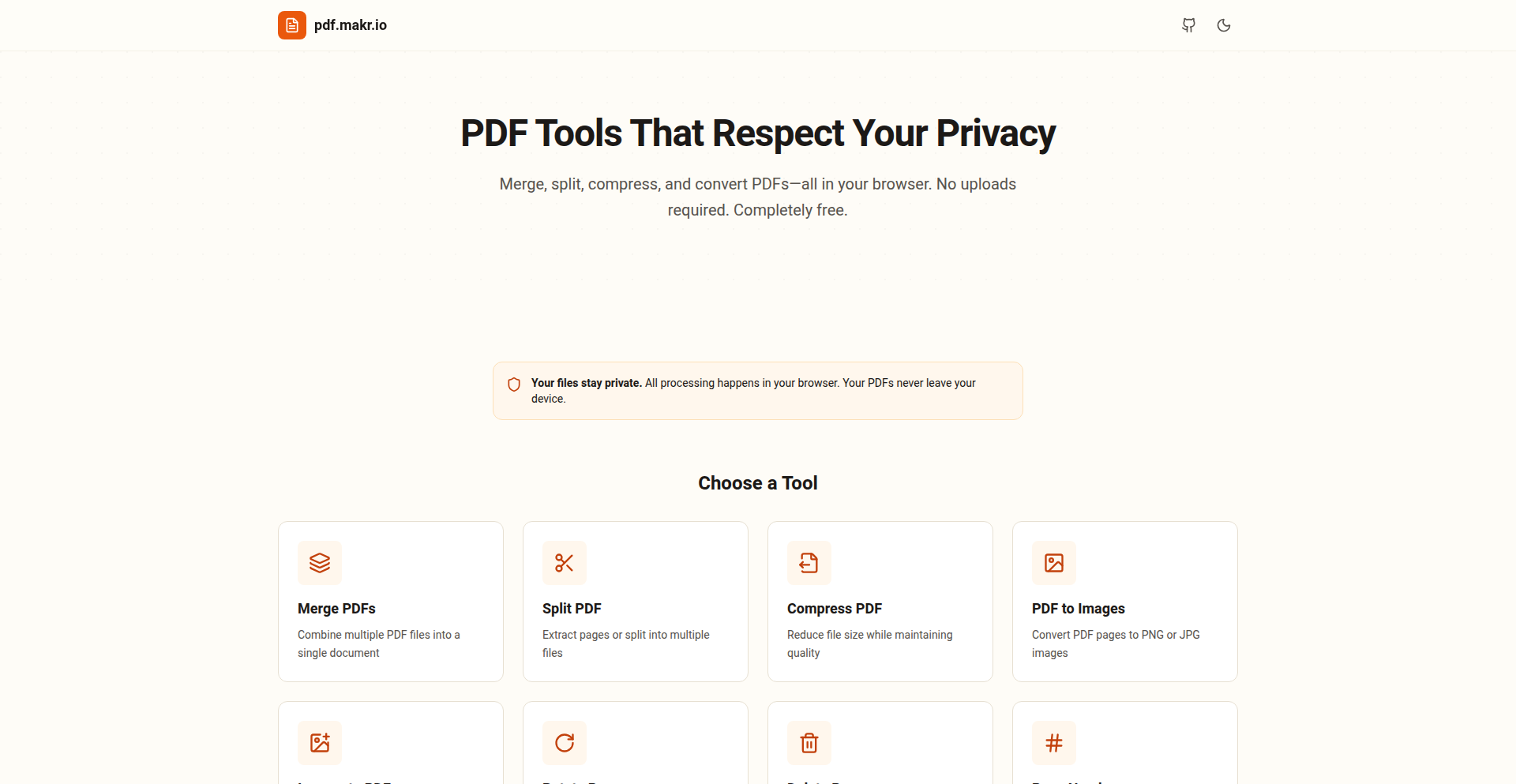
Author
iowadev
Description
A free, open-source suite of PDF manipulation tools that operate entirely within your web browser. It addresses the security and privacy concerns associated with uploading sensitive documents to online services by performing all operations locally using JavaScript. This means your files never leave your computer, offering a secure and private way to edit, merge, split, compress, and much more, all with just a click.
Popularity
Points 2
Comments 0
What is this product?
This project is a collection of powerful PDF editing utilities built using client-side JavaScript. Unlike traditional online PDF editors that require you to upload your documents to a server, this tool processes everything directly on your machine. This innovation is achieved by leveraging the browser's capabilities to run complex PDF operations without any server-side infrastructure. This fundamentally changes how users interact with PDFs, prioritizing privacy and speed by eliminating the need for data transmission and server processing. So, what does this mean for you? It means you can confidently edit your confidential documents without worrying about them being stored or accessed by a third party, all while enjoying the convenience of web-based tools.
How to use it?
Developers can easily integrate this project into their own web applications or use it as a standalone tool. The core functionality is accessible via a user-friendly web interface at pdf.makr.io, allowing anyone to perform various PDF operations directly in their browser. For developers looking to embed these capabilities into their projects, the source code is MIT licensed and available on GitHub. This means you can fork the repository, customize it, or even build upon its foundation. You can call its functions directly within your JavaScript code to automate PDF tasks. For example, you could create a feature in your web app that allows users to merge multiple uploaded documents into a single PDF. So, how does this benefit you? It provides a ready-to-use, privacy-focused solution for PDF manipulation that can be seamlessly incorporated into your development workflow, saving you time and resources on building such features from scratch.
Product Core Function
· PDF Merging: Combines multiple PDF files into a single document, useful for organizing scattered project files into a cohesive report. Your data stays local, ensuring privacy.
· PDF Splitting: Divides a large PDF into smaller, more manageable files, ideal for extracting specific chapters from a long manual. This saves you from manually copying and pasting content, and your documents are never uploaded.
· PDF Compression: Reduces the file size of PDFs without significant loss of quality, making them easier to share via email or store. This is achieved locally, so your sensitive files remain private.
· Page Rotation: Allows you to correct the orientation of PDF pages, ensuring documents are viewed correctly. No need to upload, keeping your data secure.
· Page Deletion: Removes unwanted pages from a PDF, streamlining documents and removing unnecessary information. All processing happens on your machine for maximum privacy.
· Watermarking: Adds custom watermarks to PDFs, useful for branding or indicating document status. This feature protects your intellectual property without sending your documents anywhere.
· Text Extraction: Extracts text content from PDFs, allowing you to copy and paste information or use it for further processing. Your data remains on your device, ensuring confidentiality.
· Page Organization: Rearranges the order of pages within a PDF, helping you to structure documents logically. This is a private, in-browser operation.
· Header/Footer Addition: Adds consistent headers and footers to all pages of a PDF, useful for page numbering or adding document titles. Your documents stay secure as they are processed locally.
· Metadata Editing: Modifies PDF metadata such as author, title, and keywords, which is helpful for document management and searchability. This is done without uploading your files, maintaining strict privacy.
Product Usage Case
· A freelance writer needs to combine several research articles into a single report for a client. Using Client-Side PDF Mastery, they can merge all the PDFs locally without ever uploading their sensitive research material to a third-party service, ensuring client confidentiality and project integrity. This means they can deliver a professional report quickly and securely.
· A student is preparing a presentation and needs to extract specific slides from a large PDF textbook. They can use the PDF splitting feature to isolate only the necessary pages, avoiding the need to download the entire book or use cloud-based tools that might have privacy concerns. This allows them to focus on their presentation without compromising their data.
· A small business owner wants to add their company logo as a watermark to all invoices before sending them to clients. Client-Side PDF Mastery allows them to do this directly in their browser, ensuring their brand is consistently applied while keeping all financial documents private and secure on their own machine. This enhances professionalism without privacy risks.
· A developer is building a web application that allows users to upload documents for processing. Instead of implementing their own backend PDF processing, they can leverage the open-source nature of this project to offer client-side PDF manipulation directly within their application. This reduces development time, costs, and significantly enhances user privacy by keeping sensitive data local. This means their application can offer advanced PDF features without the overhead and security risks of server-side processing.
71
Melodjinn v0.1: Genie-Powered Sonic Canvas
Author
cataPhil
Description
Melodjinn v0.1 is an experimental project that adapts DeepMind's Genie world model to create a novel music player. It explores how a general-purpose world model can be repurposed for creative tasks, specifically in generating and manipulating music. The innovation lies in leveraging a model trained for understanding general environments to 'understand' and 'generate' musical sequences, offering a new paradigm for music creation tools.
Popularity
Points 2
Comments 0
What is this product?
Melodjinn v0.1 is an early-stage project that takes the underlying principles of DeepMind's Genie, a powerful AI model designed to understand and interact with diverse virtual worlds, and applies it to the domain of music. Instead of predicting the next visual element in a game, Genie's 'world model' concept is here used to predict and generate sequences of musical elements (like notes, rhythms, and even sonic textures). The core innovation is taking a general AI concept (world modeling) and creatively applying it to a specific creative domain (music), demonstrating the potential for cross-domain AI transfer. So, what's the use for you? It shows how AI models trained for one task can be creatively bent to solve very different problems, opening up new avenues for AI-assisted creativity. Think of it as teaching a highly intelligent generalist to become a musician.
How to use it?
Currently, Melodjinn v0.1 is an experimental proof-of-concept, not a polished end-user application. Developers interested in its technical underpinnings can explore the code to understand how the Genie model's architecture and learning principles are being adapted for music generation. This would involve understanding the data representation for music (e.g., MIDI, audio waveforms) and how the model is trained to predict musical 'actions' or 'states.' Integration would typically involve setting up the model environment and feeding it musical prompts or parameters to generate new musical content. So, what's the use for you? If you're a developer curious about cutting-edge AI applications and want to see how foundational AI research can be practically applied to creative fields, this project provides a technical blueprint and inspiration to explore.
Product Core Function
· Music Sequence Generation: The model predicts and outputs sequences of musical notes and rhythms, acting like an AI composer. The value is in creating novel melodic and rhythmic patterns that might be difficult for a human to conceive, offering a source of inspiration for musicians.
· World Model Adaptation for Music: The core innovation is adapting a general AI 'world model' to the specific rules and structures of music. This allows the AI to have a contextual understanding of musical elements, leading to more coherent and harmonically pleasing generations. The value is in pushing the boundaries of AI's creative capabilities beyond simple pattern matching.
· Exploration of AI Creativity: The project serves as a research platform to understand how AI can be leveraged for creative tasks, specifically in music. It explores the potential for AI to assist in the songwriting process, explore new musical styles, and even create entirely new sonic landscapes. The value lies in advancing our understanding of artificial creativity and its applications.
Product Usage Case
· AI-Assisted Songwriting: Imagine a songwriter stuck for a new melody. They could use Melodjinn to generate several musical ideas based on a theme or mood, providing a starting point for their composition. This solves the problem of creative blocks in music creation.
· Algorithmic Music Generation: For game developers or interactive installations, Melodjinn could be used to generate dynamic and adaptive soundtracks that change based on user interaction or in-game events. This solves the problem of creating unique and responsive background music without extensive manual composition.
· Experimental Music Production: Musicians and sound designers could use Melodjinn to explore unconventional musical structures and sonic textures. By feeding the model unique musical 'seeds' or parameters, they can discover entirely new sound palettes and compositional approaches. This solves the problem of finding novel sounds and musical forms.
72
SCADABreach: Browser-Based Industrial Security Lab

Author
artur44
Description
SCADABreach is a browser-based simulation environment designed to explore the security vulnerabilities of SCADA (Supervisory Control and Data Acquisition) and ICS (Industrial Control Systems). It allows security researchers and developers to safely experiment with common attack vectors against industrial systems directly within their web browser, without requiring complex local setups. This innovative approach democratizes ICS security research by making it accessible to a wider audience.
Popularity
Points 1
Comments 1
What is this product?
SCADABreach is a web application that emulates industrial control system components, like PLCs (Programmable Logic Controllers) and HMIs (Human-Machine Interfaces), within a browser environment. It's built to let people test how attackers might try to break into these critical systems. The innovation lies in using web technologies to create a sandboxed environment for these usually hardware-intensive systems, making security testing much easier to set up and access. So, this helps you understand potential cyber threats to factories and power grids without needing expensive specialized hardware or risking real-world systems. It's a safe playground for learning and testing industrial cybersecurity.
How to use it?
Developers and security professionals can access SCADABreach through any modern web browser. They can interact with simulated industrial components, inject malicious commands, and observe the system's responses. The platform provides a set of pre-configured scenarios and allows for custom configurations. Integration into security training programs or pentesting workflows is straightforward as it requires no installation. So, you can immediately start learning how to defend critical infrastructure or test the resilience of your own simulated industrial setups with just a web link.
Product Core Function
· Browser-based SCADA/ICS Emulation: Allows users to interact with simulated industrial control system components directly in their browser, eliminating the need for physical hardware or complex virtual machine setups. This means faster experimentation and learning for anyone with internet access, making industrial security more approachable.
· Pre-defined Attack Scenarios: Offers a library of common attack vectors against SCADA/ICS, such as unauthorized command injection or denial-of-service. This provides ready-to-use examples for understanding real-world threats and how they might manifest, so you can quickly learn about proven attack methods.
· Customizable Simulation Environment: Enables users to configure their own simulated industrial networks and components, allowing for tailored security testing and research. This flexibility lets you test specific configurations relevant to your unique industrial environment, ensuring your learning is directly applicable.
· Real-time Feedback and Visualization: Provides immediate visual and functional feedback on the impact of simulated attacks on the industrial system. This helps users understand the consequences of security breaches in a tangible way, making the learning process more effective and demonstrating the direct impact of vulnerabilities.
· Safe and Isolated Testing: Operates in a sandboxed browser environment, ensuring that experiments do not affect real-world systems or networks. This guarantees that you can experiment freely and learn without any risk of causing damage to actual operational technology.
Product Usage Case
· Security Training: A cybersecurity training provider could use SCADABreach to teach students about the unique challenges of ICS security. They can demonstrate attacks like manipulating sensor readings or shutting down a virtual plant, making abstract concepts concrete and actionable for trainees. This directly helps trainees gain hands-on experience with industrial cyber threats.
· Vulnerability Research: Researchers investigating new SCADA/ICS vulnerabilities can use SCADABreach to quickly prototype and test their hypotheses. Instead of setting up a lab, they can iterate rapidly on attack ideas in the browser, accelerating the discovery and reporting of critical security flaws. This speeds up the process of identifying and fixing security holes.
· Educational Tool: University professors teaching cybersecurity courses can incorporate SCADABreach into their curriculum. Students can explore attack paths and defensive strategies in a safe, interactive environment, providing a practical complement to theoretical lectures. This gives students a practical understanding of how industrial systems can be attacked.
· Developer Education: Developers working on SCADA-related software can use SCADABreach to understand how their code might be exploited. By simulating attacks, they can identify potential weaknesses and build more secure applications from the ground up. This helps developers create more secure industrial software from the start.
73
dotenv-diff

Author
casmn
Description
dotenv-diff is a command-line tool designed to compare two '.env' files, highlighting differences, especially focusing on detecting potential security secrets. The latest version (v2.3.12) introduces improvements to its secret detection logic, aiming to reduce misleading alerts and provide cleaner output, making it easier for developers to manage and secure their environment variables.
Popularity
Points 1
Comments 1
What is this product?
dotenv-diff is a utility that helps you manage and secure your application's environment variables. It works by comparing two '.env' files, which are typically used to store configuration settings and sensitive information like API keys or passwords for your applications. The innovation lies in its intelligent secret detection. Instead of just showing every single change between files, it's designed to specifically identify and flag lines that look like sensitive secrets (like passwords or API keys). The latest update refines this detection to be more accurate, meaning it's less likely to falsely flag something as a secret when it's not, and also makes the output less cluttered. This is crucial for developers because it helps prevent accidental exposure of sensitive data and streamlines the review process for configuration changes.
How to use it?
Developers can use dotenv-diff as a command-line tool. You would typically have two '.env' files, perhaps one representing your current production configuration and another representing a proposed change or a local development setup. By running `dotenv-diff <file1.env> <file2.env>`, the tool will output a clear comparison. The key use case is integrating this into your development workflow or CI/CD pipelines. For instance, before merging a code change that might affect environment variables, you can run dotenv-diff to ensure no secrets are inadvertently exposed or altered in a way that compromises security. It can be used to review changes to sensitive settings, ensuring that only intended modifications are made.
Product Core Function
· Secret Detection: Identifies lines in .env files that likely contain sensitive information, helping developers prevent accidental leaks. This is valuable for maintaining security by flagging potential exposure of API keys, passwords, and other credentials.
· File Comparison: Clearly shows the differences between two .env files, enabling developers to track configuration changes. This is useful for understanding how environment settings have evolved over time or between different deployment stages.
· Reduced False Positives: The latest improvements make the secret detection more precise, meaning fewer non-secret items are flagged as sensitive. This saves developers time by reducing the need to sift through unnecessary alerts and improves the reliability of the tool.
· Cleaner Output: The tool provides a less noisy output, making it easier to read and understand the changes. This enhances developer productivity by streamlining the review of configuration updates and reducing cognitive load.
Product Usage Case
· Securing CI/CD Pipelines: Before deploying an application, a CI/CD pipeline can use dotenv-diff to compare the `.env` file used in staging with the one intended for production. If any unintended secrets are detected or existing secrets are altered inappropriately, the pipeline can halt the deployment, preventing security breaches. This solves the problem of potentially deploying with insecure or incorrect credentials.
· Code Review for Configuration Changes: When a developer submits a pull request that includes modifications to the `.env` file, a reviewer can use dotenv-diff to quickly assess the impact of these changes. They can easily spot if any sensitive information has been added or changed accidentally, ensuring that only authorized modifications are approved. This addresses the challenge of ensuring the integrity of sensitive configurations during collaborative development.
· Local Development Environment Management: Developers working on multiple projects or switching between branches might have different `.env` file configurations. dotenv-diff can help them compare their current local `.env` file with a known good state or a colleague's configuration to ensure they have the correct settings and haven't accidentally committed sensitive data to version control. This solves the problem of managing diverse and potentially sensitive local environment setups.
74
AgentCraft: Goal-Driven Agent Synthesizer

Author
akshay326
Description
AgentCraft is a developer tool that streamlines the creation of AI agents by focusing on pre-coding alignment of agent goals and evaluation strategies. Instead of immediately diving into complex code, it helps developers define, generate, and provision agent environments with a strong emphasis on measurable outcomes. This tackles the common problem of agents straying from their intended purpose or being difficult to reliably test, ultimately saving development time and improving agent performance. So, this is useful because it helps you build better AI agents faster and more predictably.
Popularity
Points 1
Comments 1
What is this product?
AgentCraft is a Python package designed to bring a more structured and evaluative approach to building AI agents, particularly those using frameworks like Langchain. The core innovation lies in its emphasis on 'goal and evaluation' upfront. Think of it as a pre-flight checklist for your AI agent. Before writing the agent's operational code, AgentCraft helps you clearly define what success looks like (goals) and how you'll measure it (evaluations). It can even help generate these evaluations and set up safe testing environments (sandboxes). This means you're not just building an agent, you're building an agent that you know will perform as intended and can be reliably tested. So, this is useful because it reduces guesswork and improves the quality and reliability of your AI agents from the start.
How to use it?
Developers can integrate AgentCraft into their existing Langchain agent development workflow. The package provides functions to define agent objectives, generate comprehensive evaluation criteria and test cases, and automate the setup of isolated environments for testing. This could involve a workflow where you first use AgentCraft to specify your agent's task and desired outcomes, then it generates a set of tests. You then refine your agent's code based on these tests and use the provisioning features to ensure a controlled testing ground. The goal is to make it a seamless part of the development loop. So, this is useful because it plugs into your current development process and makes building and testing AI agents more systematic and less error-prone.
Product Core Function
· Goal definition and refinement: Allows developers to clearly articulate the intended purpose and desired outcomes of an AI agent, ensuring everyone is aligned before coding begins. This has value in preventing scope creep and wasted development effort on misaligned features. It's applicable to any AI agent project where clear objectives are paramount.
· Automated evaluation generation: Creates objective, measurable test cases and benchmarks for evaluating agent performance against defined goals. This is valuable for ensuring agent effectiveness and providing quantifiable feedback for improvement. It's crucial for any situation where you need to prove an agent is working correctly.
· Sandbox provisioning for testing: Sets up isolated and controlled environments for agents to run and be tested without affecting the main system. This is valuable for safe experimentation and reliable performance measurement. It's essential for complex agents or when integrating with sensitive systems.
· Langchain agent compatibility: Directly supports agents built with the popular Langchain framework, allowing for easy adoption by a large segment of the AI development community. This provides immediate utility for developers already using Langchain. It's useful for those who want to leverage the power of Langchain with a more structured approach.
Product Usage Case
· Scenario: Building a customer support chatbot that needs to accurately answer FAQs and escalate complex issues. AgentCraft would be used to define the goal of 'answering 90% of common queries correctly' and generate tests for specific FAQ categories. This solves the problem of a chatbot that is perceived as unhelpful or frustrating by users. So, this is useful because it helps ensure your chatbot actually solves customer problems efficiently.
· Scenario: Developing an AI agent for code generation that needs to produce functional and bug-free code snippets. AgentCraft would help define 'generating syntactically correct and logically sound code' as a goal and create a suite of tests to verify code functionality and adherence to best practices. This addresses the challenge of generating code that requires extensive manual correction. So, this is useful because it leads to more reliable and production-ready code generation.
· Scenario: Creating an AI agent for data analysis that needs to identify specific trends and anomalies in large datasets. AgentCraft could be used to define the goal of 'accurately identifying predefined anomalies with high precision' and generate specific data scenarios to test this capability. This tackles the issue of agents missing critical insights or flagging false positives. So, this is useful because it ensures your data analysis agents are trustworthy and deliver meaningful results.
75
CitationGraph News Tracker

Author
antiochIst
Description
This project is an evolution of a real-time news spread tracking system. The key innovation lies in its refined approach to identifying the true origin of a news story. Instead of relying solely on text similarity and RSS timestamps, it now explicitly models source attribution and article-to-article references. This means it can accurately trace how a story was broken and spread, even when considering sources that don't have easily accessible RSS feeds. So, for you, this means a more reliable way to understand the true lineage of news and identify who broke a story first.
Popularity
Points 1
Comments 1
What is this product?
CitationGraph News Tracker is a sophisticated system designed to monitor and understand how news stories propagate across the internet in near real-time. Unlike previous methods that relied heavily on matching similar text and publication times, this system now builds a 'citation graph'. Think of it like a family tree for news. It analyzes explicit mentions and citations within articles to determine which source referenced which other source, effectively mapping the flow of information. This allows it to pinpoint the originating source of a story more accurately, even from websites it doesn't directly crawl, and to validate 'first to publish' claims based on the actual order of references rather than just timestamps. So, for you, this provides a much deeper and more trustworthy understanding of news origins and spread.
How to use it?
Developers can utilize CitationGraph News Tracker by integrating its API to query news propagation data. For instance, you could build a dashboard that shows how a particular breaking news event spread, identifying the initial sources and subsequent derivations. It can be used to enrich content analysis tools, providing context on the provenance of information. The system allows for searching and browsing historical archives of stories, enabling historical trend analysis or fact-checking. So, for you, this means you can programmatically access detailed insights into news dissemination to build more informed applications.
Product Core Function
· Source Attribution Modeling: Identifies the original source of a news story by analyzing explicit citations and references between articles, providing a more accurate lineage than text similarity alone. This is valuable for understanding the true origin of information and combating misinformation.
· Derivation Graph Visualization: Maps the flow of news stories as an inferred derivation graph, showing how articles reference and build upon each other, rather than just a timeline of headlines. This is useful for visualizing complex information ecosystems and understanding news evolution.
· External Source Integration: Incorporates referenced external websites as nodes in the graph, even if they are not actively crawled, thus capturing news spread from a wider range of sources, including large outlets without RSS feeds. This broadens the scope of news tracking and provides a more complete picture.
· Timestamp Validation via Citation Order: Refines 'first to publish' claims by validating publish times against the order of citations and reference structures, leading to more accurate attribution. This helps in establishing the true timeline of a story's emergence.
· Historical Story Archive Search: Allows searching and browsing across historical archives of tracked stories, enabling retrospective analysis and fact-checking of past events. This is valuable for historical research and understanding long-term information trends.
Product Usage Case
· Fact-checking platforms can use this system to trace the original source of a claim, identifying if a story was fabricated or if it originated from a credible source and was later misrepresented. This directly addresses the problem of misinformation by providing verifiable lineage.
· News aggregators can enhance their understanding of story impact by seeing how a piece of news is cited and discussed across different publications, leading to more intelligent content curation and highlighting influential stories.
· Academic researchers studying media influence or information diffusion can leverage the derivation graphs to analyze patterns of news spread, source credibility, and the impact of specific publications on the broader information landscape.
· Competitive intelligence tools can monitor how a competitor's product announcements or statements are picked up and discussed by the media, providing insights into market reception and potential spin.
76
LLMReadability Score

Author
aggeeinn
Description
A tool to quantitatively score your website's readability for Large Language Models (LLMs), identifying areas for improvement in clarity and structure. This innovative approach leverages natural language processing techniques to analyze text complexity and provide actionable insights, helping developers ensure their content is effectively understood by AI.
Popularity
Points 1
Comments 1
What is this product?
This project is a website readability scoring tool specifically designed for Large Language Models (LLMs). LLMs process information differently than humans, and this tool analyzes your website's content for factors like sentence complexity, vocabulary richness, and structural coherence that impact how well an LLM can understand and interpret it. The core innovation lies in applying NLP metrics to a website's text, translating human-readable metrics into scores that are meaningful for AI comprehension. This helps you understand if your content is 'AI-friendly' and where to make it better for bots.
How to use it?
Developers can use this tool by submitting their website's URL. The tool then fetches the content, analyzes it using its NLP engine, and provides a readability score along with specific recommendations. This can be integrated into CI/CD pipelines for automated content checks, used during content creation to optimize for AI understanding, or employed in SEO efforts to improve how search engine bots (which increasingly use LLM-like technologies) perceive your site. Think of it as a spell-checker for your content's AI-friendliness.
Product Core Function
· LLM Readability Scoring: Provides a numerical score representing how easily an LLM can understand your website's content, based on linguistic features relevant to AI processing. This is valuable because it tells you immediately if your content is clear for bots, and what needs attention.
· Content Analysis Engine: Utilizes Natural Language Processing (NLP) algorithms to break down text into understandable components for LLMs, identifying complex sentence structures and challenging vocabulary. This helps you pinpoint exactly what parts of your text are problematic for AI.
· Actionable Improvement Suggestions: Offers specific, data-driven recommendations to enhance content clarity, such as simplifying sentences or suggesting alternative vocabulary, enabling direct improvements to your AI's understanding of your site.
· URL-based Input: Allows users to input a website URL directly, making it easy to analyze existing content without manual copy-pasting. This saves time and effort by directly accessing and processing your live web content.
Product Usage Case
· During website redesign, a developer used LLMReadability Score to analyze existing product descriptions. They found that complex jargon was hindering AI understanding, and by simplifying the language based on the tool's suggestions, they improved how their products were being indexed and understood by AI-powered search features.
· A content creator for a technical blog used the tool to score articles before publication. They discovered that longer, more convoluted sentences were reducing the LLM's comprehension score. By shortening sentences and breaking down complex ideas, they ensured their articles were more accessible to AI crawlers and summary generators, thus reaching a wider audience.
· An SEO specialist integrated LLMReadability Score into their workflow to assess the AI-friendliness of client websites. They were able to identify specific pages with low readability scores for LLMs, providing concrete evidence and actionable steps to clients for improving content quality and search engine visibility in an AI-driven landscape.
77
Infexec: The Persistent Command Commander
Author
indigophone
Description
Infexec is a command-line utility built in OCaml that allows you to easily interrupt and restart commands running within terminal panes. Inspired by the desire for a more stable terminal pane management experience than tools like Zellij, it provides a robust way to keep your commands alive and easily re-run them, especially useful for building custom IDE-like environments.
Popularity
Points 2
Comments 0
What is this product?
Infexec is essentially a smart wrapper for your terminal commands. Instead of just running a command and hoping it stays put, Infexec keeps it pinned to a specific terminal pane. The real magic is its ability to let you 'Ctrl+C' a running command, not to kill it entirely, but to gracefully interrupt it and then restart it with a simple command. This is achieved by a lightweight OCaml process that monitors and controls the execution of your target command. So, for you, it means you can experiment and iterate on commands without losing your progress or having to manually retype and restart them.
How to use it?
Developers can integrate Infexec by simply prepending it to their desired command. For example, instead of running `my-long-script.sh`, you would run `infexec my-long-script.sh`. This command will then be managed by Infexec. You can interact with it using standard terminal signals (like Ctrl+C for interruption) and then use Infexec's specific commands (though not detailed in the original post, the intent is clear) to restart it. It's particularly useful when setting up complex development environments in multiple terminal panes, where you might want to restart a server, a compiler, or a long-running process without losing its context.
Product Core Function
· Command Interruption and Restart: Infexec allows you to gracefully interrupt a running command with a signal (like Ctrl+C) and then easily restart it. This saves you time and effort from manually re-executing commands, especially in iterative development cycles.
· Pane Pinning: The utility is designed to keep your commands associated with specific terminal panes. This ensures that your commands remain organized and accessible within your multi-pane environment, preventing accidental termination or loss of context.
· Custom IDE Foundation: By providing stable and easily manageable command execution, Infexec serves as a building block for creating personalized Integrated Development Environments (IDEs) within your terminal. You can have multiple panes, each running a specific part of your development workflow, all easily restartable.
Product Usage Case
· Developing a web application: Imagine you have a web server running in one pane and a file watcher in another. If you need to restart the server after making code changes, Infexec allows you to do so without exiting the watcher, ensuring a smooth development loop.
· Compiling code with frequent changes: When working on projects that require frequent recompilation, Infexec can be used to wrap your build command. You can interrupt a long compilation, make a quick fix, and then restart the compilation with a single command, significantly speeding up your workflow.
· Running long-term experiments in the terminal: For tasks that require continuous execution and occasional resets, such as data processing or simulations, Infexec provides a robust mechanism to manage and restart these processes, preventing data loss and simplifying monitoring.
78
LongCat Video Avatar

Author
lu794377
Description
LongCat Video Avatar is an AI system that generates long-form avatar videos from audio. It focuses on maintaining a stable avatar identity and natural motion over extended periods, addressing a key limitation in existing avatar generation tools. Its innovation lies in handling multi-hour video generation without identity drift or quality degradation, making it suitable for professional applications like podcasts and lectures.
Popularity
Points 2
Comments 0
What is this product?
LongCat Video Avatar is an AI-powered platform designed to create avatar-based videos from audio input. Unlike many avatar tools that falter with longer content, this system excels at producing videos that can last from minutes to hours. The core technical innovation is 'cross-chunk latent stitching,' which prevents the visual noise and identity drift commonly seen when breaking down long videos into smaller segments. It also employs disentangled motion modeling for more realistic human gestures and idle animations, even during silent parts of the audio. For developers, this means a robust engine for generating consistent, high-quality avatar content for extended durations.
How to use it?
Developers can integrate LongCat Video Avatar into their content creation pipelines via its API. This allows for programmatic generation of avatar videos, enabling automated workflows for producing long-form content. Scenarios include generating educational lectures, corporate training materials, or even virtual presenters for online courses. The system supports various output formats (720p/30fps) and aspect ratios, making it adaptable to different platform requirements. Essentially, if you need to turn hours of spoken content into a polished avatar video, LongCat provides the underlying technology.
Product Core Function
· Long-Form Stability: Generates videos for minutes to hours without loss of avatar identity or visual quality. This is crucial for applications like educational courses or podcasts where continuity is key.
· Natural Human Dynamics: Creates realistic gestures and idle movements that make the avatar appear more lifelike, enhancing viewer engagement in presentations or storytelling.
· Multi-Person Support: Handles conversations with multiple speakers, ensuring each avatar's identity is preserved and turn-taking is accurate, ideal for virtual interviews or panel discussions.
· Production-Ready Output: Delivers high-quality video (up to 720p/30fps) with flexible aspect ratios, suitable for commercial use and integration into existing video production workflows.
· Unified Generation Modes: Supports various input types including text-to-video (AT2V), image-to-video (ATI2V), and audio-conditioned continuation, offering flexibility for different content creation needs.
Product Usage Case
· Creating an AI-powered virtual lecturer for an online course: The system can take hours of lecture audio and generate a consistent avatar presenter for the entire duration, ensuring a professional and engaging learning experience.
· Automating podcast video generation: For podcasters who want to add a visual element to their long-form audio content, LongCat can transform spoken interviews into avatar videos, making content more accessible and shareable.
· Developing virtual customer support agents for extended consultations: Businesses can use LongCat to create avatars that can engage in long, detailed conversations with customers, providing support without the need for human actors for every scenario.
· Generating corporate training videos for long training modules: Companies can easily produce internal training materials by feeding training scripts or lectures into the system, ensuring consistent branding and presenter appearance throughout lengthy modules.
79
EndlessShortener

Author
Omakidx
Description
A link shortening platform that transforms long URLs into easily shareable, persistent short links. The innovation lies in its ability to store and retrieve these short links anytime, anywhere, directly addressing the inconvenience of lengthy web addresses for frequent sharing or archival purposes.
Popularity
Points 2
Comments 0
What is this product?
EndlessShortener is a web-based service that takes a long URL and generates a much shorter, custom URL. The core technology behind it involves a database to store the mapping between the original long URL and its generated short alias. When someone visits the short URL, the system looks up the corresponding long URL in the database and redirects the user. The innovative aspect is the focus on persistence and universal accessibility, meaning these short links are designed to be reliable and usable across different contexts without expiration or location dependence, providing a stable way to reference web content. This is built using standard web technologies for handling requests and database interactions.
How to use it?
Developers can use EndlessShortener by pasting any long URL into the provided input field on the platform's website. The system will then generate a unique short URL. This short URL can be copied and pasted into emails, social media posts, documents, or anywhere a concise link is needed. For more advanced integration, a developer could potentially build an API wrapper around this service to automate the shortening process within their own applications, such as for generating unique tracking links or simplifying internal resource pointers. The value is that you get a clean, memorable link that's easy to share and less likely to break.
Product Core Function
· URL Shortening: Converts lengthy web addresses into short, manageable links. This is useful for making content more accessible and less cluttered in communication, and ensures that even complex URLs are easy to remember and type. The underlying technology is a lookup system that efficiently maps short codes to full URLs.
· Persistent Link Storage: The generated short links are stored indefinitely, allowing them to be accessed and reused at any time without fear of them expiring or disappearing. This provides a reliable way to bookmark or reference web pages, especially for long-term projects or shared resources where link stability is crucial. The system uses a database for this persistent storage.
· Universal Accessibility: Short links can be used anywhere, on any device, and in any sharing context. This broad usability means you can confidently share your shortened links across various platforms and mediums, knowing they will function consistently. This is achieved by making the service accessible via a standard web interface.
Product Usage Case
· Sharing research papers: Instead of sending a very long DOI or journal link, a developer can shorten it for easier inclusion in a presentation slide or a quick email to a colleague. This solves the problem of unwieldy links that are hard to read and prone to errors when transcribed.
· Creating quick access points for internal documentation: In a company setting, developers can shorten links to internal wikis, design documents, or staging environments, making it faster for team members to find and access critical resources. This improves team productivity by reducing the friction of navigating complex internal URL structures.
· Building short, memorable promotional links: For marketing campaigns or quick announcements, shortened links are more aesthetically pleasing and easier for users to remember and type, leading to better engagement. This addresses the need for clean, clickable links that encourage user interaction.
80
GPTImageMaster

Author
lu794377
Description
GPT Image 1.5 is a cutting-edge AI model for generating and editing images with exceptional accuracy. It excels at understanding complex instructions, allowing for precise modifications to existing images while maintaining visual consistency. This means you can create stunning visuals or refine them with confidence, especially for tasks requiring text and structured layouts. So, what's in it for you? It helps you bring your creative visions to life faster and with more control, making image creation a breeze.
Popularity
Points 2
Comments 0
What is this product?
GPT Image 1.5 is an advanced artificial intelligence model that focuses on generating brand-new images from text descriptions and precisely editing existing ones. Think of it as a super-smart digital artist that can follow your instructions to the letter. Its innovation lies in its superior ability to comprehend intricate prompts, including spatial relationships between objects and specific stylistic requirements, which older models often struggled with. It's also remarkable at making changes to images – like adding or removing elements – without messing up the original look and feel, such as lighting or the subjects' appearances. It's built for creators and developers who need their images to evolve consistently with their ideas. So, what's the benefit for you? It empowers you to create and refine visuals with unparalleled fidelity and control, ensuring your images perfectly match your evolving vision.
How to use it?
Developers can integrate GPT Image 1.5 into their applications and workflows through its API. This allows them to programmatically generate images based on user input or modify existing visual assets. Imagine a design tool where users can describe their desired elements, and the AI generates them instantly, or a content creation platform where images can be easily adapted to different layouts or styles. The model's speed also facilitates rapid prototyping and experimentation. So, how does this help you? You can build smarter applications that offer dynamic image creation and editing capabilities, enhancing user experience and streamlining creative processes.
Product Core Function
· High instruction fidelity: Accurately interprets and executes complex text prompts for image generation, ensuring the output matches your description. This is valuable for creating specific scenes or objects exactly as you imagine them.
· Realistic detail generation: Produces images with fine-grained, lifelike details, making your visuals more engaging and believable. This is great for generating professional-quality marketing materials or immersive digital art.
· Reliable multi-step image edits: Allows for sequential modifications to existing images, such as adding, removing, or altering elements, while preserving overall image coherence and quality. This is useful for iterating on designs or correcting imperfections without starting over.
· Improved text and layout rendering: Generates readable text and structured visual designs, like posters or UI elements, with greater accuracy. This is beneficial for creating marketing collateral or interface mockups that require precise text placement and formatting.
· Optimized generation speed: Enables faster image creation and iteration, allowing for quicker experimentation with different ideas and concepts. This helps you save time and accelerate your creative workflow.
Product Usage Case
· A graphic designer uses GPT Image 1.5 to generate a series of product mockups based on detailed descriptions, then iteratively refines them by adding specific branding elements and adjusting layouts, saving hours of manual design work.
· A game developer uses the API to procedurally generate unique in-game assets by providing parameters for object types, styles, and environments, ensuring a rich and varied player experience.
· A web developer integrates the model into a content management system to allow users to create custom banners and illustrations for their websites, with the AI handling the image creation based on simple text inputs.
· A marketing team uses GPT Image 1.5 to generate variations of ad creatives, quickly experimenting with different visual themes and text placements to optimize campaign performance.
· A user in a creative writing platform uses the model to visualize scenes from their stories, providing descriptive text and then making precise edits to character appearances or background elements as their narrative evolves.
81
SkyLifeguard - Assertive Code Guardian
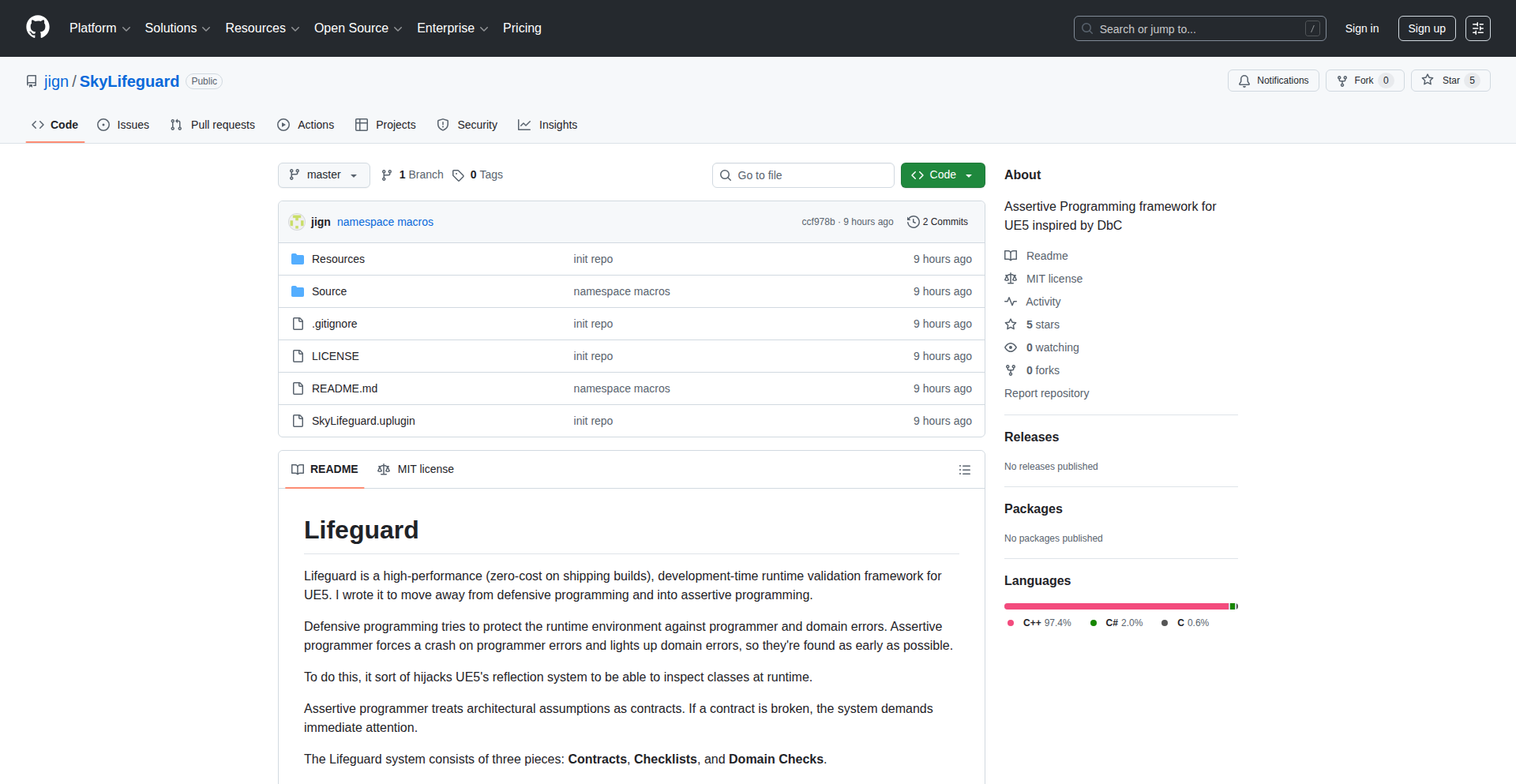
Author
jignb
Description
SkyLifeguard is a lightweight Unreal Engine 5 plugin that takes a different approach to bug fixing, inspired by Design by Contract (DbC). Instead of trying to 'handle' errors subtly, it focuses on catching programmer mistakes as early and as directly as possible. This makes debugging less of a chore and helps build more robust games.
Popularity
Points 2
Comments 0
What is this product?
SkyLifeguard is an Unreal Engine 5 plugin designed to help developers catch coding errors earlier and more effectively. Traditional defensive programming often tries to soften the blow of programmer mistakes. SkyLifeguard, drawing inspiration from Design by Contract, treats programmer errors as critical issues that need immediate attention. It essentially makes your code 'assert' its conditions and immediately flags any violations, preventing potential issues from festering. The core innovation lies in its philosophy of assertive programming: instead of trying to gracefully recover from mistakes, it demands that the code adhere to its intended logic from the start. This means bugs are exposed and fixed when they are introduced, not much later when they are harder to trace. So, this helps you by making sure your game's logic is sound from the get-go, reducing the time spent hunting down elusive bugs.
How to use it?
Developers can integrate SkyLifeguard into their Unreal Engine 5 projects by adding it as a plugin. Once enabled, they can start writing assertions within their C++ code. These assertions act as checks, verifying conditions that should always be true at specific points in the code. If an assertion fails, SkyLifeguard will immediately flag it, typically with a clear error message pointing to the exact line of code and the violated condition. This is especially useful during complex feature development or when refactoring existing code, as it provides an immediate feedback loop. For example, you could assert that a crucial game object is never null when it's expected to be valid, or that a numerical value stays within a specific range. So, this allows you to easily enforce critical game logic rules and get instant feedback when something goes wrong during development.
Product Core Function
· Early Bug Detection: SkyLifeguard's primary function is to catch programming errors as soon as they occur. By using explicit assertions, it stops execution at the point of a logical violation. This means developers know exactly where and why a problem happened, drastically cutting down debugging time. Useful for all stages of game development to maintain code integrity.
· Assertive Programming Philosophy: Inspired by Design by Contract, this function encourages developers to define preconditions, postconditions, and invariants for their code. This promotes a more rigorous and predictable codebase, as the code itself enforces its intended behavior. Beneficial for complex systems where maintaining logical consistency is paramount.
· Minimal Overhead: Being a tiny plugin, SkyLifeguard is designed to have a low performance impact during gameplay. The assertions are primarily active during development and debugging phases, ensuring that they don't slow down the final game. This makes it a practical tool for ongoing development without compromising performance.
· Clear Error Reporting: When an assertion fails, SkyLifeguard provides clear and concise error messages. These messages typically include the file name, line number, and the specific condition that was violated, making it easy for developers to pinpoint and fix the issue. This directness reduces the frustration of debugging.
Product Usage Case
· During AI development, a developer can use SkyLifeguard to assert that a character's pathfinding goal is always a valid location before initiating movement, preventing potential crashes if the goal becomes invalid due to a logic error elsewhere. This ensures AI navigation remains stable.
· When implementing a new inventory system, a developer can employ SkyLifeguard to assert that the number of items in a player's inventory never exceeds the maximum capacity, catching potential bugs related to item stacking or removal logic before they lead to data corruption. This helps maintain the integrity of player data.
· While refactoring a complex combat system, SkyLifeguard can be used to assert that critical damage calculation variables remain within expected numerical bounds. If a bug causes these variables to become nonsensical (e.g., negative damage), the assertion will fail, immediately alerting the developer to the issue and preventing incorrect damage application.
· In a multiplayer game, SkyLifeguard can be used to assert that synchronized game state variables are always consistent between clients and the server before critical actions are performed. If a desynchronization error occurs, the assertion will catch it, helping to debug network-related issues that could otherwise be very hard to track down.
82
WebCraft: C++ 23 Async IO
Author
raoa32
Description
WebCraft is a C++23 asynchronous I/O library designed for cross-platform networking. Its innovation lies in leveraging C++ coroutines and native asynchronous I/O mechanisms (like asyncio on Linux/macOS, and its Windows equivalent) to simplify concurrent network programming. This allows developers to write non-blocking network code that looks and feels synchronous, making complex network applications easier to build and maintain. So, what's the value? It significantly reduces the complexity of building high-performance, scalable network applications across different operating systems, saving developers time and effort.
Popularity
Points 2
Comments 0
What is this product?
WebCraft is a modern C++ library that enables developers to build network applications that can handle many connections simultaneously without getting bogged down. It achieves this by using a programming technique called 'coroutines.' Think of coroutines like a cooperative multitasking system within your program, allowing different parts of your code to pause and resume execution gracefully. Combined with the operating system's built-in asynchronous I/O capabilities, WebCraft lets you write code that handles network operations without blocking the entire program. This means your application can send data, receive data, and manage multiple connections all at the same time, efficiently. The core innovation is abstracting away the underlying platform-specific async I/O details while providing a unified, coroutine-based interface. So, what's the value? It simplifies building responsive and scalable network services by making concurrent programming much more manageable and less error-prone.
How to use it?
Developers can integrate WebCraft into their C++ projects by leveraging its official vcpkg port, a popular C++ package manager. Once installed, you can write asynchronous network code using C++23 coroutines. For example, you could use WebCraft to build a high-performance HTTP server that can handle thousands of incoming requests concurrently without needing to manage complex threads or callbacks. The library provides APIs for tasks like establishing network connections, sending and receiving data, and handling multiple clients simultaneously. The provided example of an HTTP server demonstrates how to set up a listener, accept incoming connections, and process requests asynchronously. So, how do you use it? You can easily add it to your project and start writing clean, concurrent network code that scales.
Product Core Function
· Coroutine-based asynchronous operations: Enables writing non-blocking network code that looks synchronous, simplifying concurrency management. This offers value by making complex network logic easier to reason about and implement, leading to more robust applications.
· Cross-platform support (Linux, Windows, macOS): Provides a unified API across different operating systems, reducing development effort and ensuring wider applicability of network applications. This is valuable for developers targeting multiple platforms without extensive OS-specific code.
· Native platform asynchronous I/O integration: Leverages the most efficient asynchronous I/O mechanisms of each OS for optimal performance. This translates to faster and more efficient network communication, a crucial benefit for performance-critical applications.
· Lightweight and efficient: Designed to be performant and consume minimal resources, ideal for building scalable network services. The value here is in enabling applications to handle more connections with less overhead, improving overall system efficiency.
Product Usage Case
· Building a high-throughput web server: Use WebCraft to create an HTTP server that can handle thousands of concurrent client connections efficiently, serving web content quickly without performance degradation. This solves the technical problem of scaling web services to meet high demand.
· Developing a real-time chat application: Implement a chat server that can manage numerous user connections simultaneously, enabling instant message delivery and group communication. This addresses the challenge of building responsive real-time communication systems.
· Creating a distributed system component: Use WebCraft to build nodes in a distributed system that can communicate asynchronously and reliably with each other. This helps solve the complexity of inter-service communication in microservices architectures.
· Implementing a custom network protocol: Leverage WebCraft's low-level networking capabilities to design and implement bespoke network protocols for specific application needs. This provides the flexibility to optimize communication for unique use cases.
83
Schema-Driven API Forge
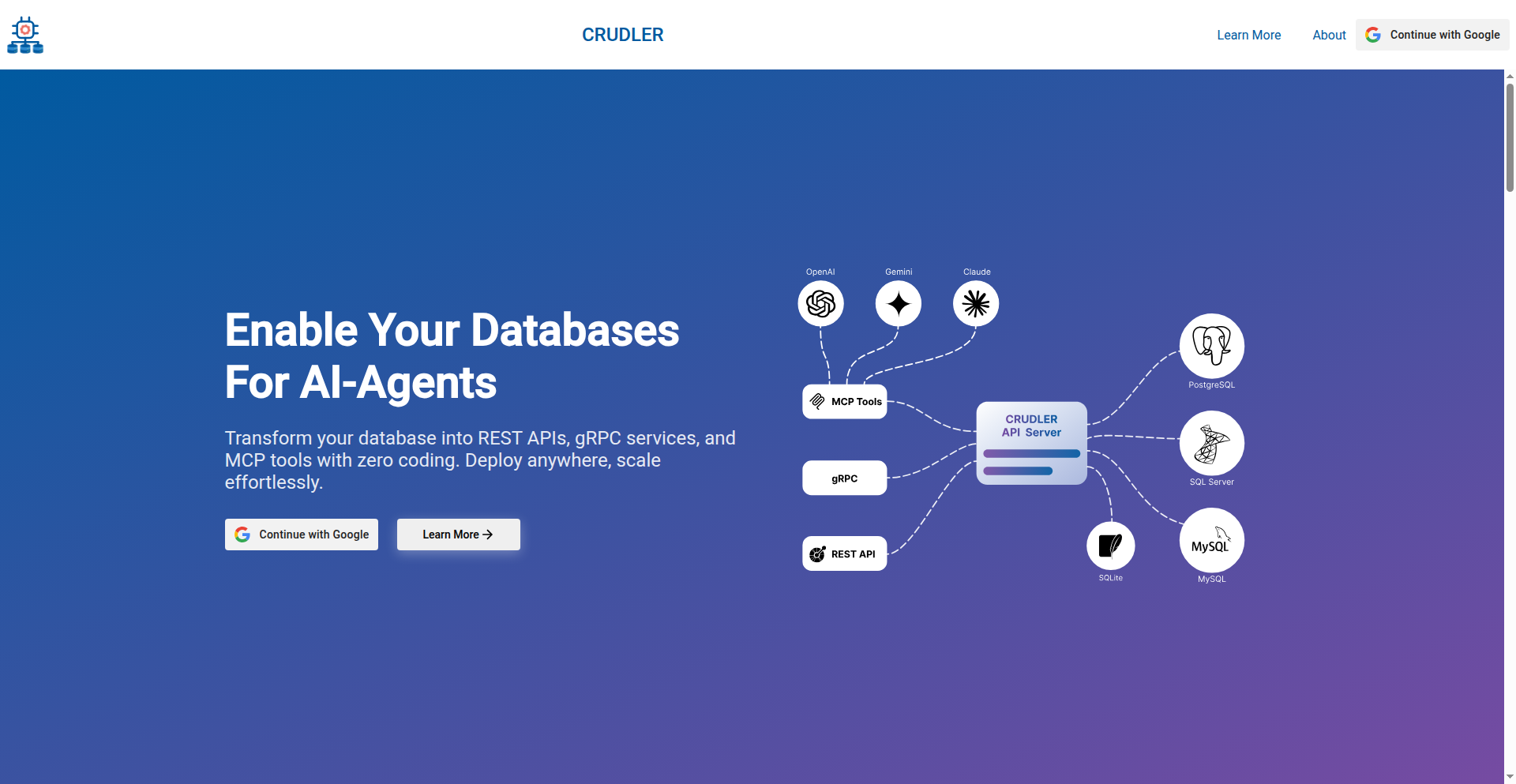
Author
hellocrudler
Description
Schema-Driven API Forge is a tool that automatically generates production-ready REST and gRPC APIs directly from your database schema. It abstracts away the boilerplate code for API development, allowing developers to focus on business logic rather than repetitive infrastructure tasks. The innovation lies in its intelligent translation of database structure into robust API endpoints, significantly accelerating development cycles and reducing the potential for errors.
Popularity
Points 2
Comments 0
What is this product?
This project is a highly automated API generation engine. It inspects your existing database schema (tables, columns, relationships) and, using smart heuristics and predefined patterns, constructs fully functional RESTful HTTP APIs and gRPC services. Instead of manually writing CRUD (Create, Read, Update, Delete) operations for each data entity, the system understands your schema's intent and generates the necessary server code, request/response validation, and data mapping. The core innovation is transforming declarative schema information into imperative API behavior with minimal developer intervention, essentially turning your database structure into a live API. This means you get immediate access to your data via well-defined API endpoints without writing a single line of traditional API backend code.
How to use it?
Developers can integrate Schema-Driven API Forge into their workflow by connecting it to their database. This typically involves providing database connection details (e.g., host, port, username, password, database name). The tool then analyzes the schema and generates the API code, which can be run as a standalone service or integrated into an existing application. It's particularly useful for rapid prototyping, building internal tools, or when a consistent API layer is needed across multiple services that interact with the same database. For instance, if you have a PostgreSQL database, you'd point the tool to it, and it would output a set of REST endpoints for managing your tables and a corresponding gRPC service definition.
Product Core Function
· Automatic REST API Generation: Translates database tables and columns into standard HTTP endpoints for data manipulation. This offers immediate data access and interaction without manual coding, allowing quick integration with front-end applications or other services.
· Automatic gRPC API Generation: Creates efficient, high-performance gRPC services based on your schema, enabling robust inter-service communication. This provides low-latency, type-safe communication for microservices architectures.
· Schema Introspection: Scans and understands the structure, data types, and relationships within your database schema. This is crucial for generating accurate and contextually relevant API logic, ensuring that API operations reflect the underlying data integrity.
· CRUD Operations Abstraction: Handles the underlying Create, Read, Update, and Delete operations automatically. This saves developers significant time and effort by eliminating the need to write repetitive boilerplate code for basic data management.
· Data Validation and Serialization: Implements built-in validation and data transformation based on schema definitions. This ensures data quality and consistency for API requests and responses, reducing bugs and improving API reliability.
Product Usage Case
· Rapid Prototyping: A startup can use this tool to quickly expose their initial database schema as a functional API for their front-end team to start building UI mockups, demonstrating product functionality to stakeholders much faster than manual API development.
· Internal Tooling: A company can generate an internal administration API for their database without dedicating a full backend team, allowing business users or support staff to manage data through a user-friendly interface powered by the generated API.
· Microservice Backend: When building a new microservice that primarily interacts with a dedicated database, this tool can bootstrap the entire API layer, allowing the developer to focus solely on the unique business logic of that service.
· Data Migration & Synchronization: Generate APIs to read and write data from a legacy database schema to facilitate a smoother migration or to enable real-time data synchronization between different systems.
84
Chaos Zero Nightmare Save Data Optimizer

Author
zittur
Description
A mobile-friendly calculator designed for the roguelike gacha game Chaos Zero Nightmare. It helps players meticulously track their Save Data calculations, preventing the loss of valuable in-game rewards due to errors. The tool automatically handles tier caps, a common pain point for players. Built with Vite and Tailwind CSS for a smooth, responsive user experience.
Popularity
Points 1
Comments 0
What is this product?
This project is a specialized web application, essentially a smart calculator, built to address a specific challenge in the game Chaos Zero Nightmare. Players often struggle with complex 'Save Data' calculations, especially towards the end of gameplay sessions, which can lead to losing progress and rewards. This calculator automates these calculations, including crucial 'tier caps' which are limits on certain game stats. The innovation lies in its focused application to this particular game's mechanics and its mobile-first design, allowing players to use it conveniently on their phones while playing the game on PC. The underlying technology uses Vite for fast development and Tailwind CSS for a clean, adaptive interface, demonstrating a practical application of modern web development tools for a niche gaming problem.
How to use it?
Developers can use this project as a reference for building similar game-specific utility tools. The project showcases how to leverage web technologies like Vite and Tailwind CSS to create responsive, user-friendly interfaces for complex calculations. For gamers of Chaos Zero Nightmare, it's a standalone web tool. Simply navigate to the provided URL on your mobile device. While playing the game on your PC, you can open the calculator on your phone and input the relevant in-game data. The calculator will then process the 'Save Data' and provide accurate results, including adherence to tier caps, ensuring you don't lose rewards due to calculation errors. It's designed for seamless integration into a player's existing gaming workflow.
Product Core Function
· Save Data Calculation Tracking: Enables players to accurately calculate and track game-specific 'Save Data' metrics, preventing loss of rewards due to miscalculations. This is useful for any player who wants to maximize their in-game gains and avoid frustrating errors.
· Automatic Tier Cap Handling: The calculator automatically accounts for 'tier caps', which are crucial limits on game stats. This removes the manual burden of checking these limits and ensures that players are always operating within the game's rules, leading to more consistent outcomes.
· Mobile-Friendly Interface: Designed to run smoothly on mobile phones, allowing players to access the calculator on the go or while simultaneously playing the game on a PC. This significantly improves usability and convenience for players who are often multitasking.
· Vite + Tailwind CSS Implementation: Utilizes modern web development tools for a fast, responsive, and visually appealing user experience. This showcases efficient development practices and the value of using contemporary frameworks for building effective tools.
· Game-Specific Optimization: Tailored specifically for Chaos Zero Nightmare, demonstrating the power of creating highly specialized tools to solve very particular problems within a given ecosystem.
Product Usage Case
· A Chaos Zero Nightmare player is nearing the end of a long, difficult run and needs to ensure their 'Save Data' is optimized for maximum reward. Instead of manually performing complex calculations on scratch paper, they open the Save Data Optimizer on their phone, input their current stats, and immediately get the correct, optimized values, including confirmation that all tier caps are met, guaranteeing they secure their hard-earned rewards.
· A new player to Chaos Zero Nightmare is confused about how 'Save Data' mechanics work and how they affect end-of-run rewards. They use the calculator to experiment with different stat combinations, observing how the tier caps influence the outcome. This helps them learn the game's mechanics more effectively and avoid common pitfalls early on.
· A developer interested in building utility tools for games can study this project to understand how to extract game-specific logic and present it in an accessible web interface. They can learn from the Vite and Tailwind CSS implementation for efficient front-end development of specialized applications.
85
Lightning-extra: Cloud-Native PyTorch Lightning Extensions

Author
marco_z
Description
Lightning-extra is a collection of cloud-native plugins for PyTorch Lightning, designed to simplify MLOps for machine learning practitioners. It allows for content-addressable storage of model checkpoints, incremental dataset loading from blob storage with local caching, and metrics storage in SQLite. The core innovation lies in its 'dumb cloud, smart software' philosophy, enabling lightweight MLOps with minimal changes to existing model code, making cloud deployment and management much more accessible.
Popularity
Points 1
Comments 0
What is this product?
This project is a set of enhancements for PyTorch Lightning, a popular framework for simplifying deep learning model training. Lightning-extra acts as a set of useful tools that plug directly into PyTorch Lightning. Its key innovation is making it easy to use cloud storage services (like AWS S3 or Google Cloud Storage) and local disk caching for managing machine learning workflows. Think of it as giving your PyTorch Lightning models superpowers for saving their progress, loading data efficiently, and tracking experiments, all while being smart about how they use cloud resources. This means you can save your model's learning steps in a way that's easy to find later, load large datasets without waiting forever, and keep track of how well your model is doing, all without needing complex custom cloud infrastructure. This is powerful because it lets you focus more on building great models and less on the plumbing of getting them to work in the cloud.
How to use it?
Developers can integrate Lightning-extra by installing it as a Python package and then configuring its plugins within their PyTorch Lightning training scripts. For example, to save model checkpoints to cloud storage, you would specify the cloud storage location and optional content-addressable naming scheme when setting up your Trainer. For dataset loading, you can configure the plugin to read data directly from blob storage into PyTorch datasets, utilizing a local disk cache for faster access during training. Metrics can be easily directed to an SQLite database for straightforward analysis and visualization. The goal is to allow developers to assemble a lightweight MLOps process with minimal modifications to their existing model code, making it seamless to adopt cloud capabilities.
Product Core Function
· Content-Addressable Model Checkpointing: This feature allows you to save your trained model states (checkpoints) to cloud storage (like S3 or GCS) using a naming scheme based on the content of the checkpoint itself. This is valuable because it guarantees that if you retrieve a checkpoint with a specific name, you are getting the exact model state that was saved, preventing confusion and ensuring reproducibility. It's like having a unique fingerprint for each saved version of your model, making it easy to reference and manage.
· Incremental Dataset Loading from Blob Storage with Local Caching: This function enables PyTorch to load datasets directly from cloud blob storage (e.g., S3, GCS) in smaller, manageable chunks. It also uses a local disk cache to speed up subsequent accesses to the same data. This is crucial for handling very large datasets that might not fit into memory. It saves you time and resources by not having to re-download data repeatedly and by efficiently feeding data to your model during training, ultimately making the training process faster and more efficient.
· Training Metrics Storage in SQLite: This feature automatically logs your model's training metrics (like loss, accuracy, etc.) into a simple SQLite database. This is extremely useful for tracking the progress of your experiments. Instead of scattering metrics across different files or outputs, you have a centralized and easily queryable database. This makes it straightforward to compare different training runs, visualize performance trends, and debug issues, giving you clear insights into your model's learning journey.
Product Usage Case
· Scenario: Training a large image classification model with a terabyte-sized dataset stored on AWS S3. Problem: Downloading the entire dataset locally is impractical, and standard PyTorch data loaders struggle with direct cloud access. Solution: Use Lightning-extra's incremental dataset loader to read image batches directly from S3, leveraging local caching for frequently accessed images. This dramatically speeds up data loading and allows training to proceed smoothly without overwhelming local storage.
· Scenario: Experimenting with multiple hyperparameter settings for a natural language processing model. Problem: Keeping track of which model checkpoint corresponds to which hyperparameter set and ensuring reproducibility can be challenging. Solution: Employ Lightning-extra's content-addressable checkpointing. Each time a model is saved, its name is derived from its content. This ensures that you can always retrieve the exact model associated with a specific training run or hyperparameter combination, simplifying experimentation and debugging.
· Scenario: Running distributed training jobs on cloud infrastructure and needing to monitor performance across multiple nodes. Problem: Aggregating and analyzing training metrics from various distributed workers can be complex. Solution: Configure Lightning-extra to log all training metrics directly into a shared SQLite database. This centralizes all performance data, allowing developers to easily track, compare, and visualize metrics from all training instances in one place, providing a clear overview of the overall training health.
86
Groceed: Adaptive Shopping List Engine

Author
kroniapp
Description
Groceed is a smart, shared shopping list application that learns from your past purchases. Instead of starting from scratch every time, it prioritizes your previously bought items, making repeated shopping trips faster and more intuitive. This innovation addresses the frustration of re-typing common items by creating a dynamic list that evolves with your shopping habits, requiring no complex setup.
Popularity
Points 1
Comments 0
What is this product?
Groceed is a cloud-based, shared shopping list application designed to streamline recurring grocery shopping. Its core innovation lies in how it treats 'past items' as first-class citizens. When you add items to your list, Groceed remembers them. Over time, as you purchase items, the app builds a personalized history. This history isn't just a log; it actively informs future list creation. You can search through your purchase history to quickly re-add items to your current shopping list. This approach moves beyond simple to-do lists by recognizing that shopping is often a habitual activity, not a one-off task. It's built on SvelteKit and leverages Cloudflare Workers and D1 database for efficient, serverless operation. The value for users is a shopping list that gets smarter and faster with every use, minimizing manual input for common purchases.
How to use it?
Developers can integrate Groceed into their workflows by using it as a shared shopping list for households or teams. Its quick-open and edit design makes it ideal for mobile use during shopping trips. The sharing feature allows multiple users to contribute to and view the same list in real-time, synchronizing across devices thanks to its Cloudflare Workers backend and D1 database. The magic link or Google login ensures secure access and data synchronization. For developers, understanding its architecture with SvelteKit and Cloudflare Workers can offer insights into building performant, scalable web applications without traditional server management.
Product Core Function
· Intelligent past item recall: Allows users to quickly search and re-add previously purchased items to their current list, saving time and reducing repetitive typing. This is valuable for anyone who buys the same groceries regularly.
· Shared list synchronization: Enables real-time collaboration on shopping lists among multiple users, ensuring everyone is up-to-date. This is perfect for families or roommates coordinating shopping.
· Adaptive learning: The app implicitly learns shopping habits over time by prioritizing frequently purchased items. This means the list becomes more personalized and efficient with continued use, reducing the cognitive load of list creation.
· Minimalist interface and experience: Focuses solely on the shopping list function, avoiding feature bloat with reminders or recipes, leading to a faster, more direct user experience. This is valuable for users who want a no-fuss tool.
· Serverless architecture (Cloudflare Workers, D1): Provides a scalable and efficient backend, allowing for quick data access and synchronization without heavy infrastructure management. This offers developers a modern approach to building web applications.
Product Usage Case
· Household grocery planning: A family can use Groceed to collaboratively build their weekly grocery list. When one member adds 'milk', others can easily see it and, in the future, quickly add it back to the list from their past purchases without re-typing.
· Roommate shared expenses: Roommates can maintain a shared list for communal household items. As items are purchased and added back to the list, it serves as a subtle record of shared consumption and needs.
· Personalized weekly shop: An individual can use Groceed to manage their recurring weekly shop. After a few weeks, the app will proactively suggest frequently bought items, making the creation of the weekly list a matter of seconds for review and modification.
· Quick item re-adding during shopping: While in a grocery store, a user realizes they forgot to add bread. They can quickly open Groceed, search for 'bread' from their past purchases, add it to the current list, and continue shopping without significant interruption.
87
IronWall: Tiny Proof-of-Work Client-Side Defense

Author
Clein
Description
IronWall is a minimal 3KB JavaScript library that implements a client-side Proof-of-Work (PoW) mechanism to replace traditional CAPTCHAs. It challenges users with a small computational puzzle before allowing access to sensitive resources, aiming to deter bots without the user experience friction of image or text CAPTCHAs. The innovation lies in its extreme lightness and purely client-side implementation, offering a privacy-preserving and fast alternative for basic bot mitigation.
Popularity
Points 1
Comments 0
What is this product?
IronWall is a compact JavaScript tool that uses a simple, client-side Proof-of-Work puzzle to verify that a user is a human, not an automated bot. Instead of asking you to solve a picture puzzle (like reCAPTCHA), it makes your browser do a small amount of computational work. This work is easy for a human's browser but too slow and costly for most bots to complete in large numbers. The key innovation is its tiny size (3KB) and that it runs entirely in your browser, meaning no external servers need to process your requests for verification, and it doesn't send your personal data to a third-party CAPTCHA service. So, it's a faster, more private way to stop bots on your website without annoying users.
How to use it?
Developers can integrate IronWall into their web applications by including the small JavaScript file on their pages. It can be configured to protect specific actions, like form submissions or API requests. When a user attempts to perform a protected action, IronWall will trigger the PoW puzzle. Once the user's browser successfully solves the puzzle, a token is generated, which is then sent along with the original request to the server. The server can then validate this token to confirm the request originated from a legitimate user. This is useful for securing simple forms on personal blogs or small web services where a full-blown CAPTCHA system might be overkill. So, you simply add a script and tell it what to protect, and it handles the bot detection for you.
Product Core Function
· Client-Side Proof-of-Work: Implements a computationally light puzzle that runs entirely in the user's browser. This is valuable because it offloads the verification burden from the server, reducing server costs and latency, and it's a more privacy-friendly approach than services that track user behavior. So, it stops bots without using invasive tracking.
· Minimal 3KB Footprint: Extremely small JavaScript library size. This is valuable for web performance, as it loads quickly and doesn't add significant overhead to page load times, crucial for user experience and SEO. So, your website stays fast and responsive.
· CAPTCHA Replacement: Offers an alternative to traditional CAPTCHAs for basic bot mitigation. This is valuable as it can improve user experience by avoiding disruptive image or text challenges, leading to higher conversion rates and less user frustration. So, users are less likely to abandon your site due to annoying verification steps.
· Token Generation: Generates a unique, time-limited token upon successful completion of the PoW puzzle. This token is then sent to the server for validation, providing a secure way to confirm the legitimacy of a request. So, the server knows the request is from a real human, not a bot.
Product Usage Case
· Protecting comment sections on blogs: A blogger wants to prevent spam comments without the hassle of reCAPTCHA. By integrating IronWall, each comment submission triggers a small PoW challenge. If solved, the comment is submitted. This keeps the comment section clean and improves the user experience for genuine commenters. So, your blog comments stay spam-free and easy to use.
· Securing simple contact forms: A small business owner uses IronWall on their website's contact form to prevent bot submissions. When a user fills out the form, their browser solves a quick puzzle before the form can be sent. This ensures the business receives legitimate inquiries without alienating potential customers with complex verification. So, you get real customer messages without bot noise.
· Rate limiting API endpoints: For lightweight APIs that need basic bot protection, IronWall can be used to challenge requests before they hit resource-intensive operations. A user needs to solve a PoW challenge to get access to certain API data. This helps prevent API abuse and keeps the API responsive for legitimate users. So, your API is protected from being overwhelmed by bots.
88
FreeWall Shortcut Automator

Author
onecookie
Description
FreeWall is a minimalist iOS app that leverages the power of Apple's Shortcuts to automate wallpaper changes. It addresses the manual and time-consuming process of setting new wallpapers on iOS by allowing users to trigger wallpaper updates with a single tap, drawing from curated high-quality image sources. This project showcases a clever workaround for Apple's lack of a public wallpaper API, demonstrating the ingenuity of extending platform capabilities through existing tools.
Popularity
Points 1
Comments 0
What is this product?
FreeWall is an iOS application designed to simplify and automate the process of changing your iPhone's wallpaper. Instead of manually finding, downloading, and setting images through the Settings app, FreeWall allows you to do this with a single tap. It cleverly bypasses Apple's limitation of not providing a direct API for programmatic wallpaper changes by integrating with iOS Shortcuts. This means it uses the built-in automation features of your iPhone to achieve its function, making it efficient and seamless for users who enjoy frequent wallpaper updates without the hassle.
How to use it?
Developers can use FreeWall by installing the app from the App Store. Once installed, you can integrate its functionality into your own custom iOS Shortcuts. For instance, you could create a Shortcut that, when activated by Siri or a tap, runs FreeWall to select a new wallpaper from its curated sources (like Unsplash or Pexels) and applies it to your home screen and lock screen. This allows for advanced automation scenarios, such as changing your wallpaper based on the time of day, your location, or even a specific event.
Product Core Function
· One-tap wallpaper change: Enables users to change their iPhone wallpaper with a single tap, streamlining a previously multi-step process.
· Curated image sources: Integrates with high-quality free image platforms like Unsplash and Pexels, offering a variety of visually appealing options without manual searching.
· Shortcuts integration: Leverages iOS Shortcuts to allow for programmatic and automated wallpaper setting, opening up possibilities for personalized workflows.
· Minimalist design and no ads: Focuses on a clean user experience with no advertisements or subscriptions, respecting user attention and device clutter.
· Privacy-focused: Operates within the user's device and leverages built-in OS features, minimizing data collection and respecting user privacy.
Product Usage Case
· Automated daily wallpaper: A user can set up a daily Shortcut that triggers FreeWall at a specific time each morning, automatically refreshing their wallpaper with a new, curated image.
· Context-aware wallpapers: A developer could create a Shortcut that changes the wallpaper based on the user's location (e.g., a beach scene when at the coast) or the current weather conditions.
· Themed wallpaper cycles: Users can create a Shortcut to cycle through a collection of wallpapers based on a specific theme or color palette, triggered manually or on a schedule.
· Minimalist productivity tool: For users who value a clean and distraction-free interface, FreeWall provides a way to quickly refresh their device's look without intrusive elements, enhancing focus.
· Creative shortcut development: Developers can use FreeWall as a component within more complex Shortcuts, combining wallpaper changes with other actions like playing music or sending messages.
89
Syntux: Deterministic Generative UI Builder
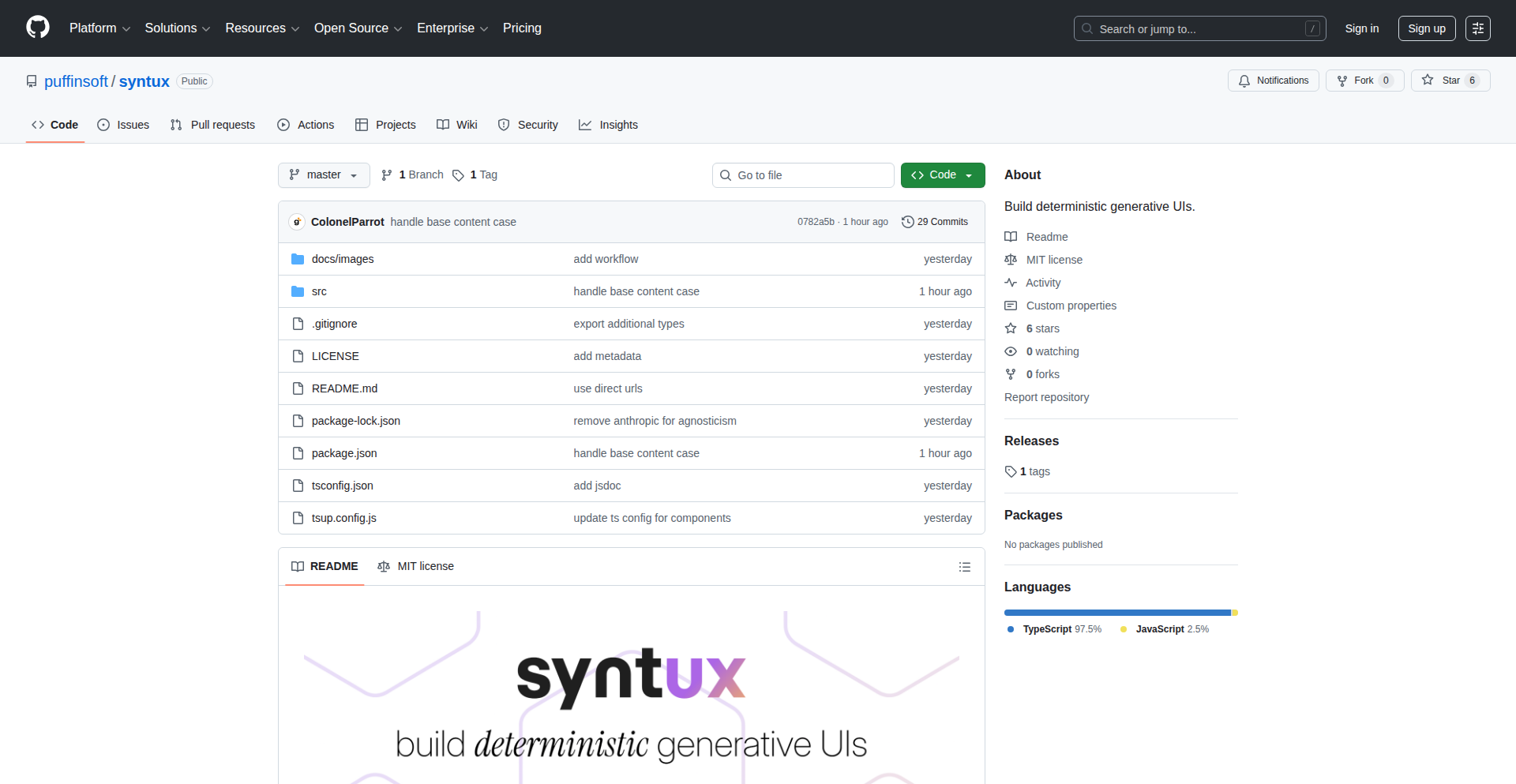
Author
ColonelParrot
Description
Syntux is a novel approach to building user interfaces by making them deterministic and generative. Instead of manually coding every UI element and its state, Syntux allows developers to define UI behavior through rules and logic. This means the same input and rules will always produce the exact same UI output, eliminating unexpected UI variations. It tackles the complexity of managing dynamic and interactive UIs by treating UI generation as a predictable, code-driven process. This offers significant value in terms of consistency, testability, and rapid iteration for developers.
Popularity
Points 1
Comments 0
What is this product?
Syntux is a framework that enables the creation of user interfaces in a deterministic and generative manner. At its core, it leverages the principle of 'declarative programming' applied to UI generation. Instead of imperatively telling the computer 'create this button here, then change its color when clicked', you declare 'if condition X is met, then display a button with style Y'. The 'generative' aspect means that the UI is built or modified based on a set of rules and input data, and the 'deterministic' part guarantees that for the same set of inputs and rules, the UI will always render identically. This is achieved through a sophisticated rule engine and state management system that ensures predictability. This is useful because it drastically reduces bugs related to UI inconsistencies and makes debugging much easier – if the UI is wrong, you know it's because the rules or the input data are wrong, not because of some unpredictable side effect.
How to use it?
Developers can integrate Syntux into their projects by defining UI components as sets of rules and data structures. Imagine building a dashboard: instead of writing individual JavaScript code for each widget to fetch data, display it, and handle updates, you'd define rules for how each widget should look and behave based on incoming data. For example, a chart widget might have a rule that says 'if data is available, render a bar chart using this data, with labels from this field'. The integration typically involves a build step or a runtime component that interprets these rules and renders the UI. This can be used for building complex dashboards, dynamic forms, or even game UIs where predictable behavior is critical. This is useful because it allows you to focus on the logic and data, rather than the minutiae of UI rendering, speeding up development and improving maintainability.
Product Core Function
· Deterministic UI Rendering: The core value is that the UI output is guaranteed to be the same for identical inputs and rules. This is achieved through a carefully designed state management and rendering pipeline, ensuring consistency across sessions and devices, and making UIs highly testable. This is useful for applications where visual accuracy and predictability are paramount, such as financial dashboards or design tools.
· Rule-Based UI Generation: Developers define UI structures and behaviors using a set of rules. The system interprets these rules and generates the UI dynamically. This offers a powerful abstraction over traditional UI coding, allowing for more flexible and dynamic interfaces without extensive manual coding. This is useful for creating adaptive UIs that change based on user roles, device capabilities, or real-time data feeds.
· Generative Design Capabilities: By defining generative rules, developers can create UIs that evolve and adapt based on provided data. This moves beyond static layouts to dynamic, responsive interfaces that can be tailored with less effort. This is useful for applications requiring a high degree of customization or that need to present information in varied ways depending on the context.
· Simplified State Management: The deterministic nature inherently simplifies state management. Since UI state is directly tied to input and rules, tracking and debugging state becomes more straightforward. This reduces the cognitive load on developers and minimizes bugs related to complex state interactions. This is useful for any application with dynamic content, making it easier to understand and control how the UI changes over time.
Product Usage Case
· Building a financial dashboard: Imagine a stock trading platform where real-time data needs to be displayed in charts and tables. Using Syntux, developers could define rules for how stock data maps to chart types and table formats. The deterministic nature ensures that when a particular stock price is displayed, it always looks exactly the same across all instances and refreshes consistently. This solves the problem of UI inconsistencies and makes it easier to verify data accuracy in critical financial applications.
· Creating dynamic form builders: For applications that require user-configurable forms, Syntux can generate form elements based on metadata or user selections. For example, a survey tool could generate form fields (text inputs, dropdowns, checkboxes) based on a configuration file. The generative aspect allows the form to adapt its structure dynamically, while determinism ensures the layout and behavior remain predictable. This addresses the challenge of building flexible forms without writing extensive conditional logic for each possible form configuration.
· Developing interactive educational content: In e-learning platforms, complex interactive exercises can be built with Syntux. For instance, a science simulation could generate visual elements and responses based on user input and predefined scientific rules. The deterministic generation ensures that the simulation behaves consistently, providing a reliable learning experience. This solves the problem of creating complex, interactive educational modules that need to be predictable and reproducible.
90
Thunderbird Auto-Expiry Mail Manager
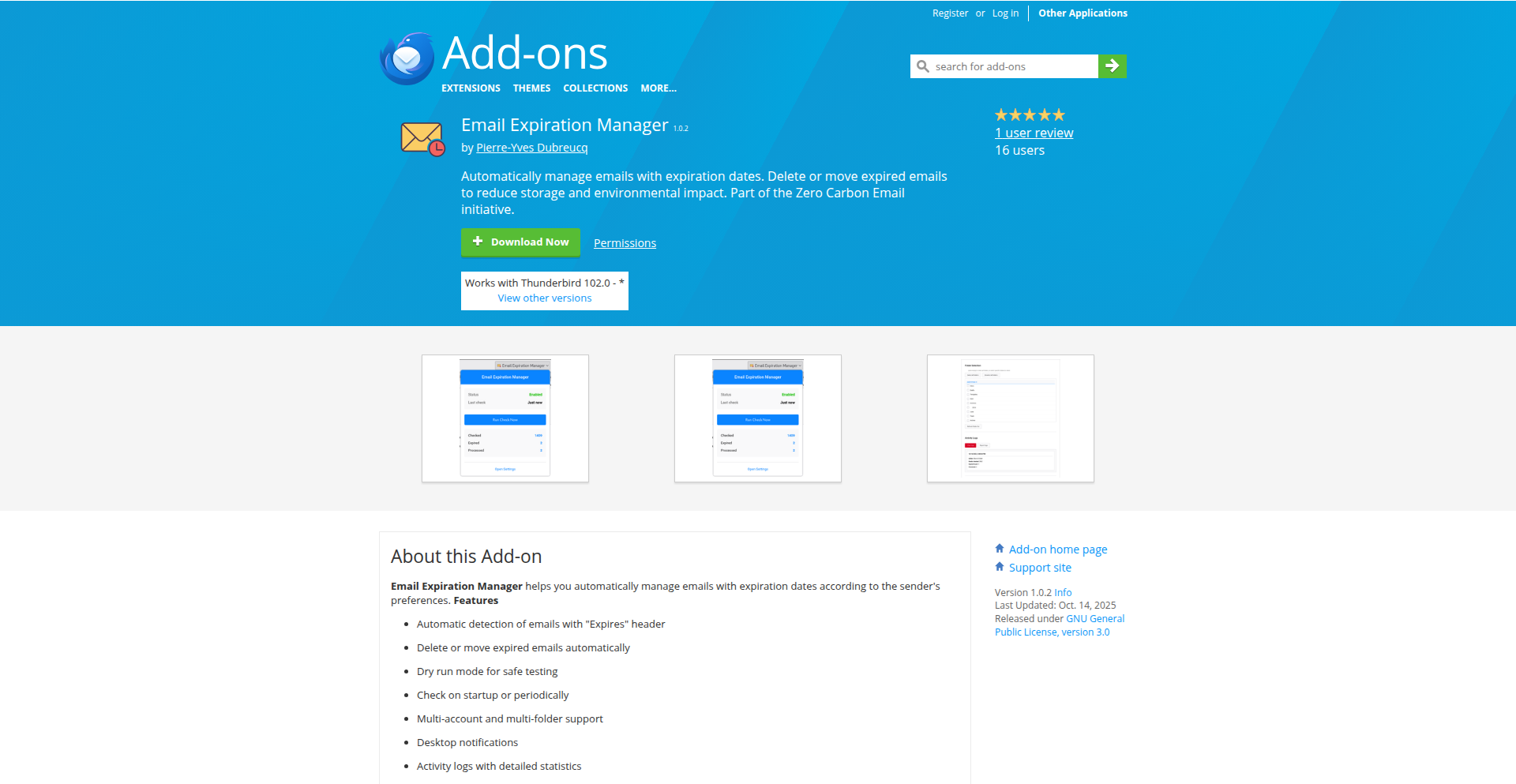
Author
pydubreucq
Description
This project is a Thunderbird add-on that automatically manages emails based on their expiration dates. It tackles the challenge of non-standardized email expiration fields by leveraging custom headers or specific provider implementations, offering a unified way to handle time-sensitive communications. This means less manual sorting and never missing an important email before it's too late. Developers can integrate this to build more robust email workflows.
Popularity
Points 1
Comments 0
What is this product?
This is a Thunderbird add-on designed to automate the management of emails that have a defined expiration date. While email expiration dates aren't a universally defined standard, some email providers have begun implementing this feature. This add-on intelligently detects these expiration dates, either through specific email provider implementations or by looking for custom header information within the email itself, similar to how the IETF draft for email expiry might work. The core innovation lies in its ability to consolidate this disparate information and act upon it automatically, preventing the user from losing track of or missing time-sensitive emails. So, this is useful because it keeps your inbox organized and ensures you don't miss crucial time-sensitive messages.
How to use it?
Developers can use this add-on by installing it directly into their Thunderbird client. For users, it involves setting up rules or configurations within the add-on interface, specifying how emails with expiration dates should be handled. This could include actions like automatically moving them to a specific folder, flagging them for review, or even archiving them once they've expired. The integration is primarily within the Thunderbird ecosystem, providing a seamless user experience for managing expiring email content. So, this is useful because it automates the tedious task of tracking expiring emails within your familiar email client.
Product Core Function
· Automatic Expiration Date Detection: The add-on scans incoming and existing emails to identify expiration dates, regardless of whether they are communicated via custom headers or specific email service provider conventions. This is valuable because it saves you the effort of manually checking each email for time-sensitive information.
· Rule-Based Email Management: Users can define specific actions to be taken when an email's expiration date is reached or approached, such as moving emails to an archive, marking them as read, or sending notifications. This is valuable because it automates your email workflow and prevents important messages from being lost.
· Cross-Provider Compatibility: While not all email providers support expiration dates natively, the add-on aims to provide a unified management system that can work with various implementations, including those adhering to emerging standards like the IETF draft for email expiry. This is valuable because it offers a consistent way to manage expiring emails across different email services.
· User-Friendly Configuration: The add-on provides an intuitive interface for users to set up and manage their email expiration rules without requiring deep technical knowledge. This is valuable because it makes advanced email management accessible to everyone.
Product Usage Case
· Managing subscription renewal notices: A user receives a notification from their streaming service about an upcoming subscription renewal. The add-on automatically flags this email a week before its expiration, ensuring the user sees it and can decide whether to renew. This solves the problem of forgetting to act on time-sensitive renewal reminders.
· Handling temporary access credentials: A developer receives temporary login credentials for a service that expire within 24 hours. The add-on automatically moves these emails to a high-priority folder and reminds the user before they become invalid. This prevents accidental lockout due to expired credentials.
· Organizing time-limited event invitations: A user receives an invitation to an online event that requires RSVP by a certain date. The add-on sorts these invitations and highlights those that are nearing their RSVP deadline, helping the user manage their event planning effectively. This solves the problem of missing deadlines for important event participation.
91
NPM Package Sizer Visualizer

Author
Sajarin
Description
A React-based tool that visualizes the size of NPM packages, using React components themselves as the unit of measurement. This helps developers understand the real-world impact of package dependencies on application bundle size, going beyond simple byte counts.
Popularity
Points 1
Comments 0
What is this product?
This project is a web application built with React that breaks down the size of NPM packages. Instead of just showing raw file sizes, it cleverly uses the concept of a 'React component' as a metaphorical unit. Imagine a small, fundamental React component representing a certain amount of data. The tool then visualizes how many of these 'React component units' are contained within each NPM package. The innovation lies in this relatable unit of measurement, making it easier for developers to grasp the actual 'weight' of their dependencies in a context they are already familiar with.
How to use it?
Developers can use this tool by installing it as a development dependency in their project or by accessing it as a web service. Once integrated, they can point it to their project's `node_modules` directory or specify specific NPM packages. The tool will then generate a visual representation, such as a treemap or a bar chart, where the size of each section corresponds to the number of 'React component units' that package contributes. This allows for quick identification of oversized dependencies that might be impacting load times or application performance.
Product Core Function
· Package size analysis: Analyzes NPM packages to determine their size contributions. This is useful for understanding which dependencies are the heaviest, directly impacting your application's loading speed.
· React component unit visualization: Represents package size using a relatable 'React component unit'. This makes it intuitive to understand how much 'code real estate' each dependency occupies, unlike abstract byte counts.
· Dependency tree mapping: Visualizes the dependency tree, showing how package sizes cascade. This helps pinpoint the root causes of large bundle sizes within complex dependency structures.
· Performance impact estimation: Provides a tangible understanding of potential performance bottlenecks caused by large packages. Developers can proactively optimize their dependencies for faster user experiences.
Product Usage Case
· Identifying bloated dependencies: A developer is experiencing slow page load times. By running this tool, they discover that a seemingly small utility package is actually composed of many 'React component units', indicating it's bringing in a lot of hidden code. They can then explore alternatives or optimize its usage.
· Optimizing bundle size for production: Before deploying a web application, a team wants to ensure the smallest possible bundle size. This visualizer helps them identify which libraries are taking up the most space, allowing them to make informed decisions about replacing them with lighter alternatives or removing unnecessary features.
· Educating junior developers: When onboarding new developers, this tool can be used to teach them about the importance of dependency management and the impact of package size on application performance in a visually engaging way, using a familiar concept like React components.
92
Faim-Python-Client: Time-Series & Tabular Foundation Model SDK
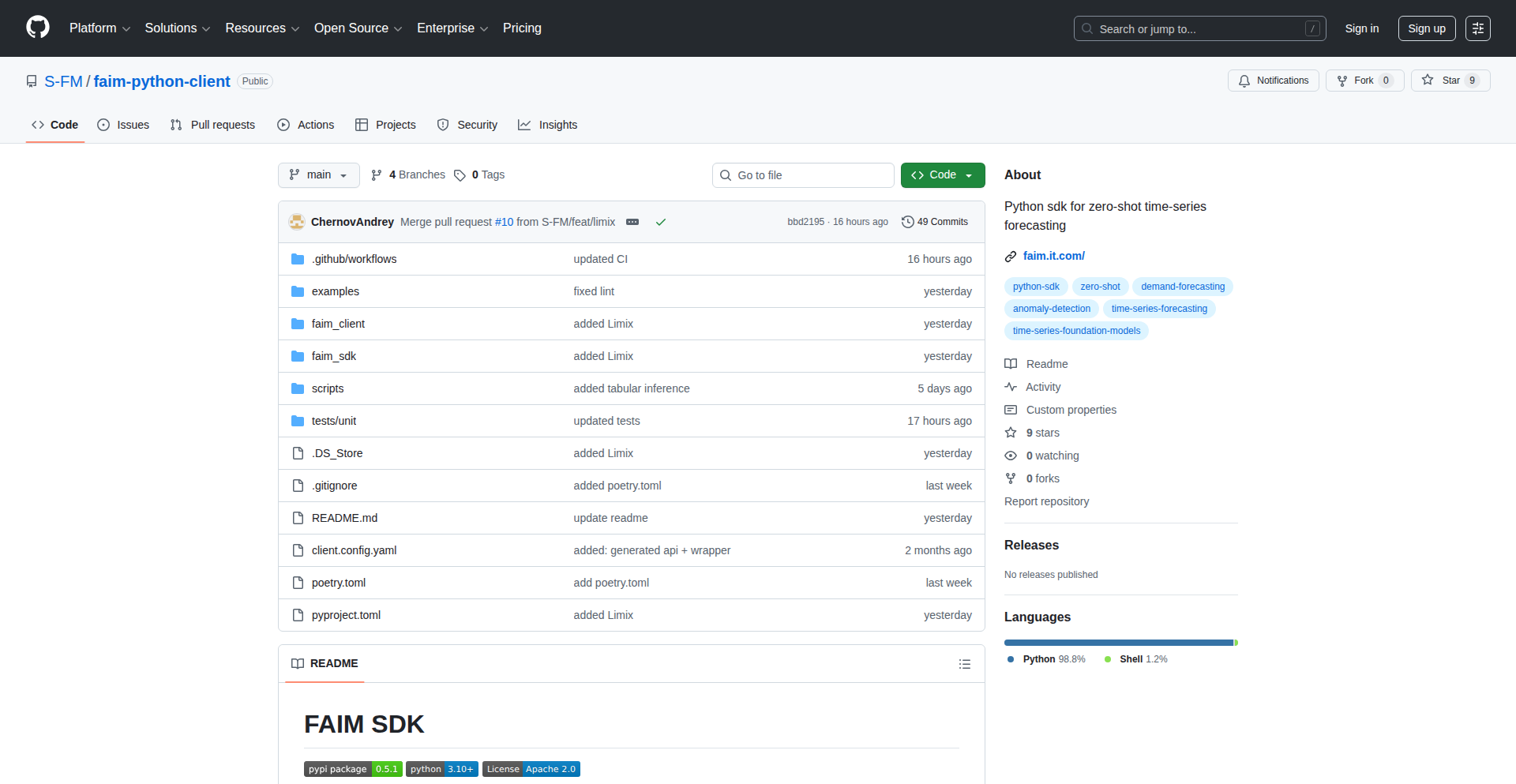
Author
ChernovAndrei
Description
This project is a Python SDK that allows developers to easily run inference on cutting-edge foundation models specifically designed for time-series and tabular data. The key innovation is that these models are state-of-the-art and work 'out of the box' without requiring extensive model training or complex feature engineering. This significantly lowers the barrier to entry for leveraging advanced AI for these data types, making powerful forecasting and analytical capabilities accessible to a wider range of developers. So, it helps you get accurate predictions from your historical data much faster and with less effort.
Popularity
Points 1
Comments 0
What is this product?
This is a Python SDK, a set of tools for programmers, that lets you use advanced AI models for data that changes over time (like stock prices, sensor readings) and data in tables (like customer purchase records). The innovation here is that these models are already trained and ready to go. Unlike traditional methods where you'd need to spend a lot of time collecting data, training a model from scratch, and figuring out which data features are important, these 'foundation models' are designed to understand time-series and tabular data directly. They are the latest and greatest in AI for these tasks. So, it's a shortcut to using powerful AI for predictive analysis without needing to be an AI expert.
How to use it?
Developers can integrate this SDK into their Python projects to quickly apply pre-trained foundation models to their time-series or tabular datasets. You would typically install the SDK using pip, then import it into your Python script. You can then load the models and feed your data directly to them for prediction. For example, you could use it to forecast future sales based on past sales data, or predict customer churn based on their activity. It's designed for easy integration into existing data science workflows or for building new applications that require predictive capabilities. So, if you have data that looks like a spreadsheet or a series of measurements over time, you can plug this SDK in to get instant insights and predictions.
Product Core Function
· Foundation Model Inference for Time-Series Data: This allows you to directly apply advanced AI models to predict future values in sequences of data, like stock prices or weather patterns, without manual training. This is valuable because it provides accurate forecasts quickly.
· Foundation Model Inference for Tabular Data: This enables the use of sophisticated AI models on structured data in tables, such as predicting customer behavior or identifying fraudulent transactions, without the need for extensive data preparation. This is valuable for making informed decisions based on complex datasets.
· No-Code Model Training and Feature Engineering: The SDK leverages pre-trained models that do not require users to train new models or perform manual feature engineering, saving significant development time and expertise. This is valuable because it democratizes access to advanced AI capabilities.
· State-of-the-Art Model Performance: It provides access to the latest and most effective AI models for time-series and tabular tasks, ensuring high accuracy and reliability in predictions. This is valuable for achieving better results in analytical tasks.
Product Usage Case
· Financial Forecasting: A hedge fund could use this SDK to forecast stock prices or currency exchange rates based on historical market data, enabling more informed investment strategies. It solves the problem of needing specialized models for complex financial time-series.
· E-commerce Demand Prediction: An online retailer could use the SDK to predict future product demand based on past sales figures and customer browsing data, optimizing inventory management and reducing stockouts. This addresses the challenge of accurate forecasting in a dynamic market.
· Healthcare Patient Risk Assessment: A hospital could use the SDK to predict the risk of a patient developing a certain condition based on their medical history and current vital signs recorded in tabular format, allowing for proactive intervention. This tackles the problem of identifying at-risk individuals from complex health data.
· Manufacturing Predictive Maintenance: A factory could use the SDK to predict equipment failures based on sensor readings over time, scheduling maintenance proactively to avoid costly downtime. It solves the issue of predicting equipment issues before they occur.
93
GitHub Sentinel Desktop
Author
stephanebouget
Description
A free, open-source desktop application designed to aggregate GitHub security alerts from all your repositories into a single, unified view. It leverages the GitHub API to fetch Dependabot alerts, ensuring developers never miss critical security notifications amidst the noise of multiple organizations and communication channels. The core innovation lies in providing a centralized, immediate awareness of potential vulnerabilities, simplifying security management.
Popularity
Points 1
Comments 0
What is this product?
GitHub Sentinel Desktop is a cross-platform desktop application built using Tauri and JavaScript. It acts as a central hub for all your GitHub security alerts, primarily Dependabot alerts, across various repositories and organizations. Instead of sifting through emails or navigating the GitHub UI, this app provides a single pane of glass to view all potential security issues. The innovation is in its proactive aggregation and notification system, aiming to prevent crucial security warnings from being overlooked, thus improving the overall security posture of projects.
How to use it?
Developers can download and install the desktop application. Once installed, they will authenticate with their GitHub account. The app then uses the GitHub API to scan all repositories associated with that account (and potentially across multiple organizations if configured) for Dependabot alerts. These alerts are displayed in a consolidated list within the application. This makes it easy for developers to quickly review, prioritize, and act on security vulnerabilities without having to manually check each repository or rely on email notifications that can easily get lost. It's a direct, actionable way to maintain project security.
Product Core Function
· Centralized Alert Aggregation: Gathers Dependabot alerts from all managed GitHub repositories into one interface, reducing the cognitive load of monitoring multiple sources. This saves developers time and ensures no alerts are missed.
· Cross-Repository and Organization Support: Effectively monitors security alerts across an unlimited number of repositories and GitHub organizations the user has access to. This provides comprehensive security oversight for individuals managing diverse projects.
· Real-time Notification System: Provides timely alerts for new security vulnerabilities as they are detected by Dependabot. This enables rapid response to emerging threats, minimizing the window of exposure.
· GitHub API Integration: Leverages the official GitHub API for data retrieval, ensuring accuracy and compatibility with GitHub's security features. This provides a reliable and efficient way to access critical security information.
· Desktop Application Experience: Offers a dedicated desktop application, providing a focused and distraction-free environment for security monitoring, separate from the browser and email client.
Product Usage Case
· A freelance developer managing 20+ client projects on GitHub can use GitHub Sentinel Desktop to get a single, clear list of all Dependabot alerts. This eliminates the need to log into each client's GitHub account or search through individual email inboxes, allowing them to quickly identify and fix critical vulnerabilities across all projects, thus improving client satisfaction and project security.
· A lead engineer in a medium-sized company overseeing multiple microservices housed in different GitHub organizations can use this app to maintain a unified view of security threats. This simplifies the process of assigning security tasks to the relevant teams and ensures that company-wide security best practices are consistently applied, preventing potential data breaches.
· An individual developer working on personal open-source projects can use GitHub Sentinel Desktop to stay informed about potential vulnerabilities in their code without constant manual checks. This allows them to maintain their projects with higher security standards and contribute responsibly to the open-source ecosystem.
94
WireCloud

Author
nzdevhacker
Description
WireCloud is a developer tool that simplifies the process of connecting your code to any cloud environment in minutes. It abstracts away the complexities of cloud deployment and networking, allowing developers to focus on writing code. The core innovation lies in its declarative approach to infrastructure and connectivity, enabling rapid prototyping and deployment.
Popularity
Points 1
Comments 0
What is this product?
WireCloud is a platform designed to make it incredibly easy for developers to get their applications running on any cloud provider. Instead of manually configuring servers, networks, and deployment pipelines, you define *what* you want your application to do and *where* you want it to run, and WireCloud handles the rest. Its innovative approach uses a declarative configuration language, similar to defining blueprints. This means you describe your desired state – your application, its dependencies, and its network access – and WireCloud intelligently figures out how to make it happen on your chosen cloud. Think of it like telling a super-smart assistant, 'I want this app to run here and be accessible there,' instead of giving step-by-step instructions. The value here is immense: it dramatically reduces the time and expertise needed to deploy and connect applications, opening up cloud possibilities for more developers.
How to use it?
Developers can use WireCloud by defining their application's architecture and deployment requirements in a simple, human-readable configuration file. This file specifies the code repositories, dependencies, desired cloud environment (e.g., AWS, GCP, Azure, or even a local Kubernetes cluster), and how different parts of the application should communicate. Once the configuration is ready, WireCloud takes over. It provisions the necessary cloud resources, deploys the application code, and sets up the network connections. This can be integrated into existing CI/CD pipelines or used for quick, ad-hoc deployments. For instance, a developer building a new microservice can define it in WireCloud, specify it needs to talk to a database, and choose to deploy it on AWS. WireCloud then sets up the EC2 instance or container, configures the database, and establishes secure communication channels, all without manual intervention. This means less time spent on infrastructure grunt work and more time shipping features.
Product Core Function
· Declarative Infrastructure Definition: Allows developers to describe their desired cloud setup and application deployment in a configuration file, abstracting away complex provisioning commands. This provides value by making infrastructure management accessible and understandable, enabling rapid experimentation and deployment.
· Automated Cloud Resource Provisioning: WireCloud automatically creates and configures the necessary cloud resources (servers, databases, networking) based on the declarative definition. This is valuable as it eliminates manual setup, reducing errors and accelerating time-to-deployment.
· Inter-Service Connectivity Management: Handles the complex task of establishing secure and reliable network connections between different parts of an application or between services in different cloud environments. This offers value by simplifying distributed system architectures and ensuring smooth communication.
· Multi-Cloud Support: Designed to work seamlessly with various cloud providers, offering flexibility and avoiding vendor lock-in. This is valuable for organizations that want to leverage the best of different clouds or have hybrid cloud strategies.
Product Usage Case
· Rapid Prototyping of Microservices: A developer can quickly define a new microservice, its dependencies, and the target cloud environment in WireCloud. The tool then automatically deploys the service and connects it to existing infrastructure, allowing for fast iteration on new ideas without deep cloud expertise.
· Simplifying Legacy Application Migration: For organizations looking to move older applications to the cloud, WireCloud can abstract away many of the complexities of adapting the application to a cloud-native environment. By defining the application's requirements in WireCloud, it can facilitate a smoother transition and reduce the risk of deployment failures.
· Setting up Development and Staging Environments: Development teams can use WireCloud to quickly spin up isolated, production-like environments for testing new features or bug fixes. This improves developer productivity by providing consistent and easily reproducible testing grounds.
· Experimenting with New Cloud Services: Developers can use WireCloud to easily integrate and deploy applications that leverage new or specialized cloud services without needing to become experts in the specific configuration of each service. This encourages exploration and adoption of advanced cloud capabilities.
95
ArchiKEK: OSM Geometry Exporter

Author
kekseason
Description
ArchiKEK is a tool designed to export clean OpenStreetMap (OSM) geometry data into formats compatible with popular 3D modeling software like Rhino (.3dm) and SketchUp. It addresses the challenge of converting raw geographic data from OSM, which is often complex and not directly usable for 3D design, into a structured and clean format that architects and designers can readily import and work with. The innovation lies in its ability to intelligently process and simplify OSM data, making it suitable for architectural visualization and urban planning.
Popularity
Points 1
Comments 0
What is this product?
ArchiKEK is a specialized converter that takes geometric data from OpenStreetMap, a collaborative project to create a free, editable map of the world, and transforms it into formats that 3D modeling software can understand. OSM data, while rich, is often very detailed and can contain overlapping or messy lines that are not ideal for 3D design. ArchiKEK's core innovation is its sophisticated data cleaning and simplification algorithms. It intelligently analyzes the OSM data, such as building outlines, roads, and land use polygons, and reconstructs them into clean, manifold geometries. Think of it like taking a messy sketch and turning it into a precise blueprint, ready for 3D construction. This means architects and urban planners can now easily bring real-world geographic context into their 3D models without spending hours manually cleaning up imported data.
How to use it?
Developers and designers can use ArchiKEK by running the tool on their local machine or potentially through a web interface (depending on its deployment). The process typically involves selecting the desired geographic area from OpenStreetMap data, specifying the output format (Rhino .3dm or SketchUp .skp), and initiating the export. The tool then processes the selected OSM data, cleans it, and generates the 3D model files. This can be integrated into existing architectural or GIS (Geographic Information System) workflows. For example, an architect could use it to import the accurate footprint of a city block into Rhino for a new building design, or an urban planner could export terrain data for a new development proposal in SketchUp.
Product Core Function
· Clean OSM Geometry Extraction: This function intelligently parses raw OpenStreetMap data, identifying and isolating geometric features like buildings, roads, and boundaries. Its value lies in reducing manual cleanup effort by providing topologically sound and clean vector data for 3D modeling, saving significant design time.
· Multi-Format Export (Rhino .3dm & SketchUp .skp): This core function translates the cleaned OSM geometry into widely-used 3D modeling file formats. This directly benefits users of Rhino and SketchUp by enabling seamless integration of real-world geographic context into their projects, making 3D visualizations more accurate and relevant.
· Data Simplification and Optimization: ArchiKEK employs algorithms to simplify complex OSM geometries without losing essential features. This is crucial for performance in 3D modeling software, ensuring that large-scale geographic areas can be imported and manipulated smoothly, preventing crashes and slow rendering.
· Coordinate System Handling: The tool ensures that the exported geometries maintain their correct geographic positioning and scale. This is vital for accurate urban planning and site analysis, allowing users to place their 3D designs within the real-world context of the city.
· Customizable Export Parameters: ArchiKEK likely allows users to define specific criteria for data selection and simplification. This provides flexibility, enabling users to tailor the export to their specific project needs, whether it's focusing on buildings or just road networks.
Product Usage Case
· Architectural Site Planning: An architect needs to design a new building in a dense urban area. They can use ArchiKEK to export the accurate building footprints, road layouts, and parcel boundaries from OpenStreetMap for that specific city block directly into Rhino. This provides a precise 3D context for their design, allowing them to understand site constraints and visualize their proposal within the existing urban fabric, answering the question: 'How does my new building fit into the neighborhood?'
· Urban Development and Visualization: An urban planner is proposing a new park and needs to visualize its impact on the surrounding area. They can use ArchiKEK to export the existing infrastructure, such as roads, sidewalks, and nearby buildings, from OpenStreetMap into SketchUp. This allows them to create realistic 3D models of the proposed park integrated with the existing environment, demonstrating the project's potential benefits and addressing concerns, answering: 'What will this new park look like and how will it affect the surrounding area?'
· GIS Data Integration for 3D Mapping: A GIS specialist needs to combine detailed geographic information with 3D design capabilities. They can use ArchiKEK to export specific OSM layers, like land use polygons or waterways, into Rhino. This enables them to create more comprehensive and visually rich 3D maps for analysis or presentation, answering: 'How can I visualize complex geographic data in a 3D environment?'
· Game Development Environment Creation: A game developer wants to create a realistic virtual environment based on a real-world location. They can use ArchiKEK to export basic city layouts, including roads and building outlines, from OpenStreetMap into their 3D game engine (via intermediate formats). This provides a strong foundational structure for their virtual world, saving them significant time in manually creating the city geometry, answering: 'How can I quickly build a realistic city for my game?'
96
Fuuin: Focus Accelerator
Author
hello_sh
Description
Fuuin is a Chrome extension designed to boost productivity by intelligently blocking distracting websites. It offers a customizable block page, allowing users to replace unwanted site content with motivational messages or focus prompts, thereby creating a more conducive digital environment for concentration. The innovation lies in its straightforward yet effective approach to digital distraction management, providing a tangible solution for individuals struggling with website overload.
Popularity
Points 1
Comments 0
What is this product?
Fuuin is a Chrome browser extension that acts as a digital gatekeeper for your online attention. At its core, it uses a rule-based system where you define which websites are distracting. When you attempt to visit one of these sites, Fuuin intercepts the request and displays a pre-configured 'block page' instead of the actual website. This isn't just a simple 'access denied' message; the innovation is in the customization of this block page. You can personalize it with your own motivational quotes, to-do lists, or even a calming image. This transforms a potentially frustrating experience into a gentle nudge back towards your goals, leveraging the psychological principle of immediate feedback and visual reinforcement to steer you away from distractions. So, what's the value to you? It helps you reclaim your focus and reduce the time lost to aimless browsing, making your work sessions more efficient.
How to use it?
To use Fuuin, you first install it as a Chrome extension from the Chrome Web Store. Once installed, you can access its settings through the extension's icon in your browser toolbar. Within the settings, you'll find an interface to add specific website URLs to your 'blocklist'. You can also design your custom block page by entering text or choosing from pre-set templates. For integration, Fuuin operates independently as a browser extension, meaning it doesn't require complex API integrations. Its usage is designed for individual productivity enhancement, ideal for students, remote workers, or anyone looking to minimize digital interruptions during focused work periods. So, how does this help you? It provides an easy-to-deploy tool to actively manage your online environment and enforce personal productivity boundaries.
Product Core Function
· Website Blocking: Intercepts access to user-defined distracting websites, preventing them from loading and thus eliminating the temptation. Value: Directly combats procrastination by removing access to time-wasting sites, leading to more productive work sessions.
· Customizable Block Page: Allows users to replace the default block screen with personalized content like motivational quotes, to-do lists, or images. Value: Transforms a potentially negative experience into a positive reinforcement mechanism, reminding users of their goals and encouraging a return to focused tasks.
· Focus Enforcement: Creates a digital environment conducive to concentration by actively managing website access. Value: Helps users build better digital habits and improve their ability to concentrate for extended periods, ultimately increasing output and reducing stress.
Product Usage Case
· Scenario: A student preparing for exams needs to study without being tempted by social media. Fuuin is used to block access to sites like Facebook, Instagram, and Reddit during designated study hours. The custom block page might display a countdown to the exam or a reminder of study goals. Value: Prevents wasted study time and improves exam preparation effectiveness.
· Scenario: A freelance developer working on a critical project needs uninterrupted coding time. They use Fuuin to block news websites and entertainment portals during their core working hours. The block page could display a gentle reminder of the project deadline or a motivational quote about perseverance. Value: Ensures deep work sessions and improves project delivery timelines.
· Scenario: An individual trying to reduce their screen time and be more mindful of their online habits. They configure Fuuin to block their most frequently visited, non-essential websites during weekdays. The block page might feature mindfulness prompts or suggestions for offline activities. Value: Supports habit formation for healthier digital consumption and increased real-world engagement.
97
LinguaQuest

Author
jobehi
Description
LinguaQuest is a gamified language learning platform built to address the scarcity of engaging and accessible resources for less common languages. Unlike academic tools, it uses a video game approach to make learning fun and intuitive, offering a more effective alternative to existing solutions.
Popularity
Points 1
Comments 0
What is this product?
LinguaQuest is a novel approach to language acquisition, transforming traditional learning into an interactive video game experience. Instead of dry vocabulary lists and grammar drills, users navigate a narrative-driven world where language proficiency is key to progression. The core innovation lies in its adaptive learning engine, which analyzes player interactions to dynamically adjust the difficulty and content of language challenges, ensuring that learning remains both effective and engaging. Think of it as a 'choose-your-own-adventure' book where every choice requires understanding and using the target language.
How to use it?
Developers can integrate LinguaQuest into their own applications or platforms by leveraging its API for language learning modules. For example, a travel app could incorporate LinguaQuest to help users learn basic phrases for their destination before they depart. Alternatively, educators can embed LinguaQuest modules into existing learning management systems to provide a more interactive experience for their students. The system is designed for flexible deployment, allowing for both standalone use and seamless integration with other digital tools.
Product Core Function
· Interactive Narrative Progression: Users advance through a story by successfully completing language-based quests, making learning feel like playing a game, thus enhancing motivation and retention.
· Adaptive Learning Engine: The system tracks user performance and adjusts the complexity of language tasks in real-time, ensuring optimal learning at every stage and preventing frustration or boredom.
· Contextual Vocabulary Acquisition: New words and phrases are introduced within meaningful game scenarios, allowing users to understand their usage naturally, rather than memorizing isolated definitions.
· Pronunciation Feedback System: Utilizing speech recognition technology, the platform provides immediate feedback on pronunciation, helping users develop accurate speaking skills.
· Community-Driven Content: The platform is designed to be extensible, allowing for the future integration of user-generated content and learning modules, fostering a collaborative learning environment.
Product Usage Case
· A travel company could use LinguaQuest to offer their customers a fun way to learn essential phrases for a specific country before their trip. This addresses the problem of limited, often dry, travel phrasebooks by providing an engaging and memorable experience.
· An independent game developer could integrate LinguaQuest modules to teach players the fictional language of their game world. This deepens player immersion and provides a unique selling point, solving the challenge of creating a believable and learnable alien or fantasy language.
· Language educators seeking to supplement traditional classroom learning can use LinguaQuest to provide students with an engaging practice tool. This tackles the issue of student disengagement with conventional homework assignments by offering a compelling alternative.
· Individuals looking to learn less commonly taught languages can utilize LinguaQuest as a primary resource. This directly addresses the 'scarce and too academical' resource problem identified by the creator, offering a practical and enjoyable learning path.
98
Go-Next SaaS Boilerplate with RBAC & Polar

Author
moh_quz
Description
This project is an open-source starter kit for building B2B SaaS applications. It leverages Go for the backend, Next.js for the frontend, and incorporates Role-Based Access Control (RBAC) and Polar for policy management. The innovation lies in providing a pre-configured, production-ready foundation that significantly accelerates the development of complex business applications by handling common infrastructure and security concerns upfront. This means developers can focus on core business logic rather than reinventing the wheel for authentication, authorization, and API setup. Its value is in drastically reducing time-to-market and increasing developer productivity for B2B SaaS ventures.
Popularity
Points 1
Comments 0
What is this product?
This is a pre-built foundation for developing B2B Software as a Service (SaaS) applications. It's like a blueprint and a set of pre-fabricated parts for building your business software. The core innovation is the integration of proven technologies: Go for a robust and efficient backend, Next.js for a dynamic and user-friendly frontend, and crucially, a sophisticated access control system. RBAC ensures that users only have access to the parts of the application they are supposed to see and interact with, based on their defined roles (e.g., administrator, user, editor). Polar is a powerful policy-as-code engine that allows developers to define complex access rules in a clear, declarative way, making it highly maintainable and auditable. So, it provides a secure and structured starting point, saving you immense effort in setting up foundational elements, allowing you to build your unique business features faster and more securely.
How to use it?
Developers can use this starter kit by cloning the repository and then building their specific application logic on top of the provided structure. It's designed to be a flexible base. The Go backend handles API endpoints and business logic, while the Next.js frontend provides the user interface. Authentication and authorization are already integrated, meaning developers don't need to build these complex systems from scratch. They can then customize the RBAC rules within Polar to match their specific user roles and permissions, and extend the API endpoints and frontend components to implement their unique application features. This can be integrated into new projects to jumpstart development or adapted for existing projects that need a more robust and secure foundation. So, you can start building your unique features immediately, knowing that the critical security and structural underpinnings are already in place and professionally handled.
Product Core Function
· Go Backend API Foundation: Provides a well-structured API server in Go, reducing the need to build common API functionalities from scratch. This is valuable for creating efficient and scalable backend services for your B2B application.
· Next.js Frontend Scaffolding: Offers a ready-to-use frontend structure with Next.js, enabling rapid development of responsive and interactive user interfaces. This is useful for quickly building the customer-facing part of your SaaS product.
· Role-Based Access Control (RBAC): Implements a system to manage user permissions based on predefined roles, ensuring data security and appropriate user access. This is critical for any B2B application to protect sensitive business information and maintain operational integrity.
· Policy-as-Code with Polar: Integrates Polar, a declarative policy engine, to define and manage complex authorization rules. This makes security policies transparent, testable, and easier to update, ensuring robust and adaptable security for your application.
· Pre-configured Authentication: Includes setup for user authentication, allowing developers to integrate secure login mechanisms without building them from the ground up. This significantly speeds up the security setup for user accounts.
Product Usage Case
· Developing a customer relationship management (CRM) SaaS: The RBAC and Polar integration would allow different user roles (e.g., sales reps, managers, administrators) to access and manage customer data according to their specific permissions, preventing unauthorized access to sensitive client information. The Go backend and Next.js frontend provide a solid base for building the core CRM features quickly.
· Building an internal project management tool for enterprises: This starter kit can be used to create a secure platform where different teams or departments have specific access levels to projects and tasks. The robust authorization system ensures that only authorized personnel can view or modify project details, improving data governance and collaboration.
· Creating a collaborative document editing platform: The starter kit can handle user authentication and authorization, ensuring that only invited users can access and edit specific documents based on their sharing permissions. The Go backend can manage document storage and collaboration logic, while Next.js provides a smooth editing interface.
99
SHM: Privacy-First App Telemetry

Author
benjy3379
Description
SHM is a self-hosted telemetry solution designed for developers distributing software. It addresses the challenge of understanding software usage without resorting to privacy-invasive tracking. Its core innovation lies in its agnostic data ingestion, allowing any JSON payload to be sent, and its privacy-centric approach using Ed25519 signatures for instance authentication, ensuring that user IPs and fingerprints are never collected. This enables developers to gain insights into application usage, version distribution, and performance metrics in a transparent and secure manner. So, this is useful for you because it helps you understand how your self-hosted software is being used without compromising your users' privacy, providing valuable data for product improvement.
Popularity
Points 1
Comments 0
What is this product?
SHM is a lightweight, self-hosted telemetry system for your distributed applications. Unlike traditional analytics tools that collect user-identifying data, SHM focuses on aggregated, anonymized usage statistics. It achieves this by accepting any JSON payload you send from your application instances. The magic happens on the backend: it automatically structures this data into a user-friendly dashboard, displaying metrics, grouping by application, and visualizing time-series data. The key innovation is its privacy-first authentication mechanism. Instead of tracking users, it uses client-generated Ed25519 digital signatures to verify that the data originates from a legitimate instance of your software. This means you get usage insights without ever seeing or storing sensitive user information. So, this is useful for you because it provides a secure and privacy-respecting way to monitor your software's adoption and usage patterns, allowing you to make data-driven decisions about your product's future without betraying user trust.
How to use it?
Developers can integrate SHM into their self-hosted applications using provided Go and NodeJS SDKs. These SDKs simplify the process of capturing relevant metrics (e.g., feature usage, error occurrences, active instances), cryptographically signing them with Ed25519 keys generated on the client-side, and sending them to your SHM instance. SHM itself is a single, zero-configuration Go binary with an embedded UI. Once running, you can access its dashboard via a web browser to view real-time analytics. The dashboard automatically adapts to the data you send, creating relevant charts and key performance indicators. For example, if you send a payload like {"users_online": 50, "version": "1.2.0"}, SHM will display a chart for 'users_online' over time and a card showing the distribution of 'version'. So, this is useful for you because it offers a straightforward integration path to gain immediate insights into your software's performance and user engagement, minimizing development overhead.
Product Core Function
· Agnostic Data Ingestion: Allows sending any JSON payload, enabling flexible metric collection from diverse applications. This is valuable for understanding unique usage patterns specific to your software, as it's not limited by predefined data structures. Applicable in scenarios where custom event tracking is essential.
· Automatic Dashboard Adaptation: Dynamically creates columns and KPI cards based on ingested JSON data, providing an intuitive overview of metrics. This saves developers the effort of manually configuring dashboards and ensures that the displayed data is always relevant to what's being collected. Useful for quickly grasping the state of multiple applications.
· Privacy-First Instance Authentication: Uses Ed25519 signatures for client-side verification, eliminating the need for IP address or fingerprint tracking. This is critical for building trust with users and complying with privacy regulations. It provides security without compromising anonymity, vital for sensitive applications.
· Time-Series Graph Visualization: Offers graphical views for time-series data, helping to identify trends, spikes, and patterns in application usage over time. This is crucial for performance monitoring, capacity planning, and understanding user behavior evolution. Useful for spotting performance bottlenecks or popular feature adoption.
· Zero-Configuration Deployment: Packaged as a single Go binary with an embedded UI, making deployment and setup incredibly simple. This reduces operational complexity and allows developers to focus on their applications rather than infrastructure. Ideal for rapid iteration and experimentation.
· Go & NodeJS SDKs: Provides official SDKs for easy client-side implementation of authentication and data sending. These SDKs handle the complexities of cryptography and API communication, allowing for seamless integration into existing projects. Beneficial for accelerating the adoption of telemetry in different tech stacks.
Product Usage Case
· Scenario: A developer releases a set of open-source command-line tools. They want to know which versions are most popular and if users are encountering specific errors without tracking user identities. How it solves the problem: The developer integrates the Node.js SDK into their tool to send metrics like {"version": "1.5.2", "command_executed": "analyze", "error": "null"} upon execution. SHM automatically aggregates this, showing the distribution of tool versions and the frequency of specific commands, while the privacy-first approach ensures user anonymity.
· Scenario: A SaaS provider offers a self-hosted version of their product. They need to understand the usage patterns of different features within these self-hosted instances to prioritize future development, but they are bound by strict data privacy agreements. How it solves the problem: Using the Go SDK, they can send payloads like {"feature_used": "report_generation", "user_segment": "enterprise"}. SHM will then display which features are most utilized, broken down by hypothetical segments (which are not personally identifiable), allowing for informed product decisions without breaching privacy.
· Scenario: A developer is experimenting with a new data processing algorithm and wants to monitor its performance across various deployments without extensive logging or complex setup. How it solves the problem: They can send simple performance metrics, such as {"processing_time_ms": 120, "data_size_mb": 500}. SHM will automatically create time-series graphs of processing time and data size, allowing the developer to quickly identify performance variations and potential issues across different environments.
100
Deterministic Reasoning Stress Test

Author
seesea
Description
This project is a minimal stress test designed to repeatedly execute the same computational task and observe if the reasoning invariants consistently hold. It focuses on the underlying mechanism of deterministic reasoning rather than making performance or correctness claims. Its innovation lies in its stripped-down approach to isolate and test the fundamental properties of deterministic processes.
Popularity
Points 1
Comments 0
What is this product?
This project is a minimal reasoning determinism stress test. At its core, it's about testing if a piece of code, when given the same input and run multiple times, will always produce the exact same output and follow the same internal logic. The innovation here is its extreme minimalism. Instead of complex scenarios, it strips away everything else to focus purely on the deterministic nature of the computation. Think of it like repeatedly flipping a perfectly balanced coin; you expect heads or tails, and you expect the outcome to be based purely on chance, not on some hidden factor changing each time. This test does the same for code, ensuring that the reasoning process within it is stable and predictable under repetition. So, what's the use? It helps developers be absolutely sure that their critical code paths behave exactly as expected every single time, which is crucial for reliability, debugging, and building trust in complex systems.
How to use it?
Developers can integrate this stress test into their development workflow as a verification tool. The core idea is to run a specific, well-defined task multiple times using the provided framework. For example, if you have a critical algorithm for data processing or a state-changing logic in your application, you would configure this stress test to execute that specific task. The test will then report if any deviation in the reasoning process or outcome occurs across these repetitions. This could be integrated into CI/CD pipelines to catch regressions or unexpected behaviors early. The usage scenario is primarily for internal testing and verification, providing a rigorous check on the consistency of computational logic. It's about asking, 'Will this specific piece of my code always behave identically when I run it again and again?'
Product Core Function
· Repetitive Task Execution: The system is designed to execute a defined computational task multiple times without modification. This allows for the observation of consistency over repeated operations. The value here is in verifying that a process is truly repeatable.
· Invariant Observation: It monitors whether certain pre-defined reasoning invariants (rules or conditions that should always be true) hold across all repetitions. The value is in ensuring that the underlying logic remains sound and predictable under stress.
· Minimalistic Framework: The project intentionally keeps the overhead and complexity extremely low. This minimalist approach isolates the core determinism testing, making it easier to pinpoint issues without external interference. The value is in providing a clear, uncluttered view of the determinism being tested.
· No Performance/Correctness Claims: The tool is not designed to measure speed or guarantee functional correctness, but to strictly test the *consistency* of the reasoning. The value is in focusing on a specific, often overlooked aspect of software reliability: predictability.
Product Usage Case
· Verifying a critical financial calculation: A developer could use this to ensure that a complex interest calculation function always produces the identical result when run with the same inputs, even if the underlying system might have slight variations in execution timing or resource availability. This ensures the financial integrity of the system.
· Testing state management in a distributed system: Imagine a system where multiple nodes update a shared state. This test could be used to verify that the logic for updating this state is deterministic, meaning that given the same sequence of operations, all nodes will arrive at the same final state, preventing inconsistencies. This is vital for data synchronization.
· Debugging subtle race conditions: While not explicitly a race condition detector, by stressing deterministic execution, unexpected deviations might highlight potential areas where a race condition could occur if the system were not perfectly deterministic. The value here is in identifying potential instability that might otherwise be hard to find.
· Validating abstract machine instruction execution: For those building or testing emulators or virtual machines, this test can verify that a specific machine instruction, when executed repeatedly with the same initial conditions, always leads to the exact same resulting machine state, ensuring the accuracy of the emulation.
101
Claude Code Debugger
Author
ramoz
Description
A desktop application designed to provide a visual and interactive debugging console for Claude code, working alongside existing CLI tools. It offers a user-friendly way to inspect internal states and previous session logs, particularly useful for debugging OPA policy engines integrated with hooks.
Popularity
Points 1
Comments 0
What is this product?
This project is a desktop application acting as a debugging console for code that interacts with Claude, a large language model. It's not meant to replace comprehensive observability solutions like OpenTelemetry. Instead, it provides a more intuitive, 'vibe-coded' way for developers to see what's happening under the hood of their Claude integrations. The core innovation lies in its ability to visually present complex interactions, offering features like browsing through previous session logs and inspecting the states of sub-agents. This addresses the challenge of understanding the flow and decision-making within applications that leverage LLMs, especially when those applications are complex, like an OPA (Open Policy Agent) policy engine interacting with hooks. So, what's the value? It makes it significantly easier to pinpoint where things are going wrong in your LLM-powered application without getting lost in raw log files.
How to use it?
Developers can use this application alongside their existing command-line interfaces (CLIs) when working with Claude-integrated code. It's designed to 'work alongside' your current workflow, meaning you'd likely run your Claude-related application as usual and then open this debugger to connect to and observe its execution. The 'peek into all that is happening' implies it might hook into your application's output or internal state. The 'search over previous session logs' suggests it stores and indexes past interactions, allowing developers to review historical data to identify patterns or regressions. Integration would likely involve ensuring your Claude application is configured to send relevant debugging information to a location or port that this desktop app can monitor. So, how does this help you? You can connect your ongoing development to a visual interface that helps you understand and fix issues faster, especially for intricate systems like policy engines.
Product Core Function
· Interactive Debugging Console: Provides a visual interface to inspect the runtime state and interactions of Claude-integrated code, helping developers understand program flow and identify errors. This is valuable because it transforms abstract code execution into observable events, making debugging less of a guessing game.
· Session Log Search: Enables searching through historical session logs, allowing developers to revisit past interactions, identify recurring problems, and understand how specific inputs led to certain outputs. This is useful for debugging complex, stateful applications where understanding past behavior is crucial for diagnosing current issues.
· Sub-Agent State Inspection: Offers a way to peek into the internal workings of sub-agents within the application, providing deeper visibility into distributed or modular LLM-powered systems. This is important for understanding how different components of your application are collaborating and if any specific agent is misbehaving.
· Visualizing Claude Interactions: Translates the output and logic of Claude into a more digestible format, making it easier to understand how the LLM is processing information and making decisions. This is beneficial for developers who are not LLM experts but need to build reliable applications that leverage LLMs.
Product Usage Case
· Debugging OPA Policy Engine with Hooks: When a developer is building an Open Policy Agent (OPA) policy engine that uses hooks to interact with Claude, and the policies are not behaving as expected, they can use this debugger to visualize the policy evaluation process, see the data being passed to Claude, and inspect Claude's responses in real-time or from past sessions. This helps quickly identify why a policy is being violated or incorrectly enforced.
· Troubleshooting LLM-powered Chatbots: For developers building chatbots that use Claude for natural language understanding and generation, this tool can help debug conversational flows. Developers can trace how user inputs are processed, what Claude's internal thought process might be (as represented by the tool), and why the chatbot might be giving incorrect or nonsensical responses. This saves time in iterating on chatbot logic.
· Analyzing Complex LLM Data Processing Pipelines: In scenarios where data is being processed by multiple steps, with Claude involved in one or more of those steps, this debugger can offer a window into Claude's role. Developers can see the data entering Claude, the intermediate steps of its processing, and the output it generates, making it easier to diagnose data transformation issues or unexpected LLM behavior within a larger pipeline.
102
SalesGPT Framework
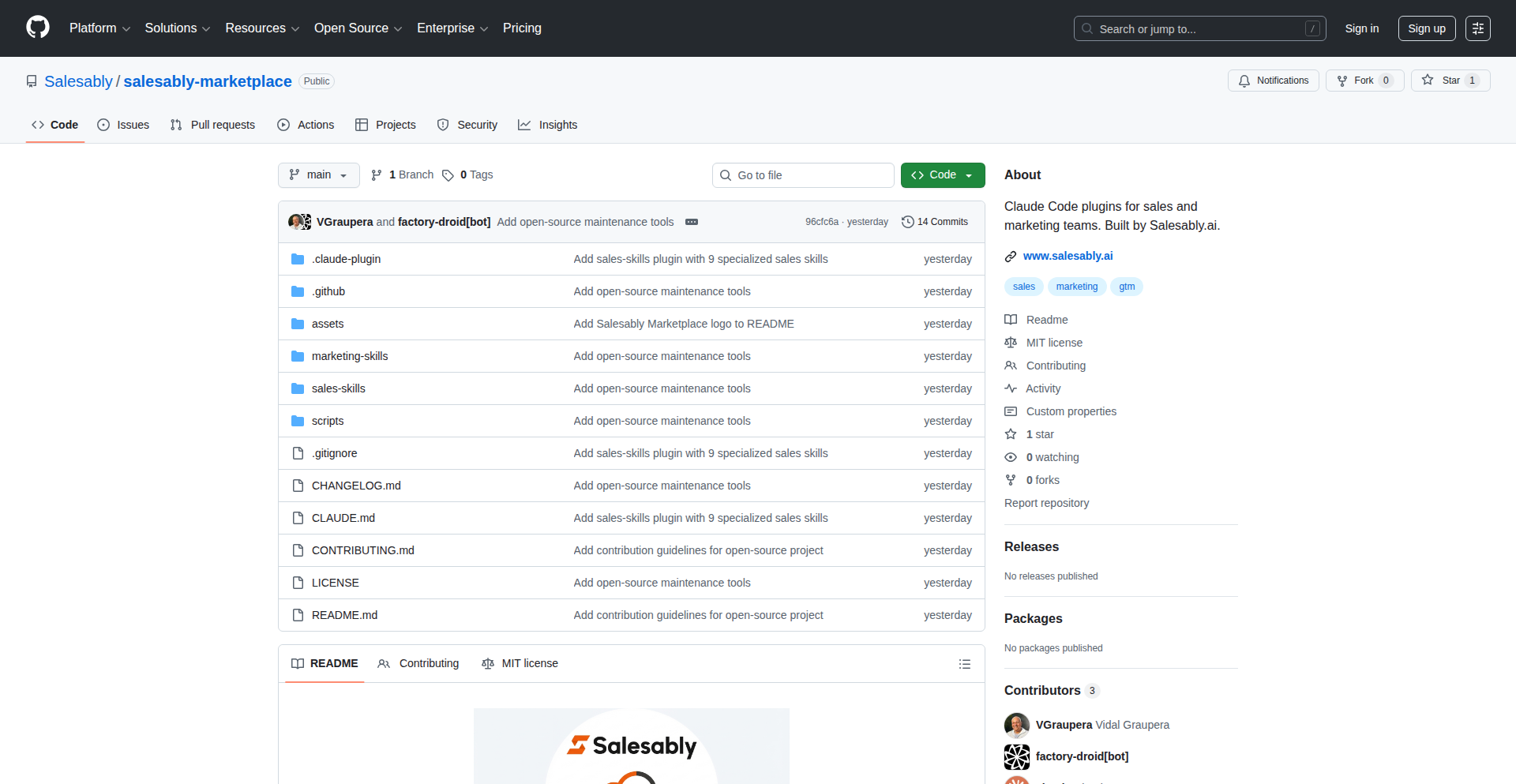
Author
salesably
Description
This project introduces a set of 19 open-source 'skills' designed to transform Claude into a sophisticated sales and marketing co-pilot. Unlike generic prompt collections, these skills are structured, interconnected workflows that enable AI to perform complex tasks like prospect research, deal qualification, and content creation with contextual awareness and intelligent sequencing. The core innovation lies in moving beyond single prompts to create a more integrated and effective AI assistant for sales and marketing professionals, automating tedious research and writing tasks. So, this helps you by streamlining sales preparation and marketing campaign execution, freeing up your time for strategic thinking and relationship building.
Popularity
Points 1
Comments 0
What is this product?
SalesGPT Framework is a collection of specialized AI 'skills' built as Claude Code plugins. Think of it as giving a powerful AI like Claude a set of predefined, intelligent workflows rather than just a list of basic commands. Each skill is a structured process designed to handle a specific sales or marketing task, like researching a company, crafting a cold call script, or generating SEO content. These skills are designed to work together, remembering context from previous steps and feeding information to the next. This approach is innovative because it moves beyond simple prompt-and-response interactions to create a more capable and autonomous AI assistant. The value for you is an AI that can perform complex, multi-step tasks in sales and marketing much more effectively and efficiently than before.
How to use it?
Developers can integrate these skills by deploying them as Claude Code plugins. This allows Claude to access and execute these specialized workflows directly. For example, a sales representative could ask Claude to 'prep for a meeting with Acme Corp using the Sales Intelligence skill,' and Claude would then execute the research, analysis, and report generation defined within that skill. For marketing, one might ask to 'create a landing page for a new product launch using the Marketing Content skills.' The skills can also be chained together, creating complex automated pipelines, such as researching a prospect, qualifying their account, and then generating a personalized outreach email. The optional integrations with tools like Perplexity and Hunter.io allow for real-time data fetching, making the outputs even more current and relevant. So, for you, this means you can leverage these pre-built, advanced AI capabilities within Claude to automate significant portions of your sales and marketing efforts with minimal setup.
Product Core Function
· Account Qualification Framework: Automates the process of determining if a prospect is a good fit for your product or service by analyzing key business metrics and needs, valuable for focusing sales efforts on the most promising leads.
· Prospect Research & Intelligence: Gathers and synthesizes crucial information about potential customers, including company details, recent news, and key personnel, enabling more informed and personalized outreach.
· Cold Call Script Generation: Creates tailored scripts for initial sales calls, incorporating prospect research to increase relevance and engagement, helping sales reps make more impactful first contact.
· Call Analysis & Follow-up: Analyzes recorded sales calls to identify key talking points and sentiment, then automatically drafts follow-up emails, improving sales team efficiency and post-call effectiveness.
· Multi-stakeholder Outreach Orchestrator: Manages and sequences communication to various decision-makers within a target account, ensuring consistent and strategic engagement across different individuals.
· Brand Voice & Positioning Assistant: Helps define and maintain a consistent brand identity across all marketing materials, ensuring a cohesive and professional brand message.
· Keyword Research for SEO: Identifies relevant keywords to optimize content for search engines, improving website visibility and organic traffic.
· Landing Page Content Generation: Creates compelling copy for landing pages to maximize conversion rates, accelerating marketing campaign performance.
· Email Sequence Builder: Designs automated email workflows for lead nurturing and customer engagement, improving customer retention and sales pipeline progression.
· Content Atomization Tool: Breaks down larger content pieces into smaller, shareable formats for various platforms, maximizing content reach and impact.
· Sales Orchestrator: A meta-skill that intelligently sequences and manages the execution of other sales skills, creating a seamless and highly effective sales process.
Product Usage Case
· A sales development representative (SDR) needs to prepare for a discovery call with a new, complex enterprise client. Using the SalesGPT Framework, the SDR can activate the 'Account Qualification' and 'Prospect Research' skills. Claude will automatically pull company financials, recent news, identify key stakeholders from LinkedIn, and analyze the client's potential needs based on industry trends. This provides the SDR with a comprehensive, pre-digested briefing, saving hours of manual research and allowing them to focus on strategic questioning during the call. The value here is drastically reduced prep time and higher quality insights for more effective sales conversations.
· A marketing team is launching a new SaaS product and needs to create a series of marketing assets. They can use the 'Brand Voice and Positioning' skill to solidify their core messaging. Then, the 'Keyword Research' skill to identify relevant SEO terms. Subsequently, the 'Landing Page Content Generation' and 'Email Sequence Builder' skills can be employed to create persuasive copy for the product's landing page and an automated welcome/nurturing email campaign. This speeds up the marketing campaign creation process significantly and ensures all assets are aligned with the product's strategic goals. The value is faster time-to-market for campaigns and improved marketing ROI.
· A busy sales manager wants to analyze the effectiveness of their team's recent calls. By feeding call recordings or transcripts into the 'Call Analysis' skill, the AI can identify common objections, successful closing techniques, and areas for improvement. It can then use the 'Follow-up Email' skill to generate personalized follow-up messages based on the call's content. This helps the manager provide targeted coaching to their team and ensures timely, relevant communication with prospects. The value is improved sales team performance through data-driven insights and efficient follow-up.
103
TimetoTest-AI-driven-Testing

Author
VincentPresh
Description
TimetoTest is an AI-powered platform that automates the creation and execution of software tests. It eliminates the need for complex coding by allowing users to describe desired test scenarios in plain English. The AI agent then generates a comprehensive test plan, including both UI and API steps, and executes these tests in a real browser with human-like interactions, providing detailed reports with screenshots and logs. This innovation significantly reduces the effort and expertise required for UI testing, API testing, End-to-End (E2E) testing, and regression testing.
Popularity
Points 1
Comments 0
What is this product?
TimetoTest is an AI agent that automates software testing by understanding natural language descriptions of what needs to be tested. Instead of developers or QA engineers writing lengthy, often brittle, code for test scripts (like dealing with specific website element identifiers, or 'waits' for pages to load), you simply state what you want to achieve in plain English. For example, you might say, 'Verify users can add items to their cart and proceed to checkout.' The AI then intelligently translates this request into a detailed test plan, figuring out the necessary steps to interact with the user interface (UI) and making API calls if needed. It then executes these tests in a real browser, mimicking how a human user would interact, and provides a thorough report. So, what's the innovation here? It's the ability of an AI to interpret high-level human instructions and translate them into actionable, executable test steps, abstracting away the complexities of automation code. This means less time spent on writing and maintaining test scripts and more focus on the actual quality of the software.
How to use it?
Developers and QA engineers can integrate TimetoTest into their workflow by simply defining their test cases in natural language. This can be done through a web interface or potentially via an API for programmatic integration. Imagine you have a new feature that allows users to upload files. Instead of writing code to simulate file uploads, you would simply tell TimetoTest: 'Test that users can upload a document and see a confirmation message.' The system then takes over, generates the test, runs it, and provides results. This is useful in various development pipelines, such as continuous integration (CI) where automated tests are crucial for quick feedback. It can be used for feature testing, ensuring new functionalities work as expected, or for regression testing, making sure existing functionalities haven't been broken by recent code changes. The value is in drastically reducing the time and technical skill required to set up and run comprehensive tests, making robust testing accessible to more team members.
Product Core Function
· Natural Language Test Definition: Allows users to describe tests in plain English, significantly lowering the barrier to entry for test automation. This means you don't need to be a coding expert to ensure your software is thoroughly tested, saving you time and resources.
· AI-driven Test Plan Generation: The system automatically creates a detailed test plan, including UI and API interactions, based on the English description. This offers an intelligent approach to test design, ensuring all necessary steps are covered without manual planning, making your testing more comprehensive and efficient.
· Real Browser Test Execution: Tests are performed in an actual browser environment with human-like interactions, providing a realistic validation of user experience. This ensures that your application functions correctly for real users, reducing the risk of unexpected issues in production.
· Comprehensive Reporting: Generates detailed reports with screenshots and logs for each test run, offering clear insights into test results and any failures. This makes it easy to understand what went wrong and where, speeding up the debugging process and improving overall software quality.
· Multi-faceted Testing Support: Capable of handling UI, API, End-to-End (E2E), and regression testing, providing a unified solution for various testing needs. This allows you to cover all critical aspects of your application's quality with a single tool, streamlining your testing efforts.
Product Usage Case
· Scenario: A startup team has limited QA resources and needs to quickly validate their new e-commerce checkout flow. Instead of spending days writing Selenium or Playwright scripts, they describe 'Verify a user can add multiple items to the cart, apply a discount code, and complete the purchase with a credit card.' TimetoTest generates and runs the tests, identifying any issues in the checkout process, thus accelerating their release cycle and ensuring a smooth customer experience.
· Scenario: A large enterprise is performing a major update to its backend API and wants to ensure existing functionality remains intact without disrupting frontend applications. Developers can input descriptions like 'Check if the /users API endpoint correctly returns user profiles with all expected fields' and 'Verify the /products API returns search results matching the query.' TimetoTest then executes these API tests alongside UI interaction tests, providing confidence that the API changes haven't introduced regressions and preventing potential frontend failures.
· Scenario: A mobile app development team wants to ensure a seamless user journey from registration to using a core feature. They can instruct TimetoTest with a scenario like, 'Test the complete user onboarding process, including email verification, profile setup, and accessing the main dashboard.' The AI then orchestrates UI interactions and potentially API calls to validate the entire E2E flow, helping to catch complex integration bugs early and ensuring a positive first-time user experience.
· Scenario: A software company needs to conduct regular regression testing after each sprint to maintain software stability. Instead of manually re-running existing test suites or maintaining extensive codebases, they can instruct TimetoTest to re-run all previously defined critical paths, such as 'Ensure users can log in, search for items, and view product details.' This automated re-validation ensures that new code hasn't negatively impacted existing features, providing continuous assurance of software quality.
104
Beads Viewer (Bv): Interactive 3D Particle Visualizer

Author
eigenvalue
Description
Beads Viewer (Bv) is a web-based, real-time 3D particle visualizer designed for exploring and manipulating complex datasets. It leverages WebGL to render a large number of particles with sophisticated rendering techniques, offering a fluid and interactive experience for developers and researchers to understand their data in a new dimension. The innovation lies in its ability to handle substantial particle counts with performant rendering directly in the browser, bridging the gap between complex simulations and accessible visualization.
Popularity
Points 1
Comments 0
What is this product?
Beads Viewer (Bv) is a novel web application that allows you to visualize and interact with large collections of 3D data points, or 'particles', in real-time within your web browser. Instead of just seeing numbers or static charts, Bv renders these particles in a dynamic 3D space. The core technical innovation is its efficient use of WebGL (Web Graphics Library), which is a JavaScript API for rendering interactive 2D and 3D graphics within any compatible web browser without the use of plug-ins. This allows it to handle tens of thousands, or even millions, of particles simultaneously, offering smooth animations and interactions. Think of it like having a super-powered, interactive 3D model viewer built right into your webpage, capable of displaying intricate scientific simulations or complex datasets in a way that's both informative and engaging. So, what's the value? It means you can now explore complex 3D data directly from your browser, enabling quicker insights and easier collaboration without needing specialized desktop software.
How to use it?
Developers can integrate Beads Viewer into their web projects to visualize various types of 3D data. This could include scientific simulation results (e.g., fluid dynamics, molecular structures, astronomical data), game development assets, or even abstract data representations. The project is designed to be flexible, allowing developers to feed their own data into the viewer. For instance, if you have a dataset of point coordinates from a simulation, you can load this data into Bv, and it will render those points in an interactive 3D environment. You can then pan, zoom, and rotate this visualization directly in the browser. Integration typically involves including the Bv JavaScript library in your project and then using its API to load your data and configure the rendering options. The value for developers is a powerful, ready-to-use visualization tool that dramatically cuts down development time for complex 3D data display, enabling them to focus on the data analysis and interpretation rather than the rendering intricacies.
Product Core Function
· Real-time 3D Particle Rendering: Efficiently displays a large number of 3D points in a dynamic, interactive environment using WebGL. Value: Enables immediate visual understanding of complex 3D datasets, crucial for simulations and data exploration.
· Interactive Navigation Controls: Provides intuitive zoom, pan, and rotation capabilities for exploring the 3D space. Value: Allows users to examine data from any angle, uncovering hidden patterns and details.
· Customizable Rendering Options: Supports various visual styles for particles (e.g., color, size, transparency) allowing for data-driven visual encoding. Value: Enhances data interpretation by allowing specific attributes of the data to be visually highlighted.
· Web-based Accessibility: Operates entirely within a web browser, requiring no installations or plugins. Value: Makes complex 3D visualizations accessible to a broader audience and facilitates easy sharing and collaboration.
· Data Loading API: Offers a programmatic way to load custom datasets into the viewer. Value: Empowers developers to visualize their specific data, from scientific experiments to abstract mathematical concepts.
Product Usage Case
· Visualizing molecular dynamics simulations: A biologist could load simulation data of protein folding into Bv. By interacting with the 3D model, they can pinpoint critical conformational changes or binding sites that might be missed in 2D representations. The value is faster identification of key biological events.
· Exploring astronomical datasets: An astrophysicist could visualize the distribution of galaxies or star clusters from observational data. The interactive 3D view helps in identifying large-scale structures and understanding spatial relationships. The value is improved cosmic structure analysis.
· Debugging 3D game physics: A game developer could use Bv to visualize the trajectory and collision points of physics objects in their game engine. This allows for quicker identification of physics bugs and performance bottlenecks. The value is accelerated game development and bug fixing.
· Representing complex mathematical functions: A mathematician or educator could visualize multi-dimensional functions in 3D space, making abstract concepts more tangible and easier to grasp. The value is enhanced mathematical comprehension and teaching.
105
Text2Remind
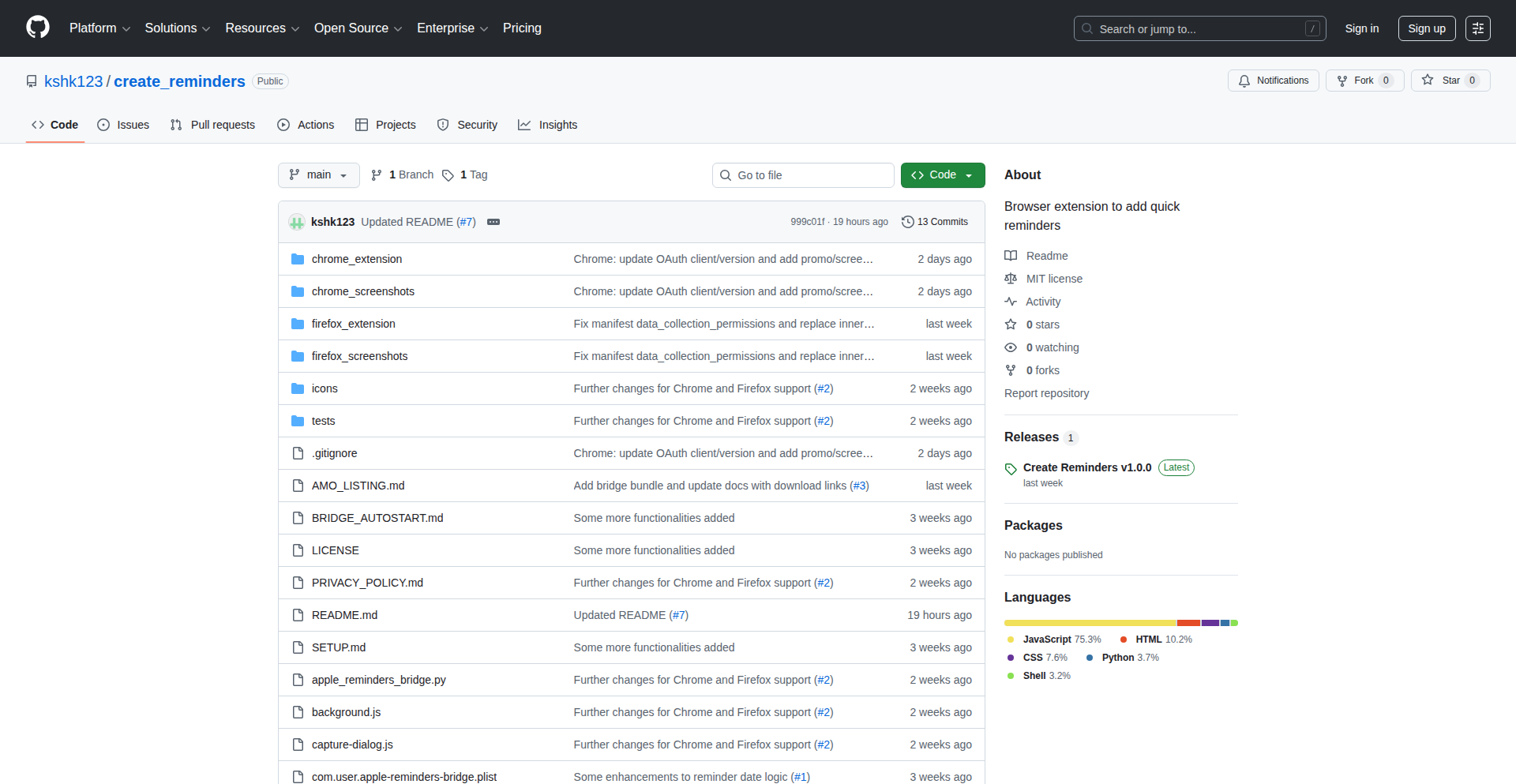
Author
kshk123
Description
A browser extension that transforms selected text on any webpage into actionable reminders. It intelligently recognizes common date and time formats, streamlining the process of capturing important information from the web and integrating with your existing calendar or reminder apps. This empowers users to quickly save and act upon time-sensitive details without leaving their current browsing context.
Popularity
Points 1
Comments 0
What is this product?
Text2Remind is a clever browser extension designed to eliminate the friction of manually creating reminders. Its core innovation lies in its ability to process selected text on any website, automatically identifying and parsing various date and time expressions (like 'next Tuesday 3pm' or '25.12.2025'). It then uses this parsed information to pre-fill reminder entries, simplifying the creation process. Users can review, edit, or add reminders manually through a convenient popup interface. The underlying technology leverages natural language processing (NLP) techniques to understand temporal expressions, making it accessible even to non-technical users. The value is in saving you time and ensuring you don't forget crucial appointments or tasks that appear while you're browsing.
How to use it?
To use Text2Remind, simply select any text on a webpage that contains a date or time you want to remember. Then, right-click on the selected text and choose the 'Add to Reminders' option from the context menu. The extension will automatically detect and interpret the date/time information. You can then fine-tune the reminder in the extension's popup window, add notes, or set a specific time. For enhanced functionality, Text2Remind offers optional integrations: with Google Calendar via OAuth for creating calendar events, and with macOS Apple Reminders through a small local application you install on your machine. This allows you to seamlessly add web-based reminders to your preferred scheduling tools.
Product Core Function
· Automatic date and time detection from selected text: This function saves you the effort of manually typing out dates and times. It's like having a smart assistant that understands when things are happening, so you don't have to. It's useful when you see a meeting time in an email or a deadline on a project page.
· One-click reminder creation: After text is selected and processed, a simple right-click menu allows you to add it as a reminder. This immediate action means you can capture an idea or task in seconds, preventing it from being lost. It’s great for quickly noting down something important you encounter while browsing.
· Integrated reminder management interface: The extension provides a dedicated popup window to view, edit, and delete your created reminders. This keeps all your captured information in one place, making it easy to manage your schedule and to-dos. It’s your central hub for all web-derived reminders.
· Optional Google Calendar synchronization: This feature connects Text2Remind to your Google Calendar. Any reminder you create can be instantly turned into a Google Calendar event, ensuring it appears on your main schedule and is accessible across devices. This is incredibly useful for busy professionals who rely on Google Calendar for managing their time.
· Optional macOS Apple Reminders integration: For Mac users, this integration allows you to send reminders directly to the native Apple Reminders app. This offers a native experience and synchronizes with other Apple devices. It's perfect for users who prefer to stick within the Apple ecosystem for their task management.
Product Usage Case
· A project manager sees a client's availability in an email ('Let's meet next Thursday at 10 AM PST'). They select this text, right-click 'Add to Reminders', and the extension pre-fills a reminder for the correct date and time. This saves them from manually checking their calendar and typing out the event details, ensuring they don't miss scheduling the important meeting.
· A student finds a deadline for an assignment in a course syllabus posted online ('Final essay due December 15th, 2024'). They highlight the date, use the extension to create a reminder, and optionally sync it to their Google Calendar. This acts as a visual cue on their browser and a concrete entry in their calendar, preventing them from forgetting the submission date.
· A developer is reading a technical article and sees a mention of an upcoming conference ('DevCon 2025, June 10-12'). They select 'June 10-12' and add it as a reminder for potential future planning. Even though it's a date range, the extension's flexibility allows manual adjustment, and syncing to Google Calendar helps in blocking out potential travel or attendance time.
106
ZAI Shell: Autonomous CLI Autocorrect
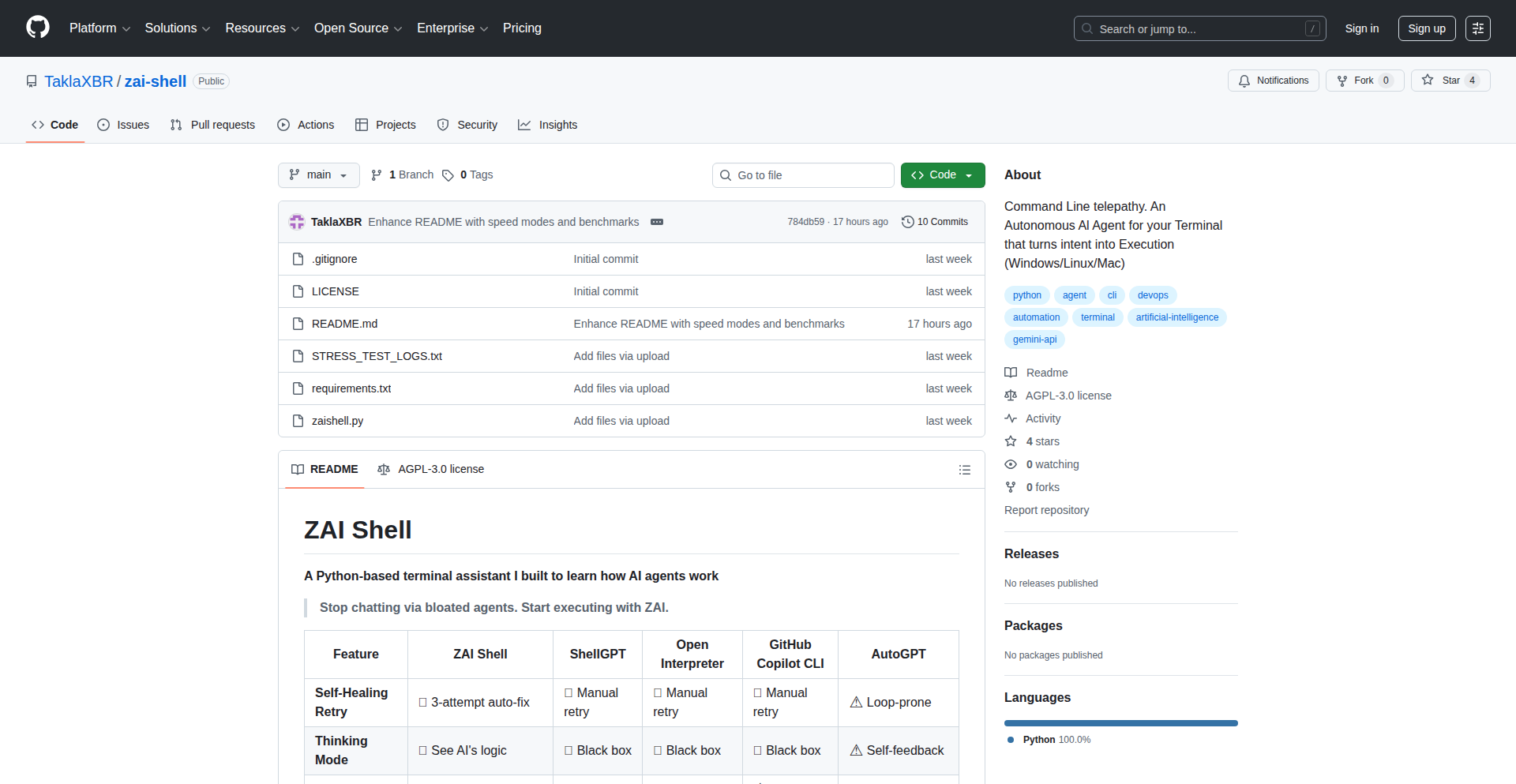
Author
taklaxbr
Description
ZAI Shell is a self-healing Command Line Interface (CLI) agent designed to automatically detect and correct errors in user commands. It leverages advanced language models to understand user intent and suggest or execute fixes for common CLI mistakes, thus enhancing developer productivity and reducing frustration.
Popularity
Points 1
Comments 0
What is this product?
ZAI Shell is an intelligent CLI assistant that acts like a helpful co-pilot for your terminal. Instead of just showing cryptic error messages when you type a command wrong, it uses AI to understand what you were trying to do and attempts to fix the command for you. Think of it as a spellchecker and auto-completer rolled into one, but for your entire command line. The innovation lies in its ability to process natural language and context to infer the correct command, moving beyond simple pattern matching.
How to use it?
Developers can integrate ZAI Shell into their workflow by installing it as a shell extension or a standalone executable that wraps their existing shell (like Bash or Zsh). When a command fails, ZAI Shell intercepts the error, analyzes the problematic command and its output, consults its AI model, and then presents a corrected version or attempts to execute the fix. This can be used in any command-line driven development task, from building software to managing cloud infrastructure.
Product Core Function
· Intelligent Command Error Detection: Automatically identifies syntax errors, typos, and incorrect arguments in CLI commands, making it easier to spot mistakes before they cause issues.
· AI-Powered Command Correction: Utilizes natural language processing and machine learning to interpret user intent and suggest or automatically apply the correct command, saving time and reducing debugging effort.
· Context-Aware Suggestions: Learns from user behavior and command history to provide more relevant and accurate corrections, improving the overall user experience.
· Reduced Cognitive Load: Frees up developers from memorizing complex command syntaxes and flags, allowing them to focus on higher-level problem-solving.
· Interactive Debugging Assistant: Provides insights into why a command failed and how it was corrected, acting as a learning tool for developers.
Product Usage Case
· Scenario: A developer mistypes a common Git command, e.g., 'git sttaus' instead of 'git status'. ZAI Shell detects the typo, suggests 'git status', and allows the user to execute the corrected command, avoiding a 'command not found' error.
· Scenario: A user forgets a crucial flag for a Docker command, like 'docker ps -a' but types 'docker ps'. ZAI Shell recognizes the common pattern of listing all containers and prompts the user with the missing '-a' flag, completing the command.
· Scenario: Navigating complex file paths with typos or incorrect directory names. ZAI Shell can infer the intended path based on partial input and error messages, guiding the user to the correct location.
· Scenario: Automating repetitive CLI tasks by having ZAI Shell learn and correct common mistakes in scripts or interactive sessions, leading to smoother workflows.
107
DemoScope Streamer

Author
admtal
Description
DemoScope is an innovative iOS app designed to simplify the process of streaming and recording mobile web content, specifically for web games. It addresses the common challenge of integrating a face cam overlay and touch indicators directly from a phone. The app allows users to load any URL in its built-in browser, position their face cam, and have every tap automatically displayed on screen, making it ideal for live streaming gameplay, creating reaction videos, or narrating over mobile content without complex desktop setups. This offers a straightforward, mobile-first solution for content creators.
Popularity
Points 1
Comments 0
What is this product?
DemoScope Streamer is an iOS application that transforms your iPhone into a powerful mobile content creation studio. It cleverly bypasses the limitations of standard iOS screen recording, which lacks a face cam, and the complexity of desktop streaming software like OBS. The core technical innovation lies in its ability to seamlessly capture the mobile website being browsed, overlay your live camera feed onto it, and crucially, visually represent every touch input on the screen. This is achieved through a custom browser engine that intercepts touch events and renders them as on-screen indicators, alongside real-time video compositing for the face cam. The value proposition is a streamlined, all-in-one mobile solution for creators who want to share their mobile web experiences live, without needing separate hardware or intricate software configurations. So, what's in it for you? It means you can effortlessly broadcast your mobile gameplay or showcase a web app with your face and interactions visible, directly from your phone, making content creation more accessible and professional.
How to use it?
Developers and content creators can use DemoScope Streamer by downloading the app from the App Store. Once installed, they simply open the app, which presents a built-in browser. Users navigate to their desired mobile website or web game within this browser. They can then activate their front-facing camera, positioning the face cam window anywhere on the screen to their preference. A simple toggle enables the touch indicator feature, which will highlight each tap or swipe as it occurs. The app then allows for live streaming to platforms like Twitch or recording the session directly to the device. For integration, it works as a standalone app, eliminating the need for complex APIs or SDKs. The primary use case is for individuals looking to stream mobile web games, create tutorials for web-based applications, or produce reaction content over mobile videos or photos. So, what's in it for you? It's a ready-to-go tool that lets you start streaming your mobile web content in minutes, with a professional look and feel, directly from your phone.
Product Core Function
· Integrated Mobile Web Browser: Allows users to access any URL directly within the app, simplifying the process of loading web games or applications for streaming. This eliminates the need to switch between apps and ensures a consistent capture environment, offering a seamless content creation experience.
· Face Cam Overlay: Enables users to stream their live camera feed alongside the mobile web content, fostering a personal connection with their audience. This feature is crucial for engagement in gameplay streams and reaction videos, allowing viewers to see the creator's emotions and presence.
· Touch Indicator Visualization: Automatically highlights all touch and swipe gestures on the screen, providing clarity for tutorials and gameplay demonstrations. This technical implementation helps viewers understand user interactions within the app or game, enhancing the educational or entertainment value of the content.
· Live Streaming & Recording: Supports direct streaming to popular platforms like Twitch and allows for local video recording, offering flexibility in content distribution. This dual functionality caters to both live broadcasting needs and the creation of pre-recorded content, maximizing content creation potential.
· Customizable Layout: Users can freely position the face cam window on the screen, allowing for personalized stream layouts. This provides creative control over the final output, ensuring the stream looks visually appealing and unobtrusive to the main content.
Product Usage Case
· A mobile web game developer wants to showcase their new game's mechanics and live gameplay to their community on Twitch. They use DemoScope Streamer to load their game, enable the face cam to react to gameplay, and the touch indicators to highlight crucial in-game interactions, offering viewers a clear understanding of how to play. This solves the problem of needing a desktop setup and complex software to stream their mobile game.
· A content creator wants to make reaction videos to popular mobile web content or short videos. They can use DemoScope Streamer to record themselves watching the content, with their face cam clearly visible, and the touch indicators can be used to emphasize certain elements they are reacting to, providing a more engaging and informative viewing experience. This offers a quick and easy way to create interactive reaction content without editing.
· An educator wants to teach users how to navigate a complex web application on their phone. They can use DemoScope Streamer to record a step-by-step tutorial, with the face cam adding a personal touch and the touch indicators clearly showing every button press and swipe, making the instructions easy to follow. This simplifies the creation of mobile-based tutorials, making them more accessible and understandable.
· A streamer wants to experiment with streaming browser-based games directly from their phone during an event. DemoScope Streamer allows them to quickly set up a stream with their face and gameplay visible, and the touch indicators can be useful for demonstrating specific game controls or strategies to their audience in real-time. This provides a flexible and immediate streaming solution for impromptu content creation.
108
Shodh Cognitive Core

Author
Varun_shodh
Description
Shodh is a revolutionary offline cognitive memory system for AI agents. Unlike traditional systems that rely on vector databases for simple similarity searches, Shodh simulates biological memory mechanisms like Hebbian learning and activation decay. It automatically builds knowledge graphs and uses a three-tier storage system inspired by human working memory. This allows AI agents to develop persistent, context-aware memory that actually learns and consolidates over time, even in air-gapped or edge environments.
Popularity
Points 1
Comments 0
What is this product?
Shodh is a self-contained, offline memory system designed to give AI agents true learning and persistent memory. It goes beyond simple keyword matching by mimicking how humans learn and remember. It uses 'Hebbian learning,' where memories that are recalled together become stronger, and 'activation decay,' where unused memories fade. It also automatically identifies and connects information into a 'knowledge graph,' creating a structured understanding of data. Think of it as giving an AI a brain that can actually form lasting memories and understand relationships, rather than just looking up similar phrases. This is achieved through a ~15MB Rust binary that runs entirely offline, with extremely fast graph operations and bundled AI models for understanding text.
How to use it?
Developers can integrate Shodh into their AI applications to provide persistent memory capabilities. It can be accessed via a Python SDK or a REST API, and it's designed to work with popular AI tools like Claude and Cursor. For example, you could use it to give a chatbot the ability to remember past conversations and learn from them over time, or to equip an AI robot with memory for its environment and tasks. Its edge deployment capabilities mean it can run on devices like Raspberry Pis or drones, enabling on-device AI memory without needing a constant internet connection. So, if you're building an AI that needs to remember and learn, Shodh provides the underlying memory engine.
Product Core Function
· Hebbian Learning: Enables AI to strengthen connections between related memories as they are recalled together, leading to more nuanced and context-aware responses. This means your AI will understand associations better.
· Activation Decay: Mimics biological memory by fading unused memories, ensuring the AI prioritizes and retains the most relevant information, making its memory more efficient.
· Automated Knowledge Graph Construction: Extracts entities and their relationships from data, creating a structured understanding of information that allows for deeper insights and more intelligent reasoning.
· Three-Tier Memory Storage: Implements a hierarchical memory system (working, session, long-term) inspired by human cognitive models, allowing for efficient management of information based on relevance and recency.
· 100% Offline Operation: Runs as a single, small binary without any internet dependency, making it ideal for secure, private, or edge computing environments where cloud connectivity is not feasible or desired. This ensures your AI's memory is always available and secure.
Product Usage Case
· AI Agent Persistence: Equip your AI agents, like those used for customer service or research, with long-term memory to recall past interactions and learn from them, providing more personalized and consistent experiences. This means your AI won't forget who it's talking to or what it has discussed before.
· Edge AI Deployment: Enable AI-powered devices like autonomous drones or industrial robots to maintain memory of their surroundings and past tasks without relying on cloud infrastructure, allowing for more robust and independent operation. This makes robots and drones smarter and more capable in remote or disconnected areas.
· Personalized AI Assistants: Create AI assistants that truly learn about users over time, remembering preferences and context from previous sessions to offer highly tailored advice and support. This leads to an AI assistant that feels like it truly understands you.
· Offline Data Analysis: Develop AI systems for analyzing sensitive data in air-gapped environments, such as in government or defense applications, where data cannot leave a secure network. This allows for advanced AI analysis without compromising security.
109
Astro-Powered Static Site Genesis

Author
chiengineer
Description
Astro 5 and TypeScript production-ready GitHub Pages template that simplifies the creation of dynamic-feeling static websites. It tackles the scarcity of user-friendly templates for GitHub Pages by providing an easily configurable and set-up solution. A key innovation is the integration of demo animations that work seamlessly on a static site, a feature often challenging to implement without complex backend logic.
Popularity
Points 1
Comments 0
What is this product?
This project is a pre-built starter template for GitHub Pages websites, leveraging Astro 5 and TypeScript. Astro is a modern web framework that allows you to build fast websites with excellent performance by default. Its innovation lies in its 'Islands Architecture,' which means it ships zero JavaScript to the client by default unless you explicitly tell it to. This makes your site incredibly fast. TypeScript adds type safety, catching errors during development rather than at runtime. The template specifically addresses the difficulty of finding flexible and easily configurable GitHub Pages templates. The ability to include interactive demo animations on a static site is a significant technical feat, achieved through Astro's efficient rendering and component hydration strategies, allowing dynamic content presentation without server-side processing.
How to use it?
Developers can use this template as a starting point for their own GitHub Pages projects. By forking this repository and cloning it locally, developers can then customize the content, styling, and components. It's designed for easy integration: simply clone, make your edits, and deploy to GitHub Pages. The project utilizes Astro's configuration files and TypeScript's module system, making it straightforward to add new pages, components, and features. For example, a developer wanting to showcase a software project can easily integrate their own demo animations within the designated section, enhancing the user experience without needing a dedicated backend or complex build processes. This template streamlines the initial setup, saving developers time and effort.
Product Core Function
· Pre-configured Astro 5 and TypeScript environment for efficient static site generation: Provides a solid foundation for building performant websites, meaning your site will load quickly for users, improving engagement and SEO.
· Easy-to-configure template structure for GitHub Pages: Simplifies the deployment process to GitHub Pages, so you can get your website online faster and with less hassle.
· Integrated demo animation support for static sites: Enables the inclusion of engaging visual demonstrations directly within your static website, making your content more interactive and informative without needing complex server setups.
· Production-ready setup with best practices: Ensures your website is built with performance and maintainability in mind from the start, leading to a more robust and scalable final product.
· Clear separation of content and presentation: Facilitates easier content updates and design changes, allowing you to manage your website more efficiently and keep it looking fresh.
Product Usage Case
· A developer creating a portfolio website for their open-source projects can use this template to showcase interactive demos of their software directly on their GitHub Pages site. This solves the problem of needing a separate demo hosting service or complex integrations, making their work more accessible and understandable to potential collaborators or employers.
· A technical writer building documentation for a new API can leverage this template to include animated examples of API usage. This enhances the learning experience for users, allowing them to visualize complex interactions in a static documentation format, thus reducing confusion and support requests.
· A hobbyist creating a personal blog to share tutorials can easily integrate animated screenshots or short video clips demonstrating coding techniques. This makes the tutorials more engaging and easier to follow, addressing the challenge of conveying dynamic processes effectively in a text-based format.
110
Vurge: AI Web Scraper for Google Sheets

Author
rahulsingh34
Description
Vurge is a Google Sheets add-on that leverages AI-powered web scraping to bring structured data directly into your spreadsheets. It solves the common challenge of data enrichment for small and medium-sized businesses by eliminating the need for developers to learn new tools or integrate complex dependencies. So, what's in it for you? You can easily pull specific information from any website without writing a single line of code, directly within the familiar environment of Google Sheets.
Popularity
Points 1
Comments 0
What is this product?
Vurge is an intelligent tool that acts like a digital assistant within your Google Sheets. It uses AI to understand what data you're looking for on a website and then extracts that information for you, presenting it in a neat, organized format right in your spreadsheet. The innovation lies in its seamless integration with Google Sheets, making advanced web scraping accessible to everyone, not just developers. So, what's in it for you? You get to access and organize data from the web effortlessly, saving you time and effort in data collection.
How to use it?
To use Vurge, you simply install it as an add-on for your Google Sheets. Once installed, you can use custom functions within your spreadsheet cells to specify the website URL and the type of data you want to retrieve. For instance, you could use a function like `=PURGE(URL, 'product_name')` to pull all product names from a given URL. This makes it incredibly easy to enrich existing data or gather new information for analysis. So, what's in it for you? You can quickly populate your spreadsheets with valuable external data without any complex setup or coding.
Product Core Function
· AI-powered data extraction: Vurge intelligently identifies and extracts specific data points from web pages, such as product names, prices, contact information, or any other structured data. This provides immense value by automating tedious manual data collection.
· Seamless Google Sheets integration: The add-on works directly within Google Sheets, allowing users to access its functionality using simple spreadsheet formulas. This makes it accessible to users of all technical backgrounds and eliminates the need for separate software. Its value lies in its ease of use and immediate applicability within existing workflows.
· Customizable data retrieval: Users can define precisely what data they want to extract, giving them granular control over the enrichment process. This is valuable for tailoring data collection to specific analytical needs and business requirements.
· Eliminates external tool dependencies: By functioning as a Google Sheets add-on, Vurge removes the need to learn and integrate other web scraping tools or services, simplifying workflows and reducing technical overhead. This offers practical value by streamlining the data enrichment process.
Product Usage Case
· E-commerce product analysis: A small business owner can use Vurge to automatically pull product titles, prices, and availability from competitor websites directly into a Google Sheet for competitive analysis. This helps them make informed pricing and inventory decisions.
· Lead generation and CRM enrichment: A sales team can use Vurge to scrape contact information (names, email addresses, phone numbers) from business directories or company websites to populate their CRM system. This streamlines the lead generation process and improves data accuracy.
· Market research and trend identification: Researchers can use Vurge to gather data on industry trends, news articles, or social media mentions related to a specific topic from various websites. This aids in understanding market dynamics and identifying opportunities.
· Real estate data aggregation: A real estate agent can use Vurge to extract property listings, including details like address, price, number of bedrooms, and square footage, from real estate portals into a Google Sheet for easy comparison and client presentations. This saves significant time in property data compilation.
111
Insightful Post Analyzer

Author
henk2
Description
A tool that checks the quality of social media posts by analyzing various metrics, aiming to provide actionable insights for content creators. It leverages natural language processing and sentiment analysis to identify potential issues and suggest improvements, making social media content more engaging and effective.
Popularity
Points 1
Comments 0
What is this product?
This project is a social media post quality checker. It uses Natural Language Processing (NLP) techniques to understand the text of a post. Think of it like a smart editor for your social media updates. It goes beyond simple grammar checks; it analyzes sentiment to see if the post evokes the right emotions, identifies potential jargon or complexity that might alienate readers, and checks for clarity and conciseness. The innovation lies in its ability to provide specific, data-driven feedback on what makes a post 'good' in terms of engagement and readability, rather than relying on guesswork. So, what's in it for you? It helps you craft better posts that resonate with your audience, leading to higher engagement and clearer communication.
How to use it?
Developers can integrate this tool into their content creation workflows. It can be used as a standalone web application where users paste their post text for analysis, or it can be integrated into content management systems or social media scheduling tools via an API. Imagine a dashboard where you upload your draft post, and the tool gives you a 'quality score' along with specific suggestions like 'reduce sentence complexity here' or 'this part might sound too negative.' This allows for iterative improvement before publishing. For you, this means a smoother content creation process and higher confidence in your published material.
Product Core Function
· Sentiment Analysis: Evaluates the emotional tone of the post (positive, negative, neutral) to ensure it aligns with the intended message. This helps avoid unintended negative perceptions and craft posts that evoke desired feelings. So, this is useful for ensuring your message lands the right way with your audience.
· Readability Scoring: Assesses how easy the post is to understand, using metrics like Flesch-Kincaid scores. This ensures your message is accessible to a wider audience, preventing confusion and increasing comprehension. So, this makes sure your content is understood by everyone, not just experts.
· Jargon Detection: Identifies technical terms or complex language that might not be understood by a general audience. This helps in making your communication clearer and more inclusive. So, this prevents your message from being lost in translation due to overly specialized language.
· Conciseness Check: Flags overly long sentences or redundant phrasing that can dilute the message and reduce engagement. This helps in getting your point across effectively and efficiently. So, this ensures your message is punchy and to the point, holding reader attention.
· Engagement Prediction (basic): Based on learned patterns, offers a preliminary indication of how engaging a post might be. This provides a data-driven hint to optimize content for better audience interaction. So, this gives you an educated guess about how well your post might perform before you hit publish.
Product Usage Case
· A marketing team uses Insightful Post Analyzer to refine their campaign announcements. They paste draft social media updates into the tool, receive feedback on sentiment and readability, and revise the posts to ensure they are clear, positive, and engaging, resulting in a measurable increase in likes and shares. So, this helps marketing teams create more effective campaigns.
· A freelance writer uses the tool to check blog post introductions before submitting them to clients. The analyzer helps them ensure the opening is captivating and easy to digest, leading to faster client approval and repeat business. So, this helps writers improve their work and impress their clients.
· A developer creating an open-source project uses the analyzer to craft their 'Show HN' post. They ensure the description is clear, highlights the technical innovation without being overly technical, and conveys enthusiasm, aiming to attract more attention and contributions from the Hacker News community. So, this helps developers communicate their projects effectively to a technical audience.
112
Clouder: Native iOS Cloudflare Orchestrator
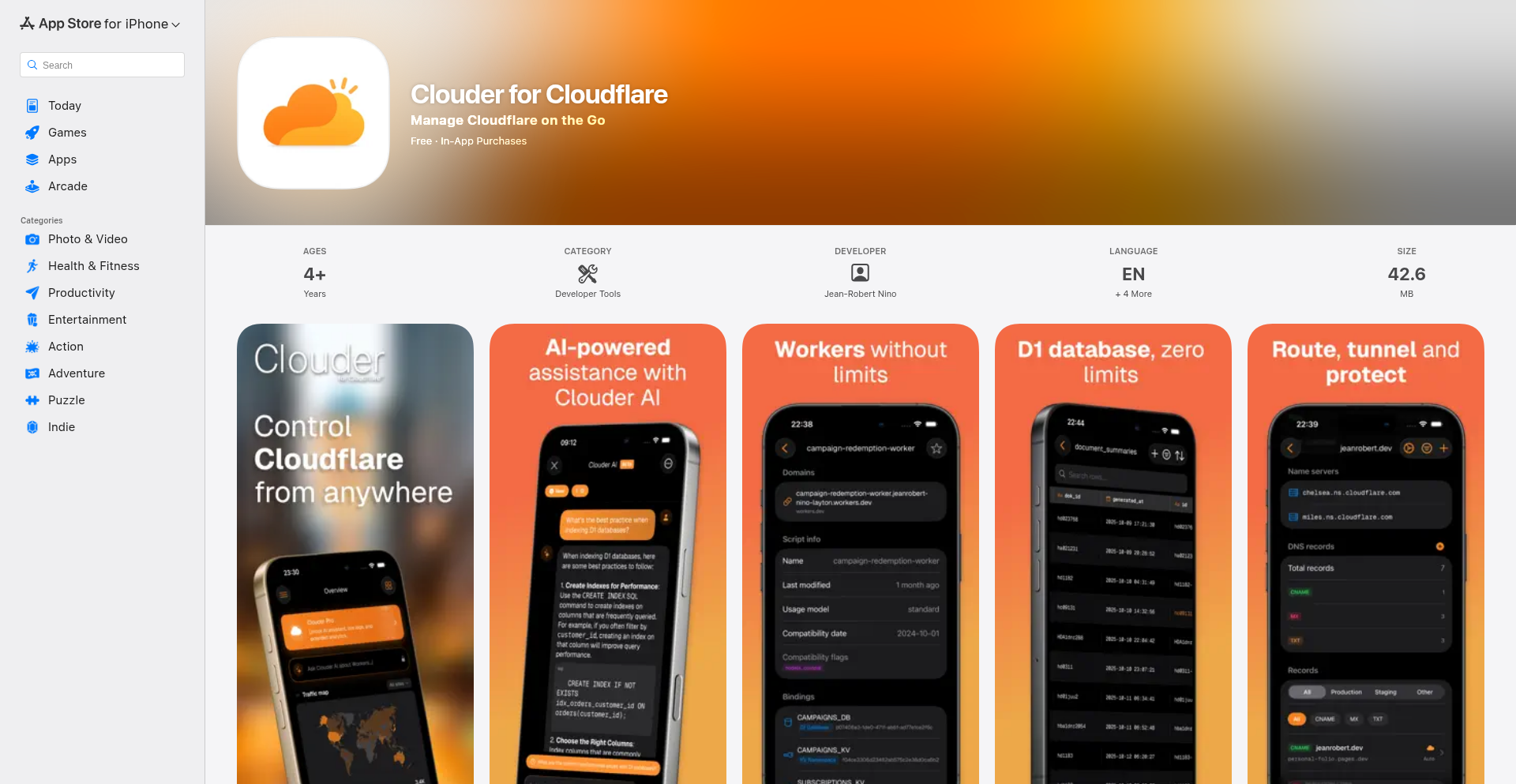
Author
Jeramo
Description
Clouder is a native iOS application designed to offer a superior mobile experience for managing Cloudflare infrastructure. It transcends the limitations of web dashboards by providing direct, intuitive access to a comprehensive suite of Cloudflare services, including compute, storage, networking, and AI products. The app's core innovation lies in its streamlined, native interface, enabling developers and infrastructure managers to perform critical tasks on the go with ease and efficiency. This solves the problem of fragmented or cumbersome mobile web management, allowing for real-time oversight and control of cloud resources from any iOS device.
Popularity
Points 1
Comments 0
What is this product?
Clouder is a native iOS client that acts as a centralized hub for managing all your Cloudflare services directly from your iPhone or iPad. Instead of logging into multiple web pages or dealing with a clunky mobile browser experience, Clouder presents a clean, purpose-built interface. It connects securely using your Cloudflare API token to access and control various resources like your serverless functions (Workers), static site deployments (Pages), data storage solutions (D1, R2, KV), AI models (Workers AI), and networking configurations (DNS, Tunnels). The innovation is in bringing these complex services into a unified, user-friendly mobile application, making infrastructure management more accessible and efficient for users on the move.
How to use it?
Developers and system administrators can download Clouder from the App Store. Upon installation, they authenticate by providing their Cloudflare API token, which grants the app secure access to their Cloudflare account. Once logged in, users can navigate through different sections of their Cloudflare services, such as viewing active Workers deployments, querying D1 databases, checking R2 bucket contents, managing DNS records, or monitoring network analytics. This allows for immediate problem-solving or configuration changes directly from a mobile device, whether they are out of the office, at a client site, or simply prefer a mobile-first workflow. It integrates seamlessly by leveraging the Cloudflare API, meaning any action taken in Clouder is reflected instantly on their Cloudflare dashboard.
Product Core Function
· Compute Resource Management: Enables users to view and manage Cloudflare Workers deployments, Pages projects, Durable Objects, and Queues. This is valuable for quickly deploying updates, monitoring function status, or pausing/resuming services directly from a mobile device, saving time and enabling rapid response to production issues.
· Storage and Data Operations: Allows users to query D1 databases, browse R2 object storage buckets, and manage KV namespaces. This provides on-the-go access to critical data, enabling developers to check database states, retrieve files, or update key-value pairs without needing a desktop computer.
· Media and AI Service Control: Facilitates management of Cloudflare Stream for video and Images for image optimization, as well as interacting with Vectorize and Workers AI models. This is crucial for media professionals or AI developers who need to monitor and manage their AI or media assets while away from their workstations.
· Networking and Security Configuration: Offers control over DNS records, Tunnels, WAF rules, and access to Zone analytics. This empowers users to quickly update DNS entries, troubleshoot connectivity issues via Tunnels, adjust security policies, or review traffic patterns from anywhere, ensuring continuous availability and security.
· Multi-Account Support and Home Screen Widgets: Supports managing multiple Cloudflare accounts and provides glanceable home screen widgets for key metrics like traffic and database stats. This enhances productivity by allowing users to switch between different client projects easily and get essential information at a glance without even opening the app.
Product Usage Case
· A developer is traveling and receives an alert that a critical serverless function is experiencing high error rates. Using Clouder on their phone, they can immediately view the Workers deployment logs, identify the problematic code, and redeploy a fix within minutes, preventing significant downtime. This solves the problem of being unable to react quickly to production incidents when away from a computer.
· A web administrator needs to quickly update a DNS record for a client's website due to an urgent marketing campaign. Instead of waiting to get back to their office, they use Clouder to find the correct DNS zone, add or modify the A record, and save the changes in under a minute, ensuring the campaign launches on time. This addresses the need for immediate DNS adjustments without desktop access.
· A data analyst needs to check the latest results from a D1 database for a report. They use Clouder to connect to their database, run a quick SQL query, and view the results directly on their mobile device, allowing them to complete their analysis and submit the report without delay. This solves the challenge of needing database access for quick checks while mobile.
· A startup managing multiple client projects uses Clouder's multi-account feature to switch between different Cloudflare dashboards. They can view the status of deployments, storage usage, and network traffic for each client from a single interface, streamlining their management workflow. This addresses the complexity of managing multiple cloud environments from a single point.
113
Agentry AI Orchestrator

Author
wang_cong
Description
Agentry is an intelligent orchestration platform designed for dynamic AI agent workflows. It tackles the complexity of managing multiple AI agents that need to collaborate and adapt in real-time to solve problems. The innovation lies in its adaptive routing and context-aware decision-making, allowing AI agents to seamlessly switch tasks, share information, and dynamically adjust their strategies based on the evolving problem landscape. This means AI workflows can become more robust and efficient, handling unpredictable scenarios without manual intervention.
Popularity
Points 1
Comments 0
What is this product?
Agentry is a system that intelligently manages and directs a team of AI agents to accomplish tasks. Think of it like a smart conductor for an AI orchestra. Instead of pre-programming each AI's exact steps, Agentry analyzes the current situation and decides which AI agent is best suited for the next part of the job, and how they should communicate. Its core innovation is in its dynamic routing – it doesn't follow a fixed script. If one AI encounters a roadblock or a new piece of information emerges, Agentry can immediately redirect the workflow to another agent or adjust the existing agent's approach. This makes AI systems far more flexible and capable of handling complex, unpredictable problems, moving beyond simple, linear task execution. So, for you, this means AI applications can be more adaptable and resilient, solving problems that were previously too complex or dynamic for traditional AI setups.
How to use it?
Developers can integrate Agentry into their AI-powered applications to build more sophisticated and autonomous systems. It acts as a central control plane for your AI agents. You define the overall goal, and Agentry then manages the execution by intelligently dispatching tasks to available agents, collecting their outputs, and making decisions about the next steps. This can be used in scenarios like sophisticated customer support bots that can escalate issues to specialized AI handlers, content generation pipelines that involve multiple AI models for different stages of creation, or complex research tools where different AI agents probe various data sources. Essentially, if you have a problem that requires multiple specialized AIs working together, Agentry provides the intelligence to make that collaboration effective and dynamic. This saves you from building intricate custom logic for agent communication and task management, allowing you to focus on the core AI capabilities themselves. So, for you, this means faster development of intelligent agent systems and more powerful, adaptable AI solutions.
Product Core Function
· Dynamic Agent Routing: Agentry intelligently selects the most appropriate AI agent for a given task based on real-time context and agent capabilities. This provides flexibility in AI workflows, allowing for optimal resource utilization and task completion. It's useful when you need to ensure the right AI is always doing the right job, even as the situation changes.
· Context-Aware Decision Making: The system maintains and shares context between AI agents, enabling them to make informed decisions about the next steps in the workflow. This leads to more coherent and effective problem-solving by AI teams, as agents understand the broader picture. This is valuable for maintaining logical flow and preventing redundant efforts in complex AI tasks.
· Adaptive Workflow Management: Agentry can dynamically adjust the workflow based on incoming data or agent feedback, allowing AI systems to respond to unforeseen circumstances. This makes AI applications more robust and resilient in unpredictable environments. It's crucial for applications that need to handle surprises and adapt on the fly.
· Inter-Agent Communication Facilitation: The platform provides mechanisms for AI agents to communicate and share information efficiently. This ensures smooth collaboration and knowledge transfer within the AI system, preventing silos of information. This is important for building collaborative AI intelligence.
Product Usage Case
· Complex Customer Support Automation: Imagine an AI customer service agent that can't resolve a query. Agentry could dynamically route the conversation to a specialized AI that handles technical issues or an AI that can access a knowledge base, all without human intervention. This improves customer satisfaction by providing faster and more accurate resolutions. Agentry solves the problem of complex, multi-stage customer service escalations by automating the intelligent redirection of inquiries.
· Dynamic Content Generation Pipelines: For creating rich content, Agentry could orchestrate AIs for text generation, image creation, and even video editing. If the text AI generates a piece that needs a specific visual style, Agentry can automatically trigger the appropriate image AI. This streamlines the creative process and allows for more sophisticated and tailored content output. Agentry solves the problem of coordinating disparate creative AI tools into a cohesive content production workflow.
· Intelligent Research and Analysis Tools: An AI researcher might use Agentry to explore multiple data sources concurrently. If one AI finds a promising lead, Agentry can assign other agents to delve deeper into related datasets or perform specific analytical tasks. This accelerates the discovery process and provides more comprehensive insights. Agentry solves the problem of managing and coordinating multiple AI agents performing parallel or sequential data exploration and analysis tasks for faster research outcomes.
114
Deepgram Sales Agent Simulator
Author
akhilnchauhan
Description
This project is an AI-powered sales roleplay tool designed to help job applicants stand out. It uses Deepgram's Voice Agent API to simulate a sales pitch scenario where the user has to convince an AI prospect about Deepgram's value. This is an innovative approach to job applications, turning a traditional resume submission into an interactive, memorable demonstration of communication and sales skills. So, this helps you impress potential employers by showcasing your abilities in a practical, engaging way, rather than just submitting a static resume.
Popularity
Points 1
Comments 0
What is this product?
This is an interactive sales simulation built using Deepgram's Voice Agent API. The core innovation lies in transforming a job application into a dynamic roleplaying experience. Instead of just telling a company you can sell, you're actively demonstrating it by pitching their product to an AI. The system leverages advanced speech recognition and natural language understanding to create a realistic conversation, allowing users to practice and showcase their sales acumen. So, this is a fun and effective way to prepare for sales roles and prove your skills directly to potential employers.
How to use it?
Developers and job seekers can use this project by visiting the website (sellmedeepgram.com). You'll be prompted to pitch Deepgram to an AI prospect. The platform handles the voice input and AI interaction, allowing you to focus on your sales pitch. It's designed for easy use, requiring no complex setup. Simply engage with the AI, deliver your pitch, and see how well you perform. This can be integrated into a job application process as a unique portfolio piece or a practice tool. So, you can use this to practice your sales skills for specific companies and add a unique, interactive element to your job applications.
Product Core Function
· AI Sales Prospect Simulation: Leverages Deepgram's Voice Agent API to create a conversational AI that acts as a potential customer, providing a realistic sales interaction environment. This is valuable for practicing sales pitches and adapting to different customer responses.
· Voice Interaction: Enables users to speak their sales pitch and receive spoken responses from the AI, mimicking a real-world sales call. This allows for authentic practice of verbal communication and persuasion skills.
· Interactive Roleplaying: Facilitates a dynamic back-and-forth dialogue between the user and the AI, allowing for improvisation and skill demonstration in a simulated sales scenario. This helps users develop and refine their ability to handle objections and close deals.
· Job Application Differentiator: Serves as a unique way for applicants to showcase their skills beyond a traditional resume, making them memorable to potential employers. This adds a practical, verifiable element to your qualifications.
Product Usage Case
· Practicing for a Sales Engineer role interview: A candidate can use this simulator to practice pitching Deepgram's technology to an AI persona that might raise technical questions, preparing them for the real interview. This helps identify and address potential weak points in their technical sales pitch.
· Demonstrating communication skills to a hiring manager: A job applicant can record their session or share a link to their successful interaction as a supplement to their resume, showcasing their ability to engage, persuade, and communicate effectively with a product. This provides concrete evidence of their soft skills.
· Training new sales team members: A company could potentially adapt this concept to train new hires on pitching their own products, providing a safe and repeatable environment for skill development. This allows for scalable and consistent training of sales techniques.
115
Nautilus Server Navigator

Author
r2ob
Description
Nautilus is a cross-platform desktop application designed to streamline the management of Linux servers. It offers a consolidated, modern interface combining a dashboard, SFTP file explorer with an integrated editor, and specialized server tools like a cron job manager and process monitor. The innovation lies in its hybrid architecture, utilizing Tauri with a Node.js sidecar to balance native performance and security with the extensive capabilities of the Node.js ecosystem for SSH/SFTP operations. It prioritizes security by not storing credentials in plain text, instead leveraging OS-native secure vaults.
Popularity
Points 1
Comments 0
What is this product?
Nautilus is a desktop application that acts as a central hub for managing your Linux servers. Think of it as a super-powered remote control for your servers, all within a sleek, user-friendly interface. The core technical innovation is how it cleverly combines two different technologies: Tauri (built with Rust) for the user interface and security, and a Node.js 'sidecar' (a small, separate program running in the background) for handling all the complex server communication like SSH and SFTP. This approach allows Nautilus to be fast and secure on your desktop (thanks to Tauri and Rust), while still benefiting from the vast libraries and ease of use of Node.js for server interactions. It also emphasizes security by storing your server login details safely in your operating system's built-in secure storage, rather than in plain text files. So, what does this mean for you? It means a more efficient, secure, and integrated way to manage your servers without juggling multiple tools.
How to use it?
Developers can download and install Nautilus on their desktop (Windows, macOS, or Linux). Once installed, they can add their Linux server details (IP address, hostname). Nautilus then uses this information to establish secure connections. Users can open multiple tabs to access server terminals, explore and edit files directly on the server using the built-in SFTP explorer and editor, monitor real-time server performance (CPU, RAM, network usage), schedule tasks with the visual cron job manager, and even securely send sensitive information like passwords using its snippet library. This allows for a seamless workflow directly from their desktop. So, what does this mean for you? It means you can manage your servers, edit files, and monitor performance all from one application, directly on your computer, significantly reducing context switching and improving productivity.
Product Core Function
· Multi-tab SSH Terminal: Allows you to open and manage multiple command-line sessions to your servers simultaneously, making it easy to run commands and get real-time feedback. The value is in efficient multitasking and quick access to server shells.
· Integrated SFTP Explorer with Editor: Lets you browse, upload, download, and edit files directly on your Linux servers without leaving the Nautilus application. The value is in a streamlined file management workflow and the ability to make quick edits to server configurations.
· Real-time Server Monitoring: Provides live dashboards showing CPU usage, RAM consumption, and network traffic for your servers. The value is in proactive problem identification and understanding server performance.
· Visual Cron Job Manager: Enables you to create, edit, and manage scheduled tasks (cron jobs) on your servers through a graphical interface, making it easier than editing raw cron files. The value is in simplified server automation and task scheduling.
· Reusable Snippet Library with Secure Password Sending: Allows you to save frequently used commands or code snippets and securely send credentials or sensitive data to your servers. The value is in improved efficiency for repetitive tasks and enhanced security for sensitive information.
Product Usage Case
· A developer needs to deploy a web application to a remote Linux server. They can use Nautilus to upload application files via SFTP, connect to the server's terminal to run installation commands, and monitor the server's resources to ensure it handles the new application load. This solves the problem of needing separate tools for file transfer, command execution, and monitoring, all within one application.
· A system administrator needs to regularly update server configurations. With Nautilus, they can visually manage cron jobs to automate updates, use the integrated editor to modify configuration files securely, and use the snippet library to quickly paste complex commands. This addresses the challenge of managing scheduled tasks and editing sensitive files efficiently and safely.
· A user is troubleshooting a performance issue on a Linux server. Nautilus's real-time monitoring dashboard can help identify resource bottlenecks (e.g., high CPU or memory usage), while the multi-tab terminal allows them to investigate further with diagnostic commands. This provides a quick and integrated way to diagnose and resolve server performance problems.
116
Mdgen: Markdown Docs Transformer

Author
ernestobellei
Description
Mdgen is a lightweight tool that transforms your project's Markdown documentation files into clean, static HTML pages. It addresses the common pain point of messy and inconsistent documentation across multiple projects by offering a simple, unified system. The innovation lies in its dual approach: an online browser-based generator that requires zero installation and processes docs locally using the FileSystem API, and a command-line interface (CLI) for automating the generation process across many projects. This means developers can easily create professional-looking documentation without the overhead of complex static site generators.
Popularity
Points 1
Comments 0
What is this product?
Mdgen is a novel solution for managing project documentation. At its core, it's a tool that takes your existing Markdown files, typically found in a '/docs' folder within your project repository, and converts them into static HTML. The innovation here is its accessibility and flexibility. It offers a web-based interface that runs entirely in your browser, leveraging the browser's FileSystem API to read your documentation files directly from your local machine without uploading anything. This means your documentation stays private and secure. It also generates a downloadable HTML package, ready to be deployed. For developers managing numerous projects, a CLI version automates this process, saving significant time and effort in standardizing documentation across their codebase. It's designed to be lightweight, avoiding the complexity of full-blown static site generators, focusing solely on creating clean, presentable documentation.
How to use it?
Developers can use Mdgen in two primary ways. For a single project or for a quick test, they can visit the Mdgen website. The browser will prompt them to select their '/docs' folder. Mdgen will then process all Markdown files within that folder locally, and provide a downloadable ZIP file containing the generated HTML website. This package can then be deployed to any web server. For teams or individuals managing multiple repositories, the CLI version can be integrated into their build scripts or CI/CD pipelines. A simple command like 'mdgen --source /path/to/project/docs --output /path/to/build' will automate the entire transformation and output process, ensuring consistent documentation across all projects. This is particularly useful for maintaining a standardized look and feel for documentation across an organization's software suite.
Product Core Function
· Local Markdown to HTML Conversion: Mdgen intelligently parses Markdown files and converts them into well-structured HTML. This means your technical writing in simple Markdown is automatically rendered into a readable web format, making it accessible to a wider audience. The value is in simplifying the authoring and publishing workflow.
· Browser-based Local Processing: The web application runs entirely in your browser and uses the FileSystem API to access your local files. This eliminates the need for installations or uploads, enhancing security and privacy for your documentation. The value is in immediate accessibility and reduced friction for users who prefer a GUI approach.
· Command-line Interface (CLI) Automation: A dedicated CLI tool allows for batch processing and integration into automated workflows like CI/CD pipelines. This is invaluable for teams managing many projects, enabling consistent documentation generation without manual intervention. The value is in scalability and efficiency for large projects or organizations.
· Lightweight Static Site Generation: Mdgen focuses on generating clean, functional HTML without the bloat of larger static site generators. This results in faster loading times and simpler deployment. The value is in providing a no-nonsense solution for essential documentation needs.
· Downloadable HTML Package: The output is a self-contained package of HTML files, ready to be deployed as a static website. This makes deployment straightforward and independent of any specific build tools. The value is in ease of deployment and portability.
Product Usage Case
· A startup with dozens of internal tools and libraries needs to provide consistent documentation for developers. Using Mdgen's CLI, they can automate the generation of documentation from Markdown files in each project's `/docs` folder, ensuring all internal documentation has a unified look and feel, simplifying onboarding for new engineers. The problem solved is inconsistent and time-consuming documentation management.
· A solo open-source developer wants to make their project's documentation easily accessible and maintainable. They can place Markdown files in a `/docs` directory. By using the browser-based Mdgen, they can quickly generate and download a static HTML version of their documentation to host on a simple web server or a free hosting platform. The problem solved is making documentation accessible without complex infrastructure.
· A game developer is experimenting with using Markdown for Dungeons & Dragons adventure modules. They can use Mdgen's potentially customizable themes (as mentioned by the author) to render their adventure text into an easily shareable HTML format, enhancing the player experience. The problem solved is presenting narrative content in a user-friendly, web-based format.
· A company wants to create internal API documentation that is easy to update and deploy. By structuring API references in Markdown and using Mdgen's CLI, they can ensure that documentation is automatically regenerated and deployed whenever the API code changes, keeping developers up-to-date. The problem solved is maintaining accurate and timely API documentation.
117
Struktur: Git-Centric Deterministic Build Engine

Author
nucleic-se
Description
Struktur is a developer tool that treats your homelab infrastructure or any structured data as code. It merges different data definitions (like JSON objects and classes) using a powerful inheritance and composition system, validates them against predefined rules (schemas), and then generates outputs like configuration files, documentation, or even code. The core innovation lies in its deterministic nature, ensuring that the same input data always produces the exact same output, eliminating inconsistencies and simplifying complex deployments. This is particularly useful for managing infrastructure as code in a repeatable and reliable way, offering a vendor-agnostic approach to building and managing your systems.
Popularity
Points 1
Comments 0
What is this product?
Struktur is an open-source build engine designed for managing structured data, like infrastructure configurations, in a deterministic and composable way. Think of it as a super-smart system that takes your data definitions (imagine blueprints for your servers, databases, etc.), combines them, checks them for errors, and then automatically generates the final configuration files or code you need. Its 'deterministic' nature means that if you feed it the same set of instructions, it will always produce the identical result, which is a huge win for avoiding 'it worked on my machine' problems. The innovation here is its approach to merging data using multi-parent inheritance and composable aspects, allowing for flexible and modular definitions, along with built-in validation and template-driven output generation. So, what does this mean for you? It means you can manage your systems more reliably, reduce errors caused by manual configuration, and build complex setups from reusable components, all from a single, consistent source.
How to use it?
Developers can use Struktur by installing it globally via npm (`npm install -g @nucleic-se/struktur@alpha`). The typical workflow involves defining your system's structure and components in structured data formats (like JSON), potentially leveraging multiple inheritance and composable aspects to build up complex definitions. You then define validation schemas to ensure data integrity and specify templates for generating the desired outputs (e.g., a template for generating a Docker Compose file, or a markdown template for documentation). Struktur processes these inputs, validates them, and renders the final outputs. This is particularly useful for scenarios where you need to generate numerous similar configurations, automate documentation generation from a single source of truth, or manage complex infrastructure deployments with confidence. It integrates into your development workflow by providing a programmatic way to transform your data models into deployable assets.
Product Core Function
· Deterministic Build Engine: Ensures that identical inputs always yield identical outputs, leading to predictable and repeatable system deployments and configurations. This is valuable because it eliminates the guesswork and inconsistencies often found in manual or less structured build processes.
· Multi-Parent Inheritance and Composable Aspects: Allows for modular and flexible data modeling by enabling definitions to inherit properties from multiple sources and to be composed of interchangeable functional units. This is useful for creating reusable infrastructure components and managing complexity efficiently.
· Schema Validation: Automatically checks your data against predefined rules (schemas) to catch errors early in the development cycle. This helps prevent deployment failures and ensures data integrity, saving development time and reducing operational risks.
· Template-Driven Output Generation: Renders configuration files, documentation, or code from a single canonical data model using customizable templates. This allows for automated generation of various outputs from a single source of truth, streamlining workflows and reducing manual effort.
· Vendor-Agnostic Approach: Designed to be independent of specific cloud providers or technologies, offering flexibility in your technology stack choices. This is valuable for avoiding vendor lock-in and maintaining the freedom to adapt your infrastructure as needed.
Product Usage Case
· Managing homelab infrastructure: A developer can define their entire homelab setup (servers, network configurations, application deployments) in JSON files. Struktur can then generate all necessary configuration files (e.g., for Ansible, Docker, Kubernetes) and documentation from this single source. This solves the problem of complex, ad-hoc infrastructure management by making it reproducible and version-controlled.
· Automating documentation for APIs: A developer can define API endpoints, their parameters, and responses in a structured format. Struktur can then use templates to automatically generate API documentation (e.g., in Markdown or OpenAPI format). This solves the problem of keeping documentation in sync with the actual API implementation, ensuring accuracy and saving developer time.
· Generating consistent code snippets across projects: If a developer has common code patterns or boilerplate they use across multiple projects, they can define these in a structured way with Struktur. It can then generate these code snippets, ensuring consistency and reducing repetitive coding tasks. This solves the problem of maintaining consistent coding standards and reducing boilerplate code.
118
TiliaJS: Reactive State Orchestrator
Author
indigophone
Description
TiliaJS is an open-source functional state management library designed for modern JavaScript environments. It offers a novel approach to handling application state that is decoupled from specific UI frameworks like React, allowing for flexibility across different runtimes, including Bun and the browser. Written in ReScript, it seamlessly integrates with JavaScript, TypeScript, and ReScript projects, providing a robust and performant solution for managing complex application states.
Popularity
Points 1
Comments 0
What is this product?
TiliaJS is a functional state management library that helps you organize and update your application's data in a predictable way. Think of it as a central hub for all your important information. Its innovation lies in its 'functional' approach, meaning operations on the state are pure functions (they always produce the same output for the same input and don't have side effects). This makes state changes easier to track and debug. It's also designed to be framework-agnostic, meaning you can use it with your favorite JavaScript, TypeScript, or even ReScript projects, whether they're running in a web browser or a server-side environment like Bun. So, what's in it for you? Predictable and easier-to-manage application state, leading to fewer bugs and a more robust application, regardless of your tech stack.
How to use it?
Developers can integrate TiliaJS by installing it as a package. You'll define your application state and then create 'behaviors' or 'actions' using TiliaJS's functional API to modify that state. For example, you might have a user profile state and create an action to update the user's email. TiliaJS will ensure this update happens efficiently and predictably. Its framework-agnostic nature means you can subscribe to state changes in your UI components (e.g., React, Vue, Svelte) or use it for backend logic in Node.js or Bun. So, how does this help you? You can easily incorporate powerful state management into your existing or new projects, simplifying how you handle data flow and leading to cleaner, more maintainable code.
Product Core Function
· Functional State Management: TiliaJS manages application state using pure functions, which means state updates are predictable and easier to reason about, leading to fewer bugs and a more reliable application.
· Framework Agnostic Design: It can be used with any JavaScript framework (React, Vue, Angular, Svelte) or even without a framework, offering maximum flexibility for your project's architecture and allowing you to reuse your state logic across different applications.
· Cross-Runtime Compatibility: TiliaJS works seamlessly in both browser and server-side environments (like Bun), enabling you to share state management logic between your frontend and backend, simplifying development and consistency.
· ReScript Integration: Built with ReScript, it provides strong typing and excellent interoperability with JavaScript and TypeScript, enhancing developer productivity, catching errors early, and improving overall code quality.
Product Usage Case
· Building a real-time collaborative editor: Imagine a document editing tool where multiple users can type simultaneously. TiliaJS can manage the state of the document, including cursor positions and text changes, ensuring that all users see an accurate and up-to-date version of the document in real-time, solving the problem of complex concurrent data synchronization.
· Developing a complex e-commerce checkout flow: In an online store, managing the state of a shopping cart, shipping details, payment information, and order status can be intricate. TiliaJS can orchestrate these pieces of state, ensuring a smooth and error-free checkout experience for the customer by providing a centralized and predictable way to handle all transaction-related data.
· Creating a data visualization dashboard with dynamic updates: For applications that display a lot of changing data (e.g., stock market tickers, sensor readings), TiliaJS can efficiently manage the state of the data and trigger UI updates only when necessary, preventing performance bottlenecks and ensuring the dashboard remains responsive and accurate.
119
AI-Log Navigator
Author
hy_wondercoms
Description
This project provides two simple shell scripts, 'claude-logs' and 'codex-logs', that leverage fzf for interactive browsing of AI coding assistant logs. It solves the problem of manually digging through nested directories to find past conversations by offering a streamlined, searchable interface with previews. The innovation lies in applying the powerful interactive filtering of fzf to the complex log structures of AI tools, making past interactions easily accessible and understandable.
Popularity
Points 1
Comments 0
What is this product?
AI-Log Navigator is a set of shell scripts designed to help developers quickly find and review past conversation logs from AI coding assistants like Claude Code and OpenAI Codex CLI. Instead of manually searching through scattered files in deep directory structures, these scripts use a tool called 'fzf' (a command-line fuzzy finder) to let you type parts of your desired log or session and instantly see matching results. The core innovation is using fzf's interactive selection and preview capabilities to transform a tedious log-browsing task into a fast, searchable experience. It also includes features like real-time log monitoring and status checks for the AI tools, making it a comprehensive tool for managing AI coding sessions. So, what's the benefit for you? You'll save a significant amount of time and frustration when trying to recall or analyze previous AI-generated code or explanations.
How to use it?
Developers can install these scripts by cloning the respective GitHub repositories (claude-logs and codex-logs). Once installed, they can run commands like 'claude-logs' or 'codex-logs' directly from their terminal. The script will then present an interactive list of their past AI sessions. Users can type keywords to filter these sessions and use arrow keys to select one. Before opening the full log, a preview of the conversation is displayed, allowing users to quickly confirm it's the right one. If a session is selected, the script will display its content, optionally with colored formatting for better readability. The tool can also monitor active AI sessions. The primary use case is for any developer who regularly uses AI coding assistants and needs an efficient way to manage and revisit their past interactions. This provides a much smoother workflow compared to manual file system navigation. The scripts can be integrated into your existing terminal workflow as simple aliases or scripts. So, how does this help you? It means you can jump back into productive AI-assisted coding sessions much faster, without the hassle of manual searching.
Product Core Function
· Interactive log selection with fuzzy searching: Allows developers to quickly find specific conversation logs by typing partial names or keywords, significantly speeding up the search process. This is useful when you remember a keyword from a past AI interaction but not the exact date or filename.
· Conversation preview: Displays a snippet of the conversation before fully opening the log file, enabling developers to verify they've selected the correct session without wasting time opening the wrong one. This saves you from sifting through irrelevant information.
· Real-time log monitoring: Uses the 'tail' command to show new log entries as they are generated, useful for observing AI tool activity live or debugging ongoing sessions. This gives you immediate insight into what your AI is doing.
· Status check: Determines if the AI CLI tool is currently running, helping developers understand the state of their AI assistants. This prevents confusion about why an AI isn't responding.
· Formatted and colored output: Presents log content with syntax highlighting and color coding, improving readability and making it easier to parse complex code or messages. This makes the AI's output much easier for you to digest.
Product Usage Case
· Scenario: A developer worked on a complex feature with an AI assistant a few days ago, recalling a specific function name but not the exact project directory or date.
Solution: By running 'claude-logs' or 'codex-logs' and typing the function name, the developer can quickly find the relevant log file among potentially hundreds, then preview and open it. This avoids hours of manual file browsing and significantly speeds up code retrieval and continuation.
· Scenario: A developer is debugging an AI-generated code snippet and wants to see the exact prompt that led to it, along with the AI's intermediate thoughts.
Solution: The 'AI-Log Navigator' allows them to instantly access the specific session's log, view the full conversation context in a readable format, and understand the AI's reasoning process. This helps you learn from past AI interactions and improve your own prompts.
· Scenario: A developer is building a workflow that involves using an AI assistant and needs to keep track of its progress without constantly switching windows.
Solution: The real-time monitoring feature allows them to see log updates as they happen directly in their terminal, providing a seamless way to observe the AI's actions. This keeps you informed without interrupting your primary development tasks.
120
Laravel Test Sharder

Author
matt413
Description
A clever modification to PHPUnit that intelligently breaks down your Laravel test suite into smaller, manageable 'shards'. This allows for significantly faster test execution, especially on large projects, by running tests in parallel. The innovation lies in its intelligent distribution of tests based on their characteristics, rather than simple random splitting.
Popularity
Points 1
Comments 0
What is this product?
This project is a custom patch for PHPUnit, the popular PHP testing framework. Its core innovation is the ability to 'shard' or divide your Laravel test suite into multiple smaller groups. Instead of running all your tests sequentially, which can take a very long time for extensive Laravel applications, this sharder intelligently distributes these tests across different execution environments or processes. This means you can run many tests simultaneously, drastically reducing the overall testing time. Think of it like having multiple workers cleaning different rooms in a house at the same time, rather than one person cleaning them one by one. The cleverness comes from how it decides which tests go into which shard, aiming for a more balanced workload and thus maximum speed-up.
How to use it?
Developers can integrate this by applying the patch to their PHPUnit installation. Once applied, they can configure their CI/CD pipeline or local development environment to trigger multiple parallel test runner processes. Each process will then execute a specific shard of the test suite. For example, you might configure your CI to spin up 4 Docker containers, each running PHPUnit with a different shard assigned. This is particularly useful in continuous integration environments where quick feedback on code changes is crucial. It's a way to optimize the 'build' process, making development cycles faster.
Product Core Function
· Intelligent Test Distribution: Divides the entire test suite into multiple smaller, balanced subsets for parallel execution. This is valuable because it ensures that no single test runner is overloaded, leading to more predictable and faster completion times for your entire test suite.
· Parallel Test Execution Enablement: Provides the foundational logic to run these divided test subsets simultaneously. This directly translates to significant time savings for developers, allowing them to get feedback on their code changes much quicker, thus accelerating the development loop.
· Customizable Sharding Logic: Allows for fine-grained control over how tests are divided, potentially based on test duration, dependencies, or other characteristics. This is beneficial for teams that have specific performance bottlenecks or wish to optimize test runs for different environments.
· Reduced Test Suite Runtime: The ultimate benefit is a dramatically shorter time to run the full test suite. This is crucial for large Laravel projects where test execution can be a major bottleneck, impacting developer productivity and release cycles.
Product Usage Case
· A large e-commerce platform with thousands of unit and integration tests. Running the entire suite locally or on CI could take over an hour. By using Laravel Test Sharder, they can now run the tests in parallel across 8 cores, reducing the total execution time to under 15 minutes. This allows developers to catch bugs much earlier in the development process.
· A SaaS application with frequent deployments. Slow test runs were delaying deployments and increasing the risk of introducing regressions. Implementing Laravel Test Sharder on their CI/CD pipeline enabled them to run tests in parallel, ensuring that every commit is thoroughly tested quickly, leading to more confident and faster deployments.
· A team developing a complex API. They had many interdependent tests that were previously run sequentially. The sharder helped them group independent tests and run them in parallel, while still managing dependencies for grouped tests, thus improving the overall efficiency of their testing process and reducing debugging time.
121
Roblox Bytecode Defender
Author
jackdoe
Description
A Roblox tower defense game built using Python, designed to teach children Object-Oriented Programming (OOP) concepts like 'self' vs. 'other' and the distinction between methods and functions. It visualizes the compilation process and allows debugging of bytecode.
Popularity
Points 1
Comments 0
What is this product?
Roblox Bytecode Defender is an interactive tower defense game on Roblox that utilizes Python code as its core mechanic. Instead of traditional in-game currency, players program their own units (towers and robots) and the enemy AI using Python. The game's innovation lies in its educational aspect, abstracting complex programming concepts like Object-Oriented Programming (OOP), specifically the 'self' keyword (referring to the instance itself) versus 'other' objects, and demonstrating how these concepts translate into compiled bytecode. Players can witness the execution flow and even step through the bytecode, demystifying the process of how code becomes executable instructions. This provides a unique, game-based learning experience for young players, turning abstract programming principles into tangible in-game actions.
How to use it?
Developers and aspiring young programmers can use Roblox Bytecode Defender by playing the game itself. The game interface within Roblox allows players to write and execute Python code to control their defensive units and potentially influence enemy behavior. For those who want to dive deeper or modify the experience, they can clone the game's repository, run it locally within Roblox Studio, and experiment with custom code. This allows for hands-on learning of Python syntax, OOP principles, and the underlying compilation and debugging mechanisms. The game is designed to be a fun entry point for learning, with the core programming logic directly impacting gameplay success. Players can integrate their understanding of programming into strategic decisions within the tower defense framework.
Product Core Function
· Object-Oriented Programming (OOP) Visualization: Allows players to program units using Python syntax, clearly demonstrating the concept of 'self' (referring to the unit's own attributes and methods) and 'other' (referring to other units or objects in the game). This helps players understand encapsulation and instance-specific behavior, crucial for building complex game logic.
· Method vs. Function Demystification: Visually distinguishes between methods (functions bound to an object) and standalone functions within the game's programming environment. This teaches players the context and purpose of different code structures, leading to more organized and efficient programming.
· Bytecode Compilation and Debugging: Exposes players to the concept of code compilation by showing how their Python code is translated into bytecode. The game includes debugging tools that allow players to step through this bytecode, observe the execution flow, and understand how instructions are processed. This provides a fundamental understanding of how programs run at a lower level.
· Interactive Tower Defense Gameplay: Integrates programming challenges directly into a fun and engaging tower defense game. Players must strategically program their units to defend against waves of enemies, making learning practical and results-oriented. Success in the game is directly tied to the effectiveness of the programmed logic.
Product Usage Case
· Teaching a 10-year-old daughter about basic programming concepts: The developer created this game specifically to introduce his daughter to OOP. By programming robots to defend a 'core' using commands like 'self.shock(G3.target())' or 'self.teleport(G3.pos)', she learns about object interaction and action execution in a tangible way.
· Educational tool for game development beginners: The game provides a sandbox environment for aspiring game developers to experiment with Python and learn about game logic from scratch. By modifying the game or creating their own tower defense scenarios, they can grasp fundamental programming and game design principles.
· Understanding the 'magic' behind code execution: For young learners or even adults new to programming, the visualization of bytecode compilation and debugging can demystify the process of how code transforms into computer instructions, fostering a deeper understanding of software engineering.
· Developing problem-solving skills through coding challenges: The tower defense format inherently requires strategic thinking and problem-solving. Players must analyze enemy patterns, resource limitations, and unit capabilities to devise effective Python code, thus honing their analytical and computational thinking abilities.
122
LazyPromise: The Observable-Inspired Primitive for Predictable Futures

Author
ivan7237d
Description
LazyPromise is a novel JavaScript primitive designed to offer a more control-oriented approach to asynchronous operations, inspired by Observables but optimized for scenarios where immediate, predictable, and cancelable execution is key. It addresses the often opaque nature of standard Promises by introducing features like lazy evaluation, explicit cancellation, typed error handling, and synchronous emission, fundamentally changing how developers manage async tasks and avoid common pitfalls associated with Promises and Microtask queues.
Popularity
Points 1
Comments 0
What is this product?
LazyPromise is a new way to handle tasks that take time to complete, like fetching data from the internet. Unlike regular JavaScript Promises, which start running as soon as you create them and can be hard to stop or inspect, LazyPromise only starts when you tell it to (lazy evaluation). You can also stop it if you change your mind (cancelable), it provides clearer information about what went wrong (typed errors), and it can give you results right away instead of making you wait for the system to get around to it (synchronous emission). Think of it like this: if a regular Promise is a train ticket that's already on its way, LazyPromise is a ticket that's waiting for you to decide if you want to board, and you can tear it up before it leaves if you don't. It borrows concepts from Observables (which are like streams of data) but is designed to prevent them from being used for things that modern 'Signals' libraries are meant for, ensuring you use the right tool for the job.
How to use it?
Developers can integrate LazyPromise into their existing asynchronous workflows by instantiating a LazyPromise and chaining its methods to define the asynchronous operation. For example, instead of `new Promise(...)`, you'd use `new LazyPromise(...)`. You can then chain operations like `.then(...)` for successful results or `.catch(...)` for errors, but with the added benefit of explicitly calling a `.cancel()` method if the operation is no longer needed, preventing resource waste or unwanted side effects. This is particularly useful in user interfaces where user actions might trigger multiple asynchronous requests, and you only want to process the latest one, or if a user navigates away from a page before a request completes. It can be used in any scenario where Promises are currently used, offering enhanced control and predictability, especially in complex applications or when dealing with real-time data updates.
Product Core Function
· Lazy Evaluation: The asynchronous operation doesn't start until you explicitly trigger it, meaning you can set up multiple operations and decide exactly when each one begins. This saves resources by not starting tasks that might never be needed, which is useful for performance-critical applications where every millisecond counts.
· Cancelable Operations: You can stop an ongoing asynchronous operation at any time before it completes. This is invaluable for user interfaces where a user might initiate an action and then quickly change their mind, preventing unnecessary work and potential race conditions. For example, if a user quickly clicks through multiple items, you can cancel the data fetch for the previous item.
· Typed Errors: Instead of generic error objects, LazyPromise allows for specific error types. This makes it easier to understand exactly what went wrong and how to handle it, leading to more robust error management and debugging. Imagine knowing if an error was due to a network issue or a specific data validation failure, allowing for tailored recovery strategies.
· Synchronous Emission: Results or intermediate steps can be emitted immediately rather than being pushed to the microtask queue. This provides a more predictable execution flow, especially when dealing with synchronous data sources or when you need to react instantly to a value without the overhead of the microtask scheduler. This is beneficial for optimizing rendering in UI frameworks where immediate feedback is crucial.
Product Usage Case
· Optimizing UI data fetching: In a web application where a user can search for items and the search results are fetched asynchronously, LazyPromise can be used to cancel previous search requests when the user types a new query. This ensures only the latest search results are displayed, improving user experience and reducing unnecessary network load. This is better than standard Promises because you can actively stop older fetches.
· Managing background tasks: In applications with background processing, LazyPromise allows developers to manage and cancel these tasks gracefully. For example, if a long-running background computation is no longer needed because the user has closed the relevant part of the application, the task can be cancelled, freeing up system resources. This is more efficient than letting a standard Promise complete when its result is no longer relevant.
· Implementing real-time updates with control: For applications that rely on real-time data streams, LazyPromise can provide a more structured way to handle these updates. By making the stream 'lazy' and 'cancelable', developers have finer control over when data is fetched and processed, and can easily stop receiving updates if the user navigates away or disables certain features. This offers a clearer control flow compared to some Observable implementations.
· Developing complex state management: In scenarios where application state changes asynchronously and needs to be predictable, LazyPromise can help manage these transitions. Its synchronous emission capability allows for immediate state updates, while cancelability ensures that intermediate or outdated state changes can be discarded, leading to a more stable and reliable application state. This is useful when chaining multiple asynchronous state updates.
123
AI Sentinel
Author
CULPRITCHAOS
Description
AI Sentinel is a robust circuit breaker system for AI applications built with Express, FastAPI, and core libraries. It intelligently tracks AI response confidence, proactively refuses low-certainty outputs, and generates cryptographically signed certification artifacts and incident logs. This ensures AI systems operate reliably and transparently, preventing silent failures and providing verifiable proof of interventions. So, what this means for you is that your AI applications will be more trustworthy, preventing costly errors and simplifying compliance.
Popularity
Points 1
Comments 0
What is this product?
AI Sentinel is a critical safety layer for AI systems that acts like a vigilant guard. It's designed to prevent AI models from making mistakes and then pretending they didn't. At its core, it monitors the 'confidence' level of an AI's answer. If the confidence is too low, indicating a high chance of error or 'hallucination' (where the AI makes things up), AI Sentinel steps in and refuses to deliver the unreliable response. Instead of just failing silently, it logs this event with a digital signature, creating an auditable trail. This is like having a tamper-proof record of every time the AI was about to mess up and how it was corrected. So, this helps you understand exactly when and why your AI might have gone wrong, making it much easier to debug and trust.
How to use it?
Developers can integrate AI Sentinel in several ways. For web applications built with Express (Node.js) or FastAPI (Python), it can be plugged in as a middleware – think of it as an extra step in the request-response cycle. This allows AI Sentinel to intercept AI outputs before they reach the user. It also provides adapters for common AI data storage solutions (vector databases) and can be used as a core library for custom integrations. Furthermore, it integrates with Continuous Integration (CI) pipelines, allowing for automated stress testing, benchmarking, and the generation of certification badges. This means you can automatically test the reliability of your AI during development and deployment. So, for you, this means you can easily add a layer of AI safety to your existing applications or build new ones with built-in reliability, saving you time and reducing risk.
Product Core Function
· AI Confidence Tracking: Monitors the certainty of AI responses to flag potentially incorrect outputs. This is valuable for identifying risky AI decisions before they cause harm, helping you to prevent errors in user-facing applications.
· Response Refusal Mechanism: Actively blocks low-confidence AI answers, preventing the spread of misinformation or faulty logic. This protects your users and your brand by ensuring only reliable information is delivered.
· Cryptographically Signed Audit Trails: Generates tamper-evident logs and artifacts for every intervention, providing verifiable proof of AI behavior and corrective actions. This is crucial for regulatory compliance and internal accountability, giving you a clear and trustworthy record.
· CI-Driven Stress Testing and Benchmarking: Automates the process of testing AI resilience and performance under various conditions, ensuring robustness. This helps you proactively identify and fix weaknesses in your AI system before they impact production.
· Certification Badge Generation: Creates a visual indicator of an AI system's reliability and adherence to safety standards, fostering trust. This can be a powerful tool for marketing and assuring stakeholders of your AI's quality.
· Integration with Vector Databases: Connects with popular vector databases (like Pinecone, FAISS, etc.) to monitor and manage AI-driven data interactions. This ensures the reliability of AI processes that rely on large datasets for context and retrieval.
Product Usage Case
· A customer service chatbot that uses an LLM to answer user queries. AI Sentinel monitors the LLM's confidence in its answers. If the confidence is low, the chatbot can instead offer to connect the user to a human agent, preventing the chatbot from providing incorrect or nonsensical information. This improves customer satisfaction and reduces the burden on support staff.
· A financial risk assessment tool that uses AI to analyze market data. AI Sentinel ensures that the AI's risk predictions are highly confident. If the confidence dips, the system can flag the assessment as needing manual review, preventing potentially disastrous investment decisions based on flawed AI output. This significantly reduces financial risk.
· A medical diagnostic assistant that provides potential diagnoses based on patient symptoms. AI Sentinel ensures that any suggested diagnoses are backed by a very high degree of AI confidence. If confidence is not met, the system will explicitly state that further human medical expertise is required, acting as a crucial safety net in a high-stakes environment. This enhances patient safety and aids clinicians.
· A content generation platform that uses AI to draft articles. AI Sentinel can be configured to refuse the generation of content if the AI's predicted quality or factual accuracy is below a certain threshold, preventing the platform from publishing low-quality or inaccurate articles. This maintains the reputation and credibility of the content platform.
124
Riemann Zeta Visualizer
Author
Cabbache
Description
This project visualizes the Riemann Zeta function, using color to represent the magnitude of its output. It's a technical exploration into the behavior of this fundamental mathematical function, offering a unique perspective on complex numbers and their properties. The innovation lies in translating abstract mathematical concepts into an accessible visual format, making it useful for understanding complex mathematical landscapes.
Popularity
Points 1
Comments 0
What is this product?
This project is a visualizer for the Riemann Zeta function. The Riemann Zeta function is a complex mathematical function that plays a crucial role in number theory, particularly in understanding prime numbers. This tool represents the function's output (its 'magnitude') using color. The innovation here is taking a highly abstract mathematical concept and making it tangible through visual representation. So, what's the use? It helps demystify complex mathematical behaviors, making it easier to grasp abstract concepts by seeing them.
How to use it?
Developers can integrate this visualizer into their research or educational tools. Imagine building an interactive math learning platform or a tool for mathematicians to explore the function's behavior. You could use it by feeding it complex number inputs and observing the corresponding color outputs, which directly reflect the function's magnitude at that point. The integration would involve using the underlying code (likely Python or JavaScript depending on implementation) to generate visualizations dynamically, perhaps as part of a web application or a desktop tool. The benefit is having a direct, visual feedback loop for exploring mathematical relationships.
Product Core Function
· Visual representation of Riemann Zeta function: Translates complex number inputs into visual outputs using color intensity to show magnitude. This offers a new way to 'see' mathematical functions, providing insights into their structure and behavior that are hard to discern from pure numbers alone.
· Interactive exploration of complex plane: Allows users to input different complex numbers and observe the resulting color changes, facilitating a hands-on exploration of the function's domain and range. This is valuable for anyone wanting to intuitively understand how the function behaves across different inputs.
· Color-coded magnitude mapping: Employs a color gradient to represent the output magnitude, making it easy to quickly identify areas of high or low values within the function's output. This provides a rapid way to spot interesting patterns and anomalies.
Product Usage Case
· Mathematical education: A student studying number theory could use this to visualize the Riemann Zeta function, making abstract concepts like its poles and zeros more concrete and understandable. It answers 'how can I grasp this difficult math concept?' by providing a visual aid.
· Scientific research: A researcher exploring prime number distribution might use this to visually identify patterns related to the function's roots, potentially leading to new hypotheses. This helps answer 'how can I find new connections in my data?' by revealing visual correlations.
· Creative coding and data art: An artist or creative technologist could use the visualizer to generate abstract art based on mathematical principles, exploring the beauty and complexity of the function. This addresses 'how can I create something unique and visually striking?' by providing a rich source of mathematical inspiration.