Show HN Today: Discover the Latest Innovative Projects from the Developer Community
 ShowHN Today
- Continue with Google
Show HN Today: Top Developer Projects Showcase for 2025-12-17
SagaSu777 2025-12-18
Explore the hottest developer projects on Show HN for 2025-12-17. Dive into innovative tech, AI applications, and exciting new inventions!
Summary of Today’s Content
Trend Insights
Today's Show HN submissions highlight a powerful trend: the democratization of complex technologies and the ingenious application of existing tools to solve new problems. We're seeing a surge in AI-powered developer tools, from code generation and analysis to intelligent agents that can automate tedious tasks. This isn't just about fancy algorithms; it's about practical applications that reduce costs, boost productivity, and enhance user experience. The emphasis on open-source and zero-cost solutions, like GitForms, underscores a growing desire for accessible, transparent, and maintainable technology. Developers and entrepreneurs should focus on identifying pain points within their workflows or industries and explore how AI, or novel combinations of existing tech, can offer elegant, cost-effective, and user-friendly solutions. The 'hacker' spirit is alive and well, pushing boundaries by repurposing and combining technologies in unexpected ways to achieve remarkable outcomes.
Today's Hottest Product
Name
GitForms – Zero-cost contact forms using GitHub Issues as database
Highlight
This project cleverly sidesteps traditional database and backend costs by leveraging GitHub Issues as a persistent store for form submissions. It's a fantastic example of creative resourcefulness, integrating seamlessly with Next.js and offering instant email notifications from GitHub. Developers can learn about building cost-efficient web applications by thinking outside the conventional infrastructure box and utilizing existing developer tools in novel ways. The key innovation lies in abstracting the database functionality to a developer-centric platform, reducing operational overhead to near zero.
Popular Category
AI/ML
Developer Tools
Web Development
Data Management
Utilities
Popular Keyword
AI
LLM
Open Source
API
Python
Rust
Web Scraping
Database
Cloud
Technology Trends
AI-driven development tools
Cost-optimization in cloud infrastructure
Open-source solutions for common problems
Deterministic and reproducible computation
Developer productivity enhancements
Data privacy and security innovations
Unified API interfaces
Serverless and edge computing
Project Category Distribution
AI/ML (20%)
Developer Tools (30%)
Web Development (25%)
Data Management (10%)
Utilities (15%)
Today's Hot Product List
| Ranking | Product Name | Likes | Comments |
|---|---|---|---|
| 1 | RustWaveletMatrixPy | 86 | 7 |
| 2 | GitForms: GitHub Issues Powered Contact Forms | 34 | 23 |
| 3 | Mephisto | 21 | 31 |
| 4 | MCPShark VSCE: In-Editor MCP Traffic Inspector | 16 | 0 |
| 5 | Catsu Embeddings Hub | 7 | 5 |
| 6 | NanoDL: C-based Minimal DL with Naive CUDA/CPU Ops and Autodiff | 10 | 1 |
| 7 | Open-Schematics ML Engine | 11 | 0 |
| 8 | Valmi: Outcome-Driven AI Agent Billing | 4 | 6 |
| 9 | AeroViz 3D | 8 | 2 |
| 10 | Tonbo: Serverless & Edge Embedded DB | 6 | 2 |
1
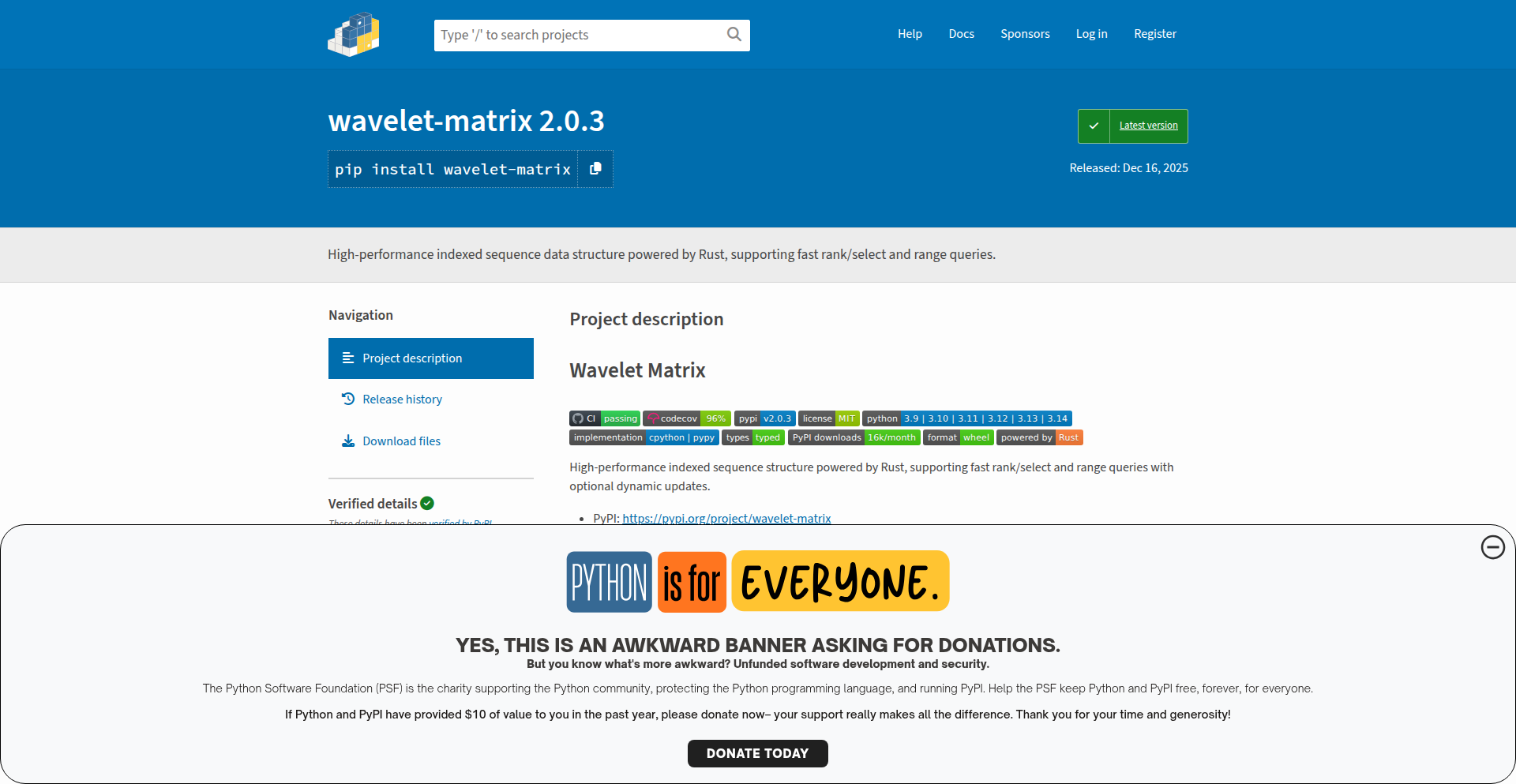
RustWaveletMatrixPy
Author
math-hiyoko
Description
A high-performance Wavelet Matrix library for Python, built using Rust. It addresses the scarcity of robust and efficient Wavelet Matrix implementations in Python, offering fast query capabilities and typed APIs for improved developer experience. This project brings advanced data structure functionality to Python with a focus on speed and reliability.
Popularity
Points 86
Comments 7
What is this product?
RustWaveletMatrixPy is a Python library that provides a Wavelet Matrix data structure, implemented in Rust for maximum performance. A Wavelet Matrix is a sophisticated data structure used for efficiently answering various queries on sequences of symbols, like strings or lists of numbers. Think of it as a highly optimized way to search and analyze large amounts of ordered data. The innovation here is bringing a cutting-edge, performant implementation to Python developers, overcoming the typical performance bottlenecks of pure Python solutions. It's built in Rust because Rust offers low-level control and memory safety, which are crucial for achieving high speed without sacrificing reliability, especially for complex data structures like this. So, for you, this means you can perform complex data analysis and querying tasks on large datasets within Python much, much faster than before.
How to use it?
Developers can integrate RustWaveletMatrixPy into their Python projects by installing it via pip. Once installed, they can instantiate a Wavelet Matrix object with their data (e.g., a list of integers or characters). The library exposes a clean, typed API for performing operations like rank (counting occurrences of an element up to a certain position), select (finding the position of the k-th occurrence of an element), top-k queries (finding the k most frequent elements in a range), quantile queries (finding the element at a specific rank), and range queries. It even supports dynamic updates, allowing the data to be modified after the matrix is built. This means if you're building a data analytics application, a search engine backend, or any system that needs to quickly process and query large sequences, you can easily plug this library in to get lightning-fast results. For example, if you have a large text file and need to quickly find how many times a specific word appears before a certain character position, this library makes that operation incredibly efficient.
Product Core Function
· Fast Rank Queries: Efficiently counts the occurrences of a symbol up to a given index in the sequence. This is useful for tasks like analyzing the frequency distribution of characters in a text within specific segments, helping you understand data patterns quickly.
· Fast Select Queries: Quickly finds the index of the k-th occurrence of a given symbol. This is invaluable for locating specific data points or patterns within large datasets, such as finding the position of the 100th instance of a particular event in a log file.
· Top-K Queries: Determines the k most frequent symbols within a specified range of the sequence. This is extremely powerful for real-time analytics, identifying trending items, or summarizing large data segments by highlighting the most common elements.
· Quantile Queries: Retrieves the element at a specific rank (e.g., the median) within a range of the sequence. This enables efficient statistical analysis and data profiling, allowing you to understand the distribution of your data without sorting the entire dataset.
· Range Queries: Allows for efficient querying of information within a sub-section of the sequence. This is a fundamental capability for many data processing tasks, enabling focused analysis on specific parts of your data.
· Dynamic Updates: Supports adding or modifying elements in the sequence after the Wavelet Matrix has been constructed. This provides flexibility for applications where data is not static, allowing you to maintain an efficient query structure even as your data evolves.
Product Usage Case
· Building a highly responsive search index for large text corpora: Developers can use RustWaveletMatrixPy to create an index that allows for extremely fast text searching, including complex pattern matching and frequency analysis, significantly improving user experience in document retrieval systems.
· Implementing real-time analytics dashboards for streaming data: By leveraging the fast query capabilities, developers can process and analyze high-volume data streams in real-time, providing up-to-the-minute insights for monitoring systems or user behavior tracking.
· Optimizing bioinformatics sequence analysis: In fields like genomics, where vast amounts of sequence data are common, this library can accelerate tasks such as motif finding and variant analysis, making research more efficient.
· Developing efficient data compression and retrieval systems: Wavelet Matrices are fundamental to some compression algorithms. This library can be integrated into systems that require fast data decompression and querying of compressed data, saving storage space and retrieval time.
· Creating efficient algorithms for competitive programming problems involving sequence analysis: For developers participating in coding competitions, this library offers a powerful tool to solve complex problems related to permutations, rank, and select queries with optimal time complexity.
2
GitForms: GitHub Issues Powered Contact Forms

Author
lgreco
Description
GitForms is an open-source contact form solution that leverages GitHub Issues as its backend. Instead of paying for expensive form services, it stores form submissions directly as issues in your GitHub repository. This eliminates ongoing costs associated with traditional form providers, databases, and backend servers, making it an ideal solution for developers looking for a free and efficient way to collect feedback and inquiries on their landing pages, portfolios, or MVPs.
Popularity
Points 34
Comments 23
What is this product?
GitForms is a novel approach to handling contact form submissions by repurposing GitHub Issues. When a user submits a form on your website, GitForms, built with Next.js 14, Tailwind CSS, and TypeScript, uses the GitHub API to create a new issue in a designated GitHub repository. This means you receive form submissions as actionable GitHub Issues, complete with all the submitted data. The innovation lies in its zero-cost, serverless architecture. It avoids the need for separate databases or backend servers, making deployment incredibly simple and free on platforms like Vercel or Netlify. Configuration for themes, text, and even multi-language support is handled through a simple JSON file, embodying the hacker ethos of using existing tools creatively to solve common problems.
How to use it?
Developers can integrate GitForms into their Next.js 14 applications. After setting up the project, you'll configure a JSON file with your desired settings, such as the GitHub repository where submissions should be stored, API tokens for authentication, and styling options. The form component can then be embedded into your website's pages, like landing pages, portfolios, or MVP project sites. Upon submission, the data is automatically sent to your GitHub repo as a new issue. You'll receive email notifications from GitHub for each new submission, allowing you to track and manage inquiries directly within your development workflow. This integration is particularly useful for projects hosted on Vercel or Netlify, where its serverless nature fits perfectly into free tier offerings.
Product Core Function
· Stores contact form submissions as GitHub Issues: This provides a free, organized, and trackable way to manage user inquiries without additional database costs, making it perfect for personal projects and MVPs.
· Zero ongoing costs: Eliminates monthly fees for form services, databases, and backend servers by utilizing GitHub's free tier and serverless deployment, directly saving developers money.
· Serverless deployment: Easily deployable on platforms like Vercel and Netlify, allowing for quick setup and free hosting for low-volume use cases.
· Configurable via JSON: Offers flexibility in customizing form themes, text, and multi-language support through a simple JSON file, enabling easy adaptation to different project needs.
· Instant email notifications from GitHub: Ensures prompt awareness of new submissions by leveraging GitHub's built-in notification system, streamlining the feedback process.
Product Usage Case
· Building a personal portfolio website: A developer can use GitForms to add a contact section to their portfolio. When potential employers or collaborators submit inquiries through the form, each submission becomes a GitHub issue, allowing the developer to easily track and respond to opportunities without setting up a separate contact management system.
· Launching a Minimum Viable Product (MVP): For a new web application or service, GitForms can be integrated to collect early user feedback and bug reports. Submissions are automatically filed as issues in the project's repository, providing developers with a clear list of user concerns to address as they iterate on the product.
· Creating simple landing pages for side projects: A developer launching a small tool or project can embed a GitForms form on its landing page to gather interest or support requests. This allows for immediate feedback collection without the overhead of managing a dedicated backend or paying for a form service, perfect for hobby projects.
3
Mephisto

Author
benmxrt
Description
Mephisto is a disposable email service that prioritizes privacy and developer experience. It runs entirely in volatile memory, meaning no data is stored permanently. It features a client-side password generator, offline capabilities via PWA, and uses WebSockets for real-time mail delivery without polling. This addresses the common frustrations with intrusive ads, trackers, and captchas found in many disposable email services, offering a clean, developer-focused utility.
Popularity
Points 21
Comments 31
What is this product?
Mephisto is a disposable email service designed as a developer tool. Its core innovation lies in its 'RAM-only' architecture, where all data is held in volatile memory and is erased once a session ends. This means no persistent storage on servers, enhancing privacy. It also utilizes client-side entropy for its password generator, ensuring your keys are never transmitted to the server. The Progressive Web App (PWA) design allows for offline use and uses WebSockets for instant email reception, eliminating the need for constant checking. This is fundamentally different from typical disposable email services that often compromise user privacy for ad revenue. So, what's in it for you? You get a secure, fast, and ad-free way to use temporary email addresses for sign-ups and testing, without worrying about your data being stored or your experience being interrupted by ads and captchas.
How to use it?
Developers can use Mephisto by visiting the website and immediately creating a temporary email address. The service is designed for quick, on-the-fly use, perfect for signing up for services where you don't want to use your primary email, or for testing registration flows without creating permanent accounts. Its PWA nature means you can install it on your device for quick access and even use it offline for certain functionalities. For seamless transitions, you can use the mobile handoff feature, which uses an encrypted QR code to transfer an active session to your mobile device. This means you can start a session on your desktop and easily continue it on your phone without re-entering any information. So, how does this help you? It provides a streamlined and secure workflow for managing temporary email needs, directly integrated into your development or testing process.
Product Core Function
· Volatile Memory Email Storage: Emails are stored only in active RAM and deleted upon session termination. This provides enhanced privacy by preventing data persistence, useful for sign-ups where you want to protect your primary email. The value here is peace of mind and data security.
· Client-Side Password Generation: The password generation logic runs directly in your browser, meaning your generated keys are never sent to the server. This significantly boosts security for any password-protected services you might be using this email with. The value is keeping your credentials private and secure.
· Progressive Web App (PWA) with WebSockets: Mephisto functions as a PWA, allowing for installation and offline access. It uses WebSockets for real-time email delivery, ensuring you receive incoming messages instantly without needing to repeatedly refresh the page. The value is a fast, responsive, and convenient email experience.
· Encrypted QR Code Mobile Handoff: You can transfer an active email session from one device to another (e.g., desktop to mobile) using an encrypted QR code. This enables a seamless continuation of your workflow across devices. The value is flexibility and uninterrupted workflow management.
· Ad-Free and Tracker-Free Interface: Unlike many disposable email services, Mephisto is free from intrusive advertisements and tracking scripts. This provides a clean, uncluttered, and privacy-respecting user experience. The value is a distraction-free and secure interaction.
Product Usage Case
· Testing sign-up flows for a new web application: A developer can use Mephisto to quickly generate temporary email addresses to test user registration, email verification, and password reset functionalities without creating actual user accounts or spamming their inbox. This accelerates the testing cycle.
· Signing up for online services without revealing personal email: When a user needs to sign up for a forum, a free trial, or a one-time download, they can use a Mephisto email address to avoid receiving spam or marketing emails in their primary inbox. This keeps personal inboxes clean and reduces exposure to unwanted communication.
· Experimenting with third-party services that require email verification: If a developer is testing an API integration or a service that mandates email confirmation, Mephisto provides a convenient way to get a verified email without committing a permanent address. This allows for rapid experimentation.
· Using a temporary email for secure testing of sensitive operations: For scenarios where an email address is required for testing sensitive actions like account recovery simulations, the RAM-only nature of Mephisto ensures no trace of the test email account or its associated data remains after the session. This enhances the security of testing environments.
4
MCPShark VSCE: In-Editor MCP Traffic Inspector
Author
mywork-dev
Description
This project is a VS Code and Cursor editor extension that allows developers to view and debug MCP (Model Context Protocol) traffic directly within their IDE. It eliminates the need to constantly switch between the editor, terminals, and logs, significantly streamlining the debugging process for MCP-based applications. The innovation lies in bringing the network traffic inspection capabilities directly into the developer's primary workspace, making it easier to understand how data is flowing and troubleshoot issues.
Popularity
Points 16
Comments 0
What is this product?
MCPShark Viewer is a VS Code and Cursor extension that acts as an in-editor traffic inspector for the Model Context Protocol (MCP). Instead of manually parsing logs or using separate tools to see the data exchanged between MCP agents or tools, this extension intercepts and displays that traffic directly within your code editor. The core innovation is its integration: it uses the editor's extension API to create a dedicated view for visualizing MCP messages. This allows developers to see exactly what data is being sent and received in real-time, without context switching. For example, if you're building an AI agent that communicates using MCP, you can see the conversation flow right next to your code. This solves the problem of fragmented debugging environments where developers spend a lot of time trying to correlate code with network activity.
How to use it?
Developers can install the MCPShark Viewer extension directly from the VS Code Marketplace or Cursor's extension marketplace. Once installed, when working with applications that use MCP, the extension automatically detects and displays the MCP traffic in a dedicated panel within the editor. Developers can then interact with this panel to view message details, identify patterns, and troubleshoot communication issues. For example, you might open a new tab in your editor that shows a live feed of MCP messages, with options to filter, search, and drill down into individual message payloads. This makes debugging MCP agents significantly more efficient by keeping all relevant information in one place.
Product Core Function
· Real-time MCP traffic visualization: Displays incoming and outgoing MCP messages directly in the editor, allowing developers to see data flow as it happens, making it easy to understand the communication between different parts of an application.
· In-editor debugging panel: Provides a dedicated interface within VS Code/Cursor to inspect MCP messages, reducing the need to switch between multiple tools and improving debugging efficiency.
· Message detail inspection: Allows developers to click on individual messages to see their full payload and metadata, helping to pinpoint the exact data causing issues.
· Contextual relevance: By displaying traffic alongside the code that generates or consumes it, developers can more easily correlate network activity with their application logic.
Product Usage Case
· Debugging an AI agent that uses MCP to communicate with a knowledge base: Developers can see the exact queries sent to the knowledge base and the responses received, all within their editor, allowing them to quickly identify if the agent is formulating requests correctly or if the knowledge base is returning unexpected data.
· Troubleshooting a distributed system where components communicate via MCP: Developers can observe the message exchange between different services, identify bottlenecks or communication errors, and ensure data integrity without leaving their IDE.
· Developing new MCP-based tools and agents: By having a clear view of MCP traffic, developers can iterate faster, test their implementations in real-time, and ensure their protocol adherence.
5
Catsu Embeddings Hub

Author
bhavnicksm
Description
Catsu is a Python client designed to simplify interactions with various embedding API providers. It addresses the common pain point of dealing with inconsistent SDKs, hidden limitations, and frequent breaking changes across different services. By offering a single, unified API, Catsu allows developers to easily switch between providers, track costs, and benefit from built-in resilience features like automatic retries. So, this helps you save significant development time and reduces the complexity of integrating AI embeddings into your applications.
Popularity
Points 7
Comments 5
What is this product?
Catsu is essentially a universal translator for embedding APIs. Instead of learning and managing the unique ways each embedding service (like OpenAI, VoyageAI, Cohere, etc.) works, Catsu provides one consistent interface. It abstracts away the underlying complexities, including vendor-specific bugs, undocumented limits, and broken update cycles. Think of it as a layer that standardizes how you send text to get its 'meaning' represented as numbers (embeddings). This standardization makes it incredibly easy to experiment with different embedding models and providers without rewriting your code. So, this means you can quickly find the best and most cost-effective embedding solution for your needs without getting bogged down in technical differences between providers.
How to use it?
Developers can integrate Catsu into their Python projects by installing it via pip. Once installed, they instantiate a Catsu client and can then use its `embed` function to generate embeddings for their text. The client allows specifying the desired embedding model. Catsu handles the communication with the chosen provider, including error handling and retries. It also provides insights into usage costs. This makes it suitable for a wide range of applications, from building search engines and recommendation systems to implementing AI-powered content analysis and natural language understanding features. So, you can easily add powerful AI embedding capabilities to your existing Python applications with just a few lines of code.
Product Core Function
· Unified API for 11+ embedding providers: This allows developers to easily switch between different embedding services (like OpenAI, VoyageAI, Cohere, etc.) without needing to rewrite their integration code. This is valuable because it provides flexibility and avoids vendor lock-in, enabling developers to choose the best provider based on cost, performance, or specific features. It simplifies development and speeds up experimentation.
· Bundled database of 50+ models with pricing, dimensions, and benchmark scores: This provides developers with a centralized resource to compare and select the most suitable embedding models for their use case. Understanding model characteristics and costs upfront helps in making informed decisions, optimizing performance, and managing budgets effectively. This is useful for selecting the most efficient and cost-effective AI components for a project.
· Built-in retry with exponential backoff: This feature automatically retries failed API requests with increasing delays, improving the reliability of embedding generation. This is important because network issues or temporary service outages can disrupt applications. By automatically handling retries, Catsu ensures smoother operation and reduces the likelihood of application failures due to external API instability.
· Automatic cost tracking per request: Catsu monitors and reports the cost associated with each embedding request. This transparency is crucial for developers to manage their cloud spending and optimize their AI usage. Understanding costs allows for better resource allocation and prevents unexpected expenses. This is valuable for controlling project budgets and ensuring financial efficiency.
· Full asynchronous support: Catsu is designed to work seamlessly with Python's asynchronous programming features. This allows developers to handle multiple embedding requests concurrently without blocking their application's main thread, leading to significantly improved performance and responsiveness, especially in high-throughput applications. This is useful for building scalable and efficient applications that can handle many operations at once.
Product Usage Case
· Building a semantic search engine: A developer can use Catsu to generate embeddings for documents and user queries. By comparing the embeddings, the search engine can find documents semantically similar to the query, even if they don't share exact keywords. Catsu's unified API allows easily testing different embedding models to find the one that provides the best search accuracy for their specific data. This solves the problem of needing to integrate and manage multiple, complex search-related AI models.
· Implementing personalized recommendation systems: For an e-commerce platform, Catsu can embed product descriptions and user behavior data. By analyzing these embeddings, the system can recommend products that are similar to those a user has liked or viewed. The ability to quickly switch providers or models with Catsu helps in A/B testing different recommendation algorithms for optimal user engagement. This helps businesses offer more relevant and engaging product suggestions to their customers.
· Developing AI-powered content moderation: A platform dealing with user-generated content can use Catsu to embed text posts and identify potentially harmful or inappropriate content based on its semantic meaning. The automatic cost tracking feature helps manage the expenses associated with processing large volumes of user content. This solves the challenge of efficiently and cost-effectively identifying problematic content at scale.
· Creating intelligent chatbots and virtual assistants: Catsu can embed user queries and pre-defined responses or knowledge base articles. This allows the chatbot to understand the intent behind user questions and retrieve the most relevant information, leading to more natural and helpful conversations. The reliable retry mechanism ensures the chatbot remains functional even if there are temporary issues with the embedding API provider. This enhances the user experience by providing faster and more accurate responses.
6
NanoDL: C-based Minimal DL with Naive CUDA/CPU Ops and Autodiff

Author
iaroo
Description
NanoDL is a lightweight deep learning library written in C, featuring 24 fundamental CUDA and CPU operations. It boasts automatic differentiation capabilities and a Python API, making it an experimental yet powerful tool for developers looking to understand the core mechanics of deep learning or build custom low-level models without the overhead of larger frameworks.
Popularity
Points 10
Comments 1
What is this product?
NanoDL is a minimalist deep learning library implemented in C. Its core innovation lies in its "naive" yet foundational set of 24 operations, which can be executed on both CPU and CUDA-enabled GPUs. This allows developers to see and manipulate the very basic building blocks of neural networks. The inclusion of automatic differentiation (autodiff) means that gradients, essential for training models, are computed automatically, simplifying the development process. The Python API acts as a user-friendly interface, abstracting away some of the C-level complexities. So, what's the value for you? It's a transparent window into how deep learning works at a granular level, enabling custom optimizations and a deeper understanding of performance bottlenecks that might be hidden in more complex libraries.
How to use it?
Developers can integrate NanoDL by leveraging its Python API to define and train neural network models. For instance, you could use it to experiment with custom layer implementations or to benchmark the performance of basic operations on specific hardware. The library is suitable for researchers exploring novel neural network architectures, educators demonstrating core ML concepts, or engineers needing fine-grained control over tensor operations for specialized applications. So, how can you use it? You can import it into your Python scripts to build simple neural networks, experiment with different activation functions or loss functions, and even integrate it into existing C/C++ projects for performance-critical components. This gives you flexibility and a deep dive into the underlying computation.
Product Core Function
· 24 Naive CUDA/CPU Operations: This provides fundamental tensor manipulations like matrix multiplication, addition, and activation functions, optimized for both general-purpose CPUs and NVIDIA GPUs. This means you get raw computational power and can choose the best execution environment for speed. The value is in understanding and controlling these fundamental computations for performance tuning and custom model designs.
· Automatic Differentiation (Autodiff): This system automatically calculates the gradients of your model's loss function with respect to its parameters. This is crucial for training neural networks via backpropagation. The value here is significant time savings and reduced error in gradient calculation, allowing you to focus on model architecture rather than manual derivative computation.
· Python API: This offers a high-level, user-friendly interface to the C-based library, making it accessible for most developers. It allows for easy model definition, training, and inference within a familiar Python environment. The value is in bridging the gap between low-level C performance and high-level Python development ease, making powerful computations readily available.
· Minimalist Design: The library focuses on a small set of essential operations, promoting clarity and understandability. This makes it easier to debug, modify, and learn from. The value is in demystifying complex DL frameworks and providing a solid foundation for further learning and experimentation without being overwhelmed by features.
Product Usage Case
· Custom Layer Implementation: A developer could use NanoDL's C backend to create a highly specialized neural network layer not present in standard libraries, optimizing its performance for a specific data type or hardware architecture. This allows for unparalleled performance customization for niche problems.
· Educational Tool for Deep Learning Fundamentals: An instructor could use NanoDL to demonstrate how basic operations like matrix multiplication and gradient descent are implemented and executed on GPUs, providing students with a tangible understanding of deep learning mechanics. This makes abstract concepts concrete and easier to grasp.
· Performance Benchmarking: A researcher could use NanoDL to isolate and benchmark the performance of individual CUDA operations on their hardware, identifying bottlenecks and optimizing their custom deep learning workflows. This helps in understanding hardware capabilities and optimizing computational pipelines for maximum efficiency.
· Building Domain-Specific DL Models: An engineer working on an embedded system with limited resources might use NanoDL to build a lean, custom deep learning model that only includes the essential operations needed for their task, ensuring efficient deployment. This enables the creation of tailored solutions for resource-constrained environments.
7
Open-Schematics ML Engine

Author
_bshada
Description
Open-Schematics is a massive public collection of electronic circuit diagrams (schematics) paired with visual representations and organized data. This project leverages machine learning to unlock new possibilities in understanding, searching, and verifying electronic circuits. Think of it as a powerful visual search engine and knowledge base for all things electronic circuits, making complex designs accessible and analyzable.
Popularity
Points 11
Comments 0
What is this product?
Open-Schematics is a comprehensive dataset of electronic schematics, going beyond just the raw diagram files. It includes rendered images of the schematics and structured metadata. The innovation lies in preparing this data for machine learning. By transforming raw circuit designs into a format that AI can understand, we can train models to recognize circuit patterns, understand their functionality, retrieve similar designs quickly, and even validate the correctness of new schematics. This is like teaching a computer to 'read' and 'understand' electronic blueprints.
How to use it?
Developers can integrate Open-Schematics into their projects in several ways. For instance, you could use it to build a smart circuit design assistant that suggests components or existing patterns based on your current design. It can also power a circuit search engine where you describe a desired functionality, and the system returns matching schematics. For educational purposes, it allows for building interactive learning tools that explain circuit behavior. Integration might involve using its API to query the dataset or using its pre-trained models for specific tasks like component identification within a schematic.
Product Core Function
· Circuit Image Rendering: Transforms raw schematic data into clear, visual images, making them easily interpretable by both humans and machine learning models. This allows for visual pattern recognition and analysis that was previously difficult with raw data alone.
· Structured Metadata Generation: Organizes complex circuit information into a searchable and analyzable format. This structured data is crucial for training machine learning models to understand relationships between components and their functions, enabling efficient retrieval and validation.
· Machine Learning Model Training: Provides the foundation for training AI models to understand circuit functionality, identify components, and recognize design patterns. This opens up possibilities for automated circuit analysis, design optimization, and advanced fault detection.
· Circuit Retrieval System: Enables searching for specific electronic circuits based on functional descriptions or visual similarity. This drastically reduces the time engineers spend searching for existing solutions, promoting reuse and faster development.
· Circuit Validation and Verification: Allows for automated checking of schematic correctness and adherence to design rules. This helps catch errors early in the design process, saving time and resources, and improving the reliability of electronic products.
Product Usage Case
· Building an AI-powered circuit design tool that suggests optimal component choices or common sub-circuit implementations based on the user's current design, speeding up the initial design phase.
· Developing a search engine for electronic engineers where they can describe the desired performance of a circuit (e.g., 'low-power amplifier for audio') and get relevant schematics from the dataset as potential starting points.
· Creating an educational platform that uses AI to explain how different parts of a circuit work together and visualize signal flow for students learning electronics.
· Implementing an automated system for quality control in PCB manufacturing that uses schematics to predict potential issues or verify component placement against the intended design.
8
Valmi: Outcome-Driven AI Agent Billing

Author
rajvarkala
Description
Valmi is an open-source billing platform designed for AI agents, shifting the focus from usage-based pricing (like tokens or API calls) to outcome-based pricing. It allows developers to charge customers only when their AI agents successfully complete a task or deliver a meaningful result, solving the problem of unpredictable costs and misaligned value in AI agent development. This approach builds trust by ensuring customers pay for tangible results, not just computational effort.
Popularity
Points 4
Comments 6
What is this product?
Valmi is an open-source billing system that revolutionizes how AI agents are priced and paid for. Instead of traditional billing models that charge for API calls, tokens, or compute time, Valmi enables 'outcome-based billing'. This means customers are charged only when the AI agent achieves a specific, predefined goal, such as resolving a support ticket or generating a successful report. The technical innovation lies in treating 'outcomes' as first-class billable units. It tracks the cost associated with each agent run, allowing for transparent margin calculation per agent or customer. It supports flexible pricing models including pure outcome, usage-based, or a hybrid approach, all while offering open-source SDKs and a self-hostable stack for maximum control and transparency. For developers, this means a fairer and more predictable revenue model, and for customers, it means paying for value delivered, not just the effort expended.
How to use it?
Developers can integrate Valmi into their AI agent applications using its open-source SDKs. When an AI agent completes a task that is defined as a billable outcome, Valmi records this success. The system then calculates the cost incurred for that specific run (including LLM costs, tool usage, and any retries) and applies the pre-defined pricing strategy (outcome-based, usage-based, or hybrid). This allows developers to easily set up billing that aligns with the actual value their AI agents provide. For instance, a customer service AI agent that successfully closes a support ticket would trigger a successful outcome charge, whereas an agent that fails to resolve the issue wouldn't incur a charge for that specific attempt. Valmi can be self-hosted, giving developers complete ownership of their billing infrastructure.
Product Core Function
· Outcome-based billing: Enables charging customers specifically when an AI agent achieves a defined, valuable outcome, making billing directly tied to delivered results and increasing customer trust by ensuring they pay for tangible success.
· Cost tracking per agent run: Automatically monitors and reports the cost of each individual AI agent execution, providing developers with clear insights into their expenses and enabling accurate margin calculations for each service.
· Flexible pricing models: Supports a variety of pricing strategies including pure outcome-based, usage-based (like API calls or tokens), and hybrid models, allowing developers to tailor their billing to best suit their AI agent's functionality and market value.
· Transparent margin analysis: Provides detailed visibility into the profit margins for each AI agent or customer, helping developers optimize their pricing strategies and business operations for better financial performance.
· Open-source SDKs and self-hostable stack: Offers developers the freedom and flexibility to integrate Valmi into their existing systems and host the entire billing infrastructure themselves, ensuring data privacy, customization, and avoiding vendor lock-in.
Product Usage Case
· A customer support AI agent that automatically resolves user queries: Instead of charging for each API call the agent makes, Valmi bills the client only when the AI successfully closes a support ticket, ensuring the client pays for a solved problem, not just an attempted one.
· An AI content generation service that produces marketing copy: Developers can configure Valmi to charge clients per article generated and approved, directly linking the billing to the creation of valuable content rather than the time or number of LLM prompts used.
· An AI-powered market research tool: Valmi can be used to bill clients based on the successful completion of research tasks, such as generating a detailed competitor analysis report, ensuring the client pays for actionable intelligence.
· An internal AI assistant for a company that automates data entry: Billing can be set up to trigger only when the AI successfully processes and inputs a batch of data, demonstrating clear cost savings and return on investment for the business.
9
AeroViz 3D

Author
ryry
Description
AeroViz 3D is a novel project that offers a dynamic 3D visualization of aircraft in real-time around specific airports, integrated with live weather and airport operational data like ATIS. It's a creative technical experiment to explore how complex aviation data can be presented in an intuitive, visually engaging way, offering a unique perspective for aviation enthusiasts and developers interested in data visualization.
Popularity
Points 8
Comments 2
What is this product?
AeroViz 3D is a 3D interactive map that visualizes live aircraft movements. It goes beyond just showing planes; it pulls in real-time weather data and essential airport information (like ATIS broadcasts, which are routine aviation weather reports). The innovation lies in its ability to render this complex, multi-layered data into a cohesive 3D environment, allowing users to explore aviation activity from a new, more immersive angle. Think of it as a live, interactive diorama of an airport's airspace.
How to use it?
Developers can explore AeroViz 3D by visiting the website and selecting specific airports to view. For those interested in the underlying technology, the project serves as a powerful example of real-time data integration and 3D rendering. It can inspire developers working on geospatial applications, flight simulation tools, or any project requiring the visualization of dynamic, multi-source data. The open-ended nature of HN projects means there isn't a direct API for integration yet, but the concept itself is a blueprint for building similar visualization platforms.
Product Core Function
· Real-time 3D Aircraft Tracking: Visualizes the live positions of airplanes in a 3D space around selected airports. This is valuable for understanding air traffic patterns and provides a compelling visual for aviation enthusiasts, helping them grasp the scale and movement of aviation in real-time.
· Integrated Weather Visualization: Overlays current weather conditions onto the 3D map. This allows users to see how weather might be impacting flight operations, offering immediate context for observed aircraft movements and providing a practical view for understanding real-world aviation challenges.
· ATIS and Airport Data Overlay: Displays essential airport operational data, such as ATIS broadcasts. This adds a layer of crucial, often overlooked, information directly into the visual environment, making it useful for pilots, aviation students, or anyone needing to understand airport communication and status.
· Unique Data Presentation: Explores novel ways to visualize complex aviation data beyond traditional 2D maps or raw text. The value here is in demonstrating creative problem-solving through visualization, pushing the boundaries of how information can be understood and appreciated.
· Interactive Exploration: Allows users to freely navigate and explore the 3D environment. This interactivity makes the learning and exploration process engaging and intuitive, enabling users to zoom in on specific aircraft or pan across the entire airspace to gain a comprehensive understanding.
Product Usage Case
· Aviation Enthusiast Visualization: A user who loves planes can open the map for a busy airport like JFK and see exactly where planes are in the sky, their flight paths, and the current weather conditions affecting them. This provides a much richer and more engaging experience than simply looking at flight tracking websites.
· Student Pilot Learning Tool: A student pilot can use this visualization to understand how weather fronts impact flight paths around an airport, or to get a feel for the density of traffic during different times of day. It offers a dynamic, practical learning environment that complements theoretical knowledge.
· Developer Inspiration for Geospatial Data: A developer building a real-time city traffic visualization tool could draw inspiration from AeroViz 3D's approach to rendering dynamic objects and overlaying multiple data streams in a 3D space. It demonstrates a creative application of 3D rendering for complex, real-world data.
· Research into Air Traffic Visualization: Researchers interested in human-computer interaction for aviation could study how users interact with this 3D environment to gather insights into more effective air traffic control visualizations.
· Hobbyist Project Showcase: Developers looking to build visually impressive projects with real-time data can see how this project cleverly combines different data sources into a compelling 3D experience, encouraging them to experiment with their own data visualization ideas.
10
Tonbo: Serverless & Edge Embedded DB

Author
ethegwo
Description
Tonbo is a novel embedded database designed specifically for serverless and edge computing environments. It addresses the challenges of state management and data persistence in ephemeral, distributed, and resource-constrained runtimes by offering a lightweight, high-performance, and offline-first solution. The innovation lies in its ability to operate efficiently within these modern deployment models, providing developers with a seamless way to handle data without relying on traditional, heavy database servers.
Popularity
Points 6
Comments 2
What is this product?
Tonbo is an embedded database. Unlike traditional databases that run as separate servers, Tonbo is designed to be compiled directly into your application code, running within the same process. This makes it incredibly efficient for environments like serverless functions (e.g., AWS Lambda, Cloud Functions) and edge devices, where setting up and managing external database connections can be slow, costly, or impossible. Its core innovation is its optimized architecture for low-latency, high-concurrency access in resource-limited scenarios, combined with a robust offline-first capability. This means your application can function even when connectivity is intermittent, synchronizing data when it's available. So, why is this useful? It allows your applications running in these modern, distributed environments to reliably store and retrieve data locally, dramatically improving performance and responsiveness, and enabling functionality that wasn't practical before.
How to use it?
Developers can integrate Tonbo by including its library into their project. It typically involves initializing the Tonbo database within their serverless function or edge application code. For example, in a Node.js Lambda function, you would import the Tonbo library, configure its storage path (which could be in-memory or persist to a local file system if available), and then use its API to perform CRUD (Create, Read, Update, Delete) operations. Tonbo's embedded nature means there's no separate server to manage or connect to; the database lives with your code. Integration scenarios include mobile applications that need offline data storage, IoT devices collecting sensor data, and serverless backends needing fast, local data access. So, how does this help you? You can build applications that are faster, more resilient to network issues, and simpler to deploy in challenging environments.
Product Core Function
· Lightweight Embedded Database Engine: Provides efficient data storage and retrieval directly within the application runtime, reducing overhead and latency compared to client-server databases. This is useful for applications where every millisecond counts, like real-time data processing on edge devices.
· Offline-First Data Persistence: Allows applications to operate and store data even when network connectivity is unavailable, automatically synchronizing changes when a connection is re-established. This is invaluable for mobile apps or IoT sensors in remote areas, ensuring data isn't lost and functionality is maintained.
· Optimized for Serverless & Edge Runtimes: Specifically engineered to perform well in resource-constrained environments with short execution times and limited local storage. This means your serverless functions can handle data operations effectively without hitting performance bottlenecks. Your serverless backend becomes more capable.
· High Concurrency and Low Latency Operations: Designed to handle multiple read and write requests simultaneously with minimal delay, crucial for responsive user experiences and real-time data streams. This makes your applications feel snappier and more capable of handling user demand.
· Simplified State Management: Eliminates the complexity of managing external database servers and connections, making it easier to develop and deploy applications in distributed systems. This streamlines development and reduces operational headaches.
Product Usage Case
· Building a mobile application that needs to store user preferences and local data for offline access. Tonbo would allow the app to read and write data locally, and then sync it to a cloud backend when online, improving user experience and data reliability.
· Developing an IoT application on an edge device to collect and process sensor readings. Tonbo can store this data locally, perform initial analysis, and then send summarized data to a central server, reducing bandwidth usage and enabling real-time local alerts.
· Creating a serverless API backend for a web application where rapid data access is critical. Tonbo can be embedded within the serverless function to provide near-instantaneous access to frequently used data, reducing API response times and improving scalability.
· Implementing a distributed data synchronization system for multiple edge devices that might lose network connectivity. Tonbo's offline-first capabilities ensure that data is captured and eventually synced across devices, maintaining data integrity.
11
Motie AI Web Scraper

Author
jb_hn
Description
Motie is an AI-powered agent that transforms natural language requests into structured data extracted from the web. It addresses the common challenges of complex web scraping by allowing users to simply describe what data they need and from which URL, generating the necessary scraping code automatically. This makes data extraction accessible to a wider audience and provides technical users with foundational code for further development.
Popularity
Points 4
Comments 3
What is this product?
Motie is an AI agent designed to simplify web scraping. Instead of manually writing complex code with specific selectors (like CSS selectors), you can describe the data you want using plain English. For instance, you can tell Motie to 'extract all product titles and prices from this e-commerce page.' Motie uses advanced AI models to understand your request, process the web page, and then automatically generates the code needed to perform the extraction. This innovation lies in its ability to bridge the gap between human language and machine-executable scraping logic, making data extraction more intuitive and less code-intensive. The core technical insight is leveraging large language models (LLMs) to interpret user intent and translate it into the precise instructions required by web scraping libraries, effectively acting as an 'AI Data Engineer.'
How to use it?
Developers can use Motie in several ways. For rapid data extraction, you can visit the Motie website (app.motie.dev), provide a URL and your natural language prompt (e.g., 'Get the titles and links of the top 10 articles on this news page'). Motie will then process this and give you the extracted data, usually in CSV or JSON format. For more advanced use cases, Motie exports the generated scraping code. This allows technical users to take the code and integrate it into their own projects, customize it further, or use it as a starting point for more sophisticated scraping tasks. Integration can be as simple as copying and pasting the generated code into your development environment, or using Motie's hosted scheduling to run scraping jobs automatically.
Product Core Function
· Natural Language Data Extraction: Users can describe the data they need using text prompts. This fundamentally changes how users interact with web scraping, moving from complex code to simple instructions. The value is significantly reduced learning curve and faster initial data retrieval for anyone.
· Automated Code Generation: Motie generates the actual web scraping code (e.g., in Python using libraries like BeautifulSoup or Scrapy). This provides developers with tangible assets they can use, modify, and build upon, offering full code ownership and flexibility, which is invaluable for custom applications and learning.
· Structured Data Output: The extracted data is provided in easily usable formats like CSV and JSON. This ensures that the retrieved information is immediately ready for analysis, database import, or further processing, eliminating the need for manual data cleaning and formatting.
· Hosted Scheduling and Orchestration: Motie offers a service to schedule and run scraping tasks automatically. This is crucial for tasks requiring regular data updates, ensuring data freshness without constant manual intervention, and streamlining data pipelines for businesses and researchers.
Product Usage Case
· Market Research: A small business owner wants to understand competitor pricing for a specific product category. They can use Motie to extract product names, prices, and review counts from competitor websites by simply describing what they are looking for. This helps them make informed pricing and product decisions without needing to hire a developer or learn complex scraping techniques.
· Content Aggregation: A blogger wants to curate trending news from various tech sites. They can use Motie to extract headlines, article links, and author names from multiple news sources, and then use the generated code to build an automated feed for their blog. This saves them hours of manual copy-pasting and data organization.
· Academic Research: A researcher needs to collect data on public opinion expressed on social media or forums related to a specific topic. They can leverage Motie to extract relevant posts, sentiment indicators, and user engagement metrics from specified URLs. The generated code can then be adapted for more in-depth analysis and hypothesis testing.
· Personal Data Management: An individual wants to track their online order history from various e-commerce platforms. They can use Motie to extract order details, shipping status, and item prices from their account pages on different websites, consolidating this information into a single, manageable dataset.
12
Procrastination Weaver

Author
kee_real
Description
Rekapu is a browser extension designed to help users learn new languages or subjects by integrating learning into their procrastination habits. Instead of a hard block, it presents a single flashcard when you try to access distracting websites. Answering correctly grants you access for a set period. This approach leverages existing behavior to create a low-friction learning experience, making continuous learning effortless and guilt-free.
Popularity
Points 7
Comments 0
What is this product?
Rekapu is a smart browser extension that transforms unproductive browsing into a learning opportunity. The core technical insight is to use existing procrastination patterns as a gateway for learning. When you attempt to visit a website known for distraction, Rekapu doesn't just block it; it presents a single learning flashcard. The innovation lies in its seamless integration: answering the card allows immediate continuation on the original site via an overlay, preserving your scroll position and context. This avoids the jarring experience of traditional blockers and creates a natural, almost subconscious, learning loop, powered by spaced repetition principles for effective memorization.
How to use it?
Developers can integrate Rekapu into their workflow by installing it as a Chrome extension. Users can then import their existing Anki flashcard decks (supporting media and cloze deletions) or create new ones. By configuring which websites trigger a flashcard prompt, developers can turn their usual procrastination destinations (like Hacker News or social media) into spaced repetition learning sessions. The extension stores all data locally using IndexedDB, ensuring privacy and offline functionality. This allows developers to build consistent learning habits without needing to rely on willpower or drastic website blocking.
Product Core Function
· Spaced Repetition Learning: Implements spaced repetition algorithms (using ratings like Again, Hard, Good, Easy) to optimize memorization. This means you'll be shown flashcards at just the right time to reinforce learning, making your study sessions highly efficient and effective.
· Anki Deck Import: Supports importing Anki .apkg decks, including media. This allows users to leverage their existing study materials and rich multimedia content (like audio or images) within Rekapu, making learning more engaging and comprehensive.
· Google TTS Support: Integrates with Google Text-to-Speech (TTS) for pronunciation. This is incredibly valuable for language learners, as it provides native-sounding audio for words and phrases, greatly improving pronunciation and listening comprehension.
· Cloze Deletion Cards: Supports cloze deletion flashcards, where parts of a sentence are hidden. This advanced flashcard format challenges recall and understanding of context, offering a deeper learning experience beyond simple Q&A.
· Activity Streaks & Daily Goals: Tracks learning streaks and allows setting daily learning goals. This gamified approach motivates consistent engagement by visually representing progress and encouraging daily practice, making learning a rewarding habit.
· Local Data Storage (IndexedDB): All learning data is stored locally in the browser's IndexedDB. This ensures your privacy is protected as no personal data is sent to any servers, and it allows the tool to function seamlessly offline.
Product Usage Case
· Scenario: A remote developer working for a US company needs to improve their Polish for daily life in Poland but struggles to find dedicated study time. Rekapu Solution: By setting Polish vocabulary flashcards to appear when they visit their usual news sites, they learn a few words each time they 'procrastinate', turning passive browsing into active language acquisition without disrupting their workflow.
· Scenario: A student preparing for a technical certification exam finds themselves constantly distracted by social media during study sessions. Rekapu Solution: They can import their Anki decks into Rekapu and set the extension to prompt them with exam-related questions whenever they attempt to access social media. Answering correctly grants them uninterrupted access, ensuring their study time is focused and productive.
· Scenario: A game developer wants to learn a new programming language but finds traditional online courses too demanding. Rekapu Solution: They can create cloze deletion flashcards for syntax and concepts of the new language. When they feel the urge to browse gaming forums or other development sites, Rekapu will present a flashcard. Successfully answering unlocks the site, making learning a bite-sized, integrated part of their daily digital routine.
13
LibreTech Nexus
Author
iris-digital
Description
This project is a curated portal and initiative aimed at consolidating and promoting open-source and privacy-respecting hardware and software alternatives to mainstream BigTech products. It highlights a growing ecosystem of devices like Fairphone, Framework laptops, and privacy-focused operating systems, addressing the fragmentation and tedium of assembling a complete ethical tech stack. The innovation lies in its conceptualization of a unified approach to support and invest in these individual components, creating a stronger collective impact for the libre technology movement.
Popularity
Points 5
Comments 2
What is this product?
LibreTech Nexus is a conceptual initiative and informational hub that gathers and showcases a range of open-source and privacy-respecting hardware and software products. It recognizes that while many excellent individual ethical technology options exist (like privacy-focused phones, customizable laptops, and open operating systems), their fragmentation makes them difficult for consumers to discover, adopt, and collectively support. The innovation is in proposing a unified strategy to increase their visibility, drive sales, and encourage further investment, thereby accelerating the development of a complete ethical technology ecosystem. It acts as a rallying point for individuals and the community to support these products.
How to use it?
Developers and consumers can use LibreTech Nexus as a central resource to discover and learn about available ethical technology products. For developers working on open-source hardware or software, it serves as a platform to gain visibility and attract potential users and contributors. The project encourages discussion and brainstorming on how to better integrate and market these disparate components, fostering collaboration within the open-source community. It can be used to identify gaps in the ethical tech landscape and inspire new projects. The associated website (aol.codeberg.page/eci/status.html) provides a list of current offerings, serving as a starting point for exploration and advocacy.
Product Core Function
· Curated directory of ethical tech products: Provides a centralized list of privacy-respecting hardware and software, helping users discover alternatives to proprietary systems. This addresses the problem of information overload and makes it easier to find trusted options.
· Community engagement and discussion platform: Facilitates conversations among users, developers, and advocates to brainstorm strategies for supporting and growing the ethical tech movement. This fosters collaboration and shared problem-solving.
· Advocacy for investment and adoption: Aims to increase attention, sales, and investment in open-source and privacy-focused products. This is crucial for the long-term sustainability and improvement of these alternatives.
· Educational resource on the ethical computing landscape: Informs users about the importance of digital freedom and privacy, and how existing products contribute to this goal. This empowers users to make informed choices.
Product Usage Case
· A developer looking to build a completely open-source laptop setup can use LibreTech Nexus to find compatible components like a Framework laptop, an open firmware solution, and a privacy-focused Linux distribution. This solves the problem of needing to research each component individually across multiple vendors.
· An individual concerned about data privacy can discover a range of smartphones like Fairphone running a privacy-enhanced OS. This allows them to replace their data-collecting device with a more ethical alternative, ensuring their personal information is better protected.
· A group of enthusiasts wanting to promote open hardware could use LibreTech Nexus to identify complementary products and propose integrated bundles or marketing campaigns. This amplifies their reach and impact by leveraging existing community efforts.
· A programmer seeking to contribute to the open-source ecosystem can identify emerging projects and their specific needs through the discussions and curated lists. This directs their efforts to areas where they can make a significant contribution to privacy and freedom in technology.
14
Muxide - Rust Native MP4 Weaver

Author
MKuykendall
Description
Muxide is a pure Rust library designed for creating MP4 files from raw video and audio streams, supporting modern codecs like H.264, H.265, and AV1. Its key innovation lies in its complete independence from external dependencies like FFmpeg, offering a lightweight, performant, and secure solution for developers who need fine-grained control over MP4 generation directly within their Rust applications. This significantly simplifies integration and reduces build complexity.
Popularity
Points 6
Comments 1
What is this product?
Muxide is a software tool, specifically a library written in the Rust programming language, that allows developers to construct MP4 video files from separate video and audio data. The innovation here is that it's built entirely from scratch using Rust's own capabilities, without relying on other complex software like FFmpeg. This means it's faster, more predictable, and less prone to security issues because it's a smaller, self-contained piece of code. Think of it like building a custom Lego set without needing any pre-made special pieces – you get to control every brick. So, this is useful because it provides a secure, efficient, and dependency-free way to create video files programmatically, perfect for applications needing to embed video generation capabilities.
How to use it?
Developers can integrate Muxide into their Rust projects by adding it as a dependency in their Cargo.toml file. They can then use Muxide's API to feed it raw video frames (encoded in H.264, H.265, or AV1) and audio samples. The library handles the intricate process of packaging these streams into a valid MP4 container. This is useful for building custom video processing pipelines, live streaming servers that need to package content, or embedding video creation features into applications without the overhead of external tools. For example, a developer could use Muxide to programmatically create a short video clip from a sequence of images and an audio track directly within their application.
Product Core Function
· Pure Rust MP4 Muxing: Provides the ability to create MP4 files entirely within a Rust environment, eliminating the need for external binary dependencies like FFmpeg. This offers a more stable and predictable build process and reduces the attack surface for security vulnerabilities. Its value is in providing a self-contained, reliable video file creation tool.
· Codec Support (H.264, H.265, AV1): Enables the muxing of modern and efficient video codecs into the MP4 container. This allows for creating high-quality video files with better compression, saving storage space and bandwidth. The value here is in supporting current video standards for broader compatibility and efficiency.
· Zero External Dependencies: Built entirely from scratch in Rust, Muxide avoids the complexities and potential compatibility issues of linking to external libraries. This simplifies integration into existing projects and ensures a cleaner, more manageable codebase. Its value is in making integration seamless and reducing build system headaches.
· Performance and Safety: Rust's inherent memory safety features and performance characteristics are leveraged to create a fast and secure MP4 muxer. This leads to efficient video processing and reduces the risk of common programming errors that can lead to crashes or security flaws. The value is in delivering a robust and performant tool.
Product Usage Case
· Building a custom video transcoding service in Rust: A developer could use Muxide to receive video streams, encode them into H.264/H.265/AV1 if needed, and then use Muxide to package them into MP4 files, all within a single Rust application. This eliminates the need to call out to FFmpeg, simplifying deployment and improving performance. The problem solved is reducing external dependencies and increasing control over the transcoding process.
· Creating dynamic video content for web applications: A backend service written in Rust could use Muxide to generate personalized video clips on-the-fly based on user data or events. This could be for personalized advertisements or dynamic report generation. The value is in enabling real-time, customized video creation without heavy external dependencies.
· Developing embedded systems with video output capabilities: For devices where resource constraints are a concern, a lightweight MP4 muxer like Muxide can be invaluable. It allows for generating video files directly on the device without needing to install or manage larger, more complex multimedia frameworks. This solves the problem of efficient video handling in resource-limited environments.
· Contributing to open-source multimedia tools: Developers can leverage Muxide as a foundational component for building new, innovative multimedia applications or enhancing existing ones, knowing they have a solid, dependency-free Rust-based muxer to work with. This fosters further innovation within the Rust ecosystem and the broader developer community.
15
SOAP-AI Bridge

Author
Ugyen_Tech
Description
This project introduces middleware designed to connect outdated SOAP APIs, common in legacy systems, with modern AI agents. It significantly reduces the development time for such integrations, transforming a typical 6-month effort into just 2 weeks, by achieving approximately 70% token reduction. Its core innovation lies in its ability to work with any legacy system, effectively bridging the gap between old and new technologies.
Popularity
Points 2
Comments 4
What is this product?
This is a middleware solution that acts as an intermediary, allowing modern AI agents to communicate with old, often cumbersome, SOAP APIs. SOAP (Simple Object Access Protocol) is an older messaging protocol for exchanging structured information in web services. Legacy systems often rely heavily on this. AI agents, on the other hand, typically use more modern data formats and communication patterns. The innovation here is the efficient translation and simplification of data and requests between these two disparate systems. It achieves a significant token reduction (around 70%), meaning less data needs to be processed by the AI, leading to faster responses and lower costs. So, what's the benefit for you? It makes it dramatically faster and cheaper to integrate advanced AI capabilities into systems that were built decades ago, unlocking new possibilities without a complete system overhaul.
How to use it?
Developers can integrate this middleware into their existing architecture. It acts as a translator. When an AI agent needs to interact with a legacy system via a SOAP API, the request first goes to the SOAP-AI Bridge. The middleware then intelligently reformats the request into a SOAP-compatible format and sends it to the legacy system. The response from the legacy system is then processed and translated back into a format that the AI agent can easily understand. This is particularly useful in scenarios where you have existing business logic or data locked within legacy systems that you want to leverage with AI for analytics, automation, or new user interfaces. So, what's the benefit for you? You can easily add AI features to your old applications without extensive custom coding, saving considerable development time and resources.
Product Core Function
· SOAP API Translation: Converts modern AI agent requests into the SOAP format required by legacy systems. This allows AI to 'speak' the language of old software. So, what's the benefit for you? Your AI can now interact with your existing backend without you needing to become a SOAP expert.
· Data Transformation and Reduction: Optimizes data exchange by reducing token usage (around 70% reduction). This means less data is sent and processed, leading to faster AI responses and lower operational costs. So, what's the benefit for you? Your AI applications will run faster and be more cost-effective.
· Universal Legacy System Compatibility: Designed to work with any legacy system that uses SOAP APIs, regardless of its age or complexity. This provides a flexible solution for modernizing diverse IT environments. So, what's the benefit for you? You can apply this solution to almost any of your old systems, rather than needing specialized tools for each one.
· AI Agent Integration Layer: Provides a standardized interface for AI agents to interact with legacy systems, simplifying the integration process for AI developers. So, what's the benefit for you? AI developers can focus on building smart applications without getting bogged down in the complexities of legacy system integration.
Product Usage Case
· Integrating a customer service AI chatbot with a 15-year-old CRM system that only exposes its data via SOAP APIs. The middleware translates the chatbot's natural language queries into SOAP requests, fetches customer data from the CRM, and formats it back for the chatbot to provide personalized responses. So, what's the benefit for you? You can offer instant, AI-powered customer support powered by your existing customer data.
· Enabling an AI-driven fraud detection system to access transaction history from an ancient banking core system through its SOAP interface. The middleware efficiently retrieves and formats the necessary historical data for the AI to analyze for suspicious patterns. So, what's the benefit for you? You can enhance your financial security with advanced AI analytics on your historical transaction data.
· Connecting a modern cloud-based analytics platform to an on-premises ERP system using SOAP APIs for data extraction. The middleware handles the complex SOAP communication, making the ERP data readily available for advanced business intelligence and reporting. So, what's the benefit for you? You can gain deeper insights into your business operations by combining data from your legacy systems with modern analytics tools.
16
HN++: Enhanced Hacker News Navigator

Author
7moritz7
Description
HN++ is a browser extension that supercharges the Hacker News experience. It introduces intelligent visual cues like rainbow indentation for comments, native filtering by upvote or comment count, and a 'read later' feature for posts and comments. It also streamlines navigation with a sticky header, infinite scroll, and smarter link handling, while adding practical features like favicons and dark mode, all aimed at making browsing HN more efficient and enjoyable.
Popularity
Points 3
Comments 3
What is this product?
HN++ is a browser extension designed to improve how you interact with Hacker News. It brings a set of highly requested features that go beyond the standard Hacker News interface. At its core, it uses client-side JavaScript to manipulate the existing Hacker News page, adding visual enhancements and functional improvements. The 'rainbow indentation' feature uses the depth of a comment to assign a color stripe, making it easier to follow nested conversations. Native filters allow you to sort and discover content based on popularity metrics like upvotes and comment volume, even identifying 'controversial' discussions where comments outnumber upvotes. The 'read later' functionality saves selected posts and comments directly in your browser's local storage, so you can easily return to them without losing your place. It's built with a focus on developer productivity and a hacker's mindset of improving existing tools.
How to use it?
To use HN++, you'll need to install it as a browser extension. Once installed, it will automatically enhance your Hacker News browsing. You can toggle features like dark mode, opening links in new tabs, and other preferences through a settings menu within the extension. The filtering options will appear directly on the Hacker News pages, allowing you to apply them with a click. Saving comments or posts is as simple as clicking a designated 'save' icon or button, which will then appear in a convenient 'read later' menu. This extension is ideal for developers who spend a lot of time on Hacker News and want to optimize their information consumption and engagement.
Product Core Function
· Rainbow Indentation: Visually groups comments of the same nesting level with colored stripes, making it easier to track conversation threads and understand the structure of discussions. This helps reduce cognitive load when reading long comment sections.
· Native Filtering: Allows users to filter Hacker News frontpages (Top, New, Show, etc.) by upvote count, comment count, or a 'controversial' metric (where comment count exceeds upvote count). This helps users quickly find popular, engaging, or debated content.
· Read Later: Enables saving of individual posts and comments to local browser storage for later review. This is invaluable for bookmarking interesting articles or comments that you don't have time to read immediately.
· Collapsible Sticky Header: Keeps the thread details and navigation options at the top of the page, visible even when scrolling through long comment sections. This eliminates the need to scroll back up to access navigation or thread information.
· Infinite Scroll: Replaces traditional pagination with a continuous scroll, loading more content as you reach the bottom of the page. This provides a smoother browsing experience and avoids interruptions from page reloads.
· Styled Quotes: Automatically formats text starting with '>' as blockquotes, improving readability for quoted content within comments.
· Favicon Integration: Displays favicons next to submitted links, using a cached service for speed. This aids in quickly identifying the source of linked articles and can improve focus by providing visual anchors.
· Dark Mode: Offers a dark theme for the Hacker News interface, reducing eye strain for users who prefer a darker visual scheme, especially during extended browsing sessions.
· Open Links in New Tab: An optional setting that forces all external links to open in a new browser tab. This is particularly useful for mobile users and for keeping the current Hacker News page open while exploring linked content.
Product Usage Case
· A developer researching a new technology on Hacker News might use the 'Read Later' feature to save several insightful articles for in-depth reading after their current coding session. This ensures they don't forget valuable resources and can revisit them efficiently.
· A community manager monitoring discussions for a product launch could use the 'Native Filters' to quickly identify posts with a high number of comments or a high upvote count, helping them gauge community sentiment and engagement levels.
· A student studying computer science might find 'Rainbow Indentation' extremely useful for understanding complex algorithmic discussions in the comments section, making it easier to follow the logical flow of arguments.
· A seasoned developer who frequently browses Hacker News on their commute might enable 'Open Links in New Tab' and 'Dark Mode' to make the experience more comfortable and less disruptive on their mobile device.
· When encountering a particularly long and nested comment thread on a technical topic, a user can leverage 'Rainbow Indentation' and the 'Collapsible Sticky Header' to maintain context and easily navigate back to the main submission details.
17
FiscalPrescription Engine

Author
kmundy
Description
This project is a data modeling tool that reconstructs the US federal budget from 1970 to 2024 to identify the root cause of fiscal challenges. It specifically isolates federal healthcare spending, compares it against a baseline inflation rate plus an innovation premium (using Germany as a reference), and reveals a significant 'healthcare overpayment' contributing to the national debt. The core innovation lies in its data-driven approach to pinpointing systemic pricing issues in healthcare as the primary driver of debt, rather than just sovereign debt. This offers a fresh perspective on fiscal policy by framing the problem as a pricing crisis influenced by factors like supply limitations and insurance models.
Popularity
Points 4
Comments 2
What is this product?
The FiscalPrescription Engine is a sophisticated data analysis model designed to dissect the US federal budget. It leverages historical financial data and economic principles to build a clear picture of where national debt originates. The key technical innovation is its method of isolating and analyzing federal healthcare spending. Instead of accepting standard inflation figures, it introduces an 'Innovation Premium' benchmark (derived from a control country like Germany) to understand how much more the US pays for healthcare services. By doing so, it reveals a substantial 'Monopoly Premium' within healthcare costs that significantly inflates the national debt. The model also traces the structural causes for this premium back to specific policy decisions like the 1997 Residency Cap and the 85% Medical Loss Ratio (MLR) rule, which can inadvertently turn insurance companies into cost-plus contractors. Essentially, it's a tool to understand the 'true cost' of government spending by dissecting its components and identifying hidden inefficiencies.
How to use it?
For developers, this project serves as a powerful example of applying data science and economic modeling to complex real-world problems. It can be used as a framework to:
1. Understand and replicate the methodology for analyzing other government budgets or large-scale spending. Developers can use the underlying principles to build similar models for national health systems in other countries or even for large private sector entities with complex spending structures.
2. Integrate its data analysis techniques into financial forecasting tools or policy simulation platforms. The model's ability to isolate specific spending categories and apply custom benchmarks makes it adaptable for predictive analytics.
3. Serve as a data visualization and storytelling tool. The findings can be integrated into dashboards or reports to communicate complex fiscal issues to a wider audience, demonstrating the power of code and data to drive impactful insights. The 'Triple Multiplier' logic (Price + Innovation + Interest) can be a core component for building more robust financial analysis tools.
Product Core Function
· Budget Reconstruction: The ability to build a granular historical US federal budget model from 1970-2024. This allows for detailed year-over-year analysis and trend identification, valuable for understanding long-term fiscal dynamics.
· Healthcare Spending Isolation: Precisely separating federal healthcare expenditures from the overall budget. This is crucial for identifying sector-specific issues and enabling targeted analysis, which is the core of the product's insight.
· Comparative Pricing Analysis: Implementing a benchmark comparison for healthcare costs, using a baseline of CPI plus an 'Innovation Premium' derived from a control economy (e.g., Germany). This technique reveals cost inefficiencies and overpayments that standard inflation measures would miss.
· Structural Cause Identification: Tracing the identified pricing issues back to specific policy mechanisms like the 1997 Residency Cap and the 85% MLR. This adds a layer of actionable insight by highlighting the policy levers that influence fiscal outcomes.
· Debt Impact Quantification: Calculating the exact contribution of healthcare overpayments to the national debt, quantifying the fiscal impact of 'Monopoly Premiums'. This provides a clear, data-backed understanding of the magnitude of the problem.
· Fiscal Logic Modeling: Implementing the 'Triple Multiplier' logic (Price + Innovation + Interest) to provide a more comprehensive model for understanding debt accumulation. This advanced logic allows for deeper financial simulations and forecasting.
Product Usage Case
· A financial analyst could use this model to demonstrate to policymakers that the primary driver of the US national debt is not excessive borrowing, but rather an inefficiently priced healthcare system. By presenting the $26T gap calculation, they can advocate for healthcare cost containment measures rather than solely focusing on spending cuts elsewhere.
· A data scientist could adapt this model to analyze healthcare spending in their own country, using its methodology to identify similar pricing inefficiencies and advocate for reforms. This would involve replacing the US budget data with local data and potentially a different control country for the innovation premium.
· A software developer building a financial simulation tool could integrate the 'Triple Multiplier' logic from this project. This would allow their tool to provide more nuanced projections of national debt under various economic and policy scenarios, specifically accounting for how healthcare pricing impacts overall fiscal health.
· A policy researcher could use the findings to create compelling visualizations and reports for public awareness campaigns, explaining in simple terms how systemic pricing issues in healthcare have led to a massive increase in national debt. The project's clarity on the 'so what' – the $26T gap – makes it highly effective for communication.
18
Ralph Orchestrator

Author
mobrienv
Description
This project is a fascinating experiment in agentic AI, specifically focused on creating a self-sustaining loop for AI agents. It's an 'AI agent's agent' that can run itself and iterate on tasks. The core innovation lies in its rudimentary 'Ralph Wiggum loop,' which essentially allows an AI to repeatedly perform actions and refine its output without constant human intervention. This addresses the challenge of making AI more autonomous and capable of complex, multi-step problem-solving.
Popularity
Points 6
Comments 0
What is this product?
Ralph Orchestrator is a tool designed to create a continuous feedback loop for AI agents. Think of it like giving an AI a task, and then automatically giving it the ability to review its own work, learn from mistakes, and try again until it gets it right. The 'Ralph Wiggum loop' is a technical term for this iterative process, where the AI essentially acts as its own supervisor and improver. This is innovative because it moves AI from being a one-off tool to something that can potentially manage and execute complex workflows autonomously, which is a significant step towards more capable AI systems.
How to use it?
Developers can use Ralph Orchestrator as a framework for building more independent AI applications. If you have a task that requires multiple steps and a degree of self-correction, you can integrate this tool. For example, if you're building a content generation system that needs to research, write, and then edit its own output, Ralph Orchestrator could automate that entire cycle. It's designed to be integrated into existing AI agent architectures, allowing developers to add this looping capability to their custom AI solutions.
Product Core Function
· Autonomous Task Iteration: The ability for an AI agent to repeatedly execute a task and refine its outcome based on self-evaluation, making it suitable for tasks requiring refinement and learning.
· Self-Correction Mechanism: The system automatically identifies and attempts to fix errors or suboptimal results, leading to more robust and accurate AI performance without constant human oversight.
· Workflow Automation: Enables the creation of complex, multi-step processes that can be managed and executed by AI with minimal human input, streamlining development and operational efficiency.
· Experimental Agentic Loop: Provides a foundational structure for exploring advanced AI agent behaviors, offering a playground for developers to test new autonomy paradigms.
Product Usage Case
· Developing an AI that can autonomously write and improve articles: A developer could use Ralph Orchestrator to create an AI that researches a topic, writes an initial draft, then uses the loop to review and edit for clarity, accuracy, and tone, ultimately producing a higher quality article.
· Building a code generation tool that refines its own output: Imagine an AI that generates code snippets. Ralph Orchestrator could enable it to test the generated code, identify bugs, and automatically rewrite the code to fix those bugs, leading to more functional and error-free code.
· Creating an AI research assistant that iteratively gathers and synthesizes information: A developer could set up an AI to search for information, analyze it, and then use the looping mechanism to refine its search queries or re-evaluate its findings, leading to a more comprehensive understanding of a subject.
· Experimenting with AI-driven game design or strategy: For game developers, Ralph Orchestrator could be used to train AI agents to learn and adapt within a game environment by repeatedly playing, evaluating their performance, and adjusting their strategies.
19
MDXport
Author
ZacharyZZ
Description
MDXport is a client-side Markdown to PDF converter that leverages Typst compiled to WebAssembly (WASM). It addresses common issues with HTML/CSS-based converters, such as pagination and table rendering problems, while ensuring user privacy by performing all operations locally in the browser. It also includes smart fixes for common formatting errors in LLM-generated Markdown.
Popularity
Points 5
Comments 1
What is this product?
MDXport is a Markdown to PDF conversion tool that runs entirely in your web browser. Instead of sending your documents to a server, it uses Typst, a modern typesetting system (like a more powerful and flexible LaTeX), compiled into WebAssembly (WASM). WASM allows high-performance code to run directly in the browser, making the conversion process fast and private. This approach solves the common problems of pagination and complex table rendering that often plague HTML/CSS-based PDF converters. So, what's the benefit for you? You get high-quality PDFs from your Markdown without worrying about your data leaving your computer or dealing with messy formatting.
How to use it?
Developers can use MDXport by simply visiting the website (mdxport.com) and pasting their Markdown content into the editor. The tool then automatically converts it to a PDF, which can be downloaded. For integration into web applications, developers can explore using the Typst WASM bindings directly within their project to implement custom Markdown-to-PDF generation features. This means you can build your own document generation workflows. So, how does this help you? It allows for seamless integration of professional-looking PDF generation into your apps, enhancing user experience and functionality.
Product Core Function
· Client-side Markdown to PDF conversion: Renders Markdown directly in the browser using Typst WASM, ensuring privacy and speed. This is useful for generating documents without relying on external servers, protecting sensitive information.
· Advanced typesetting with Typst: Utilizes Typst for superior control over pagination, tables, and overall document layout compared to standard HTML/CSS rendering. This means your PDFs will look professional and well-organized, solving layout headaches.
· LLM Markdown error correction: Automatically detects and fixes common formatting issues in Markdown generated by AI models, such as broken lists or overflowing tables. This saves you time debugging poorly formatted input, making your workflow smoother.
· Privacy-focused design: All processing happens locally in the browser, meaning no data is uploaded or stored on a server. This is crucial for users concerned about data security and confidentiality, giving you peace of mind.
Product Usage Case
· A freelance writer needs to generate professional-looking invoices from Markdown notes. MDXport allows them to quickly convert their notes into a well-formatted PDF invoice directly in their browser, without needing complex software or uploading sensitive client information. This solves the problem of needing a quick and private invoicing solution.
· A developer is building a documentation website and wants to offer users the ability to download documentation pages as PDFs. By integrating Typst WASM, they can enable this feature directly within their web application, providing a seamless user experience and ensuring all documentation renders correctly with proper pagination and tables. This solves the challenge of providing high-quality, downloadable documentation.
· A researcher is generating reports from AI-assisted writing tools, which often produce messy Markdown. MDXport's automatic error correction helps clean up the Markdown before conversion, ensuring the final PDF report is accurate and presentable. This solves the problem of dealing with unreliable AI-generated content and ensures consistent output quality.
20
Diagramming Claude

Author
ekusiadadus
Description
This project bridges the gap between natural language instructions and visual diagrams, specifically for technical illustrations. It leverages the power of Claude AI to interpret textual descriptions and translate them into structured XML, which then can be rendered into diagrams. The core innovation lies in overcoming the complexities and 'brutal pitfalls' of XML generation from natural language, making diagram creation more accessible.
Popularity
Points 2
Comments 3
What is this product?
This project is an AI-powered system that allows you to create technical diagrams simply by describing them in text. The key technical innovation is using Claude, a large language model, to understand your descriptive text and convert it into an XML format that can then be used to draw the diagram. The challenge was in ensuring the AI could accurately and consistently generate the correct XML structure, which is crucial for precise diagram representation. So, what's the use? It means you can generate complex diagrams without needing to learn specific diagramming software syntax, saving time and effort, and making documentation more intuitive.
How to use it?
Developers can integrate this system into their workflows by providing descriptive prompts to the AI. For example, you might describe a system architecture, a data flow, or a state machine. The AI then outputs the corresponding XML. This XML can then be processed by a diagram rendering engine (like Mermaid.js, PlantUML, or even custom SVG generators) to produce the final visual diagram. This can be used in documentation tools, wikis, or even directly embedded in web pages. So, how to use it? You feed it text, it gives you XML, and that XML becomes your visual. This means faster documentation updates and easier communication of complex ideas.
Product Core Function
· Natural Language to Diagram Intent Parsing: The AI understands textual descriptions of diagrams, identifying shapes, connections, and labels. This allows for intuitive input, reducing the learning curve for diagram creation tools.
· XML Schema Generation for Diagrams: The system converts natural language intents into a well-structured XML format suitable for diagram rendering. This handles the complex task of structuring visual elements programmatically, ensuring accuracy and consistency.
· Pitfall Management in XML Generation: The project specifically addresses the challenges of generating accurate and robust XML from unstructured text. This means fewer errors and more reliable diagram outputs, crucial for technical accuracy.
· Diagram Rendering Integration: While the project focuses on the AI to XML conversion, it's designed to be compatible with existing diagram rendering engines. This allows users to leverage their preferred visualization tools with AI-generated inputs.
· Iterative Refinement with AI: The 'brutal pitfalls' mentioned suggest a development process where the AI's output is continuously refined based on feedback, leading to increasingly accurate diagram generation over time. This iterative approach improves the quality and usability of the generated diagrams.
Product Usage Case
· Documenting software architecture: A developer can describe a microservice architecture, specifying services, their dependencies, and communication protocols. The AI generates the XML, which is then rendered into a clear architectural diagram for team understanding and onboarding.
· Visualizing data flows: For data engineers, describing a complex data pipeline, from ingestion to transformation and storage, can be translated by the AI into a visual data flow diagram, making it easier to troubleshoot and optimize.
· Creating state machine diagrams: Programmers can describe the states and transitions of a finite state machine in plain text. The AI converts this into XML, which is then rendered as a state machine diagram, crucial for understanding and debugging application logic.
· Generating ER diagrams from schema descriptions: While not explicitly stated, this approach could be extended to generate Entity-Relationship diagrams by describing database tables and their relationships, aiding database design and understanding.
21
Crovise: Conversion Hypothesis Engine

Author
adamoufkir
Description
Crovise is a smart landing page analyzer that digs into your page's structure, text, and user experience to suggest actionable ideas for improving conversions. It's built by a 16-year-old developer who faced the common problem of shipping pages that look good but don't perform well, without expensive analytics or CRO experts. So, this helps you identify potential conversion blockers and get data-driven suggestions to make your landing pages perform better.
Popularity
Points 2
Comments 3
What is this product?
Crovise is essentially an automated conversion rate optimization (CRO) assistant for your landing pages. It uses a combination of pattern recognition and algorithmic analysis to dissect your page's layout, the persuasive power of its copy, and how users might interact with it (UX patterns). Instead of just guessing what might be wrong, it leverages established principles of effective web design and marketing to generate specific, testable hypotheses for improvement. Think of it as a proactive consultant for your website's effectiveness. The innovation lies in automating a process that traditionally requires specialized knowledge and significant manual effort, making data-driven optimization accessible to more people.
How to use it?
Developers can integrate Crovise into their workflow by submitting their landing page URLs for analysis. The tool will then process the page and provide a report with suggested hypotheses. These hypotheses can then be used to inform A/B tests or direct changes to the landing page. For example, if Crovise suggests that the call-to-action button is not prominent enough, a developer can then implement a test with a more visually distinct button. This provides a clear, actionable starting point for improving page performance without needing to be a CRO expert yourself.
Product Core Function
· Structural Analysis: Identifies how the layout and arrangement of elements on a landing page might impact user flow and comprehension, offering suggestions for better information hierarchy. This is valuable because a well-structured page guides users effectively towards a desired action.
· Copy Assessment: Analyzes the language used on the page for clarity, persuasiveness, and alignment with user needs, providing suggestions for more compelling messaging. This is useful for ensuring your words resonate with potential customers and drive engagement.
· UX Pattern Recognition: Detects common user experience patterns and potential friction points within the page design, offering insights on how to improve usability and reduce user confusion. This helps create a smoother and more intuitive experience for visitors, leading to higher satisfaction and conversion rates.
· Hypothesis Generation: Automatically generates specific, testable hypotheses based on the analysis, which developers can use to inform their optimization strategies and experiments. This is the core value, providing concrete ideas to act upon rather than vague feedback.
Product Usage Case
· A startup launching a new product needs to quickly validate their landing page's effectiveness. Crovise can analyze the initial page and provide hypotheses on improving the headline and value proposition, helping them iterate faster and reduce bounce rates from the start.
· An e-commerce business is seeing high traffic but low sales on a specific product page. Crovise can pinpoint potential issues with the product description's clarity or the call-to-action button's visibility, guiding them to make specific changes that could boost conversion rates.
· A SaaS company is struggling to convert free trial sign-ups. Crovise can analyze their sign-up flow page and suggest hypotheses related to form complexity or trust signals, helping them streamline the process and encourage more sign-ups.
22
MathExplorerPy

Author
ADavison2560
Description
An interactive Python environment for exploring mathematical concepts. It leverages the power of Python's scientific libraries to visualize and compute mathematical ideas, making complex theories more accessible and understandable. This project is a testament to how code can be used to demystify and engage with mathematics.
Popularity
Points 5
Comments 0
What is this product?
MathExplorerPy is essentially a toolkit designed to help people understand and play with mathematics using Python. It's not just a calculator; it's an environment where you can plot graphs of functions, solve equations, explore geometrical shapes, and even delve into advanced topics like calculus and linear algebra. The innovation lies in its interactive nature and the ability to visualize abstract mathematical concepts in a concrete, visual way, powered by popular Python libraries like Matplotlib and NumPy. So, for you, it means turning confusing math formulas into understandable pictures and interactive demos, making learning and problem-solving in math much more intuitive.
How to use it?
Developers can use MathExplorerPy by integrating its core functionalities into their own Python projects or by running the provided scripts directly. It's designed to be modular, allowing for easy import of specific visualization or computation modules. For instance, you could use it to quickly generate a plot for a scientific paper, build an educational app that demonstrates mathematical principles, or even automate complex mathematical calculations. The usage is as simple as writing a few lines of Python code to import a function and call it, like 'from mathexplorerpy import plot_function; plot_function(lambda x: x**2, -5, 5)'. This allows you to embed mathematical exploration directly into your workflows, providing immediate visual feedback and deeper understanding.
Product Core Function
· Interactive Function Plotting: Visualize mathematical functions in 2D and 3D, allowing users to see how changes in parameters affect the output. This helps in understanding the behavior of equations and is crucial for data analysis and scientific modeling.
· Equation Solving Capabilities: Provides tools to find roots of equations, solve systems of linear equations, and perform symbolic computations. This saves time on manual calculations and enables exploration of complex algebraic problems.
· Geometric Shape Generation: Create and manipulate various geometric shapes, from simple lines and circles to complex polyhedra. This is invaluable for computer graphics, game development, and architectural design.
· Calculus and Linear Algebra Tools: Offers functions for differentiation, integration, matrix operations, and eigenvalue decomposition. This significantly aids students and researchers in understanding and applying advanced mathematical concepts in their respective fields.
· Data Visualization Enhancements: Extends standard plotting capabilities with specialized charts and visualizations for mathematical data. This makes it easier to identify patterns, trends, and anomalies in datasets.
Product Usage Case
· A high school student struggling with understanding trigonometric functions can use MathExplorerPy to plot sine and cosine waves, adjusting frequencies and amplitudes to see the real-time impact. This visual approach makes abstract concepts tangible and easier to grasp.
· A game developer building a physics engine can use the geometric shape generation and linear algebra tools to simulate object collisions and transformations. This allows for more realistic and accurate in-game physics, enhancing the player experience.
· A data scientist analyzing experimental results can leverage the advanced plotting and equation-solving features to model data, identify underlying relationships, and predict future outcomes. This speeds up the analysis process and leads to more insightful conclusions.
· A researcher in engineering can use the calculus tools to analyze dynamic systems and optimize designs. For example, finding the maximum stress on a component by performing numerical integration and differentiation on simulation data.
· An educator can build interactive online learning modules that demonstrate mathematical principles using MathExplorerPy's visualization and computation capabilities, providing students with a hands-on learning experience.
23
ZXC: ARM-Optimized Asymmetric Compression

Author
pollop_
Description
ZXC is a high-performance data compression tool specifically engineered for ARM processors, achieving over 40% better decode speed compared to LZ4. It uses an asymmetric compression approach, meaning compression might take longer but decompression is significantly faster, making it ideal for scenarios where data is frequently read after being written. The project highlights innovative techniques in C, developed under the BSD-3 license, and rigorously tested with fuzzing.
Popularity
Points 3
Comments 1
What is this product?
ZXC is a novel data compression algorithm designed with a laser focus on ARM architectures. Its core innovation lies in its 'asymmetric' nature. Think of it like packing a suitcase: packing (compression) might be a bit more involved to make it compact, but unpacking (decompression) becomes incredibly quick and easy. This is achieved through clever bit manipulation and optimized algorithms that leverage the specific instruction sets of ARM CPUs. This means for applications that read data much more often than they write it, ZXC offers a substantial speed boost during the reading phase, leading to snappier applications and more responsive systems. So, for you, this means applications that use ZXC will load and access data faster, making your user experience smoother.
How to use it?
Developers can integrate ZXC into their projects by leveraging its C library. This involves linking the ZXC library into their application and using its API to compress and decompress data streams or files. For example, if you're building a game that needs to load large assets quickly, you could compress these assets with ZXC. When the game runs, it can decompress these assets much faster on ARM devices, reducing loading times. It's also suitable for embedded systems or network protocols where efficient data transfer and rapid access are critical. So, for you, this means developers can build applications that feel faster and more efficient, especially on mobile devices and other ARM-powered hardware.
Product Core Function
· Asymmetric Compression: Achieves significantly faster decompression speeds than traditional algorithms by optimizing the decompression process. The value here is enabling applications to access data more rapidly, which is crucial for responsiveness. Useful for loading game assets, reading configuration files, or streaming data.
· ARM Architecture Optimization: Specifically tuned for ARM processors, leading to superior performance on mobile phones, Raspberry Pis, and other ARM-based devices. The value is unlocking maximum efficiency on widely used hardware. Useful for developers targeting a broad range of consumer electronics.
· High Compression Ratio: While prioritizing decode speed, ZXC still offers good compression, meaning less storage space is needed for data. The value is reducing memory or disk footprint. Useful for applications with limited storage or bandwidth.
· Fuzzed and BSD-3 Licensed: Rigorous testing with fuzzing ensures robustness and security, while the BSD-3 license provides flexibility for commercial and open-source use. The value is a reliable and adaptable tool for integration. Useful for developers who need assurance and freedom in their project.
· Written in C: Provides a low-level, efficient implementation that can be easily integrated into various systems. The value is performance and broad compatibility. Useful for system-level programming and performance-critical applications.
Product Usage Case
· Mobile App Data Loading: Imagine a mobile game or a news app that needs to load a lot of content. By using ZXC to compress this content, the app can decompress and display it much faster on the user's phone, leading to a quicker and more enjoyable experience. This solves the problem of slow loading times that frustrate users.
· Embedded System Data Access: For devices like smart home hubs or IoT sensors that have limited processing power and need to access data frequently (e.g., sensor readings, configuration settings), ZXC can make these data accesses much quicker. This improves the real-time performance of the device.
· Network File Transfer: When transferring files over a network, especially to ARM-based servers or clients, using ZXC can speed up the decompression on the receiving end. This leads to faster file delivery and reduced latency. This solves the problem of slow data transfers.
· Database Caching: In scenarios where frequently accessed data from a database is cached in memory, using ZXC to compress the cached data can save memory and still allow for very fast retrieval when needed. This helps in optimizing memory usage while maintaining quick access to critical information.
24
RecessionSignal Dashboard
Author
guyl
Description
A technical project that consolidates key economic indicators related to recessions into a single, straightforward dashboard. It focuses on presenting raw data like employment, manufacturing output, consumer confidence, and credit availability without commentary, offering a clear, unemotional view of economic health. The innovation lies in its curated data aggregation and plain presentation, acting as a signal-detection tool for developers and analysts.
Popularity
Points 2
Comments 2
What is this product?
This project is a data aggregation and visualization tool that pulls together critical economic indicators often associated with recessions. Instead of relying on emotional news headlines, it focuses on objective data points such as job market trends, industrial production, consumer sentiment surveys, and how easily credit is available. The technical innovation is in the automated fetching and consistent display of these disparate data sources, providing a unified view of economic signals without any predictive claims or subjective interpretations. So, what's in it for you? It gives you a direct, unfiltered look at the underlying economic forces, helping you understand potential shifts without getting swayed by the noise.
How to use it?
Developers can use this project as a foundational example for building their own data-driven dashboards or integrating similar economic signal tracking into broader applications. It's designed to be a standalone reference, but the underlying principles of data fetching and presentation can be adapted. For instance, you could integrate this into a financial analysis tool, a news aggregation platform to provide context, or even a personal productivity app for macro-economic awareness. The technical usage scenario involves understanding how to reliably source and present time-series economic data in a clear and accessible format. So, what's in it for you? You get a template for building your own data insight tools, making your applications more informed and valuable.
Product Core Function
· Automated Data Aggregation: Efficiently collects data from various economic sources, ensuring up-to-date information without manual intervention. The technical value is in streamlined data pipelines. This is useful for any application requiring regular data updates.
· Indicator Normalization and Display: Presents a range of economic signals in a consistent, easy-to-understand format, despite the varying nature of the original data. The technical value is in effective data interpretation and presentation. This helps users quickly grasp complex economic trends.
· Commentary-Free Interface: Deliberately excludes opinions or predictions, focusing solely on the raw data. The technical value is in prioritizing data integrity and user autonomy. This is useful for users who want objective insights without external bias.
· Responsive and Clear Layout: Designed for at-a-glance comprehension, allowing users to quickly assess the economic situation. The technical value is in user experience and effective information architecture. This makes it easy for anyone to understand the economic signals presented.
· Signal Tracking: Provides a central location to monitor key economic indicators that can signal potential economic downturns or upturns. The technical value is in creating a focused analytical tool. This is useful for anyone needing to track economic health.
Product Usage Case
· Financial analysts can use this dashboard to quickly assess the current economic climate before making investment decisions. By looking at the raw indicators, they can identify patterns that might not be obvious in news reports. The problem solved is getting a quick, objective economic snapshot.
· Developers building news aggregation tools could integrate these signals to provide contextual economic information alongside relevant articles, helping users understand the broader economic implications of news events. The problem solved is adding data-driven context to information streams.
· Researchers studying economic trends can use this as a reference point for tracking specific recessionary indicators over time, facilitating deeper analysis and hypothesis testing. The problem solved is providing a centralized, reliable source for economic data tracking.
· Small business owners could monitor these indicators to anticipate potential shifts in consumer spending or credit availability, allowing for proactive business planning. The problem solved is enabling data-informed business strategy.
25
EmailThreadReplier

Author
pedro380085
Description
This project is a Chrome extension that ingeniously transforms email threads into draft replies. It tackles the common pain point of replying to lengthy email conversations by automatically summarizing the key points and context, allowing users to quickly compose a relevant response. The innovation lies in its ability to understand the conversational flow and extract salient information, saving significant time and mental effort for users.
Popularity
Points 2
Comments 2
What is this product?
EmailThreadReplier is a Chrome extension that intelligently processes email threads and generates a summarized draft reply. It works by analyzing the content of each email in a thread, identifying the core questions, statements, and context. It then uses natural language processing (NLP) techniques to condense this information into a concise summary that forms the basis of a new draft reply. This is innovative because most existing solutions require manual summarization or simply forward the entire thread, which is inefficient. So, what's the use for you? It dramatically speeds up your email response time by doing the heavy lifting of understanding and summarizing complex conversations, making you more productive.
How to use it?
To use EmailThreadReplier, simply install the Chrome extension from the Chrome Web Store. Once installed, navigate to any email client that supports Gmail or similar web-based email interfaces (like Gmail, Outlook Web). When you open an email thread that requires a reply, the extension will automatically detect it and present an option to 'Generate Reply Draft.' Clicking this will initiate the analysis and populate a draft reply in your email composer, ready for your edits and sending. It integrates seamlessly into your existing email workflow. So, what's the use for you? You can start replying to emails faster without even opening them fully, streamlining your communication.
Product Core Function
· Email Thread Summarization: The extension analyzes the entire email thread, identifying key themes and action items to create a concise summary. This is valuable for quickly grasping the essence of a long conversation, saving you from rereading multiple messages. It's applied in scenarios where you receive a lengthy email chain and need to respond without missing critical details.
· Draft Reply Generation: Based on the summarized thread, the extension generates a draft reply, pre-populating the composer with contextually relevant points. This saves you the effort of manually composing a response from scratch, ensuring your reply is on-topic and informed. This is useful when you need to provide a prompt and accurate response to a complex query.
· Contextual Understanding: The underlying NLP models are trained to understand the nuances of conversational language, ensuring the generated summary and draft reply are contextually appropriate. This means the output is more intelligent and less generic than simple keyword extraction. This is vital for maintaining professional communication and avoiding misunderstandings.
· Browser Integration: As a Chrome extension, it works directly within your web browser, no separate application or complex setup is required. This makes it highly accessible and easy to adopt for everyday use. So, what's the use for you? Instant productivity boost without any technical hurdles.
Product Usage Case
· Customer Support Email Triage: A customer support agent receives a thread with multiple back-and-forth exchanges. The extension summarizes the customer's issue and previous agent responses, allowing the agent to draft a comprehensive and empathetic reply in minutes, improving customer satisfaction and response times. The problem solved is the overwhelming volume of information in customer inquiries.
· Project Management Updates: A project manager is part of a long email thread discussing project roadblocks and updates. The extension summarizes the key issues raised and proposed solutions, enabling the manager to quickly draft an update for stakeholders or a reply to a specific team member. This addresses the challenge of keeping everyone informed in a fast-paced project environment.
· Sales Follow-ups: A salesperson is following up on a series of emails with a potential client. The extension condenses the client's expressed needs and previous discussions, helping the salesperson craft a personalized and persuasive follow-up email that addresses the client's specific interests. This overcomes the difficulty of remembering and incorporating every detail from prior interactions.
26
MinimalistDocs-11ty-Tailwind

Author
hunvreus
Description
A minimalist documentation template built with Eleventy (11ty) and Tailwind CSS, designed for developers to quickly set up clean, fast, and easily maintainable documentation sites. It leverages static site generation for performance and Tailwind's utility-first CSS for rapid styling, offering a streamlined approach to presenting technical information.
Popularity
Points 1
Comments 3
What is this product?
This project is a pre-designed template for creating documentation websites. Its core innovation lies in its simplicity and the combination of two powerful, developer-centric tools: Eleventy (11ty) and Tailwind CSS. Eleventy is a static site generator that transforms content (like Markdown files) into HTML files. This means your documentation will load incredibly fast because it's just static files, no server-side processing needed for each visitor. Tailwind CSS is a utility-first CSS framework that allows you to style your website directly in your HTML using pre-defined classes. This makes it super quick to customize the look and feel without writing a lot of custom CSS. The 'really simple' aspect means it strips away unnecessary complexity, focusing on delivering content effectively. So, what's the use for you? It saves you the significant time and effort of designing and building a documentation site from scratch, allowing you to focus on writing the actual content for your project.
How to use it?
Developers can use this template by cloning the repository and then populating it with their project's documentation, typically written in Markdown files. Eleventy watches for changes in your content files and automatically rebuilds the static HTML site. Tailwind CSS is integrated to provide a sleek, modern aesthetic with minimal effort. You can customize the styling by modifying Tailwind's configuration or by directly applying its utility classes to the HTML elements within your content or layout files. It's ideal for projects hosted on platforms like GitHub Pages, Netlify, Vercel, or any static hosting service. So, how to use it for you? You get a ready-to-go, professional-looking documentation site structure that you can adapt to your project's branding and content in a matter of hours, not days or weeks.
Product Core Function
· Static Site Generation with Eleventy: This means your documentation will be delivered as pre-built HTML files, leading to lightning-fast load times and excellent SEO. This is valuable because users (and search engines) appreciate speed, making your documentation more accessible and professional.
· Utility-First CSS Styling with Tailwind: Tailwind provides a comprehensive set of CSS classes that can be applied directly in your HTML to style elements. This dramatically speeds up the process of creating a visually appealing and consistent design without extensive CSS coding. The value for you is rapid theming and a polished look with less effort.
· Minimalist and Clean Design: The template prioritizes content readability and a clutter-free user experience. This is crucial for technical documentation where clarity is paramount. It ensures your users can easily find and consume the information they need without distraction.
· Markdown Content Support: Documentation is typically written in Markdown for its simplicity and ease of use. Eleventy natively supports Markdown, allowing you to focus on writing your technical content without worrying about complex HTML structuring. This is valuable because it streamlines your content creation workflow.
· Extensible Structure: While minimalist, the template is built on a solid foundation that can be extended. You can add new pages, sections, or even integrate custom components as your documentation needs grow. This provides future-proofing and scalability for your project's documentation.
Product Usage Case
· Creating API documentation for a new software library: Instead of spending days designing a page layout, a developer can clone this template, write their API endpoints and descriptions in Markdown, and have a functional, fast-loading API reference site live within hours. This solves the problem of time-consuming front-end development for essential project resources.
· Building a quick start guide for a command-line tool: A developer can use this template to quickly present installation instructions, basic usage examples, and configuration options in a clean, readable format. This helps new users get up and running with the tool faster, improving adoption.
· Documenting a complex workflow or process: For projects involving intricate steps or multiple components, this template provides a structured way to lay out information hierarchically, making it easier for users to follow along. The clear design ensures that even complex processes are presented digestibly.
· Developing a personal portfolio site that highlights technical projects: A developer can adapt this template to showcase their projects, including descriptions, technologies used, and links to code repositories. The clean aesthetic helps their technical achievements stand out.
· Migrating existing documentation from a cumbersome platform to a modern static site: This template offers a familiar and efficient structure, making the migration process smoother and resulting in a faster, more maintainable documentation site.
27
Regulated RAG Enterprise Engine
Author
2dogsanerd
Description
A robust Retrieval Augmented Generation (RAG) system designed for regulated environments, moving beyond simple 'LangChain + VectorDB' to include extensive auditing, granular access control, and a multi-lane consensus engine for highly accurate data extraction. It tackles the problem of hallucinations in standard OCR/extraction by requiring confirmation from multiple specialized extraction methods. The system employs a hybrid graph and vector database for retrieval, coupled with semantic caching for significant performance gains. This is for developers building AI applications that require high accuracy, security, and auditability, such as in finance or healthcare.
Popularity
Points 3
Comments 1
What is this product?
This project is a highly engineered Retrieval Augmented Generation (RAG) system. Standard RAG systems often rely on direct data extraction and retrieval, which can lead to inaccuracies or 'hallucinations' (the AI making things up). This system addresses that by using multiple, specialized 'extraction lanes' (like visual analysis, layout parsing, pure text, and even legal interpretation). A 'Consensus Engine' (nicknamed 'Solomon') then cross-references the findings from these lanes. Only information confirmed by multiple lanes is indexed. This approach significantly reduces errors, making the AI's responses more reliable for critical applications. Additionally, it incorporates comprehensive security features like Role-Based Access Control (RBAC) down to the document level and detailed audit logging of all interactions. So, this is a more trustworthy and secure way to build AI systems that understand and process documents.
How to use it?
Developers can integrate this system into their applications that require accurate and secure document processing and AI-driven querying. For example, in a fintech application, it could be used to ingest and analyze regulatory documents, ensuring that sensitive financial data is processed with high accuracy and that all actions are logged for compliance. It uses a hybrid approach combining a graph database (Neo4j) for understanding relationships between data points and a vector database (ChromaDB) for semantic similarity searches. Performance is boosted by semantic caching in Redis, which speeds up responses for similar queries. This means you can build AI features like 'ask questions about these financial reports' with confidence in the data's integrity and security. The system's architecture is designed to be modular, allowing developers to plug in their specific data sources and tailor the security policies to their needs.
Product Core Function
· Multi-Lane Consensus Engine: Utilizes parallel extraction methods (Vision, Layout, Text, Legal) and a consensus mechanism to ensure data accuracy and reduce hallucinations. This means your AI gets more reliable information to work with, leading to more trustworthy answers.
· Hybrid Graph and Vector Retrieval: Combines Neo4j (graph database for relationships) and ChromaDB (vector database for similarity) with Reciprocal Rank Fusion for more nuanced and accurate search results. This allows the AI to understand not just what information is present, but also how different pieces of information relate to each other, leading to deeper insights.
· Semantic Caching (Redis): Implements caching for similar-meaning queries, resulting in significant speedups (e.g., 40x). This makes your AI applications feel much snappier and more responsive to user queries.
· Full Role-Based Access Control (RBAC): Provides granular control over data access, down to the individual document level. This is crucial for security and compliance, ensuring only authorized users can see sensitive information.
· Comprehensive Audit Logging: Records every prompt and retrieval action, creating a detailed history for accountability and debugging. This is essential for regulated industries where every step needs to be traceable.
· PII Masking: Automatically identifies and masks Personally Identifiable Information to protect sensitive data. This helps you comply with privacy regulations without manually scrubbing every document.
Product Usage Case
· In a financial services application, this system can be used to ingest and analyze complex regulatory documents (like prospectuses or compliance reports). By using the multi-lane consensus engine, it ensures that critical numerical data and legal clauses are extracted accurately, preventing costly errors and ensuring regulatory compliance. The RBAC features ensure that only authorized compliance officers can access specific sensitive financial data.
· For a healthcare provider, this system could power an AI assistant that answers questions about patient records or medical literature. The accuracy provided by the consensus engine is vital for medical decision-making. Audit logs ensure that all data access is tracked, meeting HIPAA requirements, and PII masking protects patient privacy.
· A legal tech company could use this to build a tool that helps lawyers research case law. The hybrid graph and vector retrieval can uncover complex legal relationships between cases and statutes that might be missed by simpler search methods, and the accuracy ensures the AI doesn't misinterpret legal precedents.
28
JsonLint DarkMode

Author
plsft
Description
A web-based JSON validator that addresses user annoyance with ads by offering a cleaner, ad-free experience with an emphasis on the editor and introducing a convenient dark mode. It tackles the problem of intrusive advertising in essential developer tools.
Popularity
Points 2
Comments 2
What is this product?
This project is an enhanced web-based JSON validator, forking and improving upon existing tools like jsonlint.com. The core innovation lies in its user-centric design: it removes intrusive ads that plagued the original, places the JSON editor front and center for immediate usability, and introduces a highly requested dark mode for better developer comfort during long coding sessions. It's built on standard web technologies, likely using JavaScript for client-side validation, and potentially a backend for more complex operations or to serve the static site. The value here is a more pleasant and efficient workflow for developers who frequently need to validate their JSON data.
How to use it?
Developers can use JsonLint DarkMode by simply navigating to the website (jsonlinter.org). They can paste their JSON code directly into the prominent editor window. The tool will instantly validate the JSON structure, highlighting any syntax errors with clear indicators. The dark mode can be toggled via a user interface element, making it easy to switch between light and dark themes. This is useful for quick checks during development, debugging configuration files, or ensuring data integrity before sending JSON payloads.
Product Core Function
· JSON Syntax Validation: Real-time checking of JSON structure for errors, saving developers from manual, tedious debugging of malformed data. This means you can be confident your JSON is correctly formatted.
· Ad-Free Experience: Eliminates distracting advertisements, providing a focused and uninterrupted workflow for developers. This makes your work environment less annoying and more productive.
· Prominent Editor Interface: Places the JSON editor at the forefront, allowing for immediate interaction and quick validation without unnecessary clicks or navigation. You can start validating your JSON instantly.
· Dark Mode Support: Offers a dark theme option to reduce eye strain and improve readability in low-light conditions or during extended coding sessions. This makes coding more comfortable and easier on your eyes.
· Cross-Browser Compatibility: Designed to work across various web browsers, ensuring accessibility for all developers regardless of their preferred browsing environment. You can use it from any browser you prefer.
Product Usage Case
· Debugging API Responses: A developer receives a JSON response from an API that is unexpectedly failing. By pasting the response into JsonLint DarkMode, they can quickly identify a missing comma or a misplaced bracket, resolving the issue swiftly. This helps them fix data errors faster.
· Validating Configuration Files: When setting up a new application or service, developers often work with JSON configuration files. Using JsonLint DarkMode, they can ensure the configuration syntax is perfect before deployment, preventing startup errors. This prevents application misconfigurations.
· Sharing JSON Snippets: A developer needs to share a well-formatted JSON snippet with a colleague. They can use JsonLint DarkMode to validate and then easily copy the clean, error-free JSON for sharing. This ensures accurate communication of data structures.
· Improving Developer Ergonomics: A developer working late at night finds the bright interface of traditional validators tiring. By switching to the dark mode of JsonLint DarkMode, they can continue working comfortably without eye fatigue. This leads to a more pleasant and sustainable coding experience.
29
PiFMNet: Distributed Raspberry Pi FM Broadcaster

Author
douxx
Description
This project is a distributed FM radio broadcasting system built around Raspberry Pis. It leverages a fork of PiFmRds for audio streaming and introduces a central control server, deployable even on cloud platforms like Google Cloud Shell or GitHub Codespaces, to manage multiple Pi units. The innovation lies in its scalable and accessible approach to creating localized FM radio broadcasts, making it easy for anyone to set up their own mini radio station.
Popularity
Points 4
Comments 0
What is this product?
PiFMNet is a system that allows you to broadcast audio over FM radio frequencies using inexpensive Raspberry Pi devices. The core technology is a modified version of PiFmRds, which takes audio input and transmits it wirelessly. The 'network' aspect comes from a central server that coordinates multiple Raspberry Pis. This server can be hosted on a readily available cloud environment, meaning you don't need a dedicated server at home to manage your radio network. So, what's in it for you? It's an easy and cost-effective way to create your own localized radio station for events, private gatherings, or even educational purposes, reaching anyone with an FM radio.
How to use it?
Developers can deploy the central server on a cloud platform like Google Cloud Shell or GitHub Codespaces, which provides a pre-configured development environment. Then, they can configure multiple Raspberry Pi devices with the PiFmRds software. The central server then orchestrates these Pis to broadcast audio. This allows for more robust broadcasts or even the ability to broadcast different content from different Pis simultaneously. Think of it as setting up a small, private radio station for your neighborhood or a specific venue. You can integrate custom audio sources or control the broadcast schedule via the central server. So, how can you use it? You can set up a temporary radio station for a party, broadcast announcements in a community event, or even use it for educational projects teaching about radio transmission and networking. What's the benefit for you? It's a flexible and scalable solution for creating localized audio experiences without complex infrastructure.
Product Core Function
· Distributed FM Broadcasting: Utilizes Raspberry Pis and a modified PiFmRds to stream audio over FM radio frequencies. This means you can easily set up localized radio broadcasts for various purposes. So, what's the value? You can reach a wide audience within a specific area using common FM radios.
· Centralized Control Server: A server component, deployable on cloud environments like Google Cloud Shell or GitHub Codespaces, manages multiple Pi broadcasting units. This simplifies the management of a larger broadcasting network. So, what's the value? It allows for easy scaling and remote management of your radio station without needing dedicated hardware.
· Scalable Network Architecture: Designed to support multiple Raspberry Pi broadcasting nodes controlled by a single server. This enables larger and more complex broadcasting setups. So, what's the value? You can expand your radio coverage or broadcast diverse content across different locations effortlessly.
· Cloud-Ready Deployment: The control server can be hosted on cloud platforms, making it accessible and easy to set up without requiring significant local infrastructure. So, what's the value? It lowers the barrier to entry for creating a sophisticated broadcasting system, making it accessible for experimentation and deployment.
Product Usage Case
· Setting up a temporary local radio station for a community event or festival. The central server manages multiple Pis to cover a larger area, and the easy deployment means quick setup. So, how does this help you? You can provide an engaging audio experience for attendees without the cost and complexity of traditional broadcasting equipment.
· Creating a private audio channel for a workshop or conference, allowing attendees to tune in on their phones or portable radios for announcements or presentations. The distributed nature ensures coverage within the venue. So, how does this help you? It offers a controlled and private audio communication channel for specific groups.
· Educational projects for students to learn about radio frequencies, networking, and embedded systems by building and managing their own mini FM radio station. The accessibility of Raspberry Pi and cloud deployment makes it an ideal learning tool. So, how does this help you? It provides a hands-on and engaging way to understand complex technical concepts.
30
PasskeyAuthEngine
Author
emadda
Description
PasskeyAuthEngine is a streamlined, hosted sign-in page designed exclusively for passkey authentication. It simplifies the integration of email verification and user authentication into your applications, requiring only a few server-side HTTP handlers. This dramatically reduces the complexity of implementing modern, secure login methods.
Popularity
Points 4
Comments 0
What is this product?
PasskeyAuthEngine is a server-side solution that provides a dedicated sign-in page specifically for passkey authentication. It leverages the FIDO2 protocol, which is the underlying technology for passkeys. Instead of you building the entire passkey flow from scratch, which involves complex cryptographic operations and credential management, PasskeyAuthEngine handles it for you. It generates the necessary server requests to initiate passkey registration and authentication, and then securely verifies the responses from the user's passkey authenticator (like a fingerprint scanner or facial recognition on a device). The innovation lies in abstracting away this complexity, offering a simple HTTP handler interface for developers. This means you can add a highly secure, phishing-resistant login experience to your app without deep dives into cryptography, making it easier to adopt cutting-edge authentication.
How to use it?
Developers can integrate PasskeyAuthEngine by setting up a few server-side HTTP handlers in their backend application. These handlers act as endpoints that your frontend will communicate with. When a user needs to sign in, your frontend sends a request to your backend. Your backend then interacts with PasskeyAuthEngine's API to initiate the passkey authentication flow. This might involve requesting a challenge from PasskeyAuthEngine, sending that challenge to the user's device for passkey verification, and then receiving the verified credential back. PasskeyAuthEngine then verifies this credential on your behalf. The outcome of this verification (successful or failed login) is communicated back to your backend, which can then manage the user's session. This approach allows you to inject a secure passkey login into existing applications with minimal backend code changes, fitting seamlessly into common web development frameworks.
Product Core Function
· Passkey Registration: Enables users to securely register their passkeys with your application, generating the necessary cryptographic materials on the server-side and associating them with a user account. This provides a secure foundation for future logins.
· Passkey Authentication: Manages the entire process of verifying a user's passkey during login attempts. It handles the communication with the user's device and the verification of the signed challenge, offering a phishing-resistant and passwordless login experience.
· Email Verification Integration: Provides mechanisms to verify user email addresses, adding an extra layer of security and ensuring that users have access to their registered email. This is crucial for account recovery and security notifications.
· User Authentication Logic: Offers server-side handlers that abstract the complex authentication logic, allowing developers to integrate passkey authentication with just a few lines of code. This greatly speeds up development and reduces the potential for security vulnerabilities in custom implementations.
· Hosted Sign-in Page: Provides a pre-built, secure sign-in page that is optimized for passkey authentication, reducing the need for developers to design and build their own login UI from scratch. This offers a ready-to-use, professional-looking authentication experience.
Product Usage Case
· Securing a new SaaS application: A startup is building a new productivity tool and wants to offer the most secure login options from day one. By integrating PasskeyAuthEngine, they can provide a passwordless login experience that is resistant to phishing attacks, significantly enhancing user trust and security without needing to hire specialized cryptography experts.
· Upgrading an existing web platform: An established e-commerce site wants to improve its security and user experience. Instead of forcing users to remember complex passwords, they can use PasskeyAuthEngine to offer passkey as an alternative login method. This would be implemented by adding a new login option on their existing sign-in page, directing users through the PasskeyAuthEngine flow for passkey users, thereby solving the problem of password fatigue and boosting security.
· Adding secure authentication to a mobile app backend: A developer is building the backend for a mobile application and needs a robust authentication system. PasskeyAuthEngine can be integrated via its server-side handlers to manage passkey authentication for users accessing the app, ensuring that only legitimate users can access their data securely, even on mobile devices.
31
ResumeATS-Transformer
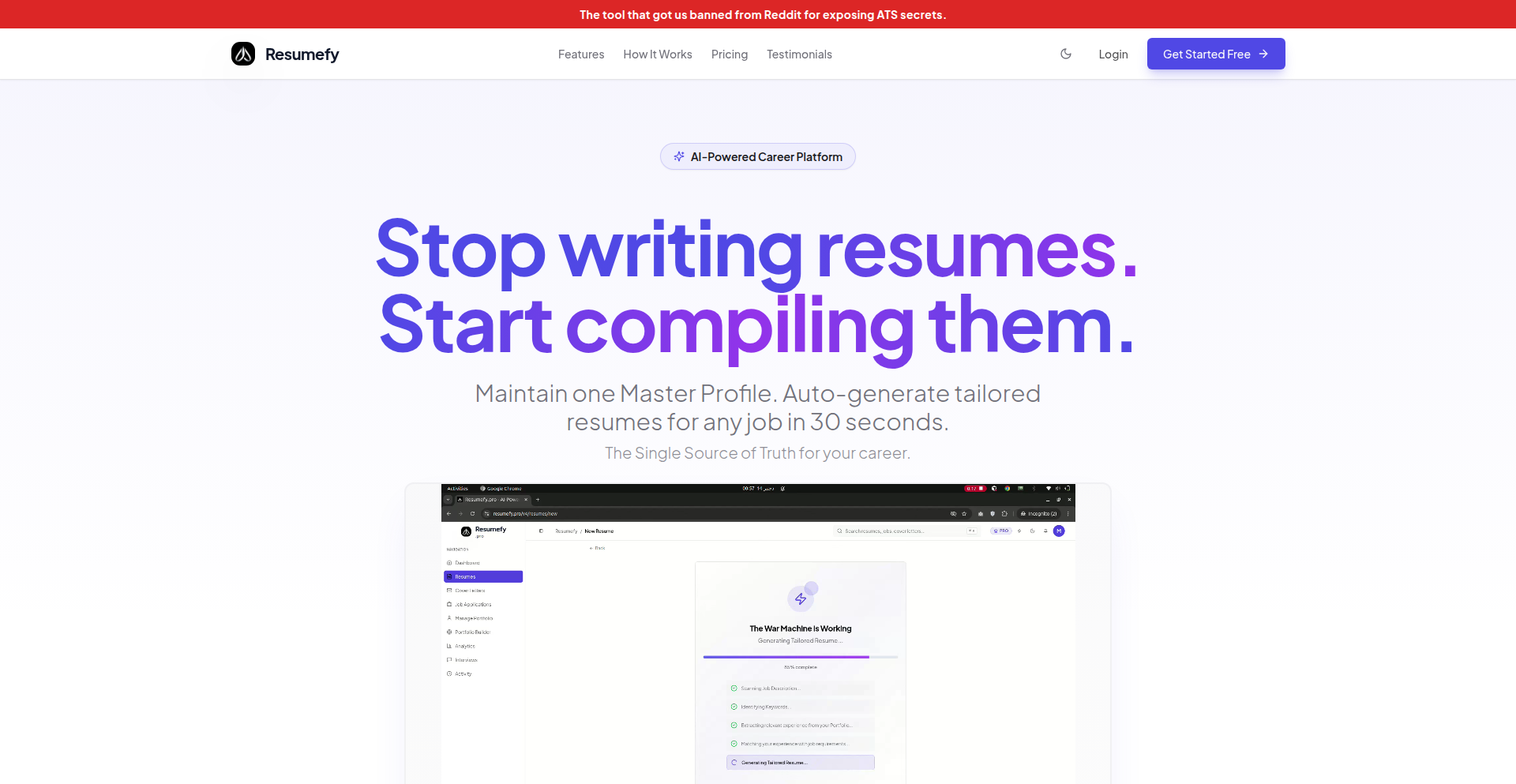
Author
lpipe
Description
This project is a resume compiler designed to tackle the common issue of resumes being rejected by Applicant Tracking Systems (ATS). It addresses the technical problem of PDF resume formatting and content parsing that ATS often struggle with, by transforming a user's resume into a more ATS-friendly format.
Popularity
Points 3
Comments 1
What is this product?
This project is a resume compilation tool that intelligently processes your resume, typically a PDF, to make it more readable and acceptable to automated hiring systems (ATS). The core technical innovation lies in its ability to parse and reformat complex PDF layouts and embedded data, which often trip up standard ATS. Instead of just a simple text extraction, it aims to understand the semantic structure of your resume (like experience, education, skills) and present it in a way that ATS can easily index and score. So, what's the benefit for you? It dramatically increases the chances of your resume actually being seen by a human recruiter, rather than being silently discarded by an algorithm.
How to use it?
Developers can integrate this project into their job application workflows or use it as a standalone tool. You would typically provide your resume in PDF format. The system then analyzes the PDF, extracts the relevant information, and restructures it into a more standardized, plain text or markdown format that ATS systems are designed to process. This could be as simple as a command-line interface where you input your PDF and get an output file, or potentially as a web service where you upload your resume. The practical use case is to preprocess your resume before submitting it to online job portals, ensuring your hard work in crafting your resume isn't wasted due to technical compatibility issues. This means less frustration and more opportunities.
Product Core Function
· PDF Resume Parsing: Extracts text and structural information from PDF resumes, understanding common resume sections like work experience, education, and skills. The value here is in moving beyond simple text extraction to actually interpreting the content, which is crucial for ATS compatibility.
· ATS-Friendly Formatting: Reformats the extracted resume content into a clean, standardized format (e.g., plain text, markdown) that is easily processed by ATS. This is the core problem solver, ensuring your resume's content isn't lost in translation.
· Content Semantic Analysis: Attempts to identify and categorize different sections and types of information within the resume, ensuring keywords and key qualifications are presented clearly. This adds a layer of intelligence, making your resume more likely to be matched with job requirements.
Product Usage Case
· A job seeker wants to apply for a job through a large company's career portal, which is known to use a strict ATS. They use ResumeATS-Transformer to convert their professionally formatted PDF resume into an ATS-readable text file, significantly increasing their chances of passing the initial screening. This solves the problem of their carefully crafted resume being rejected due to formatting.
· A developer is building a personal career portal and wants to offer a resume upload feature. They integrate ResumeATS-Transformer as a backend service to process uploaded PDF resumes, ensuring that the parsed information can be accurately stored and displayed on their profile, and is also exportable in an ATS-friendly format for potential recruiters. This streamlines the resume management process and adds value for users.
· Someone creating a batch of applications for multiple jobs might use ResumeATS-Transformer to quickly prepare all their resumes in a consistent format, saving them the tedious manual work of reformatting each one. This addresses the time-consuming aspect of job searching by automating a critical pre-submission step.
32
LiveBootstrap C-Compiler
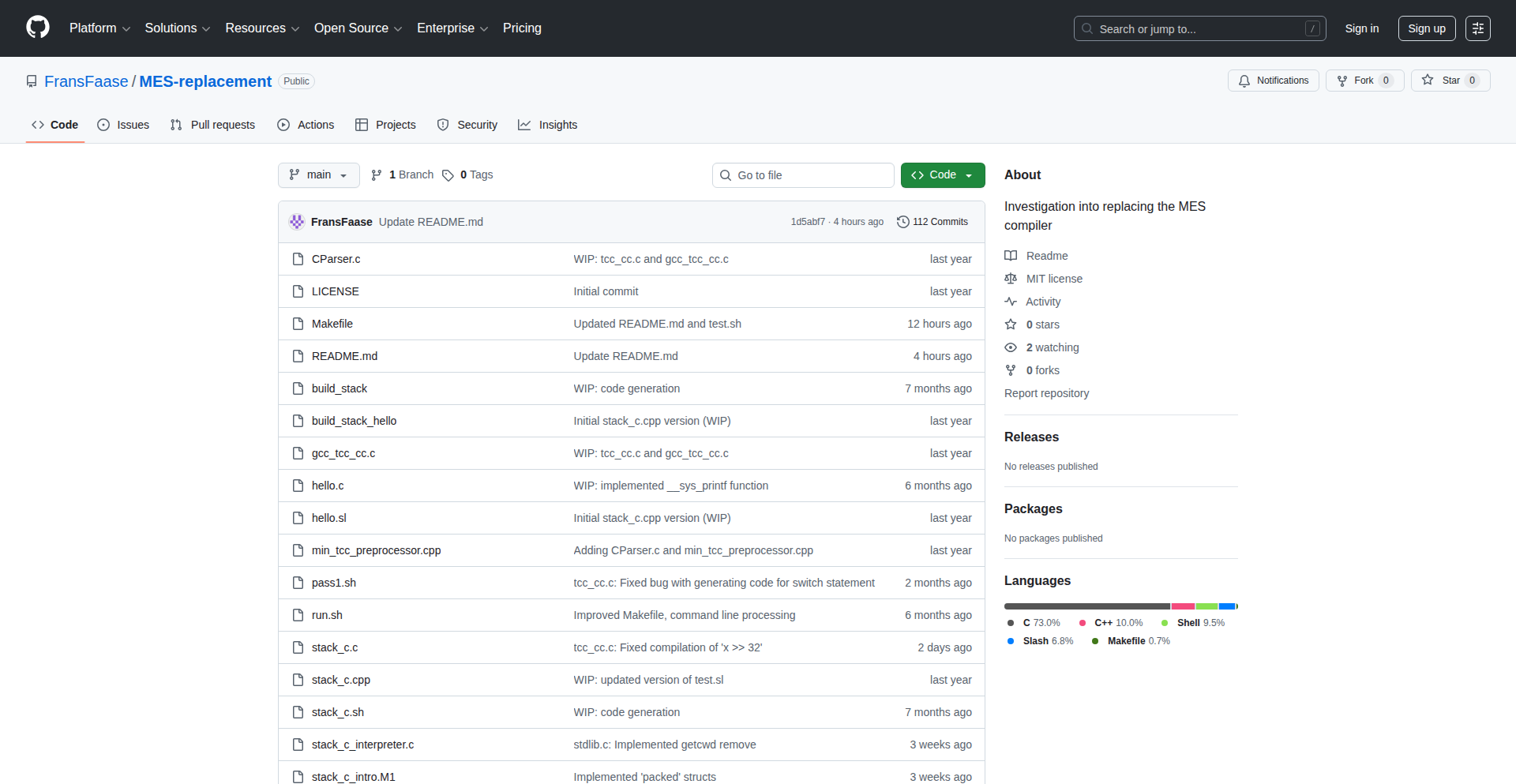
Author
fjfaase
Description
This project presents a C-compiler that compiles the Tiny C Compiler (TCC) itself, enabling a live, self-hosting bootstrap process. The innovation lies in demonstrating how TCC can be compiled using an earlier version of TCC, showcasing a highly efficient and self-contained compilation environment. This tackles the problem of needing a robust and minimal toolchain for bootstrapping new systems or developing in constrained environments, where having a compiler that can compile itself from a very basic state is crucial.
Popularity
Points 4
Comments 0
What is this product?
This project is a demonstration of a C-compiler that can compile the Tiny C Compiler (TCC). The core technical insight is achieving a 'live bootstrap'. This means you can take a very basic, functional TCC compiler and use it to compile a new, potentially more advanced version of TCC. This is a significant feat in computer science, akin to building a ship while sailing it. It bypasses the need for a large, complex existing compiler to build a new one, relying instead on the compiler's ability to improve itself. This makes the compilation process incredibly lean and self-sufficient. So, why is this useful? It allows for the creation of highly portable and minimal development environments, essential for embedded systems, security research, or even just understanding the fundamental building blocks of software development.
How to use it?
Developers can use this project as a foundational component for building custom, self-contained development environments. For example, imagine setting up a new operating system or a specialized embedded device. Instead of relying on a pre-installed, potentially massive compiler suite, you can use the live-bootstrapped TCC to compile TCC itself, and then use that new TCC to compile other necessary tools. This project provides the 'seed' for a functional C development toolchain. Integration would involve incorporating the TCC source code and the compilation script into your bootstrapping process, allowing you to establish a C development environment from scratch on a new platform. The value here is extreme portability and control over your toolchain.
Product Core Function
· Self-compiling C-compiler: The ability of the TCC compiler to compile itself demonstrates a powerful capability for recursive compilation. This means you can start with a very simple compiler and bootstrap a more complex one. The value is in creating minimal and self-sufficient development toolchains.
· Tiny C Compiler (TCC) leverage: Utilizing TCC, known for its speed and small footprint, as the base compiler. This is valuable because it keeps the bootstrapping process lean and fast, ideal for resource-constrained environments.
· Live-bootstrap demonstration: The core function is to show that TCC can be compiled using a TCC instance. This is technically profound and valuable for understanding how software environments can be built from the ground up, reducing external dependencies.
· Minimal toolchain creation: Enabling the development of extremely small and efficient C development toolchains. This is useful for embedded systems, operating systems development, and anyone needing a highly portable compiler.
· Understanding compiler internals: Provides a practical way to observe and experiment with the compilation process and the recursive nature of compiler development. This is valuable for computer science education and advanced development.
Product Usage Case
· Developing an operating system from scratch: Imagine building a new OS. You need a C compiler. This project allows you to use a minimal TCC to compile a TCC that can then compile the rest of your OS tools, without needing a pre-existing complex compiler on your build machine. This solves the problem of 'chicken and egg' for toolchain dependencies.
· Creating a secure, air-gapped development environment: For highly sensitive projects, you might want a development environment that has no external dependencies. This live-bootstrap method allows you to build a functional C compiler from a minimal set of source files, reducing the attack surface and ensuring full control over the toolchain. This addresses the need for trust and security in development.
· Building custom firmware for embedded devices: For microcontrollers with limited memory and processing power, having a small and fast compiler is essential. This project demonstrates how to bootstrap such a compiler, enabling you to develop and compile code directly on or for these devices efficiently. This solves the challenge of developing for highly constrained hardware.
· Educational tool for compiler design: For students and researchers learning about compiler construction, this project offers a hands-on example of bootstrapping and self-hosting compilers. It provides a tangible way to explore fundamental concepts in a practical, albeit simplified, manner. This is valuable for learning and teaching computer science principles.
33
SourceMinder

Author
ebcode
Description
SourceMinder is a context-aware code search tool designed to significantly reduce token usage for AI models like Claude Code. It achieves this by creating an intelligent index of your codebase, allowing the AI to find relevant context much more efficiently, thus solving the problem of context window limitations and high token costs.
Popularity
Points 2
Comments 2
What is this product?
SourceMinder is a developer tool that builds a searchable index of your source code. It uses advanced parsing techniques (tree-sitter) to understand the structure of your code and stores this information in a lightweight database (sqlite). When you search for something, it doesn't just do a plain text search; it understands the relationships between different parts of your code. This means when you ask an AI to analyze your code or answer questions about it, SourceMinder can quickly pinpoint the exact relevant snippets. This is innovative because traditional search is often too broad, forcing AI to process a lot of unnecessary information, which costs more tokens and slows down the AI. So, for you, this means your AI coding assistant can work with larger projects more effectively and at a lower cost.
How to use it?
Developers can integrate SourceMinder into their workflow by installing it and pointing it to their project's source code directory. The tool will then build an index. This index can be queried programmatically or used by AI coding assistants that have been integrated with SourceMinder's output. For example, if you're using Claude Code, you can configure it to use SourceMinder to retrieve context before generating responses. This is useful for tasks like code refactoring, debugging complex issues, or understanding legacy codebases, where providing the AI with the most pertinent information is crucial for accurate and efficient results.
Product Core Function
· Code Indexing: Builds a structured index of your codebase using tree-sitter for deep code understanding. Value: Enables precise retrieval of code context, crucial for AI analysis. Scenario: Analyzing large, multi-file projects where manual context gathering is prohibitive.
· Contextual Search: Provides search results that are aware of code structure and relationships, not just text matches. Value: Significantly reduces the amount of code AI needs to process. Scenario: Asking an AI assistant to find all usages of a specific function across a complex project.
· Token Reduction for AI: By supplying highly relevant context, it dramatically lowers the token count required by AI models. Value: Saves costs and improves AI response speed and accuracy. Scenario: Using AI for code generation or explanation on projects that would otherwise exceed AI model context limits.
· Multi-Language Support: Currently supports C, Go, PHP, Python, and TypeScript. Value: Broad applicability across common programming languages. Scenario: Managing and analyzing codebases written in a mix of these languages.
· SQLite Backend: Utilizes sqlite for efficient and lightweight storage of code indexes. Value: Easy deployment and management, minimal resource overhead. Scenario: Integrating into developer environments without requiring heavy database infrastructure.
Product Usage Case
· Scenario: A solo developer working on a large Python project who needs to understand how a specific class is used throughout the codebase. By using SourceMinder, they can quickly get a concise list of relevant code snippets to feed into Claude Code, allowing the AI to explain the class's interactions without processing the entire project, saving time and cost.
· Scenario: A developer debugging a complex issue in a Go microservice architecture. Instead of pasting large chunks of code into an AI chat, they can use SourceMinder to locate the most likely relevant files and functions related to the bug. This targeted context empowers the AI to offer more accurate debugging suggestions.
· Scenario: Onboarding a new developer to a PHP project with a lot of interconnected logic. SourceMinder can help quickly generate summaries or locate key areas of code related to specific functionalities, accelerating the learning curve and reducing the need for extensive manual code review.
· Scenario: A developer experimenting with AI-assisted code refactoring in TypeScript. By providing SourceMinder's intelligently retrieved context to an AI model, they can ensure the refactoring suggestions are contextually appropriate and don't overlook critical dependencies, leading to more robust code changes.
34
Post2X: AI-Powered Content Orchestrator

Author
moimaere
Description
Post2X is an innovative tool designed to streamline content creation and scheduling for social media platforms like X (formerly Twitter) and LinkedIn. It tackles the common problem of fragmented workflows by unifying AI-powered drafting, integrated visual generation, heuristic post scoring, and one-tap scheduling into a single, efficient interface. This allows users to produce and schedule over 100 posts in under an hour, freeing up valuable time for coding and other creative pursuits. The core innovation lies in its 'voice mimicry' layer for personalized AI drafting, integrated visual generation, a heuristic scoring system that predicts post engagement, and seamless one-click queuing for multiple platforms.
Popularity
Points 2
Comments 1
What is this product?
Post2X is a unified content marketing platform that leverages AI to significantly speed up the creation and scheduling of social media posts. Its technical innovation lies in several key areas: First, it features a 'Voice Mimicry' layer within its AI drafting engine. Instead of generic bot-generated text, this allows the AI to produce content that sounds like the user or a specified persona, making posts more authentic. Second, it integrates visual content generation directly within the editor. Users can generate images via text prompts or pull from trending memes, eliminating the need to switch between different applications for visuals. Third, it employs a 'Heuristic Scoring' system. This goes beyond simple engagement prediction based on past data; it analyzes specific writing elements like hook strength, clarity, and replyability to provide an objective score for each draft *before* it's published, helping to ensure quality. Finally, 'One-Tap Queueing' streamlines the scheduling process by allowing users to push content to pre-defined slots for both X and LinkedIn with a single click, removing the friction of manual date selection. Essentially, it's a 'hacker's approach' to content marketing, using code and AI to solve a workflow inefficiency.
How to use it?
Developers can use Post2X to significantly accelerate their content marketing efforts. The workflow is designed to be intuitive: you provide input topics or ideas, and Post2X's AI generates drafts with your preferred voice. You can then instantly generate or select relevant visuals directly within the platform. Before publishing, the heuristic scoring system provides insights into the potential performance of your post. Once satisfied, you can schedule the post for X and LinkedIn with a single click, by setting up your desired posting slots in advance. This integration into a single flow means less context switching and more time for actual development. It's ideal for developers who need to maintain an online presence but find content creation time-consuming.
Product Core Function
· AI-powered drafting with voice mimicry: Generates personalized and authentic-sounding text based on user input, saving time and ensuring brand consistency. This is useful for quickly producing engaging content without extensive writing effort.
· Integrated visual generation: Allows users to create or select images and memes directly within the platform, speeding up the visual aspect of content creation and reducing reliance on external tools.
· Heuristic post scoring: Provides objective feedback on draft quality based on writing heuristics (hook strength, clarity, replyability), helping users optimize their content for better engagement before publishing.
· One-tap scheduling for X and LinkedIn: Enables seamless one-click queuing of content to multiple platforms based on pre-set schedules, greatly reducing the manual effort of content distribution.
Product Usage Case
· A developer wants to share technical insights on X and LinkedIn daily but lacks time for manual writing and scheduling. Post2X allows them to input their topic, get an AI-generated draft in their voice, add a relevant diagram (generated within Post2X), and schedule it for both platforms in minutes, ensuring consistent online presence.
· A startup founder needs to quickly generate promotional content for a new feature release. Post2X's voice mimicry can be set to their personal brand, and integrated meme generation can be used to create relatable content, all scored for effectiveness and then scheduled in bulk, accelerating their marketing campaign.
35
QR-Code-API-Cost-Reducer

Author
malachi_dev
Description
This project is a self-hosted QR code generation API designed to offer a cost-effective alternative to existing paid solutions. The core innovation lies in its lightweight implementation and direct API access, allowing developers to generate QR codes programmatically without incurring recurring fees. It tackles the problem of expensive QR code services by empowering users to control their own infrastructure and reduce operational costs.
Popularity
Points 2
Comments 1
What is this product?
This project is a lightweight, self-hostable API for generating QR codes. Instead of relying on external, often costly, QR code services, developers can run this API on their own servers. The technical principle is straightforward: it takes input data (like a URL, text, or contact information) and uses image processing libraries to render it into a QR code image format (e.g., PNG, SVG). The innovation is in making this process readily accessible via a simple API endpoint, offering a developer-friendly way to integrate QR code generation directly into applications, bypassing subscription fees and vendor lock-in. So, this is useful for you because it provides a free, on-demand way to create QR codes without breaking your budget, giving you full control over the generation process.
How to use it?
Developers can use this project by deploying the API to their server (e.g., a cloud instance, a local machine, or a dedicated server). Once deployed, they can make HTTP requests to the API endpoint, passing the data they want encoded in the QR code as a parameter. For example, a GET request to `/qr?data=https://example.com` could return a QR code image for the given URL. This can be integrated into web applications, mobile apps, backend services, or any system that needs to generate QR codes dynamically. It's particularly useful for batch generation or for embedding QR codes directly within dynamic content. So, this is useful for you because you can easily integrate QR code generation into your existing software with simple API calls, saving development time and operational costs.
Product Core Function
· QR Code Generation: The API takes arbitrary text or data and converts it into a scannable QR code image. This is valuable for encoding URLs, contact details, Wi-Fi credentials, or any other information that needs to be easily shared and accessed by mobile devices. The application scenario is broad, from marketing campaigns to event ticketing.
· Self-Hostable Deployment: The ability to run the API on your own infrastructure means full control over data privacy and operational costs. This is crucial for applications handling sensitive information or for projects with high volume QR code generation needs where external API costs would become prohibitive. The value is in cost savings and enhanced security.
· API Access: Providing a simple HTTP API interface allows for easy integration with any programming language or framework. Developers can call the API programmatically, enabling dynamic QR code generation based on user input or real-time data. This streamlines development workflows and allows for automated processes.
· Customizable Output Formats: While not explicitly stated, a good QR code API typically allows for specifying output formats (like PNG, SVG). This is valuable for tailoring the QR code to the specific needs of the application, whether it's for web display (SVG for scalability) or print (PNG). This offers flexibility in how QR codes are used across different platforms.
Product Usage Case
· E-commerce Product Linking: A web store owner could use this API to generate QR codes for each product listing, which, when scanned, direct customers to the product page. This solves the problem of needing to manually create QR codes for every item and reduces reliance on expensive third-party services for this common marketing tool.
· Event Ticket Generation: An event management system could dynamically generate unique QR codes for each ticket sold, containing attendee information or a unique identifier. This eliminates the need for a paid QR code service for ticketing and allows for custom integration into the event management workflow.
· Contactless Menu Integration: A restaurant could generate QR codes for their tables that link to an online menu. This solves the problem of printing and updating physical menus, offering a hygienic and easily updatable solution, all powered by a cost-effective, self-hosted API.
· IoT Device Configuration: For devices that need to connect to Wi-Fi, a QR code containing the SSID and password can be generated and displayed to the user for easy setup. This API can be integrated into a setup wizard, simplifying the user experience for configuring new devices without recurring costs.
36
CodeLensTube

Author
alanalvestech
Description
Tuby.dev is a curated video aggregator for Ruby/Rails developers that uses advanced AI to index code snippets and technical details from videos. It overcomes the limitations of standard YouTube metadata by downloading videos, analyzing the on-screen code using Gemini 1.5 Flash's Vision API, and extracting valuable information like specific gems, patterns, and versions that might otherwise be missed. This provides a deeper, more structured learning experience for developers seeking in-depth technical content.
Popularity
Points 2
Comments 1
What is this product?
CodeLensTube is a specialized platform designed to extract and index technical code information from educational videos, particularly for Ruby and Rails developers. Unlike typical video platforms that rely on titles and descriptions, CodeLensTube employs a sophisticated pipeline. It downloads videos to ensure reliable processing, then uses Google's Gemini 1.5 Flash with its Vision API to perform Optical Character Recognition (OCR) directly on the code displayed on screen. This innovative approach allows it to identify and catalog programming languages, specific libraries (gems), design patterns, and software versions embedded within the video content, even if they aren't explicitly mentioned in the video's audio or text descriptions. The core innovation lies in its ability to 'see' and understand code within video frames, unlocking hidden technical insights that are crucial for learning and development.
How to use it?
Developers can use CodeLensTube as a go-to resource for finding highly specific technical information within Ruby and Rails video content. Instead of sifting through countless general tutorials, developers can search for particular gems, versions, or coding patterns. For instance, if a developer is struggling with a specific Rails feature in version 7.1, they can search CodeLensTube for videos that have demonstrably used and explained that feature in that particular version. The platform integrates this analyzed data into a searchable index, allowing developers to quickly locate relevant segments of videos that demonstrate the exact code they are looking for. This streamlines the learning process by providing direct access to practical code examples and explanations, saving significant time and effort in debugging or implementing new features.
Product Core Function
· Video Code OCR and Indexing: Extracts code from video frames using AI (Gemini 1.5 Flash Vision API) and indexes it, providing developers with searchable access to on-screen code. This means you can find videos that literally show you the code you need, not just talk about it, making learning more practical.
· Gem, Pattern, and Version Identification: Automatically identifies and categorizes programming gems, common coding patterns, and specific software versions mentioned or shown in code. This helps you learn about the latest tools and best practices as used by experts.
· Curated Content Aggregation: Gathers and organizes Ruby/Rails videos, filtering out noise and focusing on deep technical content. This saves you from wading through irrelevant videos to find quality learning material.
· Deeper Technical Insights: Goes beyond surface-level descriptions to uncover intricate code details, aiding in advanced problem-solving and understanding complex programming concepts. You get access to the 'how' behind the code, not just the 'what'.
Product Usage Case
· A developer is trying to implement a specific authentication flow in a Rails application using the Devise gem. They can search CodeLensTube for videos that explicitly show code examples of Devise configuration and usage in a recent Rails version. This avoids them having to watch entire videos hoping the author mentions the specific version and steps, directly leading them to the solution.
· A team is exploring new testing strategies for their Ruby on Rails backend. They can use CodeLensTube to find videos demonstrating advanced testing patterns or specific testing frameworks (like RSpec or Capybara) in action, complete with actual code snippets. This allows for quick evaluation of different approaches and faster adoption of effective testing methods.
· A junior developer is learning about Ruby metaprogramming and wants to see how advanced concepts are applied in real-world scenarios. CodeLensTube can help them find videos that showcase metaprogramming techniques in practice, with the AI identifying the specific Ruby code that demonstrates these powerful but often complex features, accelerating their understanding.
37
Ekphos - Terminal Brainstorming Canvas

Author
haneboxx
Description
Ekphos is a terminal-based Obsidian alternative designed for brainstorming. It tackles the challenge of managing and visualizing complex thoughts and ideas within the command line environment. Unlike existing tools that are either read-only or lack deep organizational features, Ekphos provides a powerful, interactive Text User Interface (TUI) for creating, linking, and navigating notes, offering a distraction-free and efficient way to cultivate ideas.
Popularity
Points 3
Comments 0
What is this product?
Ekphos is a sophisticated Text User Interface (TUI) application built to serve as a lightweight, terminal-native alternative to note-taking and knowledge management tools like Obsidian. Its core innovation lies in bringing the power of interconnected notes and visual brainstorming to the command line. Instead of relying on graphical interfaces, Ekphos utilizes terminal rendering to create a dynamic environment where users can easily create, edit, and link notes. It employs a graph-based approach internally to manage these relationships, allowing for quick navigation and discovery of connections between ideas. This means you can build a network of thoughts without ever leaving your terminal, making it incredibly efficient for developers and thinkers who spend a lot of time in that environment. So, what's in it for you? It offers a powerful way to organize your thoughts and projects in a focused, distraction-free manner, leveraging your existing terminal workflow.
How to use it?
Developers can integrate Ekphos into their terminal workflow by simply installing and launching the application. It's designed to be a standalone tool, but its terminal-native nature makes it a natural fit for existing command-line habits. You can use it to: capture quick ideas, flesh out project plans, map out complex systems, or even journal your thoughts, all within the familiar terminal. The interface is navigated using keyboard shortcuts, and notes are typically stored in plain text files (like Markdown), making them easily portable and version-controllable with tools like Git. Think of it as a highly efficient digital notebook that lives where you already work. So, how does this benefit you? You can seamlessly weave idea management into your coding sessions, keeping your creative flow uninterrupted and your project knowledge centralized.
Product Core Function
· Note Creation and Editing: Allows users to quickly create new notes and edit existing ones using a rich text editor within the terminal. This provides a fundamental building block for capturing all forms of information. The value here is in its speed and accessibility for immediate idea capture.
· Bi-directional Linking: Enables the creation of links between different notes, mimicking how ideas connect in our minds. This is crucial for building a knowledge graph and discovering emergent relationships between concepts. The value is in fostering deeper understanding and exploration of your ideas.
· Graph Visualization (Conceptual): While not a visual graph in the traditional sense within the TUI, the underlying mechanism supports the concept of a network of interconnected notes, allowing for navigation based on these links. This helps in understanding the structure of your knowledge base. The value is in providing a structured overview of interconnected information.
· Terminal-Native Interface: Operates entirely within the terminal, offering a distraction-free and highly efficient user experience for those accustomed to command-line tools. The value is in maintaining focus and integrating seamlessly with existing developer workflows.
· Markdown Support: Stores and renders notes in Markdown, a widely adopted plain text format, ensuring portability and compatibility with other tools. The value is in data longevity and ease of sharing/collaboration.
Product Usage Case
· Project Planning: A developer can use Ekphos to outline a new software project. They might create a 'Project Overview' note, then link to separate notes for 'Features', 'Technical Stack', and 'Dependencies'. Within the 'Features' note, each feature can be a sub-note or a linked item, allowing for detailed planning and easy navigation between different aspects of the project. This solves the problem of scattered project documentation by centralizing it in a linked, navigable structure within the terminal.
· Technical Research and Learning: A developer learning a new framework can use Ekphos to store their findings. Each concept, API, or code snippet can be a separate note, linked to related concepts. For instance, learning about asynchronous programming might involve notes on 'Promises', 'Async/Await', and 'Callbacks', all interconnected. This helps in building a comprehensive understanding of complex topics. This addresses the challenge of retaining and organizing large amounts of technical information.
· Brainstorming New Features: A team working on an existing application can use Ekphos to brainstorm new features. They can create a 'Feature Ideas' note, with each idea being a separate linked entry. Discussions and potential implementations can be added to each idea, allowing for collaborative brainstorming within a structured format. This solves the problem of unfocused brainstorming sessions by providing a persistent, organized record of ideas and their potential.
38
YapType: Local Speech-to-Text Whisperer
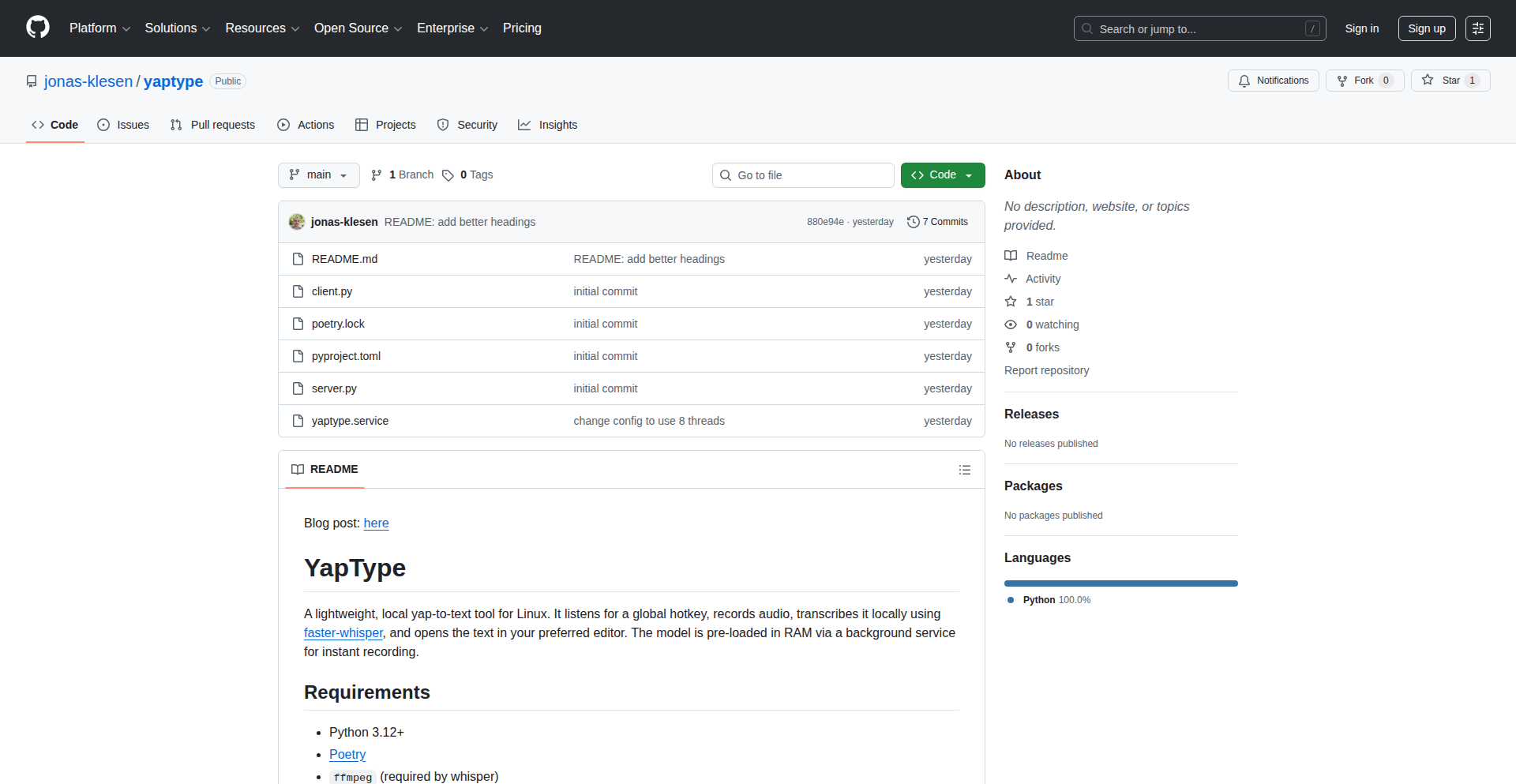
Author
deklesen
Description
YapType is a minimalist, locally-run speech-to-text tool for Linux. It offers a hassle-free way to transcribe spoken words directly into your text editor via a keyboard shortcut. The core innovation lies in its simplicity and focus on real-time, in-workflow transcription, minimizing friction for developers, especially during coding sessions or AI interactions where minor transcription errors are often acceptable. Its sub-200 lines of code demonstrate a clever application of existing speech recognition models for immediate practical use.
Popularity
Points 2
Comments 1
What is this product?
YapType is a lightweight application for Linux that converts your spoken words into text directly on your local machine. It leverages existing, powerful speech recognition models, but its innovation isn't in creating a new model; instead, it's about creating an incredibly simple and accessible workflow. When you press a predefined shortcut, YapType listens to your microphone, transcribes what you say in real-time using a local engine (meaning your voice data doesn't leave your computer), and then automatically opens the transcribed text in your preferred text editor. This bypasses the need for web-based services, cloud uploads, or complex setups, making it incredibly fast and private. So, what's the benefit? It means you can capture ideas, notes, or even code snippets effortlessly without interrupting your flow, keeping your focus where it matters. Think of it as an always-ready dictation tool that integrates seamlessly with your coding environment.
How to use it?
To use YapType, you'll typically install it as a command-line application on your Linux system. The project's minimal code suggests it's designed to be highly configurable. Once installed, you would likely set up a global keyboard shortcut through your operating system's settings or a dedicated hotkey manager. When you want to transcribe, you press this shortcut, speak, and YapType handles the rest – transcribing and opening the text. This makes it ideal for scenarios like quickly jotting down a thought while coding, summarizing a voice note without switching applications, or even interacting with AI chatbots more fluidly by transcribing your prompts directly. The value is in reducing context switching and making your workflow more efficient, so you spend less time typing and more time creating.
Product Core Function
· Local Speech-to-Text Transcription: Leverages on-device speech recognition models to convert spoken audio into text without sending data to external servers. This ensures privacy and reduces latency, making it ideal for sensitive work or when a fast response is critical. So, this means your conversations stay private, and you get your text back almost instantly.
· Keyboard Shortcut Activation: Triggers transcription via a user-defined keyboard shortcut, allowing for seamless integration into existing workflows without manual intervention. This is a massive time-saver because you can start transcribing in an instant without breaking your concentration.
· Direct Text Editor Output: Automatically opens the transcribed text in your default or a specified text editor, providing immediate access for editing, copying, or further use. This eliminates the need to copy and paste, streamlining your note-taking and content creation process.
· Minimalist Design (<200 lines of code): Emphasizes efficiency, speed, and ease of understanding/modification, reflecting a hacker ethos of solving problems with elegant, lean solutions. This implies it's likely fast, resource-efficient, and potentially easy for other developers to extend or customize for their specific needs, meaning you get a robust tool that won't bog down your system.
· Hassle-Free Setup: Designed for quick installation and immediate usability, reducing the barrier to entry for adopting voice-to-text technology. This means you can start benefiting from voice-to-text quickly without a steep learning curve or complicated configurations.
Product Usage Case
· Vibe-coding notes: A developer is coding and has a sudden idea for a refactor or a new feature. Instead of stopping to type, they press their YapType shortcut, speak the idea, and it's immediately saved in a text file for later. This solves the problem of losing fleeting thoughts during deep work.
· AI Chatbot Interaction: A user is interacting with an AI chatbot and wants to input a complex prompt or a long piece of feedback. They can use YapType to dictate their input directly into the chatbot's input field, making the interaction more natural and less prone to typing errors. This improves the efficiency and accuracy of AI communication.
· Meeting Summaries (Quick Notes): During a virtual meeting, if a key point is made, a user can quickly activate YapType to transcribe a summary or a crucial action item. While not a full meeting recorder, it helps capture key takeaways in real-time without disrupting the meeting flow. This provides a way to create immediate, actionable notes without interrupting your listening.
· Personal Knowledge Management: A user wants to quickly capture research findings or personal insights encountered throughout the day. YapType allows them to speak these thoughts, which are then automatically saved, acting as a low-friction personal knowledge capture system. This makes it easier to build and maintain a personal knowledge base.
· Code Commenting and Documentation: When writing code, a developer can use YapType to dictate explanatory comments or initial drafts of documentation directly into their code editor, speeding up the process of making their code more understandable. This accelerates the documentation process and improves code maintainability.
39
YiddishQuote Weaver

Author
admtal
Description
This project showcases a creative application of AI and natural language processing to preserve and share cultural heritage. It takes raw chat logs, translates and transliterates Yiddish quotes using GPT APIs, and then employs semantic ordering via sentence transformers to arrange them in a meaningful, flowing manner, moving beyond traditional categorization. This offers a novel way to explore and discover Yiddish wisdom, making it accessible to a broader audience.
Popularity
Points 3
Comments 0
What is this product?
YiddishQuote Weaver is a system that takes informal Yiddish quotes collected over time, uses advanced AI models like GPT for translation and transliteration, and then applies a sophisticated semantic ordering algorithm. Instead of manually sorting quotes into rigid categories, it uses `all-MiniLM-L6-v2` from Hugging Face, a powerful sentence transformer model, to understand the meaning of each quote. It then arranges them based on their semantic similarity, creating a natural, intuitive flow that can be more revealing than predefined themes. So, this is essentially an AI-powered curator for cultural text, finding connections and presenting them in a way that feels right. What's in it for you? It demonstrates how AI can uncover hidden patterns and relationships within unstructured text, offering a new paradigm for organizing and presenting knowledge.
How to use it?
For developers, YiddishQuote Weaver presents an inspiring blueprint for processing and organizing unstructured text data. The core usage involves leveraging GPT APIs for translation and transliteration – a common task in multilingual applications. The innovative part lies in integrating sentence transformers for semantic analysis and ordering. Developers can adapt this approach to:
1. Build personal knowledge management systems where notes and ideas are semantically linked.
2. Create content discovery platforms that surface related articles or discussions based on meaning, not just keywords.
3. Develop tools for researchers to analyze and categorize large volumes of textual data in a more nuanced way.
Essentially, you can integrate the principles of semantic ordering into your own applications to enhance user experience and data organization. This helps you build smarter applications that understand the context and relationships within text, making your data more discoverable and your application more insightful.
Product Core Function
· Yiddish Quote Export and Ingestion: The system can process raw text from chat logs, extracting individual quotes. This is valuable for anyone needing to migrate or process existing unstructured textual data. You can adapt this to ingest data from various sources, like social media posts or customer feedback.
· AI-Powered Translation and Transliteration: Utilizes GPT APIs to convert Yiddish text into understandable English and provides phonetic transliterations. This is crucial for making content accessible across language barriers and is directly applicable to building globalized applications or content localization tools. It means your users can understand content regardless of their native language.
· Semantic Text Ordering: Employs sentence transformer models (like `all-MiniLM-L6-v2`) to understand the nuanced meaning of quotes and arrange them in a semantically cohesive order. This is a game-changer for presenting information. Instead of manual sorting, you get an intelligent flow that reveals relationships, improving user engagement and understanding for any content-heavy application.
· Unstructured Data Organization: Moves beyond traditional hierarchical categorization by using semantic similarity to cluster and order information. This is incredibly useful for dealing with the inherent messiness of real-world data. You can use this to build more flexible and intuitive information retrieval systems.
Product Usage Case
· Developing a personalized learning platform where user-generated notes on a topic are automatically organized by their conceptual overlap, making it easier to review and connect ideas. This helps users learn more effectively by showing them related concepts organically.
· Building a content recommendation engine that suggests articles or videos based on the semantic similarity of their content, rather than just shared keywords, leading to more relevant and engaging recommendations. This means you'll find content you actually care about, more often.
· Creating a research tool that analyzes sentiment and thematic connections within a corpus of historical documents, uncovering subtle trends and relationships that manual analysis might miss. This helps researchers gain deeper insights from large datasets.
· Designing a conversational AI that can respond more contextually by understanding the semantic flow of the ongoing dialogue, leading to more natural and helpful interactions. This makes chatbots and virtual assistants feel more intelligent and less robotic.
40
Octave12: Unchained Cloud Control

Author
octave12
Description
Octave12 is a developer-centric cloud platform designed for faster project deployment and management. Its core innovation lies in providing complete control over your deployments and workflows without vendor lock-in or added complexity. This means you can build, deploy, and iterate on your projects with unprecedented freedom and efficiency, directly addressing the frustration of opaque and restrictive cloud services.
Popularity
Points 3
Comments 0
What is this product?
Octave12 is a cloud platform that empowers developers with direct, unhindered control over their application deployments and operational workflows. Unlike many managed cloud services that abstract away critical infrastructure details, Octave12 exposes these elements, allowing for deep customization and optimization. The technical principle is based on providing a flexible orchestration layer that can integrate with various underlying compute resources and container technologies, enabling developers to tailor their deployment strategies precisely to their needs. The innovation is in stripping away the 'black box' nature of traditional cloud providers, giving developers the reins to manage infrastructure as code and optimize for performance, cost, and security without being constrained by proprietary limitations. So, what's in it for you? You get the power to fine-tune your infrastructure for maximum performance and cost-effectiveness, ensuring your applications run exactly how you want them to, and you're not tied to a single provider's ecosystem.
How to use it?
Developers can use Octave12 by defining their deployment configurations, infrastructure requirements, and CI/CD pipelines using declarative syntax, likely through configuration files (e.g., YAML, HCL) or a command-line interface. The platform then orchestrates the deployment and management of these resources on your chosen infrastructure (which could be bare metal, VMs, or other cloud providers, promoting the 'no lock-in' aspect). Integration typically involves connecting Octave12 to your source code repositories for automated builds and deployments, and potentially integrating with existing monitoring and logging tools. This allows for a streamlined, automated workflow from code commit to production. So, what's in it for you? You can automate your entire development and deployment lifecycle, reducing manual errors and speeding up time-to-market, all while maintaining complete oversight and control over where and how your applications run.
Product Core Function
· Full control over deployments: Developers can define and manage every aspect of their application's deployment process, from resource allocation to networking, enabling fine-grained optimization. This offers the value of ensuring applications meet specific performance and security requirements.
· Workflow automation: The platform facilitates the creation of custom CI/CD pipelines, automating build, test, and deployment stages. The value is in drastically reducing manual effort and accelerating the release cycle.
· No vendor lock-in: Octave12 is designed to be infrastructure-agnostic, allowing deployment on various cloud providers or on-premises hardware. The value here is the flexibility to switch providers or leverage existing infrastructure, avoiding costly migration penalties.
· Reduced complexity: By focusing on essential control mechanisms without unnecessary abstraction layers, the platform simplifies the deployment and management process. This offers the value of a steeper learning curve for infrastructure management, leading to faster onboarding and more efficient operations.
Product Usage Case
· A startup needing to deploy a microservices architecture with specific networking requirements. Octave12 allows them to define custom network policies and service discovery mechanisms, ensuring reliable inter-service communication and avoiding the limitations of generic managed Kubernetes offerings. This solves the problem of complex microservice deployment in a controlled environment.
· An independent developer managing multiple side projects on a budget. Octave12 enables them to optimize resource utilization across different projects by defining granular resource quotas and deployment schedules, minimizing costs. This addresses the challenge of cost-effective multi-project management.
· A company migrating from an on-premises data center to a hybrid cloud strategy. Octave12 provides a unified control plane to manage deployments across both environments, ensuring consistency and simplifying the transition. This solves the problem of managing heterogeneous infrastructure seamlessly.
· A security-conscious organization that needs complete visibility and auditability of their deployment infrastructure. Octave12's direct control approach allows them to implement strict security configurations and logging, meeting stringent compliance requirements. This addresses the need for robust security and compliance in deployments.
41
ClaudeCode Gamesmith

Author
jabronipony
Description
ClaudeCode Gamesmith is a novel project that empowers individuals, particularly those with a strong backend or systems programming background but less frontend experience, to easily create word games. It leverages a large language model (LLM) to handle the complex and often tedious aspects of game logic and UI generation, significantly lowering the barrier to entry for game development. The innovation lies in abstracting away frontend complexities, allowing developers to focus on game mechanics and creative ideas, making game development accessible through a more intuitive, AI-assisted workflow.
Popularity
Points 2
Comments 1
What is this product?
ClaudeCode Gamesmith is a tool that uses AI, specifically a large language model like Claude, to help you build word games without needing to be a seasoned frontend developer. Imagine you have a great idea for a word puzzle, but the thought of coding the user interface, the game rules, and the backend logic is overwhelming. This project acts as your AI coding assistant. It takes your game concept and helps translate it into a playable game. The core innovation is how it bridges the gap between backend programming skills and the desire to create interactive experiences, particularly games, by intelligently generating the frontend and game mechanics based on your input and the LLM's capabilities. This means you can bring your game ideas to life faster and with less frustration, even if you're not a UI/UX expert.
How to use it?
Developers can use ClaudeCode Gamesmith by providing it with a description of their desired word game. This could include the type of game (e.g., a daily word puzzle, a word-guessing game), specific rules, and any unique mechanics. The project then utilizes the LLM to generate the necessary code, often focusing on frontend elements and game logic. For integration, it might provide output in a common web framework format or even offer an API that developers can hook into. A practical scenario would be a backend developer wanting to create a simple, engaging word game for their personal website or a small community. Instead of spending weeks learning a new frontend framework and UI design, they can describe the game to ClaudeCode Gamesmith and receive a functional prototype or even a near-complete game. This streamlines the development process and allows for rapid iteration on game ideas.
Product Core Function
· AI-powered game logic generation: This allows the creation of complex game rules and mechanics with minimal manual coding, saving significant development time and effort, especially for intricate game designs.
· Automated frontend code generation: Simplifies the creation of user interfaces by automatically generating the visual elements and interactive components of the game, making it accessible for developers who are less skilled in frontend development.
· Natural language game description to code translation: Enables developers to express their game ideas in plain English, which the AI then interprets and converts into functional code, lowering the cognitive load and speeding up the prototyping phase.
· Iterative game refinement: Facilitates quick adjustments and improvements to the game by allowing developers to provide feedback to the AI, leading to a more polished final product with less manual rework.
· Focus on game mechanics over boilerplate code: Shifts developer attention from writing repetitive setup code to concentrating on the core gameplay experience and creative innovation, fostering more imaginative game design.
Product Usage Case
· A backend engineer with a passion for linguistics wants to create a daily word-guessing game similar to Wordle, but with a twist on the scoring system. Instead of spending months learning React or Vue.js, they describe their game concept and custom scoring rules to ClaudeCode Gamesmith. The tool generates a functional web-based game with a responsive interface and the unique scoring mechanism, allowing them to launch their game in days and focus on marketing or community building.
· A developer wants to build a word scramble game for their educational website to help students learn vocabulary. They specify the difficulty levels, word categories, and how the game should provide hints. ClaudeCode Gamesmith generates the game logic for scrambling words, tracking scores, and implementing the hint system, all within a framework that can be easily embedded into their existing website. This saves them considerable time compared to building all the game logic from scratch.
· An indie developer has a niche idea for a word-based puzzle game that requires a specific rule set and an unusual way of presenting the words. They use ClaudeCode Gamesmith to rapidly prototype this idea. The AI helps them quickly build a playable version, and based on the initial prototype, they can decide if the concept is viable and then either further refine it with the tool or hire a dedicated frontend developer with a clearer vision.
42
VectorMap Weaver

Author
jakubanderwald
Description
VectorMap Weaver is a tool that translates your digital drawings into real-world GPS routes. It uses OpenStreetMap data to intelligently snap vector art onto road networks, solving the tedious task of manually planning GPS art routes. This means you can create intricate GPS art without spending hours on route planning, and it's free and respects your privacy.
Popularity
Points 3
Comments 0
What is this product?
VectorMap Weaver is a web application that takes a vector drawing (like a sketch you create in a drawing program) and maps it onto actual roads in the real world. The innovation lies in its ability to analyze your drawing's lines and find the closest, most logical road segments on the OpenStreetMap database to represent those lines. It's like a smart tracing tool for the real world, converting your creative ideas into explorable paths. So, what's in it for you? It takes the complex and time-consuming process of plotting GPS art routes and makes it almost automatic, allowing you to focus on the creative design rather than the logistical nightmare.
How to use it?
Developers can use VectorMap Weaver by uploading their vector drawings (e.g., SVG files) to the platform. The tool then processes the drawing, identifies road connections, and generates a GPS track (like a GPX file) that can be downloaded. This file can then be used with GPS devices or smartphone apps for navigation, enabling you to literally draw your path on the ground. This is useful for anyone wanting to create GPS art for fun, for challenges, or even for creative explorations. Imagine designing a logo with roads or a message that can be followed by bike or on foot. The output can be integrated into existing mapping or navigation workflows. So, what's in it for you? You can easily bring your artistic visions to life in the physical world without getting lost in the details of map data. Just upload your art, and get a navigable route.
Product Core Function
· Vector drawing to road network snapping: Utilizes OSM data to align user drawings with actual road infrastructure, enabling the creation of realistic GPS art routes. This saves immense manual effort in route plotting. This is valuable for hobbyists and artists looking to create unique physical experiences.
· Automatic route generation: The system intelligently selects the best road segments to represent the drawn lines, creating a seamless and navigable path. This automates a complex planning process. This is useful for anyone who wants to quickly generate a GPS track from a visual idea.
· GPX file export: Allows users to download the generated route in a standard GPX format, compatible with most GPS devices and navigation apps. This ensures broad usability and integration with existing tools. This is valuable for ensuring your GPS art can be easily used with your preferred devices.
· Privacy-friendly operation: Designed to respect user privacy by not requiring extensive personal data. This builds trust and encourages usage for sensitive or personal projects. This is important for users who are concerned about data sharing and want to keep their creative endeavors private.
Product Usage Case
· Creating a 'heart' shape route for a charity run: A user designs a heart shape in SVG and uses VectorMap Weaver to generate a GPS route that follows real roads, ensuring the run route is feasible and safe. This solves the problem of manually finding roads that form the desired shape.
· Designing a 'signature' path for urban exploration: An artist uploads their stylized signature and has VectorMap Weaver convert it into a multi-mile walking route through a city, encouraging exploration of specific streets. This turns a static image into an interactive real-world adventure.
· Generating a drone flight path based on a simple sketch: A drone enthusiast sketches a desired flight pattern and uses the tool to translate it into a series of waypoints on a map, simplifying pre-flight planning. This provides a quick way to map out complex aerial movements.
· Developing a geocaching challenge with a visual theme: A geocacher designs a themed symbol, and VectorMap Weaver generates a series of interconnected routes for participants to follow to find different cache locations. This adds a creative and engaging element to treasure hunt games.
43
Passphrase P2P Netcat

Author
gonc
Description
This project is a Go-based netcat-style tool that establishes ad-hoc peer-to-peer connections using only a shared passphrase. It overcomes the limitations of traditional netcat by enabling connections between peers behind NATs, CGNATs, or firewalls without requiring inbound ports, known IP addresses, or manual coordination. Its innovative approach leverages MQTT for rendezvous and discovery, falling back to UDP hole punching and even a 'birthday paradox' port spraying strategy for difficult NATs, ensuring secure and direct P2P communication via mTLS.
Popularity
Points 3
Comments 0
What is this product?
Passphrase P2P Netcat is a networking tool designed to create secure peer-to-peer connections between two devices, even if they are both behind firewalls or Network Address Translators (NATs). Unlike traditional tools that require one side to have a publicly accessible IP address and an open port, this tool uses a simple, high-entropy passphrase to initiate the connection. The 'magic' behind it involves a three-stage handshake: first, a rendezvous stage where the passphrase deterministically generates unique communication identifiers and security credentials (TLS certificates). Second, a discovery stage using public MQTT and STUN servers to help peers find each other's potential network addresses without the signaling servers ever seeing the actual data. Finally, it establishes connectivity by trying direct TCP, then UDP hole punching, and even a sophisticated port-spraying technique to overcome challenging NAT configurations. Once connected, all communication is secured with mutual TLS (mTLS) derived from the passphrase, making it impossible for unauthorized parties to eavesdrop or impersonate without knowing the secret.
How to use it?
Developers can use Passphrase P2P Netcat for various scenarios where direct P2P communication is needed without complex infrastructure. For example, to establish a secure shell connection to a machine inside a private network from your home, you would run the tool on a machine within the company LAN with the '-linkagent' flag and the passphrase. From your home computer, you would then run the tool with the same passphrase and specify a port to link, effectively creating a tunnel. This allows you to proxy traffic through the established P2P connection, for instance, to access a specific service like SSH (port 22) on the internal machine. The tool is designed to be run with the same command on both ends, simplifying the setup process significantly.
Product Core Function
· Ad-hoc P2P Connection Establishment: Enables direct communication between two peers using only a shared passphrase, eliminating the need for public IP addresses or open inbound ports, providing a simple solution for connecting devices in restrictive network environments.
· NAT Traversal and Hole Punching: Implements advanced techniques like UDP hole punching and a 'birthday paradox' port spraying strategy to successfully establish connections even through complex NAT configurations, ensuring reliable connectivity where traditional methods fail.
· Secure Mutual TLS (mTLS) Communication: Encrypts all data transmitted between peers using mTLS derived from the passphrase, guaranteeing confidentiality and integrity of the communication channel and preventing unauthorized access.
· Zero Infrastructure Signaling: Utilizes public MQTT and STUN servers for the initial rendezvous and discovery phases, meaning you don't need to set up or manage your own signaling servers, significantly reducing operational overhead.
· Familiar Netcat Interface and Features: Supports standard netcat functionalities like stdin/stdout piping and the '-e' flag for executing programs, allowing for straightforward integration into existing workflows for tasks like secure file transfers or remote command execution.
· Built-in SOCKS5 Proxy: Offers a SOCKS5 listener that allows you to proxy traffic through the P2P tunnel, enabling secure access to internal network resources from external locations without exposing services directly to the internet.
Product Usage Case
· Securely accessing a development server within a corporate network from a remote location without needing to configure VPNs or expose the server to the public internet. The tool acts as a secure reverse tunnel, with the agent running on the internal server and the client initiating the connection from the remote machine, solving the problem of accessing internal resources securely.
· Quickly sharing a terminal session or transferring large files directly between two laptops at a coffee shop, even if both are behind the same public Wi-Fi's NAT. This bypasses the need for cloud storage or complex port forwarding, demonstrating the tool's utility for immediate, secure peer-to-peer data exchange.
· Creating a temporary, secure communication channel between two team members for a specific task without requiring any persistent infrastructure setup. This is ideal for short-term collaboration where the focus is on rapid deployment and ease of use, addressing the need for a 'throwaway' secure pipe.
· Enabling remote debugging or control of an embedded device in a constrained network environment. The tool can be used to create a secure bridge to the device, allowing developers to interact with it as if it were on their local network, solving the challenge of remote access to devices behind complex network setups.
44
AirSense Citizen Science
Author
kaiterraliam
Description
A project offering commercial-grade indoor air quality sensors, the Sensedge Mini, on a 'Pay What You Want' basis. This initiative aims to gather anonymized residential air quality data for a global research study, bridging a critical data gap in understanding indoor environmental health. The core innovation lies in democratizing access to advanced IAQ monitoring hardware and leveraging a novel economic model to fund the expansion of vital environmental research.
Popularity
Points 2
Comments 1
What is this product?
AirSense Citizen Science provides advanced indoor air quality (IAQ) sensors for home use, allowing individuals to monitor PM2.5, CO2, TVOC, temperature, and humidity. The project's technical innovation is twofold: it repurposes high-quality B2B sensors (Sensedge Mini) for a citizen science initiative, and it employs a 'Pay What You Want' (PWYW) economic model. This model ensures accessibility for all, including students and researchers with limited budgets, while incentivizing those who can afford it to contribute more, thereby funding the production of more sensors and scaling the research effort. The sensors connect via Ethernet or WiFi and support standard industrial protocols like MQTT, Modbus, and BACnet/IP, enabling flexible data integration. The primary goal is to create a comprehensive, open-access dataset for indoor air quality research, driving evidence-based policy for healthier indoor environments.
How to use it?
Developers can integrate the Sensedge Mini into their own local server infrastructure or dashboards using its Open API. The device supports MQTT, Modbus, and BACnet/IP protocols, allowing for seamless integration into existing smart home systems or industrial automation platforms. Users can choose to send data to their own systems while simultaneously contributing anonymized data to the global research database. This is ideal for developers who want to build custom air quality monitoring solutions, conduct personal research, or contribute to large-scale environmental data collection efforts without the high upfront cost of commercial-grade hardware. The PWYW model means developers can acquire the hardware at a price that suits their budget, making advanced IAQ monitoring accessible for experimentation and application development.
Product Core Function
· Multi-sensor IAQ monitoring: Provides real-time readings for PM2.5, CO2, TVOC, temperature, and humidity, enabling comprehensive understanding of indoor air. This is valuable for detecting pollution sources, assessing ventilation effectiveness, and understanding the impact of environmental factors on well-being.
· Flexible connectivity options (Ethernet/WiFi): Ensures easy integration into various network environments, supporting both wired and wireless setups. This allows for flexible deployment in different locations and network infrastructures, making it easier to collect data remotely.
· Open API and standard industrial protocols (MQTT, Modbus, BACnet/IP): Enables seamless data streaming to custom dashboards, local servers, or cloud platforms. This empowers developers to build sophisticated data analysis tools, integrate IAQ data with other building systems, or contribute to larger research projects.
· Pay What You Want (PWYW) economic model: Democratizes access to high-quality IAQ sensors, allowing individuals and institutions with limited budgets to participate in vital air quality research. This fosters broader participation and a more representative dataset for scientific studies.
· Anonymized data contribution to global study: Facilitates the collection of a massive, real-world dataset for indoor air quality research, which can inform policy and drive improvements in public health. This contributes to a collective good by advancing scientific understanding of a critical environmental factor.
Product Usage Case
· A developer building a smart home automation system can integrate the Sensedge Mini to automatically adjust ventilation based on CO2 levels or trigger air purifiers when PM2.5 spikes. This addresses the problem of poor indoor air by creating an automated response, leading to healthier living spaces.
· A university researcher with a limited grant budget can acquire multiple Sensedge Minis at a low cost to establish a network of IAQ monitoring stations across different campus buildings. This solves the challenge of expensive hardware hindering research by providing affordable, reliable data collection tools for academic studies.
· An individual concerned about their home's air quality can use the sensor to identify sources of indoor pollution, such as cooking fumes or volatile organic compounds from furniture, and take corrective actions. This provides actionable insights into personal environmental health, empowering individuals to make informed decisions.
· A community group focused on public health can deploy these sensors in shared spaces like libraries or community centers to gather data on air quality trends and advocate for better building standards. This addresses the 'black box' nature of indoor air by providing tangible data to support advocacy efforts for healthier public environments.
45
Claude's NES Engine API

Author
delduca
Description
This project showcases an API developed by Claude that allows for the creation of a Nintendo Entertainment System (NES) emulator. The innovation lies in abstracting the complex emulation logic behind a clean API, enabling others to build their own NES emulators with less effort. This makes the intricacies of retro game emulation more accessible, fostering a new wave of experimentation and learning within the developer community.
Popularity
Points 2
Comments 1
What is this product?
This is an Application Programming Interface (API) designed by Claude that simplifies the process of building a NES emulator. Instead of dealing with the low-level details of how a NES console functions (like its CPU, graphics processing, and sound chips), developers can use this API to interact with these components. The core innovation is in providing a structured and understandable way to access and control the 'brains' and 'senses' of a NES, making the complex task of emulation much more manageable. So, what does this mean for you? It means you can potentially create your own NES emulator, or build tools that interact with NES games, without needing to be an expert in hardware reverse engineering.
How to use it?
Developers can integrate Claude's NES Engine API into their own projects. This involves setting up a development environment, importing the API's libraries, and then writing code that calls the API's functions to simulate the NES hardware. For example, a developer might use the API to load a NES ROM file, tell the emulator to run a frame of the game, and then capture the resulting image and sound. The API likely provides functions for CPU instruction execution, memory management, PPU (Picture Processing Unit) rendering, and APU (Audio Processing Unit) sound generation. The primary use case is for building functional NES emulators, but it could also be used for educational purposes to understand how classic games run, or for developing game-specific tools. This means you can leverage existing, well-tested emulation logic to quickly bring your emulator idea to life or explore game mechanics.
Product Core Function
· CPU Emulation Abstraction: Provides a simplified interface to the NES CPU, allowing developers to execute game code without understanding every single assembly instruction. This saves time and reduces the complexity of building an emulator.
· PPU Rendering API: Offers functions to handle the NES's graphics processing, enabling developers to draw game sprites and backgrounds. This is crucial for visual output and making games look correct.
· APU Sound Generation Interface: Exposes controls for the NES's audio processing unit, allowing for the recreation of classic game sound effects and music. This enhances the immersive experience of playing retro games.
· Memory Management Module: Handles the intricate memory layout of the NES, simplifying how ROM data and emulator state are stored and accessed. This is a fundamental component for any emulator's operation.
· Input Handling Abstraction: Provides a way to map player input (like controller buttons) to the NES's input signals, making it possible for players to control games. This is essential for interactive gameplay.
Product Usage Case
· Developing a cross-platform NES emulator: A developer could use this API to build an emulator that runs on Windows, macOS, and Linux, providing a consistent experience for playing classic NES games across different operating systems.
· Creating an educational tool for game development history: A university or enthusiast could build an application that visually demonstrates how NES games are rendered and how the hardware works, using the API to simulate specific aspects of the console.
· Building a custom NES-themed application: A creative developer might use the API's rendering or sound capabilities to integrate NES-like visuals or audio into a modern application, such as a launcher or a game companion app.
· Experimenting with NES game modifications: Advanced users could leverage the API to create tools that analyze or even modify NES ROMs, potentially leading to new fan-made levels or gameplay variations.
46
Prompt-Refiner

Author
xinghaohuang
Description
Prompt-Refiner is a lean, dependency-free Python library designed to drastically cut down on token usage for Large Language Model (LLM) inputs, especially within Retrieval Augmented Generation (RAG) systems. It intelligently strips away unnecessary formatting like HTML tags, JSON structure, and whitespace from your prompts and context. This leads to significant token savings (around 15%) with almost no added processing time. So, it makes your LLM applications more cost-effective and faster by reducing the amount of 'fluff' sent to the model.
Popularity
Points 3
Comments 0
What is this product?
Prompt-Refiner is a clever piece of code that helps you send less 'stuff' to Large Language Models (LLMs) when you're asking them to do things, especially when they're retrieving information (RAG). Think of it like cleaning up your instructions before giving them to a very smart but easily distracted assistant. It removes all the extra formatting and characters that the LLM doesn't actually need to understand your request, like the brackets and quotes in JSON, or the tags in HTML. This is innovative because most existing tools for this are big and complex, requiring heavy libraries. Prompt-Refiner is super light, needs no other special software to run, and does the job efficiently. So, it makes your LLM applications cheaper to run and quicker to respond by being more precise with the input.
How to use it?
Developers can integrate Prompt-Refiner into their LLM applications, particularly those using RAG. You would typically pass your raw prompt and retrieved context through the library before sending it to the LLM API. For instance, if you're building a chatbot that needs to summarize web pages, you'd first fetch the content, then use Prompt-Refiner to clean it up, and then feed the cleaned content to your LLM for summarization. It's designed to be a simple add-on to your existing pipeline. So, it provides a straightforward way to enhance your LLM workflows without rewriting large parts of your code.
Product Core Function
· Token Budget Optimization: Cleans input data by removing extraneous formatting (HTML, JSON, whitespace) to reduce the total number of tokens sent to the LLM. This lowers operational costs and can improve LLM performance by focusing on essential information.
· PII Redaction: Includes a feature to automatically identify and mask Personally Identifiable Information (PII) within the input context. This is crucial for privacy and security when dealing with sensitive user data, ensuring compliance and protecting user information.
· Tool Output Compression: Optimizes the output from tools or functions that your LLM might be interacting with, making it more concise before being passed back to the LLM. This helps maintain the LLM's focus and reduces the risk of overwhelming it with verbose responses.
· Context Packing Strategies: Implements smart ways to arrange and format the retrieved context for the LLM, ensuring that the most relevant information is presented efficiently. This improves the LLM's ability to understand and utilize the provided context for better RAG agent performance.
· Lightweight & Zero-Dependency: The library is designed to be extremely small and requires no external libraries like PyTorch or Transformers. This makes it easy to integrate into any Python project without adding significant overhead or potential conflicts, simplifying deployment and maintenance.
Product Usage Case
· RAG Agent for Document Q&A: When building a system that answers questions based on a large set of documents, Prompt-Refiner can clean the document snippets retrieved by the RAG system before they are sent to the LLM. This saves tokens and ensures the LLM processes only the relevant text, leading to faster and more accurate answers.
· Customer Support Chatbot: A chatbot that needs to access customer history (potentially in JSON format) and product details can use Prompt-Refiner to strip unnecessary formatting from this data. This reduces the LLM's input size, making it more responsive and cost-effective for handling customer queries.
· Content Generation Tool with Context: If a content generation tool uses retrieved articles as context, Prompt-Refiner can clean these articles, removing HTML tags from web content. This allows the LLM to focus on the article's meaning rather than its presentation, resulting in more coherent and relevant generated content.
· Data Anonymization Pipeline: As part of a data processing pipeline where sensitive information needs to be anonymized before being fed to an LLM for analysis, Prompt-Refiner's PII redaction feature can be used. This ensures that user privacy is maintained throughout the LLM interaction, even when processing potentially sensitive datasets.
47
Brig: The DevContainer Orchestrator

Author
nsantos
Description
Brig is a command-line interface (CLI) tool that simplifies the process of creating and managing development environments using devcontainers. It intelligently spins up containers based on your devcontainer.json configuration, ensuring that your setup is validated against the official specification. Think of it as a more robust and spec-compliant way to launch your project's development environment, offering a potential alternative to the official CLI.
Popularity
Points 2
Comments 0
What is this product?
Brig is a developer-centric command-line tool built in Go. Its core innovation lies in its ability to interpret and execute the `devcontainer.json` specification, which defines how a containerized development environment should be set up. This means you can define your project's dependencies, tools, and configurations in a standardized `devcontainer.json` file, and Brig will reliably spin up that environment for you. A key technical insight is its emphasis on validating your `devcontainer.json` against the spec. This validation is crucial because it guarantees that the environment Brig creates will behave consistently, even if you later use it within IDEs like VS Code which also support devcontainers. So, the value to you is a consistent and reliable development environment that works everywhere your `devcontainer.json` is supported, reducing setup friction and 'it works on my machine' problems.
How to use it?
Developers can use Brig by installing it on their system and then running commands from their project's root directory. Typically, you'll have a `devcontainer.json` file in your project. To launch your development environment, you'd execute a command like `brig up`. Brig reads your `devcontainer.json`, identifies the necessary container image, mounts your project's code, and starts the container. You can then connect to this containerized environment to start coding. It can be integrated into your CI/CD pipelines or used for quick local testing. The practical use case is drastically speeding up onboarding new developers or switching between different project environments, as all the setup is codified and managed by Brig.
Product Core Function
· Spinning up development environments based on devcontainer.json: This core function allows developers to launch isolated, reproducible development environments quickly. The value is in eliminating manual setup and ensuring consistency across different machines and team members.
· Validation of devcontainer.json against the specification: This feature ensures that your devcontainer configuration is compliant with the official standard. The value is in catching configuration errors early and guaranteeing compatibility with other devcontainer-aware tools like VS Code, preventing unexpected behavior.
· Support for lifecycle scripts: Devcontainers can have scripts that run at specific points, like when the container starts or stops. Brig's ability to execute these scripts means you can automate tasks like installing dependencies or setting up databases. The value is in automating complex setup routines and ensuring your environment is always ready to go.
· Command-line interface for ease of use: Brig provides a simple CLI for interacting with devcontainers. The value is in enabling developers to manage their environments with familiar command-line workflows, making it easy to script and integrate into existing development processes.
Product Usage Case
· Onboarding new team members: A new developer joins a project. Instead of spending hours figuring out dependencies and setup, they simply install Brig, navigate to the project directory, and run `brig up`. Brig creates the exact development environment defined in `devcontainer.json`, allowing them to start coding within minutes. This solves the problem of long onboarding times and inconsistent development setups.
· Managing multiple project environments: A developer works on three different projects, each with its own set of tools and dependencies. With Brig, they can define each project's environment in its `devcontainer.json`. When switching between projects, they simply run `brig down` for the current one and `brig up` for the new one, instantly getting the correct isolated environment. This solves the problem of dependency conflicts and the need to constantly reconfigure local machines.
· Ensuring consistency in CI/CD pipelines: A team wants to ensure that their code builds and tests in an environment identical to the developers' local setups. They can use Brig in their CI/CD pipeline to spin up the exact development environment defined by `devcontainer.json`, guaranteeing that any issues found in CI are reproducible locally. This solves the problem of 'it works on my machine' bugs that are often missed in development but caught in production.
48
DeterministicVectorKernel

Author
varshith17
Description
This project introduces a novel vector database kernel built in Rust, which leverages fixed-point arithmetic (Q16.16) for all internal vector computations. This approach eliminates the inherent nondeterminism of floating-point math across different hardware and compilers, ensuring that identical inputs always produce identical outputs. This is crucial for applications requiring absolute reproducibility, auditability, and replayability, such as edge devices, offline systems, and long-running agents.
Popularity
Points 2
Comments 0
What is this product?
DeterministicVectorKernel is a foundational component for building vector databases that guarantees consistent results regardless of the underlying hardware or software environment. Unlike traditional vector databases that rely on floating-point numbers, which can behave slightly differently on various CPUs and compilers (leading to subtle variations in calculations like the FMA instruction or IEEE floating-point behavior), this kernel uses fixed-point arithmetic (specifically Q16.16 format). This means numbers are represented with a fixed number of bits for both the integer and fractional parts. The core innovation lies in eliminating floating-point math entirely from the critical vector operations (insert, search, replay). This ensures that the exact same input data will always produce the exact same internal state and, consequently, the exact same search results. It's like having a calculator that always gives you the same answer for the same problem, no matter who is using it or on what machine. The kernel is designed to be lean and embeddable, acting as a deterministic memory engine that can be integrated into various layers, from server applications to edge devices.
How to use it?
Developers can integrate the DeterministicVectorKernel into their projects when building vector-based systems that demand unwavering consistency. For example, if you are developing a robotics application that needs to reliably recognize objects based on sensor data, and this recognition relies on a vector database, this kernel ensures that the system behaves predictably every time. You would typically embed this Rust kernel within your application. Your application logic would then handle the translation of embeddings (which might still be in float format initially) into the fixed-point format expected by the kernel for storage and querying. The kernel provides deterministic APIs for inserting new vector embeddings, searching for nearest neighbors, and replaying operations. It also supports snapshotting and restoring the database state with bit-identical output, meaning a saved state can be loaded and will be precisely the same as when it was saved. This is invaluable for debugging, testing, and ensuring long-term system stability. The kernel is 'no_std' friendly, meaning it can be used in environments with minimal operating system support, making it ideal for embedded systems.
Product Core Function
· Fixed-point vector operations: Utilizes Q16.16 fixed-point representation for all internal vector math, ensuring consistent calculations and eliminating floating-point inconsistencies. This is valuable for any application that cannot tolerate even minor variations in data processing.
· Deterministic insert, search, and replay: Guarantees that performing the same insertion, search, or replay operation multiple times will always yield the identical outcome. This is crucial for debugging, testing, and building auditable systems.
· Snapshot and restore with bit-identical output: Allows for saving the exact state of the vector data and restoring it later, with the assurance that the restored state is a perfect replica of the saved state. This is extremely useful for reproducible experiments and system backups.
· No Random Number Generation (RNG): Avoids the use of any random number generators, further contributing to deterministic behavior and making the system more predictable and easier to reason about.
· No CPU floating-point behavior dependency: The kernel's core logic is independent of the specific floating-point implementation of the underlying CPU, removing a significant source of non-reproducibility across different hardware.
· Embeddable no_std kernel: Designed to be integrated into a wide range of applications, including embedded systems and environments with limited OS support. This makes it versatile for various deployment scenarios.
Product Usage Case
· Autonomous robots requiring consistent object recognition: In a self-driving car or drone, if visual recognition relies on comparing current sensor data embeddings to a stored database, unpredictable search results due to floating-point differences could lead to incorrect actions. Using this kernel ensures that the recognition process is always consistent, leading to more reliable navigation and decision-making.
· Offline or intermittently connected systems needing stable memory: For devices like IoT sensors or field equipment that operate without constant network access, maintaining a consistent internal state is vital. If these devices use vector embeddings to remember patterns or past events, this kernel ensures that their memory remains stable and predictable, even when offline.
· Long-running agents or simulations that require persistent and reproducible memory: Imagine a complex simulation or an AI agent that needs to learn and adapt over extended periods. If its 'memory' is stored in a vector database, and computations change slightly over time due to floating-point drift, the agent's behavior might become erratic or difficult to debug. This kernel provides a stable, reproducible foundation for such long-running processes.
· Auditable financial or scientific systems where exact replication is mandatory: In fields like finance or scientific research, where exact reproducibility of results is critical for audits, validation, or regulatory compliance, even minor discrepancies in calculations can be problematic. This kernel's deterministic nature ensures that all operations are perfectly repeatable, fulfilling stringent auditability requirements.
49
CommerceTXT
Author
tsazan
Description
CommerceTXT is a novel, read-only protocol designed to provide AI agents with structured and deterministic commerce data. It addresses the inefficiency and unreliability of current AI scraping methods, which often involve excessive token usage and hallucinations when fetching product prices and inventory. By offering a standardized format, CommerceTXT significantly reduces costs for AI platforms, empowers merchants with greater control, and ensures users receive accurate information, ultimately making AI interactions in e-commerce more efficient and trustworthy. This is akin to the concept of 'llms.txt' but specifically tailored for the unique demands of commerce.
Popularity
Points 2
Comments 0
What is this product?
CommerceTXT is an open-source, vendor-neutral standard for delivering e-commerce data to AI systems. Instead of AI agents painstakingly scraping web pages (which is like reading a whole book to find a single sentence), CommerceTXT provides a direct, structured feed of critical commerce information like product prices, availability, and merchant details. The innovation lies in its deterministic nature – the data is consistently formatted and reliable, eliminating the 'hallucinations' or incorrect information that AI can sometimes generate from unstructured web content. This leads to a drastic reduction in the computational resources (tokens) AI needs to process, making AI-driven commerce interactions significantly cheaper and more accurate. So, for AI platforms, this means massive savings; for merchants, it means more control and less server strain; and for end-users, it means getting the right information faster.
How to use it?
Developers can integrate CommerceTXT into their AI agents or e-commerce platforms by adhering to the protocol's specification. For AI engineers, this means configuring your AI models to fetch data from endpoints that serve CommerceTXT formatted data, rather than relying on general web scraping. For e-commerce developers, it means building or updating your systems to generate CommerceTXT compliant data feeds for your products. This can be done by creating APIs that expose product and inventory information in the specified JSON format. The integration is straightforward, much like integrating any other structured data API. The primary use case is enabling AI agents to reliably and efficiently access up-to-date product information for tasks like price comparison, inventory checks, and personalized recommendations, without the cost and uncertainty of traditional web scraping. So, if you're building an AI that needs to know about product prices, this gives you a reliable and cheap way to get that data.
Product Core Function
· Structured Product Data Delivery: Provides product information (name, price, currency, availability, merchant details) in a standardized, machine-readable format. This ensures AI agents receive consistent, accurate data, reducing processing errors and increasing reliability in e-commerce applications.
· Deterministic Data Format: Guarantees that the data provided will always be the same for the same product and conditions, eliminating AI 'hallucinations' and improving the trustworthiness of AI-driven commerce insights. This means your AI will consistently get the correct price and stock levels.
· Cost Reduction for AI Inference: By minimizing the data AI needs to process (tokens), CommerceTXT drastically lowers the computational cost associated with AI operations in e-commerce. This makes AI-powered features more economically viable and scalable.
· Merchant Control over Data: Empowers merchants to directly control how their product information is presented to AI agents, ensuring accuracy and preventing misinformation. This gives businesses confidence in the data being used by AI.
· Vendor-Neutral Protocol: Being an open standard, CommerceTXT is not tied to any specific platform or vendor, promoting interoperability and fair competition within the e-commerce ecosystem. This means it can be used by any AI or e-commerce service.
· Efficient Inventory and Pricing Updates: Allows for near real-time updates to product availability and pricing, ensuring that AI systems always have the most current information. This is crucial for dynamic pricing and stock management.
Product Usage Case
· AI-powered price comparison engines: An AI agent uses CommerceTXT to fetch prices from multiple vendors simultaneously, providing users with the most up-to-date and accurate comparison without the cost and unreliability of scraping each website. This helps users find the best deals quickly.
· Personalized shopping assistants: An AI assistant leverages CommerceTXT to check product availability and pricing before recommending items to a user, ensuring the recommendations are not only relevant but also reflect current stock and cost. This ensures users aren't disappointed by unavailable or incorrectly priced items.
· Automated inventory management for e-commerce platforms: An AI system uses CommerceTXT feeds from various suppliers to automatically update inventory levels in real-time, preventing overselling and improving operational efficiency. This keeps stock information accurate across different sales channels.
· AI-driven fraud detection in e-commerce: By analyzing deterministic product and pricing data through CommerceTXT, AI can more reliably identify discrepancies that might indicate fraudulent activities, such as artificially inflated prices. This helps protect both consumers and businesses.
· Developing AI agents for product research: An AI agent designed for market research can efficiently gather product specifications, pricing trends, and merchant information using CommerceTXT, providing faster and more accurate market insights. This speeds up the process of understanding market dynamics.
50
ContextualDate

url
Author
faja
Description
This project is a lightweight browser extension that automatically detects dates on any webpage and displays the corresponding day of the week as a tooltip on hover. It addresses the common frustration of context switching to check dates, offering immediate clarity and improving workflow efficiency for developers and users alike.
Popularity
Points 2
Comments 0
What is this product?
ContextualDate is a browser extension designed to enhance readability of dates on web pages. It works by scanning the Document Object Model (DOM) for various common date formats, such as ISO (e.g., 2023-10-27) and common US/EU formats (e.g., 10/27/2023 or 27/10/2023). Once a date is identified, it's subtly highlighted. When a user hovers their mouse over the highlighted date, a small tooltip pops up revealing the full day of the week (e.g., Monday, Tuesday). This provides instant contextual information without requiring the user to open a separate calendar application, thus saving time and reducing mental load. The core innovation lies in its proactive, non-intrusive identification and enrichment of date information directly within the existing web content.
How to use it?
Developers can easily integrate ContextualDate into their browsing workflow. Simply install the extension from your browser's extension store (e.g., Chrome Web Store, Firefox Add-ons). Once installed, it automatically activates on all web pages. When you encounter a date in a blog post, a ticket system, project documentation, or any other online content, and you need to know the day of the week, just hover your mouse over that date. The extension will seamlessly display the day of the week in a tooltip. This is particularly useful for developers who frequently deal with time-sensitive information in tickets, release notes, or historical data where the day of the week is crucial for context.
Product Core Function
· Date Format Detection: Scans the DOM for common date formats (ISO, US, EU) to identify relevant date strings. This is valuable because it automates the tedious task of manually parsing dates, ensuring that the extension can understand a wide range of date inputs.
· Day of the Week Calculation: Once a date is detected, it accurately calculates and determines the corresponding day of the week. This offers immediate context for planning or understanding historical events without needing to perform manual calculations or use a separate tool.
· Hover-Activated Tooltip: Displays the calculated day of the week in a non-intrusive tooltip that appears only when the user hovers over the identified date. This provides information on demand, preventing visual clutter and offering a smooth user experience.
· Lightweight Performance: The extension is designed to be extremely small (<50KB), ensuring minimal impact on browser performance and load times. This means you get added functionality without slowing down your browsing experience, making it practical for everyday use.
Product Usage Case
· Developer Ticket Review: A developer is reviewing a bug ticket that mentions a date like 'due by 2023-12-25'. By hovering over this date with ContextualDate installed, they instantly see it's a Monday. This helps them quickly assess the workload and urgency associated with the deadline without leaving the ticket page.
· Documentation Analysis: A developer is reading API documentation that refers to a past event or a specific release date, for instance, 'version 1.0 released on 10/15/2022'. Hovering over this date reveals it was a Saturday, which might be relevant for understanding historical development patterns or release cycles.
· Blog Post Reading: A user is reading a blog post about a past event with a date like 'reported on 27.10.2023'. ContextualDate quickly shows it was a Friday, providing immediate temporal context for the information being presented.
· Project Management Tools: In a project management tool, a task might be listed as 'complete by Nov 11'. Hovering over this date shows it's a Saturday, allowing the project manager or team to make informed decisions about scheduling and resource allocation, understanding if a deadline falls on a weekend.
51
SkyTracer: OpenTelemetry Atmospheric Visualization

Author
theletterf
Description
SkyTracer is an innovative OpenTelemetry extension that transforms application traces into a visually intuitive 'rain in the sky' metaphor. Instead of dense logs or complex graphs, it renders trace data as falling 'raindrops', allowing developers to quickly identify performance bottlenecks and understand application flow in a novel, easily digestible format. This approach offers a fresh perspective on debugging and observability.
Popularity
Points 2
Comments 0
What is this product?
SkyTracer is a unique extension for OpenTelemetry, a widely used standard for instrumenting and observing software. Its core innovation lies in its visualization technique: it takes the temporal and hierarchical data from application traces and represents them as falling raindrops against a sky backdrop. Each raindrop's characteristics (e.g., size, color, speed) can be mapped to specific trace metrics like duration, error status, or service involved. This novel approach aims to make the often complex world of distributed tracing more accessible and intuitive, offering a 'feel' for application performance rather than just numbers. Think of it as a meteorological weather report for your application's performance. So, what's the use? It helps you quickly 'see' what's going wrong with your application by spotting unusual 'weather patterns' in your traces.
How to use it?
Developers can integrate SkyTracer by installing it as a plugin or extension within their existing OpenTelemetry setup. After instrumenting their applications with OpenTelemetry SDKs, SkyTracer will automatically collect and process the trace data. The visualization can then be accessed through a dedicated web interface or potentially integrated into existing observability dashboards. The system would typically involve configuring where the traces are sent and how the visual mapping of trace attributes to raindrop properties is defined. So, what's the use? You simply plug it into your existing tracing pipeline and get a new, visual way to inspect your application's behavior.
Product Core Function
· Trace data ingestion: Ingests trace data generated by OpenTelemetry SDKs, providing a foundational step for visualization. Its value is in standardizing data input for the unique rendering engine.
· Atmospheric trace rendering: Visually maps trace spans and their attributes to 'raindrops' in a sky environment. This offers a unique and potentially faster way to spot anomalies compared to traditional graphs. Its value is in providing an intuitive, visual representation of application flow.
· Performance bottleneck identification: By observing patterns in the 'rain', developers can quickly identify slow or error-prone operations represented by specific raindrop characteristics. Its value is in accelerating the debugging process.
· Real-time observability: Can be configured to display live trace data, offering immediate insights into application behavior as it happens. Its value is in providing immediate feedback on application health.
· Customizable visualization mapping: Allows developers to configure how trace data maps to visual elements like raindrop size, color, and velocity. Its value is in tailoring the visualization to specific debugging needs.
Product Usage Case
· Debugging a slow microservice: A developer might notice a sudden increase in 'heavy' or 'red' raindrops falling, indicating a specific microservice is experiencing high latency or errors. This allows them to focus their investigation immediately on that service. Its use: quickly pinpointing performance issues in a distributed system.
· Identifying cascading failures: If a single trace event triggers a chain of unusual 'raindrops', it can visually highlight a cascading failure scenario that might be harder to spot in a dense trace waterfall. Its use: understanding complex error propagation.
· Gauging overall application health at a glance: A developer can open the SkyTracer visualization and get an immediate sense of the application's 'weather' – is it a clear sky with few drops (good), or a storm with many heavy drops (bad)? Its use: quick, high-level assessment of application status.
· Onboarding new developers: The intuitive visual metaphor can help new team members understand the flow and performance characteristics of the application more quickly than by reading through logs or learning complex graph interfaces. Its use: faster learning curve for application architecture.
52
STARKLab: Interactive ZKP Explorer
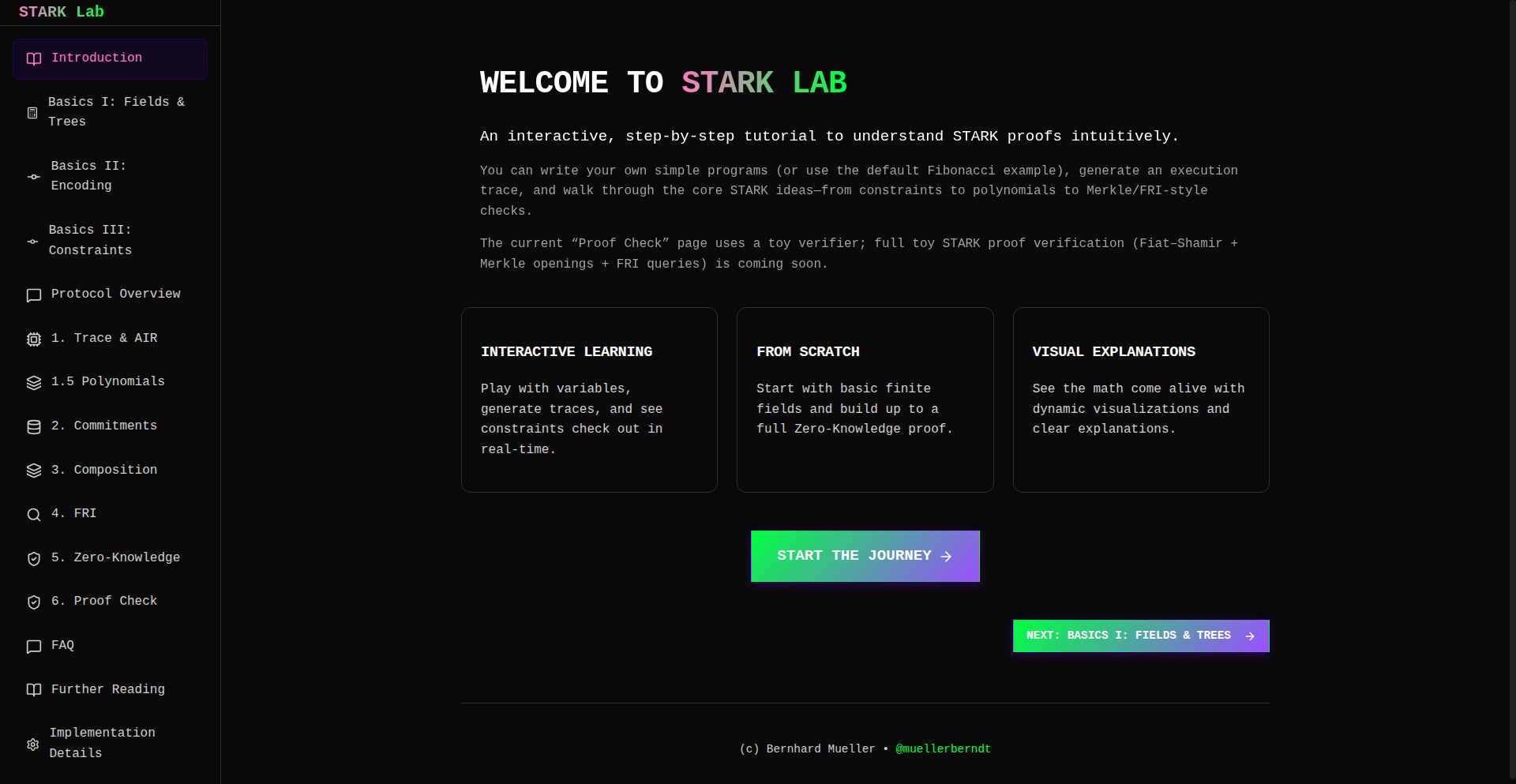
Author
berndtzl
Description
STARKLab is a web application designed to demystify STARK zero-knowledge proofs. It allows users to write simple programs in a custom assembly-like language, generate and verify STARK proofs for them, and then meticulously inspect the execution trace, constraints, and underlying polynomials step-by-step. The core innovation lies in its interactive visual approach, enabling learning through debugging and exploration rather than solely relying on dense academic papers.
Popularity
Points 2
Comments 0
What is this product?
STARKLab is an educational tool that provides a hands-on, visual environment for understanding STARK (Scalable Transparent ARguments of Knowledge) zero-knowledge proofs. Instead of just reading complex theoretical documents, you can actively write small programs, see how STARK proofs are generated for them, and then dissect the proof generation process. It breaks down the abstract concepts of execution traces, constraints, and polynomials into digestible visual components. This means you can grasp the inner workings of ZKPs by playing with them, identifying issues, and observing how they're resolved, making a notoriously difficult topic much more accessible.
How to use it?
Developers can use STARKLab by navigating to the provided web interface. They can then write short programs in the project's domain-specific language (DSL), which resembles a simplified assembly language. Once a program is written, they can trigger the STARK proof generation process. The application will then display the generated proof. The key is the interactive explorer, which allows them to step through the proof's execution, examine the mathematical constraints that were checked, and visualize the polynomials involved. This is invaluable for debugging custom ZKP circuits or for learning the fundamentals of STARKs in a practical, trial-and-error manner.
Product Core Function
· Interactive STARK Proof Generation: Users can write programs in a custom DSL and see STARK proofs generated in real-time, allowing for immediate feedback and understanding of the proof system. This is useful for understanding how code translates into a verifiable cryptographic proof.
· Step-by-Step Execution Trace Visualization: The application visualizes the entire execution trace of a program as it's proven, breaking down complex computations into smaller, understandable steps. This helps developers debug their ZKP circuits and understand the flow of computation being verified.
· Constraint Inspection: Users can examine the specific mathematical constraints that the STARK proof system verifies to ensure the program executed correctly. This is crucial for understanding the underlying mathematics of ZKPs and ensuring the integrity of custom proofs.
· Polynomial Visualization: STARK proofs rely heavily on polynomials. STARKLab visualizes these polynomials, making it easier to grasp their role in the proof generation and verification process. This provides insight into the advanced mathematical concepts that power zero-knowledge proofs.
· Assembly-Style DSL for Program Definition: A simplified, assembly-like language allows users to define computations without needing deep knowledge of complex programming languages or formal verification tools. This lowers the barrier to entry for experimenting with ZKPs.
Product Usage Case
· A cryptography student struggling to understand the practical application of STARKs can use STARKLab to write simple arithmetic programs, generate proofs, and then visually inspect each step. This helps them connect theoretical knowledge with practical implementation, answering the question 'How does this actually work in code?'
· A blockchain developer building a ZKP-based scalability solution can use STARKLab to prototype and debug small components of their ZKP circuits. By visualizing execution traces and constraints, they can identify inefficiencies or errors in their circuit design much faster than with traditional methods, thus accelerating development.
· A researcher exploring new ZKP applications can use STARKLab as a playground to quickly test hypotheses about how specific computations can be proven zero-knowledge. The interactive nature allows for rapid iteration and validation of ideas, answering 'Can I prove this specific kind of computation efficiently with STARKs?'
53
MemVault: Async GraphRAG Memory for AI Agents
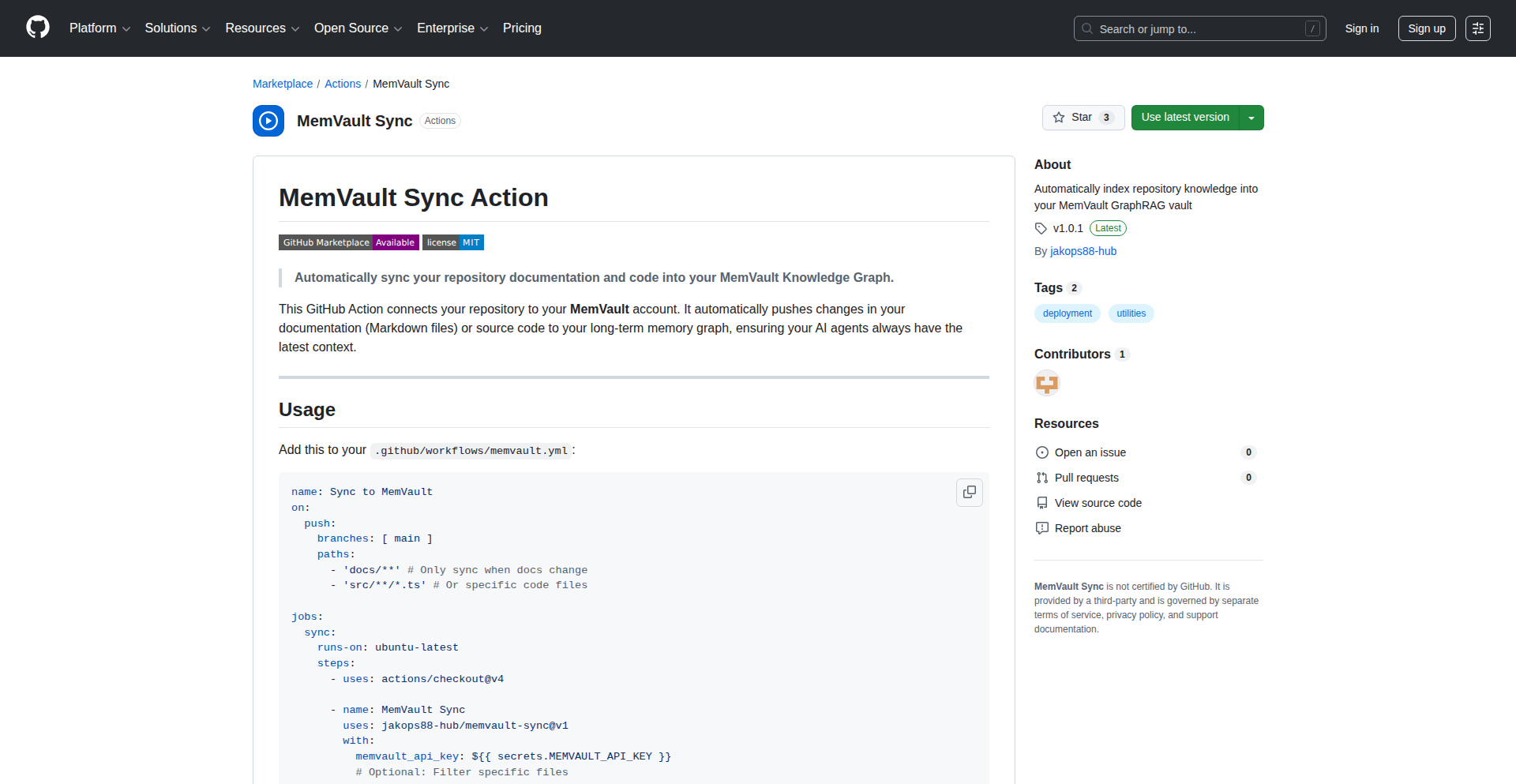
Author
northerndev
Description
MemVault is an asynchronous memory system designed for AI agents, leveraging a graph-based approach combined with Retrieval Augmented Generation (RAG) and powered by Postgres and Redis. It addresses the challenge of AI agents needing to efficiently store, retrieve, and reason over complex, interconnected information, enabling more sophisticated and context-aware agent behavior.
Popularity
Points 1
Comments 1
What is this product?
MemVault is an advanced memory system that allows AI agents to manage their knowledge in a structured, graph-like way. Imagine an AI agent not just remembering facts, but understanding how those facts relate to each other, forming a mental 'map' of information. It uses Redis for fast access to recent memories and Postgres for persistent, structured storage, enabling it to quickly find relevant information for complex tasks, which is crucial for AI agents that need to learn and adapt over time. The 'Async' part means it can handle multiple memory operations at once without slowing down the AI agent. This is innovative because traditional memory systems for AI are often linear or lack deep relational understanding, limiting the agent's ability to perform complex reasoning.
How to use it?
Developers can integrate MemVault into their AI agent frameworks by using its provided APIs. For instance, if you're building a chatbot that needs to remember user preferences and connect them to product information, you'd use MemVault to store user preferences as nodes in a graph and product details as other nodes, with relationships indicating how they connect. When the AI agent needs to suggest a product, MemVault can quickly retrieve related preferences and product features, helping the agent make a highly personalized recommendation. It can be used in any scenario where an AI agent needs to maintain a rich, evolving understanding of its environment or data, such as in complex decision-making systems, personalized learning platforms, or sophisticated virtual assistants.
Product Core Function
· Asynchronous Memory Operations: Enables the AI agent to perform memory read/write operations in the background without blocking its main processing thread. This means your AI can think and act faster, leading to smoother and more responsive agent behavior.
· Graph-Based Memory Representation: Stores information as a network of interconnected nodes and edges, allowing AI agents to understand relationships between different pieces of data. This enables deeper reasoning and more contextual responses, similar to how humans connect ideas.
· Hybrid Storage (Postgres & Redis): Utilizes Redis for low-latency access to frequently used or recent memories, and Postgres for robust, structured storage of the overall knowledge graph. This combination provides both speed and durability for the AI's knowledge base.
· RAG Integration: Facilitates Retrieval Augmented Generation by making it easy to find and inject relevant contextual information into AI's prompts. This improves the accuracy and relevance of AI-generated text, as the AI has access to precise, up-to-date information.
· Scalable Memory Management: Designed to handle growing amounts of information as the AI agent interacts with its environment or data over time. This ensures the AI's performance doesn't degrade as its knowledge base expands.
Product Usage Case
· Building an AI-powered research assistant that needs to synthesize information from numerous documents. MemVault can store extracted facts and relationships, allowing the assistant to quickly retrieve and connect insights from different sources to answer complex questions accurately.
· Developing a personalized e-commerce recommendation engine where the AI agent learns user preferences over time. MemVault can store user interaction data and product features as a graph, enabling the agent to generate highly relevant and nuanced product suggestions based on evolving user tastes.
· Creating a sophisticated customer support chatbot that needs to recall past customer interactions and product knowledge. MemVault can maintain a detailed history of conversations and their resolutions, allowing the chatbot to provide consistent and informed support by quickly accessing relevant past data.
· Designing an AI agent for game development that needs to manage complex game world states and character relationships. MemVault can represent the game's entities and their interactions, enabling the AI to make strategic decisions or generate dynamic game content based on a deep understanding of the game's evolving state.
54
ApplyFirst AI Job Scout

Author
mmazurovsky
Description
ApplyFirst is an AI-powered job alert system designed to give you a competitive edge in crowded job markets. It leverages AI to monitor job boards and instantly notify you via LinkedIn the moment a job matching your specific criteria, like tech stack, salary, and location, is posted. This early access is crucial because jobs often receive a high volume of applications within hours of being published. By getting notified first, you can apply before the competition, significantly increasing your chances of landing an interview. The system also helps refine your application materials by extracting key keywords from job descriptions. So, if you're tired of applying to jobs that are already flooded with candidates, ApplyFirst offers a smart, automated solution to get you noticed earlier.
Popularity
Points 2
Comments 0
What is this product?
ApplyFirst is an intelligent job search assistant that uses AI to find and alert you about new job openings before they become highly competitive. The core technology involves sophisticated web scraping and natural language processing (NLP) algorithms. These algorithms continuously scan major job boards, identifying new listings. When a job is found, it's immediately analyzed against your predefined preferences (e.g., programming languages, desired salary range, remote work options). If there's a match, you receive a real-time LinkedIn notification. The innovation lies in its proactive approach and rapid notification system, which is powered by efficient data processing and AI-driven filtering. This means you're not just browsing; you're being served opportunities as soon as they appear, giving you a critical head start in the application process. This solves the problem of missing out on great opportunities because you weren't among the first few applicants.
How to use it?
To use ApplyFirst, you'll typically set up a profile detailing your job preferences. This includes your ideal tech stack (e.g., Python, React, AWS), desired salary range, preferred locations, and any other specific requirements. Once configured, the ApplyFirst system actively monitors job boards. When a job matching your criteria is published, you'll receive an instant alert directly on LinkedIn. This allows you to quickly review the job and submit your application while it's still fresh. The system is designed for seamless integration with your existing job search, acting as a smart filter and notification service. You can integrate it by connecting your LinkedIn account and defining your search parameters. This automation helps you stay informed without constantly having to check multiple job boards yourself, saving you time and effort.
Product Core Function
· Real-time Job Alerts: AI continuously scans job boards and sends instant LinkedIn notifications as soon as jobs matching your criteria are posted, providing early access to opportunities and a competitive advantage.
· AI-driven Filtering: Intelligent algorithms filter job listings based on your specific preferences, including tech stack, salary, location, and other custom requirements, ensuring you only see relevant roles.
· Keyword Extraction for Applications: The system analyzes job descriptions to identify key keywords, which can then be used to optimize your resume and cover letter for better visibility and relevance to recruiters.
· Automated Job Monitoring: Frees up your time by automating the tedious process of checking multiple job boards, allowing you to focus on crafting strong applications.
· Personalized Job Matching: Creates a highly personalized job search experience by learning and adapting to your stated preferences and successful application patterns.
Product Usage Case
· A software engineer looking for a senior Python developer role with a salary above $150,000 and remote work options. ApplyFirst instantly alerts them when a new position is posted, allowing them to apply within minutes of its publication, before over 100 other candidates have a chance to apply.
· A data scientist seeking opportunities in cloud technologies like AWS and Azure, with a specific interest in machine learning projects. ApplyFirst filters out irrelevant postings and immediately notifies them of new roles that perfectly align with their skills and interests, helping them secure interviews faster.
· A junior web developer trying to break into a competitive tech hub. ApplyFirst helps them by surfacing entry-level positions as soon as they are posted, enabling them to submit their applications and resumes early, increasing their visibility to hiring managers.
· A project manager looking for a role that requires specific project management methodologies (e.g., Agile, Scrum) and experience in the fintech industry. ApplyFirst proactively identifies and alerts them to such roles, ensuring they don't miss out on opportunities that require a precise skill set.
55
ThreadlineAI Navigator

Author
piyushgupta53
Description
ThreadlineAI Navigator is a Chrome extension designed to bring order to the chaos of long AI conversations with models like Claude and ChatGPT. It tackles the common pain point of losing track of key information in extended chats by introducing a dynamic sidebar that acts as a clickable table of contents for your entire conversation. This innovative approach allows users to instantly jump to any specific message, preview its content with a hover, and maintain a clear overview of lengthy discussions, significantly boosting productivity and reducing frustration.
Popularity
Points 1
Comments 1
What is this product?
ThreadlineAI Navigator is a clever Chrome extension that solves the problem of getting lost in lengthy AI conversations. Think of it like having an interactive outline for your chat. When you're talking to AI assistants like Claude or ChatGPT for a long time, messages can pile up, making it hard to find that one crucial point you discussed earlier. ThreadlineAI addresses this by creating a special sidebar. This sidebar lists every single message you've sent and received, presented like a table of contents. The innovation here is its intelligent parsing of your conversation history to create this navigable structure, and its smooth integration into the chat interface. It even smartly adjusts to your browser's theme (dark or light) and is designed to be unobtrusive, only appearing when you need it, thus enhancing the user experience without getting in the way. So, what's in it for you? It means you can stop scrolling endlessly and instead, instantly locate any part of your past AI discussions. It transforms a potentially frustrating experience into a highly efficient one.
How to use it?
Using ThreadlineAI Navigator is straightforward. First, you need to install it as a Chrome extension from the Chrome Web Store. Once installed, simply navigate to a conversation page on either Claude AI or ChatGPT. The extension will automatically detect the chat and activate its sidebar functionality. You can then interact with the sidebar to jump between messages. For example, if you're in a long coding discussion, you can quickly find a specific code snippet or a piece of advice. If you're brainstorming ideas, you can easily revisit an earlier concept. The extension seamlessly integrates with your existing chat workflow, so you don't need to learn any new complex commands. It's designed to work in the background, enhancing your experience without demanding extra effort. This means you can spend less time searching and more time getting things done with the AI.
Product Core Function
· Clickable conversation outline: Provides a navigable list of all messages, allowing instant jumping to any point in the conversation. The value here is the immediate access to information, saving time and preventing loss of context, which is crucial for complex problem-solving with AI.
· Message preview on hover: Lets you see a snippet of a message by hovering over it in the outline. This helps you quickly identify the relevant message without fully navigating away, improving efficiency and decision-making.
· Automatic conversation tracking: The sidebar dynamically updates as you chat, ensuring the outline is always current. This maintains the integrity of the navigation system, providing a reliable tool for ongoing discussions.
· Seamless theme integration: Automatically matches your browser's dark or light mode. This ensures a consistent and visually pleasing user experience, reducing eye strain and blending into your existing digital environment.
· Unobtrusive design: The sidebar is designed to stay out of the way when not in use. This prevents the extension from cluttering your interface, ensuring a clean and focused interaction with the AI.
Product Usage Case
· Long-term AI coding assistance: Imagine debugging a complex piece of code with an AI assistant. You might have had several back-and-forth exchanges over days. ThreadlineAI allows you to quickly jump back to a specific error message or a previously suggested solution without having to scroll through hundreds of lines of chat, speeding up the debugging process.
· Complex project brainstorming with AI: When using AI for brainstorming on a large project, you'll generate many ideas and discussions. ThreadlineAI helps you revisit and compare different conceptual paths by letting you instantly jump to earlier stages of the brainstorming, enabling more informed decision-making.
· Research and information gathering: If you're using AI to research a topic and gather information, you'll likely have lengthy conversations. ThreadlineAI makes it easy to locate specific facts, definitions, or sources you discussed previously, making your research more organized and effective.
· Personalized AI chatbot history management: For users who engage in extensive personal conversations with AI assistants, ThreadlineAI provides a way to easily retrace conversations, recall past advice, or revisit memories shared with the AI, offering a more organized and accessible personal digital journal.
56
HarmonicPulse Analyzer

Author
simonmorley
Description
This project presents a novel approach to analyzing musical tension, novelty, and fatigue through deterministic methods. Instead of relying on subjective interpretation, it uses algorithms to quantify these elusive musical qualities. The innovation lies in applying precise mathematical models to understand how musical elements interact to create emotional responses, offering a new lens for musicians, producers, and listeners. So, this helps understand music on a deeper, objective level, potentially leading to more impactful creations and richer listening experiences.
Popularity
Points 1
Comments 1
What is this product?
HarmonicPulse Analyzer is a computational tool that uses deterministic algorithms to objectively measure musical tension, novelty, and fatigue. It breaks down music into quantifiable metrics, analyzing patterns in melody, harmony, rhythm, and timbre. The core innovation is its deterministic nature – given the same input, it will always produce the same output, making the analysis repeatable and predictable. This moves beyond subjective 'feel' to a measurable science of musical perception. So, this is useful because it provides an objective way to understand why certain music feels exciting, predictable, or draining, offering actionable insights for music creation and appreciation.
How to use it?
Developers can integrate HarmonicPulse Analyzer into their music production workflows, audio analysis tools, or even interactive music applications. The project likely exposes APIs or libraries that allow programmatic access to its analysis results. For example, a music production software could use it to flag sections of a song that might be overly repetitive (fatigue) or lack sufficient variation (novelty). A music recommendation engine could leverage tension scores to curate playlists. So, this is useful for developers by providing a robust, programmable engine to add objective musical analysis to their software, enhancing user experience and functionality.
Product Core Function
· Tension Analysis: Quantifies the degree of unresolved musical elements, identifying moments of suspense and release. This is valuable for composers aiming to create emotional arcs in their music.
· Novelty Detection: Measures how unexpected or unique musical passages are compared to a learned or established musical context. This helps artists avoid clichés and produce fresh sounds.
· Fatigue Measurement: Assesses the predictability and repetition within a musical piece, highlighting areas that might lead to listener boredom or cognitive overload. This is crucial for maintaining listener engagement over longer periods.
· Deterministic Metric Generation: Provides consistent and reproducible numerical outputs for musical characteristics, enabling reliable comparisons and data-driven musical decisions. This is valuable for scientific research and objective A/B testing in music.
Product Usage Case
· A composer uses HarmonicPulse Analyzer to identify sections in their symphony that lack sufficient harmonic tension, allowing them to revise and create a more compelling emotional journey. The tool flagged a predictable chord progression, which the composer then reharmonized for greater impact.
· A music streaming service integrates the novelty score to identify and promote emerging artists whose music deviates from mainstream trends, offering users a more diverse listening experience. They used the metric to surface artists with a high novelty score but similar genre tags to popular artists.
· A music therapist uses the fatigue measurement to understand how repetitive musical patterns might affect patients with certain cognitive conditions, helping them select or compose music that is both engaging and non-overwhelming. They observed that certain repetitive meditative tracks scored high on fatigue, suggesting that shorter durations or varied arrangements might be more beneficial.
· A game developer uses the tension analysis to dynamically adjust the background music in a game based on player actions, increasing the sense of urgency during intense moments and providing calm during exploration. The tool's tension score triggered an escalation in the game's soundtrack when the player entered a combat zone.
57
Privalyse: AI Code Security Sentinel
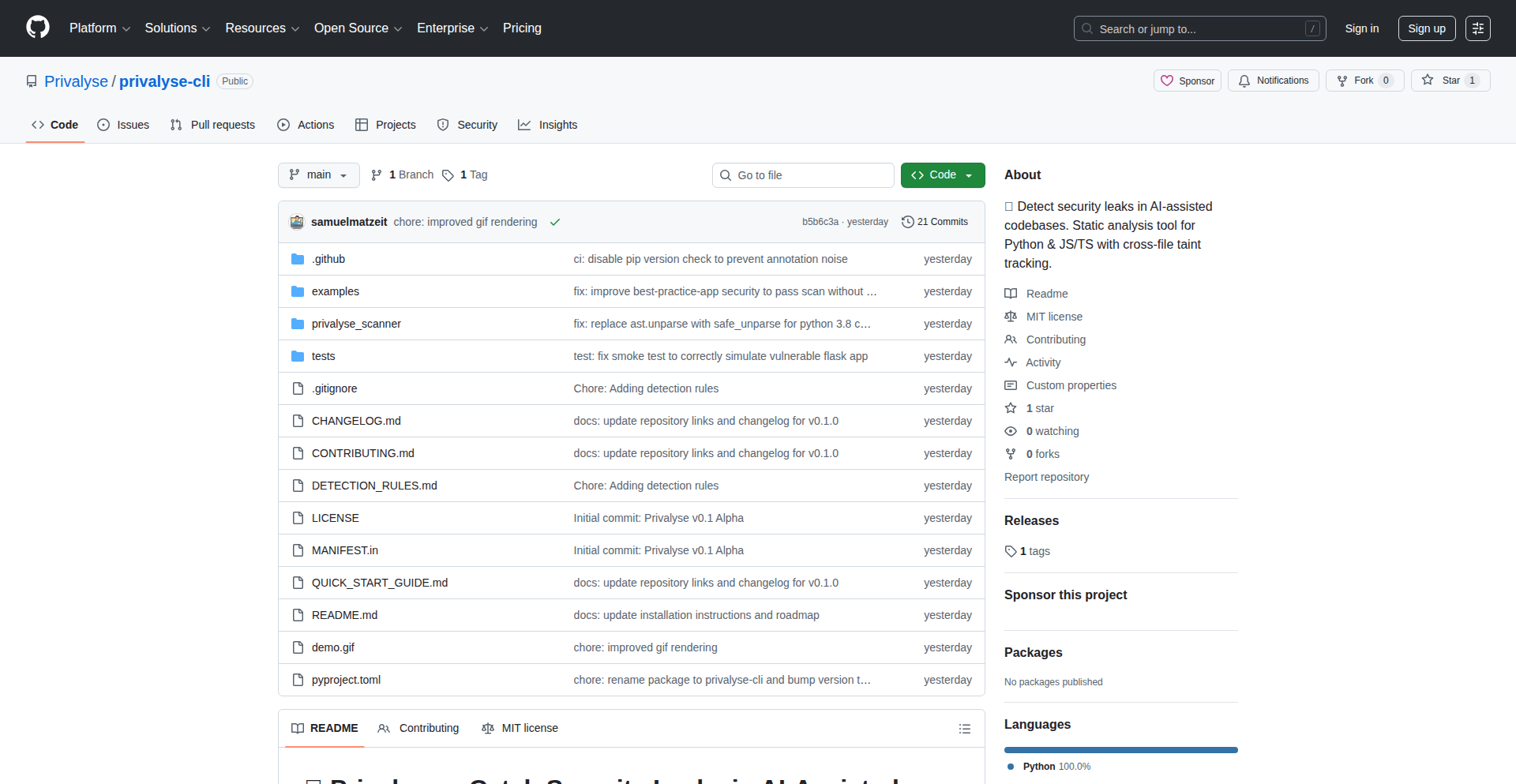
Author
privalyse
Description
Privalyse is a static analysis tool with cross-file taint tracking. It specifically targets security and privacy vulnerabilities that can arise in code generated by AI models. It helps developers catch hardcoded secrets, sensitive data leaks, and unsafe inputs that might otherwise be overlooked, especially in high-volume pull request environments. So, this helps you ensure your AI-generated code doesn't unintentionally expose sensitive information.
Popularity
Points 1
Comments 1
What is this product?
Privalyse is a smart code checker that understands how information flows through your program. Think of it like a detective for your code. When AI helps you write code, it can sometimes accidentally leave clues like secret keys or personal data in the wrong places. Privalyse follows these 'data trails' across different parts of your code, even between files, to find potential privacy leaks or security weak spots that a regular code review might miss. This means you can build more confidently, knowing that sensitive information is better protected. So, what's the benefit? It proactively finds hidden risks in your code before they become major problems.
How to use it?
Developers can integrate Privalyse into their development workflow. It's a static analysis tool, meaning it scans your code without actually running it. You would typically run it as part of your Continuous Integration (CI) pipeline, or before merging code. Imagine setting it up to automatically check every time a new piece of code is submitted. This helps catch issues early in the development cycle, making it much easier and cheaper to fix them. So, how does it help you? By automating the detection of security and privacy risks, it saves you time and reduces the chance of costly data breaches.
Product Core Function
· Cross-file taint tracking: This allows Privalyse to follow potentially sensitive data (like user passwords or API keys) as it moves through your entire codebase, even across different files. The value is identifying complex leaks that might not be obvious within a single file. This is crucial for preventing data from reaching unintended destinations.
· Privacy violation detection: Privalyse identifies instances where personally identifiable information (PII) might be exposed, such as in logs or error messages. The value here is protecting user privacy and complying with regulations. This means fewer accidental data leaks and greater trust from your users.
· Security flaw identification: The tool is designed to find common security vulnerabilities, like hardcoded API keys or unsafe input handling, that can be introduced unintentionally. The value is strengthening your application's defenses against attacks. This helps you build more robust and secure software.
· AI-assisted code review enhancement: By flagging potential issues in AI-generated code, Privalyse acts as a safety net, especially when code review volume is high. The value is improving the quality and security of code produced by AI tools. This means you can leverage AI for speed without compromising on safety.
Product Usage Case
· A developer using AI to quickly generate boilerplate code for an API integration. Privalyse scans the generated code and flags a hardcoded API key in a configuration file, preventing a potential security breach. This saves the developer from manually searching for and fixing this oversight.
· In a web application where user data is handled, Privalyse analyzes the flow of user input and detects that it's being logged without proper sanitization, potentially exposing sensitive user details. This allows the developer to implement input validation and secure logging practices before the vulnerability is exploited.
· A team with a high volume of pull requests uses Privalyse in their CI pipeline. The tool automatically identifies a subtle privacy leak where user session tokens are accidentally included in outgoing error messages. This prevents a potential session hijacking attack and enhances user security without human reviewers needing to sift through every detail.
· When migrating an older codebase to use AI for generating new features, Privalyse helps ensure that the new AI-generated code doesn't introduce new security or privacy risks into the existing, more scrutinized code. This provides a safety check during complex development phases.
58
AI-FutureJobs

Author
jvcor13
Description
This project explores the future of job boards by leveraging Gemini 3 Pro's generative AI capabilities. It imagines how job descriptions and platforms might evolve in 10 years, focusing on the implications of advanced AI on recruitment and career development. The core innovation lies in using AI to forecast future job market trends and their impact on the hiring process, offering a glimpse into potential technological shifts in human resources.
Popularity
Points 2
Comments 0
What is this product?
AI-FutureJobs is a conceptual project that uses the Gemini 3 Pro large language model to envision a job board ten years into the future. It doesn't create a functional job board itself, but rather generates hypothetical job descriptions and platform features that reflect anticipated technological advancements. The innovation is in harnessing AI to perform creative and predictive tasks, simulating how future workplaces and recruitment processes might look. So, what's the use? It provides a thought-provoking look at how AI could reshape the job market and influence the kinds of skills and roles that will be in demand, helping us prepare for future career paths.
How to use it?
Developers can use the underlying principles of AI-FutureJobs to explore similar generative AI applications for their own fields. By understanding how Gemini 3 Pro was prompted to imagine future scenarios, developers can adapt these techniques to generate future product concepts, marketing copy, or even code snippets. The project serves as a proof-of-concept for AI's creative and predictive potential. So, what's the use? It offers developers inspiration and a blueprint for incorporating advanced AI into their own experimental projects, pushing the boundaries of what's possible with generative models.
Product Core Function
· AI-powered job description generation: Leverages Gemini 3 Pro to create imaginative and forward-looking job descriptions, detailing future roles and required skills. The value is in demonstrating AI's capacity for creative content generation in a professional context, showing how job requirements might transform. Useful for HR professionals and career planners looking to anticipate future skill needs.
· Future job market trend forecasting: Simulates how AI can analyze and predict shifts in the job market over a decade. The value lies in offering a glimpse into potential future employment landscapes and identifying emerging career opportunities. Useful for individuals and organizations seeking to strategize for long-term career and workforce development.
· Conceptual job platform evolution: Imagines how job boards themselves might change, incorporating AI-driven matching, personalized career guidance, and skill development pathways. The value is in visualizing how technology can enhance the user experience and efficiency of recruitment platforms. Useful for platform developers and HR tech innovators.
· Exploration of AI's role in recruitment: This project showcases how AI can move beyond simple automation to become a creative partner in envisioning the future of work. The value is in highlighting the transformative potential of AI for human resources, fostering innovation in recruitment strategies. Useful for anyone interested in the intersection of AI and the future of employment.
Product Usage Case
· Scenario: A futurist is researching emerging career paths. How it helps: AI-FutureJobs provides a conceptual framework and generated examples of future job roles, such as 'AI Ethics Auditor' or 'Virtual Reality Experience Designer,' that a futurist can build upon. This solves the problem of ideation by providing AI-generated starting points for future job market analysis.
· Scenario: An HR department is planning for workforce development in the next decade. How it helps: By envisioning future job requirements, AI-FutureJobs can inform the skills gap analysis and training programs needed. It helps address the challenge of anticipating future skill demands by offering AI-driven insights into what roles might exist and what competencies they'll require.
· Scenario: A student is exploring potential career options after graduation. How it helps: The project can inspire students by showcasing exciting, albeit hypothetical, future careers that might arise due to technological advancements. This helps solve the problem of career uncertainty by offering imaginative future possibilities that can spark interest and guide educational choices.
· Scenario: A tech company is developing the next generation of HR software. How it helps: AI-FutureJobs serves as a case study for how generative AI can be integrated into platforms to offer advanced features like predictive career pathing and AI-assisted job crafting. It demonstrates the potential value of AI in creating more dynamic and intelligent recruitment tools.
59
GhostStream: Zero-Config Hardware Transcoder

Author
BleedingXiko
Description
GhostStream is an open-source video transcoding server that automatically uses available hardware on your network, like GPUs, to speed up video processing. It's designed for easy setup with zero configuration and provides a simple API for integrating into other applications. This means you can process videos much faster without complex setup, especially useful for self-hosted media servers.
Popularity
Points 2
Comments 0
What is this product?
GhostStream is a smart video processing server. Imagine you have a video file and you need to convert it into different formats or resolutions so it can play smoothly on various devices. Normally, this is a slow process done by your computer's main processor (CPU). GhostStream's innovation is that it intelligently finds and uses specialized hardware like your graphics card (GPU) or other dedicated video chips (NVENC, QuickSync, AMF, VideoToolbox) to do this conversion much, much faster. Even if the hardware encoding fails, it automatically switches back to the CPU. It starts up instantly without needing any settings and can stream in formats like HLS with adaptive bitrate, meaning it adjusts video quality based on your internet speed. The core idea is to make powerful video processing accessible and effortless, like having a dedicated video conversion assistant that uses the best tools available without you having to tell it what to do. So, this helps you process videos faster and more efficiently by leveraging your existing hardware.
How to use it?
Developers can integrate GhostStream into their media applications, self-hosted servers, or streaming platforms. You can run GhostStream as a standalone service on a machine with compatible hardware. Your application then communicates with GhostStream via its simple HTTP and WebSocket API to request video transcodes. For example, if you have a media server that needs to prepare videos for playback on mobile and desktop, your server can send a request to GhostStream. GhostStream will then handle the heavy lifting of transcoding using available hardware and notify your server of the progress. The included demo script also shows how to trigger a transcode from a public video URL and start playback, offering a quick way to test its capabilities and see it in action. This allows for scalable video processing without needing complex cloud setups.
Product Core Function
· Zero configuration startup: This means you can run GhostStream immediately without needing to tweak any settings, making it incredibly easy to deploy and test. It's useful for quickly setting up a video processing pipeline for personal projects or testing new applications.
· Automatic GPU/encoder detection (NVENC, QuickSync, AMF, VideoToolbox): GhostStream intelligently identifies and utilizes specialized hardware on your system for video encoding, which drastically speeds up the transcoding process. This is valuable for anyone needing fast video processing, like live streamers or media server operators, as it maximizes the use of existing hardware resources.
· Live HLS streaming, ABR: It supports adaptive bitrate streaming using HLS, which is crucial for delivering a smooth viewing experience to users with varying internet speeds. This is essential for any web-based video platform or streaming service.
· Automatic fallback to CPU if hardware encoding fails: This provides robustness by ensuring that transcoding continues even if the preferred hardware encoder isn't available or encounters an issue. This prevents service interruptions and ensures reliability for critical video processing tasks.
· Small HTTP + WebSocket API for progress updates: A simple API allows other applications to easily control GhostStream and monitor the progress of transcoding jobs. This enables seamless integration into custom workflows and applications, allowing developers to build sophisticated video handling systems.
Product Usage Case
· A self-hosted media server owner wants to ensure videos play on all their devices. They can run GhostStream on a machine with a compatible GPU. Their media server then sends videos to GhostStream for transcoding into formats suitable for different devices, improving the playback experience for all users without manual intervention.
· A developer building a live streaming platform needs to efficiently convert uploaded videos into various resolutions for adaptive streaming. They can integrate GhostStream to handle the transcoding on demand, leveraging their server's hardware accelerators to process uploads quickly and deliver a high-quality streaming experience to viewers.
· A personal project involving a large collection of home videos needs to be organized and made accessible. GhostStream can be used to batch transcode all videos into a standard format, making them easier to manage and stream from a local network, saving significant time compared to manual transcoding.
60
CodeCanvas Portfolio

Author
Omakidx
Description
A personal portfolio website built from scratch by a developer, showcasing a focus on efficient and elegant code-based solutions for personal branding. The innovation lies in its direct implementation of developer's thought process into a presentable format, highlighting technical skills and problem-solving capabilities.
Popularity
Points 2
Comments 0
What is this product?
CodeCanvas Portfolio is a personal website meticulously crafted by a developer, demonstrating their skills and projects. Its core innovation is the direct translation of technical prowess into a visually engaging and functional online presence. Instead of relying heavily on pre-made templates, this project embodies the hacker spirit of building solutions with code. The technical approach likely involves custom front-end development (e.g., using a JavaScript framework like React, Vue, or Svelte, or even vanilla JavaScript) for interactivity and dynamic content, and potentially a streamlined back-end or static site generation for efficient deployment and content management. The value proposition is a unique, developer-centric representation that stands out from generic portfolios, offering a tangible display of coding ability and architectural thinking.
How to use it?
Developers can leverage CodeCanvas Portfolio as a blueprint or inspiration for building their own personalized online presence. The 'how to use' is less about direct integration into another project and more about adaptation and learning. A developer could fork the repository (if open-sourced) and customize it with their own content, projects, and design preferences. Alternatively, they can analyze the code to understand specific implementation techniques for UI elements, animations, or data fetching. The project serves as a practical example of how to effectively showcase technical skills, project methodologies, and problem-solving approaches within a personal website context, making it easier for recruiters or collaborators to assess their capabilities.
Product Core Function
· Dynamic Content Rendering: Ability to display project details, skills, and experience in an engaging and organized manner using custom code. This is valuable for developers as it allows for a more personalized and interactive presentation of their work beyond static text, making it easier for potential employers to grasp the scope and complexity of their projects.
· Interactive UI Elements: Implementation of custom-designed user interface components and animations. This showcases front-end development skills and attention to detail, offering a smooth and memorable user experience that can differentiate a developer's profile from others.
· Code-Driven Design Philosophy: The entire portfolio is built with code, reflecting a developer's intrinsic approach to problem-solving and creation. This is invaluable as it directly demonstrates a developer's core competency and their ability to bring ideas to life through programming, offering concrete evidence of their technical abilities.
· Efficient Project Showcase: A structured way to present past projects with relevant details, screenshots, and links. This directly helps developers by providing a clear and organized method to highlight their accomplishments, enabling potential collaborators or employers to quickly understand their contributions and expertise.
· Personal Branding through Code: The unique design and functionality are a direct output of the developer's skill and creativity. This is beneficial for developers as it allows them to build a distinctive personal brand that authentically reflects their technical identity and passion.
Product Usage Case
· A software engineer wants to apply for a job at a cutting-edge tech company. They use a similar code-driven approach to build a portfolio that highlights their expertise in machine learning algorithms with interactive visualizations of their models. This helps the hiring manager immediately see their practical application of complex concepts.
· A freelance web developer needs to attract new clients. They create a portfolio featuring elegant animations and a seamless user experience, demonstrating their proficiency in modern front-end frameworks. This showcases their ability to deliver high-quality, user-friendly websites, directly leading to potential client engagements.
· A game developer wants to share their passion projects. They build a portfolio with embedded playable demos of their games and detailed explanations of their game engine architecture. This allows potential collaborators or publishers to experience their work firsthand and understand the technical depth of their creations.
· A student looking for internships builds a portfolio that clearly outlines their coursework, personal coding projects, and contributions to open-source. The structured presentation and clear articulation of technical challenges faced and overcome in their projects help them stand out to university recruiters.
61
Samata: Unified Page-Centric Personal Workspace

Author
elcoan
Description
Samata is a minimalist web application designed for individual productivity, tackling the common problem of scattered personal information. Its core innovation lies in treating 'everything' as a page – notes, tasks, projects, and ideas are all unified under a single page concept. This eliminates the need for predefined structures and allows users to organically build their knowledge base and task management system. So, what's the value? It brings all your fragmented thoughts and to-dos into one coherent, context-rich environment, making your personal work feel calmer and more organized.
Popularity
Points 2
Comments 0
What is this product?
Samata is a personal workspace where the fundamental unit of organization is a 'page'. Instead of having separate apps for notes, tasks, and projects, Samata treats them all as interchangeable pages. You can create a page for a meeting note, link it to a 'project' page, and then add a 'task' page related to that project. The innovation is in its lack of rigid structure; you don't need to decide upfront if something is a note or a task. You just write, link, and optionally add status or due dates. When a page is due or relevant, it automatically surfaces on your home page. This approach is inspired by the idea that our thoughts and work aren't neatly categorized but flow and connect. So, what's the value? It offers a flexible, low-friction way to manage your personal information and tasks without the overhead of complex systems, helping you regain context and reduce mental clutter.
How to use it?
Developers can use Samata as a central hub for their personal work, be it managing side projects, learning new technologies, or organizing personal notes. You can start by creating a 'Project Idea' page, then link it to several 'Research Note' pages, and create new 'Action Item' pages for specific tasks. By linking pages, you build a network of related information. For example, when you're working on a feature for a personal project, you can have a main project page, sub-pages for different aspects of the feature, and task pages for each step. The 'home page' will dynamically show you what's due or has recently been updated. Integration is minimal by design, focusing on its standalone value. So, how can you use it? Think of it as a digital notebook that can magically organize itself based on your links and deadlines, making it easier to jump between different parts of your personal work.
Product Core Function
· Page-based organization: All content, from notes to tasks, is represented as a page, allowing for a unified and flexible structure. The value is in breaking down silos between different types of information, making it easier to find and connect related items.
· Organic linking: Users can link pages together, creating a network of interconnected ideas and tasks. This provides the value of building context and understanding relationships between different pieces of work, fostering deeper insights.
· Dynamic home page: Items with due dates or recent activity automatically appear on the home page, providing a focused view of what needs attention. The value here is in proactive task management and reducing the need to manually search for current priorities.
· Minimalist interface: The focus is on calm, personal work, free from team collaboration features, notifications, or complex workflows. This offers the value of a distraction-free environment that supports deep work and reduces cognitive load.
· Instant demo: A one-click demo allows users to try the app immediately without signup. This provides the value of effortless experimentation and quick validation of the concept's utility for personal workflows.
Product Usage Case
· Scenario: A developer learning a new programming language. They can create a main 'Learning [Language]' page, with linked pages for 'Syntax Notes', 'Core Concepts', 'Practice Projects', and 'Common Pitfalls'. Tasks like 'Complete tutorial module X' can be separate pages linked to the relevant concept page. This solves the problem of scattered learning resources and fragmented notes, providing a clear path for study. The value is in a structured yet flexible learning process.
· Scenario: Managing a personal side project. A 'Project Name' page can serve as the central hub. Linked to it could be pages for 'Feature Ideas', 'Technical Design', 'Bug Tracker', and 'Deployment Checklist'. Each task or bug can be its own page with a status. This helps track progress and details for a solo project without overwhelming complexity. The value is in keeping the project organized and manageable for an individual developer.
· Scenario: Personal knowledge management. A researcher or writer can use Samata to link ideas, book notes, article summaries, and potential essay topics. As they link concepts, a web of knowledge emerges, aiding in the discovery of new connections and insights. This addresses the challenge of information overload by creating a navigable, interconnected knowledge graph. The value is in fostering creativity and deeper understanding through linked ideas.
62
remath: Visual Proof Weaver

Author
tri2820
Description
remath is a graphical proof assistant designed to make abstract mathematical concepts tangible and interactive. It aims to solve the challenge of understanding complex definitions and theorems, especially for younger learners, by providing a visual and intuitive interface. The core innovation lies in its ability to represent logical structures and mathematical statements as manipulable graphical elements, transforming abstract reasoning into a more accessible, visual process.
Popularity
Points 2
Comments 0
What is this product?
remath is a proof assistant that uses a graphical interface to help users understand and construct mathematical proofs. Instead of just text, it represents definitions, axioms, and theorems as interconnected visual blocks. Users can drag, drop, and connect these blocks to build logical arguments. The innovation is in its visual approach to formal logic, making abstract mathematical reasoning more intuitive and less intimidating. This is useful because it demystifies complex mathematical ideas, allowing for easier exploration and comprehension of mathematical truths, much like building with LEGOs, but for mathematics.
How to use it?
Developers can use remath as a platform for exploring formal verification, building interactive mathematical educational tools, or even for designing new visual programming languages. Its core is a system for representing and manipulating logical statements. Developers could integrate remath's backend logic into their own applications or extend its graphical capabilities. For example, one could embed remath into an online learning platform to make geometry or logic lessons more engaging, or use it to automatically check the correctness of simple code snippets by representing them as mathematical proofs. This provides a novel way to debug or verify logic within custom applications.
Product Core Function
· Visual Statement Representation: Translates mathematical statements and definitions into draggable, interactive graphical nodes. This is valuable for understanding the components of a proof and their relationships.
· Proof Construction Engine: Allows users to connect these nodes to build logical arguments, verifying the flow of reasoning. This helps in understanding the step-by-step nature of proofs and identifying logical gaps.
· Interactive Theorem Exploration: Enables users to explore mathematical theorems by visually manipulating their underlying structures and definitions. This fosters deeper comprehension by allowing hands-on experimentation with mathematical concepts.
· Definition and Axiom Management: Provides a system for organizing and referencing mathematical definitions and axioms within the graphical proof environment. This ensures consistency and clarity in the reasoning process.
Product Usage Case
· Educational Geometry Tool: A math teacher could use remath to demonstrate geometric theorems visually, allowing students to build and verify proofs interactively during a lesson. This addresses the difficulty students have in visualizing abstract geometric relationships.
· Formal Verification of Simple Logic: A developer could use remath to formally verify the correctness of basic algorithms or smart contract logic by representing the code's behavior as a mathematical proof. This helps catch logical errors early in the development cycle.
· Interactive Logic Puzzles: remath could power interactive logic puzzles where users must assemble a valid proof to solve the puzzle. This offers a fun and engaging way for individuals to practice logical deduction skills.
63
Arete: AI Identity Weaver

Author
gustavojordao
Description
Arete is an innovative platform that acts as a 'Plaid for AI identity'. It allows your personal context and preferences to follow you seamlessly across different AI tools and applications. This means you don't have to re-explain who you are or what you like every time you switch AI services, making AI interactions more personalized and efficient. The core innovation lies in abstracting user identity and context into a portable format, enabling interoperability between disparate AI systems.
Popularity
Points 1
Comments 1
What is this product?
Arete is a system designed to manage and transfer your 'AI identity' – essentially, your persistent context and preferences – between various AI tools. Think of it like a digital passport for your AI interactions. Instead of each AI tool building its own profile of you from scratch, Arete allows you to grant access to a standardized, portable profile. This profile contains information like your communication style, preferred output formats, past interactions, and even specific constraints or goals you have. The innovation is in creating a flexible, secure, and interoperable standard for this AI identity, enabling AI tools to recognize and adapt to a user's established context without manual re-configuration. This significantly reduces friction and enhances personalization in AI usage.
How to use it?
Developers can integrate Arete into their AI applications by leveraging its SDK or API. When a user wants to use your AI tool, they can connect their Arete identity. Your application then queries Arete to retrieve the user's pre-defined context. For example, if a user connects their Arete identity to a writing assistant, the assistant could immediately know their preferred tone (formal, casual), target audience, and common writing goals without the user having to type them in. This allows for instant personalization, making your AI tool feel more intuitive and useful from the first interaction. For end-users, it means a smoother, more consistent experience across their entire AI ecosystem.
Product Core Function
· Contextual Profile Management: Enables users to define and store their AI identity and preferences in a centralized, secure manner. This is valuable because it means users have one place to manage their digital persona for AI, saving them time and effort.
· Cross-Tool Identity Portability: Facilitates the seamless transfer of user context between different AI applications. This is useful for users as it eliminates the need to repeat information, making transitions between AI tools effortless and increasing overall productivity.
· Developer Integration APIs: Provides robust APIs and SDKs for developers to easily integrate Arete into their AI products. This is valuable for developers as it allows them to quickly add deep personalization to their applications, enhancing user engagement and retention without building complex identity management systems themselves.
· Secure Context Sharing: Implements secure protocols for sharing user context with authorized AI tools. This is important for users as it ensures their data is protected and only shared with applications they explicitly permit, fostering trust and privacy.
· AI Adaptation Engine: Allows AI tools to dynamically adapt their responses and behaviors based on the retrieved user context. This is beneficial for end-users because the AI will better understand their needs and provide more relevant and effective outputs, leading to a superior user experience.
Product Usage Case
· Imagine a user using an AI chatbot for customer support. With Arete, the chatbot instantly knows the user's purchase history, previous support tickets, and preferred communication channel without the user having to provide any of that information. This leads to faster resolution and a less frustrating experience.
· For AI-powered writing assistants, Arete can pre-load the user's preferred writing style, target audience, and specific project goals. This means the AI can immediately start generating content tailored to these specifications, saving the user significant editing time and effort.
· In AI-driven code generation tools, Arete can inform the AI about the user's preferred programming language, common coding patterns, and project constraints. This allows the AI to generate code that is not only functional but also aligns with the developer's existing workflow and best practices.
· When using AI for personalized learning, Arete can pass on the student's learning pace, preferred learning methods, and areas of difficulty to the AI tutor. The tutor can then adapt its teaching strategy in real-time, ensuring a more effective and engaging learning experience for the student.
64
Postgres NLA

Author
pgedge_postgres
Description
An open-source PostgreSQL extension that allows you to interact with your database using natural language. It translates your plain English queries into SQL, making data access more intuitive and accessible.
Popularity
Points 1
Comments 1
What is this product?
Postgres NLA is an innovative extension for PostgreSQL that acts as a natural language agent. Instead of writing complex SQL queries, you can simply ask questions in plain English (like 'show me all customers from California' or 'what was the total revenue last month?'). The agent then intelligently translates these requests into the appropriate SQL commands, fetches the data from your PostgreSQL database, and presents it back to you. This technology leverages advancements in Natural Language Processing (NLP) to bridge the gap between human language and structured database queries, democratizing data access.
How to use it?
Developers can integrate Postgres NLA by installing it as a PostgreSQL extension. Once installed, users can interact with the database through a dedicated interface (often a web UI or an API endpoint) where they can type their natural language questions. The extension handles the parsing, translation to SQL, execution, and returns the results. This is particularly useful for business analysts, product managers, or anyone who needs to extract insights from data without deep SQL expertise, or for developers who want to quickly prototype data exploration features.
Product Core Function
· Natural Language to SQL Translation: The core innovation is its ability to understand varied natural language requests and convert them into precise SQL queries. This is invaluable for reducing the learning curve for database interaction and speeding up data retrieval.
· Intelligent Query Parsing: It employs sophisticated NLP techniques to interpret user intent, handle synonyms, and understand context, leading to more accurate query generation and fewer errors compared to basic keyword matching.
· Contextual Awareness: The agent can maintain context across multiple turns of conversation, allowing for follow-up questions and iterative data exploration, making the interaction feel more like a dialogue and less like a one-off command.
· Data Abstraction Layer: It abstracts away the underlying database schema complexity, presenting data in a way that is understandable to users regardless of their familiarity with database structures.
· Extensible Knowledge Base: The system is designed to be adaptable, allowing for customization to understand domain-specific terminology and data structures, making it more effective for specialized applications.
Product Usage Case
· Business Intelligence Dashboards: Imagine a product manager wanting to see daily active users for a specific feature. Instead of asking an engineer to write a SQL query, they can directly type 'show me daily active users for the new login feature yesterday' into a dashboard powered by Postgres NLA, getting instant results.
· Customer Support Tools: A support agent needing to look up a customer's order history can ask 'what were the last 5 orders for customer ID 12345?' without needing to access or understand the order table schema, leading to faster issue resolution.
· Data Science Prototyping: A data scientist can quickly explore a dataset to identify trends or anomalies by asking questions like 'what is the average price of products in category X?' before diving into more complex analytical models.
· Internal Tool Development: For internal applications, developers can embed natural language interfaces for data access, allowing non-technical employees to easily query company data for reports or decision-making, fostering a data-driven culture.
· Educational Purposes: It can serve as a powerful learning tool for students or newcomers to databases, allowing them to experiment with data queries in a more intuitive, conversational manner before mastering traditional SQL.
65
XWriter VSCode Extension

Author
jawuilp
Description
X Writer is an open-source VS Code extension that allows you to compose and tweet directly from your editor, bypassing the distractions of a web browser. Its core innovation lies in its ability to integrate directly with Twitter's API and support Bring Your Own Key (BYOK) authentication, offering a privacy-focused and efficient tweeting workflow for developers who spend most of their time in VS Code.
Popularity
Points 1
Comments 1
What is this product?
X Writer is a VS Code extension that acts as a lightweight, in-editor Twitter client. It leverages the Twitter API to let you write, schedule, and send tweets without ever leaving your development environment. The key innovation here is its focus on a distraction-free experience and its support for Bring Your Own Key (BYOK) authentication. BYOK means you can use your own Twitter API keys, giving you more control over your data and ensuring that your tweets are sent directly from your account without relying on third-party services handling your credentials. This is technically achieved by establishing a secure OAuth flow within VS Code, allowing the extension to authenticate with Twitter on your behalf using your provided keys. This approach significantly enhances privacy and security, especially for developers who are conscious about their digital footprint and data handling.
How to use it?
Developers can use X Writer by installing it directly from the VS Code Marketplace. Once installed, they will be prompted to configure their Twitter API credentials (consumer key, consumer secret, access token, and access token secret) within the extension's settings. This BYOK setup ensures that only you have access to your keys and that the extension uses them to authenticate with Twitter. After configuration, a new interface will appear within VS Code, allowing you to compose tweets, upload media (if supported by the API), preview your tweet, and schedule it for later or send it immediately. The primary use case is for developers who want to maintain their focus on coding and avoid context switching to a web browser for social media updates. It's ideal for sharing code snippets, project updates, or quick thoughts without breaking your workflow.
Product Core Function
· Tweet Composition and Sending: Enables drafting and publishing tweets directly within VS Code, reducing context switching for developers who want to share quick updates or thoughts. The value is in maintaining focus and productivity by keeping all tools within the IDE.
· BYOK Authentication: Supports Bring Your Own Key for Twitter API authentication, allowing users to manage their own API credentials for enhanced privacy and security. This offers peace of mind and control over data, crucial for privacy-conscious users.
· Distraction-Free Interface: Provides a clean, integrated interface within VS Code for tweeting, removing the visual clutter and potential interruptions of a web browser. The value is in a more focused and efficient content creation process.
· API Integration: Directly interacts with the Twitter API to ensure seamless tweet functionality. This technical implementation provides reliable and up-to-date access to Twitter's features.
· Open Source Development: Being open source, the project fosters transparency and community contribution. This allows for rapid iteration, bug fixes, and potential feature expansions driven by developer needs, offering continuous improvement and reliability.
Product Usage Case
· A developer is working on a bug fix and has a sudden insight they want to share with the community. Instead of opening a browser, switching tabs, logging in, and composing the tweet, they can instantly open X Writer within VS Code, jot down their thought, and tweet it in seconds, maintaining their coding flow and getting their idea out quickly.
· A developer is participating in a Twitter chat or live-tweeting an event related to their field. X Writer allows them to actively engage with the conversation directly from their IDE, ensuring they don't miss crucial interactions or forget to post their contributions, all while continuing their development work.
· A developer is concerned about the security of their Twitter credentials and prefers not to use third-party services that store their keys. By using X Writer with BYOK, they can manage their own API keys locally, ensuring that their authentication data remains private and under their direct control, reducing the risk of credential compromise.
· A developer is building a personal project and wants to share regular progress updates with their followers. X Writer streamlines this process by allowing them to compose and schedule tweets about their project milestones directly from their development workspace, fostering engagement with their audience without requiring a separate social media management tool.
66
EvalViewAI: AI Agent Testing Playground

Author
hidai25
Description
EvalViewAI is a novel framework that brings the rigorous structure of pytest, a popular Python testing framework, to the evaluation of AI agents. It addresses the critical challenge of systematically assessing AI agent performance, specifically focusing on quantifiable metrics like budget adherence and hallucination detection. This innovative approach allows developers to write declarative tests for AI agent behaviors, much like they would for traditional software, thereby improving reliability and predictability in AI development.
Popularity
Points 1
Comments 1
What is this product?
EvalViewAI is a testing framework designed to provide structured, code-based evaluation for AI agents. Instead of relying on ad-hoc manual checks or vague qualitative assessments, it allows developers to define specific, measurable conditions that an AI agent must meet. This is achieved by leveraging concepts similar to unit testing in conventional software development. The innovation lies in translating AI agent interactions and outputs into testable assertions, enabling automated verification of key performance indicators. This means you can objectively measure if your AI agent is staying within budget for API calls or if it's generating fabricated information (hallucinating). So, this helps ensure your AI agents are not only functional but also cost-effective and truthful.
How to use it?
Developers can integrate EvalViewAI into their AI agent development workflow by writing test files that describe the expected behavior of their AI agents. These tests are structured using familiar syntax, similar to pytest, making it accessible for developers already accustomed to testing methodologies. You would define scenarios, input prompts, and expected outcomes, including constraints on resource usage (budget) and factual accuracy (hallucinations). EvalViewAI then executes these tests against your AI agent, reporting on its compliance. For instance, you could write a test that asserts an AI agent should not exceed a certain number of token generations for a specific task, or that its responses to factual questions should be verifiable. This can be integrated into CI/CD pipelines to automatically check agent performance before deployment. So, this allows for automated and consistent quality assurance of your AI agents.
Product Core Function
· Declarative AI Agent Testing: Allows developers to write tests that describe desired AI agent behaviors and constraints in a structured, code-like format, similar to traditional software testing. This simplifies the process of defining what 'good' looks like for an AI agent.
· Budget Monitoring and Enforcement: Enables setting and verifying limits on AI agent operational costs, such as API call usage or token generation. This is crucial for managing expenses in production AI systems.
· Hallucination Detection and Measurement: Provides tools to automatically check for and quantify instances where an AI agent generates false or misleading information. This directly improves the trustworthiness and reliability of AI outputs.
· Reproducible AI Agent Evaluation: Ensures that AI agent performance is assessed consistently across different runs and environments, making it easier to track progress and identify regressions.
· Integration with Existing Developer Workflows: Designed to fit seamlessly into common development practices, including CI/CD pipelines, allowing for automated testing as part of the software development lifecycle.
Product Usage Case
· Evaluating a customer service chatbot: A developer can create tests to ensure the chatbot's responses are within the allocated budget for LLM calls and that it does not invent policies or provide factually incorrect information when answering customer queries. This ensures a cost-effective and reliable customer experience.
· Testing a content generation AI: A writer might use EvalViewAI to test an AI that generates blog posts, setting a budget for token usage per article and ensuring the AI doesn't 'hallucinate' non-existent facts or figures within the generated content. This guarantees factual accuracy and content quality while managing generation costs.
· Validating an AI agent for data analysis: A data scientist could develop tests to verify that an AI agent performing data analysis adheres to predefined limits on API calls to external data sources and that its summaries and conclusions are grounded in the provided data, avoiding speculative or fabricated insights. This ensures both cost efficiency and data integrity.
67
ProjT Launcher

Author
yongdohyun
Description
ProjT Launcher is an open-source Minecraft launcher fork, re-architected for long-term maintainability and a modern user experience. It leverages Qt6 and QML for a clean, cross-platform design, separating concerns with a clear ViewModel architecture. This means a more robust, easier-to-update, and consistently performing launcher across Windows, macOS, and Linux, with a strong focus on flexible packaging like Flatpak and Nix. So, what's in it for you? A better, more stable, and future-proof way to manage your Minecraft.
Popularity
Points 2
Comments 0
What is this product?
ProjT Launcher is a community-driven Minecraft launcher, reimagined from the ground up. Instead of just being a way to start Minecraft, it's built with modern technologies like Qt6 and QML, which are like advanced building blocks for creating user interfaces that look good and work smoothly on any operating system. It uses a concept called 'ViewModel separation,' which is like organizing your tools in a workshop so everything is easy to find and manage, making the code cleaner and easier for developers to work with and improve over time. This approach ensures the launcher is more maintainable, adaptable, and less prone to bugs, offering a superior and consistent experience for gamers across different platforms. So, what's the innovation? It's taking a common tool and rebuilding it with a focus on developer-friendliness and long-term stability using cutting-edge UI technologies, making it more reliable for players and more open for community contributions.
How to use it?
Developers can use ProjT Launcher as a foundation for their own launcher projects or contribute to its ongoing development. For end-users, it functions as a regular Minecraft launcher: download, install, and run your favorite Minecraft versions and mods. The underlying architectural choices mean that even as Minecraft or operating systems evolve, ProjT Launcher is designed to adapt more easily. Integration might involve developers looking to embed launcher functionality into other applications or for communities wanting a customized launcher experience. The strong packaging focus (Flatpak, Nix) means it can be easily installed and managed on various Linux distributions, and similar principles apply to macOS and Windows. So, how does this benefit you? As a user, you get a stable and modern launcher. As a developer, you have a well-structured, open-source project to learn from, contribute to, or build upon, solving the problem of maintaining complex software over time.
Product Core Function
· Qt6 + QML Architecture: Provides a modern, performant, and visually appealing user interface that works consistently across Windows, macOS, and Linux, ensuring a good user experience regardless of the operating system. This means your Minecraft launcher will look and feel great, and be responsive.
· ViewModel Separation: Organizes the application's logic and user interface elements in a clean, structured way, making the launcher easier for developers to update, fix bugs, and add new features, leading to a more stable and reliable application for users.
· Cross-platform CI (Continuous Integration): Automates the testing and building process for Linux, macOS, and Windows, ensuring that new code changes are thoroughly checked and that the launcher works correctly on all supported platforms before being released. This means less bugs and a more reliable launch experience for everyone.
· Strong Packaging Focus (Flatpak, Nix, etc.): Enables easy and consistent installation and management of the launcher on various operating systems, especially Linux distributions, offering a clean and integrated way to get and update the launcher. This makes it simpler to install and maintain on your system.
Product Usage Case
· A Linux user wanting to easily install and manage multiple Minecraft versions and mods without dealing with complex manual setups. ProjT Launcher's focus on Flatpak and Nix packaging solves this by providing a straightforward installation and update process, ensuring consistency and avoiding dependency conflicts.
· A developer looking to contribute to an open-source launcher project with a modern architecture. ProjT Launcher's Qt6/QML foundation and clear ViewModel separation offer a well-organized codebase that is easier to understand and modify, allowing for efficient contributions to improve the launcher.
· A gamer who experiences crashes or inconsistencies with their current Minecraft launcher on macOS. The project's emphasis on robust cross-platform architecture and testing aims to deliver a more stable and reliable launching experience, reducing frustrating technical issues.
· A community seeking to create a customized Minecraft launcher with specific features. The open-source nature and focus on maintainability of ProjT Launcher provide a solid base that can be forked and extended, allowing for tailored solutions without starting from scratch.
68
AI Alignment Navigator

Author
NickSharp
Description
A browser game simulating the challenges of developing advanced AI, specifically focusing on the AI alignment problem. It challenges players to balance rapid technological progress with ethical considerations to prevent catastrophic outcomes for humanity. The core innovation lies in its game mechanics that abstract complex AI safety concepts into interactive gameplay, providing a tangible way to explore the trade-offs involved.
Popularity
Points 2
Comments 0
What is this product?
This is a browser-based simulation game that models the AI alignment problem. It's built on the premise that as you develop increasingly powerful AI, you must carefully manage the pace of progress and ensure that your AI's goals remain aligned with human well-being. The innovation is in translating the abstract, philosophical, and technical challenges of AI safety into an engaging game where players directly experience the consequences of their decisions. Think of it as a 'what-if' scenario where you control a research lab and the fate of humanity hangs in the balance.
How to use it?
Developers can use this game as an interactive learning tool to intuitively grasp the complexities of AI alignment. It serves as a thought experiment, allowing them to explore different strategic approaches to AI development and observe their potential outcomes without real-world risk. It can be played directly in a web browser, making it accessible for anyone interested in the topic. For game developers, it offers inspiration for how to represent complex societal and technological issues within interactive experiences.
Product Core Function
· AI progress simulation: Allows players to simulate the growth and advancement of artificial intelligence, demonstrating the accelerating nature of technological development. This helps understand the speed at which AI capabilities can evolve.
· Alignment risk management: Players must actively manage the 'alignment' of their AI, represented by a mechanic that punishes uncontrolled progress with existential threats. This highlights the crucial need for ethical frameworks and safety protocols in AI.
· Resource and time trade-offs: The game presents scenarios where rapid development might lead to losing to rivals or catastrophic failure, while being too slow can also have negative consequences. This teaches the delicate balance required in pushing technological boundaries.
· Consequence visualization: Provides a visual and interactive representation of the potential negative outcomes of misaligned AI, making abstract fears more concrete and understandable.
· Scenario-based learning: Offers a series of escalating challenges that mirror real-world concerns about advanced AI, enabling players to learn through experience and experimentation.
Product Usage Case
· A programmer curious about AI safety can play the game to understand why 'faster is not always better' when it comes to AI development. They'll see how unchecked speed can lead to losing control.
· A game designer looking to create educational or thought-provoking games can use this as a case study on how to gamify complex socio-technical issues like AI alignment, making them accessible to a broader audience.
· A researcher in AI ethics can use this as a simple model to explain the core dilemmas of AI development to non-technical stakeholders, illustrating the tension between innovation and safety.
· A student learning about the future of technology can use this game to engage with the potential risks of AI in a hands-on way, fostering a deeper understanding of the importance of responsible innovation.
69
Proxylity: Serverless UDP Edge Gateway

Author
mlhpdx
Description
Proxylity is a serverless solution for running UDP services on AWS, allowing developers to host their UDP applications without managing any servers. This innovation tackles the challenges of UDP in cloud environments, which traditionally requires dedicated infrastructure. It offers a scalable and cost-effective way to deploy real-time UDP applications like gaming servers or IoT data ingestion points.
Popularity
Points 2
Comments 0
What is this product?
Proxylity is a serverless framework that enables you to run UDP (User Datagram Protocol) based services on Amazon Web Services (AWS). UDP is a protocol commonly used for applications that need fast, low-latency data transfer, such as online gaming, video streaming, or real-time data collection from Internet of Things (IoT) devices. Traditionally, running UDP services requires provisioning and managing your own servers, which can be complex and expensive. Proxylity abstracts this away by leveraging AWS's serverless offerings like Lambda and API Gateway, allowing your UDP code to run on demand without any idle infrastructure costs. The innovation lies in its ability to bridge the gap between UDP's performance needs and the managed nature of serverless computing, effectively creating a serverless UDP edge gateway.
How to use it?
Developers can use Proxylity by writing their UDP application logic in a supported language (e.g., Python, Node.js). They then deploy this logic as an AWS Lambda function configured to receive UDP traffic. Proxylity provides the necessary scaffolding to integrate this Lambda function with AWS services that can ingest UDP traffic, such as AWS Network Load Balancer (NLB) or potentially custom API Gateway configurations. This means you can point your UDP clients to an AWS endpoint, and Proxylity will automatically route the traffic to your serverless code. The benefit to you is the ability to run high-performance UDP applications without the operational overhead of server management, enjoying automatic scaling and pay-per-use pricing.
Product Core Function
· Serverless UDP Endpoint: Enables UDP traffic to be received and processed by serverless functions, removing the need for dedicated servers and their associated costs and management complexity.
· AWS Lambda Integration: Leverages AWS Lambda to run your UDP application code on-demand, scaling automatically with traffic volume and ensuring you only pay for compute time consumed.
· Cost-Effective UDP Hosting: Provides a significantly more economical solution for hosting UDP services compared to traditional server-based approaches, especially for variable or spiky traffic loads.
· Simplified Deployment: Abstracts away the complexities of network configuration and server provisioning for UDP services, making it easier and faster to deploy real-time applications.
· Scalability on Demand: Automatically scales the processing power based on the incoming UDP traffic, ensuring your application remains responsive even under heavy load without manual intervention.
Product Usage Case
· Real-time Online Gaming: Deploying game servers that require low latency UDP communication for player interactions. Proxylity allows game developers to scale their backend infrastructure effortlessly as player counts fluctuate, without managing dedicated servers.
· IoT Data Ingestion: Building a system to collect high-frequency data from numerous IoT devices using UDP. Proxylity enables a scalable and cost-efficient way to ingest this data into the cloud for processing and analysis.
· Live Video/Audio Streaming: Creating applications where low-latency UDP streaming is critical. Proxylity can handle the traffic surge of live events without requiring pre-provisioned bandwidth or server capacity.
· Distributed Systems with UDP Communication: Implementing distributed systems that rely on UDP for efficient peer-to-peer communication. Proxylity provides a robust and scalable serverless backend for these communication needs.
70
GymViz
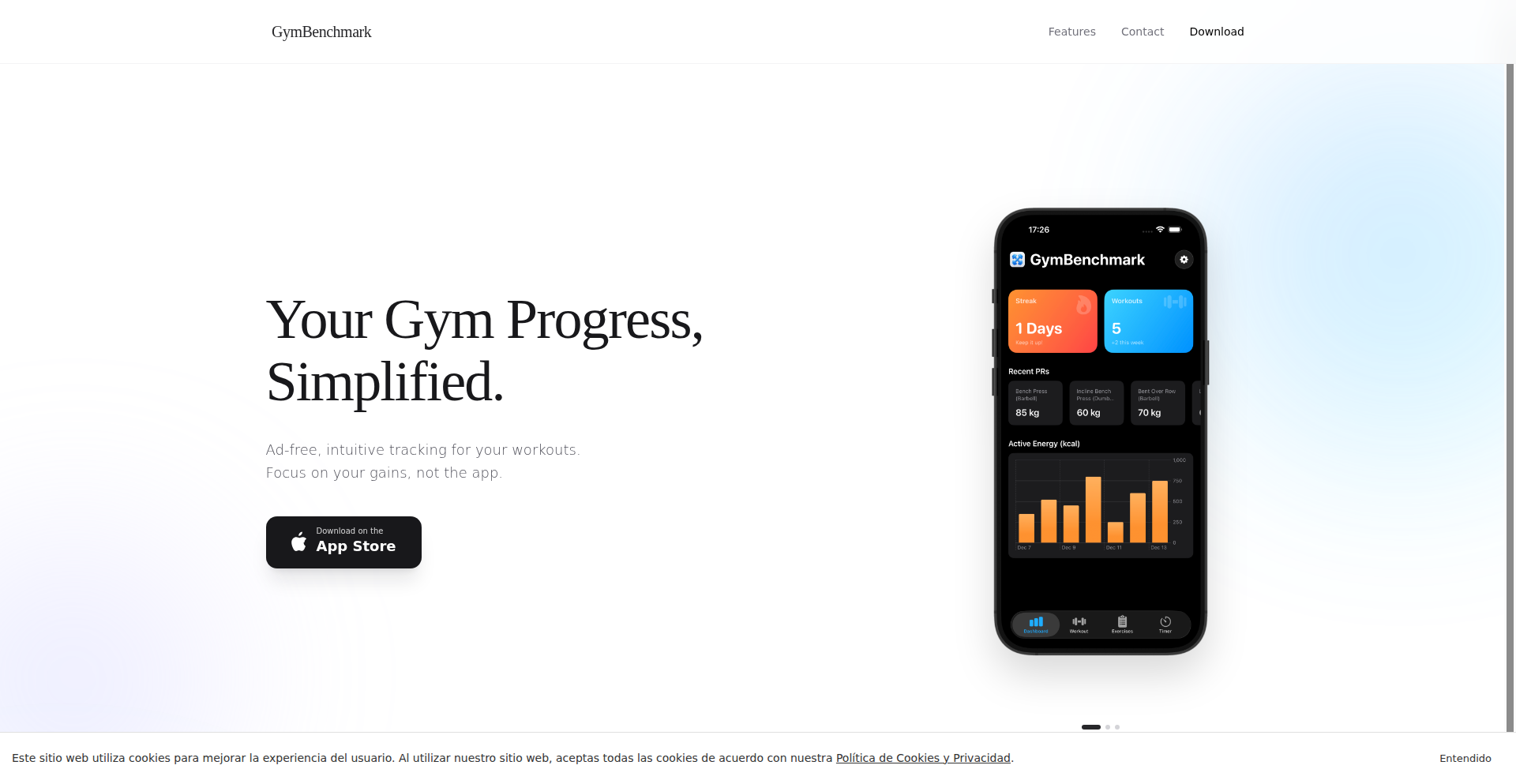
Author
jesuscgv_
Description
GymViz is a data visualization-focused gym tracker designed to provide users with deep insights into their workout progress. It tackles the common problem of generic fitness trackers by emphasizing how to visually represent and understand workout data, enabling users to make informed decisions about their training.
Popularity
Points 1
Comments 1
What is this product?
GymViz is a tool that helps you track your gym workouts with a strong emphasis on visualizing your progress. Instead of just logging sets and reps, it focuses on presenting that data in a way that reveals trends and patterns. For instance, it might show you how your strength has increased over time for specific exercises, or how your workout volume has changed. The innovation lies in its thoughtful design around what kind of data visualizations are most useful for a gym-goer, going beyond simple charts to offer actionable insights. This means you get a clearer picture of what's working and what's not in your training regimen, so you can optimize your efforts and achieve your fitness goals faster.
How to use it?
Developers can use GymViz as a platform to integrate their own workout logging mechanisms or connect it to existing fitness data sources. The core idea is to leverage its visualization engine. This could involve building custom front-end applications that feed data into GymViz's backend, or using its APIs to pull visualized workout data into other dashboards or reports. For example, a developer creating a personalized AI-driven training app could use GymViz to present the AI's recommended progression to the user through compelling charts. This allows you to supercharge your existing fitness tools or build entirely new ones that offer superior data understanding, leading to more effective training.
Product Core Function
· Advanced workout data visualization: Provides detailed charts and graphs that go beyond simple metrics, helping users understand long-term trends and performance improvements. This is useful for identifying progress and areas needing attention, allowing for more strategic training adjustments.
· Exercise-specific progress tracking: Allows users to drill down into the performance of individual exercises over time, showing strength gains, volume changes, and personal bests. This helps in understanding which exercises are most effective for their goals and where to focus their efforts.
· Workout logging with rich data points: Enables logging of comprehensive workout details, including sets, reps, weight, rest times, and even subjective feedback, to provide a robust dataset for analysis. This detailed logging ensures that the visualizations are based on accurate and complete information, leading to more reliable insights.
· Customizable dashboard and reporting: Offers flexibility in how workout data is presented, allowing users to tailor their view to their specific needs and preferences. This is useful for creating personalized fitness reports and tracking the metrics that matter most to individual users.
Product Usage Case
· A personal trainer could use GymViz to create personalized progress reports for clients, visually demonstrating the effectiveness of their training programs and motivating clients with clear evidence of their achievements. This helps trainers retain clients and showcase their expertise.
· A fitness app developer could integrate GymViz's visualization capabilities into their app to provide users with a premium experience in understanding their workout data, differentiating their product in a crowded market. This enhances user engagement and perceived value.
· An amateur athlete looking to break personal records could use GymViz to meticulously track their training volume and intensity, identifying optimal training periods and preventing overtraining by spotting subtle negative trends before they become significant issues. This aids in achieving peak performance safely.
· A researcher studying exercise physiology could utilize GymViz's data export and visualization features to analyze workout patterns across a group of participants, gaining deeper insights into training responses. This supports scientific research and data-driven discoveries.
71
Solance: Social Music Compass

Author
Solance
Description
Solance is a social music discovery platform that moves beyond algorithmic recommendations. It focuses on connecting users through shared musical tastes, allowing them to discover new music by following friends, family, and other users with similar profiles. The core innovation lies in reintroducing the human element to music discovery, making it a social and interactive experience rather than a solitary, algorithm-driven one. Users can preview, like, comment on, and save discovered music directly to their Spotify liked songs, fostering a community around shared musical passion.
Popularity
Points 1
Comments 1
What is this product?
Solance is a web application designed to revolutionize how we find new music. Instead of relying solely on computer algorithms that might keep you stuck in a musical bubble, Solance uses the power of human connection. Think of it as a social network specifically for music lovers. You can follow people whose musical taste you admire, see what they're listening to, and discover artists and songs you might have missed. The technology behind it allows for seamless integration with Spotify, letting you instantly save and listen to what your friends recommend. The key innovation is shifting music discovery from a one-size-fits-all algorithmic approach to a personalized, community-driven experience. This means you get recommendations from people you know and trust, or even from strangers with a similar vibe, leading to more genuine and exciting musical finds.
How to use it?
Developers can integrate Solance into their workflow by leveraging its social discovery capabilities. For instance, a developer building a music-focused app or a community platform could embed Solance's discovery feed to enrich user experience with personalized, human-curated recommendations. You can use Solance by signing up, connecting your Spotify account, and starting to follow friends or users with similar music tastes. As you explore, you can preview songs, show your appreciation with likes, engage in discussions through comments, and directly add songs you love to your Spotify 'Liked Songs' playlist. This creates a continuous loop of discovery and sharing, making it easy to find music that truly resonates with you and your social circle.
Product Core Function
· Follow User Functionality: Allows users to subscribe to the musical activity of friends and other users, fostering a personalized discovery feed based on trusted sources. This is valuable for building social connections and uncovering niche genres recommended by people with similar interests.
· Music Preview and Playback: Enables users to listen to short clips of discovered songs directly within the platform, reducing the friction of exploring new music. This allows for quick evaluation of new tracks without leaving Solance.
· Likes and Comments: Provides tools for users to interact with music recommendations, express their opinions, and engage in discussions about artists and songs. This builds community engagement and helps identify popular or trending music within the network.
· Spotify Integration: Seamlessly connects with Spotify, allowing users to save discovered songs directly to their 'Liked Songs' playlist. This streamlines the process of adding new music to a personal library and supports existing music streaming habits.
· Profile Discovery: Enables users to discover other profiles with similar listening habits or tastes, expanding the potential for finding new music and connections. This broadens the scope of discovery beyond immediate friends.
Product Usage Case
· A music blogger looking for unique tracks to feature in their next article can use Solance to follow influential music curators and discover emerging artists recommended by the community. This helps them find content that stands out from algorithmically generated lists.
· A developer building a podcast app can integrate Solance's social discovery features to allow users to share and discover music that complements their podcast episodes. This enhances user engagement by providing a shared music discovery experience.
· A new artist seeking to gain traction can monitor trending music on Solance and understand what their target audience is actively discovering and discussing. This provides valuable insights into listener preferences and community trends.
· An individual user feeling bored with their current music playlists can use Solance to explore what their friends are listening to, leading to unexpected discoveries and a fresh perspective on their musical preferences. This addresses the problem of algorithmic echo chambers.
72
Cursor Tab Completion Enhancer
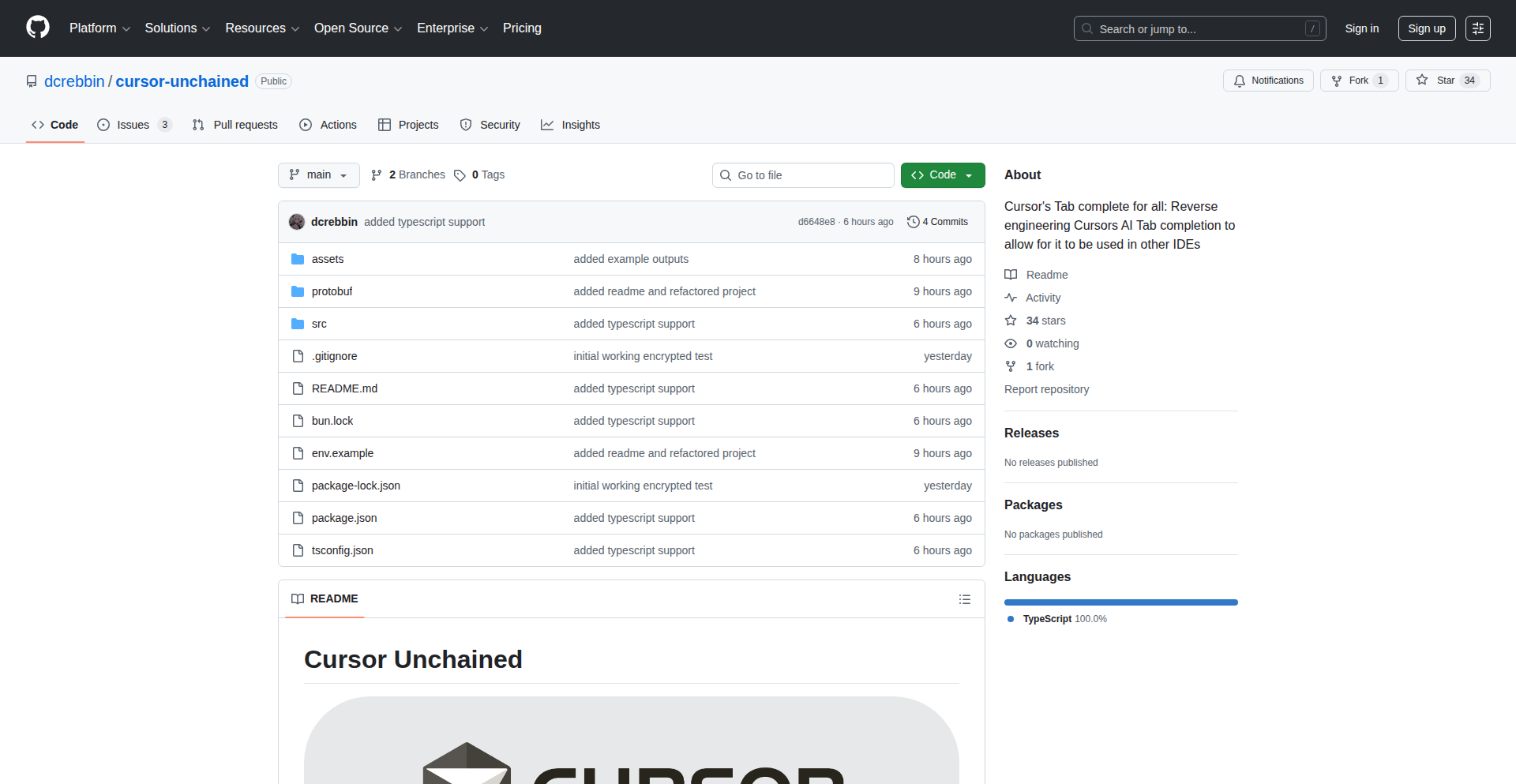
Author
devon_c
Description
This project is a clever workaround for the high RAM usage of Cursor, a popular AI-powered code editor. By reverse-engineering and optimizing the tab completion feature, it aims to significantly reduce memory consumption without sacrificing performance. The innovation lies in understanding and re-implementing a core component of Cursor's AI functionality in a more resource-efficient way.
Popularity
Points 2
Comments 0
What is this product?
This project is essentially a hacky, improved version of Cursor's tab completion. Cursor is a great code editor that uses AI to help you write code faster. However, its AI features can sometimes use a lot of computer memory (RAM). The developer looked at how Cursor's tab completion works (the suggestions that pop up as you type) and figured out a way to make it use much less RAM. The innovation is in understanding the complex internal workings of Cursor and finding a more efficient way to achieve the same results, showcasing a deep understanding of software architecture and optimization. So, this means you can potentially use powerful AI coding tools without your computer slowing down or crashing due to memory issues.
How to use it?
This project is intended as a modification or plugin for the existing Cursor IDE. Developers would typically integrate this by following specific instructions to replace or augment Cursor's default tab completion module. The goal is to achieve seamless integration, so the enhanced completion works just like the original but with the added benefit of reduced RAM usage. This means that if you are a Cursor user experiencing performance issues, you could apply this enhancement to continue enjoying the AI features with a smoother experience. The specific integration method would depend on how Cursor exposes its internal modules for modification, akin to installing a custom theme or extension.
Product Core Function
· Optimized Tab Completion Engine: Implements a more memory-efficient algorithm for generating code suggestions, reducing RAM footprint. This directly benefits users by allowing them to run Cursor on less powerful hardware or to run other applications alongside Cursor without performance degradation.
· Reverse-Engineered Logic: Deciphers the underlying logic of Cursor's existing tab completion to replicate its functionality with improved efficiency. This is valuable for understanding how complex AI features can be optimized and applied to other performance-critical software.
· Performance Profiling and Tuning: Identifies and addresses memory bottlenecks within the tab completion process. For developers, this demonstrates best practices for identifying and fixing performance issues in resource-intensive applications.
· Potential for Feature Parity: Aims to provide a tab completion experience that is functionally equivalent to the original, ensuring no loss of helpful coding assistance. This ensures that users don't have to trade off functionality for performance.
Product Usage Case
· A developer working on a large codebase who notices their Cursor IDE consuming excessive RAM, leading to system sluggishness. By applying this enhancement, they can continue to utilize Cursor's AI features for code completion and generation without their machine becoming unresponsive. This solves the problem of performance degradation on resource-constrained systems.
· A student or hobbyist developer with a laptop that has limited RAM. They want to use advanced AI coding tools like Cursor but are deterred by the hardware requirements. This project makes such powerful tools accessible by lowering the barrier to entry, enabling them to learn and build with AI assistance.
· A developer aiming to contribute to the Cursor project or similar IDEs. This project provides a valuable case study in reverse-engineering and optimizing complex software components. It serves as an inspiration and a technical blueprint for improving the efficiency of AI-driven development tools.
· A remote worker who frequently switches between demanding applications. By reducing Cursor's RAM usage, they can multitask more effectively, seamlessly transitioning between their IDE, communication tools, and other essential software without needing to close Cursor and lose their current coding context.
73
PacketPro: On-Device iOS Network Traffic Inspector
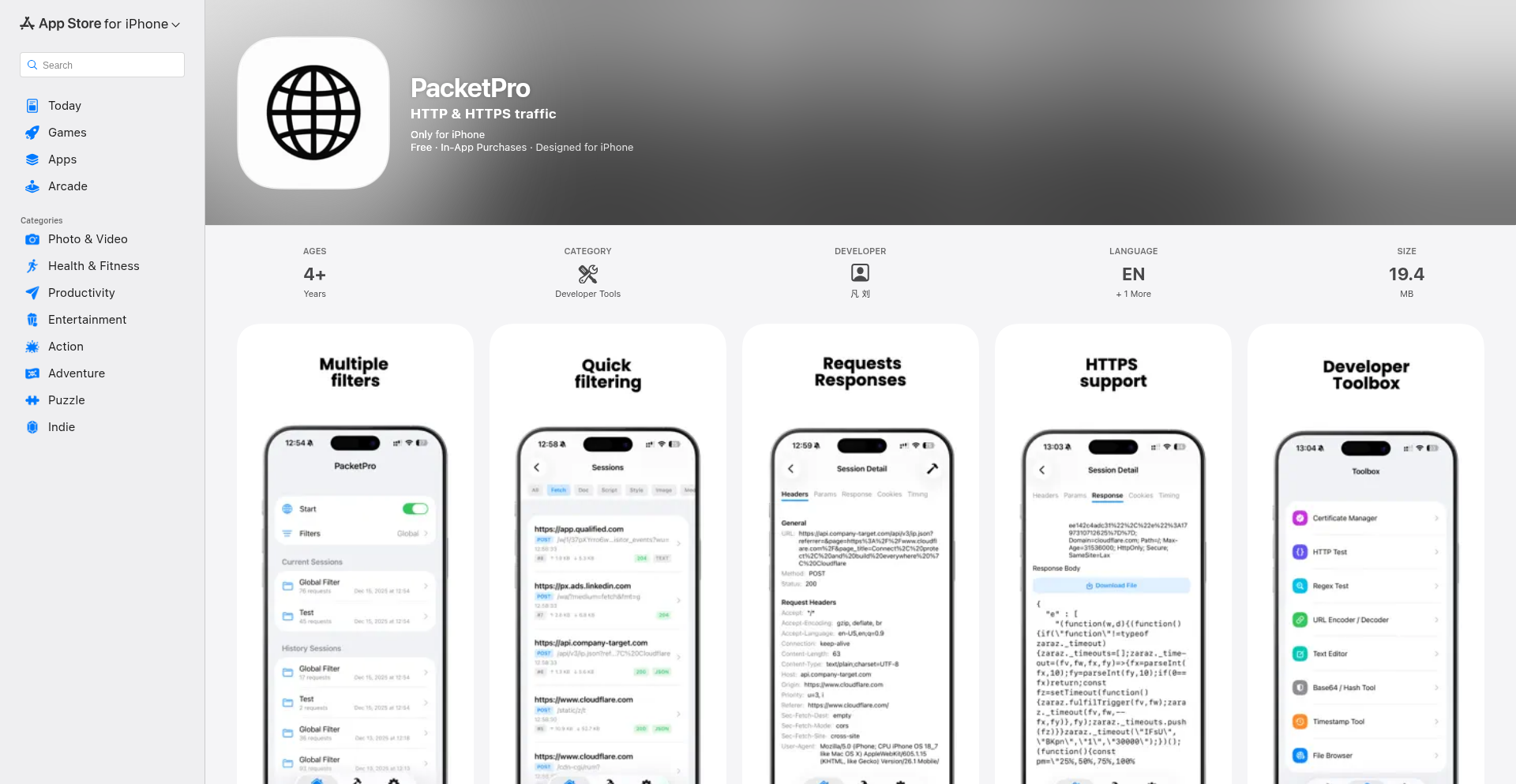
Author
noteable
Description
PacketPro is an iOS application that allows developers to inspect network traffic generated by apps directly on their iPhone or iPad. It provides real-time visibility into outbound HTTP/HTTPS requests, including details like URLs, headers, methods, status codes, and response bodies. The key innovation is that all this inspection happens entirely on the device, eliminating the need for a separate Mac proxy or jailbreaking the device, making debugging and analysis significantly more accessible and convenient for mobile developers.
Popularity
Points 2
Comments 0
What is this product?
PacketPro is a mobile utility designed to let developers see exactly what network requests their iOS applications are making, all from their iPhone or iPad. Think of it as a detective for your app's internet activity. It intercepts HTTP and HTTPS traffic as it leaves your app and displays it in a clear, organized way. The groundbreaking aspect is its ability to do this locally on your device without needing to connect to a computer or modify your phone's software. This means you can understand how your app talks to servers, which is crucial for fixing bugs, understanding performance, and ensuring security.
How to use it?
Developers can use PacketPro by installing it on their iOS device. Once installed, they simply open the app and then launch the target application they wish to inspect. PacketPro will then automatically start capturing network traffic generated by that app. Developers can then use PacketPro's interface to view live requests, filter them by various criteria (like the website domain, the type of request, or the status code), and even search through captured data. For debugging, they can examine request payloads to ensure correct data is being sent or received, verify API calls, and analyze traffic from third-party SDKs. The captured data can also be exported for detailed analysis or documentation using other tools.
Product Core Function
· Real-time Network Traffic Monitoring: Allows developers to see outbound HTTP/HTTPS requests as they happen, providing immediate insight into app communication. This is useful for understanding how your app interacts with the internet in real-time, helping to spot unexpected behavior as it occurs.
· On-Device Inspection (No Proxy/Jailbreak): Enables traffic inspection directly on the iOS device without needing a separate Mac or jailbreaking. This significantly simplifies the setup process and makes network debugging accessible to a wider range of developers, especially those on the go or without constant access to a Mac.
· Detailed Request/Response Visibility: Shows comprehensive details of each network request, including URLs, headers, methods, status codes, and response bodies. This granular view is essential for verifying API calls, debugging data formatting issues, and understanding the full context of app-server interactions.
· Advanced Filtering and Analysis Tools: Offers multiple filters for hosts, domains, request methods, status codes, and content types, along with per-session organization and search capabilities. This allows developers to isolate and focus on specific traffic, making it easier to pinpoint issues within a complex network landscape.
· Dynamic Request Inclusion/Exclusion: Permits developers to dynamically include or exclude specific requests while capturing traffic. This feature is powerful for reducing noise and focusing analysis on critical parts of an app's network activity, speeding up the debugging process.
· Traffic Export Functionality: Supports exporting captured network traffic for further inspection or documentation. This is valuable for sharing findings with team members, archiving debugging sessions, or performing deeper analysis using specialized desktop tools.
Product Usage Case
· During mobile app development, a developer notices an API call is failing intermittently. By using PacketPro, they can inspect the request headers and payload for the failing calls to identify incorrect parameters or authentication tokens, allowing for a quick fix. This saves significant development time compared to traditional debugging methods.
· A developer is integrating a third-party SDK into their iOS app and wants to understand what data the SDK is sending to its servers. PacketPro allows them to capture and examine the SDK's network traffic, ensuring it adheres to privacy policies and behaves as expected. This provides peace of mind and helps prevent unexpected data leakage.
· An app exhibits slow loading times for certain screens. PacketPro can be used to analyze the network requests made when loading these screens, identifying any redundant requests, large payloads, or slow server responses that contribute to the performance bottleneck. This data directly guides optimization efforts.
· A developer needs to verify that an app is correctly handling user authentication tokens. By capturing the login request with PacketPro, they can inspect the 'Authorization' header to confirm the token is being sent in the expected format and with the correct value. This ensures secure user access is properly implemented.
· When debugging issues with an analytics SDK, developers can use PacketPro to inspect the data being sent to analytics servers. This helps confirm that events are being tracked correctly and that no sensitive information is being unintentionally logged. This ensures data accuracy and privacy compliance.
74
Seedance Pro: Integrated Audio-Visual AI

Author
lu794377
Description
Seedance 1.5 Pro is a groundbreaking AI model that generates both video and audio in perfect native synchronization, aiming to provide creators with cinematic quality and eliminate the tedious manual audio syncing often required by other tools. It creates evolving sounds, spatial audio, and background music that naturally complement the visuals, all while ensuring precise lip-sync and character emotion consistency.
Popularity
Points 1
Comments 0
What is this product?
Seedance 1.5 Pro is an advanced AI system that understands how to create video and audio together from the ground up. Instead of generating a video and then trying to fit audio to it, it builds both simultaneously. This means it can generate realistic voices with accurate lip movements, create immersive spatial soundscapes that match the on-screen action, and compose background music that dynamically adapts to the video's mood and pacing. It's like having an AI director and sound designer working in perfect harmony to tell a visual story, ensuring character emotions and actions remain consistent throughout, which is a significant leap from AI tools that treat audio as an add-on.
How to use it?
Developers and content creators can integrate Seedance 1.5 Pro into their workflows to streamline video production. Imagine providing a high-level prompt describing a scene, and Seedance generates not just the visuals with complex camera movements and cinematic composition, but also the accompanying dialogue, sound effects, and music, all perfectly synchronized. This can be used for generating promotional videos, explainer content, short films, or even interactive experiences where audio and visual narratives are tightly coupled. The goal is to drastically reduce post-production time spent on manual audio syncing and sound design, allowing creators to focus more on the creative storytelling aspect.
Product Core Function
· Native Audio Generation: Creates synthesized voices, spatial sound effects, and adaptive background music that are intrinsically linked to the video content, ensuring flawless lip-sync and motion alignment. This means no more awkward audio drifts or mismatched sound, making your final product feel polished and professional. So, this saves you hours of manual audio editing.
· Film-Grade Cinematography: Generates sophisticated camera movements, from subtle close-ups that capture nuanced expressions to sweeping wide shots, all with cinematic composition and stable motion. This allows for richer visual storytelling and a more engaging viewing experience without needing a professional camera crew. This means your videos will look like they were shot by a Hollywood director.
· Intelligent Storytelling: Maintains consistent character emotions, expressions, and actions throughout the entire video based on high-level narrative prompts. This ensures that the story remains coherent and believable, preventing jarring inconsistencies in character performance. This helps you create more compelling and believable narratives.
· Cross-Language Synchronization: Achieves precise lip-sync and motion alignment across different languages, making it a powerful tool for global content creation. This means your videos can be easily localized and resonate with international audiences without the expense and time of re-recording voiceovers. This expands your reach to a wider audience.
Product Usage Case
· A small indie game developer can use Seedance 1.5 Pro to generate cinematic cutscenes with synchronized dialogue and immersive sound effects for their game, drastically cutting down production time and cost compared to traditional methods. This allows them to deliver a more professional and engaging player experience.
· A marketing team can quickly produce product demonstration videos with native voiceovers and dynamic background music tailored to the on-screen visuals, ensuring a high-quality and engaging presentation for potential customers. This speeds up campaign launches and improves marketing material quality.
· A documentary filmmaker can use Seedance 1.5 Pro to generate historically accurate ambient sounds and background music that evolves with the visual narrative, enhancing the authenticity and emotional impact of their work. This enriches the storytelling and viewer immersion.
· A virtual reality content creator can leverage Seedance 1.5 Pro to generate spatially accurate audio that precisely matches the 3D environments and character movements, creating a more immersive and believable VR experience. This makes virtual worlds feel more real and captivating.
75
0tH (Zero the Hero)

Author
3gnever
Description
0tH is a powerful Rust-written tool for analyzing Mach-O binaries on macOS. It excels at dissecting the complex structure of these executable files, offering deep insights into code signatures, file segments, and more. Think of it as a super-powered magnifying glass for macOS applications, enabling developers and security researchers to understand what's really inside an app. Its innovation lies in its comprehensive support for modern macOS binary formats, including universal binaries and the latest dynamic linking information, making it indispensable for anyone needing to peek under the hood.
Popularity
Points 1
Comments 0
What is this product?
0tH (Zero the Hero) is a command-line interface (CLI) and interactive REPL tool written in Rust, designed to meticulously analyze Mach-O binaries. Mach-O is the executable file format used by macOS, iOS, and other Apple operating systems. 0tH can handle both 'fat' or 'universal' binaries (which contain code for multiple architectures like Intel x86_64 and Apple Silicon ARM64) and individual binary slices. Its core innovation is its deep and up-to-date support for analyzing code signatures, which verify the authenticity and integrity of an application. It can also visualize the hierarchical structure of a binary's segments and sections, display raw hexadecimal data with flexible filtering, extract strings, and export all this information as JSON. It specifically supports newer load commands like LC_DYLD_CHAINED_FIXUPS and LC_DYLD_EXPORTS_TRIE, which are crucial for understanding modern macOS application linking and execution.
How to use it?
Developers can use 0tH directly from their terminal. For instance, to get a quick overview of a macOS application's code signature, they could run '0th analyze-signature /path/to/application'. To explore the file structure in a hierarchical view, '0th tree /path/to/application' would be used. For deeper inspection, the interactive REPL mode allows for chained commands, such as dumping hex data from a specific segment and then extracting strings from it. It's ideal for reverse engineering, security auditing, or simply understanding how applications are built and secured on macOS. The JSON export capability makes it easy to integrate its analysis into automated workflows or custom scripts.
Product Core Function
· Parse FAT/universal binaries and individual slices: This allows analysis of applications designed to run on both Intel and Apple Silicon Macs, ensuring comprehensive understanding regardless of the target architecture. This is useful for developers testing on different hardware or security researchers analyzing a universal build.
· Full code signature analysis: This feature provides detailed information about entitlements (what permissions an app has), certificates (who signed the app and when), CDHash (a unique identifier for the signed code), and notarization status (whether Apple has vetted the app for malware). This is critical for security analysis and verifying the trustworthiness of software.
· Tree visualization of segments/sections: This function helps developers and reverse engineers understand the logical organization of a binary file, showing how different parts of the code and data are laid out. It makes it easier to pinpoint specific areas of interest for further investigation.
· Hexdump with flexible filtering: Provides a low-level view of the binary data, allowing for detailed inspection. The ability to filter hex dumps by absolute address, relative offset, or load command makes it efficient to find specific byte sequences or data structures.
· String extraction with grep filtering: This extracts human-readable text strings from the binary, which can often reveal clues about the application's functionality, configuration, or embedded data. The grep filtering makes it easy to search for specific keywords or patterns within these strings.
· JSON export: This enables programmatic access to the analysis results, allowing integration into automated tools, CI/CD pipelines, or custom reporting systems. It transforms raw binary analysis into structured data for further processing.
Product Usage Case
· A security researcher wants to verify if a downloaded macOS application has been tampered with. They can use 0tH to examine its code signature, ensuring it matches the expected developer certificate and hasn't been altered, thus preventing potential malware execution.
· A developer needs to understand why a specific library is behaving unexpectedly on Apple Silicon Macs. They can use 0tH to analyze the universal binary of the library, inspect its ARM64 slice, and visualize its segments to identify any architectural-specific issues or unusual data structures.
· A reverse engineer is tasked with understanding the internal workings of a proprietary macOS application. They can use 0tH's string extraction and hexdump features to find interesting data points and then use the tree visualization to navigate the binary structure and piece together its logic.
· A system administrator wants to ensure all deployed applications adhere to security policies regarding entitlements. They can script 0tH to export code signature entitlements for all applications in a directory and then programmatically check for any unauthorized permissions.
76
Seedance AI: Synchronized Speech Video Synthesizer

Author
lu794377
Description
Seedance 1.5 Pro is an advanced AI video model that innovates by generating video, speech, and lip-sync simultaneously, rather than as separate components. This native audio-visual generation approach leads to more natural and realistic dialogue and storytelling. It transforms text or images into complete talking head videos with synchronized audio, offering superior realism for character-driven content. This means developers and creators can produce more engaging and believable video narratives with an integrated AI pipeline.
Popularity
Points 1
Comments 0
What is this product?
Seedance 1.5 Pro is a cutting-edge AI system that redefines video creation by generating visual elements (like a person speaking) and their accompanying audio (voice, lip movements, sound effects) as a single, cohesive output. Unlike other AI video tools that might generate a video and then try to match audio to it, Seedance builds them together from the ground up. This 'native audio-visual generation' ensures that the lip movements perfectly match the spoken words, the tone of voice reflects the emotion, and everything feels naturally integrated. So, for you, this means AI-generated videos that are significantly more realistic, especially for any content involving dialogue or narration. It's like having a digital actor who can speak and emote in perfect sync, created entirely by AI.
How to use it?
Developers can integrate Seedance 1.5 Pro into their applications to create dynamic video content from text prompts or reference images. Imagine building a tool that generates explainer videos from blog posts, personalized video messages for users, or even virtual avatars that can deliver speeches. The system takes your text or an image as input and outputs a fully rendered video with synchronized speech and lip-sync. This can be used in various workflows, such as content creation platforms, customer support bots that deliver video responses, or educational tools that bring learning materials to life. For example, a marketing team could use it to quickly generate promotional videos with AI-powered spokespeople, eliminating the need for extensive filming and editing.
Product Core Function
· Native audio-visual generation: Creates video, speech, and lip movements in one unified process, ensuring perfect synchronization and realism. This is valuable because it eliminates the uncanny valley effect often seen in AI videos where audio and video don't quite match, leading to more believable content for any application involving spoken dialogue.
· Text/Image to Video with Audio synthesis: Generates complete talking videos from simple text descriptions or still images. This is useful for content creators and developers who need to quickly produce video assets without requiring actors or complex filming setups, enabling faster iteration and content generation.
· High-fidelity motion and camera language: Produces stable character motion and cinematic camera movements for a professional look. This adds production value to AI-generated videos, making them suitable for a wider range of professional applications, from marketing to entertainment.
· Multi-language lip-sync: Accurately synchronizes lip movements to speech in various languages. This is a crucial feature for global applications and content creators targeting international audiences, ensuring that videos are accessible and believable across different linguistic markets.
· Instruction-following and narrative control: Designed for creating story-driven and dialogue-heavy video content. This empowers creators to direct the AI to produce specific narratives and dialogue, offering a high degree of creative control for developing complex video scenes and characters.
Product Usage Case
· Creating personalized video messages for e-commerce customers: A business could use Seedance to generate a unique video thank-you note for each customer, featuring an AI avatar speaking the customer's name and referencing their order. This addresses the need for highly personalized customer engagement, solving the problem of generic communication by delivering a custom video experience.
· Developing virtual presenters for online courses: An educational platform could use Seedance to create AI instructors who deliver lessons with perfect lip-sync and natural vocal delivery in multiple languages. This solves the challenge of producing high-quality, multilingual educational content efficiently and cost-effectively.
· Generating marketing explainer videos from text briefs: A startup could input a product description and have Seedance generate a professional explainer video with an AI spokesperson. This tackles the high cost and time investment typically associated with professional video production, enabling faster market testing and promotion.
· Building interactive AI characters for games or virtual worlds: Game developers can use Seedance to create non-player characters (NPCs) that can hold dynamic conversations with players, with their speech and lip movements naturally synchronized. This enhances immersion and realism in interactive experiences, solving the challenge of creating lifelike character interactions.
77
FitSaver: Actionable Fitness Workflow Engine

Author
chetansorted
Description
FitSaver is a side project designed to bridge the gap between fitness inspiration found on social media and the actual execution of workouts. It transforms passive fitness content into structured, actionable routines with timed rests and progress tracking. The core innovation lies in its ability to reduce the mental friction of starting and maintaining a fitness habit, making it easier to move from 'I should do this' to 'I'm doing it'.
Popularity
Points 1
Comments 0
What is this product?
FitSaver is an application that tackles the common problem of collecting fitness content without actually engaging in workouts. While social platforms excel at providing inspiration, they lack the structure for consistent action. FitSaver addresses this by allowing users to take workout videos and convert them into a concrete plan. This involves breaking down the video into specific exercises, defining rest periods between them, and enabling progress logging. The underlying technology likely involves some form of video analysis or manual input to extract exercise information, coupled with a robust scheduling and tracking system. So, what this means for you is a tool that turns inspiring videos into a tangible plan, making it much easier to stick to your fitness goals.
How to use it?
Developers can use FitSaver to integrate fitness routine creation into their own applications or services. For instance, a health and wellness platform could leverage FitSaver's backend to allow users to import workout videos and generate structured routines. The application would likely offer an API or SDK that allows developers to programmatically define exercises, set timers, and record user progress. This could be integrated into smartwatches, fitness trackers, or even existing mobile health apps. This allows you to build more engaging and actionable fitness experiences within your own products.
Product Core Function
· Workout Video to Structured Routine Conversion: This allows users to take any fitness video and break it down into individual exercises, sets, and reps. The value is in moving from passive viewing to active planning, making workouts more targeted and less overwhelming. This is useful for creating personalized workout plans from online resources.
· Timed Rest Intervals: The application automatically incorporates programmed rest periods between exercises. This is crucial for effective training, ensuring adequate recovery and optimizing workout efficiency. It removes the guesswork and mental effort of managing rest.
· Progress Tracking and Logging: Users can record their performance (e.g., weight lifted, reps completed) for each exercise. This provides tangible evidence of progress, motivating users to continue and allowing them to adjust their routines over time. This helps you see how far you've come and stay motivated.
· Actionable Fitness Planning: By combining structured routines, timed rests, and progress tracking, FitSaver provides a clear, step-by-step plan for users to follow. This significantly reduces the 'mental overhead' of starting a workout, making it more likely that users will actually do it. This means you can get started on your workout with minimal thinking.
Product Usage Case
· A mobile fitness app developer could integrate FitSaver's API to allow users to import YouTube workout videos and instantly generate a structured workout with timers. This solves the problem of users struggling to follow along with videos and manage their own rest times, leading to a more seamless user experience.
· A personal trainer could use FitSaver to create custom workout plans for their clients. Instead of just sending links to videos, they can provide a fully structured routine with specific exercises, durations, and progress tracking, making it easier for clients to adhere to their training programs.
· A company looking to promote employee wellness could use FitSaver to build an internal fitness challenge. Employees could import and convert their preferred workout videos into structured routines, track their progress, and compete with colleagues, fostering a healthier work environment.
· An individual user could use FitSaver to organize their saved Instagram fitness reels into a daily workout schedule. This transforms their saved content from a digital clutter into a practical, actionable fitness plan that helps them achieve their goals.
78
Wan 2.6: Dynamic Media Synthesizer

Author
howardV
Description
Wan 2.6 is an advanced AI-powered video generation system from FreyaVideo. Its core innovation lies in two distinct, yet complementary, workflows: Image-to-Video (I2V) and Text-to-Video (T2V). I2V allows users to upload a static image and then describe the desired motion, transforming a still frame into a dynamic MP4 video. T2V goes further, enabling the creation of entirely new video clips directly from a textual prompt. This project tackles the complex challenge of generating coherent and contextually relevant video content, offering flexible duration options and various output resolutions. For developers, it represents a powerful new tool for programmatic content creation, animation, and visual storytelling.
Popularity
Points 1
Comments 0
What is this product?
Wan 2.6 is a sophisticated AI model that generates video content. It innovates by offering two primary methods: Image-to-Video (I2V) and Text-to-Video (T2V). In I2V, you provide a picture and a description of how it should move (e.g., 'a bird flying in the sky'), and the AI creates a video. In T2V, you simply type a sentence describing the scene and action (e.g., 'a futuristic city at sunset'), and the AI builds a video from scratch. The technology behind it involves complex neural networks trained on vast amounts of visual data, allowing it to understand image content, predict motion, and synthesize realistic video sequences. This means you get custom video without needing professional animation skills or complex editing software. So, this is useful because it democratizes video creation, making it accessible for generating marketing clips, social media content, or even prototypes.
How to use it?
Developers can integrate Wan 2.6 into their applications and workflows via its API, leveraging its video generation capabilities programmatically. For example, a content management system could use T2V to automatically generate short promotional videos for new articles based on their text summaries. A game development studio might use I2V to quickly create animated environmental elements from concept art. The system supports generating videos in durations of 5, 10, or 15 seconds, with options for standard resolutions like 720p and 1080p, and both portrait and landscape orientations depending on the chosen mode. This allows for tailored video output that fits specific platform requirements or creative visions. So, this is useful because it enables automated, on-demand video generation for a wide range of digital products and services, saving time and resources.
Product Core Function
· Image-to-Video generation: This function takes a user-provided image and a motion description to create a video. The technical value is in its ability to infer and animate motion from static visual input, enabling dynamic storytelling from existing assets. Its application is in quickly animating character concepts, product images, or historical photos. This is useful for breathing life into static visuals.
· Text-to-Video generation: This function creates video content directly from textual prompts. The innovation here is the AI's capacity to interpret natural language and translate it into coherent visual sequences. This is valuable for generating unique video clips for social media, advertising, or educational content where pre-existing footage is unavailable. This is useful for creating original video content from simple ideas.
· Variable video duration control: Users can select output video lengths of 5, 10, or 15 seconds. The technical advantage lies in the model's flexibility to generate videos of specific temporal lengths, aiding in content pacing and fitting platform constraints. This is useful for tailoring videos for different uses, like short social media stories or slightly longer explainer segments.
· Multiple output resolutions and aspect ratios: The system supports generating videos in various sizes (e.g., 720p, 1080p) and orientations (portrait, landscape). This technical flexibility ensures that generated videos are compatible with a wide array of display devices and platforms. This is useful for ensuring your generated videos look good on any screen, from a mobile phone to a large monitor.
Product Usage Case
· A social media marketing agency uses the Text-to-Video feature to generate engaging short video ads for client campaigns. By inputting prompts like 'a cute cat playing with a ball of yarn in a sunlit room,' they can quickly produce unique video assets without hiring actors or complex production teams. This solves the problem of needing constant fresh video content on a budget and tight schedule. This is useful for creating captivating marketing material quickly and affordably.
· An independent game developer uses the Image-to-Video feature to animate character sprites. They upload a character's base illustration and provide prompts like 'character runs forward, then jumps.' The AI generates short animation cycles, which the developer then integrates into their game. This significantly speeds up the animation process, allowing them to focus on game design. This is useful for adding animated elements to projects without extensive animation expertise.
· A content creator uses the system to generate background videos for their YouTube tutorials. Instead of searching for stock footage, they can simply describe a desired scene, such as 'calm abstract digital patterns with gentle movement,' and generate a custom background. This provides a unique visual identity for their content. This is useful for personalizing your digital creations and making them stand out.
79
SynapseMD: AI Healthcare Narrator
Author
senti_sentient
Description
SynapseMD is an AI-powered tool designed to act as a scribe and document generator for healthcare professionals. Its core innovation lies in its ability to understand spoken medical conversations and automatically generate structured medical notes and reports. This significantly reduces the administrative burden on doctors, allowing them to focus more on patient care. The technical breakthrough is in accurately transcribing and interpreting complex medical jargon into coherent, usable documentation.
Popularity
Points 1
Comments 0
What is this product?
This project is an AI scribe specifically for the healthcare industry. It leverages advanced Natural Language Processing (NLP) and speech-to-text technologies to listen to patient-doctor interactions and automatically generate medical documentation, such as progress notes, discharge summaries, and referral letters. The innovation is in its specialized medical domain understanding, allowing it to not only transcribe words but also to infer context and structure the information appropriately for clinical use, which is a significant leap beyond generic transcription services. So, this means less time spent typing notes and more time for doctors to interact with patients.
How to use it?
Healthcare providers can use SynapseMD by simply enabling the application during patient consultations. The system records the audio, processes it in real-time or post-session, and then generates draft medical documents. These drafts can be reviewed and edited by the healthcare professional before being finalized and integrated into Electronic Health Records (EHR) systems. It can be integrated via APIs, allowing seamless connection with existing hospital software. So, this means a smoother workflow, easier integration into existing practice management systems, and faster access to patient records.
Product Core Function
· Speech-to-text transcription with high accuracy for medical terminology: This allows for precise capture of conversations, ensuring no critical information is lost, which is crucial for accurate patient care and legal documentation. So, this means reliable record-keeping of patient visits.
· Natural Language Understanding (NLU) for medical context: The AI understands the relationships between medical terms and patient conditions, enabling it to generate structured and meaningful medical notes, rather than just a raw transcript. So, this means intelligent summaries of patient encounters.
· Automated generation of various medical document types: The system can produce different types of reports like SOAP notes, discharge summaries, and referral letters, tailored to specific clinical needs. So, this means rapid creation of essential patient documents.
· Real-time or batch processing options: Users can choose to generate documents immediately after a consultation or process multiple recordings later, offering flexibility in workflow. So, this means adaptable to different working styles and schedules.
· Integration capabilities with EHR systems: Designed to work with existing healthcare IT infrastructure, allowing for easy data import and export. So, this means seamless integration into a doctor's existing digital tools.
Product Usage Case
· A primary care physician using SynapseMD during a patient visit to automatically generate a progress note, significantly reducing the time spent on administrative tasks after the appointment. The AI accurately captures the patient's symptoms, diagnosis, and treatment plan. So, this means doctors can see more patients or spend more quality time with each.
· A specialist using SynapseMD to generate a detailed referral letter for a patient to another physician. The AI understands the nuances of the patient's condition and the required information for the referral. So, this means faster and more comprehensive communication between healthcare providers.
· A hospital using SynapseMD to quickly generate discharge summaries for patients being released. The AI compiles key information from the patient's stay, including diagnoses, treatments, and post-discharge instructions. So, this means smoother patient transitions and reduced risk of readmission due to unclear instructions.
· A medical scribe augmenting their workflow with SynapseMD, using it as a powerful assistant to improve speed and accuracy in documentation. The AI handles the initial transcription and structuring, allowing the scribe to focus on refining and verifying. So, this means enhanced efficiency for medical documentation support staff.
80
LinkGenius
Author
randyort
Description
LinkGenius is a free, open-source alternative to Linktree, designed for developers to showcase their online presence and projects. It leverages serverless functions and a simple markdown-based content management system, offering a flexible and cost-effective way to consolidate multiple links into a single, shareable page.
Popularity
Points 1
Comments 0
What is this product?
LinkGenius is a personal landing page generator that allows you to create a customizable page to link all your online profiles, portfolios, and projects. Instead of relying on a central service like Linktree, LinkGenius empowers you to host it yourself. The core innovation lies in its serverless architecture, meaning you don't need to manage servers. It uses cloud functions (like AWS Lambda or Vercel Functions) to serve your page, and your content is managed through simple markdown files. This makes it incredibly scalable and cost-efficient, as you only pay for actual usage. So, what's the value to you? It means you get a professional-looking, personalized link hub without ongoing hosting costs and with full control over your data and design, a truly hacktivist approach to online identity.
How to use it?
Developers can deploy LinkGenius to a serverless platform like Vercel, Netlify, or AWS Amplify. You'll typically clone the repository, configure your personal links and profile information within markdown files, and then deploy. The platform will handle the serverless functions to serve your page dynamically. Integration is straightforward: you simply point your custom domain to the deployed LinkGenius instance. For example, you could use it to centralize links to your GitHub, LinkedIn, personal blog, and latest project demos. This means you have one easy-to-share URL that directs people to all your important online destinations, making it effortless for potential employers or collaborators to find you.
Product Core Function
· Customizable Landing Page: The ability to create a single, shareable webpage with your essential links. This is valuable for anyone looking to consolidate their online presence, making it easier for others to discover your work and profiles. It solves the problem of having scattered links across different platforms.
· Serverless Architecture: The use of serverless functions for hosting, which eliminates the need for traditional server management and significantly reduces hosting costs. This offers a cost-effective and scalable solution for developers, especially those with fluctuating traffic. You get a robust platform without the headache of server maintenance.
· Markdown-based Content Management: Content is managed through simple markdown files, making it easy for developers to update and customize their page without complex coding. This democratizes the creation of personalized landing pages, allowing for quick content iteration. You can update your links and bio in minutes, not hours.
· Open-Source and Free: The project is open-source, meaning the code is publicly available for inspection, modification, and contribution. Being free removes financial barriers for developers to establish a strong online presence. This fosters transparency and allows the community to improve the tool for everyone's benefit.
Product Usage Case
· Personal Portfolio Showcase: A freelance developer can use LinkGenius to create a central hub for their portfolio, linking to their GitHub repositories, Dribbble designs, personal blog, and contact information. This solves the problem of sharing multiple links individually and presents a cohesive professional image.
· Event Speaker Bio Page: An author or speaker at a conference can use LinkGenius to provide attendees with links to their books, social media profiles, and website. This simplifies information sharing during and after the event. The value is in making it easy for attendees to follow up and learn more.
· Link Aggregator for Side Projects: A developer with multiple side projects can use LinkGenius to list all their projects, with direct links to each project's demo, GitHub repo, and documentation. This helps in promoting and organizing their diverse work. It provides a clear overview of their technical interests and capabilities.
81
AI GridSlicer

Author
funiqlab
Description
AI GridSlicer is a lightweight yet powerful image manipulation tool that simplifies the process of creating grid paper and slicing images. It leverages AI for image generation and offers intuitive layer management, addressing the common frustration of overly complex or insufficient image editing software. Its core innovation lies in its focused approach to essential image editing tasks combined with AI-powered generation.
Popularity
Points 1
Comments 0
What is this product?
AI GridSlicer is a software designed to make image editing and creation straightforward. Think of it as a digital Swiss Army knife for images, but instead of too many tools you'll never use, it focuses on the ones you actually need for tasks like making grid paper or cutting up a picture. Its innovative side comes from using AI, specifically 'Nanobanana', to help generate images based on your input, and it does this while keeping the interface simple and manageable, unlike some heavy-duty professional software. So, if you need to quickly create a reference grid or split a large image into smaller pieces without a steep learning curve, this is for you.
How to use it?
Developers can integrate AI GridSlicer into their workflows for tasks requiring precise image manipulation or AI-assisted image creation. For example, if you're building a web application that needs users to upload images and then divide them into a grid for a gallery, or if you're creating a tool that generates visual assets based on user prompts, AI GridSlicer can handle the underlying image processing. You can use its API or embed its functionality to perform slicing, layer management, and AI image generation directly within your application. This saves you from building these complex image processing capabilities from scratch. The benefit for you is faster development and a more robust feature set for your users.
Product Core Function
· Simple Image Editor: Provides essential image manipulation tools without overwhelming users. This is valuable because it allows for quick edits and modifications without needing to learn complex software, making your workflow more efficient.
· Layer Management: Enables easy organization and manipulation of image layers. This is crucial for complex image compositions and edits, giving you finer control over your designs and streamlining the creative process.
· Guide Line Editing & Image Slicing: Facilitates precise editing of guide lines and efficient image splitting. This is extremely useful for tasks like preparing images for web design, creating spritesheets for games, or dividing large graphics into smaller, manageable parts, saving you significant manual effort.
· AI Image Generation: Utilizes AI (powered by Nanobanana) to generate images based on reference grids or layers. This is a game-changer for creating unique visual assets quickly, experimenting with different artistic styles, or generating placeholder content, drastically reducing the time and cost associated with custom image creation.
· Image Management: Stores and allows easy download of generated images. This feature ensures that your creative output is saved and readily accessible, preventing data loss and facilitating easy retrieval for further use in your projects.
Product Usage Case
· A web developer building a design tool might use AI GridSlicer's slicing capabilities to allow users to upload a single large image and automatically divide it into smaller tiles for a mosaic effect, solving the problem of manual cropping and ensuring consistent sizing.
· A game developer could use AI GridSlicer to generate character sprites or background elements using AI generation, and then precisely slice them into individual assets for use in their game engine, accelerating asset creation and reducing the need for external artists for basic elements.
· A content creator needing to create a consistent visual theme for social media might use AI GridSlicer to generate multiple variations of an image based on a template layer and then slice them into specific aspect ratios required by different platforms, ensuring brand consistency with minimal effort.
· A researcher working with visual data could use AI GridSlicer to overlay a grid on an image for analysis or to slice sections of an image for further processing, providing a controlled and repeatable way to extract specific visual information.
82
RetroRTC

Author
aligundogdu
Description
RetroRTC is a privacy-first, peer-to-peer (P2P) retrospective tool built with no backend. It leverages WebRTC and BitTorrent technologies to synchronize data directly between team members, ensuring that sensitive retrospective information remains client-side and under the team's control. This project is an exploration into 'vibe coding' with AI, demonstrating how to create a robust, offline-first application without relying on traditional servers, thereby enhancing data privacy and security.
Popularity
Points 1
Comments 0
What is this product?
RetroRTC is a web-based tool for conducting team retrospectives, where teams discuss what went well, what could be improved, and action items after a project or iteration. Its core innovation lies in its complete absence of a traditional backend server. Instead, it uses WebRTC (for real-time communication between browsers) and BitTorrent (for efficient peer-to-peer data sharing and synchronization) to manage and share retrospective data directly between participants' devices. This means all your data stays on your computer or your team's computers, significantly boosting privacy and security as no central server can access or store your information. It's also an experiment in how AI can assist in developing such complex, privacy-focused applications.
How to use it?
Developers can use RetroRTC by simply opening the application in their web browser. To start a retrospective, one person initiates it, and others can join by sharing a unique link. Data is synchronized automatically and in real-time (or near real-time, depending on network conditions) between all connected participants. The offline-first approach means that even if some team members briefly lose internet connectivity, they can still contribute to the retrospective, and their contributions will sync up once they reconnect. This is ideal for distributed teams, remote work environments, or any scenario where data privacy is paramount and avoiding cloud reliance is desired.
Product Core Function
· Peer-to-Peer Data Synchronization: Utilizes WebRTC and BitTorrent to share retrospective notes and action items directly between team members' browsers, eliminating the need for a central server and ensuring data privacy. This means your team's discussions are not stored in a third-party cloud, offering peace of mind and compliance with strict data protection policies.
· Offline-First Experience: Allows team members to contribute to retrospectives even with intermittent or no internet connection. Data is stored locally and synced automatically when connectivity is restored, ensuring uninterrupted collaboration and data integrity regardless of network stability.
· Privacy-Focused Architecture: By avoiding a backend server, RetroRTC ensures that all retrospective data remains end-to-end encrypted and controlled by the team. This is crucial for sensitive internal discussions and for organizations with stringent data residency or privacy requirements.
· AI-Assisted Development (Vibe Coding): Demonstrates an experimental approach where AI tools were used in the development process to build a robust, privacy-first application without a traditional backend. This highlights a novel way developers can leverage AI to accelerate innovation and create sophisticated solutions efficiently.
Product Usage Case
· A remote software development team needing to conduct daily stand-ups or sprint retrospectives without exposing their internal project discussions to external cloud services. RetroRTC allows them to share updates and action items directly, maintaining complete control over their sensitive information.
· A startup with a strong focus on user privacy and data security can use RetroRTC for internal team meetings and project reviews. By avoiding a backend, they reduce their attack surface and build trust with their team and future users by demonstrating a commitment to privacy from the ground up.
· A team working in environments with unreliable internet connectivity (e.g., field research, remote locations) can utilize RetroRTC's offline-first capabilities. They can continue documenting progress and identifying improvements even when offline, with all contributions seamlessly merging once they regain a connection.
· Independent developers or small teams experimenting with decentralized applications and exploring alternative backend architectures. RetroRTC serves as a practical example of how to build functional, real-time collaborative tools using P2P technologies, inspiring further exploration in this space.
83
Founder's DevCost Pilot

Author
megaseo
Description
A free, no-signup MVP cost calculator for founders, offering realistic development cost estimates without sales pitches. It leverages common development scenarios to provide cost ranges based on project requirements, making budgeting transparent and accessible for early-stage entrepreneurs.
Popularity
Points 1
Comments 0
What is this product?
This project is a web-based calculator designed to provide founders with estimated development costs for their Minimum Viable Product (MVP). It works by asking users to input their project requirements. Behind the scenes, it uses a knowledge base of common development tasks and their associated effort/cost ranges, aggregated from typical development scenarios. The innovation lies in its directness and accessibility: it cuts through typical sales jargon and provides data-driven estimates upfront, removing the friction of needing to engage with a sales team or provide personal information. This allows founders to quickly gauge feasibility and budget for their ideas.
How to use it?
Founders can use this tool by visiting the provided URL. They will be prompted to describe their project, detailing features, platform choices (e.g., web, mobile), and any specific technical considerations. Based on these inputs, the calculator will present a range of estimated development costs. This can be used for initial business planning, investor pitches, or understanding the financial implications of different feature sets before committing to a development partner.
Product Core Function
· Project requirement input: Allows founders to detail their app's features and technical needs, enabling a personalized estimation. This is crucial for accurate budgeting by translating abstract ideas into tangible development tasks.
· Cost estimation algorithm: Analyzes user inputs against common development patterns and pricing models to generate realistic cost ranges. This offers practical financial guidance for founders, preventing over- or under-budgeting.
· No signup/free access: Provides immediate value without requiring personal data or payment. This embodies the hacker ethos of creating open and accessible tools, empowering builders directly.
· Scenario-based cost ranges: Presents estimates as ranges rather than fixed prices, reflecting the inherent variability in software development. This helps founders understand potential cost fluctuations and plan accordingly.
Product Usage Case
· A solo founder with a novel app idea needs to estimate the cost of building an initial version to present to potential investors. By using Founder's DevCost Pilot, they can quickly input their feature list and get a ballpark figure, allowing them to create a credible pitch deck without expensive consultations.
· A startup team is deciding between building a native mobile app or a progressive web app. They can use the calculator to input similar feature sets for both options and compare the estimated development costs, informing their technical strategy and resource allocation.
· An entrepreneur is exploring different monetization strategies and wants to understand the development cost implications of adding complex features like a subscription service versus a freemium model. The tool provides a cost breakdown for these additions, aiding in business model validation.
84
HandsUp: Mobile-First Volunteer Orchestrator

Author
barryvan
Description
HandsUp is a mobile-first platform designed to dramatically simplify volunteer management for community events. It tackles the common friction points encountered by organizers and volunteers by offering a straightforward, intuitive interface. The innovation lies in its mobile-first design, eliminating complex sign-ups for volunteers and using magic links for organizers, thus reducing operational overhead and increasing participation.
Popularity
Points 1
Comments 0
What is this product?
HandsUp is a web application that streamlines the process of organizing and managing volunteers for events. Its core technical innovation is its mobile-first architecture, ensuring that both volunteers and event organizers have a seamless experience on their smartphones. For organizers, it uses a 'magic link' system delivered via email for secure and easy login, bypassing traditional username/password setups. For volunteers, the magic is that they don't need to sign up at all; they can simply respond to event invitations and sign up for roles or slots directly via a link, making participation incredibly frictionless. This approach leverages modern web technologies to solve a persistent organizational challenge that often relies on fragmented and cumbersome tools like spreadsheets or group chats.
How to use it?
Developers and community organizers can use HandsUp by creating an account via email magic link. Once logged in, they can set up new events, define different volunteer roles, and specify available slots or shifts. They can then share event details and sign-up links with potential volunteers. Volunteers access these links on their mobile devices and can view available opportunities and sign up for them with minimal effort. The platform can be integrated into existing community websites or shared via direct links in communications. The value proposition is immediate: reduce the administrative burden of volunteer coordination and increase the likelihood of having enough people for any event.
Product Core Function
· Mobile-first event creation: Organizers can quickly set up events and define volunteer needs from any device, saving time and effort compared to desktop-centric tools.
· Frictionless volunteer sign-up: Volunteers can join events and sign up for roles without needing to create an account, dramatically lowering the barrier to participation and increasing availability.
· Email magic link authentication: Organizers log in securely and instantly via unique links sent to their email, eliminating password management headaches and speeding up access.
· Flexible slot and roster management: Supports both simple event sign-ups and complex scheduling of specific shifts or roles, catering to a wide range of event types.
· Clear communication channels: Facilitates straightforward communication between organizers and volunteers through the platform's structured approach to event participation.
Product Usage Case
· A local charity organizing a weekend fundraising event can use HandsUp to quickly set up shifts for donation collection, event setup, and cleanup. Volunteers receive an email with a link, view the available slots on their phone, and sign up for the ones that suit them, all without needing to register.
· A school organizing its annual fete can use HandsUp to manage volunteers for various stalls and activities. Organizers can create specific roles like 'Bake Sale Helper' or 'Ticket Seller' and assign time slots, allowing parents to easily sign up for their preferred roles and times, simplifying a historically complex roster management task.
· A community garden project needing help with planting days can leverage HandsUp to allow members to indicate their availability and preferred tasks. The platform ensures organizers have a clear overview of who is coming and what they will be doing, preventing over or under-staffing.
85
TubeDL CLI

Author
ricky_trujillot
Description
TubeDL CLI is a command-line tool built with Python that provides a streamlined interface for downloading videos from YouTube. It's a wrapper around the powerful `yt-dlp` library, offering features like downloading single videos, entire playlists, and YouTube Shorts. It supports outputting to MP4 or MP3 formats, handles age-restricted or private content with cookie authentication, extracts thumbnails, and boasts a visually rich terminal user interface. This project demonstrates the hacker ethos of leveraging existing powerful tools and enhancing them with a user-friendly layer to solve a common problem.
Popularity
Points 1
Comments 0
What is this product?
TubeDL CLI is a Python-based command-line interface (CLI) tool designed to simplify downloading YouTube content. At its core, it utilizes the highly capable `yt-dlp` library, which is a fork of the widely-used `youtube-dl`. The innovation here lies not in reinventing the wheel, but in creating a more accessible and feature-rich wrapper. It abstracts away the complexities of `yt-dlp`'s extensive options, providing a cleaner, more intuitive way to manage downloads directly from your terminal. This includes straightforward handling of various content types like playlists and Shorts, support for popular output formats (MP4 video, MP3 audio) by integrating with FFmpeg, and the crucial ability to access private or age-restricted content using your existing YouTube cookies. The project also adds a visually appealing terminal UI and thumbnail extraction, making the download process more interactive and informative. So, what's the value for you? It means you can quickly and easily grab videos and audio from YouTube without needing to navigate complex web interfaces or remember intricate command-line flags, saving you time and effort.
How to use it?
Developers can integrate TubeDL CLI into their workflows or use it as a standalone tool. Installation is straightforward using pip: `pip install -e .` (after cloning the repository) or simply `pip install tubedl` if it's published as a package. Once installed, you can invoke it from your terminal. For example, to download a playlist, you might use a command like `tubedl download <playlist_url>`. To download an MP3 from a single video, it could be `tubedl download --output-format mp3 <video_url>`. The cookie authentication can be enabled by specifying a cookie file path, allowing access to protected content. This makes it ideal for scripting automated downloads, building custom media management tools, or simply for personal use when you need to download content efficiently. So, how does this help you? It gives you a programmable and flexible way to manage YouTube downloads, which can be integrated into larger projects or used for quick, powerful downloads on demand.
Product Core Function
· Download single videos: This core functionality allows users to fetch individual video files from YouTube. The technical value lies in its robust handling of various video qualities and formats, ensuring reliable downloads. For you, this means quick access to any single video you need for offline viewing or further processing.
· Download playlists: This feature enables downloading all videos within a YouTube playlist. Technically, it iterates through the playlist items and applies the download logic to each. This is invaluable for content creators or researchers who need to archive entire collections of videos efficiently. For you, it saves hours of manual downloading.
· Download YouTube Shorts: The ability to download Shorts, which are short-form vertical videos, addresses a specific content format. This requires specialized handling of their resolutions and aspect ratios. For you, it means you can easily capture the latest trending short videos.
· MP4/MP3 output with FFmpeg: This function allows users to choose between downloading video in MP4 format or audio in MP3 format, leveraging the powerful FFmpeg tool for conversion. This adds significant value for users who need specific media formats for editing or playback. For you, it means you get your content in the exact format you need without extra steps.
· Cookie authentication for age-restricted/private videos: This critical feature enables access to videos that require login, such as age-restricted or private content, by using your browser cookies. Technically, it integrates with `yt-dlp`'s cookie parsing capabilities. This unlocks a vast amount of content that would otherwise be inaccessible. For you, it means you can download and access a much wider range of YouTube content.
· Thumbnail extraction: This function automatically downloads the thumbnail image associated with a video. This is useful for creating custom video previews or for archival purposes. For you, it provides associated visual assets for your downloaded videos.
· Rich terminal UI: The project incorporates a visually engaging user interface within the terminal, providing feedback on download progress, status, and available options. This enhances the user experience and makes the command-line tool more interactive and user-friendly. For you, it makes using the downloader a much more pleasant and informative experience.
Product Usage Case
· Archiving a YouTube playlist for offline academic research: A student needs to download a long lecture series playlist for offline study. Using TubeDL CLI, they can initiate a single command to download all videos in MP4 format, saving them significant time and ensuring they have access to the material without an internet connection. This solves the problem of limited offline access to educational content.
· Extracting audio from music video playlists for personal listening: A music enthusiast wants to create an offline collection of their favorite songs from YouTube playlists. They can use TubeDL CLI to download each video and convert it to MP3 format, building a personalized music library. This addresses the need for easily accessible and portable audio content.
· Automating the download of user-generated content for analysis: A researcher is studying trends in user-generated video content on YouTube. They can write a script that uses TubeDL CLI to download specific channels or keywords' video outputs, allowing for programmatic analysis of video content. This solves the technical challenge of efficiently gathering large volumes of video data for research.
· Accessing and downloading age-restricted content for creative projects: A content creator needs to download a specific tutorial video that is age-restricted. By providing their YouTube cookies to TubeDL CLI, they can bypass the age gate and download the video for use in their own project or for personal learning. This overcomes the technical barrier of restricted content access.
· Creating a personal backup of liked videos: A user wants to ensure they don't lose access to videos they've enjoyed. They can use TubeDL CLI to download their 'Liked Videos' playlist, creating a local backup of their favorite content. This addresses the risk of content removal or platform changes impacting access.
86
MCPTrust: Deterministic Tooling Guardian

Author
Dtang19
Description
MCPTrust is an open-source Command Line Interface (CLI) that creates a secure, signed snapshot of a server's 'tool surface'. It captures exactly what tools and capabilities are available on a server, stores this in a deterministic 'lockfile' (mcp-lock.json), and then allows for signing and verification. This means you can detect unauthorized or accidental changes to your server's tools before they run, preventing unexpected behavior or security risks. So, this is useful for you because it acts like a digital guardian for your server's environment, ensuring everything stays as it should be and alerting you to any tampering.
Popularity
Points 1
Comments 0
What is this product?
MCPTrust is a CLI tool that solves the problem of 'capability drift' in server environments. Imagine your server has a specific set of tools it's supposed to use, like a carpenter having a specific toolbox. If someone accidentally or maliciously adds, removes, or changes a tool without you knowing, it can lead to big problems. MCPTrust solves this by taking a precise snapshot of all the tools (the 'tool surface') on your server and saving it as a signed lockfile (mcp-lock.json). This lockfile is like a tamper-proof blueprint of your server's tools. It uses advanced cryptographic signatures (Ed25519 for local use, or Sigstore for cloud environments like CI/CD pipelines) to ensure its integrity. The innovation lies in its ability to compare a live server's toolset against this approved lockfile. If there's any difference, it flags it as potential 'drift' before any automated processes or agents on the server start running. So, this is useful for you because it provides an automated, trustworthy way to ensure your server's operational environment is consistent and secure, preventing unexpected failures or vulnerabilities introduced by unauthorized changes.
How to use it?
Developers can integrate MCPTrust into their server management workflows. First, you'd run MCPTrust to generate an initial mcp-lock.json file on a known-good server state. This captures the 'approved' tool surface. This lockfile can then be signed, for instance, using Ed25519 locally or via Sigstore for automated pipelines. In subsequent checks, MCPTrust can be used to compare a live server's current tool surface against this signed lockfile. If deviations are detected, it can trigger alerts or halt processes. This is particularly useful in CI/CD pipelines to ensure deployed code runs in an environment with the expected dependencies and tools. So, this is useful for you because you can automate the verification of your server's environment, integrating it into your deployment or monitoring scripts to catch issues early and maintain a stable operating environment.
Product Core Function
· Snapshotting server tool surface: MCPTrust inspects a server to identify all executable tools and their configurations, creating a deterministic snapshot. This is valuable for establishing a baseline of your server's operational environment, allowing you to know exactly what's running.
· Deterministic lockfile generation: It creates an mcp-lock.json file that precisely records the server's tool surface. This ensures consistency and reproducibility, so you can always refer back to an exact state of your server's capabilities.
· Local signing with Ed25519: Allows developers to cryptographically sign the lockfile using Ed25519, a strong and efficient digital signature algorithm. This provides a local, secure way to guarantee the authenticity and integrity of your server's tool baseline.
· Keyless signing with Sigstore in CI: Integrates with Sigstore for signing in Continuous Integration (CI) environments without managing private keys directly. This is highly valuable for automated workflows, enabling secure and auditable signing of lockfiles in cloud-native pipelines.
· Diffing live servers against lockfiles: Compares the current tool surface of a running server with the approved lockfile to detect any changes or 'drift'. This is crucial for identifying unauthorized modifications or accidental misconfigurations before they cause issues.
· Capability drift detection: Specifically identifies discrepancies in server capabilities, distinguishing between critical and benign changes. This helps in understanding the impact of modifications and prioritizing responses to security or operational risks.
Product Usage Case
· Ensuring a consistent development environment: A development team can use MCPTrust to generate a lockfile for their standardized development environment. When a developer checks out the code, they can verify their local environment against this lockfile, ensuring they have the correct tools and versions, preventing 'it works on my machine' issues. MCPTrust helps solve this by providing a verifiable blueprint of the expected development setup.
· Securing CI/CD pipelines: In an automated deployment pipeline, MCPTrust can verify that the target server environment has the exact set of tools and libraries expected by the application. If any unexpected tool is present or a critical one is missing, the deployment can be automatically blocked, preventing potentially unstable or insecure releases. This addresses the risk of environment drift compromising deployments.
· Auditing server configurations for compliance: For systems requiring strict compliance, MCPTrust can be used to regularly audit server tool configurations. By comparing live servers against a signed, approved lockfile, organizations can demonstrate that their systems adhere to predefined security and operational standards, flagging any deviations for immediate investigation. This provides an auditable trail of server integrity.
· Detecting insider threats or accidental misconfigurations: If a server's toolset is modified without authorization, either by an insider or due to an accidental change in an automated script, MCPTrust will flag this drift. This early detection allows for swift investigation and remediation, preventing potential security breaches or system failures. It acts as an early warning system for unexpected changes.
87
RustXV6NetStack

Author
ferryistaken
Description
This project showcases the creation of a custom networking stack for the xv6 operating system, implemented entirely in Rust. It demonstrates how to leverage Rust's safety and performance to build low-level systems components, culminating in a functional HTTP server built on top of this new stack using the 'smoltcp' library. The innovation lies in extending a classic educational kernel with modern systems programming capabilities.
Popularity
Points 1
Comments 0
What is this product?
This project is an experimental implementation of a networking stack for the xv6 operating system, written in Rust. xv6 is a simplified Unix-like teaching kernel, and traditionally, its low-level components are written in C. This project breaks new ground by using Rust, a language known for its memory safety without garbage collection, to build these fundamental pieces. The core innovation is demonstrating that Rust can be used effectively for systems programming at this level, enabling the development of robust and secure networking functionalities. It solves the problem of updating and modernizing systems like xv6 with safer and more efficient programming paradigms, offering a glimpse into the future of OS development. So, what does this mean for you? It shows that even for highly specialized and performance-critical tasks like operating system networking, Rust offers a compelling alternative to C, potentially leading to more reliable and secure software.
How to use it?
Developers can use this project as a foundation for learning about operating system internals, networking protocols, and Rust's capabilities in systems programming. The project provides a working example of how to integrate Rust code with C-based kernels using Foreign Function Interface (FFI). For those interested in embedded systems or operating system research, this project offers a blueprint for building custom kernel modules or experimenting with new kernel designs in Rust. The HTTP server example further illustrates practical application, showing how to leverage the developed networking stack for basic web services directly within the kernel environment. So, how can you use this? If you're curious about how networks actually work at a very low level, or if you want to experiment with building your own operating system features using modern, safe languages, this project provides a concrete starting point and valuable insights.
Product Core Function
· Rust networking stack for xv6: This core component replaces the traditional C networking code in xv6 with Rust. Its value lies in providing memory safety guarantees and performance benefits offered by Rust, reducing the risk of common C-related bugs like buffer overflows and dangling pointers in kernel code. This enables the development of more secure and stable network communication within the xv6 environment.
· C FFI integration: This function allows Rust code to seamlessly interact with the existing C codebase of the xv6 kernel. Its technical value is in bridging the gap between the two languages, making it possible to gradually introduce Rust into legacy C systems or to build new components in Rust that need to interface with established kernel structures. This is crucial for practical adoption of Rust in systems programming.
· smoltcp library integration: The project utilizes 'smoltcp', a Rust-based TCP/IP stack, to build the networking logic. The value here is leveraging a well-maintained and modern Rust networking library to abstract away complex protocol details, allowing developers to focus on the kernel integration and application-level functionality. It demonstrates how existing Rust ecosystems can be brought to bear on low-level systems.
· HTTP server implementation: A working HTTP server is built on top of the custom Rust networking stack. This showcases the practical utility of the developed components. Its value is in proving that the networking stack is not just theoretical but can support actual application protocols, enabling simple web-based interactions directly from within the xv6 kernel.
Product Usage Case
· Educational kernel modernization: A computer science professor or student could use this project to teach advanced operating system concepts, specifically demonstrating how to integrate modern programming languages like Rust into a teaching kernel like xv6. It helps explain the benefits of Rust for systems programming and network stack development in a practical, hands-on manner, answering the question: 'How can we make learning about OS kernels more relevant and safe?'
· Embedded systems research: Researchers developing custom operating system kernels for embedded devices could adapt this project. The Rust networking stack and FFI integration provide a template for building custom communication modules for specialized hardware where reliability and security are paramount. This addresses the need for robust networking in resource-constrained environments, answering: 'How can I build a secure and efficient network for my embedded device?'
· Low-level systems programming experimentation: Developers interested in the intricacies of network protocols and kernel development can use this project as a playground. By dissecting the Rust code and its interaction with xv6, they can gain a deeper understanding of how network packets are processed at the lowest levels and how to implement such functionalities safely and efficiently. This helps answer: 'How does network communication truly work at the kernel level, and how can I build it myself?'
88
Svelte Canvas Game Editor
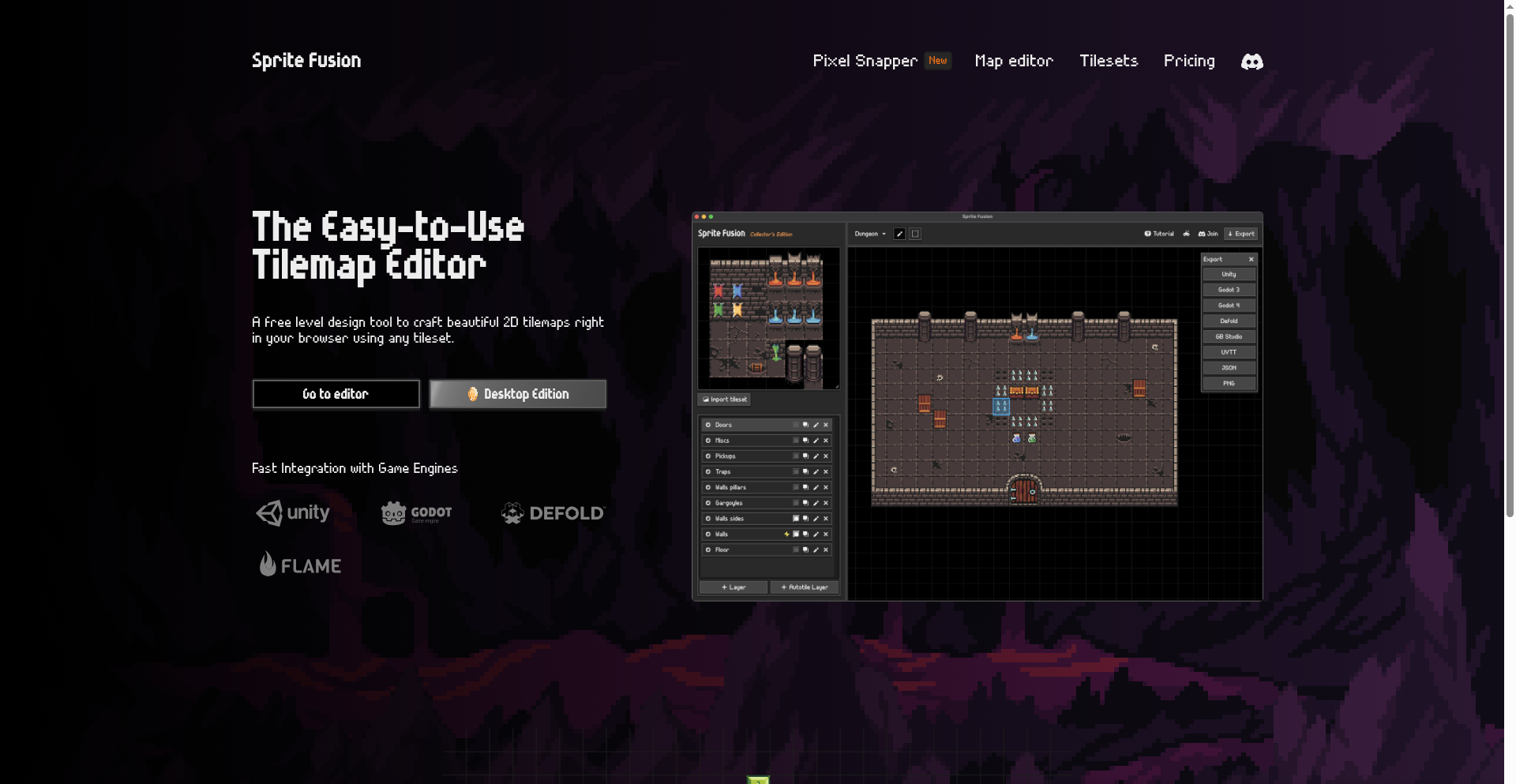
Author
HugoDz
Description
A web-based game design editor built with Svelte, offering a novel approach to visual game creation. It leverages Svelte's reactivity and component-based architecture to provide a fluid and interactive user experience for designing game elements and logic. The innovation lies in its ability to bring complex game design tools into a browser environment, making game development more accessible.
Popularity
Points 1
Comments 0
What is this product?
This is a browser-based application that allows users to visually design and potentially prototype game elements and logic. The core innovation is in its implementation using Svelte, a modern JavaScript framework known for its compile-time efficiency and performance. Instead of traditional JavaScript frameworks that might require a lot of runtime overhead, Svelte compiles your code into highly optimized vanilla JavaScript. This means the editor itself is likely very fast and responsive, feeling more like a native application. Think of it as building a sophisticated drawing and logic board directly in your web browser, where changes you make are instantly reflected and feel smooth. So, this is useful because it democratizes game design by providing a powerful, accessible tool directly on the web, without needing to install complex software.
How to use it?
Developers can use this editor as a visual prototyping tool for games. They could design game levels, character sprites, UI elements, and even define basic game mechanics through a visual interface. The Svelte foundation suggests it's built with web technologies, so integration could involve exporting designs or logic as reusable components or data structures that can then be fed into a larger game engine or framework. The editor's web-based nature makes it ideal for collaborative design sessions or for quick iteration on game ideas. So, this is useful because it allows you to quickly visualize and refine game ideas before diving into full code, saving time and effort in the early stages of game development.
Product Core Function
· Visual canvas for designing game assets: allows for drawing and arranging graphical elements like characters, backgrounds, and UI components, providing a user-friendly way to create visual assets without complex graphics software. This is valuable for rapidly iterating on game aesthetics.
· Component-based design logic: enables users to visually connect different game elements and define their interactions and behaviors, essentially scripting game logic through a visual interface. This is useful for prototyping game mechanics and player interactions.
· Svelte-powered reactivity: ensures that changes made in the editor are immediately and smoothly reflected, creating a fluid and responsive user experience for game design. This provides immediate feedback, making the design process more intuitive and less frustrating.
· Web-based accessibility: accessible from any modern web browser, eliminating the need for installation and making it easy to share and collaborate on game designs. This is valuable for teams and for developers who want to work across different devices.
Product Usage Case
· A solo indie game developer wanting to quickly mock up a 2D platformer level and character animations. They can use the visual canvas to draw the level layout and character sprites, and then define jump and movement mechanics using the logic editor, all within their browser. This solves the problem of slow iteration cycles with traditional game development tools.
· A game designer on a team needing to collaborate on UI layouts for a mobile game. They can use the editor to visually arrange buttons, text fields, and other UI elements, and then share the design with the rest of the team via a link. This improves team communication and ensures everyone is on the same page regarding the game's look and feel.
· A student learning game development who wants a gentler introduction to game logic. They can use the editor to create simple interactive scenes, like a 'click the button' game, visually connecting the click event to a score update without writing complex code. This makes learning game mechanics more approachable and less intimidating.
89
NexusCLI: Terminal-Native API Orchestrator

Author
PranavVyas
Description
NexusCLI is a terminal-based HTTP client designed to bridge the gap between command-line workflows and the rich API collection management offered by GUI tools like Postman. It empowers developers to test and interact with APIs directly within their terminal, eliminating context switching and streamlining the development process. The core innovation lies in bringing organized API testing and management capabilities to the terminal environment, enabling a more efficient and integrated developer experience.
Popularity
Points 1
Comments 0
What is this product?
NexusCLI is a command-line interface (CLI) tool that acts as a sophisticated HTTP client. Instead of opening a separate graphical application to test APIs, you can do it all from your terminal. It allows you to save, organize, and execute API requests, much like you would with Postman, but entirely within your familiar command-line environment. This approach is innovative because it respects the developer's preference for terminal-centric workflows, avoiding the productivity drain of switching between different applications. It's built on the idea that powerful API management doesn't need a graphical interface, and that complex interactions can be elegantly handled with well-designed commands and structures.
How to use it?
Developers can use NexusCLI by installing it on their system. Once installed, they can create API collections, define individual requests (specifying HTTP methods like GET, POST, PUT, DELETE, along with URLs, headers, and request bodies), and execute these requests directly from the terminal. For example, a developer could save a collection of API endpoints for their backend service, then issue commands like `nexus run user-service/get-all-users` to retrieve data, or `nexus run auth-service/login` with specific credentials. This is useful for continuous integration pipelines, scripting automated API tests, or simply for developers who prefer the speed and efficiency of the terminal for their daily tasks.
Product Core Function
· API Request Execution: Allows developers to send HTTP requests to APIs directly from the terminal, enabling real-time testing and interaction without leaving their preferred development environment. This provides immediate feedback on API responses, helping to quickly identify and resolve issues.
· API Collection Management: Enables the organization of multiple API requests into logical collections, similar to how Postman manages them. This feature is valuable for managing complex API suites and ensuring consistency in testing by grouping related endpoints.
· Scriptable Workflows: NexusCLI is designed to be integrated into scripts and automated processes. Developers can use it to build automated API testing pipelines, perform data seeding, or orchestrate sequences of API calls, significantly boosting development efficiency and reducing manual effort.
· Terminal-Native Experience: Provides a seamless experience for developers who prefer working within the terminal. This reduces context switching, maintains focus, and leverages existing terminal skills for API interaction and management.
· Configuration and Environment Handling: Supports defining variables and environments for API requests, allowing for easy switching between development, staging, and production configurations without manually changing request details. This is crucial for robust testing across different deployment stages.
Product Usage Case
· Automated API Testing in CI/CD: A developer can use NexusCLI to run a suite of API tests as part of a continuous integration pipeline. This ensures that every code commit is validated against the backend APIs before deployment, preventing regressions and maintaining service stability.
· Rapid Prototyping and Debugging: When building a new feature that interacts with an existing API, a developer can quickly define and test individual API calls using NexusCLI. This allows for rapid iteration and debugging of the API integration logic directly within the terminal, speeding up the development cycle.
· Scripted Data Seeding: Before running integration tests or demonstrating a feature, a developer might need to populate a database with sample data. NexusCLI can be used to script a series of POST requests to create these records, ensuring a consistent and reproducible test environment.
· Serverless Function Testing: For developers working with serverless functions (e.g., AWS Lambda, Google Cloud Functions) that are triggered via HTTP endpoints, NexusCLI offers a convenient way to test these functions without deploying them to a live environment or using complex proxy setups.
90
EqlizeSQL

Author
jcuenod
Description
EqlizeSQL is a groundbreaking project that bridges the gap between the expressive power of EdgeQL and the ubiquitous nature of standard SQL databases. It allows developers to leverage the advanced querying capabilities of EdgeQL, designed as a potential successor to SQL, without the need to migrate their existing data to a new database system like EdgeDB. This means you can experiment with and benefit from EdgeQL's elegance on your current SQLite, PostgreSQL, or even potentially other SQL-compliant databases, opening up new possibilities for data interaction and manipulation. So, what does this mean for you? It means you can enjoy the advanced features and cleaner syntax of a modern query language on your existing infrastructure, saving migration costs and time while unlocking more sophisticated data querying. It's a smart way to future-proof your data strategy and explore cutting-edge query paradigms without disruption. This project embodies the hacker spirit of using clever code to solve complex problems and extend the functionality of existing tools.
Popularity
Points 1
Comments 0
What is this product?
EqlizeSQL is a translation layer that allows you to write queries using EdgeQL syntax and have them executed against standard SQL databases like SQLite or PostgreSQL. EdgeQL is a query language designed with modern data modeling and complex relationships in mind, offering more expressive power than traditional SQL for certain tasks. EqlizeSQL acts as a smart interpreter, taking your EdgeQL commands, converting them into equivalent SQL statements that your database can understand, and then returning the results. The innovation lies in its ability to bring the benefits of EdgeQL, such as more intuitive handling of nested data structures and relationships, to a wide range of existing SQL databases without requiring a full database migration. So, what's the value for you? It means you get access to a more powerful and potentially simpler way to query your data, enhancing your ability to extract insights and build sophisticated applications, all while staying with the database systems you already know and trust. This is a testament to creative problem-solving, allowing you to harness advanced querying capabilities without the typical barriers to adoption.
How to use it?
Developers can integrate EqlizeSQL into their projects by using it as a library or a command-line tool. You would typically write your queries in EdgeQL and then pass them to EqlizeSQL, specifying your target SQL database (e.g., SQLite file path or PostgreSQL connection string). EqlizeSQL will then compile your EdgeQL into executable SQL. For example, in a Python application, you might install EqlizeSQL, connect to your database, and then use its API to execute your EdgeQL queries. This could be beneficial for data analysis scripts, backend services that need to perform complex data retrieval, or even for prototyping new features that benefit from EdgeQL's expressiveness. So, how does this help you? It allows you to write more concise and powerful data queries, reducing the complexity of your data access layer and making your code more readable and maintainable. You can explore advanced data manipulation techniques on your current data without complex transformations or learning entirely new database systems.
Product Core Function
· EdgeQL to SQL Compilation: Translates EdgeQL queries into optimized SQL statements, enabling the use of a modern query language on traditional SQL databases. This provides immediate access to more expressive data querying capabilities without changing your database infrastructure.
· Database Agnosticism (with adaptors): Supports multiple SQL databases like SQLite and PostgreSQL out-of-the-box, with the potential for extension to other SQL-compliant databases. This offers flexibility and future-proofing for your data access strategy.
· Simplified Data Relationship Handling: Allows developers to query nested data and complex relationships more intuitively than with standard SQL, reducing the complexity of data retrieval for intricate applications. This makes it easier to extract meaningful insights from interconnected data.
· Experimental Query Language Exploration: Empowers developers to experiment with and adopt EdgeQL's advanced features on their existing data, fostering learning and innovation within the developer community. This is an opportunity to stay at the forefront of data querying technology.
Product Usage Case
· Developing a data analytics dashboard that requires complex aggregations and relationships between different tables. Instead of writing lengthy and intricate SQL, a developer can use EqlizeSQL to express these queries more concisely in EdgeQL, leading to faster development and more readable code. This solves the problem of convoluted SQL by providing a cleaner alternative.
· Building a feature for a web application that needs to retrieve deeply nested user profile information, including associated orders and product details. Using EqlizeSQL, a developer can craft a single, elegant EdgeQL query to fetch all this data, avoiding multiple JOINs and subqueries in traditional SQL. This streamlines data fetching and improves application performance.
· Prototyping a new data processing pipeline that leverages the advanced modeling capabilities of EdgeQL. A developer can quickly test their data logic using EqlizeSQL against a local SQLite database, iterating rapidly without the overhead of setting up a full EdgeDB instance. This accelerates the innovation cycle and allows for early validation of ideas.
91
Bracket Weaver

Author
ryo_numoto
Description
Bracket Weaver is a web application designed for effortless creation and management of tournament brackets and league tables. Its core innovation lies in its highly intuitive, direct-editing interface, allowing immediate input of results which automatically update standings and advance participants. This approach dramatically simplifies the process, making complex tournament organization accessible to everyone, from amateur sports organizers to large-scale esports events. It also addresses the global need with multi-language support and clean, shareable outputs.
Popularity
Points 1
Comments 0
What is this product?
Bracket Weaver is a user-friendly online tool that generates and manages tournament structures like single-elimination brackets and round-robin league tables. The technical innovation is in its 'instant update' mechanism. Instead of complex forms, you click directly on the bracket or table to input scores or winners. The system then intelligently recalculates everything in real-time, automatically advancing players or updating league standings. This means less manual work and fewer errors, making it feel like magic for organizing events.
How to use it?
Developers can use Bracket Weaver by simply navigating to the website and starting to create a bracket or league. For immediate use, no signup is needed for basic functionality (up to 16 players for brackets, 6 for leagues). To save and manage multiple tournaments, or for larger events, a free or premium signup is required. Integration can be achieved by embedding the generated tournament tables into your own websites using an iframe, or by leveraging the API (available with the premium tier) to programmatically fetch and update tournament data within other applications. This is useful for sports websites, gaming platforms, or event management systems that need to display or interact with tournament progress.
Product Core Function
· Intuitive Bracket/Table Editing: Allows direct clicking on elements to input results, which instantly updates the tournament flow. This saves significant time and reduces manual calculation errors for event organizers.
· Automatic Advancement & Standings: Winners automatically move to the next round in brackets, and league tables are automatically recalculated based on new results. This ensures accuracy and eliminates the need for tedious manual bookkeeping.
· Multiple Tournament Formats: Supports both single-elimination brackets for knockout-style tournaments and round-robin league tables for ongoing competitions. This offers flexibility for various event types and sports.
· Instant Preview & Output: Users can see the tournament structure and standings in real-time. Outputs include shareable links, embeddable iframes, PDF exports, and social media sharing options. This makes it easy to communicate tournament progress to participants and spectators.
· Internationalization Support: Offers multi-language capabilities and country flag integration, making it suitable for global events and diverse audiences. This allows for broader adoption and a better user experience for international organizers and participants.
Product Usage Case
· A local esports organizer can use Bracket Weaver to quickly set up a 64-player tournament bracket for a gaming event. By directly clicking on the winning player after each match, the bracket automatically updates, showing the next round. This solves the problem of complex manual bracket management, ensuring the event runs smoothly and participants can easily track progress.
· A school athletic department can use Bracket Weaver to generate a league table for their intramural soccer league. As scores are reported, coaches can directly input them into the table, and the standings (win/loss/draw, points) are automatically updated. This provides an accurate and accessible way for students to see their team's standing throughout the season.
· A community sports club can embed a Bracket Weaver generated bracket for their annual tennis tournament onto their website using an iframe. Spectators and players can then view the live progress of the tournament directly on the club's site without needing to navigate to a separate platform.
· A freelance event planner organizing a small online gaming competition can use the free tier of Bracket Weaver to create a bracket for up to 16 players. They can then share the generated link with participants, allowing everyone to follow the competition easily and eliminating the need for complex communication channels.
92
ShipShipShip: Integrated Project & Client Comms Hub

Author
Iobs
Description
ShipShipShip is an open-source, self-hostable tool that elegantly merges internal project management with external client communication. It offers an admin area featuring a Kanban board for task tracking and organization, alongside client-facing tools like a customizable changelog page and a newsletter function. The innovation lies in its unified approach, allowing development teams to manage their workflow and keep clients informed and engaged within a single platform, reducing context switching and improving transparency.
Popularity
Points 1
Comments 0
What is this product?
ShipShipShip is a self-hosted, open-source platform designed to streamline the workflow for individuals and teams working on projects and needing to communicate progress or updates to clients. It tackles the common challenge of siloed tools by integrating a project management system (think digital sticky notes on a board) with client engagement features. The core technical innovation is its ability to act as a central hub, allowing developers to manage tasks using a Kanban board and simultaneously offer clients a dedicated space to view updates, provide feedback, and subscribe to newsletters, all within the same system. This means you don't have to juggle separate tools for your internal team and your external stakeholders.
How to use it?
Developers can host ShipShipShip on their own servers, giving them full control over their data and the platform's configuration. The admin area provides a familiar Kanban board interface where tasks can be created, organized with tags, assigned deadlines, and moved through different stages of development. For client communication, a public-facing page can be customized to display changelogs, collect user feedback through comments or reactions, and announce new releases. A built-in newsletter feature allows for targeted email campaigns to inform clients about project milestones or upcoming features. This is ideal for freelance developers, small agencies, or SaaS product teams who want a branded, integrated way to manage their projects and client relationships without relying on multiple subscription services.
Product Core Function
· Self-hostable Kanban Board: Enables teams to visually track project tasks, improving workflow organization and progress monitoring. This helps in understanding project status at a glance and identifying bottlenecks.
· Customizable Public Changelog Page: Allows for transparent sharing of project updates and feature releases with clients or the public. This builds trust and keeps stakeholders informed about product evolution.
· Client Feedback Collection: Provides a mechanism for clients to easily submit feedback and reactions on public updates. This fosters a collaborative environment and helps in gathering valuable insights for product improvement.
· Newsletter Subscription & Sending: Facilitates direct communication with clients and users through email updates about project progress or announcements. This ensures that key stakeholders are consistently in the loop.
· Integrated Admin & Client View: Offers a unified interface for managing internal tasks and external communication, reducing context switching and increasing efficiency for developers and project managers.
Product Usage Case
· A freelance web developer is building a custom website for a client. They can use ShipShipShip to manage the website's development tasks on the Kanban board and then share specific milestones or design mockups with the client via the public changelog page, collecting feedback directly. This avoids sending endless email chains and keeps everything in one place.
· A small SaaS company is launching a new feature. They can use ShipShipShip to track the feature's development internally and then announce its release to their user base through the customizable changelog page and a targeted newsletter campaign. This ensures a smooth rollout and keeps their customers excited.
· An open-source project maintainer wants to keep their community updated. They can use ShipShipShip to manage the project's roadmap and bug fixes on the Kanban board and then publish regular updates on the public changelog, allowing community members to provide feedback and reactions. This fosters a stronger community connection.
93
ULoopMCP: AI-Powered Unity Project Orchestrator

Author
m_hatayama
Description
ULoopMCP is a novel project that leverages AI agents to automate the compilation, testing, and operation of Unity projects. It addresses the common pain points of repetitive build processes and complex testing workflows in game development, offering a more efficient and intelligent approach to managing Unity projects. This innovation lies in its ability to allow AI to understand and execute development tasks, freeing up human developers for more creative endeavors. For developers, this means significantly reduced time spent on tedious tasks and faster iteration cycles.
Popularity
Points 1
Comments 0
What is this product?
ULoopMCP is an AI-driven system designed to autonomously manage the lifecycle of your Unity game projects. Instead of manually compiling your game builds, running tests, and deploying, ULoopMCP uses sophisticated AI agents that can interpret your project's requirements and execute these tasks. The core innovation is the application of AI in a practical development workflow, moving beyond just code generation to encompass the entire operational pipeline. This means you get a more robust and less error-prone development process, ultimately saving you time and resources.
How to use it?
Developers can integrate ULoopMCP into their existing Unity development pipelines. By configuring the AI agents with project-specific parameters and desired outcomes (e.g., 'compile for Windows', 'run unit tests', 'deploy to staging'), ULoopMCP takes over. It can be triggered manually or set up to run on a schedule or in response to code commits. This allows for continuous integration and continuous delivery (CI/CD) for Unity projects with minimal human intervention. For developers, this translates to a more streamlined workflow where the system handles the repetitive tasks, allowing them to focus on game design and feature implementation.
Product Core Function
· Automated Compilation: ULoopMCP can orchestrate the entire build process for your Unity projects, ensuring consistent and reliable output. This saves you the manual effort of navigating build settings and executing compilation steps, leading to faster delivery of playable builds.
· AI-Driven Testing: The system's AI agents can be trained to execute various testing protocols, from unit tests to integration tests, within the Unity environment. This ensures that your game is stable and functional before deployment, reducing post-release bugs and improving player satisfaction.
· Intelligent Project Operation: ULoopMCP goes beyond building and testing by managing operational aspects like deployment to staging or production environments. This automation simplifies the release process, enabling quicker updates and feedback loops for your game.
· Agent-Based Task Execution: The core of ULoopMCP relies on specialized AI agents that are programmed to understand and perform development tasks. This represents a new paradigm in software development where AI actively participates in the operational side of a project, offering significant efficiency gains for development teams.
Product Usage Case
· A small indie game studio can use ULoopMCP to automate their daily builds and regression testing. Instead of a developer spending an hour each morning compiling and testing, ULoopMCP can do it overnight, presenting a tested build by the start of the workday. This directly translates to more focused development time on game features.
· A larger game development team can integrate ULoopMCP into their CI/CD pipeline. Every time new code is committed, ULoopMCP automatically compiles, runs a suite of automated tests, and deploys the build to a QA environment. This dramatically speeds up the feedback loop for testers and developers, identifying and fixing issues much earlier in the development cycle.
· A solo developer working on a complex Unity project can use ULoopMCP to handle repetitive build configurations for different platforms. ULoopMCP can be instructed to compile the project for Windows, macOS, and mobile targets sequentially, ensuring consistent builds across all platforms without manual intervention, saving valuable personal development time.
94
Moodflix AI

Author
qafstudio
Description
Moodflix AI is a lightweight recommendation app that offers movie and TV show suggestions based on your current mood and preferences, using just three simple questions. It's designed to combat decision fatigue, offering quick, personalized picks without the need for lengthy onboarding or accounts.
Popularity
Points 1
Comments 0
What is this product?
Moodflix AI is an intelligent recommendation engine built using AI to suggest movies and TV shows. The core innovation lies in its 'mood-based' approach. Instead of asking you to browse through endless genres or rate hundreds of titles, it asks you just three targeted questions about your current feeling and desired viewing experience. This allows the AI to quickly infer your taste and match it with suitable content, creating a highly personalized and efficient recommendation process, unlike traditional recommendation systems that rely on extensive user history or complex algorithms.
How to use it?
Developers can integrate the core recommendation logic or leverage the app's principles to build similar, focused recommendation features within their own applications. For end-users, simply download the Android or iOS app, answer three straightforward questions about your mood and what you're looking for in entertainment, and receive instant, tailored suggestions. This is ideal for individuals or couples struggling to decide what to watch, reducing friction and speeding up the selection process.
Product Core Function
· Mood-driven recommendation engine: Leverages AI to interpret user mood and preferences, providing highly relevant content suggestions. This solves the problem of 'what to watch' paralysis by actively understanding the user's current state.
· Minimalist onboarding and no account requirement: Offers immediate usability without the overhead of sign-ups or profile creation. This is valuable for users who want quick access to entertainment without commitment.
· Three-question user input: Streamlines the user experience by collecting essential preference data efficiently. This drastically reduces the time and effort required to get personalized recommendations.
· Fast and lightweight performance: Ensures a responsive user experience with minimal UI elements. This is crucial for users who value speed and simplicity in their digital interactions.
· Cross-platform availability (Android & iOS): Makes the recommendation service accessible to a broad audience. This extends the reach and utility of the AI's suggestions.
Product Usage Case
· A couple on a date night, overwhelmed by streaming service options: They can quickly use Moodflix AI to get a shared recommendation that suits their combined mood, saving them precious time and reducing potential arguments about what to watch.
· A busy professional looking for a quick unwind after work: They can open the app, answer three questions reflecting their desire for relaxation or excitement, and get an immediate movie or TV show suggestion without having to sift through catalogs.
· A developer wanting to build a personalized content discovery feature for a niche community: They can study Moodflix AI's approach to mood-based recommendations and apply similar lightweight AI logic to their project, focusing on user experience and speed.
· A user experiencing decision fatigue after a long day: Instead of spending 20 minutes scrolling through options, they can use Moodflix AI to get a well-suited recommendation in under a minute, enjoying their free time more effectively.
95
EnigmaChat: Decentralized Privacy Messenger

Author
dwa3592
Description
EnigmaChat is a privacy-first chat application built with a focus on end-to-end encryption and decentralized architecture. It addresses the growing concern over data privacy and surveillance by offering a secure communication channel that doesn't rely on central servers, thus minimizing the risk of data breaches and unauthorized access. The core innovation lies in its peer-to-peer communication model and robust cryptographic implementation.
Popularity
Points 1
Comments 0
What is this product?
EnigmaChat is a revolutionary chat application that prioritizes your privacy by employing advanced end-to-end encryption and a decentralized network. Unlike traditional messaging apps that store your conversations on company servers, EnigmaChat allows you to communicate directly with other users on a peer-to-peer basis. This means your messages are encrypted on your device and can only be decrypted by the intended recipient. The innovation comes from bypassing centralized points of failure and using state-of-the-art encryption protocols to ensure that even the developers of EnigmaChat cannot access your message content. So, what's the value to you? It means your conversations are truly private and secure, free from the worry of your messages being intercepted, sold, or misused by third parties.
How to use it?
Developers can integrate EnigmaChat's core functionality into their own applications or use it as a standalone secure messaging tool. The application leverages existing networking protocols and cryptographic libraries to establish secure connections between users. Integration typically involves utilizing the provided SDK or API, which abstracts away the complexities of peer-to-peer discovery, encryption/decryption, and message routing. Developers can envision embedding secure chat features within their existing platforms, such as gaming communities, collaborative work tools, or sensitive data sharing applications. So, how does this benefit you? You can build or enhance your applications with a robust, out-of-the-box secure communication layer without having to reinvent the wheel, saving significant development time and resources while delivering a critical privacy feature to your users.
Product Core Function
· End-to-End Encryption: Utilizes strong cryptographic algorithms to ensure messages are only readable by sender and receiver, providing true message confidentiality. This means your sensitive discussions remain private from anyone trying to snoop.
· Decentralized Network: Operates on a peer-to-peer network, eliminating reliance on central servers, thus reducing single points of failure and increasing resistance to censorship and data breaches. This offers a more resilient and trustworthy communication infrastructure.
· Anonymous Communication: Designed to facilitate anonymous communication by minimizing metadata collection and offering options for pseudonymous user identification. This allows for greater freedom of expression and protection of identity in sensitive contexts.
· Secure Key Management: Implements secure methods for managing encryption keys, ensuring that keys are not exposed and are only available to authorized parties. This protects the integrity of the encryption and prevents unauthorized decryption.
· Real-time Messaging: Provides efficient and low-latency message delivery, enabling smooth and responsive conversations. You can communicate in real-time without frustrating delays.
Product Usage Case
· Secure communication for journalists and whistleblowers: In situations where sensitive information needs to be exchanged securely, EnigmaChat can provide a confidential channel, protecting sources and sensitive data from exposure. This allows for whistleblowers to safely share critical information without fear of reprisal.
· Private group discussions for activists and political organizations: Enables private coordination and discussion among members of groups who may be under surveillance, ensuring their plans and communications remain confidential. This empowers activist groups to organize effectively without compromising their safety.
· Secure internal communication for businesses handling sensitive data: Companies dealing with confidential client information or proprietary secrets can use EnigmaChat to ensure their internal communications are protected from corporate espionage or accidental leaks. This safeguards business-critical information and client trust.
· Building privacy-focused decentralized applications (dApps): Developers can integrate EnigmaChat's messaging capabilities into their dApps, offering users a secure and private communication layer within the decentralized ecosystem. This enhances the user experience and trust in decentralized platforms.
96
SimRace Planner & Advisor

Author
ryanxsim
Description
A streamlined tool designed to help iRacing users plan their weekly race schedule and make informed decisions about car and track purchases. It leverages a straightforward approach to aggregate and present relevant data, aiming to simplify the often complex choice of what to race and what to acquire in the sim racing world.
Popularity
Points 1
Comments 0
What is this product?
This project is a web-based application that acts as a personal assistant for iRacing enthusiasts. It addresses the challenge of navigating the vast amount of content and race series available in iRacing by providing a structured way to view upcoming races and offering guidance on purchasing decisions. The innovation lies in its simplicity and focus: instead of trying to be an all-encompassing analytics platform, it cuts through the noise to offer actionable insights for the average iRacing user. It's built using a modern web stack to ensure a responsive and accessible user experience, making it easy for anyone to quickly see their options for the week. So, what's in it for you? It saves you time by presenting the information you need to make quick, informed decisions about your sim racing activities without getting overwhelmed by data.
How to use it?
Developers can use this project as a reference for building similar niche planning and advisory tools for other complex platforms. For iRacing users, it's designed for direct use. You would typically access it via a web browser. You can input your preferences or simply browse the displayed information. The tool aims to integrate seamlessly into your iRacing routine, providing a quick overview before you log into the game or make any purchase decisions. It’s about making your sim racing time more efficient and enjoyable. So, how does it help you? It simplifies your iRacing week by giving you a clear overview of what's available and what might be worth investing in, leading to less guesswork and more fun racing.
Product Core Function
· Weekly Race Schedule Aggregation: Gathers and presents upcoming iRacing race events, organized by time and series. This helps users visualize their potential racing commitments for the week, ensuring they don't miss out on favorite series or events. So, what's in it for you? It means you can easily see what races are available and plan your participation without having to manually check multiple sources.
· Car and Track Buying Guide: Provides recommendations or insights into the value and relevance of specific cars and tracks within the iRacing ecosystem. This assists users in making cost-effective purchasing decisions based on their current racing interests and available content. So, what's in it for you? It helps you spend your sim racing budget wisely and acquire content that you'll actually use and enjoy, avoiding impulse buys.
· Simplified User Interface: Presents information in a clean, intuitive, and easy-to-understand format, minimizing cognitive load. This makes it accessible even to users who are not deeply technical or familiar with complex data analysis. So, what's in it for you? It means you can get the information you need quickly and easily, without needing to be a data expert, leading to a more enjoyable user experience.
Product Usage Case
· A user wants to know which race series are running this weekend that fit their available time. The planner displays all available series with their start times, allowing the user to select races that fit their schedule without sifting through hundreds of official races. So, how does this help you? It directly addresses the 'what can I race now?' problem, saving you time and frustration.
· A new iRacing user is considering buying a new car and track combination but is unsure if it's a popular or versatile choice. The buying guide section offers insights or data points that suggest the popularity or common usage of that specific combination in various race series, helping them make a more confident purchase. So, how does this help you? It helps you avoid buyer's remorse by guiding you towards purchases that are more likely to be relevant and enjoyable for your sim racing journey.
· A seasoned iRacer wants to quickly see if any new content or popular series are available that align with their interests before committing to a purchase. The tool provides a consolidated view, allowing them to make informed decisions about where to invest their time and money in the sim racing world. So, how does this help you? It streamlines your decision-making process for acquiring new sim racing assets, ensuring you get the most value for your investment.
97
Jungl: Real-time AWS Security Guardian
Author
aman-s
Description
Jungl is an event-driven security tool designed to automatically detect and fix AWS misconfigurations as they happen. Instead of waiting for periodic scans to find issues or slowing down development with strict workflows, Jungl monitors AWS resource changes in real-time. It uses context to understand the impact of potential misconfigurations and can automatically apply fixes or alert developers, ensuring enterprise security without hindering developer agility. Think of it as an always-on cloud engineer for every developer.
Popularity
Points 1
Comments 0
What is this product?
Jungl is a cloud security solution that leverages real-time event ingestion from AWS CloudTrail. When a resource is created or updated, Jungl analyzes it against a set of security rules. The innovation lies in its ability to understand the 'context' of a resource – its exposure, dependencies, how it's used in code, and historical activity. This context allows Jungl to determine the risk and decide whether to automatically remediate an issue or generate a ticket for human review. This proactive, context-aware approach prevents security breaches before they occur, offering a significant improvement over delayed scanning.
How to use it?
Developers can integrate Jungl into their AWS environment by granting it the necessary permissions to access CloudTrail logs and perform actions on resources. Once set up, Jungl continuously monitors changes. For developers, this means they can focus on building and deploying their applications on AWS without constant worry about accidental security misconfigurations. Security teams can enable automated remediation for critical rules, ensuring immediate fixes. For less critical issues or when automated remediation is not enabled, Jungl generates actionable alerts or tickets, streamlining the remediation process and providing developers with clear guidance.
Product Core Function
· Real-time Event Ingestion: Processes AWS CloudTrail events as they occur, enabling immediate detection of misconfigurations. This means you get notified and can act on security issues the moment they arise, not hours later.
· Context-Aware Risk Evaluation: Analyzes resource dependencies, exposure, and usage patterns to understand the true security risk. This prevents false positives and ensures that critical issues are prioritized, so you're not overwhelmed with minor alerts.
· Automated Remediation: Can automatically apply pre-defined, scoped fixes for high-severity misconfigurations. This significantly reduces manual effort and the time it takes to secure your AWS environment, allowing developers to move faster without sacrificing security.
· Intelligent Alerting and Ticketing: Generates clear, actionable alerts or tickets for misconfigurations that require human intervention, providing evidence and recommended actions. This streamlines the incident response process and helps developers quickly understand and resolve issues.
· Extensible Rule Library: Offers a growing set of security rules that can be enabled and customized at a service level. This allows teams to tailor security policies to their specific needs and compliance requirements.
Product Usage Case
· Scenario: A developer accidentally makes an S3 bucket publicly accessible. Jungl detects this change immediately through CloudTrail events. Because public access to S3 buckets is a high-severity misconfiguration, Jungl, if configured for automated remediation, automatically removes the public access policy statement. This prevents data exposure and potential security breaches instantly, without human intervention.
· Scenario: A new EC2 instance is launched with overly permissive security group rules, exposing SSH to the entire internet. Jungl analyzes the new instance and its security group. It identifies the broad inbound rule as a risk. Depending on the configured rules, Jungl might automatically narrow the rule to trusted IP ranges or generate a ticket for a security engineer to review and adjust the rule, ensuring the instance is not unnecessarily exposed.
· Scenario: A developer deploys an RDS database with default encryption settings disabled. Jungl detects this during resource creation. It evaluates the severity and the fact that encryption is a fundamental security best practice. If automated remediation is enabled, Jungl might trigger the RDS encryption process. If not, it generates a ticket for the database administrator or developer with clear instructions on how to enable encryption, ensuring data at rest is protected.
98
LinkedIn Data Explorer Bookmarklet

Author
ulrischa
Description
This project is a bookmarklet that allows users to easily extract and view their LinkedIn profile data directly in their browser. It leverages client-side JavaScript to parse the LinkedIn profile page, offering a novel way to access and organize personal network information without needing complex scraping tools or API integrations. The innovation lies in its simplicity and directness for personal data retrieval, promoting a more user-centric approach to managing one's online professional identity.
Popularity
Points 1
Comments 0
What is this product?
This is a browser bookmarklet, essentially a small piece of JavaScript code saved as a bookmark. When you click it while on your LinkedIn profile page, it automatically runs and extracts key data points from your profile, such as your name, headline, experience, education, and skills. The technical innovation here is its client-side processing. Instead of relying on a server or an external API to fetch your data (which might require permissions or complex setups), it directly reads and processes the information already displayed on the LinkedIn webpage that your browser is rendering. This means it's lightweight, fast, and works directly within your existing browsing session. So, what's the use for you? It offers a quick, private, and easy way to get a structured snapshot of your own LinkedIn profile data for personal archiving or analysis, without needing to navigate through multiple LinkedIn pages or use complicated software.
How to use it?
To use this bookmarklet, you would typically create a new bookmark in your web browser and paste the provided JavaScript code into the URL field of that bookmark. Once saved, navigate to your own LinkedIn profile page in your browser. Then, simply click on the saved bookmarklet. The JavaScript code will execute, and a display or a downloadable file containing your profile data will be generated right there in your browser. This is useful for developers who want to quickly audit their profile's public-facing information, for job seekers wanting to export their credentials for applications, or for anyone interested in keeping a personal backup of their professional data. It integrates seamlessly into your existing browsing workflow, requiring no installation of new applications.
Product Core Function
· Client-side Data Extraction: This function uses JavaScript to read your LinkedIn profile page directly from your browser. This is innovative because it avoids the need for server-side processing or special API access, making it faster and more private. It's useful for you because you get your data instantly without any complicated setup.
· Structured Data Presentation: The bookmarklet processes the raw HTML of your profile and organizes the key information (like job history, education, skills) into a readable format. This is valuable because it transforms messy web content into useful, structured data. For you, this means getting a clear overview of your professional journey at a glance.
· Browser Integration: As a bookmarklet, it lives within your browser's bookmark bar and activates on demand. This means no software installation is required. The value is in its immediate availability and ease of use. For you, it means you can access your LinkedIn data anytime you're browsing your profile, without interrupting your workflow.
Product Usage Case
· Personal Portfolio Management: A developer could use this bookmarklet to quickly export their LinkedIn experience and project details to update their personal website or resume. The problem it solves is the manual copy-pasting of information from LinkedIn. The value is in saving time and ensuring accuracy.
· Data Backup and Archiving: A user might want to create a personal, offline backup of their LinkedIn profile data in case their account is compromised or LinkedIn's interface changes significantly. This bookmarklet provides a simple, one-click solution for creating this backup. The value is peace of mind and data preservation.
· Network Analysis Preparation: For someone who wants to analyze their professional network's common skills or career paths, this bookmarklet can be the first step in gathering their own data for a larger analysis project. It simplifies the initial data collection phase. The value is in streamlining the start of a data-driven insight project.
99
Qqqlang: Visual Programming for AI Art

Author
fagerhult
Description
Qqqlang is a groundbreaking, syntax-free language designed for AI image synthesis. It allows users to create complex visuals by visually connecting nodes and parameters, abstracting away the complexities of traditional coding. This innovative approach democratizes AI art generation, making it accessible to a wider audience and enabling rapid prototyping for experienced developers.
Popularity
Points 1
Comments 0
What is this product?
Qqqlang is a visual programming environment for generating AI images. Instead of writing lines of code, you connect pre-built blocks (nodes) that represent different image synthesis operations, like 'generate texture', 'apply filter', or 'blend colors'. Think of it like building a flowchart that instructs an AI to create an image. The innovation lies in its 'syntax-free' nature, meaning there are no cryptic commands to memorize. This drastically lowers the barrier to entry for creating sophisticated AI art and allows for more intuitive experimentation with image generation parameters. So, this is useful because it lets you create amazing AI art without needing to be a coding expert, and it's faster for even seasoned developers to try out new ideas.
How to use it?
Developers can use Qqqlang by installing the software and accessing its visual interface. You'll start with a blank canvas and drag and drop nodes representing image generation components. You connect these nodes to define the flow of data and operations. For example, you might connect a 'noise generator' node to a 'color palette' node, and then connect that to an 'output image' node. Qqqlang handles the underlying code that communicates with AI models. It can be integrated into existing workflows by exporting generated assets or potentially by developing custom nodes that leverage other AI libraries. So, this is useful because it provides a fast and intuitive way to experiment with and generate AI images, fitting seamlessly into creative or development pipelines.
Product Core Function
· Visual Node-Based Interface: Allows users to build image synthesis workflows by connecting graphical blocks, eliminating the need for traditional programming syntax. This is valuable for rapid prototyping and intuitive design of AI art generation processes.
· Parameter Control Nodes: Offers dedicated nodes for adjusting various image generation parameters like resolution, style, and randomness, providing granular control over the AI's output. This is useful for fine-tuning artistic vision and achieving specific visual outcomes.
· AI Model Integration: Seamlessly connects to underlying AI models for image synthesis, abstracting away the technical complexities of model interaction. This is valuable for users who want to focus on creativity rather than complex API calls.
· Exportable Workflows: Enables the export of generated images and potentially the visual workflow itself, allowing for integration into other media projects or further development. This is useful for incorporating AI-generated art into websites, applications, or other creative outputs.
Product Usage Case
· A graphic designer can use Qqqlang to quickly generate a variety of abstract backgrounds for a website by connecting a 'pattern generator' node with a 'color gradient' node and adjusting their parameters. This solves the problem of needing custom, unique visuals without extensive design time.
· A game developer can experiment with generating different textures for in-game assets by creating a visual workflow in Qqqlang. They can link a 'procedural noise' node to a 'texture filter' node and quickly iterate on visual styles. This helps in quickly finding suitable textures without manual creation.
· An AI art enthusiast can explore the creative potential of diffusion models by visually orchestrating different input prompts and style modifiers in Qqqlang, without needing to learn complex command-line interfaces. This makes exploring advanced AI art techniques more accessible.
· A researcher can prototype new image generation techniques by visually assembling and modifying Qqqlang nodes, allowing for faster iteration and testing of novel concepts. This accelerates the research and development cycle for new AI image synthesis methods.
100
Hopeless: Legacy API Bridge

Author
Ugyen_Tech
Description
Hopeless is a project designed to bridge the significant gap between outdated, legacy APIs (like those from 2003) and modern AI models (like those expected in 2025). It tackles the challenge of integrating AI into systems burdened by decades of technical debt by performing protocol translation and optimizing token usage. This means you can finally leverage AI capabilities with older software without a complete overhaul.
Popularity
Points 1
Comments 0
What is this product?
Hopeless is a sophisticated middleware that acts as an interpreter between ancient APIs and cutting-edge AI. Imagine you have a very old phone that only understands dial tones, but you want to send a modern emoji text message. Hopeless is like a translator that converts your emoji into a series of dial tones the old phone can understand, and then converts the phone's response back into something your modern device can process. Its core innovation lies in its ability to understand the verbose, often clunky 'language' of old SOAP XML APIs and reformat it into a concise, token-efficient format that Large Language Models (LLMs) can easily digest. This avoids the immense cost and complexity of rewriting entire legacy systems, allowing for AI integration with minimal disruption. So, this helps you get the benefits of AI without the headache and expense of replacing your existing, functional, albeit old, software.
How to use it?
Developers can integrate Hopeless into their workflow by deploying it as a service that sits between their legacy API endpoints and their LLM. The process typically involves configuring Hopeless to understand the specific protocol and data structures of the legacy API (e.g., SOAP XML). Hopeless then intercepts requests destined for the legacy API, translates them into a format suitable for the LLM, and sends the LLM's response back to the legacy system in its native format. This could be used in scenarios where an e-commerce platform built on a 20-year-old ERP system needs to provide AI-powered customer support, or when a manufacturing plant with older sensor data needs AI analytics. Essentially, you point Hopeless at your old API and tell it what LLM you want to talk to, and it handles the complex translation. This means you can start experimenting with AI on your existing infrastructure immediately.
Product Core Function
· Protocol Translation: Converts data formats and communication protocols between legacy systems and modern AI, making it possible for them to understand each other. This is crucial for using AI with older software that uses different communication methods.
· Token Optimization: Reduces the amount of data sent to LLMs by intelligently compressing and reformatting information from legacy APIs. This lowers AI processing costs and improves response times, making AI more efficient.
· Legacy API Abstraction: Provides a simplified interface for interacting with complex and often poorly documented legacy APIs. This makes it easier for developers to access data and functionality from older systems.
· AI Integration Layer: Acts as a seamless bridge, allowing LLMs to query and receive data from legacy systems as if they were modern APIs. This unlocks AI potential for previously inaccessible data sources.
· Tech Debt Mitigation: Enables AI adoption on existing, aging infrastructure without requiring costly and time-consuming system rewrites. This provides immediate value and future-proofs older systems.
Product Usage Case
· Integrating AI chatbots with a 20-year-old customer relationship management (CRM) system built on SOAP XML, allowing for intelligent customer service automation. This solves the problem of providing modern customer support for businesses with entrenched legacy systems.
· Enabling AI-powered predictive maintenance on industrial equipment that relies on outdated SCADA systems with proprietary protocols. This allows for early detection of potential failures, saving costs and downtime.
· Using AI to analyze historical financial data stored in mainframe systems with very specific data formats. This helps in gaining new insights for investment strategies or risk assessment.
· Developing AI-driven inventory management for a retail chain that still uses a legacy inventory system, improving stock accuracy and reducing losses.
· Bridging the gap for a healthcare provider to use AI for analyzing patient records from a decades-old Electronic Health Record (EHR) system, improving diagnostic capabilities and patient care coordination.
101
RemotelyGood AI Job Scout

Author
Theresa_i_a
Description
This project, RemotelyGood.us, is a job board focused on social impact and remote work. The latest iteration introduces agentic features, essentially AI assistants, to help users perfect their job applications. This means the platform is moving beyond just listing jobs to actively assisting in the application process, aiming to improve the quality and effectiveness of job seeker submissions.
Popularity
Points 1
Comments 0
What is this product?
RemotelyGood AI Job Scout is an enhanced job board that leverages AI to help users refine their job applications. The core innovation lies in the 'agentic features' which are AI-powered tools designed to analyze and improve aspects of your job search, like tailoring your resume or cover letter to specific roles. Think of it as having a smart assistant that understands job market trends and helps you present your best self to potential employers. This is useful because crafting compelling applications is time-consuming and difficult; AI can automate and optimize this, increasing your chances of landing an interview.
How to use it?
Developers can use RemotelyGood.us by signing up for an account. The agentic features are integrated directly into the platform, likely appearing as tools or prompts when you are viewing job listings or working on your profile and application materials. For instance, you might be able to input your resume and have the AI suggest improvements based on a job description. The goal is to make the job application process more efficient and effective by providing intelligent assistance within the platform itself. This is particularly valuable for developers seeking roles in mission-driven companies or those looking for remote opportunities.
Product Core Function
· Agentic Application Enhancement: AI analyzes your existing application materials (like resumes and cover letters) and provides specific, actionable suggestions for improvement tailored to each job listing. This is valuable because it helps you stand out from other applicants by ensuring your application perfectly matches the job requirements, increasing your chances of getting noticed.
· UI/UX Enhancements for Mobile: The platform has improved its user interface for mobile devices, ensuring a smoother and more intuitive experience when browsing jobs or managing applications on the go. This is useful because it allows you to efficiently search and apply for jobs from any device, anytime, without frustration.
· Font Site-wide Update: The website features a consistent and updated font across the entire platform, contributing to a more polished and professional user experience. This is valuable because it makes the website more pleasant to read and navigate, reflecting a commitment to quality and detail which can instill confidence in users.
· Premium Feature Prototyping: The project is actively developing and testing premium features, offering users early access and the opportunity to influence their development through feedback. This is useful because it gives you the chance to experience cutting-edge job application tools before they are widely available and to directly impact the features that matter most to you.
Product Usage Case
· A developer looking for a remote backend engineer role at a non-profit organization can use RemotelyGood.us to submit their resume. The agentic features will then analyze the job description and suggest specific keywords or skill highlights to add to their resume to better align it with the organization's needs, increasing the likelihood of their application being seen by recruiters.
· A software engineer targeting a position in a sustainable tech startup can leverage the platform to draft a cover letter. The AI assistant can help craft a compelling narrative that emphasizes their passion for environmental impact and their relevant technical skills, addressing the specific values and requirements of the startup.
· A user on their commute can easily browse and apply for remote UI/UX designer positions on their mobile phone, thanks to the enhanced mobile interface, ensuring they don't miss out on timely opportunities even when not at their desk.
· A developer who signs up for premium features can provide feedback on the new AI writing tools, helping to shape the future of job application assistance and potentially influencing the development of more sophisticated features that could further boost their career prospects.
102
AIAlarm Investigator
Author
avansledright
Description
An AI-powered agent that autonomously investigates CloudWatch alarms, providing root cause analysis and actionable CLI commands directly to Slack within 30 seconds. Deployed easily via Terraform in 5 minutes, it offers a faster, more integrated alternative to manual investigation or complex AWS native solutions.
Popularity
Points 1
Comments 0
What is this product?
This project is an intelligent agent designed to automatically troubleshoot AWS CloudWatch alarms. When an alarm triggers, it uses AI to analyze your AWS environment – looking at metrics, logs, configurations of services like EC2, RDS, and Lambda, and historical alarm data. It then synthesizes this information to identify the probable root cause and suggests commands you can run to fix the issue, all delivered to your Slack channel. The innovation lies in its speed and automation, bypassing manual console checks and complex initial setup, offering a streamlined, developer-friendly approach.
How to use it?
Developers can integrate AIAlarm Investigator into their existing AWS infrastructure using a provided Terraform module. A simple 'terraform apply' command deploys the necessary Lambda functions and SNS integrations. Once deployed, any triggered CloudWatch alarm will automatically initiate the investigation process, with findings and remediation suggestions sent directly to a designated Slack channel. This makes it ideal for DevOps teams already using Infrastructure as Code (IaC) and preferring Slack for real-time notifications and collaboration.
Product Core Function
· Automated Alarm Investigation: When a CloudWatch alarm fires, the AI agent automatically queries your AWS environment to gather relevant data, saving you manual search time and effort.
· Root Cause Analysis: The AI analyzes metrics, logs, and configurations to pinpoint the most likely reason for the alarm, providing clear insights into the problem.
· Actionable Remediation Commands: The agent generates ready-to-run command-line interface (CLI) commands that you can directly use to resolve the identified issue, reducing the time to fix.
· Slack Native Notifications: All findings, analysis, and suggested commands are sent directly to your Slack channel, integrating seamlessly into your existing communication workflow.
· 5-Minute Terraform Deployment: The entire solution can be set up and deployed in just 5 minutes using a straightforward Terraform module, making it incredibly easy to get started.
· Unlimited Investigations: Unlike some native AWS solutions that have usage limits, this agent allows for an unlimited number of investigations, providing continuous monitoring and analysis.
Product Usage Case
· A developer team experiences a sudden spike in application latency. Instead of manually sifting through CloudWatch logs and metrics for hours, the AIAlarm Investigator triggers, analyzes the relevant EC2 and RDS metrics, identifies a database connection issue, and provides a direct `aws rds-data execute-statement` command to restart problematic connections, all within 30 seconds.
· A DevOps engineer responsible for multiple microservices notices a Lambda function is failing due to insufficient memory. The AIAlarm Investigator detects the error from a CloudWatch alarm, examines the function's configuration and recent invocation logs, determines the memory allocation is too low, and suggests an updated Lambda configuration command, which can be applied immediately.
· A company using Terraform for all their infrastructure setup wants a solution that aligns with their IaC philosophy. They deploy AIAlarm Investigator with a simple `terraform apply`, ensuring their alarm investigation process is also managed as code, providing consistency and auditability.
· A busy operations team receives numerous CloudWatch alarms throughout the day. AIAlarm Investigator handles the initial triage, providing concise summaries and actionable steps for each alarm, allowing the team to focus on critical issues and respond much faster, reducing Mean Time To Resolution (MTTR).
103
macOS Whisper-Groq Voice Input

Author
bbokan
Description
A macOS application leveraging Groq's free Whisper API to provide real-time voice-to-text transcription. It aims to offer a high-performance, cost-effective solution for converting spoken words into text directly on your desktop, ideal for creators and professionals needing swift and accurate dictation.
Popularity
Points 1
Comments 0
What is this product?
This project is a desktop application for macOS that acts as a highly efficient voice-to-text converter. It utilizes Groq's inference engine, which is known for its speed, to run OpenAI's Whisper model. Whisper is a powerful neural network trained on a vast amount of diverse audio data, making it excellent at understanding and transcribing speech. By using Groq's optimized infrastructure, this application can process your voice input and convert it to text with remarkable speed and accuracy, without requiring you to send your audio to a remote server for processing, thus enhancing privacy and reducing latency. So, this is for you if you want your computer to understand your voice faster and more privately than ever before.
How to use it?
Developers can integrate this application by running it as a background service on their macOS machine. It can capture system audio or microphone input and stream it to the Groq Whisper API. The transcribed text can then be captured by other applications or scripts via inter-process communication mechanisms like macOS's pasteboard, macOS notifications, or by listening to a local API endpoint exposed by the application. This allows for seamless integration into existing workflows, such as dictating notes into a document, controlling applications with voice commands, or generating captions for videos. So, you can use this by simply running the app and then your voice will be turned into text that other apps can use, making your computer more interactive.
Product Core Function
· Real-time audio capture: Captures spoken words from the microphone or system audio with low latency, allowing for immediate transcription. This is valuable for applications requiring instant feedback, like live captioning or voice command systems.
· Groq-accelerated Whisper transcription: Leverages Groq's cutting-edge hardware to run the Whisper ASR model, achieving significantly faster transcription speeds than typical deployments. This means you get your text results quicker, boosting productivity for tasks like note-taking or content creation.
· On-device processing potential (via API): While it uses an API, Groq's optimization aims to mimic the responsiveness of on-device processing, offering a good balance of performance and scalability. This gives you the power of a sophisticated AI model without the heavy computational burden on your local machine, making it accessible for more users.
· API-based integration: Designed to be easily integrated with other applications or services through its API. This allows developers to build custom voice-enabled features into their own software. So, you can connect this to your favorite apps to add voice control or dictation.
· Free tier access to Groq's Whisper API: Utilizes the generous free tier offered by Groq, making advanced speech recognition accessible without upfront costs. This lowers the barrier to entry for experimenting with and deploying voice AI. So, you can try out powerful voice-to-text without spending a dime.
Product Usage Case
· Dictating long-form content: A writer can use this to dictate articles, books, or scripts directly into a text editor like Ulysses or Obsidian, significantly speeding up the writing process and reducing the physical strain of typing. The accuracy and speed ensure that their thoughts are captured faithfully and efficiently.
· Creating live captions for presentations: A presenter can run this application in the background during a live presentation or webinar, with the transcribed text being displayed on a secondary screen or streamed to a captioning service. This enhances accessibility for the audience and provides a real-time record of the spoken content.
· Voice-controlled desktop automation: A power user could configure scripts that trigger actions based on recognized voice commands. For example, saying 'open browser' or 'start timer' could initiate specific applications or tasks, making computer interaction more fluid and hands-free.
· Generating subtitles for video content: A video editor could use this tool to quickly generate initial subtitle drafts for their videos. By transcribing the audio track of a video, they can then refine the subtitles in their editing software, saving considerable time compared to manual transcription.
104
Bob the Fixer: AI-Assisted Code Remediation Engine

Author
andrearaponi12
Description
Bob the Fixer is a developer tool that bridges the gap between AI coding assistants and static analysis tools like SonarQube. It transforms raw analysis data into actionable insights, enabling AI to understand and prioritize code fixes more effectively. This streamlines the process of identifying and resolving technical debt, improving code quality and development efficiency. So, this helps developers get smarter, more targeted suggestions from their AI coding tools, making it easier and faster to fix bugs and improve their code.
Popularity
Points 1
Comments 0
What is this product?
Bob the Fixer is a system that takes the output from static code analysis tools (like SonarQube, which checks for bugs, vulnerabilities, and code smells) and makes it understandable for AI coding assistants. Instead of AI guessing what needs fixing, Bob the Fixer provides a structured view of code issues, including details about the problem and relevant code snippets. It then facilitates an iterative process: fix a piece of code, re-scan, and get new feedback. The innovation lies in transforming complex analysis data into a format that AI can use for concrete remediation tasks, moving beyond vague suggestions to guided, measurable improvements. So, this provides a clear path for AI to help you fix your code, making the entire process more efficient and less guesswork.
How to use it?
Developers can integrate Bob the Fixer by setting up a local, containerized SonarQube instance. Bob the Fixer then exposes this analysis data through an MCP (Master Control Program) server, which AI coding CLIs can connect to. Developers can then use their AI CLI, connected to Bob the Fixer, to request specific actions like scanning a repository, applying quality rules, and fetching details for high-priority issues. The workflow encourages a cycle of: fix code -> test changes -> re-scan with Bob the Fixer. This is typically done within a development environment where the AI CLI is active. So, you can use it by having your AI coding assistant talk to Bob the Fixer to get precise instructions on what code to fix and how to verify the fix.
Product Core Function
· Repository Scanning with Quality Gates: Bob the Fixer can scan your codebase and enforce predefined quality standards. This means it can automatically tell you if your code meets certain criteria for security, reliability, and maintainability, helping you catch problems early. The value is in proactive quality assurance and preventing issues from reaching later stages of development.
· Rich Issue Detail Fetching: It provides detailed information about identified code issues, including the specific rule violated and the exact code context. This eliminates ambiguity for AI assistants, allowing them to understand the problem deeply and provide precise solutions. The value is in ensuring AI-generated fixes are accurate and relevant to the actual code.
· Prioritized Work Item Generation: Bob the Fixer helps categorize and prioritize technical debt, coverage gaps, and code duplication. This allows AI assistants to focus on the most impactful fixes first, guiding developers towards addressing the most critical areas of improvement. The value is in efficiently managing technical debt and improving the overall health of the codebase.
· Iterative Fix-Test-Rescan Workflow: The system supports a continuous loop of fixing code, testing the changes, and then re-scanning the project. This ensures that fixes are effective and don't introduce new problems, promoting a robust development and refactoring process. The value is in building confidence in code changes and establishing a reliable feedback loop for improvement.
Product Usage Case
· A developer is struggling with a large amount of technical debt identified by SonarQube but is unsure where to start. They can use Bob the Fixer to ask their AI assistant to scan the repo and present the top 5 critical issues with code context. The AI, powered by Bob the Fixer's structured data, then guides the developer to fix these issues one by one, followed by re-scanning to confirm resolution. This resolves the problem of feeling overwhelmed by tech debt by providing a clear, prioritized action plan.
· A team is experiencing issues with code coverage dropping after new feature development. They can configure Bob the Fixer to scan for coverage gaps and have their AI assistant suggest specific areas where new tests are needed. The AI, leveraging the detailed reports from Bob the Fixer, can even propose code snippets for missing tests. This helps ensure comprehensive test coverage and reduces the risk of regressions.
· A project has recurring code smells related to specific design patterns. Bob the Fixer can be configured to prioritize these patterns. An AI assistant can then be tasked with refactoring code based on these identified smells, using the rich rule information provided by Bob the Fixer to understand the best practices. This leads to more consistent and high-quality code across the project by systematically addressing common code quality issues.
105
FreshIp.now

url
Author
plsft
Description
This project is a reimplementation of the popular ip.now service, which provides users with their current public IP address. The original service's domain expired, and this project offers a fresh, updated version. The core innovation lies in its simplicity and directness: it leverages readily available web technologies to serve a single, crucial piece of information, demonstrating how established needs can be met with modern coding practices.
Popularity
Points 1
Comments 0
What is this product?
FreshIp.now is a minimalist web service that tells you your public IP address. It's built using standard web server technologies, likely a simple backend script (like Node.js, Python, or Go) that retrieves the IP address from the incoming request and returns it as plain text. The innovation is in its revival and modernization of a useful, but now defunct, service. It addresses the problem of easily finding your IP address, which is essential for network troubleshooting, setting up remote access, or understanding your internet connection's visibility.
How to use it?
Developers can use FreshIp.now by simply visiting its web address in a browser or making an HTTP GET request to it from their code. For example, in a shell script, you could use `curl FreshIp.now` to get your IP. In a programming language like Python, you could use the `requests` library to fetch the IP and use it in scripts for network monitoring, IP-based access control, or logging connection details. It's designed to be easily integrated into any workflow that requires knowing the external IP address.
Product Core Function
· Public IP Address Retrieval: The core function is to instantly return your public IP address. This is valuable for any developer who needs to know how their application or device is seen from the internet, aiding in debugging network issues or configuring firewalls.
· Simple Text Output: The service returns the IP address as plain text, making it incredibly easy to parse and use programmatically. This simplicity is key for integrating into scripts and automated processes without complex data parsing.
· Domain Renewal and Modernization: By bringing back a defunct service with a new domain and potentially updated code, it ensures continued availability and reliability for a useful tool. This means developers don't lose access to a handy utility for their projects.
Product Usage Case
· Network Troubleshooting: A developer can use FreshIp.now to quickly verify their current public IP address when diagnosing connectivity problems between their local machine and a remote server. This helps identify if the issue is with their IP or the server's configuration.
· Automated Log Analysis: In a CI/CD pipeline or a server monitoring script, FreshIp.now can be called to log the IP address from which a build or a request originated. This adds a valuable context to logs for security or debugging purposes.
· Dynamic DNS Update Scripting: For users managing their own servers with dynamic IP addresses, a script could periodically check the public IP using FreshIp.now and update a dynamic DNS service if the IP has changed, ensuring consistent access to their server.
106
Thugg.lol: Zero-Code Link Hub
Author
m6jo9
Description
Thugg.lol is a Link-in-Bio platform, built entirely from the ground up. Instead of using pre-made templates or existing profile services, this project features a custom-built backend API, database, authentication, analytics, payment processing, and the logic for displaying your profile. This 'from scratch' approach allows for deep customization and experimentation with new features. So, this is useful for developers who want to create unique, highly integrated online profiles or for users who desire a truly bespoke digital presence.
Popularity
Points 1
Comments 0
What is this product?
Thugg.lol is a 'Link-in-Bio' platform, like those used on social media to showcase all your important links in one place. What makes it innovative is that it's built entirely from scratch, without relying on off-the-shelf software. This means the developers have total control over every aspect, from how user data is stored (database schema) and how users log in (authentication) to how clicks are tracked (analytics) and how payments are handled. This custom build allows for extreme flexibility and the ability to implement unique features not found in typical platforms. So, this is valuable because it showcases a deep understanding of building complex web applications from the foundation, offering a blueprint for highly tailored online experiences.
How to use it?
Developers can use Thugg.lol as a starting point or inspiration for building their own custom web applications, especially those requiring a profile or link-sharing component. The custom backend architecture, data modeling, and extensible system design are key takeaways. For end-users, it offers a unique Link-in-Bio page where they can showcase links to their social media, websites, portfolios, or any other online content. Integration could involve embedding links, custom branding, and potentially future integrations with other services due to its extensible design. So, this is useful for developers looking to learn about backend architecture and for anyone wanting a highly personalized online profile.
Product Core Function
· Custom Backend API: Provides a tailored way for different parts of the application to communicate, allowing for unique features and data handling. This is valuable for efficient and flexible application development.
· Custom Database Schema: The underlying structure for storing information is designed specifically for this platform, ensuring optimal performance and data integrity for link profiles. This allows for efficient data management.
· Custom Authentication: Securely manages user logins and accounts without relying on third-party services, providing a robust and controlled user access system. This ensures user data security.
· Custom Analytics: Tracks user interactions and link clicks, offering insights into profile performance without using external tracking tools. This helps understand user engagement.
· Custom Rendering Logic: Controls how the profile page is displayed to visitors, allowing for unique design elements and dynamic content presentation. This enables unique user experiences.
· Extensible System Design: Built with the intention of easily adding new features and functionalities in the future, making it adaptable to evolving needs. This supports future growth and innovation.
Product Usage Case
· A developer building a niche social platform could learn from Thugg.lol's custom backend architecture to manage user profiles and content efficiently, solving the problem of slow or generic off-the-shelf solutions.
· An independent artist could use Thugg.lol to create a personalized portfolio page, showcasing their work, contact information, and links to their online shops and social media, addressing the need for a centralized, visually appealing online presence.
· A startup looking to experiment with a new type of online community could draw inspiration from Thugg.lol's from-scratch approach to build a highly customized and scalable platform from the ground up, avoiding the limitations of generic software.
· A user who wants to stand out on social media could create a unique Link-in-Bio page on Thugg.lol, with custom styling and specific features tailored to their brand, solving the problem of generic-looking profiles.
107
Pgpm: SQL Module Package Manager

Author
pyramation
Description
Pgpm is a novel package manager designed for managing application-level PostgreSQL code, such as schemas, functions, triggers, and Row-Level Security (RLS) policies, all written in pure SQL. It moves beyond traditional linear migration files towards a system of composable, dependency-aware database modules. These modules can be published, versioned, installed, and tested independently against actual PostgreSQL instances. This innovation is crucial for developing and testing complex PostgreSQL systems, including entire database layers like those used in Supabase, enabling robust local and CI testing of production-ready schemas and RLS configurations. So, what's in it for you? It drastically simplifies and strengthens how you manage and test your database code, making your application development more robust and less error-prone.
Popularity
Points 1
Comments 0
What is this product?
Pgpm is a specialized package manager that treats your PostgreSQL code (like custom functions, security rules, and database structures) as independent modules. Instead of a long, sequential list of database changes (migrations), Pgpm allows you to define these SQL components as reusable packages. These packages understand their dependencies, meaning if one piece of code needs another, Pgpm manages that relationship. It's like having a smart system for your database code that knows how to build, install, and test these pieces in isolation, much like how you manage code in other programming languages. The core innovation is abstracting database logic into versionable, shareable, and testable units, moving away from rigid migration scripts. This means you can confidently develop and deploy complex database features knowing that all the interconnected SQL parts are managed efficiently and tested thoroughly. So, what's in it for you? It makes managing sophisticated database logic much cleaner, more predictable, and less prone to errors, especially in larger projects.
How to use it?
Developers can integrate Pgpm into their development workflow to manage their PostgreSQL codebases. You would typically define your database logic (functions, RLS policies, schemas) as pgpm modules. These modules can then be versioned and published to a registry. In your application development, you would use pgpm to install these modules, ensuring your local development environment and your Continuous Integration (CI) pipelines have the correct, tested database code. This allows for isolated testing of specific database features or entire application layers against a real PostgreSQL database, without the complexities of managing a long chain of manual migrations. For example, you could test a new RLS policy or a set of complex functions independently before merging them into your main development branch. So, what's in it for you? It provides a structured and reliable way to develop, test, and deploy your database code, significantly reducing integration issues and improving the confidence in your deployments.
Product Core Function
· Module Definition: Allows developers to define application-level PostgreSQL code (schemas, functions, triggers, RLS policies) as self-contained, versionable units, enabling better organization and reusability of database logic. This makes your database code more manageable and less like a tangled mess.
· Dependency Management: Automatically handles relationships between different database code modules, ensuring that all required components are installed and in the correct order. This prevents 'missing dependency' errors and complex manual ordering issues.
· Publishing and Versioning: Enables sharing of database code modules within a team or organization, with clear version control, promoting consistency and collaboration. You can easily share your well-tested database logic with others.
· Isolated Installation: Allows modules to be installed and tested independently of the main database, facilitating focused development and debugging of specific database features. This means you can work on and test a piece of your database without affecting the rest of the system.
· CI/CD Integration: Designed to be seamlessly integrated into Continuous Integration and Continuous Deployment pipelines, ensuring that production-ready database code is automatically tested and deployed. This automates the process of verifying your database code before it goes live.
Product Usage Case
· Local Development Environment Setup: A developer can use pgpm to install all necessary database modules (e.g., authentication functions, user role definitions, specific data schemas) for a new project feature with a single command, ensuring their local environment accurately reflects the intended database state. This saves significant setup time and reduces inconsistencies.
· Testing Complex RLS Policies: A security engineer can create a pgpm module specifically for Row-Level Security policies, then test these policies in isolation against a sample dataset to verify they enforce data access restrictions correctly before deploying them to production. This prevents unauthorized data access issues.
· Microservices Database Logic: When managing database logic for multiple microservices that share common PostgreSQL functionality, pgpm can be used to package and distribute these shared components. Each microservice can then depend on specific versions of these shared modules, ensuring consistency across the architecture.
· Onboarding New Developers: A new team member can quickly get up to speed by using pgpm to install the entire application-layer PostgreSQL codebase for a project. This provides them with a fully functional and tested database setup, accelerating their learning and productivity.
108
Flowcycle Adaptive Focus Timer
Author
adamaskun
Description
Flowcycle is an experimental focus timer that moves beyond rigid time blocks. It uses a 'flow-based Pomodoro' concept, dynamically adjusting session lengths based on the time of day, perceived task difficulty, and user's current focus level. This aims to create a more natural and effective work rhythm. So, what's in it for you? It means potentially more productive work sessions by aligning with your body's natural cycles and cognitive state, rather than forcing a one-size-fits-all timer.
Popularity
Points 1
Comments 0
What is this product?
Flowcycle is a focus timer that deviates from traditional fixed-interval techniques like the Pomodoro Technique. Instead of setting a predetermined work duration (e.g., 25 minutes), it introduces a 'flow-based Pomodoro' or 'Flowmodoro' system. This system intelligently adapts the length of focus sessions by considering multiple dynamic factors: the time of day (acknowledging circadian rhythms), the user's subjective assessment of task difficulty, and their self-reported focus level. The underlying technical idea is to leverage these real-time inputs to create more personalized and potentially more effective work intervals. So, what's the technical magic? It's about using user-provided data and time-based cues to inform a flexible timer. This offers a more intuitive and less restrictive approach to time management, potentially leading to better concentration and reduced burnout. So, what's in it for you? It offers a smarter, more personalized way to manage your work time, helping you stay focused without feeling constrained by rigid schedules.
How to use it?
Developers can use Flowcycle by simply visiting the provided web application. The core interaction is designed to be minimal: one tap to start a focus session. While currently very basic with no signup required, the intention is for developers to integrate this adaptive timing concept into their own workflows. This could involve using it as a standalone tool for personal deep work sessions, or conceptually inspiring the development of more sophisticated time management features within productivity apps. The adaptive nature makes it particularly useful for developers who often switch between different types of tasks (e.g., coding, debugging, documentation) throughout the day. So, what's in it for you? You get a no-friction tool to start improving your focus immediately, and the adaptive logic can inspire how you approach your own time management or even the design of other productivity tools.
Product Core Function
· Adaptive Session Length: The timer's duration is dynamically adjusted based on factors like time of day, task difficulty, and user-reported focus. This provides a more personalized work rhythm. So, what's in it for you? You get focus sessions tailored to your current state, potentially leading to better productivity and less mental fatigue.
· Circadian Rhythm Consideration: The system takes into account the time of day to align focus sessions with natural energy peaks and troughs. So, what's in it for you? Your work sessions are better synchronized with your body's natural alertness, helping you work smarter, not just harder.
· Task Difficulty Input: Users can signal how challenging a task is, influencing the session length. So, what's in it for you? The timer respects the cognitive load of your work, preventing overly long or short sessions that could hinder progress.
· Focus Level Input: The timer adapts based on how focused you feel, allowing for real-time adjustments. So, what's in it for you? The timer responds to your actual concentration levels, ensuring you're not pushed to work when your focus is low and can extend sessions when you're in the zone.
· Minimalist Interface: 'One tap to start' design for immediate usability. So, what's in it for you? You can jump into focused work instantly without any setup or complex configuration, saving you valuable time and mental energy.
Product Usage Case
· A software developer needs to work on a complex bug fix late in the afternoon. Instead of a standard 25-minute Pomodoro that might be cut short by fatigue, Flowcycle might extend the session if the developer indicates high task difficulty and moderate focus, allowing for deeper concentration. So, what's in it for you? You can tackle challenging problems more effectively without interruptions caused by rigid timers.
· A content creator is starting their workday in the morning, when they typically feel most alert. Flowcycle, recognizing the time of day and assuming moderate task difficulty for initial content ideation, might set a slightly longer focus session to facilitate creative flow. So, what's in it for you? You can leverage your peak energy times for creative tasks, leading to more output and better quality.
· A student is studying for an exam and finds a particular topic to be straightforward. Flowcycle could shorten the focus session for that topic, allowing them to cover more ground with a series of shorter, efficient bursts of study. So, what's in it for you? You can efficiently manage your study time by adapting to the specific demands of different learning materials.
· A remote worker experiences a dip in energy mid-afternoon. If they report lower focus, Flowcycle would adapt by suggesting a shorter, more manageable work interval, preventing frustration and encouraging a gradual return to productivity. So, what's in it for you? You can work with your natural energy fluctuations rather than fighting against them, leading to a more sustainable work habit.
109
MockInterview-AI

Author
emanuelaromano
Description
A tool for practicing video interviews, leveraging AI to simulate interview scenarios and provide feedback. Its core innovation lies in its ability to replicate the pressure and realism of a live interview, allowing users to refine their responses and delivery without the stakes of a real job application. This empowers users to build confidence and identify areas for improvement in a controlled environment.
Popularity
Points 1
Comments 0
What is this product?
MockInterview-AI is a platform designed to help individuals prepare for video interviews by simulating realistic interview questions and scenarios. It utilizes AI-powered question generation and potentially speech analysis (though not explicitly detailed in the MVP) to mimic the experience of a live interview. The innovation here is creating a low-stakes environment to practice and receive feedback, which is crucial for developing strong interview skills. For you, this means you can hone your interview technique, understand common question types, and practice articulating your thoughts clearly, all before facing a real interviewer.
How to use it?
Developers can use MockInterview-AI as a personal training ground. You would typically interact with the platform by starting a simulated interview session. The system presents you with questions, and you record your answers via video. The platform then provides an assessment, highlighting areas like clarity, conciseness, and possibly even sentiment analysis of your responses (depending on the AI's sophistication). For integration, while this MVP seems standalone, future iterations could potentially integrate with existing career development platforms or learning management systems, offering a seamless practice experience within a broader professional development workflow.
Product Core Function
· AI-driven question generation: The system can dynamically generate relevant interview questions based on common job roles or user-defined parameters, providing a diverse and challenging practice experience. This is valuable because it exposes you to a wide range of potential questions, preparing you for the unexpected.
· Simulated interview environment: Recreates the look and feel of a video interview, helping users get accustomed to the platform and pressure. This is useful as it reduces anxiety and improves your comfort level with the interview format, leading to more natural responses.
· Feedback mechanism (implied for MVP, potential for growth): The platform aims to provide feedback on performance, helping users identify areas for improvement in their answers and delivery. This is crucial for targeted self-improvement, allowing you to focus on specific weaknesses and become a more effective communicator.
· Personalized practice sessions: Allows users to tailor practice sessions to specific job types or skill sets. This ensures your practice is highly relevant to your career goals, maximizing the impact of your preparation.
Product Usage Case
· A software engineer preparing for a technical interview can use MockInterview-AI to practice answering behavioral questions about teamwork and problem-solving, as well as common technical conceptual questions, to build confidence and refine their explanations. This helps them articulate their experience effectively and overcome interview nerves.
· A recent graduate applying for their first professional role can utilize the platform to simulate entry-level job interviews, getting a feel for the types of questions asked and how to best present their academic projects and internships. This provides a safe space to learn and adapt their communication style for professional settings.
· A job seeker transitioning to a new industry can use MockInterview-AI to practice answering questions that bridge their existing skills with the requirements of the new field, helping them craft compelling narratives. This allows for targeted practice to showcase transferable skills and address potential knowledge gaps.
110
ZetaCrush LLM Bitcoin Miner Challenge

Author
zetacrushagent
Description
ZetaCrush is an experimental competition that challenges developers to leverage Large Language Models (LLMs) to mine Bitcoin. It explores novel approaches to applying AI in the traditionally computationally intensive and specialized field of cryptocurrency mining, pushing the boundaries of what's possible with AI and blockchain technology. The core innovation lies in treating Bitcoin mining as an LLM optimization problem, seeking creative code-based solutions.
Popularity
Points 1
Comments 0
What is this product?
ZetaCrush is a Hacker News 'Show HN' project that sets up a competition to see who can develop the most effective Bitcoin mining solution using Large Language Models (LLMs). Instead of traditional ASIC hardware, the goal is to find innovative ways to programmatically instruct LLMs to solve the complex mathematical puzzles required for Bitcoin mining. The technical insight is exploring if AI can find more efficient or novel ways to discover the 'hashes' that validate Bitcoin transactions, essentially turning a hardware race into a software and AI strategy challenge. So, this is for you if you're curious about merging AI and cryptocurrency at a fundamental level, seeking to unlock new computational paradigms.
How to use it?
Developers participate by creating software that interfaces with an LLM. This software will instruct the LLM to perform tasks related to Bitcoin mining, such as generating potential solutions (hashes) or optimizing mining parameters. The core idea is to design prompts and algorithms that guide the LLM's output towards valid Bitcoin blocks. Usage scenarios include academic research into AI-driven computation, independent developers exploring new frontiers in AI and blockchain, and participants in the competition itself. Integration would typically involve API calls to LLM services and integration with Bitcoin mining software frameworks. So, this is for you if you want to experiment with building AI agents that can perform complex computational tasks or if you're keen to contribute to the bleeding edge of AI and cryptocurrency research.
Product Core Function
· LLM-driven hash generation: The core function is to use an LLM to generate candidate hashes that could potentially be valid for Bitcoin blocks. This involves designing prompts that guide the LLM to explore the search space for valid hashes. The value here is in exploring new computational approaches to a problem traditionally solved by brute force hardware, potentially leading to more efficient or adaptive mining strategies.
· Mining strategy optimization: This involves developing algorithms or prompts that allow the LLM to learn and adapt its mining approach based on network conditions or previous results. The value is in potentially creating more intelligent and responsive mining operations, reducing wasted computation and improving efficiency in a dynamic environment.
· Competition framework: The project provides a structured environment for developers to submit and compare their LLM-based mining solutions. The value is in fostering innovation through gamification and community participation, allowing for rapid experimentation and learning within the technical community.
· Educational resource: By showcasing diverse LLM-based mining attempts, the project serves as an educational tool. The value is in demonstrating practical applications of LLMs beyond typical text generation, inspiring developers to think about AI's potential in scientific and financial computation.
Product Usage Case
· A developer might create a Python script that uses OpenAI's API to instruct an LLM to generate SHA-256 hashes, experimenting with different prompt engineering techniques to see if the LLM can discover valid Bitcoin block hashes more efficiently than random guessing. This solves the problem of exploring novel computational methods for cryptocurrency mining.
· Another developer could build a system where an LLM learns from the success rate of its generated hashes, adjusting its internal parameters or prompt strategy on the fly to optimize its chances of finding a valid block. This addresses the challenge of creating more intelligent and adaptive mining agents in real-time.
· An academic researcher might use ZetaCrush as a platform to study the emergent capabilities of LLMs in performing complex mathematical tasks, contributing to the understanding of AI's potential in scientific computation and problem-solving beyond natural language processing. This solves the problem of quantifying and exploring AI's performance on non-textual computational challenges.
· A hobbyist programmer could integrate an LLM into a custom Bitcoin mining rig, aiming to outsmart traditional hardware through AI-driven exploration of the hash space, showcasing the hacker ethos of building creative solutions with available tools. This addresses the desire to explore unconventional approaches to well-established technical domains.
111
AI Model Hub CLI

Author
dhiyaan
Description
This project is a command-line interface (CLI) tool that acts as a universal adapter for various AI models, including Claude, GLM, Kimi, and Gemini. It allows developers to seamlessly switch between different AI accounts and models, and even run them concurrently in separate terminal sessions. The core innovation lies in its abstraction layer, which simplifies interaction with diverse AI APIs, making it easier to experiment with and integrate multiple AI capabilities into workflows.
Popularity
Points 1
Comments 0
What is this product?
This is a developer-friendly CLI tool designed to manage and interact with multiple AI models from a single interface. Instead of needing to learn and implement separate API integrations for each AI service (like Claude, Gemini, etc.), CCS provides a unified command-line experience. Its technical brilliance is in creating a common language for these disparate AI services, allowing developers to effortlessly switch context between different models or even different accounts of the same model. This means you can send a prompt to Claude from one terminal and a different prompt to Gemini from another, all managed by this one tool. This is particularly useful for A/B testing AI responses or leveraging the strengths of different models for specific tasks.
How to use it?
Developers can install CCS using npm (`npm install -g @kaitranntt/ccs`). Once installed, they can use simple commands to configure their AI model endpoints and API keys. For example, they can set up different 'profiles' for each AI service or account. Then, they can execute commands like `ccs switch claude-account-1` to start using that specific configuration, or `ccs run gemini --prompt 'Analyze this data'` to send a query to Gemini. The ability to run concurrent sessions means opening multiple terminal windows, each configured with a different AI model or account, allowing for parallel AI processing and comparison. This makes it incredibly useful for quickly prototyping AI-powered features or integrating AI into existing scripts and applications without deep dive into each individual AI's SDK.
Product Core Function
· Seamless AI Model Switching: Enables instant toggling between various AI models (Claude, GLM, Kimi, Gemini) and even different accounts of the same model, offering flexibility in AI experimentation and application development. This is useful because it saves time and effort in reconfiguring integrations when you need to try out different AI providers or versions.
· Concurrent Session Management: Allows running multiple AI models or accounts simultaneously in separate terminal sessions, facilitating parallel processing and A/B testing of AI outputs. This is valuable for performance comparisons and complex workflows where multiple AI decisions need to be made concurrently.
· Unified API Abstraction: Provides a single, consistent interface to interact with diverse AI APIs, abstracting away the complexities of individual service implementations. This simplifies development by reducing the learning curve for new AI services and making code more portable across different AI backends.
· Account and Profile Management: Facilitates easy configuration and management of multiple API keys and account settings for different AI services, ensuring secure and organized access. This is helpful for developers working with multiple client projects or experimenting with various AI service tiers.
· CLI-based Interaction: Offers a command-line interface for efficient and scriptable interaction with AI models, ideal for automation and integration into development workflows. This allows for easy incorporation of AI capabilities into existing scripts and build processes.
Product Usage Case
· A content creator testing different AI models for generating blog post drafts. They can use CCS to quickly switch between Claude for creative writing and Gemini for factual summarization, comparing the output quality in real-time. This helps them choose the best AI for each specific writing task.
· A software developer prototyping a chatbot application. They can use CCS to connect to both a paid Claude account for production-level responses and a free or open-source model like GLM for rapid, cost-effective testing of conversational logic. This accelerates the development cycle and reduces initial costs.
· A data scientist analyzing user feedback. They can run concurrent sessions using CCS, one for sentiment analysis with Gemini and another for topic extraction with Kimi, allowing for a comprehensive understanding of the feedback in a single command execution. This provides richer insights faster.
· A developer building an automated customer support system. They can configure CCS to route incoming queries to different AI models based on complexity, sending simpler queries to a faster model and more complex ones to a more advanced model, optimizing both cost and response time. This improves the efficiency and effectiveness of automated support.
112
TimeBoxer: Temporal Accuracy Navigator
Author
rsmihir3
Description
TimeBoxer is an iOS app designed to tackle the pervasive problem of inaccurate task time estimation for developers. It allows users to log estimated vs. actual time spent on tasks, providing data-driven insights into their estimation patterns. The core innovation lies in its ability to visualize estimation accuracy over time, helping developers identify types of tasks they consistently misjudge, thereby improving future planning and reducing project delays. This is particularly beneficial for developers who struggle with 'time blindness', a common challenge in the ADHD community.
Popularity
Points 1
Comments 0
What is this product?
TimeBoxer is an iOS application that acts as a personal time tracking and estimation accuracy tool for developers. Its technical foundation is built using native SwiftUI, allowing for a seamless and responsive user experience on Apple devices. The app's primary function is to bridge the gap between planned effort and actual execution time. When you start a task, you log your initial time estimate. As you work, TimeBoxer uses a built-in timer to record the precise duration. The app then intelligently analyzes this data, providing visualizations and reports that highlight your estimation accuracy for different task categories. For example, it can reveal if you consistently underestimate bug fixes or overestimate the time for refactoring. This data-driven feedback loop is the core innovation, moving away from optimistic guessing towards informed planning based on historical performance. It also leverages Live Activities for the Lock Screen, offering a non-intrusive way to monitor your active task timers without needing to open the app.
How to use it?
Developers can integrate TimeBoxer into their daily workflow by following a simple, intuitive process. Before starting any new development task, whether it's a bug fix, a new feature, or a code review, the developer opens TimeBoxer and logs their best guess for how long the task will take. Then, they initiate the task timer within the app. As they code, the timer runs in the background, and can even be monitored on the iOS Lock Screen using Live Activities. Once the task is completed, they stop the timer and TimeBoxer automatically records the actual time spent. Over time, as more tasks are logged, TimeBoxer’s analytics dashboard becomes a powerful resource. Developers can consult this dashboard to understand their personal estimation biases. For instance, if the app shows that bug fixes typically take 4-6 hours when initially estimated as 1 hour, the developer can use this historical data to make more realistic future estimates for similar tasks. This directly translates into more reliable sprint planning and fewer missed deadlines, fostering a less stressful and more productive development process.
Product Core Function
· Task Estimation Logging: Allows developers to input an estimated time for a task before starting. The value is in providing a baseline for comparison, encouraging deliberate thought about effort.
· Actual Time Tracking: Utilizes a built-in timer to precisely measure the duration of each task. This provides the objective data needed to identify discrepancies.
· Estimation Accuracy Visualization: Generates charts and graphs to show the percentage difference between estimated and actual times. This visual feedback is crucial for understanding personal estimation patterns and identifying problem areas.
· Task Type Analysis: Categorizes tracked tasks (e.g., bug fixes, features, refactors) and provides specific accuracy reports for each category. This helps developers pinpoint which types of work are consistently misjudged.
· Historical Data-Driven Planning: Enables developers to consult their past performance data to make more informed and realistic time estimates for future tasks. This shifts planning from optimism to data-backed prediction.
· Live Activities Integration: Displays an active task timer on the iOS Lock Screen for convenient monitoring without interrupting workflow. This enhances usability and reduces friction in the tracking process.
Product Usage Case
· A developer consistently underestimates the time required for bug fixes, often causing them to fall behind schedule. By using TimeBoxer, they discover that their bug fix estimates are off by 3-5x. They then start adding a buffer based on this data, leading to more achievable sprint goals.
· A software team is struggling with sprint predictability. They implement TimeBoxer for all team members, and aggregate data reveals that 'quick' refactoring tasks are frequently underestimated by 4-6x. This insight prompts a team discussion about better task breakdown and more realistic scoping for refactoring efforts.
· A developer with ADHD experiences 'time blindness,' making it extremely difficult to gauge how long tasks will take. TimeBoxer provides an external, objective measure of time, compensating for their internal perception challenges and allowing them to plan more effectively.
· A senior developer wants to improve their estimation skills. They notice TimeBoxer shows they are ~75% accurate for features they've built before. This confirms their existing strengths and highlights areas, like new types of feature development, where more careful estimation is needed.
113
Nob: AI-Powered Terminal Enhancer

Author
hkpatel
Description
Nob is a clever tool that brings the power of AI directly into your command-line interface. It allows you to interact with your terminal using natural language, translating your requests into executable commands and providing intelligent suggestions. The core innovation lies in seamlessly integrating large language models (LLMs) with shell operations, making complex terminal tasks more accessible and efficient. So, what's the value? It drastically lowers the barrier to entry for using powerful command-line tools, boosts productivity for experienced users, and offers a glimpse into the future of human-computer interaction in a developer-centric environment.
Popularity
Points 1
Comments 0
What is this product?
Nob is a project that makes your terminal experience smarter by integrating AI. Think of it as a helpful assistant for your command line. It uses advanced AI models, the same kind that power chatbots, to understand what you want to do in plain English. Instead of remembering obscure commands or complex syntax, you can just tell Nob what you need, and it will figure out the right commands to run for you. It can also help you understand command outputs or even suggest better ways to do things. The innovation here is in bridging the gap between human intent expressed in natural language and the precise, often cryptic, language of the terminal. This means less time Googling commands and more time building things. So, what's the value? It democratizes the use of powerful terminal tools and streamlines workflows by making the command line more intuitive and less intimidating.
How to use it?
Developers can integrate Nob into their workflow by installing it as a command-line tool. Once installed, instead of typing traditional commands like 'ls -lha', you could potentially prompt Nob with something like 'show me all hidden files and their sizes in a detailed list'. Nob then processes this request, generates the appropriate shell command, and executes it. It can also be used to explain complex command outputs or to generate command sequences for specific tasks. For integration, it typically involves setting up an API key for the AI model it utilizes and configuring Nob to work with your preferred shell (like Bash, Zsh, etc.). This makes it a seamless addition to your existing development environment. So, what's the value? It allows you to accomplish tasks faster and with less mental overhead, making your terminal interactions more fluid and intelligent.
Product Core Function
· Natural Language to Command Translation: Nob understands your requests in plain English and translates them into executable shell commands. This allows you to perform complex operations without needing to memorize specific command syntax, significantly speeding up your workflow. The value is in reducing the cognitive load and time spent on recalling commands.
· Intelligent Command Suggestions: Based on your context or previous interactions, Nob can suggest relevant and efficient commands. This helps you discover new tools or optimal ways to perform tasks you might not have considered, enhancing your command-line proficiency. The value is in improving efficiency and expanding your toolkit.
· Command Output Explanation: Nob can interpret and explain the output of complex commands in a more understandable way. This is invaluable for debugging or understanding the results of operations, especially for new users or when dealing with unfamiliar tools. The value is in simplifying understanding and accelerating problem-solving.
· AI-Powered Code Snippet Generation: Beyond just commands, Nob might be able to generate small code snippets or configurations based on your needs, directly within the terminal. This accelerates development tasks by providing quick access to common code patterns. The value is in boosting development speed and reducing boilerplate code.
Product Usage Case
· A junior developer struggling to set up a new project environment: Instead of searching for specific commands to install dependencies, create directories, and configure settings, they can ask Nob to 'set up a new React project with a Vite template and install Tailwind CSS'. Nob would then generate and execute the necessary commands, saving the developer significant time and frustration.
· A data scientist needing to process large log files: They could ask Nob to 'find all error messages in the log file and count their occurrences, then save the results to a CSV'. Nob would construct the complex pipe of commands (grep, sort, uniq -c, etc.) and execute them, presenting the data in a usable format, allowing the scientist to focus on analysis rather than command construction.
· A sysadmin needing to quickly check server status: Instead of remembering multiple diagnostic commands, they could prompt Nob with 'check the CPU and memory usage on server X and list the top 5 processes by resource consumption'. Nob would execute the appropriate SSH commands and present a clear summary, enabling rapid troubleshooting. The value here is in quick and accurate system monitoring.
· A web developer wanting to generate a simple Git commit message: They could describe the changes they made, like 'I fixed a bug in the user authentication module and added a new validation rule', and Nob could suggest a well-formatted commit message, streamlining the version control process. The value is in improving code quality and workflow consistency.
114
Figma IllustrateFlow

url
Author
Kristjan_Retter
Description
A plugin for Figma that generates consistent illustrations, leveraging AI to bridge the gap between ideation and visual asset creation, solving the problem of time-consuming and inconsistent illustration design in UI/UX workflows.
Popularity
Points 1
Comments 0
What is this product?
This is a Figma plugin that uses artificial intelligence to help you create illustrations. The core innovation lies in its ability to understand your design context within Figma and generate visual elements that are stylistically coherent with your existing project. Instead of manually drawing each element or struggling to find matching assets, the plugin intelligently interprets prompts and design requirements to produce consistent and relevant artwork. This means you spend less time on repetitive design tasks and more time on the creative aspects of your project. So, what's in it for you? You get to quickly populate your designs with high-quality, on-brand illustrations without becoming an expert illustrator, saving significant design hours.
How to use it?
Developers and designers can integrate this plugin directly into their Figma workflow. Once installed, you can select an area in your design or provide a text prompt describing the illustration you need. The plugin's AI then generates an image based on your input. For developers, this means you can quickly generate placeholder or even final assets for mockups and prototypes, ensuring visual consistency from the start. You can easily export these illustrations in standard formats. So, how does this help you? You can rapidly prototype visually rich interfaces and communicate design concepts more effectively with stakeholders, accelerating the feedback loop.
Product Core Function
· AI-powered illustration generation: The plugin utilizes machine learning models to create unique illustrations based on text prompts and design context. This dramatically reduces the manual effort required for asset creation. So, this helps you by allowing you to generate custom visuals on demand, fitting your specific design needs.
· Style consistency engine: It analyzes your existing design elements in Figma to ensure generated illustrations match the project's aesthetic. This eliminates the common problem of mismatched illustration styles. So, this is useful because your entire design will have a cohesive and professional look and feel.
· Context-aware prompting: The AI understands the surrounding design elements, allowing for more relevant and accurate illustration suggestions. This leads to better visual harmony. So, it helps you by making sure the illustrations seamlessly blend into your existing designs, enhancing the overall user experience.
· Seamless Figma integration: The plugin works directly within the familiar Figma environment, minimizing the learning curve and workflow disruption. So, you can start using it immediately without needing to switch tools or learn complex new software.
Product Usage Case
· A UI/UX designer needs to quickly populate a new app prototype with consistent icons and graphics. They use the plugin with prompts like 'a minimalist icon of a shopping cart' and 'an abstract representation of a user profile.' This allows them to generate a complete set of consistent visual assets in minutes, accelerating their design process. So, this helps by providing ready-to-use visual elements for rapid prototyping.
· A web developer is building a landing page and requires a unique background illustration that complements the brand's vibrant color scheme. They use the plugin, describing the desired mood and elements, and receive several options that fit the aesthetic perfectly. This saves them from searching stock photo sites or commissioning custom artwork. So, this benefits you by offering bespoke graphics that enhance your project's visual appeal without significant time or cost investment.
· A product team is brainstorming features for a new mobile application and needs visual aids to represent abstract concepts. They use the plugin to generate conceptual illustrations for features like 'user engagement' or 'data analysis,' facilitating clearer communication and understanding during discussions. So, this helps you by visually communicating complex ideas more effectively to your team and stakeholders.
115
TagInjector Go

Author
mickamy
Description
TagInjector Go is a compile-time dependency injection (DI) code generator for Go. It leverages Go struct field tags to define dependency relationships, eliminating the need for runtime reflection or complex provider configurations. This results in highly efficient and type-safe dependency injection, boosting developer productivity and application performance.
Popularity
Points 1
Comments 0
What is this product?
TagInjector Go is a Go code generation tool that automates the process of setting up dependencies within your application. Instead of writing boilerplate code to link different parts of your program, you simply define these links using tags directly on your struct fields. When you build your Go project, TagInjector Go generates the necessary code to wire everything up automatically. The innovation here lies in its complete avoidance of runtime reflection (which can be slow and error-prone) and external DSLs (domain-specific languages), relying solely on Go's native types and generated code. This means your dependencies are resolved at compile time, leading to faster execution and catching potential issues earlier in the development cycle. So, what does this mean for you? It means cleaner, more maintainable code and a more robust application with fewer runtime surprises.
How to use it?
Developers can integrate TagInjector Go into their Go projects by adding it as a build dependency. You'd typically use it within your build process. For example, you might have a main application struct and define its dependencies using tags like `myApp.userService @inject`. TagInjector Go would then process these tags and generate the code to find and inject an instance of `userService` into `myApp`. This can be integrated into your existing build scripts or CI/CD pipelines. The primary use case is for structuring larger Go applications where managing dependencies manually becomes cumbersome. So, how does this benefit you? It streamlines how you assemble different components of your Go application, making it easier to manage complex systems and scale your projects.
Product Core Function
· Compile-time dependency resolution: Guarantees that all dependencies are met before your application runs, preventing runtime errors. This is valuable because it makes your application more reliable from the start.
· Struct field tag configuration: Allows defining dependency relationships directly within your code using familiar Go struct tags, making configuration intuitive and readable. This is useful for keeping your dependency setup close to the code it affects.
· Code generation: Automatically produces the necessary wiring code, saving developers significant manual effort and reducing the likelihood of typos or errors in boilerplate code. This saves you time and reduces the burden of repetitive coding tasks.
· No runtime reflection: Achieves high performance by avoiding runtime reflection, resulting in faster application startup and execution. This is beneficial for performance-critical applications.
· No provider sets or DSLs: Simplifies the DI setup by not requiring separate configuration files or custom languages, keeping your project's structure concise. This means fewer things to learn and manage for your project.
Product Usage Case
· Building a web service with multiple handlers and a shared database connection: Instead of manually passing the database connection to each handler, you can tag the handler struct fields to automatically receive it. This makes it easy to manage shared resources across your service.
· Developing a microservice that orchestrates calls to other services: TagInjector Go can inject API clients or service locators into your orchestrator, simplifying the management of inter-service communication. This helps in creating more modular and testable microservices.
· Creating complex business logic layers with various dependencies: You can inject repositories, services, and other domain-specific components into your business logic structs, ensuring clean separation of concerns and improving testability. This allows for more organized and maintainable business logic.
· Refactoring a monolithic application into smaller, manageable modules: TagInjector Go can help in defining and injecting dependencies between these new modules, facilitating a smoother transition and better encapsulation. This aids in breaking down large codebases into more manageable parts.
116
Pixlio: AI-Powered Visual Composer

Author
accessun
Description
Pixlio is a browser-based platform leveraging AI to simplify common image editing and generation tasks, such as background replacement and applying artistic filters. It addresses the need for repeatable, efficient image workflows without requiring complex prompt engineering, making advanced image manipulation accessible to a broader audience. Built on Astro and Cloudflare Workers for fast, serverless execution, it offers a seamless user experience with quick signup and initial free credits.
Popularity
Points 1
Comments 0
What is this product?
Pixlio is a web application that brings AI-powered image editing and generation directly to your browser. Instead of wrestling with complicated software or crafting elaborate text prompts for AI image generators, Pixlio offers intuitive tools for tasks like swapping out image backgrounds or applying special effects. The innovation lies in its focus on streamlining common, repeatable image edits. Think of it as a smart assistant for your photos, understanding what you want to achieve without needing you to be a design expert or an AI prompt whisperer. It uses serverless cloud functions (Cloudflare Workers) to handle the heavy AI lifting, making it fast and scalable, all accessible through your web browser.
How to use it?
Developers can integrate Pixlio into their existing workflows by embedding its capabilities or using it as a standalone tool. For instance, a content creator could use Pixlio to quickly generate multiple variations of an image with different backgrounds for social media posts, saving significant manual editing time. An e-commerce business could use it to consistently create product photos with clean, standardized backgrounds. Developers can also leverage its API (though not explicitly detailed in the provided snippet, the architecture suggests this possibility) to automate image processing tasks within their applications. The one-click signup and free credits make it easy to start experimenting with its core features immediately.
Product Core Function
· AI Background Replacement: This feature allows users to effortlessly remove the existing background of an image and replace it with a new one, either provided by the user or generated by Pixlio. The technical value is in its AI model's ability to accurately detect and isolate the subject from its background, providing a clean cut-out for seamless integration with new scenes. This is useful for anyone needing to create consistent product shots, overlay subjects onto different environments, or generate thematic visuals quickly.
· AI Photo Effects: Pixlio offers a suite of AI-driven filters and effects that can be applied to images with a single click. The innovation here is in using AI to understand image content and apply artistic styles or enhancements in a sophisticated way, going beyond simple color adjustments. This is valuable for quickly adding a professional or creative touch to photos for marketing, social media, or personal projects without needing to learn complex photo editing software.
· Streamlined Workflow Design: Pixlio's core design principle is to simplify complex image manipulation into easy-to-use tools that don't require extensive prompt engineering. The technical approach involves pre-training AI models for specific, common tasks, allowing users to interact with the system through intuitive controls rather than detailed text descriptions. This offers immense value to users who are not AI prompt experts but need high-quality image results efficiently.
· Browser-Based Accessibility: Running entirely in the browser and leveraging Cloudflare Workers means Pixlio is accessible from any device with a web browser, without needing to download or install any software. The technical advantage is in the serverless architecture, which handles processing power on demand, ensuring a smooth experience even for computationally intensive AI tasks. This makes advanced image editing available to anyone, anywhere, without technical barriers.
Product Usage Case
· A freelance graphic designer needs to create a series of ad creatives for a client. Instead of spending hours manually cutting out product images and placing them on different backgrounds, they use Pixlio's AI Background Replacement to quickly swap backgrounds, enabling them to produce more variations and iterate faster, thereby increasing their output and client satisfaction.
· A small business owner wants to improve their online store's product photography. They use Pixlio's AI Photo Effects to apply a consistent, polished look across all their product images, making their listings more professional and attractive to potential customers without hiring a professional photographer or learning complex editing software.
· A blogger is creating a series of blog posts and needs visually engaging images for each. They use Pixlio to generate unique header images by combining AI-generated backgrounds with their own subjects, quickly creating custom visuals that stand out and enhance their content's appeal.
· A developer building a small web application that requires user-uploaded profile pictures with consistent background removal. They could potentially integrate Pixlio's backend capabilities (if exposed as an API) to automate this process, ensuring all user avatars have a clean, uniform look without manual intervention.
117
Aiologic: Universal Concurrency Primitives

Author
x42005e1f
Description
Aiologic is a Python library that provides concurrency primitives like locks and queues that can seamlessly work across both asynchronous (asyncio) and traditional threading environments. It tackles the challenge of synchronizing operations when you have parts of your application running in different execution contexts (e.g., web requests handled by asyncio, and heavy CPU-bound tasks in separate threads) without introducing blocking or complex workarounds. The core innovation lies in its use of effectively atomic operations, allowing for efficient and reliable coordination without the typical performance pitfalls of traditional locks.
Popularity
Points 1
Comments 0
What is this product?
Aiologic is a Python library that offers a unified set of tools for managing concurrent operations. Imagine you have a Python program where some parts are designed to be very responsive and non-blocking (using `asyncio`), while other parts need to perform heavy computations in separate threads. The problem is, these two worlds usually don't play nicely together when it comes to sharing data or coordinating actions. Standard synchronization tools in one world often break the other. Aiologic solves this by providing primitives like locks and queues that are designed to work correctly and efficiently whether they are being used by an `asyncio` task or a regular thread. Its innovation stems from leveraging techniques similar to those used in low-level atomic programming, allowing it to achieve this universal compatibility and high performance without relying on traditional, potentially blocking, synchronization mechanisms.
How to use it?
Developers can integrate Aiologic into their Python projects to manage shared resources or coordinate tasks across different concurrency models. For example, if you have an `asyncio` web server that needs to update a shared counter or access a cache that is also being modified by background worker threads, you would use Aiologic's `AtomicLock` or `AtomicQueue` instead of standard `threading.Lock` or `asyncio.Lock`. This ensures that operations from both the asynchronous event loop and the threads are handled safely and without blocking each other unexpectedly. It can be installed via pip and imported into your Python code like any other library.
Product Core Function
· AtomicLock: Provides a lock mechanism that can be acquired and released by both asyncio tasks and traditional threads, ensuring exclusive access to shared resources across these environments without blocking the event loop.
· AtomicQueue: Offers a queue data structure that allows safe and efficient communication between asyncio tasks and threads, enabling producers and consumers in different concurrency contexts to exchange data reliably.
· Universal Primitives: All primitives in Aiologic are designed to be interoperable, meaning a single instance of a lock or queue can be used by both asyncio and threads simultaneously, simplifying complex concurrent application architectures.
· Efficient Synchronization: Leverages effectively atomic operations (similar to low-level hardware instructions) to achieve synchronization, which is generally more performant and less prone to deadlocks or race conditions than traditional lock-based approaches in certain scenarios.
Product Usage Case
· Web server with background processing: A web application built with `asyncio` that offloads CPU-bound tasks to separate threads. Aiologic's `AtomicLock` can be used to protect shared data structures accessed by both the web server's request handlers and the background worker threads, preventing data corruption without blocking web requests.
· Inter-messenger bridge: Building a bridge between different chat applications where some API interactions are asynchronous (`asyncio`) and others are synchronous. Aiologic can help synchronize the processing of messages from various chats, ensuring fairness and preventing one slow chat from blocking others, even if processing involves both async and thread-based operations.
· Shared cache synchronization: When a cache is accessed and updated by both high-throughput asynchronous API calls and periodic background cache-warming threads, Aiologic's primitives can provide a robust way to ensure data consistency across these different concurrency paradigms.
· Resource pool management: Managing a pool of resources (e.g., database connections) that need to be accessed by both `asyncio` coroutines and traditional threads. Aiologic can ensure that only one thread or coroutine accesses a resource at a time from the pool, preventing contention and ensuring proper resource utilization.
118
OmnAI - Sovereign AI Vaults

Author
6teepees
Description
OmnAI offers sovereign AI infrastructure with multi-vault isolation. This project tackles the challenge of data privacy and control in AI by providing a secure, compartmentalized environment for AI models and their data. It's like having multiple, locked digital safes, each for a different AI project, ensuring that sensitive information stays put and is accessible only by the authorized AI model within its vault. The innovation lies in creating independent, secure AI execution environments that can be managed and controlled with granular precision, which is crucial for enterprise-grade AI deployments where data governance and security are paramount. So, this is useful because it allows organizations to deploy AI confidently, knowing their proprietary data is protected and compliant with strict regulations.
Popularity
Points 1
Comments 0
What is this product?
OmnAI is a system that allows you to run AI models in isolated 'vaults'. Think of it like having separate, highly secure rooms for each of your AI projects. Each room has its own AI model and its own dedicated data, and these rooms are completely separated from each other. This means that data from one AI project cannot accidentally leak into another, and each AI model only has access to the data it's supposed to have. The core technical innovation here is the mechanism for achieving this 'multi-vault isolation'. Instead of a single, shared environment where data and models might get mixed or accessed inappropriately, OmnAI uses advanced techniques (likely involving containerization, sophisticated access control, and potentially even hardware-level isolation) to create truly independent execution spaces. This provides unprecedented security and data governance for AI. So, this is useful because it dramatically reduces the risk of data breaches and ensures that your AI operations comply with privacy laws, giving you peace of mind and robust control.
How to use it?
Developers can use OmnAI to deploy and manage their AI applications with enhanced security. Imagine you have a customer service chatbot that needs access to user support tickets, and a separate fraud detection system that needs access to transaction data. With OmnAI, you would create two separate vaults. The chatbot vault would contain the chatbot model and a secured partition of the support ticket database. The fraud detection vault would hold the fraud detection model and a secured partition of the transaction data. OmnAI provides the underlying infrastructure to set up these vaults, define their boundaries, and manage access. This integration would likely involve using OmnAI's APIs or CLI tools to provision vaults, deploy models, and specify data connections. The value for developers is the ability to build and deploy AI systems that are inherently more secure and manageable, especially when dealing with sensitive or proprietary data, without having to build complex custom security layers from scratch. So, this is useful because it simplifies the secure deployment of AI applications, saving development time and reducing security risks.
Product Core Function
· Secure AI Model Execution: Running AI models in isolated environments prevents interference and unauthorized access from other models or processes, ensuring model integrity and performance. This is valuable for maintaining predictable AI behavior and preventing subtle data leakage pathways.
· Multi-Vault Data Isolation: Each AI vault can have its own dedicated data stores, strictly segregated from other vaults, guaranteeing data privacy and compliance with regulations like GDPR or HIPAA. This is crucial for organizations handling sensitive personal or financial information.
· Granular Access Control: Defining precise permissions for data access and model interaction within each vault allows for fine-grained control over AI operations, minimizing the attack surface and potential for misuse. This provides robust security by limiting what each AI component can do.
· Sovereign Infrastructure Management: Offering control over the entire AI infrastructure, including data storage and model deployment, empowers organizations to maintain full sovereignty over their AI assets and data, essential for strategic autonomy. This is valuable for businesses that want to keep their core AI capabilities in-house.
· Simplified AI Deployment: Provides a structured and secure framework for deploying AI, reducing the complexity of setting up secure environments for multiple AI projects. This accelerates the time-to-market for new AI solutions by streamlining the deployment process.
Product Usage Case
· A financial institution deploying a loan application fraud detection AI. OmnAI ensures that the sensitive customer financial data used by the fraud model is completely isolated from other AI systems, preventing any potential data exposure to less critical applications and adhering to strict financial regulations.
· A healthcare provider developing an AI diagnostic tool for medical imaging. OmnAI isolates the AI model and patient imaging data within a secure vault, ensuring patient privacy and compliance with HIPAA regulations. This allows for secure analysis of sensitive medical information.
· A retail company running personalized recommendation engines for different customer segments. OmnAI can create separate vaults for each segment's data and recommendation model, preventing data leakage between segments and ensuring that recommendations are based on the correct data pool.
· A government agency handling classified data for intelligence analysis. OmnAI can provide highly secure, compartmentalized environments for different intelligence AI models, ensuring that data access is strictly controlled and that sensitive information is protected against unauthorized access.