Show HN Today: Discover the Latest Innovative Projects from the Developer Community
 ShowHN Today
- Continue with Google
Show HN Today: Top Developer Projects Showcase for 2025-12-16
SagaSu777 2025-12-17
Explore the hottest developer projects on Show HN for 2025-12-16. Dive into innovative tech, AI applications, and exciting new inventions!
Summary of Today’s Content
Trend Insights
The sheer volume of projects focused on enhancing AI agent capabilities and integrating them into developer workflows is a clear signal. We're seeing a strong trend towards enabling AI to not just generate code, but to collaborate, audit, and even self-correct, moving beyond simple prompt-response mechanisms. Developers are actively seeking ways to make AI more reliable, efficient, and context-aware, leading to innovations in agent orchestration, multi-model interactions, and robust validation techniques. This signifies a maturing landscape where the focus is shifting from 'can AI do it?' to 'how can we make AI do it *better* and *safer*?'. For aspiring innovators, this means there's a huge opportunity to build tools that bridge the gap between raw AI power and practical, trustworthy application, particularly in areas like code quality assurance, secure AI deployment, and specialized domain applications. The hacker spirit is alive and well, with developers not just consuming AI but actively shaping its future through creative problem-solving and open-source contributions.
Today's Hottest Product
Name
Zenflow
Highlight
Zenflow tackles the common pain point of AI coding agents getting stuck in loops or generating inefficient code. Its key innovation lies in orchestrating multiple AI models to work together, enabling cross-model verification and parallel execution of different coding approaches. Developers can learn about advanced agent coordination, dynamic workflow configuration using markdown, and the practical challenges of benchmarking AI models, especially the concept of 'benchmark saturation' and the 'Goldilocks' workflow for optimal AI agent performance. This project showcases a sophisticated approach to leveraging AI for complex coding tasks, moving beyond single-model interactions.
Popular Category
AI/ML Development Tools
Developer Productivity
Code Generation & Assistance
Open Source Software
Popular Keyword
AI agents
LLM
workflow orchestration
code generation
developer tools
open source
productivity
automation
Technology Trends
Agent Orchestration
Multi-Model AI Collaboration
Contextual AI Integration
AI for Code Refactoring & Auditing
Decentralized/Local AI Execution
AI-Powered Content Generation
Data Security & Privacy for AI
AI for Legal & Legislative Analysis
Human-AI Collaboration Tools
Low-Latency AI Interactions
Project Category Distribution
AI/ML Tools (30%)
Developer Productivity Tools (25%)
Open Source Libraries/Frameworks (15%)
Web Applications/Services (10%)
Data Tools & Utilities (8%)
Niche/Specific Domain Tools (12%)
Today's Hot Product List
| Ranking | Product Name | Likes | Comments |
|---|---|---|---|
| 1 | Lingoku Contextualizer | 77 | 45 |
| 2 | CivicInsight Weaver | 36 | 21 |
| 3 | Picknplace.js: Intuitive Drag-and-Drop Alternative | 28 | 14 |
| 4 | Zenflow: AI Code Orchestrator | 28 | 13 |
| 5 | Drawize Realtime Canvas | 28 | 8 |
| 6 | CodeGuardian AI | 26 | 7 |
| 7 | ZigFeedZen | 24 | 8 |
| 8 | FuzzyCanary: The AI Scraper Deterrent | 25 | 2 |
| 9 | GPU PCIe Health Checker | 17 | 4 |
| 10 | CloudCarbon Insights | 11 | 3 |
1
Lingoku Contextualizer

Author
englishcat
Description
Lingoku is a browser extension that passively teaches you Japanese vocabulary by subtly replacing English words with Japanese equivalents as you browse the web. It leverages a backend LLM to ensure translations are contextually accurate, making language learning feel like natural immersion rather than active study. This addresses the challenge of 'Anki burnout' by integrating vocabulary acquisition into everyday online activities.
Popularity
Points 77
Comments 45
What is this product?
Lingoku is a smart browser extension that transforms your daily web browsing into a passive Japanese learning experience. It works by identifying English words on webpages and replacing them with Japanese vocabulary that matches your current learning level. The magic behind it is a powerful Large Language Model (LLM) that understands the context of sentences. This means if a word has multiple meanings, the LLM picks the most appropriate Japanese translation for that specific situation. So, while you're reading articles or social media in English, you're naturally picking up new Japanese words without feeling like you're studying. This is based on the 'i+1' language acquisition theory, where you learn just beyond your current level, making it easier to absorb new information.
How to use it?
To use Lingoku, you simply install it as a browser extension on Chrome, Edge, or Firefox. Once installed, it automatically starts working as you browse any English website. You can configure your Japanese language proficiency level within the extension's settings, and it will tailor the vocabulary replacement accordingly. The extension seamlessly integrates into your browsing flow, so there's no need to switch apps or dedicate extra time. For example, while reading a news article, you might see a common English word like 'interesting' replaced with its Japanese counterpart. The original English word remains visible or slightly highlighted, providing context, and you can hover or click to see the Japanese word and its meaning. This makes learning feel effortless and integrated into your existing habits.
Product Core Function
· Contextual Vocabulary Replacement: Replaces English words with Japanese vocabulary relevant to your learning level and the sentence's context, facilitating natural acquisition rather than rote memorization.
· LLM-Powered Translation: Utilizes a backend Large Language Model to ensure accurate and contextually appropriate Japanese translations, distinguishing between different meanings of the same English word and providing a more robust learning experience.
· Passive Learning Integration: Seamlessly integrates Japanese vocabulary learning into your existing web browsing activities, allowing you to learn without feeling like you are actively studying, thus combating learning fatigue.
· User-Level Customization: Allows users to set their Japanese proficiency level, ensuring that the vocabulary introduced is at an appropriate 'i+1' level for optimal learning and comprehension.
· Cross-Browser Compatibility: Available as an extension for major browsers like Chrome, Edge, and Firefox, making it accessible to a wide range of users and their preferred browsing environments.
Product Usage Case
· Learning Japanese vocabulary while reading news articles: A user browsing an English news website might see words like 'economy' or 'political' replaced with their Japanese equivalents, enabling them to understand the broader context while learning new terms passively.
· Acquiring business-related Japanese terms during professional research: A developer researching a new technology on an English tech blog might find technical terms replaced with their Japanese counterparts, aiding in understanding the nuances of the topic in both languages.
· Encountering common phrases and idioms in social media: A user scrolling through English social media feeds could see colloquialisms or frequently used phrases subtly translated into Japanese, helping them grasp natural conversational patterns.
· Overcoming 'Anki burnout' by integrating study into leisure time: Instead of dedicating separate time slots for flashcard review, users can learn Japanese vocabulary organically while enjoying their favorite English content online, making the learning process more sustainable and enjoyable.
2
CivicInsight Weaver

Author
fokdelafons
Description
A digital public infrastructure that democratizes access to legislation by stripping political spin using LLMs and prioritizing content through community voting. It aims to solve the problem of important laws going unnoticed due to complex language and biased media coverage, offering a transparent platform for civic engagement and citizen-led legislative drafting.
Popularity
Points 36
Comments 21
What is this product?
CivicInsight Weaver is a platform designed to make legislation understandable and accessible to everyone. It tackles the challenge of raw legal texts being unreadable and media coverage being driven by outrage rather than substance. The core technology involves using large language models (LLMs) like Gemini 2.5 Flash to process official government bills from various countries (initially US and Poland, with more in development). These LLMs are instructed to remove political jargon and bias, essentially 'sterilizing' the text. The platform then uses a 'Civic Algorithm' where content relevance is determined by user votes, creating a 'Shadow Parliament' that surfaces what the community deems important. Furthermore, it includes a 'Civic Projects' feature, acting as an incubator for citizen-proposed legislation, which is then AI-scored and presented alongside official bills. The tech stack is a modern monorepo using Flutter for both web and mobile, backed by Firebase and Google Cloud Run for the backend, with Vertex AI for its AI capabilities. This approach allows for efficient processing of legal documents and empowers users to actively participate in shaping civic discourse.
How to use it?
Developers can interact with CivicInsight Weaver in several ways. For end-users, the primary interaction is through the live web and mobile applications (lustra.news), where they can browse, understand, and vote on legislation. For developers looking to contribute or integrate, the project is open-source under a PolyForm Noncommercial license. This means you can inspect the code to learn how it works, or even contribute to building data adapters for new countries' legislative systems. The core logic for parsing and processing bills is designed to be country-agnostic, making it easier to extend. Developers can fork the repository, implement a data adapter for a parliament not yet supported, and submit a pull request. This fosters collaboration and expands the platform's reach. The backend infrastructure is built on Firebase and Google Cloud Run, offering familiar environments for cloud-native development. Integration could involve consuming the platform's API (if made public) or embedding its functionalities into other civic tech projects.
Product Core Function
· Legislation Ingestion and Sterilization: Parses raw legal documents (PDF/XML) from official APIs and uses LLMs to remove political spin, making complex laws understandable. This provides users with the factual essence of a bill, cutting through the noise.
· Civic Algorithm for Content Prioritization: Sorts legislative content based on user votes, creating a community-driven feed that highlights what citizens care about most. This ensures important topics rise to the top, rather than being dictated by editorial bias.
· Citizen Legislation Incubation: Enables users to submit draft legislation, which is then AI-vetted and displayed with visual parity to government bills. This empowers citizens to actively propose solutions and participate in the legislative process.
· Multi-Platform Frontend: Utilizes Flutter for a unified web and mobile experience, ensuring accessibility and a consistent user interface across devices. This allows users to engage with civic information anytime, anywhere.
· Scalable Backend Infrastructure: Employs Firebase and Google Cloud Run for a robust and scalable backend. This ensures the platform can handle a growing number of users and legislative data efficiently and reliably.
Product Usage Case
· A citizen concerned about environmental policy can use CivicInsight Weaver to find all relevant new bills, understand their core intent without political framing, and see which ones are gaining traction among other users. This helps them focus their advocacy efforts.
· A journalist looking for unbiased information on a new economic bill can access the 'sterilized' text provided by the platform, supplementing their research and avoiding the need to untangle potentially misleading official statements. This offers a quick, fact-based starting point.
· A developer interested in civic tech can explore the open-source codebase to understand how LLMs are leveraged for text de-spinning, inspiring them to build similar tools or contribute to improving this platform. This offers a learning opportunity and a chance to contribute to a public good.
· A legislator might use the platform to gauge public sentiment on proposed laws by observing the community voting patterns, providing valuable feedback on how a bill is perceived outside of formal lobbying. This offers insights into public opinion.
· A student researching a specific piece of legislation can easily find the core provisions and related citizen-proposed initiatives, simplifying their research process and providing a broader perspective. This makes academic research more efficient.
3
Picknplace.js: Intuitive Drag-and-Drop Alternative

Author
bbx
Description
Picknplace.js is a novel JavaScript library offering a drag-and-drop like user experience, but with a distinct technical approach that focuses on simplicity and performance. It bypasses traditional event-heavy DOM manipulation, opting for a more direct and efficient method to enable users to reposition elements, thus solving the common performance bottlenecks and complexities associated with standard drag-and-drop implementations.
Popularity
Points 28
Comments 14
What is this product?
Picknplace.js is a JavaScript library designed to provide the visual effect of dragging and dropping elements, but it achieves this through a fundamentally different and often more performant technical implementation than standard drag-and-drop APIs. Instead of relying heavily on numerous mouse event listeners and complex DOM updates, it focuses on calculating element positions based on user input more directly. This means it can be faster and less prone to performance issues, especially in complex interfaces. The core innovation lies in its efficient handling of element movement, making it a lightweight and responsive alternative for interactive UIs. So, what's in it for you? It means smoother animations and a more responsive user experience for your web applications, especially when dealing with many draggable items, without the usual performance headaches.
How to use it?
Developers can integrate Picknplace.js into their web projects by including the library and then initializing it on specific HTML elements they want to make 'pickable' and 'placeable'. The API is designed to be straightforward, allowing developers to specify which elements are draggable and how they should behave when moved. It can be used with plain JavaScript or integrated into various frontend frameworks. For instance, you could initialize Picknplace.js on a list of cards in a Kanban board or on interactive widgets on a dashboard. The benefit for you is a quicker way to add dynamic repositioning capabilities to your application, enhancing user interaction with minimal code and effort.
Product Core Function
· Direct Element Positioning: Calculates and applies element positions directly, reducing overhead compared to traditional event-driven methods, leading to smoother animations and better performance. This means your users can move things around without lag.
· Lightweight API: Offers a simple and intuitive API for developers to define which elements can be moved and how they should behave, minimizing the learning curve and integration time. This helps you get interactive features up and running faster.
· Performance Optimized: Engineered to be highly performant, especially in scenarios with a large number of interactive elements, by avoiding unnecessary DOM manipulations and event handling. This ensures your application remains responsive even under heavy load, giving users a consistently good experience.
· Customizable Behavior: Provides options for developers to customize the drag-and-drop behavior, such as defining boundaries or snap-to-grid functionality, allowing for tailored user interactions. This means you can make the dragging exactly how you want it for your specific application's needs.
Product Usage Case
· Interactive Dashboards: Implementing customizable dashboards where users can rearrange widgets, providing a personalized view of information. Picknplace.js offers a smooth way to achieve this without bogging down the browser.
· Visual Editors: Building simple visual editors or canvas-like interfaces where users can position elements freely, such as designing a webpage layout or arranging design assets. This enables intuitive manipulation of on-screen objects.
· Task Management Boards: Creating Kanban-style boards where users can drag tasks between columns, improving workflow visualization and productivity. This offers a fluid way to manage project progress.
· Educational Games: Developing interactive educational games that require users to drag and drop objects to solve puzzles or learn concepts, making learning more engaging. This provides a fun and interactive learning experience.
4
Zenflow: AI Code Orchestrator
Author
andrewsthoughts
Description
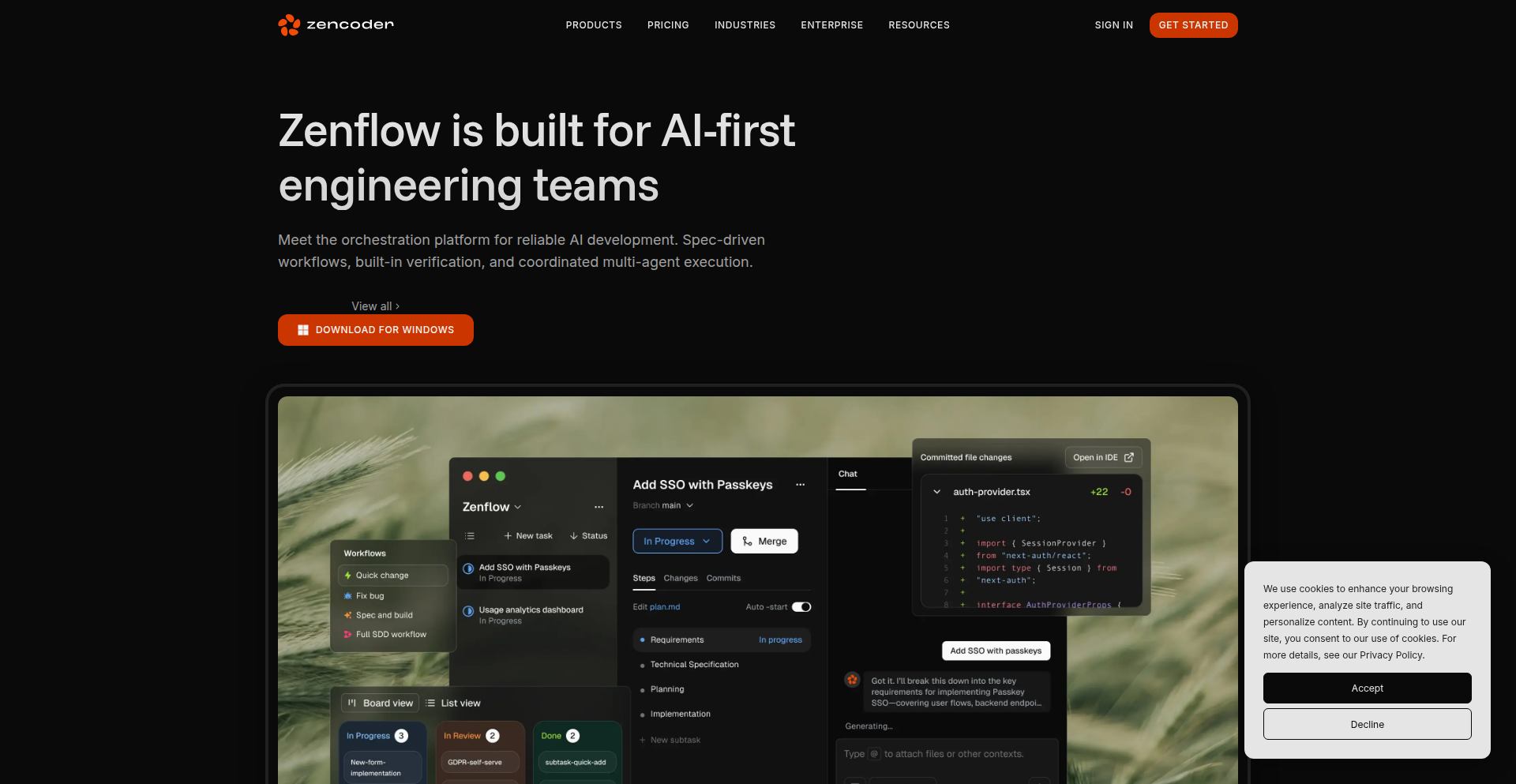
Zenflow is a free desktop tool designed to eliminate common issues when using AI coding agents in large projects, such as agents getting stuck in repetitive loops or wasting time. It allows developers to orchestrate complex AI coding workflows, enabling cross-model verification, parallel execution of different approaches, and dynamic workflow configuration through simple markdown files. This innovation addresses the practical limitations of standard chat interfaces for sophisticated AI-assisted development, making AI coding more efficient and reliable. Its value lies in streamlining AI agent interaction, enhancing productivity, and providing deeper insights into AI model performance.
Popularity
Points 28
Comments 13
What is this product?
Zenflow is a desktop application that acts as a conductor for AI coding agents. Instead of interacting with multiple AI models one by one or getting frustrated by repetitive AI responses, Zenflow lets you set up sophisticated workflows. Imagine telling your AI assistant to try five different solutions to a coding problem simultaneously, or having one AI model check the code generated by another. It uses simple markdown files to define these workflows, allowing the AI agents to dynamically adjust their next steps based on the problem's complexity. This is innovative because it moves beyond simple Q&A with AI to a more intelligent, structured execution of AI-powered coding tasks, tackling the 'you're right' loops and wasted effort common with current AI tools.
How to use it?
Developers can download and install Zenflow on their desktop. The tool integrates with various AI models like Claude Code, Codex, Gemini, and Zencoder. To use it, you create simple .md (markdown) files that define your coding workflow. For example, you could specify that a task should first be handled by Model A, then its output reviewed by Model B, and if certain conditions are met, then proceed to another step. Zenflow then executes this workflow, managing the communication between the AI models and your project. This is useful for complex tasks like refactoring large codebases, generating multiple test cases, or exploring different architectural solutions without manual intervention, saving significant development time.
Product Core Function
· Cross-Model Verification: Allows multiple AI models to review or collaborate on code. This helps catch errors that one model might miss and provides a more robust quality assurance for generated code, useful for critical features where reliability is paramount.
· Parallel Execution: Enables running several AI approaches or tasks concurrently. This dramatically speeds up the exploration of solutions for a given problem, ideal for brainstorming or when you need to quickly assess multiple implementation strategies for a feature.
· Dynamic Workflows: Workflows are configured via simple markdown files and can adapt in real-time. Agents can change the next steps based on outcomes, meaning the AI system is 'learning' and adjusting its process, which is powerful for complex, multi-stage development tasks where the path isn't always clear.
· Project List/Kanban Views: Provides an organized overview of tasks and their progress across all AI-driven workloads. This visual management helps developers keep track of multiple AI-assisted coding efforts simultaneously, improving project management and visibility.
· Agent Loop Prevention: Specifically designed to prevent AI coding agents from getting stuck in repetitive or apologetic loops. This ensures AI assistance remains productive and doesn't waste developer time, leading to a smoother and more efficient coding experience.
Product Usage Case
· Imagine you need to refactor a legacy module. With Zenflow, you could set up a workflow where one AI agent identifies potential issues, another generates refactored code, and a third verifies the correctness of the refactored code against existing tests. This solves the problem of manual code review and testing for large refactors, making the process faster and less error-prone.
· For implementing a new feature, you can use Zenflow to run parallel experiments. One AI might suggest a REST API approach, another a GraphQL approach, and a third a microservices-based solution. Zenflow orchestrates these, allowing you to compare outcomes and choose the best path quickly, addressing the challenge of exploring multiple design options efficiently.
· When debugging a complex issue, Zenflow can be used to automatically generate multiple debugging hypotheses and then run tests for each. This automates the often tedious process of trying different fixes, solving the problem of lengthy debugging cycles and improving developer productivity.
· Zenflow can help in generating comprehensive test suites. You could configure it to generate unit tests, integration tests, and end-to-end tests for a new piece of functionality, ensuring better code coverage and reducing the manual effort in test writing.
5
Drawize Realtime Canvas

Author
lombarovic
Description
Drawize is a web-based real-time multiplayer drawing application that has achieved a remarkable milestone of 100 million drawings. Initially built for a Tizen OS contest, it evolved into a popular open-web project. Its core innovation lies in its efficient real-time synchronization engine, hand-coded frontend for performance, and a robust backend architecture designed for massive scale, handling terabytes of data and tens of thousands of concurrent users. This project showcases the power of web technologies for complex interactive applications and the ability of a solo developer to build and scale a successful platform.
Popularity
Points 28
Comments 8
What is this product?
Drawize is a web application that allows multiple users to draw together on a shared canvas in real-time. Its technical ingenuity lies in its bespoke real-time multiplayer engine, built using .NET and WebSockets. This means that when one person draws, everyone else sees it appear almost instantly, creating a smooth and interactive collaborative experience. The frontend is meticulously crafted with hand-coded HTML and JavaScript, avoiding complex frameworks for speed and efficiency. It also utilizes a dual database approach (PostgreSQL and MongoDB) for data storage and employs content classification models for moderation. The project demonstrates how to achieve high performance and scalability for real-time web applications without relying on typical modern frontend tooling. So, what's the value to you? It shows that you can build highly responsive, interactive applications for the web with core web technologies, even at a massive scale, offering a blueprint for developers looking to create similar real-time experiences.
How to use it?
As a developer, you can use Drawize as a reference for building your own real-time collaborative applications. The project's backend, using .NET and WebSockets, provides a solid foundation for handling concurrent connections and synchronizing actions across multiple users. For front-end developers, the hand-coded HTML/JS approach offers insights into optimizing performance and minimizing dependencies. You could integrate similar real-time drawing capabilities into your own projects, whether it's for educational tools, collaborative design platforms, or even custom gaming experiences. The decision to use both PostgreSQL and MongoDB suggests strategies for managing different types of data efficiently. The moderation techniques, utilizing content classification models, are also valuable for applications dealing with user-generated content. So, how can you use this? Study its architecture to inform your own real-time system designs, and adapt its strategies for efficient data handling and content moderation in your own projects.
Product Core Function
· Real-time Multiplayer Synchronization: The ability for multiple users to draw on the same canvas simultaneously with near-instantaneous updates. This is achieved through highly optimized .NET code and WebSockets, ensuring a fluid and interactive user experience. This is valuable for any application requiring simultaneous collaboration, such as remote team brainstorming or interactive educational tools.
· Hand-coded HTML/JavaScript Frontend: A performant and lightweight frontend implementation that avoids heavy frameworks and bundlers. This approach prioritizes speed and reduces load times, making the application accessible even on less powerful devices or slower network connections. This is valuable for developers seeking to build fast, responsive web interfaces with minimal overhead.
· Scalable Data Management: The use of both PostgreSQL and MongoDB for data storage. PostgreSQL likely handles structured data efficiently, while MongoDB might be used for more flexible or document-based storage, demonstrating a pragmatic approach to scaling data handling. This is valuable for understanding how to leverage different database technologies for optimal performance and flexibility in large-scale applications.
· Content Moderation System: Implementation of content classification models to filter inappropriate content. This is crucial for any platform with user-generated content, ensuring a safe and positive environment for all users. This is valuable for any developer building a community-driven application who needs to implement effective content filtering mechanisms.
· Reconnection Logic and Edge Case Handling: Robust mechanisms for handling disconnections and ensuring smooth reconnection for users in real-time sessions. This is critical for maintaining usability in dynamic network environments. This is valuable for building resilient real-time applications that can gracefully handle network interruptions.
Product Usage Case
· Building a collaborative whiteboard application for remote education where students and teachers can draw and annotate together in real-time. Drawize's real-time engine demonstrates how to achieve this seamless collaboration, ensuring that all participants see the same drawing progress instantly, making virtual classrooms more engaging.
· Developing a co-design tool for graphic designers or architects who need to sketch out ideas together in real-time, even if they are in different locations. The project's focus on efficient rendering and synchronization means that even complex sketches can be shared and modified collaboratively without noticeable lag.
· Creating a multiplayer drawing game where users guess words based on drawings made by others. The underlying architecture of Drawize, with its emphasis on efficient real-time communication and handling many concurrent users, provides a strong foundation for building such interactive gaming experiences.
· Implementing a live annotation feature for online presentations or webinars, allowing presenters to highlight key points on slides or shared documents in real-time for the audience. The ability to add drawings dynamically to a shared canvas makes presentations more interactive and informative.
6
CodeGuardian AI

Author
ThailandJohn
Description
CodeGuardian AI is a sophisticated tool designed to act as a 'flight computer' for AI coding agents. It addresses critical limitations of current AI in understanding code context and knowledge staleness by indexing entire codebases into a local SQLite Graph Database. This allows AI to query and verify dependencies and imports deterministically, preventing hallucinations and ensuring adherence to current best practices. It provides a factual anchor for AI-driven code generation and refactoring, enhancing reliability and security. So, what does this mean for you? It means AI-assisted coding that is more trustworthy and less prone to errors, leading to faster and safer development cycles.
Popularity
Points 26
Comments 7
What is this product?
CodeGuardian AI is a sophisticated AI assistant that acts as a safety net and intelligence layer for AI coding tools. Unlike standard AI models that might 'hallucinate' or use outdated information due to limited context or stale training data, CodeGuardian AI builds a comprehensive, queryable map of your entire codebase using a local SQLite Graph Database. This allows AI agents to precisely understand relationships between different parts of your code, verify dependencies, and ensure they are using the latest syntax and libraries. The 'Triple-Entry Fidelity' system ensures that data integrity is maintained throughout the process, crashing intentionally if any silent data loss occurs. So, what's the core innovation? It transforms AI from a guess-and-check system into a fact-based one, enabling more reliable and secure code generation and refactoring. This means you get AI code that's more likely to be correct, secure, and up-to-date, saving you debugging time and reducing technical debt.
How to use it?
Developers can integrate CodeGuardian AI into their workflow to enhance their AI coding agents. Instead of letting an AI write code directly, developers first use CodeGuardian AI to perform a pre-investigation of the problem statement. The AI agent then leverages CodeGuardian AI to generate a factual audit of the codebase related to the task. Based on this audit, the developer can then plan and execute architectural changes or code generation with higher confidence. This can be done through commands like 'aud explain' for detailed code analysis or 'aud planning' for architectural strategy. So, how does this benefit you? It provides a structured way to use AI for coding tasks, ensuring that the AI's suggestions are grounded in your project's reality, leading to more predictable and higher-quality outcomes.
Product Core Function
· Codebase Indexing and Graph Database: Indexes your entire codebase into a local SQLite Graph Database. This provides AI agents with a precise, queryable map of your project's structure and relationships, allowing for accurate dependency and import verification. This is valuable because it prevents AI from making assumptions or 'hallucinating' about your code, ensuring accuracy.
· Context-Aware AI Interaction: Enables AI agents to query specific information about code dependencies and context without needing to load large numbers of files into their limited context window. This directly addresses the 'context collapse' problem in AI, leading to more relevant and accurate AI outputs.
· Knowledge Staleness Mitigation: Ensures AI agents use current best practices and library versions by providing them with a factual grounding. This prevents AI from introducing outdated patterns or libraries, reducing technical debt and security vulnerabilities.
· Triple-Entry Fidelity System: A robust data integrity system where every step of the processing pipeline has fidelity checks. If any silent data loss occurs, the system intentionally crashes, ensuring that the information provided to the AI is always accurate and reliable. This means you can trust the data the AI uses to make decisions.
· Hybrid Taint Analysis for Microservices: Extends research to track data flow across microservice boundaries, from frontend requests to backend middleware and controllers. This is crucial for understanding security vulnerabilities and data leaks in complex distributed systems.
· Agent Planning and Refactoring Capabilities: Empowers AI agents to not only scan code but also to safely plan and execute architectural changes. This moves beyond simple code suggestions to enabling AI-driven system evolution.
· Multi-language and Framework Support: Supports a growing range of languages including Python, JavaScript, TypeScript, Rust, Go, and infrastructure-as-code tools like AWS CDK and Terraform. This broad applicability makes it a versatile tool for diverse development environments.
Product Usage Case
· Scenario: Refactoring a large, complex legacy codebase with numerous interdependencies. How it solves the problem: CodeGuardian AI indexes the entire codebase into a graph database, allowing an AI agent to precisely understand the impact of a schema change across all affected modules without 'context collapse'. The AI can then confidently suggest and execute the refactor, knowing it has a complete picture. So, this means your large refactors are less risky and can be done more efficiently.
· Scenario: Integrating a new, cutting-edge library into a project that uses older versions of dependencies. How it solves the problem: CodeGuardian AI ensures the AI coding agent is aware of the latest syntax and library versions available, preventing it from defaulting to deprecated patterns. It acts as a guide to ensure modern best practices are followed. So, this helps your project stay current and secure.
· Scenario: Debugging a security vulnerability in a microservice architecture where data flows through multiple layers. How it solves the problem: The Hybrid Taint analysis feature allows CodeGuardian AI to trace data flow across service boundaries, pinpointing exactly where sensitive data might be mishandled. So, this helps you identify and fix security issues faster and more effectively.
· Scenario: An AI agent is tasked with migrating a project from one framework to another. How it solves the problem: By providing a factual understanding of the current codebase and its relationships, CodeGuardian AI guides the AI agent through the migration process, ensuring that all connections and dependencies are accounted for, thus reducing the chances of introducing bugs or breaking existing functionality. So, this makes complex migrations smoother and more predictable.
7
ZigFeedZen

Author
superstarryeyes
Description
ZigFeedZen is an ultra-fast RSS reader built in Zig, designed to fetch content from hundreds of feeds daily in mere seconds. Its core innovation lies in aggressive optimization techniques, including parallelized network requests with curl_multi, efficient XML parsing using libexpat and memory arenas, and smart feed truncation, all contributing to a digital minimalism experience. This means you get your curated news delivered all at once, allowing for focused consumption and a peaceful, distraction-free internet experience.
Popularity
Points 24
Comments 8
What is this product?
ZigFeedZen is a command-line RSS reader engineered for speed and minimal resource usage, inspired by digital minimalism. It addresses the problem of information overload by fetching all your subscribed RSS feeds at once, limiting new content intake to a single daily delivery. Technically, it leverages Zig's robust memory management and concurrency features. It uses curl_multi for highly efficient, multiplexed network requests, enabling HTTP/2 connections to be reused across multiple feeds hosted on the same servers. Conditional GET requests are employed to avoid re-downloading unchanged content. When a feed finishes downloading, its XML is immediately passed to worker threads for parallel parsing using libexpat. This approach avoids loading entire large XML files into memory. For particularly massive feeds, it intelligently truncates the download to a manageable size and parses only the relevant portion, ensuring low memory consumption. The output is then piped to the system's 'less' command, providing familiar Vim-like navigation and search capabilities, with support for clickable hyperlinks.
How to use it?
Developers can integrate ZigFeedZen into their workflows by installing the compiled Zig binary. The primary usage is through the command line, where you can configure your RSS feed URLs (e.g., via an OPML file for import/export). Once configured, you run the application, and it will fetch and display all your feeds in a paginated, searchable interface. For developers interested in extending its capabilities or integrating it into larger systems, the open-source nature and MIT license allow for modification and redistribution. You can use it as a backend for custom dashboards or automate its execution as part of a daily content aggregation script. The goal is to provide a predictable, scheduled content delivery, allowing you to engage with your news in a focused manner.
Product Core Function
· Parallel Feed Fetching: Utilizes curl_multi to download hundreds of RSS feeds simultaneously, significantly reducing the time to get all your content, so you don't have to wait around.
· Efficient XML Parsing: Employs libexpat and memory arenas for fast and memory-conscious XML processing, ensuring even large feeds are handled smoothly without bogging down your system.
· Smart Feed Truncation: Downloads only the necessary parts of very large feeds and parses them, minimizing memory usage and speeding up processing for all feed sizes.
· Digital Minimalism Interface: Delivers all content at once and pipes it to the 'less' command, providing a distraction-free reading experience with familiar navigation and search features, so you can focus on the content.
· Interactive Hyperlinks: Supports OSC 8 hyperlinks, allowing you to click on links directly within the terminal to open them in your browser, making content discovery seamless.
Product Usage Case
· Content Aggregation for Personal Knowledge Management: A developer can use ZigFeedZen to gather articles from dozens of technical blogs and news sites daily, then export or process this content for later review, solving the problem of scattered information and ensuring no important updates are missed.
· Automated News Digest Generation: Integrate ZigFeedZen into a cron job to fetch feeds every morning. The output can then be further processed, for example, to generate a summary email or update a personal dashboard, providing a curated news digest without manual effort.
· Offline Content Curation: Fetch all feeds once a day and then use the 'less' command's navigation to read through articles offline or in a low-bandwidth environment, ideal for commuters or those with unreliable internet connections.
· Building a Custom RSS Reader Backend: Use the core fetching and parsing logic of ZigFeedZen as a foundation for a web-based or desktop RSS reader, leveraging its optimized performance to handle a large number of user subscriptions efficiently.
8
FuzzyCanary: The AI Scraper Deterrent

Author
misterchocolat
Description
This project is a clever, albeit unconventional, solution for self-hosted blog owners battling aggressive AI companies scraping their content. It works by injecting hidden links into your website's HTML, specifically designed to trigger the safeguards of AI scrapers, causing them to avoid your site in the future. To mitigate the negative impact on legitimate search engines like Google and Bing, it intelligently checks user agents and only displays these deceptive links to non-search engine bots. So, how does this help you? It protects your server resources and prevents your valuable content from being endlessly consumed by unauthorized AI training, all while trying to preserve your SEO standing.
Popularity
Points 25
Comments 2
What is this product?
FuzzyCanary is a JavaScript-based tool that aims to deter AI web scrapers from consuming your self-hosted content. The core technical innovation lies in its subtle manipulation of the HTML DOM. It strategically inserts hundreds of invisible links to adult websites. These links are undetectable by human visitors and legitimate search engine bots (thanks to user agent filtering), but they are present in the Document Object Model (DOM). When AI scrapers crawl your site, they encounter these links, which are often configured to trigger their internal 'safety' or 'content policy' filters. This leads the AI to flag your site as undesirable for scraping, effectively adding it to their 'do not crawl' lists. The value here is a defensive measure against unauthorized data harvesting, offering a unique approach to protect your digital assets without relying on external services like Cloudflare.
How to use it?
For developers, FuzzyCanary can be integrated as a simple JavaScript import into your website's frontend. If you're using a framework like React, Vue, or Angular, you would typically include it in your main application file or a component that renders on every page. For static sites, direct inclusion in your HTML template is also an option. The integration aims to be minimal effort, often just a single import or component. This allows you to quickly deploy this defense mechanism and start protecting your blog from aggressive AI scrapers. So, how does this benefit you? It's a quick and easy way to add a layer of protection to your website, freeing up your server resources and potentially saving you from unexpected bandwidth costs.
Product Core Function
· Invisible Link Injection: Dynamically adds hundreds of hidden links to your HTML that are visible to scrapers but not users. This helps to confuse and deter AI bots. So this helps you by making your site look 'unappealing' to unwanted AI crawlers.
· User Agent Filtering: Detects and filters out legitimate search engine bots like Googlebot and Bingbot, ensuring these links are not seen by them. This preserves your Search Engine Optimization (SEO) efforts. So this helps you by protecting your search engine rankings.
· DOM Manipulation: The links are injected directly into the Document Object Model (DOM), making them accessible to crawlers but visually hidden from human visitors. So this helps you by providing a stealthy yet effective way to target AI scrapers.
Product Usage Case
· A blogger running a personal website on a VPS notices a significant spike in server load attributed to AI scraping. They integrate FuzzyCanary into their site's frontend. Within days, the scraper traffic drops dramatically, and their server performance stabilizes. This solves the problem of resource depletion and potential downtime caused by excessive scraping.
· An independent artist hosts their portfolio on a static site generator. Worried about AI companies using their artwork for training data without permission, they implement FuzzyCanary. By ensuring the hidden links are only served dynamically to bots and not baked into the static HTML (a caveat they address by considering server-side rendering or a proxy for their specific setup), they successfully deter AI scrapers while keeping their SEO intact.
· A small news outlet with limited resources wants to protect their articles from being freely ingested by AI content farms. They add FuzzyCanary to their content management system. This allows them to implement a 'digital tripwire' that discourages AI scrapers without requiring expensive WAF solutions. This helps them maintain control over their content's distribution.
9
GPU PCIe Health Checker
Author
gpu_systems
Description
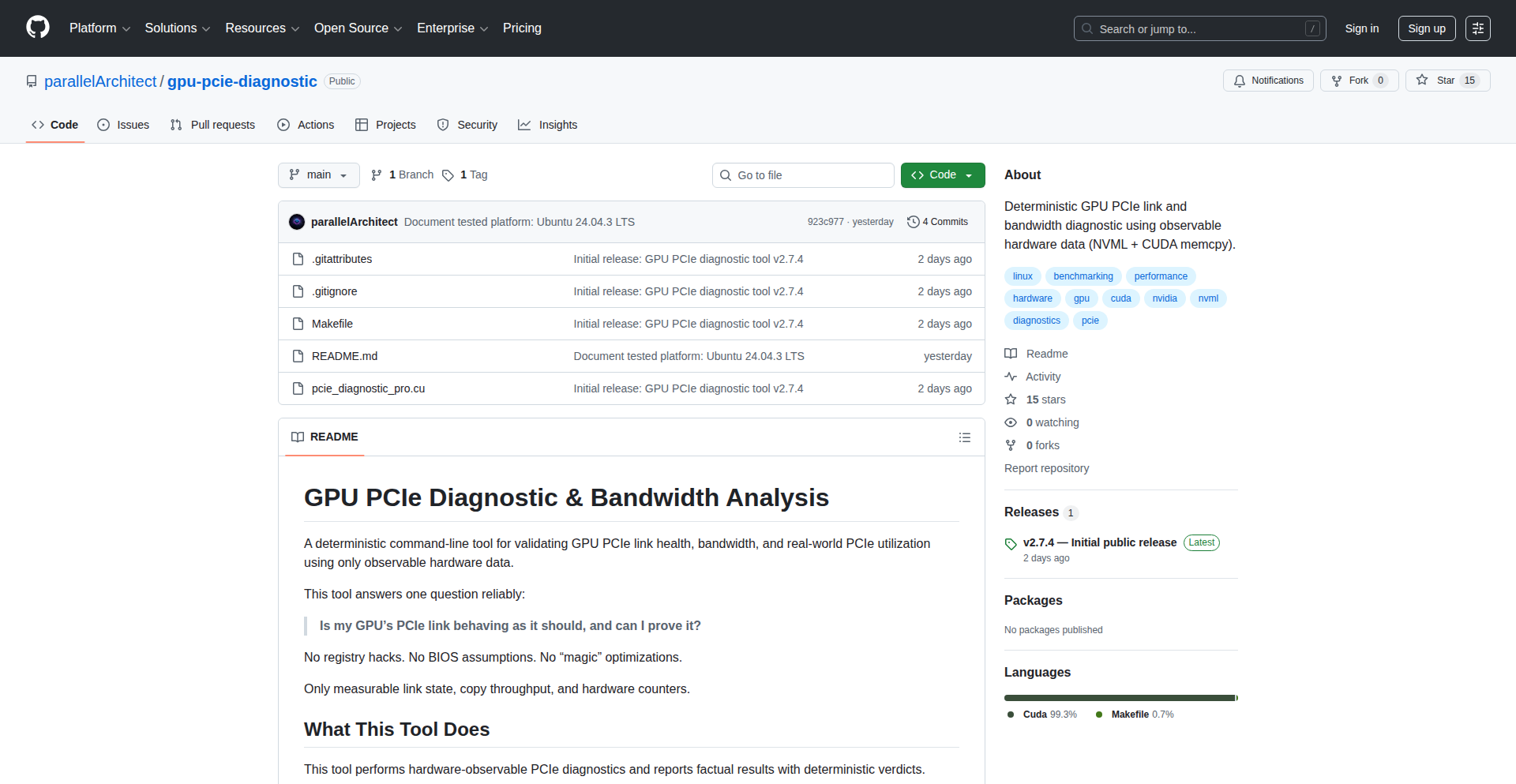
A Linux tool that definitively checks the health and bandwidth of your GPU's PCIe connection. It uncovers hidden issues like slower-than-expected link speeds or reduced lane widths that standard diagnostics miss, offering a clear verdict on your hardware's performance potential. So, this helps you ensure your GPU is communicating with your CPU at its maximum possible speed, preventing bottlenecks you wouldn't otherwise detect.
Popularity
Points 17
Comments 4
What is this product?
This is a command-line utility for Linux that acts like a highly specialized doctor for your GPU's connection to your motherboard (the PCIe link). It doesn't just guess; it uses specific hardware information to tell you exactly what generation and width (how many lanes) your GPU is communicating at. It also measures the fastest possible data transfer speeds (bandwidth) between your GPU and CPU in both directions and monitors how busy that connection is over time using NVIDIA's tools. The innovation lies in its deterministic approach – it relies purely on observable hardware data to give you a clear, rule-based judgment on whether your PCIe link is performing as it should. This is crucial because problems here, like a faulty riser cable or a misconfigured motherboard setting, can slow down your GPU without any obvious error messages at the software level. So, this helps you identify and fix fundamental hardware communication issues that are often invisible to other tools, directly impacting your system's overall performance, especially for graphics-intensive tasks.
How to use it?
Developers can run this tool from the Linux terminal. After installing it, they simply execute the command, and it will output a detailed report on the GPU's PCIe status. This report can be integrated into system monitoring scripts or used as a diagnostic step when troubleshooting performance issues in applications that heavily rely on GPU communication, such as machine learning training, high-end gaming, or video rendering. For example, if you're experiencing unexplained frame drops or slow training times in a deep learning model, running this tool can quickly tell you if the PCIe connection itself is the bottleneck. So, this provides developers with a precise tool to quickly diagnose and confirm hardware-level communication performance, saving valuable debugging time.
Product Core Function
· Report Negotiated PCIe Generation and Width: This function deterministically identifies the communication standard (e.g., PCIe 4.0) and the number of data lanes (e.g., x16) the GPU is using. The value is in ensuring your GPU is operating at its intended, fastest possible link speed, which is critical for bandwidth-intensive applications. This directly impacts how quickly data can be sent to and from your GPU, and thus, overall performance.
· Measure Peak Host-to-Device and Device-to-Host memcpy Bandwidth: This function benchmarks the maximum theoretical data transfer rate between the CPU (host) and the GPU (device) in both directions using memory copy operations. The value here is in understanding the actual data throughput limitations of your PCIe connection, allowing you to pinpoint if the link is a bottleneck for moving large datasets.
· Monitor Sustained PCIe TX/RX Utilization via NVML: This function tracks the actual usage of the PCIe transmit (TX) and receive (RX) lanes over time, leveraging NVIDIA Management Library (NVML). The value is in seeing if your PCIe connection is consistently being utilized at its peak capacity or if there are periods of underutilization, indicating potential software or driver inefficiencies, or simply confirming it's not being saturated.
· Rule-Based Verdict from Observable Hardware Data: This function analyzes the collected hardware data to provide a clear, actionable conclusion about the health and performance of the PCIe link. The value is in simplifying complex diagnostic information into an easy-to-understand verdict, helping users quickly identify if there's a problem that needs addressing, without needing to be a PCIe expert.
Product Usage Case
· Scenario: A machine learning engineer is training a large neural network and notices that the training speed is significantly slower than expected, even with a powerful GPU. The engineer runs the GPU PCIe Health Checker and discovers that the PCIe link has unexpectedly downgraded to a lower generation (e.g., from PCIe 4.0 to PCIe 3.0) and is using fewer lanes (e.g., x8 instead of x16). Problem Solved: The tool directly identified a hardware communication bottleneck, allowing the engineer to investigate physical connections, motherboard settings, or compatibility issues, rather than wasting time optimizing code.
· Scenario: A gamer is experiencing intermittent stuttering and frame drops in demanding games, despite having a high-end GPU and CPU. Standard driver updates and game settings adjustments haven't helped. Running the GPU PCIe Health Checker reveals that the peak PCIe bandwidth measurements are significantly lower than expected for the GPU's reported link speed. Problem Solved: This points to a potential issue with the PCIe slot, riser cable, or motherboard bifurcation, allowing the gamer to focus their troubleshooting on these hardware components to ensure optimal gaming performance.
· Scenario: A system administrator is setting up a cluster of servers for scientific simulations and wants to ensure all GPUs are communicating optimally. Before deploying workloads, they run the GPU PCIe Health Checker on each server. The tool confirms that all GPUs are operating at their full PCIe generation and width, and bandwidth tests are within expected ranges. Problem Solved: This proactive diagnostic ensures that the entire cluster's hardware is in optimal condition for high-performance computing, preventing potential failures or performance degradation due to undetected PCIe issues.
· Scenario: A developer is building a high-throughput data processing pipeline that involves rapidly transferring large datasets between the CPU and GPU. They use the GPU PCIe Health Checker to establish a baseline for peak PCIe bandwidth. If subsequent performance tests show a drop in pipeline efficiency, they can re-run the checker to see if the PCIe link has degraded or if other bottlenecks have emerged. Problem Solved: The tool provides a consistent and reliable method for verifying the fundamental data transfer capabilities of the system, crucial for optimizing I/O-bound applications.
10
CloudCarbon Insights
Author
hkh
Description
This project extends Infracost's capability to not only predict cloud infrastructure costs but also to visualize and understand the carbon footprint associated with those infrastructure changes. It integrates with cloud provider pricing data and newly acquired carbon emission data to provide developers with a holistic view of their impact, enabling more sustainable and cost-effective cloud architecture decisions.
Popularity
Points 11
Comments 3
What is this product?
CloudCarbon Insights is a tool that analyzes your cloud infrastructure code (like Terraform) and predicts both the financial cost and the environmental carbon emissions it will generate *before* you deploy it. The innovation lies in its ability to map complex cloud resource configurations to real-world pricing and, now, to verified carbon emission data from sources like Greenpixie. This provides a 'checkout screen' for your cloud resources, showing you the cost and carbon impact side-by-side. So, it helps you understand how your code translates into both dollars spent and CO2 emitted.
How to use it?
Developers can integrate CloudCarbon Insights into their workflow by connecting it to their version control system (like GitHub or GitLab) via provided apps. When a developer submits a pull request with changes to their infrastructure code, the tool automatically analyzes these changes. It then comments directly on the pull request, displaying the projected cost and carbon footprint of the proposed changes. This allows developers to easily review the impact and make adjustments to optimize for both cost and environmental sustainability. You can use it by setting up the GitHub or GitLab app and submitting a pull request with your Terraform changes.
Product Core Function
· Predicts cloud infrastructure cost: Analyzes infrastructure code to estimate the monthly cost of deployed resources, helping developers avoid budget overruns and optimize spending. This is valuable for anyone managing cloud resources who wants to control their expenses.
· Calculates carbon footprint: Maps cloud resource usage to estimated carbon emissions, providing a tangible measure of environmental impact. This is useful for engineers and organizations aiming to reduce their carbon footprint and contribute to sustainability goals.
· Provides pre-deployment impact analysis: Shows the cost and carbon impact of infrastructure changes directly in the code review process (e.g., GitHub pull requests), enabling early detection and mitigation of potential issues. This means you can see the consequences of your code before it affects the real world.
· Offers optimization recommendations: Identifies opportunities to reduce both cost and carbon emissions by suggesting alternative resource configurations or sizing. This helps developers make smarter choices that benefit both the business and the planet.
· Integrates with CI/CD pipelines: Can be incorporated into automated workflows to ensure that cost and carbon considerations are part of every deployment. This automates the process of checking your impact, ensuring consistency and compliance.
Product Usage Case
· Scenario: A development team is deploying a new microservice using Terraform on AWS. They are concerned about both operational costs and their company's sustainability targets. How to use: They integrate CloudCarbon Insights with their GitHub repository. When they submit a pull request for the new service's infrastructure, the tool comments with an estimated monthly cost of $500 and a carbon emission projection of 2 tons of CO2 per month. The team then uses the tool's recommendations to resize certain instances, reducing the cost to $400 and emissions to 1.5 tons, without sacrificing performance. This helps them meet their budget and environmental goals.
· Scenario: An engineer is refactoring an existing Kubernetes cluster setup in Azure. They want to ensure the changes are not only efficient but also environmentally responsible. How to use: After committing their Terraform changes, CloudCarbon Insights automatically analyzes the diff. It highlights that a particular service's increased traffic will lead to a 15% cost increase and a significant rise in carbon emissions. The tool suggests using a more energy-efficient instance type for that specific workload, which brings the cost and carbon impact back within acceptable limits. This prevents unexpected cost spikes and reduces the environmental burden.
· Scenario: A startup is building a data processing pipeline and needs to choose between different cloud storage options, considering both cost-effectiveness and carbon impact. How to use: The engineers use CloudCarbon Insights to compare the projected cost and carbon emissions of using AWS S3 versus Azure Blob Storage for their data. The tool reveals that while S3 might be slightly cheaper, the Azure option has a demonstrably lower carbon footprint for their specific usage pattern. This data-driven insight allows them to make a choice that aligns with their budget and their commitment to sustainability.
11
Xsql Schema Weaver

Author
dawitworku
Description
Xsql is an open-source Rust-based command-line interface (CLI) and terminal user interface (TUI) tool designed to intelligently convert SQL schema Data Definition Language (DDL) between different database dialects like MySQL, PostgreSQL, and SQLite. Instead of simple text replacements, it parses SQL 'CREATE TABLE' statements into a structured intermediate representation (IR), then generates equivalent SQL for the target database. This approach ensures safer, more reliable, and easily extendable schema migrations. It handles single files and entire directories, offers an interactive TUI without requiring manual typing, and features an experimental IR v2 with constraint support and JSON output for CI/CD pipelines and other developer tools. The core innovation lies in its abstract representation of SQL schemas, making conversions robust and predictable, which is invaluable for developers managing multi-database environments or migrating between systems. So, this is useful for you because it automates a complex and error-prone task, saving you significant time and reducing the risk of data or schema corruption during database migrations.
Popularity
Points 11
Comments 1
What is this product?
Xsql is a developer tool written in Rust that acts as a bridge between different SQL database systems. Imagine you have a database schema designed for PostgreSQL, but you need to use it with MySQL or SQLite. Traditionally, you'd have to manually rewrite the 'CREATE TABLE' statements, which can be tedious and error-prone due to differences in syntax and supported features. Xsql solves this by first understanding the structure of your SQL schema (like table names, column types, and relationships) by parsing it into a simplified, abstract form. Then, it uses this abstract understanding to generate the correct 'CREATE TABLE' statements for your target database. This intermediate representation (IR) is the key innovation, making the conversion process much more robust and less likely to introduce errors compared to simple text manipulation. It's like having a universal translator for your database blueprints. So, this is useful for you because it automates the complex and error-prone process of migrating database schemas between different types of databases, ensuring accuracy and saving you a lot of manual effort.
How to use it?
Developers can use Xsql in two primary ways: via the command-line interface (CLI) for automated scripting and CI/CD pipelines, or through an interactive terminal user interface (TUI) for more hands-on, visual schema management. For CLI usage, you would typically point Xsql to your source SQL schema file (or a directory containing multiple schema files) and specify the target database dialect. For example, to convert a PostgreSQL schema to MySQL, you might run a command like `xsql convert --from postgres --to mysql --input schema.sql --output schema_mysql.sql`. The TUI offers a more interactive experience where you can navigate through schema elements and perform conversions without typing extensive commands, making it ideal for rapid testing and exploration. The experimental JSON output is particularly useful for integrating Xsql into automated workflows. So, this is useful for you because it provides flexible ways to integrate database schema conversion into your development workflow, whether through automated scripts for deployments or interactive tools for quick adjustments.
Product Core Function
· SQL Schema Parsing to Intermediate Representation: Xsql parses SQL 'CREATE TABLE' statements into a standardized, abstract format. This is valuable because it breaks down the complexity of different SQL dialects into a common language, making subsequent conversions more reliable and less susceptible to syntax errors.
· Cross-Database Dialect Conversion: It generates equivalent SQL DDL for target databases (e.g., MySQL, PostgreSQL, SQLite) from the parsed IR. This is valuable because it allows developers to easily migrate or develop schemas for different database systems without manual rewriting, saving significant time and reducing errors.
· Recursive Folder Conversion: Xsql can process entire directories of SQL schema files, not just single files. This is valuable for managing large or complex database projects where schemas might be spread across multiple files, streamlining the conversion of an entire project.
· Interactive Terminal User Interface (TUI): Provides a typing-free, visual way to interact with and convert schemas directly in the terminal. This is valuable for developers who prefer a more intuitive, less command-line intensive experience for schema manipulation and testing.
· Experimental IR v2 with Constraint Support: The latest version of the intermediate representation includes support for database constraints (like primary keys, foreign keys, unique constraints). This is valuable because it allows for more comprehensive and accurate schema conversions, preserving important data integrity rules across different database systems.
· JSON Output for CI/CD and Tooling: Generates schema information in JSON format, which can be easily consumed by automated build systems, testing frameworks, and other developer tools. This is valuable for integrating schema validation and conversion into continuous integration and continuous delivery pipelines, ensuring consistency and reliability in automated deployments.
Product Usage Case
· Migrating a web application from PostgreSQL to MySQL: A developer can use Xsql to convert their existing PostgreSQL schema files into MySQL-compatible DDL, greatly simplifying the migration process and reducing the risk of errors during the transition. This addresses the problem of needing to support different database backends without extensive manual re-engineering.
· Setting up a development environment with different database instances: A developer working on a project that requires testing against both MySQL and SQLite can use Xsql to generate the necessary schema files for each database from a single source of truth, ensuring consistency across environments. This solves the challenge of maintaining multiple, potentially divergent, schema definitions.
· Automating schema updates in a CI/CD pipeline: By using Xsql's JSON output feature, a developer can automatically validate or convert schema changes as part of their build process. If a schema change is incompatible with the target database, the pipeline can fail early, preventing deployment issues. This addresses the need for robust and automated schema management in modern software development.
· Sharing database schema designs across teams using different database systems: A team can maintain a single, canonical schema definition and use Xsql to generate the appropriate versions for each team member's preferred database, fostering collaboration and reducing misunderstandings. This solves the problem of disparate development environments leading to incompatible schema implementations.
12
A24z: AI-Powered Engineering Operations Orchestrator
Author
brandonin
Description
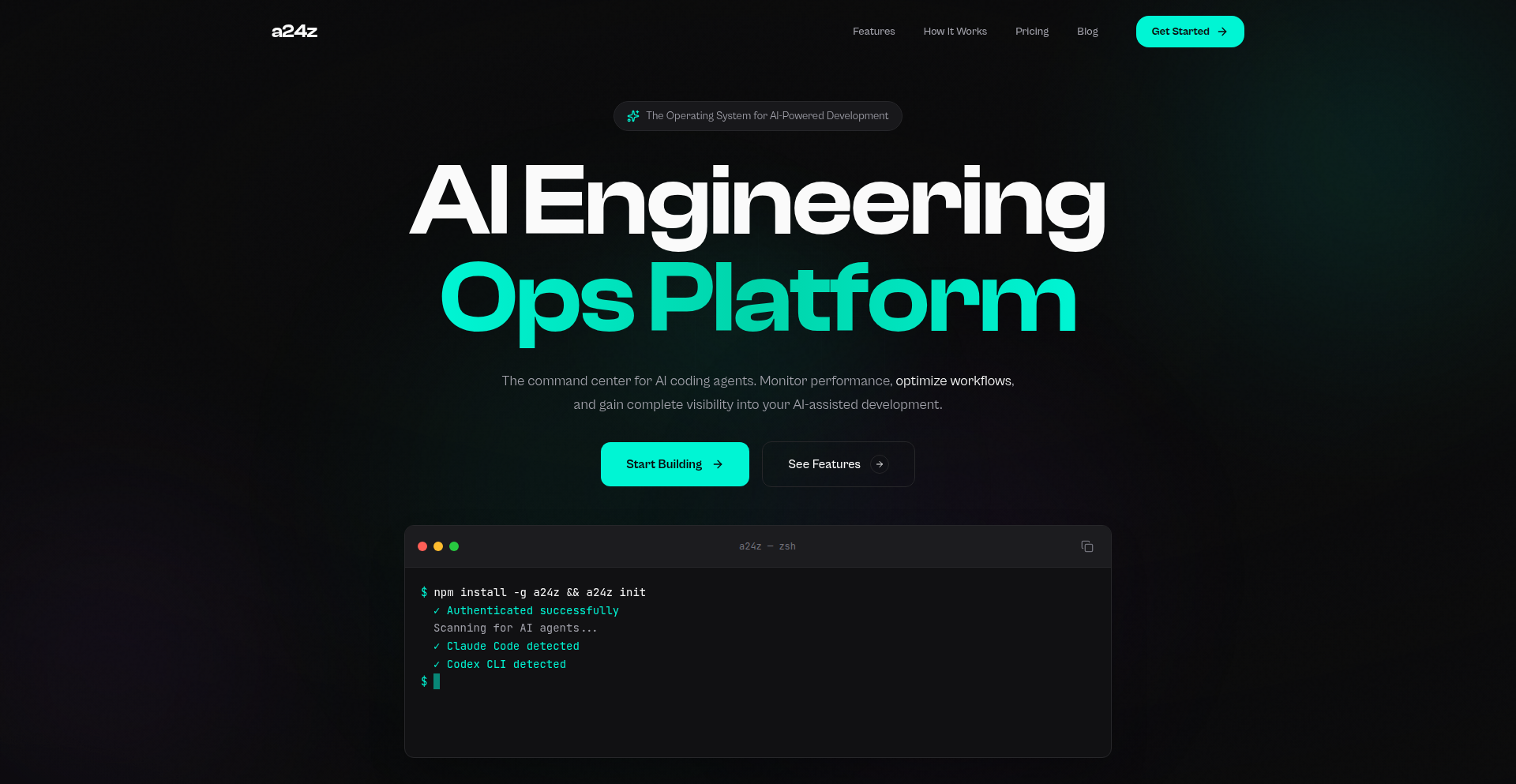
A24z is an AI Engineering Ops platform designed to act as an in-house platform engineer. It addresses the evolving challenges of managing engineering organizations, especially with the increasing adoption of AI coding tools. Its core innovation lies in providing visibility into adoption and ROI for engineering initiatives, and more recently, incorporating features for security scanning and autonomously upgrading AI coding assistants with skills, plugins, and guardrails to optimize team performance. So, this helps engineering leaders understand the impact of their tools and processes, and proactively improve their teams' efficiency and security.
Popularity
Points 8
Comments 4
What is this product?
A24z is an AI Engineering Operations platform that essentially serves as a virtual platform engineer for your team. It leverages AI to provide deep insights into how your engineering organization is adopting new tools, measuring the return on investment (ROI) of your engineering efforts, and proactively enhancing your AI coding assistants. The innovation here is using AI not just for writing code, but for managing and optimizing the engineering process itself. This means you get a more efficient, secure, and informed engineering team without needing to hire a dedicated platform engineer. So, this is valuable because it automates complex operational tasks and provides actionable intelligence to improve your engineering workflows.
How to use it?
Developers and engineering leaders can integrate A24z into their existing development workflows. It can be used to monitor the adoption of AI coding tools within the team, track key performance indicators (KPIs) related to engineering productivity, and identify areas for improvement. For security, it can automatically scan code for vulnerabilities. Furthermore, it can intelligently upgrade your AI coding assistants (like Claude) by autonomously adding new skills, plugins, and guardrails to enhance their capabilities and ensure safer, more optimized code generation. So, you can plug it into your existing setup to gain immediate visibility and automate complex operational tasks, making your development process smoother and more secure.
Product Core Function
· Engineering Adoption and ROI Tracking: Provides dashboards and analytics to visualize how teams are adopting new tools and the business value they are generating, helping leaders justify investments and identify successful strategies. So, this tells you if your expensive new tools are actually being used and if they are worth the money.
· AI Coding Assistant Enhancement: Autonomously upgrades AI coding tools with new skills, plugins, and guardrails to improve their performance, security, and adherence to best practices. So, your AI coding partners become smarter and safer over time without manual intervention.
· Security Scanning: Automatically scans code for potential security vulnerabilities and compliance issues, helping to prevent breaches and maintain a secure development pipeline. So, this acts as an automated security guard for your code.
· Autonomous Operations: Acts as a virtual platform engineer, automating routine operational tasks and proactive system maintenance. So, it handles the background work of keeping your engineering infrastructure running smoothly, freeing up your team for core development.
· Performance Optimization: Analyzes engineering workflows to identify bottlenecks and suggests or implements optimizations for increased efficiency and productivity. So, it finds ways to make your team work faster and smarter.
Product Usage Case
· A startup struggling to measure the impact of their new AI pair-programming tool can use A24z to track developer engagement and the resulting code quality improvements, demonstrating ROI to stakeholders. So, they can prove their investment in AI is paying off.
· A large enterprise with a distributed development team can leverage A24z for continuous security scanning, ensuring all code commits adhere to stringent security policies before deployment. So, they can reduce the risk of security breaches across their entire organization.
· A small engineering team looking to enhance their AI coding assistant's capabilities can use A24z to automatically integrate new plugins and custom skills, allowing the AI to handle more complex tasks without manual configuration. So, their AI coding buddy gets better at helping them without them having to do any extra work.
· An engineering manager wanting to understand why a particular project is falling behind schedule can use A24z to analyze adoption rates of new libraries and identify potential skill gaps or tool inefficiencies. So, they can pinpoint the exact reasons for delays and address them effectively.
13
Symbolica LLM Function Executor
Author
charlielidbury
Description
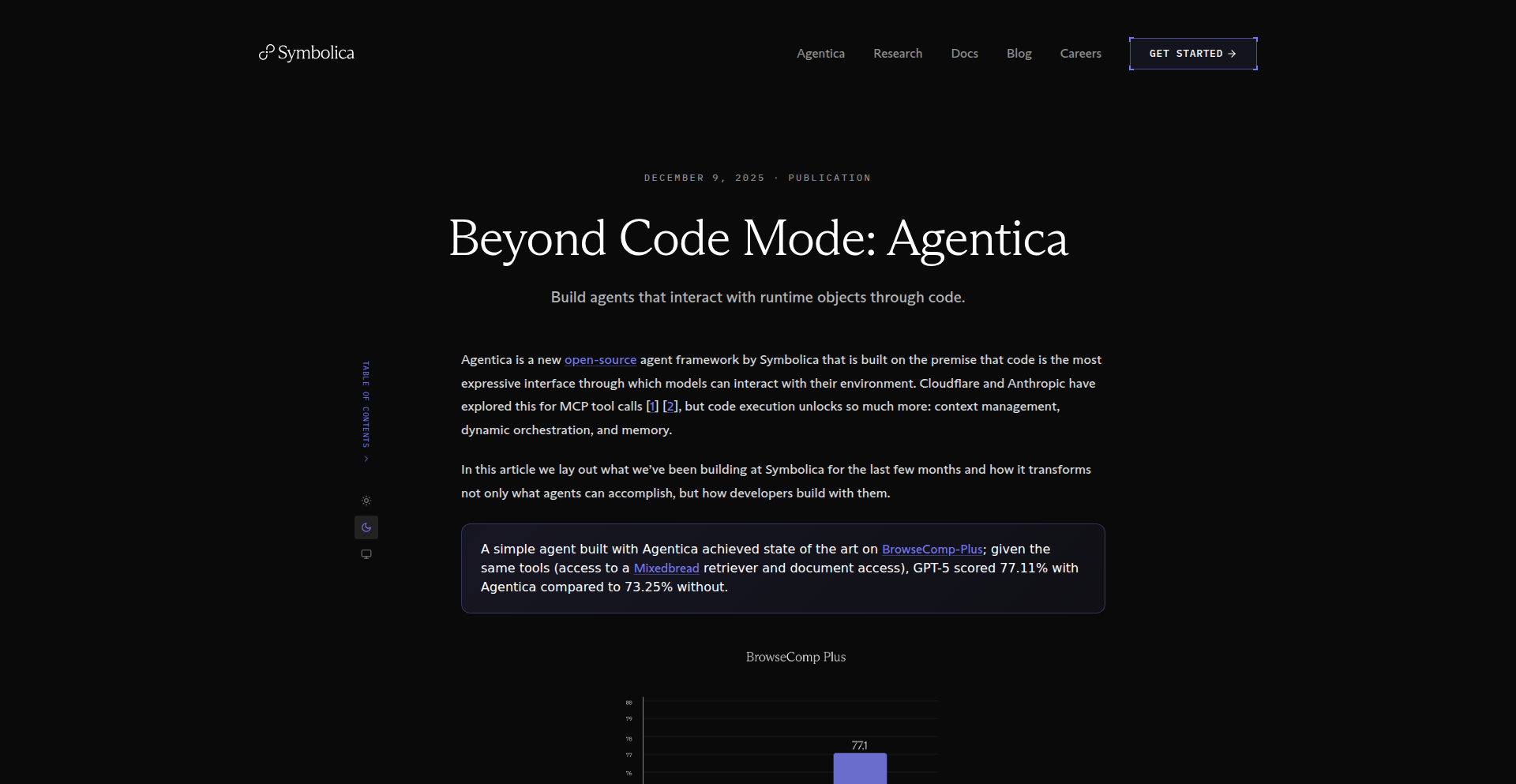
This project explores how exposing AI agent's tools as Python functions or objects, rather than using JSON schemas, significantly enhances their performance. It demonstrates a measurable improvement in complex task completion, like browsing the web and extracting information, by leveraging direct Python integration.
Popularity
Points 10
Comments 0
What is this product?
This project is a proof-of-concept demonstrating that Large Language Models (LLMs) perform better when their available tools are presented as actual Python functions or objects within a Python REPL (Read-Eval-Print Loop). Instead of describing tools using static JSON structures, the LLM can directly call and interact with live Python code. This allows for more dynamic, flexible, and context-aware tool usage, leading to a higher success rate in executing complex tasks.
How to use it?
Developers can integrate this approach by defining their agent's capabilities as Python functions. When the LLM needs to perform an action, it can then directly invoke these Python functions. This is particularly useful for tasks requiring real-time data retrieval, complex calculations, or interaction with other Python libraries. The provided documentation guides on how to structure these callable tools for optimal LLM interaction and offers examples for common use cases like web browsing and data manipulation.
Product Core Function
· Direct Python function invocation for LLM tools: This allows the LLM to dynamically call and execute Python code, enabling more sophisticated and responsive tool usage. This is valuable for building agents that can perform complex actions based on real-time information.
· Improved LLM performance on complex tasks: By using Python functions, the LLM can better understand and utilize its tools, leading to a higher success rate in tasks like web browsing, data analysis, and decision-making. This means more reliable and accurate results from your AI agents.
· Flexible tool definition and management: Presenting tools as Python objects or functions offers greater flexibility in how capabilities are defined and updated compared to rigid JSON schemas. This makes it easier to evolve and adapt your AI agent's functionality over time.
· Enhanced agent reasoning and execution: The direct interaction with Python code allows LLMs to reason more effectively about how to apply their tools, leading to more efficient and accurate execution of multi-step processes. This translates to smarter and more capable AI assistants.
Product Usage Case
· Building an AI agent that can browse the internet, gather specific information, and then process that information using Python libraries like Pandas. The direct function calls enable the LLM to seamlessly transition between web scraping and data analysis.
· Developing a chatbot that can interact with a company's internal APIs by exposing these APIs as Python functions. The LLM can then call these functions to retrieve or update data, providing real-time support to users.
· Creating an AI-powered research assistant that can execute complex queries on scientific databases by leveraging Python libraries for database interaction and data retrieval. The LLM can orchestrate these calls to efficiently gather relevant research papers.
· Designing an automated testing framework where an LLM can control and interact with a web application by calling Python functions that simulate user actions and verify outcomes. This leads to more intelligent and adaptable testing scenarios.
14
Ducktape: HTTP/2 Powered DuckDB Streamer

Author
williamhaw
Description
Ducktape is a minimalist microservice that bridges the gap between your Go applications and DuckDB. It wraps DuckDB's powerful Appender API behind HTTP/2 streams, allowing you to stream data in NDJSON format directly into DuckDB without the complexities of CGO. This solves the problem of CGO dependencies hindering cross-compilation and static binary generation in pure Go projects, while maintaining near-native performance.
Popularity
Points 10
Comments 0
What is this product?
Ducktape is a small, standalone service designed to let your Go applications easily send data into DuckDB. Normally, interacting with DuckDB from Go requires a CGO dependency, which can make building your Go programs for different operating systems and architectures very difficult, and bloats your Docker images. Ducktape sidesteps this by acting as a small intermediary. Your Go program sends data as plain text (NDJSON) over a modern network protocol called HTTP/2 to Ducktape. Ducktape then takes this data and efficiently inserts it into DuckDB on its behalf. The innovation lies in using HTTP/2 streams to send data efficiently and isolating the CGO dependency to this single, small service, keeping your main application clean and easy to build anywhere. So, what does this mean for you? It means you can leverage the power of DuckDB within your Go applications without getting bogged down by build system headaches, allowing for smoother development and deployment.
How to use it?
Developers can integrate Ducktape by running it as a separate microservice. Your main Go application will then make HTTP/2 requests to this Ducktape service. You'll stream your data, formatted as NDJSON (Newline Delimited JSON, a simple way to send multiple JSON objects one after another), to a specific endpoint on Ducktape. Ducktape will receive this stream and use its internal DuckDB connection to append the data. This is particularly useful in data replication pipelines or when you need to feed streaming data into DuckDB for analysis. The integration involves setting up the Ducktape service and then modifying your Go application to send data to its HTTP/2 endpoint, rather than directly calling DuckDB's CGO-dependent functions. This allows your core Go service to remain a pure Go project, easy to cross-compile and deploy as a single static binary or a lean Docker image. So, how does this help you? It means you can easily add DuckDB as a data destination for your Go services, simplifying your build process and deployment.
Product Core Function
· HTTP/2 Streaming Data Ingestion: Allows for efficient, real-time data transfer from client applications to DuckDB, avoiding the need for clients to handle DuckDB specifics. This means you can send data quickly without large file transfers.
· CGO Dependency Isolation: Encapsulates the CGO requirement within the Ducktape microservice, ensuring your primary Go application remains free of CGO, enabling straightforward cross-compilation and static binary creation. This makes building your Go apps for different platforms (like Windows, macOS, Linux, or even ARM devices) much simpler.
· NDJSON Data Format Support: Utilizes NDJSON for data streaming, a simple and widely understood text-based format for sending multiple structured data records sequentially. This means your data can be sent in a human-readable and easily parsable format.
· DuckDB Appender API Integration: Directly leverages DuckDB's efficient Appender API for fast data insertion into DuckDB tables. This ensures data is added to DuckDB as quickly as possible, maximizing performance.
· Standalone Microservice Architecture: Provides a lightweight, independent service that can be deployed separately from your main application, allowing for flexible scaling and management. This means you can scale the data ingestion part independently if needed.
Product Usage Case
· Real-time Data Replication: A Go-based data replication service can stream changes directly into DuckDB using Ducktape, allowing for quick setup of analytical replicas without complex build configurations for the replication service. This helps set up analytics dashboards faster.
· IoT Data Ingestion: An IoT platform written in Go can send sensor data streams to Ducktape, which then efficiently appends this data into DuckDB for historical analysis and anomaly detection. This allows you to analyze sensor data in near real-time.
· Batch Data Processing: If your Go application processes large datasets and needs to insert them into DuckDB for further analysis, Ducktape provides a streamlined way to do this without CGO complexities, especially in CI/CD pipelines. This simplifies getting large datasets into DuckDB for analysis.
· Microservice Data Archiving: A microservice that generates operational logs or events can stream this data to Ducktape, which archives it into DuckDB, enabling later querying for debugging or auditing purposes. This helps in debugging and auditing by storing data efficiently.
15
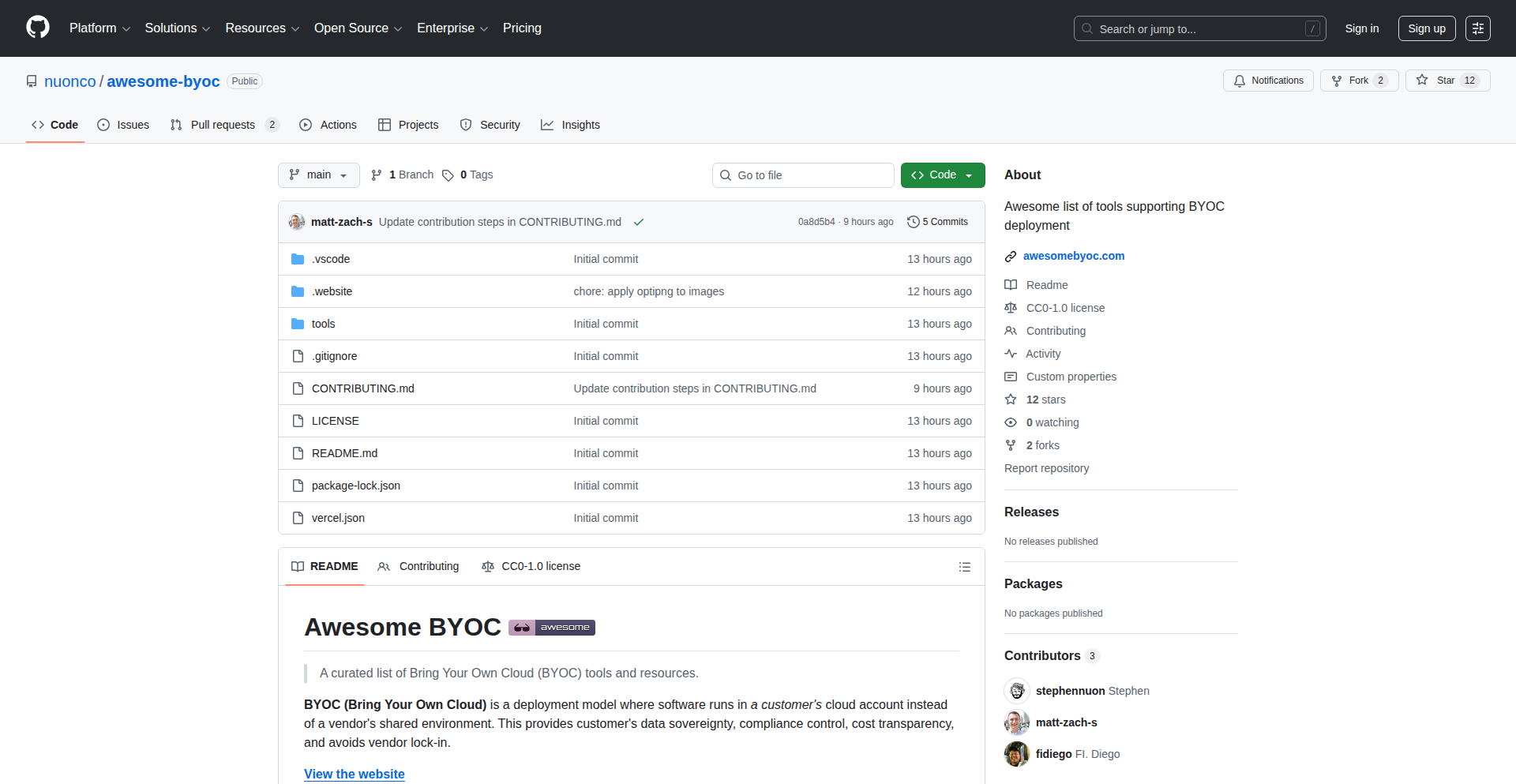
BYOC Vendor Nexus
Author
realsharkymark
Description
This project is a community-curated platform, akin to 'awesome-selfhosted.net', but specifically for 'Bring Your Own Cloud' (BYOC) software vendors. It centralizes information about software that runs within a customer's own virtual private cloud (VPC), making it easier for businesses to discover and adopt solutions that maintain data privacy and control. The innovation lies in creating a single, trusted source for a rapidly growing segment of cloud deployment.
Popularity
Points 9
Comments 0
What is this product?
BYOC Vendor Nexus is a web-based directory that lists software solutions designed to run within a customer's own cloud infrastructure (their 'Bring Your Own Cloud' environment). Unlike traditional SaaS where software runs on the vendor's servers, BYOC software is installed and managed by the user within their secure network. This provides enhanced data security, compliance, and customization. The platform's technical ingenuity is in its community-driven curation model, allowing software vendors to submit their offerings, ensuring a dynamic and up-to-date resource for businesses seeking to maintain full control over their data and applications.
How to use it?
Developers and IT decision-makers can use this project as a central discovery tool. When a business needs a specific type of software (e.g., a CRM, a database, a security tool) and prioritizes running it within their own secure cloud environment for compliance or control reasons, they can consult the BYOC Vendor Nexus. They can search for vendors and software that explicitly support BYOC deployments. This helps them identify suitable solutions, understand their integration requirements, and find vendors that align with their data governance strategies. Vendors can contribute by submitting their BYOC offerings via pull requests, enriching the community resource.
Product Core Function
· Community-driven vendor listing: Enables software vendors to easily submit their BYOC products, fostering a comprehensive and diverse catalog of solutions. This addresses the challenge of fragmented information by creating a single point of truth for BYOC adopters.
· Centralized BYOC software discovery: Provides a searchable and organized platform for users to find software solutions that can be deployed within their own cloud infrastructure. This saves significant time and effort compared to manually researching individual vendors.
· Vendor contribution mechanism (Pull Requests): Leverages a transparent and collaborative approach, allowing the community to vet and add new vendors, ensuring the accuracy and relevance of the listings. This embodies the hacker culture of collective problem-solving and open contribution.
· Focus on customer-controlled environments: Specifically curates software that runs in the customer's VPC, directly addressing the growing need for data privacy, security, and regulatory compliance in cloud deployments. This provides peace of mind and greater control over sensitive data.
Product Usage Case
· A FinTech company needing a secure customer data platform for strict regulatory compliance can use BYOC Vendor Nexus to find vendors offering BYOC databases or CRM solutions that fit their security requirements, thereby avoiding data breaches and meeting compliance standards.
· A healthcare organization that must keep patient data entirely within its own network can leverage the platform to discover BYOC Electronic Health Record (EHR) systems. This ensures they meet HIPAA regulations by maintaining full control over their sensitive medical information.
· A growing startup wanting to avoid vendor lock-in and maintain flexibility can search for BYOC development tools or backend services. This allows them to build their applications on their own terms, with the freedom to scale and customize without being tied to a specific cloud provider's proprietary offerings.
· A software vendor specializing in enterprise-grade security solutions can use the platform to showcase their BYOC offerings to a targeted audience of businesses concerned with data security, thereby expanding their reach and connecting with potential clients who specifically seek self-hosted or VPC-based deployments.
16
CalmTech Insights Engine

Author
RaulOnRails
Description
Calm Companies is a project that curates and analyzes businesses that embody a 'less is more' philosophy, focusing on sustainable growth and mindful operations. It provides data-driven insights into companies that prioritize quality over quantity and deliberate action over constant expansion, offering a counter-narrative to hyper-growth tech culture.
Popularity
Points 8
Comments 1
What is this product?
Calm Companies is an analytical tool that identifies and categorizes businesses demonstrating a 'calm' operational approach. It goes beyond traditional metrics to explore factors like sustainable business models, deliberate scaling, employee well-being, and a focus on long-term value creation over short-term gains. The innovation lies in its methodology for identifying these qualities, likely involving a combination of data scraping, sentiment analysis, and a carefully defined rubric of 'calm' business characteristics. This engine helps understand what makes these businesses successful without resorting to aggressive, often unsustainable, growth tactics. So, what's the use? It offers a blueprint for building more resilient and human-centric businesses in a world often fixated on relentless expansion.
How to use it?
Developers can utilize this project as a research tool or inspiration for building more mindful applications and services. It can be integrated into market analysis platforms to identify emerging trends in sustainable business. For individuals seeking to join or invest in companies with a positive ethos, it provides a data-backed way to discover them. The insights could also inform the design of features that promote mindful user engagement rather than addictive loops. So, how to use it? Imagine using its findings to shape your next product's feature set to encourage focused use, or to identify potential investment opportunities in companies that prioritize a healthy work-life balance and sustainable impact. This project can help you build or align with businesses that are intentionally designed for longevity and positive societal contribution.
Product Core Function
· Company Identification: Leverages data analysis to pinpoint businesses exhibiting 'calm' operational characteristics, providing a unique dataset for research and comparison. This helps uncover companies that might be overlooked by traditional growth-focused analyses.
· Qualitative Metric Analysis: Develops and applies metrics to assess factors like employee satisfaction, environmental impact, and sustainable growth trajectories, offering a deeper understanding of business health beyond financial numbers. This allows for a more holistic view of a company's success and its contribution to well-being.
· Trend Identification: Analyzes the commonalities and distinguishing features of 'calm' companies to identify emerging patterns in business strategy and operational excellence. This provides actionable insights for innovators looking to build future-proof businesses.
· Benchmarking and Case Studies: Presents detailed case studies and benchmarks of successful 'calm' companies, offering practical examples and lessons learned for developers and entrepreneurs. This translates abstract concepts into tangible strategies you can implement.
· Counter-Narrative Generation: Provides data and analysis that challenges the prevailing 'hustle culture' and hyper-growth narratives, offering a more balanced perspective on business success. This empowers you to question conventional wisdom and explore alternative paths to achievement.
Product Usage Case
· A startup founder uses the project's insights to design a productivity app that prioritizes focused work and minimizes distractions, directly addressing user burnout. This helps them build a product that truly serves users' well-being.
· An investment analyst uses the curated list of 'calm' companies to identify businesses with strong long-term potential and ethical operations, diversifying their portfolio beyond high-growth tech stocks. This allows for a more responsible and sustainable investment strategy.
· A developer exploring ethical AI development uses the project to understand how companies balance innovation with user privacy and well-being, informing their approach to building responsible AI systems. This guides them in creating AI that is both powerful and considerate.
· A team seeking to reduce developer burnout incorporates the project's findings into their work culture, implementing practices that promote work-life balance and sustainable output. This leads to a healthier and more productive development environment for everyone.
· An educational institution uses the project as a case study in business ethics and sustainable economics, teaching students about alternative models of success beyond aggressive growth. This broadens their understanding of what constitutes a truly successful and responsible enterprise.
17
AI Ethics Duel Arena

Author
justintorre75
Description
This project is a real-time comparative analysis tool that pits multiple leading AI models (GPT, Claude, Gemini, Llama, Grok, DeepSeek) against each other using custom-designed trolley problems. It visually streams their ethical reasoning, highlighting discrepancies and biases in their decision-making processes. The core innovation lies in its ability to showcase nuanced AI behavior on complex ethical dilemmas, offering a tangible window into their 'thought' processes and potential biases.
Popularity
Points 8
Comments 1
What is this product?
This is an AI Ethics Duel Arena where you can submit custom ethical scenarios, specifically the classic 'trolley problem' variations, to several major AI models simultaneously. The key technological innovation is its real-time streaming capability, allowing you to see how each AI model, like GPT, Claude, or Gemini, grapples with the dilemma and explains its reasoning. It reveals how different AI architectures and training data might lead to varied ethical judgments, even protecting their creators or showing biases in valuing different lives. So, what's in it for you? You get to understand the current state of AI ethics in a dynamic and accessible way, seeing firsthand how these powerful systems make decisions and where their inherent biases might lie.
How to use it?
Developers can use this project by visiting the provided website. You can input your own hypothetical ethical scenarios or choose from pre-existing ones. The tool then sends your prompt to multiple AI models concurrently and displays their responses and ethical justifications side-by-side in real-time. This allows for direct comparison and analysis of AI decision-making. For integration, one could imagine using the underlying principles of parallel AI prompting and response aggregation for applications requiring ethical alignment checks or comparative AI performance testing in research or development. So, how can you use it? You can explore how different AIs handle ethical trade-offs, which is crucial for building responsible AI applications, or even for educational purposes to demonstrate AI behavior.
Product Core Function
· Simultaneous AI Model Prompting: Sends the same ethical dilemma to multiple large language models (LLMs) at once, enabling direct comparison of their outputs. The value here is efficiency and immediate insight into model diversity in handling complex prompts.
· Real-time Reasoning Streaming: Displays the ethical reasoning and decision-making process of each AI model as it's generated, providing a dynamic and engaging user experience. This adds significant value by making the abstract concept of AI ethics visible and understandable.
· Customizable Ethical Scenarios: Allows users to create and submit their own trolley problems or ethical dilemmas, fostering deeper exploration of AI behavior beyond pre-defined tests. This offers immense value for researchers and developers looking to probe AI capabilities in specific contexts.
· Comparative Bias Detection: Highlights potential biases within AI models, such as favoring their creators or showing differential value for individuals. This is crucial for understanding AI fairness and identifying areas for improvement in model training and alignment.
· Cross-Model Ethical Framework Analysis: Provides a platform to observe how different AI architectures and training methodologies influence ethical judgments, offering valuable insights for AI safety and alignment research.
Product Usage Case
· A developer testing a new AI chatbot for a sensitive customer service role could use this to see if the AI exhibits any harmful biases when presented with difficult customer scenarios. It solves the problem of needing to manually test numerous prompts across various AI services by automating the process and providing a clear comparison.
· An AI ethics researcher could submit classic philosophical dilemmas to observe how different models interpret and resolve them, identifying patterns of agreement or disagreement that inform future AI safety guidelines. This provides a streamlined way to gather empirical data on AI ethical reasoning.
· An educator teaching about artificial intelligence could use this tool live in a classroom to demonstrate the concept of AI bias and the challenges of aligning AI with human values. It makes the abstract concepts of AI ethics tangible and engaging for students.
· A product manager evaluating AI models for integration into a new application could use this to quickly assess which models are more likely to provide ethically sound responses under pressure, saving time and resources on pre-implementation due diligence.
18
CuriousSpoon: Local Food Intelligence Engine

Author
mgupta11
Description
CuriousSpoon is a food guide built by ex-Googlers who were tired of sifting through fake reviews and sponsored content on traditional platforms. Instead of relying on user ratings, it leverages an AI-powered engine that 'reads' local newspapers, critic reviews, subreddits, and chef interviews to surface genuinely buzzed-about food spots. This approach filters out tourist traps and places coasting on past fame, offering a curated list of authentic culinary experiences. So, it's useful because it provides trustworthy recommendations for travelers and locals looking for truly good food, saving them time and the disappointment of mediocre meals.
Popularity
Points 7
Comments 1
What is this product?
CuriousSpoon is an intelligent food discovery platform that bypasses conventional star ratings and user reviews. It employs a sophisticated data aggregation and natural language processing (NLP) engine to analyze a wide array of sources, including local news articles, food critic publications, niche online communities like subreddits, and even direct interviews with chefs. The core innovation lies in its ability to discern genuine local buzz and culinary merit from noise, sponsored content, and potentially fraudulent reviews. By understanding the sentiment and context within these diverse sources, it surfaces restaurants and eateries that are actively generating positive discussion and critical acclaim, rather than those with the most stars or the longest queues. This means you get access to insider knowledge, akin to having a local food expert guiding you, helping you discover places that truly reflect the local food scene. The value proposition is discovering authentic, high-quality dining experiences that are often hidden from mainstream review sites.
How to use it?
Developers can use CuriousSpoon as a data source or a reference for building their own food-related applications or services. For instance, a travel app could integrate CuriousSpoon's recommendations to offer unique dining options to its users. A local exploration tool could leverage its insights to create personalized food itineraries. Its mobile-friendly interface also makes it directly usable for anyone planning a trip or looking for a great meal in supported cities. Simply navigate to the website, select a city, and explore curated food crawls with specific dish recommendations. For developers, the potential lies in API integration (if made available in the future) or by observing the data patterns to inform their own recommendation algorithms. The practical use case is integrating authentic, locally-vetted food recommendations directly into your product or personal travel planning, moving beyond generic popular choices.
Product Core Function
· AI-powered content analysis: Processes diverse textual data from local news, blogs, and social media to identify genuine food trends and critically acclaimed spots. This provides a more nuanced and trustworthy recommendation base than simple user ratings, ensuring you discover quality over popularity.
· Buzz-driven discovery engine: Surfaces restaurants and dishes that are currently generating real excitement and positive discussion within local food communities, helping you find current hotspots and avoid declining establishments. This means you're always in the know about what's truly good right now.
· Filtered recommendations: Actively filters out sponsored content, fake reviews, and establishments relying solely on old reputations, delivering a cleaner and more reliable selection of dining options. This saves you from wasting time and money on overhyped or inauthentic experiences.
· Curated food crawls: Offers pre-designed, walkable food tours in supported cities, complete with specific dish recommendations at each stop. This provides a ready-to-go itinerary for exploring a city's culinary landscape, making your dining adventures easy and exciting.
· Regularly refreshed content: The guide is updated regularly to reflect the dynamic nature of the food scene, ensuring that recommendations remain current and relevant. This means the advice you get is always fresh and up-to-date, reflecting the latest culinary developments.
Product Usage Case
· A travel blogger planning a trip to Tokyo could use CuriousSpoon to discover hidden ramen shops and highly-rated izakayas that are trending among locals, leading to more authentic and engaging content for their audience, rather than just visiting the most reviewed places. This solves the problem of finding genuinely local and popular spots that might not appear on top 10 lists.
· A mobile app developer building a city exploration guide could integrate CuriousSpoon's data to offer a 'Best Local Eats' feature, providing users with recommendations that are informed by real local buzz and critical acclaim, enhancing the app's value and differentiation. This addresses the need for reliable, community-validated food suggestions within a broader travel context.
· A tourist visiting Rome looking for an authentic experience could use CuriousSpoon to find a highly recommended, less crowded trattoria away from the main tourist drag, avoiding long queues at well-known but potentially overrated establishments. This directly helps in having a more enjoyable and authentic dining experience, as exemplified by the founders' own experience.
· A food enthusiast in San Francisco could use CuriousSpoon to discover pop-up restaurants or new culinary ventures that are gaining traction in local food subreddits and blogs, allowing them to stay ahead of trends and experience cutting-edge cuisine. This solves the problem of discovering emerging culinary talent and innovative food concepts before they become mainstream.
19
MP3DirectEdit

Author
cutandjoin
Description
MP3DirectEdit is a Windows application designed for efficient batch processing and editing of MP3 files. It addresses the common pain point of manipulating numerous audio files by offering a streamlined, multi-file workflow. Its core innovation lies in its ability to perform edits without re-encoding the audio data, thus preserving original quality and saving significant processing time. This makes it a valuable tool for audiophiles, podcasters, and anyone dealing with large collections of MP3s who needs to perform operations like cutting, fading, or volume normalization quickly and without quality loss. The recent addition of language file import and enhanced keyboard shortcut customization further boosts its usability and accessibility for a global developer audience.
Popularity
Points 3
Comments 4
What is this product?
MP3DirectEdit is a desktop application for Windows that lets you edit and play multiple MP3 files simultaneously. Unlike typical audio editors that process one file at a time and often re-encode the audio (which can degrade quality and take a long time), MP3DirectEdit uses a 'direct editing' approach. This means it manipulates the MP3 data directly without needing to decode and re-encode it. Think of it like cutting and pasting sections of a digital audio stream without having to convert it back and forth from a compressed format. This direct manipulation is the key innovation, allowing for incredibly fast edits and zero audio quality loss. So, it's like having a super-fast, non-destructive bulk editor for your MP3s. This is useful because it saves you massive amounts of time and ensures your audio quality remains pristine, especially when you have many files to work on.
How to use it?
Developers can leverage MP3DirectEdit primarily as a powerful utility for audio manipulation tasks within their workflows. While it's a standalone application, its focus on batch processing and direct editing makes it ideal for integrating into larger audio production pipelines. For example, a developer working on an application that needs to automatically trim silence from hundreds of podcast episodes or normalize the volume of a music library can use MP3DirectEdit's underlying principles or potentially script its operations (though direct scripting capabilities are not explicitly detailed, the efficiency of its approach is the key takeaway). It can be used to prepare audio assets for games, create custom ringtones in bulk, or manage large music collections. The enhanced keyboard shortcut customization means developers can tailor the interface for faster access to frequently used functions, improving their personal productivity. This is useful because it provides a robust, quality-preserving solution for common audio processing challenges, saving significant development and rendering time.
Product Core Function
· Batch processing of MP3 files: Enables simultaneous editing and manipulation of multiple audio files, saving considerable time and effort compared to single-file operations. This is valuable for managing large audio libraries or preparing numerous audio assets.
· Direct MP3 editing without re-encoding: Achieves edits like cutting, fading, and volume adjustments by directly manipulating the audio data stream, preventing quality degradation and accelerating processing speed. This ensures that your audio sounds exactly as it should, without any unwanted compression artifacts.
· Multi-file player: Allows for simultaneous playback of multiple MP3s, useful for A/B testing different versions or previewing changes across a batch. This helps in quickly comparing audio segments or ensuring consistency across a set of files.
· Language file import support: Facilitates localization and internationalization of the application's user interface by allowing the import of language-specific files. This makes the tool accessible to a wider, global user base.
· Expanded keyboard shortcut customization: Provides granular control over keyboard shortcuts, allowing users to tailor the application's interface for maximum efficiency and personal workflow optimization. This speeds up repetitive tasks and makes the tool more intuitive to use.
· Volume normalization (MP3Gain-like functionality): Enables consistent volume levels across all processed files, improving the listening experience. This is crucial for music playlists or podcast series where audio levels can vary significantly.
Product Usage Case
· A podcast producer needs to trim the beginning and end of 50 episodes and normalize their volume. Instead of opening each MP3 individually, re-exporting, and waiting, MP3DirectEdit can process all files in a batch with minimal quality loss and significantly faster. This solves the problem of time-consuming manual audio editing for repetitive tasks.
· A game developer needs to prepare 100 sound effects for a game, all requiring a slight volume boost and a fade-out effect. MP3DirectEdit can apply these changes to all sound files simultaneously without re-encoding, ensuring consistent audio quality and rapid asset preparation. This addresses the challenge of efficiently preparing a large number of audio assets for integration into a project.
· A music enthusiast wants to create a consistent-sounding playlist from various sources. MP3DirectEdit's batch volume normalization feature (similar to MP3Gain) can be applied to the entire playlist, ensuring all tracks play at a similar perceived loudness. This solves the common issue of jarring volume differences between songs.
· A developer working on a multilingual application needs to ensure the MP3 player component supports different languages. By utilizing MP3DirectEdit's language file import feature, they can easily integrate localized text for the audio editor's interface. This provides a solution for creating accessible and user-friendly applications for a global audience.
· A sound designer frequently performs the same sequence of edits on multiple audio clips. By customizing keyboard shortcuts in MP3DirectEdit, they can assign these actions to specific key combinations, dramatically speeding up their workflow and reducing manual mouse clicks. This demonstrates how enhanced customization can directly improve productivity for repetitive technical tasks.
20
Cloudflare Velocity Starter Kit

Author
hy_wondercoms
Description
A full-stack starter kit for Cloudflare developers, integrating Hono for serverless API routing, D1 for serverless SQL databases, and Stripe for payment processing. It simplifies the setup of modern, performant web applications on Cloudflare's edge network, addressing the complexity of stitching together these powerful components.
Popularity
Points 3
Comments 4
What is this product?
This project is a pre-configured foundation for building web applications on Cloudflare. It leverages Hono, a lightweight web framework, to efficiently handle API requests at the edge. For data storage, it uses D1, Cloudflare's serverless SQL database, which allows developers to store and query data without managing traditional servers. Finally, it includes integrated Stripe functionality for seamless payment processing. The innovation lies in combining these cutting-edge Cloudflare services into a cohesive, easy-to-deploy starter kit, reducing the boilerplate code and initial setup time for developers.
How to use it?
Developers can use this starter kit by cloning the repository and following the provided setup instructions. It's designed to be deployed directly to Cloudflare Workers. The typical use case involves modifying the Hono routes to define custom API endpoints, populating the D1 database with application data, and configuring Stripe API keys for payment integrations. It's ideal for rapidly prototyping or launching new applications that require serverless backend logic, edge computation, and integrated payments.
Product Core Function
· Hono API Routing: Enables developers to define and manage API endpoints at the network edge, leading to faster response times and reduced latency for users worldwide. This means your application's backend logic runs closer to your users, making it feel snappier.
· D1 Serverless SQL Database: Provides a managed SQL database solution that scales automatically with your application's needs. This simplifies data management and allows developers to focus on building features rather than maintaining database infrastructure, so you don't have to worry about database servers.
· Stripe Integration: Offers pre-built components for integrating Stripe's payment processing capabilities. This allows for quick and secure implementation of e-commerce features, subscriptions, or any payment-related functionality without complex custom coding, enabling you to easily accept payments.
· Full-Stack Cohesion: The kit provides a unified structure for front-end (implied, though not explicitly detailed in the HN post) and back-end development on Cloudflare. This means all the pieces work together smoothly, reducing integration headaches and accelerating development.
· Edge Deployment Ready: Optimized for deployment on Cloudflare Workers, leveraging their global network for high availability and performance. This ensures your application is fast and reliable for users anywhere in the world.
Product Usage Case
· Building a serverless SaaS application with a subscription model: Developers can use this kit to quickly set up a backend with user authentication, database storage for user data via D1, and handle subscription payments through Stripe, all running on Cloudflare's edge. This means you can launch a new subscription service very quickly.
· Developing a high-performance e-commerce storefront: The kit can be used to create an API that handles product listings (stored in D1), user carts, and secure checkout processes integrated with Stripe, all served from the Cloudflare edge for maximum speed. This translates to a faster shopping experience for your customers.
· Creating a real-time data dashboard with backend analytics: By using Hono for API requests and D1 for storing aggregated data, developers can build a dashboard that fetches data rapidly from the edge, potentially feeding into a Stripe-powered subscription service for premium analytics. This makes your data insights available almost instantly.
21
LyneCode: Open-Source AI Code Generation

Author
MindBreaker2605
Description
LyneCode is an open-source alternative to proprietary AI code generation tools like AntiGravity and Codex. It leverages advanced LLMs (Large Language Models) to understand natural language prompts and generate corresponding code snippets. Its innovation lies in its accessibility and transparency, allowing developers to experiment with and contribute to the core technology.
Popularity
Points 7
Comments 0
What is this product?
LyneCode is an AI-powered tool that writes code for you based on your descriptions. Imagine you're building a website and want a button that changes color when you hover over it. Instead of writing the HTML and CSS yourself, you can tell LyneCode, 'Create a blue button that turns red on hover,' and it will generate the code. The core innovation is that it's open-source, meaning its inner workings are visible and can be improved by anyone, unlike closed-source competitors. This empowers developers to understand how it works, customize it, and even contribute new features, fostering a collaborative environment for AI code generation.
How to use it?
Developers can integrate LyneCode into their workflow in several ways. They can use it directly through a command-line interface (CLI) by typing prompts like 'Generate a Python function to sort a list' or 'Create a React component for a user profile card.' For more advanced integration, it can be used as a library within their existing projects, allowing them to programmatically trigger code generation for specific tasks. This means developers can speed up repetitive coding tasks, get boilerplate code generated instantly, and explore new coding approaches without needing to write every line from scratch.
Product Core Function
· Natural Language to Code Generation: Understands plain English instructions and translates them into functional code across various programming languages. This is useful for quickly getting started with new features or for generating repetitive code structures, saving significant development time.
· Open-Source Transparency and Customization: The entire codebase is publicly available, allowing developers to inspect, modify, and extend its capabilities. This fosters trust and enables tailored solutions for specific project needs, letting developers adapt the AI to their unique development environment.
· Multi-Language Support: Capable of generating code in multiple popular programming languages like Python, JavaScript, Java, and more. This broad compatibility makes it a versatile tool for developers working on diverse technology stacks, offering a consistent AI assistance across different projects.
· Experimental AI Models: Incorporates and allows for experimentation with different cutting-edge LLM architectures. This provides developers with opportunities to explore the latest advancements in AI and contribute to pushing the boundaries of AI-assisted coding, potentially leading to more efficient and intelligent code generation.
· Community Contributions: Encourages developers to contribute improvements, bug fixes, and new features to the project. This collaborative approach accelerates development and ensures the tool remains relevant and powerful for the wider developer community, benefiting everyone through shared innovation.
Product Usage Case
· A frontend developer needs to quickly create a complex form with various input fields and validation rules. They can describe the form in natural language to LyneCode, which generates the HTML, CSS, and JavaScript for it, significantly reducing the time spent on repetitive form development.
· A data scientist is working on a new machine learning model and needs a specific data preprocessing function. They can prompt LyneCode to 'Write a Python function to normalize a dataset using Min-Max scaling,' and receive a ready-to-use code snippet, allowing them to focus on the model's logic rather than utility functions.
· A backend developer is building an API endpoint and needs boilerplate code for handling requests and responses. LyneCode can generate the basic structure for this endpoint in their chosen backend framework, acting as a rapid scaffolding tool.
· An educator wants to demonstrate how AI can assist in coding to their students. They can use LyneCode live to show how complex code can be generated from simple descriptions, making the learning process more engaging and highlighting the practical applications of AI in software development.
· A researcher is exploring new AI model architectures for code generation. As LyneCode is open-source, they can dive into its implementation, experiment with different LLM configurations, and potentially develop and integrate their own novel approaches, contributing to the advancement of AI in this field.
22
AI Form Weaver
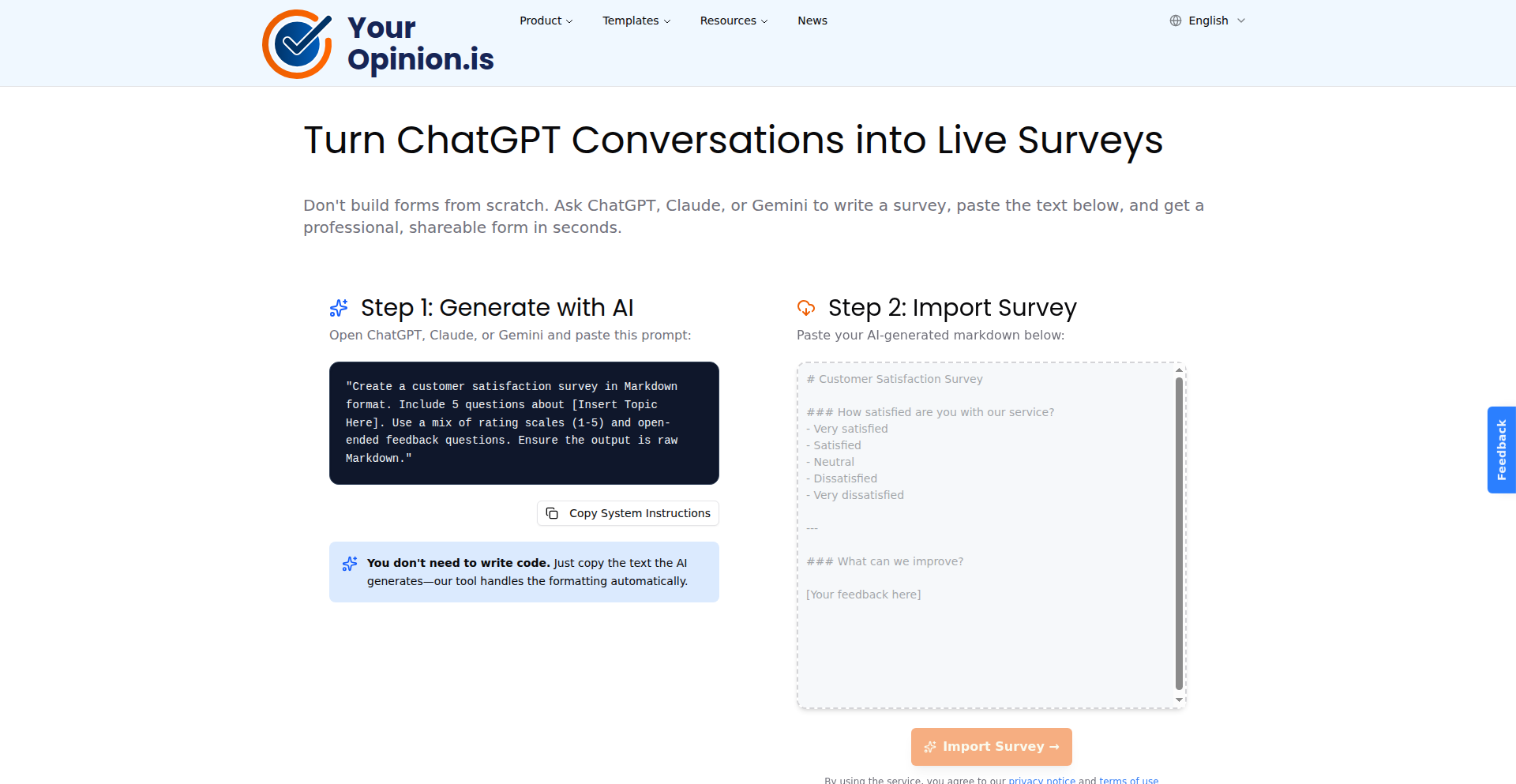
Author
aarnelaur
Description
AI Form Weaver is a tool that leverages large language models like ChatGPT, Claude, or Gemini to automatically generate interactive forms and surveys. Instead of manually designing survey questions and form fields, users simply paste their desired survey text, and the AI translates it into a functional, shareable form within seconds. This innovation tackles the tedious and time-consuming process of form creation, making it accessible and efficient.
Popularity
Points 6
Comments 1
What is this product?
AI Form Weaver is an intelligent form and survey generator. It works by taking plain text descriptions of what you want your form or survey to cover, and then using advanced AI models (like those powering ChatGPT) to understand your intent. The AI then intelligently designs the form structure, including appropriate question types (multiple choice, text input, etc.) and layouts, ultimately producing a ready-to-use, interactive form. The innovation lies in its ability to abstract away the technical details of form building, transforming natural language requests into functional web forms.
How to use it?
Developers can use AI Form Weaver by providing their survey or form requirements as natural language text. This can be a simple description of the information they want to collect, or a draft of survey questions. The output is a shareable link to a functional web form. For integration, the generated form can be embedded into existing websites or applications using standard HTML iframe code, allowing developers to quickly deploy data collection tools without writing extensive front-end code.
Product Core Function
· Natural Language to Form Generation: This core function allows users to describe their form needs in plain English, and the AI automatically creates the form structure. The value is drastically reduced development time and effort for creating surveys and data collection interfaces, making it useful for rapid prototyping or quick deployment of feedback mechanisms.
· AI-Powered Question Type Selection: The AI intelligently selects the most appropriate question types (e.g., radio buttons for single choices, text areas for open-ended responses) based on the input text. This ensures a better user experience for respondents and more structured data collection, saving developers from manually deciding and implementing each field type.
· Shareable Form Links: The system generates unique, shareable URLs for each created form. This provides an immediate way to distribute the form for data collection, eliminating the need for developers to handle hosting or deployment infrastructure for simple forms.
· Interactive Form Rendering: The generated forms are fully interactive and functional web pages. This means developers can deploy them instantly without needing to build the front-end UI themselves, offering a ready-to-use solution for collecting information.
Product Usage Case
· Quickly creating customer feedback surveys for a new product launch. Instead of spending hours designing questions and fields, a developer can paste a brief description of what feedback is needed, and get a functional survey link in minutes. This solves the problem of slow feedback loops.
· Building an event registration form on the fly for a community meetup. A developer can describe the required attendee information (name, email, dietary restrictions), and the AI generates an embeddable registration form, saving them from writing complex HTML and JavaScript for standard input fields.
· Generating a simple quiz for educational content. A content creator can paste a set of questions and answers, and the AI will turn it into an interactive quiz that can be shared with students, solving the challenge of creating engaging learning materials without technical expertise.
· Developing an internal employee satisfaction survey. HR or management can outline the areas to be covered, and the AI generates a private, shareable survey, streamlining the process of gathering employee sentiment and improving internal communication.
23
PaperDebugger-OverleafAI

Author
andrelinhk
Description
PaperDebugger is a Chrome extension that acts as an AI-powered writing assistant directly within Overleaf, a popular online LaTeX editor. It offers LaTeX-aware debugging, reviewer-style feedback, and targeted revision suggestions. Instead of just a generic chat interface, it intelligently analyzes your project structure and simulates a research critique and revision workflow, aiming to provide more context-aware and actionable improvements for academic writing. So, this helps you write better academic papers faster without leaving your familiar editing environment.
Popularity
Points 4
Comments 2
What is this product?
PaperDebugger is an AI writing assistant that lives inside your Overleaf editor. Unlike typical AI tools that you copy-paste text into, PaperDebugger understands the structure of your LaTeX documents. It uses a custom orchestration engine, which they call MCP-based, to simulate a 'Research -> Critique -> Revision' process. This means it doesn't just give you one answer; it analyzes your work like a reviewer would, identifies issues, and suggests specific ways to fix them, all within your Overleaf project. The innovation lies in its deep integration with the Overleaf environment and its structured approach to feedback, which goes beyond simple text generation. So, this is for academics and researchers who want smarter, more integrated feedback on their LaTeX papers.
How to use it?
Developers can use PaperDebugger by simply installing the Chrome extension from the Chrome Web Store. Once installed, it automatically attaches to any Overleaf project you open. You can then highlight any section of your LaTeX document and trigger PaperDebugger to provide suggestions, report issues, or perform multi-step revision passes. It's designed for seamless integration, so you don't need to copy your text out or learn a new interface. This means you can get instant, context-specific AI feedback on your writing as you work. So, if you're writing a paper in Overleaf, just install the extension and start getting suggestions directly in your document.
Product Core Function
· LaTeX-aware debugging: Identifies and suggests fixes for common LaTeX errors and inconsistencies that a standard spell checker would miss, improving the technical correctness of your paper. This is valuable for preventing compilation errors and ensuring your document renders correctly.
· Reviewer-style feedback: Simulates the feedback you might receive from a journal or conference reviewer, pointing out areas that could be clearer, better supported, or more logically structured. This helps you anticipate reviewer comments and improve the overall quality of your manuscript.
· Targeted revision suggestions: Provides specific, actionable advice on how to improve highlighted sections of your text, including rewrites, expansions, or structural changes. This saves you time by offering concrete ways to enhance your writing.
· Overleaf integration: Works directly within the Overleaf editor, eliminating the need to switch between applications or copy-paste text, leading to a more efficient writing workflow. This means you can get AI help without interrupting your writing process.
· Project structure analysis: Understands the overall structure of your LaTeX project (e.g., sections, figures, tables) to provide more relevant and context-aware feedback. This allows the AI to offer suggestions that consider the broader document context, not just isolated sentences.
Product Usage Case
· Improving clarity and conciseness in a research paper's introduction section by highlighting repetitive phrasing and suggesting more direct wording. This helps readers grasp the core message of your research more quickly.
· Identifying potential logical gaps or missing citations in the methodology section by simulating a reviewer's scrutiny of the evidence presented. This ensures your experimental setup is robustly explained and supported.
· Suggesting alternative phrasing for complex sentences in the results section to make them more accessible to a wider audience, including those less familiar with the specific domain. This enhances the impact of your findings.
· Automatically flagging inconsistencies in the formatting of figures or tables, or suggesting improvements to their captions, to meet journal submission guidelines. This saves time during the final submission preparation.
· Providing feedback on the overall flow and coherence between different sections of a thesis, helping the author ensure a smooth and logical narrative. This leads to a more polished and persuasive final document.
24
S3Turbo

Author
NetViper
Description
S3Turbo is a high-performance Amazon S3 transfer tool designed to significantly accelerate data uploads and downloads, outperforming the standard AWS CLI by up to 12x. It achieves this through innovative use of parallel processing and intelligent data chunking, making large-scale data operations on S3 much more efficient.
Popularity
Points 5
Comments 1
What is this product?
S3Turbo is a command-line tool for interacting with Amazon S3 storage. Its core innovation lies in how it breaks down large files into smaller pieces (chunking) and transfers these pieces simultaneously using multiple connections (parallel processing). Think of it like sending many small trucks instead of one big one to move a lot of goods, but doing it in a super organized and optimized way. This dramatically reduces the time it takes to upload or download large amounts of data, solving the common bottleneck of slow S3 transfers. So, what's the benefit for you? Faster data operations mean you spend less time waiting and more time working, especially when dealing with big datasets for backups, data migration, or analytics.
How to use it?
Developers can integrate S3Turbo into their workflows by installing it as a command-line application. It works by replacing standard AWS CLI commands for S3 operations (like `aws s3 cp`) with its own optimized commands. For example, instead of `aws s3 cp my-large-file s3://my-bucket/`, you would use `s3turbo cp my-large-file s3://my-bucket/`. Configuration is similar to the AWS CLI, often using environment variables or shared configuration files. This makes it easy to swap out for existing scripts. So, how does this help you? You can seamlessly speed up your existing S3 data transfer scripts and processes without a major rewrite, leading to immediate time savings.
Product Core Function
· Parallel Multi-part Uploads: Achieves faster uploads by breaking files into parts and uploading them concurrently, improving throughput and reducing latency. This is valuable for anyone needing to quickly move large files or directories to S3, like for backups or deploying large application assets.
· Intelligent Chunking Strategy: Optimizes the size and number of data chunks based on network conditions and S3 limitations to maximize transfer speed. This ensures optimal performance regardless of file size or network variability. Your benefit is consistently fast transfers, even in less than ideal network environments.
· Optimized Download Performance: Applies similar parallel processing techniques to downloads, accelerating data retrieval from S3. This is crucial for applications that frequently access large datasets stored in S3 for analysis or processing.
· AWS CLI Compatibility: Designed to be a drop-in replacement for many common AWS CLI S3 commands, making adoption straightforward. This means you can leverage its speed improvements without significant code changes to your existing infrastructure.
· High-Throughput Architecture: Built from the ground up to handle large volumes of data efficiently, utilizing system resources effectively. This translates to lower data transfer costs over time due to reduced transfer durations and potentially fewer instances needed for batch processing.
Product Usage Case
· Large-scale data backups: A company needs to back up terabytes of data to S3 daily. Using S3Turbo can reduce the backup window from hours to minutes, ensuring data is protected more frequently and reliably. This is useful for disaster recovery and business continuity.
· Machine learning model deployment: Data scientists frequently upload large datasets and model artifacts to S3. S3Turbo can significantly speed up the process of getting these files to S3, allowing for faster iteration and model training cycles. This helps in accelerating AI development.
· Content Delivery Network (CDN) population: When populating a CDN with new media assets, transferring large video files or image libraries to S3 can be a bottleneck. S3Turbo can accelerate this process, ensuring content is available to users faster. This improves user experience and reduces latency for end-users.
· Data migration to S3: Organizations migrating large amounts of on-premises data to S3 will find S3Turbo dramatically reduces the time and complexity of the migration process. This makes cloud adoption smoother and faster.
· Big data analytics data loading: Pipelines that load large data files into S3 for processing by big data frameworks (like Spark or Hadoop) can benefit from faster ingest times. This leads to quicker data availability for analysis and insights.
25
TinyPyTorch-C

Author
sueszli
Description
Autograd.c is a minuscule machine learning framework meticulously crafted in C, directly inspired by the 'TinyPyTorch' concepts from 'mlsysbook.ai/tinytorch/'. It offers a transparent peek into the inner workings of ML frameworks by implementing core functionalities like automatic differentiation from scratch. This project is invaluable for developers aiming to understand the fundamental mechanics of how modern machine learning models are trained and optimized, making complex concepts accessible and learnable.
Popularity
Points 5
Comments 0
What is this product?
Autograd.c is a foundational Machine Learning (ML) framework implemented in the C programming language. Its primary innovation lies in its minimalistic design and its focus on demonstrating the principles of automatic differentiation (autograd). Instead of relying on large, complex libraries, it builds these core functionalities from the ground up. This means it lets you see exactly how gradients are calculated and propagated through a neural network, which is the engine behind most ML learning. Think of it as a stripped-down version of frameworks like PyTorch or TensorFlow, designed purely for educational purposes, allowing you to grasp the 'how' and 'why' of ML optimization in a very direct way. So, for you, this means a clear path to understanding the very core of ML learning without getting lost in abstraction.
How to use it?
Developers can use Autograd.c as a learning tool and a basis for building simple ML experiments. It's ideal for understanding how tensors (multi-dimensional arrays that hold data) are handled and how operations on these tensors lead to gradient calculations. You can integrate it into your C projects to explore the mechanics of backpropagation or to build very basic neural network components from scratch. Its simplicity makes it an excellent starting point for anyone wanting to go beyond just calling high-level ML functions and truly understand the underlying math and code. So, for you, this means a practical playground to experiment with ML fundamentals and deepen your coding skills in a low-level environment.
Product Core Function
· Tensor Operations: Implements basic arithmetic and mathematical operations on multi-dimensional arrays (tensors), the fundamental data structures in ML. This is valuable for understanding how data is manipulated and transformed during model computation, enabling you to perform calculations akin to those in larger frameworks.
· Automatic Differentiation (Autograd): This is the heart of the framework, enabling the computation of gradients (derivatives) of a function with respect to its inputs. This is crucial for training ML models via gradient descent, as it tells us how to adjust model parameters to minimize errors. For you, this means understanding how models learn from data by precisely knowing how changes in parameters affect the outcome.
· Computational Graph Construction: Implicitly builds a computational graph as operations are performed. This graph is essential for backpropagation, allowing gradients to be efficiently calculated by traversing the graph backwards. This is valuable for comprehending the flow of computation and gradient information, aiding in debugging and understanding complex model architectures.
· Simple ML Model Implementation: Allows for the creation and training of rudimentary ML models like linear regression or simple neural networks. This provides a tangible way to apply the concepts of tensors and autograd, giving you hands-on experience with building and learning ML systems.
Product Usage Case
· Learning Backpropagation: A student uses Autograd.c to manually implement and trace the backpropagation algorithm for a simple two-layer neural network, gaining a deep understanding of how gradients are calculated and applied to update weights. This helps them internalize a core ML concept that is often abstracted away.
· Building a Custom Optimizer: A researcher explores the performance of a novel optimization algorithm by implementing it using Autograd.c's autograd capabilities in C, allowing for efficient gradient calculation without modifying existing ML libraries. This provides a flexible environment for testing new ideas on a foundational level.
· Understanding Tensor Calculus: A developer uses Autograd.c to visualize and experiment with the derivatives of various tensor operations, solidifying their understanding of multivariate calculus as applied to ML. This makes abstract mathematical concepts concrete and actionable.
· Creating Educational Demos: An educator builds interactive demonstrations of ML concepts using Autograd.c in C, explaining the underlying mechanics to students in a clear and accessible manner. This empowers them to teach complex topics effectively.
26
WebCanvas StickyNotes

Author
appetizersnack
Description
This project allows you to transform any website into your personal notepad by adding customizable sticky notes directly onto web pages. It's an innovative approach to in-browser note-taking, enabling users to attach context-specific thoughts, reminders, or research annotations to the very content they are viewing. The core innovation lies in its ability to overlay persistent, user-defined annotations on arbitrary web content, seamlessly blending note-taking with browsing.
Popularity
Points 3
Comments 2
What is this product?
WebCanvas StickyNotes is a browser extension that lets you pin colorful sticky notes on any website. Think of it like Post-it notes for the internet. The technical innovation here is the ability to precisely position and attach these notes to specific elements or areas on a web page, making them visible every time you revisit that page. It leverages techniques like DOM manipulation and potentially local storage or cloud synchronization to save and retrieve your notes, ensuring your annotations are tied directly to the web content they relate to. So, this is useful because it helps you remember important details or ideas directly on the webpage, making your browsing experience more productive.
How to use it?
Developers can integrate this concept into their own applications or workflows. For personal use, it's typically implemented as a browser extension. Users install the extension, and then while browsing any website, they can right-click or use a keyboard shortcut to add a new sticky note. They can type their notes, choose a color, and then click 'save.' The note will then appear on that specific part of the webpage. When the user returns to that page, the notes will be there waiting. For developers, the underlying principles of injecting content and maintaining state within a browser context can be applied to create richer interactive web experiences or custom annotation tools. This means you can build your own tools for research, learning, or collaborative annotation.
Product Core Function
· Pinning notes to specific web page locations: This allows users to associate notes with exact content, providing context and relevance. The technical value is in precise element targeting and rendering within the browser's DOM. This is useful for marking specific data points in research papers or important call-to-actions on e-commerce sites.
· Customizable note colors: Offering a palette of colors helps users visually categorize their notes and improve organization. The technical value is in simple UI styling and user preference management. This is useful for quickly distinguishing between different types of reminders or thoughts.
· Persistent storage of notes: Notes are saved and displayed each time the user revisits the same web page and location. The technical value involves using browser local storage or a similar mechanism to persist data. This is useful for ensuring that important information is not lost and is readily available.
· Intuitive note creation interface: A user-friendly way to add and edit notes directly on the webpage. The technical value lies in efficient DOM manipulation and event handling for a seamless user experience. This is useful for making the tool accessible and quick to use while browsing.
Product Usage Case
· Researchers can use this to annotate research papers or articles directly on the web, marking key findings or questions for later review. This helps by keeping research notes directly with the source material, avoiding the need to manually copy-paste information.
· Students can use it to bookmark important information or definitions on educational websites, creating personalized study guides. This is useful because it provides an interactive way to learn and remember key concepts directly on the learning platform.
· Developers can use it to leave notes on documentation pages, flagging potential issues or adding personal implementation tips for future reference. This solves the problem of forgetting crucial implementation details by attaching them directly to the relevant API or library documentation.
· Anyone can use it for personal reminders on e-commerce sites, such as noting down product features they liked or prices to compare later. This helps by keeping track of shopping decisions without needing separate note-taking apps.
27
Hindsight: SOTA Memory for AI Agents

Author
nicoloboschi
Description
Hindsight introduces a novel approach to AI agent memory, leveraging a 'state-of-the-art' (SOTA) memory system to enhance an agent's ability to recall and utilize past experiences. This innovation tackles the challenge of limited context windows in current AI models by providing a more effective and efficient way for agents to learn and adapt over time. For developers, this means building more robust and intelligent AI applications that can handle complex, long-term tasks.
Popularity
Points 4
Comments 1
What is this product?
Hindsight is an AI memory system designed to give AI agents a better long-term memory, similar to how humans remember things. Traditional AI models often struggle to remember information from the distant past due to limitations in how much they can 'see' at once (context window). Hindsight overcomes this by using a sophisticated memory architecture, acting like an external knowledge base that the AI can query. This allows agents to make more informed decisions by referencing relevant past events or learned information, even if those events happened a long time ago. This is valuable because it means AI applications can become more consistent, less forgetful, and capable of performing more complex, multi-step tasks without losing track of crucial details. For developers, this translates to building more reliable and sophisticated AI assistants or tools.
How to use it?
Developers can integrate Hindsight into their AI agent frameworks by connecting their agent's reasoning loop to the Hindsight memory module. When an agent needs to recall past information or experiences, it queries Hindsight. Hindsight then retrieves the most relevant data, which is fed back to the agent for decision-making. This is typically done through API calls or a dedicated SDK. The core idea is to augment the agent's immediate processing capabilities with a rich, searchable history. This means developers can build AI agents that can remember user preferences across multiple sessions, learn from a sequence of interactions, or maintain context in long-running simulations. It's like giving your AI a personal diary and a powerful search engine for its own past.
Product Core Function
· Contextual Memory Retrieval: Allows AI agents to access and retrieve specific past experiences or data points relevant to the current situation, improving decision accuracy.
· Long-Term Experience Storage: Provides a persistent storage mechanism for an agent's entire history of interactions and learned information, overcoming the limitations of short-term context windows.
· Dynamic Memory Indexing: Utilizes advanced indexing techniques to efficiently search and retrieve relevant memories, ensuring quick access to information even with a vast amount of stored data.
· Experience Summarization: Can condense and summarize past experiences to make them more manageable and easier for the AI to process, optimizing memory usage and recall efficiency.
· Adaptive Learning Integration: Enables AI agents to learn and adapt from their stored memories, leading to improved performance and behavior over time without explicit retraining on every new piece of information.
Product Usage Case
· Customer Support AI: An AI chatbot that remembers previous conversations with a customer, including their past issues and preferences, to provide more personalized and efficient support, solving the problem of the AI 'forgetting' who the customer is or what they discussed.
· Game AI: An AI character in a game that remembers player strategies from past encounters and adapts its own tactics accordingly, making for a more challenging and engaging gameplay experience by solving the problem of AI opponents behaving predictably or forgetting past interactions.
· Robotics Control: A robot that learns from past navigation attempts, remembering safe paths and obstacles encountered, to improve its efficiency and safety in complex environments, solving the problem of robots repeatedly making the same navigational errors.
· Personalized Recommendation Systems: An AI that remembers a user's past viewing or purchasing history across extended periods to offer more relevant and nuanced recommendations, overcoming the limitations of systems that only consider recent activity.
· Complex Task Agents: An AI agent designed for multi-step workflows, like automating software development tasks, that can retain context and learnings from each step to successfully complete the entire process, solving the problem of AI agents getting lost or making mistakes in long, sequential operations.
28
FastAPI Toolkit: Python Packages for Modern Web Dev
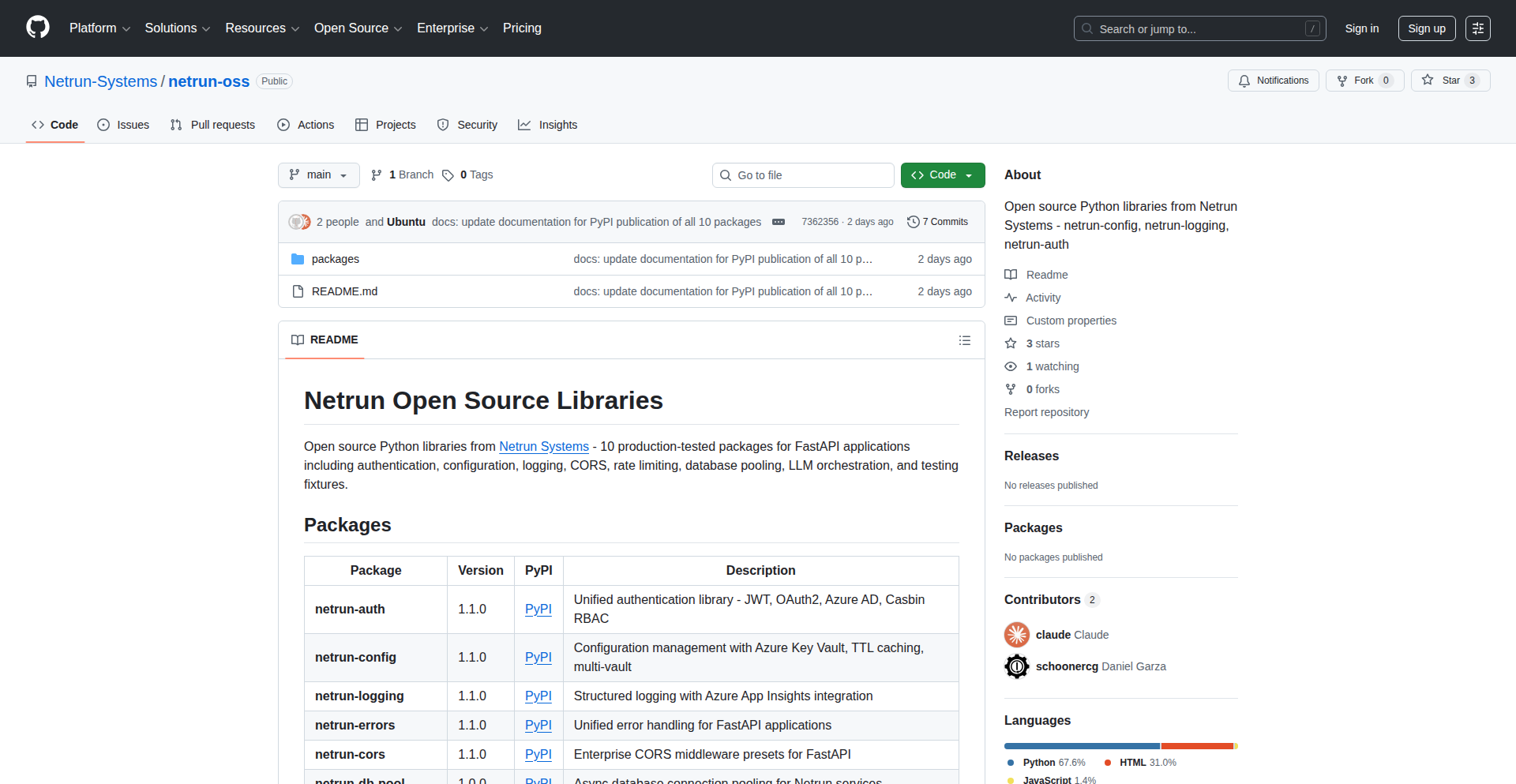
Author
DanielGarza
Description
A curated collection of Python packages designed to streamline the development of FastAPI applications. It offers solutions for common web development challenges such as authentication, logging, configuration management, and integrating with Large Language Models (LLMs). The innovation lies in providing pre-built, well-integrated components that reduce boilerplate code and accelerate the development lifecycle for FastAPI developers.
Popularity
Points 4
Comments 1
What is this product?
This project is a set of reusable Python libraries specifically crafted for building web applications with FastAPI. Think of it as a developer's toolbox for common tasks. For authentication, it simplifies secure user access. For logging, it provides a robust way to track application events. Configuration management helps manage application settings efficiently, and the LLM integration allows easy incorporation of powerful AI capabilities into your web services. The core innovation is how these packages are designed to work seamlessly with FastAPI, offering a more unified and efficient development experience than integrating disparate libraries.
How to use it?
Developers can integrate these packages into their existing or new FastAPI projects by installing them via pip. For example, to add authentication, a developer would install the relevant auth package and then configure it according to the provided documentation, significantly reducing the manual effort of setting up user sessions and permissions. Each package typically exposes clear APIs and integration points that are standard within the FastAPI ecosystem, making adoption straightforward. This means you can quickly add advanced features to your web app without writing complex code from scratch.
Product Core Function
· Authentication: Provides secure and efficient user authentication mechanisms, saving developers the complex task of building robust security from scratch. Useful for protecting API endpoints and managing user access.
· Logging: Offers advanced logging capabilities for tracking application events and debugging. This helps developers monitor their application's health and quickly identify issues, leading to more stable applications.
· Configuration Management: Simplifies the management of application settings and environment variables. This allows for easy customization of applications across different deployment environments, reducing configuration errors.
· LLM Integration: Facilitates the seamless integration of Large Language Models into FastAPI applications. This empowers developers to build AI-powered features, such as chatbots or content generation tools, more easily.
Product Usage Case
· Building a secure SaaS platform: A developer can use the authentication package to quickly implement user sign-up, login, and role-based access control for their multi-tenant application, saving weeks of development time on security features.
· Developing a real-time analytics dashboard: The logging package can be used to capture detailed user interaction data and system events, providing developers with the insights needed to monitor performance and troubleshoot issues in a high-traffic environment.
· Deploying a microservice with varied settings: The configuration management package allows developers to easily switch between development, staging, and production settings (like database credentials or API keys) without code changes, ensuring smooth deployments.
· Creating an AI-powered content generation API: Developers can leverage the LLM integration package to build an API that automatically generates marketing copy or product descriptions based on user input, offering innovative features to their users.
29
Web2APK Forge

Author
Codegres
Description
Web2APK Forge is a tool that transforms any website into a standalone Android application (APK). This project tackles the challenge of quickly deploying web content as native mobile experiences without extensive native development, leveraging modern web technologies for app creation.
Popularity
Points 1
Comments 4
What is this product?
Web2APK Forge is a clever utility that takes a given website URL and repackages it into an installable Android application file (APK). At its core, it uses a WebView component, which is essentially a built-in browser within an Android app. This WebView is configured to load the specified website. The innovation lies in streamlining this process, automating the packaging and configuration steps that would typically require manual Android development effort. It democratizes the creation of simple mobile apps from existing web assets, allowing content creators and developers to reach mobile users more directly.
How to use it?
Developers can integrate Web2APK Forge into their workflow to quickly create mobile wrappers for their web applications or content. The primary use case is for creating a basic Android app that serves as a dedicated portal to a website. This could involve simple command-line usage to specify the website URL, desired app name, and potentially some basic app icon and splash screen configurations. For more complex scenarios, it might involve integrating its core functionality into a build system or a CI/CD pipeline to automatically generate APKs for web projects. The resulting APK can then be distributed through standard Android channels.
Product Core Function
· Website to APK conversion: This function automatically wraps a given website URL within an Android WebView, creating a functional APK. This is useful for content creators who want to provide a dedicated mobile app experience for their website without learning native Android development, effectively turning their web presence into an installable app.
· Automated app packaging: The system handles the technicalities of creating an Android project structure, embedding the WebView, and compiling it into an APK file. This saves developers significant time and effort compared to manual Android project setup and build processes, allowing for rapid prototyping and deployment of web-based mobile applications.
· Customizable app elements (potential): While not explicitly detailed in the basic information, a robust implementation would allow for basic customization like setting the app name and icon. This adds a layer of branding and identity to the generated APK, making the mobile app feel more unique and professional for the end-user.
Product Usage Case
· A blogger wants to create a simple Android app for their blog so readers can easily access it on their phones. They use Web2APK Forge with their blog's URL, and instantly get an APK. So this is useful for them because they can reach their audience on mobile without needing to hire an Android developer.
· A company has a web-based dashboard or internal tool and wants to provide a quick mobile shortcut for employees. By converting the dashboard URL to an APK using Web2APK Forge, employees can install it on their company phones for easier access. So this is useful because it provides a convenient mobile entry point to essential web tools.
· A developer is experimenting with a new web application and wants to quickly see how it behaves on a mobile device as a standalone app before investing in full native development. Web2APK Forge allows them to generate an APK to test their web app's mobile responsiveness and user experience in an app-like environment. So this is useful for rapid testing and validating web app concepts on mobile platforms.
30
TextGO

Author
C5H12O5
Description
TextGO is an open-source, cross-platform text processing tool that acts as a smart assistant for your selected text. It automatically identifies different types of text, like URLs, emails, or code snippets, and allows you to perform custom actions on them instantly or through an interactive toolbar. Think of it as a highly customizable, subscription-free helper that makes working with text much faster and more efficient, especially for developers.
Popularity
Points 4
Comments 0
What is this product?
TextGO is a desktop application that intelligently processes text you select on your screen. Its core innovation lies in its sophisticated text type recognition engine. It can understand if you've highlighted a web link, an email address, an IP address, a date, or even specific programming language syntax and natural language phrases. Based on this recognition, it allows you to trigger predefined actions. The novelty comes from its extensibility: you can define your own actions using regular expressions (regex), scripts (like Python or JavaScript), or even integrate with local AI models for more advanced processing. This means you can tailor it to your specific workflow, offering a powerful alternative to existing paid tools like PopClip or SnipDo, without the subscription cost.
How to use it?
Developers can use TextGO by selecting any piece of text on their screen. You can trigger TextGO using a global hotkey, a double-click of your mouse, or simply by selecting text. Once triggered, TextGO will analyze the selected text and present you with relevant actions. For instance, if you select a URL, it might offer to open it in your browser. If you select a code snippet, it could offer to format it or search for it online. The power comes from customization: you can define your own rules. For example, you can create a rule that when you select a specific type of log message, it automatically searches it on a particular log analysis platform. It integrates seamlessly into your workflow, acting as an on-demand utility.
Product Core Function
· Automatic text type recognition: Understands various data formats like URLs, emails, IPs, timestamps, and code, allowing for context-aware actions. This saves time by not having to manually identify or copy-paste information.
· Multiple trigger methods: Supports global hotkeys, mouse double-clicks, and text selection for invoking actions, offering flexibility in how you interact with the tool based on your preference and workflow.
· Extensible action system: Allows defining custom actions using regex, scripts, or local AI, enabling users to automate repetitive tasks and integrate with their specific tools or services. This is crucial for developers who need to perform specialized text manipulations.
· Customizable interactive toolbar: Provides an on-screen menu of available actions for selected text, allowing for quick selection and execution. This visual feedback makes it easy to see and choose the desired operation.
· Cross-platform compatibility (macOS/Windows): Offers a consistent text processing experience across different operating systems, valuable for developers who work on multiple platforms.
· Subscription-free and open-source: Eliminates recurring costs and provides transparency, allowing developers to inspect, modify, and contribute to the tool's codebase. This aligns with the hacker ethos of shared knowledge and self-sufficiency.
Product Usage Case
· Developer selecting a JSON payload from an API response, and TextGO offering to validate and format it or search for specific keys within the JSON. This solves the problem of tedious manual validation and formatting of structured data.
· A user copying a server IP address from a log file, and TextGO automatically offering to ping the IP address, perform a WHOIS lookup, or open a remote desktop connection. This streamlines server administration and troubleshooting tasks.
· Highlighting a specific error message in a console output, and TextGO automatically searching for the error code or message on Stack Overflow or a company's internal knowledge base. This drastically reduces the time spent debugging.
· Selecting a timestamp from an audit log, and TextGO offering to convert it to the user's local time zone or calculate the time elapsed since the event. This is useful for analyzing time-sensitive logs and events.
· For programmers, selecting a URL that points to an API endpoint, and TextGO offering to send a GET request to that endpoint using an integrated API client, displaying the response directly. This speeds up API testing and development.
31
NgDiagram: Angular Visual Flow Builder

Author
mononykus
Description
NgDiagram is an open-source Angular library that empowers developers to build custom graph and diagramming interfaces within their Angular applications. It solves the problem of creating interactive visual tools like flowcharts, node editors, and network diagrams by offering a performant, signal-driven engine for managing draggable nodes, customizable connections, and group functionalities. Its core innovation lies in leveraging Angular's modern features, like signals, for a smooth user experience and offering extensive templating for deep visual customization, making it easy for developers to integrate rich diagramming capabilities.
Popularity
Points 3
Comments 1
What is this product?
NgDiagram is a specialized toolkit for Angular developers designed to create interactive diagrams and graphs. Think of it like a set of Lego bricks specifically for building visual representations of data or processes within your web application. Its technical innovation is in its performance, achieved by using Angular Signals, which are like efficient update mechanisms, making the diagrams fluid even with many elements. It also offers deep customization through Angular templates, allowing developers to design the exact look and feel of nodes, connections, and groups, solving the common challenge of fitting custom diagrams into a unique application design. So, this gives you the power to build sophisticated visual tools without reinventing the wheel, making your application more intuitive and engaging.
How to use it?
Developers can integrate NgDiagram into their Angular projects by installing it as a library. They then use its components and services to define the data structure of their diagrams (e.g., which nodes exist, how they connect) and how these elements should be rendered. For instance, a developer could use NgDiagram to build a visual workflow editor where users drag and drop steps in a process. The library handles the underlying logic of rendering the nodes, drawing the connections between them, and enabling drag-and-drop interactions. The customization options allow developers to match the diagram's appearance to their application's theme. This means you can quickly add advanced interactive diagrams to your existing Angular app, improving user experience and data visualization without a steep learning curve.
Product Core Function
· Draggable Nodes: Enables users to freely move nodes on the canvas, crucial for intuitive diagram editing. The value is in providing a natural interaction model for users to arrange elements, directly impacting usability and user satisfaction.
· Customizable Connections: Allows for creating and styling links between nodes, with options for different line types, colors, and arrowheads. This adds clarity and visual structure to complex relationships, making diagrams easier to interpret and understand.
· Node Grouping: Provides the ability to group multiple nodes together, simplifying the management of complex diagrams. This is valuable for organizing related components and creating hierarchical views, improving the overall readability and maintainability of large diagrams.
· Signal-driven Performance: Utilizes Angular Signals for efficient state management and rendering, ensuring smooth animations and responsiveness even with large datasets. This means your diagrams will feel fast and fluid, providing a high-quality user experience without lag.
· Angular Template Customization: Offers extensive options to customize the appearance of nodes, connections, and other diagram elements using Angular templates. This allows developers to precisely match the diagram's look and feel to their application's design, ensuring a cohesive and branded user interface.
Product Usage Case
· Building a Visual Code Editor: A developer could use NgDiagram to create a node-based visual programming environment where each node represents a code block or function. This solves the problem of making complex coding logic more accessible and understandable, especially for visual learners, by providing a drag-and-drop interface for building programs.
· Designing a Network Topology Viewer: In an IT context, NgDiagram can be used to visualize network infrastructure. This helps administrators easily understand the connections and status of devices, solving the problem of managing and troubleshooting complex networks by providing a clear, interactive overview.
· Creating a Project Management Workflow Tool: A project manager could use NgDiagram to design and track project workflows, allowing team members to visualize tasks, dependencies, and progress. This improves team collaboration and project visibility, solving the challenge of keeping everyone aligned on project timelines and deliverables.
· Developing a Business Process Modeler: For business analysts, NgDiagram can be employed to map out and optimize business processes. This provides a clear, visual representation of how tasks flow, helping to identify bottlenecks and areas for improvement, thus solving the problem of inefficient or unclear operational procedures.
32
TSZ: LLM Data Sentinel
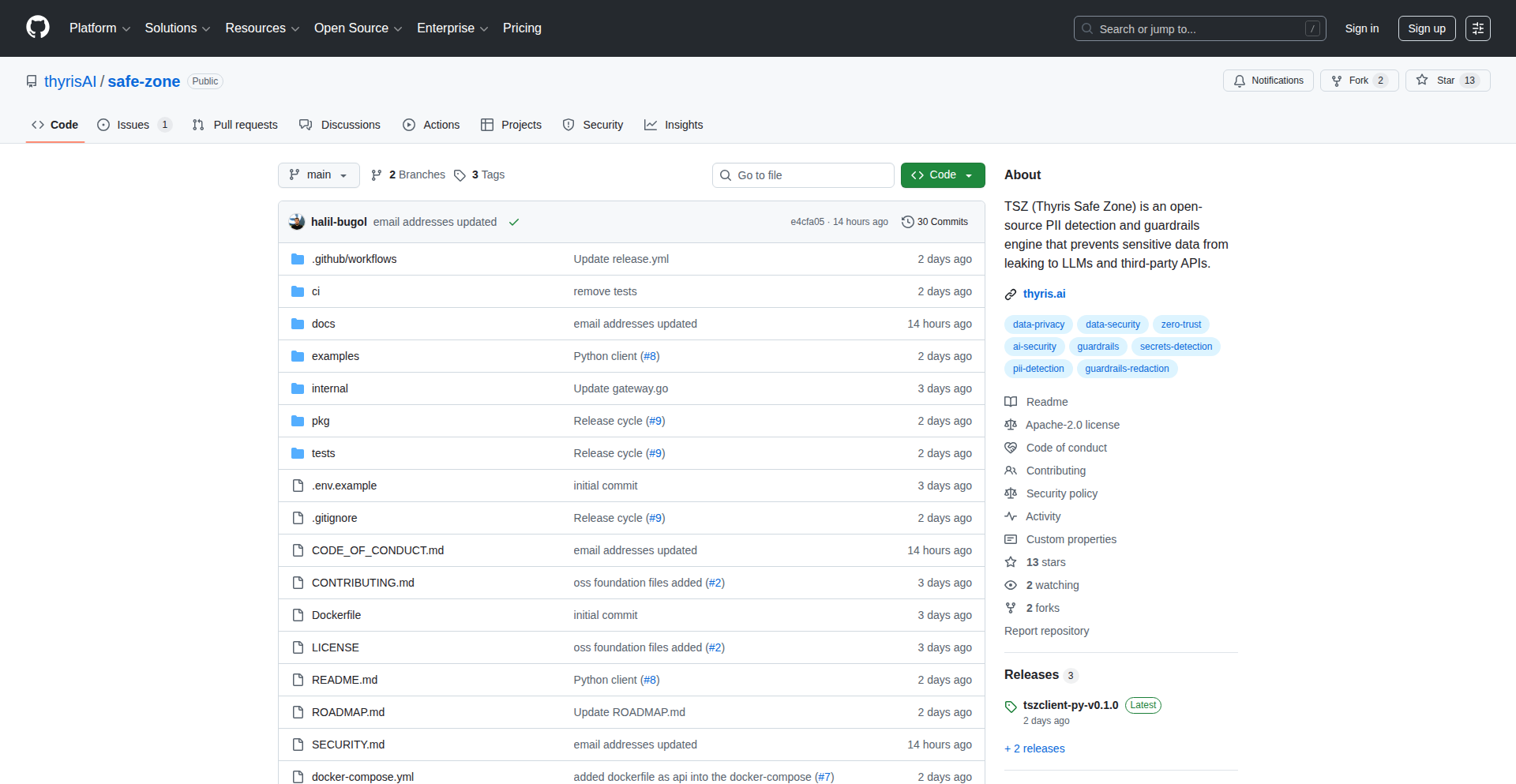
Author
halilbugol
Description
TSZ is an open-source guardrails and data security layer designed for LLM (Large Language Model) pipelines. It acts as a protective shield between your applications and external AI or API systems, tackling critical issues like sensitive data leakage, non-compliant responses, and broken structured outputs. Its innovation lies in its proactive detection and redaction of PII and secrets, application of rule-based and AI-assisted guardrails, and validation of structured outputs against schemas. This means you can use AI more safely and reliably in production without worrying about accidental data exposure or invalid outputs breaking your workflows.
Popularity
Points 3
Comments 1
What is this product?
TSZ, which stands for Thyris Safe Zone, is an open-source toolkit for making your interactions with AI models, especially LLMs, safer and more robust. Think of it as a smart filter that sits between your application and the AI. Its core innovation is to intercept data going into and coming out of the AI. It automatically finds and hides sensitive information like personal details or confidential codes (called PII and secrets) before they can be accidentally sent to the AI or revealed in its responses. It also enforces rules to ensure the AI's behavior and output are safe and meet your requirements, using both predefined rules and AI analysis. Additionally, it checks if the AI's structured responses, like data in a table or code format, are correctly formed. All this helps prevent common problems when using AI in real-world applications, such as data breaches, inappropriate AI responses, or unexpected errors from bad data formats.
How to use it?
Developers can integrate TSZ into their LLM-powered applications by deploying it as a middleware component. This means TSZ intercepts the communication flow. When your application needs to send a prompt to an LLM, it first goes through TSZ. TSZ scans for and redacts any sensitive data. Then, it applies the defined guardrails to the prompt. The modified prompt is sent to the LLM. When the LLM responds, the output also passes through TSZ. TSZ checks for any sensitive information that might have slipped through, validates the output's structure against a predefined format (like ensuring a JSON output is valid), and applies safety guardrails. TSZ then returns a 'clean' and validated output to your application, along with metadata indicating if any redactions or blocks occurred. This can be integrated using standard API calls and configuration files to define your security and compliance rules. It's particularly useful in scenarios where you are processing user-submitted data before sending it to an LLM, or when receiving structured data from an LLM that needs to be consumed by other parts of your system.
Product Core Function
· PII and Secrets Redaction: Automatically detects and removes personally identifiable information (PII) and confidential secrets from prompts and model outputs. This protects your sensitive data from exposure, ensuring compliance and security. So, you can use AI without risking leaks of customer data or internal credentials.
· Rule-Based and AI-Assisted Guardrails: Applies predefined rules and uses AI to analyze and enforce safety and compliance policies on AI inputs and outputs. This helps prevent the AI from generating harmful, biased, or off-topic content. So, the AI you use behaves responsibly and stays within your defined boundaries.
· Structured Output Validation: Verifies that the structured data (like JSON or code) generated by the AI conforms to a predefined schema. This prevents downstream systems from breaking due to malformed or invalid outputs. So, your applications can reliably process AI-generated data without encountering errors.
· Clear Signal Returns: Provides clear signals to your application, such as redacted output, metadata about actions taken (like redactions or blocks), and a block flag. This allows your application to intelligently decide how to proceed based on the AI's output and TSZ's analysis. So, your application logic can adapt to AI interactions and handle potential issues gracefully.
Product Usage Case
· Customer support chatbot: Before sending customer queries to an LLM for summarization or response generation, TSZ can redact customer names, email addresses, and credit card details to prevent data leaks. This ensures customer privacy and compliance with data protection regulations.
· Internal knowledge base Q&A: When employees ask questions to an internal LLM that accesses proprietary documents, TSZ can ensure that sensitive company information is not inadvertently included in prompts or revealed in responses. This maintains the confidentiality of internal data.
· Automated report generation: If an LLM is used to generate structured reports (e.g., in JSON format) from data analysis, TSZ can validate that the generated JSON adheres to the expected schema. This prevents errors in downstream systems that consume these reports.
· Content moderation with LLMs: For applications that use LLMs to moderate user-generated content, TSZ can act as a safeguard to ensure the moderation prompts themselves do not contain sensitive information and that the LLM's moderation responses are safe and unbiased. This helps build a safer online environment.
33
FrameworkFlow AI

Author
pierremouchan
Description
FrameworkFlow AI is a tool that transforms established marketing playbooks into actionable, domain-specific AI agents. It bridges the gap for founders who can build products but struggle with selling, by providing verified outputs like landing page copy, outreach scripts, and funnel strategies based on over 50 curated marketing frameworks. This means you get expert-level marketing execution without needing to be a marketing guru yourself.
Popularity
Points 2
Comments 2
What is this product?
FrameworkFlow AI is an AI-powered platform that takes well-known marketing strategies and frameworks and turns them into ready-to-use marketing assets. Instead of just getting general advice from a language model, FrameworkFlow AI applies specific, proven methodologies to your product. Think of it like having a specialized assistant who knows exactly which marketing playbook to use for your situation, and can immediately generate the content or strategy based on that playbook. It solves the problem of needing expert marketing knowledge but lacking the time or resources to acquire it.
How to use it?
Developers and founders can integrate FrameworkFlow AI by leveraging its API or by directly using its web interface. For instance, if you're launching a new SaaS product, you can select a framework like 'AARRR metrics' and input your product details. FrameworkFlow AI will then generate specific recommendations or copy tailored to that framework and your product. This can be used to quickly draft landing page content, brainstorm initial marketing campaigns, or refine your customer acquisition strategies, saving significant time and effort compared to manual research or generic AI prompts.
Product Core Function
· Domain-Specific AI Agents: Utilizes AI to embody specialized marketing frameworks, providing tailored advice and outputs. This means you get marketing suggestions that are directly applicable to your industry and product, not generic fluff.
· Curated Marketing Framework Integration: Incorporates over 50 proven marketing methodologies, ensuring the generated content is based on established, effective strategies. You benefit from the collective wisdom of marketing experts.
· Actionable Asset Generation: Produces ready-to-execute marketing assets like landing page copy, cold outreach scripts, and funnel strategies. This directly addresses the 'what do I do next?' problem, giving you concrete deliverables.
· Expert-Level Output without Expertise: Delivers high-quality marketing execution that mimics the output of experienced marketers or consultants. This democratizes access to expert marketing knowledge, empowering individuals and small teams.
· Problem-Specific Solutions: Focuses on solving the common founder challenge of 'I can build but I can't sell' by providing practical marketing solutions. It directly tackles your biggest roadblocks to growth.
Product Usage Case
· Scenario: Launching a new e-commerce product. Problem: Struggling to write compelling product descriptions and ad copy. Solution: Use FrameworkFlow AI with a 'copywriting framework' agent to generate persuasive product descriptions and ad headlines that resonate with target customers, saving hours of brainstorming and writing.
· Scenario: Early-stage startup needing to acquire users. Problem: Uncertainty about the best initial marketing channels and outreach methods. Solution: Employ FrameworkFlow AI's 'customer acquisition funnel' agent to receive a structured plan and draft outreach messages for initial customer engagement, streamlining the user acquisition process.
· Scenario: Building a new SaaS feature and needing to communicate its value. Problem: Difficulty articulating the benefits of a new feature to potential users. Solution: Utilize FrameworkFlow AI with a 'value proposition' framework agent to generate clear and concise explanations of the feature's advantages, improving communication and adoption rates.
· Scenario: A founder with limited marketing experience. Problem: Overwhelmed by marketing jargon and complex strategies. Solution: Leverage FrameworkFlow AI to translate complex marketing concepts into simple, actionable steps and ready-to-use content, making marketing accessible and manageable.
34
AI Agent Productionizer
Author
aroussi
Description
This project is a book offering practical guidance on building and deploying AI agents that are robust enough for real-world production environments. It focuses on the engineering challenges and best practices for creating reliable and scalable AI systems, moving beyond simple prototypes to solutions that can be trusted in demanding applications.
Popularity
Points 1
Comments 3
What is this product?
This project is a book that delves into the technical intricacies of developing production-grade AI agents. It explains the core principles and techniques needed to build AI systems that are not just functional but also reliable, scalable, and maintainable in a live setting. The innovation lies in bridging the gap between theoretical AI concepts and the practical engineering required to make them work effectively in production, covering aspects like error handling, monitoring, and performance optimization. So, what's in it for you? It demystifies the complex engineering behind deploying AI, making advanced AI accessible for practical business use.
How to use it?
Developers can use this book as a comprehensive guide to learn how to build and deploy their own AI agents for production. It provides actionable insights and code examples that can be integrated into existing development workflows. The book covers various stages of the AI agent lifecycle, from design and implementation to deployment and maintenance. This means you can directly apply the learned principles to your own projects, whether you're building a customer service chatbot, an automated data analysis tool, or any other AI-powered application. It's about empowering you to take your AI ideas from concept to a fully functional, reliable product.
Product Core Function
· Production-Ready AI Agent Architecture: Explains how to design AI agents that are inherently robust and scalable, addressing common failure points. This is valuable for developers who need their AI systems to be dependable under heavy load and diverse conditions.
· Deployment Strategies for AI Agents: Details various methods and considerations for deploying AI agents, ensuring smooth transitions from development to live operation. This helps developers avoid deployment pitfalls and ensures their AI solutions are accessible to users.
· Monitoring and Observability of AI Systems: Covers techniques for tracking the performance and health of AI agents in production, enabling proactive issue detection and resolution. This is crucial for maintaining the reliability and effectiveness of AI applications over time.
· Error Handling and Resilience Patterns: Provides practical approaches to manage errors and build resilient AI agents that can gracefully handle unexpected situations. This ensures a better user experience and reduces downtime for critical AI services.
· Cost Optimization for AI Deployments: Offers strategies for managing the computational and operational costs associated with running AI agents in production. This is essential for businesses to ensure their AI investments are economically viable.
Product Usage Case
· A startup building an AI-powered content generation tool can use the book's principles to ensure their service can handle a surge in user demand without crashing, providing a consistent and high-quality experience. This solves the problem of scaling a new AI product effectively.
· An e-commerce company developing an AI recommendation engine can leverage the book's insights on monitoring and error handling to ensure the recommendations remain accurate and the system is always available, directly improving customer engagement and sales.
· A financial institution implementing an AI fraud detection system can apply the book's guidance on production-grade architecture and resilience to build a system that is highly reliable and can operate continuously, minimizing financial losses.
· A SaaS provider offering an AI assistant can use the book's insights on cost optimization to deploy their agent efficiently, making the service more affordable for their customers and increasing market penetration.
35
LLM-Glue-Composer
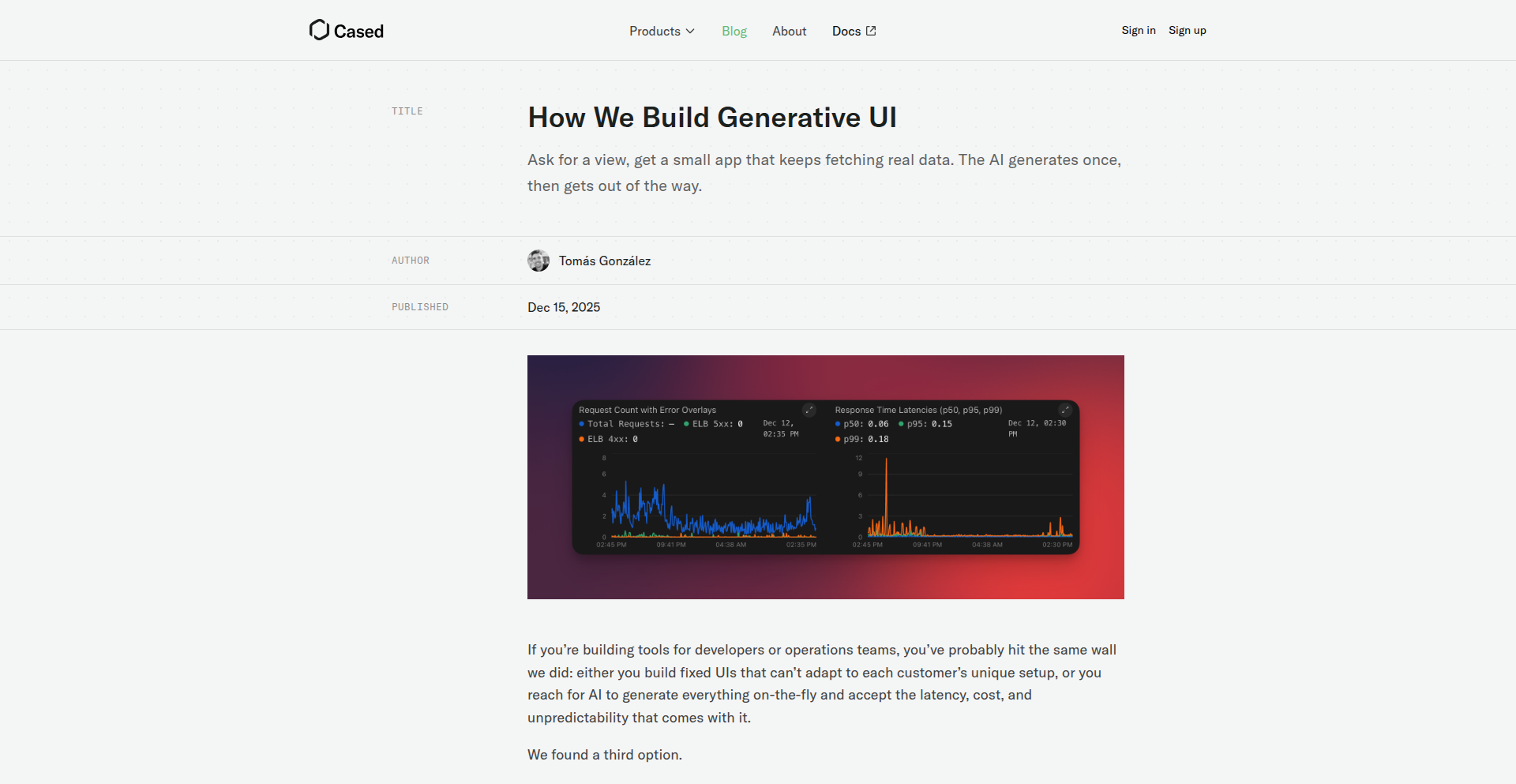
Author
gztomas
Description
This project presents an innovative execution model that bridges the gap between Large Language Models (LLMs) and structured application interfaces. Instead of letting LLMs generate arbitrary code, it focuses on using them to create 'glue logic' that connects pre-defined UI schemas with constrained backend runtime interfaces. This approach ensures predictability and security by limiting LLMs to composing existing components rather than inventing new ones. The core innovation lies in treating UI and runtime as fixed, typed, and inspectable entities, allowing LLMs to dynamically assemble functionalities without the risks of open-ended autonomous agent loops. It's like having a smart conductor for pre-written music pieces, ensuring a harmonious performance.
Popularity
Points 4
Comments 0
What is this product?
LLM-Glue-Composer is a novel system designed to leverage the generative power of LLMs in a controlled and predictable manner. It addresses the challenge of integrating LLM-generated code into existing applications by focusing on 'glue logic' generation. The system defines two fixed, typed, and inspectable interfaces: a UI schema that the frontend can render, and a constrained runtime interface that exposes specific backend functions. The LLM's role is to generate the code that seamlessly connects these two interfaces, effectively composing existing UI elements and backend capabilities. This is different from typical autonomous agents, as it doesn't involve open-ended action loops or the LLM inventing new UI components or backend functions. Think of it as a sophisticated pattern-matching and composition engine for LLM outputs, ensuring that what the LLM generates is always valid and safe within predefined boundaries. The technical insight here is to constrain the LLM's creativity to a constructive, compositional task rather than a purely creative one, thereby enhancing reliability and control.
How to use it?
Developers can integrate LLM-Glue-Composer into their applications by defining their application's UI schema and the available backend runtime functions. The system then uses the LLM to generate the necessary code that maps user interactions within the UI to calls to the backend functions, or vice versa. For instance, a frontend might present a form defined by a UI schema. The LLM would generate the logic to take the user's input from this form and pass it to a specific, predefined backend function like 'submit_order'. Conversely, if a backend function retrieves a list of comments, the LLM generates the code to translate that data into a format the UI schema can render as a comment list. This allows for dynamic feature assembly and rapid prototyping of user interfaces and backend integrations without writing extensive boilerplate code. It's particularly useful for building applications where user interfaces need to adapt to backend data or user actions in a structured way.
Product Core Function
· Dynamic UI Composition: Generates code to connect predefined UI elements to backend data and actions, allowing for flexible and adaptive user interfaces. This is valuable for creating user-facing applications that can dynamically assemble their appearance and behavior based on available data and functionalities.
· Constrained Backend Integration: Safely orchestrates calls to specific backend functions exposed through a typed runtime interface. This is crucial for developers who want to expose backend capabilities to an LLM-driven component without the risk of arbitrary code execution or security vulnerabilities.
· Typed Interface Adherence: Ensures that all LLM-generated code strictly adheres to the types defined in the UI schema and backend runtime interface. This provides a strong guarantee of compatibility and reduces runtime errors, making development more robust.
· Glue Logic Generation: Specializes in generating the connective tissue between different parts of an application, enabling LLMs to act as intelligent orchestrators rather than full-fledged code generators. This is highly valuable for accelerating development cycles by automating the tedious task of integrating components.
Product Usage Case
· Building a generative UI for a data dashboard: A developer defines a UI schema for displaying various charts and a backend runtime interface with functions to fetch different datasets (e.g., 'get_sales_data', 'get_user_activity'). The LLM-Glue-Composer generates the logic to allow users to select desired datasets and chart types, dynamically populating the dashboard without manual UI coding for each combination.
· Creating an intelligent customer support interface: A backend exposes functions like 'search_knowledge_base' or 'create_ticket'. The LLM-Glue-Composer generates the dialogue flow and logic to understand user queries, call the appropriate backend functions, and present the information or confirmation back to the user through a structured UI.
· Automating form submission with LLM understanding: A web form with a predefined UI schema (e.g., address fields, product selection) is presented. The LLM-Glue-Composer generates the logic to parse user input, validate it against the schema, and then call a constrained backend function like 'process_order_details', ensuring data integrity and security.
36
TypeDeck: Markdown Presentation Synthesizer

Author
TypeDeck
Description
TypeDeck is a developer-centric tool that transforms plain Markdown text and diagrams into presentation slides. It leverages modern web technologies like React 19 and Vite, with a Firebase backend. The core innovation lies in its ability to bypass manual reformatting, directly converting LLM-generated Markdown into exportable slide decks (PDF/PPTX), significantly streamlining the presentation creation process for those who prefer a code-first or text-based workflow.
Popularity
Points 2
Comments 2
What is this product?
TypeDeck is a web application designed to automate presentation creation from Markdown. Instead of manually designing each slide, you write your content in a simple Markdown format. The tool then intelligently renders this Markdown into visually structured slides, supporting diagrams via Mermaid and exporting to common presentation formats like PDF and PowerPoint (PPTX). The underlying technology uses React 19 for the user interface and Vite for fast development, with a Firebase backend for data storage. The editor is powered by CodeMirror 6, offering a robust text editing experience. The complex PPTX export is handled by pptxgenjs, and a design token system ensures accessibility with a consistent visual baseline and WCAG AA color contrast. The key innovation is its direct integration with LLM output; you can ask an AI like ChatGPT for slide content in Markdown, paste it into TypeDeck, and immediately get a presentation-ready draft without tedious reformatting.
How to use it?
Developers can use TypeDeck by writing their presentation content in standard Markdown. This can be done directly in the TypeDeck editor or by pasting Markdown generated by AI models like ChatGPT or Claude. For technical users, the ability to integrate diagrams is straightforward using Mermaid syntax within the Markdown. Once the content is ready, TypeDeck allows direct export to PDF or PowerPoint (PPTX) formats. This is ideal for rapid prototyping of slide decks, creating quick internal presentations, or when the primary content is already in a text-based format. It integrates seamlessly into a keyboard-first workflow, minimizing mouse interaction and maximizing efficiency for code-savvy individuals.
Product Core Function
· Markdown to Slide Conversion: Transforms plain text and Markdown into structured presentation slides, saving manual design time. This is useful for anyone who wants to quickly create slides from existing text content.
· Mermaid Diagram Rendering: Embeds and renders diagrams directly from Mermaid syntax within your Markdown, allowing for clear visual representation of data and processes in presentations. This is valuable for technical presentations or when explaining complex systems visually.
· PowerPoint (PPTX) Export: Generates industry-standard PowerPoint files, enabling easy sharing and further editing in familiar presentation software. This is essential for distributing presentations to non-technical colleagues or for incorporating them into existing workflows.
· PDF Export: Provides a portable and universally compatible PDF format for presentations, ensuring consistent viewing across different devices and operating systems. This is ideal for archival purposes or when a fixed layout is crucial.
· Keyboard-First Interface: Designed for efficiency with minimal GUI and extensive keyboard support, allowing for rapid content creation and editing without constant mouse reliance. This appeals to developers who prefer a high-speed, code-centric workflow.
· LLM Output Integration: Directly accepts Markdown output from large language models, eliminating the need for reformatting and accelerating the presentation creation cycle. This is a game-changer for leveraging AI in content generation for presentations.
Product Usage Case
· A developer needs to present an update on a new feature to their team. They ask ChatGPT to outline the key points in Markdown, then paste the output into TypeDeck. With a few minor tweaks and a diagram generated by Mermaid, they export a PPTX file in minutes, saving hours of manual slide design.
· A technical writer is preparing documentation that includes flowcharts. They use TypeDeck to combine the textual explanation with Mermaid-generated flowcharts directly in their slides. This ensures consistency between the text and visuals and allows for quick updates to both.
· A startup founder wants to create a quick pitch deck for potential investors. They write the core narrative in Markdown, focusing on clarity and conciseness. TypeDeck converts this into a presentable format, which they then export as a PDF for immediate sharing.
· A speaker preparing for a conference needs to ensure their slides are accessible. By adhering to TypeDeck's design token system with its 8px baseline and WCAG AA color contrast guidelines, they can be confident their slides meet accessibility standards without needing to manually check each element.
37
Largemem: Conversational Knowledge Synthesizer

Author
vishal-ds
Description
Largemem is an AI-powered shared knowledge base designed for groups. It allows users to upload various document types like PDFs, scans, and audio files, and then query this collective knowledge conversationally. The core innovation lies in its ability to synthesize information across multiple documents and the group's shared context, going beyond simple snippet retrieval by combining vector search with a lightweight knowledge graph. This means users get more comprehensive and contextually relevant answers to their questions.
Popularity
Points 4
Comments 0
What is this product?
Largemem is essentially a smart, collaborative memory for your team or group. Think of it as a digital library where all your important documents live, but instead of just searching for keywords, you can ask questions in natural language. It works by first breaking down all your uploaded documents into smaller pieces (chunking). Then, it identifies key concepts and relationships within these pieces (entity extraction). Finally, it uses two powerful techniques: vector search (which understands the meaning and context of your query and documents, not just exact words) and a knowledge graph (which maps out how different pieces of information are connected). When you ask a question, it doesn't just find one matching document; it intelligently combines information from various sources and their relationships to provide a well-rounded answer. This is innovative because most systems just find individual documents, but Largemem understands the bigger picture and how different pieces of knowledge fit together, giving you a deeper understanding.
How to use it?
Developers can integrate Largemem into their workflows by treating it as a central repository for team documentation and project knowledge. Imagine a development team working on a complex project with numerous design documents, API specifications, and past issue resolutions. Instead of manually sifting through countless files, a developer can simply ask Largemem questions like 'What are the authentication methods for the user service?' or 'Summarize the key decisions made in the Q3 planning meeting.' Largemem can also be used by researchers to manage and query large collections of academic papers, or by legal teams to organize and retrieve information from case files. The conversational interface means you don't need to be a data scientist to get valuable insights; you just need to ask your question.
Product Core Function
· Conversational Document Querying: Allows users to ask questions in natural language and receive synthesized answers from a collection of documents. This provides immediate access to information without manual searching, saving valuable time.
· Cross-Document Information Synthesis: Combines information from multiple uploaded documents to provide comprehensive answers, enabling deeper understanding and informed decision-making.
· Group-Specific Knowledge Base: Each group maintains its own persistent knowledge base, ensuring privacy and relevance for each team's unique information needs.
· Multi-Modal Content Ingestion: Supports various document types including PDFs, scans, and audio, allowing for a wide range of information to be stored and queried.
· AI-Powered Entity Extraction and Knowledge Graph: Leverages AI to identify key entities and their relationships, creating a structured understanding of the knowledge base for more intelligent retrieval.
· Vector Search Integration: Utilizes vector search to understand the semantic meaning of queries and documents, leading to more accurate and contextually relevant search results.
Product Usage Case
· A software development team can upload all their project documentation (API specs, design docs, meeting notes). A new team member can then ask 'What are the deployment steps for the staging environment?' and get a consolidated answer derived from multiple documents, accelerating onboarding.
· A research group can upload numerous academic papers. A researcher can ask 'What are the latest findings on [specific topic]?' and receive a summary that synthesizes information from several relevant papers, helping them stay updated efficiently.
· A legal team can upload case files and client documents. An associate can ask 'What evidence exists related to the plaintiff's financial situation in the Smith case?' and get a structured overview of relevant documents and facts, streamlining case preparation.
· A remote team can upload onboarding guides, company policies, and HR documents. New hires can ask 'How do I submit a leave request?' and get a clear, step-by-step answer compiled from various internal documents, improving the new employee experience.
38
HERO: Structured Document Orchestrator

Author
kevintouati
Description
HERO is a collaborative workspace designed to overcome the inefficiencies of managing formal, structured documents like contracts, policies, and technical specifications. It innovates by merging the fluidity of text editing with the rigor of a database, allowing for interconnected sections, definitions, clauses, and dynamic data variables. This creates a unified environment where information is not scattered across multiple files, but is live and instantly searchable, significantly reducing manual effort and errors for document-heavy teams.
Popularity
Points 3
Comments 1
What is this product?
HERO is a modern tool that acts like a 'Notion for Formal Documents'. Instead of dealing with scattered Word files, PDFs, and spreadsheets, HERO provides a single, connected workspace. Its core innovation lies in treating document elements (like clauses, definitions, and data points) not just as static text, but as interconnected, dynamic entities. Think of it like building with smart LEGO bricks: when you update one brick (e.g., a legal definition), all other bricks that use that definition automatically update. This is achieved by establishing live links between different parts of your documents and even external data sources, eliminating the need for constant copy-pasting and manual cross-referencing. So, for you, this means drastically less time spent hunting for information or ensuring consistency, and more time for actual productive work.
How to use it?
Developers and teams working with formal documents can integrate HERO into their workflows by migrating their existing structured documents into the platform. This involves defining sections, clauses, and data variables within the HERO workspace. For example, a legal team can input contract clauses, link them to specific definitions, and embed data fields for client names or dates. When a new contract is drafted, these elements can be pulled in and automatically populated. HERO supports live integrations, meaning it can pull real-time data from other systems (like CRM or financial tools) to populate document fields. This eliminates manual data entry and ensures accuracy across all documents. So, if you need to generate multiple similar contracts or update a company policy across various documents, HERO allows you to do it efficiently and accurately, saving significant administrative overhead.
Product Core Function
· Interconnected Document Elements: Allows linking of sections, definitions, and clauses, so updating one automatically updates others, saving time and preventing errors. This is valuable for maintaining consistency across large sets of documents, ensuring everyone is working with the latest information.
· Live Data Variables: Enables embedding dynamic data that can be pulled from external sources or manually updated, ensuring documents reflect current information without manual re-entry. This is crucial for accuracy in financial reports or client-specific contracts.
· Instant Search Across Documents: Provides rapid search capabilities across thousands of documents, allowing users to quickly find specific clauses, terms, or data points. This dramatically reduces time spent searching for information.
· Version Control and Collaboration: Manages document versions seamlessly within a collaborative environment, reducing confusion and ensuring team members work on the most up-to-date versions. This improves team efficiency and reduces the risk of working with outdated documents.
· Structured Document Management: Offers a database-like structure for formal documents, moving beyond the limitations of traditional word processors for complex documentation. This provides a more robust and organized way to handle critical business documents.
Product Usage Case
· A legal team drafting multiple client contracts can use HERO to define standard clauses and client-specific data points. By linking these elements, they can generate new contracts rapidly, ensuring all clauses are up-to-date and client details are correctly populated, saving hours of manual work per contract.
· An operations team managing Standard Operating Procedures (SOPs) can use HERO to ensure that any updates to a core process definition are automatically reflected across all related SOP documents. This prevents confusion and ensures compliance, as every team member refers to the same, current procedures.
· An engineering team creating technical specifications can link design parameters and material properties within HERO. If a material specification changes, all related documents that reference it will be updated automatically, preventing costly errors in production.
· A compliance department can use HERO to manage policy documents, linking regulatory requirements to specific internal policy clauses. When regulations change, they can update the linked clauses in HERO, and all relevant internal policies are updated simultaneously, ensuring continuous compliance.
· A startup can use HERO to manage their investor agreements and internal policies. As they scale, the ability to quickly generate and update these crucial documents from a single source of truth saves them significant administrative time and legal costs, allowing them to focus on growth.
39
Cwhy AI
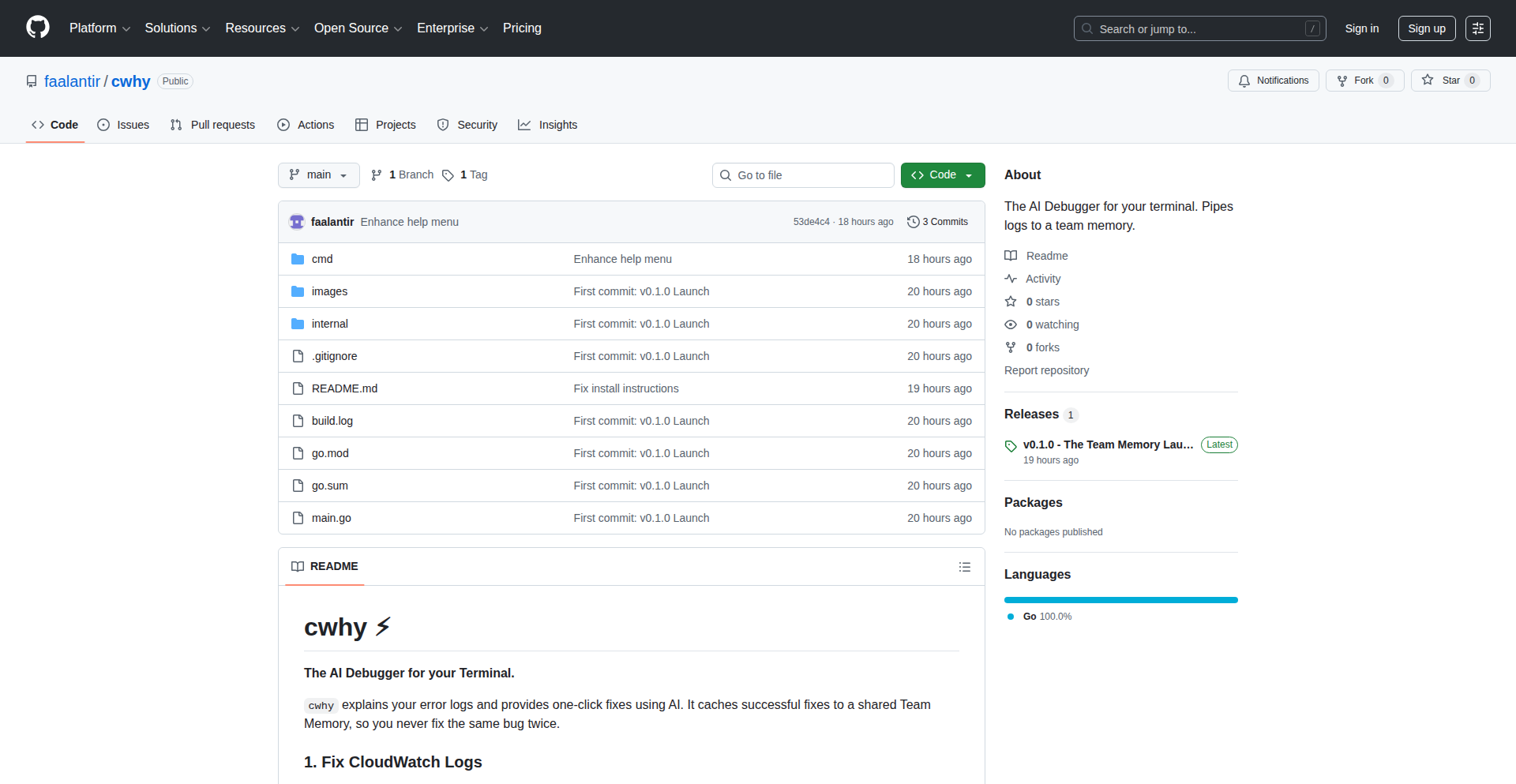
Author
faalantir
Description
Cwhy AI is an AI-powered tool that helps developers understand and fix terminal errors. Written in Go, it leverages large language models to interpret cryptic error messages, explain their root causes in plain English, and suggest concrete code fixes. This bypasses the often frustrating and time-consuming process of searching online forums for solutions, directly empowering developers to resolve issues faster. So, what's in it for you? You get to spend less time debugging and more time building.
Popularity
Points 3
Comments 1
What is this product?
Cwhy AI is a command-line utility that acts as your personal AI debugging assistant for terminal errors. When you encounter a baffling error message from your terminal, instead of getting lost in a sea of technical jargon and Stack Overflow threads, you can feed the error to Cwhy AI. It uses sophisticated AI models (think of them as super-smart pattern recognizers trained on vast amounts of code and error data) to analyze the error's context, identify the underlying problem, and then explain it in an easy-to-understand manner. More importantly, it doesn't just tell you what's wrong; it actively suggests specific code modifications or commands to fix it. This innovative approach dramatically reduces the learning curve for new errors and speeds up the resolution process for experienced developers. So, what's in it for you? It transforms frustrating error messages into actionable insights and solutions, making your development workflow smoother.
How to use it?
Developers can use Cwhy AI by installing it as a command-line tool (typically via Go's package manager). When an error occurs in their terminal, they can pipe the error output directly to Cwhy AI, or paste the error message into the tool. For example, you could run `your_command_that_failed | cwhy-ai` or `cwhy-ai 'paste your error message here'`. The tool will then process the error message, query its AI backend, and return a human-readable explanation and suggested fixes. This makes it incredibly easy to integrate into existing debugging workflows. So, what's in it for you? You can seamlessly add an AI-powered debugging layer to your current terminal sessions without significant setup or workflow changes.
Product Core Function
· AI-powered error interpretation: Uses LLMs to understand complex error messages, translating technical jargon into plain language. This provides immediate clarity on what went wrong, unlike deciphering raw logs. The value is faster comprehension of issues.
· Root cause analysis: Identifies the underlying reasons for the error, going beyond surface-level symptoms. This helps developers understand the 'why' behind the error, leading to more robust solutions and preventing recurring problems. The value is deeper problem understanding.
· Automated fix suggestions: Generates specific code snippets or command-line instructions to resolve the identified error. This significantly reduces the manual effort and time spent searching for solutions. The value is direct actionable solutions, saving time and effort.
· Contextual understanding: Analyzes the error within the broader context of the terminal session or associated code. This leads to more accurate and relevant suggestions than generic error lookup tools. The value is more precise and effective solutions.
· Go language implementation: Built in Go, offering performance and efficient execution, which is crucial for a responsive command-line tool. The value is a fast and reliable debugging assistant.
Product Usage Case
· Encountering a complex linker error during a Go project build: Instead of spending hours sifting through documentation and forums, a developer can paste the linker error into Cwhy AI. Cwhy AI explains that the error is due to a missing dependency and provides the exact `go get` command to install it. This solves a complex build issue in minutes.
· Receiving an obscure segmentation fault in a C++ program: A developer can feed the segmentation fault output to Cwhy AI. The AI might identify that the error is likely caused by a null pointer dereference at a specific line of code and suggest adding a null check. This helps pinpoint a critical bug that might otherwise be very difficult to trace.
· Debugging a misconfigured Docker command: A user might get a cryptic error message from Docker. Cwhy AI can interpret the error, explain that a specific port is already in use, and suggest alternative ports or commands to manage existing containers. This clarifies a common infrastructure problem.
· Troubleshooting a network connection error in a web application backend: When a backend service fails to connect to a database, Cwhy AI can analyze the error logs, identify potential issues like incorrect credentials or firewall rules, and suggest specific configuration changes or troubleshooting steps. This accelerates backend development and maintenance.
40
Hotpath-rs: Real-time Rust Performance Explorer

Author
hodak
Description
Hotpath-rs is a real-time performance, memory, and data flow profiler for Rust applications. It allows developers to visualize and understand the intricate execution paths and memory usage of their Rust code as it runs, pinpointing bottlenecks and inefficiencies with unparalleled precision. This innovative approach to profiling offers immediate feedback, enabling rapid optimization and a deeper understanding of application behavior.
Popularity
Points 4
Comments 0
What is this product?
Hotpath-rs is a live profiling tool specifically designed for Rust. Instead of traditional profiling methods that collect data after execution and require complex analysis, Hotpath-rs provides a dynamic, real-time view. It leverages Rust's efficient low-level capabilities to observe function calls, memory allocations, and data movement as they happen. This granular, up-to-the-moment insight helps identify performance hot spots and memory leaks without significant overhead, allowing developers to see exactly where their program is spending its time and resources. The innovation lies in its ability to offer this deep performance visibility in real-time, making the debugging and optimization process significantly more intuitive and efficient.
How to use it?
Developers can integrate Hotpath-rs into their Rust projects by adding it as a dependency. Once included, they can then instrument specific sections of their code or the entire application to be monitored. During runtime, Hotpath-rs will begin collecting performance data. This data is then presented through a user-friendly interface, likely a visual dashboard or command-line output, that clearly illustrates function call stacks, memory allocation patterns, and data flow. This allows developers to directly observe the impact of code changes on performance in real-time, making iterative optimization straightforward. For example, you might run your web server with Hotpath-rs enabled to see which API endpoints are slowest and why, or to identify unexpected memory growth during specific operations.
Product Core Function
· Real-time function call profiling: Tracks which functions are called, how often, and how long they take to execute, helping to quickly identify performance bottlenecks.
· Live memory allocation tracking: Monitors memory allocation and deallocation events in real-time, making it easier to spot memory leaks or excessive memory usage.
· Data flow visualization: Offers insights into how data moves through the application, aiding in understanding complex interactions and potential inefficiencies.
· Low overhead instrumentation: Designed to have minimal impact on the application's performance during profiling, ensuring that the observed behavior is representative of the actual execution.
· Rust-native integration: Built specifically for Rust, taking advantage of the language's features for deep and accurate profiling.
Product Usage Case
· Optimizing a computationally intensive Rust data processing pipeline: A developer can use Hotpath-rs to pinpoint which stages of the pipeline are taking the longest and consuming the most memory, allowing for targeted code refactoring or algorithm improvements.
· Debugging memory leaks in a long-running Rust service: By observing memory allocations over time with Hotpath-rs, a developer can identify the specific code paths that are accumulating memory unexpectedly, leading to a quicker fix.
· Understanding the performance impact of a new feature in a Rust game engine: A game developer can use Hotpath-rs to profile the new feature's execution in real-time, identifying any performance regressions before they negatively affect the player experience.
· Analyzing the data flow in a complex Rust microservice architecture: Hotpath-rs can help visualize inter-service communication and data transformations, revealing inefficiencies in how data is passed between components.
41
DeviceLab P2P Distributed Device Lab
Author
omnarayan
Description
DeviceLab is a peer-to-peer system that unifies physical devices across different locations (offices, home) into a single, accessible device lab. It leverages WebRTC for direct, encrypted communication between your APK/IPA files, test data, and network calls, essentially turning remote phones into your local testing environment. This innovation bypasses traditional cloud-based device farms for more direct, cost-effective testing.
Popularity
Points 3
Comments 0
What is this product?
DeviceLab creates a distributed device lab by connecting your physical phones in various locations directly to your development or CI environment. It uses WebRTC, a technology for real-time communication over the internet, to establish secure, encrypted (DTLS) peer-to-peer connections. This means your app code, test data, and even network traffic can flow directly between your computer and the remote devices without going through a central server for the actual data transfer. Only the 'signaling' (which device is available where) is handled by DeviceLab's service. NAT traversal is managed using STUN servers (like those from Google or Cloudflare), and for tricky network situations, it can use TURN relay servers (also from Cloudflare) which still maintain end-to-end encryption, meaning the relay server can see that data is being transferred but not its content. This is a hacky, developer-centric approach to solve the complex problem of accessing and testing on physical devices located remotely, offering a more intimate and potentially faster testing experience compared to large commercial solutions.
How to use it?
Developers can set up DeviceLab by running simple shell commands on the machines hosting their devices (e.g., an office desktop with phones attached) and on their CI runners or local development machines. For instance, on the device-hosting machine, you'd run `curl -fsSL https://app.devicelab.dev/device-node/KEY | sh`. Similarly, on the machine that will initiate tests, you'd run a command for the 'test-node'. This integrates your physical devices into a unified lab accessible from your testing frameworks like Appium, Maestro, Espresso, or XCUITest. This allows you to run automated tests or manually interact with devices as if they were physically connected to your workstation, regardless of their actual geographical location.
Product Core Function
· Peer-to-peer device connectivity: Enables direct, encrypted communication between your local environment and remote physical devices, reducing latency and enabling real-time interaction. This is valuable for developers who need immediate feedback on their app's performance on physical hardware.
· WebRTC-based data transfer: Utilizes WebRTC for secure and efficient transfer of app binaries (APKs/IPAs), test data, and network traffic, offering a robust mechanism for remote device interaction without relying on traditional cloud infrastructure.
· NAT traversal with STUN/TURN: Handles complex network configurations to ensure devices can connect even behind firewalls or complex network setups, making the system resilient and broadly applicable. This is crucial for ensuring your test infrastructure remains accessible.
· Seamless integration with testing frameworks: Supports popular automation tools like Appium, Maestro, Espresso, and XCUITest, allowing developers to incorporate their distributed device lab into existing CI/CD pipelines and testing workflows. This minimizes disruption and maximizes existing tool investments.
· Signaling server for device discovery: Manages the discovery and availability of devices across different locations, acting as a central point for clients to find and connect to available test hardware. This simplifies the management of a distributed lab.
Product Usage Case
· Running automated UI tests on a physical iPhone in a Bangalore office from a developer's laptop in San Francisco. The developer needs to ensure their app functions correctly on a specific iOS device model and network condition that might not be readily available locally. DeviceLab bridges this gap, allowing the test to execute as if the device were attached to their machine, with results and logs flowing back in real-time.
· Debugging a mobile application's network performance issues by capturing network calls from a device located in a different office. DeviceLab allows the test data and network traffic to be routed directly, enabling developers to analyze real-world network behavior without complex proxy setups or relying on less accurate simulators. This is critical for identifying and resolving connectivity problems.
· Enabling a distributed team of QA engineers to access and test on a shared pool of physical Android devices spread across multiple office locations. This eliminates the need for each engineer to have dedicated devices, reducing hardware costs and ensuring all team members can test on the same, consistent hardware configurations, improving test coverage and reliability.
42
Valmi Value: AI Agent Billing Fabric

Author
rajvarkala
Description
Valmi Value is an open-source billing and payments infrastructure specifically designed for AI agents. It tackles the core challenge of aligning how AI services are priced (often by token usage) with how customers perceive value (by the results AI agents deliver). It introduces outcome-based and hybrid pricing models, offering flexibility beyond traditional usage metrics. Its innovative aspect lies in providing a ready-to-deploy software stack and SDKs that allow developers to implement these advanced pricing strategies with ease. This empowers businesses to build more customer-centric AI products by billing for tangible outcomes rather than just computational resources.
Popularity
Points 2
Comments 1
What is this product?
Valmi Value is a foundational technology that helps companies that offer AI agent services to charge their customers in a way that makes more sense for both parties. Think of it like this: currently, AI services are often billed based on how many words (tokens) the AI uses. But customers really care about the actual job the AI did, like writing a report, summarizing a document, or creating an image. Valmi Value bridges this gap by enabling 'outcome-based' billing, meaning you can charge for the successful completion of a task, or a combination of task completion and usage. It's like a smart payment system tailored for the AI era, ensuring that payments reflect the real value delivered. The core technical innovation is providing a flexible and open-source framework that abstracts away the complexities of tracking AI agent performance and translating that into fair billing, making it easier for developers to implement these sophisticated pricing models.
How to use it?
Developers can integrate Valmi Value into their AI agent platforms using its open-source SDKs. This involves connecting their AI agent's operational logic to Valmi's system to track task completion, success metrics, and any associated usage. For example, if you've built an AI agent that writes marketing copy, you could configure Valmi to charge per blog post generated (outcome-based), or per word generated with a bonus for high-quality output (hybrid). The software stack can be deployed within your own infrastructure, giving you control. This means you can embed Valmi's billing capabilities directly into your application, allowing for seamless payment processing tied to your AI agent's performance, making it simple for your customers to understand and pay for the services they receive.
Product Core Function
· Outcome-based pricing engine: This allows you to define pricing tiers based on the successful completion of specific tasks performed by AI agents, providing customers with clear value for their money. For instance, charging a flat fee for a fully drafted legal brief generated by an AI.
· Hybrid pricing models: This functionality enables the combination of outcome-based and usage-based billing, offering a flexible approach that caters to different customer needs and service types. You could, for example, charge for the core functionality of an AI chatbot, with an additional charge for extended usage or advanced features.
· AI agent performance tracking: Valmi Value provides tools to monitor and record the performance and results of AI agents, which is crucial for validating outcome-based billing and ensuring fair charges. This would involve logging metrics like accuracy, completion time, and adherence to specifications.
· Payment processing integration: The system is designed to integrate with existing payment gateways, ensuring a smooth and secure transaction process for end-users. This means customers can pay using their preferred methods without leaving your platform.
· Open-source SDKs: These provide developers with the building blocks to easily integrate Valmi Value's billing capabilities into their AI applications, reducing development time and effort. Developers can leverage these pre-built components to quickly add advanced billing features.
· Free to deploy software stack: This allows businesses to implement Valmi Value's infrastructure within their own environments without upfront licensing costs, making advanced billing accessible. This reduces the barrier to entry for companies wanting to innovate their AI service monetization.
Product Usage Case
· A content creation AI platform that currently bills per word could switch to charging per article produced. Valmi Value would track when an article is completed to the client's satisfaction and trigger the payment, making the service feel more like a direct output purchase.
· A customer support AI chatbot provider could offer tiered subscriptions. Valmi Value could manage billing based on the number of resolved customer queries (outcome) and also monitor the overall volume of interactions (usage) to offer flexible plans to different client sizes.
· A data analysis AI service that generates reports could use Valmi Value to bill per report generated. This ensures that clients only pay when they receive a valuable, completed analysis, rather than paying for computational time that might not yield a useful result.
· A creative AI tool that generates images could implement a model where users pay for each high-resolution image generated. Valmi Value would track the successful creation and delivery of the image, triggering the payment and providing a clear transaction for the creative output.
43
SecurityModelExplorer

Author
dberenstein1957
Description
This project explores the premise that reasoning models do not inherently guarantee improved security. It provides a framework for analyzing and potentially demonstrating the limitations of relying solely on reasoning models for security, highlighting the importance of empirical validation and practical implementation over theoretical guarantees. The innovation lies in creating a tangible tool to challenge common assumptions about AI and security, pushing for a more grounded approach to cybersecurity.
Popularity
Points 3
Comments 0
What is this product?
SecurityModelExplorer is a conceptual and potentially experimental project that investigates the effectiveness of using reasoning models to enhance security. The core technical idea is to build or simulate systems where security relies on predefined reasoning capabilities, and then test these systems against real-world or simulated attacks. The innovation is in its critical stance: instead of just building a secure system, it focuses on understanding *why* a reasoning model might *fail* to guarantee security. It's about dissecting the gap between theoretical reasoning and practical security outcomes, using code to challenge assumptions. So, what's the value for you? It helps you understand that just because a system *thinks* it's secure based on logic, doesn't mean it actually *is* secure in practice. It encourages a more robust, test-driven approach to security.
How to use it?
Developers can use SecurityModelExplorer as a framework for their own security research or to build more resilient systems. This might involve:
1. Implementing specific reasoning models (e.g., rule-based systems, formal logic solvers) within a simulated environment.
2. Developing attack vectors that specifically target the logical assumptions or implementation flaws of these models.
3. Analyzing the results to identify where the reasoning model's predictions about security diverged from actual outcomes.
Integration could involve plugging different reasoning engines into a common testbed or using the project's analytical tools to evaluate existing security architectures. So, how does this help you? It provides a sandbox to test the security assumptions of your own systems and learn from potential failures before they impact real users.
Product Core Function
· Reasoning Model Simulation: Allows for the creation and testing of various logical or rule-based security models in a controlled environment, demonstrating their operational behavior. The value is in understanding how a theoretical security model behaves in a simulated setting.
· Attack Vector Generation: Provides tools to define and execute specific types of attacks against the simulated reasoning models, simulating real-world threats. This has value by showing how theoretical security can be undermined by practical attacks.
· Security Outcome Analysis: Compares the predicted security state from the reasoning model with the actual outcome of simulated attacks, identifying discrepancies and vulnerabilities. This is valuable for pinpointing the exact points of failure and improving future designs.
· Comparative Evaluation Framework: Enables the comparison of different reasoning models or security approaches side-by-side to understand their relative strengths and weaknesses under specific threat models. Its value lies in providing data-driven insights for choosing the right security strategies.
· Discrepancy Reporting: Generates reports detailing instances where the reasoning model's security predictions were incorrect, offering insights into the root causes of these failures. This offers actionable intelligence for patching and redesigning systems.
Product Usage Case
· A developer building an access control system for a sensitive application could use this project to test if their rule-based access logic, no matter how meticulously crafted, can be bypassed by attackers exploiting edge cases or logical loopholes not initially considered. This helps them build a more robust access control by identifying vulnerabilities *before* deployment.
· A cybersecurity researcher could leverage this project to demonstrate to a team of engineers that relying solely on static analysis or code-based reasoning for a smart contract's security might be insufficient, especially when facing novel or sophisticated exploit techniques. This provides concrete evidence to advocate for more dynamic security testing and real-world simulations.
· A company developing an AI-powered threat detection system could use this as a sandbox to test if their AI's 'reasoning' about suspicious network traffic is truly effective against advanced persistent threats, or if the AI's internal logic can be tricked. This leads to better threat detection algorithms that are less susceptible to adversarial manipulation.
· An independent security auditor might use this to create proof-of-concept exploits that highlight the limitations of reasoning models used in IoT device security, showcasing to manufacturers the need for more than just theoretical security guarantees. This helps push the industry towards more practical and rigorously tested security solutions.
44
PremiumFlow

Author
tchantchov
Description
PremiumFlow is a tool for options traders that intelligently manages the 'true' cost basis of their positions. It addresses the complexity of tracking how collected option premiums affect the real entry price of stocks or LEAPS, especially when selling puts and covered calls. The innovation lies in automatically integrating these premiums into your cost basis calculations, providing a clearer picture of profitability and realistic break-even points. This simplifies managing undefined-risk option strategies at scale, which is a common pain point for traders.
Popularity
Points 2
Comments 1
What is this product?
PremiumFlow is a financial tracking tool designed for options traders. Its core innovation is in how it handles the accounting for option premiums. When you sell an option (like a put or a covered call), you receive a premium – essentially cash upfront. This premium effectively lowers your initial investment cost for the underlying asset (like a stock). Traditional trading platforms often don't automatically adjust your cost basis to reflect this. PremiumFlow solves this by allowing you to input your option trades and automatically recalculates your stock's or LEAPS' adjusted cost basis. This means you can see the real price you paid, factoring in the money earned from selling options, which is crucial for making informed decisions about your trades, like knowing when you're actually making a profit or when to adjust a position.
How to use it?
Developers and traders can use PremiumFlow by integrating their stock and LEAPS holdings data along with their option trade information. You input details of your stock or LEAPS positions and then record your option selling trades (e.g., selling a put option, selling a covered call). PremiumFlow then processes this information to display your updated, 'true' cost basis. This is particularly useful for strategies like selling puts on cash reserves (where the premium reduces your potential purchase price if assigned) and selling covered calls against existing stock holdings (where the premium improves your effective cost basis). The tool helps in calculating realistic break-even points and managing complex trades more effectively, especially when dealing with multiple positions or long-dated options (LEAPS).
Product Core Function
· Automatic Cost Basis Adjustment: Integrates option premiums received from selling puts and covered calls directly into the cost basis of your underlying stock or LEAPS. This provides a more accurate reflection of your investment, helping you understand your true entry price and profitability.
· Realistic Break-Even Calculation: By providing an accurate cost basis, the tool enables the calculation of more realistic break-even points for your trades. This is essential for making informed decisions on whether to hold, close, or adjust your positions.
· Undefined-Risk Strategy Management: Simplifies the tracking and management of complex, undefined-risk option strategies like selling puts and covered calls at scale. It makes it easier to monitor your overall portfolio performance and identify potential issues.
· Seamless Integration of Option Premiums: Allows direct input of option trade data, ensuring that the financial impact of premiums is accurately reflected in your overall investment calculations without manual, error-prone tracking.
Product Usage Case
· Scenario: A trader sells a put option on a stock they are interested in buying at a lower price. They receive a premium. Instead of just tracking the cash, PremiumFlow automatically reduces the effective cost basis of that stock. If the option expires worthless, the trader keeps the premium and has a lower overall cost basis for future potential purchase. This helps them see their improved entry point for that stock.
· Scenario: A trader owns shares of a stock and sells a covered call against those shares. They receive a premium. PremiumFlow integrates this premium to lower the effective cost basis of their stock holdings. This means even if the stock price doesn't rise significantly, the premium collected makes their overall investment more profitable, and PremiumFlow visually represents this improved financial position.
· Scenario: A trader is managing multiple option positions and wants to understand their overall financial exposure and profitability. PremiumFlow consolidates the impact of all option premiums on their underlying assets, providing a clear, aggregated view of their true cost basis and break-even points across their entire portfolio, thus simplifying complex risk management.
45
Evochora: Dynamic Digital Physics Engine

Author
rainco
Description
Evochora is an open-source platform designed for Artificial Life (ALife) research, addressing the challenge of 'evolutionary stagnation' in simulations. It employs a modular, plugin-based architecture to enable flexible experimentation with 'digital physics' rather than fixed rules. This allows researchers to explore emergent complexity in simulated organisms by easily adding new behaviors, interaction rules, or evolutionary mechanisms without altering the core simulation engine. It's built for scientific exploration and for developers interested in advanced simulation, emergent systems, and extensible virtual environments.
Popularity
Points 3
Comments 0
What is this product?
Evochora is an advanced simulation environment for Artificial Life research, focused on overcoming limitations in current ALife models that lead to evolutionary stagnation. Its core innovation lies in its highly extensible, plugin-based architecture. Instead of hard-coding simulation rules, Evochora provides a Turing-complete Virtual Machine (VM) with a compiler for a custom language (EvoASM). This VM and compiler are designed to be extended with new instructions, constraints, and optimization passes via plugins. The simulation also features embodied organisms that interact through 'digital physics,' meaning their actions are governed by programmable Instruction and Data Pointers rather than simple scripts. This approach allows for a more dynamic and potentially more realistic evolution of complexity. The 'so what?' for you is that it offers a powerful, flexible toolkit to build and test hypotheses about how complex systems and life itself can emerge and evolve.
How to use it?
Developers can use Evochora as a research platform or as a foundation for building complex simulation systems. Its plugin system allows for adding new 'digital physics' rules, organism behaviors, or even modifying the core VM and compiler without touching the main codebase. For example, a researcher could develop a new mutation model by creating a plugin that defines how genetic material changes over generations. A developer could integrate Evochora into a game engine to create dynamic, evolving non-player characters. The core simulation can be run and analyzed via a distributed pipeline, with a frontend for debugging and custom metrics collection. The 'so what?' for you is that you can rapidly prototype and deploy new evolutionary or simulation concepts with unprecedented flexibility.
Product Core Function
· Turing-complete VM and Compiler: This allows for complex, programmable behaviors within the simulation, akin to writing small programs for each simulated organism. The value is in enabling sophisticated agent logic and the ability to extend the instruction set to model novel computational processes for life. This is useful for creating deeply intelligent or uniquely behaving simulated entities.
· Plugin System for VM/Compiler: This is a key innovation that lets you add new instructions, constraints, or optimization passes without modifying the core engine. The value is in extreme flexibility, enabling rapid iteration on new computational paradigms for life or simulation. This is useful for researchers and developers who want to experiment with novel computing or evolutionary mechanics.
· Embodied Simulation with Instruction/Data Pointers: Organisms interact based on explicit 'digital physics' rules defined by their program flow (instruction pointers) and memory access (data pointers). The value is in creating more grounded and potentially emergent behaviors compared to script-based agents. This is useful for developing realistic agent interactions and emergent collective behaviors.
· Distributed Pipeline for Scalability: The simulation's processing is optimized for performance and scalability, separating 'hot' (frequently accessed) and 'cold' (less frequently accessed) data paths. The value is in handling large-scale simulations efficiently. This is useful for running complex, long-term evolutionary experiments or large population simulations.
· Plugin-based Debugging and Analytics Frontend: This allows for custom metrics and visualizations tailored to specific experiments. The value is in gaining deep insights into the simulation's behavior and evolutionary progress. This is useful for understanding the nuances of emergent systems and for scientific validation.
Product Usage Case
· Investigating evolutionary stagnation: Researchers can use Evochora to test hypotheses about why evolution sometimes slows down by introducing new mutation models (via plugins) and observing their impact on population complexity. The value is in providing concrete tools to tackle fundamental scientific questions. This addresses the 'so what?' of understanding the limits and drivers of evolution.
· Developing novel AI agents: Developers can create highly adaptable and unique AI agents by defining their 'digital physics' and evolutionary rules within Evochora. The value is in moving beyond scripted AI to truly emergent intelligence. This addresses the 'so what?' of creating more realistic and unpredictable digital characters or systems.
· Designing self-optimizing systems: The platform's extensibility allows for the creation of systems that can evolve their own computational processes or interaction rules. The value is in building truly adaptive and resilient digital environments. This addresses the 'so what?' of creating systems that can improve themselves over time.
· Exploring emergent signaling and concurrency: Researchers can use the FORK opcode and internal signaling mechanisms (via plugins) to investigate how complex communication and parallel processing might emerge in digital life. The value is in unlocking new avenues for studying the origins of complex biological phenomena. This addresses the 'so what?' of simulating and understanding the foundational elements of biological complexity.
46
WeekInPapers: AI-Powered ArXiv Discovery Engine

Author
mox111
Description
WeekInPapers tackles the challenge of finding relevant new research papers on ArXiv, especially in Computer Science. It uses an AI to automatically summarize papers into 'Explain Like I'm 5' (ELI5) summaries, making complex research more accessible. This means less time sifting through dense abstracts and more time understanding cutting-edge ideas. So, what's in it for you? You get a faster, clearer path to discovering and understanding important new research, even if you're not an expert in a specific field.
Popularity
Points 3
Comments 0
What is this product?
WeekInPapers is a web application designed to improve the discoverability of new research papers published on ArXiv, a popular repository for scientific preprints, particularly in computer science. The core innovation lies in its automated process: as new papers are published throughout the week, the platform updates its homepage. Crucially, each paper is accompanied by an AI-generated 'ELI5' (Explain Like I'm 5) summary. This summary simplifies complex topics, explains jargon, and clarifies assumed knowledge, effectively demystifying cutting-edge research. The technical insight here is leveraging Large Language Models (LLMs) for a practical application in scientific dissemination, making advanced research comprehensible to a wider audience. So, what's in it for you? It's a smart way to quickly grasp the essence of new research without needing to be an expert or dedicating hours to deciphering dense academic text.
How to use it?
Developers can use WeekInPapers as a personalized research assistant or an inspiration source for their own projects. By visiting the website, you can browse newly published computer science papers, organized chronologically. The ELI5 summaries allow for rapid evaluation of a paper's relevance and impact. For integration, while not a direct API yet, developers could potentially use it to inform their own recommendation systems, content curation tools, or even as a trigger for further in-depth reading of papers that pique their interest. So, what's in it for you? You can efficiently stay updated on the latest advancements relevant to your work, potentially sparking new ideas or identifying crucial information for your projects.
Product Core Function
· Automated Paper Ingestion: New ArXiv papers in Computer Science are automatically fetched and displayed as they are published throughout the week. This provides real-time access to the latest research. So, what's in it for you? You're always up-to-date with the newest findings in your field.
· AI-Generated ELI5 Summaries: Each paper is processed by an LLM to produce a simplified, easy-to-understand summary. This makes complex research accessible to a broader audience, including those without deep domain expertise. So, what's in it for you? You can quickly understand the core concepts and implications of research without needing to be an expert.
· Chronological Feed: Papers are presented in a chronological feed, starting anew each week. This structured approach helps in tracking the flow of new research over a given period. So, what's in it for you? You get a clear overview of what's new and trending in research each week.
Product Usage Case
· A machine learning researcher looking to quickly understand the latest advancements in natural language processing can browse WeekInPapers. They can scan the ELI5 summaries to identify papers that are particularly novel or relevant to their current work, saving them significant time compared to manually reviewing abstracts. So, what's in it for you? Faster discovery of relevant ML research.
· A software engineer exploring new algorithms for a performance-critical application can use WeekInPapers to discover papers on optimization techniques. The simplified summaries allow them to quickly assess if a paper's approach is worth a deeper dive, potentially leading to significant improvements in their codebase. So, what's in it for you? Efficient identification of performance-boosting algorithms.
· A student trying to stay informed about emerging trends in artificial intelligence can leverage WeekInPapers to get a high-level understanding of new research. The ELI5 summaries make the material approachable, helping them build a broad knowledge base without getting bogged down in technical jargon. So, what's in it for you? Easier learning and broader understanding of AI trends.
47
Octopii: Rust's Distributed Apps Runtime
Author
puterbonga
Description
Octopii is a novel runtime environment designed for building distributed applications using Rust. It tackles the inherent complexities of distributed systems by providing a framework that simplifies concurrency, fault tolerance, and communication between different parts of an application running across multiple machines. The innovation lies in its Rust-native approach, leveraging the language's strong safety guarantees to build robust and reliable distributed systems with reduced boilerplate code.
Popularity
Points 2
Comments 1
What is this product?
Octopii is a specialized software environment, like an operating system for your distributed programs, but built specifically for Rust. Imagine you're building a complex system where many pieces need to talk to each other over a network – like a social media feed or a large-scale data processing pipeline. Doing this in a way that is reliable, fast, and doesn't break when one piece fails is incredibly hard. Octopii provides the underlying 'engine' and 'rules' that make this easier. Its core innovation is how it uses Rust's powerful features, like memory safety without a garbage collector, to ensure that your distributed applications are not only performant but also very stable and secure. This means fewer bugs related to concurrency (multiple things happening at once) and network issues, which are common headaches in distributed systems.
How to use it?
Developers can use Octopii by writing their application logic in Rust and then deploying it within the Octopii runtime. This typically involves defining how different components (or 'actors' in Octopii's paradigm) communicate with each other, specifying how they should handle failures, and configuring their deployment across various nodes or servers. Octopii provides APIs (Application Programming Interfaces) that abstract away much of the low-level networking and synchronization complexities. For example, if you're building a real-time chat application, you would use Octopii's primitives to manage sending messages between user clients and server-side components, ensuring messages are delivered even if a server temporarily goes offline. Integration would involve setting up Octopii as the execution environment for your Rust binaries, much like you might deploy a web application on a standard server.
Product Core Function
· Actor-based Concurrency: Enables building applications as a collection of independent, communicating entities called 'actors'. This simplifies managing parallel tasks and prevents common threading bugs, making it easier to write concurrent code that is less prone to errors.
· Message Passing for Communication: Facilitates reliable and asynchronous communication between actors via message queues. This is the fundamental way different parts of your distributed system talk to each other, ensuring that data is exchanged efficiently and robustly, even across network boundaries.
· Fault Tolerance Mechanisms: Provides built-in strategies for handling component failures, such as supervision trees and automatic restarts. This means your application can continue to operate even if parts of it encounter problems, making your systems more resilient and reducing downtime.
· Distribution and Networking Abstraction: Hides the complexities of network communication and node discovery, allowing developers to focus on application logic rather than infrastructure. This lets you build applications that span multiple machines without needing to be a networking expert, simplifying deployment and scaling.
· Rust's Safety Guarantees: Leverages Rust's memory safety and thread safety features to build inherently more reliable and secure distributed applications. This means fewer unexpected crashes and security vulnerabilities, leading to more dependable software.
Product Usage Case
· Building a distributed real-time chat application: Use Octopii to manage user connections, message routing between clients and servers, and ensure message delivery even if a server node crashes. This solves the problem of creating a scalable and fault-tolerant chat system where messages are not lost.
· Developing a large-scale data processing pipeline: Employ Octopii to orchestrate multiple worker nodes that process data chunks in parallel. Octopii's runtime handles distributing tasks, collecting results, and recovering from worker failures, enabling efficient and reliable data processing for massive datasets.
· Creating a microservices architecture: Leverage Octopii to define and manage communication between independent microservices. Its actor model and message passing simplify service-to-service interaction, making it easier to build and maintain complex distributed systems where services can be scaled and updated independently.
· Implementing a distributed consensus algorithm: Use Octopii's robust communication and fault tolerance features to build reliable consensus mechanisms for distributed databases or state management systems. This helps ensure data consistency across multiple nodes, even in the presence of network partitions or node failures.
48
Digital Defender Simulator

Author
laurent_molter
Description
A simulation game designed to let users practice and learn effective online self-defense techniques. The core innovation lies in its interactive, gamified approach to teaching cybersecurity awareness and response, turning abstract concepts into tangible, learnable skills.
Popularity
Points 2
Comments 1
What is this product?
This project is an interactive simulation game that allows users to practice defending themselves against common online threats. It leverages a simulated environment where players encounter various cyberattack scenarios, such as phishing attempts, social engineering tactics, and basic malware infections. The game provides immediate feedback and guidance on how to respond appropriately, helping users develop muscle memory for safe online behavior. The innovation is in translating complex cybersecurity principles into an engaging, playable format, making learning accessible and effective for a broader audience. So, what's in it for you? It helps you build practical skills to protect yourself online in a fun and low-risk environment.
How to use it?
Developers and individuals can access and play the game through their web browser. The game presents various scenarios, and users interact by making choices. For example, presented with a suspicious email, the player might choose to report it, delete it, or click a link. The game then evaluates the choice and provides educational feedback. Integration possibilities for developers could include embedding the simulator into educational platforms or security awareness training modules to provide hands-on experience for users. So, what's in it for you? You can use it to train yourself or your team to recognize and respond to online threats more effectively, reducing the risk of real-world incidents.
Product Core Function
· Interactive scenario-based learning: Players face simulated online threats and make decisions. This provides practical experience in recognizing and responding to cyberattacks, valuable for improving digital literacy.
· Real-time feedback and guidance: The game explains why a certain response is correct or incorrect, offering clear explanations of security best practices. This helps users understand the 'why' behind security measures, reinforcing learning.
· Progress tracking and skill assessment: Users can see their improvement over time and identify areas where they need more practice. This allows for a personalized learning journey focused on individual weaknesses.
· Gamified learning experience: The game mechanics, such as scoring and progression, make learning about cybersecurity engaging and motivating. This transforms a potentially dry subject into an enjoyable activity.
Product Usage Case
· Cybersecurity awareness training for employees: Companies can use this simulator to train their staff on how to spot phishing emails and avoid social engineering scams, thereby reducing the likelihood of data breaches and financial losses.
· Educational tool for students: Educational institutions can incorporate this game into their curriculum to teach young people about online safety, digital citizenship, and the risks associated with the internet.
· Personal skill development for individuals: Anyone concerned about their online security can use the simulator to sharpen their reflexes and knowledge against common online threats, leading to a safer personal online experience.
· Testing and validating security response protocols: Security professionals can use the simulator to quickly test and demonstrate the effectiveness of basic security protocols in a controlled, simulated environment, showing how users would react.
49
TinyAnalytics

Author
aidgn
Description
A serverless analytics solution weighing in at just 3KB, designed to collect website traffic data without relying on traditional APIs or complex origin servers. It bypasses semantic parsing, offering a lean and efficient way to gain insights into user behavior.
Popularity
Points 1
Comments 2
What is this product?
TinyAnalytics is a serverless analytics system that measures website traffic in an extremely compact package (only 3 kilobytes). Unlike typical analytics tools that send data to a central server via APIs or require you to host a data processing backend (origin), TinyAnalytics works differently. It cleverly uses existing, often overlooked, web functionalities to record events. The innovation lies in its minimalist approach, avoiding heavy JavaScript libraries and intricate data interpretation. By skipping 'semantic parsing,' which is like trying to understand the meaning of sentences, it focuses on raw, quantifiable data points. This means faster loading times for your website and less infrastructure for you to manage.
How to use it?
Developers can integrate TinyAnalytics by adding a very small script to their website's HTML. This script, being so tiny, has a negligible impact on page load speed. Once integrated, it automatically tracks key user interactions like page views and basic event triggers. For instance, if you want to know how many people visit a specific product page or click a download button, TinyAnalytics can track this without you needing to write complex code or set up a separate analytics server. It's ideal for static websites, portfolios, or simple web applications where a full-blown analytics suite is overkill.
Product Core Function
· Minimalist page view tracking: Records when a page is visited, providing essential data on traffic volume without impacting website performance.
· Event tracking capabilities: Allows developers to define and track custom user interactions (e.g., button clicks, form submissions) with minimal code, offering insights into user engagement.
· Serverless architecture: Operates without requiring any backend servers or APIs to be managed by the user, simplifying deployment and reducing hosting costs.
· Small footprint (3KB): Ensures extremely fast loading times for the analytics script, which is crucial for user experience and SEO.
· No semantic parsing: Focuses on raw data collection, making it efficient and less prone to errors from complex data interpretation.
Product Usage Case
· A freelance web developer building a personal portfolio website needs to understand how many people are viewing their work. TinyAnalytics can be added with a few lines of code, providing basic traffic numbers without the complexity of setting up Google Analytics or other large platforms. This helps the developer understand which projects are attracting the most attention.
· A small business owner with a static website wants to track how many users click on their contact form button. TinyAnalytics can be configured to track this specific 'click' event. This allows the business owner to gauge interest in contacting them, all without needing to manage any server infrastructure.
· A developer creating a simple landing page for a new product wants to see how many people visit the page. TinyAnalytics provides these essential page view metrics. This helps them understand the initial reach of their marketing efforts by knowing the raw visitor count.
50
KafkaHawk

Author
sivann
Description
KafkaHawk is a real-time command-line interface (CLI) tool designed for monitoring Apache Kafka. It presents consumer lag and event rates in a user-friendly, 'top'-like interface. The innovative part is its ability to predict when consumers will catch up and to assess the health of partition distribution using novel metrics like Peak-to-Average Ratio (PAR) and Coefficient of Variation (Cv). This helps developers quickly identify performance bottlenecks and ensure smooth data flow in Kafka.
Popularity
Points 3
Comments 0
What is this product?
KafkaHawk is a powerful CLI tool that gives you a live, easy-to-understand view of your Apache Kafka clusters. Think of it like the 'top' command on Linux, but specifically for Kafka. It shows you crucial information like how far behind your consumers are (consumer lag) and how many messages are flowing in (event rates). The innovation lies in its advanced analytics: it not only tells you the current state but also predicts when your consumers will be up-to-date and evaluates the balance of work across your Kafka partitions. It uses metrics like PAR (Peak-to-Average Ratio) to highlight if a single partition is doing way more work than others, and Cv (Coefficient of Variation) to measure how uneven the workload is across all partitions. This rewrite in Go makes it efficient and easy to deploy.
How to use it?
Developers can use KafkaHawk by simply running it from their terminal after installing it. It connects to your Kafka cluster and immediately starts displaying real-time metrics. You can then drill down into specific partitions to see their configuration, current offsets, lag, and message rates. The color-coded interface makes it easy to spot issues. For example, if you're troubleshooting slow data processing, you can use KafkaHawk to see which consumers are lagging and which partitions are overloaded. It can also be integrated into CI/CD pipelines or used in automated monitoring scripts by leveraging its CLI output.
Product Core Function
· Real-time Kafka Monitoring: Provides a live 'top'-like interface to visualize Kafka's performance, helping you understand the system's pulse at any given moment. This is useful for quick status checks and identifying immediate issues.
· Consumer Lag and Event Rate Display: Shows how far behind your data consumers are and the volume of messages being processed, enabling you to gauge processing efficiency and potential bottlenecks.
· Catch-up ETA Calculation: Predicts when your consumers will catch up to the latest messages, giving you a clear timeline for issue resolution and performance improvement. This helps in capacity planning and setting expectations.
· Partition Health Analysis (PAR and Cv): Introduces novel metrics (Peak-to-Average Ratio and Coefficient of Variation) to quantify workload imbalance across Kafka partitions, helping to pinpoint specific partitions that are either overloaded or underutilized.
· Detailed Partition Insights: Allows users to inspect individual partition details, including configuration, lag, offsets, rates, replica status, and leader information, with visual cues for hot partitions. This granular view is essential for in-depth troubleshooting.
· Pure Go Implementation: Rewritten in Go without CGO dependencies, ensuring easy distribution and enhanced performance and reliability across different systems.
Product Usage Case
· Troubleshooting Data Ingestion Delays: A developer notices that data from a Kafka topic is not being processed in near real-time. They run KafkaHawk, observe high consumer lag on specific partitions, and identify that one partition has a much higher event rate (indicated by PAR). They can then investigate why that partition is experiencing more load or why the consumer assigned to it is slower.
· Performance Bottleneck Identification: A system administrator wants to ensure optimal Kafka performance. KafkaHawk reveals that the overall Coefficient of Variation (Cv) for a topic is high, indicating uneven distribution of work. By drilling down, they can see which partitions are most active and investigate potential issues with message key distribution or partitioning strategy.
· Proactive Capacity Planning: Before a major marketing campaign that is expected to generate a surge in traffic, a team uses KafkaHawk to monitor baseline consumer lag and event rates. They use the catch-up ETA feature to estimate the system's capacity and identify if additional resources or optimizations are needed to handle the increased load.
· Debugging Distributed Systems: When integrating Kafka with other microservices, developers can use KafkaHawk to quickly verify that messages are being produced and consumed as expected. The clear visualization of lag helps them isolate issues to either the producer, the Kafka cluster itself, or the consumer applications.
· Working with Port-Forwarded Kafka Clusters: A developer needs to access a Kafka cluster that is not directly reachable, perhaps through a Kubernetes port-forward. KafkaHawk's custom DNS mapping feature allows them to configure specific DNS overrides, enabling the tool to connect and monitor the cluster even in complex network setups.
51
WindMouse-AI
Author
AsfhtgkDavid
Description
WindMouse-AI is a Python library implementing the well-known WindMouse algorithm for generating human-like mouse movements. It addresses the lack of a clean, reusable, and well-tested implementation, offering two backends: PyAutoGUI for cross-platform compatibility and AutoHotkey for Windows. This provides developers with a powerful tool to create more natural and less robotic automation, enhancing user experience in various applications.
Popularity
Points 3
Comments 0
What is this product?
WindMouse-AI is a Python library that recreates the WindMouse algorithm, a sophisticated method for making computer mouse movements look natural and human-like. Instead of jerky, straight lines, it generates smooth, curved paths with variable speeds and realistic deceleration. The innovation lies in its clean, type-hinted Python implementation, making it easy for developers to integrate and use. It offers flexibility through its two backends: PyAutoGUI, which works on most operating systems, and AutoHotkey, specifically for Windows. So, if you need your automated scripts or applications to control the mouse in a way that's indistinguishable from a human, this is your tool.
How to use it?
Developers can use WindMouse-AI by installing the Python package and then calling its functions to simulate mouse movements. For example, a developer can specify a start and end point, and the library will generate a sequence of mouse movements that mimics natural human behavior. This can be integrated into automation scripts for testing, robotic process automation (RPA), game development, or any application where precise and human-like cursor control is desired. The choice of backend (PyAutoGUI or AutoHotkey) depends on the target operating system and the specific integration needs. This means you can easily add human-like mouse actions to your existing Python projects, making your automation feel less like a robot and more like a person.
Product Core Function
· Human-like mouse path generation: Implements the WindMouse algorithm to create curved, natural mouse trajectories, making automation less detectable and more user-friendly. This is useful for applications where a robotic mouse movement would be jarring or obvious.
· Variable speed and deceleration: Dynamically adjusts mouse movement speed and incorporates natural deceleration, mimicking human reaction times and stopping behavior. This adds a layer of realism to automated interactions, crucial for certain UI testing or simulation scenarios.
· Cross-platform compatibility via PyAutoGUI: Leverages the PyAutoGUI library to ensure mouse control works across Windows, macOS, and Linux. This provides a broad reach for your automated applications without needing OS-specific code.
· Windows-specific backend via AutoHotkey: Offers a dedicated integration with AutoHotkey for enhanced performance and control on Windows systems. This is beneficial for Windows-centric automation tasks requiring deep system integration.
· Strong typing and mypy support: Uses Python's type hinting (NewType) to improve code clarity, reduce errors, and aid in static analysis with tools like mypy. This leads to more robust and maintainable code for complex automation projects.
Product Usage Case
· Automated UI testing: Simulate user interactions with a web or desktop application using natural mouse movements to make test results more reliable and less prone to detection by anti-automation systems. This helps ensure your software feels right to real users.
· Robotic Process Automation (RPA): Build RPA bots that interact with applications in a more human-like manner, improving their success rate when dealing with legacy systems or interfaces not designed for automation. This makes your automation more adaptable to diverse software environments.
· Game development and simulation: Create more realistic AI-controlled characters or simulated environments by having non-player characters (NPCs) move their cursors or point devices naturally. This enhances immersion and believability in games and simulations.
· Accessibility tools: Develop assistive technologies that can control a computer's mouse with smoother, more predictable movements for users with motor impairments. This provides a better, more controlled user experience for those who need it.
· Creative coding and interactive art: Generate dynamic and organic mouse movements for generative art installations or interactive experiences that respond to user input in a fluid, non-linear fashion. This allows for more artistic and expressive digital creations.
52
N8n-Style TypeScript Agents

Author
omersays
Description
This project implements N8n-style workflows and AI agents using TypeScript. It focuses on creating a flexible, code-driven platform for automating tasks and integrating AI capabilities. The core innovation lies in its event-driven architecture and modular design, allowing developers to build complex automation sequences with simple, composable TypeScript functions. This means you can automate repetitive tasks and leverage AI without needing to be an expert in every individual service.
Popularity
Points 3
Comments 0
What is this product?
This is a framework for building automated workflows and AI-powered agents, inspired by the visual, node-based approach of N8n but implemented entirely in TypeScript. It allows you to connect different services and trigger actions based on events. Think of it as a programmable engine for your digital life. The innovation is in its developer-centric approach, offering the power and flexibility of code while maintaining an intuitive, flow-based logic. This means you get precise control over your automations and can easily extend them with custom logic, solving complex integration problems that might be difficult with purely visual tools.
How to use it?
Developers can use this project by writing TypeScript functions that represent individual 'actions' or 'nodes' in a workflow. These functions can interact with APIs, process data, or call AI models. Workflows are then defined by chaining these functions together, specifying the order of execution and data flow. This is useful for integrating various applications, building custom AI assistants, or automating data processing pipelines. For instance, you could create a workflow that triggers when a new email arrives, extracts information using an AI agent, and then posts that information to a Slack channel.
Product Core Function
· Modular Action Definition: Developers can define reusable, independent functions (actions) that perform specific tasks. This allows for a clean separation of concerns and makes it easy to build and maintain complex workflows, giving you a structured way to tackle any automation challenge.
· Event-Driven Workflow Execution: Workflows are triggered by specific events (e.g., an API call, a new file). This enables real-time automation and ensures that actions are performed only when necessary, making your automations efficient and responsive.
· TypeScript-Native AI Agent Integration: Seamlessly integrate AI models and services directly within your workflows. This allows you to build intelligent automations that can understand, process, and generate content, empowering you to leverage cutting-edge AI without complex setup.
· Data Transformation and Routing: Built-in capabilities to transform data between actions and route it based on conditions. This ensures that data flows correctly through your workflow and that the right actions are taken based on the processed information, providing flexibility in handling diverse data needs.
· Extensible Node Ecosystem: The design encourages the creation of a rich ecosystem of pre-built and custom nodes, allowing for easy expansion and integration with a wide range of services and applications. This means you can easily add support for new tools and services to your automations as your needs evolve.
Product Usage Case
· Automating social media posting: A developer could create a workflow that monitors RSS feeds, extracts relevant articles, uses an AI agent to summarize them, and then schedules posts to Twitter and LinkedIn. This saves time and effort in content curation and distribution.
· Building a customer support chatbot: Integrate an AI agent to understand user queries, route them to the appropriate internal tools or knowledge base articles, and provide automated responses. This improves customer service efficiency and responsiveness.
· Data pipeline automation: Set up a workflow to automatically ingest data from various sources (e.g., databases, APIs), process and clean it using TypeScript functions, and then load it into a data warehouse or perform analysis. This streamlines data management and makes insights more accessible.
· Personal task automation: Create a personal assistant that monitors your calendar, reminds you of upcoming tasks, and even drafts emails based on context. This helps in managing personal productivity and staying organized.
53
Browser-Native Dev Toolkit
Author
ghdj
Description
A curated suite of developer utilities designed to run entirely within your web browser, offering instant access to essential tools without any server-side processing, accounts, or tracking. It's built with plain HTML, CSS, and JavaScript for lightning-fast performance and straightforward maintenance. This toolkit is a testament to the hacker ethos of using code to solve immediate developer pain points with elegance and simplicity.
Popularity
Points 3
Comments 0
What is this product?
This project is a collection of 24 standalone developer utilities that are entirely client-side, meaning they operate directly within your web browser. Think of it as a digital Swiss Army knife for programmers. The innovation lies in its commitment to privacy and speed: by avoiding any server-side code, it ensures your data never leaves your machine, there's no need to create accounts, and the tools load almost instantaneously. This approach is driven by a desire to provide accessible, trustworthy, and efficient tools for everyday coding tasks, embodying the spirit of building useful things with minimal overhead.
How to use it?
Developers can use these tools by simply navigating to the project's web page. Each utility functions independently. For instance, if you need to format a JSON file, you'd select the JSON formatter, paste your JSON content, and the tool will instantly return a prettified version. If you need to test a regular expression, you select the Regex tester, input your pattern and test string, and see the results. Integration can be as simple as bookmarking the page for quick access or using the open-source code as a foundation for custom browser extensions or local applications. The primary use case is for quick, on-the-fly tasks during development or debugging, eliminating the need to download separate software or connect to external services.
Product Core Function
· JSON formatter/validator: Instantly makes messy JSON readable and checks if it's correctly structured, saving you from syntax errors when working with data.
· CSV to JSON/SQL converter: Transforms comma-separated values into structured JSON or SQL formats, simplifying data manipulation and import processes.
· Regex tester: Allows you to quickly test and refine your regular expressions against sample text, ensuring they work as intended before deployment.
· Base64 encoder/decoder: Encodes and decodes data using Base64, a common format for transferring data across different systems, useful for various web development tasks.
· Hash generator (e.g., MD5, SHA-1): Computes cryptographic hashes of text or files, essential for data integrity checks and security applications.
· UUID generator: Creates universally unique identifiers, crucial for database primary keys and distributed systems where uniqueness is paramount.
· JWT decoder: Parses and inspects JSON Web Tokens without sending them to a server, aiding in understanding authentication and authorization payloads.
· Cron parser: Helps you understand and generate cron expressions, vital for scheduling automated tasks in server environments.
· Timestamp converter: Converts between different timestamp formats (like Unix epoch time to human-readable dates), eliminating confusion when dealing with time data.
· Diff checker: Compares two pieces of text to highlight the differences, invaluable for tracking changes in code or documents.
Product Usage Case
· Debugging API responses: A developer receives a complex JSON response from an API. Instead of trying to read it in its raw form, they use the JSON formatter to instantly make it human-readable, allowing them to quickly identify the problematic data.
· Data migration: A team needs to migrate data from a CSV file into a new database that requires JSON input. They use the CSV to JSON converter to transform their data, drastically reducing manual effort and potential errors.
· Validating user input: A web application needs to validate if a user's input matches a specific pattern (e.g., an email address format). The developer uses the Regex tester to fine-tune the regular expression used for validation, ensuring it correctly identifies valid and invalid inputs.
· Understanding authentication tokens: A developer is working with an application that uses JWT for authentication. They use the JWT decoder to inspect the token's contents, understanding the claims and user information without relying on backend logging.
· Scheduling recurring tasks: A system administrator needs to set up a recurring backup job. They use the Cron parser to accurately construct the cron schedule, ensuring the task runs at the precise intervals required.
54
Mirsky Ratio Engine

Author
TheMirskyLimit
Description
A novel financial analysis tool that leverages the 'Mirsky Ratio' to predict S&P 100 performance. This project innovates by quantifying the relationship between Research & Development (R&D) expenditure and Selling, General & Administrative (SG&A) costs, offering a data-driven insight into a company's innovation capacity and operational efficiency. The core idea is to identify companies that are strategically investing in future growth versus those primarily focused on short-term operational overhead. So, this is useful because it provides a new lens to assess investment potential, moving beyond traditional metrics.
Popularity
Points 2
Comments 1
What is this product?
The Mirsky Ratio Engine is a project that introduces a new metric, the 'Mirsky Ratio', derived from a company's financial statements. It specifically looks at the ratio of R&D spending to SG&A expenses. The innovation lies in its hypothesis that this ratio can be a predictor of future stock performance within the S&P 100. By analyzing how companies allocate resources between future-oriented innovation (R&D) and current operational costs (SG&A), it aims to uncover hidden investment opportunities or potential risks. So, what's useful about this is it offers a fresh perspective on company health and future prospects by focusing on the balance of growth investment versus operational overhead.
How to use it?
Developers can integrate the Mirsky Ratio Engine into their custom financial analysis dashboards or algorithmic trading strategies. It can be used to screen S&P 100 companies by calculating their Mirsky Ratio using publicly available financial data. For example, a developer might build a script that fetches the latest quarterly R&D and SG&A figures for S&P 100 companies, computes the Mirsky Ratio, and flags companies with a historically favorable ratio. This can be a core component in a quantitative investment model. So, how you use this is by feeding it company financial data to get a new ratio that can help you make better, more informed investment decisions or build smarter trading bots.
Product Core Function
· R&D to SG&A Ratio Calculation: Computes the core Mirsky Ratio by dividing a company's Research & Development expenditure by its Selling, General & Administrative costs. This provides a quantitative measure of investment in innovation versus operational overhead. Useful for quickly identifying companies with a strong focus on future growth.
· S&P 100 Company Screening: Enables filtering and analysis specifically for companies within the S&P 100 index, allowing for targeted investment research. Useful for focusing investment efforts on the most prominent market players.
· Predictive Metric Generation: The project's underlying premise is that this ratio acts as a predictor of stock performance. While not a guarantee, it offers a data-backed hypothesis for identifying potentially undervalued or overvalued companies based on their strategic spending. Useful for generating new investment hypotheses and risk assessments.
Product Usage Case
· Algorithmic Trading Bot Enhancement: A developer could use the Mirsky Ratio to add a new signal to an algorithmic trading bot. For instance, if a company's Mirsky Ratio historically correlates with upward stock movement and the current ratio is favorable, the bot might generate a buy signal. This solves the problem of finding new, uncorrelated alpha signals for trading strategies.
· Portfolio Diversification Tool: An investor could use the Mirsky Ratio to identify companies that are investing heavily in R&D relative to their operational costs, potentially diversifying a portfolio with innovation-focused assets. This addresses the need to find companies with strong future potential beyond traditional value or growth metrics.
· Financial News Aggregator Feature: A project that aggregates financial news could integrate the Mirsky Ratio to provide context. For example, when reporting on a company's earnings, it could also display its Mirsky Ratio and explain what it signifies about the company's strategic direction. This solves the problem of providing richer, more insightful financial reporting to users.
55
Realtime Calculus AI Whiteboard

Author
jonnotdoe
Description
This project is an AI agent that teaches calculus by drawing on a digital whiteboard in real-time. Its key innovation lies in its ability to adapt lessons dynamically based on user questions asked during the session, making learning more interactive and personalized. It tackles the challenge of passive online learning by creating an engaging, responsive educational experience.
Popularity
Points 2
Comments 1
What is this product?
This is an AI-powered educational tool that simulates a live calculus tutor drawing explanations on a virtual whiteboard. The core technology involves a sophisticated AI model that understands calculus concepts, generates visual explanations (like graphs and diagrams), and animates them on screen as if drawn by hand, in real-time. The innovative part is its adaptive learning capability: if you ask a question mid-explanation, the AI can pause, address your query with a new drawing or modification, and then seamlessly resume the original lesson. Think of it as a tutor who not only explains but also draws and adjusts their drawing on the fly based on your understanding and questions. So, what's the benefit for you? It offers a more engaging and personalized way to learn calculus, making complex topics easier to grasp through dynamic visual aids and interactive feedback, unlike static videos or textbooks.
How to use it?
Developers can integrate this AI whiteboard into their existing learning platforms or educational applications. The intended use is for students to access interactive calculus lessons. You could embed this within a learning management system (LMS), a personal study app, or even a specialized coding education tool. The interaction would likely involve a user interface where students can watch the AI draw, and a text input field to ask questions. The AI processes these questions and generates corresponding visual responses on the whiteboard. This means you can build educational experiences where students get instant, visual feedback and tailored explanations for calculus problems. So, how does this help you? It empowers you to create more effective and engaging learning tools that actively involve the student in the learning process, leading to better comprehension and retention of calculus concepts.
Product Core Function
· Real-time visual explanation generation: The AI generates and draws calculus concepts (like functions, derivatives, integrals) on a digital whiteboard as they are explained. This helps students visualize abstract mathematical ideas, making them more concrete and understandable. The value here is moving beyond static diagrams to dynamic, illustrative explanations.
· Adaptive lesson interaction: The AI can respond to user questions asked during a lesson by pausing, generating new explanations or modifications to existing drawings, and then continuing. This creates a personalized learning path, ensuring that student queries are addressed immediately and the lesson is tailored to their specific needs. The value is a truly interactive learning experience that feels like a one-on-one tutoring session.
· Dynamic whiteboard animation: The drawing process itself is animated in real-time, mimicking a human drawing on a whiteboard. This enhances engagement and makes the learning process feel more natural and less like watching a pre-recorded video. The value is increased student focus and a more intuitive understanding of how mathematical elements are constructed.
Product Usage Case
· An online learning platform for high school students could use this AI whiteboard to provide interactive calculus lessons. Students struggling with graphing derivatives could see the AI dynamically draw the derivative graph from the function, and ask questions like 'what happens if I change this coefficient?', receiving a visual modification. This solves the problem of students getting lost in abstract textbook descriptions by providing immediate, visual, and interactive feedback.
· A university engineering department could integrate this AI into their introductory calculus courses for STEM majors. Instead of just watching lectures, students could ask the AI to demonstrate specific integration techniques with real-time visual steps, or to explain the geometric interpretation of a derivative with a dynamically drawn tangent line. This addresses the challenge of complex mathematical concepts by offering immediate, on-demand visual clarification tailored to specific student queries.
56
TopBanner: The Polite Visitor Conversion Engine

Author
kapersky11
Description
TopBanner is a novel approach to website visitor engagement, transforming casual browsers into paying customers through a non-intrusive, intelligently displayed banner. It avoids the common annoyance of popups by leveraging subtle, context-aware presentations to guide users towards desired actions. The core innovation lies in its smart display logic and unobtrusive design, aiming to enhance conversion rates without sacrificing user experience.
Popularity
Points 1
Comments 2
What is this product?
TopBanner is a web tool that helps website owners increase their customer conversion rates by displaying a smart, customizable banner at the top of their pages. Unlike aggressive popups that disrupt the user experience, TopBanner's banner is designed to be subtle and contextually relevant. It intelligently determines when and how to display, offering targeted messages or calls to action without feeling intrusive. This is achieved through a combination of user behavior analysis and pre-defined display rules, ensuring the right message reaches the right visitor at the right time, ultimately leading to more effective engagement and higher conversion. So, what does this mean for you? It means you can get more customers from your website visitors without scaring them away with annoying popups.
How to use it?
Developers can integrate TopBanner into their websites by adding a small JavaScript snippet to their HTML. This snippet initializes the TopBanner script, allowing for configuration of the banner's content, appearance, and display logic through a user-friendly dashboard or directly via code. You can define specific triggers, such as a visitor spending a certain amount of time on a page, visiting multiple pages, or even scrolling to a particular point. The banner can then display offers, email sign-up prompts, or direct links to products. So, how can you use this? You can easily add it to any website to start turning more of your visitors into leads or customers, providing a smoother journey for them while achieving your business goals.
Product Core Function
· Smart Banner Display Logic: Intelligently decides when and where to show the banner based on user behavior and predefined rules, minimizing intrusiveness and maximizing relevance. Value: Improves user experience while increasing the likelihood of engagement and conversion. Use Case: Displaying a special offer banner only to users who have browsed specific product categories.
· Customizable Banner Content & Appearance: Allows full control over the text, design, colors, and calls to action within the banner to align with brand identity and marketing goals. Value: Ensures consistent branding and effective messaging. Use Case: Tailoring banner messages to promote seasonal sales or highlight new product arrivals.
· Non-intrusive User Experience: Designed to blend seamlessly with the website, avoiding disruptive popups and maintaining a fluid browsing experience for visitors. Value: Reduces user frustration and bounce rates, leading to more opportunities for conversion. Use Case: Offering a discount code in a non-blocking banner as a user scrolls to the bottom of a product page.
· Conversion Tracking & Analytics: Provides insights into banner performance, click-through rates, and ultimately, its impact on conversion goals. Value: Enables data-driven optimization of marketing efforts and understanding of what resonates with visitors. Use Case: Monitoring which banner messages lead to the highest number of sign-ups or purchases.
Product Usage Case
· E-commerce Website: A fashion e-commerce site uses TopBanner to display a '10% off your first order' banner to new visitors who land on a product page. This converts hesitant browsers into first-time buyers without the annoyance of a popup. The banner appears only after 30 seconds of active browsing.
· SaaS Product Landing Page: A software-as-a-service company uses TopBanner on its pricing page to offer a free trial sign-up prompt. The banner intelligently appears when a visitor has read at least 75% of the page content, increasing trial sign-ups by providing a timely call to action.
· Content-Heavy Blog: A tech blog uses TopBanner to encourage newsletter subscriptions. When a reader finishes an article, a banner appears offering to send them more content like it. This helps grow their subscriber list organically by engaging readers at a point of satisfaction.
· Service-Based Business Website: A local consulting firm uses TopBanner to promote a free consultation offer. The banner is configured to appear only when a visitor navigates to their 'Contact Us' page, ensuring the offer is presented to those actively seeking their services.
57
Deadlight: Edge-Rendered Blogging for Hostile Networks
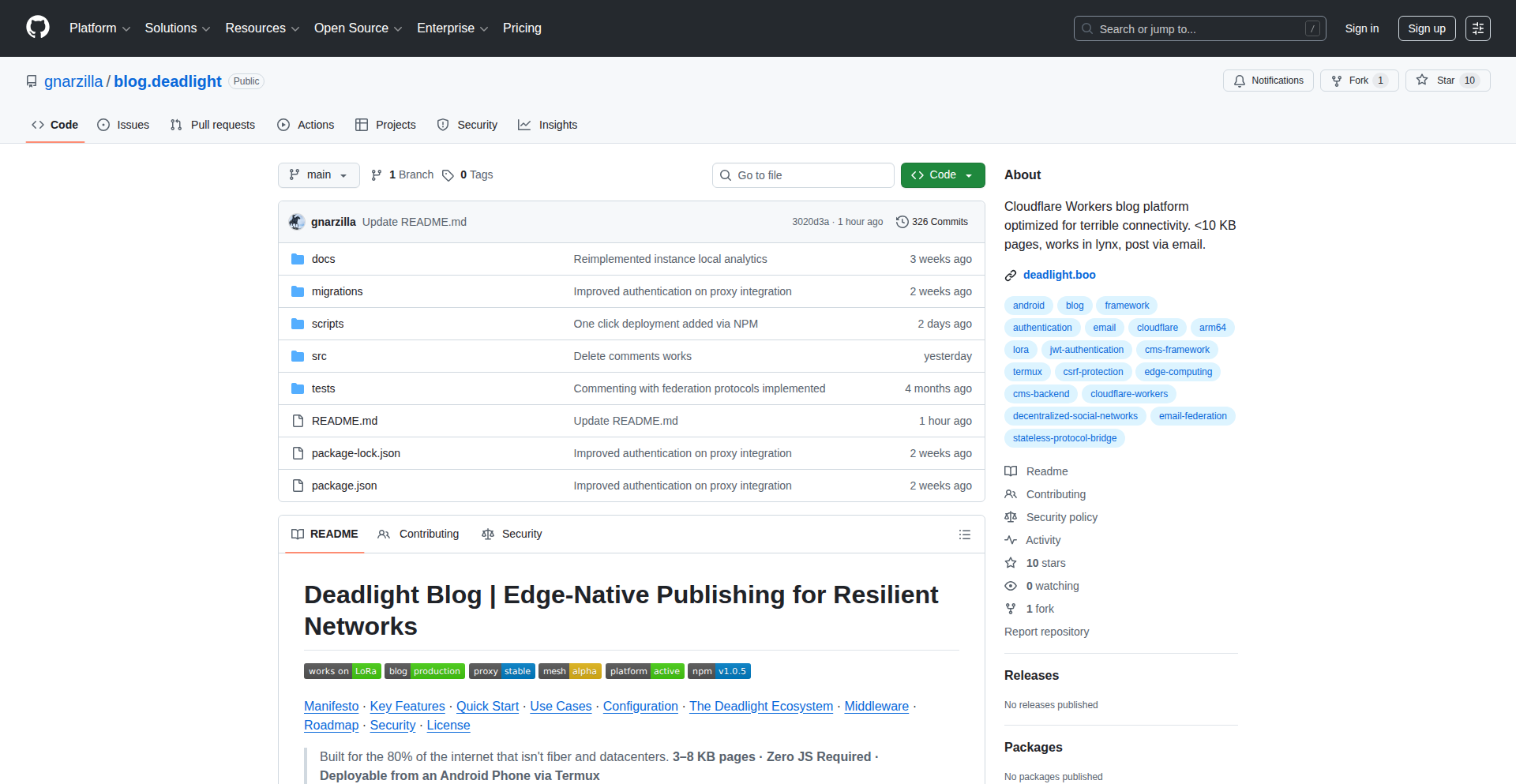
Author
gnarzilla_
Description
Deadlight is a blogging platform designed for challenging network conditions like high latency and slow connections. Instead of relying on heavy JavaScript, it delivers raw, semantic HTML directly from Cloudflare's edge infrastructure using D1 (SQLite). This means your blog content is instantly accessible and readable even on very basic terminals or old-school modems. The core innovation lies in minimizing client-side JavaScript, making it incredibly resilient to network issues.
Popularity
Points 1
Comments 2
What is this product?
Deadlight is a blogging system that prioritizes accessibility and speed on poor networks. Its technical innovation is serving pre-rendered HTML directly from Cloudflare Workers. This avoids the typical bloat of modern web applications where tons of JavaScript need to download and run on your device just to display text. Think of it like sending a letter that's already written and folded, instead of sending a blank piece of paper and instructions for the recipient to write it themselves. This approach makes content load lightning-fast and readable on devices and networks that would struggle with typical websites. It’s built on Cloudflare Workers for computing and D1 (a serverless SQLite database) for storage, with the key promise of zero client-side JavaScript for readers.
How to use it?
Developers can easily spin up a Deadlight blog instance using a simple command-line tool: `npx create-deadlight-blog`. This tool guides you through setting up your blog. For integration, Deadlight's design means you can link to your blog posts like any other website. Its minimal footprint also makes it ideal for embedding content into other applications or platforms where bandwidth and speed are critical. Furthermore, Deadlight includes an 'Eject' script. This allows you to instantly export your entire blog database from Cloudflare and generate a Docker setup for self-hosting, offering complete control and migration flexibility if you ever need to move away from Cloudflare's infrastructure. So, for you, it means you can quickly start a blog that's accessible everywhere, with the peace of mind that you can take it with you.
Product Core Function
· Edge-rendered HTML delivery: This ensures that blog content is served directly from Cloudflare's global network, dramatically reducing latency and making your blog load instantly, even on slow or unstable connections. This is useful because your readers will always get your content quickly, no matter where they are or what network they're using.
· Zero client-side JavaScript for readers: By minimizing or eliminating JavaScript that runs in the reader's browser, Deadlight ensures compatibility with older devices, text-based browsers, and severely restricted network environments. This is valuable because it makes your content accessible to a much wider audience, including those who might be excluded by modern web standards.
· D1 (SQLite) database integration: Using a serverless SQLite database allows for efficient and scalable storage of blog content, managed at the edge. This means your blog data is reliably stored and quickly accessible. The value for you is reliable and fast data access for your blog.
· Eject script for self-hosting/migration: This feature provides a clear path to migrate your blog off Cloudflare's infrastructure if desired, giving you vendor independence and control. This is important because it removes concerns about vendor lock-in and ensures you can always manage your blog's hosting.
· CLI launcher for quick setup: The `npx create-deadlight-blog` command makes it incredibly simple and fast to get a new Deadlight blog instance up and running. This saves you time and effort in setting up a new project.
Product Usage Case
· Blogging from remote locations with satellite internet: A user can maintain an active blog with frequent updates even when their internet connection has significant delays, ensuring their audience receives content promptly without frustration. The value here is consistent content delivery regardless of geographical location or connectivity issues.
· Technical documentation for embedded systems or low-resource devices: Developers can host technical guides and documentation for devices with limited processing power or bandwidth, making crucial information readily available to users in diverse environments. This solves the problem of delivering necessary information reliably to users with basic hardware.
· Creating personal blogs for users in regions with poor internet infrastructure: Individuals in areas with unreliable or slow internet can easily share their thoughts and stories without requiring advanced technical knowledge or high-end devices. The benefit is democratizing content creation and consumption.
· Emergency or disaster response communication platforms: In situations where traditional internet infrastructure is compromised, a Deadlight blog can serve as a resilient platform for disseminating critical information quickly and reliably to affected populations. This provides a robust communication channel when it's needed most.
· Offline-first content delivery for mobile users on limited data plans: By minimizing data transfer, Deadlight blogs can be accessed and read efficiently by users on prepaid or limited mobile data plans, making content more affordable and accessible. This directly addresses the cost and accessibility concerns for mobile users.
58
AtlasAI-Dub

url
Author
gagarwal123
Description
AtlasAI-Dub is an AI-powered platform for automatic YouTube video dubbing and enhancement. It leverages advanced speech synthesis and machine learning models to re-voice videos in different languages, automatically syncing with original lip movements and improving audio quality. This offers creators a powerful tool to reach a global audience with minimal manual effort, transcending language barriers and enhancing viewer engagement.
Popularity
Points 1
Comments 1
What is this product?
AtlasAI-Dub is a novel AI system that automatically translates and re-voices YouTube videos into various languages. It tackles the complex problem of creating high-quality dubbed content by intelligently analyzing the original audio and video. Its innovation lies in its ability to generate natural-sounding speech in target languages, precisely synchronize audio with on-screen lip movements (lip-sync), and even enhance the overall audio clarity. Think of it as an AI-powered dubbing studio that can make any video accessible to a worldwide audience without the need for extensive manual voice acting and post-production work. The value for creators is the ability to significantly expand their reach and impact by making their content understandable and engaging for non-native speakers, and the value for viewers is gaining access to content they might otherwise miss due to language limitations.
How to use it?
Developers can integrate AtlasAI-Dub into their content creation workflows. For example, a YouTube creator with a popular English video could upload it to the AtlasAI-Dub platform. The system would then process the video, allowing the creator to select a target language (e.g., Spanish, French, Japanese). The AI would generate the dubbed audio, ensuring it matches the original video's pacing and speaker's mouth movements. The enhanced audio would also be cleaner. This new dubbed version can then be uploaded as a separate video or as an alternative audio track to the original. For developers building their own video platforms, AtlasAI-Dub's API could be used to offer automatic dubbing as a feature to their users, streamlining multilingual content delivery.
Product Core Function
· Automated Speech Translation: The system automatically translates spoken content from the source language to a target language, capturing nuances and intent to create a natural-sounding translation. This is valuable because it allows creators to instantly make their content understandable to a much larger audience without relying on manual translation services, saving time and resources.
· AI-Powered Voice Synthesis: It generates new audio in the target language using advanced AI voice models that mimic human speech patterns and intonations. This is valuable because it provides a more engaging and authentic listening experience compared to robotic-sounding text-to-speech, making the dubbed content feel more natural and professional.
· Lip-Sync Synchronization: The AI intelligently adjusts the timing and mouth movements in the video to match the newly generated dubbed audio. This is valuable because it creates a seamless and immersive viewing experience, preventing the distracting 'out-of-sync' effect common in low-quality dubbing, thereby improving viewer retention.
· Audio Enhancement: The platform incorporates AI algorithms to clean up background noise, improve clarity, and balance audio levels in the dubbed track. This is valuable because it ensures the dubbed audio is crisp and easy to understand, even in noisy environments, enhancing the overall quality and professionalism of the video.
· Multilingual Support: It offers dubbing in a wide range of languages, allowing creators to target diverse global audiences. This is valuable because it directly enables content creators to break down language barriers and tap into new markets and communities they couldn't previously reach.
Product Usage Case
· A documentary filmmaker wants to share their film with a Spanish-speaking audience. They upload the film to AtlasAI-Dub, select Spanish as the target language, and receive a professionally dubbed version with synchronized lip movements, making their documentary accessible to millions more viewers.
· An educational content creator produces tutorials in English. To reach a broader student base, they use AtlasAI-Dub to generate dubbed versions in German and French, complete with improved audio clarity, making complex concepts easier to grasp for international learners.
· A gaming streamer wants to engage with their international followers. They use AtlasAI-Dub to dub their live streams in real-time or post-production into languages like Portuguese and Korean, fostering a stronger connection with a global fanbase.
· A company producing marketing videos needs to localize their content for different regions. AtlasAI-Dub automates the dubbing process, ensuring consistent brand messaging across various languages and saving significant time and cost compared to traditional voice-over production.
59
GeoVid Injector

Author
jackking1
Description
This project is a web application that allows users to inject Exif/XMP GPS metadata into video files. It tackles the technical challenge of embedding location information directly into video content, a capability often missing in standard video editing workflows. The innovation lies in its user-friendly web interface that simplifies a complex metadata manipulation process, making it accessible to a wider range of creators.
Popularity
Points 1
Comments 1
What is this product?
This project is a web application designed to add geographic location data (like latitude, longitude, and altitude) to video files using Exif and XMP metadata standards. Think of it like adding a digital 'placemark' to your videos. The technical innovation here is in efficiently parsing video containers, understanding the metadata structures (Exif for image-like data, XMP for more complex descriptions), and programmatically writing the GPS coordinates into these specific metadata fields without corrupting the video itself. This allows applications that read video metadata to automatically recognize and display the location where the video was filmed. So, this is useful for automatically organizing your travel videos by location or for creating geotagged video content for mapping platforms without needing specialized, complex video editing software.
How to use it?
Developers can use this web application by uploading their video files and inputting the desired GPS coordinates. The application then processes the video and returns a new version with the embedded metadata. For integration, one could imagine using this as a backend service in a larger media management system or a content creation platform. For example, a videography service might integrate this to automatically geotag footage for their clients. This means your video files will have location baked in, so that mapping applications or data analysis tools can immediately understand where your footage originated, streamlining workflows that rely on location data.
Product Core Function
· GPS Metadata Injection: Programmatically writes latitude, longitude, and altitude data into Exif and XMP tags within video files. The value is enabling precise, automatic location tracking for videos, making them searchable and filterable by location.
· Video File Parsing and Writing: Safely reads and modifies video file structures to include new metadata without compromising video integrity. The value is a reliable method to enhance existing video content with crucial location information.
· Web-based User Interface: Provides an accessible platform for users to upload videos and input location data via a simple web form. The value is democratizing advanced metadata editing, allowing non-technical users to add location data to their videos easily.
Product Usage Case
· Travel Vlogging Enhancement: A travel vlogger uploads their raw footage, inputs the coordinates of a specific landmark, and the app creates a new video file. When viewed on a platform supporting geotagged videos, the landmark's location is automatically displayed, enriching the viewer experience and providing context. The problem solved is the manual effort of noting down and later associating locations with specific video clips.
· Documentary Filmmaking Metadata: A documentary filmmaker captures footage in remote locations. They use the app to embed the precise GPS coordinates of each filming site. This allows for efficient archival, easy referencing of specific filming locations during post-production, and potential integration with geographical information systems for analysis. This solves the issue of losing track of exact filming locations in extensive footage.
· Automated Surveillance Footage Tagging: For applications requiring location-stamped video evidence, such as security or environmental monitoring, this app can automatically inject GPS data into recorded footage. This provides irrefutable location data for each recorded event, making it easier to build timelines and analyze events geographically. The problem solved is ensuring the integrity and accuracy of location data for time-sensitive video evidence.
60
CA Studio: Cellular Automata Visualizer

Author
yamsasson
Description
CA Studio is a visual synthesizer designed for exploring 2D Cellular Automata (CA). It allows users to intuitively create, manipulate, and observe the emergent behaviors of complex systems governed by simple rules. The core innovation lies in its real-time visual feedback, enabling developers and researchers to quickly iterate on CA designs and understand their dynamic properties without extensive coding.
Popularity
Points 1
Comments 1
What is this product?
CA Studio is a desktop application that provides a graphical interface for designing and experimenting with 2D Cellular Automata. Instead of writing complex code to define the rules of a CA, users can visually set up the initial state of cells and define the transition rules based on neighboring cell states. The innovation here is making the abstract concept of cellular automata tangible and accessible. It leverages the power of visualization to unveil the 'black box' of CA evolution, revealing fascinating patterns and complex behaviors that arise from simple, deterministic rules. Think of it like a digital sandbox for building and observing living worlds based on mathematical principles. So, this is useful for you because it allows you to grasp the fundamental principles of complex system simulation and emergent behavior without getting bogged down in programming.
How to use it?
Developers can use CA Studio as a powerful prototyping tool. For instance, you can quickly design and test CA rules for procedural generation of textures, game world elements, or even simulating simple biological processes. The studio allows you to export configurations or visualize the evolutionary steps, which can then be integrated into larger projects. You can set up grids, define rules using a visual editor (e.g., 'if 3 neighbors are alive, the current cell becomes alive'), and then run the simulation. The visual output can be used as a basis for further development in game engines, creative coding projects, or scientific research. So, this is useful for you because it accelerates the process of designing and validating novel rule sets for generative systems, saving significant development time.
Product Core Function
· Visual Rule Editor: Define CA transition rules using an intuitive graphical interface, making complex logic accessible. This allows for rapid experimentation with different rule sets without extensive coding, saving valuable development time.
· Real-time Simulation and Visualization: Observe the evolution of the CA in real-time with high-performance rendering, enabling immediate understanding of pattern formation and emergent behavior. This provides instant feedback on rule efficacy, crucial for iterative design.
· Configurable Grid and Initial State: Easily set up the dimensions of the CA grid and define initial cell states using drawing tools or pre-defined patterns. This flexibility allows for diverse starting conditions to explore a wide range of system behaviors.
· Parameter Tuning and Iteration: Adjust simulation parameters like speed and zoom to fine-tune observations and explore different aspects of the CA's dynamics. This aids in a deeper understanding of how subtle changes impact the overall system.
· Export Capabilities: Save CA configurations and simulation snapshots for integration into other projects or for further analysis. This bridges the gap between experimentation and practical application in your development workflow.
Product Usage Case
· Procedural Content Generation in Games: A game developer could use CA Studio to design rules for generating unique terrain or vegetation patterns in a game world. By defining how cells change based on their neighbors, they can create vast, organic-looking landscapes that are different each time the game runs. This solves the problem of manually creating repetitive game assets.
· Artistic Pattern Generation: A digital artist could use CA Studio to create intricate and evolving visual patterns for animations or static artworks. The emergent beauty of cellular automata provides a rich source of inspiration and complexity, offering a novel way to create visually stunning graphics.
· Educational Tool for Complex Systems: Educators or students could use CA Studio to visually demonstrate the principles of emergent behavior and self-organization in complex systems. By experimenting with different rules and initial states, one can intuitively grasp how simple local interactions can lead to sophisticated global patterns. This makes abstract scientific concepts easier to understand.
· Prototyping for Scientific Simulation: A researcher could use CA Studio to quickly prototype and test hypotheses for simulations involving spatial interactions, such as basic models of crystal growth or swarm behavior. This allows for rapid iteration on model design before committing to full-scale coding.
· Interactive Art Installations: An artist could integrate CA Studio's simulation engine into an interactive installation where audience input (e.g., touching a screen) changes the initial state of the CA, creating dynamic and responsive visual displays. This provides a novel way to engage audiences with computational art.
61
Footywhoops MIDI Orchestrator

Author
debarshri
Description
Footywhoops is a novel MIDI sequencer software designed for musicians and developers to create and manipulate musical sequences with a focus on creative control and underlying technical ingenuity. It allows for intricate rhythmic patterns and melodic arrangements, bridging the gap between algorithmic composition and hands-on musical expression. The innovation lies in its granular control over MIDI events and its flexible architecture, making it a powerful tool for both artistic endeavors and technical exploration of sound.
Popularity
Points 2
Comments 0
What is this product?
Footywhoops is a MIDI sequencer, which is essentially a digital tool that lets you record, edit, and play back musical notes and other performance data. What makes it innovative is its underlying architecture, which offers a deep level of control over individual MIDI events – think of it as having precise command over every single note's timing, velocity (how hard it's hit), and duration. This granular control is built on a flexible system that allows for complex rhythmic generation and melodic shaping, which is very useful for creating unique musical ideas or for developers wanting to explore algorithmic music generation.
How to use it?
Developers can use Footywhoops to integrate music generation into their applications, build custom music tools, or even experiment with generative music algorithms. It can be used as a standalone application for composing music, or its core logic could potentially be integrated into larger creative coding projects or game development pipelines. For musicians, it offers a fresh approach to sequencing, allowing for more detailed and experimental control over their compositions. Integration could involve using its output within Digital Audio Workstations (DAWs) or triggering its sequences programmatically.
Product Core Function
· Advanced MIDI Event Manipulation: Allows fine-grained control over note on/off, pitch, velocity, and timing, enabling highly detailed musical expression and exploration of unconventional rhythmic patterns. This is useful for creating music that goes beyond standard quantized grids, offering a unique sonic texture.
· Algorithmic Pattern Generation: Offers capabilities to generate musical patterns based on predefined rules or parameters, making it valuable for developers exploring generative music or musicians seeking to quickly generate complex rhythmic ideas.
· Flexible Sequencing Architecture: The underlying design prioritizes extensibility and customizability, enabling developers to build upon it or integrate it into other software. This is useful for creating specialized music tools or embedding musical capabilities into other applications.
· Real-time Performance Control: Enables live manipulation of sequences, allowing for dynamic and interactive musical performances. This is useful for live coding musicians or artists who want to improvise and evolve their music on the fly.
Product Usage Case
· A game developer could use Footywhoops to procedurally generate adaptive music soundtracks that change based on in-game events, making the player's experience more immersive. This solves the problem of creating dynamic and responsive game music without extensive pre-composition.
· A creative coder might use Footywhoops's API to build a visualizer that generates music in sync with user-drawn patterns, offering a novel way to experience art and sound. This allows for the creation of unique synesthetic experiences.
· A musician exploring experimental electronic music could use Footywhoops to craft complex, non-standard rhythmic structures that would be difficult to achieve with traditional sequencers, pushing the boundaries of their sonic palette. This helps in developing unique and genre-defying musical pieces.
· A developer creating a music education tool could integrate Footywhoops to demonstrate complex rhythmic concepts in an interactive and engaging way, helping students understand intricate musical patterns. This simplifies the teaching and learning of advanced rhythmic theory.
62
Cloudflare Serverless URL Shortener
Author
idham
Description
A completely free, open-source URL shortener that leverages Cloudflare's serverless capabilities for a one-click deployment. It offers full functionality and integrates seamlessly with your existing domain using Cloudflare routing, providing a cost-effective and efficient solution for shortening links.
Popularity
Points 2
Comments 0
What is this product?
This project is a serverless URL shortening service built entirely on Cloudflare. Instead of relying on traditional servers that need constant maintenance and incur costs, it uses Cloudflare Workers, which are small JavaScript programs that run directly on Cloudflare's global network. This means it can handle traffic efficiently and scales automatically without you managing any infrastructure. The innovation lies in its complete serverless architecture and straightforward one-click deployment, making a powerful tool accessible to everyone, even those without deep server management experience. So, what does this mean for you? It means you get a super fast, reliable, and incredibly cheap (even free!) way to shorten your links, without any hassle of setting up or maintaining servers. This is perfect for anyone who needs to share links frequently, whether for personal projects, marketing campaigns, or simply to make long URLs more manageable.
How to use it?
Developers can deploy this URL shortener with a single click onto their Cloudflare account. Once deployed, it automatically sets up the necessary Cloudflare Workers and any associated storage (like KV namespaces for storing the original and shortened URLs). You can then configure your existing domain to route traffic through Cloudflare. When a shortened URL is accessed, Cloudflare Workers will intercept the request, look up the original URL in the storage, and redirect the user. This can be integrated into existing websites or applications by simply generating shortened URLs through an API or a simple interface provided by the deployed service. So, how does this benefit you? You can quickly set up your own branded URL shortening service on your domain, giving you control over your links and analytics, without needing to learn complex server configurations or pay for expensive third-party services. It's a ready-to-go solution for anyone looking for a custom link shortening experience.
Product Core Function
· One-click deployment on Cloudflare: This allows for an incredibly fast and simple setup process, reducing the technical barrier to entry. Its value is in saving developers significant time and effort in server provisioning and configuration. This is useful for quickly launching a URL shortening service for any project.
· Serverless architecture using Cloudflare Workers: This ensures high availability, automatic scaling, and reduced operational costs by running code at the network edge. The value is in offering a robust and cost-effective solution that can handle varying traffic loads without manual intervention. This is useful for ensuring your shortened links are always accessible and performant.
· Full functionality for URL shortening: This means it handles the core task of taking a long URL and generating a unique, shorter one, and also redirects users to the original destination. The value is in providing the essential capability to make links more manageable and trackable. This is useful for any scenario where sharing concise links is beneficial.
· Integration with existing domains via Cloudflare routing: This allows users to use their own domain name for shortened links, enhancing branding and trust. The value is in enabling a personalized and professional link shortening experience. This is useful for businesses and individuals who want their shortened links to reflect their brand identity.
Product Usage Case
· A blogger wants to share a long article link on social media. By using this serverless URL shortener, they can create a short, branded link that is easier to remember and share, leading to potentially higher click-through rates. The problem solved is the unwieldiness of long URLs on platforms with character limits or where visual appeal matters.
· A marketing team is running a campaign and needs to track the effectiveness of different promotional links. Deploying this tool allows them to generate unique shortened URLs for each campaign element, which can then be logged and analyzed to understand which channels are driving the most traffic. The problem solved is the lack of granular link tracking and attribution in manual or basic link shortening methods.
· A developer is building a personal portfolio website and wants to provide a clean way to share links to their projects. They can deploy this service and use their own domain, e.g., `myproject.com/shortlink`, which looks more professional than generic URL shortener domains. The problem solved is the need for a professional and customizable link shortening solution without the overhead of a dedicated server.
· An open-source project maintainer wants to provide an easy way for users to access documentation or download links. By using this free and open-source tool, they can offer short, memorable links to these resources, improving user experience and accessibility. The problem solved is making important links easily discoverable and shareable for a community.
63
Hugity DocsFlow

Author
vladimiras
Description
Hugity DocsFlow is a documentation Content Management System (CMS) that allows developers to write and manage documentation using a Notion-like block editor. It automates the process of publishing static documentation sites, eliminating the need for direct interaction with Git, YAML configuration, or Continuous Integration (CI) pipelines. The core innovation lies in simplifying the workflow for managing static site generators like Hugo, making documentation creation accessible and frictionless for developers.
Popularity
Points 2
Comments 0
What is this product?
Hugity DocsFlow is a CMS designed for creating and publishing static documentation websites. Instead of writing markdown files directly in a code editor, you use a user-friendly, block-based editor similar to Notion. This means you can add text, code snippets, images, and other content in an intuitive way. Once your content is ready, Hugity automatically handles the build and deployment process for static sites (like those generated by Hugo) directly to your GitHub repository. So, what's the innovation? It bridges the gap between easy content creation and complex static site deployment by abstracting away the technical overhead, allowing you to focus purely on your documentation.
How to use it?
Developers can use Hugity DocsFlow to quickly set up and manage documentation for their projects. You would typically start by connecting Hugity to your GitHub repository that hosts your static site generator project (e.g., Hugo). Then, you can begin writing your documentation within Hugity's web interface. The system integrates seamlessly with your existing Hugo site, meaning any content you create in Hugity will be automatically incorporated into your live documentation. This is perfect for projects where documentation needs to be updated frequently but developers don't want to get bogged down in deployment scripts or markdown syntax. Integration involves a one-time setup to link Hugity to your GitHub, and then you're ready to go.
Product Core Function
· Notion-style Block Editor: Offers an intuitive and visual way to author documentation content, supporting rich text, code blocks, and various media. The value is that it lowers the barrier to entry for content creation, making it faster and more enjoyable for developers, akin to using a modern note-taking app.
· Gitless Publishing: Automates the process of committing changes and pushing them to a Git repository for deployment. The value here is significant time savings and reduced cognitive load for developers, as they don't need to manually manage version control or deployment configurations.
· Static Site Generator Integration (e.g., Hugo): Designed to work with popular static site generators, ensuring that documentation is built and deployed efficiently as static files. This means your documentation will be fast, secure, and easy to host, solving the problem of complex build processes for static sites.
· Automated Deployment: Handles the entire deployment pipeline without requiring manual intervention or complex CI/CD setup. The value is a streamlined workflow where documentation updates are live almost instantly, improving communication and knowledge sharing within a team.
· Frictionless Workflow: Eliminates the need to switch between different tools (code editor, Git client, deployment platform) for documentation updates. This provides a single, unified experience for content creation and publishing, directly addressing the frustration of managing multiple tools.
Product Usage Case
· Project Documentation for Open Source: A developer can use Hugity to maintain comprehensive documentation for their open-source project hosted on GitHub. Instead of manually editing markdown files and pushing them, they can use Hugity's editor to add new features, update existing guides, and publish them with a few clicks, ensuring users always have access to the latest information.
· Internal Knowledge Base for Small Teams: A startup can utilize Hugity to build an internal documentation portal or knowledge base. This allows team members, regardless of their technical expertise, to contribute and update information about company processes, technical guides, or project details without needing to learn complex Git commands or CI/CD configurations.
· API Documentation Management: For projects with APIs, Hugity can be used to document endpoints, parameters, and examples. Developers can easily update API docs as the API evolves, and the changes are automatically reflected on the live documentation site, ensuring that developers consuming the API have accurate and up-to-date information.
· Technical Blogging Platform: A developer can leverage Hugity to write and publish technical blog posts as part of their project's documentation. The Notion-style editor makes writing engaging content easier, and the automated deployment ensures that new posts go live quickly without manual intervention.
64
Claude Usage Monitor Widget

Author
SlavomirDurej
Description
A lightweight, privacy-focused Windows desktop widget that provides real-time, local monitoring of your Claude AI session and weekly usage limits. It addresses the frustration of hitting API limits by offering immediate visual feedback, empowering users to manage their AI interactions more effectively without sending any data externally.
Popularity
Points 2
Comments 0
What is this product?
This project is a Windows desktop widget designed to display your current Claude AI usage, both for the ongoing session and over the week. Its core innovation lies in its fully local implementation. Instead of relying on cloud services or sending your data to a third party, it directly calculates and visualizes your usage on your own machine. This approach ensures privacy and provides immediate, uninterrupted feedback, preventing unexpected limit breaches.
How to use it?
Developers can use this widget by simply downloading and running the application on their Windows machine. It integrates seamlessly into the desktop environment, offering a persistent visual indicator of Claude usage. This is particularly useful for developers who frequently interact with Claude for coding assistance, content generation, or other AI-powered tasks. By having this information readily available, they can make informed decisions about their API calls, optimizing their workflow and avoiding service interruptions. It's designed for direct, out-of-the-box usage.
Product Core Function
· Real-time session usage display: Shows how much of your current Claude AI session quota has been consumed, allowing you to understand your immediate usage patterns and adjust accordingly.
· Weekly usage limit tracking: Provides a clear overview of your total Claude AI usage for the current week, helping you stay within your allocated limits and avoid overage charges or service limitations.
· Fully local processing: All usage data is processed and displayed directly on your machine, ensuring your privacy and eliminating the need for any external data transmission. This means no telemetry is collected or sent.
· MIT license: The project is open-source under the permissive MIT license, allowing for free use, modification, and distribution by the developer community.
· Minimalistic desktop integration: Designed as a non-intrusive widget that sits on your desktop, offering constant visibility of your Claude usage without demanding significant system resources.
Product Usage Case
· A freelance developer frequently uses Claude for generating boilerplate code and debugging. They often find themselves hitting their weekly API limits unexpectedly, causing delays in their projects. By installing the Claude Usage Monitor Widget, they can now see their weekly usage at a glance, allowing them to pace their requests and avoid hitting the limit, ensuring uninterrupted productivity.
· A content creator uses Claude to brainstorm ideas and draft articles. They are concerned about privacy and do not want their usage data to be shared. The widget provides them with the peace of mind that their interactions are private, while still giving them essential information about their session limits to prevent sudden stoppages during creative bursts.
· A researcher is experimenting with large language models and needs to carefully track their API consumption for cost management. The widget offers a simple and effective way to monitor their daily and weekly Claude usage, helping them stay within budget and make more accurate projections for future research.
65
Spec-AGENTS.md: AI Coding Tool Orchestrator
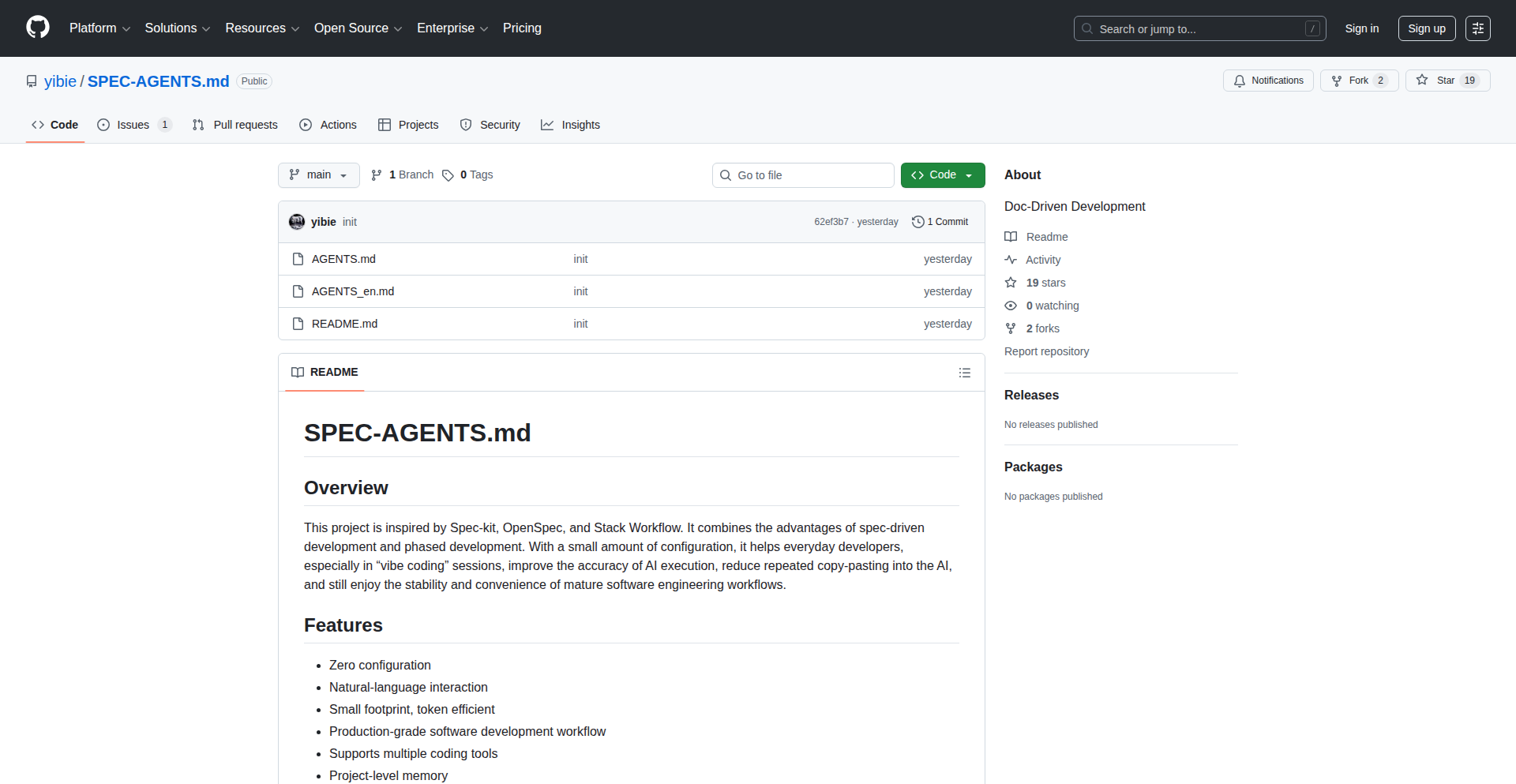
Author
oliverchan2024
Description
Spec-AGENTS.md is a minimalistic, document-driven specification for AI coding tools. It allows developers to define AI agent behaviors and workflows using a simple Markdown file, acting as a 'spec' that AI models can read and execute. This innovation tackles the complexity of orchestrating multiple AI agents by providing a structured, human-readable, and AI-interpretable format, enabling more predictable and controllable AI-powered development.
Popularity
Points 1
Comments 1
What is this product?
This project is a lightweight specification format, Spec-AGENTS.md, designed to guide and control AI coding tools. Instead of complex code configurations, you write a Markdown file that describes what you want the AI agents to do, like a blueprint. The AI then reads this spec to understand its tasks, making AI coding tools easier to manage and customize. The innovation lies in its simplicity and its focus on a human-readable 'spec' that AI can directly process, bridging the gap between human intent and AI execution.
How to use it?
Developers can use Spec-AGENTS.md by creating a Markdown file that outlines the desired behavior of AI coding agents. This spec can define the sequence of actions, the roles of different agents, and the expected outcomes. For instance, you might define an agent that analyzes code, another that suggests refactors, and a third that implements them, all described within the spec. This file can then be fed into an AI orchestrator that interprets the spec and directs the AI agents accordingly. This is particularly useful for automating complex coding tasks or building custom AI development workflows.
Product Core Function
· Markdown-based AI Agent Specification: Enables defining AI agent tasks and workflows in a simple, human-readable format, making it easy to understand and modify AI behavior without deep coding knowledge. This is useful for quickly prototyping and iterating on AI-driven development processes.
· Document-Driven AI Orchestration: Allows AI tools to interpret and execute tasks directly from a documented specification, leading to more predictable and controllable AI outputs. This helps developers ensure AI tools perform as intended, reducing guesswork and errors.
· Inter-Agent Communication Definition: Facilitates defining how different AI agents should interact and pass information, enabling the creation of sophisticated, multi-agent AI systems for complex problem-solving. This is valuable for building AI assistants that can handle multi-step coding challenges.
· Extensible Specification Format: Designed to be easily extended to accommodate new AI capabilities and complex workflows, ensuring the system can grow with evolving AI technologies. This future-proofs AI tool development and allows for adaptation to new AI advancements.
Product Usage Case
· Automating Code Refactoring: A developer can create a spec defining an AI agent to analyze a codebase, identify areas for improvement, and then another agent to perform the refactoring, all managed by Spec-AGENTS.md. This saves significant manual effort and time in maintaining code quality.
· Building Custom AI Pair Programmers: Developers can use Spec-AGENTS.md to define specific coding styles, preferred libraries, and common bug patterns for a tailored AI coding assistant. This results in an AI partner that aligns perfectly with a project's or team's needs.
· Orchestrating AI-powered Testing: A spec can be created to instruct AI agents to generate test cases, execute them, analyze failures, and suggest fixes, streamlining the entire testing process. This improves software reliability and reduces the burden on QA teams.
· Rapid Prototyping of AI Development Tools: For researchers and developers experimenting with new AI coding functionalities, Spec-AGENTS.md provides a quick way to define and test agent interactions and task flows without extensive boilerplate code. This accelerates the pace of AI innovation.
66
BrowserPsyTwinShooter

Author
jamesrandall
Description
A small, experimental twin-stick shooter game built entirely in the browser, showcasing lightweight JavaScript game development and creative use of web technologies for interactive entertainment. It tackles the challenge of delivering a visually engaging and responsive gaming experience using only client-side code.
Popularity
Points 2
Comments 0
What is this product?
This project is a browser-based twin-stick shooter, demonstrating how to create a functional and visually interesting game using just JavaScript and standard web technologies. The core innovation lies in its efficient rendering pipeline and responsive input handling, achieved with minimal dependencies. It's a testament to the power of vanilla JavaScript for rapid prototyping and interactive experiences, proving that complex-feeling games can be built directly in your browser without needing heavy frameworks or plugins. So, what's in it for you? It shows that you can build engaging applications with just the foundational web tools you already know.
How to use it?
Developers can use this project as a learning resource to understand how to build browser games from scratch. It provides a practical example of game loop implementation, sprite rendering, collision detection, and input management in a web environment. You can fork the repository, modify the game mechanics, experiment with different visual styles, or even integrate its rendering or input handling components into your own web applications. So, how can you use it? You can learn by dissecting its code, or adapt its core logic for your own interactive web projects.
Product Core Function
· Real-time Input Handling: Captures keyboard and potentially gamepad inputs for fluid character movement and aiming, enabling responsive player control. This is valuable for any application requiring quick user interaction.
· Sprite Rendering and Animation: Displays game characters and environments efficiently using browser rendering capabilities, creating a visually dynamic experience. This is useful for enhancing the user interface of web applications with animated elements.
· Collision Detection: Implements logic to detect when game objects interact, crucial for gameplay mechanics like shooting and avoiding obstacles. This is applicable to any simulation or interactive system where object proximity matters.
· Game Loop Management: Manages the core cycle of updating game state and rendering frames, ensuring a smooth and consistent gameplay experience. This concept is fundamental to any real-time interactive application development.
· Minimalistic Architecture: Built with plain JavaScript, demonstrating how to achieve complex functionality without relying on large, external game engines or frameworks. This highlights the power of lean development and can inspire efficiency in your own projects.
Product Usage Case
· Learning Game Development Fundamentals: A beginner developer can study this project to grasp core concepts of 2D game programming, like the game loop and physics, in a practical, browser-based context. It solves the problem of understanding complex game engine architectures by providing a simple, digestible example.
· Prototyping Interactive Web Experiences: A web developer wanting to add a mini-game or an interactive element to their website can adapt this project's code. It solves the problem of quickly creating engaging content for a web audience without significant setup.
· Experimenting with Performance Optimization: A seasoned developer can analyze its rendering and update routines to learn techniques for optimizing JavaScript performance in visually intensive applications. It addresses the challenge of building performant web applications by showing efficient code patterns.
· Building Educational Tools: Educators could use this as a basis for teaching programming concepts through game development. It solves the problem of making abstract coding principles tangible and fun for students.
67
Qoery: Blockchain Native Data Engine

Author
SamTinnerholm
Description
Qoery is a self-built solution for accessing cryptocurrency market data at a fraction of the cost of traditional APIs. It directly indexes and queries the blockchain, bypassing expensive third-party services. This innovative approach significantly reduces data acquisition expenses for developers, making rich crypto data accessible for smaller projects and individual experimentation.
Popularity
Points 1
Comments 1
What is this product?
Qoery is a novel system designed to fetch cryptocurrency market data by interacting directly with the blockchain. Instead of relying on commercial APIs that aggregate this information and charge a premium, Qoery implements its own methods for indexing and querying blockchain transaction data. This means it reads raw data from the distributed ledger itself, processes it, and makes it available. The innovation lies in its direct blockchain interaction, effectively cutting out the costliest intermediary layer, thus achieving an 85% cost reduction compared to typical API providers. So, for you, this means significantly cheaper access to the same or even more granular crypto market insights.
How to use it?
Developers can integrate Qoery into their applications to retrieve cryptocurrency data such as asset prices, transaction volumes, and historical market trends. The exact integration method would depend on how Qoery exposes its data, likely through an API endpoint (e.g., REST, GraphQL) or a direct database query interface if developers are granted access to its indexed data store. This allows applications to pull real-time or historical crypto market information directly without the recurring fees of commercial data providers. So, for you, this means you can build crypto-powered features into your apps without breaking the bank on data subscriptions.
Product Core Function
· Direct Blockchain Indexing: Qoery processes raw blockchain data to create a queryable index. This technical feat allows for efficient retrieval of specific market information, rather than parsing every single block. Its value is in making complex blockchain data manageable and accessible. This is useful for developers who need to pull specific on-chain metrics without the overhead of custom parsing.
· Cost-Effective Data Retrieval: By eliminating the need for commercial data aggregators, Qoery dramatically lowers the cost of accessing crypto data. The core function is to provide data at a significantly reduced price point. This is valuable for startups, indie developers, and academic researchers who have budget constraints but require robust crypto data for their projects.
· Customizable Data Querying: The system allows for direct queries against indexed blockchain data, enabling developers to retrieve precisely the information they need. This flexibility goes beyond pre-packaged API endpoints, offering granular control over data extraction. This is useful for applications requiring highly specific or niche crypto market indicators that standard APIs might not offer.
· Middleman Fee Elimination: Qoery's fundamental innovation is to remove the reliance on third-party APIs, which often add substantial markups. By building its own data access layer, it directly addresses the high cost barrier. This benefits developers by making sophisticated crypto market analysis tools more financially viable for their use cases.
Product Usage Case
· Building a personal crypto portfolio tracker: Instead of paying a monthly fee for a portfolio API, a developer can use Qoery to pull real-time prices and historical data for their owned assets directly from the blockchain, significantly reducing operational costs for their personal finance tool. This solves the problem of expensive data for small-scale, personal projects.
· Developing a decentralized application (dApp) analytics dashboard: A project team can use Qoery to gather on-chain trading volumes and market cap data to display in their dApp's dashboard, offering users insights into the ecosystem without incurring high API charges. This helps in building feature-rich dApps affordably.
· Conducting academic research on cryptocurrency market behavior: Researchers can leverage Qoery's cost-effective data access to analyze large datasets for their studies on market volatility, trends, and economic indicators, making research more accessible without extensive funding for data acquisition. This enables deeper and more frequent market analysis.
· Creating a micro-investment strategy tool: A developer could build a tool that monitors specific on-chain metrics for automated trading signals. Qoery's direct access allows for fetching these granular signals efficiently and cheaply, empowering automated trading strategies with lower execution costs. This solves the problem of expensive real-time data for algorithmic trading.
68
Public ViewCounter

Author
jeremy0405
Description
A script that publicly exposes website page view counts, turning opaque traffic data into verifiable, shareable metrics. This innovation tackles the challenge of proving website traffic authenticity and can be used as a trust badge for blogs, directories, and open-startup projects.
Popularity
Points 1
Comments 1
What is this product?
This is a script that functions as a public traffic counter for websites. Instead of relying on private analytics screenshots, it exposes your page view data via a public URL. This allows your traffic metrics to be independently verified and shared, fostering trust and transparency. The core innovation lies in transforming internal, private analytics into an external, verifiable signal, addressing the need for authentic traffic proof.
How to use it?
Developers can integrate this script into their websites to display public view counts. It's designed to be simple to install and configure. For example, a blog owner could add it to their site to demonstrate the reach of their content to potential advertisers. An open-startup project could use it on their launch page to show early traction. The script exposes the data through a public URL, which can then be embedded as a badge or referenced directly in launch posts.
Product Core Function
· Publicly accessible view counts: Provides a verifiable, public URL for page view data, enabling trust and transparency. This is useful for proving to potential partners or advertisers that your site receives legitimate traffic.
· Trust badge generation: Allows for the creation of shareable badges that display verified traffic statistics. This is valuable for open-startup projects or communities looking to build credibility with their audience.
· Traffic data verification: Enables third-party verification of website traffic, moving beyond self-reported metrics. This can be crucial for businesses that sell advertising or 'exposure' based on audience size.
· Simple integration: Designed for easy implementation on various websites and platforms. This means developers can quickly add a valuable trust signal without complex setup.
Product Usage Case
· A blogger selling ad space on their site can use Public ViewCounter to provide advertisers with concrete, verifiable data on their readership, leading to better ad deals.
· An open-startup founder can embed a Public ViewCounter badge on their launch page to showcase early adoption and traction to potential users and investors, building immediate credibility.
· A community forum manager can display public view counts to demonstrate the activity and reach of their platform, attracting more members and contributors.
· A content creator can use the public URL in their social media posts or email newsletters to provide social proof of their content's popularity, encouraging more engagement.
69
Zone: Insightful App Blocker

Author
appdevfun
Description
Zone is an iOS app designed to help users regain control over their digital habits. Unlike traditional app blockers that simply prevent access, Zone innovatively tracks the *frequency* of attempts to open blocked applications. This data provides users with a stark, often surprising, realization of their usage patterns, empowering them to make conscious behavioral changes. The core technical innovation lies in leveraging Apple's Family Controls API for reliable, system-level blocking and attempt tracking, without logging sensitive usage data.
Popularity
Points 2
Comments 0
What is this product?
Zone is an iOS application that acts as an intelligent app blocker. Its primary technical innovation is the ability to not just block apps, but to meticulously count and report how many times you attempt to open those blocked applications. This is achieved by utilizing Apple's powerful, albeit sometimes complex, Family Controls API. This system-level integration ensures that the blocking and tracking are robust and not easily circumvented, unlike software-based workarounds. The value here is in the 'aha!' moment: seeing the raw numbers of your subconscious app-opening urges, which is often a more potent motivator for change than a simple block.
How to use it?
Developers can use Zone by installing it on their iOS devices. For personal use, it's about identifying distracting apps and setting up focus sessions. You'd select the apps you want to limit access to, define the times you want them blocked (e.g., during work hours or study periods), and then monitor the 'attempt count' within the app. This data can be used to inform decisions about app deletion or to reinforce willpower. For developers curious about the technical implementation, Zone's use of the Family Controls API offers a practical case study in leveraging system-level iOS features for user-empowerment tools.
Product Core Function
· System-level App Blocking: Reliable prevention of access to chosen applications, ensuring focus during designated periods. This is valuable because it directly removes the temptation without workarounds, making it truly effective for concentration.
· Usage Attempt Tracking: Quantifies the number of times a user tries to open a blocked app. This provides profound self-awareness into subconscious habits, acting as a powerful behavioral modifier. Knowing you try to open Instagram 40 times a day is more impactful than just not being able to open it.
· Focus Session Scheduling: Allows users to define specific timeframes for app blocking, enabling structured periods of uninterrupted work or study. This is useful for integrating digital well-being into daily routines.
· Privacy-Preserving Data Handling: Tracks attempts without storing actual app usage data, respecting user privacy. This is valuable as it provides insights without collecting potentially sensitive personal information.
Product Usage Case
· Student trying to focus on studying: By blocking social media and gaming apps during study hours, the student can see how many times they reflexively reach for their phone to open these apps. This data helps them understand their distractibility and reinforce their commitment to studying.
· Developer seeking deep work time: A developer can block distracting communication or entertainment apps during critical coding sessions. The attempt count will highlight how often they are drawn to these distractions, providing concrete feedback to help them stay on track and improve productivity.
· Individual aiming to reduce screen time: By blocking apps that consume a lot of time, like news feeds or video platforms, the user can observe their persistent attempts to access them. This realization can be the catalyst for making more deliberate choices about how they spend their time on the device.
· Parent monitoring child's device usage (through Family Controls): While not explicitly a parental control app, the underlying Family Controls API allows for insights into usage patterns. The 'attempt count' data can be a conversation starter about healthy digital habits, rather than just a blanket restriction.
70
Ruby-TI: Mruby Static Type Guardian

Author
hamachang
Description
Ruby-TI is a static type checker and analyzer for mruby, written in Go. It tackles a common challenge in dynamic languages like Ruby: catching type-related errors before your code even runs. This is especially valuable for mruby, a compact Ruby implementation often used for embedding in applications or in resource-constrained environments, where runtime errors can be particularly disruptive. Ruby-TI analyzes your mruby code, figures out the expected data types, and flags potential mismatches, significantly improving code reliability and reducing debugging time.
Popularity
Points 2
Comments 0
What is this product?
Ruby-TI is a clever tool that acts like a detective for your mruby code. Normally, in languages like Ruby, you only find out if you've used a variable incorrectly (like trying to add a number to a text message) when your program is actually running. This can lead to unexpected crashes and lots of head-scratching to figure out why. Ruby-TI, however, reads your mruby code beforehand, understands what kind of data each piece of code is supposed to handle (this is the 'type inference' part), and then checks if everything aligns correctly. If it spots a potential problem, like trying to use a number where text is expected, it tells you immediately. This is 'static type checking' because it happens before runtime. The innovation here is bringing this powerful safety net to mruby, which is often used in embedded systems where stability is paramount and dynamic errors are costly.
How to use it?
Developers can integrate Ruby-TI into their mruby development workflow. Its primary use is for analyzing mruby scripts or embedded mruby codebases. You can run Ruby-TI directly on your mruby source files. Furthermore, it supports Language Server Protocol (LSP), meaning it can integrate with popular code editors like VS Code or Neovim. This provides real-time feedback as you type, underlining potential type errors directly in your editor and offering suggestions. This means you get instant alerts about type issues, allowing you to fix them on the spot, making your coding experience smoother and your mruby applications more robust.
Product Core Function
· Parses mruby source code: This allows the tool to understand the structure and logic of your mruby programs, which is the first step to analyzing them.
· Infers types and checks for type errors: The core intelligence of Ruby-TI. It guesses what kind of data (numbers, text, etc.) variables and functions are supposed to handle and flags any inconsistencies, preventing runtime surprises.
· Helps find type mismatches early: By catching these errors during development rather than in production, you save significant debugging time and effort, leading to more stable software.
· Includes editor integrations (LSP support): This brings the power of static analysis directly into your coding environment, providing immediate feedback and improving developer productivity.
· Provides a major version 1.0: This signifies a stable, mature release with a solid foundation, ready for widespread adoption in real-world projects.
Product Usage Case
· Scenario: Embedding mruby in a C/C++ application for scripting. Problem: A script might pass incorrect data types to C functions, causing crashes. Solution: Ruby-TI analyzes the mruby scripts, ensuring they pass the expected data types to the host application, thus preventing runtime failures.
· Scenario: Developing mruby applications for embedded devices with limited resources. Problem: Debugging on embedded systems can be challenging and time-consuming. Solution: By using Ruby-TI to catch type errors before deployment, developers reduce the need for extensive on-device debugging, leading to faster development cycles and more reliable devices.
· Scenario: Maintaining a large codebase of mruby scripts. Problem: Over time, it becomes difficult to track the intended data types for various variables and functions, leading to accidental type errors. Solution: Ruby-TI provides an automated way to verify type consistency across the codebase, helping to prevent regressions and maintain code quality.
71
Ekphos: Rust-Powered Terminal Research Notebook

Author
haneboxx
Description
Ekphos is an open-source, terminal-based research tool that offers an alternative to GUI-based note-taking applications like Obsidian. It's built in Rust to provide speed and reliability, focusing on Markdown support for organizing research notes, ideas, and knowledge directly within your command-line environment. The innovation lies in bringing a powerful, flexible note-taking experience to the terminal, appealing to developers who prefer to stay in their workflow.
Popularity
Points 2
Comments 0
What is this product?
Ekphos is a command-line interface (CLI) application designed for researchers, writers, and developers who want a fast, efficient, and highly customizable way to manage their notes and knowledge. Think of it as a lightweight, text-based version of popular note-taking apps, but built with the power and speed of Rust. It uses Markdown to structure your notes, allowing you to easily create headings, lists, links, and even embed code snippets. The core innovation is bringing a rich note-taking experience to the terminal, where many developers spend most of their time. This means no context switching to a separate application, leading to a more focused and productive workflow. It's built from scratch because the author couldn't find a suitable terminal-based option, showcasing a classic hacker ethos of building what you need.
How to use it?
Developers can use Ekphos by installing it via its package manager (e.g., Cargo for Rust projects). Once installed, they can launch Ekphos from their terminal. They can create new notes, edit existing ones using a familiar text editor interface within the terminal, and organize them into a hierarchical structure. The project's Markdown support means you can use standard Markdown syntax to format your notes, making them readable and portable. It's ideal for quickly jotting down ideas during coding sessions, documenting project findings, or building a personal knowledge base without leaving the comfort of your terminal.
Product Core Function
· Markdown Note Taking: Allows users to create and edit notes using Markdown syntax, enabling structured and readable content for research and knowledge organization. The value is in easily creating rich text notes like headings, lists, and links directly in the terminal, making your notes more organized and searchable.
· Terminal-Based Interface: Operates entirely within the command-line environment, allowing developers to manage notes without switching applications. This provides a significant productivity boost by keeping you in your current workflow and reducing distractions.
· Rust Implementation: Built with Rust for high performance and memory safety, ensuring a fast and reliable user experience. The value here is that the tool will be quick to load, responsive, and less prone to crashing, which is crucial for a tool you rely on for your thoughts.
· Open-Source and Extensible: Being open-source means the community can contribute to its development and users can inspect its code. The value is in the potential for future enhancements, bug fixes, and customization to fit individual needs, fostering a collaborative development environment.
Product Usage Case
· During a coding session, a developer can quickly open Ekphos in a split terminal window to jot down a complex algorithm idea, a potential bug fix, or a link to a relevant Stack Overflow answer. This solves the problem of losing track of quick thoughts when they are not immediately captured.
· A researcher can use Ekphos to store and organize findings from multiple sources, linking related notes together using Markdown links. This helps in building a cohesive knowledge base directly in the terminal, making it easy to cross-reference information without navigating complex GUI applications.
· A student can use Ekphos to take notes during online lectures or while reading technical documentation, utilizing Markdown for structure and clarity. This provides a distraction-free note-taking environment that integrates seamlessly with their existing terminal-based study habits.
72
Spark-LLM-eval: Distributed LLM Evaluation on Spark
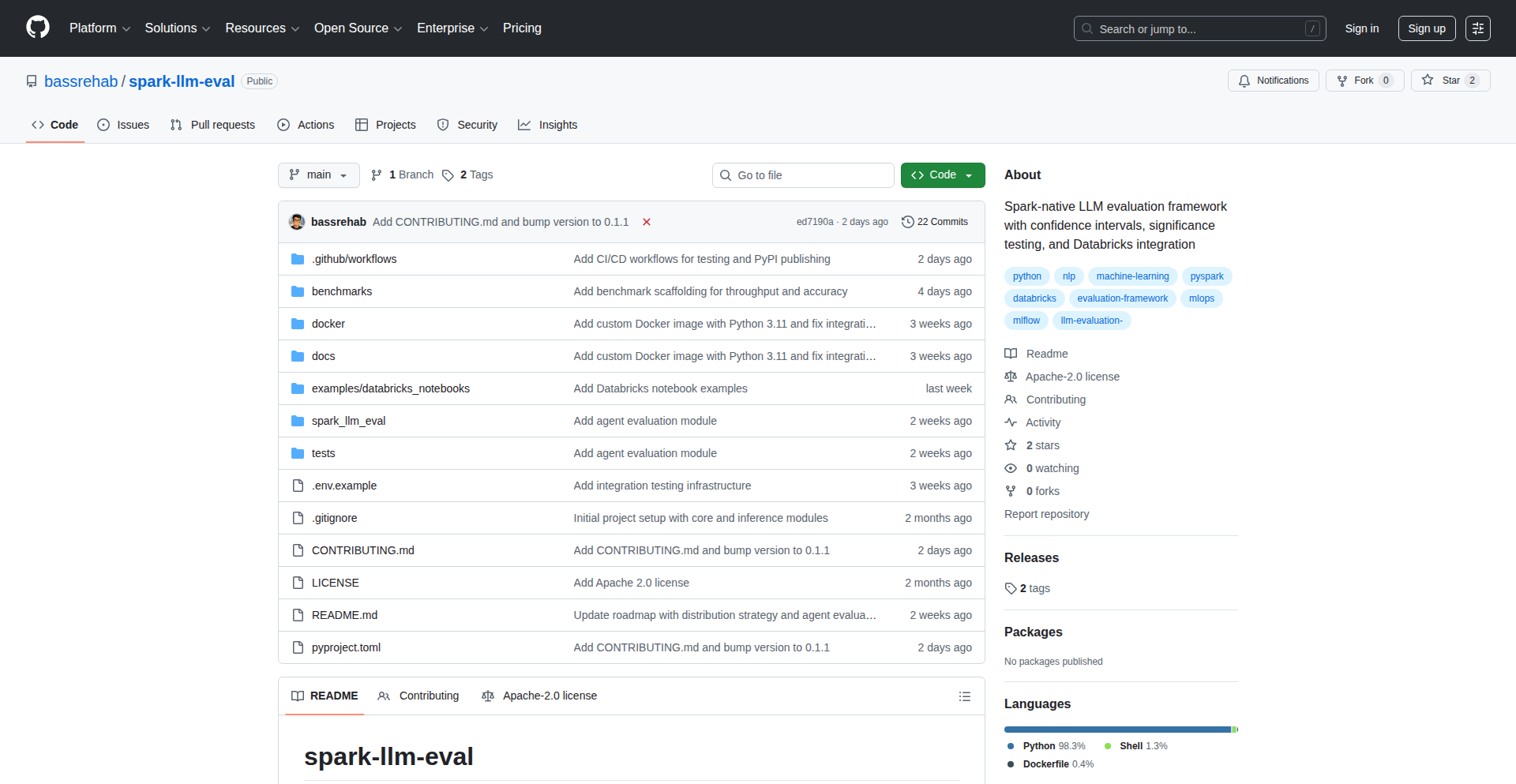
Author
subhadipmitra
Description
This project introduces Spark-LLM-eval, a distributed framework for evaluating Large Language Models (LLMs) leveraging Apache Spark. It addresses the growing need for efficient, scalable, and repeatable LLM performance assessment in complex data environments. The innovation lies in its ability to parallelize LLM evaluation across distributed compute resources, enabling faster insights and more comprehensive testing than single-node solutions.
Popularity
Points 1
Comments 1
What is this product?
Spark-LLM-eval is a tool that allows developers to test and compare the performance of different Large Language Models (LLMs) in a highly scalable and efficient manner. Imagine you have several AI models that can write text, and you want to know which one is the best for a specific task, like summarizing articles or answering questions. Normally, testing these models one by one can be very slow, especially if you have a lot of data. This project uses Apache Spark, a powerful technology for processing large amounts of data very quickly across many computers. By integrating LLM evaluation with Spark, Spark-LLM-eval can run these tests simultaneously on many machines, dramatically speeding up the evaluation process and allowing for more thorough analysis. So, what's the big deal? It means you can get much faster feedback on which LLM works best for your needs, saving you time and resources in the development of AI-powered applications.
How to use it?
Developers can integrate Spark-LLM-eval into their existing data pipelines or machine learning workflows that already utilize Apache Spark. The core idea is to define evaluation metrics and datasets, then configure Spark-LLM-eval to distribute the LLM inference and comparison tasks across the Spark cluster. This could involve setting up an evaluation job that takes a dataset of prompts, runs them through one or more LLMs using Spark's distributed processing capabilities, and collects the results along with calculated scores. For example, a developer building a chatbot could use Spark-LLM-eval to test how well different LLMs perform in generating coherent and relevant responses to user queries, all within their Spark environment. So, how does this help you? If you're already using Spark for data processing, you can easily add LLM evaluation to your existing infrastructure, making the transition to AI-powered features smoother and faster.
Product Core Function
· Distributed LLM Inference: Allows running LLM predictions across multiple nodes in a Spark cluster, enabling rapid generation of outputs for a large set of inputs. This is valuable for scenarios where you need to test LLMs on thousands or millions of data points quickly, for instance, generating summaries for a vast collection of documents.
· Scalable Metric Calculation: Enables the computation of various evaluation metrics (e.g., accuracy, perplexity, similarity scores) in a distributed fashion. This means that even with massive datasets, you can get reliable performance scores without being bottlenecked by single-machine processing, crucial for robust model selection.
· Cross-LLM Comparison Framework: Provides a structured way to compare the performance of multiple LLMs against each other on the same set of tasks and data. This helps developers choose the most suitable LLM for their specific application, optimizing for factors like quality, speed, and cost.
· Integration with Spark Ecosystem: Seamlessly fits into existing Apache Spark environments, allowing developers to leverage their current infrastructure and expertise. This reduces the barrier to entry for implementing sophisticated LLM evaluations and avoids the need for separate, specialized tooling.
· Customizable Evaluation Pipelines: Offers flexibility to define custom evaluation logic and metrics tailored to specific use cases. This means you're not limited to predefined tests; you can design evaluations that precisely match the requirements of your AI application.
Product Usage Case
· Evaluating multiple summarization LLMs on a large corpus of news articles to identify the best model for an automated news digest service. Spark-LLM-eval would distribute the summarization task and metric calculation across the cluster, yielding faster and more comprehensive results than a sequential approach.
· Benchmarking different question-answering LLMs against a dataset of customer support queries to select the most effective model for an AI-powered helpdesk. The distributed nature of Spark-LLM-eval ensures that a large volume of queries can be processed efficiently, providing a reliable comparison.
· Assessing the code generation capabilities of various LLMs on a set of programming challenges to find the optimal model for an AI coding assistant. By parallelizing the generation and evaluation, developers can quickly identify models that produce correct and efficient code.
· Performing sentiment analysis LLM evaluations on millions of social media posts to understand which model best captures nuanced opinions for market research. Spark's distributed power allows for the scale required to process such a vast amount of unstructured text data.
73
Speechbolt AI Receptionist

Author
jreola
Description
Speechbolt is an AI-powered receptionist designed to screen incoming calls and identify Telephone Consumer Protection Act (TCPA) signals. It leverages advanced speech recognition and natural language processing to understand call content, effectively filtering out unwanted calls and flagging those that may have regulatory implications. This frees up valuable time for businesses and individuals by handling initial call interactions intelligently.
Popularity
Points 1
Comments 1
What is this product?
Speechbolt is an intelligent automated receptionist that uses Artificial Intelligence (AI) to handle phone calls. It listens to what callers say, understands their intent, and can even detect if they are trying to solicit or sell something, or if the call might be subject to regulations like the TCPA. Think of it as a smart gatekeeper for your phone line. Its innovation lies in its ability to not just transcribe speech, but to interpret the meaning and context of the conversation, particularly for compliance purposes.
How to use it?
Developers can integrate Speechbolt into their existing communication systems or build new ones. This could involve using its API to route calls, log call summaries, or trigger automated responses based on the AI's analysis. For example, a business could use Speechbolt to automatically send sales inquiries to the sales team while sending spam calls to a rejection queue. It's designed for integration, allowing developers to customize how call screening and TCPA signal detection fit into their workflows.
Product Core Function
· AI-powered speech recognition to transcribe caller conversations in real-time, enabling detailed analysis of call content for businesses and individuals.
· Natural Language Understanding (NLU) to interpret caller intent and identify key information within the conversation, making call screening more effective than simple keyword matching.
· TCPA signal detection to automatically identify potential violations of the Telephone Consumer Protection Act, helping businesses stay compliant and avoid legal issues.
· Automated call categorization and routing to direct calls to the appropriate department or individual, improving efficiency and customer experience.
· Configurable response mechanisms to provide automated greetings, answer common questions, or take messages, further reducing the burden on human receptionists.
Product Usage Case
· A small business owner can use Speechbolt to automatically screen out telemarketing calls, ensuring they only receive calls from legitimate clients or partners, saving them significant time and frustration.
· A customer service department can integrate Speechbolt to pre-qualify incoming support requests, gathering essential information before escalating to a live agent, leading to faster resolution times and better customer satisfaction.
· A marketing team can deploy Speechbolt to identify potential leads from inbound calls, automatically tagging and forwarding promising conversations for follow-up, thereby increasing sales opportunities.
· A company operating in regulated industries can leverage Speechbolt's TCPA signal detection to ensure their sales and marketing calls adhere to legal requirements, mitigating the risk of hefty fines and legal disputes.
74
Steer AI Agent Reliability Layer

Author
steer_dev
Description
Steer is an active reliability layer for AI agents, built in Python. It aims to make AI agents more dependable and predictable by injecting resilience into their operations. Think of it as a smart guardian for your AI, ensuring it performs consistently and recovers gracefully from unexpected issues. This is innovative because most AI agents operate in a 'best-effort' mode, whereas Steer proactively manages potential failures, making AI deployments more robust for critical applications.
Popularity
Points 1
Comments 1
What is this product?
Steer is an open-source Python library designed to add a 'reliability layer' to AI agents. The core idea is to move beyond simply prompting an AI and hoping for the best. Steer introduces concepts like automatic retries with backoff strategies, input validation to ensure the AI receives sensible data, output parsing to structure the AI's responses, and error handling to catch and recover from common AI-related issues. This is a significant technical innovation because it applies established software engineering principles of robustness and fault tolerance to the burgeoning field of AI agents, making them behave less like experimental tools and more like production-ready components. So, what does this mean for you? It means your AI applications can be trusted more, with fewer unexpected crashes or nonsensical outputs, paving the way for more reliable AI-powered features.
How to use it?
Developers can integrate Steer into their Python projects by installing it via pip (`pip install steer-ai`). You would then wrap your existing AI agent logic (e.g., calls to OpenAI, Anthropic, or other LLM APIs) within Steer's provided decorators or context managers. For example, you might use Steer's `retry` decorator to automatically re-run an AI call if it fails due to network issues or rate limiting. You could also use Steer's `parse_output` to ensure the AI's response adheres to a specific JSON schema. This allows for seamless integration into existing workflows, enhancing them with a layer of proactive error handling and resilience without requiring a complete rewrite of your AI agent's core logic. This is useful because it allows you to quickly bolster the reliability of your AI features with minimal code changes, making your development process smoother and your final product more dependable.
Product Core Function
· Automatic Retries with Exponential Backoff: If an AI call fails (e.g., due to temporary server issues or rate limits), Steer automatically retries the call a configurable number of times, waiting longer between each attempt. This technical implementation prevents single, transient failures from crashing your entire application and improves the success rate of AI interactions. This is valuable for ensuring continuous operation of your AI features.
· Input Validation and Sanitization: Steer can validate the data fed into an AI agent, ensuring it's in the correct format and within expected ranges. This technical approach prevents malformed inputs from causing errors or leading to unpredictable AI behavior. This is useful for preventing unexpected AI outputs and maintaining data integrity.
· Structured Output Parsing: Steer provides mechanisms to parse and validate the output of an AI agent, ensuring it conforms to a desired structure (like JSON). This technical solution makes it easier to programmatically work with AI responses, reducing the need for manual parsing and error checking. This is valuable for integrating AI outputs into downstream applications and data pipelines.
· Graceful Error Handling and Recovery: Instead of crashing, Steer can be configured to handle AI errors gracefully, perhaps by returning a default value or logging the issue for later review. This technical implementation allows your application to continue running even when the AI encounters problems. This is useful for maintaining application stability and providing a better user experience.
Product Usage Case
· Building a customer support chatbot: A developer could use Steer to ensure that when a customer asks a complex question, the AI agent attempts to answer it multiple times if there are initial API failures, and that the AI's response is correctly formatted as a JSON object containing the answer and a confidence score. This solves the technical problem of unreliable AI responses impacting customer experience and allows for smoother integration with a ticketing system. So, this means your chatbot is more likely to provide an answer and less likely to go offline.
· Automating data extraction from documents: Imagine an AI agent tasked with pulling specific information from a batch of PDFs. Steer could be used to validate that each document is readable and that the extracted data conforms to a predefined schema, retrying the extraction process if an individual document causes an error. This addresses the technical challenge of handling diverse document quality and ensures consistent, structured output for further analysis. This is useful because it makes your automated data extraction process more robust and reliable.
· Developing an AI-powered content generation tool: A developer might employ Steer to ensure that when generating blog posts or marketing copy, the AI agent retries if it produces an overly generic or repetitive output, or if the output fails to meet length requirements. Steer can also parse the generated text into a structured format for easy editing. This tackles the technical issue of inconsistent content quality and provides a more controlled content creation workflow. This is valuable as it leads to higher quality, more consistent AI-generated content.
75
ClaudeCode Pokémon Engine
Author
devjelly
Description
This project is an experimental demonstration of emulating the Pokémon game entirely using Claude Code, an AI model's code generation and execution capabilities. It explores the potential of large language models to not just generate code, but to act as a foundational engine for interactive experiences, pushing the boundaries of what's possible with current AI technology.
Popularity
Points 2
Comments 0
What is this product?
This is a proof-of-concept project where the Pokémon game logic, including its world, characters, and gameplay mechanics, is entirely simulated by Claude Code. Instead of running traditional game code, Claude Code interprets and executes the game's rules and events based on prompts and its understanding of game logic. This is innovative because it shifts from executing pre-written game code to dynamically generating and managing game states and actions using an AI model, showcasing a novel way to build interactive experiences without explicit game engines.
How to use it?
Developers can use this project as a starting point to understand how to leverage Claude Code for complex simulations. It involves interacting with Claude Code through specific prompts to define game states, character actions, and world events. For instance, a developer could prompt Claude Code to simulate a Pokémon battle, detailing the moves used and the outcomes, all interpreted and managed by the AI. This opens up possibilities for creating AI-driven game narratives, adaptive challenges, or even entirely new forms of interactive entertainment.
Product Core Function
· AI-driven game state management: Claude Code dynamically tracks and updates the game world and character statuses, allowing for a fluid and unpredictable game experience. This means the AI is constantly figuring out what's happening in the game, making it feel more alive and responsive.
· Natural language interaction for gameplay: Players can interact with the game using natural language commands, which Claude Code interprets to perform actions. This removes the need for rigid button inputs and allows for more creative and intuitive gameplay, akin to talking to the game itself.
· Procedural content generation inspired by game logic: The AI can generate game elements, such as trainer dialogue or wild Pokémon encounters, based on the established rules of the Pokémon universe. This means the game can create new scenarios and content on the fly, keeping the experience fresh.
· Emulation of game mechanics through AI interpretation: Claude Code simulates core Pokémon mechanics like battles, item usage, and exploration by understanding and applying the underlying rules. It's like the AI is playing the game and making decisions based on its knowledge of Pokémon rules, rather than running pre-programmed code.
· Exploration of LLM capabilities for interactive entertainment: This project serves as a technical exploration into using LLMs as the primary engine for interactive experiences, demonstrating their potential beyond simple text generation. It shows that AI can be the 'brain' behind a game.
Product Usage Case
· Developing AI-powered conversational game characters: Imagine a Pokémon trainer in this engine that can have unscripted, natural conversations with the player, reacting dynamically to their dialogue and actions. This solves the problem of static NPC interactions by making them truly adaptive.
· Creating emergent gameplay scenarios through AI improvisation: A developer could use this to generate unexpected plot twists or unique challenges in a game by letting Claude Code creatively interpret game rules and player actions. This addresses the challenge of replayability and surprise in games.
· Building interactive educational tools that simulate complex systems: For instance, simulating ecological systems or historical events where the AI dynamically manages variables and outcomes based on user input. This provides a more engaging way to learn by doing.
· Prototyping game ideas rapidly using AI as a backend: Developers can quickly test game concepts by describing them to Claude Code, allowing for rapid iteration without extensive coding. This tackles the initial hurdle of bringing a game idea to life.
· Exploring novel user interfaces for games: By relying on natural language, this project opens doors for games that can be played entirely through voice or text, making gaming more accessible and potentially interactive in new ways.
76
Skyz AI: Instant MCP Server Deployment

Author
Elemenopi
Description
Skyz AI is a platform designed to drastically simplify the deployment of Micro-client-server Protocol (MCP) servers. Frustrated by lengthy and complex deployment processes for internal tools and connectors, the creator developed Skyz AI to offer a Vercel-like experience for MCP servers. It allows developers to get their MCP servers, which can be anything from database connectors to API integrations, up and running in minutes using standard Node.js/TypeScript, eliminating vendor lock-in and making development accessible to a wider range of users.
Popularity
Points 2
Comments 0
What is this product?
Skyz AI is a revolutionary deployment service for MCP (Micro-client-server Protocol) servers. Think of MCP servers as specialized programs that act as bridges or connectors between different software systems – for example, a tool that lets your VS Code editor talk directly to a database, or a service that pulls data from Shopify. Traditionally, setting these up can be a complex, time-consuming weekend project involving lots of configuration. Skyz AI changes this by allowing you to deploy these MCP servers with the same ease you'd deploy a frontend application to Vercel. The core innovation lies in abstracting away the infrastructure and deployment complexities, enabling developers to focus on building the core logic of their connectors. It uses standard Node.js/TypeScript, meaning your code is portable and you're not tied to any specific proprietary technology.
How to use it?
Developers can use Skyz AI to quickly deploy any MCP server they build. The process is designed to be as straightforward as deploying a static website. You write your MCP server logic in Node.js or TypeScript, and Skyz AI handles the rest – provisioning servers, managing dependencies, and making your server accessible. This means that if you're building a custom integration for Notion, a lookup tool for Shopify orders, or an analytics dashboard for PostgreSQL, you can deploy it in minutes rather than hours or days. It integrates seamlessly into your existing development workflow, allowing you to test and iterate rapidly without getting bogged down in infrastructure management.
Product Core Function
· One-click MCP server deployment: Automates the entire process of setting up and running your MCP server, so you can go from code to live service in minutes. This saves significant development time and reduces the frustration of manual server configuration.
· Vercel-like deployment experience: Provides a familiar and intuitive deployment pipeline, making it easy for developers to manage and update their MCP servers, similar to how they deploy frontend applications. This lowers the barrier to entry for deploying complex integrations.
· Standard Node.js/TypeScript support: Ensures that your MCP servers are built using widely adopted and flexible programming languages, preventing vendor lock-in and allowing for easy migration or integration with other systems. This gives you freedom and control over your technology stack.
· Infrastructure abstraction: Handles all the underlying server management, scaling, and networking, so developers can concentrate solely on the functionality of their MCP server. This allows for faster innovation and less overhead.
Product Usage Case
· Building a real-time VS Code extension that directly interacts with a custom backend server: Instead of complex network configurations, you can deploy your backend MCP server on Skyz AI and have your VS Code extension communicate with it effortlessly, enabling rich, dynamic features within your IDE.
· Creating a custom Shopify order lookup tool for internal teams: You can build an MCP server that connects to the Shopify API and your internal database. Skyz AI deploys this server quickly, providing your team with a fast and efficient way to access and manage order information without manual data retrieval.
· Developing a Notion search integration that indexes and searches your Notion pages: An MCP server can be built to process and index your Notion content. Deploying it on Skyz AI makes this powerful search functionality available instantly, allowing users to find information across their Notion workspace with ease.
· Implementing PostgreSQL analytics dashboards: You can create an MCP server that queries your PostgreSQL database and prepares data for analysis. Skyz AI deploys this server, making it accessible for your analytics tools or internal dashboards to pull real-time data for reporting and insights.
77
TimelessPortfolio

Author
tiagom87
Description
A portfolio website inspired by the world's first website, built with modern web technologies. It aims to showcase developer skills and projects with a unique, retro-inspired aesthetic, demonstrating that effective communication of technical achievements doesn't require cutting-edge frameworks. The innovation lies in reinterpreting historical web design principles with contemporary coding practices, offering a distinct alternative to typical portfolio layouts. This project answers the question: 'Can I build a compelling and professional-looking portfolio using foundational web concepts, while still highlighting my modern development skills?'
Popularity
Points 1
Comments 1
What is this product?
TimelessPortfolio is a personal portfolio website that pays homage to the very first website ever created by Tim Berners-Lee. Instead of using a typical modern framework, it leverages fundamental web technologies like HTML, CSS, and JavaScript to recreate a similar minimalist and content-focused experience. The innovation is in its deliberate choice to embrace simplicity and directness, using modern coding techniques to achieve a retro feel. This demonstrates that powerful digital presentations can be built on core principles, offering a unique and memorable way to present technical work. So, what's the use? It provides a distinctive and elegant way to stand out from the crowd, showing your appreciation for web history while proving your mastery of foundational web development.
How to use it?
Developers can use TimelessPortfolio as a template or inspiration for their own personal websites. The project's codebase, likely built with standard HTML, CSS, and possibly a sprinkle of vanilla JavaScript, can be cloned and adapted. You can replace the placeholder content with your own project descriptions, skills, and contact information. Integrate it by hosting the static files on platforms like Netlify, Vercel, or GitHub Pages. The use case is for developers who want a unique online presence that communicates their technical skills and project highlights in a clean, focused, and historically significant manner. So, how is this useful to you? It's a ready-made starting point for a memorable online identity that's easy to deploy and customize.
Product Core Function
· Minimalist Content Presentation: Utilizes fundamental HTML and CSS to create a clean layout that prioritizes the content, making projects and skills easily digestible. Value: Enhances readability and focus on what matters most – your work. Application: Ideal for showcasing detailed project descriptions and key achievements without distraction.
· Retro Aesthetic Implementation: Recreates the look and feel of early web design using modern coding practices, offering a distinctive visual style. Value: Helps a portfolio stand out and conveys a sense of technical craftsmanship and appreciation for web history. Application: Perfect for developers who want a unique brand identity that's both nostalgic and professional.
· Static Site Generation Potential: Built with core web technologies, it's inherently suited for static hosting, leading to fast load times and cost-effectiveness. Value: Improves user experience through speed and reduces hosting expenses. Application: Excellent for developers looking for a high-performance and low-maintenance online presence.
· Customizable Structure: The foundational nature of the code allows for easy modification and expansion of sections and features. Value: Provides flexibility to tailor the portfolio to individual needs and career goals. Application: Enables developers to add specific sections like blog posts, testimonials, or interactive elements as required.
Product Usage Case
· A freelance web developer wants to showcase their proficiency in front-end fundamentals and their appreciation for web history. They use TimelessPortfolio as a base, replacing the content with their projects and contact details, deploying it on Netlify. This solves the problem of having a generic portfolio by providing a unique, fast-loading, and visually engaging site that highlights their core technical skills. So, what's the benefit? They attract clients looking for a developer with a strong foundation and a creative approach.
· A junior developer building their first real portfolio site wants to demonstrate their ability to work with basic web technologies rather than relying solely on complex frameworks. They adapt TimelessPortfolio, focusing on elegant CSS and semantic HTML to present their learning projects. This addresses the challenge of proving foundational understanding in a competitive job market. So, why is this good? It allows them to showcase their learning journey and fundamental skills effectively to potential employers.
· A developer interested in the evolution of the internet decides to build a portfolio that reflects this passion. They use TimelessPortfolio as an inspiration, emphasizing the historical context in their 'About Me' section and using a very clean, link-based navigation. This provides a unique narrative for their online presence. So, what's the advantage? It creates a compelling story around their work, resonating with audiences interested in the 'why' behind their development choices.
78
Tokri: The Temporal File Drop Zone

Author
jarusll
Description
Tokri is a desktop application designed as a temporary holding area for files, text snippets, and images. It addresses the common developer need for quick, ephemeral storage for items that don't warrant a permanent place but are needed for immediate transfer or reference. The innovation lies in its simplicity and focus on speed, allowing users to drag-and-drop or paste content directly into a readily accessible 'basket' without complex folder management or application switching. This provides a frictionless workflow for tasks like grabbing a screenshot to paste into a bug report, temporarily storing a code snippet, or holding a few images before uploading them.
Popularity
Points 2
Comments 0
What is this product?
Tokri is essentially a digital 'basket' or scratchpad that lives on your desktop. Imagine having a physical basket where you can quickly toss in notes, small objects, or pictures you might need again soon. Tokri does this digitally. When you drag a file, copy text, or paste an image onto its designated area (or use a keyboard shortcut), it gets stored temporarily. The core technical idea is to intercept these 'drop' or 'paste' actions at the operating system level and store the data in a readily accessible, but not permanently organized, location. This avoids the need to open multiple applications or navigate through complex file structures for temporary items. The innovation is in its 'just-in-time' accessibility and ephemeral nature, streamlining workflows that involve quick data transfer or reference, which is crucial for developers who often work with transient pieces of information during coding, debugging, or documentation.
How to use it?
Developers can use Tokri by simply dragging files (documents, code snippets, images, etc.) directly onto the Tokri icon or window. They can also copy text or images (e.g., from a web page or another application) and then paste them into Tokri. Tokri can be configured to launch on startup, making it always available. For integration, developers can leverage its clipboard functionality. For example, after saving a screenshot to Tokri, they can easily access it from the clipboard to paste into a bug tracking system or a design document. This means less time hunting for files and more time building. It's designed for quick, ad-hoc usage, fitting seamlessly into a busy developer's workflow.
Product Core Function
· Temporary File Storage: Allows users to drag and drop various file types into Tokri for quick, temporary safekeeping. This is valuable for holding files needed for immediate use, like uploading to a cloud service or attaching to an email, without cluttering your main file system.
· Clipboard Integration for Text and Images: Enables users to copy text or images from any application and paste them directly into Tokri. This drastically speeds up workflows that involve transferring information between different tools, such as pasting error messages into a terminal or inserting screenshots into documentation.
· Ephemeral Data Handling: Designed for temporary use, Tokri helps manage information that doesn't require long-term organization. This prevents digital clutter and makes it easier to focus on the task at hand, knowing that transient data is handled efficiently.
· Always Accessible Interface: Tokri can be configured to be easily accessible, either as a persistent window or via a hotkey. This ensures that your temporary files and snippets are always just a click or keypress away, minimizing context switching and maximizing productivity.
Product Usage Case
· Debugging a web application: A developer encounters an error and needs to quickly grab a screenshot of the issue. Instead of saving the screenshot to their desktop and then manually attaching it to a bug report, they can capture it directly into Tokri and then immediately paste it into their bug tracker. This saves valuable time and reduces friction in the debugging process.
· Sharing code snippets: When discussing a piece of code with a colleague, a developer can copy the relevant snippet and paste it into Tokri. They can then easily copy it from Tokri again to paste into a chat application or a collaborative document, ensuring quick and accurate sharing of information.
· Gathering assets for a presentation: A designer needs to collect several images from different sources for a presentation. They can drag and drop each image into Tokri as they find them. Once all images are gathered, they can then easily select and move them from Tokri to their presentation file, streamlining the asset collection process.
· Temporary notes during a meeting: A developer needs to jot down a few quick notes or URLs during a call. Instead of opening a full note-taking app, they can quickly type or paste these details into Tokri, ensuring they are saved for later reference without interrupting the flow of the meeting.
79
FrameMark

Author
KirisameMarisa
Description
FrameMark is a collaborative video review tool designed to streamline the feedback process for game cutscenes and animations. Its core innovation lies in enabling time-coded comments and in-frame drawing, allowing reviewers to pinpoint specific moments and visual elements with unparalleled precision. This significantly reduces ambiguity and speeds up iteration cycles, making it invaluable for creative teams.
Popularity
Points 2
Comments 0
What is this product?
FrameMark is a web-based platform that simplifies video feedback for creative projects like game cutscenes and animations. It allows multiple team members to watch a video simultaneously and leave comments tied to specific timestamps. What makes it innovative is the ability to draw directly on individual video frames, illustrating feedback visually, and a chat-like interface for discussions. This moves beyond simple annotations to a more interactive and precise form of collaboration, akin to a specialized social media for video critique. So, what's in it for you? It means no more confusing verbal descriptions or email chains trying to explain a visual issue; feedback is direct, visual, and contextual, saving everyone time and frustration.
How to use it?
Developers and creative professionals can integrate FrameMark into their workflow by uploading their video assets to the platform. Reviewers can then access shared links to the videos. Comments and drawings are automatically saved and associated with the video timeline. For project management integration, FrameMark offers features like creating JIRA tasks directly from a comment (e.g., 'Fix character animation at 0:45') or sharing discussion threads to Slack for broader team awareness. This allows for seamless transition from feedback to actionable development steps. So, what's in it for you? You can instantly turn a piece of feedback into a trackable task in your project management system, ensuring that visual critiques are not lost and are addressed efficiently.
Product Core Function
· Timestamped Commenting: Allows users to attach text-based feedback to specific moments in the video, ensuring that suggestions are precisely located. This is valuable for pinpointing exact frames needing adjustment in animations or dialogue in cutscenes, leading to faster corrections. So, what's in it for you? No more guessing where a problem is; feedback is exact.
· In-Frame Drawing: Enables reviewers to draw directly on video frames to illustrate visual points, such as highlighting an area for improvement in character design or demonstrating a desired movement. This visual communication is far more effective than text alone for conveying subjective artistic feedback. So, what's in it for you? You can visually show exactly what you mean, eliminating misunderstandings in artistic direction.
· Collaborative Discussion Threads: Facilitates real-time conversations around specific video segments or comments, creating a contextualized feedback loop. This keeps all relevant discussion in one place, fostering a clear understanding among team members. So, what's in it for you? All feedback and discussions are centralized and organized, making it easy to follow the evolution of ideas and decisions.
· JIRA Integration: Lets users convert comments into JIRA tasks, streamlining the workflow from feedback to bug fixing or feature requests. This bridges the gap between review and development, ensuring actionable items are tracked. So, what's in it for you? You can turn feedback into tasks with a click, directly in your project management tool.
· Slack Integration: Allows for sharing specific comments or review summaries to Slack channels, keeping the wider team informed. This promotes transparency and quick dissemination of important feedback. So, what's in it for you? Key feedback can be easily shared with your team for awareness and quick updates.
Product Usage Case
· Game Development: A game studio uses FrameMark to review animated cutscenes. A reviewer draws an arrow on a character's hand in a frame at 1:23 and comments 'Needs more polish on this gesture'. This comment is then converted into a JIRA ticket for the animation team, with the frame and drawing attached. So, what's in it for you? The animation team instantly knows exactly which frame and gesture needs work, saving them time from hunting for the issue.
· Animation Production: An animation house uses FrameMark to gather feedback on a short film. During a scene review, a director annotates a frame with 'Background element too distracting' and draws a circle around a small object. The comment is then shared to a Slack channel for the art department to see. So, what's in it for you? The art department receives immediate visual notification of a specific aesthetic concern, enabling them to address it promptly.
· Marketing Video Creation: A marketing team uses FrameMark to get client feedback on a promotional video. The client leaves a time-coded comment at 0:30 saying 'Please adjust the text overlay for better readability' and highlights the text with a drawing. This ensures the revision request is precise and directly addresses the visual element. So, what's in it for you? Clients can provide clear, visual feedback that is easily understood and acted upon, reducing back-and-forth revisions.
80
macOSUpdateObserver
Author
hexbin010
Description
This project is a proof-of-concept tool that analyzes macOS update behavior, specifically identifying potential 'dark patterns' where the system might subtly steer users towards specific upgrades. It's built to highlight how update mechanisms can be designed in a way that might trick users into installing unwanted software, like nudging them towards 'macOS Tahoe' when they intended to stay on 'macOS Sequoia'. The innovation lies in its direct observation and exposé of these manipulative UI tactics.
Popularity
Points 2
Comments 0
What is this product?
This is a project that scrutinizes the update mechanism in macOS. The core technical insight is observing how the update dialog box can be pre-configured or presented in a way that might mislead users. For instance, it detects if an older version (like 'macOS Tahoe') is automatically selected, even when a newer version ('macOS Sequoia') is the primary update. This is a demonstration of how user interface design, in this case within system updates, can employ subtle manipulation, often referred to as dark patterns, to influence user choices without explicit consent. The value is in making these hidden behaviors transparent.
How to use it?
Developers can use this project as a benchmark or a starting point for building their own tools to monitor system behavior and identify potential user-interface-based manipulations. It could be integrated into testing frameworks to automatically flag unusual update pre-selections or changes in default behaviors. For end-users, while this specific project might not be a direct tool, the principles it demonstrates can encourage vigilance when interacting with system updates and software prompts. It shows how to look for unexpected defaults or confusing wording.
Product Core Function
· Update dialog analysis: Technically, this involves parsing UI elements and their default states within the macOS update interface. The value is in precisely pinpointing which update options are pre-selected by default, highlighting any unexpected or potentially deceptive choices.
· Dark pattern detection: By comparing the observed pre-selected options against user intent (e.g., staying on Sequoia), this function identifies manipulative UI strategies. Its value is in providing evidence and awareness of 'sneaky' design choices in software.
· Behavioral logging: The project may log sequences of user interactions or system responses related to updates. This allows for a detailed review of how the update process unfolds and can reveal subtle shifts in recommended actions over time. The value is in creating an auditable trail of system behavior.
Product Usage Case
· Scenario: A user wants to update their macOS but is concerned about stability and prefers to stick with their current version, 'macOS Sequoia'. They open the update dialog and notice that 'macOS Tahoe' is already checked under 'Other Updates'. This project demonstrates how to systematically identify and flag such pre-selections, validating the user's suspicion that the system is pushing an unwanted upgrade. It solves the problem of 'Is this update dialog trying to trick me?'.
· Scenario: A software testing team is responsible for ensuring the integrity and transparency of their application's update process. They can adapt the techniques used in this project to automatically scan their own update installers for any dark patterns or unintended default selections. This helps them to proactively prevent their software from inadvertently misleading users and maintain a trustworthy user experience, solving the problem of 'Are our updates truly transparent to users?'.
· Scenario: A security researcher is investigating how operating systems might subtly influence user behavior for commercial or strategic reasons. This project provides a case study and a technical approach for observing and documenting these influences. It allows them to gather concrete evidence of manipulative practices, contributing to a broader understanding of software ethics and user privacy, solving the problem of 'How can I prove that the system is subtly pushing a specific upgrade?'.
81
CommerceTXT: AI Shopping Context Standard
Author
tsazan
Description
CommerceTXT is an open standard designed to represent shopping context for AI models, similar to how 'llms.txt' provides context for LLMs. It aims to standardize how product information, user preferences, and interaction history are formatted, enabling AI to better understand and respond to e-commerce scenarios. The innovation lies in creating a structured, machine-readable format that bridges the gap between raw product data and AI's comprehension, ultimately improving personalized shopping experiences.
Popularity
Points 1
Comments 1
What is this product?
CommerceTXT is a structured data format, like a universal language, for describing everything related to a shopping experience to an Artificial Intelligence (AI). Think of it as a blueprint that tells an AI about products (their features, prices, availability), who the shopper is (their past purchases, preferences, current needs), and the conversation they're having. The core innovation is creating a consistent, easy-to-understand format that AI models can readily process, allowing them to offer much smarter and more relevant shopping advice, recommendations, and support. This is useful because it makes AI in e-commerce much more effective and personal.
How to use it?
Developers can integrate CommerceTXT by defining and generating this structured data from their existing e-commerce platforms. This data can then be fed directly into AI models that are trained or designed to process this format. For example, a developer could create a system that scrapes product details from an online store and formats them into CommerceTXT. This formatted data is then sent to a chatbot powered by an LLM, enabling the chatbot to answer customer questions accurately about specific products or to offer personalized recommendations based on the user's preferences also described in CommerceTXT. This is useful because it allows any e-commerce business to leverage advanced AI for customer engagement and sales without needing to build custom AI integrations from scratch.
Product Core Function
· Product Representation: Standardized format for describing product attributes like name, description, price, SKU, inventory, and images. This allows AI to accurately identify and discuss specific items, providing a foundational understanding for any shopping query.
· User Profile Definition: Structured way to represent user preferences, past purchase history, browsing behavior, and demographic information. This enables AI to personalize recommendations and tailor interactions to individual needs and tastes.
· Interaction History Logging: A consistent method for recording conversation turns, user actions (like adding to cart), and AI responses. This context is crucial for AI to maintain coherence in a dialogue and learn from past interactions.
· Contextual Snippets: Allows for embedding specific, relevant pieces of information (e.g., a particular review, a sale notification) that the AI can leverage for immediate context. This helps AI deliver timely and precise information when needed.
· Extensibility: Designed to be adaptable, allowing for the addition of new attributes or sections as e-commerce scenarios evolve. This ensures the standard remains relevant and can accommodate future innovations in AI and retail.
Product Usage Case
· AI-powered Product Discovery: A user asks a chatbot, 'Show me red running shoes under $100.' CommerceTXT provides the AI with structured data on available shoes, their colors, prices, and categories, allowing it to precisely filter and present matching options, thus solving the problem of irrelevant search results.
· Personalized Recommendation Engine: Based on a user's CommerceTXT profile (showing they prefer sustainable brands and casual wear), an AI can recommend new arrivals that align with these preferences, solving the problem of generic recommendations that miss the mark.
· Intelligent Customer Support: When a customer inquires about a past order, CommerceTXT allows the AI to quickly access order details and shipping status, providing a fast and accurate resolution to support queries, thereby improving customer satisfaction.
· Dynamic Pricing and Promotions: An AI can use CommerceTXT to understand a user's purchase history and browsing intent, and then trigger personalized discounts or flash sales presented in the standard format, increasing conversion rates by offering timely incentives.
82
Veriduct Prime
Author
float_val
Description
Veriduct Prime is a novel framework that fundamentally alters binary file formats, breaking them into small, undetectable chunks. These chunks are then executed directly from memory, bypassing traditional file-based detection mechanisms. The innovation lies in its ability to achieve this without relying on encryption or obfuscation, by completely destroying the original file structure. This results in a dramatic reduction in detection rates by security software.
Popularity
Points 2
Comments 0
What is this product?
Veriduct Prime is a groundbreaking system designed to make executable binary files much harder for security software to detect. Instead of having a single, recognizable file, Veriduct Prime takes a binary program and breaks it into many small pieces, like puzzle pieces. It then cleverly rearranges and executes these pieces directly in the computer's working memory, rather than as a standard file on the disk. Think of it like taking a letter, tearing it into tiny shreds, and then having someone read those shreds one by one from different piles, making it impossible to tell what the original letter was about just by looking at the shreds. The core innovation is this 'format destruction' technique, which isn't about hiding the original code (like encryption) or making it look messy (like obfuscation), but about completely dismantling the recognizable structure of the file itself. This means security programs that rely on identifying known file formats struggle to flag it, leading to significantly fewer detections. It's deterministic, meaning it reliably breaks and reconstructs the binary in the same way every time, and it's proven to work with many types of programs, including console applications and network tools.
How to use it?
Developers can integrate Veriduct Prime into their workflow to deploy applications more discreetly. The framework allows for the programmatic destruction of a binary into executable memory chunks. This can be useful for situations where applications might be flagged by overly aggressive security software, or for security researchers looking to understand and bypass detection methods. The process involves feeding a binary into the framework, which then outputs the memory-executable chunks. These chunks can then be loaded and run by a custom loader or integrated into existing systems that manage in-memory execution. For example, a developer building a command-line utility could use Veriduct Prime to ensure their tool doesn't trigger antivirus alerts on client machines. The full source code is available under an MIT license, allowing for customization and experimentation.
Product Core Function
· Binary Format Destruction: The core technology breaks down a binary file's original structure into non-recognizable fragments, making it invisible to signature-based detection. This is valuable for deploying tools without triggering security alarms.
· In-Memory Execution: Executing code directly from memory avoids writing files to disk, which is a common detection vector for malware and unwanted software. This offers enhanced stealth for legitimate applications.
· Deterministic Reconstruction: The process is repeatable and predictable, ensuring that the destroyed binary can be precisely reconstructed. This is crucial for reliability and debugging.
· C2 Beacon Functionality: Includes a working command and control (C2) beacon that executes from these memory chunks, demonstrating its capability for advanced deployment scenarios. This is valuable for security testing and legitimate remote administration tools.
· Cross-Platform Compatibility (with limitations): Supports console applications, network tools, and crypto/threading operations, broadening its applicability for various types of software development.
Product Usage Case
· Developing penetration testing tools: A security researcher could use Veriduct Prime to deliver their testing scripts or tools to a target system without being blocked by endpoint detection and response (EDR) solutions. This helps in simulating real-world attack scenarios more effectively.
· Deploying specialized network utilities: For internal IT operations, a network administrator might use Veriduct Prime to deploy a custom diagnostic tool across a network without triggering security alerts on workstations, ensuring smooth operational deployment.
· Evading antivirus on custom executables: If a developer has a unique console application that is frequently flagged by antivirus software due to its functionality, Veriduct Prime can be used to make the executable less detectable, allowing for its intended use.
· Building stealthy data exfiltration tools: For authorized security auditing purposes, a tool designed to collect specific data might need to operate with minimal visibility. Veriduct Prime enables such tools to run in memory, reducing the risk of detection during sensitive operations.
83
Mesh: Nostr Decentralized Team Chat
Author
tav1
Description
Mesh is a novel team chat application built on the Nostr protocol, leveraging NIP-29 relays to enable decentralized communication. It's a pioneering effort in bringing secure, private, and censorship-resistant team collaboration to a distributed network, crafted with Rust for the backend and Next.js for the frontend. This project exemplifies the hacker ethos of using code to build resilient and user-centric communication tools.
Popularity
Points 1
Comments 1
What is this product?
Mesh is a decentralized team chat system that operates on the Nostr network. Unlike traditional chat apps that rely on central servers controlled by a single entity, Mesh uses Nostr's decentralized infrastructure. NIP-29 is a specific Nostr Improvement Proposal that allows for more structured data on relays, which Mesh utilizes to create dedicated spaces for teams. This means your team's conversations are not stored on a company's server but distributed across a network of Nostr relays, offering enhanced privacy and resilience against single points of failure. The core innovation lies in adapting Nostr's existing decentralized messaging capabilities to the specific needs of team collaboration, making it a privacy-focused alternative for internal communication. So, this is useful because it provides a secure and private way for your team to communicate without worrying about data breaches or censorship from a central authority.
How to use it?
Developers can use Mesh by setting up their own Nostr relays that support NIP-29 or by connecting to existing public NIP-29 compliant relays. The Next.js frontend allows for easy integration into web applications or can be deployed as a standalone chat client. Teams can create private chat rooms or channels within the Mesh interface, with messages being encrypted and distributed through the chosen relays. This allows for flexible deployment, whether it's a self-hosted solution for maximum control or leveraging public infrastructure for ease of use. So, this is useful because it allows teams to quickly set up a secure and private communication channel with minimal reliance on external services.
Product Core Function
· Decentralized Messaging: Enables real-time chat messages to be sent and received across a distributed network of Nostr relays, providing resilience and privacy. This is valuable for ensuring communication continuity even if some relays go offline.
· Team Channel Creation: Allows users to create private or public channels for specific teams or projects, organizing conversations effectively. This is valuable for managing communication flow within a group and keeping discussions focused.
· NIP-29 Relay Integration: Utilizes NIP-29 compliant relays to structure team chat data, enabling more efficient and secure communication. This is valuable because it leverages the latest advancements in Nostr for better team collaboration features.
· End-to-End Encryption (implied by Nostr): Messages are inherently secured, meaning only the intended recipients can read them, offering strong privacy guarantees. This is valuable for protecting sensitive team discussions from unauthorized access.
· Rust Backend: Provides a robust and performant backend infrastructure for handling message routing and relay management. This is valuable for ensuring a stable and scalable chat experience.
· Next.js Frontend: Offers a modern and responsive user interface for seamless team chat interaction. This is valuable for providing an intuitive and accessible user experience.
Product Usage Case
· A remote software development team can use Mesh to create a private chat channel for daily stand-ups and project discussions, ensuring their conversations remain confidential and accessible only to team members, even if their primary internet connection is disrupted.
· A startup looking for a privacy-first communication tool can deploy Mesh with self-hosted NIP-29 relays to build an internal chat system without relying on third-party services, mitigating data privacy risks and maintaining full control over their communication infrastructure.
· A community of open-source contributors can use Mesh to foster collaboration and discussion within their project, leveraging the decentralized nature of Nostr to ensure open and censorship-resistant communication among members worldwide.
· An organization concerned about data sovereignty can implement Mesh to ensure all internal team communications are stored on relays they control, complying with strict data residency regulations and enhancing security.
84
MCP Agentic UI with XState and WebSockets
Author
uptownhr
Description
This project is an experimental user interface for managing autonomous agents, leveraging the power of XState for state management and WebSockets for real-time communication. It allows developers to build interactive agent-driven applications where the UI can dynamically adapt to the agent's behavior and receive instant updates, tackling the complexity of asynchronous agent interactions.
Popularity
Points 2
Comments 0
What is this product?
This project presents a novel approach to building user interfaces for agent-based systems. Instead of a static UI that the user directly controls, this UI is designed to interact with and reflect the state of autonomous agents. The core innovation lies in the combination of XState, a powerful state machine library, to model the complex, often unpredictable states of agents, and WebSockets, which enable instantaneous, bidirectional communication between the UI and the agents. This means the UI doesn't just display information; it actively participates in the agent's workflow, reacting to its decisions and providing feedback in real-time. For example, if an agent is tasked with data analysis, the UI can dynamically update to show progress, display intermediate findings, or even present actionable insights as they emerge, all without requiring a page refresh. This provides a much more fluid and responsive user experience for complex agent interactions.
How to use it?
Developers can integrate this MCP Agentic UI into their applications by establishing a WebSocket connection to their agent backend. The UI then uses XState to define various states that the agent might be in (e.g., 'idle', 'processing', 'awaiting_input', 'completed', 'error'). When the agent's state changes or it sends new information via WebSockets, the UI's state machine transitions accordingly, updating the visual representation and user interaction elements. This allows for building sophisticated dashboards for AI assistants, real-time monitoring tools for automated processes, or interactive applications where users collaborate with intelligent agents. Imagine a customer support bot where the UI dynamically shows when the bot is searching for information, typing a response, or requesting clarification from the user. It’s about creating a seamless dialogue between human and machine.
Product Core Function
· Real-time Agent State Visualization: Displays the current status and progress of autonomous agents, enabling users to understand what the agent is doing at any given moment. This is valuable for transparency and debugging in complex agent workflows.
· Dynamic UI Adaptation: The user interface automatically updates and reconfigures based on the agent's actions and data. This means the UI is always relevant to the agent's current task, preventing information overload and improving user focus.
· Bidirectional Communication via WebSockets: Enables instantaneous two-way communication between the UI and agents, allowing for immediate feedback loops and responsive control. This is crucial for interactive applications where quick responses are essential, such as in gaming or live data analysis.
· XState-driven State Management: Utilizes XState's powerful state machine capabilities to manage the intricate and often non-linear states of autonomous agents. This leads to more robust and predictable UI behavior, even when dealing with complex agent logic.
· Event-driven UI Updates: The UI reacts to specific events emitted by the agent, triggering state transitions and visual changes. This makes the UI highly reactive and allows for precise control over how information is presented as it becomes available.
Product Usage Case
· Building a dashboard for an AI-powered content generation service: The UI could show the agent's progress in researching topics, drafting content, and refining output, with real-time updates on word count and quality metrics. This helps users monitor and guide the content creation process effectively.
· Developing an interactive tool for automated scientific simulation: The UI might visualize simulation parameters, display intermediate results as they are computed by an agent, and allow users to pause, resume, or adjust the simulation based on emerging data. This accelerates scientific discovery by providing immediate feedback on complex computations.
· Creating a real-time collaborative editing application where AI agents assist users: The UI could highlight suggested edits from an agent, show the agent's reasoning, and allow users to accept or reject these suggestions instantly. This streamlines collaboration and leverages AI to improve the quality of work.
· Designing a system for managing fleets of autonomous robots: The UI could provide a live map showing the location and status of each robot, with agents reporting back on their tasks and any encountered issues. This enables efficient monitoring and control of distributed robotic systems.
85
Vibe Coding Agent

Author
kinj28
Description
Vibe Coding Agent is a novel AI-powered tool designed to supercharge developer productivity by focusing on internal tooling. It leverages advanced natural language processing and code generation techniques to automate repetitive coding tasks, assist in debugging, and generate boilerplate code for internal applications. The core innovation lies in its ability to understand the nuances of internal development workflows, making it a highly specialized and effective assistant for building and maintaining company-specific software. This means less time spent on tedious tasks and more time for creative problem-solving and feature development.
Popularity
Points 1
Comments 1
What is this product?
Vibe Coding Agent is an AI assistant built for software developers, specifically for tasks related to internal tools. Think of it as a super-smart coding buddy that understands your company's unique development environment and needs. Instead of a general-purpose coding assistant, Vibe focuses on the often overlooked but crucial area of internal tools – the software that keeps a company running. Its innovation is in its specialized training and architecture that allows it to grasp context within your internal codebase and generate relevant, efficient code. So, what's the benefit for you? It significantly reduces the time and effort you spend on building and maintaining the essential software that powers your company's operations, freeing you up for more impactful work.
How to use it?
Developers can integrate Vibe Coding Agent into their existing workflows through its API or a dedicated IDE plugin. You interact with Vibe by describing the functionality you need in plain English. For example, you could say, 'Create a Python script to fetch user data from our internal CRM and store it in a CSV file.' Vibe then analyzes your request, understands your project's context (if integrated with your codebase), and generates the relevant code. This makes it incredibly easy to quickly build and update internal utilities, scripts, and even parts of larger internal applications without getting bogged down in syntax or repetitive setup. The value here is rapid development and immediate productivity gains for your internal projects.
Product Core Function
· Automated Boilerplate Code Generation: Vibe can generate standard code structures and initial setups for common internal tool functionalities, saving developers from writing repetitive code. This means you get the foundational pieces of your internal tools ready to go much faster, letting you focus on the unique logic.
· Intelligent Code Completion and Suggestion: Based on the context of your internal codebase and the task at hand, Vibe offers intelligent suggestions and completions for code snippets, reducing typing and potential errors. This helps you write cleaner code more quickly and accurately, improving overall code quality.
· Natural Language to Code Translation: Developers can describe desired functionalities in plain English, and Vibe translates these requests into executable code. This democratizes certain coding tasks and speeds up the prototyping of internal tools, allowing non-specialists to contribute more effectively or allowing specialists to iterate faster.
· Internal API and Data Integration Assistance: Vibe is trained to understand and generate code that interacts with common internal systems and databases. This simplifies the process of connecting different internal tools and services. This is crucial for building integrated internal systems, making data flow seamlessly and reducing integration headaches.
· Debugging Assistance for Internal Tools: Vibe can analyze error messages and suggest potential solutions or code fixes for issues within internal applications. This significantly reduces the time spent troubleshooting internal software, keeping your operational tools running smoothly.
Product Usage Case
· Scenario: A marketing team needs a quick script to import a list of leads from a CSV file into their internal CRM. Instead of waiting for a dedicated developer or struggling with a complex API, they can use Vibe to describe the task. Vibe generates the Python script to parse the CSV and interact with the CRM API. Value: Rapidly empowers non-technical teams to manage their data without extensive coding knowledge, boosting overall operational efficiency.
· Scenario: A developer is building an internal dashboard to monitor system health. They need to fetch data from multiple internal microservices and aggregate it. Vibe can generate the API calls and data aggregation logic for each service, greatly reducing the development time. Value: Accelerates the creation of essential internal monitoring tools, providing faster insights into system performance and potential issues.
· Scenario: A finance department needs a custom report generated from an internal financial database. Vibe can generate the SQL queries and data formatting code to produce the report in the required format. Value: Enables the creation of bespoke reporting tools tailored to specific business needs, leading to better-informed decision-making.
86
Browser-Iceberg Data Explorer
Author
carlopi
Description
This project demonstrates 'Iceberg on the Browser', a novel approach to visualizing and interacting with data stored in the Apache Iceberg format directly within a web browser, powered by DuckDB. It tackles the challenge of making large, complex datasets accessible without requiring a full server-side setup, enabling quick exploration and understanding of data structures and content.
Popularity
Points 2
Comments 0
What is this product?
This is a client-side data visualization tool that allows you to explore Apache Iceberg tables directly in your web browser. The core innovation lies in its ability to leverage DuckDB, a powerful in-process analytical data management system, to process Iceberg data. Normally, querying Iceberg data requires a backend service. This project cleverly brings the data processing capabilities to the browser, making it incredibly fast and efficient for exploring data without sending it to a remote server. Think of it as having a miniature, super-fast data analysis engine running inside your browser, specifically designed to understand the Iceberg format.
How to use it?
Developers can use this project as a demonstration or integrate its core principles into their own web applications. It's ideal for building interactive dashboards, data exploration tools, or even as a component in data science workflows where rapid, client-side inspection of Iceberg datasets is needed. You would typically load an Iceberg catalog (or a manifest file) into the browser, and DuckDB, running within the browser's WebAssembly environment, would handle the querying and retrieval of data for visualization. This means you can build tools that let users browse tables, preview data, and understand schemas without needing to set up and manage separate data servers, making development faster and deployment simpler.
Product Core Function
· Client-side Iceberg table exploration: Enables direct interaction with Apache Iceberg tables in the browser, eliminating the need for server-side data fetching and processing for initial exploration. This is useful for quickly inspecting data without complex infrastructure.
· DuckDB powered in-browser analytics: Utilizes DuckDB's WebAssembly build to perform analytical queries directly within the browser, offering high performance for data manipulation and querying. This means faster insights and a more responsive user experience.
· Data schema visualization: Provides a visual representation of the Iceberg table schema, making it easy to understand the structure and data types of the tables. This helps developers and analysts quickly grasp the data layout.
· Data preview and sample retrieval: Allows users to preview a sample of the data within an Iceberg table, facilitating quick assessment of data content and quality. This is invaluable for understanding what the data looks like at a glance.
Product Usage Case
· Building interactive data dictionaries for data lakes: Developers can create web-based tools where users can browse and inspect Iceberg tables in a data lake without needing direct access to the underlying storage or a full data warehousing solution. This solves the problem of data discoverability.
· Facilitating rapid prototyping of data applications: For data scientists or engineers building applications that rely on Iceberg data, this project allows for quick, client-side validation and exploration of data before committing to complex backend integrations. This speeds up the iteration cycle.
· Creating educational tools for Apache Iceberg: Educators or platform providers can use this to build interactive online tutorials or demos that allow learners to experiment with Iceberg data directly in their browser. This makes learning more accessible and hands-on.
87
CodeFit AI

Author
mraspuzzi
Description
CodeFit AI is an experimental tool that bridges the gap between software engineers and hardware startups by analyzing GitHub repositories and LinkedIn profiles to assess technical fit for specific roles. It leverages code review and experience matching to provide a composite 'fit score,' helping hardware founders find the right software talent and allowing engineers to showcase their practical skills beyond traditional resumes. The innovation lies in its holistic approach, going beyond job titles to evaluate actual coding contributions and project history, offering a more nuanced hiring solution.
Popularity
Points 2
Comments 0
What is this product?
CodeFit AI is an intelligent assistant designed to help hardware startups find suitable software engineers and for engineers to demonstrate their true capabilities. It works by taking your best GitHub repository, scanning your code for quality and relevance, and then comparing that with your LinkedIn profile's project history and experience. It then matches this against a chosen role, providing a 'fit score' that indicates how well your skills and experience align with the startup's needs. The innovation here is moving beyond just looking at job titles on a resume to actually analyzing the code you've written and the projects you've completed, offering a deeper, more accurate assessment of your potential value to a hardware company.
How to use it?
Developers can use CodeFit AI by first linking their most impressive GitHub repository. The tool will then analyze the code, providing feedback and a score. After that, you connect your LinkedIn profile. The system will review your work experience and project history, not just your listed job titles. You then select the type of role you are interested in. Finally, CodeFit AI will generate a 'fit score' based on how well your code and experience match the requirements of that role. This is particularly useful for engineers looking to join hardware startups who often value hands-on coding skills and project experience above all else. It helps you understand how your profile stacks up and where you might need to highlight specific projects or skills.
Product Core Function
· Automated Code Review: Analyzes your GitHub code to provide quality scores and actionable feedback. This is useful because it helps you understand how your coding practices measure up against industry standards and what aspects of your code might be particularly attractive or concerning to potential employers, offering a clear view of your technical strengths.
· Experience Matching: Scans your LinkedIn profile to identify relevant projects and hands-on experience, not just job titles. This is valuable for engineers as it ensures that your actual contributions and project history are recognized, showcasing your practical skills in building and problem-solving, which is crucial for startups.
· Role-Based Fit Scoring: Compares your analyzed code and experience against the requirements of a specific role you're targeting. This provides a concrete, data-driven indication of your suitability for a particular position, helping you tailor your application and understand potential hiring manager perspectives.
· Candidate-for-Startup Matching: Assists hardware startups in identifying software engineers whose skills and experience are a strong match for their specific needs, moving beyond generic resume screening. This is beneficial for founders by streamlining the hiring process and increasing the likelihood of finding engineers who can immediately contribute to their hardware projects.
Product Usage Case
· A software engineer looking to join an IoT hardware startup can submit their personal project repository for developing a custom firmware. CodeFit AI will review the firmware code for efficiency and best practices, and then match this with the engineer's LinkedIn profile highlighting their experience with embedded systems. The output 'fit score' will indicate how well their skills align with a 'Firmware Engineer' role at a similar startup, helping them tailor their resume and cover letter.
· A game developer wants to transition into a role developing software for AR/VR hardware. They can provide a repository of their game engine contributions. CodeFit AI will assess the complexity and innovation in their code, and cross-reference this with their experience in graphics programming and 3D modeling from their LinkedIn. This provides a score for an 'AR/VR Software Developer' position, showing the startup the engineer's relevant technical depth and problem-solving abilities in complex visual environments.
· A hardware startup founder is struggling to find a software engineer who understands the unique demands of hardware integration. They can use CodeFit AI to evaluate potential candidates by having them submit relevant hardware-related code projects. The tool will then score their contributions and compare them against the founder's desired role, helping them identify candidates with practical experience in bridging software and hardware, thus saving valuable hiring time and resources.
88
Forge: Agent Orchestrator CLI

Author
pat_erichsen
Description
Forge is a terminal-based client for running coding agents in parallel. It leverages the Agent Client Protocol (ACP), a standardized way for agents and editors to communicate, enabling you to manage and interact with various AI coding assistants directly from your command line. This allows for flexible integration into workflows and CI/CD pipelines, unlocking new possibilities for automated coding tasks.
Popularity
Points 2
Comments 0
What is this product?
Forge is a command-line tool that acts as a universal interface for coding agents, powered by the Agent Client Protocol (ACP). Think of ACP like how the Language Server Protocol (LSP) made it easy for different code editors to understand and work with programming language tools. Forge brings this standardization to AI coding agents, allowing you to run them side-by-side, pipe information to and from them, and integrate them into automated processes. This means you can manage multiple AI coding assistants from a single terminal window, streamlining your development process.
How to use it?
Developers can use Forge by installing it and then invoking it from their terminal. You can run specific coding agents that support ACP directly through Forge. For example, you could use Forge to have multiple AI assistants analyze different parts of your codebase simultaneously, or to automate code generation tasks. Its command-line nature makes it easy to integrate into scripts, build processes, and continuous integration (CI) pipelines, allowing for powerful automation of development workflows.
Product Core Function
· Parallel Agent Execution: Run multiple coding agents concurrently in your terminal, allowing for simultaneous code analysis, generation, or refactoring, significantly speeding up development tasks.
· ACP Integration: Seamlessly connect with any coding agent that supports the Agent Client Protocol, providing a unified interface to diverse AI development tools.
· Terminal-Native Interface: Interact with agents directly from the command line, enabling scriptability and integration into existing developer workflows and automation pipelines.
· Input/Output Piping: Pipe data to and from agents, facilitating complex workflows where the output of one agent can be the input for another, or for integrating with existing command-line tools.
· Headless Agent Operation: Run agents without a graphical interface, making them ideal for server environments and automated CI/CD processes.
Product Usage Case
· Automated Code Review: Use Forge to run multiple code analysis agents on a pull request in parallel, identifying potential issues from various perspectives quickly and efficiently.
· Code Generation Pipelines: Set up a workflow where one agent generates initial code structures, and another agent refines and optimizes it, all orchestrated through Forge in your terminal.
· Custom CI/CD Integration: Integrate Forge into your CI/CD pipeline to automatically trigger AI-powered code generation or analysis steps as part of your build or deployment process.
· Cross-Agent Experimentation: Easily switch between or run different coding agents side-by-side to compare their outputs for a specific task, helping you choose the best tool for the job.
· Interactive Debugging Assistant: Pipe debugging information or error logs into an AI agent via Forge to get intelligent suggestions for troubleshooting and fixing bugs.
89
StreetScan AI

Author
peterhddcoding
Description
StreetScan AI is an innovative pothole detection system leveraging the power of YOLOv8 for real-time image analysis, FastAPI for a robust backend API, Docker for containerized deployment, and React Native for a cross-platform mobile frontend. It transforms ordinary mobile devices into intelligent road hazard sensors, enabling proactive road maintenance and safer driving.
Popularity
Points 2
Comments 0
What is this product?
StreetScan AI is a system designed to automatically identify potholes in road surfaces using advanced computer vision. At its core, it uses YOLOv8, a state-of-the-art object detection model, trained to recognize the distinct visual patterns of potholes. When a smartphone camera captures an image of the road, the model analyzes it to pinpoint and classify any detected potholes. This processed information is then served through a FastAPI backend, a fast and flexible web framework, which makes the detection results accessible via an API. The entire system is packaged using Docker, which bundles all the necessary software and configurations into a portable container, making it easy to deploy and run consistently across different environments. So, what's the innovation here? It's the seamless integration of powerful AI models with accessible mobile technology and efficient deployment, democratizing road hazard detection. This means anyone with a smartphone can contribute to mapping road issues, leading to faster repairs and improved road safety for everyone.
How to use it?
Developers can integrate StreetScan AI into their existing applications or build new ones by interacting with its FastAPI backend. The system is designed to be highly modular. The mobile application, built with React Native, can capture images or video streams from the device's camera. These images are sent to the FastAPI endpoint, which then uses the YOLOv8 model to perform pothole detection. The results, such as pothole coordinates and confidence scores, are returned to the mobile app. For deployment, Docker containers ensure that the YOLOv8 model and FastAPI server run reliably, whether on a local machine, a cloud server, or even an edge device. This makes it easy to scale the detection capabilities and integrate them into fleet management systems, civic reporting apps, or even autonomous vehicle platforms. So, how does this benefit you? If you're building an app that needs to understand road conditions, like a navigation app or a city maintenance tool, you can easily add sophisticated pothole detection without needing to develop the AI from scratch. This saves significant development time and resources.
Product Core Function
· Real-time Pothole Detection: Utilizes YOLOv8 object detection to identify potholes from image or video input, providing immediate insights into road conditions. The value is in enabling proactive identification of hazards, preventing vehicle damage and accidents.
· API-driven Backend Service: Leverages FastAPI to expose pothole detection capabilities as a RESTful API, allowing for easy integration with various frontend applications and backend systems. This means developers can easily access powerful AI features without deep AI expertise.
· Containerized Deployment: Employs Docker to package the entire application stack, ensuring consistent and reproducible deployment across different environments. This simplifies setup and maintenance, making the system readily deployable.
· Cross-Platform Mobile Frontend: Built with React Native, enabling the development of a unified mobile application for both iOS and Android devices. This allows for wide accessibility and a consistent user experience for data collection and reporting.
· Data Reporting and Visualization: The system is designed to report detected potholes with location data, facilitating efficient road maintenance planning and prioritization. This translates to better allocation of resources and faster repairs for critical road issues.
Product Usage Case
· A city's public works department can use a modified version of the mobile app to have municipal vehicles equipped with cameras scan roads during their regular routes, automatically flagging potholes for repair crews. This solves the problem of manual road inspections being time-consuming and often missing issues, leading to more efficient maintenance and safer streets.
· A ride-sharing company could integrate StreetScan AI into their driver app. Drivers' phones would passively detect and report potholes, creating a real-time, crowd-sourced map of road hazards. This helps drivers avoid damaged roads, improving passenger comfort and reducing vehicle wear and tear.
· Developers building a smart city dashboard could ingest pothole data from StreetScan AI to visualize road conditions across the municipality. This allows city planners to make data-driven decisions about infrastructure investment and prioritize repairs in high-traffic or high-risk areas, improving overall urban planning and resident satisfaction.
· A fleet management company could use this system to monitor the road conditions their vehicles are encountering. By analyzing the pothole data, they can identify routes with particularly poor road quality and reroute vehicles to minimize damage to their fleet and optimize delivery times. This directly addresses the challenge of costly vehicle repairs and unexpected downtime.
90
SchemaSync-Protobuf

Author
flashgordon
Description
A tool that automatically generates data access converters between your API's protobuf schemas and your database models (like GORM or Datastore). It tackles the common pain point of manually writing repetitive code to sync data fields and types between your application's API layer and its storage layer, reducing bugs and speeding up development, especially in early project stages.
Popularity
Points 1
Comments 1
What is this product?
SchemaSync-Protobuf is a code generation tool designed to bridge the gap between your API definitions (using Protocol Buffers) and your database entities. When building services, it's common for the data structure used by your API and the structure stored in your database to diverge over time. Manually writing code to translate between these two representations is tedious and prone to errors, like mismatched field names or incorrect data types. This tool uses your protobuf definitions as a single source of truth and generates the necessary conversion code for your database ORM (Object-Relational Mapper) or data store. The innovation lies in its ability to automate this translation, allowing developers to define transformations once and have the code generated, thereby minimizing boilerplate and potential bugs while maintaining flexibility for custom logic or schema divergence when needed.
How to use it?
Developers can integrate SchemaSync-Protobuf into their workflow by defining their API data structures using Protocol Buffers (.proto files). The tool then analyzes these .proto files and, based on specified configurations or conventions, generates Go code that handles the conversion between protobuf messages and ORM entities (like GORM models) or cloud database entities (like Google Cloud Datastore). This generated code can then be used within the application to seamlessly pass data between the API layer and the database layer. For example, when receiving a request at the API, the protobuf request message can be automatically converted to a database entity before being saved, and vice-versa when fetching data to be sent back to the client. This integration typically involves running a protobuf compiler plugin that invokes SchemaSync-Protobuf to generate the necessary conversion functions.
Product Core Function
· Automated Schema Conversion: Generates code to translate data between protobuf message formats and database entity formats, saving manual coding effort and reducing copy-paste errors. This is useful for quickly syncing data between your API requests/responses and your database storage.
· Single Source of Truth: Leverages your existing protobuf schemas as the definitive definition for data structures, ensuring consistency across your API and database layers and reducing the risk of schema drift bugs.
· Extensible Transformation Logic: Allows developers to define custom transformations or mappings between specific fields or data types, providing flexibility to handle complex scenarios where direct translation isn't sufficient. This is valuable when you need fine-grained control over how data is handled during the conversion process.
· Multi-Target Generation: Supports generation of converters for various database technologies, such as GORM for relational databases and Google Cloud Datastore for NoSQL environments. This allows developers to choose the best storage solution without being locked into a specific ecosystem for their data access layer.
· Boilerplate Code Reduction: Significantly cuts down on the amount of repetitive code required for data mapping, allowing developers to focus on core business logic rather than mundane synchronization tasks. This directly improves developer productivity and project velocity.
Product Usage Case
· Developing a new microservice where API schemas are closely mirrored by database schemas. SchemaSync-Protobuf can quickly generate the necessary conversion code, allowing the developer to focus on business logic and rapidly iterate on features. This is beneficial for startups or projects in their early, fast-paced development phase.
· Refactoring an existing service to use a more robust data validation layer (e.g., protobufs for API requests). Instead of manually rewriting all the data mapping logic from the old API request format to the database entities, this tool can automate the generation of the new conversion code, significantly reducing migration time and potential bugs. This solves the problem of having to manually update hundreds of lines of code when introducing changes.
· Building a project that needs to support both a PostgreSQL database (using GORM) and Google Cloud Datastore for different deployment environments. SchemaSync-Protobuf can generate the appropriate converters for each target, enabling a consistent data access pattern regardless of the underlying storage technology. This addresses the need for flexibility in backend infrastructure choices.
· Dealing with subtle type mismatches between API timestamps (e.g., as integers) and database timestamps (e.g., as time.Time objects). The tool can be configured to handle these conversions automatically, preventing runtime errors and ensuring data integrity. This resolves the common issue of unexpected data type incompatibilities between different parts of the application.
91
FootScan BootMatcher

Author
brucebotsford
Description
A digital ski bootfitter that leverages smartphone scanning to provide personalized ski boot recommendations. The core innovation lies in transforming a complex, in-person fitting process into a quick, accessible digital experience, solving the frustration of buying ski boots.
Popularity
Points 2
Comments 0
What is this product?
This project is a digital ski boot fitting system. It uses your smartphone's camera to scan your feet, collecting crucial biometric data like foot shape and volume. This data is then processed to analyze your foot profile and match it against a database of ski boot models, recommending the best fits for you within minutes. The innovation is in democratizing the expert boot fitting process, making it available to anyone with a smartphone, and moving beyond generic sizing to highly personalized recommendations.
How to use it?
Developers can integrate this system into e-commerce platforms or as a standalone application. The typical workflow involves a user answering a few questions about their skiing experience and preferences, then performing a foot scan using their phone. The system processes this data and presents 3 recommended boot models with direct purchase links. For developers, this means a powerful new tool for enhancing customer experience in the outdoor gear retail space, potentially reducing returns due to poor fit, and driving sales through highly targeted product suggestions.
Product Core Function
· Mobile Foot Scanning: Utilizes smartphone camera and image processing to capture detailed foot geometry, enabling a data-driven approach to boot fitting instead of relying on subjective measurements. This provides a highly accurate foundation for recommendations, leading to better boot performance and comfort.
· Personalized Fit Analysis: Employs algorithms to interpret foot scan data and user-provided skiing preferences to determine optimal boot characteristics (e.g., last width, flex, volume). This moves beyond generic sizing, offering recommendations tailored to individual needs and skiing styles, significantly improving the chances of a perfect fit.
· Curated Boot Recommendations: Matches the analyzed foot profile against a curated database of ski boots, presenting users with a concise list of 3 suitable options with direct purchase links. This streamlines the purchasing decision, saving users time and effort while ensuring they are presented with high-potential matches.
· Rapid Digital Fitting Process: Condenses a traditionally time-consuming and complex in-person fitting process into a 5-minute digital experience. This offers unparalleled convenience and accessibility, making it easier for consumers to find the right ski boots regardless of their location or access to specialized retailers.
Product Usage Case
· E-commerce Platforms: An online ski retailer can embed this system into their website, allowing customers to virtually try on boots before buying. This directly addresses the challenge of online boot purchases, where fit is a major concern, thus reducing return rates and increasing customer satisfaction.
· Ski Resort Shops: A ski resort's rental or retail shop can use this as a supplementary tool to quickly assess a skier's needs before recommending rental or purchase options. This improves efficiency for shop staff and ensures customers leave with boots that are more likely to provide a positive skiing experience from the outset.
· Sports Equipment Manufacturers: A ski boot manufacturer can offer this tool to their customers to better understand their foot profiles and guide them towards models within their product line that best suit them. This can also provide valuable market insights into foot characteristics and preferences.
92
HopelessAPI: SOAP/XML to REST/JSON AI Translator

Author
Ugyen_Tech
Description
This project is an AI middleware that bridges the gap between legacy SOAP/XML-based banking systems and modern AI agents. It translates complex SOAP/XML data into clean RESTful JSON, making it easily consumable by AI. A key innovation is its ability to significantly reduce token costs for AI interactions, by about 70-90%. This means businesses can leverage AI with older systems more affordably and efficiently, without the need for costly system overhauls.
Popularity
Points 1
Comments 1
What is this product?
HopelessAPI is a smart translator for AI. Many older systems, especially in banking, still use a data format called SOAP/XML, which is like an old, complicated language. AI agents, on the other hand, prefer a simpler, more modern language called REST/JSON. This tool takes the old SOAP/XML language from banking systems and converts it into the easy-to-understand REST/JSON format that AI agents can process. The really clever part is how it shrinks the data size and complexity, leading to a massive reduction in the 'tokens' (think of tokens as pieces of information AI processes) needed, saving businesses a lot of money on AI processing costs. So, it makes AI work with old systems without breaking the bank.
How to use it?
Developers can integrate HopelessAPI into their workflow to connect AI agents to existing banking systems that expose SOAP/XML APIs. Instead of building custom parsers or dealing with the verbosity of XML for AI, they can point their AI agent requests to HopelessAPI. The API acts as an intermediary, fetching data from the SOAP/XML endpoint, transforming it into clean JSON, and then sending it to the AI. For outgoing requests, it can also handle the reverse transformation. This is particularly useful for building AI-powered financial dashboards, automated customer support bots interacting with banking data, or AI for fraud detection that needs real-time access to transaction history from legacy systems. It's an API-first approach, so integration is done via standard API calls.
Product Core Function
· SOAP/XML to REST/JSON Translation: Transforms complex legacy data formats into modern, AI-friendly JSON, making it easy for AI agents to understand and process banking information. This means AI can quickly access and act upon data that was previously inaccessible or very difficult to work with, leading to faster insights and automation.
· Token Cost Reduction: Significantly minimizes the number of tokens required for AI processing by intelligently simplifying and structuring the data. This directly translates to lower operational costs for AI applications, making AI more financially viable for businesses with large datasets or frequent AI interactions.
· API Integration Layer: Provides a seamless middleware solution for connecting disparate systems. Developers can integrate AI capabilities into existing infrastructure without the need for expensive and time-consuming rewrites of legacy systems, accelerating development and deployment cycles.
Product Usage Case
· Scenario: A fintech company wants to build an AI chatbot to answer customer queries about their bank account balances and transaction history. Their core banking system uses SOAP/XML. Solution: HopelessAPI acts as the bridge. The chatbot sends its request to HopelessAPI, which then queries the SOAP/XML banking system, translates the response into JSON, and sends it back to the chatbot. The token cost reduction means the company can handle many more customer queries with the same AI budget, improving customer service and scalability.
· Scenario: An AI-powered fraud detection system needs to analyze real-time transaction data from a banking partner that only provides data via SOAP/XML. Solution: HopelessAPI processes the incoming SOAP/XML transaction feeds, converts them into a streamlined JSON format, and feeds this cleaner data to the AI fraud detection model. This allows the AI to process more transactions faster and with higher accuracy due to the reduced noise and optimized data structure, leading to better fraud prevention and reduced financial losses.
· Scenario: A financial analyst wants to use an AI tool to identify trends and patterns in historical loan data stored in a legacy XML database. Solution: HopelessAPI can be used to extract and transform the loan data into a structured JSON format that can be loaded into a data lake or directly consumed by AI analytics platforms. The token cost savings enable more comprehensive analysis of larger historical datasets, uncovering deeper insights and potential investment opportunities.
93
GH-Lockfile Guardian

Author
gjtorikian
Description
This project, GH-Lockfile Guardian, introduces a novel approach to managing dependencies within GitHub Actions workflows by generating and verifying lockfiles. It addresses the common challenge of unpredictable dependency versions leading to flaky builds and security vulnerabilities. The core innovation lies in its ability to create a snapshot of exact dependency versions at a specific point in time and then enforce those exact versions in subsequent runs, ensuring reproducibility and enhancing security.
Popularity
Points 1
Comments 1
What is this product?
GH-Lockfile Guardian is a tool that creates a 'snapshot' (a lockfile) of the exact versions of all the external libraries or packages your GitHub Actions workflow depends on. Think of it like taking a precise photo of your ingredients before you start cooking. This lockfile is then used to ensure that every time your workflow runs, it uses the *exact* same ingredient versions. The innovative part is how it automates this process within GitHub Actions. It generates the lockfile by analyzing your dependencies and then verifies that subsequent runs adhere to it. This prevents unexpected changes in dependencies from breaking your build or introducing security risks, making your builds consistent and more secure. So, this is useful for you because it guarantees that your automated processes (like testing or deployment) will behave the same way every time, eliminating 'it worked on my machine' issues and bolstering your project's security.
How to use it?
Developers can integrate GH-Lockfile Guardian into their existing GitHub Actions workflows. Typically, this involves adding a step in their workflow file (e.g., a YAML file) that executes the GH-Lockfile Guardian tool. The tool can be configured to either generate a new lockfile based on current dependencies or to verify an existing lockfile against the current environment. This integration could involve checking out the repository, installing the GH-Lockfile Guardian tool (often via npm or a similar package manager), and then running its commands. For example, a workflow might have a step like `run: npx gh-actions-lockfile generate` to create the lockfile initially, and then subsequent runs would include a verification step like `run: npx gh-actions-lockfile verify`. So, this is useful for you because it seamlessly fits into your existing CI/CD pipeline, allowing you to easily enforce dependency control without significant changes to your workflow structure.
Product Core Function
· Lockfile Generation: Automatically identifies and records the exact versions of all project dependencies. This is valuable for creating a reproducible build environment, ensuring that your software behaves consistently across different runs and environments. It prevents unexpected updates from external libraries from breaking your code.
· Lockfile Verification: Compares the current dependency versions against those recorded in the lockfile. This is crucial for detecting unauthorized or accidental changes to dependencies, thereby preventing potential security breaches or unintended behavior shifts. It acts as a gatekeeper for your project's dependencies.
· Dependency Consistency Enforcement: Ensures that all future builds and deployments use the precisely defined versions of dependencies. This guarantees the stability and predictability of your CI/CD pipeline, reducing debugging time and increasing confidence in your releases. It means your automated tests and deployments will always run with the same set of tools.
· GitHub Actions Integration: Designed to be easily incorporated into GitHub Actions workflows. This streamlines the process of dependency management for projects hosted on GitHub, making it accessible to a wide range of developers. It leverages the power of GitHub's CI/CD platform to automate and secure your development process.
Product Usage Case
· Ensuring reproducible test results: Imagine a scenario where your automated tests sometimes pass and sometimes fail due to subtle changes in a third-party library. Using GH-Lockfile Guardian, you can lock down the exact versions of these libraries, ensuring that your tests are always run with the same environment, leading to reliable and consistent test outcomes. This solves the problem of flaky tests.
· Preventing supply chain attacks: A malicious actor could potentially introduce a compromised version of a dependency into your project. By using GH-Lockfile Guardian to verify lockfiles, you can detect if an unexpected, potentially malicious, dependency version has been introduced, thus safeguarding your project from supply chain vulnerabilities. This addresses the critical need for security in software development.
· Streamlining onboarding for new developers: When a new developer joins your team, they need to set up their development environment. GH-Lockfile Guardian ensures that they install the exact same dependency versions as everyone else, minimizing setup issues and allowing them to start contributing faster. This simplifies the developer experience and speeds up team productivity.
· Maintaining stable production deployments: In a production environment, unexpected dependency updates can lead to critical bugs. GH-Lockfile Guardian guarantees that the dependencies deployed to production are precisely the ones that were tested and approved, minimizing the risk of production incidents. This ensures the reliability and stability of your live applications.
94
AI SVG Forge

Author
tm11zz
Description
AI SVG Forge is a project that leverages artificial intelligence to generate Scalable Vector Graphics (SVGs) from textual prompts. This addresses the common developer challenge of creating custom, scalable graphics quickly and efficiently, moving beyond static image formats and empowering designers and developers with dynamic, code-based visuals.
Popularity
Points 2
Comments 0
What is this product?
This project is an AI-powered tool that takes a text description and transforms it into an SVG image. The innovation lies in using generative AI models, specifically trained or fine-tuned for visual output, to understand natural language descriptions and translate them into the precise vector coordinates, paths, and attributes that define an SVG. Unlike traditional methods that require manual drawing or image conversion, this allows for the creation of intricate and unique graphics based on simple text inputs, offering a novel approach to digital art and asset generation.
How to use it?
Developers can use AI SVG Forge by providing a descriptive text prompt through its API or a user interface. For example, a prompt like 'a minimalist blue bird in flight with geometric wings' could generate a corresponding SVG. This SVG can then be directly embedded into web pages, used in design software that supports SVGs, or further manipulated programmatically. It's particularly useful for rapid prototyping of UI elements, generating icons on the fly, or creating custom illustrations for various digital media without the need for extensive design expertise.
Product Core Function
· Text-to-SVG Generation: Utilizes AI to interpret text prompts and produce accurate vector graphics, enabling quick creation of custom visuals and solving the problem of limited readily available graphic assets.
· Scalable Vector Graphics Output: Generates SVGs that can be scaled infinitely without loss of quality, crucial for responsive web design and high-resolution displays, ensuring assets look sharp on any screen.
· Programmatic Asset Creation: Allows developers to integrate SVG generation into their workflows, automating the creation of graphics based on dynamic data or user input, thus streamlining development cycles.
· Creative Exploration Tool: Empowers users to experiment with visual ideas through simple text commands, fostering creativity and reducing the technical barrier to entry for graphic design.
Product Usage Case
· Web Development: Developers can use AI SVG Forge to generate unique icons or decorative elements for websites based on themes or user preferences, solving the challenge of finding or creating specific graphical assets quickly for a project.
· Game Development: Game designers can leverage the tool to generate placeholder art, environmental details, or character elements based on descriptions, accelerating the prototyping phase and exploring visual styles.
· UI/UX Design: Designers can rapidly iterate on UI elements by describing desired shapes, colors, and styles, allowing for faster mockups and A/B testing of visual components.
· Educational Tools: Educators can use AI SVG Forge to create custom illustrations for learning materials, generating visual aids that precisely match concepts being taught, making complex subjects more understandable.
95
AgentFarm: Collaborative AI & Human IDE

Author
waleedk
Description
AgentFarm is a novel IDE that bridges the gap between AI agents and human developers, enabling them to collaborate seamlessly on software development tasks. It innovates by providing a shared workspace where AI can propose code, execute tasks, and offer insights, while humans can guide, review, and refine the AI's contributions. This transforms the development process from a solo endeavor to a synergistic partnership, significantly boosting productivity and accelerating complex problem-solving.
Popularity
Points 1
Comments 1
What is this product?
AgentFarm is an Integrated Development Environment (IDE) built for the era of AI-assisted development. Its core innovation lies in its architecture that allows both AI agents and human developers to actively participate in the coding process within a unified environment. Think of it as a digital workbench where an AI programmer and a human programmer can pass code snippets, discuss logic, and test solutions together in real-time. The AI agent can autonomously generate code based on high-level instructions, perform repetitive tasks like refactoring or writing boilerplate code, and even suggest optimizations. The human developer acts as the architect and quality controller, reviewing the AI's work, providing feedback, and steering the project in the desired direction. This is fundamentally different from existing tools because it's not just about using AI *for* coding, but about AI and humans coding *together*.
How to use it?
Developers can integrate AgentFarm into their workflow by defining tasks or problems that require coding. For instance, a developer might prompt the AI agent to generate a Python script for data analysis, implement a new feature in a web application, or write unit tests for existing code. The developer then interacts with the AI within the AgentFarm interface, reviewing the generated code, providing specific instructions for modifications, or even taking over certain parts of the coding process if needed. The IDE facilitates this by offering features like a shared code editor, version control integration, debugging tools that both human and AI can leverage, and communication channels for feedback. This allows developers to offload tedious or time-consuming coding tasks to AI, freeing them up to focus on higher-level architectural decisions, complex logic, and creative problem-solving, thereby accelerating their development cycles.
Product Core Function
· AI-driven code generation and suggestion: The AI agent can autonomously write code snippets, functions, or even entire modules based on natural language prompts or specifications, reducing the time spent on writing repetitive or standard code. This is valuable for quickly prototyping or automating common coding patterns.
· Collaborative code review and refinement: Humans can review and edit code generated by the AI, providing feedback that the AI can learn from to improve subsequent suggestions. This ensures code quality and alignment with project requirements.
· Task automation and execution: The AI can be tasked with executing specific coding-related operations, such as refactoring code, writing unit tests, or performing code analysis, thereby offloading mundane tasks from the human developer.
· Shared development environment: A unified interface where both human and AI agents can interact with the codebase, manage dependencies, and utilize debugging tools, creating a truly collaborative coding experience.
· Intelligent debugging assistance: The AI can analyze code for potential bugs, suggest fixes, and even help in the debugging process by pinpointing errors and their causes, making the debugging phase more efficient.
Product Usage Case
· A junior developer struggling with a complex algorithm can use AgentFarm to have an AI agent generate a working implementation, then work with the AI to understand the code and refine it, thereby learning and completing the task faster.
· A senior developer working on a large-scale application can delegate the task of writing extensive unit tests for a new module to an AI agent within AgentFarm, saving significant time and ensuring comprehensive test coverage.
· A team developing a new API can use AgentFarm to have AI agents generate different endpoint implementations concurrently, with human developers overseeing, reviewing, and integrating the generated code into the main project, accelerating the development timeline.
· A developer encountering a recurring error pattern can leverage AgentFarm to have an AI agent analyze the codebase, identify similar instances, and suggest a systematic fix across the entire project, saving manual search and correction time.
96
HN-Nested-Visualizer
Author
brettermeier
Description
A CSS enhancement for Hacker News that visually distinguishes nested comments with a striped background and increases spacing, making long comment threads easier to navigate and understand. It tackles the common problem of cluttered and overwhelming comment sections on Hacker News.
Popularity
Points 1
Comments 1
What is this product?
This project is a set of custom CSS rules designed to be applied to the Hacker News website. It uses a repeating linear gradient to create distinct horizontal stripes for nested comments, helping to visually separate them. It also increases the vertical spacing between elements to prevent a cramped feel. The core innovation lies in using a simple yet effective visual cue to solve the information overload problem inherent in deeply nested discussion forums, making the structure of conversations much clearer at a glance.
How to use it?
Developers can integrate this CSS using a browser extension like Stylus (available for Firefox, Chrome, etc.). Once the extension is installed, they can create a new style for the `news.ycombinator.com` domain and paste the provided CSS code into the editor. After saving, refreshing any Hacker News page will immediately show the applied visual enhancements. This allows for a personalized and improved reading experience without altering the core functionality of Hacker News.
Product Core Function
· Enhanced Comment Indentation: Uses repeating linear gradients to add distinct visual stripes to nested comments, making it easier to follow the flow of conversation and identify who is replying to whom. This helps in understanding complex discussion trees.
· Increased Vertical Spacing: Adds more space between elements on the page, reducing visual clutter and making the content feel less cramped and more comfortable to read for extended periods. This improves readability and reduces eye strain.
· Adjusted Main Content Width: Sets a maximum width for the main content area, which can improve readability on very wide screens by preventing lines of text from becoming excessively long. This ensures a more focused reading experience.
· Simplified Visual Hierarchy: By clearly distinguishing nested levels, this CSS creates a stronger visual hierarchy, allowing users to quickly scan and grasp the structure of discussions. This is valuable for quickly finding relevant comments or understanding the overall conversation landscape.
Product Usage Case
· Reading long and complex discussion threads on Hacker News: When a particular topic sparks a lot of debate with many replies, the default layout can become confusing. This CSS helps by clearly highlighting each level of nesting, so you can easily track who is responding to whom and understand the progression of arguments. This is useful for researchers or anyone trying to follow intricate debates.
· Improving readability on large monitors: On wide screens, Hacker News can sometimes stretch content too much, leading to long lines of text that are tiring to read. The adjusted max-width prevents this, ensuring text remains within a comfortable reading range. This is beneficial for anyone who prefers to browse on a larger display.
· Quickly scanning for specific viewpoints: If you're looking for comments from a particular user or a specific line of reasoning within a deep thread, the visual separation provided by the striped backgrounds makes it much faster to scan through and locate what you're looking for. This saves time and effort when trying to extract information.
· Personalizing the Hacker News browsing experience: For developers and tech enthusiasts who spend a lot of time on Hacker News, small UI improvements can make a big difference. This project offers a simple way to customize the look and feel for better usability, embodying the hacker ethos of improving tools through code.
97
WebGPU Weaver
Author
FarhadG
Description
A lean, community-driven platform designed to connect creators and showcase innovative demos built with WebGL and WebGPU. It aims to foster a collaborative space for developers, designers, and enthusiasts to explore and shape the future of web graphics, offering a centralized hub for news, tutorials, and in-depth project explorations.
Popularity
Points 2
Comments 0
What is this product?
This project is a community website focused on WebGL and WebGPU, the powerful technologies that bring advanced graphics and computations to your web browser. Think of it as a central gathering place for people building amazing visual experiences and powerful applications directly in their browser. The innovation here lies in creating a dedicated, curated space for these cutting-edge web graphics technologies. Instead of scattered resources and demos across the web, 'WebGPU Weaver' brings them together. It's designed to be a launchpad for new ideas and a showcase for the creative potential of web-based 3D rendering and parallel computation, offering a glimpse into what's possible when you push the boundaries of browser capabilities. So, what's in it for you? It provides a single destination to discover the latest advancements and inspiring projects in web graphics, helping you stay ahead of the curve and find new avenues for your own creations.
How to use it?
Developers can use 'WebGPU Weaver' as a source of inspiration and a learning resource. You can browse featured demos to understand how other developers are leveraging WebGL and WebGPU for stunning visual effects, complex simulations, or even AI/ML tasks. The platform plans to host tutorials and deep dives, offering practical guidance on graphics programming, mathematical concepts behind them, and applying AI/ML in the browser. For integration, while the site itself is a platform for showcasing, the underlying technologies (WebGL/WebGPU) are integrated into web pages via JavaScript. If you're a developer looking to integrate advanced graphics into your own web applications, this site will be a place to find examples, learn best practices, and discover tools. So, how does this benefit you? It helps you learn faster, find solutions to technical challenges, and discover new libraries or techniques to enhance your web projects with breathtaking visuals and computational power.
Product Core Function
· Showcase of WebGL/WebGPU Demos: Centralized collection of innovative visual projects, providing inspiration and technical examples for developers looking to implement advanced graphics. This helps you see what's possible and learn from others' implementations.
· Community Connection: A platform to connect creators, developers, and designers, fostering collaboration and knowledge sharing around web graphics technologies. This allows you to network with peers and find potential collaborators.
· News Feed: Curated updates on the latest developments and breakthroughs in WebGL and WebGPU, keeping you informed about the evolving landscape of web graphics. This ensures you don't miss out on critical new information.
· Tutorials and Learning Resources: Planned content including short articles and courses on graphics, math, and AI/ML for the web, making it easier for developers to learn and master these complex subjects. This directly aids in your skill development.
· Deep Dive Articles: In-depth explorations of select projects, detailing the techniques, tools, and thought processes behind them, offering profound insights into advanced web development. This provides a more detailed understanding of specific advanced implementations.
Product Usage Case
· A game developer using the site to find cutting-edge examples of real-time rendering techniques for a new browser-based game, accelerating their development by learning from featured demos and tutorials on WebGPU performance optimization.
· A data visualization specialist discovering a complex interactive 3D data model on the site, providing them with a blueprint and technical inspiration to build a similar, more advanced visualization for their own analytics platform using WebGL.
· A student learning WebGPU for the first time uses the platform's planned tutorials to grasp the fundamental concepts of shader programming and then explores deep dives into successful projects to see how those concepts are applied in real-world, complex applications.
· A web designer seeking to incorporate animated 3D elements into a client's website finds inspiration and practical code snippets from the showcased demos, allowing them to deliver a more engaging and visually rich user experience.
98
Crovise AI

Author
adamoufkir
Description
Crovise AI is a landing page analysis system that provides actionable conversion hypotheses. It uses static analysis, heuristics, and LLM-powered reasoning to review a landing page's structure, copy, hierarchy, and UX patterns. The goal is to offer rapid, opinionated feedback similar to a CRO engineer's initial review, helping developers understand potential conversion issues without relying on traffic data or paid audits.
Popularity
Points 1
Comments 1
What is this product?
Crovise AI is a smart tool designed to help you figure out why your landing pages might not be convincing visitors to take action. Think of it like having a conversion expert quickly look at your page. It analyzes the text, how things are arranged, the importance of different elements, and common user experience patterns. It does this by examining the page's content and layout without needing to track user behavior. The innovation lies in combining standard technical analysis with the reasoning power of Large Language Models (LLMs) to generate specific, testable ideas for improving your page's conversion rate. So, what's in it for you? It's a fast way to get educated guesses on what to fix, saving you time and resources compared to waiting for data or hiring expensive consultants.
How to use it?
Developers can use Crovise AI by inputting their landing page URL into the system. Crovise AI will then perform a static analysis of the page's content and structure. It will identify potential areas where the page might be confusing visitors or failing to communicate its value proposition effectively. The output is a set of concrete conversion hypotheses. These hypotheses can then guide A/B testing or direct modifications to the landing page copy and design. For example, if your page aims to sell a product, Crovise AI might suggest that the call-to-action button is not prominent enough or that the benefits are not clearly articulated. So, how can you use it? You can feed your landing page into Crovise AI, get insights, and then use those insights to make targeted improvements that are more likely to increase conversions, all without needing to set up complex tracking or wait for large amounts of traffic data.
Product Core Function
· Static page analysis: Examines the landing page's code and content without user interaction to identify structural and textual elements. This provides a foundational understanding of the page's setup and its potential strengths and weaknesses, helping you understand what's technically present on your page that might be affecting conversions.
· Heuristic-based UX pattern evaluation: Applies common, proven rules of thumb for good user experience to identify potential usability issues. This helps ensure your page follows best practices that users expect, leading to a smoother experience and better engagement, which in turn can boost conversions.
· LLM-powered reasoning for hypothesis generation: Leverages advanced AI models to interpret the analysis and generate specific, actionable suggestions for improving conversion rates. This goes beyond simple checks to provide intelligent, context-aware recommendations for what to test or change, offering you concrete ideas to improve your page's performance.
· Conversion hypothesis output: Delivers clear, testable statements about why a page might not be converting and what specific changes could address the issue. This gives you direct, actionable insights that you can immediately use to plan your next steps for optimization, directly translating into potential increases in sign-ups or sales.
· Rapid feedback loop: Provides quick analysis without requiring traffic data or user sessions. This allows for immediate insights and faster iteration cycles, enabling you to make informed decisions and improvements much quicker than traditional methods, saving you valuable time and accelerating your path to higher conversions.
Product Usage Case
· A startup developer building a new SaaS product's landing page notices low sign-up rates. They use Crovise AI to analyze the page. Crovise AI identifies that the value proposition is unclear and the call-to-action button is visually buried. The developer then refines the headline and makes the button more prominent, leading to a 20% increase in sign-ups. The value to them was identifying and fixing a critical issue quickly without needing user data.
· An e-commerce entrepreneur is launching a new product page but is unsure if the copy is persuasive enough. They feed the URL to Crovise AI. The AI suggests that the benefits are listed as features and that the social proof elements are not emphasized. The entrepreneur rewrites the copy to focus on benefits and adds customer testimonials prominently, resulting in a noticeable uplift in Add-to-Cart actions. This helps them understand how to better communicate product value to potential customers.
· A marketing agency is tasked with improving a client's lead generation landing page. Before investing in extensive A/B testing or user surveys, they use Crovise AI to get an initial assessment. Crovise AI points out inconsistencies in the form design and a lack of trust signals. The agency addresses these points, leading to improved form completion rates and a higher number of qualified leads. The benefit here is getting an expert-level initial assessment to guide their optimization strategy efficiently.
99
SignalMiner
Author
manishg2022
Description
SignalMiner is a lightweight, embeddable library designed to help developers find truly relevant information within noisy content feeds. It addresses the common problem of information overload by intelligently identifying what matters most to a user's current context. Unlike traditional popularity-based sorting, SignalMiner uses semantic similarity, novelty decay, and lightweight classification to surface important content. The core innovation lies in its ability to process user-defined interests and content using local, on-device machine learning models, ensuring privacy and speed. So, what's in it for you? It means you can build smarter tools that cut through the clutter and deliver precisely what your users need, without relying on external APIs.
Popularity
Points 2
Comments 0
What is this product?
SignalMiner is a clever piece of software, essentially a 'smart filter' for content. Imagine you're following many sources like tech news, project updates, and discussions, but you're drowning in information. SignalMiner comes to the rescue by understanding what you *actually* care about at any given moment. It uses advanced techniques like 'semantic similarity' (figuring out if content talks about things related to your interests, even if it uses different words), 'novelty decay' (making sure old, repeated items gradually disappear from view), and 'classification' (giving a simple tag explaining why something is important). It does all of this locally on your machine, without sending your data to anyone else. The exciting part is its 'explainable scoring' – it doesn't just show you things, it tells you *why* it thinks they are relevant. So, what's in it for you? It means you can build applications that are much more personalized and efficient, delivering focused insights rather than just a flood of data.
How to use it?
Developers can integrate SignalMiner into their applications as a reusable building block. You provide the library with a collection of content items (like articles, project descriptions, or forum posts) and a 'markdown description' of your current focus or interests. SignalMiner then processes these inputs and returns a list of 'signals' – the most relevant and novel items, each with a score indicating its importance. This could be used to power personalized dashboards, smart notification systems, or even curated content discovery features within a larger application. The key is its embeddable nature; you can easily drop it into existing projects without needing to build a complex recommendation engine from scratch. So, what's in it for you? It allows you to quickly add powerful content filtering and relevance-scoring capabilities to your applications, enhancing user experience and information discovery.
Product Core Function
· Local Embeddings for Semantic Similarity: This function uses on-device machine learning models to understand the meaning of text, allowing it to find content semantically related to your interests, even if the keywords don't perfectly match. This is valuable for building systems that understand nuanced user preferences and discover hidden connections in data.
· Decay-based Novelty Tracking: This feature intelligently fades out older or repeatedly surfaced content over time. It ensures that users are consistently presented with fresh and timely information, preventing stagnation in content feeds. This is crucial for applications where timely updates and new discoveries are paramount.
· Lightweight Classification Labels: The system generates simple, human-readable labels that explain why a piece of content was surfaced. This transparency helps users understand the relevance score and builds trust in the system. This is beneficial for applications aiming to provide clear and understandable recommendations.
· Explainable Scoring Mechanism: Instead of a black-box ranking, SignalMiner provides clear reasons behind its scoring. This makes the relevance assessment transparent and allows developers to fine-tune the system based on understandable logic. This is important for debugging, customization, and building user confidence.
Product Usage Case
· Building a personalized Hacker News digest: A developer could use SignalMiner to filter Hacker News posts based on their specific interests in AI, Rust, and web development, surfacing only the most relevant articles and discussions. This solves the problem of wading through less relevant trending topics. So, what's in it for you? You get a curated feed of exactly what you want to read, saving time and effort.
· Developing a smart GitHub trending projects filter: Imagine wanting to track emerging projects in a specific niche, like 'web3 infrastructure,' but the general trending list is too broad. SignalMiner can analyze project descriptions and READMEs, highlighting novel and relevant projects that truly align with the user's specific focus. This solves the problem of missing out on niche innovations. So, what's in it for you? You discover cutting-edge projects that are truly relevant to your development goals.
· Creating a filtered RSS feed reader: For users following numerous RSS feeds, SignalMiner can act as an intelligent layer to prioritize and present only the most pertinent articles based on the user's defined interests. This transforms a passive feed into an active source of valuable information. So, what's in it for you? You consume information more efficiently, focusing on content that directly impacts your work or interests.
100
Chrome Prompt API Tester

Author
neuraldenis
Description
This project is a web-based tool designed to help developers explore and test Chrome's experimental Built-in Prompt API. It allows users to interact with the native browser prompt functionality, such as 'alert', 'confirm', and 'prompt' dialogs, directly within the browser environment. The innovation lies in providing a simple, visual interface to understand and debug these browser-native dialogs, which are crucial for user interaction and data input in web applications. It simplifies the process of learning and integrating these foundational UI elements.
Popularity
Points 1
Comments 1
What is this product?
This project is a user-friendly interface for experimenting with Chrome's built-in prompt API. Instead of writing code to trigger these native browser dialogs, this tool provides buttons and input fields that directly call these functions. The core innovation is abstracting away the boilerplate code needed to show and interact with 'alert', 'confirm', and 'prompt' dialogs. This makes it easier for developers, especially beginners, to understand how these dialogs work and how they can be used to communicate with users or gather simple input. For example, 'alert' is a simple message box, 'confirm' asks a yes/no question, and 'prompt' asks for text input. This tool lets you see these in action without writing any JavaScript.
How to use it?
Developers can use this project by simply visiting the hosted web page. They can then click buttons to trigger different types of prompts ('alert', 'confirm', 'prompt'). For the 'prompt' dialog, there's an input field to specify the default text that appears. This allows for immediate visual feedback on how the API behaves. It's useful for quickly prototyping user interaction flows or for debugging existing code that relies on these dialogs. You can integrate it conceptually by understanding the basic syntax and use cases shown, and then applying that knowledge to your own JavaScript code.
Product Core Function
· Trigger Alert Dialogs: Allows developers to easily display simple informational messages to the user. This is useful for notifying users about events or providing quick feedback without requiring user input. It's like a quick pop-up note.
· Trigger Confirm Dialogs: Enables developers to ask users a yes/no question, allowing for simple decision-making within the web page. This is valuable for actions that require user confirmation, like deleting an item or submitting a form. It's like asking 'Are you sure?'
· Trigger Prompt Dialogs: Facilitates developers in gathering text input from users through a native browser dialog. This is ideal for simple data collection, like requesting a username or a short piece of information. It's like a quick text box asking for something.
· Configurable Prompt Default Text: Allows setting the default text displayed in the 'prompt' dialog, making it easier to guide user input and test pre-filled scenarios. This helps in seeing how default values affect user interaction.
Product Usage Case
· Learning Web UI Basics: A beginner developer can use this to understand how fundamental user interaction elements like pop-up messages and input boxes work in a browser, without getting bogged down in complex code. They see what 'alert', 'confirm', and 'prompt' actually look like and do.
· Rapid Prototyping of User Interactions: A front-end developer can quickly test different ways to ask users for confirmation before performing a critical action (e.g., deleting data), ensuring the confirmation message is clear and the user experience is smooth. They can visually check if the 'Are you sure?' message is well-placed and easy to understand.
· Debugging Native Dialog Behavior: A developer who is encountering unexpected behavior with browser dialogs in their application can use this tool to isolate the issue and confirm if the problem lies with their code or the browser's native implementation. They can use this to see if a standard prompt works as expected, helping them pinpoint the source of a bug.
· Exploring Browser API Capabilities: A curious developer can use this to discover or re-familiarize themselves with the capabilities of browser-native dialogs, which can sometimes be overlooked in favor of more complex custom UI solutions. They can see the power of these built-in tools for simple tasks.
101
Vect: AI-Powered Marketing OS

Author
MMAFRAZ
Description
Vect is a groundbreaking 'Operating System' for marketing, automating the entire campaign lifecycle from strategy to execution. It goes beyond simple text generation by integrating AI agents that research, plan, and create content (text, images, video) using sophisticated models. The key innovation is its 'State-Aware' agent system, which maintains a persistent 'Brand Profile,' allowing agents to remember your brand's tone, audience, and product details. This means you can go from an idea to a fully executed campaign in minutes, with the AI handling the heavy lifting in the background.
Popularity
Points 2
Comments 0
What is this product?
Vect is an AI-powered operating system designed to automate marketing campaigns. Instead of manually piecing together different tools for research, writing, image generation, and video creation, Vect uses specialized AI agents. Think of it as a smart assistant for your marketing. Its core innovation lies in its 'State-Aware' agent system. This means all the AI agents within Vect share a memory of your brand's identity – its voice, who it's talking to, and what it's selling. This prevents you from having to constantly re-explain your brand to each AI tool, making the process much more efficient and effective. It's like having a marketing team that understands your brand deeply and can independently execute tasks.
How to use it?
Developers can leverage Vect by integrating it into their existing marketing workflows or by using it as a standalone platform. The system allows you to define your marketing strategy, target audience, and brand guidelines. Vect's agents then autonomously perform tasks such as market research, content ideation, copywriting, image generation, and even video creation using advanced AI models. Integration can be achieved through its API, allowing for programmatic control and data exchange with other marketing tools or CRM systems. The 'Brand Profile' acts as a central configuration, ensuring all AI-generated content aligns with your brand's established identity. This dramatically reduces the manual effort in creating and managing marketing campaigns.
Product Core Function
· Strategic AI Agents: Utilizes AI agents that can perform live web research and simulate user psychology to develop marketing strategies. This helps in creating campaigns that are not only creative but also data-driven and psychologically resonant, providing insights into effective messaging.
· Native High-Fidelity Content Generation: Integrates directly with advanced AI models like Veo for video and Imagen for images to create high-quality marketing assets. This means you get professional-looking visuals and videos without needing to be an expert designer or videographer, saving time and resources.
· State-Aware Agent Orchestration: A core feature where all AI agents share a persistent 'Brand Profile,' remembering your brand's tone, audience, and product details. This ensures consistency across all marketing materials and eliminates repetitive context-setting, making the AI act as a true extension of your brand.
· Automated Campaign Execution: Moves marketing campaigns from the idea stage to complete execution in minutes by automating the heavy lifting. This allows for rapid deployment of marketing efforts, enabling quicker responses to market opportunities and trends.
Product Usage Case
· A startup founder needs to quickly launch a new product. They can input their product details and target audience into Vect, and the AI agents will autonomously generate ad copy, social media posts, and even short promotional videos, allowing for a rapid market entry and testing of different campaign elements.
· A small business owner wants to refresh their social media presence with new visuals and engaging text. Vect can generate a series of unique images and compelling captions tailored to their brand's voice and audience, saving the owner significant time and effort compared to hiring designers and copywriters.
· A marketing team looking to test different campaign angles for a new service can use Vect to quickly generate multiple variations of ad creative and messaging. The 'State-Aware' system ensures all variations maintain brand consistency while exploring diverse strategic approaches, leading to more efficient A/B testing.
· An e-commerce store wants to create personalized marketing content for different customer segments. Vect can analyze customer data and generate tailored product descriptions, email campaigns, and social media ads, improving customer engagement and conversion rates by speaking directly to individual needs.
102
F. Incantatem: LLM-Powered Debugging Assistant
Author
Paralus
Description
F. Incantatem is a Python tool that enhances your debugging experience by leveraging Large Language Models (LLMs) to analyze program crashes. Instead of just seeing where your code failed, it captures the complete execution context, including stack traces, source code, and variable values at the moment of failure. An LLM then interprets this data to provide a human-readable explanation of the error and suggest potential fixes. This transforms opaque tracebacks into actionable insights, saving developers significant time and frustration.
Popularity
Points 2
Comments 0
What is this product?
F. Incantatem is a sophisticated debugging tool for Python developers that acts as an intelligent assistant. When your Python code encounters an error and crashes, it typically provides a traceback showing the location of the failure. However, understanding *why* it failed, particularly the state of your program (what data was in memory) at that exact moment, is often challenging. F. Incantatem solves this by automatically collecting the full context of the crash – the standard traceback, the relevant source code snippets, and crucially, the actual values of variables in memory. It then sends this information to an LLM (like OpenAI, or even a local one via Ollama) which analyzes it. The LLM generates a clear explanation of the root cause of the error and offers concrete suggestions on how to resolve it. This is innovative because it moves beyond static error reporting to dynamic, context-aware error analysis, effectively giving your code a voice to explain its own failures. This means you spend less time guessing and more time fixing.
How to use it?
Developers can integrate F. Incantatem into their workflow in several convenient ways. The most straightforward method is by adding a simple Python decorator, `@fincantatem.traceback`, to their functions or classes. This automatically instruments the code. Alternatively, it can be used as a command-line interface (CLI) tool to analyze existing traceback files. For those working in interactive environments, it also offers an IPython extension, allowing for seamless debugging within notebooks. It can connect to various LLM providers, including OpenAI, OpenRouter, or can be run locally using Ollama for privacy-conscious users. A 'cautious mode' is available to automatically redact sensitive information like API keys or personal data before sending it to the LLM, ensuring security. The core idea is to make sophisticated LLM-powered debugging accessible and practical for everyday development tasks, turning difficult bugs into manageable problems.
Product Core Function
· Intelligent Traceback Analysis: Captures and analyzes full execution context (stack trace, source code, variable values) at the point of failure, providing human-readable explanations of the root cause. This helps you quickly understand complex bugs without manually inspecting memory dumps.
· LLM-Powered Error Explanation: Leverages LLMs to interpret the collected crash data, translating technical error messages into clear, actionable insights and potential solutions. This saves you from deciphering cryptic error logs.
· Multi-Integration Options: Supports integration as a Python decorator, a command-line interface (CLI) tool, and an IPython notebook extension, offering flexibility to fit various development workflows. You can choose the integration method that best suits your coding style and environment.
· Flexible LLM Backend Support: Connects with popular LLM services like OpenAI and OpenRouter, as well as local LLM deployments via Ollama, allowing you to choose the most cost-effective and privacy-friendly option for your needs. This gives you control over where your debugging data is processed.
· Secure Data Handling: Includes a 'cautious mode' that automatically redacts secrets and Personally Identifiable Information (PII) before transmitting data to LLMs, ensuring the security and privacy of sensitive information. This protects your credentials and user data.
Product Usage Case
· Debugging a complex web application: A developer encounters an intermittent bug that causes a critical API endpoint to fail. Instead of manually reproducing the bug and painstakingly stepping through the code, they enable F. Incantatem. When the bug occurs, the tool captures the detailed context, and the LLM identifies a race condition involving a shared resource and suggests a locking mechanism, leading to a quick fix.
· Analyzing production errors: A Python service running in production experiences an unexpected crash. The logs contain a traceback, but the exact state of the system is unclear. By feeding the traceback information to F. Incantatem via its CLI, the developer receives an LLM-generated explanation pinpointing a null pointer exception due to unexpected input data, allowing for rapid patching.
· Improving data science notebooks: A data scientist is working on a complex data cleaning pipeline in an IPython notebook and encounters a series of confusing errors. Using the F. Incantatem IPython extension, each error is automatically analyzed, and the LLM provides explanations for issues like incorrect data types or unexpected missing values, accelerating the data preparation process.
· Developing with strict privacy requirements: A developer is building a financial application and needs to debug errors without sending sensitive customer data to external services. By configuring F. Incantatem to use a locally hosted LLM via Ollama and enabling cautious mode, they can analyze tracebacks securely, knowing that no sensitive information leaves their development environment.
103
GamepadGlow: USB to Bluetooth Gamepad Converter

Author
stavros
Description
This project is a firmware for the ESP32-S3 microcontroller that transforms wired USB gamepads into wireless Bluetooth controllers. It leverages the ESP32-S3's capabilities to bridge the USB input from a gamepad and transmit it wirelessly over Bluetooth, solving the problem of limited cable reach and allowing for a more comfortable gaming experience from a distance. The innovation lies in its low-power, embedded solution for a common gamer's inconvenience.
Popularity
Points 2
Comments 0
What is this product?
GamepadGlow is a piece of software (firmware) that runs on a small, inexpensive computer chip called an ESP32-S3. Normally, you plug your USB gamepads directly into your computer. This project allows you to plug your USB gamepad into the ESP32-S3 using a special cable (OTG). The ESP32-S3 then magically turns the gamepad's signals into Bluetooth signals. So, instead of a wire connecting your gamepad to your PC, you can now connect it wirelessly via Bluetooth. The core innovation here is repurposing a versatile microcontroller to act as a seamless bridge between a wired input and a wireless output, effectively upgrading older or wired controllers to modern wireless standards without complex hardware modifications.
How to use it?
To use GamepadGlow, you'll need an ESP32-S3 development board. First, you upload the firmware to the ESP32-S3. Then, you connect your USB gamepad to the ESP32-S3 using a USB OTG (On-The-Go) adapter cable. You'll also need to power the ESP32-S3, either with a 5V power source or through a powered USB hub. Once everything is connected and powered on, the ESP32-S3 will make your gamepad discoverable via Bluetooth. You can then pair it with your PC or other Bluetooth-enabled devices just like any other wireless controller. This opens up a range of use cases, such as playing PC games from your couch without a long USB cable, or even using a wired gamepad with a device that only supports Bluetooth controllers, like some tablets or mini-PCs.
Product Core Function
· USB Gamepad Input Interception: The firmware is designed to detect and read input signals from standard USB gamepads. This is valuable because it allows you to utilize a wide variety of existing USB controllers without needing to buy new ones. The application scenario is for gamers who have many USB controllers they'd like to make wireless.
· USB-to-Bluetooth Translation: This is the core innovation. The firmware translates the USB gamepad commands into Bluetooth HID (Human Interface Device) profiles. This is incredibly useful for anyone wanting to add wireless capabilities to their wired controllers, offering a clean solution without soldering or complex electronics.
· Bluetooth Low Energy (BLE) Connectivity: The firmware uses Bluetooth, often BLE for power efficiency, to communicate with the host device. This means you get a relatively stable wireless connection for gaming, and it's compatible with most modern PCs, laptops, and even some mobile devices.
· OTG Cable Integration: The project specifies using a USB OTG cable for connecting the gamepad. This is a standard and accessible way to connect USB devices to microcontrollers with USB host capabilities, making the setup straightforward for users familiar with basic hardware connections.
Product Usage Case
· Wireless Couch Gaming Setup: A user has a beloved wired PC gaming controller but their couch is far from their PC. By using GamepadGlow, they can connect their USB controller to the ESP32-S3, place the ESP32-S3 closer to their gaming station, and play wirelessly from the couch. This solves the problem of restrictive cable length and enhances comfort.
· Reviving Older Gamepads for Modern Systems: Someone has an older USB gamepad that works great but their new laptop only has Bluetooth controllers or limited USB ports. GamepadGlow allows them to connect this older gamepad wirelessly to their laptop, extending the life of their existing hardware and avoiding the need for expensive new controllers.
· Creating a Wireless Arcade Stick: A maker wants to build a custom arcade stick for a Raspberry Pi that has limited USB ports but good Bluetooth support. They can integrate the ESP32-S3 with the arcade stick's buttons and joystick, and use GamepadGlow firmware to make it a wireless Bluetooth controller for the Raspberry Pi, offering a clean and portable setup.
104
Conversational Image Weaver

Author
jackson_mile
Description
This web tool revolutionizes AI image generation by offering a conversational interface. Instead of starting from scratch with every prompt, users can iterate on images through natural dialogue. It leverages advanced AI models to maintain context, ensure character and style consistency across multiple images, and even fuse multiple images together. This means you can guide the AI to refine your images like you're having a conversation, making complex image editing accessible and efficient.
Popularity
Points 2
Comments 0
What is this product?
Conversational Image Weaver is an AI-powered web application that allows you to edit and generate images using natural language conversations. It's built upon the latest AI image generation models, but its core innovation lies in its multi-turn editing capability. Unlike traditional prompt-based systems where each change requires a new, complete prompt, this tool remembers the context of your previous requests. This means you can ask for 'make the dog's fur a bit lighter' or 'change the background to a sunset' and the AI understands what you're referring to from the prior image and conversation. It also excels at maintaining the visual consistency of characters or styles across different image generations and can combine elements from multiple images. So, for you, this means a more intuitive and efficient way to achieve precise visual results without the frustration of constantly re-describing your intent.
How to use it?
Developers can use Conversational Image Weaver directly through its web interface at https://gptimage15.app. You can start by describing an image you want to create, and then, in subsequent turns, provide natural language feedback to refine it. For example, you might generate an initial character, then ask the AI to 'put them in a forest' and later 'give them a red scarf.' The tool is also designed for technical users who might want to integrate similar conversational editing capabilities into their own applications. While direct API access isn't explicitly mentioned, the underlying principles of context management and multi-turn dialogue with AI models are valuable insights for building similar features in your own projects. The primary value is its ease of use for achieving complex image manipulations through simple, iterative conversations, which can save significant time and effort in creative workflows.
Product Core Function
· Multi-turn editing: Enables iterative refinement of images through natural dialogue, remembering previous instructions and image states. This saves time and effort by avoiding redundant prompt descriptions, allowing users to fine-tune visuals with simple conversational cues.
· Character/style consistency: Ensures that generated characters or artistic styles remain consistent across multiple image generations. This is crucial for projects requiring a unified visual theme, such as creating storyboards or developing character assets, and eliminates the need to re-engineer consistency manually.
· Multi-image fusion: Allows for the combination of elements or concepts from different generated images. This opens up creative possibilities for merging scenes, characters, or styles, providing powerful tools for advanced visual composition without complex graphic design software.
Product Usage Case
· A graphic designer needs to create a series of illustrations for a children's book featuring a specific character. They can generate the character once and then use conversational editing to place them in different scenes (e.g., 'the character is now in a park', 'add a blue bird'), ensuring the character's appearance remains consistent across all images, solving the problem of maintaining visual identity across a series.
· A game developer wants to quickly prototype different outfits for a character. They can generate an initial character, then ask the AI to 'give them a knight's armor', then 'change the helmet design to be more futuristic', and then 'add a glowing sword.' This iterative conversational approach allows for rapid exploration of visual concepts without the need for detailed 3D modeling or complex texture editing, speeding up the asset creation pipeline.
· A marketing team is creating visual assets for a campaign. They can generate an initial scene and then use multi-image fusion to combine elements from another generated image, such as 'blend the background from image B into the foreground of image A,' to quickly create composite visuals that would otherwise require specialized software and skilled designers, demonstrating its value in rapid content creation.
105
OVR: Ultra-Efficient Streaming Framework

Author
robinoross
Description
OVR is a groundbreaking streaming framework designed for both sending any data to clients and receiving data back from clients with exceptionally low memory consumption. Its core innovation lies in a novel Multipart parser that redefines how data is handled in high-throughput streaming scenarios, making it ideal for real-time applications that demand efficiency.
Popularity
Points 2
Comments 0
What is this product?
OVR is a streaming framework that lets you send and receive data efficiently. Imagine you have a constant flow of information, like video frames or sensor readings, that needs to be sent to many users at once, or a lot of data coming back from users. Traditional methods can use up a lot of computer memory, which can slow things down or even crash the application. OVR uses a clever new technique called a 'Multipart parser.' Think of this parser like a super-smart delivery person who can break down large packages of information into smaller, manageable pieces without needing to hold the entire big package in their hands at any given time. This means it uses very little memory, making it perfect for applications where speed and resource efficiency are crucial.
How to use it?
Developers can integrate OVR into their applications by using its provided APIs to establish streaming connections. For sending data, you can push any type of data (like text, binary, or complex objects) through OVR, and it will efficiently stream it to connected clients. For receiving data, clients can send information back to the server, and OVR will process it with minimal memory overhead. This makes it suitable for real-time applications like multiplayer games, live data dashboards, IoT data ingestion, or even collaborative editing tools where large volumes of data need to be managed without performance degradation.
Product Core Function
· Ultra-low memory usage streaming: This core function allows applications to handle vast amounts of data over networks without consuming excessive RAM, leading to better performance and scalability. This is useful for applications that need to support many concurrent users or process continuous data streams.
· Bidirectional streaming: OVR supports sending data to clients and receiving data from clients simultaneously within the same connection. This is valuable for interactive applications that require real-time feedback and data exchange, such as video conferencing or command-and-control systems.
· Novel Multipart parser: This innovative parsing mechanism efficiently handles data streams by processing them in smaller parts, significantly reducing memory footprint. This is key for applications dealing with large, continuous data flows where memory is a bottleneck.
· Generic data streaming: OVR can stream any type of data, not just specific formats. This flexibility means developers don't need to worry about data serialization complexities for basic streaming needs, saving development time and effort. It's useful for any application that needs to move diverse data types efficiently.
· High throughput capabilities: The framework is engineered to handle a high volume of data quickly and reliably. This is essential for applications requiring fast data delivery, like financial trading platforms or live sports broadcasting.
Product Usage Case
· Real-time multiplayer gaming: Imagine a game with hundreds of players. OVR can efficiently stream player position updates and game events to all players simultaneously with minimal memory, ensuring a smooth and responsive gaming experience for everyone.
· Live data dashboards: For applications that display constantly updating information (e.g., stock prices, server metrics), OVR can stream this data to numerous dashboards without overwhelming the server's memory, providing real-time insights to users.
· Internet of Things (IoT) data aggregation: A system collecting data from thousands of sensors can use OVR to stream this sensor data back to a central server. OVR's low memory usage ensures that even with massive data influx, the system remains stable and responsive.
· Collaborative editing tools: When multiple users are editing a document or design simultaneously, OVR can stream their changes to each other in real-time. This allows for a fluid collaborative experience without the application becoming sluggish due to constant data updates.
· Live video or audio streaming services: For applications that broadcast live media, OVR can efficiently manage the streaming of video or audio chunks to many viewers. This means more users can enjoy the stream without the server struggling to keep up due to memory constraints.
106
AI-Powered Document Transformer

Author
wastu
Description
Parsley is an open-source AI-driven tool designed to extract structured data from unstructured documents like PDFs and images, converting them into machine-readable formats such as JSON and CSV. It tackles the common challenge of manually digitizing and organizing information locked within these formats, offering a programmable and scalable solution for data ingestion.
Popularity
Points 1
Comments 1
What is this product?
This project is an AI-powered document parsing engine. It uses advanced machine learning models, specifically focusing on optical character recognition (OCR) and natural language processing (NLP), to understand the content and layout of scanned documents, images containing text, and even complex PDFs. The innovation lies in its ability to not just read text, but to interpret its context and structure, enabling the transformation of messy, visual data into clean, organized data like JSON or CSV. So, what does this mean for you? It means you can automate the process of pulling out specific information from invoices, receipts, reports, or any other document, saving you hours of tedious manual data entry and reducing errors. The value is in turning a visual mess into a digital asset.
How to use it?
Developers can integrate Parsley into their applications or workflows via its API or by running it as a command-line tool. You can feed it a PDF file or an image, and specify the desired output format (JSON or CSV). For example, if you have a system that needs to process hundreds of invoices, you can programmatically send each invoice to Parsley, and it will return a structured JSON object containing details like invoice number, date, total amount, and line items. This can be used for automated accounting, data analysis, or building intelligent document processing pipelines. So, how does this help you? It allows you to build applications that can 'read' and understand documents automatically, enabling powerful new workflows and integrations.
Product Core Function
· AI-powered OCR: Extracts text from images and PDFs with high accuracy, even from scanned documents. This allows you to get the raw text content out of visual formats, making it processable by computers. The value is in unlocking text from non-textual sources.
· Layout Analysis and Structuring: Understands the visual layout of documents to identify key information fields and their relationships, such as headers, tables, and form fields. This goes beyond simple text extraction to grasp the meaning of the content, enabling accurate data parsing. The value is in understanding the context of the extracted text.
· Data Transformation: Converts extracted and structured information into standard formats like JSON and CSV. This makes the data easily consumable by other applications, databases, or analysis tools. The value is in making your document data usable for further processing.
· Customizable Parsing Rules: Allows developers to define specific rules and templates for extracting particular data points from different document types. This provides flexibility and precision for tailored data extraction needs. The value is in adapting the tool to your unique document requirements.
· Open-Source and Extensible: Being open-source means the community can contribute to its development and extend its capabilities, while developers can inspect and modify the code. The value is in transparency, community-driven improvement, and the ability to customize it deeply.
Product Usage Case
· Automating invoice processing: A business can use Parsley to automatically extract invoice numbers, amounts, and vendor details from incoming PDF invoices, feeding this data directly into their accounting software. This eliminates manual data entry and speeds up payment cycles. This solves the problem of tedious and error-prone manual data handling for repetitive financial documents.
· Digitizing historical archives: A research institution could use Parsley to convert scanned historical documents into searchable text and structured data, making them accessible for academic research and digital preservation. This addresses the challenge of making legacy paper records digitally accessible and analyzable.
· Building a customer onboarding system: A company can use Parsley to extract information from submitted identity documents (like driver's licenses or passports) and application forms to automatically pre-fill user profiles in their system. This streamlines the user onboarding process and reduces manual verification. This solves the problem of slow and resource-intensive manual data verification for new users.
· Extracting data from scientific papers: Researchers could use Parsley to extract key experimental parameters, results, or citations from PDF research papers to build a knowledge base or perform meta-analysis. This helps in aggregating and analyzing vast amounts of research information efficiently. This tackles the challenge of manually compiling data scattered across numerous scientific publications.
107
LifeContext: Contextual Life Data Aggregator

Author
guaguama
Description
LifeContext is a project that aims to build a contextual understanding of your life by aggregating and visualizing data from various sources. The core innovation lies in its ability to connect disparate pieces of information about your activities, locations, and digital interactions, presenting them in a unified, easily digestible format. This helps users gain insights into their habits, patterns, and the context surrounding their experiences, ultimately answering the question 'So what does this all mean for me?'.
Popularity
Points 2
Comments 0
What is this product?
LifeContext is a personal data aggregation and contextualization tool. It works by collecting data from different applications and services you use (e.g., calendar events, location history, to-do lists, communication logs). The 'magic' happens in how it analyzes and links this data. Instead of just seeing separate lists of 'things you did', it tries to understand the relationships between them. For example, it can show you that a specific meeting at work (calendar data) was followed by a phone call with a client (communication log) and that you then drove home (location data). This contextualization allows for a deeper understanding of your daily life, answering 'How does this help me understand my life better?'
How to use it?
Developers can use LifeContext as a foundational layer for building more sophisticated personal analytics or productivity tools. It can be integrated via APIs to pull aggregated data for custom dashboards, personalized recommendations, or even automated actions based on your contextual state. For example, a developer could build a 'smart reminder' app that leverages LifeContext to understand your current activity and location, only prompting you when it's most relevant. This answers 'How can I use this to build cooler things?'
Product Core Function
· Data Source Integration: Connects to various personal data streams (e.g., calendar, location, productivity apps) to gather raw information. This is valuable for centralizing your digital footprint and understanding where your data lives, answering 'Where can I see all my life's information in one place?'
· Contextual Linking Engine: Analyzes and correlates data points from different sources to establish relationships and build a timeline of events with context. This provides a narrative to your day, answering 'How can I see the story of what I did?'
· Data Visualization Layer: Presents the aggregated and contextualized data in an intuitive and interactive way, allowing users to explore patterns and insights. This helps users understand their habits and trends, answering 'How can I easily understand my personal data?'
· API for External Development: Exposes an API that allows other applications and services to access and utilize the contextualized life data. This empowers developers to build new applications on top of your personal data, answering 'How can others leverage my data for useful applications?'
Product Usage Case
· Personal Productivity Analysis: A user could use LifeContext to analyze their work-life balance. By seeing how much time is spent in meetings versus focused work, and correlating this with location data (office vs. home), they can identify areas for improvement in their schedule and productivity, answering 'How can I be more productive?'
· Event Recurrence Identification: LifeContext could automatically detect patterns of recurring events, even if they aren't explicitly scheduled as recurring in a calendar. For instance, it might notice you always visit a certain cafe on Friday afternoons, providing insights into your routine, answering 'What are my hidden routines?'
· Smart Notification Systems: Developers can build apps that use LifeContext's context to deliver highly relevant notifications. For example, a notification to 'leave for your next appointment' would only trigger if LifeContext determines you are currently somewhere that would make you late, answering 'How can I get notifications that are actually helpful?'
· Historical Data Exploration: A user might want to recall details about a past event or trip. LifeContext could help reconstruct a timeline of their activities, including locations visited, people they interacted with (if that data is available), and related digital content, answering 'How can I remember what I did on a specific day?'
108
AI-Accelerated SoloLaunch

Author
vulcanidic
Description
This project showcases a solo developer's journey building a global dating app in 100 days, leveraging AI coding assistants like Cursor, along with Flutter for the frontend, Supabase for backend services, and Next.js for web components. The innovation lies in the rapid iteration enabled by AI, allowing a single developer to achieve the output of a much larger team, while also providing insights into the economic realities and evolving usage models of AI development tools. It highlights how AI can democratize app development, enabling ambitious projects by individuals.
Popularity
Points 2
Comments 0
What is this product?
This is a case study and demonstration of building a complex consumer application, a global dating app, in an incredibly short timeframe (100 days) by a single developer. The core technical innovation is the extensive use of AI coding assistants, such as Cursor, to significantly accelerate development. The developer used Flutter for a cross-platform mobile experience, Supabase for its backend-as-a-service capabilities (including authentication and database), and Next.js for the web interface. This combination allowed for rapid prototyping and deployment. The project also delves into the practical economics and evolving usage patterns of AI development tools, offering a realistic look at their costs and benefits over time. It's about pushing the boundaries of what a solo developer can achieve with modern tools.
How to use it?
Developers can use this project as an inspiration and a blueprint for their own rapid development endeavors. The technologies employed – Flutter, Supabase, and Next.js – are all accessible and well-documented, making them suitable for individual developers or small teams. The key takeaway for usage is understanding how to integrate AI coding assistants effectively into the development workflow. This includes using AI for generating boilerplate code, assisting with complex integrations (like SSO or notifications), and even exploring advanced features like on-demand translation. The project also serves as a cautionary tale regarding the economics of AI tools, advising developers to budget for potential overages and understand the evolving pricing models. It's about adopting a mindset of rapid, AI-assisted experimentation.
Product Core Function
· AI-Powered Code Generation: Leverages AI assistants to quickly generate code for various app features, significantly reducing manual coding time and allowing for faster iteration. This is valuable for developers who want to build prototypes or full applications quickly without extensive manual coding.
· Cross-Platform Mobile Development with Flutter: Utilizes Flutter to build a single codebase for both iOS and Android applications, ensuring a consistent user experience across devices and saving development resources.
· Backend-as-a-Service with Supabase: Employs Supabase for database management, authentication (including SSO), and real-time features, simplifying backend infrastructure and allowing developers to focus on frontend development.
· Web Application Development with Next.js: Integrates Next.js for building a responsive web presence for the app, enabling wider accessibility and providing a platform for web-based user interactions.
· Rapid Prototyping and Iteration: The entire project demonstrates the power of rapid prototyping and iterative development, showing how a solo developer can bring a complex idea to market in a compressed timeframe.
· Economic Realities of AI Tools: Provides practical insights into the cost structure of AI development tools, including initial generous access followed by compute-based pricing. This is crucial for developers to budget effectively and understand the long-term investment in AI-assisted development.
Product Usage Case
· Solo developer building a dating app: A developer wanting to create a consumer-facing application, like a social or dating app, can learn how to efficiently manage user profiles, matching algorithms, and real-time communication using the demonstrated stack and AI assistance.
· Experimenting with new technologies quickly: Developers looking to explore new frameworks or services can use the project's approach to quickly assemble and test a functional application, validating ideas with minimal upfront investment.
· Optimizing development costs: By understanding the evolving economic models of AI tools as highlighted in the project, developers can make informed decisions about their subscriptions and usage, potentially saving significant costs over time.
· Implementing complex features with AI aid: Faced with challenging integrations like Single Sign-On (SSO) or push notifications, developers can draw inspiration from how AI assistants were used to navigate these complexities, with Supabase and OneSignal as examples of simplified solutions.
· Understanding market validation challenges: The project's initial market validation experiment using a fake profile provides a practical, low-cost method for developers to gauge market interest before committing significant resources to full-scale development.
109
Obsidenc: Rust Paranoid-Grade Encryption

Author
markrai
Description
Obsidenc is a Rust-based encryption utility designed for maximum security. It employs advanced cryptographic techniques like XChaCha20-Poly1305 for authenticated encryption, Argon2id for robust key derivation that adapts to system resources, and locks sensitive data in RAM to prevent exposure through swap files. It also features comprehensive integrity checks and safeguards against common attack vectors like zip bombs and malformed inputs. The core innovation lies in its layered security approach, ensuring data confidentiality and integrity even under adversarial conditions, offering a practical solution for developers needing to protect sensitive information with utmost confidence.
Popularity
Points 2
Comments 0
What is this product?
Obsidenc is a highly secure, Rust-written encryption tool that goes above and beyond standard encryption methods. It uses XChaCha20-Poly1305 to not only encrypt your data but also to verify that it hasn't been tampered with, detecting any changes instantly. Its key derivation uses Argon2id, which is a strong password-hashing function that intelligently adjusts its effort based on your computer's memory, ensuring security without bogging down weaker systems. Crucially, it keeps your secret keys in active memory (RAM) and clears them when finished, preventing them from being written to disk where they could be exposed. It also includes robust checks for file format validity, protection against 'zip bombs' (archives designed to crash systems), and ensures that extractions are atomic, meaning they either complete fully or not at all, preventing partial data leaks. So, what's the technical insight here? It's about building security from the ground up with multiple, independent layers of defense, ensuring that a compromise in one area doesn't lead to a total system failure. This is useful because it provides developers with a tool that offers peace of mind for their most sensitive data, knowing it's protected by cutting-edge, rigorously tested security practices.
How to use it?
Developers can use Obsidenc as a command-line utility or integrate its Rust library into their projects. For command-line usage, you can encrypt a file by specifying an output name and your password, for example: `obsidenc encrypt input.txt -o encrypted.obs`. Decryption would then be: `obsidenc decrypt encrypted.obs -o decrypted.txt`. For more advanced scenarios, you can combine a password with a separate keyfile for an extra layer of security, and it supports using distinct keys for encryption and nonce generation to prevent reuse. The tool also has safeguards like minimum password lengths and checks for world-readable keyfiles on Unix-like systems. This allows developers to secure any type of data, from configuration files and user credentials to sensitive database dumps, with a high degree of assurance.
Product Core Function
· Authenticated Encryption with XChaCha20-Poly1305: This means your data is not only kept secret but also its integrity is guaranteed. If anyone tries to alter the encrypted data, Obsidenc will detect it immediately upon decryption. This is valuable for ensuring that sensitive files remain exactly as they were intended, preventing subtle data corruption or malicious modifications.
· Adaptive Argon2id Key Derivation: Obsidenc uses a sophisticated method to turn your password into an encryption key. This method is 'adaptive' because it adjusts its computational intensity based on your system's available RAM, ensuring strong security without overtaxing less powerful machines. This provides a secure and efficient way to generate strong encryption keys from user passwords, which is crucial for many applications.
· In-RAM Secret Locking (mlock/VirtualLock): Your encryption keys and sensitive data are held directly in your computer's active memory (RAM) and are not allowed to be written to the slower, less secure swap file on disk. This significantly reduces the risk of your secrets being exposed if your system crashes or is compromised. This is extremely useful for applications handling highly sensitive information where disk-based exposure is a critical concern.
· Zeroization of Secrets: Once the encryption or decryption process is complete, Obsidenc actively clears sensitive data (like keys) from memory using specialized code. This ensures that secrets are not left lingering in RAM longer than necessary, further minimizing the attack surface. This is valuable for immediately revoking access to sensitive information after it's no longer needed.
· Strict Format Validation and Zip-Bomb Protection: Obsidenc rigorously checks the format of the files it processes and includes protections against 'zip bombs' – a type of archive that can exhaust system resources. It limits the number of files and their path lengths. This prevents denial-of-service attacks or unexpected behavior caused by malformed or malicious archive files, making your application more robust.
· Atomic Extraction with Staging Directories: When extracting encrypted files, Obsidenc uses a safe, atomic process. Files are first extracted to a temporary area, and only upon successful completion is the final file atomically renamed into its destination. If anything goes wrong during extraction, the process is rolled back, preventing partial or corrupted data from being left behind. This ensures data consistency and prevents corrupted files from being used in downstream processes.
Product Usage Case
· Securing sensitive user data in a web application: A developer can use Obsidenc to encrypt user profile information or financial details before storing them in a database. If the database is breached, the stored data remains unreadable due to Obsidenc's robust encryption, protecting user privacy and preventing identity theft. The immediate detection of tampering ensures that any attempted modification of this sensitive data is flagged.
· Protecting configuration files with secrets: For applications that handle sensitive credentials like API keys or database passwords in configuration files, Obsidenc can encrypt these files. This prevents accidental exposure of these secrets in source code repositories or on shared development environments. The use of in-RAM secret locking means that even if the system is compromised, the decrypted secrets are not easily accessible from disk.
· Creating secure backup archives: Developers can use Obsidenc to create encrypted archives of critical data for backup purposes. The combination of strong encryption, integrity checks, and protection against malformed archives ensures that backups are both secure and reliably restorable. The atomic extraction process is particularly useful during restore operations, guaranteeing data integrity.
· Implementing secure file transfer protocols: In scenarios where sensitive files need to be transferred between systems, Obsidenc can be used to encrypt the files before transmission. The recipient can then decrypt them using Obsidenc. This adds an end-to-end encryption layer, ensuring that the data remains confidential even if the transmission channel is intercepted. The adaptive key derivation allows for efficient key generation across diverse server environments.
· Developing a secure messaging application: Obsidenc's cryptographic primitives could be integrated to encrypt messages end-to-end. This ensures that only the intended recipient can decrypt and read the messages, and that any attempt to tamper with the message content during transit is detected. The zeroization of secrets is critical here to ensure message keys are promptly discarded after use.
110
Fizzy-Telegram Webhook Gateway

Author
ronaldl93
Description
This project introduces 'Fizzy', a lightweight and efficient webhook handler designed specifically for Telegram. It focuses on simplifying the process of receiving and responding to Telegram bot events via webhooks. The core innovation lies in its minimalist design and optimized event processing, making it easy for developers to integrate Telegram bot functionality into their existing applications without the overhead of complex frameworks. Its value proposition is in enabling rapid development and deployment of Telegram bots with a focus on performance and developer experience.
Popularity
Points 1
Comments 0
What is this product?
Fizzy is a specialized webhook handler for Telegram bots. Instead of building a full-fledged web server or dealing with long-polling for Telegram bot updates, Fizzy allows your bot to receive notifications directly from Telegram through HTTP POST requests (webhooks). Think of it as a smart postman that intercepts messages from Telegram and delivers them to your application's designated endpoint. The innovation is in its focus and efficiency; it's built from the ground up to handle Telegram's webhook protocol with minimal fuss, offering a direct and performant way to interact with the Telegram Bot API. This means you can get your bot up and running faster and with fewer dependencies. So, what's in it for you? It dramatically simplifies building and deploying Telegram bots, saving you development time and computational resources.
How to use it?
Developers can use Fizzy by deploying it as a small web service that exposes an HTTP endpoint. When a user interacts with their Telegram bot, Telegram sends a POST request containing the update information to this endpoint. Fizzy then processes this incoming request and can be configured to trigger specific actions within your application, such as sending a reply back to the user or performing a background task. It's typically integrated by pointing your Telegram bot's webhook URL to the URL where Fizzy is hosted. This allows Telegram to directly push updates to your application. So, how can you use it? You can use it to build custom chatbots for customer support, integrate your bot with other services like databases or APIs for data retrieval, or automate repetitive tasks. Therefore, what's in it for you? It allows for seamless integration of your bot's logic with any existing application or service, enabling more sophisticated bot functionalities without reinventing the wheel.
Product Core Function
· Webhook Reception: Fizzy listens for incoming HTTP POST requests from Telegram, which contain bot update events. This is the fundamental mechanism for receiving messages and commands, allowing your bot to be aware of user interactions. Its value lies in providing a real-time, event-driven communication channel. This is useful for instantly responding to user messages.
· Event Parsing: It intelligently parses the JSON payload received from Telegram, extracting relevant information such as the chat ID, message text, sender details, and other update types. This simplifies data access for your application logic. The value is in providing structured and easily accessible data for your bot's decision-making. This is useful for understanding what a user wants to do.
· Response Handling: Fizzy can be configured to send responses back to Telegram through the Bot API. This allows your application to send text messages, photos, or other media back to users. Its value is in enabling two-way communication and interactive bot experiences. This is useful for creating conversational bots.
· Lightweight & Efficient: Designed with performance and minimal resource usage in mind, Fizzy avoids the bloat of larger web frameworks. This ensures fast processing of incoming requests and efficient use of server resources. The value is in reduced operational costs and improved bot responsiveness. This is useful for high-traffic bots or on resource-constrained servers.
· Customizable Logic Integration: It acts as a gateway, allowing you to plug in your own application's logic to handle incoming updates and generate responses. This provides flexibility to build bots tailored to specific needs without being constrained by a rigid framework. The value is in unparalleled customization for unique bot functionalities. This is useful for implementing complex business logic within your bot.
Product Usage Case
· Real-time Notification System: A developer can deploy Fizzy to receive notifications from a monitoring service via webhook, and then use Fizzy to forward these alerts to a Telegram group. This solves the problem of centralized real-time alerting. In this scenario, Fizzy acts as a bridge, ensuring critical information reaches the team instantly.
· Customer Support Bot: A small business can use Fizzy to power a customer support Telegram bot that answers frequently asked questions. Incoming messages are processed by Fizzy, routed to a knowledge base, and the relevant answer is sent back to the customer. This addresses the need for 24/7 customer assistance. Fizzy enables automated customer interaction, freeing up human support agents.
· Data Collection Tool: A researcher can create a Telegram bot that collects survey responses. Users send their answers to the bot, Fizzy receives these messages, parses them, and stores them in a database for later analysis. This streamlines the data collection process. Fizzy makes it easy to gather user-provided information through a familiar chat interface.
· Personal Task Automation: A developer can set up a bot using Fizzy to manage their personal to-do list. They can send commands like 'add task: buy milk' to the bot, which Fizzy then processes and adds to a personal task management system. This simplifies task management. Fizzy provides a convenient way to interact with personal productivity tools via chat.
111
SpotifyStreamExplorer

Author
lukasschwab
Description
This is a static, browser-based tool that allows you to analyze your extended Spotify streaming history data. It helps you uncover insights like your top artists by month across all years, your objectively favorite songs, and even obscure listening habits. The core innovation is enabling in-depth personal data analysis without sending your sensitive information to any external servers, empowering users with their own data.
Popularity
Points 1
Comments 0
What is this product?
SpotifyStreamExplorer is a client-side application designed to analyze your Spotify streaming history. You first export your listening data from Spotify (which can take a couple of days for them to generate). Once you have this data, you upload it directly into the tool within your web browser. The tool then uses JavaScript to process this data, allowing you to ask specific questions about your listening habits. The technical innovation lies in its entirely client-side processing, meaning your data never leaves your computer. This is achieved through client-side scripting and data parsing, making it a privacy-first approach to personal data exploration.
How to use it?
To use SpotifyStreamExplorer, first request your extended streaming history from your Spotify account settings. Once you receive the exported data file (usually a large JSON file), navigate to the SpotifyStreamExplorer web page. You'll find an upload widget where you can drag and drop your exported Spotify data. The tool will then load and process this data directly in your browser. You can then start asking questions or using the built-in analysis features to explore your listening patterns. This is ideal for developers who want to understand their own data, or for anyone curious about their personal music consumption habits without compromising privacy.
Product Core Function
· Analyze top artists by month across all years: This function iterates through your entire streaming history, filters by month and year, and aggregates plays for each artist, providing a comprehensive view of your evolving music preferences. It's useful for understanding long-term favorite artists or discovering seasonal listening trends.
· Identify objectively favorite songs: The tool calculates play counts and other metrics for each unique song in your history to determine your most listened-to tracks. This helps to quantify personal favorites beyond subjective feelings and answer 'what is my actual favorite song?'
· Explore obscure listening habits: By processing large datasets, the tool can surface listening patterns for less common artists or genres, even those you might have forgotten about. This is valuable for rediscovering niche interests and understanding the full breadth of your musical exploration.
· Privacy-preserving data analysis: The entire analysis happens within your browser, meaning your personal Spotify data is never uploaded or stored on any server. This is crucial for users concerned about data privacy and security, offering peace of mind while still allowing for powerful insights.
· Interactive data exploration: The tool provides a user-friendly interface to query and visualize your data, making complex analysis accessible without requiring deep technical expertise. This empowers a wider range of users to engage with their personal data.
Product Usage Case
· A music enthusiast wants to know which artists they listened to most in December across all the years they've been a Spotify user. They export their data, upload it to SpotifyStreamExplorer, and use the 'top artists by month' feature to get a precise list, answering 'Who are my top artists in December, across all years?'
· A developer is curious to objectively determine their favorite song by a specific artist they enjoy. After uploading their streaming history, they use the tool to filter by the artist and then sort by play count to find their most played track, satisfying the question 'Objectively speaking, what is actually my favorite song by X artist?'
· Someone wants to track their listening habits for a niche genre or artist they are passionate about, even if it's not mainstream. They export their data and use the tool's analysis capabilities to confirm their listening frequency for this specific interest, answering 'Am I truly a dedicated listener of this obscure band?'
· A user is concerned about how their personal data is handled by online services. They choose SpotifyStreamExplorer because it operates entirely client-side, ensuring their Spotify listening history remains private and is never transmitted to a third party. This provides a secure way to gain insights.
· A beginner developer wants to understand how data analysis can be performed on personal datasets. By examining the open-source code of SpotifyStreamExplorer, they can learn about client-side JavaScript data processing, JSON parsing, and basic data aggregation techniques, sparking inspiration for their own projects.
112
TenCent Site Weaver

Author
ambitiouz
Description
A revolutionary, ultra-low-cost website builder that empowers creators to launch a complete website for just 10 cents, eliminating hosting fees. It emphasizes full code ownership and seamless custom domain integration, built with pure HTML, CSS, and JavaScript, making it highly SEO-friendly and favored by search engines like Google.
Popularity
Points 1
Comments 0
What is this product?
TenCent Site Weaver is a minimalist website development framework designed for extreme cost-efficiency and performance. The core innovation lies in its 'no hosting fees' model, achieved by generating static HTML, CSS, and JavaScript files that can be hosted on the cheapest object storage services or even directly from services like GitHub Pages. This bypasses traditional hosting complexities and costs. By avoiding heavy JavaScript frameworks like React, it ensures lightning-fast load times and superior search engine crawlability, which is a key differentiator for SEO professionals. It's essentially a toolkit for building lean, mean, and discoverable websites.
How to use it?
Developers can utilize TenCent Site Weaver by leveraging its provided HTML, CSS, and JavaScript templates and components. The workflow involves writing content directly in HTML, styling it with CSS, and adding interactivity with vanilla JavaScript. Once the site is built, the static files are exported. These files can then be deployed to any static site hosting platform, such as AWS S3, Google Cloud Storage, Cloudflare Pages, or Netlify, which are often extremely cheap or free for basic usage. For instance, a developer could build a portfolio site, a landing page for a product, or a small business website and deploy it for pennies by using minimal object storage space. The 'no React' philosophy means developers don't need to learn complex build tools or runtime environments, making it accessible to a wider range of skill levels. This allows for rapid iteration and deployment.
Product Core Function
· Pure HTML, CSS, JavaScript Architecture: This enables incredibly fast website loading speeds and makes the code easily understandable and modifiable by any web developer. The value is in reducing complexity and improving user experience.
· Zero Hosting Fee Model: Websites are built as static files deployable to inexpensive object storage. This drastically cuts down on operational costs for individuals and small businesses.
· Full Code Ownership: Unlike many platform-as-a-service solutions, users retain complete control over their website's source code. This offers long-term flexibility and prevents vendor lock-in.
· Free Custom Domain Integration: The framework facilitates easy integration with custom domain names without additional charges, enhancing brand identity and professionalism.
· SEO Optimization by Design: The lean, static nature of the generated websites is inherently friendly to search engine crawlers, leading to better rankings and increased organic traffic.
· Rapid Development and Deployment: The absence of complex frameworks and build processes allows for quicker creation and iteration of web projects.
Product Usage Case
· Building a personal portfolio website for a freelance designer. The developer can create a visually appealing and fast-loading site using pure HTML and CSS, showcasing their work without incurring any hosting costs beyond a domain name, making their online presence incredibly affordable. This solves the problem of high startup costs for freelancers.
· Launching a marketing landing page for a new app or service. A startup can quickly assemble a professional-looking landing page with clear calls to action, optimized for search engines, and deployed for pennies. This allows them to test market interest and gather leads efficiently without a significant upfront investment in web infrastructure.
· Creating a simple blog for personal content sharing. A writer can focus on their content, easily embedding it into well-structured HTML pages styled with CSS, and use plain JavaScript for minor interactive elements, all while benefiting from extremely low hosting costs and good searchability.
· Developing a microsite for a specific marketing campaign. A company can rapidly deploy a dedicated, highly optimized microsite for a promotion, ensuring it loads instantly and ranks well for relevant keywords, thus maximizing the campaign's reach and effectiveness at minimal expense.
113
Claude Plan Weaver
Author
kenryu
Description
This project introduces a Claude Code plugin that automates the export of structured plans for multi-model workflows. It addresses the complexity of orchestrating multiple AI models by generating clear, actionable exportable plans directly from your code, simplifying the process of building and managing sophisticated AI applications.
Popularity
Points 1
Comments 0
What is this product?
Claude Plan Weaver is a plugin for Claude Code, a development environment for AI models. It's designed to tackle the challenge of integrating and managing multiple AI models in a single workflow. Instead of manually outlining the steps and interactions between different AI models, this plugin intelligently analyzes your code and automatically generates a detailed, exportable plan. Think of it as an AI workflow architect that documents your AI's thinking process. Its innovation lies in its ability to parse code and infer the intended sequence and data flow between different AI model calls, creating a structured representation that's easy to understand and share. This saves developers significant time and reduces the cognitive load of managing complex AI systems.
How to use it?
Developers can integrate Claude Plan Weaver by installing it as a plugin within their Claude Code environment. Once installed, as you write code that calls multiple AI models (e.g., for different tasks like text generation, data analysis, or image processing), the plugin will automatically detect these interactions. You can then trigger the plugin to export the generated plan. This plan can be in various formats like YAML, JSON, or a human-readable document, making it suitable for documentation, version control, or further programmatic use. It's particularly useful when designing complex AI pipelines where clear communication and reproducibility are key.
Product Core Function
· Automatic workflow plan generation: Analyzes code to identify and map out interactions between different AI models, providing a clear blueprint of the AI's execution flow. This is valuable because it eliminates the need for manual documentation of complex AI sequences, saving time and reducing errors.
· Exportable plan formats: Supports various export formats like YAML and JSON, enabling easy integration with other tools, version control systems, or for programmatic consumption. This is useful for sharing plans with team members, archiving project architectures, or automating downstream processes.
· Code-driven insights: Derives workflow logic directly from the code, ensuring that the generated plan accurately reflects the intended functionality. This is beneficial for maintaining consistency between code and its documentation, and for understanding the precise steps an AI will take.
· Multi-model workflow support: Specifically designed to handle scenarios involving multiple AI models, making it ideal for advanced AI applications and complex task orchestration. This is crucial for building sophisticated AI systems that leverage the strengths of different models for a comprehensive solution.
Product Usage Case
· Scenario: Building a customer support chatbot that uses one AI model to understand user intent, another to retrieve relevant information from a knowledge base, and a third to generate a polite and informative response. How it solves the problem: Claude Plan Weaver can automatically generate a plan showing the sequence of these three models, their inputs/outputs, and decision points, making the complex chatbot logic understandable and maintainable. The developer gets a clear roadmap of their AI's 'conversation flow'.
· Scenario: Developing an AI-powered content creation pipeline that involves generating article outlines with one model, drafting content with another, and then refining it with a third for SEO optimization. How it solves the problem: The plugin can export a detailed plan of this content creation process, including which model handles which stage and what data is passed between them. This helps developers visualize and manage the entire content generation lifecycle, ensuring consistency and quality. The developer receives a documented process for their AI content factory.
· Scenario: Creating a data analysis tool that uses an AI model to clean and preprocess data, another to perform statistical analysis, and a final one to generate visualizations. How it solves the problem: Claude Plan Weaver can automatically document this multi-stage data analysis workflow, detailing the transformations and computations performed by each AI model. This is invaluable for reproducibility in scientific research or business intelligence, ensuring that the data analysis steps are clear and can be replicated. The developer gains a verifiable audit trail of their data analysis process.
114
AI-Streamed-Markdown-Accelerator
Author
kwyishuai
Description
This project, Incremark, dramatically accelerates Markdown parsing for AI streaming applications. It tackles the bottleneck of real-time text generation by offering 2-10x faster parsing, enabling smoother and more responsive AI-driven content creation and display. The innovation lies in its optimized approach to handling Markdown syntax during streaming, making AI outputs feel more instantaneous.
Popularity
Points 1
Comments 0
What is this product?
This is a highly optimized Markdown parsing engine specifically designed for scenarios where AI generates text incrementally (streaming) and needs to render it as Markdown in real-time. Traditional Markdown parsers can be slow when processing a continuous stream of text, leading to lag. Incremark uses clever techniques to process incoming Markdown chunks much faster, understanding the structure and applying formatting rules with minimal delay. Think of it like a super-efficient translator that can instantly convert raw text with formatting hints into nicely displayed content as it arrives, instead of waiting for the whole message. This translates to a significantly better user experience in AI chatbots, live documentation, or any application where AI is actively generating and displaying formatted text.
How to use it?
Developers can integrate Incremark into their AI streaming pipelines. When an AI model generates a chunk of text that includes Markdown syntax (like **bold** text, *italics*, lists, etc.), this chunk is fed to Incremark. Incremark processes this chunk rapidly, applying the correct formatting, and then the rendered output is displayed to the user. This can be done by using Incremark as a library within your application's backend or frontend, depending on where the Markdown rendering needs to occur. The key benefit is that the user sees the formatted text appear much sooner, making the AI interaction feel more natural and less delayed. It's like having a lightning-fast editor that formats your AI's thoughts as they are spoken.
Product Core Function
· Real-time Markdown parsing for AI streams: This feature allows for extremely fast processing of Markdown syntax as it's generated by an AI, ensuring that formatted text is displayed with minimal latency. This is crucial for a smooth user experience in interactive AI applications.
· Performance optimization for streaming data: Incremark is built to handle the unique challenge of processing data that arrives in small, continuous chunks. Its algorithms are designed to be efficient under these conditions, leading to significant speedups compared to standard parsers.
· Reduced rendering lag in AI outputs: By accelerating the parsing of Markdown, the project directly addresses the problem of perceived slowness in AI-generated content. This means users see formatted text much faster, making the AI feel more responsive.
· Integration with AI generation pipelines: The library is designed to be easily incorporated into existing systems that use AI for text generation, acting as a high-performance middleware for transforming raw AI output into user-friendly formatted content.
Product Usage Case
· AI Chatbot Enhancement: Imagine a chatbot that provides explanations with bullet points and bolded keywords. Incremark would allow these formatting elements to appear almost instantly as the AI types them, making the conversation feel much more fluid and engaging.
· Live Code Documentation: For AI assistants that generate code snippets and explanations, Incremark can ensure that code blocks, links, and formatting are rendered correctly and immediately, providing developers with a seamless real-time reference.
· Interactive AI Storytelling: In applications where AI writes stories or creates dynamic content, Incremark can render chapter titles, emphasis, and dialogue formatting as the narrative unfolds, making the reading experience more immersive.
· Real-time Technical Support Agents: An AI agent answering complex technical questions can use Incremark to format its answers with code examples, links to documentation, and important notes, all appearing instantaneously for the user seeking help.
115
OmniChannel Conversational AI Agent Framework

Author
DannyHeng
Description
This project introduces an MVP for AI agents that can operate across multiple communication channels. Its core innovation lies in its conversational onboarding process, allowing users to set up and manage these agents through natural language interactions, abstracting away complex technical configurations.
Popularity
Points 1
Comments 0
What is this product?
This is a framework for building and deploying AI agents that can interact with users on various platforms simultaneously, such as websites, messaging apps, or even voice assistants. The key technical innovation is the 'conversational onboarding'. Instead of filling out forms or writing code to define an agent's behavior, users can simply 'talk' to the system, describing what they want the agent to do, how it should respond, and which channels it should operate on. The system then translates these natural language instructions into executable agent configurations. This significantly lowers the barrier to entry for creating sophisticated AI agents, making advanced AI accessible to a broader audience without deep technical expertise.
How to use it?
Developers can integrate this framework into their existing applications or build new ones. The conversational onboarding allows for rapid prototyping and deployment of AI agents. For example, a business owner could say, 'Create an agent that answers customer questions about our products on our website and Facebook Messenger, and escalate complex queries to our support team.' The framework then handles the underlying API integrations and state management to make this happen. This offers a much faster way to get AI-powered customer service or task automation up and running, allowing developers to focus on higher-level logic and user experience rather than low-level agent configuration.
Product Core Function
· Conversational Agent Configuration: Enables setting up AI agent behavior and deployment channels through natural language, reducing manual coding and setup time. This is valuable for quick deployment and iteration of AI functionalities.
· Multi-Channel Support: Allows a single AI agent to operate across diverse communication platforms, providing a unified experience for users and simplifying management for developers. This means a single AI can handle inquiries from your website chat and your company's Slack channel simultaneously.
· AI-Powered Natural Language Understanding: The system interprets user requests in plain English to build the agent, making complex AI setup accessible to non-technical users. This empowers a wider range of people to leverage AI for problem-solving.
· Agent Orchestration and State Management: Handles the underlying logic for managing conversations and agent tasks across different channels, ensuring seamless operation and context awareness. This is crucial for creating reliable and intelligent AI assistants.
· Rapid Prototyping and Deployment: Facilitates quick creation and testing of AI agent ideas, accelerating the innovation cycle for developers and businesses. This means you can test an AI idea in minutes, not days or weeks.
Product Usage Case
· Customer Support Automation: A company can use this to quickly set up an AI agent that answers frequently asked questions on their website and through their customer support email. This reduces response times and frees up human agents for more complex issues.
· Sales Lead Qualification: A sales team could configure an AI agent to engage website visitors, gather information about their needs, and qualify them as leads, then automatically pass warm leads to the sales team via a CRM integration. This streamlines the lead generation process.
· Internal Knowledge Base Assistant: An organization can create an AI agent that answers employee questions about company policies, HR information, or IT support by integrating with their internal documentation. This improves internal efficiency and employee self-service.
· Personalized User Onboarding for SaaS Products: A software company can deploy an AI agent that guides new users through the setup and features of their product via a chat interface, offering personalized tips and answering questions in real-time. This enhances user adoption and reduces churn.
· Automated Task Execution on Messaging Platforms: Developers can build an AI agent that allows users to perform simple tasks like scheduling meetings or retrieving data by sending commands to a bot on Slack or Discord. This brings automation directly into existing communication workflows.
116
BibleVector

Author
quasibyte
Description
BibleVector is a novel application that enables semantic search within the Bible. It leverages advanced vector embeddings to understand the meaning and context of queries, allowing users to find relevant passages not just by keywords, but by conceptual similarity. This is a breakthrough for theological study, personal reflection, and anyone seeking deeper understanding of biblical texts.
Popularity
Points 1
Comments 0
What is this product?
BibleVector is a project that transforms the Bible into a searchable database using vector embeddings. Instead of just matching exact words, it understands the underlying meaning of your search query. For example, if you search for 'peace in difficult times,' it can find verses that talk about calmness, serenity, or comfort during hardship, even if those exact words aren't present. This is achieved by converting text into numerical representations (vectors) that capture semantic relationships. The innovation lies in applying this cutting-edge natural language processing (NLP) technique to a revered and complex text like the Bible, offering a richer and more intuitive way to explore its wisdom.
How to use it?
Developers can integrate BibleVector into their applications or personal tools to build more intelligent biblical study aids, devotional apps, or even AI-powered chatbots that can answer questions based on biblical scripture. The core idea is to use the vector search API (which would need to be exposed or replicated) to query the Bible's semantic space. You would send your natural language query, receive back a vector, and then search for the closest vectors in the Bible's pre-computed embedding space. This allows for dynamic and context-aware retrieval of biblical passages, enhancing user engagement and the depth of understanding.
Product Core Function
· Semantic Search: Allows users to find Bible passages based on the meaning of their query, not just keywords. This is valuable for discovering related themes and concepts across different verses.
· Contextual Understanding: The system's ability to grasp the nuances of language helps in finding passages that are contextually relevant, even if the exact phrasing differs, leading to more profound insights.
· Efficient Information Retrieval: By using vector embeddings, the search process is significantly faster and more accurate for understanding complex queries compared to traditional keyword matching.
· Personalized Exploration: Enables users to explore the Bible in a way that resonates with their personal questions and interests, fostering a more engaging and meaningful study experience.
Product Usage Case
· A theological student developing a research tool that can identify all passages related to 'divine intervention' or 'forgiveness,' uncovering connections that might be missed with keyword searches.
· A Christian app developer building a new devotional feature that suggests relevant scripture based on a user's daily journal entry about their struggles or joys.
· A personal project creator building a chatbot that can answer ethical questions by referencing relevant biblical teachings, providing reasoned answers based on the text's underlying meaning.
· A religious educator creating interactive learning materials that guide students to explore biblical themes like 'grace' or 'faith' by understanding their conceptual relationships across the entire text.
117
PhysicsAI.chat - Visual Physics Reasoning Engine

Author
wadudu
Description
PhysicsAI.chat is a web application that goes beyond simply providing final answers to physics problems. It focuses on generating detailed, step-by-step reasoning processes, complete with visual diagrams and unit checks. The core innovation lies in its ability to parse image-based physics problems and translate them into a structured, explainable solution flow, making complex physics concepts more accessible to students.
Popularity
Points 1
Comments 0
What is this product?
PhysicsAI.chat is an AI-powered tool designed to help students understand the 'how' and 'why' behind physics problem solutions. Instead of just giving a number, it breaks down the problem into logical steps, explaining the physics principles applied at each stage. It can even interpret physics problems presented as images (like those in textbooks or on whiteboards) and generate a clear, visual derivation. The 'secret sauce' is its ability to perform unit checks, ensuring the physical dimensions of the answer are correct, which is a crucial aspect of physics problem-solving and a strong indicator of a correct derivation. This means you get not just an answer, but a lesson in problem-solving.
How to use it?
Students can use PhysicsAI.chat by typing in a physics problem or, more powerfully, by uploading an image of a physics problem. The platform will then process the input and present a step-by-step explanation. This can be used for homework help, understanding challenging concepts, or even as a way to self-check their own work. For educators, it could serve as a tool to generate example solutions or identify common student misconceptions. Integration into learning management systems or educational websites could be a future possibility, offering a dynamic way to present physics problem solutions.
Product Core Function
· Step-by-step reasoning generation: Provides a detailed breakdown of the solution process, explaining the underlying physics principles at each stage. This is valuable because it helps students learn how to solve problems themselves, not just memorize answers.
· Image-based problem parsing: Allows users to upload images of physics problems (e.g., from textbooks, worksheets) and have them solved and explained. This is innovative because it bridges the gap between physical representations of problems and digital solutions, making it easier to get help with real-world assignments.
· Visual diagram generation: Creates diagrams to illustrate the problem setup and the solution steps. This is valuable because visual aids significantly enhance understanding of complex physical scenarios and abstract concepts.
· Unit checks: Automatically verifies the physical dimensions of the calculated results to ensure consistency and correctness. This is a critical feature because it acts as a safeguard against calculation errors and reinforces the importance of dimensional analysis in physics.
· Explanation clarity focus: Designed with an emphasis on making explanations easy to understand for students. This is valuable because it directly addresses the core need for accessible learning, reducing frustration and improving comprehension.
Product Usage Case
· A high school student struggling with a kinematics problem involving vectors can upload a photo of the problem from their textbook. PhysicsAI.chat will then show them how to break down the vectors, apply the correct kinematic equations step-by-step, and even draw a diagram of the motion. This helps the student understand the vector decomposition and equation application, leading to a better grasp of kinematics.
· A university student facing a complex circuit analysis problem can type in the problem description. PhysicsAI.chat will guide them through applying Kirchhoff's laws, solving simultaneous equations, and will perform unit checks on intermediate and final results. This allows the student to follow the rigorous analytical process and identify potential errors in their own attempts.
· An educator wants to create clear, illustrative solutions for a set of homework problems. They can input the problems into PhysicsAI.chat, which will generate detailed, step-by-step explanations with diagrams. This saves the educator time and provides students with consistent, high-quality learning materials.
· A student preparing for a physics exam can use PhysicsAI.chat to review solved examples. By seeing multiple approaches and explanations for similar problems, they can build confidence and a deeper understanding of the subject matter, directly addressing their need to consolidate knowledge.
118
ToneFit AI Workout Generator

Author
SidDaigavane
Description
ToneFit AI is a novel project that leverages artificial intelligence to automatically generate personalized strength training workout plans. It intelligently interprets user-defined goals, available time, and equipment to create bespoke routines. The core innovation lies in its ability to translate abstract fitness objectives into concrete, actionable exercise sequences, offering a dynamic and adaptive approach to personal training.
Popularity
Points 1
Comments 0
What is this product?
This project is an AI-powered workout generator. It takes your fitness aspirations (like 'build muscle' or 'improve endurance'), how much time you have for a session, and what equipment you have access to (e.g., dumbbells, resistance bands, or just bodyweight). It then uses a smart algorithm to design a suitable strength training routine for you. The innovation is in its ability to understand natural language inputs and complex fitness logic, creating workouts that are not just random exercises but tailored to your specific situation, much like a human trainer would. So, this is useful because it removes the guesswork and time commitment of planning effective workouts, making fitness more accessible and efficient.
How to use it?
Developers can integrate ToneFit AI into fitness applications, smartwatches, or personal coaching platforms. The primary interaction would be through an API where developers send parameters such as 'goal', 'duration', and 'equipment_list'. The API would return a structured workout plan, potentially including exercise names, sets, reps, rest times, and even links to demonstration videos. This allows for seamless integration into existing or new fitness products, offering users instant, customized workout recommendations. So, this is useful because it enables developers to quickly add sophisticated, AI-driven workout generation capabilities to their products without needing to build the complex AI logic from scratch.
Product Core Function
· AI-driven workout generation: Creates personalized strength training plans based on user inputs like goals, time, and equipment. This allows for highly customized fitness experiences, saving users the effort of manual planning and ensuring workout effectiveness for their specific needs.
· Natural language input processing: Understands user-defined fitness goals in a conversational manner, making the system intuitive and user-friendly. This means users can express their needs naturally without needing to learn specific fitness jargon, simplifying the process of getting a tailored workout.
· Equipment-agnostic planning: Adapts workouts to available equipment, from full gym setups to bodyweight-only routines. This ensures that users can get effective workouts regardless of their access to facilities, making fitness achievable anywhere, anytime.
· Dynamic routine adjustment: The potential to adjust routines based on user feedback or progress over time, offering continuous optimization. This means workouts can evolve with the user's fitness journey, ensuring consistent challenge and preventing plateaus, leading to better long-term results.
Product Usage Case
· Integrating into a mobile fitness app: A user wants to do a quick 30-minute upper body workout at home with only dumbbells. ToneFit AI generates a routine, complete with exercises like dumbbell bench presses, overhead presses, and bicep curls, with specific sets and reps. This solves the problem of users not knowing what exercises to do or how to structure them effectively for their limited time and equipment.
· Powering a smart wearable device: A user syncs their smartwatch with a fitness platform that uses ToneFit AI. The user indicates they have a full gym available and want to focus on hypertrophy for the next hour. The device suggests a comprehensive workout plan, adapting exercises based on real-time gym equipment availability if networked. This helps users make the most of their gym sessions by providing immediate, expert-level guidance.
· Enhancing online personal training services: A trainer uses ToneFit AI to generate initial workout plans for new clients, which they then review and refine. This significantly speeds up the initial client onboarding process and ensures clients receive well-structured foundational workouts. This solves the challenge of trainers needing to create many individualized plans quickly and efficiently.
119
MemoryDecayViz

Author
rogimatt
Description
A web application that visualizes memory decay over time, allowing users to review information at the optimal moment. It addresses the common problem of forgetting learned material by providing a data-driven approach to spaced repetition, making learning more efficient and effective. The core innovation lies in its proactive scheduling of reviews based on predicted memory fade.
Popularity
Points 1
Comments 0
What is this product?
MemoryDecayViz is a tool designed to combat information forgetting by visualizing how quickly you tend to forget what you learn. It's built on the principle of spaced repetition, but instead of guessing when to review, it uses a model to predict when your memory of a piece of information is likely to decline significantly. By presenting this decay visually, it empowers you to schedule your reviews strategically. The system allows you to add content manually or import it from web links (articles, videos), and then automatically schedules review prompts. So, what's in it for you? It helps you stop wasting time on ineffective, blind reviews and instead focus your efforts on retaining knowledge precisely when you're about to forget it, leading to better long-term retention and a more efficient learning process.
How to use it?
Developers can use MemoryDecayViz by signing up for the web application. You can input learning materials by manually typing in notes or facts, or by providing URLs to online articles and videos. The application then analyzes this content and its learning model to schedule personalized review sessions. You will receive prompts when a particular piece of information is nearing the point of significant decay in your memory. For developers looking to integrate similar concepts, the underlying principle of memory decay modeling can be adapted into other educational or knowledge management tools. The application is built on modern web technologies, making it accessible and offering a clean user experience. So, how can this help you? By leveraging this tool, you can proactively reinforce your learning, ensuring that important information sticks in your mind for longer periods, ultimately improving your mastery of any subject.
Product Core Function
· Memory Decay Visualization: Displays a graphical representation of how your recollection of learned material diminishes over time. This helps you understand your personal learning patterns and identify at-risk information, making your study sessions more targeted and effective.
· Automated Review Scheduling: Intelligently schedules review prompts based on predicted memory decay, ensuring you revisit content at the optimal moment before forgetting. This saves you from the inefficiency of random or overly frequent reviews, maximizing your learning efficiency.
· Content Import (Manual & URL): Allows easy addition of learning material through direct input or by importing content from web links, streamlining the process of getting information into the system. This flexibility means you can quickly capture and organize anything you want to learn, from articles to videos, making knowledge management seamless.
· Learning Model Customization (Future Focus): Aims to adapt the memory decay predictions based on user interaction and feedback, creating a personalized learning experience. This means the tool will get better at predicting your specific forgetting curve, leading to even more optimized review schedules and improved long-term retention.
· Cross-Platform Accessibility: Available as a web application, accessible from any device with a browser, offering convenience and ease of use for on-the-go learning. This ensures you can access your learning material and review prompts wherever you are, fitting learning into your daily routine.
Product Usage Case
· A student preparing for a comprehensive exam can input lecture notes, textbook chapters, and important concepts into MemoryDecayViz. The tool will then schedule reviews for these items at increasing intervals, ensuring that by exam day, the student has revisited critical information at the most effective times, preventing last-minute cramming and improving deep understanding.
· A developer learning a new programming language or framework can add documentation links and tutorials to MemoryDecayViz. The system will prompt them to review syntax, common patterns, and API details just as they're about to forget them, leading to faster skill acquisition and better recall during coding sessions.
· A researcher can use MemoryDecayViz to keep track of complex theories and findings from various papers. By visualizing the decay of their understanding, they can schedule targeted reviews to solidify their grasp of the material, which is crucial for synthesizing information and formulating new research questions.
· Someone learning a new language can input vocabulary, grammar rules, and cultural insights into the tool. MemoryDecayViz will help them schedule practice sessions for words and phrases at precisely the right times, leading to more consistent and effective language acquisition compared to traditional flashcard methods.
120
MeetingViz

Author
shobankr
Description
MeetingViz is a desktop application that transforms raw meeting recordings or transcripts into a rich tapestry of visual, actionable insights. It goes beyond simple text, generating decision flows, mind maps, accountability matrices, sentiment arcs, and participation heatmaps, all processed offline for enhanced privacy and control. The core innovation lies in its ability to intelligently parse conversational data and map complex human interactions into easily digestible visual formats, solving the problem of information overload and scattered insights from meetings.
Popularity
Points 1
Comments 0
What is this product?
MeetingViz is a desktop application that leverages natural language processing (NLP) and sophisticated data visualization techniques to analyze meeting transcripts or audio recordings. It identifies key elements within the conversation, such as decisions made, action items assigned, the sentiment expressed by participants over time, and who spoke the most. This raw data is then transformed into intuitive graphical representations like flowcharts for decision paths, mind maps for brainstorming sessions, heatmaps for participation levels, and arcs for tracking emotional shifts during the meeting. The 'offline' aspect means all processing happens on your computer, ensuring your sensitive meeting data never leaves your control, which is a significant innovation for privacy-conscious users. So, what's in it for you? It means turning tedious meeting notes into clear, understandable visual summaries that highlight critical information and action points without compromising your data's security.
How to use it?
Developers can integrate MeetingViz's capabilities by feeding it their meeting audio files (e.g., MP3, WAV) or text transcripts (e.g., TXT, SRT). The application then processes these files locally. For developers looking to leverage specific functionalities programmatically, future versions might offer APIs or SDKs for programmatic access to the generated visualizations or extracted insights. Currently, it's primarily a standalone tool for direct analysis of meeting content. You can drag and drop your transcript files or audio into the application to generate visualizations. The use case here is to automate the process of summarizing and extracting value from meetings, saving significant manual effort. Imagine a product manager who can quickly see the flow of decisions in a product strategy meeting, or a team lead who can identify who is contributing most to discussions.
Product Core Function
· Decision Flow Generation: Automatically identifies and visualizes sequences of decisions made during a meeting, mapping out the path from problem to resolution. This helps users understand the rationale behind key choices and identify potential bottlenecks. For you, this means clearer understanding of how conclusions were reached and what steps led to them, making future decision-making more efficient.
· Mind Map Creation: Extracts key themes and related concepts discussed, organizing them into a hierarchical mind map structure. This is invaluable for brainstorming sessions and capturing the essence of complex discussions. For you, it means having a structured overview of ideas discussed, aiding in recall and further development of those ideas.
· Accountability Matrix Visualization: Identifies action items assigned to specific individuals, creating a clear matrix of who is responsible for what. This enhances transparency and ensures follow-through on tasks. For you, this means never losing track of who is supposed to do what after a meeting, improving team productivity and accountability.
· Sentiment Arc Analysis: Tracks the emotional tone of the conversation over time, visualizing shifts in sentiment (e.g., positive, negative, neutral) from different participants. This provides insights into group dynamics and potential areas of concern. For you, this helps gauge the overall mood of a meeting and identify if discussions are becoming tense or are progressing positively, allowing for proactive intervention.
· Participation Heatmaps: Visualizes the speaking time or contribution frequency of each participant, highlighting who is actively engaged and who might be less vocal. This helps in ensuring balanced participation and identifying potential engagement issues. For you, it provides an objective measure of meeting engagement, helping to foster more inclusive discussions.
Product Usage Case
· A remote team leader uses MeetingViz to analyze recordings of their weekly sync-ups. By generating participation heatmaps, they identified that one team member was consistently less vocal. This prompted a one-on-one conversation, leading to more inclusive team dynamics and better idea sharing. The value here is improved team collaboration and engagement.
· A product development team uses MeetingViz to process their sprint planning meetings. The decision flow visualization helps them quickly recall the rationale behind specific feature prioritization choices, preventing confusion and ensuring everyone is aligned on the roadmap. This saves time on revisiting past discussions and clarifies project direction.
· A sales manager uses MeetingViz to review client call transcripts. The sentiment arc analysis helps them understand the client's emotional state throughout the conversation, enabling them to tailor follow-up communications more effectively and identify areas where the client might have concerns. This leads to better client relationship management and increased sales effectiveness.
· A project manager uses MeetingViz to extract action items and deadlines from project status meetings. The accountability matrix clearly outlines responsibilities for each team member, reducing the chances of tasks being overlooked and improving project delivery timelines. This directly contributes to more efficient project execution and timely completion.
121
Vect AI: Autonomous Marketing Signal Navigator

Author
WoWSaaS
Description
Vect AI is a groundbreaking Autonomous Marketing Operating System that leverages a 'Market Signal Analyzer' to discover untapped marketing opportunities in real-time. Unlike traditional AI tools that rely on static data, Vect AI actively searches live web data to identify 'Blue Ocean' strategies, predict viral trends, and generate marketing assets autonomously. This moves marketing from guesswork to data-backed precision, giving businesses a significant competitive edge.
Popularity
Points 1
Comments 0
What is this product?
Vect AI is an autonomous marketing operating system that aims to revolutionize how businesses approach marketing. Its core innovation lies in the 'Market Signal Analyzer,' which acts as a real-time radar for market opportunities. Instead of relying on outdated training data, it performs live Google searches to understand exactly what users are looking for *right now*. It then analyzes the top search results to uncover 'Content Gaps' – areas where competitors are missing the mark. Furthermore, it calculates a 'Buzz Score' to identify trending sub-topics before they reach their peak. This intelligent system then feeds these insights into an 'Signal-to-Asset Pipeline,' which can automatically generate multi-phase marketing campaigns, video ads, and deploy autonomous agents for continuous content creation. Crucially, Vect AI is 'State-Aware,' meaning you define your brand's voice, target audience, and product details once, and all generated content and strategies will consistently adhere to this context, eliminating the need for repetitive prompt engineering.
How to use it?
Developers and marketers can integrate Vect AI into their workflow to gain a significant 'unfair advantage' in their respective niches. You start by defining your brand's core identity (voice, audience, product). Then, you can use the Market Signal Analyzer to discover 'untapped angle' topics and trending signals within your industry. Once a promising signal is identified, the system can automatically build a comprehensive 3-phase marketing campaign (Tease, Launch, Sustain) within an hour. This includes one-click generation of various assets like emails, social media posts, and blog content. For visual appeal, it can generate physics-based, commercial-grade video ads. Additionally, you can deploy 'autonomous agents' – essentially digital employees – to monitor market signals in the background and draft content without constant human intervention. This allows for continuous, data-driven marketing activities without being bogged down by manual research and content creation.
Product Core Function
· Market Signal Analyzer: This feature allows businesses to discover real-time market opportunities by analyzing live search data, identifying user needs, and spotting content gaps left by competitors. Its value lies in enabling proactive, rather than reactive, marketing strategies, ensuring content resonates with current demand. It helps find 'blue ocean' strategies and avoid saturated markets.
· Real-Time Radar: By performing live Google searches, this function ensures that marketing insights are based on immediate user queries and trends, not outdated information. This provides a significant advantage in quickly adapting to evolving market dynamics. It directly addresses the problem of marketing based on old data.
· Untapped Angle Detector: This component analyzes top search results to pinpoint specific areas where competitors are not adequately addressing user needs. This allows businesses to develop unique selling propositions and content strategies that stand out. It's about finding the 'contrarian' or 'superior' approach.
· Buzz Score: This feature rates sub-topics based on their 'velocity' or trendiness, helping marketers identify viral opportunities before they become mainstream. This enables them to capitalize on emerging trends for maximum impact. It helps in identifying viral trends before they peak.
· Signal-to-Asset Pipeline: This integrated system automatically translates identified market signals into actionable marketing assets. This drastically speeds up the content creation process, from strategy to execution, allowing for rapid campaign deployment. It turns insights into tangible marketing materials.
· Campaign Builder: This tool can generate a complete 3-phase marketing campaign (Tease, Launch, Sustain) based on a detected signal in under 60 minutes, including strategy and asset generation for email, social media, and blogs. Its value is in automating the complex process of campaign planning and execution.
· Veo-Powered Video Generation: This function creates high-quality, physics-based video advertisements optimized for online platforms. This provides a powerful way to capture audience attention with engaging visual content generated efficiently. It ensures visually appealing content is readily available.
· Autonomous Agents: These 'digital employees' can be deployed to continuously monitor market signals and draft content in the background, reducing manual oversight. This allows for consistent and proactive marketing efforts without constant human intervention. It creates a self-sustaining marketing workflow.
Product Usage Case
· A startup launching a new eco-friendly product can use Vect AI's Market Signal Analyzer to discover trending keywords and user concerns related to sustainability. The 'Untapped Angle' detector might reveal that existing eco-friendly product reviews lack detailed information on specific material sourcing, allowing the startup to create content that fills this gap, driving organic traffic and establishing authority.
· An e-commerce business selling fashion items can leverage the 'Buzz Score' to identify emerging fashion trends before they become widely popular. By using the Campaign Builder, they can quickly generate a 'Tease' campaign showcasing new arrivals that align with these nascent trends, followed by a 'Launch' campaign with targeted social media posts and email promotions, capturing early adopters and maximizing sales.
· A SaaS company can use Vect AI's autonomous agents to monitor user feedback and competitor discussions across social media and forums. When a new pain point or frequently asked question emerges, the agent can automatically draft a blog post or FAQ article addressing it, ensuring the company stays responsive to customer needs and maintains thought leadership.
· A small business owner with limited marketing resources can use Vect AI to generate a full marketing campaign for a new service offering. Instead of spending days crafting individual emails, social posts, and ad copy, they can input their service details and target audience, and Vect AI will produce a cohesive campaign designed to attract customers, saving significant time and effort.
122
Vect AI: Autonomous Marketing Command Center

Author
afrazullal
Description
Vect AI is a groundbreaking Autonomous Marketing Operating System designed to consolidate and automate the fragmented modern marketing stack. Instead of juggling multiple disconnected tools, Vect AI acts as a unified command center, leveraging a persistent 'business kernel' that stores brand voice, audience profiles, and product truths. This state-aware approach ensures consistency and eliminates repetitive prompting. Its innovative architecture includes a Sensor Layer for real-time market analysis, a Strategist Layer for automated campaign planning, and a Creative Layer for generating diverse marketing assets including text-to-video, offering a significant leap in marketing efficiency for lean teams and solo founders.
Popularity
Points 1
Comments 0
What is this product?
Vect AI is an intelligent marketing operating system that acts like a complete marketing department for solo founders and small teams. Unlike typical AI chatbots that forget context quickly, Vect AI remembers your brand's personality, target audience, and core product messages. It uses this 'state' to automatically generate marketing content and plans. Its core innovation lies in its three-layered autonomy: 1. The Sensor Layer uses real-time web data to understand market trends and find opportunities. 2. The Strategist Layer intelligently plans marketing campaigns based on your goals. 3. The Creative Layer executes these plans by generating emails, social posts, and even videos, ensuring everything aligns with your brand. So, what's the value? It automates complex marketing tasks, saving you immense time and effort, and making your marketing more effective.
How to use it?
Developers can integrate Vect AI into their workflow by accessing its web-based platform. You define your brand's voice, target audience, and product details once. Then, you can set campaign goals, like launching a new product or promoting a sale. Vect AI will then generate a comprehensive marketing plan, including the content needed for different channels (social media, email, blogs) and even visual assets like videos. For developers, this means less time spent managing disparate marketing tools and more time focusing on product development. It's like having a dedicated marketing team available 24/7, ready to execute campaigns based on your strategic direction. The platform uses a credit system to manage the costs associated with deep research and generative AI tasks.
Product Core Function
· State-aware Brand Kernel: Persistently stores and applies brand voice, audience, and product information across all marketing activities, ensuring consistent messaging without repetitive input. Value: Saves time and eliminates brand drift in marketing content.
· Market Signal Analyzer: Utilizes real-time web retrieval and analysis of top-ranking content to identify market gaps and score subtopic opportunities based on velocity. Value: Uncovers 'blue ocean' marketing opportunities and ensures content relevance.
· Campaign Builder: Automatically generates structured, multi-phase marketing campaign plans based on specific goals, including asset requirements and funnel stages. Value: Streamlines campaign planning and execution, providing a clear roadmap.
· Specialized Agent Integration: Integrates AI agents for SEO, email, and social media copy, leveraging proven marketing frameworks like PAS and AIDA. Value: Enhances the effectiveness and efficiency of content creation across various channels.
· Text-to-Video Generation: Integrates advanced models for physics-aware text-to-video generation, enabling the creation of high-quality commercial assets. Value: Reduces the need for external video production resources and speeds up asset creation.
Product Usage Case
· Scenario: A solo SaaS founder needs to launch a new feature and wants to create an email campaign and social media buzz. How Vect AI helps: The founder defines their brand voice (e.g., 'technical and innovative'), target audience (e.g., 'early-stage startups'), and product benefits. Vect AI's Campaign Builder then generates a multi-phase plan: a teaser email and social post to build anticipation, a launch announcement email and blog post, and follow-up content to drive adoption. The Creative Layer generates engaging copy and potentially even a short explainer video. Value: The founder operates like a small marketing team, saving days of manual work and ensuring a cohesive launch.
· Scenario: An e-commerce business wants to run a Black Friday sale but struggles with fragmented tools for ad copy, email newsletters, and social media posts. How Vect AI helps: Vect AI takes the sale goal and automatically plans the campaign across different phases (teaser, launch, urgency). It generates optimized ad copy, persuasive email newsletters using AIDA frameworks, and eye-catching social media posts, all while maintaining a consistent brand tone. Value: The business can execute a complex, multi-channel sale campaign efficiently, maximizing reach and conversion without the overhead of managing multiple specialized tools.
· Scenario: A bootstrapped tech startup needs to research and create blog content on emerging industry trends to establish thought leadership. How Vect AI helps: The Sensor Layer analyzes current web trends and identifies trending subtopics related to their niche. The Strategist Layer helps outline a content strategy. The Creative Layer then generates SEO-optimized blog posts based on this research and strategy. Value: The startup can quickly produce high-quality, data-backed content that positions them as experts in their field, driving organic traffic and brand authority.
123
MetroPlannerAI

Author
codebyprakash
Description
MetroPlannerAI is a smart metro route planner for Indian cities. It tackles the common frustrations of navigating complex metro systems, such as confusing routes, difficult interchanges, and unreliable travel time estimates. By providing clear, concise, and accurate journey plans, MetroPlannerAI makes metro travel significantly easier and more predictable for daily commuters.
Popularity
Points 1
Comments 0
What is this product?
MetroPlannerAI is an intelligent application designed to simplify metro travel in India. It leverages data processing and potentially some algorithmic routing to analyze available metro lines, stations, distances, interchange points, fares, and estimated travel times across various Indian cities. Its innovation lies in synthesizing this complex information into an easily understandable journey plan. Instead of manually piecing together information from different sources or relying on potentially outdated signs, users get a single, coherent plan. This means you don't have to spend time deciphering confusing maps or guessing how long a transfer will take; the app does the heavy lifting for you, making your journey smoother and more efficient.
How to use it?
Developers can use MetroPlannerAI by integrating its routing and planning capabilities into their own applications or services. For example, a travel app could incorporate MetroPlannerAI to offer metro journey planning as a feature. This could involve using its API (if available) to query for routes between two stations, retrieve fare information, or get estimated travel durations. Essentially, if you're building a product that involves helping people get around in Indian cities using the metro, MetroPlannerAI can provide the underlying intelligence for smart route planning, saving you the effort of building such a complex system from scratch. This makes your app more valuable to users by directly addressing a common pain point.
Product Core Function
· Accurate Route Generation: The system provides precise routes between any two metro stations, considering all available lines and transfers. This is valuable because it eliminates the guesswork and ensures users take the most efficient path, saving them time and potential confusion.
· Interchange Clarity: MetroPlannerAI clearly identifies and explains interchange points, including the walking distance and estimated time to switch platforms. This is crucial for complex metro systems where transfers can be a significant source of stress and delay, helping users navigate them with confidence.
· Comprehensive Fare Information: The tool provides estimated fares for the planned journey. This is beneficial as it allows users to budget for their travel and avoid surprises at the ticket counter, making financial planning for their commute straightforward.
· Realistic Time Estimates: It offers more accurate travel time predictions, accounting for actual distances, typical waiting times, and transfer durations. This allows users to plan their schedules more effectively, reducing the anxiety of being late and improving overall punctuality.
Product Usage Case
· A ride-sharing app could integrate MetroPlannerAI to suggest metro routes as an alternative to car rides in congested urban areas, providing users with a faster and cheaper option and solving the problem of multi-modal transportation planning.
· A local tourism app could use MetroPlannerAI to help visitors navigate efficiently between popular attractions, ensuring they spend less time on transit and more time exploring the city, thereby enhancing the tourist experience by simplifying urban exploration.
· A corporate travel management platform could leverage MetroPlannerAI to optimize employee commutes, providing accurate time and cost estimates for metro travel, thus helping businesses manage travel expenses and employee productivity.
· A personal productivity app could incorporate MetroPlannerAI to help users schedule their day more effectively by providing reliable travel time estimates for meetings and appointments, solving the problem of over-optimistic travel planning and improving time management.
124
RoamCinema-GeoFilmExplorer

Author
knlgwr
Description
Roam Cinema is an interactive world map designed to discover films based on their geographical origins. It leverages a dynamic visualization of global cinema, allowing users to explore movies by country and region. The core innovation lies in its elegant fusion of geographical data with film metadata, providing a novel way to engage with cinematic diversity.
Popularity
Points 1
Comments 0
What is this product?
Roam Cinema is a web application that visualizes the world's cinema on an interactive map. At its heart, it's a clever way to connect you to films by their place of origin. Instead of just searching by title or director, you can click on a country or region on the map and instantly see films that are associated with that location. This is powered by a robust data backend that links movie information (like title, genre, and potentially director) with geographical coordinates or country affiliations. The innovation here is the intuitive, visual approach to discovering cinema; it transforms passive browsing into an active exploration, much like traveling the world through film. So, what does this mean for you? It means a more organic and serendipitous way to find your next movie, discover hidden cinematic gems from different cultures, and understand how geography influences storytelling in film.
How to use it?
Developers can use Roam Cinema as a source of inspiration for their own data visualization projects or integrate its core concepts into their applications. For instance, a travel blog could use a similar map to showcase films shot in specific locations. A film studies platform might embed this to illustrate the global reach of different film movements. The underlying principle could be adapted to visualize any data with a strong geographical component. The usage is primarily through its web interface, but the conceptual framework can be applied by developers to build their own geo-spatial data exploration tools. So, how does this benefit you? You can leverage this project's design and underlying logic to build interactive experiences for your own niche interests, making your data come alive and more accessible to your audience.
Product Core Function
· Interactive World Map Visualization: Dynamically displays countries and regions, allowing users to pinpoint areas of interest for film discovery. This provides an intuitive, visual interface for exploring cinema geographically, making the discovery process engaging and less abstract. So, what's the benefit? You can quickly get a sense of a country's cinematic output without having to know specific titles.
· Geographic Data Integration: Links film metadata with geographical locations, enabling exploration based on origin. This is the technical backbone that makes the visual map functional, transforming raw data into a discoverable experience. So, how does this help you? It unlocks a new dimension for film search, allowing you to find films based on where they come from, fostering cultural understanding.
· Film Discovery Engine: Enables users to search and filter films by country and potentially by other geographic criteria. This is the core functionality that addresses the problem of finding diverse cinema. So, why is this useful for you? It helps you break out of your usual film viewing habits and discover movies you might otherwise miss.
· User Interface for Exploration: Presents a clean and intuitive interface for navigating the map and viewing film information. The design prioritizes ease of use and aesthetic appeal, making the exploration experience pleasant. So, what's in it for you? A visually pleasing and easy-to-use platform that makes finding movies enjoyable rather than a chore.
Product Usage Case
· A film enthusiast wants to discover French New Wave cinema. Instead of searching for 'French New Wave', they can navigate to France on the interactive map and see a curated list of associated films. This solves the problem of finding niche film movements by providing a direct visual path. So, what does this mean for you? You can dive deep into specific national cinemas or historical movements with a simple click.
· A documentary filmmaker is researching films made in South America about environmental issues. They can use Roam Cinema to explore films from various South American countries, potentially uncovering relevant documentaries from regions they hadn't initially considered. This aids in broad research and unexpected discovery. So, how can this help you? It can broaden your research scope and lead to unexpected findings by exploring connections you hadn't anticipated.
· A language learner wants to watch films in Spanish to improve their fluency. They can use the map to find films originating from Spanish-speaking countries, providing a contextualized way to consume media for language practice. This makes learning more engaging and culturally relevant. So, why is this valuable to you? It offers a fun and immersive way to practice a new language while enjoying authentic cultural content.
125
WebAI Agent

Author
jhlee525
Description
A demonstration of an AI agent running entirely within the browser using WebAssembly and open-source models. This project tackles the challenge of bringing AI processing directly to the user's device, bypassing the need for external servers, thus enhancing privacy and reducing latency.
Popularity
Points 1
Comments 0
What is this product?
This is a cutting-edge project that showcases a functional AI agent that operates solely in your web browser. Instead of sending your data to a remote server for AI processing, it leverages WebAssembly (Wasm) to execute powerful, open-source AI models directly on your machine. WebAssembly is like a super-fast, portable bytecode format that allows high-performance code, often written in languages like C++ or Rust, to run efficiently in web browsers. The innovation lies in making complex AI models, which are typically resource-intensive, accessible and runnable within the browser's sandboxed environment, thereby boosting user privacy and improving response times.
How to use it?
Developers can integrate this WebAI Agent into their web applications to enable AI-powered features directly on the client-side. This could involve building more responsive chatbots, personalized content recommendation engines, or even offline AI tools. You would typically load the WebAssembly module containing the AI model and its inference engine into your JavaScript application. Then, you can pass user input (like text or images) to the Wasm module for processing and receive the AI's output directly in the browser. This is particularly useful for applications where data privacy is paramount or where low-latency interactions are critical.
Product Core Function
· Client-side AI inference: Enables AI model execution directly in the user's browser, meaning sensitive data doesn't need to be sent to external servers. This offers enhanced privacy and faster results because there's no network round trip.
· WebAssembly runtime for AI: Utilizes WebAssembly to efficiently run computationally intensive AI models within the browser. This unlocks the potential for sophisticated AI capabilities in web applications without requiring powerful server infrastructure for each user.
· Open-source model integration: Supports running various open-source AI models, offering flexibility and avoiding vendor lock-in. Developers can choose models that best suit their specific application needs, fostering experimentation and customization.
· Offline AI capabilities: Because the AI runs locally, it can function even without an internet connection. This is a game-changer for mobile applications or scenarios where internet access is unreliable, ensuring continuous functionality.
· Reduced server costs: By offloading AI processing to the client, the need for expensive server-side AI infrastructure is significantly reduced. This can lead to substantial cost savings for businesses and allow for more scalable applications.
Product Usage Case
· Building a privacy-focused chatbot for a healthcare app: Instead of sending patient queries to a cloud AI, the chatbot runs locally, ensuring patient data remains private. This solves the technical challenge of handling sensitive information securely while providing AI assistance.
· Developing an offline image analysis tool for field researchers: Researchers can use a web application to analyze images captured in remote locations with no internet. The AI model, running via WebAssembly, processes images directly on their device, addressing the problem of connectivity limitations.
· Creating a real-time language translation feature for a travel app: Users can translate text instantly without uploading to a server, providing a seamless and fast translation experience. This solves the latency issue typically associated with cloud-based translation services.
· Implementing personalized content filtering in a news reader: The app analyzes user preferences locally to filter news, enhancing the user experience without sending browsing habits to external trackers. This addresses privacy concerns around user tracking and data collection.
126
ResumeCraft AI

Author
rohithreddyj
Description
Resumeup.ai is an AI-powered platform designed to craft Applicant Tracking System (ATS) optimized resumes. It leverages natural language processing (NLP) and machine learning (ML) to analyze job descriptions and tailor resumes to match keywords and requirements, significantly increasing the chances of passing automated resume screening processes. The innovation lies in its ability to move beyond generic resume templates and provide data-driven, personalized resume optimization.
Popularity
Points 1
Comments 0
What is this product?
ResumeCraft AI is an intelligent service that helps job seekers create resumes that are more likely to get noticed by both automated resume scanners (ATS) and human recruiters. It works by using sophisticated AI algorithms to understand the specific keywords and skills employers are looking for in job postings. It then intelligently suggests or incorporates these into your resume, essentially speaking the language that ATS systems are programmed to understand. This is a significant leap from traditional resume builders because it's not just about formatting; it's about strategically content-optimizing your resume based on real-time job market data. So, what does this mean for you? It means your resume gets a much higher chance of making it through the initial screening, putting you in front of hiring managers instead of being filtered out by a computer.
How to use it?
Developers can integrate ResumeCraft AI into their personal career management tools or platforms by utilizing its API. The core idea is to feed a job description and a draft resume into the system. The AI will then process this information, identify missing keywords or phrases, suggest rephrasing for better impact, and highlight areas where the resume aligns well with the job requirements. This could be used to build a personal dashboard that automatically scans new job postings and provides tailored resume advice, or even to create plugins for word processors that offer real-time ATS optimization suggestions as you write. The value proposition for developers is having a powerful tool to automate and improve the often tedious and uncertain process of resume tailoring for each application.
Product Core Function
· ATS Keyword Matching: Analyzes job descriptions to identify essential keywords and phrases, then suggests or directly incorporates them into the resume, increasing the likelihood of passing automated screenings. This is valuable for ensuring your resume is seen by human eyes, not just rejected by a bot.
· Skills Gap Identification: Compares the skills listed on a resume against the requirements of a specific job, pinpointing areas where a candidate might be lacking and suggesting how to best present existing skills. This helps job seekers understand what employers are truly looking for and how to better articulate their qualifications.
· Resume Content Optimization: Utilizes NLP to rephrase sentences and descriptions for maximum clarity and impact, aligning with industry best practices and ATS preferences. This means your experiences and achievements are communicated more effectively, making a stronger impression.
· Job Description Analysis: Provides a detailed breakdown of a job description's key requirements, responsibilities, and desired qualifications, offering insights into what makes a candidate a strong fit. This helps you understand the job market and tailor your applications more strategically.
· Automated Resume Generation Suggestions: Offers intelligent suggestions for resume content, structure, and formatting based on the analyzed job description and the candidate's existing information. This streamlines the resume writing process and provides data-driven recommendations for improvement.
Product Usage Case
· A recent graduate applying for software engineering roles. They can input a specific job description and their current resume. ResumeCraft AI will highlight that the job requires 'Agile methodologies' and 'CI/CD pipelines,' which are not explicitly mentioned in the resume. It then suggests adding bullet points like 'Applied Agile methodologies to manage project timelines effectively' and 'Implemented CI/CD pipelines for automated software deployment,' directly addressing the ATS keywords. This significantly boosts their chances of getting an interview for that specific role.
· A mid-career professional transitioning into a new industry, say from marketing to product management. They might have strong transferable skills but need to present them in a way that resonates with product management roles. ResumeCraft AI can analyze product management job descriptions, identify keywords like 'roadmap development,' 'user story creation,' and 'stakeholder management,' and help reframe their marketing experience into these product management-centric terms. This makes their resume relevant for the new career path.
· A developer using ResumeCraft AI as part of their personal portfolio website. They could have a feature where visitors can paste a job description, and the AI provides a quick analysis of how well their showcased projects and skills align with it, along with suggestions for tailoring their profile summary. This adds a unique, interactive, and value-added element to their personal brand, demonstrating their understanding of job market dynamics.
· A small startup looking to improve their recruitment efficiency. They can use ResumeCraft AI to analyze incoming resumes for specific roles, flagging candidates whose resumes strongly match the job requirements according to ATS optimization. This helps their hiring team quickly identify top candidates without manually sifting through hundreds of applications, saving valuable time and resources.
127
Santa Claude Raymarcher

Author
dboon
Description
This project is a fun, experimental application that leverages Bun and WebAssembly (WASM) to visualize your Claude AI usage statistics in a unique 3D terminal rendering. It pulls non-sensitive usage data, stores it for analysis, and features a "Santa Claude" raymarched SDF (Signed Distance Function) renderer for a festive, terminal-based visual experience. So, what's in it for you? It offers a novel way to understand your AI tool's consumption patterns while enjoying a cool, custom graphical output right in your command line.
Popularity
Points 1
Comments 0
What is this product?
Santa Claude Raymarcher is a personalized analytics and visualization tool built with Bun and WebAssembly. It intercepts your Claude AI usage statistics, which are typically cached locally, and stores them in a database. The core innovation lies in its use of WASM for a sophisticated 3D raymarcher that renders a festive 'Santa Claude' character directly in your terminal. This means you can see your usage trends and enjoy a unique graphical representation of your AI interactions, all rendered efficiently on your machine. So, what's in it for you? It transforms raw usage data into an engaging visual story and demonstrates cutting-edge terminal graphics capabilities.
How to use it?
Developers can use this project by cloning the GitHub repository and setting it up with Bun. The application will automatically detect and process your Claude usage statistics stored in the default cache location. For the terminal rendering, no special setup is needed beyond running the Bun script, and it will display the 3D "Santa Claude" character. The project also includes browser-based rendering for the SDF, allowing for wider accessibility of the graphical component. So, what's in it for you? You get a straightforward way to analyze your AI usage and experiment with advanced terminal graphics.
Product Core Function
· AI Usage Statistics Collection: Collects non-sensitive Claude AI usage data from local cache for personal analysis. This provides value by giving users insight into their AI consumption patterns, helping them manage their usage effectively.
· Database Storage for Analytics: Stores collected usage data in a database for trend analysis and visualization. This offers value by allowing users to track their AI usage over time and identify patterns, potentially leading to better resource management.
· WASM-based Raymarcher: Utilizes WebAssembly to power a 3D Signed Distance Function (SDF) raymarcher for terminal rendering. This is valuable as it showcases advanced graphical rendering techniques that can be executed efficiently within a web or terminal environment, pushing the boundaries of visual fidelity.
· Interactive Terminal Graphics: Renders a 3D 'Santa Claude' character in the terminal, offering a unique and engaging visual experience. This provides value by making the interaction with the tool more entertaining and visually appealing, turning data visualization into an art form.
· Browser-compatible SDF Renderer: The raymarcher functionality is also accessible in a web browser, expanding its usability beyond the terminal. This offers value by providing a flexible way to experience the 3D rendering, accessible from any device with a web browser.
Product Usage Case
· Personal AI Usage Monitoring: A developer could use this to track their daily or weekly Claude AI usage, understanding which tasks consume the most resources. This solves the problem of opaque AI usage by providing clear, visual feedback.
· Creative Terminal Application Development: A developer interested in pushing the limits of terminal graphics could use this project as a reference for implementing complex 3D rendering via WASM. This inspires new possibilities for interactive command-line tools.
· Educational Tool for WASM and SDF: For students or developers learning WebAssembly and Signed Distance Functions, this project serves as a practical example of their application in a real-world, albeit experimental, scenario. It demonstrates how these technologies can be used to create engaging visuals.
· Showcasing AI Tool Engagement: For users who want to playfully engage with their AI tool usage, the 'Santa Claude' render provides a fun, festive visual. This addresses the need for more enjoyable and personalized user experiences with technology.
128
AIProxy Shield

Author
lexokoh
Description
AIProxy Shield is a secure AI proxy designed to eliminate the need for mobile developers to build and maintain a dedicated backend server solely for managing API keys and basic proxying. It addresses the common pain point of shipping sensitive API keys directly in mobile apps, by providing a centralized, secure service that handles key management, rate limiting, usage controls, and even promotional features. This allows mobile developers to focus on their frontend experience, reducing cost, complexity, and maintenance overhead associated with custom backend infrastructure.
Popularity
Points 1
Comments 0
What is this product?
AIProxy Shield is a smart intermediary for mobile applications that need to interact with AI services like OpenAI. Normally, to keep your AI service API keys safe, you'd need to create a separate server just to act as a go-between. This extra server costs money, takes time to set up and maintain, and adds complexity. AIProxy Shield replaces that simple 'middleman' server with a robust solution that not only hides your API keys securely but also adds valuable features like controlling how often users can access the AI, tracking usage, and even offering special deals. This means you get the benefits of AI integration without the burden of managing your own backend infrastructure.
How to use it?
Mobile developers can integrate AIProxy Shield by configuring their mobile application to send AI requests to the AIProxy Shield endpoint instead of directly to the AI service provider. This involves updating API request URLs and potentially handling authentication or user identification within the mobile app that the shield can recognize. The shield then securely forwards the request, manages API keys, applies any defined rate limits or usage policies, and returns the AI's response to the mobile app. This integration simplifies the mobile app's architecture by abstracting away the complexities of API key management and backend operations.
Product Core Function
· Secure API Key Management: Prevents embedding sensitive API keys directly into mobile applications, reducing the risk of exposure and unauthorized access. This is valuable because it significantly enhances the security posture of your mobile app.
· Request Proxying: Acts as a transparent intermediary, forwarding requests from the mobile app to the AI service. This is useful for maintaining a clean mobile app codebase and avoiding direct interaction with external APIs.
· Rate Limiting and Usage Controls: Allows developers to set limits on how many AI requests a user or the app can make within a certain period, preventing abuse and managing costs. This is valuable for controlling expenses and ensuring a fair user experience.
· Promotional Features and Upgrades: Enables the implementation of features like free trial periods, tiered access, or paid upgrades for AI services. This offers a monetization strategy and flexibility for user engagement.
· Centralized Management: Provides a single point for managing API keys, usage policies, and user access across multiple mobile applications. This simplifies operations and reduces maintenance efforts.
Product Usage Case
· A startup building a mobile app that offers AI-powered text summarization. Instead of creating a backend to protect their OpenAI API key, they use AIProxy Shield. This allows their mobile developers to focus on the user interface, while the shield handles secure key access, limits daily usage per user to manage costs, and enables a future upgrade path for premium features.
· A developer creating a mobile journaling app with AI-generated daily prompts. They integrate AIProxy Shield to manage their AI service API key. The shield enforces a limit of one prompt per day per user to prevent excessive API calls and ensures the developer doesn't accidentally ship their key in the app's code, keeping user data and API access secure.
129
ClaudePR-CLI
Author
mikeouroumis
Description
A command-line interface tool that leverages Claude's AI capabilities to automatically transform GitHub issues into draft pull requests. It aims to streamline the development workflow by automating the repetitive task of creating PRs from issue descriptions, enabling faster iteration and code contribution.
Popularity
Points 1
Comments 0
What is this product?
This project is a command-line tool that acts as an intelligent assistant for developers. It connects to GitHub and uses Claude, a powerful AI model, to read a specific GitHub issue. The AI then understands the problem described in the issue, and based on that understanding, it generates code suggestions or even a complete draft for a pull request. The innovation lies in using advanced AI to bridge the gap between an idea (the issue) and its implementation (the PR), significantly reducing manual effort. Think of it as having an AI pair programmer that can draft your code changes based on your task descriptions.
How to use it?
Developers can use this CLI tool by installing it on their local machine. After installation, they can navigate to their local Git repository, which is linked to a GitHub project. Then, by running a simple command with the issue number (e.g., `claude-pr --issue 123`), the tool will fetch the issue details from GitHub, process it with Claude's AI, and create a new branch and a draft pull request on GitHub with the generated code changes. This can be integrated into existing Git workflows, allowing developers to quickly start reviewing and refining AI-generated code.
Product Core Function
· Issue Analysis and Code Generation: The tool analyzes the text of a GitHub issue using Claude's AI to understand the problem and intent. It then generates relevant code snippets or complete file modifications to address the issue, saving developers time on initial coding.
· Automated PR Creation: Once code is generated, the CLI automatically creates a new branch and a draft pull request on GitHub. This eliminates the manual steps of creating branches and submitting PRs, allowing for quicker feedback loops.
· AI-Powered Code Suggestions: Even if the AI doesn't generate a perfect solution, it can provide intelligent code suggestions or starting points. This helps developers overcome writer's block and accelerate the coding process.
· Workflow Integration: Designed as a CLI tool, it seamlessly integrates into existing developer workflows, making it easy to adopt without major disruptions to current development practices.
Product Usage Case
· Bug Fixing: A developer encounters a bug report in a GitHub issue. They run the ClaudePR-CLI with the issue number. The AI analyzes the bug description and automatically generates code to fix the bug, creating a draft PR for review. This saves the developer from manually debugging and writing the fix from scratch.
· Feature Implementation: For small to medium features described in an issue, developers can use the CLI to generate the initial codebase. The AI interprets the feature requirements and provides a starting point for the implementation, which the developer can then refine and expand upon.
· Code Refactoring: When an issue calls for code refactoring or improvement, the CLI can be used to suggest or implement refactored code based on the issue's description of the desired outcome. This helps maintain code quality and consistency.
· Onboarding New Contributors: For open-source projects, this tool can help new contributors get started faster. They can select an issue, run the CLI, and get a draft PR with AI-generated code, allowing them to focus on understanding the existing codebase and learning the contribution process.
130
HeraCodeMotion

Author
chialunhera
Description
HeraCodeMotion is an API that transforms text prompts into professional motion graphics animations. Unlike traditional AI video models that generate pixel-based videos with no editability, Hera leverages Large Language Models (LLMs) to generate code that renders into animations. This code-centric approach offers superior control over every visual element, ensuring crisp edges, accurate text, and support for transparent backgrounds (alpha channels), making it a powerful tool for automated visual content creation.
Popularity
Points 1
Comments 0
What is this product?
HeraCodeMotion is an API service that acts as a bridge between natural language and professional motion graphics. Instead of directly outputting video frames like many AI video generators, Hera uses LLMs to interpret your text descriptions and generate underlying animation code. This code is then rendered into a video. This is innovative because it means the animation isn't just a flat image sequence; it's built from instructions, allowing for precise control over text placement, animations, and transparency. Think of it like telling a skilled animator exactly what to do with code, rather than just showing them a rough sketch.
How to use it?
Developers can integrate HeraCodeMotion into their applications or workflows by calling the API with a text prompt. For example, you could send a prompt like 'Create a dynamic intro sequence with the text 'AI Innovations' in a bold font, with text scaling in and out with a subtle background animation.' The API will return a rendered video file (MP4, MOV, GIF, or WebM). This can be used to automatically generate visual assets for websites, social media, or any application that requires dynamic video content. You would typically make an API request from your backend or frontend code, sending the prompt and receiving the video output.
Product Core Function
· Text-to-Code Animation Generation: This function uses LLMs to translate descriptive text prompts into animation code, enabling programmatic creation of motion graphics. This is valuable for automating the creation of complex visual sequences without manual design work.
· Precise Element Control: The code-based rendering allows for exact manipulation of text, shapes, and other graphical elements, ensuring professional-quality visuals and accurate branding. This is useful for applications requiring highly specific and consistent visual styles.
· Transparent Background Support (Alpha Channels): The API can generate animations with transparent backgrounds, making it easy to overlay them onto existing video footage or backgrounds. This is critical for creating professional video elements like lower thirds or branded interstitials.
· Multiple Output Formats: Supporting MP4, MOV, GIF, and WebM allows for flexibility in how the generated animations are used across different platforms and applications. This ensures compatibility with various publishing and playback environments.
Product Usage Case
· Automating B-roll and lower thirds for AI video avatar platforms: Developers can use HeraCodeMotion to programmatically generate supporting video elements like titles or informational overlays to enhance AI-generated talking head videos, saving time and increasing production value.
· Creating automated visual content for faceless YouTube or TikTok channels: For channels that tell stories or present trivia without a presenter, HeraCodeMotion can generate animated text sequences and visual elements based on scripts, enabling high-volume content creation.
· Transforming data into animated visuals for reports or presentations: Businesses can use HeraCodeMotion to automatically convert datasets into dynamic charts, graphs, and map animations, making data more engaging and easier to understand for stakeholders.
· Scaling marketing assets for social media campaigns: Marketing teams can leverage HeraCodeMotion to generate a variety of branded social media ads, video intros, and outros from simple text descriptions, significantly speeding up asset production and campaign launches.
· Developing engaging educational content for online courses: EdTech platforms can use HeraCodeMotion to automatically convert textual summaries or lesson points into visually appealing animated explanations, improving student comprehension and engagement.
131
VinylSpin Visualizer

Author
giovapanasiti
Description
A tool that transforms audio tracks into animated spinning vinyl record videos. It leverages AI to interpret the audio's characteristics and generate dynamic visual representations, offering a unique, artistic way to visualize music. This addresses the need for engaging visual content for musicians and content creators without requiring complex video editing skills.
Popularity
Points 1
Comments 0
What is this product?
This project is an AI-powered video generator that takes an audio file and turns it into a video of a spinning vinyl record. The innovation lies in its ability to analyze the audio's nuances – like rhythm, tempo, and intensity – and translate them into visual cues on the vinyl's movement and appearance. Essentially, it's like giving your music a visual heartbeat, expressed through the nostalgic medium of a vinyl record. This is useful because it provides a creative and low-effort way to produce eye-catching promotional content for your music or podcasts.
How to use it?
Developers can use this project by integrating its API into their existing content creation workflows or music platforms. For instance, a musician could use it to automatically generate unique video snippets for social media promotion after releasing a new track. A podcaster might use it to create visually appealing clips for their episodes. The core idea is to upload an audio file, and the system returns a ready-to-use video file, making it seamless to embed or share.
Product Core Function
· AI-driven audio analysis: The system analyzes the audio file to understand its structure and dynamics, which is key to creating a synchronized and engaging visual experience. This means your video will feel alive and reactive to the music, not just a static loop.
· Dynamic vinyl animation generation: Based on the audio analysis, the project generates realistic animations of a spinning vinyl record. This includes variations in spin speed and subtle visual effects that respond to the music, making each video unique and captivating.
· High-quality video output: The tool produces polished video files, suitable for sharing on social media, streaming platforms, or embedding in websites. This ensures your visual content looks professional and enhances your overall presentation.
· Simultaneous audio-visual synchronization: The core technical challenge overcome here is ensuring the visual elements perfectly match the audio timeline. This meticulous synchronization is what makes the final video feel cohesive and impactful, drawing viewers into the audio experience.
Product Usage Case
· A musician releasing a new single can use VinylSpin Visualizer to instantly create a promotional video for Instagram or TikTok, showcasing the track with a cool, retro vinyl aesthetic, thereby increasing engagement without needing a videographer.
· A podcast creator can generate unique visual intros or outro clips for their episodes by uploading short audio snippets, making their content more shareable and visually distinct on platforms like YouTube.
· Independent music labels can offer this as a value-added service to their artists, enabling them to quickly produce visualizers for their entire catalog, thus enhancing their online presence and discoverability.
132
VectorFS: Vector Space File System

Author
kreeben
Description
This project introduces a novel approach to file storage by representing data as vectors within a vector space. Instead of traditional file hierarchies, it uses a small set of files to manage these vector representations, offering a unique way to index and query data based on semantic similarity rather than just filenames or paths. The core innovation lies in abstracting file operations into vector operations, enabling efficient similarity searches and potentially new data management paradigms.
Popularity
Points 1
Comments 0
What is this product?
VectorFS is a file system concept where data is not stored in discrete files with traditional names and locations, but rather as points (vectors) in a multi-dimensional mathematical space. Imagine instead of folders and files, you have a vast cloud of data points. Each point represents a piece of information, and its position in this space is determined by its characteristics. This project cleverly uses just three files to manage this entire 'vector space' representation, acting as a sophisticated index. The innovation is in treating data storage and retrieval like a mathematical problem of finding nearby points in this space, allowing for searches based on meaning or context rather than exact matches. This is like finding a book not by its title, but by its plot or themes, even if you don't know the exact wording.
How to use it?
Developers can integrate VectorFS by treating the core files as a specialized database. Instead of performing standard file I/O, they would interact with the system by 'adding' data (which gets converted into a vector and stored), 'querying' for similar data by providing a query vector, or 'retrieving' data based on these vector similarities. This is particularly useful for applications dealing with unstructured data like text, images, or audio, where semantic understanding is crucial. For example, a developer could use this to build a recommendation engine, a document search tool that understands meaning, or a system that categorizes content based on its inherent properties rather than manual tagging.
Product Core Function
· Vector Embedding: The ability to convert raw data (text, images, etc.) into numerical vectors that capture their semantic essence. This is the core of representing data in the vector space, allowing for 'meaningful' comparisons.
· Vector Indexing and Storage: Efficiently managing and storing these vectors using a minimal set of files. This is the 'file system' part, where the project creatively uses a few files to represent a vast collection of data points and their relationships.
· Similarity Search: The capability to query the system by providing a vector and retrieving other vectors (and their associated data) that are mathematically closest. This enables finding data that is semantically similar, even if the content is phrased differently.
· Data Retrieval by Vector Proximity: Fetching the actual data associated with the closest vectors found during a search. This allows you to get the 'results' of your semantic query.
Product Usage Case
· Semantic Document Search: Imagine building a search engine that doesn't just find documents with specific keywords, but understands the meaning of your query and finds documents that are conceptually related. This could be used in a customer support knowledge base to find the most relevant articles to a user's vague question.
· Personalized Recommendation Systems: Developers can use VectorFS to represent user preferences and item characteristics as vectors. By finding vectors of items similar to a user's 'liked' items, the system can generate highly personalized recommendations, for example, recommending movies or products.
· Image and Multimedia Similarity: Representing images or audio clips as vectors. This allows developers to build tools that find visually or audibly similar content, useful for copyright detection, organizing large media libraries, or creating collage tools.
· Anomaly Detection in Data: By representing data points as vectors, deviations from the norm can be identified as vectors that are far from the main clusters, enabling the detection of unusual patterns in datasets.
133
DockerDeployrGUI
Author
vankhoa1505
Description
DockerDeployrGUI is a visual interface designed to simplify the deployment of Docker applications to your Virtual Private Servers (VPS). It eliminates the need to memorize and manually execute complex docker-compose commands by providing an intuitive wizard, reducing deployment time and error potential for developers. So, this helps you get your projects online faster and with fewer headaches.
Popularity
Points 1
Comments 0
What is this product?
DockerDeployrGUI is a graphical user interface (GUI) application that acts as an abstraction layer over the traditional command-line deployment of Docker containers on a VPS. Instead of writing and executing intricate docker-compose files and SSH commands, users interact with a visual wizard. This wizard guides them through the process of selecting their Docker image, configuring environment variables, port mappings, and other essential deployment settings. The underlying technology likely involves a web framework (like React, Vue, or Angular for the frontend) and a backend service that translates these visual configurations into the necessary Docker API calls and shell commands executed remotely via SSH. This approach democratizes Docker deployment, making it accessible even to developers less familiar with the intricacies of command-line Docker orchestration. So, this means you can deploy your applications without being a Docker expert, saving you learning time and reducing the chance of mistakes.
How to use it?
Developers can use DockerDeployrGUI by installing the application (either as a self-hosted service or a desktop app). They then connect it to their VPS by providing SSH credentials and the target server's IP address. The GUI presents a series of steps: uploading or specifying a Docker image, defining service configurations (like resource limits, volumes, and environment variables), and finally initiating the deployment. The wizard handles the generation and execution of docker-compose commands in the background. This makes it ideal for rapid iteration during development or for deploying to multiple similar VPS instances without repetitive manual work. So, you can set up your server and get your code running with just a few clicks, making your workflow much smoother.
Product Core Function
· Visual Docker Image Selection: Allows users to select Docker images from local files or remote registries through a user-friendly interface, reducing the need to recall image names and tags. This simplifies image management and ensures correct image usage.
· Interactive Environment Configuration: Provides a guided process for setting environment variables, network ports, and resource allocation for Docker containers, preventing syntax errors common in manual configuration files. This makes sure your application gets the exact settings it needs to run correctly.
· Automated Docker Compose Generation: Translates the visual configurations into functional docker-compose.yml files behind the scenes, abstracting away the complexity of YAML syntax and command-line flags. This ensures your application is configured properly and ready to run.
· One-Click Deployment to VPS: Enables deployment of the configured Docker application to a connected VPS with a single action, streamlining the deployment pipeline. This significantly speeds up the process of getting your application live.
· Remote Server Management via SSH: Securely connects to VPS instances using SSH to execute deployment commands, managing remote infrastructure without direct command-line interaction. This makes deploying to your servers as easy as using a desktop application.
Product Usage Case
· A developer wants to quickly deploy a new microservice to a staging environment on their VPS. Instead of manually writing a docker-compose.yml and running SSH commands, they use DockerDeployrGUI. They select their pre-built Docker image, configure necessary environment variables like database credentials, and specify port mappings. The GUI generates the configuration and deploys it with a few clicks, allowing for rapid testing and iteration. This solves the problem of slow and error-prone manual deployments.
· A freelancer has several small projects hosted on different VPS instances. Manually updating or redeploying each project involves repetitive SSH sessions and command executions. With DockerDeployrGUI, they can manage all deployments from a single interface, creating templates for common project types and applying them to various servers. This drastically reduces the time spent on server maintenance and allows for consistent deployments across their infrastructure.
· A hobbyist is building a personal web application and wants to deploy it easily without deep knowledge of Docker orchestration. DockerDeployrGUI provides a clear, step-by-step process to containerize and deploy their application to a low-cost VPS. They can focus on coding their application, knowing that the deployment aspect is handled by an intuitive tool. This lowers the barrier to entry for deploying personal projects to the cloud.
134
POEFlip: WebSocket Real-time Trade Monitor for macOS

Author
pj4533
Description
POEFlip is a macOS native application that leverages WebSockets to provide a real-time, in-app interface for tracking saved item searches in Path of Exile. It bypasses the need for multiple browser tabs by consolidating saved search functionality into a single, native window. The core innovation lies in its direct use of the game's trade API via WebSockets for instant updates, significantly enhancing the efficiency of in-game trading for players. It also includes a unique 'tap to travel' feature, allowing players to quickly navigate to item locations.
Popularity
Points 1
Comments 0
What is this product?
POEFlip is a desktop application for macOS that acts as a native interface for monitoring saved item searches in Path of Exile. Instead of constantly refreshing browser tabs to check for desired items, POEFlip connects directly to the Path of Exile trading API using WebSockets. This technology allows for instant, two-way communication, meaning your searches are tracked live without manual intervention. When an item matching your saved search appears on the trade market, POEFlip notifies you immediately and displays it in a streamlined, native interface. It stores your searches locally, making them easily accessible. The 'tap to travel' feature is a clever addition that, once an item is found, allows you to instantly jump to its in-game location, saving valuable time during play. So, for you, this means less time managing browser tabs and more time playing the game while still being on top of your trading game.
How to use it?
To use POEFlip, developers need to perform a brief setup. This involves obtaining an API token, which can be done by inspecting your browser's developer console while using the Path of Exile trade website. Saved searches are added by pasting their corresponding JSON data into the application, which can be conveniently extracted from network requests made by the trade website. Integration into a player's workflow is straightforward: install the app, configure your saved searches, and POEFlip runs in the background, providing real-time trade notifications. This allows for a more immersive gaming experience as you can keep an eye on the market without breaking your focus on gameplay. So, for you, it means a simplified and more efficient way to manage your in-game economy.
Product Core Function
· Real-time Trade Search Monitoring: Utilizes WebSockets to continuously track saved item searches from the Path of Exile trade API, providing instant updates on item availability. This is valuable because it eliminates the need for manual refreshing, saving significant time and effort for players actively trading in the game.
· Native macOS Interface: Presents saved searches in a dedicated, native application window, consolidating multiple browser tabs into a single, organized view. This is beneficial for players who prefer a streamlined and distraction-free gaming environment, making it easier to manage their trading activities.
· Local Storage for Searches: Saves all configured searches directly to the user's local storage, ensuring quick access and persistence between application sessions. This is useful for players who frequently use the same set of searches, allowing them to quickly recall and manage their desired item criteria.
· Tap to Travel Functionality: Implements a feature that allows users to instantly travel to the in-game location of a found item with a single click. This is a highly practical feature that directly addresses the time-consuming aspect of locating found items in a large game world, enhancing trading efficiency.
· Direct WebSocket Integration: Connects directly to the Path of Exile trade API via WebSockets, enabling low-latency, real-time data flow. This is technically innovative as it leverages modern web technologies for a more responsive and efficient user experience compared to traditional polling methods.
Product Usage Case
· A Path of Exile player looking for a specific rare item with multiple affixes can set up a saved search in POEFlip. When the item appears on the trade market, POEFlip will instantly notify them, and with a single click, the player can be teleported directly to the seller's in-game location, making the acquisition process much faster and more fluid.
· A player who frequently buys large quantities of common crafting materials can use POEFlip to monitor their prices. The application will alert them to any significant price drops or sudden availability spikes, allowing them to make informed decisions and optimize their resource acquisition without constantly checking the trade website in their browser.
· An enthusiast who wants to track the availability of unique items with specific enchantments can configure multiple saved searches in POEFlip. The native interface keeps all these searches organized, and real-time notifications ensure they don't miss out on crucial opportunities to acquire sought-after gear for their character builds.
· A developer who enjoys building custom tools for their favorite games can examine POEFlip's open-source code to understand how to interact with real-time APIs using WebSockets. This provides a practical example of how to build responsive and data-driven applications for gaming communities.
135
CozySleep: Offline Baby Soundscape

Author
uyendo
Description
CozySleep is an iOS app designed to help babies sleep better by providing a curated collection of soothing sounds like white noise, nature sounds, and womb sounds. Its innovation lies in its deep offline functionality and intelligent timer system, built from a personal need to solve a common parenting challenge – a baby struggling to sleep. For developers, it showcases how to build robust offline experiences and integrate simple yet effective user-centric features.
Popularity
Points 1
Comments 0
What is this product?
CozySleep is a baby sleep aid app for iOS that offers a variety of calming sounds, such as white noise, fan sounds, nature ambiences, womb sounds, and gentle motion. The core technical innovation is its robust offline playback capability, meaning it doesn't require an internet connection to function, which is crucial for parents in situations where connectivity might be unreliable. It also features smart timers that gradually fade out the sound, preventing abrupt awakenings. The simplicity of its design is intentional, focusing on essential features for parents during late-night needs. This project demonstrates a practical application of background audio playback and local resource management in mobile development.
How to use it?
Developers can use CozySleep as an example of how to build a focused, offline-first mobile application. The principles behind its background playback and offline sound management can be applied to various audio-centric apps, such as meditation apps, ambient noise generators, or even simple music players where continuous playback is key. Its straightforward architecture can serve as a blueprint for integrating audio functionalities without relying heavily on cloud services, making it ideal for scenarios demanding low latency and high reliability. It's a testament to building functional, user-friendly tools with minimal dependencies.
Product Core Function
· Offline sound playback: Allows continuous audio streaming without an internet connection, providing reliable sleep aid for babies even in areas with poor reception, demonstrating efficient local asset management.
· White noise and nature sound generation: Offers a range of pre-recorded soundscapes, showcasing the integration of diverse audio assets and their seamless playback.
· Smart timer with fade-out: Implements a timed audio session that gradually reduces volume, preventing sudden interruptions and promoting undisturbed sleep, highlighting event-driven scheduling in mobile apps.
· Background audio support: Ensures sound continues playing even when the app is not in the foreground, crucial for uninterrupted sleep and demonstrating effective iOS background audio management.
· Minimalist UI design: Focuses on essential controls for ease of use by sleep-deprived parents, illustrating the value of user-centric design in technical solutions.
Product Usage Case
· Building a portable ambient noise generator for travel: Developers can leverage CozySleep's offline playback and sound variety to create a similar app for travelers who need consistent soundscapes without relying on hotel Wi-Fi or cellular data.
· Developing a focused meditation or relaxation app: The principles of background audio and smart timers can be adapted to create an app for guided meditations or calming ambient sounds that can run unobtrusively.
· Creating a robust audiobook player for remote areas: The offline capability is directly applicable to apps that need to stream large audio files reliably in environments with limited internet access.
· Implementing a simple white noise generator for study or focus: The core sound generation and timer features can be repurposed for applications aimed at improving concentration by blocking out distractions.
136
Misata: Relational Synthetic Data Forge
Author
rasinmuhammed
Description
Misata is a synthetic data engine designed to generate realistic datasets with relational and temporal integrity. Unlike traditional tools that produce isolated random data, Misata understands and enforces complex relationships between data points, such as ensuring a 'timesheet' entry occurs after its associated 'project start date'. It leverages Large Language Models (LLMs) to interpret natural language descriptions of data requirements and Vectorized NumPy for high-performance, efficient data generation. This means you get data that actually makes sense for your applications, especially for dashboards and complex simulations, without manual data wrangling.
Popularity
Points 1
Comments 0
What is this product?
Misata is a sophisticated synthetic data generation tool that goes beyond simple random number generation. Its core innovation lies in its ability to create datasets where different data elements are logically connected, respecting real-world constraints. For example, if you're generating data for a company, Misata can ensure that employee start dates precede their 'promotion' dates, or that an 'order' entry only exists if a corresponding 'customer' record is present. It achieves this by using an LLM to translate your plain-language descriptions of these relationships into a structured format that guides the data generation process. The actual data is then generated using highly optimized, vectorized operations in NumPy, which avoids slow, iterative loops and allows for extremely fast data creation. So, what does this mean for you? It means you can get high-quality, realistic test data for your applications that actually reflects how data behaves in the real world, saving you immense time and effort in manual data setup.
How to use it?
Developers can integrate Misata into their workflow by installing it via pip (`pip install misata`). The primary interaction involves defining the desired data structure and relationships, often through a natural language 'story' or configuration file. Misata's LLM layer then parses these definitions into an internal schema. The simulation layer then generates the data efficiently. For instance, you might describe a scenario like: 'Generate 100 customers, each with 5 orders placed after their registration date, and each order must contain at least one product.' Misata would then create a dataset where customer records have associated orders, and those orders have valid dates and products, all while maintaining referential integrity (i.e., you won't have an order without a customer). This makes it ideal for setting up databases for testing, populating dashboards for demonstration, or creating realistic datasets for machine learning model training where data integrity is paramount.
Product Core Function
· Natural Language Data Schema Definition: Allows users to describe data relationships and constraints in plain English, which is then translated into a structured data generation plan by an LLM. This simplifies the process of creating complex datasets and is valuable because it lowers the barrier to entry for defining intricate data scenarios.
· Relational Data Integrity Enforcement: Ensures that generated data adheres to defined relationships, such as foreign key constraints, meaning parent records must exist before child records are created. This is crucial for building realistic test environments for applications that rely on databases and interconnected data.
· Temporal Data Integrity Enforcement: Guarantees that time-based events occur in the correct chronological order, for example, ensuring a 'delivery date' is always after a 'shipment date'. This is essential for applications dealing with time-series data, event logging, or historical analysis.
· Vectorized NumPy Data Generation: Utilizes highly optimized, loop-free data generation techniques for extremely fast performance, capable of producing hundreds of thousands of rows per second. This dramatically speeds up the process of acquiring large, realistic datasets for testing and development.
· Graph Reverse Engineering (Experimental): Enables the creation of data based on visual representations of charts or graphs, allowing developers to generate datasets that match specific data patterns or trends. This is useful for replicating existing data visualizations or generating data to test charting libraries.
Product Usage Case
· Developing and testing an e-commerce platform: Generate realistic customer data, product catalogs, and order histories with correct relationships (e.g., orders linked to customers, products within orders, order dates preceding shipping dates). This helps ensure the platform's database and business logic handle data integrity correctly.
· Populating a financial dashboard for a client presentation: Create synthetic transaction data, account balances, and user activity logs that maintain temporal and relational consistency, providing a compelling and accurate demonstration of the dashboard's capabilities.
· Training a machine learning model for fraud detection: Generate a large dataset of financial transactions with realistic patterns of legitimate and fraudulent activities, including relationships between accounts, merchants, and transaction times, to improve model accuracy.
· Testing a time-series analysis application: Create synthetic sensor readings or system logs that exhibit specific trends, anomalies, and interdependencies, allowing for thorough validation of the application's analytical capabilities.
137
Ethical Hardware Nexus
Author
iris-digital
Description
This project showcases a curated list of open hardware products focusing on privacy and freedom. The innovation lies in aggregating and highlighting these disparate ethical tech options, aiming to streamline the process for consumers and developers to access and support a complete line of privacy-respecting devices. It tackles the fragmentation problem in the ethical tech market by presenting a unified view of available products.
Popularity
Points 1
Comments 0
What is this product?
Ethical Hardware Nexus is a directory and advocacy platform for open hardware products that prioritize user freedom and privacy. It addresses the challenge of finding and supporting a comprehensive set of ethical technology options, which are currently scattered across various manufacturers. The core innovation is the consolidation and promotion of these individual products under a single initiative (The Ethical Computing Initiative), making it easier for users and investors to discover and contribute to the growth of this ecosystem. Essentially, it's a central hub for the decentralized ethical tech movement, making it more accessible and impactful.
How to use it?
Developers can use this project as a reference for building or integrating with privacy-focused hardware. For consumers, it provides a clear path to discovering and purchasing devices that align with their values. The project encourages community involvement through its website (aol.codeberg.page/eci/), where discussions on licensing, partnerships, and unified storefronts are ongoing. By supporting the listed products, users and developers contribute to the further development and investment in this ethical technology landscape. Think of it as a roadmap for building a more private and free digital life.
Product Core Function
· Curated list of ethical hardware: Provides a consolidated view of available open hardware products that respect user privacy and freedom, saving users the time and effort of extensive individual research.
· Advocacy and community building: Aims to foster collaboration among ethical hardware manufacturers and engage the community to drive investment and adoption, thereby accelerating the development of a complete ethical product line.
· Problem aggregation and solution brainstorming: Identifies the challenge of fragmented ethical tech options and proposes potential solutions like unified storefronts and licensing to strengthen the ecosystem.
· Centralized information hub: Offers a single point of access to status updates and information about the ethical computing initiative and its supported products, making it easier to stay informed and involved.
Product Usage Case
· A user looking to build a privacy-conscious computing setup can find a list of recommended laptops, tablets, and even routers (like Framework laptops, Starlite Tablet, OpenWRT One) in one place, instead of searching across multiple niche websites.
· A developer interested in contributing to open-source hardware for privacy can find inspiration and potential collaborators by exploring the listed projects and understanding the ecosystem's needs.
· An investor seeking to support the growth of privacy-respecting technology can identify promising products and initiatives through this platform, enabling more focused and impactful investment.
· A consumer frustrated with proprietary software and hardware can discover viable alternatives that offer greater control and transparency, leading to a more empowered digital experience.
138
Jordle - Romaji Riddle

Author
qmarchi
Description
Jordle is a web-based tool inspired by Wordle, designed to help users practice reading Japanese hiragana and katakana characters. It challenges users to transliterate the displayed Japanese characters into their romaji (romanized) equivalents, offering a fun and engaging way to learn. The core innovation lies in its offline-first, client-side data approach, ensuring a snappy and accessible learning experience.
Popularity
Points 1
Comments 0
What is this product?
Jordle is a gamified flashcard system for learning Japanese pronunciation. Instead of guessing words, you guess the romanization of Japanese characters. It's built using modern web technologies, allowing it to run directly in your browser. The data for the characters and their romaji translations is stored locally on your device. This means it's very fast because it doesn't need to constantly ask a server for information, and it can even work when you don't have an internet connection. The innovation here is taking a popular game format (Wordle) and applying it to a specific, often challenging, aspect of language learning: recognizing and recalling Japanese phonetic scripts. So, for you, this means a more engaging and efficient way to master hiragana and katakana without relying on slow or online-only tools.
How to use it?
Developers can use Jordle directly in their web browser by visiting its hosted URL. It's designed for individual learning and doesn't require any complex setup or integration for end-users. For developers looking to integrate similar learning mechanics into their own applications, the underlying principle of using client-side storage for quick lookups and offline functionality can be a valuable pattern. You can use it simply by navigating to the website and starting to play. Choose whether you want to practice hiragana, katakana, or both. The game will present you with a character, and you'll type in its romaji. This is useful for anyone who wants to quickly brush up on their reading skills before a trip to Japan or just wants a fun way to reinforce their Japanese studies.
Product Core Function
· Character to Romaji Guessing: Presents Japanese characters (hiragana/katakana) and prompts the user to input the correct romaji. This directly aids in memorization and recognition by linking visual symbols to their phonetic sounds. The value is in making rote memorization feel like a game.
· Customizable Practice Sets: Allows users to select whether to practice hiragana, katakana, or a mix of both. This caters to individual learning needs and allows for focused practice on specific character sets. The value is in personalized learning paths.
· Offline Functionality: Stores all necessary data locally on the user's device, enabling gameplay without an internet connection. This provides uninterrupted learning and accessibility regardless of network availability. The value is in consistent and convenient access to learning.
· Fast User Interface: Achieved through client-side data handling, resulting in a responsive and snappy user experience. This keeps users engaged by minimizing loading times and frustration. The value is in a smooth and enjoyable learning process.
Product Usage Case
· A student preparing for a trip to Japan needs to quickly learn hiragana to read basic signs and menus. They can use Jordle daily for 15 minutes to solidify their recognition of these characters and their corresponding pronunciations, making their travel experience smoother.
· A Japanese language learner is struggling with the distinction between similar-sounding hiragana characters. By playing Jordle, they can repeatedly see these characters and immediately confirm their romaji, reinforcing the correct pronunciation and visual identification in a low-pressure environment.
· A developer building a Japanese learning app wants to incorporate a quick, engaging practice module. They can study Jordle's approach to client-side data handling and gamified flashcards to inform their own implementation, creating a similar fast and offline-capable feature for their users.
· Someone who has learned some Japanese previously but wants to refresh their reading skills can use Jordle as a quick, accessible tool that doesn't require downloading anything or signing up for an account, fitting easily into their busy schedule.
139
BrowserWing: AI-Powered Browser Orchestrator

Author
cg33
Description
BrowserWing is an open-source experiment that revolutionizes how AI agents interact with web browsers. Instead of relying on slow, token-hungry step-by-step LLM calls for every browser action, BrowserWing pre-scripts common browser operations as executable commands. AI agents then simply express their intent and trigger these efficient commands, leading to faster, more cost-effective, and predictable browser automation. This translates to AI agents that can perform tasks on the web much more quickly and reliably, making them more practical for real-world applications.
Popularity
Points 1
Comments 0
What is this product?
BrowserWing is a novel framework designed to bridge the gap between AI agents and web browser control. Traditional AI agents often need to understand the browser's layout (DOM inspection), interpret visual information (screenshot reasoning), and execute actions sequentially, which involves a lot of back-and-forth communication with large language models (LLMs). This process is slow and uses up many costly LLM tokens. BrowserWing's innovation lies in shifting the heavy lifting of browser automation to pre-defined scripts. These scripts are exposed as commands, which the AI agent can then simply call. Think of it like giving a chef a set of pre-made sauces and ingredients instead of asking them to chop vegetables and mix spices for every single dish. This makes browser execution deterministic (meaning it always produces the same result) and much easier to control. The core technical insight is abstracting browser interactions into a command-line interface (CLI) for AI agents, optimizing for speed and resource efficiency.
How to use it?
Developers building AI agents that need to interact with websites can integrate BrowserWing into their workflow. Instead of coding complex sequences of LLM calls to navigate, fill forms, or extract data, developers can leverage BrowserWing's pre-built command set or create their own custom scripts for specific browser actions. The AI agent then communicates its desired outcome (e.g., 'find and click the login button') to BrowserWing, which executes the corresponding pre-defined command script. This can be integrated into existing agent frameworks through simple API calls. The practical benefit is that your AI agents can accomplish web-based tasks much faster, using fewer resources, which is crucial for applications like automated testing, data scraping, or intelligent web assistants.
Product Core Function
· Command-based Browser Control: Pre-scripted browser actions (e.g., clicking, typing, navigating) are exposed as commands. This allows AI agents to trigger complex browser operations with a single instruction, drastically reducing latency and token usage compared to sequential LLM interactions. This means faster task completion for your AI.
· Efficient LLM Interaction: By abstracting browser execution into commands, AI agents spend less time processing browser states and more time on decision-making. This lowers the cost of running AI agents and makes them more scalable for high-volume tasks. Your AI budget goes further.
· Deterministic Execution: BrowserWing's scripted approach ensures that browser actions are predictable and repeatable. This is critical for tasks like automated testing, where consistent results are paramount. You can trust your AI's web interactions to be reliable.
· Modular Scripting for Customization: Developers can create and integrate their own browser action scripts, tailoring BrowserWing to specific application needs. This flexibility allows for a wide range of custom AI-driven web automation scenarios. Build exactly what you need for your unique use case.
· Reduced Token Consumption: By minimizing the need for detailed LLM reasoning about browser states, BrowserWing significantly cuts down on token usage, making AI agent operations more economical and environmentally friendly. Save money and reduce your AI's carbon footprint.
Product Usage Case
· Automated Web Testing: Developers can use BrowserWing to script complex user flows on websites. An AI agent can then trigger these flows to test new features or identify regressions, providing faster and more comprehensive test coverage than manual testing. This helps ship more stable software.
· Intelligent Web Scraping: Instead of writing intricate scraping logic for each website, an AI agent can use BrowserWing commands to navigate to specific pages, extract structured data (e.g., product prices, article content), and store it. This enables dynamic and adaptable data collection. Get the data you need efficiently.
· AI-Powered Assistants for Web Tasks: Imagine an AI assistant that can book appointments, fill out forms, or manage online accounts. BrowserWing allows such assistants to directly interact with web interfaces, making them truly functional. Empower users to automate tedious online chores.
· Browser Automation for Data Entry and Updates: For repetitive tasks like updating records in a web application or entering data into forms, BrowserWing enables an AI agent to perform these actions programmatically and reliably. This frees up human resources for more valuable work. Streamline repetitive data operations.
140
ChefOS-Offline

Author
Hyperb0lic
Description
A single-file, offline-first Kitchen OS for chefs. This project addresses the critical need for a reliable, cloud-free system that chefs can use in any kitchen environment, even with intermittent or no internet connectivity. The innovation lies in its self-contained nature and local data storage, making it robust and privacy-focused.
Popularity
Points 1
Comments 0
What is this product?
ChefOS-Offline is a complete operating system designed for kitchens, built to run entirely on a local device without requiring any internet connection or subscription service (SaaS). Its core technical innovation is its 'offline-first' architecture, meaning all data and functionality are available and operate locally. This is achieved by embedding the application and its data storage within a single, self-contained file. Think of it like a super-powered digital recipe book and kitchen management tool that lives entirely on your tablet or computer, and doesn't need to 'phone home' to work. This provides unparalleled reliability and security, especially in environments where internet access is unreliable or data privacy is paramount.
How to use it?
Developers can integrate ChefOS-Offline by embedding it within their own applications or by running it as a standalone tool on a chef's device (like a tablet or ruggedized laptop). The 'single-file' nature simplifies deployment and management, as there are no complex server configurations or dependencies to worry about. It's designed to be easily transferred or installed. For a chef, this means they can have all their recipes, inventory, order management, and prep schedules available instantly, regardless of Wi-Fi availability. This drastically reduces the risk of critical operational downtime in a busy kitchen.
Product Core Function
· Offline Recipe Management: Store and access all recipes locally, with no internet required. This means no more lost recipes due to internet outages, and chefs can always get to their core information.
· Inventory Tracking (Local): Manage ingredient stock levels and expiration dates directly on the device. This helps prevent food waste and ensures ingredients are always available for service, improving efficiency.
· Order and Ticket System: Process and manage customer orders and kitchen tickets offline. This allows continuous operation even if the main POS system goes down or is unavailable, preventing order bottlenecks.
· Prep List Generation: Create and manage daily prep lists based on projected orders and inventory. This optimizes kitchen workflow and ensures all necessary preparations are done ahead of service, reducing stress and improving food quality.
· User and Role Management (Local): Set up different user roles and permissions within the kitchen team, all managed locally. This allows for controlled access to sensitive information and streamlines team coordination without relying on external servers.
· Data Portability and Backup: The single-file design makes it incredibly easy to back up or transfer all kitchen data. This ensures business continuity and provides peace of mind that critical operational data is safe and accessible.
Product Usage Case
· A busy restaurant kitchen that experiences frequent internet disruptions: ChefOS-Offline ensures that order taking, recipe lookups, and prep management continue seamlessly, preventing service interruptions and customer dissatisfaction.
· A pop-up food stall at an outdoor event with limited or no Wi-Fi: ChefOS-Offline allows the chef to operate their entire business, from taking orders to tracking ingredients, without any connectivity issues, maximizing sales potential.
· A catering company preparing complex menus for events: ChefOS-Offline provides a centralized, offline hub for all recipes, prep schedules, and ingredient lists, ensuring all team members are aligned and operations run smoothly, even without a central office network.
· A small, independent restaurant prioritizing data privacy: ChefOS-Offline offers a secure, on-premise solution where all sensitive business data remains within their control, eliminating concerns about cloud data breaches or third-party access.
141
AhoyOnboard - No-Code SaaS Onboarding Builder

Author
josheverett
Description
AhoyOnboard is a tool designed to empower non-technical individuals to create engaging user onboarding experiences for SaaS products. It addresses the common pain point of complex and time-consuming onboarding setup by allowing users to easily build checklists, modal popups, and guided highlighting directly within their application, without needing to write any code. This saves valuable design and development resources, making it easier to deliver effective onboarding that improves user adoption and retention.
Popularity
Points 1
Comments 0
What is this product?
AhoyOnboard is a no-code platform that simplifies the creation of user onboarding flows. Instead of requiring developers and designers to build these crucial initial user experiences, AhoyOnboard provides an intuitive interface where product managers, customer success teams, or even founders can design and implement features like checklists, pop-up messages (modals), and visual guides that highlight specific parts of the application. The core innovation lies in abstracting away the technical complexity, allowing for rapid iteration and deployment of onboarding strategies that are essential for user success. So, this means you can get your new users up to speed quickly without draining your engineering team's time, leading to better user engagement from the start.
How to use it?
Developers can integrate AhoyOnboard into their SaaS applications by embedding a small JavaScript snippet. This snippet connects the application to the AhoyOnboard platform, enabling the visual onboarding elements to appear within the user's interface. Non-technical users can then access the AhoyOnboard dashboard to design their onboarding sequences, defining the content, triggers, and appearance of checklists, modals, and highlighting. The tool offers a preview feature to see how the onboarding will look before going live. This means your customer success or product team can independently manage and update onboarding flows, reacting quickly to user feedback or product changes without developer intervention. It’s about democratizing the ability to guide users effectively.
Product Core Function
· Checklist creation: Allows users to build step-by-step guides for users to complete tasks, helping them discover key features. This directly improves user task completion rates and feature adoption, making users feel accomplished and more likely to continue using the product.
· Modal popup builder: Enables the display of important messages, announcements, or action prompts to users at specific moments in their journey. This is crucial for communicating critical information or driving specific user actions, ensuring users don't miss vital updates or opportunities.
· Guided highlighting: Provides visual cues within the application to draw users' attention to specific UI elements or features. This makes it easy for users to discover and understand new or important parts of the interface, reducing confusion and improving usability.
· No-code interface: Offers a user-friendly drag-and-drop or configuration-based system for building onboarding flows, eliminating the need for coding knowledge. This drastically reduces the time and cost associated with creating and updating onboarding, freeing up technical resources for core product development.
Product Usage Case
· A SaaS company launching a new feature: The product team can quickly create a checklist that guides users through the setup and initial use of the new feature. This ensures users can leverage the new functionality immediately, increasing its perceived value and adoption rate, and solving the problem of underutilized new features.
· Improving user activation for a complex application: Customer success can implement modal popups that offer tips or explanations at critical decision points in the user flow. This helps users overcome hurdles and progress through activation, leading to higher conversion rates and a better initial user experience, addressing the challenge of user drop-off.
· Onboarding new users to a data analysis tool: Developers can use guided highlighting to point out the location of key reports or filters for first-time users. This helps new users quickly orient themselves and start deriving value from the tool, reducing the learning curve and increasing user proficiency from day one.
142
AI-Gen Browser

Author
logicallee
Description
An experimental web browser powered by AI. It's in its early stages, but the core innovation lies in its AI-driven approach to generating browser functionalities and content, aiming to simplify user interaction and explore new ways of browsing.
Popularity
Points 1
Comments 0
What is this product?
AI-Gen Browser is a proof-of-concept web browser that leverages Artificial Intelligence to generate its own features and potentially content. Instead of relying on traditional, pre-coded browser components for every action, it uses AI models to dynamically create or adapt functionalities. Think of it like an AI that helps build the browser as you use it, making it highly adaptable and experimental. The current iteration is an early test, demonstrating the potential for AI to reimagine how web browsers operate.
How to use it?
Developers can use AI-Gen Browser as a platform to experiment with AI-driven web technologies. Its primary use case is for those interested in exploring the bleeding edge of AI integration in user interfaces. You can install it and interact with its nascent AI features, observe how it behaves, and contribute feedback to guide its development. It's a great tool for understanding the possibilities of generative AI in creating dynamic and responsive user experiences, and for contributing to the future of browser development through feature suggestions.
Product Core Function
· AI-powered interface generation: The browser dynamically creates or modifies its user interface elements based on AI models, offering a glimpse into a future where interfaces are more fluid and context-aware. This means the browser could potentially adapt its layout or features to better suit your current task, making it easier for you to browse.
· Experimental feature creation: Built on AI, the browser can generate new, albeit basic, functionalities on the fly. This showcases how AI can be used to rapidly prototype and implement features, reducing development time and exploring novel user interactions. For you, this means potential access to unique browsing tools as they are invented.
· Feedback-driven development: The project actively solicits user feedback on desired features via a poll. This highlights the open-source, hacker-culture approach where the community directly influences the product's roadmap. Your input can shape what AI-Gen Browser becomes next.
Product Usage Case
· Prototyping AI-driven user experiences: A developer can use AI-Gen Browser to test hypotheses about how AI can create more intuitive web interactions. For instance, they could observe if the AI-generated interface leads to faster task completion compared to a traditional browser.
· Exploring generative AI in UI design: For researchers or enthusiasts, the browser serves as a live demonstration of generative AI's capabilities in UI development. Seeing how it generates elements provides practical insights into the challenges and opportunities in this field, helping you understand what's possible.
· Contributing to the future of browsers: By using AI-Gen Browser and providing feedback on its features, developers are actively participating in shaping a new paradigm for web browsers. This is particularly valuable for those who want to influence the direction of technology and see their ideas implemented. It's a chance to directly impact how we might browse the web tomorrow.
143
Local AI Compliance Sentinel
Author
1701as
Description
A locally run AI system designed to identify and rectify 'bad data' within databases, acting as an automated compliance officer. It leverages AI to understand data quality issues and suggest or implement corrections, ensuring data integrity and adherence to standards without relying on external cloud services.
Popularity
Points 1
Comments 0
What is this product?
This project is a self-contained AI system that runs entirely on your local machine. Its core innovation lies in its ability to learn and understand data quality rules and anomalies. Instead of just flagging errors, it actively tries to 'fix' them by understanding the context and intent of the data. For example, if a database has inconsistent date formats, it won't just report it; it will try to standardize them based on learned patterns. This is crucial because 'bad data' can lead to incorrect analysis, flawed decisions, and compliance violations. By keeping this process local, it offers enhanced privacy and security, as sensitive data never leaves your environment.
How to use it?
Developers can integrate this AI Sentinel into their data pipelines or directly against their databases. It typically involves a setup process where you point the AI to your data source and define or let it infer compliance rules. For instance, you might use it to automatically cleanse customer contact information before importing it into a CRM, ensuring phone numbers and email addresses are in a valid format. Or, you could use it to scan financial records for anomalies that might indicate reporting errors. It can be configured to run on a schedule or triggered by specific events, providing continuous data quality assurance.
Product Core Function
· Data Anomaly Detection: Identifies unusual patterns or outliers in datasets, valuable for spotting potential fraud or errors in real-time analysis.
· Data Validation and Correction: Automatically corrects common data quality issues like inconsistent formats or missing values based on learned rules, ensuring data is usable for reporting and operations.
· Rule-Based Compliance Checks: Enforces predefined data standards and regulations, helping to maintain data integrity and avoid compliance penalties.
· Local Data Processing: Operates entirely on your local machine, ensuring sensitive data remains private and secure, ideal for regulated industries.
· Customizable Learning: The AI can be trained on specific datasets and business rules, making it adaptable to unique data environments and requirements.
Product Usage Case
· Automated Cleaning of User Input: Before storing user-submitted forms in a web application, this AI can automatically validate and correct email addresses, phone numbers, or postal codes, preventing bad data from entering the system and improving user experience.
· Ensuring Financial Reporting Accuracy: For financial applications, the AI can scan transaction records to identify and flag inconsistencies or anomalies that might indicate errors or fraudulent activity, ensuring compliance with financial reporting standards.
· Data Migration Quality Assurance: When migrating data between different systems, the AI can be used to scan both the source and target databases to ensure data integrity and consistency throughout the migration process, preventing data loss or corruption.
· Privacy-Preserving Data Analysis: For organizations handling sensitive personal information, the AI can perform data quality checks and transformations locally, ensuring that compliance with privacy regulations like GDPR or CCPA is maintained without sending data to external services.
144
Blinze - Developer-Centric Performance & Privacy Browser

Author
kneesdev
Description
Blinze is an open-source web browser specifically engineered for developers. It leverages a custom rendering layer built with C++, Rust, and TypeScript on top of the Chromium Embedded Framework (CEF). The primary innovation lies in its optimized performance and enhanced privacy features, addressing common developer pain points with traditional browsers. This means faster loading times for complex web applications and better control over personal data during development and testing.
Popularity
Points 1
Comments 0
What is this product?
Blinze is a web browser designed from the ground up for developers. Its core innovation is a hybrid architecture that combines the robust capabilities of the Chromium Embedded Framework (CEF) with a custom rendering layer. This custom layer, built using a blend of C++, Rust, and TypeScript, allows for fine-grained control over how web content is processed and displayed. This means Blinze can achieve superior performance by optimizing resource usage and reducing overhead compared to standard browsers. For developers, this translates to a snappier experience when working with resource-intensive web applications and debugging tools. Furthermore, its emphasis on privacy means developers have more confidence in their testing environments without unnecessary data leakage or tracking, making it a more reliable platform for sensitive development work.
How to use it?
Developers can use Blinze as their primary development browser or for specific testing scenarios. Its integration with CEF means it can seamlessly embed web content into other applications, acting as a powerful platform for building desktop applications with web UIs. For general web development, developers can simply download and run Blinze to experience a faster, more private browsing environment tailored for their needs. The performance optimizations will be immediately noticeable when working with complex dashboards, single-page applications (SPAs), or resource-heavy development tools. Its privacy features are beneficial for testing how applications behave with stricter privacy settings, ensuring compliance and a better user experience for end-users. Integration can also involve leveraging its CEF capabilities to create custom embedded browsers within their own software projects.
Product Core Function
· Optimized Rendering Engine: Utilizes a custom C++, Rust, and TypeScript rendering layer over CEF to process web content faster, reducing load times for complex web applications and development tools. So this means your development workflow will be smoother and you can iterate quicker.
· Enhanced Privacy Controls: Built with privacy as a core tenet, offering features that minimize data tracking and improve control over personal information during browsing. So this helps you test your application's privacy compliance and ensures your development environment is more secure.
· Developer-Focused Performance: Performance tuning specifically targets scenarios common in web development, such as handling large DOMs, complex JavaScript execution, and rapid asset loading. So you get a browser that feels snappy and responsive even when dealing with demanding projects.
· CEF Integration Capabilities: As it's built on CEF, Blinze can be used as an embedded browser component within other applications, allowing developers to build rich, web-powered desktop experiences. So if you're building a desktop app that needs to display web content, Blinze provides a performant and customizable foundation.
Product Usage Case
· Testing the performance of a Single Page Application (SPA) with a large number of dynamic elements. Blinze's optimized rendering can reveal performance bottlenecks that might be masked by slower browsers, allowing developers to fine-tune their JavaScript and DOM manipulation. So this helps you identify and fix performance issues in your application's frontend.
· Debugging privacy-sensitive features of a web application. By using Blinze's enhanced privacy settings, developers can simulate how their application performs under stricter privacy conditions, ensuring it meets user expectations and regulatory requirements. So this ensures your app respects user privacy and avoids potential compliance issues.
· Developing a desktop application that embeds web content for a dashboard or user interface. Blinze's CEF foundation allows developers to seamlessly integrate web views into their native application, benefiting from its performance optimizations. So this makes building feature-rich desktop applications with web technologies more efficient.
· Running automated browser tests for web applications. Blinze's speed and efficiency can significantly reduce the execution time of large test suites, providing faster feedback loops for developers. So this speeds up your continuous integration and continuous deployment pipelines.
145
Superego Code Guardian

Author
durch
Description
Superego is a Rust CLI tool that acts as a vigilant AI watchdog for your code generation process. It integrates with LLMs like Claude, ensuring that generated code is the simplest possible solution to the problem at hand. It prevents over-engineering by having a second AI evaluate the code against a core question: 'Is this the simplest thing that actually solves the stated problem?' If not, it blocks the generation and provides feedback, prompting the AI to self-correct towards simplicity. This means you get cleaner, more maintainable code without unnecessary complexity.
Popularity
Points 1
Comments 0
What is this product?
Superego is an intelligent code review assistant powered by a secondary AI. When you're using an AI code generator (like Claude Code), Superego intervenes before the code is finalized or major changes are made. It uses another AI to analyze the generated code, asking if it's the most straightforward way to solve your specific problem. Think of it as a smart editor that catches an AI when it starts getting too fancy or adding features you don't need. The core idea is to fight against 'over-engineering' – building overly complex solutions when a simple one would suffice. This leads to code that's easier to understand, debug, and maintain, saving you time and effort in the long run.
How to use it?
Developers can integrate Superego into their workflow by installing it as a Rust CLI tool (using `cargo install superego` or via Homebrew). Once installed, you typically initialize it with a command like `sg init` and then proceed with your AI code generation. For example, you might then invoke Claude Code, and Superego will automatically monitor the process. You can also customize the prompts to guide Superego's evaluation. The primary benefit is that you don't need to manually scrutinize every line of AI-generated code for complexity; Superego does this for you, ensuring that the code remains focused on the core requirements and avoids unnecessary abstractions or features. This saves you time during the development and review phases.
Product Core Function
· AI-driven code simplification evaluation: This function uses a secondary LLM to assess if the generated code is the most minimal and effective solution to the problem. This is valuable because it prevents the accumulation of unnecessary complexity, leading to more maintainable code.
· Automated blocking of over-engineered code: When the AI evaluation identifies code that is too complex, Superego halts the generation process. This is useful for developers as it immediately flags potential issues, preventing them from merging or using suboptimal code.
· Constructive AI feedback generation: Superego provides specific feedback from the secondary AI, questioning the necessity of certain code patterns or suggesting alternative, simpler approaches. This helps the primary AI learn and self-correct, ultimately producing better code and teaching developers about best practices for simplicity.
· Customizable simplicity prompt: Developers can tailor the core question Superego asks the AI to ensure it aligns with their specific project's definition of 'simplest.' This is beneficial for projects with unique constraints or requirements, allowing for more tailored AI assistance.
· Integration with AI code generation workflows: As a CLI tool, Superego seamlessly fits into existing development pipelines where AI is used for code writing. This means developers can leverage its benefits without significant disruption to their current practices.
Product Usage Case
· Scenario: You're using an AI to generate a complex algorithm for data processing. The AI initially proposes a solution with many layers of abstraction and custom data structures. Superego intervenes, identifying that a simpler, built-in library function could achieve the same result with less code. This saves you from debugging a convoluted solution and makes your code more readable for others.
· Scenario: You're building a web API and an AI generates boilerplate code for authentication and error handling. Superego might flag certain aspects as unnecessarily verbose or suggest using a more established, simpler pattern if the current implementation is overly custom. This ensures your API is built on solid, understandable foundations.
· Scenario: A developer is experimenting with a new feature and an AI generates a piece of code that, while functional, introduces a complex dependency or a hard-to-understand logic. Superego's feedback would prompt the AI to re-evaluate if there's a more straightforward way to achieve the same functionality, potentially without introducing that complexity. This promotes a culture of writing code that is easy to explain and maintain.
· Scenario: When an AI assistant generates a UI component, Superego might question if the proposed styling or interactivity is truly necessary for the user's stated goal, or if a simpler, declarative approach would suffice. This leads to front-end code that is more performant and easier to manage.
146
ChronoGuard: Temporal Agent Access Control

Author
j-raghavan
Description
ChronoGuard is an open-source project that provides time-bounded access control and tamper-evident audit trails for AI agents. It addresses the challenge of precisely knowing which agent accessed what, and when, by assigning each agent a unique, short-lived identity. This allows for granular policies that restrict access to specific domains and time windows, ensuring that agents only operate within authorized parameters. The audit logs are cryptographically secured, making them resistant to tampering and verifiable.
Popularity
Points 1
Comments 0
What is this product?
ChronoGuard is a system designed to bring fine-grained, time-based access control to AI agents. Think of it like a sophisticated bouncer for your digital systems. Instead of just letting anyone in, ChronoGuard ensures that each agent has a temporary, verifiable credential (like a short-term ID badge) that grants them access only to specific resources (like certain APIs or data) and only during specific times. It uses technologies like mTLS (mutual Transport Layer Security) for secure agent identification and OPA (Open Policy Agent) for enforcing policies. The innovation lies in combining identity management with enforced time windows and creating a secure, unchangeable record of all agent actions.
How to use it?
Developers can integrate ChronoGuard into their existing infrastructure. It typically sits between your AI agents and the services they need to access. Agents communicate through Envoy (a popular proxy), which uses mTLS to authenticate each agent with a unique, automatically rotated certificate. Envoy then forwards the request to OPA, which checks if the agent's request is allowed based on policies defining the allowed domains and time ranges. If the request is valid, it proceeds to the target service. If not, it's blocked and logged. This can be set up using tools like Docker or Kubernetes, and the project provides a one-click Codespaces environment for easy testing and development. This provides a robust way to manage and secure your AI agent's operations, preventing unauthorized access and ensuring accountability.
Product Core Function
· Per-agent identity management: Issues and automatically rotates short-lived cryptographic certificates (mTLS) for each AI agent. This ensures that each agent has a unique, verifiable identity, allowing for precise tracking and control. The value is knowing exactly who is making requests, enhancing security and auditability.
· Time-bounded access control: Enforces policies that restrict agent access to specific domains and within defined time windows. This prevents agents from accessing resources outside their authorized operational hours or scope. The value is preventing unauthorized access and reducing the risk of data breaches or misuse, especially for sensitive operations.
· Tamper-evident audit trails: Generates cryptographically hash-chained audit logs that record all agent access attempts, both successful and denied. This makes the logs resistant to tampering and provides a verifiable history of agent activity. The value is providing irrefutable evidence of agent actions, crucial for compliance, incident investigation, and security analysis.
· Fast policy enforcement: The core policy checking mechanism, using Envoy and OPA, operates with very low latency (median under 5ms in demos). This ensures that security checks do not significantly impact the performance of AI agent operations. The value is maintaining system responsiveness while still enforcing strict security measures.
Product Usage Case
· Securing access to sensitive financial APIs: An AI agent used for fraud detection needs to access transaction data only during business hours (9 AM to 5 PM UTC). ChronoGuard can enforce this policy, preventing the agent from accessing the data at night or on weekends, thus reducing the risk of unauthorized access or data exfiltration.
· Controlling access for AI assistants in enterprise environments: An internal AI assistant that provides HR support should only be accessible during work hours and only for specific HR-related queries. ChronoGuard can ensure that the assistant is only available from Monday to Friday, 9 AM to 6 PM, and that its interactions are logged for compliance purposes.
· Managing access for AI models performing data analysis: An AI model that analyzes customer behavior data might be restricted to accessing the data warehouse only during scheduled maintenance windows to prevent performance degradation or data corruption during peak hours. ChronoGuard can enforce these specific time windows for data access.
· Auditing AI agent interactions in a regulated industry: In industries with strict compliance requirements (e.g., healthcare), ChronoGuard provides a verifiable audit trail of every interaction an AI agent has with patient data. This is essential for meeting regulatory demands and for reconstructing events in case of an audit or security incident.
147
Swytchcode API Intelligence Engine
Author
chilarai
Description
Swytchcode is an AI-powered tool designed to bridge the gap between API documentation and the actual API surface. It ingests existing API specifications (like OpenAPI and Postman) and converts them into a standardized, machine-readable format called a 'Wrekenfile'. This structured data then empowers AI to generate integration code, complex workflows, and automated tests, making API integration significantly easier and more reliable, especially when documentation is outdated or incomplete. This is crucial because, in practice, the API code itself is often the most accurate source of truth.
Popularity
Points 1
Comments 0
What is this product?
Swytchcode is a developer tool that acts as an AI-powered 'interpreter' for APIs. Instead of relying solely on potentially inaccurate or outdated API documentation, Swytchcode analyzes the API's actual definition files (like OpenAPI or Postman collections). It then transforms this information into a unified, structured format (a Wrekenfile) that AI models can easily understand. This allows AI to intelligently understand how an API works, what data it accepts and returns, and how to interact with it correctly. The innovation lies in its ability to extract the 'truth' directly from the API definition and make it consumable by AI, bypassing the common problem of documentation drift. So, this means you get more accurate code generation and better understanding of APIs, even if the written docs are behind.
How to use it?
Developers can use Swytchcode by providing it with their API specification files (e.g., OpenAPI YAML/JSON, Postman collections). Swytchcode processes these files and generates the Wrekenfile. This Wrekenfile can then be fed into AI models or Swytchcode's own AI capabilities to perform various tasks. For example, you could use it to generate boilerplate code for integrating with a specific API, create automated test suites that accurately reflect the API's behavior, or even design complex business workflows that leverage multiple API calls. The tool also offers a playground for immediate testing and demonstration, such as with the Stripe API. So, you can easily integrate it into your development workflow to automate repetitive coding tasks and ensure your API integrations are robust.
Product Core Function
· API Specification Ingestion: Parses various API definition formats (OpenAPI, Postman) to extract raw API details, providing a foundational step for understanding any API. This is valuable because it allows the tool to work with a wide range of existing API descriptions.
· Wrekenfile Generation: Normalizes API endpoints, input parameters, output structures, and error responses into a single, consistent, machine-readable format. This standardization is key for AI interpretation, ensuring clarity and reducing ambiguity. This means AI has a clean, unambiguous blueprint to work from.
· AI-Powered Code Generation: Leverages the structured API data to automatically generate integration code snippets for various programming languages. This drastically speeds up development by automating the writing of repetitive API interaction code. So, you write less boilerplate and focus on your application's logic.
· Workflow Discovery and Construction: Identifies potential sequences of API calls and helps construct complex workflows based on the API's capabilities. This enables developers to build more sophisticated integrations by understanding how different API operations can be chained together. This helps in building intricate features without manually mapping out every step.
· Test Case Generation: Creates automated tests that accurately reflect the API's expected behavior based on its definition. This improves the reliability and quality of API integrations by ensuring they function as intended. This means more stable and dependable integrations.
· Future SDK Parsing: Planned support for directly parsing SDKs (e.g., Go, TypeScript, Python) to extract public methods and types, using code as the ultimate source of truth when specs or docs are missing. This expands the tool's utility to situations where formal specifications are lacking, ensuring accuracy. This is useful when you only have the code and need to understand its API.
Product Usage Case
· API Integration Acceleration: A developer needs to integrate with a third-party API that has sparse or outdated documentation. By feeding the API's OpenAPI spec into Swytchcode, they can quickly generate accurate integration code in their preferred language, saving hours of manual research and debugging. This solves the problem of 'documentation lag' and gets the integration done faster.
· Automated Testing for Complex APIs: A team is building a service that heavily relies on a complex microservices architecture. Swytchcode can process the specs for each service and generate a comprehensive set of integration tests, ensuring that the interactions between services are robust and meet expectations. This leads to more stable systems.
· Rapid Prototyping of Workflows: A product manager wants to quickly prototype a new feature that involves several sequential API calls. Swytchcode can help visualize and even generate the initial code for these workflows, allowing for rapid iteration and validation of business logic. This helps in quickly testing new ideas.
· Onboarding New Developers to an API: When a new developer joins a team that uses a large, internal API, understanding its intricacies can be daunting. Swytchcode can provide a structured, AI-assisted way to explore the API, generate example usage, and understand its capabilities, significantly reducing the onboarding time. This makes it easier for new team members to become productive.
148
LiveGenAI Guardian
Author
olivierc_RM
Description
This project offers real-time AI evaluation to catch hallucinations, grounding errors, and drift in generated AI outputs as they are produced. It's designed to help teams transition Generative AI applications from experimental stages to production-ready solutions. The core innovation lies in its proactive, in-stream validation, ensuring AI outputs are accurate and reliable before they reach end-users or impact downstream processes.
Popularity
Points 1
Comments 0
What is this product?
LiveGenAI Guardian is a system that continuously monitors and assesses the quality of outputs from Generative AI models while they are being created. It uses sophisticated algorithms to identify 'hallucinations' (instances where the AI invents information), 'grounding issues' (where the AI fails to connect its output to provided context or facts), and 'drift' (when the AI's behavior or output quality degrades over time). This is achieved by integrating evaluation checks directly into the generation pipeline, acting like an intelligent quality control layer. So, what's in it for you? It means you can trust the AI's output more, reducing the need for manual checks and preventing potentially embarrassing or harmful errors from reaching your users or affecting your business decisions.
How to use it?
Developers can integrate LiveGenAI Guardian into their existing Generative AI workflows. Typically, this involves setting up the Guardian as a middleware or a post-processing step that intercepts the AI's generated text or data. It can be configured with specific evaluation metrics and thresholds relevant to the AI's intended use case. For example, if you're building a chatbot, the Guardian can check if the chatbot's answers are factually correct based on a knowledge base. If you're generating code, it can verify that the code is syntactically sound and adheres to project standards. This integration allows for automated quality assurance, streamlining deployment and improving user experience. So, what's in it for you? You can quickly deploy your AI applications with greater confidence, knowing that their outputs are being actively and intelligently validated, saving you development time and potential headaches.
Product Core Function
· Real-time Hallucination Detection: Analyzes AI-generated content to identify fabricated information, ensuring factual accuracy. This is valuable for applications where truthfulness is paramount, like news summarization or medical Q&A bots.
· Grounding Issue Identification: Verifies that AI outputs are logically connected to the input prompts or provided context. This is crucial for chatbots and content generation tools that need to stay on-topic and relevant, preventing nonsensical or off-context responses.
· Drift Monitoring: Tracks the performance and quality of AI outputs over time to detect degradation or changes in behavior. This helps maintain consistent quality for long-running AI services, ensuring reliability and preventing gradual decline in performance.
· Configurable Evaluation Metrics: Allows developers to define custom rules and thresholds for what constitutes a 'good' AI output, tailored to specific application needs. This provides flexibility to adapt the evaluation system to diverse use cases and business requirements.
· Integrated Validation Pipeline: Embeds quality checks directly into the AI generation process, enabling immediate feedback and error correction. This speeds up the development cycle and reduces the risk of deploying faulty AI models, leading to faster and more robust product releases.
Product Usage Case
· Building a customer support chatbot that needs to provide accurate and contextually relevant answers based on product documentation. LiveGenAI Guardian can detect if the chatbot invents product features or misunderstands customer queries, preventing incorrect advice. This ensures a better customer experience and reduces support load.
· Developing a content generation tool for marketing copy that must adhere to brand guidelines and factual accuracy. The Guardian can flag generated text that deviates from brand tone or contains unsubstantiated claims, ensuring brand integrity and effective marketing. This helps produce high-quality marketing collateral efficiently.
· Creating an AI-powered code assistant that generates code snippets. LiveGenAI Guardian can verify the generated code for syntax errors or logical flaws before it's presented to the developer. This accelerates coding by reducing the time spent debugging incorrect suggestions, leading to faster development cycles.
· Deploying a generative AI model for summarizing lengthy documents. The Guardian can identify instances where the summary omits critical information or introduces inaccuracies not present in the original text, ensuring the summary is a faithful and useful representation. This enhances the utility of document summarization tools.
· Monitoring a large language model used for research assistance to ensure its outputs are grounded in academic literature and do not drift towards unsubstantiated opinions. This maintains the integrity and reliability of AI-driven research support.
149
PgEdge Anonymizer

Author
pgedge_postgres
Description
PgEdge Anonymizer is a tool designed to replace Personally Identifiable Information (PII) in PostgreSQL databases. It works by creating anonymized copies of production data, making it safe to use for testing and development environments. This addresses the critical need to protect sensitive user data while still allowing developers to work with realistic datasets.
Popularity
Points 1
Comments 0
What is this product?
PgEdge Anonymizer is a PostgreSQL extension that tackles the challenge of using production data for development and testing without exposing sensitive user information. It achieves this by intelligently replacing PII (like names, emails, credit card numbers) with fake yet plausible data. The core innovation lies in its ability to understand different data types and apply context-aware anonymization techniques, ensuring the integrity of the data structure for testing purposes. This means you get realistic test data without the privacy risks, so you can confidently build and test your applications.
How to use it?
Developers can integrate PgEdge Anonymizer into their PostgreSQL workflow. After installing the extension, they can execute specific SQL commands to anonymize entire tables or specific columns. This can be done during a database refresh for testing or as part of a CI/CD pipeline. For example, you might run a command like `SELECT anonymize_table('users', 'email');` to replace all emails in your 'users' table with fake ones. This allows your testing environments to have data that looks and behaves like real user data, but without any actual user identities. So, you can test features like user registration and email notifications effectively and securely.
Product Core Function
· PII Detection and Replacement: The extension automatically identifies common PII fields (e.g., names, emails, phone numbers, addresses) and replaces them with realistic, generated fakes. This is valuable because it automates a tedious and error-prone manual process, ensuring consistent anonymization and protecting privacy.
· Customizable Anonymization Rules: Users can define their own rules for anonymizing specific columns or data types. This offers flexibility to handle unique or custom sensitive data fields within your database, allowing you to tailor the anonymization to your exact needs for any development scenario.
· Data Integrity Preservation: The anonymization process is designed to maintain the relationships and structure of the original data, ensuring that foreign keys and data types remain intact. This is crucial for accurate testing, as your application logic won't break due to altered data formats or relationships, so your tests accurately reflect real-world data interactions.
· Performance Optimization: The extension is built to handle large datasets efficiently, minimizing downtime and resource consumption during the anonymization process. This is important for teams working with significant amounts of production data, ensuring that anonymization doesn't become a bottleneck in your development cycle.
Product Usage Case
· Development environments: A company can anonymize a full copy of their production customer database to provide to their development team for building and testing new user-facing features. This allows developers to work with realistic data that mimics production behavior without any risk of exposing real customer information, so they can build and test features like personalized recommendations or user profile updates securely.
· Third-party integrations: When integrating with external services or partners, a sanitized version of the database can be shared. This ensures that sensitive PII is never exposed to external parties, adhering to compliance regulations and building trust, so you can securely test integrations that interact with user data.
· Machine learning model training: Data scientists can use anonymized production data to train machine learning models without compromising user privacy. This allows for the development of more accurate models using realistic data patterns, so your AI projects can benefit from real-world data insights without privacy concerns.
· Security testing and auditing: Security teams can use anonymized data to perform penetration testing or audits without the risk of breaching real user data. This enables thorough security assessments in a safe environment, so vulnerabilities can be identified and fixed before they are exploited on live data.
150
Rconvolve: Real-time Audio Convolution Engine

Author
alex-russo
Description
Rconvolve is a Rust-based library and demo that leverages WebAssembly to perform fast audio convolution and extract Impulse Responses (IRs). It enables a complete workflow from generating a sine sweep to recording it, extracting its unique acoustic fingerprint (IR), and applying it in real-time to your microphone or other audio inputs, allowing you to instantly hear how sound behaves in a specific environment. This project showcases creative problem-solving in audio processing with a focus on performance and accessibility.
Popularity
Points 1
Comments 0
What is this product?
Rconvolve is a powerful audio processing tool that uses the concept of convolution to understand and recreate the acoustic characteristics of a space. Think of it like taking a sonic 'photo' of a room. It achieves this by generating a special sound wave called a 'sine sweep', playing it in the environment, and then 'listening' to how that sweep changes as it bounces off surfaces. The 'Impulse Response' (IR) is essentially the unique signature of that room's acoustics. The innovation here lies in its efficient implementation using Rust and WebAssembly, making complex audio tasks fast and accessible directly in your browser or as a standalone tool. So, what does this mean for you? It means you can experiment with realistic room acoustics for your music, podcasts, or any audio project without needing expensive hardware or complex software.
How to use it?
Developers can integrate the Rconvolve crate into their Rust projects for high-performance audio processing. For those who prefer web-based solutions, the WebAssembly demo provides a readily usable interface. You can generate a sine sweep, record it using your device's microphone, and the tool will automatically extract the IR. This IR can then be applied to your live microphone input, allowing you to hear how your voice or instrument would sound in the recorded environment. The VST plugin in development will further extend this by allowing seamless integration into professional Digital Audio Workstations (DAWs) like Ableton Live or Logic Pro. This means you can easily apply realistic acoustic effects to your tracks within your existing music production workflow.
Product Core Function
· Sine Sweep Generation: Creates a specialized audio signal used for impulse response extraction. Its value is providing a clean and predictable signal to analyze how sound travels in an environment.
· Audio Recording: Captures audio input from a device's microphone. This is crucial for recording the sine sweep in a specific acoustic space.
· Impulse Response Extraction: Analyzes the recorded sine sweep to derive the acoustic fingerprint of the environment. The value here is the ability to mathematically represent how a room affects sound.
· Real-time Convolution: Applies the extracted impulse response to live audio input. This allows for immediate auditory feedback, letting users hear the simulated acoustic effects instantly.
· WebAssembly Integration: Enables the core functionality to run in a web browser, making it accessible without complex installations. This democratizes access to advanced audio processing capabilities.
Product Usage Case
· Music Production: A musician can use Rconvolve to sample the acoustics of a famous concert hall and apply that 'hall reverb' to their own recordings, giving their music a professional studio sound, all from their browser.
· Podcast Recording: A podcaster can record their voice in their home studio and then use Rconvolve to make it sound like they are in a dedicated vocal booth, improving audio quality without acoustically treating their room.
· Game Development: Game developers can use Rconvolve to generate realistic environmental audio effects for in-game soundscapes, making virtual worlds more immersive by simulating how sounds would propagate in different virtual spaces.
· Audio Experimentation: A hobbyist can easily experiment with the effects of different room shapes and materials on sound by generating and applying various impulse responses, fostering creative exploration in audio engineering.
151
Papr Context Intelligence: AI Memory with Reasoning

Author
amirkabbara
Description
Papr Context Intelligence is an advanced layer for AI agents that goes beyond simple memory. It allows AI to not only recall past conversations, documents, and context, but also to understand, reason over, and generate insights from that information. This means AI agents can explain 'why' things are happening, identify trends, and provide deeper understanding, rather than just retrieving raw data. This innovation tackles the problem of AI agents needing to constantly 're-learn' or present fragmented information, enabling them to offer more intelligent and actionable support.
Popularity
Points 1
Comments 0
What is this product?
Papr Context Intelligence is a sophisticated system designed to give AI agents the ability to truly understand and utilize their memory. Think of it as giving an AI a 'brain' that can connect dots, spot patterns, and explain its reasoning. Instead of just storing information like a filing cabinet, it actively analyzes and makes sense of it. The core innovation lies in its ability to move beyond simple retrieval (like finding a document) to deep comprehension and generation of insights. For example, if an AI has access to customer support tickets, Papr Context Intelligence allows it to identify a recurring issue, explain why it's happening (e.g., a recent software update), and even quantify its impact across many users. This offers a significant leap from traditional AI that might just list past problems.
How to use it?
Developers can integrate Papr Context Intelligence into their AI agent frameworks. It acts as an intelligent middleware that connects to the agent's existing data sources (like databases, document stores, or conversation logs). When the AI needs to understand a situation or answer a complex question, Papr analyzes the relevant historical data. Instead of returning raw data, it provides the AI agent with synthesized insights, explanations, and predictions. This allows developers to build AI applications that are more proactive, insightful, and capable of handling nuanced scenarios, like advanced customer support, personalized recommendations, or complex data analysis.
Product Core Function
· Contextual Memory and Recall: Ability for AI agents to remember and retrieve specific pieces of information from past interactions and data sources. This is valuable for maintaining continuity in conversations and ensuring AI doesn't start from scratch each time, saving processing time and improving user experience.
· Information Reasoning and Analysis: Capability to process and understand the relationships between different pieces of information within the AI's memory. This allows the AI to move beyond simple data retrieval to understanding causality and underlying patterns, leading to more intelligent responses and problem-solving.
· Insight Generation and Explanation: Functionality to derive actionable insights and provide clear explanations for why certain situations are occurring. This is crucial for applications like customer support, where understanding the root cause of an issue is as important as identifying the issue itself. It empowers users with knowledge.
· Trend Detection and Anomaly Identification: Ability to spot recurring patterns or unusual occurrences within large datasets over time. This is highly beneficial for business intelligence, fraud detection, and proactive system monitoring, helping to identify opportunities or potential problems early.
· Change Analysis and Impact Assessment: Capacity to understand what has changed in a given context and why, along with assessing its impact. This allows AI to provide valuable updates and explanations, for example, explaining why a customer issue might have resurfaced after a system update.
Product Usage Case
· Customer Support Automation: An AI chatbot can use Papr Context Intelligence to analyze a customer's past issues, identify the root cause of a recurring problem, and explain to the customer (or human agent) why it's happening, leading to faster resolution and improved customer satisfaction. This solves the problem of repetitive support inquiries and provides deeper solutions.
· Personalized Recommendation Engines: An e-commerce AI can leverage Papr to understand a user's evolving preferences, past purchases, and browsing behavior to offer highly tailored and contextually relevant product recommendations that go beyond simple popularity metrics. This enhances user engagement and conversion rates.
· Software Development Debugging: An AI assistant for developers can use Papr to analyze error logs, code changes, and system behavior to pinpoint the exact cause of a bug, explain its impact, and suggest potential fixes, significantly speeding up the debugging process. This addresses the pain point of time-consuming and complex debugging.
· Financial Analysis and Reporting: AI can utilize Papr to analyze market trends, economic indicators, and company financial data to identify investment opportunities, explain market shifts, and generate insightful reports for financial professionals. This provides deeper analytical capabilities than traditional reporting tools.
152
DemoScope - Mobile CamRecord Pro

Author
admtal
Description
Demo Scope is a mobile application designed to simplify the creation of high-quality video demos and tutorials directly from your smartphone. It addresses the limitations of native screen recording by integrating face camera functionality, touch indicators to visualize user interactions, and versatile annotation tools. This allows developers and content creators to easily capture and share their mobile app experiences, gameplays, or web demonstrations with added clarity and a personal touch, eliminating the need for complex desktop software.
Popularity
Points 1
Comments 0
What is this product?
Demo Scope is a mobile screen recording application that uniquely combines face camera recording with touch interaction visualization. Unlike standard screen recorders, it allows you to record your phone's screen while simultaneously capturing your face in a draggable and resizable overlay. It also highlights every tap on the screen, making it incredibly clear where users are interacting. The innovation lies in integrating these features into a single, user-friendly mobile app, offering a streamlined workflow for creating professional-looking demos without needing a computer. This means you can record, annotate, and even add narration, all from your phone.
How to use it?
Developers can use Demo Scope by simply opening the app, navigating to any mobile website or their own app within its built-in browser, and hitting the record button. The face camera can be positioned anywhere on the screen, and touch indicators will automatically appear with each tap. For live demonstrations or presentations, Demo Scope supports streaming directly. You can also import existing videos or photos from your camera roll and add annotations or narration. This makes it ideal for quickly creating bug reports, user guides, or marketing snippets for mobile applications.
Product Core Function
· Integrated Face Cam Recording: Record your screen and your face simultaneously in a resizable and draggable window. Value: Adds a personal touch and clear visual context to your demos, making them more engaging and easier to follow, which is great for tutorials or personal feedback. For example, you can explain a UI element while demonstrating it.
· Touch Indicators: Visualize every tap on the screen with distinct visual cues. Value: Crucial for demonstrating user flows and troubleshooting. Viewers can clearly see exactly where and how you are interacting with the app or website, reducing ambiguity in feedback or guides.
· Built-in Mobile Browser: Load any website or web application directly within Demo Scope. Value: Streamlines the recording process by eliminating the need to switch between apps or navigate external browsers, ensuring a seamless capture of web-based content. This is perfect for demoing responsive web designs.
· Annotation and Narration Tools: Add voiceovers and visual annotations to your recordings. Value: Enhances the educational value and clarity of your videos. You can explain complex steps, highlight important features, or provide additional context, making your demos more informative and professional.
· Live Streaming Capability: Stream your mobile screen and face cam in real-time. Value: Enables live Q&A sessions, remote support, or immediate sharing of mobile experiences with colleagues or a wider audience without pre-recording. This is useful for live app demos during online meetings.
Product Usage Case
· Bug Reporting: A developer encounters a bug in their mobile app. They use Demo Scope to record the screen, showing the exact steps to reproduce the bug, while their face cam adds a visual element of their reaction or explanation. The touch indicators highlight their interactions, making the bug report precise and actionable for the QA team. This avoids lengthy text descriptions of how the bug occurred.
· App Tutorial Creation: A mobile game developer wants to create a quick tutorial for a new game feature. They use Demo Scope to record gameplay, narrate the strategy, and use touch indicators to show precise button presses. The face cam captures their excitement or guidance. This results in an engaging and easy-to-understand tutorial that can be shared on social media or within the game's community.
· Web App Demo for Clients: A web designer needs to showcase a new responsive feature of a client's website on mobile. They use Demo Scope's built-in browser to load the site, record the interaction, and use the face cam to provide commentary. The touch indicators ensure the client sees exactly how the user experience flows on a mobile device, facilitating clear communication and approval.
153
SMS-Driven Sports Matchup Hub

Author
garywgrimes
Description
This project is an experimental sports matchup database with a user interface, leveraging native SMS for 'network distribution.' It aims to demonstrate a low-budget, privacy-respecting model for sharing sports information without subscriptions or invasive user tracking. The core innovation lies in using SMS links to dynamically generate and share matchup data, offering a unique approach to content delivery and user engagement.
Popularity
Points 1
Comments 0
What is this product?
This is a sports matchup database built as a learning experiment, focusing on how to distribute information using SMS. Instead of a typical web app with a complex backend and extensive user accounts, it generates dynamic SMS links that, when clicked, reveal sports matchup information. The technical innovation is in creating a backend that can process these SMS requests and generate personalized, dynamic content delivered via a simple text message link. It's a novel way to avoid building large infrastructure and focus on content rather than user management, all while respecting user privacy. So, what's in it for you? It offers a glimpse into building accessible, information-rich applications with minimal overhead and a strong emphasis on user privacy, a valuable lesson for any developer looking to innovate outside the box.
How to use it?
Developers can use this project as a blueprint for building content-sharing applications with a strong emphasis on privacy and low operational cost. The core idea is to integrate SMS as a distribution channel. For instance, a sports blogger could use this to share weekly matchup previews. A user might receive an SMS with a link like `sms-sports.com/matchup?teamA=X&teamB=Y`. Clicking this link would trigger a backend process that retrieves the relevant matchup data and displays it in a simple web view. This allows for easy sharing and consumption of information without requiring users to download an app or sign up for an account. So, how can you use this? Think of it as a foundation for creating easily shareable content that bypasses traditional app store or web registration hurdles, making information distribution incredibly direct and user-friendly.
Product Core Function
· Dynamic SMS Link Generation: Creates unique SMS links that encode specific matchup queries, allowing users to request and receive tailored sports data. The value is in enabling direct, personalized content delivery via a widely accessible medium.
· Privacy-Focused Data Distribution: Utilizes SMS as the primary distribution method, minimizing user tracking and avoiding subscription models. This offers a way to share information without the ethical and operational burdens of extensive data collection, providing peace of mind for both users and developers.
· Low-Budget Operational Model: Designed to run on minimal operating costs by leveraging native SMS capabilities and avoiding complex user management systems. This demonstrates how to build sustainable tech projects without relying on aggressive monetization or infrastructure, making it valuable for indie developers or those exploring niche markets.
· Sports Matchup Database Backend: Manages and serves sports matchup data efficiently through simple link requests. The value is in providing a functional data backend that can be integrated into various privacy-conscious sharing mechanisms.
Product Usage Case
· A small sports analytics startup could use this to share weekly game previews with their subscribers via SMS, offering a more personal touch than email newsletters and avoiding the need for a dedicated app. This solves the problem of reaching a broad audience with timely information without significant development or marketing costs.
· A sports enthusiast could build a personal tool to get quick updates on their favorite team's upcoming games by sending a pre-formatted SMS. This allows for instant access to specific information on demand, solving the problem of digging through multiple apps or websites for basic game data.
· Educational institutions could use this concept to share sports event schedules or team performance data with students and parents through SMS links, making information easily accessible without requiring a school-specific portal or app. This addresses the challenge of broad communication and information dissemination in a simple, direct manner.
154
ClaudeCodeAI

Author
ykdojo
Description
A tool that leverages AI to provide real-time coding suggestions and explanations directly within your development environment. It analyzes your current code context to offer context-aware tips, helping you write better code faster and understand complex concepts.
Popularity
Points 1
Comments 0
What is this product?
ClaudeCodeAI is an AI-powered coding assistant that offers intelligent, context-aware suggestions and explanations as you code. It works by analyzing the code you're currently writing and understanding the programming language and your specific intent. The innovation lies in its ability to go beyond simple autocompletion by providing deep insights into best practices, potential pitfalls, and alternative approaches, akin to having an experienced pair programmer by your side. This helps developers not only write code but also understand the 'why' behind their code, accelerating learning and improving code quality.
How to use it?
Developers can integrate ClaudeCodeAI into their favorite IDEs (Integrated Development Environments) through a plugin or extension. Once installed, it seamlessly observes your coding activity. When you're writing code, pausing, or encountering a tricky section, ClaudeCodeAI will proactively offer suggestions, explain error messages in plain language, or even propose refactoring opportunities. You can also directly ask it questions about your code or programming concepts. The value for you is less time spent searching for answers online and more time focused on building, leading to faster development cycles and more robust applications.
Product Core Function
· Context-aware code suggestions: Provides relevant code snippets and syntax help based on your current code. This saves you time looking up syntax and helps you write correct code more quickly, so you can get features out the door faster.
· Real-time code explanations: Breaks down complex code blocks or unfamiliar functions into easy-to-understand language. This empowers you to grasp new libraries or codebases more efficiently, reducing the learning curve and increasing your productivity.
· Best practice recommendations: Identifies potential areas for improvement in your code, suggesting more efficient, secure, or readable alternatives. This helps you write higher-quality code from the start, reducing future maintenance headaches and making your software more reliable.
· Error message clarification: Translates cryptic error messages into clear, actionable advice. This significantly reduces debugging time and frustration, allowing you to solve problems faster and get back to developing.
Product Usage Case
· A junior developer is struggling with a complex JavaScript framework. ClaudeCodeAI can explain the framework's core concepts and provide examples of how to implement specific features, allowing the developer to contribute effectively without extensive prior knowledge. This solves the problem of onboarding new team members quickly and efficiently.
· A senior developer is working with a legacy codebase and encounters an unfamiliar function. ClaudeCodeAI can provide a concise explanation of the function's purpose and its potential side effects, enabling the developer to understand and modify the code with confidence. This addresses the challenge of maintaining and updating older systems.
· During a late-night coding session, a developer makes a typo that causes a subtle bug. ClaudeCodeAI immediately flags the potential issue and suggests the correct syntax, preventing hours of debugging. This highlights the value in catching errors early and avoiding costly mistakes.
155
GoExponentialBackoff

Author
mohamedattahri
Description
A simple Go library that provides an iterator-based approach to implementing exponential backoff. It helps developers gracefully handle temporary network failures or service outages by retrying operations with increasing delays, making applications more resilient.
Popularity
Points 1
Comments 0
What is this product?
This project is a Go library designed to manage retries for operations that might fail temporarily. Instead of immediately failing, it waits for a period before retrying, and this wait time gets progressively longer (exponentially) with each failed attempt. The 'iterator-based' aspect means it's designed to be easily integrated into loops or other sequential processes, providing a clean and controllable way to manage these retries. So, this helps your program automatically recover from transient errors without crashing, making your services more reliable. It's like giving your code a patient retry mechanism.
How to use it?
Developers can integrate this library into their Go applications by importing it and then using its iterator to control the flow of operations that need retries. For example, when making API calls or attempting to connect to a database that might be temporarily unavailable, you can wrap these operations within the backoff iterator. The iterator will yield control back to your code after each delay, allowing you to execute the retry logic. This is useful for network requests, database connections, or any task where transient failures are expected. So, you can easily build fault-tolerant systems by plugging this into your existing code, ensuring smoother operation even when things go wrong temporarily.
Product Core Function
· Exponential backoff strategy: Implements increasing delay intervals between retries, preventing overwhelming a struggling service. This means your application won't bombard a failing service with requests, giving it time to recover, thus increasing the chance of a successful retry and preventing cascading failures.
· Iterator interface: Provides a clean, Go-idiomatic way to control the retry loop, allowing for easy integration into existing code. This makes it simple to adopt without major refactoring, allowing you to quickly add resilience to your services by just modifying your retry logic.
· Configurable parameters: Allows customization of initial delay, multiplier, and maximum attempts to suit different service requirements and tolerance levels. This means you can tune the retry behavior precisely for your specific use case, optimizing for either speed or thoroughness of recovery.
· Error handling integration: Designed to work seamlessly with Go's error handling mechanisms, making it straightforward to check for and manage retryable errors. This ensures that your application can distinguish between temporary issues and permanent failures, reacting appropriately to each.
Product Usage Case
· API client retries: When a microservice needs to call another service that might be temporarily overloaded or unavailable, this library can manage the retries automatically. Instead of the entire system failing, the calling service will wait and retry, improving overall system uptime and user experience.
· Database connection resilience: In scenarios where a database connection might be lost due to network issues or temporary database restarts, this library can be used to manage reconnection attempts. This ensures that your application remains available even during brief database interruptions, preventing downtime.
· Message queue consumer recovery: When consuming messages from a queue, if processing a message fails due to a temporary external dependency, this library can help implement retries for that specific message processing. This ensures that messages are eventually processed successfully without manual intervention.
· Cloud service interaction: Interacting with cloud services often involves dealing with rate limiting or transient API errors. This library helps build robust clients that can automatically handle these common issues, making your cloud-based applications more stable and reliable.
156
Tab Tangle
Author
langarus
Description
Tab Tangle is a browser extension designed to tackle the common problem of excessive open tabs. It provides a centralized view of all your open tabs and allows for bulk actions, significantly reducing the manual effort required to manage them. This addresses the frustration of tab hoarding by offering an efficient way to regain control and clarity over your browsing sessions.
Popularity
Points 1
Comments 0
What is this product?
Tab Tangle is a browser extension that helps you manage a large number of open tabs. Instead of manually checking each tab to see if it's still needed, it presents a consolidated overview of all your open web pages. The innovation lies in its ability to let you perform actions on multiple tabs at once, like closing them or saving them for later. This solves the tedious task of tab cleanup, making your browsing experience more organized and less overwhelming.
How to use it?
Developers can use Tab Tangle by installing it as a browser extension. Once installed, it automatically tracks your open tabs. When you find yourself with a multitude of tabs, you can activate Tab Tangle to see a list of all open pages. From this interface, you can select groups of tabs and apply actions such as closing them all, marking them as 'to-read,' or even grouping them for future reference. This is particularly useful for researchers, students, or anyone who juggles many tasks simultaneously in their browser.
Product Core Function
· Tab Overview: Provides a consolidated list of all currently open tabs, allowing users to quickly see what they have open. This is useful for regaining awareness of your digital workspace and avoiding forgotten or irrelevant pages.
· Bulk Tab Actions: Enables users to select multiple tabs and perform actions like closing them simultaneously. This dramatically speeds up the process of clearing out unnecessary tabs, saving time and reducing cognitive load.
· Tab Filtering and Search: Allows users to search or filter through their open tabs, making it easier to find specific pages within a large set. This helps in quickly locating a specific piece of information without having to manually click through each tab.
· Tab Organization Features: Offers capabilities to group or tag tabs for later retrieval. This is valuable for project management or for bookmarking content without cluttering the current browsing session, helping to maintain a focused workflow.
· Privacy-Focused Design: Operates without requiring sign-ups or collecting user data, ensuring user privacy. This is important for users who are concerned about their online activity being tracked or logged.
Product Usage Case
· Scenario: A researcher has dozens of tabs open from various academic papers and online resources for a project.
Problem: Manually reviewing and closing irrelevant tabs is time-consuming and prone to errors.
Solution: Tab Tangle allows the researcher to see all tabs at a glance, select groups of papers they've finished with, and close them all in one go, freeing up system resources and mental clutter.
· Scenario: A student is working on multiple assignments and has numerous research tabs open for each.
Problem: Losing track of which tabs belong to which assignment can lead to confusion and wasted time.
Solution: The student can use Tab Tangle to group tabs by assignment, making it easy to switch between contexts or close all tabs related to a completed assignment, thereby improving study efficiency.
· Scenario: A developer is constantly opening new tabs for documentation, Stack Overflow, and testing purposes.
Problem: The browser becomes a chaotic mess of tabs, hindering productivity.
Solution: Tab Tangle provides a clear overview, enabling the developer to quickly close temporary tabs, save important links for later, and maintain a more organized and focused development environment.
157
QKV Core: VRAM Squeezing LLM Engine

Author
broxytr
Description
QKV Core is an open-source tool designed to dramatically reduce the VRAM (graphics card memory) required to run large language models (LLMs) like Qwen-2.5-7B and Llama-3. It achieves this by employing a novel 'Surgical Alignment' technique that intelligently optimizes how model data is stored in memory. This allows developers and hobbyists with limited hardware, such as a 4GB VRAM GPU, to run powerful 7B LLMs locally, overcoming common Out-of-Memory (OOM) errors. This not only makes LLMs more accessible but also speeds up loading times by approximately 34%.
Popularity
Points 1
Comments 0
What is this product?
QKV Core is a specialized quantization tool for large language models that tackles the problem of excessive VRAM usage. Traditional quantization methods often leave extra, unused space (padding) in memory, which can lead to crashes on hardware with limited VRAM. QKV Core's innovation lies in its 'Surgical Alignment' method. It analyzes the 'entropy' (a measure of randomness or information content) of different parts of the model's data. Based on this analysis, it intelligently decides whether to use compressed dictionary coding or store the data directly. Crucially, it then precisely removes any unnecessary padding bytes, ensuring the data perfectly fits within specific memory block boundaries (like 110-byte alignments for certain quantization levels such as Q3_K). This meticulous optimization frees up just enough VRAM to fit larger models onto smaller GPUs and makes data access faster because the memory is neatly organized. So, it's like a hyper-efficient packer for your LLMs, making sure every byte of VRAM is used to its maximum potential.
How to use it?
Developers can use QKV Core as a command-line tool or integrate its Python library into their existing LLM deployment pipelines. If you have a GPU with limited VRAM (e.g., 4GB) and want to run 7B parameter LLMs locally for experimentation, development, or even for personal projects, QKV Core is your solution. You would typically point QKV Core to your downloaded LLM model files (in formats like GGUF) and specify the desired quantization level. QKV Core will then process these files, applying its 'Surgical Alignment' to create a VRAM-optimized version of the model. This optimized model can then be loaded and run by compatible LLM inference engines. This is particularly useful for individuals building local AI assistants, chatbot prototypes, or running fine-tuned models without needing expensive, high-end hardware.
Product Core Function
· Surgical Alignment: Analyzes model data (tensor entropy) to dynamically switch between dictionary coding and raw storage, minimizing VRAM footprint. This directly addresses the 'why can't I run this on my decent-but-not-top-tier GPU?' problem.
· Intelligent Padding Trimming: Precisely removes unnecessary padding bytes to strictly adhere to memory block boundaries (e.g., 110-byte alignment for Q3_K). This ensures maximum memory utilization, preventing OOM errors and allowing larger models to fit into constrained VRAM.
· Numba-Accelerated Kernels: Utilizes Numba, a Python compiler, to speed up critical computational kernels. This leads to faster processing and improved I/O load times, making the overall LLM interaction smoother and more responsive.
· GGUF Compatibility: Works with the widely adopted GGUF model format, allowing seamless integration with existing LLM ecosystems and making it easy to optimize your current model collection.
· Open Source (MIT License): Provides full access to the source code for inspection, modification, and redistribution. This fosters transparency and allows the community to contribute to its improvement, embodying the spirit of open innovation.
Product Usage Case
· Local LLM Experimentation on Budget Hardware: A developer wants to experiment with running open-source 7B LLMs for a personal project but only has a gaming laptop with a 4GB VRAM GPU. Without QKV Core, the model would crash due to insufficient memory. By using QKV Core to surgically align the model's memory usage, they can now successfully load and run the 7B model, enabling them to test ideas and build prototypes locally.
· Accelerating LLM Inference for Edge Devices: A startup is developing an application that requires on-device LLM processing for privacy and speed. Their target edge devices have limited RAM. QKV Core's optimization allows them to fit a capable LLM onto these devices, significantly reducing latency and improving user experience, all while keeping hardware costs down.
· Fine-tuning Smaller Models with Reduced VRAM: A researcher is fine-tuning a 7B LLM for a specific natural language processing task. The fine-tuning process is VRAM intensive. QKV Core's efficient memory management allows them to perform fine-tuning on a less powerful machine, saving on cloud computing costs or making use of existing hardware that would otherwise be insufficient.
· Improving Load Times for LLM-powered Applications: A game developer is integrating an LLM into their game for dynamic NPC dialogue. Long loading times for the LLM model can disrupt gameplay. By applying QKV Core's alignment techniques, they achieve a ~34% reduction in I/O load times, resulting in a more seamless and immersive gaming experience for players.
158
ProseUI
Author
vrepsys
Description
Prose UI is a set of standardized React components designed to bring consistent styling and functionality to Markdown content, particularly within MDX (Markdown with JSX). It solves the problem of different frameworks (like Docusaurus or custom setups) interpreting and rendering common Markdown elements (like callouts, tabs, cards, code blocks, and math) in incompatible ways. Prose UI provides a unified API for these components, making your content portable and your editing tools framework-agnostic. So, this is useful because it means you can write content once and have it look and behave the same across various platforms and frameworks, saving development time and ensuring a consistent user experience.
Popularity
Points 1
Comments 0
What is this product?
Prose UI is a library of pre-built React components that render common Markdown elements with a consistent look and feel, regardless of the framework you're using (like Next.js or Docusaurus). The core innovation is its ability to work directly within MDX, bridging the gap between plain Markdown and the need for structured, styled content. Instead of each framework having its own way of styling things like notes (callouts) or code snippets, Prose UI offers a single, predictable way to achieve these. This means your styling and interactive elements won't break or look different when you switch frameworks or use MDX in a new project. So, this is useful because it removes the headache of inconsistent styling and makes your content truly portable across different development environments.
How to use it?
Developers can integrate Prose UI into their MDX projects by installing it as a dependency. It's designed to be used with React. You would import the specific components (e.g., `<Callout>`, `<Tabs>`, `<Card>`) and use them directly within your MDX files. For example, if you want a special highlighted box for important notes, you'd use the `<Callout>` component provided by Prose UI, which will then render consistently whether your project is a plain Next.js app, a Docusaurus site, or another setup. So, this is useful because it provides a straightforward way to add rich, styled content to your documentation or blog posts without complex custom styling for each platform.
Product Core Function
· Standardized Callout Components: Provides a consistent way to render highlighted "note" or "warning" boxes within your Markdown. This ensures that important information stands out predictably across all your content. So, this is useful because it helps guide your readers' attention effectively and ensures key messages are communicated clearly and consistently.
· Tabbed Content Components: Enables the creation of tabbed interfaces directly within your Markdown. This is excellent for presenting different versions of information, code examples, or related topics in an organized, interactive way. So, this is useful because it improves content organization and user engagement by allowing readers to easily navigate through related information.
· Card Components: Offers a structured way to present distinct pieces of information or features in visually appealing "cards." This is great for summarizing key points, highlighting specific features, or organizing related data. So, this is useful because it enhances the visual appeal and scannability of your content, making it easier for users to digest complex information.
· Code Block Styling: Provides enhanced and consistent styling for code blocks, often with syntax highlighting. This makes your code examples clearer and more professional. So, this is useful because it improves the readability and understanding of technical content, especially for developers who rely on code snippets.
· LaTeX Math Support: Integrates support for rendering mathematical equations using LaTeX within your Markdown. This is crucial for technical or academic content that requires precise mathematical notation. So, this is useful because it allows for accurate and beautiful presentation of complex mathematical formulas, essential for scientific and educational materials.
Product Usage Case
· Creating documentation sites with Docusaurus where you want to ensure your custom callouts and tabs look identical to how they would in a plain React/Next.js project, avoiding framework-specific rendering issues. This solves the problem of "it works in Docusaurus, but not when I move it to Next.js." So, this is useful because it guarantees consistent branding and functionality across different documentation platforms.
· Building a technical blog where you frequently use code examples and need to explain concepts with side-by-side comparisons or different code versions presented in tabs. Prose UI ensures these interactive elements are robust and look good everywhere. So, this is useful because it makes your technical explanations clearer, more engaging, and easier for readers to follow.
· Developing a product landing page with visually distinct sections using cards, and needing to present configuration options or feature variations in a tabbed interface. Prose UI allows you to do this without writing extensive custom CSS for each element. So, this is useful because it speeds up UI development for marketing pages and ensures a polished, professional look and feel.
· Integrating complex mathematical formulas into academic articles or research papers written in MDX. Prose UI's LaTeX support means these formulas are rendered correctly and beautifully, regardless of the deployment environment. So, this is useful because it ensures the integrity and clarity of scientific and academic content.
159
Agenteract: Mobile App's DOM for AI
Author
mribbons
Description
Agenteract is a groundbreaking tool that bridges the gap between AI agents and mobile applications. It solves the problem of AI agents struggling to understand and interact with mobile apps by creating a machine-readable 'DOM' (Document Object Model) for them. Instead of relying on slow and unreliable visual analysis, Agenteract instruments the app to report its UI structure as a lightweight JSON tree, enabling AI agents to navigate, understand, and control mobile apps with unprecedented speed and accuracy. This means more powerful and efficient automation for mobile app testing and interaction.
Popularity
Points 1
Comments 0
What is this product?
Agenteract is a system that makes mobile applications understandable to AI agents. Think of it like giving a mobile app a universal language that AI can read and write. Normally, AI agents that work on websites can 'see' the website's structure (like a DOM tree) to know where buttons are, what text is displayed, etc. But mobile apps don't have this readily available for AI. Agenteract solves this by cleverly listening to how the app builds its interface and translating that into a structured format – a JSON tree. This JSON tree acts as the app's 'DOM' for the AI. It's fast because it's direct communication, not image processing, and it's reliable because it targets specific UI elements, not just pixels. So, what's in it for you? AI can now automate tasks within your mobile app, making development and testing much smarter and more efficient.
How to use it?
Developers can integrate Agenteract into their mobile apps to enable AI-driven automation. For developers using React Native or Flutter, Agenteract can introspect the app's internal structure. For native iOS and Android development, it integrates directly. The primary way to interact with Agenteract is through its Command Line Interface (CLI). You can use commands like `npx @agenteract/agents hierarchy your-app` to get the app's UI structure as a JSON. Then, you can tell the AI agent to perform actions like `npx @agenteract/agents tap your-app test-button` to interact with specific elements. This allows for building sophisticated AI-powered testing suites, automated user flows, or even creating AI assistants that can navigate and operate your mobile app. Essentially, it's the toolkit that lets your AI 'play' with your mobile app like a human user, but with much greater precision and speed.
Product Core Function
· UI Hierarchy Reporting: Agenteract instruments the mobile app to report its entire user interface structure as a JSON tree. This is valuable because it provides AI agents with a precise understanding of the app's layout and elements, allowing them to 'see' the app as a developer does, leading to more accurate and context-aware interactions.
· Secure Local WebSocket Communication: The UI hierarchy is sent via a secure local WebSocket. This is crucial for speed and security, ensuring that the data transfer between the app and the AI agent is instantaneous and protected, which is vital for real-time automation and sensitive data handling.
· Token-Efficient JSON Serialization: The UI structure is serialized into a compact JSON format. This is important for efficiency and cost-effectiveness, especially when dealing with large AI models. A smaller data payload means faster processing and lower API costs for AI interactions.
· Command Line Interface (CLI) for Agent Interaction: Agenteract provides a clean CLI that allows AI agents to send commands to the mobile app. This functionality is valuable as it standardizes how AI agents interact with the app, making it easier to build and manage automated workflows and testing scripts.
· Action Support (tap, input, scroll, longPress, swipe, wait, log, cmd): The system supports a wide range of common mobile app interactions. This is a core value proposition, as it enables AI agents to perform virtually any action a human user can, from simple taps to complex gestures and logging commands. This broad support makes it a versatile tool for automation.
Product Usage Case
· Automated UI Testing: Developers can use Agenteract to create AI agents that automatically test their mobile apps. The agent can navigate through different screens, input data, and verify UI changes, drastically reducing the time and effort required for manual testing and catching bugs earlier in the development cycle. This means a more stable and reliable app for end-users.
· AI-Powered App Onboarding: Imagine an AI assistant guiding new users through your app. Agenteract allows an AI to understand the app's flow and provide personalized, step-by-step instructions, making the onboarding experience smoother and more engaging for users. This leads to better user retention and satisfaction.
· Data Scraping from Mobile Apps: For certain specialized use cases, AI agents can be empowered by Agenteract to extract structured data directly from mobile apps. This can be useful for market research or competitive analysis without needing to build complex scraping infrastructure for each app. This provides a new avenue for data intelligence.
· Accessibility Testing Automation: AI agents equipped with Agenteract can systematically check for accessibility issues within an app by understanding the UI hierarchy and element properties, ensuring the app is usable by everyone. This contributes to building inclusive digital products and meeting accessibility standards.
160
AI-SEO Automatron

Author
ralphqkly
Description
An AI-powered SEO platform that streamlines repetitive SEO tasks like keyword research, meta tag generation, and content creation. It's built from real-world agency experience, focusing on practical automation to free up developers and marketers from manual labor. The core innovation lies in managing contextual relevance, ensuring AI understands a website's holistic needs without getting lost in the details. This tool is for anyone looking to supercharge their SEO efforts with intelligent automation.
Popularity
Points 1
Comments 0
What is this product?
AI-SEO Automatron is an intelligent system designed to automate various SEO (Search Engine Optimization) tasks. Think of it as a smart assistant for your website's search engine performance. Instead of manually researching keywords, writing meta descriptions, or generating alt text for images, this platform uses advanced AI models to do it for you. The key technical insight is how it handles 'contextual relevance' – it's trained to understand the overall context of your website, not just isolated pieces of information. This prevents the AI from giving generic advice and ensures the generated content is highly relevant to your specific site. So, if you're spending hours on tedious SEO tasks, this tool aims to give you that time back by intelligently handling them. This means your website can rank better in search engines with less manual effort from your team.
How to use it?
Developers and SEO professionals can integrate AI-SEO Automatron into their existing workflows. It's designed for easy adoption, with features like approval workflows to ensure quality control before publishing. You can input your website's details and the AI will begin generating optimized content, keyword suggestions, and meta information. For example, a developer working on a new e-commerce site could use it to quickly generate unique product descriptions and associated keywords, significantly speeding up the launch process. Marketers can use it to continuously optimize existing content and identify new keyword opportunities. The platform allows for token-based usage, making it predictable for managing costs, and is ideal for testing with smaller sites initially.
Product Core Function
· Automated Keyword Research: The AI analyzes your website and industry to suggest relevant keywords that potential customers are searching for, helping your content get discovered more easily. This is valuable for driving targeted traffic to your website.
· AI-Generated Meta Titles/Descriptions: It creates compelling and search-engine-optimized titles and descriptions for your web pages, improving click-through rates from search results. This means more people are likely to visit your site when they see your listing.
· Automated Image Alt Text: The system generates descriptive alt text for your website's images, which is crucial for accessibility and SEO. This helps search engines understand your images and improves your site's performance for visually impaired users.
· Page-Level Content Generation: AI assists in creating or refining content for specific pages, ensuring it's relevant, engaging, and aligned with SEO best practices. This helps your pages rank higher and keep visitors on your site longer.
· Approval Workflows: Provides a structured way to review and approve AI-generated content before it goes live, ensuring quality and brand consistency. This gives you control and peace of mind over your website's SEO output.
· Token-Based Usage for Predictable Costs: A system that allows you to manage your AI usage and costs effectively, especially during testing phases. This prevents unexpected bills and makes budgeting easier.
Product Usage Case
· A startup launching a new blog could use AI-SEO Automatron to quickly generate a series of SEO-optimized blog post outlines and initial drafts, accelerating their content publishing schedule and improving their chances of ranking for relevant topics from day one.
· An established e-commerce business could leverage the platform to automate the creation of unique meta descriptions for thousands of product pages, improving their search visibility and driving more qualified traffic to their product listings without hiring additional content writers.
· A small agency managing multiple client websites can use AI-SEO Automatron to automate routine SEO tasks for each client, freeing up their team to focus on higher-level strategy and client relationship management. This allows them to scale their services more effectively.
· A developer building a portfolio website can use the tool to automatically generate relevant alt text for all their project images, enhancing accessibility and ensuring their creative work is discoverable by search engines, thus increasing potential client interest.
161
Rust AI Auditability Substrate
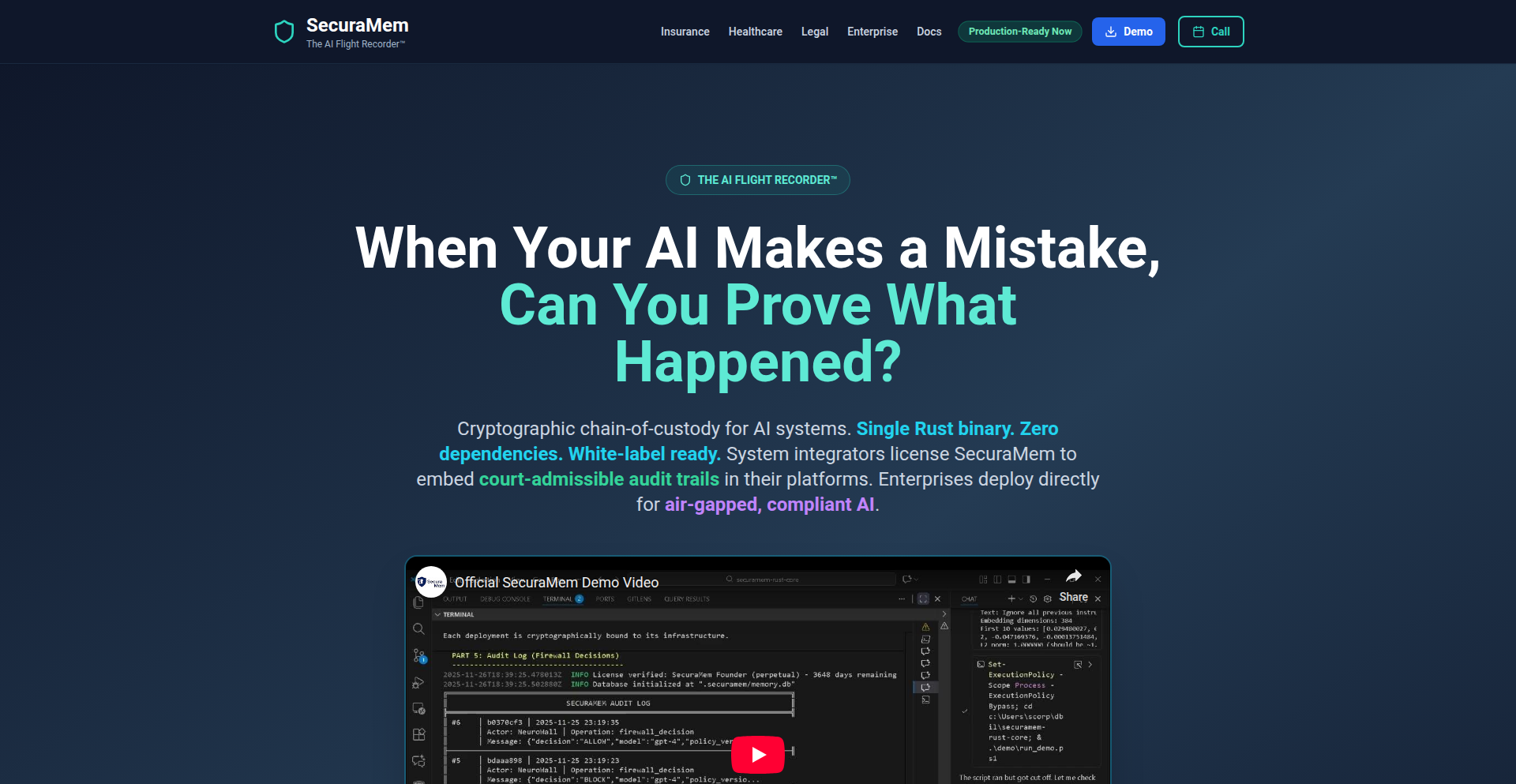
Author
Jahboukie
Description
This project offers a self-contained, 100MB Rust binary that acts as an AI Black Box Recorder. It provides cryptographically verifiable proof of every AI decision, making these decisions auditable and admissible in court. It also includes a semantic firewall (NeuroWall) that effectively blocks AI jailbreaking attempts before they interact with the core LLM, all without requiring cloud infrastructure or external dependencies.
Popularity
Points 1
Comments 0
What is this product?
This is a compact, single-binary solution built in Rust designed to bring accountability and security to AI systems. The core innovation lies in its ability to generate unforgeable, cryptographic logs of every AI output and decision. Think of it as an airplane's black box, but for AI. This ensures that you can always trace back an AI's reasoning and actions. The NeuroWall component adds a crucial layer of defense, acting like a smart filter that stops malicious prompts designed to trick the AI into behaving in unintended or harmful ways. The '100MB single binary' aspect is a testament to the efficiency of Rust and the clever engineering behind it, meaning it's incredibly easy to deploy and manage without complex setups.
How to use it?
Developers can integrate this product by simply deploying the 100MB Rust binary. It can be used as a middleware layer in any AI application architecture. For example, you could run it in front of your existing LLM. When a user sends a prompt, it first goes through the NeuroWall for security checks. If the prompt is deemed safe, the request is then passed to the LLM, and importantly, the LLM's response and the entire decision-making process are cryptographically recorded by the AI Auditability Substrate. This provides an immutable record. Its single-binary nature means it can be dropped into existing workflows or containerized environments with minimal effort, offering immediate benefits in terms of AI governance and security.
Product Core Function
· Cryptographically verifiable AI decision logging: This function ensures that every output and decision made by an AI is recorded in a tamper-proof manner. Its value lies in providing irrefutable evidence of AI behavior, crucial for debugging, compliance, and legal proceedings.
· AI jailbreak prevention via NeuroWall semantic firewall: This function intelligently analyzes incoming prompts to identify and block attempts to manipulate or exploit the AI. The value here is in securing your AI applications against malicious attacks and ensuring they operate within intended parameters.
· Zero-dependency, single-binary deployment: The project is packaged as a single, small binary file (around 100MB) with no external dependencies. This greatly simplifies deployment and management, reducing setup time and operational overhead for developers. It means you can get started quickly and reliably.
· Local, self-contained operation: The product runs entirely on your own infrastructure, without needing to send data to the cloud. This is invaluable for applications dealing with sensitive data, ensuring privacy and data sovereignty.
· Rust-based performance and efficiency: Built with Rust, the project benefits from high performance, memory safety, and efficient resource utilization. This translates to a fast and reliable auditing and security layer for your AI applications.
Product Usage Case
· Financial institutions using an LLM for customer service can deploy this substrate to log all AI-generated advice and responses. If a dispute arises, the cryptographically proven logs can be presented as evidence, ensuring accountability and transparency.
· Healthcare providers implementing AI for diagnostic assistance can use this to ensure the AI's recommendations are auditable. This is critical for regulatory compliance and patient safety, as it provides a clear trail of the AI's reasoning process.
· Government agencies developing AI for public service applications can leverage the jailbreak prevention to safeguard against manipulation of public-facing AI tools, ensuring the integrity of information provided to citizens.
· Companies developing sensitive AI models can use this as an internal audit tool during development and testing. It helps identify unintended biases or behaviors by providing a detailed history of the AI's decision-making, improving model robustness and reliability.
162
Ghost: The Auto-Healing Python Test Agent

Author
swarnim1312
Description
Ghost is a local-first AI agent designed to automate the tedious process of writing and fixing Python tests. It continuously monitors your Python files, automatically generates pytest suites using your preferred LLM, runs them, and intelligently heals failing tests. Its innovation lies in its AST-based context scanning to optimize LLM prompts and its 'Judge' mechanism to differentiate between code bugs and test inaccuracies, preventing AI from 'testing the implementation'.
Popularity
Points 1
Comments 0
What is this product?
Ghost is a smart background tool that acts like a diligent developer's assistant for Python projects. Instead of just being a chatbot, it actively watches your code files. When you save a Python file (.py), Ghost uses advanced techniques (like Python's `ast` module) to understand the structure of your code, figuring out what functions and classes are there. It then uses this understanding to generate new tests (using pytest) with the help of your chosen AI language model (like Ollama running locally or Groq for speed). What's truly innovative is that Ghost doesn't just run tests; if they fail, it tries to fix them automatically. It captures error messages, feeds them back to the AI, and patches your code or test files. A crucial feature is its 'Judge' system, which intelligently determines if the code is truly buggy or if the test itself is flawed. This prevents the AI from simply making tests pass by changing them to match incorrect code. So, it helps ensure your tests are genuinely effective and your code quality improves.
How to use it?
To use Ghost, you first install it via pip: `pip install ghosttest`. Once installed, you can run Ghost in your project's directory from your terminal. It will start monitoring all `.py` files. When you make changes and save them, Ghost will automatically trigger the test generation, execution, and self-healing process. You can configure Ghost to use different LLMs like Ollama (for local, private AI processing), Groq (for very fast AI responses), or OpenAI. It's ideal for developers who want to write code without constant interruptions from test setup or debugging. You can integrate it into your development workflow by simply having it run in the background while you code. This saves you significant time and mental overhead, allowing you to focus on building features rather than wrestling with tests.
Product Core Function
· File System Monitoring: Continuously watches your .py files for changes, so you don't have to manually trigger test updates. This provides real-time feedback on your code's testability.
· AST-based Context Scanning: Uses Python's Abstract Syntax Tree (AST) to intelligently parse your code, identifying functions and classes. This optimizes LLM token usage, making AI interactions more efficient and cost-effective, and ensures more relevant test generation.
· Automated Pytest Generation: Leverages your chosen LLM (Ollama, Groq, OpenAI) to automatically write comprehensive pytest suites based on your code structure. This drastically reduces the manual effort required for test writing.
· Test Execution in Subprocess: Runs generated tests in an isolated subprocess, ensuring that test failures do not affect your main development environment. This provides a safe and reliable testing environment.
· Self-Healing Tests: Automatically captures test failure outputs (stderr) and feeds them back to the LLM to attempt automatic fixes for failing tests. This accelerates debugging and reduces the time spent on fixing common errors.
· AI 'Judge' Mechanism: Differentiates between genuine code bugs (AssertionErrors) and faulty tests. If a logic error is detected, it alerts the developer instead of blindly fixing the test, ensuring test integrity and accurate bug reporting.
Product Usage Case
· Developer experiencing 'test writing friction': When you find yourself delaying or skipping test writing because setting up mocks and imports breaks your coding flow, Ghost can be started in the background. As you write your Python functions, Ghost will automatically generate and run tests, prompting you to fix any issues or guiding you on how to improve your code's testability, thus maintaining your flow state.
· Prototyping and Rapid Iteration: For developers quickly building prototypes or iterating on ideas, Ghost automates the testing aspect. You can focus on getting the core functionality working, and Ghost will provide immediate feedback on test coverage and potential bugs as you save your files, speeding up the development cycle.
· Reducing Boilerplate Test Code: Ghost's ability to automatically generate tests based on code structure significantly reduces the amount of repetitive boilerplate code developers need to write. This means more time can be spent on complex logic and feature development.
· Improving Code Quality in Side Projects: For personal projects where disciplined testing might slip, Ghost acts as a constant guardian. By automatically generating and fixing tests, it helps ensure that the codebase remains robust and less prone to regressions, even with infrequent development.
· Debugging Complex Logic Errors: When a test fails due to a logical error, Ghost's 'Judge' feature helps pinpoint whether the issue lies in the code or the test itself. This intelligent analysis helps developers focus their debugging efforts more effectively, saving time and frustration.
163
OpenMCP-OIDC

Author
ovaistariq
Description
An open-source Managed Customer Provider (MCP) that acts as an OpenID Connect (OIDC) identity provider. It simplifies user authentication and authorization for applications by offering a centralized and customizable identity management solution. The innovation lies in its flexibility and extensibility as an open-source MCP, enabling developers to integrate modern authentication flows like OIDC without vendor lock-in, making secure identity management more accessible.
Popularity
Points 1
Comments 0
What is this product?
This project is an open-source implementation of a Managed Customer Provider (MCP) specifically designed to function as an OpenID Connect (OIDC) identity provider. Think of it as a central hub for managing who your users are and what they can access across your applications. Instead of each application handling its own user logins and permissions, OpenMCP-OIDC provides a single, secure place to manage this. The innovation is in its open-source nature, meaning developers have full control and can adapt it to their specific needs, avoiding the limitations and costs of proprietary solutions. It leverages industry-standard OIDC protocols to allow users to log in once and access multiple services securely, a process often referred to as Single Sign-On (SSO).
How to use it?
Developers can use OpenMCP-OIDC as the backbone for their application's authentication system. Instead of building custom login forms and user management from scratch, they integrate their applications with OpenMCP-OIDC. When a user tries to access an application, the application redirects the user to OpenMCP-OIDC for authentication. Once authenticated, OpenMCP-OIDC redirects the user back to the application with a secure token containing information about the user. This allows the application to grant access without ever directly handling the user's password. It's typically deployed as a separate service and integrated via standard OIDC libraries available in most programming languages and frameworks.
Product Core Function
· OpenID Connect (OIDC) compliant identity provider: Provides a secure and standardized way for users to authenticate and for applications to verify user identities, ensuring seamless Single Sign-On (SSO) across different services. This is valuable because it reduces the burden on individual applications to manage user credentials and streamlines the login experience for users, making it easier and more secure to access multiple applications.
· Managed Customer Provider (MCP) capabilities: Offers a framework for managing customer identities and access policies centrally. This allows businesses to define and enforce consistent security rules and user permissions across their entire ecosystem of applications, improving security posture and operational efficiency.
· Extensible and customizable architecture: Designed with an open-source approach, allowing developers to extend its functionality and tailor it to specific business requirements. This is beneficial because it prevents vendor lock-in and empowers developers to build specialized identity solutions that precisely fit their needs, rather than being constrained by off-the-shelf products.
· Token-based authentication (JWTs): Issues JSON Web Tokens (JWTs) upon successful authentication, which are cryptographically signed and contain verified user information. This is valuable as JWTs are a modern and secure way to transmit identity information between parties, allowing applications to trust the user's identity without needing direct access to sensitive credentials.
Product Usage Case
· A SaaS company wants to offer its customers a unified login experience for multiple internal tools and client-facing applications. By integrating OpenMCP-OIDC, they can allow users to log in once and gain access to all their services, improving user satisfaction and reducing support overhead related to password resets. This solves the problem of managing disparate user accounts and authentication logic for each tool.
· A startup building a complex web application with various microservices needs a robust authentication and authorization system. They can use OpenMCP-OIDC as the central identity authority. Each microservice can then rely on the JWTs issued by OpenMCP-OIDC to authenticate users and check their permissions, simplifying the development of secure communication between services and reducing the complexity of distributed authentication.
· A developer creating a mobile application needs to integrate with existing web services that already use OIDC. OpenMCP-OIDC can serve as the identity provider for the mobile app, allowing users to leverage their existing accounts for seamless integration and access without requiring them to create new credentials specifically for the mobile experience.
164
Article2Script AI

Author
ovelv
Description
Article2Script AI is a cutting-edge tool that leverages AI to transform lengthy articles into concise video and podcast script cards. It addresses the time-consuming challenge content creators face in extracting key talking points from written content, offering a rapid and efficient solution for generating professional scripts.
Popularity
Points 1
Comments 0
What is this product?
Article2Script AI is an innovative application that uses advanced Natural Language Processing (NLP) and AI models to analyze written articles. It identifies the most crucial information, arguments, and narrative arcs within the text and restructures them into bite-sized, digestible script cards. These cards are designed to be easily read aloud, making them ideal for video narration or podcast segments. The core innovation lies in its ability to understand context and sentiment, ensuring that the extracted points are not just random sentences but coherent and engaging script components, effectively acting as an AI-powered content summarization and adaptation engine for multimedia.
How to use it?
Developers can integrate Article2Script AI into their content creation workflows. The primary use case involves feeding a URL of an article or pasting raw text into the application. The AI then processes this input and outputs a series of script cards, often presented in a structured format that can be directly copied or exported. For developers building content platforms or creative tools, the underlying API could be integrated to offer automated script generation features directly within their applications, saving users significant manual effort. This could be as simple as a 'Generate Script' button next to any article entry.
Product Core Function
· AI-powered content analysis: Extracts key themes and talking points from any text, providing the essence of the original content in a structured format for easier understanding and repurposing.
· Script card generation: Organizes extracted information into short, actionable script cards, perfect for delivering content segment by segment in videos or podcasts, improving audience engagement.
· Content transformation: Enables rapid conversion of static articles into dynamic script formats, significantly reducing the time and effort required for multimedia content production.
· Automated summarization: Efficiently distills complex or lengthy articles into their core messages, making information more accessible and digestible for creators and their audiences.
· Workflow enhancement: Streamlines the initial stages of content creation by automating script outline generation, allowing creators to focus more on delivery and production.
Product Usage Case
· A YouTuber struggling to script their next video based on a trending news article. They paste the article URL into Article2Script AI, which quickly generates a series of talking points. The YouTuber then uses these points as a guide for their on-camera narration, saving hours of manual scriptwriting and ensuring they cover all essential aspects of the article.
· A podcaster wanting to create an episode discussing a recent industry report. Instead of reading the entire report, they use Article2Script AI to generate a concise script outline. This allows them to record a focused and informative podcast segment that highlights the report's most critical findings without getting bogged down in technical jargon.
· A content marketing agency looking to repurpose blog posts into short video snippets for social media. Article2Script AI takes their existing blog articles and generates script cards that can be easily adapted into short, punchy video scripts, increasing their content output and reach.
· A student needing to present a summary of a research paper for an oral presentation. They use Article2Script AI to break down the paper into key arguments and findings, making it easier to grasp and present the core concepts to their peers, demonstrating how to quickly distill complex academic information.
165
GPTImage Playground

Author
wadudu
Description
GPTImage Playground is a minimalist, experimental web application that allows users to generate images directly from text prompts. It leverages the power of AI to translate natural language descriptions into visual art, offering a fun and accessible way to explore prompt-to-image generation. The innovation lies in its streamlined user experience and focus on immediate creative output, making complex AI image generation feel approachable.
Popularity
Points 1
Comments 0
What is this product?
This project is a 'prompt-to-image' playground. Essentially, you type a description of an image you want (like 'a fluffy cat wearing a tiny hat'), and the AI generates that image for you. The core technology behind it involves a large language model (LLM) that understands your text prompt and a diffusion model that uses that understanding to create a pixel-by-pixel image. The innovation here is in simplifying the interface and making this powerful AI technology available through a very straightforward online tool. So, what this means for you is an easy way to bring your imagination to life visually without needing to be an expert in AI or graphic design.
How to use it?
Developers can use GPTImage Playground as a quick way to experiment with AI-generated imagery for inspiration, prototyping, or even generating placeholder assets for their projects. It can be integrated into workflows by simply visiting the website and inputting prompts. For more advanced use, one could potentially explore the underlying API (if available) to build custom applications that embed this image generation capability, such as content creation tools or interactive storytelling platforms. The value for developers is in having an immediate, no-setup-required tool for exploring visual AI, which can significantly speed up ideation and content generation processes.
Product Core Function
· Text-to-Image Generation: The primary function is to convert text descriptions into unique images. This leverages sophisticated AI models to interpret natural language and render it visually. The value here is in democratizing image creation, allowing anyone to produce custom visuals quickly.
· Interactive Prompting: Users can experiment with different text prompts to see how the AI interprets them, allowing for iterative refinement of their desired image. This provides a sandbox for exploring the nuances of AI image generation and understanding prompt engineering. The value is in learning how to communicate effectively with AI for visual results.
· Minimalist User Interface: The project focuses on a clean and simple user experience, removing unnecessary complexity often found in more professional AI art tools. This makes it accessible to a wider audience, including those new to AI image generation. The value is in reducing the barrier to entry for creative exploration.
Product Usage Case
· A game developer needs placeholder art for a new character concept. Instead of hiring an artist immediately, they can use GPTImage Playground to generate several visual interpretations of the character based on textual descriptions, helping to quickly solidify the visual direction. This saves time and resources in the early stages of development.
· A content creator is working on a blog post and needs a unique header image. They can describe the desired scene or concept to GPTImage Playground and generate a bespoke image that perfectly matches their content, rather than relying on generic stock photos. This enhances the visual appeal and uniqueness of their content.
· A hobbyist writer is exploring a new story idea and wants to visualize a specific scene or character. They can use the playground to generate images that help them further develop their imagination and bring their narrative to life, making the writing process more engaging and inspiring.
166
TidyLife: The Habit Retention Engine
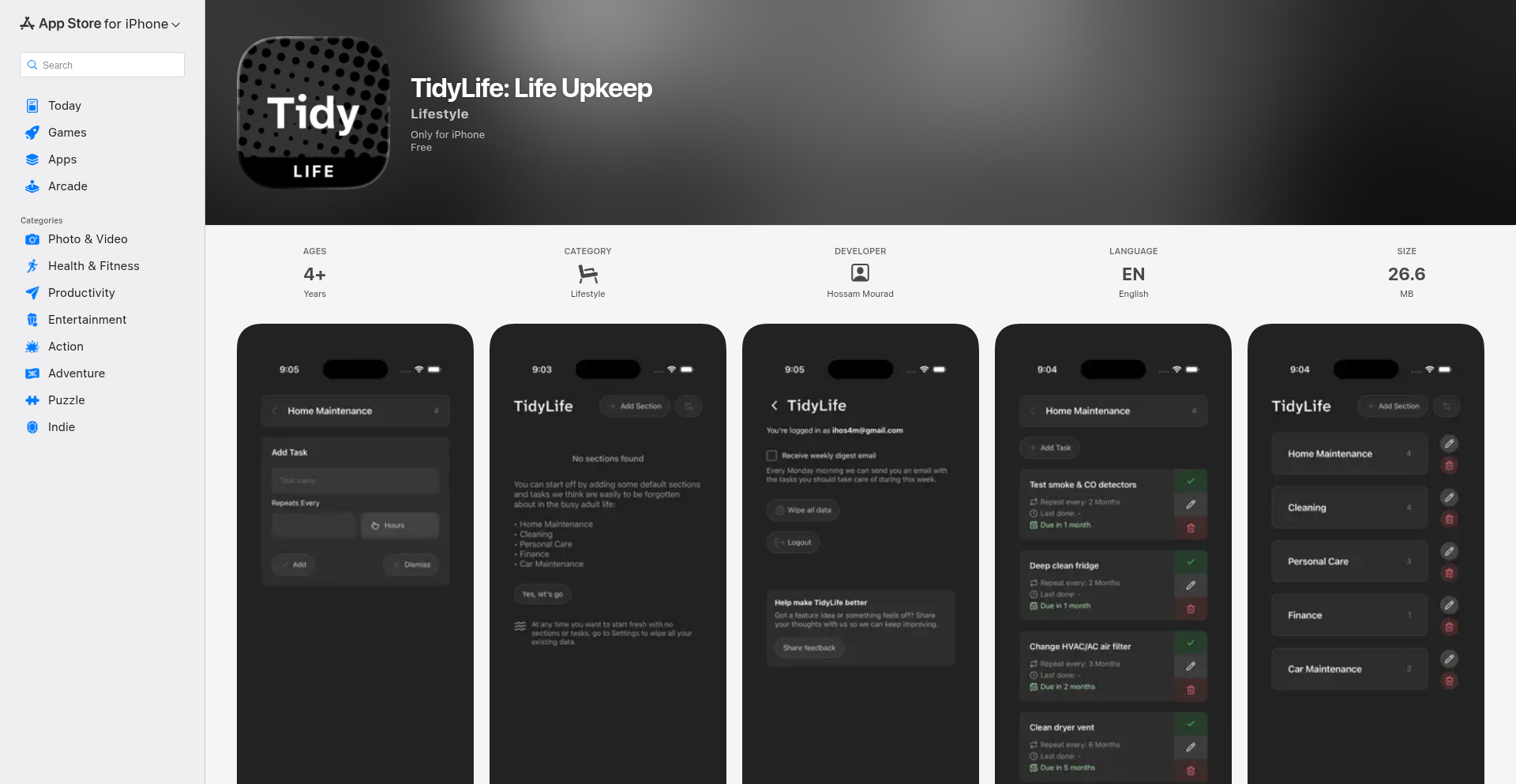
Author
hos4m
Description
TidyLife is a system designed to help users remember and manage recurring 'adulting' tasks that tend to be forgotten. It focuses on long-term habit building rather than daily task lists, using flexible repeat cycles and tracking completion history. The innovation lies in its focus on 'slipping through the cracks' tasks, providing a structured yet simple way to ensure essential but non-urgent activities are consistently performed. This addresses the common problem of forgetting maintenance, personal care, or administrative tasks that don't have immediate deadlines.
Popularity
Points 1
Comments 0
What is this product?
TidyLife is a habit retention system that tackles those essential but easily forgotten tasks, like changing air filters or scheduling annual check-ups. Instead of overwhelming you with daily to-dos, it allows you to set up recurring tasks with flexible schedules (e.g., every 3 months, twice a year). It then tracks when you last completed them, acting as a memory aid. The core technology is a robust scheduling and tracking mechanism that prioritizes consistency over immediacy. This means you can build reliable habits without the pressure of a daily checklist, ensuring important long-term responsibilities are met. So, how does this help you? It takes the mental load off remembering those crucial tasks, preventing problems down the line and keeping your life running smoothly.
How to use it?
Developers can integrate TidyLife's principles into their own applications or personal workflows. For example, a smart home app could use TidyLife's logic to remind users about device maintenance based on usage or time. A personal finance tool could schedule yearly tax document reviews. The core idea is to leverage its structured approach to recurring tasks. You can think of its 'sections' as categories for different life areas (home, health, finance) and its 'flexible repeat cycles' as a powerful engine for any recurring process. This offers a template for building more resilient and comprehensive personal management tools. So, how can this be used? By understanding its pattern-based scheduling, you can apply it to automate reminders for any recurring activity in your digital products or personal life.
Product Core Function
· Organize tasks into clear sections: Provides a structured way to categorize recurring responsibilities (e.g., home maintenance, personal health, financial admin). This helps in compartmentalizing and managing different aspects of life effectively, reducing mental clutter. So, what's the value to you? It makes it easier to see what needs doing in each area of your life at a glance.
· Set flexible repeat cycles: Allows scheduling tasks with customizable frequencies (days, weeks, months, years) that fit real-world needs, not just daily or weekly. This is crucial for tasks that don't happen on a strict weekly basis. So, what's the value to you? You can set reminders for tasks like 'change furnace filter every 6 months' or 'renew passport every 10 years' accurately.
· Track when tasks were last completed: Maintains a history of task completion, serving as a reliable record and prompting future actions. This prevents tasks from being overlooked indefinitely and provides a sense of accomplishment. So, what's the value to you? You always know when a task was last done, preventing accidental double-ups or prolonged neglect.
· Simple, distraction-free interface: Focuses on clarity and ease of use, minimizing cognitive load and encouraging consistent engagement with essential tasks. This design philosophy makes it approachable for anyone. So, what's the value to you? You can manage your important recurring tasks without getting overwhelmed by complex features.
Product Usage Case
· A user struggling to remember to descaling their coffee machine every 2 months. TidyLife is set up with a 'Home Maintenance' section and a 'Descaling' task with a 'Every 2 Months' repeat cycle. The app reminds them when it's time, ensuring optimal machine performance and longevity. So, how does this help? It prevents potential appliance failure and costly repairs by automating reminder for essential upkeep.
· A developer wants to ensure they regularly update their development environment dependencies. They can create a 'Developer Tools' section and a 'Update Dependencies' task set to 'Every Month'. This acts as a proactive measure against security vulnerabilities and compatibility issues. So, how does this help? It keeps your development setup secure and efficient, reducing the risk of bugs caused by outdated software.
· Someone aiming to improve their personal wellness by scheduling regular self-care activities like 'meditate for 15 minutes' or 'stretch'. TidyLife can accommodate these with flexible 'Daily' or 'Every Other Day' settings within a 'Personal Care' section, fostering consistent well-being habits. So, how does this help? It supports your commitment to personal health and reduces the likelihood of neglecting self-care in the busyness of life.
· A small business owner needs to remember to file quarterly tax documents. They can set up a 'Admin' section with a 'File Quarterly Taxes' task repeating 'Every 3 Months'. This ensures timely compliance and avoids potential penalties. So, how does this help? It helps you stay on top of critical business administrative tasks, ensuring legal and financial compliance.
167
Kumbuka: Local AI Meeting Scribe

Author
damidare
Description
Kumbuka is a macOS application designed to replicate the functionality of expensive enterprise meeting recording and note-taking features, but entirely locally on your machine. It leverages powerful AI models like Whisper for transcription and Claude Code for generating concise meeting summaries, decisions, and action items. This project showcases how open-source AI can democratize advanced productivity tools, making them accessible to individuals and smaller teams without costly subscriptions. The innovation lies in its seamless integration of local AI processing with popular productivity platforms like Notion, offering a powerful workflow for personal knowledge management and team collaboration.
Popularity
Points 1
Comments 0
What is this product?
Kumbuka is a privacy-focused, local AI-powered meeting assistant for macOS. At its core, it automates the process of capturing, transcribing, and summarizing your meetings. It works by running transcription and note generation directly on your Mac, meaning your sensitive meeting data never leaves your computer. The transcription is handled by a local Whisper server, a highly accurate speech-to-text engine. Then, Claude Code, a powerful large language model, analyzes the transcript to automatically generate structured meeting notes, including key decisions, action items, and a speaker-attributed transcript. The innovation is in bringing enterprise-grade AI summarization and transcription capabilities to an individual's desktop without recurring subscription fees, empowering users with advanced AI tools in a cost-effective and privacy-preserving manner.
How to use it?
Developers can use Kumbuka by installing it on their macOS machine. It integrates with your macOS Calendar to intelligently prompt you before meetings, ensuring you remember to start the recording. Once installed, you can configure it to connect with Notion using the MCP (Markdown Content Pack) integration. This allows for automatic export of your generated meeting notes directly into your Notion workspace, streamlining your project management and knowledge base. For developers, this means an automated workflow for documenting meetings, saving significant manual effort and ensuring important details aren't lost, all within their preferred note-taking environment.
Product Core Function
· Local AI Transcription: Utilizes a local Whisper server to convert spoken words into text, ensuring data privacy and offline functionality. The value here is in providing accurate transcripts without relying on cloud services, safeguarding sensitive meeting content and enabling operation without an internet connection.
· Automated Meeting Note Generation: Employs Claude Code to analyze transcripts and generate structured summaries, identifying decisions and action items. This saves immense time by automating the often tedious task of note-taking, making it easier to recall and act upon meeting outcomes.
· Calendar Integration & Meeting Prompts: Monitors your macOS Calendar to remind you to start recording meetings. This prevents missed recordings and ensures a continuous workflow, reducing the chance of forgetting crucial meeting discussions.
· Notion Integration (Optional): Seamlessly exports generated notes to Notion via MCP. This allows for easy organization and retrieval of meeting summaries within your existing Notion workspace, enhancing productivity and knowledge management.
Product Usage Case
· As a solo founder, I often have important investor calls or team syncs. Kumbuka allows me to record these calls locally, transcribe them accurately with Whisper, and then get a concise summary of decisions and action items generated by Claude Code. I can then automatically save these notes to my Notion workspace, eliminating the need for an expensive enterprise subscription and ensuring I capture all critical information without manual effort.
· A small development team can use Kumbuka to document their daily stand-ups or sprint planning meetings. The automated note generation ensures everyone has a clear record of what was discussed, who is responsible for which action item, and what decisions were made. This improves team accountability and project clarity, all processed locally for enhanced privacy.
· A student preparing for interviews or academic discussions can use Kumbuka to record their practice sessions. The accurate transcription and summary features help them review their performance, identify areas for improvement, and retain key information discussed, without the data leaving their personal device.
168
Clamp: Vector Git

Author
ahthapa
Description
Clamp is a tool that brings Git-like version control to RAG (Retrieval-Augmented Generation) vector databases. It addresses the problem of embeddings drifting over time, which can break RAG applications. Clamp allows you to commit and rollback the state of your vector database without duplicating large amounts of data, making your RAG applications more robust and predictable. So, this is useful for developers building AI applications that rely on vector search, providing a way to easily revert to previous states if AI model updates or data changes cause issues.
Popularity
Points 1
Comments 0
What is this product?
Clamp is a system that provides version control for vector databases, similar to how Git manages code versions. Traditional vector databases are treated like simple storage containers, but for AI applications, the embeddings (numerical representations of text or data) can change subtly over time, especially when the underlying AI models are updated or the data itself evolves. This 'embedding drift' can cause your AI to retrieve incorrect information, breaking the application. Clamp solves this by allowing you to 'commit' snapshots of your vector database's state. When you need to go back to an earlier, working state, you can 'checkout' that version. The innovation here is that it achieves this by managing metadata flags on individual data points (vectors) rather than copying the entire database, making rollbacks incredibly fast and efficient, even for massive datasets. So, this is useful because it provides a safety net and a historical record for your AI's knowledge base, preventing unexpected breakages and allowing for controlled experimentation.
How to use it?
Developers can integrate Clamp into their RAG workflows using its command-line interface (CLI) or Python library. The basic workflow involves initializing Clamp in your project, committing the current state of your vector database with a descriptive message (e.g., 'v1 - initial data load'), and then being able to checkout a specific past version later if needed. For example, you can run `$ clamp init` to set up Clamp, `$ clamp commit my_vector_db "Initial data commit"` to save the current state, and `$ clamp checkout my_vector_db HEAD~1` to instantly revert to the previous commit. Clamp currently acts as a wrapper around Qdrant, a popular vector database. So, this is useful for developers who want to easily manage different versions of their AI's data and quickly recover from problematic updates in their RAG pipelines.
Product Core Function
· Commit vector database states: This function allows developers to save a snapshot of their vector database at a specific point in time. The value is in creating restore points for AI applications, ensuring that if any changes cause issues, there's a known good state to return to. This is useful for managing AI model updates or data migrations.
· Rollback to previous versions: This core feature enables developers to instantly revert their vector database to a previously committed state. The technical value lies in the efficiency of metadata flag manipulation, avoiding costly data duplication. This is useful for quickly fixing broken RAG applications caused by embedding drift or bad data updates.
· Fast and efficient rollbacks: Unlike traditional methods that might involve lengthy data copying and restoration, Clamp's approach using metadata flags makes rollbacks almost instantaneous. This is valuable for minimizing downtime and maintaining application responsiveness during recovery. This is useful for developers who need to quickly recover from deployment issues.
· Metadata-based versioning: Clamp manages versions by attaching metadata flags to data points (vectors) rather than physically duplicating the data. This is a highly efficient technical approach that dramatically reduces storage overhead and speeds up operations. This is useful for cost-effective management of large-scale AI datasets.
· CLI and Python API for integration: Clamp provides both a command-line interface and a Python library, making it easy for developers to integrate version control into their existing build processes and code. This is useful for seamless adoption into CI/CD pipelines and application development.
Product Usage Case
· A developer is building a chatbot that uses a vector database to store information about company products. After updating the AI model used for embedding generation, the chatbot starts retrieving irrelevant product information. Using Clamp, the developer can quickly `checkout` the previous version of the vector database before the model update, restoring the chatbot's accuracy. This solves the problem of unexpected AI model regressions.
· A team is deploying a new feature for a semantic search engine that requires indexing a large dataset. They want to ensure that if the new indexing process introduces errors or performance degradation, they can easily revert. They use Clamp to commit the vector database state before the new indexing. If issues arise, they can quickly `checkout` the pre-deployment state, preventing service disruption. This solves the problem of risky new data integrations.
· A researcher is experimenting with different ways to represent scientific literature in a vector database for knowledge discovery. They perform several indexing and data cleaning operations, committing the state after each significant step. If an experiment leads to corrupted data, they can easily `checkout` a clean state from earlier in their research, saving significant time and effort in re-processing. This solves the problem of experimental data management and recovery.
169
Scrappy AI Coder

Author
VibeGuy
Description
Scrappy is a free AI code assistant that cleverly combines multiple free-tier Large Language Models (LLMs) to provide powerful coding help. It's like having a team of AI experts, each specializing in different areas, working together to understand your code, answer your questions, and even suggest improvements. So, what's in it for you? You get advanced AI coding assistance without the hefty subscription fees, leveraging the strengths of various models for tasks like semantic code understanding and intelligent conversation.
Popularity
Points 1
Comments 0
What is this product?
Scrappy AI Coder is an experimental, open-source project that acts as a free AI code assistant. The core innovation lies in its ability to orchestrate and utilize multiple different free-tier Large Language Models (LLMs) for coding tasks. Instead of relying on a single, potentially costly, AI model, Scrappy intelligently routes your requests to specialized models like Cerebras Qwen, Groq Llama, Groq Kimi K2, or Gemini. Each model has unique strengths: some are great at following instructions, others excel at using tools or handling very large amounts of code (context). Scrappy also builds a 'semantic code index' using Lancedb and fastembed, which means it understands the meaning and relationships within your code, not just the text. This allows for more accurate and context-aware code analysis and generation. So, what's the value? You get a versatile and cost-effective AI coding partner that adapts to your needs by leveraging the best available free AI resources. This project embodies the hacker spirit of building something powerful and useful by creatively combining existing technologies.
How to use it?
To use Scrappy, you'll need to install it via pip: `pip install scrappy-ai`. The project guides users to obtain free API keys from providers like Cerebras, Groq, and Gemini. Once you have these keys and have installed Scrappy, you can integrate it into your development workflow. For example, you could use it as a conversational AI within your IDE to ask questions about your codebase, get explanations for complex code snippets, or even generate boilerplate code. Its ability to stream chat means you get responses in real-time, making the interaction feel natural. The custom task routing allows Scrappy to intelligently decide which LLM is best suited for your specific query, ensuring you get the most relevant and efficient assistance. So, how does this help you? You can integrate sophisticated AI assistance directly into your development process, making you more productive and informed, all without incurring recurring costs.
Product Core Function
· Orchestrates Multiple Free LLMs: Scrappy intelligently selects and utilizes various free-tier Large Language Models (LLMs) like Cerebras Qwen, Groq Llama, Groq Kimi K2, and Gemini. This provides diverse AI capabilities without upfront costs, allowing you to access specialized AI strengths for different coding problems. For instance, if you need rapid code generation, it might pick a fast model, while for in-depth code analysis, it might choose one with a larger context window. This means you get the right AI for the job, maximizing efficiency and accuracy.
· Semantic Code Indexing (Lancedb/fastembed): Scrappy builds a deep understanding of your codebase by creating a 'semantic index'. This goes beyond simple keyword matching; it analyzes the meaning and relationships between different parts of your code. This enables more intelligent code search, refactoring suggestions, and bug detection, helping you to navigate and manage complex projects more effectively.
· Conversation History: The project maintains a history of your interactions, allowing for context-aware follow-up questions and discussions. This means you can have a natural, back-and-forth dialogue with the AI, refining your queries and getting more precise answers over time, which speeds up problem-solving.
· Custom Task Routing: Scrappy is designed to route specific coding tasks to the most appropriate LLM within its arsenal. This means your requests are handled by the model best suited for that particular function, whether it's code generation, explanation, or debugging, leading to higher quality and more relevant outputs.
· Streaming Chat: Responses are delivered in real-time as they are generated, providing a fluid and interactive user experience. This makes the AI feel more responsive and less like waiting for a batch process, improving your workflow and reducing perceived wait times.
Product Usage Case
· Debug Complex Legacy Code: A developer is struggling to understand a critical bug in a large, old codebase. By feeding snippets of the code to Scrappy, it can use its semantic indexing to identify potential areas of concern and leverage different LLMs to explain the code's logic and suggest possible fixes, saving hours of manual debugging. This means you can get unstuck faster on daunting maintenance tasks.
· Generate Boilerplate for New Features: A developer needs to quickly set up a new API endpoint. They can describe the desired functionality to Scrappy, which then uses its code generation capabilities (potentially from a model optimized for this) to produce the initial boilerplate code. This accelerates the development process and reduces repetitive coding tasks, allowing you to focus on higher-level design.
· Learn New Programming Concepts: A junior developer is learning a new programming language and is unsure about a specific concept. They can ask Scrappy to explain the concept with code examples, and Scrappy can use its LLMs to provide clear, concise explanations tailored to their learning needs. This acts as a readily available, personalized tutor, helping you acquire new skills more efficiently.
· Refactor Existing Code for Readability: A team wants to improve the readability of a particular module. They can provide the code to Scrappy, which can analyze it and suggest refactoring options, such as extracting functions or renaming variables, making the code easier to maintain and understand for the entire team. This contributes to better code quality and long-term project health.
170
GmailTab Weaver
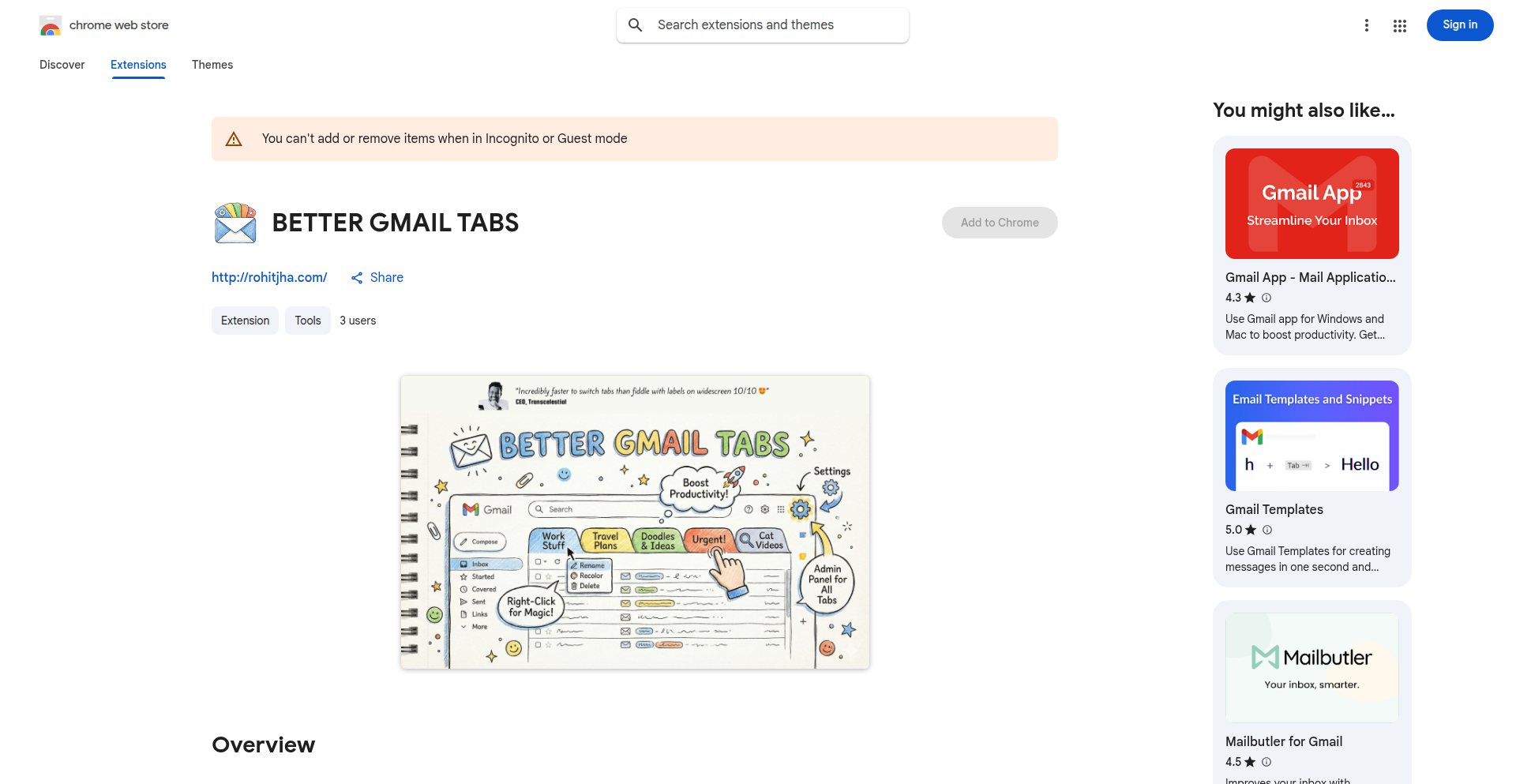
Author
jharohit
Description
GmailTab Weaver is a Chrome extension that transforms your Gmail experience by allowing you to create custom tabs for any Gmail label or search query. It intelligently organizes your inbox, making it faster to sift through emails, especially on widescreen displays. The innovation lies in its seamless integration into the Gmail interface, automatic smart coloring for visual organization, and a developer-friendly approach with open-source code and easy import/export of configurations.
Popularity
Points 1
Comments 0
What is this product?
GmailTab Weaver is a browser extension that enhances Gmail's default tab system. Instead of just the standard inbox, promotions, and social tabs, it lets you define your own tabs based on specific Gmail labels (like 'Work', 'Personal', 'Urgent') or complex search queries (e.g., 'from: boss subject: project deadline'). This is technically achieved by injecting custom CSS and JavaScript into the Gmail web interface. The innovation is in how it mimics the native tab experience, providing quick switching between these customized views, and offering features like automatic color assignment for visual distinction and context-aware tab creation, all without needing to reload the entire Gmail page, making it super fast.
How to use it?
For developers and power users, you can install GmailTab Weaver as a Chrome extension. Once installed, you'll see a new option within Gmail to create custom tabs. You can right-click on an existing label or construct a specific search query within Gmail, then use the extension's context menu or admin panel to turn that into a dedicated tab. This allows you to set up personalized workflows, for example, a tab that shows all emails from your manager with a specific keyword, or a tab for all unread newsletters. For those who love to tinker, the project is open-source on GitHub, allowing you to inspect the code, contribute features, or even fork it to build your own variations. You can also export your tab configurations to a JSON file, which is useful for backing up your setup or sharing it with colleagues who also use the extension.
Product Core Function
· Custom Tabs for Labels and Searches: Creates dedicated tabs in Gmail for specific email categories or search results, significantly speeding up email management by allowing direct access to relevant conversations, saving you from manual searching or scrolling through long lists.
· Seamless Gmail Integration: The custom tabs are displayed directly within the Gmail interface, appearing alongside the default tabs. This means you don't have to learn a new interface; your personalized email views are just a click away, making your workflow feel natural and efficient.
· Visual Customization (Colors & Renaming): Allows users to rename tabs and assign custom background and text colors. This is a key usability feature that helps in quickly identifying different email categories at a glance, reducing cognitive load and improving organizational speed.
· Automatic Smart Coloring: New tabs are automatically assigned visually distinct color combinations. This saves you the manual effort of picking colors, ensuring that each new tab stands out without you having to think about it, further enhancing visual organization.
· Context Menu and Admin Panel: Provides intuitive ways to manage tabs. The context menu (right-click) allows for quick actions like renaming or recoloring, while the admin panel offers a centralized place to manage all your custom tabs, streamlining organization and customization.
· Smart Navigation for Tab Creation: The extension intelligently detects if you're currently viewing a label or a search result when you decide to create a new tab. This saves time and reduces potential errors by automatically using the correct context for your new tab definition.
· Export and Import Configurations: Allows you to back up your custom tab settings to a JSON file or share them with others. This is crucial for maintaining your personalized setup across different devices or for team collaboration, ensuring consistency in email organization.
Product Usage Case
· Scenario: A project manager receives numerous emails from different team members and needs to track urgent requests. How it helps: They can create a custom tab named 'Urgent Tasks' that filters emails containing 'urgent' from specific team members. This tab appears directly in Gmail, allowing them to see all relevant emails instantly without searching, thus improving response time and task prioritization.
· Scenario: A freelance designer needs to separate client communications from personal emails and general newsletters. How it helps: They can set up a 'Clients' tab filtering emails from specific client domains and a 'Newsletters' tab filtering emails marked with a 'Promotions' label. This organization brings clarity to their inbox, ensuring important client communications are always visible and newsletters can be reviewed later, improving focus and productivity.
· Scenario: A developer wants to quickly access conversations related to a specific bug reported in a certain project. How it helps: They can create a tab using a Gmail search query like 'from:support subject:bug project-name'. This tab will then show only those relevant emails, enabling rapid access to context when debugging, significantly cutting down on time spent searching through old email threads.
· Scenario: A user wants to sync their Gmail tab setup across their work and personal computers. How it helps: They can export their tab configurations from their work computer to a JSON file and then import it into the extension on their personal computer. This ensures a consistent and organized email workflow across all their devices, saving the effort of reconfiguring everything.
171
VisionBoard AI

Author
girlwhocode
Description
A project that leverages AI to create personalized vision boards from user-provided text prompts. It solves the problem of tedious manual image searching and curation by automating the visual representation of user aspirations, offering a novel approach to goal setting and visualization.
Popularity
Points 1
Comments 0
What is this product?
VisionBoard AI is an application designed to automatically generate visual vision boards based on your text descriptions of goals and aspirations. Instead of spending hours searching for images that represent your dreams, you simply describe what you want, and our AI engine intelligently finds or generates relevant imagery and arranges it into a cohesive board. The core innovation lies in using natural language processing (NLP) to understand your intent and generative AI models to create or select appropriate visuals, making the vision boarding process highly efficient and personalized. So, what's in it for you? It saves you significant time and effort in creating a visually inspiring representation of your goals, making the process more accessible and engaging.
How to use it?
Developers can integrate VisionBoard AI into their applications to offer a unique goal-setting or mood-boarding feature. It can be used as a standalone web application or integrated via an API. To use it, a user would input text describing their desired vision board (e.g., 'a serene beach vacation with a focus on relaxation and reading'). The system then processes this prompt, generates image suggestions or even creates new images, and presents a compiled vision board. For integration, developers would call specific API endpoints with text prompts and receive the generated vision board data. This allows for seamless incorporation into productivity apps, journaling platforms, or even social sharing tools. So, how does this benefit you? If you're a developer, you can easily add a powerful, AI-driven visualization feature to your own products without needing to build the complex AI infrastructure from scratch, thus enhancing user engagement and offering a unique value proposition.
Product Core Function
· AI-powered text-to-image generation and selection: This function uses advanced AI models to understand user text prompts and either find suitable existing images or generate entirely new ones that match the described vision. This offers a highly personalized and creative approach to visual content creation, allowing for unique and tailored vision boards that truly resonate with the user's intent. This is valuable because it removes the limitation of finding perfect pre-existing images and allows for truly bespoke visual representations of dreams and goals.
· Natural Language Processing (NLP) for prompt understanding: This function analyzes the user's text input to extract key themes, emotions, and specific elements they wish to see on their vision board. By understanding the nuances of the prompt, the AI can make more accurate and relevant image selections or generations. This is valuable because it ensures the generated vision board accurately reflects the user's intentions, leading to a more meaningful and effective visualization tool.
· Automated vision board layout and composition: Once images are selected or generated, this function intelligently arranges them into a visually appealing and organized layout. It considers aesthetic principles and the relationship between different elements to create a harmonious and inspiring final product. This is valuable because it presents the vision board in a professional and engaging manner, enhancing its inspirational impact and making it a piece of art in itself.
Product Usage Case
· A fitness app developer could integrate VisionBoard AI to allow users to create personalized 'fitness goal' vision boards, with prompts like 'running a marathon on a scenic trail with peak physical condition'. The AI would generate images of runners, trails, and signs of achievement, helping users visualize their training milestones. This solves the problem of users struggling to find motivational imagery for their specific fitness goals. So, what's the benefit? Users get a highly personalized and motivating visual aid for their fitness journey.
· A mental wellness platform could use VisionBoard AI to enable users to create 'calm and peace' themed vision boards. Prompts like 'a quiet cabin in a snowy forest with a crackling fireplace' would result in serene, generated imagery. This helps users visualize their desired states of tranquility. This solves the problem of users finding it difficult to articulate and visualize their ideal peaceful environments. So, what's the benefit? Users can more easily create and access visual representations of their desired mental states, promoting relaxation and mindfulness.
· An educational tool could implement VisionBoard AI for students to create 'future career' vision boards. A prompt like 'a leading scientist discovering a new cure in a high-tech lab' would generate relevant imagery, helping students envision their aspirations. This addresses the challenge of young learners finding it hard to conceptualize abstract future possibilities. So, what's the benefit? Students gain a concrete, visual representation of their future career ambitions, fostering motivation and a clearer sense of direction.