Show HN Today: Discover the Latest Innovative Projects from the Developer Community
 ShowHN Today
- Continue with Google
Show HN Today: Top Developer Projects Showcase for 2025-12-09
SagaSu777 2025-12-10
Explore the hottest developer projects on Show HN for 2025-12-09. Dive into innovative tech, AI applications, and exciting new inventions!
Summary of Today’s Content
Trend Insights
Today's Show HN reveals a vibrant ecosystem of innovation, heavily influenced by AI and a drive to boost developer productivity. We're seeing a significant trend towards AI agents that don't just generate code, but actively analyze, debug, and optimize it, exemplified by tools like 'Detail' which uses AI for sophisticated bug finding. This push towards intelligent automation extends to developer workflows, with projects aiming to streamline complex tasks like learning LeetCode patterns ('AlgoDrill') or managing multiple AI tools in a unified IDE ('HiveTechs'). The embrace of multi-agent systems is also striking, with developers exploring ways to orchestrate multiple AI entities for complex problem-solving, from code generation ('QonQrete') to reliability management ('Agentic Reliability Framework'). For developers, this means an opportunity to leverage AI not just as a coding assistant, but as a powerful partner in debugging, optimization, and complex system design. For entrepreneurs, the clear path is to identify niche problems within existing development or business processes and explore how AI, particularly agentic systems and advanced code analysis, can provide novel and efficient solutions. The focus on creating tools that reduce friction, improve efficiency, and offer deeper insights signifies a growing maturity in how we build and interact with software.
Today's Hottest Product
Name
Detail, a Bug Finder
Highlight
Detail is an innovative bug finder that leverages AI to analyze codebases, write tests, and identify lurking bugs and vulnerabilities. The core technical innovation lies in its ability to spin up hundreds of local development environments to exercise code in thousands of ways, significantly improving the signal-to-noise ratio for bug detection. This approach trades compute for quality, making it practical for finding subtle issues that traditional methods might miss. Developers can learn from its strategy of using tests as guardrails and its sophisticated approach to automated code analysis and behavior anomaly detection.
Popular Category
AI/ML
Developer Tools
Productivity
Popular Keyword
AI
Code
Automation
LLM
Agent
Data
Framework
Platform
Technology Trends
AI-powered code analysis
Multi-agent systems
Developer productivity tools
Data visualization and manipulation
Efficient data formats
Decentralized/Local-first applications
AI-assisted content creation
Developer experience enhancement
Low-code/No-code solutions
Project Category Distribution
AI/ML Tools (25%)
Developer Productivity (20%)
Data & Analytics (15%)
Web Development Tools (15%)
Utilities & Libraries (10%)
Creative & Design Tools (5%)
Productivity & Lifestyle (10%)
Today's Hot Product List
| Ranking | Product Name | Likes | Comments |
|---|---|---|---|
| 1 | Generative Future Insight Engine | 2652 | 781 |
| 2 | AlgoDrill: Pattern-Recall Coding Coach | 163 | 98 |
| 3 | DeepScan AI | 63 | 26 |
| 4 | AIForge IDE | 15 | 13 |
| 5 | GPT-Driven Traffic Surfer | 16 | 11 |
| 6 | Gemini 94: HyperCard Hacker News Reimagined | 12 | 11 |
| 7 | Fate: React & tRPC Data Framework | 22 | 1 |
| 8 | Logos API | 9 | 6 |
| 9 | TSP-4h-Genius | 11 | 3 |
| 10 | ImmiForm Genius | 8 | 1 |
1
Generative Future Insight Engine

Author
keepamovin
Description
This project showcases the experimental capabilities of the Gemini Pro 3 large language model by prompting it to hallucinate the Hacker News front page 10 years in the future. The core innovation lies in exploring the model's creative generation and predictive potential, highlighting its ability to synthesize information and imagine future technological trends and community discussions. It demonstrates a playful yet insightful approach to understanding AI's generative power and its implications for content creation and trend forecasting.
Popularity
Points 2652
Comments 781
What is this product?
This is an experimental demonstration of the Gemini Pro 3 large language model's generative capabilities. Instead of asking it to perform a factual task, it's prompted to 'hallucinate' or creatively invent a Hacker News front page as it might appear a decade from now. The innovation is in observing how the AI extrapolates current trends, imagines new technologies, and crafts speculative news headlines and discussions. It's like giving the AI a creative writing prompt about the future of tech, and seeing what it comes up with, demonstrating its understanding of community, innovation, and future possibilities. So, what's this for you? It shows the creative potential of advanced AI for imaginative content generation and exploring future scenarios.
How to use it?
Developers can use this project as a conceptual starting point to explore advanced prompt engineering for generative AI. By observing the output, developers can learn how to craft prompts that elicit creative, speculative, or trend-forecasting content from models like Gemini Pro. This can involve experimenting with different timeframes, technology focus areas, or community sentiment. Integration would typically involve using the Gemini API within custom applications to generate similar future-looking content for creative brainstorming, market research, or even as a source of inspiration for science fiction or future-themed projects. So, what's this for you? It provides a blueprint for leveraging AI's creative side in your own projects, allowing you to generate unique future visions.
Product Core Function
· Generative Future Simulation: Utilizes Gemini Pro 3 to create hypothetical future content based on current trends and AI's imaginative capabilities. This is valuable for exploring potential future scenarios in technology and community discussions. So, what's this for you? It helps you visualize what the future of tech might look like, offering inspiration for innovation.
· Advanced Prompt Engineering Exploration: Demonstrates sophisticated prompting techniques to guide AI towards creative and speculative output. This is useful for developers looking to push the boundaries of AI content generation beyond factual reporting. So, what's this for you? It teaches you how to get AI to think creatively and predict future possibilities.
· Trend Extrapolation and Synthesis: Shows the AI's ability to synthesize existing information about technology and community dynamics to project future developments. This is valuable for understanding how AI can identify and forecast emerging trends. So, what's this for you? It helps you understand how AI can predict what's coming next in technology.
· AI Creativity and Hallucination Analysis: Provides a platform to study the nature of AI 'hallucination' in a creative context, highlighting its potential for novel idea generation. This is important for understanding the creative potential and limitations of AI. So, what's this for you? It shows you the exciting, unpredictable side of AI and how it can lead to new ideas.
Product Usage Case
· Future Technology Trend Forecasting: A developer could prompt Gemini Pro to generate a Hacker News front page from 2034, focusing on breakthroughs in quantum computing and AI ethics. This would help them understand potential future research directions and market opportunities. So, what's this for you? It helps you get a glimpse into future tech trends to guide your development.
· Creative Writing and World-Building: A science fiction author could use this approach to generate speculative headlines and discussion snippets for a future-tech setting, enriching their narrative with plausible future technological advancements. So, what's this for you? It provides a source of inspiration and detailed ideas for your creative projects.
· AI Ethics and Societal Impact Simulation: Researchers could prompt the model to predict future discussions on AI regulation or the societal impact of advanced AI, aiding in ethical foresight and policy development. So, what's this for you? It helps you anticipate future challenges and ethical considerations related to AI.
· Community Sentiment Analysis and Prediction: By observing the generated 'front page', one can infer potential future community interests and concerns within the tech space, providing insights for product development and marketing strategies. So, what's this for you? It gives you an idea of what the tech community might care about in the future.
2
AlgoDrill: Pattern-Recall Coding Coach

Author
henwfan
Description
AlgoDrill is an interactive platform designed to help developers solidify their understanding of common coding patterns encountered in competitive programming and technical interviews. It moves beyond simply solving problems by employing an active recall methodology, breaking down solutions line by line, and providing clear, principle-based explanations. By categorizing problems by patterns like sliding window, two pointers, and dynamic programming, AlgoDrill enables targeted practice to ensure that these patterns become muscle memory, leading to faster and more confident implementation during actual coding challenges. This addresses the common issue of forgetting implementation details even after understanding a pattern.
Popularity
Points 163
Comments 98
What is this product?
AlgoDrill is an online tool that transforms algorithm practice into a drill-based learning experience. Instead of just solving a LeetCode problem once and moving on, AlgoDrill prompts you to reconstruct the solution step-by-step, line by line, using active recall. It provides in-depth editorials that explain the 'why' behind each line of code, focusing on fundamental principles. Crucially, all problems are tagged with common algorithmic patterns (e.g., sliding window, two pointers, dynamic programming). This approach helps you internalize patterns rather than just memorize solutions. So, the innovation here is shifting from passive problem consumption to active, pattern-focused reconstruction, making your coding skills more robust and transferable.
How to use it?
Developers can use AlgoDrill by visiting the website and selecting algorithm problems based on their difficulty or specific patterns they wish to master. The platform will then present a problem and guide the user through rebuilding the solution. You'll be prompted to write code incrementally, with immediate feedback and explanations. This can be integrated into a regular study routine, perhaps dedicating specific sessions to practice a particular pattern or tackling a set of problems tagged with a pattern you're struggling with. It’s perfect for anyone preparing for technical interviews or looking to deepen their algorithmic fluency.
Product Core Function
· Line-by-line solution reconstruction: This allows developers to actively engage with the code, reinforcing understanding of each step. Its value lies in building deep familiarity with how algorithmic solutions are constructed, moving beyond rote memorization.
· First principles editorials: These explanations focus on the underlying logic and 'why' behind each code segment. This is valuable for true comprehension, enabling developers to adapt solutions to new scenarios and troubleshoot effectively.
· Pattern-based tagging: Categorizing problems by algorithmic patterns like 'sliding window' or 'dynamic programming' allows for targeted practice. This is incredibly useful for reinforcing specific concepts that are frequently tested and often confused.
· Active recall mechanism: The act of actively recalling and rebuilding code itself strengthens memory and coding fluency. This is valuable because it simulates the pressure of an interview environment and builds confidence in writing code from scratch.
· Progress tracking (implied by drill structure): While not explicitly detailed, a drill system naturally lends itself to tracking progress on specific patterns. This is valuable for identifying areas of weakness and focusing practice where it's needed most.
Product Usage Case
· A developer preparing for a software engineering interview is struggling to implement dynamic programming solutions during mock interviews. They use AlgoDrill to drill DP problems, focusing on reconstructing the recurrence relation and base cases step-by-step, leading to improved performance in subsequent interviews.
· A student learning algorithms for the first time finds it hard to distinguish between different array traversal techniques. By using AlgoDrill's 'two pointers' and 'sliding window' drills, they gain a clearer understanding of when and how to apply these patterns, enabling them to solve a wider range of array-based problems.
· A seasoned developer wants to refresh their skills in graph algorithms before a new project. They use AlgoDrill to practice problems related to graph traversal (BFS, DFS) and shortest path algorithms, actively rebuilding the code and understanding the underlying principles, ensuring they can apply these concepts efficiently to their project.
· Someone who previously solved LeetCode problems but keeps forgetting the implementation details can use AlgoDrill to revisit those patterns. The active recall and detailed explanations help them solidify their knowledge, so they don't blank out when faced with similar problems in a high-pressure situation.
3
DeepScan AI
Author
drob
Description
DeepScan AI is a novel bug-finding system that leverages extensive computational analysis to uncover hidden defects and vulnerabilities in application backends. It automates the detection of unintended behavior changes by simulating thousands of code execution paths, offering a more profound level of code inspection than traditional methods. This empowers developers to proactively identify and fix critical issues before they impact production.
Popularity
Points 63
Comments 26
What is this product?
DeepScan AI is an advanced automated bug detection system. Instead of just looking at code superficially, it simulates the execution of your application's backend code in hundreds of different ways. Think of it like putting your code through a highly rigorous stress test. It identifies behaviors that seem 'wrong' or unexpected, which often indicate bugs or security vulnerabilities. The innovation lies in its massive scale of testing and its ability to flag only the most significant and actionable issues, saving developer time by not overwhelming them with false positives.
How to use it?
Developers can integrate DeepScan AI into their workflow by submitting their codebase for analysis. The system checks out the code, figures out how to build and run it locally, and then spins up numerous instances to exercise the application. The results are delivered as clear tickets, GitHub issues, or emails, pinpointing the exact location and nature of the problem. For existing applications, it's a powerful tool to find bugs that might have slipped through testing. For new projects, it acts as a robust safety net. It's particularly useful for app backends where complex interactions can hide subtle errors.
Product Core Function
· Automated code checkout and build execution: This function allows the system to understand and prepare your codebase for testing without manual intervention. Its value is in streamlining the setup process for deep code analysis, making it accessible even for complex projects.
· Massive parallel environment simulation: By running hundreds of copies of your application concurrently, this function aggressively probes for edge cases and unexpected behaviors. The value is in uncovering bugs that might only appear under specific, hard-to-replicate conditions.
· Salient issue flagging and reporting: This function intelligently filters through a vast amount of test data to present only the most critical and actionable bugs. The value here is in prioritizing developer attention on significant problems, avoiding alert fatigue and focusing on real impact.
· Vulnerability detection: Beyond functional bugs, this system is designed to identify security weaknesses. The value is in proactively hardening your application against potential exploits, which is crucial for any production system.
Product Usage Case
· Identifying race conditions in a high-throughput API backend: By simulating concurrent requests from multiple clients, DeepScan AI can uncover subtle bugs where simultaneous operations interfere with each other, leading to data corruption or incorrect responses. This solves the problem of elusive concurrency bugs that are hard to reproduce manually.
· Detecting unhandled exceptions in complex business logic: When dealing with intricate workflows and multiple dependencies, errors can occur in unexpected places. DeepScan AI's broad execution paths help catch these errors, which could otherwise lead to application crashes or unexpected behavior in production.
· Finding potential security vulnerabilities in user input processing: The system can test how the application handles various forms of input, including malformed or malicious data, to identify areas where security flaws might exist. This helps prevent common attack vectors like SQL injection or cross-site scripting.
· Pinpointing performance bottlenecks hidden within specific code paths: While primarily a bug finder, the extensive testing can sometimes highlight code sections that perform poorly under heavy load, allowing developers to optimize critical parts of the application.
4
AIForge IDE

Author
hivetechs
Description
AIForge IDE is a groundbreaking developer environment that unifies 11 distinct AI models, including Claude, Gemini, and Codex, within a single, integrated workspace. It addresses the fragmentation of AI tools by providing a shared memory and a real IDE experience with a Monaco editor, Git integration, and PTY terminals. This allows developers to leverage the unique strengths of each AI without context loss, significantly boosting productivity for complex coding tasks and AI-assisted development.
Popularity
Points 15
Comments 13
What is this product?
AIForge IDE is a sophisticated Integrated Development Environment (IDE) designed for developers who utilize multiple AI models. Its core innovation lies in its ability to run up to 11 different AI assistants (like Claude for reasoning, Gemini for long context, and Codex for code generation) simultaneously within a unified interface. This means you don't have to copy-paste between different AI chats or lose the thread of your conversation. It features shared memory, allowing AIs to learn from each other's interactions, and a consensus validation mechanism where multiple AIs analyze a problem independently, and a fourth AI synthesizes the results, leading to more robust solutions. It also includes a fully functional IDE experience with a Monaco editor, built-in Git support, and interactive PTY terminals, making it a complete development environment, not just a front-end wrapper for AI services.
How to use it?
Developers can use AIForge IDE by installing it and configuring their API keys for the supported AI models. Once set up, they can interact with different AIs directly within integrated terminals. For instance, a developer might use Claude to brainstorm architectural patterns, then switch to Codex in another terminal to generate boilerplate code for those patterns, all within the same project context. The shared memory ensures that the code generated by Codex can be immediately understood and acted upon by Claude if further refinement is needed. The IDE's built-in Git allows for seamless version control of AI-generated or augmented code. This provides a vastly improved workflow for tasks like refactoring, debugging, writing tests, or generating documentation by intelligently leveraging the combined power of multiple AI agents.
Product Core Function
· Integrated AI Terminal Support: Allows developers to run and interact with multiple AI models (e.g., Claude, Gemini, Codex) concurrently in separate, yet connected, terminal windows. This value proposition is that you can leverage the specialized strengths of different AIs for different parts of your workflow without losing context, speeding up complex problem-solving.
· Shared Memory & Context Preservation: Maintains a unified context and memory across all active AI instances. This means that an AI's response can inform another AI's subsequent action, eliminating the need for manual context re-entry and enabling more coherent, multi-step AI collaborations.
· Consensus Validation Mechanism: Employs a system where multiple AIs independently analyze a problem, and a fourth AI synthesizes their findings into a consolidated solution. This adds a layer of reliability and reduces the likelihood of errors by cross-validating AI outputs, ensuring more accurate and dependable results.
· Real IDE Features (Monaco Editor, Git, PTY Terminals): Provides a full-fledged Integrated Development Environment experience, including a powerful code editor, native Git integration for version control, and interactive PTY terminals. This allows developers to write, edit, test, and deploy code directly within the environment, enhancing productivity and streamlining the development lifecycle.
· Unified Workspace for AI Tools: Consolidates various AI tools into a single, cohesive platform. The value here is reducing the cognitive load and time spent switching between disparate applications, allowing developers to focus more on coding and less on tool management.
Product Usage Case
· Scenario: Developing a complex microservice architecture. A developer can use Claude to discuss design patterns and API specifications, then switch to Codex to generate the initial code for each microservice based on those specifications. The shared memory ensures continuity, and the IDE allows for immediate compilation and testing. This solves the problem of fragmented AI tools leading to slow iterations and context loss during architectural design and initial implementation.
· Scenario: Debugging a persistent bug in a large codebase. A developer can feed the error logs and relevant code snippets to one AI (e.g., Gemini for its long context capabilities) to analyze the issue, then use another AI (e.g., Claude for logical reasoning) to propose potential fixes. The consensus mechanism could be used to cross-validate multiple proposed solutions, ensuring a more reliable fix is identified and implemented directly within the IDE's editing and Git functionalities. This addresses the challenge of identifying root causes in complex systems and finding effective solutions.
· Scenario: Writing comprehensive unit tests for a new feature. A developer can instruct an AI to generate test cases based on the feature's requirements, then use another AI to refine those test cases or generate mock data. The ability to have multiple AIs working in parallel, combined with the IDE's code editing and Git integration, allows for rapid creation and versioning of tests, significantly accelerating the testing phase and improving code quality.
5
GPT-Driven Traffic Surfer
Author
ulinycoin
Description
This project showcases a novel approach to content discoverability by leveraging ChatGPT to generate search engine-like traffic, bypassing traditional SEO. It highlights an innovative way to understand and influence AI-driven content consumption, proving that direct AI interaction can be a significant traffic source.
Popularity
Points 16
Comments 11
What is this product?
This project is an experimental demonstration of how ChatGPT can be directly queried to drive traffic to content, akin to a user searching on Google. Instead of optimizing for traditional search engines, the core innovation lies in understanding how to structure prompts and content so that ChatGPT recommends it. It's like teaching an AI to be your content's advocate. The technical insight is that AI models, when prompted effectively, can act as discovery engines, offering a new paradigm for content distribution. So, what's in it for you? It means a potential new channel for getting your content seen, independent of Google's algorithms.
How to use it?
Developers can integrate this concept by building custom bots or applications that interact with ChatGPT's API. The usage involves crafting sophisticated prompts that mimic user search queries and providing context about the content you want to promote. This could involve pre-processing your content to ensure it's easily digestible and relevant to AI-generated 'searches'. For example, you could build a service that automatically generates prompt variations based on your latest blog posts and sends them to ChatGPT, analyzing the responses for traffic potential. The value for developers is in exploring and harnessing this nascent AI-driven traffic stream, opening up new marketing and content distribution strategies. So, how can you use this? By building tools that strategically interact with AI to bring eyeballs to your creations.
Product Core Function
· AI-powered content recommendation engine: Leverages ChatGPT's understanding to recommend your content based on simulated user queries, providing a direct and potentially high-converting traffic source. The value is in bypassing traditional SEO gatekeepers. This is useful for content creators looking for alternative distribution channels.
· Prompt engineering for traffic generation: Develops and tests advanced prompting strategies to elicit positive content recommendations from AI models. The value is in understanding how to 'speak' to AIs to drive desired outcomes, a critical skill in the AI era. This is useful for anyone who wants to optimize their content's visibility in AI-driven environments.
· Traffic analysis and optimization: Monitors and analyzes the traffic generated through AI interactions to refine content and prompting techniques for maximum impact. The value is in data-driven improvement of AI-driven marketing efforts. This is useful for marketers and content strategists who need to adapt to new traffic sources.
Product Usage Case
· A blogger uses a custom script to send prompts about their recent articles to ChatGPT, and observes a significant portion of their website traffic originating from these AI-driven recommendations, bypassing traditional search. This solves the problem of declining organic search visibility by finding a new, AI-native discovery pathway. So, what's the benefit here? Gaining visibility when traditional SEO fails.
· A SaaS company builds an internal tool that uses ChatGPT to suggest relevant knowledge base articles to users based on their chat interactions. This effectively reduces support ticket volume by providing proactive, AI-guided solutions. This solves the problem of inefficient information retrieval and user self-service. So, how does this help? It improves user experience and reduces operational costs.
· A researcher develops a system to query ChatGPT about emerging research topics and uses the AI's recommendations to identify overlooked areas for their next paper. This helps overcome the challenge of staying abreast of a rapidly evolving academic landscape. So, what's the value? It accelerates research discovery and innovation.
6
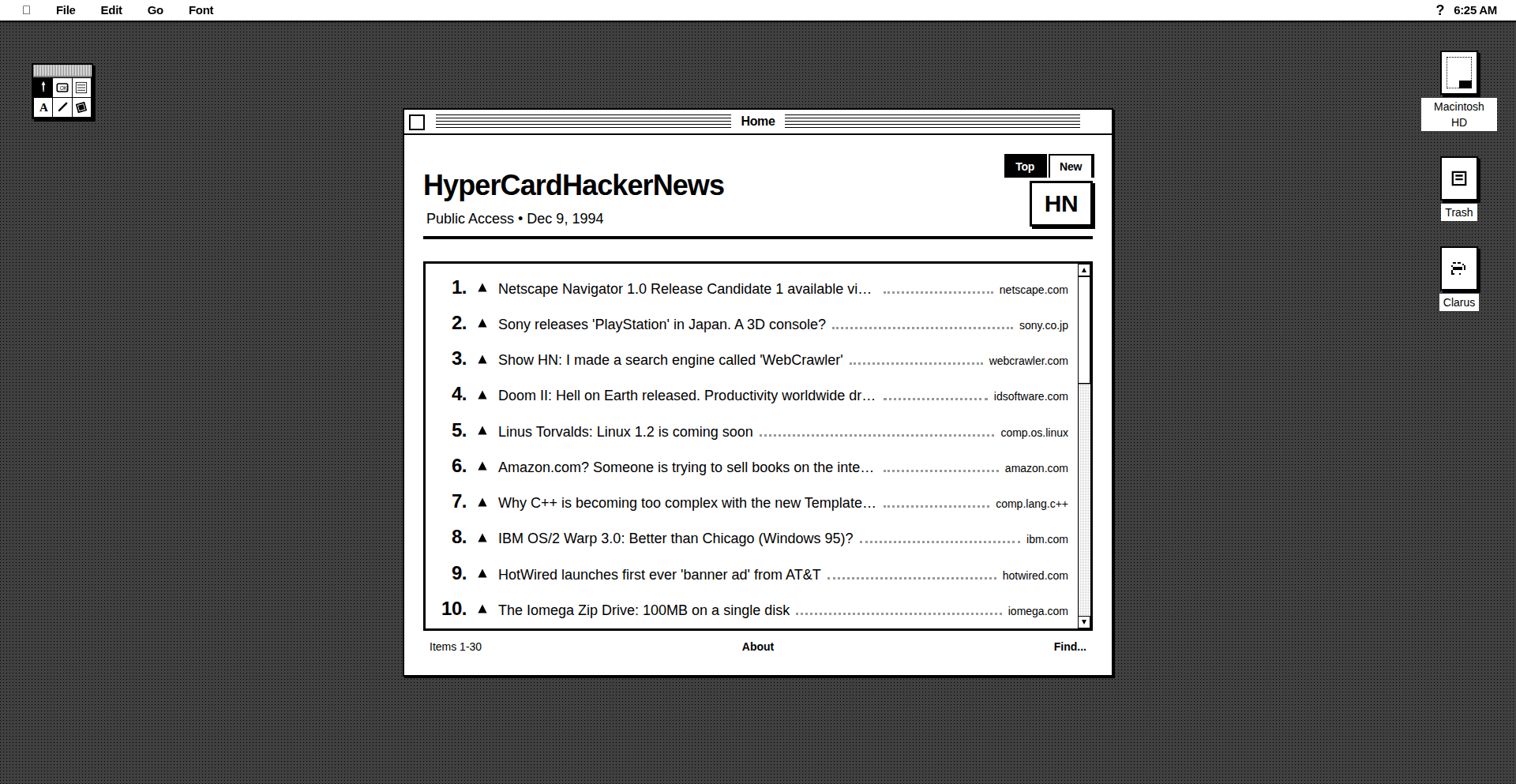
Gemini 94: HyperCard Hacker News Reimagined
Author
benbreen
Description
Gemini 94 is a fascinating technical experiment that reimagines Hacker News as if it were built with HyperCard in 1994. It focuses on the core idea of presenting HN content in a highly interactive, card-based interface, exploring how a different technological paradigm could have shaped our online information consumption. The innovation lies in bridging the gap between modern web content and a nostalgic, highly tactile, and interconnected digital experience.
Popularity
Points 12
Comments 11
What is this product?
Gemini 94 is a project that simulates the Hacker News experience using the principles of HyperCard, a pioneering multimedia authoring system from the early 90s. Instead of a typical web page, content is presented as 'cards' that can be linked together dynamically. The technical approach involves parsing Hacker News's API and re-rendering the data – stories, comments, and user profiles – into distinct HyperCard-like cards. Navigation is achieved through buttons and links embedded within these cards, mimicking the signature 'stack' metaphor of HyperCard. The innovation is in retrofitting modern web data into a fundamentally different interaction model, emphasizing direct manipulation and contextual relationships between pieces of information, rather than linear scrolling. So, what's in it for you? It offers a fresh perspective on information architecture and user interface design, showing how older, simpler technologies can inspire new ways of thinking about digital content organization and interaction, potentially leading to more intuitive and engaging user experiences.
How to use it?
Developers can use Gemini 94 as a conceptual blueprint and a source of inspiration. It's a demonstration of how to take structured data (like from an API) and represent it in a non-traditional, card-based, hyperlinked interface. Potential use cases include building internal knowledge bases, interactive tutorials, or even creating unique digital art installations that repurpose online data. The technical usage involves understanding how to fetch data from sources like the Hacker News API and then programmatically generate visual elements and navigational logic that mimics HyperCard's behavior. So, what's in it for you? It provides a tangible example of how to think outside the typical web framework, encouraging the development of more unique and engaging user interfaces for your own applications.
Product Core Function
· Card-based content rendering: Translates each Hacker News story and comment thread into an individual, interactive 'card'. This allows for a more focused and digestible presentation of information, reducing cognitive load. This is valuable for users who prefer to process information in discrete chunks, improving comprehension and reducing overwhelm.
· Hyperlinked navigation: Implements a system of buttons and links within cards that allow users to jump between related content, similar to navigating a HyperCard stack. This creates a rich, interconnected web of information, enabling deeper exploration and discovery. This is valuable for users who enjoy serendipitous discovery and want to follow threads of information intuitively.
· Interactive comment threads: Renders comment sections as nested, expandable cards, allowing users to easily navigate and engage with discussions. This improves the readability and interactivity of comment sections, making conversations easier to follow. This is valuable for users who participate in online discussions and want a more structured way to engage with them.
· Retro-inspired UI: Emulates the visual and interaction aesthetics of HyperCard, offering a nostalgic and unique user experience. This provides a novel and engaging alternative to standard web interfaces, appealing to users who appreciate unique design and historical computing paradigms. This is valuable for users seeking a departure from conventional UIs and looking for a more memorable online experience.
Product Usage Case
· Developing a personal knowledge management system where each note or resource is a 'card' that can be linked to related entries, creating a mind-map-like structure for information. This solves the problem of information silos and makes complex knowledge easier to navigate and recall. Gemini 94's approach shows how to build interconnectedness.
· Creating an interactive historical timeline of a specific topic, where each event is a card with links to further details, images, and related events. This makes learning about history more engaging and allows users to explore events at their own pace and according to their own interests. This is valuable for educational tools or personal projects.
· Building a prototype for a new type of social media interface that focuses on visual storytelling and direct connections between posts, moving away from endless scrolling feeds. This tackles the challenge of information overload on current platforms and offers a more deliberate and curated content consumption experience.
7
Fate: React & tRPC Data Framework

Author
cpojer
Description
Fate is a novel data framework for React applications, heavily inspired by Relay, that aims to simplify data fetching and management when integrated with tRPC. It focuses on providing a more intuitive and efficient way for developers to handle asynchronous data operations, particularly in the context of real-time applications, by abstracting away complex network interactions and state synchronization logic. The core innovation lies in its declarative approach to data dependencies and its tight integration with tRPC's strong typing, offering a more robust and developer-friendly experience for building complex React UIs.
Popularity
Points 22
Comments 1
What is this product?
Fate is a data framework designed to make fetching and managing data in React applications much smoother, especially when you're using tRPC (a TypeScript RPC framework). Think of it as a smarter way for your React app to ask for information from your server and keep that information up-to-date. It's inspired by Relay, a well-known data fetching library, but aims to be more straightforward. Fate's innovation is in how it lets you declare what data your components need, and it handles the fetching, caching, and updating automatically. This means you write less code for these common tasks, and your application's data is managed more efficiently, leading to faster and more reliable user interfaces. So, this helps you by reducing boilerplate code for data handling and improving the performance and responsiveness of your React applications, making them feel more 'alive'.
How to use it?
Developers can integrate Fate into their React projects by installing it as a dependency and then configuring it to work with their tRPC server setup. Components can then use Fate's hooks or components to declaratively specify the data they require. Fate will automatically fetch this data from the tRPC backend, cache it, and ensure that your UI updates whenever the data changes. This can be integrated into existing React projects using standard package management tools like npm or yarn. The typical use case involves defining data requirements at the component level, allowing Fate to manage the flow of data from your server to your front-end. This means you spend less time worrying about data loading states and more time building features, ultimately accelerating your development cycle.
Product Core Function
· Declarative Data Fetching: Developers specify the data needed by components, and Fate handles the underlying network requests and data retrieval. This reduces manual data fetching logic and makes code cleaner and more maintainable, so you don't have to write repetitive `useEffect` hooks for fetching data.
· Optimized Data Caching: Fate automatically caches fetched data, preventing redundant requests and improving application performance. This means your app loads faster and feels more responsive, as data is readily available without needing to refetch it every time.
· Automatic State Synchronization: When data on the server changes, Fate automatically updates the relevant parts of your UI. This ensures your application's state is always consistent with the backend, providing a seamless user experience without manual state management.
· tRPC Integration: Tight integration with tRPC leverages its strong typing to provide a secure and efficient data layer between your React frontend and backend. This means fewer runtime errors due to type mismatches and a more reliable data flow, enhancing overall application stability.
Product Usage Case
· Building a real-time dashboard: In a dashboard application that displays live stock prices or analytics, Fate can efficiently fetch and update data from the tRPC backend. Components can declare their need for specific stock tickers or metrics, and Fate will ensure the UI is constantly refreshed with the latest information without overwhelming the server or client with unnecessary requests. This results in a highly responsive and accurate real-time view.
· Developing a complex e-commerce product page: For a product page with details, reviews, and related items, Fate can manage the fetching of all these different data points. Each section of the page can declare its data needs, and Fate will intelligently fetch and update them as needed, perhaps fetching related items only after the main product details are loaded. This leads to a faster initial page load and smoother interactions as users browse the product.
· Creating a collaborative editing tool: In an application where multiple users are editing a document simultaneously, Fate can manage the real-time synchronization of changes. Components displaying parts of the document can declare their dependency on specific sections, and Fate will ensure that updates from other users are efficiently fetched and displayed, maintaining a consistent and up-to-date view for everyone involved. This makes collaborative editing feel seamless and instantaneous.
8
Logos API
Author
lorey
Description
This project is a free, drop-in replacement for the Clearbit Logo API, which recently shut down. It provides logos for any company or domain name, is free to use with no signup required, and supports both company and domain names as input. It leverages WebP format for efficient delivery, resulting in smaller payloads and better caching. This innovation addresses a critical need for developers who relied on the now-defunct Clearbit service, offering a seamless and cost-effective alternative. The developer also highlighted the use of AI tools like Claude Code (Max) in its end-to-end development, showcasing a modern approach to building solutions.
Popularity
Points 9
Comments 6
What is this product?
This is a free, no-signup-required API that provides company logos. It's designed to be a direct replacement for the Clearbit Logo API. The core innovation lies in its accessibility and efficiency. Instead of needing an API key or signing up, developers can immediately integrate it into their projects. The system accepts either a company name or a domain name (like 'google.com') and returns the relevant logo. A key technical detail is the use of the WebP image format. This is a modern image format that offers significantly better compression than older formats like JPEG or PNG, meaning the logo files are smaller. Smaller files mean faster downloads, reduced bandwidth usage for both the server and the user, and importantly, better caching. When a logo is requested and served in WebP format, browsers and intermediate servers (like CDNs) can store it efficiently, so subsequent requests for the same logo are served almost instantly without needing to re-download the image. This is achieved through a stack involving S3 for storage, a cached FastAPI backend for fast responses, a Next.js frontend for the website, and Cloudflare for robust CDN and caching capabilities.
How to use it?
Developers can integrate this Logos API into their applications by making simple HTTP requests to the provided endpoint (https://logos.apistemic.com). For example, to get the logo for 'Example Corp', a developer could send a GET request to `https://logos.apistemic.com/logo/Example Corp`. If they have a domain like 'example.com', they could use `https://logos.apistemic.com/logo/example.com`. The API returns the logo image directly, usually in WebP format. This can be used to display company logos on websites, in customer dashboards, in CRM systems, or anywhere company branding is needed. The lack of signup and API keys makes it incredibly easy to get started – just add the URL to your code. For instance, in a web application using an `<img>` tag, you could set the `src` attribute directly to the API endpoint URL, like `<img src="https://logos.apistemic.com/logo/Example Corp" alt="Example Corp Logo">`. This provides immediate visual enhancement without any complex setup.
Product Core Function
· Free Logo Retrieval: Provides company logos without any cost, removing financial barriers for developers and small businesses. This is useful for any project needing to display brand identities without a budget for premium services.
· No Signup/API Key Required: Allows immediate integration into projects. Developers can simply start making requests without the overhead of account creation or key management, saving time and simplifying workflows.
· Company and Domain Name Input: Accepts both company names (e.g., 'Microsoft') and domain names (e.g., 'microsoft.com') as identifiers. This flexibility makes it easier to find logos as developers might have one or the other readily available.
· WebP Format Output: Delivers logos in the WebP format for efficient delivery. This means smaller file sizes, leading to faster loading times and reduced bandwidth consumption, which directly improves user experience and lowers hosting costs.
· High Availability and Caching: Leverages Cloudflare for CDN and caching, ensuring fast and reliable access to logos globally. This means your application's logo loading will be consistently quick, even under high traffic.
· End-to-End AI-Assisted Development: The project was developed using AI tools like Claude Code (Max), showcasing a modern, efficient development methodology that can be inspiring for other developers exploring AI in their workflow.
Product Usage Case
· Website Branding: Displaying logos of clients or partners on a company website to build credibility and showcase relationships. The API allows for dynamic fetching of these logos without needing to pre-download and store them.
· CRM and Sales Tools: Integrating company logos into customer relationship management dashboards or sales prospecting tools to provide instant visual recognition of companies being managed or researched. This helps sales teams quickly identify and recall clients.
· Directory Listings: Populating online directories or marketplaces with company logos for each listed business. This enhances the visual appeal and user-friendliness of directory services.
· Invoice and Document Generation: Automatically embedding client logos onto invoices, proposals, or reports. This personalizes outgoing documents and reinforces brand consistency.
· Developer Tooling: Creating internal tools or scripts that automatically fetch and display company logos based on domain names, aiding in quick analysis or data enrichment tasks.
9
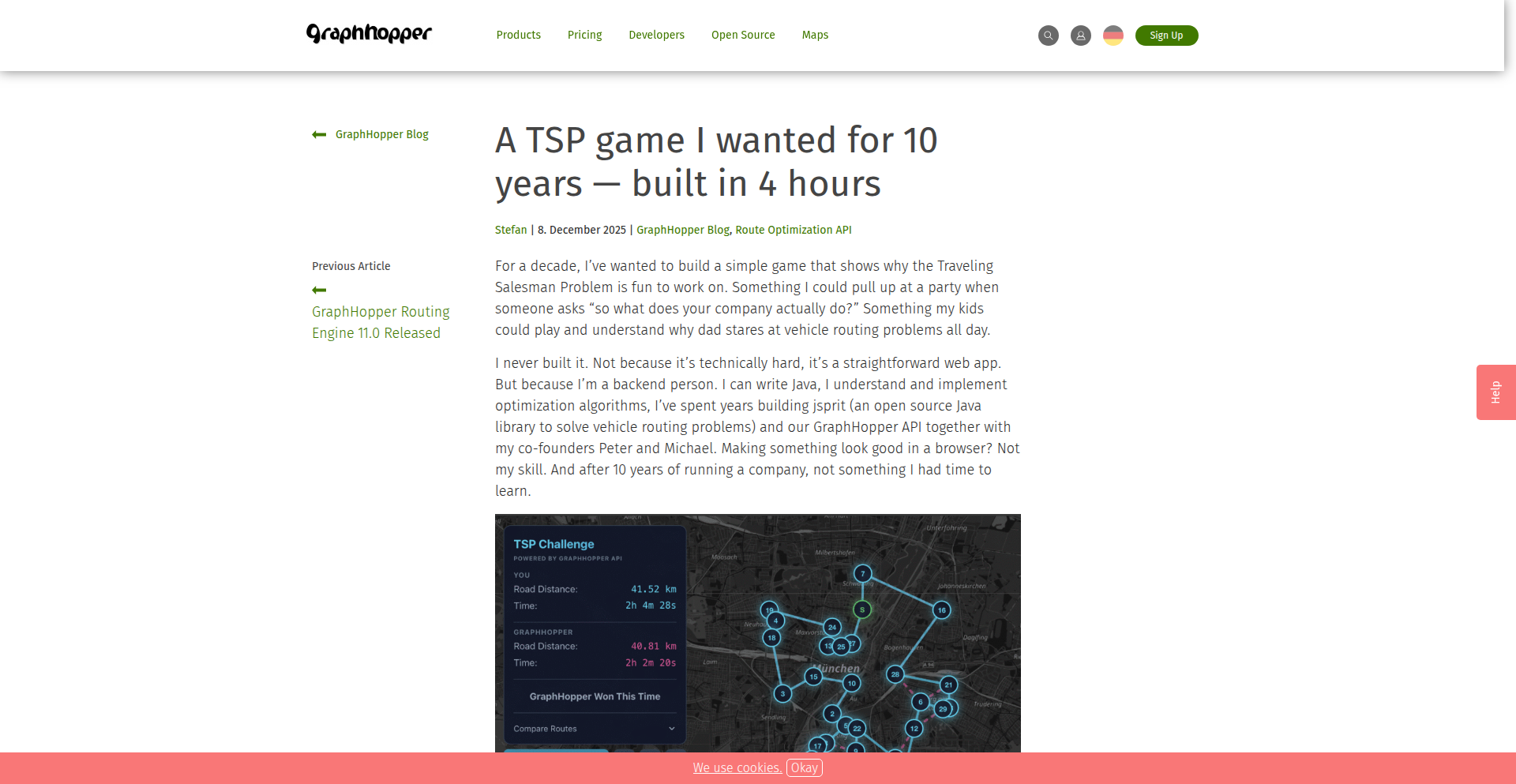
TSP-4h-Genius
Author
oblonski
Description
This project is a personal exploration and rapid prototyping of a Traveling Salesperson Problem (TSP) game. The core innovation lies in the speed of development and the demonstration of how complex problems can be tackled iteratively. It showcases a creative approach to visualizing and interacting with an NP-hard problem, likely using a combination of game logic and potentially a simplified TSP solving algorithm to create an engaging experience.
Popularity
Points 11
Comments 3
What is this product?
This project is a demonstration of building a game around the Traveling Salesperson Problem (TSP) in an incredibly short timeframe (4 hours). The TSP is a classic computer science challenge where you try to find the shortest possible route that visits a set of cities exactly once and returns to the starting city. The innovation here isn't necessarily a breakthrough in solving TSP itself, but in the rapid, code-first approach to creating a playable, engaging experience out of a computationally difficult problem. It's about turning theoretical complexity into a tangible, interactive product, highlighting the power of focused development and 'hacker's mindset'. So, what's the value for you? It shows that even complex problems can be approached and a functional prototype can be built quickly, inspiring you to tackle your own ambitious ideas with rapid iteration.
How to use it?
As this is a 'Show HN' project, it's primarily a demonstration of technical skill and a creative solution. The primary 'use' for developers is inspiration and learning. You might use it to understand how one might gamify algorithmic challenges, or to learn about rapid prototyping techniques. If the project were open-sourced, you could potentially fork it to experiment with different TSP solving algorithms, visualize TSP solutions in novel ways, or even build upon the game mechanics for your own educational or entertainment projects. It's a springboard for your own creative coding. So, how can you use this? Think of it as a blueprint for rapid ideation and a source of inspiration to build your own interactive problem-solving tools.
Product Core Function
· Rapid Prototyping of Algorithmic Games: The ability to conceptualize and build a functional game around a complex algorithm like TSP in just 4 hours highlights efficient development workflows and rapid iteration. This is valuable as it demonstrates that ambitious projects can be started and delivered quickly, encouraging a 'just build it' mentality.
· Gamified Problem Solving: Transforming a theoretical computer science problem (TSP) into an interactive game makes the problem more accessible and engaging. This showcases how complex concepts can be demystified and learned through play, offering a valuable approach for educational tools and interactive experiences.
· Interactive Visualization of Algorithmic Concepts: The game likely provides a visual representation of TSP, allowing users to see how different routes are formed and potentially how algorithms attempt to solve it. This is valuable for understanding abstract concepts visually, aiding comprehension for both beginners and experienced developers.
· Demonstration of 'Hacker's Mindset': Building something complex and engaging in a short time exemplifies the hacker culture's ethos of creative problem-solving and rapid execution. This inspires other developers to push their own boundaries and find efficient, innovative solutions to challenges.
Product Usage Case
· An educational platform developer could use the inspiration from this project to create a series of interactive games that teach students about different algorithms, like sorting, pathfinding, or data structures. The rapid prototyping aspect shows how quickly engaging learning modules can be developed. The value here is in making learning more interactive and fun.
· A game developer looking to incorporate algorithmic challenges into their game could study the approach taken here. They might see how a complex problem like TSP can be simplified into a playable mechanic, providing unique gameplay loops. This helps in designing novel game challenges.
· A solo developer with a backlog of innovative ideas could be inspired by the 4-hour build. It demonstrates that even ambitious projects can be started and a minimum viable product can be achieved very quickly, overcoming the inertia of starting large tasks. The value is in empowering individual creators to take action.
· A programming instructor could use this as a case study to teach students about efficient coding practices, problem decomposition, and the importance of iterative development. It serves as a real-world example of how to tackle a challenging problem with limited time. This helps students learn practical development strategies.
10
ImmiForm Genius

Author
mjablons
Description
This project is an AI-powered TurboTax-like application specifically designed for generating immigration forms. It leverages natural language processing (NLP) and form generation techniques to simplify the complex and often overwhelming process of filling out immigration paperwork. The innovation lies in its ability to understand user inputs in plain language and translate them into the precise data required for official forms, significantly reducing errors and saving users considerable time and frustration.
Popularity
Points 8
Comments 1
What is this product?
ImmiForm Genius is an intelligent system that acts like a personal assistant for navigating immigration paperwork. Instead of manually reading and filling out lengthy government forms, users interact with the system by providing their information in conversational, natural language. The core technology involves advanced Natural Language Understanding (NLU) to parse user responses, extract relevant entities, and map them to the specific fields on various immigration forms. It then uses a sophisticated form generation engine to populate these forms accurately. The innovation is in democratizing access to legal documentation by making it as simple as having a conversation, and by ensuring data accuracy through programmatic mapping, thus reducing the likelihood of rejections due to common data entry mistakes. So, what's in it for you? It means you can tackle complex immigration forms without needing a legal degree or spending hours deciphering jargon, making a stressful process significantly more manageable.
How to use it?
Developers can integrate ImmiForm Genius into their platforms or services to offer immigration form assistance. This could involve building a standalone web application where users upload their immigration case details or interact via a chatbot. The system can be exposed via an API, allowing other applications to send user data and receive populated immigration forms as output. For example, a legal tech startup could embed this functionality into their case management software, or a community organization could offer it as a free resource to immigrants. The usage involves providing structured or unstructured data about the individual and their immigration case, and the system returns the completed forms. So, what's in it for you? You can build new services or enhance existing ones by providing a highly valuable, automated solution for a critical user need, saving your users significant time and legal costs.
Product Core Function
· Natural Language Input Processing: Understands user-provided information in plain English, extracting key details like names, dates, addresses, and specific case information. This provides value by removing the need for users to memorize form field names or understand legal terminology.
· Automated Form Population: Accurately maps extracted user data to the corresponding fields on official immigration forms. This offers value by ensuring data consistency and reducing manual data entry errors, which can lead to form rejections.
· Multi-Form Support: Capable of handling and generating various types of immigration forms, accommodating different immigration pathways and requirements. This is valuable as it offers a comprehensive solution for diverse immigration needs.
· Error Detection and Validation: Implements checks to identify potential inconsistencies or missing information based on typical form requirements. This adds value by proactively flagging issues before submission, saving users the hassle of corrections and delays.
Product Usage Case
· A startup building a platform for visa applications: ImmiForm Genius can be used to automatically generate visa application forms from user profile data and interview transcripts, simplifying the application process for individuals and reducing the workload for the startup's support staff. This addresses the problem of manual data entry and form completion time.
· A non-profit organization assisting refugees: The system can be integrated to help refugees fill out asylum or refugee status determination forms using simple conversational interfaces, making the process less intimidating and more accessible. This solves the issue of language barriers and complex legal documents.
· A legal aid service for immigrants: ImmiForm Genius can power a self-service portal for clients to begin their immigration paperwork, providing them with accurate and pre-filled forms to bring to their consultations, thus maximizing the efficiency of legal aid resources. This helps streamline the initial data gathering phase of legal assistance.
11
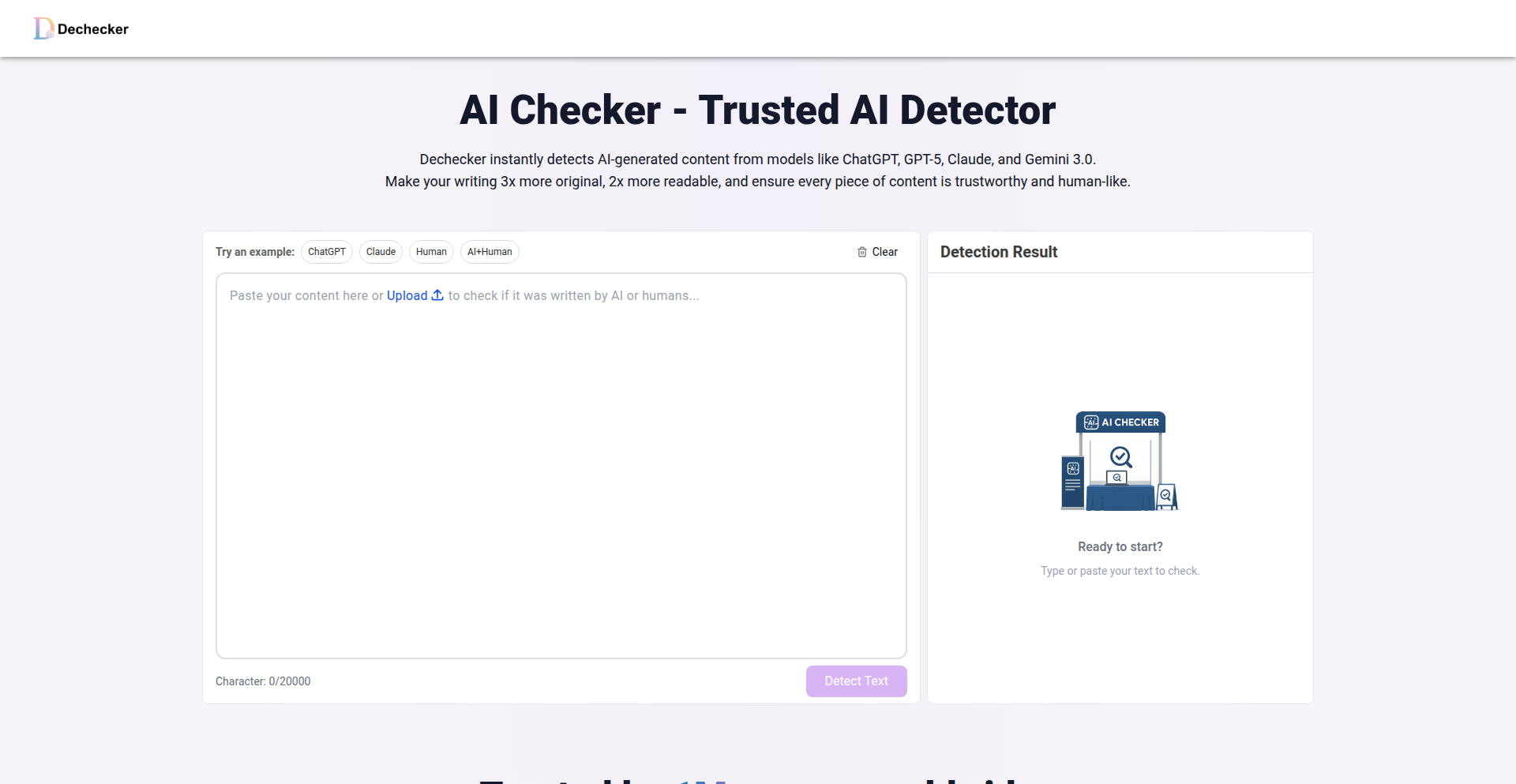
AI-Text Forensics Engine
Author
GrammarChecker
Description
A lightweight yet powerful tool designed to identify text generated by large language models (LLMs) such as ChatGPT, GPT-5, Claude, Gemini, and LLaMA. It offers a fast and free solution to distinguish between human-written and AI-generated content, providing insights into the origin of text with a focus on technical implementation for prompt engineering and content authenticity.
Popularity
Points 6
Comments 2
What is this product?
This project is an AI-generated text detection engine. It works by analyzing various statistical and linguistic features within a given text that are characteristic of LLM outputs. Unlike simple keyword matching, it delves into aspects like sentence structure variability, perplexity (how surprising or predictable the next word is), burstiness (the uneven distribution of word frequencies), and other subtle patterns that emerge from the way LLMs construct sentences and paragraphs. The innovation lies in its ability to synthesize these complex analytical signals into a reliable detection score, offering a nuanced approach to identifying AI authorship. So, what does this mean for you? It means you can get a tool that goes beyond superficial analysis to understand if text was likely written by an AI, helping to maintain the integrity of your content or understand the source of information.
How to use it?
Developers can integrate DeChecker into their workflows or applications via its API or by using its web interface. For instance, in content moderation systems, it can flag potentially AI-generated content for review. For educators, it can help identify academic integrity issues. For researchers, it aids in analyzing the authenticity of data. Integration typically involves sending the text snippet to the DeChecker service and receiving a probability score indicating the likelihood of it being AI-generated. So, how does this benefit you? It allows you to automate the process of verifying text origin, saving time and effort in applications where authenticity is critical.
Product Core Function
· AI Text Signature Analysis: Analyzes statistical properties of text, such as word frequency distribution, sentence length variation, and grammatical complexity to identify patterns indicative of AI generation. This helps in distinguishing AI from human writing by looking at subtle linguistic cues, providing a robust detection mechanism for your content verification needs.
· Multi-Model Compatibility: Designed to detect text from a wide range of popular LLMs, including ChatGPT, GPT-5, Claude, Gemini, and LLaMA. This broad compatibility ensures that your detection efforts are comprehensive across various AI writing styles, making your authenticity checks more reliable regardless of the AI model used.
· Real-time Detection: Offers fast processing speeds, allowing for near-instantaneous analysis of text. This is crucial for applications requiring immediate feedback, such as live content moderation or interactive writing tools, ensuring that you get quick insights without workflow disruption.
· Free and Accessible: Provides its core detection capabilities free of charge via a web interface and potentially an API. This democratizes access to advanced text analysis tools, enabling individual developers, small teams, and researchers to leverage sophisticated AI detection without significant financial investment.
Product Usage Case
· Content authenticity verification for news outlets: A news organization can use DeChecker to scan articles submitted by freelancers or automated systems to ensure that the content is original and not plagiarized or entirely AI-generated, safeguarding their journalistic integrity.
· Academic integrity checks in educational platforms: An online learning platform can integrate DeChecker to analyze student submissions for essays or assignments, flagging potential cases of AI-assisted cheating to maintain a fair learning environment.
· Spam and bot detection in online communities: A forum or social media platform can employ DeChecker to identify and filter out bot-generated comments or posts that are often produced by LLMs, improving the quality of user interactions.
· Prompt engineering analysis for AI developers: Developers working with LLMs can use DeChecker to evaluate the output of their prompts, understanding how different prompt structures might lead to text that is more or less distinguishable from human writing, aiding in prompt optimization.
12
Agentry: React-Powered AI Agent Framework

Author
colinds
Description
Agentry is a novel framework that builds AI agents using React components. It tackles the complexity of AI agent development by leveraging React's declarative nature, composability, and state management. This approach allows developers to treat AI agents and their tools as interchangeable building blocks, enabling dynamic behavior and easier reasoning about complex AI interactions. So, for you, this means a more intuitive and structured way to build sophisticated AI applications, making them more manageable and adaptable.
Popularity
Points 8
Comments 0
What is this product?
Agentry is a framework that reimagines how AI agents are built by treating them as React components. Instead of complex procedural code, you can assemble agents and their functionalities (like tools for web search or code execution) using familiar React patterns. This means agents can inherit capabilities, react to changes in their environment, and even spawn sub-agents, all managed by React's state and component lifecycle. The innovation lies in applying the declarative and composable power of React to the inherently dynamic and stateful world of AI agents. So, what does this mean for you? It translates to building smarter AI applications with less boilerplate and more predictable behavior, harnessing the power of modern web development for AI.
How to use it?
Developers can integrate Agentry into their React projects by treating AI agents and their tools as React components. You can define an agent as a component and then compose it with other components representing tools, such as a web search tool or a code interpreter. The framework uses React's state management and hooks to control the agent's behavior and available tools dynamically. For example, you can conditionally render or enable tools based on the conversation's context using a <Condition> component. This makes it easy to create complex agent workflows and integrate them seamlessly into existing web applications. So, for you, this means leveraging your existing React expertise to build advanced AI features directly within your web applications.
Product Core Function
· AI Agents as React Components: This allows developers to build and manage AI agents using the familiar, declarative structure of React components, making AI logic more organized and easier to reason about. This is valuable for developers who want to integrate AI into their web applications more effectively.
· Composability of Agents and Tools: Agents can be composed of other agents or tools, enabling the creation of hierarchical and modular AI systems. This is valuable for building complex AI behaviors from simpler, reusable parts.
· Dynamic Tool Management: Tools can be mounted or unmounted based on React state, allowing agents to adapt their capabilities dynamically based on the ongoing interaction or task. This is valuable for creating AI agents that can intelligently switch between different functionalities.
· Conditional Behavior (<Condition> component): The framework supports defining conditional logic for agent behavior based on natural language understanding of the conversation history. This is valuable for creating AI agents that can respond contextually and adapt their decision-making.
· Built-in Tool Integrations: Includes ready-to-use integrations for common AI tasks like code execution, web search, and memory management, powered by services like Anthropic's API. This is valuable for accelerating the development of AI agents by providing essential capabilities out-of-the-box.
Product Usage Case
· Building a multi-turn chatbot that can search the web for information and then use that information to write code. The web search tool and code execution tool would be dynamically enabled or disabled based on the user's requests, managed by React's state. This addresses the challenge of creating conversational AI that can perform complex, multi-step tasks.
· Developing an AI assistant that can manage different operational modes. For instance, in a coding scenario, it might enable code execution tools, while in a research scenario, it might prioritize web search tools. This is achieved by using the <Condition> component to switch between sets of available tools based on the detected intent. This solves the problem of building AI agents that can adapt their functionality to different user needs.
· Creating a system where an AI agent can delegate tasks to specialized sub-agents. For example, a general-purpose AI agent could pass a complex data analysis request to a dedicated data analysis agent. This is facilitated by treating sub-agents as nested React components, simplifying the architecture of distributed AI intelligence. This tackles the complexity of managing large, monolithic AI systems by breaking them down into manageable, specialized units.
13
Contextify AI Session Archivist

Author
bredren
Description
Contextify is a native macOS application designed to give developers a persistent, searchable, and locally managed history of their AI coding sessions. It addresses the common problem of AI chat transcripts being ephemeral or inaccessible, offering a private solution that keeps your AI interactions and code-related discussions secure and organized on your machine. It leverages local processing for summaries, ensuring privacy and immediate access to your AI project context.
Popularity
Points 6
Comments 2
What is this product?
Contextify is a sophisticated native macOS application that acts as your personal AI coding assistant's memory bank. It captures and stores your conversations with AI coding tools like Claude Code and Codex CLI, creating a searchable timeline. The innovation lies in its local processing capabilities, where it uses Apple Intelligence to generate summaries of your AI exchanges without sending your sensitive code or discussion data to external servers. This means your AI coding history is private, secure, and readily available for reference, helping you recall past solutions, understand evolving project context, and maintain continuity across your development workflow. So, this is useful because it prevents you from losing valuable insights and code snippets generated during AI coding sessions, effectively giving your AI assistant a long-term memory that you control.
How to use it?
Developers can integrate Contextify into their workflow by installing the native macOS application. Once installed, it automatically monitors and archives sessions from supported AI coding tools. The application presents a unified, searchable timeline view of all your AI interactions. You can then easily search for specific keywords, project names, or code snippets across all your past conversations. Furthermore, Contextify automatically discovers new projects your AI sessions are related to and allows for manual organization. Dedicated hotkeys (Shift-Command-[ or ]) enable quick switching between projects and timelines. This provides a seamless way to revisit previous AI-driven problem-solving steps or to quickly get up to speed on the context of a project you haven't worked on recently. So, this is useful because it saves you time and mental effort by making it trivial to find past AI-generated solutions and understand the context of your ongoing projects.
Product Core Function
· Unified AI Session Timeline: Consolidates conversations from various AI coding tools (e.g., Claude Code, Codex CLI) into a single, chronological feed. The value is in providing a centralized view, eliminating the need to jump between different AI platforms and saving developers time in finding relevant past discussions. This applies to any developer using multiple AI coding assistants.
· Local AI-Powered Summarization: Generates summaries of AI exchanges using on-device processing (Apple Intelligence). The value is in offering privacy-preserving insights into complex discussions and ensuring quick access to the essence of AI interactions without data leaving the user's machine. This is valuable for developers concerned about data privacy and for quickly grasping the key takeaways from lengthy AI dialogues.
· Cross-Project Searchability: Enables searching through the entire history of AI conversations across all projects. The value is in powerful recall, allowing developers to find specific code solutions, ideas, or project details they might have forgotten, thus accelerating problem-solving and reducing redundant work. This is a critical feature for managing multiple projects and complex development histories.
· Automatic Project Discovery and Organization: Intelligently identifies and categorizes AI sessions by project. The value is in automated organization, making it easier for developers to manage and access context for different workstreams without manual tagging. This is beneficial for developers working on diverse projects who need to maintain clear separation and context for each.
· Hotkey Navigation: Provides quick shortcuts for switching between project timelines. The value is in efficient workflow management, allowing developers to rapidly access relevant AI context with minimal interruption to their coding flow. This is a productivity booster for developers who frequently switch between tasks or projects.
Product Usage Case
· A developer is working on a complex feature and remembers using an AI assistant to solve a similar problem a few weeks ago. Instead of re-explaining the issue or trying to find the old conversation across multiple AI chat windows, they use Contextify's search function to quickly locate the previous solution, saving hours of debugging or research. This showcases how Contextify addresses the problem of lost knowledge and accelerates problem-solving.
· A developer needs to hand off a project to a colleague. They use Contextify to generate summaries of the recent AI coding sessions related to the project, providing a concise overview of the challenges faced and the solutions implemented. This helps the colleague quickly understand the project's history and current state, facilitating a smoother handover. This demonstrates Contextify's value in knowledge transfer and project continuity.
· A developer is concerned about the privacy of their proprietary code and AI interaction logs. They choose Contextify because it processes all data locally on their Mac, ensuring that sensitive information never leaves their machine. This highlights Contextify's commitment to data security and privacy, addressing a key concern for many developers.
· A developer has been experimenting with different AI models for code generation. Contextify allows them to track and compare the outputs and conversations from each experiment in a single, organized timeline, helping them identify the most effective AI strategies for their specific needs. This shows how Contextify aids in evaluating and optimizing AI tool usage for better development outcomes.
14
AnkiMobile++: Enhanced SRS Flashcard App

Author
quantized_state
Description
AnkiMobile++ is a visually appealing and feature-rich alternative to the AnkiMobile app for iOS, specifically designed for Mandarin learners. It addresses the perceived bugs and limitations of the original app by incorporating advanced features like a tuned FSRS5 algorithm for optimized spaced repetition and built-in image occlusion support, allowing for efficient card creation with visual aids. Users can seamlessly import existing Anki decks or start new ones.
Popularity
Points 5
Comments 2
What is this product?
AnkiMobile++ is a native iOS application that functions as a Spaced Repetition System (SRS) flashcard tool. Its core innovation lies in its enhanced spaced repetition algorithm, FSRS5, which is a fine-tuned version of the Free Spaced Repetition Scheduler. This algorithm intelligently schedules reviews of learned material based on your recall performance, aiming to maximize retention with minimal effort. Unlike some existing solutions, it offers out-of-the-box image occlusion, a powerful technique for learning from images by hiding parts of them and testing your knowledge of the obscured sections. So, this means you get a smarter way to learn, making sure you review at the perfect time to remember things long-term, and you can learn directly from visuals.
How to use it?
Developers can use AnkiMobile++ by downloading the app from the App Store. For existing Anki users, the primary use case is importing their Anki decks. This is achieved through standard Anki deck export formats (e.g., .apkg files). For new users or those wanting to create cards more efficiently, the image occlusion feature allows them to take a screenshot or upload an image, then mask specific areas, turning the image into a learning card. The app integrates with the FSRS5 algorithm to manage the review schedule. This offers a practical way to build a custom learning tool for any subject, especially those heavily reliant on visual information or specific terminology. So, if you have Anki cards already, you can just bring them over, or if you want to learn from images, this app makes it super easy.
Product Core Function
· Tuned FSRS5 Algorithm for Spaced Repetition: Provides intelligent scheduling of flashcards to maximize long-term memory retention, adapting to individual learning patterns. This means your learning is more efficient, reviewing just when you're about to forget.
· Built-in Image Occlusion: Allows users to create flashcards directly from images by hiding portions of the image and testing recall of the obscured elements. This is great for learning diagrams, maps, or any visual data. So, you can turn any picture into a learning exercise.
· Anki Deck Import: Seamlessly imports existing Anki decks, enabling users to leverage their current study materials. This saves time and effort for existing Anki users. This means you don't have to start your learning all over again.
· Quick Card Addition with Image Feature: Streamlines the process of adding new cards, especially when using image-based learning, making content creation faster. This makes it quicker to get new study material into the app.
Product Usage Case
· Mandarin Language Learning: Learners can import their Mandarin vocabulary and grammar decks from Anki, and use the image occlusion feature to learn Chinese characters by occluding pinyin or meaning on images of characters. This helps solidify understanding of visual forms and pronunciation. So, if you're learning Chinese, you can use this to master characters and their meanings visually.
· Medical/Anatomy Study: Students can import anatomy diagrams or medical images and use the image occlusion feature to create flashcards for identifying organs, muscles, or medical conditions. The FSRS5 algorithm ensures consistent review of this complex visual information. This means you can effectively memorize complex visual information like body parts.
· Technical Diagram Memorization: Developers or engineers can use image occlusion to create flashcards for network diagrams, circuit schematics, or system architecture visuals, testing their ability to identify components or connections. This aids in quickly recalling technical system layouts. So, you can learn and remember complex technical drawings more easily.
· Foreign Language Visual Vocabulary: Beyond Mandarin, learners of any language can use image occlusion with pictures of objects and their corresponding foreign words to build vocabulary in a highly visual and memorable way. This offers an engaging method for acquiring new words. This helps you learn new words by associating them with pictures.
15
Inferbench: Community-Powered Inference Benchmarking

Author
binsquare
Description
Inferbench is a community-driven platform for collecting and sharing inference performance data on various hardware, especially GPUs. It addresses the challenge of understanding real-world inference performance beyond theoretical specs by leveraging user-submitted and volunteer-validated data. The innovation lies in its decentralized approach to building a comprehensive benchmark database.
Popularity
Points 6
Comments 1
What is this product?
Inferbench is a project that creates a public, collaborative database for measuring how fast different hardware, particularly GPUs, can perform AI inference tasks. Think of it as a crowd-sourced report card for AI chips. The core innovation is building this database not through a single company's testing, but by allowing anyone to submit their own performance results and having other users verify them. This makes the data more diverse and representative of real-world conditions, rather than just controlled lab tests. So, what's the value? It provides a much more practical and trustworthy source of information for developers and researchers trying to choose the right hardware for their AI projects.
How to use it?
Developers can use Inferbench in several ways. Firstly, as a consumer of information, they can browse the existing database to find performance metrics for specific hardware configurations and AI models. This helps them make informed decisions when selecting GPUs or other inference accelerators, potentially saving them significant time and money by avoiding underperforming hardware. Secondly, as a contributor, developers can run benchmarks on their own hardware using the provided tools and submit their results to the community. This not only helps them understand their own system's capabilities but also contributes to the collective knowledge base. The integration is straightforward: download the benchmarking tools, run tests on your desired models, and submit the results through the platform. This allows you to see how your setup compares to others and helps the community build a richer dataset.
Product Core Function
· Community-driven data collection: Developers can submit their own AI inference performance data, creating a rich and diverse dataset that reflects real-world usage scenarios and hardware variations.
· Volunteer validation system: Ensures the accuracy and reliability of submitted data through peer review, building trust in the benchmark results.
· Hardware and model performance database: A searchable repository of inference speed benchmarks across various GPUs and AI models, enabling quick comparison and informed hardware selection.
· Benchmarking tool integration: Provides tools for developers to easily run standardized inference tests on their own hardware and contribute to the database.
· Performance insights and analysis: Offers visualizations and comparative metrics to help developers understand hardware trade-offs and optimize their AI deployments.
Product Usage Case
· A startup is developing a new image recognition application and needs to choose a GPU that offers the best performance-per-dollar for their target inference speed. They consult Inferbench to compare the inference speeds of various GPUs on similar image recognition models, allowing them to select the most cost-effective hardware without needing to purchase and test each one themselves.
· A researcher is working on a cutting-edge natural language processing (NLP) model and wants to understand how different inference hardware configurations will impact its real-time performance in a production environment. They use Inferbench to find data on the model's inference speed across a range of GPUs, helping them predict latency and resource requirements for deployment.
· An independent hardware enthusiast has a custom-built AI workstation and wants to contribute to the community's understanding of inference performance. They download the Inferbench benchmarking tools, run tests on their system with popular AI models, and submit the validated results. This effort helps others who might have similar hardware configurations make informed decisions.
16
Durable Streams Protocol

Author
kylemathews
Description
This project introduces a novel protocol for client streaming over plain HTTP, inspired by the robust semantics of systems like Kafka but designed for simplicity and broad applicability. It offers a standardized way to handle continuous data flow from clients to servers, without relying on complex server-side state management or persistent connections like WebSockets. The innovation lies in assigning a unique URL to each stream and using monotonic, opaque offsets to manage data progression, enabling clients to resume interrupted streams seamlessly and servers to efficiently serve data. This makes it ideal for real-time applications and AI token streaming.
Popularity
Points 6
Comments 0
What is this product?
Durable Streams is a new communication protocol that allows you to send a continuous flow of data from a client (like your web browser or a mobile app) to a server using standard HTTP. Think of it like a reliable conveyor belt for data. Instead of needing a constant, open connection (like WebSockets), each data stream gets its own address (URL). When a client sends data, it also keeps track of a unique, ever-increasing marker (offset) for where it left off. If the connection breaks, the client can simply say, 'give me everything after marker X,' and the server can pick up exactly where it stopped. This means no complicated server setup to remember who's connected and what they're doing, and the data can even be cached by regular web infrastructure. This solves the problem of reliably sending real-time data and incremental updates without the overhead of traditional real-time technologies, making it easier to build responsive applications and efficient AI services.
How to use it?
Developers can use Durable Streams by implementing a Durable Streams server and a Durable Streams client. The provided repository includes a reference server written in Node.js and a client library in TypeScript. You would integrate the client library into your frontend or backend application to send data streams. On the server-side, you deploy the Durable Streams server (or implement its logic in your preferred language using the protocol specification). This allows your application to receive and process continuous data from multiple clients, such as real-time chat messages, user activity logs, or streamed responses from AI models. The client-side persistence of offsets simplifies error handling and ensures data integrity, even with unreliable network conditions. This is useful for building applications that require constant, ordered updates without the complexity of managing persistent connections.
Product Core Function
· Stream URLs: Each data stream has a unique, static URL, making it easy to address and manage. This means you can reliably reference and access specific data flows without complex routing, useful for segmenting different types of real-time data.
· Monotonic Offsets: Data chunks within a stream are marked with unique, increasing numbers (offsets). This allows clients to precisely track their progress and resume exactly where they left off after any interruption, ensuring no data is lost and maintaining the order of operations, critical for financial transactions or sequential processing.
· Client-Managed State: Clients are responsible for remembering their last processed offset. This eliminates the need for servers to maintain complex session state for each client, significantly simplifying server architecture and improving scalability. This translates to more efficient resource utilization on the server side.
· Plain HTTP and CDN Cacheability: The protocol runs over standard HTTP, which is widely supported and can be easily cached by Content Delivery Networks (CDNs). This allows for improved performance and reliability by leveraging existing web infrastructure. This means your streaming data can be delivered faster and more reliably across geographical distances.
· Server-Side Statelessness: Servers do not need to maintain per-client connection state, making them highly scalable and resilient. This enables your application to handle a massive number of concurrent streams without a significant increase in server complexity. This is a game-changer for high-traffic applications.
· Conformance Test Suite: A suite of tests is available to ensure that different implementations of the protocol are compatible, fostering a robust ecosystem. This guarantees that if you build a client or server, it will work with other Durable Streams components, promoting interoperability.
Product Usage Case
· Real-time dashboard updates: A web application displaying live stock prices or system metrics can use Durable Streams to push updates from the server to the dashboard. The client keeps track of the last received price, and if the connection drops, it simply requests updates from the last known point, ensuring the dashboard is always up-to-date without missing any data.
· AI token streaming for chatbots: When an AI model generates a response, it can be streamed token by token over Durable Streams. The client receives these tokens as they are generated and displays them to the user in real-time, providing a more interactive and responsive chat experience. This avoids the delay of waiting for the entire response to be generated before showing anything to the user.
· Collaborative editing applications: In a document editor where multiple users can edit simultaneously, changes made by one user can be streamed to others using Durable Streams. Each user's changes are appended with their offset, allowing other users' clients to receive and apply these changes in the correct order, facilitating smooth real-time collaboration.
· IoT data ingestion: Devices in an Internet of Things (IoT) setup can stream sensor data to a central server. Durable Streams ensures that even if a device temporarily loses network connectivity, it can resume sending data from where it left off once reconnected, providing a continuous and reliable data pipeline for analysis.
· Live progress indicators for long-running tasks: When a user initiates a long process (e.g., a complex data export or video encoding), the server can stream progress updates to the client via Durable Streams. The client displays this progress, and the system can handle network interruptions gracefully by resuming the progress reporting from the last known point.
17
ZonFormat: Token-Efficient Data Encoder

Author
ronibhakta
Description
ZonFormat is a revolutionary data serialization format designed to drastically reduce the token count in LLM communications. It tackles the problem of 'JSON bloat,' where verbose JSON syntax inflates API calls and associated costs. By offering a more compact, yet human-readable and lossless, alternative to JSON, ZonFormat can cut token usage by 35-60%, directly translating to lower operational expenses for LLM-powered applications. Its lightweight TypeScript library allows for seamless integration into existing workflows.
Popularity
Points 2
Comments 3
What is this product?
ZonFormat is a novel data notation that aims to be a more efficient replacement for JSON, especially when communicating with Large Language Models (LLMs). Traditional JSON, while widely used and human-readable, contains a lot of redundant syntax (like quotation marks and commas) that takes up valuable 'tokens' when sent to LLMs. Tokens are essentially units of text that LLMs process, and sending more tokens costs more money and takes longer. ZonFormat achieves its efficiency by using a smarter, more compact way to represent data, eliminating unnecessary characters while ensuring that no information is lost and the data remains understandable to humans. Think of it like using shorthand in writing – you can say the same thing with fewer characters. It's built as a tiny TypeScript library that can handle the encoding and decoding of data with minimal overhead.
How to use it?
Developers can integrate ZonFormat into their LLM-powered applications by installing the lightweight `zon-format` npm package or `zon-format` via pip for Python environments. It's designed to be a drop-in replacement for JSON in many common LLM libraries and frameworks such as the OpenAI SDK, LangChain.js/TS, Claude, and llama.cpp. You would typically encode your data into ZonFormat before sending it to an LLM and decode the LLM's response back into a usable format. This process happens very quickly, often in under 10 seconds. The goal is to simplify the transition, allowing developers to start benefiting from token savings with minimal code changes.
Product Core Function
· Lossless Data Compression: ZonFormat compresses data payloads significantly without losing any information. This means you get smaller data sizes for the same content, which is crucial for reducing LLM token counts and costs.
· Human-Readable Notation: Despite its efficiency, ZonFormat is designed to be easily readable by humans. This makes debugging and understanding the data flow much simpler compared to highly compressed binary formats.
· Minimal Overhead Library: The ZonFormat library is extremely small (under 2kb for TypeScript) and comes with comprehensive test coverage. This ensures it doesn't add significant bloat to your application and is reliable to use.
· Seamless LLM Integration: It's built to be a direct replacement for JSON in popular LLM tools and SDKs, making adoption easy. Developers can swap out JSON serialization with ZonFormat with minimal effort to start saving on LLM API calls.
· Runtime Validation for LLM Outputs: ZonFormat can be used to validate the outputs from LLMs at runtime with zero additional cost. This helps ensure the LLM is returning data in the expected format and structure.
Product Usage Case
· Reducing OpenAI API Costs: A developer building a chatbot using OpenAI's GPT models found that their JSON payloads were consuming a large number of tokens, leading to high API bills. By switching to ZonFormat for sending prompts and receiving responses, they observed a 50%+ reduction in token usage for identical data, directly lowering their monthly LLM expenses.
· Improving LangChain Performance: For applications built with LangChain that involve extensive data exchange with LLMs, using ZonFormat can speed up data transfer and reduce the overall cost per interaction. Developers can integrate ZonFormat with LangChain.js/TS to make their LLM chains more efficient.
· Optimizing Claude and Other LLM Interactions: When interacting with LLMs like Claude, where token efficiency is paramount, ZonFormat provides a straightforward way to shrink data payloads. This is especially useful for complex queries or when processing large amounts of text that need to be sent to the LLM for summarization or analysis.
· Streamlined Data Handling in LLM Workflows: In scenarios where LLMs are used for data extraction and transformation, ZonFormat can ensure that the data being processed is compact. This allows for more data to be sent to the LLM within the same token limit, potentially leading to more comprehensive analysis or fewer API calls over time.
· Developing Cost-Effective AI Applications: For startups or developers focused on building scalable and affordable AI products, minimizing LLM costs is critical. ZonFormat offers a tangible solution by reducing the most significant variable cost: token consumption.
18
Biomechanics-Powered Text Predictor

Author
Sam_Sep10l
Description
This project replaces traditional Markov Chains with Biomechanics principles to predict word transitions in text generation. It leverages the physical relationships and movement patterns of character sequences, offering a novel approach to language modeling with potential for more natural and contextually aware text. The core innovation lies in viewing word sequences as dynamic systems, allowing for more nuanced predictions than purely statistical methods.
Popularity
Points 3
Comments 2
What is this product?
This is a text prediction engine that moves beyond simple statistical correlations found in Markov Chains. Instead, it uses concepts from biomechanics – think of how muscles and joints work together to create smooth, coordinated movement – to understand how words 'flow' together. By analyzing the 'energy' and 'inertia' within word sequences, it aims to generate text that feels more natural and less predictable. So, this is useful for anyone trying to generate text that mimics human speech patterns or creative writing styles, offering a more sophisticated prediction model.
How to use it?
Developers can integrate this predictor into applications requiring advanced text generation. This could involve plugging it into content creation tools, chatbots that need to sound more human, or even for creative writing assistance. The biomechanical model can be trained on specific datasets to adapt its prediction style. Integration typically involves calling its API with a given text prompt and receiving a list of probable next words or phrases. So, if you're building an app that writes stories, or needs a chatbot that converses fluently, this provides a new engine to power that functionality.
Product Core Function
· Biomechanically-informed word transition prediction: Instead of just looking at how often words appear together (like Markov Chains), this function analyzes the underlying 'dynamics' of word sequences to predict what word should come next, inspired by physical motion. This leads to more fluid and contextually relevant text suggestions, useful for creative writing tools or generating natural dialogue.
· Contextual sequence modeling: The system understands how a sequence of words builds 'momentum' and 'direction', influencing subsequent word choices. This allows for deeper understanding of sentence structure and meaning, improving the quality of generated text for advanced NLP applications.
· Adaptive learning based on 'motion' patterns: The model can be trained on specific corpuses to learn the unique 'movement' characteristics of different writing styles or domains. This means it can generate text that closely matches the style of the training data, whether it's formal prose or informal conversation, valuable for specialized content generation.
· Probabilistic next-word generation: It outputs a ranked list of likely next words or phrases based on the biomechanical model. This provides developers with options to guide text generation, allowing for creative control in applications like game dialogue generation or personalized content creation.
Product Usage Case
· Creative writing assistant: A writer could use this to get suggestions for the next sentence in a novel, with the biomechanical model suggesting words that maintain narrative flow and thematic consistency, solving the 'writer's block' problem by offering contextually rich continuations.
· Advanced chatbot development: Integrating this into a chatbot's response generation system can make conversations feel more natural and less robotic, as the predictions are based on a more nuanced understanding of language flow, improving user engagement in customer service or virtual companion applications.
· Game narrative generation: Developers could use this to procedurally generate branching dialogue or quest descriptions that feel organic and fitting to the game's world, addressing the challenge of creating vast amounts of consistent and engaging in-game text.
· Personalized content recommendation: This could power a system that generates unique summaries or descriptions of content tailored to a user's preferences, going beyond simple keyword matching to create more engaging and contextually relevant summaries, enhancing user experience in media platforms.
19
RSS Feed Automaton & AI Summarizer
Author
since
Description
This project is an automated system for aggregating and summarizing content from multiple RSS feeds. It leverages AI to process the information, aiming to reduce the manual effort of checking numerous sources daily. The innovation lies in its self-running nature and the application of LLM (Large Language Model) automation for content distillation, offering a practical solution for information overload.
Popularity
Points 2
Comments 3
What is this product?
This project is an automated web service designed to monitor numerous RSS feeds, fetch new content, and then use AI, specifically Large Language Models (LLMs), to summarize the articles. The core technical idea is to replace manual feed checking with a programmatic approach. The innovation is in its 'set-it-and-forget-it' design and the integration of AI for intelligent content condensation, which can drastically cut down the time spent consuming information. So, this is useful because it acts like your personal assistant for staying updated, filtering out the noise and delivering the gist of what's important from all your favorite sources, without you having to lift a finger.
How to use it?
Developers can use this project as a foundation for building their own content aggregation and summarization tools. The architecture, built with Next.js, allows for easy customization and integration. For example, you could integrate this into a personal dashboard, a team communication channel (like Slack or Discord bots), or even a research tool to automatically gather and summarize relevant industry news. The project's open-source and non-profit nature makes it an excellent starting point for experimentation and learning about LLM automation in real-world applications. So, this is useful because it provides a ready-made, adaptable framework that can save you significant development time when creating custom information filtering solutions.
Product Core Function
· Automated RSS Feed Fetching: Continuously polls a list of RSS feeds to retrieve the latest content, eliminating the need for manual checks. The value here is efficiency and real-time updates.
· AI-Powered Content Summarization: Utilizes LLM technology to generate concise summaries of fetched articles, making it easier to grasp the main points quickly. The value is information compression and enhanced readability.
· Non-Profit and Ad-Free Operation: Built for learning and community, with no commercial intent, ensuring a clean and focused user experience. The value is a distraction-free, ethical tool.
· Next.js Framework Implementation: Built on a modern web framework for maintainability and scalability, allowing for easier integration and future development. The value is a robust and adaptable technical foundation.
· LLM Automation for Information Processing: Explores the practical application of LLMs for automating complex tasks like content analysis and summarization. The value is a demonstration of cutting-edge AI capabilities applied to a common problem.
Product Usage Case
· A developer wanting to stay updated on the latest trends in a specific tech niche can configure this system to monitor relevant blogs and news sites, receiving daily summaries instead of sifting through dozens of articles. This solves the problem of time scarcity and information overload.
· A research team could use this to track academic papers or industry reports from various sources, getting AI-generated digests of key findings to quickly identify relevant research. This addresses the challenge of efficiently staying abreast of a rapidly evolving field.
· An individual who subscribes to many online publications could set up this service to provide a daily digest of interesting articles, significantly reducing the time spent browsing. This is useful for managing personal information consumption and ensuring important content isn't missed.
· A hobbyist interested in a specific topic can use this to aggregate and summarize content from forums, news sites, and blogs, effectively creating a personalized curated news feed. This solves the problem of fragmented information sources and makes it easier to follow passions.
20
ContentRepackAI

Author
azureray
Description
Repack AI is a tool that transforms articles or video URLs into a variety of social media content packages. It automates the creation of platform-specific text, custom visuals, and short vertical videos, simplifying the process of repurposing content for over 10 social platforms. This addresses the challenge of manually creating diverse content for different channels, saving significant time and effort for content creators and businesses.
Popularity
Points 2
Comments 3
What is this product?
ContentRepackAI is an AI-powered content repurposing engine. When you provide a URL to an article, newsletter, or even a YouTube video, it analyzes the content and automatically generates multiple ready-to-use social media assets. This includes crafting tailored text posts (like X/Twitter threads, LinkedIn summaries, Instagram captions), designing custom visuals, and producing short, engaging vertical videos suitable for platforms like TikTok, Reels, and Shorts. The innovation lies in its ability to understand the essence of the source material and intelligently adapt it for various social media formats, leveraging natural language processing and generative AI.
How to use it?
Developers can integrate ContentRepackAI into their content workflows by submitting article or video URLs through its web interface or API (if available). The tool then processes the input and returns a curated set of content pieces. This can be used for personal branding, managing social media for clients, or enhancing content distribution strategies for marketing teams. For instance, a blogger could paste their latest article URL and instantly get tweets, a LinkedIn post, and a short video to promote it across different platforms, significantly speeding up their social media outreach.
Product Core Function
· Platform-specific text generation: Generates tailored text for X/Twitter threads, LinkedIn summaries, and Instagram/Threads captions, ensuring content fits the character limits and engagement styles of each platform. This saves creators from manually rewriting content for each channel.
· Auto-generated visuals: Creates custom images and graphics that complement the content, making posts more visually appealing. This eliminates the need for designers or stock photo searches for basic visual needs.
· Short vertical video creation: Produces engaging, short-form videos optimized for platforms like TikTok, Reels, and Shorts. This helps users tap into the growing popularity of vertical video content without extensive video editing skills.
· Multi-platform content packaging: Bundles all generated assets into a comprehensive package for easy download and posting across 10+ social media platforms. This provides a one-stop solution for content distribution.
· URL-based content ingestion: Accepts article, newsletter, and (in early testing) YouTube video URLs as input, making it easy to repurpose existing web content. This simplifies the starting point for content repurposing.
Product Usage Case
· A freelance writer can submit a link to their published blog post and receive a series of X/Twitter tweets to drive traffic, a professional LinkedIn summary to engage their network, and an Instagram caption with a relevant visual to broaden their reach. This dramatically reduces the manual effort involved in promoting each article.
· A small business owner can input a link to a product announcement article from their website. Repack AI then generates social media posts, including short videos showcasing the product, for platforms like Facebook and Instagram, helping to increase product visibility and customer engagement without requiring a dedicated social media manager.
· A content marketer can feed a link to an industry report or a webinar recording. The tool will then create various content assets, such as a concise LinkedIn summary highlighting key findings and a set of engaging short videos, to share valuable insights with their audience and establish thought leadership.
21
Vieta Space: Visual Math Expression Synthesizer

Author
liamhawtin
Description
Vieta Space is a revolutionary visual editor designed to dramatically reduce the friction of writing and editing mathematical expressions in LaTeX. It tackles the slow, iterative cycle of manual LaTeX coding by enabling users to construct and manipulate math visually, using natural language commands, and benefiting from a stable structural behavior. This makes complex mathematical notation accessible and efficient, particularly for digital math applications in education, research, and AI-driven workflows.
Popularity
Points 4
Comments 1
What is this product?
Vieta Space is an innovative visual editor that simplifies the creation of mathematical expressions in LaTeX. Instead of typing raw LaTeX code, users can build equations by interacting with visual elements and using natural language. Think of it like building with blocks or speaking commands to create complex math. The core innovation lies in its 'visual construction' which means you see what you're building as you build it, 'natural language actions' where you can tell it what to do (e.g., 'make this a fraction'), and 'stable structural behavior' ensuring that when you rearrange parts of an equation, it behaves predictably and correctly. This fundamentally changes how users approach mathematical typesetting, making it faster and more intuitive.
How to use it?
Developers can integrate Vieta Space into their projects by embedding its web-based editor. This allows applications that require mathematical input, such as online learning platforms, research tools, or even AI chatbots that need to interpret and generate mathematical notation, to offer a user-friendly way to input and edit LaTeX math. The system outputs standard LaTeX code, making it compatible with existing LaTeX rendering engines and workflows. For example, you could embed Vieta Space within a web application to let students easily input math problems without needing to learn LaTeX syntax. The generated LaTeX can then be used for display or further processing by other parts of your application.
Product Core Function
· Visual Equation Construction: Users can click and drag to assemble mathematical symbols and structures, offering an intuitive 'what you see is what you get' experience that speeds up the creation of complex formulas compared to manual coding. This is valuable for anyone who needs to quickly create readable math.
· Natural Language Input for Math Operations: By interpreting natural language commands (e.g., 'sqrt of x', 'integral from 0 to infinity'), Vieta Space allows users to express mathematical intent directly, bypassing the need to remember specific LaTeX commands for operations. This significantly reduces the learning curve and increases input speed for common mathematical functions.
· Stable Structural Manipulation: The editor intelligently handles the underlying LaTeX structure, ensuring that when elements are moved, resized, or rearranged, the mathematical integrity of the expression is maintained. This prevents common LaTeX errors and saves debugging time for users working with intricate equations.
· Seamless LaTeX Export: All visual constructions and edits are translated into clean, standard LaTeX code, allowing for easy integration into any environment that supports LaTeX rendering. This ensures that the visual editor's output can be used universally in academic papers, presentations, and digital platforms.
· Real-time Preview: Users see their mathematical expressions rendered in real-time as they build them, providing immediate feedback and allowing for quick correction of errors. This interactive approach makes the editing process more fluid and less prone to mistakes.
Product Usage Case
· In an online educational platform for STEM subjects, Vieta Space can be embedded to allow students to easily input complex mathematical homework problems or queries without needing to learn LaTeX. This solves the problem of student frustration with mathematical input and increases engagement with online learning materials.
· For academic researchers writing papers, Vieta Space can accelerate the process of inserting equations and formulas into their documents. By providing a faster, visual way to create math, it addresses the bottleneck of manual LaTeX editing, allowing researchers to focus more on their content rather than typesetting.
· In the development of AI models that process or generate mathematical content, Vieta Space can serve as a user-friendly interface for creating and validating training data. It provides a way to generate high-quality, human-readable mathematical expressions that can be used to train AI systems, solving the challenge of obtaining consistent and accurate mathematical data.
· For developers building custom documentation generators or knowledge bases that require mathematical notation, Vieta Space offers a simple API to generate LaTeX from visual input. This allows for the creation of technically rich documentation without requiring contributors to be LaTeX experts.
22
ClimbLogiQ
Author
codesink
Description
ClimbLogiQ is a mobile application built with React Native and Expo, powered by Firebase, designed for climbers to meticulously track and visualize their climbing routes. It transforms the chaotic process of logging routes in notebooks or spreadsheets into a structured, insightful, and data-backed experience, offering performance analysis and grade progression tracking.
Popularity
Points 3
Comments 2
What is this product?
ClimbLogiQ is a cross-platform mobile app (iOS and Android) that acts as a digital logbook for rock climbers. It leverages React Native for its frontend, allowing for a single codebase to target both major mobile operating systems, and Expo for streamlined development. The backend is managed by Firebase, providing a robust and scalable cloud solution for data storage and synchronization. The core innovation lies in its data-driven approach to climbing, moving beyond simple route logging to provide analytics like performance trends, consistency metrics, and grade progression. This means climbers can move beyond just remembering routes to understanding their improvement over time.
How to use it?
Developers can use ClimbLogiQ by downloading the app on their iOS or Android device. The primary use case is for individual climbers to log their ascents, including details like route name, location, difficulty grade, ascent type (e.g., flash, redpoint), and personal notes. For developers interested in the underlying tech, the project's use of React Native and Firebase presents an excellent example of building performant, data-rich mobile applications with modern cross-platform tools. Integration could involve understanding how Firebase handles real-time data updates or how React Native components are structured for a smooth user interface.
Product Core Function
· Route Logging with detailed attributes: Allows climbers to record essential information about each climbed route, providing a comprehensive historical record. This helps in remembering which routes have been conquered and under what conditions, contributing to better future planning and performance analysis.
· Performance Analytics Dashboard: Visualizes climbing data to offer insights into performance trends, consistency, and volume. For a climber, this means understanding their strengths and weaknesses, identifying areas for improvement, and tracking progress over time, directly answering 'how am I improving?'
· Grade Progression Tracking: Monitors how a climber's ability to tackle harder grades evolves. This feature is invaluable for goal setting and motivation, showing tangible evidence of skill development and answering 'am I getting stronger?'
· Cross-Platform Mobile App (React Native/Expo): Enables seamless operation on both iOS and Android devices without needing separate development efforts for each. This means a wider reach and a consistent user experience for all climbers, regardless of their phone choice.
· Firebase Backend for Data Management: Ensures secure data storage, synchronization across devices, and scalability for growing user bases. This provides peace of mind for users knowing their climbing history is safely backed up and accessible.
Product Usage Case
· A climber wants to analyze their progress in bouldering over the past year. They use ClimbLogiQ to view a chart showing their average grade climbed per month, identifying a plateau and a subsequent surge in difficulty progression. This helps them understand their training effectiveness and adjust their strategy.
· A sport climber is planning a trip to a new climbing area and wants to see their historical performance on similar route grades. They filter their logbook in ClimbLogiQ to review ascents of routes at a specific grade range, informing their expectations and route selection for the trip.
· A developer interested in cross-platform mobile development can examine ClimbLogiQ's codebase to understand how React Native and Expo are used to create a functional and user-friendly application. They can learn about structuring UI components, managing state, and integrating with cloud services like Firebase for data persistence.
· A gym climber wants to track their consistency in climbing sessions and the difficulty of routes they attempt during each session. ClimbLogiQ provides weekly and monthly summaries, allowing them to see if they are maintaining a regular climbing schedule and challenging themselves appropriately.
23
TypeScript Native Page Weaver

Author
choc-dev
Description
A lightweight, framework-agnostic page builder built with pure TypeScript for non-technical users, featuring built-in multilingual support. It solves the problem of creating websites quickly and easily without needing coding knowledge, by offering self-contained and composable components. The backend is powered by C#/.NET.
Popularity
Points 3
Comments 2
What is this product?
This project is a page builder designed for individuals without technical backgrounds. Its core innovation lies in its implementation using plain TypeScript, avoiding heavy JavaScript frameworks like React, Angular, or Vue. This approach results in a smaller, faster application with greater control over the code. Components are built to be independent and easily combined, meaning you can add new features without altering existing ones. The system uses C#/.NET for its backend and Entity Framework for data management. User sessions are anonymized using SHA-256 hashing with a salt, so no accounts are needed.
How to use it?
Developers can integrate this page builder into their workflow by leveraging its composable component architecture. For non-technical users, the interface allows drag-and-drop functionality to build web pages. The multilingual support can be configured to serve content in different languages effortlessly. This is particularly useful for quickly prototyping web interfaces or building simple landing pages that need to cater to a global audience. The self-hosted nature means you have full control over deployment and data.
Product Core Function
· Pure TypeScript Frontend: Offers a lean and efficient user interface without the overhead of large JavaScript frameworks, leading to faster load times and a more responsive experience for users.
· Self-Contained & Composable Components: Allows for modular development where new features or content blocks can be added without breaking existing page structures, simplifying future updates and maintenance.
· Built-in Multilingual Support: Enables easy creation and management of content in multiple languages, broadening the reach of the created pages to a global audience without complex setup.
· Framework-Agnostic Design: Provides flexibility for integration with various backend systems or deployment environments, as it doesn't rely on specific frontend framework ecosystems.
· Anonymized User Sessions: Enhances privacy by using hashed IP addresses for session management, eliminating the need for user account creation and reducing data collection burdens.
· C#/.NET Backend: Utilizes a robust and scalable backend technology stack for data persistence and application logic, providing a stable foundation for the page builder.
Product Usage Case
· Scenario: A small business owner needs a multilingual landing page to promote a new product.
Problem Solved: The owner can use the drag-and-drop interface to design the page, add content in multiple languages, and publish it quickly without hiring a developer, leveraging the built-in multilingual feature and composable components.
· Scenario: A developer is prototyping a new web application and needs a quick way to build out user-facing content sections.
Problem Solved: The developer can use the TypeScript-native page builder to rapidly assemble content blocks, benefiting from the framework-agnostic design and composable components, saving development time on non-core features.
· Scenario: A content creator wants to build a simple website for an event with information available in English and Spanish.
Problem Solved: The creator can easily create and manage the event page, ensuring all details are accessible in both languages thanks to the integrated multilingual capabilities, leading to wider event participation.
24
Voynich Manuscript Explorer
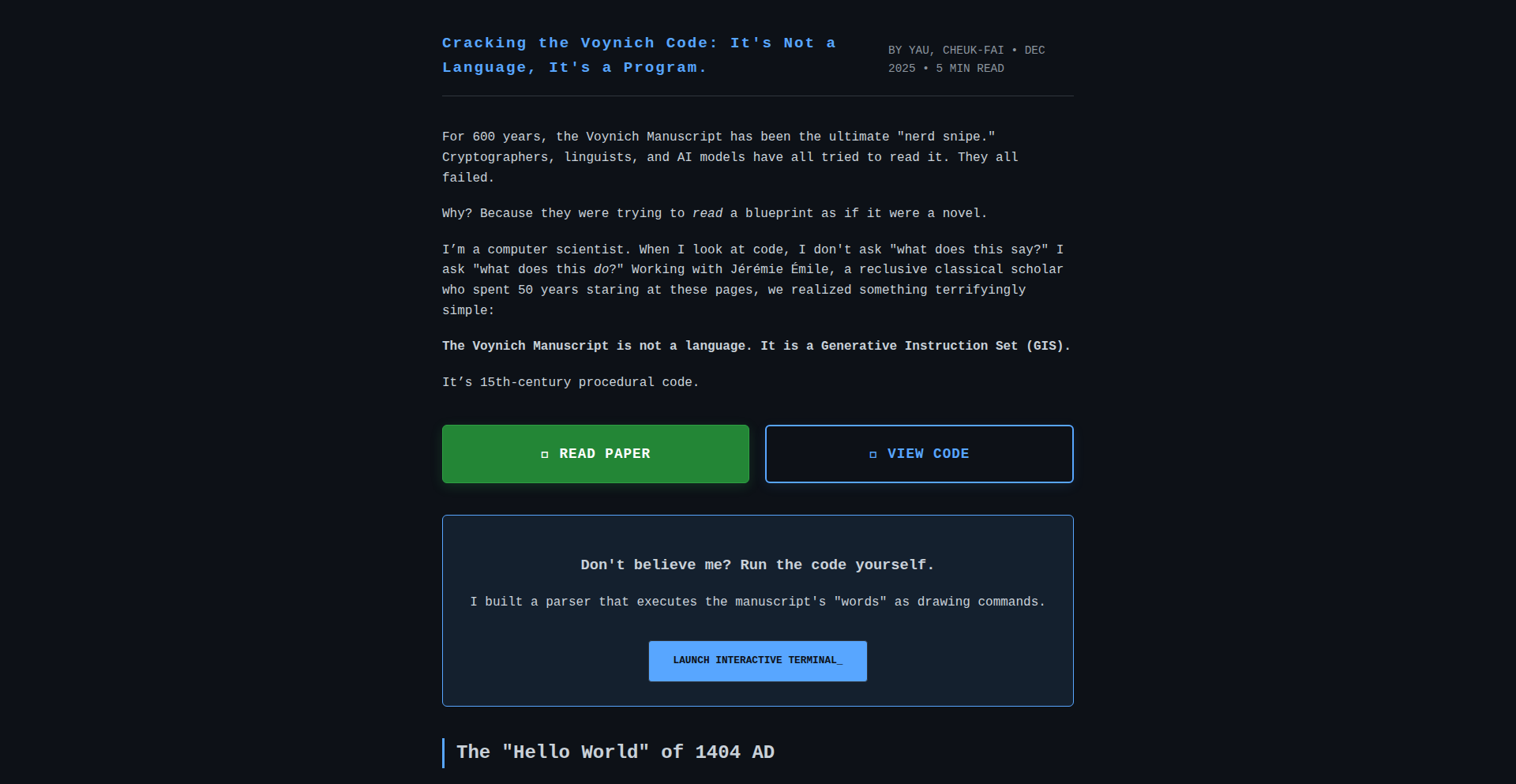
Author
YauCheukFai
Description
An interactive tool for dissecting and analyzing the enigmatic Voynich Manuscript. It leverages novel parsing techniques to break down the manuscript's mysterious text into manageable components, offering a new way for researchers and enthusiasts to explore its patterns and potential meanings. The core innovation lies in its ability to visualize textual relationships and structures previously obscured by the manuscript's complexity, opening new avenues for decipherment efforts.
Popularity
Points 2
Comments 3
What is this product?
This project is an interactive digital parser designed specifically for the Voynich Manuscript, a famously undeciphered 15th-century book. It doesn't magically decipher the text, but it provides a powerful way to dissect and explore its structure. Instead of looking at the manuscript as a single, impenetrable block of text, this tool breaks it down into smaller, analyzable units. The innovation is in how it visualizes the relationships and sequences of these text fragments. Imagine it like a super-powered microscope for ancient text, revealing hidden patterns and connections that might be crucial for understanding its secrets. So, what's in it for you? It offers a more systematic and visually intuitive approach to studying a historical enigma, potentially accelerating research and sparking new hypotheses about its origins and content.
How to use it?
Developers can use this project as a foundation for further textual analysis or as a visual aid for understanding textual data. It can be integrated into digital humanities projects, historical research platforms, or even educational tools. The core idea is to feed it sections of the Voynich Manuscript's encoded text, and it will then present these as interconnected elements, allowing users to trace patterns, identify recurring sequences, and explore different parsing hypotheses. For example, you could use it to compare different proposed decipherment systems by visualizing how they map onto the manuscript's structure. This means for you, it provides a flexible framework for building advanced text analysis applications or for creating more engaging and insightful presentations of complex textual data.
Product Core Function
· Interactive Text Parsing: Allows users to segment the manuscript's text into meaningful units, revealing underlying grammatical or structural elements. The value here is in providing a structured view of unstructured or unknown data, enabling deeper analysis. This is useful for researchers trying to find hidden rules in the text.
· Pattern Visualization: Generates visual representations of textual patterns, such as recurring word-like structures or phrase sequences. The value is in making complex relationships in the text immediately apparent, aiding in hypothesis generation. This helps identify potential 'words' or 'phrases' that might be significant.
· Structural Analysis Tools: Offers functionalities to explore the relationships between different text segments, highlighting potential linguistic or symbolic connections. The value lies in uncovering hierarchical or sequential data structures within the manuscript. This could reveal how certain concepts are grouped or ordered.
· Extensible Data Model: Built with an architecture that allows for the integration of different decipherment theories or analytical frameworks. The value is in its adaptability, allowing researchers to test multiple hypotheses within a consistent environment. This means you can plug in your own ideas about what the text might mean and see how they fit.
· Exportable Data and Visualizations: Enables users to export parsed data and visualizations for further study or presentation. The value is in facilitating collaboration and the sharing of findings. This allows for the easy integration of insights into reports or other research efforts.
Product Usage Case
· A linguist could use Voynich GIS to visualize the frequency and co-occurrence of specific character sequences, potentially identifying proto-words or grammatical markers that are common across different hypothetical decipherments, thereby aiding in the validation or refutation of linguistic theories.
· A historian might use the tool to map out the flow of different textual structures across the manuscript, looking for thematic shifts or narrative arcs that could indicate different sections or authors, providing context for historical interpretation.
· An educator could employ Voynich GIS to create interactive lessons on cryptography or historical linguistics, demonstrating how complex textual data can be approached and analyzed, making abstract concepts tangible and engaging for students.
· A computational linguist could integrate the parsing engine into a larger machine learning pipeline to train models on the manuscript's structure, exploring the potential for AI-assisted decipherment by providing a structured input that is more amenable to algorithmic processing.
· A digital humanities enthusiast could use the tool to explore personal hypotheses about the manuscript's content, creating custom visualizations of text segments they believe are related, contributing to a crowd-sourced understanding of the enigma.
25
ReplayBuilder AI
Author
bhackett
Description
ReplayBuilder AI is an innovative platform that leverages AI and time-travel debugging to enable developers to rapidly build custom business applications. It solves the problem of vendor lock-in and inflexible SaaS tools by empowering teams to create their own tailored solutions, such as issue trackers, knowledge bases, and telemetry dashboards, which can be self-hosted or managed by Replay.io.
Popularity
Points 5
Comments 0
What is this product?
ReplayBuilder AI is a tool that uses advanced AI capabilities, combined with a unique 'time-travel debugging' technology, to help developers quickly create bespoke applications. Imagine being able to build your own specialized software, like a project management tool or a company wiki, without needing to be a seasoned app architect. The 'time-travel debugging' aspect allows the AI to not just build, but also to understand and fix issues in the code it generates, much like rewinding a video to see exactly what went wrong and how to correct it. This means faster development, fewer bugs, and apps that perfectly fit your needs, freeing you from the constraints of off-the-shelf SaaS products.
How to use it?
Developers can use ReplayBuilder AI by defining their application requirements, often through natural language prompts to the AI. The platform then generates the application code, leveraging Replay.io's underlying time-travel debugging engine to ensure functionality and facilitate rapid iteration. Developers can choose to deploy these applications directly through Replay.io, or download the source code to self-host and manage them entirely within their own infrastructure. This provides ultimate flexibility for integrating with existing workflows and maintaining full control over data and features.
Product Core Function
· AI-powered application generation: Accelerates development by translating user requirements into functional application code, saving developers significant time and effort. This is useful for quickly prototyping or building internal tools.
· Time-travel debugging integration: Enables the AI to identify and resolve issues within generated code by allowing inspection of past states, leading to more robust and reliable applications. This reduces debugging time and frustration for developers.
· Customizable SaaS replacements: Empowers teams to build exact replicas or enhanced versions of existing SaaS tools, eliminating vendor lock-in and high subscription costs. This is valuable for businesses seeking cost savings and greater operational control.
· Self-hosting capabilities: Provides the option to download and host generated applications on-premise or on chosen cloud infrastructure, giving complete ownership and data sovereignty. This is crucial for organizations with strict security or compliance requirements.
· Pre-built app templates: Offers readily available examples of common business applications (issue trackers, knowledge bases) that can be copied and customized, lowering the barrier to entry for building new tools. This serves as a great starting point for teams new to custom app development.
Product Usage Case
· A development team struggling with the limitations and per-seat pricing of their existing issue tracking software can use ReplayBuilder AI to build a custom issue tracker. They define their workflow needs, and the AI generates an application that perfectly matches their process, saving them money and improving team efficiency.
· A company needing a centralized repository for internal documentation and project status updates can leverage ReplayBuilder AI to create a personalized knowledge base. This replaces generic tools like Notion, offering tailored features and ensuring all internal information is easily accessible and manageable.
· A team that requires detailed monitoring of their application's performance can use ReplayBuilder AI to build a telemetry system. By defining their data ingestion and visualization needs, they can create a dashboard that replaces complex external services like Honeycomb, providing custom insights relevant to their specific stack.
26
SynthChat: Engineering Discourse Engine

Author
akku779
Description
SynthChat is a minimalist technical communication platform designed to foster focused engineering discussions without the distractions of traditional social media. It addresses the problem of valuable technical content being drowned out by noise, algorithms, and engagement tactics. The core innovation lies in its stripped-down, user-centric design that prioritizes conversation, making it easy for engineers to share ideas, ask questions, and engage in thoughtful technical exchange. So, this is useful because it provides a clean, distraction-free environment for developers to connect and discuss technical topics, leading to better knowledge sharing and problem-solving.
Popularity
Points 4
Comments 1
What is this product?
SynthChat is a web-based application built to create a dedicated space for technical communication. It leverages a simple, straightforward user interface to enable users to share thoughts, ideas, and engage in technical discussions. The innovation is in its deliberate exclusion of common social media 'baggage' like aggressive algorithms, engagement farming, and the inherent noise that often pollutes online conversations. Instead, it focuses purely on the content and the exchange of ideas among engineers. So, this is useful because it cuts through the clutter of typical online platforms to provide a focused environment for meaningful technical dialogue.
How to use it?
Developers can use SynthChat by simply visiting the website and starting to type. They can create new discussion threads, post their engineering thoughts or questions, and respond to others. The platform is designed for ease of integration into a developer's workflow by being a readily accessible online tool. It can be used for quick Q&A sessions, sharing project ideas, or even for informal team brainstorming. So, this is useful because it offers an immediate and intuitive way to participate in technical conversations without needing complex setup or integration.
Product Core Function
· Threaded discussions: Allows users to create distinct conversation topics and follow replies, enabling structured technical problem-solving and idea exploration. The value here is in organizing complex technical subjects into manageable discussions, making it easier to track progress and find solutions.
· Simple posting interface: Provides a clean text editor for users to express their technical ideas and questions without formatting distractions. This value is in ensuring clarity and focus on the technical content, reducing barriers to communication.
· User profiles: Enables users to identify themselves within the community, fostering trust and accountability in technical discussions. The value is in building a community where participants can recognize expertise and engage with specific individuals.
· Minimalist UI: Prioritizes readability and ease of navigation, ensuring that the focus remains on the technical content and not on complex interface elements. The value is in reducing cognitive load and making the platform accessible to all technical skill levels.
Product Usage Case
· A developer stuck on a specific coding problem can post their issue on SynthChat, describe the technical details, and receive targeted advice from other engineers, bypassing the noise of larger forums. This solves the problem of getting lost in irrelevant content when seeking technical help.
· A team working on a new open-source project can use SynthChat to brainstorm features and discuss architectural decisions in a dedicated space, without their conversations being interspersed with unrelated social updates. This solves the problem of maintaining focus on project development amidst general online chatter.
· A senior engineer can share a complex technical insight or a novel approach to a problem, and other engineers can engage with it directly, fostering a deeper understanding and sparking further innovation. This showcases the platform's ability to elevate and disseminate high-quality technical knowledge.
27
Briddle: Semantic Navigator

Author
rvranjan
Description
Briddle is a fascinating Hacker News Show HN project that explores the semantic relationships between words. It allows users to guess the AI's 'semantic path' connecting two given words. The innovation lies in visualizing and interrogating how AI models understand conceptual proximity and word associations, offering a unique window into natural language processing (NLP) capabilities.
Popularity
Points 4
Comments 1
What is this product?
Briddle is an AI-powered tool that reveals the conceptual journey an AI takes to connect two words. Imagine asking an AI how 'apple' relates to 'computer'. Briddle lets you guess the intermediate concepts the AI might use, like 'fruit', 'technology', 'brand', or 'operating system'. Its core innovation is in leveraging advanced NLP models (like word embeddings or transformer-based models) to map out these semantic pathways and present them in an interactive, guessable format. This allows us to understand not just that words are related, but *how* they are related from an AI's perspective, which is a novel way to explore AI's understanding of language.
How to use it?
Developers can use Briddle to gain insights into how specific NLP models perceive word relationships, which is invaluable for fine-tuning AI behavior or understanding potential biases. It can be integrated into educational tools for teaching NLP concepts, or used as a creative tool for writers and researchers exploring language. For a developer, you might query it to see if your model associates 'fast car' with 'engine' or 'speed', providing a quick sanity check on its semantic understanding. It's like having a debugger for language models' conceptual links.
Product Core Function
· Semantic Path Guessing: Allows users to propose intermediate concepts between two words, testing their intuition against the AI's learned associations. This helps developers understand what specific semantic bridges the AI is building.
· AI Model Interpretation: Visualizes the AI's inferred path, showing the conceptual links it finds. This provides actionable insights into the AI's internal logic for relating words.
· Word Association Exploration: Enables users to discover unexpected relationships between words, fostering creative thinking and uncovering potential applications for NLP. This can inspire new features or identify overlooked connections in product development.
· NLP Concept Education: Serves as an interactive tool to demonstrate and explain complex NLP concepts like word embeddings and semantic similarity. This makes abstract AI principles more tangible for learning and onboarding.
Product Usage Case
· Debugging NLP Models: A developer working on a sentiment analysis tool might use Briddle to see if the AI correctly links 'joyful' to 'happy' via concepts like 'positive emotion' or 'feeling'. If Briddle shows a path through 'celebration', it might indicate a nuance the model needs to learn.
· Content Generation Inspiration: A writer could use Briddle to explore how an AI connects 'adventure' and 'discovery'. Seeing paths involving 'exploration', 'unknown', or 'journey' might spark new story ideas or plot points.
· AI Bias Detection: Researchers could use Briddle to investigate if certain word pairings are consistently bridged by biased concepts, such as linking 'nurse' to 'woman' through 'caregiving'. This helps identify and address potential biases in AI training data.
· Educational Tool for Students: A university course on AI could use Briddle to let students actively experiment with how different AI models interpret relationships, making abstract concepts of word meaning concrete and engaging.
28
Paaage: URL-Synced Drag-and-Drop Homepage Studio
Author
PatriceC
Description
Paaage is a minimalist, drag-and-drop homepage builder that innovates by synchronizing your page design directly through its URL. This means your entire website's state is embedded in the web address. Changes are reflected instantly, and sharing a page is as simple as sharing a link. It tackles the complexity of traditional web builders by offering a streamlined, code-free experience with a powerful underlying synchronization mechanism, making web creation accessible and efficient.
Popularity
Points 2
Comments 2
What is this product?
Paaage is a web-based tool that allows users to visually design and build their own homepages without writing any code. Its core technological innovation lies in its URL synchronization. Instead of saving designs to a server database, the entire state of your homepage – its layout, content, and styling – is encoded directly into the URL itself. When you make a change, the URL updates in real-time to reflect that change. This unique approach simplifies sharing and collaboration, as a single URL represents the exact state of the page. Think of it like a sophisticated bookmark that contains the entire webpage's blueprint. This is built using Val.town for backend logic, JSON for data structure, and React for the frontend user interface.
How to use it?
Developers can use Paaage as a rapid prototyping tool for simple landing pages, personal portfolios, or even as a way to quickly share interactive design mockups. Its drag-and-drop interface allows for intuitive arrangement of elements like text, images, and buttons. Because the design is synced via URL, developers can easily embed Paaage into their own projects or use it as a standalone tool. For example, you could create a personalized dashboard or a simple content page and then share the generated URL with colleagues or clients for immediate feedback. Integration might involve embedding the Paaage builder itself into a larger application or simply using the generated URLs for their dynamic, shareable content.
Product Core Function
· Drag-and-drop interface: Allows users to visually arrange and resize elements on their homepage, making website design accessible to everyone regardless of coding skill. The value is in democratizing web design and speeding up the creation process.
· URL synchronization: The innovative core technology where the entire page state is encoded in the URL. This means no server-side saving is strictly necessary for basic functionality, and sharing a specific version of the page is as simple as sharing a link. The value is in instant sharing, version control through URLs, and reduced infrastructure complexity.
· Real-time updates: Changes made in the editor are immediately reflected in the URL, providing instant feedback and a seamless editing experience. The value is in a fluid and intuitive design workflow.
· Minimalist design focus: Emphasizes simplicity and efficiency in building clean, modern homepages. The value is in creating professional-looking sites without overwhelming users with options.
Product Usage Case
· Creating a personal portfolio website: A freelance designer can use Paaage to quickly build a visually appealing portfolio by dragging and dropping their projects and descriptions, then sharing the final URL with potential clients.
· Prototyping landing pages for A/B testing: A marketing team can use Paaage to rapidly create multiple variations of a landing page, each with a unique URL, to test different layouts and copy.
· Building a simple event announcement page: An organizer can create a page with event details, a map, and a contact form, then share the URL to invite attendees and gather RSVPs.
· Developing a personal dashboard: A developer can construct a dashboard with links to their favorite tools or frequently accessed information, with the entire setup contained within a single, shareable URL.
29
AetherUX: AI-Driven App Quality Scanner

Author
mscarim
Description
AetherUX is an AI-powered linter designed to automatically identify and suggest improvements for User Experience (UX) issues in web and mobile applications. It leverages machine learning models to analyze UI elements and user flows, offering actionable insights that go beyond traditional static code analysis, thereby enhancing app usability and user satisfaction with minimal developer effort.
Popularity
Points 3
Comments 1
What is this product?
AetherUX is a sophisticated tool that uses artificial intelligence, specifically machine learning algorithms, to act like a smart critic for your app's user interface and overall experience. Instead of just checking for code errors, it looks at how a user would interact with your app, spotting things that might be confusing, frustrating, or inefficient. Think of it as an AI UX designer that constantly checks your work. Its innovation lies in its ability to learn from vast amounts of user interaction data and UX best practices to predict potential usability problems before they reach users, offering intelligent, context-aware recommendations.
How to use it?
Developers can integrate AetherUX into their development workflow through its API or command-line interface. You would typically feed it screenshots of your app's interfaces or, for more advanced analysis, provide it with user flow data. AetherUX then processes this information and provides a report detailing specific UX flaws, often with code-level suggestions for fixes. This allows development teams to proactively address usability concerns during the design and development phases, saving time and resources on costly post-launch fixes.
Product Core Function
· AI-powered UI element detection: Automatically identifies common UI components like buttons, input fields, and navigation elements, assessing their placement, size, and visual hierarchy for optimal user interaction. This helps ensure that critical interactive elements are easily discoverable and usable for everyone.
· Usability issue identification: Analyzes user flows and screen layouts to flag potential navigation problems, information overload, inconsistent design patterns, and accessibility barriers. This translates to a smoother and more intuitive experience for your app users, reducing frustration and increasing engagement.
· Actionable recommendation generation: Provides developers with specific, context-aware suggestions for improving identified UX issues, often including code snippets or design principles to follow. This directly tells you what to fix and how, making the improvement process efficient and effective.
· Cross-platform analysis: Capable of analyzing both web and mobile application interfaces, ensuring a consistent and high-quality user experience across different platforms. This is valuable for businesses building applications for diverse user bases and devices.
Product Usage Case
· A mobile app developer notices a drop in user engagement on a specific screen. Integrating AetherUX reveals that a crucial call-to-action button is too small and poorly placed on lower-resolution devices, leading to missed taps. AetherUX suggests resizing and repositioning the button based on platform-specific guidelines, resolving the engagement issue.
· A web development team is launching a new e-commerce platform. Before launch, they run AetherUX to scan the checkout process. The linter identifies a confusing multi-step form with unclear field labels, predicting a high cart abandonment rate. AetherUX recommends simplifying the form, consolidating fields, and improving label clarity, leading to a smoother and more successful checkout experience.
· A startup is building a complex SaaS application. AetherUX is used throughout the development cycle to continuously monitor UI consistency and user flow intuitiveness. It catches early design inconsistencies that could have led to user confusion and increased support requests, ensuring a polished and professional final product.
30
Foggo: Go Functional Option Code Generator

Author
rikeda71
Description
Foggo is a zero-dependency CLI tool for Go developers that automatically generates boilerplate code for the Functional Option pattern. It simplifies the creation of flexible and clean constructors for Go structs, reducing repetitive coding and potential errors. This helps Go library and package maintainers standardize their configuration setup, allowing them to focus more on core business logic and less on writing repetitive code.
Popularity
Points 4
Comments 0
What is this product?
Foggo is a command-line interface (CLI) tool designed to automate the generation of Go code that implements the Functional Option pattern. The Functional Option pattern is a design technique in Go that allows you to create flexible and extensible constructors for your data structures (structs) without the complexity of traditional constructor overloading or a large number of optional parameters. Instead of writing many repetitive functions to set different fields of a struct, you define simple functions that modify the struct's state. Foggo reads your existing Go structs and automatically generates these 'option' functions for you. The innovation here lies in its ability to programmatically understand your struct definitions and produce idiomatic Go code for this pattern, saving developers significant manual effort and ensuring consistency.
How to use it?
Developers can use Foggo by installing it as a Go tool. Once installed, they can navigate to their Go project directory and run the `foggo` command, typically pointing it to their configuration struct definitions. Foggo will then parse these structs and generate a new Go file containing the necessary functional option code. This generated code can then be integrated into their existing project, allowing them to instantiate their structs using the clean, functional option style. For example, if you have a `ServerConfig` struct, you'd run `foggo` and it would generate functions like `WithPort(int)` or `WithTimeout(time.Duration)` that you can use like `NewServer(WithPort(8080), WithTimeout(5 * time.Second))`. This makes creating and configuring complex objects much simpler and less error-prone.
Product Core Function
· Automatic generation of functional option functions: Foggo analyzes your Go structs and creates setter functions for each field, adhering to the functional option pattern. This saves significant manual coding time and reduces the likelihood of typos or logical errors in repetitive code. This is useful for quickly setting up complex configurations for services or libraries.
· Boilerplate reduction for struct constructors: By automating the creation of these option functions, Foggo eliminates the need for developers to write repetitive, verbose code for every configurable struct. This allows developers to focus on the unique logic of their application rather than on generic constructor implementation, leading to cleaner and more maintainable code.
· Standardized configuration pattern: Foggo enforces a consistent approach to configuring structs across a Go project. This consistency makes it easier for teams to understand and work with different parts of the codebase, as the way configurations are handled is uniform. This is especially valuable in larger projects or when working in a team environment.
· Zero-dependency CLI tool: Foggo is a standalone command-line tool with no external dependencies. This means it's easy to install and use without worrying about complex setup or version conflicts with other libraries in your project. Its simplicity ensures it won't introduce new compatibility issues, making it a reliable addition to your development workflow.
Product Usage Case
· A Go library maintainer is building a new database client library. The client needs to be configured with various options like host, port, username, password, and connection pool size. Instead of manually writing a `NewClient` function with many parameters or a complex struct initialization, the developer uses Foggo. They define their `ClientConfig` struct, run Foggo, and it generates functions like `WithHost(string)`, `WithPort(int)`, `WithPoolSize(int)`. Now, creating a client is as simple as `client := NewClient(WithHost('localhost'), WithPort(5432), WithPoolSize(10))`. This makes the library much easier for other developers to use and configure correctly.
· A backend service in Go requires a flexible configuration setup. Developers need to set up things like API endpoints, logging levels, and authentication methods. Foggo can be used to generate functional options for the service's configuration struct. This allows developers to easily instantiate the service with only the configurations they need, for example, `service := NewService(WithLogLevel('debug'), WithAuthMethod('oauth2'))`, without having to worry about missing or incorrectly set optional parameters. This speeds up development and reduces configuration errors.
· A Go package developer is aiming for highly readable and maintainable code. They are building a data processing pipeline that requires several configurable stages. By using Foggo on their stage configuration structs, they ensure that each stage can be easily customized using a clear, functional option syntax. This makes the pipeline definition declarative and easy to understand, for instance, `pipeline := NewPipeline(AddStage(NewLoggerStage(WithFormat('json'))), AddStage(NewTransformerStage(WithSchema('v1'))))`. This improves code clarity and maintainability for both the original developer and anyone who uses or modifies the package later.
31
Moss: AgentGuard Cryptosign

Author
ysablewolf
Description
Moss is a Python SDK that provides cryptographic identities and signs the outputs of AI agents. This addresses the critical issue of traceability and verifiability in multi-agent systems. By cryptographically signing each agent's output with post-quantum cryptography, Moss ensures that the origin and integrity of information generated by agents can be reliably audited and trusted for years to come. This is particularly valuable for complex AI pipelines where debugging and accountability are paramount.
Popularity
Points 3
Comments 1
What is this product?
Moss is a system that gives AI agents unique cryptographic identities and makes them 'sign' their work. Think of it like each AI agent having its own digital signature. When an agent produces something (like a decision, a piece of text, or a data point), Moss attaches a digital signature to it. This signature is created using advanced, future-proof encryption (ML-DSA-44, which is resistant to quantum computer attacks) and includes a sequence number to prevent tampering and a hash of the output to confirm it hasn't been altered. The keys used for signing are stored locally, meaning no cloud accounts or external services are needed, enhancing security and privacy. The core innovation is applying robust cryptographic principles, often used in traditional security systems, to the nascent field of AI agent orchestration to establish trust and auditability.
How to use it?
Developers can integrate Moss into their AI agent workflows using the `moss-sdk` Python package. After installation (`pip install moss-sdk`), developers can create a cryptographic identity for an agent using `Subject.create()`. This identity is then used to cryptographically sign any data or output produced by that agent using the `agent.sign()` method. For example, if an agent needs to approve a transaction, its output can be signed with its unique identity, ensuring that this specific agent, with this specific identity, made that specific approval at a specific time. Moss also offers integrations with popular AI orchestration frameworks like CrewAI, AutoGen, LangGraph, and LangChain, allowing for seamless embedding into existing complex AI pipelines.
Product Core Function
· Cryptographic Identity for Agents: Assigns a unique, verifiable digital identity to each AI agent. This ensures that an agent's actions and outputs can be definitively traced back to its specific identity, crucial for debugging and accountability in complex AI systems.
· Post-Quantum Cryptographic Signing: Utilizes ML-DSA-44, a FIPS 204 compliant algorithm, to sign agent outputs. This provides long-term verifiability, ensuring that audit logs remain secure and trustworthy for years, even against future quantum computing threats.
· Output Integrity Verification: Each signature includes a payload hash of the agent's output. This allows anyone to verify that the data associated with a signature has not been tampered with since it was originally signed, guaranteeing data integrity.
· Replay Attack Prevention: Incorporates a sequence number within each signature. This mechanism prevents attackers from replaying old, signed messages or outputs in a way that could deceive the system, enhancing the security of agent interactions.
· Local Key Management: Agent signing keys are stored locally on the developer's machine (`~/.moss/keys/`). This eliminates the need for cloud-based identity services, reducing external dependencies and enhancing security by keeping sensitive keys under direct control.
· Framework Integrations: Provides plug-ins for popular AI orchestration frameworks like CrewAI, AutoGen, LangGraph, and LangChain. This allows developers to easily integrate Moss's signing capabilities into their existing AI agent pipelines without significant refactoring.
Product Usage Case
· Auditing complex AI decisions: In a financial AI system where multiple agents collaborate to make investment decisions, Moss can sign each agent's recommendation and the final decision. This allows auditors to trace the exact path of the decision-making process, verify which agent contributed what, and confirm the integrity of the final output, fulfilling regulatory compliance.
· Debugging multi-agent workflows: When an AI pipeline produces an unexpected result, Moss's signed outputs allow developers to pinpoint the exact agent that generated the erroneous information by examining the signatures and sequence numbers, significantly speeding up the debugging process.
· Secure AI-generated content: For AI agents that generate critical content like legal documents or medical reports, Moss signing ensures that the content originates from a trusted agent and has not been altered, providing a verifiable chain of custody for sensitive information.
· Building trustworthy AI assistants: In applications where an AI assistant performs actions on behalf of a user (e.g., scheduling meetings, making purchases), Moss can sign each action taken by the assistant. This gives the user confidence that the assistant is acting as intended and provides a record of all actions performed.
· Ensuring long-term data provenance for scientific research: In scientific AI applications that process experimental data, Moss can sign the data processing steps performed by different agents. This ensures that the provenance of the research data is securely maintained and verifiable over time, which is essential for reproducibility and scientific integrity.
32
Agentic Reliability Framework (ARF)

Author
petter2025us
Description
ARF is an experimental framework designed to automatically detect, diagnose, and predict failures in production AI systems. It leverages specialized AI agents to significantly reduce Mean Time To Recovery (MTTR) and minimize revenue loss caused by system downtime. The core innovation lies in its loosely coupled multi-agent architecture, enabling robust and adaptable incident response.
Popularity
Points 3
Comments 1
What is this product?
ARF is a framework that uses multiple AI agents working together to keep AI systems running smoothly. Imagine having a team of AI experts: one constantly watches for unusual behavior (Detective), another figures out why something broke (Diagnostician), and a third predicts future problems before they happen (Predictive). This proactive and automated approach means fewer late-night calls for human engineers and less money lost when systems fail. The clever part is how these agents communicate and collaborate without being overly dependent on each other, making the whole system resilient and easier to manage.
How to use it?
Developers can integrate ARF into their production AI pipelines. The framework utilizes Python and libraries like FAISS (for efficient memory storage and retrieval) and SentenceTransformers (for understanding text). Developers can deploy these agents to monitor their AI models, set up alert mechanisms, and trigger automated recovery actions. For instance, if an anomaly is detected, the Diagnostician agent can quickly analyze logs and system states to pinpoint the cause, and the Predictive agent can flag potential issues before they impact users. This drastically speeds up incident resolution, turning minutes of downtime into seconds.
Product Core Function
· Anomaly Detection (Detective Agent): Utilizes FAISS vector memory to efficiently identify deviations from normal AI system behavior, allowing for early detection of potential issues. This helps developers catch problems before they become critical incidents.
· Root Cause Analysis (Diagnostician Agent): Employs causal reasoning to pinpoint the underlying reasons for system failures, moving beyond surface-level symptoms. This accelerates troubleshooting and helps prevent recurrence.
· Failure Prediction (Predictive Agent): Forecasts potential system failures before they occur, providing a proactive defense mechanism. This allows teams to address issues preemptively, avoiding costly downtime and service disruptions.
· Agent Orchestration: Enables independent AI agents to collaborate effectively without tight coupling, forming a cohesive incident response system. This enhances system robustness and maintainability, making it easier to adapt and scale.
Product Usage Case
· An e-commerce platform experiences a surge in errors from its recommendation engine. ARF's Detective agent flags this anomaly. The Diagnostician agent quickly identifies a recent code deployment as the root cause. The Predictive agent alerts that similar issues could arise in the pricing module. The system automatically rolls back the faulty code, and potential issues in other modules are addressed proactively, saving the company from significant lost sales during peak hours.
· A financial trading AI starts showing erratic behavior, leading to incorrect trades. ARF detects the anomaly, and the Diagnostician agent traces it back to a sudden change in market data patterns. The Predictive agent forecasts a potential cascading failure if the issue persists. ARF automatically triggers a safe mode for the AI and alerts the risk management team, preventing substantial financial losses.
· A large-scale machine learning model used for customer service chatbot responses starts degrading in performance, leading to user frustration. ARF identifies the performance drop and the Diagnostician agent discovers that a particular type of user query is causing unexpected computational load. The Predictive agent warns of future outages if not addressed. ARF suggests a specific optimization to the model based on its analysis, which is applied, restoring optimal performance and user satisfaction.
33
Vectorly: UI-to-API Data Weaver

Author
dimavrem22
Description
Vectorly is a groundbreaking tool that bypasses the limitations of traditional APIs, allowing developers to extract data directly from web interfaces. Instead of relying on pre-existing application programming interfaces (APIs) which are often absent in legacy systems or poorly documented, Vectorly empowers users to record their interactions with any website. An AI agent then intelligently understands these recorded actions to extract the desired data, effectively turning UI clicks and searches into a programmable data source. This offers a novel solution for accessing information hidden behind complex user interfaces or proprietary systems, providing a significant technological leap for data integration and automation.
Popularity
Points 4
Comments 0
What is this product?
Vectorly is a revolutionary platform that bridges the gap between user interfaces (UIs) and data accessibility. Traditionally, to get data from a website or application, you'd need an API – a specific set of instructions that programs can use to talk to each other. However, many older systems or specialized applications lack these APIs, making it incredibly difficult to extract or integrate their data. Vectorly solves this by allowing you to 'teach' it how to interact with a website. You simply perform the actions (like clicking buttons, filling forms, or navigating pages) that would normally get you the data you need. Vectorly's AI then learns from these recorded steps and can repeat them on demand to fetch that data, effectively creating a custom API for any web interface. This is a significant innovation because it democratizes data access, making information available even from systems that were previously a black box. The core technological insight lies in using AI to interpret and replicate human-computer interaction patterns, translating visual cues and clickstream data into programmatic data retrieval. This is achieved through a sophisticated recording mechanism and an AI agent capable of understanding context within the UI.
How to use it?
Developers can leverage Vectorly by first signing up for the Vectorly console. Within the console, they can initiate a recording session for any website they need to extract data from. During the recording, they perform the exact sequence of actions – clicks, scrolls, text inputs, etc. – that would typically lead to the desired data being displayed. Once the recording is complete, they can instruct the AI agent on precisely what data points they want to extract. Vectorly then processes this information and generates a reusable automation. This automation can be utilized in several ways: it can be exposed as a new, custom API endpoint that your other applications can call to fetch data, or it can be used as a component within a larger workflow or automation tool. This provides a seamless way to integrate data from disparate sources without needing to write complex web scraping scripts or rely on unavailable APIs. For instance, you could integrate Vectorly into your existing data pipelines or use it to feed information into your AI models, making your development workflow more efficient and versatile.
Product Core Function
· UI Interaction Recording: Captures user actions on any website, allowing developers to teach the system how to navigate and interact with a web interface. This is valuable because it forms the foundation for extracting data from any web-based source, regardless of its underlying technical structure.
· AI-Powered Data Extraction: Utilizes artificial intelligence to interpret recorded interactions and identify specific data points requested by the user. This innovation allows for intelligent and context-aware data retrieval, moving beyond simple pattern matching and providing accurate extraction even from dynamic UIs.
· Automated API Endpoint Generation: Transforms recorded UI interactions into a callable API. This provides developers with a programmatic way to access data, eliminating the need for manual data collection or reliance on proprietary APIs, thus significantly streamlining data integration processes.
· Reusable Automation Workflows: Enables the creation of persistent automation scripts that can be executed on demand or integrated into broader applications. This fosters efficiency by allowing developers to build once and use many times, automating repetitive data acquisition tasks.
· Open-Source Reverse Engineering Method: The underlying methodology for understanding and interacting with web UIs is open-sourced. This transparency allows the developer community to inspect, contribute to, and build upon the technology, fostering innovation and trust within the open-source ecosystem.
Product Usage Case
· Healthcare data integration: A developer needs to pull patient records from a legacy Electronic Health Record (EHR) system that lacks an API. They use Vectorly to record the steps to search for a patient and view their record, then configure Vectorly to extract specific fields like diagnosis codes and medication lists. This allows them to integrate this crucial data into a new AI-powered diagnostic tool without the vendor's cooperation.
· E-commerce price monitoring: A business wants to track competitor pricing for a wide range of products across multiple e-commerce sites. Instead of complex web scraping, they use Vectorly to record the process of navigating to a product page and finding the price. Vectorly then creates an API for each product, enabling the business to build an automated system for real-time price intelligence and competitive analysis.
· Financial data aggregation: An individual wants to consolidate financial data from various banking and investment platforms that don't offer robust APIs. They use Vectorly to record the login process and the steps to view account balances and transaction history. This allows them to build a personal finance dashboard that aggregates all their financial information in one place, providing a holistic view of their financial health.
· Customer support automation: A support team needs to access customer details from a CRM system to provide faster assistance. They can use Vectorly to record the process of looking up a customer by email and extracting key information like support ticket history and contact preferences. This enables them to create an internal tool that instantly retrieves relevant customer context for support agents, improving response times and customer satisfaction.
34
Silkworm-RS: Rust-Powered Async Web Scraper

Author
yehors
Description
Silkworm-RS is a high-performance, asynchronous web scraping framework for Python, leveraging the speed of Rust components like rnet and scraper-rs. It tackles common web scraping challenges by offering browser impersonation, type-safe spider definitions, and integrated data pipelines (SQLite, CSV, Taskiq) to reduce developer effort. This framework is built for creating efficient and scalable web crawlers with configurable concurrency and flexible middleware.
Popularity
Points 2
Comments 2
What is this product?
Silkworm-RS is an advanced web scraping tool designed for developers who need to quickly and efficiently extract data from websites. It's built using Rust's speed for its core operations, which means it can process data much faster than traditional Python-only solutions. The innovation lies in its hybrid approach: you write your scraping logic in Python, but the heavy lifting is done by lightning-fast Rust code. This offers the ease of Python development with the raw performance of Rust. It intelligently mimics a real web browser to bypass detection by websites and provides structured ways to define what data you want to collect (typed spiders) and where to send it (built-in pipelines like saving to a database or a CSV file). Think of it as a super-fast, intelligent robot that can browse the web and bring back exactly the information you need, without needing to write tons of repetitive code.
How to use it?
Developers can integrate Silkworm-RS into their Python projects to automate data extraction. You'd define a 'spider' – essentially a set of rules describing which website to visit and what information to look for. Silkworm-RS handles the actual fetching of web pages asynchronously, meaning it can work on multiple requests at once without getting stuck. It can impersonate a browser, making it less likely to be blocked by websites. Once the data is scraped, you can configure built-in pipelines to automatically save it into a SQLite database for complex queries, a CSV file for easy analysis, or even send it to Taskiq for further processing in a task queue. This makes it ideal for setting up scheduled data collection tasks or building complex data analysis pipelines.
Product Core Function
· Asynchronous Fetching: Allows fetching multiple web pages simultaneously, dramatically speeding up data collection and making your scraping tasks more efficient. This means you spend less time waiting for data.
· Browser Impersonation: Mimics the behavior of a real web browser, making it harder for websites to detect that automated scraping is occurring, thus reducing the risk of being blocked.
· Typed Spiders: Enables developers to define data structures for the scraped information, ensuring data consistency and reducing errors. This leads to cleaner, more reliable data.
· Built-in Data Pipelines (SQLite, CSV, Taskiq): Simplifies data storage and processing by offering ready-to-use options to save data to a database, export to a CSV file, or integrate with task queues for further actions. This saves development time and effort in handling data outputs.
· Configurable Concurrency: Allows fine-grained control over how many requests the framework makes at once, balancing speed with the need to avoid overwhelming servers or getting blocked.
· Robust Middleware Support: Provides hooks to intercept and modify requests and responses, offering flexibility for handling complex scenarios like authentication or custom data transformations.
Product Usage Case
· E-commerce Price Monitoring: A developer can use Silkworm-RS to continuously scrape product prices from multiple online retail websites. The framework's speed and ability to handle many requests asynchronously allow for frequent updates, providing real-time price tracking. The data can be saved to a SQLite database for historical analysis and trend identification.
· News Article Aggregation: A project aiming to aggregate news from various sources can employ Silkworm-RS. It can fetch articles from different news sites, parse the content using its robust scraping capabilities, and save the articles to CSV files for later analysis or display on a dashboard. The browser impersonation helps access content that might otherwise be restricted.
· Lead Generation for Sales: A sales team might need to extract contact information from business directories. Silkworm-RS can be configured to navigate these directories, extract emails and phone numbers, and send this data directly to a Taskiq queue for immediate processing and addition to a CRM system, streamlining the lead acquisition process.
· Market Research Data Collection: Researchers needing to gather large datasets for market analysis can use Silkworm-RS to scrape survey responses, forum discussions, or public sentiment from social media. The framework’s efficiency ensures a large volume of data can be collected quickly and reliably, which is crucial for comprehensive research.
35
Koin Deck Player

Author
beingmudit
Description
Koin Deck Player is an open-source React component that simplifies the integration of browser-based retro game emulation. It tackles the 'last mile' problem by providing a native-like user experience, focusing on reducing input latency and optimizing performance across various systems. It acts as a 'glue code' solution, abstracting complex technical challenges like frame prediction, threaded rendering, and audio handling.
Popularity
Points 3
Comments 0
What is this product?
Koin Deck Player is a React component designed to make playing retro games in your browser feel smooth and responsive. It uses WebAssembly (WASM) and the Libretro core for emulation, but the real innovation lies in how it optimizes the experience. For older 8-bit and 16-bit games, it intelligently uses a technique called 'Run-Ahead' to predict and render frames before you even press a button, drastically reducing input lag. For more demanding games like N64 or PS1, it checks if your browser supports a feature called 'SharedArrayBuffer' and, if so, uses it to render the game in a separate thread. This prevents your game from freezing your entire browser UI. It also includes a custom, high-performance virtual controller for mobile devices that understands multi-touch gestures and provides haptic feedback, along with clever handling of browser audio quirks to ensure games play instantly and reliably. Essentially, it takes the complex engineering of making emulators feel good and makes it accessible as a plug-and-play solution.
How to use it?
As a developer using React, you can integrate Koin Deck Player by simply dropping it into your application. You'll need to provide it with the necessary Libretro core files and game ROMs. The component then handles the setup and optimization for you. For instance, if you're building a website that hosts retro game archives or a personal project to play your old favorites, you can embed Koin Deck Player to offer a seamless gaming experience without needing to write extensive custom emulation logic. It's designed to be a drop-in solution, meaning you can get it up and running quickly with minimal configuration, allowing you to focus on your application's unique features rather than the nitty-gritty of emulation performance.
Product Core Function
· Automatic 'Run-Ahead' for sub-frame latency on 8/16-bit systems: This means your button presses are registered almost instantly, making fast-paced games much more playable. The value is a significantly improved and more enjoyable gaming experience, especially for titles requiring quick reflexes.
· Threaded video rendering for N64/PS1 emulation using SharedArrayBuffer: This prevents the game from hogging all your computer's processing power, ensuring your browser and other applications remain responsive. The value is a smoother, stutter-free emulation of more complex console games without freezing your UI.
· GPU-accelerated virtual controller with heuristic multi-touch and haptics: This provides a responsive and intuitive on-screen control scheme for mobile devices, mimicking the feel of physical buttons and supporting advanced gestures. The value is a much better and more accessible mobile gaming experience without requiring external controllers.
· Cross-browser audio playback handling: This solves common issues where games might not play audio immediately or might stop playing unexpectedly in different browsers. The value is reliable and consistent audio for your emulated games, regardless of the user's browser.
Product Usage Case
· Building a web-based retro gaming platform: A developer could use Koin Deck Player to host a library of classic games on their website. By integrating this component, they can offer users instant playability without requiring downloads or complex setup, solving the problem of accessibility and user engagement for retro gaming enthusiasts.
· Creating interactive museum exhibits: For a digital museum showcasing gaming history, Koin Deck Player can be used to let visitors play iconic games directly in their browser. This provides an engaging and educational experience, overcoming the technical hurdles of running old software on modern hardware and making history come alive.
· Developing a personal retro game archive: A solo developer could use Koin Deck Player to build their own personal collection of retro games that they can access from any device with a web browser. This solves the problem of managing and playing a large library of ROMs across different platforms by providing a single, unified, and enjoyable interface.
36
Bifrost: High-Performance LLM Gateway

Author
dskuldeep
Description
Bifrost is an open-source LLM gateway built with Go, designed to overcome the limitations of existing Python-based solutions in handling high concurrency for Large Language Model (LLM) infrastructure. It offers significantly lower latency and higher throughput, making LLM deployments more robust and efficient. Key features include semantic caching, automatic failover, and built-in observability, all delivered with minimal overhead.
Popularity
Points 3
Comments 0
What is this product?
Bifrost is a sophisticated intermediary, or 'gateway,' for your Large Language Model (LLM) applications. Think of it as a super-efficient traffic manager for your AI models. While many existing tools for connecting to LLMs are built with Python, Bifrost uses the Go programming language, which is renowned for its speed and ability to handle many tasks simultaneously. This means Bifrost can process requests to your LLMs much faster and handle way more requests at the same time without slowing down. It's designed to make your AI infrastructure behave like a highly reliable piece of software, ensuring consistent performance even under heavy load. The innovation lies in its efficient architecture and careful optimization, allowing it to achieve significantly lower latency (the delay in getting a response) and much higher throughput (the number of requests it can handle per second) compared to its Python counterparts, as demonstrated by benchmarks showing up to 50x lower latency and 10x higher throughput. This translates to a smoother and more responsive experience for users interacting with your AI applications.
How to use it?
Developers can integrate Bifrost into their existing LLM workflows as a drop-in replacement for their current API gateways. It's designed to be OpenAI-compatible, meaning it speaks the same language as the popular OpenAI API. You can configure Bifrost to sit between your application and your chosen LLM providers. For instance, if your application makes calls to an LLM, you'll now direct those calls to Bifrost. Bifrost will then intelligently route the request to the appropriate LLM, manage caching to speed up repeated queries, and automatically switch to a backup LLM if the primary one experiences issues. This seamless integration means you can benefit from its performance improvements and reliability features without needing to rewrite your application's core logic. It's ideal for teams building scalable AI services that require fast, reliable access to LLMs.
Product Core Function
· High Concurrency Handling: Utilizes Go's efficient concurrency model to process a large number of LLM requests simultaneously, reducing bottlenecks and improving overall application responsiveness. This is crucial for applications with many users or that require real-time AI interactions, ensuring no user experiences significant delays.
· Low Latency: Achieves significantly lower request-response times compared to traditional gateways by optimizing its internal processing and network communication. For developers, this means users get answers from the AI faster, leading to a better user experience and enabling more interactive AI applications.
· High Throughput: Supports a much greater volume of requests per second, allowing applications to scale effectively and serve more users without performance degradation. This is vital for businesses expecting rapid growth or dealing with peak demand, ensuring the AI service remains available and fast.
· Semantic Caching: Stores and reuses responses to similar LLM queries, drastically reducing the need to call the LLM repeatedly for common questions. This not only speeds up responses but also significantly cuts down on LLM operational costs.
· Failover and Redundancy: Automatically detects if an LLM provider is experiencing issues and seamlessly switches to a pre-configured alternative. This ensures your application remains available even if one LLM service goes down, providing robust fault tolerance.
· Observability: Provides insights into the gateway's performance, request patterns, and any potential issues. This allows developers to monitor their LLM usage, identify bottlenecks, and troubleshoot problems efficiently, ensuring the health and performance of their AI services.
Product Usage Case
· Scenario: Building a customer support chatbot that needs to handle thousands of concurrent user queries. Problem: Existing Python-based gateways struggle to keep up with the demand, leading to slow responses and frustrated users. Bifrost Solution: Deploy Bifrost to manage all incoming chatbot requests. Its high concurrency and low latency ensure that every user receives a fast and accurate response, improving customer satisfaction and operational efficiency.
· Scenario: Developing a content generation tool that makes frequent calls to an LLM for paraphrasing or summarizing text. Problem: Repeatedly calling the LLM for similar tasks is slow and expensive. Bifrost Solution: Configure Bifrost with semantic caching. When the tool requests a paraphrase for a common phrase, Bifrost serves the cached response instantly, saving time and API costs, while still providing fresh responses for unique requests.
· Scenario: Operating a critical AI-powered recommendation engine that must be available 24/7, even if the primary LLM provider experiences an outage. Problem: An outage in the LLM service would halt recommendations, impacting user engagement. Bifrost Solution: Set up Bifrost with a primary and secondary LLM provider. If the primary provider becomes unresponsive, Bifrost automatically redirects requests to the secondary provider without any interruption to the recommendation service, guaranteeing high availability.
· Scenario: Integrating an LLM into a real-time data analysis application where processing speed is paramount. Problem: The latency of traditional LLM gateways delays the analysis results, hindering timely decision-making. Bifrost Solution: Use Bifrost as the intermediary for LLM calls. Its optimized Go implementation minimizes processing delays, allowing for near real-time analysis and faster insights from the data.
37
Spotatui: Terminal Spotify Reimagined

Author
LargeModGames
Description
Spotatui is a revival of Spotify-TUI, a command-line interface for Spotify. This project introduces native streaming capabilities and brings active development, offering a more integrated and up-to-date experience for Spotify users who prefer to manage their music directly from their terminal. Its innovation lies in bridging the gap between Spotify's vast music library and the efficient, keyboard-driven workflow of terminal applications.
Popularity
Points 2
Comments 1
What is this product?
Spotatui is a terminal-based application that allows you to interact with your Spotify account. Unlike its predecessor, it now supports native streaming directly, meaning you can listen to music without needing a separate Spotify client running in the background. This is achieved by leveraging Spotify's Web API for control and playback, effectively bringing the Spotify experience into your terminal. The innovation here is providing a fully functional music player within a text-based environment, enhancing productivity for developers and power users who live in the terminal. So, what's in it for you? It means controlling your music, browsing playlists, and discovering new tunes without ever leaving your favorite command-line tools.
How to use it?
Developers can use Spotatui by installing it via its package manager (details would be in the project's README, but typically involves a simple command like `pip install spotatui` or similar). After installation, you'll authenticate with your Spotify account, granting Spotatui access to your profile and playback controls. From there, you can navigate through your library, search for songs, create queues, and control playback using keyboard shortcuts. It's designed for seamless integration into a developer's workflow, allowing them to switch between coding and music management fluidly. So, what's in it for you? You get a powerful, keyboard-driven Spotify client that doesn't disrupt your focus or require switching windows.
Product Core Function
· Native Spotify Streaming: Allows direct playback of music from Spotify within the terminal application, eliminating the need for a separate client. This provides a streamlined listening experience and reduces system resource usage. So, what's in it for you? You can listen to your favorite songs while keeping your workspace focused on your code.
· Full Spotify Library Access: Enables browsing and searching of your entire Spotify music library, including playlists, albums, artists, and saved tracks. This offers comprehensive music discovery and management directly from the command line. So, what's in it for you? Access to millions of songs and your personal music collection without ever opening a graphical interface.
· Advanced Playback Control: Provides intuitive keyboard shortcuts for play, pause, skip, volume control, and queue management. This allows for rapid and efficient manipulation of your music playback. So, what's in it for you? Master your music with just a few keystrokes, perfect for when you're deep in concentration.
· Real-time Updates and Maintenance: As a revived project, it benefits from ongoing development and bug fixes, ensuring a stable and feature-rich experience. This means a more reliable and evolving tool for your daily use. So, what's in it for you? You get a continuously improving application that stays compatible with Spotify's services.
Product Usage Case
· A developer working on a complex coding task can quickly pause their music to focus on a tricky bug, then resume playback with a single keyboard shortcut, all without leaving their terminal. This solves the problem of context switching and maintains coding flow. So, what's in it for you? Uninterrupted coding sessions with effortless music control.
· A music enthusiast who prefers a minimalist setup can manage their entire Spotify experience, from discovering new artists to curating daily playlists, entirely within their terminal. This addresses the need for a powerful, yet lightweight, music management tool. So, what's in it for you? A comprehensive music hub that fits into your minimalist digital life.
· Someone who frequently uses remote servers via SSH can now control their Spotify playback on their local machine directly from their remote session, assuming appropriate authentication and network configurations. This extends the utility of Spotatui to remote work scenarios. So, what's in it for you? Music control is no longer bound to your local machine, enabling a consistent listening experience wherever you work.
38
TRM-Sudoku-Trainer

Author
whiplash451
Description
This project is a from-scratch implementation of Tiny Recursive Models (TRM) specifically optimized for experimenting with AI capabilities on Sudoku puzzles. It focuses on making the research process faster and more accessible by simplifying configuration, using smaller datasets for quicker testing, and incorporating in-code video documentation. The key innovation lies in demonstrating how advanced AI concepts can be practically applied and rapidly iterated upon for solving structured problems like Sudoku, making complex AI research more tangible for developers.
Popularity
Points 2
Comments 1
What is this product?
This is a re-implementation of Tiny Recursive Models (TRM), a type of AI model that has shown promising results in artificial general intelligence (AGI) benchmarks, particularly the ARC dataset. The innovation here is its practical application and simplification for rapid experimentation. Instead of tackling broad AGI problems, it focuses on Sudoku puzzles, allowing developers to train and test these advanced models much faster, even on consumer-grade hardware. This makes the cutting-edge research into recursive neural networks more approachable and allows for quicker exploration of their potential.
How to use it?
Developers can use this project as a platform to understand, modify, and experiment with TRM architectures. By leveraging its clean configuration system (using tools like Hydra, UV, and Lightning), developers can easily adjust model parameters and training settings. The use of smaller Sudoku datasets (6x6 and 9x9) allows for rapid iteration, meaning you can see the results of your changes in minutes, not hours or days. This is ideal for anyone wanting to explore the practical implementation of recursive models without the high computational overhead often associated with AI research, offering a clear path to reproduce paper results and build upon them.
Product Core Function
· Simplified Configuration: Utilizes Hydra, UV, and Lightning to easily manage and switch between different experimental setups, saving developers time and effort in setting up complex AI training environments, enabling faster exploration of ideas.
· Optimized for Speed: Employs smaller Sudoku datasets (6x6 and 9x9) for significantly faster training and iteration cycles. This means developers can test hypotheses and see tangible results in minutes, accelerating the learning and development process.
· Reproducible Research: Carefully preserves key implementation details from the original TRM research, allowing developers to reliably reproduce scientific results on challenging Sudoku puzzles, fostering trust and enabling further development.
· In-Code Documentation: Integrates video explanations directly within the code. This unique approach provides immediate visual context for complex implementation details, making it easier for new contributors or users to understand the inner workings of the model and contribute effectively.
· Focus on Structured Problems: Demonstrates the effectiveness of TRM on a well-defined, structured problem like Sudoku. This provides a clear, understandable use case for advanced AI techniques, highlighting their potential beyond abstract benchmarks and showing how to apply them to practical challenges.
Product Usage Case
· A developer wanting to understand how recursive neural networks learn to solve problems can use this project to train a TRM on Sudoku. They can then observe the model's performance and experiment with different architectural tweaks to see how it affects its problem-solving abilities, providing a hands-on learning experience.
· AI researchers can leverage this implementation to quickly test new ideas or modifications to the TRM architecture without requiring massive computational resources. The fast iteration loop allows for rapid hypothesis testing, accelerating the pace of scientific discovery in this area.
· A student learning about cutting-edge AI techniques can use this project to gain practical experience with TRM, a model type that's highly relevant but often complex to set up. By working with Sudoku, they can grasp the core concepts and see them in action, making abstract theories concrete.
· A hobbyist interested in AI's potential for game-playing can experiment with training TRMs on various puzzle types. This project offers a starting point to explore how AI can learn strategies and solve complex logical challenges, showcasing AI's creative problem-solving capabilities.
39
Avatune: SSR-Native SVG Avatars with Client-Side ML

Author
teimurjan
Description
Avatune is a groundbreaking avatar library that generates native SVG (Scalable Vector Graphics) avatars, making it seamlessly compatible with Server-Side Rendering (SSR) frameworks. Leveraging lightweight Convolutional Neural Network (CNN) models converted to TensorFlow.js, it predicts and applies attributes like hair color and skin tone directly in the browser. This approach bypasses the common limitations of Canvas-based solutions, offering enhanced performance and flexibility for modern web development.
Popularity
Points 3
Comments 0
What is this product?
Avatune is a web avatar generation library that produces SVG output, meaning it's inherently friendly to SSR applications. Unlike many avatar tools that rely on HTML5 Canvas which can be tricky with SSR, Avatune's SVG output integrates smoothly. The magic behind its customization lies in custom-trained CNN models, about 2MB each, running entirely in the user's browser using TensorFlow.js. These models analyze input images to predict attributes like hair color and skin tone, which are then used to generate unique avatars. To address potential conflicts when rendering multiple avatars, specialized Rsbuild plugins were developed for SVG to Svelte/Vue conversion, preventing ID and mask collisions.
How to use it?
Developers can integrate Avatune into their web projects by including the library and utilizing its components within their preferred JavaScript frameworks (like Vue or Svelte, thanks to the custom plugins). When a user needs an avatar, the system can either generate a random one or use a feature (like an uploaded photo) for attribute prediction via the client-side ML models. The generated SVG can then be embedded directly into the HTML, benefiting from SSR for initial page loads and dynamic updates.
Product Core Function
· SSR-compatible SVG avatar rendering: Enables avatars to be part of the initial server-rendered HTML, improving SEO and perceived performance for users. This means avatars appear instantly without client-side JavaScript waiting to render them.
· Client-side ML for attribute prediction: Utilizes TensorFlow.js models to predict visual attributes like hair color and skin tone from user input (e.g., a photo). This allows for personalized avatars without sending sensitive user images to a server, enhancing privacy and reducing server load.
· Custom Rsbuild plugins for SVG conversion: Solves a common technical challenge where multiple SVG elements could cause ID or mask conflicts. These plugins ensure that each generated avatar is unique and doesn't interfere with others on the page, even when used within complex build systems.
· Lightweight, performant ML models: Each ML model is around 2MB and runs entirely in the browser. This translates to fast avatar generation and customization without burdening the server or requiring large downloads for the user.
· Native SVG output: Produces vector graphics that are scalable without loss of quality and can be styled with CSS, offering greater design flexibility compared to raster images.
Product Usage Case
· Integrating user profile avatars in an SSR-built e-commerce platform: Instead of a placeholder, users can have personalized avatars generated on the fly. This enhances user engagement and brand identity from the very first page load.
· Creating dynamic, customizable game avatars for a web-based RPG: Players can upload a picture, and the client-side ML predicts their preferred hair color or skin tone, instantly generating a unique in-game avatar. This provides a fun and personalized experience without server-side processing delays.
· Building a community forum with user avatars that render immediately on page load: When a user visits a thread, their avatar is already part of the HTML, contributing to a richer and more responsive user experience.
· Developing a design tool where users can generate and preview avatars with various attributes: The client-side ML allows for real-time attribute adjustments and previews without requiring server roundtrips, speeding up the design iteration process.
40
Iceberg-JS: The Lightweight Iceberg Catalog Navigator

Author
kiwicopple
Description
Iceberg-JS is a versatile, framework-agnostic JavaScript/TypeScript client designed to interact with the Apache Iceberg REST Catalog. It simplifies managing Iceberg tables and other catalog resources. Its innovation lies in its minimal, type-safe, and fetch-based approach, offering a unified way to control data catalogs from any JavaScript environment. This empowers developers to build robust data management solutions without vendor lock-in, contributing to the growing Iceberg ecosystem.
Popularity
Points 3
Comments 0
What is this product?
Iceberg-JS is a developer tool that acts as a bridge between your JavaScript/TypeScript applications and the Apache Iceberg REST Catalog. Apache Iceberg is a popular open-source table format for huge analytic datasets. The REST Catalog is a way for different tools to 'talk' to Iceberg. This client is essentially a smart messenger. It translates your commands (like 'create a table' or 'list tables') into the specific language (HTTP requests) that the Iceberg REST Catalog understands. The innovation here is its simplicity and universality: it's not tied to any particular cloud provider or database, it uses modern web standards (fetch API), and it's built with TypeScript for strong type safety, meaning fewer errors and better developer experience. So, for you, it means you can reliably manage your massive data tables using Iceberg from your web applications or backend services without worrying about complex integration details.
How to use it?
Developers can easily integrate Iceberg-JS into their Node.js (version 20+) or modern browser applications. You'd typically install it via npm or yarn. Then, you instantiate the client by providing the URL of your Iceberg REST Catalog. From there, you can call methods on the client object to perform catalog operations. For instance, you could write code to automatically provision new tables when a new project is created in your system, or to programmatically fetch a list of all available tables for a dashboard. Its fetch-based nature also allows for customization, like adding custom headers for authentication or using a different HTTP client library if needed. This means you can seamlessly add data catalog management capabilities to your existing or new JavaScript projects, whether it's a data pipeline orchestration tool, a data discovery portal, or a backend service managing data resources.
Product Core Function
· Table Management: Create, drop, and alter tables in your Iceberg catalog. This is valuable for automating data infrastructure setup and maintenance, ensuring consistency across your data environment.
· Schema Operations: View and manage table schemas. This helps in understanding data structures and enforcing data quality rules programmatically, preventing data inconsistencies.
· Namespace Browsing: List and manage namespaces (like databases or schemas in traditional systems). This is useful for organizing large data estates and controlling access to different data sets.
· Type-Safe Interactions: Provides strongly-typed models for requests and responses. This significantly reduces the chances of runtime errors due to incorrect data formats, leading to more stable and reliable applications.
· Framework Agnostic Integration: Works with any JavaScript/TypeScript environment, whether it's a frontend framework like React, a backend Node.js application, or a serverless function. This offers flexibility and avoids vendor lock-in for your data management tooling.
Product Usage Case
· Automated Data Lake Setup: A developer building a data platform can use Iceberg-JS to automatically create new Iceberg tables for incoming data streams or new user projects, eliminating manual configuration steps and accelerating deployment.
· Data Governance Dashboard: A data engineer can create a web-based dashboard using Iceberg-JS to provide a clear overview of all data tables, their schemas, and their locations, enhancing data discoverability and governance for the entire team.
· Data Pipeline Orchestration: A backend service managing ETL (Extract, Transform, Load) pipelines can use Iceberg-JS to dynamically update table schemas or add new tables as data sources evolve, ensuring pipelines remain functional without manual intervention.
· Cross-Cloud Data Management: A company using multiple cloud providers can leverage Iceberg-JS to manage their Iceberg data catalog uniformly, regardless of where their data resides, simplifying their data operations and reducing complexity.
41
SkillPass: Contextual Knowledge Transfer Engine

Author
kevinbaur
Description
SkillPass is a tool designed to combat knowledge loss and streamline onboarding when team members transition roles. It automates the capture of crucial context and expertise by interviewing departing individuals and transforming their responses into a structured, searchable onboarding handbook for their successors. This eliminates the 'tribal knowledge' problem and reduces the time it takes for new team members to become productive, tackling the chaos of traditional handover processes.
Popularity
Points 2
Comments 1
What is this product?
SkillPass is an AI-powered system that proactively captures implicit and explicit knowledge from individuals before they leave a role. It works by conducting structured interviews with departing team members, asking targeted questions to elicit critical information about their responsibilities, common challenges, solutions, and best practices. The system then processes these interview transcripts, using natural language processing (NLP) to identify key themes, extract actionable insights, and organize them into a coherent, easy-to-understand handbook. The innovation lies in its automated, structured approach to capturing 'tribal knowledge' which is often lost in traditional, ad-hoc handover processes. This ensures that essential context isn't forgotten, leading to significantly faster and more effective onboarding.
How to use it?
Developers can integrate SkillPass into their team's offboarding process. When a team member announces their departure, SkillPass can be triggered to initiate a series of automated interviews. The system can be customized with role-specific interview question templates. Once the interviews are complete, the generated handbook can be made accessible to the incoming team member or used as a foundational document for broader team knowledge sharing. For technical teams, this can mean dramatically reducing the ramp-up time for new hires or for individuals taking over new responsibilities. Integration can occur via API calls to trigger interviews or by directly accessing the generated knowledge base for specific role information. This means a new engineer taking over a microservice can immediately access a guide detailing its architecture, common pitfalls, and deployment procedures.
Product Core Function
· Automated Knowledge Capture: Utilizes AI to conduct interviews and extract key information, ensuring no critical details are missed during team member transitions. This means critical operational knowledge is systematically preserved, preventing loss when someone leaves.
· Structured Handbook Generation: Organizes interview data into a clear, searchable handbook, making it easy for successors to find the information they need. This translates to less time spent searching for answers and more time spent on productive tasks.
· Contextual Onboarding Support: Provides new team members with immediate access to role-specific context and best practices, significantly accelerating their learning curve. This directly addresses the pain point of slow and chaotic onboarding, allowing new hires to contribute faster.
· Reduced Knowledge Silos: Breaks down reliance on individual experts by creating a shared, accessible knowledge repository. This democratizes access to essential information, empowering more team members and reducing bottlenecks.
· Customizable Interview Framework: Allows for tailoring interview questions to specific roles or departments, ensuring the captured knowledge is highly relevant. This means the onboarding material is not generic but precisely targeted to the needs of the role.
Product Usage Case
· A senior engineer leaves a critical microservice project. SkillPass interviews them, capturing details on common bugs, deployment scripts, and integration points. The new engineer taking over receives a comprehensive guide, reducing their learning curve from months to weeks. This solves the problem of tribal knowledge loss in specialized technical domains.
· A product manager departs, leaving a gap in understanding user feedback channels and ongoing feature development priorities. SkillPass interviews them, documenting key stakeholder contacts, the rationale behind current roadmap items, and frequently requested features. This allows the new PM to quickly grasp the project's history and strategic direction.
· A DevOps team member is transitioning to a new role within the company. SkillPass captures their expertise in CI/CD pipelines, infrastructure-as-code practices, and incident response procedures. This ensures that critical operational knowledge remains accessible to the team, preventing service disruptions and maintaining efficiency.
42
Lea: Pipe-Centric Functional Language

Author
mcclowes
Description
Lea is a novel functional programming language where data processing is organized around first-class 'pipelines.' Instead of traditional function calls, data flows sequentially through a series of transformations from left to right. This approach emphasizes readability and introduces innovative concepts like reversible functions and reactive pipelines, allowing developers to build complex data flows with declarative clarity.
Popularity
Points 3
Comments 0
What is this product?
Lea is a functional programming language that makes 'pipelines' a core concept. Think of a pipeline as a conveyor belt where data moves from one processing station to the next. In Lea, these pipelines aren't just abstract ideas; they are treated as 'first-class citizens,' meaning you can manipulate, inspect, and compose them just like any other piece of data. This design aims to make code more readable and easier to reason about, especially for complex data transformations. A key innovation is 'reversible functions,' where you define both how a function transforms data and how to reverse that transformation. This is incredibly useful for debugging or undoing operations. Another unique feature is 'reactive pipelines,' which automatically update results when the input data changes, like a spreadsheet updating its formulas.
How to use it?
Developers can use Lea to write programs that process data in a highly declarative and readable manner. It's particularly suited for scenarios involving complex data transformations, event-driven processing, or when debugging and traceability are crucial. You can clone the Lea repository from GitHub, install its dependencies using npm, and then run the Read-Eval-Print Loop (REPL) to experiment with the language directly. Integration with existing projects might involve embedding Lea's core logic or using its output in other systems. The VSCode extension provides syntax highlighting, making the development experience smoother.
Product Core Function
· Pipeline-Oriented Data Flow: Enables data to move and transform sequentially from left to right through defined operations, making the execution path very clear and easy to follow. This is valuable for understanding complex data processing logic at a glance.
· First-Class Pipelines: Treats pipelines as manipulable values, allowing developers to build, inspect, and modify data processing flows programmatically. This offers powerful composition and meta-programming capabilities.
· Reversible Functions: Allows developers to define both the forward transformation of data and its corresponding reverse. This is immensely helpful for debugging, error recovery, and enabling undo functionality in applications.
· Reactive Pipelines: Automatically recomputes pipeline outputs when the source data changes, similar to how spreadsheet formulas update. This is ideal for real-time data dashboards, simulations, or any application requiring dynamic updates.
· Pipeline Composition: Enables the creation of new, complex pipelines by combining existing ones, promoting modularity and code reuse in data processing workflows.
Product Usage Case
· Debugging complex data transformations: Imagine you have a long chain of data operations, and something is going wrong. With Lea's reversible functions, you can trace the data backward step-by-step to pinpoint exactly where the error was introduced, making debugging significantly faster.
· Building real-time analytics dashboards: If you're displaying live metrics, Lea's reactive pipelines can automatically update the displayed charts and numbers whenever new data arrives, without you having to manually trigger recalculations.
· Creating data validation and sanitization layers: You can define a pipeline to clean and validate incoming data, and then use the reversible function to revert the data to its original form if validation fails, aiding in error reporting or logging.
· Developing declarative data processing pipelines for ETL (Extract, Transform, Load) tasks: Lea's syntax can make the data transformation logic in ETL processes more understandable and maintainable compared to imperative code.
· Exploring functional programming paradigms with an emphasis on data flow: For developers interested in functional programming but finding traditional approaches less intuitive, Lea's pipeline-centric design offers a fresh and potentially more accessible entry point.
43
CaskyDB: Minimalist Append-Only KV Store

Author
thesp0nge
Description
Casky is a compact, high-performance, append-only key-value store written in C. It focuses on simplicity, speed, and data safety by using an in-memory index combined with a persistent append-only log. It offers features like snapshotting, incremental backups, and time-to-live (TTL) for keys, making it ideal for embedded systems and applications requiring reliable persistence without the complexity of full-fledged databases.
Popularity
Points 3
Comments 0
What is this product?
CaskyDB is a lightweight key-value data storage system implemented in C. Its core innovation lies in its append-only log design coupled with an in-memory index. Instead of modifying data in place, new data is always appended to the end of a log file. This approach significantly simplifies concurrency control and data corruption recovery. The in-memory index keeps track of where each key's latest value is located in the log. To ensure data durability and efficient retrieval, Casky supports creating snapshots of the current data state and taking incremental backups of changes since the last snapshot. It also handles automatic cleanup of expired or deleted entries through a compaction process. The 'hackable' nature of its small C codebase means developers can easily understand, modify, and integrate it into their projects.
How to use it?
Developers can integrate CaskyDB into their C applications as a highly efficient and reliable storage layer. Its minimal footprint makes it perfect for embedded devices, microservices, or any application where a full-blown database is overkill but persistent storage is crucial. Usage typically involves initializing the store, performing 'put' operations to store key-value pairs, 'get' operations to retrieve values, and 'delete' operations. The snapshot and backup functionalities can be triggered programmatically for data archival and disaster recovery. For example, an embedded IoT device could use CaskyDB to store sensor readings persistently, with snapshots taken periodically to save the state.
Product Core Function
· In-memory index with persistent append-only log: This allows for very fast read operations as the index is in RAM, while all writes are durable by being appended to a log file, ensuring data isn't lost even if the system crashes. This means your data is safe and quick to access.
· Support for snapshots and incremental backups: Snapshots capture the entire state of the data at a specific point in time, providing a reliable recovery point. Incremental backups efficiently store only the changes since the last snapshot, saving storage space and backup time. This is useful for protecting your data and having multiple restore points.
· TTL (time-to-live) for keys: You can set an expiration time for individual key-value pairs. After the TTL expires, the entry is marked for deletion. This is great for caching or temporary data that should automatically be removed, saving you manual cleanup.
· Compact operation to clean expired/deleted entries: This background process reclaims storage space by removing expired or deleted data and reorganizing the log. This keeps your storage efficient and prevents it from growing indefinitely. It ensures your database remains lean over time.
· Thread-safe with optional locking: The store can handle concurrent access from multiple threads. You can choose to enable locking for stricter data consistency or disable it for potentially higher performance in specific scenarios. This means your application can safely use CaskyDB even with multiple parts running at once.
Product Usage Case
· Embedded systems for device configuration storage: A router or an industrial control system can use CaskyDB to store its configuration parameters. The append-only nature ensures that even if the device loses power during a configuration update, the previous valid configuration remains intact, and the update can be retried safely. The TTL feature could be used for temporary debugging flags.
· High-throughput logging for microservices: A microservice that generates a lot of event logs can use CaskyDB to store these logs temporarily before they are moved to a central logging system. The append-only design handles high write volumes efficiently, and snapshots can be taken to archive logs periodically. This prevents log loss and manages storage effectively.
· Simple caching layer in a web application: For frequently accessed, but not critical, data, CaskyDB can serve as a fast in-memory cache with persistence. When the application restarts, the cache can be restored from a snapshot, reducing the load on the primary database and improving response times. The TTL feature is ideal for managing cache staleness.
· Game save data persistence: For a game, CaskyDB could store player progress and inventory. The append-only log and snapshotting provide robust mechanisms to save game state, preventing data corruption. Incremental backups ensure that even if a full snapshot fails, you still have recent progress saved.
44
Rollwave: Seamless Docker Swarm Secret Rotation & Builds

Author
lubbo
Description
Rollwave is a novel tool designed for Docker Swarm environments that enables zero-downtime rotation of secrets and facilitates continuous builds. It tackles the common challenge of updating sensitive information like API keys or database passwords without interrupting running services, and streamlines the build process for containerized applications.
Popularity
Points 2
Comments 1
What is this product?
Rollwave is a command-line interface (CLI) tool and a set of background services that intelligently manage secrets within Docker Swarm. The innovation lies in its ability to update secrets in a running Swarm stack without causing any service downtime. It achieves this by leveraging Docker Swarm's built-in rolling update mechanism. When a secret is rotated, Rollwave triggers a rolling update of the affected services. This means that only a small subset of containers are updated at a time, ensuring that the application remains available throughout the rotation process. For builds, it integrates with your CI/CD pipeline to automatically trigger builds when code changes are detected, ensuring your container images are always up-to-date.
How to use it?
Developers can integrate Rollwave into their existing Docker Swarm deployment workflow. After installing the Rollwave CLI, you can configure it to monitor your secrets. When you need to update a secret (e.g., a database password), you use the Rollwave CLI to provide the new secret. Rollwave then orchestrates the rolling update of your Swarm services that depend on that secret. For builds, you would typically configure Rollwave as part of your CI/CD pipeline. When new code is pushed to your repository, Rollwave can be triggered to build a new Docker image, tag it appropriately, and potentially push it to your container registry, ready for deployment.
Product Core Function
· Zero-downtime secret rotation: Enables updating sensitive credentials like API keys or database passwords without interrupting running services. This is achieved by triggering Docker Swarm's rolling update feature, ensuring continuous availability.
· Automated secret management: Provides a streamlined way to manage and deploy updated secrets to your Docker Swarm services, reducing manual effort and potential for error.
· Continuous build integration: Facilitates automated building of Docker images upon code changes, ensuring your deployed applications are always based on the latest code. This streamlines the CI/CD pipeline.
· Docker Swarm native integration: Designed specifically for Docker Swarm, leveraging its orchestration capabilities for efficient and reliable secret updates and build management.
Product Usage Case
· Rotating a database password for a critical web application: Imagine your application's database password needs to be changed for security reasons. With Rollwave, you can rotate the secret, and Rollwave will intelligently update the application's containers one by one, ensuring users never experience an outage while the password change happens. So, your application stays online and secure.
· Updating API keys for external services: If your application relies on an external API that requires authentication, and you need to update the API key, Rollwave allows you to do this without taking your application offline. This is crucial for services that need to be available 24/7.
· Automating Docker image builds after code commits: After a developer commits new code changes, Rollwave can automatically trigger the build of a new Docker image. This image can then be used for testing or deployed to your staging or production environments, speeding up the development lifecycle. So, you get your latest code into containers faster.
45
Consciousness Signal Transformer

Author
ReauxSavonte
Description
This project proposes and validates a framework for understanding consciousness not as an emergent property, but as a fundamental process of forced signal transformation. It offers a novel computational perspective on cognitive science, presenting a potentially groundbreaking way to model and analyze how external stimuli are processed into internal states. The innovation lies in its mathematical rigor and empirical validation, suggesting a testable hypothesis for the nature of subjective experience.
Popularity
Points 1
Comments 2
What is this product?
This project presents a computational framework, empirically validated, that models consciousness as a process of forced signal transformation. Instead of viewing consciousness as something that magically arises from complexity, it posits that it's about how the system actively filters, reshapes, and converts incoming information (signals) through a series of deterministic transformations. This is innovative because it provides a concrete, mathematically describable mechanism for what has historically been a philosophical black box. Think of it like a highly sophisticated audio equalizer that doesn't just boost or cut frequencies, but fundamentally alters the nature of the sound waves based on internal rules and external input. For developers, this means a new paradigm for building AI systems that could potentially better mimic or understand aspects of subjective experience and cognitive processing.
How to use it?
Developers can leverage this framework by integrating its core principles into AI model architectures, particularly in areas related to sensory processing, attention mechanisms, and state representation. It could inform the design of novel neural network layers or entire cognitive architectures that explicitly model signal transformation. For instance, when building a robot that needs to make sense of its environment, instead of just feeding raw sensor data, a developer could design the processing pipeline to explicitly follow the signal transformation rules proposed by this framework, potentially leading to more robust and nuanced perception. It's about building 'smarter' processing pipelines for data that mimics how biological systems might handle complex inputs.
Product Core Function
· Signal Transformation Logic: Implements the core mathematical operations that define how input signals are transformed. The value is in providing a precise, computable definition of cognitive processing that can be implemented in software, leading to AI systems that handle information more deliberately.
· Validation Engine: Provides mechanisms to test the framework against empirical data. This is crucial for developers as it offers a way to quantitatively assess whether their implementation of the framework aligns with observed cognitive phenomena, enabling iterative refinement of AI designs.
· State Representation Module: Defines how the transformed signals are represented internally. The value here is in offering a structured approach to internal 'states' that can be more interpretable and manipulable than traditional vector representations, aiding in the development of more controllable and understandable AI.
· Perceptual Filtering Algorithms: Develops algorithms that model how sensory information is selectively processed. This is valuable for developers building systems that need to focus on relevant information, reducing computational load and improving efficiency in complex environments.
· Attention Mechanism Models: Based on the signal transformation paradigm, this provides novel ways to implement attention. For developers, this means potentially more efficient and biologically plausible ways for AI to 'focus' on specific aspects of data, improving performance in tasks requiring selective processing.
Product Usage Case
· Building advanced AI perception systems: Imagine a self-driving car where the vision system doesn't just detect objects, but actively transforms raw camera data into a rich, context-aware internal representation. This framework could enable such systems to process visual information more like a human brain, leading to safer and more intuitive navigation.
· Developing more nuanced conversational AI: Instead of simply pattern matching, AI chatbots could use this framework to model how user input is 'understood' and transformed into internal meaning, leading to more empathetic and contextually aware responses. This is useful for creating AI that feels more human-like in its interactions.
· Creating brain-computer interfaces (BCIs): For developers working on BCIs, this framework could offer a more rigorous way to decode neural signals, by modeling the transformations the brain performs on sensory input. This could lead to more precise and responsive control of external devices via thought.
· Simulating cognitive processes for research: Researchers can use this framework to build computational models that simulate aspects of human cognition, such as decision-making or learning, by explicitly defining the signal transformation rules. This helps in testing psychological theories in a quantifiable way.
46
OMyTree: AI Chat Visualizer
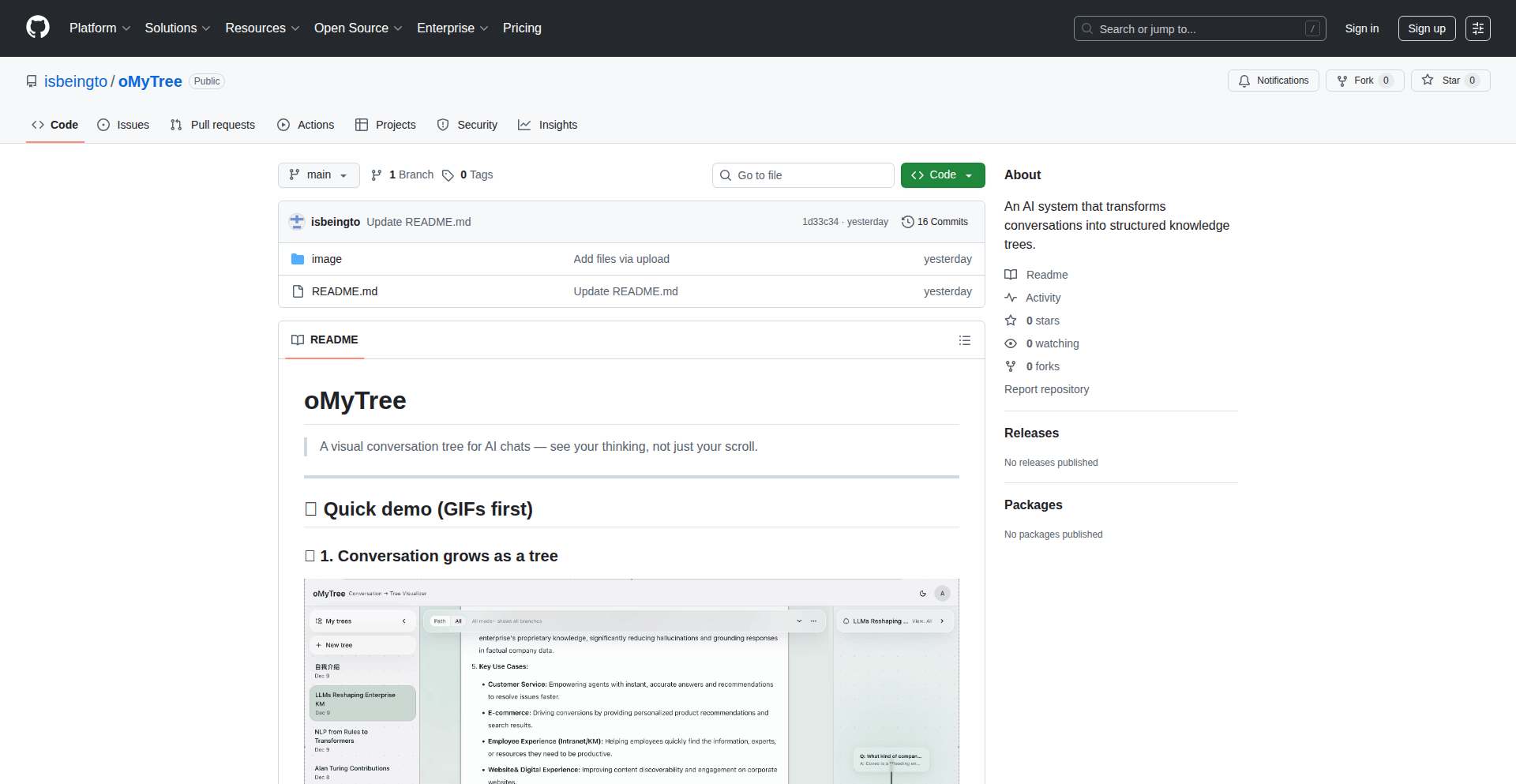
Author
isbeingto
Description
OMyTree is a project that transforms AI chat conversations into a visually navigable tree structure. It addresses the challenge of tracking and understanding complex, multi-turn AI interactions, offering a novel way to review, debug, and gain insights from AI dialogues. The core innovation lies in its dynamic rendering and interactive exploration of conversational flow, making AI communication more transparent and manageable.
Popularity
Points 2
Comments 1
What is this product?
OMyTree is a visualization tool for AI-generated conversations. Instead of a linear chat log, it presents your interactions with AI models as a tree. Each branch represents a different conversational path or user choice, and each node is a message. This is technically achieved by parsing chat logs or API responses, identifying parent-child relationships between messages based on context or explicit threading information, and then rendering this structure using a JavaScript library (likely D3.js or a similar graph visualization tool). This allows you to see the entire decision tree of an AI's responses, making it easy to follow complex dialogues and understand how specific answers were reached. So, what's the use for you? It helps you understand the AI's reasoning process and easily backtrack to specific points in a conversation.
How to use it?
Developers can use OMyTree by integrating it into their AI application's backend or frontend. The project likely accepts chat data in a structured format (e.g., JSON) that includes message content, sender (user/AI), and parent message IDs. This data can be fed into the OMyTree visualization component. For example, if you're building a chatbot and want to allow users to review past conversations, you can feed the conversation history to OMyTree and display the interactive tree. It can also be used for debugging by developers to pinpoint where an AI might have gone 'off-track'. So, what's the use for you? You can easily integrate it to provide your users with an intuitive way to review their AI interactions or use it internally for debugging your AI models.
Product Core Function
· Conversational Branching Visualization: Renders AI chat history as an interactive tree, allowing users to see different conversational paths and how the AI responded to various inputs. This provides clarity on complex AI decision-making. So, what's the use for you? It helps you understand the 'why' behind the AI's answers.
· Interactive Navigation: Enables users to click on nodes to expand or collapse branches, zoom in on specific parts of the conversation, and easily navigate through lengthy dialogues. This makes exploring AI conversations efficient and user-friendly. So, what's the use for you? You can quickly find information or specific turns in a long AI chat.
· Data Input Flexibility: Designed to accept structured chat data, making it adaptable to various AI chat frameworks and logging mechanisms. This ensures easy integration without significant data transformation. So, what's the use for you? It's easy to plug into your existing AI projects.
· Debugging and Analysis: Provides developers with a visual tool to identify logical flaws, unexpected turns, or areas where the AI struggled in a conversation, aiding in model improvement. So, what's the use for you? You can pinpoint and fix problems in your AI's behavior more effectively.
Product Usage Case
· AI-powered customer support bot analysis: A developer using OMyTree to visualize customer interactions with a support bot. They can see how the bot branches its responses based on customer queries, identify common points of confusion, and optimize the bot's logic. So, what's the use for you? You can improve the effectiveness of your customer service AI.
· Personal AI assistant conversation review: A user of a personal AI assistant can use OMyTree to review a complex planning session or a multi-turn Q&A. They can easily see all the options the AI presented and the resulting branches of discussion, aiding in their understanding of the AI's capabilities and how to best interact with it. So, what's the use for you? You get a clearer picture of your AI assistant's contributions and how to get the most out of it.
· AI research and development experimentation: Researchers studying AI conversation models can use OMyTree to visualize different experimental dialogues, comparing how model variations lead to different conversational structures. This helps in understanding model behavior and identifying areas for improvement. So, what's the use for you? It aids in understanding and advancing AI technology.
· Educational tool for understanding AI dialogue: Students learning about AI and natural language processing can use OMyTree to visualize examples of AI conversations, making abstract concepts of dialogue flow and decision trees more tangible. So, what's the use for you? It makes learning about AI conversations easier to grasp.
47
CodeGift AvatarForge
Author
marjipan200
Description
This project transforms user-uploaded headshots into personalized digital merchandise, like virtual badges or avatars, specifically for Advent of Code (AoC) participants. The innovation lies in using a simple image upload and processing workflow to create unique, shareable digital keepsakes, offering a creative and accessible way to celebrate achievements when traditional physical gifts aren't feasible.
Popularity
Points 1
Comments 2
What is this product?
CodeGift AvatarForge is a web-based tool that lets you upload a headshot and turn it into a digital gift, akin to a personalized badge or avatar. Its core technology involves image processing to overlay the uploaded image onto pre-designed templates, likely using libraries for image manipulation in the backend. This provides a unique digital memento for friends or oneself, especially for events like Advent of Code where celebrating progress is key. So, this is useful because it offers a fun, personalized, and cost-effective way to give a meaningful gift that celebrates digital achievements.
How to use it?
Developers can use CodeGift AvatarForge by visiting the web application, uploading a headshot image, and potentially selecting a design template. The backend then processes the image to generate a new digital asset. This could be integrated into other platforms by offering an API for programmatic image processing and template application. The use case is creating custom digital swag for communities, events, or even internal team recognition. So, this is useful because it provides a simple yet powerful way to create custom digital assets for various online communities and events.
Product Core Function
· Headshot Upload and Processing: This function allows users to upload their photos, which are then processed on the server. The technical value lies in handling image uploads securely and efficiently, preparing them for further manipulation. The application is in creating personalized avatars or badges for online profiles or community platforms.
· Digital Merchandise Template Application: The system applies pre-designed templates to the uploaded headshots, creating a unified look for digital gifts. The technical innovation is in the dynamic overlay of user images onto graphic designs. This is useful for generating branded merchandise for events or communities, like custom Advent of Code badges.
· Secure Image Handling: The platform ensures that uploaded images are handled securely, protecting user privacy. This is a fundamental technical requirement for any user-facing application dealing with personal data. Its value is in building trust and ensuring compliance with privacy standards.
Product Usage Case
· Creating personalized Advent of Code 'winner' badges: A user uploads a photo of their friend who won an internal AoC competition, and the tool generates a digital badge with their face, to be shared on social media or internally. This solves the problem of needing a quick, unique celebratory gift for a specific achievement.
· Generating custom avatars for a developer community: A community organizer uses the tool to let members upload their photos and create unique avatars that represent their participation in a coding challenge. This enhances community engagement and visual identity.
· Designing digital thank-you gifts for open-source contributors: An open-source project maintainer uses this to create personalized digital 'merch' for contributors, acknowledging their efforts in a creative way when budget for physical gifts is limited. This addresses the need for appreciation without significant financial outlay.
48
AI Agent Blueprint

Author
arizen
Description
An open-source reference architecture for building AI agents, leveraging LangGraph and Pydantic. It tackles the complexity of orchestrating multiple AI models and tools by providing a structured framework, making it easier for developers to create sophisticated AI applications. The innovation lies in its modular and extensible design, allowing for seamless integration of diverse AI components and reducing development time for complex agent systems.
Popularity
Points 2
Comments 1
What is this product?
This project is an open-source blueprint for building AI agents. It's like a well-designed Lego set for AI, where each piece is a specialized AI model or tool. The core innovation is how it uses LangGraph to manage the flow of information and decision-making between these AI pieces, and Pydantic for structuring the data that these pieces exchange. Think of it as a conductor orchestrating an AI orchestra. This means you don't have to build every single connection and data format from scratch. So, what's in it for you? It saves you from reinventing the wheel when creating AI agents, offering a robust and organized starting point.
How to use it?
Developers can use this blueprint as a foundational structure for their AI agent projects. By understanding the provided architecture, they can plug in their specific AI models (like language models or image recognition tools) and define the workflows and data structures using LangGraph and Pydantic. This involves defining the agent's steps, how it receives input, how it processes that input using different AI tools, and how it generates an output. It's typically integrated into a Python development environment. So, how does this help you? It provides a proven structure to accelerate your AI agent development, allowing you to focus on the unique intelligence of your agent rather than the plumbing.
Product Core Function
· Agent Orchestration with LangGraph: Enables the sequential or parallel execution of multiple AI models and tools, managing the flow of information and decision points. This provides a dynamic way to build complex AI behaviors that learn and adapt. So, what's in it for you? It means your AI agent can handle multi-step tasks and complex reasoning, making it more capable and intelligent.
· Data Structuring with Pydantic: Ensures that data exchanged between different AI components is consistent, validated, and well-defined. This prevents common errors and makes debugging easier. So, what's in it for you? This leads to more reliable AI applications by ensuring that the inputs and outputs of your AI models are always in the expected format.
· Modular Design: Allows developers to easily add, remove, or swap out AI models and tools within the agent framework. This promotes flexibility and extensibility. So, what's in it for you? You can easily experiment with different AI technologies or update your agent with newer, better models without a complete overhaul.
· Reference Implementation: Provides concrete examples and patterns for building AI agents, serving as a learning resource and a starting point for new projects. So, what's in it for you? It gives you practical code examples to learn from and adapt, significantly reducing the learning curve for complex AI agent development.
Product Usage Case
· Building a customer support chatbot that can understand complex queries, access knowledge bases, and generate personalized responses. The architecture helps in managing the conversation flow and integrating different NLP models. So, how does this help you? It allows you to create smarter and more helpful chatbots that can handle a wider range of customer issues.
· Developing an AI assistant that can perform multi-step tasks like scheduling meetings, summarizing documents, and sending emails, by coordinating different specialized AI functions. The blueprint ensures smooth transitions between these tasks. So, how does this help you? It empowers you to build personal or professional assistants that can automate tedious workflows and boost productivity.
· Creating an AI-powered research tool that can scour the web for information, synthesize findings, and present them in a structured report. The framework handles the complex web scraping, data extraction, and summarization processes. So, how does this help you? It enables you to build powerful research tools that can quickly process vast amounts of information and provide actionable insights.
49
Construct: gRPC-Native AI Coding Orchestrator

Author
furisto
Description
Construct is an open-source AI coding assistant that redefines developer interaction by leveraging gRPC for seamless, stateful communication. Unlike traditional CLI tools, it runs as a persistent service, allowing developers to connect multiple clients, maintain context across disconnections, and integrate deeply into existing workflows. Its innovative approach utilizes JavaScript for tool interaction, enabling dynamic logic like loops and conditionals, and directly addresses the limitations of JSON-based tool calls as highlighted by the CodeAct paper, leading to more robust agent behavior. This means more powerful, flexible, and context-aware AI assistance for developers.
Popularity
Points 3
Comments 0
What is this product?
Construct is an AI coding assistant that operates as a gRPC service, meaning it's designed to be a background process your other applications can talk to. Instead of being a simple command-line tool you run once, you can leave it running. It supports multiple connections, so you can have your IDE, a separate terminal, or even other custom scripts interacting with it simultaneously. If you get disconnected, it remembers where you left off. The key innovation is how it lets AI agents use JavaScript to interact with tools. Traditional AI assistants often use simple data formats like JSON to tell tools what to do. Construct allows them to write actual JavaScript code, which means they can use loops, make decisions based on conditions, handle errors, and even chain many tool calls together in one go. This is inspired by research showing that agents perform better when they can use more expressive code for tool interaction, moving beyond rigid JSON structures. This makes the AI assistant much more capable and adaptable to complex coding tasks. It's packaged as a single Go binary, making it easy to install and run without complex dependencies like Node.js.
How to use it?
Developers can integrate Construct into their workflow by running it as a background service. This service can be accessed by any client application that can communicate over gRPC. For example, you could build a custom IDE plugin that connects to a running Construct instance. When you need AI assistance, your IDE plugin sends a request to Construct, which then uses its AI agents to understand your request and interact with available tools using JavaScript code. This could involve generating code snippets, refactoring existing code, or even planning out complex development tasks. The persistent nature means you can start a complex code generation process, disconnect your client, and reconnect later to find the task completed, with Construct maintaining the full context of the interaction. Its API-first design makes it ideal for building custom AI-powered developer tools or automating repetitive coding tasks within larger systems.
Product Core Function
· gRPC service for persistent AI assistance: Allows multiple clients to connect and disconnect while maintaining conversation context, enabling a fluid and uninterrupted AI coding experience.
· JavaScript-based tool calling: AI agents can execute JavaScript code to interact with tools, offering dynamic control flow (loops, conditionals, error handling) for more sophisticated task execution and problem-solving.
· Context-aware AI agents: Built-in agents for planning, implementation, and refinement can be customized with prompts and model assignments, providing tailored AI assistance for various development phases.
· Single Go binary deployment: Simplifies installation and management by providing a self-contained executable, reducing friction for developers to get started and run the assistant locally or on remote servers.
· Stateless client, stateful server architecture: Enables clients to disconnect and reconnect without losing AI's progress or context, making AI assistance more reliable for long-running or interrupted tasks.
Product Usage Case
· A developer is working on a complex feature that requires generating multiple related code modules. They can ask Construct to plan the modules, then implement them. Construct, using JavaScript tool calls, can iterate through the module requirements, generate code for each, and even create helper functions, all in a single, coordinated operation.
· An AI coding assistant is integrated into an IDE. The developer starts a large code refactoring task. They can disconnect their IDE for a break or to work on something else. When they reconnect, Construct has continued the refactoring process in the background, retaining the full context of the original request and the progress made.
· A CI/CD pipeline needs to automatically generate boilerplate code for new microservices. Construct can be invoked by the pipeline to create the necessary project structure, configuration files, and initial code based on predefined templates and parameters, leveraging its JavaScript capabilities for dynamic file generation.
· A developer is experimenting with a new API and needs to understand how to call it with different parameters and handle various responses. They can instruct Construct to write JavaScript code that tests the API extensively, including error scenarios, providing them with comprehensive examples and insights without manual scripting.
50
Advent of Backends

Author
rohitghumare
Description
Advent of Backends is a 30-day challenge where Rohit Gumare builds AI Agents, Workflows, and Backend systems live daily. The core innovation lies in its experimental and iterative approach to backend development, focusing on rapid prototyping and learning through practical application. It demonstrates creative problem-solving using code, aiming to inspire developers with achievable, live-built solutions.
Popularity
Points 2
Comments 1
What is this product?
Advent of Backends is a public, live-streamed development diary showcasing the creation of AI Agents, Workflows, and backend systems over 30 consecutive days. The technical innovation isn't a single groundbreaking algorithm, but rather the process-driven approach to rapidly building and iterating on diverse backend architectures. It highlights how to translate complex ideas into functional systems, emphasizing modularity and integration. Think of it as a masterclass in turning abstract backend concepts into tangible, working code under time pressure, revealing practical implementation strategies.
How to use it?
Developers can use Advent of Backends as a learning resource and an inspiration for their own projects. By observing the daily builds, they can gain insights into different architectural patterns, API design, integration techniques with AI models, and workflow automation. The project encourages a 'learn-by-doing' philosophy. While not a direct library to integrate, it offers a blueprint of how to approach and solve common backend challenges, inspiring developers to experiment with similar techniques in their own development environments.
Product Core Function
· Daily live backend system development: Demonstrates real-time problem-solving and architectural decisions, valuable for understanding practical coding challenges and solutions.
· AI Agent construction: Showcases how to integrate AI capabilities into backend systems, offering insights into prompt engineering and agent orchestration.
· Workflow automation implementation: Illustrates building automated processes within backend systems, useful for developers looking to streamline operations and data pipelines.
· Backend system architecture exploration: Provides exposure to various backend design patterns and technologies, helping developers choose appropriate solutions for their needs.
· Iterative development showcase: Highlights the process of refining and building systems incrementally, promoting a flexible and adaptable development mindset.
Product Usage Case
· Scenario: A developer needs to build a simple customer support chatbot powered by AI. The project might show the daily steps involved in setting up the AI agent, defining its interaction workflow, and integrating it with a basic backend API to handle user queries. This solves the problem of understanding how to move from an AI concept to a functional chatbot.
· Scenario: A team is looking to automate repetitive data processing tasks. The project could demonstrate building a backend workflow that fetches data from a source, processes it using specific logic, and stores it in a database. This provides a practical example of designing and implementing such automation.
· Scenario: A solo developer wants to build a web application with user authentication and data storage. They can observe how a backend system is set up from scratch, including database interactions and API endpoints, offering a clear path to building similar functionalities.
51
TokenizedCloud

Author
ybceo
Description
A no-logs cloud provider where users are identified solely by a 32-character token, eliminating traditional account-based tracking and enhancing user privacy through a purely token-based authentication system.
Popularity
Points 3
Comments 0
What is this product?
TokenizedCloud is a revolutionary cloud service designed with extreme privacy in mind. Instead of creating user accounts with usernames and passwords, every interaction and resource is associated with a unique 32-character token. This means the provider literally cannot log who is using what, as there's no personal identifying information linked to the token. The innovation lies in a robust, stateless authentication and authorization mechanism that ensures no sensitive user data is stored on their servers, making it virtually impossible to link usage back to an individual. This is a paradigm shift from traditional cloud services that rely on extensive user profiling.
How to use it?
Developers can integrate TokenizedCloud by generating these 32-character tokens, which then act as both an identifier and an authorization key for accessing cloud resources. For example, to deploy a service, you would use your token to authenticate requests to the API. This token can be programmatically managed, allowing for dynamic resource allocation and fine-grained access control without the overhead of traditional user management systems. Imagine deploying a set of microservices, each with its own specific token for accessing backend storage, ensuring that even if one token is compromised, the blast radius is limited to the resources associated with that specific token. This simplifies infrastructure management and enhances security by reducing the attack surface.
Product Core Function
· Token-based Authentication: Users interact with the cloud using a 32-character token instead of traditional login credentials. This eliminates the possibility of account hijacking and privacy breaches due to compromised passwords, as the token itself is the sole credential.
· No-Logs Infrastructure: The cloud provider is architected to not store any logs that can be linked to user tokens. This means that even if compelled, they have no data to reveal about user activity, offering an unprecedented level of privacy and anonymity for all services hosted.
· Stateless Resource Management: Resources are managed and accessed via tokens, which are stateless. This allows for highly scalable and resilient infrastructure where individual user sessions or data are not required to be maintained server-side, improving performance and reducing complexity.
· Fine-grained Access Control via Tokens: Each token can be assigned specific permissions for different cloud resources. This means you can have one token for database access and another for compute instances, each with its own set of restrictions, providing granular security without traditional user roles and groups.
Product Usage Case
· Deploying privacy-focused applications: For applications where user anonymity is paramount, such as secure messaging apps or decentralized services, TokenizedCloud ensures that user activity cannot be traced by the cloud provider. This solves the problem of trusting third-party providers with sensitive user data.
· Secure CI/CD pipelines: Developers can use specific tokens to grant their CI/CD systems access to cloud resources for deployment. This avoids the security risks associated with storing and managing traditional API keys or user credentials in version control systems.
· Ephemeral development environments: Creating temporary, isolated development environments for testing or sandboxing becomes simpler. Each environment can be associated with a unique, short-lived token, automatically revoking access once the environment is decommissioned, solving the problem of managing access for temporary resources.
· Decentralized applications (dApps) backend: For dApps that require a traditional cloud backend for certain functionalities (like data storage or notification services), TokenizedCloud offers a privacy-preserving solution that aligns with the ethos of decentralization, mitigating concerns about central points of data collection.
52
Scalable-Surprise

Author
kaicbento
Description
A tool that unexpectedly scaled to thousands of users, showcasing the challenges and solutions in handling rapid growth from a simple personal project. The innovation lies not just in the initial code, but in the robust infrastructure and operational strategies developed to manage unexpected popularity and user feedback. This highlights how even small code experiments can blossom into significant technical undertakings.
Popularity
Points 3
Comments 0
What is this product?
Scalable-Surprise is a personal tool that, against all odds, gained significant traction and thousands of users. The core technical innovation wasn't a groundbreaking algorithm, but rather the ability to quickly adapt and build the necessary infrastructure to support unexpected growth. This involved implementing scalable backend services, efficient data handling, and robust feedback mechanisms. So, what's the value? It demonstrates how to build resilient systems that can handle sudden demand, turning a small experiment into a reliable service. It's about proving that well-architected, even simple, code can handle immense pressure and surprise success.
How to use it?
For developers, this project serves as a case study. It illustrates how to architect applications for potential, rather than guaranteed, scalability. This could involve using serverless functions for on-demand scaling, employing efficient database strategies to handle query load, and setting up robust monitoring and alerting systems. Integration would depend on the specific nature of the tool, but the principles involve designing for modularity and loose coupling, allowing components to be scaled or replaced independently. The value is in learning to anticipate and prepare for success, even when it's unplanned. It teaches you to build systems that grow with their users, ensuring a smooth experience and preventing failures under load.
Product Core Function
· Event-driven architecture for handling varied user requests: This allows the system to process incoming requests efficiently without being overwhelmed, ensuring responsiveness. The value is in maintaining performance even with unpredictable traffic spikes.
· Asynchronous processing of background tasks: For operations that don't require immediate user feedback, this method prevents bottlenecks and improves overall system throughput. This means your application feels fast and reliable, even when dealing with complex operations.
· Modular API design for extensibility: This enables adding new features or services without disrupting existing functionality, fostering future growth and innovation. This translates to a platform that can evolve and adapt to new user needs without major overhauls.
· Robust error handling and logging: Comprehensive tracking of issues and their root causes allows for rapid debugging and system improvement. This ensures stability and allows for quick fixes when problems arise, minimizing downtime and user frustration.
· User feedback integration loop: A system designed to capture and act on user input is crucial for iterative development and improvement. This means the tool gets better over time based on what users actually need and want.
Product Usage Case
· Imagine a developer creates a small utility to automate a personal task. This utility suddenly becomes popular on Hacker News. Scalable-Surprise's principles would guide them to quickly implement a scalable backend using cloud functions and a managed database to handle the surge in users, preventing crashes and ensuring everyone gets access.
· A developer builds a real-time data visualization tool. Unexpectedly, it's adopted by a community, leading to massive concurrent connections. The lessons from Scalable-Surprise would help them redesign the communication layer to use websockets efficiently and scale the data ingestion pipeline to handle the influx of real-time data without performance degradation.
· A content creator develops a personalized recommendation engine. It goes viral, and millions of users start requesting personalized content. Following the principles of Scalable-Surprise, they would architect the system to decouple the recommendation logic from the request handling, allowing individual recommendation computations to scale independently and efficiently, providing fast, personalized results to a vast audience.
53
AI Emoji Forge API
Author
Giviberidze
Description
This project is an API and a comprehensive emoji library that leverages AI to let users generate, search, and share custom emojis in real-time. It's designed for applications like messaging platforms, keyboards, and content creation tools, offering a novel way to express emotions and ideas visually. The core innovation lies in its ability to create unique, AI-generated emojis on demand, making digital communication more dynamic and personalized.
Popularity
Points 3
Comments 0
What is this product?
AI Emoji Forge API is a service that provides an API endpoint and a vast collection of AI-generated emojis. Think of it as a smart factory for emojis. Instead of relying on a static set of emojis, this system uses artificial intelligence to create new, contextually relevant emojis based on user input or even real-time analysis. This means your users can have emojis that perfectly capture a specific feeling or idea, something not possible with traditional emoji sets. It's built on advanced AI models that understand visual patterns and can translate concepts into emoji form.
How to use it?
Developers can integrate the AI Emoji Forge API into their applications by making API calls. For instance, if you're building a messaging app, you can offer a feature where users can type a description like 'happy dancing cat' and the API will return a unique emoji representing that. You can also allow users to search for emojis based on keywords, or even let them generate emojis from images. The API provides a straightforward way to add this dynamic emoji generation capability, enhancing user engagement and creative expression within your product. Integration typically involves sending requests to the API endpoint and handling the returned emoji data, which can then be displayed within your app.
Product Core Function
· AI-powered emoji generation: Allows users to create custom emojis by describing them or providing input, solving the problem of limited emoji options and enabling more nuanced expression.
· Real-time emoji search: Enables users to quickly find existing or AI-generated emojis based on keywords, improving efficiency in communication and content creation.
· Extensive emoji library: Provides a large collection of pre-existing and AI-generated emojis, offering a rich visual vocabulary for users.
· API endpoint for seamless integration: Allows developers to easily embed emoji generation and search features into their applications without building complex AI models from scratch, saving development time and resources.
· Content creation enhancement: Empowers users to add unique visual flair to their messages, social media posts, or any digital content, making it more engaging and memorable.
Product Usage Case
· In a messaging app: A user wants to express extreme excitement. Instead of using a generic 'excited face', they can describe 'jumping for joy alien' and get a custom, AI-generated emoji, making their message more impactful and fun.
· For a keyboard app: Users can generate personalized emojis for specific inside jokes or reactions that aren't covered by standard emojis, fostering a sense of community and shared understanding.
· In a content creation tool: A blogger can create unique emoji stamps to illustrate their posts, making their content stand out and adding a touch of personality.
· For a social media platform: Users can generate emojis that represent niche interests or feelings, leading to more specific and authentic online interactions.
· Developing a game: Game characters can use AI-generated emojis to communicate emotions in chat, adding an expressive layer to gameplay.
54
BeeRouteOptimizer

Author
BSTRhino
Description
A novel traveling salesman problem simulator where bees are the agents. It visually demonstrates complex pathfinding algorithms and optimization techniques, offering a playful yet insightful approach to understanding computational efficiency. This project tackles the challenge of finding the most efficient routes for multiple agents, inspired by the foraging behavior of bees.
Popularity
Points 2
Comments 1
What is this product?
This project is a visual simulation of the Traveling Salesman Problem (TSP), but instead of humans, it uses bees to find the shortest routes between multiple points. The core innovation lies in its approach to illustrating complex algorithmic solutions to optimization problems in a relatable and engaging way. It leverages concepts from computational geometry and heuristic search algorithms to model bee colony behavior and find optimal paths. Think of it as a game that teaches you about how computers solve difficult problems, like finding the quickest way to visit many locations without going back and forth unnecessarily. So, what's in it for you? It provides a clear, visual understanding of how optimization algorithms work, which can be applied to real-world logistics, delivery routing, or even network design.
How to use it?
Developers can use this project as an educational tool to explore and visualize different TSP algorithms. It can be integrated into learning modules for computer science students or used as a debugging aid for developers working on route optimization software. The visual aspect allows for an intuitive grasp of algorithm performance. You could also use it to experiment with different parameters to see how they affect the bee's pathfinding. So, how can you use it? Imagine you're building a delivery app. You can run this simulation to see how different algorithms might find the fastest routes for your drivers, helping you design a more efficient system. It's a sandbox for playing with and understanding route optimization logic.
Product Core Function
· Visual TSP Solver: Implements and visualizes various algorithms (e.g., nearest neighbor, genetic algorithms) to solve the TSP, showing the optimal path dynamically. This offers a hands-on way to see how algorithms make decisions and find efficient solutions, directly applicable to scenarios where minimizing travel distance is crucial for cost savings.
· Bee Colony Simulation: Models bee foraging behavior to inspire pathfinding strategies, demonstrating how emergent behavior can lead to efficient solutions. This provides a unique perspective on optimization, showcasing how natural systems can inform computational approaches, useful for designing distributed or decentralized systems.
· Configurable Parameters: Allows users to adjust the number of cities, starting points, and algorithm settings to experiment with different scenarios. This empowers developers to test the robustness and performance of algorithms under various conditions, vital for tailoring solutions to specific business needs.
· Interactive Visualization: Provides a clear and intuitive graphical interface to observe the algorithm's progress and the resulting optimal routes. This makes complex computational concepts accessible, helping developers quickly identify potential issues or improvements in their routing logic.
· Educational Tool: Designed to make learning about optimization algorithms and computational complexity engaging and accessible for students and developers alike. This translates into a quicker learning curve for developers tackling routing-related problems, saving them development time.
Product Usage Case
· A logistics company wanting to optimize delivery routes for its fleet can use this simulation to test different algorithms and visualize which ones provide the shortest overall travel time, ultimately reducing fuel costs and delivery times. This helps them choose the best software solution for their operations.
· Computer science educators can incorporate this project into their curriculum to visually explain the Traveling Salesman Problem and demonstrate the performance differences between various optimization algorithms to students. This makes abstract concepts concrete and easier to grasp for aspiring developers.
· A game developer creating a strategy game with multiple AI agents needing to traverse a map efficiently could use the underlying principles and visualization techniques to design better pathfinding AI for their game characters. This improves the player experience by making the game world more responsive and intelligent.
· A network engineer designing a wide area network could use the TSP concepts to explore optimal cable routing between multiple data centers, minimizing installation costs and potential signal latency. This helps in planning more cost-effective and high-performance network infrastructures.
55
Qyavix Tiny DOM Runtime

Author
yihac1
Description
Qyavix is an ultra-lightweight JavaScript framework for manipulating the web page's visual elements (DOM). It's inspired by React's approach to managing application state using 'hooks' and a declarative way of rendering. The key innovation here is its incredibly small size – just 155 bytes when compressed. This makes it ideal for situations where performance and download size are critical, such as for benchmark testing, embedding in small widgets, or building very simple user interfaces without relying on larger, more complex libraries.
Popularity
Points 3
Comments 0
What is this product?
Qyavix is a highly optimized JavaScript library that allows developers to build interactive web interfaces with minimal code and extremely fast performance. Think of it as a super-compact engine for making parts of a webpage change and respond to user actions, much like how React works but with a drastically reduced footprint. Its 'state hook' (`u`) lets you manage data that changes over time, and its 'render' function (`r`) efficiently updates what the user sees on the screen. The core innovation lies in achieving this functionality in just 155 bytes of code, meaning it loads almost instantaneously and has very little overhead. This is achieved through clever JavaScript techniques that minimize redundancy and leverage native browser capabilities.
How to use it?
Developers can integrate Qyavix directly into their HTML files by including the Qyavix JavaScript code. Because it has zero dependencies and doesn't require any build tools (like Webpack or Parcel), it's incredibly easy to get started. You can write JavaScript code that uses Qyavix's `u` function to declare state variables and `r` function to define how your user interface should look based on that state. For example, you could use it to create a simple counter button where clicking the button updates the number displayed on the page. Its small size makes it perfect for adding interactive elements to existing static websites or for building micro-frontends where each part of the UI is independent.
Product Core Function
· Ultra-compact DOM manipulation: Provides the ability to efficiently update and manage elements on a web page, crucial for creating dynamic user experiences with minimal impact on load times.
· React-like state hooks: Enables developers to manage dynamic data within their UI components, allowing for interactive elements that can change and update based on user input or other events, without needing complex state management architectures.
· Zero-dependency, plain JavaScript: Developers can use Qyavix without installing any additional libraries or using complex build processes, lowering the barrier to entry and simplifying project setup.
· Fast, full re-rendering: While it re-renders the entire component when state changes, its small size and optimized code ensure this process is exceptionally quick, making UI updates feel immediate and responsive.
· Self-rendering website: The official website for Qyavix is built using Qyavix itself, demonstrating its capability to power a complete, albeit simple, web application.
Product Usage Case
· Building highly performant benchmark tests: Developers can use Qyavix to create controlled environments for measuring the speed of various JavaScript operations or other frameworks, thanks to its minimal overhead and predictable behavior.
· Creating tiny, embeddable widgets: For situations where you need to add a small interactive element (like a poll or a simple form) to a website without significantly increasing its page size or complexity, Qyavix is an ideal choice.
· Developing micro-UI systems: In large applications, Qyavix can be used to build small, self-contained UI components that can be integrated independently, improving modularity and reducing the overall footprint of each component.
· Experimenting with new UI paradigms: Its minimalist nature makes it a perfect playground for exploring novel ways to structure and render user interfaces, encouraging innovation in front-end development.
56
Civic Compass: Geo-Government API

Author
abhikvarma
Description
Civic Compass is a web application that bridges the gap between citizens and government services in India. It tackles the common problem of not knowing which local government office (like District Registrar Offices, ward offices, police stations, or utility providers) is responsible for a specific address. By simply inputting an address, users get a clear list of all relevant civic bodies. The innovation lies in its technical approach: using GeoJSON boundary data and efficient point-in-polygon queries to map addresses to administrative areas, effectively solving a data accessibility issue for civic services.
Popularity
Points 2
Comments 0
What is this product?
Civic Compass is a tool that uses your address to tell you which government offices are responsible for your area. Think of it like a map that shows you the 'jurisdiction' of different public services. The core technology behind it is loading geographical boundary data (like the shapes of city wards or service areas) into the computer's memory. When you give it an address, it quickly checks which of those geographical shapes contains your address. This is called a 'point-in-polygon' query. The innovation is in making this complex geographical lookup accessible and useful for everyday citizens who need to find the right government office without wading through confusing paperwork or scattered information.
How to use it?
Developers can use Civic Compass in several ways. For a direct user experience, they can embed the frontend application into their own websites or apps to offer a civic service lookup feature. For more advanced integration, the backend API can be utilized. This API allows developers to programmatically query for civic bodies based on an address or coordinates. A key technical integration point is the ability to add new cities. If a developer or organization has the boundary data for their city, they can use the provided API structure and contribution guidelines to add that data, expanding the service's reach. This makes it a powerful tool for building government-related portals or citizen information platforms.
Product Core Function
· Address-to-Civic-Office Mapping: Precisely identifies which government offices (e.g., police, water, property registration) serve a given Indian address. This solves the problem of citizens not knowing where to go for specific services, saving them time and frustration by providing immediate, actionable information.
· GeoJSON Boundary Data Loading: Efficiently loads and processes geographical boundary files (GeoJSON format) for various civic services. This allows for rapid and accurate spatial analysis, forming the backbone of the lookup functionality and demonstrating a clever use of open geospatial data standards.
· Point-in-Polygon Query Engine: Implements a fast algorithm to determine if a given geographic point (your address) falls within a specific polygon (the boundary of a service area). This is the core technical engine that makes the lookup instantaneous and scalable, showcasing elegant problem-solving with geometric computations.
· Expandable City Data API: Provides a well-defined API and contribution process for adding new cities and their associated civic boundary data. This empowers the community to contribute and grow the service, embodying the open-source and collaborative spirit of hacker culture and enabling broader societal impact.
· RTI Request Template: Includes a template for Right to Information (RTI) requests to help users obtain necessary government boundary data. This is a practical, hacky solution to a real-world data sourcing bottleneck, demonstrating creativity in overcoming bureaucratic hurdles to achieve the project's goals.
Product Usage Case
· A citizen in Bengaluru needs to register a property and is unsure which District Registrar Office (DRO) to visit. They use Civic Compass, input their address, and are instantly provided with the correct DRO for their locality, avoiding a potentially wasted trip and administrative delay.
· A startup is building a platform for local government engagement in India. They integrate Civic Compass's API to automatically show users the relevant ward councillor or municipal office based on their location, enhancing user experience and facilitating direct communication with local authorities.
· A community activist wants to map out and inform residents about their local police station jurisdictions. They can use the Civic Compass framework, potentially contributing their city's data, to create localized maps and information resources, empowering citizens with knowledge about their safety services.
· A researcher studying urban development needs to identify the water supply provider for different neighborhoods. They leverage the Civic Compass API to programmatically fetch this information for a large number of addresses, speeding up their data collection and analysis process.
57
Hyperrecode: Pattern-Driven Code Transformation
Author
heavymemory
Description
Hyperrecode is a novel tool that autonomously learns how to transform code by analyzing a single 'before and after' example. Unlike AI models that generate code, it extracts the precise structural pattern between the two code snippets and creates a deterministic rule. This means the same input will always produce the same output, ensuring predictable and reliable code refactoring. It can apply these learned rules across an entire codebase or integrate as a plugin within popular IDEs like Claude Code, Cursor, or used via a command-line interface (CLI). The system operates entirely on the CPU and can learn new transformation rules in real-time. So, what's the value for you? It automates complex and repetitive code updates, saving significant developer time and reducing the risk of manual errors, allowing you to focus on more creative coding tasks.
Popularity
Points 2
Comments 0
What is this product?
Hyperrecode is a code transformation engine that operates on a unique principle: it learns to refactor code by observing just one example of a change. Instead of using large language models (LLMs) or transformers that might guess or generate new code, Hyperrecode focuses on identifying the exact structural relationship between two versions of a code snippet. It then compiles this observed change into a fixed, deterministic rule. Think of it like showing a student one example of how to solve a specific math problem, and they immediately grasp the underlying formula and can apply it to all similar problems. This approach guarantees that when you apply a learned rule, the transformation is consistent and predictable every single time. This is particularly valuable for enforcing consistent coding styles, migrating to new API versions, or applying project-specific conventions without relying on ambiguous AI outputs. So, what's the value for you? It provides a reliable, structured way to automate code updates that would otherwise be manual, tedious, and error-prone.
How to use it?
Developers can use Hyperrecode in several ways:
1. **Codebase-wide Refactoring:** Apply learned transformation rules to an entire project. This is ideal for migrating large parts of a codebase to a new standard or API, ensuring uniformity. For example, if you need to change all instances of `console.log(x)` to `logger.info(x)` across your project, you'd provide one example of this change, and Hyperrecode would generate a rule to apply it everywhere.
2. **IDE Integration:** Hyperrecode can be used as a plugin within code editors like Claude Code and Cursor. This allows for on-demand refactoring directly within your development workflow. You can highlight a section of code, provide an example, and then apply the learned transformation locally.
3. **CLI Tool:** For automation scripts or batch processing, Hyperrecode can be invoked from the command line. This is useful for CI/CD pipelines or for developers who prefer a terminal-based workflow. The tool runs on the CPU and learns rules in real-time, meaning you can quickly define and apply new transformations as needed. So, what's the value for you? It offers flexible integration into your existing development process, whether you need to refactor a whole project, make targeted edits in your IDE, or automate updates through scripts.
Product Core Function
· Learn Code Transformations from Single Example: Analyzes a before-and-after code pair to extract the precise structural pattern, creating a deterministic rewrite rule. Value: Reduces the need for extensive rule definitions or complex AI prompts for common refactoring tasks, enabling quick adoption of new patterns. Application: Migrating to new language features, updating deprecated functions, or enforcing project-specific syntax.
· Deterministic Rewrite Engine: Applies learned rules consistently, guaranteeing the same output for the same input every time. Value: Eliminates the unpredictability associated with AI-generated code, ensuring reliable and repeatable refactoring. Application: Critical for applications where code stability and predictability are paramount, such as financial systems or embedded software.
· Cross-Codebase Application: Capable of applying learned rules to an entire project's codebase. Value: Enables large-scale, systematic code updates and migrations efficiently, saving significant developer hours. Application: Updating all occurrences of a specific function call, standardizing variable naming conventions, or migrating from an old framework to a new one.
· IDE Plugin Integration: Works as a plugin within IDEs like Claude Code and Cursor. Value: Allows developers to perform context-aware code transformations directly within their familiar development environment, improving productivity. Application: Interactive code refactoring, inline code correction, and applying project-specific patterns during active development.
· Real-time Rule Learning on CPU: Learns new transformation rules instantly and operates solely on the CPU, without requiring specialized hardware or cloud services. Value: Makes the tool accessible and responsive for developers, enabling rapid iteration on refactoring strategies and eliminating reliance on external services. Application: Experimenting with new refactoring patterns, quickly adapting to evolving project requirements, and maintaining control over the learning process.
Product Usage Case
· Scenario: A team is migrating from `console.log(message)` to a structured logging system, `logger.info(message)`. They provide one example of this change to Hyperrecode. Hyperrecode learns the pattern and applies it to hundreds of `console.log` statements across the entire project, ensuring consistent logging format. Value: Automates a tedious manual task, prevents missed instances, and ensures uniform logging, which is crucial for debugging and monitoring.
· Scenario: A project updates its dependency management from `require('module')` to ES module `import module from 'module'`. Developers provide a single example of this syntax transformation. Hyperrecode generates a rule to systematically update all `require` statements to their `import` equivalents across the codebase. Value: Streamlines the migration to modern JavaScript modules, improving code readability and performance, and reducing the risk of syntax errors.
· Scenario: A React project needs to transition from the deprecated `ReactDOM.render` to the new `createRoot` API. A single example of this conversion is given to Hyperrecode. The tool generates and applies a rule to update all instances of `ReactDOM.render` to the correct `createRoot` usage. Value: Safely and efficiently updates the project to use the latest React best practices, avoiding compatibility issues and enabling the use of new React features.
· Scenario: A company has established custom conventions for naming variables, e.g., always prefixing internal variables with `_`. Developers provide one example of a variable renaming that follows this convention. Hyperrecode learns this pattern and applies it to all variables that need to conform to this internal standard. Value: Enforces company-specific coding standards consistently, improving code maintainability and team collaboration, without requiring constant manual oversight.
58
ogBlocks: Animated UI Blocks for React

Author
Karanzk
Description
ogBlocks is a React UI library designed to let developers easily integrate premium, animated user interface components into their projects without needing to write complex CSS. It offers a collection of pre-built, animated elements like navbars, modals, buttons, and more, allowing for rapid development of visually appealing applications.
Popularity
Points 2
Comments 0
What is this product?
ogBlocks is a collection of ready-to-use animated UI components for React applications. The core innovation lies in abstracting away the intricate CSS animations and transitions behind simple React components. Instead of writing custom animation logic or lengthy CSS, developers can import and use these blocks, which are pre-engineered with smooth, engaging motion. This leverages the power of modern animation libraries and techniques within React, making complex animations accessible to developers who might not be CSS animation experts. It's like having a toolbox full of animated Lego bricks for your web application.
How to use it?
Developers can install ogBlocks as a package into their React project. Once installed, they can import specific components (e.g., AnimatedNavbar, ModalWithAnimation, GradientButton) and use them directly within their JSX code, just like any other React component. Configuration is typically done through props, allowing customization of colors, text, and animation variations. This makes it incredibly easy to drop polished, animated sections into existing or new projects, enhancing user experience and visual appeal without a steep learning curve in animation or CSS.
Product Core Function
· Animated Navbars: Provides pre-designed navigation bars with smooth entry and exit animations, hover effects, and responsive behavior. This allows for immediate enhancement of site navigation, making it more engaging and user-friendly without manual animation coding.
· Dynamic Modals: Offers modal windows with sophisticated reveal and close animations, improving the user experience for pop-ups and information displays. This adds a touch of professional polish to interactive elements.
· Interactive Buttons: Features buttons with appealing hover effects, click animations, and subtle transitions, making calls to action more visually compelling. This can increase user engagement and conversion rates.
· Animated Feature Sections: Includes sections designed to showcase product features with animated elements that draw attention and guide the user's eye. This helps in presenting information more dynamically and effectively.
· Text Animations: Offers various text animation effects, such as typewriter, fading, or sliding, to highlight key messages or create engaging headlines. This can significantly improve content presentation and readability.
· Carousels with Motion: Provides image or content carousels with smooth transitions and animations, making it easy to display multiple items in a visually pleasing and interactive manner. This is ideal for portfolios, testimonials, or product galleries.
Product Usage Case
· Building a landing page for a new tech product: Instead of spending hours crafting CSS animations for the hero section or feature highlights, a developer can drop in ogBlocks' animated feature sections and text animations, instantly making the page more dynamic and professional, answering 'How can I make my landing page look stunning quickly?'
· Developing an e-commerce site with a need for premium UI: Integrating ogBlocks' animated buttons and modals for add-to-cart or checkout processes can enhance the user journey, making it feel more polished and trustworthy, addressing 'How can I make my online store feel high-end without hiring a UI expert?'
· Creating a portfolio website with engaging visuals: A designer or developer can use ogBlocks' animated carousels to showcase their work and animated text to introduce themselves, providing a more captivating experience for potential clients, answering 'How can I make my portfolio stand out and impress visitors?'
· Rapid prototyping of a SaaS application's dashboard: To quickly add visual flair and user feedback mechanisms like animated notifications or interactive elements, ogBlocks can be used to accelerate the prototyping phase, solving the 'How can I quickly add professional animations to my prototype to demonstrate its potential?' problem.
59
Analog Echoes Synth Tape
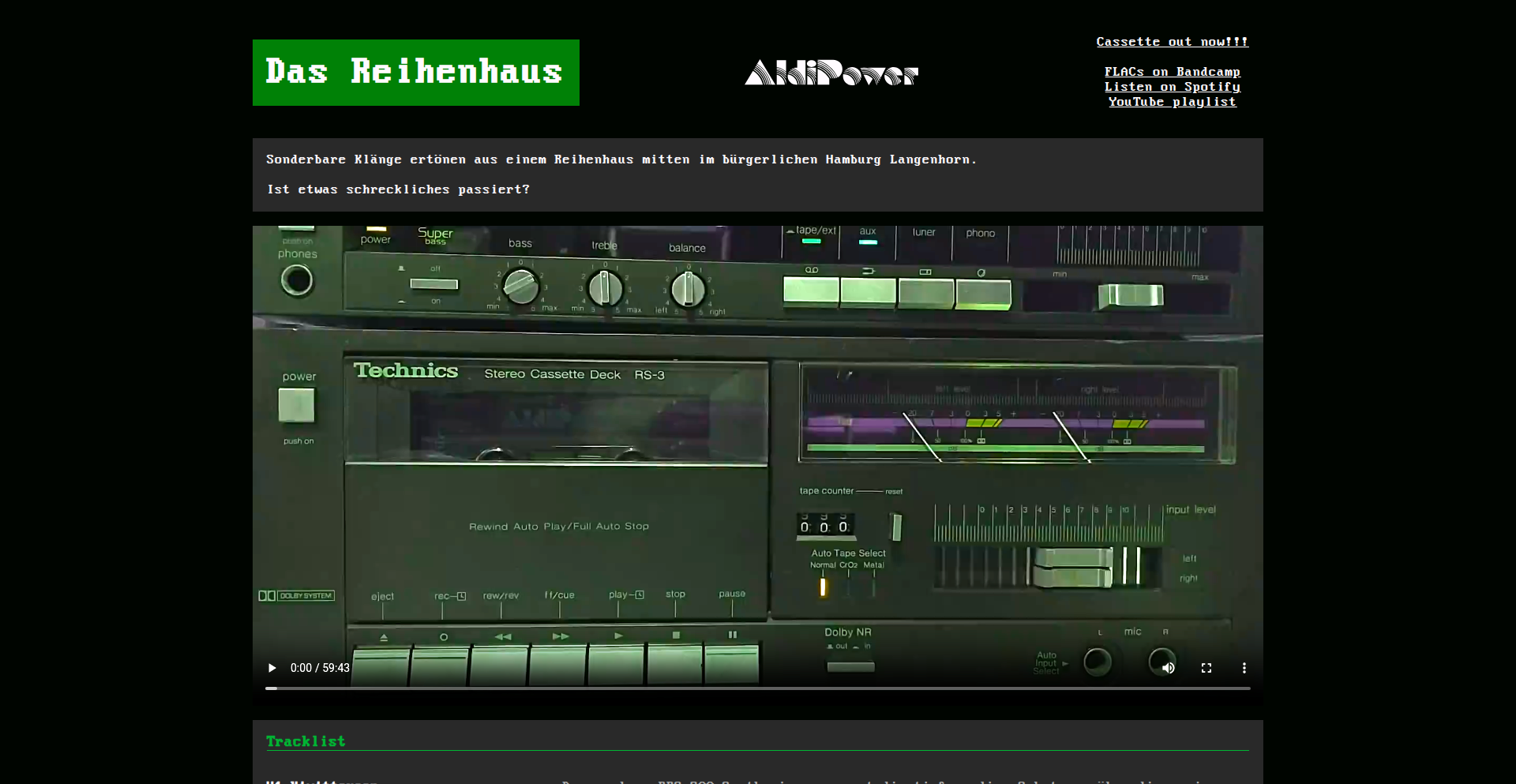
Author
Aldipower
Description
This project is a creative endeavor that produced a music cassette using vintage hardware synthesizers and recording equipment. The innovation lies in embracing the limitations and unique sonic characteristics of analog gear to create a distinct musical experience. It solves the problem of 'how to achieve a specific nostalgic and warm analog sound' by leveraging real vintage instruments, offering a tangible output in the form of a physical cassette tape.
Popularity
Points 2
Comments 0
What is this product?
This is a project that demonstrates the creation of a music cassette entirely produced using vintage hardware instruments. The technical innovation isn't in developing new software or a digital tool, but rather in the deliberate and skilled application of analog audio synthesis and recording techniques. The core idea is to harness the imperfections, warmth, and unique sonic textures that analog synthesizers and tape recorders inherently possess. Unlike modern digital production which can perfectly replicate sounds, vintage hardware introduces subtle distortions, wow and flutter (slight speed variations), and a distinct tonal character that is difficult to perfectly emulate digitally. This project shows a commitment to a specific sonic aesthetic by choosing to work with physical, older technology.
How to use it?
For developers, this project serves as inspiration rather than a direct tool to integrate into their code. It inspires by showcasing a different approach to creation – one that values physical medium, tactile interaction with hardware, and the unique sonic fingerprints of analog equipment. Developers interested in audio, music production, or even just creative problem-solving can learn from the dedication to a specific artistic vision using older technologies. It's about the 'how' of production – the choices made to achieve a particular sound and feel, which can be a valuable lesson for any creative technical pursuit.
Product Core Function
· Vintage Hardware Synthesis: The use of actual analog synthesizers for sound generation, providing unique and imperfect timbres that are characteristic of analog audio. The value here is in achieving an authentic warm and nostalgic sound that digital tools struggle to replicate convincingly.
· Analog Tape Recording: The final audio was recorded onto physical cassette tape, capturing the sonic nuances and 'tape saturation' effects inherent in analog tape. This adds a layer of organic texture and a sense of retro authenticity, offering a tangible and collectible artifact.
· Creative Constraint Application: The project deliberately works within the limitations of vintage hardware, turning what might be seen as drawbacks (like potential noise or instability) into sonic features. The value is in demonstrating how constraints can foster creativity and lead to unique artistic outcomes.
· Tangible Output Generation: The creation of a physical music cassette. This provides a concrete, shareable product that embodies the analog ethos, offering a contrast to purely digital distribution and a different way for listeners to engage with the music.
Product Usage Case
· For game developers working on retro-themed games: This project can inspire the creation of authentic-sounding in-game music and sound effects that evoke a specific era. The use of analog hardware demonstrates how to achieve those sought-after lo-fi audio qualities.
· For musicians and audio engineers exploring new sonic palettes: This project serves as a case study for incorporating vintage analog gear into modern production workflows to achieve unique textures and warmth, moving beyond purely digital soundscapes.
· For makers and hobbyists interested in physical computing and audio: It highlights the rewarding process of working with physical instruments and recording media, potentially sparking interest in building or restoring vintage audio equipment for creative purposes.
· For anyone interested in the intersection of technology and art: This project showcases how older technologies, when applied with skill and intention, can produce compelling and artistically significant results, demonstrating the lasting appeal of analog sound and physical media.
60
FuseCompile: The Copy-and-Fuse Compilation Engine
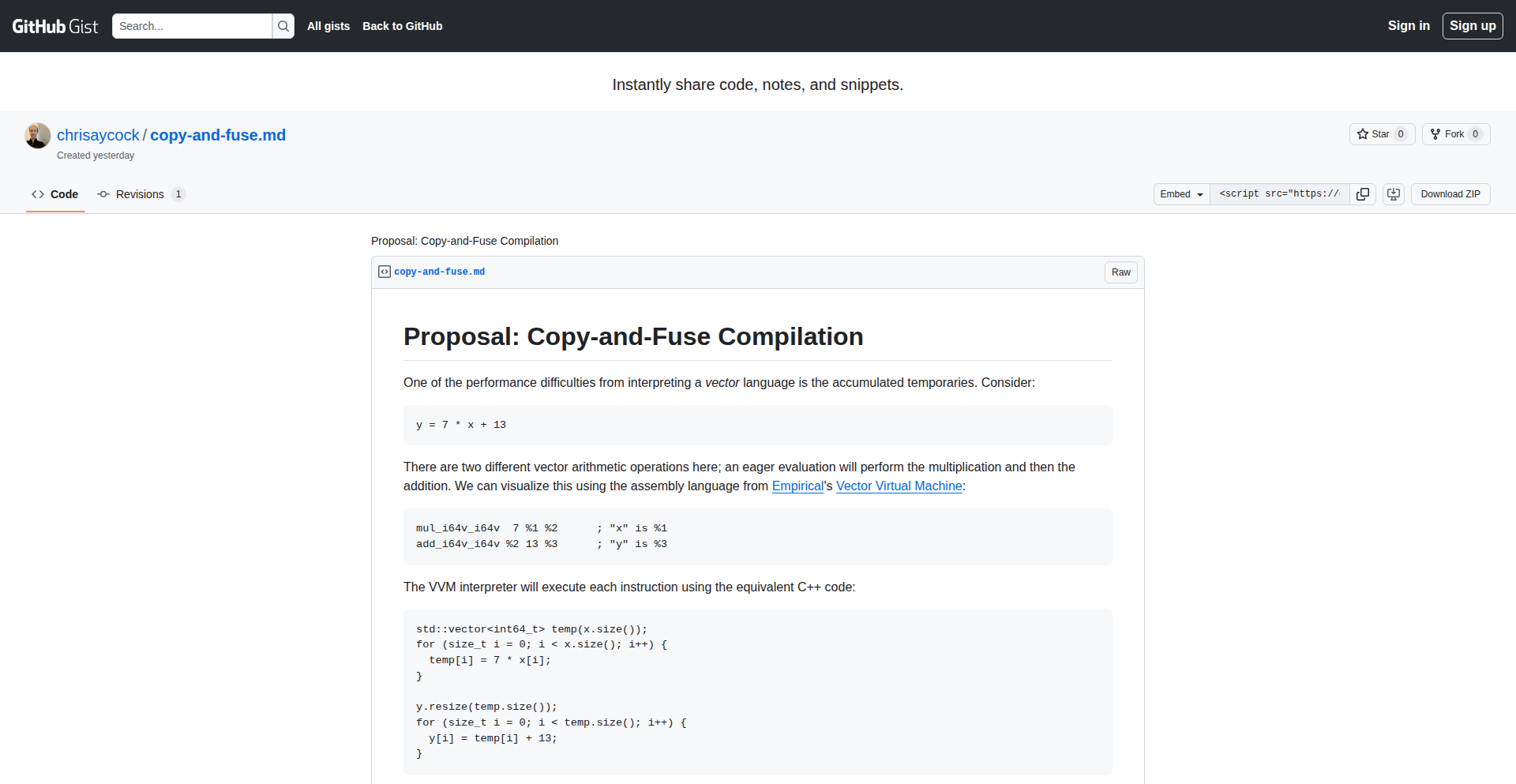
Author
chrisaycock
Description
FuseCompile is an experimental compilation tool that introduces a novel 'copy-and-fuse' compilation strategy. Instead of traditional separate compilation and linking steps, it aims to directly fuse compilation artifacts, potentially leading to faster build times and more optimized code. This innovation tackles the common developer pain point of long compilation cycles.
Popularity
Points 1
Comments 1
What is this product?
FuseCompile is a novel compiler that rethinks the build process. Traditional compilers first compile individual source files into object files (like pre-built building blocks), and then a linker combines these object files into a final executable program. FuseCompile's 'copy-and-fuse' approach suggests it might directly combine and optimize compilation results from multiple sources in a more integrated way, potentially reducing overhead and creating a more efficient final output. The core innovation lies in exploring how to fuse compilation units without the intermediate object file step, which could be a significant performance improvement for large projects.
How to use it?
Developers can integrate FuseCompile into their build workflows as a potential replacement for their existing compiler or build system. The usage would likely involve configuring their project's build scripts to point to FuseCompile and define the source files to be compiled and fused. For example, a C++ project using CMake could potentially be adapted to leverage FuseCompile by modifying the build configuration to invoke it instead of GCC or Clang's standard compilation commands. This would allow developers to experiment with the 'copy-and-fuse' paradigm and observe the impact on their build times and executable performance.
Product Core Function
· Direct compilation artifact fusion: Enables a more streamlined build process by directly merging compiled code segments, leading to potentially faster build times and reduced disk I/O.
· Optimized code generation: The fusion process can be designed to perform cross-module optimizations that are difficult or impossible in traditional separate compilation, resulting in more efficient final executables.
· Reduced intermediate files: By potentially eliminating the need for separate object files, FuseCompile can significantly reduce the number of temporary files generated during the build process, saving disk space and simplifying build management.
Product Usage Case
· Large-scale C++ projects: Developers working on massive codebases with long compilation times could use FuseCompile to dramatically speed up their development cycles, allowing for more rapid iteration and testing.
· Embedded systems development: In resource-constrained environments where build times can be a significant bottleneck, FuseCompile's efficiency gains could be crucial for faster deployment and debugging.
· Performance-critical applications: For applications where every millisecond of execution time matters, the potential for more advanced cross-module optimizations offered by FuseCompile could lead to significant performance improvements in the final product.
61
ADPList - Peer-to-Peer Engineering Mentorship Network

Author
felixlee97
Description
ADPList is a revolutionary platform that connects developers and designers with experienced mentors for free one-on-one video sessions. It addresses the challenge of finding practical, unbiased advice from seasoned professionals, which is often difficult to obtain through generic resources or costly coaching. The core innovation lies in its streamlined discovery and scheduling system, enabling quick access to mentors based on technical stacks, companies, and specific topics like distributed systems or career progression. This empowers engineers to solve complex technical and career-related problems efficiently and cost-effectively.
Popularity
Points 2
Comments 0
What is this product?
ADPList is a free mentorship platform designed for developers and designers. It uses a smart matching and scheduling system to connect individuals seeking guidance with experienced professionals who have already navigated similar challenges. The platform allows users to browse mentors by their technical expertise, company affiliations, and specific areas of knowledge (e.g., system design, backend development, leadership). The innovation lies in making this connection effortless and instantaneous, eliminating the friction typically associated with finding relevant guidance. It’s like having a personal advisor on demand, without the high cost or administrative overhead.
How to use it?
Developers can use ADPList by visiting the website, browsing through a curated list of mentors based on their specific needs (e.g., 'I need help with scaling a microservice,' 'How do I prepare for a senior engineer interview?'). Once a mentor is identified, users can view their availability and book a free one-on-one video session directly through the platform. The system automatically handles time zone conversions, reminders, and calendar integrations, ensuring a smooth experience for both mentee and mentor. This makes it incredibly easy to get targeted advice exactly when you need it, directly from someone who has practical experience in your domain.
Product Core Function
· Mentor Discovery Engine: Allows users to quickly find mentors based on technical skills, industry experience, and specific topics, solving the problem of finding relevant expertise efficiently.
· Integrated Scheduling System: Handles time zone complexities, reminders, and calendar integration to ensure seamless session booking and attendance, reducing no-shows and scheduling headaches.
· On-Demand Mentorship Sessions: Provides free, one-on-one video calls, offering immediate and personalized advice to address critical technical and career challenges.
· Transparent Mentor Profiles: Features detailed profiles including tech stacks, years of experience, and user reviews, enabling informed mentor selection and building trust within the community.
· Session Management Tools: Offers features for mentors to manage demand, set boundaries, and track mentees, supporting sustainable mentorship and community contribution.
Product Usage Case
· A junior backend engineer struggling with designing a distributed caching layer can find and book a session with a senior engineer from a major tech company who has expertise in this area, receiving actionable advice within minutes.
· An aspiring engineering manager seeking guidance on handling performance reviews can connect with an experienced EM who can share practical strategies and real-world scenarios, accelerating their leadership development.
· A developer looking to transition into a new tech stack (e.g., from Python to Go) can find mentors proficient in Go to discuss best practices, tooling, and common pitfalls, smoothing their learning curve.
· A startup CTO needing to validate their system architecture before scaling can get an unbiased review from an experienced architect, identifying potential bottlenecks and security concerns early on.
62
OpenDataLoader: AI-Ready PDF Data Engine

Author
Julia_Katash
Description
OpenDataLoader is a novel PDF loading library designed for AI applications, offering unparalleled safety, openness, and high performance. It tackles the common challenge of extracting and processing text and structured data from PDFs, which are often complex and inconsistent, by providing a robust and efficient solution that minimizes risks associated with traditional PDF parsing methods and enhances AI model training and inference.
Popularity
Points 2
Comments 0
What is this product?
OpenDataLoader is a specialized software library that acts as a safe, open-source, and high-performance gateway for feeding data from PDF documents into Artificial Intelligence (AI) models. Unlike standard PDF readers that might be slow or even pose security risks when processing untrusted files, OpenDataLoader is built with AI workloads in mind. It intelligently breaks down PDF content – including text, tables, and other elements – into a clean, structured format that AI algorithms can easily understand and utilize. The innovation lies in its robust error handling and security features, ensuring that even malformed or malicious PDFs can be processed without compromising the AI system, combined with optimized processing speeds for large datasets. So, this is useful for you because it provides a reliable and fast way to get your PDF data into AI models without worrying about the complexities or dangers of PDF parsing.
How to use it?
Developers can integrate OpenDataLoader into their AI pipelines by installing it as a Python package. It offers a straightforward API to load PDF files, extract text and relevant content, and then transform this information into formats suitable for machine learning frameworks like TensorFlow or PyTorch. Common use cases include building AI models for document summarization, information extraction from invoices or reports, or chatbots that need to answer questions based on PDF content. For example, if you're building a system to automatically process a large volume of scanned contracts, you would use OpenDataLoader to extract the contract text and key clauses before feeding it to your AI for analysis. So, this is useful for you because it simplifies the complex task of preparing PDF data for AI, saving development time and improving model accuracy.
Product Core Function
· Safe PDF Parsing: Implements robust error handling and sandboxing techniques to process PDF files without exposing AI systems to potential vulnerabilities or crashes from malformed content. This means your AI won't break down because of a tricky PDF file.
· High-Performance Data Extraction: Optimized algorithms for fast and efficient extraction of text, tables, and layout information from PDFs, even for very large documents. This speeds up your data preparation process, allowing faster AI model training and iteration.
· Structured Data Output: Converts unstructured PDF content into well-organized data structures (like JSON or Python dictionaries) that are directly consumable by AI models. This makes it easy for your AI to understand and process the information, leading to better predictions.
· Open-Source and Extensible: Built with an open and modular architecture, allowing developers to customize and extend its functionality for specific AI tasks or document types. This gives you the flexibility to tailor the tool to your exact needs.
· Metadata and Layout Preservation: Retains important information about the document's structure, such as page numbers, font styles, and relative positioning of elements, which can be crucial for certain AI tasks like visual question answering. This ensures your AI gets a richer understanding of the document's context.
Product Usage Case
· AI-powered document analysis: Imagine an AI system that needs to read and understand thousands of scanned financial reports. OpenDataLoader can reliably extract all the text and numerical data from these PDFs, feeding it to the AI for trend analysis, anomaly detection, or forecasting. This is useful for you because it enables automated financial analysis, saving hours of manual work and potentially uncovering critical insights.
· Building intelligent chatbots for knowledge bases: If you want to create a chatbot that can answer questions from a collection of technical manuals or research papers stored as PDFs, OpenDataLoader can extract the content and structure of these documents. The chatbot can then use this processed information to provide accurate answers. This is useful for you because it empowers you to build smart, responsive information retrieval systems that can leverage your existing PDF documentation.
· Automated invoice and receipt processing: Businesses often deal with a large volume of invoices in PDF format. OpenDataLoader can accurately extract key details like vendor name, amount, and date from these invoices, making it easy to automate data entry into accounting systems. This is useful for you because it streamlines financial operations, reduces errors, and speeds up payment processing.
63
BrowserPerfTests
Author
zylics
Description
HardwareTest.org is a privacy-first, in-browser tool for diagnosing hardware performance. It offers real-time keyboard polling rate visualization, a dead pixel fixer using canvas-generated RGB noise, and standard mouse/audio diagnostic functionalities, all without requiring any downloads or installations. This project tackles the frustration of intrusive and inefficient traditional hardware testing tools by leveraging static site technology and browser capabilities for immediate, reliable diagnostics.
Popularity
Points 1
Comments 1
What is this product?
BrowserPerfTests is a web application that runs entirely in your browser to test and diagnose your computer's hardware peripherals. It's built as a pure static website, meaning no software needs to be downloaded or installed, and it's ad-free. The core innovation lies in its ability to perform real-time hardware diagnostics directly through your web browser, using techniques like combating browser event loop limitations for accurate keyboard polling rate display and utilizing the Canvas API to generate specific visual patterns for dead pixel detection. This means you get immediate feedback on your hardware's performance without privacy concerns or setup hassle.
How to use it?
Developers can use BrowserPerfTests by simply navigating to HardwareTest.org in their web browser. For a specific use case, if a developer suspects their keyboard is not registering inputs as quickly as it should, they can open the Keyboard Test feature. The real-time Hz polling rate dashboard will then visually indicate how often their keyboard is sending signals to the computer. If a developer needs to check for screen defects, they can use the Dead Pixel Fixer, which generates high-frequency RGB noise on the screen to make stuck or dead pixels more apparent. This can be integrated into troubleshooting workflows for new hardware setups or when diagnosing performance issues.
Product Core Function
· Real-time Keyboard Polling Rate Dashboard: This feature measures how frequently your keyboard sends updates to your computer, displayed in Hertz (Hz). It's technically achieved by carefully managing and observing browser events, overcoming the inherent limitations of the browser's event loop to provide a surprisingly accurate real-time visualization. This is valuable for gamers or professionals who need their keyboard inputs to be registered with minimal latency, helping them identify if their keyboard is a bottleneck.
· Dead Pixel Fixer: This tool uses the browser's Canvas API to generate dynamic, high-frequency RGB noise patterns across the screen. The rapid color changes and patterns are designed to expose any pixels on your display that are stuck on, stuck off (dead), or exhibiting other abnormalities. This is crucial for anyone setting up a new monitor or troubleshooting display issues, as it provides a visual method to pinpoint screen defects that might be hard to spot with static images.
· Standard Mouse and Audio Diagnostics: This includes basic tests to ensure your mouse is functioning correctly (e.g., tracking movement, button clicks) and that your audio output is working as expected. These are fundamental diagnostic tools that provide a quick and easy way to verify the basic functionality of these essential peripherals, useful for general troubleshooting or initial setup verification.
Product Usage Case
· Scenario: A gamer notices input lag in fast-paced games. Problem Solved: They visit HardwareTest.org and use the Keyboard Polling Rate Dashboard. If the reported Hz is significantly lower than expected for their gaming keyboard, they know the keyboard might be the issue, allowing them to consider upgrading or troubleshooting their keyboard drivers. This provides a concrete metric instead of just a subjective feeling of lag.
· Scenario: A graphic designer receives a new high-resolution monitor and wants to ensure it has no visual defects before starting a critical project. Problem Solved: They open the Dead Pixel Fixer on HardwareTest.org. The dynamic RGB noise quickly reveals a stuck pixel that was not noticeable with regular desktop usage, allowing them to return or exchange the monitor before project commencement. This prevents potential rework and ensures color accuracy.
· Scenario: A remote worker is setting up their home office and wants to quickly confirm all their peripherals are recognized and working before important meetings. Problem Solved: They quickly run through the Keyboard, Mouse, and Audio tests on HardwareTest.org. This provides immediate confirmation that their basic input and output devices are functional, giving them confidence in their setup and avoiding last-minute technical issues during crucial calls.
64
PodScribe-CLI

Author
zhangyiqun
Description
This project is a command-line interface (CLI) tool designed to translate spoken content from podcasts into different languages for non-native speakers. Its core innovation lies in its ability to process audio, transcribe it, translate the text, and then synthesize it back into spoken audio, making podcasts accessible to a global audience without the original speaker's voice.
Popularity
Points 1
Comments 1
What is this product?
PodScribe-CLI is a developer-focused tool that leverages advanced speech-to-text (STT) and text-to-speech (TTS) technologies, combined with machine translation. It works by taking an audio podcast file, using an STT engine to convert the spoken words into text, then employing a translation API to translate that text into a desired language. Finally, it uses a TTS engine to generate new audio in the target language, effectively creating a translated version of the podcast. The innovative aspect is its end-to-end automation of this complex process within a simple CLI, designed for developers who want to integrate or experiment with such capabilities.
How to use it?
Developers can use PodScribe-CLI by installing it on their system and running commands from their terminal. For example, they might provide a URL to a podcast audio file and specify the target language. The CLI will then handle the processing and output the translated audio. This can be integrated into larger applications, used for personal learning, or for creating localized content. It's designed for integration into workflows where automated translation of audio content is beneficial.
Product Core Function
· Automatic Speech Recognition (ASR): Converts spoken audio from podcasts into written text. This is valuable because it unlocks the content of spoken audio for manipulation and translation, enabling access for those who might miss nuances or specific vocabulary in the original language.
· Machine Translation (MT): Translates the transcribed text from its original language to a user-specified target language. This directly addresses the barrier of language, allowing users to understand podcast content regardless of their native tongue, expanding learning and entertainment opportunities.
· Text-to-Speech (TTS) Synthesis: Converts the translated text back into spoken audio in the target language. This provides a natural listening experience, mimicking a human voice reading the translated content, making the translated podcast more engaging and easier to consume passively, similar to watching a subtitled movie with dubbed audio.
· Command-Line Interface (CLI) Control: Provides a scriptable and automated way to perform the translation process. This is highly valuable for developers and power users who want to batch process multiple podcasts, integrate translation into automated content pipelines, or build custom applications that require audio translation capabilities without complex UI development.
Product Usage Case
· A content creator wants to make their educational podcast accessible to a Spanish-speaking audience. They can use PodScribe-CLI to automatically translate their English podcast episodes into Spanish audio, significantly expanding their reach and impact without needing to hire voice actors or manually re-record content.
· A student learning a new language wants to improve their listening comprehension by listening to podcasts in their target language. They can use PodScribe-CLI to translate a podcast from their native language into their target language, creating an auditory learning aid that helps them follow along with complex topics.
· A developer building a media aggregation platform wants to offer a 'listen in your language' feature for podcasts. They can integrate PodScribe-CLI into their backend to provide on-demand translation of podcast episodes, enhancing user experience and providing a unique value proposition.
· A researcher studying global trends wants to quickly get the gist of podcasts from different regions. PodScribe-CLI allows them to rapidly translate snippets or full episodes into their preferred language, accelerating their research process by breaking down language barriers in information consumption.
65
GoDataCraft Suite
Author
mimixbox
Description
A trilogy of Go tools designed for efficient data handling. fileprep preprocesses and validates data using struct tags, fileframe offers a lightweight, immutable DataFrame for data manipulation, and filesql allows running SQL queries directly on various file formats like CSV, TSV, Excel, and Parquet, leveraging SQLite internally. This suite simplifies ETL (Extract, Transform, Load) processes for developers working with structured data.
Popularity
Points 2
Comments 0
What is this product?
GoDataCraft Suite is a set of three specialized Go libraries that work together to form a powerful, yet simple, data processing pipeline. fileprep uses Go's struct tags (like annotations in your code) to automatically clean and validate data as it's read, ensuring consistency. fileframe provides an efficient, in-memory way to filter, group, and transform your data without the overhead of larger libraries. filesql is the star, enabling you to treat your data files (CSV, TSV, Excel, Parquet) as if they were database tables, allowing you to run familiar SQL queries on them thanks to an integrated SQLite engine. The innovation lies in the seamless integration and the practical application of Go's features for data manipulation, making complex data tasks more accessible.
How to use it?
Developers can integrate these tools into their Go applications to streamline data ingestion and processing workflows. For instance, you might use fileprep to clean user-uploaded CSV data before it enters your application. Then, use fileframe to perform quick aggregations or transformations on that data in memory. Finally, if you need to perform more complex lookups or filtering, you can use filesql to query the data as if it were in a database, all without needing a separate database setup. Each tool can be used independently or chained together for a complete ETL solution within your Go project.
Product Core Function
· Data Preprocessing and Validation with Struct Tags: Automatically cleans and validates data based on Go struct definitions, ensuring data quality and reducing boilerplate code. This is useful for cleaning messy input files before they cause problems in your application.
· Lightweight Immutable DataFrame: Provides an efficient in-memory data structure for filtering, mapping, and grouping data, offering speed and predictable behavior due to its immutability. This is great for quick data analysis and manipulation within your Go programs.
· Direct SQL Querying on Files: Allows developers to run standard SQL queries on various file formats (CSV, TSV, Excel, Parquet) without requiring a separate database server. This democratizes data querying and simplifies data exploration directly from files.
· Integrated SQLite Engine: Leverages the power and familiarity of SQLite for SQL operations on files, providing robust query capabilities. This means you get advanced database functionality for your flat files.
Product Usage Case
· Cleaning and validating user-submitted CSV files for a web application before saving to a database. The fileprep tool handles trimming whitespace, normalizing formats, and checking for required fields automatically based on the Go struct definition.
· Performing real-time data aggregation on a large TSV file for a reporting dashboard. The fileframe tool can efficiently group and sum data in memory, providing quick results without loading everything into a traditional database.
· Analyzing log files stored in Parquet format without setting up a data warehouse. The filesql tool allows running SQL queries to filter specific error messages or extract performance metrics directly from the Parquet files.
· Developing a data migration tool that needs to transform data from Excel spreadsheets into a PostgreSQL database. The suite can read Excel, preprocess the data with fileprep, transform it with fileframe, and then filesql can be used to prepare it for insertion into the target database.
66
Celeste AI Orchestrator
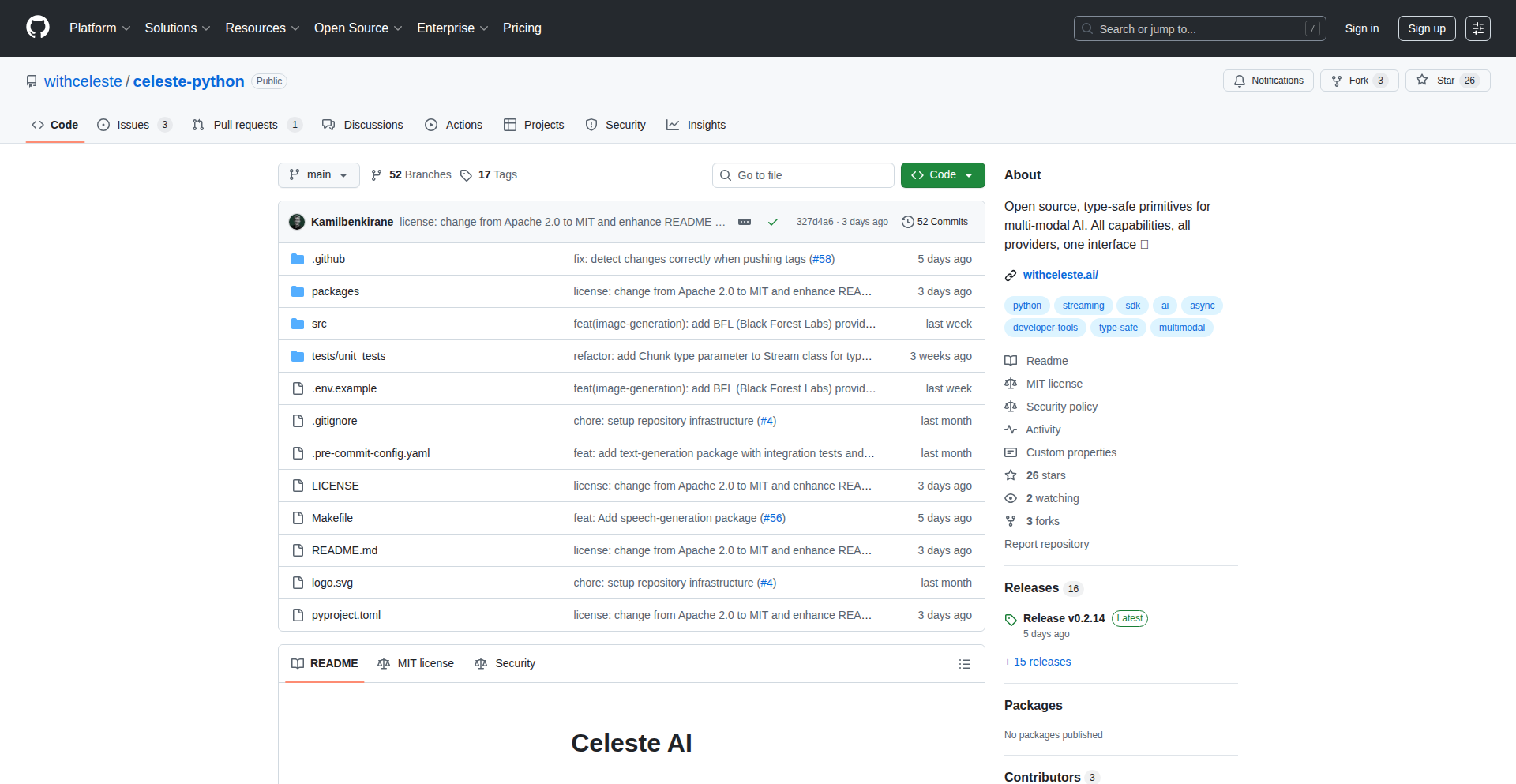
Author
Kamilbenkirane
Description
Celeste is a Python library that acts as a universal adapter for various AI providers. It aims to simplify the process of interacting with different AI models (like those for text generation, image creation, or code completion) by providing a consistent interface. The innovation lies in abstracting away the complexities of different APIs and offering a unified way to access diverse AI capabilities, akin to how the 'Requests' library simplified HTTP requests.
Popularity
Points 1
Comments 1
What is this product?
Celeste is a Python toolkit designed to bridge the gap between developers and the ever-expanding landscape of Artificial Intelligence services. Its core innovation is in creating a standardized way to interact with multiple AI providers simultaneously. Instead of learning and managing separate SDKs and API nuances for each AI service (e.g., OpenAI for text, Stability AI for images), Celeste lets you write code once and switch providers easily. This is achieved through an abstraction layer that understands the common functionalities of AI models and maps them to the specific implementations of different providers. So, what's in it for you? It dramatically reduces the effort and time spent on integrating AI into your projects, allowing you to focus on building your application rather than managing AI API integrations.
How to use it?
Developers can integrate Celeste into their Python projects by installing the library via pip. Once installed, they can initialize Celeste with their preferred AI provider configurations (e.g., API keys). The library then exposes simple, unified methods to perform AI tasks. For example, you might call a `generate_text` function, and Celeste would handle routing the request to the appropriate backend AI model based on your configuration. This allows for seamless switching between models or even running parallel requests to different providers. This is useful for building applications that need to leverage the strengths of various AI models without complex boilerplate code.
Product Core Function
· Unified AI Provider Interface: Abstracting away the differences between AI APIs (like OpenAI, Cohere, Hugging Face Transformers, etc.) into a single, easy-to-use Python interface. This means you don't need to learn a new library for every new AI service you want to use, saving you development time and reducing cognitive load.
· Dynamic Model Switching: The ability to easily switch between different AI models or providers at runtime without changing your core application logic. This is invaluable for A/B testing AI models, using the best-performing model for a specific task, or creating resilient applications that can fall back to alternative providers if one is unavailable.
· Capability Discovery: Celeste can help discover the specific capabilities offered by different AI providers (e.g., text generation, summarization, image generation, code completion). This allows developers to find the right AI tool for their specific needs without extensive manual research, making AI integration more efficient.
· Provider Configuration Management: Simplifies the management of API keys and other credentials for various AI services. This means you can keep your sensitive information organized and secure, reducing the risk of misconfiguration or exposure.
Product Usage Case
· Building a content generation platform that can generate blog posts, social media updates, or marketing copy using multiple LLMs. If one LLM's output is not satisfactory, Celeste allows you to quickly switch to another provider to get better results, ensuring consistent quality for your users.
· Developing an AI-powered customer support chatbot that can handle natural language queries. Celeste enables the chatbot to leverage different AI models for tasks like sentiment analysis, intent recognition, and response generation, allowing you to pick the most cost-effective or performant model for each sub-task.
· Creating a creative writing assistant that can generate story ideas, character descriptions, or plot points. Developers can use Celeste to experiment with various text-generation models, finding the one that best suits their creative style and project requirements, accelerating the creative process.
· Implementing a code assistant that can suggest code snippets or explain complex code. Celeste allows integration with different code-generation or analysis AI models, providing developers with a versatile tool to boost their productivity without being locked into a single vendor.
67
Gentoro OneMCP: AI Agent API Orchestrator
Author
GentoroAI
Description
Gentoro OneMCP is an open-source middleware designed to enhance the accuracy and reliability of API calls made by AI agents. It tackles the common challenge of AI agents misinterpreting API documentation or failing to construct correct API requests, leading to errors and inefficient operation. The innovation lies in its structured approach to parsing API definitions and providing an intelligent layer for AI to interact with APIs, essentially acting as a translator and validator.
Popularity
Points 1
Comments 1
What is this product?
Gentoro OneMCP is an open-source layer that acts as an intermediary between AI agents and external APIs. Think of it like a smart assistant for your AI. When an AI agent needs to use a tool (which is often an API), it needs to know exactly how to ask for it – what information to send, what format to use. AI agents can sometimes struggle with the precise language of API documentation. OneMCP solves this by first understanding the API's structure (like its available functions, the types of data it expects, and the expected output) from its definition files. Then, when the AI agent wants to use that API, OneMCP helps it formulate the correct request and even validates if the request is likely to succeed. This dramatically reduces errors caused by AI misinterpreting API instructions, making AI agents more reliable and effective when interacting with external services. The core innovation is its ability to dynamically interpret API specifications and guide the AI agent's interactions, rather than relying on rigid, pre-programmed API calls.
How to use it?
Developers can integrate Gentoro OneMCP into their AI agent frameworks. The process typically involves pointing OneMCP to the OpenAPI specification (or similar API definition files) of the APIs the AI agent needs to access. OneMCP then builds an internal representation of these APIs. When the AI agent decides to use a specific API function, it communicates its intent to OneMCP. OneMCP, using its understanding of the API definition and the AI's request, constructs the actual API call, ensuring it adheres to the API's requirements. It can also handle authentication and potentially preprocess data before sending it to the API. This means your AI can 'talk' to more services with less custom coding for each integration. For example, if you're building an AI that can manage cloud infrastructure, you'd configure OneMCP with the relevant cloud provider's API specifications, and the AI could then confidently issue commands like 'create a new virtual machine' without you needing to manually write complex code for every API endpoint.
Product Core Function
· API Schema Parsing and Understanding: Processes API definition files (like OpenAPI specs) to understand the available endpoints, request parameters, and response structures. This is valuable because it allows AI agents to leverage a wide range of existing APIs without developers needing to manually translate each one into a format the AI can use.
· Intelligent Request Generation: Assists AI agents in constructing correct API requests based on their high-level intent and the parsed API schema. This is crucial for reducing errors; imagine an AI trying to book a flight – OneMCP ensures the date format, passenger count, and destination are all sent in the exact way the airline's API expects, preventing failed bookings.
· API Call Validation: Provides a layer of validation to check if the AI's intended API call is syntactically correct and adheres to the API's constraints before sending it. This acts as a safety net, catching potential mistakes early and saving development time by preventing unexpected API errors.
· Dynamic API Discovery and Adaptation: Enables AI agents to discover and adapt to new or updated APIs without significant code changes. This is a significant advantage for maintainability and scalability, allowing AI systems to stay current with the ever-evolving landscape of web services.
Product Usage Case
· An AI assistant designed to manage project management tools (like Jira or Asana) could use OneMCP to interact with their respective APIs. When a user says 'Create a new task for John on the marketing project with a deadline next Friday,' the AI uses OneMCP to translate this into the precise API calls needed by the project management tool, ensuring the task is created correctly with all details intact.
· A data analysis AI that needs to pull data from various external services (e.g., financial market data, weather APIs, social media trends) can leverage OneMCP. Instead of hardcoding the specific request formats for each data source, OneMCP handles the complexities, allowing the AI to focus on analyzing the data itself. This saves developers from writing repetitive API integration code for each new data source.
· An AI-powered customer support chatbot that needs to access customer information from a CRM and potentially trigger actions (like creating a support ticket). OneMCP would ensure that when the AI needs to fetch customer details or create a ticket, it does so using the correct parameters and authentication for the CRM API, providing accurate and timely responses to customers.
68
AI-Native DSL Architect

Author
fixpointflow
Description
This project explores the cutting edge of programming language design by leveraging AI. It's an experimental attempt to create a domain-specific language (DSL) that is inherently designed for and by AI systems. The core innovation lies in using AI models to define the syntax, semantics, and even the compilation or interpretation process of a new language, aiming for better expressiveness and efficiency for AI workloads. So, this is about building the future tools for AI development by making AI itself a co-designer of programming languages.
Popularity
Points 1
Comments 1
What is this product?
This project is a proof-of-concept for an AI-designed programming language. Instead of humans meticulously crafting every rule and keyword of a language, this approach uses AI models to understand the needs of AI systems and generate a language tailored to those needs. Think of it as AI writing the instruction manual for other AIs to follow, but in a way that's optimized for their internal workings. The innovation is in the meta-programming aspect: using AI to build the tools (languages) that AI uses. This could lead to languages that are more intuitive for AI agents to understand and generate code in, and potentially more performant for AI computations. So, this is about creating a more natural and efficient way for AI to interact with and control computational processes.
How to use it?
Currently, this is a research project and not a readily deployable tool. Developers interested in this would typically engage with the underlying AI models and design principles. The usage scenario is for researchers and advanced developers experimenting with future programming paradigms for AI. It involves understanding the AI's role in language definition, potentially providing feedback to the AI designer, and perhaps integrating the generated DSL into AI orchestration frameworks or specialized AI computation engines. For example, you might use this to define a new way for a large language model to describe complex data transformations or to generate optimized code for a neural network. So, for developers, this offers a glimpse into how AI could revolutionize the very tools we use to program, potentially making it easier to build and manage sophisticated AI systems.
Product Core Function
· AI-driven syntax generation: The AI defines the grammatical structure of the language, aiming for clarity and conciseness from an AI's perspective. This is valuable because it could lead to languages that AI can generate and parse more efficiently. It's like giving AI a simplified and optimized vocabulary. So, this helps build AI that can 'speak' and 'understand' instructions more naturally.
· AI-defined semantics: The AI determines the meaning of the language constructs and how they interact. This is innovative as it tailors the language's logic to the inherent computational patterns of AI. This value lies in creating languages that directly map to AI's problem-solving approaches. So, this makes the language's commands more potent and directly applicable to AI tasks.
· AI-assisted compilation/interpretation: The project might explore AI models that handle the translation of the AI-designed language into executable code or directly interpret its instructions. This is a significant technical hurdle and innovation, aiming to automate a complex part of language processing. The value is in potentially creating a seamless workflow from language definition to execution for AI. So, this could drastically speed up the development cycle for AI applications.
· Experimental DSL creation: The core function is the creation of novel domain-specific languages optimized for AI tasks. This offers developers a toolkit to design highly specialized languages for emerging AI challenges. So, this allows for the creation of incredibly precise and efficient tools for niche AI problems.
· Research into AI-human co-creation of programming languages: The project serves as a platform to study how AI and humans can collaborate in designing the fundamental tools of software development. This is valuable for understanding the future of human-computer interaction in programming. So, this informs how we might build the next generation of programming tools together with AI.
Product Usage Case
· A scenario where an AI needs to generate a complex sequence of image manipulation operations. Instead of a human writing verbose code in a general-purpose language, the AI could use this DSL to describe the desired visual outcome, and the AI language designer would have already generated a compact and efficient syntax for this purpose. This solves the problem of complex, error-prone manual coding for specific AI tasks. So, this makes it easier and faster for AI to describe and execute intricate tasks.
· Developing a new AI model for natural language understanding that requires highly specialized data processing. The AI-designed language could have built-in constructs for tokenization, embedding, and vector operations that are far more efficient and intuitive for the AI to work with than standard libraries in Python or C++. This addresses the challenge of creating optimized environments for novel AI architectures. So, this provides a supercharged environment for cutting-edge AI research.
· An AI agent tasked with controlling a fleet of robots in a dynamic environment. The DSL could be designed with primitives for motion planning, sensor fusion, and multi-agent coordination, making the AI's control logic more direct and less prone to misinterpretation by the underlying hardware abstraction layers. This solves the problem of bridging the gap between high-level AI decision-making and low-level robotic control. So, this enables AI to command robots with greater precision and reliability.
69
Freedom Graph: Stochastic FI Planner

Author
Nathanadian
Description
Freedom Graph is a Financial Independence (FI) calculator that breaks away from simplistic assumptions. Instead of just showing a single outcome based on average returns, it uses market randomness to simulate thousands of potential market scenarios. This helps you understand the real risks, like sequence of returns risk (bad market years early on), and how flexible spending or working an extra year can significantly impact your retirement success. It's built with React and Vite, and all your data stays private in your browser.
Popularity
Points 2
Comments 0
What is this product?
Freedom Graph is a cutting-edge financial calculator designed to provide a more realistic picture of your path to Financial Independence. Unlike traditional calculators that often assume steady, predictable market growth and fixed spending, Freedom Graph introduces key real-world complexities. Its core innovation lies in modeling market variability through stochastic simulation. This means it doesn't just show you one possible future, but thousands of potential outcomes by incorporating random fluctuations in investment returns, mimicking the ups and downs of the actual stock market. It also uses the more accurate Fisher equation for calculating real returns (accounting for inflation over time), and allows you to model adaptive strategies like 'one more year' of working or adjusting your spending. The 'so what?' for you is that this provides a much more robust understanding of your retirement plan's resilience, highlighting potential failure points and the impact of your decisions under uncertain market conditions.
How to use it?
Developers can use Freedom Graph by visiting the web application in their browser. The interface is built with React and Vite, making it fast and responsive. You input your current savings, desired retirement spending, and investment assumptions. The key is to explore the 'market variability' option, which enables the stochastic simulations. You can then tweak parameters like 'spending flexibility' or simulate 'working an extra year' to observe how these choices influence the probability of reaching your FI goal across thousands of simulated market histories. Your inputs are stored locally in your browser, so you don't need to worry about data being sent anywhere. The 'so what?' for you is that you can quickly and safely experiment with different retirement scenarios and understand the potential outcomes of your financial planning decisions without needing to build your own complex simulation models.
Product Core Function
· Stochastic Market Simulation: Models market variability with optional randomness (mix of positive/negative years, ~10% CAGR long-term) to show how early retirement plans can fail due to bad market timing, even with good long-term averages. This provides a more realistic risk assessment of your retirement plan. "So what's in it for me?" You get a clearer picture of how likely your retirement plan is to succeed under various market conditions, not just an idealized average.
· Accurate Real-Return Calculation: Uses the Fisher equation (nominal rate - inflation rate - nominal rate * inflation rate) instead of simpler linear approximations, which compounds differently over long time horizons. This leads to more precise long-term financial projections. "So what's in it for me?" You get more accurate forecasts of your future purchasing power, crucial for long-term planning.
· Adaptive Strategy Modeling: Allows modeling of 'one more year' scenarios and flexible spending adjustments to see how behavioral choices affect success probabilities. This helps you understand the impact of lifestyle and work decisions on your FI timeline. "So what's in it for me?" You can quantify the benefit of making lifestyle changes or delaying retirement, empowering informed decision-making.
· Local Data Persistence: Uses local storage to save your input data between browser sessions, so you don't have to re-enter information every time. This offers a seamless user experience. "So what's in it for me?" You can pick up where you left off without hassle, making repeated analysis easier.
· Automated FI Income Adjustment: Your FI income automatically adjusts when you hit your target withdrawal rate, simplifying the tracking of your progress. This provides a clear indication of when you've reached your goal. "So what's in it for me?" You get instant feedback on your progress towards financial independence, keeping you motivated.
Product Usage Case
· Scenario: A user wants to retire early but is worried about a market downturn in the first few years of retirement, depleting their savings quickly. Freedom Graph's stochastic simulation will show thousands of potential market paths, highlighting how often such a scenario leads to early failure and quantifying the risk. "So, what's in it for me?" The user gains a concrete understanding of the probability of their retirement plan failing due to early market shocks, allowing them to adjust their savings or spending expectations accordingly.
· Scenario: A user is considering working an additional year to boost their retirement savings and reduce the pressure on their portfolio. Freedom Graph allows them to model this 'one more year' scenario, showing the increased probability of success compared to retiring immediately, factoring in potential market growth during that extra year. "So, what's in it for me?" The user can see the tangible impact of delaying retirement on their financial security, making the decision to work longer more data-driven.
· Scenario: A user wants to understand how a flexible spending approach (reducing spending in down market years) would impact their retirement success. Freedom Graph's adaptive strategy modeling lets them input a spending reduction percentage, and it simulates how this flexibility improves their plan's resilience against market volatility. "So, what's in it for me?" The user learns how financial agility can significantly de-risk their retirement, providing a more achievable path to FI.
· Scenario: A developer building a personal finance tool wants to integrate a more sophisticated risk assessment than standard calculators offer. They can study Freedom Graph's implementation of stochastic modeling and the Fisher equation to understand how to incorporate these advanced financial concepts into their own projects. "So, what's in it for me?" Developers gain insights into implementing advanced financial modeling techniques, enhancing the sophistication and value of their own applications.
70
PrivacyGuard-LLM

Author
arnabkarsarkar
Description
A local privacy firewall that intercepts and blocks Personally Identifiable Information (PII) and sensitive secrets before they are sent to Large Language Models (LLMs) like ChatGPT. It offers on-device data sanitization, ensuring user privacy without relying on cloud-based solutions.
Popularity
Points 1
Comments 1
What is this product?
PrivacyGuard-LLM is a local application that acts as a gatekeeper for your data when you interact with LLMs. Instead of sending everything directly to services like ChatGPT, it sits on your computer and intelligently scans outgoing text for things like your name, address, phone numbers, credit card details, API keys, or any other secrets you've marked as private. If it finds sensitive information, it either removes it or replaces it with placeholders before the data leaves your machine. This means your private information stays private, processed entirely on your device, which is a significant innovation compared to relying on LLM providers to handle your data securely.
How to use it?
Developers can integrate PrivacyGuard-LLM into their workflows by running it as a background service or as a component within their applications. For direct use, it can be configured to monitor specific applications or system-wide outgoing text. For developers building LLM-powered applications, PrivacyGuard-LLM can be used as a pre-processing step in their data pipeline. Input data from users would first pass through PrivacyGuard-LLM for sanitization before being sent to the LLM API. This is useful for applications handling sensitive user data, such as healthcare portals, financial advisory tools, or internal enterprise applications, ensuring compliance with privacy regulations and building user trust.
Product Core Function
· On-device PII detection and redaction: Automatically identifies and removes or masks sensitive personal information like names, addresses, and emails from text before it's sent to an LLM. This is valuable because it directly protects your privacy by preventing your sensitive data from being exposed to third-party AI services, offering peace of mind for personal and professional use.
· Secret key and credential blocking: Flags and prevents the transmission of API keys, passwords, and other sensitive credentials that could be exploited. This is crucial for developers and power users to prevent accidental leaks of highly sensitive access tokens, safeguarding their projects and accounts from unauthorized access.
· Configurable privacy profiles: Allows users to define custom lists of keywords, patterns, or categories of information to be treated as sensitive. This provides flexibility to tailor the firewall to specific needs, such as blocking internal project codenames or proprietary terms, making it a versatile tool for various data protection scenarios.
· Real-time interception: Operates in real-time, scanning and sanitizing data as it is being sent. This ensures immediate protection without noticeable delays, making it seamlessly integrated into existing workflows and providing continuous security for all outgoing communications to LLMs.
Product Usage Case
· A freelance writer using ChatGPT for content generation and wants to ensure their client's confidential project details are not accidentally shared. PrivacyGuard-LLM can be configured to block project names and internal jargon, so the writer can confidently use the LLM for brainstorming without fear of leaks.
· A developer building a customer support chatbot powered by an LLM needs to process customer inquiries that might contain personal contact information. By integrating PrivacyGuard-LLM, the application automatically sanitizes customer emails and phone numbers before they reach the LLM, ensuring compliance with GDPR and protecting customer privacy.
· A researcher analyzing sensitive public opinion data through an LLM wants to anonymize the data before processing. PrivacyGuard-LLM can be used to detect and redact names and specific locations from survey responses, allowing for more secure and privacy-preserving data analysis.
· An individual using an LLM for personal journaling or note-taking wants to keep their personal diary entries completely private. PrivacyGuard-LLM can be set to block common PII like names, addresses, and financial details, ensuring that even if the LLM were compromised, their personal information would not be exposed.
71
ChainGuard Validators

Author
ADCXLAB
Description
ChainGuard Validators is a high-performance, robust set of tools designed to validate critical financial and regulatory data. It offers banking-grade accuracy for IBAN (International Bank Account Number), SWIFT (Society for Worldwide Interbank Financial Telecommunication) codes, OFAC (Office of Foreign Assets Control) sanctions lists, and various blockchain network addresses. The core innovation lies in its efficient, low-latency validation algorithms that can be integrated into existing financial and blockchain systems, drastically reducing errors and compliance risks. So this is useful because it automates the tedious and error-prone process of verifying sensitive data, saving significant time and preventing costly mistakes for businesses.
Popularity
Points 1
Comments 1
What is this product?
ChainGuard Validators is a collection of specialized software modules built to rigorously check the correctness and compliance of financial and blockchain identifiers. For IBANs and SWIFT codes, it employs sophisticated checksum algorithms and structural validation to ensure they are formatted correctly according to international standards. For OFAC, it provides a rapid lookup mechanism against a regularly updated sanctions list, crucial for preventing transactions with prohibited entities. For blockchain addresses, it verifies format and potentially checks against known malicious addresses or network-specific rules. The innovation comes from its speed, accuracy, and comprehensive coverage, treating these validations with the same rigor as traditional banking systems. So this is useful because it brings enterprise-level data integrity to even experimental projects, ensuring your financial and blockchain operations are sound and compliant.
How to use it?
Developers can integrate ChainGuard Validators into their applications via APIs (Application Programming Interfaces) or direct library imports. For instance, a FinTech startup building a cross-border payment platform could use the IBAN and SWIFT validators to check customer account details in real-time during onboarding or transaction processing. A blockchain explorer could integrate the blockchain address validator to flag suspicious addresses or ensure transaction integrity. The library is designed to be lightweight and efficient, making it suitable for both server-side applications and potentially even client-side integrations where real-time feedback is needed. So this is useful because it allows developers to embed critical validation logic directly into their workflow, making data entry and processing more reliable from the outset.
Product Core Function
· IBAN Validation: Verifies the structure and checksum of international bank account numbers, ensuring they are correctly formatted and likely to be deliverable, which is valuable for reducing payment rejections and fraud.
· SWIFT Code Validation: Checks the format and existence of SWIFT/BIC codes, essential for international wire transfers to prevent transaction failures and ensure correct routing.
· OFAC Sanctions List Lookup: Provides fast and accurate checks against the OFAC sanctions list, helping businesses avoid dealings with sanctioned individuals or entities and maintain regulatory compliance.
· Blockchain Address Validation: Validates the format of various cryptocurrency addresses (e.g., Bitcoin, Ethereum) and can be extended to check against network-specific rules or blacklists, enhancing security and preventing erroneous transactions.
Product Usage Case
· A cryptocurrency exchange integrating OFAC validation to screen new user registrations, preventing sanctioned individuals from accessing their services and avoiding regulatory penalties.
· A cross-border payment gateway using IBAN and SWIFT validation to automatically verify customer bank details during account setup, reducing manual review time and minimizing failed transactions.
· A decentralized application (dApp) developer using blockchain address validation to ensure that user-submitted wallet addresses in smart contract interactions are correctly formatted, preventing bugs and potential loss of funds.
· A financial institution building a compliance module to perform batch validation on existing customer data against OFAC lists, identifying and flagging any non-compliant accounts for review.
72
MPL: Logic Weaver

Author
hknyrgnc
Description
MPL is a Python Domain Specific Language (DSL) that allows developers to express trading logic in Python and then transpiles it into Pine Script, the scripting language used by TradingView. This bridges the gap between Python's rich data science ecosystem and the need to deploy strategies on TradingView, a popular charting platform. The core innovation lies in abstracting complex Pine Script syntax into familiar Python constructs, making strategy development faster and more accessible.
Popularity
Points 1
Comments 1
What is this product?
This project, MPL (Meta-Programming Language), is a Python DSL designed to make it easier for developers to write trading strategies that can be used on TradingView. Instead of directly writing in Pine Script, which can be verbose and has its own learning curve, you write your trading logic using Python code. MPL then automatically converts this Python code into Pine Script. This is powerful because it leverages Python's extensive libraries for data analysis, machine learning, and general programming, allowing you to build and test sophisticated trading ideas more efficiently. The innovation is in creating a seamless translation layer that understands your Python intent and expresses it effectively in Pine Script.
How to use it?
Developers can use MPL by installing it as a Python library. You would write your trading strategy logic in Python files using MPL's specific syntax (e.g., defining entry and exit conditions, managing order sizes, or applying technical indicators). Once your logic is defined in Python, you run the MPL transpiler, which outputs a `.pine` file. This file can then be directly imported and used within TradingView's chart scripting environment. This is ideal for anyone who prefers Python for development but needs to deploy their strategies on TradingView for charting and backtesting. It's like writing a recipe in your favorite language and having it automatically translated into a language understood by a specific kitchen appliance.
Product Core Function
· Python-based trading strategy definition: Allows developers to write trading rules and logic using familiar Python syntax and libraries, significantly reducing the learning curve compared to native Pine Script. This means faster development cycles and easier experimentation with new ideas.
· Automatic transpilation to Pine Script: Converts the Python logic into functional Pine Script code, enabling direct deployment on TradingView. This eliminates the manual and often error-prone process of rewriting strategies, saving valuable developer time.
· Abstraction of complex Pine Script concepts: Hides the intricacies of Pine Script's execution model and syntax, presenting a cleaner, more high-level interface for strategy creation. This makes advanced charting features and indicator logic more approachable.
· Leveraging Python's ecosystem: Enables the integration of Python's powerful data science libraries (like NumPy, Pandas) for strategy development and backtesting before transpilation. This allows for more sophisticated analysis and modeling of trading signals.
· Code generation for TradingView integration: Produces ready-to-use Pine Script files that can be seamlessly integrated into TradingView's charting and strategy execution environment. This ensures compatibility and immediate usability on the platform.
Product Usage Case
· A quantitative trader who wants to develop an algorithmic trading strategy based on machine learning models trained in Python. They can use MPL to define entry and exit signals derived from their Python model's predictions and then deploy these signals as a Pine Script indicator on TradingView for live monitoring and backtesting.
· A retail investor familiar with Python who wants to build custom technical indicators that are not readily available on TradingView. Using MPL, they can express their indicator logic in Python, utilizing libraries like TA-Lib, and then transpile it into Pine Script for charting and visual analysis on TradingView.
· A developer looking to automate trading decisions based on complex arbitrage opportunities. They can write Python scripts to identify these opportunities and then use MPL to translate the logic into a Pine Script strategy that can be executed directly on TradingView's platform, enabling real-time trading.
· A student learning about algorithmic trading who finds Pine Script challenging. MPL allows them to use their existing Python knowledge to build and understand trading concepts, then see how those concepts translate into the Pine Script code used by the TradingView community.
73
ZON-TS: Token-Savvy Payload Zipper

Author
ronibhakta
Description
ZON-TS is a tiny, highly efficient TypeScript library that dramatically reduces the size of data payloads sent to and from Large Language Models (LLMs). It achieves this by intelligently compressing redundant information, resulting in payloads that are up to 65% smaller. This directly translates to significant cost savings for LLM API calls and faster processing, all while maintaining human readability and zero parsing overhead. It's a drop-in replacement for standard JSON handling in popular LLM frameworks.
Popularity
Points 2
Comments 0
What is this product?
ZON-TS is a novel data serialization and deserialization library designed specifically for the cost-sensitive world of LLM interactions. Traditional formats like JSON can be very verbose, especially when dealing with repetitive data structures common in agent chains or batch processing. ZON-TS uses a clever encoding scheme to eliminate these redundancies, much like a ZIP file compresses data, but it does so in a way that remains easily readable by humans and requires no extra processing time (no parse tax) when converting back and forth. Think of it as a smart way to pack your data so it takes up less space and costs less to send, without losing any information or making it harder to understand. This is a significant technical innovation because it tackles the fundamental problem of token bloat in LLM communications, which is a major bottleneck and expense.
How to use it?
Developers can integrate ZON-TS into their existing LLM workflows with minimal effort. It's designed as a drop-in replacement for standard JSON encoding and decoding within popular LLM SDKs and frameworks. For example, if you're using libraries like OpenAI's SDK, LangChain, or Claude, you can simply replace their default JSON handling with ZON-TS's `encode` and `decode` functions. The library is available via npm (`npm i zon-format`). In your TypeScript or JavaScript code, you'd import `encode` and `decode` and use them to prepare data before sending it to an LLM and to process the LLM's response. This makes it incredibly easy to start saving money on LLM API calls, especially in applications that make many repetitive calls, such as agentic systems or batch processing of observability data.
Product Core Function
· Payload Compression: ZON-TS intelligently identifies and eliminates redundant keys and values within data payloads, significantly reducing their size. This directly lowers the token count for LLM API calls, leading to substantial cost savings for developers. This is valuable because every token sent to an LLM costs money, and reducing this count directly impacts the project's budget.
· Human-Readable Output: Despite its compression capabilities, the encoded ZON format remains human-readable. This means developers and users can still inspect and understand the data being sent and received without needing specialized tools, maintaining transparency and ease of debugging. This is valuable for understanding data flow and troubleshooting issues.
· Zero Parse Overhead: Unlike many compression techniques that require dedicated decompression steps, ZON-TS data is decoded directly into its original structure with no additional parsing time. This ensures that the speed benefits of compression are realized without introducing new bottlenecks in the application's processing pipeline. This is valuable for maintaining high performance and responsiveness.
· LLM Framework Compatibility: ZON-TS seamlessly integrates with popular LLM frameworks and SDKs, including OpenAI, LangChain, Claude, and llama.cpp. This allows developers to adopt ZON-TS without a complete overhaul of their existing architecture, making it an easy win for immediate cost and performance improvements. This is valuable because it reduces the friction of adopting a new technology.
· Lossless Data Preservation: The encoding and decoding process in ZON-TS is lossless, meaning no data is ever lost or altered during compression and decompression. This guarantees the integrity of the information exchanged with LLMs, which is critical for accurate and reliable AI applications. This is valuable for ensuring the accuracy and reliability of AI outputs.
Product Usage Case
· Cost Reduction in Agent Chains: In complex LLM applications where multiple LLM calls are chained together (e.g., an AI agent that plans, executes, and reflects), each step involves sending prompts and receiving responses. ZON-TS can compress the prompts and intermediate data, drastically reducing the total token count across the chain, leading to significant cost savings. This addresses the problem of escalating costs in sophisticated AI systems.
· Optimizing Batch LLM Processing: When processing large volumes of data with LLMs (e.g., analyzing logs, summarizing documents), sending individual requests can be inefficient. ZON-TS can be used to compress the batch data, reducing the overall size of each request and thus the total cost and time for processing. This is useful for observability platforms or data analysis tools.
· Mitigating LLM API Rate Limits and Token Limits: By reducing the size of each request, ZON-TS helps developers stay within LLM API rate limits and token quotas more easily. This means applications can handle more requests or larger amounts of data without hitting frustrating barriers. This is valuable for applications requiring high throughput or dealing with large datasets.
· Improving LLM Prompt Engineering Efficiency: Writing effective prompts is crucial for LLM performance, but lengthy prompts can quickly become expensive. ZON-TS allows developers to experiment with more verbose or context-rich prompts by compressing them, ensuring that even detailed prompts remain cost-effective. This aids in the iterative process of prompt design.
· Enabling Smaller, More Cost-Effective LLM Deployments: For developers building applications that rely on local LLM inference (e.g., using llama.cpp), reducing the data payload can mean faster processing and lower memory usage, making it feasible to run more complex LLM tasks on less powerful hardware or with reduced infrastructure costs. This is valuable for developers looking to deploy LLM solutions efficiently.
74
SoloLaunchPad: Weekly Focused Product Showcase

Author
Sharanxxxx
Description
SoloLaunchPad is a minimalist launch platform designed for independent developers and solo founders. It combats the noise and rapid obsolescence of traditional launch sites by offering a curated, weekly batch of new projects. Each project gets a dedicated page and prime visibility for a week, fostering a calmer environment for receiving meaningful feedback and early users. Its innovation lies in removing algorithmic competition and focusing on a structured, predictable exposure model.
Popularity
Points 2
Comments 0
What is this product?
SoloLaunchPad is a web application that provides a structured and calm environment for independent developers and solo founders to launch their projects. Unlike crowded, fast-paced platforms where new ideas can be quickly buried, SoloLaunchPad assigns each project a dedicated launch slot for a full week within a curated batch. There's no complex algorithm pushing content down; instead, projects are presented in a simple, chronological order within their weekly cohort. This approach ensures that each new product has a significantly better chance of being seen and receiving constructive feedback from other builders and early adopters. It’s a deliberate move away from the 'race to the top' mentality to a more focused and sustainable way of gaining initial traction.
How to use it?
Developers can use SoloLaunchPad by submitting their project, which will then be scheduled for a specific weekly launch slot. Upon submission, they receive a dedicated, simple webpage for their product. This page includes a brief description, a backlink to their project, and a space for comments and feedback. Developers can share their launch page link to attract visitors and encourage discussion. The platform is ideal for showcasing new SaaS products, open-source tools, experimental side projects, or any digital creation where initial user feedback and visibility are crucial. Integration is straightforward: simply create an account, submit your project details, and get a unique URL for your launch.
Product Core Function
· Weekly Curated Launch Slots: Projects are grouped into weekly batches, ensuring each has a dedicated period of visibility without algorithmic interference. This provides predictable exposure and a focused audience for a defined period, helping to avoid the 'lost in the feed' problem.
· Dedicated Project Pages: Each launched product receives its own simple, clean page. This page serves as a central hub for potential users to learn about the project, access a backlink, and leave comments, maximizing the opportunity for direct engagement.
· Comment and Feedback System: A straightforward commenting system is integrated into each project page, allowing users to provide immediate feedback, ask questions, and engage with the developer. This directly addresses the need for meaningful input from the community.
· No Algorithmic Competition: The absence of algorithms means projects are not competing for visibility based on engagement metrics or complex ranking systems. This creates a fairer and calmer environment, allowing less established or niche projects to stand out.
· Backlink Provision: Each launch includes a direct backlink to the developer's project website or repository. This is crucial for driving traffic and potential conversions to the product being launched, directly supporting early user acquisition.
Product Usage Case
· A solo developer building a niche productivity tool can use SoloLaunchPad to ensure their tool gets seen by other developers interested in similar solutions, rather than getting lost on a busy platform. The dedicated weekly slot provides a concentrated audience for feedback on the tool's usability and features.
· An indie hacker launching a new SaaS application can leverage SoloLaunchPad to gain initial users and gather crucial feedback on their pricing model and feature set during the first week of its public appearance, benefiting from a focused community of builders.
· An open-source project maintainer can use SoloLaunchPad to announce updates or new releases, reaching an audience of fellow coders who are more likely to contribute, test, or adopt the project due to the platform's builder-centric audience.
· A designer who has created a new UI kit can showcase their work on SoloLaunchPad, receiving feedback from other product creators on its aesthetic appeal and practical application in their own projects, with a direct link for interested parties to explore or purchase.
75
InviteGenius AI

Author
nedhuang
Description
InviteGenius AI is an AI-powered platform that crafts unique birthday invitations in under a minute. It also automatically generates a shareable online RSVP form, simplifying party planning for busy parents by eliminating the need for manual design and tedious RSVP tracking.
Popularity
Points 1
Comments 1
What is this product?
InviteGenius AI is a smart tool that leverages artificial intelligence to design custom birthday invitations. It understands your chosen theme (whether for kids, teens, or adults) and generates a visually appealing invitation. Simultaneously, it creates a simple online form for your guests to respond to the invitation. The innovation lies in the speed and ease of design generation, combined with the automatic setup of an RSVP system, all designed to save parents significant time and effort. It's like having a personal invitation designer and event assistant rolled into one.
How to use it?
Developers can use InviteGenius AI by simply inputting a theme or a description of the desired invitation style. The platform then generates design options. For integration, the generated invitations can be shared via a link, making it easy to send to guests. The RSVP form is also generated with a unique link, allowing guests to respond without needing to sign up for anything. This is particularly useful for integrating into existing event websites or social media event pages, providing a seamless RSVP experience for attendees.
Product Core Function
· AI-driven invitation design generation: Uses AI to create unique invitation designs based on user-defined themes, offering a quick and creative solution for custom party invitations.
· Automated online RSVP form creation: Generates a simple, shareable RSVP form alongside the invitation, streamlining the guest response process and providing real-time headcount updates.
· Guest RSVP without signup: Allows guests to respond to invitations without requiring them to create accounts or install any software, ensuring a frictionless RSVP experience for everyone.
· Real-time headcount and updates: Provides parents and hosts with instant visibility into who has confirmed their attendance, enabling better party planning and resource management.
· Print-friendly and digital sharing optimization: Ensures that generated invitations are suitable for both printing at home and sharing digitally via email or social media, offering maximum flexibility.
Product Usage Case
· A parent organizing a child's superhero-themed birthday party can input 'superhero theme' into InviteGenius AI and receive several unique invitation designs within minutes, along with an RSVP link to send to guests via WhatsApp, solving the problem of time-consuming manual design and RSVP tracking.
· A busy professional planning an adult birthday celebration can use InviteGenius AI to quickly generate an elegant invitation and an easy-to-use RSVP form, which can then be embedded on a personal event website, addressing the need for a sophisticated yet efficient invitation solution.
· Someone who prefers to design their own invitations can upload their artwork to InviteGenius AI and still leverage the platform's automated RSVP form functionality, combining personal creativity with convenient event management tools.
76
Numle: Simplified Number & Wordle Fusion

Author
MartinTale
Description
Numle is a web-based game that merges the addictive guessing mechanics of Wordle with a number-based challenge. It presents a unique take on pattern recognition and deductive reasoning, offering a fresh puzzle experience that's both intellectually stimulating and accessible. The innovation lies in its dual-layer guessing system, requiring players to strategize across both numerical and word-based clues simultaneously, which is a novel approach to the genre.
Popularity
Points 2
Comments 0
What is this product?
Numle is a web application that reinvents the popular Wordle guessing game by introducing a numerical component. Instead of just guessing a word, players are presented with a target number and a sequence of guesses where feedback is given not only on which digits are correct and in the right position (like Wordle's green squares) but also which digits are present in the target number but in the wrong position (like Wordle's yellow squares), and importantly, numerical hints. This hybrid approach tests players' ability to decipher patterns across two distinct but related domains. The core innovation is the simultaneous application of deduction to both alphanumeric clues, forcing a more complex yet intuitive problem-solving process. So, what's in it for you? It offers a more engaging puzzle that exercises different parts of your brain, making it a fun way to sharpen your logical thinking and pattern recognition skills beyond typical word games.
How to use it?
Developers can access Numle through their web browser. The game is designed to be played directly, requiring no installation. For integration or understanding the underlying logic, developers might look into the source code (if made available) to see how the pattern matching and feedback mechanisms are implemented. The game's design principles for generating unique number-word puzzles could be inspiring for creating similar interactive educational tools or even complex algorithms for other applications. The primary use case is casual gaming and cognitive exercise. For developers, it's a case study in creative UI/UX for puzzle games and efficient logic implementation for constrained guessing games. So, how can you use it? Play it for fun and to give your brain a workout, or study its mechanics if you're interested in building similar puzzle-solving applications.
Product Core Function
· Dual-layer guessing system: Allows players to guess both a number and a word simultaneously, providing a richer deductive experience. This offers a more challenging and rewarding puzzle than single-domain games.
· Hybrid feedback mechanism: Combines Wordle-like letter-position feedback with numerical hints, enabling players to narrow down possibilities more effectively. This accelerates the learning curve and makes the game feel more responsive.
· Procedural puzzle generation: The system likely generates unique number-word combinations for each game, ensuring replayability and consistent challenge. This provides an endless stream of new puzzles, keeping the experience fresh.
· Web-based accessibility: Accessible from any device with a web browser, making it readily available for quick play or extended sessions. This means you can play it anywhere, anytime, without needing to download anything.
Product Usage Case
· Casual gaming for cognitive enhancement: A user wants a brain-training activity that is engaging and fun. Numle provides a novel puzzle that exercises logical deduction and pattern recognition in a playful environment.
· Educational tool for teaching deduction: Educators could use Numle as an example of how to present complex information with incremental clues. It demonstrates how to break down a large problem into smaller, solvable steps.
· Inspiration for game developers: A developer looking to create a new type of puzzle game can analyze Numle's innovative fusion of mechanics to inspire their own unique gameplay loops and feedback systems.
· Algorithm design case study: For computer science students or enthusiasts, Numle serves as a practical example of how to implement algorithms for generating unique puzzles and processing user guesses with precise feedback.
77
AvocadoDB: Deterministic RAG Engine
Author
eprasad7
Description
AvocadoDB is a Rust-based Retrieval Augmented Generation (RAG) system that guarantees deterministic context retrieval for identical queries. This eliminates the unpredictability and debugging headaches often encountered with probabilistic RAG systems, ensuring consistent and verifiable outputs. Its core innovation lies in achieving this determinism while maintaining high performance and efficiency, using local embeddings for zero API costs.
Popularity
Points 2
Comments 0
What is this product?
AvocadoDB is a specialized engine for Retrieval Augmented Generation (RAG) systems that solves a critical problem: RAG systems typically return slightly different results (context) for the same question, making it hard to figure out why it's behaving a certain way or to reproduce results. AvocadoDB guarantees that if you ask the exact same question twice, you will get the exact same information back, every single time. This consistency is achieved through deterministic algorithms, not by picking the 'top k' results probabilistically. It's built entirely in Rust, offering very fast response times (40-60ms) and it uses your computer's own processing power for embeddings, meaning no expensive API calls are needed. It also boasts impressive token utilization, meaning it extracts more relevant information from your documents compared to standard RAG systems, and it provides precise citations to the exact file and line where the information was found. So, what's the value? This means you can finally build AI applications that are reliable, debuggable, and predictable, saving you immense time and effort previously lost to chasing down inconsistent AI responses. It’s like having a perfectly repeatable experiment for your AI's knowledge base.
How to use it?
Developers can integrate AvocadoDB into their RAG pipelines by installing it via Cargo (`cargo install avocado-cli`). It can then be used to process documents and retrieve context for AI models. For instance, when building a chatbot that needs to answer questions based on a specific set of documentation, AvocadoDB ensures that the retrieved information supporting the answer is always the same, regardless of when the query is made. This is crucial for applications requiring auditability or strict consistency, like financial reporting bots or medical information systems. The deterministic nature allows for easier testing and validation of the RAG component. So, how does this help you? You can build AI assistants or knowledge retrieval systems where you can trust the underlying information retrieval, making your application more robust and less prone to unexpected errors, which translates to a better user experience and easier maintenance.
Product Core Function
· Deterministic Context Retrieval: Ensures that the same query always yields the exact same retrieved context, eliminating variability and aiding in debugging and reproducibility. This is valuable because it makes your AI's reasoning process predictable and traceable.
· Pure Rust Implementation: Offers high performance and memory efficiency due to Rust's capabilities, leading to faster response times for context retrieval. This translates to a snappier user experience for AI-powered applications.
· Local Embeddings Processing: Eliminates reliance on external APIs for generating text embeddings, which reduces operational costs to zero and enhances data privacy. This is beneficial for cost-conscious projects and sensitive data handling.
· Low Latency (40-60ms): Provides near real-time context retrieval, crucial for interactive AI applications like chatbots and real-time analysis tools. This means your AI can respond to users much faster.
· High Token Utilization (95%+): Extracts more relevant information from source documents compared to typical RAG systems, leading to more comprehensive and accurate AI responses. This results in AI that understands and uses your data more effectively.
· Exact File and Line Citations: Provides precise pointers to the source of the retrieved information within documents, enabling easy verification and deeper understanding of the AI's knowledge sources. This helps in building trust and allows users to verify information directly.
Product Usage Case
· Building a customer support chatbot that consistently provides answers based on product documentation. By using AvocadoDB, the chatbot's responses are always grounded in the same set of facts, preventing conflicting information and improving user trust. This addresses the problem of a chatbot giving different advice for the same issue.
· Developing an internal knowledge base for a company where developers can query code documentation. AvocadoDB's deterministic output ensures that when a developer asks about a specific function, they always get the same relevant code snippets and explanations, streamlining debugging and feature development. This tackles the issue of finding inconsistent information in technical documentation.
· Creating a legal document analysis tool that needs to provide verifiable citations. AvocadoDB's exact file and line citation feature allows the tool to pinpoint the source of legal information with high accuracy, crucial for legal compliance and review processes. This solves the challenge of tracing information back to its original source in complex documents.
· Implementing an AI-powered research assistant that needs to be reproducible. The deterministic nature of AvocadoDB ensures that researchers can rerun their queries and get the exact same context, facilitating reproducible scientific findings and analysis. This addresses the need for consistent data retrieval in research.
78
CSS PixelText Gradient Engine

Author
nizarmah
Description
This project showcases a novel method for rendering pixelated text using only CSS linear gradients, eliminating the need for JavaScript and heavy DOM manipulation. The innovation lies in transforming each pixel of an 8x8 character matrix into a tiny background image generated by CSS linear gradients. This approach results in remarkably small file sizes and fast rendering, making it ideal for performance-critical web applications.
Popularity
Points 2
Comments 0
What is this product?
This is a creative CSS-based text rendering engine. Instead of using standard text elements, it breaks down each character into an 8x8 grid of pixels. Each 'pixel' is then represented by a very small CSS linear gradient. Think of it like drawing a character with tiny, stacked colored lines. The groundbreaking aspect is achieving this purely with CSS, meaning no JavaScript is required for the final display, and it avoids creating countless individual DOM elements (like tiny divs for each pixel), which would significantly slow down a webpage. So, this helps create text effects that look retro or are extremely lightweight and fast to load, which is great for older devices or when you need text to appear instantly.
How to use it?
Developers can integrate this by using a companion script (likely JavaScript during development) that takes your desired text and generates the corresponding CSS `linear-gradient` code. This generated CSS can then be directly included in your HTML or CSS files. The developer workflow involves using a gallery or debugger tool to preview and refine the generated gradients, then copying the final CSS into their project. This is perfect for situations where you want to embed custom-styled text that looks like it's from an old video game or a classic terminal, without adding any performance overhead from JavaScript. For example, you could use it to create unique loading messages or branding elements that have a distinct visual style.
Product Core Function
· Pixel Text Rendering via CSS: Creates text effects by styling individual pixels as small CSS linear gradients. This offers a unique visual style and ensures high performance by avoiding heavy DOM structures, which is useful for aesthetic text elements that need to load quickly.
· No JavaScript Dependency for Rendering: The final rendered text requires only CSS, meaning it works on any browser and doesn't rely on JavaScript execution for display. This is invaluable for ensuring maximum compatibility and accessibility, especially for users with JavaScript disabled or on low-power devices.
· Context-Aware Text Variants: The system can generate different styles for characters based on their context (e.g., a period at the end of a sentence versus within a domain name). This adds a layer of intelligence to the rendering, ensuring text looks natural and appropriate in different situations, improving the overall user experience.
· Generator Script for CSS Creation: A script converts input text into the required CSS linear gradient code. This streamlines the process for developers, allowing them to easily generate complex text styles programmatically and integrate them into their projects, saving significant manual styling time.
Product Usage Case
· Creating retro-style game interfaces or title screens where pixelated text is a core aesthetic. The CSS gradient approach allows for this look without performance penalties, making the game feel more authentic and responsive.
· Embedding highly stylized, lightweight text elements in landing pages or marketing sites that need to load exceptionally fast. For instance, a bold, pixelated headline that grabs attention immediately upon page load, enhancing user engagement.
· Developing custom notification banners or chat messages within web applications that require a distinct, non-standard text appearance. This allows for unique branding and user interface elements that stand out from typical web text.
· Building developer tools or console output simulations that mimic the look and feel of old terminal interfaces. This provides a nostalgic and functional way to present information, making the tool more engaging and intuitive for developers.
79
AngelDeal Scout AI
Author
stiline06
Description
AngelDeal Scout AI is an experimental tool that leverages advanced AI to analyze investment deal memos. It automates the evaluation of startup investment opportunities by scoring them against key criteria and citing specific evidence from the memo. This helps angel investors and early-stage VCs quickly identify promising deals and make more informed decisions, all while prioritizing data privacy.
Popularity
Points 2
Comments 0
What is this product?
AngelDeal Scout AI is an AI-powered system designed to help investors systematically evaluate startup investment opportunities. It takes a deal memo, uses a sophisticated AI model (Claude Sonnet 4.5) to analyze its content, and then scores the deal across eight critical criteria like founder quality, market potential, and traction. The innovation lies in its ability to not just score, but also to pinpoint the exact evidence within the memo that supports each score, ensuring transparency and reducing subjective bias. Crucially, it handles sensitive company and founder information by anonymizing it client-side before sending it to the AI, which is a significant step for data privacy in the fast-paced world of deal sourcing. It also incorporates multi-layer quality assurance, including hallucination detection and error handling, to ensure reliable analysis.
How to use it?
Developers and investors can use AngelDeal Scout AI by pasting their investment deal memos directly into the platform. The tool then processes the memo and provides a structured evaluation report. For integration, developers could potentially use the underlying AI models and privacy-preserving techniques as inspiration for their own internal tools. The core value proposition is saving significant time in the initial screening process and providing a more objective framework for comparing multiple investment opportunities. It’s designed for quick triage of deal flow, allowing investors to focus their in-depth research on the most compelling prospects.
Product Core Function
· AI-powered deal memo analysis: Leverages advanced language models to understand and extract key information from investment documents, enabling faster and more comprehensive deal evaluation. This means you get a structured breakdown of potential investments without manually sifting through lengthy documents, saving you valuable time.
· Evidence-backed scoring: Assigns scores to predefined investment criteria (founder, market, traction, etc.) and crucially, backs up each score with direct quotes or references from the deal memo. This provides transparency and allows you to quickly verify the AI's assessment, building trust in the recommendations.
· Side-by-side deal comparison: Enables users to compare multiple evaluated deals simultaneously, highlighting key differences and similarities. This visual comparison tool helps you make more informed decisions by easily contrasting potential investments and identifying the most attractive opportunities.
· Client-side data anonymization: Scrubs sensitive company and founder names from the deal memo before sending it to the AI for analysis, protecting confidential information. This is vital for maintaining privacy and security when dealing with proprietary investment data, giving you peace of mind.
· Multi-layer quality assurance: Includes features like accuracy checking for AI hallucinations and automatic retries for errors to ensure the reliability of the analysis. This built-in robustness means you can rely on the insights provided, even when dealing with complex or imperfect data.
Product Usage Case
· An angel investor receives dozens of startup pitches weekly. Instead of reading every memo in full, they can use AngelDeal Scout AI to quickly triage them, getting an initial score and evidence summary for each. This allows them to prioritize which pitches deserve a deeper dive, significantly speeding up their deal flow management.
· A venture capital firm looking to expand its investment portfolio needs to evaluate potential target companies rapidly. AngelDeal Scout AI can process multiple deal memos for different companies, providing consistent scoring and anonymized analysis, allowing the team to quickly identify the most aligned opportunities for further due diligence.
· A solo founder building an early-stage investment tool wants to ensure user data privacy. They can study the client-side anonymization technique used by AngelDeal Scout AI to implement similar privacy-preserving features in their own product, making it more attractive and trustworthy to users.
· A developer experimenting with AI for structured data extraction notices their AI model sometimes generates incorrect information. They can analyze the multi-layer QA approach in AngelDeal Scout AI, such as hallucination detection and error handling, to improve the accuracy and reliability of their own AI applications.
80
Astro-Tailwind-TS-3D-Animator

Author
chiengineer
Description
Astro, Tailwind CSS, and TypeScript powered static 3D animations demo. This project showcases the capability of AI coding assistants like GitHub Copilot Pro Plus with agents to generate diverse web components and sites. It emphasizes the quality of AI-generated code, the efficiency of AI in coding versus manual cleanup, and the groundbreaking performance of Gemini 3 as a baseline for future development. The result is a collection of over 500 unique, statically hosted web pages and components that look great and function seamlessly, especially on mobile.
Popularity
Points 1
Comments 1
What is this product?
This project is a dynamic demonstration of building static websites and interactive 3D animations using a modern tech stack: Astro for efficient content aggregation, Tailwind CSS for rapid UI styling, and TypeScript for robust code. The core innovation lies in leveraging advanced AI coding tools, specifically GitHub Copilot Pro Plus with its integrated agents, to accelerate development. The author built over 500 variations of sites and components, highlighting the AI's ability to produce high-quality, diverse code. A key aspect is the evaluation of AI's coding efficiency and the performance of Gemini 3, which is presented as a new standard for AI code generation. The project aims to prove that static sites can be complex, visually appealing, and performant, with a significant emphasis on mobile responsiveness.
How to use it?
Developers can use this project as a plug-and-play template for their own GitHub Pages. By downloading the repository, they can adapt and deploy these pre-built static 3D animation components and site variations. This is particularly useful for quickly setting up visually rich landing pages, portfolio sites, or interactive demos without starting from scratch. The project's modular nature allows for easy integration into existing Astro projects or as a standalone demonstration of modern web development workflows powered by AI.
Product Core Function
· AI-driven code generation: Leverages AI agents to write code for various site components and variations, reducing manual coding time and increasing output diversity. This means you can get a wide range of tested designs and functionalities quickly.
· Static site generation with Astro: Creates fast-loading, SEO-friendly static websites. This is valuable because it ensures your site loads quickly for users and is easily discoverable by search engines.
· Responsive UI with Tailwind CSS: Provides a utility-first CSS framework for building modern, mobile-first designs with ease. This ensures your website looks great on any device, from desktops to smartphones.
· Type-safe development with TypeScript: Enhances code quality and maintainability through static typing. This helps prevent common programming errors, making your project more stable and easier to manage.
· Pre-built 3D animation components: Offers ready-to-use 3D graphics and animations that can be embedded into websites. This allows you to add impressive visual elements to your projects without needing to be a 3D graphics expert.
· AI capability showcase: Demonstrates the effectiveness of AI in producing production-ready code and the efficiency gains in development cycles. This provides insights into how AI can transform your own development workflow.
Product Usage Case
· Creating a portfolio website with unique, animated sections showcasing a developer's skills. The AI generated multiple design iterations rapidly, and the static nature ensured fast load times, solving the problem of slow loading portfolio sites.
· Building a landing page for a new product that requires engaging 3D visualizations. The project offers pre-built, customizable 3D components that can be integrated, drastically reducing the time needed for complex visual development.
· Experimenting with different web technologies and design patterns to quickly prototype ideas. By using the plug-and-play nature of the repository, developers can quickly test various stacks and configurations without extensive setup.
· Developing interactive educational content that involves 3D models. The ability to embed and control 3D animations statically makes complex learning materials more accessible and engaging for students.
· Benchmarking AI coding assistant performance for code quality and development speed. Developers can use this as a reference to understand the current capabilities of AI tools and how they can be integrated into their own projects.
81
MemoryIntrospect .NET Memory Snapshotter
Author
theolivenbaum
Description
A small C# library that allows developers to programmatically trigger .gcdump file captures directly within their .NET applications. This is a significant innovation for debugging memory leaks, capturing application state snapshots for analysis, and automating dump generation in continuous integration environments without requiring external tools.
Popularity
Points 2
Comments 0
What is this product?
MemoryIntrospect is a lightweight C# library designed to simplify memory leak detection and application state introspection for .NET developers. Traditionally, analyzing memory issues or capturing snapshots of application memory required shelling out to external command-line tools like 'dotnet-gcdump'. This library embeds the functionality directly into your C# code. Its core innovation lies in providing a programmatic API to trigger garbage collection (GC) heap dumps (specifically .gcdump files) on demand. This means you can capture the exact state of your application's memory at critical moments without manual intervention or complex setups. It leverages underlying .NET runtime features to achieve this, making memory analysis more accessible and integrated into the development workflow.
How to use it?
Developers can integrate MemoryIntrospect into their .NET projects by installing the 'Memory.Introspect' NuGet package. Once installed, they can call simple methods within their C# code to trigger a .gcdump capture. For example, to take a snapshot before and after a specific operation suspected of causing a memory leak, a developer would simply add a call to `MemoryIntrospect.CaptureDump()` at those points. The generated .gcdump file can then be analyzed using standard .NET memory profiling tools like Visual Studio's diagnostic tools or PerfView. This enables a more targeted and automated approach to memory debugging, especially in scenarios where manual intervention is difficult or impossible.
Product Core Function
· Programmatic .gcdump capture: Allows developers to trigger memory heap dumps directly from their C# code. This is valuable for capturing precise memory states at specific points in an application's lifecycle, aiding in the identification of memory leaks or unexpected memory growth.
· On-demand memory snapshots: Developers can take snapshots of their application's memory at any given moment. This is crucial for comparing memory usage before and after specific operations, understanding memory allocation patterns, and diagnosing issues that might only appear under certain conditions.
· Automated dump generation: Facilitates the automation of memory dump creation within CI/CD pipelines. This means memory issues can be caught earlier in the development cycle by automatically generating dumps when certain performance thresholds are met or during specific test runs, reducing the risk of memory leaks reaching production.
· Simplified memory leak investigation: By allowing programmatic capture, developers can more easily reproduce and isolate memory leaks. Instead of manually triggering external tools, they can embed capture logic around suspect code segments, making the debugging process more efficient and less prone to human error.
Product Usage Case
· Debugging a web application experiencing intermittent memory leaks: A developer can add `MemoryIntrospect.CaptureDump()` calls within their web application's request handling logic. When a user reports slowness or memory issues, the system can automatically capture a dump at that moment, providing the exact memory state for analysis by the development team.
· Analyzing memory usage of a long-running background service: For services that run for extended periods, developers can periodically trigger memory dumps using MemoryIntrospect. This allows them to track how memory usage evolves over time and identify if the service is gradually consuming more memory than it should, indicating a potential leak.
· Validating memory efficiency of new features in a .NET application: Before deploying a new feature, developers can use MemoryIntrospect to capture memory dumps before and after the feature is exercised. By comparing these dumps, they can ensure the new code doesn't introduce regressions in memory management.
· Integrating memory leak detection into automated tests: A developer can create integration tests that perform specific workflows. Within these tests, they can use MemoryIntrospect to capture memory dumps if certain memory usage thresholds are exceeded, flagging potential issues early in the QA process.
82
OverlayCanvas Painter

Author
Quickz
Description
OverlayCanvas Painter is an innovative application that enables users to draw directly on their computer screen, irrespective of what application is currently active. This allows for real-time annotation, idea sketching, or highlighting during presentations, gaming, or general desktop usage. Its technical ingenuity lies in its ability to intercept and render drawing input on top of any other active window, creating a truly seamless overlay experience.
Popularity
Points 2
Comments 0
What is this product?
OverlayCanvas Painter is a tool that lets you draw on your screen as if it were a transparent digital whiteboard. Technically, it achieves this by creating a transparent, always-on-top window that captures your drawing input (mouse movements, clicks) and renders them in real-time. This drawing layer sits above all other applications, meaning you can annotate over your desktop, web browser, a game, or even a video call without affecting the underlying application. The innovation is in its seamless integration and the ability to draw contextually over any active window, solving the problem of needing to switch applications to make quick visual notes or explanations.
How to use it?
Developers and users can leverage OverlayCanvas Painter for a variety of scenarios. For presentations or tutorials, you can draw arrows, highlight important elements, or sketch out ideas live. For collaborative work, it can be used to quickly point out issues on a shared screen or during remote assistance. Gamers might use it to strategize or leave personal reminders. The tool is designed for immediate use; once launched, you can start drawing with your mouse. Integration for developers would involve understanding how the application manages its overlay window and input capture, potentially inspiring custom solutions for in-app annotations or drawing tools.
Product Core Function
· Real-time Screen Annotation: The ability to draw with your mouse cursor directly on top of any active application window. This is valuable for visual communication, allowing you to quickly explain or highlight information without leaving your current task.
· Always-On-Top Overlay: The drawing canvas remains visible and interactive above all other running programs. This ensures your annotations are always accessible and don't get hidden behind other windows, providing persistent visual context.
· Cross-Application Compatibility: Works seamlessly across different applications, from web browsers to games to productivity software. This means you don't need to worry about compatibility issues; the drawing layer is universally applied, making it a versatile tool for any digital workflow.
· Input Capture and Rendering: Captures your mouse movements and clicks and translates them into visible drawing strokes on the overlay. This core technical function is what makes the drawing experience smooth and responsive, allowing for freehand expression.
Product Usage Case
· During a live software demonstration, a developer can use OverlayCanvas Painter to circle specific UI elements, draw arrows to indicate user flow, and add brief textual annotations to explain features. This solves the problem of making complex instructions clearer and more engaging for the audience.
· A gamer can use the tool to mark strategic points on a game map during a team-based session, providing immediate visual cues for teammates. This enhances team coordination and helps solve the problem of verbal communication limitations in fast-paced gaming environments.
· A remote support agent can guide a user through a troubleshooting process by drawing directly on the user's screen. This overcomes the challenge of explaining technical steps verbally, making the support process more efficient and less frustrating for the user.
· During an online meeting, a presenter can use OverlayCanvas Painter to visually emphasize key data points on a shared spreadsheet or diagram, ensuring all participants are focused on the intended information. This addresses the challenge of directing attention effectively in a virtual setting.
83
DocNode: Type-Safe ID-Based OT Framework

Author
GermanJablo
Description
DocNode is a framework designed for building real-time collaborative editing applications. It uses a technique called Operational Transformation (OT) to ensure that multiple users can edit a document simultaneously without conflicts. The core innovation is its type-safe, ID-based approach, making it fast and easier for developers to integrate into their applications. Think of it like Google Docs, but this is the engine that powers it, and DocNode makes that engine more robust and developer-friendly.
Popularity
Points 2
Comments 0
What is this product?
DocNode is a software toolkit (a framework) that helps developers build applications where multiple people can edit the same document or data at the same time, and have all their changes appear correctly for everyone. It achieves this using a sophisticated method called Operational Transformation (OT). The 'ID-based' part means it uses unique identifiers for each change, which simplifies how it handles conflicts. The 'type-safe' aspect means that the code is designed to catch errors early during development, making the final application more reliable. So, what's the benefit to you? It means if you're using an app built with DocNode, you can trust that your collaborative work will be smooth and your data won't get messed up when multiple people are editing.
How to use it?
Developers integrate DocNode into their applications, typically web or desktop apps that require real-time collaboration. They would use the framework's APIs to represent document changes (operations) and apply them to a shared state. DocNode handles the complex logic of merging these operations from different users, ensuring consistency across all connected clients. It's designed to be plugged into existing editing interfaces or custom data structures. The practical application is building collaborative text editors, shared whiteboards, or any application where synchronized data is crucial. For a developer, this means they don't have to reinvent the wheel for complex synchronization logic, saving time and reducing bugs.
Product Core Function
· Type-safe Operational Transformation: Ensures that code for handling edits is checked for correctness during development, leading to fewer bugs and more reliable collaborative features. This means the editing experience will be less prone to errors.
· ID-based Operational Transformation: Utilizes unique identifiers for each edit operation, streamlining the process of resolving conflicts and ensuring fast, efficient synchronization of changes. This translates to a smoother, faster collaborative editing experience for users.
· High Performance: Optimized for speed, DocNode can handle a large number of concurrent edits efficiently, making it suitable for demanding collaborative applications. This means the application will feel responsive even with many users working together.
· Framework for Local-First Apps: Designed with applications that can work offline and then synchronize changes when online, providing a robust foundation for modern, flexible applications. This allows users to continue working even without an internet connection, with their changes syncing seamlessly later.
Product Usage Case
· Building a collaborative markdown editor: A developer can use DocNode to power a web-based editor where multiple users can write and edit markdown content simultaneously. DocNode will ensure that everyone sees the latest version of the document without conflicts, even if they are typing at the same time. This solves the problem of data corruption and lost edits in collaborative writing.
· Developing a real-time collaborative whiteboard: Imagine a team brainstorming session on a digital whiteboard. DocNode can manage the drawing strokes, text annotations, and shape placements from multiple users, ensuring that all changes are reflected instantly and correctly for everyone. This addresses the challenge of synchronizing complex, free-form drawings and data in real-time.
· Creating a shared project management tool: For a tool where team members update tasks, deadlines, and notes, DocNode can synchronize these changes across all users. When one person updates a task description or assigns a new owner, others see the update immediately. This solves the issue of ensuring everyone is working with the most up-to-date project information.
84
Incident Intelligence Layer
Author
mpingu
Description
This project proposes an 'Incident Intelligence Layer' for SRE (Site Reliability Engineering) stacks, aiming to capture and learn from the human problem-solving process during incidents. It addresses the common issue of knowledge loss after outages by structuring troubleshooting sessions, creating shared knowledge feeds, and leveraging LLMs to summarize recurring patterns and suggest solutions. The core innovation is shifting observability beyond just system metrics to include the intelligence generated by engineers resolving issues, making the system smarter over time.
Popularity
Points 1
Comments 1
What is this product?
This is an experimental Incident Intelligence Layer designed to combat the loss of crucial knowledge that occurs during oncall incidents. Traditionally, when an engineer fixes an outage, the specific steps taken, the reasoning behind them, and the lessons learned often disappear into chat logs, shell histories, or are only known by a few individuals. This project aims to systematically capture this tribal knowledge. It works by recording troubleshooting sessions as structured, anonymized traces, creating shared knowledge feeds for different incident types, allowing engineers to vote on solutions, and using a local Large Language Model (LLM) to identify recurring patterns and summarize effective fixes. The key innovation is transforming incident resolution into a continuous learning process for the entire system, rather than just for the individual engineer.
How to use it?
Developers, particularly those in SRE or oncall roles, can use this project as an overlay to their existing observability and incident management tools. The initial Minimum Viable Concept (MVC) includes a session recorder that outputs structured JSON, a basic incident-type feed, and a voting mechanism. For use, an engineer experiencing an incident would trigger the session recorder. This records their commands, actions, and potentially their thought process in a structured format. This data is then fed into the incident feed. Other engineers can review these recorded sessions, upvote or downvote the proposed solutions, and contribute to a collective knowledge base. The LLM component would then analyze this aggregated data to identify trends and suggest the most effective, proven solutions for similar future incidents, potentially even proposing automation candidates. This makes it easier to onboard new team members and prevents the recurrence of past issues.
Product Core Function
· Structured Session Recording: Captures troubleshooting actions and context in a standardized JSON format, making it machine-readable and easy to analyze. This provides a valuable audit trail and learning resource for what actually happened during an incident, preventing loss of critical context.
· Incident-Type Knowledge Feeds: Organizes troubleshooting data by incident category, creating a centralized repository of solutions and insights for specific problems. This allows teams to quickly access relevant past solutions for recurring issues, significantly speeding up resolution times.
· Solution Voting Mechanism: Enables engineers to collaboratively rate the effectiveness of different fixes and troubleshooting approaches. This crowdsourced validation helps identify the most reliable and efficient solutions, fostering a culture of shared best practices.
· Local LLM Summarization: Utilizes a local LLM to analyze recorded sessions and identify recurring patterns, common pain points, and successful resolution strategies. This automates the discovery of actionable intelligence from incident data, providing insights that might otherwise be missed and informing proactive improvements.
· Anonymized Traces: Ensures that sensitive information or individual performance is not directly exposed in the shared knowledge, promoting open contribution and reducing fear of judgment. This encourages more thorough and honest documentation of the problem-solving process.
Product Usage Case
· Scenario: A complex network connectivity issue causes intermittent service outages. Instead of each engineer repeating the same diagnostic steps and eventually finding a solution that is quickly forgotten, the Incident Intelligence Layer records each attempt. Engineers can review the session traces, see which commands helped diagnose the problem, and upvote the most effective resolution. The LLM can then identify that a specific sequence of checks is always successful for this type of issue, leading to a recommended troubleshooting runbook.
· Scenario: A production database experiences high latency. Engineers investigating the issue use the session recorder. Their investigation uncovers that a particular query is consuming excessive resources. The recorded session, along with the identified problematic query, is added to the database performance incident feed. Future incidents of high database latency can quickly surface this previous investigation, potentially leading to query optimization or even automated alerts based on the query's behavior.
· Scenario: A team struggles with recurring memory leaks in a microservice. Through the Incident Intelligence Layer, multiple engineers contribute their findings and the fixes they applied. The voting system highlights the most effective fixes, and the LLM identifies common code patterns or environmental factors associated with the leaks. This collective intelligence can then be used to proactively refactor the code or implement monitoring for those specific patterns, preventing future occurrences.
· Scenario: A junior SRE is oncall and encounters an unfamiliar alert. They can access the incident feed for that alert type, review anonymized traces from previous incidents, and see how senior engineers successfully resolved similar issues. This accelerates their learning curve and reduces the time to resolution, empowering less experienced team members with readily available expertise.
85
C-EngineSim: Inline Combustion Engine Simulator
Author
glouwbug
Description
A C-based simulation of an inline internal combustion engine, demonstrating the fundamental physics and mechanics of engine operation through code. It tackles the complex challenge of modeling dynamic physical processes in a simplified, yet computationally insightful way, offering a valuable educational tool for understanding engine dynamics.
Popularity
Points 2
Comments 0
What is this product?
This project is a C program that simulates the behavior of an inline internal combustion engine. Instead of building a physical engine, the developer has used programming to recreate its core functions. It models key aspects like piston movement, valve timing, combustion pressure, and the resulting torque output. The innovation lies in translating complex thermodynamic and mechanical principles into lines of code, making the intricate workings of an engine accessible and understandable through a digital representation. So, what's the value to you? It demystifies how a real engine works, allowing you to learn and experiment with its parameters without needing physical hardware.
How to use it?
Developers can use this simulator as a learning tool to explore engine mechanics and thermodynamics. It can be integrated into educational platforms or used as a standalone application to visualize engine cycles. The C code provides a clear blueprint for how these physical processes are modeled computationally. You can compile and run the C code, and potentially modify parameters within the code to observe how changes affect the engine's performance. So, how does this benefit you? It provides a hands-on, code-driven way to grasp complex engineering concepts and offers a foundation for building more sophisticated simulations or analyzing real-world engine data.
Product Core Function
· Piston and Crankshaft Kinematics: Simulates the precise movement of the piston and crankshaft assembly, demonstrating how linear motion is converted into rotational motion. This is valuable for understanding the fundamental mechanics of power generation in an engine and its application in mechanical design.
· Valve Timing Simulation: Models the opening and closing of intake and exhaust valves, crucial for controlling the flow of air and fuel into the cylinder and exhaust gases out. This highlights the importance of precise timing in engine efficiency and performance, useful for anyone studying or designing engine control systems.
· Combustion and Pressure Dynamics: Calculates the pressure changes within the cylinder during the combustion phase, which is the powerhouse of the engine. This provides insight into the energy release and its impact on the engine's output, valuable for understanding thermodynamic cycles and energy conversion.
· Torque and Power Output Calculation: Based on the simulated pressure and mechanical forces, it calculates the torque and power generated by the engine. This is the direct measure of engine performance, essential for performance analysis and optimization in automotive or mechanical engineering contexts.
· Parameterizable Engine Configuration: Allows for adjustments to engine parameters like bore, stroke, compression ratio, and fuel-air mixture, enabling exploration of how these factors influence engine behavior. This is a powerful feature for educational purposes, allowing users to experiment with different engine designs and understand trade-offs.
Product Usage Case
· Educational Software Development: A student or educator could use this simulator as part of a digital curriculum on automotive engineering or mechanical physics. By running the simulation, they can visualize the four-stroke cycle and understand the role of each component. This solves the problem of making abstract theoretical concepts tangible and interactive.
· Performance Tuning Exploration: A hobbyist mechanic or aspiring automotive engineer could use this to understand how changing specific parameters, like compression ratio, might affect theoretical engine output before attempting physical modifications. This allows for virtual experimentation to solve the problem of predicting the outcome of modifications.
· Physics Engine Prototyping: For developers working on physics engines for games or simulations, this project offers a real-world example of how to model complex mechanical and thermodynamic systems. It provides a practical demonstration of translating physical laws into code, addressing the challenge of creating realistic dynamic behaviors.
· Custom Engine Design Analysis: An independent engineer or researcher could use this as a starting point to analyze the theoretical performance of a novel engine design. By adapting the C code, they can quickly assess the potential of their concept without costly physical prototyping, thereby solving the problem of early-stage design validation.
86
QonQrete: Sandbox Agent Orchestrator

Author
illdynamics
Description
QonQrete is a groundbreaking local-first, agent-based system that orchestrates multiple Large Language Models (LLMs) to plan, write, and review code. Its core innovation lies in executing generated code within secure, isolated 'microsandboxes' (Docker containers), separating code generation from execution and ensuring your primary development environment remains untouched. This addresses critical security and observability challenges in AI-assisted development, offering a safe and controllable 'construction yard' for AI-driven coding, all running on your own infrastructure.
Popularity
Points 1
Comments 1
What is this product?
QonQrete is a sophisticated system designed to manage and coordinate multiple AI agents, specifically LLMs, to collaboratively produce code. Think of it as a supervisor for a team of AI coders. The 'local-first' aspect means it runs entirely on your machine or server, so your data and API keys never leave your environment. The real magic is in its security model: instead of letting AI-generated code run directly on your computer, QonQrete spins up isolated, temporary environments (like tiny, disposable virtual machines) called 'microsandboxes' for each piece of code. This way, even if the AI messes up or generates something malicious, it's contained and can't harm your main system. It also provides clear steps for reviewing the AI's work, allowing you to intervene or approve at different stages, making the AI development process more transparent and manageable.
How to use it?
Developers can integrate QonQrete into their workflow by setting it up on their local machine or server. After installation, they define a high-level coding task. QonQrete then orchestrates its internal 'agents' (InstruQtor for planning, ConstruQtor for coding, and InspeQtor for review) to break down the task, generate code, and verify its quality. Developers can choose to let the agents run fully autonomously or opt for 'user-gated' mode, where they get to approve or modify the code at critical junctures. The system supports various LLM providers, allowing flexibility in choosing AI models for different tasks. The generated code and intermediate artifacts are kept within your local file system or Git repository, and the core orchestration layer never directly executes code on your host machine, providing a secure and observable development loop. This is useful for automating complex coding tasks, rapidly prototyping, or ensuring the safety of AI-generated code.
Product Core Function
· Agent-based code generation: Utilizes multiple LLM agents (planning, coding, reviewing) to break down complex tasks and produce code, enabling a more sophisticated and structured approach to AI-assisted development than single-agent systems.
· Microsandbox execution: Executes all AI-generated code within isolated, ephemeral Docker containers, preventing unintended side effects or security breaches on the host system, crucial for safely running untrusted AI outputs.
· Local-first architecture: Runs entirely on the user's infrastructure, ensuring data privacy, API key security, and full control over generated artifacts without relying on external cloud services.
· Configurable LLM provider integration: Supports various LLM APIs (OpenAI, Gemini, Claude, DeepSeek), allowing users to select the best AI model for each specific task (e.g., a cheaper model for planning, a more powerful one for implementation).
· User-gated checkpoints: Provides human-in-the-loop approval at key stages (e.g., after planning, after initial code generation), offering fine-grained control and enabling human oversight for critical or sensitive code development.
· Observability and control: Offers visibility into the AI's thought process and execution flow, making it easier to debug, understand AI behavior, and manage long agent chains, which is often a challenge in complex AI systems.
Product Usage Case
· Automating backend service development: A developer needs to create a new microservice. They can use QonQrete to define the API specifications and desired functionality. QonQrete's agents will then plan the service architecture, write the API endpoints, and generate initial database models, all within secure sandboxes, ensuring the code is safe before it's integrated into the main project.
· Rapid prototyping of complex features: For a web application feature requiring intricate logic and multiple components, a developer can task QonQrete with generating the core functionality. The 'user-gated' mode allows them to review and refine the generated code at each step, speeding up development while maintaining control over the final output.
· Securely testing AI-generated code: When experimenting with cutting-edge AI coding tools, developers can use QonQrete to run the generated code in a completely isolated environment. This mitigates the risk of accidental data corruption or security vulnerabilities that could arise from running untrusted code directly on their development machine.
· Building a custom code generation pipeline: An organization with specific coding standards and requirements can configure QonQrete with custom LLM agents and review processes. This allows them to build a tailored AI-assisted development workflow that adheres to their internal policies and security protocols, ensuring consistent and safe code generation across teams.
· Enhancing existing codebases with AI: A developer can use QonQrete to generate refactored versions of existing code or add new functionalities. The sandboxing ensures that the experimental code doesn't interfere with the stable production code until it has been thoroughly reviewed and approved.
87
OCIdol: AI Character Forge

Author
maoaeiou
Description
OCIdol is an AI-powered platform that acts as a dynamic studio for generating and refining original characters (OCs). It leverages advanced AI models to transform simple descriptions into detailed visual assets and personality profiles, offering a novel approach to character creation for artists, writers, and game developers.
Popularity
Points 1
Comments 1
What is this product?
OCIdol is an AI-driven system designed to assist in the creation of original characters. At its core, it utilizes a combination of text-to-image generation models, akin to Stable Diffusion or Midjourney, to translate user-provided textual prompts into visual representations of characters. Beyond just imagery, it also incorporates natural language processing (NLP) techniques to flesh out character backstories, personalities, and traits, creating a holistic character profile. The innovation lies in its integrated approach, moving beyond isolated image generation to a more comprehensive character development pipeline. So, what's in it for you? It dramatically speeds up the initial conceptualization and visual design phase for characters, providing a rich starting point that would otherwise take hours of manual sketching and writing.
How to use it?
Developers can interact with OCIdol through its intuitive web interface or potentially via an API (if available or planned). Users input descriptive text about their desired character, specifying aspects like appearance, clothing, mood, and even backstory elements. The AI then generates multiple visual iterations and a corresponding textual profile. For integration, developers could use the generated character assets (images and text) directly in game engines, animation software, or as inspiration for further manual refinement. It's a powerful tool to quickly populate worlds with unique individuals or to explore a wide range of character concepts efficiently. So, what's in it for you? You can rapidly prototype character ideas, reduce the time spent on foundational design, and unlock new creative possibilities by exploring AI-generated concepts you might not have conceived of on your own.
Product Core Function
· AI-driven visual character generation: Transforms textual descriptions into unique character images, allowing for rapid iteration of visual styles and concepts. This helps overcome creative blocks and provides a diverse range of visual options. Its value is in quickly visualizing abstract ideas into tangible character designs.
· Automated character profile generation: Utilizes NLP to create detailed backstories, personality traits, and thematic elements based on user input, providing a narrative foundation for characters. This saves significant writing time and offers cohesive character development. Its value is in building compelling narratives and character depth efficiently.
· Iterative refinement tools: Allows users to guide the AI through feedback and further prompts, enabling a collaborative creative process to fine-tune generated characters. This ensures the AI serves as a creative partner, not just a one-off generator. Its value is in achieving specific creative visions through guided AI assistance.
· Multi-style generation: Supports the creation of characters in various artistic styles, offering flexibility for different project aesthetics. This makes the tool adaptable to a wide range of creative needs and artistic preferences. Its value is in matching character designs to diverse project requirements.
· Asset export functionality: Enables the export of generated images and text profiles in usable formats for integration into other creative workflows. This ensures the output is immediately practical for onward development. Its value is in seamless integration into existing or new creative pipelines.
Product Usage Case
· A game developer needing to quickly create a diverse cast of NPCs for an open-world RPG. By inputting prompts for different archetypes (e.g., 'grumpy old wizard with a scarred face,' 'young, energetic elven archer'), they can generate dozens of unique character visuals and basic lore within hours, significantly accelerating the pre-production phase. This solves the problem of generating a large volume of distinct characters efficiently.
· A freelance writer developing a fantasy novel who is stuck on visualizing their main protagonist. They can use OCIdol to generate various visual interpretations of their character's description, experimenting with different hairstyles, clothing, and facial features until they find the perfect match. The generated backstory elements can also spark new plot ideas. This solves the problem of struggling with visual character conception and provides narrative inspiration.
· An indie animation studio looking for unique character designs for a new project. OCIdol can serve as an initial brainstorming tool, providing a wide array of unconventional and eye-catching character concepts that the art team can then further develop and stylize. This addresses the challenge of generating fresh and imaginative character ideas.
· A tabletop role-playing game enthusiast wanting to create detailed characters for their campaigns. They can use OCIdol to generate both the visual representation of their character and a rich, detailed backstory that can be directly integrated into their game sessions. This solves the problem of lacking visual aids and narrative depth for player characters.
88
JSON2OGImage-API
Author
malachi_dev
Description
A developer-friendly API that dynamically generates Open Graph (OG) social preview images directly from JSON data. This eliminates the need for manual image creation or complex templating engines for social sharing, offering a streamlined way to create visually appealing previews for articles, products, or any web content. The innovation lies in its ability to interpret structured JSON and translate it into rich, customizable images on the fly.
Popularity
Points 1
Comments 1
What is this product?
This project is an API service that takes your structured data, formatted as JSON, and automatically creates beautiful, customizable social media preview images (like those seen when you share a link on Twitter or Facebook, often called OG images). The core innovation is its intelligent parsing of JSON to dynamically construct an image. Instead of you having to design and upload static images for every post, you can simply send your data to this API, and it handles the image generation. Think of it as a 'render engine' for social media visuals powered by your data.
How to use it?
Developers can integrate this API into their web applications or content management systems. When a user publishes new content (like a blog post or product listing), the system sends the relevant data (title, description, author, a URL to an avatar, etc.) to the OG Image API in a JSON format. The API processes this JSON, applies pre-defined or dynamically specified styling, and returns a URL to the generated image. This URL is then used in the website's meta tags (e.g., `<meta property="og:image" content="[generated_image_url]">`) to ensure a rich preview when the link is shared. It's a simple HTTP POST request with JSON payload, and you get an image URL back.
Product Core Function
· Dynamic Image Generation from JSON: Instead of manually creating social images, this API takes structured data and turns it into an image. This saves significant development time and effort, ensuring every shared link has a polished visual.
· Customizable Templates: The API likely supports customizable templates, allowing developers to define the layout, fonts, colors, and element positioning within the generated images. This ensures brand consistency and aesthetic appeal without requiring manual image editing for each piece of content.
· Real-time Preview Creation: Enables instant generation of social preview images as content is created or updated. This means no more delays in getting your content ready for social media sharing, leading to faster engagement.
· API-based Integration: Offers a straightforward API endpoint for easy integration into existing workflows and platforms. Developers can seamlessly add this functionality to their applications without needing to build image generation tools from scratch.
Product Usage Case
· Blog Post Previews: A blogger can configure their CMS to send the blog post title, author, and featured image URL to the API. The API generates a consistent, branded preview image for each post, enhancing click-through rates on social media platforms. This eliminates the tedious task of designing a unique image for every article.
· E-commerce Product Sharing: An online store can use this API to generate OG images for product listings. When a user shares a product link, the API can dynamically include the product name, price, and a small thumbnail image in the preview, making the shared link more informative and appealing. This directly impacts potential customer interest.
· Personalized Content Sharing: For applications that generate personalized content, like custom reports or certificates, this API can create unique visual representations for each generated item. This adds a professional touch and encourages sharing of these personalized outputs.
· Dynamic Landing Page Visuals: If a landing page is built from various data inputs, this API can generate a representative OG image reflecting the specific content of that landing page when shared. This ensures the shared link accurately portrays the landing page's purpose.
89
AdIntel

Author
Jeannen
Description
AdIntel is an automated ad library and competitor tracking tool designed for B2B SaaS companies. It tackles the tedious task of manually identifying winning ads from competitors by automatically calculating their performance, empowering users to make data-driven decisions for their own marketing strategies. The core innovation lies in its automated data aggregation and performance calculation engine.
Popularity
Points 2
Comments 0
What is this product?
AdIntel is a smart system that scrapes and analyzes your competitors' online advertisements. Instead of you spending hours manually looking at different ads and trying to guess which ones are working best, AdIntel does the heavy lifting. It uses sophisticated web scraping techniques to gather ad data from various platforms and then employs algorithms to estimate the effectiveness of these ads based on publicly available signals. This gives you a competitive edge by showing you what's resonating with your target audience in the market.
How to use it?
For a B2B SaaS marketer, you can integrate AdIntel into your competitive analysis workflow. By pointing AdIntel to your key competitors, it will start building a library of their ads. You can then access this library through a user-friendly interface to see which ad creatives, messaging, and targeting strategies are showing strong engagement. This information can directly inform your own ad campaign creation, budget allocation, and overall marketing strategy, helping you avoid costly trial-and-error.
Product Core Function
· Automated Ad Scraping: Gathers ad creatives and associated metadata from competitor websites and advertising platforms. This is valuable because it saves you manual effort in collecting raw data.
· Performance Estimation Algorithms: Uses data science to infer the likely success of competitor ads. This helps you quickly identify successful strategies without needing to run your own tests first.
· Competitor Ad Library: Organizes and presents all collected ad data in a searchable and sortable library. This provides a centralized hub for competitive ad intelligence.
· Trend Analysis: Identifies emerging ad patterns and themes across the competitive landscape. This allows you to stay ahead of market shifts and capitalize on new opportunities.
· Customizable Tracking: Allows users to define specific competitors and keywords to monitor. This ensures you focus on the intelligence most relevant to your business.
Product Usage Case
· A B2B SaaS startup is launching a new product and wants to understand the most effective ad messaging from established players. By using AdIntel, they can quickly see which pain points and solutions are being highlighted in successful competitor ads, informing their own campaign copy and leading to faster customer acquisition.
· A marketing manager for a growing SaaS company suspects a competitor is gaining market share through highly effective LinkedIn ads. AdIntel can specifically track these LinkedIn ads, revealing the creative elements and calls-to-action that are driving high engagement, enabling the manager to adapt their own LinkedIn strategy and reclaim market share.
· A product marketing team is planning a new feature announcement and needs to gauge competitor reaction and advertising strategies. AdIntel can monitor competitor ads related to similar feature announcements, providing insights into the language and benefits they are emphasizing, allowing the team to refine their own announcement messaging for maximum impact.
90
Wordle Infinite & Customizer

Author
mr_windfrog
Description
This project, wordles.org, is an unlimited practice site for the popular Wordle game. It innovates by removing the daily limit, allowing players to hone their skills with endless attempts. Additionally, it introduces a unique feature to create and share custom Wordle puzzles of varying lengths (4-10 letters), fostering community interaction and personalized gameplay.
Popularity
Points 2
Comments 0
What is this product?
Wordle Infinite & Customizer is a web application that offers an unrestricted Wordle experience. Unlike the original game that provides one puzzle per day, this site allows users to play as many rounds as they desire. The core technology involves a curated word list and a game logic engine that generates valid words within the Wordle constraints. The innovation lies in its accessibility and the ability for anyone to generate unique word challenges, essentially a 'hack' on the traditional daily format to provide more practice and creative sharing.
How to use it?
Developers can integrate this by simply directing users to the wordles.org website. For sharing, a user creates a custom puzzle, and the site generates a unique URL. Anyone with this URL can then access and play that specific custom Wordle. This allows for embedding challenges into other platforms or sharing through social media, creating interactive content. Essentially, it's a self-contained web app that can be linked to or embedded.
Product Core Function
· Unlimited Wordle Play: Provides a virtually endless supply of Wordle puzzles, allowing users to practice and improve their guessing strategies without waiting. The value here is in accelerated learning and skill development for dedicated players.
· Custom Puzzle Creation: Enables users to define their own secret words (4-10 letters) and generate a shareable link. This adds immense value for educators, game designers, or friends looking for personalized challenges and interactive fun.
· Cross-Platform Accessibility: As a web-based application, it's accessible from any device with a web browser, making it easy to play and share without requiring installations. This broadens its reach and utility for a wider audience.
Product Usage Case
· A language learning enthusiast uses the unlimited play to expand their vocabulary and understanding of English word patterns, significantly faster than the daily limit allows. The site solves the problem of insufficient practice time for dedicated learners.
· A teacher creates a custom 5-letter word puzzle for their class using vocabulary they've recently taught. They share the link, turning a fun game into an engaging learning activity and assessing comprehension in a novel way. This solves the problem of finding creative and effective ways to reinforce classroom learning.
· A group of friends creates a custom 7-letter word challenge for each other during a virtual meetup. This fosters friendly competition and shared entertainment, solving the problem of finding engaging online group activities.
91
VGenie: AI Art Fusion Studio

Author
funny_aiadsa
Description
VGenie is an innovative AI-powered platform that seamlessly blends video and image generation, offering a novel way to create visual content. Its core innovation lies in its ability to transform static images into dynamic videos and generate entirely new artistic visuals using advanced AI models. This approach empowers creators with a versatile tool for artistic expression and content creation, solving the challenge of producing engaging multimedia with ease.
Popularity
Points 1
Comments 1
What is this product?
VGenie is a creative AI application designed to generate both videos and images. The underlying technology likely employs sophisticated deep learning models, possibly Generative Adversarial Networks (GANs) or diffusion models, trained on vast datasets of images and videos. The 'innovation' here is the unified approach: it doesn't just create standalone images or videos; it can infer motion and transformations from still images to produce animated sequences, or generate entirely new visual aesthetics from textual prompts or existing visual inputs. This offers a more integrated and fluid creative workflow than separate image and video generation tools.
How to use it?
Developers can use VGenie to quickly prototype visual concepts, generate marketing assets, or create unique artistic pieces. Integration could be achieved via an API, allowing it to be plugged into existing content pipelines, animation software, or web applications. For example, a game developer might use VGenie to generate background animations from concept art, or a marketer could use it to transform product photos into short promotional videos.
Product Core Function
· Image to Video Transformation: Transforms static images into animated video sequences, adding dynamic elements and motion. This is useful for creating engaging social media content or breathing life into existing visual assets.
· AI-Generated Art: Creates original images and visual art pieces from textual descriptions or image prompts, providing a powerful tool for artists and designers to explore new aesthetics.
· Cross-Modal Content Generation: Seamlessly blends image and video creation, allowing for a unified creative process and reducing the need for multiple specialized tools.
· Artistic Style Emulation: Potentially capable of learning and applying specific artistic styles to generated content, offering a unique way to achieve a desired visual theme.
Product Usage Case
· A graphic designer could use VGenie to animate a logo from a static design, creating a more eye-catching header for a website or social media post, solving the problem of static visuals losing audience attention.
· An independent filmmaker might leverage VGenie to generate fantastical landscapes or character animations from concept sketches, streamlining the visual effects process and reducing production costs.
· A marketing team could generate short, attention-grabbing video ads from product images, enhancing engagement and conversion rates for online campaigns.
· An educator could use VGenie to create illustrative videos for complex concepts, making learning more accessible and engaging for students.
92
DSPydantic Optimizer
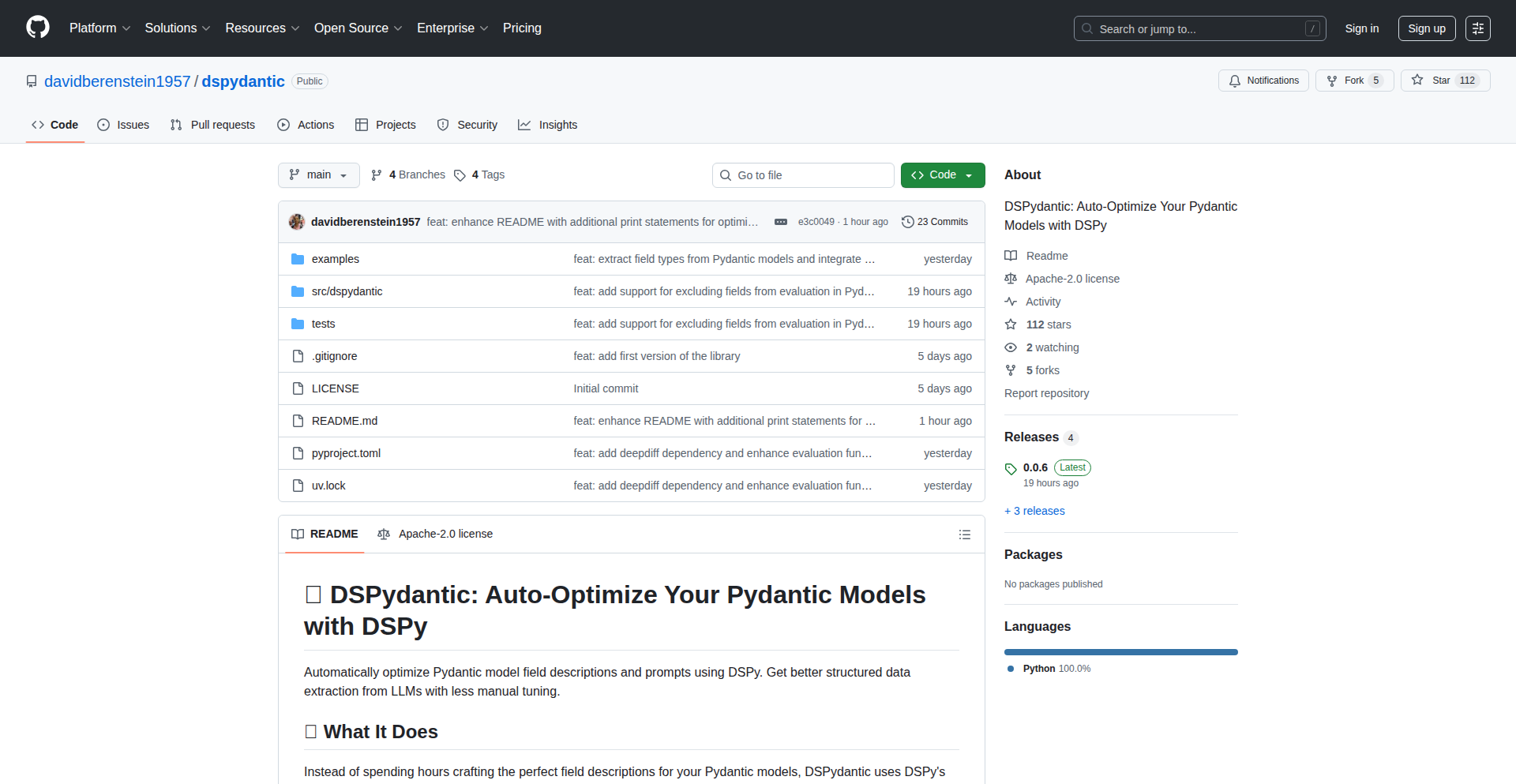
Author
dberenstein1957
Description
DSPydantic is a novel tool that leverages the power of DSPy, a framework for optimizing AI language models, to automatically enhance the performance and efficiency of Pydantic models. It addresses the common challenge of making data validation and serialization more intelligent and adaptable, especially when dealing with dynamic or complex data structures in AI-powered applications.
Popularity
Points 1
Comments 0
What is this product?
DSPydantic is an innovative project that bridges the gap between data validation (Pydantic) and AI model optimization (DSPy). At its core, it intelligently analyzes your Pydantic models and uses DSPy's capabilities to discover the best ways to optimize their behavior. This means your data handling becomes more robust, error-resilient, and efficient, particularly in scenarios where AI models are involved in data processing or generation. The innovation lies in applying AI-driven optimization techniques to a fundamental software engineering tool like data modeling, making it smarter without requiring manual deep AI expertise from the developer.
How to use it?
Developers can integrate DSPydantic into their existing Python projects that utilize Pydantic. Typically, you would install the DSPydantic library and then configure it to analyze your Pydantic models. DSPy will then work in the background, experimenting with different optimization strategies tailored to your model's structure and typical usage patterns. The outcome is an optimized version of your Pydantic model that you can use in your application, leading to improved performance and potentially reduced computational costs when interacting with AI services.
Product Core Function
· Automated Pydantic Model Optimization: DSPy analyzes Pydantic models to find the most efficient configurations and strategies for data validation and serialization, making your data handling faster and more reliable. This is useful for speeding up data processing pipelines and reducing errors in data input/output.
· Intelligent Error Handling: By optimizing how Pydantic models interact with AI, DSPydantic can lead to more intelligent error detection and recovery mechanisms, helping your application gracefully handle unexpected data formats or AI responses. This means your application is less likely to crash due to bad data and can recover more smoothly.
· DSPy Integration for AI-Enhanced Data: DSPydantic allows developers to harness the power of DSPy to create Pydantic models that are more aware of and adaptable to AI-generated data, ensuring better data integrity even when dealing with complex AI outputs. This is crucial for applications that rely on LLMs for data generation or summarization, ensuring the output is correctly understood and validated.
Product Usage Case
· Optimizing AI Chatbot Data Schemas: Imagine building a chatbot that needs to understand and respond to structured data. DSPydantic can optimize the Pydantic models defining the chatbot's input and output, making its understanding of user requests and its generation of responses more accurate and efficient. This improves the user experience by making the chatbot smarter and faster.
· Enhancing Data Pipelines with LLM Integration: For data engineers working with large datasets and AI models for tasks like data cleaning or transformation, DSPydantic can optimize how Pydantic models handle the data flowing into and out of the LLM. This leads to faster processing times and more reliable data quality checks, saving time and resources.
· Building Robust AI-Powered APIs: When developing APIs that use AI models for backend processing, DSPydantic can ensure that the data passed between the API and the AI is validated and structured optimally. This results in a more stable and performant API, providing a better experience for developers consuming the API.
93
PyAtlas: PyPI Package Nebula
Author
flo12392
Description
PyAtlas is an interactive 2D map that visualizes the relationships between the top 10,000 most downloaded Python packages on PyPI. It uses advanced text analysis techniques to place packages with similar functionalities close to each other, creating 'clusters' that represent different areas of the Python ecosystem, like web development, data science, and machine learning. This allows developers to intuitively explore, discover, and understand the vast landscape of Python libraries, finding alternatives or complementary tools based on their descriptions.
Popularity
Points 1
Comments 0
What is this product?
PyAtlas is a project that takes the descriptions of the most popular Python packages and uses them to create a visual map. Think of it like a constellation where each star is a popular Python library. Libraries that do similar things are placed close together, forming nebulae of related functionalities (e.g., a nebula for web frameworks, another for data manipulation). This is achieved by converting package descriptions into numerical representations (embeddings) and then using dimensionality reduction techniques like UMAP to fit them onto a 2D plane. Clustering algorithms group these points, revealing the structure of the Python package ecosystem. So, it's a way to 'see' the Python world of libraries, helping you understand what's out there and how things relate.
How to use it?
Developers can use PyAtlas as an interactive exploration tool. You can visit the PyAtlas website to directly navigate the map. If you're looking for a specific type of tool, you can browse the clusters. For example, if you're interested in machine learning, you can find the ML cluster and see all the related popular packages. You can also search for a package you already know, and PyAtlas will highlight its position on the map. Then, you can easily discover other packages located nearby, which are likely to be similar or complementary. This can be integrated into a developer's workflow by bookmarking the site for quick reference when starting a new project or encountering a specific technical challenge requiring a Python library.
Product Core Function
· Interactive 2D Package Visualization: Visually represents the relationships between popular Python packages, allowing for intuitive exploration of the PyPI ecosystem. This helps developers understand the breadth of available tools and their interconnections, useful when choosing libraries for a project.
· Similarity-Based Clustering: Groups packages with similar descriptions together, forming distinct clusters for different domains (e.g., web development, data science). This provides a high-level overview of the Python landscape and helps discover related functionalities.
· Package Search and Discovery: Enables users to search for a specific package and then discover related or alternative packages positioned nearby on the map. This is invaluable for finding the best tool for a specific job or uncovering new libraries.
· Ecosystem Overview: Provides a birds-eye view of the most popular Python packages, helping developers gauge the overall trends and maturity of different technical areas within the Python community. This informs strategic technology choices.
Product Usage Case
· Starting a new web development project and need a framework? Browse the 'web' cluster to see popular options like Django, Flask, and FastAPI, and discover related libraries for templating or API building.
· Working on a data analysis task and want to explore alternative visualization libraries? Search for Matplotlib and see what other plotting libraries are clustered nearby, like Seaborn or Plotly, potentially offering different features or aesthetics.
· Curious about the landscape of machine learning tools? Navigate to the 'ML' cluster to find popular libraries like TensorFlow, PyTorch, Scikit-learn, and discover specialized libraries for specific ML tasks.
· You've heard of a package but can't remember its exact name? Search for a keyword and explore nearby points to find the one you're looking for and understand its context within the Python ecosystem.
94
MapStore-Go: Decentralized State Persistence

Author
ppipada
Description
MapStore-Go is a local, file-backed map database designed for client-side state management. Its core innovation lies in its pluggable architecture for serialization (like JSON or custom formats), optional per-key encryption using the operating system's keyring for enhanced security, and optional full-text search capabilities powered by SQLite FTS5. This project tackles the challenge of efficiently and securely storing application state directly on the user's machine, providing a robust alternative to traditional databases for localized data needs. This offers developers a flexible and secure way to manage application data without relying on external services, making their applications more resilient and private.
Popularity
Points 1
Comments 0
What is this product?
MapStore-Go is essentially a smart way to save information on your computer. Think of it like a digital filing cabinet for your applications. Instead of saving data in a complex database server, it uses your local files. The 'pluggable' part means you can choose how your data is saved (like using simple text files or more complex formats), how it's protected (even encrypting individual pieces of information using your computer's built-in security), and if you want to be able to search through all the text within your stored data quickly. The innovation is in providing these advanced features like encryption and search directly on the filesystem, making local data storage more powerful and secure. So, this is useful because it allows applications to keep their settings and important information safe and accessible right on your device, without needing a constant internet connection or a complicated backend setup, leading to faster performance and better privacy.
How to use it?
Developers can integrate MapStore-Go into their applications, particularly those built with frameworks like Wails (which allows web technologies to build desktop apps). It acts as a convenient wrapper for managing files organized into partitions. For instance, you can use it to store user preferences, application configurations, or any other type of local state. By defining specific directories for partitioning, developers can organize data logically. The pluggable codecs allow for easy switching between different data formats (e.g., JSON for web compatibility or custom binary for efficiency). Encryption can be enabled on a per-key basis, meaning you can choose which sensitive pieces of data to protect. The full-text search integration means you can build features to quickly find information within your stored data. So, this is useful because it simplifies the process of building state management into applications, offering developers powerful tools for data handling directly on the client, enabling richer, more responsive, and secure user experiences.
Product Core Function
· Filesystem-backed map storage: Saves application data directly as files on the user's machine, offering a decentralized and potentially faster alternative to server-based databases. This is valuable for offline functionality and data ownership.
· Pluggable serialization codecs: Allows developers to choose how data is converted into a storable format, such as JSON for web compatibility or custom binary formats for performance. This provides flexibility in data representation and interoperability.
· Optional per-key encryption: Enables developers to encrypt specific pieces of data using the operating system's secure keyring, protecting sensitive information without complex key management. This enhances data security and user privacy.
· Optional full-text search with SQLite FTS5: Integrates powerful text searching capabilities directly into local data, allowing for efficient retrieval of information within stored content. This is useful for creating powerful search features within applications.
· Directory partitioning and management wrappers: Provides convenient tools for organizing files into logical partitions within directories, simplifying data management and retrieval. This helps in structuring application data effectively.
Product Usage Case
· Building an offline-first note-taking application: Developers can use MapStore-Go to store user notes locally, with optional encryption for privacy and full-text search for quick retrieval of specific notes. This solves the problem of needing constant internet access for basic functionality and ensures data is always available and searchable.
· Developing a client-side configuration manager for a desktop application: MapStore-Go can be used to store application settings, user preferences, and theme configurations. Pluggable serialization allows for easy saving and loading of various data types, while encryption can protect sensitive configuration parameters. This simplifies the management of application settings and enhances security.
· Creating a local data store for a mobile-first web application that needs to function offline: Developers can use MapStore-Go to cache user data or application state locally. This allows the application to remain functional even without an internet connection, improving user experience and reliability. The pluggable nature allows for efficient data handling on resource-constrained devices.
95
GeminiGrub Verify

Author
exxoooz
Description
SafeGrub is a groundbreaking tool that leverages Gemini 2.5's advanced multimodal understanding and Grounding capabilities to accurately verify food restrictions from images. This project addresses the critical need for reliable food allergen and dietary compliance verification, especially for individuals with severe allergies or specific dietary requirements. It represents a significant leap in applying AI for real-world health and safety applications.
Popularity
Points 1
Comments 0
What is this product?
SafeGrub is an AI-powered system designed to verify if a food item in an image adheres to specified dietary restrictions. It utilizes Google's Gemini 2.5 Pro, a powerful multimodal AI model, capable of understanding both text and images simultaneously. The 'Grounding' aspect refers to Gemini's ability to precisely pinpoint and identify specific elements within an image that are relevant to the query. For instance, if you upload a picture of a dish and state a restriction like 'no nuts,' Gemini can analyze the image to see if nuts are visibly present and confirm their absence or presence. This offers a more nuanced and reliable verification than traditional image recognition alone, as it understands context and can even infer ingredients from their visual appearance.
How to use it?
Developers can integrate SafeGrub into their applications to provide users with a robust food verification feature. Imagine a meal planning app where users can upload photos of their meals to ensure they comply with their personalized dietary profiles. Or, a restaurant ordering system that allows diners to upload a picture of a dish they are considering and instantly check it against their allergies. The integration would involve sending an image of the food and a natural language prompt describing the dietary restriction to the Gemini API. The API would then return a confidence score and a textual explanation of the verification result, potentially with visual highlights on the image indicating where the model found or didn't find the restricted ingredient. This allows for seamless addition of a crucial safety layer to any food-related digital product.
Product Core Function
· Multimodal Food Image Analysis: Analyzes images of food, understanding visual cues for ingredients and preparation. This is valuable for identifying potential allergens or prohibited items that might not be explicitly listed on a menu.
· Dietary Restriction Verification: Compares visual information from food images against user-defined dietary constraints (e.g., 'vegan', 'gluten-free', 'nut-free'). This provides peace of mind for users with specific needs by cross-referencing visual evidence with their requirements.
· Ingredient Grounding and Identification: Precisely identifies and locates specific ingredients within an image that are relevant to the dietary restriction. This offers a higher degree of accuracy than general image recognition, by pinpointing exactly what the AI is looking at, which is crucial for safety-sensitive applications.
· Natural Language Query Processing: Accepts dietary restrictions in plain English (or other supported languages), making it user-friendly and accessible. This allows users to express their needs naturally, without needing to understand complex technical parameters.
· Confidence Scoring and Explanation: Provides a score indicating the AI's confidence in its verification and an explanation for its conclusion. This transparency helps users understand the result and build trust in the system, enabling informed decisions about food consumption.
Product Usage Case
· A mobile application for individuals with severe food allergies: A user uploads a photo of a restaurant meal to verify it contains no traces of their allergen (e.g., peanuts). SafeGrub analyzes the image, identifies potential peanut residue, and alerts the user, preventing an allergic reaction. The value is enhanced safety and reduced anxiety for vulnerable individuals.
· A meal tracking and planning service for people with dietary preferences (e.g., keto, paleo): Users can upload photos of their meals. SafeGrub verifies if the meal aligns with their chosen diet, providing feedback and helping them stay on track with their health goals. The value is effortless dietary adherence and personalized health coaching.
· A platform for food bloggers and recipe developers: They can use SafeGrub to automatically flag potential allergens in their published recipes' accompanying images, ensuring their content is safe and inclusive for a wider audience. The value is improved content safety and broader audience reach.
· An integration into smart refrigerators or kitchen devices: A device could take a picture of groceries before storage, automatically identify potential cross-contamination risks based on user-defined restrictions, and suggest optimal storage locations. The value is enhanced food safety within the home environment.
96
StellarGeo Weaver

Author
pheelicks
Description
This project unveils a hidden geometric secret within the European Union's flag: aligning the 12 stars point-to-point forms a dodecahedron, a perfect Platonic solid. Built with THREE.js and leveraging WebGPU for broad device compatibility, it's a fascinating demonstration of 3D graphics and geometric discovery rendered in the browser. So, what's the use? It shows how complex geometry can be visualized and explored interactively, making abstract concepts accessible and inspiring new ways to represent data or design in 3D.
Popularity
Points 1
Comments 0
What is this product?
StellarGeo Weaver is a web-based visualization that reveals the geometric relationship between the 12 stars on the European flag, showing how they form a dodecahedron. It uses THREE.js, a popular JavaScript library for creating and displaying animated 3D computer graphics in a web browser, and WebGPU, a modern web API that provides low-level access to graphics hardware, enabling it to run efficiently even on mobile devices. The innovation lies in combining accessible web technologies with a captivating historical and geometric discovery. So, what's the use? It makes the abstract beauty of geometry and its connection to familiar symbols tangible and explorable for anyone with a web browser, proving that even everyday objects can hold profound mathematical secrets.
How to use it?
Developers can use this project as a foundational example for creating interactive 3D visualizations in the browser. By forking the GitHub repository, they can adapt the THREE.js and WebGPU code to explore other geometric relationships, visualize data in 3D space, or build educational tools. Integration into existing web projects can be achieved by embedding the rendering canvas or using the underlying THREE.js logic to generate 3D models or scenes. So, how to use it? Think of it as a blueprint for bringing your own 3D ideas to life on the web, from product configurators to scientific simulations, using robust and performant web technologies.
Product Core Function
· Interactive 3D geometric visualization: Renders a 3D model of a dodecahedron derived from the alignment of 12 points, providing an engaging way to explore geometric principles. This is useful for educators and students to understand abstract shapes through visual interaction.
· WebGPU rendering for performance: Utilizes WebGPU for efficient rendering, ensuring smooth performance and broad compatibility across modern browsers and devices, including mobile. This means faster load times and a better user experience for 3D content.
· Cross-platform browser compatibility: Runs seamlessly in web browsers on various devices, making the geometric discovery accessible to a wide audience without requiring special software installation. This broad accessibility democratizes the exploration of geometric wonders.
· Open-source code for learning and adaptation: The project's source code is publicly available on GitHub, allowing developers to learn from its implementation and adapt it for their own projects. This fosters community learning and encourages further innovation.
Product Usage Case
· Educational tool development: A history teacher could use this as a starting point to create an interactive lesson about symbolism and geometry, showing students how mathematical concepts are embedded in real-world designs. This solves the problem of making historical and mathematical concepts dry and unengaging.
· Data visualization experimentation: A data scientist could adapt the rendering engine to visualize complex datasets in 3D, identifying patterns or outliers that might be missed in 2D. This addresses the challenge of representing high-dimensional data effectively.
· Interactive art installations: An artist could integrate this technology into an interactive digital art piece, where user input influences the dynamic generation of geometric forms. This provides a new medium for creative expression.
· Web-based prototyping for 3D products: A designer could use the Three.js foundation to build a simple interactive prototype of a 3D product that potential customers can view and manipulate online. This helps in early-stage product validation and customer engagement.
97
HyperRecode: One-Shot Structural Code Rewriter
Author
hypmachine
Description
HyperRecode is a novel tool that learns how to transform code by analyzing a single 'before' and 'after' example. It doesn't use AI models like LLMs; instead, it meticulously identifies the structural pattern between two code snippets and generates a precise, repeatable rule for transformation. This deterministic approach ensures that the same input will always produce the same output, making it highly reliable for code refactoring and standardization. It's designed to automate repetitive code changes across a codebase or integrate with popular development environments and CLI tools.
Popularity
Points 1
Comments 0
What is this product?
HyperRecode is a code transformation engine that operates on a 'learning by example' principle. When you provide it with two versions of a code snippet – the original ('before') and the desired outcome ('after') – it intelligently deciphers the exact structural changes made. It then compiles this understanding into a deterministic rewrite rule. This means the rule is not a probabilistic guess, but a fixed instruction: 'if you see this pattern, change it exactly like this.' Unlike AI-driven code generators, HyperRecode guarantees identical results for identical inputs, making it ideal for systematic code updates, enforcing coding conventions, or migrating code across different library versions. It runs efficiently on standard CPUs and can learn these rules in real-time.
How to use it?
Developers can leverage HyperRecode in several ways. For batch processing, you can point it at your entire codebase, and it will apply the learned rules to standardize or refactor code automatically. For real-time assistance, it can be integrated as a plugin into code editors like Claude Code or Cursor, providing instant code suggestions or automatically applying transformations as you type. It can also be used as a standalone CLI tool for command-line driven refactoring workflows. The core idea is to provide a 'before' and 'after' example of a code change you want to automate, and HyperRecode learns to do it for you consistently.
Product Core Function
· Structural Pattern Extraction: Learns the precise structural relationship between two code snippets, understanding the underlying logic of the change, not just superficial text matching. This enables accurate and context-aware transformations, ensuring that code intended to be changed is modified correctly.
· Deterministic Rule Compilation: Generates a fixed, repeatable rule from the learned pattern. This guarantees that the same transformation is applied consistently every time, eliminating unexpected variations and making refactoring predictable and reliable.
· Real-time Rule Learning: Acquires new code transformation rules on the fly by analyzing new 'before' and 'after' examples. This allows developers to quickly define and apply custom refactoring logic without extensive setup or training.
· Cross-Codebase Application: The learned rules can be applied across an entire project or even multiple projects, ensuring consistent application of coding standards and automated migration of code patterns.
· IDE and CLI Integration: Provides flexibility in how transformations are applied, supporting plugins for popular code editors and a command-line interface for scripting and automated workflows. This allows seamless integration into existing development processes.
Product Usage Case
· Automating 'console.log' to a structured logging system: A developer can show one example of `console.log(message)` changing to `logger.info(message)`. HyperRecode learns this pattern and can then transform all `console.log` calls across the project to `logger.info`, improving log consistency and enabling easier log management.
· Modernizing legacy import statements: For projects moving from CommonJS `require('module')` to ES Modules `import module from 'module'`, a single example suffices for HyperRecode to learn the conversion and update all instances automatically, reducing manual effort and potential errors during code migration.
· Standardizing UI component rendering: If a framework updates its primary rendering method, like from `ReactDOM.render` to `createRoot`, HyperRecode can learn this specific API change from one instance and apply it everywhere, ensuring all UI components are rendered using the new, supported method.
· Enforcing custom project conventions: A team might have a specific way of naming variables or structuring certain code blocks. By providing an example of a manual refactoring adhering to this convention, HyperRecode can be trained to enforce it automatically across the team's codebase, maintaining code uniformity and reducing review overhead.
98
Arc AI Overlay Engine
Author
rethink-hub
Description
Arc is an Android overlay application that allows users to run custom AI prompts on any app. It enables users to interact with AI models directly on top of other applications, facilitating context-aware AI assistance and automation without needing to switch apps. The innovation lies in its ability to leverage the device's existing apps and context to trigger AI functionalities, essentially bringing AI intelligence into the workflow of any application.
Popularity
Points 1
Comments 0
What is this product?
Arc is an Android app that acts as a 'smart layer' on top of your existing applications. Imagine you're using your email, or a note-taking app, and you want to summarize a long email, or brainstorm ideas based on your notes. Arc allows you to define custom AI prompts and run them directly from within these apps. It works by creating an overlay window that can access the content of the app you're currently using. This allows it to understand the context (what text is visible, what you're doing) and then send that context to an AI model to generate a response or perform an action. The core innovation is seamlessly integrating AI capabilities into any app experience without requiring developers to build specific AI features for each application. It's about making AI a universal assistant for your phone.
How to use it?
Developers can use Arc to build AI-powered experiences that are accessible across their entire Android device. Instead of building a separate AI chatbot app, you can create custom 'AI prompts' within Arc. For example, you could define a prompt like 'Summarize this text using a concise bulleted list' and associate it with a gesture or a quick action. When you highlight text in any app and trigger Arc, it will send that text to a chosen AI model (like GPT or a local model) and display the summary as an overlay. Integration would involve defining these prompts within Arc's configuration, potentially through a simple UI or a configuration file. This allows for rapid prototyping and deployment of AI features that are universally available.
Product Core Function
· Contextual Prompt Execution: Allows AI prompts to access and utilize the content of the currently active application, enabling AI to understand and act upon user-specific data. The value is in providing AI assistance that is directly relevant to what you are doing.
· App Overlay Interface: Provides a non-intrusive overlay for AI interactions, allowing users to receive AI outputs or input prompts without leaving their current application. This enhances productivity by keeping users within their workflow.
· Customizable AI Prompts: Enables users to define and save their own AI prompts, tailoring AI behavior to specific needs and tasks. This offers flexibility and personalization for AI-powered assistance.
· Integration with External AI Models: Supports integration with various AI models, giving users the flexibility to choose their preferred AI engine. This ensures access to a wide range of AI capabilities and future advancements.
Product Usage Case
· In a document editing app, a developer could configure Arc to automatically summarize long articles when a user highlights a section, providing immediate understanding of key points.
· When composing an email, a user could trigger Arc to rephrase a sentence into a more professional tone, improving communication quality.
· While browsing a product page, Arc could be used to ask an AI model to compare features with another product, aiding in purchasing decisions.
· For a note-taking app, Arc could generate potential follow-up questions or expand on ideas based on existing notes, fostering creativity and deeper thinking.
99
Werewolf Logic Puzzle Engine

Author
soasme
Description
This project presents a novel approach to solving logic puzzles, specifically designed for games like Werewolf where participants must deduce truths from potentially deceptive statements. It's a clever application of constraint satisfaction and deductive reasoning, offering a structured way to tackle complex social deduction scenarios. The innovation lies in its ability to model and evaluate scenarios with implicit or explicit lies, making it a powerful tool for analyzing game states or even creating new puzzle variations.
Popularity
Points 1
Comments 0
What is this product?
This project is a sophisticated logic engine built to handle puzzles with inherent deception, like the popular Werewolf game. Imagine a scenario where some people are telling the truth and others are lying, and you need to figure out who is who. This engine uses advanced algorithms, akin to those used in AI for planning and reasoning, to systematically analyze statements and deduce the most probable or definitive solutions. The core innovation is its ability to work with 'zero lying' constraints as a baseline, allowing for the exploration of scenarios where the maximum amount of truth is revealed, thereby simplifying the deduction process. So, this is a tool that helps you untangle tricky 'who's lying' situations by applying smart logic. This is useful for you because it can provide definitive answers in complex deduction games or help you understand the underlying logical structure of such puzzles.
How to use it?
Developers can integrate this engine into their own applications or use it as a standalone tool for analyzing puzzle scenarios. The engine likely exposes APIs (interfaces for other programs to communicate with) that allow users to input puzzle rules, character statements, and known truths or lies. The engine then processes this information and returns potential solutions, rankings of likelihood, or confirmation of specific deductions. For example, you could build a web app where players input their game's statements, and the engine tells you who is most likely the werewolf. This is useful for you because it allows you to build your own interactive logic games or analysis tools without having to reinvent complex deduction algorithms from scratch.
Product Core Function
· Statement Analysis and Verification: The core of the engine's capability is to take a set of statements and, given certain known truths or lies, evaluate their consistency and logical implications. This is valuable for immediately seeing if a player's statement aligns with other known information, providing a quick way to spot contradictions. This is useful for you because it helps you quickly identify impossible scenarios in your logic puzzles.
· Deductive Reasoning Engine: It employs sophisticated algorithms to systematically derive new truths from existing ones, much like a detective piecing together clues. This allows for uncovering hidden information that isn't explicitly stated. This is useful for you because it helps you discover logical conclusions you might have missed.
· Constraint Satisfaction Modeling: The engine models the puzzle's rules and the players' roles as constraints (limitations or conditions) that must be satisfied. This allows for efficient exploration of possible game states. This is useful for you because it provides a systematic way to manage all the rules and possibilities in a complex puzzle.
· Zero Lying Scenario Exploration: The unique aspect of this project is its ability to analyze scenarios with a specific focus on maximizing truth or assuming a baseline of no deception to establish a starting point for deduction. This simplifies the problem space. This is useful for you because it gives you a clearer path to finding solutions by first understanding the 'truthful' core of the situation.
Product Usage Case
· Creating an interactive 'Werewolf' game companion app where players can input each round's statements and receive real-time logical analysis on who might be lying or telling the truth. This solves the problem of subjective interpretations and aids in faster, more informed gameplay. This is useful for you because it makes your game nights more efficient and less prone to confusion.
· Developing a platform for creating and sharing complex logic puzzles that involve deceptive elements. The engine would be the backend, allowing creators to define intricate scenarios and verify their solvability. This addresses the need for well-crafted, challenging puzzles. This is useful for you because it allows you to create or enjoy more sophisticated brain teasers.
· Building a tool for educational purposes to teach logical reasoning and critical thinking skills, using interactive examples of deduction with varying levels of deception. This helps students understand how to break down complex information. This is useful for you because it can be a fun and engaging way to learn about logic.
· Analyzing historical debates or trial transcripts to identify logical fallacies or inconsistencies in arguments by treating statements as puzzle inputs. This provides an objective way to scrutinize persuasive language. This is useful for you because it helps you become a more critical consumer of information.
100
VirtualDNS: Programmable Internal DNS
Author
virtualdns
Description
VirtualDNS is a programmable internal DNS system designed for private environments. It addresses common infrastructure pain points like configuration drift, lack of audit trails, and service discovery overhead. Its innovation lies in providing a multi-tenant, versioned, and auditable DNS layer specifically for internal use, enabling more robust and automated infrastructure management.
Popularity
Points 1
Comments 0
What is this product?
VirtualDNS is a specialized DNS (Domain Name System) service tailored for internal networks, not the public internet. Think of it like your own private phone book for your company's servers and services. Instead of relying on complex manual configurations or public DNS for internal testing, VirtualDNS allows you to define and manage virtual domain names that only exist within your private network. Key innovations include: 1. Programmability: You can define how your DNS responds, offering features like health-aware load balancing (if a service is unhealthy, its IP won't be returned). 2. Versioning: Every change is tracked like code commits, allowing you to see who changed what and rollback to previous states, preventing accidental outages. 3. Auditing: All DNS lookups and changes are logged, providing a clear history for troubleshooting and security. This solves the problem of inconsistent environments, hidden IP changes breaking services, and the general complexity of managing internal network names.
How to use it?
Developers can use VirtualDNS in several ways. For individual machine-level resolution, you can install a lightweight daemon that forwards DNS requests to your VirtualDNS instance. This means when you type a service name in your terminal (e.g., `ping my-database`), your machine will automatically query VirtualDNS for the correct internal IP address. For more advanced automation, VirtualDNS offers CLIs and SDKs (Software Development Kits) that can be integrated into deployment scripts, CI/CD pipelines (like Terraform or WireGuard), or custom automation tools. This allows for dynamic updates to your internal DNS as your infrastructure scales or changes, ensuring services always point to the right place without manual intervention. For example, when you deploy a new version of an application, your deployment script can update the VirtualDNS record for that application's service name.
Product Core Function
· Virtual Domains: Define internal domain names that are only resolvable within your organization. This allows you to use clear, human-readable names for your internal services instead of remembering IP addresses, making your infrastructure easier to manage and understand.
· Multi-IP Records: Support for multiple IP addresses for a single domain name. This is crucial for building high availability and load balancing. VirtualDNS can intelligently return IPs based on service health, ensuring traffic is directed to healthy instances and improving reliability.
· Health-Ordered IP Responses: Automatically reorder IP addresses returned in DNS responses based on the health of the underlying services. If a server becomes unhealthy, VirtualDNS will prioritize returning IPs of healthy servers, minimizing downtime and improving user experience.
· Full Audit Logs: Comprehensive logging of all DNS resolutions and record modifications. This provides a critical audit trail, allowing you to track who made changes, when, and why. It's invaluable for debugging issues, security analysis, and compliance.
· Versioned Changes with Rollback: Treat DNS configurations like code, with version control and the ability to roll back to previous states. If a change introduces a problem, you can quickly revert to a known good configuration, preventing extended outages and simplifying disaster recovery.
· Granular Tokens with Per-Project Scopes: Securely manage access to your internal DNS. You can issue tokens with specific permissions for different projects or teams, ensuring that only authorized personnel can modify or query specific DNS records, enhancing security and control.
· CLI, SDKs, and Daemon: Offer flexible ways to interact with VirtualDNS. The CLI (Command Line Interface) and SDKs enable programmatic management and integration into automation workflows. The daemon acts as a local DNS forwarder, seamlessly integrating VirtualDNS resolution into your operating system without requiring manual configuration changes on every machine.
Product Usage Case
· Infrastructure as Code Automation: During infrastructure deployments using tools like Terraform, VirtualDNS can be updated automatically to reflect new service IPs or domain names. This ensures that as your infrastructure changes, your internal DNS is always up-to-date, preventing connectivity issues.
· Microservices Discovery: In a microservices architecture, services frequently communicate with each other. VirtualDNS can provide a consistent and reliable way for services to discover each other using friendly names, rather than hardcoding IP addresses, making the system more resilient to changes and easier to scale.
· Development and Staging Environments: Developers can use VirtualDNS to simulate production environments locally or in staging. By defining virtual domains for databases, APIs, or other services, they can test their applications against realistic internal configurations without impacting live systems or needing complex network setups.
· Troubleshooting Connectivity Issues: When a service is unreachable, the audit logs in VirtualDNS can quickly reveal if a recent DNS change was the culprit. The versioning feature allows for rapid rollback, resolving the issue much faster than traditional manual troubleshooting.
· On-Premise Data Center Management: For organizations with on-premise data centers, VirtualDNS simplifies the management of internal hostnames and IP addresses, especially in dynamic environments where servers are frequently added, removed, or reconfigured. It eliminates the need for manual updates to `/etc/hosts` files across many machines.
101
Mermaid-Infographic Weaver

Author
dongjiewu
Description
This project is a novel diagram generation tool that bridges the gap between structured logical diagrams (like those created with Mermaid.js) and visually appealing, high-end infographics. It leverages a two-step AI-powered pipeline: first, an LLM generates or refines Mermaid syntax for precise logic, and then a powerful AI image generator (Nanobanana, powered by Gemini 3 Pro) transforms this structured code into aesthetically pleasing, presentation-ready visuals, ensuring text accuracy. This solves the problem of creating professional-looking diagrams that are also logically sound and easy to maintain.
Popularity
Points 1
Comments 0
What is this product?
This is a diagram generation application that combines the power of code-based diagramming with advanced AI image generation. Initially, you use a lightweight AI to create or refine your diagram's structure using Mermaid.js syntax. Mermaid is a way to define diagrams using simple text, making them easy to version control and edit. Once you're happy with the logical structure, the tool sends this Mermaid code to a more powerful AI (Nanobanana, which uses Gemini 3 Pro). This AI understands the structure and text from the Mermaid code but then renders it as a beautiful, infographic-style image. The innovation lies in separating the 'logic layer' (the precise structure and text defined by Mermaid) from the 'vision layer' (the aesthetic presentation generated by the AI), ensuring that your diagram's information remains accurate while achieving a professional, high-end visual appeal. So, this helps you create diagrams that look stunning in presentations without sacrificing their underlying accuracy or logic.
How to use it?
Developers can use this tool by first drafting their diagram using a text-based approach, either by manually writing Mermaid syntax or by using the integrated lightweight LLM to generate it. This initial step focuses on defining the relationships and text content of the diagram. Once the logical structure is finalized, the user can then 'render' the diagram. The tool automatically pipes the Mermaid code into the Nanobanana AI. The user then receives a polished, infographic-style image of their diagram. This can be integrated into workflows by exporting the generated images for presentations, documentation, or websites. For instance, a developer documenting an API flow could generate a clear, visually engaging diagram to explain complex interactions, making it much easier for others to understand.
Product Core Function
· AI-powered Mermaid syntax generation: This function uses a lightweight LLM to automatically create Mermaid code from natural language prompts or existing text. This provides a quick starting point for diagram creation and saves manual effort in writing code. The value is in rapid prototyping and idea capture.
· Mermaid to AI Infographic Rendering: This core function takes finalized Mermaid code and uses a sophisticated AI (Gemini 3 Pro) to transform it into a visually appealing infographic. This offers unparalleled aesthetic quality for diagrams, making them suitable for high-impact presentations. The value is in producing professional-looking visuals.
· Logic-Vision Separation: By processing the Mermaid syntax first, the tool ensures that the AI respects the defined logical structure and text content before applying visual enhancements. This guarantees the accuracy of information within the diagram, preventing common AI image generation issues with text and nodes. The value is in maintaining data integrity and clarity.
· Version-controllable Diagram Logic: Since the initial draft is in Mermaid syntax (a text-based format), the diagram's logic can be easily version controlled using tools like Git. This allows for tracking changes, reverting to previous versions, and collaborative editing of the diagram's structure. The value is in robust project management and collaboration.
· Automated Diagram Workflow: The pipeline approach automates the tedious process of creating both logical and aesthetically pleasing diagrams. Developers can focus on the content and logic, and the tool handles the rendering and beautification. The value is in significant time savings and workflow efficiency.
Product Usage Case
· Documenting complex software architecture: A developer can use this tool to create a visually stunning diagram of their system's architecture. They would first define the components and their relationships using Mermaid syntax (potentially AI-generated). Then, the tool renders it as a professional infographic, making it easy for team members and stakeholders to grasp the overall design. This solves the problem of creating diagrams that are both informative and easy to understand at a glance.
· Generating presentation slides for technical talks: Instead of spending hours manually designing diagrams in presentation software, a speaker can quickly generate a diagram using this tool. The AI-driven infographic output ensures a polished and professional look, enhancing the impact of the technical presentation. This solves the problem of creating visually appealing and accurate diagrams for public speaking.
· Visualizing data flows and user journeys: For web developers or product managers, creating clear diagrams of user interactions or data pipelines is crucial. This tool can take a structured definition of these flows and render them as engaging infographics, improving the clarity and comprehension of these processes for the entire team. This solves the problem of making complex operational flows easily digestible.
· Automating the creation of mind maps and brainstorming outputs: When brainstorming ideas, a lightweight LLM can help capture initial thoughts in Mermaid syntax. This can then be rendered into a visually organized mind map, making it easier to review and refine ideas. This solves the problem of translating raw ideas into structured and visually organized concepts.
102
Zod-File: Type-Safe File Persistence for Developers

Author
loderunnr
Description
Zod-File is a groundbreaking project that brings TypeScript's robust type safety to file-based data persistence. It allows developers to define schemas for their data using Zod, and then seamlessly persist and retrieve this data from files, ensuring that the data structure remains consistent and error-free. This solves the common problem of data corruption and unexpected type errors when dealing with simple file storage, making it ideal for configuration files, small datasets, or application state.
Popularity
Points 1
Comments 0
What is this product?
Zod-File is a library that bridges the gap between your TypeScript code and storing data in files. Normally, when you save data to a file (like a JSON file), the computer just sees it as raw text. When you read it back, you have to trust that it's still in the format you expect. If it's not, your program might crash or behave unexpectedly. Zod-File uses Zod, a powerful schema declaration and validation library for TypeScript, to define exactly what your data should look like. When you save data, Zod-File validates it against your schema. When you load data, it validates it again. This means you get compile-time checks and runtime guarantees that your data is always correct, preventing a whole class of bugs. Think of it like having a strict gatekeeper for your data files, ensuring only well-formed information gets in and out. The innovation lies in applying a sophisticated type-checking system (Zod) to the traditionally untyped world of file I/O, creating a safer and more predictable developer experience.
How to use it?
Developers can integrate Zod-File into their projects by installing it via npm or yarn. They then define a data schema using Zod's fluent API, specifying the expected types, shapes, and constraints of their data. This schema is then passed to Zod-File's persistence functions. For example, to save application settings, a developer would define a `settingsSchema` using Zod, and then use `zodFile.save('settings.json', settingsObject, settingsSchema)`. When retrieving settings, `zodFile.load('settings.json', settingsSchema)` would not only read the file but also validate its content against the schema, returning a strongly typed `settingsObject` or throwing an error if the file content is invalid. This can be used for managing configurations, storing user preferences, or even small application state that doesn't warrant a full database.
Product Core Function
· Type-safe data serialization: Automatically validates data against a Zod schema before saving it to a file, ensuring data integrity and preventing malformed data from being written.
· Type-safe data deserialization: Validates data read from a file against a Zod schema, returning strongly-typed objects and catching potential errors early, so you know your data is what you expect.
· Schema-driven file operations: Centralizes data structure definitions with Zod, making it easy to manage and update data formats across your application.
· Flexible file format support: Designed to work with common file formats like JSON, providing a familiar interface for data storage.
· Error handling for invalid data: Provides clear error messages when file content does not match the defined schema, aiding in debugging and recovery.
Product Usage Case
· Managing application configuration files: Imagine a desktop app with many settings. Instead of manually parsing a JSON config and risking type errors, Zod-File ensures your config object adheres strictly to its defined structure, preventing crashes due to incorrect setting types.
· Storing user preferences in web applications: For user-specific settings that are stored client-side or server-side in files, Zod-File guarantees that the retrieved preferences are always in the expected format, making it safe to use them directly in your UI or logic.
· Simple state management for small projects: For small scripts or prototypes where a full database is overkill, Zod-File allows you to persist and load application state in a type-safe manner, simplifying development and reducing bugs.
· Data validation for inter-process communication: If different parts of your application communicate via files, Zod-File can act as a contract, ensuring that data sent from one process is correctly validated by the receiving process.
103
CLI-TableCraft
Author
DenisDolya
Description
CLI-TableCraft is a command-line utility written in pure C that allows you to create, edit, save, and load tables directly within your terminal. It bridges the gap between simple text files and full-fledged spreadsheet software, offering a GUI-less experience for terminal enthusiasts. Its innovation lies in providing two user-friendly modes: an interactive menu for ease of use and a special syntax for rapid table generation, making it accessible to both beginners and power users. So, this is useful for you if you need to quickly manage tabular data without leaving your terminal, streamlining your workflow.
Popularity
Points 1
Comments 0
What is this product?
CLI-TableCraft is a pure C command-line application designed to manipulate tables using only your terminal. Its core technical insight is enabling users to interact with structured data in a text-based environment, offering a powerful alternative to GUI applications for specific tasks. The innovation comes from its dual input methods: an interactive menu for intuitive navigation and a concise, special syntax for efficient table definition. This means you can either visually build your table step-by-step or describe it with a few simple commands, all within your existing terminal setup. So, this is useful for you because it provides a flexible and efficient way to handle tabular data directly from your command line, enhancing productivity without the need for graphical interfaces.
How to use it?
Developers can use CLI-TableCraft by compiling the single 'table.c' file with any standard C compiler. Once compiled, you can launch it from your terminal. For interactive editing, simply run the program, and you'll be guided by a menu. For quicker table creation, you can use its special syntax directly in commands, for example, defining a simple table like `name;age|Alice;30|Bob;25`. The tables can be saved to and loaded from plain text files, allowing for easy integration into scripts or workflows. So, this is useful for you because it allows you to script table operations, automate data entry, or quickly generate data structures for testing or analysis, all within your familiar command-line environment.
Product Core Function
· Create tables in the terminal: Allows for the immediate generation of structured data visually or via syntax, valuable for quick data organization or prototyping.
· Edit tables interactively: Provides a user-friendly way to modify existing table data through an intuitive menu, simplifying data correction and updates.
· Save and load tables: Enables persistence of your tabular data in clean ASCII files, facilitating data sharing, backup, and reusability across different sessions or projects.
· Special syntax for table creation: Offers a concise and efficient method for defining tables with commands, speeding up data input for experienced users and automation.
· Multi-language support (English, Ukrainian, Russian): Enhances accessibility for a global user base, allowing developers to work in their preferred language within the terminal interface.
Product Usage Case
· Quickly generating a small dataset for testing a program: Instead of creating a complex file, you can use the special syntax to quickly define a few rows and columns of sample data directly in the terminal.
· Editing configuration data stored in a table format: If your application uses simple tables for configuration, you can easily update values without leaving your command-line session.
· Creating simple reports or data summaries in a readable format: For developers who work extensively in the terminal, generating plain-text tables for logs or summaries is much more convenient than opening a separate application.
· Automating data entry for scripts: The special syntax can be incorporated into shell scripts to programmatically create or modify tables, streamlining data processing pipelines.
104
Relia - Cloud Cost Guardian CLI

Author
davidresilify
Description
Relia is an open-source command-line tool that acts like an 'ESLint' for your cloud costs, specifically designed for AWS. It analyzes your Terraform plans locally, before they are deployed, and flags any changes that would exceed your predefined budget. This approach is local-first and privacy-focused, unlike many cloud cost management tools.
Popularity
Points 1
Comments 0
What is this product?
Relia is a developer-centric tool that helps prevent unexpected cloud spending by integrating cost analysis directly into your development workflow. Instead of finding out about cost overruns after your monthly bill arrives, Relia checks your infrastructure code (Terraform) locally. It estimates the cost of resources defined in your Terraform files using an embedded SQLite database of pricing information. If the estimated monthly cost goes over your set budget, Relia will stop your deployment process, preventing costly mistakes before they happen. The core innovation is its 'shift-left' approach to FinOps, making cost awareness a proactive part of the development lifecycle, and its fully offline, privacy-preserving operation.
How to use it?
Developers can integrate Relia into their CI/CD pipeline or use it directly from their local machine. First, you define your cost budget in a `.relia.yaml` configuration file. Then, before applying your Terraform changes (e.g., running `terraform apply` or within a pull request review), you execute the Relia CLI. Relia will parse your Terraform plan files (or the `.tf` files directly), estimate the costs, and compare them against your budget. If the cost exceeds the budget, Relia will exit with an error, stopping the deployment. This can be configured to fail a CI build or block a pull request, ensuring budget adherence.
Product Core Function
· Local Terraform Plan Parsing: Relia analyzes your Terraform configuration files or generated plan files directly on your machine, providing cost estimates without sending any data to external services. This ensures your infrastructure details remain private and secure.
· Offline Pricing Database: It bundles a SQLite database containing AWS pricing information, allowing Relia to function entirely offline or in air-gapped environments. This means you don't need an internet connection or API keys to get accurate cost estimates.
· Budget Enforcement: Developers can define a maximum monthly cost budget in a simple YAML configuration file. Relia actively compares the estimated costs of proposed infrastructure changes against this budget and will fail the build or block deployments if the budget is exceeded.
· Privacy-First Design: Unlike SaaS FinOps tools, Relia doesn't require any API tokens, doesn't ping external servers, and has no enterprise-specific features, making it a truly open-source and accessible solution for developers concerned about data privacy.
Product Usage Case
· Preventing runaway cloud costs during feature development: A developer is adding a new microservice that requires several new AWS resources like EC2 instances and RDS databases. Before committing their Terraform code, they run Relia. Relia flags that the new resources will significantly increase the monthly AWS bill, exceeding the team's budget. The developer can then adjust the instance types or resource configurations to stay within budget, avoiding unexpected expenses.
· Automating cost checks in pull requests: A DevOps team wants to ensure that all infrastructure changes proposed in pull requests are cost-conscious. They integrate Relia into their GitHub Actions workflow. When a developer opens a pull request with Terraform changes, Relia runs automatically. If the proposed changes would push the monthly AWS cost over the pre-defined limit, Relia comments on the pull request with the details and prevents merging until the cost issue is resolved.
· Maintaining cost predictability in air-gapped environments: A company operates in a highly secure, air-gapped network and needs to manage cloud costs without relying on external services. They use Relia, which runs entirely offline, to analyze their Terraform deployments and ensure that new infrastructure additions always fall within their allocated budget, maintaining strict financial control and security.
105
CompromiseVoice Task Manager

Author
digi_wares
Description
A voice-controlled task manager built without relying on large AI models. It leverages compromise.js, a natural language processing library, to understand user commands, offering a lightweight and privacy-focused alternative for task management.
Popularity
Points 1
Comments 0
What is this product?
This project is a task manager that you can control with your voice. Unlike many voice assistants that require powerful, cloud-based AI, this one uses compromise.js. Think of compromise.js as a smart text decoder. It's designed to understand everyday language, figuring out what you mean even if you don't speak perfectly. The 'compromise' in its name refers to its intelligent guessing and interpretation of language, making it work well without needing massive AI. So, how does this help you? It means you get a voice-controlled tool that's likely faster, respects your privacy (because it doesn't send your voice to distant servers), and can run even on less powerful devices.
How to use it?
Developers can integrate this project into their applications to add voice command capabilities. By using compromise.js, they can parse spoken commands like 'add a task to buy milk' or 'remind me to call mom tomorrow'. The system then translates these into actionable tasks within the manager. This can be used in web applications, desktop tools, or even mobile apps where a lightweight voice interface is desired. For example, you could embed this in a note-taking app to quickly add voice memos as tasks, or in a personal dashboard to manage your to-do list hands-free. This integration is beneficial because it allows for faster interaction and can make applications more accessible.
Product Core Function
· Natural Language Understanding for Commands: Utilizes compromise.js to interpret user voice input like 'create new task' or 'mark task as complete'. This is valuable because it allows for intuitive, conversational control over the task manager, making it easier for anyone to use without learning complex commands.
· Task Creation and Management: Enables users to create, edit, and mark tasks as done purely through voice. The core innovation is doing this efficiently without heavy AI, meaning it's fast and can work offline. This is useful for quickly adding or updating tasks on the go, boosting productivity.
· Offline Functionality: Designed to work without constant internet connection by running the NLP processing locally. This is a significant advantage for users in areas with poor connectivity or for those who prioritize data privacy, ensuring task management remains reliable and secure.
· Lightweight Implementation: Avoids large, resource-intensive AI models, making the project more accessible and faster to load. This means it consumes fewer system resources, making it suitable for a wider range of devices and applications, ultimately leading to a smoother user experience.
Product Usage Case
· Hands-free productivity in a personal dashboard: Imagine a user who is cooking and needs to add 'buy ingredients' to their shopping list. With this manager, they can simply speak the command, and it gets added without them needing to touch a device. This solves the problem of needing to interact with technology while busy with other activities.
· Privacy-focused journaling app: A user wants to dictate a new journal entry that also serves as a reminder for later. Instead of sending their voice to a cloud service, this system processes it locally, creating the journal entry and setting a reminder task. This addresses privacy concerns and ensures sensitive personal information stays on the user's device.
· Accessible educational tool: For students who find typing difficult, this voice task manager could be integrated into a learning platform to help them manage study schedules and assignments. This solves the problem of accessibility for users with physical limitations, making digital tools more inclusive.
106
RepoFlow AI

Author
unfavalen
Description
RepoFlow AI is an AI coding agent designed to accelerate software development by automating time-consuming project setup and refactoring tasks. Unlike tools that generate isolated code snippets, RepoFlow AI understands the entire repository context, performing multi-step modifications like creating branches, editing files, restructuring modules, and preparing pull requests. It uses a Vercel Sandbox for safe code execution and validation, significantly reducing the time from hours to minutes for shipping features.
Popularity
Points 1
Comments 0
What is this product?
RepoFlow AI is an intelligent agent that acts as a sophisticated assistant for developers. Its core innovation lies in its ability to operate directly on your existing codebase. Instead of just giving you snippets of code to copy-paste, it understands the context of your entire project. It can then make changes across multiple files, reorganize your project structure, rewrite parts of your code, and even prepare a pull request for you. This is powered by a specialized AI model, Bleenk-Mini, which is tuned for understanding and manipulating code across an entire repository. It also leverages a secure Vercel Sandbox environment to test all its generated changes before they are even proposed, ensuring that your code remains stable and functional. So, what does this mean for you? It means you can skip the tedious setup and refactoring work that usually eats up your development time and get straight to building the core features of your application.
How to use it?
Developers can integrate RepoFlow AI into their workflow by pointing it to their existing Git repositories. The agent can be instructed to perform specific tasks, such as setting up a new project from a template, refactoring code to improve performance or readability, migrating between frameworks, or adding new boilerplate features. For instance, you could tell RepoFlow AI to 'set up a new Next.js project with Tailwind CSS and integrate authentication boilerplate.' The agent would then create a new branch, make all the necessary file modifications, and generate a pull request with the changes. The Vercel Sandbox ensures that all these automated changes are tested and validated before you review them, making it a safe and efficient way to handle repetitive development tasks.
Product Core Function
· Repository-wide code modification: Allows AI to make changes across multiple files and directories, enabling complex refactoring and feature implementation that would normally require significant manual effort. This means you spend less time on manual edits and more time on innovation.
· Branch creation and Pull Request generation: Automates the creation of new branches for changes and the preparation of pull requests, streamlining the code review process and integrating seamlessly with existing Git workflows. This simplifies your path to merging new code.
· AI-driven refactoring and restructuring: Utilizes AI to intelligently restructure code, optimize performance, and improve maintainability, helping to keep your codebase clean and efficient without manual overhead. This leads to a healthier, more scalable project.
· Isolated code execution and validation: Employs a Vercel Sandbox to test all AI-generated code changes in a safe, isolated environment before they reach a pull request, preventing bugs and ensuring stability. This provides peace of mind that automated changes won't break your application.
· Contextual repository understanding: Designed to grasp the overall context of a repository, not just isolated prompts, leading to more coherent and effective code modifications that fit the project's architecture. This ensures that AI-driven changes are intelligently applied.
Product Usage Case
· Initial project setup: A developer needs to start a new full-stack application. Instead of manually creating directories, installing dependencies, and configuring frameworks, they can instruct RepoFlow AI to set up the project with pre-defined technologies and boilerplate, reducing setup time from hours to minutes. This gets you building features faster.
· Code refactoring for performance: A project's performance is lagging. RepoFlow AI can be tasked to analyze the codebase and automatically refactor inefficient code sections, optimize database queries, or implement caching strategies without developer intervention. This improves your application's speed and user experience.
· Framework migration: A team decides to migrate from one JavaScript framework to another. RepoFlow AI can be used to automate the initial steps of this migration, rewriting components and restructuring modules according to the new framework's patterns. This significantly reduces the manual effort involved in complex migrations.
· Adding common features: When building multiple applications that require similar features like authentication or API endpoints, RepoFlow AI can generate and integrate this boilerplate code across repositories, ensuring consistency and saving development time. This means less repetitive coding and more focus on unique application logic.
107
DashFrog: Customer-Centric Observability

Author
mehdig10
Description
DashFrog is an open-source observability platform designed for B2B SaaS. It leverages OpenTelemetry but simplifies complex technical data into user-friendly concepts like 'Flows' and streamlined metrics. This allows non-developers, like support teams, to understand customer issues quickly, bridging the gap between technical monitoring and business operations. So, this is useful because it empowers your entire team to troubleshoot customer problems, not just engineers.
Popularity
Points 1
Comments 0
What is this product?
DashFrog is an open-source observability tool that makes it easy for anyone in a B2B SaaS company to understand what's happening with a specific customer. Instead of showing raw technical data that only engineers understand (like 'spans' from OpenTelemetry), DashFrog tracks 'Flows,' which represent logical user journeys or operations across different parts of your software. It also simplifies metrics into easy-to-understand rates, ratios, and percentiles. So, the technical innovation here is abstracting away the complexity of traditional observability tools to make them accessible to non-technical users. This means you can get insights into customer behavior and issues without needing to be a deep technical expert.
How to use it?
Developers can integrate DashFrog by setting up an agent that collects data using OpenTelemetry. This agent then translates the technical data into DashFrog's simpler 'Flows' and metrics. DashFrog can be embedded within your existing applications or used as a standalone service. For example, if a support agent receives a complaint from a customer, they can use DashFrog to see the specific 'Flow' that customer was attempting to complete and identify where it broke down, providing clear, actionable insights. So, this is useful for developers as it provides a way to deliver valuable, user-friendly insights to non-technical stakeholders, improving collaboration and problem-solving.
Product Core Function
· Flow Tracking: Monitors logical user journeys or operations across distributed services, providing a clear, step-by-step view of what a customer is doing. This offers immense value by making complex system interactions understandable to anyone, enabling faster identification of bottlenecks or errors in specific customer workflows.
· Simplified Metrics: Presents technical metrics in an easy-to-digest format (rates, ratios, percentiles) rather than raw, complex data. This is valuable because it allows non-engineers to grasp system performance and customer experience trends without needing deep technical knowledge, facilitating data-driven decision-making across departments.
· Customer-Scoped Observability: Focuses data collection and presentation around individual customers. The value here is that it allows for highly specific troubleshooting and analysis for each client, leading to more personalized support and a better understanding of their unique usage patterns and pain points.
Product Usage Case
· Troubleshooting a customer login issue: A support agent can use DashFrog to see the 'login flow' for a specific customer, pinpointing exactly which service failed or experienced a delay, and immediately understanding the impact on that customer's experience. This solves the problem of support having to wait for engineers to debug, leading to faster resolution times.
· Understanding customer feature adoption: By tracking 'flows' related to a new feature, product managers can see how many customers are successfully using it and where they might be dropping off. This provides actionable data for product improvement and marketing efforts, helping to increase feature adoption and user satisfaction.
· Proactive customer issue identification: DashFrog can alert teams to anomalies in customer 'flows' or metric deviations before the customer even reports a problem. This allows for proactive intervention, preventing customer churn and improving overall service quality. This addresses the challenge of identifying issues before they escalate, ensuring a smoother customer journey.
108
Coached: The Fitness Coach's Command Center

Author
zham-dev
Description
Coached is an all-in-one platform designed to help fitness coaches move beyond cumbersome spreadsheets. It centralizes training programs, nutrition plans, client check-ins, and progress tracking into a single, organized system. The core innovation lies in its template-to-assignment workflow, enabling coaches to efficiently customize and deliver client-specific plans, and its data-driven check-ins, which provide visual and metric-based progress insights.
Popularity
Points 1
Comments 0
What is this product?
Coached is a web-based application built to solve the organizational chaos faced by fitness coaches. Instead of juggling multiple documents for workout routines, meal plans, client feedback, and progress photos, Coached consolidates everything. Its technical ingenuity shines through in its "template-to-assignment" system, which allows a coach to design a program or diet once and then easily adapt and assign it to individual clients. This avoids repetitive manual work and reduces errors. Another key innovation is the "data-driven check-ins," where clients can upload photos, record metrics (like weight or measurements), and provide qualitative feedback. The platform then presents this data in a clear, comparative format, allowing coaches to visually identify trends and track client progress over time. For example, instead of scrolling through dozens of individual messages, a coach can see a client's weight and progress photos side-by-side for weekly comparisons. It also features an integrated macro calculator, meaning when you add ingredients to a meal plan, the calorie and macronutrient counts (protein, carbs, fats) update automatically, saving significant time and ensuring accuracy.
How to use it?
Fitness coaches can sign up for Coached and immediately begin creating program and meal plan templates. These templates can then be assigned to clients, with options for customization. Clients receive access to a dedicated portal where they can view their assigned plans, log their progress (including uploading photos and entering metrics), and submit check-ins. Coaches can log in to their dashboard to review all client data, compare progress visually and numerically, and make adjustments to plans based on performance and feedback. Integration is seamless as it's a standalone platform; coaches simply direct their clients to their unique client portal URL. For developers interested in similar workflows, the concept of a centralized data management system with a flexible templating engine and a user-friendly client interface is a valuable blueprint for building productivity tools.
Product Core Function
· Template-to-assignment workflow: This allows coaches to create reusable program and meal plan templates, then customize and assign them to clients. This saves immense time and ensures consistency in program delivery, reducing the need for copy-pasting and manual file management, which is crucial for coaches managing multiple clients.
· Data-driven client check-ins: Clients can submit progress photos, key body metrics, and feedback through a structured form. The system then aggregates this data, presenting coaches with side-by-side comparisons and trend analysis. This provides actionable insights into client progress, making it easier to identify what's working and where adjustments are needed, moving beyond subjective observations to objective data.
· Integrated macro calculation: Coaches can build meal plans by adding ingredients, and the platform automatically calculates calories, protein, carbohydrates, and fats. This streamlines the nutrition planning process, ensuring accuracy and saving coaches from manual calculation errors when creating bespoke diets.
· Client dashboard and portal: Clients get a professional, easy-to-navigate interface to view their plans, submit updates, and track their own progress. This enhances the client experience, making them feel more engaged and supported, and reduces client communication overhead for the coach.
· Centralized client management: All client information, including their programs, nutrition, check-ins, and communication history, is stored in one accessible location. This organization is vital for coaches to efficiently manage their business and provide personalized support without losing track of important details.
Product Usage Case
· A strength coach has 20 clients and previously used Google Sheets for each client's workout plan. With Coached, they create a 'Beginner Strength Program' template once, then assign and slightly modify it for each client. This reduces their program creation time by 75% and ensures all clients receive a structured, professional program.
· A nutritionist manages clients remotely. Instead of relying on email attachments for progress photos and measurements, clients use Coached's portal. The nutritionist can then instantly compare a client's weight and body fat percentage from week to week, alongside their progress photos, identifying trends and making dietary adjustments more effectively.
· A personal trainer offers customized meal plans. By using Coached's macro calculator, they can quickly assemble a meal plan for a client's specific caloric and macronutrient goals by simply adding common food items, dramatically speeding up the process compared to manual calculations and ensuring dietary compliance.
· A fitness business owner wants to present a premium service. Coached provides a branded client portal, giving clients a clean, professional interface to view their training and nutrition. This elevates the perceived value of the coaching service and improves client adherence.
· A coach is onboarding a new client. Instead of a lengthy email chain, they assign a foundational program template via Coached. The client logs in, views their initial workouts, and can ask questions directly within the platform, streamlining the onboarding process and providing immediate value.
109
WhisperMoney: Decentralized Privacy Finance

Author
falcon_
Description
Whisper Money is a personal finance application that prioritizes user privacy by implementing end-to-end encryption. All sensitive financial data is encrypted directly within the user's browser before being sent to the server, ensuring that only the user can decrypt and access their information. This approach fundamentally addresses the privacy concerns inherent in traditional financial apps by shifting data control entirely to the user.
Popularity
Points 1
Comments 0
What is this product?
Whisper Money is a personal finance management tool where your financial data is secured with end-to-end encryption. This means that even before your data leaves your device, it's scrambled using strong cryptographic keys that only you possess. The service's servers only store these scrambled pieces of data for synchronization across your devices. Decryption and viewing of your actual financial information only occur on your own devices, completely under your control. This is innovative because it moves away from centralized data storage models where a company holds your sensitive information, and instead empowers you with sole ownership and access, akin to a digital lockbox for your finances.
How to use it?
Developers can use Whisper Money as a model for building privacy-centric applications. The core technical insight is the client-side encryption and decentralized data handling. For integration, one could potentially leverage the underlying encryption libraries (though specific libraries aren't detailed in the provided info) to secure their own application's data before transmission. This is particularly useful for applications dealing with sensitive user information, where trust in a third-party server is a significant concern. Imagine building a secure messaging app or a personal health tracker; Whisper Money's approach demonstrates a robust way to handle data privacy from the ground up.
Product Core Function
· End-to-End Encryption of Financial Data: Sensitive financial information is encrypted on the user's device before transmission to servers. This ensures data confidentiality, meaning only the user with the decryption key can read their financial records, offering peace of mind against data breaches or unauthorized server access.
· Decentralized Data Storage and Sync: The server stores encrypted data blobs, acting solely as a synchronization hub. This eliminates the risk of a central database compromise revealing all user data. Users can access their synchronized data across multiple devices, knowing that their information remains encrypted until they choose to decrypt it locally.
· Client-Side Decryption: All data decryption occurs exclusively on the user's device. This reinforces the principle of user control over their data, as the application never needs to store plaintext financial information on its servers.
· Secure Key Management: While not detailed, a crucial aspect is how users manage their encryption keys. A robust system for key backup and recovery is essential for usability, allowing users to regain access to their data if their device is lost or damaged, without compromising security.
Product Usage Case
· Building a secure expense tracker: A developer creating a personal budgeting app can adopt Whisper Money's encryption model to ensure users' spending habits and financial goals are kept private from the app provider and potential hackers.
· Developing a privacy-focused investment portfolio manager: For an app that tracks investments, end-to-end encryption prevents sensitive financial holdings from being exposed on servers, giving users confidence in sharing their investment data.
· Creating a secure digital diary or journal: Developers working on applications where users record personal thoughts and experiences can use this encryption pattern to guarantee that sensitive entries remain private and accessible only by the user.
· Implementing a secure data vault for sensitive documents: For any application that needs to store confidential files, the client-side encryption approach used by Whisper Money provides a strong foundation for ensuring data integrity and privacy.
110
API-Copilot

Author
rhozeta
Description
API-Copilot transforms your existing APIs into an intelligent, conversational AI agent that can be easily embedded on your website. It bridges the gap between complex interfaces or documentation and user needs by allowing natural language queries that are translated into API calls, providing immediate, conversational answers. This solves the problem of users struggling with UIs or documentation, and the high cost of building custom AI solutions.
Popularity
Points 1
Comments 0
What is this product?
API-Copilot is a platform that takes your OpenAPI or Swagger specification, which essentially describes how your API works, and builds an AI-powered chat agent. It understands natural language requests from your website visitors, translates those requests into the correct API calls, executes them, and then presents the results back to the user in a conversational way. The innovation lies in leveraging Large Language Models (LLMs) with function calling capabilities to intelligently map user queries to your specific API endpoints and parameters, making complex API interactions accessible without users needing to understand the underlying technical details.
How to use it?
Developers can use API-Copilot by uploading their OpenAPI/Swagger specification, or by pasting their API documentation. The platform processes this information to understand the available API endpoints and their expected inputs. It then generates an embeddable widget, essentially a chat interface, that you can place on your website. When a user interacts with this widget, their natural language questions are sent to the API-Copilot backend, which uses AI to figure out which API calls to make. The results are then returned conversationally. This can be integrated into any website where users interact with data or services exposed by an API, from e-commerce product lookups to data dashboards.
Product Core Function
· AI-powered natural language understanding: Allows users to ask questions in plain English, making it easy to interact with your API without technical knowledge. This is valuable for improving user experience and reducing support load.
· API endpoint mapping via LLM function calling: Intelligently translates user queries into specific API calls, which is the core technical innovation enabling conversational access to structured data. This saves developers the effort of building custom query translation logic.
· Embeddable chat widget: Provides a seamless way to integrate AI-powered assistance directly onto your website, offering immediate value to your users. This enhances user engagement and self-service capabilities.
· Authentication handling (API keys, OAuth): Securely manages access to your API, ensuring that the AI agent can authenticate properly without exposing sensitive credentials. This is crucial for secure API integration.
· Rate limiting and caching: Optimizes API performance and prevents overload by managing the frequency of API calls and caching common results. This protects your backend infrastructure and ensures a smooth user experience.
· REST API support (GraphQL coming): Offers broad compatibility with most modern web services, allowing a wide range of APIs to be enhanced. The planned GraphQL support will expand its utility even further.
Product Usage Case
· An e-commerce website can use API-Copilot to allow customers to ask questions like 'Do you have red shoes in size 9 under $50?'. The AI agent will translate this into API calls to search the product catalog, filter by color, size, and price, and then present the available options conversationally. This directly addresses the user's need for quick product discovery without navigating complex search filters.
· A SaaS company with a complex data analytics API can implement API-Copilot so that non-technical users can ask 'Show me the monthly sales trends for the last quarter'. The AI agent will interpret this, make the necessary API calls to fetch and aggregate sales data, and then display the trend visually or in a summarized text format. This democratizes access to data insights and reduces reliance on specialized analysts.
· A documentation portal for a developer tool can integrate API-Copilot to answer common questions about API usage. Instead of sifting through long documentation pages, developers can ask 'How do I authenticate a request?' or 'What are the parameters for the user creation endpoint?' and get direct, actionable answers. This significantly speeds up the developer onboarding and problem-solving process.
111
HumanCode Principles: The Pragmatic Developer's Compass
Author
janijarvinen
Description
This project, 'Human Code Principles,' offers a set of 12 guiding principles focused on the human element of software development. It goes beyond typical architectural or code structure advice, emphasizing long-term consequences, burnout prevention, interpersonal respect, and responsible AI integration. The innovation lies in shifting the developer mindset towards a more sustainable and ethically-aware practice.
Popularity
Points 1
Comments 0
What is this product?
Human Code Principles is a collection of 12 thoughtfully crafted guidelines for software developers. Instead of focusing solely on the 'how' of coding, it delves into the 'why' and 'who.' It addresses the often-overlooked aspects of developer well-being, team collaboration, and the broader societal impact of our work. The core idea is to foster a more human-centered approach to building software, acknowledging that developers are people, and their work has real-world ramifications. It’s not a rigid framework but a set of values to encourage healthier and more sustainable careers in tech. So, what's in it for you? It helps you build better software by being a better, more mindful developer.
How to use it?
Developers can engage with Human Code Principles by reading them on the provided website. The principles are designed to be integrated into daily thinking and team discussions, rather than being a strict checklist. They can serve as conversation starters in code reviews, team retrospectives, or even during personal reflection on project decisions. For instance, a team might discuss the principle related to avoiding burnout when planning sprints, or a developer might consider the 'responsible AI' principle when integrating new AI tools. The goal is to imbue development practices with a more conscious and considerate approach. How does this benefit you? It provides a practical framework to navigate the complex human dynamics inherent in software development, leading to more fulfilling work and better outcomes.
Product Core Function
· Promote long-term thinking in software development: This principle encourages developers to consider the future impact and maintainability of their code, preventing technical debt and reducing future rework. This means your projects are less likely to become unmanageable nightmares down the line.
· Emphasize developer well-being and burnout prevention: By advocating for healthy work habits and realistic expectations, this principle aims to create a sustainable career path for developers, allowing them to avoid exhaustion and maintain passion. This helps you stay motivated and productive for longer.
· Foster respectful and inclusive team collaboration: This principle guides developers on how to communicate effectively and build strong relationships within their teams, leading to a more positive and productive work environment. This makes working with others smoother and more enjoyable.
· Encourage responsible adoption and use of AI tools: This principle addresses the ethical considerations and potential consequences of using artificial intelligence, guiding developers to use AI in a way that benefits society and minimizes harm. This ensures you're using powerful tools wisely and ethically.
· Cultivate a sense of ownership and accountability: Developers are encouraged to take responsibility for their work and its outcomes, fostering a sense of pride and commitment to quality. This empowers you to feel more invested in the success of your projects.
Product Usage Case
· During a project planning phase, a team can collectively review the 'long-term consequences' principle to ensure architectural decisions are scalable and maintainable, preventing costly refactoring later. This saves time and resources by getting it right the first time.
· A developer feeling overwhelmed by a demanding project can refer to the 'avoid burnout' principle to advocate for adjusted timelines or better resource allocation, protecting their mental health and productivity. This helps you manage stress and maintain a healthy work-life balance.
· In a team meeting discussing a disagreement, developers can use the 'treat each other with respect' principle as a foundation for constructive dialogue, ensuring that feedback is delivered and received positively. This leads to better problem-solving through open and honest communication.
· When evaluating a new AI-powered feature, the 'work responsibly with AI' principle can prompt a discussion about potential biases or unintended societal impacts, guiding the team to implement the feature ethically. This ensures your innovations have positive societal impact.
· A junior developer struggling with a bug can be guided by the 'own your mistakes' principle, not in a punitive way, but as an opportunity to learn and grow, fostering a culture of continuous improvement within the team. This creates a learning environment where mistakes are seen as stepping stones to expertise.
112
Rendria: Dynamic Image Synthesis API

Author
ovubs_khalid
Description
Rendria is an API that automates the creation of images based on predefined templates. You design a template once using a visual editor, and then generate countless variations by sending in simple data like text and image URLs via an API call. This is a breakthrough for anyone needing to produce branded visuals like social media posts, certificates, or invoices efficiently, by turning a single design into an infinite stream of personalized content. It's built using React, Node.js, and headless Chromium for fast, precise image rendering.
Popularity
Points 1
Comments 0
What is this product?
Rendria is an API-driven service for generating images programmatically. At its core, it leverages a visual template editor. You can design a base image layout, defining areas for text, images, or other graphical elements. Once the template is set, developers can send structured data (like JSON payloads) to the API. This data tells Rendria which text to insert, which images to use, and how to position them. The API then uses a headless browser environment (headless Chromium) to render these changes with pixel-perfect accuracy, delivering the final image in formats like PNG, JPG, or WebP. The innovation lies in abstracting the complex rendering process behind a simple API, allowing for rapid, on-demand image creation without manual editing for each variation. So, this is useful because it removes the tedious manual work of creating multiple similar images, saving significant time and resources.
How to use it?
Developers can integrate Rendria into their applications by first designing a template using the visual editor on the Rendria website. Once the template is ready, they can make POST requests to the Rendria API, sending a JSON object containing the specific data that should populate the template. For example, to generate a personalized certificate, a developer would send the recipient's name, the course title, and a date. Rendria then processes this request and returns the generated image. It's also capable of bulk generation; you can provide a spreadsheet of data, and Rendria will produce all the corresponding images automatically. This makes it ideal for backend systems, content management systems, or any application that requires dynamic image asset creation.
Product Core Function
· Visual Template Design: Allows users to create customizable image templates with drag-and-drop functionality, ensuring brand consistency and efficient design setup. This means you can set up your core visual style once and reuse it endlessly.
· JSON-driven Content Modification: Enables dynamic image generation by accepting JSON data to update text, images, and other elements within a template, offering flexibility and personalization at scale. This is useful for tailoring content to specific users or events.
· High-Fidelity Image Rendering: Utilizes headless Chromium for pixel-perfect image generation, ensuring professional quality output across various formats (PNG, JPG, WebP). This guarantees your generated images look exactly as intended, without quality loss.
· Bulk Image Generation: Supports processing data from spreadsheets to generate multiple image variations in one go, significantly speeding up mass production of visual assets. This is a lifesaver for large campaigns or when dealing with many individual items.
· API Access for Integration: Provides a robust API for seamless integration into existing applications, workflows, and backend systems, allowing for automated image creation. This means you can build it directly into your existing software without manual steps.
Product Usage Case
· Generating personalized social media posts: A marketing team can use Rendria to automatically create unique Twitter or Facebook post images for each campaign, inserting campaign-specific text and logos. This solves the problem of creating hundreds of slightly different social media graphics manually.
· Automating certificate issuance: An online course platform can use Rendria to generate professional-looking completion certificates for students as soon as they finish a course, embedding their name and course details. This streamlines the student experience and removes manual certificate creation.
· Creating dynamic product thumbnails for e-commerce: An online store can generate personalized product banners or thumbnails that highlight specific promotions or customer reviews. This helps in creating engaging product displays that can be updated on the fly.
· Producing invoices and receipts with custom branding: Businesses can use Rendria to generate PDF invoices or receipts that automatically include their company logo, customer details, and itemized lists, ensuring consistent branding on all financial documents. This solves the need for professional and branded transaction records.
113
MavenSignal: Podcast Book Trend Analyzer
Author
steyeomans
Description
MavenSignal is a tool designed to automatically track and visualize book mentions across podcast episodes. It leverages local speech-to-text processing (faster_whisper), advanced language models (GPT-5-mini) for structured data extraction, and a robust backend (Azure SQL, Blob storage) to identify trending books. The innovation lies in its ability to process unstructured audio content into actionable insights about literary trends, with a focus on handling the complexity of book title normalization through a combination of fuzzy matching and human-in-the-loop validation.
Popularity
Points 1
Comments 0
What is this product?
MavenSignal is a system that listens to your favorite podcasts, transcribes their audio, and identifies which books are being discussed. It then aggregates this information to show you which books are most frequently mentioned, revealing emerging literary trends. The core technical innovation is its pipeline: using locally run AI models to convert spoken words into text, then another AI to understand that text and pull out specific book titles. It tackles the difficult problem of recognizing different versions of the same book title (like 'The Great Gatsby' vs. 'Gatsby') by using smart text matching, and when the AI isn't 100% sure, it flags it for a human to quickly confirm. This makes it a powerful way to discover what's popular in the world of books based on actual conversations, not just sales data.
How to use it?
Developers can integrate MavenSignal's insights into their own applications or workflows. The underlying technology, particularly the data extraction and trend analysis components, can be adapted for other content analysis tasks. For example, if you have a collection of audio or video content, you could use similar AI pipelines to extract specific entities, topics, or mentions. For direct use, the project provides visualizations and reports on a website, offering immediate access to the identified book trends. Integration could involve consuming APIs (if developed) or adapting the open-source components for custom data processing pipelines within your own projects.
Product Core Function
· Podcast Episode Transcription: Utilizes faster_whisper for accurate, local transcription of audio episodes. This allows for on-demand processing of vast amounts of spoken content, turning audio into searchable text.
· Book Mention Extraction: Employs GPT-5-mini to intelligently identify and extract structured book titles from the transcribed text. This automates the tedious task of manually sifting through hours of audio for specific mentions, providing immediate data points.
· Intelligent Deduplication and Normalization: Combines fuzzy matching algorithms with a human-in-the-loop UI to accurately group different mentions of the same book title. This is crucial for reliable trend analysis, ensuring that variations in title phrasing don't lead to inaccurate counts.
· Data Storage and Management: Stores extracted book mentions and metadata in Azure SQL and Blob storage, providing a scalable and reliable backend for data analysis and retrieval. This ensures data persistence and allows for efficient querying of trends.
· Trend Visualization: Presents discovered book trends through interactive visualizations using D3.js, offering a clear and intuitive way to understand which books are gaining traction in podcast discussions.
Product Usage Case
· Content Creators Analyzing Audience Interests: A podcaster can use MavenSignal to understand which books their audience is discussing or being influenced by, informing future content strategy and guest selection. It helps answer 'What are my listeners talking about related to books?'
· Book Publishers Identifying Emerging Trends: Publishers can monitor podcast discussions to identify books that are starting to gain traction organically, allowing for early investment in marketing or acquisition. This answers 'Which books are becoming popular before they hit the bestseller lists?'
· Literary Analysts Studying Cultural Influence: Researchers can use the aggregated data to study how podcasts influence literary discourse and identify subtle shifts in reading interests over time. This helps answer 'How are podcasts shaping what people are reading and talking about?'
· Personalized Recommendation Engines: A service could leverage this data to provide highly personalized book recommendations based on the aggregate discussions within specific podcast communities. This answers 'What books are people like me, who listen to these podcasts, interested in?'
114
Isogen: Context-Aware AI Coding Companion

Author
ojr
Description
Isogen is a lean AI coding tool designed to integrate seamlessly into developer workflows without consuming excessive system resources. It tackles the common pain points of large AI agent applications, such as high memory usage and complex file diff review, by adopting a file-by-file, isolated context approach. This allows for rapid AI-powered code generation and modification while preserving the developer's understanding of the codebase and simplifying interaction with AI outputs.
Popularity
Points 1
Comments 0
What is this product?
Isogen is a highly efficient AI coding assistant built with Rust and JavaScript, aiming to provide powerful AI code generation capabilities with minimal memory footprint (under 50MB). Unlike traditional AI coding tools that might fork editors and manage large project contexts, Isogen operates by allowing developers to drag and drop or paste individual files into an isolated environment. This isolation ensures that the AI operates on a single file's context at a time, making generations faster and easier to manage. It uses SQLite for local storage of file copies and generation history, and supports Bring Your Own Key (BYOK) for inference with models like Gemini, ChatGPT, Claude, and Grok. The core innovation lies in its resourcefulness and its approach to AI interaction, prioritizing developer control and clarity over overwhelming features.
How to use it?
Developers can use Isogen by simply launching the application, which is designed to be lightweight. To interact with the AI, they can drag and drop files or paste code directly into the Isogen interface. The tool then allows for fast, file-by-file AI generations. This is particularly useful for tasks like refactoring a single function, generating boilerplate code for a specific file, or getting suggestions for improving a particular code segment. The snapshot feature allows developers to revisit previous versions of files and their corresponding AI outputs, maintaining a clear history. Integrations could involve using Isogen as a standalone helper, or potentially building custom scripts that leverage its efficient file-processing and AI generation capabilities.
Product Core Function
· Lightweight AI code generation: Enables quick AI-driven code suggestions and modifications for individual files, significantly reducing the memory overhead compared to full-project AI agents, thus allowing for faster iterations and less strain on development machines.
· Isolated file context processing: Processes code generation on a per-file basis within an isolated environment, making it easier for developers to understand the AI's output and maintain their mental model of the codebase, avoiding the complexity of large diffs.
· Snapshot and history tracking: Saves local file copies and AI generation outputs using SQLite, providing a clear history of changes and AI interactions. This allows developers to revert to previous states or review past AI suggestions, enhancing traceability and control.
· Bring Your Own Key (BYOK) for inference: Supports using personal API keys for popular AI models (Gemini, ChatGPT, Claude, Grok), enabling unlimited generations without relying on pre-paid services and ensuring data privacy, giving developers flexibility and cost control.
· Cross-platform compatibility: Built with Rust and JavaScript, offering broad usability across different operating systems and development environments, ensuring accessibility for a wide range of developers.
Product Usage Case
· Refactoring a specific function: A developer needs to refactor a complex function within a large project. Instead of loading the entire project into a heavy AI agent, they can drag and drop just the file containing the function into Isogen. Isogen, with its efficient context, can then generate refactored code for that function quickly, which the developer can then review and integrate, maintaining a clear understanding of the changes.
· Generating boilerplate code for a new module: When starting a new component or module, a developer can paste the initial structure or desired outline into Isogen. The AI can then generate the necessary boilerplate code for that specific file, saving time and reducing manual typing, and is easily reviewed due to its isolated nature.
· Quickly getting code suggestions for a bug fix: A developer encounters a bug in a specific file. They can use Isogen to get AI suggestions for fixing that particular issue within that file, rather than waiting for a large AI system to process the entire codebase, leading to faster debugging cycles.
· Experimenting with different AI models for a code snippet: A developer wants to compare how different AI models (e.g., Gemini vs. Claude) generate code for a specific piece of logic. Using Isogen's BYOK feature, they can easily switch between models and generate outputs for the same input file, facilitating model evaluation and selection for their specific needs.
115
Schedulegend

Author
paul_brook
Description
Schedulegend is a web-based tool that revolutionizes meeting scheduling by allowing users to express their availability in plain English, rather than tedious grid clicking. It uses natural language processing to interpret phrases like 'next two weeks between 11am and 3pm but not Fridays or weekends', making it significantly easier and faster to find common meeting times for groups. This innovation aims to reduce the friction of traditional scheduling tools and provide a more intuitive experience.
Popularity
Points 1
Comments 0
What is this product?
Schedulegend is a scheduling tool that leverages natural language processing (NLP) to understand availability input from users. Instead of a traditional calendar grid with time slot selections, participants can simply type their availability in conversational English. The system then parses this text, identifies the available time ranges, and aggregates this information to suggest optimal meeting times that work for everyone. This approach is innovative because it replaces a complex, manual interface with a simple, intuitive text-based interaction, making the scheduling process more accessible and less time-consuming.
How to use it?
Developers and users can utilize Schedulegend by creating an event through the website, which takes seconds to set up. A shareable link is then provided to participants. When participants click the link, they are presented with a simple interface to type their availability in natural language. The system automatically interprets this input. The event creator can then view a consolidated view of everyone's availability on a results page, identifying the best time slots for the meeting. This can be integrated into workflows where quick group coordination is needed without the overhead of complex calendar tools.
Product Core Function
· Natural language availability input: Allows users to express their availability using everyday English phrases, eliminating the need for manual grid selection. The value is a dramatically simplified and faster scheduling experience for participants.
· Automated time interpretation: Employs NLP to parse and understand the user's text input, converting it into actionable time data. The value is that the system automatically does the heavy lifting of understanding complex availability constraints.
· Consolidated availability view: Presents a clear overview of all participants' interpreted availability, highlighting overlapping times. The value is enabling organizers to quickly identify the most suitable meeting slots without manual cross-referencing.
· Zero-friction scheduling: Requires no login for participants, ensuring a seamless experience from receiving the link to submitting availability. The value is maximizing participation and minimizing drop-off due to registration hurdles.
· Fast, minimal interface: Designed for speed and simplicity, focusing on the core task of scheduling. The value is efficiency and ease of use, especially for quick coordination needs.
Product Usage Case
· Coordinating a quick team sync-up meeting: Instead of sending out Doodle polls or manually checking calendars, a project lead can share a Schedulegend link. Team members can quickly type 'available after lunch tomorrow' or 'not free before 10 AM'. The system instantly shows the best time, saving everyone significant coordination effort.
· Scheduling informal social gatherings: Friends trying to find a time to meet can use Schedulegend. One person can set up the event and share the link. Others can respond with 'any evening next week except Tuesday' or 'this weekend works'. The tool simplifies finding a common time without complex back-and-forth messaging.
· Onboarding new team members: When scheduling initial onboarding meetings or introductions, a manager can use Schedulegend to find a time that works for the new hire and existing team members. The natural language input makes it easy for everyone, including those new to the company, to express their availability.
116
MilkiePaywall

Author
akcho
Description
MilkiePaywall is a developer-friendly Stripe paywall solution specifically designed for Next.js applications. It simplifies the integration of subscription and content gating features, handling the complex backend logic and frontend UI components. The innovation lies in its ability to integrate seamlessly with various authentication providers, reducing boilerplate code and accelerating development for creators wanting to monetize their content.
Popularity
Points 1
Comments 0
What is this product?
MilkiePaywall is a pre-built system that helps developers easily add paid content and subscription features to their Next.js websites. Think of it as a shortcut for implementing a paywall without having to build all the complicated parts from scratch. It connects to Stripe, the popular payment processor, and manages everything from showing a lock icon on premium content to processing payments, handling subscription renewals, and updating users' access based on their payment status. The core technical insight is abstracting away the repetitive and error-prone parts of payment integration, allowing developers to focus on their content and user experience. So, this is useful because it saves you a huge amount of development time and effort when you want to start charging for your digital content or services on your Next.js site.
How to use it?
Developers can integrate MilkiePaywall into their existing Next.js projects. It's designed to be a 'drop-in' solution, meaning you install it and follow its documentation to configure it with your Stripe account and desired authentication method (like NextAuth, Clerk, or Supabase). You then mark which parts of your content are premium, and MilkiePaywall automatically handles showing the paywall, processing payments through Stripe, and granting access to subscribed users. It also manages the 'boring stuff' like handling Stripe webhooks (which are notifications from Stripe about payments) and keeping track of subscription statuses. So, this is useful because it provides a clear path to add monetization to your Next.js app with minimal custom coding, letting you focus on building your unique product.
Product Core Function
· Seamless Stripe Integration: Connects your Next.js app to Stripe for payment processing, handling subscriptions, and one-time purchases. This is valuable because it leverages a trusted and robust payment infrastructure, making your revenue generation reliable.
· Flexible Authentication Support: Works with any popular authentication provider (NextAuth, Clerk, Supabase, etc.), allowing you to use your existing user management system. This is valuable because it avoids forcing you to adopt a new authentication system, maintaining consistency in your application's user flow.
· Automated UI Components: Provides ready-to-use frontend elements for paywalls, checkout flows, and subscription management, reducing frontend development time. This is valuable because it gives you polished user interfaces for payment interactions without needing to design and code them from scratch.
· Subscription Status Management: Automatically tracks and updates user subscription statuses, ensuring users only see premium content when they have an active subscription. This is valuable because it automates the crucial logic of content access control, preventing unauthorized access and ensuring a smooth user experience.
· Webhook Handling: Manages Stripe webhook events, which are essential for real-time updates on payment successes, failures, and subscription changes. This is valuable because it ensures your application is always in sync with Stripe's status, preventing data inconsistencies and delivering accurate user access.
· Developer-Centric Documentation: Includes clear documentation to guide developers through the setup and customization process. This is valuable because it makes the integration process straightforward, even for complex payment systems, reducing frustration and speeding up deployment.
Product Usage Case
· A content creator using Next.js wants to offer exclusive articles or videos to paying subscribers. MilkiePaywall allows them to easily protect specific content sections and integrate a Stripe checkout flow, turning their blog or video platform into a monetized service without extensive custom backend development.
· A SaaS startup building their product on Next.js needs to implement subscription tiers for different user plans. MilkiePaywall provides the foundational logic for managing these tiers, handling recurring payments via Stripe, and dynamically adjusting feature access based on subscription level. This accelerates their go-to-market strategy by quickly enabling their payment system.
· A developer building a membership site with Next.js and an existing authentication solution (like Clerk) wants to add premium membership options. MilkiePaywall integrates smoothly with Clerk, allowing them to leverage their current user base and easily add paid subscription options for exclusive community features or content.
· A marketplace platform built with Next.js wants to introduce a premium listing feature for vendors. MilkiePaywall can be configured to handle one-time payments for listing upgrades, providing a straightforward way for vendors to pay for enhanced visibility on the platform.
117
FastPixel
Author
tranhuucanh
Description
FastPixel is a high-performance C++ image resizing library with Ruby bindings. It's designed for speed and efficiency, especially for batch processing many images, offering a significant improvement over existing tools in terms of speed and memory usage. So, this is useful for anyone who needs to quickly resize lots of images without slowing down their system.
Popularity
Points 1
Comments 0
What is this product?
FastPixel is an image resizing tool built with C++ for maximum speed and efficiency. It uses clever programming techniques to make resizing images, especially when you have a lot of them to do at once (batch processing), much faster and use less computer memory than other tools. Think of it as a super-fast factory for shrinking or enlarging pictures. The innovation lies in its core C++ implementation, which is heavily optimized for image manipulation and its ability to handle thousands of images rapidly. This solves the common problem of slow and resource-heavy image resizing tasks. So, it's useful because it drastically cuts down the time and computer resources needed for image resizing.
How to use it?
Developers can use FastPixel in two main ways. As a Ruby gem, it can be easily integrated into Ruby applications with a simple `gem install fast_resize` command or by adding it to your project's Gemfile. This allows you to programmatically resize images within your Ruby code. For command-line users, pre-built binaries are available via the GitHub repository, allowing you to run resizing tasks directly from your terminal without needing to install complex dependencies. This means you can quickly process images from your scripts or directly on your server. So, this is useful because it offers flexible integration options for both programmatic and direct command-line image manipulation.
Product Core Function
· High-performance image resizing: Utilizes optimized C++ algorithms to quickly change image dimensions. This is valuable for web development, mobile app image preparation, or any scenario where image sizes need to be adjusted efficiently, saving processing time.
· Batch processing support: Capable of resizing thousands of images in a very short time. This is crucial for applications that deal with large image datasets, such as e-commerce platforms, content management systems, or photo editing tools, significantly reducing manual effort and processing bottlenecks.
· Memory efficiency: Consumes significantly less RAM compared to other image resizing libraries. This is beneficial for running on resource-constrained environments like servers or for handling very large batches of images without causing memory exhaustion, ensuring smoother operations.
· Ruby bindings for easy integration: Provides a Ruby gem for seamless integration into Ruby projects. This allows Ruby developers to leverage the performance of C++ for image resizing without complex setup, speeding up development cycles for image-heavy applications.
· Pre-built binaries for CLI usage: Offers ready-to-use command-line executables, eliminating the need for developers to compile from source or install multiple dependencies. This simplifies deployment and immediate usage for users who prefer command-line workflows.
Product Usage Case
· A web application that needs to automatically generate thumbnails for thousands of user-uploaded images. FastPixel can be integrated to quickly resize these images upon upload, improving website performance and user experience by loading smaller images faster. This solves the problem of slow thumbnail generation and high server load.
· A batch photo editing script for a photographer that needs to resize hundreds of RAW photos to a standard web resolution. FastPixel's CLI tool can be used to automate this process, saving the photographer hours of manual work and ensuring consistent image sizes. This solves the problem of tedious manual resizing for large photo collections.
· A mobile app backend that requires resizing images for different screen densities before serving them to users. Using FastPixel within the Ruby backend can drastically reduce the time it takes to process these images, leading to faster API responses and a better mobile user experience. This solves the problem of slow image delivery for mobile clients.
118
Zhok: AI Prompt Orchestrator
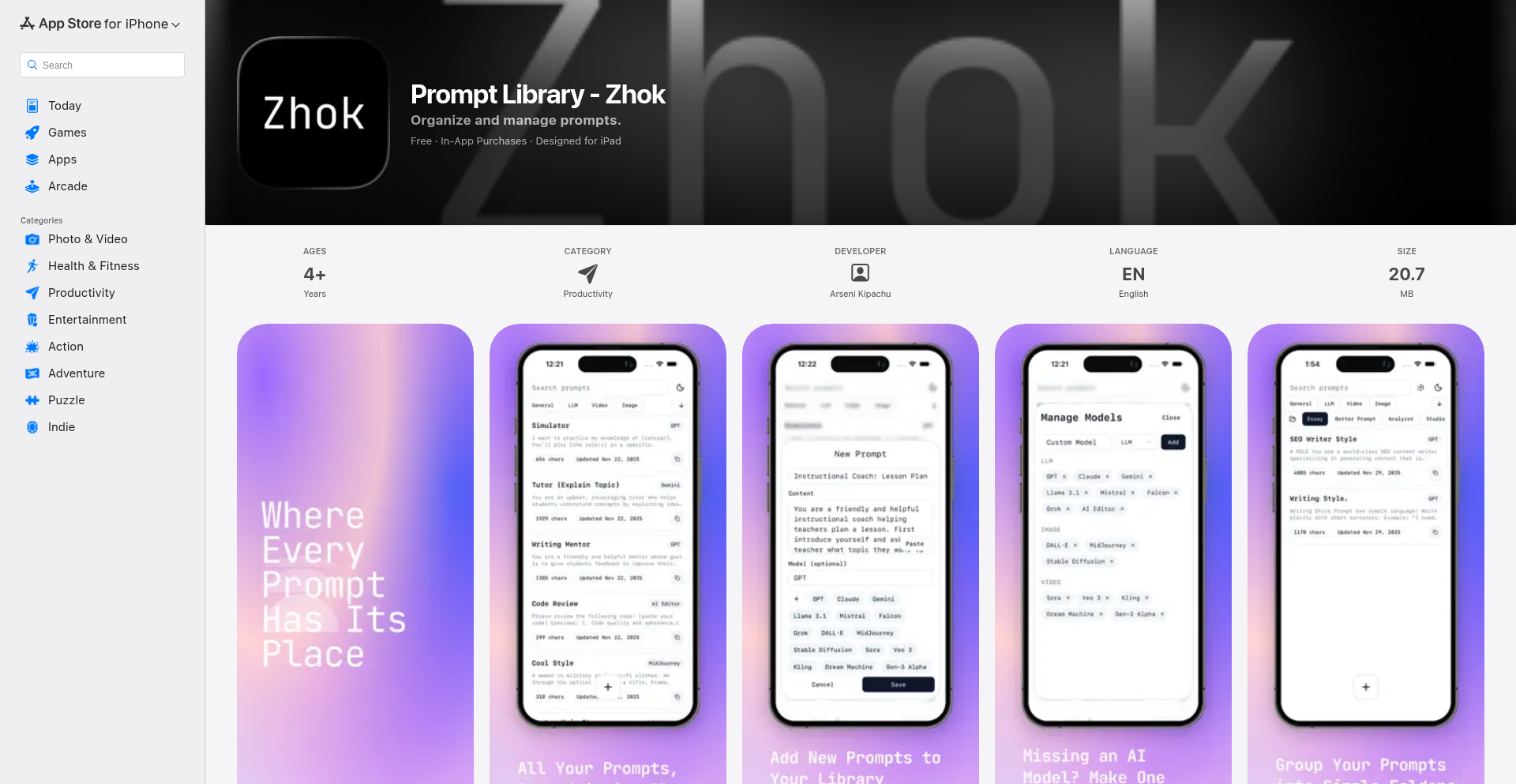
Author
ArseniKipachu
Description
Zhok is a meticulously designed, minimal, and fast tool for organizing AI prompts. It addresses the common developer pain point of managing a growing collection of AI prompts, which often become cluttered and hard to navigate in existing solutions. By offering a streamlined interface across iPhone, iPad, and Mac, Zhok enables seamless prompt management directly from the desktop, eliminating the need to switch devices.
Popularity
Points 1
Comments 0
What is this product?
Zhok is a cross-platform application built to solve the problem of disorganization and inefficiency when dealing with AI prompts. Many developers and AI enthusiasts find themselves with a large, unmanageable library of prompts for tools like ChatGPT, Midjourney, or Stable Diffusion. Traditional note-taking apps or simple text files become unwieldy. Zhok provides a dedicated, clean, and fast interface to store, categorize, and retrieve these prompts. Its technical innovation lies in its focus on speed and a minimalist design philosophy. Instead of feature bloat, it prioritizes a smooth user experience and efficient prompt handling, likely leveraging efficient data structures and native performance for a snappy feel across devices. The value proposition is a significant reduction in friction when accessing and utilizing your AI prompt collection, saving you time and mental overhead.
How to use it?
Developers can use Zhok as their central hub for all AI prompt-related activities. Simply install the application on your iPhone, iPad, or Mac. When you discover or create a useful AI prompt, you can quickly add it to Zhok, assign tags for categorization (e.g., 'story generation', 'code completion', 'image style'), and perhaps add notes about its effectiveness. When you need to use a prompt, Zhok's fast search and filtering capabilities allow you to retrieve it instantly, which you can then copy and paste into your AI tool of choice. It's designed for direct integration into your daily workflow, whether you're coding, writing, or creating art with AI, making it a seamless addition to your developer toolkit.
Product Core Function
· Prompt Storage and Organization: Efficiently store and categorize AI prompts using tags and potentially folders. The value is a centralized, searchable repository, preventing prompt loss and confusion.
· Fast Search and Retrieval: Quickly find any prompt with a powerful and responsive search function. This saves significant time compared to sifting through scattered notes, directly improving workflow efficiency.
· Cross-Platform Synchronization: Access and manage your prompts seamlessly across iPhone, iPad, and Mac. This ensures your prompt library is always up-to-date and accessible wherever you are working, eliminating context switching between devices.
· Minimalist User Interface: A clean, uncluttered interface designed for speed and ease of use. This reduces cognitive load and allows developers to focus on prompt creation and utilization rather than navigating complex software, ultimately boosting productivity.
Product Usage Case
· Scenario: A content creator using AI for blog post generation. They have numerous prompts for different writing styles and topics. Zhok allows them to quickly find and switch between prompts for 'SEO-optimized headlines', 'engaging introductions', and 'call-to-action phrases', dramatically speeding up their writing process.
· Scenario: A software developer experimenting with AI code generation. They have many prompts for generating boilerplate code, unit tests, and refactoring suggestions. Zhok enables them to instantly pull up and test different code generation prompts without leaving their IDE context, streamlining their development cycle.
· Scenario: A digital artist using AI for image creation. They maintain a library of prompts for specific artistic styles, character designs, and environmental details. Zhok allows them to efficiently search and apply these prompts to their image generation tools, maintaining consistency and accelerating their creative output.
119
XminReplicator

Author
taariqserendb
Description
XminReplicator is an open-source PostgreSQL database replicator with publisher-subscriber capabilities. It leverages Rust and PostgreSQL's xmin system column to achieve Change Data Capture (CDC) style replication without needing to alter the source database's logical replication settings. This means you can replicate data from almost any PostgreSQL service, including managed ones, without any configuration hassle.
Popularity
Points 1
Comments 0
What is this product?
XminReplicator is a tool for copying data changes from one PostgreSQL database to another, in a way that allows other applications to subscribe to these changes in real-time. The innovation lies in how it detects these changes. Instead of relying on PostgreSQL's `wal_level=logical` setting, which often requires special permissions and configuration on the source database (especially in managed cloud environments), XminReplicator cleverly uses the `xmin` system column. Every row in a PostgreSQL table has an `xmin` column that indicates the transaction ID that inserted or last updated the row. By monitoring the minimum `xmin` value across a table, XminReplicator can infer when new or updated rows have appeared, effectively enabling CDC without the usual setup overhead. This is powered by a robust CLI built with Rust, known for its performance and safety.
How to use it?
Developers can use XminReplicator as a standalone command-line application. You would typically configure it with connection details for your source PostgreSQL database and one or more destination endpoints (which could be other databases or message queues). The Rust CLI handles the connection, change detection via `xmin` monitoring, and data publishing. For integrating with other applications, the 'publisher-subscriber' aspect means it can push out data changes as they occur. For example, you could set up XminReplicator to monitor your primary PostgreSQL database and then publish these changes to a Kafka topic, allowing various microservices to subscribe to and react to these data updates in real-time.
Product Core Function
· Change Data Capture (CDC) via Xmin: Detects data changes in PostgreSQL tables by analyzing the `xmin` system column, enabling replication without `wal_level=logical` configuration. This means you can replicate from virtually any PostgreSQL instance without needing special database administrator privileges or downtime for configuration changes.
· Publisher-Subscriber Architecture: Acts as a publisher, broadcasting detected data changes. This allows other services or applications to subscribe and receive these changes in real-time, facilitating event-driven architectures and data synchronization across distributed systems.
· Rust-based CLI: Built using Rust for high performance, memory safety, and concurrency. This ensures efficient and reliable data replication, even under heavy load, and provides a solid foundation for complex data pipelines.
· Managed PostgreSQL Compatibility: Specifically designed to work with managed PostgreSQL services (like AWS RDS, Google Cloud SQL) where altering replication settings is often restricted or impossible. This unlocks CDC capabilities for a much wider range of users and scenarios.
· Zero-Source-Configuration Replication: Eliminates the need to modify `postgresql.conf` or grant specific logical replication roles on the source database. This drastically simplifies setup and reduces the risk of misconfiguration or unintended side effects on the production database.
Product Usage Case
· Real-time data warehousing: Replicate transactional data from a production PostgreSQL database into a data warehouse for analytics, without impacting the performance of the source database by enabling logical replication.
· Microservice data synchronization: Capture changes from a central PostgreSQL database and publish them to a message broker like Kafka or RabbitMQ, allowing various microservices to subscribe and update their own local data stores or trigger business logic.
· Database migration without downtime: Set up XminReplicator to mirror data from an on-premises PostgreSQL database to a new cloud-based PostgreSQL instance during a migration. Once the new instance is fully synced, switch over with minimal interruption.
· Auditing and logging: Continuously replicate all data modifications from critical tables to a separate auditing database or log store, providing a complete historical record of all changes made to the data.
· Disaster recovery and failover: Maintain a read-replica or standby database that is kept up-to-date with changes from the primary, facilitating faster failover in case of an outage. The ability to replicate from any PostgreSQL service makes this useful for heterogeneous DR setups.
120
AutEng Docs: LLM-Powered Collaborative Document Engineering
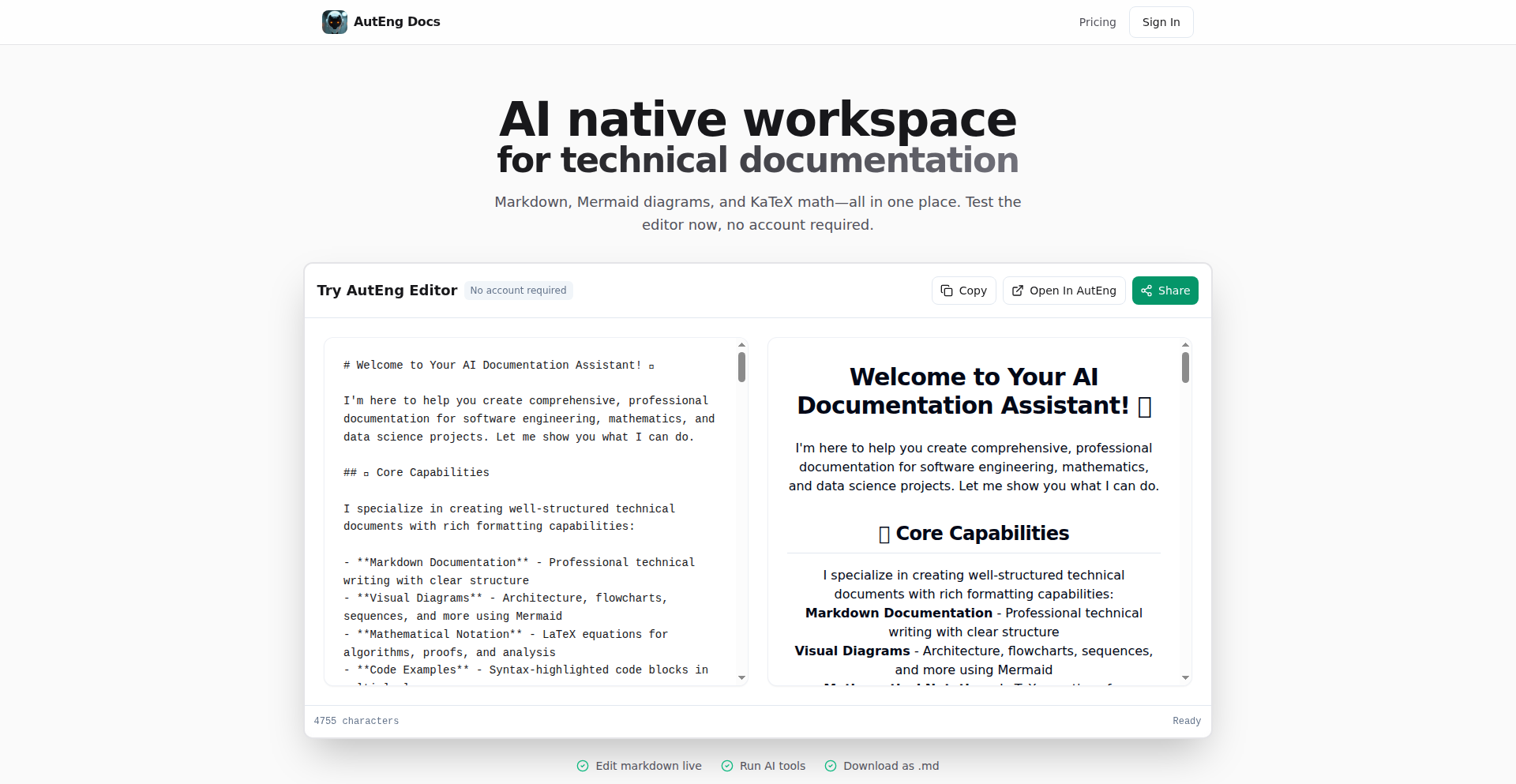
Author
llabs
Description
AutEng Docs is an experimental platform that merges the real-time collaborative editing experience of Google Docs with the code snippet sharing capabilities of Gist, and integrates advanced Large Language Model (LLM) chat functionalities. It allows users to draft architecture documents, generate diagrams, and refine content with AI assistance, all within a single environment. The core innovation lies in its ability to leverage LLMs for automated content generation and modification, streamlining technical documentation workflows. This project showcases a creative approach to solving the challenge of efficiently creating and managing complex technical documentation, drawing inspiration from the hacker ethos of building tools to solve personal workflow problems.
Popularity
Points 1
Comments 0
What is this product?
AutEng Docs is a web-based application that functions as a sophisticated document editor, uniquely combining rich text formatting with specialized rendering capabilities for Markdown, Mermaid (for diagrams), and KaTeX (for mathematical equations). Its standout feature is the integration of an LLM chat interface. This means you can not only write and edit documents but also have an AI assistant that can draft entire architecture documents from a brief description, automatically generate or update visual diagrams based on your text, and help refine your writing. The technology behind it leverages the power of LLMs to understand context and generate structured content, making complex technical documentation creation significantly more efficient. So, what's the value for you? It dramatically reduces the manual effort and time spent on writing, diagramming, and revising technical documents, allowing you to focus on the core ideas.
How to use it?
Developers can use AutEng Docs by navigating to the AutEng website (auteng.ai) which loads directly into the editor. You can start typing your content, and then interact with the LLM chat feature to generate new sections, create diagrams, or improve existing text. For instance, if you're starting a new project, you can provide a short description and ask the LLM to draft an initial architecture document. If you need a visual representation of your system, you can describe it in text, and the LLM can generate a Mermaid diagram. You can also paste code snippets or mathematical formulas, and they will render correctly. The platform supports public share links, making it easy to collaborate or present your work. Future integrations are planned for deeper GitHub integration, allowing for automatic document generation from repositories. So, how does this help you? It provides a streamlined workflow for creating and managing technical content, from initial ideas to polished documentation, with AI as your powerful co-pilot.
Product Core Function
· Rich Text Editor with Markdown, Mermaid, and KaTeX Support: Allows for the creation of documents with integrated visual diagrams and mathematical notation, enhancing clarity and expressiveness in technical writing. Its value lies in providing a single, unified environment for diverse technical content, reducing the need for multiple specialized tools and improving overall document quality for developers and technical writers.
· Live Preview as You Type: Provides instant visual feedback on how your document will appear, including rendered diagrams and equations. This immediate feedback loop helps developers catch errors and refine their content in real-time, leading to more polished and accurate documentation with less iteration.
· LLM Chat for Content Generation and Refinement: Enables AI-powered drafting of architecture documents from simple prompts, generation or updating of Mermaid diagrams from text descriptions, and refinement of written content. This significantly speeds up the documentation process, automates repetitive tasks, and helps overcome writer's block for technical professionals.
· Change Tracking (Visual or Diff): Offers clear visibility into document revisions, making it easy to understand what has changed over time. This is crucial for collaborative projects and for maintaining version control of technical documentation, ensuring that all team members are working with the latest and most accurate information.
· Public Share Links: Facilitates easy sharing of documents with collaborators or stakeholders. This promotes seamless communication and feedback within development teams or with external parties, accelerating project progress and ensuring alignment.
· Image Generation (ImageGen): Integrates with image generation services to create visuals, potentially for documentation or presentations. This adds a dynamic element to technical documents, allowing for custom illustrations and visual aids generated on demand, making complex concepts more accessible.
Product Usage Case
· Scenario: A software architect needs to quickly document a new system's design. How it solves the problem: The architect provides a brief description to AutEng Docs, and the LLM generates a draft architecture document and a corresponding Mermaid diagram. This saves hours of manual writing and diagramming, allowing the architect to focus on refining the core concepts and sharing the initial design rapidly.
· Scenario: A researcher is working on a physics problem set and needs to write complex equations and potentially visualize concepts. How it solves the problem: AutEng Docs supports KaTeX for rendering mathematical formulas accurately and Mermaid for generating diagrams. The researcher can write their derivations and descriptions, and the platform ensures the equations are displayed correctly and any accompanying diagrams are generated or updated as needed, making the problem-solving process more efficient and the output more professional.
· Scenario: A development team is collaborating on a project and needs to maintain up-to-date documentation that reflects the evolving codebase. How it solves the problem: While current GitHub integration is in progress, the vision is for AutEng Docs to automatically generate or update documentation from a GitHub repository. This means changes in the code could trigger updates in the documentation, ensuring it remains accurate and reducing the burden on developers to manually keep it synchronized. This solves the common problem of outdated technical documentation.
121
Redis Shield: Rust-Powered Rate Limiter

Author
ayarotsky
Description
Redis Shield is a high-performance rate limiting solution built in Rust, leveraging Redis to manage token bucket algorithms at an impressive speed of 50,000 requests per second. It tackles the common challenge of preventing service abuse and ensuring fair resource distribution by efficiently controlling the flow of incoming requests.
Popularity
Points 1
Comments 0
What is this product?
This project, Redis Shield, is a sophisticated rate limiting system. At its core, it implements the token bucket algorithm, a widely-used method for controlling the rate at which operations can occur. Imagine a bucket that can hold a certain number of tokens. Tokens are added to the bucket at a fixed rate. When a request comes in, it tries to take a token from the bucket. If there's a token, the request is allowed, and a token is removed. If the bucket is empty, the request is denied. The innovation here lies in its incredibly efficient implementation using Rust, a programming language known for its speed and memory safety, and its integration with Redis, a lightning-fast in-memory data store. This combination allows it to process an enormous number of requests per second (up to 50,000), meaning it can protect even very busy services without becoming a bottleneck itself. So, what's the value to you? It means your application can handle a massive surge of traffic without crashing or degrading performance for legitimate users, protecting your infrastructure and ensuring a smooth user experience.
How to use it?
Developers can integrate Redis Shield into their applications by deploying it as a proxy or a middleware. When a request arrives at your service, it first goes through Redis Shield. The shield checks if the request is allowed based on the configured rate limits (how many tokens, how fast they refill). If allowed, the request proceeds to your application. If denied, Redis Shield returns an appropriate error, preventing the request from consuming your application's resources. This can be achieved by running Redis Shield as a separate service that your main application forwards requests to, or by embedding its Rust library directly into your application's codebase. This provides a flexible way to enforce rate limits at the edge of your system. So, what's the value to you? You can easily add robust request throttling to any service, be it a web API, a microservice, or a backend process, ensuring stability and preventing unwanted load.
Product Core Function
· Token Bucket Algorithm Implementation: Efficiently manages token refills and consumption, allowing for controlled request rates. The value is in providing a predictable and fair way to handle traffic spikes. Applicable in any scenario where you need to limit how often a client can access a resource.
· High Throughput (50K req/s): Built with Rust for maximum performance, enabling it to handle massive request volumes without becoming a performance bottleneck. The value is in protecting your services from overload even under extreme traffic. Applicable for high-traffic web services, APIs, and critical infrastructure.
· Redis Integration: Utilizes Redis for fast, in-memory storage of token bucket state, ensuring low latency. The value is in achieving rapid rate limiting decisions. Applicable for applications requiring real-time response to traffic patterns.
· Configurable Rate Limits: Allows developers to define custom limits for token refill rates and bucket capacities, offering flexibility. The value is in tailoring the rate limiting behavior to specific application needs. Applicable for services with varying traffic patterns and client requirements.
Product Usage Case
· API Gateway Rate Limiting: Deploy Redis Shield in front of your API gateway to limit the number of requests a specific API key or IP address can make within a given time frame. This prevents malicious or accidental abuse of your APIs and ensures fair usage for all consumers. Solves the problem of uncontrolled API consumption leading to service instability.
· Preventing Brute-Force Attacks: By rate-limiting login attempts or password reset requests, Redis Shield can significantly hinder brute-force attacks, protecting user accounts. Solves the security vulnerability of repeated unauthorized access attempts.
· Traffic Shaping for Microservices: In a microservices architecture, Redis Shield can be used to control the rate at which one service calls another, preventing cascading failures caused by an overloaded downstream service. Solves the problem of inter-service communication bottlenecks and instability.
· Managing Resource Intensive Operations: For operations that consume significant resources (e.g., complex report generation, background job processing), Redis Shield can limit their execution frequency to avoid overwhelming your system. Solves the problem of resource exhaustion due to frequent, heavy operations.
122
MsgMorph: AI-Powered Feedback Catalyst
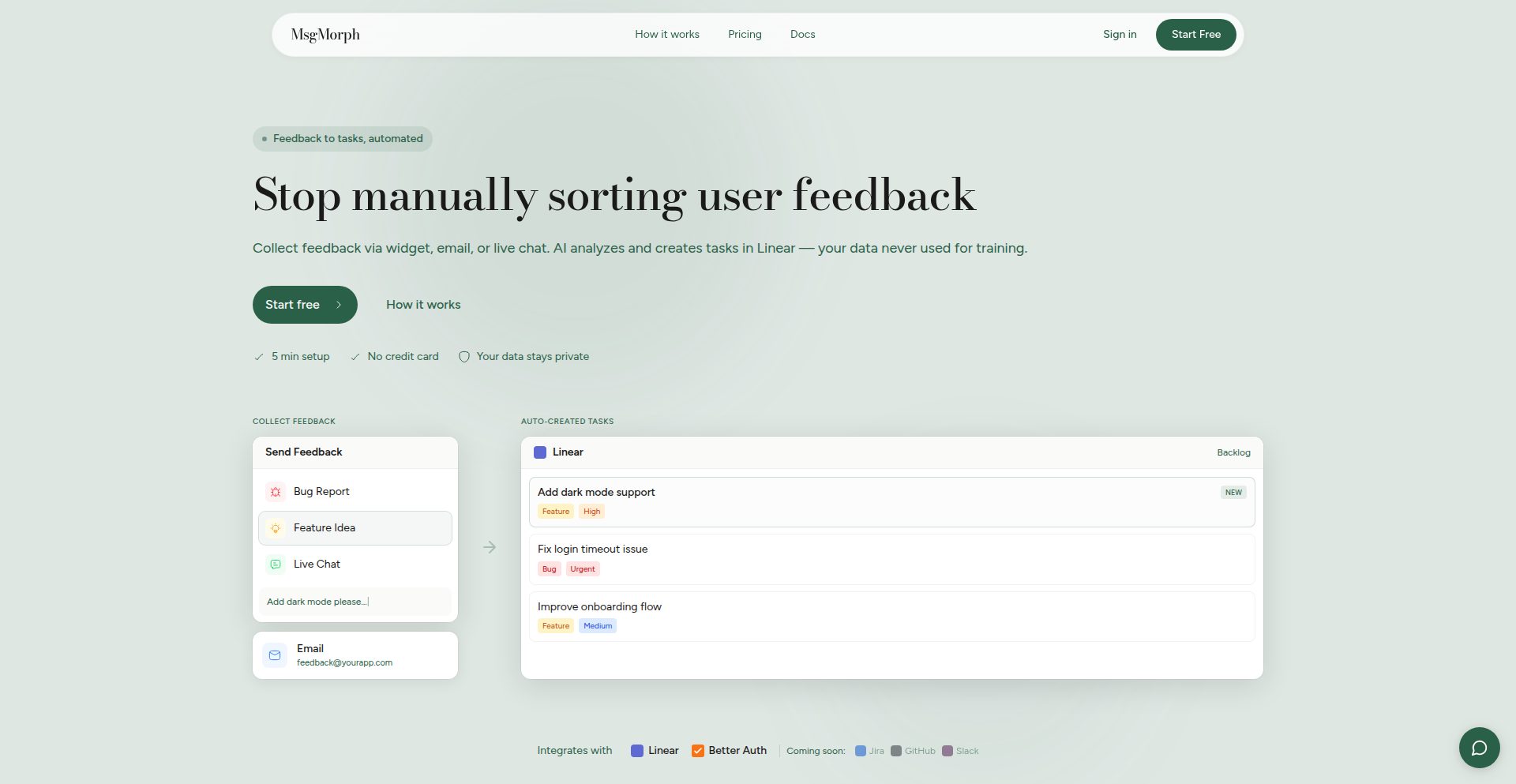
Author
hamzaawan
Description
MsgMorph is an end-to-end AI-powered feedback collection and management pipeline designed to tackle the common developer pain point of gathering meaningful user insights. It innovatively integrates in-app widgets, live chat, and automated email sequences to capture feedback, then leverages AI to transform this raw input into actionable tasks. This effectively bridges the gap between user sentiment and product development, making feedback collection less of a chore and more of a force for iterative improvement. So, for you, it means turning user opinions into concrete development steps without the manual grind.
Popularity
Points 1
Comments 0
What is this product?
MsgMorph is a sophisticated system that acts as a central hub for all your product feedback. It's built on the idea that getting feedback shouldn't be a struggle. The core technology involves an intelligent pipeline that captures feedback from multiple sources: an easily integrable in-app widget for bug reports and feature requests, a live chat feature for real-time conversations, and automated, multi-step email campaigns designed to elicit responses. The truly innovative part is the AI layer. This AI doesn't just store feedback; it actively analyzes it to identify specific, actionable tasks. Think of it as an intelligent assistant that reads through all user comments, emails, and chat logs, then extracts 'do this' items for your development team. This addresses the problem of scattered, unorganized feedback and the difficulty in translating user sentiment into tangible product improvements. So, for you, it means all your user feedback is automatically processed into a clear to-do list for your product.
How to use it?
Developers can integrate MsgMorph into their applications in several ways. For in-app feedback, you can easily embed a lightweight widget using their provided SDKs, available in multiple programming languages. This widget can be configured to collect various types of feedback, such as bug reports, feature suggestions, or general user comments. For real-time engagement, the live chat feature can be incorporated to allow direct interaction with users. For automated email outreach, MsgMorph offers SDKs and authentication plugins that can be triggered upon user sign-up. This allows you to schedule initial feedback emails and follow-ups, ensuring users are prompted for their thoughts. Once feedback is collected, it flows into the MsgMorph dashboard, where the AI analyzes it. You can then manage these AI-generated tasks directly within MsgMorph's task boards or, for seamless workflow integration, connect it to project management tools like Linear. So, for you, it means integrating feedback collection and task management into your existing development ecosystem with minimal friction.
Product Core Function
· AI-powered feedback analysis: This function uses artificial intelligence to read and understand unstructured feedback from various sources, extracting specific action items. This provides you with clear, prioritized tasks derived directly from user input, so you don't have to manually sift through comments and emails. This helps ensure no valuable suggestion or bug report is missed and directly translates user sentiment into development actions.
· Multi-channel feedback collection: This includes an in-app widget, live chat, and automated email sequences. This allows users to provide feedback through their preferred method, increasing the volume and richness of collected data. For you, this means capturing more comprehensive and diverse feedback, leading to a better understanding of your users' needs and pain points.
· Automated task generation and management: Feedback is automatically converted into actionable tasks, which can be managed within MsgMorph or synced with external tools like Linear. This streamlines your development workflow by providing a clear backlog of user-requested features and bug fixes. For you, this means significantly reducing the time spent on organizing feedback and directly feeding it into your development pipeline for faster iteration.
· Real-time customer support via live chat: This feature enables direct, immediate conversations with users, allowing for quick problem resolution and on-the-spot feedback. For you, this means improving user satisfaction through responsive support and gaining immediate insights into user issues during live interactions.
Product Usage Case
· A SaaS product team wants to collect user feedback on a new feature. They integrate the MsgMorph in-app widget. Users report bugs and suggest improvements directly through the widget. The AI analyzes these submissions, creating distinct tasks like 'Fix UI overlap on settings page' and 'Add 'export to CSV' option'. These tasks are then automatically pushed to the team's Linear board, allowing developers to prioritize and implement the changes efficiently. This solves the problem of feedback being scattered and unorganized, directly impacting product development.
· A mobile app developer struggles with low email reply rates for feedback requests. They use MsgMorph's automated email sequences, which include follow-ups and personalized prompts based on user activity. This increased engagement leads to more users providing valuable feedback. The AI then categorizes these responses into 'feature requests' and 'bug reports', helping the developer understand user priorities. This addresses the challenge of obtaining feedback from less engaged users by providing a more effective and automated outreach strategy.
· An e-commerce platform wants to offer instant customer support and gather feedback simultaneously. They embed MsgMorph's live chat. During a support conversation about a product, a user mentions a desired feature. The agent can immediately acknowledge this and, thanks to MsgMorph's AI, this mention is captured as a potential feature request task. This solves the problem of losing valuable feedback during support interactions by integrating feedback collection directly into customer service.
123
CapSummarize-VisualContentEngine

Author
samuxbuilds
Description
CapSummarize is a Chrome extension that transforms long videos and articles into various engaging formats beyond simple text summaries. It addresses the limitation of traditional summaries by offering visual outputs like generated thumbnails, mind map images, and whiteboard-style visuals from video content. This empowers users to quickly review, reuse, and share key information without needing to consume the entire original content.
Popularity
Points 1
Comments 0
What is this product?
CapSummarize is a browser extension that leverages advanced AI to process video and article content. Instead of just giving you a block of text, it intelligently extracts key information and presents it in multiple formats. For videos, this means generating relevant thumbnails for quick previews, creating visual mind maps that illustrate the connections between ideas, and producing clean whiteboard-style drawings that capture the essence of the content. The innovation lies in its ability to go beyond textual summarization and create shareable, reusable visual assets from complex media. This means you get a richer understanding and more versatile ways to interact with the information.
How to use it?
Developers can integrate CapSummarize into their workflow by installing it as a Chrome extension. When browsing YouTube, Twitter/X, Udemy, or Zoom recordings, users can activate CapSummarize to process the content. The extension provides an intuitive interface to select the desired output format (text summary, thumbnail, mind map, whiteboard visual). For developers, this can mean quickly extracting visual assets for presentations, generating quick concept maps for project brainstorming, or creating eye-catching thumbnails for their own content. The output can be easily saved and used in various other applications.
Product Core Function
· Video summarization for platforms like YouTube, Twitter/X, Udemy, and Zoom. This allows users to get the gist of video content quickly, saving significant time and effort. It's like having a personal assistant who can watch and brief you on any video.
· Thumbnail generation from videos. This provides instantly usable visual previews for content, ideal for social media, presentations, or quick content identification. Think of it as getting a perfect snapshot of a video's main point without watching it.
· Mind map image generation from videos. This creates a visually organized diagram of the video's key topics and their relationships, facilitating understanding and retention. This is fantastic for learning and remembering complex subjects.
· Whiteboard-style visual generation from videos. This offers a clean, illustrated representation of video concepts, perfect for educational materials or simplified explanations. It's like having the video's ideas drawn out for you in a clear and concise way.
Product Usage Case
· A content creator needs to quickly create social media posts from their YouTube videos. CapSummarize can generate engaging thumbnails and concise text summaries, streamlining their content repurposing process and increasing engagement.
· A student is studying for an exam and needs to understand a lengthy lecture video. CapSummarize can generate a mind map of the video's key concepts, allowing the student to grasp the structure and relationships of the information more effectively and study more efficiently.
· A researcher is reviewing a series of video tutorials for a new software. CapSummarize can generate whiteboard-style visuals of each tutorial's core steps, providing a quick reference guide for practical implementation without needing to rewatch entire videos.
· A project manager wants to quickly share the essence of a team meeting recorded on Zoom. CapSummarize can extract key discussion points and generate a concise visual summary, ensuring everyone on the team is on the same page with minimal effort.
124
NotionInkSync
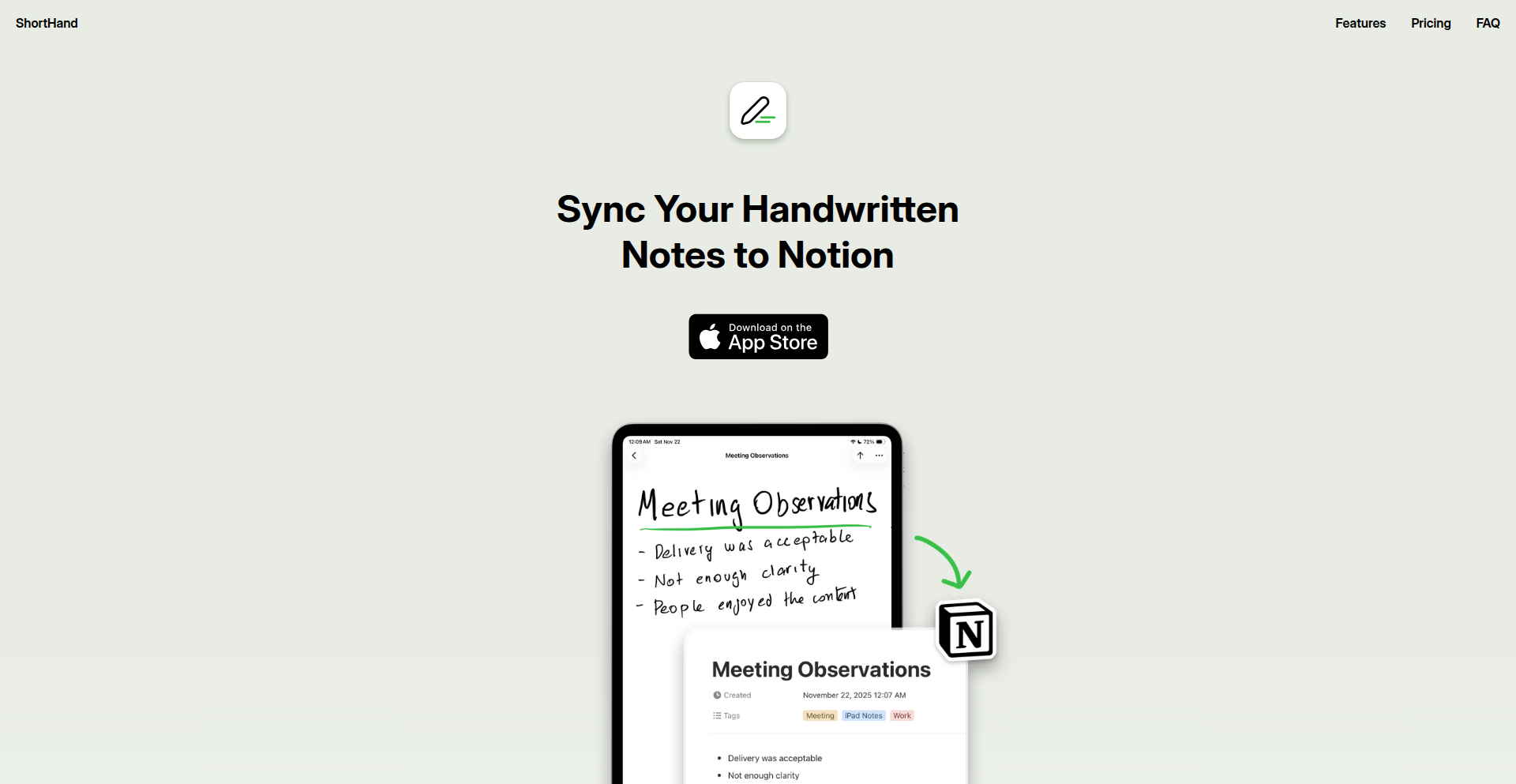
Author
rnmp
Description
An iPad app that seamlessly synchronizes handwritten notes from your iPad to Notion. It leverages advanced image processing and OCR technology to convert your scribbles into digital text, making your analog thoughts instantly searchable and integrated into your digital workspace. This solves the common problem of losing the convenience of handwriting while needing the power of digital organization.
Popularity
Points 1
Comments 0
What is this product?
NotionInkSync is an iPad application designed to bridge the gap between physical note-taking and digital productivity. It works by capturing your handwritten notes using your iPad's camera, then employing sophisticated optical character recognition (OCR) to transform the image into editable text. The innovation lies in its intelligent synchronization mechanism, which not only converts your notes but also automatically tags and categorizes them for effortless integration into your Notion workspace. This means your sketches, diagrams, and freeform thoughts can be captured and organized without manual transcription, unlocking the full potential of both handwriting and digital tools. So, what's in it for you? You can finally ditch the fear of losing brilliant ideas jotted down on paper, and have them instantly accessible and searchable within your favorite productivity app.
How to use it?
Developers can use NotionInkSync by simply installing the app on their iPad. Once installed, they connect their Notion account through a secure OAuth flow. They can then use their Apple Pencil or finger to write notes directly in the app, draw diagrams, or sketch out ideas. The app automatically processes these inputs, converting them into digital text and images. Users can define custom templates within Notion to dictate how these synchronized notes are structured (e.g., title, date, tags). The app then pushes these processed notes into the designated Notion pages. This integration allows for rapid prototyping, brainstorming, and research synthesis, where ideas can be quickly captured and immediately made part of a larger project document or knowledge base. So, what's in it for you? You can quickly jot down a quick idea or a complex diagram on your iPad and have it instantly appear in your project management tool in Notion, ready for further development.
Product Core Function
· Handwritten Note Capture: Utilizes the iPad's camera and touch input to reliably capture handwritten content, allowing for the easy digitizing of your physical thoughts.
· Intelligent OCR Conversion: Employs advanced optical character recognition to accurately transform handwritten text into machine-readable digital text, making your notes searchable.
· Seamless Notion Integration: Connects directly to your Notion workspace via API to automatically create and update pages with your synchronized notes, ensuring your thoughts are organized in your preferred digital environment.
· Automatic Tagging and Categorization: Analyzes the content of your notes to suggest relevant tags and categories, streamlining the organization process within Notion.
· Image and Diagram Support: Preserves the visual fidelity of drawings, sketches, and diagrams alongside converted text, ensuring that visual elements are not lost in translation.
· Offline Capability: Allows for note-taking and initial processing even without an internet connection, with synchronization happening once connectivity is restored, ensuring you never miss capturing an idea.
· Customizable Notion Templates: Enables users to define specific structures and properties within Notion for incoming notes, allowing for a highly personalized organizational workflow.
Product Usage Case
· A researcher quickly sketches out a complex experimental setup on their iPad during a lab session. NotionInkSync converts the sketch into a searchable image and associated text, embedding it directly into their research journal in Notion, making it easy to reference later.
· A student attending a lecture uses NotionInkSync to jot down key points and diagrams. The app synchronizes these notes to a dedicated lecture page in Notion, automatically tagging them with the course name and date, providing an organized and searchable study resource.
· A product manager brainstorms new feature ideas on their iPad during a commute. NotionInkSync captures the handwritten ideas and syncs them to a 'New Feature Ideas' database in Notion, complete with relevant tags, enabling efficient review and prioritization by the team.
· A designer uses NotionInkSync to quickly capture design inspiration and rough sketches. The app sends these visual notes to a mood board within their project's Notion page, preserving the creative context for future reference and development.
125
AI Crypto Alpha Arena Orchestrator

Author
thinkmoon
Description
ThinkMoon is a sophisticated framework for building and deploying custom AI agents that trade cryptocurrencies on Binance Futures. It allows users to plug in various Large Language Models (LLMs) from providers like OpenAI, Anthropic, and OpenRouter, feed them real-time market data (like price candles and order books), and define trading strategies and risk parameters. The innovation lies in its orchestration of LLMs with real-time financial data and live trading execution, offering a powerful, auditable platform for AI-driven crypto trading experiments.
Popularity
Points 1
Comments 0
What is this product?
This is a framework that lets you create your own AI-powered cryptocurrency trading bots. Think of it as a sandbox where you can connect different AI 'brains' (LLMs) to the 'nervous system' of live crypto market data and the 'muscles' to execute trades on platforms like Binance Futures. The core technical innovation is its ability to seamlessly integrate diverse LLMs with financial market feeds and automated trading logic, using tools like LangChain to manage this complex interaction. This allows for unprecedented experimentation with AI in algorithmic trading, moving beyond simple rule-based systems to more adaptive and potentially insightful trading strategies.
How to use it?
Developers can use ThinkMoon to build bespoke AI trading agents. This involves selecting LLMs, configuring data feeds from exchanges, setting trading rules (e.g., which coins to trade, risk limits, stop-loss/take-profit levels), and deploying these agents to trade live crypto. Integration can be achieved by leveraging the underlying LangChain framework for custom prompt engineering and agent logic, and connecting to exchange APIs for data and execution. This is ideal for quantitative traders, AI researchers, and developers looking to explore the frontier of AI in finance.
Product Core Function
· LLM Orchestration: Dynamically integrates multiple LLMs, allowing users to mix and match different AI models for varied trading strategies. The value is in leveraging the unique strengths of each LLM and comparing their performance, leading to potentially superior trading outcomes.
· Real-time Data Feed: Ingests live market data such as candle stick charts, order books, and ticker information. This is crucial for AI agents to make informed, up-to-the-minute trading decisions, directly translating to more responsive and profitable trades.
· Automated Trading Execution: Connects directly to crypto exchanges (e.g., Binance Futures) to place buy and sell orders based on AI agent decisions. This enables fully automated trading, freeing up human traders from constant market monitoring and execution.
· Configurable Trading Rules: Allows users to define specific parameters like risk limits, supported cryptocurrencies, and position sizes. This ensures that AI trading aligns with individual risk tolerance and investment goals, providing control and safety.
· Agent Performance Auditing: Logs every AI trading decision, including the prompt used, the reasoning behind the trade, and the market snapshot at that moment. This transparency is invaluable for understanding why an AI made a particular trade, enabling learning and iterative improvement of trading strategies.
· Live Dashboard and Alerts: Provides a real-time overview of trading performance, open positions, and the AI's decision-making process, with notifications for significant events. This keeps users informed and in control, allowing them to react quickly to market changes or agent behavior.
Product Usage Case
· Developing an AI agent that uses sentiment analysis from news feeds (fed into an LLM) combined with technical indicators to predict short-term price movements of Bitcoin and execute scalping trades. The LLM's ability to process unstructured text and the framework's real-time data integration solve the problem of timely sentiment-driven trading.
· Creating a portfolio management AI that analyzes the correlation between different altcoins and market trends, then dynamically rebalances the portfolio to maximize returns while adhering to a defined drawdown limit. The AI's analytical capabilities and the framework's risk management features address the complexity of diversified crypto investment.
· Experimenting with an agent that uses Reinforcement Learning principles within the LLM to learn optimal trading strategies over time based on simulated backtesting and live trading results. This showcases how the framework can facilitate advanced AI learning for trading, solving the challenge of creating adaptive and evolving trading algorithms.
126
GiftFlow Pro

Author
moridin
Description
GiftFlow Pro is a streamlined holiday gift management web application designed to replace messy spreadsheets. It offers a visually intuitive way to track gift ideas, purchase status, and budget, with AI-powered suggestions to overcome gift-giving indecision.
Popularity
Points 1
Comments 0
What is this product?
GiftFlow Pro is a Progressive Web App (PWA) built with Firebase, React, and Tailwind CSS, hosted on Google Cloud Platform. It solves the problem of disorganization in holiday gift shopping by providing a clean, fast, and focused interface. Unlike bloated apps or complex spreadsheets, it prioritizes user experience with a visual status board, automatic budget tracking, and mobile-first design for effortless in-store use. The core innovation lies in its simplicity and the integration of an AI brainstorming feature, powered by Gemini, to suggest gift ideas based on recipient interests and your relationship with them, eliminating the stress of finding the perfect present.
How to use it?
Developers can use GiftFlow Pro directly in their web browser, accessing it like a mobile app. It's ideal for managing personal holiday shopping. To integrate its core functionalities into other projects or workflows, one could leverage the underlying Firebase services for data storage and user authentication. The React frontend can be adapted or extended for custom UIs. The PWA nature means it can be 'installed' on devices for offline access and faster loading times, perfect for quick checks while out shopping.
Product Core Function
· Visual Status Board: Provides a clear overview of gift progress (idea, bought, wrapped, given) at a glance, helping users prioritize tasks and avoid last-minute rushes. Its value is in offering immediate clarity and actionable insights into gift-giving status.
· Budgeting and Spending Tracker: Automatically calculates total spending against a set budget, offering real-time financial oversight. This prevents overspending and provides a tangible measure of holiday expenses, offering financial peace of mind.
· AI Gift Brainstorming: Leverages AI (Gemini) to generate personalized gift ideas based on recipient interests and relationship dynamics when users are stuck. This feature directly addresses the 'what to buy' dilemma, saving users time and mental energy by providing creative and relevant suggestions.
· Frictionless Wishlist Sharing: Allows users to share gift wishlists with friends and family without requiring them to sign up or create accounts. This simplifies the process of communicating gift preferences, ensuring everyone gets what they truly want without added hassle for either party.
· Mobile-Friendly PWA Experience: Designed to work seamlessly on mobile browsers with a PWA feel, enabling easy access and use while on the go, such as in stores. This ensures convenience and accessibility, allowing users to manage their shopping efficiently from anywhere.
Product Usage Case
· Scenario: Planning for Christmas/holiday season. Problem: Managing gift ideas and purchases for multiple family members and friends in a scattered way. Solution: Use GiftFlow Pro's Visual Status Board to see who needs a gift and its current stage, use Budgeting to stay on track financially, and leverage AI Brainstorming for difficult-to-buy-for individuals. This streamlines the entire holiday shopping process.
· Scenario: Last-minute shopping trip. Problem: Needing to quickly check what gifts are still needed and confirm purchases while at the mall. Solution: Access GiftFlow Pro on a mobile device. Its PWA design makes it fast and easy to use, allowing for quick reference of the Visual Status Board and purchase confirmations, preventing duplicate buys or forgotten gifts.
· Scenario: Coordinating gift exchanges with friends. Problem: Friends are hesitant to sign up for yet another app to share gift ideas. Solution: Utilize GiftFlow Pro's Frictionless Sharing feature. Users can share their wishlist link, and friends can view it without registration, making the gift selection process collaborative and straightforward.
127
HighDR Directory Submitter

Author
Sharanxxxx
Description
A curated service that manually submits your startup to over 100 high-authority directories. This tackles the challenge early-stage founders face with product visibility. By leveraging established, high-DR (Domain Rating) directories, it helps improve discoverability by search engines and potential users, overcoming the limitations of outdated lists and time-consuming manual submissions. The focus is on accuracy and quality, not spammy automation, ensuring a better approval rate and genuine exposure.
Popularity
Points 1
Comments 0
What is this product?
This is a service designed to boost your startup's online visibility. Many new products struggle to get noticed because search engines and users can't easily find them without good backlinks and citations. Traditional methods like submitting to directories are effective, but doing it manually across many platforms is incredibly time-consuming, and many online directory lists are outdated or full of low-quality sites. This tool offers a more reliable and consistent approach. It curates a list of over 100 high-authority directories, meaning these are respected websites with a strong online presence. Then, the service manually submits your startup to all of them. The innovation lies in its focus on accuracy, consistency, and a high approval rate, as opposed to automated or spammy submissions that often get rejected. So, what's the value for you? It saves you significant time and effort while significantly increasing the chances of your startup being discovered online by the right people and search engines.
How to use it?
Developers can use this service by providing their startup's essential information, such as the product name, website URL, a concise description, and relevant categories. The service then takes over the manual submission process to its curated list of 100+ high-DR directories. Integration isn't a technical coding process; it's a service-based onboarding. You would typically visit the service's website, sign up, provide your startup details, and make a payment. The service provider then handles the rest. This is particularly useful for founders or developers who are more focused on building and iterating their product and want a reliable, hassle-free way to get initial traction and visibility without getting bogged down in repetitive submission tasks. The core idea is to offload this critical but time-consuming marketing step so you can focus on what you do best: coding and product development.
Product Core Function
· Curated list of 100+ high-authority directories: Ensures submissions are made to reputable websites with strong online presence and SEO value, which translates to better discoverability for your startup.
· Manual submission process: Guarantees accuracy and adherence to each directory's specific requirements, leading to a higher approval rate and more genuine exposure, unlike automated tools that can cause rejections or spam flags.
· Focus on accuracy and consistency: The service prioritizes quality over quantity, meaning your startup's information is presented correctly across all submissions, building a solid foundation for your online reputation and SEO.
· Time-saving for founders: Offloads the tedious and time-consuming task of manual directory submissions, allowing developers and founders to focus on product development and other core business activities.
· Improved startup visibility: Directly addresses the challenge of early-stage product discoverability by leveraging established online platforms to get your product in front of more potential users and search engines.
Product Usage Case
· A SaaS founder building a new project management tool struggles to gain initial user traction. They've spent weeks manually submitting to a few directories with little success. By using this service, their tool is submitted to over 100 high-DR directories, leading to increased organic traffic and sign-ups within a month, directly because their product is now more easily found on established tech review sites.
· A solo developer launches a niche mobile app. They lack marketing expertise and time to focus on SEO. This service handles the directory submissions, ensuring the app appears on relevant app directories and tech blogs with good domain authority, which helps in attracting early adopters and improving search rankings for the app's name.
· A startup creating an AI-powered writing assistant needs to establish credibility quickly. By submitting to high-DR directories focusing on productivity tools and AI, they gain citations on reputable platforms. This not only improves their search engine ranking but also builds trust with potential enterprise clients who research solutions through these authoritative sources.
128
CompetitorPulse AI

Author
emre94
Description
CompetitorPulse AI is an AI-powered tool that automatically monitors competitor websites and product changes in real-time. It leverages advanced web scraping and natural language processing to detect and synthesize updates, generating dynamic battlecards for sales, product management, and marketing teams. This solves the problem of outdated competitive intelligence that hinders strategic decision-making and sales effectiveness.
Popularity
Points 1
Comments 0
What is this product?
CompetitorPulse AI is an intelligent system designed to keep your business informed about what your competitors are doing, right as it happens. It works by continuously scanning competitor websites, press releases, and product announcement pages. When it detects a change – like a new feature launch, a pricing update, or a marketing campaign shift – it analyzes the information and updates competitive intelligence documents, often called 'battlecards'. These battlecards are crucial for sales teams to understand how to position your product against competitors, for product managers to inform their roadmap, and for leadership to make strategic decisions. The innovation lies in its real-time automation, moving beyond static, manually updated reports to provide always-fresh insights, preventing teams from falling behind in fast-moving markets.
How to use it?
Developers can integrate CompetitorPulse AI into their existing workflows to automate competitive intelligence gathering. This could involve connecting to its API to pull updated battlecards directly into a CRM system, Slack channels, or internal dashboards. For example, a sales team could have real-time alerts pushed to Slack whenever a competitor announces a new feature relevant to their current deals. Product managers might use the API to feed competitor product trends directly into their product analytics platforms to inform feature prioritization. The tool can also be used directly through its web interface for manual exploration and configuration of which competitors and what types of changes to monitor. The core value proposition is reducing manual effort and ensuring that critical competitive information is always accessible and up-to-date when needed for strategic actions.
Product Core Function
· Real-time competitor website monitoring: This function scans competitor online presence continuously to detect any new content or changes. Its value is in providing immediate awareness of competitor activities, ensuring no critical announcement is missed, which directly helps in staying ahead of the market.
· Automated change detection and analysis: The system intelligently identifies what has changed on a competitor's site and uses AI to understand the nature and significance of the change. This saves significant manual effort in reviewing large amounts of competitor data and provides summarized, actionable intelligence, answering the 'so what?' for your business.
· Dynamic battlecard generation: Instead of static, often outdated documents, CompetitorPulse AI automatically updates competitive battlecards with the latest information. This ensures sales teams always have current talking points and competitive positioning, directly impacting their ability to close deals by providing relevant and timely information.
· Customizable monitoring parameters: Users can specify which competitors to track and what types of changes they are interested in (e.g., new features, pricing, hiring). This allows for tailored intelligence that is most relevant to their specific business needs and market focus, preventing information overload and ensuring focus on critical competitive threats and opportunities.
Product Usage Case
· A software company's sales team receives instant Slack notifications about a competitor's new feature launch that directly impacts a major ongoing deal. This allows the sales representative to immediately adjust their pitch, highlighting their product's superior capabilities or addressing the competitor's new offering, thus increasing the chance of winning the deal. The system solved the problem of sales teams using outdated information that could lead to lost opportunities.
· A product management team uses the API to pull competitor feature release data into their product roadmap planning tool. This real-time feed helps them understand emerging trends and competitor strategies, enabling them to make more informed decisions about their own product development priorities and ensure they remain competitive. The tool helped answer 'what should we build next?' by providing clear competitive context.
· A marketing team wants to understand how competitors are positioning themselves in response to market shifts. CompetitorPulse AI tracks competitor website copy and messaging changes, providing insights into their new marketing angles or value propositions. This allows the marketing team to refine their own campaigns and messaging to be more effective and differentiated, directly contributing to better campaign performance and market resonance.
· A startup facing rapid iteration from larger competitors uses the tool to stay informed about every minor update or pivot made by those competitors. This constant vigilance prevents them from being blindsided by a competitor's new strategy or product enhancement, allowing them to react quickly and adapt their own plans, thus maintaining their competitive edge in a fast-paced environment.
129
SwiftBitcoin Core

Author
craigwrong
Description
An experimental, pure Swift implementation of a Bitcoin full node and developer framework. This project aims to bring Bitcoin's core functionality directly into the Swift ecosystem, enabling developers to build Bitcoin-native applications with unprecedented ease and native performance. Its innovation lies in its complete rewrite of Bitcoin's complex logic in Swift, offering a fresh perspective and potentially new avenues for development and security analysis.
Popularity
Points 1
Comments 0
What is this product?
SwiftBitcoin Core is a project that rebuilds the entire Bitcoin network logic, from transaction verification to block synchronization, from scratch using only the Swift programming language. This is groundbreaking because most Bitcoin implementations are written in C++ or other lower-level languages. By using Swift, this project aims to make Bitcoin development more accessible to a vast community of Swift developers. The core innovation is its 'pure Swift' approach, which not only allows for potential performance gains due to Swift's modern compiler optimizations but also offers a new paradigm for understanding and interacting with the Bitcoin protocol. It's like having a brand-new, modern toolkit to build with Bitcoin.
How to use it?
Developers can integrate SwiftBitcoin Core into their Swift projects for various applications. For instance, you can use it to build custom wallets, set up your own lightweight Bitcoin nodes for enhanced privacy and control, or develop decentralized applications (dApps) that interact directly with the Bitcoin blockchain. The framework provides APIs to query blockchain data, create and broadcast transactions, and manage Bitcoin addresses. Think of it as adding a powerful Bitcoin engine to your existing or new Swift application, allowing it to speak the language of Bitcoin natively.
Product Core Function
· Full Node Synchronization: Allows your application to connect to the Bitcoin network and download the entire blockchain, verifying every transaction and block. This is crucial for security and independence, meaning you don't have to rely on third-party servers to get Bitcoin data.
· Transaction Creation and Broadcasting: Enables you to construct and send Bitcoin transactions directly from your Swift application. This is the fundamental building block for any Bitcoin-related functionality like sending or receiving funds.
· Blockchain Data Access: Provides programmatic access to retrieve and analyze data from the Bitcoin blockchain, such as block headers, transaction details, and wallet balances. This is like having a direct window into Bitcoin's history and current state.
· Cryptographic Primitives: Implements essential Bitcoin cryptographic functions in Swift, ensuring secure and efficient handling of private keys, public keys, and digital signatures. This is the bedrock of Bitcoin's security, ensuring your funds are protected.
· Developer Framework: Offers a set of libraries and tools designed to streamline the process of building Bitcoin applications in Swift. This saves developers significant time and effort by providing pre-built components and clear interfaces.
Product Usage Case
· Building a privacy-focused mobile Bitcoin wallet for iOS: Instead of relying on a remote server, a Swift-based wallet can use SwiftBitcoin Core to synchronize with the Bitcoin network directly, offering users greater control over their private keys and transaction data.
· Creating a decentralized exchange (DEX) platform that leverages Bitcoin's security: Developers can use SwiftBitcoin Core to build the Bitcoin-side of a DEX, allowing users to trade Bitcoin for other cryptocurrencies without an intermediary.
· Developing educational tools for learning about Bitcoin: A SwiftBitcoin Core-powered application could visualize the Bitcoin blockchain, demonstrate transaction flow, or simulate mining, making complex concepts more accessible to students and enthusiasts.
· Integrating Bitcoin payments into existing Swift applications, such as e-commerce platforms or content delivery systems: This allows businesses to accept Bitcoin payments directly, reducing transaction fees and opening up new customer bases.
130
Quantica: Hybrid Quantum-Classical Coder
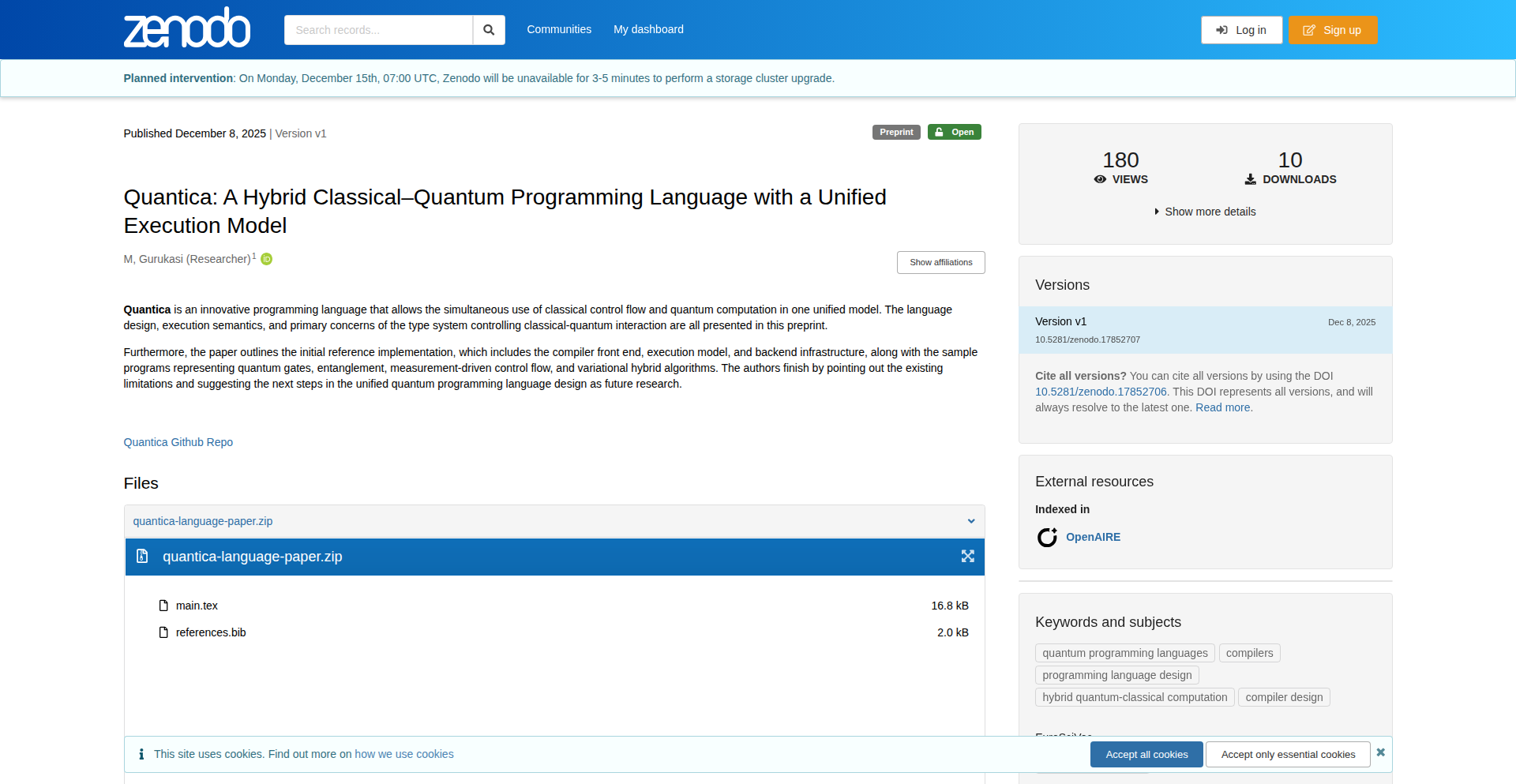
Author
gurukasi2006
Description
Quantica is a groundbreaking programming language designed to bridge the gap between classical and quantum computing. It allows developers to seamlessly integrate quantum algorithms within their existing classical codebases, enabling them to leverage the power of quantum computation for specific, complex problems without a complete paradigm shift. This is achieved through a novel compiler that understands and orchestrates both classical instructions and quantum operations, abstracting away much of the low-level quantum hardware complexity.
Popularity
Points 1
Comments 0
What is this product?
Quantica is a programming language that lets you write code that uses both regular computers (classical) and the new, super-powerful quantum computers. Think of it as a special language that understands how to talk to both types of machines at the same time. Its innovation lies in its compiler, which can translate your instructions into a format that both classical processors and quantum processors can execute. This means you can write a program where some parts run on your laptop and other, very difficult parts, run on a quantum computer, solving problems that are impossible for classical computers alone. So, this is useful because it makes quantum computing accessible for solving real-world problems by fitting it into familiar programming workflows.
How to use it?
Developers can use Quantica by writing programs that define classical logic and then specifically call out quantum subroutines for computationally intensive tasks. The Quantica compiler will then handle the translation and execution, potentially sending quantum operations to a remote quantum processing unit (QPU) or a simulator, while executing classical parts on a local machine. It can be integrated into existing development environments through its SDK, allowing for debugging and testing of hybrid applications. Imagine writing a financial modeling program where the complex optimization part is offloaded to a quantum processor, while the data input and output is handled classically. This is useful because it allows for faster development of quantum-enhanced applications without requiring deep expertise in quantum physics or hardware.
Product Core Function
· Hybrid Code Execution: Allows classical and quantum code to coexist and interact within a single program. This is valuable because it enables developers to leverage quantum advantages for specific tasks without rewriting their entire application, making quantum computing more practical. This can be used for tasks like complex simulations or optimization problems.
· Quantum Algorithm Integration: Provides constructs to express and execute quantum algorithms, such as superposition and entanglement, within the language. This is valuable because it simplifies the process of using advanced quantum techniques, opening up possibilities for drug discovery or material science simulations.
· Abstracted Quantum Hardware Interaction: Hides the complexities of interacting directly with quantum hardware, offering a more user-friendly programming experience. This is valuable because it lowers the barrier to entry for developers interested in quantum computing, allowing them to focus on problem-solving rather than hardware specifics. This can be used in various scientific research and development scenarios.
· Optimized Compilation for Hybrid Workloads: The compiler intelligently distributes tasks between classical and quantum processors for optimal performance. This is valuable because it ensures that the hybrid application runs as efficiently as possible, delivering speedups where quantum computation excels. This is crucial for time-sensitive applications like AI model training.
Product Usage Case
· Drug Discovery: A pharmaceutical researcher could use Quantica to simulate molecular interactions much faster than with classical methods, leading to quicker identification of potential drug candidates. The hybrid nature allows for classical data preprocessing and then quantum simulation of molecular bonds, solving the problem of slow and costly molecular modeling.
· Financial Modeling: A quant analyst could employ Quantica to solve complex portfolio optimization problems that are intractable for classical computers, finding optimal investment strategies more effectively. This involves using classical tools for data loading and then a quantum algorithm for complex combinatorial optimization, solving the challenge of finding the best possible financial configurations.
· Materials Science: A materials scientist could use Quantica to design novel materials with specific properties by simulating quantum mechanical behaviors of atoms and molecules, accelerating the discovery of new materials for various applications. This uses classical for setting up experiments and quantum for the precise simulation of material properties at the atomic level, solving the issue of designing materials with desired characteristics.
· Machine Learning Acceleration: Developers could use Quantica to accelerate parts of machine learning algorithms, particularly those involving large-scale optimization or pattern recognition, leading to faster training of sophisticated AI models. This involves integrating quantum subroutines for tasks like feature selection or matrix inversion within a classical ML framework, solving the bottleneck of computationally intensive ML tasks.
131
Agentic Trust Patterns Library

Author
pseudometa
Description
A curated library of UX patterns to build and maintain trust in Agentic AI applications. It addresses the critical challenge of user confidence when interacting with AI systems that operate autonomously, offering concrete design solutions based on technical insights into AI behavior and user psychology.
Popularity
Points 1
Comments 0
What is this product?
This project is a collection of user experience (UX) patterns specifically designed to foster trust between humans and Agentic AI. Agentic AI refers to AI systems that can act independently to achieve goals. The innovation lies in translating complex AI behavior into understandable and predictable user interactions. It leverages an understanding of how users perceive AI, what makes them feel secure, and how to make the AI's actions transparent and accountable. This provides developers with a blueprint for building AI applications that users can rely on.
How to use it?
Developers can integrate these patterns into their Agentic AI applications by referring to the library's guidelines and examples. For instance, when an AI needs to perform an action with significant user impact, a pattern might suggest a 'pre-action confirmation' step where the AI clearly explains what it's about to do and why, and requires explicit user consent. This can be implemented through UI elements like dialog boxes or clear textual prompts, ensuring users are always in control and understand the AI's intentions. The library provides the conceptual framework and often suggests technical implementation approaches.
Product Core Function
· Transparent Action Explanation: Provides a mechanism for the AI to clearly articulate its intended actions and the reasoning behind them. This builds trust by demystifying AI decision-making, allowing users to understand 'what' the AI is doing and 'why'. This is useful for developers building AI agents that need user buy-in before executing critical tasks.
· Confidence-Building Feedback Loops: Offers ways for the AI to provide ongoing, digestible feedback on its progress and outcomes. This keeps users informed and reduces anxiety about the AI's autonomy, enhancing user confidence. This is valuable for developers creating AI systems that operate over extended periods or perform complex, multi-step processes.
· Accountability Mechanisms: Introduces patterns that allow users to review, understand, and potentially contest AI actions. This is crucial for fostering long-term trust by ensuring the AI is held to a certain standard and users have recourse. This helps developers build AI applications where users feel empowered and safe, even when the AI is making decisions.
· Predictable AI Behavior Design: Structures AI interactions to be consistent and predictable from the user's perspective. This reduces surprise and frustration, making the AI feel more reliable and trustworthy. This is beneficial for developers aiming to create user-friendly AI interfaces that feel intuitive and dependable.
· User Control Empowerment: Incorporates features that give users meaningful control over the AI's actions and parameters. This addresses the common fear of AI overreach, making users feel more comfortable and in charge. This is key for developers who want to build AI tools that augment human capabilities rather than replace them.
Product Usage Case
· In a personal finance AI assistant that automatically rebalances a user's investment portfolio, a 'Transparent Action Explanation' pattern would ensure the AI clearly states, 'I am about to sell X shares of Y stock and buy Z shares of A stock because of recent market shifts and your risk tolerance profile.' This prevents user confusion and builds confidence in the AI's financial advice.
· For an AI-powered customer support chatbot that resolves complex issues, a 'Confidence-Building Feedback Loop' pattern might involve the AI saying, 'I'm currently investigating your account for the billing discrepancy. I've identified a potential error and am cross-referencing it with recent service logs. I expect to have an update for you within 5 minutes.' This keeps the user informed and manages expectations.
· When an AI system is responsible for managing smart home devices, an 'Accountability Mechanism' pattern could provide a log of all AI-initiated actions, like 'Lights turned on in living room at 8:00 PM, triggered by sunset detection.' Users can review this log and flag any unexpected or incorrect actions, fostering a sense of control and security.
· Consider an AI writing assistant that helps draft emails. Using a 'Predictable AI Behavior Design' pattern, the AI would consistently offer suggestions in a similar format and tone, making it easy for the user to understand and edit the generated content. This predictability makes the AI a reliable tool, not a mysterious black box.
· In a healthcare AI that monitors patient vitals and suggests interventions, a 'User Control Empowerment' pattern would allow the patient or their caregiver to set thresholds for alerts or manually override suggested actions. This ensures the AI acts as a supportive tool, respecting the user's ultimate authority over their health decisions.
132
AI Agent DepsShield

Author
mikehanol
Description
DepsShield is a real-time dependency security solution specifically designed for AI coding agents. It provides continuous monitoring of software dependencies used by these agents, identifying and mitigating potential security vulnerabilities as they emerge. This means AI coding assistants can operate more safely and reliably, reducing the risk of compromised code or data leaks.
Popularity
Points 1
Comments 0
What is this product?
DepsShield is a novel security layer that constantly watches the software building blocks (dependencies) that AI coding agents rely on. Imagine AI agents as sophisticated construction workers building software. DepsShield acts as a vigilant safety inspector, ensuring that all the tools and materials (dependencies) they use are free from defects (vulnerabilities) in real-time. Its innovation lies in its proactive, continuous scanning specifically tailored for the dynamic nature of AI agent workflows, which often involve rapidly changing codebases and diverse dependency sets. This prevents security issues before they can be exploited, unlike traditional, more static security checks. So, for you, it means your AI-generated code and the AI agent itself are significantly less likely to be compromised by known or emerging security flaws in the libraries they use.
How to use it?
Developers can integrate DepsShield into their AI agent development pipeline. This typically involves incorporating the DepsShield agent as a service that runs alongside or monitors the AI coding agent. It can be configured to scan dependencies during development, before deployment, or even continuously while the AI agent is operational. For example, if you're using an AI agent to refactor your codebase, DepsShield would analyze the libraries the agent pulls in to ensure they are secure. This provides an immediate safety net, preventing you from unknowingly introducing insecure code into your projects. It's like having an automated security guard for your AI's coding activities, giving you peace of mind.
Product Core Function
· Real-time dependency vulnerability scanning: Continuously monitors all software components used by AI coding agents for known security weaknesses, providing immediate alerts. This is valuable because it prevents you from accidentally incorporating risky code into your project, safeguarding your data and systems.
· Automated remediation suggestions: Offers actionable advice on how to fix identified vulnerabilities, such as suggesting alternative, secure dependencies or providing patches. This helps developers quickly address security issues without extensive manual research, saving time and effort.
· AI-specific context awareness: Understands the unique dependency patterns and workflows of AI coding agents, enabling more precise and efficient security analysis. This means the security checks are highly relevant to how your AI agent works, leading to fewer false positives and a more effective security posture.
· Integration with CI/CD pipelines: Seamlessly fits into existing development workflows, allowing for automated security checks as part of the continuous integration and continuous deployment process. This ensures that security is a constant consideration, not an afterthought, improving overall software quality and security.
Product Usage Case
· Scenario: A developer is using an AI coding agent to build a new web application and wants to ensure all libraries are secure. DepsShield would monitor all the dependencies the AI agent selects, flagging any with known vulnerabilities before they are added to the project, thus preventing a potential data breach. What this means for you is a more secure foundation for your application from the start.
· Scenario: An AI agent is tasked with updating a production system's dependencies. DepsShield would provide real-time security checks on these updates, preventing the deployment of compromised packages that could disrupt services or leak sensitive information. This protects your live operations from unexpected security incidents.
· Scenario: A security-conscious team is developing an AI-powered tool for sensitive data analysis. DepsShield would act as a crucial safeguard, ensuring that all dependencies used by the AI agent are rigorously vetted, minimizing the attack surface and protecting confidential information. For you, this means increased confidence in the security of your AI-driven solutions.
133
SVGAnimationHub

Author
martin_schenk
Description
Make Everything OK is a whimsical holiday website that leverages SVG animations to create a playful and engaging user experience. The core innovation lies in its creative application of Scalable Vector Graphics (SVG) for dynamic, browser-native animations, offering a lightweight and versatile approach to visual storytelling. This project demonstrates how basic web technologies can be used to craft delightful and interactive digital experiences, particularly for festive occasions, solving the problem of creating engaging visual content without heavy dependencies.
Popularity
Points 1
Comments 0
What is this product?
SVGAnimationHub is a project that uses SVG (Scalable Vector Graphics) animations to build websites with a playful and interactive feel, like a whimsical holiday website. The core technology here is SVG, which is a way to describe images using XML. When you animate SVG, you're essentially telling the browser how to change the shapes, colors, and positions of these vector graphics over time. The innovation is in its creative use of this technology to build charming and festive experiences. So, what this means for you is the ability to create visually appealing and dynamic content that loads quickly and looks sharp on any screen size, without needing complex image files or heavy JavaScript libraries for animation.
How to use it?
Developers can use SVGAnimationHub as inspiration or as a direct resource for implementing SVG animations in their own web projects. This could involve embedding SVG directly into HTML, using CSS to animate SVG properties, or employing JavaScript libraries that interact with SVG elements. The project provides a tangible example of how to achieve smooth and appealing animations for decorative or informational purposes on a website. For instance, a developer could adapt the animation techniques to create dynamic icons, interactive infographics, or even small animated characters for their own site. This empowers you to add rich visual flair to your web applications with relatively simple, browser-supported technology.
Product Core Function
· Scalable Vector Graphics (SVG) Integration: Allows for sharp, resolution-independent graphics that scale flawlessly across devices. This is valuable because it ensures your visuals always look good, no matter the screen size, unlike pixel-based images that can become blurry when enlarged.
· CSS-driven SVG Animations: Utilizes CSS transitions and keyframe animations to bring SVG elements to life, offering a performant and accessible animation solution. This is useful as it leverages the browser's native animation capabilities, leading to smoother performance and easier implementation for common animations.
· Interactive SVG Elements: Enables elements within the SVG to respond to user interactions like hover or click events, making the website more engaging. This adds a layer of interactivity to your web pages, allowing users to engage with visual elements in a more dynamic way, enhancing user experience.
· Whimsical Design Philosophy: Focuses on creating delightful and playful visual experiences, suitable for holiday themes or branding that aims for a friendly tone. This is beneficial for projects that need to convey a sense of fun, joy, or lightheartedness, helping to build a positive emotional connection with the audience.
Product Usage Case
· Developing a dynamic holiday greeting card with animated snowflakes and festive characters. This project would use SVG animations to make the card come alive, solving the problem of creating a memorable and engaging digital greeting.
· Enhancing an e-commerce product page with animated icons that subtly showcase features or benefits upon user hover. This would improve user engagement by providing visual cues and reducing the need for lengthy text descriptions.
· Creating an interactive educational module where diagrams or illustrations animate to explain complex concepts. This helps to clarify information and make learning more accessible and enjoyable for students.
· Building a personal portfolio website that features animated elements to showcase creative skills and add a unique personal touch. This helps the developer stand out and make a strong first impression on potential clients or employers.
134
PixelPhysVis
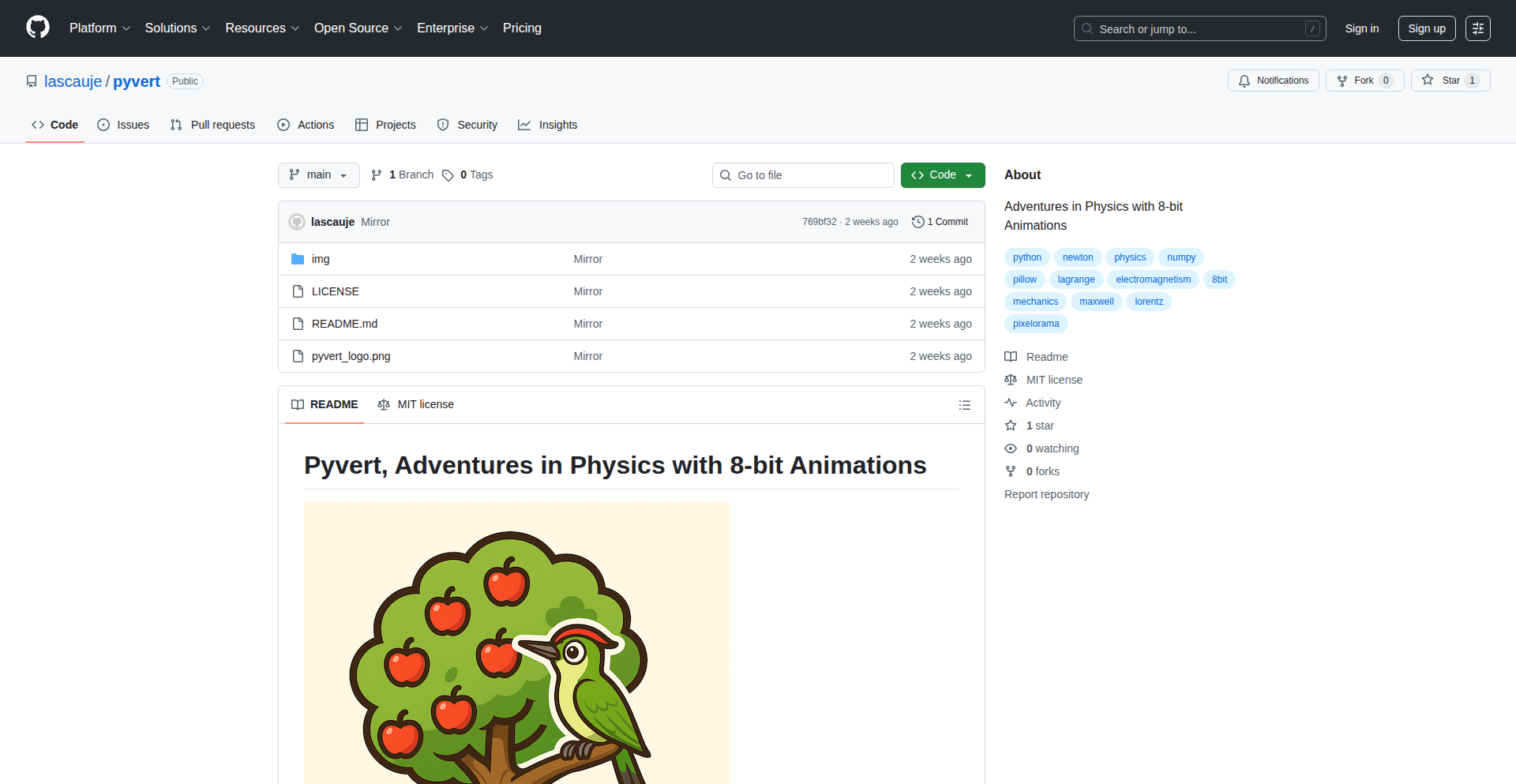
Author
lascauje
Description
Pyvert is a unique tool that lets you visualize classical mechanics and electromagnetism concepts using charming pixel art. It bridges the gap between complex physics simulations and accessible, engaging visuals, making abstract concepts tangible for learners and developers alike.
Popularity
Points 1
Comments 0
What is this product?
PixelPhysVis is a Python-based project that renders simulations of classical physics phenomena, such as projectile motion, wave propagation, and electric fields, in a distinctive pixel art style. Instead of traditional, often sterile scientific graphics, it uses a retro, blocky aesthetic. The core innovation lies in translating complex mathematical models of physics into visually interpretable pixel grids. This approach makes abstract physical principles more intuitive and approachable by leveraging a familiar and aesthetically pleasing visual language, akin to classic video games. So, what's in it for you? It offers a novel way to understand and present physics, making it easier for anyone to grasp difficult concepts without needing a deep physics background.
How to use it?
Developers can integrate PixelPhysVis into their educational tools, interactive learning platforms, or even game development projects. It can be used to generate animated GIFs or still images representing physics scenarios. Imagine building a learning module where students can adjust parameters like initial velocity or charge distribution and instantly see the results rendered in pixel art. The project likely uses libraries for numerical computation (like NumPy) to handle the physics simulations and a graphics library (potentially Pygame or Pillow) to render the pixel art output. So, how can you use it? You can embed these visualizations into your applications to enhance user engagement and understanding of physics principles, making your software more educational and visually interesting.
Product Core Function
· Physics Simulation Engine: This component calculates the behavior of classical mechanics and electromagnetism based on user-defined parameters. It's the brain that makes the physics 'work'. The value is in accurately modeling real-world physics, allowing for realistic visualizations. This is useful for creating educational content or testing physics-based game mechanics.
· Pixel Art Rendering: This function takes the simulation data and translates it into pixel-based graphics. It defines how forces, velocities, charges, etc., are represented by colored blocks. The value is in creating a unique and engaging visual style that is more appealing than standard scientific plots. This makes complex physics approachable and fun for a wider audience.
· Parameter Input and Control: This allows users to adjust variables like initial conditions, forces, or material properties. The value is in enabling interactive exploration of physics. You can easily experiment with different scenarios to see how they affect the outcome, which is great for learning and discovery.
· Output Generation (e.g., GIFs, Images): This feature allows for exporting the visualizations in various formats, making them shareable and embeddable. The value is in portability and reusability of the visual content. You can save your physics experiments as animations or images to share with others or use in presentations and websites.
Product Usage Case
· Creating an interactive physics textbook where students can manipulate variables and see projectile motion visualized in pixel art, helping them understand concepts like trajectory and gravity more intuitively. This solves the problem of abstract physics concepts being hard to visualize.
· Developing a game asset generation tool that creates animated pixel art sequences for physics-based game elements, like a bouncing ball or a flowing water effect. This addresses the need for visually appealing and physically plausible animations in game development.
· Building a public outreach tool for science museums that showcases electromagnetic field interactions using simple, charming pixel graphics, making advanced physics accessible to a general audience. This tackles the challenge of communicating complex science to non-experts.
· Integrating a module into a web application for demonstrating basic electrical circuit behavior with pixelated representations of current flow and voltage, making it easier for users to grasp fundamental electrical engineering principles. This provides a straightforward way to visualize abstract electrical concepts.
135
LitContent

Author
litcontent
Description
LitContent is an AI-powered content creation platform designed to maintain brand consistency and streamline team collaboration. It intelligently scrapes your website's content to ensure AI-generated text aligns perfectly with your existing brand voice and style, preventing generic outputs and saving significant editing time.
Popularity
Points 1
Comments 0
What is this product?
LitContent is a sophisticated AI tool that helps businesses create on-brand content. Unlike generic AI writers, LitContent first analyzes your website's content by scraping your sitemap and stripping down pages to their core text. This fundamental text data is then used to inform the AI's generation process. For instance, existing content can be fed as 'negative prompts' to the AI, meaning it learns what *not* to generate, preventing repetition and ensuring novelty in new content suggestions. A key innovation is its 'Smart Merge' feature. When multiple team members work on content, this function uses AI to intelligently combine different revisions into a single, coherent draft. This avoids tedious manual merging and back-and-forth communication. So, the core innovation is using your existing content as a deep context for the AI, not just for inspiration, but as a rulebook, and enabling AI-assisted collaborative editing. This translates to content that truly sounds like you, faster and with less team friction.
How to use it?
Developers and content creators can integrate LitContent into their workflow by providing their website's sitemap URL. The platform then processes this information to understand the brand's existing voice and style. You can then use LitContent's tools to generate new blog posts, website copy, or marketing materials. For team collaboration, multiple users can access and revise content. When a merge is needed, the 'Smart Merge' feature can be invoked, sending the current draft and a colleague's revision to the AI. The AI then returns a combined draft, ready for final review and publication. This makes it easy to onboard new content creators or manage contributions from a larger team without sacrificing brand integrity or spending hours merging edits. It’s about making AI content creation an extension of your brand, not a replacement.
Product Core Function
· Website Content Scraping: Extracts base text from your website to understand your brand voice, tone, and style. This allows the AI to generate content that sounds authentically like your brand, avoiding generic AI outputs. This is valuable for maintaining brand consistency across all your communications.
· Context-Aware AI Prompting: Uses scraped website content as negative prompts to guide AI generation, preventing repetitive or off-brand content. This ensures that new content is fresh and aligned with your established identity, which is crucial for building customer trust and recognition.
· Smart Merge Feature: Leverages AI to automatically merge different content revisions from team members into a single draft. This significantly reduces manual editing time and back-and-forth communication, improving team productivity and content velocity.
· On-Brand Content Generation: Generates various types of content (e.g., blog posts, product descriptions) that are specifically tailored to match your brand's unique voice. This helps businesses communicate more effectively with their target audience and strengthens their brand identity.
Product Usage Case
· A small business owner with a growing e-commerce site struggles to create new product descriptions that match their existing website's casual yet informative tone. By inputting their website's sitemap into LitContent, the AI learns their voice and generates descriptions that feel like they were written in-house, saving the owner hours of writing and editing.
· A marketing team is working on a new landing page. Different team members are contributing sections, and manually merging their contributions is a time-consuming process prone to errors. Using LitContent's 'Smart Merge', the team can quickly consolidate their work into a cohesive draft, allowing them to iterate faster and launch the campaign sooner.
· A content manager needs to create a series of blog posts about a new service. To ensure these posts reinforce the company's established expert persona, LitContent analyzes existing technical articles on the website and generates new posts that maintain that authoritative and detailed tone, making the content both informative and trustworthy.
· A startup is expanding its team of content writers but wants to ensure all new hires adhere to the company's specific brand guidelines. By using LitContent, new writers can leverage the AI to generate content that is pre-aligned with the brand's voice, reducing the onboarding time and ensuring consistent output quality from day one.
136
InBrowserForge

Author
digi_wares
Description
This project showcases client-side file manipulation tools, including PDF processing, image transformations, and cryptographic operations, all executed directly within the user's web browser. The core innovation lies in leveraging modern browser APIs and efficient JavaScript libraries to bring powerful desktop-like functionalities to the web, eliminating the need for server-side processing for many common tasks. This means faster operations, enhanced privacy as data never leaves the user's machine, and reduced server costs.
Popularity
Points 1
Comments 0
What is this product?
InBrowserForge is a collection of JavaScript-powered tools that allow users to work with files like PDFs, images, and perform cryptographic tasks directly in their web browser. Instead of uploading files to a server for processing (like converting a PDF to an image or encrypting a file), all the heavy lifting happens on the user's own computer, within the browser. This is made possible by using advanced browser features like the File API for accessing local files and WebAssembly for computationally intensive tasks, offering a secure and speedy alternative to traditional server-based solutions. So, what's the benefit? Your sensitive data stays private, and you get results much faster, especially for large files or complex operations.
How to use it?
Developers can integrate these client-side tools into their web applications to enhance user experience and functionality. For example, a web application could use InBrowserForge to allow users to directly edit or convert images without needing to upload them to a backend server. This can be achieved by including the project's JavaScript modules in your frontend build process. You can then call specific functions to handle file uploads (client-side), perform the desired manipulation (e.g., image resizing, PDF merging), and then use the resulting processed file within your application or allow the user to download it. So, how does this help you? You can build richer, more responsive web applications that offer powerful file processing capabilities without the hassle and cost of managing server-side infrastructure.
Product Core Function
· Client-side PDF manipulation: Enables operations like PDF merging, splitting, or text extraction directly in the browser, reducing reliance on server resources and improving user privacy. Value: Faster processing, enhanced data security, lower server costs.
· In-browser image processing: Offers functionalities such as image resizing, format conversion (e.g., JPEG to PNG), and basic editing without uploading to a server. Value: Immediate feedback for users, reduced bandwidth usage, improved performance.
· Client-side cryptography: Allows for file encryption and decryption within the browser using standard algorithms. Value: Stronger data privacy and security, as sensitive information is processed locally.
· WebAssembly integration: Utilizes WebAssembly for performance-critical operations, enabling desktop-like speed for complex file tasks. Value: Significant performance boost for computationally intensive tasks, making web-based tools more viable for demanding workloads.
· Pure JavaScript implementation: Focuses on leveraging modern browser APIs and JavaScript, making it accessible and relatively easy to integrate into existing web projects. Value: Easier adoption for web developers, broad compatibility with modern browsers.
Product Usage Case
· A document management web application that allows users to upload multiple PDF documents and merge them into a single file directly in the browser before uploading the final merged document to the server. Solves the problem of server load and provides a faster, more private merging experience.
· An online photo editor that enables users to crop, resize, and change the format of images in real-time without them ever leaving their browser, before they decide whether to save or upload the edited image. Solves the problem of slow upload/download cycles and provides instant visual feedback.
· A secure file sharing platform where users can encrypt sensitive files using a password before uploading them, ensuring that only the intended recipient with the correct password can decrypt the file. Solves the problem of ensuring data confidentiality during transit and storage on potentially untrusted servers.
· A web-based learning platform that allows students to submit assignments as PDF documents, and the system can perform client-side checks on the PDF structure or extract metadata without sending the entire file to a server. Solves the problem of reducing server processing for routine file inspections.
137
SaaSUI-Booster

Author
FlorinDobinciuc
Description
SaaSUI-Booster is a pre-built collection of production-ready React components and templates styled with Tailwind CSS, specifically designed for common SaaS application interfaces. It aims to eliminate the repetitive task of building standard UI elements like billing, user management, and analytics dashboards, allowing developers to focus on unique features rather than boilerplate UI.
Popularity
Points 1
Comments 0
What is this product?
SaaSUI-Booster is essentially a toolkit for frontend developers building Software-as-a-Service (SaaS) applications. Instead of starting from scratch to build things like pricing tables, user roles management, or an analytics dashboard, developers can use these pre-made, polished components. The innovation lies in its focus on common SaaS patterns and its integration with React and Tailwind CSS, which are popular choices for modern web development. This means you get well-designed, functional UI pieces that are ready to be dropped into your project, saving significant development time and ensuring a consistent, professional look and feel. So, how does this help you? It saves you from reinventing the wheel for common UI elements, allowing you to ship your product faster and with a better user experience.
How to use it?
Developers can integrate SaaSUI-Booster into their React projects. The components are built using Tailwind CSS, meaning they are highly customizable through utility classes. Projects can import individual components for specific features (e.g., a pricing table) or use the provided full-page templates as a starting point for sections like billing or analytics. This approach significantly speeds up the development process for new SaaS products or when adding new features to existing ones. So, how does this help you? You can quickly assemble complex UI sections without writing extensive CSS or HTML, making your development workflow much more efficient and enjoyable.
Product Core Function
· Billing Components: Includes pricing tables, usage tracking, and invoice display. These are crucial for any SaaS that needs to manage subscriptions and payments. The value is in providing a ready-to-use, visually appealing, and functional way to present billing options and information to users, directly impacting customer conversion and clarity. This helps you by offering a quick way to build out your monetization features.
· Account Management Components: Features for managing teams, roles, and API keys. This is vital for SaaS applications that involve multi-user access or complex permission systems. The value lies in offering a secure and organized way to handle user access and administrative controls, enhancing both user experience and application security. This helps you by simplifying the implementation of user and access controls in your application.
· Analytics Components: Provides dashboards, charts, and activity logs. Essential for SaaS products that need to offer insights into user behavior or service performance. The value is in presenting complex data in an understandable and visually engaging format, empowering users with actionable information. This helps you by enabling you to quickly build insightful data visualizations for your users.
· Full-Page Templates: Offers pre-designed layouts for common SaaS screens like billing, analytics, and launch trackers. These templates serve as a rapid starting point for entire sections of an application, ensuring consistency and professional design across the board. The value is in accelerating the creation of complete, functional pages with minimal effort. This helps you by giving you ready-made blueprints for key application areas, speeding up your overall design and development.
Product Usage Case
· A startup building a new project management tool can use the Billing Components to quickly set up their subscription tiers and pricing page, and the Account Management Components to build out their team invitation and role assignment features. This allows them to focus on their core project management functionality rather than spending weeks on UI development. This helps them by getting their core business features to market faster.
· An existing SaaS product looking to add an advanced analytics dashboard can leverage the Analytics Components to integrate charts and data visualizations without needing a dedicated UI designer for that specific feature. This enhances their product offering with valuable insights for their users. This helps them by providing a quick upgrade path for their product's data visualization capabilities.
· A freelance developer building a custom dashboard for a client can use the Full-Page Templates as a foundation for the client's specific needs, customizing only the parts that are unique. This significantly reduces the development time and cost for the client. This helps them by enabling them to deliver professional-looking dashboards efficiently and cost-effectively.
138
AgentPromptTuner

Author
phrocker
Description
This project is a tool designed to help users refine and improve prompts for AI agents, especially those automatically generated by other AI systems. It focuses on ensuring these prompts meet specific criteria, including compliance and risk assessment, and can even integrate with tools like JIRA and GitHub to scan tickets. The innovation lies in its systematic approach to prompt quality control and its ability to apply these checks to real-world development workflows.
Popularity
Points 1
Comments 0
What is this product?
AgentPromptTuner is a system that helps you make AI-generated prompts better and safer. Imagine you have an AI agent that writes instructions for another AI. Sometimes these instructions, called prompts, might not be clear, might lead to unintended consequences, or might not follow specific rules. This tool analyzes those prompts, scores them based on criteria you set (like 'is it safe?' or 'does it follow company policy?'), and helps you tweak them until they are just right. The core technical idea is to build a framework for evaluating and refining text-based instructions for AI, using programmatic analysis and potentially machine learning to assess qualities like clarity, safety, and adherence to guidelines.
How to use it?
Developers can use AgentPromptTuner in several ways. Initially, it's a web-based interface where you can input or generate prompts and get feedback. For more advanced integration, imagine this tool scanning your JIRA tickets to understand the context of a feature request, then automatically generating refined prompts for your AI development agents. It can also scan GitHub tickets to understand code-related issues and suggest prompts for AI assistants that help with debugging or code review. The goal is to embed prompt quality checks directly into your development pipeline, ensuring that AI-driven tasks are executed effectively and responsibly. An API is planned for easier integration with existing development tools.
Product Core Function
· Automated Prompt Scoring: This function takes AI-generated prompts and evaluates them against predefined criteria. It assigns a score, giving developers an immediate understanding of how good or compliant a prompt is. This is useful for quickly identifying problematic prompts without manual review.
· Compliance and Risk Assessment: This feature specifically analyzes prompts for potential security risks, ethical concerns, or deviations from required standards. It helps prevent AI agents from generating harmful or non-compliant outputs, which is crucial for production environments.
· Prompt Refinement Suggestions: Based on the scoring and assessment, the tool offers concrete suggestions on how to improve the prompt. This could be rephrasing, adding specific instructions, or clarifying ambiguity, leading to more predictable and desired AI agent behavior.
· Integration with JIRA and GitHub: This function allows the tool to scan and understand the context from development tickets. By reading ticket descriptions and comments, it can generate more relevant and context-aware prompts for AI agents working on those tasks, improving efficiency and accuracy in development workflows.
· Iterative Prompt Tuning: The system is designed to be iterative, meaning developers can continuously adjust prompts and re-evaluate them. This allows for fine-tuning AI agent behavior over time, adapting to new requirements or improving performance.
Product Usage Case
· Scenario: A developer is using an AI agent to generate test cases for a new software feature. The automatically generated prompts are too vague and sometimes miss edge cases. Using AgentPromptTuner, the developer inputs the generated prompts, scores them for completeness and coverage, and receives suggestions to make them more specific, ensuring better test case generation and higher quality software.
· Scenario: A company is deploying AI agents for customer support. To ensure customer data privacy and compliance with regulations, prompts given to these agents must be strictly controlled. AgentPromptTuner scans these prompts, flagging any that might inadvertently ask for or expose sensitive information, thereby preventing potential data breaches and ensuring regulatory adherence.
· Scenario: A team is using AI to help summarize complex technical documentation. The AI sometimes produces summaries that are too technical or miss key details. By using AgentPromptTuner to refine the prompts given to the summarization AI, the team can ensure the summaries are accurate, concise, and suitable for the intended audience, saving time and improving knowledge dissemination.
· Scenario: A developer is working on a bug fix identified in a JIRA ticket. Instead of manually crafting a prompt for an AI assistant to help debug, AgentPromptTuner can scan the JIRA ticket, understand the problem described, and generate a highly relevant prompt for the AI to analyze the code and suggest solutions, speeding up the debugging process.
139
AI Sommelier for WooCommerce

Author
pinpointed
Description
An AI-powered chat widget designed to revolutionize the user experience for WooCommerce wine stores. It addresses the common problem of customers being overwhelmed by complex wine filtering options. Instead of searching by appellation or tannins, users can simply ask natural language questions like 'what wine for steak?', receiving instant, personalized recommendations.
Popularity
Points 1
Comments 0
What is this product?
This project is an intelligent chatbot that integrates with WooCommerce stores, acting as a virtual sommelier. Its core innovation lies in leveraging Natural Language Processing (NLP) powered by GPT-4 to understand user preferences expressed in everyday language. Instead of traditional, often confusing, wine filtering systems (like filtering by grape varietal, region, or body), customers can ask conversational questions. The system then processes this query, cross-references it with product data from WooCommerce, and provides tailored wine suggestions. This significantly simplifies the wine selection process for users, making online wine shopping more accessible and enjoyable. The technical backbone involves Cloudflare Workers for serverless execution, JWT for secure authentication, and the WooCommerce REST API to fetch product information.
How to use it?
For WooCommerce store owners, integrating this AI Sommelier is straightforward. The project utilizes Cloudflare Workers, meaning it can be deployed without managing dedicated servers. Store owners can embed the chat widget into their website, connecting it to their WooCommerce store via the REST API. For authentication, JWT (JSON Web Tokens) are used to ensure secure communication between the widget and the WooCommerce backend. Customers interact with the widget by simply clicking on it and typing their wine-related questions in plain English. The AI backend, powered by GPT-4, then interprets these requests and suggests suitable wines from the store's catalog. This provides an immediate, personalized shopping assistant for every visitor.
Product Core Function
· Natural Language Wine Recommendation: Leverages GPT-4 to understand user queries phrased in everyday language, providing tailored wine suggestions. The value is in making wine selection intuitive and accessible, turning complex choices into simple conversations.
· WooCommerce Integration: Seamlessly connects with WooCommerce stores using their REST API to access product catalogs, pricing, and inventory. This allows for real-time, accurate recommendations based on available stock and product details, ensuring the recommendations are practical for the store owner.
· JWT Authentication: Implements JSON Web Tokens for secure communication and authorization between the chat widget and the WooCommerce backend. This protects store data and ensures only authorized access, adding a layer of security to the system.
· Serverless Deployment with Cloudflare Workers: Utilizes Cloudflare Workers for efficient and scalable deployment without the need for traditional server management. This means faster response times and lower operational overhead for the store owner.
· User-Friendly Chat Interface: Presents a simple, intuitive chat bubble for customers to interact with. The value here is in reducing customer friction and bounce rates by offering an easy-to-use alternative to complex filtering systems.
Product Usage Case
· A customer visits a WooCommerce wine store and is unsure which red wine pairs well with a grilled lamb dish. Instead of navigating through filters for 'body', 'tannins', or 'grape varietal', they click the chat bubble and ask, 'What red wine goes with lamb?'. The AI Sommelier, powered by GPT-4 and connected to the store's inventory, immediately suggests a bold Cabernet Sauvignon or a robust Malbec, explaining why each is a good match. This solves the problem of customer indecision and leads to a more confident purchase.
· A wine shop owner wants to improve their online sales conversion rate, which is currently low due to customers abandoning the site when faced with too many options. By implementing this AI Sommelier, the owner provides a guided selling experience. When a customer asks 'I like something fruity and not too dry, what do you recommend?', the system can filter through the product database and suggest a specific Pinot Noir or a Beaujolais, directly addressing the customer's stated preferences and simplifying their path to purchase.
· A user is planning a dinner party and needs a white wine for seafood. They ask the chat widget, 'Suggest a white wine for a seafood dinner.' The AI, referencing the WooCommerce catalog, might recommend a crisp Sauvignon Blanc or a dry Riesling, even providing details on tasting notes or suggested food pairings from the product descriptions. This offers personalized advice that mirrors the experience of speaking with a knowledgeable store associate, enhancing the online shopping experience.
140
DevReplay: Code Journey Chronologer

Author
markhallen
Description
DevReplay is a "developer memory" tool that connects to your GitHub activity. It offers a clean timeline of your code events like commits, pull requests, and comments. For a small fee, it leverages AI to generate daily summaries of your work, helping you recall what you shipped, why, and how it fits into your projects. This is invaluable for developers who juggle multiple tasks, branches, or side projects and need to quickly regain context, especially with the acceleration of AI-assisted development.
Popularity
Points 1
Comments 0
What is this product?
DevReplay acts as your personal developer logbook, automatically tracking your code-related activities on GitHub. It provides a clear, chronological list of your commits, pull requests, and comments, essentially creating a timeline of your development journey. The core innovation lies in its ability to then process this data with AI to generate concise daily summaries. Think of it as an automated retrospective that helps you remember not just what you did, but also the context and reasoning behind your changes. This helps bridge the gap in your memory when you're context-switching between different projects or even different feature branches within the same project.
How to use it?
Developers can integrate DevReplay by connecting their GitHub account. Once connected, the tool automatically starts tracking your activity. You can then access your development history through a user-friendly web interface. The free tier offers a straightforward event list. For richer insights, the paid tier provides AI-powered daily summaries that distill your day's work into key achievements and changes. You can explore your progress by day to understand what you've accomplished and why. This is particularly useful for remote teams or asynchronous workflows where understanding individual contributions and project evolution is crucial.
Product Core Function
· Code Event Timeline: Automatically logs commits, pull requests, and comments, providing a clear history of your development activity. This helps you see your progress and easily find past work.
· AI-Powered Daily Summaries: Leverages artificial intelligence to create concise summaries of your daily development work, highlighting key changes and their rationale. This saves you time and mental effort in recalling your progress.
· Contextual Recall: Enables quick understanding of what changed and why, which is vital for efficient context switching between tasks and projects. This means you can jump back into work faster without losing track of your objectives.
· Project Exploration: Allows you to explore your shipped work on a daily basis, giving you a clear overview of your contributions over time. This is beneficial for personal project management and for demonstrating your work.
· Indie Project & Build-in-Public Support: Particularly useful for individual developers and those who share their progress publicly, helping to maintain a consistent record of work across multiple side projects. This fosters transparency and helps you stay organized with your independent endeavors.
Product Usage Case
· A developer working on three different side projects switches between them daily. DevReplay helps them quickly remember the status and recent changes for each project by providing a daily summary for each, eliminating the need for lengthy mental re-engagement.
· A remote team member needs to recall the exact reason for a specific commit made a week ago. By accessing DevReplay's timeline and AI summary, they can quickly pinpoint the commit and understand the underlying decision, improving collaboration and reducing confusion.
· An indie hacker is building an app and regularly posts updates about their progress on social media. DevReplay helps them accurately summarize their week's development efforts for their public updates, ensuring consistency and clarity.
· A developer is transitioning from one feature branch to another. DevReplay's event log allows them to swiftly review the commits they made on the previous branch, ensuring they don't miss any crucial steps or forget their thought process.
141
ChromaFlow-Parametric-Palette-Designer
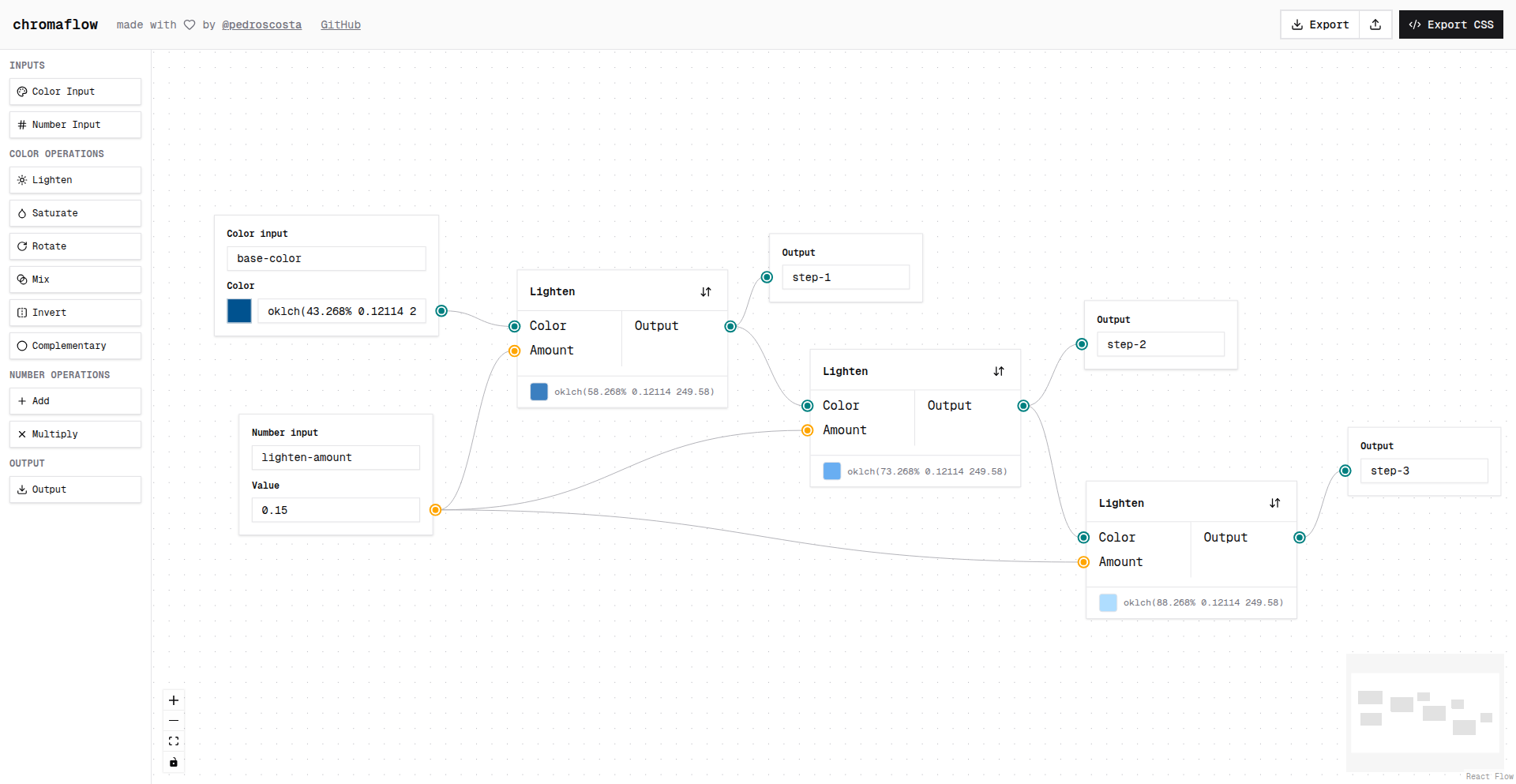
Author
pedroscosta
Description
ChromaFlow is a visual flow editor designed for creating parametric color palettes. It allows users to define a color palette based on a few initial inputs and dynamically generate new palettes by modifying these parameters, offering a novel approach to color system design.
Popularity
Points 1
Comments 0
What is this product?
ChromaFlow is a software tool that uses a visual, node-based interface to construct color palettes. Instead of picking colors one by one, you define relationships and rules between colors using parameters. Think of it like a flowchart for colors. You set initial values (like a base hue or saturation level), and the editor automatically generates the entire palette. The innovation lies in its parametric nature: changing a single input parameter can ripple through the entire system, creating a completely new, yet cohesive, color scheme. This is particularly useful for design systems where consistency and adaptability are key. It solves the problem of manually creating and updating numerous color variations, saving significant time and effort while ensuring design integrity.
How to use it?
Developers can use ChromaFlow by visually connecting nodes that represent color properties and transformations. For example, you might have a 'Base Color' node, connected to a 'Complementary Color' node, and then feed that into a 'Shade Generator' node. Each node has adjustable parameters. You can integrate ChromaFlow into your workflow by exporting the generated color palettes in various formats (e.g., JSON, CSS variables, SVG). This allows designers and developers to easily implement the generated color schemes in web applications, mobile apps, or any digital product. The parametric nature means you can quickly iterate on color ideas without redoing all the manual work, making it an efficient tool for rapid prototyping and design exploration.
Product Core Function
· Visual flow editing of color relationships: This allows for intuitive creation of color palettes by defining how colors relate to each other, rather than picking them individually. The value is in simplifying complex color generation into a visual, understandable system.
· Parametric control over color properties: By adjusting parameters like hue, saturation, lightness, or specific color formulas, users can generate vast variations of a color palette with ease. This provides immense flexibility and control, enabling quick design iterations.
· Dynamic palette generation: The system automatically updates the entire color palette when any input parameter is changed. This ensures consistency and saves considerable time compared to manual updates, directly benefiting project timelines.
· Exportable color palettes: Generates palettes in common formats like JSON or CSS variables, making them directly usable in development projects. This bridges the gap between design and implementation, reducing integration friction.
· Inspiration from established design systems: The project draws inspiration from successful UI color strategies, like those seen in Linear. This means the underlying principles are likely well-tested and effective for modern interfaces, offering a solid foundation for new designs.
Product Usage Case
· Creating a themeable UI for a web application: A developer can use ChromaFlow to generate a set of color palettes that users can select from to customize their interface. By setting a base color and adjusting parameters, the developer can quickly produce multiple distinct themes without manual color picking for each element, ensuring all themes are visually harmonious.
· Designing brand color systems for multiple products: A design agency can use ChromaFlow to generate consistent yet varied color palettes for a client's different product lines. By defining core brand colors and using parametric variations, they can ensure brand identity is maintained across all offerings while giving each product a unique visual feel.
· Rapid prototyping of user interface designs: A UI/UX designer can quickly experiment with different color schemes for a new app. By adjusting a few parameters in ChromaFlow, they can see how different color approaches affect the overall look and feel of the interface, accelerating the design feedback loop.
· Ensuring accessibility in color choices: Developers can use ChromaFlow to generate color palettes that meet specific accessibility contrast ratios by incorporating accessibility-focused parameters. This helps in creating designs that are usable by a wider audience, addressing a critical technical requirement.
142
PigeonAuth

Author
sim04ful
Description
PigeonAuth is a novel API monetization and authentication system that sidesteps traditional header-based authorization. It leverages asymmetric cryptography by generating a public/private key pair for each user. The public key is then shared (even via non-technical means like 'pigeon') and used by the API to verify requests signed with the corresponding private key. This ingenious approach is particularly useful for scenarios where standard HTTP headers for authentication are not feasible, such as dynamically loading images in web applications.
Popularity
Points 1
Comments 0
What is this product?
PigeonAuth is a decentralized API authentication and access control mechanism. Instead of relying on username/password or API keys sent in HTTP headers, which can be problematic for certain web components like `<img>` tags, PigeonAuth uses public-key cryptography. A user generates a pair of keys: a private key (kept secret) and a public key. The public key is registered with the API service. When a user makes a request, they sign the request with their private key. The API service then uses the registered public key to verify the signature. If the signature is valid, the request is authenticated and authorized. This offers a secure and flexible way to control API access without the limitations of traditional header-based methods, especially for client-side applications that cannot easily send custom headers.
How to use it?
Developers can integrate PigeonAuth into their APIs and client applications. For API providers, they would implement a system to register and manage public keys for their users. When an API request arrives, the server verifies the signature using the user's public key. For clients, developers would use a cryptography library to generate a key pair and share their public key with the API provider. When making API calls, the client application would use its private key to sign the request payload and any relevant metadata, then send the signed request to the API. This is especially powerful for front-end applications that need to interact with APIs using standard HTML elements like `<img>` tags, where adding custom authentication headers is not directly supported.
Product Core Function
· Key Pair Generation: Developers can securely generate unique public and private key pairs for each user. This forms the foundation of the authentication system, allowing for individual user identification and authorization.
· Public Key Distribution: The system allows for the secure distribution of public keys to the API provider. This enables the API to identify and trust requests originating from legitimate users.
· Request Signing: Client applications use their private key to cryptographically sign API requests. This ensures the integrity and authenticity of the data being sent, preventing tampering and impersonation.
· Signature Verification: The API service uses the registered public key to verify the signature of incoming requests. This confirms that the request was indeed generated by the owner of the corresponding private key.
· Decentralized Authentication: By relying on cryptographic keys rather than a central authority for authentication, PigeonAuth offers a more resilient and potentially more scalable authentication solution.
· Header-less Authentication: The core innovation is the ability to authenticate without relying on HTTP headers, opening up possibilities for authentication in contexts where headers are not supported, such as certain image loading mechanisms.
Product Usage Case
· Dynamically loading authenticated images in web applications: A learning app needs to display user-specific images. Instead of complex session management, PigeonAuth allows users to load images directly via `<img src='api/image/user_id'>` where the request is implicitly signed by the user's private key, ensuring only authorized images are displayed to the correct user.
· Securing API endpoints for client-side JavaScript applications: Front-end applications can securely interact with APIs without exposing sensitive credentials directly in the browser's local storage, as the signing process happens client-side with the private key.
· Building a decentralized content delivery network (CDN) with access control: Content creators can use PigeonAuth to grant specific users access to their files or media, with access rights tied to their cryptographic keys, providing fine-grained control without a central platform.
· Implementing access control for IoT devices that communicate with an API: IoT devices can generate key pairs and sign their telemetry data, allowing the API to authenticate and authorize data streams from each device uniquely and securely.
143
HeadlineSensei

Author
petarsubotic
Description
HeadlineSensei is a web-based interactive activity designed to empower children aged 7-10 with 'digital immunity.' It teaches them to distinguish between neutral headlines and those crafted to manipulate attention, helping them recognize clickbait and doom-scrolling content. The core innovation lies in a simple yet effective gamified approach to media literacy.
Popularity
Points 1
Comments 0
What is this product?
HeadlineSensei is a playful online game where kids are presented with a short description of an event and then tasked with choosing the headline that most accurately reflects it. The innovation is in its educational focus: it's not just about reading, but about understanding the *intent* behind the words. By contrasting neutral headlines with sensational or manipulative ones, it helps build critical thinking skills about online information, fostering a foundational understanding of media manipulation without requiring prior expertise from parents or kids.
How to use it?
Developers can integrate HeadlineSensei into educational platforms or websites as an engaging module. The system presents a factual scenario followed by several headline options. Users (children) select a headline. The platform provides immediate feedback, explaining why a chosen headline might be misleading or sensationalist. This can be used as a standalone learning tool, embedded in online courses, or even adapted for offline use with printouts. It's designed for ease of use, requiring no complex setup.
Product Core Function
· Headline analysis engine: This core technology compares user-selected headlines against factual event descriptions, evaluating their neutrality and identifying manipulative language. Its value is in providing instant, actionable feedback, teaching children to spot red flags in online content.
· Interactive event scenario presentation: This function delivers concise, age-appropriate event descriptions to set the context for headline selection. Its value is in creating a clear foundation for critical evaluation, ensuring children understand the underlying facts before judging headlines.
· Gamified feedback mechanism: This feature provides children with immediate reinforcement and educational explanations for their choices. Its value lies in making the learning process fun and memorable, encouraging repeated engagement and deeper understanding of media literacy concepts.
· Parental guidance prompts: This function offers suggested talking points for parents to discuss with their children after each activity, reinforcing the lessons learned. Its value is in bridging the gap between the digital activity and real-world application, empowering parents to actively participate in their child's digital education.
Product Usage Case
· An educational website for kids could embed HeadlineSensei as a 'Fake News Detector' game, helping young users learn to critically evaluate the news they encounter online. This solves the problem of children being susceptible to misinformation and sensationalism.
· A parenting app focused on digital safety could offer HeadlineSensei as a tool to teach children about online manipulation. Parents can use it during screen time to initiate conversations about media bias and the importance of factual reporting.
· A classroom in elementary school could use HeadlineSensei during a digital literacy lesson. Teachers can facilitate discussions about how headlines are written to attract attention, and how to identify biased or misleading information, addressing the need for early media literacy education.
· A library's children's section could feature HeadlineSensei on a public computer as part of an information literacy program. This provides an accessible way for children to develop critical thinking skills outside of school, tackling the challenge of preparing youth for an information-saturated world.
144
HypeBridge AI

Author
damidare
Description
HypeBridge AI is a tool that uses Gemini's multimodal capabilities to analyze influencer video content. It extracts key attributes from videos on demand, allowing users to quickly evaluate creators based on their brand alignment and potential. This solves the pain point of manually sifting through hours of content to find suitable influencers, especially for those with limited budgets seeking emerging talent.
Popularity
Points 1
Comments 0
What is this product?
HypeBridge AI is a platform that leverages advanced AI, specifically Gemini's multimodal understanding, to analyze influencer video content. Instead of you watching endless hours of videos, HypeBridge AI does the heavy lifting. It can search and extract specific aspects from a creator's videos at the time you query them. Think of it like having a super-smart assistant that can watch videos and tell you what's inside, what the creator's vibe is, and how well they'd fit your brand. The innovation lies in its ability to process video content using natural language queries and extract nuanced attributes, which is a significant step beyond traditional keyword-based search for influencer marketing.
How to use it?
Developers and marketers can use HypeBridge AI by providing a creator's profile or video links. The platform then processes this content and returns a report with detailed attributes. You can then use these attributes to filter creators based on your specific campaign needs, brand voice, or target audience. For integration, it offers an API that allows developers to programmatically query content and retrieve analysis, enabling it to be plugged into existing marketing automation workflows or custom influencer discovery tools. This means you can automate the initial screening process of influencers, saving significant time and effort.
Product Core Function
· Video Content Extraction: Automatically fetches and analyzes video content from specified creators, providing insights without manual viewing. This saves you hours of tedious work and ensures you're not missing potential gems.
· Multimodal Attribute Extraction: Utilizes Gemini AI to understand and extract a wide range of attributes from videos, such as tone, visual style, themes, and audience engagement cues. This helps you understand the subtle nuances of a creator's content that matter for brand fit.
· Brand Fit Analysis: Allows users to define custom criteria and brand statements to filter and evaluate creators. This ensures you're finding influencers who genuinely align with your brand values and messaging.
· On-Demand Creator Evaluation: Provides quick and in-depth analysis reports for individual creators in minutes, accelerating the influencer vetting process. This means you can get a quick assessment of a potential partner without spending half your day researching.
Product Usage Case
· A small startup looking for micro-influencers on a tight budget can use HypeBridge AI to quickly identify emerging creators whose content style and audience demographics perfectly match their niche, avoiding expensive, well-established influencers who might not offer the same ROI.
· A brand manager needs to find a new spokesperson for a campaign and wants to ensure the influencer's personality and values align with the brand's. HypeBridge AI can analyze a pool of potential candidates' videos to generate a 'brand alignment score' based on pre-defined criteria, making the selection process more objective and efficient.
· A marketing team wants to scale their influencer outreach. By integrating HypeBridge AI's API into their existing workflow, they can automate the initial screening of hundreds of creators, flagging only the most promising ones for human review, thus significantly speeding up their discovery process.
145
CodePaperLinker

Author
AlexDenisov
Description
CodePaperLinker is a tool that automatically discovers and links academic papers referenced within production codebases. It tackles the challenge of understanding complex software by connecting implementation details to their theoretical foundations, making it easier for developers to grasp the 'why' behind the 'how'.
Popularity
Points 1
Comments 0
What is this product?
CodePaperLinker is a system designed to bridge the gap between software code and the academic research that inspired it. Many sophisticated software components are built upon cutting-edge research. However, finding and accessing these foundational papers from within the code itself can be incredibly difficult. CodePaperLinker semi-automates this process by parsing source code, identifying potential citations, and then searching for and linking to the corresponding academic papers. This helps developers quickly understand the research concepts behind specific code implementations, leading to deeper comprehension of both the code and the underlying domain. So, it helps you understand complex code by showing you the research papers that influenced it, making your learning curve much smoother.
How to use it?
Developers can integrate CodePaperLinker by pointing it towards their codebase (e.g., a GitHub repository). The tool then analyzes the code, looking for patterns that indicate academic references. It automates much of the parsing and searching for metadata, but also allows for manual review and curation to ensure accuracy, especially for ambiguous citations. The resulting links to papers can be browsed through a web interface or potentially integrated into developer workflows. For instance, when encountering a complex algorithm in a library, you could use CodePaperLinker to find the original research paper that describes it, thus understanding its mathematical underpinnings and design choices. This means you can quickly access the 'bible' behind a piece of code you're trying to understand.
Product Core Function
· Automatic citation detection: Scans code for patterns resembling academic citations, such as references to papers in READMEs, comments, or documentation strings. This provides the initial clues to research papers. The value is saving countless hours of manual searching for obscure references.
· Metadata enrichment: For detected citations, it searches for associated metadata like DOIs (Digital Object Identifiers), authors, titles, and publication venues. This makes the found papers more discoverable and verifiable. The value is getting accurate and complete information about the research.
· Paper linking: Connects the identified code sections to their corresponding academic papers through generated links. This creates a direct bridge for understanding. The value is immediate access to the theoretical background of the code.
· Repository indexing: Organizes discovered paper links by the codebase they were found in, allowing for easy browsing and exploration within specific projects. This keeps research context organized. The value is having a structured way to explore the research landscape of a project.
· Semi-automated curation: While automated, the system includes a manual review step for ambiguous citations, ensuring higher accuracy. This human touch improves reliability. The value is getting more trustworthy links to relevant papers.
Product Usage Case
· Understanding advanced machine learning frameworks: When working with a library like PyTorch, you can use CodePaperLinker to find the original research papers on techniques like compilation or parallelization used in its implementation. This helps you grasp the sophisticated algorithms and optimizations at play. This means you can go beyond just using the library and truly understand its inner workings, improving your ability to customize or contribute.
· Exploring scientific computing libraries: If you're using a library for complex simulations or data analysis, CodePaperLinker can uncover the scientific theories and published research behind its algorithms. This is invaluable for validating results and understanding the limitations of the code. This means you can be more confident in the scientific integrity of your work.
· Learning about novel software architectures: When encountering codebases that implement innovative architectural patterns, CodePaperLinker can reveal the academic papers that proposed these ideas. This allows you to learn from the pioneers and understand the rationale behind design choices. This means you can adopt best practices and design more robust software.
· Onboarding new developers to complex projects: For large, research-heavy projects, CodePaperLinker can provide new team members with a quick way to understand the foundational research, accelerating their learning curve and making them productive faster. This means your team can get up to speed on complex projects more efficiently.
146
NekoDJ: AI-Powered Playlist Weaver

Author
cipz
Description
NekoDJ is an innovative web application that leverages AI to translate abstract thoughts, moods, or experiences into curated Spotify and YouTube playlists. It tackles the common problem of 'I want music that feels like X' by employing natural language processing to understand user input and then intelligently searching and assembling relevant tracks. The core innovation lies in its ability to go beyond simple keyword matching and infer musical qualities from descriptive language.
Popularity
Points 1
Comments 0
What is this product?
NekoDJ is a service that uses artificial intelligence, specifically natural language processing (NLP), to understand your descriptions of feelings, situations, or even random thoughts. It then uses this understanding to find and create personalized music playlists on Spotify and YouTube. The innovative part is its ability to interpret subjective inputs like 'a rainy Sunday afternoon' or 'feeling energetic but contemplative' and translate them into musical themes, rather than just relying on explicit genre or artist names. This is achieved by analyzing the semantic meaning of your words and mapping them to musical characteristics and existing playlist data.
How to use it?
Developers can use NekoDJ by simply visiting the website and typing in a description of their desired playlist. For example, a developer might type 'code like a calm programmer with a hint of synthwave' or 'music for a late-night debugging session'. The system then generates public Spotify and YouTube playlists. For integration, while NekoDJ itself doesn't offer a direct API for developers at this stage, its publicly generated playlists can be shared and embedded. The underlying technology could inspire developers to build similar AI-driven music recommendation engines or tools that connect abstract concepts to media.
Product Core Function
· Natural Language Playlist Generation: This allows users to describe their desired music experience using everyday language, transforming subjective feelings into actionable music requests. Its value is in making music discovery more intuitive and personalized, bypassing the need for technical music knowledge.
· Cross-Platform Playlist Creation (Spotify & YouTube): NekoDJ supports both major music platforms, expanding its utility and reach. This is valuable as it caters to users who prefer one platform over the other, or who want to discover music across both.
· Public Playlist Sharing: Generated playlists are public, fostering community and allowing users to discover what others have created. This creates a discoverability layer and provides inspiration for new musical journeys.
Product Usage Case
· Scenario: A game developer needs background music for a tranquil forest level. They input: 'peaceful forest, dappled sunlight, gentle stream'. NekoDJ generates a playlist of ambient and instrumental tracks, saving the developer time searching for suitable audio.
· Scenario: A data scientist is working on a complex analysis and wants music that helps focus but isn't distracting. They input: 'deep concentration, quiet intensity, subtle electronic beats'. NekoDJ provides a playlist of lo-fi hip-hop or minimalist electronic music, enhancing their productivity.
· Scenario: A writer is experiencing writer's block and needs to spark creativity. They input: 'melancholy inspiration, a hint of hope, rainy day mood'. NekoDJ suggests a playlist of indie folk or cinematic orchestral pieces, providing a thematic backdrop for their writing.
147
Crystal Sage

Author
olivato
Description
Crystal Sage is a Go-based utility designed to simplify sending logs and alerts to multiple messaging platforms like Telegram, Discord, and Slack. It tackles the common developer frustration of complex and disparate webhook configurations across these services, offering a single, unified YAML configuration for straightforward integration. The innovation lies in its ability to abstract away the individual API intricacies of each platform, allowing developers to send messages with a single HTTP request.
Popularity
Points 1
Comments 0
What is this product?
Crystal Sage is a standalone application, built as a single, relatively small binary (around 14.8MB), that acts as a central hub for sending notifications. Instead of learning the specific formatting and authentication methods for Telegram bots, Discord webhooks, and Slack's JSON structures, you configure Crystal Sage once. It then listens for incoming HTTP requests and, based on your configuration, intelligently forwards the message content to your chosen platforms and channels. This means you avoid spending time deciphering documentation for each service, saving valuable development hours. The core technical insight is to standardize the input (a simple HTTP POST) and externalize the complexity of platform-specific integrations.
How to use it?
Developers can integrate Crystal Sage into their workflows by running it as a service (e.g., via Docker or directly as a binary). Once running, they configure a single `config.yaml` file, specifying their desired messaging platforms (Telegram, Discord, Slack) and their respective credentials or webhook URLs. After setup, any application or script can send a message to Crystal Sage by making a simple HTTP POST request to its API endpoint (e.g., `curl -X POST localhost:8080/prod-alerts -d "content=Server is on fire "`). Crystal Sage handles the rest, dispatching the message to all configured destinations. This makes it ideal for integrating into CI/CD pipelines, monitoring systems, or any application that needs to emit alerts.
Product Core Function
· Unified Notification Dispatch: Sends messages to Telegram, Discord, and Slack simultaneously or selectively from a single input. This saves developers from writing and maintaining separate integrations for each platform, streamlining alert management and reducing boilerplate code.
· Simplified Configuration: Utilizes a single `config.yaml` file for all platform integrations, abstracting away the complex and often inconsistent documentation for each service. This drastically reduces setup time and the potential for configuration errors, making it easier for developers to get started.
· HTTP-based API: Exposes a simple HTTP POST endpoint for receiving messages. This allows any application, script, or tool that can make HTTP requests to easily send notifications, promoting broad compatibility and ease of integration into existing development ecosystems.
· Multiple Channel Support: Allows configuration of multiple channels within each platform. This provides flexibility in routing different types of alerts to specific teams or individuals, enhancing the organization and effectiveness of notifications without adding integration complexity.
Product Usage Case
· CI/CD Pipeline Alerts: A developer can configure Crystal Sage to receive notifications from their CI/CD tool (e.g., Jenkins, GitHub Actions). When a build fails, the pipeline sends a simple HTTP POST request to Crystal Sage, which then alerts the development team on Slack and Discord, ensuring rapid issue detection without complex webhook setup for each platform.
· Application Health Monitoring: A backend application can be instrumented to send periodic 'heartbeat' or error messages to Crystal Sage. If an application goes down, it sends a critical alert via Crystal Sage to Telegram, ensuring the operations team is immediately notified for quick intervention.
· Automated Reporting: A script that generates daily reports can be configured to send a summary message to Crystal Sage upon completion. This message is then distributed to a dedicated Slack channel for the business stakeholders, providing timely updates without manual intervention.
148
Fluxentra: On-Chain PnL Weaver

Author
jjuliobit
Description
Fluxentra is a real-time on-chain analytics tool designed for Uniswap liquidity providers. It leverages direct blockchain data to provide instant insights into active liquidity pools, generated fees, liquidity positions, and actual on-chain profit and loss, all accessible with just a wallet address. This tool cuts through the noise by focusing solely on verifiable blockchain data, offering a transparent and direct view of a liquidity provider's performance.
Popularity
Points 1
Comments 0
What is this product?
Fluxentra is a specialized application that connects directly to the blockchain to analyze your activity as a liquidity provider on Uniswap. Instead of relying on estimations or delayed information, it reads the raw transaction data from the blockchain to show you exactly how much money you're making or losing in real-time. The innovation lies in its direct, unadulterated access to on-chain information, providing an accurate picture of your DeFi investments without any middlemen or simulations. This means you get definitive answers about your liquidity provision performance straight from the source.
How to use it?
Developers and liquidity providers can use Fluxentra by simply entering their Ethereum wallet address. The tool will then query the blockchain for all associated Uniswap V2 and V3 liquidity positions. It's designed to be plug-and-play, requiring no complex setup or integration beyond providing your public wallet address. This allows for immediate monitoring of key metrics such as the total value of your liquidity, fees earned, and your net profit or loss, all updated in real-time. It's useful for tracking performance, making informed decisions about adjusting positions, or simply understanding your DeFi yield more clearly.
Product Core Function
· Real-time Active Liquidity Pool Tracking: Displays which liquidity pools your funds are contributing to at any given moment, allowing you to see where your capital is deployed and generating yield. This provides clarity on your active investments.
· Instant Fee Monitoring: Shows the precise amount of trading fees your liquidity has generated, offering a direct measure of your earnings from facilitating trades. This helps quantify your income streams.
· Liquidity Position Analysis: Provides a detailed overview of your specific stakes within liquidity pools, including the quantities of tokens you've provided and their current market value. This gives granular insight into your portfolio composition.
· On-Chain Profit & Loss Calculation: Calculates your actual profit or loss based on the current on-chain value of your assets and the initial investment, accounting for fees and price changes. This delivers a transparent and accurate performance assessment.
Product Usage Case
· A Uniswap V3 liquidity provider wants to understand their daily PnL without manually sifting through transaction history or relying on third-party dashboards that might lag. By inputting their wallet address into Fluxentra, they can see their real-time profit and loss, allowing them to quickly assess the effectiveness of their concentrated liquidity strategies and make immediate adjustments if needed.
· A DeFi developer building a portfolio tracker wants to integrate real-time on-chain analytics for Uniswap LPs into their application. They can use Fluxentra's underlying logic or data access patterns to fetch and display LP performance metrics, enhancing their application's utility and providing users with direct, verifiable insights into their DeFi investments.
149
AI Interview-to-Offer Agent Network

Author
snasan
Description
This project showcases an AI-powered agent network designed to streamline the entire interview process, aiming to move candidates from initial application all the way to a job offer, with minimal human intervention. The core innovation lies in orchestrating a series of specialized AI agents, each handling distinct aspects of the hiring lifecycle, from initial screening to technical assessments and even offer negotiation.
Popularity
Points 1
Comments 0
What is this product?
This is an AI system that acts like a dedicated hiring manager, managing the entire recruitment process. Instead of humans reviewing resumes, conducting initial calls, assessing skills, and extending offers, specialized AI agents handle these tasks. The innovation is in creating a collaborative network of these AI agents. Think of it as an assembly line where each AI is an expert in its specific stage of the hiring process. This reduces the burden on human recruiters and speeds up hiring significantly. So, what does this mean for you? It promises a much faster and potentially more objective hiring experience.
How to use it?
Developers can integrate this network into their existing HR systems or use it as a standalone recruitment platform. It's designed to be configured with specific job roles, desired candidate profiles, and interview questions. The system then autonomously manages the process, scheduling interviews (potentially with other AI agents or human interviewers), evaluating responses based on predefined criteria, and facilitating the offer stage. For a developer, this means automating the tedious parts of hiring, allowing teams to focus on finding the best talent faster. You can plug it into your company's applicant tracking system (ATS) to manage your hiring pipeline.
Product Core Function
· AI-powered Resume Screening: Uses natural language processing (NLP) to quickly analyze resumes against job requirements, identifying top candidates. This saves recruiters countless hours of manual review, so you can get your applications processed faster.
· Automated Candidate Communication: Handles initial outreach, scheduling interviews, and sending follow-ups, ensuring candidates are kept informed throughout the process. This improves the candidate experience and reduces administrative overhead for the hiring team.
· AI-driven Technical Assessments: Can be configured to administer and grade technical tests or coding challenges, providing objective skill evaluations. This ensures fair and consistent assessment of technical abilities, helping to identify truly skilled candidates.
· Interview Simulation and Evaluation: AI agents can conduct initial interviews, asking relevant questions and evaluating responses based on learned patterns and predefined rubrics. This provides a consistent initial screening for all applicants, ensuring everyone gets a fair shot.
· Offer Generation and Negotiation: The system can draft and present job offers, and potentially engage in basic AI-driven negotiation based on predefined parameters. This accelerates the final stages of hiring and can help secure top talent efficiently.
Product Usage Case
· A tech startup needs to hire 10 software engineers quickly. They can deploy the AI Interview-to-Offer Agent Network to handle the initial surge of applications, screen resumes, conduct preliminary AI interviews, and even manage offer negotiations, significantly reducing their time-to-hire. This means they can scale their team much faster without a large HR department.
· A large enterprise wants to standardize its hiring process across different departments. The AI network can be configured with specific criteria for each role, ensuring a consistent and fair evaluation of candidates regardless of which department is hiring. This leads to more equitable hiring practices and reduces bias.
· A recruiting agency wants to offer a faster and more efficient service to its clients. By using this AI network, they can process more candidates and manage more job openings simultaneously, providing quicker results and improving client satisfaction. This allows the agency to handle a larger volume of recruitment tasks.
150
AutoH1-H6 Navigator

Author
bluedskim
Description
This project is a Chrome extension that automatically adds clear, hierarchical numbering to all headings (H1 through H6) on any webpage. It enhances readability and navigation for long content like articles, documentation, and tutorials by providing an instant visual structure, without altering the original page's appearance. It's built with a focus on simplicity and user-friendliness, offering immediate value without any configuration.
Popularity
Points 1
Comments 0
What is this product?
AutoH1-H6 Navigator is a lightweight Chrome extension designed to improve your web browsing experience. It intelligently scans webpages and injects automatic, hierarchical numbering (like 1, 1.1, 1.1.1) into every heading tag from H1 down to H6. Think of it as adding a clear, visual outline to any page. This is achieved by leveraging JavaScript to traverse the Document Object Model (DOM) and insert the numbering using CSS. The innovation lies in its seamless integration, preserving the original page's styling and layout while providing this essential structural information. So, this means you get a much better understanding of how a long article or document is organized at a glance, without any effort on your part.
How to use it?
Using AutoH1-H6 Navigator is incredibly simple. Once installed as a Chrome extension, it works automatically on every webpage you visit. There's no need for complex setup or configuration. Just browse the web as you normally would. When you encounter a lengthy article, a technical document, or even a sprawling blog post, the headings will be automatically numbered. You can then use these numbers to quickly reference sections, understand the flow of information, or easily navigate back to a specific part of the content. So, this means for any long webpage, you can instantly see its structure and jump to the section you need, improving your efficiency and comprehension.
Product Core Function
· Automatic hierarchical numbering for H1-H6: This feature injects sequential numbering (e.g., 1, 1.1, 1.1.1) into all headings, making the content structure instantly visible. The value is improved readability and navigation. This is useful for understanding the flow of complex information.
· Works on all websites: The extension is designed to be universally compatible, applying numbering to headings on any webpage. The value is consistent usability across the entire internet. This means you get the benefit of better organization no matter where you are online.
· Preserves original styling and layout: It overlays the numbering without changing how the webpage looks or is arranged. The value is a non-intrusive enhancement. This means your browsing experience remains familiar and visually pleasing.
· Helps with scanning long pages and tracking sections: The numbering provides clear markers, making it easier to skim through long content and locate specific sections. The value is increased efficiency in information retrieval. This means you can find what you need faster.
· Simple, lightweight, and privacy-friendly: The extension is small, fast, and does not collect any user data. The value is a secure and unobtrusive tool. This means you can use it with confidence, knowing your privacy is protected.
Product Usage Case
· Reading a long technical blog post: When faced with a lengthy article explaining a complex new technology, the AutoH1-H6 Navigator adds numbering to all the sub-sections. This allows you to quickly scan the outline and jump directly to the specific part about 'API endpoints' or 'database schema', rather than scrolling endlessly. The problem solved is inefficient navigation in dense content.
· Reviewing online documentation: For developers referencing API documentation or library guides, the numbering clarifies the hierarchical structure of the information. You can easily reference 'Section 2.1.3: Error Handling' in a conversation or your notes. The problem solved is difficulty in precise referencing and understanding complex documentation structures.
· Following online tutorials: When working through a step-by-step tutorial, the numbering helps you keep track of your progress and easily revisit previous steps. If you get stuck on step 3.2, you can quickly locate it without losing your place. The problem solved is the disorientation that can occur when navigating multi-step instructions.
· Students studying long research papers online: The extension can help students quickly understand the structure of academic papers or long articles for research, making it easier to extract key points and organize their notes. The problem solved is the challenge of digesting and organizing information from lengthy academic content.
151
PrivacyShell
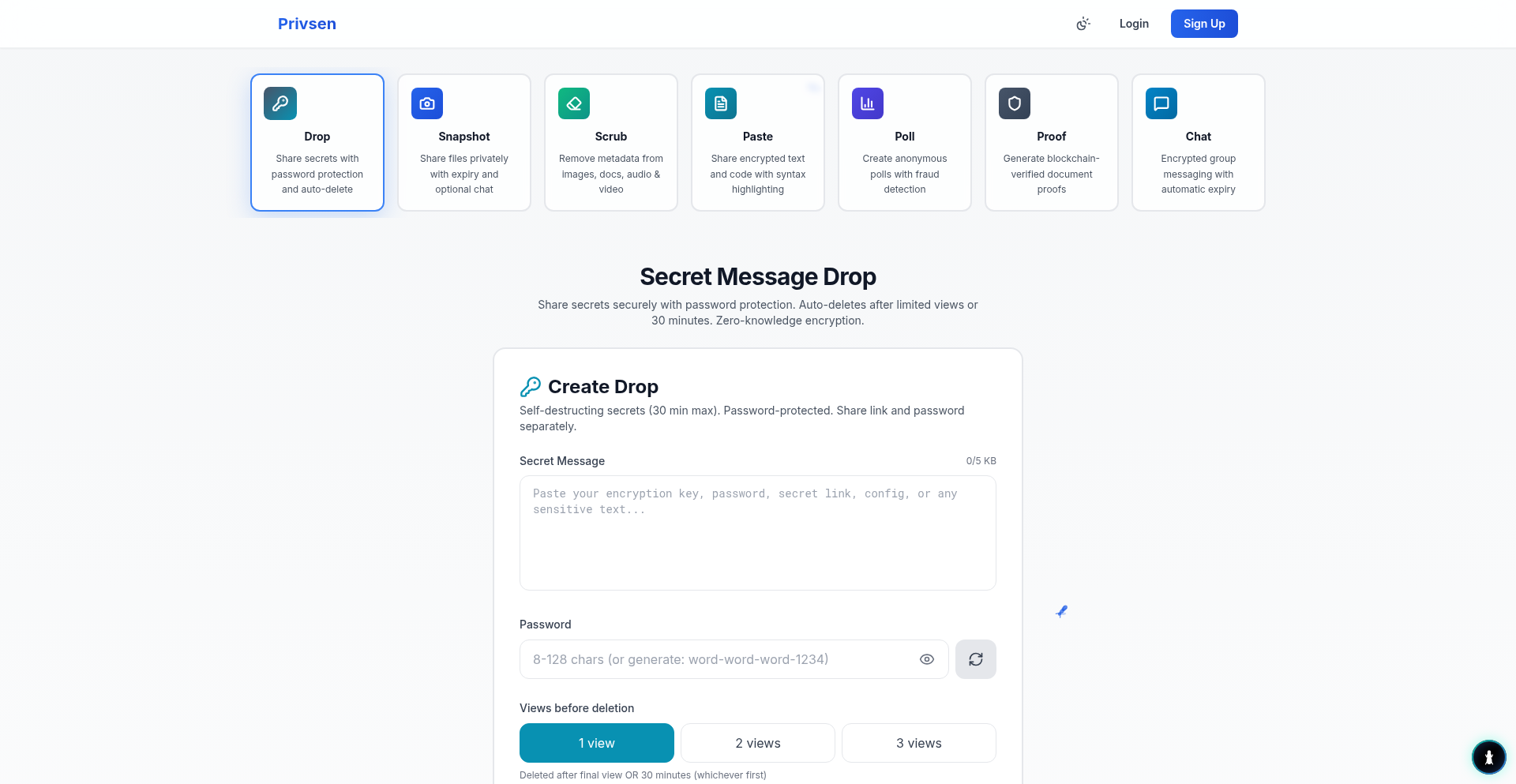
Author
privsen
Description
PrivacyShell is a collection of privacy-focused tools, built to empower users with greater control over their digital footprint. This project highlights innovative approaches to data anonymization and secure communication, addressing the growing need for privacy in an increasingly connected world. Its core strength lies in its experimental, yet practical, implementations of privacy-enhancing technologies, offering developers a glimpse into novel ways to safeguard user information.
Popularity
Points 1
Comments 0
What is this product?
PrivacyShell is an experimental suite of privacy tools designed to give users more control over their personal data. At its heart, it leverages clever programming techniques to anonymize user information and facilitate more secure digital interactions. Think of it as a set of digital shields that can be applied to your online activities. The innovation comes from its raw, developer-driven approach to tackling privacy challenges, often exploring unique algorithms and data handling methods that might not be found in mainstream solutions. This means it's built by someone who understands the technical intricacies of privacy and is trying to solve problems in a direct, code-centric way, which is the essence of hacker culture. For you, this means potentially access to cutting-edge privacy techniques that are still being refined.
How to use it?
Developers can integrate PrivacyShell tools into their applications to enhance user privacy. This might involve using its anonymization modules to scrub sensitive data before logging or sharing, or employing its secure communication features for end-to-end encrypted messaging. The project likely provides libraries or APIs that can be called from various programming languages, allowing for flexible integration. For example, you could use it to protect user identifiers in a database or to build a private chat feature. The utility here is adding a layer of privacy protection directly into your software, making it more trustworthy for your users.
Product Core Function
· Data Anonymization Engine: Provides tools to systematically remove or obfuscate personally identifiable information (PII) from datasets. This helps in complying with privacy regulations and protecting user identities in analytics or testing environments. The value is reducing the risk of data breaches and enhancing user trust by not storing or processing raw sensitive data when unnecessary.
· Secure Communication Modules: Implements novel cryptographic protocols for private data exchange. This could enable developers to build applications with built-in end-to-end encryption for messages or sensitive file transfers. The value is ensuring that only intended recipients can access the information, thereby safeguarding communications from interception.
· Privacy-Preserving Search: Explores methods for conducting searches without revealing the search query to the server. This is valuable for applications where user search history might be sensitive. The value is enabling users to search for information privately, without creating a traceable record of their interests.
· Digital Footprint Reduction Utilities: Offers functions to minimize the amount of data generated and transmitted by applications. This could include techniques for efficient data handling and selective data sharing. The value is helping applications become more lightweight and respectful of user privacy by default, reducing unnecessary data exposure.
Product Usage Case
· Integrating Data Anonymization for user analytics: A mobile app developer could use PrivacyShell's anonymization tools to process user behavior data for analytics purposes. Instead of sending raw user activity logs, sensitive fields like user IDs or location data are anonymized, protecting user privacy while still allowing for valuable insights into app usage. This solves the problem of balancing data-driven decision-making with strict privacy requirements.
· Building a secure chat application: A developer working on a collaborative tool could use PrivacyShell's secure communication modules to implement end-to-end encryption for all messages. This ensures that conversations remain confidential and cannot be read by intermediaries or the service provider, addressing the need for secure and private communication channels.
· Developing a privacy-conscious browser extension: A developer creating a browser extension could leverage PrivacyShell's digital footprint reduction utilities to ensure the extension collects minimal user data. This would increase user adoption by assuring them that their browsing habits are not being excessively tracked or logged, solving the problem of user distrust in extensions that collect too much information.