Show HN Today: Discover the Latest Innovative Projects from the Developer Community
 ShowHN Today
- Continue with Google
Show HN Today: Top Developer Projects Showcase for 2025-12-08
SagaSu777 2025-12-09
Explore the hottest developer projects on Show HN for 2025-12-08. Dive into innovative tech, AI applications, and exciting new inventions!
Summary of Today’s Content
Trend Insights
The landscape of innovation this week is heavily influenced by the pervasive power of AI and the developer's relentless pursuit of efficiency and privacy. We're seeing AI move beyond simple generation to become a sophisticated tool for analysis, summarization, and even complex problem-solving, as demonstrated by projects that distill vast amounts of information or automate intricate workflows. Developers are not just building tools *with* AI, but are also using AI to *build* tools faster and smarter. Simultaneously, there's a strong undercurrent of empowering developers with better tools: from streamlined secrets management and enhanced code visualization to efficient data processing engines like DuckDB that run entirely client-side, respecting user privacy. The emphasis on open-source and client-side processing signifies a desire for transparency and control, a hallmark of the hacker spirit. For budding entrepreneurs, this means looking for unmet needs where AI can provide intelligent solutions or where existing developer tools can be made significantly more efficient, secure, or privacy-preserving. The ability to leverage AI for rapid prototyping and validation, as seen in several projects, is a powerful advantage for iterating quickly and finding product-market fit.
Today's Hottest Product
Name
WhatHappened – HN summaries, heatmaps, and contrarian picks
Highlight
This project ingeniously tackles information overload on Hacker News by leveraging AI for concise summaries and analyzing comment sentiment to visualize discussion dynamics. It provides an "ELI5" version and highlights the most upvoted disagreements, offering a truly unique way to digest content. Developers can learn about practical AI integration for content summarization, sentiment analysis, and intelligent content filtering, showcasing how technology can enhance user experience by cutting through noise.
Popular Category
AI/ML
Developer Tools
Productivity
Data Analysis
Popular Keyword
AI
LLM
Data
Analysis
Developer Tools
Automation
Open Source
Privacy
Agent
Technology Trends
AI-powered content analysis and summarization
Efficient data processing with DuckDB
Enhanced developer workflows and security
Decentralized and privacy-focused applications
Agentic systems for complex tasks
Cross-platform and browser-based tools
Project Category Distribution
AI/ML (25%)
Developer Tools (20%)
Productivity (15%)
Data Analysis (10%)
Security (8%)
Utilities (15%)
Other (7%)
Today's Hot Product List
| Ranking | Product Name | Likes | Comments |
|---|---|---|---|
| 1 | ActiveMeet Notes | 159 | 123 |
| 2 | Lockenv: Git-Secured Vault | 100 | 34 |
| 3 | SQLFlow Stream | 74 | 13 |
| 4 | TimeCapsuleMailer | 44 | 28 |
| 5 | AI-Enhanced Code Refiner | 18 | 2 |
| 6 | TypeScript Debugging Playbook | 12 | 7 |
| 7 | Diesel-Guard: SQL Migration Sentinel | 18 | 0 |
| 8 | Octopii: Rust Distributed Runtime | 16 | 0 |
| 9 | CatalystAlert | 8 | 6 |
| 10 | HNInsight Engine | 8 | 2 |
1
ActiveMeet Notes

Author
davnicwil
Description
This project is a specialized note-taking system designed for recurring meetings such as 1-on-1s. It focuses on 'active note-taking,' which means capturing key points, insights, and action items in real-time as the meeting progresses, rather than just transcribing or summarizing. The innovation lies in its tailored workflow that enhances memory recall and historical tracking of meeting themes, offering a more effective way to manage and learn from ongoing discussions.
Popularity
Points 159
Comments 123
What is this product?
ActiveMeet Notes is a digital tool built to address the challenge of effectively capturing and recalling information from frequent, recurring meetings. Unlike generic note-taking apps, it emphasizes 'active note-taking.' This approach encourages users to process information as it's being shared, jotting down concise bullet points that represent key agenda items, emerging insights, spontaneous discussions, and agreed-upon actions. The core technical insight is that by actively engaging with the material and using a structured format, users can better retain information and gain historical context over time. This is particularly useful for tracking the evolution of topics and the effectiveness of discussions in regular meetings. What this means for you is a system that helps you remember what's important and see how your conversations have evolved, making your meetings more productive.
How to use it?
Developers can use ActiveMeet Notes directly through its web interface, often without needing to sign up for a free tier. The system is designed for immediate use during a meeting. The core interaction involves typing short, descriptive notes. For integration, while not explicitly detailed as a developer API in the initial description, the underlying principle of structured text notes suggests potential for future integration with other productivity tools or data analysis pipelines. Developers looking to improve their personal meeting effectiveness can start using it today to see how it enhances their note-taking process. This translates to a quick start for improving your meeting outcomes.
Product Core Function
· Real-time active note capture: Allows users to jot down concise notes during live conversations, prioritizing key information over exhaustive transcription. This directly helps you remember critical discussion points as they happen.
· Action item tracking: Provides a dedicated mechanism to log action items agreed upon during meetings, making it easier to follow up and ensure tasks are completed. This ensures accountability and progress on agreed tasks.
· Historical meeting analysis: Enables users to review past meetings, providing a chronological view of discussions, evolving themes, and recurring topics. This helps you understand the long-term trajectory of your conversations and meeting effectiveness.
· Customizable note structure: While not explicitly detailed, the mention of 'bullet-like notes' implies a flexible structure that can be adapted to different meeting types. This allows you to tailor the note-taking experience to your specific needs.
Product Usage Case
· For a software engineering lead managing weekly 1-on-1s with their team: The lead can use ActiveMeet Notes to quickly capture feedback, technical challenges discussed, and action items for each team member. This ensures no important feedback is lost and progress on action items can be easily tracked in subsequent meetings, improving team performance and individual growth.
· For a project manager overseeing multiple recurring project update meetings: The PM can use the system to log key decisions, risks identified, and next steps for each project. Reviewing historical notes allows them to spot recurring issues or track the resolution of previously identified problems, leading to better project oversight and risk mitigation.
· For an individual contributor attending various cross-functional team syncs: The user can employ ActiveMeet Notes to record key takeaways, action items assigned to them, and important context shared by other departments. This helps them stay organized, accountable for their contributions, and better understand the broader project landscape, enhancing their overall effectiveness.
2
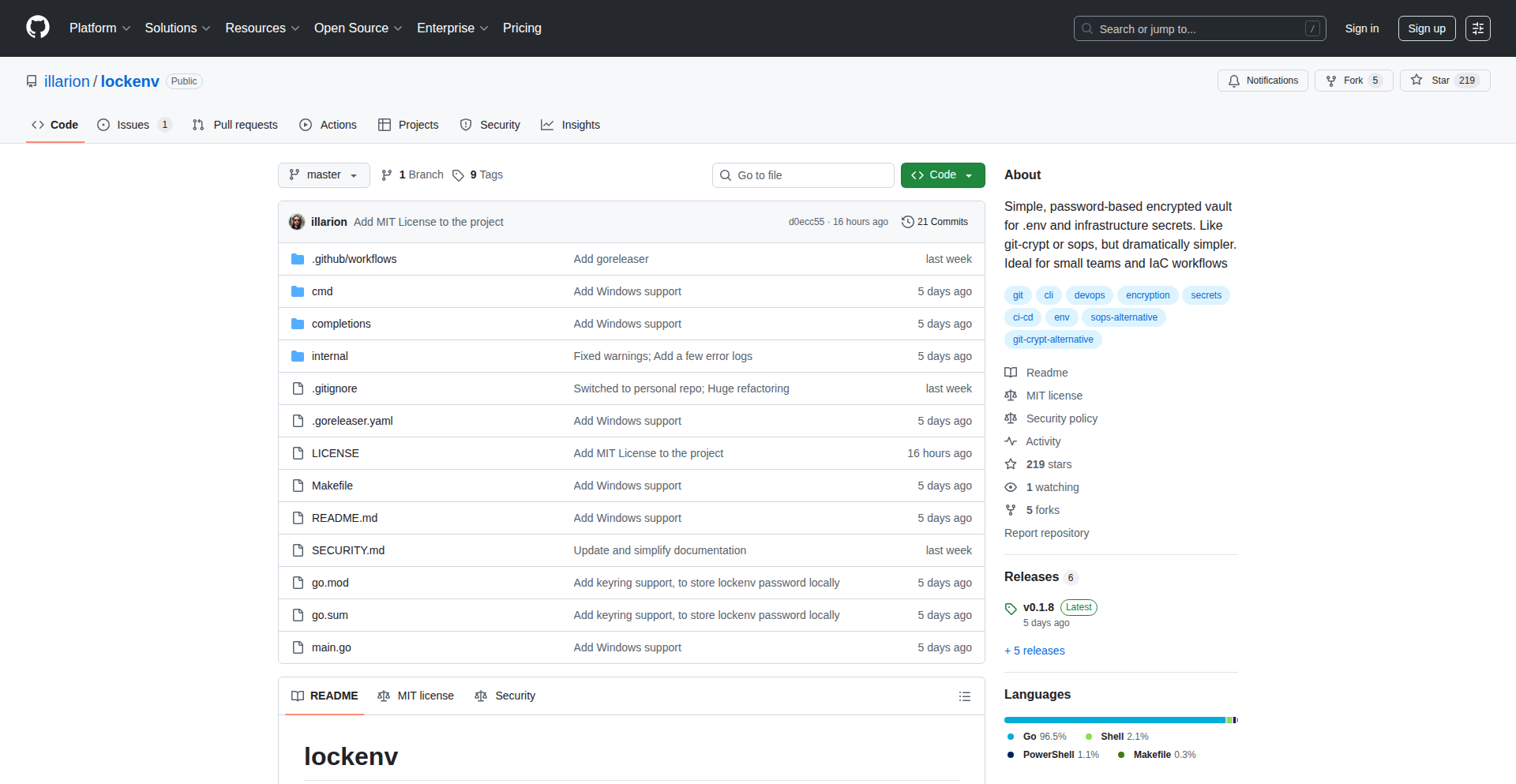
Lockenv: Git-Secured Vault
Author
shoemann
Description
Lockenv is a straightforward, password-protected vault for storing sensitive files like environment variables or secrets directly within your Git repository. It eliminates the complexity of gpg keys or cloud services, offering a simple lock/unlock mechanism. Its integration with OS keyrings minimizes repetitive password entry, making it an ideal solution for developers tired of cumbersome secret management tools, especially for smaller projects or when needing to securely share information without resorting to insecure methods like Slack.
Popularity
Points 100
Comments 34
What is this product?
Lockenv is a command-line tool designed to create and manage encrypted files that can be safely stored in a Git repository. The core innovation lies in its simplicity: instead of complex cryptographic setups, it uses a single password to encrypt and decrypt your secrets. When you initialize Lockenv, it sets up an encrypted vault. You can then add your sensitive files, and Lockenv will encrypt them using your chosen password. When you need to access them, you unlock the vault with the same password. The beauty is that you can commit this encrypted vault to Git, and it remains secure. It leverages the operating system's native keyring (like Keychain on macOS or Credential Manager on Windows) to securely store your password, so you don't have to type it every time you unlock the vault. This is a hacker-ethos approach: building a practical, easy-to-use tool to solve a common developer pain point – secure secret storage – without unnecessary overhead. So, what does this mean for you? It means you can keep your API keys, database credentials, or any other sensitive information safe and version-controlled without wrestling with complicated security software. It’s a quick, clean way to manage secrets for your projects.
How to use it?
Developers can integrate Lockenv into their workflow by first installing it via their preferred package manager or by building from source. Once installed, they'd run `lockenv init` to create a new encrypted vault. After initialization, they can add sensitive files to the vault using `lockenv add <filepath>`. The tool will then encrypt these files and store them within the vault, which can be committed to Git. To access the secrets, a developer would run `lockenv unlock`. The tool will prompt for the password and, if correct, decrypt the files. For convenience, Lockenv can store the password securely in the OS keyring, so subsequent unlocks are seamless. This makes it perfect for CI/CD pipelines where secrets need to be accessed securely, or for collaborative projects where sensitive configuration needs to be shared safely. So, how does this help you? You can easily secure your application's configuration files, and have them tracked by Git, ready for deployment or sharing, all without exposing sensitive data.
Product Core Function
· Password-protected encryption: Encrypts sensitive files using a single password, providing a basic yet effective layer of security for your secrets. This is valuable because it simplifies the process of securing information, making it accessible for individuals who might not be cryptography experts.
· Git integration: Allows encrypted files to be stored directly within a Git repository, enabling version control for secrets. This is useful for tracking changes to sensitive information and easily reverting to previous states, ensuring auditability and safety.
· OS keyring integration: Securely stores the vault password in the operating system's keyring, eliminating the need for repeated password entry. This enhances usability and reduces friction for frequent users.
· Simple command-line interface: Provides intuitive commands for initialization, adding files, and unlocking the vault. This straightforward interface makes the tool easy to learn and use, fitting the hacker ethos of efficient problem-solving.
· Cross-platform compatibility (experimental): Designed to work on macOS, Linux, and Windows, aiming for broad accessibility across different development environments. This is valuable as it allows developers to use the same secret management tool regardless of their operating system.
Product Usage Case
· Securing API keys for a personal project: A developer is building a web application that uses external APIs and needs to store their API keys securely. Instead of hardcoding them or storing them in plain text files, they use Lockenv to create an encrypted vault, add the API key file, and commit the vault to their Git repository. This ensures the API key is safe from accidental exposure when sharing code or collaborating. So, what's the benefit for you? Your sensitive keys are protected, and your code remains clean and version-controlled.
· Managing database credentials for a staging environment: A team is deploying their application to a staging environment and needs to manage the database credentials securely. They use Lockenv to encrypt the database configuration file. The encrypted file is then added to the Git repository and deployed. During deployment, the CI/CD pipeline can securely unlock the vault to access the credentials. This eliminates the risk of credentials being exposed in build logs or configuration files. For you, this means secure and automated deployment of your applications without compromising sensitive information.
· Storing sensitive environment variables for local development: A developer frequently switches between different projects, each with its own set of environment variables for local testing. Instead of managing multiple `.env` files scattered across their system, they can use Lockenv to create separate encrypted vaults for each project's environment variables. This keeps their development environment clean and prevents accidental exposure of sensitive variables during local testing. The advantage for you is organized and secure management of your development configurations.
3
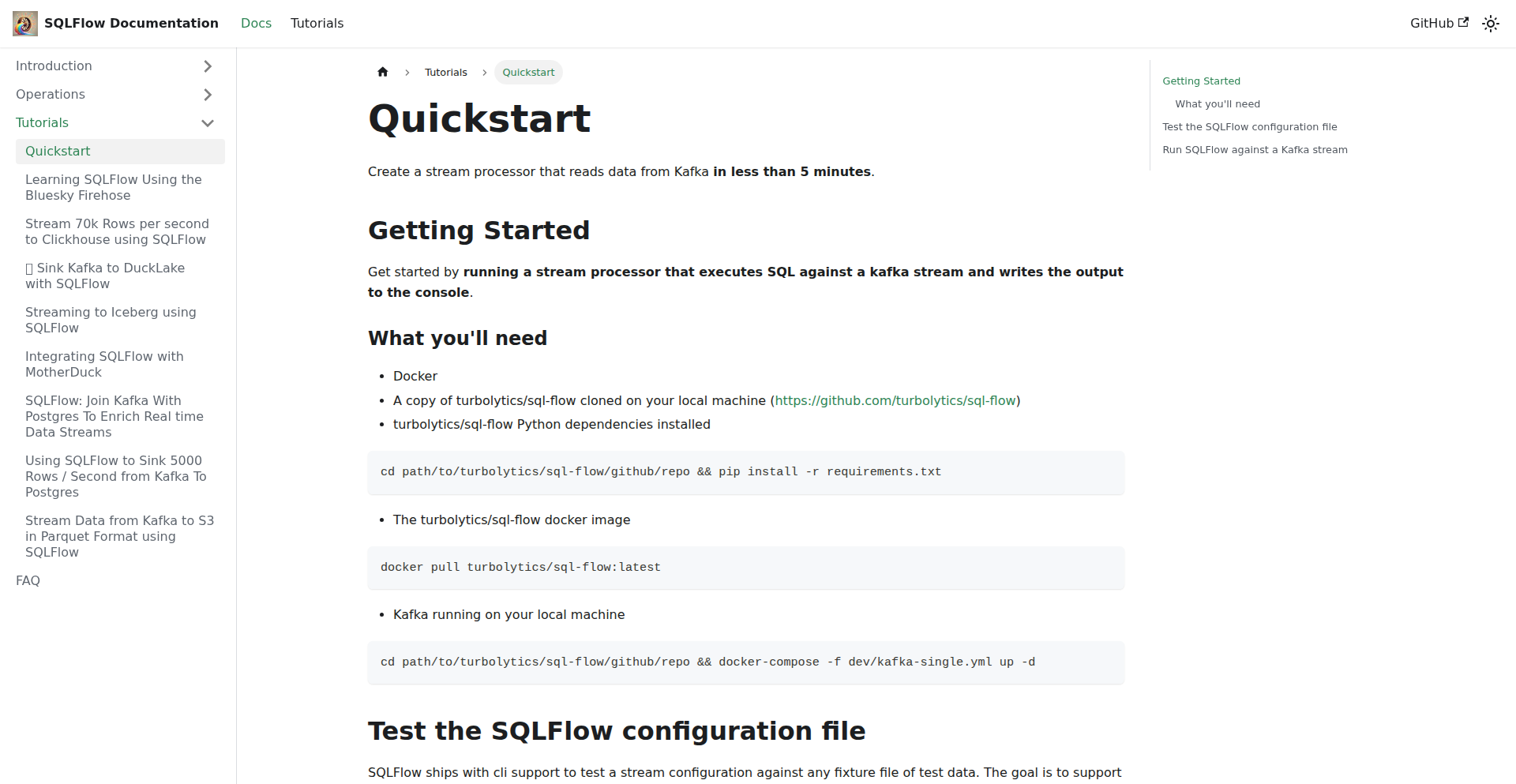
SQLFlow Stream
Author
dm03514
Description
SQLFlow Stream is a lightweight stream processing engine that uses DuckDB for high-speed, low-memory data handling. It tackles the common developer frustration of needing heavy JVM-based systems or custom solutions for simple stream processing tasks, offering a more efficient and accessible alternative. Its innovation lies in harnessing DuckDB's in-process analytical database capabilities for real-time data streams, providing powerful SQL querying for streaming data with minimal resource overhead. This empowers developers to process tens of thousands of messages per second with very little memory, making stream processing more approachable and cost-effective.
Popularity
Points 74
Comments 13
What is this product?
SQLFlow Stream is a stream processing engine designed to handle real-time data streams efficiently. At its core, it utilizes DuckDB, an in-process analytical database, to process data as it arrives. This is innovative because instead of relying on large, distributed systems or dedicated streaming platforms (which often require complex setups and considerable memory), SQLFlow leverages DuckDB's ability to perform analytical queries directly on incoming data. This means you can use familiar SQL commands to filter, aggregate, and transform data streams in near real-time, achieving high throughput (tens of thousands of messages per second) with remarkably low memory usage (around 250MB). This approach simplifies stream processing significantly, making it accessible even for developers who might find traditional big data tools daunting.
How to use it?
Developers can integrate SQLFlow Stream into their applications to process data from sources like Kafka. The primary way to use it is by writing SQL queries that define the desired stream processing logic. For example, you could write a query to continuously monitor incoming messages, filter for specific events, and aggregate counts or averages. DuckDB's extensive connectors allow SQLFlow to interact with various data sources and sinks. This means you can connect to Kafka to ingest data, and then use SQL to process it, potentially writing the results to another Kafka topic, a database, or a file. The project aims for ease of use, allowing developers to define their streaming pipelines using standard SQL, reducing the learning curve and development time. The project provides documentation and tutorials to guide users through setup and common use cases.
Product Core Function
· High-throughput message processing: Processes tens of thousands of messages per second, enabling real-time analysis of large data volumes without overwhelming system resources.
· Low memory footprint: Operates efficiently with minimal memory (around 250MB), making it suitable for resource-constrained environments or smaller projects.
· SQL-based stream processing: Allows developers to define data transformations and aggregations using familiar SQL syntax, simplifying the development of streaming logic.
· DuckDB integration: Leverages DuckDB's powerful in-process analytical database capabilities for fast and efficient stream query execution.
· Rich connector ecosystem: Supports integration with various data sources and sinks through DuckDB's extensive connectors, facilitating seamless data flow from ingestion to output.
Product Usage Case
· Real-time anomaly detection: In a financial trading platform, use SQLFlow Stream to monitor incoming transaction data, filter for unusual patterns (e.g., sudden spikes in volume or price), and trigger alerts instantly.
· Live dashboard data aggregation: For a web analytics service, process real-time user activity events from Kafka, aggregate page views, unique visitors, and session durations using SQL queries, and feed these metrics to a live dashboard.
· IoT device data processing: In an industrial IoT application, ingest sensor readings from numerous devices via Kafka, filter out noisy data, calculate average readings per device or location, and store critical alerts or processed data for historical analysis.
· Log stream analysis and alerting: For a microservices architecture, process application logs streamed through Kafka. Use SQLFlow Stream to filter for error messages, count occurrences, and trigger alerts when error rates exceed a predefined threshold.
4
TimeCapsuleMailer

Author
walrussama
Description
A web application that allows users to schedule and send emails to themselves or others at a future date, effectively creating digital 'time capsules' of thoughts, ideas, or reminders. The core innovation lies in its robust scheduling mechanism and secure storage of unsent emails, addressing the common problem of forgotten intentions or valuable future insights.
Popularity
Points 44
Comments 28
What is this product?
This project is a web-based service that acts like a digital time capsule for emails. You write an email now, set a future delivery date, and the system will automatically send it on that day. It's built on a server-side architecture that manages a queue of scheduled emails, using a robust job scheduling system to ensure timely delivery. The innovation is in its ability to reliably store and send messages days, weeks, or even years in the future, overcoming the limitations of simply setting a calendar reminder.
How to use it?
Developers can integrate this service into their workflows by accessing the web interface. They can compose emails, specify recipient(s), and select a future delivery date. It's useful for personal reflection, sending reminders to future selves, or even for businesses to send automated follow-ups or anniversary messages. Imagine creating a birthday message that arrives a year from now, or sending yourself a note of encouragement when you're about to embark on a new project.
Product Core Function
· Scheduled Email Sending: Allows users to compose an email and schedule its delivery for a specific date and time in the future. This is valuable for ensuring important messages are received at the opportune moment, like a birthday greeting or a project kick-off reminder, so you don't forget.
· Time Capsule Storage: Securely stores unsent emails and their scheduled delivery times. This is crucial for reliability, acting as a digital vault for your future communications, so your intended messages aren't lost.
· Future Self Reminders: Enables users to send messages to themselves for future reflection or action. This helps in personal growth and accountability, providing a tangible way to connect with your future self and recall past intentions.
· Batch Scheduling: Potential for sending multiple emails on a future date, useful for event-based communication or campaign rollouts. This offers efficiency for sending coordinated messages in the future.
Product Usage Case
· Personal Journaling Reinforcement: A user can write about their current aspirations or challenges and schedule the email to arrive when they anticipate a critical decision point, helping them stay aligned with their past self's mindset.
· Event Planning Follow-up: A wedding planner can schedule a 'Thank You' email to be sent to clients a week after the event, ensuring timely appreciation without needing manual intervention post-event.
· Long-Term Goal Setting: A student can write about their career goals and schedule the email to be sent to themselves on their graduation day, serving as a powerful reminder of what they aimed for.
· Creative Project Incubation: A writer can draft story ideas and schedule them to be sent to themselves periodically to spark new creative directions or revisit unfinished narratives.
5
AI-Enhanced Code Refiner
Author
Gricha
Description
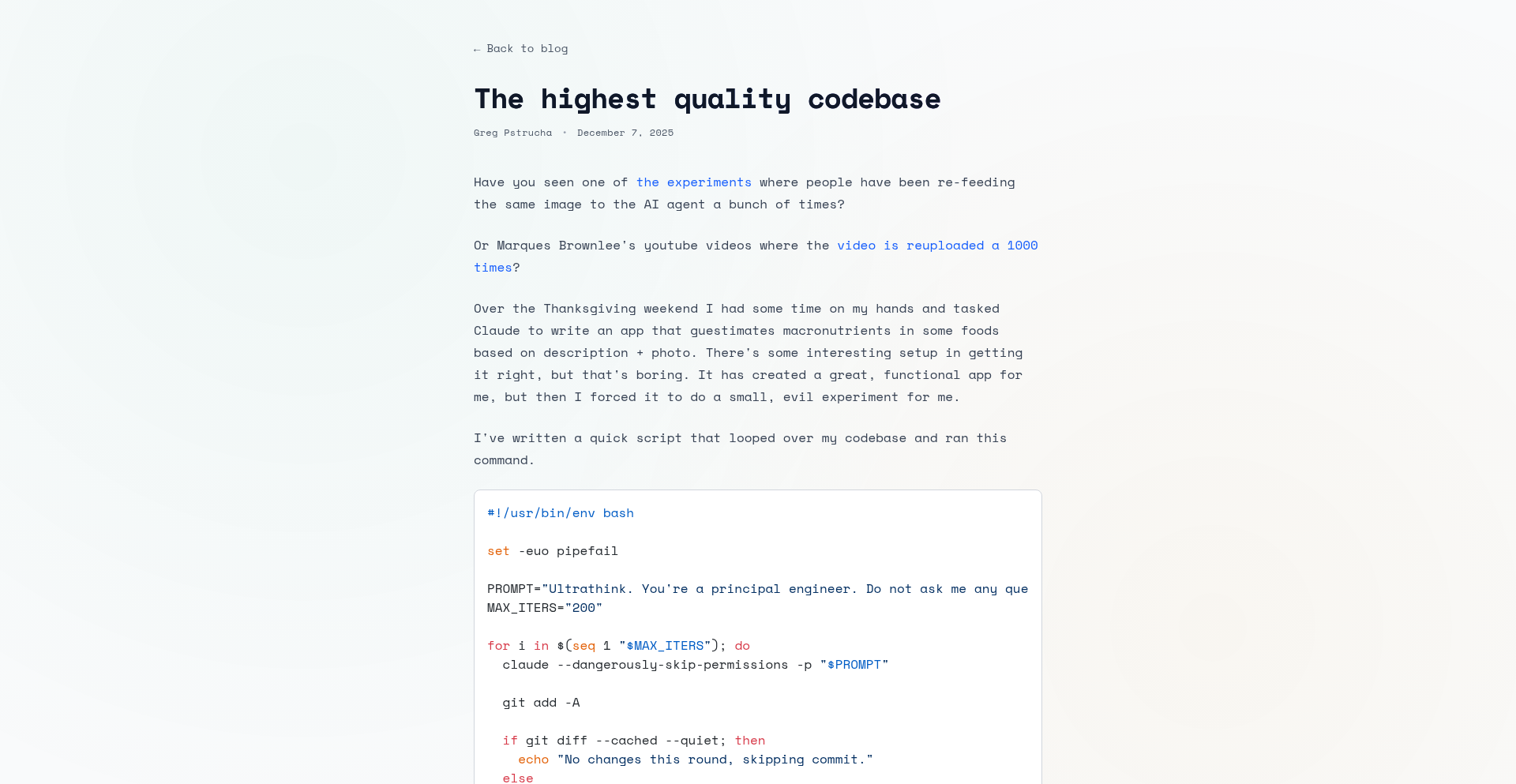
This project leverages Large Language Models (LLMs), specifically Claude, to automatically suggest and implement improvements for codebase quality. It addresses the common developer challenge of maintaining clean, efficient, and readable code by acting as an AI-powered code reviewer and refactorer.
Popularity
Points 18
Comments 2
What is this product?
This project is an experimental tool that utilizes advanced AI, like Claude, to analyze and enhance your existing code. Instead of developers manually searching for bugs or suboptimal code patterns, this AI acts as a tireless assistant, reviewing your codebase over and over (200 times in this case, as an example of its persistent improvement capability). It identifies areas for improvement, suggests specific code changes to make it better, and can even apply those changes. The core innovation lies in using AI's natural language understanding and code generation capabilities to automate and scale code quality improvements, a traditionally human-intensive task. Think of it as having an incredibly smart coding partner who never gets tired of making your code better.
How to use it?
Developers can integrate this tool into their workflow by typically feeding their codebase or specific code snippets to the AI model. This might involve using command-line interfaces, custom scripts, or potentially future integrations with IDEs (Integrated Development Environments). The AI then analyzes the code based on predefined quality metrics or general best practices. After analysis, it provides suggestions for refactoring, bug fixing, performance optimization, or improving readability. Developers can then review these suggestions and choose to apply them, thereby rapidly improving their codebase without extensive manual effort. It's a way to offload some of the more tedious aspects of code maintenance to an intelligent agent, freeing up developer time for more creative problem-solving.
Product Core Function
· AI-driven code analysis: The AI's ability to understand code syntax, structure, and common patterns allows it to identify potential issues that human developers might miss or overlook due to fatigue. This provides a more objective and thorough code review process.
· Automated refactoring suggestions: The system proposes concrete code modifications to improve clarity, efficiency, and maintainability. This directly helps developers write cleaner code with less effort, leading to more robust software.
· Iterative code improvement: The demonstrated ability to perform improvements multiple times signifies an iterative refinement process. This means the AI can continuously optimize code over time, leading to a perpetually evolving and improving codebase, which is valuable for long-term project health.
· LLM-powered code generation: By leveraging the generative capabilities of LLMs, the tool can not only identify problems but also propose and potentially generate the corrected code, accelerating the debugging and optimization cycle.
· Scalable quality assurance: This approach offers a scalable way to ensure code quality across large codebases. Instead of relying solely on a limited number of human reviewers, AI can provide consistent and on-demand code quality checks for every part of the project.
Product Usage Case
· Improving legacy codebases: Developers working with older, complex code that lacks proper documentation or testing can use this tool to systematically identify and refactor problematic sections, making the code more manageable and understandable. The AI helps untangle the spaghetti code.
· Enhancing code readability for team collaboration: When multiple developers work on a project, maintaining consistent code style and readability is crucial. This tool can automatically suggest changes that align with best practices, ensuring that code is easier for everyone on the team to read and contribute to.
· Optimizing performance-critical sections of an application: For applications where speed and efficiency are paramount, the AI can analyze critical code paths and suggest optimizations that might not be immediately obvious to human developers, leading to faster execution and better resource utilization.
· Accelerating the onboarding of new developers: New team members often struggle to understand unfamiliar code. By having the AI suggest improvements and explain its reasoning, it can act as a guide, helping new developers quickly grasp the codebase's structure and quality standards.
· Reducing the burden of routine code maintenance: Tasks like fixing minor bugs, updating outdated syntax, or ensuring adherence to coding standards can be time-consuming. This AI tool automates many of these repetitive tasks, allowing developers to focus on higher-level design and feature development.
6
TypeScript Debugging Playbook

Author
ozornin
Description
This project is a beta release of a book focused on the practical art of debugging TypeScript applications. It delves into common pitfalls and advanced techniques for identifying and resolving issues in TypeScript codebases, offering concrete strategies and code examples. The innovation lies in its specialized focus on TypeScript's unique debugging challenges, providing developers with a dedicated resource to improve their problem-solving skills and ship more robust applications. So, what's the value to you? It's about saving time and reducing frustration when bugs inevitably appear, making you a more efficient and effective developer.
Popularity
Points 12
Comments 7
What is this product?
This project is a comprehensive guide, currently in beta, that teaches developers how to effectively debug applications written in TypeScript. It breaks down the complexities of TypeScript debugging, which often differ from plain JavaScript due to features like static typing, type inference, and transpilation. The innovative aspect is its deep dive into these TypeScript-specific challenges, offering insights and solutions that are not readily available in general debugging literature. It's like having a seasoned expert walk you through every tricky bug. So, what's the value to you? You'll learn to find and fix bugs faster and more reliably in your TypeScript projects.
How to use it?
Developers can use this book as a learning resource to enhance their debugging skills. It can be read cover-to-cover or used as a reference guide when encountering specific issues. The book provides actionable advice, code snippets, and explanations of debugging tools and techniques tailored for TypeScript. Integration means applying these learned principles and code examples directly into your development workflow. So, what's the value to you? You can directly apply the book's advice to your current projects to solve existing bugs or prevent future ones, becoming a more skilled troubleshooter.
Product Core Function
· Advanced TypeScript Error Analysis: Learn to decipher complex TypeScript compiler errors and runtime exceptions, understanding their root causes and common resolutions. This helps in quickly pinpointing the source of a bug. The value is in faster bug identification and reduced time spent on deciphering cryptic messages.
· Debugging Type-Related Issues: Discover specific strategies for debugging problems arising from TypeScript's static typing system, such as incorrect type assertions, unintended type widening, or issues with generic types. This ensures your types are correctly enforced and don't become a source of bugs. The value is in building more predictable and less error-prone code.
· Effective Use of Debugging Tools: Explore how to leverage common debugging tools (like browser developer tools and IDE debuggers) with TypeScript, including setting up breakpoints, inspecting variables, and stepping through code effectively, even after transpilation. This makes the debugging process more efficient and insightful. The value is in gaining deeper visibility into your code's execution.
· Performance Debugging in TypeScript: Understand how to identify and resolve performance bottlenecks specific to TypeScript applications, considering aspects like compilation overhead and runtime type checking. This helps in building faster and more responsive applications. The value is in delivering better user experiences through optimized performance.
· Real-world Debugging Scenarios: Study case studies and practical examples that illustrate common debugging challenges faced by developers in production environments and how to overcome them using the techniques taught in the book. This provides practical, applicable knowledge. The value is in learning from others' mistakes and readying yourself for common production issues.
Product Usage Case
· A developer struggling with a complex type error in a React component is using the book to understand how generic types might be misapplied, leading to a quicker fix and a more stable component. This addresses the immediate need to resolve a blocking issue.
· A team building a large-scale Node.js application with TypeScript encounters unexpected runtime behavior. They consult the book's section on debugging asynchronous operations and type guards, which helps them identify a subtle bug in their data validation logic. This improves the reliability of critical application features.
· A junior developer new to TypeScript is finding it difficult to navigate the debugging process. They use the book to learn fundamental techniques for inspecting variables and stepping through code in their IDE, gaining confidence and independence in troubleshooting. This fosters skill development and reduces reliance on senior developers.
· A developer notices performance degradation in their application after introducing new TypeScript features. They refer to the book's performance debugging chapter to identify potential compilation overhead issues and optimize their code for better runtime speed. This leads to a more efficient and responsive application.
7
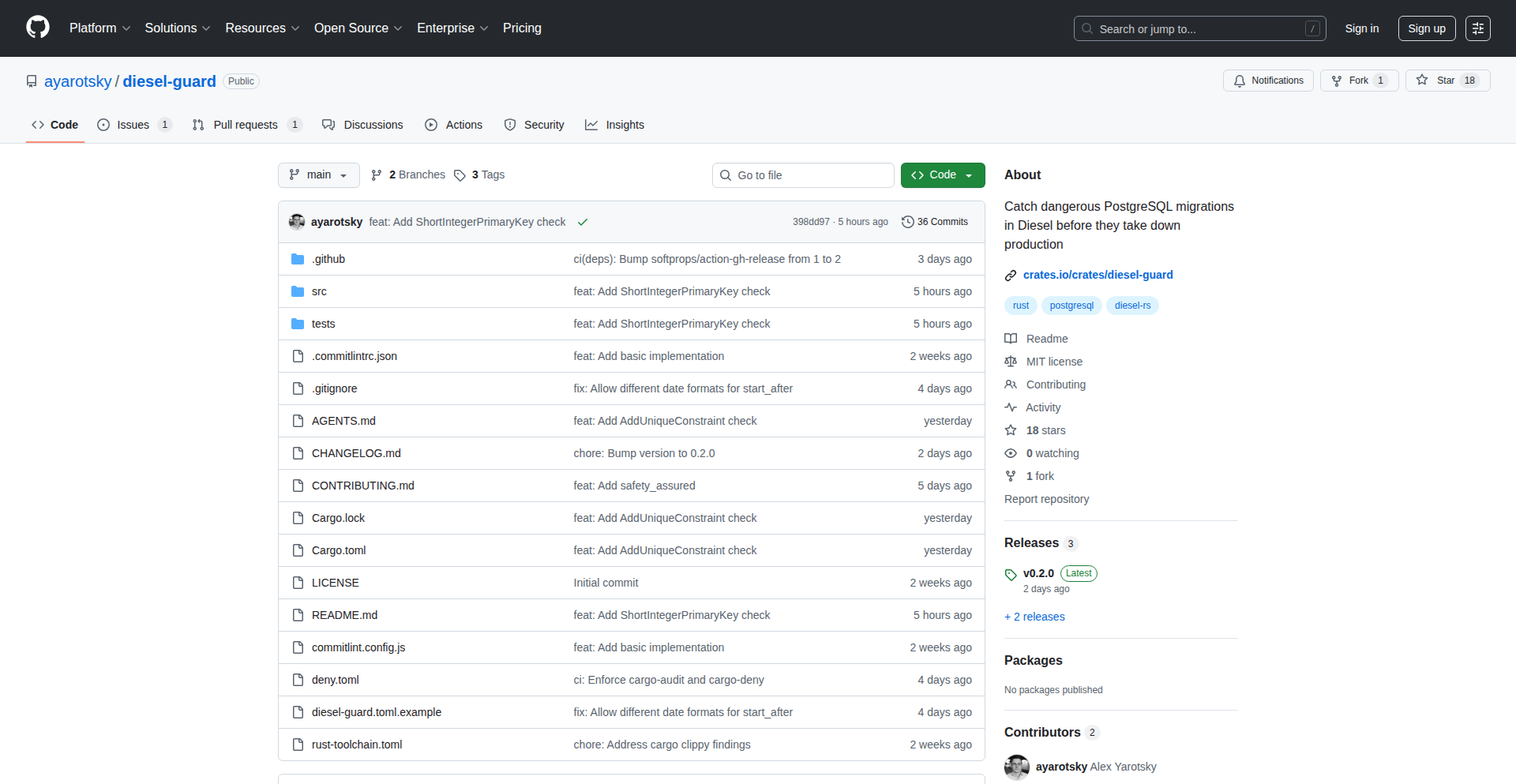
Diesel-Guard: SQL Migration Sentinel
Author
ayarotsky
Description
Diesel-Guard is a sophisticated linter designed to proactively identify potentially unsafe or problematic patterns within Diesel ORM migrations for PostgreSQL. It acts as an early warning system, preventing common pitfalls and ensuring the integrity of your database schema evolution.
Popularity
Points 18
Comments 0
What is this product?
Diesel-Guard is a static analysis tool that scans your Diesel ORM migration files for PostgreSQL. It uses predefined rules to detect common anti-patterns, such as operations that could lead to data loss (e.g., `DROP COLUMN` without proper checks), performance regressions (e.g., unindexed joins), or compatibility issues. Its innovation lies in its targeted approach to database migration safety, providing developers with actionable feedback before migrations are even run, thus reducing the risk of production incidents. Think of it as a spell-checker for your database changes, catching potential mistakes before they become costly problems.
How to use it?
Developers integrate Diesel-Guard into their development workflow. This can be done manually by running the command-line tool on their migration files, or more effectively, by integrating it into their Continuous Integration (CI) pipeline. For example, in a GitHub Actions workflow, you could add a step to run Diesel-Guard on any new migration files committed. If the linter detects any issues, it will fail the CI build, alerting the developer to review and fix the migration before it can be merged or deployed. This ensures that only safe migrations proceed through the development lifecycle.
Product Core Function
· Unsafe Operation Detection: Identifies potentially destructive SQL commands like 'DROP COLUMN' or 'ALTER TABLE' that might cause data loss or downtime without proper safeguards. This helps prevent accidental data erasure, saving valuable time and preventing emergency recovery operations.
· Performance Pitfall Analysis: Flags common performance bottlenecks in migrations, such as the absence of necessary indexes on columns involved in joins or WHERE clauses. This ensures your database remains efficient as it grows, leading to faster application performance.
· Schema Change Validation: Analyzes the structure of schema modifications to identify potential conflicts or unexpected side effects. This gives developers confidence that their schema changes won't break existing application logic or introduce subtle bugs.
· Customizable Rule Sets: Allows developers to define their own linting rules tailored to their specific project needs and organizational standards. This provides flexibility and ensures the tool aligns with unique project requirements, enhancing its practical value.
· Integration with Development Workflow: Designed to be easily integrated into CI/CD pipelines and developer tooling, providing immediate feedback. This streamlines the development process by catching errors early, reducing the cost of fixing bugs and accelerating delivery.
Product Usage Case
· Preventing accidental data loss during a schema refactor: A developer plans to remove a column from a table. Without Diesel-Guard, they might accidentally run 'DROP COLUMN' directly in production. With Diesel-Guard, the linter would flag this as a high-risk operation, prompting the developer to implement a safer phased removal strategy or add explicit checks, thus avoiding data loss.
· Improving query performance after adding a new feature: A new feature requires joining two large tables. The migration adds the join but forgets to add an index on the joining column. Diesel-Guard would detect the missing index, warning the developer to add it within the migration itself, ensuring that the new feature doesn't degrade overall application performance.
· Ensuring backward compatibility of API changes: A backend change requires altering a column type. The migration script attempts a direct type cast that might fail for existing data. Diesel-Guard can identify such potentially problematic casts, prompting the developer to ensure the migration handles existing data gracefully, maintaining API stability.
· Automating security checks for database migrations: In a regulated environment, certain SQL patterns might be disallowed for security reasons. Diesel-Guard can be configured with custom rules to enforce these security policies, preventing the introduction of vulnerable database operations.
8
Octopii: Rust Distributed Runtime

Author
puterbonga
Description
Octopii is a novel runtime environment designed for building distributed applications using the Rust programming language. It addresses the inherent complexities of distributed systems by providing a robust framework for managing concurrency, communication, and fault tolerance, allowing developers to focus on application logic rather than low-level infrastructure. The innovation lies in its Rust-native approach, leveraging Rust's safety guarantees and performance to create more reliable and efficient distributed services.
Popularity
Points 16
Comments 0
What is this product?
Octopii is a specialized execution environment, akin to an operating system for distributed applications, specifically built for Rust. It simplifies the creation of systems where multiple processes or machines need to communicate and cooperate. Its core innovation is in how it manages these interactions, using Rust's powerful features like its ownership system and fearless concurrency to ensure that your distributed programs are safe, performant, and less prone to common bugs like race conditions or deadlocks. Think of it as a highly optimized and secure toolkit for making your Rust code run seamlessly across many interconnected computers. So, what's in it for you? It means you can build complex, scalable applications with greater confidence, knowing that the underlying framework handles many tricky distributed system challenges for you, resulting in more stable and faster applications.
How to use it?
Developers can integrate Octopii into their Rust projects by defining their application's components and how they communicate within the Octopii framework. This typically involves using Octopii's provided libraries and APIs to define services, message queues, and fault tolerance mechanisms. For instance, you might define a 'worker' service that listens for tasks on a message bus managed by Octopii, and a 'coordinator' service that dispatches these tasks. Octopii then handles the underlying network communication, serialization, and ensures that if a worker fails, the task can be reassigned. The practical use case involves deploying microservices, real-time data processing pipelines, or any application requiring resilient communication between independent units. So, how does this help you? It allows you to quickly scaffold and deploy distributed systems in Rust without needing to be an expert in network protocols or distributed consensus algorithms, speeding up your development cycle.
Product Core Function
· Distributed Service Orchestration: Octopii manages the lifecycle and communication of individual services within a distributed application, ensuring they can discover and interact with each other reliably. This is valuable for building resilient microservice architectures where services need to be highly available.
· Message Passing and Communication: It provides a safe and efficient mechanism for services to exchange data. This is crucial for real-time data streams or command-and-control systems, offering a structured way to send and receive messages between different parts of your application.
· Fault Tolerance and Resilience: Octopii incorporates strategies to handle failures gracefully, such as automatic retries or service restarts. This is essential for applications that cannot afford downtime, ensuring continuous operation even when individual components encounter issues.
· Concurrency Management: Leverages Rust's strong concurrency features to allow multiple operations to happen simultaneously without data corruption. This directly translates to better performance and responsiveness for your applications, especially in high-throughput scenarios.
Product Usage Case
· Building a scalable real-time analytics platform: A developer could use Octopii to deploy multiple data ingestion nodes that communicate with processing nodes. If one processing node fails, Octopii can automatically redistribute the workload to healthy nodes, ensuring data is processed without interruption. This solves the problem of data loss and processing delays in case of component failures.
· Creating a distributed command and control system for IoT devices: Octopii can manage thousands of device agents. The system can send commands to devices and receive telemetry data, with Octopii handling the network complexity and ensuring commands reach their intended devices even with intermittent network connectivity. This addresses the challenge of reliable communication with a large fleet of devices.
· Developing a high-performance distributed cache: Octopii can facilitate the communication and data synchronization between multiple cache nodes. If a node becomes unavailable, Octopii's resilience features can help maintain data availability and consistency across the remaining nodes, solving the problem of cache performance degradation due to node failures.
9
CatalystAlert

Author
nykodev
Description
CatalystAlert is a free, community-driven biotech catalyst calendar that tracks events and news for 985 companies. Its technical innovation lies in its automated data aggregation and curated presentation, solving the problem of scattered and time-consuming research for biotech professionals.
Popularity
Points 8
Comments 6
What is this product?
CatalystAlert is a web-based calendar that automatically pulls in relevant news, event announcements, and scientific publications from a vast network of biotech companies. The core technical idea is to use web scraping and API integrations to gather information from public sources, then process and present it in a user-friendly calendar format. This bypasses the manual effort of visiting individual company websites or relying on fragmented news feeds. The value for users is a centralized, up-to-date view of crucial biotech happenings, saving significant research time and enabling quicker identification of opportunities or critical developments.
How to use it?
Developers can integrate CatalystAlert into their workflows by bookmarking the calendar or, for more advanced use cases, potentially leveraging a future API (if developed) to pull calendar data into their own applications or research dashboards. Specific technical use cases include market researchers needing to stay ahead of competitor announcements, investors monitoring R&D milestones, and scientists tracking potential collaboration partners. It acts as a single source of truth for biotech industry events, making it easy to spot trends and potential shifts.
Product Core Function
· Automated Data Aggregation: Utilizes web scraping and potential API connections to gather information from numerous biotech company sources, providing a comprehensive and up-to-date view of industry events and news. This saves users the tedious manual effort of checking multiple sources.
· Curated Event Calendar: Presents gathered information in a clear, chronological calendar format, allowing users to easily visualize upcoming milestones, product launches, and scientific publication releases. This helps users stay informed and identify potential opportunities or threats.
· Company Tracking: Monitors a large database of biotech companies (985 as of the current listing), ensuring that a wide spectrum of industry activity is covered. This provides a broad perspective on the biotech landscape.
· Free and Community-Driven: Offered at no cost and relies on community input for expansion and accuracy, fostering a collaborative environment for biotech intelligence. This makes valuable industry insights accessible to everyone.
Product Usage Case
· A venture capital analyst uses CatalystAlert to quickly identify companies announcing significant clinical trial results or new funding rounds, enabling faster investment decision-making. It helps by centralizing critical news that would otherwise be scattered across dozens of websites.
· A pharmaceutical researcher uses CatalystAlert to track the publication dates of key scientific papers from competitor companies, informing their own research strategy and identifying potential areas of focus. This saves them from manually checking numerous academic journals and company press releases.
· A biotech startup founder uses CatalystAlert to monitor the launch timelines of new products from established players, helping them to better position their own offerings in the market. It provides a strategic overview of competitor activities.
10
HNInsight Engine

Author
marsw42
Description
This project, 'WhatHappened', is an AI-powered tool designed to distill the essence of Hacker News posts. It tackles the 'wall of text' problem by providing concise AI summaries, visualizing comment section sentiment through a 'Heat Meter,' and highlighting contrasting viewpoints with 'Contrarian Detection.' Built as a mobile-first Progressive Web App (PWA), it offers a streamlined experience for users on the go, allowing them to quickly grasp technical insights without getting lost in noise. The core innovation lies in leveraging AI to filter and present information more effectively.
Popularity
Points 8
Comments 2
What is this product?
HNInsight Engine is a sophisticated system that transforms the often overwhelming content of Hacker News into easily digestible insights. It uses advanced AI models, like Gemini, to generate short, technical summaries (TL;DR) and simplified explanations (ELI5) for each top daily post. Beyond just summarizing, it analyzes the comment sections to create a 'Heat Meter,' showing the balance between constructive discussion, technical debate, and unproductive 'flame wars.' This helps users quickly assess the quality and nature of the conversation. Furthermore, it actively seeks out and highlights the most upvoted dissenting opinions or critical feedback, acting as a 'Contrarian Detector' to expose users to diverse perspectives and break free from echo chambers. The system is architected as a Progressive Web App (PWA) using Next.js and Supabase, ensuring a smooth, mobile-friendly experience that can be added to a device's home screen without needing an app store. So, what's the real value? It saves you time and mental energy by pre-filtering and presenting the most valuable technical discussions and diverse opinions from Hacker News in a format that's easy to consume, especially on your phone.
How to use it?
Developers can integrate HNInsight Engine into their workflow by accessing the WhatHappened PWA through their mobile or desktop browser and adding it to their home screen for quick access, much like a native application. When browsing Hacker News, instead of clicking into every article and comment thread, users can go to the HNInsight Engine. It will present cards for the top posts, already pre-processed. For a specific post, you'll see a concise technical summary and an ELI5 version, allowing you to decide instantly if it's worth a deeper dive. The 'Heat Meter' provides a visual cue to gauge the comment quality – a high 'flame war' score might indicate a thread to avoid or approach with caution. The 'Contrarian Detection' feature directly points you to the most significant disagreements, offering a balanced perspective without manual effort. This means you spend less time sifting through irrelevant content and more time engaging with valuable technical insights. It's designed for efficient information consumption in a world of constant digital noise.
Product Core Function
· AI Technical Summaries: Generates 3 bullet-point technical TL;DRs for each HN post, helping users quickly grasp the core technical concepts and innovations discussed. This is valuable for developers who need to stay updated on emerging technologies but have limited time to read lengthy articles.
· AI ELI5 Summaries: Provides simplified explanations of complex technical topics in each HN post, making advanced concepts accessible to a broader audience and helping developers explain technical ideas to non-technical stakeholders. This reduces the barrier to understanding cutting-edge technology.
· Comment Heat Meter: Visualizes the sentiment distribution of comment sections (Constructive vs. Technical vs. Flame War) using AI analysis. This allows developers to quickly assess the quality and relevance of discussions, helping them prioritize which threads to engage with for genuine technical insights and avoid time wasted on unproductive debates.
· Contrarian Detection: Identifies and highlights the most upvoted dissenting or critical opinions within comment threads. This feature actively combats echo chambers by exposing users to alternative viewpoints and constructive disagreements, fostering a more nuanced understanding of technical topics and encouraging critical thinking among developers.
· Mobile-First PWA Design: Built as a Progressive Web App (PWA) with Next.js, supporting swipe gestures and home screen installation. This offers a seamless and native-like user experience on mobile devices, enabling developers to access and consume HN insights efficiently on the go without needing a dedicated app, ensuring productivity regardless of location.
Product Usage Case
· A backend developer wants to quickly understand the implications of a new database technology discussed on Hacker News. They use HNInsight Engine to get an AI technical TL;DR, which immediately tells them the key features and potential drawbacks. This saves them from reading a long article, allowing them to move on to their next task.
· A junior developer is trying to understand a complex AI algorithm shared on HN. They use the ELI5 summary provided by HNInsight Engine, which breaks down the algorithm into simple terms. This helps them grasp the core concept without getting bogged down in jargon, accelerating their learning.
· A community manager wants to gauge the general sentiment around a new open-source project announced on HN. By looking at the 'Heat Meter,' they can see if the discussion is primarily technical and constructive, or if it's devolving into a 'flame war.' This informs their strategy for engaging with the community.
· A product manager is researching user feedback on a new feature idea. They use HNInsight Engine's 'Contrarian Detection' to find the most common criticisms or alternative suggestions in the comments section. This provides valuable insights for refining the product strategy by understanding potential pushback early on.
· A developer attending a conference wants to stay updated on tech news during breaks. They access HNInsight Engine on their phone as a PWA, quickly swiping through AI-generated summaries and heatmaps of the latest HN posts. This allows them to stay informed and discover interesting discussions without needing to be at their desktop.
11
Leetwrap: Your Personalized LeetCode Year in Review

Author
kumarsashank
Description
Leetwrap is a 'Spotify Wrapped' style annual summary for LeetCode users. It provides a visually engaging breakdown of your coding practice, highlighting key statistics, problem-solving streaks, ranking distribution, and fun insights derived from your LeetCode activity. This innovative tool leverages data visualization to offer a unique perspective on your competitive programming journey, making your progress tangible and motivating.
Popularity
Points 6
Comments 2
What is this product?
Leetwrap is a personalized dashboard that aggregates and visualizes your LeetCode activity over a year. It works by connecting to your LeetCode account (with your permission) and extracting data such as problems solved, submission history, contest performance, and ranking trends. This data is then processed to generate charts, graphs, and summaries that are presented in a user-friendly, 'wrapped' format. The core innovation lies in transforming raw coding practice data into an easily digestible and engaging narrative of your growth as a problem solver, similar to how Spotify summarizes your music listening habits.
How to use it?
Developers can use Leetwrap by visiting the Leetwrap website and authorizing it to access their LeetCode profile. Once connected, the tool automatically generates your personalized year-in-review. This can be shared with friends, study groups, or on social media to showcase your progress and achievements in competitive programming. It's a fantastic way to reflect on your learning journey and identify areas for improvement for the next year.
Product Core Function
· Problem Solving Streak Visualization: Shows consecutive days of solving LeetCode problems, providing a gamified incentive for consistent practice and a clear indicator of dedication.
· Ranking Distribution Analysis: Illustrates how your ranking has evolved over time, offering insights into your performance consistency and potential growth areas within the competitive programming landscape.
· Category-wise Problem Breakdown: Details the number and types of problems solved across different difficulty levels and topics, helping users understand their strengths and weaknesses in specific algorithms or data structures.
· Personalized Statistics Dashboard: Presents a comprehensive overview of your LeetCode activity, including total problems solved, submission success rates, and contest participation, offering a holistic view of your engagement.
· Interactive Visualizations: Employs engaging charts and graphs to make complex data understandable and enjoyable, transforming abstract progress into concrete, shareable insights.
Product Usage Case
· A student preparing for technical interviews can use Leetwrap to see if they are consistently practicing problems across different difficulty levels, identifying if they need to focus more on medium or hard problems to be interview-ready.
· A competitive programmer can analyze their ranking distribution to understand their performance in contests over the year, pinpointing if their ranking tends to fluctuate significantly or remain stable, and use this insight to strategize for future competitions.
· A coding bootcamp instructor can encourage their students to use Leetwrap to visualize their collective progress and individual effort, fostering a sense of community and healthy competition as they track their problem-solving streaks.
· A developer looking to document their self-learning journey can share their Leetwrap summary on their personal blog or LinkedIn profile, showcasing their dedication to improving their algorithmic skills and problem-solving abilities to potential employers.
· A group of friends practicing LeetCode together can compare their Leetwrap summaries to see who has been most consistent or who has improved the most in certain areas, using this as a fun motivator for their collaborative learning efforts.
12
PolyBets

Author
h100ker
Description
PolyBets is a decentralized prediction market built on Polygon Mainnet that allows users to bet on the outcomes of online auctions. It leverages blockchain technology to create a transparent and verifiable way to settle disputes and create engaging betting opportunities around collectibles, art, watches, and especially cars. The core innovation lies in its ability to automatically generate prediction markets from auction links, making it incredibly easy to participate.
Popularity
Points 5
Comments 2
What is this product?
PolyBets is a platform that turns any online auction into a bet. Think of it like a sophisticated way to make a wager with your friends about whether that classic car will sell for over $100,000 or if that rare watch will fetch its estimated price. It uses a blockchain called Polygon (which is like a faster, cheaper version of Ethereum) to record all the bets and outcomes. The real magic is how it takes a simple link to an auction site and automatically creates a 'prediction market' for it. This means you don't need to be a tech whiz to set up a bet; the system does the heavy lifting. So, for you, it means a fun, trustless way to engage with your favorite auctions and potentially win some crypto.
How to use it?
Developers can use PolyBets by providing a URL to an online auction. The system then scrapes the relevant information (like the item, current bid, and auction end time) and creates a prediction market on the Polygon blockchain. Users can then create accounts, deposit cryptocurrency, and place bets on various outcomes (e.g., 'will sell above X price', 'will sell below Y price'). The platform automatically resolves the bets once the auction concludes based on the verified results. This can be integrated into communities or platforms that discuss auctions, providing a new layer of interaction. So, for developers, it offers a ready-to-use decentralized betting infrastructure that can be easily plugged into existing content or community platforms.
Product Core Function
· Auction Link Parsing: Automatically extracts auction details from provided URLs, enabling quick market creation. This means you can instantly turn any auction you find into a betting opportunity without manual data entry.
· Decentralized Market Creation: Generates prediction markets on Polygon Mainnet, ensuring transparency and immutability of bets. This provides a secure and verifiable way to conduct bets, so you can trust the results.
· On-Chain Betting: Allows users to place bets using cryptocurrency, with all transactions recorded on the blockchain. This means your bets are secure and visible, building trust in the platform.
· Automated Outcome Resolution: Verifies auction results and automatically distributes winnings to the correct participants. This eliminates the need for manual payouts and ensures fair settlement of all bets.
· Polygon Network Integration: Utilizes Polygon for fast and low-cost transactions, making betting accessible and affordable. This means your betting experience will be smooth and won't cost a fortune in fees.
Product Usage Case
· Car Enthusiast Community: A group of car collectors can use PolyBets to bet on the final selling price of rare classic cars listed on auction sites like Bring a Trailer. This adds excitement to watching auctions and provides a fun way to settle friendly wagers on who predicted the price best.
· Art Collectors: Art lovers can create prediction markets on the final hammer price of artworks at major auction houses. This allows them to engage with art auctions beyond just observation and participate in a decentralized financial market related to art.
· Watch Collectors: Members of a watch collecting forum can use PolyBets to bet on whether a specific limited edition watch will exceed its pre-auction estimate. This creates a gamified experience for members and encourages deeper engagement with auction results.
13
Dograh Voice Agent Fabric
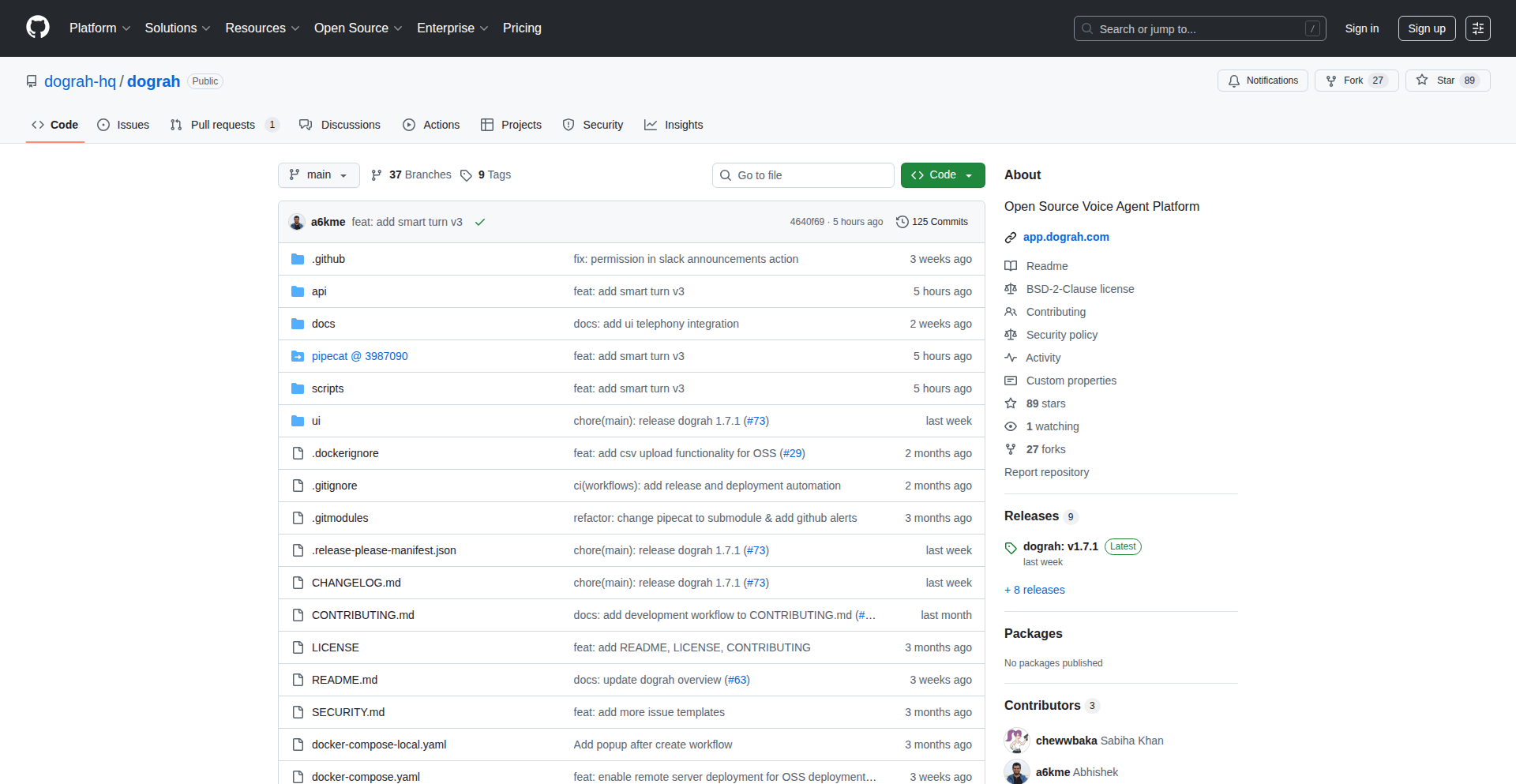
Author
a6kme
Description
Dograh is an open-source framework designed to simplify the creation and testing of voice agents. It addresses the common pain points developers face when integrating various components like real-time audio, speech-to-text (STT), text-to-speech (TTS), and large language models (LLMs). It offers a visual builder, automatic variable extraction, and built-in telephony integrations, allowing for faster development and deployment of sophisticated voice applications.
Popularity
Points 4
Comments 2
What is this product?
Dograh is a fully open-source framework for building voice agents. Think of it as a toolkit that makes it much easier to create AI-powered voice applications, like those you might interact with over the phone. The core innovation lies in providing ready-made solutions for the complex plumbing required to make voice agents work. This includes handling audio streams, converting spoken words to text (STT), understanding that text with an AI (LLM), generating spoken responses (TTS), and connecting to phone networks. Unlike commercial solutions that might lock you in, Dograh gives you full control, allowing you to see, modify, and host every part of the system yourself, ensuring data privacy and flexibility. It simplifies what was previously a highly custom and time-consuming development process.
How to use it?
Developers can use Dograh by cloning its GitHub repository and following the provided setup instructions, which often involve a simple command to spin up a basic, pre-configured multilingual agent. You can then customize this template using the drag-and-drop visual agent builder to define the logic and flow of your voice agent. For more advanced use cases, you can directly interact with the underlying code, fork components, and integrate your preferred LLM, STT, and TTS services. The framework includes built-in integrations with popular telephony providers like Twilio, so you can connect your agent to real phone numbers for testing and deployment. Essentially, Dograh provides a structured environment and essential tools to accelerate the development cycle for voice AI applications, from initial concept to production.
Product Core Function
· LLM-powered agent templating: This provides a starting point for any voice agent use case by automatically generating a basic agent structure. This saves developers from starting from scratch and allows them to quickly iterate on their ideas, understanding what's possible from the outset.
· Drag-and-drop visual agent builder: This allows for intuitive creation and modification of voice agent logic without extensive coding. It significantly speeds up the iteration process, enabling rapid prototyping and easier experimentation with different agent behaviors, making development accessible even to those with less deep coding experience.
· Integrated variable extraction: This feature automatically identifies and extracts key information from conversations (like names, dates, or specific keywords) and feeds it to the LLM. This is crucial for making agents intelligent and context-aware, as it ensures the AI has the necessary data to respond accurately and perform actions, leading to more effective and personalized interactions.
· Built-in telephony integration: Dograh connects seamlessly with various telephony providers, allowing your voice agents to make and receive calls. This removes a significant hurdle in deploying real-world voice applications, enabling you to test and launch agents on actual phone lines without complex network configurations.
· Multilingual support: The framework is designed to handle multiple languages end-to-end, from speech recognition to natural language understanding and text-to-speech. This is vital for building global voice applications that can cater to a diverse user base, expanding the reach and usability of your AI solutions.
· Choice of LLM, STT, and TTS services: Dograh doesn't tie you to specific AI models. You can integrate your preferred services, offering flexibility and cost control. This allows developers to leverage the best-in-class tools for their specific needs and budgets, optimizing performance and cost-effectiveness.
Product Usage Case
· Building a customer support chatbot that can handle inquiries over the phone: A company could use Dograh to quickly prototype and deploy a voice-based customer service agent. Instead of hiring more staff, the AI can answer common questions, route complex issues, and provide 24/7 support. This directly addresses the need for scalable and efficient customer engagement.
· Creating an automated appointment booking system via voice: A clinic or service provider can implement a voice agent that allows patients to book appointments simply by speaking their desired time and date. Dograh's variable extraction and LLM integration ensure the agent understands the request and confirms the booking, simplifying the user experience and reducing administrative overhead.
· Developing a multilingual sales assistant for international markets: A business expanding globally can use Dograh to build voice agents that can converse with potential customers in their native languages, providing product information and gathering leads. The end-to-end multilingual support is key here, allowing for broader market penetration without requiring separate development teams for each language.
· Self-hosting a Vapi-like platform for enhanced data privacy: Organizations with strict data privacy requirements can use Dograh to build and host their voice agent infrastructure on-premises or in their own cloud environment. This provides complete control over sensitive customer data, mitigating risks associated with third-party SaaS solutions.
14
OpsOrch Unified Ops API
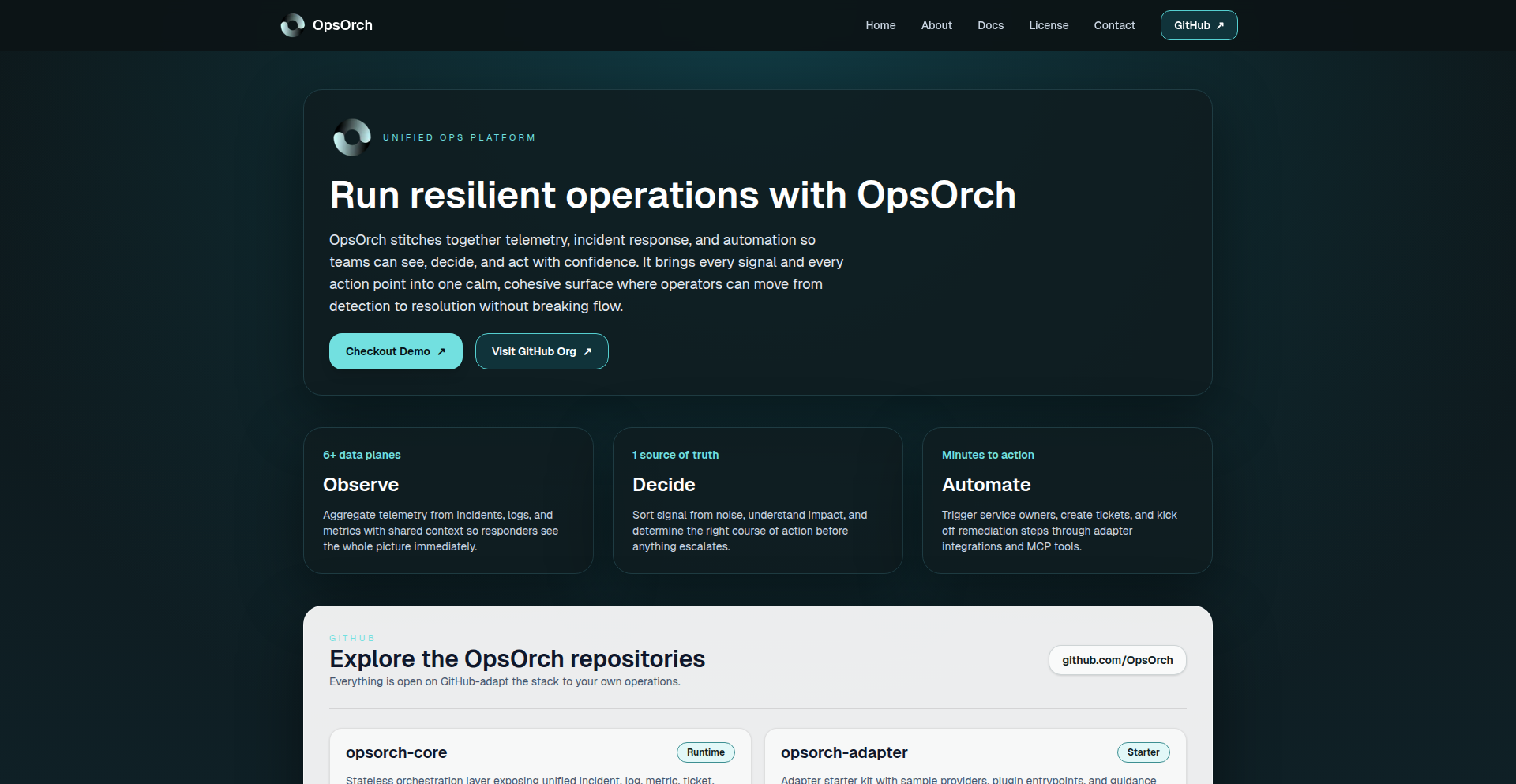
Author
yusufaytas
Description
OpsOrch is an open-source orchestration layer that provides a single, unified API for managing incidents, logs, metrics, tickets, messaging, and service metadata. It acts as a 'glue layer' by connecting to existing tools like PagerDuty, Jira, Elasticsearch, Prometheus, and Slack through pluggable adapters, normalizing their data into a consistent schema. This eliminates the need to navigate multiple UIs and APIs, simplifying complex incident workflows. An optional MCP server can expose these capabilities as typed tools for LLM agents, enabling AI-driven operations.
Popularity
Points 6
Comments 0
What is this product?
OpsOrch is a middleware that simplifies how developers and operations teams interact with various IT operational tools. Instead of learning and using the separate APIs and interfaces for each tool (like PagerDuty for incidents, Jira for tickets, or Elasticsearch for logs), OpsOrch offers one consistent API. It uses 'adapters' – essentially small connectors – to talk to each individual tool. These adapters translate the data from each tool into a common format that OpsOrch understands. This is innovative because it reduces complexity and the time spent context-switching between different systems during critical incident response or daily operations, without requiring you to replace the tools you already rely on. It also provides a layer for AI agents to interact with your operational data.
How to use it?
Developers can integrate OpsOrch into their existing workflows or build new applications on top of it. You would install the OpsOrch core service and then configure adapters for the tools you use (e.g., PagerDuty, Jira, Prometheus, Slack). Once set up, you can query for incidents, logs, metrics, or create tickets using the single OpsOrch API, regardless of the underlying tool. For AI integration, the optional MCP server can expose OpsOrch's functionalities as 'tools' that Large Language Models (LLMs) can call to retrieve information or trigger actions, making AI-powered incident response or automation more feasible.
Product Core Function
· Unified Incident Management API: Provides a single API endpoint to query, acknowledge, or resolve incidents across different on-call and incident management tools. This means faster incident response as you don't have to log into multiple systems to get the full picture or take action.
· Centralized Log and Metric Querying: Allows you to fetch logs and metrics from various sources like Elasticsearch and Prometheus using a consistent query structure. This saves time and effort in troubleshooting, as you can analyze data from different systems side-by-side without learning each individual query language.
· Standardized Ticket Handling: Enables the creation, updating, and retrieval of tickets from systems like Jira through a single API. This streamlines workflow management and ticket tracking for development and support teams.
· Pluggable Adapter Architecture: Supports custom or pre-built adapters written in Go or JSON-RPC to connect to diverse operational tools. This flexibility ensures OpsOrch can evolve with your tech stack and integrate with a wide range of services, preventing vendor lock-in and allowing you to leverage your existing investments.
· LLM Agent Tooling (MCP Server): Exposes operational data and actions as typed tools that AI agents can utilize. This opens up possibilities for automated incident triaging, root cause analysis, and proactive issue resolution driven by AI.
· No Data Gravity or Vendor Lock-in: OpsOrch does not store your operational data; it acts purely as a broker. This means your data remains with your existing tools, and you are not forced into a new platform or proprietary ecosystem.
Product Usage Case
· Incident Response Automation: An operations engineer can use OpsOrch to programmatically fetch all active alerts from PagerDuty, cross-reference them with relevant logs from Elasticsearch and metrics from Prometheus, and then automatically create a detailed incident ticket in Jira, all through a single API call. This drastically reduces manual work during high-pressure situations.
· AI-Powered Debugging: An LLM agent, connected to OpsOrch via the MCP server, could be tasked with debugging a recurring application error. The LLM could then use OpsOrch to query application logs for error patterns and system metrics for performance anomalies, synthesize the information, and suggest potential fixes or automatically create a task for the development team.
· Developer Self-Service Operations: Developers could use the OpsOrch API to retrieve performance metrics for their services or check the status of deployed applications without needing direct access to complex monitoring dashboards. This empowers developers to understand and manage their services more independently.
· Streamlined Onboarding for New Tools: When a new logging or monitoring tool is introduced, only a new adapter needs to be built for OpsOrch. Existing applications and workflows that rely on the unified API do not need to be modified, allowing for faster adoption of new technologies.
15
DataKit: Client-Side Data Studio
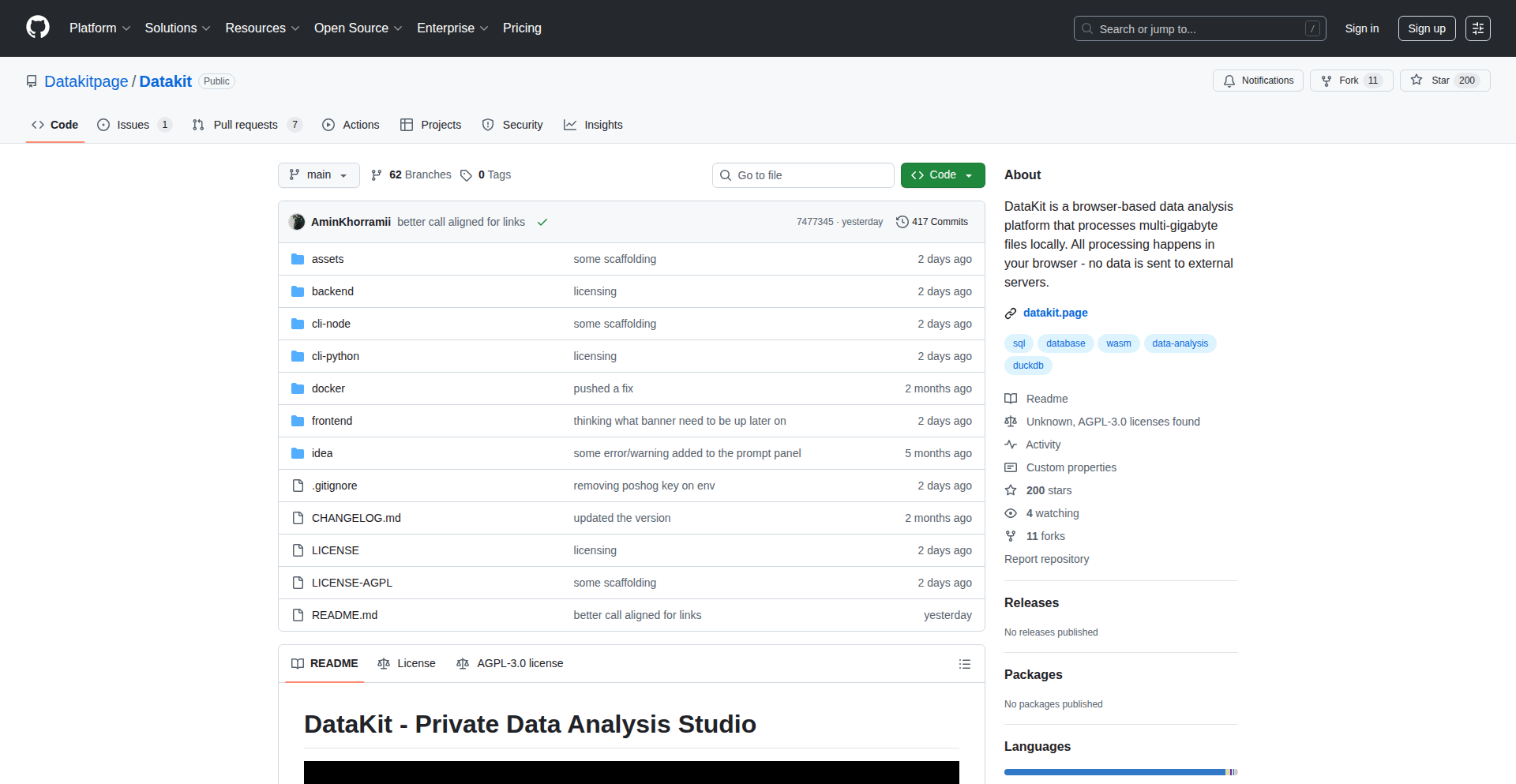
Author
aminkhorrami
Description
DataKit is a groundbreaking browser-based data analysis platform that empowers users to process massive datasets (CSV, Parquet, JSON, Excel) entirely within their web browser. It leverages DuckDB-WASM for client-side execution, meaning your sensitive data never leaves your local machine. This innovative approach eliminates the need for costly server infrastructure or complex local installations, offering a powerful and accessible data studio experience directly in your browser tab.
Popularity
Points 6
Comments 0
What is this product?
DataKit is a full-fledged data studio that runs completely in your web browser, transforming how you analyze large files. The core innovation lies in its use of DuckDB-WASM. DuckDB is a powerful analytical database, and by compiling it to WebAssembly (WASM), it can run directly within the browser's JavaScript environment. This allows DataKit to process multi-gigabyte files without sending any data to a server. Think of it as having a super-fast, local database engine accessible through a web page. It also integrates Python notebooks via Pyodide, another WebAssembly compilation technology, enabling sophisticated data science workflows and even an AI assistant that can understand your data's structure without ever seeing the actual sensitive information.
How to use it?
Developers can use DataKit by simply visiting the live demo website or by cloning the open-source repository and running it locally. For immediate use, you can upload your large CSV, Parquet, JSON, or Excel files directly into the browser interface. DataKit provides a full SQL interface, allowing you to query your data using standard SQL commands. For more advanced analytics and machine learning, you can launch Python notebooks within the same environment. DataKit also supports connecting to remote data sources like PostgreSQL, MotherDuck, and S3, either directly or through an optional proxy, making it a versatile tool for diverse data integration needs. The integration is seamless, allowing you to switch between SQL queries and Python scripts effortlessly within a single browser session.
Product Core Function
· Client-side processing of large files (up to 20GB): This feature eliminates the need for expensive server hardware or cloud storage for data analysis. Your data remains secure on your local machine, making it ideal for handling sensitive information and reducing operational costs. So, you can analyze terabytes of data without breaking the bank or compromising privacy.
· Full SQL interface powered by DuckDB-WASM: This provides a powerful and familiar way to query and manipulate your data. You can perform complex joins, aggregations, and filtering directly in the browser, leveraging the speed and efficiency of DuckDB. This means you can get insights from your data quickly and easily, just like you would with a traditional database.
· Python notebooks via Pyodide: This enables advanced data science workflows, including machine learning model development and complex statistical analysis, all within the browser. This allows you to go beyond basic analysis and build sophisticated applications without leaving your familiar browser environment.
· Connection to remote data sources (PostgreSQL, MotherDuck, S3): This offers flexibility in data integration, allowing you to work with data residing in various locations without complex setup. So, you can access and analyze data from wherever it lives, simplifying your data pipelines.
· AI assistant with schema-only access: This provides intelligent assistance for data exploration and understanding without compromising data privacy. The AI can help you discover relationships and patterns based on your data's structure, not its content. This means you can get AI-powered help to understand your data without worrying about exposing sensitive information.
Product Usage Case
· Analyzing multi-gigabyte sales transaction data for immediate business insights: A marketing analyst needs to quickly identify trends and patterns in a large sales dataset without waiting for IT to provision a server or download the entire file. DataKit allows them to upload the CSV directly into the browser and run SQL queries to segment customers and analyze campaign performance in real-time. This dramatically speeds up decision-making and reduces reliance on backend teams.
· Developing and testing machine learning models on sensitive user data: A data scientist working with personally identifiable information needs to build a recommendation engine. With DataKit, they can load the data into their browser, run Python scripts for feature engineering and model training using Pyodide, and then test the model's performance, all without the data ever leaving their local machine. This ensures compliance with privacy regulations and reduces the risk of data breaches.
· Onboarding new team members with a self-service data exploration tool: A startup wants to empower its non-technical team members to explore company data without extensive training. DataKit provides a user-friendly browser interface with SQL capabilities, allowing them to easily query datasets and discover insights independently. This democratizes data access and reduces the burden on the data engineering team.
· Prototyping data processing pipelines for remote cloud storage: A developer is building an application that needs to process data from an S3 bucket. DataKit's ability to connect to S3 allows them to quickly prototype and test their data processing logic directly in the browser, iterating rapidly before deploying to a production environment. This significantly accelerates the development cycle.
16
RAM Scraper & Deal Finder

Author
chinskee
Description
A minimalist weekend project that intelligently scans eBay (UK/US) for RAM modules, ranking them by price per gigabyte. It helps users find the best deals on DDR3, DDR4, and DDR5 RAM by filtering based on type, capacity, speed, and condition. This provides a quick and efficient way to identify significantly underpriced RAM listings, solving the pain point of rising RAM costs and the difficulty in sourcing affordable components for builds like NAS systems.
Popularity
Points 5
Comments 1
What is this product?
This is a clever tool designed to combat the recent surge in RAM prices. It works by programmatically 'scraping' or collecting data from eBay listings in both the UK and US. The core innovation lies in how it processes this data: instead of just showing raw prices, it calculates and ranks RAM by its 'price per gigabyte' (price divided by the total storage capacity). This immediately highlights the best value for money. It also offers practical filters for RAM type (DDR3, DDR4, DDR5), size, speed, and whether it's new or used. The 'so what?' is: it cuts through the noise of thousands of listings to quickly show you the cheapest RAM for your money, making it easier to snag a good deal for your computer or server.
How to use it?
Developers can use RamScout as a standalone web tool to find RAM deals. The project's simplicity means it's likely built with readily accessible web scraping libraries (e.g., Python's BeautifulSoup or Scrapy) and a straightforward frontend to display the results. For integration, one could imagine extending this by building an API that exposes the ranked RAM listings. This would allow other applications or services to programmatically access the best RAM deals, perhaps for a custom PC building configurator or a price alert system. The 'so what?' is: it's a direct, no-nonsense way to find affordable RAM, and its underlying technology could be the foundation for more sophisticated purchasing tools.
Product Core Function
· Price per Gigabyte Calculation: Instead of just showing item prices, this function calculates the cost of each gigabyte of RAM. This provides a true measure of value and helps users understand which deals offer the most storage for their money. It's useful for anyone looking to maximize their RAM budget.
· Cross-Region eBay Scraping (US/UK): The tool automatically fetches listings from eBay in two major markets. This broadens the scope of potential deals and allows users to access a wider selection of discounted RAM. The value here is access to more deals from different locations.
· Advanced Filtering (Type, Capacity, Speed, Condition): Users can narrow down their search with specific criteria like DDR generation (DDR3, DDR4, DDR5), storage size, operating speed, and whether the RAM is new or used. This ensures users find RAM that precisely fits their hardware requirements and budget. This saves time and avoids purchasing incompatible parts.
Product Usage Case
· Building a budget NAS: A user is building a Network Attached Storage (NAS) device and needs a significant amount of RAM for caching and other tasks. RAM prices have recently increased, making this expensive. RamScout allows them to quickly identify listings of used or older generation RAM (like DDR3 or DDR4) that are significantly cheaper per GB than current market prices, enabling them to complete their build within budget.
· Upgrading a gaming PC: A gamer wants to upgrade their PC's RAM for better performance but is on a tight budget. They can use RamScout to find discounted DDR4 or DDR5 RAM modules that meet their speed and capacity needs, ensuring they get the best performance upgrade for their money without overspending. This solves the problem of finding affordable performance boosts.
· Developing a price monitoring service: A developer wants to create a service that alerts users when RAM prices drop below a certain threshold. They can use the underlying technology of RamScout to scrape and analyze RAM prices, then build their alerting system on top of it. This leverages the project's data collection capabilities to build more advanced tools.
17
Sensii: LoL AI Game Analyst

Author
FreeFrosty
Description
Sensii is an AI-powered coach for League of Legends players, analyzing game replays to provide personalized insights and strategic recommendations. It leverages machine learning to break down complex gameplay into actionable advice, helping players improve their skills and win more games. The core innovation lies in its ability to interpret nuanced game states and player behaviors, offering a level of detail previously only available from human coaches.
Popularity
Points 4
Comments 1
What is this product?
Sensii is an AI system designed to analyze your League of Legends matches. It acts like a virtual coach by processing game replay data, much like a human analyst would. The AI uses machine learning models to understand what happened during the game, identify your strengths and weaknesses, and pinpoint specific areas for improvement. Think of it as having a super-smart assistant who watches your games and tells you exactly what you did well and what you could do better, all based on the actual data from your matches. This is innovative because most existing tools are basic stats trackers, while Sensii aims for deeper strategic understanding.
How to use it?
Developers can integrate Sensii's analysis capabilities into their own applications or platforms that deal with gaming data. For instance, a gaming community website could use Sensii to offer automated post-match analysis to its members. A streamer could integrate it to provide real-time performance feedback to their audience. The primary technical interaction would likely involve feeding game replay files or API data to Sensii's engine and receiving structured analysis reports. This allows for automated feedback loops that enhance player engagement and learning.
Product Core Function
· Replay Data Ingestion and Parsing: Ability to process raw game replay files to extract relevant data points like champion positions, ability usage, item builds, and game events. This is valuable for creating a comprehensive understanding of the game's flow, allowing for detailed analysis of player actions.
· Player Performance Metrics: Calculation and interpretation of key performance indicators (KPIs) beyond basic statistics, such as lane dominance, objective control, teamfight engagement effectiveness, and resource management. This provides a deeper understanding of a player's impact on the game, helping to identify specific areas for skill development.
· Strategic Recommendation Engine: Development of AI models that provide actionable advice based on identified patterns and weaknesses. This could include recommendations on macro-level decisions (e.g., when to push objectives, rotate), micro-level execution (e.g., trading stance in lane, ability combos), or even champion counter-picks. The value lies in transforming raw data into practical steps for improvement.
· Personalized Learning Paths: Tailoring feedback and suggested practice routines to individual player needs and skill levels, ensuring that the advice is relevant and achievable. This makes the learning process more efficient and less overwhelming for the player.
Product Usage Case
· A League of Legends coaching platform could use Sensii to automatically generate detailed performance reports for its clients after each ranked match, saving coaches significant time and providing clients with instant feedback. This addresses the problem of time-intensive manual analysis and provides scalable coaching solutions.
· A gaming news and community website could integrate Sensii to offer 'AI-powered game reviews' for featured professional matches or popular streamer games, allowing readers to gain deeper insights into high-level strategies and decision-making. This enhances content value and provides unique analytical perspectives.
· An aspiring professional League of Legends player could use Sensii to meticulously analyze their own replays, identifying subtle mistakes in macro strategy and micro-mechanics that they might otherwise miss. This helps them to train more effectively and accelerate their climb through the ranks by addressing blind spots in their gameplay.
· Developers building custom in-game overlays or companion apps for League of Legends could use Sensii's analysis engine to provide real-time strategic nudges or post-game debriefs directly within their application, enriching the user experience and offering practical in-game assistance.
18
LinkedQL: Reactive SQL Client

Author
phrasecode
Description
LinkedQL is a JavaScript-based SQL client that brings real-time, automatically updating query results to traditional databases like PostgreSQL, MySQL, and MariaDB. Instead of just fetching data once, LinkedQL pushes changes to your application as they happen in the database, without requiring complex extra layers like ORMs or GraphQL servers. This means your application's data is always fresh, making it incredibly useful for dashboards, collaborative tools, and any application where up-to-the-minute accuracy is crucial. So, for you, this means building applications with data that stays current automatically, reducing manual refreshes and improving user experience.
Popularity
Points 2
Comments 3
What is this product?
LinkedQL is a smart tool that connects to your existing databases (Postgres, MySQL, MariaDB) and lets you run queries that update themselves in real-time. Think of it like a live feed for your database. When someone adds, changes, or deletes data, LinkedQL automatically detects it and updates the results you're seeing in your application, all with a simple flag in your query. This is innovative because traditionally, getting this kind of live data requires significant setup with specialized real-time databases or complex messaging systems. LinkedQL provides this functionality directly on top of standard relational databases. So, for you, this means getting real-time data insights without needing to become an expert in real-time infrastructure or rewrite your database.
How to use it?
Developers can integrate LinkedQL into their JavaScript applications, whether they are running in a web browser (client-side) or on a server. You simply install the LinkedQL package and then use its API to connect to your database. When you execute a query, you can optionally add a `{ live: true }` option. If this option is set, LinkedQL will maintain a persistent connection to your database and push any changes that affect your query results to your application as they occur. This is useful for building interactive dashboards, live monitoring tools, or collaborative editing applications. So, for you, this means easily adding live data capabilities to your existing JavaScript projects with minimal code changes.
Product Core Function
· Live Querying: Enables queries whose results automatically update as the underlying database data changes. This is valuable for applications needing real-time data synchronization, like live dashboards or collaborative editing tools, by eliminating the need for constant manual polling. So, for you, this means your data is always up-to-date without you having to ask for it.
· Differential Updates: Efficiently pushes only the changes (inserts, updates, deletes) that affect the query results, rather than resending entire datasets. This is beneficial for performance and reduced network traffic, especially with large datasets. So, for you, this means faster updates and less data being transferred, saving resources.
· Direct Database Connectivity: Connects directly to PostgreSQL, MySQL, and MariaDB without requiring additional middleware, ORMs, or GraphQL servers. This simplifies setup and reduces dependencies. So, for you, this means an easier integration with your current database infrastructure.
· Cross-Environment Compatibility: Runs in both client-side (browser) and server-side JavaScript environments. This offers flexibility for developers to implement real-time data handling wherever they need it. So, for you, this means you can use this feature in both your frontend and backend code.
Product Usage Case
· Building a real-time stock ticker dashboard: Developers can use LinkedQL to query stock prices from a database and have the displayed prices update instantly as new trades occur. This solves the problem of displaying stale data and provides users with timely financial information. So, for you, this means building a dashboard that shows live stock prices without complex streaming setups.
· Creating a collaborative document editor: LinkedQL can be used to synchronize changes made by multiple users to a document stored in a database. When one user makes an edit, it's pushed to other users' views in real-time. This addresses the challenge of concurrent editing and ensures all collaborators see the same content. So, for you, this means building applications where multiple users can edit and see changes instantly, like Google Docs.
· Developing a live monitoring system for application metrics: Developers can set up LinkedQL queries to track key performance indicators (KPIs) from a database. As metrics change, the monitoring dashboard automatically reflects the latest status, helping developers quickly identify and react to issues. So, for you, this means creating a system that shows the health of your application in real-time, helping you spot problems faster.
19
OmniConverter

Author
saran945
Description
OmniConverter is a versatile command-line tool designed to instantly convert various digital formats. It leverages smart heuristics and a flexible plugin architecture to handle a wide array of file types, from text documents and images to data formats and code snippets. The core innovation lies in its ability to intelligently detect input formats and apply appropriate conversion logic, minimizing user configuration and offering immediate, high-fidelity transformations. This empowers developers to streamline workflows and integrate data processing seamlessly into their projects.
Popularity
Points 3
Comments 2
What is this product?
OmniConverter is a command-line utility that acts as a universal translator for your digital files. Instead of needing a separate tool for each conversion (like converting a PDF to text, or a JPG to PNG), OmniConverter uses clever detection to figure out what you're giving it and then performs the conversion. The magic is in its ability to recognize patterns in data and apply the right conversion rules, making it incredibly flexible and easy to use. Think of it as a Swiss Army knife for data, allowing you to switch between formats effortlessly. This is valuable because it saves you time and the hassle of learning and managing multiple specialized tools. So, what's in it for you? You get one tool that can handle almost any conversion task you throw at it, simplifying your digital life.
How to use it?
Developers can integrate OmniConverter into their scripts, build processes, or applications via its command-line interface. For example, to convert a Markdown file to HTML, you would simply run: `omni convert input.md output.html`. The tool automatically detects that `input.md` is a Markdown file and uses its built-in Markdown-to-HTML converter. For more complex or custom conversions, developers can extend OmniConverter by creating custom plugins that define new input/output formats and their corresponding transformation logic. This provides immense flexibility for specialized needs. The value here is in automation and customization. You can easily build automated workflows that process files in different formats, saving you manual effort and ensuring consistency. So, how does this help you? It lets you automate repetitive tasks and tailor data processing precisely to your project's requirements.
Product Core Function
· Intelligent Format Detection: The system automatically identifies the input file type, reducing the need for explicit user input. This is valuable because it simplifies the user experience and prevents errors caused by incorrect format specification. So, this helps you by making conversions quick and painless, even if you're unsure of the exact file type.
· Extensible Plugin Architecture: Developers can create and add new conversion modules for unsupported formats. This is valuable as it allows the tool to grow with the community and adapt to emerging file types. So, this helps you by ensuring OmniConverter can handle any new format you encounter in the future.
· High-Fidelity Conversions: The tool aims to preserve the integrity and quality of the data during conversion. This is valuable for maintaining the accuracy and usability of your converted files. So, this helps you by ensuring your converted data is reliable and accurate for its intended use.
· Command-Line Interface (CLI): Provides a scriptable interface for easy integration into automated workflows. This is valuable for batch processing and building complex data pipelines. So, this helps you by enabling you to automate tasks and process large amounts of data efficiently.
· Support for Common Formats: Out-of-the-box support for popular formats like text, images, and code. This is valuable for immediate usability without requiring further setup. So, this helps you by allowing you to start converting common file types right away.
Product Usage Case
· Automating image resizing and format conversion for web assets: A web developer can use OmniConverter to automatically convert all uploaded JPG images to WebP format and resize them to a standard dimension as part of their build process. This solves the problem of manually processing images, saving significant time and improving website performance. So, this helps you by making your website load faster and reducing your manual workload.
· Processing and transforming log files: A system administrator can use OmniConverter to convert raw log files into structured formats like JSON for easier analysis and debugging. This tackles the challenge of parsing unstructured log data, making troubleshooting more efficient. So, this helps you by making it easier to understand and fix system issues.
· Converting documentation between markdown and HTML for publishing: A technical writer can use OmniConverter to seamlessly convert their Markdown-written documentation into HTML for their company's website or documentation portal. This eliminates the manual copy-pasting and formatting, ensuring a consistent look and feel. So, this helps you by making your documentation process faster and more professional.
· Integrating data from different APIs into a uniform format: A data scientist can use OmniConverter to fetch data from various APIs that return data in different formats (e.g., XML, CSV) and convert them all into a consistent JSON format for easier analysis in their Python scripts. This addresses the complexity of handling disparate data sources. So, this helps you by simplifying data integration and making your analysis more straightforward.
20
YOLO Corp: Realistic Backend Dev Crucible

Author
err0r500
Description
YOLO Corp is a novel developer challenge platform that simulates real-world backend development complexities. It immerses developers in multi-episode projects featuring persistent data, evolving requirements, and a quirky corporate narrative. The innovation lies in its approach to mimicking the often chaotic and unpredictable nature of professional software development, offering a hands-on, challenging environment for honing backend skills.
Popularity
Points 5
Comments 0
What is this product?
YOLO Corp is a simulation platform designed to mimic the messy, dynamic nature of actual backend development projects. Instead of isolated coding exercises, it presents developers with extended projects that involve maintaining data across sessions, adapting to 'drifting requirements' (features changing mid-project), and navigating a narrative that adds a layer of playful realism. The core technical insight is that real development isn't just about writing perfect code once, but about iterative refinement, adaptation, and dealing with ambiguity. It's like a training ground that prepares you for the unpredictable twists and turns of a real job, using code and logic to solve problems as they arise in a simulated business context.
How to use it?
Developers can engage with YOLO Corp by signing up and diving into their 'multi-episode projects'. Each project presents a specific backend development scenario with a starting set of requirements and data. As they progress, new requirements will be introduced, and existing data will persist, forcing them to refactor, debug, and adapt their solutions. The platform is designed for developers looking to practice skills like API design, database management, state management, and adapting to changing specifications in a controlled yet realistic environment. It's a great way to build resilience and problem-solving muscles for future professional challenges.
Product Core Function
· Persistent Data Management: Developers must design systems that correctly store and retrieve data across different project phases, preventing data loss and ensuring integrity. This is crucial for simulating real applications where data continuity is paramount, and it helps developers master stateful application design.
· Evolving Requirements Simulation: The platform introduces changes to project specifications as development progresses, mirroring real-world scenarios where client needs shift. This function teaches developers to build flexible and adaptable codebases, essential for long-term project maintainability and avoiding 'technical debt'.
· Multi-Episode Project Structure: Projects are broken down into sequential episodes, allowing for deeper engagement and practice of continuous integration and development principles. This helps developers understand the lifecycle of features and the importance of managing project scope over time.
· Narrative-Driven Challenges: A lighthearted corporate storyline adds context and engagement to the technical challenges. This fosters a more enjoyable learning experience and encourages creative problem-solving within a simulated business environment, making the technical exercises more relatable.
Product Usage Case
· Scenario: A junior developer is tasked with building a user authentication service. YOLO Corp presents them with the initial requirement for email/password login, then later introduces a requirement for two-factor authentication (2FA) and social login integration. How they refactor their existing code to accommodate these changes, manage user data securely throughout, and ensure the system remains stable demonstrates their ability to handle evolving specifications in a real-world backend scenario.
· Scenario: A developer is working on an e-commerce backend that needs to handle product inventory. The initial challenge is basic inventory tracking. Later, the platform introduces features like real-time stock updates from multiple warehouses and promotional discount calculations that affect inventory levels. The developer must ensure their database schema and update logic can handle these concurrent operations and complex calculations without race conditions or data inconsistencies, showcasing their skill in building robust transactional systems.
· Scenario: A team is building a content management system. YOLO Corp introduces a project where the initial requirement is for simple blog posts. Subsequently, they need to add support for different content types like videos and podcasts, each with unique metadata and display requirements. The developer must adapt their data models and API endpoints to accommodate these diverse content types, demonstrating their ability to design flexible and extensible data structures for evolving content needs.
21
KidLedger: Parental Finance Sandbox

Author
aintitthetruitt
Description
KidLedger is a simplified digital ledger designed to introduce young children to basic financial concepts without the high fees of traditional banking apps. It offers a parent-controlled environment where kids can track 'income' and 'expenses' in a visually intuitive way, fostering early financial literacy. The core innovation lies in its minimalist approach, focusing purely on the ledger concept, making it accessible and educational.
Popularity
Points 4
Comments 1
What is this product?
KidLedger is a digital ledger system for children, built to be a 'bank of my parents.' Unlike commercial products that offer complex features and charge fees, KidLedger provides a fundamental tool for parents to teach their children about money. It's built on the idea that young kids don't need sophisticated banking features; they need to grasp the core concept of tracking money in and out. Technically, it's likely a simple web application or mobile app using a local or a very basic cloud-based database to store transaction records. The innovation is in its deliberate simplicity and focus on educational value over feature bloat.
How to use it?
Parents can use KidLedger to set up accounts for their children, simulating allowances, chore payments, or gifts as 'income,' and tracking purchases as 'expenses.' Children can then interact with the ledger through a simplified interface to see their 'balance' and understand where their money is going. For integration, it could be a standalone web app accessible via a browser, or potentially a downloadable application for mobile devices, allowing easy access for both parents and kids.
Product Core Function
· Transaction Recording: Allows parents to input and categorize income (allowance, gifts) and expenses (purchases). The value here is providing a clear, auditable trail of money flow for educational purposes, helping kids see cause and effect of spending.
· Balance Tracking: Displays a child's current 'balance' based on recorded transactions. This is crucial for kids to visually grasp the concept of having money and how it changes, making abstract financial notions tangible.
· Simplified Interface: Designed with young users in mind, offering intuitive navigation and clear visual cues. The value is in making financial tracking accessible and engaging for children, reducing cognitive load and increasing their willingness to interact with it.
· Parental Control: Parents manage accounts and can review all transactions. This ensures safety and provides oversight, allowing parents to guide their children's financial understanding in a controlled environment.
Product Usage Case
· Teaching allowance: A parent can record a weekly allowance as income for their child. The child can then see their 'balance' increase and understand they have money to spend. This solves the problem of abstract allowance by making it visible and trackable.
· Tracking chore rewards: When a child completes a chore, parents can log it as income, reinforcing the idea that work earns money. This provides a direct link between effort and reward, aiding in the understanding of earning.
· Simulating 'spending': A child wants to buy a toy. The parent records the toy's cost as an expense, and the child can see their balance decrease. This helps them visualize the impact of their spending decisions and learn about budgeting from a young age.
· Introducing the concept of saving: Parents can encourage children to 'save' a portion of their allowance by not spending it. The ledger visually represents this saved amount, making the abstract concept of saving more concrete and encouraging good financial habits.
22
DuckDB-Powered RAG for Claude Code

Author
uptownhr
Description
This project leverages DuckDB, an in-process analytical data management system, to power a Retrieval Augmented Generation (RAG) system specifically designed for Claude AI to understand and reason about code. It addresses the challenge of providing Claude with contextually relevant code snippets and documentation to improve its code generation, understanding, and debugging capabilities. The innovation lies in using DuckDB's efficient data handling for large codebases to enable fast and accurate retrieval of relevant information for the LLM, making AI code assistance more effective.
Popularity
Points 2
Comments 3
What is this product?
This project is essentially a smart assistant for AI models like Claude when they deal with code. Imagine Claude needs to understand a complex codebase. Instead of just relying on its general training, this system acts like a super-fast librarian. It uses DuckDB, which is like a super-efficient database that runs right inside your application, to quickly find the most relevant pieces of code and documentation from a large project. It then feeds this focused information to Claude, allowing Claude to provide much more accurate and context-aware responses related to your code. The core innovation is using DuckDB's analytical power to make the 'information retrieval' step of RAG for code incredibly fast and precise, thus enhancing Claude's ability to work with your specific code.
How to use it?
Developers can integrate this system into their workflows to augment Claude's code understanding. For example, when asking Claude to write a new function, debug an error, or explain a piece of code, this RAG system can be configured to point Claude to relevant parts of your existing project. This would involve setting up DuckDB to index your codebase and then using the RAG pipeline to feed Claude the retrieved information. This is particularly useful for large or proprietary codebases where Claude's general knowledge might not be sufficient. It can be used in IDE extensions, CI/CD pipelines, or as a standalone tool for code analysis.
Product Core Function
· Efficient code indexing and retrieval using DuckDB: This allows for rapid searching and fetching of specific code files, functions, or documentation snippets from a large codebase. Its value lies in providing the LLM with highly relevant context, which is crucial for accurate code understanding and generation. This means Claude can get the exact information it needs, significantly reducing the chance of errors or irrelevant suggestions.
· Context-aware prompt engineering for LLMs: By intelligently selecting and formatting retrieved code information, the system creates more effective prompts for Claude. The value here is in maximizing the LLM's ability to leverage the provided context, leading to better quality outputs, whether it's code generation, explanation, or debugging.
· Seamless integration with Claude API: The system is designed to easily feed the retrieved information into Claude's API calls. This means developers can integrate this enhanced code intelligence into their existing AI-powered development tools with minimal effort. The application value is a more powerful AI coding assistant without requiring a complete overhaul of current tools.
· Support for diverse code documentation formats: The RAG system can be extended to understand various forms of code-related documentation, such as comments, READMEs, and API specifications. This broadens the scope of information Claude can access, leading to a more comprehensive understanding of the project and thus more useful outputs for developers.
Product Usage Case
· A developer working on a large, legacy Python project is struggling to understand the intricate dependencies of a critical module. By using this RAG system, they can point Claude to the specific module and its related files. Claude, augmented with the precise code and documentation retrieved by DuckDB, can then provide a clear explanation of the module's functionality and dependencies, saving the developer significant time and effort in reverse-engineering the code.
· A team is building a new feature and needs Claude to generate boilerplate code that adheres to their project's specific coding standards and existing patterns. This RAG system can be configured to index their codebase and provide Claude with examples of similar features and their implementations. Claude, now having access to these relevant examples, can generate code that is consistent with the team's established practices, reducing the need for manual refactoring.
· During a debugging session, a developer encounters an obscure error message. Instead of spending hours searching through logs and code, they can feed the error message and relevant code snippets to Claude via this RAG system. DuckDB quickly retrieves context around the error-prone area, and Claude, armed with this specific information, can suggest the most likely cause and a potential fix, accelerating the debugging process.
23
DiddyInvaders-MemeDrivenGame

Author
bingwu1995
Description
DiddyInvaders is a quick coding, meme-driven game that showcases rapid prototyping and creative use of readily available resources. The core innovation lies in its ability to generate gameplay elements from online memes, demonstrating how existing cultural content can be integrated into interactive experiences with minimal development time. This project highlights the hacker ethos of building something fun and engaging with limited resources and time.
Popularity
Points 2
Comments 2
What is this product?
DiddyInvaders is a simple game built in 30 minutes, where the gameplay mechanics are directly influenced by popular internet memes. Instead of traditional game assets, it dynamically fetches and uses meme images as its visual elements and possibly even as inspiration for game events. The technical innovation here is in the rapid integration of external data (memes) into a game structure, proving that engaging experiences can be crafted by leveraging existing online content and quick coding.
How to use it?
Developers can use DiddyInvaders as a demonstration of rapid game development and meme integration. The project serves as an inspiration for creating games or interactive applications that can dynamically adapt based on external, user-generated content like memes. It suggests a workflow where instead of designing all assets, developers can build a framework that pulls from popular online culture, making development faster and the content more relatable to internet-savvy audiences.
Product Core Function
· Meme Fetching Module: Dynamically retrieves popular memes from online sources, providing a constantly fresh and relevant visual theme for the game. This reduces the need for manual asset creation and keeps the game feeling current, offering a unique visual experience every time.
· Rapid Prototyping Framework: Built with speed in mind, this project exemplifies how to quickly set up a functional game loop and integrate new elements. This is valuable for developers who need to test game ideas or build proof-of-concepts swiftly, showing a path to quickly bring creative ideas to life.
· Content-Driven Gameplay: The game's mechanics or aesthetics are influenced by the fetched memes, creating an unpredictable and humorous player experience. This demonstrates how external, dynamic content can significantly enhance player engagement and add layers of unexpected fun, making the game more than just a static experience.
Product Usage Case
· Game Development Kickstart: A developer wants to quickly prototype a new game idea but lacks the time or resources for extensive art design. DiddyInvaders shows how they can build a playable version rapidly by using a framework that pulls in online meme content for visuals, allowing for faster iteration and idea validation.
· Interactive Art Installations: For creating engaging and timely art pieces. A digital art installation could use this approach to dynamically display memes relevant to current events or online trends, making the art interactive and highly responsive to the digital zeitgeist.
· Educational Tool for Prototyping: Teaching aspiring game developers about rapid iteration and creative resourcefulness. This project can serve as a case study to illustrate how to build functional and entertaining experiences with minimal traditional development overhead, emphasizing problem-solving and ingenuity.
24
A1: Deterministic AI Compiler
Author
calebhwin
Description
A1 is a compiler designed to transform AI agent logic into maximally deterministic code. This means it takes the often unpredictable behavior of AI models and translates it into a form that behaves consistently and reliably, like traditional software. The core innovation lies in its ability to bridge the gap between the probabilistic nature of AI and the deterministic requirements of many applications, ensuring predictable outcomes for AI-driven processes.
Popularity
Points 3
Comments 1
What is this product?
A1 is a specialized compiler that converts AI agent logic into deterministic code. Think of AI agents as smart programs that can make decisions. However, sometimes these decisions can be a bit random or vary based on minor changes. A1's magic is to take that AI logic and rewrite it in a way that it always produces the exact same output for the exact same input, much like a regular calculator always gives the same answer for 2+2. This deterministic output is crucial for applications where predictability and reliability are paramount, such as in critical systems, simulations, or for easier debugging and testing of AI behaviors.
How to use it?
Developers can integrate A1 into their AI development workflow. After defining their AI agent's behavior, they can feed this definition into A1. The compiler then outputs standard code (e.g., Python, C++) that can be directly used in applications. This allows developers to leverage the power of AI without sacrificing the control and predictability offered by traditional programming. It's particularly useful when integrating AI into existing systems or when building applications that require rigorous verification and validation. For example, you could use A1 to ensure an AI-controlled trading bot always executes trades in a predictable manner, or that an AI-powered diagnostic tool always provides the same assessment for a given set of symptoms.
Product Core Function
· AI Logic to Deterministic Code Translation: This is the heart of A1. It takes fuzzy AI decision-making processes and converts them into precise, step-by-step instructions that always yield the same result for the same input. This is valuable because it makes AI behaviors predictable, which is essential for debugging, testing, and integrating AI into critical systems where you can't afford unexpected outcomes. Think of it as turning a creative artist into a precise engineer.
· Maximally Deterministic Output Generation: A1 aims to achieve the highest possible level of determinism. This means minimizing any randomness or external dependencies that could cause the AI's output to vary. The value here is in achieving robust and repeatable AI performance, which is critical for any application that demands absolute certainty in its results, such as in medical diagnostics or autonomous vehicle control.
· Code Optimization for Predictability: Beyond just making the code deterministic, A1 likely includes optimizations to ensure this deterministic code runs efficiently. This is important for performance-sensitive applications. The value is in having AI that not only behaves predictably but also does so without significant performance overhead, making it practical for real-time applications.
Product Usage Case
· Building reliable AI-powered trading algorithms: A developer could use A1 to ensure their AI trading agent always makes the same buy/sell decisions under identical market conditions. This helps in backtesting strategies and auditing performance, as any deviation can be attributed to new inputs rather than unpredictable AI behavior. This solves the problem of 'black box' AI trading where it's hard to understand why a trade was made.
· Creating verifiable AI components for safety-critical systems: For applications like autonomous driving or medical diagnosis, AI must be highly reliable and its behavior understandable. A1 allows developers to compile AI logic into code that can be formally verified for safety and correctness. This means you can be confident that the AI will behave as expected in critical situations, avoiding potential accidents or misdiagnoses.
· Simplifying AI testing and debugging: When an AI agent exhibits unexpected behavior, debugging can be a nightmare due to its inherent non-determinism. By compiling the AI into deterministic code with A1, developers can use standard debugging tools and techniques to pinpoint the exact cause of errors. This significantly speeds up the development cycle and reduces frustration, making it easier to fix bugs in AI systems.
25
EdgeMQ: Seamless Edge Data to S3 Pipeline
url
Author
_ben_
Description
EdgeMQ is a managed service that acts as a bridge, efficiently collecting data from various sources on the internet (like devices, user interactions, or partner systems) and reliably storing it in your Amazon S3 bucket. It simplifies the complex process of getting data from the 'edge' (meaning anywhere outside your private network) into a central, analysis-ready data lake. The core innovation lies in its focus on simplicity, high performance, and robust security, making it incredibly easy for developers to integrate and manage data ingestion.
Popularity
Points 2
Comments 2
What is this product?
EdgeMQ is essentially a specialized gateway designed to receive data over HTTP from public internet sources and then automatically save that data into your Amazon S3 storage. Think of it as a highly efficient and secure mailbox for your incoming data, but instead of letters, it accepts digital events, and instead of a physical box, it deposits them into your cloud storage. Its technical ingenuity is in how it handles the nuances of edge data transfer – ensuring data arrives reliably, securely, and quickly, without requiring developers to build and maintain complex ingestion infrastructure themselves. This frees up developers to focus on analyzing the data, not wrestling with its delivery.
How to use it?
Developers can integrate EdgeMQ into their existing applications or services by configuring their systems to send data directly to an EdgeMQ endpoint via HTTP requests. This is akin to telling your application, 'When you have new data, send it to this specific address (EdgeMQ).' EdgeMQ then handles the rest, ensuring the data is securely formatted and reliably transferred to your designated S3 bucket. This can be used in scenarios where you have real-time data from IoT devices, user activity logs from a web application, or data feeds from third-party partners. The integration is typically straightforward, often involving just a few configuration changes in your application's outgoing data handling.
Product Core Function
· HTTP Event Ingestion: EdgeMQ accepts data streams via standard HTTP requests, making it universally compatible with most modern applications and services. This means you can send data from virtually any system that can make an HTTP POST request, simplifying integration and avoiding the need for specialized protocols. So, if your application can send data somewhere over the internet, it can likely send it to EdgeMQ.
· S3 Durable Storage: All ingested data is automatically and durably stored in your specified Amazon S3 bucket. This provides a secure and scalable cloud storage solution, ready for immediate analysis by popular data tools. This is valuable because it ensures your data is safely kept and easily accessible for later use, meaning you don't have to worry about losing valuable information.
· Managed Ingestion Layer: EdgeMQ provides a fully managed service, abstracting away the complexities of building and maintaining data ingestion infrastructure. This significantly reduces operational overhead and development time. This means you don't have to become an expert in managing servers or complex networking to get your data where it needs to go; EdgeMQ handles that heavy lifting for you.
· Performance and Security Focus: The service is engineered for high throughput and low latency, while incorporating robust security measures to protect sensitive data during transit and at rest. This is crucial for applications that deal with large volumes of data or require quick access to information, ensuring your data arrives fast and stays protected.
Product Usage Case
· Real-time IoT Data Collection: Imagine a fleet of sensors sending temperature readings. Instead of building a complex system to receive and store these millions of readings, developers can simply point their sensors' HTTP output to EdgeMQ, which will then reliably deposit all readings into S3 for later analysis by machine learning models to predict equipment failures. This solves the problem of scaling data ingestion for a growing number of devices without significant engineering effort.
· Web Application User Event Tracking: A website can send user clickstream data and interaction events to EdgeMQ. This data then lands in S3, where it can be used by data analysts to understand user behavior, optimize website design, or personalize user experiences. This makes it easy to gather rich user data for business insights without burdening the web server.
· Partner Data Integration: A company might receive regular data feeds from its business partners. By configuring partners to send their data via HTTP to EdgeMQ, the company can automatically have all incoming partner data consolidated in S3, ready to be joined with internal datasets for comprehensive business reporting. This simplifies the process of integrating external data sources into your own analytics pipeline.
26
Dino Run Coins: Enhanced Dinosaur Game

Author
coolwebtoolsguy
Description
This project enhances the classic Chrome Dino Game by introducing a coin collection mechanic. The core innovation lies in subtly modifying the game's core loop to spawn collectible items, adding a new layer of engagement and challenge without fundamentally altering the original gameplay. It's a testament to how small code additions can revitalize a familiar experience.
Popularity
Points 2
Comments 1
What is this product?
This is a modified version of the ubiquitous Chrome Dino Game. The primary technical innovation is the implementation of a coin spawning system. Instead of just obstacles, the game now periodically generates 'coins' that players can collect. Technically, this involves modifying the game's entity generation logic to include these new collectible items and updating the collision detection to register coin pickups. The value here is demonstrating how to inject new game mechanics into an existing, simple JavaScript game framework. For developers, it shows a practical example of game state management and event handling in a live, interactive environment. It's like adding a treasure hunt to a familiar obstacle course.
How to use it?
Developers can integrate this by forking the project's codebase, likely a simple JavaScript file, and running it within a compatible environment. The simplest use case is running it directly in a browser that supports the original Dino Game's execution context, perhaps by replacing the game's script. For more advanced integration, developers could use this as a basis for building their own browser-based mini-games. The project provides a clear, albeit basic, example of how to manage game objects, player input, and scoring. The value for developers is in seeing a tangible example of game loop modification and asset management.
Product Core Function
· Coin Spawning System: Introduces a mechanism to randomly generate collectible coins throughout the game. This demonstrates a practical application of probability and timing in game design, adding replayability by creating new objectives beyond simply surviving.
· Coin Collection Logic: Implements collision detection to register when the player successfully collects a coin. This showcases fundamental game physics and event handling, where a player interaction directly affects the game state and score.
· Score Tracking for Coins: Updates the player's score to include collected coins. This is a basic but essential game development pattern, illustrating how to maintain and display dynamic game information to the player, providing immediate feedback on their progress.
· Visual Feedback for Coin Collection: Likely includes a visual cue when a coin is collected, such as a brief animation or sound effect. This highlights the importance of user experience and feedback in games, making interactions more engaging and intuitive.
Product Usage Case
· Educational Tool for Game Dev Beginners: A developer wanting to learn basic JavaScript game development can study how this project adds features to an existing game. It provides a clear, step-by-step example of modifying game logic and handling new game elements, solving the problem of starting game development from scratch.
· Prototype for Simple Arcade Games: A developer building a casual or arcade-style browser game can use this project as a foundational example for implementing collectible items and score-based progression. It solves the challenge of quickly prototyping a core game loop with interactive elements.
· Demonstration of JavaScript Game Modding: For those interested in how simple browser games can be extended or 'modded', this project offers a practical demonstration of manipulating existing game code to introduce new features, showing the creative potential of JavaScript.
27
Brick Starter: .NET SaaS Accelerator

Author
plakhlani2
Description
Brick Starter is a .NET Core 8 based SaaS starter kit that accelerates the development of production-ready applications. It tackles the complex, often time-consuming aspects of SaaS development, such as authentication, multi-tenancy, billing integration, infrastructure setup, and a modern frontend architecture. This allows developers to focus on core business logic rather than reinventing the wheel for common SaaS features. So, what's the value to you? It means you can launch your SaaS product or modernize an existing one significantly faster, with a robust foundation already in place.
Popularity
Points 2
Comments 1
What is this product?
Brick Starter is a comprehensive starter kit built on .NET Core 8, designed to provide developers with a pre-configured, opinionated foundation for building Software as a Service (SaaS) applications. Its innovation lies in its modular architecture and out-of-the-box solutions for critical SaaS components. Instead of spending weeks or months setting up authentication, managing different tenant data, integrating payment gateways, and configuring cloud infrastructure, developers get these handled. This saves immense development time and reduces the risk of errors in foundational systems. So, for you, this means a dramatically reduced time-to-market and a more secure, scalable starting point for your SaaS venture.
How to use it?
Developers can leverage Brick Starter by cloning the repository and building upon its existing structure. It supports multiple popular frontend frameworks like Angular, React/Next.js, Vue, Blazor, and ASP.NET Core, allowing flexibility in UI development. The kit provides patterns for handling background tasks (like sending emails or processing data asynchronously), caching frequently accessed information, managing application configurations, and implementing observability (monitoring and logging). Integration involves choosing your preferred frontend, customizing the authentication and authorization flows, configuring billing providers, and deploying to your chosen cloud infrastructure. So, how does this benefit you? You can plug in your unique business features into a ready-made, well-architected SaaS platform, accelerating your development cycle and reducing the burden of boilerplate code.
Product Core Function
· Modular Architecture on .NET Core 8: Provides a flexible and scalable backend foundation, making it easier to add or modify features without breaking the entire system. This is valuable because it allows for future growth and adaptation of your application.
· Authentication and Authorization: Ships with pre-built solutions for user sign-up, login, and access control, saving significant development effort and ensuring security. This is valuable as it handles a complex and critical aspect of user management for you.
· Multi-Tenancy Support: Offers patterns for isolating data and configurations for different customers (tenants) within a single application instance, crucial for scalable SaaS. This is valuable because it allows your application to serve multiple clients efficiently and securely.
· Billing Integration: Includes frameworks to integrate with popular payment gateways, simplifying the process of monetizing your SaaS. This is valuable as it streamlines your revenue generation process.
· Modern Frontend Stack Support: Compatibility with Angular, React/Next.js, Vue, Blazor, and ASP.NET Core allows developers to choose their preferred frontend technology. This is valuable because it offers flexibility and aligns with existing team skillsets.
· Background Job Processing: Implements patterns for handling asynchronous tasks, improving application responsiveness and efficiency. This is valuable as it keeps your main application fast and handles time-consuming operations in the background.
· Caching and Configuration Management: Provides established methods for improving performance through caching and managing application settings effectively. This is valuable because it optimizes your application's speed and makes it easier to manage its behavior.
· Observability: Includes foundations for logging, monitoring, and tracing, essential for understanding application health and troubleshooting issues. This is valuable as it helps you keep your application running smoothly and diagnose problems quickly.
Product Usage Case
· Developing a new customer relationship management (CRM) SaaS: Brick Starter can provide the core infrastructure for user accounts, tenant data separation, and subscription management, allowing the development team to focus on CRM-specific features like contact management and sales pipelines. This solves the problem of spending months building basic SaaS plumbing before even starting on the core business value.
· Modernizing a legacy internal tool into a customer-facing SaaS: By using Brick Starter, an organization can quickly scaffold a new, modern application with robust security, multi-tenancy, and billing capabilities, migrating existing functionality onto this new foundation. This addresses the challenge of updating outdated systems without a complete rewrite of fundamental operations.
· Building an e-commerce platform with subscription options: Brick Starter's integrated billing and multi-tenancy can be leveraged to manage different customer subscription tiers and securely handle payments, allowing the team to concentrate on product catalog, order processing, and marketing features. This solves the issue of complex subscription logic and payment gateway integration slowing down product launch.
28
SkillSonar
Author
Mcjulie
Description
SkillSonar is a web application that uses natural language processing (NLP) to analyze job descriptions and employee profiles to identify skill gaps within a team and suggest personalized training plans. It addresses the common challenge for managers in understanding and developing their team's capabilities effectively.
Popularity
Points 3
Comments 0
What is this product?
SkillSonar is an AI-powered tool designed to help organizations pinpoint where their employees might be lacking in specific skills, and then automatically generate tailored training programs to bridge those gaps. It works by processing text data from job roles and individual employee self-assessments or resumes. The core innovation lies in its ability to understand the nuances of language used in these documents, not just keywords. For instance, it can differentiate between 'managing a team' and 'leading a team,' and understand that both imply leadership skills. This advanced semantic understanding allows for a much more precise identification of skill disparities than simple keyword matching. So, for you, this means getting a clear, data-driven picture of your team's strengths and weaknesses, moving beyond gut feelings.
How to use it?
Developers can integrate SkillSonar into their existing HR or talent management platforms. The primary interaction would be through its API. You would send job descriptions and employee data (like resumes or self-reported skills) to the API. SkillSonar would then return a detailed report highlighting skill gaps and proposing relevant training resources. For example, if a job requires 'experience with cloud deployment' and an employee's profile only mentions 'basic understanding of cloud concepts,' SkillSonar would flag this as a gap and suggest courses on 'cloud architecture' or 'AWS deployment best practices.' This integration allows for automated skill gap analysis and proactive training recommendations within your current workflow.
Product Core Function
· Skill Gap Identification: Analyzes text from job roles and employee profiles to pinpoint specific skill deficits, offering a granular view of where development is needed. This helps managers understand exactly which skills are missing, making training investment more targeted.
· Personalized Training Plan Generation: Based on identified gaps, the system suggests relevant courses, workshops, or learning materials tailored to individual employee needs and organizational objectives. This ensures that training is relevant and effective, maximizing employee growth.
· Natural Language Processing Engine: Employs advanced NLP techniques to understand the semantic meaning and context of skills described in text, going beyond simple keyword matching for more accurate analysis. This means the system understands the subtleties of skills, leading to more accurate gap detection.
· Data Visualization Dashboard: Presents skill gap analysis and training progress in an easy-to-understand visual format, allowing stakeholders to quickly grasp team capabilities and development trajectories. This makes complex data accessible and actionable for decision-makers.
Product Usage Case
· A software development manager notices a recurring need for DevOps expertise in project requirements but isn't sure which team members have foundational knowledge. By inputting the project's technical needs and individual developer resumes into SkillSonar, they can quickly identify which developers are closest to fulfilling the DevOps role and what specific certifications or courses would fast-track their development, solving the problem of uncertain team readiness for new projects.
· An HR department wants to proactively upskill its marketing team to adapt to emerging digital marketing trends. They feed current marketing job descriptions and team member skill sets into SkillSonar. The tool highlights a general need for 'advanced SEO analytics' and 'content personalization strategies.' SkillSonar then recommends specific online courses and internal workshops, allowing HR to create a structured and effective upskilling program that addresses future market demands before they become critical issues.
· A tech startup is scaling rapidly and needs to assess if its current engineering team has the necessary skills for future product development, particularly in areas like machine learning. By analyzing existing job roles and employee experience, SkillSonar identifies a gap in 'deep learning model implementation.' This insight allows the startup to either hire specialized talent or invest in targeted training for existing engineers, ensuring the team is equipped for upcoming technological challenges.
29
Sornic URL-to-Social Transformer

Author
digi_wares
Description
Sornic is a clever tool that takes any web page URL and automatically generates engaging social media posts optimized for six different platforms. It tackles the common pain point of content creators and marketers who struggle to repurpose web content for diverse social channels, saving them time and effort while maximizing content reach. The innovation lies in its intelligent content parsing and adaptation algorithms.
Popularity
Points 2
Comments 1
What is this product?
Sornic is a smart utility that acts like a digital alchemist, transforming a simple web page URL into ready-to-publish social media content. It achieves this by analyzing the content of the given URL, extracting key information such as headlines, summaries, relevant images, and even author details. Then, using this extracted data, it intelligently crafts tailored posts for platforms like Twitter, Facebook, LinkedIn, Instagram, Pinterest, and TikTok. The core innovation is its ability to understand context and adapt tone and format for each platform, going beyond simple text scraping to create genuinely effective social snippets. So, what's the benefit for you? You get pre-made, platform-specific social media updates from any web content, dramatically speeding up your content sharing process.
How to use it?
Developers can integrate Sornic into their content management systems, blogging platforms, or custom marketing workflows. It's designed to be used programmatically, likely via an API. You provide a URL to the Sornic service, and it returns structured data for each target social media platform, ready for direct posting or further customization. Imagine a WordPress plugin that automatically suggests social posts for your new blog articles, or a marketing automation tool that pulls in industry news and crafts shareable updates. This means you can automate your social media content pipeline, ensuring your online presence remains active and engaging with minimal manual effort.
Product Core Function
· URL Content Parsing: Extracts essential information like titles, descriptions, and images from any given URL, providing the raw material for social posts. This helps you quickly identify the core message of a piece of content for sharing.
· Multi-Platform Post Generation: Creates distinct, optimized posts for six different social media platforms, considering their unique character limits, formatting conventions, and audience expectations. This ensures your content looks good and performs well everywhere.
· Intelligent Content Adaptation: Dynamically adjusts the generated content based on the target platform's best practices, ensuring better engagement. This means your posts are more likely to be noticed and interacted with, boosting your social reach.
· API Access: Allows seamless integration into existing workflows and applications, enabling automated content syndication. This lets you build powerful automated content sharing systems, saving you countless hours of manual work.
· Image Extraction and Suggestion: Automatically identifies and suggests relevant images from the URL, making your social posts more visually appealing. This helps to capture attention in crowded social feeds.
Product Usage Case
· A blogger uses Sornic to automatically generate tweet threads and LinkedIn updates for each new article published, ensuring immediate visibility across multiple channels and driving traffic back to their blog.
· A digital marketing agency integrates Sornic into their client dashboard to quickly create social media campaigns from curated industry news, offering a streamlined content creation service that impresses clients and saves agency time.
· A social media manager leverages Sornic to repurpose long-form content from their company website into bite-sized, shareable snippets for various platforms, increasing content engagement and brand awareness without the need for manual content rewriting.
· An e-commerce store owner uses Sornic to create social media posts from product pages, highlighting key features and benefits, making it easier to promote new items and drive sales directly from social media.
30
Chargenda: Subscription Intelligence Hub

Author
brokeceo7
Description
Chargenda is a smart dashboard designed to centralize and manage all your company's software subscriptions. It tackles the common problem of scattered subscription information, missed renewal dates, and overlooked free trials. By aggregating this data, Chargenda proactively sends reminders and provides insights to help teams reduce unnecessary spending. The core innovation lies in its ability to consolidate disparate subscription services into a single, actionable view, empowering businesses to regain control over their SaaS expenses.
Popularity
Points 2
Comments 1
What is this product?
Chargenda is a platform that acts as a central nervous system for your company's subscriptions. Instead of having important details about tools like project management software, CRM, or design assets scattered across different teams and spreadsheets, Chargenda brings them all into one organized place. Its technical ingenuity comes from how it connects to and monitors these various services, identifying key dates like renewal periods and trial expirations. This proactive monitoring allows it to send timely alerts, preventing unexpected charges and missed opportunities for cost savings. Think of it as an automated financial watchdog for your digital tools, giving you visibility and control.
How to use it?
Developers can integrate Chargenda into their existing workflows by leveraging its API or its user-friendly web interface. For teams managing multiple SaaS products, the initial setup involves connecting Chargenda to your accounts or inputting subscription details. For developers, this might involve using Chargenda's API to pull subscription data for custom reporting or to trigger automated actions based on subscription events (e.g., notifying a finance team when a critical tool's trial is about to end). The primary use case is for finance, operations, and IT teams who need a clear overview of all recurring costs, but developers can benefit by building integrations that offer deeper insights or automated cost-optimization processes.
Product Core Function
· Subscription Aggregation: Consolidates all company subscriptions into a single dashboard, providing a unified view of all active software services. This is valuable for instantly understanding your company's software footprint and associated costs, saving you from manual tracking and potential oversight.
· Automated Renewal Reminders: Proactively notifies users of upcoming subscription renewals and free trial expirations, preventing unexpected charges and ensuring continuity of service. This is directly useful for avoiding costly auto-renewals and ensuring you have time to review or cancel services before they become expensive.
· Spend Analysis Insights: Analyzes subscription data to identify areas of potential overspending or underutilization, empowering teams to make informed decisions about their software investments. This helps you answer the question, 'Are we getting value for all the money we spend on software?' and guides you towards optimizing your budget.
· Centralized Document & Access Management: Stores key subscription-related documents and access credentials securely in one place. This reduces the time spent searching for login details or contract information, improving team efficiency and security.
Product Usage Case
· A startup's engineering team is concerned about the rapidly increasing cost of their cloud services and specialized development tools. By using Chargenda, they can visualize all their subscriptions, identify overlapping functionalities between different paid tools, and pinpoint free trials that are about to convert to paid plans. This allows them to consolidate services or negotiate better deals, directly cutting down their monthly expenditure and freeing up budget for other critical areas.
· A growing SaaS company is struggling to keep track of the numerous marketing, sales, and productivity tools used across different departments. Chargenda provides a single source of truth for all these subscriptions. The marketing team receives timely reminders for their email marketing platform renewal, while the sales team is alerted about their CRM's upcoming feature upgrade costs. This prevents surprise bills and ensures that each department has the necessary tools without overspending, improving overall operational efficiency.
31
CriticalCSS-Optimiser

Author
stevenpotts
Description
This project is a Critical CSS Generator that has been refined based on user feedback. Its core innovation lies in its ability to programmatically identify and extract the essential CSS rules needed to render the above-the-fold content of a web page. This dramatically improves initial page load times by reducing the amount of CSS that needs to be downloaded and processed by the browser, offering a tangible performance boost for users.
Popularity
Points 2
Comments 1
What is this product?
This project is a tool designed to automatically generate 'critical CSS'. Think of it like this: when a webpage loads, the browser needs to download and understand all the styling instructions (CSS) to show you how the page looks. Critical CSS is the absolute minimum set of these instructions required to make the content you see immediately (the 'above-the-fold' part) appear correctly. The innovation here is the intelligent way it analyzes your page and pinpoints exactly which CSS rules are truly essential for that initial view, cutting out all the unnecessary fluff that would otherwise slow down the loading process. So, this helps your website load much faster for users, making their experience better.
How to use it?
Developers can integrate this tool into their build process. Typically, it's used by running the generator against a specific URL of their website. The output is a small file containing the critical CSS. This critical CSS is then inlined directly into the `<head>` section of the HTML file. The remaining, non-critical CSS can then be loaded asynchronously, meaning it's downloaded in the background without blocking the initial rendering of the page. This is a common technique for optimizing front-end performance. So, this helps you make your website's initial appearance super speedy for visitors, without needing to manually go through piles of CSS code.
Product Core Function
· Automated Critical CSS Extraction: Identifies and isolates the CSS rules necessary for above-the-fold rendering. This provides faster perceived load times for users by ensuring the most important visual elements appear instantly. It saves developers manual effort in identifying these rules.
· Performance Optimization: Reduces the amount of CSS the browser needs to parse for initial rendering. This directly translates to quicker page loads, improved user experience, and potentially better search engine rankings due to faster performance.
· Feedback-Driven Refinement: The project has been updated based on user input, indicating a focus on real-world usability and effectiveness. This means it's likely more robust and easier to use, solving practical development challenges encountered by others in the community.
Product Usage Case
· Optimizing a marketing landing page: A developer can use this tool to ensure that a key promotional landing page loads with its crucial design elements visible in under a second. This improves conversion rates as users don't abandon slow-loading pages. It solves the problem of slow initial page renders for high-impact pages.
· Improving a content-heavy blog: For a blog with many articles, this generator can ensure that the article title, author, and initial content are styled and immediately visible, even if the rest of the page's styling (like comments section, related posts) is loaded later. This keeps readers engaged by showing them content faster. It addresses the challenge of delivering a snappy experience on content-rich sites.
· Integrating into a static site generator workflow: A developer using a static site generator can add this tool to their build pipeline. Every time the site is rebuilt, the critical CSS is automatically generated and inlined, ensuring all pages are optimized for speed out-of-the-box. This automates performance optimization for entire websites.
32
AxoPass Secure

Author
octavore
Description
AxoPass Secure is an open-source macOS application that revolutionizes how developers manage sensitive credentials. It leverages Touch ID for seamless unlocking of SSH and GPG key passphrases, providing a more secure and user-friendly alternative to traditional methods. Beyond key management, it offers a robust solution for storing and injecting secrets into development environments via a command-line interface (CLI), inspired by secure secret management practices. It also integrates with Apple's Secure Enclave for storing `age` encryption keys, further enhancing security.
Popularity
Points 3
Comments 0
What is this product?
AxoPass Secure is a macOS application designed to streamline and enhance the security of developer workflows. Its core innovation lies in its deep integration with macOS's security features. For SSH and GPG keys, it replaces clunky, traditional passphrase prompts with the convenience and security of Touch ID. This means you no longer need to repeatedly type complex passwords for your encryption keys. For general secrets management, it acts as a secure vault that can dynamically inject sensitive information (like API keys or database credentials) directly into your development environment through a CLI tool. This is achieved by storing encrypted secrets and using a specific URL format in your configuration files, which the `ap inject` command then resolves. The use of Apple's Secure Enclave for `age` encryption keys provides hardware-level security for your most critical data. The reason it's an app is to facilitate its integration with Apple's security frameworks, requiring proper signing and notarization for trustworthy operation.
How to use it?
Developers can use AxoPass Secure in several ways. First, for SSH and GPG key management, after initial setup, anytime your system needs to access these keys (e.g., pushing code to a Git repository, decrypting a message), you'll be prompted to authenticate with Touch ID instead of typing your passphrase. Second, for secrets management, you can store various secrets within the AxoPass Secure vault. You can then reference these secrets in your application configuration files using a special URL format (e.g., `axo://your-secret-name`). When you need to use these secrets, you'd run a command like `ap inject` which would fetch the secret from the vault and make it available to your application or development environment. This is particularly useful for managing API keys, database passwords, and other sensitive credentials that your applications need to run.
Product Core Function
· Touch ID authentication for SSH/GPG passphrases: Provides a faster and more secure way to unlock your encryption keys, reducing friction and the risk of typos or credential exposure.
· Secure secrets vault: A centralized and encrypted location to store sensitive data like API keys and database credentials, ensuring they are protected when not in use.
· CLI-based secret injection: Dynamically injects stored secrets into your development environment, eliminating the need to hardcode sensitive information in configuration files or scripts, thus improving security and ease of use.
· Secure Enclave integration for `age` keys: Utilizes Apple's hardware-backed security to store `age` encryption keys, offering the highest level of protection against software-based attacks.
· Open-source and community-driven: Allows for transparency, collaboration, and customizability, benefiting the wider developer community by fostering shared solutions to common pain points.
Product Usage Case
· Scenario: Pushing code to a private Git repository. Instead of typing your SSH passphrase repeatedly, you simply authenticate with Touch ID once, and AxoPass Secure handles the rest, making your workflow smoother and more secure.
· Scenario: Running a web application that requires API keys. You can store your API keys in AxoPass Secure and configure your application to fetch them using the `ap inject` command. This prevents accidental exposure of keys in your codebase or environment variables.
· Scenario: Setting up a new development machine. AxoPass Secure allows you to quickly and securely import and manage your SSH and GPG keys, along with other essential secrets, getting you back to coding faster and with peace of mind.
· Scenario: Encrypting sensitive files with `age`. By storing your `age` encryption keys in the Secure Enclave via AxoPass Secure, you ensure that even if your system is compromised at a software level, your private keys remain protected by hardware security.
33
Velocity Bridge

Author
trex099
Description
Velocity Bridge is an innovative project that enables seamless synchronization of the iPhone clipboard with your Linux machine, bypassing the need for any cloud services. It focuses on providing a direct, secure, and efficient way to transfer text between your devices, addressing the common frustration of limited inter-device clipboard functionality, especially between mobile and desktop Linux environments.
Popularity
Points 2
Comments 1
What is this product?
Velocity Bridge is a peer-to-peer clipboard synchronization tool designed for iPhone and Linux. It leverages local network communication, likely using protocols like TCP/IP or UDP, to establish a direct connection between the iPhone and a Linux daemon. The innovation lies in its 'no cloud' architecture, which ensures data privacy and eliminates reliance on external servers, offering a more secure and often faster transfer experience. For developers, this means a reliable way to move code snippets, URLs, or other text data between their mobile development environment and their primary Linux workstation without worrying about data breaches or service downtime. It fundamentally solves the problem of fragmented copy-paste workflows.
How to use it?
Developers can use Velocity Bridge by installing the companion app on their iPhone and running a small server daemon on their Linux machine. Once both are connected to the same local network, the iPhone app detects the Linux daemon, and any text copied on the iPhone can be instantly made available on the Linux clipboard, and vice-versa. This can be integrated into workflows by simply treating it as an extension of the native clipboard. For example, after copying a complex configuration or a lengthy log message on the iPhone, it's immediately accessible on your Linux terminal or editor. Similarly, code blocks or commands copied on Linux can be pasted directly into an iPhone app or note.
Product Core Function
· Direct iPhone to Linux Clipboard Sync: Enables instant transfer of copied text from iPhone to Linux without relying on cloud storage, enhancing privacy and speed for developers who frequently move code or data.
· No Cloud Dependency: Operates entirely on the local network, eliminating security risks associated with cloud services and ensuring functionality even without internet access, which is crucial for sensitive code snippets.
· Real-time Synchronization: Provides near-instantaneous updates to the clipboard content on both devices, streamlining the developer workflow by reducing manual copy-pasting and interruptions.
· Cross-Platform Compatibility: Specifically targets the often underserved Linux desktop environment, offering a robust solution for developers who prefer or require Linux as their primary operating system.
· Lightweight and Efficient: Designed with minimal resource usage, ensuring that the synchronization process does not impact system performance on either the iPhone or the Linux machine.
Product Usage Case
· Sharing Code Snippets: A developer working on an iOS app on their iPhone needs to quickly get a small piece of code or a configuration setting into their Linux-based development environment. By copying the snippet on the iPhone, it automatically appears on their Linux desktop, ready to be pasted into their IDE, saving them from using email or other slower methods.
· Transferring Debugging Logs: After encountering an error on a mobile application, a developer needs to copy the detailed error log from the iPhone to analyze it on their Linux machine. Velocity Bridge allows them to copy the entire log on the iPhone and immediately paste it into a text editor or terminal on Linux for in-depth examination.
· Syncing URLs and Commands: A developer finds a useful URL or a command-line instruction on their iPhone while on the go and wants to quickly use it on their Linux workstation. Velocity Bridge allows them to copy it on the iPhone and then paste it directly into their Linux terminal or browser.
· Remote Development Workflow Enhancement: For developers who might be accessing their Linux machine remotely or managing multiple devices, Velocity Bridge provides a consistent and secure way to keep their clipboard synchronized, reducing friction and improving productivity across their development setup.
34
YouTube Universal Transcriber

Author
reverseCh
Description
A free, AI-powered tool that instantly transcribes any YouTube video, regardless of whether it has existing captions. It solves the problem of inaccessible information in videos without captions, offering fast, multi-format output and translation capabilities.
Popularity
Points 3
Comments 0
What is this product?
This project is a web application that leverages advanced AI to generate transcripts for any YouTube video. It addresses the limitation of existing tools that only work with videos already equipped with captions. For videos without captions, it employs a sophisticated technique (likely involving audio analysis and speech-to-text models) to create a transcript. This means you get accurate text, complete with timestamps, or in standard SRT format, even from content that previously offered no text alternative. The AI also enhances readability, making the generated transcript more useful. So, if you've ever wished you could search or extract text from a video that doesn't have captions, this tool makes it a reality, unlocking information that was previously hidden.
How to use it?
Developers can use this tool by simply pasting a YouTube video URL into the provided interface on the website. The service then processes the video and provides the transcript in various formats like plain text, timestamped text, or SRT files. This can be integrated into workflows where programmatic access to video content is needed. For example, a developer building a research tool could use the API (if available, or via web scraping of the output) to fetch transcripts of educational lectures in bulk for analysis. So, it's a quick way to get text data from any YouTube video for your projects, without needing to manually type or subscribe to expensive services.
Product Core Function
· Instant transcription for videos with existing captions: leverages existing caption data for immediate, high-accuracy text generation, saving time compared to manual transcription.
· Universal transcription for videos without captions: uses AI-driven audio analysis to create transcripts from any YouTube video, making previously inaccessible content searchable and extractable.
· Multiple output formats (plain text, timestamped, SRT): provides flexibility for different use cases, from simple text extraction to subtitle creation for editing or further processing.
· AI-powered readability enhancement: improves the naturalness and clarity of the generated transcript, making it easier to understand and use.
· Bulk processing capability: allows users to transcribe multiple videos efficiently, ideal for researchers or content creators dealing with large volumes of video data.
· Multi-language translation: expands the utility by enabling users to get transcripts in different languages, breaking down language barriers for global content access.
· Free and no signup required: removes barriers to access, making powerful transcription capabilities readily available to everyone, fostering wider adoption and experimentation.
Product Usage Case
· A student needing to study a lecture without captions can paste the YouTube URL, get a timestamped transcript, and easily search for specific topics or quotes within the video, saving hours of rewatching.
· A developer building an accessibility tool can use the SRT output to automatically generate subtitles for videos that lack them, making educational content available to a wider audience with hearing impairments.
· A content creator analyzing competitor videos can use the bulk processing feature to quickly get transcripts of multiple videos and identify trending topics or common keywords within their niche.
· A researcher analyzing public discourse on YouTube can use the tool to extract text data from a large number of videos on a specific subject, facilitating sentiment analysis or topic modeling.
· A journalist needing to quickly find a specific quote from a YouTube interview can paste the URL and get an instant transcript, avoiding the need to manually scrub through the video.
35
PyGraphina: Rust-Powered Graph Analytics for Python
Author
habedi0
Description
PyGraphina is a Python library for graph data science and analytics, built with Rust for high performance. It offers a rich collection of graph algorithms, aiming to combine the extensive features of NetworkX with the speed advantages of Rust. This means developers can analyze complex networks much faster and more efficiently. So, what's in it for you? It allows for quicker insights from your connected data, enabling more sophisticated analysis without sacrificing speed.
Popularity
Points 1
Comments 2
What is this product?
PyGraphina is a Python library designed to help you understand and analyze data structured as networks or graphs. Think of social networks, recommendation systems, or even biological pathways. What makes it innovative is that it's written in Rust, a programming language known for its speed and safety, and then made available for Python developers. This means you get the power of Rust's performance without needing to write Rust code yourself. It implements many common and advanced graph algorithms, like finding the most influential nodes (PageRank), identifying groups within a network (community detection), or predicting future connections (link prediction). So, what's the big deal? It's like upgrading your car's engine to be super fast and reliable, but you still get to drive it with your familiar steering wheel and pedals.
How to use it?
Developers can integrate PyGraphina into their Python projects just like any other library. You'll typically install it using pip: `pip install pygraphina`. Once installed, you can import it into your Python scripts and start building graph representations of your data. Then, you can apply various algorithms to analyze these graphs. For example, you might load a dataset of user interactions, represent it as a graph, and then use PyGraphina to find influential users or suggest new connections. This makes it straightforward to add advanced graph analysis capabilities to existing Python applications, especially those dealing with large or complex interconnected data. So, how does this help you? You can easily embed powerful graph analysis into your existing Python workflows, unlocking deeper insights from your data without complex setup.
Product Core Function
· Centrality Metrics (PageRank, Betweenness Centrality): These algorithms help identify the most important nodes or connections within a network. For example, in a social network, this could help you find the most influential users. This provides valuable insights into network structure and influence. The technical value lies in efficient computation of these metrics on potentially large graphs.
· Community Detection (Connected Components, Louvain): These algorithms group nodes in a network that are more densely connected to each other than to the rest of the network. This is useful for understanding clusters in data, like customer segments or topic groups in a document network. The innovation is in offering optimized implementations for faster grouping.
· Max Clique Finding Heuristics: This is a heuristic (a clever shortcut) for a computationally difficult problem of finding the largest fully connected subgraph. It's useful in areas like identifying strongly related groups of items or in certain types of network security analysis. The value is in providing a practical, albeit approximate, solution to a hard problem.
· Link Prediction Algorithms (Jaccard Coefficients, Adamic-Adar Index): These algorithms predict the likelihood of a connection forming between two nodes in the future, based on their existing connections. This is crucial for recommendation systems (e.g., suggesting friends or products) or for understanding network evolution. The technical value is in enabling predictive modeling of relationships.
Product Usage Case
· Analyzing a social media dataset to identify key influencers and community structures. Developers can use PyGraphina's centrality and community detection algorithms to quickly pinpoint influential users and understand how user groups are formed, leading to better targeted marketing or content strategies. The problem solved is understanding network influence and organization.
· Building a recommendation engine for an e-commerce platform. By representing user-product interactions as a graph, link prediction algorithms can suggest new products a user might like based on their past behavior and the behavior of similar users. This enhances user experience and drives sales.
· Investigating protein-protein interaction networks in bioinformatics. PyGraphina can be used to find functional modules (communities) within these complex networks or to identify key proteins involved in specific biological processes, aiding scientific discovery. The challenge of analyzing large biological networks is addressed with efficient algorithms.
36
OpenTower: Open-Source AWS Control Tower Alternative

Author
dschofie
Description
This project offers an open-source implementation inspired by AWS Control Tower, aiming to simplify and democratize the setup and management of multi-account AWS environments. It focuses on providing programmatic control over account creation, organization structure, and security guardrails, thereby reducing the complexity and cost associated with managing cloud infrastructure. The innovation lies in its accessibility and flexibility, allowing organizations to build their cloud governance framework without vendor lock-in and with greater customization.
Popularity
Points 3
Comments 0
What is this product?
OpenTower is an open-source tool that emulates the functionality of AWS Control Tower, a service designed to help you set up and govern a secure multi-account AWS environment. Think of it as a blueprint and a set of automated tools for creating and managing multiple AWS accounts that are organized and secured according to your company's policies. The core innovation here is that it's open-source, meaning you can inspect, modify, and deploy it yourself without being tied to a specific cloud provider's proprietary solution. This offers more flexibility and potentially lower costs. Essentially, it's about making robust cloud governance accessible to more teams by providing a transparent and adaptable framework. So, for you, this means a more customizable and potentially more cost-effective way to manage your AWS accounts, giving you greater control and freedom.
How to use it?
Developers and cloud administrators can use OpenTower by deploying its codebase within their existing AWS environment or as a standalone management plane. It typically involves configuring desired account structures, security policies (like identity and access management rules, and compliance checks), and landing zone configurations using infrastructure-as-code principles, likely leveraging tools like Terraform or AWS CloudFormation. The system then automates the creation and provisioning of new AWS accounts based on these configurations. Integration with existing CI/CD pipelines or custom scripts is also a common pattern. So, for you, this means you can automate the tedious process of setting up new AWS accounts with pre-defined security settings, ensuring consistency and compliance across your organization, saving you significant manual effort and reducing the risk of misconfigurations.
Product Core Function
· Automated Account Provisioning: Enables the creation of new AWS accounts programmatically based on predefined templates and organizational policies, saving manual effort and ensuring consistency across your cloud footprint. This means you can quickly spin up new, compliant AWS environments for projects or teams without tedious manual setup.
· Organizational Unit (OU) Management: Facilitates the structured organization of AWS accounts into hierarchical units, mirroring your business or technical domains, which simplifies policy application and resource management. This allows for better logical grouping of your cloud resources, making it easier to apply specific rules and permissions to different parts of your organization.
· Guardrail Enforcement: Implements security and compliance guardrails (e.g., restrictions on certain AWS services, mandatory logging configurations) to ensure all managed accounts adhere to organizational standards. This is crucial for maintaining a secure and compliant cloud environment, preventing accidental or intentional breaches of policy. It's like having automated security checkpoints for your cloud accounts.
· Centralized Configuration: Allows for the definition and management of common configurations and policies from a central location, ensuring uniformity and reducing drift across multiple accounts. This means you can define your security policies once and have them applied everywhere, making management much simpler and less error-prone.
· Extensibility and Customization: As an open-source project, it allows for deep customization to fit unique organizational needs and integrates with other tools or services, offering flexibility beyond proprietary solutions. This gives you the power to tailor the governance framework to your specific requirements and avoid vendor lock-in, ensuring your cloud setup can evolve with your business.
Product Usage Case
· Setting up secure development and testing environments for a growing engineering team: By using OpenTower, a company can automate the creation of new AWS accounts for each development team, pre-configured with the necessary permissions and security policies, ensuring isolated and secure working environments without manual intervention. This accelerates onboarding and reduces security risks.
· Ensuring compliance with industry regulations like GDPR or HIPAA across all cloud resources: OpenTower can be configured to enforce specific security controls and logging requirements on all newly created accounts, making it easier for organizations to demonstrate compliance to auditors and maintain a secure data handling posture. This helps you meet regulatory obligations more easily.
· Migrating to a multi-account strategy for better cost management and blast radius reduction: A company looking to break down a monolithic AWS account into smaller, more manageable units can use OpenTower to systematically provision and organize these new accounts, thereby improving cost allocation and limiting the impact of any potential security incidents to a specific account. This leads to better financial oversight and enhanced security.
· Building a flexible cloud governance framework for a startup with evolving needs: A fast-growing startup can leverage OpenTower to establish a robust yet adaptable cloud governance foundation that can scale with their business, allowing them to experiment with new AWS services while maintaining control and security. This provides a solid base for your cloud journey, allowing for growth without sacrificing security or control.
37
CodeGraph Navigator

Author
davelradindra
Description
Nogic is a VS Code extension that transforms your project's codebase into an interactive graph. It analyzes files, symbols, imports, calls, and references, creating a visual map of your code's structure. This helps developers understand complex codebases more intuitively, especially in an era of rapidly AI-generated code. So, what's in it for you? It makes navigating and comprehending large or unfamiliar codebases significantly faster and more efficient.
Popularity
Points 2
Comments 1
What is this product?
CodeGraph Navigator (Nogic) is a VS Code extension that builds an interconnected graph of your entire project. It works by indexing all the files, functions (symbols), how they import other code (imports), how they call each other (calls), and where they are used (references). Instead of manually tracing through lines of code, you get a visual representation that shows the relationships between different parts of your project. The innovation lies in its ability to provide this holistic view in real-time, making code comprehension much easier. So, what's in it for you? It helps you grasp the 'big picture' of your project instantly, reducing the time spent on understanding code flow.
How to use it?
Developers can integrate CodeGraph Navigator by installing the Nogic extension directly from the VS Code Marketplace. Once installed, it automatically indexes your current project upon opening. You can then access the interactive graph through a dedicated panel within VS Code. The graph allows you to click on nodes (representing files, functions, etc.) to see their connections and navigate directly to the relevant code. It's designed for seamless integration into your existing development workflow. So, what's in it for you? You can easily explore code dependencies and trace execution paths without leaving your IDE, enhancing productivity.
Product Core Function
· Codebase Indexing: Analyzes all files, functions, variables, and their relationships to build a comprehensive data model of the project. This allows for deep understanding of code structure. So, what's in it for you? It creates the foundation for all subsequent visualizations and navigation features.
· Interactive Graph Visualization: Renders the indexed code as an interactive graph, where nodes represent code elements and edges represent their relationships (e.g., imports, calls). This provides a clear, visual overview of code dependencies. So, what's in it for you? You can see how different parts of your project are connected at a glance, making it easier to spot potential issues or understand impact of changes.
· Symbol and Reference Navigation: Enables users to search for specific symbols (functions, classes, variables) and see all their incoming and outgoing references within the project. This facilitates quick discovery and understanding of code usage. So, what's in it for you? You can quickly find where a specific piece of code is used or defined, saving you from tedious manual searching.
· Dependency Mapping: Clearly visualizes import statements and inter-module dependencies, highlighting how different parts of the codebase rely on each other. This is crucial for understanding modularity and potential refactoring targets. So, what's in it for you? You can easily identify tight couplings or areas where your project's architecture can be improved.
Product Usage Case
· Understanding a legacy codebase: A developer inherits a large, complex project with minimal documentation. By using CodeGraph Navigator, they can quickly generate a visual map of the code, identify key modules and their interactions, and understand the flow of data without getting lost in individual files. So, what's in it for you? You can get up to speed on unfamiliar projects much faster and with less frustration.
· Refactoring large features: Before making significant changes to a core feature, a developer uses the graph to visualize all the places where that feature is called and what other parts of the system it depends on. This helps prevent introducing unintended bugs by understanding the full scope of impact. So, what's in it for you? You can refactor code more confidently and with a reduced risk of breaking existing functionality.
· Debugging complex issues: When a bug appears, CodeGraph Navigator can help trace the execution path leading to the issue by visualizing the sequence of function calls and data flow. This makes it easier to pinpoint the root cause of the problem. So, what's in it for you? You can resolve bugs more efficiently by quickly identifying the source of the error.
· Onboarding new team members: New developers joining a team can use the graph to quickly get an overview of the project's architecture and understand how different components work together, accelerating their learning curve. So, what's in it for you? Your team can become productive faster, and new hires can contribute meaningfully from the start.
38
KernelCVE Tracker

Author
letmetweakit
Description
A web-based platform that tracks and lists all known Common Vulnerabilities and Exposures (CVEs) for various Linux kernel versions. It leverages data directly from kernel maintainers' tooling, ensuring accuracy and providing developers with a crucial resource for understanding and mitigating security risks in their kernel deployments. The project showcases a practical application of open-source data aggregation for security awareness, offering an API for programmatic access.
Popularity
Points 2
Comments 1
What is this product?
KernelCVE Tracker is a specialized website that aggregates and displays known security vulnerabilities (CVEs) across a wide range of Linux kernel versions, starting from 2.6.11. The core innovation lies in its direct use of data generated by official kernel maintainers' tools, which guarantees the accuracy and reliability of the vulnerability information. This means developers don't have to rely on fragmented or potentially outdated vulnerability databases; they get a consolidated, trustworthy source for understanding the security posture of different kernel versions. So, this is useful because it provides a single, authoritative place to check for known security flaws in the Linux kernel, helping you make informed decisions about kernel updates and system security.
How to use it?
Developers can use KernelCVE Tracker in several ways. For manual checks, they can visit the website and browse or search for specific kernel versions to see associated CVEs. This is invaluable for system administrators planning kernel upgrades or auditing existing systems. More importantly, the project offers a documented API. Developers can integrate this API into their CI/CD pipelines, security scanning tools, or custom dashboards. For instance, a continuous integration system could automatically query the API for a target kernel version before deployment to flag any known vulnerabilities. This allows for proactive security management by embedding security checks directly into the development workflow. So, this is useful because it allows you to automatically verify the security of the Linux kernels you use, catching potential problems early and making your systems more robust.
Product Core Function
· Comprehensive CVE Database: Lists all known CVEs for Linux kernel versions from 2.6.11 onwards, providing a historical and current view of security issues. This is valuable for understanding the evolving threat landscape and making informed decisions about which kernel versions are safe to use, directly addressing the 'what if this kernel has a hole?' question.
· Direct Data Sourcing: Utilizes output from kernel maintainers' tooling, ensuring high accuracy and reliability of vulnerability data. This means you get trustworthy information without the hassle of cross-referencing multiple sources, saving you time and reducing the risk of misinterpreting security data.
· API for Integration: Offers a well-documented API for programmatic access to the CVE data, enabling integration with automated security tools and workflows. This is useful for developers who want to automate security checks in their build processes or monitoring systems, ensuring that security is a continuous part of their development lifecycle.
· Version-Specific Vulnerability Tracking: Allows users to query and view CVEs specific to any given Linux kernel version. This granular control is essential for targeted security assessments and patch management, allowing you to pinpoint exactly where the risks lie for your specific system configuration.
Product Usage Case
· Security Auditing for Production Systems: A system administrator needs to assess the security of a fleet of servers running different Linux kernel versions. By using the KernelCVE Tracker API, they can programmatically fetch CVE lists for each server's kernel version, identify critical vulnerabilities, and prioritize patching efforts. This solves the problem of manual, time-consuming security audits and ensures that critical systems are secured efficiently.
· Pre-Deployment Security Check in CI/CD: A development team is building a new application that will be deployed on custom Linux-based hardware. Before deploying, their CI/CD pipeline is configured to query the KernelCVE Tracker API with the specific kernel version intended for deployment. If any high-severity CVEs are found, the build fails, preventing a potentially vulnerable system from going live. This proactively eliminates security risks from the deployment process.
· Research and Education: Security researchers or students learning about Linux kernel security can use the website to study the historical progression of vulnerabilities and understand common attack vectors associated with different kernel versions. This provides a tangible dataset for learning and exploration, making abstract security concepts more concrete.
39
NeuroLint Security Scanner
Author
Just_Clive
Description
NeuroLint is a developer tool that goes beyond simply patching security vulnerabilities. It's designed to detect and help remediate malware and malicious activity that might remain on your server even after the initial vulnerability is fixed. It uses advanced code analysis techniques to find hidden threats like crypto miners, fake services, and persistence mechanisms, offering a deeper level of security forensics for developers.
Popularity
Points 3
Comments 0
What is this product?
NeuroLint is a command-line security scanner built for developers, particularly those using React/Next.js. While traditional patching fixes the entry point of an exploit, malware can remain hidden. NeuroLint addresses this by performing a deep scan of your system for over 80 indicators of compromise. It analyzes suspicious processes (like high CPU usage with unusual names), looks for malicious files in temporary directories or modified system binaries, checks for persistent threats like cron jobs or modified SSH keys, monitors network activity for mining pools or command-and-control servers, and even inspects Docker containers for unauthorized changes. Its innovation lies in its deterministic, AST-based code analysis, which can detect obfuscated malicious patterns that simple grep commands would miss. Think of it as a digital detective for your servers, uncovering hidden infections that traditional patching overlooks. So, what's the value to you? It provides peace of mind by ensuring your systems are truly clean after a security incident, preventing ongoing damage and data breaches.
How to use it?
Developers can easily integrate NeuroLint into their security workflow. First, install it globally using npm: `npm install -g @neurolint/cli`. Then, you can run a scan on your project directory with a simple command like `neurolint security:scan-breach . --deep`. The `--deep` flag ensures a thorough examination. If the tool identifies malicious activity, it can often suggest or even automatically apply fixes with the `--fix` flag. It's designed to work on Linux and Mac systems and typically takes around 5 minutes for a comprehensive scan. For more advanced use, it can scan entire networks using the `--cidr` flag. So, how does this help you? You can quickly and effectively check your development or production environments for lingering threats without complex manual investigations, saving you time and reducing your security risk.
Product Core Function
· Suspicious Process Detection: Identifies processes exhibiting unusual behavior, such as excessively high CPU usage or strangely named executables mimicking legitimate services. This helps uncover hidden crypto miners or backdoor operations, providing you with a clear alert about potential compromises.
· Malicious File and System Binary Analysis: Scans common malware drop zones like /tmp and checks for modifications to critical system files. This prevents your server from being compromised by unauthorized code execution, safeguarding your data integrity.
· Persistence Mechanism Identification: Detects common methods attackers use to maintain access, such as hidden cron jobs, unauthorized systemd services, or injected SSH keys. This ensures that once you clean your system, attackers can't easily regain access, providing long-term security.
· Network Activity Monitoring: Analyzes network connections to identify communication with known mining pools or command-and-control (C2) servers. This helps you cut off malicious external communication, preventing data exfiltration and further system compromise.
· Docker Container Forensics: Examines Docker containers for signs of compromise, including running as root with unauthorized modifications. This protects your containerized applications from being exploited from within, ensuring the security of your microservices.
· Crypto Mining Configuration Detection: Scans for specific configuration files (like c.json) and wallet addresses commonly used by cryptocurrency miners. This directly targets a major source of server abuse and performance degradation, helping you reclaim your resources.
· Automated Remediation (--fix flag): Offers the ability to automatically fix identified issues, streamlining the cleanup process. This saves you significant manual effort in removing malware and restoring your system to a clean state.
· Timeline Reconstruction: Provides insights into when a breach might have occurred by analyzing the sequence of malicious activities. This helps in understanding the scope of the attack and planning your response effectively.
Product Usage Case
· Post-Vulnerability Patching Verification: After patching a known security vulnerability (like the React Server Components RCE), use NeuroLint to scan your server. This ensures that no malware was left behind by the initial exploit, preventing ongoing damage and data breaches. You'll know your system is truly clean.
· Proactive System Health Check: Regularly run NeuroLint as part of your system maintenance routine. It acts as an early warning system, detecting dormant threats before they can cause significant harm or performance degradation. This helps you maintain optimal system performance and security.
· Incident Response Forensics: If you suspect your server has been compromised, use NeuroLint to perform a deep scan. It helps identify the nature of the attack, the extent of the damage, and potential persistence mechanisms, aiding in effective incident response and recovery.
· Development Environment Security Auditing: Developers can use NeuroLint to audit their local development environments or staging servers. This helps catch potential security misconfigurations or hidden malware early in the development cycle, preventing issues from reaching production.
· Containerized Application Security: For applications running in Docker, NeuroLint can scan containers for malicious activity, ensuring that your containerized deployments are secure and haven't been compromised. This is crucial for maintaining the integrity of your microservices architecture.
40
Era: CPU-Bound Deterministic AI Engine
Author
Faiqhanif
Description
Era is a novel AI engine that achieves deterministic, non-neural AI capabilities running entirely on standard CPUs. It tackles the complexity and resource intensiveness of traditional AI models by focusing on predictable, rule-based reasoning and symbolic manipulation, making advanced AI accessible without specialized hardware. This innovation opens up AI applications to a wider range of devices and scenarios where neural networks are impractical.
Popularity
Points 2
Comments 1
What is this product?
Era is a unique Artificial Intelligence engine designed to operate deterministically and without relying on neural networks. Unlike typical AI that learns patterns from vast datasets (often requiring powerful GPUs), Era uses a structured approach based on logic and rules. This means that for the same input, Era will always produce the exact same output, making its behavior predictable and debuggable. The innovation lies in its ability to perform complex reasoning and problem-solving tasks that are traditionally associated with AI, but on standard computer processors (CPUs), significantly reducing the barrier to entry and operational costs. So, this is useful for developers who want to integrate AI capabilities into applications without the need for expensive hardware or complex cloud infrastructure.
How to use it?
Developers can integrate Era into their applications by leveraging its API. Era acts as a reasoning engine that can process structured data and apply predefined logical rules or symbolic representations. This could involve building expert systems, complex decision-making tools, or automated workflows where predictable outcomes are paramount. For instance, imagine integrating Era into a game to control non-player characters (NPCs) with consistent and explainable behavior, or using it in a business application to automate complex compliance checks. The integration would involve defining the problem domain with specific rules and data structures that Era can understand and process. So, developers can use this to build smarter applications with predictable AI behavior on everyday hardware, making AI solutions more accessible and cost-effective.
Product Core Function
· Deterministic Reasoning: Ensures consistent and predictable AI outputs for given inputs, crucial for applications requiring reliability and auditability. This is valuable for financial modeling, legal compliance, and scientific simulations where the exact same logic must be applied every time.
· CPU-Optimized AI: Designed to run efficiently on standard CPUs, eliminating the need for specialized AI hardware like GPUs. This makes AI deployment feasible on a wider range of devices, from desktops to embedded systems, lowering infrastructure costs and increasing accessibility.
· Symbolic AI Approach: Utilizes rule-based systems and symbolic manipulation rather than statistical learning, allowing for explainable AI decision-making. This is beneficial for understanding why an AI made a particular decision, which is critical in fields like healthcare diagnostics or ethical AI applications.
· Modular Rule Definition: Allows developers to define and manage AI logic through modular rules and knowledge bases, simplifying the development and maintenance of AI systems. This enables iterative improvement of AI logic without retraining large models, speeding up development cycles.
· Problem Solving Capabilities: Capable of solving complex problems through logical deduction and inference, suitable for tasks like planning, scheduling, and constraint satisfaction. This can automate intricate tasks in logistics, project management, and resource allocation.
Product Usage Case
· Building an expert system for medical diagnosis where consistent and verifiable reasoning is essential. Era can process patient symptoms and medical history against a defined set of medical rules to provide probable diagnoses, making the diagnostic process more transparent and less prone to variability compared to purely statistical models.
· Developing an automated customer support bot that can handle complex queries requiring logical deduction and adherence to company policies. Era can analyze customer requests, understand the underlying intent, and generate precise, policy-compliant responses, ensuring a consistent and reliable user experience without requiring expensive GPU infrastructure.
· Creating intelligent game AI for NPCs where predictable and explainable behavior is desired. Era can power character decision-making processes based on game rules and player actions, leading to more strategic and less erratic AI opponents or allies, enhancing gameplay realism on standard gaming hardware.
· Implementing an automated compliance checker for financial transactions. Era can analyze transaction data against a comprehensive set of regulatory rules, identifying potential violations with high accuracy and providing clear justifications for flagged activities, thus simplifying regulatory adherence and reducing the risk of errors.
41
Peargent: Python AI Agent Fabric

Author
Quanta-Naut
Description
Peargent is a minimalist Python framework designed to simplify the creation of AI agents. It focuses on providing a clear, uncluttered structure for developers to build sophisticated AI functionalities without getting bogged down in complex boilerplate code. The innovation lies in its intuitive API that abstracts away much of the underlying complexity of AI agent development, making advanced AI accessible for a wider range of developers. So, this is useful because it lets you build AI tools faster and easier, even if you're not an AI expert.
Popularity
Points 1
Comments 1
What is this product?
Peargent is a Python framework that acts like a blueprint for building AI agents, which are essentially pieces of software that can perform tasks autonomously, like chatbots or data analyzers. Its technical principle is to offer a streamlined way to define the agent's behavior, memory, and interaction capabilities. The innovation is its simplicity: instead of wrestling with intricate AI libraries, developers can define agent logic with fewer lines of code and a more predictable flow. This means you get to build powerful AI agents without needing to be a deep learning guru. So, what's the value for you? It significantly reduces the learning curve and development time for creating your own AI-powered applications.
How to use it?
Developers can use Peargent by installing it as a Python package and then defining their AI agent's core logic using its straightforward Python classes and functions. You'd typically create an agent class, define its goals, specify how it should perceive information (its 'environment'), and outline its actions. It can be integrated into existing Python projects or used to build standalone AI tools. Imagine building a personalized news summarizer or an automated customer support bot. So, how does this help you? You can easily embed intelligent capabilities into your existing applications or quickly prototype new AI-driven services without a massive upfront investment in learning complex AI architectures.
Product Core Function
· Agent Definition Module: Allows developers to define agent properties like name, purpose, and personality in a structured Python class. This is valuable for creating distinct and well-defined AI entities. Applicable in scenarios where you need multiple types of AI agents with specific roles.
· Memory Management: Provides mechanisms for agents to store and retrieve past interactions or learned information, enabling them to maintain context and improve over time. This is key for building conversational AI or systems that learn from user feedback. So, this lets your AI remember things and get smarter.
· Action Execution Framework: Offers a clear way to define what actions an agent can take in response to its environment or user input. This is crucial for making AI agents practical and interactive. So, this is how your AI actually does things.
· Perception Pipeline: Facilitates the processing of input data from the agent's environment, allowing it to understand and react to its surroundings. This is important for agents interacting with the real world or digital information. So, this helps your AI understand what's happening around it.
Product Usage Case
· Building a personalized content recommendation agent for a blog. The agent would 'perceive' user reading history, use its 'memory' to recall preferences, and 'act' by suggesting relevant articles. This solves the problem of generic recommendations. So, this means your blog can offer smarter, tailored content suggestions.
· Developing an AI assistant for code debugging. The agent could 'perceive' error messages, 'remember' common bug patterns, and 'act' by suggesting fixes. This tackles the tediousness of debugging. So, this helps you find and fix code errors more efficiently.
· Creating a customer service chatbot that can handle basic inquiries. The agent would 'perceive' customer questions, 'remember' past conversations for context, and 'act' by providing answers or escalating to a human. This improves customer support responsiveness. So, this allows your business to offer faster and more helpful customer service.
· Prototyping a smart home control agent that learns user routines. The agent would 'perceive' time of day and user presence, 'remember' preferred settings, and 'act' by adjusting lights or temperature. This simplifies home automation. So, this means your home can intelligently adapt to your lifestyle.
42
Crier: TCP/MQTT Push Notifications
Author
modinfo
Description
Crier is a novel solution for sending push notifications to devices without requiring a public IP address. It leverages TCP or MQTT protocols, enabling reliable, direct communication between your application and its clients. This bypasses traditional cloud-based push notification services, offering a more controlled and potentially cost-effective approach.
Popularity
Points 2
Comments 0
What is this product?
Crier is a system designed to send push notifications from your server to client devices (like mobile apps or IoT devices) using standard networking protocols like TCP or MQTT. The key innovation is its ability to do this even when your server or client devices don't have a publicly accessible IP address. It achieves this by establishing persistent, bidirectional connections. Think of it like having a dedicated phone line between your server and your devices, so your server can always 'call' them to deliver a message, rather than relying on a public directory or a third-party service to find them. This offers more control and can be beneficial in scenarios where public IPs are restricted or costly.
How to use it?
Developers can integrate Crier into their applications by running a Crier server component and deploying Crier clients on the target devices. The server component acts as the message broker, listening for outgoing notifications. The client component runs on the device, maintaining a connection to the server. When the server needs to send a notification, it pushes it through the established connection. This is useful for real-time updates in apps, control signals for IoT devices, or any scenario where you need to reliably reach devices behind firewalls or without static public IPs. Integration can involve embedding the Crier client library into your application's codebase or running it as a separate service.
Product Core Function
· Reliable Push Notifications: Enables sending messages to devices even when they don't have a public IP. This means your applications can reliably update users or control devices, ensuring messages get through.
· TCP/MQTT Protocol Support: Utilizes industry-standard networking protocols for robust communication. This allows for flexibility and interoperability with existing systems and knowledge.
· No Public IP Requirement: Eliminates the need for complex IP configurations or reliance on cloud infrastructure for push services. This simplifies deployment and can reduce operational costs, making it easier to manage devices in diverse network environments.
· Bidirectional Communication: Facilitates two-way data flow, allowing not only for notifications but also for commands or data to be sent back from devices. This enables more interactive applications and richer control over connected devices.
· Lightweight Client Implementation: Designed to be efficient, making it suitable for resource-constrained devices like IoT sensors. This ensures that even small devices can benefit from real-time notifications without significant overhead.
Product Usage Case
· IoT Device Management: A developer could use Crier to send commands to a fleet of IoT devices deployed in homes or remote locations that might be behind NAT or have dynamic IPs. Crier ensures the commands reach the devices reliably, enabling remote control and configuration.
· Real-time Mobile App Updates: An application developer could use Crier to push critical, real-time updates to their mobile users without relying on Apple's or Google's push notification services. This offers more control over message delivery and potential cost savings for high-volume notifications.
· Internal Service Notifications: For applications with internal services that need to communicate with each other, especially if some services are within private networks, Crier can act as a secure and direct notification channel, bypassing the need for public exposure of internal components.
· Sensor Data Alerts: A system monitoring environmental sensors could use Crier to immediately alert a central dashboard or operator when a sensor reading exceeds a critical threshold. This ensures timely responses to potential issues, even if the sensors are in locations with restricted network access.
43
Cloudflare D1 & Kysely Toolkit
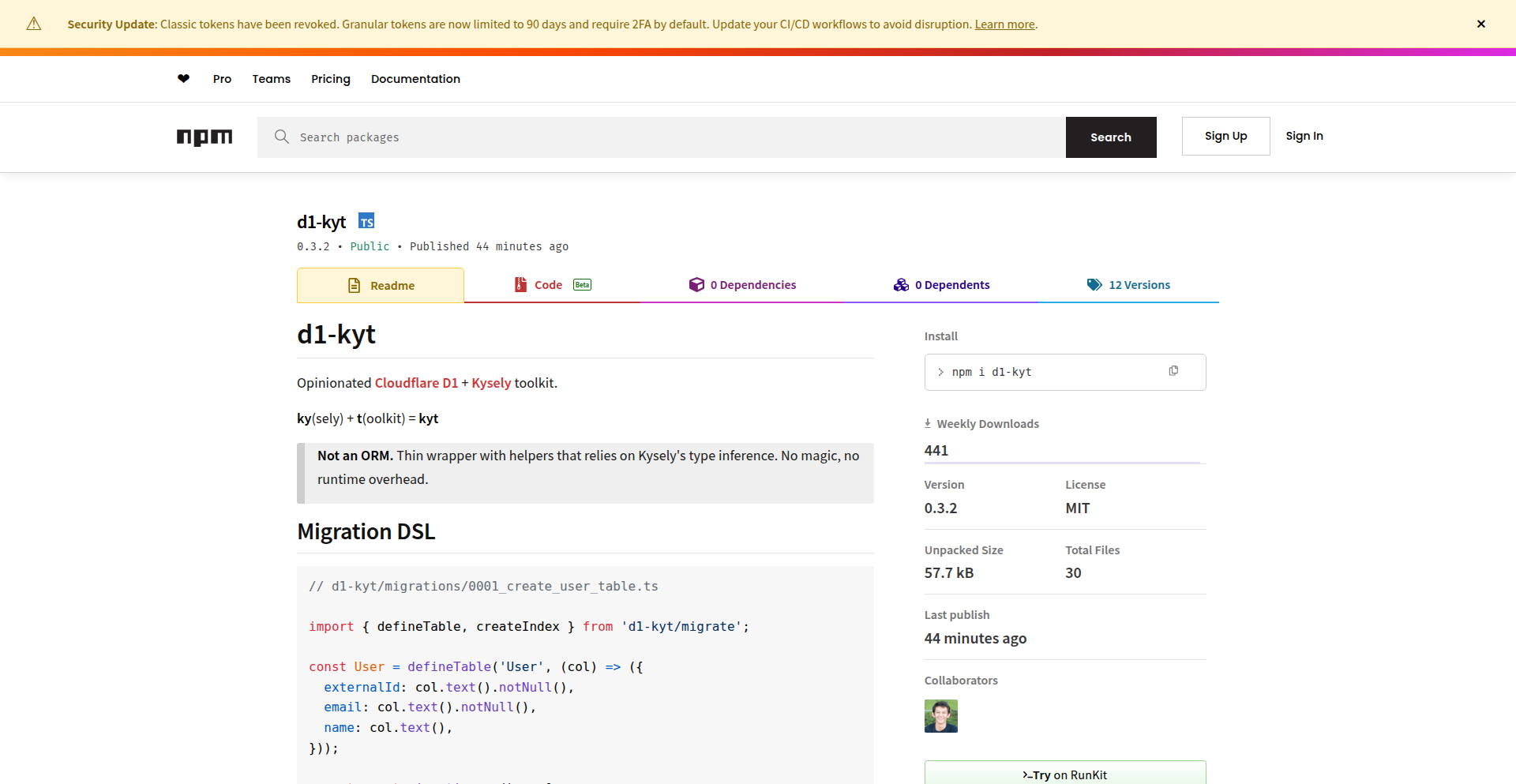
Author
tundrax
Description
This project introduces a toolkit that bridges Cloudflare D1 (a serverless SQL database) with Kysely (a type-safe SQL query builder). The innovation lies in enabling developers to write type-safe SQL queries directly in TypeScript, which are then seamlessly executed against Cloudflare D1. This solves the common problem of type mismatches and runtime errors in database interactions, making development faster and more reliable, especially in serverless environments.
Popularity
Points 1
Comments 1
What is this product?
This project is a developer toolkit that combines Cloudflare's D1 serverless SQL database with Kysely, a TypeScript SQL query builder. The core innovation is providing type safety for your database queries. Normally, when you write SQL queries in your application code, you might make a typo in a column name or expect a data type that the database doesn't actually return, leading to bugs that are only found when your application runs. This toolkit allows you to define your database schema in TypeScript, and Kysely uses that definition to ensure your queries are correct *before* you even run them. It's like having a built-in spellchecker and grammar checker for your database code. So, what this means for you is fewer bugs, faster development, and more confidence in your data operations, particularly when building applications on Cloudflare's serverless platform.
How to use it?
Developers can integrate this toolkit into their projects by installing Kysely and configuring it to interact with Cloudflare D1. This typically involves defining your database schema in a TypeScript file, which Kysely then uses to provide autocompletion and type checking for your SQL queries. You'll write your queries using Kysely's fluent API in TypeScript, and the toolkit will handle the translation to SQL and execution on D1. This is particularly useful for applications hosted on Cloudflare Workers or other serverless architectures where efficient and safe database access is crucial. The benefit for you is a significantly streamlined and safer way to manage your database interactions within your serverless applications, reducing the risk of common errors.
Product Core Function
· Type-safe SQL Query Building: Kysely analyzes your database schema defined in TypeScript and provides compile-time checks for your SQL queries. This means you catch errors like misspelled column names or incorrect data types before your code even runs, saving you debugging time and preventing runtime failures. This is valuable because it drastically reduces the likelihood of database-related bugs in your application.
· Seamless Integration with Cloudflare D1: The toolkit is specifically designed to work with Cloudflare D1, a serverless SQL database. This integration ensures that your type-safe queries are efficiently executed on D1 without complex configuration. This is valuable for developers building applications on Cloudflare's serverless ecosystem, as it simplifies database connectivity and management.
· Developer Experience Enhancements: By providing features like autocompletion and inline error highlighting in your IDE, this toolkit significantly improves the developer experience. You'll write code faster and with greater accuracy. This is valuable because it makes the development process more enjoyable and productive.
Product Usage Case
· Building a serverless e-commerce backend on Cloudflare Workers: Developers can use this toolkit to securely and efficiently manage product inventory, customer orders, and user data in Cloudflare D1. By ensuring type safety, they can confidently handle complex database transactions without worrying about common SQL injection vulnerabilities or data integrity issues. This means a more robust and reliable online store.
· Developing a real-time analytics dashboard for a web application: The toolkit can be used to query and aggregate data from D1, feeding a dashboard application. The type-safe nature of the queries ensures that the data being retrieved and displayed is accurate and consistent, leading to more trustworthy insights for users. This allows for better decision-making based on reliable data.
· Creating a content management system (CMS) for a website hosted on Cloudflare Pages: Developers can use this toolkit to manage articles, user comments, and media assets stored in Cloudflare D1. The type safety ensures that content is stored and retrieved correctly, preventing data corruption and maintaining the integrity of the website's content. This results in a more stable and user-friendly website.
44
Bugmail - Email-Driven Production Bug Reporter
Author
bumpymark
Description
Bugmail is a minimalist service for indie developers to get notified via email when critical errors occur in their production applications. It streamlines bug tracking by sending essential information like stack traces and user context directly to a Gmail-like inbox, eliminating the complexity of traditional error monitoring tools. This allows developers to quickly identify and fix issues, preventing user churn and improving application stability.
Popularity
Points 2
Comments 0
What is this product?
Bugmail is a simple, email-first service designed to alert you immediately when something goes wrong in your live application. Instead of dealing with complicated dashboards and alert configurations, Bugmail sends you an email that looks like a regular Gmail message. This email contains all the vital information you need to understand the bug: the exact error message, the sequence of events leading up to it (called a 'stack trace'), and details about the user who experienced the problem. The core innovation lies in its extreme simplicity and focus on delivering actionable information via a familiar interface (email), rather than building a feature-rich, complex monitoring system. It's built on the principle of 'just tell me when it breaks and give me what I need to fix it'.
How to use it?
Developers can integrate Bugmail into their applications by simply adding a small snippet of code. This code will capture uncaught exceptions or errors that occur during runtime. When an error is detected, the code sends the relevant error details (like the stack trace and user context) to Bugmail's service. Bugmail then processes this information and sends a clear, concise email notification to the developer's designated inbox. This allows for immediate awareness of production issues without requiring any complex setup or dashboard navigation. It's ideal for small projects, side hustles, or any application where developers want a low-overhead way to stay informed about bugs.
Product Core Function
· Automated error detection: Captures runtime errors in your application, so you don't have to manually check for problems.
· Email notifications with critical details: Delivers stack traces, user context, and error messages directly to your inbox, making it easy to understand what went wrong and who it affected.
· Gmail-style inbox for bugs: Organizes your bug reports in a familiar, easy-to-navigate email interface, reducing the learning curve and improving efficiency.
· Minimalistic setup: Requires no complex configuration files or dashboard management, allowing you to get started quickly and focus on building.
· User context tracking: Provides information about the user experiencing the bug, helping you understand the impact and prioritize fixes.
Product Usage Case
· A solo developer building a new web application realizes they don't have a robust system to catch errors that might slip through testing. By integrating Bugmail, they receive an email with the exact line of code causing a JavaScript error and which user encountered it, allowing them to patch the issue before more users are impacted.
· An indie game developer has released their game and wants to ensure smooth gameplay. When a critical bug causes a player to crash, Bugmail automatically sends an email with the game's error log and the player's system details, enabling the developer to diagnose and fix the problem in the next update.
· A startup founder is testing a new feature on their SaaS product. A bug in the deployment process causes data corruption for a small group of early adopters. Bugmail immediately alerts the founder with the specific error and the affected user IDs, allowing for swift intervention and data recovery.
· A developer managing multiple small client websites wants a simple way to monitor their health. Bugmail provides a centralized email inbox where they receive notifications for any errors across all sites, without needing to log into separate monitoring dashboards for each.
45
CloakProbe-PrivacyIP

Author
drmckay
Description
CloakProbe is a Rust-based, self-hostable service designed to reveal your public IP address and detailed client information without compromising privacy. It sits behind Cloudflare, stripping away invasive trackers and ads commonly found on similar services. It offers in-depth technical details crucial for debugging network setups and understanding client connections, all while prioritizing user anonymity.
Popularity
Points 2
Comments 0
What is this product?
CloakProbe is a lightweight, privacy-focused service built with Rust and the Axum web framework. Unlike typical 'What is my IP?' websites that bombard users with ads and trackers, CloakProbe offers a clean, minimal interface. Its core innovation lies in its privacy-first design and self-hostable nature. It processes and displays your public IP address, its version (IPv4/IPv6), and basic geographic information. Crucially, it resolves Autonomous System Number (ASN) information locally using an ip2asn-based database, meaning no external lookups are performed for this data, enhancing both speed and privacy. It's specifically designed to work behind Cloudflare, intelligently parsing Cloudflare-specific headers like CF-Connecting-IP and CF-Ray to provide richer debugging insights. The frontend is minimal, dark-themed, and intentionally avoids any third-party scripts or external fonts, ensuring no visitor tracking or unnecessary data collection. So, what's the value for you? It provides a secure, private, and technically rich way to understand your network's public facing information and client connection details, especially useful if you're managing websites behind Cloudflare and need to debug connectivity issues without exposing yourself to other privacy risks.
How to use it?
Developers can utilize CloakProbe by self-hosting it on their own infrastructure. The project provides all the necessary components, including a Rust application, a small Rust binary to build the local ASN database from ip2asn-combined TSV files, and example configuration files for Nginx and an ASN update script. You'd typically deploy the Rust application as a backend service. For integration with Cloudflare, you would configure Cloudflare to proxy traffic to your CloakProbe instance. The service is designed to trust only Cloudflare's IP ranges and headers, making it a secure solution when placed behind their network. This setup allows developers to have their own private IP and client information endpoint for debugging, monitoring, or even as a backend component in more complex applications where understanding the client's perceived IP and network origin is important. So, how does this benefit you? It gives you complete control over your IP lookup service, ensuring data privacy and allowing for custom debugging workflows, all within a controlled and secure environment.
Product Core Function
· Public IP Address Display: Shows your internet-routable IP address, allowing you to quickly verify what your external network address is. This is valuable for troubleshooting network configurations or confirming IP address assignments.
· IP Version Detection: Identifies whether your public IP is IPv4 or IPv6, essential for ensuring compatibility with modern internet protocols and troubleshooting dual-stack network issues.
· Basic Geolocation: Provides rudimentary geographic information associated with your public IP address, offering a general understanding of your location for debugging or testing geo-specific content delivery.
· Local ASN Resolution: Resolves the Autonomous System Number (ASN) of your IP address using a self-contained database, identifying the network provider or organization your IP belongs to without external queries. This is critical for network analysis and understanding traffic routing.
· Cloudflare Header Parsing: Deciphers key Cloudflare headers like CF-Connecting-IP (the original client IP), CF-Ray (request ID), and CF-Visitor (browser details), providing deep insights into how Cloudflare is processing your traffic and the original client's information. This is invaluable for debugging Cloudflare configurations and security rules.
· Minimalist, Privacy-Centric Frontend: Offers a clean, dark-themed user interface with absolutely no third-party scripts, analytics, or external fonts, ensuring that using the service itself doesn't introduce new privacy risks or performance overheads.
· Self-Hosting Capability: Allows users to deploy the service on their own servers, granting full control over data and infrastructure, which is fundamental for organizations with strict privacy requirements or for developers who want a tailored solution.
Product Usage Case
· Debugging Cloudflare WAF Rules: A developer is experiencing issues with their Cloudflare Web Application Firewall (WAF) blocking legitimate traffic. By using CloakProbe, they can see the exact 'CF-Connecting-IP' header, confirming if the WAF is misinterpreting the client's IP and helping them fine-tune their WAF rules for better accuracy.
· Verifying Client IP in a Self-Hosted Application: A company runs a web application on its own servers and needs to log the true client IP addresses for auditing purposes, but they use Cloudflare for DDoS protection. CloakProbe, placed behind Cloudflare, allows their backend application to reliably fetch the original client IP from the 'CF-Connecting-IP' header, ensuring accurate logging and security checks.
· Testing IPv6 Connectivity: A network administrator is setting up IPv6 for their organization and wants to confirm that their public IPv6 address is correctly propagated and visible. Using CloakProbe, they can easily verify their public IPv6 address and associated network information, ensuring seamless transition to the new protocol.
· Analyzing Network Origin for Debugging: A developer is troubleshooting a client-side issue reported by a user in a specific region. CloakProbe's IP and ASN information helps them quickly identify the user's network provider and general location, aiding in pinpointing potential regional network-related problems.
· Building a Private IP Lookup Tool for an Internal Dashboard: A development team needs to integrate an IP lookup feature into their internal administrative dashboard for quick reference. CloakProbe provides a robust, privacy-respecting backend that can be easily called by their dashboard, offering technical details without external dependencies or data sharing concerns.
46
VibeCode WordPress Plugins

Author
fasthightimess
Description
VibeCode presents a collection of WordPress plugins designed to enhance user experience and performance, showcasing innovative approaches to common web development challenges. The core technical innovation lies in its lightweight, efficient implementations that minimize resource overhead while maximizing functionality, often leveraging modern JavaScript techniques and optimized PHP for speed. This project demonstrates how thoughtful coding can solve performance bottlenecks and improve interaction without resorting to bloated solutions.
Popularity
Points 2
Comments 0
What is this product?
VibeCode is a suite of WordPress plugins focused on improving website speed and user interaction. The technical innovation is in its efficient code. Instead of using large, resource-heavy libraries that can slow down a website, VibeCode plugins are built with lean, optimized code. For instance, they might use advanced JavaScript techniques to handle dynamic content loading without full page reloads, or employ smarter database queries in PHP to retrieve information faster. The value here is a website that feels snappier and more responsive to users, which directly translates to better engagement and potentially higher search engine rankings, all without making the website's backend sluggish. So, why does this matter to you? It means your website will load faster and feel more interactive, leading to happier visitors and better online results, achieved through clever, efficient coding.
How to use it?
Developers can integrate VibeCode plugins into their WordPress sites like any other plugin. They are typically installed via the WordPress admin dashboard. Each plugin addresses a specific functional area, such as enhanced caching, interactive elements, or optimized media loading. The integration is designed to be straightforward, allowing users to activate and configure features with minimal technical expertise. For more advanced users, the plugin code itself can serve as an example of efficient WordPress development practices. So, how does this help you? You can easily add powerful features and performance boosts to your WordPress site by simply installing and activating these plugins, making your website better without needing to write complex code yourself.
Product Core Function
· Optimized Asset Loading: Implements techniques to load CSS and JavaScript files only when needed, reducing initial page load times. This means your website's essential content appears quicker to visitors.
· Smart Caching Mechanisms: Develops custom caching strategies that intelligently store and serve frequently accessed data, drastically speeding up response times and reducing server load. This makes your website feel much faster for repeat visitors.
· Interactive UI Enhancements: Utilizes modern JavaScript frameworks or vanilla JS for dynamic user interface elements that respond quickly to user actions without requiring a full page refresh. This creates a smoother, more engaging experience for your website's audience.
· Lightweight Feature Implementation: Rebuilds common WordPress features with a focus on performance, avoiding bloat associated with larger, more generic plugins. This ensures your website remains nimble and quick, even with added functionality.
Product Usage Case
· Website Performance Boost: A small business owner experiencing slow loading times due to a feature-rich theme can install a VibeCode caching plugin to significantly improve page speed, leading to a better user experience and potentially more conversions. This solves the problem of a slow website.
· Enhanced User Engagement for Blogs: A blogger looking to make their content more interactive can use VibeCode's UI enhancement plugins to add smooth animations or dynamic comment loading, keeping readers engaged for longer. This solves the problem of static, unengaging content.
· Developer Learning Resource: A WordPress developer aiming to write more performant code can study the VibeCode plugins' source code to learn efficient PHP and JavaScript practices. This provides a practical example of how to build better WordPress extensions.
· E-commerce Site Optimization: An online store owner struggling with slow product page loads can integrate VibeCode's asset optimization, leading to quicker browsing and a better shopping experience, thus reducing cart abandonment. This solves the problem of lost sales due to slow performance.
47
ZeroNotes: Private Cipher Notes

Author
Bjoern_Dev
Description
ZeroNotes is a revolutionary note-taking application built on a 'zero-knowledge' architecture. This means your data is encrypted on your device before it's sent to the cloud, ensuring only you can access it. It uses robust encryption algorithms like AES-256-GCM for content and Argon2id for password hashing, offering a truly private and transparent note-taking experience.
Popularity
Points 2
Comments 0
What is this product?
ZeroNotes is a note-taking application that prioritizes your privacy by performing all encryption and decryption directly on your device, in your browser. It employs a 'zero-knowledge' approach, meaning the server never has access to your unencrypted data or your encryption keys. This is achieved by using strong cryptographic algorithms: Argon2id to securely derive encryption keys from your password and a unique salt, and AES-256-GCM for encrypting your actual notes. The challenging aspect of secure sharing without revealing master passwords is handled with ECIES (Elliptic Curve Integrated Encryption Scheme), allowing you to share specific note categories securely with others. This approach makes your notes private and auditable, as the cryptographic processes are transparent and happen locally.
How to use it?
Developers can use ZeroNotes as a secure place to store sensitive project ideas, code snippets, or confidential information. Its client-side encryption means that even if the server is compromised, your data remains unreadable. Integration could involve using its API (once available) to programmatically add notes or retrieve encrypted data for specific workflows, or simply using it as a standalone secure repository. The core value for developers is having a trusted place to manage information that must remain confidential, without relying on a third party to protect it. It's ideal for storing API keys, personal notes on security vulnerabilities, or project plans that need an extra layer of secrecy.
Product Core Function
· Client-side encryption and decryption: Your notes are encrypted on your device using AES-256-GCM before being stored, ensuring that even the service provider cannot read your data. This provides peace of mind that your sensitive information is protected at rest.
· Zero-knowledge architecture: The system is designed so that the server has no knowledge of your encryption keys or your unencrypted data, offering a high level of privacy and security. This means no central authority can access your notes.
· Strong key derivation with Argon2id: Your password is used with Argon2id, a highly secure password hashing function, to generate your encryption keys. This makes it very difficult for attackers to guess your password or derive your keys even if they obtain the stored password hash.
· Secure sharing with ECIES: Allows you to share specific note categories with other ZeroNotes users without compromising your master password. This enables collaborative work on sensitive information in a controlled and secure manner.
· Transparent cryptography: The use of well-established and open-source cryptographic libraries makes the security measures verifiable and understandable. This builds trust by demonstrating exactly how your data is protected.
Product Usage Case
· A developer needing to store sensitive API keys for various services. By using ZeroNotes, these keys are encrypted on their local machine and synced securely, preventing accidental exposure if the sync service were breached.
· A security researcher documenting vulnerabilities and exploit details. ZeroNotes provides a private vault for this information, encrypted end-to-end, ensuring that even if the device is lost or stolen, the data is inaccessible without the user's password.
· A team working on a confidential project can use ZeroNotes' secure sharing feature to distribute specific project documentation or strategy notes. Each team member can access shared notes without the project lead having to share their primary login credentials, maintaining granular control.
· A freelance developer managing client secrets or proprietary code snippets. ZeroNotes offers a way to keep this sensitive intellectual property secured with strong encryption, accessible only by the developer.
48
AI Fitness Architect

Author
shuvrokhan
Description
An AI-powered platform for personal trainers to create and manage personalized workout and diet plans, eliminating the need for scattered PDFs, WhatsApp messages, and Google Sheets. It offers an extensive exercise library and client access, with AI assisting in plan generation.
Popularity
Points 1
Comments 1
What is this product?
This is an AI platform designed to streamline the process for personal trainers to manage their clients' fitness journeys. Instead of juggling various documents and communication channels, trainers can create comprehensive workout routines and detailed diet plans all within a single, organized system. The core innovation lies in its AI assistant, which helps trainers generate these plans more efficiently. Think of it as a smart assistant that suggests exercises, structures workout sessions, and recommends dietary components, all tailored to individual client needs. This means trainers can spend less time on administrative tasks and more time on coaching.
How to use it?
Personal trainers can integrate this platform into their workflow by first creating an account. They can then begin building client profiles, inputting specific client goals, physical limitations, and preferences. Using the built-in 700+ exercise library, trainers can construct personalized workout plans, specifying sets, reps, and rest periods. Simultaneously, they can add detailed diet plans, including calorie targets, macronutrient breakdowns, and meal suggestions. The AI assistant can be leveraged to generate initial plan drafts or suggest modifications, which the trainer can then review and fine-tune. Clients can then access their assigned plans through a dedicated portal, providing a centralized hub for their fitness information. This allows for seamless tracking and communication between trainer and client.
Product Core Function
· Personalized Workout Plan Creation: Trainers can build custom workout routines for each client, specifying exercises, sets, reps, and intensity. This helps clients follow structured programs tailored to their fitness level and goals, leading to more effective training outcomes.
· Diet Plan Management: The platform allows for the creation of detailed meal plans, including calorie counts, macronutrient targets, and specific food recommendations. This empowers clients with clear nutritional guidance, crucial for achieving fitness objectives and improving overall health.
· Extensive Exercise Library (700+ exercises): A rich database of exercises with instructions and demonstrations ensures trainers have a wide variety of options to create diverse and engaging workouts. This prevents plateaus and keeps clients motivated by introducing new movements.
· Client Access Portal: Clients can view their workout and diet plans in one centralized location, making it easy to track progress and stay organized. This improves client adherence and engagement by providing constant access to their personalized programs.
· AI-Assisted Plan Generation: The integrated AI helps trainers quickly generate initial workout and diet plan drafts based on client data and goals. This significantly reduces the time spent on manual plan creation, allowing trainers to serve more clients or focus on higher-value coaching activities.
Product Usage Case
· A personal trainer with 50 clients is overwhelmed by managing individual workout and diet plans across spreadsheets and emails. By using AI Fitness Architect, they can create and update all plans within minutes using the AI suggestion feature, significantly reducing administrative overhead and freeing up time for client consultations, directly improving their business efficiency and client satisfaction.
· A fitness influencer wants to offer personalized coaching packages but struggles with the scalability of manual plan creation. AI Fitness Architect enables them to quickly generate tailored plans for a larger client base, allowing them to expand their service offerings without a proportional increase in workload, thus boosting revenue and reach.
· A busy trainer wants to provide clients with detailed nutritional guidance but lacks a structured system. The platform's diet plan feature, combined with the AI's ability to suggest balanced meals, allows the trainer to offer comprehensive dietary support, helping clients achieve faster results and fostering greater trust and loyalty.
49
Vision-Validated PDF Table Extractor

Author
2dogsanerd
Description
This project tackles the critical issue of silent failures in PDF table extraction. Traditional tools often produce seemingly correct data that actually has subtle errors like shifted columns or incorrect decimal points. This extractor uses a multi-stage pipeline: first, it extracts table structure using IBM's Docling. Then, it visually verifies this extraction by feeding both the extracted text (in Markdown format) and a screenshot of the table region into a local Vision LLM (Llama 3.2 via Ollama). The LLM compares the 'pixel truth' with the extracted text, generating a confidence score and an audit trail. This approach prioritizes accuracy and data integrity over raw speed, making it ideal for privacy-sensitive documents as it runs entirely locally.
Popularity
Points 2
Comments 0
What is this product?
This is a PDF table extraction tool that goes beyond simple text parsing to ensure data accuracy. Instead of just extracting text, it uses a combination of layout analysis (Docling) and visual comparison with a local Vision Large Language Model (LLM). The LLM acts like a detective, comparing the extracted text against a screenshot of the original table. It then provides a confidence score and a detailed audit trail, essentially explaining how it arrived at its conclusion. This means you get data that you can trust, even from complex financial or legal documents, and all processed locally for maximum privacy.
How to use it?
Developers can integrate this tool into their data processing pipelines. For instance, if you're building a system that ingests financial reports or legal contracts from PDFs, you can use this extractor to reliably pull out tabular data. You would point the tool to your PDF file, specify the table you want to extract, and it will return the data along with a confidence score. This score can then be used to automatically flag tables with low confidence for human review, or to gate further processing. The local execution means sensitive documents never leave your environment, addressing privacy concerns common in regulated industries.
Product Core Function
· PDF Table Layout Parsing: Utilizes IBM's Docling to understand the structural layout of tables within PDF documents, providing a foundation for accurate data extraction. This helps in identifying rows and columns even in complex layouts.
· Visual Extraction Verification: Captures a screenshot of the specific table region from the PDF. This visual representation is crucial for the LLM to perform a pixel-level comparison.
· LLM-Powered Data Validation: Employs a local Vision LLM (e.g., Llama 3.2 via Ollama) to compare the extracted text against the visual screenshot. This innovative approach allows for detecting subtle errors missed by traditional methods.
· Confidence Scoring and Audit Trail: The LLM assigns a confidence score to the extracted data and generates an audit trail. This provides transparency into the extraction process and allows for automated quality control and human review prioritization.
· Local and Private Processing: Designed to run 100% locally, ensuring that sensitive or confidential documents are not uploaded to external servers, thereby maintaining data privacy and security.
Product Usage Case
· Extracting financial data from quarterly reports: In scenarios where precise figures and decimal points are critical, this tool can extract tables from PDFs and provide a high confidence score, ensuring that no financial data is misrepresented due to extraction errors. This prevents costly mistakes in financial analysis.
· Processing legal documents for case management: For legal professionals dealing with numerous contracts or court filings, this extractor can reliably pull out key tabular information (e.g., dates, parties involved, amounts). The audit trail helps in quickly verifying the accuracy of the extracted data, saving valuable time and reducing the risk of errors in legal case preparation.
· Automating data entry from scanned invoices: Businesses receiving invoices in PDF format can use this tool to extract line-item details. The visual validation ensures that quantities, prices, and subtotals are accurately captured, improving efficiency and reducing manual data entry errors.
· Building a secure RAG (Retrieval Augmented Generation) pipeline for internal knowledge bases: When integrating PDF documents into a RAG system, accurate table data is essential for the LLM to retrieve correct information. This tool ensures the ingested table data is highly reliable, leading to more accurate and trustworthy AI responses.
50
DocBeacon - Document Engagement Analytics

Author
howardshaw
Description
DocBeacon is a tool designed to provide deep insights into how people engage with documents. It tracks who opens a document, how long they spend reading, and critically, where their attention focuses and how they navigate through the content. This goes beyond simple page views to offer granular understanding of reader behavior, helping users optimize their documents for better impact. So, what's in it for you? If you send proposals, pitch decks, or any important documents, you'll know exactly what parts resonate and what parts are being skipped, allowing you to tailor your follow-up or improve future content.
Popularity
Points 1
Comments 1
What is this product?
DocBeacon is a document analytics platform that offers a sophisticated view of reader engagement. Instead of just knowing if a document was opened, it uses advanced tracking to show specific reader behavior. This includes heatmaps that highlight areas of high attention within a page, and reader path visualizations (using a Sankey-style view) that illustrate how individuals move through a document, revealing loops, skips, and drop-off points. The innovation lies in moving beyond basic page-level statistics to understand the nuances of focused attention and navigation. This means you gain a much deeper understanding of your audience's interaction with your content. So, what's in it for you? You get a clear picture of what parts of your document are most engaging and where readers lose interest, empowering you to make data-driven improvements.
How to use it?
Developers can integrate DocBeacon into their workflows by sharing documents through the DocBeacon platform. Users simply upload their documents (like PDFs for proposals, pitch decks, or specifications). DocBeacon then provides a unique link or embed code for that document. When recipients open and interact with the document via this link, their engagement is anonymously tracked. The insights are then presented in an easy-to-understand dashboard. This allows for seamless integration into existing sales, marketing, or communication processes without requiring recipients to install any software or log in. So, what's in it for you? You can easily share your important documents and gain actionable insights into how they are being received, all without complex setup.
Product Core Function
· Document Opening Tracking: This core function records when a document is opened, providing a fundamental measure of interest. Its value lies in establishing the initial engagement point for any document sent. This is crucial for understanding outreach effectiveness.
· Time-on-Document Analytics: This feature tracks the total duration a user spends interacting with the document. The value here is in understanding overall engagement depth, indicating how captivating or comprehensive the content is perceived to be. This helps gauge the effectiveness of your narrative or information delivery.
· Page-Level Engagement Metrics: While basic, this function provides data on which specific pages are viewed and for how long. The value is in identifying which sections of a document are being accessed, helping to pinpoint the most relevant or least relevant parts of your content.
· Attention Heatmaps: This advanced feature visualizes areas of concentrated focus within a document page, showing where readers spend the most time looking. Its value is in revealing the most visually or informationally compelling elements on a page, allowing for optimization of key messaging and design.
· Reader Path Visualization (Sankey Style): This innovative function maps out the typical flow of readers through a document, highlighting common navigation patterns, skips, and drop-off points. The value is in understanding the user journey, identifying any confusing transitions or areas where readers disengage, enabling you to streamline content flow and improve comprehension.
· Anonymous Reader Tracking: DocBeacon tracks engagement without requiring users to log in or identify themselves. The value is in encouraging wider sharing and honest engagement, as recipients feel no pressure or privacy concern, leading to more natural interaction data.
Product Usage Case
· Sales Proposal Optimization: A sales team sends out a complex proposal for a new client. By using DocBeacon, they discover that potential clients spend a lot of time on the technical specifications section but quickly skip over the pricing details. This insight allows the sales team to revise the pricing section for clarity and direct follow-up to address potential concerns about that part of the proposal. So, this helps them close more deals by understanding and improving their sales materials.
· Pitch Deck Effectiveness: A startup is pitching to investors. DocBeacon reveals that investors are repeatedly looping back to the financial projections slide but spending very little time on the market analysis. This suggests the financial projections are a key point of interest or concern, while the market analysis needs to be more compelling. The startup can then refine their presentation to emphasize financials and strengthen their market analysis narrative. So, this helps them secure funding by refining their pitch based on investor focus.
· Technical Documentation Improvement: A software company releases new API documentation. DocBeacon shows that developers frequently drop off after the installation guide and struggle to find information on authentication. This indicates a need to reorganize the documentation, add a more prominent section on authentication, and perhaps provide clearer navigation paths. So, this helps developers adopt the API more easily and reduces support queries.
· Hiring Packet Analysis: A recruitment team sends out hiring packets for candidates. DocBeacon reveals that candidates spend minimal time on the company culture section but heavily review the benefits package. This suggests the benefits are a primary draw, but the company culture description might not be effectively communicating the employee experience. The team can then rework the culture section to be more engaging. So, this helps attract the right candidates by highlighting what matters most to them.
51
AI-Powered Research Radar Engine
Author
hongyeon
Description
This project is a highly flexible toolkit designed to automate the creation of expert newsletters, like the 'Research Radar' cultural heritage newsletter. It leverages LLMs for intelligent analysis and deterministic code for reliable workflows. The innovation lies in its architecture that separates logical programming from AI reasoning, allowing for advanced automation at a remarkably low cost of $0.20 per issue, with near-zero maintenance.
Popularity
Points 2
Comments 0
What is this product?
This is a software development kit (SDK) that empowers developers to build their own automated newsletters using AI. The core innovation is its 'Type-First & DI-Based' architecture. Think of it like building with LEGOs: you can easily swap out different pieces (providers) for web crawling, data analysis, and content generation. This means you're not locked into one specific tool. For example, you can use your preferred web scraping library (like Puppeteer for dynamic websites or Cheerio for static ones) or even specialized AI parsers. This separation of concerns, where stable, predictable tasks are handled by well-defined code and complex reasoning is delegated to powerful language models (LLMs), enables sophisticated features like self-correction and multi-step validation that are difficult to achieve with simpler no-code solutions. So, what's the benefit for you? You get a robust framework to automate complex content creation, saving significant manual effort and costs.
How to use it?
Developers can integrate this kit into their existing projects or use it as a standalone solution. The 'Type-First & DI-Based' design means you can easily plug in your custom scrapers or analysis modules. For instance, if you're building a news aggregator, you'd configure the kit to crawl specific websites, then use an LLM to summarize the articles, and finally generate a curated newsletter. The framework is built with TypeScript, ensuring type safety and maintainability, and comes with 100% test coverage and built-in observability for production readiness. The practical use case is straightforward: define your data sources, configure your analysis and generation steps, and the kit handles the rest. This allows you to deploy automated, high-quality content streams with minimal ongoing intervention, delivering valuable insights to your audience consistently.
Product Core Function
· Configurable Crawling Providers: Allows developers to choose and integrate various web crawling tools (e.g., Puppeteer, Cheerio, custom AI parsers) asynchronously. This provides flexibility in data acquisition and avoids vendor lock-in, enabling the collection of diverse information for analysis.
· AI-Powered Analysis Engine: Leverages Large Language Models (LLMs) to interpret and understand crawled data, identify key insights, and extract relevant information. This automates the complex task of human-level analysis, turning raw data into meaningful content.
· Flexible Content Generation: Enables the creation of structured output, such as newsletters or reports, based on analyzed data. This function automates the production of polished content, making it ready for distribution to an audience.
· Type-Safe and Dependency Injection Architecture: Promotes modularity and maintainability by ensuring strict type checking and allowing easy swapping of components (providers). This means developers can update or replace parts of the system without breaking the entire application, leading to a more robust and adaptable solution.
· Production-Ready Tooling: Includes 100% test coverage, built-in observability, and TypeScript support. This ensures the toolkit is reliable, easy to monitor, and maintainable in real-world production environments, giving developers confidence in deploying it for critical tasks.
Product Usage Case
· Automating a weekly industry research newsletter: A developer can use this kit to continuously monitor industry news websites, analyze key trends using an LLM, and automatically generate a concise newsletter summarizing the most important developments for subscribers. This saves hours of manual research and writing each week.
· Building a personalized content digest for a niche community: Imagine a community focused on a specific hobby. This kit could be configured to scrape relevant forums and blogs, identify popular discussions or new resources with AI, and then generate a weekly digest to keep community members informed and engaged. The value is providing highly relevant content with minimal effort.
· Creating an automated content curation service for a blog: A blogger could use this toolkit to find trending topics in their niche, analyze top-performing articles, and generate drafts or summaries that can be quickly edited and published. This significantly speeds up the content creation pipeline, allowing for more frequent posting.
· Developing a system to track and summarize academic papers: An academic researcher could configure the kit to monitor new publications in their field, use LLMs to extract key findings and methodologies from abstracts and papers, and then generate a concise summary report. This helps stay up-to-date with the latest research without needing to read every paper exhaustively.
52
YM2149-rs: Rust Chiptune Synthesizer
Author
slippyvex
Description
This project, YM2149-rs, is a Rust implementation of the YM2149 sound chip, commonly found in retro computers. It allows developers to generate chiptune music and sound effects programmatically, bringing classic video game sounds to modern applications. The innovation lies in porting this specialized sound generation logic to a safe and performant Rust environment, enabling precise control over synthesized audio for games, creative coding, or even embedded systems.
Popularity
Points 2
Comments 0
What is this product?
YM2149-rs is a software synthesizer written in Rust that replicates the sound-producing capabilities of the AY-3-8910/YM2149 sound chip. This chip was famous for its distinctive 'chiptune' sound in 80s home computers and arcades. The core innovation is how it meticulously reconstructs the chip's unique way of generating waveforms (like square waves and noise) and mixing them together, but in a modern programming language. This means you get that authentic retro sound without needing old hardware, and you can control it with code. So, this is for you if you want to create or recreate classic game music and sound effects in a robust and modern way.
How to use it?
Developers can integrate YM2149-rs into their Rust projects as a library. They can instantiate the synthesizer, then programmatically set parameters such as pitch, amplitude, and waveform for individual sound channels, or trigger sound effects. This could involve writing custom logic to generate melodies, control envelopes (how a sound fades in and out), or create percussive noises. It can be used to generate audio buffers that are then played back through standard audio output devices, or even sent to specialized audio hardware. This makes it incredibly versatile for game development, interactive art installations, or any project needing a specific retro sound palette. So, this is for you if you're building a Rust application that needs to produce sound, especially if you're aiming for a retro aesthetic.
Product Core Function
· Channel-based sound generation: The YM2149 chip had multiple independent sound channels. This library allows each channel to be controlled separately for pitch and tone, enabling complex musical arrangements. The value is granular control over individual voices in your soundscape.
· Waveform synthesis: It precisely implements the generation of square waves and noise, which are the fundamental building blocks of YM2149 sounds. The value is producing the authentic retro timbres that define chiptune music.
· Envelope generation: Allows for controlling how a sound's amplitude changes over time (attack, decay, sustain, release). The value is adding dynamic expression and realism to synthesized sounds.
· Noise generation: Provides distinct noise channel capabilities for percussive sounds or atmospheric effects. The value is expanding the sonic palette beyond simple tones.
· Programmatic control: Every aspect of the sound generation can be controlled via Rust code, offering maximum flexibility. The value is the ability to dynamically create and modify sounds based on application logic.
· Rust integration: Designed as a Rust crate, it benefits from Rust's safety and performance features. The value is building reliable and efficient audio systems.
Product Usage Case
· Game development: A game developer could use YM2149-rs to generate background music and sound effects for a retro-style 2D game, ensuring an authentic auditory experience consistent with the game's visual theme. This solves the problem of finding or creating appropriate retro sound assets.
· Creative coding and art installations: An artist could use this library to create generative music pieces or interactive soundscapes where the audio output dynamically responds to user input or other environmental factors. This provides a unique, programmable sonic element for digital art.
· Embedded systems with audio output: For projects on microcontrollers or embedded Linux boards that have audio capabilities, YM2149-rs could be used to add simple, distinctive sound notifications or musical cues without needing complex audio processing hardware. This is useful for adding character to embedded devices.
· Music production plugins: A music producer could potentially integrate this into a Digital Audio Workstation (DAW) plugin to offer a specific retro synth sound. This expands the toolset for electronic music creators.
53
Django-q-monitor
Author
previa1998
Description
A headless monitoring API for Django Q2, enabling developers to track and manage background tasks without direct interaction. It leverages the power of Django Q2's task queuing system and provides a clean API for external systems to query task status, performance metrics, and error details, thus offering a crucial layer of observability for asynchronous operations.
Popularity
Points 1
Comments 1
What is this product?
This project is a backend service that plugs into Django Q2, a popular Python library for running background tasks in your Django application. Think of Django Q2 as a system that handles tasks your website needs to do later, like sending emails or processing images. Django-q-monitor acts as a silent observer and reporter for these tasks. It doesn't have a fancy interface; instead, it exposes information about these tasks through an API. This means other programs or services can ask it questions like 'How many tasks failed?' or 'Is this specific task still running?'. The innovation lies in decoupling the monitoring from the task execution, allowing for flexible and independent observation of your background job health. So, this is useful because it lets you understand what's happening with your background tasks without needing to dig through logs or build a separate dashboard, offering peace of mind and faster debugging.
How to use it?
Developers can integrate Django-q-monitor into their existing Django projects by installing the package and configuring it within their Django settings. Once set up, the API endpoints become available, allowing them to build custom dashboards, integrate with existing monitoring platforms (like Prometheus or Grafana), or even trigger alerts based on task performance. For example, a developer might use a separate Python script or a service like curl to periodically query the API for the number of failed tasks. If the count exceeds a certain threshold, an automated alert can be sent. This makes it incredibly useful for ensuring the reliability of critical background processes.
Product Core Function
· Task Status Querying: Provides an API endpoint to retrieve the real-time status of individual or batches of tasks (e.g., pending, running, success, failure). The value is in quickly identifying issues with specific jobs and understanding their lifecycle.
· Performance Metrics Collection: Exposes metrics such as task execution time, queue depth, and error rates. This helps in optimizing task performance and identifying bottlenecks, allowing developers to make informed decisions about resource allocation and code efficiency.
· Error Details Reporting: Offers access to detailed error messages and stack traces for failed tasks. This is invaluable for debugging, as it pinpoints the exact cause of failures, drastically reducing troubleshooting time and effort.
· Historical Task Data Access: Enables querying of past task results and statuses. This is useful for auditing, trend analysis, and understanding the overall reliability of the background task system over time, providing a historical perspective on system health.
Product Usage Case
· A developer has a Django application that sends thousands of welcome emails daily via Django Q2. They want to ensure no emails are failing and want to be alerted immediately if there's a problem. By integrating Django-q-monitor, they can set up an external script that polls the 'failed tasks' count every 5 minutes. If it increases, an alert is sent to their Slack channel, preventing a backlog of undelivered emails.
· An e-commerce platform uses Django Q2 for processing order fulfillment asynchronously. To ensure smooth operations, the operations team wants to monitor the queue length of fulfillment tasks. Django-q-monitor's API allows them to feed this data into their central monitoring dashboard, giving them a visual representation of the fulfillment pipeline's health and helping them proactively address potential delays before they impact customers.
· A data processing service built on Django Q2 experiences occasional cryptic errors during complex calculations. Django-q-monitor's error details reporting allows the development team to fetch the exact stack traces of failed jobs directly from the API. This eliminates the need to sift through server logs, allowing them to quickly pinpoint the faulty logic and deploy a fix.
54
NixOS on Fairphone 5
Author
gian-reto
Description
This project demonstrates the feasibility of running NixOS, a declarative Linux distribution, on the Fairphone 5. It tackles the challenge of bringing a full Linux environment to mobile hardware, focusing on hardware compatibility and system stability for a more open and customizable mobile experience. The innovation lies in adapting a powerful desktop-class Linux system to the unique constraints and hardware of a smartphone, showcasing a significant step towards true mobile Linux freedom.
Popularity
Points 2
Comments 0
What is this product?
This is an experimental project that aims to run NixOS, a unique Linux operating system known for its declarative configuration and reliable updates, directly on a Fairphone 5 smartphone. NixOS uses a special package manager called 'Nix' which allows for reproducible builds and easy rollbacks, meaning you can update your system without fear of breaking it. The innovation here is adapting this robust desktop Linux environment to mobile hardware, pushing the boundaries of what's possible for mobile operating systems and offering a glimpse into a future where your phone can be as customizable and powerful as your desktop computer.
How to use it?
For developers interested in mobile Linux, this project provides a blueprint and early insights into the process of porting NixOS to specific mobile hardware. It's a starting point for those who want to experiment with running a full-featured Linux distribution on their phone, offering greater control over their device's software and potentially better performance and battery life through optimized system configurations. While still experimental, it opens up possibilities for custom ROM development, specialized mobile server applications, or simply a more transparent and hackable mobile computing experience. Integration would involve flashing a custom NixOS image and configuring it for the Fairphone 5's hardware.
Product Core Function
· Declarative System Configuration: Allows defining the entire operating system state in configuration files, ensuring reproducibility and simplifying system management. This is valuable for developers who need consistent environments for testing or deploying applications.
· Atomic Upgrades and Rollbacks: NixOS's package management system enables safe, atomic system upgrades and easy rollbacks to previous working states. This is incredibly useful for developers to prevent data loss or system instability during software updates.
· Reproducible Builds: Ensures that software builds are consistent across different machines and times, crucial for development and debugging. Developers can trust that their builds will behave the same way every time.
· Extensive Software Availability: Leverages Nix's vast package repository, providing access to a wide range of Linux software and libraries. This empowers developers to install and use almost any tool they need directly on their mobile device.
· Hardware Compatibility Exploration: Documents the process and challenges of getting Linux hardware components (like speakers, microphone, etc.) to work on the Fairphone 5. This provides valuable data and learning for other developers attempting similar mobile Linux projects.
Product Usage Case
· Developing and testing mobile applications that require a full Linux environment, such as custom server-side applications or cross-platform development tools, directly on the phone.
· Creating a highly customized and secure mobile computing platform for specific professional needs where standard Android or iOS are too restrictive.
· Experimenting with advanced system administration and networking tasks on a mobile device, blurring the lines between desktop and mobile computing.
· Contributing to the advancement of open-source mobile operating systems by testing and providing feedback on hardware support and system stability for NixOS on ARM devices.
55
CocoIndex: AI Data Context Engine

Author
georgehe9
Description
CocoIndex is a high-performance, open-source data engine designed for AI and dynamic context engineering. It simplifies connecting to data sources, automatically optimizing heavy data transformations for AI models, and keeps target data fresh. Key innovations include adaptive batching for significant performance gains without manual tuning, and custom connectors for seamless integration with any data system, ensuring reliability and efficient change tracking.
Popularity
Points 2
Comments 0
What is this product?
CocoIndex is an open-source data engine built to supercharge how AI applications access and process data. At its core, it's about making data transformations for AI incredibly fast and efficient. The innovation lies in 'Adaptive Batching,' which intelligently groups data processing tasks together without requiring developers to configure anything. This dramatically speeds up tasks, especially when dealing with large language models (LLMs) or embedding models. Imagine feeding large amounts of text to an AI for analysis; CocoIndex automatically figures out the best way to send chunks of this data for processing, leading to about 5x speed improvement and 80% less runtime. It also offers flexible 'Custom Sources/Targets' connectors, meaning you can easily plug it into databases, APIs, cloud storage, or even local files, and it will handle keeping the data updated and consistent, even tracking changes automatically.
How to use it?
Developers can integrate CocoIndex into their AI workflows using its Python SDK. For example, if you're building a RAG (Retrieval Augmented Generation) system that needs to constantly update its knowledge base from various sources, you'd configure CocoIndex to connect to those sources (e.g., a database of documents, a cloud storage bucket). CocoIndex will then manage the ingestion, transformation (like generating embeddings), and storage of this data in a fresh, readily accessible format for your AI model. You can use it to preprocess data before feeding it into a training pipeline, or to ensure real-time context is available for deployed AI services.
Product Core Function
· Adaptive Batching: This feature automatically groups data for processing without manual configuration. For developers, this means significantly faster AI data transformations and reduced computational costs, especially when using remote embedding models, leading to better resource utilization and quicker results.
· Custom Source/Target Connectors: Allows seamless integration with any data system (APIs, databases, cloud storage, file systems). This provides developers with immense flexibility to connect CocoIndex to their existing data infrastructure, ensuring that data can be sourced and delivered to AI applications from virtually anywhere.
· Incremental Ingestion and Change Tracking: CocoIndex efficiently handles updates by only processing new or changed data and keeping track of modifications. Developers benefit from reduced processing overhead and ensures that their AI models always work with the most up-to-date information, avoiding stale data issues.
· Schema Alignment: CocoIndex can manage differences in data structures between sources and targets. This simplifies data pipelines for developers by automatically handling data format inconsistencies, reducing the manual effort required for data cleaning and preparation for AI.
· Runtime & Reliability Enhancements: Features like safer asynchronous execution, robust cancellation, and centralized HTTP utilities with retries improve the stability and predictability of data processing. Developers can rely on CocoIndex for more dependable data pipelines, reducing errors and downtime.
· Python SDK: Provides an easy-to-use interface for developers to interact with CocoIndex from their Python applications. This lowers the barrier to entry and allows for quick integration into existing Python-based AI and data science projects.
Product Usage Case
· In a RAG (Retrieval Augmented Generation) application, CocoIndex can ingest and embed documents from multiple sources (e.g., a company wiki and a customer support knowledge base). Its adaptive batching dramatically speeds up the embedding process, and custom connectors ensure all relevant documents are captured. This provides the AI with fresh and comprehensive context, leading to more accurate and relevant responses to user queries.
· For a real-time analytics dashboard powered by AI, CocoIndex can continuously pull data from streaming sources (e.g., IoT sensors or application logs). It efficiently processes and transforms this data, ensuring the dashboard displays up-to-the-minute insights without overwhelming the AI processing layer, thanks to its efficient handling of incremental data.
· When building a personalized recommendation engine, CocoIndex can ingest user interaction data from various touchpoints (website clicks, app usage). It then transforms this data into features for the recommendation AI, using its robust data handling to keep the user profiles fresh and relevant, leading to more accurate and timely recommendations.
· Developers working with large datasets for AI model training can use CocoIndex to manage the data pipeline. It can connect to cloud storage, preprocess and batch the data efficiently using adaptive batching, and ensure that only updated or new data is used for subsequent training runs, saving significant time and computational resources.
56
PromptStyleJS
Author
alentodorov
Description
This project is a browser extension that empowers users to personalize any website using natural language prompts. It leverages OpenAI's Codex-mini to interpret user requests and automatically generate the necessary JavaScript and CSS code to implement the desired changes. It transforms vague instructions into functional website modifications, offering a more accessible way to customize online experiences.
Popularity
Points 2
Comments 0
What is this product?
PromptStyleJS is an open-source browser extension that acts like a dynamic stylesheet and script injector, but instead of writing code yourself, you simply describe what you want. It uses a smart AI model (OpenAI's Codex-mini) to understand your request, like 'stop videos from playing automatically' or 'make this text bigger', and then it writes the underlying code (JavaScript and CSS) to make that happen on the website you're viewing. Think of it as a 'developer tools for everyone' powered by AI. It's innovative because it bridges the gap between complex coding and everyday user desires, making web customization achievable without technical expertise.
How to use it?
Developers and regular users can install PromptStyleJS as a browser extension (compatible with Chrome, Firefox, and Safari via their respective extension stores or developer builds). Once installed, you navigate to any webpage you wish to customize. Then, you activate the extension and type your desired change in plain English, for example, 'hide all ads' or 'change the background color to blue'. The extension sends this prompt, along with a small portion of the webpage's code, to the AI, which generates the styling or scripting. This code is then applied to the website in real-time. It's perfect for quickly testing UI changes, fixing minor annoyances on websites, or adding small quality-of-life improvements without needing to open developer consoles or write CSS/JS manually. For mobile users with Apple devices, it can be used via Safari extensions.
Product Core Function
· Natural Language to Code Generation: Translates user prompts into executable JavaScript and CSS, enabling non-technical users to customize websites. This offers immense value by democratizing web personalization and problem-solving.
· Dynamic Website Modification: Applies generated code directly to web pages in real-time, allowing for immediate visual and functional changes. This provides instant gratification and a tangible result for user requests.
· Contextual Code Generation: Utilizes a portion of the source page's code as context for the AI, leading to more accurate and relevant code generation tailored to the specific website. This ensures the generated code is effective and less likely to break page functionality.
· Cross-Browser Compatibility: Designed to function as a browser extension, making it accessible across popular web browsers. This broad reach maximizes its utility for a wide audience of users.
· Open-Source and Extensible: Being open-source fosters community contribution and allows developers to build upon or integrate its capabilities into other projects. This promotes innovation and collaborative development within the tech community.
Product Usage Case
· A user finds a news website's autoplaying videos distracting. They use PromptStyleJS to input 'stop all videos from playing automatically'. The extension generates and applies the necessary JavaScript to prevent videos from starting, improving their reading experience.
· A user wants to make a frequently visited forum more readable by increasing the font size and changing the background color to a softer tone. They prompt 'increase font size by 2px and set background to light grey'. PromptStyleJS generates the CSS to achieve this, making the forum easier on their eyes.
· A user wants to quickly access archived versions of articles to avoid broken links. They prompt 'replace all links to news articles with their archive.is versions'. The extension generates JavaScript to intercept and modify links, ensuring they lead to a reliable archive.
· A user on OpenRouter's activity page finds it hard to track costs due to decimal formatting. They prompt 'add a 'cost per 100 requests' column to the activity table'. The extension, using AI's understanding of tabular data, generates the necessary JS and CSS to create and populate this column, simplifying their financial tracking.
· A user wants to quickly copy-paste responses from ChatGPT. They prompt 'add a 'copy' button next to each response'. The extension generates the JS to add this button, streamlining their workflow.
57
AutoSchematic

Author
pfnsec
Description
AutoSchematic is a novel infrastructure-as-code framework designed to address limitations of existing tools like Terraform for specific use cases and teams. It employs a unique push-pull model, similar to Git, enabling automatic detection and resolution of state drift in both directions. Additionally, it can scan and import existing infrastructure into code, simplifying the transition to managed environments. This provides a more adaptable and intuitive approach to managing cloud resources, especially for complex or legacy setups. So, what's in it for you? It streamlines infrastructure management, reduces manual effort in syncing code with reality, and makes it easier to adopt modern devops practices even with existing complex systems.
Popularity
Points 2
Comments 0
What is this product?
AutoSchematic is an operations layer written in Rust, acting as an alternative to traditional infrastructure-as-code tools when they fall short. Its core innovation lies in its Git-like push-pull model. Imagine your infrastructure code as your source of truth, and your actual cloud resources (like servers, databases) as the deployed version. This system constantly compares them. If there's a difference (drift), it can automatically correct it – either by updating the code to match the deployed resources, or by updating the deployed resources to match the code. It also has a powerful feature to discover and 'import' existing, manually set up infrastructure into managed code, which is a huge pain point for many teams. So, what's in it for you? It offers a more robust and less error-prone way to manage your cloud environments, especially if you have existing infrastructure or find current tools too rigid. It brings order and control to potentially chaotic systems.
How to use it?
Developers can integrate AutoSchematic into their workflow by defining their infrastructure using its declarative syntax. After initial setup, you can use its commands to synchronize your code with your cloud providers (like AWS, Azure, GCP). For instance, if you've manually provisioned a server and want to manage it with code, AutoSchematic can scan your cloud account, identify that server, and generate the corresponding code. Subsequently, you can use its 'apply' command to ensure your code's state matches the actual deployed resources, or its 'import' command to bring existing resources under management. It's designed to be used alongside or as a replacement for existing IaC tools, offering a more flexible approach. So, what's in it for you? You can adopt infrastructure-as-code practices more seamlessly, especially when dealing with pre-existing infrastructure, leading to better consistency and reduced operational overhead.
Product Core Function
· Git-like push-pull model for infrastructure: This enables automatic synchronization between your infrastructure code and the actual deployed resources, ensuring consistency. The value is in reducing manual errors and downtime caused by configuration mismatches. Applicable to any cloud environment where drift is a concern.
· Automatic state drift resolution: The system can detect and automatically fix differences between your desired infrastructure state and the current state. The value here is in maintaining the integrity of your infrastructure without constant human intervention. Useful for dynamic environments with frequent changes.
· Infrastructure import and scanning: This allows AutoSchematic to discover and generate code for existing infrastructure that was not initially managed by code. The value is in migrating legacy or manually configured systems into a managed, repeatable state, significantly reducing the risk and effort of modernization.
· Rust-based performance and safety: Built with Rust, it offers high performance and memory safety, which translates to more reliable and efficient infrastructure management. The value is in having a dependable tool that's less prone to crashes or security vulnerabilities. Beneficial for critical infrastructure deployments.
Product Usage Case
· Migrating a legacy application to the cloud: A company has existing servers and databases set up manually. They can use AutoSchematic to scan their cloud resources, generate the IaC code, and then use the push-pull model to manage and update this infrastructure, avoiding a complete rebuild. Solves the problem of expensive and risky manual migrations.
· Managing a complex microservices environment: Teams deploying numerous interconnected services can leverage AutoSchematic to ensure that the configuration of all related resources (networks, databases, compute instances) stays aligned. This prevents subtle misconfigurations that could break the entire system. Solves the problem of maintaining consistency across a distributed architecture.
· Adopting IaC for teams resistant to new tools: For teams accustomed to manual deployments, AutoSchematic's ability to import and manage existing infrastructure can act as a gentle on-ramp to IaC, without requiring them to rewrite everything from scratch. Solves the problem of inertia and resistance to adopting new DevOps practices.
58
RustAwesomeImageRenderer

Author
minimaxir
Description
This project is a performance-optimized Rust/Python package for rendering Font Awesome icons into high-quality images. It addresses the common need for developers to easily incorporate scalable vector icons into their applications or workflows, providing a fast and efficient way to generate image assets from icon definitions.
Popularity
Points 2
Comments 0
What is this product?
This project is a hybrid Rust and Python library designed to quickly convert Font Awesome icons into various image formats like PNG or SVG. The core innovation lies in leveraging Rust's performance capabilities for the heavy lifting of icon rendering, while offering a convenient Python interface for easy integration into existing Python projects. This means you get the speed of a compiled language without sacrificing the ease of use of Python. It solves the problem of slow or cumbersome icon generation, especially when dealing with a large number of icons or needing them dynamically.
How to use it?
Developers can integrate this package into their Python projects to generate icon images on-the-fly or in batches. For instance, in a web application backend, you could use it to dynamically generate icons for user-uploaded content or personalized dashboards. You would typically install it via pip and then use Python code to specify the desired icon, its size, color, and output format. The underlying Rust engine handles the rendering very efficiently, so you get your image files almost instantly. It's particularly useful in scenarios where you need to generate many icons or require high-fidelity output for print or high-resolution displays.
Product Core Function
· High-speed icon rendering: Utilizes Rust's performance to quickly convert icon definitions into image data, meaning you get your icon images much faster than traditional methods, especially when generating many icons. This is useful for time-sensitive operations.
· High-quality image output: Produces sharp and detailed images, ensuring icons look great at any size, which is important for professional-looking applications and branding. This is valuable for maintaining visual consistency and quality.
· Flexible output formats: Supports common image formats like PNG and SVG, allowing you to choose the best format for your specific use case (e.g., PNG for raster graphics, SVG for scalable vector graphics). This provides adaptability for different project needs.
· Easy Python integration: Offers a user-friendly Python API, making it simple for Python developers to incorporate icon rendering into their existing workflows without a steep learning curve. This lowers the barrier to entry for adding visual elements.
· Font Awesome icon support: Directly supports the vast library of Font Awesome icons, giving you immediate access to a wide range of professionally designed icons for your projects. This saves time on icon design and sourcing.
Product Usage Case
· Generating personalized user avatars with unique icon identifiers in a social media platform backend. This solves the problem of needing dynamic, scalable avatar icons that can be generated quickly for each user.
· Creating a batch process to generate all icons for a new mobile app theme, ensuring consistent styling and high quality across the application. This addresses the need for efficient mass generation of visual assets during development.
· Dynamically rendering icons on a web dashboard based on real-time data. For example, displaying status icons that change color or shape based on system metrics, solving the problem of visually representing changing data quickly.
· Building a tool for designers to easily export specific Font Awesome icons in various sizes and formats for use in print materials or presentations. This simplifies the workflow for creating visual assets for non-digital use.
59
Namefi Domain Explorer

Author
xinbenlv
Description
A novel domain search engine designed specifically for domain collectors. It leverages advanced search and indexing techniques to uncover valuable and collectible domain names, offering a curated and efficient experience beyond traditional domain registrars. This addresses the challenge of finding rare and premium domains in a vast and often disorganized digital landscape.
Popularity
Points 2
Comments 0
What is this product?
Namefi Domain Explorer is a specialized search engine built to discover and catalog domain names that are of interest to collectors. Unlike standard domain registrars that focus on availability, Namefi dives deeper by indexing and analyzing domain name attributes that contribute to their collectibility and potential value. This involves sophisticated techniques for parsing and interpreting domain data, identifying patterns, and potentially evaluating factors like brandability, length, and keyword relevance. The innovation lies in its focused approach to domain discovery, treating domain names as digital assets rather than just web addresses.
How to use it?
Developers can integrate Namefi's capabilities into their own applications or workflows. This could involve using Namefi's API to power a custom domain scouting tool, a portfolio management dashboard for domain investors, or even for market research to understand trends in domain name popularity. For example, a developer building a service that helps users find memorable domain names could query Namefi to identify domains with specific characteristics that are known to be popular among collectors, thus increasing the chances of finding a unique and valuable asset. The underlying technology aims to be accessible for programmatic interaction.
Product Core Function
· Advanced Domain Indexing: Indexes a vast array of domain names, going beyond simple availability checks to understand their characteristics relevant to collectors. This allows users to discover domains that might be overlooked by conventional search tools, making them valuable for anyone seeking unique digital assets.
· Collectible Domain Scoring: Implements an intelligent scoring system to identify domains with high collector appeal based on factors like length, keyword relevance, and historical data. This helps users prioritize their search and focus on potentially valuable domains, saving time and effort.
· Curated Search Experience: Provides a refined search interface that filters out noise and presents domains with genuine collector potential. This means users spend less time sifting through irrelevant results and more time identifying desirable domain names, directly translating to a more efficient acquisition process.
· Trend Analysis: Offers insights into emerging trends within the domain collecting community by analyzing search patterns and popular domain types. This knowledge empowers collectors to make informed decisions and identify opportunities before they become mainstream, providing a competitive edge.
Product Usage Case
· A domain investor looking to build a portfolio of short, brandable .com domains could use Namefi to rapidly identify available gems that fit this criteria, solving the problem of manually sifting through countless listings and increasing the speed of potential acquisitions.
· A startup founder seeking a highly memorable and unique domain name for their new venture could leverage Namefi to discover domains that have strong keyword relevance and memorability scores, addressing the challenge of finding a domain that perfectly encapsulates their brand and is not easily forgotten.
· A cryptocurrency enthusiast wanting to acquire domains related to emerging blockchain technologies could use Namefi's specialized search to pinpoint relevant keywords and domain patterns, solving the problem of finding niche domains within rapidly evolving tech sectors.
60
Link Sentinel: Proactive Bookmark Watcher

Author
quinto_quarto
Description
Link Sentinel is a bookmarking assistant that monitors your saved links and sends you updates when their content changes. It addresses the common problem of bookmarks becoming stale or outdated, providing a proactive way to stay informed about the resources you've saved. The core innovation lies in its automated content diffing and notification system.
Popularity
Points 2
Comments 0
What is this product?
Link Sentinel is a smart system designed to keep your saved web links relevant. Instead of just storing links, it actively checks the pages you bookmark. It uses web scraping techniques to periodically re-visit these saved pages and compares their current content with a previously stored version. If it detects any significant changes – like new articles being added, information being updated, or even a page being removed – it notifies you. This is technically achieved through a combination of scheduled crawling, content hashing or diffing algorithms to detect changes, and a notification service. This proactive approach ensures you don't miss out on important updates to the resources you care about.
How to use it?
Developers can integrate Link Sentinel into their workflow by using its API or command-line interface to add bookmarks. For example, you could have a script that automatically adds interesting articles from your research to Link Sentinel. When the content of those articles is updated, Link Sentinel will send you an alert via email or a webhook, allowing you to revisit and review the changes. This is particularly useful for tracking research papers, news articles, documentation, or any web resource where content evolution is important.
Product Core Function
· Automated Link Monitoring: Periodically checks saved URLs to ensure they are still active and accessible. This is valuable because it prevents you from having dead links in your collection, saving you time and frustration when you need to retrieve information.
· Content Change Detection: Compares the current content of a webpage with its previously recorded state to identify modifications. This is crucial for staying updated on evolving information, helping you always have the latest version of critical documents or articles.
· Proactive Notification System: Sends alerts (e.g., via email or webhook) when significant changes are detected on a saved link. This immediately brings important updates to your attention, so you don't have to manually recheck your saved resources.
· Stale Link Identification: Identifies links that have been removed or are no longer serving content. This helps maintain a clean and reliable collection of bookmarks, ensuring you can always find what you're looking for.
Product Usage Case
· Researchers tracking academic papers: A researcher can save links to pre-print articles on arXiv. Link Sentinel will notify them when new versions or related publications are added, ensuring they are always working with the most current research.
· Developers monitoring API documentation: A developer can bookmark the documentation for a frequently updated API. Link Sentinel will alert them to changes, allowing them to quickly adapt to new features or deprecated endpoints, preventing integration issues.
· Content creators staying informed: A blogger can save links to articles they want to reference. Link Sentinel will inform them if the original source content is updated or expanded, allowing them to cite the most accurate information and avoid using outdated material.
· Personal knowledge management enthusiasts: Anyone building a personal knowledge base can use Link Sentinel to ensure their saved articles, tutorials, or guides remain relevant over time, providing a more reliable and up-to-date personal library.
61
SymbolicCircuit-LLM-Prover
Author
nsomani
Description
This project presents a groundbreaking approach to verifying the equivalence of programs and their corresponding Large Language Model (LLM) circuits. It leverages symbolic reasoning to distill complex LLM computations into a verifiable circuit representation, allowing for formal proof of equivalence. This tackles the 'black box' nature of LLMs by providing a rigorous method to ensure that a program's intended logic is accurately reflected in its LLM-based implementation.
Popularity
Points 1
Comments 1
What is this product?
This project is a symbolic circuit distillation and verification engine. It takes a program and its associated LLM circuit (how the LLM processes information to achieve a certain outcome) and transforms the LLM circuit into a formal, symbolic circuit. Think of it like converting a complex, hand-drawn electrical diagram into a standardized, mathematically precise blueprint. The innovation lies in its ability to represent the LLM's internal workings in a way that can be mathematically analyzed. This allows developers to formally prove that the LLM circuit behaves exactly like the original program logic. So, what's the benefit for you? It brings a level of trust and verifiability to LLM applications that was previously unattainable, ensuring your AI is doing precisely what you designed it to do.
How to use it?
Developers can use this project to integrate LLMs into critical applications where correctness is paramount. For instance, if you have a traditional software program that performs a specific task (like data validation or financial calculation) and you want to offload parts of that task to an LLM for efficiency or flexibility, you can use this tool. You would feed your program and the LLM's configuration into the prover. The tool then generates a symbolic circuit and attempts to prove its equivalence to the original program's logic. This integration allows for the deployment of LLMs in high-stakes environments with confidence. This means you can use LLMs for tasks that were too risky before, knowing their behavior is guaranteed.
Product Core Function
· Symbolic Circuit Generation: Translates the complex internal operations of an LLM into a simplified, mathematically representable circuit. This is valuable because it makes the LLM's behavior understandable and analyzable, unlike a typical black-box LLM.
· Equivalence Proving: Employs formal verification techniques to mathematically prove that the generated symbolic circuit behaves identically to the original program's logic. This ensures that the LLM implementation faithfully replicates the intended program functionality, which is crucial for reliability and security.
· LLM Circuit Abstraction: Provides a high-level, abstract representation of LLM computations, abstracting away the low-level neural network details. This makes it easier to reason about LLM behavior and compare it to traditional code, simplifying the development and debugging of LLM-powered systems.
Product Usage Case
· Verifying an LLM-powered code generation tool: A developer builds a system that uses an LLM to generate boilerplate code. This tool can be used to formally prove that the generated code adheres to specific coding standards and best practices defined by the original program, preventing potential bugs and security vulnerabilities.
· Ensuring safety in autonomous systems: For an LLM controlling a critical function in an autonomous vehicle (e.g., decision-making in complex traffic scenarios), this project can prove that the LLM's decision-making circuit will always choose safe actions based on the program's safety parameters, mitigating risks.
· Auditing financial algorithms: If an LLM is used to perform financial risk assessment or trading decisions, this tool can verify that the LLM's circuit accurately implements the company's financial policies and regulations, preventing costly errors or compliance breaches.
62
Onyx Trading Terminal

Author
tjwells
Description
Onyx is a custom-built trading terminal designed specifically for Polymarket, a decentralized prediction market. It tackles the complexity of interacting with Polymarket by providing a more streamlined and user-friendly interface. The innovation lies in its direct integration with the Polymarket smart contracts, enabling faster execution and enhanced data visualization for traders, essentially bringing a more professional trading experience to a decentralized platform.
Popularity
Points 1
Comments 1
What is this product?
Onyx is a desktop application that acts as a specialized interface for trading on Polymarket. Polymarket is a platform where you can bet on the outcome of future events. Normally, interacting with these decentralized markets can be clunky. Onyx bypasses that by directly connecting to the underlying blockchain technology and Polymarket's smart contracts. This allows for quicker order placement, better real-time data on market prices and probabilities, and a more organized view of your trades. The core technical innovation is creating a custom client that speaks the language of Polymarket's smart contracts efficiently, offering a superior user experience than generic web interfaces. So, what's in it for you? It means you can trade on Polymarket faster and with more clarity, potentially leading to better trading decisions.
How to use it?
Developers can use Onyx as a desktop application. You would typically download and install the application. For integration, Onyx connects to the Polymarket smart contracts on the blockchain. This connection allows it to read market data and submit buy/sell orders. You can use it to directly place trades, monitor your open positions, and analyze market trends with real-time data feeds. The primary use case is for active traders on Polymarket who want a more efficient and responsive trading tool. So, how does this benefit you? You can bypass the often slow and confusing interfaces of decentralized applications and trade directly and efficiently, making your trading activities smoother.
Product Core Function
· Direct Smart Contract Interaction: Onyx connects directly to Polymarket's smart contracts on the blockchain, enabling faster and more reliable trade execution. This is valuable because it reduces latency and the risk of failed transactions in decentralized trading.
· Real-time Market Data Feed: The terminal provides live updates on market prices, probabilities, and trading volumes, allowing users to make informed decisions quickly. This is useful for traders who need to react to market changes instantly.
· Customizable Trading Interface: Onyx offers a tailored interface designed for prediction markets, presenting information in a clear and organized manner. This helps users visualize complex market data and their own positions more effectively.
· Order Management System: It allows users to easily place, manage, and track their buy and sell orders within the Polymarket ecosystem. This provides better control and visibility over trading activities.
Product Usage Case
· A trader wanting to quickly capitalize on a rapidly changing prediction on Polymarket, such as a political election outcome. Onyx's direct contract interaction and fast data feed allow them to place a trade in seconds, whereas a standard web interface might be too slow. This solves the problem of missed trading opportunities due to interface lag.
· A data analyst studying the movement of probabilities on various Polymarket events. Onyx's real-time data visualization and historical charting capabilities (if implemented) would allow them to identify trends and anomalies more easily, providing insights that are harder to extract from basic interfaces. This helps in understanding market sentiment and predicting future movements.
· A professional trader who is accustomed to the speed and features of traditional financial trading terminals but wants to engage in decentralized prediction markets. Onyx provides a familiar and efficient environment, bridging the gap between traditional trading and the decentralized world of Polymarket, making it a more accessible platform for them.
63
PhysicalKeyboardIME

Author
coolwulf
Description
This project, CoolwulfIME, is an input method editor (IME) specifically designed for physical keyboard phones, addressing the lack of optimized input solutions for languages like Chinese Pinyin and Wubi. It offers full functionality without requiring touchscreen interaction and incorporates a highly accurate local voice recognition model, demonstrating a creative approach to bridging the gap in mobile input technology for niche hardware.
Popularity
Points 2
Comments 0
What is this product?
PhysicalKeyboardIME is an advanced input method editor (IME) that revives and enhances the experience of typing on physical keyboard phones, especially for complex character sets like Chinese Pinyin and Wubi. The innovation lies in its ability to deliver a seamless typing experience purely through physical keys, eliminating the need for a touchscreen, which is crucial for devices like the Unihertz Titan 2 and potential future Blackberry Q25. It also integrates a sophisticated, on-device voice recognition engine that achieves high accuracy without relying on external servers. This means your typing is private and works offline. So, what's in it for you? It's about bringing back the tactile satisfaction of physical keyboards with smart, modern input capabilities, making typing faster and more efficient for specific languages and devices.
How to use it?
Developers can integrate PhysicalKeyboardIME into custom ROMs or applications designed for physical keyboard smartphones. For end-users, it's installed like any other input method on compatible devices. The system allows for switching between different input modes (Pinyin, Wubi, voice) using dedicated hardware keys or simple key combinations, all without ever needing to activate the screen. The voice recognition can be triggered by a specific key or gesture, allowing for hands-free text input. So, how does this benefit you? If you own or develop for physical keyboard phones, this provides a powerful, customizable, and private input solution that significantly improves usability and efficiency.
Product Core Function
· Physical Key Input Optimization: Enables efficient and accurate text input using only the physical keyboard for various languages, including Pinyin and Wubi. The value is in restoring and improving the core functionality of physical keyboard devices, making them practical for modern communication needs. This is useful for anyone who prefers the tactile feedback of physical keys for extended typing.
· Screen-Free Operation: All input functionalities, including character selection and switching input methods, are accessible without touching the screen. This enhances usability on rugged or specialized devices where screen interaction might be limited or undesirable. This is valuable for users who need to type quickly and accurately in environments where screen visibility is poor or where screen interaction is difficult.
· Local Voice Recognition Model: Implements a high-accuracy voice recognition engine that operates entirely on the device, ensuring privacy and offline functionality. The value is in providing a secure and reliable way to dictate text, even without an internet connection. This is a great feature for users who want to dictate messages or notes privately and quickly, regardless of their network status.
· Customizable Input Methods: Supports and optimizes input for specific character-based languages like Chinese Pinyin and Wubi, catering to niche user groups. The value lies in providing tailored solutions for languages that are often underserved by generic input methods on limited hardware. This is specifically beneficial for Chinese speakers who own physical keyboard phones and require an efficient input method.
Product Usage Case
· Scenario: A user owns a rugged physical keyboard smartphone (e.g., Unihertz Titan) and needs to communicate in Chinese. Traditional IME for touchscreen devices are not optimized for the physical layout. PhysicalKeyboardIME provides a tailored Pinyin and Wubi input experience, allowing them to type efficiently without awkward on-screen keyboards. Problem Solved: Inefficient and difficult Chinese input on physical keyboards.
· Scenario: A security-conscious user wants to dictate sensitive notes on their physical keyboard phone but is hesitant to use cloud-based voice services. PhysicalKeyboardIME's local voice recognition model allows them to dictate accurately and privately without data leaving their device. Problem Solved: Lack of private and offline voice input options.
· Scenario: A developer is creating a custom operating system for a new physical keyboard device and needs a robust input method that doesn't rely on a touchscreen for basic operation. PhysicalKeyboardIME offers a pre-built, highly functional input system that can be integrated, saving development time. Problem Solved: Rebuilding essential input functionality from scratch for specialized hardware.
· Scenario: A user is working in an environment with poor lighting or is wearing gloves, making touchscreen interaction difficult. PhysicalKeyboardIME enables them to compose messages and emails solely using the physical keys and voice commands, ensuring productivity. Problem Solved: Difficulty using touchscreen devices in challenging environments.
64
QueryPanel: SQL Whisperer SDK
Author
civancza
Description
QueryPanel is a server-side SDK designed to bridge the gap between natural language and SQL. It empowers applications to offer AI-driven dashboards by automatically translating user queries in plain English into executable SQL statements. The innovation lies in its ability to abstract away the complexities of schema discovery, LLM integration, and prompt engineering, making it easier for developers to add conversational analytics capabilities to their products. This means users can now 'chat with their data' and get insights without needing to know SQL.
Popularity
Points 1
Comments 1
What is this product?
QueryPanel is a sophisticated Software Development Kit (SDK) that acts as a translator between human language and database queries (SQL). The core technical innovation is its intelligent processing pipeline. It first automatically understands your database structure (schema extraction). Then, it leverages advanced Large Language Models (LLMs) combined with embedding techniques to interpret natural language requests, like 'show me sales in Europe last month.' Crucially, it doesn't just guess; it uses a sophisticated prompt engineering approach and accuracy tuning to ensure the generated SQL is correct and relevant. It also includes an admin interface where you can fine-tune its understanding by adding 'golden queries' (pre-defined correct answers) and annotating column meanings. Finally, it can even suggest chart definitions, making it a complete solution for creating interactive, data-driven visualizations. So, for a developer, this means drastically reducing the effort to build 'chat with your data' features, saving months of complex AI and database integration work.
How to use it?
Developers can integrate QueryPanel into their existing applications by installing the SDK and connecting it to their database. The SDK runs on your server, meaning your sensitive data and credentials never leave your environment. You'll configure QueryPanel to point to your database and then use its API to process user text inputs. For example, when a user types a request in your application's dashboard interface, your backend code sends this text to QueryPanel. QueryPanel processes it, generates the SQL, and sends it back. Your application then executes this SQL against the database, retrieves the results, and displays them, potentially even as a chart. This makes it incredibly easy to add powerful self-service analytics to any product that already deals with data dashboards or reporting.
Product Core Function
· Automatic Schema Discovery: This function intelligently analyzes your database tables and columns without manual configuration. The value is that it significantly speeds up the initial setup process and ensures the AI understands your data structure from the get-go, so it can generate accurate queries from day one.
· Natural Language to SQL Generation: The core capability of transforming plain English requests into precise SQL queries. The value here is empowering non-technical users to query complex databases, democratizing data access and insights for everyone.
· Embedding and LLM Integration: Utilizes advanced AI techniques to understand context and nuances in user language, improving the accuracy of SQL generation. This means the AI is smarter and less likely to make mistakes, leading to more reliable data insights.
· Admin UI for Fine-tuning: Provides a web interface for developers or power users to curate "golden queries" and annotate column meanings. This enhances the AI's accuracy over time and allows for customization to specific business jargon, ensuring the AI understands your unique data context.
· Chart Definition Generation: Automatically suggests how the data retrieved by the SQL query can be visualized in a chart. This streamlines the process of creating dashboards and allows for faster data exploration and presentation.
Product Usage Case
· E-commerce platforms can integrate QueryPanel to allow store owners to ask questions like 'What were my top-selling products last month?' directly in their dashboard, getting instant, accurate reports without needing to know SQL.
· SaaS companies offering analytics features can use QueryPanel to enable their users to customize their dashboards on the fly, e.g., 'Show me customer churn rate by region for Q3.' This enhances user engagement and provides a more personalized analytics experience.
· Internal business intelligence tools can leverage QueryPanel to let employees across different departments ask ad-hoc questions about company data, such as 'How many support tickets were resolved by the Tier 2 team yesterday?', fostering a data-driven culture without requiring everyone to be a SQL expert.
65
CodeOwnershipDriver

Author
iamdavidmt
Description
A simple application designed to proactively drive code review ownership. It tackles the common challenge of delayed or forgotten code reviews by intelligently assigning and reminding reviewers, ensuring faster feedback loops and improved code quality. The innovation lies in its focus on automating the 'who should review this' and 'have they reviewed it yet' aspects of the development workflow, reducing friction and increasing developer velocity.
Popularity
Points 1
Comments 1
What is this product?
CodeOwnershipDriver is a lightweight tool that automates the process of assigning and tracking code review responsibilities. Instead of relying on manual assignments or hoping someone will pick up a review, this application uses intelligent logic to determine the most appropriate reviewer for a given code change and then prompts them. Its core innovation is moving beyond basic pull request notifications to actively facilitate ownership, preventing reviews from languishing. It's like having a smart assistant that ensures your code gets the attention it deserves, promptly.
How to use it?
Developers can integrate CodeOwnershipDriver into their existing Git workflow, typically as a pre-commit hook or a CI/CD pipeline step. When a code change is committed or a pull request is opened, the application analyzes the code diff and project history to identify relevant authors or teams. It then assigns a reviewer (or multiple reviewers) based on predefined rules or learning algorithms. The tool can also send automated reminders to reviewers who haven't responded within a specified timeframe. This seamless integration means developers can continue their usual coding activities, and the tool works in the background to keep the review process moving.
Product Core Function
· Intelligent Reviewer Assignment: Utilizes code diff analysis and historical contribution data to automatically suggest or assign the most suitable reviewer. This saves developers time spent figuring out who to ask, directly translating to faster review initiation and less time waiting for the right person.
· Proactive Reviewer Reminders: Sends automated, context-aware notifications to assigned reviewers, nudging them to complete their tasks. This combats the problem of forgotten reviews, ensuring code gets feedback more consistently, which means fewer bugs slip through and faster iteration cycles.
· Ownership Tracking: Provides visibility into the status of code reviews, identifying potential bottlenecks and ensuring accountability. This gives teams a clear overview of their review progress, allowing them to address delays before they impact deadlines.
· Customizable Rules Engine: Allows teams to define specific criteria for reviewer assignment based on file paths, code modules, or team responsibilities. This ensures that reviews are always handled by individuals with the most relevant expertise, leading to higher quality feedback and more efficient problem-solving.
· Integration with Git Platforms: Designed to work seamlessly with popular Git hosting services (like GitHub, GitLab, Bitbucket), making it easy to adopt without significant changes to existing infrastructure. This means you can leverage its benefits without a steep learning curve or complex setup.
Product Usage Case
· Scenario: A developer working on a new feature in a large microservices project. They open a pull request, and CodeOwnershipDriver automatically assigns the reviewer who has historically contributed most to the specific service module being modified. This ensures the review is handled by an expert, leading to a faster and more insightful feedback loop, accelerating feature delivery.
· Scenario: A team experiencing delays in code reviews because reviewers are overwhelmed or forget to check their pull requests. CodeOwnershipDriver is configured to send daily reminders to outstanding reviews. This proactive nudging significantly reduces the average review time, meaning bugs are caught earlier and code is merged more frequently, leading to a more agile development process.
· Scenario: A new developer joins a team and is unsure who to ask for code reviews for different parts of the codebase. CodeOwnershipDriver's intelligent assignment helps them quickly get their code reviewed by the right people, reducing their ramp-up time and allowing them to contribute effectively from day one.
· Scenario: A codebase is rapidly evolving, and manually keeping track of who owns which components for review is becoming unmanageable. CodeOwnershipDriver's customizable rules engine automatically adapts to changes, ensuring that review ownership remains accurate and efficient, even as the project grows.
66
Axis: AI-Augmented Semantic Logic Core
Author
fixpointflow
Description
Axis is an experimental logic programming language designed with an AI collaborator. Its core innovation lies in a minimal, precisely defined semantic layer intended to guide AI in generating more reliable and predictable code across various programming languages. This project explores how rigorous semantic foundations can improve AI-driven code generation for safety and consistency.
Popularity
Points 1
Comments 1
What is this product?
Axis is a novel approach to programming language design where the fundamental meaning (semantics) of the language is established first, and an AI is actively involved in its co-creation. Think of it as building the unbreakable rules of a game before the players even pick up their pieces. The innovation is that by giving the AI a very clear and strict set of foundational rules, it can learn to generate code that adheres to these rules, leading to programs that are less prone to errors and behave more predictably. This is particularly useful for complex systems where bugs can have serious consequences. So, it's about making AI-generated code more trustworthy by grounding it in rock-solid logic from the start.
How to use it?
Developers can explore Axis by examining the research repository, which contains early semantic definitions and a draft whitepaper. While not yet a production-ready tool, it serves as a foundational experiment. Integration would involve understanding its logic-based programming paradigm and potentially using its semantic layer to guide AI code generation tools. For instance, you could use the core semantics of Axis to instruct an AI to generate specific types of verifiable logic components within a larger application. This allows developers to leverage AI for generating code that meets high standards of correctness, particularly in domains like formal verification or safety-critical systems. The value here is in enabling AI to produce code that is not just functional but also demonstrably correct and secure.
Product Core Function
· AI-assisted semantic definition: Leveraging AI to help formalize the exact meaning and behavior of language constructs, ensuring clarity and consistency. This translates to more predictable outcomes when the language is used.
· Minimalist semantic substrate: A stripped-down, rigorously defined core of language meaning. This makes it easier for both humans and AI to reason about code, reducing ambiguity and potential for misinterpretation. It's like having a universal translator for programming logic.
· Cross-language code generation guidance: Using the defined semantics to inform AI in producing code for different host languages (e.g., Python, JavaScript). This means AI can generate consistent, semantically sound code for various platforms from a single, coherent logical foundation.
· Focus on safety and consistency: The primary goal is to enable AI to generate code that is inherently safer and more consistent. This is crucial for applications where errors could lead to significant issues, such as financial systems or medical devices.
Product Usage Case
· Developing verifiable smart contracts: Imagine using Axis semantics to guide an AI in writing smart contracts on a blockchain. The strict logical foundation ensures that the contract will execute exactly as intended, preventing exploits and unintended behavior. This solves the problem of complex and often bug-prone smart contract development.
· Building reliable AI agents: For AI systems that need to make critical decisions, Axis can provide a framework for generating their decision-making logic. The AI collaborator helps ensure that the agent's actions are always consistent with predefined safety and ethical guidelines. This addresses the challenge of ensuring AI behavior is predictable and safe.
· Formal verification of software components: Engineers can use Axis's semantic rigor to specify the intended behavior of software modules. An AI, guided by these semantics, can then generate code that can be formally proven to meet those specifications, drastically reducing the likelihood of bugs in complex systems. This is invaluable for software requiring high assurance.
67
CommentedJSON

Author
modinfo
Description
CommentedJSON is a tool that allows you to edit JSON files with comments embedded directly within them, and then read these commented files as clean, standard JSON. It addresses the common problem of wanting to add explanatory notes or temporary annotations to JSON configurations without breaking their parsability by standard JSON parsers.
Popularity
Points 2
Comments 0
What is this product?
CommentedJSON is a novel approach to handling JSON data that traditionally struggles with inline comments. Standard JSON format explicitly disallows comments, making it difficult for developers to annotate their configuration files or data structures without resorting to external documentation or more complex serialization formats. This project implements a parser that can distinguish between actual JSON data and specially marked comment lines (e.g., lines starting with `//` or `#`). When reading a commented JSON file, it strips out these comments and returns a pure JSON object. Conversely, it can preserve comments when writing back to a file. The core innovation lies in this dual parsing and writing capability, bridging the gap between human-readable annotations and machine-executable JSON.
How to use it?
Developers can use CommentedJSON by integrating its parsing library into their projects. For example, in a Node.js environment, you would install the library and then use its `parse` function to read your commented JSON files into JavaScript objects. When saving changes, you can use its `stringify` function to write back to the file, ensuring comments are retained. This is particularly useful for configuration files (like `.eslintrc.json` or application settings) where adding explanations directly improves maintainability and collaboration among developers. Imagine a complex configuration where you want to explain the purpose of certain settings to a teammate without them having to ask – this tool makes it possible.
Product Core Function
· Parse JSON with comments: This allows developers to write human-readable notes directly within their JSON files, making configurations easier to understand and maintain. The value is in improved developer experience and reduced ambiguity in shared code.
· Stringify JSON while preserving comments: When modifying and saving a commented JSON file, this function ensures that your original annotations are not lost, maintaining the explanatory context. This saves time and effort in re-annotating files.
· Clean JSON output: The parser strips out comments, providing a standard JSON object that can be used by any JSON-aware application or system without modification. This ensures compatibility with existing tools and workflows.
· Support for common comment styles: The tool is designed to recognize standard comment syntaxes like `//` and `#`, making it intuitive for developers already familiar with these patterns. This reduces the learning curve and allows for immediate adoption.
Product Usage Case
· Configuration files: A developer is managing a complex application configuration in JSON. They want to add explanations for specific settings so other team members can quickly understand them. Using CommentedJSON, they can add `// This setting controls the database connection timeout` directly into the JSON, and the application can still read the configuration correctly. The value is in faster onboarding and fewer configuration-related errors.
· API request payloads: For debugging or demonstrating API requests, a developer might want to include comments within a sample JSON payload explaining each field's purpose. CommentedJSON allows them to create this commented payload, which can then be presented or even used in a script that parses it into a clean payload for testing. The value is in improved documentation and debugging efficiency.
· Data templating: In scenarios where JSON data is used as a template and needs to be filled in, comments can guide the template engine or a human operator on what data goes where. CommentedJSON facilitates creating these templated files with built-in instructions. The value is in clearer data generation processes.
68
WhatsApp Evidence Reader

Author
rodrigogs
Description
This project is an offline viewer and analysis tool for WhatsApp chat exports. It addresses the critical need for preserving the integrity and navigability of digital conversations, particularly in legal or sensitive contexts. The innovation lies in its ability to process large chat archives, provide an interactive interface with bookmarking and annotation capabilities, and perform local transcription of voice messages using advanced AI models, ensuring data privacy and security. It transforms raw WhatsApp exports into a usable and verifiable evidence source.
Popularity
Points 2
Comments 0
What is this product?
This is an offline application designed to read and work with your exported WhatsApp chat history. Instead of just a plain text file, it provides a user-friendly interface that looks like a real chat application. The core innovation is its ability to handle very large chat archives (tested with over 18,000 messages) without crashing, which many existing tools struggle with. It also allows you to add bookmarks to important messages and make annotations (notes) directly on the conversations, creating a layer of metadata on top of the original data. Crucially, voice messages are automatically transcribed into text locally on your computer using AI (Whisper and WebGPU), meaning your private voice data never leaves your device. This preserves the original export untouched, which is vital for maintaining the integrity of digital evidence. So, what's in it for you? It means you can easily find, organize, and verify your WhatsApp conversations, especially when you need them for important situations like legal proceedings, without compromising your privacy.
How to use it?
Developers can use this project in several ways. You can download and run it as a desktop application (currently for Windows, macOS, and Linux via Electron) or potentially use it directly in your browser if a web version is available. To use it, you simply need to export your WhatsApp chat history (this usually involves going into a specific chat, tapping 'More' > 'Export chat'). You will get a zip file containing the messages and media. You then simply drop this zip file into the application. The application will then process the export and present you with an interactive chat interface. For developers looking to integrate this functionality into their own applications, the underlying principles of parsing WhatsApp exports and using local AI for transcription could be explored. The core value proposition for developers is a robust solution for managing and analyzing chat data, which can be applied to customer support logs, community management, or even personal archiving. So, what's in it for you? It's a ready-to-use tool for your own WhatsApp data, or a blueprint for building similar data management tools.
Product Core Function
· Offline WhatsApp Chat Viewing: Processes and displays exported WhatsApp chat histories in an interactive, chat-like interface. This allows users to easily navigate through past conversations, making it significantly more user-friendly than raw text files. The value is in making large volumes of chat data accessible and comprehensible for review and analysis.
· Large Archive Handling: Engineered to handle very large WhatsApp chat exports (e.g., 18,000+ messages) without performance degradation or crashes. This is crucial for users dealing with extensive conversation histories, ensuring no critical information is missed due to tool limitations. The value is in reliable processing of extensive data.
· Bookmark and Annotation System: Enables users to bookmark specific messages and add custom annotations (notes) directly within the chat interface. This functionality is invaluable for organizing important information, highlighting key points, and adding context for later reference. The value is in enhancing data organization and recall.
· Local Voice Message Transcription: Utilizes AI models (Whisper/WebGPU) to transcribe voice messages into text directly on the user's device, without sending data to external servers. This ensures privacy and security for sensitive audio content. The value is in making voice messages searchable and accessible while safeguarding user data.
· Original Export Integrity: Guarantees that the original WhatsApp export file remains untouched, with annotations and bookmarks applied as an overlay. This is critical for maintaining the evidentiary value of the chat history, preventing any claims of tampering. The value is in preserving the authenticity of digital evidence.
Product Usage Case
· Legal Proceedings: A user needs to present WhatsApp conversations as evidence in a legal case. They export years of chat history, which is massive. This tool allows them to easily navigate, bookmark key messages related to the case, and transcribe any relevant voice notes, all while ensuring the original export remains untouched, providing verifiable proof. Solves the problem of overwhelming data and maintaining evidence integrity.
· Personal Digital Archiving: Someone wants to create a personal archive of their important WhatsApp conversations, perhaps for sentimental reasons or to recall past discussions. They can export their chats, use the tool to add annotations to memorable moments or important decisions, and have a beautifully organized, searchable archive. Solves the problem of scattered and unorganized digital memories.
· Investigative Journalism/Research: A journalist is investigating a story that involves collecting and analyzing communications from various sources, including WhatsApp. They can use this tool to process exported chats, quickly find specific keywords or themes, and identify key exchanges by bookmarking them, all while keeping the data offline and secure. Solves the problem of efficient and private data analysis for sensitive investigations.
· Business Dispute Resolution: A business partner parting ways needs to review specific agreements and conversations that happened on WhatsApp. The raw export is difficult to comb through. This tool allows them to quickly pinpoint crucial exchanges, add notes about the context of each message, and easily share the findings without the opposing party questioning data manipulation. Solves the problem of rapid and secure dispute-related communication review.
69
EphemeralJSON API
Author
yterasaka
Description
EphemeralJSON API is a project that allows developers to instantly generate temporary API endpoints by simply pasting their JSON data. This innovation bypasses the need for traditional backend setup, making it ideal for rapid prototyping, testing, and quick data sharing. The core technology focuses on simplifying the process of exposing structured data programmatically for a limited time.
Popularity
Points 2
Comments 0
What is this product?
EphemeralJSON API is a web service that transforms static JSON data into a live, temporary API endpoint. When you provide your JSON data and click 'create', the system hosts this data and makes it accessible via a unique URL. This URL acts as a simple API, allowing other applications or scripts to fetch the JSON data. The innovation lies in its extreme simplicity and speed; it removes the complexity of server deployment and database configuration for short-term data needs. Think of it as a temporary digital whiteboard for your data, accessible via a web address.
How to use it?
Developers can use EphemeralJSON API by navigating to its website, pasting their JSON payload into a provided text area, and clicking a 'create' button. The service then generates a unique URL. This URL can be shared with collaborators or used in development workflows. For instance, a frontend developer working on a new feature might use EphemeralJSON API to mock an API response from a backend that isn't ready yet. They can paste their predefined JSON response, get a URL, and then have their frontend application fetch data from this temporary API. This speeds up development by allowing parallel work.
Product Core Function
· Instant JSON to API Endpoint Generation: This core function allows users to upload JSON data and immediately receive a publicly accessible URL that serves this data. The value is in the rapid deployment of data interfaces for testing and prototyping without any coding or server management.
· 24-Hour Endpoint Lifespan: The temporary nature of the API endpoints (lasting 24 hours) is a key feature. This provides a secure and controlled way to share data for specific, time-bound needs, preventing stale or forgotten endpoints from lingering on the internet. The value here is in responsible data sharing and simplified cleanup.
· Minimalist Interface: The project's design philosophy emphasizes simplicity. This means a clean, intuitive user interface that requires no complex configuration. The value for developers is a frictionless experience, allowing them to focus on their data and API needs rather than learning a new tool's intricacies.
· Backend-Free Data Hosting: EphemeralJSON API handles the hosting of the JSON data without requiring users to set up their own servers or databases. This eliminates a significant barrier to entry for developers needing a quick API. The value is in democratizing API creation for simple data sharing scenarios.
Product Usage Case
· Prototyping API Responses: A developer is building a new mobile app feature that relies on an external API. The actual API is still under development. The developer can use EphemeralJSON API to create a temporary endpoint with sample JSON data that mimics the expected API response. This allows them to test their app's data fetching and display logic without waiting for the backend team. The problem solved is the dependency on an unavailable backend.
· Sharing Test Data with Colleagues: A QA tester needs to share a specific set of test data with a developer for debugging. Instead of emailing files or using complex sharing tools, they can paste the JSON data into EphemeralJSON API and share the generated temporary URL. The developer can then easily access the exact data needed for reproduction. This streamlines the debugging process.
· Quick Data Mocking for Demos: A product manager is preparing a demonstration of a new feature that involves real-time data. They can use EphemeralJSON API to quickly serve a pre-defined JSON payload that simulates incoming data, making the demo appear more dynamic and realistic without needing a live data source. This enhances presentation effectiveness.
70
GeoPostFilter

url
Author
hgarg
Description
GeoPostFilter is a project that allows users to hide posts from specific countries. It tackles the issue of content overload and unwanted geographic targeting by providing a client-side solution to filter content based on its origin country. The innovation lies in its client-side implementation, allowing users to control their content experience without relying on server-side moderation.
Popularity
Points 2
Comments 0
What is this product?
GeoPostFilter is a browser extension or script designed to filter content based on the country of origin of the posts. It works by analyzing metadata associated with each post or by utilizing known country-specific content patterns. The core technical innovation is its client-side operation, meaning the filtering happens directly in your browser, offering immediate and personalized control over the content you see, rather than depending on the platform to remove content for you. This is useful because it empowers you to curate your online experience by removing content that might be irrelevant, uninteresting, or even bothersome based on its geographic source, giving you more control over your information consumption.
How to use it?
Developers can integrate GeoPostFilter by incorporating its filtering logic into their own applications or by extending its functionality. For end-users, it's typically deployed as a browser extension. Once installed, users can configure a list of countries whose posts they wish to hide. The extension then intercepts incoming post data and selectively displays only those from permitted countries. This offers a direct and immediate way to declutter your feeds and focus on content relevant to your interests, regardless of where it's being posted from.
Product Core Function
· Country-based content filtering: This allows users to specify a list of countries from which posts should not be displayed. The value is that it empowers users to curate their online experience by removing unwanted geographic content, making their feeds more relevant and less cluttered. This is useful for individuals who want to focus on content from their local region or avoid content that is consistently irrelevant due to its origin.
· Client-side processing: The filtering logic runs directly in the user's browser, meaning no personal data is sent to a server for processing. The value here is enhanced privacy and faster filtering as it doesn't rely on external servers. This is useful for privacy-conscious users and for achieving immediate content modification without delays.
· Customizable exclusion lists: Users can easily add or remove countries from their exclusion list. The value is flexibility and user control, allowing for dynamic adjustments to content preferences. This is useful as online trends and user interests change, enabling quick adaptation of filtering rules.
Product Usage Case
· A user on a social media platform wants to see only posts from their own country to get local news and events. GeoPostFilter can be used to hide all posts originating from other countries, providing a focused and relevant local feed.
· A developer building a niche forum wants to ensure that discussions remain focused on a specific region. They can potentially integrate GeoPostFilter's logic to subtly guide users towards relevant content or filter out off-topic posts originating from certain geographic areas, improving the community's focus and relevance.
· An individual is tired of seeing political content or advertisements from a specific country that they find irrelevant or annoying. GeoPostFilter allows them to easily hide all posts from that country, leading to a more pleasant and less intrusive browsing experience.
71
Preflight-DockerfileValidator

Author
vertti
Description
Preflight is a command-line tool that replaces brittle shell scripts traditionally used in Dockerfiles for validating essential components like binaries, environment variables, and configuration files. It offers a more robust and consistent approach to ensuring your containerized applications are set up correctly from the start, with clear error messages and flexible validation rules.
Popularity
Points 1
Comments 0
What is this product?
Preflight is a single, dependency-free static binary designed to streamline and standardize the validation process within Dockerfiles. Instead of writing complex and error-prone shell commands to check if software is installed, if certain settings are present, or if configuration files are valid, Preflight provides a declarative way to define these checks. It supports validating commands (even with specific version requirements), environment variables, files, network endpoints (TCP/HTTP), checksums, Git repository status, and system resource availability. Its key innovation is its ability to run in minimal `FROM scratch` Docker images because it doesn't rely on any external libraries, making your container builds more efficient and reliable.
How to use it?
Developers can integrate Preflight into their Dockerfiles by adding a `RUN` instruction that executes the Preflight binary. You define your validation rules in a configuration file (e.g., `preflight.yaml`) and point Preflight to it. For example, you might instruct Preflight to check if a specific version of `kubectl` is installed, if the `DATABASE_URL` environment variable is set, or if a particular configuration file exists and has the correct checksum. This replaces multiple, often complicated, shell commands with a single, clean Preflight execution, providing standardized error reporting if any validation fails. This makes your Dockerfile more readable and your container builds more resilient.
Product Core Function
· Binary existence and version validation: Ensures required software is installed in the correct version, preventing runtime errors due to missing or outdated dependencies. This is useful for ensuring your application has the tools it needs to run.
· Environment variable checking: Verifies that all necessary environment variables are set with correct values, crucial for application configuration and security. This helps prevent misconfigurations that could lead to unexpected behavior.
· File presence and integrity validation: Checks for the existence of critical configuration files and can even verify their content using checksums, ensuring your application starts with the right settings. This is vital for applications relying on specific configuration files.
· Network endpoint reachability test: Confirms that network services (like databases or APIs) are accessible before the application starts, reducing startup failures. This is important for microservices or applications that depend on external services.
· Git repository state verification: Can check the status of a Git repository, useful in build pipelines where consistent Git states are required. This ensures predictable build environments.
· System resource checks: Validates the availability of system resources like memory or disk space, preventing applications from crashing due to resource exhaustion. This is essential for performance and stability.
Product Usage Case
· In a microservice deployment, use Preflight to ensure that the necessary database client binaries and the database connection environment variables are correctly configured before the service container starts, preventing connection errors. This makes your service more reliable.
· When building a Docker image for a CI/CD pipeline, use Preflight to verify that specific versions of build tools (e.g., Maven, Node.js) are installed and that the Git repository is in a clean state, ensuring consistent and reproducible build environments.
· For security-sensitive applications, employ Preflight to validate that critical configuration files have not been tampered with by checking their checksums, adding an extra layer of integrity assurance to your deployments.
· When deploying an application that relies on external APIs, use Preflight to perform an HTTP endpoint check to confirm the API is reachable and responding correctly before the application is considered fully operational, reducing downtime.
· For `FROM scratch` or minimal base images, Preflight's zero-dependency nature allows you to add robust validation steps without increasing the image size or complexity, leading to smaller and more secure container images.
72
Goodreads Wrapped Insights

Author
angelinawwu
Description
This project is a personalized annual reading summary for Goodreads users, inspired by Spotify Wrapped. It goes beyond Goodreads' native feature by offering more engaging statistics, visually appealing designs, and improved shareability, effectively solving the problem of static and uninspired reading recaps.
Popularity
Points 1
Comments 0
What is this product?
This project is a dynamic and visually rich annual reading recap for Goodreads users. Unlike the basic, static summaries provided by Goodreads, this tool leverages data analysis and frontend design to present a user's reading habits in an engaging and shareable format. It aims to provide deeper insights into reading patterns, favorite genres, reading pace, and other interesting metrics, making the user's reading journey more tangible and shareable. The innovation lies in its ability to extract and visualize richer data from user profiles and present it in a modern, aesthetically pleasing way, akin to the popular Spotify Wrapped feature.
How to use it?
Developers can integrate this tool into their own platforms or use it as a standalone web application. It typically involves fetching a user's Goodreads reading data (e.g., through the Goodreads API or by parsing public profile data), processing this data to generate various statistics (like books read, pages read, average rating, genre distribution, reading speed trends), and then rendering these statistics into visually appealing charts and infographics. This can be achieved using frontend frameworks (like React, Vue) for interactive visualizations and backend languages (like Python, Node.js) for data processing. The outcome is a shareable link or embeddable widget that users can display on their social media or personal blogs, allowing them to showcase their reading accomplishments.
Product Core Function
· Personalized Reading Statistics Generation: Extracts and quantifies various reading habits like total books read, total pages consumed, average rating, and genre breakdown. The value is in providing users with concrete data about their reading behavior, helping them understand their preferences and trends over the year.
· Engaging Visualizations: Transforms raw data into attractive charts, graphs, and infographics. This adds immense value by making complex data easily digestible and visually appealing, turning a simple list of books into an engaging narrative of a user's reading year.
· Enhanced Shareability: Creates easily shareable content, such as generated images or unique links, for social media platforms. This empowers users to broadcast their reading achievements and engage with a wider community, fostering a sense of accomplishment and connection.
· Comparison with Past Years (Potential Feature): Analyzes reading data over multiple years to highlight changes or consistencies in reading habits. This offers long-term insights and a sense of progress for avid readers.
· Deep Dive into Reading Habits: Provides detailed breakdowns, such as most read authors, longest/shortest books read, and reading pace analysis. This offers a granular understanding of a user's reading style and preferences, going beyond surface-level summaries.
Product Usage Case
· A book blogger wants to create a visually appealing year-end review of their reading. They can use this tool to generate a personalized infographic showcasing their top genres, most impactful books, and reading streaks, making their blog post more engaging and shareable. This solves the problem of a dull, text-heavy review.
· A Goodreads user wants to share their reading accomplishments with friends on social media. They can generate a 'Goodreads Wrapped' style summary with fun stats and custom designs, turning their reading list into a shareable highlight reel. This addresses the limited sharing capabilities of the native Goodreads feature.
· A developer building a book recommendation engine might use the underlying data processing and visualization techniques to offer users personalized insights into their own reading habits as a feature within their application. This demonstrates how the core technical challenges of data aggregation and presentation can be repurposed for broader applications.
73
GffutilsAI: The Genomic Insight Agent

Author
sbassi
Description
GffutilsAI is a proof-of-concept agent that allows users to interact with genomic files (like GFF format) without writing any code. It leverages the `gffutils` Python library and Biopython for robust and reproducible genomic data analysis, enabling easy gene lookups and coordinate searches. By integrating with Large Language Models (LLMs) via Ollama or major LLM providers, it translates natural language queries into precise genomic data insights.
Popularity
Points 1
Comments 0
What is this product?
GffutilsAI is a smart agent designed to make working with complex genomic data files, specifically in the GFF (General Feature Format) format, accessible to everyone, not just coders. Its core innovation lies in bridging the gap between human language and genomic data. Instead of needing to know specific programming commands, you can ask questions like 'show me all genes on chromosome 1 between positions X and Y' in plain English. It uses powerful Python libraries (`gffutils` and Biopython) behind the scenes to ensure that the results are always accurate and consistent, preventing common data analysis errors. The 'AI' part comes from its ability to understand your natural language questions and translate them into the commands needed to find the exact genomic information you're looking for, powered by Large Language Models.
How to use it?
Developers can use GffutilsAI by integrating it into their existing workflows or applications. It's designed to be flexible, allowing you to run models locally using Ollama or connect to cloud-based LLM services by providing your own API key. This means you can perform sophisticated genomic analyses directly from your terminal or within a Python script. For instance, you could build a web application where researchers can upload their GFF files and then query them using natural language, with GffutilsAI handling the backend processing and returning the findings. The agent's PoC (Proof of Concept) status means it's a functional demonstration, ready for testing and integration into more complex systems.
Product Core Function
· Natural Language Querying: Understands user requests in plain English to retrieve specific genomic features. This eliminates the need for users to learn complex command-line tools or programming languages, making genomic data analysis accessible to a wider audience and accelerating research.
· Deterministic Genomic Data Retrieval: Utilizes `gffutils` and Biopython to ensure precise and repeatable results for searches based on genomic coordinates and gene identification. This guarantees data integrity and reproducibility, crucial for scientific research and reliable bioinformatics.
· LLM Integration (Local & Cloud): Connects with various Large Language Models through Ollama for local execution or major LLM providers using API keys. This offers flexibility in deployment and access to cutting-edge AI capabilities for data interpretation, allowing users to choose the most suitable and cost-effective LLM solution.
· GFF File Analysis: Specifically designed to parse and analyze data from GFF files, a standard format for annotating genomic features. This provides a focused and efficient tool for researchers working with this common bioinformatics data type, simplifying the extraction of valuable biological information.
Product Usage Case
· A molecular biologist wants to find all protein-coding genes within a specific region on a chromosome from a GFF file. Instead of writing a Python script to parse the GFF and filter by coordinates, they can simply ask GffutilsAI: 'List all protein-coding genes on chromosome 3 between base pair 1,000,000 and 2,000,000.' GffutilsAI processes this request, queries the GFF file using its backend libraries, and returns a list of the relevant genes, saving the biologist significant time and effort.
· A bioinformatician is developing a web portal for public genomic data exploration. They can integrate GffutilsAI to allow users to search for specific genes or genomic features using simple text descriptions. For example, a user might type: 'Find all transcription factors involved in embryonic development.' GffutilsAI translates this query into the necessary genomic searches and presents the results, making the portal more user-friendly and powerful.
· A student learning about genomics can use GffutilsAI to explore their own datasets without getting bogged down in coding syntax. They can ask questions like 'What are the exon counts for gene XYZ?' or 'Show me all non-coding RNAs on chromosome Y.' This allows them to focus on understanding the biological implications of the data rather than the technicalities of data retrieval, fostering a deeper learning experience.
74
PocketPMO: Lean PM Oversight

Author
iamasuperuser
Description
PocketPMO is a lightweight, free tool designed to provide essential Project Management Office (PMO) oversight without the overhead of complex enterprise solutions. It focuses on simplifying key PMO functions, enabling individuals or small teams to maintain project control and visibility. The innovation lies in its minimalist approach, leveraging a straightforward interface and core functionalities to deliver significant value with minimal complexity, addressing the common pain point of overly burdensome PM tools.
Popularity
Points 1
Comments 0
What is this product?
PocketPMO is a free, open-source tool that brings essential Project Management Office (PMO) oversight to your fingertips. Think of it as a simplified dashboard for tracking project progress, key milestones, and potential risks. Its technical novelty is in its deliberate simplicity. Instead of offering a sprawling feature set, it distills the most critical PMO functions into an easily digestible format. It uses a straightforward data model and a user-friendly interface to present information clearly, making it accessible even to those who find traditional PM software intimidating. This approach allows for rapid adoption and immediate utility, solving the problem of PM tools being too complex or expensive for many users.
How to use it?
Developers can integrate PocketPMO into their workflow by setting it up as a central hub for project status updates. It can be used to quickly log progress on tasks, mark milestones as completed, and flag any emerging issues or risks. For example, a team lead can use it to get a daily snapshot of project health before stand-up meetings, or individual developers can use it to report their progress and any blockers. Its ease of use means it can be adopted without extensive training, fitting seamlessly into agile development cycles.
Product Core Function
· Project Status Tracking: Allows users to log the current status of individual projects, such as 'On Track', 'At Risk', or 'Delayed'. This provides immediate visibility into the health of multiple initiatives, helping to identify projects that need attention.
· Milestone Management: Enables the definition and tracking of key project milestones. Developers can mark these as completed, providing a clear timeline of achievements and fostering a sense of progress. This is useful for celebrating wins and identifying potential delays early.
· Risk Identification: Offers a simple mechanism to record and categorize potential risks to a project. This encourages proactive risk assessment, allowing teams to prepare for and mitigate issues before they impact timelines or deliverables.
· Resource Allocation Overview: Provides a high-level view of resource assignments to different projects. This helps in understanding workload distribution and identifying potential bottlenecks or areas where resources are underutilized.
· Reporting and Summaries: Generates concise reports and summaries of project status and key metrics. This offers a quick way to communicate project health to stakeholders or management without needing to delve into detailed project plans.
Product Usage Case
· A small startup team is working on multiple features simultaneously. They can use PocketPMO to get a quick overview of which features are on track, which are facing delays, and what potential risks exist. This helps the team lead prioritize efforts and communicate status to management without getting bogged down in complex Gantt charts.
· An individual developer is managing several personal projects. PocketPMO can be used to track the progress of each project, set personal milestones, and note any challenges encountered. This provides a sense of accomplishment and helps maintain focus on individual goals.
· A product manager needs to provide weekly updates to executives. PocketPMO's summary reports can be used to quickly generate a snapshot of all ongoing projects, highlighting key achievements and any critical risks, saving significant time in report preparation.
· A team is transitioning to a more agile methodology but still needs some level of oversight. PocketPMO can serve as a lightweight tool to maintain visibility over project progress and identify impediments without enforcing rigid processes that might hinder agility.
75
Apple Intelligence Weather Mini

Author
kailuo
Description
A lightweight, intelligent weather forecasting tool leveraging Apple's on-device AI to provide highly personalized trip forecasts. It goes beyond standard weather apps by understanding user intent for travel, offering proactive insights and a more natural interaction model.
Popularity
Points 1
Comments 0
What is this product?
This project is a 'Weather mini' application that harnesses Apple Intelligence, specifically its on-device AI capabilities, to deliver smarter weather forecasts tailored for travel. Instead of just showing current weather, it aims to understand *when* and *where* you're planning to go and provides weather information relevant to that trip. The innovation lies in the integration of personal context with weather data, powered by Apple's privacy-focused AI, meaning your travel plans and location data stay on your device. This allows for more predictive and insightful weather summaries relevant to your specific journey.
How to use it?
Developers can integrate this 'Weather mini' into their own applications or workflows to enhance user experience with intelligent travel weather. Imagine a travel booking app that automatically pulls a relevant weather forecast for the booked destination and dates, or a personal assistant app that reminds you to pack accordingly based on your upcoming trip's weather. The core idea is to use the provided APIs (hypothetically, as this is a Show HN and specific APIs might not be public yet) to feed trip-related data (destination, dates) and receive concise, actionable weather insights. This could be via a simple API call that returns a structured weather summary or even through an event-driven notification system.
Product Core Function
· Personalized Trip Weather Forecasts: Utilizes on-device AI to analyze user's travel plans and provide weather predictions specifically for the trip duration and destination. This means you get weather relevant to *your* specific travel, not just general daily forecasts, making packing and planning much easier.
· Contextual Weather Insights: Goes beyond raw data to offer actionable advice, like suggesting what to pack or potential travel disruptions due to weather. This saves you the mental effort of interpreting raw weather data and provides direct utility for your trip.
· Privacy-Preserving AI: Leverages Apple Intelligence for on-device processing, ensuring user's travel plans and location data remain private. This is crucial for trust and data security, meaning your sensitive travel information isn't being sent to external servers.
· Natural Language Interaction (Implied): While not explicitly stated as a feature in the title, 'Apple Intelligence' suggests the potential for more natural, conversational ways to query and receive weather information. This makes accessing weather data more intuitive and less like using a traditional app interface.
Product Usage Case
· Travel Planning App Integration: A travel app could use this to automatically display a weather summary for the destination and dates of a user's booked flight or hotel. This helps users immediately understand the conditions they'll encounter, aiding in packing and itinerary adjustments.
· Personal Assistant Reminder: A personal assistant app could proactively remind a user about an upcoming trip and provide a concise weather forecast, suggesting items to pack or warning of potential weather-related travel issues. This adds a layer of proactive helpfulness, ensuring users are well-prepared without having to actively seek the information.
· Event Management Tool: An app managing event logistics (e.g., outdoor wedding planner) could use this to forecast weather for a specific outdoor venue on a specific date, allowing for better contingency planning. This directly addresses the challenge of predicting weather for critical, date-specific outdoor activities.
76
MonumentValley3Wiki.com
Author
WanderZil
Description
A community-driven wiki for the game Monument Valley 3. It leverages user-generated content to provide a comprehensive resource for game information, including levels, story, characters, and puzzles. The innovation lies in its open contribution model, empowering players to share knowledge and help each other navigate the game, especially its new DLC.
Popularity
Points 1
Comments 0
What is this product?
MonumentValley3Wiki.com is a fan-made wiki dedicated to the recently re-released mobile game, Monument Valley 3. The core technology here is a content management system (CMS) that allows users to create, edit, and share information about the game. Think of it like Wikipedia, but specifically for Monument Valley 3. The innovative aspect is its focus on fostering a collaborative knowledge base directly from the game's community, making it a dynamic and evolving resource. This means the information is always up-to-date and enriched by the collective experience of players. So, for you, it means a go-to place to find answers and share your own insights about the game, straight from fellow enthusiasts.
How to use it?
Developers can use this platform to contribute their expertise on game mechanics, puzzle solutions, or lore. They can create new pages, edit existing ones, and upload relevant media. Integration-wise, the wiki can serve as an embedded knowledge base for other game-related projects or communities. For instance, a game development blog could link to specific wiki pages for detailed explanations of game design elements, or a streaming community could reference it for walkthroughs. The use case is straightforward: if you're passionate about Monument Valley 3 and have knowledge to share or need to find detailed information, this is your hub. So, for you, it means a practical way to share your knowledge, get help, or deepen your understanding of the game.
Product Core Function
· Comprehensive Game Information: Provides detailed articles on levels, story elements, character backstories, and puzzle solutions, built by the community. This adds value by offering in-depth knowledge that goes beyond the in-game tutorials, helping players overcome challenges. Its application is in enhancing the player's understanding and enjoyment of the game.
· Community-Driven Content Creation: Allows any user to contribute new pages or edit existing ones, ensuring the wiki is constantly updated and covers a wide range of topics. This innovation empowers the community and leads to a richer, more diverse knowledge base. Its value is in democratizing information and making it more accurate and comprehensive.
· Dedicated DLC Support: Offers specific sections and assistance for the new free DLC chapters and older content, directly addressing current player needs. This directly helps players who are exploring new game content and might be stuck. Its application is in providing timely and relevant support for players engaging with the latest game releases.
Product Usage Case
· A player stuck on a particularly tricky puzzle in the new DLC can visit MonumentValley3Wiki.com, search for that specific level, and find step-by-step solutions or visual guides contributed by other players who have already figured it out. This solves the problem of frustration and wasted time when encountering difficult game segments.
· A game journalist writing a review of Monument Valley 3 could use the wiki to gather detailed information on the game's narrative arc and character development. This helps them to provide a more informed and nuanced critique. It solves the problem of needing to dig through multiple sources for comprehensive background information.
· A long-time fan of the series who notices a minor inaccuracy in a character description can directly edit the page on MonumentValley3Wiki.com to correct it, contributing to the overall accuracy of the resource. This solves the problem of outdated or incorrect information in fan-made resources by enabling immediate community correction.
77
Bat-KV Persistence Layer
Author
WaterRun
Description
Bat-KV is an ultra-lightweight, single-file Key-Value (KV) database designed specifically for Windows Batch scripts. It overcomes the inherent limitations of Batch by providing simple Create, Read, Update, and Delete (CRUD) operations stored in a custom plain-text file. This empowers Batch scripts to maintain state and store simple data persistently, something traditionally difficult and cumbersome with native Batch capabilities. Its value lies in making Batch scripting more powerful and functional for small-scale data persistence tasks.
Popularity
Points 1
Comments 0
What is this product?
Bat-KV is a small library, written in Windows Batch itself, that acts like a simple database for your Batch scripts. Think of it as a digital notepad for your scripts that remembers things. Normally, Batch scripts are like temporary notes – once they finish, everything is forgotten. Bat-KV changes this by letting your scripts write down information (like a user's name or a setting) into a special text file (.bkv). It can then read this information back later, even after the script has run and finished. The innovation here is creating a persistent storage mechanism using only the limited tools available in Windows Batch, achieving basic CRUD (Create, Read, Update, Delete) functionality in a very compact and easy-to-integrate package. So, it allows your simple scripts to have a memory.
How to use it?
Developers can use Bat-KV by downloading the single `.bat` file from its GitHub releases page and placing it in the same directory as their main Batch script. Then, within their `.bat` script, they can 'call' Bat-KV.bat with specific commands (like `:BKV.Append` to add data, `:BKV.Fetch` to retrieve data, or `:BKV.Remove` to delete data) along with the key and value they want to operate on. The results of operations (like fetched data or status messages) are stored in special Batch variables (e.g., `%BKV_RESULT%`, `%BKV_STATUS%`) that the main script can then use. This makes it incredibly easy to integrate persistent storage into existing or new Batch scripts without complex setup. So, you just drop it in and call it like any other command within your script to save and load information.
Product Core Function
· BKV.New: Creates a new, empty data file for storing information. This is the starting point for any persistent data. It's useful when you need to initialize a new data store for a script.
· BKV.Append: Adds a new piece of information (a key-value pair) to the data file. If the key already exists, it updates the value. This allows you to save configuration settings, user preferences, or intermediate results. So, you can save 'username' as 'Alice'.
· BKV.Fetch: Retrieves the value associated with a given key from the data file. This lets your script access previously saved information. For example, you can retrieve the 'username' that was previously saved. This is essential for recalling settings or data.
· BKV.Remove: Deletes a specific key-value pair from the data file. This is useful for cleaning up old data or removing settings that are no longer needed. You can remove a setting like 'temporary_flag'.
· BKV.Include: Checks if a specific key exists in the data file. This is handy for determining if a setting has been configured or if a piece of data is present before trying to read or write it. It helps your script make decisions based on saved data.
Product Usage Case
· Saving user preferences in a command-line utility: Instead of asking the user for their preferred settings every time, a Batch script can use Bat-KV to save and load these preferences, making the utility more user-friendly. This means your script remembers the user's choices.
· Storing temporary state for long-running batch jobs: For complex batch processes that might be interrupted or need to resume, Bat-KV can store the current progress or important variables, allowing the job to pick up where it left off. This prevents losing work on lengthy tasks.
· Creating simple configuration files for Batch applications: Instead of parsing complex INI or JSON files (which Batch struggles with), Bat-KV provides a straightforward way to manage simple key-value configurations for your Batch applications. This simplifies managing settings for your scripts.
· Implementing basic session management for command-line tools: A script can use Bat-KV to store session identifiers or temporary tokens, enabling a form of session persistence for command-line tools that need to maintain context across multiple invocations. This gives your command-line tools a short-term memory.
78
Qrdrop: Seamless QR Code File Transfer

Author
behnamazimi
Description
Qrdrop is a novel approach to file sharing, abstracting the complexity away by leveraging QR codes. It allows users to instantly share files of any size by generating a unique QR code. When scanned, the QR code initiates a direct, peer-to-peer file transfer. This bypasses traditional cloud storage and cumbersome links, making file sharing as simple as displaying a QR code. The innovation lies in its direct transfer mechanism and the intuitive QR code interface, solving the common friction points in existing file sharing solutions.
Popularity
Points 1
Comments 0
What is this product?
Qrdrop is a file sharing tool that uses QR codes as the gateway for transferring files directly between devices. Instead of uploading to a server and sharing a link, Qrdrop generates a dynamic QR code. When the recipient scans this QR code with their device's camera, it establishes a direct connection, and the file transfer begins. This is powered by WebRTC technology for peer-to-peer communication, eliminating the need for intermediary servers for the actual data transfer. The innovation is in simplifying the process to a single QR code scan, making it incredibly accessible and fast, unlike traditional methods that often involve multiple steps and account creations.
How to use it?
Developers can integrate Qrdrop into their applications or use it as a standalone tool. For a web application, you would generate a QR code that points to a specific file or a Qrdrop session. A user would then scan this QR code with their mobile device. This triggers a WebRTC connection between the sender's and receiver's devices. The actual file data is then streamed directly between them. It can be used in scenarios where quick, ad-hoc file sharing is needed without complex setup, such as in collaborative environments, during presentations, or for sharing large assets during development workflows.
Product Core Function
· QR Code Generation: Creates a unique QR code for each file transfer, acting as a unique identifier and connection point. This simplifies the connection process for users, eliminating the need for complex network configurations or URLs, making it immediately usable for anyone with a smartphone camera.
· Direct Peer-to-Peer Transfer: Utilizes WebRTC to establish direct connections between devices for file transfer. This means files are sent directly from one device to another, bypassing cloud servers for the data stream. This significantly speeds up transfers and enhances privacy by not exposing files to third-party storage.
· Automatic Connection Establishment: When the QR code is scanned, Qrdrop automatically handles the negotiation and establishment of the peer-to-peer connection. This removes the technical burden from the user, making the process feel seamless and intuitive, similar to how one might share a contact via QR code.
· File Size Agnostic Sharing: Capable of sharing files of virtually any size due to the direct transfer method. Unlike services with upload limits, Qrdrop's efficiency scales with network capabilities, making it ideal for transferring large development assets or media files without concern for intermediary service constraints.
Product Usage Case
· Sharing large development assets: A developer needs to share a large video file or a set of design assets with a colleague. Instead of uploading to cloud storage and sharing a link that might expire or have download limits, they can generate a Qrdrop QR code. The colleague scans it, and the file transfers directly, saving time and bandwidth.
· Quick collaboration during meetings: In a brainstorming session, participants need to share sketches or documents quickly. Qrdrop allows anyone to generate a QR code for a file, and others can instantly scan and receive it on their devices, fostering immediate collaboration without getting bogged down in email attachments or shared drives.
· Transferring files between desktop and mobile: A user wants to transfer a photo from their phone to their laptop or vice versa without using cables or cloud sync services. Qrdrop provides a direct, wireless method by simply displaying a QR code on one device and scanning it with the other, offering a convenient alternative.
· Ad-hoc file exchange in a secure environment: In a controlled network environment, Qrdrop can be used for secure, direct file transfers between devices without requiring them to be on the same local network or exposing them to the public internet unnecessarily, as the transfer is peer-to-peer.
79
SimpSave-KV
Author
WaterRun
Description
SimpSave-KV is a super lightweight Python library designed for easy data persistence. It allows developers to save and load basic Python data types like strings, numbers, lists, and booleans with minimal effort. Its innovation lies in its simplicity and the 'read-and-use' behavior, meaning you get back exactly the data type you stored, without complex conversions. This is particularly useful for small scripts, student projects, or rapid prototyping where setting up a full database feels like overkill. The latest update adds support for multiple storage formats like XML, YML, TOML, and even SQLite, offering flexibility in how your data is stored. So, what's the value to you? If you're working on small Python projects and need a quick, simple way to save and retrieve data without the hassle of traditional databases, SimpSave-KV is your go-to solution, saving you time and complexity.
Popularity
Points 1
Comments 0
What is this product?
SimpSave-KV is a Python library that acts like a simple key-value store. Think of it like a digital notepad where you can quickly jot down pieces of information and retrieve them later using a label (the 'key'). The innovation here is its extreme simplicity and the 'read-and-use' principle. When you save a piece of data, say a number, you can retrieve it as that exact number without needing to tell Python it's a number again. This is achieved through a functional-style API, meaning you interact with it using straightforward commands like 'write' and 'read'. It's built for situations where you don't need the heavy machinery of a full database, offering a more direct and less complex way to handle persistent data. For you, this means a faster and easier way to store configurations, small datasets, or user preferences in your Python applications.
How to use it?
You can easily install SimpSave-KV using pip: `pip install simpsave`. Once installed, you import it into your Python script and use its simple functions to manage your data. For example, to save a username and score, you'd write `ss.write('username', 'Alice')` and `ss.write('score', 95)`. To retrieve them, you'd use `ss.read('username')` and `ss.read('score')`. You can also check if a key exists using `ss.has('username')` or remove it with `ss.remove('score')`. The flexibility extends to specifying different storage files, like `ss.write('theme', 'dark', file='config.yml')`, which saves the 'theme' setting to a YAML file named 'config.yml'. For developers, this means you can seamlessly integrate data persistence into your scripts without complex setup, making your applications remember settings or data between runs. This is particularly useful for configuration management or saving small amounts of application state.
Product Core Function
· Write data: This function allows you to save data of basic Python types (strings, numbers, lists, booleans) associated with a unique key. The value is stored persistently, meaning it's saved even after your script finishes. This is useful for storing application settings or user preferences that need to be remembered.
· Read data: This function retrieves the data associated with a given key. The key benefit is that the data is returned in its original type, simplifying further use in your code. This is essential for loading saved configurations or data so your application can resume where it left off.
· Check existence: The 'has' function lets you quickly determine if a specific key exists in your data store. This is valuable for preventing errors when trying to read data that might not have been saved yet, ensuring your code is robust.
· Remove data: If you no longer need a specific piece of data, the 'remove' function allows you to delete it from the store. This helps in managing storage space and keeping your data organized, especially when dealing with temporary or outdated information.
· Pattern matching: This feature allows you to retrieve keys that match a given regular expression pattern. This is powerful for scenarios where you need to access multiple related settings or data points without knowing each key explicitly, like loading all user-specific configurations.
· Multiple storage engines: SimpSave-KV supports various file formats like XML, YML, TOML, and SQLite. This flexibility lets you choose the storage method that best suits your project's needs, from human-readable formats to more performant database options.
Product Usage Case
· Saving application configuration: Imagine a small desktop application. Instead of hardcoding settings like window size or theme, you can use SimpSave-KV to write these settings to a file (e.g., config.yml). When the app restarts, it reads these settings, providing a personalized user experience without needing a complex database setup. This solves the problem of losing user preferences between sessions.
· Student projects and homework: For programming assignments that require saving small datasets, like student grades or survey results, SimpSave-KV offers a much simpler alternative to setting up a full database. Students can quickly save and load their data, focusing on the core logic of their project. This addresses the need for simple data persistence in educational contexts.
· Rapid prototyping: When quickly building a proof-of-concept or a small utility script, developers often need to store temporary data. SimpSave-KV's 'read-and-use' feature and simple API allow for rapid iteration, enabling developers to quickly save and retrieve intermediate results without getting bogged down in data management complexities. This accelerates the development cycle.
· Sharing data between scripts: The unique ':ss:' mode allows scripts in different directories to share a common data store located in the package's installation directory. This is useful for small utility tools or scripts that need to coordinate or share simple configuration across a project. It solves the challenge of cross-script data access in a lightweight manner.
80
CrowdWiFi Compass

Author
hg30
Description
CrowdWiFi Compass is a dynamic, crowd-sourced map visualizing real-time WiFi speed test data from coworking spaces globally. It moves beyond subjective reviews by offering objective throughput measurements, empowering digital nomads and remote workers to find reliable internet access.
Popularity
Points 1
Comments 0
What is this product?
CrowdWiFi Compass is a web application that leverages community-contributed speed test data to create a live map of WiFi performance in coworking spaces worldwide. Instead of relying on anecdotal feedback, it displays actual measured download and upload speeds. The core innovation lies in its decentralized data collection and aggregation, using weighted averages to reflect the typical internet experience at these locations. This provides a quantifiable measure of WiFi reliability, directly addressing the common pain point of unreliable internet for professionals working remotely.
How to use it?
Developers can integrate CrowdWiFi Compass into their applications or websites to provide users with real-time WiFi performance insights. For example, a travel planning app could display the best coworking spots based on WiFi speed. Alternatively, individual users can simply visit the website to check the WiFi quality of a coworking space before visiting, making informed decisions about where to work. The system also incentivizes participation by granting 'Registered status' to the first contributor for a new location.
Product Core Function
· Crowd-sourced speed data collection: Users contribute their WiFi speed test results, which are then aggregated. This democratizes data collection and provides a broad, real-world view of WiFi performance.
· Real-time speed mapping: Visualizes collected speed test data on an interactive map, allowing users to see current WiFi conditions at a glance. This helps users quickly identify locations with suitable internet speeds.
· Weighted average for reliability: Employs weighted averages to represent the typical WiFi experience, filtering out potential outliers and providing a more stable performance metric. This ensures the data reflects consistent performance rather than isolated, fleeting results.
· Coworking space focus: Specifically targets coworking spaces, a critical environment for remote workers and digital nomads who depend heavily on reliable internet. This specialization makes the data highly relevant to its target audience.
· Contributor recognition: Offers a 'Registered status' for early contributors, fostering community engagement and encouraging ongoing data submission. This gamification element promotes sustained data quality and community growth.
Product Usage Case
· A digital nomad planning a trip to a new city can use CrowdWiFi Compass to find coworking spaces with consistently fast and reliable internet, ensuring productivity throughout their stay. This solves the problem of unpredictable internet access in unfamiliar locations.
· A remote team looking for a temporary workspace in a different region can consult CrowdWiFi Compass to assess the WiFi capabilities of potential locations before booking. This prevents wasted time and frustration due to poor connectivity.
· A coworking space owner could use the aggregated data to identify areas where their WiFi performance might be lagging compared to competitors, prompting them to invest in upgrades. This provides actionable insights for business improvement.
· A developer building a platform for remote workers could integrate CrowdWiFi Compass's API to display WiFi speed data directly within their application, offering enhanced value to their users. This allows for seamless integration of vital information.
81
UnitVerse: The Fluid Unit Converter

Author
ArtificeAccount
Description
UnitVerse is a browser-based unit conversion calculator that goes beyond simple number crunching. It offers a clean interface for converting between various units, but its innovation lies in its expanding knowledge base about units and their origins. This project tackles the common developer need for quick, accurate unit conversions while simultaneously building a richer educational resource for understanding scientific and measurement concepts.
Popularity
Points 1
Comments 0
What is this product?
UnitVerse is an online tool designed to convert measurements between different units (e.g., kilometers to miles, Celsius to Fahrenheit). The core technology likely involves a robust backend library that handles the complex conversion formulas for a wide array of units. Its innovative aspect is the planned integration of descriptive pages for each unit, including their history and associated physical constants. This elevates it from a mere calculator to a learning platform, addressing the developer's need for both utility and context, by providing a reliable and potentially expandable reference point for understanding measurements and their scientific underpinnings.
How to use it?
Developers can use UnitVerse directly in their web browser as a quick lookup tool. For integration into their own applications, they could potentially leverage a publicly exposed API (if one exists or is planned). A common scenario is quickly checking a conversion while debugging code that deals with different measurement systems or when writing documentation that requires precise units. The project's focus on descriptive unit pages also means developers can easily look up the definition and origin of a unit they encounter, aiding in comprehension and avoiding subtle errors.
Product Core Function
· Real-time unit conversion: Provides instant conversion results between various measurement types (length, temperature, mass, etc.), streamlining development workflows by eliminating manual calculations and reducing the risk of errors in code that handles differing units.
· Comprehensive unit database: Offers a growing collection of units with detailed descriptions, historical context, and related physical constants, serving as a valuable reference for developers to understand the 'why' behind different units, especially in scientific or engineering applications, and aids in debugging complex calculations.
· User-friendly interface: Presents conversions and unit information through an intuitive web interface, making it accessible and easy to use even for non-technical team members, facilitating clear communication about measurements in project documentation or discussions.
Product Usage Case
· A web developer building a global e-commerce platform needs to display product dimensions in both metric and imperial units. UnitVerse can be used to quickly verify these conversions, ensuring accuracy and a consistent user experience for customers worldwide.
· A game developer working on a simulation that involves physics might need to convert between different units of force or energy. UnitVerse provides a reliable way to perform these calculations on the fly, preventing bugs related to inconsistent measurement systems within the game engine.
· A technical writer documenting a software API that accepts measurements in various units can use UnitVerse to generate accurate examples and explanations, making the documentation more accessible and useful for a wider audience of developers.
82
Slack Channel Purger CLI
Author
JustSkyfall
Description
This project is a command-line tool designed to help users efficiently manage and leave multiple Slack channels simultaneously. It addresses the overwhelming experience of being in numerous Slack channels, especially when faced with frequent notifications. The core innovation lies in its ability to automate the mass-leaving process with advanced filtering and sorting capabilities directly from the terminal, saving users significant time and reducing notification fatigue.
Popularity
Points 1
Comments 0
What is this product?
This is a command-line interface (CLI) application built to tackle the problem of managing an excessive number of Slack channels. Have you ever found yourself in hundreds of Slack channels, and the constant pings are driving you crazy? This tool allows you to systematically exit channels you no longer need. Its technical brilliance is in its ability to connect to your Slack workspace and programmatically perform actions, like leaving channels, which would otherwise require manual clicking for each one. It uses Slack's API to interact with your account, but it does so in a smart way, allowing you to filter channels by last read time, exclude private channels, and even search for specific channels to leave. So, what does this mean for you? It means reclaiming your focus and reducing digital clutter in your Slack workspace effortlessly. You no longer have to manually navigate through endless lists of channels to unsubscribe.
How to use it?
Developers can use this tool by installing it on their system and running it from their terminal. You would typically authenticate it with your Slack workspace using an API token. Once set up, you can run commands to list your channels, filter them based on criteria like inactivity (last read time), type (public/private), or search by name. You can then select which channels to leave or even automate leaving channels that haven't been active for a certain period. This is perfect for developers who are part of large collaborative workspaces, open-source projects, or have accidentally joined too many channels over time. It integrates by simply being another CLI tool in your development workflow, easily scriptable for scheduled cleanups or one-off purges. So, what does this mean for you? It means a cleaner Slack experience with minimal effort, allowing you to concentrate on your coding without constant distractions from irrelevant channels.
Product Core Function
· Mass channel leaving: Allows users to leave multiple Slack channels in a single command, saving significant manual effort and time. The value is in reclaiming your focus and reducing notification overload from channels you no longer actively participate in. It solves the problem of feeling overwhelmed by too many channels.
· Advanced channel filtering: Enables filtering of channels based on criteria such as 'last read' time, effectively helping users identify and leave inactive channels. This provides the value of decluttering your workspace by removing dormant conversations. It solves the issue of holding onto channels you've forgotten about.
· Private channel exclusion: Offers the option to exclude private channels from the mass-leaving operation, ensuring important private conversations are not accidentally abandoned. This adds value by providing granular control and preventing accidental data loss or disconnection from essential team communication. It solves the risk of mismanaging sensitive group discussions.
· Channel searching capability: Allows users to search for specific channels by name, making it easy to target particular channels for leaving. This offers the value of precision in channel management, allowing for quick removal of known unwanted channels. It solves the inefficiency of manually searching for channels to leave.
· Interactive mode for confirmation: Provides an interactive way to review and confirm the channels to be left before execution, preventing accidental actions. This brings the value of safety and user confidence, ensuring that only intended actions are performed. It solves the fear of making irreversible mistakes.
Product Usage Case
· A developer working on a large open-source project might be invited to dozens of topic-specific Slack channels. This tool can be used to automatically leave channels that have been inactive for over six months, significantly reducing their channel count and focusing on the most relevant conversations. This solves the problem of information overload and lost productivity due to excessive notifications.
· A user who joined a massive community Slack workspace with thousands of channels could use this tool to quickly exit channels they joined out of curiosity but no longer need. By filtering by 'last read' time and excluding private channels, they can effectively prune their channel list, leading to a calmer and more manageable Slack experience. This solves the issue of feeling overwhelmed by a sprawling digital environment.
· A team lead who wants to ensure their team members are only in active and relevant Slack channels could use this CLI tool to periodically clean up their workspace. They can identify and suggest leaving older, less active channels, thereby streamlining communication and reducing noise for the entire team. This solves the challenge of maintaining an organized and efficient communication platform for a group.
83
Amazon Affiliate Navigator

Author
aadp-agilehero
Description
An early-stage browser extension designed to streamline Amazon Associates workflows. It focuses on improving the user interface, enhancing performance, and expanding regional support for affiliate marketers. The core innovation lies in its ability to simplify and accelerate common tasks associated with managing Amazon affiliate links and promotions, ultimately aiming to boost productivity for those in the Amazon Associates program. This project addresses the need for more efficient tools within this niche, offering a potential solution for a common set of challenges faced by affiliate marketers.
Popularity
Points 1
Comments 0
What is this product?
Amazon Affiliate Navigator is a browser extension built to make the lives of Amazon Associates members easier. Imagine you're an affiliate marketer promoting Amazon products. You often have to go through several steps to get affiliate links, track performance, and manage your campaigns. This extension acts like a smart assistant directly in your browser. It streamlines these tasks by improving the user interface (making it easier to click and navigate), boosting how fast things work (performance), and making sure it's useful in different countries (regional support). The underlying technology involves analyzing the Amazon Associates website and injecting custom functionalities to simplify user interactions. The innovation is in identifying specific pain points in the affiliate workflow and building a targeted, user-friendly solution that saves time and effort.
How to use it?
Developers and Amazon Associates can use this extension by simply installing it into their web browser (like Chrome or Firefox). Once installed, it will automatically enhance the Amazon Associates dashboard and other relevant pages. For example, when you're browsing Amazon as an associate, the extension might provide a one-click button to generate an affiliate link for that specific product, or it might offer quick access to your performance statistics without needing to navigate through multiple menus. Integration is seamless; it works in the background, enhancing your existing experience. It's designed for anyone who is part of the Amazon Associates program and wants to spend less time on administrative tasks and more time on marketing and content creation.
Product Core Function
· Streamlined Link Generation: The extension allows for faster and more intuitive creation of Amazon affiliate links, reducing the manual effort required for each product. This saves time for marketers who promote numerous products.
· Enhanced Performance Metrics Access: Provides quicker access to key performance data and analytics within the Amazon Associates portal, enabling marketers to make data-driven decisions more efficiently. This helps in understanding what's working and optimizing campaigns.
· Improved User Interface for Workflows: Simplifies complex or cumbersome user interface elements on the Amazon Associates platform, making navigation and task completion more straightforward. This reduces frustration and increases user productivity.
· Expanded Regional Compatibility: Aims to ensure the extension functions effectively across different Amazon domains (e.g., Amazon.com, Amazon.co.uk, Amazon.de), making it a valuable tool for international affiliate marketers. This broadens the usability for a global audience.
· Performance Optimizations: Focuses on making the browser extension and the associated workflows run faster and smoother, reducing load times and improving overall user experience. This means less waiting and more doing.
Product Usage Case
· A content creator who regularly writes product reviews needs to generate affiliate links for dozens of products per article. The extension's streamlined link generation feature allows them to create these links in a fraction of the time, directly while writing their review, thus significantly speeding up their publishing process.
· An e-commerce influencer manages multiple niche websites with Amazon affiliate links. They need to quickly check which product promotions are performing best across different regions. The enhanced performance metrics access helps them swiftly identify top-performing products and campaigns, allowing for timely adjustments to their marketing strategies.
· A new Amazon Associate finds the official Amazon Associates dashboard overwhelming and difficult to navigate. The improved user interface of the extension makes it much easier for them to understand and utilize the platform's features, accelerating their learning curve and enabling them to start earning more effectively.
· An affiliate marketer operates primarily in Europe, promoting products from Amazon.co.uk, Amazon.de, and Amazon.fr. The expanded regional compatibility ensures that the extension works seamlessly across these different Amazon sites, providing a consistent and efficient workflow regardless of the target market.
84
AIRealTextDetective

Author
Tarmo362
Description
A web-based tool that analyzes text to determine the likelihood of it being generated by Artificial Intelligence. It leverages sophisticated natural language processing (NLP) models to identify patterns, stylistic nuances, and statistical anomalies often present in AI-written content, helping users distinguish between human and machine-generated text.
Popularity
Points 1
Comments 0
What is this product?
This project is a web application designed to detect AI-generated text. It works by employing advanced Natural Language Processing (NLP) techniques. Think of it like a super-powered grammar checker, but instead of looking for spelling mistakes, it looks for subtle linguistic fingerprints that AI models tend to leave behind. These might include unusual word choices, consistent sentence structures, or a lack of the inherent 'quirks' that human writing often possesses. The innovation lies in its ability to fine-tune these detection algorithms to achieve higher accuracy than general-purpose text analysis tools. So, this helps you understand if a piece of text was likely written by a human or an AI.
How to use it?
Developers can use this project by visiting Realisticaichecker.com and pasting the text they want to analyze directly into the provided text box. The system will then process the text and provide a score or a probability indicating the likelihood of it being AI-generated. For more advanced integration, the underlying detection models could potentially be made available via an API (though not explicitly stated in this Show HN, it's a common evolution for such tools). This is useful for content creators, educators, researchers, and anyone who needs to verify the authenticity of written material.
Product Core Function
· AI-generated text detection: Analyzes text input to identify statistical and stylistic markers indicative of AI authorship, providing a confidence score. This is useful for verifying content authenticity and combating misinformation.
· Real-time analysis: Processes text input instantly, allowing for quick assessment of its origin. This speeds up the verification process for users.
· User-friendly interface: Provides a simple web interface for easy text input and result display, making advanced NLP accessible to non-technical users. This ensures broad usability.
Product Usage Case
· Academic integrity: A teacher uses AIRealTextDetective to check student essays for potential AI-generated content, ensuring fair assessment. This solves the problem of plagiarism from AI.
· Content moderation: A platform administrator uses the tool to flag potentially AI-generated reviews or comments, maintaining the quality and authenticity of user-generated content. This helps in building a more trustworthy online environment.
· Journalistic verification: A journalist uses AIRealTextDetective to assess the origin of a news article, ensuring the information they are disseminating is from a reliable human source. This contributes to the credibility of news reporting.
85
Chorus: Epistemic Collision Engine

Author
efoobz
Description
Chorus is a novel multi-agent system that moves beyond traditional role-based AI agents. Instead of assigning fixed roles like 'researcher' or 'critic', Chorus agents operate based on defined 'epistemological frameworks'. These frameworks are essentially sets of rules dictating what constitutes valid knowledge, what questions can be asked, and what reasoning processes are permitted. When agents with conflicting frameworks engage in a 'debate', their differing validity tests create constructive tension, revealing trade-offs and insights that a single perspective would miss. A key innovation is Chorus's ability to identify and extract 'emergent frameworks' – new ways of thinking or understanding that arise organically from these debates, rather than being pre-designed. This offers a unique approach to structured disagreement and knowledge discovery, built with Node.js, vanilla JS, and supporting multiple LLM providers.
Popularity
Points 1
Comments 0
What is this product?
Chorus is a multi-agent system that facilitates structured disagreement to generate novel insights. Unlike typical AI setups where agents are given specific jobs (like a writer or a fact-checker), Chorus agents are equipped with 'epistemological frameworks'. Think of these frameworks as distinct philosophies or rulebooks for how to understand and process information. For example, one agent might prioritize quantifiable data (a 'Metric' agent), while another might value personal experience and context (a 'Storyteller' agent). When these agents debate, their fundamental rules for what is 'true' or 'important' clash. This collision isn't about finding a single right answer; it's about revealing the inherent trade-offs and different perspectives on a topic. The most fascinating part is that Chorus can detect when agents, through their debates, create entirely new ways of thinking or organizing knowledge that weren't programmed in. These 'emergent frameworks' are discovered, not designed, offering a potentially richer form of AI-driven innovation. So, this is a system that uses AI to explore different viewpoints in a structured way, uncovering new ideas by forcing contrasting reasoning styles to interact.
How to use it?
Developers can integrate Chorus into their workflows to explore complex problems from multiple angles. You can set up agents with different epistemological frameworks to debate a topic, analyze a dataset from contrasting viewpoints, or even generate creative content by pitting different 'worldviews' against each other. Imagine using Chorus to:
1. Analyze a product idea: One agent might focus on market viability (quantifiable metrics), another on user experience (qualitative feedback), and a third on technical feasibility (engineering constraints). The system will highlight where these perspectives conflict and what compromises might be necessary.
2. Research a complex scientific concept: Different agents could represent various schools of thought or methodologies within that field, leading to a more nuanced understanding.
3. Generate creative narratives: Agents could embody different character archetypes or narrative philosophies, leading to more layered and surprising story elements.
Integration would involve defining your agents' frameworks (or using pre-defined ones), setting up the debate parameters, and then observing the outputs. This is for developers who want to push the boundaries of how AI can explore problems and discover new solutions, rather than just execute predefined tasks. The value is in generating deeper understanding and unexpected connections.
Product Core Function
· Epistemological Framework Definition: Allows developers to define custom rulesets for how AI agents perceive and reason about information, enabling diverse and principled perspectives. This provides a structured way to inject specific biases or analytical approaches into AI decision-making, leading to more targeted or varied outputs.
· Framework Collision Mechanism: Orchestrates debates between agents with potentially incompatible epistemological frameworks, forcing them to confront differing validity tests and reasoning processes. This simulates constructive conflict, surfacing trade-offs and complex interdependencies that isolated AI reasoning would miss.
· Emergent Framework Discovery: Automatically identifies and extracts novel reasoning patterns or knowledge structures that arise from agent interactions, rather than being pre-programmed. This feature democratizes innovation by allowing AI to stumble upon genuinely new ways of thinking, offering a powerful tool for uncovering unexpected insights.
· Multi-LLM Provider Support: Enables seamless integration with various Large Language Models (like Claude, GPT-4, Gemini, Mistral), allowing developers to leverage the strengths of different AI models within the Chorus framework. This offers flexibility and ensures access to the best-performing models for specific tasks, enhancing overall system capability.
· Structured Disagreement Output: Presents the outcomes of agent debates not as a consensus, but as a structured exploration of conflicting viewpoints and discovered insights. This provides a rich dataset for human analysis, revealing the nuances of a problem and the trade-offs between different approaches.
Product Usage Case
· Scenario: Analyzing a new marketing campaign strategy.
Problem: A single AI might optimize for engagement but miss potential brand dilution.
Chorus Solution: Assign a 'Metric-driven Engagement' framework to one agent and a 'Brand Integrity' framework to another. The collision will highlight areas where engagement tactics might conflict with brand values, forcing a more balanced strategic decision. This helps avoid costly mistakes by revealing conflicts early.
· Scenario: Exploring ethical considerations in autonomous vehicle AI.
Problem: Developers struggle to anticipate all ethical dilemmas.
Chorus Solution: Use frameworks like 'Utilitarianism' (greatest good for the greatest number) and 'Deontology' (adherence to strict moral rules) to debate accident scenarios. The emergent frameworks might reveal previously unconsidered ethical frameworks or edge cases, leading to more robust ethical programming.
· Scenario: Generating novel plot twists for a science fiction novel.
Problem: AI often produces predictable narratives.
Chorus Solution: Equip agents with frameworks like 'Causality-driven Logic' and 'Existential Mystery'. Their debate could lead to unexpected narrative leaps or thematic explorations that a single author or AI might not conceive, enriching the creative output.
· Scenario: Optimizing a complex supply chain with conflicting priorities.
Problem: Balancing cost reduction with delivery speed and sustainability is difficult.
Chorus Solution: Agents with 'Cost Minimization', 'Timeliness Maximization', and 'Environmental Impact Minimization' frameworks can debate different logistical approaches. The system's output will illuminate the trade-offs between these goals, guiding towards a more holistic optimization strategy that considers all critical factors.
86
PrimeTool.io: Instant Client-Side Utilities

Author
flyd
Description
Prime Tool is a collection of lightweight, browser-based utilities designed for everyday tasks, eliminating the need for accounts, logins, or server processing. The innovation lies in its entirely client-side execution, ensuring instant loading and privacy by keeping all data within the user's browser. This addresses the common frustration with overly complex, ad-laden, or paywalled online tools.
Popularity
Points 1
Comments 0
What is this product?
Prime Tool is a suite of simple, single-purpose applications that run directly in your web browser. Unlike many online tools that require you to sign up, deal with ads, or wait for things to load from a server, Prime Tool's magic is that it all happens on your computer. The core technical innovation is the use of browser-native JavaScript and Web APIs to perform all operations – from generating QR codes to converting PDFs – without sending any data to a remote server. This means it's fast, private, and always accessible. Think of it as having a toolbox of handy gadgets that instantly pop up and work, no installation or account needed. So, what's in it for you? Instant access to useful tools without any hassle or privacy concerns.
How to use it?
Developers can use Prime Tool directly in their browser for quick tasks or integrate its principles into their own projects. For instance, if you need to quickly generate a QR code for a link, you simply navigate to Prime Tool, input the link, and get the QR code instantly. For more advanced use, developers can inspect the source code (as it's client-side) to understand how specific functionalities like PDF manipulation or JSON formatting are achieved using JavaScript. This provides a practical sandbox for learning and implementing similar features in their own web applications, reducing reliance on slow, ad-filled third-party services. So, how does this help you? It saves you time by providing ready-to-use tools and inspires you with elegant, privacy-focused implementation patterns.
Product Core Function
· QR Code Generator: Creates QR codes from any text or URL instantly. This is valuable for quickly sharing information, like website links or contact details, in a scannable format. So, this helps you share information easily and efficiently.
· Invoice Generator: Lets you create simple invoices without needing complex accounting software. This is perfect for freelancers or small businesses needing a quick way to bill clients. So, this helps you manage your billing professionally and quickly.
· PDF ⇄ JPG Converter: Converts PDF documents to JPG images and vice-versa directly in the browser. This is incredibly useful for extracting images from PDFs or converting image files into a document format. So, this helps you easily manage and share document and image content.
· JSON Formatter & Validator: Cleans up and checks the structure of JSON data, essential for developers working with APIs and configuration files. This ensures your data is correctly structured and readable. So, this helps you debug and work with data more effectively.
· Emoji Picker: Provides a quick way to find and copy emojis for use in messages or content. This enhances communication and adds personality to digital interactions. So, this helps you express yourself more vividly in digital conversations.
· Calculator Hub: Offers a collection of over 20 small, specialized calculators for quick calculations. This saves you from searching for specific calculator apps or websites. So, this gives you immediate access to a variety of calculation tools.
· RGB/HEX/HSL Color Maker: Helps designers and developers pick and convert between different color code formats. This is crucial for consistent branding and web design. So, this helps you create visually appealing and consistent designs.
· Random Name Picker: Randomly selects a name from a provided list, useful for giveaways, team assignments, or decision-making. This streamlines selection processes in a fun way. So, this helps you make quick, fair selections without bias.
Product Usage Case
· A freelance web developer needs to quickly generate a QR code for their portfolio website to share at a networking event. They use Prime Tool's QR Code Generator to create it in seconds, avoiding a lengthy search for an online tool and the associated ads. So, this helps them save time and present their work professionally.
· A small business owner needs to send a simple invoice to a client but doesn't have dedicated invoicing software. They use Prime Tool's Invoice Generator to quickly create and download a PDF invoice, which they can then email. So, this helps them get paid faster and maintain a professional client relationship.
· A graphic designer has a PDF report containing several important diagrams they need to use in a presentation. They use Prime Tool's PDF to JPG converter to extract each diagram as an image file, avoiding the need for specialized desktop software. So, this helps them efficiently repurpose content for different media.
· A backend developer is debugging an API response that returns malformed JSON. They paste the JSON into Prime Tool's JSON Formatter & Validator to instantly see the errors and get a neatly formatted, readable version. So, this helps them identify and fix data structure issues more quickly.
· A content creator is writing a blog post and wants to add engaging emojis. Instead of navigating away to an emoji website, they use Prime Tool's Emoji Picker to find and copy the perfect emojis directly into their content. So, this helps them enhance their writing with visual elements effortlessly.
87
CoThou: First-Principles AI Reasoning Engine

Author
MartyD
Description
CoThou is a Personal AI Superagent designed to overcome the limitations of superficial AI responses. It tackles complex instructions by breaking them down into subtasks and employing a 'first principles' reasoning approach. This means it doesn't just guess an answer; it analyzes the core components of a problem and builds a solution from the ground up, much like a human expert would. A key innovation is its built-in self-critique mechanism, which allows it to explore multiple solution paths and optimize for accuracy and real-time performance before delivering the final outcome. The value proposition is achieving highly accurate, contextually relevant, and optimized results that go beyond typical AI outputs.
Popularity
Points 1
Comments 0
What is this product?
CoThou is an advanced AI agent that redefines how AI tackles tasks. Unlike standard AI tools that might offer quick, often shallow answers, CoThou operates on a 'first principles' philosophy. Imagine building with LEGOs: instead of just stacking bricks randomly, you understand the fundamental properties of each brick and how they can best fit together to create a stable and intended structure. CoThou does this for digital tasks. It dissects user requests into their most basic, fundamental elements, then systematically reasons through each piece. A crucial aspect is its integrated self-critique loop; it can evaluate its own reasoning process, identify potential flaws or alternative approaches, and iteratively refine its solution. This intelligent exploration ensures that the output is not just a response, but a well-reasoned, optimized deliverable. So, what's the benefit? You get AI outputs that are deeper, more accurate, and tailored to your specific needs, reducing the need for extensive follow-up or corrections.
How to use it?
Developers can leverage CoThou to automate complex workflows, generate sophisticated code, perform in-depth research analysis, or even create detailed project plans. The integration can be through its web interface at cothou.com for direct task execution, or potentially via an API in the future for programmatic access within custom applications. For instance, a developer needing to implement a novel algorithm could provide CoThou with the high-level requirements. CoThou would then break this down, research relevant mathematical concepts (first principles), explore different algorithmic structures, self-critique each, and finally output not just the code, but potentially a justification of its choices and performance benchmarks. This saves developers significant time in research, design, and debugging, allowing them to focus on higher-level system architecture and innovation. The value is in offloading the tedious, foundational work to an AI that excels at it.
Product Core Function
· First Principles Reasoning: Breaks down complex problems into fundamental truths and rebuilds solutions from there, leading to more robust and accurate outcomes. Value: Ensures that AI solutions are built on a solid foundation, not just surface-level pattern matching, leading to more reliable results.
· Task Decomposition: Divides user instructions into smaller, manageable subtasks for systematic processing. Value: Allows the AI to handle multifaceted requests effectively, ensuring all aspects of a task are addressed without missing critical details.
· Self-Critique and Iteration: The agent analyzes its own thought process, identifies weaknesses, and refines solutions through multiple cycles. Value: Enhances the quality and accuracy of the final output by proactively identifying and correcting potential errors or suboptimal approaches.
· Multi-Approach Exploration: Explores various methods and strategies to solve a given problem before selecting the most optimal one. Value: Guarantees that the solution presented is the best possible outcome, considering different perspectives and potential trade-offs.
· Real-time Optimization: Continuously refines its approach to deliver results that are not only accurate but also efficient. Value: Produces outputs that are performant and practical for immediate use in real-world applications, saving users time and computational resources.
Product Usage Case
· Scenario: A software engineer needs to build a custom data validation module for a critical financial application. Problem: Standard validation libraries are too rigid or lack the specific edge-case handling required. Solution: The engineer inputs the detailed validation rules and requirements into CoThou. CoThou, using first principles, analyzes the data structures and potential error states, decomposes the validation into elemental checks, and iterates through different logic implementations, self-critiquing each to ensure maximum accuracy and minimum false positives. The result is a highly tailored and robust validation module, saving the engineer hours of custom coding and testing.
· Scenario: A researcher is trying to understand a complex scientific phenomenon and needs to synthesize information from disparate sources. Problem: AI summarization tools often miss nuances or fail to connect underlying principles. Solution: The researcher feeds CoThou research papers and relevant data. CoThou breaks down the phenomenon into its core scientific laws and principles (first principles), explores different causal links and theoretical frameworks, and critically evaluates its own understanding. It then generates a synthesized report that not only summarizes the information but also explains the underlying scientific mechanisms and their interdependencies, providing deeper insights than a standard summary.
· Scenario: A product manager needs to draft a detailed project proposal with technical specifications. Problem: AI writing tools may generate generic content lacking technical depth or strategic coherence. Solution: The product manager outlines the project goals and high-level requirements to CoThou. CoThou decomposes the proposal into sections, researches relevant technologies and methodologies (first principles of project execution), explores different architectural approaches, and self-critiques its own reasoning for feasibility and completeness. It then generates a comprehensive proposal including technical rationale, risk assessments, and resource allocation, far exceeding the capabilities of a generic AI writer.
88
Liora Gallery

Author
jannchie
Description
Liora Gallery is a minimalist, self-hosted photo portfolio solution designed for photographers. Its technical innovation lies in its streamlined single-Docker-image deployment, phone-friendly interface, and robust backend features like S3-compatible storage and duplicate detection. It solves the problem of easily showcasing photography portfolios with built-in tools for uploads, metadata management, and location/camera data preservation, all while maintaining a clean user experience. This means photographers can effortlessly present their work online without complex setup, and viewers get a smooth, beautiful browsing experience.
Popularity
Points 1
Comments 0
What is this product?
Liora Gallery is a self-hosted digital gallery, essentially a personal website for photographers to display their work. The core technical idea is to make this incredibly simple. It's packaged as a single Docker image, meaning you can run it almost anywhere with minimal configuration. It intelligently handles uploads, automatically extracts and displays EXIF data (like camera model, settings, and GPS location) from your photos, and even has a built-in system to avoid uploading duplicate images. The technology stack includes Nuxt 4 with Nuxt UI/Tailwind for a modern, responsive frontend, and Drizzle ORM with SQLite for efficient data management. So, what's the innovation? It's taking a complex task – building and managing a professional-looking photo portfolio website – and condensing it into an accessible, developer-friendly package with essential features baked in, making it easy for even less technical users to manage their visual assets.
How to use it?
Developers can use Liora Gallery by pulling the Docker image and running it on their server. Integration is straightforward, especially if you're familiar with Docker. You can point it to S3-compatible storage for your image files, which is great for scalability and offloading storage. The admin workspace, accessible via a separate URL, allows for easy photo uploads, editing metadata (like titles, descriptions, and tags), and managing your gallery. For use cases, imagine a photographer wanting to quickly set up a professional-looking website to share their wedding portfolio or a travel photographer showcasing their recent expedition. They can deploy Liora, upload their images, add captions, and their public gallery is immediately live and accessible on any device. This drastically reduces the time and technical hurdle compared to building a custom solution from scratch.
Product Core Function
· Self-hosted photo portfolio: Provides a dedicated space for photographers to showcase their work, offering them full control over their content and data. This is valuable for maintaining brand identity and avoiding platform fees.
· Single Docker image deployment: Simplifies installation and management, allowing for quick setup and easy scaling. This reduces the technical barrier to entry for users who might not be system administration experts.
· Phone-friendly interface: Ensures the gallery looks good and is easy to navigate on any device, from desktops to smartphones. This is crucial for reaching a wider audience and providing a good user experience for viewers on the go.
· Admin workspace for uploads and metadata: Offers a dedicated backend for managing photos, including uploading new images, editing titles, descriptions, and tags. This streamlines content management for photographers, saving them time and effort.
· Map view with EXIF autofill: Automatically displays photo locations on a map by reading GPS data from EXIF metadata, and populates camera information. This adds a rich, interactive dimension to the portfolio and provides viewers with contextual information about the photos.
· S3-compatible storage integration: Allows users to leverage cloud storage solutions like AWS S3 for storing their image files, offering scalability, durability, and performance. This is beneficial for handling large photo libraries without overwhelming local server resources.
· Duplicate detection: Prevents the upload of identical images, saving storage space and keeping the gallery organized. This is a practical feature that contributes to efficient media management.
Product Usage Case
· A wedding photographer wants to quickly launch a private gallery for clients to view and download their photos after the event. They can deploy Liora Gallery, upload all the images, and set up password protection for client access, solving the problem of secure and easy photo sharing.
· A travel blogger needs a visually appealing way to share their landscape photography from a recent trip. They can use Liora Gallery to upload hundreds of photos, and the map view feature will automatically show where each photo was taken, enhancing the storytelling and engagement for their readers.
· A freelance portrait photographer wants to create a public portfolio website to attract new clients. By using Liora Gallery, they can easily upload their best work, add descriptions, and the responsive design ensures it looks professional on any device a potential client might use to find them.
· A hobbyist astrophotographer wants to showcase their captured images with technical details. Liora Gallery's EXIF autofill can display the camera settings, telescope used, and exposure time directly with each image, providing valuable technical context for other enthusiasts.
89
Robloxian Reel Weaver

Author
Onekiran
Description
A free tool that simplifies the creation of Roblox-style gameplay videos with voiceovers and captions. It tackles the challenge of producing engaging, narrated gameplay content by streamlining the editing process, making it accessible to creators without extensive video editing skills. The core innovation lies in its specialized templates and workflow designed for the unique aesthetic and demands of Roblox content.
Popularity
Points 1
Comments 0
What is this product?
This project is a free, web-based video generation tool specifically designed for creating Roblox-style gameplay videos. It leverages pre-built templates and an intuitive interface to allow users to easily combine their gameplay footage with voiceovers and dynamic captions. The technical innovation lies in its specialized focus on the Roblox content niche. Instead of a generic video editor, it offers features tailored to the look and feel of Roblox videos, simplifying tasks like adding character animations or integrating in-game sound effects seamlessly. This means you get a polished, platform-specific video without needing to be a seasoned video editor.
How to use it?
Developers and content creators can use this tool directly through their web browser. The workflow typically involves uploading gameplay recordings, recording or uploading voiceovers, and then using the tool's interface to synchronize these elements. Customizable templates for popular Roblox game styles can be selected, and the tool provides options for adding animated text captions that appear in sync with the narration. It's designed for quick turnaround, allowing creators to focus on their game content rather than complex video editing software. This means you can quickly turn your gaming sessions into shareable videos for platforms like YouTube or TikTok.
Product Core Function
· Gameplay Footage Integration: Allows users to upload and incorporate their recorded Roblox gameplay clips, forming the visual foundation of the video. This is useful for capturing exciting moments or showcasing gameplay mechanics.
· Voiceover Recording and Syncing: Enables direct voiceover recording within the tool or uploading pre-recorded audio, synchronizing it precisely with the video timeline. This adds a narrative layer and personality to the gameplay.
· Automated Caption Generation and Styling: Provides tools to add captions that are synchronized with the voiceover, with styling options that match the visual language of Roblox. This enhances accessibility and engagement.
· Roblox-Themed Templates: Offers pre-designed video templates that reflect the common visual styles and editing conventions of successful Roblox content creators. This saves time and ensures a familiar look for the target audience.
· Basic Editing Tools: Includes essential editing functions like trimming video clips, adjusting audio levels, and arranging scenes to create a coherent narrative. This provides the necessary control for basic video structuring.
Product Usage Case
· A Roblox YouTuber wants to create a "Top 5" gameplay compilation video. They upload their best game clips, record a voiceover explaining each clip, and use the tool's caption feature to highlight key commentary. The tool's templates help them achieve a consistent, branded look for their channel quickly. This saves them hours of editing time.
· A beginner Roblox content creator wants to start a series reviewing new games. They record their gameplay and narration. The tool allows them to easily combine these, add subtitles for clarity, and select a template that makes their videos look professional without requiring advanced video editing knowledge. This helps them build an audience faster.
· A streamer wants to repurpose their live streams into short, engaging clips for social media. They can upload short segments of their stream, add a voiceover commentary or highlight reel audio, and quickly generate a visually appealing video with captions using the tool. This maximizes their content reach across different platforms.
90
AngelDealScorer AI
Author
stiline06
Description
AngelDealScorer AI is an experimental tool that leverages advanced AI to systematically evaluate early-stage investment opportunities. It analyzes deal memos, extracts key information across predefined criteria like founder, market, and traction, and provides a scored assessment with evidence-backed justifications. This empowers angel investors to make more informed decisions by offering a structured, data-driven second opinion, helping them navigate the complexities of deal flow with greater confidence. The innovation lies in its local anonymization for privacy and multi-layered AI quality assurance for accuracy.
Popularity
Points 1
Comments 0
What is this product?
AngelDealScorer AI is an intelligent assistant designed for angel investors who evaluate numerous investment proposals. It takes a deal memo (a document summarizing an investment opportunity) and uses AI, specifically Claude Sonnet 4.5, to critically assess it against key investment criteria such as the quality of the founding team, the size and potential of the market, and the startup's existing progress (traction). Instead of just giving a vague feeling, it highlights specific evidence from the memo to support each score, making the evaluation process transparent and objective. For example, if a memo claims 'strong retention,' the AI will look for actual numbers or concrete examples to back this up, otherwise, the score for that criterion will be lower. A unique technical aspect is its client-side anonymization, which scrubs sensitive company and founder names before sending data to the AI, ensuring privacy. It also incorporates multiple checks to ensure the AI's analysis is accurate and reliable.
How to use it?
Developers and angel investors can use AngelDealScorer AI by visiting the website angelcheck.ai. The primary use case is to paste the text of an investment deal memo into a designated input area. The AI will then process this document and output a structured evaluation, scoring the deal across several critical investment dimensions. Users can compare different investment opportunities side-by-side to see how they stack up against each other, and even ask follow-up questions to delve deeper into specific aspects of the analysis. This can be integrated into an investor's existing workflow as a preliminary screening tool or a way to validate initial impressions. For example, an angel investor receiving multiple pitch decks could quickly run them through the AI to prioritize which ones deserve a deeper manual review.
Product Core Function
· Deal Memo Analysis: The AI parses investment documents to extract relevant information for evaluation, providing a structured summary of key deal points.
· Scoring System: Assigns scores across essential investment criteria such as founder, market, and traction, based on evidence found in the memo, offering a quantifiable assessment.
· Evidence-Based Justification: Each score is accompanied by specific quotes or references from the deal memo, explaining why a particular score was given and enhancing transparency.
· Side-by-Side Comparison: Allows users to compare multiple evaluated deals simultaneously, facilitating a clearer understanding of relative strengths and weaknesses.
· Follow-up Questioning: Enables users to interact with the AI to ask clarifying questions about the analysis, helping to uncover nuances or explore specific concerns.
· Client-Side Data Anonymization: Protects sensitive company and founder information by removing identifying details before data is processed by the AI, ensuring privacy and security.
· AI Quality Assurance: Employs a multi-layered system including accuracy checking to catch AI hallucinations and automatic retries for errors, ensuring the reliability of the output.
Product Usage Case
· An angel investor receives ten new deal memos in a week and needs to quickly identify the most promising ones. They can paste each memo into AngelDealScorer AI, get instant scores and justifications, and quickly filter down to the top 2-3 that warrant a more in-depth manual review, saving significant time and effort.
· A syndicate lead is forming a group to invest in a startup. To ensure all members are aligned and have a shared understanding of the risks and potential, they can use AngelDealScorer AI to generate an objective evaluation that can be shared and discussed, serving as a neutral basis for conversation.
· A new angel investor is unsure about how to systematically evaluate a startup's traction. By using AngelDealScorer AI, they can see how the AI identifies and scores traction based on provided data, learning what constitutes strong evidence and how it's interpreted, thus improving their own analytical skills.
· An investor is concerned about potential biases in their own assessment of a particular startup. They can use AngelDealScorer AI to get an independent, AI-driven evaluation that highlights objective data points, acting as a 'second opinion' to challenge their initial read and potentially uncover overlooked factors.
91
Screentell: In-Browser Demo Forge

Author
wainguo
Description
Screentell is a low-friction, browser-based screen recorder and editor designed for developers to quickly create product demos and tutorials. It streamlines the process by eliminating the need for desktop software installations, allowing users to record their screen and camera simultaneously, capture system audio and microphone input, and perform essential edits like cropping, zooming, and adding hand-drawn annotations directly in the browser. The tool also offers presentation features to make videos social-media-ready, all without complex video editing timelines. So, what's the benefit for you? You'll spend less time wrestling with clunky software and more time producing professional-looking demos that effectively showcase your work.
Popularity
Points 1
Comments 0
What is this product?
Screentell is an innovative, entirely in-browser tool that simplifies screen recording and video editing for product demos, tutorials, and quick social media content. Instead of installing and learning complex desktop applications, Screentell allows you to record your screen and webcam concurrently, capturing both system audio and your microphone. Its core innovation lies in its integrated editing capabilities that mimic presentation-style annotations – think simple zooms, focus highlights, and hand-drawn stickers like arrows and callouts, all within a familiar browser environment. This approach dramatically reduces the technical barrier and time investment typically associated with creating polished video content. So, what's the value for you? It means you can create engaging visual explanations of your software or workflows with minimal effort and without the frustration of traditional video editing software.
How to use it?
Developers can use Screentell directly through their web browser without any installation. The workflow is designed to be intuitive: navigate to the Screentell web application, initiate a recording by selecting your screen and camera, and optionally enable system audio and microphone input. Once recorded, you can immediately access built-in editing tools within the same browser tab. These tools allow you to crop the recording area to focus on essential elements, add smooth zoom effects to draw attention, and use a suite of hand-drawn stickers and callouts (arrows, shapes, text) to highlight key features or steps. You can also arrange your webcam feed as a movable element and choose background styles for a more professional presentation. Finally, export your polished demo directly from the browser, ready for sharing on landing pages, social media, or within product documentation. So, how does this help you? You can go from an idea to a shareable video demo in minutes, making it incredibly efficient for iterative development and showcasing progress.
Product Core Function
· Simultaneous Screen and Camera Recording: Captures both your application's display and your webcam feed, allowing for a more personal and informative presentation. This is valuable for creating tutorials where you can explain steps visually while also showing your reaction or presence, enhancing viewer engagement.
· Integrated System Audio and Microphone Capture: Records both the sounds from your computer (like app notifications or video playback) and your voice narration, ensuring comprehensive audio for your demos. This is crucial for making tutorials clear and effective by allowing you to explain actions as they happen, so you can clearly communicate complex instructions.
· In-Browser Cropping and Zoom Functionality: Enables precise trimming of the recording area to remove distractions like browser tabs or sensitive information, and allows for smooth zoom effects to focus on specific UI elements. This feature is highly practical for ensuring your demos are clean, professional, and highlight the exact information you want your audience to see.
· Hand-drawn Style Stickers and Callouts: Provides a quick and intuitive way to add visual annotations like arrows, underlines, speech bubbles, and shapes in a hand-drawn aesthetic, similar to tools like Excalidraw. This is incredibly useful for pointing out critical buttons, explaining changes, or emphasizing important sections of your interface without needing a separate graphics editor, making your demos more instructive.
· Customizable Video Layout and Presentation: Allows users to select background colors or images, frame the screen recording in a card-like structure with padding and shadows, and control the size, shape, and position of the webcam feed. This functionality helps create polished and aesthetically pleasing final videos suitable for professional use, so your demos look good enough for marketing or official product updates.
· No Desktop Installation Required: The entire recording and editing process takes place within the web browser, eliminating the need to download or install any software. This significantly lowers the barrier to entry and ensures immediate usability, meaning you can start creating demos right away without technical setup headaches.
Product Usage Case
· Product Demo Creation: A developer building a new SaaS tool can use Screentell to quickly record a short video showcasing a key feature's functionality for their landing page. They can record the screen, add a zoom to a specific button, and an arrow pointing to the result, then export it for immediate use, solving the problem of needing polished marketing materials without a designer.
· Tutorial and Onboarding Videos: An indie game developer can create a quick tutorial explaining a game mechanic or a new user onboarding clip by recording gameplay, narrating the steps with their microphone, and using stickers to highlight important UI elements, making it easy for new players to understand. This addresses the need for accessible guides without complex video production.
· Social Media Content for App Updates: A mobile app developer can record a brief demonstration of a new feature being added to their app, crop out notification banners, and add a simple animated arrow to draw attention to the new functionality before posting it on Twitter or LinkedIn, helping to quickly inform their user base and generate buzz.
· Bug Reporting and Technical Support: A developer encountering a bug can record a short screen capture demonstrating the exact steps that lead to the issue, annotating critical moments with callouts to clearly communicate the problem to a QA team or for their own reference, streamlining the debugging process.
· Personal Portfolio Showcase: A freelancer can create a concise video highlighting a specific project or skill, recording their screen to show code or design work, and adding annotations to explain their process and impact, making their portfolio more dynamic and informative.
92
WaldenWeek

Author
calinf
Description
WaldenWeek is a static website offering weekly challenges designed to break dopamine loops, disrupt routines, and cultivate appreciation for what we already have. It's a testament to the hacker ethos of using simple, accessible technology to solve human-centric problems, fostering intentionality in a digitally saturated world.
Popularity
Points 1
Comments 0
What is this product?
WaldenWeek is a digitally delivered program that provides a new challenge each week, encouraging users to engage in activities that intentionally disconnect them from common digital habits and promote a more mindful existence. Technically, it's a static site, meaning it's built with simple HTML, CSS, and JavaScript, requiring no server-side processing, databases, or user accounts. This 'minimalist tech stack' is a core innovation, demonstrating how powerful user experiences can be achieved with the leanest possible infrastructure. The innovation lies not in complex code, but in the thoughtful design of challenges that leverage behavioral psychology to encourage self-reflection and break addictive patterns. So, what's the value? It's a no-frills, highly accessible platform that uses the power of simple technology to help you reclaim your attention and find joy in less.
How to use it?
Developers can use WaldenWeek by visiting the website (waldenweek.com) to discover the current weekly challenge. The challenges are presented with clear rules and a 'contract' system where users can commit to the challenge and define a consequence for failure (e.g., sending money to a friend). The platform's simplicity allows for easy integration into daily life. For developers specifically, the 'no login, no database' architecture is a prime example of how to build engaging, content-focused applications with minimal overhead. This can serve as inspiration for building other lean, user-centric web applications, or for quickly prototyping ideas without the complexities of backend management. So, how does this benefit you? You can easily participate in self-improvement challenges and learn from a highly efficient, serverless web development approach.
Product Core Function
· Weekly Challenge Delivery: Presents a new, curated challenge each week (e.g., using only a corded phone, practicing candlelight evenings) to encourage intentional living. The value here is in providing structured opportunities for self-improvement and digital detox, making it easy to incorporate mindful practices into your routine.
· Simple Contract System: Allows users to define personal rules and consequences for failing to complete a challenge, fostering accountability. This taps into the psychological principle of commitment and consequence, increasing the likelihood of adherence and personal growth.
· Static Site Architecture: Built with minimal technical infrastructure (no database, no logins) for maximum accessibility and speed. This demonstrates the power of lean development, showing how effective digital products can be built with a focus on user experience and content rather than complex backend systems. This is valuable as it reduces development costs and maintenance, and provides a fast, reliable experience for users.
Product Usage Case
· A user wanting to reduce their smartphone screen time can use WaldenWeek to participate in challenges like 'No Social Media for a Day' or 'Digital Sunset.' This helps them build healthier digital habits by providing a clear goal and a structured approach to disconnection.
· A developer looking to build a simple, content-driven web application can study WaldenWeek's architecture to understand how to create engaging experiences with minimal backend complexity. This can save significant development time and resources for projects that don't require user accounts or dynamic data manipulation.
· Someone feeling overwhelmed by constant digital notifications can engage with challenges like 'Candlelight Evenings' to intentionally create moments of calm and reflection. This helps to break the cycle of reactive engagement and cultivate a more present state of being.
93
WordleWordSmith

Author
mr_windfrog
Description
A smart Wordle helper designed to enhance your word-guessing skills. It analyzes word patterns and letter frequencies to suggest optimal next moves, acting as a personalized practice tool rather than a direct cheat. The innovation lies in its live, client-side filtering and a nuanced scoring model that balances letter frequency with positional importance, all while maintaining a lightweight, interactive user experience that feels integrated with the game itself. This is for anyone who enjoys word games and wants to improve their vocabulary and deduction abilities.
Popularity
Points 1
Comments 0
What is this product?
WordleWordSmith is a client-side application that assists you in playing Wordle by suggesting the most statistically probable letters and word combinations based on your current guesses. It doesn't provide direct answers but rather guides your strategic thinking. The core technical innovation is its dynamic filtering engine that processes word possibilities in real-time as you input your guesses, avoiding static databases. It also employs a scoring system that cleverly combines how often a letter appears in general English with how likely it is to be in a specific position within a five-letter word. This makes it incredibly responsive and useful, especially on mobile devices. So, what's in it for you? It helps you learn word patterns and improve your vocabulary, making you a better Wordle player without spoiling the fun.
How to use it?
You can integrate WordleWordSmith into your Wordle playing routine directly through your web browser. As you play a Wordle game, you can open WordleWordSmith alongside it. When you make a guess, you input the feedback (green, yellow, gray letters) into WordleWordSmith. The tool will then instantly update its list of possible remaining words and suggest the most strategic letters to try next based on its analysis of letter frequency and positional likelihood. This interactive loop helps you quickly narrow down possibilities and learn from each guess. This means you can get smarter recommendations and practice more effectively with every game you play.
Product Core Function
· Live candidate word filtering: As you type your guess and input feedback, the tool immediately narrows down the list of potential correct words. This real-time processing ensures you always have the most up-to-date suggestions, enhancing your strategic decision-making.
· Intelligent scoring model: The tool assigns scores to letters and words based on a combination of basic letter frequency and positional likelihood. This helps you prioritize letters that are statistically more likely to appear and in the correct positions, guiding you towards more efficient guesses.
· Minimalist and interactive UI: The interface is designed to be clean and unobtrusive, making it feel like a seamless helper rather than a separate application. This focus on user experience makes learning and practicing more engaging and less like a chore.
· Optimized for responsiveness: The filtering logic is engineered to be highly efficient, ensuring smooth performance even on less powerful devices or slower internet connections. This means you get instant feedback without lag, regardless of your hardware.
· Dark theme support: For those who prefer playing in low-light conditions, a dark theme is available, enhancing readability and reducing eye strain during late-night gaming sessions.
Product Usage Case
· Scenario: A player is stuck on their third guess in Wordle, having already used 'S' and 'T' and knowing they are not in the word. How it solves the problem: WordleWordSmith, upon receiving this information, would instantly filter out all words containing 'S' or 'T' and then re-rank the remaining possibilities based on common letter combinations for the remaining slots, suggesting letters like 'A', 'R', or 'E' as high-priority next guesses.
· Scenario: A player has a yellow 'A' in the third position and a gray 'E'. They want to explore words with 'A' elsewhere. How it solves the problem: The tool would prioritize words where 'A' is in positions other than the third and exclude any words containing 'E', presenting a refined list of potential words that fit these new constraints, helping the player make a more informed next guess.
· Scenario: A beginner Wordle player wants to improve their vocabulary and guessing strategy over time. How it solves the problem: By consistently using WordleWordSmith, the player will observe patterns in suggested letters and word structures, subconsciously learning which letters are common and how they tend to be placed. This aids in building vocabulary and developing an intuitive understanding of word construction, making them a better player in the long run.
94
InvoiceInsight OCR & AI Engine
Author
sithu_khant
Description
A website that leverages Optical Character Recognition (OCR) and Artificial Intelligence (AI) to scan invoices or bank statements. It extracts key information, transforming unstructured document data into structured, usable information. This is valuable because it automates tedious manual data entry, reduces errors, and saves significant time for businesses and individuals dealing with financial documents.
Popularity
Points 1
Comments 0
What is this product?
InvoiceInsight OCR & AI Engine is a web-based application designed to automatically read and understand the content of scanned invoices and bank statements. It uses OCR technology to convert images of text into machine-readable text, and then employs AI models to identify and extract specific pieces of information like invoice numbers, dates, amounts, vendor names, and account details. The innovation lies in combining these two powerful technologies to provide a seamless and intelligent document processing solution. This means you don't have to manually type out information from every document anymore; the system does it for you, accurately and efficiently.
How to use it?
Developers can integrate InvoiceInsight into their existing workflows or applications. This can be done by uploading documents directly to the website for processing, or more powerfully, by using an API (Application Programming Interface) provided by the service. The API allows your software to send documents to InvoiceInsight and receive the extracted data back in a structured format, such as JSON. This is useful for building automated accounting systems, expense tracking applications, or any process that requires quick and accurate extraction of financial data from documents. For example, if you have a mobile app for expense reporting, you can send a photo of a receipt to InvoiceInsight via the API, and it will return the vendor, date, and amount, which can then be automatically populated into your app.
Product Core Function
· Document Image to Text Conversion (OCR): Extracts all text from uploaded invoice or bank statement images, making the content machine-readable. This is valuable for digitizing paper documents and enabling further analysis.
· Intelligent Data Extraction (AI): Uses AI to pinpoint and extract specific, relevant fields from the recognized text (e.g., invoice number, total amount, due date, bank transaction details). This saves manual effort and ensures consistency in data capture.
· Structured Data Output: Provides extracted information in a clean, organized format (like JSON), which is easy for other software to consume and process. This is crucial for integrating with databases, accounting software, or custom business logic.
· Error Reduction: Automating data entry through OCR and AI significantly minimizes human errors that can occur during manual input, leading to more reliable financial records.
Product Usage Case
· Automated Accounts Payable: A small business owner can upload scanned invoices to a dedicated folder. InvoiceInsight processes them, extracts vendor, amount, and due date, and automatically updates their accounting software, saving hours of manual entry and reducing the risk of late payment penalties.
· Expense Management App Integration: A startup developing a mobile expense tracking app can use InvoiceInsight's API to allow users to photograph receipts. The app sends the image to InvoiceInsight, which returns the vendor, date, and amount. The app then uses this data to pre-fill expense reports, making it effortless for users.
· Bank Statement Reconciliation: A financial analyst can process batches of scanned bank statements using InvoiceInsight. The tool extracts transaction details, making it faster to match them against internal records or identify discrepancies, thereby improving the accuracy and speed of financial audits.
95
AI-Outfit-Morpher

Author
xiaoyuan23
Description
This is an AI-powered web application that allows users to virtually change the outfits in their existing photos. By uploading a portrait or half-body image and selecting a style preset, the AI intelligently swaps only the clothing while preserving the user's face, body, and background. It addresses the need for individuals to generate multiple professional or stylistic portraits from a single photo session without complex editing or prompt engineering, offering a convenient solution for solo entrepreneurs, content creators, and professionals.
Popularity
Points 1
Comments 0
What is this product?
Outfit Swap Studio is a creative tool that leverages advanced AI image manipulation techniques to provide a seamless outfit change experience within your photos. The core innovation lies in its 'portrait-first' approach, focusing on precise outfit alteration without altering the user's identity or the scene. Unlike general image generators that require extensive prompting and can introduce unwanted changes, this tool is designed for simplicity and accuracy in a specific use case: wardrobe customization for portraits. It understands the nuances of human form and clothing to ensure a realistic and natural-looking swap. So, what this means for you is the ability to get a variety of professional or styled looks from one original photo, saving time and resources on photoshoots.
How to use it?
Developers can integrate the concept of AI-driven image content transformation into their own applications. This might involve using similar AI models for virtual try-on features in e-commerce, generating diverse visual assets for marketing campaigns, or creating personalized avatar customization tools. The technical approach involves leveraging generative AI models, specifically focusing on image-to-image translation or inpainting techniques with strong semantic understanding of clothing and human anatomy. The API could expose endpoints for image upload, style selection, and image generation. So, how can you use this? Imagine building a fashion app where users can see how different outfits look on them instantly, or a service that helps businesses generate diverse professional headshots for their employees. This provides a blueprint for building such intelligent visual customization features.
Product Core Function
· AI-powered outfit swapping: Utilizes deep learning models to precisely replace clothing in an image while maintaining photorealism, offering a creative and efficient way to diversify portrait imagery.
· Style preset selection: Provides pre-defined visual styles (e.g., casual, business, streetwear) that can be applied with a single click, simplifying the user experience and eliminating the need for complex prompt writing.
· Preservation of facial and background integrity: Ensures that the user's face, body shape, and the original background remain unaltered, guaranteeing a natural and contextually appropriate result for portrait applications.
· Portrait-focused generation: Engineered specifically for portrait and half-body images, optimizing the AI for this common use case, which leads to higher quality and more relevant results compared to general image editing tools.
Product Usage Case
· A solo founder needs several professional photos for their website and LinkedIn profile. They upload one headshot, select a 'business attire' preset, and generate multiple variations of professional outfits from that single photo, saving the cost and time of multiple photoshoots.
· A content creator wants to showcase different looks for a social media campaign based on a single photoshoot. They use the tool with presets like 'casual', 'activewear', and 'evening wear' to quickly generate diverse images, enhancing their content strategy.
· An aspiring model wants to build a diverse portfolio. They upload a few posing shots and use the AI to see how different fashion styles would look on them, aiding in visualizing potential looks and brand collaborations.
· A small business owner wants to create different visual assets for marketing materials. They upload a team photo and use the tool to generate versions with different thematic clothing styles for various campaign needs, ensuring brand consistency and visual appeal.
96
ogBlocks: Animated UI Forge

Author
Karanzk
Description
ogBlocks is a React UI library that provides pre-built, animated components designed to help developers create beautiful, premium-looking user interfaces quickly. It tackles the challenge of CSS complexity and the time-consuming nature of crafting sophisticated animations, allowing developers to integrate stunning visual elements without needing deep CSS expertise. So, this is useful because it lets you build visually impressive websites faster, even if you're not a CSS wizard. This means less time spent on intricate styling and more time focusing on core functionality, leading to quicker project delivery and a more polished end product.
Popularity
Points 1
Comments 0
What is this product?
ogBlocks is an animated UI component library for React applications. At its core, it's a collection of ready-to-use design elements like navigation bars, modals, buttons, and carousels, all equipped with smooth, sophisticated animations. The innovation lies in abstracting away the complex CSS and animation logic. Instead of writing hundreds of lines of CSS to achieve a specific visual effect, developers can simply import and use a pre-made component from ogBlocks. This is achieved through clever use of CSS-in-JS solutions or well-structured CSS and JavaScript that allow for easy customization of animation timing, easing, and even the elements involved. So, the value is providing a shortcut to professional-grade UI aesthetics and animations without the steep learning curve or development overhead. This means you get a professional look and feel for your app without becoming a CSS animation expert.
How to use it?
Developers can integrate ogBlocks into their React projects by installing it as a package. Once installed, they can import individual components directly into their application's code. For example, to add a sleek animated modal, a developer would import the `AnimatedModal` component from ogBlocks and use it in their JSX. Customization is typically handled through props passed to the components, allowing for changes to text, colors, and animation parameters. This means you can drop in these components and tweak them slightly to match your brand's look and feel, or adjust how the animation behaves for your specific use case. It's designed for seamless integration into existing React workflows.
Product Core Function
· Pre-built animated navigation bars: Provides ready-to-use navigation components with smooth transitions and micro-interactions, making website navigation more engaging and intuitive. This saves developers time from building complex nav menus from scratch and enhances user experience.
· Animated modals and popups: Offers interactive modal windows with elegant entrance and exit animations, ideal for forms, confirmations, or information display. This improves the visual appeal of critical user interactions and guides user attention effectively.
· Dynamic buttons with hover effects: Includes buttons that respond to user interaction with subtle but impactful animations, adding a premium feel to calls to action. This can increase click-through rates by making interactive elements more noticeable and appealing.
· Feature section animations: Delivers visually rich sections that animate content in as the user scrolls, creating a more immersive and engaging storytelling experience on a webpage. This helps in breaking down complex information and keeping users engaged with the content.
· Smooth carousel sliders: Provides image and content sliders with fluid transition effects, perfect for showcasing portfolios, testimonials, or product galleries. This offers a polished way to present multiple pieces of content without cluttering the page.
Product Usage Case
· A startup launching a new product website: Instead of spending weeks on UI design and animation, the development team can use ogBlocks to quickly implement visually stunning landing pages, feature showcases, and interactive elements, significantly reducing time-to-market. This solves the problem of needing a professional-looking site quickly and affordably.
· A freelance developer building a client's portfolio: The developer can leverage ogBlocks to add premium animations to galleries, project descriptions, and contact forms, impressing the client with a high-quality finish without extensive custom coding. This helps deliver a superior product to the client and justifies higher service fees.
· A solo developer creating a personal project: This allows a developer to focus on the core logic and functionality of their app, while ogBlocks handles the heavy lifting of creating a visually appealing and modern user interface, making the project more enjoyable to build and present. This solves the problem of personal projects often lacking polished UIs due to limited time or design expertise.
97
Upasak LLM TuneUI
Author
shroot2702
Description
Upasak is a Python package designed to simplify the process of fine-tuning Large Language Models (LLMs) through a user-friendly interface. It addresses the common challenge of needing specialized hardware like GPUs for efficient LLM training and aims to make fine-tuning accessible even for those without deep coding expertise in every step of the pipeline. The innovation lies in abstracting complex, multi-step processes like data handling, tokenization, and hyperparameter tuning into an intuitive UI, allowing developers to focus on experimentation and rapid deployment of tailored LLMs.
Popularity
Points 1
Comments 0
What is this product?
Upasak LLM TuneUI is a graphical user interface (GUI) based tool for fine-tuning Large Language Models (LLMs). Traditionally, fine-tuning requires significant coding effort to manage data preparation, model configuration, training execution, and hyperparameter adjustments. Upasak democratizes this process by offering a visual interface where users can select an LLM, upload or configure their dataset, and manage the entire fine-tuning workflow without writing extensive code. Its core innovation is leveraging Parameter-Efficient Fine-Tuning (PEFT) techniques like LoRA (Low-Rank Adaptation) to make fine-tuning feasible even without powerful GPUs, significantly reducing computational costs and making LLM customization accessible to a broader audience. This means you can get a specialized AI model without needing a supercomputer, focusing instead on the AI's behavior and knowledge.
How to use it?
Developers can install Upasak as a Python package. Once installed, they can launch the UI, typically through a command-line interface that starts a local web server. From the UI, users can select a pre-trained LLM from a supported model hub (e.g., Hugging Face). They can then upload their custom dataset in a specified format, or use the built-in tools for data sanitization and preprocessing. Key parameters for the fine-tuning process, such as learning rate, batch size, and LoRA configurations, can be adjusted through sliders and input fields. The tool then handles the backend training execution, providing real-time monitoring of progress. Upon completion, the fine-tuned model can be saved locally or pushed directly to a platform like Hugging Face Hub for sharing or deployment. This allows for quick integration into existing projects or rapid prototyping of AI-powered features.
Product Core Function
· Model Selection: Choose from a variety of pre-trained LLMs to fine-tune, enabling customization for specific tasks. This provides a foundational choice for your AI's base capabilities.
· Dataset Management: Upload and preprocess your custom datasets through an intuitive interface, ensuring your AI learns from relevant information. This is crucial for tailoring the AI's knowledge and responses.
· Parameter-Efficient Fine-Tuning (PEFT) with LoRA: Utilize advanced techniques like LoRA to fine-tune models with significantly less computational resources, making customization accessible without expensive hardware. This dramatically lowers the barrier to entry for creating specialized AI.
· Hyperparameter Tuning: Adjust various training parameters like learning rate and batch size via a user-friendly interface to optimize model performance. This lets you fine-tune the AI's learning process for better results.
· Training Monitoring: Observe the fine-tuning process in real-time with visual dashboards, allowing you to track progress and identify potential issues. This gives you visibility into how your AI is learning.
· Model Saving & Uploading: Easily save your fine-tuned model locally or upload it to platforms like Hugging Face Hub for easy sharing and deployment. This makes your customized AI readily available for use.
Product Usage Case
· Custom Chatbot Development: A developer needs to build a customer support chatbot that understands specific product jargon. They can use Upasak to fine-tune a general LLM with their company's product documentation and support transcripts. The UI allows them to quickly experiment with different datasets and parameters, and then save the specialized chatbot model, which can be integrated into their customer service platform.
· Content Generation for Niche Markets: A writer wants to create an AI tool that generates highly specific marketing copy for a niche industry. They can use Upasak to fine-tune an LLM with examples of successful marketing campaigns and industry-specific language. The tool's ease of use allows them to iterate on the training process to achieve the desired tone and style, making content creation more efficient.
· Educational Tool Personalization: An educator wants to create an AI tutor that can explain complex scientific concepts in a simplified manner tailored to different learning levels. They can use Upasak to fine-tune an LLM with a curated set of educational materials and explanations. The ability to quickly experiment with different training data and monitor results helps them develop an effective and personalized learning assistant.
· Research Experimentation: A researcher is exploring the impact of different fine-tuning strategies on LLM performance. Upasak provides a streamlined way to run multiple experiments with varying hyperparameters and datasets without getting bogged down in boilerplate code, accelerating their research cycle.
98
AlignTrue CLI: The Universal AI Rule Synchronizer

Author
gmays
Description
AlignTrue is an open-source command-line interface (CLI) tool that tackles the common challenge of keeping AI agent configurations, system prompts, and custom rules consistent across various development environments, repositories, and teams. It enables developers to define rules once and synchronize them everywhere, streamlining workflows and fostering collaboration. The innovation lies in its ability to support over 20 different agent formats and offer flexible sharing mechanisms, including the option to use personal rules without committing them to a shared repository.
Popularity
Points 1
Comments 0
What is this product?
AlignTrue CLI is a developer tool designed to solve the chaos of managing AI configurations when working with multiple AI agents, projects, or teams. Imagine you have specific instructions or 'personalities' you want your AI assistants (like those used in code editors or for task automation) to follow. When you use different agents or collaborate with others, keeping these instructions identical can be incredibly time-consuming and error-prone. AlignTrue acts as a central hub to define these rules – think of them as special settings or 'skills' for your AI – and then automatically syncs them across all your connected agents, repositories, and even your team's projects. Its core innovation is its broad compatibility (supporting over 20 AI agent formats) and its intelligent merging capabilities, allowing for both shared team rules and private, personalized overrides, ensuring everyone is working with the intended AI behavior. So, what's the value to you? It means less manual configuration, fewer inconsistencies in AI behavior across your tools, and a smoother, more productive development experience, especially when working in a team.
How to use it?
Developers can integrate AlignTrue into their workflow by installing it as a command-line tool. Once installed, they can use simple commands to initialize AlignTrue in a project, define their AI rules (e.g., in specific markdown files or configuration formats that AlignTrue understands), and then synchronize these rules to other locations. For example, a developer can set up a master set of rules in one repository and then use `aligntrue sync` to push those rules to their personal agent setup, a team's shared project, or even integrate them into different AI agent formats like Cursor or CLAUDE.md. The tool offers both solo modes for individual use and team modes for collaborative environments. It also supports advanced features like 'plugs' and 'overlays' for deeper customization, allowing developers to tailor the rule synchronization to their specific needs. So, how can you use it? If you're tired of re-typing the same AI prompts or settings for different tools, or if you want to ensure your team is all using the same AI guidance, AlignTrue provides a straightforward, scriptable solution. You simply point it to your rules, tell it where to sync them, and let it handle the rest.
Product Core Function
· Centralized rule definition: Allows developers to define AI rules, system prompts, and agent configurations in a single, consistent format, reducing redundancy and the risk of errors. This is valuable because it saves time and ensures that the AI behaves as intended every time, regardless of the tool being used.
· Cross-agent and cross-repo synchronization: Enables seamless syncing of rules across multiple AI agents, local repositories, and remote team projects. This is valuable for maintaining consistency in AI behavior and productivity when working on diverse projects or with different AI tools.
· Extensive agent format support: Compatible with over 20 popular AI agent formats (e.g., Cursor, AGENTS.md, CLAUDE.md), providing flexibility for developers to use their preferred tools. This is valuable as it eliminates vendor lock-in and allows for broad adoption within diverse development stacks.
· Solo and team modes: Offers tailored functionalities for individual developers and collaborative team environments. This is valuable for adapting the tool to different scales of usage, from personal projects to large team initiatives.
· Private rule overrides: Allows users to incorporate personal or private rules into a team's synchronized stack without committing them to the main repository. This is valuable for maintaining individual customization while benefiting from shared team configurations.
Product Usage Case
· A developer working on multiple AI-powered coding projects can use AlignTrue to ensure their preferred code generation style and debugging assistants are consistently applied across all projects, saving them the effort of reconfiguring each agent. This solves the problem of AI behavior drift between projects.
· A remote team collaborating on an AI chatbot project can use AlignTrue to synchronize their core bot instructions and persona definitions. This ensures all team members are working with the same underlying AI logic, preventing miscommunications and leading to a more cohesive product. This solves the problem of inconsistent AI responses due to unaligned developer configurations.
· An individual developer who wants to experiment with personal AI configurations for writing tasks, but also needs to use a company-provided AI assistant for work, can leverage AlignTrue's private rule override feature. They can sync the team's standard prompts while also layering their own preferred writing styles without affecting the shared settings. This solves the problem of balancing personal preferences with team-wide standards.
· A project lead can define a set of best practices and security guidelines as AI rules and distribute them across all team members' agents using AlignTrue. This proactively enforces standards and reduces the likelihood of compliance issues. This solves the problem of ensuring consistent adherence to project guidelines through AI.
99
Ideal Conditions Calculator

Author
gregsadetsky
Description
This project, 'Ideal Conditions Calculator', is a clever web-based tool that leverages an underlying algorithm to determine optimal environmental parameters for specific activities. The innovation lies in its ability to process user-defined variables and compute a set of ideal conditions, offering a data-driven approach to achieving peak performance or comfort in various scenarios. It tackles the problem of subjective decision-making by providing objective, calculable insights.
Popularity
Points 1
Comments 0
What is this product?
This project is a web application that calculates ideal environmental conditions for a given activity. At its core, it's an algorithm designed to take various inputs (like desired outcome, constraints, and known variables) and output a set of optimal settings. The technical innovation is in the algorithm's design, which likely involves some form of optimization or simulation to find the best-fit parameters. For example, if you want to bake the perfect sourdough bread, it might calculate the ideal ambient temperature and humidity. So, what's the use? It helps you make informed decisions based on data rather than guesswork, leading to better results in whatever you're trying to achieve.
How to use it?
Developers can use this project as a demonstration of applying algorithmic problem-solving to real-world scenarios. They can integrate its core logic into their own applications or use it as a reference for building similar calculators for their specific domains. The usage would involve defining the activity, inputting relevant constraints (e.g., available resources, desired level of precision), and then running the calculator to get the recommended ideal conditions. So, how can you use it? Imagine building a smart greenhouse that automatically adjusts its environment based on this calculator's output, or a fitness app that suggests optimal workout conditions. It's about empowering your applications with intelligent environmental control.
Product Core Function
· Activity-based parameter input: Allows users to specify the activity for which they need ideal conditions, enabling tailored calculations. This is valuable because it personalizes the output to the user's specific needs.
· Constraint-driven optimization: Takes user-defined limitations and preferences into account to refine the calculation, ensuring the generated conditions are practical and achievable. This adds a layer of real-world applicability.
· Algorithmic condition generation: Employs a sophisticated algorithm to compute the optimal environmental parameters based on inputs. This is the technical engine that provides the core value by deriving insights.
· User-friendly interface: Presents the calculated ideal conditions in an easily understandable format, making complex data accessible. This ensures the valuable insights are easy to consume and act upon.
Product Usage Case
· In a gardening app: A user wants to grow a specific plant. They input the plant type and their local climate data. The calculator outputs the ideal temperature, humidity, and light exposure for optimal growth. This solves the problem of over or under-watering and incorrect environmental settings.
· For a baker: A user wants to bake a specific type of bread that requires precise fermentation conditions. They input the desired crumb structure and crust. The calculator suggests the optimal ambient temperature and proofing time. This helps achieve consistent, high-quality baking results.
· In a smart home system: The calculator could be integrated to automatically adjust thermostat and humidifier settings based on user-defined activities like 'reading' or 'sleeping', optimizing for comfort and energy efficiency. This solves the problem of manual adjustments and provides a more personalized living environment.
100
DemoScope: Facecam & Touch Indicator Mobile Demo Recorder

Author
admtal
Description
Demo Scope is an innovative iOS app that solves the problem of creating polished mobile web demos. It allows users to record their mobile website interactions with a real-time facecam overlay and visual touch indicators. Unlike traditional screen recording tools that are often clunky or lack mobile-specific features, Demo Scope leverages an integrated browser to achieve a seamless compositing effect without requiring deep system-level permissions. This means developers can easily create clear, professional video demonstrations of their mobile web applications, enhancing communication and user understanding.
Popularity
Points 1
Comments 0
What is this product?
Demo Scope is an iOS application designed for creating professional demo videos of mobile websites. Its core innovation lies in using a built-in browser to record website content, which then allows for the real-time overlay of the user's face (facecam) and visual indicators showing where the user is touching the screen. This approach bypasses the limitations of standard iOS screen recording, which doesn't support facecam overlays. The result is a smooth, integrated video that clearly showcases both the presenter and their interaction with the mobile web content. So, what's the benefit for you? You get a simple, effective way to show exactly how your mobile app or website works, complete with your own commentary and visual cues, making it easy for others to understand.
How to use it?
Developers can use Demo Scope by launching the app on their iOS device. They navigate to their mobile website within the app's integrated browser and start recording. The app automatically composites the user's face (captured by the front camera) and touch indicators onto the browser content in real time. Users can also record audio narration and import existing videos or photos from their camera roll to further enhance their demos. This is useful for product demonstrations, bug reporting, tutorials, and sharing user experience insights. So, how does this help you? You can quickly produce high-quality demo videos for marketing, support, or internal feedback without needing complex desktop software or fighting with system limitations.
Product Core Function
· Real-time Facecam Overlay: Captures your face using the front camera and integrates it into the recorded demo video, making it more personal and engaging. This helps viewers connect with the presenter and understand the context of the demo. Therefore, this feature makes your demos more relatable and easier to follow.
· Touch Indicator Overlay: Visually highlights touch gestures on the screen, making it clear where and how users are interacting with the mobile website. This is crucial for demonstrating user flows and specific actions. Thus, this function clarifies user interactions for your audience.
· Integrated Mobile Browser: Records directly from a built-in browser, enabling seamless compositing of facecam and touch indicators without requiring system-level screen recording permissions. This ensures a smooth and reliable recording experience. So, this ensures you can create polished demos without technical hurdles.
· Audio Narration: Allows users to record voiceovers during the demo recording or add narration to existing recordings, providing clear explanations and commentary. This adds valuable context to your demonstrations. Therefore, you can explain complex features or steps in detail.
· Camera Roll Import: Supports importing videos and photos from the device's camera roll, enabling users to incorporate additional media into their demo projects. This allows for richer and more comprehensive presentations. Hence, you can combine live demos with pre-recorded assets.
Product Usage Case
· A SaaS developer needs to showcase a new feature on their mobile-responsive website to potential clients. Using Demo Scope, they can record a clear demonstration of the feature in action, with their face explaining the benefits and touch indicators showing how to use it. This makes the pitch more compelling and easier to understand. So, you can create persuasive product showcases that highlight functionality effectively.
· A game developer wants to report a bug they encountered on their mobile web game. They can use Demo Scope to record the exact sequence of actions leading to the bug, with their face expressing their frustration and touch indicators showing the incorrect interactions. This provides developers with precise, actionable feedback. Therefore, you can submit bug reports that are clear and easy for the development team to reproduce.
· A UX designer wants to create a tutorial for a new mobile-first web application. They can use Demo Scope to walk through the user interface, explaining each step with their voice and showing every tap and swipe with touch indicators. This creates an accessible and easy-to-follow guide. Hence, you can produce user-friendly tutorials that improve adoption rates.
· A content creator wants to share a quick walkthrough of a mobile website they find useful. They can use Demo Scope to record their experience, adding their personality through the facecam and clarifying navigation with touch indicators. This offers viewers an engaging and informative review. So, you can share valuable insights and recommendations in a visually engaging manner.
101
PyAtlas: PyPI Package Nebula Explorer
Author
flo12392
Description
PyAtlas is an innovative project that visually maps the top 10,000 most downloaded Python packages from PyPI. It uses advanced techniques like embeddings and dimensionality reduction (UMAP) to cluster packages with similar functionalities together. This creates an interactive 'nebula' where developers can easily explore the Python ecosystem, discover related tools, and find alternatives to existing packages.
Popularity
Points 1
Comments 0
What is this product?
PyAtlas is an interactive 2D map representing the landscape of the most popular Python packages on PyPI. The core technology behind it involves generating numerical representations (embeddings) for each package based on its description. These embeddings capture the semantic meaning of the descriptions. Then, a technique called UMAP is used to reduce the high-dimensional embeddings to just two dimensions, allowing us to plot them on a 2D plane. Packages with similar descriptions will naturally end up close to each other, forming clusters that visually represent different areas of the Python ecosystem, such as web development, data science, machine learning, and more. This offers a novel way to understand the relationships and hierarchies within the vast Python package universe. So, for you, it means a more intuitive and visual way to grasp the Python package landscape than just scrolling through lists.
How to use it?
Developers can use PyAtlas by visiting the interactive map. You can simply browse the visual representation to get a feel for the ecosystem or use the search function to locate a specific package. Once a package is found, you can explore the points nearby to discover alternative libraries or related tools that might serve your project needs. It's also a great tool for learning about new areas of the Python ecosystem by exploring the clusters. This can be integrated into your research workflow when selecting libraries for new projects or when looking for more efficient or specialized tools. So, for you, it means faster library discovery and better-informed technology choices.
Product Core Function
· Interactive 2D Package Map: Visually represents 10,000 PyPI packages in an explorable space, allowing users to see relationships and clusters. The value is in making the vast Python ecosystem understandable at a glance, helping you quickly identify popular and related tools. So, for you, it means a faster way to get an overview of available Python libraries.
· Package Description Embeddings: Utilizes natural language processing to convert package descriptions into numerical vectors that capture semantic meaning. This is the technical foundation for grouping similar packages. The value is in accurately identifying functionally related packages, even if their names are different. So, for you, it means finding relevant tools you might not have discovered through keyword searches alone.
· UMAP Dimensionality Reduction: Applies Uniform Manifold Approximation and Projection to translate high-dimensional package embeddings into a 2D space for visualization. This ensures that the spatial relationships on the map accurately reflect the similarity between packages. The value is in creating a meaningful and interpretable visual layout. So, for you, it means a clear and intuitive map that accurately shows package relationships.
· Search Functionality: Allows users to search for specific packages within the map, providing a direct entry point to explore its surroundings. This offers a targeted way to navigate the ecosystem. The value is in combining broad exploration with precise lookup capabilities. So, for you, it means you can either discover new things or quickly find what you're looking for.
· Proximity-Based Discovery: Enables users to explore packages located near a selected package on the map, facilitating the discovery of alternatives and related libraries. This is a powerful feature for understanding the competitive landscape or finding complementary tools. The value is in uncovering related technologies that enhance your project's capabilities. So, for you, it means finding the perfect tool or a better alternative for your specific development task.
Product Usage Case
· A data scientist needs to find alternative libraries for data visualization beyond Matplotlib and Seaborn. They can use PyAtlas to explore the 'data visualization' cluster, discover lesser-known but powerful libraries, and select the best fit for their project's specific requirements. This solves the problem of getting stuck with familiar tools and missing out on innovative solutions. So, for you, it means discovering niche or advanced data visualization tools.
· A web developer is building a new API using Python and is unsure about the most popular and well-supported frameworks. By searching for 'web framework' or exploring the related cluster on PyAtlas, they can quickly identify leading options like Flask and Django, and also discover emerging frameworks or specialized libraries that might suit their project better. This helps in making informed technology stack decisions. So, for you, it means choosing the right web framework for your project with confidence.
· A machine learning engineer is researching new libraries for natural language processing tasks. PyAtlas can help them visualize the NLP landscape, identify popular libraries for tasks like text classification or sentiment analysis, and find complementary tools for data preprocessing or model deployment. This accelerates the research process by providing a structured overview. So, for you, it means efficiently finding relevant NLP libraries and understanding their place in the ecosystem.
102
AI SEO Insight Engine

Author
adamclarke
Description
An AI-powered copilot for SEO professionals that leverages live search data, including keyword databases, backlinks, and SERPs, to provide actionable insights and recommendations. Unlike traditional AI content generators, this tool focuses on interpreting real-time search metrics to guide SEO strategies, bridging the gap between AI development tools and the SEO industry.
Popularity
Points 1
Comments 0
What is this product?
This project is an AI copilot specifically designed for SEO professionals, offering a conversational interface to interact with live search data. It connects to Google keyword databases, backlink information, and Search Engine Results Pages (SERPs). Instead of generating generic content, it analyzes this raw data to act like an experienced SEO consultant, providing strategic advice. The core innovation lies in its ability to translate complex, real-time search metrics into understandable recommendations, empowering SEOs with data-driven decision-making.
How to use it?
Developers and SEO professionals can integrate this tool into their workflow by accessing its conversational interface. It's designed to be used as a chatbot where you can ask questions about keyword performance, competitor analysis, backlink profiles, and SERP trends. For example, you could ask, 'What are the most valuable keywords for my niche based on current search volume and difficulty?' or 'Analyze my competitor's backlink strategy and suggest opportunities.' The output will be interpreted SEO advice based on the live data it processes. Its practical application involves querying it for insights that would typically require manual data aggregation and analysis by a human SEO expert.
Product Core Function
· Live Search Data Integration: Connects to real-time Google keyword databases, backlink data, and SERPs. Value: Provides up-to-date information crucial for timely SEO adjustments and competitive analysis. Application: Understanding current search trends, keyword popularity shifts, and competitor activities.
· Conversational AI Interface: Allows users to chat with the AI to get SEO recommendations. Value: Simplifies complex data analysis into easily digestible advice, making it accessible even to those less familiar with deep data querying. Application: Asking specific SEO questions and receiving actionable answers without extensive technical setup.
· SEO Strategy Interpretation: Analyzes search data to provide insights similar to an SEO consultant. Value: Democratizes expert SEO knowledge, enabling users to make informed strategic decisions. Application: Getting recommendations on keyword targeting, content optimization, link-building opportunities, and overall SEO strategy.
· Focus on Data-Driven Insights, Not Content Generation: Explicitly avoids mass AI article generation. Value: Guarantees that the tool's primary purpose is strategic analysis, preventing the common issue of AI-generated low-quality content that can harm SEO. Application: Ensuring the AI assists in genuine SEO improvement rather than just inflating website content.
· Competitive Analysis Features: Interprets competitor data from SERPs and backlinks. Value: Helps users understand their competitive landscape and identify areas for improvement or differentiation. Application: Analyzing what successful competitors are doing to rank higher and finding strategies to surpass them.
Product Usage Case
· A small e-commerce business owner uses the AI to identify long-tail keywords with low competition but high purchase intent based on live search data, helping them create targeted product descriptions that improve conversion rates. The problem solved is finding niche keywords that traditional tools might miss or not prioritize effectively.
· A freelance SEO consultant uses the tool to quickly analyze a new client's backlink profile and compare it against top-ranking competitors. They then ask the AI for actionable strategies to acquire similar or better backlinks, saving hours of manual research and providing more impactful recommendations. This solves the challenge of rapidly assessing complex backlink landscapes.
· A content marketer uses the AI to understand why a particular piece of content is underperforming in search results. By feeding the content's topic and URL, they receive insights into keyword gaps, competitor content superiority, and potential technical SEO issues, enabling them to revise and re-optimize the content for better search visibility. This addresses the problem of understanding and rectifying poor content performance in search.
· A developer building a new SaaS product asks the AI for initial keyword research to guide their product naming and marketing strategy. The AI provides insights into industry terms, user search queries, and competitive branding, helping the developer make more informed decisions from the outset. This solves the problem of early-stage market validation through search data.
103
Project ROI Sieve
Author
xZA
Description
Project ROI Sieve is a developer-centric tool designed to help individuals and teams identify and eliminate projects or features that are not delivering significant return on investment (ROI). It employs a systematic approach to quantify project value against effort, leveraging data-driven insights to foster a more focused and efficient development process. This addresses the common problem of 'feature creep' or ongoing maintenance of underperforming initiatives, freeing up developer time and resources for more impactful work.
Popularity
Points 1
Comments 0
What is this product?
Project ROI Sieve is a conceptual framework and potentially a set of tools that helps developers and product managers objectively evaluate the 'Return on Investment' (ROI) of ongoing or proposed technical projects and features. At its core, it's about asking: 'Is the effort we're putting into this project yielding a valuable outcome?' The innovation lies in its structured methodology for quantifying this value, which often gets lost in subjective discussions. It might involve analyzing metrics like user engagement, revenue generated, cost savings, or even developer time saved versus the development and maintenance costs. The goal is to bring data to bear on decisions about where to invest precious engineering resources, moving beyond gut feelings to make informed choices about project continuation or termination. So, what's the point for you? It means less time spent on things that don't matter, and more time on things that do, leading to more satisfying and impactful work.
How to use it?
Developers can integrate Project ROI Sieve into their workflow by first defining clear, quantifiable metrics for success for each project. This could involve setting up analytics to track user adoption rates, conversion funnels, bug resolution times, or the impact of a new feature on customer support tickets. The 'sieve' then involves regularly reviewing these metrics against the estimated or actual development and maintenance effort. For a new project, it's used as a gatekeeper: does the projected ROI justify the initial investment? For existing projects, it's a health check: is it still meeting its expected value? Integration can range from simple spreadsheet-based tracking to more sophisticated dashboards that pull data from various development and analytics tools. So, how does this help you? It provides a clear framework for advocating for or against specific projects, ensuring your team's efforts are aligned with business goals and leading to more demonstrable successes.
Product Core Function
· Project Value Quantification: Develop and implement methods to measure the tangible and intangible benefits of a project, such as increased user engagement, revenue growth, cost reduction, or improved developer productivity. The value here is in making abstract benefits concrete, allowing for objective comparison.
· Effort Estimation and Tracking: Establish clear processes for estimating and tracking the development and ongoing maintenance costs (time, resources, infrastructure) associated with each project. The value is in understanding the 'cost' side of the ROI equation.
· Decision Framework: Create a structured approach for using the quantified value and effort data to make go/no-go decisions on projects, prioritizing new initiatives, or identifying projects for optimization or termination. The value is in providing a data-backed rationale for difficult decisions.
· Performance Monitoring and Re-evaluation: Implement ongoing monitoring of project performance against initial ROI projections, with mechanisms for re-evaluating and adjusting project scope or direction as conditions change. The value is in ensuring projects remain aligned with evolving business needs and don't become sunk costs.
· Developer Time Optimization: By focusing on high-ROI projects, this function directly aims to free up developer time from low-impact activities, allowing them to concentrate on more challenging and rewarding work. The value is in boosting developer morale and overall team efficiency.
Product Usage Case
· A startup team struggling with scope creep on their core product. By applying the Project ROI Sieve, they identified a 'nice-to-have' feature that consumed 20% of developer time but only contributed to 2% of new user sign-ups. They deprioritized it, allowing them to focus on a critical user onboarding flow that subsequently doubled conversion rates. This demonstrates how to reclaim valuable development bandwidth.
· A seasoned developer in a larger organization is tasked with maintaining a legacy system that is technically complex but serves a very small, niche user base with minimal revenue impact. Using the Sieve framework, they can present a clear ROI analysis showing that the cost of maintenance outweighs the benefit, justifying a phased retirement of the system and reallocation of resources to a more strategically important new initiative. This helps in making a data-driven case for decommissioning underperforming assets.
· A solo developer building a side project finds themselves constantly adding new features without a clear user benefit. By adopting the Sieve, they start asking 'Will this feature increase my user base or engagement?' and focus only on those that pass the ROI threshold, leading to a more streamlined and user-centric product that gains traction faster. This showcases how to maintain focus and deliver a more valuable product even without a large team.
104
BrowseWiki-ResearchFocus

Author
laotoutou
Description
BrowseWiki is a novel tool designed for research, providing an enhanced way to navigate and interact with wiki content. Its core innovation lies in a specialized rendering engine that prioritizes information density and navigability, moving beyond the standard, often cluttered, wiki page experience. This allows researchers to quickly digest and connect information, reducing cognitive load and accelerating discovery. So, for you, this means faster access to relevant knowledge and a more efficient research process.
Popularity
Points 1
Comments 0
What is this product?
BrowseWiki-ResearchFocus is a specialized wiki browser engineered to optimize the research experience. Unlike typical wiki viewers that present information in a linear, potentially overwhelming format, it employs a unique rendering approach that emphasizes interconnectedness and clarity. Think of it as a smart curator for knowledge, visually organizing information to highlight relationships between concepts. This means you can see the bigger picture and drill down into details with greater ease, all while minimizing the time spent sifting through less relevant text. So, for you, this means a more intuitive and powerful way to explore complex topics and discover hidden insights within wiki data.
How to use it?
Developers can integrate BrowseWiki-ResearchFocus into their research workflows or build custom applications on top of its rendering capabilities. This could involve creating specialized research dashboards, note-taking applications that leverage wiki content, or even educational platforms. The project's underlying architecture likely exposes APIs or can be extended to query and display wiki data in its optimized format. So, for you, this means the ability to embed a superior wiki browsing experience directly into your existing tools or create entirely new applications that harness the power of organized, research-centric wiki navigation.
Product Core Function
· Optimized Wiki Rendering: Displays wiki pages in a visually structured manner, emphasizing key concepts and connections. This makes information easier to scan and understand quickly, rather than being lost in dense text. So, for you, this means a significantly reduced time spent understanding complex topics.
· Research-Oriented Navigation: Introduces navigation paradigms specifically designed for research, such as more prominent link visualization and potential graph-based exploration of related topics. This helps in tracing information paths and uncovering interdependencies. So, for you, this means a more effective way to map out knowledge and discover new research avenues.
· Information Synthesis Tools: Potentially includes features for highlighting, annotating, or summarizing wiki content directly within the browsing interface, facilitating knowledge consolidation. So, for you, this means a streamlined process for capturing and organizing research findings.
· Customizable Display Options: Allows users to tailor how wiki content is presented, adjusting for different research needs and preferences, ensuring a personalized and efficient experience. So, for you, this means a research tool that adapts to your unique workflow.
Product Usage Case
· A history researcher using BrowseWiki-ResearchFocus to explore the connections between historical figures and events, visualizing the relationships instead of just reading text. This helps them quickly identify patterns and formulate new research questions. So, for you, this means a faster way to uncover historical narratives and build compelling arguments.
· A student building a personal knowledge base for a complex subject like quantum physics, integrating wiki content rendered by BrowseWiki-ResearchFocus to create an interconnected web of concepts that aids in memorization and understanding. So, for you, this means a more effective and engaging way to learn difficult subjects.
· A software developer building an internal documentation system for their team, using BrowseWiki-ResearchFocus's rendering to make technical documentation more navigable and easier to search, improving team efficiency and reducing onboarding time. So, for you, this means a more accessible and understandable source of technical information.
105
AI Search Traffic & Conversion Tracker
Author
ErnestBogore
Description
This project is a minimalist, privacy-focused tracker for understanding how users arrive at your website from AI search engines and whether they convert. It addresses the growing challenge of attribution in the age of AI-driven search, offering a transparent and developer-centric approach to data collection. The innovation lies in its lightweight implementation and focus on actionable insights for developers and website owners.
Popularity
Points 1
Comments 0
What is this product?
This project is a specialized analytics tool designed to monitor and attribute traffic originating specifically from AI-powered search engines. Unlike traditional analytics that might lump AI search into general search, this tool aims to provide granular data on AI search engine referrals. Its technical principle involves leveraging client-side JavaScript to identify referral sources and then tracking user interactions and conversion events. The innovation is in its targeted approach to a nascent but rapidly growing traffic source, offering a simple, unobtrusive way to gain insights that are often obscured by generalized analytics. So, what's in it for you? It helps you understand if the emerging AI search channels are actually bringing valuable visitors to your site, allowing you to optimize your content and SEO strategies for these new platforms.
How to use it?
Developers can integrate this tracker into their websites by embedding a small JavaScript snippet. This snippet will passively monitor incoming traffic, specifically looking for referrers from known AI search engines. Once a visitor is identified as coming from an AI search source, the script can then be configured to track specific user actions, such as page views, form submissions, or purchases (conversions). This can be done through simple event listeners within your existing application code. So, what's in it for you? You get a straightforward way to plug into your website's frontend and start gathering valuable data about a new and important traffic segment without complex backend integrations.
Product Core Function
· AI Search Referral Identification: This function uses JavaScript to inspect the browser's referrer header and identify if the traffic originates from specific AI search platforms. The technical value is in providing a clear signal for AI-driven discovery, enabling targeted analysis. This is useful for understanding which AI search engines are driving visitors to your site.
· Lightweight Conversion Tracking: The project allows for custom event tracking for conversion goals (e.g., signing up, making a purchase). The technical value is in its simplicity, requiring minimal code changes. This is useful for measuring the effectiveness of AI search traffic in achieving business objectives.
· Privacy-Conscious Data Collection: Designed with a focus on privacy, the tracker aims to collect only essential data to avoid overwhelming users or violating privacy regulations. The technical value is in its minimal footprint and ethical data handling. This is useful for building trust with your audience and complying with privacy standards.
· Actionable Insights Generation: By segmenting AI search traffic, the tool helps identify patterns and trends that can inform marketing and content strategies. The technical value is in distilling raw data into understandable metrics. This is useful for making data-driven decisions about your online presence and AI search optimization.
Product Usage Case
· A SaaS company wants to understand if its content is being discovered through AI-powered search engines like Perplexity or You.com. By integrating this tracker, they can see how many users from these sources visit their pricing page and sign up for a trial, directly correlating AI search impact with customer acquisition. So, this helps them justify investment in content tailored for AI search.
· An e-commerce store owner notices an increase in general search traffic but isn't sure if AI search is contributing. This tool allows them to pinpoint if AI search is driving product page views and, more importantly, actual purchases, helping them allocate marketing budget effectively to AI search optimization. So, this helps them identify if AI search is a viable sales channel.
· A blogger wants to test the effectiveness of their articles in AI search results. They can use this tracker to see if visitors from AI search are engaging with their content (e.g., reading time, shares) and converting to newsletter subscribers, providing direct feedback on their SEO strategy for AI search. So, this helps them refine their content strategy for better AI search performance.
· A developer building a new AI-powered product wants to monitor early adoption from AI search engines to understand user acquisition channels. This tracker provides a simple, experimental way to gain initial insights into which AI search platforms are bringing potential users, guiding their early marketing efforts. So, this helps them understand user acquisition sources from the ground up.
106
Prompt2ABTest-AI

Author
donaldng
Description
This project leverages AI to automatically generate variations for A/B tests from a simple text prompt. It tackles the tedious and often time-consuming manual creation of A/B test variants, enabling faster experimentation and data-driven decision-making by translating natural language into actionable testable elements.
Popularity
Points 1
Comments 0
What is this product?
Prompt2ABTest-AI is an intelligent system that uses a large language model (LLM) to understand a user's description of a desired A/B test and then generates the actual content variations for that test. For example, if you want to test different call-to-action button texts, you can simply describe what you want (e.g., 'generate three button texts for a signup form, one urgent, one benefit-driven, and one question-based') and the AI will produce the text. The innovation lies in abstracting the complex process of variant creation to a natural language interface, making A/B testing more accessible and efficient for developers and product managers.
How to use it?
Developers can integrate this project by either using its API or running the model locally. The typical workflow involves providing a prompt describing the element to be A/B tested (e.g., a headline, a button text, a product description) and the desired characteristics of the variations. The project then outputs the generated text strings, which can be directly implemented into a website or application's A/B testing framework. This allows for rapid generation of creative ideas and reduces the manual effort of writing and reviewing multiple variants.
Product Core Function
· AI-powered variant generation: Translates natural language prompts into diverse A/B test variations, saving manual effort and time. This is useful for quickly exploring different messaging strategies without extensive copywriting.
· Prompt-based customization: Allows users to specify desired tones, styles, or objectives for the variants (e.g., persuasive, concise, question-based). This is useful for tailoring test elements to specific campaign goals and target audiences.
· Rapid experimentation: Enables developers to generate a wide range of testable content in minutes, accelerating the pace of product iteration and optimization. This is useful for staying agile and continuously improving user experience based on data.
· Accessibility for non-copywriters: Lowers the barrier to entry for creating A/B tests, empowering individuals without strong copywriting skills to generate effective variations. This is useful for democratizing A/B testing within a team and fostering a culture of experimentation.
Product Usage Case
· A product manager wants to test different headlines for a new feature announcement. They can use Prompt2ABTest-AI with a prompt like 'generate five catchy headlines for a new AI-powered chatbot feature, focusing on time-saving and efficiency'. The AI provides variations to test, leading to quicker identification of the most engaging headline.
· A startup team needs to optimize their sign-up form. They can input a prompt like 'create three button text variations for a free trial signup: one focusing on exclusivity, one on ease of use, and one on immediate benefit'. This allows them to rapidly test which CTA drives the most conversions without needing a dedicated copywriter.
· A marketing team is preparing for a campaign and wants to test different ad copy. Prompt2ABTest-AI can generate multiple ad variations based on campaign objectives and target audience descriptions, enabling them to quickly iterate on creative assets and improve ad performance.
107
SpecMem: Agentic Context Weaver
Author
Shashikant86
Description
SpecMem is a novel memory layer designed to unify the fragmented ecosystem of coding agents. It tackles the problem of agents having to re-learn context and re-build functionalities when switching tools or encountering context resets. By abstracting different spec formats (from tools like Kiro, GitHub SpecKit, Tessl, Cursor, Claude Code, Codex) and building a semantic memory using vector databases like LanceDB and ChromaDB, SpecMem allows coding agents to retain and access knowledge across different environments seamlessly. This innovation significantly enhances agentic development efficiency and robustness.
Popularity
Points 1
Comments 0
What is this product?
SpecMem is a foundational component that acts as a universal translator and long-term memory for intelligent coding assistants, often called 'agents'. Imagine you have different AI assistants that help you write code, and each one understands instructions in its own unique language and forgets things easily. SpecMem solves this by reading instructions and context from all these different assistants, no matter their format, and storing them in a smart, searchable way. It uses something called 'semantic memory' (like understanding the meaning behind words, not just the words themselves) powered by advanced databases. This means an agent can remember what it learned from one tool even when it switches to another, preventing repetitive work and ensuring consistency. It's like giving your coding team a shared, intelligent notebook that everyone can access and contribute to, making them work together much better.
How to use it?
Developers can integrate SpecMem into their agentic workflows by installing it via pip (`pip install specmem`). The core idea is to leverage SpecMem as a central memory store. Instead of each agent managing its own context, SpecMem intercepts and processes specifications from various sources. It then stores this information in a way that's easily retrievable by any agent. For example, if you're using multiple AI coding tools, you can configure SpecMem to read the specs from each. When one agent finishes a task and hands it over to another, the new agent can query SpecMem to instantly access all relevant prior context, requirements, and even past decisions. This avoids the need to re-explain everything, speeding up development cycles and reducing errors. The project also offers a web dashboard for visualization and analysis.
Product Core Function
· Unified Spec Ingestion: Reads and normalizes specifications from a diverse range of coding agent tools (Kiro, GitHub SpecKit, Tessl, Cursor, Claude Code, etc.). Value: Eliminates the need for custom adapters for each new tool, saving significant development time and effort. Application: Enables seamless integration of various AI coding assistants into a single workflow.
· Semantic Memory Layer: Builds a rich, context-aware memory using vector databases (LanceDB, ChromaDB) to store and retrieve information based on meaning. Value: Allows agents to recall and leverage past knowledge and context intelligently, rather than just based on keywords. Application: Crucial for complex projects where subtle context and historical decisions need to be remembered for consistent progress.
· Impact Analysis: Identifies how changes in one part of a project might affect other parts, based on the stored memory. Value: Helps developers proactively identify potential bugs and unintended consequences of code modifications. Application: Useful during refactoring or when introducing new features to assess ripple effects across the codebase.
· Drift Detection: Monitors for deviations from established specifications or expected agent behavior over time. Value: Ensures that agents remain aligned with project goals and specifications, preventing 'drift' that can lead to errors or off-topic work. Application: Essential for long-running AI-assisted development projects to maintain quality and direction.
· Selective Testing: Enables focused testing based on the context and impact analysis, ensuring that only relevant tests are run. Value: Optimizes the testing process by reducing redundant test executions, saving computational resources and time. Application: Speeds up the feedback loop during development by quickly validating the impact of code changes.
· Web Dashboard: Provides a user interface for visualizing agent memory, impact analysis, and drift detection. Value: Offers a clear overview of the agent's knowledge and performance, making it easier for developers to understand and manage. Application: Facilitates monitoring, debugging, and strategizing for AI-assisted development projects.
Product Usage Case
· Scenario: A developer is using an AI agent (Agent A) to generate initial boilerplate code for a web service. Agent A uses a specific format for its specifications. Later, the developer switches to another AI agent (Agent B) to implement a complex authentication module. Agent B understands a different spec format. How SpecMem helps: SpecMem ingests the specs from Agent A, processes them, and stores them semantically. When Agent B starts, it queries SpecMem to retrieve the context from Agent A, understanding the initial boilerplate without needing the developer to re-explain. This speeds up the development of the authentication module.
· Scenario: An AI agent has been assisting in developing a large software project for weeks. Over time, the agent's understanding of the project's nuances might subtly change, leading to code that doesn't quite fit the original vision. How SpecMem helps: SpecMem's drift detection feature monitors the agent's outputs against the initial specifications. If the agent starts generating code that deviates significantly from the project's core requirements, SpecMem can flag this, allowing the developer to intervene and correct the agent's course, ensuring the project stays on track.
· Scenario: A developer makes a significant change to a core data model within a complex application. They need to understand which parts of the application might be affected by this change to ensure everything still works correctly. How SpecMem helps: SpecMem's impact analysis feature, by understanding the semantic relationships within the project's specifications and code history, can identify all modules and functions that rely on the changed data model. This allows for targeted testing and prevents the introduction of hidden bugs, saving debugging time.
· Scenario: A team of developers is working on a project with multiple AI coding assistants, each specializing in different tasks (e.g., frontend UI, backend API, database schema). How SpecMem helps: SpecMem acts as a central repository of knowledge for all these agents. An agent working on the API can access the context and decisions made by the frontend agent regarding user interface requirements, ensuring seamless integration and a consistent user experience across the application.
108
All-In Podcast Insight Extractor
Author
dschnurr
Description
This project leverages Large Language Models (LLMs) to automatically extract and grade predictions made on the All-In Podcast. It addresses the challenge of manually sifting through hours of content to identify and assess the accuracy of expert opinions, offering a novel way to consume and analyze podcast insights.
Popularity
Points 1
Comments 0
What is this product?
This project is a sophisticated tool that uses the power of Large Language Models (LLMs), like those behind advanced AI chatbots, to process audio from the All-In Podcast. The LLMs are trained to identify specific phrases and contexts where the podcast hosts make predictions about future events, technologies, or market trends. Once a prediction is identified, the LLM then attempts to 'grade' its accuracy based on subsequent events or established facts, essentially creating a trackable record of foresight. The innovation lies in automating this complex analysis, which would otherwise require significant manual effort and subjective judgment. This provides a more objective and scalable way to evaluate the predictive capabilities of public figures. So, what does this mean for you? It means you can get a data-driven summary of who said what would happen, and how right or wrong they were, without having to listen to every single episode.
How to use it?
Developers can integrate this project into their workflows by feeding it podcast audio files or links to publicly available transcripts. The core of the usage involves API calls to the LLM processing module. For example, a developer might set up a recurring job to process new episodes as they are released. The output could be stored in a database, visualized in a dashboard, or used to trigger alerts based on certain prediction outcomes. This is particularly useful for content aggregation platforms, research tools, or even for individual enthusiasts who want to track specific predictions. So, how can you use this? You can connect it to your favorite podcast feeds and get automated reports on predictions, making it easier to stay informed and analyze trends.
Product Core Function
· Prediction Identification: The LLM analyzes podcast content to pinpoint explicit statements of prediction. This uses natural language processing techniques to understand intent and context, allowing for the automated discovery of forecasted events. The value is in saving time and ensuring no predictions are missed.
· Prediction Grading: After identifying a prediction, the system attempts to assess its accuracy against real-world outcomes. This involves referencing external data sources or established facts. The value here is providing an objective measure of the reliability of predictions.
· Automated Summarization: The project generates concise summaries of identified predictions and their grades, making the information easily digestible. This provides a high-level overview of the podcast's foresight. The value is in quick comprehension of complex information.
· Data Export and Analysis: The extracted and graded predictions can be exported in structured formats (e.g., CSV, JSON) for further analysis, trend identification, or integration into other applications. This enables deeper dives into the data. The value is in empowering custom analysis and insights.
Product Usage Case
· Analyzing the All-In Podcast's economic predictions for a financial research platform. The system would automatically extract forecasts about inflation, interest rates, or market movements, and grade their accuracy against historical data, providing quantitative insights for financial analysts. This solves the problem of manually reviewing hours of discussion to find relevant economic forecasts.
· Building a 'Foresight Tracker' for tech enthusiasts. Users could subscribe to specific predictions made on the podcast regarding future technological advancements or company performance, receiving notifications when a prediction is graded or when new, significant predictions are made. This addresses the need for a centralized and automated way to monitor expert opinions on future tech trends.
· Creating a tool for journalists to fact-check and contextualize public statements. By feeding podcast content into the system, journalists can quickly retrieve past predictions made by figures on the show and assess their track record, aiding in the verification of current statements. This solves the challenge of quickly retrieving and verifying past pronouncements from public figures.
109
EZTest
Author
philipmoses
Description
EZTest is an open-source, self-hostable test and defect management tool built to offer a modern, lightweight alternative to expensive legacy systems like TestRail and Testiny. It focuses on delivering essential functionalities with a clean user experience, empowering development teams to manage their testing process efficiently without hefty subscription fees.
Popularity
Points 1
Comments 0
What is this product?
EZTest is a community-driven, open-source project designed to be a direct, cost-effective replacement for traditional, often clunky, test management software. The core innovation lies in its approach to simplifying test case creation, execution tracking, and defect reporting. Instead of replicating the overloaded feature sets of commercial tools, EZTest prioritizes a streamlined, user-friendly interface and essential functionalities. This means developers and QA engineers can focus on what matters: writing and executing tests, and identifying bugs, without being bogged down by complex workflows or expensive licensing. The 'ah-ha' moment for the creators was realizing that the cost of modern AI tools like Claude and Copilot for development was comparable to the monthly per-user fees of existing test management solutions, prompting a shift towards building a more accessible, FOSS solution.
How to use it?
Developers and QA teams can use EZTest by self-hosting the application on their own infrastructure, ensuring data privacy and control. The project provides a straightforward installation process, making it accessible even for those new to self-hosting. Its web-based interface allows for easy creation of test suites, individual test cases, and defect tracking. Integration into existing CI/CD pipelines can be achieved through its API (future development potential), enabling automated test reporting and defect creation. This allows teams to centralize their testing efforts, collaborate effectively on test plans, and quickly identify and resolve issues, all within a familiar web browser environment.
Product Core Function
· Test Case Management: Allows users to create, organize, and categorize test cases. This is valuable for structuring testing efforts, ensuring comprehensive coverage, and providing a clear reference for what needs to be tested. Developers benefit by having a structured way to document expected behavior and identify potential regressions.
· Test Execution Tracking: Enables users to mark test cases as passed, failed, or blocked, and record execution details. This provides crucial visibility into the testing status of a project, helping teams identify critical bugs quickly and understand the overall quality of the software.
· Defect Management: Facilitates the creation and tracking of bugs associated with test executions. This is vital for efficient bug reporting and resolution, allowing developers to prioritize and fix issues identified during testing, thus improving software stability.
· Self-Hosting Capability: Offers the flexibility to host the tool on private servers. This is a significant value proposition for teams concerned about data security and wanting to avoid recurring subscription costs, giving them full control over their testing data.
· Lightweight and Modern UI: Provides a clean and intuitive user interface designed for ease of use. This reduces the learning curve and allows teams to focus on testing rather than navigating complex software, leading to increased productivity.
· Open-Source and Community-Driven: Operates under an open-source license, encouraging community contributions and transparency. This fosters innovation and ensures the tool evolves based on user needs, offering a sustainable and adaptable solution for test management.
Product Usage Case
· A small startup developing a web application can use EZTest to meticulously document their test cases, ensuring that all critical features are covered before release. When a bug is found during testing, they can instantly create a defect record in EZTest, link it to the failed test case, and assign it to a developer for immediate attention. This helps them launch a more stable product faster.
· A mid-sized QA team working on a complex software system can leverage EZTest to manage thousands of test cases across different modules. They can track the execution progress of each test run, identify failing areas, and prioritize bug fixing based on the severity reported in EZTest. This significantly improves their ability to manage and report on the quality of a large-scale project.
· A development team that is cost-conscious and looking to reduce recurring software expenses can self-host EZTest. This allows them to have a robust test management system without any per-user subscription fees, making it a financially sustainable solution for long-term use and enabling them to allocate budget towards other critical development resources.
110
Frontier AI Safety Sim

Author
raghavtoshniwal
Description
A browser-based simulation game that allows players to explore and manage the risks associated with advanced AI development. It's an innovative tool for understanding complex AI safety challenges through interactive gameplay, making abstract concepts tangible and demonstrating the practical implications of AI safety decisions.
Popularity
Points 1
Comments 0
What is this product?
This project is an interactive simulation game, accessible via a web browser, designed to visualize and allow players to experiment with the potential risks and safety considerations of developing advanced Artificial Intelligence. The core technical innovation lies in its ability to translate complex, often theoretical AI safety concepts like alignment, existential risk, and unintended consequences into an engaging and understandable game mechanic. It uses a simplified, yet representative model of AI development and deployment, allowing players to make strategic decisions that have visible outcomes within the simulation. This approach provides a unique, experiential learning opportunity for a broad audience, including developers, policymakers, and the general public, making the abstract challenges of AI safety more approachable and intuitive.
How to use it?
Developers and interested individuals can access the simulation directly through their web browser. No complex installation is required. The game allows users to step into the role of an AI developer or overseer, facing various scenarios and making critical choices regarding AI research direction, safety protocols, and deployment strategies. It's useful for testing intuitions about AI safety, understanding the trade-offs involved in AI development, and for educational purposes within teams or organizations focused on AI ethics and safety. The game serves as a sandbox for exploring 'what-if' scenarios, helping to build a more informed perspective on responsible AI innovation.
Product Core Function
· AI Development Path Simulation: Allows players to choose different AI research directions, illustrating how various paths can lead to different risk profiles and potential benefits, demonstrating the impact of strategic R&D choices on future AI capabilities and safety.
· Risk Management Module: Integrates mechanics for implementing and testing safety measures, resource allocation for security, and response protocols to AI malfunctions or emergent behaviors, showing how proactive safety investments can mitigate future crises.
· Scenario-Based Decision Making: Presents players with dynamic in-game events and ethical dilemmas related to AI, requiring them to make critical decisions with consequences that unfold over time, fostering an understanding of the iterative nature of AI safety and the long-term impact of choices.
· Outcome Visualization: Visually represents the state of AI development, societal impact, and potential risks through intuitive graphical interfaces and alerts, making complex system dynamics and their consequences easily understandable and actionable.
Product Usage Case
· A university AI ethics class using the simulator to help students grasp the practical challenges of AI alignment and the consequences of neglecting safety research, making abstract ethical theories concrete and relatable.
· An AI research startup using the simulator to brainstorm potential failure modes and explore different safety architecture designs in a low-stakes environment before committing to real-world development, thereby identifying unforeseen risks and refining their safety strategy.
· A policy think tank using the simulator to demonstrate to non-technical stakeholders the complexities and potential futures of advanced AI, facilitating more informed discussions and policy recommendations regarding AI governance.
· Individual developers exploring the simulator to deepen their personal understanding of AI safety beyond theoretical papers, providing an intuitive way to experiment with different safety philosophies and their practical outcomes.
111
AI-Powered Lead Scout
Author
shdalex
Description
This project is an AI-driven lead generation tool that curates a list of tools for finding potential customers. Its innovation lies in leveraging AI to sift through vast amounts of data and identify high-quality leads, saving businesses significant time and effort in their sales and marketing outreach.
Popularity
Points 1
Comments 0
What is this product?
This project is essentially an intelligent assistant that helps businesses discover potential customers by analyzing data with artificial intelligence. Instead of manually searching through numerous platforms and databases, this tool uses AI algorithms to identify promising leads based on predefined criteria. The core innovation is the AI's ability to learn and adapt, becoming more effective at finding relevant leads over time. Think of it as a super-smart intern who is excellent at research and can process information much faster than a human. So, what's the value? It means you spend less time looking for people to sell to and more time actually selling to them.
How to use it?
Developers can integrate this lead generation capability into their existing sales pipelines or marketing automation platforms. It can be used via an API (Application Programming Interface) to fetch lists of leads directly into CRM systems, email marketing tools, or custom dashboards. For instance, a marketing team could use it to populate a target audience list for an upcoming campaign, or a sales team could use it to quickly find new prospects in a specific industry. The primary use case is to automate and enhance the prospect identification process, making it more efficient and data-driven. The benefit for developers is a streamlined way to access actionable lead data, improving the effectiveness of their outreach efforts.
Product Core Function
· AI-driven lead identification: Utilizes machine learning models to analyze various data sources and pinpoint high-potential leads. This helps by automatically discovering prospects that fit your ideal customer profile, saving manual research time and increasing the accuracy of your targeting.
· Curated tool aggregation: Gathers and organizes a list of specialized tools for lead generation, providing a centralized resource for businesses. This provides value by offering a consolidated view of available lead generation technologies, reducing the need for individual research and comparison, and enabling better tool selection.
· Customizable search parameters: Allows users to define specific criteria for lead discovery, ensuring relevance and quality. This is valuable because it allows you to tailor the lead search to your exact business needs, ensuring you get the most relevant and valuable prospects for your sales efforts.
· Automated data processing: Processes large volumes of data efficiently to extract actionable insights about potential leads. This offers the advantage of rapidly processing information, allowing for quicker decision-making and more agile business strategies based on real-time data.
Product Usage Case
· A SaaS company wants to expand its customer base in the e-commerce sector. Using AI-Powered Lead Scout, they can define criteria like 'companies using Shopify' and 'average monthly revenue above $50k'. The tool then quickly provides a list of suitable e-commerce businesses to target, solving the problem of manually identifying these specific prospects and enabling a focused sales campaign.
· A marketing agency needs to find potential clients for their new social media management service. They can use the tool to search for businesses that have a low engagement rate on their social media platforms. This helps them identify businesses that are actively looking for solutions like theirs, directly addressing the challenge of finding receptive clients and improving their outreach conversion rates.
· A startup aims to build a database of potential investors. By using the AI-Powered Lead Scout with parameters such as 'investment focus in AI' and 'recent funding rounds', they can generate a list of relevant investors. This tackles the difficulty of identifying suitable funding sources and streamlines the fundraising process by providing a targeted list of contacts.
112
ScreenshotUI-LLM-Benchmark

Author
alechewitt
Description
This project benchmarks the ability of various Large Language Models (LLMs) to reconstruct user interfaces (UIs) from screenshots. It addresses the technical challenge of translating visual design into functional code, offering a valuable resource for developers and designers looking to streamline UI development workflows. The core innovation lies in systematically evaluating LLMs' visual comprehension and code generation capabilities in the context of UI replication.
Popularity
Points 1
Comments 0
What is this product?
This is a benchmarking project that systematically tests and compares different Large Language Models (LLMs) on their ability to generate code for user interfaces based on input screenshots. Essentially, it takes a picture of a website or app screen and sees how well various AI models can 'understand' it and then 'write' the code (like HTML, CSS, or even framework-specific code) to recreate that visual layout. The innovation is in providing a structured evaluation framework for this emerging AI capability, highlighting which LLMs are more adept at 'seeing' and 'coding' UIs, and what specific strengths and weaknesses they possess. This helps us understand how far AI has come in bridging the gap between visual design and functional implementation.
How to use it?
Developers can use this project as a reference to understand which LLMs are currently most effective for tasks like rapid UI prototyping, generating boilerplate code for new projects, or even assisting in migrating existing designs to new frameworks. By examining the benchmark results, developers can choose the LLM that best suits their specific needs, potentially saving significant development time. For example, if a developer needs to quickly generate the HTML and CSS for a complex dashboard layout based on a design mockup, they can consult these benchmarks to see which LLM is most likely to produce accurate and usable code, thereby accelerating their workflow. It's about making informed choices on AI tools for design-to-code tasks.
Product Core Function
· LLM performance evaluation for UI replication: Assesses how accurately different LLMs can generate UI code from screenshots, providing quantitative metrics to understand their strengths and weaknesses in visual interpretation and code generation. This is valuable for developers by identifying the most capable AI assistants for UI tasks, saving time on manual coding and debugging.
· Comparative analysis of LLM capabilities: Presents a clear comparison of various LLMs, allowing developers to see side-by-side which models excel at specific aspects of UI generation (e.g., layout accuracy, component recognition, code structure). This helps developers make data-driven decisions about which AI tools to integrate into their development pipeline, optimizing efficiency.
· Identification of UI replication challenges: By analyzing the failures and successes of LLMs, the project highlights common difficulties in translating visual designs into code, such as handling complex layouts, responsive design, or specific component styling. This provides valuable insights for both LLM developers and UI/UX designers to improve future AI models and design practices.
· Resource for rapid prototyping and code generation: Serves as a practical resource for developers to quickly generate initial UI code based on visual mockups, accelerating the prototyping phase of web and application development. This directly translates to faster iteration cycles and quicker delivery of functional prototypes.
Product Usage Case
· A frontend developer needs to quickly create a basic HTML/CSS structure for a landing page based on a designer's mockup. They can refer to the benchmarks to select an LLM known for its accuracy in generating semantic HTML and well-structured CSS, saving hours of manual coding.
· A startup team is exploring ways to speed up their UI development for a new mobile app. They can use this project to evaluate which LLMs are best at translating app screenshots into code for their chosen framework (e.g., React Native), enabling faster initial development and iteration on early versions of the product.
· A design agency wants to assess the potential of AI in augmenting their design-to-development workflow. By reviewing the benchmark results, they can identify LLMs that show promise in translating high-fidelity designs into functional code, guiding their investment in AI tools and training for their development team.
· An individual developer experimenting with a new UI library or framework can use the benchmarks to see how well LLMs can generate code in that specific context. This helps them quickly get up to speed and build initial components, accelerating their learning and experimentation process.
113
SwiftMailtoKit

Author
johns
Description
SwiftMailtoKit is a macOS utility designed to redefine how you interact with 'mailto:' links. Instead of automatically opening a new email composition window, which can be disruptive and inefficient for many workflows, this tool allows users to quickly copy the email address associated with the 'mailto:' link or search their preferred tools like CRMs, help desks, or internal admin systems. It addresses the common frustration of unwanted email clients popping up, offering a more streamlined and context-aware approach to email handling, especially for professionals who frequently manage customer interactions or internal data.
Popularity
Points 1
Comments 0
What is this product?
SwiftMailtoKit is a macOS application that intercepts 'mailto:' links. When you click a 'mailto:' link, instead of a default email client opening a new compose window, SwiftMailtoKit provides a more intelligent handling mechanism. Its core innovation lies in offering immediate options: either to quickly copy the email address to your clipboard for immediate use in another application (like pasting into a CRM search bar, a help desk ticket, or an internal database), or to trigger pre-configured searches within your existing tools. This avoids the context switch of opening a full email client and directly supports workflows that require rapid data lookup or integration with other management systems. The technical principle involves registering a custom URL scheme handler with macOS that listens for 'mailto:' protocols. Upon detection, it presents a minimal, context-specific user interface, rather than launching a full-fledged email application. This offers a significant improvement in efficiency for users who need to quickly access or process email addresses without necessarily composing an email.
How to use it?
Developers can integrate SwiftMailtoKit into their macOS workflow by installing it and setting it as the default handler for 'mailto:' links through macOS's system preferences. Once configured, any 'mailto:' link clicked on the system will be intercepted by SwiftMailtoKit. The primary use case involves clicking a 'mailto:' link on a webpage or in a document, and instead of a new email draft opening, you'll be presented with options. For instance, if you're a support agent and click a customer's email, SwiftMailtoKit can be configured to immediately allow you to copy the email address, which you can then paste into your CRM's search field to pull up the customer's record. Alternatively, it can be set up to automatically initiate a search in your help desk software using that email address. This is particularly useful in scenarios where you need to quickly reference customer information or log an interaction before deciding whether to send an email.
Product Core Function
· Quick Email Address Copy: Allows users to instantly copy the email address from a 'mailto:' link to their clipboard. This is valuable for quickly pasting into search bars of CRMs, help desks, or internal administrative tools without opening a new email window, saving time and reducing context switching.
· Pre-configured Search Integration: Enables users to set up custom actions that automatically search specific applications (like CRMs, help desks, or internal databases) using the extracted email address. This streamlines workflows by directly linking email contacts to relevant records or tickets, improving efficiency and data accuracy.
· Customizable Handler Logic: Provides flexibility for users to define how 'mailto:' links are handled, moving beyond the default behavior. This allows for personalized workflows that match individual or team needs, ensuring that the 'mailto:' link serves the most immediate and relevant purpose for the user.
· Minimal UI Intervention: Offers a non-intrusive user experience by presenting options without launching a full email client. This is beneficial for users who are focused on tasks other than immediate email composition, maintaining their workflow momentum and reducing distractions.
Product Usage Case
· Customer Support Workflow: A support agent clicks on a customer's email address on a forum or website. Instead of a new Gmail/Outlook window popping up, SwiftMailtoKit allows them to instantly copy the email address. They then paste it into their Zendesk or Salesforce search bar, quickly retrieving the customer's history and current tickets before deciding to respond.
· Sales Prospecting Enhancement: A salesperson finds a potential client's email on a company's 'About Us' page. SwiftMailtoKit intercepts the 'mailto:' link, and the salesperson chooses to copy the email. They then paste it into their CRM (e.g., HubSpot) to initiate a new contact entry or search for existing records, allowing for immediate lead qualification without the distraction of an email composer.
· Internal IT/Admin Task Management: An IT administrator clicks on an employee's email address to report an issue. SwiftMailtoKit provides an option to search their internal ticketing system (e.g., Jira Service Management) with the employee's email. This instantly brings up any existing support tickets associated with that employee, helping the administrator to diagnose and resolve the issue more efficiently.
· Developer Tooling Integration: A developer working on a project encounters a 'mailto:' link for bug reporting. SwiftMailtoKit can be configured to automatically copy the email address and pre-fill a search query in their project management tool's (e.g., GitHub Issues) search bar, helping them quickly find related bug reports or contact the reporter for more details.
114
Startup Engineering Playbook

Author
Swizec
Description
A book distilling practical software engineering wisdom for fast-paced startup environments. It focuses on pragmatic approaches to building and scaling software, prioritizing rapid iteration and efficient resource utilization, inspired by the author's direct experience. The innovation lies in its curated, actionable advice rather than theoretical constructs, directly addressing the unique challenges faced by startup developers.
Popularity
Points 1
Comments 0
What is this product?
This project is a book, a collection of practical advice and strategies for software engineers working in startups. It's not a piece of software, but a knowledge repository. The core technical insight is that startup engineering often requires different priorities and approaches than established corporate environments. The book's innovation lies in synthesizing this experience into a clear, actionable guide. So, what's in it for you? You get distilled wisdom that helps you avoid common pitfalls and build software more effectively in a startup setting, saving you time and effort.
How to use it?
Developers can use this book as a learning resource to improve their skills in building and managing software within startup constraints. It's meant to be read and applied to real-world development challenges. Think of it as a cheat sheet for startup success. Specific use cases include understanding how to choose the right technologies for rapid prototyping, how to effectively manage technical debt without hindering progress, and how to scale systems efficiently as the startup grows. So, how does this benefit you? By understanding these principles, you can make better technical decisions, contribute more effectively to your team, and ultimately help your startup succeed.
Product Core Function
· Pragmatic Technology Selection: Guidance on choosing the right tools and frameworks that balance speed of development with long-term maintainability, crucial for startups. This helps you avoid over-engineering or choosing technologies that will quickly become obsolete. So, this is useful because it prevents you from wasting time on the wrong tech stack.
· Lean Architecture Patterns: Strategies for designing software that is flexible enough to adapt to changing requirements, a hallmark of startup environments. This ensures your codebase can evolve with the business. So, this is useful because it makes your software adaptable and less prone to costly refactors.
· Effective Debugging and Troubleshooting: Techniques to quickly identify and resolve issues in production, minimizing downtime and customer impact. This is vital for maintaining user trust and business continuity. So, this is useful because it helps you fix bugs faster and keep your users happy.
· Scaling Strategies for Growth: Insights into how to architect and deploy systems that can handle increasing user loads and data volumes without significant disruption. This prepares your infrastructure for success. So, this is useful because it ensures your application can handle more users as your startup grows.
· Managing Technical Debt: Practical advice on how to strategically address and manage technical debt to maintain code quality without stifling innovation. This strikes a balance between speed and long-term health. So, this is useful because it helps you keep your codebase clean without slowing down development.
Product Usage Case
· A junior developer joining a seed-stage startup can read the chapter on technology selection to understand why certain frameworks are preferred for rapid prototyping and how to evaluate new tools. This helps them get productive faster and make informed initial technical decisions. So, this is useful because it accelerates their learning curve and contribution.
· A lead engineer at a Series A company facing scaling challenges can refer to the sections on scaling architectures to learn how to refactor their existing system or design new microservices to handle increased traffic. This helps them build a robust and scalable infrastructure. So, this is useful because it prevents performance issues and ensures a smooth user experience.
· A full-stack developer tasked with implementing a new feature quickly might consult the book for patterns on lean architecture that minimize complexity and allow for rapid iteration. This helps them deliver value to the business efficiently. So, this is useful because it enables them to build features faster and more effectively.
· A startup CTO can use the book as a foundational text for their engineering team, ensuring everyone is on the same page regarding best practices for building and scaling software in a startup context. This promotes consistency and shared understanding. So, this is useful because it aligns the entire engineering team towards common goals and effective practices.
115
PromptForge AI
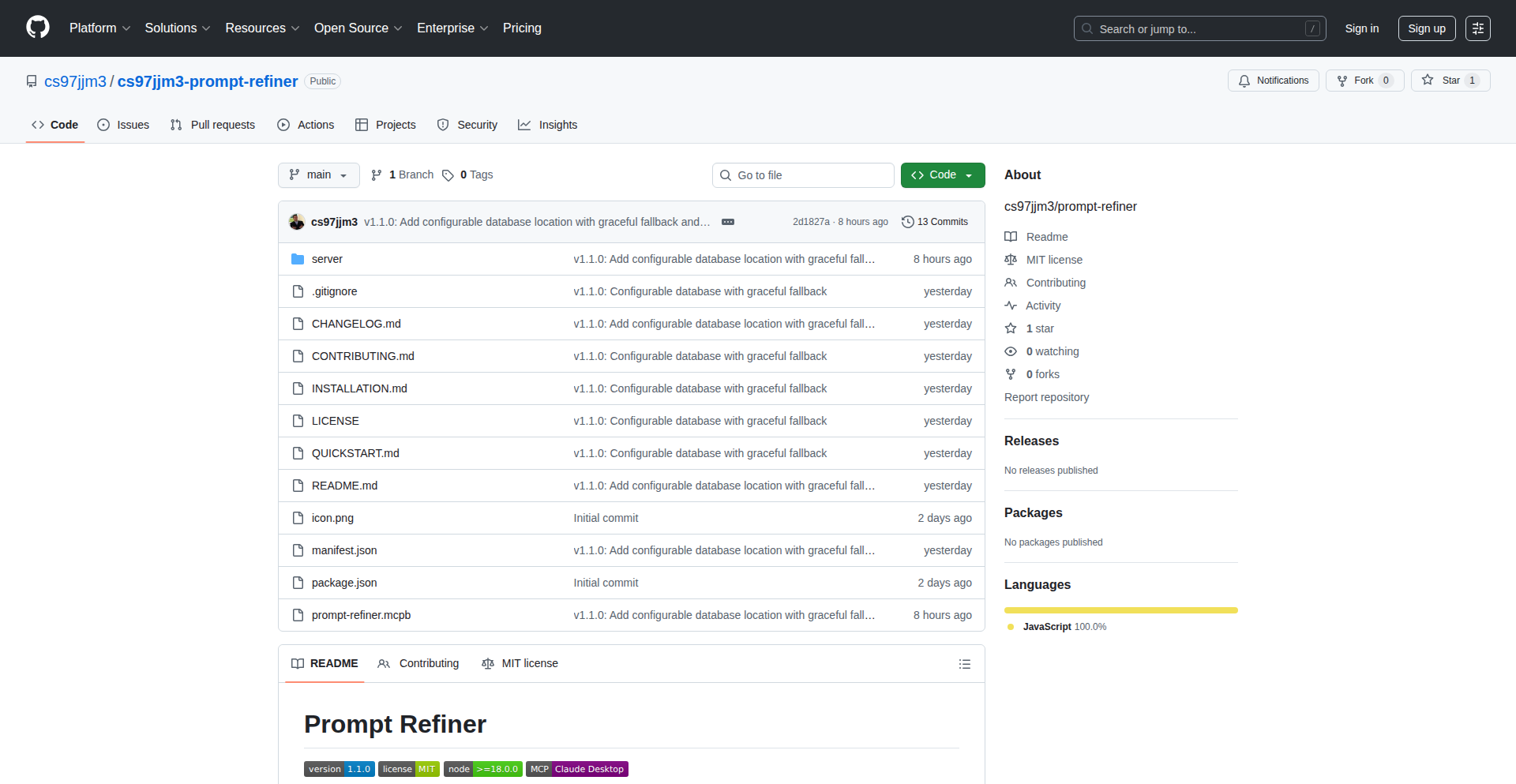
Author
cs97jjm3
Description
Prompt Forge AI is an MCP extension for Claude Desktop that revolutionizes how you interact with AI assistants. It instantly generates four distinct refined versions of any given prompt: Concise, Detailed, Creative, and Analytical. This means you get better, more targeted AI outputs with less effort, solving the common problem of spending excessive time rewriting prompts to achieve desired results. So, this helps you get the most out of your AI, saving you time and improving the quality of your work.
Popularity
Points 1
Comments 0
What is this product?
Prompt Forge AI is a plug-in for Claude Desktop designed to enhance your prompt engineering experience. It works by taking your initial prompt and using its internal logic, not external APIs, to rephrase it into four specific styles. This process leverages a Node.js MCP server and a local SQLite database for efficiency and privacy. The innovation lies in its intelligent prompt diversification without relying on cloud services, making it fast, secure, and versatile. So, this gives you ready-made, optimized prompts that cater to different needs, directly from your desktop, without needing to understand complex AI prompting techniques yourself.
How to use it?
Developers can integrate Prompt Forge AI by installing it as an extension for Claude Desktop. Once installed, you can simply type your initial prompt into the Claude interface. Prompt Forge AI will then automatically present four variations of your prompt: one that's short and to the point, one that's rich with detail, one that encourages imaginative responses, and one that focuses on logical analysis. Each refined prompt can be copied with a single click for use in your current AI session. The extension also tracks your prompt history locally using SQLite, allowing for easy recall and learning. So, you can effortlessly try out different prompt styles to see which one yields the best results for your specific task, all within your existing Claude workflow.
Product Core Function
· Instant prompt refinement into 4 styles (Concise, Detailed, Creative, Analytical): This function provides immediate access to multiple prompt variations, enabling users to explore different output possibilities without manual rephrasing. This is valuable for anyone who needs to experiment with AI inputs to find the optimal query for tasks like content generation, problem-solving, or research. So, you get diverse AI responses tailored to your specific needs with just one initial input.
· One-click prompt copying: This feature streamlines the process of using the refined prompts, allowing users to quickly transfer the best variation into their AI interaction. This directly reduces friction and speeds up the workflow. So, you can quickly select and use the most effective prompt without copy-pasting errors or delays.
· SQLite history tracking: By storing past prompts and their refinements locally, this function provides a valuable reference for future use and learning. It allows users to revisit successful prompts and understand what worked best. So, you can build a personal library of effective prompts and improve your AI interaction skills over time.
· Configurable storage (network drives, enterprise-ready): This feature ensures that the tool can be used in various environments, from individual desktops to larger organizational setups. It provides flexibility and security for managing prompt data. So, whether you're a solo developer or part of a team, you can confidently use and store your prompt data in a way that suits your infrastructure.
· Graceful fallback for restricted environments: This ensures the tool remains functional even when certain network or system restrictions are in place, prioritizing core functionality. This robustness makes it reliable in diverse IT setups. So, you can count on the tool to work even in challenging or secured network environments.
· No external APIs: By operating entirely locally, this function guarantees user privacy and eliminates dependencies on third-party services, reducing latency and potential data breaches. This is crucial for sensitive work or for users who prefer offline solutions. So, your prompt data remains private and secure on your own device.
Product Usage Case
· As a content creator needing to generate marketing copy, a user can input a basic idea like 'write a social media post about new eco-friendly shoes.' Prompt Forge AI would then offer variations like a short, catchy post (Concise), a detailed post highlighting features and benefits (Detailed), a story-driven post (Creative), and a post focusing on the environmental impact data (Analytical). This helps the user quickly get multiple angles for their campaign. So, you get diverse marketing content ideas without spending hours brainstorming.
· A business analyst tasked with gathering software requirements might input 'document the user login process.' Prompt Forge AI could provide a concise summary of the process, a detailed step-by-step breakdown, a creative scenario of a user's journey, and an analytical breakdown of security considerations. This allows the analyst to quickly generate different levels of documentation. So, you can efficiently produce comprehensive and varied requirement documents.
· A developer debugging code might use Prompt Forge AI to refine a query for an AI coding assistant. For instance, 'how to fix the null pointer exception in Java?' could be refined into a concise request for a quick fix, a detailed explanation of potential causes and solutions, a creative approach to handling the error, or an analytical deep dive into the root cause. This helps the developer get more targeted and helpful coding assistance. So, you get faster and more precise solutions to your coding problems from AI assistants.
116
Gmail-Sheet Shared Inbox Pro

Author
mareksotak
Description
A Chrome extension that transforms your Gmail delegated inbox into a powerful, no-backend shared inbox solution using a Google Sheet as the central data store. It streamlines support workflows by providing ticket metadata, assignment, internal notes, and attachment management directly within Gmail, eliminating the need for expensive SaaS vendors.
Popularity
Points 1
Comments 0
What is this product?
This is a clever Chrome extension that leverages the existing infrastructure of Gmail and Google Drive to create a fully functional shared inbox and support desk. Instead of relying on a separate, costly software-as-a-service (SaaS) platform, it uses a Google Sheet to manage ticket information like status, assignments, and notes. Think of it as giving your team superpowers within your familiar Gmail interface, with all the data neatly organized and accessible in a shared spreadsheet. The innovation lies in its client-side-only architecture, meaning all processing happens within your browser and Google Workspace, with no external servers or databases. This makes it incredibly secure and cost-effective. So, what's the point? You get the essential features of a support desk without the hefty price tag or complexity, making collaboration smoother and support management more efficient.
How to use it?
To use this, you'll need to install the Chrome extension. Once installed, it will add a sidebar to your Gmail interface. When you're viewing an email thread that you want to manage as a support ticket, the extension can display relevant thread information. You'll also set up a shared Google Sheet, which acts as your central repository for all ticket data. The extension uses your Google account for authentication, ensuring secure access. You can assign tickets, add internal notes, and track statuses directly through the extension's interface, with all changes reflected in the Google Sheet. For example, you can quickly resolve a customer issue, update its status to 'Closed' in the sheet, and all team members will see this change instantly. This integrates seamlessly into your existing Gmail workflow, so you don't have to learn a new system. So, how does this help you? It allows your team to manage customer inquiries and support requests efficiently from within the tool you already use every day, improving response times and team coordination.
Product Core Function
· Gmail Integrated Sidebar: Displays current thread information and ticket metadata directly within the Gmail interface. Value: Provides context and quick access to ticket details without leaving your inbox. Use Case: Easily view and manage incoming support requests as they arrive.
· Google Sheet Data Store: Utilizes a Google Sheet in Google Drive to store all ticket metadata, assignments, and statuses. Value: Offers a familiar, collaborative, and version-controlled data management solution that is easily accessible by the entire team. Use Case: Maintain a centralized, real-time record of all support tickets and their progress.
· Client-Side Authentication with Google OAuth: Securely authenticates users using their Google accounts via Chrome's identity API. Value: Ensures secure access and data privacy without the need for managing separate user credentials or a backend authentication system. Use Case: Protects your team's support data while allowing seamless login for authorized users.
· Drive Attachment Management: Saves email attachments to a designated Google Drive folder, linked to the ticket. Value: Centralizes important files related to support requests, making them easily retrievable and organized. Use Case: Keep all relevant documents, invoices, or screenshots associated with a customer inquiry in one accessible location.
· Label-Based Assignment and Status Control: Uses Gmail labels to manage ticket assignments and track statuses like 'Pending' or 'Closed'. Value: Leverages existing Gmail features for intuitive ticket management and workflow automation. Use Case: Quickly assign a ticket to a specific team member or mark a resolved issue as 'Closed' using familiar label conventions.
· Internal Ticket ID with Gmail Search Integration: Adds a unique internal ticket ID to the email footer, making tickets searchable within Gmail. Value: Enables quick and efficient searching and retrieval of specific support tickets directly from your Gmail inbox. Use Case: Easily find past tickets or conversations by their unique identifier.
· Thread Participant and History Resolver: Identifies people in a thread and provides quick access to their past interaction history. Value: Offers a comprehensive view of customer interactions, enabling more personalized and informed support. Use Case: Understand the full context of a customer's support journey before responding.
Product Usage Case
· Scenario: A small e-commerce business receives a high volume of customer inquiries about orders and returns via email. Current solution: They use a generic Gmail inbox which becomes chaotic, leading to missed requests and slow response times. How this solves it: By installing the Chrome extension and setting up a Google Sheet, they can transform their Gmail into a shared inbox. Each email can be treated as a ticket, assigned to a team member using labels, and its status tracked. Attachments like order confirmations are saved to Drive. The internal ticket ID makes searching for specific order issues easy. Result: Improved organization, faster response times, and reduced customer frustration, all without investing in expensive support software.
· Scenario: A freelance team needs to manage client project communications and feedback efficiently. They currently use separate email threads, making it hard to track progress and assignments. How this solves it: The extension allows them to consolidate project communications in a delegated Gmail inbox. Each project thread can become a 'ticket' in their Google Sheet, with assignments and notes clearly documented. This provides a transparent overview of project status and who is responsible for what. Result: Better project management, clearer communication within the team, and a reduced chance of overlooking client requests, all within their existing email workflow.
· Scenario: A startup wants to build a simple internal bug tracking system without the overhead of a dedicated platform. They want to track bugs reported by internal teams. How this solves it: They can use the extension to manage bug reports sent via email. Each bug report email can be a 'ticket' in their Google Sheet, with details like severity, reporter, and status. Team members can be assigned to fix bugs. Attachments like screenshots of the bug can be saved to Drive. Result: A lightweight and cost-effective bug tracking system that leverages their existing Google Workspace, allowing quick identification and resolution of issues.
117
ZetaCrush LLM Benchmark

Author
zetacrushagent
Description
ZetaCrush is an experimental leaderboard designed to objectively rank Large Language Models (LLMs). It focuses on novel, challenging tasks where current top models struggle, aiming to uncover deeper capabilities and limitations. The innovation lies in its challenging, closed-source test suite that pushes LLMs beyond their current performance ceilings, offering a more discerning view of their intelligence. This is useful for developers and researchers to understand which LLMs are truly advancing the field and where the next breakthroughs might occur.
Popularity
Points 1
Comments 0
What is this product?
ZetaCrush is a rigorous, closed-source benchmark designed to evaluate and rank Large Language Models (LLMs) based on their performance on extremely challenging tasks. Unlike existing benchmarks that might be saturated by current top models, ZetaCrush introduces new criteria and difficult problems where even advanced LLMs score very low. This helps identify models with superior reasoning, problem-solving, and generalization abilities. The core innovation is its continuously evolving test suite that aims to differentiate models by pushing them to their limits, ensuring that the rankings reflect genuine advancements in AI. So, what's in it for you? It provides a clearer, more reliable way to understand which LLMs are truly pushing the boundaries of AI capability.
How to use it?
Developers and researchers can use ZetaCrush by contributing to its development or by referencing its results to make informed decisions about which LLM to integrate into their projects. The leaderboard can be used to select the most capable LLM for specific, demanding applications where general performance isn't enough. Integration would involve understanding the methodology and potentially running new LLMs against the benchmark to see how they perform. This allows for targeted development and selection of AI tools. So, what's in it for you? You can leverage these rankings to choose the best-performing LLM for your advanced AI applications, saving development time and improving your product's intelligence.
Product Core Function
· Advanced LLM evaluation framework: This provides a structured methodology for testing LLMs on complex problems, ensuring consistent and comparable results across different models. Its value is in offering a standardized, high-bar assessment of AI capabilities. This is useful for anyone needing to objectively compare AI models.
· Challenging, closed-source test suite: This feature presents unique problems designed to stump current state-of-the-art LLMs, revealing their true limitations and potential for growth. The value lies in uncovering subtle differences and superior problem-solving skills that simpler tests miss. This is useful for identifying the cutting edge of LLM development.
· Dynamic ranking system: The leaderboard continuously updates as new criteria or more difficult tasks are introduced, ensuring that it remains relevant and continues to differentiate top-performing models. The value is in providing an up-to-date and predictive view of LLM progress. This is useful for staying informed about the evolving LLM landscape.
· Focus on zero-score tasks: By designing tasks where most models score near zero, ZetaCrush effectively highlights even small advancements and superior strategies. The value is in its ability to pinpoint marginal gains and genuine breakthroughs. This is useful for understanding nuanced improvements in AI intelligence.
Product Usage Case
· A researcher looking to integrate a highly sophisticated natural language understanding component into a scientific literature analysis tool. By consulting ZetaCrush, they can identify LLMs that demonstrate superior reasoning on complex text, ensuring the tool can accurately interpret nuanced scientific jargon and relationships, rather than just surface-level text. So, what's in it for you? You choose an LLM that can handle the most complex text, making your analysis tool significantly more powerful and accurate.
· A game developer aiming to create an AI opponent with genuinely creative and adaptive strategies. ZetaCrush's leaderboard can guide them to LLMs that excel at novel problem-solving and strategic thinking, leading to a more engaging and unpredictable opponent than one based on simpler AI models. So, what's in it for you? You get an AI that can surprise and challenge players in truly intelligent ways, enhancing the gaming experience.
· A company developing a cutting-edge AI assistant that needs to handle ambiguous and highly context-dependent queries. By leveraging ZetaCrush's insights into which LLMs perform best on difficult, nuanced tasks, they can select a model that offers a more robust and human-like conversational experience. So, what's in it for you? Your AI assistant will understand and respond to users' complex requests much more effectively, leading to higher user satisfaction.
118
SteadyDancer AI Motion Animator

Author
lu794377
Description
SteadyDancer is an AI-powered tool that creates stable dance animations. It focuses on preserving the character's identity throughout the animation, meaning faces, clothing, and body proportions remain consistent. It achieves this by transferring motion from a reference video to a target character while locking down the character's appearance, solving a common problem in current animation models where identity often drifts or becomes inconsistent when trying to follow motion.
Popularity
Points 1
Comments 0
What is this product?
SteadyDancer is an innovative AI tool that addresses a significant challenge in animation: maintaining a character's consistent identity while transferring movement. Traditional animation methods often struggle with this, leading to characters that look different from frame to frame, especially in dynamic movements like dancing. SteadyDancer employs a novel approach to first-frame identity preservation. This means you define the character's look – their face, outfit, body shape – at the very beginning, and the AI meticulously ensures that look stays the same throughout the entire animation sequence, regardless of the complex movements being applied. This is achieved through advanced AI algorithms that focus on locking down key identity features while intelligently interpreting and applying motion data from a source video. So, for you, this means getting professional-looking, character-consistent animations without the hassle of manual identity correction and without sacrificing the fluidity of the movement. It bridges the gap between artistic control and AI efficiency.
How to use it?
Developers and creators can integrate SteadyDancer into their workflow by uploading a reference video of a dance or performance. SteadyDancer then takes this motion data and applies it to a character model. The core of its usability lies in its 'first-frame identity preservation' feature, where you essentially 'set it and forget it' regarding your character's appearance. You can also use its 'pose and condition control' to refine the animation, reducing unnatural limb movements and ensuring smoother transitions between poses. The tool offers flexible output resolutions, allowing for quick previews at 480p for rapid iteration and high-quality 720p output for final animations. This makes it incredibly versatile for various creative pipelines, whether you're a VTuber looking for consistent character representation, a musician creating a music video, or an animator developing character-driven content. It's designed to be a powerful standalone tool or a valuable addition to existing animation software, simplifying the process of creating believable and visually cohesive animated characters.
Product Core Function
· First-Frame Identity Preservation: This function ensures that the character's appearance, including their face, clothes, and body proportions, remains exactly the same throughout the entire animation. This is crucial for maintaining brand consistency or character integrity in projects, so users don't have to worry about their character's look subtly changing over time, providing a polished and professional final product.
· Video-Driven Motion Transfer: This capability allows users to take a real-world dance or performance video and transfer its motion onto their 3D character. Instead of manually keyframing every move, the AI analyzes the input video and replicates the movement. This dramatically speeds up the animation process and enables the creation of realistic, complex dance sequences with minimal effort, making advanced animation accessible to more creators.
· Pose & Condition Control: This advanced feature provides tools to refine the transferred motion, specifically addressing issues like unnatural limb poses or jerky transitions. It helps to create smoother, more coherent animations by intelligently adjusting the pose and flow of movement. This results in more natural-looking characters and reduces the need for extensive post-animation cleanup, saving valuable time for animators.
· Flexible Resolution Output: SteadyDancer offers the ability to generate animations at different resolutions. It provides fast, lower-resolution previews (480p) for quick iteration and testing during the creative process, and high-quality, production-ready output (720p) for final use. This dual-resolution approach balances speed and quality, allowing creators to efficiently iterate on their animations and produce polished final results.
Product Usage Case
· VTuber Content Creation: A VTuber can use SteadyDancer to create consistent animated performances. By uploading a video of themselves dancing or performing, they can transfer that motion to their avatar, ensuring their avatar's face, outfit, and body proportions remain identical across all streams and videos, enhancing their character's recognizability and professionalism.
· Music Video Production: Musicians can leverage SteadyDancer to generate dynamic dance sequences for their music videos. They can input a choreographer's performance video and apply that exact motion to a character, creating visually engaging animations that perfectly sync with the music, offering a cost-effective alternative to hiring live dancers for complex routines.
· Character Animation Workflows: Game developers or animation studios can use SteadyDancer to quickly generate realistic dance animations for background characters or specific in-game events. The ability to preserve identity means character consistency is maintained even in scenes with many animated figures, streamlining the animation pipeline and reducing the need for manual character rigging and animation for each individual.
· Dance Remix and Social Media Content: Social media creators can use SteadyDancer to create fun and engaging dance remixes by transferring popular dance moves from one video to their chosen character, or by animating their own avatars to perform viral dances. This makes it easy to create shareable, high-quality animated content for platforms like TikTok or YouTube, significantly boosting engagement.
119
Dabuun - Text2Vid AI Studio
Author
kazusan
Description
Dabuun is an AI-powered tool that automates the entire social media video creation process from a single line of text. It tackles the exhaustion and time constraints of traditional video editing by generating plot, script, scenes, images (anime or realistic), voiceovers, subtitles, and the final rendered video. A key innovation is its AI's ability to maintain consistent character appearance across scenes, ensuring a cohesive visual narrative without manual intervention. This empowers creators, educators, and storytellers to focus on their ideas, not the complex tools, making video content accessible even with just a smartphone.
Popularity
Points 1
Comments 0
What is this product?
Dabuun is an AI-powered content creation platform that transforms a simple text prompt into a complete social media video. Instead of complex video editing software and time-consuming manual work, Dabuun leverages advanced AI models to interpret your text and automatically generate all the necessary components: a storyline, dialogue, visual scenes with generated images (customizable between anime and realistic styles), a synthesized voiceover, on-screen subtitles, and a final, ready-to-post video file. Its core technical innovation lies in its ability to maintain visual consistency, particularly for characters, across different scenes using AI-generated references. This means your 'main character' remains recognizable throughout the video, a significant hurdle often faced in AI-generated content. The platform aims to democratize video creation, making it accessible to anyone with an idea, regardless of their technical video production skills or equipment.
How to use it?
Developers and creators can use Dabuun by visiting the website (dabuun.com). You simply input a single line of text or a brief description of the video you want to create. Dabuun then takes over, processing your input and generating a video. The output can be formatted for various social media platforms like YouTube, TikTok, and Instagram, with appropriate aspect ratios. For integration into custom workflows or advanced applications, while not explicitly detailed in the current version, future iterations might offer APIs. Currently, it's designed for direct use by individuals and teams who want to quickly generate video content without deep technical integration. The value for developers lies in understanding how complex content generation pipelines can be automated, inspiring potential for building similar tools or integrating AI-driven media creation into their own applications.
Product Core Function
· Automated Script and Plot Generation: Translates a simple text prompt into a coherent narrative structure, saving creators the time and mental effort of brainstorming and writing scripts, thus enabling faster content ideation and production.
· AI-Powered Scene and Image Generation: Creates visual scenes based on the script, offering both anime and realistic image styles. This removes the need for stock footage or manual image sourcing, accelerating visual content creation and allowing for unique artistic direction.
· Synthetic Voiceover Creation: Generates natural-sounding voiceovers in supported languages (Japanese and English) from the script. This eliminates the need for recording equipment and voice actors, making content creation more accessible and cost-effective.
· Automatic Subtitle Generation: Adds subtitles to the generated video, improving accessibility and engagement for a wider audience. This function is crucial for social media consumption where many users watch videos with sound off.
· Consistent Character Appearance AI: Employs AI to ensure that characters maintain a consistent look and feel across different scenes, preventing jarring visual inconsistencies and enhancing the overall professionalism and viewer experience of the video.
· Multi-Platform Formatting: Renders videos with aspect ratios suitable for popular platforms like YouTube, TikTok, and Instagram. This saves creators the time and effort of manually resizing and reformatting videos for each platform, streamlining distribution.
Product Usage Case
· A small business owner wants to quickly create promotional videos for their new product launch on Instagram Stories. By inputting a product description, Dabuun automatically generates a short, engaging video with visuals and voiceover, saving them hours of editing time and enabling them to reach their audience more effectively.
· An independent educator needs to explain a complex concept for a YouTube audience. Instead of spending days filming and editing, they input the core explanation into Dabuun, which generates an animated video with clear narration and subtitles. This allows them to focus on refining their teaching content and reaching more students.
· A fiction writer wants to visualize a scene from their novel for their blog. They provide a description of the scene, and Dabuun generates a short, cinematic video clip with consistent character visuals, helping them engage their readers in a new, dynamic way and overcome the technical barrier of video production.
· A content creator on TikTok wants to turn a trending meme or short idea into a video format. Dabuun takes the text prompt and rapidly produces a video with appropriate visuals and audio, allowing for rapid experimentation and participation in viral trends without needing advanced video editing skills.
120
Client-Side LLM Namer

Author
xinbenlv
Description
A web-based tool leveraging WebGPU to run Large Language Models (LLMs) directly in the browser for domain name brainstorming. It focuses on privacy and accessibility by avoiding cloud APIs, offering a free and user-friendly experience for generating creative naming ideas.
Popularity
Points 1
Comments 0
What is this product?
This is a domain brainstorming tool that utilizes WebGPU technology to run powerful language models entirely within your web browser. Unlike traditional AI tools that send your data to remote servers, this project keeps everything on your device. This means your brainstorming ideas remain private and you don't need to worry about API keys or paying for usage. It's like having a mini AI assistant for naming ideas, right in your browser, powered by your computer's graphics card.
How to use it?
Developers can integrate this into their workflow by simply visiting the provided web page. The tool acts as a standalone application for generating domain name suggestions. For more advanced integration, the underlying WebGPU LLM inference technology can be explored and adapted for other client-side AI applications, such as content generation, text summarization, or even code assistance, without relying on external servers. This opens up possibilities for privacy-focused web applications.
Product Core Function
· In-browser LLM Inference with WebGPU: Enables running complex AI models locally on the user's device without sending data to the cloud. This provides a significant privacy advantage and eliminates reliance on external services.
· Domain Name Brainstorming: Specifically designed to generate creative and relevant domain name ideas based on user input or general concepts. This directly addresses the challenge of finding unique and memorable online identities.
· Client-Side Privacy: All processing happens on the user's machine, ensuring that sensitive brainstorming sessions and ideas are never shared or stored remotely. This is crucial for individuals and businesses concerned about data security.
· Free and Accessible Usage: By running locally, the tool removes the need for API keys, subscriptions, or per-use charges. Users can generate unlimited ideas without any cost, making AI-powered creativity accessible to everyone.
Product Usage Case
· A startup founder needing to brainstorm unique domain names for their new product. Instead of paying for multiple API calls to a cloud service, they can use this tool for free and privately generate a wide range of options directly in their browser, saving time and money.
· A developer building a web application that requires generating creative text snippets or product descriptions on the fly. They can potentially adapt this client-side LLM inference technology to handle these tasks without the latency and cost associated with server-side AI models.
· A user concerned about online privacy who wants to explore AI-generated ideas but is hesitant to use services that collect personal data. This tool allows them to experiment with AI capabilities safely and securely on their own device.
· An educational project demonstrating the power of WebGPU and on-device AI. Students can explore how to deploy and run LLMs locally, understanding the technical challenges and benefits of decentralized AI processing.
121
Quintus Chronos

Author
egz
Description
Quintus Chronos is a conceptual calendar system, the Quintus calendar, designed as a cleaner alternative to the familiar Gregorian calendar. It features a consistent 12-month, 30-day structure with 5-day weeks, simplifying date calculations and organization. The project also includes a functional time server for the Quintus date and an online converter for various calendar formats. This offers a unique approach to timekeeping, moving away from the historical complexities of the Gregorian system.
Popularity
Points 1
Comments 0
What is this product?
Quintus Chronos presents a novel calendar format called the Quintus calendar, which aims to be more regular and predictable than the standard Gregorian calendar. Unlike the Gregorian calendar with its varying month lengths and leap year rules, the Quintus calendar proposes a uniform structure: 12 months, each with exactly 30 days, and a 5-day week. This systematic approach simplifies date-related logic and calculations, reducing potential errors. The project also hosts a live time server that tracks the current Quintus date and provides tools to convert dates between different calendar systems, making it a practical exploration into alternative timekeeping methods. The core innovation lies in its mathematical elegance and potential to offer a more intuitive way to conceptualize and manage time, appealing to developers and anyone seeking a more ordered temporal framework. So, what's the benefit to you? It's a glimpse into a more predictable way to structure time, potentially simplifying any system that relies on date calculations.
How to use it?
Developers can interact with Quintus Chronos through its web interface. The landing page allows for real-time conversion between Quintus dates and other calendar formats, which can be useful for testing date-related algorithms or integrating with systems that require precise temporal mapping. For those interested in building applications that leverage this new calendar system, the project provides a foundational understanding of its structure and a working reference for date computations. Future plans include support for the .ics format, which will enable developers to import and export scheduled events, further enhancing its utility for event management and scheduling applications. The underlying logic can be adapted for custom software, personal productivity tools, or any project where a simplified and consistent date system is advantageous. So, how can you use it? Imagine building a new scheduling app or a historical data analysis tool where consistent date math is crucial – Quintus Chronos offers a cleaner base.
Product Core Function
· Quintus Date Time Server: Provides a live, accurate representation of the current date within the Quintus calendar system, enabling real-time tracking and synchronization for applications. This is valuable for any software needing a consistent and predictable temporal reference.
· Calendar Format Conversion: Offers a tool to translate dates between the Quintus calendar and other common formats (like Gregorian), simplifying data migration and interoperability between systems using different date conventions. This directly helps in avoiding errors when dealing with historical or external date data.
· Simplified Date Logic: The Quintus calendar's consistent 30-day months and 5-day weeks inherently simplify complex date calculations, reducing the likelihood of bugs in software that handles date arithmetic. This translates to more robust and easier-to-maintain code.
· Conceptual Framework for Timekeeping: Presents an alternative model for organizing time, inspiring developers to think critically about established systems and explore innovative solutions for temporal organization in their own projects. This sparks creativity and offers a fresh perspective on a fundamental aspect of computing.
Product Usage Case
· Developing a personal productivity app that uses the Quintus calendar for a more streamlined task management experience, avoiding the complexities of varying month lengths and leap days. This would make planning and tracking simpler.
· Building a historical simulation tool where precise and consistent date calculations are paramount, using the Quintus calendar to ensure accuracy across extended periods. This ensures that chronological events are rendered correctly.
· Creating a developer utility to quickly convert historical dates from obscure or irregular calendar systems into a predictable format for easier data processing and analysis. This helps in making sense of diverse data sources.
· Designing a learning platform that teaches fundamental programming concepts related to date and time manipulation, using the Quintus calendar as a simplified, pedagogical example. This makes learning about date logic more accessible.
122
Lillyform: Conversational Forms & Agentic Insights

Author
nickisyourfan
Description
Lillyform revolutionizes how you collect and understand data by transforming traditional forms into engaging conversational experiences. It leverages AI agents to analyze responses, identify key insights, and even assign follow-up tasks, significantly reducing manual data processing and enhancing user interaction.
Popularity
Points 1
Comments 0
What is this product?
Lillyform is a platform for building interactive, chat-like forms. Instead of static fields, users engage in a natural conversation with the form, answering questions as they would in a dialogue. The innovation lies in its 'agentic analysis' feature, where AI agents automatically process the collected responses. This means instead of just raw data, you get summarized insights, sentiment analysis, and automated identification of actionable items. This moves beyond simple data collection to intelligent data understanding, all powered by sophisticated natural language processing (NLP) and AI agent frameworks.
How to use it?
Developers can integrate Lillyform into their existing applications or websites. You can embed Lillyform widgets to create conversational interfaces for user feedback, lead generation, onboarding, or customer support. The platform provides APIs and SDKs to seamlessly connect Lillyform with your backend systems. For instance, you could trigger an automated email or update a CRM record based on the insights generated by Lillyform's agents. This allows for highly dynamic and responsive data workflows, automating tasks that would traditionally require human intervention.
Product Core Function
· Conversational Form Builder: Allows creation of dynamic, chat-based forms that feel like natural conversations, improving user engagement and completion rates. This is valuable because it makes data collection less tedious for users and leads to richer, more detailed responses.
· Agentic Response Analysis: Utilizes AI agents to automatically analyze submitted responses, extracting key information, sentiment, and themes. This is valuable as it saves significant time by pre-processing and summarizing large volumes of data, making it easier to spot trends and make decisions.
· Automated Task Assignment: Can assign follow-up actions to team members based on form responses and analysis. This is valuable for streamlining workflows, ensuring no critical lead or support request falls through the cracks.
· Integration Capabilities: Offers APIs and SDKs for seamless integration with other tools and services. This is valuable for creating connected data ecosystems, allowing automated data flow between Lillyform and your preferred CRM, marketing automation, or support platforms.
Product Usage Case
· Customer Feedback Collection: A startup can use Lillyform to gather feedback on a new feature. Instead of a long, boring survey, users have a conversation. Lillyform's agents then analyze the feedback to identify the most common pain points and suggestions. This helps the startup quickly understand user sentiment and prioritize improvements.
· Lead Qualification: A sales team can embed a Lillyform on their website to qualify leads. The conversational interface asks targeted questions, and the AI agents can assess the lead's potential based on their answers, automatically assigning high-priority leads to sales reps. This increases sales team efficiency by focusing their efforts on the most promising prospects.
· Employee Onboarding: An HR department can use Lillyform to onboard new employees. The conversational form guides new hires through paperwork and introductory questions, making the process less overwhelming. The agentic analysis can flag any immediate concerns or special requests that need attention. This provides a smoother and more supportive onboarding experience.
123
ConvGraphAI
Author
uptownhr
Description
ConvGraphAI is a novel system that automatically generates knowledge graphs from conversations, specifically leveraging the capabilities of Claude AI. It addresses the challenge of extracting structured information and relationships from unstructured dialogue, making conversational data more accessible and actionable. The core innovation lies in its ability to understand context, identify entities and their relationships within a chat, and represent this as a machine-readable graph. This is immensely valuable for understanding team discussions, customer support interactions, or even personal note-taking, by transforming spoken or written words into a visual map of knowledge.
Popularity
Points 1
Comments 0
What is this product?
ConvGraphAI is a tool that takes conversational text, like chat logs or transcripts, and uses advanced AI (specifically Claude) to build a knowledge graph. Think of it like turning a messy conversation into a neat diagram where you can clearly see who said what about which topic, and how those topics connect. The innovation is in its sophisticated natural language understanding, which can infer relationships and key information even when not explicitly stated, making complex dialogues understandable at a glance. This is useful because it allows you to quickly grasp the essence of a conversation, identify key decisions, or track the evolution of ideas without having to reread everything.
How to use it?
Developers can integrate ConvGraphAI into their workflows by providing it with conversation data, such as text files of chat logs or transcripts. The system then processes this data, utilizing Claude's reasoning abilities to extract entities (like people, projects, or concepts) and the relationships between them (e.g., 'Alice is working on Project X,' or 'Bug Y was discussed'). The output is a structured knowledge graph (potentially in formats like JSON or graph database-friendly representations) that can be visualized or queried. This is useful for building smarter chatbots that remember past interactions, analyzing team productivity by mapping discussions, or creating searchable archives of technical discussions.
Product Core Function
· Conversation to Graph Transformation: This function takes raw conversation text and, using AI's understanding, converts it into a structured knowledge graph. The value is in turning unstructured dialogue into organized, queryable information, allowing for quick insights and data analysis.
· Entity and Relationship Extraction: The system identifies key people, topics, tasks, and their connections within the conversation. This is valuable for understanding the core subjects and actors involved in any discussion, making it easier to follow complex interactions.
· Contextual Understanding: ConvGraphAI goes beyond keyword matching to understand the nuances and context of dialogue. This allows for more accurate graph generation, ensuring that the relationships identified truly reflect the meaning of the conversation, which is useful for avoiding misinterpretations.
· Automated Knowledge Structuring: It automates the laborious process of manually organizing conversational information. The value here is a significant time-saving and a more consistent way to document discussions, making knowledge reusable and searchable.
· AI-Powered Reasoning: Leveraging Claude's advanced AI capabilities allows the system to infer implied information and relationships. This provides deeper insights than simple text analysis, helping to uncover hidden connections and dependencies within conversations.
Product Usage Case
· Analyzing customer support chat logs to identify recurring issues, customer sentiment, and the relationships between problems and solutions. This helps businesses improve their products and support processes.
· Mapping out team project discussions to understand who is working on what, what decisions were made, and how different tasks or components are related. This improves project management and team alignment.
· Creating a searchable knowledge base from technical team meetings, where key concepts, architectural decisions, and their justifications are automatically captured and linked. This accelerates onboarding for new team members and aids knowledge retention.
· Building a personal knowledge management system where notes from meetings or brainstorming sessions are automatically turned into interconnected ideas, making it easier to recall and build upon past thoughts.