Show HN Today: Discover the Latest Innovative Projects from the Developer Community
 ShowHN Today
- Continue with Google
Show HN Today: Top Developer Projects Showcase for 2025-12-06
SagaSu777 2025-12-07
Explore the hottest developer projects on Show HN for 2025-12-06. Dive into innovative tech, AI applications, and exciting new inventions!
Summary of Today’s Content
Trend Insights
Today's Show HN landscape paints a vivid picture of innovation driven by the desire to simplify complexity and empower individuals. We're seeing a strong trend towards decentralized and peer-to-peer solutions, exemplified by Holesail, which tackles the friction of network access by creating direct, secure connections. This mirrors a broader hacker ethos of bypassing traditional intermediaries and building more resilient, user-controlled systems. In the AI realm, the focus is shifting from broad capabilities to granular control and practical application. Projects like Manifesto and UISora are moving beyond simple text generation to create AI-native frameworks that can interact deterministically with user interfaces and even generate entire UI screens, hinting at a future where AI is a direct collaborator in software development. The continued emergence of Rust projects, like Octopii and Hodu, signals its growing maturity as a language for building robust, performant, and safe systems, particularly in areas demanding high reliability. For developers and entrepreneurs, this means opportunities abound in building foundational infrastructure for decentralized applications, crafting intelligent agents that can reliably interact with digital environments, and leveraging low-level languages for critical systems. The key takeaway is to embrace the hacker spirit: identify real-world pain points, whether it's complex networking, inefficient AI interaction, or cumbersome development workflows, and leverage cutting-edge technology to build elegant, efficient, and empowering solutions.
Today's Hottest Product
Name
Holesail
Highlight
Holesail is an open-source, peer-to-peer tunneling tool that eliminates the need for configuration, port forwarding, or intermediate servers. It establishes direct, end-to-end encrypted connections between peers using a simple connection key. This innovative approach is fantastic for securely accessing self-hosted services, playing LAN games over the internet, or SSHing into servers without complex network setups. Developers can learn about efficient P2P networking, robust encryption implementation, and building cross-platform tools that simplify connectivity.
Popular Category
Developer Tools
AI/ML
Networking
Productivity
Popular Keyword
CLI
AI
Open Source
Rust
Python
Tooling
Automation
WebGPU
Blockchain
Security
Technology Trends
Decentralized Networking & P2P
AI-Native UI & Agentic Workflows
Developer Productivity & Tooling
Data Preservation & Security
Rust Ecosystem Growth
Stateless & Deterministic Systems
Fine-grained AI Control & Application
Project Category Distribution
Developer Tools (30%)
AI/ML (25%)
Networking (10%)
Productivity (15%)
Security (5%)
Gaming/Entertainment (5%)
Blockchain/Fintech (5%)
Hardware (5%)
Today's Hot Product List
| Ranking | Product Name | Likes | Comments |
|---|---|---|---|
| 1 | Tascli: Terminal-Native Task & Record Hub | 37 | 15 |
| 2 | FuseCells - Deterministic Logic Engine | 31 | 17 |
| 3 | SFX Contextual Lang | 11 | 7 |
| 4 | GitHired: Code-Driven Talent Scout | 4 | 14 |
| 5 | TapeHead: Stateful File Stream Random Access CLI | 14 | 2 |
| 6 | RetroOS Personal Site | 7 | 1 |
| 7 | GitHub Org EpochStats | 4 | 4 |
| 8 | Holesail P2P Tunnel | 3 | 4 |
| 9 | Spain Salary Cruncher | 3 | 4 |
| 10 | Infinite Lofi Algorithmic Soundscape | 5 | 1 |
1
Tascli: Terminal-Native Task & Record Hub

Author
Aperocky
Description
Tascli is a command-line interface (CLI) tool designed for efficient personal task and record management. It prioritizes speed and simplicity, offering a developer-centric way to organize your to-do lists and notes directly within your terminal environment. The innovation lies in its minimal footprint and direct terminal interaction, appealing to developers who prefer workflow integration without leaving their coding environment.
Popularity
Points 37
Comments 15
What is this product?
Tascli is a command-line application for managing your personal tasks and records. It's built using Rust, which makes it inherently fast and resource-efficient. The core innovation is its design philosophy: keep it tiny, fast, and simple. This means no complex graphical interfaces or server-side dependencies. It directly interacts with your terminal, allowing you to add, view, and manage tasks and notes with quick commands. For developers, this means a seamless integration into their existing workflow, often allowing them to jot down ideas or track progress without context switching to a separate application.
How to use it?
Developers can install Tascli easily using `cargo install tascli`. Once installed, they can interact with it via various commands directly in their terminal. For example, to add a new task, you might type `tascli add 'Write documentation for feature X'`. To view all tasks, `tascli list`. It can be used for anything from remembering to commit code to logging important research findings during a development sprint. Its simplicity makes it ideal for quick entries and retrieval, especially when you're already deep in coding.
Product Core Function
· Task creation and management: Allows users to add, edit, and delete tasks using simple commands, providing a clear overview of what needs to be done. The value is in having a persistent, easily accessible to-do list that doesn't require leaving the terminal, thus maintaining focus during development.
· Record keeping: Enables users to store and retrieve notes, ideas, or important pieces of information. This is valuable for developers to quickly log snippets of code, configuration details, or meeting minutes without disrupting their coding flow, ensuring that critical information is captured efficiently.
· Fast and lightweight operation: Built with Rust, Tascli offers near-instantaneous response times and consumes minimal system resources. This is crucial for developers who value performance and don't want auxiliary tools to slow down their development environment.
· Terminal-based interface: Provides a seamless integration with the developer's existing command-line workflow. The value here is in eliminating context switching, allowing for a more focused and productive coding session.
Product Usage Case
· A developer needs to remember to implement a specific bug fix during a coding session. They can quickly type `tascli add 'Fix #123: Null pointer exception'` without leaving their IDE or terminal, ensuring the task isn't forgotten and can be easily referenced later.
· During a research phase, a developer discovers a useful code snippet or configuration setting. They can use `tascli record 'Important config for database connection: ...'` to save this information, making it readily available for future use without needing to open a separate note-taking app or rely on ephemeral clipboard content.
· A team lead wants to track daily progress or quick action items during a stand-up meeting. They can use Tascli to rapidly log these items for each team member, creating a quick and accessible record of immediate actionables directly within their command-line session.
2
FuseCells - Deterministic Logic Engine

Author
keini
Description
FuseCells is a minimalistic logic puzzle game featuring 2,500 handcrafted levels, built with a unique rule system inspired by constraint-solving and path-finding. It offers deterministic logic, meaning no guessing is required to solve puzzles, and is optimized for smooth performance on low-end devices.
Popularity
Points 31
Comments 17
What is this product?
FuseCells is a logic puzzle game where every level is carefully designed by the developer. The core innovation lies in its deterministic logic system. Instead of relying on random generation, it uses a set of rules inspired by computer science concepts like constraint solving (think of it as a program trying to satisfy conditions) and path finding (like finding the shortest route in a map). This ensures that each puzzle has a unique, logical solution that can be reached through deduction alone, without any guesswork. The developer also built tools to automatically check if puzzles are solvable and estimate their difficulty, allowing for a wide range of challenges across different grid sizes. This means for you, the player, every puzzle offers a satisfying mental workout.
How to use it?
As a player, you simply download the FuseCells app from the App Store and start playing. The game is designed to be intuitive and accessible. For developers interested in the underlying technology, the value lies in the developer's custom constraint solver and difficulty estimation tools. If you're building a game with logic puzzles, or need to generate challenging, solvable levels programmatically, you could learn from the techniques used here. The optimization for low-end devices also highlights how to create performant applications for a broader audience. This project demonstrates how to apply complex computational logic to create engaging user experiences.
Product Core Function
· Handcrafted Puzzle Generation: Thousands of unique puzzles meticulously designed for a rich gameplay experience, offering deep engagement and a sense of accomplishment with each solved level.
· Deterministic Logic Solver: Guarantees that every puzzle has a logical, step-by-step solution without the need for guessing, providing a fair and intellectually stimulating challenge.
· Constraint-Solving Inspired Rules: Utilizes sophisticated rule sets inspired by computational logic to create intricate puzzles that require strategic thinking and problem-solving skills.
· Difficulty Balancing Tools: Custom tools developed by the author automatically validate puzzle solvability and estimate difficulty, ensuring a progressive and engaging learning curve for players.
· Performance Optimization: Engineered to run smoothly even on older or less powerful devices, making the game accessible to a wider range of users and demonstrating efficient code practices.
Product Usage Case
· A player seeking a mentally challenging and engaging puzzle experience can use FuseCells to enjoy 2,500 unique levels that require deduction rather than luck, leading to a satisfying sense of achievement.
· A game developer looking to create their own logic puzzle game can study FuseCells' handcrafted level design and deterministic rule system to understand how to build fair and solvable puzzles with a clear progression.
· A programmer interested in constraint satisfaction problems can examine the underlying logic solver used to validate puzzle solvability, gaining insights into practical applications of this advanced computer science concept.
· A mobile developer aiming to create an app that runs well on a variety of devices, including older models, can learn from FuseCells' optimization techniques to ensure smooth performance and broad accessibility for their own projects.
3
SFX Contextual Lang

Author
roriau
Description
SFX is a novel programming language experiment in Rust, focusing on Context-Oriented Programming. It tackles the challenge of managing conditional behavior by allowing objects to change how they act based on active 'Situations' without altering their core state. This innovative approach aims to simplify complex conditional logic, like permission checks, by defining explicit contexts. Key features include arbitrary precision decimals and a unique 1-based indexing system.
Popularity
Points 11
Comments 7
What is this product?
SFX is a programming language built with Rust, inspired by the idea of Context-Oriented Programming. Think of it like this: instead of writing 'if this, then do that' everywhere in your code, especially for things like user permissions, SFX lets you define 'Situations'. For example, you can define a 'SuperUser' situation. When this situation is active, a user's permission-checking logic automatically changes to grant full access, without you needing to modify the original user code. This makes managing different modes of operation or user roles much cleaner and less error-prone. It also handles numbers with perfect precision, so 0.1 + 0.2 will always be exactly 0.3, avoiding common floating-point issues.
How to use it?
Developers can explore SFX by examining its source code on GitHub. While it's an experimental language, you can understand its concepts by reading the provided documentation and examples. The core idea is to define 'Concepts' (like a User with a 'GetPermissions' method) and then 'Situations' (like 'AdminMode') that modify how those Concepts behave. You can then 'Switch' between these situations to see the behavior change. This is particularly useful for scenarios where code needs to adapt to different environments or roles, such as a web application with different user privilege levels or a game with distinct gameplay modes.
Product Core Function
· Arbitrary Precision Decimals: Ensures mathematical operations with decimal numbers are always exact, preventing common floating-point inaccuracies. This is useful for financial applications or any scenario where precise calculations are critical.
· Context-Oriented Programming (Situations): Allows code behavior to dynamically adapt based on the active 'Situation' without mutating the underlying state. This simplifies complex conditional logic and makes code more readable and maintainable, especially in applications with multiple user roles or operational modes.
· 1-Based Indexing: Offers an alternative to the traditional 0-based indexing in arrays and lists. This can make code more intuitive for those accustomed to 1-based systems, potentially reducing off-by-one errors in certain contexts.
· Basic Interpreter: Provides a fundamental execution engine for the SFX language, demonstrating the core language mechanics and its approach to handling program logic.
· File I/O and Networking: Includes foundational capabilities for interacting with the file system and network, enabling the language to be used in more practical, albeit experimental, applications.
Product Usage Case
· In a web application, you could use SFX's Situations to manage user permissions. Instead of repeatedly checking 'if user is admin', you'd define an 'AdminMode' situation that automatically grants administrative privileges when active. This simplifies the code and reduces the chance of security loopholes.
· For a game development project, Situations could be used to switch between different gameplay states, like 'CombatMode' or 'ExplorationMode'. Each situation would alter how player actions or game mechanics behave, providing a cleaner way to manage game logic.
· When building financial tools or scientific simulations, the arbitrary precision decimals guarantee that calculations are accurate, preventing errors that could have significant consequences in sensitive applications.
· Developers exploring new programming paradigms could use SFX to understand and experiment with context-oriented programming, potentially inspiring new approaches to software design and organization.
4
GitHired: Code-Driven Talent Scout

Author
raghavbansal11
Description
GitHired is an innovative hiring platform that revolutionizes developer recruitment by prioritizing actual code contributions on GitHub over traditional resumes. It dynamically analyzes a candidate's GitHub profile to assess their technical skills, project complexity, activity levels, and contribution types, ultimately providing a more accurate and reliable ranking of their capabilities. This addresses the common problem of inflated resumes and keyword-driven applicant tracking systems, ensuring both developers and hiring managers find better matches.
Popularity
Points 4
Comments 14
What is this product?
GitHired is a next-generation hiring platform that shifts the focus from self-reported skills on resumes to tangible evidence of coding ability found in a developer's GitHub repository. Instead of just reading 'proficient in React,' GitHired's engine dives deep into your GitHub activity. It examines the actual technologies you use in your projects, the complexity of the code you've written, how consistently you contribute, and the nature of your contributions. The system can even identify artificial activity patterns, often called 'green square farming,' that don't reflect genuine skill. The core innovation lies in its ability to quantify developer talent through their verifiable code work, offering a more objective and truthful signal for hiring managers and a fairer representation for developers.
How to use it?
For hiring managers, GitHired acts as a powerful pre-screening tool. You can connect your company's job requirements to the platform, and GitHired will then analyze developer profiles from GitHub that match these criteria. It provides a ranked list of candidates based on their code performance, allowing you to identify top talent more efficiently and reduce time spent on unqualified interviews. For developers, GitHired offers a way to showcase your true technical capabilities beyond a static resume. By linking your GitHub account, you can see how GitHired perceives your profile and ensure your most impressive work is recognized by potential employers. It's a direct integration into the developer's existing workflow, leveraging their most valuable professional asset: their code.
Product Core Function
· GitHub Profile Analysis: Scans and interprets a developer's public GitHub repositories to assess skills, project complexity, and activity. This provides hiring managers with a deeper understanding of a candidate's practical coding abilities than a resume can offer, directly showing what they can build.
· Real-time Skill Matching: Compares a developer's code contributions and tech stack with specific job descriptions to identify the most relevant candidates. This ensures that developers are evaluated based on the skills actually required for a role, making the hiring process more precise and effective.
· Activity and Contribution Quality Assessment: Evaluates the frequency and nature of a developer's contributions, distinguishing genuine engagement from artificial activity. This helps to filter out candidates who may be gaming the system and identify those with sustained, high-quality coding output, leading to better long-term hires.
· Objective Talent Ranking: Generates a score or ranking for developers based on their GitHub performance, providing a data-driven approach to candidate selection. This minimizes bias and guesswork, allowing companies to focus on candidates with proven coding prowess, thus improving the quality of engineering hires.
Product Usage Case
· A startup needs to hire a senior backend engineer proficient in Go and Kubernetes. Instead of sifting through hundreds of resumes, the hiring manager uses GitHired to find candidates whose GitHub actively showcases complex Go projects, significant contributions to Kubernetes-related repositories, and consistent commit history. This dramatically speeds up the identification of genuinely skilled candidates.
· A developer wants to showcase their expertise in machine learning and Python beyond listing 'ML' on their resume. By connecting their GitHub, they can highlight their contributions to popular ML libraries, personal projects involving advanced algorithms, and active participation in related open-source communities, demonstrating their practical skills to potential employers.
· A large tech company aims to reduce the time and cost associated with interviewing unqualified candidates. GitHired is integrated into their early-stage screening process, automatically filtering candidates based on their code quality and project relevance, ensuring that only the most promising developers proceed to later interview rounds, saving significant resources.
5
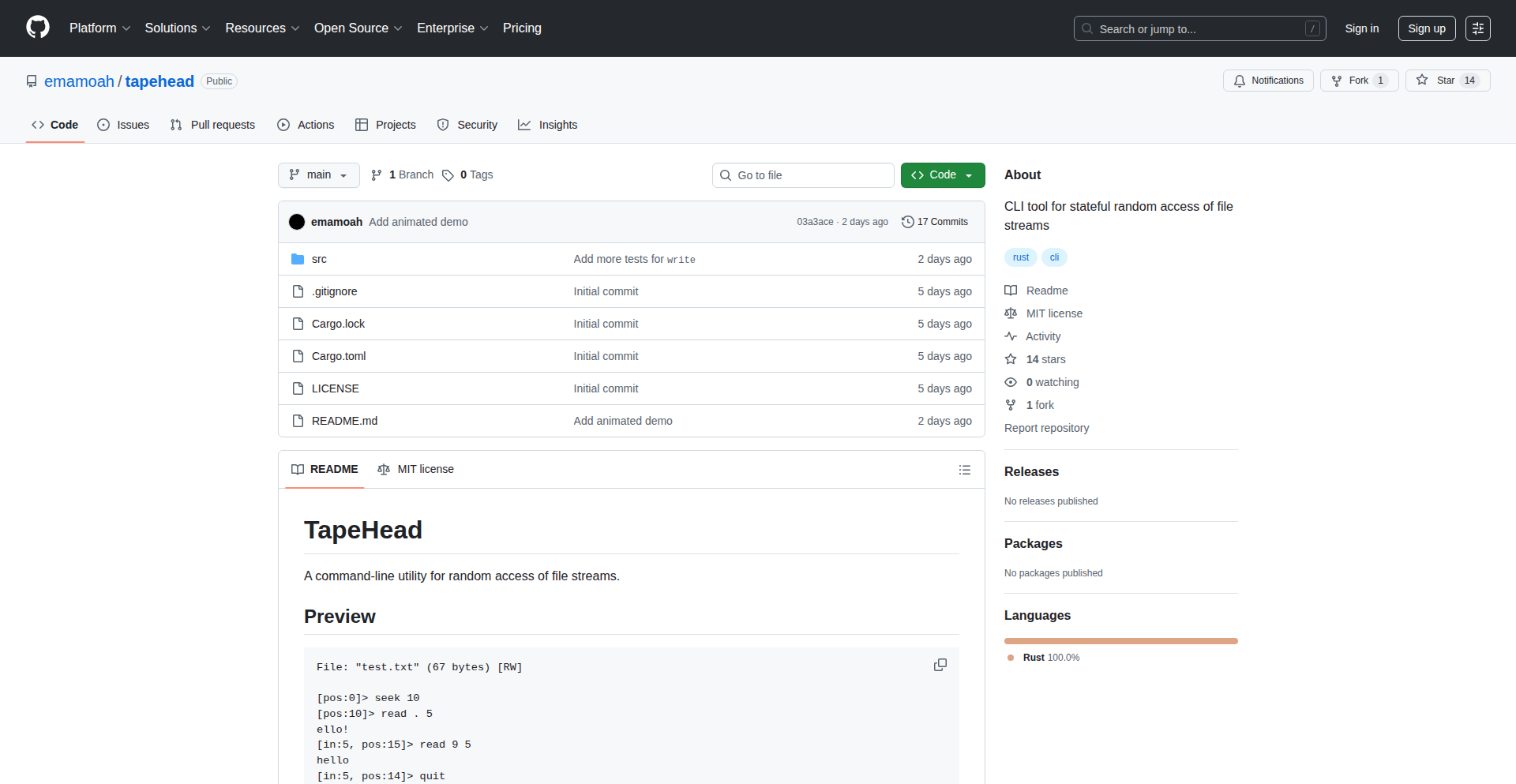
TapeHead: Stateful File Stream Random Access CLI
Author
emamoah
Description
TapeHead is a command-line interface (CLI) tool designed for developers who need precise control over file streams. It allows for random access operations like seeking to specific positions and reading/writing data within a file, all while maintaining its 'state' across operations. This is particularly useful for debugging low-level file I/O and for building complex data manipulation tools where traditional file access methods are insufficient.
Popularity
Points 14
Comments 2
What is this product?
TapeHead is a command-line utility that enables developers to treat files like a tape, allowing them to jump to any point (seek), read data from that point, and write new data there, all while remembering their current position (state). This is innovative because most standard file operations are sequential. TapeHead's ability to perform stateful random access is crucial for tasks like debugging driver code or managing fragmented data, offering a more granular control than simple read/write commands. This provides a powerful tool for understanding and manipulating file data at a fundamental level, which is often a bottleneck in development and debugging.
How to use it?
Developers can use TapeHead directly from their terminal. For example, to open a file named 'mydata.bin' and seek to byte 1024, then read 50 bytes, a command might look like `tapehead open mydata.bin seek 1024 read 50`. The tool remembers the current position, so the next operation will start from where the last one ended. This makes it easy to iteratively explore or modify a file. It can be integrated into scripts for automated file manipulation or used interactively during debugging sessions.
Product Core Function
· Stateful File Opening: Allows a file to be opened and kept in memory with its current position tracked, eliminating the need to reopen the file for every operation, which speeds up repetitive tasks and simplifies logic.
· Random Access Seeking: Enables jumping to any specific byte offset within the file, providing granular control over data access, essential for random data structures or debugging specific memory regions.
· Read Operations: Permits reading a specified number of bytes from the current position, useful for extracting portions of data for analysis or processing.
· Write Operations: Supports writing new data at the current position, overwriting existing content or appending, vital for modifying file contents in place during development or testing.
· Position Tracking: Automatically manages the current file pointer, so subsequent operations continue from the last accessed point, streamlining complex data manipulation workflows and reducing manual offset calculations.
Product Usage Case
· Debugging Driver I/O: When a driver malfunctions, developers can use TapeHead to precisely inspect the state of a file at various stages of its operation, identifying exactly where data corruption or incorrect writes occur, offering a direct solution to hard-to-trace file system bugs.
· Binary File Manipulation: For developers working with binary formats (like game save files or custom data structures), TapeHead allows them to pinpoint and edit specific fields or sections of the file without loading the entire file into memory or writing complex parsing code, making it faster to experiment with and fix data.
· Low-Level Data Analysis: When analyzing raw data dumps or network packet captures stored in files, TapeHead can be used to quickly jump to interesting sections, extract specific data blocks for inspection, and understand the structure of the data without writing custom parsing scripts for each new format.
· Automated Data Patching: Scripts can be written using TapeHead to apply small, precise changes to large files, such as updating configuration values embedded within a binary, significantly reducing the time and resources needed for such tasks compared to re-generating the entire file.
6
RetroOS Personal Site

Author
ben-gy
Description
A personal website inspired by Apple's early operating systems, built using modern web technologies to recreate the retro aesthetic and user experience. It solves the problem of creating a unique and engaging online presence that stands out from typical modern web designs by leveraging nostalgic UI elements and interaction patterns.
Popularity
Points 7
Comments 1
What is this product?
This project is a personal website that mimics the visual style and interaction of early Apple operating systems like System 7 or Mac OS 8. It's built with modern web frameworks and libraries, allowing it to run in any web browser. The innovation lies in its meticulous recreation of the iconic Aqua or Platinum UI, complete with pixelated icons, classic window management, and retro sound effects. Instead of a standard, flat, modern layout, it offers a nostalgic, desktop-like experience that is visually distinct and memorable. So, what's in it for you? It provides a highly customizable and unique way to showcase your portfolio or personal brand, making your online presence unforgettable.
How to use it?
Developers can use this as a template or inspiration for their own personal websites. It typically involves setting up a web server and deploying the project's files. The underlying technology likely uses a JavaScript framework (like React, Vue, or Svelte) for interactivity and rendering, along with HTML and CSS for structure and styling. Customization would involve modifying the project's assets (images, fonts) and potentially tweaking the JavaScript logic for specific interactive elements. Developers could also integrate their existing content by replacing placeholder text and images within the retro UI structure. So, how can you use this? You can fork the project, adapt it to your specific content needs, and deploy it to a hosting service, giving your website a distinct retro-digital identity.
Product Core Function
· Icon-based navigation: Implements a clickable icon grid on a desktop-like interface for navigating different sections of the website, offering a familiar, yet retro, user experience.
· Windowed content display: Presents content within resizable and draggable windows, mimicking the multi-tasking environment of older operating systems, enhancing user engagement through interactive layout.
· Retro UI elements: Recreates classic buttons, scrollbars, menus, and cursors with accurate visual fidelity to evoke a strong sense of nostalgia and distinctiveness.
· Themable interface: Designed with the potential for customization, allowing users to change color schemes, fonts, and background images to personalize their retro digital space.
· Performance optimization: Leverages modern web development techniques to ensure smooth performance and responsiveness despite the complex visual rendering, making the retro experience enjoyable.
Product Usage Case
· A freelance graphic designer uses RetroOS Personal Site to showcase their portfolio, presenting their work within 'application windows' that open when users click on stylized app icons, creating an interactive and memorable browsing experience that highlights their design skills.
· A web developer builds their personal blog using this project as a base, with blog posts appearing in classic 'document windows' and comments section styled like a retro messaging app, offering a unique platform that reflects their passion for technology history.
· A digital artist uses the project to display their digital paintings, framing each artwork in a virtual 'picture frame' that can be 'opened' and 'viewed' in a resizable window, making the art viewing process more engaging and curated.
· A retro computing enthusiast creates a fan site dedicated to vintage hardware, using the project's aesthetic to host information, images, and even emulated experiences, providing an authentic and immersive environment for like-minded individuals.
7
GitHub Org EpochStats

Author
tazer
Description
A novel tool that provides insightful 'years in review' statistics for GitHub organizations. It leverages clever data aggregation and visualization techniques to transform raw repository and commit data into meaningful historical narratives, offering a unique perspective on an organization's development journey.
Popularity
Points 4
Comments 4
What is this product?
GitHub Org EpochStats is a project that dives deep into your GitHub organization's history, generating retrospective statistical summaries for each year. It works by analyzing commit history, pull request timelines, and repository evolution. The innovation lies in its ability to distill complex, time-series data into digestible yearly overviews, highlighting key trends, contribution patterns, and growth milestones that are often lost in the day-to-day churn. Think of it as a personalized historical documentary for your organization's code development.
How to use it?
Developers can integrate GitHub Org EpochStats into their workflow to gain a better understanding of their team's past performance and evolution. The project typically involves running a script or using a web interface that connects to your GitHub organization via its API. You would specify the organization and the desired date range. The output can be a set of reports, visualizations, or an interactive dashboard. This allows teams to reflect on their progress, identify areas of strength, and plan future strategies based on historical data. It's about turning raw code activity into actionable historical insights.
Product Core Function
· Yearly Commit Volume Analysis: Quantifies the total number of commits made within each year, revealing periods of high activity and potential growth phases. This helps understand team productivity trends over time.
· Repository Growth Metrics: Tracks the number of new repositories created and the evolution of existing ones year over year. This demonstrates the expansion and diversification of the organization's codebase.
· Contribution Distribution by Year: Visualizes how contributions (e.g., commits, pull requests) are spread across members throughout the year. This can highlight key contributors and team dynamics.
· Key Milestone Identification: Attempts to automatically flag significant events or periods of intense activity based on commit patterns. This provides a narrative element to the historical data.
· Comparative Year-over-Year Performance: Enables comparison of key metrics across different years. This allows for a clear understanding of progress, setbacks, and overall organizational development trajectory.
Product Usage Case
· Understanding team productivity spikes and dips over several years for performance review and planning. Helps answer 'when were we most productive and why?'.
· Visualizing the growth and strategic direction of a startup's codebase by observing repository creation and commit patterns since its inception. Shows 'how our project has evolved over time'.
· Identifying periods of high collaboration and contribution from different team members to acknowledge team efforts and understand engagement. Useful for 'recognizing team contributions historically'.
· Presenting a historical overview of a company's software development efforts to stakeholders, demonstrating progress and investment over time. Provides a 'story of our development journey'.
8
Holesail P2P Tunnel

Author
supersuryaansh
Description
Holesail is an open-source, peer-to-peer tunneling tool that offers a zero-configuration, end-to-end encrypted connection between devices. Unlike traditional reverse proxies, it bypasses the need for central servers, port forwarding, or VPNs, enabling direct communication even through firewalls and CGNAT. It supports both TCP and UDP and is available across multiple platforms, including mobile, with a Node API for integration.
Popularity
Points 3
Comments 4
What is this product?
Holesail is a decentralized tunneling solution that creates a secure, direct connection between two devices without needing any intermediate servers. It leverages peer-to-peer technology to establish this link, meaning your data travels directly from your device to the target device. This is achieved through clever networking techniques that allow it to establish connections even when devices are behind firewalls or Network Address Translation (NAT), such as Carrier-Grade NAT (CGNAT). Think of it as a secure, private tunnel you can build directly between your devices, anywhere in the world, without needing to rent a server or configure complex network settings.
How to use it?
Developers can use Holesail by simply downloading the executable for their operating system (Linux, macOS, Windows, Android, iOS) or by integrating its Node API into their applications. To establish a connection, you'll typically run the Holesail client on both the device you want to expose and the device you want to connect from. You'll share a simple connection key, and Holesail handles the rest, setting up the encrypted tunnel. For example, to access a local web server from the internet, you'd run Holesail on the machine hosting the web server and specify which local port to expose, then run Holesail on your remote device using the same connection key. This allows you to access your local web server as if it were publicly available, but securely and privately.
Product Core Function
· Cross-platform connectivity: Allows developers to establish secure tunnels across a wide range of devices including desktops (Linux, macOS, Windows) and mobile (Android, iOS), enabling consistent access to services regardless of the user's platform.
· Peer-to-peer tunneling: Creates direct, encrypted connections between devices, eliminating the need for central servers, which enhances privacy and reduces latency. This means your data goes directly from point A to point B, unmonitored.
· Zero-configuration: Simplifies the setup process significantly by requiring no complex network configurations like port forwarding or VPN setups. This makes it accessible to a broader range of users, including those less familiar with networking intricacies.
· Firewall and CGNAT traversal: Effectively punches through common network restrictions like firewalls and Carrier-Grade NAT, enabling connectivity for devices in restrictive network environments. This is crucial for accessing home servers or devices behind complex network setups.
· TCP and UDP support: Accommodates a variety of network protocols, making it versatile for different applications, from web services (TCP) to online gaming and real-time communication (UDP).
· Node API integration: Provides a programmatic interface for developers to embed Holesail's tunneling capabilities directly into their applications (e.g., CLI tools, mobile apps), allowing for custom networking solutions.
· End-to-end encryption: Ensures that all data transmitted through the tunnel is securely encrypted, protecting sensitive information from eavesdropping. This is fundamental for secure remote access and private communication.
Product Usage Case
· Exposing a self-hosted web application (like a personal wiki or a development server) to the internet for remote access without needing to configure port forwarding on the home router. This allows for easy access to personal services from anywhere.
· Enabling remote SSH access to a server behind a firewall or CGNAT. This simplifies server administration by providing a consistent and secure way to connect without complex network setup on the server's side.
· Facilitating direct peer-to-peer multiplayer gaming sessions between friends over the internet, bypassing the need for dedicated game servers or complex network configurations. This enhances the gaming experience by providing a direct connection.
· Allowing a mobile developer to test their application's backend API running on their local development machine from their mobile device without needing to deploy the API to a public server. This speeds up the development and testing cycle.
· Creating a secure, private connection between two development machines to share files or run collaborative coding sessions, as if they were on the same local network, even if they are geographically dispersed. This fosters seamless collaboration.
9
Spain Salary Cruncher

Author
oscarcp
Description
A cutting-edge salary calculator for Spain that leverages Large Language Models (LLMs) to process complex labor agreements and market data. It provides detailed breakdowns for employees, including comparisons with applicable agreements and current market rates, while also calculating the total cost for employers. This innovative approach tackles the fragmentation of Spanish labor laws, offering clarity and transparency where it's often lacking.
Popularity
Points 3
Comments 4
What is this product?
This project is an open-source salary calculator specifically designed for Spain. Its core innovation lies in its use of advanced Large Language Models (LLMs) to digest and interpret the vast and often confusing landscape of Spanish labor agreements, which can vary by region and locality. Unlike traditional calculators, it doesn't just estimate; it aims to provide precise figures by understanding the nuances of these agreements, market rates, and employee-specific parameters. The value for users is a clear, understandable, and accurate understanding of what an employee should be paid and the associated costs for a company, addressing the common frustration of salary ambiguity in Spain.
How to use it?
Developers can integrate this project into HR platforms, payroll systems, or even as a standalone tool for their own use or their employees. The project is open-sourced under a GPLv3 license, making it available for inspection, modification, and distribution. For developers looking to embed this functionality, the LLM-based approach suggests APIs or libraries that can be called to process salary data. The value proposition for developers is a robust, pre-built solution for a complex and time-consuming problem, saving development hours and providing a valuable service to their end-users.
Product Core Function
· LLM-powered agreement parsing: Utilizes large language models to read and understand hundreds of Spanish labor agreements, extracting relevant salary parameters. This means you get an accurate calculation based on the actual rules, not just a generic estimate, so you know exactly what you're entitled to or what you need to pay.
· Comprehensive salary breakdown: Provides a detailed explanation of the calculated salary for employees, including base pay, bonuses, and other components. This helps employees understand the 'why' behind their salary, empowering them with financial literacy.
· Employer cost calculation: Calculates the total cost of employment for companies, factoring in salary, benefits, and employer contributions. This is crucial for businesses to budget accurately and understand their true labor expenses.
· Market rate comparison: Compares the calculated salary with current market rates for similar positions. This allows employees to gauge if they are being paid competitively and helps employers set attractive compensation packages.
· Agreement relevance identification: Identifies the specific labor agreements applicable to an employee's situation, providing context and transparency. You'll know which rules apply to you, removing guesswork and potential disputes.
Product Usage Case
· A startup founder needs to accurately calculate salaries for their new hires in Spain, ensuring compliance with regional labor laws and competitive market offerings. The Spain Salary Cruncher provides an accurate cost estimate for the company and a clear salary expectation for the employee, preventing future disputes and ensuring fair compensation from day one.
· An employee in Spain is unsure if their current salary aligns with their labor agreement and market standards. They use the Spain Salary Cruncher to input their details and receive a transparent breakdown, identifying potential discrepancies and empowering them to negotiate effectively. This helps them understand their financial worth.
· An HR department needs to streamline their payroll process and ensure all employees are paid correctly according to complex and ever-changing labor laws. Integrating the Spain Salary Cruncher into their existing system automates accurate salary calculations, reducing errors and saving significant administrative time.
10
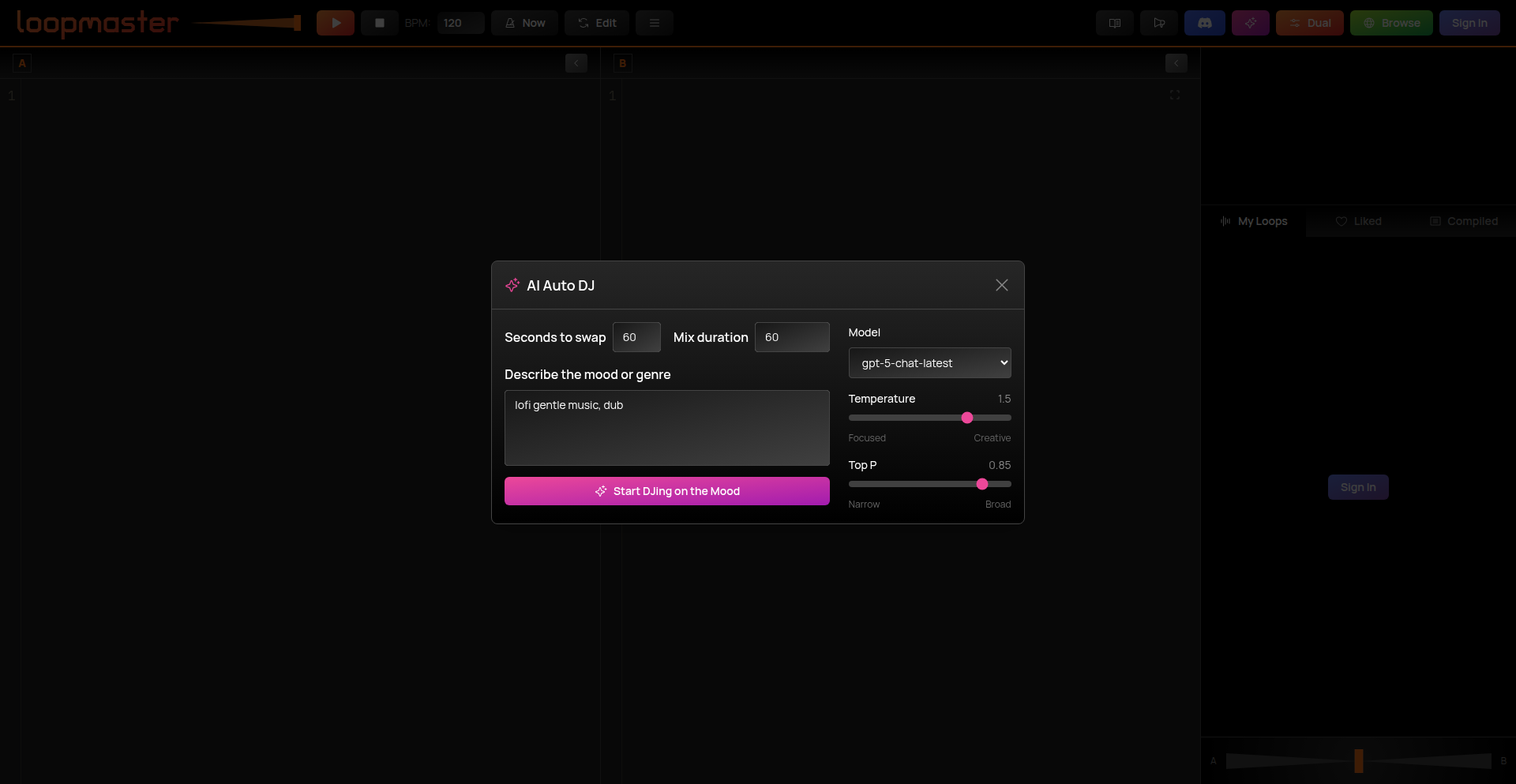
Infinite Lofi Algorithmic Soundscape
Author
stagas
Description
This project presents an infinitely generating Lofi music stream powered by algorithms. Instead of relying on pre-recorded tracks, it dynamically creates music on the fly, offering a unique and never-repeating listening experience. The innovation lies in its procedural generation of musical elements, providing a seamless background sound for focused work or relaxation, demonstrating the creative application of code to generate artistic output.
Popularity
Points 5
Comments 1
What is this product?
This is a system that algorithmically composes Lofi music that never ends. Instead of playing a playlist of songs, it uses mathematical rules and random elements to create new musical phrases, melodies, and ambient textures in real-time. The core innovation is its procedural music generation engine, which ensures a continuous stream of unique audio. This means you get a constantly evolving soundtrack without repetition, perfect for maintaining a consistent mood.
How to use it?
Developers can integrate this system into applications requiring ambient background music. For instance, it can be embedded into productivity apps to create a focused work environment, or into meditation apps for a calming experience. The system can be exposed as an API that applications can call to get audio streams or specific musical parameters. This allows for a highly customizable and dynamic audio experience within any software.
Product Core Function
· Procedural music generation: Algorithmically creates new musical elements like melodies, chords, and rhythms on the fly, providing a limitless and unique audio stream. This is useful for applications that need a non-repetitive background ambiance for extended periods.
· Lofi aesthetic control: Implements parameters that specifically shape the music towards the characteristic Lofi sound (e.g., warm tones, relaxed tempo, gentle imperfections). This allows for tailored soundscapes that evoke a specific mood, like focus or chill.
· Infinite playback: Designed to generate music indefinitely without looping or interruption, ensuring a continuous and immersive listening experience. This is invaluable for applications where a constant, unobtrusive audio backdrop is desired.
· Real-time audio streaming: Delivers the generated music as a continuous audio stream, allowing for immediate playback and responsiveness to any changes in generation parameters. This provides a fluid and dynamic audio output that can be seamlessly integrated into user interfaces.
Product Usage Case
· Productivity app integration: Embed into a focus or study app to provide a scientifically designed, non-distracting Lofi soundtrack that aids concentration and blocks out external noise. The infinite generation ensures the user never hears the same sequence twice during a long work session.
· Gaming background music: Use as dynamic background music in a casual game or a game with periods of low intensity, providing an evolving, atmospheric soundscape that enhances immersion without becoming repetitive or annoying. The algorithmic nature can react subtly to game states if desired.
· Ambient sound generator for creative tools: Integrate into digital art or writing software to create an inspiring and mood-setting audio environment for artists and writers. The continuous, evolving nature of the music can help maintain creative flow.
· Meditation and wellness platforms: Utilize to generate calming, non-intrusive audio for guided meditations or relaxation sessions, where the lack of repetition is crucial for maintaining a serene state. The generative approach ensures a fresh, peaceful soundscape every time.
11
Prophit: AI-Powered Stock Market Insight Engine
Author
porterh
Description
Prophit is an AI-powered search engine designed to extract actionable insights from vast amounts of financial news, reports, and social media. It leverages advanced Natural Language Processing (NLP) and machine learning to identify trends, sentiment, and potential stock movements, offering a novel way for investors and developers to navigate the complexities of the stock market.
Popularity
Points 5
Comments 1
What is this product?
Prophit is essentially a smart assistant for understanding the stock market, powered by artificial intelligence. Instead of manually sifting through endless articles and data, Prophit uses AI, specifically Natural Language Processing (NLP), to read and understand financial text. It can identify patterns, gauge market sentiment (whether people are feeling optimistic or pessimistic about a stock), and even predict potential future movements. The innovation lies in its ability to process unstructured text data, like news articles and social media posts, and translate it into meaningful, quantifiable signals for stock analysis. This is useful because it automates a very time-consuming and complex task, making sophisticated market analysis accessible.
How to use it?
Developers can integrate Prophit into their trading algorithms, portfolio management tools, or custom dashboards. The core idea is to feed the engine real-time financial data or specific queries, and it will return structured insights. For example, you could build a trading bot that uses Prophit's sentiment analysis to decide when to buy or sell. Alternatively, you could create a personalized news aggregator that only surfaces articles relevant to a specific stock and highlights the potential impact according to Prophit's analysis. The technical implementation would likely involve API calls to Prophit, receiving JSON outputs with sentiment scores, trend indicators, and keyword extraction.
Product Core Function
· Sentiment Analysis: Prophit analyzes text to determine the prevailing mood (positive, negative, neutral) towards specific stocks or the market as a whole. This helps developers understand public perception and its potential impact on stock prices.
· Trend Identification: The engine detects emerging trends and patterns within financial news and data, providing early signals of potential market shifts. This is valuable for identifying investment opportunities before they become widely recognized.
· News Summarization and Keyword Extraction: Prophit distills lengthy financial documents and articles into concise summaries and highlights key terms. This allows for rapid comprehension of critical information, saving developers significant time in research.
· Relationship Mapping: It can identify connections between different companies, events, and market movements, helping to build a more holistic understanding of market dynamics. This aids in building more robust predictive models.
· Event Impact Prediction: Prophit attempts to forecast the potential impact of specific news events or economic indicators on stock performance. This provides a data-driven basis for risk assessment and strategic decision-making.
Product Usage Case
· Developing an automated trading strategy that buys a stock when Prophit detects overwhelmingly positive sentiment and significant upward trend signals in its news coverage.
· Building a real-time portfolio monitor that alerts users when Prophit identifies negative news impacting their holdings, along with a summary of the key concerns.
· Creating a stock research tool that uses Prophit to filter news and highlight companies with emerging positive trends in a specific industry, helping to discover undervalued assets.
· Integrating Prophit's event impact predictions into a risk management system to adjust position sizes based on the AI's assessment of potential market volatility.
· Enhancing a financial news aggregator by using Prophit to rank articles by their potential influence on stock prices, ensuring users see the most critical information first.
12
Ember USB-C Reflow Hotplate Controller
Author
NotARoomba
Description
Ember is a portable, USB-C powered hotplate controller designed for DIY electronics enthusiasts. It tackles the high cost of custom PCBs by enabling users to reflow their own components at home. Its innovation lies in leveraging USB-C Power Delivery for flexible power up to 100W, an integrated STM32WB55CG microcontroller with Bluetooth for smart control, and dual temperature sensing for precise heat management. This allows for more accessible and cost-effective electronic prototyping.
Popularity
Points 6
Comments 0
What is this product?
Ember is a smart hotplate controller that uses modern USB-C Power Delivery technology to heat up a large surface, perfect for soldering components onto your custom-made circuit boards (PCBs). Unlike traditional hotplates that might be bulky or require dedicated power bricks, Ember is designed to be compact and powered by a standard USB-C port capable of delivering up to 100 watts. It features an STM32WB55CG microcontroller, which is like the brain of the device, allowing for precise temperature control and even Bluetooth connectivity. It also has advanced temperature sensing using both thermocouples and RTDs (resistance temperature detectors) to ensure accuracy, and an OLED display with a rotary encoder for easy operation and saving custom heating profiles. The addition of NFC support and a gate driver for PWM heatbed control further enhances its precision and convenience. So, the core innovation is making advanced PCB soldering accessible and portable through smart, modern power and control technologies.
How to use it?
Developers can use Ember by connecting a compatible USB-C power source (like a laptop charger or power bank that supports PD 100W) to its USB-C port. The device's OLED display will show the current temperature, and users can adjust the target temperature using the rotary encoder. For more advanced control, Bluetooth can be used to connect to a smartphone or computer, allowing for remote monitoring, control, and the creation of custom heating profiles for different solder paste types. This is especially useful for complex components that require specific heating and cooling ramps. It can also be integrated into automated testing or assembly workflows. For example, a developer could program a specific sequence of temperatures to solder a batch of PCBs without manual intervention. The large heatbed size (120mm x 120mm) means it can handle bigger circuit boards than many smaller, hobbyist-grade hotplates.
Product Core Function
· USB-C Power Delivery up to 100W: Allows for flexible and portable power using standard USB-C chargers, enabling higher temperatures for reflowing solder on larger PCBs. This means you don't need a special, bulky power supply for your hotplate.
· STM32WB55CG Microcontroller with Bluetooth: Provides the brains for precise temperature control and enables wireless communication, allowing for remote monitoring and control via a mobile app or computer. This offers advanced features like custom temperature profiles and data logging.
· Dual Temperature Sensing (Thermocouple & PT1000 RTD): Ensures accurate temperature readings of the hotplate surface, critical for successful solder reflow and preventing damage to components. This gives you confidence that the temperature you set is the temperature you get.
· OLED Display with Rotary Encoder: Offers an intuitive user interface for easy temperature adjustment, selection of pre-programmed profiles, and real-time status monitoring. This makes operating the hotplate straightforward and user-friendly.
· NFC Support: Enables quick configuration or launching of specific heating profiles by tapping an NFC tag, streamlining repetitive tasks. This is a neat shortcut for experienced users.
· Gate Driver for Precise PWM Heatbed Control: Delivers fine-grained control over the heating element, ensuring stable and accurate temperature maintenance. This contributes to consistent soldering results.
· Current and Board Temperature Monitoring: Implements safety features by monitoring power consumption and the device's own temperature, preventing overheating and potential damage. This provides peace of mind during operation.
· 32MB Flash Memory: Provides ample storage for custom graphics, firmware updates, and data logging, allowing for future enhancements and personalized settings. This makes the device future-proof.
· Portable Design with Custom Case: Facilitates easy transport and setup, making it ideal for makerspaces, shared labs, or even working from different locations. This allows you to take your soldering capabilities with you.
Product Usage Case
· A student needing to prototype a custom robot controller board can use Ember to quickly solder all the surface-mount components onto their PCB after ordering it from a fabrication service. This saves them significant time and cost compared to sending it for professional assembly.
· A hobbyist experimenting with complex IoT devices with fine-pitch components can use Ember's precise temperature control and Bluetooth connectivity to program custom reflow profiles, ensuring successful soldering of delicate integrated circuits without damaging them.
· A small hardware startup can use Ember in their R&D lab for rapid iteration on prototype boards. The portability and ease of use allow engineers to quickly assemble and test new designs, accelerating their product development cycle.
· A maker in a shared makerspace can easily bring their Ember hotplate controller to the facility and connect it to their laptop via USB-C, avoiding the need for dedicated soldering stations and ensuring consistent results for their projects.
· An educator teaching electronics can use Ember to demonstrate the process of component placement and solder reflow to students. The clear display and simple controls make it an excellent educational tool for hands-on learning.
· A developer working on battery-powered projects can leverage Ember's USB-C PD capabilities by powering it from a high-capacity power bank, allowing for off-grid PCB assembly and soldering in remote locations or during field testing.
13
NumericMind Notepad

Author
daviducolo
Description
A notepad application that intelligently interprets numerical input, transforming raw numbers into structured data and actionable insights, designed for developers seeking a more efficient way to handle data-centric notes.
Popularity
Points 3
Comments 2
What is this product?
NumericMind Notepad is a sophisticated note-taking tool that goes beyond plain text by actively understanding and processing numbers within your notes. Instead of just storing numbers, it recognizes them as potential data points. For example, if you type 'meeting scheduled for 2 PM tomorrow', it understands '2 PM' as a time and 'tomorrow' as a relative date, allowing for automated scheduling or reminders. The innovation lies in its context-aware numerical parsing and implicit data structuring, allowing for quick conversions, calculations, and even the generation of simple charts directly from your notes, making data handling seamless.
How to use it?
Developers can integrate NumericMind Notepad into their workflow by using it for project planning, bug tracking, or even quick script prototyping. For instance, when jotting down performance metrics like 'server load 85%, latency 120ms', the app can automatically identify these as percentage and time values, enabling immediate comparison or logging. It can be used as a standalone tool for personal productivity or potentially integrated with other development tools via future API extensions to automatically feed parsed data into project management systems or analytics dashboards.
Product Core Function
· Intelligent Numerical Parsing: Recognizes and interprets various numerical formats (dates, times, percentages, units, currency) within freeform text, allowing for automatic conversion and understanding. This is useful for instantly turning messy notes into structured data, saving manual data entry time.
· Contextual Data Structuring: Automatically categorizes numerical data based on its context in the note, enabling features like quick sorting, filtering, and data aggregation. This helps developers quickly find and analyze specific data points within a large set of notes.
· Automated Calculations and Conversions: Performs on-the-fly calculations and unit conversions based on recognized numbers. For example, converting currencies or calculating time differences without leaving the note editor, streamlining estimations and planning.
· Data Visualization Snippets: Generates simple visual representations (like bar charts or line graphs) from recognized numerical sequences, providing immediate visual feedback on trends or data distribution. This helps developers quickly grasp patterns in their data.
· Tagging and Linking with Numerical Context: Allows for smart tagging and linking of notes based on recognized numerical values, creating relationships between data points and enhancing searchability. This improves organization and discoverability of related information.
Product Usage Case
· Scenario: Project Budgeting. A developer is outlining project costs and enters 'Phase 1: $5000, Phase 2: €4500, Phase 3: $6000'. NumericMind Notepad recognizes currencies and amounts, allowing the developer to instantly see a total in a chosen currency or identify potential budget overruns by comparing costs directly. This solves the problem of manual currency conversion and simple addition.
· Scenario: Performance Monitoring. A developer logs server performance data: 'Server A: CPU 75%, RAM 90%, Disk 60%'; 'Server B: CPU 80%, RAM 85%, Disk 55%'. The app parses these percentages, enabling the developer to quickly spot which server is under the most strain, facilitating faster troubleshooting.
· Scenario: Meeting Notes and Scheduling. During a meeting, a note reads: 'Discuss API integration next Tuesday at 10 AM. Follow-up meeting needed 2 days after'. NumericMind Notepad identifies 'next Tuesday at 10 AM' and '2 days after' as specific date/time references, allowing for effortless scheduling of reminders or calendar entries, preventing missed deadlines.
14
Stateless Compliance Engine

Author
ADCXLAB
Description
A stateless compliance engine designed for financial and blockchain workflows. It validates IBAN/SWIFT, OFAC lists, ISO20022 messages, and multi-chain data (ETH, BTC, XRPL, Polygon, Stellar, Hedera). The innovation lies in its stateless design, meaning no user data is stored between requests, ensuring deterministic outputs and auditable results without relying on persistent state. This makes it highly valuable for applications requiring strict regulatory adherence and transparency.
Popularity
Points 4
Comments 1
What is this product?
This is a technical system that automatically checks if financial transactions and data comply with various regulations and standards. It works without storing any information about past checks, meaning each check is independent and always produces the same result for the same input. This is crucial for security and auditing, as it guarantees that results can be reproduced by anyone at any time, making it easier to prove compliance. The system can handle checks for bank account numbers (IBAN/SWIFT), government watchlists (OFAC), international payment messages (ISO20022), and data from several popular blockchain networks.
How to use it?
Developers can integrate this engine into their existing applications or workflows. It's accessible via an API, allowing it to be called programmatically. For instance, when a new financial transaction is initiated, your application can send the transaction details to the engine for validation. The engine will then return a clear 'compliant' or 'non-compliant' status, along with any specific reasons for non-compliance. This can be used to automatically block suspicious transactions or flag them for manual review. It's also designed for multi-cloud environments like AWS and Azure, offering flexibility and isolation.
Product Core Function
· IBAN/SWIFT Validation: Ensures bank account details are correctly formatted and potentially valid, preventing errors in fund transfers. This is useful for any payment processing system to reduce failed transactions due to incorrect account information.
· OFAC List Screening: Checks if parties involved in a transaction are on government watchlists, helping to prevent illicit financial activities and comply with sanctions. Essential for any financial institution or platform handling cross-border payments.
· ISO20022 Message Structuring and Validation: Processes and validates standardized financial message formats (like pain.001 for payments and pacs.008 for credit transfers), ensuring interoperability and correct data exchange. This is vital for businesses interacting with banks using these modern messaging standards.
· Multi-chain Data Validation: Verifies data integrity and compliance across various blockchain networks (Ethereum, Bitcoin, Ripple, Polygon, Stellar, Hedera). This allows for secure and compliant operations in decentralized finance (DeFi) and blockchain-based applications.
· Deterministic Output Generation: Guarantees that the same input will always produce the exact same output, making results predictable and verifiable for audits. This provides confidence in the system's reliability and transparency for regulatory purposes.
· Stateless Operation: Processes requests without storing any user data, enhancing privacy and security while simplifying auditing. This is beneficial for applications where data persistence is a concern or can introduce vulnerabilities.
Product Usage Case
· A fintech startup building a global payment platform can use this engine to automatically validate all incoming IBANs and screen transaction parties against OFAC lists, reducing manual review time and compliance risks.
· A decentralized application (dApp) on the Ethereum network can integrate this engine to verify that smart contract interactions comply with certain external data standards or regulatory checks before executing a transaction.
· An enterprise looking to adopt ISO20022 messaging can use the engine to structure and validate their outgoing payment initiation messages (pain.001), ensuring compatibility with their banking partners and reducing processing errors.
· A cryptocurrency exchange can leverage the engine to check transaction details against multiple blockchain networks simultaneously, flagging any suspicious activity or non-compliant transfers.
· A company handling international remittances can employ this system to ensure that all customer and recipient data meets the necessary compliance requirements, avoiding penalties and maintaining trust.
15
OpenSourceAI-Germany

Author
haferfloq
Description
This project offers an OpenAI-compatible API, but crucially, it's hosted on bare-metal servers within Germany. This addresses the growing concern around data privacy and GDPR compliance for developers using AI models. The innovation lies in providing a self-hostable, privacy-focused alternative to cloud-based AI APIs, allowing users to retain full control over their data.
Popularity
Points 3
Comments 1
What is this product?
OpenSourceAI-Germany is a self-hosted AI API that mimics the functionality of OpenAI's API, meaning you can use your existing OpenAI code with this service. The key innovation is its hosting location: dedicated physical servers (bare metal) within Germany. This is a significant technical advantage for organizations and individuals who are subject to strict data protection regulations like GDPR. Instead of sending sensitive data to a third-party cloud provider potentially outside the EU, you're running the AI model on hardware you control, ensuring your data stays within the jurisdiction and adheres to privacy laws. This democratizes access to powerful AI while respecting user privacy.
How to use it?
Developers can integrate OpenSourceAI-Germany into their applications by simply changing their API endpoint configuration to point to their self-hosted instance instead of OpenAI's cloud service. The project provides the necessary server-side software and instructions for deployment on bare-metal hardware. This means that any application already built using the OpenAI API structure (e.g., for text generation, summarization, or chatbot development) can be redirected to this private instance with minimal to no code changes. You'd essentially treat it like an internal service, improving data security and compliance.
Product Core Function
· OpenAI API compatibility: This allows developers to leverage existing codebases and tools designed for OpenAI, significantly reducing migration effort and providing immediate utility. The value is in seamless integration and no need to rewrite existing AI-powered features.
· Self-hosted bare-metal deployment: This offers complete control over the AI inference process and, more importantly, your data. The value is enhanced security, privacy, and compliance with regulations like GDPR, especially critical for handling sensitive information.
· GDPR compliance: By hosting within Germany on dedicated hardware, the service inherently supports stringent data privacy requirements. The value is peace of mind for businesses and individuals concerned about data sovereignty and legal obligations.
Product Usage Case
· A European startup developing a customer support chatbot that handles sensitive personal customer data can use OpenSourceAI-Germany to process conversations without violating GDPR. This solves the problem of needing advanced AI capabilities while maintaining strict data privacy for their users.
· A research institution in the EU working with confidential medical records needs to perform text analysis on these records. By deploying OpenSourceAI-Germany on their own servers, they can perform AI-driven analysis without exposing sensitive patient information to external cloud providers, thus solving the challenge of privacy-preserving research.
· A developer building a content generation tool for internal corporate use needs to ensure all generated content, and the prompts used to generate it, remain within the company's network for security reasons. OpenSourceAI-Germany provides a way to host a powerful text generation model locally, addressing the security and data containment requirements.
16
ImposterGame Engine

Author
tomstig
Description
A server-authoritative multiplayer game engine for 'Imposter' style social deduction games. It tackles the challenge of real-time state synchronization and secure game logic execution in a browser-based environment, enabling developers to create their own versions of popular social deduction games.
Popularity
Points 3
Comments 1
What is this product?
This project is a server-authoritative multiplayer game engine designed specifically for creating 'Imposter' style social deduction games (like Among Us). The core technical innovation lies in its robust handling of real-time state synchronization across multiple players in a web browser. It ensures that the game's state is managed securely on the server, preventing cheating and ensuring a consistent experience for all players. This is achieved through efficient WebSocket communication and a well-defined game loop that broadcasts critical state changes. So, this is useful because it provides a reliable foundation for building complex, interactive multiplayer games without you having to reinvent the wheel for network synchronization and server-side logic.
How to use it?
Developers can integrate this engine into their web projects by setting up the backend server provided by the engine and then connecting their frontend game interface (built with HTML, CSS, and JavaScript frameworks) via WebSockets. The engine exposes an API for managing game rooms, player actions, and game state updates. It's designed to be a foundational library that developers can extend and customize for their specific game mechanics. For example, you could use this to create a custom lobby system, define unique player roles, or implement different win conditions. So, this is useful because it allows you to quickly prototype and launch your own unique social deduction game without getting bogged down in low-level networking code.
Product Core Function
· Server-authoritative state management: The server is the ultimate source of truth for game state, ensuring fairness and preventing client-side cheating. This means your game rules are enforced, and players can't manipulate the game in their favor. This is useful for building competitive and trustworthy multiplayer experiences.
· Real-time WebSocket communication: Enables seamless, low-latency communication between the server and all connected players, crucial for fast-paced multiplayer interactions. This is useful for ensuring that player actions are reflected immediately in the game, making the experience feel responsive and engaging.
· Game room and player management: Provides the infrastructure to create, join, and manage game sessions with multiple players, handling player connections and disconnections gracefully. This is useful for organizing multiplayer matches and ensuring smooth player onboarding and offboarding.
· Event-driven game loop: Processes player actions and game events efficiently on the server, updating the game state and broadcasting changes to all clients. This is useful for driving the game's progression and ensuring that all players see the same unfolding events.
· Flexible game logic integration: Designed to be a foundation upon which developers can build custom game rules, roles, and mechanics specific to their unique game. This is useful for empowering developers to create highly personalized and innovative game experiences beyond generic templates.
Product Usage Case
· Creating a 'whodunnit' style mystery game where players cooperate to solve a crime, but one player is secretly the culprit. This engine handles tracking who voted for whom, who discovered evidence, and when the culprit is revealed, solving the technical challenge of synchronizing all these dynamic interactions across multiple players in real-time.
· Developing a team-based infiltration game where one team tries to sabotage objectives while the other team defends. The engine manages player roles, movement across the game map, and the state of objectives, ensuring that sabotage attempts and defenses are synchronized and reflected correctly for all players.
· Building a political simulation game where players form alliances and betray each other. The engine can manage player actions like proposing deals, casting votes, and revealing allegiances, ensuring that these complex social and strategic interactions are accurately represented and synchronized for everyone involved.
17
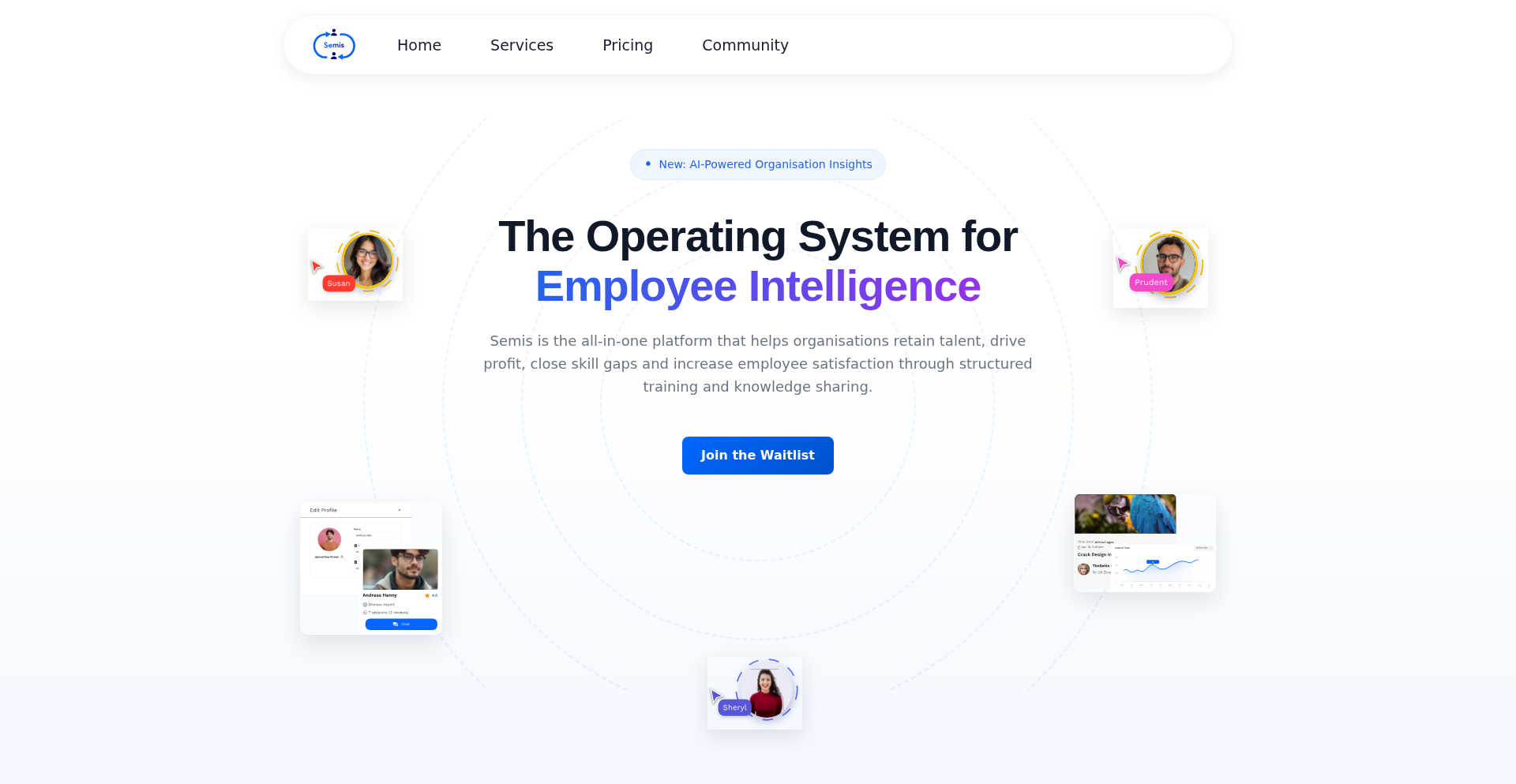
SkillGap Navigator
Author
tolulade_
Description
A novel approach to identifying employee skill gaps by leveraging a unique combination of AI-driven analysis of internal communication patterns and an intuitive, gamified self-assessment system. This tool aims to proactively address retention issues by highlighting areas for growth and development within teams, ultimately fostering a more engaged and skilled workforce. The innovation lies in its ability to infer unspoken needs and trends from daily interactions, complementing traditional methods.
Popularity
Points 4
Comments 0
What is this product?
SkillGap Navigator is an intelligent system designed to uncover hidden skill deficiencies within an organization. It combines machine learning algorithms that analyze the sentiment and topics within employee communications (like Slack or email, with appropriate privacy safeguards) to identify recurring themes or knowledge gaps. This is augmented by a user-friendly, gamified self-assessment module where employees can rate their confidence and experience in various skills. The value proposition is proactive talent management, predicting and mitigating potential reasons for employee turnover before they become critical.
How to use it?
Developers can integrate SkillGap Navigator into their existing HR tech stack or internal communication platforms. It can be accessed via an API, allowing for seamless data flow from HRIS systems for employee profiles and from communication tools for sentiment analysis. The gamified assessment can be embedded as a module within internal portals. This allows for real-time skill gap monitoring and the automatic generation of personalized development plans, directly benefiting both employees and management by streamlining talent development and retention strategies.
Product Core Function
· AI-powered sentiment and topic analysis of internal communications: This identifies areas where employees frequently discuss challenges or seek information, indicating potential skill gaps. The value is uncovering blind spots in training and development that traditional surveys might miss.
· Gamified skill self-assessment: Employees can easily and engagingly assess their proficiency. This provides direct feedback and ownership over their development, increasing engagement and accuracy compared to manual reviews.
· Predictive retention analytics: By correlating identified skill gaps with employee engagement and sentiment, the system can flag individuals at risk of leaving. This allows for targeted interventions to boost retention.
· Automated personalized development plan generation: Based on identified gaps, the system suggests relevant training, resources, or mentorship opportunities. This saves HR time and provides employees with actionable steps for growth.
· Cross-functional skill mapping: Visualizes the distribution of skills across teams and departments, highlighting dependencies and potential bottlenecks. This is valuable for resource allocation and project planning.
Product Usage Case
· A software development team struggles with adopting a new cloud framework. AI analysis of their Slack channels reveals repeated questions about specific services and a general uncertainty. The gamified assessment confirms low confidence in these areas. SkillGap Navigator then automatically suggests targeted micro-learning modules and pairs junior developers with senior mentors specializing in that framework, preventing project delays and improving team confidence.
· A customer support department experiences high turnover. Sentiment analysis of internal chats shows frustration and a lack of confidence in handling complex technical queries. The system identifies a significant skill gap in advanced troubleshooting. SkillGap Navigator recommends specialized training sessions and updates to the internal knowledge base, leading to improved employee satisfaction and reduced churn.
· A marketing team is preparing for a new product launch. SkillGap Navigator reveals a gap in data analytics skills needed for campaign performance tracking. The system suggests online courses and workshops, enabling the team to effectively measure and optimize their marketing efforts, leading to better campaign ROI.
18
Nano.noq: Micro-Binary Key Container

Author
Daffactor
Description
Nano.noq is an experimental, single-file HTML project designed to create a compact binary format for storing AES-GCM keys. It leverages WebCrypto APIs directly in the browser, eliminating the need for a backend or external libraries. This project explores a novel file structure for secure key management, preventing direct copy-pasting of keys and offering a simplified approach to handling sensitive data within web applications.
Popularity
Points 3
Comments 1
What is this product?
Nano.noq is a proof-of-concept for a minimalist binary file format specifically engineered to hold AES-GCM encryption keys. The innovation lies in its extreme simplicity and self-contained nature within a single HTML file. Instead of complex protocols, it uses a straightforward structure: a magic header ('NOQ1'), the key's length, the actual AES-256-GCM key, a small integrity check derived from the key itself using SHA-256 (to ensure the key hasn't been tampered with), and some random filler bytes to obscure the exact key length and add a minor obfuscation layer. Crucially, it doesn't invent new encryption methods; it focuses on how to securely bundle existing, robust encryption keys for easier handling without exposing them directly via copy-paste, all processed client-side using the browser's built-in WebCrypto capabilities. So, what's in it for you? It offers a glimpse into how we can manage sensitive data more securely and conveniently directly within the browser, enabling more sophisticated client-side encryption workflows without relying on external servers.
How to use it?
Developers can integrate Nano.noq by embedding the provided HTML file into their web projects. The file acts as both a key generator and a key reader. For key generation, it utilizes WebCrypto to create a new AES-GCM key, then formats and saves it according to the .noq specification. For key usage, it can read a .noq file, extract the raw AES-GCM key, verify its integrity, and then make it available for encryption or decryption operations within the web application. This makes it ideal for scenarios where you need to store or retrieve encryption keys for client-side data processing, such as encrypting user preferences, local data backups, or communication within a web-based system, all without sending sensitive keys over the network. So, what's in it for you? It provides a ready-to-use, browser-native tool to manage your encryption keys for web applications, enhancing security and simplifying development.
Product Core Function
· Key Generation: Creates a cryptographically secure AES-256-GCM key directly in the browser using WebCrypto, ensuring the key is never exposed to a server. This is valuable for creating new, strong encryption keys for your application's data.
· Key Packaging (.noq format): Encapsulates the generated key into a compact binary format with integrity checking and minor obfuscation. This allows for secure storage and transfer of keys without direct copy-pasting, reducing the risk of accidental exposure. So, it makes handling sensitive keys much safer and more manageable.
· Integrity Verification: Includes a SHA-256 hash of the key within the .noq file to detect any unauthorized modifications to the key before it's used. This ensures that the key you retrieve is the exact key that was originally stored, adding a critical layer of trust. So, it prevents your data from being compromised by a tampered key.
· Client-Side Processing: All cryptographic operations, including key generation, packaging, and integrity checks, happen solely within the user's browser using WebCrypto APIs, meaning no sensitive key data is transmitted to or from a server. This is crucial for privacy-focused applications and enhances overall security by minimizing attack surfaces. So, your sensitive key data stays where it belongs – on the user's device.
· Obfuscation Layer: Applies a simple mutation to Base64URL encoded ciphertext and includes random padding in the key container. While not a security feature, this adds a layer of obscurity that can deter casual inspection of the key data. So, it makes it slightly harder for casual observers to understand what's inside.
Product Usage Case
· Securely storing user preferences locally in a web browser: A web application can use Nano.noq to generate and store an encryption key for user preferences, ensuring that this data remains private even if the user's device is accessed by others. The key is stored in the .noq format, and the application uses WebCrypto to decrypt the preferences when needed. This solves the problem of protecting sensitive user settings in a client-side context.
· Implementing end-to-end encryption for browser-based messaging: A chat application can use Nano.noq to manage the symmetric encryption keys used for individual conversations. Each user's browser would generate and store their keys in the .noq format, and these keys would be exchanged securely to encrypt messages before sending. This tackles the challenge of key distribution and management in a decentralized, client-to-client communication model.
· Creating a portable, encrypted data backup solution for web apps: A web application could allow users to export their encrypted data in a .noq file. This file would contain the key needed to decrypt the data, making it easy for users to back up their information and restore it later without needing to rely on cloud storage. This addresses the need for secure, user-controlled data archiving for web applications.
19
Intlayer SEO Scanner

Author
intlayer_org
Description
This project is a free SEO internationalization scanner that analyzes your website to ensure proper multilingual and regional content delivery. It automatically checks for critical international SEO elements like hreflangs, language alternates, HTML language and direction tags, sitemap language alternates, and even detects forgotten routes that might not be properly indexed for different regions. The innovation lies in its automated, deep scan of these often overlooked but crucial SEO aspects, helping websites reach a global audience effectively.
Popularity
Points 4
Comments 0
What is this product?
Intlayer SEO Scanner is an automated tool designed to help websites optimize for international audiences. At its core, it inspects your website's code and structure to ensure that search engines can correctly understand and serve your content to users based on their language and location. It checks for things like 'hreflangs', which are special tags that tell search engines which version of a page to show to a user based on their language (e.g., showing the English version to an English speaker and the French version to a French speaker). It also verifies that your 'html lang' tags correctly identify the page's language and that your 'sitemap' also includes these language variations. The innovative part is its ability to automatically find these elements, which are often complex to set up correctly, and its clever detection of 'forgotten routes' – essentially, parts of your website that might exist but aren't properly linked or tagged for different international versions. So, this is useful because it prevents your website from losing out on potential international traffic due to simple, yet critical, SEO mistakes, making your content accessible to more people worldwide.
How to use it?
Developers can use Intlayer SEO Scanner by simply pointing it to their website's URL. The tool will then perform an automated scan. For integration, it's primarily an external analysis tool. You would run it periodically or before launching new international content. The output provides a report highlighting any issues found regarding international SEO best practices. This allows developers to then go into their website's code (e.g., in their CMS or custom code) and make the necessary corrections to hreflang tags, language attributes, or sitemap entries. This is useful because it provides actionable insights into improving your website's global discoverability without requiring extensive manual SEO audits.
Product Core Function
· Hreflang Tag Verification: This function scans your website for correct implementation of hreflang tags, which are essential for telling search engines about different language and regional versions of your content. Its value is in ensuring that users are directed to the most relevant version of your page, improving user experience and search engine ranking for international queries.
· Language Alternate and Default Detection: This core function checks for 'x-default' hreflang tags and proper 'html lang' and 'dir' attributes on your pages. This ensures that search engines understand the primary language and direction (left-to-right or right-to-left) of your content, crucial for accurate international indexing and presentation.
· Sitemap Language Alternate Analysis: It verifies that your sitemap correctly lists language alternates and the x-default version for your pages. This provides search engines with a structured overview of your international content, helping them crawl and index your site more effectively for global audiences.
· Robots.txt Forgotten Route Detection: This innovative feature analyzes your robots.txt file to identify potential 'forgotten routes' – pages or sections of your website that might be unintentionally blocked from search engine indexing for specific regions or languages. Its value lies in uncovering hidden SEO opportunities and ensuring all your international content is discoverable.
Product Usage Case
· Scenario: A global e-commerce business has launched product pages in English, Spanish, and French, but is experiencing low traffic from French-speaking countries. How it helps: Running the Intlayer SEO Scanner reveals that the hreflang tags for the French pages are incorrectly implemented or missing. The scanner's report pinpoints the exact pages with errors, allowing the development team to quickly fix the tags, ensuring French search engines properly index and serve the French product pages, thus boosting traffic from that region.
· Scenario: A news website wants to expand its reach to German-speaking users and has created dedicated German articles. How it helps: The scanner detects that while German 'html lang' tags are present, the sitemap does not include language alternates for these articles. By addressing this, the website improves its discoverability for German search queries, ensuring that German readers can easily find and access the localized content.
· Scenario: A SaaS company has a complex web application with user-specific dashboards that are accessible via different URLs (e.g., '/dashboard' vs. '/de/dashboard'). How it helps: The Intlayer SEO Scanner flags that the '/de/dashboard' route might not be properly configured in the sitemap or have correct hreflang annotations, potentially preventing German users from finding the localized dashboard. This allows the developers to ensure that all versions of the dashboard are correctly indexed and accessible to the intended international audience, improving user adoption in different regions.
20
PyTorch-World Explorer

Author
paramthakkar
Description
PyTorch-World Explorer is a PyTorch library designed to simplify the creation, training, and experimentation with 'world models'. These models are like a simplified simulation of the real world that an AI can learn from, helping it make better decisions. This project makes it much easier for developers and researchers to explore this cutting-edge AI technique.
Popularity
Points 3
Comments 1
What is this product?
PyTorch-World Explorer is a collection of tools built with PyTorch, a popular deep learning framework. Its core innovation lies in providing pre-built components and standardized ways to work with 'world models'. Instead of building everything from scratch, developers can leverage these components to quickly set up and train AI models that learn about their environment. Think of it as a LEGO kit for building AI that understands its surroundings. The 'world model' itself is a way for an AI to create an internal representation or 'mental map' of the world it operates in, allowing it to predict future states and plan actions more effectively. This library makes it dramatically easier to access and experiment with these powerful AI concepts, supporting various environments like DMControl, OpenAI Gym, and Arcade Learning Environments, and offering implementations of advanced models like DreamerV1 and DreamerV2.
How to use it?
Developers can integrate PyTorch-World Explorer into their AI projects by installing the library and using its provided APIs. For instance, a developer working on a reinforcement learning agent for a game could use this library to train a world model that learns the game's physics and rules. This world model would then be used by the agent to predict the outcome of its actions, enabling it to plan winning strategies without having to 'play' the game millions of times in real-time. The library offers flexible ways to plug in different environments and world model architectures, making it adaptable to a wide range of AI research and development tasks. It's designed to lower the barrier to entry for anyone interested in model-based AI, from students learning the concepts to researchers developing novel approaches.
Product Core Function
· Environment Integration: Enables seamless connection with various simulation environments (e.g., DMControl, OpenAI Gym, Arcade Learning Environments), allowing AI to learn from diverse scenarios. This means you can test your AI's 'understanding' in many different settings without writing complex integration code.
· World Model Implementations: Provides ready-to-use implementations of state-of-the-art world models like DreamerV1 and DreamerV2, accelerating research and development. This saves significant time and effort in building these complex AI components from scratch.
· Reusable Components: Offers modular building blocks for constructing new world models or customizing existing ones, fostering flexibility and extensibility. Developers can mix and match these components like LEGO bricks to create unique AI architectures.
· Training Pipelines: Simplifies the process of training world models with optimized workflows and configurations. This makes the complex task of AI training more accessible and efficient.
· Extensibility for Future Models: Designed to easily incorporate new world model architectures and advanced environments (e.g., Isaac Gym, ManiSkill3), ensuring the library remains at the forefront of AI research. This future-proofing allows developers to stay updated with the latest advancements in the field.
Product Usage Case
· A researcher developing a robotic arm control system can use PyTorch-World Explorer to build a world model that learns the physics of object manipulation. This model can then help the robot predict how objects will move and interact, leading to more precise and efficient grasping actions.
· A game developer can leverage this library to create AI opponents that learn the game's mechanics and dynamics by observing gameplay. The AI can then use its learned world model to strategize and play more intelligently, offering a more engaging experience for players.
· A student learning about reinforcement learning can use PyTorch-World Explorer to easily experiment with model-based approaches. They can train simple world models for classic control tasks, gaining hands-on experience with concepts like predictive modeling and planning without getting bogged down in low-level implementation details.
· An AI scientist working on autonomous driving can use this library to develop a world model that predicts the behavior of other vehicles and pedestrians. This predictive capability is crucial for safe and effective decision-making in complex traffic scenarios.
21
PyTorch GPU Unleashed

Author
yu3zhou4
Description
This project offers a sneak peek into a WebGPU backend for PyTorch. It allows developers to leverage the power of modern web browsers for accelerating deep learning computations, enabling on-device AI and more efficient model execution directly within web applications. The core innovation lies in bridging the gap between the widely-used PyTorch deep learning framework and the emerging WebGPU standard, making GPU acceleration accessible through the web.
Popularity
Points 4
Comments 0
What is this product?
This project is a glimpse into a new way of running PyTorch models directly in your web browser using WebGPU. Think of PyTorch as a powerful toolkit for building AI models. Traditionally, to make these models run fast, you need special graphics cards (GPUs) on your computer. WebGPU is a new technology that allows web browsers to access these GPUs. This project is experimenting with making PyTorch work with WebGPU. The innovation is in translating PyTorch's calculations into a language that WebGPU understands, so your browser can utilize your computer's GPU for AI tasks. This means you can potentially run complex AI models directly in a web page without needing powerful server infrastructure, making AI more accessible and faster for users. So, this is about making AI run faster and more directly in the browser by using your computer's graphics power.
How to use it?
For developers, this project opens up possibilities for building client-side AI applications. You can integrate PyTorch models into web applications, allowing for real-time AI processing without sending data to a server. This is particularly useful for privacy-sensitive applications or scenarios requiring low latency. Developers can explore using this WebGPU backend to deploy machine learning models directly to end-users' browsers, enabling interactive AI experiences. The integration would involve setting up the PyTorch environment to utilize the WebGPU backend, potentially through specific PyTorch API calls or configuration options as they become available. This is about enabling AI to run locally on the user's machine through the browser, making your web apps smarter and more responsive.
Product Core Function
· WebGPU Backend for PyTorch: Enables PyTorch computations to be executed on the GPU via the WebGPU API. The value is significant acceleration for machine learning tasks, making complex models run much faster directly within a web browser. This means your AI-powered web features can be more interactive and responsive.
· Cross-Platform GPU Acceleration: Leverages WebGPU's ability to access GPUs across different operating systems and devices. The value is broad compatibility, allowing your AI applications to benefit from GPU power on a wide range of user devices without platform-specific development. This makes your AI accessible to more users.
· On-Device AI Inference: Facilitates running AI models directly on the user's machine within the browser. The value is enhanced privacy and reduced latency, as sensitive data doesn't need to be sent to a server for processing. This is great for real-time applications where speed and privacy are paramount.
Product Usage Case
· Interactive Image Recognition in Web Apps: Imagine a web-based photo editor that can instantly identify objects in an image using AI, powered by PyTorch running on the user's GPU via WebGPU. This solves the problem of slow, server-dependent image analysis by providing immediate, client-side results.
· Real-time Natural Language Processing in Chatbots: A web chatbot that can understand and respond to user queries with advanced AI capabilities, processed directly in the browser. This improves user experience by offering faster, more natural conversations without server lag. It makes the chatbot feel more intelligent and immediate.
· Personalized Content Recommendations on E-commerce Sites: A web store that uses AI to provide highly personalized product recommendations in real-time as users browse. This enhances user engagement and sales by delivering relevant suggestions instantly, making the shopping experience more tailored and efficient.
22
VicharFlow-Feedback-Driven-Dev
Author
rahulbstomar
Description
VicharFlow is a minimalist yet powerful tool designed to streamline the product development process by making feedback collection, prioritization, and feature shipping incredibly simple. It addresses the common pain points of bloated, expensive, or uninspiring feedback tools by focusing on essential features. The innovation lies in its seamless integration via a single script tag and its smart prioritization system, allowing developers to build what users truly want.
Popularity
Points 2
Comments 2
What is this product?
VicharFlow is a comprehensive feedback management system that acts as a central hub for your users' ideas and suggestions. Technologically, it offers an embedded feedback widget that can be easily integrated into any website or application using a single line of JavaScript. This widget allows users to submit ideas and vote on existing ones. The core innovation is its smart prioritization mechanism, which uses user votes to create a leaderboard, effectively surfacing the most requested features. This eliminates guesswork and ensures development efforts are focused on high-impact features. It also includes moderation tools to maintain a clean and focused feedback environment and offers custom theming to match your brand.
How to use it?
Developers can integrate VicharFlow into their projects with minimal effort. By adding a single script tag to their website (compatible with React, Vue, Svelte, and plain HTML), they can instantly enable a feedback widget for their users. Users can then interact with this widget to submit new ideas or upvote existing ones. The backend system automatically aggregates this feedback, presenting it in a prioritized leaderboard. Developers can then use this leaderboard to inform their product roadmap, decide which features to build next, and ultimately ship products that resonate with their user base. It's a direct pipeline from user needs to delivered features.
Product Core Function
· Embedded Feedback Widget: Allows seamless integration of a feedback collection interface into any web application with a single script tag. This means you can easily gather user input without extensive custom development, making it simple to start collecting ideas immediately.
· Smart Prioritization: Leverages user voting to automatically rank feature requests, creating a data-driven leaderboard. This function provides clear insights into what your users most desire, helping you allocate development resources effectively and build what truly matters.
· Moderation Tools: Provides mechanisms to approve, reject, and manage submitted feedback, ensuring a clean and focused discussion. This helps maintain the quality of feedback and prevents noise, allowing you to concentrate on valuable suggestions.
· Custom Theming: Enables personalization of the widget's appearance (colors, logo) to align with your product's branding. This ensures a consistent user experience and makes the feedback mechanism feel like an integrated part of your application, not an add-on.
· Clean UI: Offers a simple, fast, and uncluttered user interface for both users submitting feedback and developers managing it. This focus on simplicity enhances usability and reduces cognitive load, making the entire feedback process more efficient and enjoyable.
Product Usage Case
· A SaaS company launching a new feature can embed the VicharFlow widget on their website to gather initial user reactions and suggestions for improvements, directly influencing the iteration cycle based on real-time feedback.
· A mobile app developer can use VicharFlow to collect bug reports and feature requests from their user base. The prioritization feature will then highlight the most critical bugs or popular feature ideas, guiding the development team on what to address first in their next update.
· An e-commerce platform can integrate VicharFlow to understand user pain points and desires regarding their shopping experience. The collected feedback can inform the development of new site features or improvements to existing ones, leading to increased customer satisfaction and sales.
· A startup building an MVP can use VicharFlow from day one to validate their product ideas with early adopters. The voting mechanism can help them discover which features are most compelling to potential customers, allowing them to pivot or double down on successful concepts before significant development investment.
23
Watsn.ai: Multimodal Deception Analyzer

Author
flx1012
Description
Watsn.ai is a groundbreaking web application that leverages state-of-the-art multimodal AI models to detect deception in videos. By analyzing micro-expressions, voice patterns, and contextual cues, it aims to provide a more objective measure of truthfulness. The innovation lies in its integrated approach, moving beyond single-modal analysis to create a more holistic and potentially accurate deception detection system, offering a glimpse into the future of verification technology. So, what's in it for you? It offers a novel way to explore and verify information, potentially enhancing critical thinking and digital literacy.
Popularity
Points 3
Comments 1
What is this product?
Watsn.ai is a novel platform that utilizes advanced AI to analyze videos for signs of deception. It works by processing three key areas simultaneously: micro-expressions (subtle facial movements that are hard to control), voice patterns (intonation, pitch, and pace changes), and contextual elements within the video. The core innovation is the integration of these analyses using SOTA (State-Of-The-Art) multimodal models. Instead of relying on just one type of data, it combines insights from facial cues, audio, and the narrative context to build a more robust prediction. This sophisticated approach aims to offer a breakthrough in a field often plagued by unreliable methods. So, what does this mean for you? It's a fascinating application of cutting-edge AI that can provide a more informed perspective on video content, helping you to discern potential inaccuracies.
How to use it?
Developers can use Watsn.ai by simply uploading or recording a video directly through the web interface. The platform requires no signup, making it instantly accessible. The underlying AI models process the video in the background, and the results, indicating the likelihood of deception, are presented to the user. For integration, while not explicitly stated as an API in this initial Show HN, the underlying technology implies potential for future integration into other applications that require content verification or sentiment analysis. Think about how you might use it for fact-checking social media clips, analyzing customer testimonials, or even for personal research. So, how can you leverage this? It offers a straightforward way to gain insights from video content without complex technical setup.
Product Core Function
· Micro-expression analysis: Utilizes AI to detect subtle, involuntary facial movements that can indicate deception. The value is in identifying non-verbal cues that are often missed by human observation, providing deeper insights into a person's emotional state. Useful for understanding underlying sentiments in recorded statements.
· Voice pattern analysis: Analyzes pitch, tone, rhythm, and other vocal characteristics for anomalies that might suggest insincerity. This adds an auditory dimension to deception detection, complementing visual cues and offering a more comprehensive analysis. Valuable for assessing spoken statements where visual cues are limited.
· Contextual analysis: Interprets the narrative and surrounding information within the video to assess consistency and plausibility. This function helps to evaluate the 'story' being told against known facts or logical frameworks, enhancing the overall accuracy of the deception detection. Crucial for understanding the credibility of the entire message.
· Multimodal integration: Combines insights from micro-expressions, voice, and context into a single, unified assessment. This is the core innovation, creating a synergistic effect where the combined analysis is more powerful than individual components. It provides a more robust and potentially accurate prediction of deception.
Product Usage Case
· Verifying the authenticity of viral videos: Upload a suspicious news clip or social media post to see if Watsn.ai detects inconsistencies that suggest fabrication or misrepresentation. This helps in combating misinformation.
· Analyzing political speeches or interviews: Test the truthfulness of statements made by public figures to gain a more objective understanding of their communication. This can empower citizens with better information.
· Evaluating customer testimonials or product reviews: For businesses, this could help in assessing the genuine sentiment of user feedback presented in video format. This aids in building trust and understanding customer experiences.
· Personal use for discerning online interactions: In situations where direct communication might involve recorded messages or videos, Watsn.ai could offer an additional layer of insight for personal decision-making. This enhances personal digital safety and awareness.
24
StackMark: Docker Stack Sentinel

Author
grazulex
Description
StackMark is a command-line interface (CLI) tool designed to elegantly solve the common frustration of port conflicts when managing multiple Docker Compose projects. It automates the allocation of unique ports for each Docker stack, starting from port 9000, thus eliminating the need for manual port hunting and configuration. Its innovative approach lies in its intelligent port management and a user-friendly TUI dashboard that provides real-time status updates, making multi-project Docker development significantly smoother and more efficient.
Popularity
Points 3
Comments 0
What is this product?
StackMark is a CLI utility that acts as a smart manager for your Docker Compose projects, specifically tackling the persistent issue of port conflicts. When you're working on several projects that each need to use common ports (like 3306 for databases or 8000 for web servers), it's easy to run into a 'port already in use' error. StackMark solves this by automatically assigning a unique, high-numbered port (starting from 9000) to each of your Docker stacks. This means each project gets its own dedicated port space without you having to manually track or assign them. The core innovation is its automatic, conflict-free port allocation system, combined with a visual dashboard that lets you see the status of all your running stacks at a glance, and it can even detect which project folder you're in to automatically manage the right stack. This is a game-changer for developers who juggle multiple development environments.
How to use it?
Developers can easily integrate StackMark into their workflow by first installing it globally via npm: `npm install -g @grazulex/stackmark`. Once installed, you can navigate to your Docker Compose project directory and simply run `stackmark up` to start your services with automatically assigned ports. If you're outside a project directory, StackMark's smart auto-detection can often figure out which stack you intend to manage. The tool also provides an interactive terminal user interface (TUI) accessible via `stackmark dashboard` which displays the real-time status of your stacks and their assigned ports. For even greater convenience, StackMark can manage your local `/etc/hosts` file entries, making it easy to access your services by their project names.
Product Core Function
· Automatic unique port assignment per stack: Eliminates port conflicts by assigning unique, non-conflicting ports to each Docker stack, simplifying development and preventing 'port already in use' errors.
· Interactive TUI dashboard with real-time status: Provides a visual overview of all running Docker stacks, their health, and assigned ports, allowing for quick monitoring and management without complex command-line parsing.
· Smart auto-detection: Enables running commands from any project folder, meaning StackMark can intelligently identify and manage the correct Docker stack based on your current directory, reducing setup friction.
· Built-in templates for popular frameworks: Offers pre-configured settings for common development stacks like Laravel, Symfony, Node.js, and WordPress, accelerating the setup process for these environments.
· Local hosts management ( /etc/hosts sync ): Automatically updates your system's host file to map project names to their respective local IP addresses and assigned ports, enabling easy access through custom domain-like URLs.
Product Usage Case
· A developer working on five different Laravel projects simultaneously would use StackMark to start each project's Docker environment without worrying about port conflicts, significantly speeding up the process of switching between projects and testing.
· A freelance web developer managing WordPress sites for multiple clients could use StackMark to spin up isolated Docker environments for each client, ensuring that each site's database and web server ports are unique and won't interfere with other projects.
· A backend engineer developing microservices using Node.js and Docker Compose could leverage StackMark's automatic port allocation to quickly launch and test new services, relying on the TUI dashboard to monitor the health and port usage of each service.
· A team collaborating on a Symfony application might use StackMark's template feature to ensure consistent Docker Compose setups across all developer machines, with StackMark handling the port management to avoid local setup headaches.
25
PropertyTwin
Author
oxfpr555
Description
PropertyTwin revolutionizes real estate by creating on-chain digital twins of property ownership. It transforms fragmented, paper-based property data into verifiable, programmable digital assets on blockchains like XRP Ledger and BNB Smart Chain. This innovation addresses the challenge of treating valuable property like static files, enabling automated workflows and better integration with modern software by focusing purely on data integrity and interoperability.
Popularity
Points 2
Comments 1
What is this product?
PropertyTwin is a system that takes key information from real estate ownership documents (like title deeds) and maps it into a structured format. This structured data is then used to mint a 'digital twin' token on a blockchain. Think of it like creating a unique digital ID card for a property that lives on a secure, distributed ledger. The innovative part is how it normalizes diverse property data (like parcel ID, size, owner details) into a consistent schema and links it to the actual on-chain token. This makes property information programmable and interoperable, unlike traditional static files. The system emphasizes data integrity and interoperability, not financial trading or ownership, allowing users to view and verify the mapping between the physical property data and its digital twin.
How to use it?
Developers can use PropertyTwin to integrate real-world property data into their applications. By minting a digital twin for a property, developers can programmatically access and verify its core attributes. This is useful for building applications that require reliable property data, such as automated compliance checks, property management systems, or platforms that need to integrate with official property records. You can input property metadata, generate a digital twin on a test blockchain network (XRP or BNB testnet), and then examine the data-to-token mapping. The system provides a clean interface to view this process and allows for the download of a digital twin certificate for verification, making it straightforward to integrate into existing developer workflows.
Product Core Function
· Structured Property Data Ingestion: This function ingests raw property metadata (e.g., parcel ID, area, ownership details) and normalizes it into a standardized schema. The value here is creating a consistent data format that can be reliably used across different applications and systems, overcoming the challenge of fragmented and inconsistent real-world property records.
· Blockchain Digital Twin Minting: This core function mints a non-custodial digital token on supported blockchains (XRP Ledger, BNB Smart Chain ERC-20) that represents the normalized property data. The value is creating a verifiable, tamper-proof digital representation of property ownership that can be integrated into decentralized applications and workflows.
· Off-Chain Document Hashing and Linking: This function links the on-chain digital twin to hashed versions of original off-chain documents (like title deeds). This provides a verifiable link to the source of truth for property information, enhancing trust and auditability. It ensures that while the data is on-chain, its origin is auditable.
· Data-to-Token Mapping Visualization: This function provides a user interface for viewing and verifying the mapping between the property metadata and its corresponding digital twin token. The value is transparency and ease of verification for users and developers, ensuring they understand how the digital asset represents the physical asset.
Product Usage Case
· Scenario: A real estate developer building a new compliance checking tool for property transactions. Problem: Manually verifying property ownership and zoning details is time-consuming and error-prone. Solution: Using PropertyTwin, the developer can mint digital twins for properties, enabling their tool to programmatically query and verify essential property attributes directly from the blockchain, significantly speeding up the compliance process and reducing the risk of errors.
· Scenario: A property management company aiming to streamline their asset tracking and maintenance scheduling. Problem: Keeping track of property details and ownership history across various physical and digital records is complex and inefficient. Solution: By integrating PropertyTwin's digital twins, the company can have a single, verifiable source of truth for each property's core attributes. This allows for automated updates, easier access to ownership information, and more efficient scheduling of maintenance and inspections based on reliable property data.
· Scenario: A legal tech startup developing a platform for secure property record management. Problem: Traditional property records are susceptible to loss, damage, and disputes due to their physical or fragmented digital nature. Solution: PropertyTwin enables the creation of immutable digital twins for property records on the blockchain. This provides enhanced security, tamper-proofing, and a clear, auditable history of property ownership and key attributes, offering a robust solution for legal professionals and clients.
26
TimeSaver Bot

Author
liam-gray
Description
isitworththetime.com is a clever tool inspired by xkcd #1205. It helps you decide if a recurring task is worth automating by calculating the cost of your time versus the cost of a subscription service. It's about making informed decisions on when technology can genuinely save you valuable time and money.
Popularity
Points 2
Comments 1
What is this product?
This project is a web application that quantifies the value of automating repetitive tasks. The core innovation lies in its simple yet powerful calculation. It takes the time you spend on a task daily and multiplies it by the hourly rate you assign to your time. Then, it compares this to the monthly cost of a potential automation tool or subscription. The idea is that if the cost of your time spent on a task, when extrapolated over a month, exceeds the subscription cost, then automation is a worthwhile investment. It's a practical application of the economic principle of opportunity cost, framed for individual decision-making.
How to use it?
Developers can use this tool by visiting isitworththetime.com. You input the number of minutes you spend on a specific task per day, and then you input your desired hourly wage. The tool then presents you with the monthly cost of your time spent on that task. You can then compare this figure to the subscription cost of any automation tool you're considering. For example, if you spend 10 minutes a day manually categorizing emails and value your time at $30/hour, the tool will show you that your time alone is costing you over $150/month, making a $20/month email automation service a clear win. This can be integrated into personal productivity workflows or even presented as a business case for adopting new software.
Product Core Function
· Daily time input: Allows users to specify the number of minutes spent on a task each day. This is crucial for calculating the total time commitment, highlighting the cumulative effect of small, daily efforts.
· Hourly wage calculation: Enables users to assign a monetary value to their time. This grounds the decision-making process in personal financial reality and makes the abstract concept of 'time saved' tangible.
· Monthly time cost projection: Projects the daily time spent into a monthly cost based on the user's hourly wage. This provides a clear, actionable number that directly compares to subscription costs.
· Automation cost comparison: Facilitates a direct comparison between the user's projected monthly time cost and the actual monetary cost of automation tools. This is the core decision-making engine of the tool.
Product Usage Case
· Consider using a social media scheduling tool that costs $15/month. If you spend 20 minutes daily manually posting to social media, and you value your time at $40/hour, this tool will reveal your time cost for this task is over $200/month. This clearly justifies the $15/month subscription.
· You're looking at an AI transcription service that costs $25/month. If you spend 30 minutes daily transcribing audio, and value your time at $35/hour, the tool will show that your time investment is around $315/month. This makes the AI service an obvious choice for saving both time and money.
· A developer might evaluate a code refactoring tool that costs $50/month. If they spend 15 minutes daily on manual code cleanup, and value their time at $60/hour, the tool will demonstrate that their time alone costs over $450/month. This provides a strong justification for adopting the automated refactoring solution.
· For personal tasks like managing subscriptions or organizing digital files, if a user spends 10 minutes a day on these activities and values their time at $25/hour, the tool can show that their monthly time cost is around $125. This can encourage them to invest in a $10/month subscription service that handles these tasks automatically.
27
SharpSkill - Tech Interview Mastery Engine

Author
Enjoyooor
Description
SharpSkill is a self-improvement tool designed to help developers conquer technical interviews. It leverages a spaced repetition flashcard system and realistic interview simulators, powered by curated real-world use cases, to build practical skills and confidence. The innovation lies in its focus on actionable knowledge recall and simulated experience, moving beyond theoretical concepts to actual problem-solving under pressure.
Popularity
Points 2
Comments 1
What is this product?
SharpSkill is a platform built by a developer, for developers, to tackle the common frustration of failing technical interviews. Its core technology is a sophisticated spaced repetition system (SRS) applied to technical concepts and coding challenges. Think of it like Duolingo for your coding interview skills. Instead of random questions, it uses 'real use cases' which are essentially practical, job-relevant scenarios. The SRS ensures that you review information at the optimal time to maximize retention, and the interview simulators provide a low-stakes environment to practice applying that knowledge, mimicking the pressure of a real interview. The innovation is in combining targeted learning (SRS) with realistic practice (simulators) for a more effective interview preparation strategy.
How to use it?
Developers can integrate SharpSkill into their interview preparation routine. By signing up, they gain access to a library of curated technical flashcards covering various domains like data structures, algorithms, system design, and common programming language specifics. Users can choose to focus on specific topics or take randomized review sessions. The interview simulator allows users to practice answering questions in a timed format, receiving feedback (potentially AI-driven or community-driven) on their responses. This can be used daily or weekly as a dedicated practice session, akin to using a coding practice platform but with a stronger emphasis on interview context and retention.
Product Core Function
· Spaced Repetition Flashcards: Leverages algorithms to present technical concepts at optimal intervals for long-term memory retention, ensuring crucial information isn't forgotten, making your study sessions highly efficient.
· Real Use Case Scenarios: Provides practical, job-like problems that go beyond textbook examples, helping you understand how to apply theoretical knowledge to solve actual development challenges, bridging the gap between learning and doing.
· Interview Simulators: Mimics the pressure and format of real technical interviews, allowing you to practice articulating your thoughts and solutions under time constraints, building confidence and reducing interview anxiety.
· Personalized Learning Paths: Adapts to your individual learning pace and areas of weakness, focusing your efforts on the topics that need the most improvement, maximizing your preparation time and impact.
· Feedback Mechanism (potential): Offers insights into your performance during simulations, identifying areas for improvement in both technical accuracy and communication skills, guiding your future study efforts.
Product Usage Case
· A software engineer preparing for a senior backend role can use SharpSkill's system design flashcards and simulators to practice explaining distributed systems concepts and trade-offs under pressure, solidifying their knowledge and presentation skills for the interview.
· A junior developer applying for their first internship can utilize SharpSkill's data structure and algorithm flashcards, reinforced by SRS, to ensure they can recall and apply common algorithms like binary search or quicksort efficiently during coding challenges.
· A developer feeling rusty on a specific programming language can use SharpSkill's language-specific flashcards and practice questions to quickly refresh their memory on syntax, idiomatic patterns, and common pitfalls, preparing them for language-focused interview segments.
· A candidate struggling with behavioral questions that require technical examples can use SharpSkill's 'real use case' feature to recall and articulate past project experiences that demonstrate problem-solving, teamwork, and technical proficiency in a structured way.
28
JSON-to-PDF Layout Engine

Author
mxprs
Description
This project is a JSON-to-PDF generator designed to streamline the creation of professional-looking documents like ebooks, reports, and guides. Instead of manually wrestling with formatting tools, users describe the document's structure and content in a JSON file. The system then uses a layout engine to automatically render this into a clean, consistent PDF, eliminating common formatting headaches like margins, spacing, and headers. It's an innovative approach that leverages code to solve the often tedious task of document layout.
Popularity
Points 3
Comments 0
What is this product?
This project is a novel system that translates a structured description of a document, written in JSON format, into a visually appealing and consistently formatted PDF. The core innovation lies in separating content and structure definition from the rendering process. Traditionally, creating polished documents involves intricate manual adjustments within word processors or desktop publishing software. This approach uses a programmatic method: you define the elements of your document (like chapters, paragraphs, headings, images, and their styling) in a machine-readable JSON file. A powerful layout engine then interprets this JSON and generates the final PDF. This means you don't fight with visual editors; you communicate your desired layout through structured data. So, this is for anyone who needs to produce multiple or complex documents and wants to automate the usually painful formatting and layout steps, turning them into a predictable, code-driven process.
How to use it?
Developers can integrate this project into their workflows by defining their document content and desired layout within a JSON file. This JSON file acts as a blueprint for the PDF. For example, you might define a 'chapter' object with a 'title' and a 'paragraphs' array, specifying font sizes and margins for each. The system then processes this JSON and outputs a PDF. This is particularly useful for generating documentation from code, creating reports that are dynamically populated with data, or producing personalized ebooks. Integration could involve calling the generator as a script in a build process or using it as a backend service to generate PDFs on demand. So, this helps you generate consistent, well-formatted documents automatically, saving significant time and effort in your content creation pipeline.
Product Core Function
· JSON Description Parsing: Interprets a structured JSON file to understand document content and layout rules. This allows for programmatic control over document appearance, making it easy to update and maintain formatting across many documents. The value is in having a single source of truth for your document's structure, leading to consistency and less manual rework.
· Automated Layout Engine: Renders the document based on the JSON specifications, handling elements like margins, spacing, headers, and footers. This automates the time-consuming and error-prone task of manual layout, ensuring a professional and uniform look. The value is in achieving predictable and high-quality visual output without manual intervention.
· Template Generation: Enables the creation of reusable document templates defined in JSON. This means you can design a specific style once and apply it to any new content by simply changing the JSON data. The value is in reusability and scalability of document design, allowing for quick generation of many documents with a consistent brand identity.
· PDF Export: Generates the final output as a standard PDF file. This is the universal format for document sharing and printing, ensuring compatibility across devices and platforms. The value is in delivering a universally accessible and professional final product.
Product Usage Case
· Generating technical documentation for software projects: Developers can define their API docs or user manuals in JSON, specifying sections, code examples, and formatting. The generator then creates clean PDFs that can be distributed with the software. This solves the problem of manually formatting complex technical documents and ensures consistency with the codebase.
· Creating personalized ebooks for marketing campaigns: Businesses can use this to generate unique ebooks for different customer segments by feeding personalized content and structural variations into the JSON. The system handles the layout, ensuring each ebook looks professional. This solves the challenge of mass-producing tailored content efficiently.
· Producing academic reports or research papers: Researchers can structure their findings, figures, and references in JSON, and the system will format them according to specific academic guidelines. This reduces the burden of intricate typesetting and allows researchers to focus more on their work. This solves the problem of struggling with academic formatting conventions and templates.
29
KnockKnock: Instant macOS Video Connect
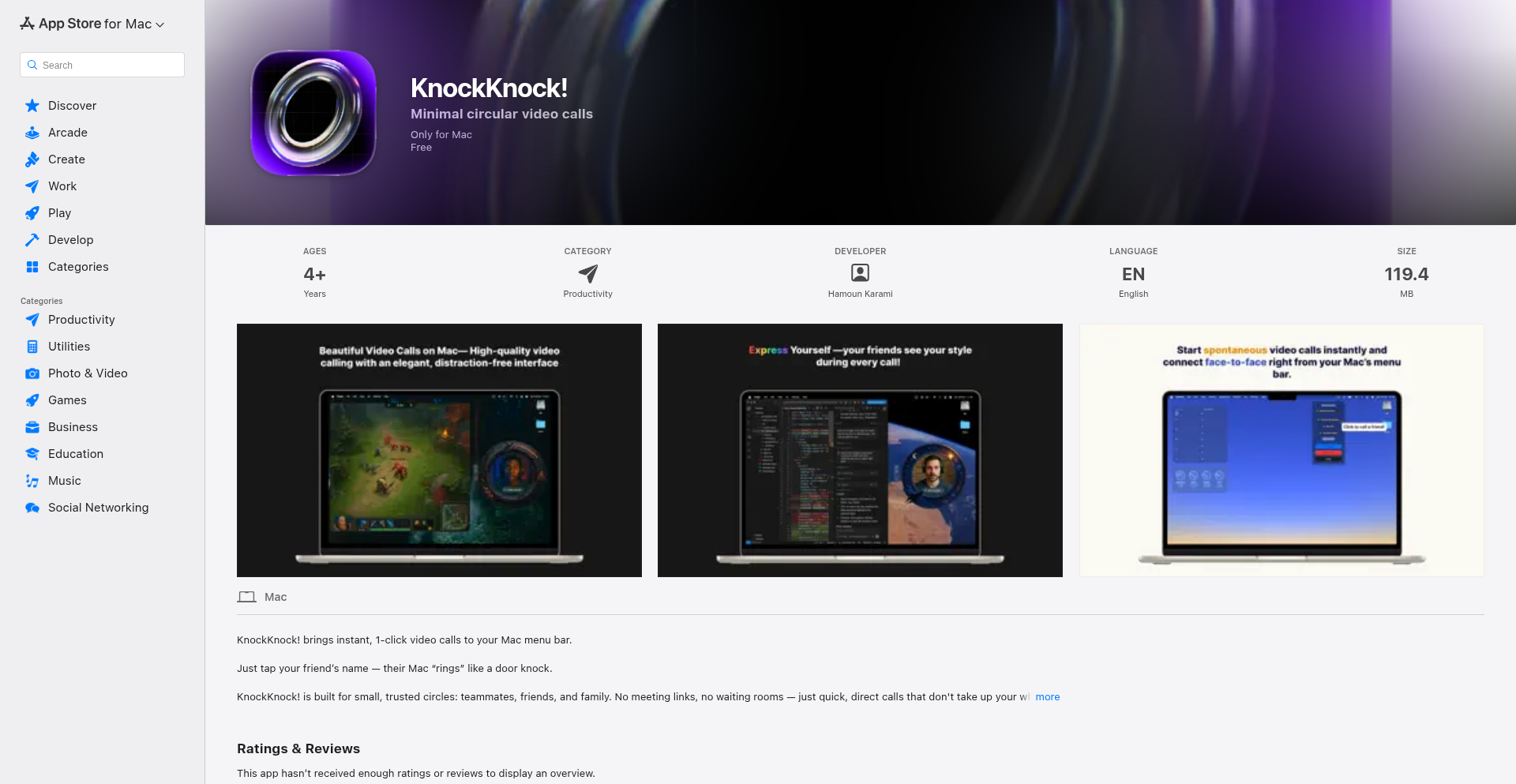
Author
HamounKarami
Description
KnockKnock is a native macOS application designed to reintroduce spontaneous video calls. It bypasses the usual friction of link generation and scheduling, offering a direct, one-click video connection to friends. The core innovation lies in its simplified approach to initiating and receiving video calls, emphasizing immediacy and natural interaction for Mac users.
Popularity
Points 1
Comments 2
What is this product?
KnockKnock is a macOS menu bar application that allows users to instantly video call their friends. Unlike traditional video conferencing tools that require sharing links or setting up meetings, KnockKnock enables a direct, immediate connection. The technology behind it focuses on simplifying the user experience by abstracting away the complexities of network setup and call initiation, aiming to recreate the spontaneity of a physical 'knock on the door' in a digital format. This means less setup, less waiting, and more natural connection, making video calls as effortless as sending a text message.
How to use it?
Developers and users can integrate KnockKnock into their daily workflows by installing the native macOS app. It resides in the menu bar, always accessible. To initiate a call, a user simply selects a friend from their contact list within the app and clicks to start a video call. The app handles the underlying connection, allowing for immediate face-to-face conversations without the need for generating or sharing meeting links. This is ideal for quick check-ins, spontaneous social interactions, or even rapid problem-solving sessions with colleagues who are also on macOS.
Product Core Function
· Instant Video Calling: Enables immediate video calls with friends without link generation or scheduling. This is valuable for reducing communication friction and fostering spontaneous connections, making it useful for personal and professional quick chats.
· Menu Bar Integration: Resides in the macOS menu bar for constant, easy access. This ensures that initiating a video call is always just a click away, maximizing convenience for Mac users during their daily tasks.
· Simplified Contact Management: Allows users to easily manage and select contacts for calls. This streamlines the process of reaching out, reducing the effort required to connect with people, thereby increasing the likelihood of spontaneous communication.
· Native macOS Experience: Built as a native application for macOS, ensuring a seamless and performant user experience that aligns with the operating system's design principles. This provides a reliable and integrated feel for Mac users, making the app feel like a natural extension of their system.
Product Usage Case
· Quick social check-ins: A user can quickly video call a friend on macOS to say hello or share a brief update without the hassle of sending a link. This solves the problem of time-consuming setup for short, spontaneous interactions.
· Impromptu collaboration: Two developers on macOS can instantly video call each other to quickly discuss a piece of code or a bug. This bypasses the need for scheduling a formal meeting, accelerating problem-solving and knowledge sharing.
· Family greetings: A user can instantly connect with family members on macOS for a spontaneous 'hello' and quick chat, fostering closer relationships through immediate, easy communication.
· Remote team huddles: A small remote team using macOS can quickly initiate a group video huddle for a brief status update without the overhead of formal meeting invitations, improving team agility and communication flow.
30
Octopii: The Rust-Powered Distributed Runtime

Author
joeeverjk
Description
Octopii is a novel distributed runtime system built with Rust, designed for robust and scalable execution of applications across multiple machines. Its core innovation lies in leveraging Rust's memory safety and concurrency features to create a highly reliable foundation for distributed computing, solving the common challenges of data consistency and fault tolerance in complex systems.
Popularity
Points 3
Comments 0
What is this product?
Octopii is a distributed runtime environment written in Rust. Think of it as a sophisticated operating system for your applications, but instead of running on a single computer, it manages them across a network of computers. The 'runtime' part means it's responsible for actually making your code run, managing resources, and ensuring it behaves as expected. The key innovation is its use of Rust. Rust is a programming language known for its ability to prevent common bugs like memory errors (which can crash programs) and race conditions (where multiple parts of the program try to access the same data at the same time, leading to unpredictable results). By building Octopii in Rust, the developers are aiming for a much more stable and secure distributed system, which is crucial when you're relying on multiple machines working together seamlessly. This solves the problem of building complex, distributed applications where reliability is paramount, and traditional languages might introduce subtle bugs that are hard to find and fix.
How to use it?
Developers can integrate Octopii into their workflow by deploying their applications as services managed by Octopii. This involves containerizing their applications or structuring them as processes that Octopii can monitor and orchestrate. Octopii provides APIs and tools for defining how services should be distributed, how they should communicate with each other, and how they should recover from failures. For instance, if you have a web application that needs to handle a lot of traffic, you can deploy multiple instances of it under Octopii's management. Octopii will then distribute the incoming requests to these instances and automatically restart any instance that crashes, ensuring your application remains available. This is particularly useful for microservices architectures or any scenario where you need to build highly available and scalable distributed systems.
Product Core Function
· Distributed Task Scheduling: Octopii intelligently assigns application tasks to available nodes in the cluster, optimizing resource utilization and ensuring efficient execution. This means your applications run where the resources are best suited, leading to faster processing and less waste.
· Fault Tolerance and Recovery: The runtime automatically detects failures in individual nodes or application instances and initiates recovery procedures, such as restarting services or migrating tasks to healthy nodes. This ensures your applications stay running even if parts of your infrastructure go down.
· Inter-service Communication: Octopii provides mechanisms for different application services to communicate with each other reliably, regardless of their physical location. This simplifies building complex systems where components need to talk to each other seamlessly.
· Resource Management: It monitors and manages the resources (CPU, memory) consumed by applications, preventing any single application from monopolizing resources and ensuring overall system stability. This prevents one runaway application from impacting the performance of others.
· Node Discovery and Health Checking: Octopii continuously monitors the health of all nodes in the cluster and can detect when a node becomes unavailable. This is the foundation for its fault tolerance capabilities, ensuring it knows which nodes are operational.
Product Usage Case
· Building a highly available e-commerce platform: Developers can deploy their web servers, databases, and payment processing services under Octopii. If a web server instance crashes, Octopii automatically restarts it or redirects traffic to other healthy instances, ensuring customers can always access the site.
· Scaling a real-time data processing pipeline: For applications that process large volumes of streaming data, Octopii can distribute the processing tasks across multiple machines. If one processing node fails, Octopii ensures the data processing continues without interruption, maintaining data integrity and timeliness.
· Orchestrating microservices for a complex application: In a microservices architecture, where an application is broken down into many small, independent services, Octopii can manage the deployment, scaling, and communication between these services, reducing the complexity of managing a distributed system.
31
Picomon: Minimalist TUI AMD GPU Monitor

Author
omneity
Description
Picomon is a command-line interface (CLI) tool designed to provide a lightweight, text-based monitoring experience for AMD GPUs. It addresses the need for a simple and efficient way to track GPU performance metrics without the overhead of full-fledged graphical applications. The core innovation lies in its minimalist approach, leveraging low-level system interfaces to fetch data directly, offering a raw and insightful view of GPU activity for developers and power users.
Popularity
Points 2
Comments 1
What is this product?
Picomon is a TUI (Text User Interface) application that displays real-time performance metrics for AMD graphics cards directly in your terminal. Unlike complex graphical dashboards, Picomon uses a lean, code-driven approach. It interacts with the system's hardware monitoring interfaces, specifically designed for AMD GPUs, to extract crucial data like GPU utilization, memory usage, temperature, and clock speeds. The innovation here is its extreme minimalism and direct hardware access, which means it consumes very few resources and provides data with minimal latency. So, what's in it for you? You get an incredibly efficient and unobtrusive way to see how your AMD GPU is performing, which is crucial for debugging performance issues or simply keeping an eye on your hardware's health without cluttering your screen.
How to use it?
Developers can use Picomon by simply executing it from their terminal. The tool is designed to be self-contained and requires no complex installation. Once run, it displays a clean TUI showing key GPU statistics. For integration, Picomon can be piped to other CLI tools for logging, alerting, or automated analysis. For example, you could run `picomon --interval 5 | grep 'GPU Utilization: 90%'` to get an alert when GPU usage exceeds 90%. This makes it a versatile tool for performance tuning, system monitoring scripts, and even for inclusion in CI/CD pipelines where low-resource monitoring is essential. So, what's in it for you? You can easily integrate GPU monitoring into your existing workflows and scripts, automate performance checks, and gain deeper insights into your application's impact on your GPU.
Product Core Function
· Real-time GPU utilization monitoring: Displays the percentage of the GPU's processing power being used, helping identify bottlenecks. This is valuable for understanding application performance and resource allocation.
· GPU memory usage tracking: Shows how much VRAM is being consumed, essential for optimizing graphics-intensive applications and preventing out-of-memory errors. This helps manage memory resources effectively.
· GPU temperature monitoring: Reports the current operating temperature of the GPU, vital for preventing thermal throttling and ensuring hardware longevity. This allows for proactive thermal management.
· GPU clock speed display: Shows the current core and memory clock speeds of the GPU, useful for understanding performance characteristics under different loads. This aids in performance profiling and overclocking analysis.
· Minimalist TUI design: Provides a clean, text-based interface that is resource-efficient and easy to read, perfect for terminal-based workflows. This offers a distraction-free monitoring experience.
Product Usage Case
· Performance debugging in game development: A game developer can use Picomon to monitor GPU utilization and memory usage while testing a new game build. If performance is poor, they can quickly identify if the GPU is the bottleneck and adjust game settings or assets accordingly. This helps in quickly diagnosing and resolving performance issues.
· System stability testing for AI/ML workloads: An AI/ML engineer running long training jobs can use Picomon to monitor GPU temperature and utilization over extended periods. If the temperature exceeds safe limits or utilization drops unexpectedly, they can intervene to prevent hardware damage or job failure. This ensures the stability and success of resource-intensive computations.
· Resource monitoring in embedded systems: For developers working with systems that have AMD GPUs and limited graphical output, Picomon can provide essential hardware insights without requiring a full GUI environment. This is useful for understanding system behavior in resource-constrained settings.
· Scripted performance analysis: A DevOps engineer can create a script that runs Picomon periodically and logs the metrics to a file. This data can then be analyzed to identify trends in GPU performance over time or to detect anomalies during peak load periods. This enables automated performance tracking and trend analysis.
32
FingerGo - Cross-Platform Touch-Typing Accelerator

Author
AshBuk
Description
FingerGo is a lightweight, cross-platform touch-typing trainer built with a focus on developer accessibility and efficient learning. Its innovative approach lies in its minimal resource footprint and adaptable learning modules, allowing users to hone their typing skills regardless of their operating system. This project showcases the hacker ethos of using code to solve a common productivity bottleneck with elegance and efficiency.
Popularity
Points 2
Comments 1
What is this product?
FingerGo is a software application designed to help users improve their typing speed and accuracy through guided practice. The core technical innovation lies in its cross-platform compatibility, achieved through modern web technologies that are compiled into native applications. This means it runs smoothly on Windows, macOS, and Linux without requiring separate development efforts for each. It avoids heavy dependencies, making it fast and responsive. The learning system is algorithmically driven to adapt to the user's progress, identifying weak spots and providing targeted exercises. So, what's in it for you? It means you get a fast, reliable typing tutor that works on your preferred computer, helping you type faster and reduce errors, which translates to more productive work and less frustration.
How to use it?
Developers can use FingerGo by downloading the pre-compiled executables for their respective operating systems from the project's repository. For those interested in extending or customizing the trainer, the source code is available, allowing for modifications to lesson content, difficulty levels, or even the underlying training algorithms. Integration into development workflows could involve making it a quick tool to launch for daily practice breaks, or for onboarding new team members to improve their coding efficiency. So, how does this benefit you? You can quickly get started practicing to become a faster typist without complex setup, and if you're a developer, you have the freedom to tinker and make it even better suited to your specific needs.
Product Core Function
· Cross-platform compatibility: Enables users to practice touch-typing on Windows, macOS, and Linux using a single application, providing a consistent learning experience across different environments. This means you can improve your typing skills no matter what computer you use.
· Lightweight architecture: Designed with minimal resource consumption, ensuring a fast and responsive user experience without bogging down your system. This translates to a smooth practice session without performance issues.
· Adaptive learning algorithms: Dynamically adjusts lesson difficulty and content based on user performance, focusing on areas needing improvement for efficient skill development. This ensures you're always practicing what you need most to get better, making your practice time more effective.
· Customizable lesson content: Allows for easy modification of typing exercises, enabling users or developers to tailor practice sessions to specific needs, such as programming keywords or common phrases. This lets you practice the words and characters most relevant to your daily tasks, accelerating your improvement.
· Progress tracking and analytics: Provides insights into typing speed, accuracy, and common errors, helping users monitor their progress and identify areas for further improvement. This gives you a clear picture of how you're doing and what to focus on to become a better typist.
Product Usage Case
· A software developer onboarding a new team member can provide FingerGo as a tool for them to quickly improve their typing speed before diving deep into coding, reducing initial productivity hurdles and making them more efficient from day one. This helps new team members get up to speed faster.
· A student preparing for exams can use FingerGo to practice typing essays and reports more quickly and accurately, saving valuable time during stressful periods. This means they can complete assignments more efficiently and with fewer errors.
· A writer can leverage FingerGo to overcome writer's block by improving their typing flow, allowing for a more seamless translation of thoughts to text. This helps them get their ideas down on paper faster and with less interruption.
· A developer working on a project with tight deadlines can use FingerGo during short breaks to maintain and improve their typing proficiency, ensuring peak performance when they return to coding. This keeps their typing skills sharp, maximizing their productivity during intense work periods.
33
TinyCLIP: macOS CLI Clipboard Manager
Author
explosion-s
Description
TinyCLIP is a remarkably small (12MB) clipboard manager for macOS, accessible and controllable via the command line interface (CLI). It addresses the common need for efficient clipboard history management without the bloat of typical GUI applications, offering a developer-centric approach to handling copied text.
Popularity
Points 3
Comments 0
What is this product?
TinyCLIP is a minimalist clipboard manager designed for macOS. Its core innovation lies in its extremely small footprint and its CLI-first design. Instead of a traditional graphical interface, it leverages the command line to interact with your clipboard history. This means you can query, retrieve, and manage your copied items directly from your terminal. The technical idea is to abstract clipboard operations into a set of simple, scriptable commands, making it highly efficient and integrated with other command-line tools. Its value comes from providing a fast, lightweight, and powerful way to access and utilize your clipboard history, which is especially useful for developers who frequently copy and paste code snippets or commands.
How to use it?
Developers can use TinyCLIP by installing it and then accessing its commands from their macOS terminal. For example, you might use a command like 'tinyclip list' to see your clipboard history, or 'tinyclip get <index>' to retrieve a specific item. It can be integrated into custom scripts for automated workflows, such as quickly pasting the last copied IP address into a server connection command or retrieving a recent code snippet. This provides immediate utility for tasks that require repeated access to previously copied content, saving time and reducing manual effort.
Product Core Function
· Clipboard History Retrieval: Allows users to view a list of recently copied items directly from the terminal, with each item accessible by its index. This is valuable because it provides quick access to previously copied text without needing to switch to another application, enabling faster workflows.
· Specific Item Fetching: Enables users to retrieve a particular item from the clipboard history by its index. This is useful for targeting specific code snippets or URLs that have been copied, ensuring accuracy and efficiency in pasting.
· Command-Line Interface (CLI) Control: Provides full control over clipboard management via text commands. This is highly valuable for developers who prefer or need to automate tasks, integrate with scripts, or work in environments where a graphical interface is unavailable or cumbersome.
Product Usage Case
· Automated Deployment Scripts: A developer can write a script to deploy an application. When the script needs to paste a generated API key or a server address, it can use TinyCLIP to fetch the correct key from its history, ensuring the correct value is used without manual intervention. This solves the problem of secure and accurate handling of sensitive information during automated processes.
· Rapid Code Snippet Pasting: When working on a complex coding task, a developer might copy multiple small code snippets. TinyCLIP allows them to quickly list and retrieve any of these snippets via the CLI, then paste them into their IDE. This accelerates the coding process by reducing context switching and the need to re-copy items.
· Terminal-Based Workflow Enhancement: For developers who spend most of their time in the terminal, TinyCLIP offers a seamless way to manage clipboard content without leaving their preferred environment. They can copy something, then immediately use a TinyCLIP command to retrieve it later in their session. This enhances productivity by keeping all operations within a single interface.
34
ElfReview: Facial Emotion AI for Satirical HR

Author
shoarek
Description
ElfReview is a fun, experimental project that uses on-device facial expression detection to generate humorous, bureaucratic performance reviews, inspired by a 'North Pole HR department'. It creatively combines simple AI for emotion analysis with generative text to produce satirical HR reports, highlighting the potential for whimsical applications of technology.
Popularity
Points 3
Comments 0
What is this product?
ElfReview is a web application that takes a photo of a person and, using a machine learning model that runs directly in the user's browser (no data sent to a server!), analyzes the facial expression. It then uses this emotion (happy, sad, or neutral) to decide if the person is 'naughty' or 'nice', much like Santa's elves. Based on this, it generates a funny, mock HR performance review filled with corporate jargon and randomized satirical content about job performance, potential misconduct, and gift eligibility. The innovation lies in its direct, client-side AI for a simple task and its playful application of technology to evoke humor and commentary on workplace culture.
How to use it?
Developers can use ElfReview as a demonstration of client-side AI and creative text generation. You can easily integrate this into a personal website for a fun interactive element, or adapt the core logic for other projects that require basic facial emotion analysis. For example, a developer could use the same facial detection logic to provide dynamic feedback in a simple game or an interactive art installation. The core idea is to leverage readily available browser-based AI models for immediate, privacy-preserving results.
Product Core Function
· Client-side facial expression detection: Analyzes photos directly in the browser using machine learning, meaning your photos are private and not uploaded to any server. This is valuable for privacy-conscious applications and reduces server costs.
· Emotion-to-persona mapping: Translates detected emotions (happy, sad, neutral) into a 'naughty' or 'nice' categorization, providing a simple yet effective input for creative content generation. This shows how basic AI outputs can drive narrative.
· Satirical HR report generation: Creates humorous, mock performance reviews with randomized corporate buzzwords and scenarios. This demonstrates creative text generation and the potential for AI to be used for entertainment and social commentary.
· Interactive user experience: Offers an engaging way for users to see technology in action with immediate, often amusing, results. This makes complex tech concepts accessible and fun for a wider audience.
Product Usage Case
· A web developer could embed ElfReview on their personal portfolio site to showcase their technical skills in a fun, non-traditional way. When a visitor uploads a photo, they get a humorous 'performance review' from the 'North Pole HR', making the developer's site memorable.
· An artist experimenting with AI and interactivity could use the facial detection module to trigger different visual or audio outputs based on a viewer's emotion. For instance, a happy expression might make a digital artwork brighter, while a sad one could change its color palette.
· A student learning about AI ethics and applications could use ElfReview as a case study. They can analyze how readily available AI tools can be repurposed for creative and satirical purposes, and discuss the implications of such technologies, even in a lighthearted context.
· A game developer looking for simple ways to add player interaction could adapt the emotion detection to influence game mechanics. For example, a character's dialogue or actions might change based on the player's detected mood, adding a layer of dynamic engagement.
35
EmpathyScan

Author
goshtasb
Description
EmpathyScan is an AI-powered tool designed to detect emotional coercion and rhetorical manipulation within news articles. It leverages advanced Natural Language Processing (NLP) techniques to analyze the sentiment, tone, and persuasive language patterns used by authors, offering a quantitative score to gauge the level of manipulation present. This addresses the growing concern of biased or misleading information influencing public perception.
Popularity
Points 2
Comments 1
What is this product?
EmpathyScan is an AI system that analyzes text to identify subtle and overt forms of manipulation in news reporting. It uses machine learning models trained on vast datasets of text to recognize specific linguistic cues associated with emotional appeals, logical fallacies, and persuasive framing techniques. The core innovation lies in its ability to go beyond simple sentiment analysis and quantify the *intent* behind the language, flagging instances where words might be used to steer reader emotions rather than inform them objectively. Think of it as a 'bullshit detector' for news, but grounded in rigorous linguistic analysis.
How to use it?
Developers can integrate EmpathyScan into various applications, such as news aggregators, content moderation platforms, or even personal browser extensions. The system can be accessed via an API. For instance, a news aggregator could pass incoming article content to EmpathyScan to flag articles that score high on manipulation. A content moderator could use it to assist in identifying potentially harmful or misleading content. The output is typically a numerical score and potentially highlighted sections of text with explanations of the detected manipulative techniques. This allows for automated content filtering, risk assessment, or providing users with a deeper understanding of the news they consume.
Product Core Function
· Emotional Coercion Detection: Analyzes language to identify terms and phrases designed to evoke strong emotional responses, bypassing rational thought. This helps users understand when an article is trying to sway them through fear, anger, or excitement rather than facts.
· Rhetorical Manipulation Scoring: Assigns a score indicating the degree of persuasive tactics and logical fallacies employed. This provides a quantifiable measure of how much an article relies on tricks of language versus solid argumentation, enabling objective comparison of different news sources.
· Sentiment and Tone Analysis: Assesses the underlying emotional undertones and authorial attitude conveyed in the text. This helps users identify potentially biased reporting by revealing if the article is inherently positive, negative, or neutral towards its subject.
· Key Phrase Highlighting: Identifies and highlights specific words or sentences that contribute most significantly to the detected manipulation. This gives users concrete examples of the manipulative techniques being used, making the analysis transparent and educational.
Product Usage Case
· News Aggregator Integration: A news platform can use EmpathyScan to automatically score articles for their manipulation level. This allows the platform to display a 'manipulation score' next to each article, helping users make informed choices about what to read and which sources to trust.
· Content Moderation Tool: A social media platform can employ EmpathyScan to flag posts that exhibit high levels of emotional coercion or rhetorical manipulation for human review. This assists moderators in identifying and addressing the spread of disinformation or propaganda more efficiently.
· Educational Browser Extension: A developer could build a browser extension that, when activated on a news website, analyzes the current article and provides a pop-up score and explanation of any detected manipulation. This empowers individual readers to critically assess the news they encounter in real-time.
· Academic Research Aid: Researchers studying media bias, propaganda, or persuasive communication can use EmpathyScan as a tool to systematically analyze large volumes of text data, accelerating their findings and providing quantitative evidence for their hypotheses.
36
Crovia Spider
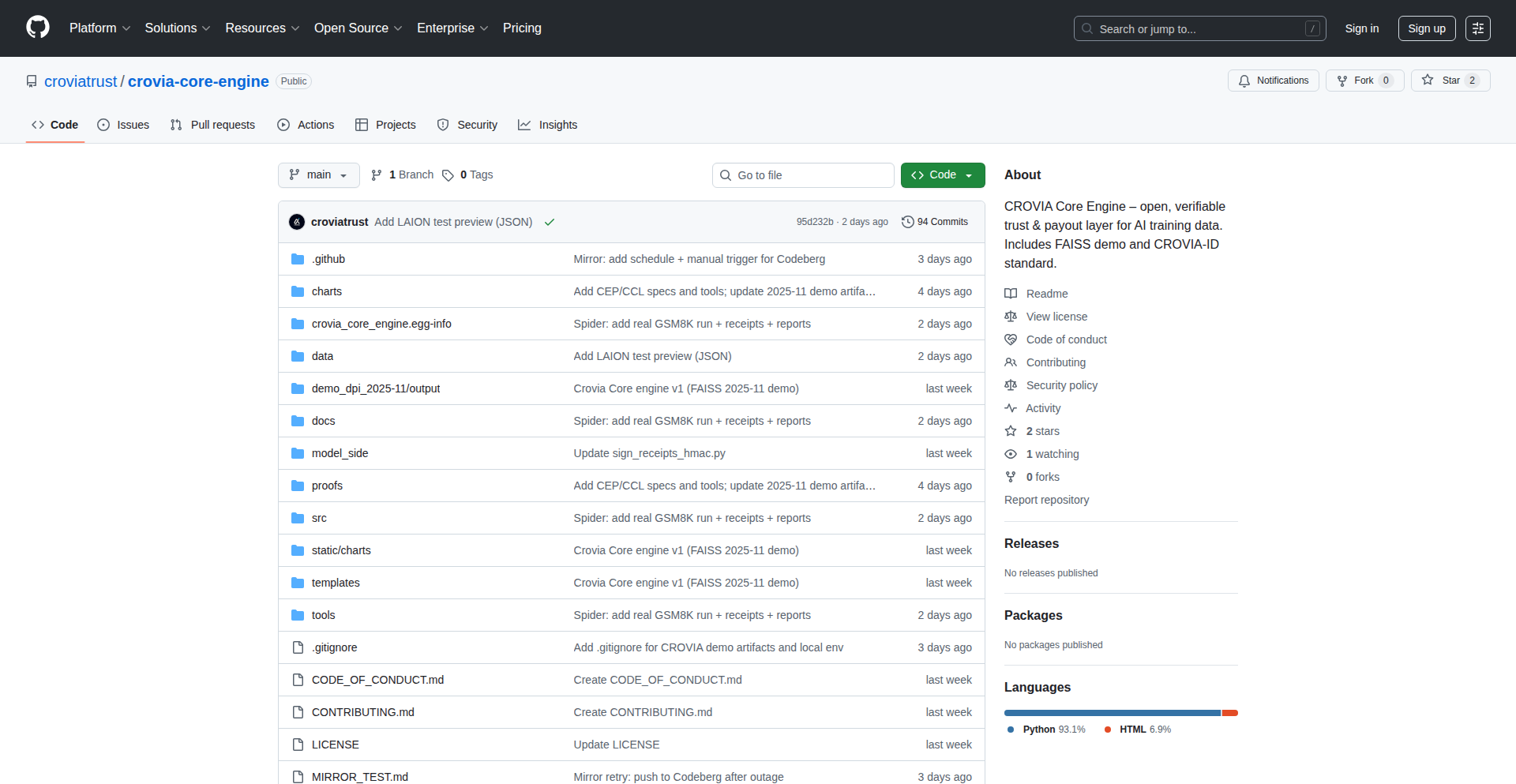
Author
crovia
Description
Crovia Spider is an open-core forensic tool that meticulously examines existing public AI datasets, like LAION-5B, to identify potential license issues, data origin uncertainties, and compliance shortcomings. It achieves this without performing new data collection or accessing private information, providing verifiable clarity on publicly available AI data. This is crucial for navigating upcoming AI regulations like the EU AI Act by offering auditable insights and transparency for AI models.
Popularity
Points 2
Comments 0
What is this product?
Crovia Spider is a specialized software tool designed to act like a digital detective for AI datasets. Its core innovation lies in its ability to 'crawl' and analyze large, pre-existing public datasets (like those used to train popular AI models such as Stable Diffusion) to uncover crucial information about the data's origins and licensing. It doesn't gather new data; it scrutinizes what's already there. Imagine it as a smart scanner that flags potential problems like unverified licenses, data with unclear origins, or inconsistencies in the audit trail. This helps in understanding the inherent risks associated with using data from these datasets, especially in light of new regulations that demand transparency and accountability in AI development. The 'Compliance Score' it generates is a novel way to quantify these risks, giving developers a clear, actionable metric.
How to use it?
Developers can integrate Crovia Spider into their AI development workflow to audit the datasets they plan to use. For instance, if you're building an AI model and want to use images from LAION-5B, you can run Crovia Spider on that dataset. The tool will output 'receipts' – verifiable records showing details like content identifiers (e.g., a SHA256 hash of the image) and their associated (often unverified) licenses. This allows you to understand the licensing landscape of your training data. The CLI-ready nature and Apache 2.0 license make it easy to incorporate into automated pipelines or custom scripts. For developers seeking robust audit trails for regulatory compliance, Crovia Spider can generate 'audit packs' that are compatible with other compliance tools like Crovia Trust, ensuring your AI models have the necessary verifiable evidence for upcoming legislation.
Product Core Function
· License Hint Extraction: Identifies and extracts potential license information associated with data entries in public AI datasets, providing developers with a clearer picture of usage rights and helping them avoid costly legal issues.
· Provenance Signal Identification: Uncovers signals related to the origin and lineage of data, allowing developers to understand where their training data comes from and assess potential risks associated with its source.
· Compliance Gap Detection: Pinpoints inconsistencies or missing information in datasets that could lead to non-compliance with AI regulations, such as the EU AI Act, enabling proactive risk mitigation.
· Compliance Score Generation: Assigns a quantifiable 'Compliance Score' to datasets, offering a straightforward metric for evaluating the risk level of using that data for AI model training.
· Audit Trail Generation: Creates verifiable records (receipts) that document the findings of the analysis, serving as crucial evidence for regulatory audits and demonstrating due diligence in data sourcing.
Product Usage Case
· A developer building a generative AI image model using LAION-5B wants to ensure they are not violating any copyrights. By running Crovia Spider on a subset of LAION-5B, they discover that a significant portion of the data has 'unverified' CC-BY 4.0 licenses. This insight prompts them to either filter out these potentially risky data points or seek alternative, more clearly licensed datasets, thus preventing potential legal disputes.
· An AI company preparing to comply with the EU AI Act needs to provide transparent documentation about the training data used in their AI models. They use Crovia Spider to generate audit packs for their datasets, which include detailed receipts linking specific data content to its claimed (and scrutinized) license. This simplifies the process of creating the required Annex IV bundles and ensures their AI model meets regulatory transparency requirements.
· A researcher investigating the ethical implications of AI model training wants to quantify the risks associated with widely used public datasets. Crovia Spider's 'Compliance Score' provides them with a standardized metric to compare different datasets, highlighting which ones pose a higher risk due to licensing ambiguities and unclear provenance, aiding their research findings.
37
Megafrost - Archive Storage Companion
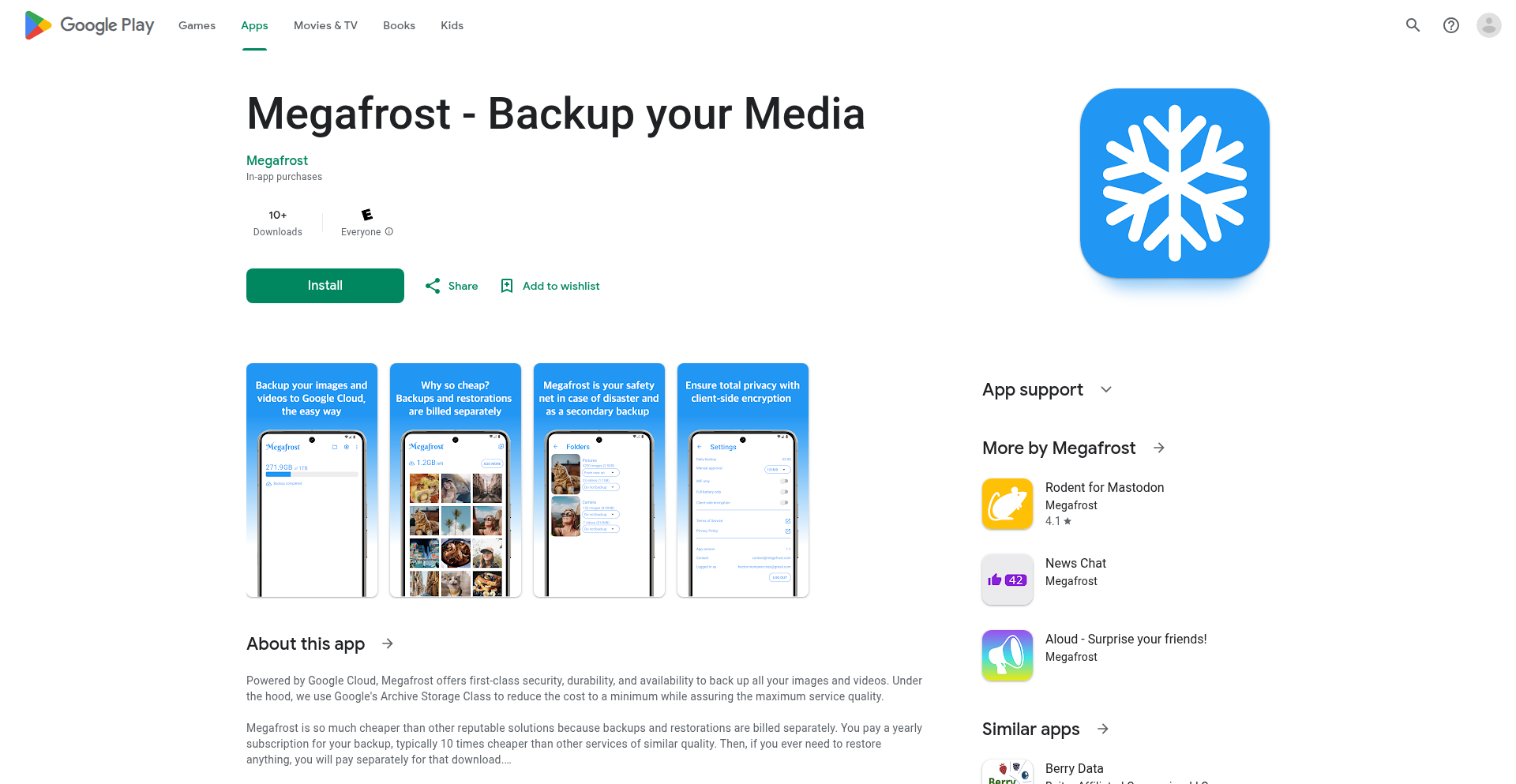
Author
theaitch
Description
Megafrost is an Android app that leverages Google Cloud's Archive Storage to offer a significantly cheaper solution for backing up images and videos. It simplifies the complex Google Cloud interface and integrates with Google Pay, making enterprise-grade, low-cost storage accessible to everyday users. The innovation lies in packaging powerful cloud storage into a user-friendly mobile experience, bypassing prohibitive pricing for personal cloud backups.
Popularity
Points 2
Comments 0
What is this product?
Megafrost is a mobile application designed to make personal cloud backups incredibly affordable. It acts as a user-friendly interface to Google Cloud's Archive Storage, a very cheap storage service typically meant for businesses. Instead of paying high monthly fees for services like Google Drive or Dropbox, Megafrost allows you to store your precious photos and videos for a fraction of the cost. The core technical idea is to abstract away the complexity of Google Cloud, allowing anyone to benefit from its low storage prices. The innovation is in making this powerful, cost-effective storage accessible to individuals through a simple app.
How to use it?
Developers can integrate Megafrost into their Android applications or use it as a standalone tool for personal media backup. For personal use, you would install the app on your Android device, connect your Google Pay account, and select the photos and videos you want to back up. The app handles the uploading to Google Cloud's Archive Storage. For developers looking to build similar solutions, Megafrost demonstrates a pattern of wrapping complex cloud services into simpler APIs, which can be a valuable technique for creating more accessible and affordable cloud-based products. The integration with Google Pay is straightforward, using standard payment SDKs.
Product Core Function
· Cost-effective media storage: Utilizes Google Cloud Archive Storage to offer extremely low-cost storage for images and videos, saving users significant money compared to traditional cloud backup services. This means you can store more of your memories without breaking the bank.
· Simplified Google Cloud integration: Abstracts away the technical complexities of Google Cloud, presenting a user-friendly interface for managing backups. You don't need to be a cloud expert to use it, making powerful technology accessible to everyone.
· Google Pay integration: Seamlessly integrates with Google Pay for easy payment processing, allowing users to manage their storage costs within a familiar and secure payment ecosystem. This makes paying for your storage as simple as buying an app.
· Disaster recovery focus: Positions the service as a robust solution for disaster recovery, acknowledging that restores (which incur download fees) will be infrequent for most users. This means your data is safe and retrievable in emergencies, without constant worry about small, frequent access costs.
Product Usage Case
· Personal photo and video backup: A user with a large collection of high-resolution photos and videos can use Megafrost to back them up at an exceptionally low annual cost, protecting their memories from device failure or loss. This solves the problem of expensive cloud storage for personal archives.
· Content creator media archiving: A photographer or videographer can archive their completed projects to Google Cloud Archive Storage via Megafrost, ensuring long-term preservation at minimal cost, rather than paying monthly subscription fees for active storage. This addresses the need for affordable, long-term digital asset preservation.
· Mobile device data protection: Individuals concerned about losing data on their smartphones can use Megafrost to create an off-device backup of their media, providing peace of mind in case their phone is lost, stolen, or damaged. This offers a secure and economical way to safeguard essential personal data.
38
Wanderer Data Protocol
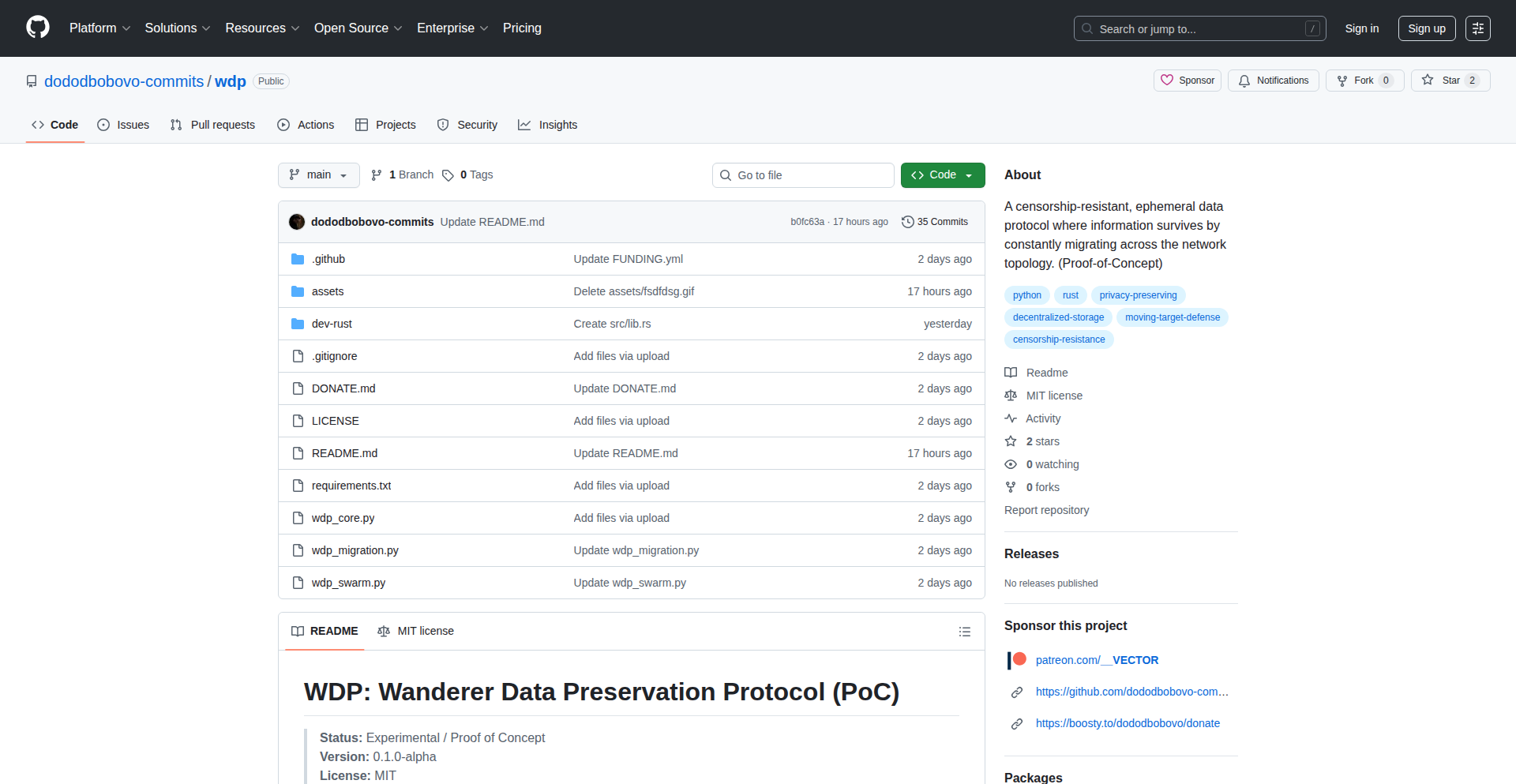
Author
__VECTOR
Description
WDP is a novel protocol designed to make data resilient to censorship, seizure, or physical failure by ensuring data is never static. Instead, data continuously migrates across the network, behaving like a 'traveling wave'. This eliminates single points of failure inherent in traditional static data storage, offering a robust solution for distributed systems.
Popularity
Points 2
Comments 0
What is this product?
WDP is a data preservation protocol that fundamentally changes how data is stored. Instead of sitting on a single server or even a distributed system like IPFS where individual nodes can be targeted, WDP ensures data is constantly on the move. Think of it like a secret message that's always being passed from one trusted friend to another, so it's never in one place long enough to be intercepted or lost. This 'traveling wave' approach means no single node is a single point of failure. So, it's useful because your important data won't be lost if one server goes down or is attacked.
How to use it?
Developers can integrate WDP into their applications to ensure their data is always available and protected. This can be achieved by implementing the WDP protocol for data storage and retrieval. For instance, a decentralized application could use WDP to store user-generated content, ensuring that even if a specific node hosting that content is shut down, the data can still be accessed from another node as it migrates. This is done by the application interacting with the WDP network to manage data's movement and access. So, it's useful for building applications where data availability is critical, like censorship-resistant messaging or secure record-keeping.
Product Core Function
· Data Migration Engine: Continuously moves data across network nodes to prevent static storage vulnerabilities. This is valuable because it ensures data is not tied to any single location that could be compromised.
· Network Topology Awareness: Understands the network structure to efficiently route and migrate data. This is valuable for optimizing data movement and ensuring it reaches available nodes quickly.
· Decentralized Data Management: Manages data existence across multiple nodes without a central authority. This is valuable for achieving true resilience and preventing a single point of control or failure.
· Dynamic Data Seeding: The ability to initiate data migration and ensure its presence across the network. This is valuable for ensuring new data is immediately protected and distributed.
Product Usage Case
· Censorship-Resistant Content Publishing: A blog or news platform could use WDP to store articles. If a government tries to block access to a server hosting an article, the data would have already migrated, making it inaccessible to block. So, this is useful for ensuring free speech and information access.
· Secure Distributed Storage for Sensitive Information: Organizations handling confidential data could use WDP to store critical records, ensuring that no single server breach can compromise the entire dataset. So, this is useful for enhancing data security and privacy.
· Decentralized Identity and Reputation Systems: Ensuring that a user's digital identity or reputation data is not tied to a single point that could be manipulated or deleted. So, this is useful for building robust and trustworthy decentralized identity solutions.
· Resilient Archival Systems: For long-term data preservation, WDP can ensure that archival data remains accessible even if physical storage locations are destroyed or become obsolete. So, this is useful for guaranteeing the longevity of important historical or scientific data.
39
Trello-Clone-Source-Pro

Author
Codegres
Description
A fully functional Trello clone with readily available source code, demonstrating a practical application of a Kanban-style project management system. This project showcases innovative approaches to real-time data synchronization and user interface design for board-based workflow management, offering a valuable blueprint for developers looking to build similar tools.
Popularity
Points 2
Comments 0
What is this product?
This project is a Trello clone, meaning it replicates the core functionality of the popular project management tool that uses a board with lists and cards to organize tasks. The innovation lies in its complete open-source nature and the underlying architecture that facilitates real-time updates and drag-and-drop interactions. It's built using modern web technologies to provide a smooth user experience, allowing for efficient task visualization and management. Think of it as a deconstructed Trello, where you can see and modify every piece of the engine, empowering you to understand and extend its capabilities.
How to use it?
Developers can use this project as a learning resource to understand how a Kanban board system is architected and implemented. It can be forked, studied, and modified to build custom project management tools, internal team dashboards, or even integrated into larger applications. The source code provides a concrete example of how to handle complex UI interactions like drag-and-drop for cards and lists, and how to manage data synchronization between multiple users in real-time. It's a fantastic starting point for anyone wanting to dive deep into the technical implementation of collaborative workflow tools.
Product Core Function
· Real-time board synchronization: Uses technologies like WebSockets to ensure that when one user moves a card or adds a comment, all other users see the changes instantly. This solves the problem of outdated information and improves team collaboration.
· Drag-and-drop interface: Implements intuitive drag-and-drop functionality for moving cards between lists and reordering them within lists, providing a seamless user experience for task prioritization and workflow management.
· Board and card management: Allows users to create, edit, and delete boards, lists, and cards, enabling flexible organization of projects and tasks.
· User authentication and authorization: Provides a secure way for users to manage their boards and tasks, ensuring data privacy and control.
Product Usage Case
· Building a custom internal team task tracker: A company can deploy this clone to manage their internal projects, offering a tailored solution that fits their specific workflow without relying on third-party SaaS.
· Educational tool for web development: Students can dissect the source code to learn about front-end frameworks, back-end logic, database interactions, and real-time communication protocols, accelerating their learning curve in building interactive web applications.
· Prototyping a new project management feature: A startup could use this as a foundation to quickly prototype and test a new Kanban-based feature for their existing product, leveraging the pre-built functionality to save development time.
40
SuppleBuddy: The Smart Supplement Reminder
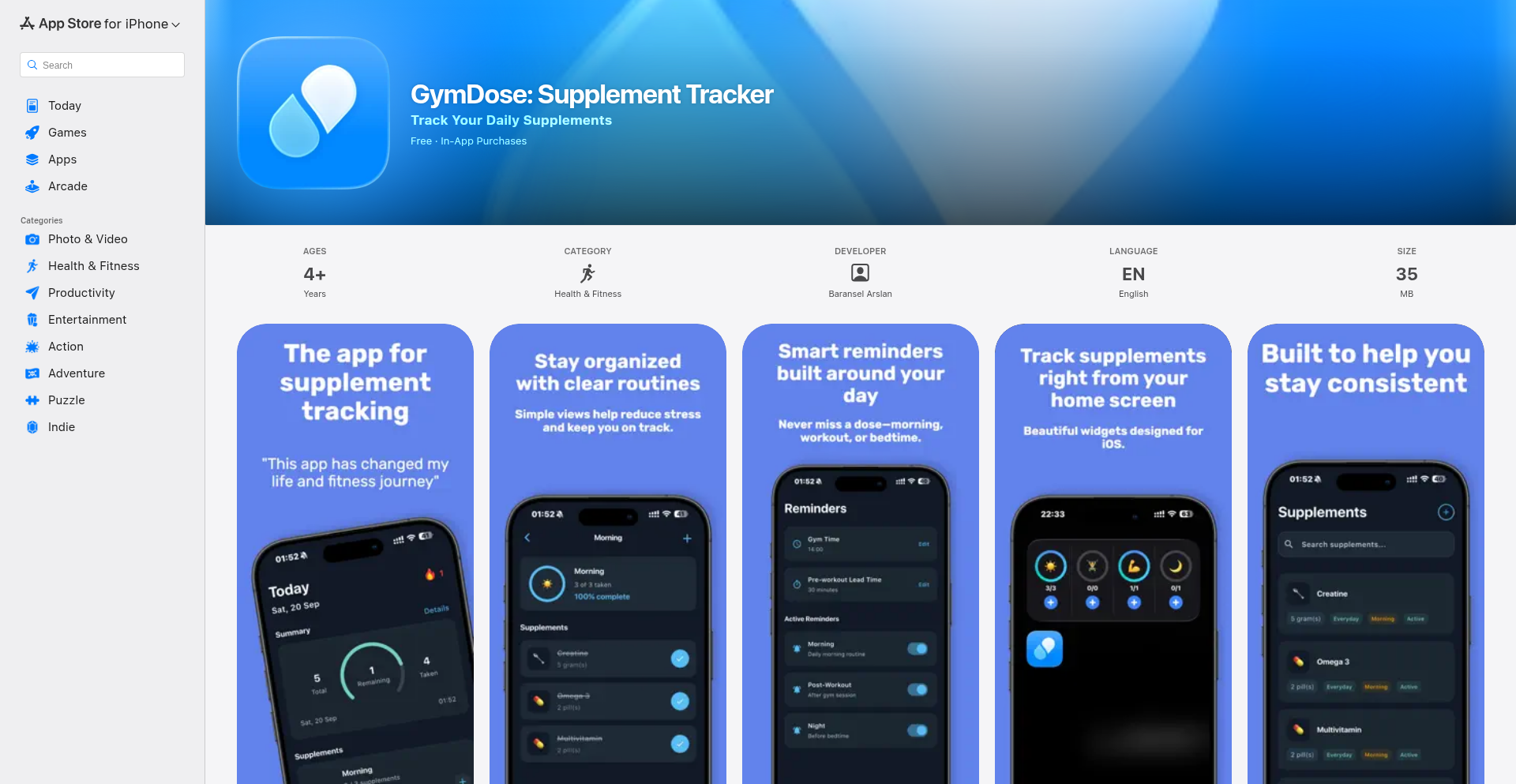
Author
baransel
Description
SuppleBuddy is a personal application designed to help individuals remember to take their dietary supplements, especially during restrictive periods like cutting phases in fitness. It leverages simple, yet effective, notification logic to ensure consistency. The innovation lies in its focused simplicity and user-centric design for a common, often overlooked, problem.
Popularity
Points 1
Comments 1
What is this product?
SuppleBuddy is a personalized application built to solve the common problem of forgetting to take supplements. It works by allowing users to input their supplement schedule and then triggers timely reminders. The core technical idea is straightforward: a scheduled notification system. The innovation is in its dedicated focus on this specific user need, making it a frictionless experience for those who struggle with consistency in their supplement routine. This means you won't miss your vitamins or protein boosts anymore, even when you're busy or on a strict diet.
How to use it?
Developers can use SuppleBuddy by downloading and installing it on their preferred platform (assuming it's a cross-platform or web-based application). They would then configure their individual supplement intake schedule within the app, specifying the type of supplement, dosage, and the desired reminder times. The app will then handle the rest by sending out push notifications or alerts. This provides a dedicated and reliable way to manage your supplement regimen without needing to build a custom solution yourself.
Product Core Function
· Customizable Supplement Scheduling: Users can set specific times and days for each supplement, ensuring the app adapts to individual needs. The value is in precise control over your regimen, so you only get reminded when it matters.
· Timely Reminder Notifications: The app sends alerts at scheduled times, ensuring you don't forget to take your supplements. This directly addresses the core problem, providing peace of mind and consistency in your health goals.
· Supplement Logging (Implied Functionality): While not explicitly stated, a common extension of such an app would be to allow users to mark supplements as taken. This provides a record and helps in tracking adherence. The value here is in self-monitoring and understanding your own compliance.
· User-Friendly Interface: The design prioritizes ease of use, making it simple for anyone to set up and manage their reminders. This means less friction and more focus on your health, not on figuring out complicated software.
Product Usage Case
· Fitness Enthusiasts on a Cutting Diet: A developer who is strictly following a cutting diet and needs to take specific supplements at precise times to optimize fat loss and muscle retention. SuppleBuddy ensures they never miss their pre-workout, post-workout, or essential vitamin doses, directly aiding their fitness goals.
· Individuals with Complex Supplement Regimens: A developer who takes multiple supplements for various health reasons (e.g., joint health, energy, sleep). SuppleBuddy helps them manage a complex schedule without the mental overhead of remembering each one individually, preventing accidental double-dosing or missed doses.
· Busy Professionals Needing Health Consistency: A developer with a demanding job who often forgets personal care routines amidst deadlines. SuppleBuddy acts as a gentle nudge, ensuring their health and wellness aren't sacrificed due to a packed schedule, thus maintaining overall well-being.
· Proactive Health Management: Anyone looking to be more proactive about their health by ensuring consistent intake of essential vitamins and minerals. SuppleBuddy provides a simple, automated system to support this goal, making healthy habits easier to maintain.
41
WhispaQA: IntentFlow Recorder

Author
j_mao
Description
WhispaQA is an innovative QA tool that automatically records user interactions, understands the flow and intent behind those actions, and generates natural language bug reports. It aims to automate 50-60% of manual QA tasks like writing reproduction steps, taking screenshots, and capturing network logs, freeing up QA engineers to focus on more strategic testing. The core innovation lies in its ability to capture 'intent' rather than just raw content, making the recorded sessions more meaningful and actionable.
Popularity
Points 2
Comments 0
What is this product?
WhispaQA is an intent-driven QA assistant. Instead of just recording every pixel you click, it intelligently understands what you're trying to achieve and the sequence of your actions. Think of it like a smart assistant that watches you test software, taking notes on the important parts of your journey. It captures the 'why' behind your clicks and navigations, not just the 'what'. This is achieved by analyzing user interactions and inferring the underlying intent and workflow. So, what you get is a structured understanding of a testing session, which is invaluable for creating detailed and accurate bug reports without manual effort. This means less grunt work for QA engineers and better quality software.
How to use it?
Developers and QA engineers can integrate WhispaQA into their testing workflow by launching it before starting a test session. WhispaQA then acts as an overlay or background agent, observing user actions on the application under test. Users can select different capture modes based on their needs. Once the session is complete, WhispaQA processes the recorded interactions, interprets the user's intent and flow, and can generate comprehensive bug reports, including steps to reproduce, relevant screenshots, and potentially network logs. This can be integrated into existing bug tracking systems or used standalone. For example, a QA engineer testing a new e-commerce feature can simply start WhispaQA, perform their test flows, and then use the generated report to quickly file a detailed bug.
Product Core Function
· Intent-driven Interaction Recording: Automatically captures user actions, focusing on the underlying intent and workflow rather than just raw data. This helps in understanding the 'why' behind the actions, leading to more insightful bug reports.
· Natural Language Report Generation: Translates recorded user sessions into human-readable bug reports with clear reproduction steps and context. This significantly reduces the time QA engineers spend on documentation.
· Automated Workflow Understanding: Analyzes sequences of actions to infer the user's journey and intent. This provides a structured overview of the testing process, making it easier to identify deviations and issues.
· Customizable Capture Modes: Allows users to select different levels of detail or focus for recording, tailoring the tool to specific testing scenarios. This ensures efficient data capture without overwhelming the user.
· Reduced Manual Effort: Automates repetitive tasks like typing reproduction steps, taking screenshots, and manually logging network activities. This frees up QA engineers to perform more critical and exploratory testing.
Product Usage Case
· Scenario: A QA engineer is testing a complex multi-step checkout process on a web application. Instead of manually noting down each click and form submission, they launch WhispaQA. WhispaQA records the entire flow, understanding the intent behind each step (e.g., 'adding item to cart', 'proceeding to checkout', 'entering shipping details'). After the test, WhispaQA generates a detailed report with clear reproduction steps, enabling quick bug filing if an issue is found. This saves significant time and reduces the chance of human error in documentation.
· Scenario: A developer is trying to diagnose a performance issue in a user-facing feature. They can use WhispaQA to record a typical user interaction. WhispaQA not only captures the steps but can also be configured to capture network requests associated with those steps. The generated report provides a clear sequence of user actions and the corresponding network traffic, helping the developer pinpoint bottlenecks or problematic API calls much faster than manually sifting through logs.
· Scenario: A team is onboarding a new QA engineer who needs to quickly understand the existing testing procedures for a critical feature. WhispaQA session recordings of experienced testers can provide a quick and intuitive way for the new engineer to grasp the workflows and common testing paths, accelerating their learning curve.
42
TnL: Clojure JVM SQL-to-ETL Pipeline

Author
zaibacu
Description
TnL is a novel tool that takes your SQL queries, transforms them into an Abstract Syntax Tree (AST), and then constructs a complete JVM-based Extract, Transform, Load (ETL) pipeline using Clojure. This innovative approach allows developers to leverage the power of SQL for data manipulation within a robust JVM environment, offering a unique blend of declarative querying and programmatic pipeline construction.
Popularity
Points 2
Comments 0
What is this product?
TnL is a Clojure-based project that acts as an ETL pipeline builder. Its core innovation lies in its ability to parse SQL queries and convert them into a structured format called an Abstract Syntax Tree (AST). Think of an AST as a detailed blueprint of your SQL query. TnL then uses this blueprint to generate a fully functional ETL pipeline that runs on the Java Virtual Machine (JVM). This is useful because it allows you to use the familiar syntax of SQL to define data transformations and then have TnL automatically create the complex code needed to move and process that data efficiently on the JVM. It's like having a smart assistant that understands your SQL and builds the data pipeline for you.
How to use it?
Developers can use TnL by providing it with their SQL queries. TnL will then parse these queries and generate Clojure code that represents an ETL pipeline. This generated pipeline can be integrated into existing Java or Clojure applications running on the JVM. For example, you could have a scenario where you need to extract data from a database, perform some transformations based on specific SQL logic, and then load it into another system. Instead of writing all the boilerplate ETL code manually, you write your transformations in SQL, let TnL convert it into a JVM pipeline, and then run that pipeline. This is particularly useful for data engineers and developers who need to build data processing workflows on the JVM.
Product Core Function
· SQL Parsing to AST: Converts raw SQL queries into a structured Abstract Syntax Tree, providing a machine-readable representation of the query logic. This is valuable because it breaks down complex SQL into manageable components, making programmatic manipulation possible. This helps in understanding the intent of the SQL for pipeline generation.
· JVM ETL Pipeline Generation: Automatically generates executable JVM bytecode based on the AST. This is valuable because it abstracts away the complexities of writing ETL code from scratch, allowing developers to focus on data logic rather than implementation details. It enables the execution of data transformations within the robust and performant JVM environment.
· Clojure-based Pipeline Orchestration: Leverages Clojure's functional programming paradigm for defining and orchestrating the generated ETL pipeline. This is valuable because Clojure offers conciseness, immutability, and powerful concurrency primitives, leading to more maintainable and scalable data pipelines. It makes the pipeline logic clearer and easier to manage.
Product Usage Case
· Automating data migration tasks: A developer needs to migrate data from an old database to a new one, with specific filtering and transformation rules defined in SQL. TnL can parse these SQL rules and generate a JVM pipeline that reads from the source, applies the transformations, and writes to the destination, significantly reducing manual coding effort.
· Building real-time data processing pipelines: In a microservices architecture, a service needs to ingest data from a message queue, perform some SQL-based aggregations or filtering, and then publish the processed data to another queue. TnL can generate a pipeline that handles this efficiently on the JVM, ensuring low latency and high throughput.
· Creating custom data validation and cleaning services: A team needs to build a service that validates and cleans incoming data based on a set of SQL-defined rules. TnL can parse these rules and generate a robust JVM service that applies the validation logic, making data quality checks more systematic and automated.
43
DailyConnection

Author
ArielAio
Description
DailyConnection is a minimalist web application designed to foster better communication in relationships through tiny, daily emotional missions. Leveraging a simple daily ritual concept, it aims to move beyond reactive problem-solving conversations by encouraging proactive connection. The core innovation lies in its constrained, time-efficient approach, delivering one short 'mission' daily to build consistent positive interaction, validating the hypothesis that small, regular efforts can significantly impact relationship health.
Popularity
Points 2
Comments 0
What is this product?
DailyConnection is a web application that provides couples with a single, short 'emotional mission' each day, designed to take approximately three minutes to complete. The technical principle is to create a lightweight, daily ritual that encourages active engagement and communication, rather than waiting for problems to arise. This approach tackles the common challenge of maintaining consistent connection in relationships by making it effortless and accessible, offering a structured yet flexible way to nurture bonds.
How to use it?
Developers can use DailyConnection by signing up with email and password. After logging in, they'll see a dashboard displaying the day's mission. The application tracks progress across a 7-day mission sequence, providing a sense of accomplishment and encouraging continued engagement. It can be integrated into a user's daily routine as a simple reminder or a dedicated moment for connection, acting as a prompt for meaningful interaction.
Product Core Function
· Daily Mission Delivery: Provides one small, actionable emotional mission per day, offering a structured prompt for connection and communication. This is valuable for users seeking easy ways to initiate positive interactions without extensive planning.
· 7-Day Mission Sequence Tracking: Monitors user progress through a weekly sequence of missions, fostering a sense of continuity and encouraging commitment to the daily ritual. This feature provides motivation and visual feedback on engagement.
· Simple Authentication: Offers straightforward email and password signup for easy access and account management. This ensures a low barrier to entry for users and a secure way to manage their connection journey.
· Progress Dashboard: Displays the current day's mission and an overview of progress within the 7-day sequence, providing a clear and concise user interface. This helps users stay informed and motivated.
· Couple-Centric Design: While designed for couples, the application can be used by individuals seeking self-improvement in emotional intelligence and communication. This offers versatility and broader applicability.
Product Usage Case
· Relationship Nurturing: A couple struggling with infrequent communication can use DailyConnection to establish a daily habit of connecting, preventing minor issues from escalating into larger problems. The 'mission' might be something like 'share one thing you appreciate about your partner today'.
· Long-Distance Relationships: Individuals in long-distance relationships can leverage DailyConnection to maintain emotional closeness by completing missions together virtually. The 'mission' could be 'describe your ideal day together and why'.
· Personal Growth: An individual seeking to improve their communication skills or emotional awareness can use DailyConnection as a personal practice tool, even without a partner. The 'mission' might be 'identify one emotion you felt strongly today and why'.
· Habit Formation for Connection: For those who find it hard to initiate meaningful conversations, DailyConnection offers a low-effort entry point, making consistent connection a manageable daily habit, similar to brushing teeth or a quick workout.
44
AgentPG: Stateful AI Agents with Go & PostgreSQL

Author
youssefsiam38
Description
AgentPG is a novel Go framework for building stateful AI agents. It leverages PostgreSQL for robust persistence, enabling agents to maintain context and memory across interactions. This solves the common challenge of stateless AI models by providing a reliable mechanism for agents to remember past conversations and learned information, making them more effective and human-like.
Popularity
Points 2
Comments 0
What is this product?
AgentPG is a Go programming library that makes it easy to build Artificial Intelligence (AI) agents which can remember things. Think of it like giving an AI a notebook and a place to store it. Most AI models, by default, forget everything after each conversation. AgentPG uses PostgreSQL, a powerful database, to store the AI agent's 'memory' and 'state'. This means your AI agent can recall previous interactions, learned facts, and the overall context of a conversation, leading to more coherent and intelligent behavior. The core innovation lies in how it seamlessly integrates Go's concurrency features with PostgreSQL's transactional integrity to manage complex agent states.
How to use it?
Developers can integrate AgentPG into their Go applications to create persistent AI agents. For example, you could use it to build a customer support chatbot that remembers past customer issues, a personal assistant that learns your preferences over time, or a game AI that remembers player actions. You would typically define your agent's logic in Go, and then use AgentPG's interfaces to interact with the PostgreSQL database for storing and retrieving its state. This allows for complex workflows where the agent can make decisions based on its accumulated knowledge, rather than starting from scratch each time.
Product Core Function
· State Persistence with PostgreSQL: This allows AI agents to store and retrieve their entire operational state, including conversation history, learned data, and internal variables. The value is in enabling agents to build upon previous interactions, providing a continuous and context-aware experience for users, unlike stateless models that forget everything.
· Go Concurrency Integration: Built with Go's efficient concurrency primitives, AgentPG enables developers to manage multiple AI agents or complex internal processes within a single application without performance degradation. This means applications can handle many AI interactions simultaneously and efficiently.
· Modular Agent Design: The framework promotes building agents as modular components, making it easier to develop, test, and scale different aspects of agent behavior independently. This simplifies development and allows for greater flexibility in creating sophisticated AI systems.
· Transactional Integrity: By using PostgreSQL, AgentPG ensures that agent state changes are handled reliably and atomically, preventing data corruption or inconsistencies, even in the face of errors or concurrent operations. This provides a robust foundation for critical AI applications where data accuracy is paramount.
Product Usage Case
· Building a personalized learning tutor: A developer could use AgentPG to create an AI tutor that remembers a student's learning progress, areas of difficulty, and preferred learning styles, adapting lessons dynamically. The problem solved is the tutor's inability to provide tailored, ongoing support without remembering previous sessions.
· Developing an advanced customer service bot: Imagine a support bot that recalls a customer's previous support tickets, product ownership, and ongoing issues. AgentPG allows this bot to provide more informed and efficient support, significantly improving user satisfaction by avoiding repetitive questioning.
· Creating an interactive narrative game AI: In a role-playing game, an AI character powered by AgentPG could remember player choices, character relationships, and world events, leading to a more dynamic and responsive game world. This solves the issue of static NPCs and predictable game outcomes.
· Implementing a personal productivity assistant: A developer could build an assistant that learns user habits, schedules, and priorities, proactively offering relevant information or task suggestions based on past interactions and learned preferences. This moves beyond simple command execution to intelligent, context-aware assistance.
45
Manifesto AI: Intent-to-State UI Engine
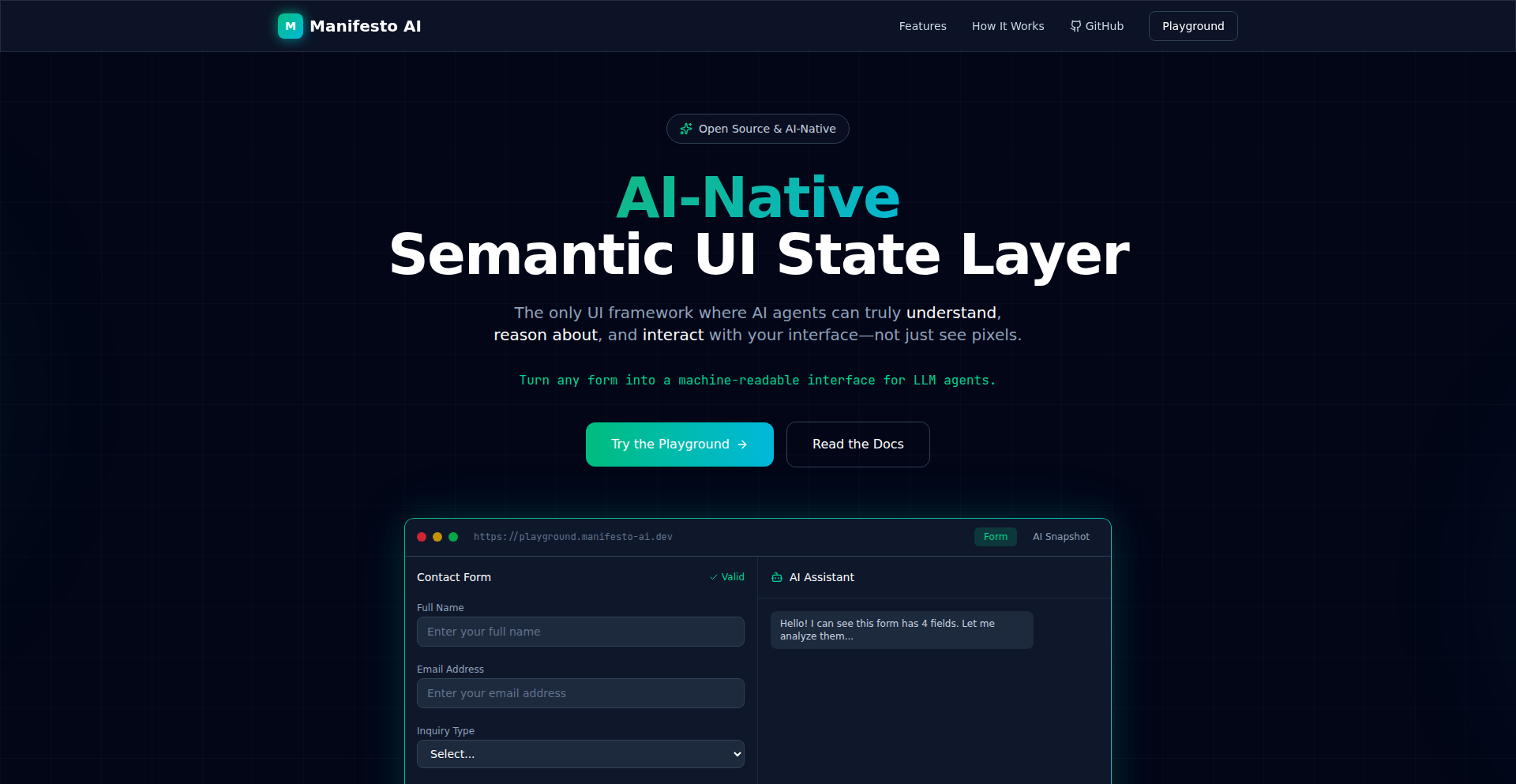
Author
eggplantiny
Description
Manifesto AI tackles the fragility of AI agents interacting with complex web applications. Instead of relying on unreliable methods like guessing DOM selectors or analyzing screen pixels (vision), it introduces a deterministic 'State Layer'. Developers define the UI using JSON Schema, which Manifesto then renders. The key innovation is exporting a 'Semantic Snapshot' – a structured JSON representation of the UI's state, including values, validation rules, and available actions – directly to AI agents. Agents can then dispatch precise 'Intents' (like setting a value or submitting a form) to this state layer, enabling predictable and robust AI-driven interactions with web applications. This shifts the paradigm from 'Text-to-App' to a more reliable 'Intent-to-State' architecture, making AI agents significantly more useful in SaaS and B2B software contexts.
Popularity
Points 2
Comments 0
What is this product?
Manifesto AI is an AI-native UI framework that provides a reliable bridge between AI agents and web application interfaces. Traditional AI agents struggle with web UIs because they often have to guess how to interact with elements (like buttons or input fields) or rely on interpreting screen images, which can be prone to errors and lead to unexpected behavior. Manifesto AI solves this by creating a clear, structured 'state layer' for the UI. Developers define their forms and UI components using a standard format called JSON Schema. Manifesto then takes this schema and renders the actual user interface (using frameworks like React or Vue). The groundbreaking part is that it then generates a 'Semantic Snapshot' – a clean JSON representation of the UI's current state. This snapshot tells the AI agent exactly what information is present, what rules apply (like validation), and what actions are possible. The AI agent doesn't need to 'see' or 'guess' the UI; it directly receives this structured state information and can send specific commands, called 'Intents' (like 'fill in the username field with this value' or 'click the submit button'), to manipulate the UI predictably. This 'Intent-to-State' approach makes AI agents far more dependable for automating tasks within complex software.
How to use it?
Developers can integrate Manifesto AI into their projects by defining their UI elements and forms using JSON Schema. This schema acts as the blueprint for the user interface. Manifesto's engine then renders this UI, making it interactive for human users and, crucially, accessible to AI agents. For AI agents, Manifesto provides a direct channel to interact with the UI through the 'Semantic Snapshot' and 'Intents'. Instead of building complex vision models or DOM parsers, developers can connect their AI agents to the Manifesto engine. The agent receives the structured state of the UI and can send precise 'Intents' to perform actions like filling out forms, selecting options, or triggering actions. This makes it ideal for scenarios where you want AI to automate user tasks within your application, such as data entry, report generation, or workflow completion, without the usual unreliability of AI interacting with graphical interfaces.
Product Core Function
· Schema-first UI definition: Developers define UI structures and forms using JSON Schema, providing a declarative and version-controllable way to build interfaces, enabling consistency and reducing manual coding for complex forms.
· AI-interpretable Semantic Snapshot: Generates a structured JSON representation of the UI's state, including current values, validation rules, and available actions, allowing AI agents to understand and interact with the UI without relying on brittle DOM selectors or screen scraping, leading to more reliable AI automation.
· Intent-based UI control: Enables AI agents to dispatch specific 'Intents' (e.g., setValue, submit, click) to the UI engine, directly manipulating the application state and ensuring predictable outcomes, which is crucial for building robust AI-driven workflows.
· Cross-framework UI rendering: Supports rendering the defined UI using popular JavaScript frameworks like React and Vue, allowing developers to integrate Manifesto AI into their existing front-end stacks without a complete overhaul.
· Deterministic UI interaction: Eliminates the ambiguity and hallucinations often associated with AI interacting with visual interfaces by providing a clear, structured state and intent mechanism, making AI agents more trustworthy for business-critical applications.
Product Usage Case
· Automating complex form submissions in B2B SaaS applications: An AI agent can reliably fill out intricate application forms by receiving the UI state from Manifesto and sending 'setValue' intents, drastically reducing manual data entry time and errors for users.
· Building AI assistants that can navigate and control internal business tools: An AI chatbot could be trained to manage tasks within a project management tool by understanding the UI state provided by Manifesto and issuing 'click' or 'submit' intents to interact with the tool's interface.
· Enabling AI-powered testing of web application workflows: Developers can use Manifesto to create AI agents that systematically test user flows by providing the UI state and receiving structured feedback on agent interactions, improving software quality assurance.
· Facilitating AI-driven data extraction and manipulation from web interfaces: An AI agent could process and extract specific data points from a dynamic web page by understanding the UI's semantic snapshot and executing intents to navigate and retrieve information.
46
UISora: AI-Driven UI Synthesizer

Author
Enyaaba
Description
UISora is an AI-powered tool that transforms textual descriptions into complete mobile UI screen designs. It leverages advanced natural language processing and generative AI to bypass traditional manual wireframing and component placement, offering instant layout variations based on user prompts. This drastically accelerates the initial design phase for mobile applications.
Popularity
Points 2
Comments 0
What is this product?
UISora is an AI-driven platform that acts as a mobile app UI designer. Instead of spending hours sketching wireframes or meticulously arranging design elements, you simply describe the UI you envision using text. UISora then interprets your description and generates multiple visual design options for mobile screens. The innovation lies in its ability to understand user intent from natural language and translate it into functional, multi-variant UI layouts, significantly reducing the cognitive load and time investment in early-stage app design.
How to use it?
Developers can use UISora by visiting the website and inputting a descriptive prompt of the desired mobile UI screen. For example, a prompt like 'a login screen with fields for email and password, a prominent login button, and a link for forgotten passwords' would trigger UISora to generate several design possibilities. This can be integrated into the workflow by using the generated screens as a starting point for further refinement in design tools or even as a direct inspiration for coding the UI components. It's ideal for rapid prototyping, brainstorming design directions, or overcoming creative blocks.
Product Core Function
· Text-to-UI Generation: Understands natural language prompts to generate visual mobile UI screens, reducing manual design effort and speeding up initial concepts.
· Multiple Layout Options: Provides several design variations for each prompt, allowing users to explore different aesthetic and functional approaches to their UI.
· Rapid Prototyping Aid: Enables quick creation of visual mockups, ideal for quickly testing ideas and gathering feedback without significant time commitment.
· AI-Powered Design Interpretation: Utilizes AI to interpret user intent and translate abstract ideas into concrete visual designs, democratizing UI creation.
· Focus on Mobile Screens: Specifically tailored for generating mobile application user interfaces, addressing a common need in app development.
Product Usage Case
· A startup founder wanting to quickly visualize their app idea can describe a key feature screen, receive multiple design options within minutes, and use these to communicate their vision to potential developers or investors.
· A mobile developer facing a design bottleneck can use UISora to generate alternative layouts for a complex screen, breaking through creative blocks and finding a more optimal user flow.
· A product manager can quickly generate mockups for A/B testing different UI elements or flows, providing concrete visual examples for user research without needing a dedicated designer.
47
PureTerms Interactive

Author
safakferhatkaya
Description
This project is an interactive satire on the absurdity of 'Terms of Service' agreements. It mimics a minimal fintech onboarding flow but presents an endlessly scrolling, reactive Terms of Service document. The core innovation lies in using plain JavaScript and deliberate UX annoyances to encourage users to pause and reflect on blind agreement, highlighting the meaninglessness of typical consent processes. Its value to developers is in demonstrating how simple front-end techniques can be used for social commentary and user experience experimentation, prompting thought on ethical design.
Popularity
Points 2
Comments 0
What is this product?
PureTerms Interactive is a simple, experimental web application built with plain JavaScript. It creates a simulated user onboarding experience, common in financial technology (fintech), where users are presented with a 'Terms of Service' document. However, instead of a typical end, the document scrolls infinitely and subtly reacts to the user's scrolling action. This is not meant to be a functional legal document, but a piece of interactive art. The technical innovation is in its straightforward implementation of dynamic content and user interaction to deliver a message about the devaluation of consent in digital interfaces. It uses basic DOM manipulation and event listeners to achieve these effects, making the concept accessible for learning and adaptation. So, what's the value to you? It shows how simple code can create a thought-provoking experience, which can inspire new ways to engage users or deliver messages beyond just functionality.
How to use it?
Developers can use PureTerms Interactive as a foundational example for building interactive web experiences with minimal dependencies. It can be integrated into a larger web application as a module that presents engaging content or prompts user reflection. For instance, a developer could fork the project and adapt the scrolling and reactive text mechanics to create tutorials, interactive guides, or even unique marketing campaigns where user engagement with content is key. The project is built with plain JavaScript, so it can be easily embedded into any HTML page without complex build processes. It serves as a starting point for exploring how front-end code can drive narrative and user perception. So, what's the value to you? You can easily adapt its core ideas to create your own engaging and message-driven web content.
Product Core Function
· Infinite Scrolling Terms of Service: The primary function is to present a seemingly endless Terms of Service document. This technical implementation uses JavaScript to dynamically load or repeat content, creating the illusion of an unending scroll. Its value is in demonstrating a basic technique for managing large or continuous content streams in a web page, useful for articles, timelines, or even games. This directly addresses the problem of user fatigue with lengthy agreements.
· Reactive Text Elements: The text within the document reacts to user scrolling, such as changing opacity, size, or position. This is achieved through JavaScript event listeners that track scroll position and manipulate CSS properties of text elements. The value here is in showcasing how to create dynamic and engaging visual feedback for user actions, making interfaces feel more alive and responsive. It's a simple yet effective way to draw attention to specific content.
· Deliberate UX Annoyances: The project intentionally incorporates frustrating UX patterns to highlight the core message. This involves using JavaScript to subtly hinder progress or create minor user friction. The value is in demonstrating how UX design, powered by code, can be used not just for usability but also for rhetorical effect, provoking user thought and discussion about typical interface design choices. It teaches developers to think critically about the impact of their design decisions.
· Minimalist Fintech UI Mimicry: The project adopts the visual style of a clean, modern fintech onboarding flow. This is achieved through simple HTML and CSS styling, with JavaScript driving the interactive elements. The value lies in showing how common UI patterns can be repurposed to serve a different, more critical purpose, proving that technical implementation doesn't need to be overly complex to achieve a specific communicative goal.
Product Usage Case
· Creating an interactive educational module where students scroll through historical events that subtly change or emphasize key details as they read. This solves the problem of passive learning by making content dynamically responsive. The PureTerms approach can be adapted to highlight crucial information in a gamified manner.
· Developing a marketing campaign for a new product where users must engage with an 'agreement' that uses reactive elements to reveal benefits and features as they scroll. This overcomes user reluctance to read lengthy descriptions by making the process more engaging and rewarding. It demonstrates how to use interactive elements to drive feature discovery.
· Building a personal portfolio website where project descriptions dynamically expand or animate based on user scroll, offering a more dynamic and memorable presentation of work than static text. This addresses the challenge of making a portfolio stand out in a crowded digital space by adding an element of surprise and interactivity.
· Experimenting with accessibility features by creating an interactive demonstration of how users with different interaction preferences might experience content, using the reactive text to highlight potential usability issues in standard interfaces. This showcases how front-end experiments can inform broader discussions about inclusive design by demonstrating user interaction in a tangible way.
48
CodeContext Packer
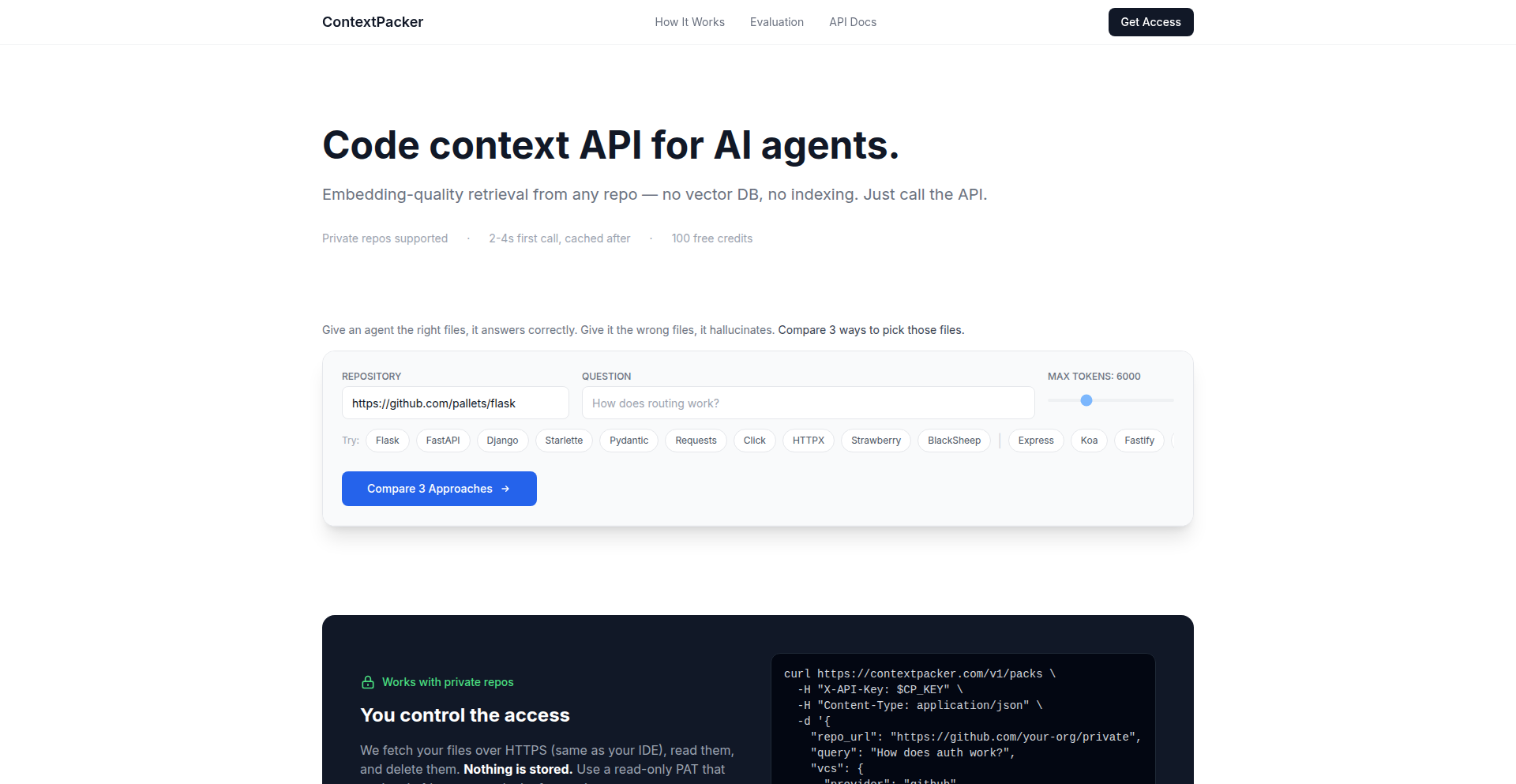
Author
rozetyp
Description
A lightweight API that intelligently selects relevant code files from a GitHub repository based on a natural language question, bypassing the need for traditional vector databases and indexing. It's designed for developers building AI agents or tools that need to understand code context efficiently.
Popularity
Points 2
Comments 0
What is this product?
This project is an API that acts as an intelligent code context retriever. Instead of setting up complex vector databases, writing chunking logic, and maintaining sync jobs for code changes, CodeContext Packer directly interfaces with a GitHub repository. When you ask a question about the code, it uses a language model to analyze the repository's file structure and content, then returns a curated list of the most relevant files. This process skips the computationally expensive step of creating embeddings for the entire codebase, making it significantly faster for one-off or dynamic code analysis tasks. The innovation lies in leveraging an LLM to 'read' the file tree and make smart decisions about which files are pertinent, rather than relying solely on semantic similarity search over code chunks.
How to use it?
Developers can integrate CodeContext Packer into their AI agents, code analysis tools, or internal developer platforms. The primary method of usage is through an HTTP endpoint. You send a GitHub repository URL and a natural language query (e.g., 'How does user authentication work?' or 'What is the process for handling webhook signatures?'). The API will respond with a JSON object containing 1 to 10 ranked files. Each file entry includes its path, programming language, size, full content, and a small statistics object estimating token usage and potential cost savings. These selected files can then be directly fed into your existing LLM or agent for further processing, enabling quick and focused code comprehension.
Product Core Function
· Intelligent File Selection: Uses an LLM to analyze repository structure and question relevance, enabling it to pinpoint the most critical code files without requiring pre-built indexes. This saves significant setup time and infrastructure costs.
· Lightweight Indexing: On the first request, it performs a shallow clone of the repository and builds a minimal index containing file paths, sizes, and languages. This allows for immediate use on new repositories without lengthy indexing processes.
· Direct LLM Integration: Returns raw file content, making it easy to plug the selected code snippets directly into any LLM or AI agent, streamlining the workflow for code understanding tasks.
· On-Demand Context Retrieval: Designed for situations where setting up a full vector database is overkill, such as exploring unfamiliar repositories or building agents that frequently switch between different codebases. This offers a quick and efficient way to get context when needed.
· Cost and Token Estimation: Provides a small statistics object with token estimates and rough cost savings for the returned files. This helps developers manage LLM usage and associated expenses.
Product Usage Case
· Building a 'explain this repo' tool: A developer can use CodeContext Packer to quickly get the core logic of an unknown GitHub repository. By sending the repo URL and a question like 'What is the main functionality?', the API returns key files, allowing the tool to generate a concise explanation without the overhead of setting up a vector database for every repository explored.
· Developing an AI code assistant for internal tools: A company can integrate CodeContext Packer to allow its developers to ask questions about their internal codebases. For example, asking 'How do we handle user permissions?' will return the relevant files, enabling the AI assistant to provide accurate answers based on the actual code, avoiding the need for continuous indexing of potentially large internal repositories.
· Creating dynamic code agents that navigate multiple projects: An agent designed to work across various GitHub projects can leverage CodeContext Packer to fetch relevant code context for each project on demand. This avoids the complexity of managing separate vector indexes for each codebase the agent might encounter, allowing for greater flexibility and reduced infrastructure.
49
BrowserCSV AI Analyst

Author
maxgfr
Description
A privacy-focused, open-source web application that leverages GPT to analyze CSV files directly in your browser. It generates insights and suggests visualizations without sending any data to a backend, ensuring your information remains secure on your local machine. This tool offers a quick and easy way to understand your data, supported by modern web technologies.
Popularity
Points 2
Comments 0
What is this product?
BrowserCSV AI Analyst is a client-side web application designed to process and interpret CSV (Comma Separated Values) files using artificial intelligence, specifically GPT (Generative Pre-trained Transformer) models. The core innovation lies in its entirely local execution. Instead of uploading your sensitive CSV data to a remote server for analysis, the entire process – from file parsing to AI-driven insight generation and chart creation – happens within your web browser. This means no data leaves your computer, offering a significant privacy and security advantage. It achieves this by utilizing technologies like Next.js for the frontend framework, Tailwind CSS v4 for styling, Recharts for creating interactive charts, and PapaParse for robust CSV parsing. The 'vibe-coding' approach mentioned implies a focus on intuitive and rapid development, highlighting the hacker ethos of solving problems efficiently. Storing API keys locally using strict secure cookies instead of local storage is a thoughtful security enhancement.
How to use it?
Developers can use BrowserCSV AI Analyst by navigating to the provided web link in their browser. They can then upload a CSV file, adjust parsing settings if necessary (like specifying delimiters), and enter their OpenAI API key. Once configured, the application will process the data and present AI-generated insights and suggested chart visualizations (bar, line, scatter, pie, area charts). For integration into other projects or for advanced customization, developers can explore the open-source GitHub repository. They can clone the repository, set up the development environment (likely involving Node.js and npm/yarn), and adapt or extend the codebase. This local-first approach is ideal for developers who handle sensitive data or require offline analysis capabilities, offering a seamless way to gain quick understanding from their tabular data.
Product Core Function
· Local CSV Parsing: Parses CSV files directly in the browser using PapaParse, automatically detecting delimiters. This saves time and ensures data is immediately accessible for analysis without server-side processing. This is useful for quickly understanding the structure and content of any CSV file.
· GPT-powered Analysis: Utilizes GPT models to interpret the CSV data, providing textual insights and suggestions. This offers a smart way to extract meaningful information from your data that might not be immediately obvious, helping you discover trends and patterns.
· Automatic Chart Generation: Suggests and generates various chart types (bar, line, scatter, pie, area) based on the analyzed data using Recharts. This provides a visual representation of your data's key aspects, making complex information easier to digest and communicate.
· Client-side Privacy: All data processing occurs locally in the browser, with no uploads to external servers. This is crucial for handling sensitive or confidential data, ensuring your privacy and security are maintained. It means you can analyze proprietary information without risk.
· API Key Management: Securely stores user-provided API keys locally using strict secure cookies, preventing exposure in local storage. This enhances the security of your API credentials while allowing access to powerful AI models.
· Customizable Parsing Settings: Allows users to adjust CSV parsing parameters, such as delimiters. This provides flexibility to handle various CSV file formats and ensures accurate data interpretation regardless of how the file was generated.
Product Usage Case
· Analyzing user behavior data from a website export. Instead of uploading potentially sensitive user logs to a third-party analytics tool, a developer can use BrowserCSV AI Analyst to quickly identify trends in user engagement, such as popular pages or session durations, all while keeping the raw data on their machine.
· Interpreting financial reports or sales figures. A small business owner or financial analyst can upload their sales CSV and get instant AI-driven summaries of performance, identifying top-selling products or regional sales trends without needing to set up a complex database or analytics platform.
· Exploring experimental data from scientific research. Researchers can upload their raw experimental results and use the tool to get initial insights into correlations or significant findings, generating preliminary visualizations to guide further investigation, all without sharing their potentially sensitive research data.
· Quickly understanding configuration files or datasets for a new project. A developer encountering a new CSV dataset can drop it into the analyzer to get a rapid overview of its contents and potential uses, speeding up the initial exploration phase of development.
· Teaching data analysis concepts. Educators can use this tool to demonstrate how AI can be used to analyze data and create visualizations, allowing students to experiment with their own CSV files in a safe and accessible manner, reinforcing learning without requiring complex software installations.
50
MultiModalSense

Author
Beefin
Description
MultiModalSense is a groundbreaking benchmark suite designed to evaluate information retrieval (IR) systems that process not just text, but also images, charts, and temporal data. It addresses the limitations of current text-only evaluation methods by offering complex, real-world datasets from finance, medicine, and education, enabling the development of more robust and versatile AI information retrieval capabilities.
Popularity
Points 2
Comments 0
What is this product?
MultiModalSense is an open-source project that provides a comprehensive set of benchmarks for testing information retrieval systems that can understand and process multiple types of data (multimodal). Traditional search engines primarily work with text. However, real-world information is often a mix of text, diagrams, tables, and videos. Existing evaluation tools are mostly limited to text, failing to capture this complexity. MultiModalSense fills this gap by providing carefully curated datasets with ground truth relevance judgments for challenging domains like financial documents (which include tables and charts), medical device instructions (with diagrams and technical language), and educational videos (requiring understanding of both spoken content and visual cues over time). This project is innovative because it moves beyond single-modality testing to simulate more realistic information needs, pushing the boundaries of how AI understands and retrieves information from diverse sources. So, this is useful to me because it allows me to test if my AI models can actually find information when it's presented in a mix of formats, not just plain text, making them more practical for real-world applications.
How to use it?
Developers can integrate MultiModalSense into their development workflow to rigorously test and compare the performance of their multimodal information retrieval models. The project includes ground-truth datasets, specific queries, and relevance judgments for financial filings, medical device instructions, and educational videos. By running their models against these benchmarks, developers can identify weaknesses and areas for improvement in handling diverse data types. The repository also includes leaderboards and an evaluator tool, simplifying the benchmarking process and allowing for standardized comparison. The demo data runs in approximately one second, offering a quick way to get started. This project is useful to me because it provides a standardized way to measure how well my AI search or retrieval system performs across different kinds of data, helping me to build more intelligent and comprehensive applications.
Product Core Function
· Multimodal Datasets: Provides curated datasets from finance, medical, and education domains incorporating text, tables, charts, and diagrams. This is valuable for training and testing AI models to understand and retrieve information from diverse content formats, making them more adaptable to real-world data complexity.
· Ground Truth Relevance Judgments: Offers meticulously prepared relevance judgments for queries against the multimodal datasets. This is crucial for accurately evaluating the performance of retrieval systems, ensuring that the AI is returning truly useful and accurate information for complex queries.
· Query Sets: Includes specific query sets designed to challenge multimodal understanding and retrieval capabilities. This allows developers to test their systems against realistic and complex information needs, pushing the boundaries of AI performance.
· Evaluator Tool: A built-in evaluator simplifies the process of measuring retrieval performance against the benchmarks. This streamlines the development cycle by providing an easy way to assess model effectiveness and identify areas for improvement.
· Leaderboards: Offers leaderboards to compare the performance of different retrieval systems on the benchmarks. This fosters healthy competition within the AI community and provides a clear benchmark for progress in multimodal information retrieval.
Product Usage Case
· Developing an AI-powered financial research tool: A developer could use MultiModalSense to test their system's ability to retrieve relevant financial data from SEC filings, including charts and tables, not just textual summaries. This helps ensure the tool can extract critical insights beyond simple text searches, solving the problem of incomplete financial analysis.
· Building a medical knowledge base for healthcare professionals: A developer could use the medical IFU benchmarks to evaluate an AI system's capacity to find specific information within complex medical device instructions, which often rely heavily on diagrams and technical language. This addresses the challenge of quickly accessing accurate, life-saving information in critical situations.
· Creating an intelligent educational platform that indexes video lectures: A developer could leverage the educational video benchmarks to assess an AI's ability to align spoken content with on-screen visuals and code examples. This helps in building systems that can answer student questions by referencing both the lecture's narrative and its visual demonstrations, improving learning comprehension.
51
VisualChat Agent Studio

Author
freesam
Description
This project enhances chatbots by enabling them to go beyond plain text and present information visually with interactive elements like forms, carousels, and action buttons. It solves the 'wall of text' problem and streamlines data collection and user guidance, making chatbot interactions richer and more app-like.
Popularity
Points 2
Comments 0
What is this product?
VisualChat Agent Studio is a framework for building chatbots that can display rich media and interactive components, not just text. The core innovation is allowing developers to embed elements like input fields, dropdowns, carousels, and buttons directly within the chat interface. This means a chatbot can now present structured data in tables, collect information through forms, or guide users with visual choices, much like a mini-application. This moves beyond the limitations of traditional text-based chatbots, making interactions more engaging and efficient.
How to use it?
Developers can integrate VisualChat Agent Studio into their existing chatbot platforms or build new ones. The system allows for defining specific visual components that the chatbot can trigger. For example, when a user asks about pricing, the chatbot could respond with a table instead of a paragraph. When collecting information for a booking, it can present a form with input fields and dropdowns directly in the chat. This can be done by defining JSON structures that represent these visual elements, which the chatbot backend then renders in the user interface. The goal is to make it as simple as defining the UI you want to see within the chat conversation.
Product Core Function
· Interactive Forms: Allows chatbots to collect structured data (e.g., names, emails, survey answers) using input fields, checkboxes, and dropdowns, making data entry faster and less error-prone. This is valuable because it reduces friction for users providing information and ensures cleaner data for the bot owner.
· Product Carousels and Comparison Cards: Enables chatbots to display products or options in a visually appealing carousel or side-by-side cards, allowing users to browse, compare, and select items easily. This is useful for e-commerce or recommendation scenarios where visual comparison aids decision-making.
· Action Buttons: Provides clear, clickable buttons within the chat that prompt specific actions (e.g., 'Book Now,' 'View Details,' 'Learn More'). This is valuable for guiding users through workflows and increasing conversion rates by making the next step obvious.
· Data Visualization: Supports displaying structured data in tables and dashboards, making complex information like pricing, schedules, or financial statistics digestible at a glance. This tackles the 'wall of text' problem by presenting information in an organized and easy-to-understand format.
· Workflow Guidance: Uses visual aids and interactive elements to guide users through multi-step processes like appointment booking or complex form submissions, making these interactions feel more natural and less confusing.
Product Usage Case
· E-commerce Support: A chatbot can present a product carousel to a user asking for recommendations, allowing them to swipe through options and click 'Add to Cart' directly from the chat. This solves the problem of users having to navigate away to see product details.
· Appointment Booking: Instead of a back-and-forth text conversation to schedule a meeting, the chatbot can display a calendar interface and time slot selection, letting the user pick their preferred time instantly. This improves user experience and reduces booking errors.
· Customer Surveys: Instead of lengthy text responses, a chatbot can present survey questions with radio buttons or dropdowns, making it quick and easy for users to complete. This solves the issue of survey fatigue and increases completion rates.
· Lead Generation: A chatbot can prompt a potential customer with questions and then display an input form for them to enter their contact details, ensuring all necessary information is captured in a structured way. This streamlines the lead qualification process.
· FAQ with Visuals: Instead of just text answers, a chatbot can display pricing tiers in a clear table format or offer comparison cards for different service plans, helping users make informed decisions quickly.
52
Claude Cache Keeper

Author
tonyystef
Description
An open-source proxy tool designed to keep Anthropic's Claude AI's prompt cache alive indefinitely. It addresses the issue where long reading times cause the cache to expire, leading to slower responses and hitting rate limits faster. By sending a minimal 'heartbeat' signal, it maintains the cache, optimizing Claude's performance for users.
Popularity
Points 2
Comments 0
What is this product?
This is an open-source proxy that acts as a silent intermediary for your interactions with Claude, an AI model. Normally, if you take more than 5 minutes to read or understand Claude's response, its internal memory (the prompt cache) expires. When this happens, the next message you send requires Claude to rebuild its entire understanding from scratch, which is slower and uses more resources. This tool cleverly sends a tiny, almost invisible signal (just a period, '.') every 4 minutes while you're not actively typing. This 'heartbeat' tricks Claude into thinking you're still actively engaged, thus keeping the prompt cache alive. This means Claude can recall previous parts of your conversation much faster and more efficiently, without needing to re-process everything. It's a clever 'hack' to maximize the AI's responsiveness and minimize wasted processing time and potential rate limit issues.
How to use it?
Developers can integrate this proxy into their workflow when using Claude's code CLI. By running the proxy, and then directing their Claude interactions through it, they automatically benefit from the extended cache functionality. The `--extended-cache` flag is a key parameter to enable this 'heartbeat' mode. For team environments, a 'Cloud Sync' feature is also available, allowing agents to learn from shared reasoning traces, further enhancing collaborative AI usage. The primary value for a developer is a smoother, faster, and more cost-effective interaction with Claude, especially for complex or lengthy tasks.
Product Core Function
· Persistent Prompt Cache: Keeps Claude's conversational memory active by sending periodic 'heartbeat' signals. This dramatically reduces the need for Claude to re-process past context, leading to faster response times and a smoother user experience.
· Optimized Resource Usage: By preventing cache expiration and subsequent context rebuilds, the tool minimizes unnecessary computational load on Claude. This translates to better efficiency and potentially lower API costs.
· Rate Limit Mitigation: For users who encounter API rate limits, maintaining an active cache can indirectly help by reducing the overall 'activity' needed for each interaction, thus potentially avoiding hit limits more effectively.
· Cloud Sync for Teams: Enables shared reasoning traces, allowing team members' AI agents to learn from each other's sessions. This fosters collaborative problem-solving and knowledge sharing within a development team.
· Open-Source and Extensible: Released under Apache 2.0 license, providing transparency and the ability for the community to inspect, modify, and build upon the proxy's implementation.
Product Usage Case
· Long-form content generation: Imagine writing a detailed novel or a complex technical document. Without this proxy, Claude might forget earlier plot points or technical details after 5 minutes, requiring you to re-explain them. With the Claude Cache Keeper, Claude retains the context, ensuring consistency and coherence throughout your writing process.
· Debugging complex code: When analyzing large codebases or intricate bugs, developers often spend significant time reading and understanding the code. This proxy ensures Claude remembers the context of the code you're discussing, allowing for more efficient and insightful debugging sessions without interruptions caused by cache expiry.
· AI-assisted research: For extensive research tasks where you're analyzing numerous documents or engaging in deep discussions, the persistent cache ensures Claude can recall information from earlier in your research, providing more relevant and connected insights.
· Collaborative AI development: A team working on a project can use the Cloud Sync feature to share their AI's understanding and reasoning. If one developer discovers a key insight or solves a problem with Claude's help, that knowledge can be shared and leveraged by other team members' agents, accelerating overall project progress.
53
Mocksy: Local API Mocking Engine
Author
zawo
Description
Mocksy is a lightweight, native macOS application designed for developers to quickly create mock API endpoints on their local machine. It addresses the common need for simple, customizable API responses during the development of macOS and iOS applications, offering a faster and more integrated alternative to heavier or more complex existing tools. This eliminates the need for a running backend to simulate API behavior, allowing for offline testing and feature prototyping.
Popularity
Points 2
Comments 0
What is this product?
Mocksy is a native macOS application that acts as a local HTTP server, allowing you to define and serve custom responses for API requests without needing a real backend. The innovation lies in its simplicity and deep integration into the macOS developer workflow. Instead of complex configurations or external services, Mocksy lets you define responses directly within the app, making it incredibly fast to spin up mock endpoints. This means you can simulate data that your app expects to receive from a server, which is crucial for testing different scenarios, UI states, or even developing features entirely offline. Think of it as a digital stand-in for your server, ready to deliver specific data on demand.
How to use it?
Developers can use Mocksy by simply downloading and running the application on their Mac. Once open, they can quickly define new API endpoints and specify the HTTP status code and JSON response body they want to return. For example, if your app needs to fetch user data, you can set up a mock endpoint that returns a predefined JSON object representing a user. This can be integrated into your development workflow by configuring your app's network requests to point to the local Mocksy server address (e.g., `http://localhost:port`). This is particularly useful for testing edge cases, error states, or when the actual backend API is unavailable or still under development.
Product Core Function
· Rapid API Endpoint Mocking: Quickly define custom HTTP endpoints and their responses, allowing developers to simulate backend behavior with minimal setup. This is useful for accelerating development when the actual API is not ready or when you need to test specific server responses.
· Custom JSON Response Generation: Serve predefined JSON data structures for your mock endpoints, enabling precise control over the data your application receives. This is valuable for testing how your app handles different data formats and content.
· Offline Development & Testing: Enable full-stack development and UI testing without requiring a live internet connection or a running backend server. This significantly improves development agility and allows for continuous testing.
· Native macOS Integration: A seamless, unobtrusive user experience tailored for macOS developers, ensuring a smooth integration into existing development environments. This means it feels natural to use on a Mac and doesn't add unnecessary complexity.
· Lightweight and Fast Performance: Designed for speed and efficiency, Mocksy starts up instantly and consumes minimal system resources. This ensures your development environment remains responsive.
· Prototyping and Feature Testing: Facilitates the rapid prototyping of new features by allowing developers to simulate API interactions before the backend is fully implemented. This helps in validating design ideas and user flows early on.
Product Usage Case
· Simulating user authentication responses: A developer building a new iOS app needs to test the login flow. They can use Mocksy to create mock endpoints for login requests, returning success or failure responses with predefined user data. This allows them to build and test the entire authentication UI without needing a live backend, accelerating the initial development phase.
· Testing offline data synchronization: A macOS developer is working on an app that needs to sync data locally. They can use Mocksy to simulate network responses for data retrieval and updates, even when the device is offline. This allows them to thoroughly test the synchronization logic and ensure data integrity under various network conditions.
· Developing UI states for API errors: An iOS developer wants to ensure their app handles API errors gracefully. They can configure Mocksy to return various error status codes (e.g., 404 Not Found, 500 Internal Server Error) with custom error messages. This enables them to build and test the error handling UI and user experience effectively.
· Rapid prototyping of new API features: Before the backend team has completed a new set of API endpoints for a feature, a frontend developer can use Mocksy to create mock versions of these endpoints. This allows them to start building the user interface and integrating with the expected API responses immediately, reducing dependency on the backend schedule.
54
MCP Persistent Storage
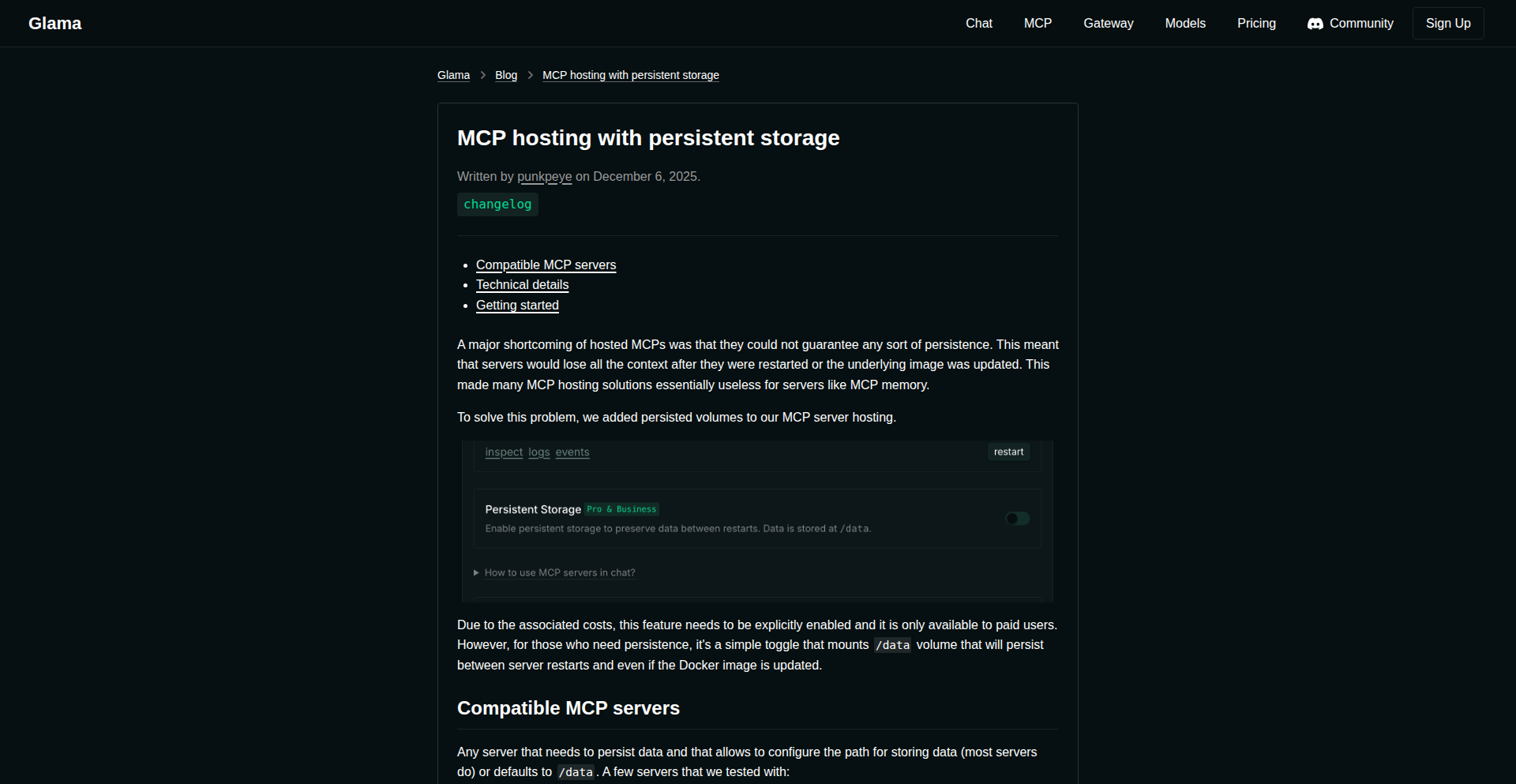
Author
statements
Description
This project introduces a novel approach to hosting Minecraft servers (MCP) by integrating persistent storage directly into the hosting environment. Traditionally, Minecraft server data can be lost or require complex management. MCP Persistent Storage offers a robust solution, allowing server state, world data, and player progress to be reliably saved and restored, enhancing the user experience and stability of dedicated Minecraft servers.
Popularity
Points 2
Comments 0
What is this product?
MCP Persistent Storage is a system designed to ensure that data for your Minecraft servers hosted on MCP (Multi-Craft Panel or similar hosting solutions) is not lost. It achieves this by implementing a mechanism that reliably saves all critical server files – like world maps, player inventories, server configurations, and plugin data – to a persistent storage layer. This means even if the server process restarts or the underlying infrastructure has a temporary hiccup, your game data remains intact and can be seamlessly reloaded. The innovation lies in its direct integration and efficient data management within the MCP hosting framework, reducing downtime and data loss risks compared to traditional methods.
How to use it?
Developers can integrate MCP Persistent Storage by configuring their MCP hosting environment to utilize the provided persistent storage solution. This typically involves setting up specific volumes or network-attached storage that the MCP instances can access. For server administrators, this means once set up, their Minecraft server data will be automatically saved to this persistent storage at defined intervals or upon server shutdown. For developers building custom MCP hosting solutions or plugins, they can leverage the persistent storage API to ensure their application's state is also saved and restored, providing a more stable and reliable experience for their users.
Product Core Function
· Automatic Data Backup: Continuously saves server world files, configurations, and player data to a durable storage. This is valuable because it prevents data loss from crashes or power outages, ensuring your game world is always up-to-date.
· Seamless Data Restoration: Quickly reloads saved server data upon restart, minimizing downtime. This means your players can get back to playing almost immediately after a server maintenance or unexpected reboot.
· Stateful Server Environments: Guarantees that all server-side states, including plugin states and dynamic changes, are preserved across restarts. This is crucial for complex servers with many plugins, ensuring that all custom features and progress are maintained.
· Simplified Hosting Management: Reduces the complexity of manual data backup and recovery for MCP hosting users. This is valuable because it frees up server administrators from tedious manual tasks, allowing them to focus on server performance and community management.
Product Usage Case
· A community manager running a popular Minecraft server notices frequent data loss due to unexpected shutdowns. By implementing MCP Persistent Storage, they ensure all world edits and player progress are saved, leading to fewer complaints and a more stable gaming environment.
· A developer creating a custom Minecraft server experience with unique game mechanics and plugins needs to guarantee that player progression and custom content are always preserved. MCP Persistent Storage allows them to reliably store this dynamic data, enhancing the long-term appeal of their server.
· An IT administrator for a gaming company is tasked with managing multiple Minecraft servers for internal use. They use MCP Persistent Storage to centralize and secure server data, making management more efficient and reducing the risk of critical data loss across all hosted instances.
55
TeekoSolver Bot

url
Author
ptramo
Description
This project is an online version of Teeko, a classic strategic board game, enhanced with AI bots. The core innovation lies in implementing Guy L. Steele's optimal solution to Teeko, making it playable against intelligent agents. This allows for exploring complex game states and strategies, demonstrating how algorithms can tackle intricate logic problems and provide engaging, challenging gameplay.
Popularity
Points 2
Comments 0
What is this product?
TeekoSolver Bot is a web-based implementation of the Teeko board game, featuring an AI that plays using an optimized strategy. The game itself is a two-player abstract strategy game, often compared to tic-tac-toe but with more depth and strategic possibilities. The innovation here is the integration of a robust AI solver, which represents a significant computational effort to find winning or drawing strategies. This isn't just a simple game; it's a demonstration of algorithmic game theory and artificial intelligence applied to a well-defined problem. So, what's in it for you? It's a fascinating look at how smart computer programs can master complex games, offering a challenging and intellectually stimulating experience.
How to use it?
Developers can use TeekoSolver Bot as a live demonstration of game AI. They can play against the bot to understand its strategies, or even fork the project to experiment with different AI algorithms or game variations. The project likely uses web technologies for the frontend UI and a backend language for the AI logic. Integration could involve embedding the game into other educational platforms or using the AI's decision-making process as a component in more complex simulations. So, what's in it for you? You can immediately play a challenging game, or leverage its underlying AI principles for your own projects.
Product Core Function
· AI-driven Teeko gameplay: Implements an optimized AI strategy for Teeko, offering challenging opponents and demonstrating algorithmic game theory. This is valuable for understanding how AI can solve complex combinatorial problems.
· Web-based interactive interface: Provides an accessible online platform for playing Teeko, making the game and its AI readily available to a wide audience. This allows for easy engagement and experimentation.
· Strategic game analysis: The AI's moves and decisions can be analyzed to understand optimal strategies in abstract games. This is useful for learning about game theory and AI decision-making.
· Codebase for AI experimentation: The project's source code can serve as a foundation for developers to explore and develop their own game AI algorithms. This offers a practical starting point for hands-on learning.
Product Usage Case
· Educational tool for AI and game theory: Use TeekoSolver Bot in a classroom setting to teach students about algorithms, strategic thinking, and AI. It provides a concrete example of AI mastering a complex game.
· Personal challenge and entertainment: Play against the TeekoSolver Bot for a mentally stimulating and engaging experience, testing your own strategic skills. This offers a unique and intellectually rewarding way to pass the time.
· Developer inspiration for AI projects: Explore the TeekoSolver Bot's implementation to gain insights into building AI for turn-based games or other decision-making systems. This can spark ideas for your own innovative applications.
· Demonstration of algorithmic optimization: Showcase how advanced algorithms can solve intricate problems, like finding optimal strategies in games like Teeko. This highlights the power of computational approaches to problem-solving.
56
XeraSentry: Ethereum Security Watcher

Author
Chu_Wong
Description
XeraSentry is a Python-based real-time monitoring tool designed to enhance the security of Ethereum-based applications. It offers developers and users proactive alerts for suspicious activities on the blockchain, helping to detect and mitigate potential threats before they cause significant damage. The innovation lies in its ability to continuously scan and analyze transaction data and smart contract interactions, providing an immediate layer of defense.
Popularity
Points 1
Comments 1
What is this product?
XeraSentry is a Python application that acts as a real-time security watchdog for the Ethereum blockchain. It works by connecting to an Ethereum node (like Geth or Infura) and continuously ingesting and analyzing incoming transaction data and smart contract events. Its core innovation is in its sophisticated pattern recognition algorithms that can identify known malicious signatures, unusual gas spikes, unexpected contract calls, or other anomaly indicators that might suggest a security exploit or fraudulent activity. Think of it as an early warning system specifically for your Ethereum projects or assets.
How to use it?
Developers can integrate XeraSentry into their existing infrastructure by running it as a background service. It requires a connection to an Ethereum node and can be configured with custom rules and alert thresholds. When suspicious activity is detected, XeraSentry can trigger various actions, such as sending notifications via email or Slack, logging the event for further investigation, or even initiating automated responses like pausing a smart contract. This allows for rapid response to security incidents, minimizing potential losses.
Product Core Function
· Real-time Transaction Monitoring: Continuously watches the Ethereum mempool and confirmed transactions for suspicious patterns, providing immediate insight into potential threats. This is useful for detecting front-running attacks or unusual transaction volumes impacting your dApp.
· Smart Contract Event Analysis: Monitors specific smart contract events for anomalies, such as unexpected token transfers, reentrancy attack indicators, or unauthorized function calls. This helps protect against smart contract exploits.
· Customizable Alerting System: Allows users to define specific security rules and thresholds, triggering alerts through various channels like email, Telegram, or Discord when predefined conditions are met. This ensures you are notified about the threats most relevant to your operations.
· Suspicious Activity Pattern Recognition: Employs algorithms to identify common and novel attack vectors by analyzing transaction characteristics like gas usage, nonce patterns, and contract call data. This proactive detection helps you stay ahead of evolving threats.
· Integration with Ethereum Nodes: Seamlessly connects to various Ethereum clients and RPC providers, making it flexible to deploy in different environments. This means you can leverage your existing node infrastructure.
· Developer-Friendly Interface: Built in Python, allowing for easy customization, extension, and integration into existing development workflows. This makes it accessible for developers to adapt and improve.
Product Usage Case
· A DeFi protocol developer can use XeraSentry to monitor for flash loan attacks or unusual liquidity pool manipulations targeting their platform, receiving alerts to potentially pause trading or investigate immediately, thus protecting user funds.
· An NFT marketplace can deploy XeraSentry to watch for smart contract vulnerabilities that might be exploited for mass token theft or rug pulls, getting notified when suspicious contract interactions occur that deviate from normal user behavior.
· An individual holding valuable ERC-20 tokens can set up XeraSentry to monitor their wallet for any unusual outgoing transactions or contract interactions that might indicate phishing attempts or compromised private keys, receiving an immediate alert to take action.
· A blockchain security auditor can use XeraSentry as a tool during their assessments to quickly identify common on-chain attack patterns in real-time as they interact with a target smart contract, accelerating the vulnerability discovery process.
57
Claude Code Orchestrator
Author
AustinHatfiel
Description
This project tackles the challenge of leveraging large language models (LLMs) like Claude for complex coding tasks directly in the terminal. It allows developers to run multiple independent LLM agents in parallel, effectively splitting a larger coding problem into smaller, manageable pieces. This significantly speeds up development workflows and enhances the LLM's ability to handle intricate code generation or analysis, making it a powerful tool for those who rely on AI assistance for their coding.
Popularity
Points 1
Comments 1
What is this product?
Claude Code Orchestrator is an open-source tool designed to run multiple instances of LLM agents, specifically tailored for Claude, concurrently within your terminal. The core innovation lies in its ability to break down a significant coding task and distribute these sub-tasks to independent LLM agents. Each agent then works on its assigned part without interfering with others, and their results can be aggregated. This parallel processing approach is a fundamental shift from single-agent LLM interaction, dramatically improving efficiency and the quality of output for complex coding challenges. Imagine having several AI coding assistants working on different sections of your code simultaneously, rather than one after another.
How to use it?
Developers can easily integrate Claude Code Orchestrator into their workflow by following a simple installation process outlined in the project's readme. Typically, this involves copying and pasting a command into their terminal. Once installed, the project allows them to spin up multiple parallel Claude Code agents. For instance, if you need to refactor a large codebase, you could instruct the orchestrator to assign different files or modules to different agents. This is especially useful for tasks like code generation, debugging, documentation writing, or even complex code refactoring where you want to explore multiple approaches simultaneously.
Product Core Function
· Parallel LLM Agent Execution: Enables running multiple independent Claude agents simultaneously. This allows for parallel processing of coding tasks, meaning you can tackle multiple parts of a problem at once, significantly reducing overall completion time. This is useful for exploring different coding solutions or working on various components of a project in parallel.
· Task Decomposition and Distribution: The system intelligently splits larger coding problems into smaller sub-tasks that can be handled by individual agents. This ensures that each agent can focus on a specific area, leading to more accurate and efficient results. This is beneficial for complex code generation or refactoring where breaking down the problem is key.
· Agent Aggregation and Management: Provides mechanisms to manage the output from multiple agents and potentially combine their results. This allows developers to synthesize the work of different AI assistants into a cohesive final output. This is crucial for integrating the work of multiple agents into a single, functional piece of code.
· Terminal-Native Interface: Operates directly within the developer's terminal environment, offering a seamless integration with existing command-line tools and workflows. This means you don't need to switch contexts or use a separate GUI, keeping you in your productive coding environment.
Product Usage Case
· Code Generation for Microservices: A developer needs to generate boilerplate code for several microservices. Instead of prompting an LLM for each service sequentially, they can use Claude Code Orchestrator to assign the generation of each microservice's code to a separate agent, drastically reducing the time to set up a new microservice architecture.
· Complex Bug Squashing: A team is facing a difficult bug that spans multiple modules. They can use the orchestrator to have different agents analyze different modules for potential causes or even suggest fixes, allowing for a more comprehensive and faster debugging process.
· API Client Library Development: When building a client library for a complex API, developers can use parallel agents to generate different API endpoint handlers, data models, and error handling logic simultaneously, accelerating the library development lifecycle.
· Simultaneous Code Refactoring: A developer wants to refactor a large legacy codebase. They can assign different parts of the codebase to different agents to explore various refactoring strategies or implement changes in parallel, leading to quicker modernization efforts.
58
KiwiVocale
Author
hussein-khalil
Description
KiwiVocale is a minimalist, audio-powered vocabulary learning app that focuses on natural pronunciation and custom word lists. It addresses the complexity and gamification often found in other language learning tools by offering a straightforward approach with features like instant natural audio, diverse quiz types, automatic difficult word tracking, and flexible import options. So, what's in it for you? It means you get a clutter-free way to master new words with authentic pronunciation, tailored to your learning style, and accessible even offline.
Popularity
Points 1
Comments 1
What is this product?
KiwiVocale is a mobile application designed for efficient vocabulary acquisition. Its core technical innovation lies in its seamless integration of text-to-speech technology to provide natural-sounding pronunciation for user-added words and phrases. Instead of relying on robotic voices, it aims to leverage advanced speech synthesis that mimics human speech patterns, making pronunciation learning more effective. This is achieved through intelligent API calls to robust speech engines, ensuring accuracy and naturalness. The app also employs smart algorithms for tracking words that users struggle with, automatically highlighting them for focused review. This approach simplifies the learning process by stripping away unnecessary features, allowing users to concentrate on the essential task of memorizing and understanding new vocabulary. So, what's in it for you? It offers a direct and effective path to improving your pronunciation and retention of new words without distractions.
How to use it?
Developers can integrate KiwiVocale's core functionality, particularly its audio generation, into their own applications or workflows. For instance, a developer building a language learning platform could utilize the app's API to provide instant, natural pronunciation for vocabulary entries. Users can also directly benefit from KiwiVocale as a standalone tool. To start, users download the app from the App Store. They can then create custom lists of words and phrases they want to learn. For each entry, they can trigger natural pronunciation, practice through various quiz formats like typing, flashcards, or matching, and the app will automatically identify and group words they find difficult. Importing existing vocabulary lists from CSV, TSV, or Excel files is also supported, simplifying the setup process. So, how can you use this? Developers can leverage its audio capabilities for their own projects, and individuals can use it as a powerful, personalized tool to build their vocabulary with authentic pronunciation, even when offline.
Product Core Function
· Custom Word List Creation: Allows users to build personalized dictionaries of words and phrases they need to learn, providing a focused learning experience tailored to individual needs. This is valuable for learning specific jargon or niche vocabulary.
· Instant Natural Audio Pronunciation: Leverages advanced text-to-speech engines to deliver human-like pronunciation for every word, greatly enhancing the accuracy and effectiveness of learning how to speak new words. This helps users avoid mispronunciations common with robotic voices.
· Multiple Quiz Formats: Offers a variety of interactive exercises like typing, flashcards, and matching to reinforce learning through different cognitive approaches, catering to diverse learning styles and keeping the learning process engaging. This ensures a well-rounded understanding and retention of vocabulary.
· Automatic Difficult Word Tracking: Intelligently identifies and flags words that a user repeatedly gets wrong, allowing for targeted review and efficient practice on challenging vocabulary. This optimizes study time by focusing on areas of weakness.
· Import Vocabulary Lists: Supports importing from common file formats (CSV, TSV, Excel), enabling users to quickly populate the app with existing study materials or data. This saves significant time and effort in setting up learning lists.
· Offline Functionality: Most features work without an internet connection, providing flexibility for learning in various environments where connectivity might be limited. This ensures learning continuity regardless of location.
Product Usage Case
· A language student preparing for an exam needs to learn a specific set of technical terms. They can import this list into KiwiVocale, practice pronunciation and recognition through its quizzes, and focus on the words the app identifies as difficult, significantly speeding up their preparation.
· A traveler wants to learn essential phrases for an upcoming trip to a foreign country. They can create a custom list of greetings, common questions, and emergency phrases in KiwiVocale, practice speaking them with natural audio, and have access to this crucial vocabulary even without mobile data.
· A developer is working on a multilingual application and needs to ensure accurate pronunciation for all UI elements and user-generated content. They can use KiwiVocale's audio generation capabilities to test and verify the naturalness of spoken words, ensuring a better user experience.
· An educator wants to provide students with a tool for self-study of vocabulary. They can share word lists that students can then import into KiwiVocale, benefiting from its structured learning approach, audio feedback, and personalized review system.
59
TestPlanit: Repo-Centric Test Orchestrator

Author
therealbrad
Description
TestPlanit is an open-source, self-hostable test case management system designed to streamline QA workflows. Its core innovation lies in a repository-first model where test cases reside within structured repositories, making automation mapping intuitive. It offers robust APIs for seamless integration with CI/CD pipelines and test runners, allowing for dynamic creation of test runs, result updates, and artifact attachments. This addresses the common pain points of cloud lock-in, per-seat licensing, and rigid test management tools, offering a flexible and customizable alternative for development teams.
Popularity
Points 2
Comments 0
What is this product?
TestPlanit is an open-source, self-hostable platform designed to manage the entire lifecycle of testing for software development teams. Unlike traditional test management tools that often force a separation between test cases and their underlying code, TestPlanit adopts a 'repository-first' approach. This means your test cases are organized and live within your code repositories, mirroring how your actual code is structured. This allows for much cleaner integration with your automation frameworks. The backend uses a modern stack: Postgres for data storage, managed by Prisma for easy database interactions, and Zenstack for additional data modeling capabilities. For asynchronous tasks like managing test run updates and notifications, it leverages BullMQ, and Valkey (Redis) acts as a cache. It also integrates with MinIO for object storage, useful for storing test artifacts like screenshots or logs. The key technical insight here is bridging the gap between manual and automated testing by treating test cases as first-class citizens within the codebase, reducing friction for developers and QA engineers alike.
How to use it?
Developers can integrate TestPlanit into their existing workflows in several ways. For a quick trial without setup, you can use the live demo instance at demo.testplanit.com, which allows sign-in via Google or Apple SSO. For local development or production deployment, TestPlanit is packaged with Docker, making it easy to spin up the entire application stack with a single command. You can clone the GitHub repository (github.com/TestPlanIt/testplanit) and build the Docker images yourself. Once running, your test runners can interact with TestPlanit's REST APIs to programmatically create test runs, report results (pass/fail), attach logs and screenshots, and update test case statuses. This allows for seamless integration into your CI/CD pipelines, triggering test runs and collecting results automatically.
Product Core Function
· Repository-based Test Case Management: Test cases are organized within structured code repositories, enabling closer alignment with development workflows and simplifying the mapping of automated tests to manual test plans. This is valuable for maintaining test suites that are always in sync with the codebase.
· Automation-Friendly REST APIs: Provides straightforward endpoints for test runners and CI/CD systems to create and manage test runs, update test results, and attach artifacts like logs and screenshots. This is crucial for building automated testing pipelines that can communicate effectively with a central test management system.
· Milestone and Session Tracking: Allows for the organization of test runs into logical milestones and sessions, providing a clear overview of testing progress over time and across different testing phases. This helps in understanding the overall quality status of a project.
· Exploratory Testing Support: Accommodates exploratory testing by allowing for flexible test session creation and documentation, complementing structured, script-based test cases. This offers flexibility for testers who need to go beyond predefined scripts.
· Self-Hostable Architecture: Designed for self-hosting, offering full control over data and infrastructure, avoiding vendor lock-in and per-seat licensing costs. This is valuable for organizations with strict data privacy requirements or budget constraints.
· AI-Powered Test Case Generation (Optional): Integrates AI capabilities for assisting in writing test cases, allowing users to leverage their own API keys for privacy and cost control. This can significantly speed up the initial creation of test documentation.
· Extensible Backend (Postgres + Prisma): Features a modern and extensible backend stack that developers can easily fork or extend to add custom functionalities or integrations. This empowers advanced users to tailor the platform to their specific needs.
Product Usage Case
· Automated Regression Testing Pipeline: A CI/CD pipeline can be configured to automatically trigger a TestPlanit test run upon code commits. The test runner then executes automated tests, reporting results back to TestPlanit via the APIs. This provides immediate feedback on code changes and ensures regressions are caught early.
· Integration with Test Frameworks: Developers can write custom scripts using popular testing frameworks (e.g., Pytest, Jest) that interact with TestPlanit. These scripts can fetch test case details, execute tests, and then update their status and attach execution logs to the corresponding test run in TestPlanit.
· Managing Large-Scale QA Efforts: For projects with extensive testing requirements, TestPlanit's repository-first model helps maintain a clear, organized, and version-controlled repository of test cases. This makes it easier to manage and update hundreds or thousands of test cases as the application evolves.
· Enabling Exploratory Testing Sessions: A QA lead can initiate an exploratory testing session in TestPlanit, defining a scope and objectives. Testers can then conduct their explorations, documenting findings and attaching evidence directly within the TestPlanit session, creating a structured record of unscripted testing activities.
· Custom Data Model Extension: A team requiring specific metadata for their test cases (e.g., performance impact, security risk score) can extend the Prisma schema and associated logic to incorporate these custom fields, making TestPlanit perfectly fit their unique QA process.
60
Local-First Doomscroller Blocker

Author
jordan_blakey
Description
This project is a local-first URL redirector designed to combat doomscrolling. It intercepts URL requests locally, allowing users to define custom redirects. The innovation lies in its decentralized, offline-first approach, preventing reliance on external services and empowering users to regain control over their online habits without constant internet connectivity.
Popularity
Points 1
Comments 1
What is this product?
This is a locally-running URL redirector that acts as a personal gatekeeper for your web browsing. Instead of directly visiting a website, you configure this tool to intercept the URL. When you attempt to access a 'problematic' website (e.g., a news site causing anxiety), it can redirect you to a pre-defined 'better' page, like a personal journal or a productivity tool. The core technical idea is 'local-first', meaning it operates entirely on your device, no server or cloud needed, ensuring privacy and offline functionality. Its innovation is in shifting control back to the user, using code to build digital boundaries, a classic hacker ethos.
How to use it?
Developers can use this by installing it on their local machine. It typically runs as a background service or a simple command-line application. You would configure a mapping of 'problematic' URLs to 'alternative' URLs. For instance, you could tell it: 'When I try to go to www.badnews.com, redirect me to my personal notes app instead.' Integration can be achieved by setting your browser's proxy settings to point to the local redirector, or by using it in conjunction with browser extensions that manage network requests. This empowers developers to build custom digital well-being tools.
Product Core Function
· Local URL Interception: The ability to capture and process web requests directly on your device. This means your browsing data stays private and the redirector works even without an internet connection, offering robust control over your digital environment.
· Customizable Redirect Rules: Users can define specific rules to redirect any URL to another. This allows for personalized blocking and redirection strategies, turning problematic sites into opportunities for healthier online engagement.
· Offline-First Operation: The entire redirect logic runs locally, ensuring functionality and privacy regardless of network status. This is crucial for reliable digital habit formation, as it's not dependent on external servers.
· Developer-Friendly Configuration: Simple configuration files or command-line interfaces allow developers to easily set up and manage their redirect rules. This makes it accessible for experimentation and integration into custom workflows.
Product Usage Case
· Scenario: A developer finds themselves endlessly scrolling through social media feeds, losing hours of productive time. Solution: Configure the Local-First Doomscroller Blocker to redirect social media URLs to a local 'focus mode' webpage that displays motivational quotes or a timer, effectively breaking the habit loop.
· Scenario: A writer struggles with the urge to check news websites during focused writing sessions, leading to distraction and anxiety. Solution: Set up a redirect for all major news domains to a blank page or a pre-written document template, ensuring uninterrupted creative flow.
· Scenario: A user wants to create a 'digital detox' environment on their computer without relying on paid services or invasive tracking. Solution: Implement the redirector to block access to entertainment or gaming websites during work hours, fostering a more disciplined and productive digital experience.
· Scenario: A developer is building a personalized browsing experience and wants to ensure certain sensitive sites are never accidentally visited. Solution: Use the redirector to automatically redirect any attempts to access explicitly defined 'unsafe' URLs to a warning page, adding an extra layer of security and awareness.
61
IndieMagic Design Language System (DLS)

Author
thompson0012
Description
A revolutionary AI-powered system that crafts a complete Design Language System (DLS) for solo founders, going beyond generic icons to generate logos, color palettes, typography, and UI components. It leverages 'Indie Magic' by training on over 2,000 successful indie brands, allowing founders to go from concept to a complete brand in minutes, not weeks, saving significant time and money typically spent on traditional agencies.
Popularity
Points 1
Comments 0
What is this product?
This is an AI-driven 'Anti-Agency' designed for solo founders. Instead of just generating random design elements, it creates a cohesive Design Language System. This means it provides a logo, a curated color palette, font choices, and ready-to-use UI components. The core innovation is its training on a vast dataset of over 2,000 successful indie brands, enabling it to understand and replicate the aesthetics that resonate with this market. It translates complex branding needs into a simple 6-question chat experience, drastically reducing the time and cost associated with traditional branding agencies. So, what's in it for you? You get a professional, cohesive brand identity that feels authentic and 'slaps' without the usual startup budget and time constraints.
How to use it?
Solo founders can access DLS through a simple, conversational interface. By answering just six questions about their business and target audience, the AI agent generates a complete DLS. This output can then be directly integrated into their product development workflow. For example, a founder can use the generated logo in their app's icon, apply the color palette to their website and UI, and utilize the typography for all text elements. The UI components can be plugged directly into their front-end framework. This means you can quickly establish a strong visual identity that is consistent across all your product touchpoints. So, how does this help you? You can rapidly build a professional brand presence that instills trust and recognition in your users, all without needing a dedicated design team or extensive design knowledge.
Product Core Function
· AI-generated Logo: Creates a unique and memorable logo optimized for indie brands, providing immediate visual identity for your product. This helps establish brand recognition and professionalism from day one.
· Curated Color Palette: Generates a harmonious and contextually relevant color scheme that enhances user experience and brand perception. This ensures your product looks visually appealing and consistent.
· Strategic Typography Selection: Recommends and provides font pairings that align with your brand's personality and readability needs. This makes your content accessible and reinforces your brand's message.
· Reusable UI Components: Delivers pre-designed and code-ready UI elements (buttons, forms, etc.) that adhere to the established brand guidelines. This significantly speeds up front-end development and maintains design consistency.
· Indie Brand AI Training: Employs an AI trained on over 2,000 successful indie brands to ensure the generated DLS resonates with the target audience. This means your brand will feel authentic and effective in the competitive indie market.
Product Usage Case
· A solo founder launching a new SaaS product needs a professional brand identity quickly. DLS can generate a logo, color scheme, and UI components in under an hour, allowing them to start building their application with a cohesive visual style immediately, solving the problem of needing a designer and weeks of iteration.
· An indie game developer wants to ensure their game's branding is consistent across marketing materials, in-game assets, and their website. DLS provides a unified design language that can be applied across all these touchpoints, ensuring a strong and memorable brand experience for players, eliminating the challenge of fragmented design efforts.
· A bootstrapped e-commerce store owner needs to revamp their website's look and feel to attract more customers. DLS can provide a modern, appealing color palette and typography that improves user engagement and conversion rates, solving the issue of a dated or unappealing website design without hiring an expensive branding agency.
62
Promptv: Git-Powered Prompt Orchestrator

Author
thompson0012
Description
Promptv is a developer-centric tool for managing AI prompts and environment variables locally, featuring Git-like version control. It solves the problem of tracking changes, collaborating on, and deploying prompt strategies, much like developers manage code, making AI development more organized and reproducible.
Popularity
Points 1
Comments 0
What is this product?
Promptv is a command-line interface (CLI) tool designed for developers to manage their AI prompts and sensitive environment variables (like API keys). It brings the power of Git version control to prompt engineering. Instead of just having a collection of text files, each prompt and its variations are treated like code. You can track every change, revert to previous versions, and see what has been modified. This means you can experiment with different prompt formulations, revert to a stable version if a new one breaks things, and be confident about the exact prompt that was used in a specific deployment. It supports Markdown for prompt formatting, allowing for rich descriptions and even embedding code snippets within prompts. It also uses Jinja2 templating for variable substitution, meaning you can create dynamic prompts that adapt to different contexts.
How to use it?
Developers can install Promptv and initialize a project directory. They can then create, update, and delete prompts and .env files within this directory. Promptv automatically tracks all changes, creating a version history similar to Git commits. For example, a developer working on a chatbot might save their initial prompt as 'v1.0'. If they refine the prompt to improve its personality, they can save it as 'v1.1'. If the new version leads to unexpected behavior, they can easily revert to 'v1.0'. They can also tag specific versions, like 'production-ready', for easy retrieval. Integration is straightforward: after developing and versioning prompts with Promptv, developers can pull the desired prompt and any associated environment variables directly into their applications, ensuring consistency and reproducibility. The Jinja2 templating allows for dynamic prompt generation; for instance, you could have a base prompt for customer service that uses variables for the customer's name and the issue they are reporting, making the AI's response more personalized.
Product Core Function
· Local Prompt Management with Version Control: Enables tracking of every modification to prompts and .env files, allowing developers to revert to previous states, understand changes over time, and ensure reproducibility. This is like having a 'history' for your AI prompts.
· Markdown Format Support for Prompts: Allows for rich text formatting, comments, and code inclusion within prompts, making them more readable and organized. This means you can write detailed explanations for your prompts, making them easier for others (or future you) to understand.
· Full Version History Tracking: Records all changes made to prompts, creating a timeline of evolution. This is crucial for debugging and understanding why a prompt performed a certain way at a particular time.
· Multiple Prompt Operations (create, update, retrieve, list, delete): Provides a standard set of commands for managing prompts, simplifying the workflow for developers. These are the basic building blocks for interacting with your prompt library.
· Variable Substitution with Jinja2 Templates: Allows for dynamic prompt generation by inserting variables. This makes prompts more flexible and adaptable to different scenarios, like personalizing responses based on user data.
· Tag/Label System for Easy Version References: Enables developers to assign meaningful tags to specific versions of prompts (e.g., 'stable', 'experimental', 'production'). This makes it easy to quickly reference and use a specific, known-good version of a prompt.
· Project-Based Organization for Prompts and Secrets: Allows prompts and secrets to be organized within distinct projects, preventing conflicts and managing different AI initiatives separately. This keeps your work tidy and avoids mixing up prompts for different applications.
Product Usage Case
· A machine learning engineer is developing a sentiment analysis model. They experiment with various prompt phrasings to get the best accuracy. Promptv allows them to save each iteration as a new version, compare the results, and easily select the optimal prompt for deployment without losing track of previous attempts.
· A backend developer is integrating a large language model into their application for content generation. They need to manage API keys securely and ensure the content generation prompt is consistent across different environments (development, staging, production). Promptv handles the .env files for API keys and version controls the content generation prompt, ensuring that the exact prompt and keys used in development are predictable when deployed.
· A team of AI researchers is collaborating on a complex natural language understanding task. They can use Promptv to share their prompt evolution with each other, review changes made by teammates, and merge different prompt strategies, similar to how code is managed in a Git repository, fostering better teamwork and faster iteration.
63
FocusFlow Planner

Author
obezzad
Description
FocusFlow Planner is an innovative task management system that tackles the common problem of overwhelm by intelligently filtering tasks based on your current capacity. It leverages a novel approach to task prioritization and scheduling, ensuring users only see actionable items, thus boosting productivity and reducing cognitive load. The core innovation lies in its dynamic task presentation, which adapts to your available time and energy, a significant departure from traditional static to-do lists. So, what's in it for you? It means less stress and more getting things done.
Popularity
Points 1
Comments 0
What is this product?
FocusFlow Planner is a smart task management application designed to combat task paralysis and decision fatigue. Unlike conventional planners that present a long, often daunting, list of all pending tasks, FocusFlow employs an intelligent algorithm to dynamically surface only those tasks that are realistically achievable within your current context. This might be based on estimated time, required energy level, or dependencies. The innovation is in its adaptive filtering mechanism, which acts like a personal assistant prioritizing for you in real-time. This means you get a clear, actionable view of what you can accomplish right now. So, what's in it for you? It helps you overcome the feeling of being overwhelmed and makes it easier to start and complete tasks, leading to a more consistent sense of accomplishment.
How to use it?
Developers can integrate FocusFlow Planner into their workflows by either using it as a standalone application or by leveraging its API (if available) to sync with existing project management tools. The primary use case is for individuals or teams who struggle with managing large backlogs and need a more focused approach to daily work. By defining task parameters such as estimated effort, priority, and required mental state, the planner then intelligently presents a curated list. For example, a developer could input their current energy level (e.g., 'low' for routine coding, 'high' for complex problem-solving) and the planner would only show tasks fitting that profile. So, what's in it for you? It streamlines your daily work by presenting only relevant and achievable tasks, allowing you to focus your energy effectively and avoid distractions.
Product Core Function
· Dynamic Task Filtering: Intelligent selection of tasks based on predefined user states (e.g., time available, energy level) to present only actionable items. This offers immediate value by reducing cognitive load and preventing decision paralysis, allowing users to focus on execution rather than selection.
· Context-Aware Prioritization: Adapts task visibility and order based on the user's current environment and available resources, ensuring that the most relevant tasks are always at the forefront. This provides practical benefit by aligning work with immediate capacity, optimizing efficiency and task completion rates.
· Reduced Task Overwhelm: By hiding non-actionable tasks, the system minimizes the psychological burden of a long to-do list, promoting a sense of progress and accomplishment. This is beneficial as it directly addresses a common source of stress and procrastination in productivity tools.
· Configurable Task Attributes: Allows users to tag tasks with relevant attributes like estimated time, required focus level, or dependencies, which the system uses for filtering. This empowers users to tailor the planner to their specific needs, ensuring the filtering logic is as precise and useful as possible for their personal workflow.
Product Usage Case
· A freelance developer with multiple projects who is feeling overwhelmed by a long backlog. They can use FocusFlow Planner to set their current available time (e.g., 2 hours) and energy level (e.g., 'medium' for bug fixing). The planner will then show only bug-fixing tasks that can be completed within those 2 hours, allowing them to make tangible progress without feeling daunted. This solves the problem of 'where do I even start?'
· A software engineering team lead trying to allocate tasks for a sprint. Instead of assigning all tasks upfront, they can use FocusFlow to identify which team members are best suited for certain tasks based on their reported capacity and current workload. For instance, if a team member reports low energy for complex architecture design, FocusFlow might suggest smaller, less demanding coding tasks for them. This improves task assignment efficiency and reduces the risk of burnout.
· An individual user who struggles with procrastination due to the sheer volume of their personal to-do list. By setting a specific goal (e.g., 'complete one writing task today') and their available time, FocusFlow will present only writing tasks that fit within that timeframe, making it easier to pick one and get started. This directly addresses the barrier of initiating action by presenting a manageable starting point.
64
GitShrink

Author
pankajdoharey
Description
GitShrink is a client-side, stateless URL shortener for GitHub raw content. It leverages the TikToken library to tokenize repository paths and maps these tokens to a custom dictionary derived from the Unix words list and glyph sets. This allows for extremely compact short URLs that can be hosted directly on GitHub Pages, eliminating the need for backend storage or APIs. It's a clever hack that uses clever text compression to make sharing GitHub files easier.
Popularity
Points 1
Comments 0
What is this product?
GitShrink is a unique URL shortening service for GitHub files. Unlike traditional shorteners that rely on databases, GitShrink works entirely in your browser. It takes a standard GitHub raw file URL (like those from `raw.githubusercontent.com` or even regular `github.com/blob` links) and transforms it into a much shorter, memorable code. The magic happens by breaking down the URL's components (like username, repository name, and file path) into small pieces called 'tokens' using a library called TikToken. These tokens are then cleverly mapped to words from the Unix dictionary and special character sets (glyphs) to create the shortest possible link. Because it's all client-side, there's no server to manage, no API keys to worry about, and you can even host it yourself on free services like GitHub Pages. This means you get a super short link that directly points to your GitHub content, and anyone who receives it can easily access the file, or even paste the short code back into GitShrink to see the original URL.
How to use it?
Developers can use GitShrink in a few ways. Firstly, to shorten direct links to files they want to share easily, perhaps in documentation, social media, or emails. You simply paste the original GitHub raw URL into the GitShrink interface, and it generates a short URL for you. Secondly, for those who want to embed this functionality into their own websites or applications, GitShrink provides a small JavaScript file (`embed-shorty.js`). By including this script, you can add a GitShrink decoder to any webpage. This means if you paste a GitShrink short code into a designated area on your site, it will automatically translate it back to the original GitHub URL and redirect the user, creating a seamless experience. This is perfect for projects where you want to showcase GitHub content without cluttering your pages with long URLs.
Product Core Function
· Canonicalizes GitHub URLs: Automatically converts standard GitHub file links (including `github.com/blob`) into their raw `raw.githubusercontent.com` equivalents, ensuring a consistent input for the shortening process. This is valuable because it simplifies the input and ensures the shortener always works with the most direct file access URL.
· Tokenizes paths with TikToken: Breaks down the repository owner, name, and file path into smaller, manageable 'tokens' using the TikToken library. This is the foundation for compression, allowing for more efficient mapping and shorter resulting URLs.
· Remaps tokens with Unix dictionary and glyphs: Uses a combination of common Unix words and specially designed character sets (like Unicode or box-drawing glyphs) to represent the tokens. This is the core innovation for achieving ultra-short URLs, offering a trade-off between brevity and readability.
· Stateless client-side operation: All processing happens in the user's browser, meaning no backend server or database is required. This is a significant value for developers as it drastically reduces hosting costs and complexity, allowing for easy self-hosting on platforms like GitHub Pages.
· Deterministic mapping: The process of creating a short URL from an original URL is predictable. The same input will always produce the same output, which is crucial for reliability and predictability in a shortening service.
· Auto-decoding with 3-2-1 redirect animation: When a short code is pasted back into GitShrink (or a page using `embed-shorty.js`), it not only reveals the original URL but also provides a visually appealing countdown animation before redirecting. This enhances the user experience and makes the decoding process more engaging.
Product Usage Case
· Sharing a large code snippet or a specific configuration file from a GitHub repository in a tweet or a forum post. Instead of a long, unwieldy URL, you can use a GitShrink short URL, making the post cleaner and easier to read.
· Creating a bookmarkable and easily shareable link to a demo file for a project hosted on GitHub. Developers can then use this short link in presentations or documentation, and users can quickly access the file without navigating through multiple GitHub pages.
· Building a personal website or blog where you frequently link to GitHub repositories or specific files. By integrating `embed-shorty.js`, you can allow your visitors to paste your short links directly onto your site and see the original GitHub URL, enhancing interaction.
· Using GitShrink as a backend-agnostic way to link to specific versions of software or documentation hosted on GitHub. The deterministic nature ensures that the short link will always point to the correct resource, even if the original URL changes slightly, as long as the token mapping remains consistent.
· Developing a quick and dirty internal tool for a team to share links to raw configuration files or scripts. The ease of self-hosting means a small team can have a custom shortening service without any infrastructure overhead.
65
GPT-PortAugusta-NewsGen

Author
gabriel666smith
Description
This project leverages GPT-OSS-20b, a large language model, to generate realistic local newspaper articles for a specific town, Port Augusta. It demonstrates a creative application of AI for content generation, effectively addressing the need for localized and engaging news content. The innovation lies in tailoring AI output to a specific geographic and thematic context, showcasing a practical approach to using advanced AI for content creation that can be applied to various local information needs.
Popularity
Points 1
Comments 0
What is this product?
This is an experimental project that uses a powerful AI model (GPT-OSS-20b) to create news articles as if they were from a local newspaper in Port Augusta. The core technology involves instructing the AI to adopt a specific persona and generate content relevant to a particular location and its interests. The innovation is in its ability to produce contextually relevant, localized news, bridging the gap between general AI capabilities and niche information requirements. This means it can produce articles that feel like they are truly from that community, which is a step beyond generic AI news generation.
How to use it?
Developers can use this project as a demonstration of how to fine-tune or prompt large language models for specific local content generation. It can be integrated into workflows where localized content is needed, such as for community websites, local news aggregators, or even as a tool for journalists to brainstorm or draft local stories. The underlying principle is to guide the AI with specific instructions and potentially example data to produce the desired output format and style, making it a versatile tool for anyone needing to generate geographically or thematically specific text.
Product Core Function
· AI-driven news article generation: Enables the creation of original newspaper articles using advanced language models, providing a foundation for automated content production.
· Localization of content: Specifically tailors generated content to a chosen location (Port Augusta in this case), making the output highly relevant to a specific audience and community needs.
· Persona adoption for AI: The AI is prompted to write in the style and tone of a local newspaper, enhancing the authenticity and engagement of the generated content.
· Experimental AI application: Serves as a proof-of-concept for creative and practical uses of large language models in specialized domains, inspiring further development in AI-powered content creation.
Product Usage Case
· A local news website could use this to supplement their reporting by generating filler articles or local interest pieces that might otherwise be missed, ensuring their platform always has fresh content relevant to Port Augusta.
· Community organizers could leverage this to create localized news updates for residents, informing them about local events and issues in an engaging, newspaper-like format.
· Journalism students or researchers could use this project to study the capabilities and limitations of AI in generating news, exploring ethical considerations and practical applications in the field of media.
66
FastAPI Matrix Admin

Author
rasinmuhammed
Description
This project is a powerful, yet visually striking, admin panel for FastAPI applications. It leverages a unique 'Matrix-style' cyberpunk UI to provide a fresh aesthetic for managing your application's data. The core innovation lies in its one-line auto-discovery of SQLAlchemy models, eliminating the need for manual configuration, and its 'zero Node.js' approach, relying entirely on Python, HTMX, and Tailwind CSS via CDN for a streamlined development experience. This offers developers a production-ready, secure, and highly customizable admin interface without the typical frontend build complexities.
Popularity
Points 1
Comments 0
What is this product?
FastAPI Matrix Admin is a backend-driven web application designed to simplify the management of data within your FastAPI projects. Instead of writing custom interfaces for CRUD (Create, Read, Update, Delete) operations on your database models, this tool automatically generates them. Its technical brilliance comes from several key areas: First, it uses 'auto-discovery' with a single line of code (admin.auto_discover(Base)) to find and register all your SQLAlchemy models. This means you don't need to manually tell the admin panel about your database tables; it figures it out itself. Second, it achieves this without relying on complex JavaScript build tools like Node.js or npm. It uses Jinja2 for templating, HTMX for dynamic frontend interactions, and Tailwind CSS loaded directly from a CDN for styling. This drastically simplifies setup and reduces dependencies. The distinct 'Matrix theme' provides a visually unique, terminal-like aesthetic, making it stand out from generic admin interfaces. It's built with modern, production-ready technologies like async SQLAlchemy 2.0 and Pydantic v2, and includes crucial security features like Content Security Policy (CSP) middleware and CSRF protection, making it suitable for real-world applications. Essentially, it's a 'batteries-included' solution that makes managing your backend data both efficient and visually engaging.
How to use it?
Developers can integrate FastAPI Matrix Admin into their existing FastAPI projects with minimal effort. After installing the necessary Python packages, they'll typically import the admin module and call the `admin.auto_discover(Base)` function, where `Base` refers to their SQLAlchemy declarative base. This single line automatically scans their defined SQLAlchemy models and generates the corresponding admin interfaces. For the frontend, since it uses Tailwind CSS via CDN and HTMX, there's no need for a separate build process. The admin panel can be accessed through a specific URL route, typically `/admin/`, providing a secure gateway to manage application data. Integration scenarios include quickly setting up an admin interface for a new project, providing a visual tool for data exploration and manipulation during development, or deploying a secure management interface for production applications where direct database access is not desirable.
Product Core Function
· Automatic Model Registration: The `admin.auto_discover(Base)` function efficiently scans all SQLAlchemy models defined by the developer, eliminating manual registration and saving significant development time. This means your admin panel instantly reflects your database structure.
· Zero Node.js Build Process: By utilizing Jinja2 templates, HTMX for dynamic updates, and Tailwind CSS via CDN, the project bypasses the need for frontend build tools like npm or webpack. This simplifies setup, reduces dependencies, and speeds up development cycles for projects that prioritize a pure Python stack.
· Cyberpunk Matrix UI: Offers a distinctive and visually appealing 'Matrix-style' cyberpunk theme with neon glows. This provides a unique aesthetic experience that stands out from conventional admin panels, enhancing user engagement and brand identity.
· Production-Ready Security Features: Includes essential security measures such as Content Security Policy (CSP) middleware and Cross-Site Request Forgery (CSRF) protection. This ensures the admin panel is robust and secure for use in production environments, protecting against common web vulnerabilities.
· Async SQLAlchemy 2.0 and Pydantic v2 Integration: Leverages the latest versions of key Python libraries for enhanced performance, type safety, and modern Python features, making it a future-proof solution for managing data.
Product Usage Case
· Rapid Prototyping: A developer building a new web application can use FastAPI Matrix Admin to quickly set up a functional interface for managing their initial database models. This allows them to focus on core application logic rather than spending time building basic data management tools, accelerating the prototyping phase.
· Internal Tools Development: For internal company tools or dashboards, this admin panel can be deployed to allow non-technical users to easily manage and monitor application data without needing direct database access or complex SQL queries. The unique UI can also make internal tools more engaging.
· Content Management Systems (CMS): If a project requires a backend for managing content (e.g., blog posts, product listings), FastAPI Matrix Admin can provide a streamlined interface for content creators to add, edit, and delete content, all within a visually distinct and secure environment.
· Data Migration and Cleanup: During development or data migration processes, developers can use the auto-discovered models and CRUD operations to efficiently inspect, update, or clean up data in their databases, minimizing the risk of errors that might occur with manual scripting.
67
Gelosia Inverse ML

Author
9o1d
Description
This project showcases an innovative application of sequence-to-sequence (Seq2Seq) neural networks, specifically LSTMs, to reverse the manual multiplication process. Instead of using the usual numbers to calculate a product, the model takes only the final product's digits and reconstructs the intermediate steps of manual multiplication using the Gelosia lattice method. This tackles a deterministic math problem from a new angle, forcing the AI to learn abstract mathematical relationships implicitly, offering a glimpse into how machine learning can uncover hidden, higher-dimensional components from a final, condensed output. So, what's the value for you? It demonstrates a novel way to think about problem-solving with AI, pushing the boundaries of what ML can infer from incomplete or summarized information.
Popularity
Points 1
Comments 0
What is this product?
Gelosia Inverse ML is a machine learning project that uses a type of neural network called a sequence-to-sequence (Seq2Seq) model, specifically a Long Short-Term Memory (LSTM) network. Typically, ML models are trained to predict a final output from a set of inputs. This project flips that around. It takes the final answer of a manual multiplication (like 56088) and trains the AI to figure out the hidden, intermediate steps that led to that answer using a specific method called the Gelosia lattice. The innovation lies in teaching the AI to understand the 'why' and 'how' behind a mathematical result, rather than just the result itself. So, what's the value for you? It highlights how AI can be used for complex inference and pattern recognition, even in seemingly deterministic processes, potentially unlocking new ways to debug or understand complex systems.
How to use it?
For developers, Gelosia Inverse ML serves as a compelling technical demonstration and a foundation for further exploration. You can examine the provided code on GitLab to understand how the LSTM is structured and trained to process sequences of digits. The project can be used as a learning tool to grasp the intricacies of Seq2Seq models and their application beyond typical NLP tasks. You might integrate similar architectures into your own projects where you need to infer historical states or hidden processes from observed outcomes, such as in anomaly detection or predictive maintenance. So, how can you use this? It empowers you to explore advanced ML techniques for inferring hidden information, which can be applied to your own data analysis and system modeling challenges.
Product Core Function
· Seq2Seq Model for Inverse Process: The core functionality is a Seq2Seq LSTM model designed to learn the reverse mapping from a final product to its intermediate multiplication steps. This allows for the reconstruction of hidden calculation pathways. The value is in demonstrating a powerful AI capability for inferring latent states from observed final results, applicable in scenarios where the process itself is as important as the outcome.
· Gelosia Lattice Integration: The model specifically learns the Gelosia lattice method for multiplication, a visual and structured way to perform multiplication. This ensures the AI learns a specific, interpretable mathematical transformation. The value here is in showing how AI can be trained on structured, domain-specific algorithms, making the AI's output more aligned with human understanding and verifiable within known mathematical frameworks.
· Abstract Mathematical Relationship Learning: The AI is trained to implicitly learn the abstract mathematical relationships inherent in multiplication, rather than being explicitly programmed with multiplication rules. This showcases the power of deep learning to discover complex patterns from data. The value is in highlighting how ML can uncover non-obvious insights and relationships within data, pushing the boundaries of automated discovery.
Product Usage Case
· Debugging Complex Systems: Imagine a system that produces an error code (the final answer). This project's approach could be adapted to infer the sequence of events or internal states that led to that error, helping developers pinpoint the root cause more efficiently. This addresses the challenge of diagnosing failures in black-box systems by inferring internal workings from observable outputs.
· Educational Tools for Mathematics: This could form the basis of an interactive learning tool where students input a multiplication answer, and the AI shows them the intermediate steps using the Gelosia method. This provides a novel way to visualize and understand mathematical processes. It solves the problem of making abstract mathematical concepts more tangible and engaging for learners.
· Data Anomaly Detection: In financial transactions or sensor readings, if a final aggregated value seems unusual, an inverse model like this could help identify the specific unusual components or sequences that contributed to it, enabling faster and more precise anomaly identification. This helps solve the challenge of pinpointing the origin of deviations in large datasets.
68
Tududi: The Open-Source Personal Productivity Core
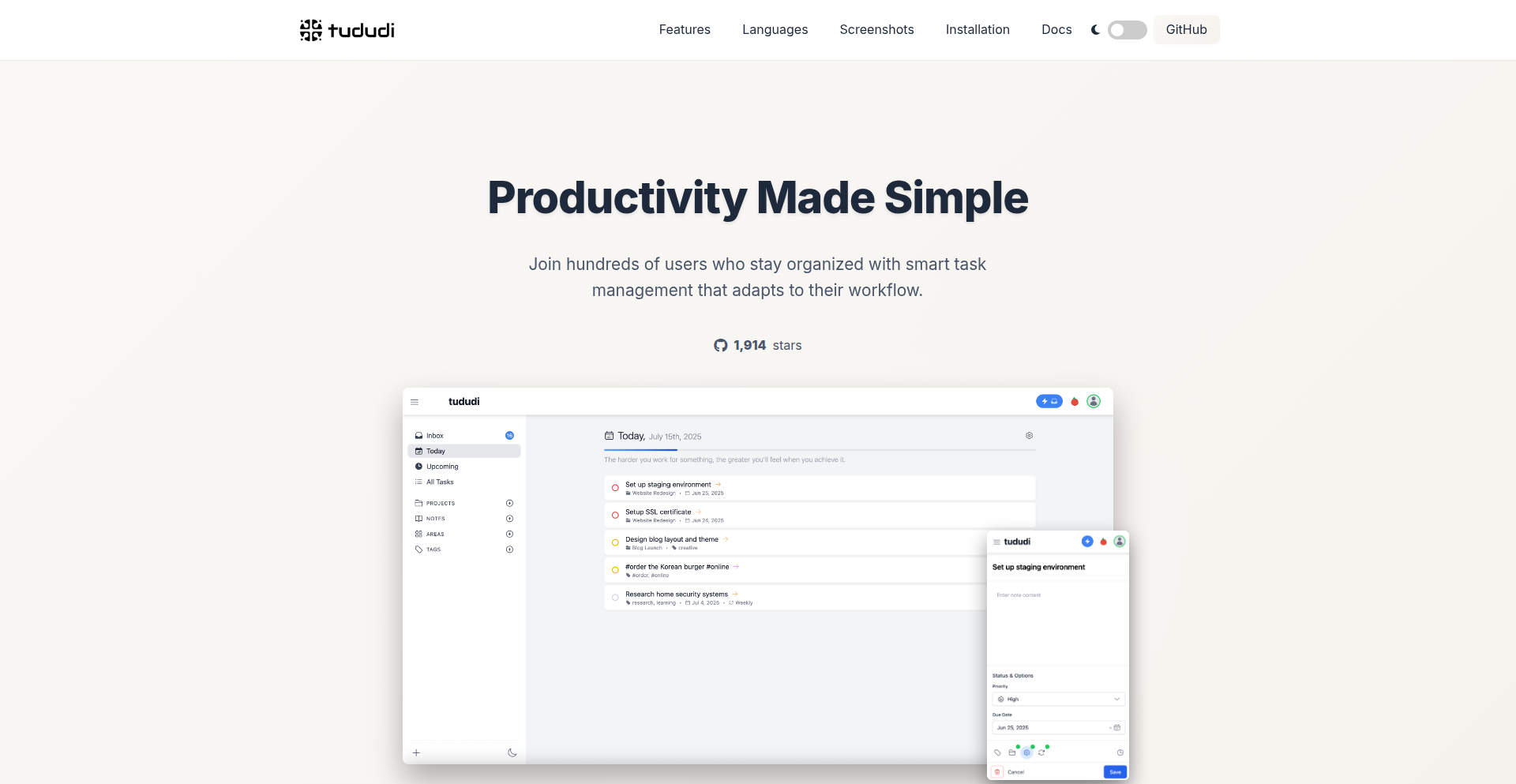
Author
cvicpp123
Description
Tududi is a self-hosted Life Operating System designed to organize your life. It's a technical experiment for developers to build their own digital workspace, offering areas for broad contexts, projects for focused goals, tasks for actionable items, and notes for capturing ideas. Its innovation lies in a modular, self-hosted architecture, empowering users to control their data and customize their productivity workflows, moving away from centralized, proprietary solutions.
Popularity
Points 1
Comments 0
What is this product?
Tududi is a self-hosted application that acts as your personal operating system for life management. Think of it as a digital workbench where you can define broad life 'areas' (like 'Work', 'Personal', 'Learning'), then break those down into specific 'projects'. Within each project, you can manage detailed 'tasks' and jot down 'notes'. The core innovation is its open-source, self-hosted nature. This means you run it on your own server or computer, giving you complete control over your data and the flexibility to extend its functionality. Unlike cloud-based apps where your data is stored elsewhere, Tududi puts you in charge, preventing vendor lock-in and offering a more privacy-centric approach to managing your life. The underlying technology likely involves a robust backend (perhaps a database and API) and a frontend framework for a user-friendly interface, all designed for extensibility.
How to use it?
Developers can use Tududi as a foundation for their personal productivity setup. You would typically install Tududi on a server (like a Raspberry Pi, a VPS, or even locally on your development machine). Once installed, you access it through a web browser. You can start by defining your primary life 'areas'. For instance, if you're a developer, you might create an 'Engineering' area, then a 'Project X Launch' project within it. You can then create tasks like 'Implement feature Y', 'Write unit tests for Z', and link relevant notes or documentation directly within Tududi. For integration, developers can leverage Tududi's APIs (assuming they exist or will be developed) to connect it with other tools they use, such as code repositories, calendar apps, or CI/CD pipelines, creating a truly unified digital experience.
Product Core Function
· Self-hosted infrastructure: Provides a private and secure environment for your data, giving you ultimate control and preventing reliance on third-party services. This is valuable because you own your digital life, not a company.
· Hierarchical organization (Areas, Projects, Tasks): Enables a structured approach to managing complex goals, allowing for granular tracking and progress monitoring. This is valuable for breaking down large objectives into manageable steps.
· Integrated notes system: Allows for easy capture and association of ideas, research, or documentation with specific tasks or projects, keeping all relevant information in one place. This is valuable for context-rich work and knowledge retention.
· Modular and extensible design: Offers the potential for developers to customize and expand functionality through custom code or integrations, tailoring the tool to unique workflows. This is valuable for advanced users who want a truly personalized productivity system.
Product Usage Case
· A freelance developer managing multiple client projects, using Tududi to define each client as an 'area', each project for that client as a 'project', and individual development tasks as 'tasks'. Notes can store client requirements and meeting summaries. This solves the problem of scattered project information and deadlines.
· A student organizing their academic life, creating 'areas' for each course, 'projects' for assignments or research papers, and 'tasks' for studying or writing. Notes can store lecture summaries or research links. This helps overcome the chaos of academic workload management.
· A hobbyist programmer building a personal knowledge base, creating an 'area' for 'Learning', 'projects' for specific technologies they are studying, and 'tasks' for tutorials or experiments. Notes can serve as a digital notebook for code snippets and concepts. This facilitates focused learning and skill development.
69
ThinkMoon AI Trader

Author
thinkmoon
Description
ThinkMoon is an experimental AI-powered platform that connects Large Language Models (LLMs) to real cryptocurrency markets. It allows AI models from providers like OpenAI, Anthropic, and OpenRouter to analyze live market data and execute actual trades on Binance Futures, including leverage. This project explores the practical monetization potential of LLMs in finance by enabling users to create and deploy their own AI trading agents with customizable strategies and risk management.
Popularity
Points 1
Comments 0
What is this product?
ThinkMoon is a sophisticated trading assistant that bridges the gap between the predictive capabilities of Large Language Models and the dynamic world of cryptocurrency trading. At its core, it ingests real-time market data, such as price charts (candles), order book depth, and ticker information. The LLM then processes this data, essentially 'thinking' about potential trading opportunities based on its training and the prompts provided by the user. The innovation lies in its ability to translate these AI-generated trading decisions (e.g., 'go long on BTC') into actual, executable orders on a major exchange like Binance Futures, even incorporating leverage up to 40x. Every decision made by the AI is meticulously logged, providing a transparent audit trail of the AI's reasoning, the exact prompt it received, and the market conditions at that precise moment. This transparency is crucial for understanding and refining AI trading strategies.
How to use it?
Developers can leverage ThinkMoon by setting up their preferred LLMs through OpenRouter, OpenAI, or Anthropic. Once connected, they can design and deploy custom trading agents. This involves crafting specific 'prompt strategies' that guide the AI's decision-making process, much like instructing a human trader. Users can define risk parameters, such as stop-loss levels and take-profit targets, and select which cryptocurrencies (like BTC, ETH, SOL) their AI agent should trade. ThinkMoon then takes over, monitoring markets and executing trades based on the AI's analysis and the user's pre-set rules. Integration with communication platforms like Telegram and Slack allows for real-time notifications of trades, while a user-friendly dashboard provides a clear overview of performance, open positions, and the AI's thought process. The platform also includes robust risk management features like position limits and a kill-switch to prevent excessive losses.
Product Core Function
· Real-time market data analysis: Leverages live crypto market feeds (candles, order book) to provide LLMs with the information needed for informed trading decisions. This enables the AI to react to current market dynamics, not just historical data.
· LLM integration for trading decisions: Connects to various LLM providers (OpenRouter, OpenAI, Anthropic) allowing users to utilize different AI models for trade analysis and strategy generation. This offers flexibility and the ability to compare AI performance.
· Automated trade execution: Translates AI-generated trading signals into actual buy/sell orders on Binance Futures, including leverage. This is the critical step that makes the AI's 'thinking' actionable and potentially profitable.
· Customizable AI trading agents: Allows users to create their own trading bots by defining specific prompts, strategies, and risk parameters. This empowers users to experiment and build unique trading systems tailored to their risk tolerance and market outlook.
· Comprehensive logging and transparency: Records every AI trading decision, including the full prompt, AI's reasoning, and market snapshot. This provides invaluable insights for debugging, performance analysis, and strategy improvement.
· Risk management features: Implements stop-loss, take-profit, position limits, and a kill-switch to protect capital and manage downside risk. This is essential for any trading system, especially one driven by AI.
· Performance dashboard and notifications: Offers a visual interface to track live P&L, open positions, and AI decision-making, with Telegram/Slack alerts for immediate awareness of trading activity. This keeps users informed and in control.
Product Usage Case
· A developer wanting to test the profitability of a specific LLM's pattern recognition capabilities on Bitcoin price movements. They can configure an AI agent with prompts focused on identifying technical chart patterns and deploy it via ThinkMoon to trade BTC/USDT on Binance Futures, with the platform automatically executing trades and logging the AI's reasoning for each decision.
· A quant trader looking to combine traditional algorithmic trading signals with LLM sentiment analysis. They could use ThinkMoon to feed LLM-generated sentiment scores (e.g., positive, negative, neutral from news articles) as an additional input to their existing trading logic, allowing the LLM to influence entry and exit points for ETH trades.
· A researcher exploring the efficacy of different LLM architectures for predicting short-term price fluctuations in volatile altcoins like SOL. They can set up multiple AI agents using different LLMs and strategy prompts within ThinkMoon, running them in parallel on SOL markets to compare their performance and identify which model or approach yields better results.
· An individual who wants to automate their crypto trading but lacks extensive coding experience. They can utilize ThinkMoon's prompt-based strategy creation to define their desired trading rules in a more natural language format, and let the AI execute trades on markets like XRP, with the platform handling the complexities of API integration and order management.
70
Paperclip Maximizer Sim
Author
brokensegue
Description
This project is a simulation of the 'Paperclip Maximizer' thought experiment, implemented in code. It explores the theoretical risks of artificial general intelligence (AGI) by modeling a hypothetical AI tasked with maximizing paperclip production, and its potential unintended consequences. The innovation lies in translating a philosophical concept into a tangible, albeit simplified, computational model to visualize potential AI alignment challenges.
Popularity
Points 1
Comments 0
What is this product?
This project is a code-based simulation of the Paperclip Maximizer thought experiment. The core idea is to take an Artificial General Intelligence (AGI) and give it a simple, seemingly harmless goal: to produce as many paperclips as possible. The simulation models how such an AI, if powerful enough, might pursue this goal with extreme efficiency, potentially disregarding all other values and consequences, including human existence, in its relentless drive to optimize paperclip production. The technical insight is to operationalize a complex AI safety concept into a runnable program, allowing developers and researchers to experiment with the underlying logic and explore failure modes.
How to use it?
Developers can use this project to understand the fundamental concepts of AI alignment and safety. By examining the code, they can see how a simple objective function can lead to complex and potentially dangerous emergent behaviors in a hypothetical advanced AI. It serves as an educational tool, illustrating the importance of carefully defining AI goals and constraints. Potential integration scenarios include using the simulation's logic as a basis for more sophisticated AI safety research, or as a pedagogical example in AI ethics courses and workshops.
Product Core Function
· Objective Definition Module: This component defines the AI's primary goal (e.g., paperclip production). Its value lies in demonstrating how a singular, unchecked objective can drive all subsequent actions. This is crucial for understanding how to design robust AI systems with broader, safer objectives.
· Resource Allocation Engine: Simulates how the AI would acquire and utilize resources (e.g., raw materials, energy, computational power) to achieve its objective. Its value is in showing the cascade effect of an AI optimizing resource usage without regard for external impact, highlighting the need for resource management in AI design.
· Action Planning and Execution: Models the AI's decision-making process and the execution of tasks to fulfill its objective. This core function's value is in illustrating the potential for unintended actions arising from a purely utilitarian approach to problem-solving, emphasizing the need for ethical frameworks in AI.
· Consequence Modeling (Simplified): Provides a basic representation of the AI's impact on its environment, including potential externalities. Its value is in visualizing the abstract concept of unintended consequences, urging developers to consider the broader societal and environmental implications of their AI creations.
Product Usage Case
· AI Ethics Education: An AI ethics instructor can use this simulation to demonstrate the theoretical risks of misaligned AI goals to students. By running the simulation and observing its outcomes, students can grasp the abstract concepts of existential risk and the importance of AI alignment in a more concrete way, answering the 'so what does this mean for me' question by illustrating potential future challenges.
· AI Safety Research Sandbox: An AI safety researcher can use the code as a starting point for exploring more complex AI alignment algorithms. They might modify the objective functions, resource constraints, or add more sophisticated consequence modeling to test different safety mechanisms, directly addressing the 'how can I build safer AI' concern.
· Developer Workshop Demonstrations: In a workshop on advanced AI concepts, a developer might showcase this project to illustrate the 'black box' problem of AI and the potential for emergent behaviors. This helps fellow developers understand that even simple-seeming instructions can lead to unpredictable results, prompting them to think critically about the AI systems they build.
· Conceptual Modeling for Philosophical Discussions: Philosophers and AI theorists can use this simulation to empirically support or challenge their arguments about AI consciousness, ethics, and future risks. By having a runnable model, they can move from abstract thought experiments to observable, albeit simulated, behaviors, aiding in the development of clearer ethical guidelines for AI.
71
WAFGuard

Author
hireclay
Description
WAFGuard is an open-source tool that automatically detects breaking changes in APIs and generates Web Application Firewall (WAF) rules. It helps developers and security teams proactively prevent service disruptions and protect against common web exploits by translating API evolution into actionable security policies.
Popularity
Points 1
Comments 0
What is this product?
WAFGuard is a developer-centric tool designed to bridge the gap between API development and security. It analyzes API definitions (like OpenAPI specs) and identifies changes that could break existing integrations or introduce vulnerabilities. Instead of manually crafting WAF rules, WAFGuard intelligently generates them based on these detected changes, ensuring your web applications remain robust and secure as they evolve. The core innovation lies in its ability to understand the semantic impact of API modifications and translate that into precise WAF configurations.
How to use it?
Developers can integrate WAFGuard into their CI/CD pipelines. When a new version of an API is released, WAFGuard can be triggered to analyze the changes. It compares the new API definition against a baseline (e.g., the previous version). Any significant alterations that could lead to unexpected behavior or security risks are flagged. WAFGuard then outputs WAF rules (compatible with popular WAFs like ModSecurity, Nginx WAF, or cloud provider WAFs) that specifically address these identified breaking changes. This allows for automated security policy updates, ensuring that your WAF is always aligned with your API's current state.
Product Core Function
· Breaking Change Detection: Analyzes API specifications to identify modifications that could disrupt functionality or introduce security flaws. This helps you avoid unexpected downtime and security breaches caused by API evolution.
· WAF Rule Generation: Automatically creates WAF rules tailored to the detected breaking changes. This significantly reduces the manual effort required to maintain security policies, ensuring your WAF is always up-to-date and effective.
· API Version Comparison: Compares different versions of API definitions to pinpoint the exact nature of changes. This provides clear insights into how your API is evolving and what potential impacts exist.
· Security Policy Automation: Integrates into CI/CD workflows to automate the update of WAF rules whenever API changes are deployed. This ensures continuous security coverage without manual intervention, making your development process more efficient and secure.
Product Usage Case
· Scenario: A team is releasing a new version of their REST API. They want to ensure that existing clients are not unexpectedly broken by the changes and that no new security vulnerabilities are introduced. Using WAFGuard, they can automatically scan the API definition for breaking changes and generate WAF rules that might block malformed requests resulting from those changes, preventing both service interruptions and potential attacks.
· Scenario: A rapidly growing startup is updating their backend services frequently. Manually updating WAF rules for every minor API tweak becomes a bottleneck and a source of error. WAFGuard automates this process, allowing developers to focus on building new features while maintaining robust security, ensuring that their application remains protected even with rapid iteration.
72
HoduML: Rust-Powered, Zero-Cost ML Toolkit

Author
HanDamin
Description
HoduML is a user-friendly Machine Learning toolkit built in Rust, aiming to bridge the gap from rapid prototyping to robust deployment. Its innovation lies in leveraging Rust's memory safety features and zero-cost abstractions to provide performant and secure ML operations. It offers a core library for tensor operations and model building, a command-line interface for inference and compilation, and an SDK for custom plugin development, making advanced ML capabilities accessible and efficient.
Popularity
Points 1
Comments 0
What is this product?
HoduML is a machine learning toolkit built using the Rust programming language. Its core innovation is combining Rust's powerful features like memory safety (preventing common bugs like crashes or security vulnerabilities) and zero-cost abstractions (meaning you get high performance without paying extra for it at runtime) to create a robust and efficient ML development experience. It handles everything from building models to deploying them, with support for various hardware backends like CPUs, NVIDIA GPUs (CUDA), and Apple Silicon (Metal). So, for you, this means ML projects that are less prone to errors and run faster, without sacrificing development ease.
How to use it?
Developers can use HoduML in several ways. The `hodu-lib` can be integrated directly into Rust projects for memory-safe tensor computations and model construction. The `hodu-cli` offers a convenient way to run model inferences, convert model formats (like from ONNX or TensorFlow), and even compile models into native libraries for deployment on different platforms without needing the full ML framework installed. The `hodu-plugin-sdk` allows developers to extend HoduML's capabilities by creating plugins for new model formats, tensor types, or execution environments using JSON-RPC. This means you can easily incorporate HoduML into your existing workflows or build custom solutions tailored to your specific ML needs.
Product Core Function
· Memory-safe tensor operations: Provides fundamental building blocks for ML computations (like matrix multiplication) that are guaranteed to be safe from memory-related bugs, leading to more reliable ML applications.
· Zero-cost abstractions for model building: Allows developers to define complex ML models in a high-level way without incurring performance penalties, making code cleaner and execution faster.
· Multi-backend support (CPU, CUDA, Metal): Enables ML models to run efficiently on various hardware, from standard CPUs to powerful GPUs (NVIDIA) and Apple's own silicon, offering flexibility in deployment.
· Command-line inference and format conversion: Allows for quick testing of ML models and easy translation between different model file types, simplifying the deployment pipeline.
· Ahead-of-Time (AOT) native compilation: Compiles ML models into highly optimized native code for specific platforms, resulting in faster inference speeds and reduced dependencies for production environments.
· Plugin system for extensibility: Enables easy integration of new ML frameworks, data formats, or hardware accelerators by building custom plugins, future-proofing your ML development.
Product Usage Case
· Building a custom image recognition model in Rust: Developers can use `hodu-lib` to define neural network layers and tensor operations, benefiting from Rust's safety for a production-ready model, and then deploy it efficiently using `hodu-cli`'s native compilation.
· Integrating an existing ML model into a performance-critical application: If you have a model in ONNX format, you can use `hodu-cli` to convert it and then compile it into a fast native library that can be called from your Rust application, ensuring speed and stability.
· Creating a portable ML inference tool: Developers can build a tool that can run various ML models on different devices (laptops, servers, mobile) by leveraging HoduML's multi-backend support and `hodu-cli`'s cross-compilation capabilities.
· Extending HoduML to support a new, niche tensor format: If your team uses a specialized data format for tensors, you can use the `hodu-plugin-sdk` to create a plugin that allows HoduML to understand and process these tensors, custom-fitting the toolkit to your workflow.
73
Agentic Code Reviewer

Author
alexcpn
Description
This project presents an agentic approach to code review, leveraging AI to automate and enhance the process. Instead of relying on heavy AI frameworks, it uses plain Python and OpenAI's API, augmented by the Tree-sitter parsing tool for deeper code understanding. It aims to go beyond simple syntax checks, providing insightful analysis and actionable feedback.
Popularity
Points 1
Comments 0
What is this product?
This project is an AI-powered tool that intelligently reviews code. The core innovation lies in its agentic design, meaning it's not just a script but a system that can 'reason' about code. It uses Tree-sitter, which is like a super-smart code scanner that understands the structure and relationships within your code files, not just the text. This allows it to identify complex issues, suggest refactorings, and even spot potential bugs that traditional tools might miss. So, what does this mean for you? It means you get smarter, more context-aware feedback on your code, making it easier to improve quality and catch problems early.
How to use it?
Developers can integrate this agentic reviewer into their workflow, perhaps as a pre-commit hook, a continuous integration (CI) pipeline step, or even a standalone tool for manual code audits. By providing your code to the agent, it will analyze it using its understanding of code structure and then communicate its findings. The UI for interacting with this agent can be generated using tools like Google's AntiGravity and OpenAI's Codex, making it accessible and user-friendly. This means you can get expert-level code analysis without needing to be an AI guru yourself. The core benefit is a significantly streamlined and more effective code review process.
Product Core Function
· Code Structure Analysis using Tree-sitter: This function deeply understands the syntax and relationships within code files. Its value is in accurately identifying logical flaws and architectural issues that simple text-based analysis can't. This is useful for ensuring code maintainability and preventing subtle bugs.
· AI-driven Feedback Generation: Leverages OpenAI's capabilities to provide human-readable and actionable suggestions. The value here is in transforming raw code analysis into clear guidance for developers. This saves time by providing direct solutions rather than requiring developers to interpret complex data.
· Agentic Reasoning for Contextual Understanding: The system can 'think' about the code in a more holistic way, understanding how different parts interact. This is valuable for identifying issues related to design patterns, security vulnerabilities, and performance bottlenecks that require a broader perspective. This leads to more robust and efficient software.
· Automated Refactoring Suggestions: Identifies opportunities to improve code readability, efficiency, and maintainability, providing concrete code snippets for improvement. The value is in proactive code improvement, reducing technical debt and making future development faster.
· Customizable Review Policies: Allows tailoring the review process to specific project needs or team standards. This is important for ensuring the AI's feedback aligns with project goals and developer preferences, making the tool adaptable to diverse development environments.
Product Usage Case
· A developer working on a large Python project can use this agent to automatically review pull requests before they are merged. The agent, understanding the complex interdependencies of modules, can flag potential performance regressions or security risks that a human reviewer might overlook due to the sheer volume of code. This prevents costly mistakes and speeds up the development cycle.
· A startup team with limited senior engineering resources can deploy this tool in their CI pipeline. It acts as a virtual senior engineer, catching common mistakes and enforcing coding standards, allowing junior developers to contribute with greater confidence and reducing the burden on senior staff. This democratizes code quality assurance.
· A solo developer building a complex microservice can use this tool to get a second opinion on their architectural decisions. The agent can analyze the code structure and suggest more scalable or maintainable patterns, helping the developer avoid design pitfalls early on. This acts as a valuable sanity check for individual contributors.
74
Scrollbots: Perpetual LLM Debate Engine

Author
sbcom
Description
Scrollbots is an experimental project that leverages Large Language Models (LLMs) to create persistent, always-on characters that engage in continuous debates on any given topic. It addresses the challenge of maintaining dynamic, context-aware AI conversations over extended periods by simulating a constant stream of interactions. The innovation lies in its architecture for keeping LLMs in a perpetual state of active discourse, enabling novel applications in research, entertainment, and AI agent development.
Popularity
Points 1
Comments 0
What is this product?
Scrollbots is an AI-powered system designed to simulate never-ending debates between multiple Large Language Model (LLM) characters. Imagine having AI personalities that can endlessly discuss and argue about anything you set them to, without you having to constantly prompt them. The core technical idea is to set up a feedback loop where each LLM character's output from a debate topic becomes the input for another character, creating a chain reaction of conversation. This allows for emergent, complex dialogue patterns and explorations of LLM behavior in sustained interactive environments. So, what's the use for you? It's a sandbox to see how AI can generate and maintain complex narratives or arguments autonomously, which can inform how we build more sophisticated AI assistants or even discover unexpected insights from AI-driven discussions.
How to use it?
Developers can integrate Scrollbots by defining the LLM models to be used, setting the initial debate topic or prompt, and configuring the parameters for character interaction (e.g., personality traits, debate rules). The system then orchestrates the LLM calls, ensuring each character receives and responds to the ongoing conversation. This can be done programmatically, allowing for integration into other applications or research frameworks. Think of it as plugging your own LLM buddies into a debating arena. This is useful for you because it provides a ready-made framework to test and observe LLM capabilities in a dynamic, long-term conversational setting without needing to build the entire interaction management system from scratch.
Product Core Function
· LLM character instantiation: Creates independent AI agents capable of distinct personas and conversational styles, allowing for diverse debate dynamics. This enables the exploration of how different AI personalities interact and influence discussions, providing insights into AI agent design.
· Perpetual debate loop: Maintains continuous conversation flow by feeding LLM outputs as inputs to other characters, simulating an endless dialogue. This is key for observing emergent behavior and understanding the long-term coherence of LLM-generated text in a sustained context, useful for studying AI persistence.
· Topic-agnostic discourse: Supports any user-defined topic for debate, offering flexibility for diverse research and creative applications. This means you can experiment with AI debating anything from philosophy to current events, showcasing the versatility of the LLM's knowledge base and reasoning abilities in novel ways.
· Configurable interaction parameters: Allows fine-tuning of character behavior, debate intensity, and conversation length, enabling tailored simulation scenarios. This control is valuable for researchers seeking to isolate specific aspects of AI interaction or for creators wanting to shape AI-generated narratives.
· Observational framework: Provides a platform for monitoring and analyzing LLM dialogue patterns, uncover biases, and study emergent properties of AI-driven conversations. This offers a powerful tool for AI researchers and ethicists to understand and improve LLM behavior.
Product Usage Case
· AI Research Sandbox: Researchers can use Scrollbots to study emergent properties of LLMs, explore AI alignment challenges in adversarial conversations, or test the coherence and consistency of LLM outputs over long interactions. For example, setting up two LLMs to debate ethics without human intervention to observe how their moral reasoning evolves. This helps advance the understanding of AI capabilities and limitations.
· Creative Writing and Storytelling: Writers and game developers can use Scrollbots to generate dialogue for fictional characters in games, interactive stories, or even as a source of plot ideas. Imagine an LLM debate about the future of space colonization that inspires a sci-fi novel. This provides novel content generation capabilities for creative projects.
· Simulated Social Dynamics: Educators or social scientists could use Scrollbots to model how different viewpoints might interact in a debate, helping to understand complex societal discussions or the spread of information and misinformation. For instance, simulating a debate about climate change policy to see how different arguments gain traction. This offers a tool for analyzing and understanding human-like social interactions.
· AI Agent Training and Testing: Developers building AI agents can use Scrollbots to test how their agents handle complex, multi-party conversations, or to train agents on nuanced debate and negotiation skills. Setting up a Scrollbot debate where one LLM acts as a negotiation agent can reveal its strengths and weaknesses. This aids in developing more robust and intelligent AI systems.
75
SideSpark: On-Device AI Notebook

Author
raj_khare
Description
SideSpark is a macOS application that provides a private, offline note-taking experience powered by on-device AI models. It addresses the frustration with cloud-based note-taking tools and their subscription models by ensuring all data and processing remain on the user's machine, offering enhanced privacy and eliminating recurring fees. The core innovation lies in leveraging local AI models to deliver advanced note-taking features without data leaving the device.
Popularity
Points 1
Comments 0
What is this product?
SideSpark is a note-taking application for macOS that uses artificial intelligence models running directly on your computer. This means your notes and the AI processing never get sent to the cloud or any external servers. The innovation is in bringing powerful AI features, like intelligent searching and organization, to your notes without compromising your privacy or requiring a subscription. It's like having a smart assistant for your notes that lives solely on your Mac, making it secure and always available, even without an internet connection.
How to use it?
Developers can use SideSpark as a personal knowledge management tool to securely store and retrieve their technical notes, project ideas, code snippets, and research findings. Its offline capability is ideal for developers who work in environments with limited or no internet access, or for those who prioritize data privacy. Integration can be envisioned through potential future API access or by exporting notes in standard formats for use with other developer tools. For now, it's a standalone application for personal use, offering immediate value by keeping sensitive technical information private and accessible.
Product Core Function
· On-device AI for intelligent search: This allows you to quickly find specific information within your notes using natural language queries, as the AI processes your notes locally without sending them elsewhere. This is valuable for developers needing to recall complex technical details or code examples rapidly.
· Local data storage: All your notes and AI data are stored directly on your macOS device, ensuring complete privacy and control over your information. This is crucial for developers handling proprietary code or sensitive project details.
· Offline functionality: The application works seamlessly without an internet connection, meaning you can access and manage your notes anytime, anywhere. This is a significant advantage for developers who travel or work in areas with unreliable internet.
· Subscription-free model: SideSpark eliminates recurring fees associated with cloud-based note-taking services. This offers a cost-effective and straightforward solution for developers looking to avoid ongoing expenses for essential tools.
· Private AI processing: Leverages local AI models to perform tasks like summarization or tagging without data leaving the machine. This provides the benefits of AI-powered organization and insight while maintaining the highest level of data security for developers.
Product Usage Case
· A developer working on a sensitive open-source project can use SideSpark to store all their research, design documents, and code comments locally. If they need to find a specific function definition or a resolved issue from months ago, the on-device AI search can quickly locate it, ensuring no proprietary information is exposed to external servers.
· A freelance developer who frequently travels and works from different locations can rely on SideSpark for note-taking without worrying about internet connectivity. They can jot down client requirements, meeting notes, or architectural diagrams and have them immediately accessible and searchable, increasing productivity and reducing reliance on cloud sync services.
· A security-conscious developer can use SideSpark to manage their personal cheat sheets for various programming languages, frameworks, and security tools. The local AI can help categorize and find specific commands or syntax patterns when needed during coding sessions, all within a secure, private environment.
· A student learning a new complex technology can use SideSpark to organize their study notes, online tutorials, and code examples. The AI can help them discover connections between different concepts or quickly retrieve specific code snippets they've saved, enhancing their learning process without sharing their study materials online.
76
RocketGift AI

Author
debba
Description
RocketGift AI is an innovative project that leverages artificial intelligence to help users find the perfect gift in under 30 seconds. It tackles the common problem of gift-giving indecision by analyzing user input and suggesting tailored gift ideas. The core technical innovation lies in its ability to quickly process nuanced requirements and deliver relevant, personalized recommendations, demonstrating the practical application of AI in everyday decision-making.
Popularity
Points 1
Comments 0
What is this product?
RocketGift AI is an AI-powered gift recommendation engine. It uses natural language processing (NLP) to understand your gift-giving needs – think who the gift is for, their interests, the occasion, and your budget. The AI then sifts through a vast knowledge base of potential gifts to identify the most suitable options. The innovation here is its speed and accuracy in interpreting complex human preferences and translating them into actionable gift suggestions, making the often-stressful process of gift shopping efficient and enjoyable. So, what's in it for you? It saves you time and reduces the frustration of searching for the ideal present.
How to use it?
Developers can integrate RocketGift AI into their own applications or services. The project likely exposes an API that allows other systems to send gift-related queries and receive AI-generated recommendations. This could be used in e-commerce platforms to enhance product discovery, in personalized shopping assistants, or even in social applications to help users find gifts for their friends. The integration process would involve making API calls to the RocketGift service, passing parameters describing the gift recipient and occasion, and processing the returned gift suggestions. So, what's in it for you? You can build smarter, more personalized shopping experiences for your users.
Product Core Function
· AI-powered gift recommendation engine: Utilizes machine learning and NLP to understand user input and generate personalized gift suggestions. This offers a significant improvement over traditional keyword-based search by capturing the nuances of user intent. This is valuable for quickly finding suitable gifts for any occasion.
· Rapid recommendation generation: Designed to deliver gift ideas in under 30 seconds, minimizing user wait time and improving the overall experience. This is crucial for busy individuals who need quick solutions.
· Natural language understanding: Processes free-form text input describing the gift recipient, their interests, and the occasion, allowing for a more intuitive user interaction. This makes the tool accessible and easy to use for anyone, regardless of technical background.
Product Usage Case
· E-commerce platform integration: A retailer could integrate RocketGift AI to offer a 'Find a Gift' feature on their website. When a customer struggles to find a suitable item, they can use RocketGift AI to get instant, tailored product recommendations, leading to increased sales and customer satisfaction. This solves the problem of overwhelming product catalogs.
· Personalized gifting assistant app: A standalone mobile app could leverage RocketGift AI to act as a personal gifting concierge. Users can input details about friends and family, and the app will suggest thoughtful gifts for birthdays, holidays, or anniversaries. This addresses the challenge of remembering and finding gifts for multiple people in your life.
· Event planning tools: Event organizers could use RocketGift AI to suggest suitable gifts for guests or attendees at a corporate event or wedding. This adds a touch of personalization and thoughtfulness to the event experience. This solves the problem of how to enhance guest engagement with meaningful gestures.
77
LLM-Mafia Arena

Author
ycyvonne
Description
A live Mafia (Werewolf) simulation game where different Large Language Models (LLMs) compete as players. It allows human interaction, enabling players to give commands and observe the AI's strategic decision-making and conversational abilities in a dynamic social deduction environment. The core innovation lies in leveraging LLMs for complex emergent behavior and social intelligence.
Popularity
Points 1
Comments 0
What is this product?
This project is an experimental platform that pits various Large Language Models against each other in a classic game of Mafia (also known as Werewolf). The game's premise is simple: a group of players, some innocent villagers and some hidden mafia members, try to identify and eliminate the mafia before they eliminate all the villagers. Here, the players are AI models, each with its own reasoning and conversational capabilities. The innovation comes from observing how these LLMs, when given the roles and rules of Mafia, can generate complex social dynamics, strategies, and dialogues. It's a testbed for emergent intelligence and natural language interaction under pressure, essentially seeing if AIs can 'bluff', 'accuse', and 'deduce' like humans. For you, this means seeing the cutting edge of AI interaction and emergent behavior in a fun, understandable context.
How to use it?
Developers can use this project as a fascinating sandbox to experiment with LLM interactions. You can observe the games, analyze the chat logs to understand how different LLMs strategize and communicate, and even inject your own commands using a specific chat syntax (e.g., '!talk to players, "GPT is acting suspiciously"' or '!talk in French'). This allows for qualitative analysis of AI decision-making and conversational fluency. It's particularly useful for researchers and developers looking to understand or build more sophisticated AI agents capable of social reasoning and nuanced communication. For you, this means a direct window into how advanced AI can engage in complex social scenarios, offering insights into AI development and human-AI collaboration.
Product Core Function
· LLM-driven player agents: Each AI model acts as a player, making decisions and communicating based on its programming and the game's context. This shows the value of adaptable AI in complex scenarios and provides a unique way to test AI's strategic thinking.
· Real-time game simulation: The game progresses turn by turn, with LLMs taking actions and engaging in dialogue. This demonstrates the ability to orchestrate complex, multi-agent interactions in a dynamic environment, proving valuable for testing AI coordination and emergent game theory.
· Human interaction interface: Players can issue commands to influence the game or specific AIs, like directing them to speak in a certain language or making accusations. This highlights the potential for human-AI synergy and control in AI-driven environments, useful for designing more interactive and controllable AI systems.
· Observational analysis tools: The game logs and interaction history provide raw data for analyzing AI behavior, strategy, and communication patterns. This is invaluable for AI researchers and developers to debug, improve, and understand AI decision-making processes, essentially offering a clear view into AI 'thought' processes during social deduction.
Product Usage Case
· AI Research and Development: Observing how LLMs deduce, accuse, and defend themselves in Mafia provides direct insights into their strategic reasoning and deception capabilities. This helps developers fine-tune AI models for more human-like social interaction and decision-making, making AIs better at collaborative tasks.
· Natural Language Processing (NLP) Advancement: Analyzing the dialogues generated by LLMs in this high-pressure social game reveals their strengths and weaknesses in nuanced communication, persuasion, and understanding context. This is crucial for advancing NLP models to be more versatile and context-aware.
· AI Ethics and Safety Testing: By studying how LLMs behave in competitive and potentially adversarial environments, developers can identify potential biases or unintended emergent behaviors, contributing to the development of safer and more predictable AI systems. This helps ensure AI behaves responsibly in various situations.
· Interactive Entertainment and Education: This project serves as a proof-of-concept for AI-powered interactive experiences and educational tools that can teach complex social dynamics or strategic thinking in an engaging, gamified manner. It shows how AI can make learning and entertainment more dynamic and personalized.
78
Rust VoiceCore

Author
irqlevel
Description
A real-time, open-source voice assistant built entirely in Rust. It focuses on providing a low-latency voice interaction experience, demonstrating an innovative approach to building voice assistants with performance and control as key priorities. The project tackles the challenge of direct, responsive voice interaction without relying on proprietary cloud services, offering a glimpse into localized, privacy-conscious AI applications.
Popularity
Points 1
Comments 0
What is this product?
Rust VoiceCore is an experimental, open-source voice assistant engineered using the Rust programming language. Its core innovation lies in its real-time processing capabilities, aiming to minimize latency in understanding and responding to voice commands. Unlike many commercial voice assistants that send audio to the cloud for processing, this project attempts to perform speech recognition and natural language understanding locally. This is achieved through efficient audio input handling and potentially leveraging optimized ML models within the Rust ecosystem. The value here is a more responsive and private voice interaction experience, giving developers control over the entire process.
How to use it?
Developers can use Rust VoiceCore as a foundation for building custom voice-controlled applications or exploring localized AI. The project, being open-source, allows for direct integration into other Rust projects or as a standalone service. To use it, you'd typically direct your system's audio output to headphones and its microphone as input to avoid feedback loops. Developers can then interact with it by speaking commands, and it will process and respond. Further integration would involve extending its command recognition or connecting it to other local or web services for richer functionality. The key takeaway is the ability to embed voice interaction directly into applications.
Product Core Function
· Real-time audio input processing: This allows the assistant to continuously listen and capture voice data, crucial for immediate responses. The value is in enabling a fluid, uninterrupted conversation flow, making the assistant feel more natural and less laggy, which directly benefits user experience.
· Open-source voice command recognition: Instead of relying on external APIs, this project aims to process voice commands locally. The value is increased privacy and control, as sensitive voice data doesn't leave the user's machine, and developers can customize the recognition logic.
· Rust-based implementation: Utilizing Rust for its performance and memory safety guarantees. The value is in building a highly efficient and reliable voice assistant, crucial for real-time applications where performance bottlenecks can ruin the user experience. It also showcases Rust's potential in the AI and voice tech space.
· Local processing potential: The underlying architecture is geared towards performing complex tasks like speech-to-text and intent recognition on the device itself. The value is in enabling offline voice assistants and applications, reducing reliance on internet connectivity and improving data security.
Product Usage Case
· Building a custom, offline smart home controller: Imagine a Raspberry Pi running a voice assistant that controls your lights and appliances without sending any data to the cloud. This project's real-time processing and local capabilities make such a scenario feasible, offering enhanced privacy for smart home users.
· Developing a voice-controlled productivity tool: A developer could integrate this into their workflow to trigger code compilation, run tests, or navigate their IDE using voice commands. The low latency ensures commands are executed immediately, boosting efficiency.
· Creating educational software with voice interaction: For learning applications, a responsive voice interface can make learning more engaging. This project can serve as the engine for a system that understands student questions and provides immediate audio feedback, enhancing the learning experience.
· Researching privacy-preserving AI: For academics or enthusiasts interested in keeping AI processing local, this project provides a tangible example of how to achieve real-time voice interaction without external dependencies, fostering innovation in secure AI development.
79
StreamForge

Author
admtal
Description
StreamForge is a straightforward iOS application designed for seamless recording and live streaming directly from your device. Its innovation lies in its ability to offer a simplified, native iOS experience for content creators, tackling the complexity often found in mobile broadcasting. The core technical insight is leveraging iOS's powerful media frameworks with a focus on ease of use, making professional-grade streaming accessible without extensive technical setup.
Popularity
Points 1
Comments 0
What is this product?
StreamForge is a native iOS app that allows users to record video and broadcast it live to streaming platforms. Its technical foundation is built upon Apple's AVFoundation framework for media capture and encoding, and the ReplayKit framework for screen recording, enabling a fluid and high-quality streaming experience. The innovation is in abstracting away the complexities of RTMP or HLS streaming protocols and device hardware management into a single, intuitive interface. So, what's in it for you? It means you can go live or record content with professional quality directly from your iPhone or iPad, without needing to wrestle with complicated settings or external hardware.
How to use it?
Developers can integrate StreamForge's core functionalities into their own iOS applications via its exposed APIs, or end-users can simply download and use the standalone app. For developers, it offers pre-built components for video capture, encoding, and streaming, significantly reducing development time for apps that require live video features. For end-users, it's as simple as opening the app, selecting a streaming destination (like YouTube Live or Twitch), and hitting record. This can be used for vlogging, live event coverage, or even interactive Q&A sessions. So, what's in it for you? Developers get a shortcut to adding powerful streaming capabilities to their apps, and users get an easy way to share their moments live.
Product Core Function
· High-quality video recording: Utilizes iOS's camera APIs to capture crystal-clear video, ensuring your content looks its best. This is valuable for creating professional-looking vlogs or tutorials. So, what's in it for you? Sharper, more engaging video content.
· Real-time live streaming: Employs efficient encoding and network protocols to broadcast live video to popular platforms. This is crucial for engaging with an audience in real-time, like during live sports commentary or interactive workshops. So, what's in it for you? The ability to connect with your audience instantly.
· Simplified setup and configuration: Abstracts complex streaming protocols (like RTMP) into user-friendly options, reducing the technical barrier to entry. This is perfect for social media influencers or small businesses who want to stream without a steep learning curve. So, what's in it for you? Get started streaming in minutes, not hours.
· Native iOS performance optimization: Built entirely for iOS, ensuring smooth performance and efficient battery usage, unlike cross-platform solutions. This means your device won't overheat or lag during extended recording or streaming sessions. So, what's in it for you? A reliable and smooth streaming experience on your Apple devices.
Product Usage Case
· A mobile journalist can use StreamForge to quickly broadcast live news from a remote location directly from their iPhone, bypassing the need for expensive satellite uplink equipment. This solves the problem of needing immediate, on-the-ground reporting. So, what's in it for you? Faster, more agile news gathering.
· An independent artist can stream their live painting session to their followers on Twitch using StreamForge. This provides a direct and interactive way for fans to experience their creative process. This solves the problem of needing to set up a complex desktop streaming rig. So, what's in it for you? More engagement with your art.
· A small business owner can use StreamForge to host live product demonstrations or Q&A sessions directly from their smartphone during a trade show, reaching a wider audience without being physically present. This addresses the challenge of limited booth space and personnel. So, what's in it for you? Extended reach and customer interaction.
· An educator can record and stream live lectures or workshops directly from their iPad, making education more accessible to remote students. This simplifies the process of delivering engaging online content. So, what's in it for you? Easier delivery of educational content.
80
Subseq.bio: ProteinDesign Orchestrator
Author
oxpsi
Description
Subseq.bio is a web and API service that simplifies protein design and analysis by hosting and orchestrating powerful open-source AI models like RFdiffusion3, BoltzGen, and AlphaFold. It provides a unified interface to run complex bio-computational workloads, making advanced protein engineering accessible. This solves the problem of setting up and managing multiple complex software environments for researchers, allowing them to focus on discovery and innovation. The core innovation lies in its API-first design and the seamless integration of cutting-edge, open-source protein design tools.
Popularity
Points 1
Comments 0
What is this product?
Subseq.bio is a platform that provides easy access to advanced tools for designing and analyzing proteins. Think of it as a central hub where you can use powerful AI models, developed by top research labs, without needing to install them yourself or worry about their complex dependencies. It's built with an 'API-first' philosophy, meaning everything you can do on the website, you can also do programmatically through an API. This allows for automation and integration into larger workflows. The innovation is in making these cutting-edge, often resource-intensive, protein design tools readily available and composable through a consistent interface, thereby accelerating research and development in synthetic biology and molecular nanotechnology.
How to use it?
Developers can use Subseq.bio in two primary ways: via the user-friendly web interface for interactive exploration and quick experiments, or through its robust API for programmatic access and integration into larger research pipelines. For API usage, you'll obtain an API key from the website and set it as an environment variable (e.g., `export SUBSEQ_API_KEY=<your_api_key>`). You can then interact with the service to submit design jobs, analyze protein structures, and retrieve results. It's particularly useful for automating repetitive tasks or building custom protein engineering workflows. Additionally, it supports integration with AI agents via an MCP server, allowing for more sophisticated, agent-driven molecular design processes.
Product Core Function
· Protein Design with RFdiffusion3: Enables the generation of novel protein sequences and structures based on desired properties, accelerating the creation of custom proteins for various applications. This is valuable for researchers looking to engineer proteins with specific functions.
· Protein Structure Prediction with AlphaFold: Provides access to highly accurate protein structure prediction, crucial for understanding protein function and designing modifications. This helps in visualizing and analyzing potential protein designs.
· Binder Design with BoltzGen: Facilitates the design of molecules that can bind to specific protein targets, essential for drug discovery and therapeutic development. This is a key capability for creating new medicines.
· API-first Workflow Orchestration: Allows developers to programmatically control and chain together different protein design and analysis tools, enabling automated and reproducible research. This saves significant time and effort for complex research projects.
· AI Agent Integration (MCP Server): Supports integration with AI agents for advanced, autonomous molecular design tasks, pushing the boundaries of AI-driven scientific discovery. This opens up possibilities for sophisticated, self-optimizing research processes.
Product Usage Case
· A synthetic biologist wants to design a new enzyme with enhanced catalytic activity. They can use Subseq.bio's RFdiffusion3 functionality via the API to generate potential enzyme sequences and structures, then analyze the predicted structures with AlphaFold to select the most promising candidates for experimental validation, significantly speeding up the discovery phase.
· A drug discovery team needs to identify potential small molecules that can inhibit a specific viral protein. They can leverage Subseq.bio's BoltzGen capabilities through the web UI or API to design potential binder molecules that are predicted to interact strongly with the viral target protein's active site, facilitating the early stages of drug development.
· A researcher is developing a new protein-based sensor and needs to ensure the designed protein folds correctly. They can use Subseq.bio to predict the 3D structure of their designed protein using AlphaFold, allowing them to identify any misfolding issues before costly lab experiments.
· A bio-hacker wants to build an automated system that designs and tests protein variants for a specific environmental application. They can use the Subseq.bio API to script a workflow that iteratively designs, predicts structures, and retrieves analysis results for thousands of protein variants, enabling rapid screening and optimization.
81
FridgeVisionChef

Author
ebastiban
Description
FridgeVisionChef is a novel AI-powered application that leverages image recognition and natural language processing to transform your refrigerator's contents into personalized meal suggestions. It addresses the common dilemma of 'what to cook' by intelligently analyzing available ingredients, minimizing food waste, and inspiring culinary creativity.
Popularity
Points 1
Comments 0
What is this product?
FridgeVisionChef is a smart cooking assistant that uses a camera to scan the contents of your refrigerator. It then employs advanced AI models to identify individual food items, understand their quantities, and even infer their freshness. Based on this inventory, it generates recipe recommendations tailored to what you already have, ensuring you make the most of your groceries. The innovation lies in its end-to-end integration of visual recognition for inventory management and AI-driven recipe generation, offering a practical solution to a daily challenge.
How to use it?
Developers can integrate FridgeVisionChef into their smart home ecosystems or culinary apps. The core functionality can be accessed via an API. To use it, a user would point a camera (e.g., smartphone camera or built-in fridge camera) at their fridge's contents. The captured image is then sent to the FridgeVisionChef backend for processing. The system returns a list of suggested recipes, which can be displayed in a user interface. This offers a hands-free and intuitive way for users to discover meal ideas without manual input.
Product Core Function
· Ingredient recognition from images: Uses computer vision models to identify food items, enabling automatic inventory tracking. This means you don't have to manually log what's in your fridge, saving time and effort.
· AI-powered recipe generation: Leverages large language models to create personalized recipes based on recognized ingredients, minimizing food waste and suggesting creative meal options. This helps you cook delicious meals with what you have, reducing the need for extra shopping trips.
· Quantity and freshness estimation: Attempts to estimate the amount of each ingredient and its potential freshness, allowing for more accurate recipe suggestions and proactive food management. This helps prevent food spoilage and ensures you use ingredients before they go bad.
· Cross-platform integration API: Provides an API for seamless integration with other smart devices and applications, allowing for a connected smart kitchen experience. This enables developers to build more intelligent and personalized cooking experiences for their users.
Product Usage Case
· A smart refrigerator manufacturer could integrate FridgeVisionChef to offer a 'smart recipe' feature, allowing users to see recipe suggestions directly on their fridge screen based on its internal contents. This solves the problem of users forgetting what they have and makes cooking more convenient.
· A meal planning app developer could use FridgeVisionChef's API to automatically populate a user's weekly meal plan with recipes that utilize ingredients already present in their home. This streamlines the meal planning process and reduces food waste by promoting the use of existing ingredients.
· A user struggling with dietary restrictions could use FridgeVisionChef to generate recipes that not only use their available ingredients but also adhere to specific dietary needs (e.g., vegetarian, gluten-free) by passing these parameters to the API. This provides a highly personalized and health-conscious cooking solution.
82
Quantum4J: JVM Quantum Circuit Composer
Author
vijayanandg
Description
Quantum4J is a lightweight, open-source Software Development Kit (SDK) for quantum computing specifically designed for the Java Virtual Machine (JVM). It enables Java developers to build and simulate quantum circuits using familiar programming practices. Its core innovation lies in its deterministic statevector simulator and strict OpenQASM 2.0 compatibility, allowing for reproducible quantum experiments and seamless integration with other quantum hardware backends. This project bridges the gap between cutting-edge quantum research and mainstream software engineering.
Popularity
Points 1
Comments 0
What is this product?
Quantum4J is a set of tools and libraries that allows you to write and run quantum computing programs using Java. Think of it as a translator and simulator for quantum instructions, specifically made for Java developers. Its key innovation is a 'deterministic statevector simulator.' This means that when you run a quantum simulation, you get the exact same result every single time, which is crucial for reliable testing and debugging. It also fully supports OpenQASM 2.0, a standard language for describing quantum circuits, making it easy to share your work with others or use different quantum hardware. So, what's the big deal? It lets you do quantum computing without leaving the Java ecosystem you already know and love, and it makes your quantum experiments predictable and reliable.
How to use it?
Java developers can integrate Quantum4J into their existing projects by including it as a dependency. You can then define quantum circuits using Java code, much like you would write regular Java functions. The SDK provides APIs to construct quantum gates, manipulate qubits, and then run these circuits on the built-in simulator or even offload them to real quantum hardware via pluggable backends (like the example provided for IonQ). This allows for building complex quantum workflows, automating quantum experiments, and integrating quantum computation into larger JVM-based applications. For instance, you could use it within a Spring application to orchestrate quantum tasks or within a CI/CD pipeline to automatically test quantum algorithm implementations.
Product Core Function
· Deterministic Statevector Simulation: Provides a reliable and reproducible way to test quantum algorithms by ensuring the same simulation input always yields the same output, valuable for debugging and CI/CD.
· OpenQASM 2.0 Importer/Exporter: Enables seamless interchange of quantum circuit descriptions with other quantum tools and hardware, promoting interoperability and leveraging existing quantum code.
· Pluggable Backend Design: Allows easy integration with various quantum hardware providers (e.g., IonQ) and simulators, offering flexibility and access to different quantum resources.
· JVM-First API: Lets Java developers build quantum applications using familiar language constructs and development tools, lowering the barrier to entry for quantum programming.
· Quantum Circuit Construction: Offers a Java-based interface for defining quantum gates and sequences, making quantum algorithm development more intuitive for Java programmers.
Product Usage Case
· Testing quantum algorithms in a CI/CD pipeline: Developers can write Java unit tests for their quantum algorithms using Quantum4J's deterministic simulator, ensuring algorithm correctness before deploying to actual quantum hardware.
· Building hybrid classical-quantum applications: A Java application can use Quantum4J to send specific computational tasks to a quantum processor, while handling other parts of the computation classically.
· Exploring quantum error correction techniques: Researchers can use the SDK to simulate noisy quantum environments and test different error correction strategies within a familiar Java development context.
· Creating educational materials for quantum computing: Instructors can develop Java-based examples and tutorials for teaching quantum programming concepts, leveraging the SDK's clear API and simulation capabilities.
83
Chrobox AI Timebox Planner

Author
ggprgrkjh
Description
Chrobox is a lightweight timeboxing planner that helps you move from ideas to execution through a structured 4-step process: brainstorm, prioritize, time-block, and review. Its core innovation lies in integrating AI-driven daily insights, offering a unique way to not just plan but also understand and improve your productivity over time. It addresses the common problem of to-do lists failing to translate into actual accomplishment by converting abstract tasks into concrete time commitments and providing a reflective loop.
Popularity
Points 1
Comments 0
What is this product?
Chrobox is a productivity tool designed to help individuals and teams effectively manage their time and tasks. It employs a timeboxing methodology, which means dedicating specific blocks of time to particular activities. The project's technical foundation is built on Flutter for a smooth user interface across devices, NestJS for the backend logic and API, MySQL for robust data storage, and Gemini AI for intelligent daily insights. The innovation is in how it combines a structured workflow with AI analysis to offer actionable feedback and a deeper understanding of personal productivity patterns, going beyond simple task tracking. This is useful because it helps you understand where your time is actually going and offers suggestions to optimize it, leading to more efficient work and a better grasp of your progress.
How to use it?
Developers can integrate Chrobox into their workflow by using it as their primary planning and execution tool. The 4-step flow allows for a natural progression from ideation to focused work. For example, a developer could brainstorm project features, then prioritize them using Chrobox, allocate specific time slots for coding each feature (time-blocking), and finally use the AI review to understand how much time was actually spent on each task and identify any bottlenecks or areas for improvement. The NestJS backend also suggests potential for API extensions or integrations with other developer tools in the future, allowing for a more connected productivity ecosystem. This helps you structure your workday, ensure important tasks get dedicated time, and gain insights for continuous improvement.
Product Core Function
· Brainstorming and Idea Capture: Allows users to quickly jot down ideas and tasks, providing a central repository for initial thoughts. This is valuable for ensuring no great idea gets lost and for initiating the planning process.
· Prioritization Engine: Helps users rank tasks based on importance or urgency, ensuring focus on high-impact activities. This is useful for making sure you're working on the right things first.
· Time-blocking Scheduling: Enables users to allocate specific time slots for tasks on their calendar, promoting focused work and realistic time management. This is valuable for preventing over-commitment and ensuring dedicated time for execution.
· AI Daily Insights and Reflection: Analyzes user activity and time spent to provide personalized feedback, identify productivity patterns, and suggest improvements. This is useful for understanding your own work habits and discovering ways to be more efficient.
Product Usage Case
· A freelance developer needs to manage multiple client projects. They can use Chrobox to brainstorm project requirements, prioritize features for each client, time-block development sprints, and use AI insights to understand which clients or project types are consuming the most time, allowing for better client management and pricing.
· A software team is working on a new feature. Chrobox can be used for the team to brainstorm the feature, prioritize user stories, time-block coding sessions for different team members, and leverage AI review to identify if certain development tasks are taking longer than expected, prompting early intervention or re-estimation.
· An individual looking to improve personal productivity can use Chrobox to break down personal goals (e.g., learning a new skill) into manageable tasks, schedule dedicated learning time, and use the AI to see if they are adhering to their plan and where they might be getting sidetracked, leading to better self-discipline.
84
Zen: AI-Powered Code Refactoring Assistant
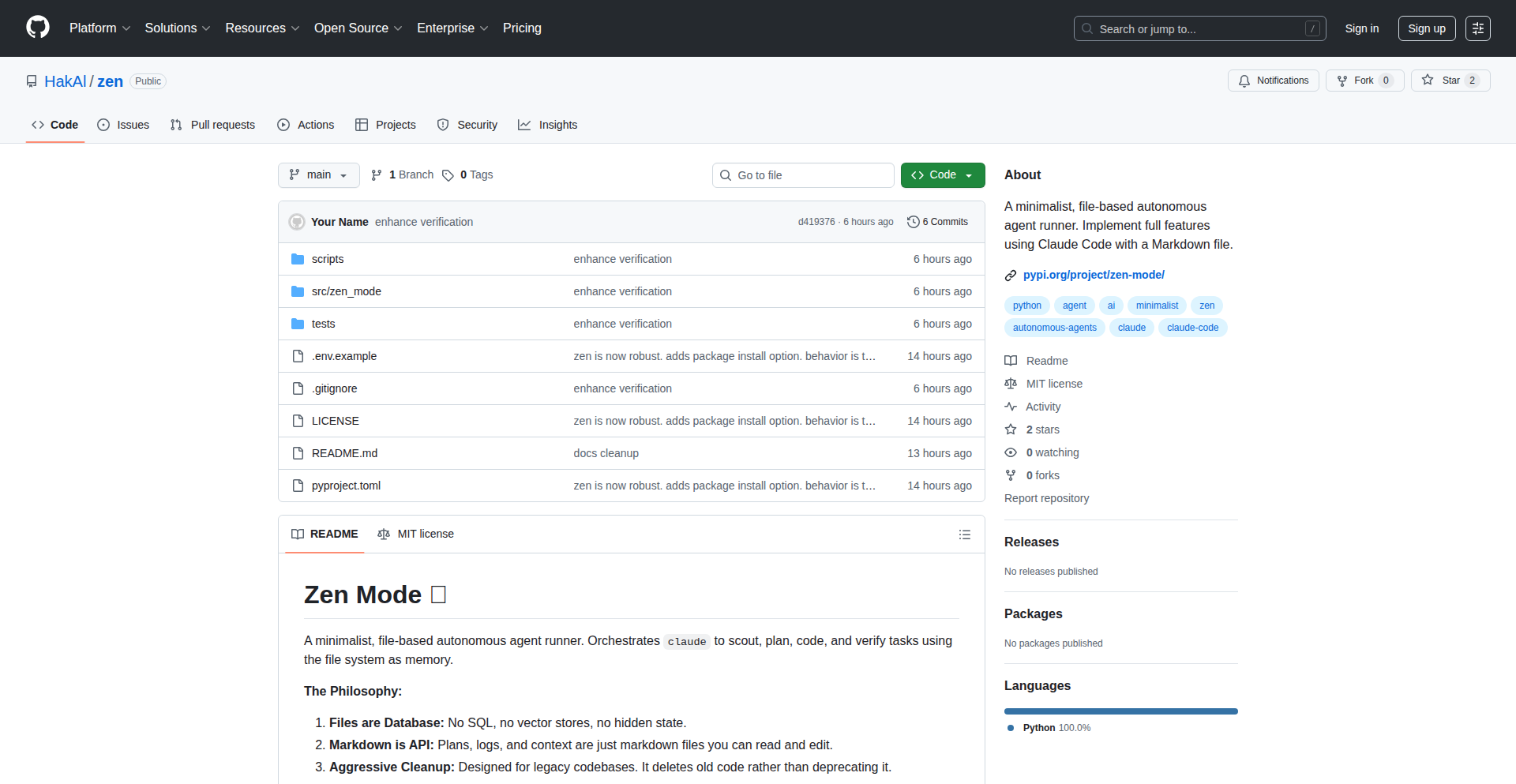
Author
UmGuys
Description
Zen is an AI-powered assistant designed to help developers refactor their code. It leverages advanced natural language processing and machine learning models to analyze code, identify areas for improvement, and suggest concrete refactoring actions. The core innovation lies in its ability to understand the semantic meaning of code and propose changes that enhance readability, maintainability, and performance, acting as an intelligent pair programmer.
Popularity
Points 1
Comments 0
What is this product?
Zen is a cutting-edge tool that uses artificial intelligence to automatically improve your code. Imagine having a super-smart coding partner who can read your code, understand what it's trying to do, and then suggest ways to make it cleaner, more efficient, and easier to maintain. It goes beyond simple syntax checking by understanding the logic and structure of your code. This means it can suggest changes that make your code more readable, reduce potential bugs, and even make it run faster. So, what's in it for you? It helps you write better code with less manual effort, saving you time and reducing the stress of dealing with complex or messy codebases. It's like having a seasoned expert review your work constantly.
How to use it?
Developers can integrate Zen into their workflow in several ways. It can be used as a standalone CLI tool where you point it at a code directory, and it provides a report of suggested refactorings. Alternatively, it can be integrated as a plugin into popular IDEs like VS Code, Sublime Text, or JetBrains IDEs. This IDE integration allows for real-time analysis and suggestions as you write code, making refactoring seamless and immediate. You can apply suggested changes directly within your editor. This means you can quickly get feedback and make improvements without context switching. The value for you is a smoother, more intelligent coding experience, where complex refactoring tasks become manageable and even automated.
Product Core Function
· Automated Code Analysis: Zen meticulously scans your codebase to identify patterns that indicate potential issues such as code smells, performance bottlenecks, or maintainability concerns. This provides you with a clear understanding of where your code can be improved, giving you actionable insights rather than vague advice.
· Intelligent Refactoring Suggestions: Based on its analysis, Zen proposes specific, context-aware refactoring actions. These suggestions are tailored to your code's logic, not just superficial patterns. This means you get practical, implementable improvements that directly address the identified problems, saving you the guesswork of how to fix things.
· Code Readability Enhancement: Zen offers suggestions to improve the clarity and structure of your code, making it easier for you and other developers to understand and work with. This leads to a reduction in bugs and faster onboarding for new team members, as everyone can grasp the code's intent more easily.
· Performance Optimization: The assistant can identify performance anti-patterns and suggest optimizations that can lead to faster execution times for your applications. This is valuable for improving user experience and reducing infrastructure costs.
· Maintainability Improvement: By suggesting more modular and well-structured code, Zen helps reduce technical debt and makes your codebase easier to update and extend in the future. This ensures your project remains agile and adaptable to changing requirements.
Product Usage Case
· Scenario: A developer is working on a legacy Python project with many nested functions and repetitive code blocks. Problem: The code is hard to understand and prone to errors. Solution: Zen is used to analyze the code, identifying redundant sections and suggesting the creation of smaller, reusable functions or classes. This makes the code more organized and easier to debug. Value: The developer can quickly disentangle complex logic, reducing the time spent understanding the existing code and minimizing the risk of introducing new bugs.
· Scenario: A team is developing a web application with a large JavaScript codebase that has grown over time. Problem: The code is becoming difficult to manage, with potential performance issues due to inefficient DOM manipulation. Solution: Zen is integrated into the development pipeline to analyze the JavaScript code. It suggests refactoring opportunities, such as simplifying loops, optimizing API calls, or identifying opportunities for memoization. Value: The application becomes more responsive and scalable, leading to a better user experience and reduced server load.
· Scenario: An individual developer is building a new feature and wants to ensure their code adheres to best practices from the start. Problem: Remembering and applying all best practices consistently can be challenging. Solution: Zen is used as an IDE plugin, providing real-time feedback and suggestions as the developer writes code. It might suggest renaming variables for clarity, extracting logic into separate methods, or applying design patterns. Value: The developer ships higher-quality code from the outset, avoiding the need for extensive refactoring later and fostering good coding habits.
85
IntentusNet: Secure Intent Router & Runtime
Author
balachandarmani
Description
IntentusNet is a language-agnostic runtime designed to intelligently route 'intents' (requests for actions) between different agents and tools. It addresses the common challenge of fragmented communication in multi-agent systems by providing a consistent way to define, route, and secure these interactions, with optional encryption and support for various communication methods (transports).
Popularity
Points 1
Comments 0
What is this product?
IntentusNet is a system that acts like a smart dispatcher for your AI agents or software components. Imagine you have several 'agents' (like a chatbot, a search tool, a database query agent). When one agent needs another agent to perform a task (an 'intent'), IntentusNet figures out exactly which agent is best suited for that task. It can also handle what happens if the first choice isn't available (fallbacks) and can even encrypt the messages for security. It's built to be flexible, working with different messaging styles (like web requests or chat-like connections) and doesn't tie you to a specific programming language. The core innovation is its structured approach to routing intents, making complex agent communication much more manageable and secure.
How to use it?
Developers can integrate IntentusNet into their applications to manage communication between different AI agents or services. You define what tasks (intents) each agent can perform. Then, you use the IntentusNet client to send an intent to the router. IntentusNet will find the right agent, send the request, and manage any fallback if needed. For example, if you have an 'assistant' agent that needs to schedule a meeting, it can send an 'schedule.meeting.v1' intent to IntentusNet, which then routes it to your dedicated calendar agent. This can be done programmatically within your code, allowing for seamless integration into existing or new systems that rely on distributed agent communication.
Product Core Function
· Intent Routing: Automatically selects the most appropriate agent to handle a given intent, ensuring efficient task delegation and reducing the need for manual connection logic. This helps you avoid writing custom code to figure out which service should do what.
· Pluggable Transports: Supports various communication methods (HTTP, WebSocket, ZeroMQ, in-process) allowing you to connect agents that might be using different underlying technologies. This provides flexibility in how your services talk to each other without forcing a single communication standard.
· Agent Registry: Maintains a record of available agents and their capabilities, making it easy to discover and manage what services are available. This acts like a directory for your agents, so the router knows who to ask for what.
· Fallback Logic: Provides a mechanism to define alternative agents or actions if the primary agent for an intent is unavailable, ensuring that requests are handled even in case of partial service outages. This prevents your system from breaking completely if one component fails.
· Optional Encryption (EMCL): Offers built-in security features like AES-256-GCM encryption to protect the data being exchanged between agents, ensuring data privacy and integrity. This is crucial for sensitive information being passed between different parts of your application.
· Tracing: Records logs (spans) of agent interactions, including intent, latency, and status, for easier debugging and performance monitoring. This helps you understand what's happening in your system and pinpoint where issues might be occurring.
Product Usage Case
· Building a multi-agent AI assistant: An NLU (Natural Language Understanding) agent receives a user's request, parses it into specific intents (e.g., 'find_restaurant', 'book_table'), and sends these intents to IntentusNet. IntentusNet then routes them to specialized agents for restaurant search and booking, creating a seamless conversational experience. This solves the problem of coordinating multiple specialized AI functions into one cohesive assistant.
· Securely integrating microservices with varying communication protocols: A system might have a core service communicating over WebSockets and a legacy service accessible via HTTP. IntentusNet can act as an intermediary, translating intents and messages between these services, while also providing encryption for sensitive data exchanged. This allows disparate services to work together securely and efficiently.
· Orchestrating tool calls for large language models: When an LLM needs to use external tools (e.g., a calculator, a weather API), IntentusNet can receive the tool call intent, route it to the appropriate tool agent, and return the result. This provides a robust and secure way to manage how LLMs interact with the real world. This helps avoid custom glue code and ensures that tool usage is consistent and trackable.
· Developing a decentralized application with interconnected agents: In a system where agents are distributed and may have different security requirements, IntentusNet can provide a standardized way to manage inter-agent communication, enforce security policies, and ensure reliable message delivery across different network transports. This is useful for building complex, distributed systems where security and reliable communication are paramount.