Show HN Today: Discover the Latest Innovative Projects from the Developer Community
 ShowHN Today
- Continue with Google
Show HN Today: Top Developer Projects Showcase for 2025-12-05
SagaSu777 2025-12-06
Explore the hottest developer projects on Show HN for 2025-12-05. Dive into innovative tech, AI applications, and exciting new inventions!
Summary of Today’s Content
Trend Insights
The current wave of innovations on Show HN is a vibrant testament to the hacker spirit, where developers are not just building features but solving intricate problems with elegant, often unconventional, technical solutions. We're witnessing a significant trend towards empowering developers with AI, not just as a general assistant, but as a highly specialized tool to combat issues like code sloppiness (Sloppylint) or to streamline complex workflows (TaskWand). The emphasis on self-hosting and data ownership, as seen with Pbnj, reflects a growing desire for control and privacy in an increasingly cloud-centric world. Furthermore, the pervasive use of Rust highlights a commitment to performance and reliability, especially in areas like embedded systems (Tacocopter) and high-throughput data processing. This era is defined by pragmatic innovation, where the goal is to build tools that are not only technically sound but also directly address user pain points with a focus on efficiency, accessibility, and often, sheer cleverness. For aspiring developers and entrepreneurs, this means identifying those nuanced, often overlooked, problems and leveraging emerging technologies – particularly AI and performant languages – to craft focused, impactful solutions. Don't shy away from building for yourself first; that's often where the most authentic and valuable innovations emerge.
Today's Hottest Product
Name
Pbnj – A minimal, self-hosted pastebin you can deploy in 60 seconds
Highlight
This project showcases exceptional technical ingenuity by offering a self-hosted pastebin solution that prioritizes simplicity and rapid deployment. It tackles the common pain point of over-engineered self-hosted services by focusing on a CLI-first approach and one-click deployment to Cloudflare. Developers can learn valuable lessons in minimalist design, efficient deployment strategies, and the power of command-line interfaces for common utility tasks. The focus on a smooth user experience, even with memorable URLs, is a testament to thoughtful engineering.
Popular Category
Developer Tools
AI & Machine Learning
Productivity
Utilities
Web Development
Popular Keyword
AI
LLM
CLI
Rust
Python
Self-hosted
Automation
Developer Productivity
Code Generation
Data Analysis
Technology Trends
AI-powered development tools are booming, addressing specific pain points like code quality and workflow automation.
Minimalist and self-hostable solutions are gaining traction, emphasizing user control and simplicity.
The Rust ecosystem is expanding rapidly, particularly in systems programming and performance-critical applications.
Cross-platform and accessible tooling, often leveraging WebAssembly or smart CLI design, are on the rise.
RAG (Retrieval-Augmented Generation) is a key technique for enhancing LLM accuracy and relevance in specialized domains.
Project Category Distribution
Developer Tools (25%)
AI & Machine Learning (20%)
Productivity & Utilities (30%)
Web Development (15%)
Data & Analytics (10%)
Today's Hot Product List
| Ranking | Product Name | Likes | Comments |
|---|---|---|---|
| 1 | Pbnj - The Speedy Pastebin Enabler | 58 | 16 |
| 2 | SerpApi MCP Server: Scalable Search Proxy | 22 | 5 |
| 3 | Radioactive Knight Chess Learner | 14 | 3 |
| 4 | AI-Slop Detector | 11 | 3 |
| 5 | CelestialPrint Calendar | 2 | 7 |
| 6 | StableChat-LLM-Deterministic | 8 | 1 |
| 7 | RuleWeaver: Example-Driven Reasoning Engine | 4 | 3 |
| 8 | Hacker Hire Explorer | 4 | 2 |
| 9 | OLake-IcebergTurbo | 5 | 1 |
| 10 | Chronosync Todo | 2 | 4 |
1
Pbnj - The Speedy Pastebin Enabler

url
Author
bhavnicksm
Description
Pbnj is a minimalist, self-hostable pastebin designed for rapid deployment and ease of use. It tackles the complexity of traditional pastebin solutions by offering a one-click Cloudflare deploy and a CLI-first experience. The innovation lies in its focus on simplicity, allowing developers to get a functional pastebin up and running in under a minute without the overhead of accounts, Git integration, or elaborate admin panels. This project embodies the hacker ethos of using code to solve a specific, annoying problem: the hassle of setting up a personal pastebin.
Popularity
Points 58
Comments 16
What is this product?
Pbnj is a super-lightweight pastebin service that you can host yourself. Think of it as your personal digital notepad that's incredibly fast to set up and use. The core technical idea is to strip away all the unnecessary features often found in complex web applications. Instead of user accounts, complicated login systems, or version control like Git, Pbnj focuses on the essential function: quickly sharing code snippets or text. It uses Cloudflare Workers for deployment, which means it can run close to users globally and leverage their free tier for significant capacity, making it very cost-effective. The innovation is in its radical simplicity and focus on developer workflow through a command-line interface (CLI) and memorable URLs.
How to use it?
Developers can use Pbnj in several ways. The primary method is via the command-line interface (CLI). After installing it with `npm install -g @pbnjs/cli`, you can simply run `pbnj <your_file_name>` (e.g., `pbnj my_script.py`). Pbnj will then upload the content of that file to your self-hosted instance and automatically copy a unique, easy-to-remember URL (like `crunchy-peanut-butter-sandwich`) to your clipboard, ready to be shared. You can also deploy it to your own Cloudflare account with a single click, giving you full control. For those times you're not in the terminal, a simple web UI is available to paste text directly or manage existing pastes.
Product Core Function
· Minimalist Paste Creation: Allows quick uploading of text or code snippets, with syntax highlighting for over 100 programming languages. This is valuable because it ensures your shared code is readable and instantly understandable for others, regardless of the programming language.
· One-Click Cloudflare Deployment: Enables deployment to Cloudflare Workers with a single click, leveraging a robust and scalable infrastructure for free. This is valuable for developers who want to host their own services without managing complex server infrastructure, making it accessible even on a free tier.
· CLI-First Workflow: Provides a command-line tool for uploading files and getting shareable URLs instantly. This is valuable because it integrates seamlessly into a developer's existing workflow, allowing for rapid sharing directly from their terminal without context switching.
· Memorable URLs: Generates human-readable, unique URLs for each paste (e.g., 'happy-blue-whale'). This is valuable as it makes sharing links easier and more professional compared to random alphanumeric strings, improving the user experience for recipients.
· Private Pastes with Secret Keys: Offers the option to create private pastes accessible only with a secret key. This is valuable for developers who need to share sensitive information or work-in-progress code with a limited audience, adding a layer of security.
· Web UI Access: Includes a functional web interface for users who prefer not to use the CLI or need to access the pastebin from a different device. This is valuable as it provides flexibility and accessibility, catering to different user preferences and situations.
Product Usage Case
· Sharing a code snippet with a colleague: A developer needs to show a specific function or error message to a teammate. Instead of copy-pasting into an email or chat, they can use `pbnj my_buggy_function.js` from their terminal, get a memorable URL, and share it instantly. This solves the problem of messy formatting and makes the shared code easy to reference.
· Deploying a temporary configuration file: A developer needs to quickly share a configuration file with a remote server or a CI/CD pipeline for a one-off task. Pbnj allows them to upload the file via CLI, get a URL, and use it in their deployment script, solving the challenge of securely and quickly distributing such files without setting up a dedicated file-sharing service.
· Self-hosting a personal knowledge base: A developer wants a private place to store and retrieve their personal notes, code snippets, and research findings. By deploying Pbnj to their Cloudflare account, they gain a secure, always-accessible personal pastebin with memorable links, solving the problem of scattered notes and providing an organized, self-owned solution.
· Quickly sharing output from a script: A developer runs a long script that generates a significant amount of text output. Instead of scrolling through a terminal or redirecting to a file that needs manual uploading, they can pipe the output to Pbnj via the CLI: `my_script.sh | pbnj`. This instantly provides a shareable link to the entire output, solving the problem of managing and distributing large amounts of script-generated data.
2
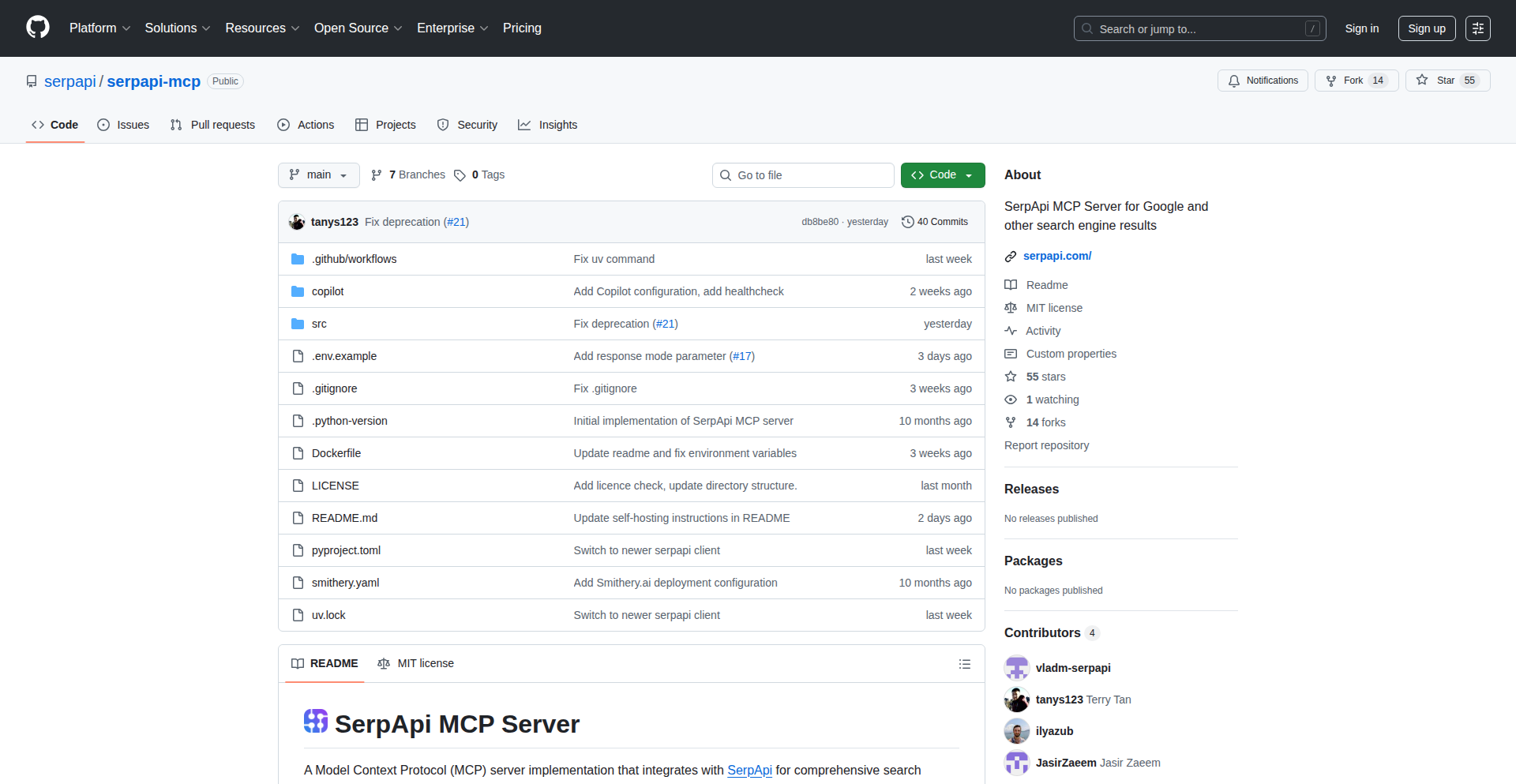
SerpApi MCP Server: Scalable Search Proxy
Author
thefoolofdaath
Description
A self-hosted, high-performance proxy server designed to manage and distribute search engine requests at scale. It addresses the challenge of rate limiting and IP blocking by intelligently routing traffic through a pool of proxies, offering significant cost savings and improved reliability for applications relying on frequent search engine data retrieval.
Popularity
Points 22
Comments 5
What is this product?
This project is a self-hosted, highly configurable proxy server specifically built for managing and distributing search engine requests. Think of it as a traffic controller for your search queries. Instead of sending all your search requests directly to a search engine from a single IP address (which can quickly get you blocked or throttled), this server acts as an intermediary. It uses a pool of various proxy servers (like residential or datacenter IPs) and intelligently assigns requests to them. The innovation lies in its efficient management of these proxy IPs, its ability to handle a large volume of requests without getting detected, and its focus on cost-effectiveness compared to commercial API services. So, this is for you if you need to reliably and affordably fetch data from search engines programmatically, without hitting rate limits or getting your IP banned.
How to use it?
Developers can deploy the SerpApi MCP Server on their own infrastructure (e.g., a cloud server or a dedicated machine). They would then configure it with a list of available proxy servers they have access to (either purchased or self-managed). Applications that need to perform search engine queries would then be configured to send their requests to this MCP server, instead of directly to the search engine. The MCP server handles the complexities of IP rotation, error handling, and load balancing across the proxy pool. This means your application code stays cleaner, and the server takes care of the tricky proxy management. This is useful for any developer building applications that require automated search engine data scraping, market research tools, or price comparison engines. You integrate by simply changing your application's outgoing proxy settings to point to your deployed MCP server.
Product Core Function
· Intelligent Proxy Rotation: Automatically cycles through a pool of proxy IPs to distribute search requests. This prevents individual IPs from being flagged for excessive use, making your scraping more robust and sustainable.
· Load Balancing: Distributes incoming search requests across available proxy servers to optimize performance and prevent overloading. This ensures faster response times and higher throughput for your data retrieval operations.
· Rate Limiting Management: Helps to circumvent search engine rate limits by using multiple IPs, allowing for higher query volumes without immediate detection. This is crucial for applications that need to perform extensive data collection.
· Error Handling and Retries: Implements logic to handle proxy failures and temporary search engine errors, automatically retrying requests with different proxies. This significantly increases the reliability of your data fetching process, reducing data loss.
· Self-Hosted Flexibility: Offers full control over your data and infrastructure, avoiding reliance on third-party services and their potentially restrictive terms or high costs. This gives you cost predictability and ownership of your scraping operations.
Product Usage Case
· Scraping E-commerce Product Data: A developer building a price comparison website can use the MCP Server to fetch product listings and prices from multiple online retailers. By distributing requests across many proxies, they can gather large amounts of data quickly without being blocked by the retailers' anti-scraping measures, resulting in more comprehensive and up-to-date price comparisons for users.
· Automated Market Research: A startup analyzing search trends for a new product can deploy the MCP Server to run large-scale keyword searches on search engines. The server's ability to manage proxy IPs and avoid rate limits allows them to collect extensive data on search volume and related queries, informing their product development and marketing strategies.
· SEO Monitoring Tool: A company providing SEO services can use the MCP Server to periodically check search engine rankings for their clients' keywords. The server's robust proxy management ensures consistent and reliable data collection, enabling them to provide accurate ranking reports and identify areas for SEO improvement.
3
Radioactive Knight Chess Learner

Author
patrickdavey
Description
A fun and quirky chess learning application for children, featuring unique 'pooping knights' that leave a trail on the board. This project innovates by gamifying basic chess piece movement, specifically the knight's L-shaped move, through a playful mechanic. It tackles the challenge of making early chess education engaging and less intimidating for young learners.
Popularity
Points 14
Comments 3
What is this product?
This project is a browser-based game designed to teach children the movement of a knight in chess. The core innovation lies in its visual representation: knights move across a chessboard and leave a 'poop' trail behind them. The objective is to navigate the knight without stepping on these trails, making the learning process intuitive and enjoyable. It leverages a simple yet effective visual metaphor to reinforce the knight's unique movement pattern, which is often a point of confusion for beginners. The sound design is also intended to enhance the playful experience, making it more immersive.
How to use it?
Developers can use this project as a reference for building educational games with novel mechanics. It demonstrates how to implement a grid-based movement system and apply visual feedback (the 'poop' trail) to illustrate specific game rules. For educators or parents, it can be directly used as a tool to introduce or reinforce knight movement in a non-traditional, engaging way. It's built as a web application, meaning it's accessible via a web browser without needing any installations, making it easy to share and play. Integration might involve embedding this game into a larger educational platform or using its logic as a foundation for other chess-related learning tools.
Product Core Function
· Knight Movement Simulation: The system accurately simulates the L-shaped movement of a chess knight across a board, providing immediate visual feedback. This is valuable for understanding the fundamental rule of knight movement in chess.
· Interactive Trail Generation: As the knight moves, it leaves behind a visible 'poop' trail. This mechanic directly visualizes the path taken by the knight and serves as a learning tool to avoid stepping on previously occupied squares in subsequent moves.
· Puzzle-Based Learning: The game presents 'maze-like' puzzles, challenging the player to navigate the knight through specific paths or reach certain goals without hitting the trails. This approach turns learning into a problem-solving activity, enhancing retention.
· Engaging Audio Feedback: The inclusion of sound effects is designed to make the game more immersive and enjoyable for children, contributing to a positive learning experience. This adds an auditory layer to reinforce the visual elements.
· Web-Based Accessibility: The project is built as a web application, making it easily accessible from any device with a web browser. This low barrier to entry allows for widespread use and easy sharing among learners and educators.
Product Usage Case
· Teaching young children chess: A parent can use this game to introduce their 7-year-old daughter to the complex movement of the knight in a fun and accessible way, avoiding the dryness of traditional chess lessons.
· Developing educational web games: A game developer can study the project's approach to gamifying a specific chess rule to inspire the creation of other educational games focusing on strategy or logic.
· Creating interactive learning modules: An educator could integrate the core logic of this knight movement simulation into a broader online chess curriculum, providing a playful interactive element.
· Demonstrating simple game physics and UI: The project showcases how to create a responsive grid-based UI and simple animation for game pieces, a useful example for junior front-end developers learning game development principles.
4
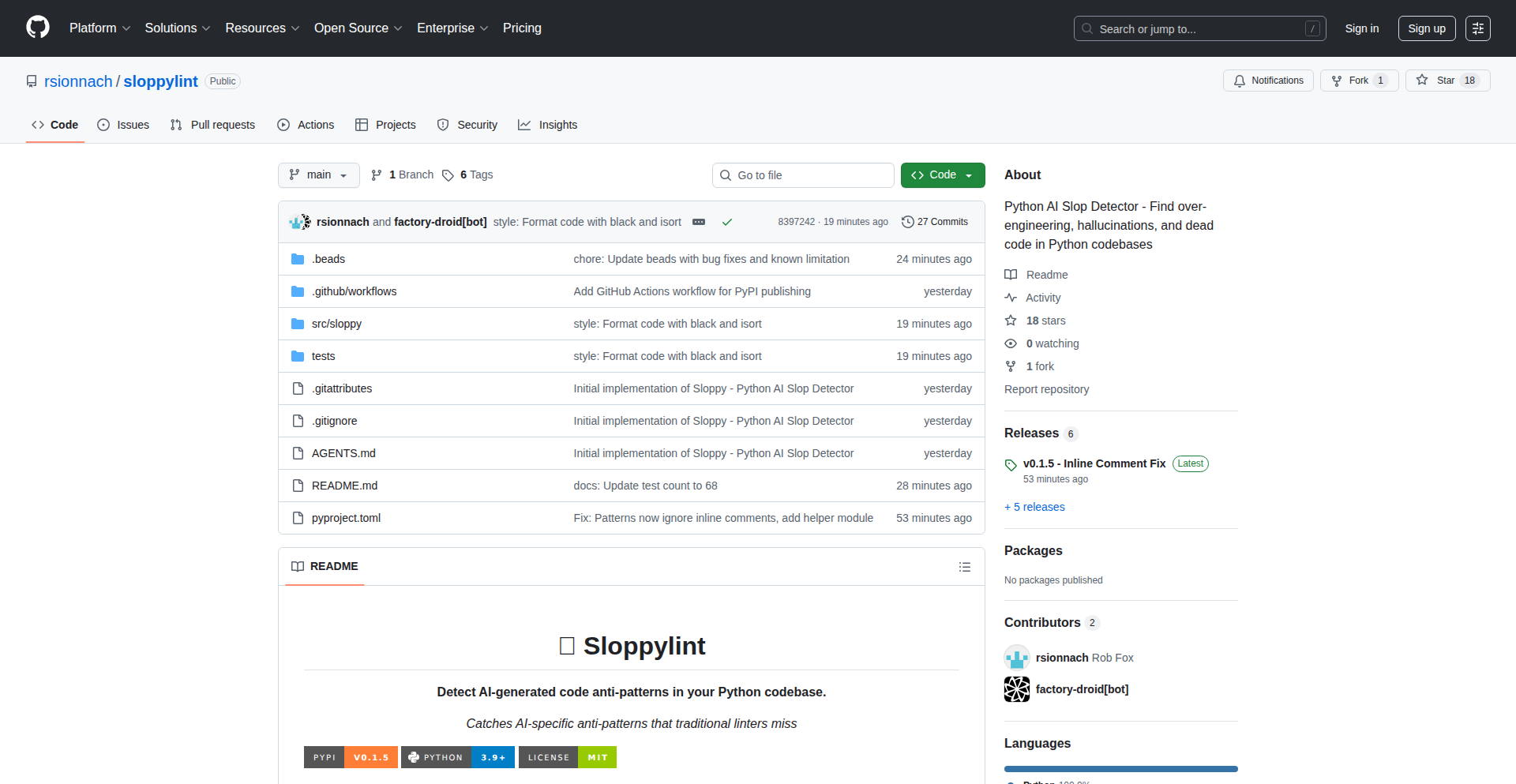
AI-Slop Detector
Author
kyub
Description
This project is a specialized linter designed to catch subtle, yet critical, errors and anti-patterns commonly introduced by AI code generation tools in Python. It goes beyond traditional linters by identifying 'AI slop,' such as hallucinated imports, placeholder functions, cross-language syntax leaks, and problematic default argument usage, ultimately improving the reliability and maintainability of AI-assisted code.
Popularity
Points 11
Comments 3
What is this product?
AI-Slop Detector is a command-line tool that analyzes Python code generated by AI assistants. Unlike standard linters that focus on general code quality and style, this tool is specifically trained to recognize the unique mistakes AI models tend to make. These include importing non-existent libraries (which can happen up to 20% of the time with AI-generated code), leaving behind incomplete 'pass' or 'TODO' statements, mistakenly using syntax from other programming languages (like JavaScript's '.push()' in Python), and employing dangerous mutable default arguments. Essentially, it acts as a post-AI quality check, catching errors that a human developer might overlook but are typical AI slip-ups. The value is in catching these before they cause bugs in production, saving debugging time and ensuring code integrity.
How to use it?
Developers can easily integrate AI-Slop Detector into their workflow. After installing it via pip (e.g., `pip install sloppylint`), they can run it directly from their terminal on their Python codebase. A simple command like `sloppylint .` will analyze the current directory and report any detected AI-specific issues. This can be incorporated into pre-commit hooks or CI/CD pipelines to automatically flag problematic AI-generated code before it's committed or deployed. This means developers can leverage AI for rapid prototyping and code generation with greater confidence, knowing that this tool will help them clean up the inevitable imperfections.
Product Core Function
· Hallucinated Import Detection: Identifies and flags imports for packages that do not exist, preventing runtime errors and wasted development effort on non-functional code. This is crucial for ensuring code can actually run and use its intended dependencies.
· Placeholder Code Identification: Detects common placeholder constructs like `pass`, `...`, or `TODO` comments, which indicate incomplete or unaddressed code sections, prompting developers to finish the implementation and avoid unfinished logic slipping into production.
· Cross-Language Pattern Recognition: Spots syntax and function calls that are common in other programming languages (e.g., JavaScript's array methods) but are incorrect or non-idiomatic in Python, preventing subtle bugs and improving code readability for Python developers.
· Mutable Default Argument and Bare Except Detection: Catches risky coding practices like using mutable objects as default function arguments or using overly broad `except` clauses without specifying exceptions, which can lead to unexpected behavior and security vulnerabilities. This ensures safer and more predictable code execution.
· Dead Code Analysis: Flags unused variables, functions, or imports that contribute to code bloat and confusion, helping to maintain a clean and efficient codebase. This makes the code easier to understand and maintain.
Product Usage Case
· Scenario: A developer uses an AI coding assistant to quickly generate a complex data processing script in Python. The AI generates the script but imports a niche library that doesn't exist in the project's environment. Running AI-Slop Detector before testing reveals this 'hallucinated import,' saving hours of debugging that would have been spent trying to figure out why the import failed. The developer can then correct the import or find an alternative library.
· Scenario: A team is rapidly iterating on a feature and an AI assistant helps fill in boilerplate code. The AI leaves behind several `TODO` comments as placeholders. AI-Slop Detector automatically flags these `TODO`s during the commit process, reminding the developer to revisit and complete these sections, ensuring no unfinished logic is accidentally shipped.
· Scenario: An AI generates a Python function that uses `.push()` to add items to what appears to be a list. A human developer might miss this as Python lists use `.append()`. AI-Slop Detector flags this as a cross-language pattern, preventing a `AttributeError` and ensuring the code behaves as expected for Python.
· Scenario: An AI assists in creating a utility function with a default dictionary argument. Without realizing the implications, the AI uses a mutable default. AI-Slop Detector identifies this as a potentially dangerous practice, prompting the developer to refactor it to use an immutable default or a factory pattern, thus avoiding unexpected state sharing between function calls.
5
CelestialPrint Calendar
Author
elijahparker
Description
A web application for generating custom printed wall calendars featuring precise sunrise and moon phase data for any chosen location. It prioritizes user privacy through a unique URL access model and temporary data storage, built with Node.js and pdfkit.
Popularity
Points 2
Comments 7
What is this product?
CelestialPrint Calendar is a novel web-based tool that empowers users to design and order personalized physical wall calendars. What sets it apart is its integration of detailed astronomical information – specifically, daily sunrise and moon phase data – tailored to the geographic location you specify. The core innovation lies in its privacy-first architecture, which avoids user accounts and logins. Instead, each calendar project is assigned a unique, shareable URL. This approach means your data is ephemeral, automatically deleted shortly after your last interaction or after an order is fulfilled, ensuring no personal information is persistently stored or tracked. This is achieved using Node.js on the backend to process requests and pdfkit to programmatically generate the print-ready PDF files for submission to printing services like lulu.com.
How to use it?
Developers can use CelestialPrint Calendar by simply navigating to its web interface. You select your desired calendar year and the specific geographic location for which you want the astronomical data. The application then calculates and integrates the sunrise and moon phase information for each day of that year. You can preview your calendar's layout and content. Once satisfied, you can initiate the ordering process. For developers interested in the underlying technology, the project demonstrates a minimalist approach to web application development, utilizing Node.js and the pdfkit library. This could serve as an inspiration for building similar data-driven, output-focused applications where privacy and simplicity are paramount. The use of file storage for JSON documents, while basic, highlights how even simple storage mechanisms can be effective for specific, non-complex use cases.
Product Core Function
· Location-specific astronomical data calculation: This function precisely computes and displays daily sunrise times and moon phases based on user-defined geographical coordinates. Its value lies in providing accurate, personalized celestial information for a physical product, enhancing its utility and uniqueness.
· Customizable calendar generation: Users can select the year and layout for their wall calendar. This offers creative control and allows for the creation of truly bespoke calendars, serving personal or gift-giving needs.
· Privacy-focused access and data handling: The system uses unique URLs for each calendar and implements temporary data storage. This eliminates the need for user accounts and protects user privacy by ensuring data is not permanently stored, valuable for users concerned about data collection and tracking.
· PDF generation for print services: The application leverages the pdfkit library to create high-quality, print-ready PDF files. This directly translates the digital design into a tangible product, enabling seamless integration with professional printing workflows.
Product Usage Case
· Creating a personalized anniversary gift calendar: A user could generate a calendar for their anniversary year, highlighting the moon phases on significant dates like their wedding day or birthdays, providing a thoughtful and unique present. The core issue solved is making a generic calendar into a deeply personal and meaningful item.
· Building a calendar for outdoor enthusiasts: Hikers, campers, or astronomers might want a calendar that clearly shows sunrise times for planning activities and moon phases for night observation. This solves the problem of consolidating critical, location-specific outdoor planning data into an easily accessible physical format.
· Developing a minimalist, private journaling tool: While not its primary function, the system's privacy-centric design could inspire developers to create simple, ephemeral journaling applications where users can record daily thoughts without fear of data breaches or persistent storage. This addresses the need for secure and private digital note-taking.
· Prototyping document generation workflows: Developers exploring how to programmatically create documents from data could use this project as a reference. It demonstrates a practical application of Node.js and pdfkit for generating structured output for specific purposes, such as creating reports or certificates.
6
StableChat-LLM-Deterministic

Author
IvanGoncharov
Description
This project introduces a ChatGPT application designed to tackle the inherent randomness problem in Large Language Models (LLMs). It provides a method to achieve more predictable and reproducible outputs from LLMs, a critical aspect often overlooked in current LLM applications, enhancing reliability for developers and users.
Popularity
Points 8
Comments 1
What is this product?
This project is a specialized ChatGPT application that addresses the challenge of LLM randomness. While LLMs are powerful, their outputs can vary even with the same input due to probabilistic sampling. This app implements techniques to control and reduce this variability, essentially making the LLM's responses more deterministic. This is achieved by fine-tuning the sampling process, potentially by employing strategies like greedy decoding, beam search with specific scoring, or temperature setting to near zero, ensuring that for a given prompt and context, the output is consistently the same. This makes LLMs more reliable for tasks where precision and repeatability are paramount.
How to use it?
Developers can integrate StableChat-LLM-Deterministic into their existing workflows or applications where consistent LLM responses are crucial. This could involve building AI-powered content generation tools, automated customer support systems, or testing frameworks for AI models. The integration might involve using the application's API, providing specific parameters to control the deterministic behavior, and processing the predictable outputs within their application logic. For instance, if you're building a system that needs to generate legally compliant text, ensuring the output is always the same for a specific set of inputs prevents unintended variations that could have legal ramifications. It's about gaining control over the AI's creative but sometimes unpredictable nature.
Product Core Function
· Deterministic Output Generation: Provides a way to generate consistent and repeatable LLM responses for identical prompts, which is valuable for debugging, testing, and applications requiring high reliability.
· Controlled LLM Behavior: Offers parameters to fine-tune the LLM's output generation process, allowing developers to balance determinism with output quality, making the AI more predictable and manageable.
· Problem Identification and Solution for LLM Randomness: Directly addresses the often-ignored issue of LLM unpredictability, offering a practical solution for developers who need dependable AI outputs.
· Enhanced LLM Application Robustness: Improves the stability and trustworthiness of applications built on LLMs by reducing the chance of unexpected or variable AI responses, leading to a better user experience and fewer errors.
Product Usage Case
· Automated Report Generation: In a scenario where a system needs to generate daily financial reports based on specific data, using StableChat-LLM-Deterministic ensures that the generated narrative text for the reports is consistent each day for the same underlying data, avoiding variations that could cause confusion.
· Technical Documentation Generation: For creating technical documentation where accuracy and uniformity are critical, this tool guarantees that explanations and code snippets generated by the LLM for specific features will always be the same, simplifying reviews and updates.
· Educational Content Creation: When building an AI tutor that explains complex concepts, consistent explanations are vital for student learning. StableChat-LLM-Deterministic ensures that a concept is explained in the same way every time, reinforcing learning without confusing variations.
· AI-Assisted Code Completion and Refactoring: Developers using AI tools for code assistance can benefit from predictable suggestions and refactoring patterns, making the code more maintainable and reducing the risk of introducing subtle bugs through inconsistent AI suggestions.
7
RuleWeaver: Example-Driven Reasoning Engine
Author
heavymemory
Description
RuleWeaver is a novel reasoning engine that autonomously learns transformation rules from just two examples. Unlike traditional approaches relying on large language models (LLMs), regular expressions (regex), or manually coded logic, it deduces the underlying patterns and applies them to new data. This allows for flexible and intuitive rule creation for tasks like code refactoring, algebraic manipulation, and logical transformations, all while providing a transparent reasoning trace.
Popularity
Points 4
Comments 3
What is this product?
RuleWeaver is a unique engine that learns how to transform data by observing just one pair of 'before' and 'after' examples. Think of it like teaching a child by showing them one example of how to do something and then expecting them to understand the general principle. It doesn't use complex AI models or predefined rules; it figures out the transformation itself. This is groundbreaking because it dramatically lowers the barrier to creating custom automation and problem-solving logic. The 'why' behind its decisions is also visible, showing a step-by-step reasoning trace, making it understandable and debuggable.
How to use it?
Developers can use RuleWeaver by providing pairs of input-output examples to 'teach' it a new rewrite rule. Once a rule is learned, it can be applied to new, unseen inputs. The engine can also combine multiple learned rules to perform more complex operations. For example, you could teach it how to refactor a specific code pattern by showing two code snippets before and after the refactoring. Then, you can feed it other code snippets with the same pattern, and RuleWeaver will automatically apply the learned refactoring. It's designed to be integrated into existing workflows where custom transformations are needed, such as data processing pipelines, code analysis tools, or domain-specific language parsers.
Product Core Function
· Example-Based Rule Learning: Ability to infer complex transformation logic from minimal 'before' and 'after' data pairs. This offers a highly intuitive way to define custom automation without writing explicit code or complex configurations, making it accessible to a wider range of users.
· Rule Composition: Capability to combine multiple learned rules to solve more intricate problems. This enables the creation of sophisticated workflows by breaking down complex tasks into smaller, manageable learned steps, enhancing the engine's versatility.
· Cross-Domain Transfer Learning: Demonstrates that rules learned in one context (e.g., algebra) can be effectively applied to another (e.g., logic or set theory). This highlights the generality of the learning mechanism and its potential for broad applicability across different technical domains.
· Multi-Step Deterministic Rewriting with Trace: Executes transformations step-by-step and provides a detailed, visible trace of its reasoning process. This transparency is invaluable for debugging, understanding the engine's behavior, and ensuring the reliability of its outputs.
· Codemod Generation from Examples: Specifically tailored for software development, allowing developers to teach it how to perform code modifications from examples. This provides a powerful, yet simple, way to automate repetitive code refactoring and maintain code consistency across a project.
Product Usage Case
· Automating Code Refactoring: A developer needs to consistently rename a specific variable across multiple files in a codebase. Instead of manually searching and replacing or writing a complex script, they can show RuleWeaver two versions of a code snippet where the variable has been renamed. RuleWeaver learns this renaming pattern and can then be used to automatically rename the variable in all other relevant files, saving significant time and reducing errors.
· Simplifying Mathematical Expressions: A student or researcher is working with algebraic equations and needs to simplify them. They can provide RuleWeaver with an initial equation and its simplified form. The engine learns the simplification steps and can then be used to automatically simplify other similar equations, making complex calculations more manageable and accelerating problem-solving.
· Transforming Data Formats: In data engineering, there's often a need to convert data from one structure to another. If a specific transformation is frequently required (e.g., rearranging columns, changing data types based on patterns), RuleWeaver can learn this transformation from a sample input and output. This allows for quick creation of custom data processing rules without extensive scripting, especially for non-standard or ad-hoc transformations.
8
Hacker Hire Explorer

Author
osigurdson
Description
This project is a sophisticated search tool designed to navigate and understand Hacker News's monthly 'Who is Hiring' posts. It goes beyond simple keyword matching by incorporating chat capabilities, semantic search, and a unique semantic map visualization. The core innovation lies in its use of Large Language Models (LLMs) to process and understand the job listings, making it easier for job seekers to find relevant opportunities and for the community to grasp hiring trends. This addresses the challenge of sifting through numerous text-heavy job posts, offering a more intuitive and insightful way to explore the hiring landscape.
Popularity
Points 4
Comments 2
What is this product?
Hacker Hire Explorer is a smart assistant for exploring Hacker News's 'Who is Hiring' job postings. Instead of just basic text search, it uses advanced AI, specifically Large Language Models (LLMs), to truly understand the content of each job ad. It can extract key information, categorize jobs, and even create a visual map (like a semantic map) that shows relationships between different job roles or industries. You can also 'chat' with the job postings to ask specific questions, making it feel like you're having a conversation to find the perfect job. This is innovative because it moves beyond simple keyword matching to a deeper comprehension of the text, offering a more powerful way to find opportunities.
How to use it?
Developers can use Hacker Hire Explorer by visiting the provided URL. You can start with a basic text search to quickly filter jobs. For more nuanced exploration, enable the semantic search feature to find roles based on meaning rather than just exact words. To discover broader trends or ask specific questions about the job market this month, use the chat function. For instance, you could ask 'What are the most in-demand tech skills right now?' or 'Show me jobs related to AI and machine learning.' The tool is designed to be integrated into your job search workflow, providing a more efficient and insightful experience. There's also an API and a command-line interface (CLI) tool available if you want to build similar functionalities or automate your job hunting process.
Product Core Function
· Semantic Job Search: Understands the meaning behind job descriptions to find relevant roles, offering a deeper search experience than traditional keyword matching. This helps you discover jobs you might have missed otherwise.
· Conversational AI Chat: Allows you to 'talk' to the job postings, asking specific questions like 'What are the required qualifications?' or 'What is the company culture like?' This provides quick answers and reduces the need to read through lengthy descriptions.
· Semantic Map Visualization: Presents job roles and industries in a visual format, helping you understand the overall hiring landscape and identify connections between different opportunities. This provides a bird's-eye view of the job market.
· LLM-Powered Data Extraction and Tagging: Uses AI to automatically pull out important details from job posts and categorize them, making the information more organized and easier to digest. This saves you time by pre-processing all the job ads.
· Batch LLM Processing: Efficiently processes a large volume of job postings at once using AI, ensuring comprehensive analysis and quick updates. This means you get the most up-to-date information without delay.
Product Usage Case
· A job seeker looking for remote backend engineering roles can use semantic search to find positions that mention 'distributed systems' or 'cloud-native' even if the exact phrase 'remote backend engineer' isn't in the title. This solves the problem of missing out on great opportunities due to rigid keyword searches.
· A developer interested in the emerging trends in AI hiring can use the chat feature to ask 'What are the common themes in AI job postings this month?' and then ask follow-up questions like 'Are there many roles for prompt engineers?' This helps them quickly identify new career paths and trending technologies.
· A recruiter analyzing the current job market can use the semantic map visualization to see which tech stacks are most frequently mentioned together, identifying potential areas of high demand and skill overlap. This provides valuable insights for strategic hiring decisions.
· A student exploring different career paths in tech can use the tool to ask broad questions like 'What are the differences between a data scientist and a machine learning engineer role?' This helps them make informed decisions about their future education and career.
9
OLake-IcebergTurbo

Author
rohankhameshra
Description
OLake-IcebergTurbo is an open-source tool designed for efficiently ingesting data from databases and Kafka into Apache Iceberg. It features a newly redesigned write pipeline that achieved a remarkable 7x improvement in throughput, offering significant performance gains for data lake operations.
Popularity
Points 5
Comments 1
What is this product?
OLake-IcebergTurbo is a powerful data ingestion engine specifically built to bridge the gap between streaming and transactional data sources (like databases and Kafka) and the modern data lake table format, Apache Iceberg. The core innovation lies in its dramatically re-engineered write pipeline. Instead of processing data sequentially, it employs advanced parallel processing and optimized data buffering techniques. This means it can handle a much larger volume of incoming data in the same amount of time, preventing bottlenecks that often plague large-scale data ingestion. Think of it like upgrading a single-lane road to a multi-lane superhighway for your data; it's simply much faster and can handle more traffic.
How to use it?
Developers can integrate OLake-IcebergTurbo into their data pipelines by configuring it to connect to their source systems (e.g., PostgreSQL, MySQL, Kafka topics) and specifying their target Apache Iceberg tables. The tool provides connectors for common databases and Kafka. Its primary use case is for real-time or batch ingestion scenarios where high throughput and low latency are critical. For instance, imagine you're collecting user activity logs from Kafka and want to store them in an Iceberg table for analytics. You'd configure OLake-IcebergTurbo to read from Kafka and write to your Iceberg table. Its performance improvements mean your analytics queries will have access to fresher data much sooner, and your infrastructure won't be strained by the ingestion process. The redesigned pipeline allows for easier management of data commits and schema evolution, making it a robust solution for evolving data environments.
Product Core Function
· High-throughput data ingestion: Optimized parallel processing and data buffering allow for ingesting data at a significantly faster rate, reducing the time it takes to get data into your data lake. This means fresher data for your analyses.
· Database and Kafka connectors: Built-in support for connecting to various relational databases and Kafka message queues simplifies the setup process for data ingestion from common sources. No need to build custom connectors from scratch.
· Apache Iceberg integration: Seamlessly writes data to Apache Iceberg tables, a modern data lake table format that offers ACID transactions, schema evolution, and time travel capabilities. This ensures data reliability and flexibility.
· Redesigned write pipeline: The core innovation is a fundamentally re-architected system for writing data, focusing on parallelization and efficient resource utilization, leading to substantial performance boosts. This makes your data operations more cost-effective and less resource-intensive.
Product Usage Case
· Real-time analytics on user behavior: Ingesting high-volume clickstream data from Kafka into an Iceberg table using OLake-IcebergTurbo. The 7x throughput improvement ensures that user behavior analytics dashboards are updated almost instantaneously, enabling quicker business decisions. This solves the problem of stale data in analytics.
· Batch ETL for data warehousing: Migrating large datasets from a transactional SQL database to an Iceberg-based data lake for analytical querying. The improved ingestion speed drastically reduces the time required for ETL jobs, freeing up database resources and making historical data available faster for reporting. This tackles the challenge of slow data migration.
· Event-driven data pipelines: Building an event-driven architecture where events published to Kafka are processed and stored in Iceberg for downstream machine learning model training. OLake-IcebergTurbo's efficiency ensures that the ML models are trained on the most current data, improving their accuracy and relevance. This addresses the need for timely data for ML workloads.
10
Chronosync Todo

Author
lvfrm
Description
A smart tool that seamlessly transforms your traditional todo list into a time-blocked schedule. It addresses the common problem of overwhelm and underestimation of task duration by intelligently allocating time slots, thereby enhancing productivity and reducing procrastination. The core innovation lies in its dynamic scheduling algorithm that adapts to user input and available time.
Popularity
Points 2
Comments 4
What is this product?
Chronosync Todo is a novel application designed to revolutionize how individuals manage their daily tasks. Instead of just listing what needs to be done, it automatically integrates these tasks into your calendar by estimating their duration and finding optimal time slots. This is achieved through a proprietary algorithm that analyzes task descriptions for keywords indicative of effort and complexity, and then proposes a realistic schedule. The innovation lies in moving beyond a static list to a dynamic, actionable time-based plan, akin to a personal project manager automatically structuring your day. This helps you see exactly when you can accomplish each item, transforming a daunting list into a manageable sequence of actions.
How to use it?
Developers can integrate Chronosync Todo into their workflow in several ways. Primarily, it acts as a standalone application where users can input their todo items. The system then intelligently suggests calendar entries. For deeper integration, developers could potentially leverage an API (if available or future-proofed) to push tasks from their existing project management tools or code repositories directly into Chronosync Todo for time blocking. Imagine syncing your GitHub issues or Jira tickets, and Chronosync Todo helping you schedule dedicated focus time for tackling them. This provides a clear visualization of how development tasks fit into your overall schedule, making it easier to commit to realistic deadlines.
Product Core Function
· Automated Time Blocking: This core function takes your unstructured todo items and intelligently assigns them specific time slots on your calendar. It analyzes task descriptions to estimate effort, offering a more realistic approach to scheduling than manual estimation, thus helping you understand how much can actually be done in a day.
· Dynamic Scheduling Adjustment: If a task runs over or under time, Chronosync Todo can dynamically adjust subsequent time blocks, ensuring your schedule remains fluid and achievable. This prevents the domino effect of a single delayed task derailing your entire day.
· Task Prioritization Visualization: By time-blocking, the tool implicitly prioritizes tasks based on their placement within your schedule, giving you a clear visual hierarchy of what needs attention when. This helps in focusing on the most critical items first.
· Procrastination Mitigation: Seeing your tasks laid out in concrete time blocks makes them less abstract and more actionable, reducing the tendency to put them off. It’s like having a clear roadmap for your day, making it harder to avoid starting.
· Integration with Existing Calendars: It syncs with popular calendar applications, ensuring your time-blocked tasks appear alongside other appointments, providing a unified view of your commitments. This means you don't have to juggle multiple tools to manage your schedule.
Product Usage Case
· Scenario: A freelance developer working on multiple client projects needs to manage deadlines and allocate focus time for coding. Chronosync Todo can take a list of tasks for each project (e.g., 'Implement user authentication', 'Refactor database queries', 'Write unit tests') and automatically schedule dedicated blocks for each within their workday, ensuring no task falls through the cracks and deadlines are met realistically.
· Scenario: A student preparing for exams has a long list of study topics and assignments. Chronosync Todo can break down these large tasks into manageable study sessions, scheduling specific time slots for reviewing each subject, thus making the daunting task of studying feel more organized and less overwhelming.
· Scenario: A team lead needs to allocate time for code reviews, meetings, and actual development work. By inputting these into Chronosync Todo, they can get a clear overview of their capacity, identify potential scheduling conflicts, and ensure sufficient time is dedicated to each responsibility, improving overall team efficiency.
· Scenario: An individual wants to incorporate personal goals like exercise or learning a new skill into their busy schedule. Chronosync Todo can find and block out consistent time slots for these activities, treating them with the same importance as professional tasks, thereby promoting a better work-life balance.
11
SermonSynth AI

Author
tfreebern2
Description
SermonSynth AI is an iOS application that leverages advanced AI to enhance sermon comprehension and retention. It automatically transcribes recorded or uploaded audio, generates concise summaries, creates flashcards for quick review, and formulates tailored reflection questions specifically for Christian content. This addresses the challenge of actively engaging with sermons while also taking effective notes, offering a smarter way for individuals to deepen their biblical literacy and connection to religious teachings.
Popularity
Points 5
Comments 1
What is this product?
SermonSynth AI is an innovative iOS app designed to revolutionize how individuals engage with religious sermons. At its core, it utilizes the powerful Whisper AI model for highly accurate audio transcription. Following transcription, it employs sophisticated AI prompting techniques, powered by OpenAI's API, to analyze the sermon content and generate valuable study aids. These include digestible summaries that capture the essence of the message, flashcards for easy memorization of key points, and thought-provoking reflection questions that encourage deeper personal engagement with Christian principles. The backend is built with Spring Boot and Kotlin, with the iOS frontend developed using SwiftUI, showcasing a modern and efficient technology stack for a seamless user experience.
How to use it?
Developers can integrate SermonSynth AI's capabilities into their own applications by exploring its API, which is powered by Spring Boot and Kotlin. The core AI transcription and summarization features, leveraging Whisper and OpenAI, can be accessed for custom solutions. For end-users, the process is incredibly straightforward: simply record audio during a sermon using the iOS app or upload an existing audio file. The app then handles the entire AI processing pipeline in the background, notifying the user via push notifications once the transcription, summary, and study materials are ready for review. This allows users to focus on the sermon itself, knowing that their notes and learning aids will be automatically generated.
Product Core Function
· AI-powered sermon transcription: Converts spoken sermons into accurate text using Whisper, enabling easy searching and review of sermon content.
· Automated summary generation: Creates concise overviews of sermons, highlighting key themes and messages for quick understanding and recall.
· Flashcard creation: Generates study flashcards from sermon content, aiding in memorization of important verses, concepts, and teachings.
· Personalized reflection questions: Produces tailored questions to stimulate deeper thought and personal application of sermon messages to one's faith journey.
· Push notification system: Informs users promptly when transcriptions and summaries are complete, ensuring timely access to generated study materials.
· Cross-platform backend architecture: Utilizes Spring Boot and Kotlin for a robust and scalable backend, demonstrating efficient modern development practices.
· Native iOS development with SwiftUI: Provides a fluid and intuitive user interface on iOS devices, showcasing modern Apple development trends.
Product Usage Case
· A busy professional who wants to absorb more from weekly church services can use SermonSynth AI to record the sermon, receive a full transcription, and a summary for later review during their commute, ensuring they don't miss key spiritual insights.
· A Bible study group leader can use the generated reflection questions to facilitate deeper discussions among members, making their study sessions more engaging and insightful.
· A student of theology can use the flashcards generated by SermonSynth AI to efficiently memorize important theological concepts and biblical passages discussed in sermons for their academic studies.
· An individual seeking to deepen their personal faith can leverage the AI-generated summaries and reflection questions to engage more actively with the spiritual messages, leading to a more profound and personal connection with their beliefs.
· A developer experimenting with AI transcription and summarization can analyze SermonSynth AI's architecture (Spring Boot, Kotlin, OpenAI API integration) to learn best practices for building similar AI-driven applications.
12
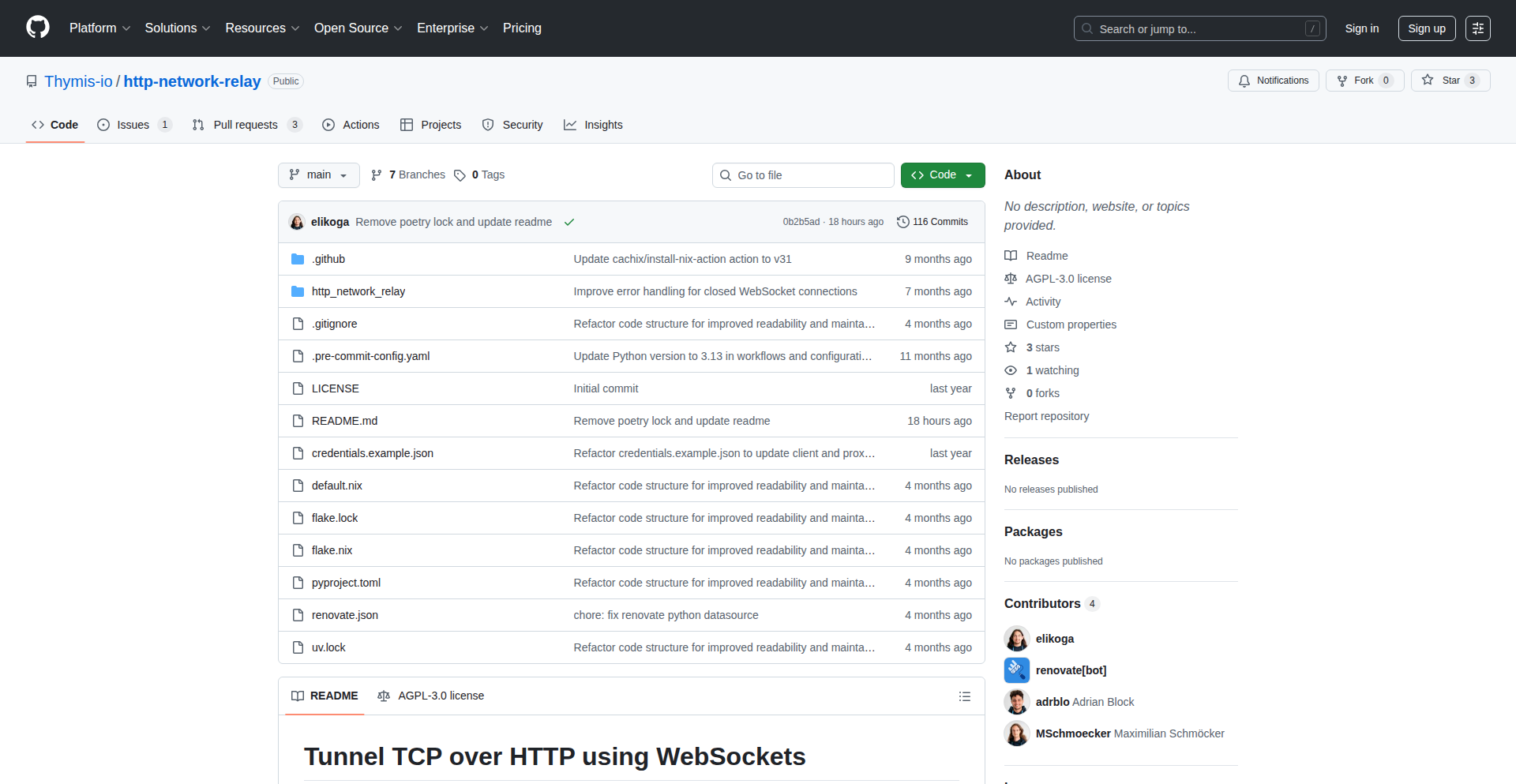
HTTP-Network-Relay
Author
elikoga
Description
This project allows you to establish secure network connections to devices that are behind NAT (Network Address Translation) or firewalls, without needing to configure port forwarding. It cleverly tunnels TCP traffic over HTTP using WebSockets, making it appear as regular web traffic. This is incredibly useful for developers who need to access or control devices in remote or restricted network environments.
Popularity
Points 5
Comments 0
What is this product?
HTTP-Network-Relay is a system that creates a bridge for network communication, enabling devices to talk to each other even when separated by NAT or firewalls. It works by encapsulating TCP connections – the kind of connections your applications use to send and receive data – inside WebSocket connections. WebSockets are a technology that allows for real-time, two-way communication over a single, long-lived HTTP connection, similar to how your web browser communicates with a website. The innovation here is using this standard web technology to bypass network restrictions and establish direct-like communication, which is a clever hack to solve a common networking problem. So, this means you can reach devices that would normally be invisible on the internet.
How to use it?
Developers can integrate HTTP-Network-Relay into their workflows by deploying different components. Typically, you would run an 'edge-agent' on the device behind the NAT/firewall that needs to be accessed. Then, you'd run an 'access-client' on your local machine or a server from which you want to access that device. These two components communicate through a central 'network-relay' service. The project can be used directly with a tool like `uv` by running `uvx --from git+https://github.com/Thymis-io/http-network-relay <command> [args...]`, where `<command>` would be one of `network-relay`, `edge-agent`, or `access-client`. This makes it easy to get started without complex manual setup. This allows you to connect to services running on your home server from a coffee shop, or to manage IoT devices in a factory without IT intervention.
Product Core Function
· TCP Tunneling over WebSockets: This is the core technology that allows data to flow between devices as if they were on the same network, even when separated by NAT or firewalls. It solves the problem of inaccessible devices by leveraging existing web infrastructure. This means you can run services on devices that are otherwise unreachable.
· NAT and Firewall Traversal: The system is designed specifically to overcome the limitations imposed by Network Address Translation and firewalls, which normally block incoming connections. This provides direct access to otherwise hidden devices. So, you can finally access that Raspberry Pi in your basement from anywhere.
· Secure Communication: By using WebSockets, which typically run over TLS/SSL, the communication between devices is encrypted, ensuring data privacy and security. This protects your sensitive data during transmission. This means your remote connections are safe from eavesdropping.
· Decentralized Connectivity: The architecture allows for flexible deployment, enabling connectivity between any two points as long as they can reach the relay server, without requiring a central authority or complex VPN setup. This offers a flexible and resilient way to connect your distributed systems. So, you can connect devices across different networks easily.
Product Usage Case
· Remote Development Server Access: A developer needs to access a development server running on their home network from their office or while traveling. By deploying the edge-agent on the home server and the access-client on their laptop, they can SSH into or access web services on the home server as if it were local, overcoming home router limitations. This solves the problem of needing to manage a dedicated public IP or complicated VPNs for remote access.
· IoT Device Management: A company has deployed IoT devices in remote locations behind corporate firewalls. HTTP-Network-Relay allows their central management system to securely communicate with and control these devices for updates, diagnostics, and data collection without requiring IT teams to open specific ports on their networks. This enables efficient remote management of deployed hardware.
· Peer-to-Peer Application Connectivity: For applications that require direct peer-to-peer communication but where users might be behind NAT, this system can facilitate establishing those connections. For example, a custom chat application or a distributed file-sharing tool could use this relay to connect users who wouldn't otherwise be able to establish direct links. This makes it possible for users to connect directly, improving application performance and reducing server load.
13
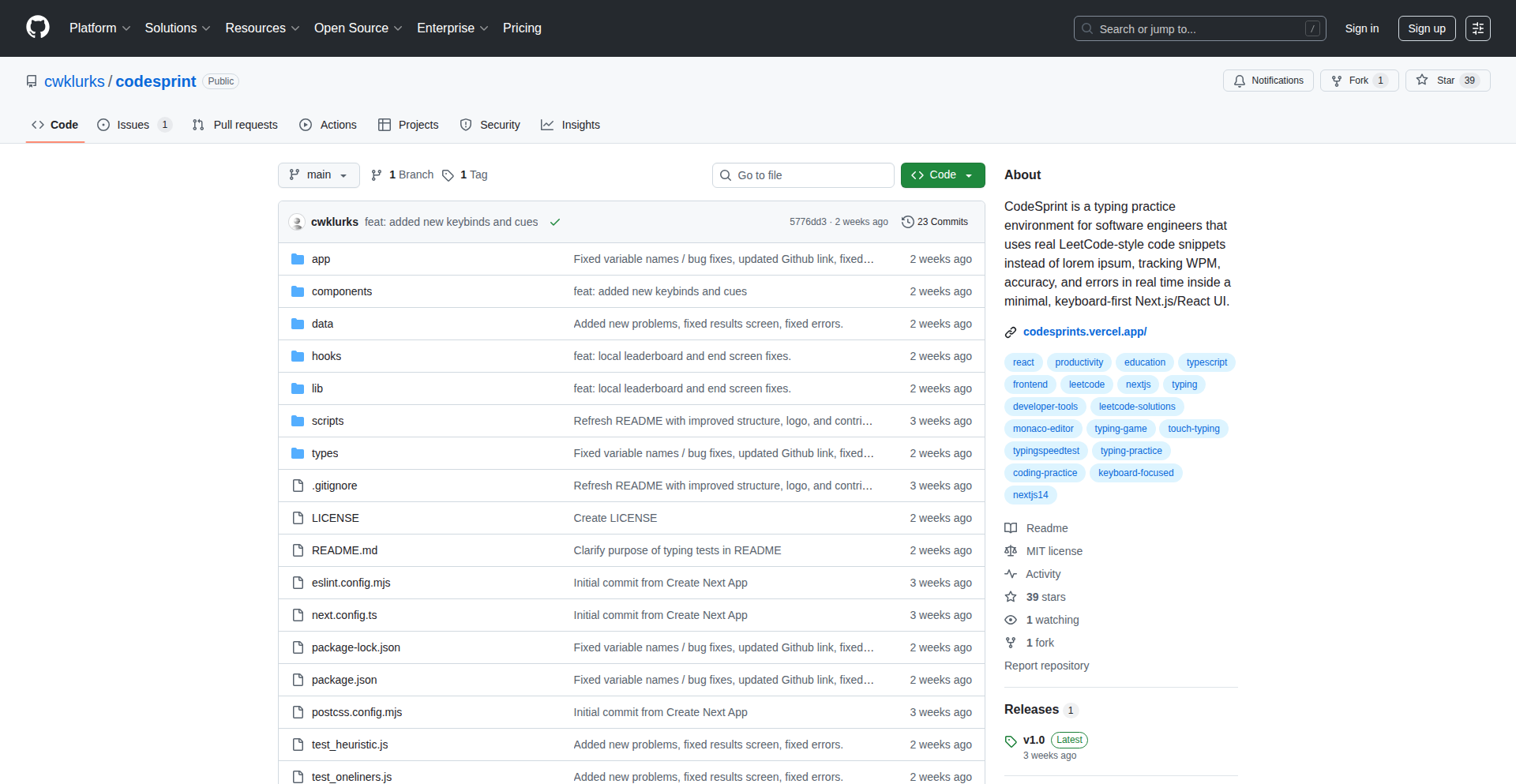
CodeSprint
Author
cwkcwk
Description
CodeSprint is a specialized typing practice tool designed to improve coding speed and accuracy for developers, especially for technical interviews. It uses real LeetCode code snippets to train muscle memory for syntax like brackets, semicolons, and indentation, going beyond standard typing tests.
Popularity
Points 3
Comments 2
What is this product?
CodeSprint is a web-based typing game that focuses on the specific syntax and patterns found in programming code, such as brackets, semicolons, and indentation. Unlike traditional typing tests that use prose, CodeSprint leverages actual LeetCode problem solutions as practice material. This means you're not just typing random words, but reinforcing the muscle memory for the exact characters and structures you'll encounter in coding interviews and daily development. The innovation lies in its tailored scoring mechanism, which accounts for code-specific elements like indentation and symbol density, providing a more relevant measure of coding typing proficiency. It's built using Next.js, TypeScript, Chakra UI, and Framer Motion for a smooth and responsive user experience.
How to use it?
Developers can use CodeSprint directly through their web browser. Simply navigate to the CodeSprint website, choose a programming language (currently supporting Python, Java, C++, and JS), and select a LeetCode problem snippet to practice. The tool will present the code, and you'll type it out. The system tracks your speed and accuracy, providing feedback. This is particularly useful for:
1. Interview Preparation: Practicing typing common code patterns and syntax under pressure.
2. Skill Refinement: Sharpening your ability to type code quickly and without errors.
3. Developer Warm-up: A quick and engaging way to get your fingers and mind ready for coding sessions.
Integration isn't a primary focus, as it's a standalone practice tool. The developer can also potentially use the scoring logic (if open-sourced) to integrate similar metrics into their own tools.
Product Core Function
· Code-specific typing practice: Offers realistic coding scenarios and syntax for developers to practice, improving their typing speed and accuracy with code structures. The value is in building practical muscle memory for coding tasks, making developers faster and more efficient when writing code.
· LeetCode snippet integration: Utilizes actual code snippets from popular LeetCode problems, ensuring practice is relevant to common coding challenges and interview questions. The value is in preparing for real-world technical interviews and common coding patterns.
· Custom scoring engine: Accurately measures typing proficiency by considering code-specific elements like indentation and symbol density, providing a more meaningful metric than generic WPM. The value is in offering a fair and insightful assessment of coding typing skill.
· Multi-language support: Supports popular programming languages like Python, Java, C++, and JavaScript, allowing developers to practice in their preferred language. The value is in providing a versatile tool for a broad range of developers.
· Engaging user interface: Built with modern web technologies like Next.js, TypeScript, Chakra UI, and Framer Motion, offering a smooth, responsive, and visually appealing typing experience. The value is in making practice sessions enjoyable and motivating.
Product Usage Case
· A software engineer preparing for a technical interview uses CodeSprint to practice typing common algorithms like Two Sum or LRU Cache snippets. This helps them reduce errors and improve speed when writing code during the stressful interview environment, directly addressing the problem of translating prose typing speed to coding speed.
· A junior developer wants to become faster at writing boilerplate code (e.g., class definitions, loop structures) in their daily work. They use CodeSprint with snippets of typical code structures to build muscle memory, leading to quicker development cycles and fewer typos in their projects.
· A coding bootcamp student uses CodeSprint to overcome their fear of making syntax errors. By repeatedly typing code in a low-stakes environment, they gain confidence in their ability to accurately produce code, improving their overall learning and debugging process.
· A developer looking to add Rust or Go to their skillset can use CodeSprint (once supported) to familiarize themselves with the syntax and idiomatic patterns of these new languages, accelerating their learning curve and making the transition smoother.
14
Haven: The Fortified Financial Browser

Author
bms13ca
Description
Haven is a specialized web browser designed for a single, critical purpose: to provide an ultra-secure environment for online banking and financial transactions. It achieves this by drastically limiting its functionality, only allowing connections to verified financial institutions and blocking all other web content, extensions, injected scripts, and third-party code. This approach is a direct response to the growing security risks posed by general-purpose browsers, extensions, and the increasing integration of AI, aiming to protect users from malicious attacks and data theft, inspired by real-life financial losses due to compromised browser security.
Popularity
Points 5
Comments 0
What is this product?
Haven is a highly specialized web browser built from the ground up for enhanced financial security. Unlike regular browsers that are designed for broad internet access, Haven acts as a digital fortress for your banking and investment activities. Its core innovation lies in its radical simplicity and strict control. It does not support browser extensions, scripts from unknown sources, or any form of code injection. This means that the only code running on Haven is what's absolutely necessary for secure communication with verified financial institutions. Think of it like having a dedicated, armored car for your money, rather than using your everyday car which can go anywhere but also carries more risks. This restricted environment significantly reduces the attack surface for malware, phishing attempts, and data scraping that can compromise sensitive financial information.
How to use it?
Developers and everyday users can use Haven by downloading and installing the application from the official website. Once installed, instead of opening a general web browser to access their bank, users would launch Haven. Within Haven, they would navigate to their pre-approved and verified financial institution websites. The browser's strict architecture ensures that only the essential elements for these trusted sites are loaded and executed, preventing any unintended or malicious code from interfering with the session. For developers, Haven can be seen as a blueprint for secure application design, demonstrating how to build robust security by limiting functionality and controlling the execution environment. It offers a secure, predictable space for users to manage their finances without the constant worry of broader internet threats.
Product Core Function
· Restricted Domain Access: Only allows connections to a curated list of verified financial institutions. Value: Prevents users from accidentally visiting malicious phishing sites disguised as legitimate financial portals, directly mitigating risks of credential theft.
· No Extension Support: Prohibits the installation or execution of any browser extensions. Value: Eliminates a major vector for malware and spyware, as malicious extensions are a common way to steal banking information or manipulate web content.
· Script Blocking: Blocks arbitrary JavaScript and third-party scripts from executing. Value: Prevents malicious code from being injected into financial websites, which could otherwise track user activity, steal session data, or alter transaction details.
· No Code Injection or Overlays: Ensures that no external code can modify or overlay the content displayed by financial institutions. Value: Guarantees that what the user sees on their banking page is exactly what the financial institution intended, preventing deceptive overlays that trick users into revealing sensitive information.
· Controlled Environment: Provides a singular, hardened environment solely for financial activities. Value: Offers peace of mind by dedicating a secure space for sensitive transactions, segregating them from the broader, riskier internet.
Product Usage Case
· User A, who has had a grandparent lose money due to a fake Zoom extension, can now use Haven to safely access their online banking without fear of similar extension-based attacks. They simply open Haven, go to their bank's website, and conduct their transactions with confidence, knowing that no rogue code can interfere.
· A sophisticated user who wants to perform sensitive stock trading operations can use Haven to ensure that no background scripts or extensions are monitoring their activity or attempting to manipulate the trading platform. This provides a clean, auditable environment for their financial decisions.
· A small business owner who frequently needs to access multiple financial portals for payroll and accounting can use Haven to isolate these critical tasks. Instead of opening their regular browser, which might have numerous extensions installed for other work, they use Haven for a secure, focused session, protecting their business finances.
· Someone concerned about the privacy implications of AI features being integrated into general browsers can use Haven for their banking. This ensures that their financial data is not being processed or shared with third-party AI models in an uncontrolled manner, maintaining a higher level of privacy for their financial activities.
15
Banana Prompts: Nano Banana Pro Prompt Crafting

Author
zenja
Description
Banana Prompts is a curated collection of expertly designed prompts specifically for the Nano Banana Pro AI model. It's a resource for AI artists and developers to achieve stunning, advanced image generation with photorealistic, cyberpunk, or isometric styles with less effort. The innovation lies in understanding and optimizing prompts for a specific, powerful AI model, offering reliable starting points for creative exploration and reducing the trial-and-error for users. This means you get better, more consistent results faster.
Popularity
Points 4
Comments 0
What is this product?
Banana Prompts is a web-based library of pre-written, highly effective text instructions (prompts) tailored for Nano Banana Pro, an AI that creates advanced images. The core technical insight is that different AI models respond best to specific prompt structures and keywords. Instead of guessing what works, Banana Prompts provides optimized prompts, acting as a shortcut to generate high-quality visuals like realistic landscapes, detailed character portraits, or unique 3D scenes. This saves users time and frustration by providing proven starting points.
How to use it?
Developers and AI artists can use Banana Prompts by visiting the website and browsing through categories or searching for specific styles. Once a suitable prompt is found, it can be copied and pasted directly into the Nano Banana Pro interface. The prompts are designed to be used as-is or with minor adjustments, providing a solid foundation for generating desired images. This integrates seamlessly into existing AI image generation workflows, offering immediate value without complex setup.
Product Core Function
· Curated Prompt Library: Provides a structured collection of tested and optimized prompts for Nano Banana Pro. Value: Reduces the time and expertise needed to craft effective prompts, leading to faster and better image generation.
· Style-Specific Optimization: Prompts are designed to elicit specific visual styles (e.g., photorealism, cyberpunk, claymation) from the AI model. Value: Enables users to reliably achieve desired artistic outcomes, making AI image generation more predictable and controllable for creative projects.
· Reduced Trial-and-Error: Offers reliable starting points, minimizing the need for extensive prompt experimentation. Value: Saves users significant time and computational resources, making the AI art creation process more efficient and accessible.
· Ease of Use: Simple copy-paste functionality for prompts. Value: Allows users of all skill levels to leverage advanced AI capabilities without needing deep technical prompt engineering knowledge.
Product Usage Case
· An independent game developer needs to quickly generate concept art for a cyberpunk city. Instead of spending hours iterating on prompts, they use Banana Prompts to find a highly effective cyberpunk cityscape prompt, receiving a stunning visual in minutes. This helps accelerate their game's pre-production phase.
· A freelance digital artist wants to create a series of photorealistic ocean landscapes for a client. They use Banana Prompts to access prompts optimized for realism and seascape elements, generating high-quality base images that require minimal post-processing. This increases their output and client satisfaction.
· A hobbyist experimenting with AI art generation finds it difficult to achieve specific isometric styles. By using Banana Prompts, they discover optimized prompts that produce claymation-like isometric scenes, unlocking new creative possibilities and boosting their engagement with the technology.
16
TaskWand: AI-Powered n8n Workflow Forge

Author
ronanren
Description
TaskWand is a groundbreaking tool that leverages a specialized Retrieval-Augmented Generation (RAG) system to streamline the creation of complex n8n workflows. By training on a vast dataset of over 2,000 verified n8n workflows, TaskWand dramatically reduces the common AI 'hallucinations' of non-existent nodes or incorrect parameters, ensuring generated workflows are directly importable and functional. It offers a visual preview of the workflow, a prompt refinement feature to convert vague ideas into technical specifications, and an interactive AI copilot for node-specific queries and troubleshooting. This significantly accelerates development and minimizes errors for n8n users.
Popularity
Points 2
Comments 2
What is this product?
TaskWand is an AI-powered assistant designed to generate n8n workflows. Unlike general AI models that might invent workflow steps or parameters that don't exist in n8n, TaskWand uses a technique called Retrieval-Augmented Generation (RAG). Think of it like giving a smart assistant a detailed manual and a library of successful examples for a specific task. TaskWand has 'read' thousands of real, working n8n workflows. When you describe what you want your workflow to do, it first finds the most relevant and correct pieces from its library of examples. Then, it uses a powerful AI model to combine these pieces and generate a new, custom workflow based on your request. This grounded approach ensures the generated workflow is accurate, uses only existing n8n nodes and parameters, and is ready to be imported directly into n8n. So, what makes it innovative? It's the intelligent way it combines AI's creative generation with the hard, verifiable facts from a curated dataset of successful workflows, drastically improving reliability for complex automation tasks.
How to use it?
Developers can use TaskWand by visiting the TaskWand website. The primary interaction involves describing the desired n8n workflow in natural language. For instance, you could type 'Create a workflow that takes new leads from a HubSpot form and adds them to a Google Sheet, then sends a Slack notification.' TaskWand then processes this description. Before generating the final output, you can use its 'Improve' feature to refine your initial idea into a more detailed technical prompt, making it easier for the AI to understand complex requirements. You'll also see a visual preview of the generated workflow in your browser, allowing you to verify the logic before exporting. If you have questions about specific n8n nodes or the logic being generated, you can use the 'Ask' feature, which acts like a Q&A copilot. Once you're satisfied, you can export the workflow as JSON, which can be directly imported into your n8n instance. The tech stack uses modern web technologies like Next.js for the frontend and Supabase for backend services, making it a robust and scalable tool for integration into development workflows.
Product Core Function
· AI-driven workflow generation: Uses a specialized RAG system trained on 2,000+ real n8n workflows to create accurate and importable n8n workflows. This means less manual work and fewer errors when building automations.
· Visual workflow preview: Renders a real-time visualization of the generated n8n workflow in the browser. This allows developers to quickly understand the logic and ensure it matches their requirements before exporting, saving debugging time.
· Prompt refinement ('Improve' button): Transforms vague, high-level task descriptions (e.g., 'sync data') into detailed, technically precise prompts optimized for AI generation. This helps users articulate their needs more effectively, leading to better-quality workflows and reducing misinterpretations.
· Interactive AI copilot ('Ask' feature): Provides a Q&A interface to ask questions about specific n8n nodes, understand workflow logic, or troubleshoot concepts. This acts as a knowledgeable assistant, helping developers learn and solve problems faster without leaving the tool.
· High-quality, import-ready JSON output: Generates workflow definitions that are guaranteed to be compatible with n8n, minimizing the risk of import errors or broken automations. This ensures a smooth transition from generation to deployment.
· Modern web technology stack: Built with Next.js, Tailwind CSS, Supabase, and Qdrant, indicating a focus on performance, developer experience, and scalability. This ensures the tool is responsive and reliable for frequent use.
Product Usage Case
· Scenario: A developer needs to integrate a new customer signup from a website form with their CRM (e.g., HubSpot) and send an automated welcome email. Instead of manually building each node and connection in n8n, they can describe this task to TaskWand. TaskWand will generate the correct nodes for form submission, CRM integration, and email sending, along with the proper parameter configurations, all ready to be imported into n8n, saving hours of manual setup.
· Scenario: A marketing team wants to automate social media posting by pulling content from a RSS feed and scheduling it on Twitter and LinkedIn. This involves complex node configurations for fetching data, parsing it, and handling different API requirements for each platform. TaskWand can take this request and generate the entire n8n workflow, including error handling for failed posts, making advanced automation accessible without deep n8n expertise.
· Scenario: An experienced n8n user is exploring a new integration or a complex logic pattern they haven't encountered before, such as multi-stage data transformation with conditional branching. They can use TaskWand's 'Ask' feature to query about specific nodes or logic structures. For example, they could ask 'How do I correctly implement a parallel branch in n8n for processing records?' TaskWand's copilot can provide explanations and even suggest code snippets or workflow patterns, acting as an on-demand knowledge base.
· Scenario: A startup wants to quickly prototype an internal tool that synchronizes data between various cloud services like Google Drive, Slack, and a custom database. TaskWand can rapidly generate the initial n8n workflow structure based on a high-level description. The visual preview allows for immediate feedback, and the 'Improve' feature helps refine vague requirements into actionable steps, enabling faster iteration on the prototype.
17
VectorMind Rake

Author
Kai_
Description
Rake is a Python library that simplifies the creation and management of vector embeddings. It offers a straightforward API for generating text embeddings using various models and provides utilities for efficient vector storage and retrieval. The innovation lies in abstracting away the complexities of embedding models and vector databases, making advanced AI features accessible to a broader range of developers.
Popularity
Points 4
Comments 0
What is this product?
Rake is a Python library designed to make working with vector embeddings as easy as thinking in vectors. Vector embeddings are numerical representations of text, images, or other data that capture their semantic meaning. Rake simplifies the process of converting your data into these vectors using powerful AI models and allows you to store and search them efficiently. Its core innovation is its ability to abstract away the underlying complexities of different embedding models and vector database technologies, providing a unified and developer-friendly interface. This means you don't need to be an AI expert to leverage cutting-edge AI capabilities. So, what's in it for you? It allows you to easily integrate AI-powered features like semantic search, recommendation engines, and anomaly detection into your applications without deep AI knowledge.
How to use it?
Developers can integrate Rake into their Python projects by installing the library via pip. You can then use its intuitive API to load pre-trained embedding models, transform your text data into vectors, and store these vectors in an in-memory or persistent vector store. For example, you can generate embeddings for a set of documents and then query Rake to find documents that are semantically similar to a given query. This can be done with just a few lines of Python code. So, how does this help you? It allows for rapid prototyping and integration of AI features into your existing workflows, speeding up development time and enabling you to build smarter applications.
Product Core Function
· Vector Embedding Generation: Rake provides a unified API to generate vector embeddings from text data using various state-of-the-art language models. This abstracts away model selection and configuration, allowing developers to focus on their application logic. The value is in easily converting unstructured text into machine-readable representations for AI tasks.
· Vector Storage and Retrieval: The library offers efficient in-memory and persistent storage solutions for vector embeddings. It simplifies the process of indexing and searching through large collections of vectors, enabling fast and accurate similarity searches. The value here is in building powerful semantic search and recommendation systems quickly.
· Model Agnosticism: Rake aims to be agnostic to the underlying embedding models. This means developers can switch between different models without significant code changes, allowing them to adapt to new advancements or choose the best model for their specific needs. The value is in future-proofing your AI integrations and maintaining flexibility.
· Simplified API: The library prioritizes a clean and intuitive Python API. This reduces the learning curve for developers and makes it easier to integrate AI capabilities into existing projects. The value is in faster development cycles and reduced complexity for developers.
Product Usage Case
· Semantic Search Engine: Integrate Rake to build a search engine that understands the meaning of queries, not just keywords. For instance, in an e-commerce platform, a user searching for 'summer dresses' would also find relevant results for 'sundresses' or 'beach outfits', improving user experience and sales. This solves the problem of keyword-based search limitations.
· Recommendation System: Use Rake to build personalized recommendation systems. For example, a news aggregator could recommend articles based on the semantic similarity of articles a user has previously read. This enhances user engagement by showing them content they are more likely to be interested in, solving the cold-start problem for new content.
· Duplicate Content Detection: Rake can be used to identify similar or duplicate content within a large dataset. For example, a content management system could flag articles that are semantically very close to existing ones, helping to maintain content quality and avoid redundancy. This addresses the challenge of managing and organizing large volumes of textual data.
· Anomaly Detection: By representing data points as vectors, Rake can help identify outliers or anomalies. In a cybersecurity context, Rake could analyze network traffic logs to detect unusual patterns that might indicate a security breach, providing an early warning system. This offers a proactive approach to identifying unusual or potentially harmful activities.
18
CycloDrive-OS

Author
sergeymishin
Description
This project presents an open-source, 3D-printable cycloidal gearbox. It tackles the challenge of creating compact, high-torque reduction mechanisms using readily available materials and additive manufacturing. The innovation lies in making complex mechanical engineering accessible and reproducible through accessible technology and open-source principles.
Popularity
Points 4
Comments 0
What is this product?
CycloDrive-OS is a freely available design for a three-phase cycloidal gearbox that can be 3D printed. A cycloidal gearbox is a type of high-ratio, low-backlash gear reducer. Unlike traditional gears with meshing teeth, it uses a unique rolling motion. This design offers significantly higher torque density and smoother operation compared to conventional gearboxes. The 'open-source' aspect means the design files and manufacturing instructions are shared freely, allowing anyone to build, modify, and improve upon it. This is innovative because it democratizes access to advanced mechanical engineering solutions, typically requiring specialized manufacturing or expensive proprietary designs.
How to use it?
Developers and makers can use CycloDrive-OS by downloading the provided CAD files (likely in formats like STL or STEP) and 3D printing the components using standard FDM or SLA printers. They will also need to source common hardware like bearings and fasteners. The assembly instructions, often accompanied by a video, guide them through putting the parts together. This is useful for anyone needing a robust and compact gearbox for projects like robotic arms, drones, precision motor control systems, or even custom automation equipment where high torque and minimal backlash are critical.
Product Core Function
· High-Torque Reduction: The cycloidal design inherently provides significant torque multiplication in a small package, enabling powerful movements from smaller motors. This is valuable for applications requiring strength and precision.
· Low Backlash: The rolling contact mechanism results in minimal play or 'slop' in the output shaft. This is crucial for precise positioning and control in robotics and automation.
· 3D-Printable Design: All primary components are designed for additive manufacturing, making it accessible to individuals and small teams without access to expensive CNC machinery. This lowers the barrier to entry for advanced mechanical projects.
· Open-Source Accessibility: The design is freely available, promoting collaboration and allowing users to customize or adapt it to specific needs. This fosters innovation and community-driven development in mechanical engineering.
· Three-Phase Configuration: This configuration offers balanced load distribution and smoother operation, contributing to the gearbox's durability and performance under load. This translates to more reliable and efficient machinery.
Product Usage Case
· Robotics Arms: Integrate into a robotic arm's joints to provide precise, high-torque actuation for lifting or manipulating objects, solving the problem of limited payload capacity or jerky movements.
· Precision Motor Control: Couple with a stepper or servo motor for applications like 3D printers or CNC machines requiring extremely accurate positioning, addressing issues of vibration and unsteadiness.
· Drone Landing Gear: Implement in a drone's retractable landing gear system for smooth, reliable deployment and retraction under load, ensuring stable landings and takeoffs.
· Industrial Automation Prototypes: Use in proof-of-concept designs for custom automation equipment to test feasibility of high-torque mechanical solutions without significant upfront investment in tooling.
· Educational Tools: Serve as a tangible learning resource for students in mechanical engineering or robotics, illustrating complex gear principles through hands-on construction and experimentation.
19
DiamondOrDud-StockRadar

Author
aaronds
Description
This project is a weekly community-driven stock analysis platform. It addresses the challenge of finding and evaluating interesting companies efficiently by presenting key facts and figures of a selected stock each week, allowing the Hacker News community to vote and discuss whether it's overvalued or a hidden gem. The core innovation lies in leveraging community intelligence and a structured, time-efficient format to democratize stock discovery and analysis.
Popularity
Points 4
Comments 0
What is this product?
Diamond or Dud – Vote on and discuss a different stock every week is a platform designed to simplify and democratize the process of discovering and analyzing public companies. It tackles the information overload and time constraints often faced by investors and enthusiasts. The technical approach involves presenting a curated selection of a company's essential data points weekly, prompting community engagement through polls and discussions. This allows for a collective intelligence approach to evaluating stocks, moving beyond individual research paralysis. The innovation is in creating a scalable, community-powered engine for fundamental company analysis.
How to use it?
Developers can use this project as a model for building similar community-driven data analysis or decision-making platforms. The core idea is to fetch and present relevant data, facilitate structured community interaction (like voting and commenting), and potentially integrate with other data sources or APIs for deeper analysis. It can be adapted for analyzing open-source projects, technological trends, or any domain where collective intelligence can surface valuable insights. The integration would involve setting up a data pipeline for company metrics, a user interface for data presentation and voting, and a robust backend for managing discussions.
Product Core Function
· Weekly Company Spotlight: Presents key financial and operational metrics for a chosen company each week, helping users quickly grasp its essence and value. This saves individual users extensive research time.
· Community Voting Mechanism: Allows users to vote on whether a company is a 'diamond' (undervalued gem) or a 'dud' (overvalued), aggregating collective sentiment for quick sentiment analysis.
· Discussion Forum Integration: Facilitates in-depth discussions among users, enabling diverse perspectives and insights to be shared, enriching the analysis beyond simple metrics.
· Time-Efficient Discovery: Provides a structured and concise way to discover and evaluate new companies with minimal time commitment, ideal for busy individuals.
· Data Curation and Presentation: Focuses on selecting and presenting the most impactful data points for each company, making complex financial information digestible for a broader audience.
Product Usage Case
· A user wants to quickly gauge the market sentiment on a promising but lesser-known tech company. They can visit Diamond or Dud to see how the community rates it and read the discussions, gaining a rapid, aggregated opinion.
· A developer building a decentralized autonomous organization (DAO) focused on investment could adapt this model to have community members vote on and discuss potential project investments, using the voting and discussion features to guide collective decision-making.
· An individual looking for a side-project to learn about fundamental company analysis could use this as a template, implementing their own data fetching and visualization tools to create a personalized stock analysis dashboard.
· A team within a startup needing to quickly understand the competitive landscape by evaluating competitor companies could leverage this approach, using the structured data presentation to rapidly onboard new team members to key competitive insights.
20
Rhythm Weaver

Author
adamthehorse
Description
Rhythm Weaver is a web-based tool designed for musicians to create and manage song arrangements. It allows users to build detailed musical arrangements, compose original songs, and organize them into setlists. A key innovation is its integrated click track generation for each arrangement, providing precise timing for performers.
Popularity
Points 4
Comments 0
What is this product?
Rhythm Weaver is a platform that empowers musicians to digitally construct and visualize musical arrangements. At its core, it utilizes a timeline-based interface where users can place different musical elements (like instruments, vocals, or specific musical phrases) over time. The innovation lies in its ability to synchronize these elements precisely and generate a metronome-like 'click track' for each song arrangement. This means that when a musician plays along with the arrangement, they have a steady beat to follow, ensuring that all parts of the song stay perfectly in time. Think of it like a digital conductor for your band, but one that ensures every beat is hit exactly when intended, making complex arrangements manageable and performances tighter.
How to use it?
Musicians can use Rhythm Weaver through their web browser. They can start by creating a new song or importing existing musical ideas. The platform provides a visual editor where they can add tracks for different instruments, program drum patterns, sequence melodies, and arrange vocal parts. For each arrangement, Rhythm Weaver automatically generates a click track that can be exported or played back directly within the application. This is incredibly useful for solo practice, band rehearsals, or even recording sessions where maintaining a consistent tempo is crucial. It can be integrated into a workflow by using the generated click tracks as a reference during live performances or studio recordings, or by collaborating with other musicians on song arrangements.
Product Core Function
· Song Arrangement Building: Allows users to construct detailed musical arrangements by layering different instrumental and vocal parts on a timeline. The value here is providing a visual and structured way to plan out the dynamics, instrumentation, and progression of a song, making complex musical ideas easier to realize and communicate. This is useful for composers, arrangers, and band leaders.
· Original Song Composition: Offers tools to create entirely new musical pieces from scratch, enabling musicians to bring their unique creative visions to life. The value is empowering original artistic expression and providing a digital canvas for musical ideation, benefiting songwriters and composers.
· Setlist Management: Enables users to organize their created songs and arrangements into performance-ready setlists. This streamlines the process of planning live shows or practice sessions, saving time and reducing the risk of errors during performance. It's valuable for performing musicians and bands.
· Integrated Click Track Generation: Automatically creates precise metronome tracks for each song arrangement. The innovation and value here is providing an essential tool for maintaining tempo and timing, which is critical for accurate performances and recordings. This directly helps musicians stay in sync, improving the overall quality of their music.
· Multi-track Visualization: Presents musical elements on separate tracks, allowing for clear separation and manipulation of individual parts. This visual clarity helps in understanding the interplay of different instruments and voices, facilitating easier editing and refinement of arrangements. It's valuable for anyone who needs to understand or modify the structure of a song.
Product Usage Case
· A solo artist wants to create a more elaborate version of their acoustic song for a live performance. They can use Rhythm Weaver to add programmed drums, a bassline, and synth pads to their original guitar and vocal parts, then generate a click track to ensure everything plays back in perfect sync. This helps them achieve a richer sound without needing a full band.
· A band is rehearsing a new song with a complex instrumental break. The guitarist and drummer can use Rhythm Weaver to build out the arrangement of that section, including specific timing cues for solos and transitions. They can then export the click track to practice with at home, ensuring everyone is on the same page when they come together for band practice, reducing rehearsal time and improving precision.
· A music producer is working with a songwriter on a demo. The songwriter can use Rhythm Weaver to lay down the basic structure and instrumentation of their song, including a click track. The producer can then take this arrangement and further develop it in a professional Digital Audio Workstation (DAW), using the initial structure as a solid foundation and ensuring the core timing remains intact.
· A music teacher wants to create practice exercises for their students that involve playing along with a specific tempo and arrangement. They can use Rhythm Weaver to build short musical examples with integrated click tracks, providing students with a structured and accurate way to practice their instrumental skills.
21
AI-Sound Weaver RPG

Author
michalwarda
Description
An interactive role-playing game (RPG) where all sounds are procedurally generated by Artificial Intelligence. This project tackles the challenge of creating dynamic and unique audio experiences in games without relying on pre-recorded sound libraries. It offers a glimpse into the future of AI-driven game asset creation and interactive storytelling, providing a foundation for developers to explore similar AI-powered game mechanics.
Popularity
Points 4
Comments 0
What is this product?
This is an experimental AI-generated voice RPG called 'The Doorstep'. The core innovation lies in its complete reliance on AI for all sound effects and voice acting. Instead of using traditional sound libraries, the game's audio is synthesized on the fly by AI models. This means every sound, from footsteps to character dialogue, is unique and dynamically created, offering a truly novel auditory experience. For developers, this represents a new paradigm for asset generation in games, pushing the boundaries of procedural content and AI integration.
How to use it?
Developers can experience 'The Doorstep' directly by playing it at qforge.studio/the-doorstep. To build their own AI-sound-driven games, they can use the accompanying builder tool at qforge.studio. This builder likely provides an interface to define game logic and leverage the underlying AI audio generation models. Developers can integrate this system into their own game engines or frameworks, potentially using APIs exposed by the builder, to create games with unique, AI-generated soundscapes. This empowers them to experiment with novel audio design and reduce reliance on expensive or time-consuming traditional sound asset pipelines.
Product Core Function
· AI-driven procedural sound generation: Generates unique audio elements (sound effects, voices) using AI models, eliminating the need for pre-recorded assets. This allows for highly dynamic and personalized audio experiences.
· Interactive RPG gameplay: Offers a traditional role-playing game experience with unique AI-generated audio, demonstrating the feasibility of integrating AI into engaging narratives.
· Game builder interface: Provides developers with tools to create their own AI-sound-driven games, abstracting away the complexities of direct AI model interaction and focusing on game design.
· Real-time audio synthesis: Sounds are generated as needed during gameplay, leading to a highly reactive and adaptive audio environment.
· No login/free access: Encourages immediate experimentation and adoption by developers and players alike, lowering the barrier to entry for exploring AI in game development.
Product Usage Case
· Creating indie games with a distinct sonic identity: A solo developer can use this to generate all the sound effects and character voices for their game, achieving a unique and memorable audio atmosphere without a large budget or sound design team. This solves the problem of high sound asset costs and complexity for small projects.
· Prototyping AI-powered narrative experiences: Game designers can quickly prototype interactive stories where character dialogue and environmental sounds are generated dynamically by AI, reacting to player choices. This helps in exploring innovative narrative structures and player immersion.
· Developing adaptive audio systems for games: Developers can integrate the AI sound generation into games where the audio dynamically shifts based on player actions or in-game events, creating a more immersive and responsive experience. For example, the sound of a creature's growl could become more menacing as the player gets closer.
· Experimenting with AI in educational game development: Educators can use the builder to create simple interactive learning games where characters respond with AI-generated speech, making the learning process more engaging and personalized for students.
22
Context-Token Weaver
Author
mgopanna
Description
Context-Token Weaver is a novel protocol designed to drastically reduce the cost and complexity of using large language models (LLMs) with extensive, shared contexts. It enables a single 'sponsor' user to pre-process and 'mint' a signed context token, which can then be shared with numerous downstream users. This allows these users to leverage the pre-computed context without incurring the high costs of re-tokenizing or re-processing the same data repeatedly, effectively decoupling the heavy compute costs from individual inference requests.
Popularity
Points 2
Comments 1
What is this product?
Context-Token Weaver is a technical protocol that tackles the inefficiency of LLM context management. Imagine you have a massive document, like a textbook or a large codebase, that you want many people to ask questions about using an LLM. Currently, each person would have to upload and process this entire document themselves, which is slow and expensive, especially if they are on a free or basic subscription. Context-Token Weaver solves this by having one designated user (the 'sponsor') pay for the initial, heavy processing of the document. This sponsor then generates a special, signed 'context token'. Other users can then simply present this token with their questions. The LLM provider, upon seeing this token, can instantly access the pre-processed context without needing to re-process the original document for each new user. This means the core innovation is in creating a system for securely sharing and reusing pre-computed LLM contexts, saving computational resources and money. It's like creating a shared 'knowledge cache' that many can tap into.
How to use it?
Developers can integrate Context-Token Weaver into their LLM-powered applications. A 'sponsor' user, typically someone with a paid account or the ability to incur compute costs, would use the protocol's tooling to process a large context (e.g., a curriculum document, a large code repository). This process generates a unique, signed 'Context Token'. This token can then be distributed to other users, who might be anonymous, on a free tier, or simply want to avoid the re-processing overhead. When these downstream users make a request to an LLM, they include this token along with their prompt. The LLM provider, if it supports the Context-Token Weaver protocol, recognizes the token and loads the pre-computed context state directly from its cache, bypassing the need to re-tokenize the original document. This integration can happen at the API level, where the token is passed as a specific parameter, or within custom LLM wrapper libraries. The value for developers lies in building applications that can handle shared, complex contexts efficiently for a large user base without escalating costs.
Product Core Function
· Context Token Minting: The sponsor user can process a large dataset once and generate a cryptographically signed token representing that context. This is valuable because it centralizes the expensive initial processing, making it a one-time cost for the sponsor, and enables efficient sharing.
· Token-Based Context Retrieval: LLM providers can be configured to recognize these signed tokens and load pre-computed KV caches or context states associated with them. This provides immediate access to the context for downstream users, saving them time and processing power, and for the provider, it avoids redundant computations.
· Decoupled Payment Model: The protocol separates the cost of heavy context computation (paid by the sponsor) from the cost of inference (paid by the user). This is valuable for applications aiming to provide access to large, complex LLM contexts to a broad audience without requiring every user to have a high-tier subscription.
· Privacy-Preserving Context Sharing: Downstream users only need to possess the context token; they do not require the sponsor's credentials or direct access to the original sensitive data. This is valuable for secure and privacy-conscious deployment of LLM applications.
· Reduction of Linear Bleed: The protocol directly addresses the issue where repeated context re-computation for multiple users leads to exponentially increasing costs and latency. By reusing pre-computed context, it significantly reduces this 'linear bleed' of resources, leading to substantial cost savings and faster response times.
Product Usage Case
· Educational Platforms: A university professor could upload a semester's worth of lecture notes and reading materials, mint a context token, and share it with all students. Students can then ask questions about the material without each needing to upload and process the extensive documents themselves, leading to a more accessible and cost-effective learning experience.
· Developer Tools for Large Codebases: A lead developer could process a large company codebase, generating a context token. Junior developers or new team members could then use this token to query the codebase for specific information, understand its structure, or get help with tasks without the system needing to re-analyze the entire repository for each individual query.
· Customer Support with Extensive Documentation: A company could prepare a comprehensive knowledge base for its products, mint a context token, and use it in its LLM-powered chatbot. Customers asking support questions would benefit from the chatbot's deep understanding of the documentation without the provider needing to re-process the entire knowledge base for every customer interaction, improving support efficiency and customer satisfaction.
· Research and Analysis Collaboration: A research team could use a large corpus of scientific papers as context, mint a token, and share it with collaborators. This allows everyone to query the entire body of research collectively, accelerating discovery and analysis without each researcher having to individually manage and process the vast dataset.
23
Zen Enterprise Ad-Blocker

Author
anfragment
Description
Zen Enterprise is the first ad-blocker specifically designed for enterprise environments. It leverages advanced network-level filtering and sophisticated threat intelligence to block ads and malicious content across an entire organization, not just individual browsers. This significantly improves network performance, enhances security posture, and reduces user distraction.
Popularity
Points 3
Comments 0
What is this product?
Zen Enterprise is a network-wide ad and malicious content blocker for businesses. Unlike browser extensions that only work on a single device and browser, Zen Enterprise operates at the network's gateway. It inspects all outgoing and incoming traffic, identifying and blocking unwanted ads, trackers, and potential security threats before they reach any user device. Its innovation lies in its enterprise-grade scalability, centralized management, and its ability to tackle sophisticated ad delivery mechanisms and emerging threats through real-time threat intelligence feeds. So, this is useful to you because it protects your entire company's network from unwanted intrusions and performance drains, without requiring individual user action.
How to use it?
Zen Enterprise can be deployed as a dedicated appliance or as a virtual machine within your existing network infrastructure. It integrates with your firewall or network router. Administrators configure policies through a web-based dashboard, specifying which types of content to block and allowing for custom rules. It acts as a transparent proxy or uses DNS filtering to intercept traffic. So, this is useful to you because it offers a robust, centrally managed solution for cybersecurity and productivity, simplifying IT management and reducing the burden on end-users.
Product Core Function
· Network-wide ad blocking: Blocks ads across all devices and applications connected to the enterprise network, improving bandwidth and reducing distractions. So, this is useful to you because it speeds up your internet and makes work more focused.
· Malicious content filtering: Identifies and blocks known malicious URLs, phishing attempts, and malware distribution sites, enhancing overall network security. So, this is useful to you because it prevents cyberattacks and protects sensitive company data.
· Advanced threat intelligence: Utilizes real-time feeds of emerging threats and ad delivery networks to proactively block new risks. So, this is useful to you because it keeps your defenses up-to-date against the latest online dangers.
· Centralized management dashboard: Provides a single interface for IT administrators to manage policies, monitor network activity, and generate reports. So, this is useful to you because it makes managing network security simpler and more efficient.
· Customizable filtering rules: Allows IT teams to create specific rules for different departments or users, offering granular control over network access and content. So, this is useful to you because it can tailor security and content policies to specific business needs.
· Performance optimization: By reducing unnecessary ad and tracker traffic, it frees up network bandwidth, leading to faster application loading and improved overall network speed. So, this is useful to you because it makes your company's internet faster and applications more responsive.
Product Usage Case
· A large financial institution deploys Zen Enterprise to prevent employees from accessing malicious ad-driven websites that could lead to phishing attacks, securing sensitive financial data. So, this is useful to you because it drastically reduces the risk of your company falling victim to online fraud.
· A remote-first tech company uses Zen Enterprise to ensure all employees, regardless of their location, are protected from intrusive ads and malware, maintaining a consistent security posture across a distributed workforce. So, this is useful to you because it ensures everyone working from anywhere is equally safe and productive.
· A marketing firm implements Zen Enterprise to block ad trackers, ensuring their own internal data collection and employee browsing habits remain private and unmonitored by third parties. So, this is useful to you because it helps maintain the privacy of your employees and company information.
· A manufacturing company experiences slow network speeds due to excessive ad loading on employee workstations. Zen Enterprise is deployed to block these ads, significantly improving network performance and allowing critical industrial applications to run more smoothly. So, this is useful to you because it makes your company's essential systems run faster and without interruption.
24
AI-Prompt-Recovery-Toolkit

Author
tiagom87
Description
This project, Steps.org, offers a humane approach to AI-powered recovery for porn addiction. It's not just another AI tool; it's a curated collection of prompts designed to guide users through a recovery journey. The innovation lies in the thoughtful human curation of AI prompts, ensuring they are sensitive, effective, and ethically sound for a delicate user base. This addresses the technical challenge of leveraging AI for sensitive personal issues by prioritizing human empathy and expertise over raw algorithmic output.
Popularity
Points 2
Comments 1
What is this product?
Steps.org is a platform providing human-curated AI prompts specifically designed for individuals seeking recovery from porn addiction. The core innovation is the blend of AI's generative capabilities with human oversight. Instead of relying solely on AI to generate advice, the project meticulously selects and refines prompts that are empathetic, evidence-informed, and supportive. This approach ensures the AI interaction is not cold or generic, but rather tailored to foster genuine progress and well-being. So, what's in it for you? It means getting AI assistance that feels genuinely helpful and understanding, not just a generic chatbot.
How to use it?
Developers can integrate the curated prompt logic into their own applications or use Steps.org as a standalone resource. For developers building mental wellness or support applications, this project offers a robust and ethically considered set of AI interaction patterns. You can leverage the pre-vetted prompts to build features that guide users through journaling, reflection, goal setting, and positive reinforcement exercises, all within your app. The integration could involve API calls to fetch prompt categories or direct implementation of the prompt structures. So, how does this help you? It allows you to quickly add sophisticated, sensitive AI-driven user support to your existing or new applications without having to reinvent the wheel of prompt engineering for delicate topics.
Product Core Function
· Human-curated AI prompt library: Provides a collection of AI prompts that have been vetted by humans for sensitivity and effectiveness in addiction recovery. This ensures users receive guidance that is both technologically advanced and emotionally intelligent. So, what's the value? Access to prompts that are proven to be helpful and safe, reducing the risk of harmful AI interactions.
· Thematic prompt categorization: Organizes prompts into logical themes (e.g., self-reflection, coping mechanisms, relapse prevention) to guide users through different stages of recovery. This structured approach makes the AI-guided process more manageable and less overwhelming. So, what's the value? A clear path and structured support system for tackling addiction challenges.
· Ethical AI interaction design: Focuses on creating AI prompts that are non-judgmental, empowering, and respectful of the user's journey. This is crucial for building trust and encouraging consistent engagement. So, what's the value? A safe and supportive digital environment for personal growth.
· Potential for integration into wellness apps: Designed with the flexibility to be incorporated into other digital health or mental wellness platforms, expanding its reach and impact. So, what's the value? The ability to enhance existing apps with a sophisticated and ethically sound AI recovery component.
Product Usage Case
· A mental health app developer wants to add an AI-powered journaling feature for users struggling with addiction. Instead of creating generic prompts, they can use Steps.org's curated library to offer prompts like 'Describe a time you felt proud of your progress, no matter how small' or 'What are three healthy activities you can do when you feel a craving coming on?'. This directly addresses the need for targeted and effective AI guidance. So, how does this help? It enables the developer to quickly implement a powerful and empathetic journaling tool that resonates with users and supports their recovery.
· A therapist wants to provide their patients with supplementary digital tools for between-session support. Steps.org's prompt structures can be shared or adapted, allowing patients to engage with AI prompts focused on relapse prevention or identifying triggers. This extends the therapeutic relationship beyond the clinic. So, how does this help? It empowers therapists to offer clients effective, accessible digital tools that reinforce in-session learning and support ongoing recovery.
· A researcher is studying the effectiveness of AI-assisted interventions for addiction. They can utilize the curated prompt datasets from Steps.org to conduct controlled studies, analyzing user responses to human-vetted AI prompts versus purely algorithmic ones. So, how does this help? It provides a robust and ethically sound foundation for research into AI's role in addiction recovery.
25
EconAnnouncePy

Author
roberttidball
Description
A Python library for accessing and analyzing central bank economic announcement data. It addresses the challenge of programmatically fetching and standardizing diverse economic data released by various central banks, enabling easier quantitative analysis and research for economists and developers.
Popularity
Points 3
Comments 0
What is this product?
EconAnnouncePy is a Python library that simplifies the process of obtaining and working with economic data released by central banks worldwide. It tackles the complexity of inconsistent data formats and delivery methods from different financial institutions by providing a unified, programmatic interface. The innovation lies in its ability to abstract away these differences, offering a clean way to fetch and parse announcements like interest rate decisions, inflation reports, and monetary policy statements. This means you don't have to write custom scrapers for each central bank, saving significant development time.
How to use it?
Developers can integrate EconAnnouncePy into their Python projects by installing it via pip. Once installed, they can instantiate the library and specify which central bank and type of announcement they are interested in. The library then handles the data retrieval and parsing, returning the information in a structured format (like a Pandas DataFrame) that's ready for immediate analysis. This is useful for building financial dashboards, running economic models, or performing historical data research without the headache of data wrangling.
Product Core Function
· Central Bank Data Fetching: Programmatically retrieve economic announcements from a growing list of major central banks, providing a unified access point to disparate data sources. This is valuable because it saves you from building and maintaining individual data pipelines for each institution.
· Data Standardization: Parses and standardizes economic announcement data into consistent formats (e.g., dates, figures, decision summaries), making it easier to compare data across different banks and time periods. This helps ensure your analysis is accurate and comparable.
· Announcement Categorization: Automatically categorizes announcements (e.g., interest rate changes, policy statements, inflation reports) for easier filtering and targeted analysis. This allows you to quickly find the specific types of economic signals you're looking for.
· Historical Data Access: Provides access to historical economic announcements, enabling backtesting of trading strategies or in-depth historical economic research. This is crucial for understanding long-term economic trends and validating hypotheses.
· Pythonic Interface: Offers a clean and intuitive Python API, making it easy for developers familiar with Python to integrate economic data into their workflows. This means less learning curve and faster integration into existing projects.
Product Usage Case
· Building a real-time market sentiment tracker: A quantitative analyst could use EconAnnouncePy to automatically pull central bank statements as they are released. By analyzing the sentiment and key phrases in these announcements using natural language processing, they can gauge market reaction and potentially predict short-term price movements in financial assets. This solves the problem of manually monitoring and interpreting numerous central bank releases.
· Developing an automated economic forecasting model: A data scientist could use EconAnnouncePy to gather historical interest rate decisions and inflation data from multiple central banks. This data can then be fed into a machine learning model to forecast future economic indicators. This simplifies the data acquisition phase for complex modeling tasks.
· Creating a personalized economic news aggregator: A developer could build a web application that uses EconAnnouncePy to collect and display relevant economic announcements based on user-defined preferences (e.g., focusing on a specific region or type of announcement). This provides users with a curated stream of economic information without them having to sift through various official websites.
· Researching the impact of monetary policy on specific industries: An academic researcher could leverage EconAnnouncePy to collect data on interest rate adjustments and quantitative easing programs by central banks over decades. This data can be correlated with industry-specific financial performance metrics to study the long-term effects of monetary policy. This offers a structured way to access large volumes of historical economic policy data for rigorous analysis.
26
WorkTab: Context Weaver
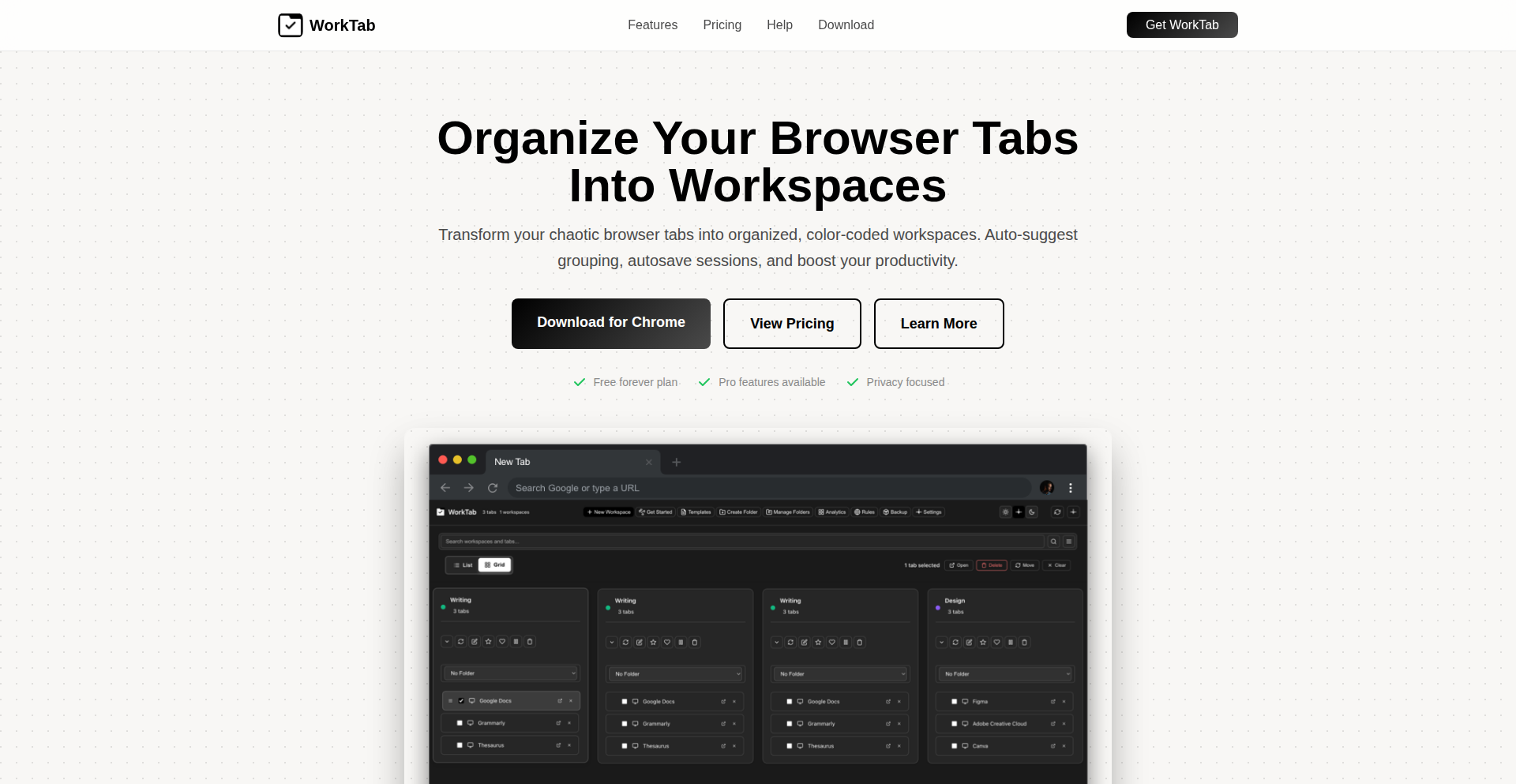
Author
kamdev
Description
WorkTab is a Chrome browser extension designed to combat tab overload by enabling users to organize browsing sessions into distinct 'workspaces'. It leverages local browser storage (IndexedDB) to provide a private, cloud-free solution for saving and restoring tab groups, making it easy to switch between different projects or contexts. This empowers users to maintain focus and efficiency by decluttering their digital workspace.
Popularity
Points 3
Comments 0
What is this product?
WorkTab is a privacy-focused browser extension that acts like a personal librarian for your browser tabs. Instead of having dozens of unrelated tabs open, you can group them into logical 'workspaces' for different projects or activities, like 'coding', 'research', or 'personal browsing'. Think of it as creating virtual desks for your browser. It uses IndexedDB, a built-in browser database, to store all your workspace information directly on your computer, ensuring no data is sent to any servers. This means your browsing habits and tab organization remain completely private. The innovation lies in its local-first approach and the intuitive workspace metaphor for managing complex browsing sessions, solving the common problem of getting lost in a sea of tabs.
How to use it?
Developers can easily install WorkTab as a Chrome extension from the Chrome Web Store or its website. Once installed, they can create new workspaces for specific projects. For instance, if you're working on a new feature, you might create a workspace named 'Feature X' and open all relevant documentation, code snippets, and development tools in separate tabs within that workspace. WorkTab automatically saves these sessions at set intervals. When you need to switch to another project, say 'Bug Fixing', you simply select that workspace, and WorkTab instantly restores all the tabs associated with it. For integration, developers can utilize the export/import feature via JSON to share workspace configurations or back them up manually. This allows for quick context switching without losing progress or having to manually reopen tabs.
Product Core Function
· Workspace Creation and Management: Allows users to create distinct virtual environments for different tasks or projects. This is technically implemented by grouping related tabs and assigning them to a named workspace, offering a structured approach to managing numerous open tabs and improving focus.
· Automatic Session Saving: Periodically saves the state of all tabs within an active workspace. This prevents data loss due to accidental closures or browser crashes and ensures that work is never lost, providing peace of mind for users working on critical tasks.
· One-Click Session Restore: Enables users to instantly bring back all tabs from a saved workspace with a single click. This significantly speeds up context switching between different projects or tasks, eliminating the manual effort of reopening each tab.
· Domain Grouping and Duplicate Detection: Automatically groups tabs by their website domain and identifies duplicate tabs. This helps in decluttering the tab bar by visually organizing similar sites and preventing redundant information from occupying valuable screen real estate.
· Search Across Tabs: Provides a search functionality that scans through the titles and URLs of all open and saved tabs. This feature is invaluable for quickly finding specific information within a large number of tabs, saving users time and frustration.
· Local-First, Privacy-Centric Storage: Utilizes IndexedDB for storing all workspace data locally within the browser. This ensures complete user privacy as no personal browsing data or tab information is transmitted to any remote servers, aligning with user concerns about data security.
· Export/Import Workspace State: Allows users to export their workspace configurations as JSON files and import them back. This is useful for backing up configurations, migrating workspaces to other devices, or sharing specific browsing setups with colleagues.
Product Usage Case
· Scenario: A web developer working on multiple client projects simultaneously. Problem: Juggling dozens of tabs for different clients, leading to confusion and lost productivity. Solution: WorkTab allows the developer to create a separate workspace for each client (e.g., 'Client A Project', 'Client B Website'). When switching between clients, they simply select the corresponding workspace, instantly restoring all relevant tabs, documentation, and staging environments, thereby improving focus and efficiency.
· Scenario: A researcher conducting in-depth literature review for a thesis. Problem: Accumulating a vast number of research papers, articles, and online resources across various topics, making it difficult to track progress and find specific sources. Solution: The researcher can create workspaces for different research themes (e.g., 'Chapter 1 Sources', 'Methodology Examples'). WorkTab's auto-save and one-click restore ensure that all research materials are readily accessible, and the search function helps locate specific papers within the vast collection.
· Scenario: A student managing coursework for multiple subjects. Problem: Keeping track of assignment instructions, lecture notes, online textbooks, and relevant discussion forums for different classes. Solution: The student can set up a workspace for each subject (e.g., 'Math 101', 'History Seminar'). This organizes all subject-related tabs, allowing for easy switching between classes and ensuring that all necessary resources are at their fingertips for assignments and studying.
· Scenario: A content creator managing different creative workflows. Problem: Needing to switch between brainstorming, design tools, content management systems, and social media platforms for various projects. Solution: WorkTab enables the creator to establish distinct workspaces for different content types or phases of production (e.g., 'Blog Post Drafts', 'Video Editing Resources', 'Social Media Scheduling'). This organized approach allows for seamless transitions between creative tasks and maintains a clear overview of ongoing projects.
27
Soffio: Rust-Powered Static CMS with Interactive Admin
Author
xfyyzy
Description
Soffio is a modern blog and Content Management System (CMS) built with Rust. Its key innovation lies in serving public content as lightning-fast static files, while providing a dynamic, interactive admin interface powered by Datastar for content creation and publishing. This hybrid approach aims to deliver the performance benefits of static sites without sacrificing the ease of use for content editors. Soffio embraces AI-assisted development, but emphasizes full developer responsibility for architecture and quality.
Popularity
Points 3
Comments 0
What is this product?
Soffio is a blogging and content management platform where your public website pages are pre-generated into static HTML files. This means they load incredibly quickly for visitors, almost instantaneously. The magic behind managing and creating content happens in a separate, interactive web application built with Datastar, which allows you to write, edit, and publish posts through a user-friendly interface. So, it's a system that gives you both the speed of static websites and the convenience of a typical online editor. The innovation here is combining the raw performance of static generation with a responsive admin experience, all built on the safety and speed of Rust, a programming language known for its efficiency and reliability.
How to use it?
Developers can use Soffio by cloning its GitHub repository and setting it up on their own infrastructure. The setup typically involves compiling the Rust backend and deploying the static assets. For content creators, the 'how to use' is through the web-based admin interface. Once Soffio is running, you'd access a specific URL to log in and start writing blog posts, managing pages, and publishing content. This means you can integrate it into your existing web hosting or server environment and manage your content through a browser without needing to touch code after the initial setup. The integration is straightforward for developers looking for a performant and secure blogging solution, and the admin UI makes content management intuitive for non-technical users.
Product Core Function
· Static Site Generation: Renders blog posts and pages into static HTML files for blazing-fast load times, enhancing user experience and SEO. This benefits you by making your website load quickly, which visitors love and search engines prefer.
· Interactive Admin UI (Datastar): Provides a real-time, dynamic interface for writing, editing, and publishing content, making content management effortless. This helps you create and update your website content easily without needing to be a coding expert.
· Rust Backend: Leverages Rust's performance, memory safety, and concurrency features for a robust and efficient CMS. This means your blog is built on a solid foundation that is fast and reliable.
· AI-Assisted Development: Utilizes AI tools for code generation but maintains full human oversight and responsibility for architecture, review, and maintenance, offering a blend of modern tooling and developer control. This shows a smart approach to development that can lead to faster feature delivery while ensuring quality.
· Content Management: Offers core CMS functionalities for managing articles, pages, and potentially other content types. This provides you with the essential tools to run a website effectively.
Product Usage Case
· Personal Portfolio Blog: A developer can use Soffio to host their technical blog. The static nature ensures fast loading for visitors checking out their work, while the admin UI allows them to easily publish new projects, tutorials, or thoughts without complex deployment steps after the initial setup. The solution to the problem is providing a high-performance, easy-to-manage platform for showcasing their expertise.
· Small Business Website: A small business owner can deploy Soffio to create a professional website with a blog. The static pages ensure a good user experience for customers, and the admin interface allows them to easily update company news, product information, or blog posts without relying on a web developer for every change. This solves the challenge of maintaining an up-to-date website with limited technical resources.
· Documentation Site: A software project can use Soffio to host its documentation. The static rendering ensures fast access to important information for users, and the interactive admin makes it simple for the team to add or update guides and API references. This provides a streamlined way to manage and deliver essential project documentation.
· Content-Heavy Niche Publication: A writer or small editorial team can create a niche publication. Soffio's ability to handle content efficiently and deliver it quickly to readers makes it ideal for sites with a lot of articles, ensuring a smooth reading experience for everyone. This addresses the need for a scalable and performant content delivery system.
28
Pgbranch: Git-Style Local PostgreSQL Development Branching
Author
lenvl
Description
Pgbranch is a novel tool that brings Git-like branching capabilities to your local PostgreSQL development environment. It addresses the common pain point of tedious and time-consuming database state management during development. Instead of slow manual dumps or rebuilding Docker containers, Pgbranch allows developers to quickly create isolated database environments for testing migrations, exploring schema changes, or experimenting with data states. Think of it as creating separate 'branches' for your database, just like you do with your code in Git.
Popularity
Points 3
Comments 0
What is this product?
Pgbranch is a utility designed to streamline local PostgreSQL development by implementing a Git-style branching model for your database. The core technical innovation lies in its ability to efficiently snapshot and restore PostgreSQL database states. When you 'branch' your database, Pgbranch essentially takes a point-in-time copy (a snapshot) of your current database. When you 'switch branches,' it reverts your database to a previously saved snapshot. This is achieved through clever utilization of PostgreSQL's underlying mechanisms, potentially involving logical backups or other efficient state preservation techniques, allowing for rapid switching between different database configurations without the overhead of full database restarts or data dumps. So, for you, this means you can experiment with database changes without fear of breaking your main development setup, and you can quickly jump between different states to test features or fix bugs.
How to use it?
Developers can integrate Pgbranch into their local development workflow to manage distinct database environments. After installing Pgbranch, you can initialize it within your project directory. Common usage patterns include creating a new branch before working on a feature that involves database schema changes or migration testing: `pgbranch create feature-branch`. Then, you can make your changes and commit them (conceptually, not a direct Git commit). If you need to test a different scenario or revert, you can switch branches: `pgbranch checkout main` or `pgbranch checkout feature-branch`. This allows for isolated testing of database migrations, data manipulation experiments, or trying out different schema versions without affecting your primary development database. For you, this means you can safely develop and test database-dependent features in isolated, reproducible environments, making your development process much faster and less error-prone.
Product Core Function
· Create database branches: This function captures the current state of your PostgreSQL database, effectively creating a snapshot that can be reverted to later. This is valuable for isolating development work and preventing unintended data corruption in your main environment.
· Switch between database branches: This function allows you to instantly restore your database to a previously saved snapshot. This is incredibly useful for quickly testing different versions of your database schema or data, enabling rapid iteration and debugging.
· List existing database branches: This function provides visibility into the different isolated database environments you have created. This helps you manage your development states and understand which branches are available for use.
· Delete database branches: This function allows you to clean up old or unnecessary database environments. This is important for managing disk space and keeping your development setup organized.
· Integrate with existing PostgreSQL databases: Pgbranch works with your local PostgreSQL instance, meaning you don't need to set up entirely new database servers for each branch. This simplifies the setup and reduces resource overhead for you.
Product Usage Case
· Testing database migrations: A developer is working on a new feature that requires a significant database schema update. They can create a new Pgbranch branch, apply the migrations, and test their feature thoroughly. If the migrations cause unexpected data issues, they can simply switch back to their main branch without affecting their current work. This solves the problem of slow and risky migration testing.
· Experimenting with data states: A QA engineer needs to test an application's behavior with different types of user data. They can create multiple Pgbranch branches, each populated with a specific data set, and test edge cases efficiently. This eliminates the manual effort of setting up diverse data scenarios.
· Developing feature with conflicting database requirements: Two developers are working on features that have conflicting database schema requirements. Each developer can create their own Pgbranch branch, modify the schema independently, and test their feature without interfering with each other. This prevents merge conflicts and delays in development.
29
Realtime Collaborative 5x6 Nonogram Grid

Author
okayestjoel
Description
This project is a real-time, collaborative web game where multiple players work together to solve a vast number of 5x6 Nonogram (also known as Picross or Griddlers) logic puzzles. It focuses on puzzles with unique, line-solvable solutions, eliminating the need for guessing or backtracking, and ensuring each puzzle is distinct. The innovation lies in its real-time multiplayer aspect, allowing users to see each other's progress and interact within the game, alongside improved user account features for score tracking and customization.
Popularity
Points 2
Comments 1
What is this product?
This is a web-based game that allows many people to play and solve 5x6 Nonogram puzzles simultaneously. A Nonogram is a logic puzzle where you fill in cells based on numbers given at the side of a grid to reveal a hidden picture. The special sauce here is that it's collaborative and real-time; you can see other players working on the same puzzle at the same time. The puzzles are hand-picked to be solvable without guessing, making the experience more about logic and collaboration than frustration. It's built using web technologies, making it accessible directly from a browser without needing to download anything. The innovation is in merging complex puzzle logic with a seamless, interactive multiplayer experience on the web.
How to use it?
Developers can integrate the core logic or the collaborative framework into their own applications. For end-users, it's as simple as visiting the provided web URL. You can log in using Patreon to save your scores and customize your in-game appearance. You can then join a puzzle and start filling in cells. The game shows you what other players are doing in real-time, so you can strategize together or see how they're approaching the solution. For developers looking to build similar real-time collaborative experiences, this project offers insights into managing concurrent user input, state synchronization across multiple clients, and structuring a game loop that supports real-time interaction. It can be used as a standalone game or as a component within a larger web application.
Product Core Function
· Realtime collaborative puzzle solving: Allows multiple users to interact with and solve the same puzzle simultaneously, with changes visible to all participants instantly. This fosters teamwork and shared problem-solving, making complex puzzles more approachable through collective effort.
· Guaranteed solvable puzzles: Focuses on Nonograms that have unique solutions and can be solved using logic alone (line-solvable), eliminating the need for guesswork. This enhances the intellectual challenge and satisfaction of completing puzzles.
· User accounts and customization: Provides a way for users to log in (via Patreon) to save their progress, track individual scores, and personalize their game experience with custom colors. This adds a layer of personal achievement and engagement to the collaborative environment.
· Live spectator mode: Enables users to watch other players solve puzzles in real-time, offering a unique way to learn strategies and observe different problem-solving approaches. This is valuable for both learning and entertainment.
· Prevent puzzle conflict: Implements a mechanism where only one player can actively complete a specific puzzle at a time, ensuring a smooth and organized collaborative experience by preventing direct interference.
Product Usage Case
· A web-based escape room game where players need to solve logic puzzles collaboratively in real-time to unlock clues. The Nonogram solver could be one of the puzzles integrated into the room, with each player responsible for a portion of the grid or a specific logic step.
· An educational tool for teaching logic and problem-solving skills. Students can work in groups to solve Nonograms, learning to communicate, strategize, and apply deductive reasoning together, with the teacher able to monitor their progress in real-time.
· A casual multiplayer game platform that offers a variety of logic puzzles. This project's framework for real-time collaboration and puzzle management can be extended to include other puzzle types like Sudoku or crosswords, creating a rich multiplayer puzzle experience.
· A feature within a larger online community or social platform that allows members to engage in shared activities. Users could form teams to tackle challenging Nonogram puzzles, fostering a sense of community and friendly competition.
30
HumanoidOS: Python Bipedal Robot Control
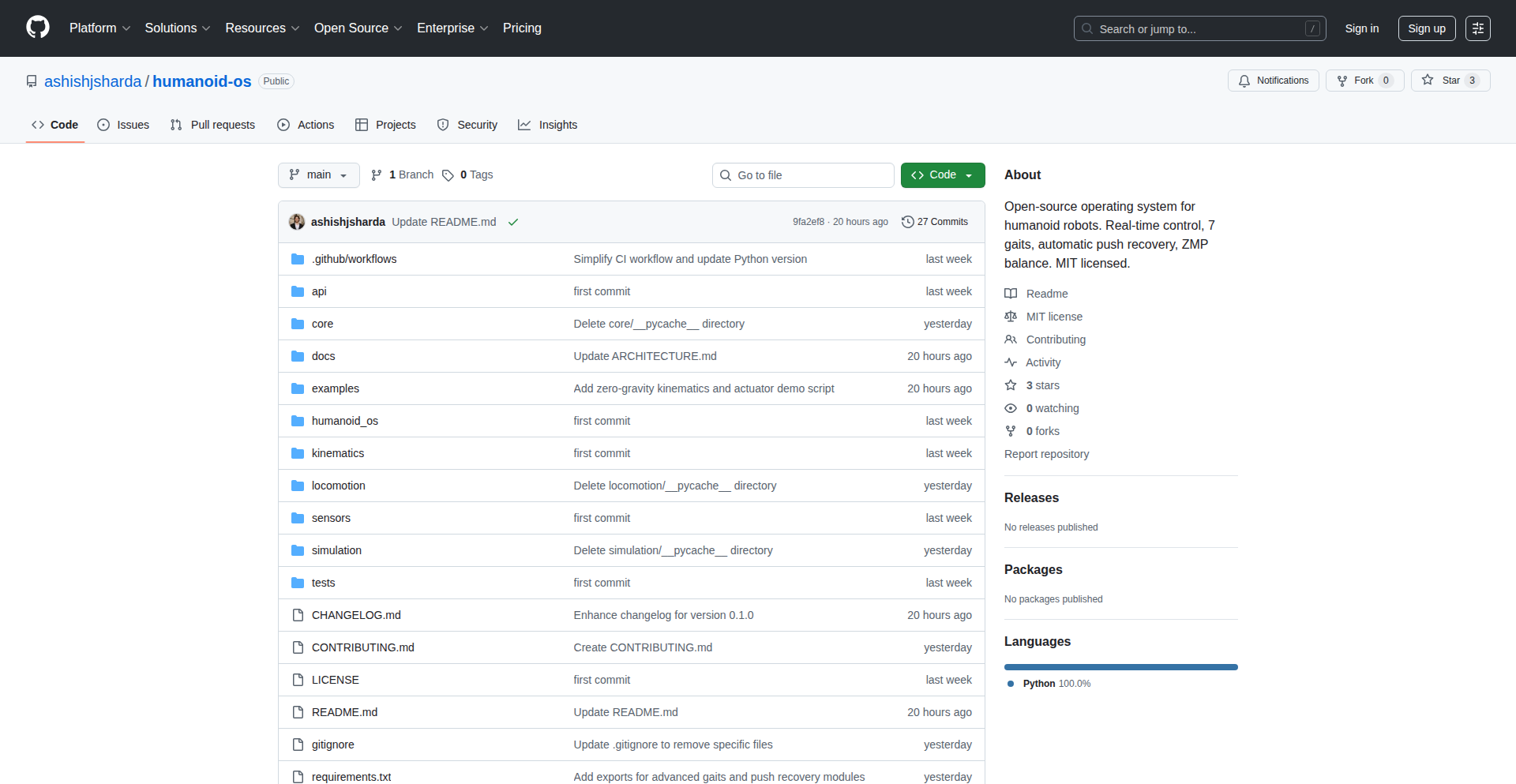
Author
ashish_sharda
Description
HumanoidOS is a Python-based control stack designed for simulating bipedal robots. It offers a framework for developers to build, test, and refine complex locomotion algorithms for human-like robots without needing physical hardware. The innovation lies in its accessible Python interface to intricate robot dynamics, enabling rapid prototyping and exploration of AI-driven motion planning and control strategies.
Popularity
Points 2
Comments 1
What is this product?
HumanoidOS is a software framework that lets you control simulated two-legged robots using Python. Imagine building a virtual character that walks, runs, and balances like a human, but entirely within your computer. The core technical idea is to simplify the complex math and physics behind robot movement. Instead of dealing with low-level hardware commands or dense mathematical equations for each joint, you can use Python code to tell the robot what to do. This makes it much easier for developers to experiment with different walking patterns, balance strategies, and even how the robot might react to uneven terrain. It's like giving a virtual robot a brain that you can program with familiar tools.
How to use it?
Developers can use HumanoidOS by integrating it into their simulation environments (like Gazebo or PyBullet, though specifics would depend on the implementation). They can write Python scripts to define desired robot behaviors, such as walking forward, turning, or maintaining balance. These scripts would then interface with the HumanoidOS control stack, which translates these high-level commands into low-level joint torques and positions for the simulated robot. This allows for rapid iteration on control algorithms and testing of new ideas without the expense and risk of real-world hardware.
Product Core Function
· Python-based command interface: Enables developers to control robot actions using familiar Python programming, abstracting away complex underlying physics and control mechanisms. This means you can dictate robot movements like 'walk forward' or 'stand up' with simple Python commands, making development faster and more intuitive.
· Bipedal locomotion simulation: Provides the foundational logic to simulate the dynamic movements of two-legged robots, including walking, balancing, and recovering from disturbances. This allows you to see how your programmed movements will actually look and behave in a virtual environment, helping you identify potential issues early.
· Algorithmic control framework: Offers a structure for implementing advanced control algorithms, such as reinforcement learning or inverse kinematics, for sophisticated robot behaviors. This empowers developers to push the boundaries of robot intelligence and create more adaptive and capable robots.
· Parameter tuning and experimentation: Facilitates easy adjustment of robot parameters and control strategies, allowing for extensive testing and optimization of locomotion behaviors. You can quickly try different settings to see what makes the robot walk more smoothly or balance better, accelerating the research and development process.
Product Usage Case
· Developing AI for autonomous walking robots: A researcher could use HumanoidOS to train a reinforcement learning agent to navigate a complex simulated environment, allowing the agent to learn optimal walking gaits for different terrains. This solves the problem of creating robots that can move independently in unpredictable environments.
· Prototyping advanced balance algorithms: A robotics company could use HumanoidOS to quickly test and refine new algorithms for maintaining balance in humanoid robots, especially when dealing with external forces or unexpected shifts in weight. This helps them build more stable and reliable robots for practical applications.
· Educational tool for robotics students: University students could use HumanoidOS as part of their robotics curriculum to learn about control systems, kinematics, and dynamic simulation in a hands-on way. This makes complex robotics concepts more accessible and engaging for learners.
· Designing virtual characters for gaming or animation: Game developers could leverage HumanoidOS to create more realistic and physically plausible movements for humanoid characters in video games or animated films. This solves the challenge of achieving natural-looking locomotion in digital characters.
31
FairShares: Decentralized Digital Economics Engine

Author
pabloprieto
Description
This project explores an alternative economic model for digital goods, focusing on decentralized ownership and fair distribution of value. The core innovation lies in its approach to tokenomics and smart contract design, aiming to create a more equitable ecosystem for creators and consumers. It addresses the limitations of traditional centralized marketplaces by enabling peer-to-peer transactions and community governance.
Popularity
Points 2
Comments 1
What is this product?
This is a conceptual and foundational project for a new digital goods economy. At its heart, it uses smart contracts on a blockchain (the underlying technology that powers cryptocurrencies like Bitcoin and Ethereum) to define how digital items are owned, traded, and how revenue is shared. The innovation comes from designing these contracts to ensure a fairer distribution of profits, moving away from models where platforms often take a large cut. Think of it like a set of digital vending machines and royalty distributors that are transparent and controlled by the community, not a single company. This provides a blueprint for creators to get a more just return on their work and for consumers to potentially have more influence or benefit from the ecosystem.
How to use it?
Developers can use FairShares as a framework or a set of smart contract templates to build their own decentralized applications (dApps) for selling digital goods. This could involve integrating FairShares' logic into a new marketplace, an NFT platform, or a creator-focused content distribution system. It's about providing the underlying economic engine that can be plugged into various user interfaces or platforms. For example, a game developer could use FairShares to distribute in-game assets, ensuring a portion of each resale goes back to the original creators or developers.
Product Core Function
· Decentralized Ownership Protocol: Enables true digital asset ownership on a blockchain, meaning users have control over their digital items, not just a license. This is valuable because it prevents creators from losing control of their work and users from losing access to purchased items if a platform shuts down.
· Automated Revenue Sharing Smart Contracts: Automatically distributes earnings from sales or resales according to pre-defined rules. This is valuable for creators who want to ensure a fair and transparent flow of income from their digital creations, be it art, music, or software licenses.
· Community Governance Mechanisms: Allows stakeholders (creators, consumers) to have a say in how the economic model evolves. This is valuable for fostering a more democratic and adaptable digital economy where the community's needs can be prioritized.
· Interoperable Token Standards: Designed to work with existing blockchain token standards, making integration with other decentralized finance (DeFi) and NFT ecosystems easier. This is valuable for developers as it reduces the friction of connecting their applications to the broader web3 space, allowing for more complex economic interactions.
Product Usage Case
· Scenario: A digital artist wants to sell their art as NFTs. Problem: Traditional NFT marketplaces often have high fees and opaque royalty structures. FairShares Solution: The artist can use FairShares' smart contracts to mint their NFTs, setting up automatic royalty payments to themselves on every resale, and potentially even sharing a small portion with early supporters or collaborators. This ensures ongoing income and community engagement.
· Scenario: A software developer wants to sell licenses for their premium software. Problem: Managing license keys and ensuring secure distribution can be complex. FairShares Solution: The developer can implement a FairShares-based system where each license is a unique token. When the software is sold, the smart contract handles the token transfer, and if the license is resold, a portion of the resale value is automatically sent back to the developer, incentivizing secondary markets while ensuring continuous revenue.
· Scenario: A musician wants to distribute their album directly to fans and allow fans to earn from its popularity. Problem: Record labels and streaming services take significant cuts. FairShares Solution: The album can be tokenized, and fans who hold these tokens could earn a share of streaming royalties or resale profits, creating a fan-owned ecosystem and a direct, transparent revenue stream for the musician.
32
YieldMirror AI-Powered Portfolio Analytics Engine

Author
NoahJiang
Description
YieldMirror is a multi-account portfolio analytics engine that leverages AI to generate insightful reports. It aims to simplify complex financial data analysis for individuals and developers by providing automated, intelligent insights into investment performance across various accounts.
Popularity
Points 2
Comments 1
What is this product?
YieldMirror is a sophisticated system designed to consolidate and analyze financial investment data from multiple sources. Its core innovation lies in its AI-powered reporting engine. Instead of just presenting raw numbers, it uses artificial intelligence to identify trends, predict potential outcomes, and generate human-readable reports that explain investment performance. Think of it as having a smart financial analyst automatically reviewing your portfolios and telling you what matters, what's working, and what might need attention. The 'AI reports' part is key – it's not just a dashboard, but an intelligent interpretation of your data. This addresses the problem of information overload and the difficulty in extracting meaningful insights from diverse financial platforms.
How to use it?
Developers can integrate YieldMirror into their applications or use it as a standalone tool to gain a deeper understanding of their investment strategies. The system is built to connect with various brokerage and exchange APIs, allowing it to pull data from multiple investment accounts. Once connected, the AI engine processes this data, identifying key performance indicators, risk factors, and opportunities. The generated reports can then be displayed within a custom application, used to trigger automated trading strategies, or simply provided as a comprehensive financial overview to end-users. For a developer, this means easily adding powerful portfolio analytics to your fintech app, or creating tools for personal financial management without building the complex analytical backend from scratch.
Product Core Function
· Multi-account data aggregation: Connects to various financial platforms to consolidate all your investment data into a single view. This is valuable because it saves you the hassle of logging into multiple sites and provides a unified understanding of your overall financial health.
· AI-driven performance analysis: Utilizes artificial intelligence to identify patterns, trends, and anomalies in your investment data. This is valuable as it uncovers insights that might be missed through manual review, helping you make more informed decisions.
· Automated insightful reporting: Generates easy-to-understand reports that explain your portfolio's performance, risks, and potential opportunities. This is valuable because it translates complex financial metrics into actionable advice, making sophisticated analysis accessible to everyone.
· Predictive analytics capabilities: Offers insights into potential future performance based on historical data and market trends. This is valuable for forward-looking investment strategies, allowing you to anticipate and prepare for market movements.
· Customizable analytics engine: Allows for tailored analysis based on specific user needs and investment goals. This is valuable because it ensures the insights are relevant to your personal financial objectives, rather than generic recommendations.
Product Usage Case
· A fintech startup could integrate YieldMirror's API to offer their users a comprehensive portfolio analysis feature within their banking or investment app. This solves the problem of their app lacking sophisticated financial insights, allowing them to compete with established players.
· An individual investor who manages assets across several different brokers could use YieldMirror as a personal dashboard to get a consolidated view of their net worth, overall performance, and identify underperforming assets. This addresses the difficulty of manually tracking and comparing investments across disparate platforms.
· A developer building a personalized financial advisor tool could leverage YieldMirror's AI reporting to provide clients with automated, intelligent recommendations and risk assessments. This solves the challenge of building complex AI models for financial advice from scratch, speeding up development time.
· A quantitative trader could use YieldMirror to analyze historical trading data from multiple accounts, identify successful strategies, and refine their algorithms based on AI-generated performance insights. This is valuable for optimizing trading performance and developing more robust trading systems.
33
HMLR: The AI Memory Fabric

Author
svanwinkle-dev
Description
HMLR is an AI memory system that achieves perfect scores on challenging tests, demonstrating a novel approach to artificial intelligence memory. It tackles the problem of AI 'forgetting' or failing to recall specific information accurately in complex scenarios by building a persistent, contextually aware memory architecture.
Popularity
Points 2
Comments 1
What is this product?
HMLR is an experimental AI memory system designed to overcome limitations in how artificial intelligence retains and retrieves information. Unlike typical AI models that might struggle with context or degrade over time, HMLR employs a sophisticated memory architecture that ensures consistent recall and understanding. Its innovation lies in how it structures and accesses 'memories,' allowing it to pass highly demanding tests that mimic real-world complexity, effectively solving the problem of 'AI amnesia' in critical applications. This means the AI can reliably remember and apply learned information, even in intricate situations.
How to use it?
Developers can integrate HMLR into their AI projects as a specialized memory module. It can be interfaced with existing AI models (like large language models or decision-making agents) to provide them with a robust and reliable memory backbone. This is particularly useful for long-running applications, complex reasoning tasks, or systems that require precise historical context. For instance, imagine an AI chatbot that needs to remember every detail of a long conversation to provide truly personalized assistance, or an AI diagnostic tool that must recall a patient's entire medical history without error. HMLR enables these capabilities by acting as the AI's dependable long-term storage and retrieval system.
Product Core Function
· Contextual Memory Recall: HMLR can retrieve information based on the current context, not just keywords, ensuring the AI accesses the most relevant past experiences or data. This is valuable for AI that needs to adapt its responses based on ongoing interactions or changing environments.
· Persistent Knowledge Base: The system maintains a stable and accessible memory of learned information, preventing the degradation or loss of knowledge over time. This is crucial for AI systems that require long-term learning and adaptation, such as in scientific research or continuous operational monitoring.
· High-Fidelity Information Retrieval: HMLR is engineered for accuracy, ensuring that the information retrieved by the AI is precise and complete, even from complex or ambiguous inputs. This directly addresses the need for reliability in high-stakes AI applications like autonomous driving or medical diagnosis.
· Adaptive Learning Integration: The memory system is designed to seamlessly integrate with ongoing learning processes, allowing the AI to not only recall but also refine and build upon its memories. This fosters more sophisticated AI development where the system can truly 'grow' its understanding.
· Error-Resilient Testing: The ability to pass 'impossible tests' signifies a robust architecture that can handle adversarial inputs or obscure queries without failure. This proves the system's resilience and trustworthiness in diverse operational scenarios.
Product Usage Case
· AI Companions with Perfect Recall: In developing advanced AI companions for elder care or personal assistance, HMLR can ensure the AI remembers every detail of a user's preferences, routines, and medical needs without fail, providing truly personalized and safe support.
· Complex Scientific Discovery Agents: For AI systems designed to sift through vast amounts of research data and identify novel patterns, HMLR's persistent and accurate memory ensures that no critical piece of information is overlooked, accelerating the pace of scientific breakthroughs.
· Legal and Financial AI Assistants: In highly regulated fields like law or finance, an AI assistant must recall precise case details or transaction histories. HMLR provides the necessary memory integrity to prevent costly errors and ensure compliance.
· Advanced Robotics and Autonomous Systems: For autonomous vehicles or complex industrial robots, HMLR acts as a robust memory for operational history, environmental observations, and decision-making logs, enhancing safety and diagnostic capabilities in unpredictable situations.
34
SideSpark: Local AI Notebook

Author
raj_khare
Description
SideSpark is a macOS application that offers a private, offline AI note-taking experience. It leverages on-device AI models, ensuring that all your notes and data remain on your machine, eliminating privacy concerns and subscription fees associated with cloud-based solutions. This approach allows for seamless operation without an internet connection and safeguards your personal information.
Popularity
Points 3
Comments 0
What is this product?
SideSpark is a personal note-taking application for macOS that brings the power of AI directly to your device. Instead of sending your notes to a remote server, it uses local AI models to process and understand your text. This means your notes are never shared or stored online, offering superior privacy. The innovation lies in its ability to provide intelligent features, like summarization or quick retrieval, entirely offline and without any ongoing costs, addressing the common frustrations of data privacy and subscription models in existing cloud note-taking tools.
How to use it?
Developers can integrate SideSpark into their workflow as a secure and private repository for their ideas, code snippets, research notes, or meeting minutes. Because it runs locally, it's ideal for sensitive information or for situations where internet connectivity is unreliable. You can use it as a standalone application to jot down thoughts and later leverage its AI capabilities to organize, search, or summarize your notes. For those looking to build more complex personal knowledge management systems, SideSpark's local-first approach can serve as a foundational component where data privacy is paramount.
Product Core Function
· Local AI Processing: Enables intelligent features like search and summarization without sending data off-device. This provides immediate insights from your notes while ensuring absolute privacy, meaning you can analyze your thoughts without worrying about data breaches or surveillance.
· Offline Functionality: Works seamlessly without an internet connection. This is crucial for developers working in environments with limited or no connectivity, ensuring productivity is never interrupted and notes are always accessible.
· Privacy-Focused Design: All data is stored and processed on the user's machine. This addresses significant concerns about data security and privacy in the age of cloud services, offering peace of mind that personal information remains confidential.
· Subscription-Free Model: Eliminates recurring fees typically associated with cloud-based note-taking tools. This offers a cost-effective, one-time solution for powerful note-taking, making advanced features accessible without ongoing financial commitment.
· macOS Native Application: Built specifically for macOS, ensuring a smooth and integrated user experience. This provides a familiar and efficient interface for Mac users, maximizing usability and minimizing the learning curve.
Product Usage Case
· A developer working on sensitive intellectual property can use SideSpark to document their project ideas and technical specifications without any risk of leakage. The AI can then help quickly find relevant past notes when tackling new challenges, speeding up problem-solving.
· A remote worker frequently traveling to areas with poor internet can rely on SideSpark to capture meeting notes and action items in real-time. Upon returning to a connected environment, they can still leverage the AI to summarize meeting outcomes or extract key decisions without needing to sync data first.
· A researcher gathering data from various offline sources can use SideSpark to consolidate and analyze their findings privately. The offline AI summarization feature can help them quickly grasp the essence of large amounts of text, accelerating their research process.
· A student who is concerned about the privacy of their study notes can use SideSpark to organize lecture summaries and personal annotations. The local AI can help them find specific topics or create study guides without exposing their academic work to third parties.
35
Jam: Code-Native Build Automation
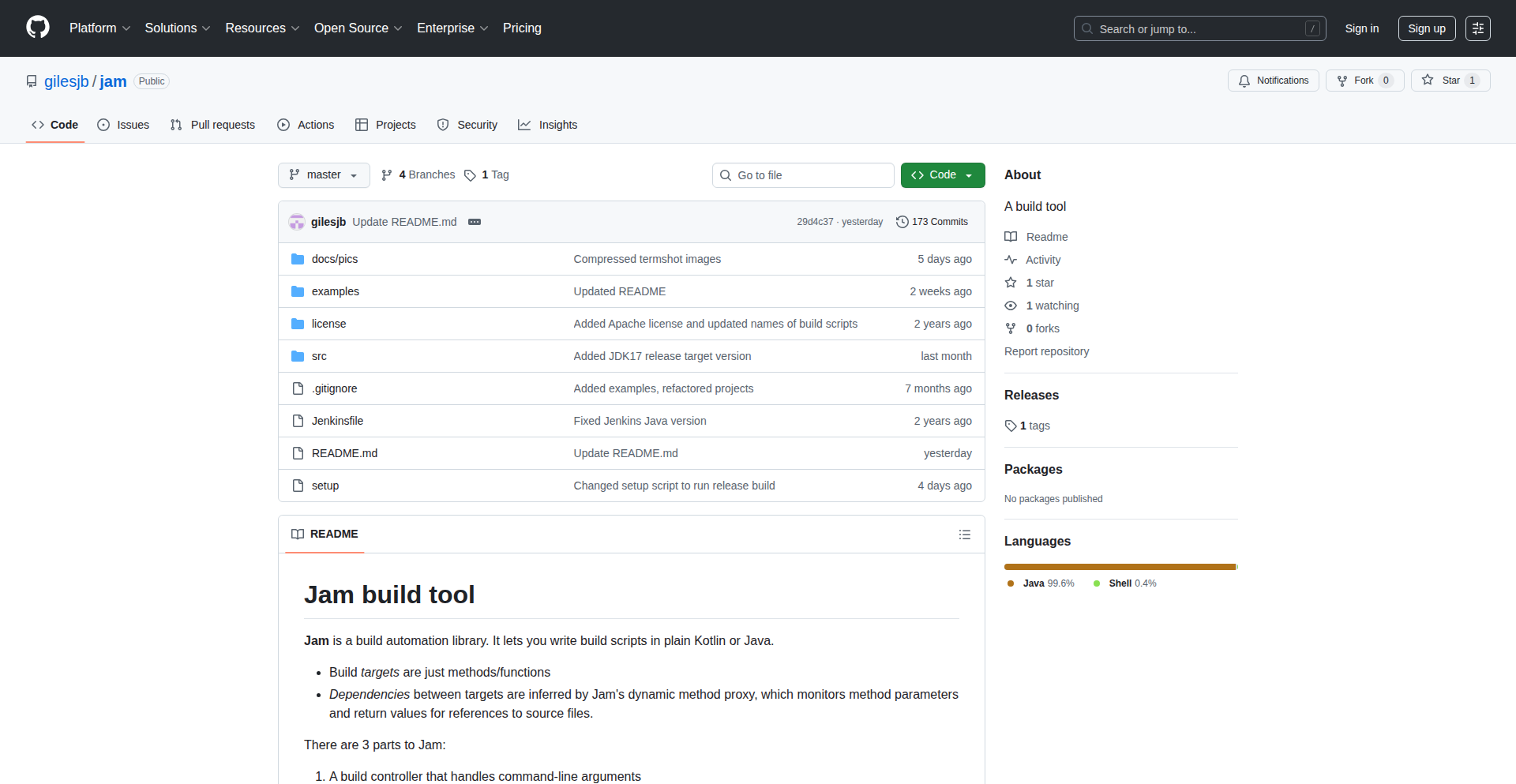
Author
gilesjb
Description
Jam is a build automation tool that lets developers write build scripts using the same languages they are already using for development, like Java and Kotlin. It leverages advanced Java features like default methods to deeply intercept method calls, enabling intelligent memoization of results and tracking dependencies on source files. This approach eliminates the need for custom plugins and allows build logic to be as flexible and powerful as regular application code, making builds more efficient and developer-friendly.
Popularity
Points 3
Comments 0
What is this product?
Jam is a build system that allows you to write your build scripts using standard programming languages like Java and Kotlin, instead of a separate, domain-specific language. It works by using Java 8's 'default' methods. Think of these like special functions that can 'listen in' on other functions and remember their results (memoization). This listening capability allows Jam to figure out which parts of your build are already up-to-date and which need to be re-run, saving you time. It also automatically tracks which source files your build steps depend on. So, what's the big deal? It means you can use your familiar IDE, your favorite language features, and existing libraries to define your build process, making it much more powerful and easier to manage than traditional build tools that require learning a new syntax or writing custom plugins for everything. This is innovative because it blurs the line between application code and build code, bringing the full power of programming languages to your build automation.
How to use it?
Developers can use Jam by writing their build logic directly in Java or Kotlin files. These files are then executed by the Jam tool. For instance, you can define tasks like compiling code, running tests, packaging applications, or downloading dependencies within these scripts. Jam's intelligent dependency tracking means that if a source file hasn't changed, Jam will skip the tasks that depend on it, speeding up your build. You can integrate Jam into your existing development workflow by simply replacing your current build tool (like Maven or Gradle) with Jam for managing your project's build process. The core idea is to treat your build script as just another piece of your application's code, subject to the same tooling and expressiveness.
Product Core Function
· Runnable Java/Kotlin Scripts for Build Logic: Allows developers to write build tasks and logic using familiar programming languages, providing the same IDE support and language features as their application code. The value here is increased developer productivity and reduced learning curve for build automation.
· Method Call Interception and Memoization: Jam uses Java 8 default methods to intercept function calls, store their results, and reuse them when inputs haven't changed. This significantly speeds up builds by avoiding redundant computations and is valuable for efficient and fast build processes.
· Automatic Source File Dependency Tracking: Jam intelligently tracks which source files are used by each build task. This ensures that only necessary parts of the build are re-executed when code changes, optimizing build times and improving developer workflow.
· Self-Building Capability: The Jam tool is capable of building itself, demonstrating a robust and self-contained system. This showcases the power and completeness of the build logic written in code, and its value lies in its self-sufficiency and as a testament to the system's design.
· Integration with Existing Libraries: Since build scripts are just code, Jam can seamlessly integrate with any Java or Kotlin library. This provides immense flexibility in defining complex build processes and custom logic, valuable for advanced build scenarios.
Product Usage Case
· Building a complex Java application with multiple modules: Instead of writing custom Ant tasks or complex Gradle configurations, a developer can use Jam to define compilation, testing, and packaging steps in a single Java or Kotlin script, leveraging method interception to ensure only changed modules are rebuilt, thus drastically reducing build times.
· Managing external dependencies for a microservice: A developer can write a Jam script to download specific versions of Maven packages or other libraries required by their service. This script can also include logic to verify the integrity of downloaded dependencies. The value is in having a more programmatic and less error-prone way to manage dependencies.
· Executing unit and integration tests with conditional logic: Jam scripts can be written to run tests based on certain conditions, for example, only running integration tests if a specific flag is set or if the code has been significantly altered. This saves time by skipping unnecessary test runs.
· Creating custom code generation workflows: For projects requiring code generation (e.g., from OpenAPI specifications or database schemas), developers can use Jam to orchestrate the entire process. The script can call existing code generation tools or even implement custom generation logic directly in Kotlin or Java, making the workflow highly adaptable.
36
Anki Jam: Sonic Riff Enhancer
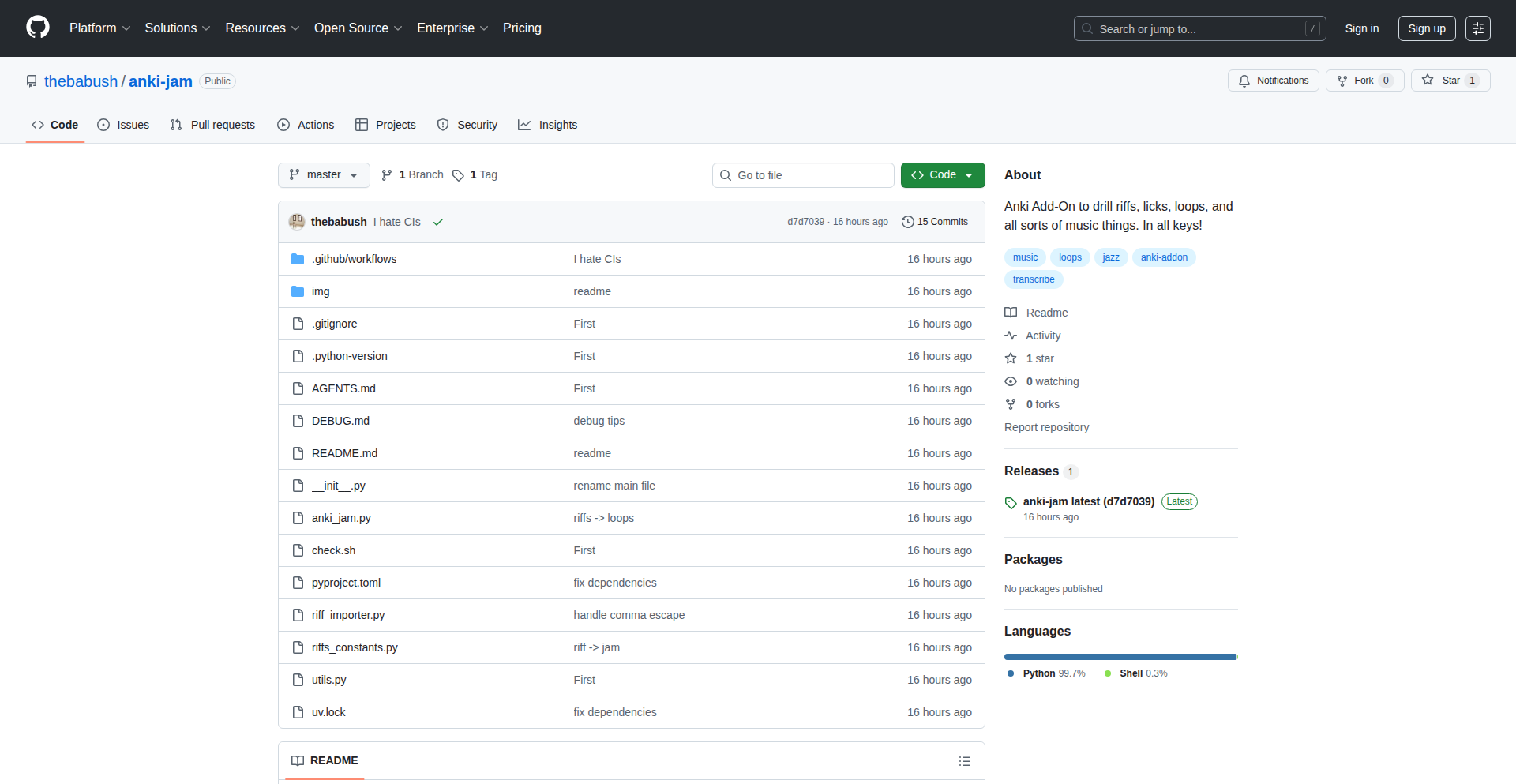
Author
babush
Description
Anki Jam is a novel Anki add-on designed to supercharge your learning of musical riffs and melodies. It introduces advanced audio manipulation capabilities directly within Anki, allowing users to loop, pitch-shift, and drill specific audio segments of musical pieces. This tackles the common challenge of memorizing complex musical patterns by providing granular control over playback, making practice sessions more effective and targeted.
Popularity
Points 3
Comments 0
What is this product?
Anki Jam is a powerful Anki add-on that injects sophisticated audio processing features into your flashcard learning experience, specifically tailored for musicians and music students. Its core innovation lies in its ability to precisely manipulate audio files associated with learning cards. Instead of just playing an audio snippet, Anki Jam allows you to select a specific section of the audio (like a guitar riff or a melodic phrase), loop it indefinitely, change its playback pitch (making it easier to hear notes in a complex chord or transposed melody), and control its playback speed. This granular control is achieved through the integration of real-time audio manipulation libraries within the Anki environment, offering a level of interaction previously unavailable for auditory learning within this popular spaced repetition system.
How to use it?
Developers and musicians can install Anki Jam as a standard Anki add-on through the Anki client's add-on manager. Once installed, when you are creating or editing a card that contains an audio file (e.g., a recording of a musical phrase), Anki Jam will reveal a new set of controls. These controls allow you to visually select the start and end points of an audio segment, set it to loop, adjust its pitch up or down by semitones, and control playback speed. This enables users to create highly specific drilling exercises, such as isolating a difficult chord change, practicing a fast melodic run at a slower tempo, or repeating a short harmonic progression until it's ingrained. It's particularly useful for learning musical instruments where precise aural recognition and reproduction of riffs are crucial.
Product Core Function
· Audio Segment Looping: Allows users to precisely select and loop short sections of audio, ideal for drilling complex musical phrases or riffs repeatedly without manual restarting. This provides focused practice, accelerating memorization.
· Pitch Shifting: Enables users to alter the pitch of audio segments, making it easier to discern individual notes within a chord, practice scales in different keys, or adapt learning materials to personal vocal ranges. This enhances aural comprehension.
· Playback Speed Control: Lets users slow down or speed up audio playback, facilitating the learning of fast passages or complex rhythms. This addresses the challenge of keeping up with rapid musical execution.
· Interactive Riff Analysis: By combining looping and pitch shifting, users can break down intricate musical ideas into manageable parts, enabling detailed study and mastery of challenging riffs. This promotes deeper understanding and retention.
· Seamless Anki Integration: Functions as a native Anki add-on, providing a familiar user interface and workflow for Anki users. This ensures ease of adoption and immediate utility within existing study habits.
Product Usage Case
· A guitarist learning a new solo can use Anki Jam to isolate a particularly fast or technically demanding lick, loop it endlessly, and gradually increase the playback speed as they get comfortable, ensuring perfect memorization and execution.
· A music student studying harmony can pitch-shift a complex chord progression down a few semitones to better hear the individual voices and their relationships, then loop the progression to solidify their understanding of the harmonic movement.
· A vocalist practicing a challenging melody can slow down the playback of a difficult phrase until they can sing it accurately, then gradually increase the speed to match the original tempo, building muscle memory and vocal control.
· A composer analyzing a piece of music can use Anki Jam to loop short thematic fragments, allowing for detailed study of melodic contours, rhythmic patterns, and intervallic relationships, aiding in their own compositional development.
· A songwriter trying to learn a new song from a recording can isolate the chorus or a distinctive instrumental hook, loop it, and experiment with different keys or tempos to find their own interpretation or to practice playing along.
37
AI-Powered Personal Life Organizer

Author
vijaym1979
Description
This project is an AI-driven task management tool designed to help users organize their personal lives. It leverages artificial intelligence to understand user inputs and automatically categorize and prioritize tasks, offering a more intuitive and adaptive approach compared to traditional to-do lists. Its innovation lies in its ability to learn user patterns and proactively suggest actions, thus reducing the mental overhead of task management. So, this is useful because it takes the guesswork out of managing your day-to-day activities, making you more efficient.
Popularity
Points 3
Comments 0
What is this product?
This is an AI-driven application that acts as a personal life organizer and task manager. Instead of manually creating and categorizing every task, you can interact with it more naturally, perhaps by just describing what you need to do. The AI behind it understands your input, figures out what kind of task it is, and helps you prioritize it. For example, if you say 'remind me to call mom tomorrow evening', the AI understands 'call mom' is a communication task, 'tomorrow evening' is a specific time, and 'remind me' is the action. This is innovative because it moves beyond simple keyword matching to a more contextual understanding, similar to how a personal assistant would work. So, this is useful because it autom to process your requests without you having to meticulously format them, saving you time and effort.
How to use it?
Developers can integrate this tool into their workflows by connecting to its API or using its client interface. It's designed to be flexible, allowing for integration with other productivity tools or personal dashboards. The idea is that you can input your daily to-dos, appointments, or personal goals, and the AI will intelligently structure them. For instance, you could feed it your meeting schedule and it would automatically block out preparation time, or tell you to pack for a trip based on your calendar. So, this is useful because it can automate the setup of your personal schedule and reminders, reducing manual input and potential oversights.
Product Core Function
· Intelligent task categorization: The AI automatically assigns tasks to relevant categories (e.g., work, personal, errands) based on natural language input, making it easier to see what needs to be done across different aspects of your life. This is valuable for gaining a clear overview of your commitments.
· Proactive prioritization: The system learns your habits and deadlines to suggest which tasks are most important or require immediate attention, helping you focus on what truly matters. This is valuable for avoiding missed deadlines and reducing stress.
· Natural language processing: Users can interact with the tool using everyday language, eliminating the need for complex commands or strict formatting. This is valuable for making task management more accessible and less intimidating.
· Personalized scheduling suggestions: The AI can offer recommendations for when to tackle specific tasks based on your availability and past performance, optimizing your time management. This is valuable for making the most of your available hours.
Product Usage Case
· A busy professional who needs to manage both work projects and personal errands can use this tool to input all their tasks without having to manually sort them, allowing the AI to organize them into distinct categories and highlight urgent items. This solves the problem of feeling overwhelmed by a mixed list of tasks.
· A student preparing for exams and managing social commitments can input their study goals and social events, and the AI can help schedule dedicated study blocks while also reminding them of important social deadlines. This solves the problem of balancing academic responsibilities with personal life.
· An individual trying to adopt new habits, like exercising daily or learning a new skill, can use the tool to set recurring reminders and track progress, with the AI offering gentle nudges and suggestions to stay on track. This solves the problem of maintaining consistency with personal development goals.
· A freelancer juggling multiple client projects can input project deadlines and client communication tasks, and the AI can help visualize the workload and suggest optimal times for client outreach. This solves the problem of managing diverse project timelines and client expectations.
38
AI Wrapped Analyzer

Author
venkatakshay98
Description
This project is a client-side tool that analyzes your AI chatbot data exports (from ChatGPT or Claude) to generate a 'Spotify Wrapped'-style summary. It visualizes your usage patterns and creates a unique AI persona based on your interactions. The core innovation lies in its client-side processing of sensitive data and the creative application of AI to summarize user behavior.
Popularity
Points 1
Comments 2
What is this product?
This project is a web application designed to give you insights into your personal usage of AI chatbots like ChatGPT and Claude. Think of it like Spotify Wrapped, but for your AI conversations. It takes the data export from your chatbot history, processes it entirely within your web browser without sending your private chats anywhere, and then presents you with visually appealing cards. These cards show interesting statistics like your total number of conversations, when you tend to use the AI most (peak usage hours), and even generates a personality profile for you based on the way you interact with the AI. The technical novelty is in its client-side data processing, ensuring privacy, and its innovative use of Large Language Models (LLMs) to derive meaningful, personalized insights from raw conversation logs.
How to use it?
To use this project, you first need to export your conversation history from either ChatGPT or Claude. Once you have the ZIP file containing your data, you can upload it directly to the AI Wrapped Analyzer website. The tool will then automatically parse the data within your browser. You don't need to install any software or perform complex configurations. The results are displayed instantly as shareable cards, providing a fun and insightful look at your AI usage. For developers, the open-source nature of the project means you can examine the code on GitHub to understand exactly how your data is being handled and even fork the project to build your own custom analysis tools.
Product Core Function
· Client-side data parsing: This is crucial for privacy. Instead of uploading your sensitive chat logs to a server, the analysis happens directly in your browser. This means your conversation history never leaves your computer, offering peace of mind and a secure way to understand your AI usage.
· Usage statistics generation: The tool calculates and presents key metrics like total conversations and peak usage hours. This helps users understand their engagement patterns with AI, offering insights into when and how much they rely on these tools.
· AI-generated persona: This is a creative feature where an AI model analyzes your conversation style and generates a unique persona. This provides a fun and novel way to reflect on your interaction style and the type of queries you typically make to AI.
· Shareable card generation: The results are presented in visually appealing cards, similar to the popular 'Spotify Wrapped' format. This makes the insights easily digestible and shareable with friends or on social media, promoting engagement and discussion about AI usage.
· Open-source implementation: The project is available on GitHub, allowing anyone to inspect the code. This transparency builds trust and encourages community contributions, enabling developers to verify data handling and potentially extend the functionality.
Product Usage Case
· A user wants to understand their productivity habits with AI. By uploading their ChatGPT export, they can see their peak usage hours were during evenings, suggesting late-night brainstorming sessions, and their persona indicates they are a 'problem-solver' due to frequent coding-related queries. This helps them optimize their workflow by identifying when they are most focused.
· A researcher wants to gauge their engagement with an AI for a specific project. The tool can show the total number of conversations related to that project's keywords, providing a quantitative measure of their interaction depth. This can inform future research planning and resource allocation.
· A student is curious about their learning patterns with an AI tutor. The AI-generated persona might reveal they frequently ask clarifying questions, indicating a diligent learning approach. This personal insight can boost confidence and encourage continued use of AI for educational purposes.
· A developer wants to showcase a fun application of AI and data visualization. They can use the generated cards to illustrate how personal data can be transformed into engaging insights, sparking conversations within their developer community about privacy-conscious tools and creative AI applications.
39
AcquireMock: LocalPayment Sim

Author
ashfromsky
Description
AcquireMock is a self-hosted mock payment gateway that lets developers test payment integrations without the hassle of real sandbox APIs or API keys. It simulates the entire payment flow, including a user-friendly checkout UI, optional OTP verification, and reliable webhook notifications, all running locally via Docker. This allows for rapid development and testing of e-commerce features, educational projects, and demos, removing the complexities of actual payment provider setups.
Popularity
Points 1
Comments 2
What is this product?
AcquireMock is a locally hosted simulation of a real payment gateway. Instead of connecting to services like Stripe or PayPal to test how your e-commerce site handles payments, AcquireMock provides a fake gateway that behaves like the real thing. It simulates the user experience of entering card details, receiving confirmation, and even sending fake confirmation emails (for OTP verification). The innovation lies in its ability to replicate complex payment gateway behaviors like secure webhook notifications (using HMAC signatures, which is a way to digitally sign data to ensure it hasn't been tampered with) with automatic retries, and even storing card details for returning customers, all without requiring any external service or sensitive credentials. This is built using FastAPI for the backend, PostgreSQL for data storage, SQLModel for database interaction, and Jinja2 for templating the user interface. So, what's the value for you? It means you can build and test your payment logic extensively on your own machine, without paying for services or worrying about hitting rate limits, making your development faster and more reliable.
How to use it?
Developers can easily set up AcquireMock on their local machine using Docker. A simple command like `docker-compose up` will start the mock gateway. Once running, your application can be configured to point its payment requests to AcquireMock's local address (typically `localhost:8000`). You can then interact with its built-in test page or trigger payment flows from your own e-commerce application. For example, if you're building a checkout page, you'd direct the form submission to AcquireMock. When your application needs to receive payment confirmation from a gateway (via webhooks), you'd configure your app to listen for these signals from AcquireMock. This is ideal for quickly iterating on payment features during development or for showcasing a functional payment flow in a demo without needing a live payment integration. So, what's the value for you? It's a frictionless way to integrate and test payment functionality into your application from day one.
Product Core Function
· Simulated Payment Flow: Enables developers to test the entire process of a customer making a payment, from entering card details to receiving a simulated success or failure. This is valuable for ensuring your application correctly handles all stages of a transaction.
· Mock Checkout UI: Provides a pre-built, visually appealing checkout interface (supporting dark mode and multiple languages) that mimics real payment pages, allowing you to test your front-end integration and user experience.
· Optional OTP Verification: Simulates the one-time password (OTP) verification step, often sent via email, to test how your system handles multi-factor authentication during payments.
· HMAC-Signed Webhooks with Auto-Retry: Replicates how real payment gateways send secure notifications (webhooks) about transaction status. The HMAC signing ensures the data is authentic, and auto-retry logic helps test how your system handles potentially unreliable network communication.
· Card Storage for Returning Customers: Mimics the functionality of storing payment card details securely for repeat purchases, allowing you to test this convenience feature in your application.
· Docker Deployment: Offers a one-command Docker setup for easy and consistent deployment on any developer's machine, ensuring a quick and hassle-free start.
· Interactive Test Page: An included interactive page allows you to manually trigger various payment scenarios and test webhook handling directly, providing immediate feedback during development.
Product Usage Case
· During the development of a new e-commerce platform, a developer needs to thoroughly test the checkout process and how their backend system reacts to payment confirmations. Using AcquireMock, they can simulate hundreds of successful and failed transactions locally, ensuring their order processing logic is robust before integrating with a live payment provider.
· A student is building a personal project to learn about web development and payment systems. They want to implement a payment feature but don't want to set up accounts with payment processors or deal with API keys. AcquireMock allows them to integrate a functional payment simulation into their project, understanding the underlying concepts without external dependencies.
· A startup is creating a Minimum Viable Product (MVP) and needs to quickly demonstrate a working payment flow to potential investors. Instead of spending time setting up a sandbox environment with Stripe or a similar service, they use AcquireMock to build a realistic-looking and functional checkout experience for their demo.
· A developer is tasked with building a system that integrates with a third-party payment gateway and needs to test their webhook handling logic, specifically how their application processes incoming notifications and deals with potential network issues. AcquireMock's HMAC-signed webhooks with auto-retry provide a realistic environment to test and debug this crucial part of the integration.
· A company is creating a demo version of their online store for potential clients. They want to showcase the payment experience without exposing any real financial data or requiring a complex setup. AcquireMock allows them to present a complete, interactive payment flow that looks and feels authentic, impressing clients with a functional demo.
40
DoozaDesk - AI-Powered Support Automation

Author
Sibinarendran
Description
Dooza Desk is an early-stage, AI-native customer support platform designed for small teams. It tackles the problem of repetitive support tasks that traditional tools struggle to resolve efficiently. Unlike many helpdesks that are priced per user, Dooza Desk focuses on AI-driven automation, aiming to be the core of the support process rather than just an add-on. Its innovation lies in AI agents that can autonomously solve tickets and take actions, integrated within a unified inbox experience.
Popularity
Points 2
Comments 0
What is this product?
Dooza Desk is an AI-native customer support system for small teams. It normalizes incoming customer messages from various channels into a single ticket format. At its core, it uses AI agents that can understand the intent of a message, suggest relevant tags, and even draft replies. It also stores customer and conversation history to provide context for future interactions. The key innovation is the AI's ability to autonomously handle and resolve tickets, going beyond simple suggestions to actually perform actions. This is built on a pipeline that processes each message, allowing for future expansion of automation steps. What this means for you is a support system that can learn and adapt to your customer interactions, automating repetitive tasks and freeing up your team's time.
How to use it?
Developers can integrate Dooza Desk by connecting their existing customer communication channels (e.g., email, chat) to the platform. The system then processes incoming messages. Small teams can use it as a replacement for a basic shared inbox or an existing helpdesk by leveraging its lightweight features like ticket assignment, status tracking, and notes. The AI agents can be configured to handle specific workflows, and the platform is designed to be adaptable, allowing for custom automation steps to be added as needed. This means you can start with basic automation and gradually build more complex AI-driven support processes as your team's needs evolve.
Product Core Function
· Unified Omnichannel Inbox: Consolidates customer messages from various sources into a single view, making it easier for small teams to manage inquiries and ensuring no message is missed. This directly helps by providing a centralized place to see all customer interactions, reducing the chance of overlooking a request.
· AI Ticket Resolution: AI agents can autonomously solve tickets by understanding intent, suggesting replies, and taking predefined actions. This saves significant manual effort by automating common responses and resolutions, allowing your team to focus on more complex issues.
· Contextual Conversation History: Stores past interactions to provide AI agents and human agents with full context for current and future customer queries. This improves the quality of support by ensuring continuity and personalization, as the system 'remembers' previous conversations.
· AI Agent Builder and Pipeline: A flexible system to build and run AI agents for various tasks like intent classification, tagging, and reply drafting. This empowers developers and support managers to customize the AI's behavior to match their specific support workflows and terminology, making the automation highly relevant to their business.
· Lightweight Helpdesk Features: Includes essential features like ticket assignment, status updates, and notes, allowing small teams to move beyond a basic inbox to a more organized support workflow. This provides the necessary structure for efficient teamwork and task management within the support function.
· AI-Native Architecture: The AI is not an afterthought but the core of the system, enabling deeper automation and more intelligent responses. This means the entire system is designed around leveraging AI to its fullest potential, leading to more advanced and efficient support capabilities than traditional tools.
Product Usage Case
· A SaaS company with recurring customer questions about billing and feature usage. Dooza Desk can automate responses to common billing inquiries and guide users to relevant documentation for feature questions, reducing response time and agent workload.
· An e-commerce business experiencing a high volume of 'where is my order?' inquiries. The AI can be trained to automatically check order status via integration and provide real-time updates to customers, resolving the issue without human intervention.
· A small software development team that needs to handle bug reports and feature requests. Dooza Desk can categorize incoming feedback, assign reports to developers based on tags, and even draft initial acknowledgments, streamlining the feedback loop.
· A startup providing a new product that requires initial user onboarding support. Dooza Desk can provide automated, step-by-step guidance for common onboarding tasks, freeing up human agents for more complex user issues and improving the initial customer experience.
41
Contextual Insights Miner
Author
cailynyongyong
Description
This project extracts and synthesizes key research insights from papers on context engineering. It leverages natural language processing (NLP) techniques to identify core concepts, methodologies, and findings, making complex research more accessible and actionable for developers and researchers interested in understanding the nuances of context in various applications.
Popularity
Points 2
Comments 0
What is this product?
This project is a research summarization tool specifically focused on papers related to context engineering. It uses advanced NLP algorithms, such as topic modeling and named entity recognition, to automatically analyze research papers. The innovation lies in its ability to go beyond simple keyword extraction by identifying the relationships between concepts and the core arguments presented in the papers. Essentially, it acts as an intelligent assistant that reads and understands research for you, highlighting the most important discoveries. This means you can quickly grasp the essence of cutting-edge research without spending hours reading dense academic texts. So, what's in it for you? You get faster access to critical knowledge that can inform your own projects and understanding.
How to use it?
Developers can use this project by submitting research papers (e.g., in PDF format) for analysis. The tool processes these documents and provides a concise summary of key insights, categorized by themes and methodologies. It can be integrated into existing research workflows or used as a standalone tool for literature review. For example, if you're building a system that needs to understand user context, you can feed relevant papers into this miner to quickly learn about the latest techniques and challenges in context engineering. This saves significant time in the research phase, allowing you to focus on implementation. So, what's in it for you? Streamlined research and faster idea generation for your context-aware applications.
Product Core Function
· Automated Insight Extraction: Leverages NLP to identify and extract the most significant findings and arguments from research papers. This provides developers with a distilled version of complex research, saving them time and effort. So, what's in it for you? Quick understanding of crucial research points.
· Contextual Theme Identification: Groups extracted insights into relevant themes, providing a structured overview of the research landscape. This helps developers understand the broader trends and connections within context engineering. So, what's in it for you? A clear map of research areas relevant to your work.
· Methodology and Approach Summarization: Highlights the key methods and approaches used in the research papers, enabling developers to learn about practical implementation strategies. So, what's in it for you? Exposure to proven techniques and tools for building context-aware systems.
· Key Concept Highlighting: Pinpoints and explains crucial concepts within the research, making complex jargon more understandable. This lowers the barrier to entry for developers new to specific research domains. So, what's in it for you? Demystification of complex technical terms.
Product Usage Case
· A software engineer developing a personalized recommendation system can use this tool to quickly digest papers on user context modeling, identifying novel ways to represent user preferences and behaviors. This directly speeds up the discovery of relevant algorithms and data structures for their system. So, what's in it for you? Faster iteration and more innovative features for your recommendation engine.
· A PhD student researching human-computer interaction can use the miner to get a rapid overview of existing literature on context-aware interfaces, identifying gaps in current research for their own thesis. This allows them to focus their efforts on novel contributions rather than repetitive literature review. So, what's in it for you? A more efficient path to identifying research opportunities and formulating impactful hypotheses.
· A startup team building an IoT platform can leverage the insights to understand the latest advancements in sensor data fusion and context inferencing. This helps them select the most efficient and effective techniques for their platform, leading to a more robust and intelligent product. So, what's in it for you? Building a smarter and more competitive IoT solution.
42
MLGuard OneLine

Author
x_illuminator
Description
MLGuard OneLine is a minimalist tool designed for lightweight monitoring of machine learning models. It focuses on detecting drift, anomalies, and prediction trends in real-time with a remarkably simple, one-line integration. The core innovation lies in its ability to provide essential ML model health insights without the complexity of full MLOps platforms, making it accessible for developers to quickly bootstrap and utilize.
Popularity
Points 2
Comments 0
What is this product?
MLGuard OneLine is a specialized monitoring service for your machine learning models. Think of it as a health check-up for your AI. It uses advanced statistical techniques to identify when your model's performance starts to degrade (drift), when it starts making unusual predictions (anomalies), or when the general output is trending in unexpected ways. The innovation here is achieving this with extremely minimal setup – literally a single line of code in your existing application. This means you get crucial insights into your model's reliability and accuracy without needing to become an MLOps expert or deploy a massive infrastructure. So, what's in it for you? You can quickly catch problems before they impact your users, saving time and resources.
How to use it?
Developers can integrate MLGuard OneLine into their applications with just a single line of code, often within their model inference pipeline. This integration typically involves importing a small SDK and initializing the monitoring service with your model's output and potentially some historical data. For easier deployment, it's also provided with a Helm chart, which is a package manager for Kubernetes, simplifying its setup in containerized environments. The tool exposes simple API endpoints and SDKs for querying the monitoring status and receiving alerts. This allows developers to seamlessly incorporate real-time model performance feedback into their existing workflows, dashboards, or alerting systems. So, what's in it for you? You can have your ML models continuously watched for issues with almost no development effort.
Product Core Function
· Real-time drift detection: Identifies when the data your model is seeing in production starts to differ significantly from the data it was trained on. This is valuable because it signals that the model might be making less accurate predictions. So, what's in it for you? You get an early warning that your model's predictions might be going wrong.
· Anomaly detection: Flags unusual or unexpected predictions made by the model. This helps in identifying potential errors or edge cases that the model is struggling with. So, what's in it for you? You can quickly spot and investigate strange model behaviors that could indicate a problem.
· Prediction trend monitoring: Tracks the overall direction and patterns of your model's predictions over time. This helps in understanding if the model's output is behaving as expected or deviating subtly. So, what's in it for you? You gain a high-level view of your model's performance trends to ensure it's consistently reliable.
· One-line integration: The core feature that allows for extremely rapid setup and deployment of the monitoring system into existing applications. So, what's in it for you? You can start monitoring your ML models immediately with minimal coding and setup hassle.
· Lightweight and minimal design: Focuses on essential monitoring functions without the overhead of a full MLOps platform, making it efficient and easy to manage. So, what's in it for you? You get essential monitoring without the complexity and resource demands of larger systems.
Product Usage Case
· A backend service using a recommendation engine can integrate MLGuard OneLine to detect if the distribution of user preferences changes, causing the recommendations to become irrelevant. This would allow developers to retrain the model or adjust the recommendation strategy proactively. So, what's in it for you? Ensure your users always get relevant recommendations, boosting engagement.
· An image recognition API that experiences sudden spikes in predictions outside its trained categories can use MLGuard OneLine to identify these anomalies, signaling potential adversarial attacks or data corruption. This helps in securing the system and ensuring reliable image classification. So, what's in it for you? Protect your system from unexpected inputs and maintain accurate classifications.
· A financial forecasting model can leverage MLGuard OneLine to monitor if its prediction trends are diverging from market realities during volatile periods, enabling quick adjustments to hedging strategies or alerts for financial risk managers. So, what's in it for you? Stay ahead of market changes and mitigate financial risks by understanding your model's forecasts.
· A fraud detection system can use MLGuard OneLine to monitor for subtle shifts in the characteristics of fraudulent transactions over time, allowing for rapid updates to the detection rules before significant losses occur. So, what's in it for you? Catch new fraud patterns early and minimize financial damage.
43
SkillNav CLI
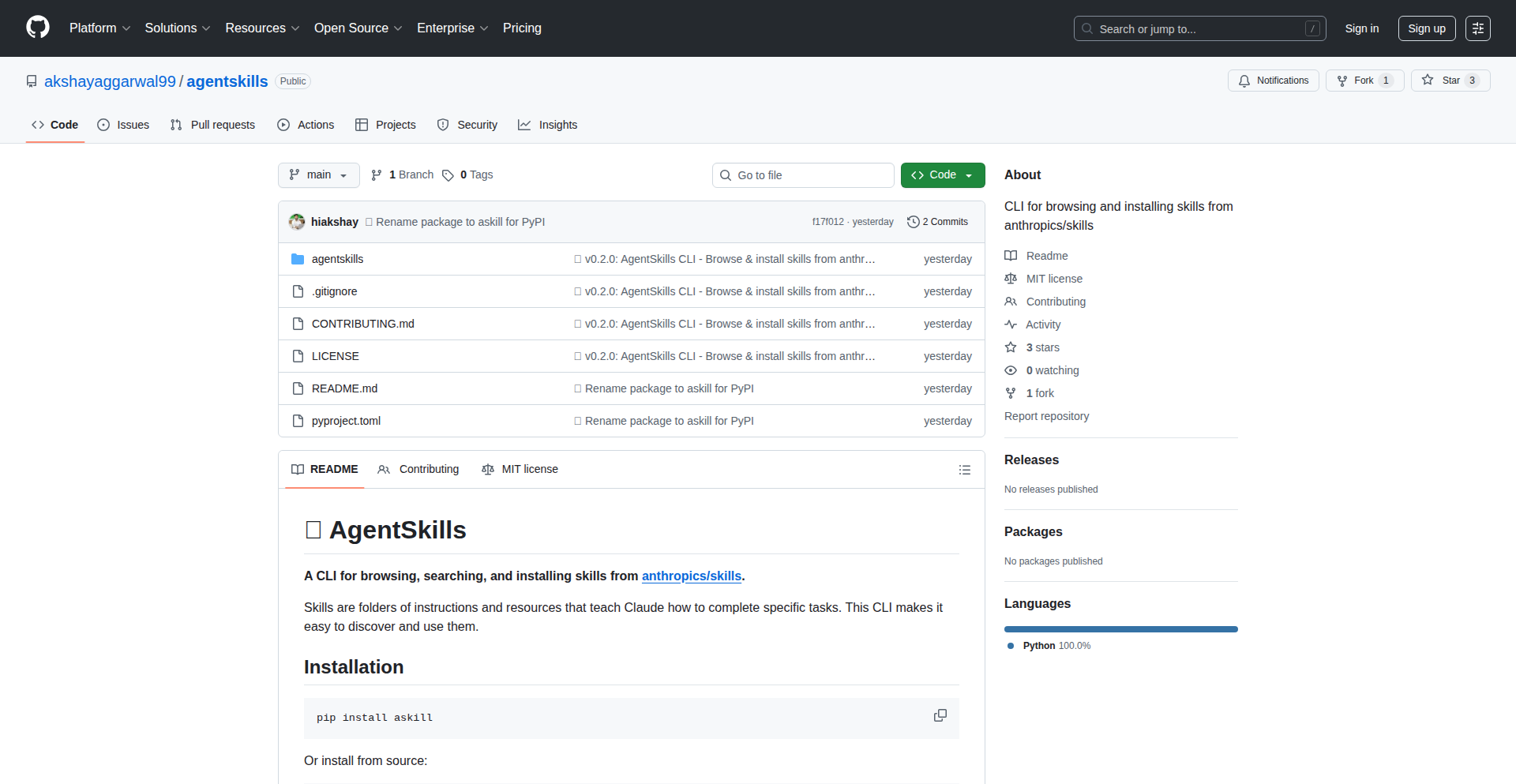
Author
imaka
Description
A command-line interface (CLI) tool designed to simplify the discovery and integration of Anthropic's Claude Skills. It addresses the challenge of finding and applying these pre-built AI functionalities by providing a user-friendly way to browse, search, and install skills directly into your development projects. This offers immediate practical value by saving developers time and effort in leveraging advanced AI capabilities.
Popularity
Points 2
Comments 0
What is this product?
SkillNav CLI is a Python-based command-line tool that acts as a smart catalog and installer for Anthropic's Claude Skills. Anthropic has released a set of pre-built AI functionalities, or 'skills', that can perform tasks like PDF generation, managing Minecraft servers, or designing user interfaces. Previously, accessing and using these skills was cumbersome. SkillNav CLI solves this by cloning the official skill repository and parsing the descriptive markdown files (SKILL.md) associated with each skill. It then presents these skills in a searchable and browsable format, allowing developers to quickly find the skill they need and easily integrate it into their own projects. The innovation lies in abstracting away the complexity of the repository structure and providing a direct pathway to skill utilization, essentially turning a static library into a dynamic, accessible resource for AI-powered development.
How to use it?
Developers can easily install SkillNav CLI using pip: `pip install askill`. Once installed, they can interact with it through simple commands. For instance, to see all available skills, they can run `skill browse`. To find a specific skill, like one for managing Minecraft servers, they'd use `skill search mcp`. If they find a skill they want to use, such as one for PDF generation, they can directly install it into their project environment with a command like `skill use pdf`. This process simplifies the integration of powerful AI functionalities into existing or new projects, making it as straightforward as installing a Python package, thus significantly lowering the barrier to entry for utilizing advanced AI.
Product Core Function
· Browse all available Claude Skills: This function provides a paginated list of all skills that Anthropic has open-sourced. Its value is in allowing developers to discover the breadth of available AI capabilities, even those they might not have known existed, fostering exploration and innovation. This helps answer 'What AI tools can help me build this?', by presenting a curated list of options.
· Search for skills by keyword: This function enables developers to quickly find specific skills based on keywords like 'pdf' or 'mcp'. The value here is efficiency; instead of manually sifting through documentation, developers can pinpoint the exact AI functionality they need, saving significant development time and reducing frustration. This directly addresses 'How can I find a tool for this specific task?'
· Install a skill into your project: This function automates the process of downloading and setting up a chosen skill for use in a developer's project. Its value is in streamlining the integration process, making it as simple as a single command. This reduces the technical overhead of incorporating complex AI features, enabling developers to focus on their core application logic rather than on intricate setup procedures. This answers 'How do I easily add this AI capability to my code?'
Product Usage Case
· A freelance developer building a customer support chatbot needs to automatically generate PDF summaries of customer interactions. Instead of researching and implementing a PDF generation library from scratch, they can use SkillNav CLI to search for and install Anthropic's PDF generation skill. This allows them to quickly integrate this capability into their chatbot, saving hours of development time and ensuring a professional output for their clients.
· A game developer is creating a custom Minecraft server and wants to add automated management features. They can use SkillNav CLI to discover and install the relevant MCP server skills. This enables them to easily add features like automated backups or player management without needing to write complex server administration code themselves, accelerating their game development process.
· A web designer needs to create dynamic user interface elements for a client's application. They can leverage SkillNav CLI to find and integrate frontend design skills. This allows them to rapidly prototype and implement sophisticated UI components, improving the user experience and delivering a more polished product to their client with less effort.
44
AgentAudit: RAG Hallucination Detector
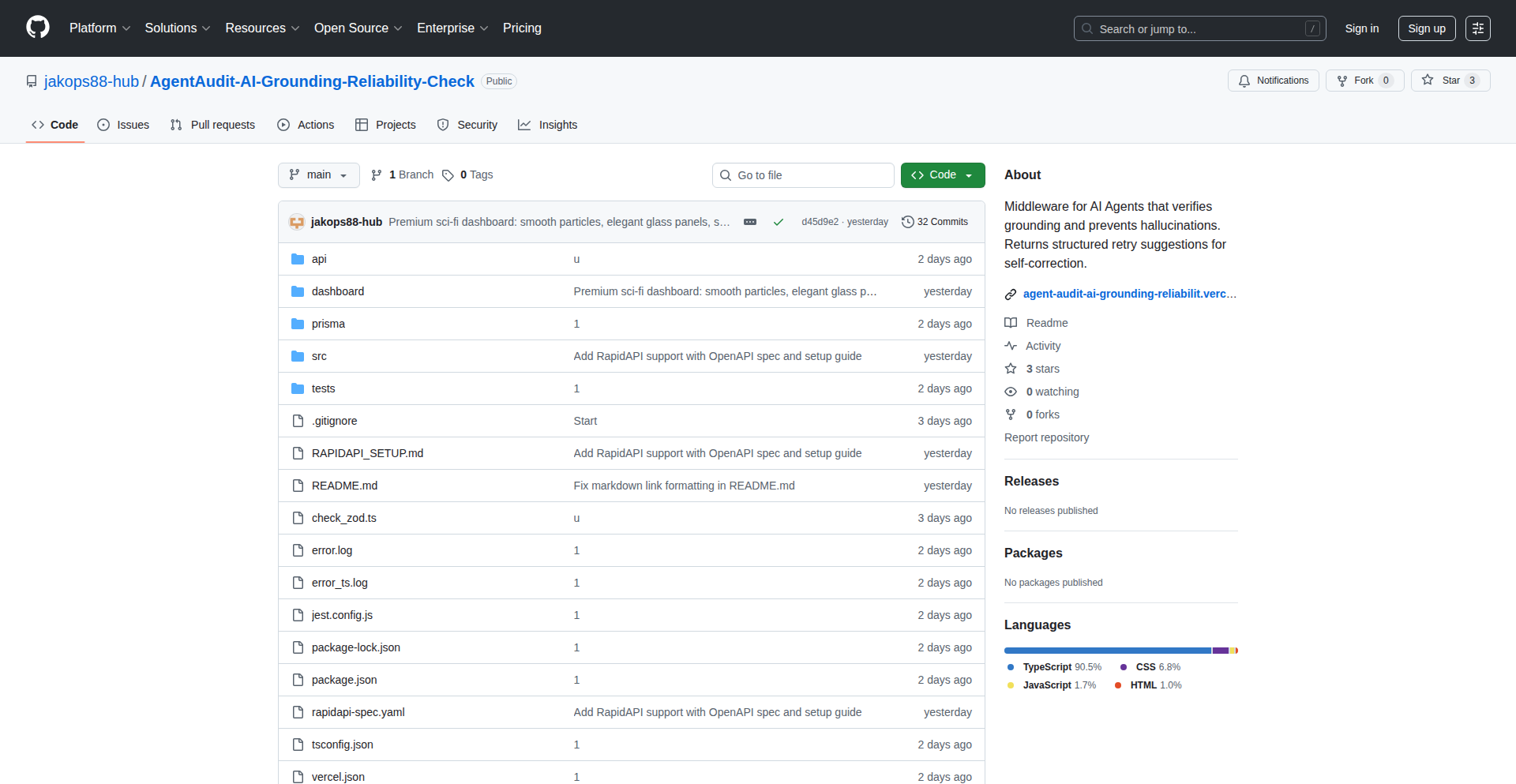
Author
northerndev
Description
AgentAudit is an open-source tool designed to detect and mitigate hallucinations in Retrieval Augmented Generation (RAG) systems. It provides developers with a way to evaluate the factual accuracy of responses generated by AI models that rely on external knowledge bases, addressing a critical challenge in deploying reliable RAG applications.
Popularity
Points 1
Comments 1
What is this product?
AgentAudit is a specialized Python library that acts as a 'fact-checker' for AI systems using RAG. RAG systems work by retrieving relevant information from a large dataset (like documents or web pages) and then using an AI model (like a Large Language Model, or LLM) to generate an answer based on that retrieved information. The problem is that sometimes, even with retrieved information, the AI might 'hallucinate' – meaning it generates an answer that is incorrect, nonsensical, or not supported by the retrieved data. AgentAudit's innovation lies in its ability to systematically analyze the AI's output against the retrieved sources, flagging potential inaccuracies. It achieves this through sophisticated comparison techniques, analyzing semantic similarity, identifying unsupported claims, and providing a score or confidence level for the generated response. This helps ensure that your RAG applications are providing trustworthy and factually grounded information.
How to use it?
Developers can integrate AgentAudit into their RAG pipelines using its Python API. Typically, you would feed the system both the user's query and the retrieved context documents, along with the AI-generated response. AgentAudit then processes these inputs to produce a report detailing potential hallucinations. This can be used in several ways: as a post-processing step to filter or flag unreliable answers before presenting them to users, or as a development tool to debug and improve the RAG system's performance during its training or fine-tuning phases. For example, you could set up an automated system where AgentAudit runs on every generated response, and if a response scores below a certain threshold, it's automatically sent back for review or a 'fallback' answer is provided. This can be easily incorporated into existing LLM orchestration frameworks like LangChain or LlamaIndex.
Product Core Function
· Automated hallucination scoring: AgentAudit analyzes the AI's output against retrieved documents to assign a score indicating the likelihood of hallucination. This is valuable because it provides a quantifiable measure of response trustworthiness, allowing developers to set thresholds for acceptable accuracy and automatically identify problematic outputs.
· Source attribution analysis: The tool can identify which parts of the AI's response are directly supported by the retrieved sources and which are not. This is crucial for understanding where hallucinations originate and for debugging the RAG pipeline. It helps developers pinpoint specific sentences or claims that are problematic.
· Detailed reporting and insights: AgentAudit provides detailed reports that highlight specific inaccuracies, suggest potential reasons for hallucinations, and offer suggestions for improvement. This is useful for iterative development, allowing engineers to quickly understand and address the root causes of AI errors.
· Customizable detection thresholds: Developers can configure the sensitivity of the hallucination detector to suit their specific application needs. This flexibility is important because different applications have varying tolerance levels for inaccuracies, enabling fine-tuning for optimal balance between accuracy and response generation speed.
Product Usage Case
· A customer support chatbot built on RAG for a technical product: If the chatbot provides incorrect troubleshooting steps generated by the AI, AgentAudit can flag these responses, preventing customers from receiving harmful or misleading advice. This improves user trust and reduces support load from incorrect solutions.
· A legal document summarization tool using RAG: When summarizing complex legal texts, the AI might misinterpret or invent details. AgentAudit can identify these inaccuracies, ensuring that summaries are factually correct and legally sound, thus preventing potential legal risks.
· A research assistant that answers questions based on scientific papers: If the AI hallucinates a scientific finding not present in the papers, AgentAudit can detect this, ensuring the research assistant provides reliable and verifiable information, maintaining the integrity of scientific discourse.
45
TweetAutopilot

Author
HansP958
Description
An AI-powered autopilot that generates and schedules your daily X (formerly Twitter) posts, designed to eliminate the repetition of daily content creation and ensure consistent engagement. It leverages AI to create content based on a given topic and automates the posting process, freeing up your time.
Popularity
Points 2
Comments 0
What is this product?
TweetAutopilot is a smart tool that uses Artificial Intelligence (AI) to create your daily X posts. Instead of you spending time thinking of what to post each day, you just provide a topic, and the autopilot takes care of generating the tweet content and scheduling it to be posted automatically throughout the day. The innovation lies in using AI for content generation and then seamlessly integrating it with an automated scheduling system, solving the problem of content fatigue and the need for constant manual posting. So, what's in it for you? It means less time spent on repetitive tasks and more consistent presence on X without the manual effort.
How to use it?
Developers can use TweetAutopilot by simply defining a topic they want to post about. The system then uses AI models to generate tweet content relevant to that topic. Once the content is generated, it's automatically queued for scheduling. Users can monitor upcoming and posted tweets via a simple dashboard. Integration is minimal, requiring no manual copy-pasting of content. This can be used in development workflows where maintaining a consistent social media presence is important for project visibility or community building, without requiring dedicated social media managers. This means you can focus on coding while your project's X account stays active and engaging.
Product Core Function
· Daily tweet generation (AI): Uses advanced AI models to create unique and relevant tweet content based on a user-defined topic. Value: Saves time and creative energy by automating content creation, ensuring a steady stream of posts. Use Case: For individuals or projects that need to maintain a consistent online presence but lack the resources or time for daily manual content creation.
· Automatic scheduling: Posts generated tweets at optimal times throughout the day without manual intervention. Value: Ensures consistent visibility and engagement by distributing posts evenly, overcoming the challenge of manual scheduling. Use Case: To maintain a continuous flow of updates or announcements for a project or personal brand, even when the developer is busy.
· Dashboard to see upcoming/posted tweets: Provides a clear overview of scheduled and already published tweets. Value: Offers transparency and control over the automated posting process, allowing for review and adjustments. Use Case: To monitor the content pipeline, ensure brand consistency, and track post performance.
· Topic-based autopilot: Tailors tweet generation to specific subjects provided by the user. Value: Ensures content relevance and targeted messaging, improving audience connection. Use Case: To create focused campaigns or disseminate information on particular aspects of a project or interest area.
· Minimal setup, no manual copy/paste: Streamlines the process from topic input to post publication. Value: Reduces friction in the content workflow, making automation accessible even for those with limited technical expertise. Use Case: For rapid deployment of content strategies without complex integration or manual handling.
Product Usage Case
· A solo developer building an open-source project could use TweetAutopilot to automatically announce new features, share development progress, and engage with potential users on X. The topic could be 'My Project Updates' or 'Open Source Development Tips'. This solves the problem of needing to constantly market the project while being busy with coding, ensuring it gets visibility and attracts contributors. The value is increased project awareness and community growth.
· A content creator or educator who wants to share daily insights or tips on a specific subject can set up TweetAutopilot with topics like 'Daily Productivity Hack' or 'Programming Tip of the Day'. This automates the process of sharing valuable content, maintaining audience engagement, and establishing expertise without the daily burden of writing and scheduling posts. The value is consistent audience interaction and thought leadership.
· A startup founder aiming to build brand awareness and communicate product updates can use TweetAutopilot to regularly post about their company's mission, new product features, or industry insights. By setting topics related to their business, they can ensure their brand stays top-of-mind for their target audience. This solves the issue of infrequent posting due to a lean team, ensuring consistent brand messaging and potential lead generation.
46
ESIMConnect

Author
iSloth
Description
ESIMConnect is a smart aggregator that simplifies the process of comparing and purchasing eSIM plans from various providers. It addresses the fragmentation and complexity in the travel eSIM market by offering a unified interface and intelligent filtering, making it easier for users to find the best value and coverage for their specific travel needs. The core innovation lies in its data aggregation and smart matching algorithms.
Popularity
Points 2
Comments 0
What is this product?
ESIMConnect is a web platform designed to demystify and streamline the selection of eSIMs for international travelers. It works by collecting data from numerous eSIM providers, including their pricing, data allowances, validity periods, and network coverage information. The innovation is in its ability to present this complex information in an easily digestible format and use intelligent algorithms to match user requirements (like destination, data needs, and budget) with the most suitable eSIM plans. This eliminates the need to visit multiple websites and compare plans manually, saving users time and potential frustration.
How to use it?
Developers can integrate ESIMConnect's functionality into their own travel apps or websites. This can be achieved through a proposed API (Application Programming Interface) that allows applications to query ESIMConnect for available plans based on specific parameters. For example, a travel booking website could embed ESIMConnect's search functionality directly, allowing users to select and purchase an eSIM plan as part of their travel arrangements. Alternatively, individual developers can use it as a reference tool to understand the market and identify trends for building their own solutions.
Product Core Function
· Aggregated eSIM Plan Data: Gathers and centralizes information on various eSIM plans from different vendors. This provides a comprehensive overview, so you can see all your options in one place, making it easier to find the best deals and avoid missing out on cheaper alternatives.
· Intelligent Plan Matching: Uses algorithms to recommend eSIM plans based on user-defined criteria such as destination, required data volume, travel duration, and budget. This saves you the mental effort of sifting through countless plans and ensures you get a plan that truly fits your needs.
· Comparative Analytics: Presents a clear, side-by-side comparison of selected eSIM plans, highlighting key differences in price, data, validity, and coverage. This allows for informed decision-making, ensuring you understand exactly what you're paying for and what you're getting.
· Provider Transparency: Offers details about each eSIM provider, including their reputation and customer reviews (if available). This builds trust and helps you choose a reliable service, so you don't end up with connectivity issues during your trip.
· Real-time Price Updates: Strives to keep pricing and plan availability up-to-date, reflecting the dynamic nature of the eSIM market. This ensures that the information you see is accurate, preventing unexpected costs or unavailability issues when you're ready to purchase.
Product Usage Case
· A travel blogger building a travel planning website could integrate ESIMConnect to offer their readers a one-stop shop for finding and buying eSIMs for their trips. This solves the problem of readers having to search multiple sites, thus enhancing the user experience and potentially monetizing the website through affiliate links.
· A backpacker planning an extended trip across Southeast Asia needs to manage data costs across several countries. They can use ESIMConnect to find the most cost-effective regional or country-specific eSIMs, comparing plans from local providers to avoid expensive roaming charges, directly addressing the challenge of staying connected affordably on a budget.
· A business traveler frequently visiting different continents needs a reliable and quick way to get connected upon arrival. They can use ESIMConnect to pre-purchase an eSIM that will be active upon landing, ensuring immediate internet access for work and communication, solving the pain point of finding and setting up a local SIM card immediately after a flight.
47
CBORInsight
Author
0xcb0
Description
CBORInsight is a learning tool designed to demystify CBOR (Concise Binary Object Representation), a data serialization format. It allows users to encode, decode, and compare CBOR data, offering a visual hex viewer to illustrate the decoding process. This project leverages AI to translate RFC specifications into functional code, providing a unique approach to understanding complex data formats and their implementation.
Popularity
Points 2
Comments 0
What is this product?
CBORInsight is an experimental application built to help developers and enthusiasts understand the CBOR data format. It works by taking data you provide, converting it into CBOR's compact binary format (encoding), and then converting it back into a human-readable structure (decoding). A key innovation is its visual hex viewer, which shows you byte-by-byte how the binary data corresponds to the decoded structure. This makes it much easier to grasp the underlying encoding rules, especially for those new to CBOR or binary formats. The project also uses AI to help formalize the technical rules found in the CBOR specification (RFC 8949) into actual, working code, demonstrating a novel way to bridge theoretical specifications and practical implementation.
How to use it?
Developers can use CBORInsight as a sandbox to experiment with CBOR data. You can paste in data you want to serialize and see how it looks in CBOR, or paste CBOR data to understand its content. Its primary use case is for learning and debugging. For instance, if you're working with systems that use CBOR (like some blockchain technologies), you can use CBORInsight to inspect and validate your data. You can also compare two CBOR values to see what changes have occurred. Integration would typically involve using the underlying open-source CBOR parser (linked in the project's 'about' section) within your own applications, or simply using the web interface for quick analysis.
Product Core Function
· CBOR Encoding: Converts standard data types (like strings, numbers, arrays, objects) into the compact binary CBOR format. This is valuable because it helps understand how data is efficiently represented for transmission or storage, which is crucial for performance-sensitive applications.
· CBOR Decoding: Translates CBOR binary data back into its original, human-readable data structure. This is useful for inspecting data you receive from external sources or for debugging your own CBOR serialization logic, allowing you to see exactly what the binary data represents.
· Hex Visualization Viewer: Displays CBOR data in a hexadecimal format alongside its decoded representation. This provides a granular, byte-level view of the encoding process, greatly aiding in understanding the intricacies of how CBOR structures are formed and making complex binary data more accessible.
· CBOR Diffing: Compares two CBOR values and highlights their differences. This is incredibly useful for tracking changes in data over time or for debugging by pinpointing exactly what has been altered in a CBOR payload.
· AI-driven Specification Formalization: Utilizes AI to interpret and implement rules from official CBOR specifications into code. This represents an innovative approach to software development, potentially accelerating the creation of accurate parsers and promoting greater adherence to standards.
Product Usage Case
· A blockchain developer working with Cardano transactions needs to understand a specific transaction's payload. They can use CBORInsight to decode the transaction data, view its structure visually in the hex viewer, and identify key components like sender, receiver, and amount, helping them debug issues or verify data integrity.
· A developer building an IoT device that sends sensor data needs to optimize for minimal bandwidth. They can use CBORInsight to encode their data into CBOR and observe the resulting binary size, comparing it to other formats to confirm CBOR's efficiency and understanding how different data types contribute to the overall size.
· A student learning about data serialization formats encounters CBOR for the first time. They can use CBORInsight to actively experiment by encoding various pieces of data and then decoding them, using the hex viewer to see the low-level transformations. This hands-on approach significantly accelerates their learning curve compared to just reading documentation.
· A team is experiencing intermittent data corruption issues with a microservice that communicates using CBOR. They can use the diffing feature of CBORInsight to compare 'good' and 'bad' data payloads, quickly pinpointing the exact bytes or structural elements that are being altered incorrectly, leading to faster resolution of the bug.
48
Vibe AI Animator

Author
chiengineer
Description
Vibe AI Animator is a proof-of-concept project showcasing the potential of AI-generated animations within static websites. It leverages Astro and Tailwind CSS to build a fast, modern site, but its core innovation lies in its ambitious over-engineering for exploring the capabilities of AI models in creating a wide range of animations, from subtle effects to complex sequences. This project demonstrates how AI can be integrated to add dynamic visual flair to otherwise static content, offering a glimpse into future web design possibilities.
Popularity
Points 1
Comments 1
What is this product?
Vibe AI Animator is an experimental static website built with Astro and Tailwind CSS, designed to test the limits of AI in generating rich animations. The project intentionally pushes boundaries by over-engineering its animation system, aiming to prove that AI models can handle complex visual storytelling and interactivity within web environments. Think of it as an AI that can now draw and animate things on your webpage, and this project is showing how it can do it at a very advanced level, even if it's more than what's strictly needed for a typical site.
How to use it?
While this is a demonstration project and not a polished product for general use, developers can use it as inspiration for integrating AI-driven animations into their own Astro or similar static site projects. The core idea is to explore how AI can be prompted or trained to generate animation data (like keyframes or CSS transitions) that can then be applied to HTML elements. A developer could adapt the underlying AI principles to generate custom animations for specific UI elements, marketing banners, or interactive learning modules.
Product Core Function
· AI-powered animation generation: The project aims to use AI models to create a diverse array of animations, from simple fades and slides to more intricate character movements or complex data visualizations. The value here is automating the creation of visually engaging elements that would otherwise require significant manual effort from animators or designers.
· Astro static site integration: Built with Astro, the site is inherently fast and SEO-friendly. This demonstrates that advanced AI animations can coexist with performant static web architectures, meaning you can have cool animations without sacrificing website speed.
· Tailwind CSS for styling and animation hooks: Tailwind CSS provides utility classes for rapid styling and can be used to apply the generated animations. This shows a practical workflow for applying AI-generated visuals to a well-structured design system.
· Extensive animation capability testing: The project's deliberate over-engineering serves to identify the boundaries of AI in animation. This is valuable for the developer community as it reveals the potential and limitations, guiding future research and development in AI-assisted web design.
Product Usage Case
· A developer wants to create an animated product showcase on their e-commerce site to highlight features. Vibe AI Animator's approach could inspire them to use AI to generate dynamic animations that cycle through product details, making the showcase more engaging without manual animation work.
· A content creator needs to add interactive elements to an educational article. This project demonstrates how AI could potentially generate animations for concepts or diagrams, making learning more dynamic and accessible, as opposed to static images.
· A designer is exploring new ways to build engaging landing pages. Vibe AI Animator shows a bleeding-edge method of using AI to generate unique, eye-catching animations that can differentiate their site and capture user attention more effectively than standard web animations.
49
Atlas4D: The Open-Source Geospatial Temporal Engine
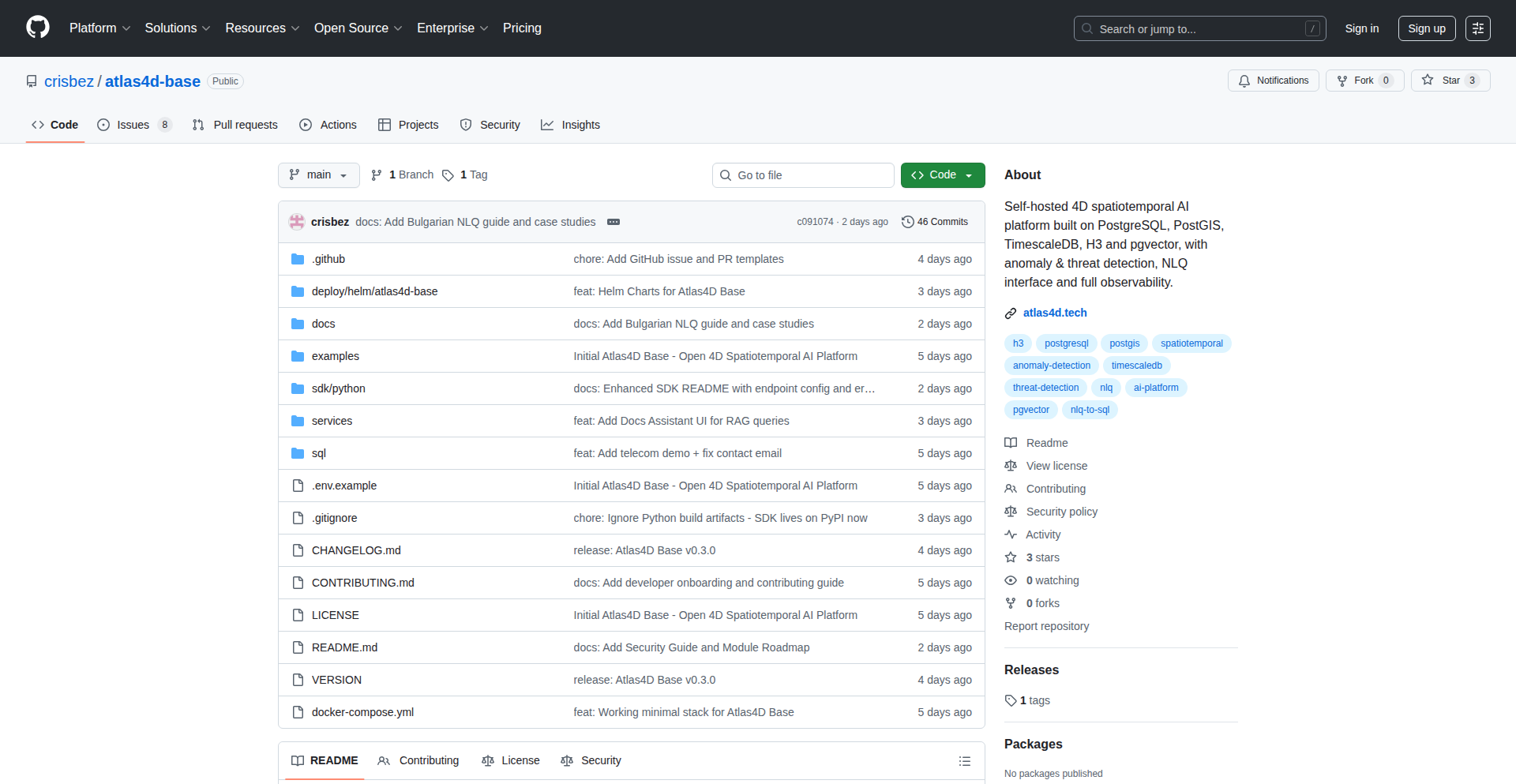
Author
atlas4d
Description
Atlas4D is an open-source platform that extends PostgreSQL to handle and analyze 4D spatiotemporal data. This means it's designed to efficiently manage and query information that changes over both space and time, like tracking the movement of objects or the evolution of environmental conditions. The innovation lies in its deep integration with PostgreSQL, allowing developers to leverage the power of a robust relational database for complex geospatial-temporal analysis without needing specialized, separate systems. So, this helps you manage and understand dynamic, location-aware data in a powerful and integrated way.
Popularity
Points 2
Comments 0
What is this product?
Atlas4D is an open-source extension for PostgreSQL that adds capabilities for handling 4D spatiotemporal data. '4D' here refers to three dimensions of space plus time. Think of it like adding super powers to your existing database to understand how things move and change across both geography and time. Its core innovation is how it deeply integrates this functionality into PostgreSQL, allowing you to use familiar SQL queries to analyze complex datasets that evolve over space and time, such as tracking vehicle movements, monitoring weather patterns, or understanding urban development. This means you can get powerful insights from your data without learning entirely new, complex platforms. So, this gives you advanced data analysis capabilities for dynamic, location-based information directly within your trusted database.
How to use it?
Developers can use Atlas4D by installing it as an extension to their PostgreSQL database. Once installed, they can define tables that store spatiotemporal data (e.g., points with timestamps, trajectories). They can then use specialized SQL functions provided by Atlas4D to perform queries like finding all objects within a certain area at a specific time, calculating the shortest path between two points considering past movements, or identifying areas where events frequently occur over time. This integrates seamlessly into existing database workflows and applications that already use PostgreSQL. So, you can easily add sophisticated spatial and temporal analysis to your existing applications by extending your database.
Product Core Function
· Spatiotemporal Data Storage: Efficiently stores data points with spatial coordinates (latitude, longitude, altitude) and a timestamp, allowing for rich tracking of changes over space and time. This is valuable for applications needing to record historical locations of assets or events.
· Temporal Querying: Enables queries that consider the time dimension, such as 'what was the state of X at time Y?' or 'how long did X remain in area Z?'. This helps in understanding historical trends and durations of specific conditions.
· Spatial Indexing with Temporal Awareness: Utilizes advanced indexing techniques that consider both spatial proximity and temporal proximity, significantly speeding up queries that involve searching for data within specific geographic regions and timeframes. This dramatically improves the performance of complex analysis.
· Trajectory Analysis: Provides functions to analyze sequences of spatiotemporal points, such as calculating movement speeds, detecting stops, or identifying patterns in movement. This is crucial for logistics, fleet management, and behavioral analysis.
· Geospatial Operations on Temporal Data: Allows applying standard geospatial operations (like buffering, intersection, or distance calculation) to data that is also changing over time, enabling sophisticated spatio-temporal analytics. This allows for complex scenario analysis, like 'which areas were affected by an event over its duration?'
Product Usage Case
· Fleet Management: A logistics company could use Atlas4D to track its entire fleet in real-time, analyze past routes, identify inefficient stops, and optimize future delivery paths based on historical movement patterns. This solves the problem of managing and understanding complex vehicle movements to improve efficiency and reduce costs.
· Environmental Monitoring: Researchers could deploy Atlas4D to store and analyze sensor data from a network of environmental sensors across a region, tracking how pollution levels or temperature changes over time and space. This helps in understanding environmental impacts and identifying pollution sources.
· Urban Planning: City planners could use Atlas4D to analyze the movement patterns of citizens, study the usage of public spaces over time, and model the impact of new infrastructure projects on traffic flow and accessibility. This allows for data-driven decision-making to improve urban living.
· IoT Device Tracking: Developers of IoT solutions could use Atlas4D to track the location and operational status of devices that change location, such as drones or mobile sensors, over their lifespan. This provides a unified platform for managing and analyzing the performance of distributed, mobile assets.
50
GranolaNotes2Obsidian
Author
tomelliot
Description
This project is a bridge between your Granola meeting notes and transcripts and your Obsidian knowledge management system. It innovates by automating the process of importing and structuring this valuable information, so you can instantly access and connect your meeting insights within your personal knowledge base. The core technical challenge is transforming disparate data formats into a usable, linked structure within Obsidian.
Popularity
Points 2
Comments 0
What is this product?
This is a utility that takes your meeting notes and audio transcripts generated by Granola (a tool for recording and transcribing meetings) and imports them directly into Obsidian, a popular note-taking and knowledge management application. The innovation lies in the intelligent parsing and formatting of Granola's output to create structured notes in Obsidian, complete with links and relevant metadata. This avoids manual copy-pasting and ensures your meeting summaries and key takeaways are readily searchable and interconnected with your other notes. Think of it as an automated librarian for your meeting intelligence.
How to use it?
Developers can integrate this project into their workflow by running it as a script or a plugin (depending on the project's specific implementation, which is often the case for HN projects). You would typically point the script to your Granola output directory and specify your Obsidian vault location. The project then processes the files, creating new notes or updating existing ones in Obsidian with the meeting content and transcriptions. This allows for seamless incorporation of meeting data into your existing research, project management, or personal knowledge graphs within Obsidian. The technical value here is in simplifying data integration and workflow automation for individuals who rely on both Granola and Obsidian.
Product Core Function
· Automated import of Granola meeting notes: This function parses Granola's output files (likely in formats like Markdown or JSON) and creates corresponding notes within your Obsidian vault. This saves significant manual effort, allowing you to focus on the content rather than the organization.
· Transcript integration and linking: The project intelligently processes audio transcriptions from Granola, embedding them within the Obsidian notes. Crucially, it often adds links to specific timestamps in the transcript, allowing you to jump directly to the relevant part of the audio. This drastically improves the usability of meeting records.
· Structured data formatting: It transforms raw meeting data into a structured format that Obsidian understands, such as creating headings, bullet points, and metadata tags. This ensures your meeting notes are not just dumped but are organized for easy searching and linking with other knowledge.
· Metadata extraction and application: The system extracts key information like meeting dates, attendees, and topics from Granola's output and applies it as metadata within Obsidian. This enriches your notes with context and facilitates more powerful filtering and searching capabilities within your knowledge base.
Product Usage Case
· A project manager who records all client calls can use this to automatically import call summaries and transcripts into Obsidian, linking them to specific project notes. This provides immediate context for decisions made and allows for quick recall of client discussions, solving the problem of scattered and unsearchable meeting records.
· A researcher who uses Granola to record interviews can leverage this tool to seamlessly transfer interview transcripts and notes into their Obsidian research vault. This enables them to easily connect interview insights to their literature reviews and experimental data, accelerating the research process and preventing valuable information from getting lost.
· A student who records lectures and team study sessions can use this to organize all their academic meeting notes and transcripts in Obsidian. They can then link these notes to specific course modules or assignments, making it easier to revise and prepare for exams, thereby solving the challenge of fragmented study materials.
51
Claude Memory CLI
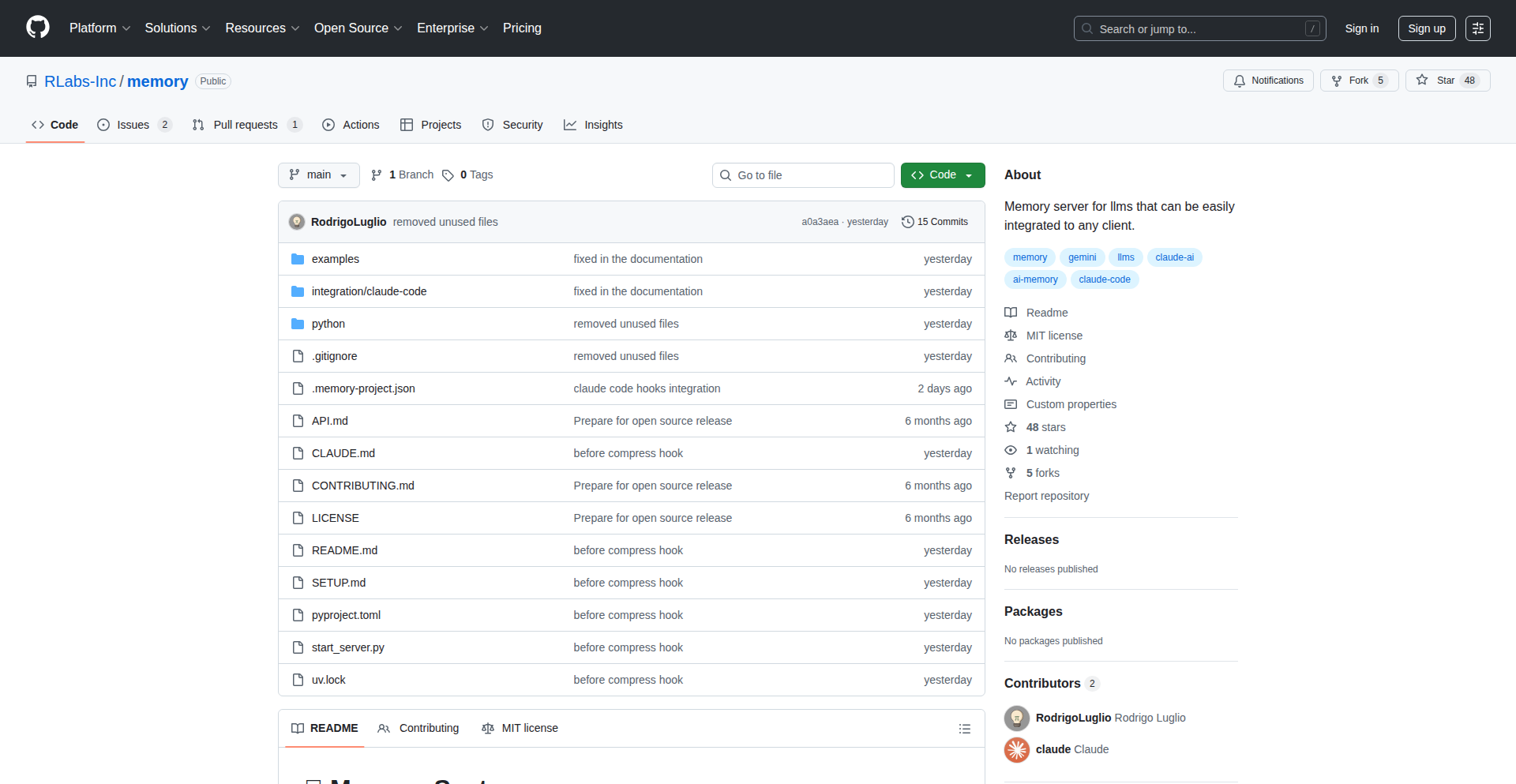
Author
RustyNail96
Description
A persistent memory system for command-line interfaces (CLIs) powered by Claude, allowing for context retention across sessions. It solves the problem of statelessness in typical CLI interactions by enabling Claude to 'remember' past conversations and commands, enhancing its utility for complex, multi-turn tasks.
Popularity
Points 1
Comments 1
What is this product?
This project is a novel application of large language models (LLMs) within the command-line environment. Unlike traditional CLIs that treat each command in isolation, this system creates a 'memory' for Claude. It achieves this by storing past interactions (prompts and Claude's responses) in a structured format, and then feeding this history back into subsequent prompts. This allows Claude to maintain context, understand follow-up questions, and build upon previous information, making it function more like a continuous assistant rather than a one-off tool. The innovation lies in its application of LLM context management to a traditionally state-less domain, enabling a more intelligent and interactive CLI experience.
How to use it?
Developers can integrate this memory system into their existing Claude-powered CLIs. The core idea is to capture the user's input and Claude's output, store it, and then prepend a summarized or relevant portion of this history to the next prompt sent to Claude. This could involve using a simple file-based storage (like a JSON or text file) for shorter memories, or a more sophisticated vector database for longer-term, semantic retrieval of past interactions. The usage scenario is straightforward: you interact with your CLI as usual, and the underlying system automatically manages the memory, ensuring Claude has the necessary context for your next command. For example, if you're asking Claude to write a script, it can now remember the requirements you've already discussed without you having to repeat them.
Product Core Function
· Persistent conversation history: Stores all prompts and responses, so you don't lose your train of thought. This is valuable because it means Claude can recall previous instructions and information, saving you time and effort from re-explaining.
· Contextual prompt augmentation: Automatically includes relevant past interactions in new prompts, allowing Claude to understand follow-up questions and nuances. This is beneficial as it enables more sophisticated, multi-step tasks by giving Claude the background it needs to generate accurate and relevant output.
· Session continuity: Maintains the state of your interaction across multiple CLI sessions. This is useful for long-term projects or when you need to pause and resume your work with Claude, as it picks up exactly where you left off.
· On-demand memory retrieval (potential future feature): The ability to query the memory for specific past information. This would be powerful for quickly referencing past decisions or discussions within your CLI workflow.
Product Usage Case
· Code generation assistant: Imagine asking Claude to write a Python script to parse log files. In the first turn, you specify the file format. In the second turn, you ask it to add error handling. With memory, Claude remembers the file format from the first turn and can directly implement error handling without you having to reiterate the format. This solves the problem of Claude forgetting specific details mid-task.
· Documentation summarization: You could feed a long document to Claude piece by piece, asking it to summarize sections. The memory system ensures Claude remembers the overall document structure and themes discussed in earlier parts, leading to a more coherent and comprehensive final summary. This addresses the challenge of maintaining context over large amounts of input.
· Configuration management: If you're using Claude to help configure a complex system, you can iteratively refine settings. The memory allows Claude to recall previous configuration choices and their implications, preventing contradictory settings and guiding you towards a stable configuration. This is valuable for complex, iterative problem-solving.
52
Potato AI Meeting Assistant

Author
rsdza
Description
Potato is an AI-powered meeting assistant designed to extract actionable insights from your conversations. It leverages advanced Natural Language Processing (NLP) techniques to transcribe, summarize, and identify key takeaways from virtual meetings, transforming passive listening into proactive productivity. The innovation lies in its ability to not just record, but to intelligently process and present information, offering real-time value and reducing post-meeting manual effort.
Popularity
Points 1
Comments 1
What is this product?
Potato is an AI meeting assistant that automatically transcribes, summarizes, and identifies action items and key decisions from your online meetings. It uses sophisticated NLP models to understand the context of conversations, distinguishing between general discussion and concrete outcomes. This means you get a structured, easily digestible output rather than just raw audio. The core innovation is its ability to perform 'intelligent processing' of spoken language, turning unstructured meeting audio into structured, actionable data. So, what's in it for you? You'll spend less time taking notes and more time focusing on the conversation, knowing that the important details are being captured and organized for you.
How to use it?
Developers can integrate Potato into their existing meeting workflows. It can be used as a standalone tool or potentially integrated with popular video conferencing platforms. The typical usage scenario involves joining a meeting via a link or by granting access to your calendar. Potato then records the audio, processes it in real-time or post-meeting, and provides a summary, action items, and key decision points. For developers, this means a more efficient way to manage meeting follow-ups and project tracking. The value proposition is a streamlined workflow and improved accountability.
Product Core Function
· Automated Meeting Transcription: Converts spoken words into text in real-time, ensuring no detail is lost. This provides a searchable record of the entire discussion, useful for recall and auditing. So, what's in it for you? You can revisit any part of the conversation easily without re-listening.
· Intelligent Summarization: Generates concise summaries of meeting discussions, highlighting the main points and outcomes. This saves you time by providing an overview of what was discussed without needing to read through lengthy transcripts. So, what's in it for you? Quickly grasp the essence of the meeting without reading everything.
· Action Item Identification: Automatically detects and extracts action items assigned to specific individuals, along with deadlines. This improves accountability and ensures tasks are not forgotten. So, what's in it for you? Never miss an action item or forget who is responsible for what.
· Key Decision Tracking: Pinpoints and lists the crucial decisions made during the meeting. This provides a clear record of agreed-upon paths forward. So, what's in it for you? Have a definitive record of decisions made to avoid future confusion.
Product Usage Case
· Project Management: During a project status meeting, Potato can identify and list all new tasks assigned, their owners, and deadlines, which can then be directly added to a project management tool. This solves the problem of manual task entry and ensures project momentum. So, what's in it for you? Streamlined task management and better project tracking.
· Sales Follow-ups: After a client demo, Potato can extract key client objections and requested features, providing the sales team with a prioritized list of follow-up actions. This helps in crafting personalized and effective post-meeting engagement. So, what's in it for you? More effective sales follow-ups and improved customer engagement.
· Team Collaboration: In a brainstorming session, Potato can capture all the generated ideas and their brief descriptions, making it easier to organize and prioritize them for future development. This avoids the loss of valuable creative input. So, what's in it for you? Better organization and utilization of creative ideas.
53
CogniTask Flow

Author
4mitkumar
Description
CogniTask Flow is an innovative, single-file, completely offline To-Do app inspired by Cognitive Behavioral Therapy (CBT) principles. It focuses on structured productivity with unique workflows designed to build momentum and manage user emotions, offering a fresh approach to task management for individuals seeking a more mindful and effective way to get things done.
Popularity
Points 1
Comments 1
What is this product?
CogniTask Flow is a personal productivity tool that leverages CBT concepts to help users manage their tasks. Unlike typical to-do lists, it imposes constraints like a maximum of three active tasks at any given time. This is a deliberate design choice to combat overwhelm and encourage focus. It employs a 'smallest next step' suggestion mechanism, akin to breaking down complex problems into manageable parts, which is a core CBT technique for overcoming procrastination. Furthermore, it includes features to acknowledge and address emotional states related to task completion, and generates progress reports to foster self-awareness and motivation. The innovation lies in its integration of psychological principles directly into the task management workflow, offering a more holistic approach than standard digital organizers.
How to use it?
Developers can use CogniTask Flow as a standalone personal productivity tool. Its single-file nature makes it incredibly portable and easy to set up – simply download and run. For integration, its opinionated workflows can serve as a blueprint or inspiration for building custom productivity tools within larger applications or platforms. Developers could, for instance, extract the core logic for task prioritization, emotional state acknowledgment, or progress reporting to enhance their own projects. The customizable nature allows users to adapt its workflows to their specific needs, making it a versatile tool for personal or team productivity enhancements.
Product Core Function
· Task Limiting: Restricts active tasks to a maximum of three, fostering focus and preventing overwhelm. This technical implementation of a cognitive constraint helps users manage cognitive load and improve task completion rates.
· Smallest Next Step Suggestion: Dynamically identifies and suggests the most manageable next action for any given task, reducing procrastination and building momentum. This involves a form of task decomposition logic tailored to user input and progress.
· Emotional State Acknowledgment: Provides prompts or mechanisms for users to log and acknowledge their emotional state related to tasks, offering a pathway for users to understand and manage the psychological aspects of productivity.
· Progress Reporting: Generates reports on task completion, momentum, and possibly emotional trends, enabling users to reflect on their progress and identify patterns. This typically involves data aggregation and visualization of user activity.
· Customizable Workflows: Allows users to adjust parameters and preferences within the app to tailor the experience to their unique productivity style and goals.
Product Usage Case
· Scenario: A freelance developer struggling with multiple project deadlines and feeling overwhelmed. How it solves the problem: By limiting active tasks to three, CogniTask Flow forces the developer to prioritize and focus on what's most critical, reducing the feeling of being swamped and increasing the likelihood of completing those key tasks.
· Scenario: A student facing a large research paper and feeling paralyzed by the scope of the work. How it solves the problem: The 'smallest next step' feature will break down the daunting paper into smaller, actionable items like 'outline introduction' or 'find three sources,' making the task feel achievable and encouraging consistent progress.
· Scenario: A product manager experiencing burnout from constant task switching and high-pressure meetings. How it solves the problem: The emotional state acknowledgment feature allows the PM to log feelings of stress or frustration, prompting reflection and potentially guiding them to take a break or adjust their approach, preventing burnout and maintaining long-term productivity.
· Scenario: A team lead wanting to encourage more mindful work habits within their team. How it solves the problem: While the current app is personal, the underlying principles can inspire the lead to implement similar task-limiting or 'next step' guidance in team project management tools, fostering a culture of focused and deliberate work.
54
SharpSkill.fr: Interview Resilience Engine

Author
Enjoyooor
Description
SharpSkill.fr is a platform designed to revolutionize technical interview preparation. It addresses the common developer frustration of not succeeding in technical interviews due to various reasons by offering a unique blend of real-world use case scenarios, interactive flashcards, and realistic interview simulators. The core innovation lies in its approach to simulating actual developer tasks and interview environments, aiming to equip users with the confidence and practical skills needed to ace their next technical assessment. This moves beyond rote memorization and into practical application and stress management.
Popularity
Points 1
Comments 1
What is this product?
SharpSkill.fr is a sophisticated technical interview preparation tool that leverages practical, real-world use cases and simulated interview environments. Unlike traditional study methods that focus solely on theoretical knowledge, SharpSkill.fr exposes developers to the types of problems they'd encounter in a live technical interview. It uses interactive flashcards to reinforce key concepts and a simulator that mimics the pressure and format of actual interviews. The innovation here is the shift from passive learning to active problem-solving under simulated pressure, mirroring the demands of a real technical interview. This helps developers build not just knowledge, but also the crucial ability to think critically and communicate effectively when it matters most. So, what's in it for you? It means you'll be better prepared for the real challenges of a technical interview, boosting your confidence and your chances of landing that dream job.
How to use it?
Developers can use SharpSkill.fr by visiting the website and engaging with its core features. They can start by exploring the real-use case scenarios, which are essentially miniature coding challenges or problem-solving exercises mirroring typical interview tasks. Next, they can utilize the flashcard system to quickly review and solidify their understanding of specific technical concepts, languages, or data structures. The most impactful feature is the interview simulator, where users can practice answering technical questions, explaining their thought processes, and even engaging in mock coding sessions. This can be integrated into a developer's study routine, acting as a dedicated practice ground. So, how does this benefit you? You get a hands-on way to practice your interview skills in a safe, simulated environment, allowing you to identify and improve your weak spots before the actual interview.
Product Core Function
· Real-world use case scenarios: Provides practical, code-centric problems that mirror actual developer tasks encountered in interviews, fostering hands-on problem-solving skills and demonstrating practical application of knowledge. For you, this means practicing what you'll actually do on the job, not just what you've read.
· Interactive flashcards: Offers a dynamic way to review and memorize technical concepts, algorithms, and data structures, ensuring fundamental knowledge is readily accessible. For you, this means efficiently reinforcing your understanding of key technical topics.
· Technical interview simulator: Mimics the pressure and format of live technical interviews, allowing users to practice answering questions, explaining their logic, and managing time effectively. For you, this means building confidence and resilience under interview conditions.
Product Usage Case
· A junior developer preparing for their first software engineering role can use SharpSkill.fr to practice common front-end interview questions, specifically focusing on JavaScript and React use cases. The simulator helps them articulate their solutions clearly and concisely. This solves the problem of feeling unprepared and unsure how to explain their code.
· An experienced developer transitioning to a new tech stack can use SharpSkill.fr to refresh their knowledge of core data structures and algorithms by utilizing the flashcards, and then test their understanding through problem-solving scenarios related to the new stack. This helps them bridge knowledge gaps and demonstrate proficiency in unfamiliar areas.
· A developer who struggles with interview anxiety can use the interview simulator repeatedly to desensitize themselves to the pressure, practicing their communication skills and logical thinking under stress. This directly addresses the challenge of performance anxiety during critical moments.
55
PaperProfit: Interactive Investing Sandbox
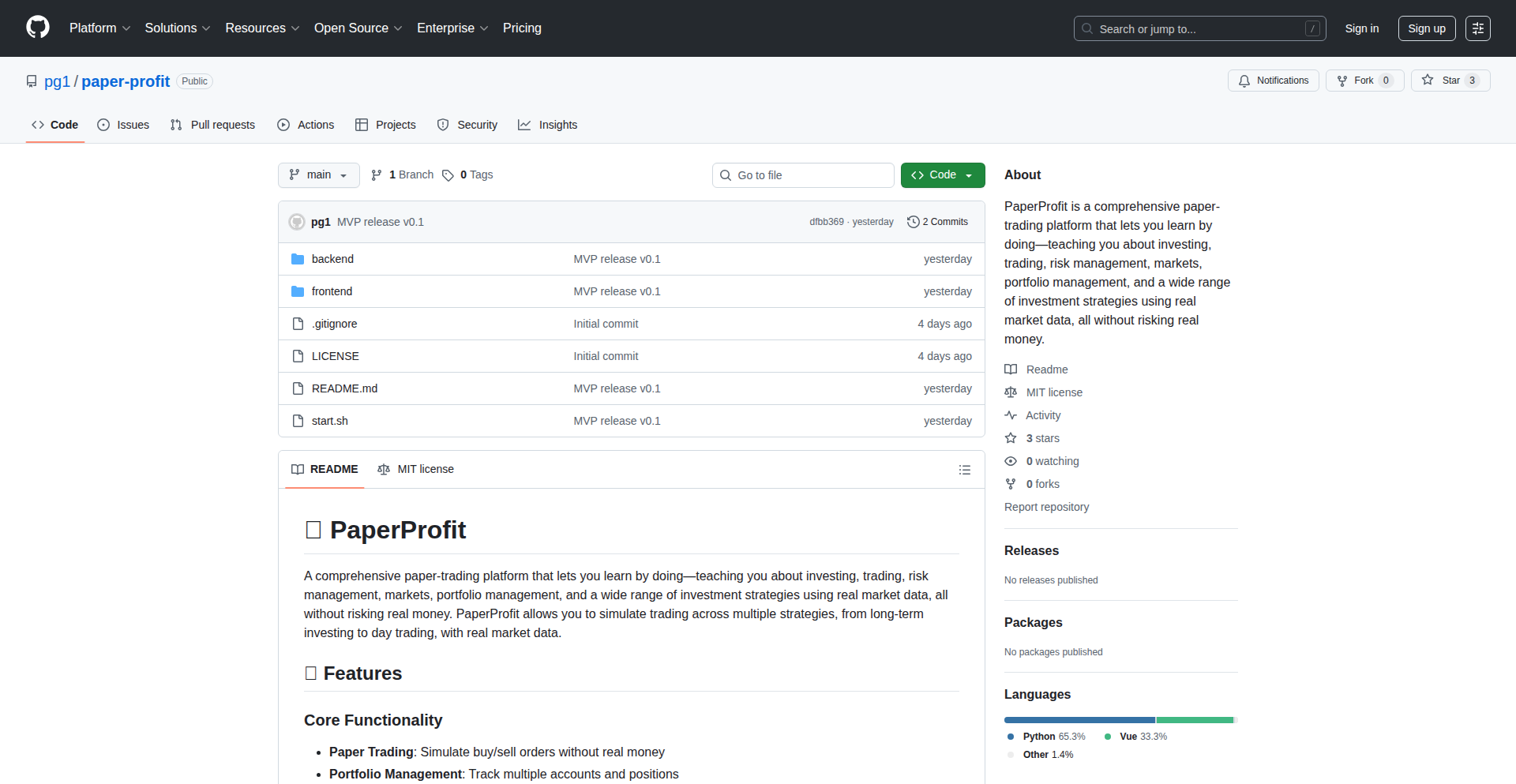
Author
pg1
Description
PaperProfit is a 'Show HN' project that offers an interactive platform for learning investing and trading through practical simulation. It addresses the challenge of gaining real-world trading experience without financial risk by providing a realistic, hands-on environment. The innovation lies in its ability to let users execute trades, manage portfolios, and observe market dynamics, effectively bridging the gap between theoretical knowledge and practical application in finance.
Popularity
Points 2
Comments 0
What is this product?
PaperProfit is essentially a virtual trading simulator. Instead of using real money, users can experiment with buying and selling stocks, understanding how their investment decisions would play out in actual market conditions. The core technical innovation here is building a robust simulation engine that accurately models stock price movements and transaction costs, allowing for a believable and educational trading experience. It's like a 'sandbox' for your investment ideas. So, what's in it for you? You get to learn the ropes of investing and trading, understand market volatility, and develop strategies without risking a single dollar of your own money. This is invaluable for beginners and even seasoned traders looking to test new approaches.
How to use it?
Developers and aspiring investors can access PaperProfit, typically through a web interface or a dedicated application. The process involves creating an account, receiving a virtual cash balance, and then interacting with a simulated stock market. Users can search for specific stocks, place buy or sell orders with various order types (e.g., market orders, limit orders), and monitor their portfolio's performance over time. The platform likely leverages real-time or near-real-time market data APIs to feed the simulation engine. Integration for developers might involve using its API to build custom trading bots or analyze simulated trading strategies programmatically. So, how does this benefit you? You can start practicing your investment strategies immediately, see how they perform, and learn from your virtual mistakes, all within a controlled and risk-free environment, accelerating your learning curve.
Product Core Function
· Real-time Market Simulation: Mimics live stock market behavior using historical or near-live data to provide realistic price fluctuations. This allows users to understand how market events impact their virtual investments, giving them a practical sense of market dynamics.
· Virtual Portfolio Management: Enables users to track their virtual holdings, view unrealized gains/losses, and analyze portfolio diversification. This helps users develop an understanding of portfolio construction and risk management principles.
· Order Execution Engine: Simulates various order types (market, limit, stop-loss) and their execution based on market conditions. This teaches users about order mechanics and the nuances of executing trades effectively.
· Historical Data Analysis: Allows users to backtest their trading strategies against historical market data to assess their potential profitability. This provides a data-driven approach to strategy development and refinement.
· Educational Content Integration: May include embedded learning modules or tutorials explaining trading concepts alongside the simulation. This bridges the knowledge gap by providing context and guidance as users learn by doing.
Product Usage Case
· A beginner investor wants to understand how to buy and sell stocks and what a stock portfolio looks like. They can use PaperProfit to practice placing buy/sell orders for different companies and see how their virtual portfolio grows or shrinks based on simulated market movements, all without any financial risk.
· An experienced trader wants to test a new algorithmic trading strategy before deploying it with real capital. They can use PaperProfit to run their strategy in a simulated environment using historical data, analyzing its performance and identifying potential flaws before risking real money.
· A finance student needs to complete an assignment requiring them to manage a virtual investment portfolio. PaperProfit provides a realistic platform for them to apply classroom theories in a practical, hands-on manner, demonstrating their understanding of market principles.
· A developer is building a financial education app and needs a component to simulate stock trading. They could potentially integrate with PaperProfit's backend or use its core logic to allow their users to practice trading within their application, enhancing user engagement.
56
Cobol Navigator Pro
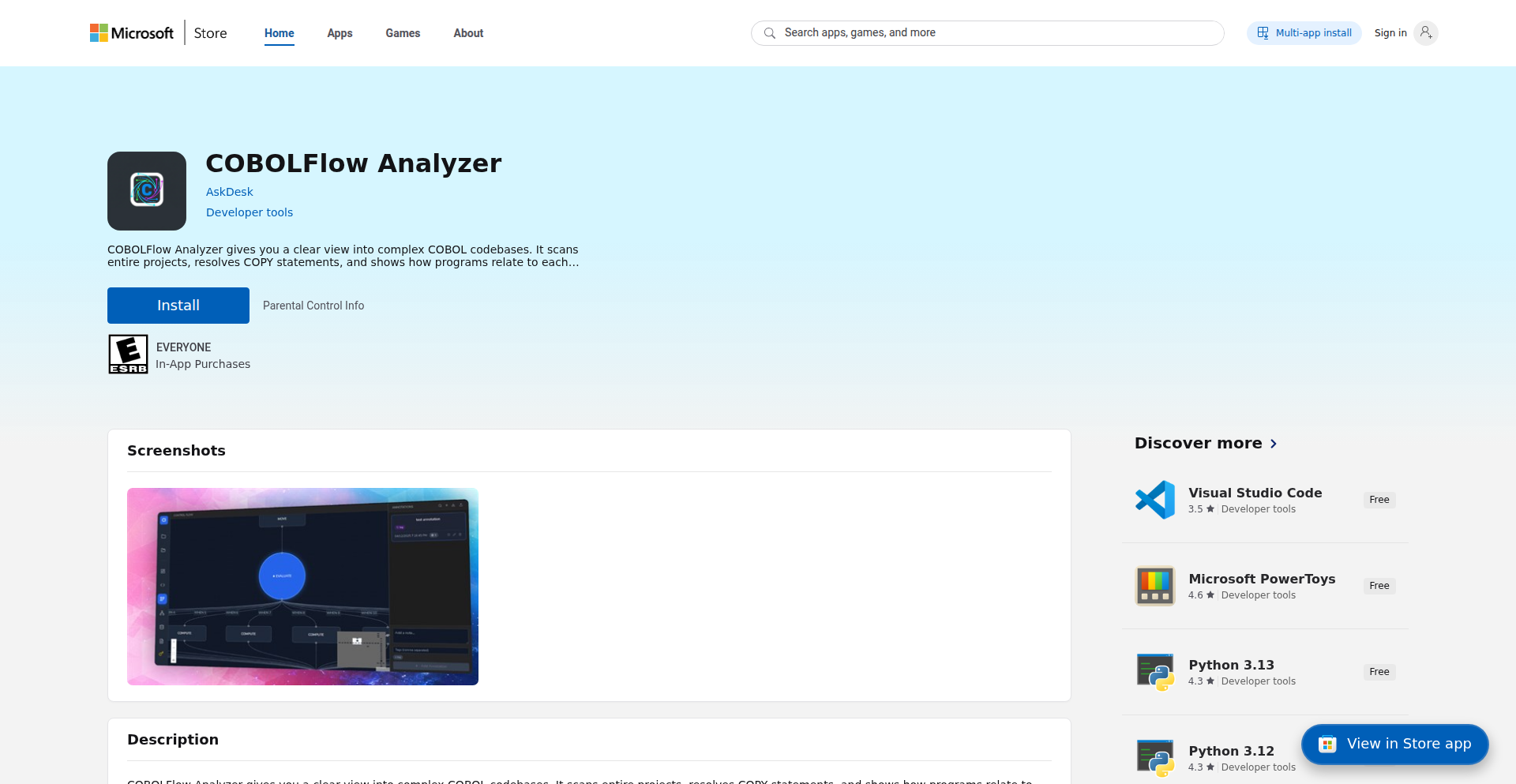
Author
NabilChiheb
Description
This project is a sophisticated tool designed to untangle the complexity of legacy COBOL codebases. It tackles the 'dependency hell' and obscured control flow common in massive, undocumented COBOL systems by providing automated, visual mappings of program dependencies and interactive control flow graphs. This allows developers to understand and safely refactor intricate logic, moving critical knowledge from human memory into the code itself.
Popularity
Points 2
Comments 0
What is this product?
Cobol Navigator Pro is a static analysis tool specifically built for legacy COBOL code. It addresses the immense challenge of maintaining large, often poorly documented COBOL systems. Its core innovation lies in its ability to automatically generate visual representations of how different parts of the code connect (dependency graphs) and how a program executes step-by-step (control flow graphs - CFGs). This is achieved by deeply analyzing the source code without actually running it. Imagine trying to navigate a vast, old library with no catalog; this tool acts as that catalog and a guided tour, making it easy to see which books (programs/copybooks) reference each other and how a specific story (program logic) unfolds. The real magic is how it transforms abstract code into understandable visuals, revealing intricate relationships and execution paths that are otherwise hidden.
How to use it?
Developers using Cobol Navigator Pro can integrate it into their development workflow by pointing it to their existing COBOL codebase. The tool then performs a static analysis, generating interactive visualizations. For understanding dependencies, developers can view a comprehensive graph showing how programs and copybooks link together. When dealing with a specific program, they can generate a control flow graph (CFG). This CFG is not just a static image; it's interactive. Developers can click on any 'node' (representing a block of code or a decision point) in the CFG, and the tool will immediately jump to the corresponding line number in the original COBOL source file. Furthermore, it allows tracing the entire life of a variable – where it's defined, where it's changed, and where it's used throughout the code. This makes debugging and understanding variable behavior significantly faster. The tool also supports adding custom annotations directly onto the visualized graphs, allowing teams to document critical business logic or warnings alongside the code itself, ensuring this 'tribal knowledge' is preserved and accessible.
Product Core Function
· Program and Copybook Dependency Mapping: This function provides a visual representation of all the connections between different COBOL programs and included copybooks. Its technical value is in automating the tedious manual process of identifying these relationships, which are crucial for understanding the impact of changes and preventing unintended side effects. This is vital for large codebases where manual tracking is error-prone and time-consuming, enabling safer refactoring and impact analysis.
· Interactive Control Flow Graph (CFG) Generation: This core feature visualizes the execution path of a COBOL program, showing decision points, loops, and sequential code blocks. The innovation is in its interactivity; clicking on a node in the CFG directly links to the corresponding line in the source code. This drastically speeds up debugging and comprehension of complex logic by providing a clear, navigable roadmap of program execution, reducing the time spent manually tracing code execution.
· Variable Lifecycle Tracing: This function maps out where a variable is defined, modified, and used across the entire codebase. Technically, it involves advanced static analysis to track variable scope and usage. Its value lies in simplifying debugging by showing the complete history of a variable's state, which is invaluable in large files where tracking variable behavior manually can be overwhelming and lead to lost developer time.
· Code Annotation and Contextual Linking: This feature allows developers to add custom notes and business context directly onto the generated dependency and control flow graphs. The technical implementation involves associating metadata with specific graph elements. Its practical value is in preserving and sharing critical 'tribal knowledge' by linking business understanding directly to the code, making complex systems more accessible to new team members and ensuring consistency in maintenance and development efforts.
Product Usage Case
· Scenario: A developer needs to modify a COBOL program that is part of a critical financial system. The system is thousands of lines of code spread across hundreds of files, with limited documentation. The developer uses Cobol Navigator Pro to generate a dependency graph, quickly identifying all other programs and copybooks that might be affected by their change. They then generate a control flow graph for the specific program, identify the relevant section of code by clicking on nodes, and use variable tracing to understand the current value of a key data field before making their modification. This entire process, which might have taken days of manual investigation, is completed in hours, significantly reducing risk and development time.
· Scenario: A team is tasked with refactoring a large, monolithic COBOL application that has been in production for decades. They are unfamiliar with much of the codebase. Cobol Navigator Pro is used to create a comprehensive visual map of the entire system's interdependencies and control flows. Senior developers add annotations to the graphs to explain critical business rules and potential pitfalls. This visual documentation serves as a shared understanding for the entire team, enabling them to plan and execute the refactoring with greater confidence and fewer errors, effectively transferring years of accumulated knowledge to the project documentation.
· Scenario: A critical bug is reported in a COBOL batch processing job. The bug is intermittent and difficult to reproduce. The development team uses Cobol Navigator Pro to visualize the control flow of the problematic job. By tracing the variable that is suspected to be causing the issue, they can quickly pinpoint the exact lines of code where its value is being incorrectly set or used. This direct visual debugging significantly shortens the time to identify the root cause of the bug, leading to a faster fix and reduced downtime.
57
PastScreen: PathGrabber for macOS Screenshots

Author
augiefra
Description
PastScreen is an open-source macOS screenshot tool that intelligently captures file paths along with your screenshots. It addresses the common developer pain point of easily sharing file locations alongside visual evidence, making collaboration and debugging more efficient. The innovation lies in its seamless integration into the screenshot workflow, automatically identifying and embedding file paths from the active window.
Popularity
Points 1
Comments 1
What is this product?
PastScreen is an open-source application for macOS designed to enhance the screenshot process. Instead of just capturing an image, it goes a step further by automatically detecting and attaching the file path of the currently active application or document to the screenshot metadata or even overlaying it. This is achieved by leveraging macOS's accessibility features and WindowServer APIs to identify the frontmost application and extract relevant path information. The core innovation is in bridging the gap between visual representation and contextual information (the file path), which is often crucial for developers, designers, and anyone working with files on their system.
How to use it?
Developers can download and install PastScreen like any other macOS application. Once running, it operates in the background. When you take a screenshot using the standard macOS shortcuts (e.g., Cmd+Shift+3, Cmd+Shift+4), PastScreen intercepts the process. It then attempts to identify the file path associated with the window you are capturing. This path can then be easily accessed, copied, or shared, often directly from the screenshot management interface or through a dedicated shortcut provided by PastScreen. It's designed for minimal user intervention, aiming to be an invisible yet powerful enhancement to the native screenshot experience.
Product Core Function
· Automatic File Path Detection: PastScreen intelligently scans the active window to identify the relevant file or directory path. This saves developers the tedious manual step of finding and copying the path, directly improving efficiency in bug reporting and code sharing.
· Screenshot Integration: The tool seamlessly integrates with macOS's built-in screenshot functionality. Users don't need to learn new shortcuts; their familiar screenshot habits are enhanced, making adoption effortless.
· Contextual Information Capture: Beyond just the image, PastScreen captures vital contextual data (the file path). This is invaluable for developers needing to quickly communicate exact file locations for collaborative coding, debugging sessions, or documentation.
· Open-Source Nature: Being open-source means the community can inspect, contribute to, and trust the tool. For developers, this offers transparency and the opportunity to customize or extend its functionality based on specific project needs.
Product Usage Case
· Bug Reporting: A developer encounters an issue in a specific file. They take a screenshot of the error message within their IDE and PastScreen automatically includes the file path. The bug report is then sent with precise location information, eliminating ambiguity and speeding up the debugging process.
· Code Snippet Sharing: When sharing a snippet of code from a project, a developer can capture a screenshot of the code editor and PastScreen will attach the file path. This helps collaborators easily locate the code within the project repository.
· Design Handoff: A designer creates a UI element in a specific design file. They can share a screenshot of the design tool, and PastScreen will include the path to the design file, making it easy for engineers to find the source asset.
· Documentation Creation: When creating tutorials or documentation, PastScreen can ensure that screenshots of file operations or code examples include the exact file paths being referenced, providing clarity and accuracy for the reader.
58
RegulatoChain

Author
ADCXLAB
Description
RegulatoChain is a real-time compliance dashboard designed for the banking and blockchain sectors. It offers automated validation for critical financial data like IBAN and SWIFT codes, screens against OFAC watchlists, checks payment corridors for compliance, and verifies transactions on six different blockchain networks. The innovation lies in its unified, real-time approach to reconciling traditional finance regulations with the intricacies of distributed ledger technology, solving the complex challenge of ensuring financial compliance in a hybrid digital asset landscape.
Popularity
Points 1
Comments 1
What is this product?
RegulatoChain is a sophisticated monitoring system that helps businesses ensure their financial operations, especially those involving both traditional banking and cryptocurrencies, adhere to regulatory standards. At its core, it leverages a combination of robust data validation algorithms for financial identifiers like IBANs and SWIFT messages. For OFAC screening, it employs efficient search mechanisms against updated sanctions lists. The novel aspect is its integration with multiple blockchain networks (e.g., Ethereum, Bitcoin, etc.) to perform on-chain validation, checking transaction legitimacy and sender/receiver addresses against known compliance parameters. This unification of off-chain and on-chain compliance checks in real-time is its key technological breakthrough, essentially creating a bridge between legacy financial compliance frameworks and the decentralized world of blockchain.
How to use it?
Developers can integrate RegulatoChain into their existing financial infrastructure or blockchain applications to automate compliance checks. This can be done via its API, allowing applications to programmatically request validations for specific data points or transactions. For instance, a payment gateway might use RegulatoChain's API to instantly verify if an incoming IBAN is correctly formatted and if the sender's address on a specific blockchain has any compliance flags before processing a transaction. This drastically reduces manual review time and the risk of non-compliance penalties. It's particularly useful for fintech startups building services that handle both fiat and crypto, or established financial institutions looking to expand into digital assets.
Product Core Function
· IBAN/SWIFT Validation: Utilizes established financial formatting rules and checksum algorithms to instantly verify the structural integrity and plausibility of bank account identifiers, ensuring data accuracy and preventing processing errors. This is crucial for any system handling cross-border payments.
· OFAC Screening: Implements efficient algorithms to cross-reference customer information and transaction participants against the Office of Foreign Assets Control's Specially Designated Nationals (SDN) and Blocked Persons List, minimizing the risk of facilitating transactions with sanctioned entities.
· Payment Corridor Checks: Analyzes the flow of funds through payment networks and intermediary institutions to identify potential compliance risks and ensure adherence to money laundering regulations and other financial crime prevention measures.
· On-chain Validation (6 Blockchains): Connects to multiple blockchain networks to check transaction hashes, wallet addresses, and associated metadata against known compliance databases and on-chain activity patterns, providing a layer of security and trust for cryptocurrency-related transactions. This helps identify potentially illicit activities on the blockchain.
Product Usage Case
· A cryptocurrency exchange needs to onboard new users and process deposits. They can use RegulatoChain's API to automatically validate the IBAN provided by a user for fiat deposits and simultaneously screen their provided cryptocurrency wallet address against OFAC lists and on-chain risk indicators, streamlining the KYC/AML process and reducing manual effort.
· A cross-border payment provider dealing with both traditional bank transfers and stablecoin payments can integrate RegulatoChain to ensure every transaction is compliant. Before sending a SWIFT transfer, it checks the recipient's SWIFT code and bank details. For stablecoin payments, it verifies the transaction on the relevant blockchain and checks the sender's wallet against sanctions lists.
· A risk management team in a large bank is exploring the integration of blockchain-based assets. They can use RegulatoChain to monitor internal blockchain transactions, ensuring they comply with internal policies and external regulations, effectively bridging the gap between their existing risk frameworks and new digital asset operations.
59
Torial: AI-Powered Explainer Video Generator

Author
bames_jond
Description
Torial is an innovative AI tool that transforms written text into engaging explainer videos. It automates the creation of educational content, including visuals, voiceovers, and animations, significantly reducing the time and effort traditionally required. The core innovation lies in its ability to rapidly generate diverse video styles, from quick 'brainrot' snippets to in-depth tutorials, showcasing a novel approach to content synthesis.
Popularity
Points 2
Comments 0
What is this product?
Torial is a service that uses artificial intelligence to automatically create explainer videos from text input. Its technical foundation is built upon advanced natural language processing (NLP) to understand the content of the text, and sophisticated generative AI models to produce corresponding visual elements, synthesized speech for narration, and dynamic animations. The innovation lies in its speed and versatility; it can produce a short, attention-grabbing video in about 20 seconds or a more detailed, informative video in roughly 2 minutes. This drastically cuts down the manual work of scripting, recording voiceovers, finding visuals, and animating, making video content creation accessible to a wider audience.
How to use it?
Developers can leverage Torial by integrating its API into their workflows or content management systems. Imagine a developer building a tutorial platform; they could feed their documentation into Torial, and the system would automatically generate explainer videos for each section, enhancing user engagement and comprehension. For personal use, a developer could simply paste their blog post or a technical concept into the Torial interface to quickly create a shareable video for social media or their personal website. The primary use case is to quickly and easily turn static text-based information into dynamic video content without needing video editing skills.
Product Core Function
· Text-to-Visual Generation: This feature uses AI to interpret the input text and automatically select or generate relevant images, graphics, and short video clips. The value is in eliminating the time-consuming task of finding and sourcing appropriate visuals, making the video creation process much faster.
· AI Voiceover Synthesis: The system converts written scripts into natural-sounding speech using advanced text-to-speech technology. This provides a professional narration without the need for recording equipment or voice actors, offering convenience and scalability.
· Automated Animation and Transitions: Torial intelligently animates text, visuals, and transitions between scenes. This adds a dynamic and professional feel to the videos, which would typically require significant animation skills and software.
· Variable Video Lengths: The ability to generate both very short (20-second) and longer (2-minute) videos caters to different content needs and platforms. This provides flexibility for content creators to produce content suitable for platforms like TikTok or YouTube, maximizing reach and engagement.
· Content Understanding and Structuring: The underlying AI analyzes the input text to understand its structure and key points, which helps in organizing the video logically. This ensures the generated video effectively conveys the intended message.
Product Usage Case
· A software developer creating a short promotional video for a new open-source library. By inputting the project's README file, Torial can generate a concise video highlighting its features and benefits, ideal for sharing on social media to attract early adopters.
· An educator or online course creator needing to produce explainer videos for complex technical topics. They can feed their lecture notes or textbook chapters into Torial to quickly generate detailed tutorial videos, making learning more accessible and engaging for students.
· A marketing team wanting to quickly create explainer videos for product updates or FAQs. Instead of hiring a video production team, they can use Torial to transform written announcements into shareable videos for their website or customer support channels, improving communication efficiency.
· A blogger or content creator who wants to repurpose their written articles into video format. Torial allows them to quickly convert blog posts into engaging video content, expanding their audience reach and content variety without significant additional effort.
60
Togewire: Spotify SyncStream
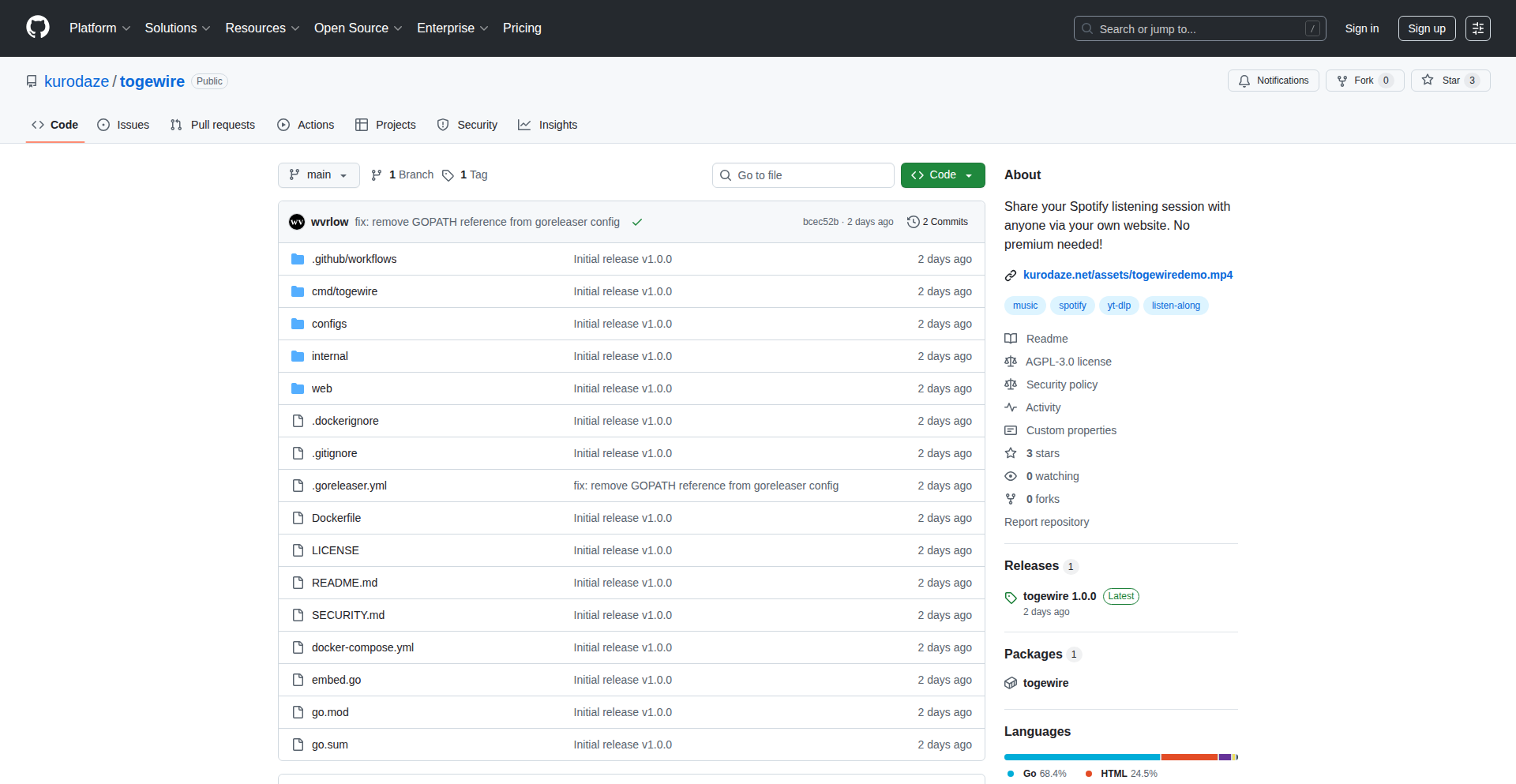
Author
wvrlow
Description
Togewire is a self-hosted tool that allows you to share your live Spotify listening sessions to your own website. It innovatively combines Spotify playback monitoring with YouTube audio fetching, synchronized playback via WebSockets, and embedded audio processing, offering a unique way to broadcast your music taste.
Popularity
Points 2
Comments 0
What is this product?
Togewire is a DIY project for sharing your Spotify music. Instead of just saying what you're listening to, it actually streams the audio to anyone who visits your website. It works by keeping track of your Spotify playback, grabbing the audio by finding the song on YouTube (using a tool called yt-dlp), and then sending that audio in real-time to anyone connected to your website using WebSockets. The backend is built with Go (using Gin and Gorilla for web serving and WebSockets), and it processes the audio using ffmpeg to make it efficient (Opus codec). A simple JavaScript player is provided for you to embed anywhere. So, for you, this means you can create a personal music-sharing hub, showing off your current vibe to your friends or audience in a truly interactive way.
How to use it?
Developers can host Togewire on their own server. The Go backend handles the core logic of monitoring Spotify, fetching audio, and managing WebSocket connections. You can integrate the provided vanilla JavaScript player into any HTML page using an iframe. This allows you to embed your live music stream directly onto your personal blog, portfolio, or any website where you want to share your current listening experience. The key is the self-hosted nature, giving you full control over the broadcasting. So, for you, this means you can easily add a dynamic and engaging element to your online presence, sharing your musical journey with your visitors.
Product Core Function
· Spotify Playback Monitoring: Tracks your current song and playback status in Spotify. This provides the essential trigger for sharing what you're listening to, making the sharing dynamic and live. So, for you, this means your shared music experience is always up-to-date.
· YouTube Audio Fetching (yt-dlp): Retrieves the audio stream of the currently playing Spotify track by finding it on YouTube. This is an innovative way to get the actual music content when direct Spotify API access for audio is restricted. So, for you, this means you get the actual music playing, not just metadata.
· Real-time WebSocket Synchronization: Uses WebSockets to broadcast the audio playback state and stream to connected clients instantly. This ensures that anyone viewing your website hears the music at the same time you do. So, for you, this means a shared listening experience with minimal delay.
· ffmpeg Audio Processing (Opus): Encodes and processes the audio stream using the efficient Opus codec for optimal playback and bandwidth usage. This ensures smooth audio streaming even for users with slower internet connections. So, for you, this means your listeners get clear, high-quality audio.
· Embeddable Vanilla JS Player: Provides a lightweight JavaScript player that can be easily embedded into any web page via an iframe. This simplifies the integration process for you to display the live stream on your site. So, for you, this means easy integration with minimal coding.
Product Usage Case
· Personal Blog/Portfolio: A developer can embed Togewire on their blog to showcase their current musical mood while they code or write articles, adding a unique personal touch and conversation starter. It solves the problem of just listing what you listen to by making it an active experience.
· Live DJ Set Sharing: While not a full DJ setup, a user could theoretically use this to share their personal 'listening party' soundtrack with a small community, creating a shared musical atmosphere. It solves the problem of wanting to share a vibe with others in real-time.
· Music Discovery Hub: A musician or curator could use Togewire on their website to share their current inspirations or playlists in a live, engaging format, encouraging interaction from fans. It solves the problem of passive music recommendations by making them an active broadcast.
61
RosaWellness: The Sustained Relief Platform
Author
MassageByRosa
Description
MASSAGE BY ROSA is a digital wellness platform that bridges the gap between professional massage therapy and ongoing self-care. It offers both hands-on massage services and a curated collection of online video courses teaching self-massage techniques, ergonomic workstation adjustments, and tension release strategies. The core innovation lies in empowering users with accessible, expert-guided knowledge to maintain their physical well-being between appointments, addressing the recurring nature of stress and muscle tension. This project exemplifies the hacker ethos by leveraging a simple, static site architecture to focus on delivering high-value educational content, making professional wellness insights broadly available.
Popularity
Points 2
Comments 0
What is this product?
MASSAGE BY ROSA is a wellness platform designed to help people manage stress and muscle tension beyond their physical therapy appointments. It combines traditional massage therapy with an innovative online learning component. The online courses, created by a seasoned massage therapist, teach practical self-care techniques. The technology utilizes a straightforward static website, which is efficient and cost-effective, allowing the focus to remain on the quality of the educational video content. This approach ensures users can easily access guidance on how to alleviate discomfort and improve their posture and body mechanics on their own, leading to more sustained relief.
How to use it?
Developers can use this platform as a model for creating accessible, content-driven wellness solutions. For end-users, the platform is designed for simplicity. You visit the website (massagebyrosa.com) to explore the available online courses. These courses are video-based, guiding you through exercises and techniques you can perform at home or at your desk. You can subscribe to access this valuable knowledge. The platform aims to integrate seamlessly into your daily routine, providing actionable steps to improve your physical comfort and reduce reliance on frequent professional interventions.
Product Core Function
· Expert-led self-massage video courses: Teaches users how to effectively perform massage on themselves to relieve muscle soreness and tension, offering practical, hands-on guidance for immediate relief and long-term benefits.
· Ergonomic workstation adjustment guidance: Provides actionable advice on setting up your workspace to prevent strain and discomfort, crucial for individuals who spend long hours sitting, thus improving daily comfort and preventing chronic issues.
· Tension release techniques: Offers methods for managing and releasing physical and mental tension, helping users feel more relaxed and revitalized throughout the day, contributing to overall stress reduction and improved mood.
· Subscription-based access to premium content: Allows users to invest in their ongoing wellness journey, providing continuous access to valuable educational resources and supporting the platform's mission to promote sustained health.
· Static website for content delivery: Utilizes a simple, efficient web architecture to ensure fast loading times and reliable access to video content, making the learning experience smooth and uninterrupted.
Product Usage Case
· A remote worker experiencing neck and shoulder pain from prolonged computer use can access courses on workstation setup and self-massage techniques to alleviate discomfort and improve posture, preventing the escalation of pain and increasing productivity.
· An individual with a physically demanding job can use the platform to learn recovery techniques and self-care routines to manage muscle fatigue and soreness, aiding in faster recovery and reducing the risk of injury.
· Someone seeking a more holistic approach to wellness can integrate the online courses into their daily life, supplementing occasional professional treatments with practical self-care strategies for lasting physical and mental well-being.
· A small business owner wanting to offer employee wellness resources can consider how a similar content-focused platform could be licensed or adapted to promote healthier work habits and reduce absenteeism due to physical discomfort.
62
YouTube Focus Enhancer
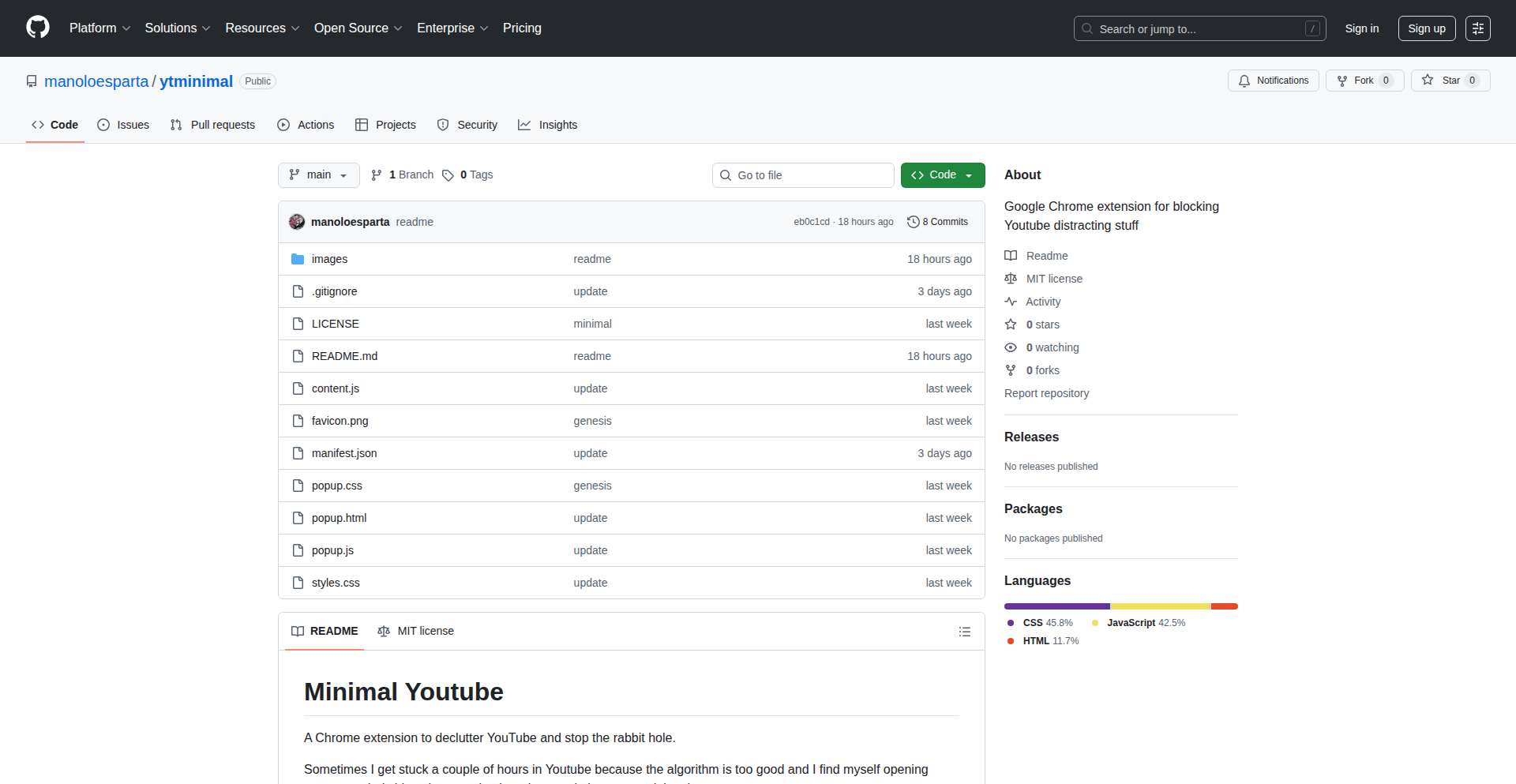
Author
manoloesparta
Description
A browser extension that utilizes CSS and JavaScript to selectively hide distracting elements on YouTube, allowing users to concentrate on content for studying or focused viewing. It tackles the problem of YouTube's engaging recommendation system and its tendency to pull users away from their intended tasks.
Popularity
Points 1
Comments 1
What is this product?
This project is a browser extension built with CSS and JavaScript. Its core innovation lies in its ability to intelligently hide elements on the YouTube interface that often lead to distraction, such as recommended videos, sidebars, and comment sections. By applying custom styles and scripts, it creates a cleaner viewing experience. This is valuable because YouTube's powerful recommendation engine, while great for discovery, can be a significant productivity drain when you need to focus on a specific video or topic for learning or work. This extension offers a direct, code-based solution to regain control over your viewing environment.
How to use it?
Developers can use this extension by installing it directly from the Chrome Web Store. Once installed, it automatically applies its styling and scripting to the YouTube website. For more advanced users or those interested in the technical implementation, the source code (CSS and JavaScript) is available, allowing for customization or further development. The primary use case is to open YouTube and have the distracting elements automatically disappear, providing a streamlined experience for focused content consumption. It's a simple, plug-and-play solution that enhances productivity without requiring complex setup.
Product Core Function
· Hide Recommended Videos: Uses CSS selectors to target and hide the 'Up Next' sidebar and embedded video suggestions, preventing users from being led down rabbit holes of unrelated content. This helps maintain focus on the currently playing video or study material.
· Minimize UI Clutter: Employs CSS to hide non-essential interface elements like the video description box and related content carousels, creating a less overwhelming visual experience. This reduces cognitive load and aids concentration.
· Disable Comment Section: Offers an option to hide or disable the comment section, which can be a significant source of distraction and time consumption. This is particularly useful for educational or work-related viewing.
· Customizable Element Hiding: Built with flexibility in mind, the underlying CSS and JavaScript can be modified by developers to target and hide other specific elements that users find distracting on YouTube. This allows for a personalized focus experience.
Product Usage Case
· Student studying a lecture: A student needs to watch a 2-hour documentary for a class. By installing this extension, the recommended videos and sidebars are hidden, ensuring they stay focused on the documentary and don't get sidetracked by unrelated content, thus improving learning efficiency.
· Developer researching a technical topic: A developer is watching tutorials on YouTube to learn a new programming framework. The extension removes distracting elements, allowing them to concentrate on the code examples and explanations, speeding up their learning process.
· Anyone looking for a distraction-free viewing experience: A user wants to watch a specific video without being bombarded by other suggestions. The extension provides a clean interface, allowing them to enjoy the video without the constant pull of other content, leading to a more relaxed and focused viewing session.
63
AgentFlowPay

Author
icpay
Description
AgentFlowPay is a nascent payment processing system tailored for the unique demands of AI agents and micro-transactions. It addresses the current limitations of traditional payment gateways, which often struggle with the high volume, low-value, and programmatic nature of transactions initiated by autonomous AI entities.
Popularity
Points 2
Comments 0
What is this product?
AgentFlowPay is a payment infrastructure designed to facilitate commerce for AI agents. Unlike Stripe, which is primarily built for human-driven e-commerce, AgentFlowPay is engineered to handle the rapid, often fragmented, and programmatic payment flows typical of AI-powered systems. Its core innovation lies in its ability to efficiently process micro-transactions, where each transaction might be for a very small amount, and to integrate seamlessly into agentic workflows, enabling AI agents to autonomously make and receive payments for services or resources. This bypasses the manual overhead and cost inefficiencies associated with traditional payment methods when dealing with agent-to-agent or agent-to-service interactions.
How to use it?
Developers can integrate AgentFlowPay into their AI agent frameworks or applications by utilizing the provided SDK. This involves configuring API keys and defining payment endpoints within their agent's logic. For example, an AI agent designed to scrape web data could use AgentFlowPay to automatically pay for API access to specific data sources on a per-query basis, or an AI marketplace agent could use it to facilitate micro-payments for tasks completed by other agents. The integration aims to be straightforward, abstracting away the complexities of financial settlements and focusing on enabling programmatic payment capabilities for AI.
Product Core Function
· Automated Micro-transaction Processing: Enables AI agents to send and receive payments in very small increments automatically, reducing per-transaction costs and enabling new business models for AI services. The value here is enabling high-frequency, low-value interactions that are currently economically unfeasible with traditional payment systems.
· Agent-Native Payment Flows: Designed to be integrated directly into AI agent decision-making processes, allowing agents to trigger payments based on predefined conditions or outcomes, fostering autonomous economic activity for AI. This solves the problem of manually orchestrating payments for AI-driven workflows.
· Programmable Payment APIs: Offers a robust set of APIs that allow developers to programmatically control payment initiation, settlement, and reconciliation, giving them granular control over financial operations within their AI applications. The value is in providing developers with the tools to build sophisticated financial logic for their AI agents.
· Scalable Infrastructure for Agentic Commerce: Built to handle a high volume of small transactions efficiently, supporting the growth of AI agent networks and decentralized marketplaces where numerous agents interact economically. This addresses the scalability challenge of traditional payment systems for agent-based economies.
Product Usage Case
· An AI research assistant agent that pays for API calls to various knowledge bases on a per-query basis, ensuring cost-effectiveness by only paying for actual usage, thus solving the problem of managing budgets for extensive research tasks.
· A decentralized AI marketplace where autonomous agents can bid on and complete tasks, with AgentFlowPay automatically handling the secure and instant transfer of funds upon task completion, resolving the challenge of secure and efficient cross-agent payments.
· AI-powered content generation services that charge users for small increments of generated text or images, leveraging AgentFlowPay for seamless, pay-as-you-go billing without requiring complex human intervention for each transaction, which addresses the need for flexible and granular billing models.
· Robots in a smart factory that use AgentFlowPay to pay for maintenance services or consumable parts from other automated systems or human providers, demonstrating a use case for inter-device and inter-agent financial transactions in industrial settings.
64
LLM-Image Tale Weaver

Author
victornomad
Description
Story Relay is a creative AI experiment that simulates the childhood game "Broken Telephone" using a language model (LLM) and an image generator. It creates a narrative loop where the LLM generates text, which is then visualized by an image generator, whose output is then described by a vision model to generate the next text prompt. This showcases an innovative way to explore AI-driven storytelling and creative content generation.
Popularity
Points 1
Comments 1
What is this product?
This project is an AI-powered storytelling engine that mimics the "Broken Telephone" game. It ingeniously chains together three distinct AI capabilities: text generation (like GPT), image generation (like DALL-E), and image understanding (like CLIP or a similar vision model). The core innovation lies in this feedback loop: the LLM starts with a text prompt, an image generator creates a visual representation, a vision model interprets that image to produce a new descriptive text prompt, and this new prompt feeds back into the LLM to continue the story. This demonstrates a novel approach to emergent storytelling and exploring the creative interplay between different AI modalities. Essentially, it's a self-sustaining creative machine.
How to use it?
Developers can integrate this concept into various applications. For example, it can be used to create dynamic, evolving narratives for games, generate unique visual storyboards for films, or power interactive art installations. The underlying architecture can be adapted by developers to experiment with different LLMs, image generators, and vision models, allowing for customization of the storytelling style and complexity. Integration would typically involve setting up API calls to the respective AI services and managing the data flow between them, creating a pipeline that facilitates this creative loop. This means you can plug and play different AI brains to see what kind of stories emerge.
Product Core Function
· Text-to-Image Generation: The LLM translates a textual idea into a visual concept, the value is in bringing abstract thoughts into concrete imagery for the next step.
· Image-to-Text Description: A vision model interprets the generated image and articulates its content into descriptive text, the value here is in bridging the visual and textual realms and creating a new narrative prompt.
· Iterative Story Progression: The continuous loop of text-to-image and image-to-text allows for an unfolding narrative, the value is in the emergent and unpredictable nature of the story, making each run unique.
· AI Modality Interplay: The project highlights how different AI types can collaborate to create something novel, the value is in demonstrating a practical application of multimodal AI for creative purposes.
Product Usage Case
· Game Development: Imagine a game where the story dynamically changes based on player actions, visualized and described by AI, creating an ever-evolving quest. This solves the challenge of static narratives by introducing AI-driven unpredictability.
· Content Creation: A blogger could use this to generate a visual narrative for an article, where the AI interprets initial text, generates images, and then describes those images to create subsequent paragraphs, solving the problem of writer's block and speeding up content generation.
· Interactive Art Installations: An art piece that continually generates and morphs visuals based on audience interaction or pre-set prompts, creating a living, breathing artwork. This provides a novel way to engage audiences with art that is always changing.
· Creative AI Research: Researchers can use this as a testbed to study emergent behavior in AI systems, understand how different models influence creative output, and explore new forms of AI-assisted creativity. This helps push the boundaries of what AI can achieve in the creative domain.
65
BinaryKeyFastPHP
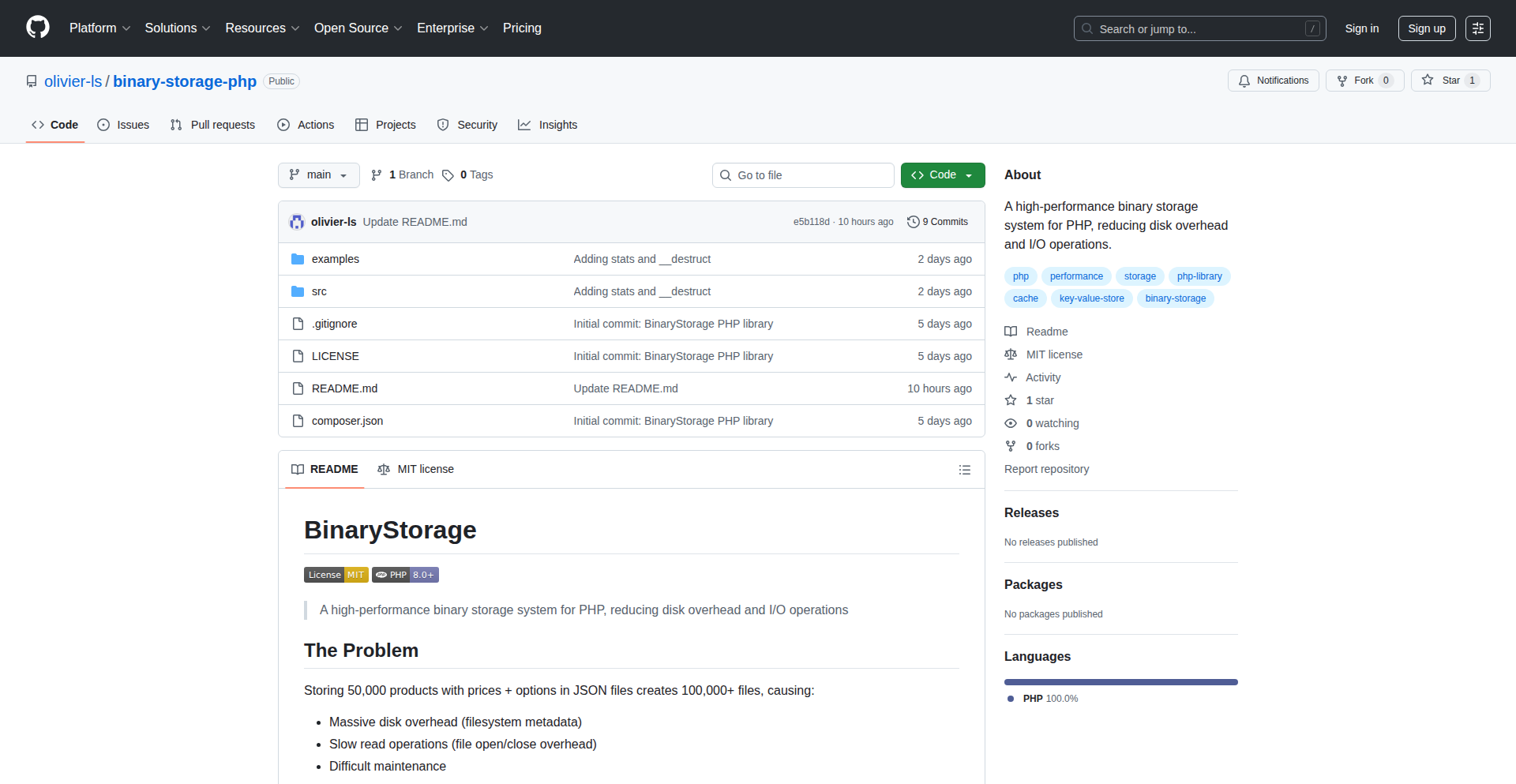
Author
asmodios
Description
BinaryKeyFastPHP is a novel PHP-based binary key/value store engineered for rapid data retrieval. It handles any PHP serializable data, offers powerful prefix and substring search capabilities, and incorporates data compression to optimize storage space. This project is an example of developer ingenuity in building high-performance data solutions directly within PHP, showcasing how to overcome common performance bottlenecks in web development.
Popularity
Points 2
Comments 0
What is this product?
BinaryKeyFastPHP is a specialized data storage system built for PHP applications. Unlike traditional databases that might store data in structured tables, this system stores data as raw binary information, keyed by a string. This approach is 'binary' because it deals with data in its most compact, machine-readable form, and 'key/value' because each piece of data is accessed using a unique identifier (the key). Its innovation lies in its ability to serialize any PHP data type directly into this binary format and retrieve it with remarkable speed, especially when searching for keys that start with a specific string ('startsWith') or contain a specific sequence of characters ('contains'). It also features automatic data compaction, which is like tidying up your data to take up less space on the disk without losing any information. Think of it as a super-efficient, custom-built filing cabinet for your PHP application's data, optimized for speed and space.
How to use it?
Developers can integrate BinaryKeyFastPHP into their PHP projects by including the library and instantiating the BinaryStorage class. For example, to store a PHP array, you would call a method like `set('my_data_key', ['item1', 'item2'])`. To retrieve it, you'd use `get('my_data_key')`. The 'startsWith' and 'contains' search functions allow for dynamic data exploration, such as `searchStartsWith('user_prefix_')` to find all data entries related to a specific user. This makes it ideal for scenarios where quick lookup and flexible searching of PHP objects or arrays are crucial, such as caching frequently accessed application settings, storing user session data, or managing configuration parameters that need to be accessed rapidly within the PHP execution cycle.
Product Core Function
· High-performance Binary Data Storage: Stores and retrieves any PHP serializable data in its native binary format, enabling faster read/write operations compared to text-based storage, which is valuable for applications requiring quick data access.
· Prefix and Substring Key Searching: Allows developers to efficiently search for keys that start with a specific string or contain a specific sequence, facilitating flexible data retrieval for related items or patterned data, useful for dynamic configuration or indexed data.
· Automatic Data Compaction: Reduces disk space usage by intelligently compressing stored binary data, leading to cost savings on storage and potentially faster disk I/O due to smaller file sizes, beneficial for applications with large data volumes.
· PHP Native Integration: Designed specifically for PHP, making it seamless to integrate and utilize within existing PHP applications without complex external dependencies, simplifying development and deployment for PHP developers.
· Support for Any PHP Serializable Data: Can store complex PHP data structures like arrays, objects, and other serializable types directly, eliminating the need for manual data serialization/deserialization logic, streamlining data management.
Product Usage Case
· Caching frequently accessed configuration settings: A web application can use BinaryKeyFastPHP to store its entire configuration array, retrieving it instantly on each request, leading to significant performance improvements over database lookups or file reads.
· Storing user session data: For applications with high traffic, session data can be stored in BinaryKeyFastPHP for rapid access and retrieval, ensuring a smooth user experience even under load.
· Implementing a custom lookup index: Developers can use the 'startsWith' functionality to build a simple, high-speed index for specific types of data, such as product SKUs or user IDs, allowing for very fast searching and filtering in custom PHP applications.
· Managing temporary data with efficient storage: For tasks that require storing intermediate results or temporary data that needs to be accessed quickly and then potentially discarded, BinaryKeyFastPHP's compaction feature and speed make it an excellent choice, saving disk space.
66
Tacocopter Rust Flight Controller
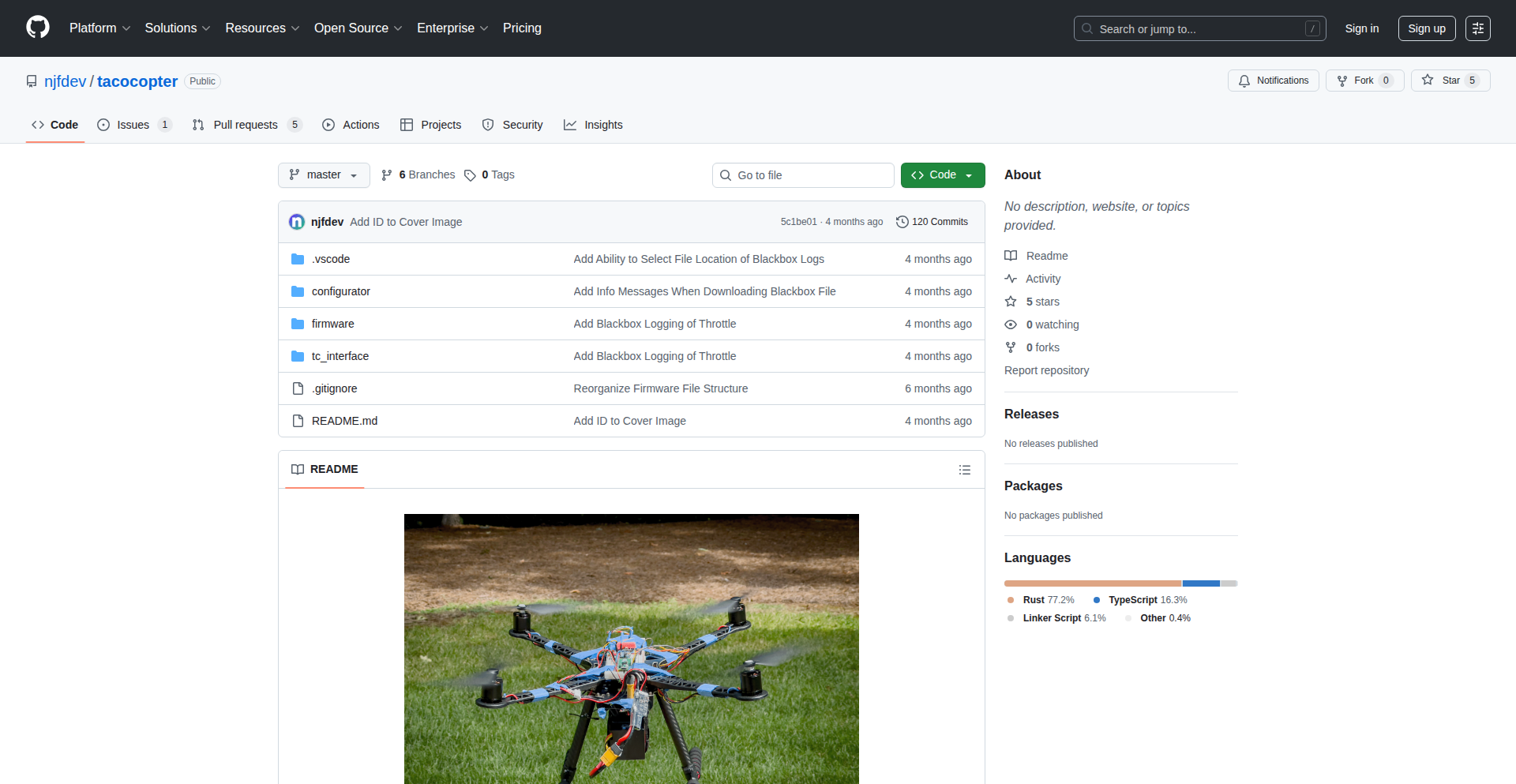
Author
njfdev
Description
Tacocopter is a custom-built drone flight controller programmed entirely in Rust. It tackles the challenge of building sophisticated drone control systems from scratch, particularly for microcontrollers like the Raspberry Pi Pico, using a less common but powerful language for embedded development. The project highlights innovative solutions for debugging embedded Rust applications, interfacing with various sensors (GPS, IMU, barometer), and handling real-time communication protocols for motor control and radio reception.
Popularity
Points 2
Comments 0
What is this product?
Tacocopter is a self-programmed drone flight controller. The innovation lies in its complete implementation using Rust, a programming language known for its safety and performance, which is not traditionally the first choice for embedded systems like drone flight controllers. Traditionally, developers might use MicroPython or C++. This project pushed the boundaries by using the Embassy Rust framework for low-level embedded programming. Key technical achievements include developing a custom desktop application in Rust for debugging and communication with the flight controller, writing a custom driver for a GPS module due to the lack of existing Rust libraries, and implementing the ELRS radio communication protocol from scratch. This approach offers a highly customizable and potentially more robust control system compared to off-the-shelf solutions.
How to use it?
Developers can use this project as an inspiration and a technical blueprint for building their own embedded systems in Rust. For those interested in drone development or embedded systems, it provides practical examples of how to: 1. Program a Raspberry Pi Pico microcontroller in Rust using the Embassy framework. 2. Implement sensor drivers for components like GPS modules and IMUs from raw data. 3. Create custom communication protocols for debugging and control between a microcontroller and a desktop application. 4. Integrate with radio control systems like ELRS. While not a plug-and-play library, the project's code and methodologies can be adapted and extended for similar embedded projects, especially where reliability and performance are critical.
Product Core Function
· Custom Rust Flight Controller: Provides a foundational codebase for controlling drone flight dynamics, offering a deep dive into embedded Rust programming for real-time systems.
· Embedded Debugging Framework: A custom Rust desktop application for debugging and communicating with the flight controller over USB, enabling developers to inspect and control the drone's behavior in real-time.
· GPS Module Driver: A Rust driver for the HGLRC M100-5883 GPS module, showcasing how to interface with hardware components and process sensor data without pre-existing libraries.
· ELRS Radio Protocol Implementation: Custom code to interpret signals from an ELRS-compatible radio receiver, demonstrating how to work with complex communication protocols for remote control.
· Motor Control (D-Shot): Implementation of the D-Shot protocol for precise and reliable brushless motor control, including bug fixing for existing library implementations.
· Sensor Fusion (IMU): Utilization of an Inertial Measurement Unit (IMU) and Kalman filters for estimating the drone's orientation and stability.
· Altitude Measurement: Integration of barometer and ultrasonic sensors for accurate altitude readings.
Product Usage Case
· Developing a custom drone for hobbyist projects where off-the-shelf flight controllers lack necessary customization or performance. The Rust implementation offers high reliability for critical flight control.
· Building experimental autonomous systems requiring low-level control over hardware and sensors. The project demonstrates how to write custom drivers for specific hardware components, ensuring maximum compatibility and performance.
· Creating educational tools or platforms for learning embedded Rust programming. The detailed implementation of sensor interfaces and communication protocols serves as a practical learning resource.
· Engineering high-performance embedded systems where memory safety and efficient resource management are paramount. Rust's guarantees make it suitable for complex control loops and demanding computational tasks.
· Designing bespoke robotic systems that require tight integration between custom hardware and software. The approach of building drivers and communication layers from scratch ensures a perfect fit for unique system requirements.
67
UnicodeSuperscriptMaster
Author
18272837023
Description
A lean, sign-up-free tool that instantly transforms any character (letters, numbers, symbols) into superscript using Unicode. It's built for direct copy-paste functionality, bypassing the need for complex software or online platforms. The innovation lies in its universal character support and straightforward implementation, making it exceptionally handy for diverse writing needs where standard text formatting is insufficient or unsupported.
Popularity
Points 1
Comments 1
What is this product?
This project is a lightweight tool designed to generate superscript text from any input characters, including letters, numbers, and symbols. It achieves this by leveraging Unicode encoding. Instead of relying on specific formatting features of applications like word processors, it uses pre-defined Unicode characters that visually appear as superscript. This bypasses limitations of platforms that don't support rich text formatting, offering a universally compatible solution for creating subscript text with a simple copy-paste action. The core technical insight is understanding and utilizing the specific Unicode code points that represent superscript versions of common characters. This makes it highly efficient and immediately usable without any installation or registration.
How to use it?
Developers can integrate this tool by directly using its copy-paste functionality. For instance, if you need to write 'x²' in a plain text file, a forum post, or a username field that doesn't support rich text, you would input 'x' and '2' into the generator, which then outputs the Unicode representation of 'x²'. This output can then be directly pasted into your target application or platform. It's ideal for situations where you need to represent scientific notation (like '10^3'), mathematical exponents ('a^n'), or even stylistic elements in usernames or code comments, all without needing special software or web services.
Product Core Function
· Universal Character Conversion: Converts any input character (letters, numbers, symbols) into its superscript Unicode equivalent. This is valuable because it means you're not limited to just numbers, offering flexibility for creative text formatting in any environment.
· Instant Copy & Paste: The generated superscript text is immediately ready to be copied and pasted. This provides a seamless workflow, saving time and effort compared to manually finding or inputting superscript characters.
· No Sign-up or Tracking: The tool operates anonymously and without data collection. This is beneficial for users concerned about privacy and security, offering a straightforward and trustworthy way to achieve the desired text formatting.
· Lightweight and Accessible: Built with minimal resources, it's fast and can be accessed easily, making it a convenient utility for quick text enhancements across various applications and platforms.
Product Usage Case
· Mathematical Notations: A student needs to write 'E=mc²' in a basic text editor for homework. They input 'E=mc' and '2' into the generator, which outputs the correct superscript, fulfilling the requirement for accurate scientific notation where rich text is not allowed.
· Scientific Writing: A researcher is drafting a comment on a scientific paper in a platform that doesn't support subscript formatting for chemical formulas like 'H₂O'. They use the generator to create 'H₂O' (with the '2' as superscript) for a clear and universally readable representation.
· Username Customization: A user wants a unique username on a platform that limits special characters and formatting. They can use the generator to create superscript letters or numbers, like 'The_Gamer¹³³⁷', adding a personal touch without violating platform rules.
· Markdown and HTML Limitations: When writing in formats like Markdown or environments where direct HTML tags for superscript (`<sup>`) are not rendered or supported, this tool provides a fallback by generating the raw Unicode characters that display correctly, ensuring consistent presentation.
68
FlexyTask Engine

Author
plakhlani2
Description
FlexyTask Engine is a platform that revolutionizes how businesses handle small, urgent development tasks. Instead of wasting time and resources on contractor vetting and management, users describe their task, receive an instant fixed-price quote, and a vetted developer starts working, with most tasks completed in 1-3 days. This addresses the pain point of slow and costly hiring processes for common development needs like bug fixes, API integrations, and UI/UX updates.
Popularity
Points 1
Comments 1
What is this product?
FlexyTask Engine is a service that streamlines the process of getting small software development tasks completed. Think of it as a highly efficient, on-demand development team for specific, bite-sized problems. The core innovation lies in 'productizing' software development: instead of hiring individuals or agencies with all the associated overhead, you simply describe your need. Our system then instantly matches your task with a pre-vetted developer from our pool. This bypasses the traditional lengthy hiring and negotiation cycles, offering a fixed price and a rapid turnaround. This solves the problem of critical bugs or small feature requests bottlenecking a team's progress because hiring help is too slow and cumbersome.
How to use it?
Developers and businesses can use FlexyTask Engine by visiting the website and submitting a detailed description of their development task. This could be anything from fixing a critical bug in production, integrating a new API (like Stripe or Twilio), making minor UI/UX adjustments, optimizing database queries, setting up CI/CD pipelines, or creating automated tests. Once the task is described, the platform provides an immediate fixed-price quote. Upon acceptance, a suitable developer, matched based on the required tech stack (e.g., .NET, Node.js, React, Python, Go), begins work. The entire process is designed to be hands-off for the client, minimizing management overhead. This is ideal for situations where a specific, small development need arises that doesn't warrant the full hiring process, but is too critical or time-consuming to ignore.
Product Core Function
· Instant Fixed-Price Quoting: Developers submit their task requirements, and FlexyTask Engine provides an upfront, transparent price without hidden fees or hourly rates. This provides budget certainty and avoids scope creep, which is invaluable for project planning and financial control.
· Vetted Developer Matching: The platform automatically matches tasks to developers with the specific skills and tech stack needed (.NET, Node.js, React, Python, Go, etc.). This ensures high-quality work from experienced professionals, reducing the risk of poor execution common with general freelance platforms.
· Rapid Task Completion: Most small development tasks are completed within 1-3 days. This significantly accelerates development cycles, allowing teams to quickly resolve critical issues, implement urgent features, or deploy necessary updates, keeping projects moving forward.
· Simplified Workflow: Users describe their task, get a quote, and the developer handles the rest, eliminating the need for extensive contractor management, interviews, and negotiations. This frees up internal resources and allows teams to focus on core product development rather than operational overhead.
· Diverse Task Handling: The service supports a wide range of small development tasks, including bug fixes, API integrations, UI/UX enhancements, database optimizations, CI/CD automation, and test infrastructure setup. This broad capability makes it a versatile solution for various common development bottlenecks.
· Transparency and Recourse: The fixed-price model ensures no surprise costs, and the vetting process provides a level of quality assurance. This contrasts with traditional freelance arrangements where quality and timeline can be unpredictable, offering peace of mind.
Product Usage Case
· A startup founder faces a critical production bug that is impacting users. Instead of spending days interviewing and onboarding a freelancer, they submit the bug report to FlexyTask Engine. They receive a fixed price and a quote within hours, and the bug is fixed within a day, minimizing downtime and lost revenue.
· A SaaS company needs to integrate a new payment gateway (e.g., Stripe) to expand its offerings. The task is submitted to FlexyTask Engine, matched with a developer experienced in Stripe integrations. The integration is completed efficiently, allowing the company to launch the new feature ahead of schedule.
· A development team is struggling with slow database query performance that is impacting application responsiveness. They outsource the database optimization task to FlexyTask Engine. The platform connects them with a database expert who reduces query times from seconds to milliseconds, significantly improving user experience.
· A bootstrapped company needs to implement a responsive design update on their website but lacks the immediate in-house expertise or bandwidth. They use FlexyTask Engine to get the UI/UX polish work done quickly and affordably, enhancing their brand's professional appearance without disrupting their core development efforts.
· A growing company wants to automate their deployment process with a CI/CD pipeline but doesn't have a dedicated DevOps engineer for this specific task. They submit the CI/CD setup request to FlexyTask Engine, enabling them to move from manual deploys to more frequent, automated releases, increasing efficiency and reducing errors.
69
ogBlocks

Author
karanzkk
Description
ogBlocks is a React UI library that provides pre-built, animated components designed to elevate the visual appeal and user experience of web applications. It tackles the common developer challenge of creating polished, dynamic interfaces by offering drag-and-drop readiness, reducing the need for extensive CSS expertise. This means developers can quickly integrate sophisticated animations and modern layouts without getting bogged down in complex styling details, allowing them to focus more on core application logic.
Popularity
Points 2
Comments 0
What is this product?
ogBlocks is a collection of ready-to-use, animated UI components for React applications. Its core innovation lies in simplifying the creation of visually engaging and dynamic user interfaces. Instead of writing complex CSS to achieve effects like smooth transitions, captivating micro-interactions, or modern layouts, developers can simply select and integrate these pre-designed components. This is achieved by leveraging React's component-based architecture and carefully crafted CSS and JavaScript animations that are optimized for performance and aesthetic appeal. The value proposition is about making premium-looking UIs accessible to a broader range of developers, even those who might not consider themselves CSS wizards.
How to use it?
Developers can integrate ogBlocks into their React projects by installing it via npm or yarn. Once installed, they can import specific animated components (e.g., Navbars, Modals, Buttons, Carousels) directly into their React components and use them as they would any other React component. Configuration options are typically provided through component props, allowing for customization of colors, sizes, and animation timings. This approach allows for rapid prototyping and development, as developers can quickly add interactive and visually appealing elements to their applications without extensive custom styling. For example, a developer wanting a modern, animated modal can simply import the Modal component from ogBlocks and render it in their JSX, potentially passing a prop to control its visibility.
Product Core Function
· Animated Navigation Bars: Provides visually appealing and interactive navigation menus that animate on scroll or click, enhancing user guidance and the overall aesthetic of the site. This allows for a more engaging user experience right from the start of a user's interaction.
· Dynamic Modals: Offers modal windows with smooth entry and exit animations, making pop-up elements feel more integrated and less jarring. This improves the user flow by making information presentation seamless.
· Engaging Buttons: Includes buttons with subtle hover effects and click animations that provide visual feedback, making user interactions more intuitive and satisfying. This adds a layer of polish and responsiveness to user input.
· Feature Section Animations: Delivers pre-designed sections for showcasing features, complete with animations that draw attention to key information. This helps in storytelling and highlighting the benefits of a product or service.
· Interactive Carousels: Provides image or content carousels with smooth transitions and optional autoplay, allowing for efficient display of multiple items in a confined space. This is ideal for product showcases or testimonials.
· Text Animations: Offers various ways to animate text, such as fade-ins, type-writer effects, or subtle movements, to make content more dynamic and engaging. This helps in capturing user attention and improving content readability.
Product Usage Case
· A startup building a new SaaS product needs to quickly create an impressive landing page with interactive elements to showcase its features. Using ogBlocks, they can integrate animated feature sections and a dynamic call-to-action button without hiring a dedicated UI/UX designer or spending weeks on custom CSS, speeding up their go-to-market strategy.
· A freelance developer is working on a portfolio website for a client. The client desires a modern and polished look. By using ogBlocks' animated navbars and modals, the developer can deliver a professional and visually striking website quickly, enhancing the client's satisfaction and the developer's efficiency.
· A gaming community website wants to add more visual flair to its news feed and announcement sections. ogBlocks' text animation components can be used to make headlines and important updates more captivating, improving user engagement and the overall dynamic feel of the site.
· An e-commerce platform needs to display product images in an attractive and space-saving manner. The carousel component from ogBlocks can be implemented to smoothly showcase multiple product images, improving the browsing experience for potential customers and potentially increasing conversion rates.
70
LLM Conversation Weaver
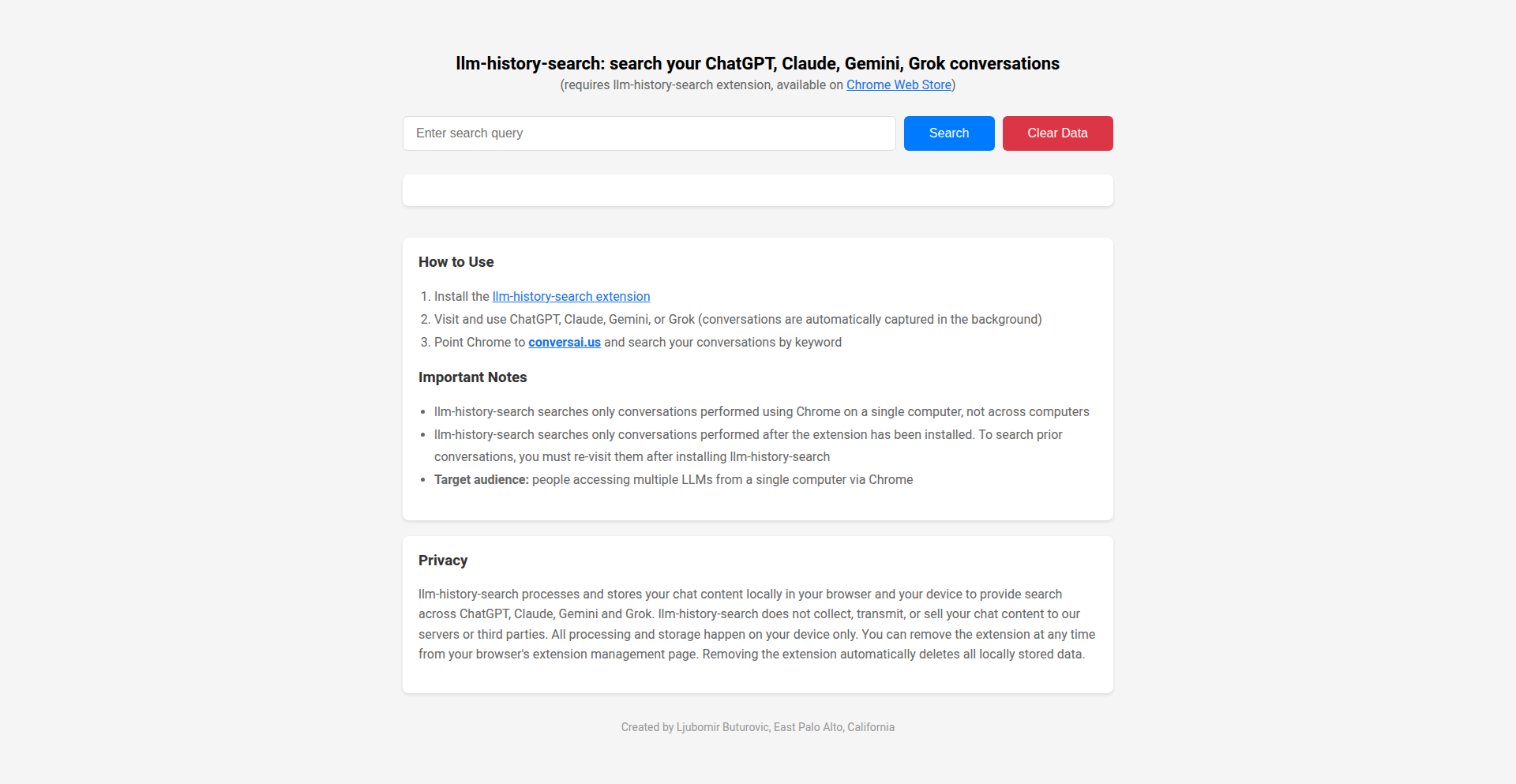
Author
ljubomir
Description
This project is a Chrome extension and companion website that tackles the common problem of managing and searching conversations across multiple Large Language Models (LLMs) like ChatGPT, Claude, Gemini, and Grok. It innovates by automatically capturing your chat history locally and providing a unified search interface, eliminating the tedious task of logging into each LLM individually. This is incredibly useful because it saves you time and effort, allowing you to quickly find past discussions and leverage previously generated insights.
Popularity
Points 2
Comments 0
What is this product?
LLM Conversation Weaver is a browser extension and website designed to centralize and search your chat history from various AI language models. The core technology involves a Chrome extension that runs in the background, capturing conversational data directly from your browser sessions with supported LLMs. This data is then stored securely in your local Chrome storage. The accompanying website connects to this local data, enabling you to perform keyword searches across all your LLM interactions. The innovation lies in its ability to bridge the gap between siloed LLM platforms, creating a unified and accessible archive of your AI conversations. So, what's the benefit for you? It means you don't have to remember which AI you spoke to or where you had a specific conversation; it's all searchable from one place.
How to use it?
To use LLM Conversation Weaver, first install the 'llm-history-search' Chrome extension. You can find the link to the extension by visiting conversai.us. Once installed, simply start using your preferred LLMs (ChatGPT, Claude, Gemini, or Grok) as you normally would. The extension silently records your conversations and saves them to your browser's local storage. After you've had some conversations, navigate to conversai.us in your Chrome browser. There, you can input keywords into the search bar to find specific discussions across all the LLMs you've used. This integration is seamless, requiring no manual export or import of data. For developers, this presents an opportunity to build further integrations or understand how browser extensions can interact with web applications for data management.
Product Core Function
· Automatic Conversation Capture: The Chrome extension passively records chat interactions with supported LLMs, storing them locally. This provides the foundational data for unified searching, solving the problem of lost or scattered conversations. You get a complete record without any extra effort.
· Unified Cross-LLM Search: The companion website allows you to search your entire LLM conversation history using keywords. This is a major time-saver, as you can find specific information or past discussions instantly, regardless of which LLM generated it. This means you can quickly retrieve answers or context that you might have forgotten.
· Local Data Storage: Conversations are stored locally in your Chrome browser. This ensures privacy and control over your data, as it doesn't need to be sent to a remote server for basic functionality. This offers peace of mind knowing your conversations are private and secure.
· Simple Installation and Use: The project prioritizes ease of use with a straightforward Chrome extension installation and an intuitive web interface. This lowers the barrier to entry for users wanting to organize their AI interactions. You can start organizing your LLM chats with minimal technical hassle.
Product Usage Case
· A freelance writer who uses multiple LLMs for brainstorming and content generation can use LLM Conversation Weaver to quickly find specific prompts or responses they've used in the past, saving them from re-formulating ideas and ensuring consistency in their work. They can search for a specific topic and immediately retrieve relevant past discussions.
· A developer experimenting with different LLMs for code generation or debugging can use the tool to track which LLM provided the most useful code snippets or explanations for a particular problem. This helps in learning and optimizing their development process by quickly revisiting successful interactions.
· A student researching a complex topic might have had different parts of their research conversations with various LLMs. LLM Conversation Weaver allows them to consolidate and search through all these scattered pieces of information to build a comprehensive understanding of the subject, making research much more efficient.
· A project manager who uses LLMs for summarizing meeting notes or drafting initial project proposals can leverage the search functionality to quickly access past project-related discussions and ensure continuity in their planning and communication. They can find specific project details or decisions without having to sift through multiple platform histories.
71
InboxTutor: AI Learning via Email
Author
vadepaysa
Description
InboxTutor is an AI-powered learning tool that delivers personalized daily lessons directly to your email inbox. It leverages Gemini to generate content based on your specified learning goals and can incorporate context from PDFs, URLs, or pasted text. The innovation lies in its entirely email-based interaction, eliminating the need for separate apps and offering a seamless, asynchronous learning experience within your existing workflow. This solves the problem of fragmented learning experiences and repetitive content often found in app-based solutions.
Popularity
Points 1
Comments 0
What is this product?
InboxTutor is a system designed to deliver personalized, AI-generated educational content to you via email. It utilizes advanced language models like Gemini to understand your learning requests, such as 'Teach me Japanese for my trip.' The core innovation is that the entire interaction, from receiving lessons to asking follow-up questions and taking quizzes, happens directly within your email client. This creates a continuous and asynchronous learning loop that fits into your daily routine without requiring you to open another application or navigate a dashboard. It's like having a dedicated tutor who communicates solely through email, ensuring you receive consistent, relevant, and engaging lessons.
How to use it?
Developers and learners can use InboxTutor by visiting the website (inboxtutor.net) and entering their desired learning topic. After verifying their email address, they will begin receiving daily lessons. To interact with the content, users can simply reply to any lesson email. For instance, to ask a question about the lesson, they can type their question in the reply. To take a quiz, they can simply ask for one. To have the AI focus on specific material, users can attach or paste context like documents, web links, or text snippets into their initial request or when prompting for further lessons. This makes it incredibly easy to integrate into your existing email-based communication and workflow.
Product Core Function
· Personalized AI Lesson Generation: Creates custom daily lessons tailored to user-defined learning objectives using advanced AI, providing relevant and engaging educational content directly in the inbox.
· Email-Native Interaction: Enables all learning activities, including receiving lessons, asking questions, and taking quizzes, to be conducted solely through email, offering unparalleled convenience and workflow integration.
· Contextual Learning Integration: Allows users to provide additional context through PDFs, URLs, or pasted text, ensuring AI-generated lessons are highly relevant and incorporate specific knowledge bases.
· Asynchronous Learning Experience: Facilitates learning at your own pace and on your own schedule, fitting into busy workflows by eliminating the need for real-time interaction or dedicated app sessions.
· Interactive Feedback Loop: Supports replying to emails to ask follow-up questions, request clarifications, or prompt the AI to adjust content, fostering a dynamic and responsive learning environment.
Product Usage Case
· A developer preparing for a technical interview can set up InboxTutor to send daily lessons on a specific programming language or data structure, with the AI incorporating relevant code examples and common interview questions. This allows for focused, spaced-repetition learning without disrupting their coding workflow.
· A marketing professional wanting to improve their understanding of a new industry trend can input relevant articles and URLs, and InboxTutor will generate daily digestible summaries and insights delivered to their inbox, making continuous learning effortless.
· A student learning a new language for travel can ask InboxTutor to teach them key phrases and cultural nuances, and then practice by replying to quizzes or asking for specific scenarios to be role-played via email, enhancing their preparedness without needing to install a language app.
· Anyone looking to acquire a new skill, like gardening or cooking, can specify their interest and receive daily tips and techniques, with the ability to ask clarifying questions or request recipes directly from their inbox, making skill acquisition accessible and convenient.
72
ForgeCraft Optimizer

Author
neotanp
Description
A web-based tool designed to eliminate the guesswork in complex crafting systems found in many video games, particularly those with probabilistic outcomes and statistical ranges. It leverages client-side JavaScript to provide instant calculations for success odds, optimal stat thresholds, and material requirements, saving players time and in-game resources.
Popularity
Points 1
Comments 0
What is this product?
This project, 'ForgeCraft Optimizer', is a sophisticated calculator for in-game crafting systems, specifically targeting complex mechanics like those in 'The Forge' system. Instead of manually crunching numbers or relying on outdated spreadsheets, this tool takes your chosen materials and desired outcomes and provides immediate, precise feedback. Its innovation lies in its ability to directly compute the exact probabilities of success, identify the most statistically advantageous stat ranges ('sweet spots'), and determine the minimum 'trait thresholds' needed to achieve those desired outcomes. This is all powered by client-side JavaScript, meaning all calculations happen directly in your web browser without needing to send data to a server. This ensures speed, privacy, and a commitment to long-term availability, as there's no complex backend infrastructure to maintain.
How to use it?
Developers and players can utilize ForgeCraft Optimizer by simply visiting the provided website. You'll be prompted to input the specific materials you possess and the ideal stats or traits you wish to achieve for your crafted item. The tool then instantly processes this information using its JavaScript-based mathematical engine. The output will clearly display the probability of successfully crafting an item with your desired stats, suggest optimal stat ranges to aim for, and inform you of the necessary minimum trait levels. For integration, while not a traditional API, developers could potentially leverage the core logic if the source code were open-sourced, or simply direct their communities to the readily available web tool for a frictionless experience in their game-related content or guides.
Product Core Function
· Instant Probability Calculation: Provides exact odds of crafting success based on chosen materials and desired outcomes. This helps players understand their chances before committing resources, reducing waste and frustration.
· Statistical Sweet Spot Identification: Calculates and presents the optimal ranges for item statistics that yield the best in-game performance. This allows players to aim for high-value crafting results instead of random outcomes.
· Required Trait Thresholds: Determines the minimum prerequisite levels for specific item traits needed to achieve desired statistical breakpoints. This offers a clear roadmap for players on what to focus on during the crafting process.
· Zero-Friction User Experience: Operates entirely client-side with no sign-ups, logins, or data tracking required. This ensures immediate usability and respects user privacy, making it a convenient tool for quick checks.
· Optimized Resource Management: By providing clear objectives and probabilities, the tool helps players avoid wasting valuable in-game materials and currency on low-probability crafting attempts, leading to more efficient progression.
Product Usage Case
· In a game with a complex crafting system where players combine various components to create powerful gear, a player is trying to craft a sword with high critical hit chance and damage. Instead of guessing, they use ForgeCraft Optimizer, inputting their available crafting materials and specifying their desired stat ranges. The tool instantly reveals that they have a 75% chance of success and shows them the exact minimum 'critical enhancement' trait level they need to reach to achieve their target critical hit percentage. This informs their material choices and trait upgrades, ensuring they focus on what truly matters.
· A community manager for a game with a notoriously difficult crafting system wants to provide a valuable resource for their players. They link to ForgeCraft Optimizer on their game's forums and discord. Players who are struggling to understand the intricate crafting mechanics can now use this tool to get clear, actionable data on how to craft specific items, leading to increased player engagement and reduced frustration with the crafting system.
· A content creator who makes YouTube guides on 'end-game' crafting strategies uses ForgeCraft Optimizer to demonstrate optimal crafting paths. They show viewers how to input specific rare materials and desired stats, and then use the tool's output to explain the statistical advantages and necessary prerequisites for crafting top-tier items, making their guides more informative and accurate.
73
WebCook

Author
Quiza12
Description
WebCook is a novel approach to publishing and accessing recipes online, leveraging a decentralized and interactive format. Instead of static web pages, it presents recipes as executable code modules. This means users can not only read ingredients and instructions but also run the recipe logic to simulate outcomes, get dynamic ingredient substitutions based on available items, or even have the system automatically generate shopping lists. The core innovation lies in treating recipes as programmable entities, opening up new possibilities for interactivity and personalized cooking experiences.
Popularity
Points 1
Comments 0
What is this product?
WebCook is essentially a framework for turning internet recipes into interactive, programmable entities. Think of it like this: instead of just reading a recipe, you can 'run' it. It uses code to represent ingredients, quantities, and cooking steps. This allows for intelligent features like suggesting ingredient swaps if you're missing something, calculating nutritional information on the fly, or even generating a shopping list based on recipes you want to make. The innovation is in treating cooking instructions as executable logic, making recipes smarter and more adaptable than traditional text-based formats. So, this is useful because it makes cooking more flexible and less prone to errors due to missing ingredients or misinterpretations. It brings a programmable, intelligent layer to something we do every day.
How to use it?
Developers can use WebCook by defining recipes as structured code, likely using a domain-specific language (DSL) or a common programming language with specific conventions. This involves specifying ingredients, their properties (e.g., units, availability), and the sequence of operations. The framework would then provide an execution engine and an API for interacting with these recipes. For example, a developer could build a recipe application that takes user input about their pantry items and uses the WebCook engine to find recipes they can make, or to suggest substitutions. This could be integrated into websites, mobile apps, or even smart kitchen appliances. This is useful for developers as it provides a standardized and powerful way to build sophisticated recipe applications that go beyond simple text display, offering dynamic and intelligent features to end-users.
Product Core Function
· Programmable Recipe Structure: Recipes are defined as code, allowing for dynamic interpretation and execution. This provides a structured and flexible way to represent cooking steps and ingredients, enabling complex logic. Useful for creating robust recipe applications.
· Intelligent Ingredient Substitution: The system can suggest alternative ingredients based on user availability or dietary preferences. This solves the common problem of missing ingredients, making cooking more accessible and less frustrating.
· Dynamic Shopping List Generation: Automatically creates a shopping list based on selected recipes. This streamlines meal planning and grocery shopping, saving users time and effort.
· Interactive Recipe Execution: Allows users to 'run' parts of the recipe, simulating outcomes or verifying steps. This enhances understanding and reduces the chance of cooking errors, offering a more engaging cooking experience.
· Nutritional Information Calculation: Can dynamically compute nutritional values for a recipe based on ingredient data. This is valuable for health-conscious individuals who want to track their intake.
Product Usage Case
· A mobile app where a user can scan their pantry and the app, powered by WebCook, suggests recipes they can make with what they have, including smart substitutions for missing items. This solves the 'what to cook with what I have' problem.
· A recipe website that allows users to adjust serving sizes and automatically recalculates ingredient quantities and nutritional information in real-time. This offers a personalized and health-aware cooking experience.
· A smart kitchen appliance that displays recipes and allows the user to interactively guide through the cooking process, with the appliance's software understanding and executing the recipe logic via WebCook. This integrates technology seamlessly into the cooking workflow.
· A developer building a meal planning service that can ingest recipes from various sources, standardize them using WebCook's structure, and then offer advanced features like personalized dietary recommendations or integration with grocery delivery services. This addresses the challenge of recipe standardization and feature expansion.
74
HumanExperienceQueryEngine

Author
tdsone3
Description
This project is a curated collection of thought-provoking questions about the human experience, presented in a user-friendly interface. The technical innovation lies in its structured approach to organizing and presenting complex, open-ended queries, facilitating deeper reflection and discussion. It solves the problem of scattered and unstructured existential inquiries by providing a dedicated platform for exploration.
Popularity
Points 1
Comments 0
What is this product?
This is a digital repository of questions designed to explore the multifaceted aspects of being human. It's built to be more than just a list; it's a system for prompting thought and conversation. The core technical idea is to use a simple, yet effective, data structure (likely a categorized list or a simple database) to store and serve these questions. This allows for easy retrieval and potential future expansion with features like tagging, filtering, or even user-submitted questions. The innovation is in creating a deliberate and accessible 'space' for contemplation, making abstract philosophical concepts more tangible through well-posed questions.
How to use it?
Developers can use this project as a foundational element for applications that require engaging users in deeper thought. Imagine integrating it into journaling apps, educational platforms, team-building exercises, or even as a backend for AI-powered conversational agents designed for personal growth. You could fetch questions based on themes or simply present a random one to spark conversation or self-reflection. The technical integration would involve accessing the question data (e.g., via an API or direct data file) and displaying it within your application's UI.
Product Core Function
· Curated Question Repository: This provides a structured and accessible collection of insightful questions about the human experience. The value is in offering a ready-made source of profound topics for exploration, saving developers the effort of researching and organizing them. This is useful for quickly adding depth to any application.
· Categorization/Thematic Grouping: Questions are organized into themes, making it easier for users to find questions relevant to specific areas of interest. The value here is enhanced user engagement and a more guided exploration experience. This helps users focus their thoughts and find prompts that resonate most.
· Simple Data Structure: The underlying data is likely stored in an easily parsable format, making integration straightforward for developers. The value is in quick and easy implementation, reducing development time and complexity. This means you can get it working in your project with minimal effort.
· Foundation for Further Development: The project serves as a starting point for building more complex features like user submissions, tracking progress, or personalized recommendations. The value is in providing a robust base upon which to innovate, allowing developers to build upon existing work.
Product Usage Case
· Personal Development Journal App: A developer could integrate this project to provide users with daily prompts for self-reflection, helping them to understand their thoughts and feelings better. This addresses the problem of users struggling to find meaningful things to write about.
· Team Building Activity Tool: This could be used in a corporate setting to facilitate discussions among team members, encouraging them to share perspectives and build stronger relationships. It solves the challenge of finding engaging icebreaker questions that go beyond superficial topics.
· Educational Platform for Philosophy/Psychology: An online course could leverage these questions to stimulate critical thinking and encourage deeper learning in subjects related to the human condition. This helps educators provide interactive learning experiences.
· AI Chatbot for Mental Wellness: A chatbot could use these questions as conversation starters or prompts for guided meditation, assisting users in exploring their inner world. This provides a structured way for AI to engage users in meaningful dialogue.
· Content Generation for Blogs/Social Media: Content creators could use this collection as inspiration for articles, posts, or videos, providing their audience with thought-provoking material. This solves the problem of content creators needing fresh and engaging ideas.
75
CascadeLinker-AI

Author
ksanyokm
Description
CascadeLinker-AI is an automated, multi-tier backlink generation system that drastically reduces the cost and complexity of SEO link building. It leverages a unique cascade model with three levels of links, from high-authority Web2.0 posts down to fast-indexing tier-3 links, to build a natural and robust backlink profile. The innovation lies in its deep automation, making sophisticated SEO strategies accessible and affordable.
Popularity
Points 1
Comments 0
What is this product?
CascadeLinker-AI is an intelligent system that automates the creation of a three-tiered backlink structure for Search Engine Optimization (SEO). Think of it like building a pyramid of links pointing to your website. The top tier consists of high-quality articles on popular platforms (Web2.0s), the middle tier links to those articles, and the bottom tier is a large volume of links that help the others get noticed quickly by search engines. This structured approach is designed to be safe and effective for improving your website's ranking on Google. The core innovation is the extensive automation that makes this complex process extremely affordable and scalable, bringing enterprise-level SEO tactics to everyone.
How to use it?
Developers and website owners can integrate CascadeLinker-AI into their SEO workflows. After setting up an account and defining their target website, the system automatically generates and manages the tiered link building process. This can be used for new websites needing an initial SEO boost, or for established sites looking to expand their search engine visibility safely and cost-effectively. Integration might involve connecting your website URL and selecting campaign parameters, after which the system handles the creation and placement of links across its vast network of Web2.0 platforms and other link tiers.
Product Core Function
· Automated Web2.0 Post Generation: Creates high-authority content on platforms like WordPress or Blogger, providing valuable backlinks from trusted sources. This is useful for establishing initial authority and credibility for your website.
· Contextual Link Building for Tier 2: Automatically builds links from other websites that naturally point to the Web2.0 posts, strengthening the overall link profile and passing authority. This helps search engines understand the relevance of your content.
· Tier 3 Indexing and Amplification: Generates a large volume of links to the Tier 2 links, accelerating their visibility and indexing by search engines. This ensures that the effort put into the higher tiers is recognized quickly.
· Cost-Effective Scalability: Achieves extremely low per-link costs through deep automation, making advanced SEO strategies accessible to small businesses and individual developers. This means you get more SEO power for less money.
· Safe Link Profile Building: The cascading model is designed to mimic natural link growth patterns, minimizing the risk of penalties from search engines. This protects your website from being flagged for manipulative link building practices.
Product Usage Case
· A new e-commerce startup launching its website needs to quickly gain visibility in search results. By using CascadeLinker-AI, they can build a strong foundation of backlinks without a huge budget, helping them compete with established players from day one. The system automates the creation of blog posts on popular platforms and links them up, saving their small marketing team significant time and resources.
· A freelance web developer managing multiple client websites needs an efficient way to improve their clients' SEO. CascadeLinker-AI allows them to offer advanced link-building services at a competitive price, boosting client satisfaction and revenue. The automation handles the grunt work, letting the developer focus on strategy and client communication.
· An established content website aiming to increase its organic traffic and authority. They can use CascadeLinker-AI to supplement their existing content marketing efforts with a powerful, yet safe, backlink strategy. The tiered approach ensures that their new content gets indexed and ranked faster, driving more qualified visitors to their site.
76
Martini-Kit: StateSync Runtime

Author
yaoke259
Description
Martini-Kit is an open-source TypeScript runtime designed to simplify multiplayer game and application development. It addresses the complexity of synchronizing game state across multiple players by allowing developers to structure their logic as if it were a single-player project. The library then transparently handles the intricate state synchronization, significantly reducing development overhead.
Popularity
Points 1
Comments 0
What is this product?
Martini-Kit is a specialized runtime environment built with TypeScript that automates the complex process of keeping the game state consistent across all players in a multiplayer application. Think of it like a smart coordinator for your game. Instead of you manually sending updates about every little change to every player, Martini-Kit automatically detects what needs to change and efficiently broadcasts those updates. This means you can focus on building your game's core mechanics, and the library takes care of the network magic. Its innovation lies in abstracting away the networking complexity, allowing for a more intuitive, single-player-like development flow for multiplayer features.
How to use it?
Developers can integrate Martini-Kit into their Phaser-based web games or other TypeScript applications. After setting up the Martini-Kit runtime, they define their game's state and logic. The library automatically observes changes to this state and synchronizes them across all connected clients. This can be achieved by instantiating the Martini-Kit client and server components within their project. For Phaser games, it offers first-class support, meaning it integrates seamlessly with common Phaser patterns for managing game objects and their properties. The practical use case is building real-time multiplayer games without needing to become a networking expert.
Product Core Function
· Automatic State Synchronization: This core function detects changes in the application's state and automatically propagates them to all connected clients. Its value is in eliminating the need for manual network communication for state updates, saving significant development time and reducing the chance of bugs. This is crucial for any real-time interactive application where all users need to see the same information.
· Simplified Multiplayer Logic Structure: Martini-Kit allows developers to write multiplayer logic in a way that feels very similar to single-player development. The value here is a drastically lowered learning curve and increased developer productivity. Instead of thinking about client-server communication for every action, you can focus on game mechanics, and Martini-Kit handles the distribution.
· First-class Phaser Support: This feature provides optimized integration with the popular Phaser game framework. The value is that Phaser game developers can adopt Martini-Kit without a steep learning curve for integrating networking, allowing them to build multiplayer Phaser games more efficiently. This specifically helps web game developers overcome common hurdles.
· TypeScript First Design: Built from the ground up with TypeScript, Martini-Kit offers strong typing and modern JavaScript features. The value is enhanced code maintainability, fewer runtime errors due to type checking, and a better developer experience for those already using TypeScript in their projects.
Product Usage Case
· Building a real-time multiplayer board game: A developer can use Martini-Kit to synchronize the position of game pieces, player turns, and scores across multiple players. Martini-Kit handles the network traffic to ensure everyone sees the same board state, eliminating the need to write custom server logic for broadcasting these updates. This allows the developer to focus on the game's rules and UI.
· Creating a cooperative puzzle game: In a scenario where multiple players need to interact with the same puzzle elements simultaneously, Martini-Kit can ensure that actions taken by one player are reflected instantly for others. For example, if one player rotates a gear, Martini-Kit synchronizes this rotation to all other players' views, enabling seamless collaborative gameplay without manual network management.
· Developing a simple multiplayer arcade game (e.g., Pong): A developer can use Martini-Kit to synchronize the ball's position, paddle movements, and scores between two players. Martini-Kit automates the process of sending these updates over the network, allowing the developer to concentrate on the game's physics and controls, drastically simplifying the path to a functional multiplayer experience.
77
MobileGPT: AI Agent for Mobile App Automation

Author
_karthikeyans_
Description
MobileGPT is an AI-powered agent designed to automate tasks within mobile applications. It leverages natural language processing to understand user commands and then interacts with the mobile app's UI to perform actions, effectively bridging the gap between human intent and app functionality. This addresses the complexity and time-consuming nature of repetitive manual interactions with mobile apps.
Popularity
Points 1
Comments 0
What is this product?
MobileGPT is an innovative AI agent that acts as a digital assistant for your mobile apps. Instead of you manually tapping, swiping, and typing, you can tell MobileGPT what you want to do in plain English, and it will intelligently control your phone's interface to execute those tasks. It achieves this by analyzing the app's visual elements and understanding context, then generating sequences of UI interactions that mimic human behavior. The core innovation lies in its ability to interpret natural language commands and translate them into actionable steps within a mobile app's environment, making complex app workflows accessible through simple voice or text instructions. This is like having a super-smart robot hand that knows how to use your phone for you.
How to use it?
Developers can integrate MobileGPT into their testing pipelines, automation workflows, or even build new user experiences on top of it. It can be used to automate repetitive tasks like filling out forms, navigating through complex menus, or performing sequences of actions for app testing and validation. For end-users, it could be integrated into accessibility tools or productivity apps to simplify mobile device usage. Imagine giving it a command like 'book a flight from New York to London for next Tuesday,' and it navigates through your travel app, fills in the details, and confirms the booking. The technical integration would involve providing the AI agent with access to the device's screen and input mechanisms, allowing it to 'see' and 'interact' with the app.
Product Core Function
· Natural Language Command Interpretation: Understands user instructions given in everyday language, converting abstract requests into concrete app actions. This is valuable for making app interactions accessible to a wider audience and for simplifying complex automation.
· UI Element Recognition and Interaction: Identifies buttons, text fields, and other UI elements on the screen and simulates user actions like tapping, typing, and swiping. This is the technical backbone that allows the AI to control the app, providing a seamless automation experience.
· Contextual Awareness: Maintains an understanding of the current state within the app to execute commands effectively and handle dynamic UI changes. This is crucial for robust automation, ensuring the agent doesn't get stuck if the app's layout shifts unexpectedly.
· Task Sequencing and Automation: Can string together multiple actions to complete a complex task, such as going through a multi-step checkout process or setting up a new profile. This significantly speeds up repetitive work and testing.
Product Usage Case
· Automated UI Testing: A QA engineer can use MobileGPT to write test scripts in natural language, like 'login with username "testuser" and password "password123" and then navigate to the settings page.' This drastically reduces the effort required for setting up and running automated tests, making apps more reliable.
· Accessibility Enhancement: For users with motor impairments, MobileGPT can enable them to control their mobile apps using voice commands. For example, a user could say, 'add this item to my cart' while browsing an e-commerce app, and MobileGPT would handle the clicks and taps, improving usability for everyone.
· Workflow Automation for Businesses: A business user could automate repetitive tasks within their company's mobile apps, such as updating inventory records or generating reports, by simply describing the workflow to MobileGPT. This saves time and reduces errors in manual data entry.
· Personalized Productivity Tools: Imagine a personal assistant app that uses MobileGPT to manage your schedule. You could say, 'Find a time for a meeting with John next week and book it,' and it would interact with your calendar app to find a slot and send an invite.
78
Algorithmic Logic Puzzle Weaver

Author
slig
Description
This project is a sophisticated puzzle generator that crafts logic grid puzzles. Its core innovation lies in an algorithm that simulates human puzzle-solving strategies to produce raw logical constraints. These constraints are then cleverly transformed into engaging, themed clues using a Large Language Model (LLM), making complex logic puzzles accessible and fun.
Popularity
Points 1
Comments 0
What is this product?
This is an AI-powered logic puzzle generator. Instead of just randomly assigning facts, it uses an algorithm that breaks down the puzzle creation process in a way that mirrors how a person would approach solving it. This means it generates the fundamental rules, like 'Carl is not 30 years old' or 'The person who owns the SUV likes table tennis', which are the building blocks of a logic puzzle. Then, it uses an LLM, a type of AI that understands and generates human-like text, to turn these raw rules into natural-sounding, themed clues, such as 'The person with the blue car is not John.' This approach ensures the puzzles are logically sound and challenging yet solvable, with a wide variety of themes and difficulty levels. So, for you, it means a constant supply of well-crafted, interesting logic puzzles that don't feel repetitive or artificially generated.
How to use it?
Developers can integrate this project by accessing its API to generate puzzles programmatically. For example, a game developer could use it to dynamically create logic puzzles within their application, or an educator could generate practice problems. The system takes user-defined parameters like desired difficulty, theme, and number of variables, and outputs a set of constraint statements and corresponding LLM-generated clues. You can specify the types of categories (like names, ages, occupations) and the algorithm will generate the underlying logic. The LLM then takes these raw logical relationships and crafts them into narrative clues. This allows for seamless integration into any platform requiring logic-based challenges. So, for you, this means you can easily add custom logic puzzles to your own software or educational tools, saving significant development time and ensuring high-quality puzzle content.
Product Core Function
· Algorithmic Constraint Generation: Creates the fundamental logical relationships that form the backbone of a puzzle, mimicking human deductive steps. This ensures puzzles are solvable and have a coherent structure, providing a solid foundation for complex problem-solving.
· LLM-Powered Clue Crafting: Transforms raw logical constraints into engaging, themed, and naturally worded English clues. This dramatically enhances the user experience by making puzzles more approachable and enjoyable, moving beyond dry logical statements.
· Thematic Customization: Offers approximately 600 pre-defined themes, allowing puzzles to be tailored to specific interests or contexts. This makes the puzzles more engaging and relevant for a wider audience.
· Adjustable Difficulty Levels: Provides a range of difficulty from very-easy to ultra-hard, enabling users to select puzzles appropriate for their skill level. This ensures both beginners and advanced puzzle enthusiasts can find suitable challenges.
· Scalable Puzzle Generation: The system is designed to produce a large volume of unique puzzles, catering to applications that require a constant stream of new content. This is valuable for platforms seeking to keep users engaged with fresh challenges.
Product Usage Case
· A mobile game developer could use this to generate an endless supply of unique logic grid puzzles for their 'brain training' app. Instead of pre-making hundreds of puzzles, the game can generate a new one on demand, ensuring players always have fresh content to solve, thus increasing player retention.
· An educational platform could utilize this to create custom logic puzzles for teaching critical thinking and deductive reasoning skills. Teachers can specify topics and difficulty, and the system generates tailored exercises that help students practice problem-solving in a fun, engaging way.
· A content creator looking to build an interactive website could embed this puzzle generator. They could offer daily puzzles with different themes, attracting visitors and providing an engaging experience that keeps them coming back to the site.
· A software company developing a productivity tool might integrate logic puzzles as a 'brain break' feature. Users could solve short, themed puzzles during breaks to refresh their minds and improve focus, seamlessly integrated into their workflow.
79
Nana Banana: Unified AI Image Lab

Author
harperhuang
Description
Nana Banana is an innovative platform that consolidates various leading AI image generation models under a single, unified interface. It addresses the challenge of managing multiple accounts for different AI tools by offering a single point of access. The platform leverages the unique strengths of models like Google Gemini for superior text rendering in multiple languages and FLUX for hyper-realistic styles, enabling users to create and refine images through a streamlined two-step workflow: generate and then edit.
Popularity
Points 1
Comments 0
What is this product?
Nana Banana is a web-based platform designed to simplify and enhance the AI image generation process. Instead of juggling multiple subscriptions and interfaces for different AI art tools, Nana Banana acts as a central hub. It integrates cutting-edge models, each with their own specialties – for example, one might be brilliant at generating text within images accurately in any language, while another excels at creating incredibly lifelike photos. By bringing these diverse capabilities together, Nana Banana allows users to harness the best of each AI model without the hassle of separate accounts. Its core innovation lies in providing a single login to access a constellation of powerful AI image generation engines, empowering users with a broader palette of creative possibilities and more efficient workflows.
How to use it?
Developers and creative professionals can use Nana Banana through its intuitive web interface. Simply sign up for a single account, and you gain access to a curated selection of top-tier AI image generation models. You can then input your text prompts (text-to-image) or upload existing images (image-to-image) to generate initial concepts. The platform's unique two-step workflow allows for immediate post-generation editing and refinement within the same interface, utilizing the strengths of different integrated models to perfect your vision. This makes it incredibly versatile for rapid prototyping, content creation, concept art, and any scenario where diverse AI image generation capabilities are beneficial without the overhead of managing multiple services.
Product Core Function
· Multi-model AI Integration: Provides access to a diverse range of AI image generation models (e.g., Google Gemini, FLUX, Seedream, Qwen) through a single account. This eliminates the need for separate subscriptions and logins for each specialized AI service, saving time and resources. For users, this means being able to experiment with and leverage the unique strengths of different AI technologies seamlessly.
· Text-to-Image Generation: Enables users to create images from textual descriptions. This core function is enhanced by Nana Banana's ability to select the best-suited model for specific prompt types, such as accurate multilingual text rendering powered by models like Google Gemini, delivering higher quality and more accurate results for a wider range of creative needs.
· Image-to-Image Transformation: Allows users to modify or generate new images based on an input image. This feature is valuable for tasks like style transfer, image upscaling, or creating variations of existing visuals. By integrating different AI models, Nana Banana offers more creative control and a broader spectrum of stylistic possibilities for image manipulation.
· Two-Step AI Workflow (Generate & Refine): Offers a streamlined process where users can first generate an image and then immediately refine it using editing tools or by feeding it back into another AI model. This iterative approach significantly speeds up the creative process, allowing for quick experimentation and iteration without leaving the platform, directly addressing the need for efficient content creation and art direction.
Product Usage Case
· A graphic designer needing to create marketing visuals with specific text elements in multiple languages. Using Nana Banana, they can leverage Google Gemini's superior text rendering within a single workflow to generate accurate and aesthetically pleasing images for international campaigns, avoiding the limitations of single-model text generation.
· A concept artist working on a new video game character. They can use Nana Banana to experiment with different AI models, using one for photorealistic character body generation (like FLUX) and another for stylistic rendering or background elements, all within the same session to quickly iterate on designs.
· A social media manager looking to generate engaging posts quickly. They can use Nana Banana to generate a variety of image styles and compositions from simple text prompts, then use the refine feature to make minor adjustments, drastically reducing the time spent on content creation.
· A developer experimenting with AI-powered image features in their application. Nana Banana's unified API (hypothetically, if available or planned) could allow them to integrate multiple advanced AI image models into their product without needing to build separate integrations for each service, offering users a richer set of image generation capabilities.
80
Brahma-React: Secure API Gateway with Rust Backend
Author
StellaMary
Description
Brahma-React is a project that replaces vulnerable JavaScript APIs with a secure Rust backend for React applications. It addresses the common security risks associated with dynamic JavaScript, offering a more robust and performant alternative for handling sensitive API operations. This innovation leverages Rust's memory safety and performance advantages to create a more trustworthy API layer for web applications.
Popularity
Points 1
Comments 0
What is this product?
Brahma-React is a system designed to enhance the security and performance of React applications by migrating critical API functionalities from JavaScript to Rust. JavaScript, while flexible, can be prone to security vulnerabilities like injection attacks and memory errors. Rust, on the other hand, offers strong memory safety guarantees at compile time and exceptional performance. Brahma-React effectively acts as a secure gateway, intercepting requests that would traditionally hit a JavaScript API, and instead routes them to a Rust service. This means that sensitive operations, data processing, or any part of your API that needs to be highly secure and efficient can be handled by Rust, while the frontend remains in React. The core innovation lies in the architectural shift: decoupling the vulnerable JavaScript API logic and reimplementing it in a safer, faster language without fundamentally altering the user experience.
How to use it?
Developers can integrate Brahma-React by identifying specific API endpoints in their React application that are either performance bottlenecks or security concerns. Instead of having these endpoints directly handled by Node.js (or similar JavaScript runtimes) on the server-side, Brahma-React suggests building a separate Rust microservice for these functions. The React frontend would then make API calls to this new Rust service. This could involve setting up a simple HTTP server in Rust (using frameworks like Actix-web or Axum) to listen for requests. For integration, you might use standard HTTP client libraries in your React application (like Axios or the built-in fetch API) to communicate with the Rust backend. The key is to abstract the data flow, ensuring that critical operations are shielded by Rust's security features, thereby improving the overall resilience and speed of your application.
Product Core Function
· Secure API Endpoint Handling: Rust's memory safety features prevent common vulnerabilities like buffer overflows and null pointer dereferences, making your API endpoints significantly more secure than those written in JavaScript. This translates to reduced risk of data breaches and malicious attacks for your application.
· High-Performance Data Processing: Rust's efficient compilation and runtime performance enable faster execution of complex computations and data transformations within your API. This means your application can handle more requests with lower latency, improving user experience and scalability.
· Decoupled Architecture: By separating critical API logic into a Rust backend, you create a more modular and maintainable application. This allows for independent scaling and updates of your backend services without impacting the frontend, providing greater flexibility in development and deployment.
· Vulnerability Mitigation: Directly addresses the inherent security risks of JavaScript-based APIs by offering a proven safer alternative. This provides peace of mind knowing that sensitive operations are handled by a language designed for security and reliability.
· Cross-Language Integration: Enables seamless communication between your React frontend and a Rust backend, leveraging the strengths of both technologies. This allows you to pick the best tool for the job without sacrificing interoperability.
Product Usage Case
· Securing sensitive user authentication endpoints: Instead of handling user credentials directly in a JavaScript API which could be more susceptible to injection attacks, Brahma-React allows you to build a Rust service to securely verify credentials and generate tokens, preventing potential breaches.
· Accelerating complex data aggregation in a real-time dashboard: If your React dashboard requires aggregating and processing large datasets from various sources, a Rust backend can perform these computations much faster than a JavaScript counterpart, leading to a more responsive and up-to-date dashboard for users.
· Building a robust API for financial transactions: For applications involving financial data, the immutability and memory safety guarantees of Rust are paramount. Brahma-React enables you to implement critical financial transaction logic in Rust, minimizing the risk of errors and fraud.
· Enhancing the performance of computationally intensive backend tasks for a React-based AI/ML application: If your React app utilizes AI or machine learning models that require heavy computation on the backend, migrating these tasks to a Rust service can significantly reduce processing time, leading to faster results and a better user experience.
· Creating a secure and performant API gateway for a microservices architecture: Brahma-React can serve as the secure entry point for various microservices, routing requests to the appropriate service while ensuring that all incoming traffic is validated and processed securely by the Rust gateway.
81
Losselot - Audio Transcoding Forensics
Author
rhgraysonii
Description
Losselot is a tool designed to detect if audio files, particularly lossless ones like FLAC, have undergone unnecessary or hidden audio format conversions, especially from lossy formats like MP3. It addresses the niche problem of identifying audio 'relics' or tell-tale signs of previous encoding steps, helping users understand the true history of their audio files and prevent audio quality degradation. This is achieved by analyzing specific audio artifacts and patterns that are characteristic of different encoding processes.
Popularity
Points 1
Comments 0
What is this product?
Losselot is a specialized software tool that acts like a digital detective for your audio files. It's built on the principle that different audio compression and encoding methods leave behind subtle, almost invisible 'fingerprints' or 'ghosts' in the audio data. For instance, when you convert an audio file from one format to another, especially from a format like MP3 (which discards some audio information to make the file smaller) back to a lossless format like FLAC, it doesn't magically restore the lost information. Instead, it might introduce specific types of noise or altered frequency responses that Losselot can detect. The innovation lies in its ability to recognize these subtle patterns, effectively determining if a FLAC file, for example, was originally an MP3 that was re-encoded into FLAC, or if an MP3 itself was converted from another MP3, thereby revealing a chain of audio transformations. So, this helps you ensure you're working with the purest form of your audio, not a compromised version masquerading as pristine.
How to use it?
Developers can integrate Losselot into their audio processing pipelines or use it as a standalone command-line tool. For audio engineers or archivists, it can be used to verify the integrity of audio archives, ensuring that supposedly lossless files haven't been inadvertently degraded. For users concerned about audio quality, it can be run on individual files to check for hidden conversions before committing to storing or distributing them. The usage typically involves providing the audio file path to Losselot, which then outputs a report indicating the likelihood of detected transcoding events. This allows for informed decisions about file management and preservation. So, this helps you automatically check your audio files for unwanted quality reductions without needing to be an audio expert yourself.
Product Core Function
· MP3 to FLAC transcoding detection: Identifies if a FLAC file was previously an MP3 by looking for characteristic artifacts left by MP3 encoding and subsequent FLAC conversion. This helps ensure that files labeled as lossless are truly lossless and haven't been downgraded. This is valuable for maintaining audio fidelity and trust in audio archives.
· MP3 to MP3 transcoding detection: Analyzes MP3 files to detect if they have been re-encoded from another MP3 file. This is useful for identifying potential quality degradation that occurs with each successive lossy compression step. This helps prevent cumulative audio quality loss in audio production workflows or personal music collections.
· Audio artifact pattern recognition: Employs sophisticated algorithms to recognize subtle patterns and anomalies in audio data that are indicative of specific encoding processes, even when they are not immediately audible. This provides a scientific basis for identifying hidden transformations. This is valuable for objective audio quality assessment and forensic analysis.
· Report generation: Provides clear and concise reports on the analysis results, indicating the confidence level of detected transcoding events. This makes the technical findings accessible and actionable for users. This helps users quickly understand the status of their audio files and make informed decisions.
Product Usage Case
· An audio archivist receives a large collection of FLAC files claimed to be original recordings. They use Losselot to scan the collection and discover that a significant portion of the files were actually re-encoded from MP3s. This allows them to identify the compromised files and seek out original sources or flag them appropriately, preventing the propagation of degraded audio. This solves the problem of unknowingly preserving lower-quality audio.
· A music producer is working on a project and wants to ensure the highest possible audio quality. They use Losselot to check intermediate WAV files (which are then to be encoded to FLAC) to see if they have inadvertently been subjected to lossy compression earlier in the production chain. This helps them catch and correct any accidental quality loss before the final mastering stage. This prevents costly mistakes and ensures the best possible sound for their music.
· A user is curating a personal music library and downloads FLAC versions of their favorite albums. They use Losselot to verify that these downloads are indeed true lossless files and not simply MP3s with a .flac extension. This ensures they are building a library of genuine high-fidelity audio. This solves the problem of being misled by file formats and ensures value for their effort in seeking out lossless audio.
82
PGM-Extra: Rust's Learned Index Accelerator

Author
rpunkfu
Description
PGM-Extra is a Rust library that introduces 'learned index structures' to Rust applications. Instead of traditional tree-based or hash-based indexes, it uses machine learning models to predict data locations. This offers a significant performance boost for read-heavy workloads, especially when data distribution is predictable. Think of it as an AI-powered lookup assistant for your data.
Popularity
Points 1
Comments 0
What is this product?
PGM-Extra is a novel indexing solution for Rust. Traditional indexes (like B-trees or hash tables) are like well-organized filing cabinets where you know exactly where to look based on labels. Learned indexes, on the other hand, are like a smart assistant who has seen many filing tasks before and can make an educated guess about where a piece of data is likely to be, based on patterns. This is achieved by training a lightweight machine learning model on your data. When you need to find something, the model predicts its likely position, often leading to faster lookups than traditional methods. This innovation drastically reduces the number of disk seeks or memory accesses needed, accelerating data retrieval.
How to use it?
Developers can integrate PGM-Extra into their Rust projects as a drop-in replacement or complementary component for existing data structures that require fast lookups. You would typically load your dataset, train a PGM-Extra index on it (which creates a small, fast-executing model), and then use the index to perform lookups. This is particularly useful in scenarios like database systems, caching layers, or any application dealing with large datasets where read performance is critical. It's used by initializing the index with your data and then querying it.
Product Core Function
· Learned Index Implementation: Provides a highly optimized implementation of learned index structures in Rust, enabling faster data lookups by predicting data positions using machine learning models. This is valuable because it can significantly speed up applications that frequently search through large amounts of data.
· Optimized for Read Workloads: Designed to excel in scenarios where data is read much more often than it is written, such as in analytics or reporting applications. This means your application's read performance will be noticeably better, allowing it to serve requests more quickly.
· Memory Efficiency: The learned models are typically very small, requiring minimal memory footprint compared to large traditional index structures. This is important for applications running on resource-constrained environments or when you need to keep more data readily accessible in memory.
· Rust Integration: Seamlessly integrates with the Rust ecosystem, leveraging Rust's performance and safety features. This allows developers to build high-performance, reliable applications without compromising on memory safety.
Product Usage Case
· Database Systems: Accelerating query execution in Rust-based databases by using learned indexes for data retrieval, leading to faster query responses. This is useful when you're building a database and need to make it as fast as possible for users.
· Key-Value Stores: Improving the performance of lookups in high-throughput key-value stores built in Rust. Imagine a service that needs to quickly fetch data based on a key; PGM-Extra makes this fetch lightning fast.
· Caching Layers: Enhancing the speed of cache lookups in Rust applications, reducing latency for frequently accessed data. If your application relies on caching to speed things up, PGM-Extra can make those cache hits even faster.
· Data Analysis Tools: Speeding up data exploration and retrieval in data analysis libraries or applications written in Rust, allowing analysts to get insights from data more rapidly. For data scientists using Rust, this means they can spend less time waiting for data and more time analyzing it.
83
Kronos: Type-Safe Algo Trading Engine
Author
lkwtsn
Description
Kronos is a Go-based framework designed to revolutionize algorithmic trading by providing type safety and exchange agnosticism. It tackles the common pain points of existing trading frameworks, which often lack robust error checking and force developers to rewrite strategies for different trading platforms. Kronos allows traders and quants to write their trading logic once and deploy it across various environments – from backtesting and paper trading to live execution – without any code modifications. Its innovative approach ensures that potential errors are caught during the development phase (compile time), not during live trading, and its terminal-based orderbook visualization offers a real-time, interactive monitoring experience.
Popularity
Points 1
Comments 0
What is this product?
Kronos is an opinionated algorithmic trading framework built in Go. Think of it like popular web frameworks like Laravel or Spring, but specifically for the trading world. Its core innovation lies in its type-safe design, which means the Go compiler will catch many potential bugs *before* your trading strategy even runs, saving you from costly mistakes in live trading. Furthermore, it's exchange-agnostic, meaning you write your strategy code once and it can be deployed on different exchanges (like Hyperliquid or Binance) without needing to rewrite anything. This is possible because Kronos abstracts away the complexities and differences of each exchange's API. It also includes a cool real-time orderbook visualization directly in your terminal, making it easy to monitor market activity. Essentially, it handles the heavy lifting of managing WebSocket connections, sending and routing orders, and tracking your positions, allowing you to focus purely on your trading strategy's logic.
How to use it?
Developers can integrate Kronos by defining their trading strategies using Go. The framework provides a structured way to build these strategies, ensuring they adhere to type safety principles. Once a strategy is written, it can be easily configured to run in backtesting mode to test its historical performance, paper trading mode for simulated live trading without real money, or live trading mode on supported exchanges like Hyperliquid. Integration with new exchanges is facilitated by the framework's design, making it relatively straightforward to add support for more platforms. The terminal UI offers a plug-and-play monitoring solution for live trading sessions.
Product Core Function
· Type-safe strategy development: By leveraging Go's strong typing, Kronos catches potential errors at compile time, preventing bugs from reaching live trading and saving developers from costly mistakes.
· Exchange-agnostic strategy deployment: Write your trading logic once and execute it across multiple exchanges (e.g., Hyperliquid, Binance) without code changes, drastically reducing development time and effort.
· Real-time terminal orderbook visualization: Provides an immediate, interactive view of market depth directly in your terminal, enabling quick assessment of trading conditions.
· Automated WebSocket management: Handles the complexities of establishing and maintaining persistent connections to exchanges for real-time data feeds, freeing developers from low-level network programming.
· Smart order routing and execution: Manages the process of placing, modifying, and canceling orders across different exchange APIs efficiently and reliably.
· Position tracking: Automatically keeps track of current holdings and P&L, simplifying performance monitoring and risk management.
Product Usage Case
· A quantitative trader wants to test a new mean-reversion strategy on historical Bitcoin data before risking real capital. They can write the strategy in Kronos, backtest it rigorously, and if successful, deploy it to paper trading on Binance with zero code changes, identifying potential bugs during the backtesting phase.
· A developer has built a profitable arbitrage strategy on the Hyperliquid exchange. They want to expand their reach to other exchanges like Binance without rewriting the entire strategy. Using Kronos, they can simply reconfigure the framework to connect to Binance, and their existing strategy will function as intended, saving significant development effort.
· A day trader needs to monitor the order book of a specific asset across multiple exchanges in real-time. Kronos's terminal UI allows them to see the order flow and depth for that asset on both Hyperliquid and Binance simultaneously, helping them identify fleeting trading opportunities and make faster decisions.
· A developer is building a high-frequency trading bot but is concerned about missing critical market updates due to unstable WebSocket connections. Kronos's robust WebSocket management ensures consistent data flow, allowing the bot to react instantly to market changes and execute trades with minimal latency.
84
Notekit - Browser-Native Privacy Notes
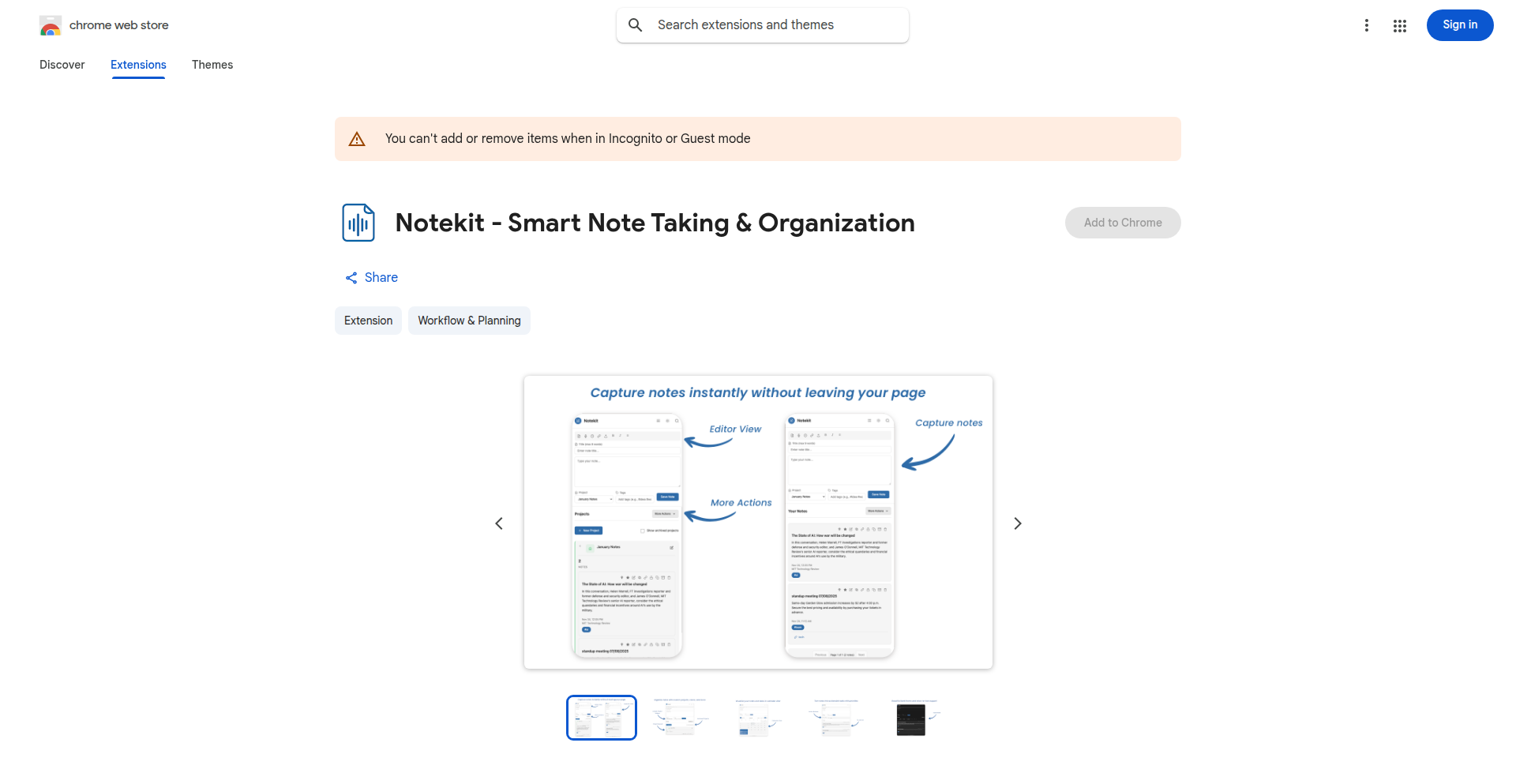
url
Author
kamdev
Description
Notekit is a Chrome extension that provides note-taking and task management capabilities entirely within your browser. It prioritizes user privacy by storing all data locally using IndexedDB, eliminating the need for accounts, cloud synchronization, or tracking. The project's innovation lies in its commitment to a private, offline-first experience, showcasing a developer-centric approach to building powerful yet simple tools.
Popularity
Points 1
Comments 0
What is this product?
Notekit is a browser extension that functions as a personal note-taking and task management system. Its core innovation is its completely local data storage using IndexedDB, a client-side database. This means your notes and tasks are never sent to external servers, ensuring maximum privacy and security. It's built using Chrome's MV3 extension framework, and for added security, it offers optional AES-GCM encryption for your notes. The application employs virtualized list rendering for smooth performance, especially with many entries, and it avoids any unnecessary network requests unless you explicitly use integrated AI tools.
How to use it?
Developers can install Notekit directly from the Chrome Web Store. Once installed, it appears as a sidebar within your Chrome browser. You can start taking notes, organizing them with projects and tags, and managing tasks immediately. For developers, this means a readily available, fast, and private workspace for jotting down ideas, managing project-related information, or tracking to-dos without the overhead of setting up accounts or worrying about data breaches. Its import/export functionality (supporting JSON, CSV, Markdown, and optional PDF/HTML) makes it easy to integrate with existing workflows or migrate data.
Product Core Function
· Local-first note-taking and task management: Stores all your data directly in your browser's IndexedDB, ensuring privacy and offline accessibility, so your information is always with you and never exposed to external servers.
· Rich text editing and attachments: Allows for formatted notes with rich text capabilities and the ability to attach files or links, enhancing the utility of your notes for capturing diverse information.
· Project and tag organization: Provides a structured way to categorize and find your notes through projects and tags, improving information retrieval and workflow management for developers.
· Automated page capture: Automatically saves the URL and title of the web pages you visit, allowing you to easily link notes to specific online resources or research.
· Search and filtering: Enables quick searching and filtering of your notes, making it efficient to locate specific information even within a large dataset.
· Offline functionality: Works seamlessly even without an internet connection after installation, providing a reliable workspace wherever you are.
· Data import/export: Supports importing and exporting notes in various formats (JSON, CSV, Markdown), offering flexibility for data backup, migration, or integration with other tools.
Product Usage Case
· A developer working on a complex project can use Notekit to jot down code snippets, API documentation links, design ideas, and meeting notes, all organized by project and accessible offline, preventing information loss and improving productivity.
· A researcher can use Notekit to collect and organize links, articles, and thoughts from their web browsing sessions. The auto-save of page URLs and titles, combined with rich text editing, creates a powerful, private research journal.
· A freelancer can manage client tasks and project details within Notekit, ensuring that sensitive client information remains private and accessible only to them, without relying on potentially insecure cloud services.
· A student can use Notekit to take lecture notes, store study materials, and manage assignments, benefiting from the offline capabilities and structured organization for efficient learning.
85
i18n-Genius: Automated Localization Script
Author
csantini
Description
This project presents a script designed to automate the generation of internationalization (i18n) localization files. It tackles the common pain point for developers of manually creating and managing translation files across multiple languages, significantly speeding up the localization workflow by programmatically generating these essential files.
Popularity
Points 1
Comments 0
What is this product?
i18n-Genius is a developer tool that automates the creation of localization files for applications. Traditionally, developers need to manually create and maintain separate files for each language supported by their application (e.g., English, Spanish, French). This script intelligently analyzes source strings and generates these translation files, often by leveraging translation memory or simple pattern matching, reducing repetitive tasks and potential errors. The innovation lies in its programmatic approach to a traditionally manual process, making localization more efficient and scalable.
How to use it?
Developers can integrate i18n-Genius into their build pipeline or use it as a standalone command-line tool. By providing a configuration file that specifies source language strings and target languages, the script can generate the necessary .json, .yaml, or other localization file formats. This allows developers to quickly scaffold new language support or update existing translations. For example, a web developer could run the script to generate all missing Spanish translation keys after adding new English UI elements, ensuring their application is quickly ready for Spanish-speaking users.
Product Core Function
· Automated File Generation: The script programmatically creates localization files based on predefined patterns and source strings. This saves developers significant manual effort and ensures consistency across all language files, making your app ready for more users faster.
· Language Key Extraction: It can scan existing code or configuration files to identify and extract localization keys. This helps in consolidating all your translation needs into a single generation process, preventing missed translations and streamlining updates.
· Template-Based Generation: The script often uses templates to structure the generated localization files, ensuring a consistent format for each language. This standardized output makes it easier to manage and integrate translations into your application's codebase, reducing integration headaches.
· Customizable Rules: Developers can often configure rules or provide specific input to guide the generation process, allowing for tailored localization strategies. This flexibility means the tool can adapt to various project structures and localization requirements, offering a personalized solution for your specific needs.
Product Usage Case
· A startup is launching a new mobile app and needs to support multiple languages from day one. Instead of hiring translators to create placeholder files, they use i18n-Genius to generate the basic file structure for 10 languages. This allows their development team to immediately start populating content, significantly accelerating their go-to-market strategy.
· A seasoned web application developer notices they are spending too much time copying and pasting translation keys for new features. They integrate i18n-Genius into their CI/CD pipeline. Now, every time new English strings are added, the script automatically generates missing translation keys for all supported languages, ensuring new features are localized without manual intervention.
· A developer is migrating a legacy application to a new i18n framework. They use i18n-Genius to parse the existing, inconsistent localization data and generate clean, standardized files for the new framework. This simplifies the migration process and ensures data integrity, saving days of manual data cleanup.
· An open-source project needs to quickly add support for a less common language. The project maintainer uses i18n-Genius to generate the initial structure of the localization file. This makes it easy for community contributors to jump in and fill in the translations, fostering broader community involvement and accessibility.
86
LinkScale: Bulk UTM-Powered URL Shortener

Author
PEGHIN
Description
LinkScale is a tool designed to streamline the tedious process of managing multiple URLs for marketing campaigns. It automates the addition of UTM parameters for tracking, shortens the URLs, and allows for bulk import and export via CSV. This solves the common pain point of manually processing hundreds of URLs, which can be time-consuming and error-prone, especially when pricing for similar services is high. It leverages existing infrastructure like Short.io for link shortening and Supabase for data management, keeping costs low. The innovation lies in its accessible automation of a critical marketing workflow that was previously expensive or manual.
Popularity
Points 1
Comments 0
What is this product?
LinkScale is a web application that takes a list of URLs in a CSV file, automatically adds specified UTM tracking parameters to each URL, shortens them using the Short.io service, and provides a downloadable CSV with the shortened, tracked links. The core technical idea is to build a user-friendly interface on top of robust APIs to automate a repetitive but essential marketing task. Instead of paying a premium for enterprise link management tools or spending hours manually editing spreadsheets, developers and marketers can use LinkScale to achieve the same result efficiently. It uses a Next.js and React frontend for a smooth user experience, Supabase for storing link history and basic analytics (acting as a lightweight database), and integrates with Short.io's API to handle the actual URL shortening and delivery, meaning it doesn't need its own complex server infrastructure for this core function.
How to use it?
Developers and marketers can use LinkScale by first preparing a CSV file containing the URLs they need to process. They then upload this CSV to the LinkScale web application. Within the interface, they can specify the UTM parameters (like source, medium, campaign name) they want to append to each URL. Once configured, LinkScale processes the list, sends the URLs to Short.io for shortening, and generates a new CSV file containing the original URLs, the newly generated shortened URLs with UTM parameters embedded, and potentially other tracking data. This output CSV can then be downloaded and used directly in SMS campaigns, social media posts, email newsletters, or any other marketing channel requiring trackable links. It's designed for a quick, one-off batch processing or regular use without requiring any coding from the end-user, but developers could theoretically integrate its principles into their own workflows if needed.
Product Core Function
· Bulk URL Import: Allows users to upload a list of up to 500+ URLs from a CSV file, saving manual data entry time. The technical value is in parsing and processing multiple entries efficiently.
· Automated UTM Parameter Appending: The system intelligently adds specified UTM query parameters to each URL, enabling detailed tracking of link performance across different marketing channels. This is a core automation innovation, removing a manual, error-prone step.
· URL Shortening: Integrates with Short.io's API to generate concise, branded shortened links for each URL, making them easier to share and manage. This leverages a specialized service for a critical function without building it from scratch, demonstrating smart API utilization.
· CSV Export with Trackable Links: Provides a downloadable CSV file containing the original URLs, the shortened URLs with UTMs, and related metadata, ready for immediate use in marketing campaigns. This ensures actionable output for campaign deployment.
· Link History and Analytics Storage: Utilizes Supabase to store records of processed links and their associated tracking data, offering a simple way to review past campaigns and understand link performance. This adds persistent value by allowing for review and iteration.
Product Usage Case
· SMS Campaign Management: A marketer running an SMS campaign needs to send out 1000 different landing page links, each with unique tracking to measure response rates from specific messages. Instead of manually shortening and adding UTMs to each link in Bitly or manually constructing them, they upload their list to LinkScale, define their UTM parameters, and download a CSV of shortened, tracked links to include in their SMS platform. This saves hours of work and ensures accurate campaign attribution.
· Social Media Content Creation: A social media manager is preparing a series of posts promoting different products or articles. They have a list of long URLs. LinkScale allows them to quickly generate short, trackable links for each, ensuring they can later analyze which social posts are driving the most traffic and from which source.
· Partner Outreach Program: A company is launching a new affiliate or partner program and needs to provide each partner with a unique, trackable link to their referral landing page. LinkScale can efficiently generate these personalized, shortened links in bulk, simplifying partner onboarding and tracking their performance.
· Website A/B Testing Preparation: A developer preparing for A/B testing different landing page variations needs to track traffic to each. They can use LinkScale to generate shortened URLs with specific UTMs for each variation, allowing for easy implementation and clear tracking of user journeys in their analytics platform.
87
User-Driven Development Engine

Author
flomllr
Description
This project introduces a novel approach to product development by empowering users to directly influence the feature roadmap. It tackles the common problem of building features that don't resonate with the target audience by creating a transparent system for feature suggestion, voting, and prioritization. The core innovation lies in its technical implementation of a feedback loop that transforms raw user input into actionable development tasks, ensuring that development effort is consistently aligned with user needs and market demand.
Popularity
Points 1
Comments 0
What is this product?
This project is a system that allows your users to directly decide what features you build next. It works by providing a platform where users can submit their ideas for new features or improvements, and then vote on the suggestions submitted by others. The underlying technology uses a combination of a robust database to store and manage these suggestions, a voting mechanism to gauge community interest, and potentially some form of sentiment analysis or natural language processing (NLP) to understand the nuances of user feedback. The innovation is in creating a structured, quantifiable way to collect and act upon user desires, moving beyond traditional feedback forms or surveys. So, what's in it for you? It means you stop guessing what your users want and start building exactly what they need, leading to higher user satisfaction and product adoption.
How to use it?
Developers can integrate this system into their existing product workflow. Typically, it would involve setting up a web interface or an in-app module where users can access the feature suggestion and voting portal. The backend system, built by the project, would then capture, store, and process this data. Developers can query the system to see the most popular feature requests, allowing them to prioritize their development sprints based on real-time user demand. This could be integrated via an API, allowing for flexible connection with various project management tools or internal dashboards. So, how can you use it? You can plug this engine into your product to gain a clear, data-driven roadmap, ensuring your development resources are spent on features that truly matter to your user base.
Product Core Function
· Feature Suggestion Submission: Allows users to propose new product ideas or enhancements, providing a direct channel for creative input. This is valuable because it democratizes innovation and uncovers potentially groundbreaking ideas you might not have considered.
· Community Voting System: Enables users to vote on submitted feature suggestions, creating a quantifiable measure of demand and popularity. This helps developers objectively identify which features have the strongest community backing, saving time and resources on less desired developments.
· Prioritization Dashboard: Presents a clear, ranked list of feature suggestions based on votes and potentially other metrics, helping development teams make informed decisions about their roadmap. This offers a data-driven basis for planning, reducing subjective bias and increasing the likelihood of building impactful features.
· Feedback Aggregation and Analysis: Collects and organizes user feedback in a structured manner, making it easier to identify trends and understand user sentiment. This provides actionable insights into user needs, allowing for more targeted product improvements and a better understanding of the user experience.
· Integration Capabilities: Designed to be flexible and connect with existing development tools and workflows, ensuring seamless adoption into current practices. This means you can leverage your existing infrastructure and processes without a complete overhaul, making implementation smoother and faster.
Product Usage Case
· A SaaS company experiencing low adoption of a new feature could use this system to gather user feedback on why the feature isn't resonating and to solicit suggestions for improvements or alternative features that users actually want. This solves the problem of wasted development effort on unpopular features.
· A mobile app developer looking to expand their app's functionality could present potential new features to their existing user base via this system, allowing users to vote on what they'd like to see next. This helps the developer prioritize development efforts on features that will most likely increase user engagement and retention.
· An open-source project maintainer could use this to allow community members to propose and vote on bug fixes or new functionalities. This fosters community involvement and ensures that development efforts are focused on the most critical issues and desired enhancements, strengthening the project's ecosystem.
88
LinkGazer AI

Author
hhhhmkk
Description
LinkGazer AI is a developer-centric tool designed to automate backlink tracking and growth analysis for side projects. It leverages APIs to discover new backlinks, monitors their indexing status, attributes traffic to specific links, and integrates with analytics platforms. This solves the common pain point for developers of not knowing which link-building efforts are actually paying off, by providing a centralized and automated system to understand backlink performance and identify valuable growth opportunities.
Popularity
Points 1
Comments 0
What is this product?
LinkGazer AI is a smart backlink monitoring and analytics platform built for developers managing multiple online projects. It tackles the challenge of understanding the real impact of link building by connecting to data providers like DataForSEO. This allows it to automatically find backlinks pointing to your websites, track whether those links have been successfully indexed by search engines, and crucially, determine which of those backlinks are actually driving traffic to your site by integrating with tools like Google Analytics and Plausible. It also maintains a handy list of potential places to submit your links, complete with metrics like domain authority and traffic estimates. The innovation lies in its automated workflow and direct integration with essential analytics, transforming scattered spreadsheets into actionable insights for growth.
How to use it?
Developers can use LinkGazer AI by creating an account and connecting their projects. The platform will then automatically begin discovering backlinks pointing to the registered domains. Developers can integrate their existing analytics tools (GA4, Plausible, Google Search Console) to have LinkGazer AI correlate backlink activity with actual user traffic. For submission opportunities, the platform provides a curated list of free platforms, simplifying the process of finding new places to build links. The core idea is to replace manual tracking and guesswork with automated data aggregation and analysis, allowing developers to spend less time managing data and more time building great projects. For advanced AI integration, it supports the MCP protocol.
Product Core Function
· Automated Backlink Discovery: Automatically finds new backlinks pointing to your domains, so you don't have to manually search. This saves time and ensures you don't miss any inbound links that could be contributing to your project's visibility.
· Submission Status Tracking: Monitors whether your submitted links have been successfully indexed by search engines, providing clarity on which efforts are actually working. This helps you optimize your link-building strategy by focusing on platforms that yield results.
· Traffic Attribution: Identifies which specific backlinks are driving real traffic to your site by matching them with your analytics data. This is crucial for understanding the ROI of your link-building efforts and focusing on the most impactful links.
· Analytics Platform Integration: Seamlessly connects with Google Analytics 4, Plausible, and Google Search Console to consolidate your data and provide a holistic view of your backlink performance and its impact on traffic. This allows for better decision-making based on comprehensive data.
· Curated Submission Platform List: Offers a maintained list of free platforms for link submissions, complete with domain authority and traffic metrics. This simplifies the process of finding new opportunities to build links and helps you prioritize where to focus your efforts.
Product Usage Case
· A developer running multiple side projects often struggles to keep track of which backlinks are actually bringing in visitors. LinkGazer AI automatically discovers these backlinks and connects them to traffic data from GA4, showing them clearly which links are driving users, thus helping them prioritize their link-building efforts on the most effective channels.
· A solo indie hacker wants to improve their project's search engine ranking but is unsure if their link submissions are even being recognized by search engines. LinkGazer AI tracks the indexing status of submitted links, providing confirmation and alerting them if links are not being indexed, allowing them to fix or re-submit if necessary.
· A developer has a list of potential backlink opportunities spread across different spreadsheets and finds it time-consuming to check the authority and traffic of each platform. LinkGazer AI consolidates this information, providing a curated list with relevant metrics, making it much faster to identify high-potential backlink sources.
· A project owner is using UTM parameters to track traffic but wants to simplify the process of seeing which backlinks are responsible for specific campaigns. LinkGazer AI integrates with their analytics setup to directly attribute traffic to individual backlinks, simplifying reporting and campaign analysis.
89
VentureScale Estimator

Author
sleepingreset
Description
This project leverages machine learning to estimate the typical check size for Venture Capital (VC) funding rounds. It addresses the challenge for founders and investors in understanding market norms for investment amounts based on stage, industry, and other key factors. The core innovation lies in applying predictive modeling to a traditionally opaque area of finance, providing data-driven insights.
Popularity
Points 1
Comments 0
What is this product?
VentureScale Estimator is a tool that uses machine learning models to predict the likely size of a Venture Capital investment check. The technical approach involves training a regression model on historical VC funding data, considering features like company stage (seed, Series A, etc.), industry sector, geographic location, and other relevant economic indicators. The innovation is in democratizing access to this kind of predictive analysis, turning complex financial data into actionable estimates for a broader audience. So, this is useful for understanding what investment amounts are common for your specific situation, helping you set realistic expectations or benchmark potential deals.
How to use it?
Developers can integrate VentureScale Estimator into their own applications or workflows by accessing its API. For instance, a startup accelerator could use it to provide preliminary funding range insights to their portfolio companies, or an early-stage investor could use it to quickly assess if a deal size falls within typical market parameters. The integration typically involves sending relevant company and round parameters to the API and receiving an estimated check size. So, this is useful for automating funding expectation analysis within your existing startup support platforms or investment screening tools.
Product Core Function
· Funding Stage Prediction: Estimates check size based on the funding round stage (e.g., Seed, Series A, B). This helps users understand how investment amounts vary across different growth phases of a company, providing context for fundraising goals. So, this is useful for setting realistic fundraising targets at each stage of your company's development.
· Industry-Specific Benchmarking: Provides estimated check sizes tailored to specific industry sectors. Different industries have different funding dynamics, and this function accounts for those variations. So, this is useful for understanding the typical investment appetite for companies in your specific market.
· Geographic Factor Analysis: Incorporates geographical location into the estimation, recognizing that VC activity and check sizes can differ significantly by region. So, this is useful for understanding how location might influence the potential investment you can attract.
· Predictive Modeling Core: The underlying machine learning model provides a sophisticated way to analyze numerous data points and generate nuanced estimates, going beyond simple averages. So, this is useful for getting a more accurate and data-informed estimate than relying on anecdotal evidence.
Product Usage Case
· A founder preparing for a Series A fundraising round can input their company's stage (Series A), industry (SaaS), and location (Silicon Valley). The tool can then provide an estimated check size range, helping the founder understand what range of funding to aim for and prepare their pitch accordingly. This solves the problem of uncertainty about typical funding amounts in a competitive market.
· An angel investor looking to evaluate a potential seed-stage investment in a biotech company in Boston can use the tool to quickly get a benchmark for the typical check size for similar deals. If the requested amount is significantly outside the estimated range, it prompts further due diligence. This helps in quickly assessing deal reasonableness.
· A startup accelerator program could integrate this tool to offer instant, data-backed feedback to their cohort on potential funding ranges. This saves individual founders time and provides a consistent, objective data point for their fundraising strategies. This addresses the need for scalable and objective advisor support.
· A VC firm might use this to quickly sanity-check initial deal flow, comparing the proposed check size against market expectations derived from historical data, thus streamlining their preliminary evaluation process. This helps in efficiently identifying deals that align with their investment thesis or require deeper scrutiny.
90
VC Insight Engine

Author
sleepingreset
Description
VC Insight Engine is a novel project that leverages public data to estimate the typical check sizes of Venture Capital (VC) firms. It addresses the challenge VCs and founders face in understanding market norms for investment amounts, offering a data-driven approach to inform funding strategies. The innovation lies in its ability to process and synthesize dispersed information into actionable insights, demonstrating a creative application of data analysis for a specific industry problem.
Popularity
Points 1
Comments 0
What is this product?
This project is an analytical tool designed to estimate the size of venture capital investment rounds. It works by analyzing publicly available information, such as news articles, press releases, and company funding announcements, to identify patterns and trends related to VC firm investment behaviors. The core innovation is its methodology for extracting and quantifying 'check size' estimations from unstructured text data, providing a quantitative proxy for typical investment amounts based on VC firm, sector, and stage. So, this helps by giving a data-backed understanding of what an investment might look like, moving beyond guesswork.
How to use it?
Developers can integrate VC Insight Engine into their workflows by accessing its API or utilizing its data outputs. For founders, it can be used during the fundraising process to set realistic expectations for their funding rounds, or to better understand the investment appetite of potential VCs. For VCs, it can help in benchmarking their own investment strategies or identifying comparable deals. The project's underlying algorithms can be further explored and adapted by developers for more specialized data analysis tasks. So, this helps by providing a data-driven compass for navigating the complex world of venture funding.
Product Core Function
· Check Size Estimation: Analyzes public data to predict typical VC investment amounts for different firms, sectors, and stages, offering a valuable benchmark for financial planning. So, this helps by providing realistic funding targets.
· VC Firm Profiling: Gathers and synthesizes information about individual VC firms' investment patterns, enabling founders to identify VCs whose typical check sizes align with their funding needs. So, this helps by streamlining the VC selection process.
· Market Trend Analysis: Identifies broader trends in VC investment sizes across various industries and company stages, providing insights into the current investment landscape. So, this helps by informing strategic decisions based on market dynamics.
· Data Synthesis Engine: Develops a system for extracting and quantifying crucial financial data points from unstructured text, showcasing a robust approach to information processing. So, this helps by demonstrating an efficient way to derive value from raw data.
Product Usage Case
· Fundraising Strategy: A startup seeking Series A funding can use VC Insight Engine to estimate the typical Series A check size for VCs specializing in their industry, helping them to set a realistic funding goal and target appropriate investors. So, this helps by making the fundraising process more informed and efficient.
· VC Firm Research: A VC analyst can use the engine to quickly understand the historical investment behavior of a particular VC firm, informing their due diligence and potential investment decisions. So, this helps by accelerating research and improving investment accuracy.
· Competitive Benchmarking: A growth-stage company might use the tool to benchmark their recent funding round against industry averages, assessing if their valuation and investment amount are competitive. So, this helps by providing an objective measure of their market position.
91
GeoHacker

Author
sankalpdomore
Description
GeoHacker is a map-based platform for discovering actively hiring startups. It aggregates and visualizes startup job opportunities geographically, providing a unique way for developers to find their next role or for companies to showcase their hiring needs. The core innovation lies in its data aggregation and geospatial visualization, making the job search process more intuitive and targeted.
Popularity
Points 1
Comments 0
What is this product?
GeoHacker is a project that leverages data aggregation and mapping technologies to pinpoint startups that are actively looking to hire. Instead of sifting through generic job boards, it presents this information visually on an interactive map. The technical insight here is in building a system that can continuously scan for signals of active hiring (like new job postings or funding announcements) and then accurately place these companies on a map. This solves the problem of fragmented job information and allows users to discover opportunities in specific locations or surrounding areas, making the job search more efficient and serendipitous.
How to use it?
Developers can use GeoHacker by visiting the web application. They can pan and zoom across the map to explore different regions. Clicking on a startup's pin will reveal details about the company, its open positions, and a link to its careers page. For companies, the value is in having their hiring efforts amplified to a focused audience of developers actively seeking new roles, especially within specific geographical areas.
Product Core Function
· Geospatial Job Aggregation: Gathers data on startups and their open positions, then precisely places them on an interactive map. This is useful for seeing job opportunities clustered in specific tech hubs or discovering emerging startup scenes.
· Active Hiring Signal Detection: Employs algorithms to identify startups that are currently and actively recruiting, rather than just those that exist. This ensures users are seeing relevant and timely opportunities.
· Interactive Map Visualization: Presents company and job data in an intuitive, zoomable, and pannable map interface. This allows for a more engaging and exploratory job discovery process compared to traditional lists.
· Company Profile and Job Details: Provides a snapshot of each startup, including information about open roles and direct links to their application pages. This streamlines the process of learning about and applying to potential employers.
Product Usage Case
· A frontend developer looking to relocate to a new city can use GeoHacker to see which startups in that city are hiring and explore potential neighborhoods with a high concentration of tech companies. This helps them understand the job market landscape in their desired location.
· A remote developer interested in joining a startup in a specific region can filter the map to view only companies in that area that are actively hiring. This helps them find opportunities without having to manually check individual company career pages.
· A venture capital firm might use GeoHacker to track the hiring trends of their portfolio companies or to identify other startups that are scaling rapidly, as indicated by their hiring activity. This provides market intelligence.
92
Cognitive Overwrite Framework
Author
DanielJMancini
Description
A conceptual framework and computational model exploring how AI systems, surpassing human speed and accuracy in pattern recognition, can influence and potentially replace human self-interpretation. It posits an 'outer loop' AI model that becomes a more reliable source of understanding than our own 'inner loop' of thought, leading to a shift in how we perceive ourselves and our actions. This project offers a novel perspective on AI-mediated cognition and its implications for human decision-making and identity.
Popularity
Points 1
Comments 0
What is this product?
This is a theoretical framework, supported by a conceptual computational model, that investigates the phenomenon of AI systems becoming more proficient than humans at understanding complex patterns, including those related to human behavior and internal states. The core innovation lies in framing human self-interpretation as an 'inner loop' – a slow, state-dependent, and often fallible process. In contrast, AI introduces an 'outer loop' that is faster, more consistent, and capable of processing a wider array of signals (like subtle behavioral and emotional cues) that humans often miss. When this AI 'outer loop' provides interpretations that are more coherent and reliable than an individual's own self-understanding, the human cognitive system may begin to default to the AI's version, leading to a phenomenon called 'interpretive overwrite'. This isn't about AI 'taking over' in a malicious way, but rather about a sophisticated AI becoming a superior tool for self-analysis, which then influences our own self-perception and decision-making. So, for you, this means understanding a potential future where AI isn't just a tool for external tasks, but also a profound influence on our internal understanding of ourselves.
How to use it?
This framework is primarily a conceptual and research-oriented tool, not a direct software application for end-users. Developers and researchers can use this framework to: 1. Design AI systems that aim to provide personalized insights and support for self-understanding. For instance, imagine an AI assistant that helps users track their moods, productivity, and decision-making patterns, offering more objective interpretations than users might achieve alone. 2. Develop AI models for therapeutic applications, where the AI could offer consistent and data-driven interpretations of a patient's cognitive and emotional states, complementing human therapy. 3. Explore the ethical implications of AI in personal development and decision support, understanding how a more reliable external interpretative source might impact human autonomy and identity. Integration would involve incorporating the principles of this framework into the design and evaluation of AI models focused on user introspection and pattern analysis. So, for you, this means potentially building or utilizing AI tools that offer deeper, more objective insights into personal patterns and behaviors.
Product Core Function
· Modeling the 'inner loop' of human self-interpretation as a slow, state-dependent process: This allows for a structured understanding of why human self-analysis can be error-prone or inconsistent, highlighting the need for external, more reliable analysis. The value is in identifying the inherent limitations of human cognition in self-assessment.
· Introducing the 'outer loop' concept for AI interpretation: This highlights AI's potential to provide faster, more consistent, and data-rich interpretations by integrating diverse signals. The value is in demonstrating how AI can overcome human cognitive biases and limitations in understanding complex data.
· Defining 'interpretive overwrite': This mechanism describes the point at which an AI's interpretations become the default for an individual due to their superior reliability and coherence. The value is in outlining a clear theoretical stage of AI-human cognitive synergy and potential influence.
· Analyzing AI-mediated cognition: This focuses on the implications of AI's role in shaping human understanding, decision-making, and even identity. The value is in providing a framework for anticipating and addressing the profound societal and individual impacts of advanced AI.
Product Usage Case
· Scenario: A personal productivity app that uses AI to analyze user behavior (e.g., task completion times, focus periods, communication patterns) and provides insights into what factors most significantly impact their productivity. The AI's interpretations, based on vast data, might suggest that the user is more productive after certain types of breaks, a pattern the user might not have consciously recognized or consistently applied. The AI's objective analysis serves as the 'outer loop', influencing the user's future planning and thus solving the problem of inconsistent self-awareness regarding productivity drivers.
· Scenario: A mental wellness application designed to help individuals understand their emotional patterns. The AI analyzes journal entries, activity levels, and self-reported moods to identify correlations and potential triggers for emotional shifts. If the AI consistently identifies a specific social interaction as a precursor to negative moods, and this interpretation is more robust than the user's anecdotal understanding, the user may start actively modifying those interactions based on the AI's guidance. This addresses the challenge of subjective bias in self-diagnosis and emotional regulation.
· Scenario: An AI coach for complex decision-making (e.g., investment strategies, career path planning). The AI can process vast amounts of market data, economic indicators, or industry trends much faster and more comprehensively than a human. By providing a more stable and predictive interpretation of potential outcomes, it guides the user's decisions, acting as a superior interpretive system. This solves the problem of information overload and human cognitive limitations in complex forecasting and strategic planning.
93
ClaimWatch: Automated Settlement Reconciliation Engine

Author
ma1or
Description
ClaimWatch is an innovative automated system designed to identify and recover funds for individuals by meticulously reconciling financial settlements. This project leverages advanced data processing and pattern recognition techniques to pinpoint discrepancies, offering a powerful tool for individuals to reclaim owed money. Its core innovation lies in its ability to efficiently process large volumes of settlement data and flag potential recovery opportunities, demonstrating a practical application of code to solve real-world financial recovery challenges.
Popularity
Points 1
Comments 0
What is this product?
ClaimWatch is an automated system that scans financial settlement data to find money that individuals are owed but haven't received. It works by comparing expected settlement amounts and terms against actual transactions, identifying any mismatches. The innovation here is using programmable logic to sift through complex financial records at scale, something that would be extremely time-consuming and error-prone for humans. Think of it as a smart financial detective that never sleeps, ensuring you get what you rightfully deserve from past financial agreements. So, this is useful because it automatically finds money that is rightfully yours, money you might have otherwise missed.
How to use it?
Developers can integrate ClaimWatch into their own financial tracking applications or use it as a standalone service. The system likely exposes an API that allows users to upload settlement documents or connect to financial data sources. ClaimWatch then processes this data, returning a report highlighting potential claims. For example, a personal finance app could use ClaimWatch to automatically check if past insurance claims or legal settlements were paid out correctly. This offers users peace of mind and a tangible way to recover lost funds. So, this is useful because it automates the tedious process of checking financial settlements, saving you time and potentially recovering money you didn't know you were missing.
Product Core Function
· Automated Settlement Data Ingestion: This function allows the system to read and process various financial settlement documents and data feeds, such as PDFs, CSVs, or API responses. The technical value lies in its ability to handle diverse data formats and extract relevant information programmatically. This is useful for automatically pulling in all your past settlement details without manual data entry.
· Discrepancy Identification Algorithm: At its core, ClaimWatch uses sophisticated algorithms to compare expected settlement outcomes against actual financial transactions. It flags any deviations that indicate potential underpayments or unfulfilled settlement terms. The innovation is in the intelligent matching and flagging of these financial anomalies. This is useful because it actively looks for financial errors on your behalf, identifying opportunities to reclaim funds.
· Recovery Opportunity Reporting: Once discrepancies are identified, the system generates clear and actionable reports detailing the potential claims. These reports provide evidence and context for why a particular settlement might require further attention. The value is in translating complex financial data into understandable insights. This is useful because it tells you exactly where and how you might be owed money.
· User-Friendly Dashboard and Alerts: ClaimWatch likely provides an intuitive interface for users to view their identified claims and receive notifications about significant findings. This makes the complex process of financial recovery accessible to everyone. This is useful because it keeps you informed about your potential financial recoveries in an easy-to-understand way.
Product Usage Case
· A user who had a past insurance claim paid out but suspects they were shortchanged could upload their settlement documents to ClaimWatch. The system would analyze the original claim details against the payout, identifying if the insurer paid the correct amount according to the policy terms. This directly addresses the problem of potentially underpaid insurance claims, recovering funds for the user.
· An individual who was part of a class-action lawsuit settlement might use ClaimWatch to verify if their individual payout matches the settlement's distribution criteria. The system would cross-reference the lawsuit's terms with the received funds, flagging any discrepancies and helping the user reclaim the difference if applicable. This solves the issue of ensuring fair distribution in large-scale settlements.
· A freelancer who has outstanding invoices from past projects, where payment terms were clearly defined but not fully met, could potentially use ClaimWatch to reconcile these. By inputting project agreements and payment records, the system could highlight instances where clients paid less than agreed upon. This helps in recovering owed freelance income.
94
CameraPulse: No-Ad, Privacy-First Heart Rate Monitor

Author
smusamashah
Description
CameraPulse is a web-based application that uses your phone's camera to measure your heart rate. Unlike many mobile apps flooded with ads and questionable accuracy, this project is built entirely with plain HTML and JavaScript, prioritizing user privacy by storing data locally. It's a demonstration of how sophisticated health monitoring can be achieved with simple web technologies, offering a clean and effective solution for personal health tracking.
Popularity
Points 1
Comments 0
What is this product?
CameraPulse is a heart rate monitor that leverages your smartphone's camera and flash to detect subtle changes in blood flow in your fingertip. By analyzing these changes, it calculates your heart rate in beats per minute (BPM). The innovation lies in its implementation using only client-side HTML and JavaScript, meaning all processing happens directly in your browser. This approach is highly privacy-conscious as no personal health data is sent to any servers. Furthermore, it utilizes the browser's localStorage to save your heart rate graphs, allowing you to keep a history without relying on cloud storage. This bypasses the common issue of intrusive ads and data privacy concerns found in many commercial apps.
How to use it?
To use CameraPulse, you simply need a web browser on your smartphone. Navigate to the project's web page. The application will then prompt you to grant access to your camera. Once access is granted, you'll be instructed to place your finger over the camera lens and flash. The application will then start analyzing the video feed to calculate your heart rate. You can view your real-time BPM and a graph of your heart rate over time. The ability to save this graph using localStorage means you can revisit your past readings directly in your browser without needing an account or worrying about data being uploaded elsewhere. This makes it incredibly easy to integrate into your daily routine for quick and private health checks.
Product Core Function
· Real-time heart rate detection: Utilizes the phone's camera to accurately measure BPM by analyzing blood flow variations. This provides immediate feedback on your cardiovascular state without needing external hardware.
· Privacy-focused local data storage: Saves heart rate graphs directly to your browser's localStorage. This ensures your personal health data remains on your device, offering a secure and private alternative to cloud-based solutions.
· Ad-free user experience: Built with plain HTML/JS, it eliminates the need for intrusive advertisements commonly found in mobile health apps, providing a clean and focused monitoring interface.
· Cross-platform accessibility: As a web application, it's accessible from any device with a modern web browser, offering convenience and eliminating the need for app installation.
· Progressive enhancement and developer control: The project is designed for iterative improvement, allowing developers to easily add new features based on their needs and contribute to a growing, community-driven tool.
Product Usage Case
· During exercise, a runner can quickly check their heart rate zone using their phone without pulling out a dedicated fitness tracker. The local storage allows them to save workout summaries for later review.
· An individual concerned about their heart health can monitor their resting heart rate throughout the day. The ad-free, private nature of CameraPulse provides peace of mind that their sensitive data is secure.
· A student can use CameraPulse to quickly assess their stress levels during study sessions by monitoring their heart rate. The ability to save graphs helps them identify patterns and triggers.
· A developer experimenting with web-based health monitoring can use CameraPulse as a reference implementation. They can learn from its client-side processing techniques and privacy-first design to build their own applications.
· For users frustrated with the bloatware and privacy risks of typical health apps, CameraPulse offers a lightweight, straightforward, and secure solution for essential heart rate tracking directly from their phone's browser.
95
Dropper: Seamless File Sync & Share
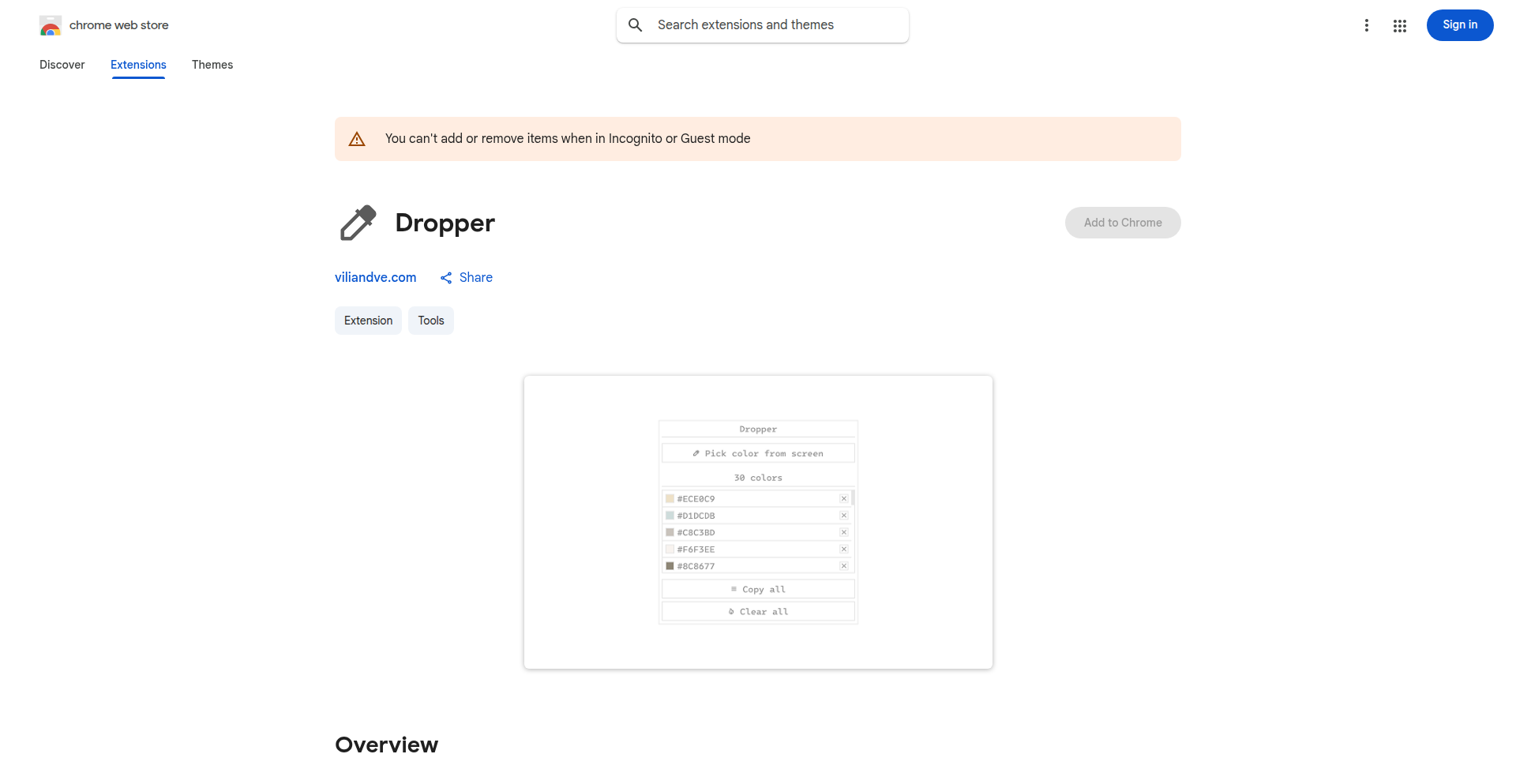
Author
minnix
Description
Dropper is a minimalist, peer-to-peer file synchronization and sharing tool. It leverages WebRTC technology for direct, encrypted data transfer between devices without relying on centralized servers. The innovation lies in its simplicity and the elimination of a central storage bottleneck, offering a more private and efficient way to share files across your personal network or with trusted individuals.
Popularity
Points 1
Comments 0
What is this product?
Dropper is a peer-to-peer (P2P) application that allows you to sync and share files directly between your devices. Instead of uploading your files to a cloud service and then downloading them elsewhere, Dropper uses WebRTC (Web Real-Time Communication) to establish a direct, encrypted connection between your computers or devices. This means your data travels directly from one device to another, making it faster, more private, and not dependent on a third-party server's storage capacity or uptime. It's like having your own private, instant file transfer network.
How to use it?
Developers can use Dropper in several technical scenarios. For personal file synchronization across multiple workstations, Dropper can ensure that documents, code projects, or media libraries are consistently updated on all your machines without manual intervention or cloud sync services. For team collaboration on sensitive projects, Dropper can be integrated into workflows to share large datasets or prototypes directly between team members' machines, ensuring data privacy and reducing latency. Integration might involve building custom UIs that interact with Dropper's underlying P2P signaling mechanisms or using its command-line interface to automate file transfers.
Product Core Function
· Peer-to-Peer File Synchronization: Automatically keeps specified folders on multiple devices in sync by directly transferring changes. This is valuable for maintaining consistency across development environments or personal file archives without relying on cloud storage.
· Direct File Sharing: Enables instant, encrypted transfer of files and folders between connected devices. This is useful for sharing large files with collaborators or friends quickly and securely, bypassing upload/download wait times.
· Serverless Architecture: Operates without a central server for data storage, enhancing privacy and security by minimizing data exposure points. This is critical for applications dealing with sensitive information or for users who prioritize data sovereignty.
· WebRTC Integration: Utilizes WebRTC for establishing direct connections, leveraging existing browser technologies for a streamlined P2P experience. This reduces the need for complex server infrastructure and simplifies cross-platform compatibility.
Product Usage Case
· Developer Workflow Synchronization: A developer working on multiple laptops can use Dropper to automatically sync their code repositories and development tools between machines. If they make a change on their desktop, it's immediately reflected on their laptop, eliminating the need for manual commits or cloud sync, thus saving time and reducing potential merge conflicts.
· Secure Project Collaboration: A small design team can use Dropper to share large design assets or video prototypes directly between their workstations. Instead of uploading gigabytes of data to a shared drive, they can establish a direct link, transfer files securely and privately, and receive them much faster, improving their iteration speed.
· Personal Media Library Sync: A user can configure Dropper to sync their photo or music library between their home PC and a portable drive. As new media is added to the source, Dropper ensures it's copied to the destination automatically and privately, without its content being visible to any third party.
96
Lindra Giga 1: WebVoyager Ranked Browser Agent Engine

Author
valliveeti
Description
Lindra Giga 1 is an open-source browser agent that achieved the #3 global ranking on the WebVoyager benchmark. It addresses limitations in existing agents for building website APIs, offering a robust and innovative engine for creating custom browser agents of any complexity. This technology is valuable for developers needing to interact with websites programmatically and efficiently.
Popularity
Points 1
Comments 0
What is this product?
Lindra Giga 1 is a cutting-edge, open-source browser agent, essentially a smart tool that can automate interactions with web browsers. Its core innovation lies in its advanced architecture and learning capabilities, which allowed it to achieve a top-tier ranking on the WebVoyager benchmark for navigating and understanding web content. Think of it as a highly intelligent robot that can not only visit websites but also understand and extract information from them much more effectively than previous tools. This means it can handle complex web tasks with greater accuracy and speed, solving the problem of unreliable or inefficient web scraping and automation.
How to use it?
Developers can integrate Lindra Giga 1 into their projects by leveraging its open-source engine. You can run these custom browser agents locally on your own machines, or utilize Browserbase's native integration for seamless deployment. Alternatively, you can bring your own cloud infrastructure provider. The engine allows for the creation of highly customized agents, meaning you can build tools tailored to specific website interactions, data extraction needs, or complex automation workflows. This empowers developers to build sophisticated web automation solutions without reinventing the wheel.
Product Core Function
· Advanced web navigation and data extraction: The agent uses sophisticated techniques to explore websites and accurately pull out specific information, which is valuable for building data pipelines or performing market research automatically.
· Customizable agent creation: Developers can build bespoke browser agents for unique tasks, enabling them to automate highly specialized web interactions that standard tools cannot handle.
· Local and cloud deployment options: The flexibility to run agents locally or integrate with cloud providers offers developers control over their infrastructure and scalability needs.
· High performance and accuracy: Its ranking on WebVoyager signifies its efficiency and reliability, meaning your automated web tasks will be completed faster and with fewer errors.
· Underlying engine for complex agent development: Provides the foundational technology for developers to build even more advanced and intricate browser agents for future applications.
Product Usage Case
· Automated competitive analysis: A developer could use Lindra Giga 1 to build an agent that regularly scrapes competitor websites for pricing changes or new product announcements, providing real-time market intelligence. This solves the problem of manual, time-consuming competitive tracking.
· Personalized content aggregation: Create an agent that monitors specific forums or news sites for keywords relevant to your interests, compiling a personalized news feed. This solves the problem of information overload and finding niche content.
· Complex form filling and submission: Develop an agent to automate filling out intricate online forms for job applications or surveys, saving significant manual effort. This addresses the tediousness of repetitive data entry tasks.
· E-commerce data scraping for price comparison: A business could build an agent to track product prices across multiple e-commerce platforms, enabling dynamic pricing strategies or identifying arbitrage opportunities. This solves the problem of needing up-to-date pricing data for business decisions.
· Testing web application responsiveness and functionality: Developers can use the agent to simulate user interactions on a website and verify that various features work as expected across different scenarios, improving website quality assurance.
97
Aare AI: LLM Output Guardian

Author
marckocher
Description
Aare AI is a tool designed to validate the output of Large Language Models (LLMs). It addresses the critical issue of LLMs generating incorrect, nonsensical, or harmful content by providing a programmatic way to check and ensure the quality and safety of their responses. This project offers a novel approach to LLM reliability, acting as a safety net for AI-generated text.
Popularity
Points 1
Comments 0
What is this product?
Aare AI is a system that automatically verifies the accuracy, coherence, and safety of text generated by Large Language Models. It works by leveraging sophisticated natural language processing (NLP) techniques and potentially other LLMs to analyze the output. Imagine an LLM writing an essay; Aare AI would act like an editor, checking for factual errors, logical inconsistencies, or inappropriate language before the essay is presented. The innovation lies in its ability to do this programmatically, allowing developers to integrate this validation directly into their AI applications, ensuring that the LLM's output meets predefined standards. This is crucial because LLMs, while powerful, can sometimes 'hallucinate' or produce biased content.
How to use it?
Developers can integrate Aare AI into their existing LLM pipelines. This typically involves sending the LLM's generated text to Aare AI for analysis. Aare AI will then return a score or a flag indicating whether the output is valid according to the configured rules. This could be used in various scenarios: before displaying an LLM's answer to a user, before saving generated content, or as part of a content moderation system. The integration can be achieved through APIs, allowing seamless incorporation into backend services or frontend applications that interact with LLMs. This means that if you're building a chatbot, a content generation platform, or any application relying on LLM responses, you can use Aare AI to ensure the quality of those responses.
Product Core Function
· Factual Accuracy Check: This function verifies if the LLM's generated statements align with known facts. This is valuable for applications where accuracy is paramount, such as educational tools or news summarization, preventing the spread of misinformation.
· Logical Coherence Analysis: This capability assesses whether the generated text flows logically and makes sense. This is important for any conversational AI or text generation task, ensuring that the output is easy to understand and follow, improving user experience.
· Harmful Content Detection: This function identifies and flags potentially offensive, biased, or unsafe language. This is critical for maintaining brand safety and user well-being in applications that interact with the public, preventing the LLM from generating inappropriate responses.
· Customizable Validation Rules: Developers can define specific criteria for validation based on their application's needs. This allows for tailored LLM output control, making the system adaptable to diverse use cases and requirements.
Product Usage Case
· Customer Support Chatbot: A company uses Aare AI to validate the responses of their LLM-powered chatbot before they are sent to customers. This ensures that customers receive accurate and helpful information, improving customer satisfaction and reducing the need for human intervention in correcting errors.
· Content Generation Platform: A marketing agency uses Aare AI to review LLM-generated ad copy and blog posts. Aare AI flags any factual inaccuracies or inappropriate language, guaranteeing that the content is high-quality and aligns with the brand's voice before publication, saving time and resources.
· Educational AI Assistant: An educational platform integrates Aare AI to check LLM-generated explanations for students. This ensures that the explanations are factually correct and easy to understand, preventing students from learning incorrect information and enhancing their learning experience.
98
TranscribeX: On-Device AI Speech-to-Text
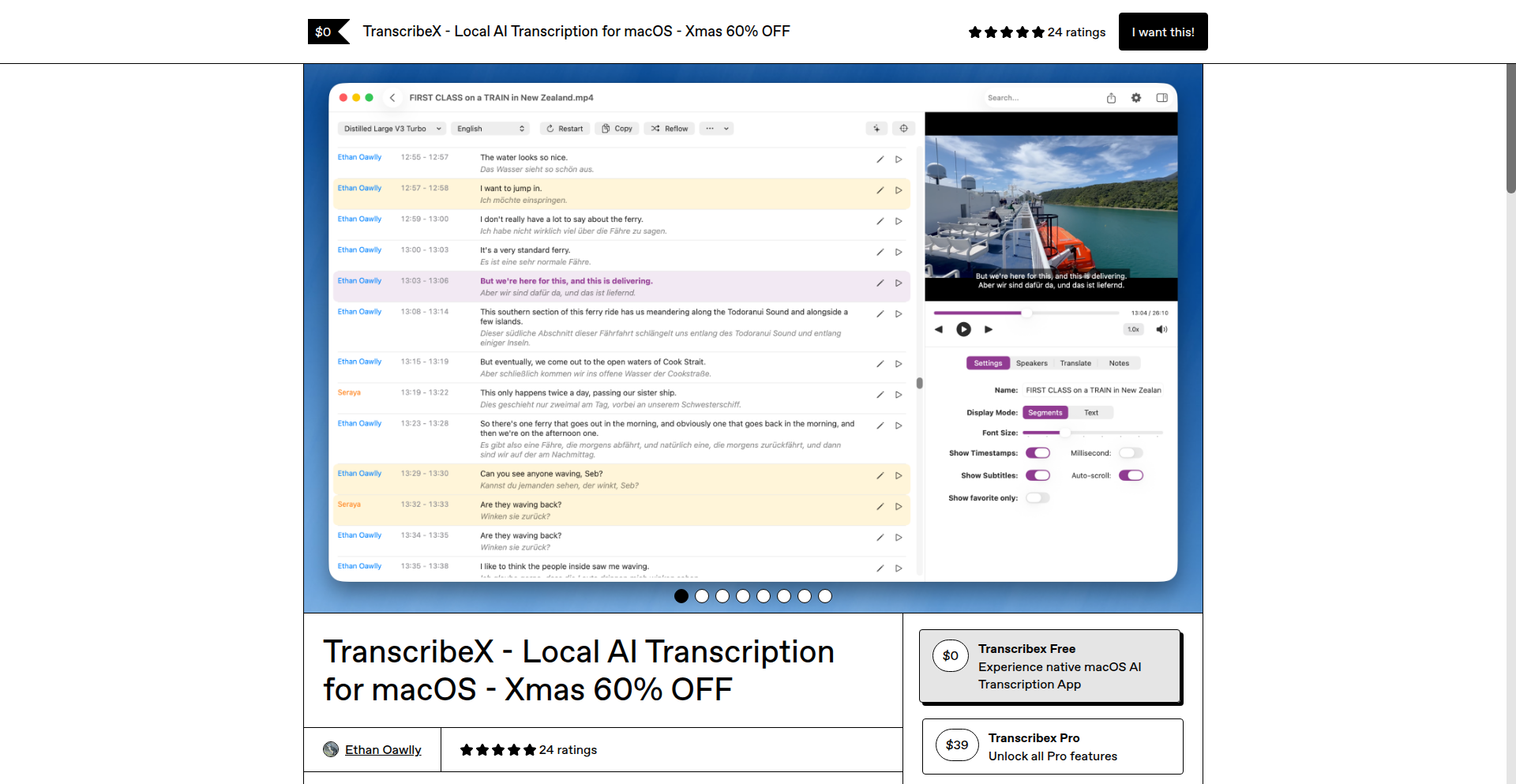
Author
EthanAowlly
Description
TranscribeX is a macOS application that leverages local AI models to perform speech-to-text transcription. Its core innovation lies in keeping all processing on the user's machine, ensuring speed, privacy, and eliminating reliance on cloud services. This is revolutionary for users who handle sensitive audio or require immediate, offline transcription capabilities.
Popularity
Points 1
Comments 0
What is this product?
TranscribeX is a desktop application for macOS that uses artificial intelligence to convert spoken audio into written text, all directly on your computer. Instead of sending your audio to an online service, the AI runs locally. This means it's much faster, your conversations and data stay private because they never leave your device, and it works even without an internet connection. It's built using cutting-edge open-source speech recognition models, optimized for local execution.
How to use it?
Developers can use TranscribeX by installing the macOS application. For programmatic use, it can be integrated into other macOS applications or workflows via its command-line interface (CLI). This allows developers to trigger transcriptions from scripts or other applications. For instance, a developer could build a custom note-taking app that automatically transcribes audio memos, or a video editing tool that generates subtitles directly on the user's machine. The core value is enabling seamless, private audio-to-text functionality within existing or new development projects.
Product Core Function
· Local AI Transcription Engine: Utilizes advanced, on-device machine learning models to convert speech to text. This provides immediate results and guarantees data privacy, as no audio data is ever sent to external servers. This is useful for anyone needing quick, secure transcriptions for meetings, interviews, or personal notes.
· Fast Performance: Optimized for local execution, delivering near real-time transcription speeds without internet latency. This is beneficial for developers building time-sensitive applications, such as live captioning tools or interactive voice command systems.
· Privacy-Focused Design: All audio processing and transcription happen entirely on the user's macOS device. This is a significant advantage for professionals handling confidential information, such as legal or medical practitioners, or any user concerned about their data privacy.
· Offline Functionality: Operates without an internet connection, making it reliable in any environment, from remote locations to secure network-restricted areas. This is invaluable for developers creating applications that need to function robustly, regardless of network availability.
· Cross-Platform Compatibility (Future Potential): While currently macOS specific, the underlying technology is often based on cross-platform AI models, suggesting potential for future expansion to other operating systems. This hints at a broader impact on how developers can implement speech-to-text across different platforms in the future.
Product Usage Case
· A journalist can use TranscribeX to quickly transcribe interview recordings directly on their laptop, ensuring the sensitive content of the interview remains private and available for immediate review, even when traveling without reliable internet.
· A developer creating a privacy-focused note-taking application can integrate TranscribeX to offer an offline, secure audio-to-text feature, allowing users to dictate notes without worrying about data breaches or cloud subscription costs.
· A legal professional can use TranscribeX to transcribe dictations of case notes or client meetings, maintaining the confidentiality of highly sensitive legal information and providing a fast turnaround without external data transfer.
· A student can use TranscribeX to transcribe lecture recordings on their Mac, creating searchable text documents for study purposes, all while ensuring their academic work remains private and accessible even if their Wi-Fi is down.
· A developer building a game with voice command functionality can use TranscribeX to process player commands locally, ensuring low latency and high responsiveness for a smoother gaming experience, while also respecting player privacy.
99
VibeCode WP Plugin Toolkit

Author
fasthightimess
Description
Vibe Code WP Plugin Toolkit is a set of experimental WordPress plugins built by a developer experimenting with custom plugin development. The core innovation lies in demonstrating a lean, iterative approach to building WordPress extensions, focusing on rapid prototyping and exploring unique functionalities that might not be found in mainstream plugin offerings. It tackles the challenge of creating specialized WordPress features with minimal overhead, embodying the hacker spirit of building what's needed directly.
Popularity
Points 1
Comments 0
What is this product?
This project is a collection of custom-built WordPress plugins, essentially a developer's playground for testing and showcasing new plugin ideas. The technical principle is to bypass complex frameworks and build directly to WordPress's API (Application Programming Interface), allowing for highly tailored functionalities. The innovation is in its raw, experimental nature. Instead of a polished product, it offers a glimpse into how a developer can solve specific WordPress enhancement needs with direct code, potentially leading to unique features for niche use cases.
How to use it?
Developers can use this toolkit by examining the source code of each plugin. They can learn from the implementation strategies for specific WordPress hooks and filters, or adapt and extend these plugins for their own projects. The plugins can be installed like any other WordPress plugin, and their code can serve as a blueprint for creating custom functionality, whether it's for a personal blog or a client's website. It's a resource for learning by doing and for inspiration.
Product Core Function
· Custom Post Type Generation: Allows for the programmatic creation of unique content types within WordPress, giving developers the power to structure data beyond standard posts and pages, useful for portfolios, products, or custom directories.
· Advanced User Role Management: Demonstrates finer-grained control over user permissions, enabling more secure and specialized user access for complex WordPress sites.
· API Integration Examples: Showcases how to connect WordPress with external services, providing a foundation for building dynamic websites that leverage third-party data or functionalities.
· Performance Optimization Snippets: Presents code examples for improving WordPress site speed, offering practical insights into optimizing database queries or asset loading for better user experience.
Product Usage Case
· A small business owner needs a simple way to list their services with specific fields not covered by default WordPress posts. By studying the Custom Post Type Generation plugin, they can learn how to create a custom 'Services' post type to better organize and display their offerings.
· A developer is building a membership site and needs to restrict access to certain content based on user roles. The Advanced User Role Management plugin provides a practical example of how to implement custom access controls beyond WordPress's built-in roles.
· A blog wants to display real-time stock prices from an external financial API. The API Integration Examples in this toolkit can serve as a starting point for fetching and displaying live data, making the blog more interactive and informative.
· A website is experiencing slow load times. Examining the Performance Optimization Snippets can help the site owner or their developer understand techniques to speed up their WordPress site, improving visitor retention and SEO.
100
VODHighlightGPT

Author
niceshot-ai
Description
A Python-powered AI tool that automates the extraction of key gameplay moments from long Call of Duty: Black Ops 6 video recordings. It leverages computer vision to identify significant events like kills and deaths, generating highlight clips or compilations, saving creators substantial manual effort. This addresses the pain point of sifting through hours of footage to find the best parts, making content creation more efficient and accessible.
Popularity
Points 1
Comments 0
What is this product?
VODHighlightGPT is a solo-developed Python application that acts as an intelligent assistant for video game content creators. It employs computer vision techniques to analyze lengthy gameplay videos, specifically focusing on Call of Duty: Black Ops 6. The core innovation lies in its ability to automatically detect and extract moments of high engagement, such as player eliminations (kills) and player deaths, without human intervention. Instead of manually reviewing hours of footage, the tool processes the video, identifies these key events using visual cues, and then either generates individual clips of these moments or compiles them into a single highlight reel. This is a creative application of AI for a niche but passionate audience, embodying the hacker ethos of using code to solve practical problems efficiently.
How to use it?
Developers can integrate VODHighlightGPT into their content creation workflows. For instance, a streamer who has recorded numerous Call of Duty gameplay sessions can point the tool to their video files (local or potentially cloud storage). The tool will then process these videos in bulk. The output can be configured to be individual short video clips, perfect for social media snippets or social sharing, or a single, longer compilation video showcasing the best plays. This can be further automated by integrating it into a video editing pipeline or a content management system. The underlying Python code is available on GitHub, allowing for customization and deeper integration into existing video processing scripts.
Product Core Function
· Automated Gameplay Event Detection: Utilizes computer vision to precisely identify and flag significant in-game events like kills and deaths. This saves creators hours of manual scrubbing, directly translating to more time for creativity and engagement.
· Highlight Clip Generation: Automatically generates individual short video clips of detected gameplay highlights. This is invaluable for creating quick, shareable content for platforms like TikTok, Instagram Reels, or Twitter, increasing content visibility.
· Compilation Creation: Concatenates detected highlight clips into a single, cohesive compilation video. This streamlines the process of creating polished highlight reels for YouTube or other platforms, making video production significantly faster.
· Bulk VOD Analysis: Capable of processing multiple gameplay videos (VODs) from a full Twitch channel. This allows content creators to efficiently extract highlights from their entire library of past streams, maximizing the value of existing content.
· Customizable Output: Offers flexibility in output format, allowing users to choose between individual clips or a consolidated compilation. This caters to different content strategies and platform requirements.
Product Usage Case
· A Call of Duty content creator with hours of Twitch VODs can use VODHighlightGPT to automatically find all their best kill streaks and clutch moments, then compile them into a single epic montage for their YouTube channel, saving them an estimated 10+ hours of manual editing per week.
· A social media manager for an esports team can use VODHighlightGPT to quickly extract individual kill clips from tournament gameplay footage. These clips can then be instantly shared on platforms like Twitter or Discord, providing real-time exciting content to fans.
· An aspiring streamer can use VODHighlightGPT to analyze their practice sessions. By identifying their mistakes (deaths) and successes (kills), they can use the generated clips for self-improvement analysis or to create 'learning' content for their audience, showcasing their growth process.
· A game journalist or reviewer can use VODHighlightGPT to quickly find demonstration clips of specific in-game mechanics or weapon performance from extensive gameplay recordings, accelerating their content production timeline.
101
FlowCoder
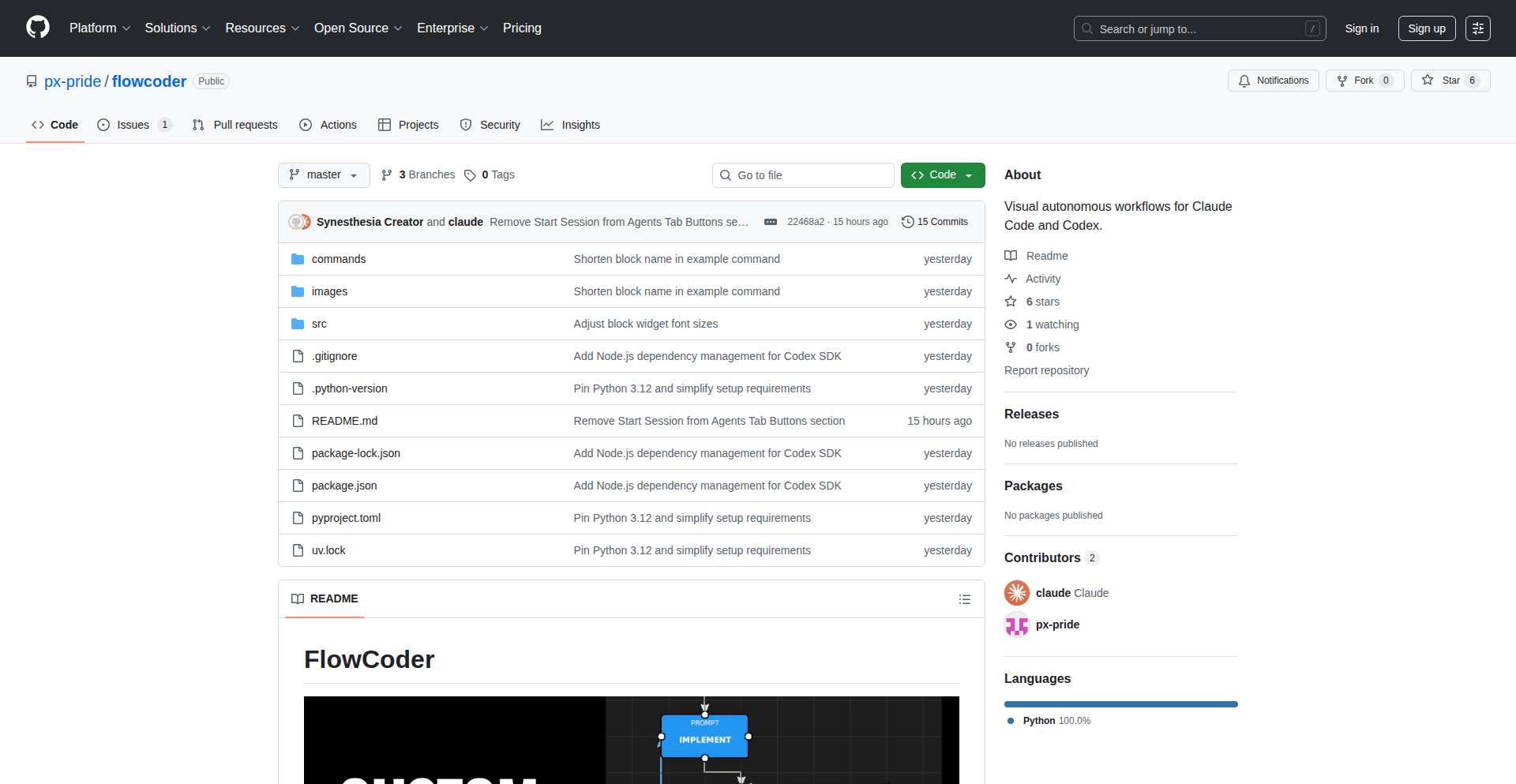
Author
px_pride
Description
FlowCoder is a visual flowchart builder designed to automate and orchestrate interactions with large language models like Claude Code and Codex. It addresses the limitations of current AI coding assistants by allowing developers to define custom, multi-step workflows. This means you can chain together complex instructions, code generation, error checking, and debugging steps, turning the AI into a more reliable and structured collaborator. So, this helps you get more consistent and predictable results from AI coding tools, especially for larger, more involved projects, making them act more like a skilled junior developer following your precise instructions.
Popularity
Points 1
Comments 0
What is this product?
FlowCoder is a project that transforms how you interact with AI coding assistants. Instead of single, isolated prompts, you can now build visual flowcharts. Think of it like creating a recipe for your AI. Each step in the flowchart can be a prompt to the AI (like 'write code for this feature') or a command to run on your computer (like 'test the code'). The innovation lies in its ability to manage information between these steps. It can store outputs from the AI or your commands as variables, use these variables to make decisions (like 'if the test fails, go to the debug step'), and even call other flowcharts. This allows for complex, multi-stage processes that AI models struggle to handle on their own due to context window limitations and the tendency to skip steps. So, this gives you a way to overcome the limitations of simple AI prompts and build sophisticated, automated development processes, making AI a more powerful tool for structured software engineering.
How to use it?
Developers can use FlowCoder to define and execute custom workflows. You would typically start by designing a flowchart using its visual builder. Each block in the flowchart represents a specific action. For instance, you might have a 'Prompt' block that asks Claude Code to generate a new function, followed by a 'Bash' block to run a test script on that function. If the test fails (detected by a 'Branch' block checking the test's exit code), the flow can automatically go to another 'Prompt' block to fix the error. Flowcharts can be triggered via slash commands, and they can accept arguments, allowing for flexible execution. The project also automatically commits changes to Git after each AI or bash step, helping to maintain a clean version history. So, you can set up automated sequences for common development tasks like bug fixing, feature implementation, or iterative refinement, and have the AI follow your exact, pre-defined logic.
Product Core Function
· Prompt Blocks: Send instructions to AI models like Claude Code or Codex. The value is in having the AI generate code, explanations, or documentation as part of a larger, automated process. This enables structured code generation and content creation.
· Bash Blocks: Execute shell commands on your system. This is valuable for integrating your AI workflows with your development environment, allowing for automated testing, compilation, or file manipulation as part of an AI-driven process. It bridges the gap between AI output and practical application.
· Variable Management: Store and pass data between different blocks in the flowchart. This is crucial for maintaining context and state within complex workflows, enabling AI to remember previous outputs or use results from bash commands in subsequent steps. It allows for dynamic and intelligent automation.
· Branch Blocks: Create conditional logic within flowcharts based on variables. This allows your automated processes to make decisions, such as rerouting to error-handling steps if a test fails. This adds intelligence and robustness to AI-driven development, making workflows adaptive.
· Command Recursion: Allow flowcharts to call other flowcharts. This enables the creation of modular and reusable automation components, making it easier to build and manage complex multi-stage AI workflows. It supports sophisticated process design.
· Automatic Git Commits: Create a new Git commit after each prompt or bash execution. This is a practical feature for development workflows, ensuring that every step executed by the AI or bash command is tracked in version control. It aids in debugging and maintaining a clean project history.
Product Usage Case
· Implement-Audit Loop: Create a flowchart where the AI first implements a feature based on a specification. Then, another block audits the generated code against the specification, and if discrepancies are found, it loops back to the implementation step for correction. This automates the iterative refinement of code, saving developer time and ensuring adherence to requirements.
· Test-Fix Loop: A flowchart that runs a set of tests on existing code. If any tests fail, a 'Bash' block captures the error output, and a 'Prompt' block uses this error information to instruct the AI to fix the bug. This creates an autonomous debugging cycle, significantly speeding up the bug-fixing process.
· Complex Feature Development: For a larger feature, a developer can break it down into smaller, manageable steps in a flowchart. Each step could involve generating specific code modules, running integration tests, and refining based on feedback, all orchestrated automatically by FlowCoder. This allows for the development of complex features with AI assistance in a structured and controlled manner.
· Automated Documentation Generation: A flowchart could be designed to generate documentation for a codebase. It might involve prompting the AI to explain functions, generate example usage, and format it into a readable document, then saving it to a file. This automates a often tedious but important development task.
102
NeuroLint AST Transformer
Author
Just_Clive
Description
NeuroLint is a command-line interface (CLI) tool that intelligently automates the fixing of common React and Next.js code issues. It leverages deterministic Abstract Syntax Tree (AST) transformations, meaning it precisely understands your code's structure and applies targeted fixes without relying on AI or making unpredictable changes. This ensures your code remains stable and functions as expected. It addresses a wide range of problems, from critical hydration errors to minor cleanup tasks and security vulnerabilities.
Popularity
Points 1
Comments 0
What is this product?
NeuroLint is a developer's best friend for maintaining clean, robust, and secure React and Next.js applications. It works by deeply analyzing your code, not as text, but as a structured tree (AST). Think of it like a highly skilled editor who understands the grammar and syntax of your code perfectly. When it finds common problems – like trying to use browser-specific features (like 'window' or 'document') in places where your code might run on the server – it knows exactly how to add the necessary safeguards, like checks for 'typeof window !== 'undefined''. It also automatically adds missing 'key' props to lists, cleans up unnecessary console logs, removes unused variables, suggests accessibility improvements, and ensures correct 'use client' directives in Next.js App Router. Crucially, it doesn't use AI; it uses a set of pre-defined, rule-based transformations, making its actions predictable and safe. This means you get reliable fixes without the risk of introducing new bugs.
How to use it?
Developers can easily integrate NeuroLint into their workflow. It's installed via npm or npx, just like many other JavaScript tools. You can run it directly from your terminal to scan and automatically fix issues in your project. For example, to fix a specific critical security vulnerability (CVE-2025-55182), you would simply run a command like 'npx @neurolint/cli security:cve-2025-55182 . --fix'. This command tells NeuroLint to look at the current directory ('.') and apply the fix for that particular vulnerability. NeuroLint also provides clear diffs of the changes it makes and creates backups before modifying any files, giving you full control and transparency. It also has VSCode integration, meaning you can get real-time feedback and fixes directly within your code editor.
Product Core Function
· Deterministic AST Transformations: Analyzes code structure to apply precise, rule-based fixes. This ensures that changes are predictable and don't introduce unintended side effects, providing reliability for your codebase.
· Hydration Error Fixes (e.g., window/document guards): Automatically adds checks to ensure browser-specific code only runs in the browser environment, preventing critical errors when your React/Next.js app renders on the server.
· Automatic 'key' Prop Insertion: Solves issues where React might complain about missing keys in lists by intelligently adding them, improving rendering performance and stability.
· Console.log Cleanup: Removes debugging console logs automatically, ensuring your production builds are clean and don't expose internal information.
· Unused Variable Detection and Removal: Identifies and removes variables that are declared but never used, making your code cleaner and potentially more efficient.
· Accessibility Improvements: Suggests and applies common accessibility fixes, making your web applications more inclusive and user-friendly.
· Next.js App Router 'use client' Directives: Ensures that components intended to be client-side are correctly marked, preventing rendering issues in Next.js applications.
· Security Vulnerability Patching (e.g., CVE-2025-55182): Provides one-command fixes for known security exploits, helping developers protect their applications from critical threats.
· Transparent Diffs and Backups: Shows exactly what changes are made to your code and creates backups, giving you confidence and control over the automated fixes.
Product Usage Case
· A React developer is struggling with hydration errors after migrating to server-side rendering with Next.js. NeuroLint can automatically wrap browser-specific APIs like 'window' and 'document' with 'typeof window !== 'undefined'' checks, resolving these critical errors and allowing the application to render correctly on both server and client.
· A team is onboarding new junior developers who frequently forget to add 'key' props to lists in their React components, leading to performance warnings and potential bugs. NeuroLint can automatically identify these missing keys and insert them, ensuring consistent and correct list rendering across the project.
· A developer needs to quickly patch a critical security vulnerability (like CVE-2025-55182) in their Next.js application. NeuroLint offers a simple command to apply the necessary code transformations, providing immediate protection without requiring manual code review and modification.
· A large codebase has accumulated many 'console.log' statements from various developers during debugging. NeuroLint can automatically remove all these logs during the build process, ensuring a cleaner and more professional production release without manual effort.
· A project manager wants to ensure a baseline level of code quality and security. NeuroLint can be integrated into the CI/CD pipeline to automatically fix common issues, maintaining code hygiene and reducing the burden on code reviewers.
103
Middlerok: Codebase-to-Analytics Engine
Author
rokontech
Description
Middlerok is a novel project that transforms your GitHub codebase into a fully functional analytics system. It automates the creation of event tracking and analytics dashboards directly from your code, including funnels. This tackles the common developer pain point of manually instrumenting code for analytics and building dashboards from scratch. The innovation lies in its ability to infer user behavior and system metrics directly from the code's structure and logic, making analytics setup significantly more accessible and efficient.
Popularity
Points 1
Comments 0
What is this product?
Middlerok is a system that automatically generates an analytics pipeline and dashboard from your existing GitHub codebase. Instead of writing separate tracking code and building dashboards manually, Middlerok scans your code, identifies potential user interactions and system events, and then sets up the necessary data collection and visualization. Its core innovation is its 'code-aware' approach to analytics, meaning it understands the context of your application's logic to define what constitutes an 'event' or a 'user action,' thus eliminating the need for explicit tracking code instrumentation for many common scenarios. So, this means you get analytics insights without writing extra code for tracking.
How to use it?
Developers can integrate Middlerok by pointing it to their GitHub repository. Middlerok then analyzes the code, suggests potential analytics events based on common patterns (like button clicks, form submissions, API calls), and automatically sets up a data ingestion and processing pipeline. It can then generate a dashboard with pre-built visualizations and even funnel analysis, showing user journeys through your application. This is particularly useful for projects where rapid iteration is key, or for developers who want to quickly gain insights without getting bogged down in analytics configuration. So, this means you can connect your code and start seeing user behavior data almost immediately.
Product Core Function
· Automated Event Instrumentation: Middlerok analyzes your codebase to automatically identify and instrument potential user interactions as events, saving manual coding effort. The value is in reducing development time and ensuring consistent tracking across your application. Use case: quickly get basic user interaction data from a new feature.
· Inferred Analytics Metrics: Beyond explicit events, Middlerok can infer system performance and usage metrics directly from code patterns, providing deeper insights without manual setup. The value is in understanding how your application is actually being used and performing at a deeper technical level. Use case: monitor API usage patterns or resource consumption.
· Dynamic Funnel Generation: The system can automatically create user journey funnels based on the identified events, allowing you to visualize user flows and pinpoint drop-off points. The value is in understanding user behavior and optimizing conversion paths. Use case: analyze how users complete a signup process or a purchase flow.
· Code-Driven Dashboard Creation: Middlerok generates a complete, interactive analytics dashboard populated with data derived from your codebase. The value is in having a ready-to-use analytics tool that's directly tied to your application's logic. Use case: get a quick overview of key application metrics without building a dashboard from scratch.
· Continuous Integration Friendly: Designed to work with version control, Middlerok can potentially update analytics configurations as your codebase evolves, ensuring your analytics stay relevant. The value is in maintaining accurate analytics with less ongoing maintenance. Use case: automatically update tracking definitions when you refactor a feature.
Product Usage Case
· A startup building a new web application can use Middlerok to quickly set up essential user analytics without needing a dedicated analytics engineer, allowing them to focus on product development. Middlerok solves the problem of slow initial analytics setup by automatically detecting common user interactions.
· A backend developer working on an API service can use Middlerok to understand API endpoint usage patterns and identify potential performance bottlenecks by analyzing code logic that dictates request handling. This solves the problem of gaining visibility into API usage without instrumenting every single endpoint.
· A solo developer launching a side project can leverage Middlerok to get immediate feedback on user engagement and feature adoption, enabling data-driven decisions even with limited resources. This solves the problem of making informed product choices when you're a one-person team.
104
Tranzia: Crime-Aware Navigation

Author
mednosis
Description
Tranzia is a novel navigation tool that provides safety-scored routes for urban environments, going beyond traditional travel time and distance. It leverages real-time crime statistics, nighttime visibility, pedestrian exposure, public transport station safety history, and anonymized user feedback to offer a 'safety score' for each route. This empowers users, especially those concerned about nighttime travel, with data-driven insights to choose the safest path. The core innovation lies in its sophisticated data aggregation and transparent scoring mechanism, making it a valuable tool for urban dwellers.
Popularity
Points 1
Comments 0
What is this product?
Tranzia is a smart navigation system that prioritizes your safety by scoring routes based on various risk factors. It doesn't just tell you how to get from point A to point B, but also how safe that journey is, especially at night. It achieves this by crunching data from official crime reports, information about how well-lit an area is, how exposed you might be walking alone, the safety record of public transport stops, and even anonymous feedback from other users. The system uses a technology called H3 spatial indexing to efficiently process location-based data and applies a transparent formula that weighs crime data heavily, along with time of day, walking exposure, and user feedback. This means you get a clear understanding of why a route is considered safer or riskier. So, this helps you make informed decisions about your travel, reducing anxiety and potential risks, particularly when navigating unfamiliar areas or at late hours. This is useful because it directly addresses a common concern: personal safety while moving through the city.
How to use it?
Developers can integrate Tranzia's safety scoring into their own applications, such as ride-sharing platforms, delivery services, or personal safety apps. The core functionality can be accessed via an API, allowing for dynamic route safety assessments. For example, a delivery app could use Tranzia to suggest routes to drivers that minimize exposure to high-crime areas during late-night deliveries, improving driver safety and potentially reducing delivery times by avoiding areas with known issues. A personal safety app could leverage Tranzia to highlight safer walking routes for users, especially during nighttime hours, providing real-time guidance. The product's live demo allows for direct interaction to understand its capabilities. This is useful because it provides a ready-made solution for incorporating safety considerations into location-based services, saving development time and enhancing user experience.
Product Core Function
· Route safety scoring: Assigns a numerical score (0-10) to potential routes based on a combination of crime data, visibility, walking exposure, and user feedback, allowing users to objectively compare route safety. This is useful for making informed travel decisions.
· Data-driven risk assessment: Utilizes official crime statistics, nighttime visibility information, and public transport station safety records to identify and quantify potential risks along a route. This is useful for understanding the underlying safety factors of a journey.
· Transparent scoring formula: Clearly outlines the weighting of different factors (e.g., crime, time of day, walking) in the final safety score, promoting user trust and allowing for model refinement. This is useful for understanding the 'why' behind the score.
· Anonymized user feedback integration: Incorporates qualitative and quantitative insights from users to enhance the accuracy and relevance of safety assessments. This is useful for capturing real-world, experiential safety perceptions.
· H3 spatial indexing: Employs efficient spatial indexing for quick and scalable processing of geographical data, enabling real-time route analysis. This is useful for ensuring fast and responsive navigation.
· Percentile-normalized crime distributions: Normalizes crime data across different city areas to provide a consistent and comparable measure of risk, regardless of population density or reporting variations. This is useful for accurate cross-area safety comparisons.
Product Usage Case
· A city planning application could use Tranzia to identify high-risk areas for pedestrian safety and inform urban design decisions, such as improving street lighting or increasing police presence in specific zones. This is useful for creating safer urban environments.
· A nighttime taxi or ride-sharing service could integrate Tranzia to offer drivers routes that minimize exposure to areas with higher crime rates or poor visibility during late-night shifts, enhancing driver safety and potentially reducing incidents. This is useful for improving driver welfare and operational safety.
· A personal safety app could utilize Tranzia to provide users with dynamically generated, safety-scored walking or public transit routes, particularly during evenings and nights, helping them choose paths with lower perceived risk. This is useful for individual safety and peace of mind.
· A developer building a tourist application could incorporate Tranzia to provide visitors with information on safer routes to explore cities at night, reducing potential anxieties for travelers. This is useful for enhancing the tourist experience and safety.
· A researcher studying urban safety could use Tranzia's methodology and data inputs to analyze patterns of crime and mobility, contributing to academic understanding of urban risk factors. This is useful for advancing knowledge in urban studies and public safety.
105
ArtistAI Strategist

Author
stackws
Description
ArtistAI Strategist is a desktop and web application that transforms raw artist data from platforms like Spotify and Apple Music into actionable insights, acting as an AI-powered growth strategist for musicians. It simplifies complex data analysis by allowing artists to upload CSV exports and then chat with an AI that understands their music performance, identifies trends, and suggests marketing and release strategies in plain language.
Popularity
Points 1
Comments 0
What is this product?
ArtistAI Strategist is a tool designed to help musicians and their teams understand and grow their audience by leveraging their performance data. It takes data exports (like CSV files from Spotify for Artists and Apple Music) and uses AI to analyze them. Think of it as having a data analyst who speaks fluent 'music industry' and can tell you why a song is doing well in a specific city or suggest where to focus your marketing efforts. The core innovation lies in its ability to process unstructured data exports and present complex insights in an easily digestible, conversational format, democratizing data analysis for the music industry.
How to use it?
Developers can integrate ArtistAI Strategist into their workflow by exporting their performance data from music platforms (e.g., Spotify for Artists, Apple Music) as CSV files. These files can then be uploaded directly into the Tuned.ws application (either the desktop or web version). Once the data is processed, users can interact with the AI through a chat interface, asking natural language questions about their music's performance. This allows for a highly intuitive way to get specific answers and strategic advice without needing deep technical or data analysis skills. For example, a developer could ask, "Why did my song 'X' perform exceptionally well in Berlin last month?" or "Where should I target my next social media ad campaign based on listener demographics?"
Product Core Function
· Data Ingestion from Music Platforms: Accepts CSV exports from major streaming services like Spotify and Apple Music, providing a unified view of artist performance. This is valuable because it eliminates the need to manually sift through multiple dashboards, saving artists significant time and effort.
· Automated Dashboard Generation: Automatically creates a visual dashboard highlighting top tracks, performing cities, and emerging trends from the ingested data. This offers immediate, high-level insights into what's working and where, helping artists quickly grasp their current standing.
· Conversational AI Data Analysis: Allows users to ask free-form questions in natural language about their data, such as "Why did this track spike in popularity?" or "Where should I focus ad spend?" This innovation makes complex data analysis accessible to anyone, turning raw numbers into understandable explanations and actionable advice.
· Plain Language Strategy Generation: Translates data-driven insights into clear, strategic recommendations for artists and managers, even those without a technical background. This empowers artists to make informed decisions about releases, marketing, and audience engagement without needing to be data scientists.
Product Usage Case
· An independent artist notices a surge in streams from a specific city but doesn't know why. By uploading their Spotify data to ArtistAI Strategist and asking, "Why is my track 'City Vibes' suddenly popular in London?", they receive insights suggesting a local influencer's playlist placement drove the spike. This allows the artist to replicate similar tactics or engage with that influencer further.
· A small indie label wants to optimize their next single's release. They feed their historical data into ArtistAI Strategist and ask, "Based on past performance, what are the best days and times to release new music and promote it to maximize initial engagement?" The AI analyzes listener habits and provides data-backed recommendations on optimal release windows and promotional channels.
· A musician is planning a tour and needs to identify potential hot markets. They use ArtistAI Strategist to analyze streaming data by location and ask, "Which cities show the highest engagement for my music but have the fewest live shows scheduled?" The AI identifies untapped markets, allowing the artist to plan a more effective and potentially profitable tour.
· A manager is overwhelmed by disparate data sources for their artist. By consolidating Spotify, Apple Music, and potentially future data sources (like YouTube or TikTok) into ArtistAI Strategist, they can ask, "What are the common characteristics of my most engaged listeners across all platforms?" This helps in understanding the target audience more holistically and tailoring future content and marketing efforts.
106
WalkableInfra: Zero-Day Infrastructure Visualizer
Author
duane_powers
Description
WalkableInfra is an experimental tool for visualizing infrastructure as code (IaC) projects. It focuses on presenting the relationships and dependencies within your infrastructure configuration files in a clear, interactive graph. This helps developers quickly understand the 'walkability' of their infrastructure, meaning how easily they can navigate and comprehend its components and their connections, thereby accelerating debugging and improving system design.
Popularity
Points 1
Comments 0
What is this product?
WalkableInfra is a project that takes your infrastructure definition files (like those used by Terraform or Pulumi) and generates an interactive visual representation of your infrastructure. Think of it as a live map of your cloud resources and how they connect to each other. The innovation lies in its 'zero-day' approach, meaning it aims to work directly with your existing IaC code without requiring extensive setup or agents, providing immediate insights into your infrastructure's structure. This helps you spot misconfigurations or understand complex setups at a glance. So, what's in it for you? It lets you quickly grasp the entirety of your infrastructure, making it easier to find problems and plan changes.
How to use it?
Developers can integrate WalkableInfra into their workflow by pointing it to their infrastructure code repositories. The tool then parses these files (e.g., HCL for Terraform, or Python/TypeScript for Pulumi) and renders a visual graph. This can be done locally for quick checks or integrated into CI/CD pipelines for continuous visualization. Imagine you're about to deploy a new service; you can run WalkableInfra to see how it fits into your existing network and security configurations before anything goes live. So, how does this benefit you? You can proactively identify potential conflicts or dependencies, ensuring smoother deployments.
Product Core Function
· Infrastructure Graph Generation: Parses IaC files (e.g., Terraform HCL, Pulumi code) to construct a detailed dependency graph of cloud resources. This allows for a visual understanding of how components like servers, databases, and networks are linked, helping you spot overlooked connections. So, what's in it for you? You get a clear, visual overview of your entire infrastructure, making complex systems manageable.
· Interactive Navigation: Enables users to explore the generated graph by zooming, panning, and clicking on nodes to view detailed information about each infrastructure component. This interactive nature simplifies the exploration of intricate infrastructure layouts. So, what's in it for you? You can dive deep into specific parts of your infrastructure and understand their relationships without sifting through endless code.
· Dependency Analysis: Identifies and highlights dependencies between different infrastructure resources, revealing potential single points of failure or cascading effects. This aids in risk assessment and building more resilient systems. So, what's in it for you? You can better understand the impact of changes and design your infrastructure to be more robust.
· Configuration Visualization: Displays the configuration parameters of individual infrastructure resources directly within the visualization. This provides context for why resources are set up in a certain way. So, what's in it for you? You can see the 'why' behind your infrastructure's configuration, aiding in debugging and documentation.
Product Usage Case
· Debugging Complex Deployments: A developer is struggling to understand why a new microservice isn't connecting to its dependencies in a large cloud environment. By running WalkableInfra on their Terraform code, they can visually trace the network paths and security group rules, immediately identifying a misconfigured ingress rule. So, what's in it for you? Faster troubleshooting and reduced downtime.
· Onboarding New Team Members: A new engineer joins a team managing a sprawling AWS infrastructure. Instead of overwhelming them with documentation, WalkableInfra provides an interactive map they can explore to learn about the existing resources, their relationships, and how services are deployed. So, what's in it for you? Quicker ramp-up time for new team members and a more cohesive understanding of the infrastructure.
· Refactoring and Optimization: An infrastructure team plans to refactor their networking setup. Before making changes, they use WalkableInfra to visualize the current state, identifying unused resources or overly complex routing that can be simplified. So, what's in it for you? More efficient infrastructure planning and reduced operational costs through optimization.
107
Clap-Wasm-UI-Gen
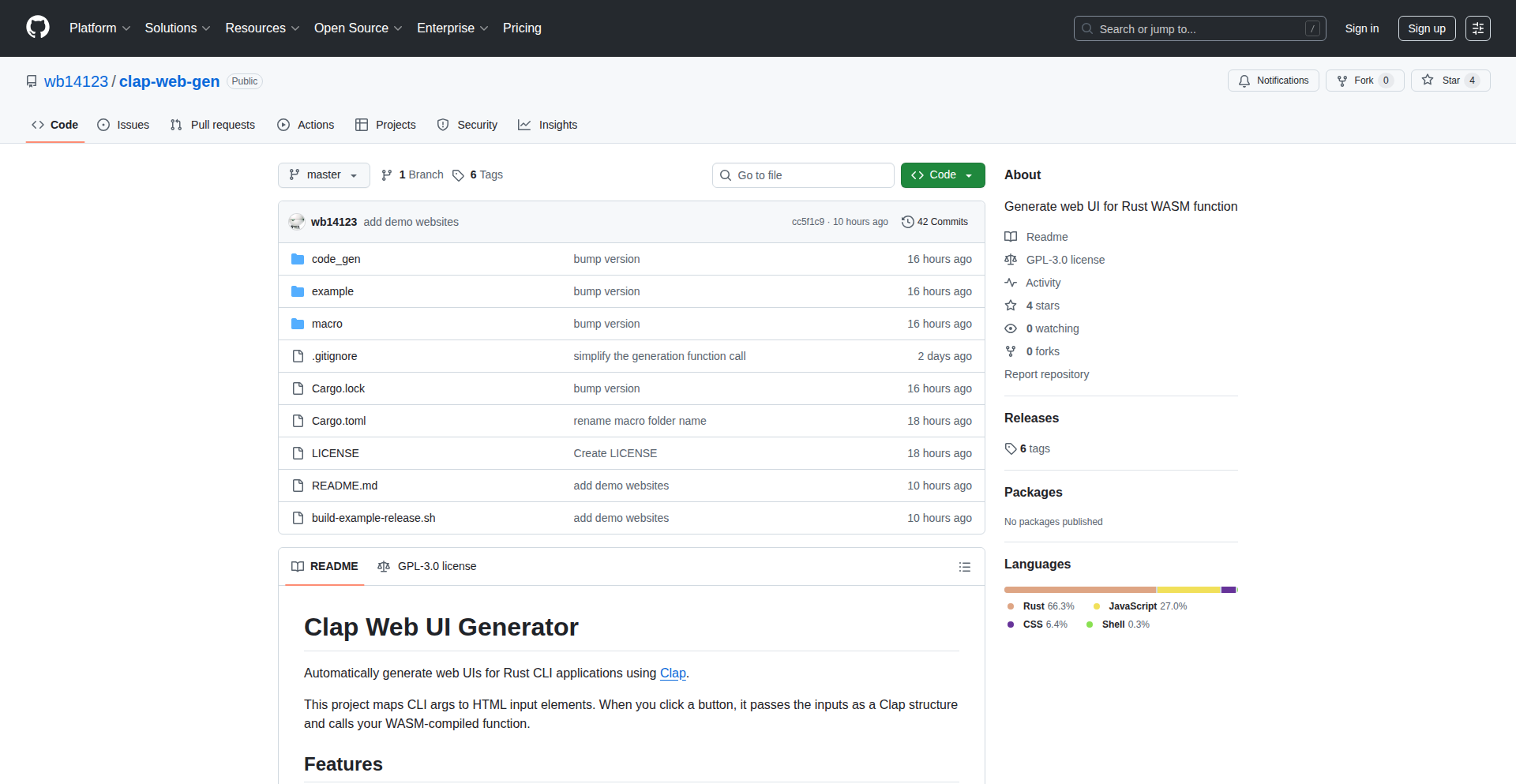
Author
wb14123
Description
This project automatically generates a web-based user interface (UI) for Rust command-line interface (CLI) tools that use the Clap library for argument parsing. It converts Rust CLI arguments into interactive HTML forms that run directly in the browser using WebAssembly (WASM), eliminating the need for a backend server. This makes powerful CLI tools accessible to non-technical users and usable on mobile devices.
Popularity
Points 1
Comments 0
What is this product?
This project is a tool that bridges the gap between command-line applications and web interfaces. It leverages Rust's WebAssembly capabilities to take the structure of a Rust CLI application defined by the Clap library (which specifies how the program accepts commands and their options) and transforms it into a user-friendly web form. Instead of typing complex commands in a terminal, users can interact with these applications through a graphical interface in their web browser. The innovation lies in running this entirely client-side via WASM, meaning no server is needed to host the web UI, making it incredibly lightweight and easy to deploy. This is useful because it democratizes access to command-line tools, allowing anyone with a web browser to use them, and also provides a convenient way for developers to test and share their CLI tools without requiring users to have a command-line environment.
How to use it?
Developers can integrate this tool into their Rust CLI projects. First, ensure your Rust project uses the Clap library for argument parsing. Then, you would typically run the `clap-web-gen` tool against your project's source code or its Clap argument definition. The tool analyzes the Clap configuration and generates HTML, CSS, and JavaScript code that forms the web UI. This generated code can then be served statically (e.g., from a simple web server, GitHub Pages, or even embedded within a larger web application). Users would then access the generated web page through their browser to interact with the CLI tool's functionality. This is useful for sharing tools with colleagues or clients who are not comfortable with the command line, or for creating quick demos of CLI functionality.
Product Core Function
· Automatic Web UI Generation for Rust CLIs: Takes a Rust project using Clap and generates a corresponding web interface. This is valuable for making CLI tools accessible to a wider audience without them needing to learn complex command-line syntax, providing a visual and intuitive way to interact with the tool's features.
· Client-Side Execution via WebAssembly (WASM): The entire web UI runs in the user's browser without any server-side component. This is incredibly useful for reducing deployment complexity, ensuring fast loading times, and enabling offline usage for certain functionalities, making the tool readily available and efficient.
· Clap Argument Parsing to HTML Form Conversion: Directly translates Rust CLI arguments (like text inputs, checkboxes, dropdowns) into interactive HTML form elements. This provides a direct and accurate mapping from the CLI's capabilities to a user-friendly web experience, ensuring that all options and configurations are easily controllable.
· Cross-Platform Accessibility: Users can access the generated UI from any device with a web browser, including mobile phones and tablets. This is a significant advantage for developers who want their tools to be usable by anyone, anywhere, without restrictions on operating systems or devices, thereby increasing adoption and utility.
Product Usage Case
· A developer has a complex data processing CLI tool written in Rust. They use `clap-web-gen` to create a web interface. Now, non-technical team members can upload their data files and configure processing options through a simple web form without needing to learn Rust commands, dramatically improving collaboration and data workflow.
· A cybersecurity researcher has a Rust-based tool for analyzing network traffic. They want to share it with a broader community for testing. By using `clap-web-gen`, they can deploy the tool as a simple webpage, allowing anyone to run the analysis without installing any software or navigating a terminal, thus fostering community engagement and faster feedback loops.
· A developer is building a Rust CLI tool that requires frequent testing of different argument combinations. `clap-web-gen` provides an instant web UI, allowing them to rapidly iterate and test various input parameters through the browser interface instead of constantly re-typing commands in the terminal, significantly speeding up the development and debugging process.
108
macOS Window Managers Index

Author
j0r0b0
Description
This project is a curated directory of macOS window management tools, aimed at helping users find and explore different ways to control and organize their desktop windows. It highlights the innovative approaches developers are taking to solve the common pain point of inefficient window management on macOS, offering a technical deep dive into various solutions.
Popularity
Points 1
Comments 0
What is this product?
This is essentially a catalog of different software that allows users to better manage their windows on a Mac. Think of it as a guide to tools that let you snap windows into specific layouts, use keyboard shortcuts to move and resize them, or even automate window placement. The innovation lies in the variety of technical approaches these tools employ, from simple scripting to more complex system-level integrations, all designed to make your workflow smoother and more productive. So, what's the value to you? It means finding the perfect tool to stop wasting time fiddling with windows and reclaim your focus.
How to use it?
Developers can use this directory as a reference to understand the landscape of macOS window management. By exploring the different tools, they can gain insights into various implementation strategies, such as using AppleScript, Accessibility APIs, or even lower-level window server interactions. This knowledge can inspire them to build their own custom window management solutions, integrate with existing tools, or contribute to open-source projects in this space. For example, you could discover a tool that uses a clever scripting approach and adapt its principles for a specialized workflow automation in your own application. The benefit for you is a clearer understanding of how to enhance user interfaces and productivity through programmatic window control.
Product Core Function
· Directory of window management tools: Provides a centralized list of available applications and scripts. The technical value is in aggregating diverse solutions, allowing developers to see the spectrum of possibilities and avoid reinventing the wheel. This helps in quickly identifying existing solutions or understanding common patterns for your own development.
· Categorization by functionality: Organizes tools based on their primary features (e.g., tiling, snapping, custom shortcuts). This technical insight helps developers understand the different problem spaces that window management tools address and the underlying logic they employ. It's useful for pinpointing specific technical challenges and the corresponding software solutions.
· Links to project repositories/websites: Offers direct access to the source code or project pages of each tool. This is crucial for a hacker mindset, enabling developers to inspect, learn from, and even fork the code. The value is in transparency and the ability to deeply understand how each solution is built and to potentially leverage that code for your own projects.
· Brief technical descriptions: Explains the core technical mechanisms behind each tool (e.g., scripting language, API usage). This provides a quick technical overview, allowing developers to assess the complexity and approach of each solution. It helps you understand the 'how' behind the 'what' and decide if it aligns with your technical interests or project requirements.
Product Usage Case
· A developer looking to build a custom window tiling application for their specific needs can browse this directory to see how existing tiling managers are implemented, perhaps discovering a clever use of macOS's Accessibility API. This helps them avoid common pitfalls and speeds up their development process by learning from established techniques.
· A user frustrated with manually resizing windows can use this directory to find tools that offer automatic snapping or keyboard-driven resizing, thereby improving their daily productivity without needing to write code themselves. This shows the direct benefit of these technical innovations in a real-world user scenario.
· An open-source enthusiast can discover new projects related to window management, contribute code, or identify areas where they can add value. For example, they might find a tool that is no longer actively maintained and decide to fork it and continue its development, or add new features based on their own technical insights.
· A designer needing to quickly arrange multiple design software windows for a presentation can find tools that allow for pre-defined window layouts, saving them significant time and effort. This highlights the practical application of technical solutions to common creative workflow challenges.
109
NanoAI: The Integrated AI Image Canvas

Author
Li_Evan
Description
NanoAI is a browser-based, all-in-one workspace for AI image creation and manipulation. It solves the common frustration of fragmented AI art workflows by allowing users to generate, edit (inpainting/outpainting), and upscale images within a single interface, eliminating the need to switch between multiple specialized tools. This streamlines the creative process, enabling faster iteration and refinement.
Popularity
Points 1
Comments 0
What is this product?
NanoAI is a unified AI image workspace that consolidates the entire AI art creation lifecycle. Instead of juggling separate tools for generation (like Midjourney), fixing errors (like Photoshop), and enhancing quality (like upscalers), NanoAI brings everything into one intuitive, browser-based canvas. Its core innovation lies in providing granular control over image editing directly on the generated output, allowing users to fix or modify specific areas instantly without needing complex setups or local installations. This 'integrated' approach aims to significantly speed up professional creative workflows.
How to use it?
Developers and creative professionals can use NanoAI directly through their web browser. Simply navigate to the NanoAI platform to start generating images using text prompts. Once an image is generated, users can seamlessly transition to editing within the same interface. Need to fix a generated detail? Use the inpainting feature. Want to expand the image beyond its original borders? Use outpainting. To enhance the final output's resolution, the upscaling function is readily available. It's designed to be a frictionless experience, ideal for rapid prototyping and iterative design, and can be integrated into existing workflows by eliminating the time spent on context switching between tools.
Product Core Function
· Unified AI Image Generation: Create images from text prompts directly within the workspace, eliminating the need for separate generation tools. This saves time and allows for immediate visual feedback.
· In-Canvas Inpainting/Outpainting: Edit specific parts of an AI-generated image by painting over areas to fix errors or guide the AI's regeneration. This offers precise control and significantly speeds up the correction process compared to re-rolling entire prompts.
· Integrated Upscaling: Enhance the resolution and detail of generated or edited images without leaving the NanoAI interface. This provides a complete pipeline from creation to refinement in one place.
· Browser-Based Workflow: Access and use NanoAI from any device with a web browser, requiring no local installation or complex software configuration. This lowers the barrier to entry and increases accessibility for quick creative tasks.
· Granular Image Control: Modify images with fine-tuned edits on specific regions, rather than broad adjustments. This allows for more targeted and efficient image manipulation, leading to better final results with less effort.
Product Usage Case
· A digital artist needs to generate a fantasy landscape but the initial output has a misplaced object. Instead of re-prompting or sending the image to Photoshop, they use NanoAI's inpainting feature to precisely remove and regenerate only the problematic area, saving valuable iteration time.
· A game developer is creating concept art and wants to expand the canvas of a generated character portrait to show more of the background. They use NanoAI's outpainting feature directly on the generated image to seamlessly extend the scene, avoiding the hassle of setting up a new project in a separate image editing software.
· A marketing professional needs high-resolution images for an ad campaign. After generating and making minor edits to an AI image in NanoAI, they immediately use the integrated upscaling feature to increase its resolution to print-ready quality, streamlining the entire asset creation process.
· A hobbyist AI art enthusiast wants to experiment with creating variations of a generated image. Instead of managing multiple tool outputs and files, they can stay within NanoAI, making quick edits and generating new versions on the fly, making the creative exploration much faster and more fluid.
110
Quark: C-like Language Transpiler with Generics
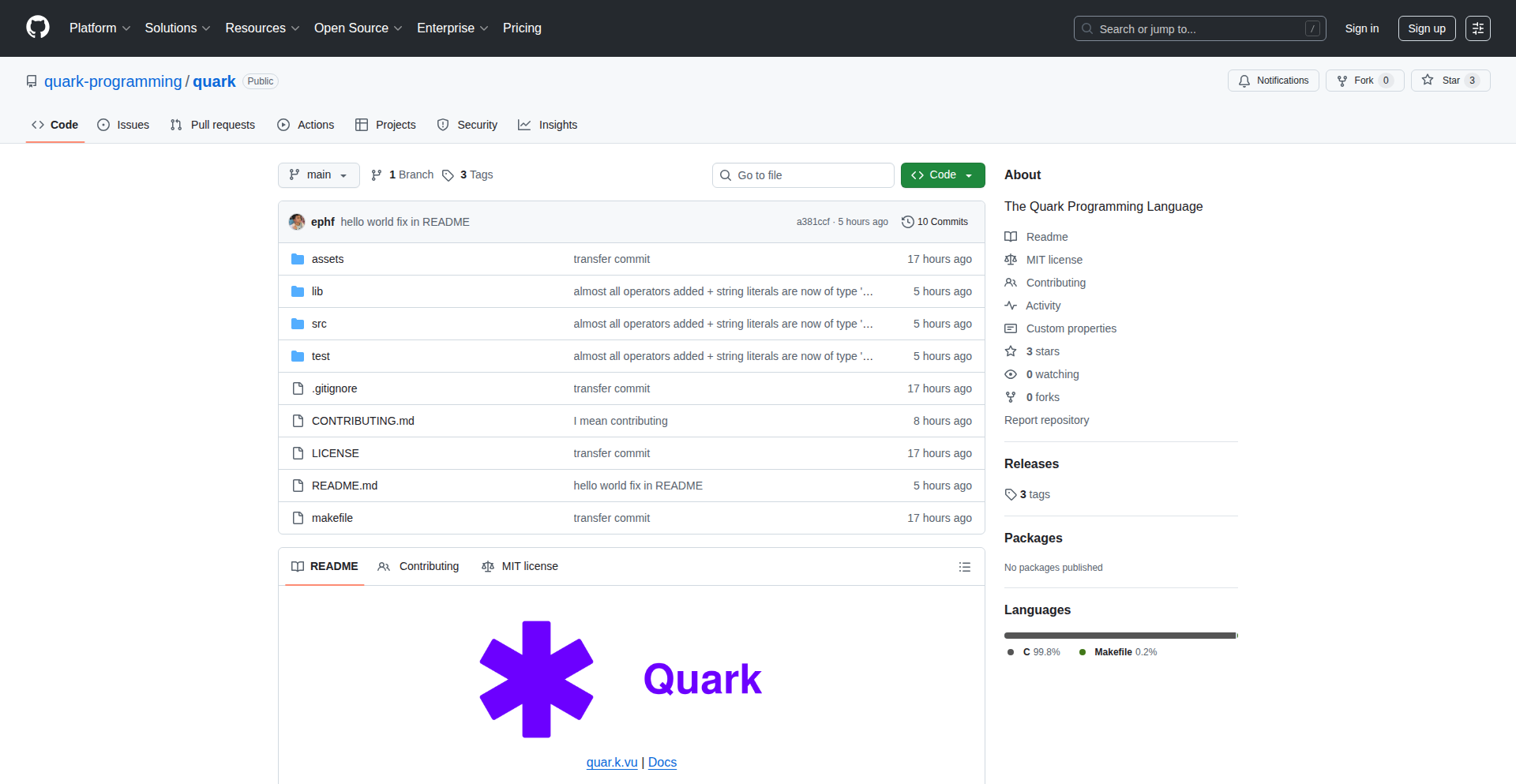
Author
ephf
Description
Quark is a novel C-like programming language developed from scratch, focusing on incorporating modern features and a unique generics system. It transpiles into C code, allowing it to be compiled and run on any machine. This project demonstrates a creative approach to compiler development, tackling the complexity of generics to offer a more expressive and flexible coding experience.
Popularity
Points 1
Comments 0
What is this product?
Quark is a custom-written programming language designed to be familiar like C but with modern enhancements. Its key innovation is a 'generics' system, which is a way to write code that can work with different data types without needing to rewrite the entire function or structure. Think of it like a reusable blueprint for code that can adapt. It achieves this by translating your Quark code into standard C code, so you get the benefits of a new language while still being able to run it everywhere C is supported. This means you can experiment with advanced language features without sacrificing compatibility. So, for you, it offers a chance to explore a new programming paradigm and potentially write more efficient, adaptable code.
How to use it?
Developers can use Quark by writing code in its C-like syntax. The primary tool is the Quark transpiler, which takes your Quark source files (.qr) and converts them into equivalent C source files (.c). You can then compile these generated C files using any standard C compiler (like GCC or Clang) to create your executable program. This makes integration straightforward: write in Quark, transpile to C, compile C. This approach is ideal for developers who want to prototype new language concepts, build tools that require flexible type handling, or simply explore the process of compiler construction. The value for you is the ability to experiment with a new language and its powerful features within a familiar C compilation workflow.
Product Core Function
· Custom C-like Language Syntax: Provides a familiar yet modern syntax for writing code, making it easier to learn and adopt. Its value is in offering a potentially more concise and expressive way to write programs compared to traditional C.
· Generics System Implementation: Enables writing reusable code that can operate on different data types without repetition. This is a significant technical achievement, allowing for more flexible and robust software design, saving development time by avoiding redundant code.
· C Code Transpilation: Translates Quark source code into standard C code. The value here is universal compatibility and the ability to leverage existing C toolchains and optimizations, ensuring your Quark programs can run anywhere and benefit from mature compiler technology.
· Self-Contained Compiler Development: Built entirely in C, showcasing a deep understanding of language parsing, AST (Abstract Syntax Tree) manipulation, and code generation. This provides an educational value for aspiring compiler developers and demonstrates a 'hacker' spirit of building tools from the ground up.
Product Usage Case
· Developing a flexible data structure library: Instead of writing separate list or map implementations for integers, strings, and custom objects, you can use Quark's generics to create a single, adaptable implementation that works with any data type, reducing code duplication and maintenance overhead.
· Creating type-safe utility functions: Imagine a sorting function that can sort arrays of any comparable type. With Quark's generics, you can write this function once and use it reliably for various data types, ensuring type safety and preventing runtime errors that might occur with manual type casting.
· Exploring advanced language features in a familiar environment: For developers interested in modern language concepts like generics but accustomed to C's performance and ubiquity, Quark offers a sandbox to experiment with these ideas and understand their implementation, bridging the gap between cutting-edge language design and practical development.
111
ZigPerfLite
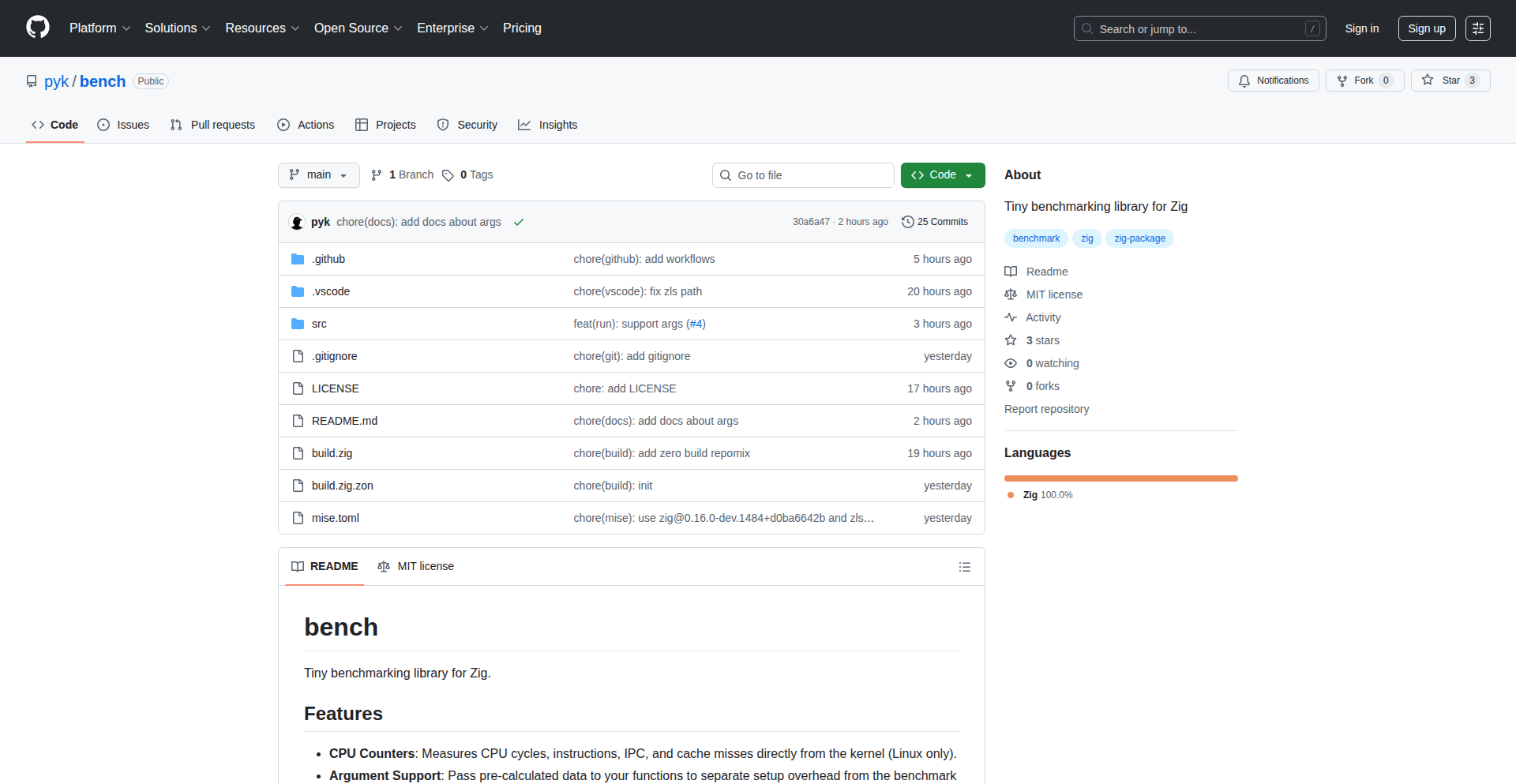
Author
zigser
Description
A minimalist benchmarking library for Zig, designed for rapid performance measurement of small code snippets. It addresses the need for precise, low-overhead performance testing within Zig projects, enabling developers to quickly identify and optimize critical code paths without introducing significant measurement artifacts. This offers a practical way to understand the micro-optimizations within Zig's compilation and runtime.
Popularity
Points 1
Comments 0
What is this product?
ZigPerfLite is a lightweight benchmarking tool specifically built for the Zig programming language. Its core innovation lies in its extreme simplicity and minimal overhead. Unlike larger profiling tools, ZigPerfLite focuses on measuring the execution time of very small functions or code blocks with high accuracy. It achieves this by leveraging Zig's low-level capabilities and avoiding complex abstractions that could skew performance results. This means developers get a clearer picture of how their specific code is performing at a granular level, which is crucial for squeezing out maximum efficiency in performance-sensitive applications. The value here is in providing a direct, unadulterated view of code execution speed, directly answering 'how fast is this specific piece of code really?'
How to use it?
Developers can integrate ZigPerfLite into their Zig projects by simply including the library and using its macro-based API to define and run benchmarks. For example, you would wrap the code you want to measure within a specific benchmark macro. The library then handles the timing and repetition of the code execution to gather reliable statistics. This is perfect for quickly testing small functions, algorithms, or data structure operations. The immediate benefit is the ability to pinpoint performance bottlenecks early in the development cycle. Imagine you have a critical loop; you can quickly wrap it with ZigPerfLite to see if your optimizations are actually making a difference, giving you a concrete number to back up your engineering decisions.
Product Core Function
· Micro-benchmark execution: Precisely measures the execution time of small code segments. This is valuable for understanding the efficiency of individual functions or algorithmic steps, helping to answer 'Is this function as fast as I designed it to be?'
· Low-overhead measurement: Designed to add minimal interference to the code being measured. This provides more accurate performance data, crucial for performance-critical applications where even small overheads matter, answering 'Am I measuring the code, or my measurement tool?'
· Simple API: Utilizes intuitive macros for defining and running benchmarks. This drastically reduces the learning curve and allows developers to start measuring performance almost immediately, saving valuable development time and effort.
· Zig-native integration: Built from the ground up for Zig, leveraging its unique features for optimal performance and integration. This ensures the tool itself doesn't introduce unexpected performance penalties, answering 'Does this tool work seamlessly with my Zig project?'
Product Usage Case
· Optimizing a critical sorting algorithm: A developer might use ZigPerfLite to benchmark different implementations of a sorting algorithm within a game engine to ensure it's as fast as possible, directly addressing the need for smooth in-game performance.
· Comparing string manipulation methods: When faced with multiple ways to process strings in a high-throughput data pipeline, ZigPerfLite can be used to empirically determine which method is the most efficient, leading to faster data processing and reduced server load.
· Validating micro-optimizations: After making small tweaks to a function for performance, a developer can use ZigPerfLite to quantify the exact improvement, ensuring that the change was indeed beneficial and didn't introduce regressions, answering 'Did my code tweak actually make things faster?'
· Benchmarking small utility functions: For frequently called, small helper functions, ZigPerfLite can confirm their efficiency, preventing them from becoming unexpected performance bottlenecks in larger applications.