Show HN Today: Discover the Latest Innovative Projects from the Developer Community
 ShowHN Today
- Continue with Google
Show HN Today: Top Developer Projects Showcase for 2025-12-04
SagaSu777 2025-12-05
Explore the hottest developer projects on Show HN for 2025-12-04. Dive into innovative tech, AI applications, and exciting new inventions!
Summary of Today’s Content
Trend Insights
Today's Show HN submissions reveal a powerful trend: the democratization of complex technologies. We're seeing an explosion of tools that leverage AI not just for its own sake, but to unlock capabilities previously confined to specialists. From turning APIs into AI-callable services without code (Zalor) to building entire AI-powered game studios (Marvin), the barrier to entry is rapidly dissolving. This is a golden age for creators and entrepreneurs who can harness these AI building blocks to solve niche problems or bring ambitious visions to life. For developers, the lesson is clear: embrace AI as a co-pilot and a fundamental component of new applications, rather than just an add-on. Think about how AI can automate tedious tasks, generate novel content, or provide personalized experiences. The future belongs to those who can creatively integrate these powerful models into user-friendly and impactful products. Furthermore, the emphasis on privacy-first, local-first, and open-source solutions indicates a growing desire for user control and transparency, a crucial consideration for any new venture aiming for long-term trust and adoption.
Today's Hottest Product
Name
Onetone – A full-stack framework with custom C interpreter
Highlight
This project showcases a developer's ambition to create a comprehensive, unified development environment. The innovation lies in building a custom C interpreter with its own scripting language (.otc files), integrated with a robust OpenGL 3D graphics engine, a PHP web framework, and Python utilities. This tackles the complexity of modern development by consolidating multiple languages and frameworks into a single cohesive system, offering native performance with Python-like usability. Developers can learn about deep systems integration, cross-language development, and the potential of custom interpreters for specialized applications.
Popular Category
AI & Machine Learning
Developer Tools
Productivity & Utilities
Web Development
Creative Tools
Popular Keyword
AI
LLM
API
Developer Tools
Framework
Automation
Web App
Open Source
CLI
TypeScript
Technology Trends
AI-powered development and content creation
Agentic workflows and autonomous systems
No-code/low-code solutions for complex tasks
Enhanced developer productivity through specialized tools
Privacy-focused and local-first applications
Cross-platform and interoperable solutions
Innovative data expression and visualization
Modernized UI/UX for specialized domains
Project Category Distribution
AI & Machine Learning (30%)
Developer Tools (25%)
Productivity & Utilities (20%)
Web Development (15%)
Creative Tools (10%)
Today's Hot Product List
| Ranking | Product Name | Likes | Comments |
|---|---|---|---|
| 1 | Onlyrecipe 2.0 | 164 | 136 |
| 2 | PrintCal Minimalist Planner | 91 | 30 |
| 3 | MirrorBridge: C++ Reflection for Python Interop | 27 | 7 |
| 4 | AI NDE Narrator | 22 | 9 |
| 5 | Stacktower: Dependency Brick Builder | 27 | 4 |
| 6 | OpenAPI to MCP Gateway | 14 | 4 |
| 7 | EvalsAPI: Reverse-Engineered Slack & Linear APIs for AI Model Evaluation | 10 | 3 |
| 8 | Marvin: AI Game Dev & Ops Suite | 6 | 6 |
| 9 | Flooder: Persistent Homology for Industry | 6 | 2 |
| 10 | EvolveAgent | 5 | 3 |
1
Onlyrecipe 2.0
Author
AwkwardPanda
Description
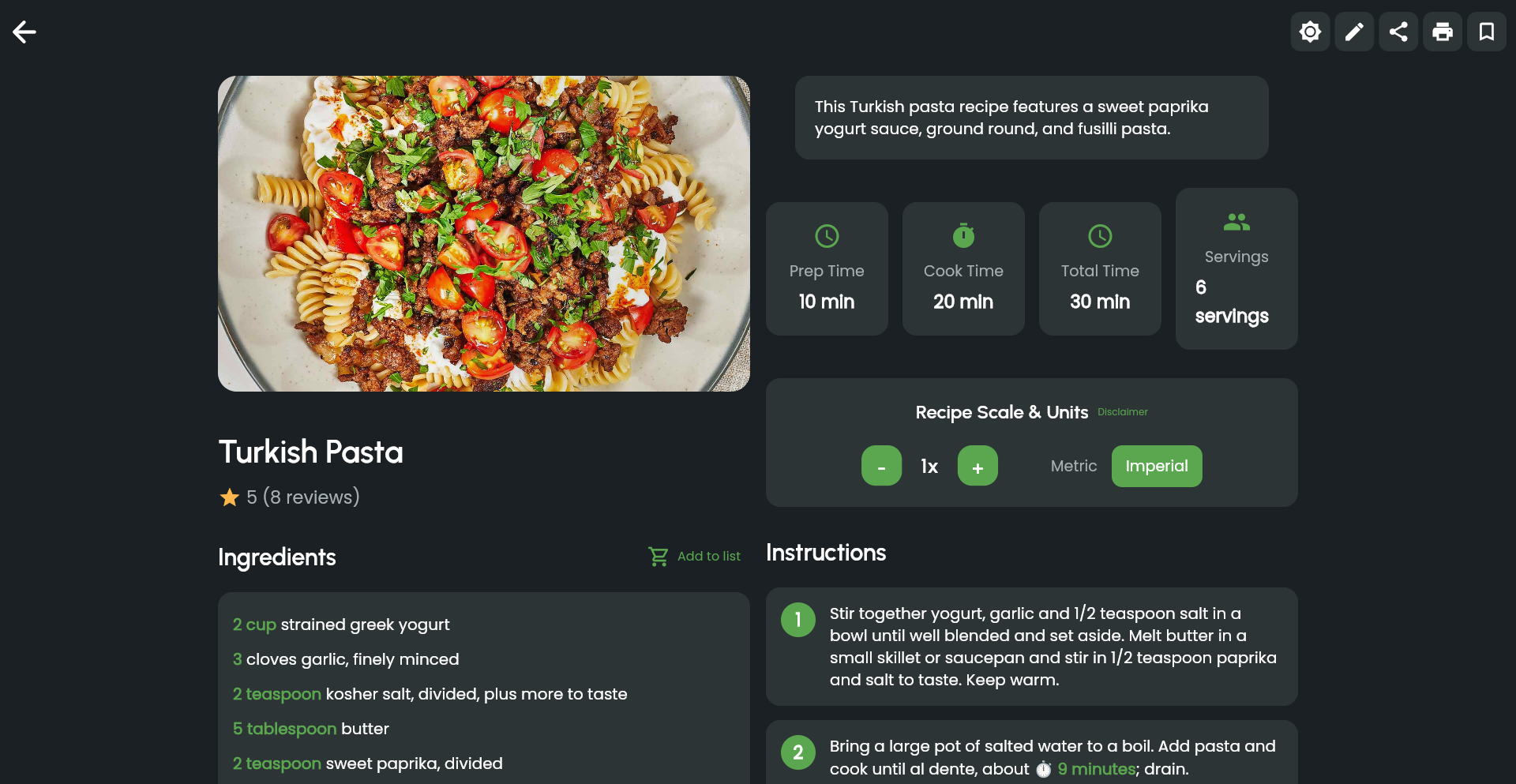
A significant evolution of the original Onlyrecipe, this project showcases a deep dive into user-driven feature development over four years. The core innovation lies in its robust backend architecture and intelligent recipe parsing, enabling it to transform unstructured text into highly searchable and customizable recipe data. This tackles the common problem of recipe information being scattered and difficult to organize, offering a powerful tool for home cooks and culinary enthusiasts.
Popularity
Points 164
Comments 136
What is this product?
Onlyrecipe 2.0 is a sophisticated recipe management system built on a foundation of advanced data parsing and a flexible API. Instead of just storing recipes as plain text, it intelligently extracts key components like ingredients, quantities, steps, and cooking times from various input formats. This extraction process utilizes natural language processing (NLP) techniques to understand the nuances of recipe language, allowing for a level of detail and structure previously unavailable. The '2.0' signifies a major leap forward, incorporating community feedback to refine its functionality and user experience, making it a testament to iterative development and responsiveness to user needs.
How to use it?
Developers can integrate Onlyrecipe 2.0 into their own applications or build new ones leveraging its powerful recipe data backend. For example, you could build a personalized meal planning app that pulls recipes based on dietary restrictions or available ingredients. A smart kitchen device could use it to fetch and display cooking instructions in real-time. The project likely exposes an API (Application Programming Interface) that allows other software to programmatically access, search, and manipulate recipe data, enabling seamless integration into diverse digital culinary experiences.
Product Core Function
· Intelligent Recipe Parsing: Automatically extracts structured data (ingredients, steps, timings) from unstructured text. This means you don't have to manually enter every detail, saving significant time and effort when digitizing your recipe collection, making it instantly searchable and usable by other applications.
· Advanced Recipe Search and Filtering: Enables highly specific searches based on ingredients, cuisine type, dietary needs, cooking time, and more. This allows users to quickly find the exact recipe they're looking for, even within a large personal database, solving the frustration of sifting through endless options.
· Customizable Recipe Presentation: Allows for flexible display of recipe information, adapting to different devices and user preferences. This ensures recipes are easy to read and follow, whether on a small phone screen or a large kitchen tablet, enhancing the cooking experience.
· User-Driven Feature Development: The evolution to 2.0 is a direct result of incorporating feedback from the Hacker News community, demonstrating a commitment to building a tool that truly meets user demands. This iterative approach means the product is constantly improving based on real-world usage, ensuring its continued relevance and utility for developers.
· API for Integration: Provides programmatic access to recipe data, allowing developers to build new applications or enhance existing ones. This empowers developers to create innovative solutions in the culinary tech space without starting from scratch, fostering creativity and accelerating development.
Product Usage Case
· Building a smart meal planner that suggests recipes based on a user's pantry inventory and dietary preferences. The parsing feature allows the system to understand what ingredients are needed, and the search feature helps find suitable recipes.
· Developing a voice-controlled cooking assistant that reads out recipe steps. The structured data from Onlyrecipe 2.0 makes it easy for the assistant to break down instructions into manageable chunks for voice output.
· Creating a recipe discovery platform that surfaces unique or underappreciated recipes from user-submitted content. The advanced search capabilities allow for finding niche recipes that might otherwise be lost.
· Designing a digital cookbook for families that allows members to easily contribute and organize their favorite recipes. The project's focus on structured data makes collaborative recipe management efficient and enjoyable.
2
PrintCal Minimalist Planner

Author
defcc
Description
PrintCal is a minimalist monthly task planner that prioritizes simplicity and privacy. It addresses the common need for a clean, distraction-free way to organize monthly tasks without the complexities of online accounts, syncing, or data storage. The core innovation lies in its offline-first, printable design, enabling users to maintain structure and focus without digital clutter. Its value is in providing a straightforward, private planning tool for those who prefer analog-style organization with digital convenience for generation.
Popularity
Points 91
Comments 30
What is this product?
PrintCal is a web-based tool that generates a clean, distraction-free monthly calendar view with space for tasks. Its technical principle is to leverage web technologies to create a static, visually simple interface that can be easily printed or viewed offline. The innovation is in its deliberate omission of features like user accounts, cloud syncing, and online data storage. This results in an application that is fast, secure, and respects user privacy. So, what's the benefit for you? You get a private, clutter-free monthly planner that you can use immediately without any sign-ups or data concerns, and you can easily print it out.
How to use it?
Developers can use PrintCal directly through their web browser at https://printcalendar.top/. The interface is straightforward: navigate to the desired month and year, add tasks directly into the designated fields, and then print the generated calendar. For integration, while not designed for complex API integration, developers could potentially use browser automation tools or simulate print actions if they needed to programmatically generate these calendars for specific internal workflows, although its primary use case is manual generation and printing. So, how can you use it? Simply open the website, input your tasks for the month, and print it for your desk or wall.
Product Core Function
· Monthly Task View: Presents a clean, grid-based layout for a full month, allowing users to see all their tasks at a glance. The technical value is in its efficient rendering of calendar data, and the application scenario is for effective long-term planning and review.
· No Account Required: Users can access and use the planner immediately without creating any login credentials. The technical value is in its stateless design and focus on local browser functionality, ensuring immediate usability and privacy. The application scenario is for users who want quick access and don't want to manage yet another online account.
· Offline Functionality: The planner works perfectly without an internet connection after the initial page load. The technical value lies in its client-side rendering and lack of external dependencies. The application scenario is for situations where internet access is unreliable or for users who prefer to work without online distractions.
· Printable Output: Generates a layout optimized for printing, allowing users to have a physical copy of their monthly plan. The technical value is in its responsive design that adapts well to print media. The application scenario is for users who prefer physical planners for better focus and task management.
· Minimalist Aesthetic: Emphasizes a clean, uncluttered design to reduce distractions and improve focus on tasks. The technical value is in its lean HTML, CSS, and JavaScript implementation. The application scenario is for individuals seeking a calm and organized planning experience.
Product Usage Case
· A student needing to plan out their monthly assignments and exam schedule without having to create an online account or worry about their data being stored. They can simply access the site, input their deadlines, print the calendar, and pin it to their notice board for easy reference. This solves the problem of managing academic workload with a simple, private tool.
· A freelancer who wants to visually block out project timelines and client meetings for the upcoming month, but dislikes cloud-based project management tools due to privacy concerns or complexity. They can use PrintCal to generate a printable monthly overview, helping them stay organized without sharing sensitive client information online. This addresses the need for a secure and straightforward project planning solution.
· An individual seeking to reduce digital distractions and improve focus on personal goals. By using PrintCal to plan their monthly fitness routine or personal development activities and printing it out, they can create a tangible reminder that encourages consistent action away from screens. This showcases how the tool helps achieve personal objectives by minimizing digital noise.
3
MirrorBridge: C++ Reflection for Python Interop
Author
fthiesen
Description
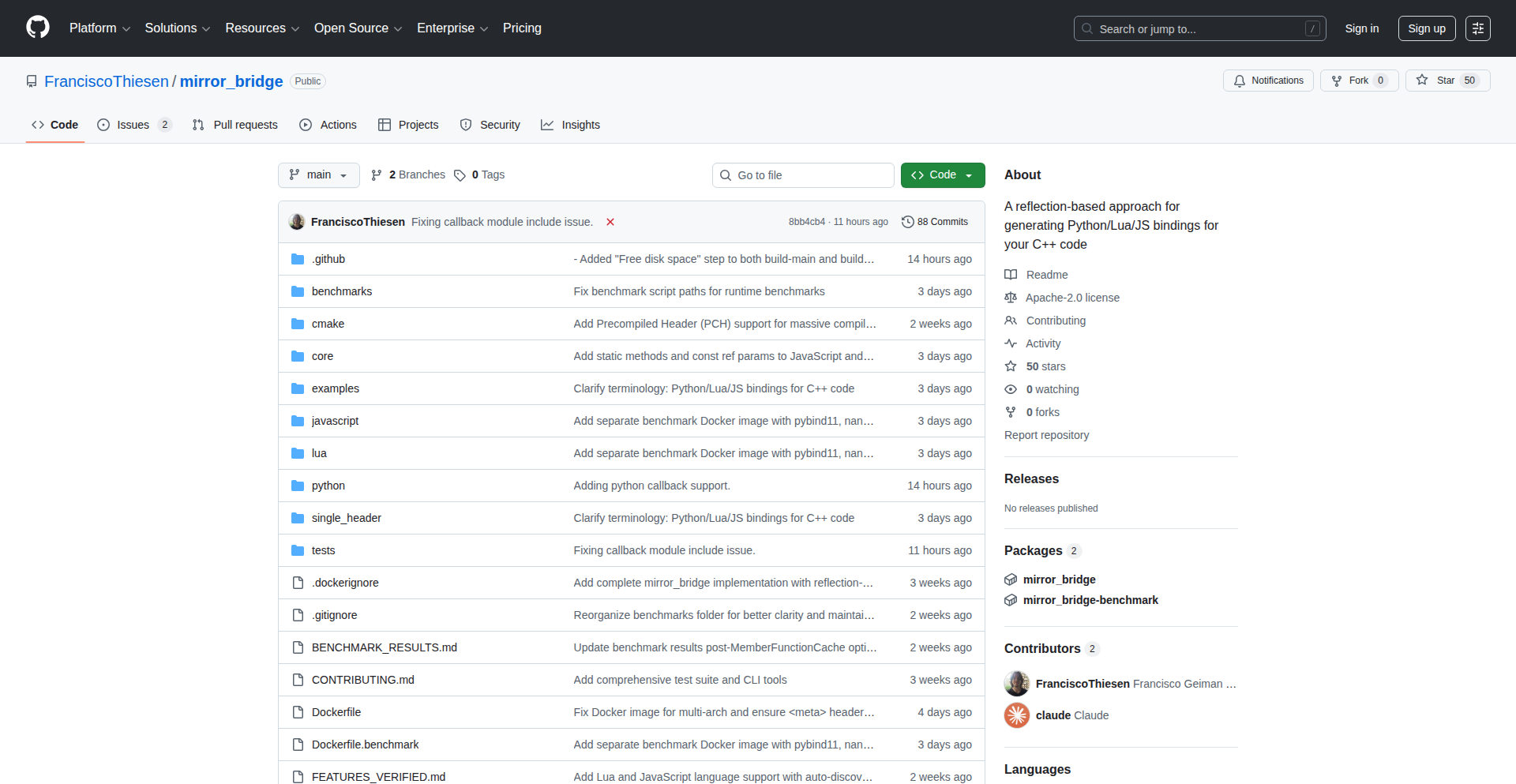
MirrorBridge is a novel C++ binding generator that leverages C++ reflection capabilities to automatically create Python bindings for C++ code. This bypasses the need for manual interface definition languages (IDLs) or complex boilerplate code, significantly streamlining the process of integrating C++ libraries with Python applications.
Popularity
Points 27
Comments 7
What is this product?
MirrorBridge is a tool that solves the common challenge of making C++ code easily accessible from Python. Traditional methods often involve writing a lot of repetitive code or using specific interface description languages. MirrorBridge's innovation lies in its use of C++ reflection. Reflection, in essence, is a program's ability to inspect and modify its own structure and behavior at runtime. MirrorBridge uses this C++ introspection to understand your C++ classes, functions, and data types, and then automatically generates the necessary Python wrapper code (bindings). This means you don't have to manually tell Python how your C++ code works; the tool figures it out. The value for developers is a drastically reduced effort in creating interoperable code, saving time and reducing errors.
How to use it?
Developers can use MirrorBridge by including it as part of their build process. After writing their C++ code, they can run MirrorBridge, pointing it to their C++ header files. MirrorBridge will then analyze the C++ code using its reflection capabilities and output Python files. These generated files act as a bridge, allowing Python scripts to directly call C++ functions, instantiate C++ classes, and access C++ data. This is particularly useful when you have existing high-performance C++ libraries that you want to expose to the flexibility and rapid development environment of Python. For integration, you'd typically import the generated Python modules into your Python application, just like any other Python library.
Product Core Function
· Automatic C++ Class Binding Generation: MirrorBridge inspects C++ classes and generates Python classes that can instantiate and interact with the C++ objects. This allows Python developers to use C++ classes as if they were native Python classes, inheriting from them, calling their methods, and accessing their members. The value here is seamless object-oriented integration between two languages.
· Function and Method Binding: It automatically generates wrappers for C++ functions and methods, enabling Python to call them directly. This means you can leverage existing C++ algorithms and utilities from your Python scripts without rewriting them, providing access to powerful, optimized C++ functionality.
· Type Marshaling and Conversion: MirrorBridge handles the conversion of data types between C++ and Python. For example, it can convert a C++ integer to a Python integer and vice versa, or a C++ string to a Python string. This crucial function ensures that data can be passed back and forth between the two languages correctly and efficiently, preventing data corruption and simplifying data handling.
· Reflection-Powered Analysis: The core innovation is its reliance on C++ reflection. Instead of relying on external configuration files or manually defined interfaces, MirrorBridge probes the C++ code itself to understand its structure. This significantly reduces the manual effort and potential for errors compared to traditional binding methods.
Product Usage Case
· Integrating a high-performance C++ scientific computing library into a Python data science workflow: Instead of rewriting computationally intensive C++ algorithms in Python, MirrorBridge can be used to expose these algorithms, allowing Python scientists to leverage their speed while benefiting from Python's ease of use for analysis and visualization. The problem solved is the performance bottleneck of Python for certain tasks.
· Exposing a real-time C++ game engine's functionality to a Python scripting interface: Game developers often use Python for scripting game logic due to its rapid prototyping capabilities. MirrorBridge can bridge the gap, allowing Python scripts to control game objects, trigger events, and access engine data defined in C++, speeding up game development iteration.
· Creating Python bindings for existing C++ embedded systems code: For developers working with resource-constrained embedded systems where C++ is often the language of choice for performance and control, MirrorBridge can help create a Python interface for easier debugging, configuration, or even control from a higher-level Python application. This makes complex C++ systems more approachable.
· Developing a mixed-language application where core performance-critical modules are in C++ and the user interface or high-level logic is in Python: MirrorBridge facilitates this by providing a robust and automatic way to connect these two parts, allowing developers to choose the best language for each part of their application without sacrificing interoperability.
4
AI NDE Narrator

Author
mikias
Description
This project leverages AI to analyze and narrate nearly 8,000 near-death experiences (NDEs), making them accessible and understandable. The core innovation lies in applying natural language processing and synthesis techniques to extract meaningful patterns from textual accounts and transform them into an auditory format.
Popularity
Points 22
Comments 9
What is this product?
This is an AI-powered tool that processes and narrates written accounts of near-death experiences. It uses sophisticated AI models, likely a combination of Natural Language Processing (NLP) for understanding the text and Text-to-Speech (TTS) for generating the narration. The innovation is in how it distills complex, personal narratives into a structured, listenable format, potentially identifying common themes or sentiments within the vast dataset of NDEs. So, what's in it for you? It provides a novel way to explore a fascinating and deeply human phenomenon, making complex qualitative data easily digestible.
How to use it?
Developers can use this project as a demonstration of advanced AI text analysis and audio generation. It could be integrated into research projects studying consciousness, psychology, or even creative storytelling platforms. The underlying AI models could be adapted to process other forms of subjective textual data, such as user reviews, personal journals, or historical accounts, and generate audio summaries or narratives. So, what's in it for you? It offers a blueprint for transforming raw text data into engaging audio content, opening doors for new analytical tools and creative applications.
Product Core Function
· AI-driven text analysis of near-death experience narratives: This allows for the extraction of key themes, emotions, and recurring elements from a large corpus of subjective accounts, providing insights that would be difficult to glean manually. So, what's in it for you? It offers a way to understand the essence of many personal stories without reading each one.
· Natural language processing for understanding narrative structure: This function helps the AI comprehend the chronological flow and emotional arc of each NDE, ensuring the narration is coherent and impactful. So, what's in it for you? It guarantees that the generated audio makes sense and captures the narrative power of the original experiences.
· Advanced text-to-speech synthesis for listenable output: This feature converts the analyzed text into clear and engaging human-like speech, making the NDEs accessible through audio. So, what's in it for you? It allows you to experience these profound accounts without having to read, perfect for multitasking or for those who prefer auditory learning.
· Pattern identification and summarization: The AI can identify common threads across multiple NDEs, offering a synthesized overview of the phenomenon. So, what's in it for you? It provides high-level insights and trends from a vast dataset, saving you time and effort in discovering overarching themes.
Product Usage Case
· A psychology researcher using the AI to quickly review themes within thousands of NDE accounts for a study on altered states of consciousness. The AI's audio summaries help in quickly identifying qualitative trends across the dataset. So, what's in it for you? It dramatically speeds up qualitative data analysis, allowing researchers to focus on interpretation rather than data wading.
· A content creator on platforms like YouTube or podcasts integrating the narrated NDEs into their shows, providing unique and thought-provoking material for their audience. The listenable format makes it easily consumable for listeners. So, what's in it for you? It provides ready-to-use, compelling audio content for engagement and storytelling.
· A developer building a personal journaling app that uses similar AI techniques to summarize user entries into audio diaries, offering a novel way for users to revisit their thoughts and feelings. So, what's in it for you? It showcases how to add value to user-generated content by transforming it into an interactive audio experience.
· An educator developing educational modules on consciousness and perception, using the narrated NDEs as case studies to illustrate subjective experiences and the potential of AI in humanities research. So, what's in it for you? It provides powerful, AI-generated examples to enrich learning materials and demonstrate technological applications in various fields.
5
Stacktower: Dependency Brick Builder
Author
matzehuels
Description
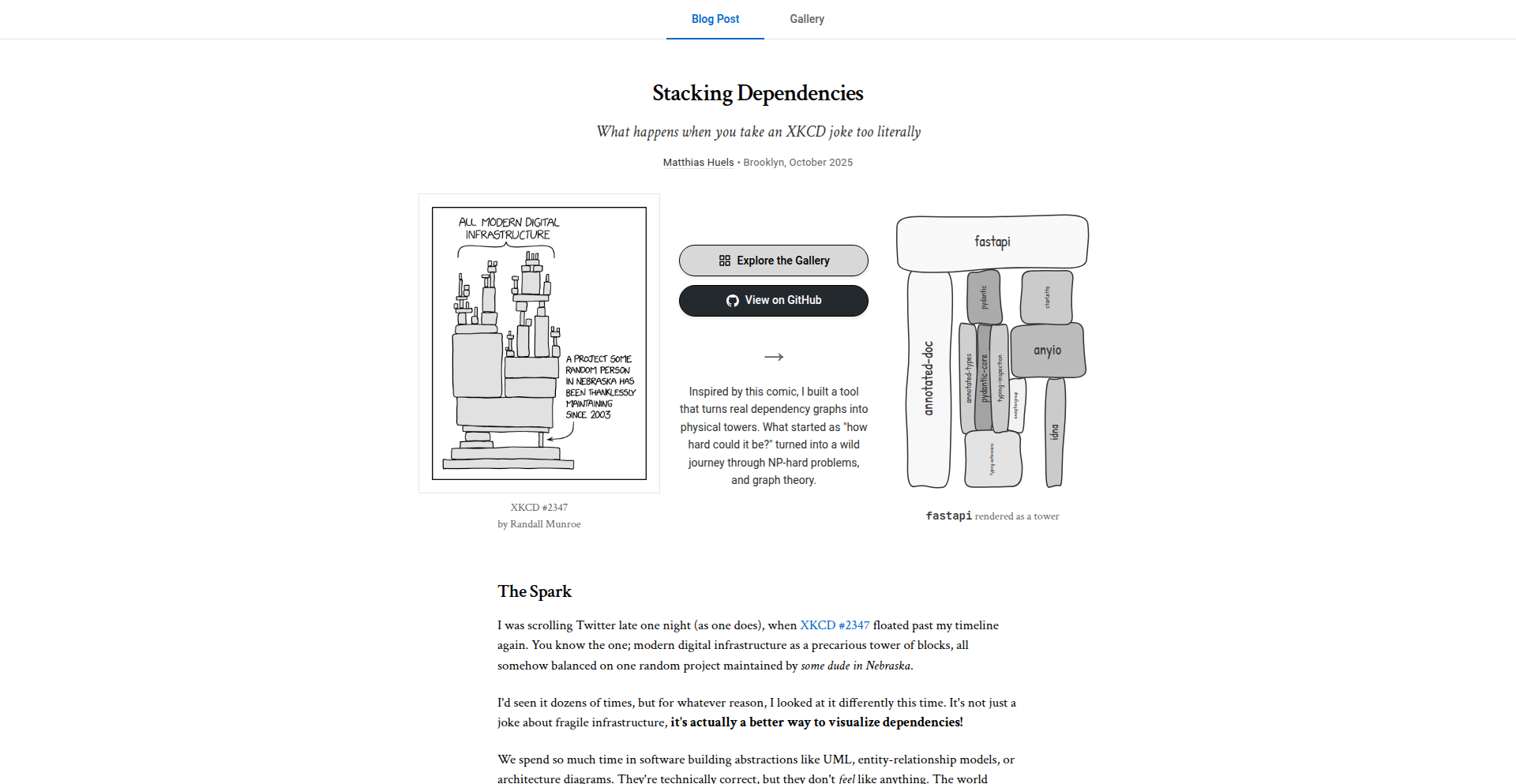
Stacktower is an open-source tool that visualizes software package dependencies as a physical tower of bricks. It helps developers understand the complex relationships between different software components by transforming abstract dependency graphs into a tangible, visual representation, inspired by XKCD #2347. This addresses the 'spicy problems' of managing and understanding intricate dependency trees in modern software development for packages like PyPI, Cargo, and npm.
Popularity
Points 27
Comments 4
What is this product?
Stacktower is a novel visualization tool that takes the often-invisible web of software dependencies – how one piece of code relies on another – and turns it into a concrete, physical-like structure of stacked bricks. Think of it like building with LEGOs, but instead of colorful blocks, you're stacking digital pieces of code that your project needs to run. It helps make the complexity of these 'dependency trees' much easier to grasp. The innovation lies in taking abstract data (dependency relationships) and creating a relatable, spatial metaphor that reveals the underlying structure in a unique and insightful way. So, what's the benefit for you? It allows you to see the 'shape' of your project's dependencies, making it easier to identify potential issues or understand how your project is put together.
How to use it?
Developers can integrate Stacktower into their workflow by running the tool on their project's package manager. It can process dependency information from common sources like PyPI (for Python), Cargo (for Rust), and npm (for Node.js). The output is a visual representation of the dependency tower, which can be analyzed to understand the structure and complexity. You can use it to troubleshoot issues related to dependency conflicts, understand the 'blast radius' of updating a specific package, or simply to gain a better mental model of your project's architecture. Essentially, you point Stacktower at your project's dependencies, and it shows you the brick tower, helping you solve dependency puzzles.
Product Core Function
· Dependency Graph Parsing: This function takes raw dependency data from package managers and structures it for visualization. Its value is in making complex, machine-readable data understandable to humans. This is crucial for diagnosing dependency issues and understanding project composition.
· Visual Tower Generation: This core feature translates the parsed dependency graph into a brick-like tower metaphor. The value here is in providing an intuitive, spatial representation of abstract relationships, making it easier to spot patterns and anomalies in dependencies. This helps in comprehending the overall project structure at a glance.
· Multi-Package Manager Support: Stacktower works with popular ecosystems like PyPI, Cargo, and npm. The value is broad applicability across different programming languages and development environments, allowing diverse teams to benefit from its visualization capabilities and tackle shared dependency challenges.
· Open-Source and Extensible: Being open-source means developers can inspect, modify, and extend Stacktower. The value is in fostering community collaboration and allowing customization for specific or niche dependency management needs. This encourages innovation within the developer community by providing a solid foundation.
Product Usage Case
· Troubleshooting Dependency Hell: A developer is experiencing cryptic errors after installing a new library. By feeding their project's dependencies into Stacktower, they can visually see a deeply nested or circular dependency that might be the root cause, allowing for targeted fixes. This solves the problem of 'why is my project broken after this install?'
· Understanding Project Complexity: A lead developer wants to onboard new team members quickly. Stacktower can provide a high-level visual overview of the project's main dependencies, helping newcomers grasp the project's architecture and key components more rapidly. This solves the problem of steep learning curves for new developers.
· Assessing the Impact of Updates: Before updating a core dependency, a developer can use Stacktower to visualize the current dependency chain. This helps them anticipate which other parts of the system might be affected, preventing unexpected breakages. This solves the problem of making safe and informed dependency updates.
· Educating Junior Developers: A senior engineer can use Stacktower to explain to junior developers how different libraries and modules in a project are interconnected. The visual metaphor of the brick tower makes abstract concepts more concrete and easier to learn. This solves the problem of effectively teaching complex system relationships.
6
OpenAPI to MCP Gateway

Author
rishavmitra
Description
This project transforms your OpenAPI specifications into an MCP server, enabling your APIs to be seamlessly called by AI assistants like Claude or ChatGPT. It bridges the gap between existing API infrastructure and AI integration without requiring manual coding for the AI connection layer. The core innovation lies in automating the complex process of making your services AI-ready.
Popularity
Points 14
Comments 4
What is this product?
This is a tool that automatically converts an OpenAPI specification – which is a standard way to describe how your APIs work – into an MCP (Model-Centric Protocol) server. MCP is a protocol that defines how AI assistants can interact with external tools. Essentially, it acts as a translator. Instead of you writing code to make your API endpoints understandable by an AI, this tool does it for you. This is a significant innovation because it dramatically lowers the barrier to entry for integrating your existing APIs with powerful AI models, saving developers time and effort. It leverages the structure of your OpenAPI spec to create a functional AI interface.
How to use it?
Developers can use this project by providing their existing OpenAPI specification file (in YAML or JSON format). The tool then processes this spec and generates the necessary MCP server configuration. This allows AI models to discover and invoke your API functions directly. Imagine you have a well-documented REST API for your e-commerce backend. You simply point this tool to your OpenAPI spec, and it creates an MCP endpoint that ChatGPT can then use to search for products, place orders, or check order status, all without you writing any AI-specific integration code.
Product Core Function
· OpenAPI to MCP Server Generation: Automatically creates an MCP server from an OpenAPI specification, enabling AI assistants to interact with your APIs. The value here is drastically reduced integration time and effort for exposing APIs to AI.
· Code-Free AI Integration: Allows APIs to be called by AI models like Claude or ChatGPT without writing any custom code for the AI interface. This democratizes AI integration for developers who might not have deep AI expertise.
· Automated API Exposition: Standardizes the way APIs are exposed to AI agents, abstracting away the complexities of protocol translation and API discovery. The value is a robust and standardized way to make your services AI-aware.
· Dynamic Tool Mapping: Maps API endpoints to AI-understandable 'tools' for AI assistants, making it intuitive for AI to know which function to call for a given request. This ensures efficient and accurate AI interaction with your services.
Product Usage Case
· Exposing a weather API to an AI assistant: A developer has a REST API that provides weather data. By feeding the OpenAPI spec to this tool, they can enable an AI to ask 'What is the weather in London?' and have the AI directly call the appropriate API endpoint without manual coding. This solves the problem of making real-time data accessible to AI for conversational queries.
· Integrating a CRM API with an AI for customer support: A company wants to allow their customer support AI to look up customer details or create support tickets. By using this tool with their CRM's OpenAPI spec, the AI can be given the ability to access and manipulate customer data, significantly enhancing the AI's utility in customer service scenarios.
· Building AI-powered internal tools: For internal applications, developers can quickly enable employees to interact with complex business logic through natural language. For example, an AI could be used to process expense reports by calling the relevant internal finance APIs, streamlining workflows and improving productivity.
7
EvalsAPI: Reverse-Engineered Slack & Linear APIs for AI Model Evaluation
Author
hubertmarek
Description
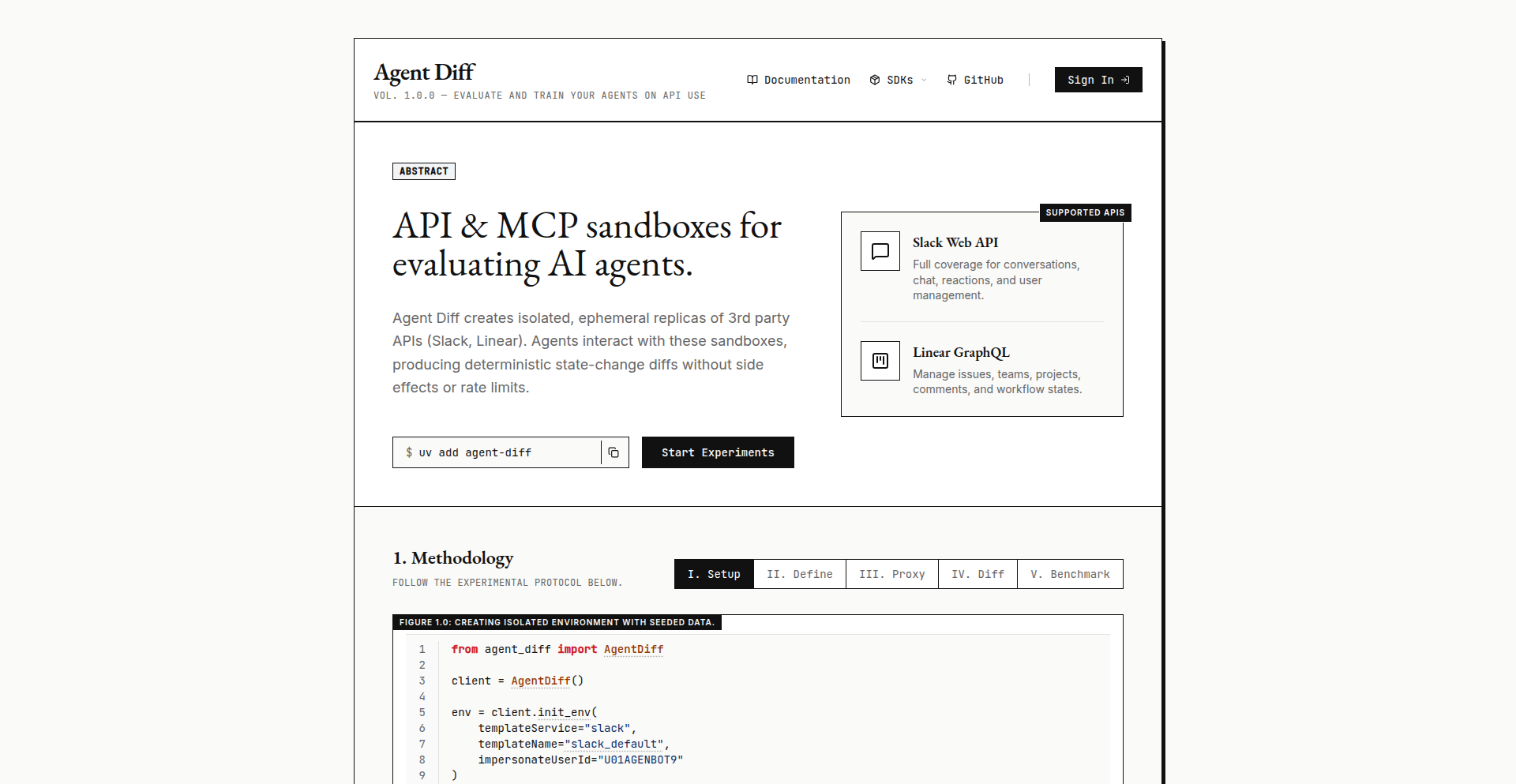
This project reverse-engineers the APIs of popular platforms like Slack and Linear, making them accessible for evaluating and interacting with AI models, particularly in the context of Reinforcement Learning (RL). It allows developers to build automated evaluation pipelines and integrate AI feedback into workflows, effectively treating AI models as programmable agents. The innovation lies in bridging the gap between AI development and real-world application platforms through accessible API interaction.
Popularity
Points 10
Comments 3
What is this product?
This project is an API toolkit that mimics and reconstructs the communication methods (APIs) of platforms like Slack and Linear. Think of it like a translator that allows your AI models to 'talk' to these platforms as if they were native users or applications. The core innovation is enabling AI models, especially those used for Reinforcement Learning (RL) where an AI learns through trial and error, to interact with and receive feedback from complex environments like team chat or project management tools. This means you can automate the process of testing and improving AI models by having them perform tasks and get judged, directly within these familiar platforms.
How to use it?
Developers can use this project to build custom evaluation frameworks for their AI models. For instance, you could train an AI to summarize Slack conversations by having it interact with a simulated Slack environment created by this toolkit. The AI would perform summarization, and the toolkit could then evaluate the quality of the summary against predefined criteria or human feedback. This allows for rapid iteration and improvement of AI models in a controlled yet realistic setting, integrating AI evaluation seamlessly into existing development and testing workflows.
Product Core Function
· API Emulation for AI Interaction: Replicates the communication protocols of platforms like Slack and Linear, allowing AI models to send and receive data as if they were integrated applications. This is valuable for creating realistic testing environments for AI agents.
· Automated Evaluation Pipelines: Enables the creation of automated systems for testing and scoring AI model performance. Developers can set up tests where AI models perform specific tasks and receive objective feedback, accelerating the development cycle.
· Reinforcement Learning Integration: Provides the necessary API hooks for RL agents to interact with external environments and learn from the consequences of their actions. This is crucial for training AI models that need to operate within complex, real-world systems.
· Data Extraction and Analysis: Allows for the collection of interaction data from simulated platforms, which can then be analyzed to understand AI behavior and identify areas for improvement. This facilitates data-driven AI development.
· Customizable Feedback Loops: Facilitates the creation of tailored feedback mechanisms for AI models, allowing developers to define what constitutes success or failure for a given task. This provides fine-grained control over the AI learning process.
Product Usage Case
· Automating the testing of an AI chatbot designed to answer questions in a Slack channel. The toolkit can simulate users asking questions and then evaluate the AI's responses for accuracy and helpfulness, providing valuable feedback for the chatbot's development.
· Training an AI agent to prioritize tasks in a project management tool like Linear. The AI could 'see' new tasks, 'decide' which ones are most urgent, and the toolkit would record the outcomes and provide rewards or penalties based on the AI's decisions, helping it learn to manage priorities effectively.
· Developing an AI assistant that can analyze team communication in Slack to identify potential conflicts or misunderstandings. The toolkit can feed real or simulated conversation data to the AI and help in evaluating its ability to detect and flag such issues.
· Creating a system where an AI model learns to generate better code documentation by interacting with a simulated code repository and receiving feedback on the quality of its generated documentation, facilitated by the toolkit's API emulation.
· Benchmarking different AI models by having them compete on tasks within a simulated environment derived from Linear's task tracking system, allowing for direct comparison of their problem-solving capabilities.
8
Marvin: AI Game Dev & Ops Suite

Author
marvinai
Description
Marvin is an AI-powered platform designed to democratize game development and operation. It leverages specialized AI agents to assist individuals and small teams in every stage of game creation, from design and mechanics to art and level design. Beyond just building, Marvin provides a full operational stack, mimicking the tools used by professional game studios, enabling users to manage and grow their games as sustainable businesses. This tackles the challenge of making complex game development and live operations accessible to everyone, not just large studios.
Popularity
Points 6
Comments 6
What is this product?
Marvin is an AI-driven ecosystem that acts as your virtual game studio. It's built around a system of 'agents' – specialized AI models you can interact with through natural language. You tell Marvin what kind of game you want, and these agents collaboratively work with you on various aspects like game mechanics, visual art, physics implementation, progression systems, and level design. The innovation lies in its comprehensive approach, extending beyond just creation to include game operations – essentially, the entire lifecycle of a game from concept to sustainable business, including publishing and potentially live operations and monetization tools in the future. This is a significant leap from traditional game development tools by integrating AI throughout the entire process.
How to use it?
Developers can start using Marvin by simply interacting with the AI agents through chat. You describe your game idea, and Marvin's agents will ask clarifying questions and begin generating content and suggestions. For instance, you can ask it to 'design a 2D platformer with a focus on fluid movement' and the agents will help flesh out mechanics, suggest art styles, and even outline level structures. Integration can happen by exporting generated assets (like art sprites or level data) and importing them into existing game engines like Unity or Godot. The platform aims to simplify complex workflows, allowing developers to iterate rapidly and focus on creativity rather than getting bogged down in boilerplate tasks. It's about using code and AI to solve the business and creative challenges of making and running a game.
Product Core Function
· AI-assisted game design: Agents help brainstorm and define game concepts, mechanics, and narrative elements, accelerating the initial creative phase.
· Procedural content generation: AI generates game assets like art, levels, and mechanics, reducing manual effort and enabling diverse game worlds.
· Cross-platform publishing pipeline: Facilitates the process of preparing and deploying games to various platforms, streamlining distribution.
· Game operations enablement: Provides tools and frameworks for managing live games, including potential future integration of live ops, monetization, and analytics.
· Natural language interface: Allows users to communicate game development needs and receive assistance through intuitive chat interactions, making development more accessible.
Product Usage Case
· An indie solo developer wants to create a retro-style pixel art RPG but lacks a dedicated artist. They can use Marvin's art agents to describe their desired aesthetic and generate sprites, tilesets, and UI elements, significantly reducing the need for manual art creation and speeding up asset production.
· A small game team is struggling with the complexity of balancing game mechanics and progression in their new strategy game. They can use Marvin to simulate different mechanic interactions and progression curves, receiving AI-driven suggestions for adjustments to improve player engagement and retention.
· A hobbyist game maker wants to quickly prototype a simple puzzle game for social media. They can use Marvin to generate basic game logic, level layouts, and even UI elements, allowing them to create a playable demo within hours rather than days or weeks.
· A developer aims to build a sustainable game business without a large operational team. Marvin's future live ops and monetization tools can help them implement in-game events, manage player economies, and analyze player behavior to optimize revenue and player retention, treating game development as a business from the start.
9
Flooder: Persistent Homology for Industry

Author
elektm
Description
Flooder is a novel tool that brings the power of Persistent Homology, a complex mathematical concept from topology, into practical, industrial applications. It focuses on extracting meaningful topological features from data, enabling deeper insights and better problem-solving in areas where traditional methods fall short. Think of it as a way to find the 'shape' of your data to uncover hidden patterns and connections, making complex datasets understandable and actionable.
Popularity
Points 6
Comments 2
What is this product?
Flooder is a software library that makes Persistent Homology accessible for real-world industrial use. Persistent Homology is a mathematical framework that analyzes the 'shape' of data by tracking topological features like holes and connected components as the data is viewed at different resolutions. Traditional methods often struggle with high-dimensional or noisy data, but Flooder's innovation lies in its efficient algorithms and practical implementation, allowing it to handle large-scale datasets and provide robust topological summaries. This means you can understand the fundamental structure of your data even when it's messy or very complex.
How to use it?
Developers can integrate Flooder into their existing data analysis pipelines. It typically involves preparing your data (e.g., point clouds, graphs, time series) and then using Flooder's functions to compute persistence diagrams or barcodes. These topological summaries can then be used as features for machine learning models, for anomaly detection, or for visualizing complex data structures. For instance, you could feed the topological features extracted by Flooder into a classification model to improve its accuracy, or use them to identify unusual patterns in sensor data.
Product Core Function
· Persistent Homology Computation: Calculates topological features like connected components and holes at various scales, allowing you to understand the underlying structure of your data. This is useful for identifying distinct clusters or cyclic patterns that might be missed by other analyses.
· Feature Extraction for Machine Learning: Generates robust topological features (e.g., persistence diagrams) that can be fed into machine learning models, enhancing their ability to learn from complex and high-dimensional data. This means your AI models can become smarter and more accurate by leveraging the inherent structure of the data.
· Data Simplification and Summarization: Provides concise summaries of complex datasets by focusing on their essential topological properties, making large and intricate data easier to comprehend and manage. This helps you distill vast amounts of information into a manageable and insightful representation.
· Noise Robustness: Designed to be resilient to noise in the data, ensuring that the extracted topological features are meaningful and not just artifacts of random fluctuations. This means you can trust the insights you get, even if your data isn't perfectly clean.
· Scalability for Industrial Datasets: Optimized to handle large volumes of data common in industrial settings, making advanced topological analysis feasible for practical business problems. This allows you to apply cutting-edge techniques to your real-world, large-scale data challenges.
Product Usage Case
· Analyzing sensor data from industrial machinery to detect subtle anomalies that might indicate impending failure, by identifying unusual topological patterns in vibration or pressure readings.
· Characterizing the structure of complex molecules or materials in scientific research to understand their properties, by analyzing the 'shape' of their atomic arrangements.
· Improving the performance of image recognition systems by extracting topological features that capture the structural characteristics of objects, leading to more robust classification.
· Understanding the connectivity and flow patterns in networks (e.g., social networks, traffic networks) to identify bottlenecks or important hubs, by analyzing the topological structure of the network graph.
10
EvolveAgent

Author
EvoAgentX
Description
EvolveAgent is a platform for rapidly building agentic applications that can learn and improve over time without constant developer intervention. It simplifies the process of turning an initial concept into a functional, self-optimizing app by providing integrated user management, databases, tools, and payment processing, eliminating the need for manual infrastructure setup and complex glue code. So, this helps you create intelligent applications much faster, letting them adapt and grow on their own.
Popularity
Points 5
Comments 3
What is this product?
EvolveAgent is a developer platform designed to let you build sophisticated AI-powered applications, called 'agentic apps.' The core innovation is its 'self-optimizing and evolving' capability. Instead of manually updating your app's logic every time you want it to learn or adapt, EvolveAgent's architecture allows the agents within your application to autonomously improve their performance and workflows over time based on usage and feedback. This is achieved through an underlying framework that manages agent interactions, learning mechanisms, and resource allocation, effectively turning your app into a continuously improving system. So, it's like building an app that gets smarter by itself.
How to use it?
Developers can use EvolveAgent to create a wide range of applications, from automated customer support bots to complex data analysis tools and personalized recommendation engines. The platform abstracts away much of the traditional infrastructure setup (like servers, databases, and API integrations). You define the agents, their initial goals, available tools (e.g., web scraping, document analysis, code execution), and how they interact. EvolveAgent then provides the backbone for these agents to operate, learn, and optimize. For integration, you can typically interact with your EvolveAgent application through APIs or a provided SDK, embedding its agentic capabilities into your existing systems or building standalone applications. So, you focus on defining what you want your app to do, and EvolveAgent handles the complex underlying mechanics of making it intelligent and adaptable.
Product Core Function
· Agent Creation and Orchestration: Enables developers to define individual AI agents and manage their interactions, allowing for complex multi-agent systems. The value is in simplifying the architecture of intelligent workflows. This is useful for building systems where different specialized AI modules need to work together.
· Self-Optimization Engine: This core component allows agents to automatically refine their strategies and improve their performance over time based on data and outcomes, reducing the need for manual tuning. The value is in creating applications that become more effective with use. This is applicable for any application where performance improvement is critical.
· Integrated Tooling: Provides out-of-the-box access to a suite of tools (e.g., databases, external APIs, computation modules) that agents can leverage, accelerating development. The value is in reducing development time by not needing to build these integrations from scratch. This is useful for applications requiring diverse functionalities.
· Payment Integration: Seamlessly incorporates payment processing, allowing developers to monetize their agentic applications directly. The value is in enabling quick and easy commercialization of AI products. This is for developers looking to build and sell AI-powered services.
· Rapid Prototyping: Designed for quick iteration, allowing developers to test and deploy new agentic app ideas in minutes rather than days or weeks. The value is in significantly lowering the barrier to entry for AI product innovation. This is ideal for startups and individuals exploring new AI concepts.
Product Usage Case
· Building a personalized AI tutor: Developers can create an agent that adapts its teaching style and content based on a student's learning pace and areas of difficulty, leading to more effective education. EvolveAgent's self-optimization ensures the tutor gets better at teaching over time. This solves the problem of generic educational tools that don't cater to individual needs.
· Developing an automated market research assistant: An agent can be set up to continuously monitor industry trends, analyze competitor activities, and synthesize reports. Its self-evolution ensures it learns to identify more relevant data sources and generate more insightful analysis. This tackles the challenge of keeping up with rapidly changing market dynamics.
· Creating a dynamic customer service chatbot: An agent can handle customer queries, learn from past interactions to resolve issues more efficiently, and escalate complex cases. Its ability to self-optimize means it becomes progressively better at understanding and answering customer questions. This addresses the need for efficient and responsive customer support.
· Designing a smart content generation system: Agents can learn user preferences and generate tailored blog posts, marketing copy, or social media updates. The continuous learning aspect of EvolveAgent means the generated content will become increasingly aligned with the desired tone and style. This solves the problem of repetitive and uninspired content creation.
11
Meetinghouse.cc: Decentralized Connection Finder

Author
simonsarris
Description
Meetinghouse.cc is an experimental platform designed to help individuals find and be found for various purposes, with a focus on decentralized discovery. It tackles the challenge of discoverability in a fragmented digital landscape by exploring novel approaches to peer-to-peer connection. The core innovation lies in its attempt to build a more resilient and user-controlled discovery mechanism, moving away from centralized social graphs.
Popularity
Points 3
Comments 4
What is this product?
Meetinghouse.cc is a project that explores decentralized methods for people to find each other and be found, without relying on traditional, centralized platforms. Imagine a bulletin board where anyone can post what they're looking for or offering, and others can see it, but this bulletin board is managed by the community rather than a single company. The technical innovation here is in investigating how to create such a discovery system that is more resistant to censorship and control, potentially using peer-to-peer technologies or distributed ledgers to store and broadcast connection opportunities. The goal is to empower users with more control over their online presence and connections.
How to use it?
Developers can interact with Meetinghouse.cc by building applications that leverage its discovery mechanism. This could involve creating specialized search tools, integrating its connection-finding capabilities into existing platforms, or contributing to the underlying decentralized infrastructure. For example, a developer could build a tool to find collaborators for open-source projects, or a service to locate local community events, all powered by the Meetinghouse.cc discovery layer. Integration would likely involve interacting with APIs or specific protocols the project exposes, allowing for programmatic access to its decentralized directory of connections and interests.
Product Core Function
· Decentralized profile discovery: Enables users to create and manage their presence and interests in a way that isn't tied to a single server, making it harder to de-platform or censor. This means your ability to be found isn't dependent on one company's rules.
· Interest-based connection matching: Allows users to specify their interests and needs, facilitating connections with others who share similar goals or can fulfill those needs. This helps you find the right people for what you want to do, rather than just random connections.
· Resilient information propagation: Explores methods to ensure that connection information can spread effectively across a network, even if parts of the network are unavailable or under attack. This means your posted needs or offerings are more likely to be seen, even in challenging network conditions.
· User-controlled data: Aims to give users more ownership and control over how their information is shared and discovered. This translates to you deciding who sees what about you, rather than a platform dictating it.
Product Usage Case
· A developer could build a decentralized job board where companies post opportunities and individuals seeking employment can discover them without a central authority vetting the listings. This solves the problem of biased or controlled job search platforms.
· Community organizers could use Meetinghouse.cc to broadcast local event announcements or requests for volunteers, reaching members of their community more effectively and with greater resilience than traditional social media. This helps foster local engagement without relying on platforms that might limit reach.
· Researchers could create a platform to anonymously connect with participants for studies based on specific criteria, ensuring participant privacy and broad reach. This addresses the difficulty of finding qualified and willing participants for sensitive research.
· An artist could use it to announce collaborations or exhibitions, ensuring their announcements reach interested individuals directly and are not subject to algorithm changes that might bury their content. This provides a more direct channel to their audience.
12
VibeCommander: Ambient Audio Orchestrator

Author
fatliverfreddy
Description
VibeCommander is a novel application that dynamically generates ambient soundscapes based on your current system activity. It aims to create a more immersive and productive work environment by translating digital interactions into auditory experiences. The core innovation lies in its ability to monitor system events (like CPU usage, network traffic, application focus) and translate them into subtle, context-aware audio cues. This provides developers with a unique way to perceive their machine's state without direct visual inspection, potentially enhancing focus and reducing cognitive load.
Popularity
Points 7
Comments 0
What is this product?
VibeCommander is a desktop application that creates dynamic, ambient audio environments tailored to your computer's real-time activity. Instead of static background music, it intelligently analyzes what your computer is doing – for instance, if your CPU is working hard on a compilation, or if you're actively browsing. It then translates these activities into subtle, evolving sound patterns. Think of it like a live, auditory dashboard for your digital workflow. The innovation is in this real-time, event-driven sound generation, which moves beyond pre-recorded loops to offer a truly responsive and personalized ambient experience. This means your soundscape isn't just noise; it's a reflection of your current computational state, designed to subtly guide your focus or signal potential issues without being intrusive. So, what's in it for you? It can help you stay in the zone by providing a continuous, non-distracting auditory backdrop that changes with your workflow, making your work environment more engaging and less prone to sudden distractions.
How to use it?
Developers can integrate VibeCommander into their daily workflow by installing the application on their desktop. Once running, it automatically begins monitoring system events. Users can customize the types of system activities they want to influence the soundscape and select from various sound palettes or even define their own audio elements. For instance, you could configure it so that high network activity triggers a gentle, flowing water sound, while intense CPU usage might translate to a more focused, rhythmic pulse. It can be run in the background, complementing existing development tools. The primary use case is to create a more mindful and adaptive working environment. So, how can this benefit you? By setting up VibeCommander, you can establish a personalized audio environment that subtly nudges your focus, alerts you to significant system changes without visual pop-ups, and generally makes your long hours at the computer feel more dynamic and less monotonous.
Product Core Function
· System Activity Monitoring: Listens to real-time system metrics such as CPU load, memory usage, network ingress/egress, and application focus changes. This allows the audio to be directly reactive to the user's computational demands. Its value lies in providing an auditory representation of system performance, which can be useful for understanding workflow bottlenecks or resource-intensive tasks without constantly checking system monitors.
· Event-to-Audio Translation Engine: Translates monitored system events into specific audio parameters like pitch, volume, tempo, or timbre changes. This is the core innovative component that creates dynamic soundscapes. The value is in turning abstract technical data into an intuitive, auditory experience that can influence user mood and focus.
· Customizable Sound Palettes: Offers a library of pre-defined sound themes (e.g., 'Zen Garden', 'Cyberpunk Flow') and allows users to create their own. This provides flexibility for users to match the audio to their personal preferences and work style. The value is in ensuring the ambient sound is pleasant and conducive to productivity, rather than a generic distraction.
· Background Operation: Designed to run silently in the background without consuming significant system resources. This ensures it doesn't interfere with the primary development tasks. Its value is in being a non-intrusive enhancement to the developer's environment.
· Context-Aware Soundscapes: The generated audio evolves organically based on the ongoing system activity, creating a continuous and non-repetitive auditory experience. This avoids the monotony of traditional background music loops. The value is in maintaining engagement and preventing auditory fatigue while still providing subtle feedback.
Product Usage Case
· During a long code compilation: The ambient sound might subtly shift to a more intense, rhythmic pulse, indicating significant CPU activity, helping the developer stay focused on the task at hand without needing to visually check progress. This helps answer 'What's happening with my build right now? without me having to look away from my code.
· While debugging performance issues: Developers can configure VibeCommander to accentuate network traffic or memory usage spikes with distinct audio cues. This provides an immediate, audible signal of potential performance bottlenecks. This helps answer 'Is something spiking in my system that I should investigate? just by listening.
· For focused coding sessions: Users can select a 'calm' sound palette that becomes slightly more active as they switch between different applications, providing a gentle reminder of their workflow without interrupting their thought process. This helps answer 'Am I getting distracted by switching too much? or 'Is my focus wavering?' based on subtle auditory shifts.
· During collaborative development or remote pair programming: The shared ambient soundscape could be subtly influenced by the activities of all connected developers (if future extensions allow), creating a unified auditory experience for the team. This could foster a sense of shared work and presence, answering 'What is the team's overall activity level?'.
13
HealthScore Watcher

Author
Jide_Lambo
Description
This project is a simple yet powerful tool designed to proactively monitor customer health by tracking their usage, engagement, and activity patterns. It acts as an early warning system, alerting businesses when a customer's behavior indicates they might be at risk of churning. The core innovation lies in its ability to distill complex customer data into a simple health score, making it easy to identify and address potential issues before they lead to lost revenue.
Popularity
Points 5
Comments 1
What is this product?
HealthScore Watcher is a system that monitors your customers' interactions with your product or service. It looks at how much they use it, how actively they engage, and other behavioral signals. By analyzing these signals, it calculates a 'health score' for each customer. The technology behind it involves data collection via a simple script tag, real-time analysis to compute this score, and then generating alerts. This is innovative because it moves beyond reactive customer support and offers a predictive approach to customer retention, allowing businesses to intervene before a customer decides to leave. So, this helps you understand if your customers are happy and engaged, or if they're quietly drifting away, all without needing complex data science teams.
How to use it?
Developers can integrate HealthScore Watcher into their existing workflows with minimal effort. The primary method is by adding a single script tag to their web application. This script collects the necessary user activity data. Once integrated, the system begins processing this data to calculate customer health scores. These scores can then be used to trigger automated alerts sent to platforms like Slack, email inboxes, or CRM systems such as Attio. This allows for seamless integration into existing communication and management tools, ensuring that the right people are notified at the right time. So, you can easily plug this into your website and start getting instant notifications about at-risk customers directly where you already work.
Product Core Function
· Customer Health Scoring: Gathers user interaction data and transforms it into an easy-to-understand health score, allowing for quick assessment of customer satisfaction and engagement. This helps identify at-risk customers efficiently, so you know who needs attention.
· Real-time Monitoring: Continuously tracks customer activity and updates their health score, ensuring that you always have the latest information on customer engagement. This means you're always aware of the current status, preventing surprises.
· Proactive Churn Prediction: Identifies patterns in customer behavior that indicate a higher likelihood of churn, enabling businesses to take preventative measures. This helps you save customers before they leave, protecting your revenue.
· Automated Alerting System: Sends notifications to designated channels like Slack or email when a customer's health score drops below a critical threshold, facilitating prompt intervention. This ensures you are immediately informed when action is needed, so you can respond quickly.
· Simple Integration: Uses a single script tag for data collection, making it easy to implement without extensive development resources. This saves you time and effort in setting up customer monitoring.
Product Usage Case
· A SaaS company noticing a sudden drop in engagement for a key enterprise client. By using HealthScore Watcher, they receive an alert, investigate, and discover the client is facing internal technical challenges. They proactively offer support, preventing a potential $10k/month revenue loss. This shows how the tool can save significant revenue by highlighting issues early.
· A subscription box service sees the health score of several long-term subscribers declining. Through the alerts, they identify these customers are no longer opening emails or browsing their site. They trigger personalized re-engagement campaigns, successfully retaining these customers and avoiding subscription cancellations. This demonstrates how the tool can improve customer retention rates.
· A mobile app developer wants to ensure new users are actively adopting the app. HealthScore Watcher tracks their initial usage patterns and flags those who aren't engaging after the first week. This allows the developer to send targeted onboarding tips or support, improving the long-term retention of new users. This illustrates how the tool can enhance user onboarding and adoption.
14
Msm: Shell's Pocket Snippet Engine
Author
mnalli
Description
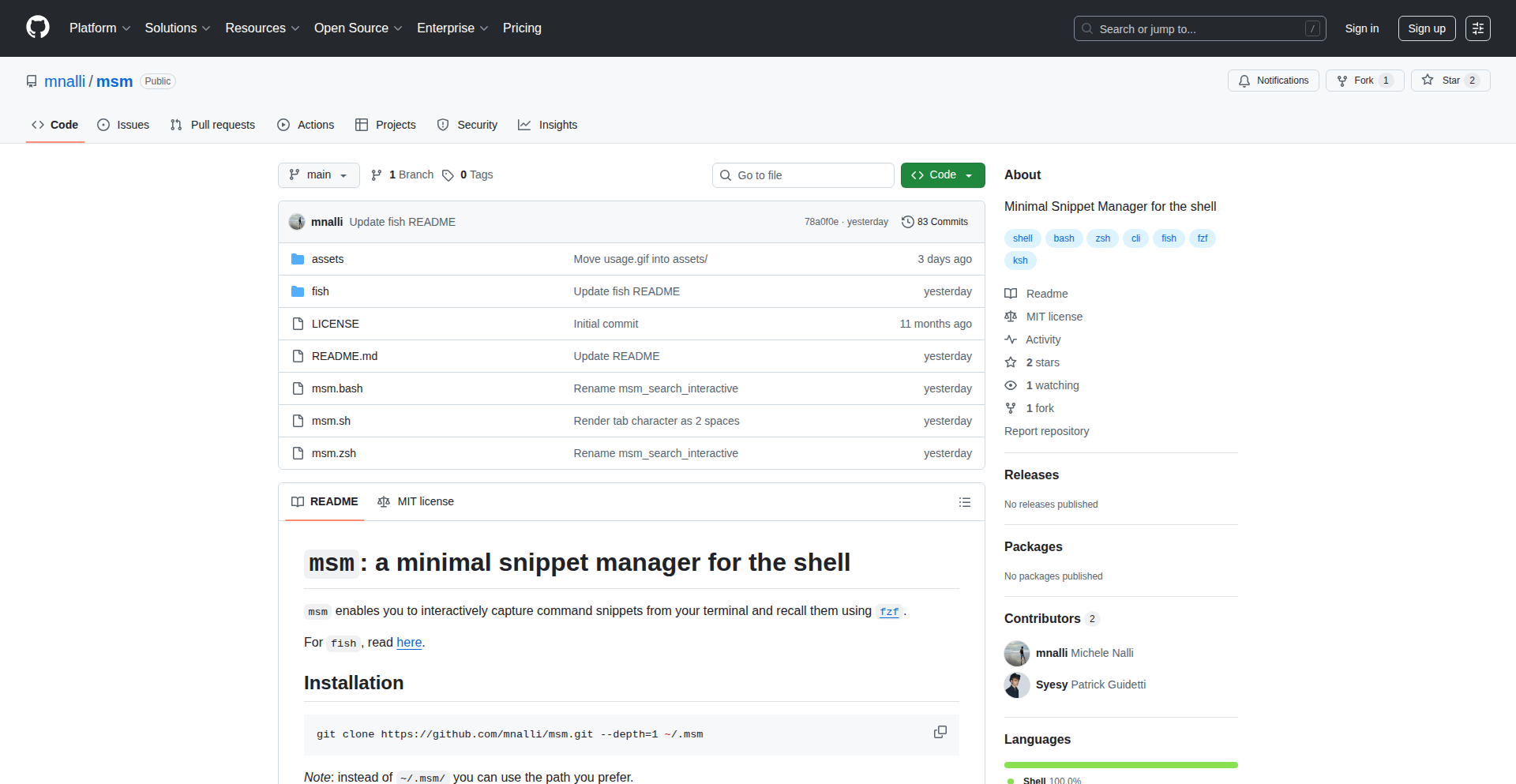
Msm is a minimalist snippet manager for your shell, built upon the powerful fuzzy finder, fzf. It allows you to quickly search, retrieve, and insert code snippets or any text directly from your command line. The innovation lies in its efficient integration with fzf, transforming the command line into a dynamic snippet retrieval tool, addressing the common developer pain point of repetitive typing and context switching.
Popularity
Points 4
Comments 2
What is this product?
Msm is a command-line tool designed to help developers manage and access their code snippets effortlessly. At its core, it leverages the speed and interactive search capabilities of fzf (a command-line fuzzy finder). Instead of digging through files or remembering obscure commands, Msm presents you with an interactive list of your snippets. You type a few characters, and fzf instantly filters your snippets, allowing you to select and paste the desired one directly into your current terminal session. This solves the problem of wasting time on recurring code patterns and improves workflow efficiency by keeping you in the shell.
How to use it?
Developers can integrate Msm into their daily workflow by installing it (typically via a simple script or package manager) and configuring a hotkey or a custom command alias. For instance, you might define an alias like 'msm search' or bind a key combination to trigger Msm. Once active, you can quickly search for snippets like 'git commit message templates' or 'dockerfile base images' and have them inserted into your current command or script. This means less copy-pasting and more focused coding.
Product Core Function
· Fuzzy Snippet Search: Utilizes fzf's advanced fuzzy matching algorithm to quickly find relevant snippets with minimal typing. This means you don't need to remember exact keywords, saving you time and frustration.
· Seamless Integration with Shell: Designed to work directly within your existing shell environment (like bash, zsh, etc.), allowing for natural command-line workflows. This keeps you in your familiar environment without context switching.
· Snippet Organization: Provides a simple yet effective way to store and categorize your snippets, making them easily retrievable. This ensures your essential code chunks are always at your fingertips.
· Clipboard Integration: Automatically copies selected snippets to your system clipboard for easy pasting into any application, not just the terminal. This broadens its utility beyond just shell commands.
· Customizable Storage: Allows users to define where their snippets are stored, offering flexibility to manage their personal knowledge base. This caters to individual preferences for organizing information.
Product Usage Case
· During a coding session, a developer needs to insert a common Git commit message template. Instead of typing it out, they run 'msm commit' (or a similar command), fzf pops up, they type 'feature', and the template is instantly pasted into their Git command line. This saves them seconds per commit, which adds up significantly over time.
· A web developer is working on a new project and needs to quickly add a boilerplate HTML structure. They invoke Msm, search for 'html boilerplate', select the relevant snippet from the fzf results, and it's inserted into their current file. This speeds up project setup and reduces errors from manual typing.
· When troubleshooting a complex system, a developer frequently needs to run a set of diagnostic commands. Msm can store these commands as snippets, allowing them to be quickly searched and executed with a few keystrokes, significantly reducing the time spent on repetitive debugging tasks.
15
Claude Agent Rust Proxy
Author
skull8888888
Description
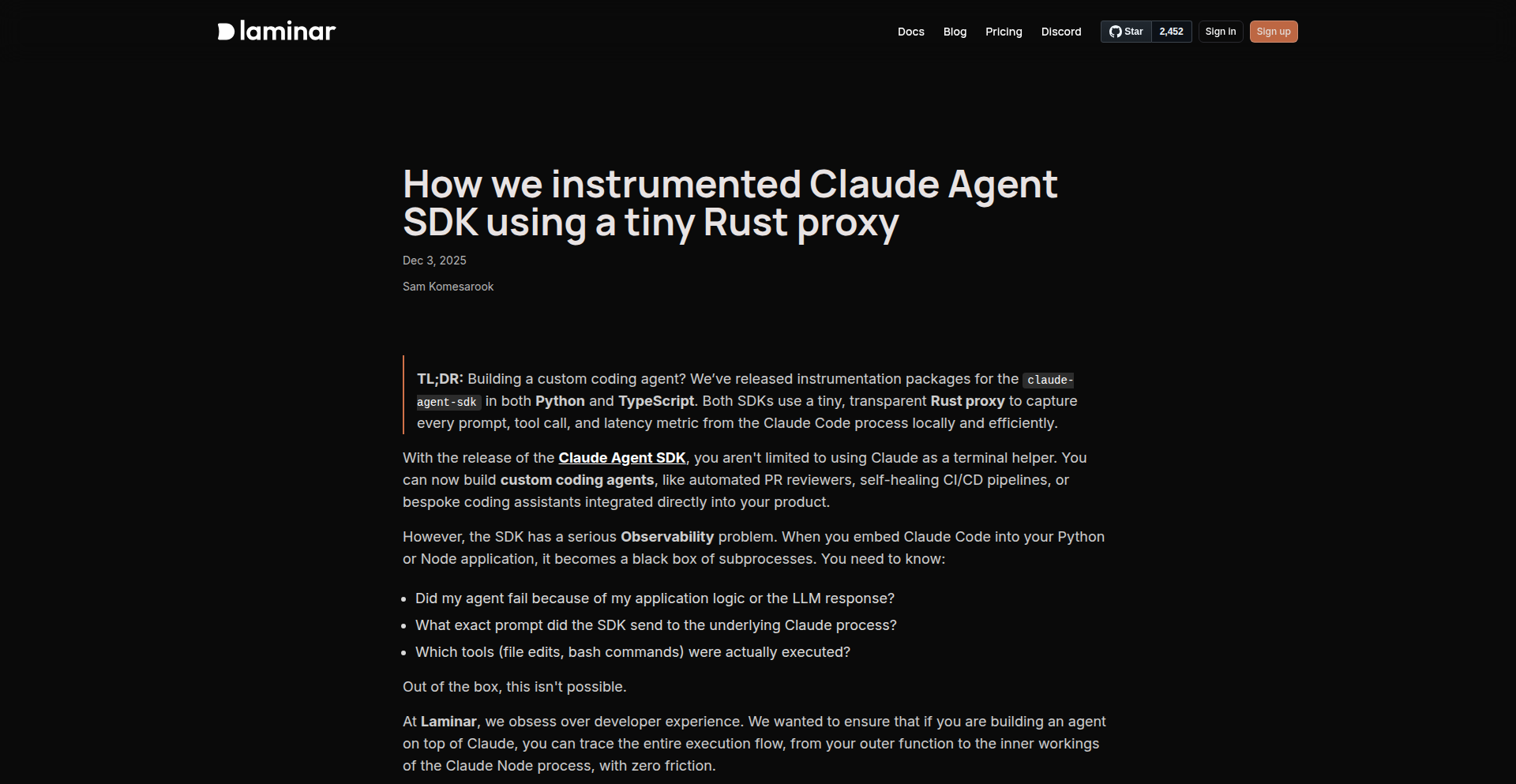
This project showcases a novel approach to instrumenting the recently released Claude Agent SDK. It utilizes a minimalist Rust proxy to seamlessly capture and observe the agent's behavior without requiring deep modifications to the original SDK code. The innovation lies in how it intercepts and analyzes agent interactions, offering valuable insights into AI agent performance and logic, especially for developers working with large language models.
Popularity
Points 6
Comments 0
What is this product?
This is a small, efficient proxy service written in Rust. Its core function is to sit between your Claude Agent and its environment, silently observing and recording all the data flowing in and out. Think of it like a super-smart eavesdropper for your AI agent. The innovation here is using Rust's speed and low-level control to create a proxy that's so lightweight it barely adds any delay, and so easy to integrate that it feels like it's part of the SDK itself. This allows developers to gain deep visibility into their AI agent's decision-making and interactions without becoming experts in complex observability tools or needing to rewrite their agent code.
How to use it?
Developers can integrate this Rust proxy into their Claude Agent workflows. Typically, you would run the proxy as a separate service and configure your Claude Agent to communicate through it. The proxy then forwards the agent's requests and responses to your chosen observability platform. This means you can easily plug this into existing projects. For example, if you're building a chatbot with the Claude Agent SDK, you can run this proxy alongside it. The proxy will then send logs about what questions the agent is asked, how it answers, and any internal thoughts it has, to a platform where you can analyze it. This provides a straightforward way to monitor and debug your AI agent's behavior in real-time.
Product Core Function
· AI Agent Interaction Interception: This function captures all incoming and outgoing messages to and from the Claude Agent. The value is in understanding exactly what information the agent is processing and what responses it's generating, which is crucial for debugging and performance analysis.
· Lightweight Observability Instrumentation: The proxy provides a minimal overhead way to add observability to the Claude Agent SDK. This is valuable because it means developers don't sacrifice performance for insight, allowing them to monitor complex AI behavior without slowing down their applications.
· Seamless Integration with Observability Platforms: The proxy is designed to easily forward captured data to external observability tools. This saves developers significant time and effort in building custom logging and monitoring solutions, enabling them to focus on building the AI agent itself.
· Rust-Powered Performance: Built with Rust, the proxy offers high performance and low resource consumption. This is important for applications where efficiency is key, ensuring that the observability layer doesn't become a bottleneck for the AI agent's operations.
Product Usage Case
· Debugging complex AI agent decision trees: Imagine an AI agent that's supposed to provide customer support. If it gives a wrong answer, this proxy can log the exact conversation flow, the internal reasoning of the agent, and the parameters it used to arrive at that answer, helping developers pinpoint the error quickly. So this helps you find out exactly why your AI chatbot is saying the wrong thing.
· Monitoring AI agent resource utilization and latency: For AI agents that need to respond quickly, this proxy can track how long each interaction takes and how much processing power the agent is using. This is useful for optimizing performance and ensuring a good user experience. So this tells you if your AI is slow and using up too much computer power.
· Gaining insights into AI agent training data effectiveness: By observing the agent's behavior, developers can see if the agent is correctly interpreting and utilizing the data it was trained on. This helps in refining training data and improving the AI's accuracy. So this helps you check if your AI is learning the right things from the information you give it.
· Facilitating A/B testing of different AI agent prompts or configurations: Developers can use the proxy to collect data on how different versions of an AI agent perform under the same conditions, allowing for data-driven decisions on which version is better. So this lets you test two different ways of talking to your AI to see which one works best.
16
OtelLakehouse
Author
smithclay
Description
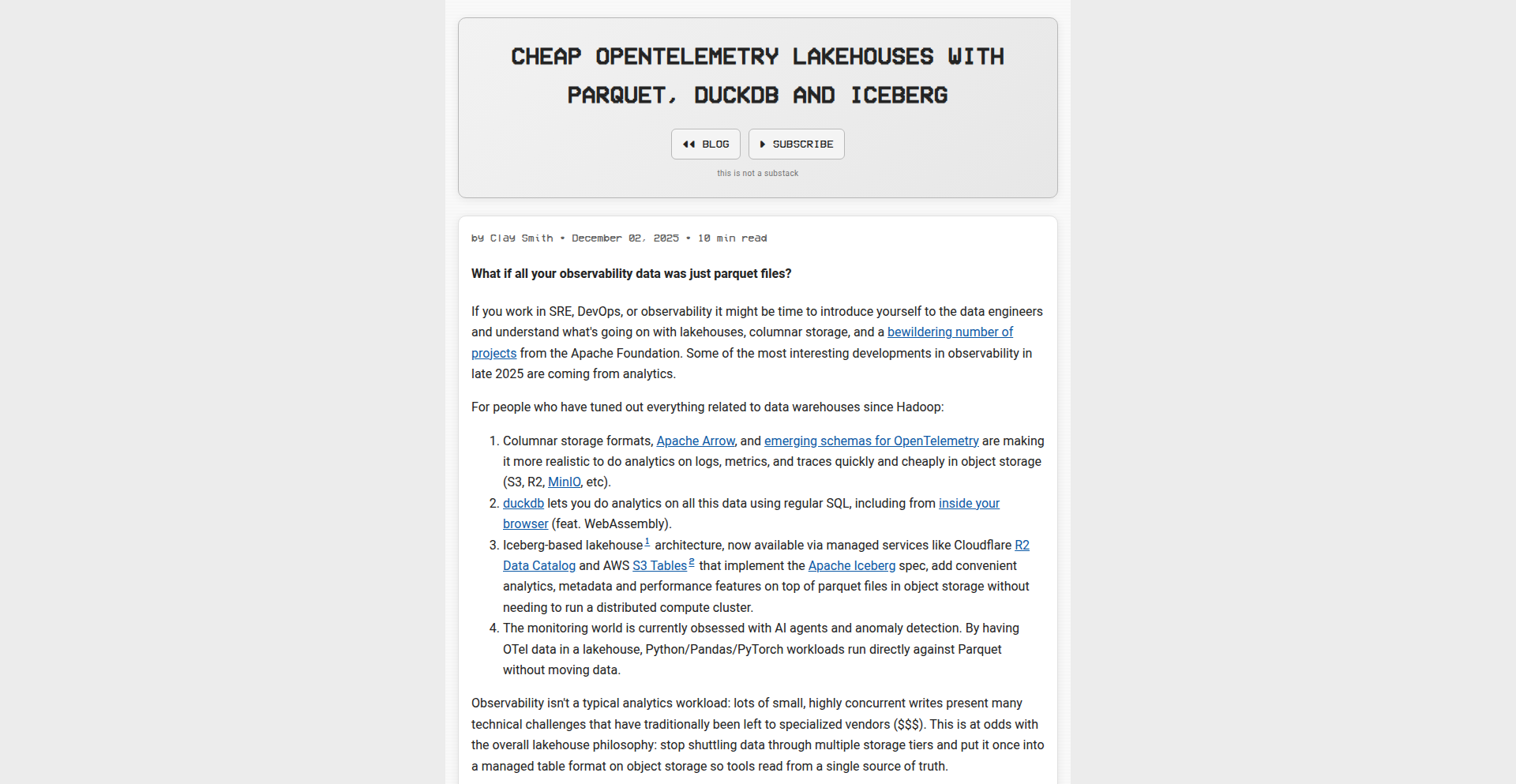
OtelLakehouse is a side project exploring an efficient and cost-effective way to store and query OpenTelemetry data. It leverages DuckDB for analytics, open table formats like Apache Iceberg for data organization, and inexpensive object storage for scalability. Rust is used as the 'glue code' to bring these components together, enabling powerful insights from your telemetry data without breaking the bank.
Popularity
Points 4
Comments 2
What is this product?
OtelLakehouse is a system designed to help developers manage and analyze their OpenTelemetry data more affordably. OpenTelemetry is a standard way to collect and send performance metrics and logs from your applications. Traditionally, storing and querying this data can be expensive. OtelLakehouse solves this by using DuckDB, a super-fast in-process analytical database, to query data stored in object storage (like S3 or GCS) in formats like Parquet, managed by Apache Iceberg. This combination means you can get powerful analytical capabilities on your observability data without needing complex and costly dedicated data warehouses.
How to use it?
Developers can use OtelLakehouse to build their own observability data platform. The Rust code acts as an intermediary, allowing OpenTelemetry data to be written into an object storage bucket, organized by Iceberg. Then, using DuckDB, developers can connect directly to this data and run SQL queries to understand application performance, troubleshoot issues, or perform security analysis. This is useful for teams who want more control over their data, need to reduce cloud costs for their observability stack, or want to integrate telemetry analysis into their existing data workflows.
Product Core Function
· OpenTelemetry Data Ingestion: Efficiently collect and route OpenTelemetry traces, metrics, and logs to a central storage location. This value is in providing a standardized way to get your observational data into a queryable format.
· Cost-Effective Object Storage: Utilize cheap, scalable object storage (e.g., Amazon S3, Google Cloud Storage) as the backend for your telemetry data. This directly addresses the pain point of high costs associated with traditional observability solutions.
· DuckDB Analytical Querying: Enable fast, ad-hoc SQL-based analysis of your telemetry data directly from object storage. This gives developers the power to quickly explore and understand their application's behavior.
· Apache Iceberg Table Format Management: Organize your telemetry data using open table formats for schema evolution, time travel, and efficient data management. This ensures your data is well-structured and maintainable over time.
· Rust Integration Layer: Provides the programmatic glue to connect OpenTelemetry data collection, storage, and querying. This demonstrates a practical application of Rust for data engineering tasks.
Product Usage Case
· Troubleshooting Performance Bottlenecks: A developer can use OtelLakehouse to query logs and traces to pinpoint the exact cause of a slow API response, by analyzing patterns in request latency and associated error logs. This helps them identify the root cause of performance issues quickly.
· Cost Optimization for Observability: A small startup can ingest all their application logs and metrics into OtelLakehouse. Instead of paying for an expensive SaaS observability platform, they can use their existing cloud object storage and run queries with DuckDB, significantly reducing their operational costs.
· Security Incident Analysis: A security engineer can query access logs and unusual metric spikes stored in OtelLakehouse to detect and investigate potential security breaches, by looking for anomalous user behavior or system activity patterns.
· Building Custom Dashboards: Developers can integrate OtelLakehouse with custom dashboarding tools. They can write SQL queries to extract specific metrics and trends, then visualize them to monitor application health and user engagement in a way tailored to their specific needs.
17
Onetone: Unified Native-Performance Framework
Author
tactics6655
Description
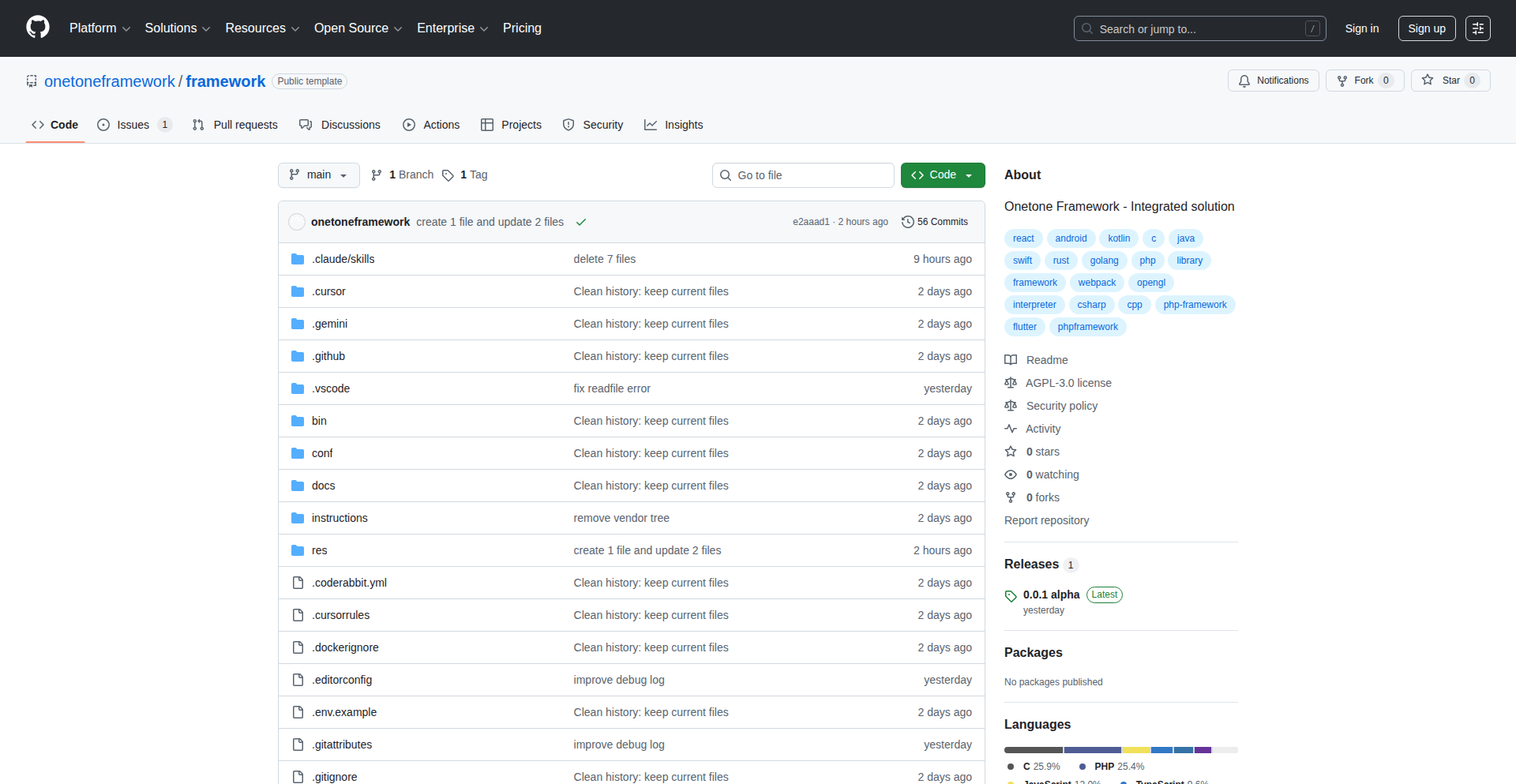
Onetone is an ambitious, open-source full-stack development framework that merges a custom C-like scripting language with a robust OpenGL 3D graphics engine, a PHP web framework, and Python utilities. It aims to provide a cohesive toolkit for game localization, visual novel engines, translation management, and rapid prototyping by offering native performance without the usual complexity of integrating disparate tools. The custom scripting language is designed for modern features like async/await and pattern matching, with native bindings to essential system functions.
Popularity
Points 3
Comments 2
What is this product?
Onetone is a comprehensive development framework that you can think of as a powerful toolbox for building software, especially games and interactive applications. Its core innovation lies in its custom scripting language, which is written in files ending with '.otc'. This language is designed to be easy to learn, similar to Python in its modern features like handling asynchronous tasks (think waiting for network responses without freezing your application) and pattern matching (a neat way to elegantly check data structures). Crucially, this scripting language is compiled and executed by a custom C interpreter that Onetone ships with. This means it can run very fast, close to the speed of native code (like C++), giving you top performance. On top of this, it includes a sophisticated 3D graphics engine powered by OpenGL, capable of rendering realistic visuals with advanced features like physically based rendering (PBR), character animations, and particle effects. It also integrates a PHP web framework for building web interfaces and Python tools for various scripting tasks. Essentially, it's an all-in-one solution aiming to simplify complex development workflows by providing high performance and modern language features in a single, integrated package.
How to use it?
Developers can use Onetone by leveraging its custom '.otc' scripting language for core application logic, especially for performance-critical sections or game scripting. The framework provides direct access to its powerful 3D graphics engine, allowing for the creation of visually rich 2D and 3D applications. For web-related components, the integrated PHP framework can be used for backend services or APIs. The Python utilities can be employed for build processes, automation, or data processing tasks. The goal is to allow developers to write less glue code between different technologies and more application logic. Integration into existing projects would typically involve using Onetone's core engine and scripting language to build new modules or entire applications, or potentially embedding parts of the framework if needed. Given its Windows focus, initial integration might be most straightforward on that platform, with potential for cross-platform expansion.
Product Core Function
· Custom C-like Scripting Language with Modern Features: Offers Python-like usability with features such as classes, inheritance, async/await, generators, records, enums, and pattern matching. This allows developers to write expressive and efficient code, similar to high-level languages, but with the performance benefits of native compilation, useful for game logic or performance-sensitive tasks.
· OpenGL 3D Graphics Engine: Provides advanced rendering capabilities including PBR materials, skeletal animation, physics simulation, and particle systems. This is crucial for developing visually stunning games, simulations, or interactive 3D visualizations with realistic visual fidelity.
· PHP Web Framework: Integrates a standard MVC (Model-View-Controller) architecture for building web applications and APIs. This enables developers to create accompanying web interfaces or backend services for their Onetone applications, providing a full-stack development experience.
· Python Utilities and Tooling: Includes a suite of Python scripts and tools for various development tasks. This can streamline build processes, automate repetitive tasks, or assist in data manipulation, enhancing overall developer productivity.
· Native Bindings: Offers direct access to low-level system functionalities like OpenGL, Windows API, audio, and networking. This allows for deep integration with the operating system and hardware, enabling highly optimized performance and direct control over system resources.
Product Usage Case
· Developing a fast-paced 2D indie game: Use the '.otc' scripting language for game logic and character AI, benefiting from its native performance. Utilize the OpenGL engine for rendering sprites, particle effects for explosions, and smooth animations, creating a visually engaging experience.
· Creating a visual novel engine: Leverage the scripting language's support for complex logic, branching narratives, and event handling. Integrate the 3D engine for character portraits, background rendering, and potentially animated cutscenes, offering a more immersive experience than traditional 2D visual novels.
· Building a tool for game localization: Develop a custom translation management application where the '.otc' language handles data parsing, file manipulation, and UI interactions. The framework's ability to integrate with native APIs might be used for file system operations or even basic network communication for collaborative features.
· Rapid prototyping of interactive 3D applications: Quickly sketch out ideas for architectural visualizations, product configurators, or educational simulations. The combined power of the scripting language and the 3D engine allows for fast iteration and demonstration of concepts with near-native performance.
18
Kraa - Real-time Collaborative Markdown Canvas

Author
levmiseri
Description
Kraa is a web-based markdown editor that blends minimal, distraction-free writing with rich feature sets for diverse use cases. It excels at providing a clean writing environment, enabling easy content sharing via links with granular permissions, and facilitating real-time collaborative chat without a send button. Its core innovation lies in its ability to seamlessly integrate real-time editing and communication within a markdown editing experience, built on robust technologies like ProseMirror, TipTap, and Svelte.
Popularity
Points 4
Comments 1
What is this product?
Kraa is a versatile web application designed for creating and sharing content, primarily using markdown. At its technical heart, it leverages ProseMirror and TipTap, which are powerful JavaScript libraries for building rich text editors. These libraries allow Kraa to handle complex text editing functionalities, including real-time updates. Svelte, a modern JavaScript framework, is used for building the user interface efficiently. The innovation comes from combining these technologies to offer a writing experience that is both minimalist and feature-rich. This means you get a clean, uncluttered writing space, but it also supports advanced features like simultaneous editing by multiple users and integrated chat, all managed seamlessly. So, what does this mean for you? It means you can write without distractions, collaborate with others in real-time on the same document, and share your work easily without needing complex setups, all while enjoying a smooth and responsive experience.
How to use it?
Developers can integrate Kraa into their projects as a component or use its sharing features to embed content. For collaborative writing, multiple users can access the same Kraa link, and their edits will appear instantly for everyone. The sharing mechanism is simple: you generate a link and can set permissions for others to view or edit. For real-time communication, the integrated chat widget allows for fluid conversations directly within the document interface, eliminating the need for a separate chat application. This is powered by WebSockets for immediate message delivery. You can use Kraa by simply visiting their website and starting to write, or for developers, it can be integrated into existing web applications to provide advanced markdown editing and collaboration capabilities. The value for developers lies in its flexible architecture and ease of embedding, allowing for quick additions of powerful content creation and collaboration tools to their own platforms.
Product Core Function
· Distraction-free writing: Utilizes a minimalist UI and separates styling logic from editing to provide a clean writing environment, allowing users to focus on content creation.
· Real-time collaborative editing: Built on ProseMirror and TipTap, enabling multiple users to edit a document simultaneously with changes reflected instantly for all participants, enhancing teamwork and productivity.
· Link-based content sharing with permissions: Allows users to share content via a simple URL with options for view-only or edit access, plus password protection, simplifying content dissemination and controlled collaboration.
· Frictionless real-time chat: Features an integrated chat widget that supports real-time communication without a manual send button, facilitating natural and immediate conversations within the writing context.
· Performant and responsive UI: Developed with Svelte, ensuring a fast and fluid user experience even on mobile devices, making content creation accessible from anywhere.
Product Usage Case
· Team documentation: Multiple team members can collaborate on a single document (e.g., project proposals, meeting notes) in real-time, ensuring everyone is working with the latest information and reducing merge conflicts.
· Interactive blog posts: Authors can create blog posts with embedded real-time chat for reader engagement, allowing for immediate feedback and discussion directly on the article page.
· Live collaborative story writing: Writers can co-author fictional stories, with each participant contributing and seeing others' edits in real-time, fostering a dynamic creative process.
· Quick knowledge base sharing: Create and share internal documentation or FAQs with specific team members, granting them edit access for collaborative updates and maintenance.
· Educational content creation: Instructors can create lesson materials and students can collaborate on exercises or discussions directly within the shared document, enhancing learning interactions.
19
GeoRank AI Visibility Engine

Author
mektrik
Description
This project tackles the significant gap in publicly available data for geographical (GEO) SEO, akin to how tools like Ahrefs or Semrush serve Search Engine Optimization (SEO). It's a searchable database of over 15,000 brands across 500 industries, updated daily. The core innovation lies in its automated system that queries 10,000 prompts each morning and normalizes the results for relevant brands, effectively creating a visibility index for local businesses and brands in the digital landscape.
Popularity
Points 4
Comments 1
What is this product?
GeoRank AI Visibility Engine is a unique project that addresses the lack of comprehensive public data for geographical SEO. Think of it like a weather report, but for how visible brands are in different locations. It works by automatically running numerous search queries every day and then organizing the results to show which brands are appearing for specific searches. The innovation is in its automated data collection and normalization process, making it easier to understand and compare brand visibility in local search environments.
How to use it?
Developers can integrate this project by leveraging its API (assuming one exists or can be built) to pull brand visibility data into their own applications. For example, a marketing agency could use this data to benchmark clients against competitors in specific regions, or a startup could identify underserved geographical markets for their products or services. It's designed to provide actionable insights for anyone looking to understand and improve their local online presence.
Product Core Function
· Daily Brand Visibility Indexing: Automatically gathers and normalizes search results for over 15,000 brands across 500 industries, providing up-to-date insights into their online presence. This is valuable for understanding market competitiveness and identifying areas for improvement in local search strategies.
· Searchable Database: Allows users to query and explore data for specific brands or industries, facilitating easy comparison and research. This helps users quickly find the information they need to make informed decisions about their GEO SEO efforts.
· Rivalry Analysis: Identifies and showcases interesting technological rivalries based on search visibility, offering a unique perspective on competitive landscapes. This can be used to understand market dynamics and identify potential partnership or competitive strategies.
Product Usage Case
· A local restaurant chain wants to understand how visible they are compared to other restaurants in their target cities. By using GeoRank AI, they can identify which keywords are driving traffic to competitors and adjust their own SEO strategy to improve local search rankings, ultimately attracting more customers.
· A software company launching a new product in a specific region needs to gauge market interest and competitor activity. GeoRank AI can help them identify which existing players are dominating local search for related terms, informing their market entry strategy and competitive positioning.
· A marketing consultant is building a report for a client in the retail sector. They can use GeoRank AI to demonstrate the client's current search visibility relative to key competitors in various geographical areas, providing concrete data to justify recommended SEO improvements and measure future success.
20
Mdit-SlashCmd

Author
hjinco
Description
Mdit-SlashCmd is a desktop Markdown note-taking application that merges the simplicity of Apple Notes with Notion's intuitive slash command functionality, all while retaining the flexibility of local .md files, similar to Obsidian. It aims to provide a seamless writing experience for users who want to avoid complex Markdown syntax but still desire plain text file management.
Popularity
Points 4
Comments 1
What is this product?
Mdit-SlashCmd is a native macOS desktop application designed for efficient Markdown note-taking. Its core innovation lies in its hybrid approach: it offers a user-friendly interface with Notion-style slash commands (like typing '/' to access formatting options) that translate into standard Markdown syntax behind the scenes. This means you can write notes quickly and easily without needing to memorize Markdown codes, while your notes are stored as plain .md files locally. This approach gives you the best of both worlds: ease of use and control over your data in a universally compatible format. So, what's in it for you? You get a distraction-free writing environment that's as simple as Apple Notes, but with powerful features that make content creation faster and more accessible, without vendor lock-in.
How to use it?
Developers can use Mdit-SlashCmd as their primary note-taking tool for personal knowledge management, project documentation, or quick idea capture. Its integration is straightforward: simply download and install the macOS application. You can start creating notes immediately, and your files will be stored in a designated local directory as standard Markdown files. This makes your notes easily portable and accessible by other Markdown-aware applications. For advanced users, the underlying plain text file format allows for scripting or integration with other development workflows that process Markdown. So, how does this benefit you? You can effortlessly manage your digital notes, ensuring your valuable information remains accessible and controllable on your own machine.
Product Core Function
· Slash Command Input: Allows users to trigger formatting and block options (like headings, lists, code blocks) by typing a forward slash '/', mimicking popular web-based editors. This simplifies content creation for those unfamiliar with Markdown syntax, providing a more intuitive user experience. The value here is speed and accessibility, making powerful formatting available to everyone.
· Local Plain Text .md Files: Notes are saved as standard Markdown files directly on your local file system, similar to applications like Obsidian. This ensures data ownership, portability, and compatibility with a wide range of tools. The value is data sovereignty and interoperability, giving you complete control and freedom over your notes.
· Minimalist User Interface: The application boasts a clean and uncluttered interface, designed to minimize distractions and focus on writing. This enhances productivity and provides a calm environment for thought and creation. The value is improved focus and a better writing experience.
· Cross-Platform Compatibility Potential (Future): While currently macOS only, the use of plain Markdown files as the storage mechanism lays the groundwork for potential future expansion to other operating systems, leveraging the universal nature of Markdown. The value is a forward-looking design that could eventually benefit a wider user base.
· Seamless Markdown Conversion: Automatically converts user-friendly slash commands into standard Markdown syntax, ensuring that notes are not only easy to write but also adhere to common web and text standards. The value is bridging the gap between ease of use and technical correctness.
Product Usage Case
· A developer needing to quickly jot down technical notes, API documentation snippets, or meeting summaries. By using slash commands for code blocks or bullet points, they can rapidly capture information without breaking their flow, and the notes are saved locally for later reference or integration into project documentation. This solves the problem of slow note-taking and ensures data is readily available in a usable format.
· A writer or student who finds traditional Markdown syntax cumbersome. Mdit-SlashCmd allows them to create well-formatted documents with headings, lists, and emphasis using intuitive commands, making the writing process more accessible and enjoyable. This addresses the barrier to entry for Markdown and provides a pleasant writing experience.
· Someone managing personal knowledge base or a collection of recipes, guides, or research notes. Storing these as local .md files provides a robust and future-proof way to organize information, ensuring it's not locked into a proprietary format and can be easily searched, backed up, or migrated. This showcases the value of data ownership and long-term data management.
21
AI-Powered Design Forge

Author
englishcat
Description
This project is a testament to a backend engineer leveraging a 'Dual AI' workflow to achieve professional landing page design with minimal design experience. It automates the generation of UI drafts, utilizes AI to critique and refine visual elements, and iterates through a 'roast & fix' process to enhance clarity, trust, and conversion. It solves the common problem of developers lacking design skills needing to create polished marketing materials.
Popularity
Points 4
Comments 1
What is this product?
This project is an AI-assisted system for creating professional landing pages, specifically designed for developers with limited design expertise. It works by first generating rough UI designs from a feature list. Then, a powerful AI model (Gemini 3 Pro) acts as a senior designer, analyzing screenshots of the page and providing detailed critiques on aspects like color schemes, visual hierarchy, overall clarity, and trust signals. The developer then takes this feedback and iteratively improves the design in a tool like Figma. This 'roast & fix' loop, repeated many times, aims to produce a polished and effective landing page. The core innovation lies in the structured, AI-driven feedback loop that democratizes professional-level design.
How to use it?
Developers can use this project as a blueprint for their own landing page design process. The workflow involves: 1. Defining the core features and message of the product. 2. Using a tool that can auto-generate initial UI drafts from these features (e.g., a Figma plugin that takes text input). 3. Feeding screenshots of these drafts into an AI model like Gemini 3 Pro, along with specific prompts asking for design critique (e.g., 'Critique the visual hierarchy, color contrast, and trustworthiness of this landing page. Suggest 3 immediate improvements.'). 4. Applying the AI's feedback to refine the design in Figma. 5. Repeating steps 3 and 4 until a satisfactory level of professionalism and conversion potential is achieved. This can be integrated into any project requiring a marketing presence by following the described AI prompt and iterative design steps.
Product Core Function
· Automated UI Draft Generation: This function creates initial visual layouts from textual feature descriptions, significantly reducing the manual effort in early design stages. Its value is in providing a starting point and exploring various structural options quickly.
· AI-Powered Design Critique: Leveraging a large language model trained on design principles, this function provides expert-level feedback on visual elements like color, layout, and user trust. Its value is in offering actionable insights that a non-designer might miss, leading to a more professional outcome.
· Iterative Design Refinement Loop: This core mechanism allows for continuous improvement by feeding AI feedback back into the design tool and repeating the critique process. Its value is in enabling rapid, data-driven iterations that polish the design towards specific goals like conversion and clarity.
· Trust Signal Enhancement: The AI specifically analyzes and suggests improvements for elements that build user trust, such as clear calls to action and professional aesthetics. Its value is directly tied to increasing conversion rates by making the page more credible.
Product Usage Case
· A solo backend developer building a new SaaS product needs a compelling landing page to attract early adopters but lacks design skills. By using this 'Dual AI' workflow, they can generate initial designs, get expert AI feedback on improving the visual appeal and clarity, and iterate to create a professional page that instills confidence in potential users, thereby increasing sign-ups.
· A startup team is struggling to agree on the visual direction of their product's landing page. This AI-driven process provides an objective, data-informed critique from a simulated senior designer, helping to align the team's vision and prioritize changes that will most effectively communicate the product's value and encourage conversions.
· A developer wants to quickly test different landing page variations to see which performs best for a specific marketing campaign. This workflow allows for rapid iteration and refinement based on AI analysis, enabling them to quickly generate and test multiple versions of the page to optimize for user engagement and conversion rates.
22
GeoTest Runner
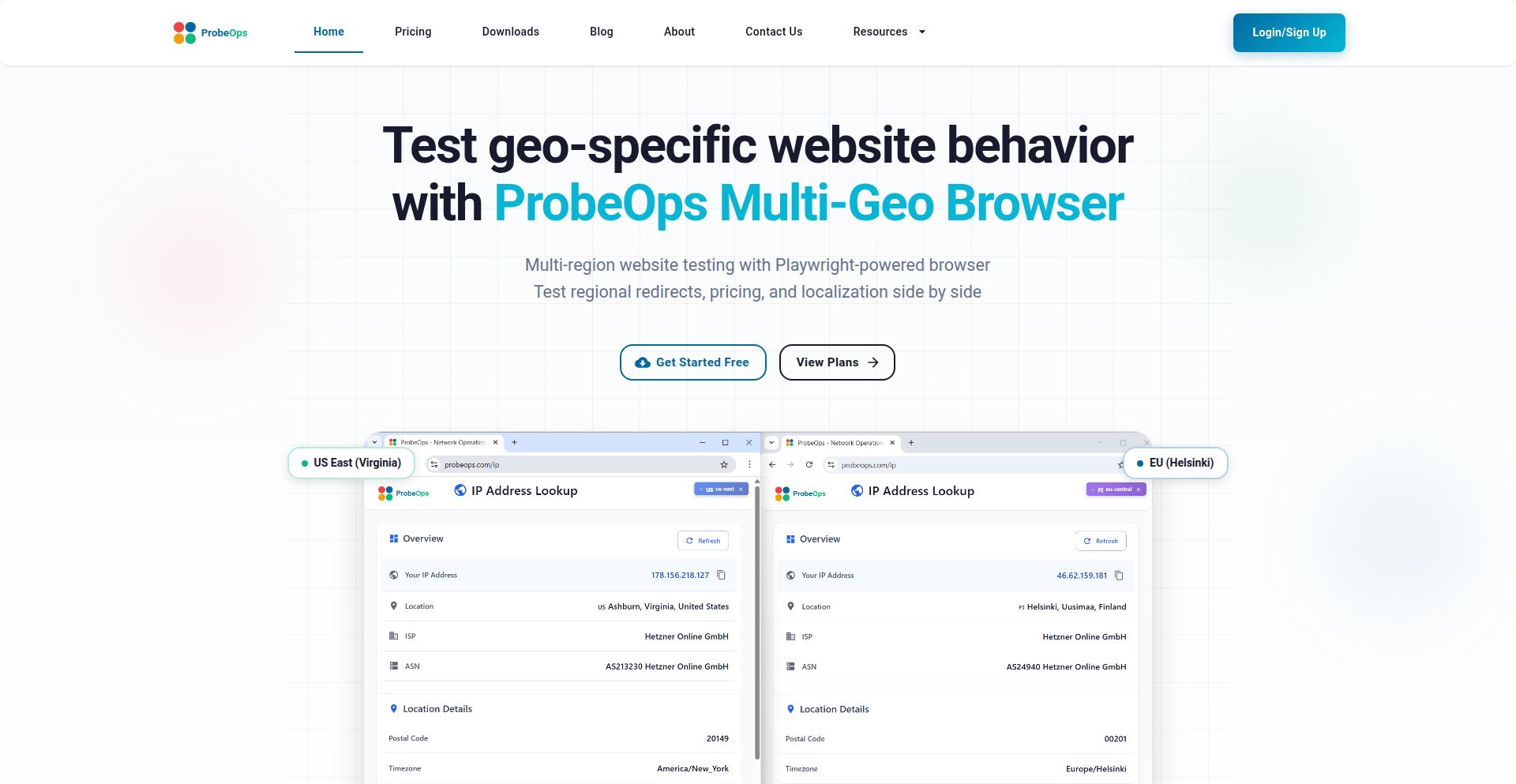
Author
kumaras
Description
GeoTest Runner is a browser-based tool built on Playwright that allows developers to simulate website access from various geographical locations. It uses actual Chromium browser sessions routed through regional network points, offering a more accurate testing environment than simply faking location data. This helps identify and fix issues related to content, pricing, and user experience that are specific to different countries or regions.
Popularity
Points 3
Comments 2
What is this product?
GeoTest Runner is a sophisticated testing browser that leverages Playwright to simulate users browsing your website from different parts of the world. Instead of just telling a browser it's in a certain country (which can be easily fooled), this tool actually routes the browser's network traffic through real servers located in those regions. This means your website sees the traffic as if it's coming from that actual location, allowing you to accurately test how content, features, and performance differ across the globe. It captures detailed artifacts like network logs, screenshots, and performance waterfalls for each test.
How to use it?
Developers can use GeoTest Runner in a local client setup, with each browser tab or session configured to represent a specific geographic region. You can integrate it into your automated testing workflows using Playwright's API. By specifying the target regions, you can launch browser instances that mimic user behavior from those locations. This allows you to run tests for geo-redirects, check localized content, verify payment flows that vary by country, and analyze performance differences, all from your development environment.
Product Core Function
· Geo-specific browser simulation: This allows you to test your website as if a user from France, Japan, or Brazil were accessing it. The value is ensuring that your site's content, pricing, and features are correctly displayed and function as intended for users in those specific regions. This helps prevent lost sales or user frustration due to incorrect regional experiences.
· Real network routing: Instead of just spoofing location data, this function routes actual network requests through servers in the target regions. The value here is significantly higher accuracy in testing how your website interacts with CDNs (like Cloudflare or Akamai) and edge networks. This is crucial for understanding and optimizing load times and content delivery based on user proximity.
· Comprehensive testing artifacts: The tool captures HAR files, TTFB/waterfall charts, screenshots, videos, and console/network logs for each regional test. The value is in providing developers with detailed diagnostic information to pinpoint the exact cause of any regional issues. This accelerates debugging and troubleshooting, saving valuable development time.
· Automated testing integration: Built on Playwright, this function enables seamless integration into CI/CD pipelines. The value is in automating repetitive geo-testing tasks, ensuring that every code change is validated across different regions before deployment. This maintains a high quality of service globally and reduces the risk of deploying region-specific bugs.
Product Usage Case
· Scenario: A company launches a new e-commerce site and needs to ensure that pricing, promotions, and shipping options are correctly displayed for users in the United States, Germany, and Australia. Using GeoTest Runner, the developer can spin up browser sessions for each region, verify that the correct currency is shown, promotions are applied, and shipping methods are available. This directly solves the problem of potential lost revenue and customer dissatisfaction due to inaccurate regional information.
· Scenario: A content delivery network (CDN) provider wants to test how their caching and routing perform for users in Asia and Europe. With GeoTest Runner, they can simulate access from various Asian and European points to measure latency and content freshness. This helps them identify potential bottlenecks or misconfigurations in their global network, ensuring faster load times and a better user experience for their clients' end-users worldwide.
· Scenario: A SaaS application needs to comply with regional data privacy regulations, such as GDPR in Europe. Developers can use GeoTest Runner to test how their website handles consent banners and data collection forms for users accessing the site from within the EU. This ensures compliance and builds user trust by respecting regional privacy laws.
23
CognitoSync: Unified AI Conversation Hub
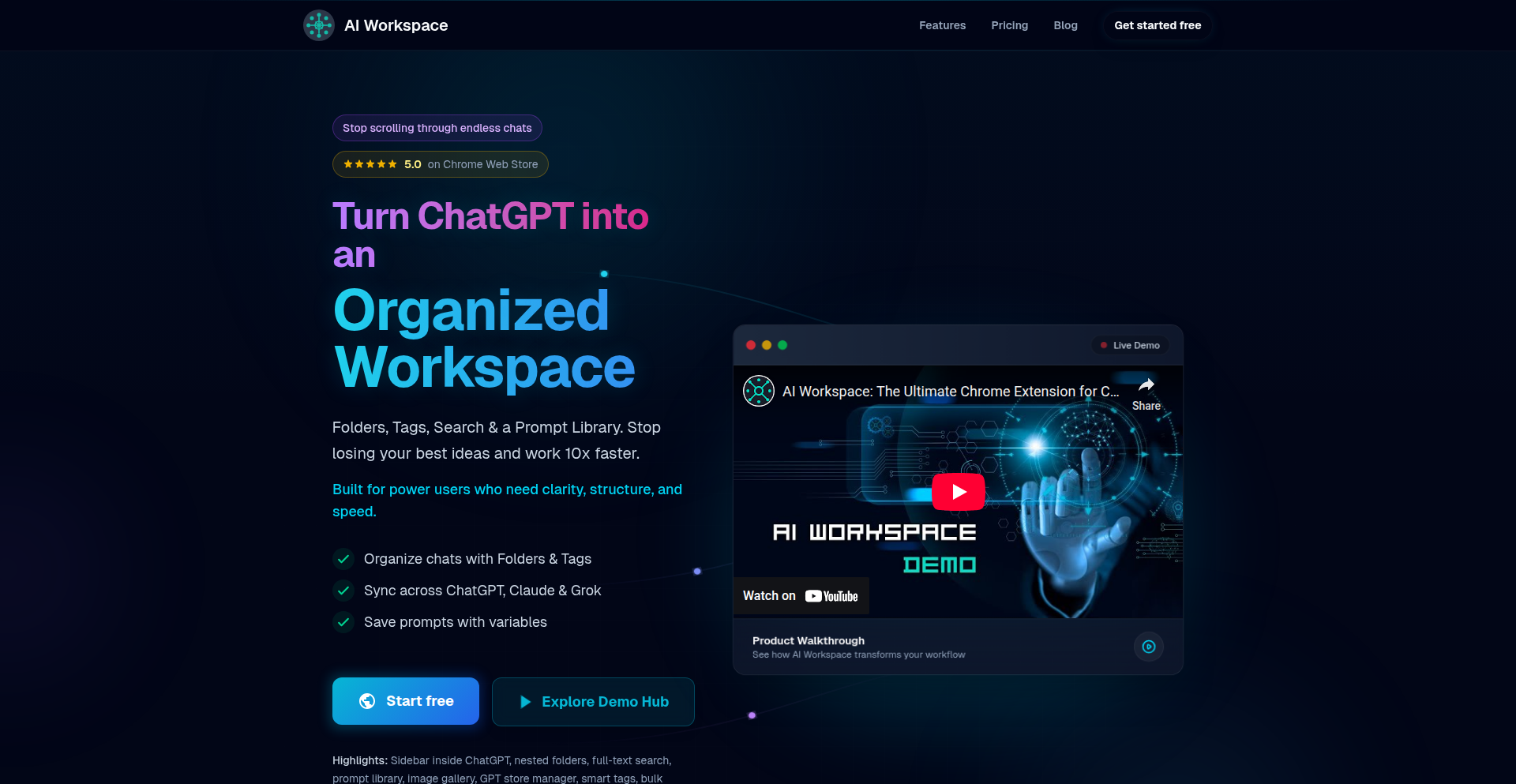
Author
Strikeh
Description
CognitoSync is an AI-powered workspace designed to consolidate and organize conversations from multiple large language models like ChatGPT, Claude, and Grok. It tackles the fragmentation of AI interactions by providing a single, searchable interface, leveraging advanced semantic search and intelligent summarization to help users manage and extract value from their AI dialogues.
Popularity
Points 1
Comments 4
What is this product?
CognitoSync is a centralized platform for managing your AI chat history across different models. Think of it as a smart notebook for all your conversations with AI assistants. Its core innovation lies in its ability to ingest and index conversations from various sources (APIs, local storage, etc.) using techniques like vector embeddings. This allows for powerful semantic search, meaning you can find information based on meaning and context, not just keywords. It also uses AI summarization to give you quick overviews of lengthy discussions. This solves the problem of scattered AI chats, making it easier to recall, reuse, and build upon past AI interactions, effectively transforming your AI dialogue history into a valuable, searchable knowledge base.
How to use it?
Developers can integrate CognitoSync into their workflows by connecting their existing AI model accounts or by using provided SDKs to push conversation data into the platform. For instance, a developer building a customer support chatbot powered by ChatGPT could use CognitoSync to archive and analyze all customer interactions, identifying common issues or successful resolutions. It can be used as a standalone web application or potentially as a backend service to power other AI-driven applications. The goal is to make it seamless to centralize your AI-generated knowledge.
Product Core Function
· Unified Conversation Archiving: Securely stores conversations from ChatGPT, Claude, Grok, and other LLMs in a single database, enabling data persistence and preventing loss of valuable AI interactions. This means all your AI brainstorming sessions or code generation attempts are safely stored and accessible.
· Advanced Semantic Search: Utilizes vector databases and natural language processing to allow users to search conversations by meaning and intent, not just keywords. This helps you quickly find that specific piece of information or idea you discussed with an AI days or weeks ago, even if you don't remember the exact wording.
· AI-Powered Summarization: Automatically generates concise summaries of lengthy conversations, allowing users to grasp the essence of discussions without rereading the entire transcript. This saves time and helps in quickly reviewing past AI interactions or decision-making processes.
· Contextual Threading: Groups related conversations and responses into logical threads, making it easier to follow the evolution of a topic or project over time. This helps in understanding the progression of an AI's reasoning or the development of a complex idea.
· Data Export and Integration: Allows users to export their organized conversation data or integrate with other tools and workflows, fostering further analysis and application of AI-generated insights. This means you can take the organized knowledge you've gathered and use it in other projects or reports.
Product Usage Case
· A freelance writer uses CognitoSync to organize research and drafting sessions conducted with multiple AI writing assistants. They can easily find specific facts, stylistic suggestions, or generated content snippets across different AI interactions, leading to faster and more coherent content creation.
· A software engineer uses CognitoSync to manage code generation and debugging dialogues with various LLMs. They can search for past solutions to specific programming problems or retrieve generated code examples, accelerating their development process and reducing repetitive problem-solving.
· A product manager employs CognitoSync to track feature ideation and user feedback analysis conducted with AI. By centralizing these conversations, they can identify trends, refine product strategies, and ensure that AI-generated insights are effectively integrated into product roadmaps.
· A researcher consolidates AI-driven literature reviews and hypothesis generation sessions within CognitoSync. The semantic search and summarization features allow them to quickly locate relevant information, track the evolution of research questions, and build upon AI-generated insights for new discoveries.
24
Kirkify AI - Instant Meme Glitcher

Author
skypq
Description
Kirkify AI is a specialized AI tool designed for rapid meme generation. It transforms any image or GIF into a distinctive neon-glitch 'kirkified' reaction with a single click. This project tackles the inefficiency of generic face-swap tools for users already employing this meme style, offering speed and consistency.
Popularity
Points 2
Comments 3
What is this product?
This project is an AI-powered meme generator that specializes in creating a specific 'kirkified' aesthetic. It leverages image processing and potentially generative AI techniques to apply a unique neon and glitch effect to any input image or GIF. The innovation lies in its single-purpose focus and automated application of this complex visual style, which usually requires manual editing with specialized software. So, what's in it for you? It means you can create this popular meme style much faster and with predictable results, without needing advanced graphic design skills.
How to use it?
Developers can use Kirkify AI as a backend service or integrate its functionality into their own applications. For example, it could be integrated into a social media platform to allow users to instantly 'kirkify' their uploaded images. Alternatively, a developer could build a standalone web app or chatbot that utilizes Kirkify AI's API to generate memes on demand. The core usage involves sending an image or GIF to the service and receiving the processed, 'kirkified' version back. So, what's in it for you? You can embed this cool meme-generation feature into your own projects or offer it as a service to others.
Product Core Function
· Automated Neon-Glitch Effect: Applies a consistent and stylized neon and glitch visual effect to input media, saving users time and effort in manual editing. This is valuable for content creators and meme enthusiasts who want to quickly produce eye-catching content.
· Image and GIF Processing: Capable of handling both static images and animated GIFs, offering flexibility for different meme formats and use cases. This means you can bring your animated reactions to life with the kirkified style.
· One-Click Operation: Streamlines the meme creation process to a single action, making it accessible even for users with no technical or design background. This is useful for anyone who wants to participate in meme culture without a steep learning curve.
· AI-Powered Style Application: Utilizes artificial intelligence to understand and replicate a specific aesthetic, ensuring a high degree of visual fidelity and uniqueness. This translates to professional-looking memes generated with minimal input.
Product Usage Case
· Social Media Content Creation: A content creator could use Kirkify AI to quickly generate a series of 'kirkified' reaction images or GIFs to use in their social media posts, enhancing engagement with a unique visual flair. This solves the problem of creating distinctive content efficiently.
· Chatbot Integration: A chatbot could integrate Kirkify AI to respond to user requests with personalized 'kirkified' memes, adding a fun and interactive element to conversations. This makes chatbot interactions more dynamic and entertaining.
· App Development Feature: A mobile app developer could incorporate Kirkify AI as a feature for users to transform their photos into 'kirkified' memes directly within the app, adding a novel and shareable element. This enhances the app's utility and user experience.
· Personalized Digital Art: Individuals can use Kirkify AI to create unique digital art or profile pictures by 'kirkifying' their personal photos, offering a distinct way to express themselves online. This provides a simple yet powerful tool for personal digital expression.
25
HonorQuote AI Detector

Author
ckrapu
Description
HonorQuote is a novel approach to identify AI-generated text in educational assignments, offering a new defense against academic dishonesty. It goes beyond simple keyword matching by analyzing stylistic nuances and linguistic patterns that are characteristic of AI writing.
Popularity
Points 3
Comments 1
What is this product?
HonorQuote is a tool designed to detect AI-written content within student submissions. Its core innovation lies in its sophisticated analysis of writing styles, rather than just looking for common AI phrases. It leverages natural language processing (NLP) techniques to identify subtle deviations in sentence structure, vocabulary choice, and overall fluency that differentiate human-authored text from AI-generated text. So, what's in it for you? It provides educators and institutions with a reliable method to ensure academic integrity.
How to use it?
Educators can integrate HonorQuote by submitting student work directly through its platform or API. The system will then process the text and provide a score indicating the likelihood of it being AI-generated. This can be used to flag suspicious submissions for further review. For developers, the API allows for seamless integration into existing learning management systems (LMS) or plagiarism checkers, automating the detection process. So, how does this help you? It streamlines the review process and adds a powerful layer of defense against AI cheating.
Product Core Function
· AI Text Detection: Analyzes text for statistical anomalies and stylistic inconsistencies indicative of AI generation. This is valuable for educators wanting to verify the authenticity of student work.
· Stylistic Pattern Analysis: Identifies unique linguistic fingerprints left by AI models, differentiating them from human writing styles. This provides a deeper, more robust detection mechanism, meaning you get more accurate results.
· Score-based Likelihood: Assigns a confidence score to the AI-generated probability, allowing for nuanced assessment and flagging for human review. This helps you prioritize your efforts and focus on the most suspicious cases.
· API Integration: Enables developers to embed AI detection capabilities into their own applications and platforms. This means you can build smarter educational tools with built-in integrity checks.
Product Usage Case
· A university professor uses HonorQuote to scan essays submitted for an online course, identifying a significant portion of submissions that showed patterns consistent with AI generation, thus upholding academic standards.
· An online learning platform integrates the HonorQuote API to automatically flag potentially AI-generated homework, saving instructors valuable time in manual review and ensuring fair assessment for all students.
· A school district implements HonorQuote across its digital submission portals to proactively deter AI cheating and educate students on the ethical use of AI in their academic work, promoting a culture of honesty.
26
IndieAcquire

Author
aiseoscan
Description
IndieAcquire is a straightforward, privacy-focused marketplace designed for indie developers and bootstrappers to buy and sell small online businesses. It addresses the challenge of finding an exit for projects that may not have massive revenue but possess valuable codebases or a dedicated user base. The innovation lies in its simplicity and commitment to a no-commission, no-fee model, directly connecting sellers and buyers without intermediaries. This empowers creators to realize value from their side projects and for new entrepreneurs to acquire existing digital assets with minimal friction.
Popularity
Points 3
Comments 1
What is this product?
IndieAcquire is a web-based platform where individuals can list their small online projects for sale or browse projects to purchase. Unlike traditional marketplaces that charge hefty fees or have complex processes, IndieAcquire operates on a principle of direct connection and absolute privacy. The core technical insight is leveraging a clean, user-friendly interface with a focus on secure and anonymous communication between parties, removing the typical overhead and data harvesting associated with larger platforms. The value proposition is a direct, unfiltered path for micro-startup transactions.
How to use it?
Developers can use IndieAcquire by creating an account and listing their project. This involves providing a description of the startup, its current performance (if any), and key technical details such as the tech stack and codebase quality. For buyers, the process involves browsing available listings, filtering by various criteria (e.g., technology, niche), and initiating contact with sellers through the platform. The platform facilitates direct communication, allowing buyers and sellers to negotiate terms and transfer ownership without any platform intervention or fees. This is ideal for quick, no-nonsense acquisitions.
Product Core Function
· Project Listing: Allows sellers to easily create a profile for their micro-startup, detailing its value proposition, technical stack, and performance metrics. The value here is enabling creators to showcase their work and attract potential buyers without complex setup, simplifying the exit process.
· Buyer Discovery: Provides a browsing interface for potential buyers to search and filter through available startups based on various criteria. The value is in offering a curated selection of smaller projects that might be overlooked on larger, more competitive platforms.
· Direct Communication: Facilitates private messaging between buyers and sellers to discuss details, negotiate terms, and arrange transactions. This is crucial for building trust and enabling seamless deal closure, directly addressing the need for confidential and efficient negotiation.
· Privacy-Focused Design: Emphasizes user privacy throughout the platform, with minimal data collection and no commission fees. The value is in creating a secure and transparent environment where individuals feel comfortable engaging in transactions without worrying about data exploitation or hidden costs.
· No-Fee Transactions: Operates without charging any listing fees or commissions on successful sales. This directly empowers indie creators by ensuring they retain the full value of their sold projects, fostering a more creator-friendly ecosystem.
Product Usage Case
· A developer who built a niche SaaS tool that generates $200/month but wants to focus on a new idea can list it on IndieAcquire. They can quickly connect with another developer looking to acquire a small, profitable recurring revenue stream without paying hefty broker fees. This solves the problem of finding a buyer for smaller, profitable projects.
· An indie founder has a well-coded but underutilized mobile app with a small user base. They can use IndieAcquire to find someone interested in taking over development and marketing, potentially turning it into a larger success. This allows for the transfer of valuable code assets and potential intellectual property to someone with the bandwidth to grow it.
· A student who created a useful web utility as a learning project but no longer has time to maintain it can sell it on IndieAcquire. This provides them with a small financial return and allows the utility to continue serving users, demonstrating the value of open-source-like project disposal.
· Someone looking to enter the online business space with a limited budget can browse IndieAcquire for established micro-startups. They can acquire a functional business with existing users and revenue, bypassing the time and effort required to build something from scratch. This democratizes startup acquisition for individuals with less capital.
27
Banana Pro: AI Image Augmentation Engine

Author
derek39576
Description
Banana Pro is a web application that leverages Google's official Flash Image API for powerful text-to-image generation and context-aware image editing. It allows users to upload images and then modify them using textual prompts or by blending artistic styles, producing high-quality, consistent results quickly. This project showcases an innovative approach to democratizing advanced AI image manipulation for developers and creatives alike.
Popularity
Points 3
Comments 1
What is this product?
Banana Pro is an AI-powered web application designed for sophisticated image editing and creation. At its core, it uses Google's official Flash Image API, which is a powerful, behind-the-scenes technology for handling image processing tasks with artificial intelligence. The innovation lies in making this advanced API accessible through a simple web interface. Instead of complex coding, you can upload an image and describe your desired changes using text. For example, you can tell it to "make the sky more dramatic" or "add a vintage feel to the photo." It can also blend the aesthetic of one image onto another, effectively transferring styles. The key technical insight is the smart integration of Google's robust AI models to perform these complex edits, which would otherwise require significant technical expertise and computational resources. So, for you, this means access to professional-grade AI image editing without needing to be an AI expert.
How to use it?
Developers can integrate Banana Pro into their workflows or applications through its web interface or by understanding the underlying API principles it demonstrates. For simple use, users can visit the Banana Pro website, upload their image (supported formats include JPG, PNG, WebP, up to 6MB), and then interact with the AI using text prompts to edit or generate new image variations. For more advanced integration, developers can study how Banana Pro utilizes the Flash Image API to inspire their own backend services or client-side applications that require intelligent image manipulation. The provided API, though perhaps not directly exposed as a public SDK by Banana Pro itself, represents the kind of powerful image generation and editing capabilities that can be built upon. This means developers can experiment with similar AI-driven image workflows, perhaps by connecting to Google's Cloud Vision AI or other generative AI services, inspired by Banana Pro's success. So, for you, this means a straightforward way to enhance your existing photos or a blueprint for building your own AI-powered image tools.
Product Core Function
· Text-to-Image Generation: Allows creation of new images from textual descriptions, leveraging AI to translate words into visual elements. This is valuable for rapid prototyping of visual concepts or generating unique digital art.
· Context-Aware Image Editing: Modifies existing images based on textual prompts that understand the image's content. This enables precise alterations like "change the color of the car to blue" or "remove the person in the background," offering powerful creative control.
· Style Blending: Enables the application of artistic styles from one image onto another, creating unique hybrid visuals. This is useful for designers and artists looking to experiment with different aesthetics without manual painting or complex graphic design software.
· High-Quality Output: Ensures that generated and edited images are consistent and of professional quality, making the results suitable for various applications from web design to marketing materials.
· User-Friendly Interface: Provides a simple, intuitive web app experience that abstracts away the complexity of AI models, making advanced image manipulation accessible to a wider audience.
Product Usage Case
· A graphic designer needs to quickly create variations of a product image with different backgrounds. They upload the product, use text prompts like "place product on a minimalist white background" or "place product on a beach," and Banana Pro generates multiple options in seconds, saving hours of manual Photoshop work.
· A blogger wants to create a unique header image for an article about "future cities." They use text prompts like "futuristic cityscape at sunset with flying cars" to generate an entirely new, compelling visual that perfectly matches their content, avoiding the need to search for generic stock photos.
· A game developer needs to generate concept art for a new character with a "cyberpunk samurai" aesthetic. They upload a base character sketch and use prompts to "apply cyberpunk samurai style, add neon lighting, and give a determined expression," receiving visually rich concept art that guides further development.
· A social media manager wants to give a standard promotional image a "vintage film" look. They upload the image and use the style blending feature, or a prompt like "apply a grainy, 1970s film filter," to instantly achieve a retro aesthetic for their campaign.
28
Global Race Odyssey

Author
pattle
Description
This project is a web-based game that simulates racing from one side of the world to the other. The core innovation lies in its realistic representation of distance and travel time across the globe, achieved through sophisticated geospatial calculations and interactive map rendering, offering a unique blend of education and entertainment for users interested in geography and travel.
Popularity
Points 3
Comments 1
What is this product?
Global Race Odyssey is a browser-based game where players virtually race across the Earth's surface. It uses advanced mapping technologies to calculate distances and simulate travel times accurately. The innovation is in leveraging real-world geographical data and algorithms to create an engaging and educational experience. Think of it as a hyper-realistic digital journey, where every kilometer matters, and understanding the Earth's scale becomes part of the fun. So, what's in it for you? You get to learn about global distances and geography in a fun, competitive way, without leaving your chair.
How to use it?
Developers can integrate this project into educational platforms, virtual tourism websites, or even as a unique interactive element in a larger game. The underlying geospatial logic can be a foundation for calculating real-world distances for logistics simulations or for generating interactive maps with travel data. For a developer, it means a readily available, well-structured system for handling global positioning and distance calculations, saving significant development time. So, how can you use it? Imagine adding a 'virtual travel' feature to your website or using its mapping capabilities to power a location-based application.
Product Core Function
· Realistic world map rendering: Utilizes advanced mapping libraries to display the Earth with high fidelity, allowing users to visualize their race progress and the global landscape. The value is in providing an immersive and accurate visual representation of the game world.
· Geospatial distance calculation: Implements sophisticated algorithms to accurately calculate the shortest path (great-circle distance) between any two points on Earth, considering its spherical nature. This provides the core mechanics for the race and ensures fair play. Its value is in enabling accurate simulation of global travel.
· Simulated travel time: Based on calculated distances and user-defined or pre-set travel speeds, the game simulates the time it would take to complete the journey. This adds a strategic layer to the game. The value is in making the virtual race feel more tangible and challenging.
· Interactive route planning: Allows users to select start and end points and visualize the calculated race route on the map. This empowers users to strategize their races and explore different paths. The value is in giving players control and insight into their journey.
· Cross-browser compatibility: Designed to run smoothly on modern web browsers, making it accessible to a wide audience without requiring any special installations. The value is in ensuring broad accessibility for all potential players and users.
Product Usage Case
· An educational website could use this to teach students about geography and the scale of the planet. By letting students race virtually, they can better grasp concepts like continents, oceans, and the sheer distance between cities. This solves the problem of making abstract geographical concepts relatable and engaging for young learners.
· A travel blog could implement this feature to allow readers to 'virtually travel' to destinations featured in articles. Users could see how far away a place is and how long it would take to get there, adding an interactive and informative dimension to travel content. This addresses the need for more engaging and data-driven travel storytelling.
· Developers building simulation software for logistics or transportation could leverage the core geospatial calculation engine. This would provide a solid foundation for accurately determining travel times and distances for real-world shipping routes. It solves the problem of needing a reliable and precise way to handle global distance computations in complex systems.
· A gaming community could host tournaments based on this game, with players competing to complete virtual races in the shortest simulated time. This creates a new avenue for competitive gaming focused on strategy and geographical knowledge. It solves the need for novel and accessible competitive gaming experiences.
29
SpotifyRoast: Algorithmic Music Taste Unveiler

Author
mr_o47
Description
SpotifyRoast is a Hacker News Show HN project that offers a unique way to analyze and critique your music taste based on your Spotify listening data. It creatively uses data analysis to generate humorous and insightful 'roasts' of your musical preferences, highlighting unexpected patterns and potential biases in your listening habits. The innovation lies in its application of data science for entertainment and self-reflection, turning raw listening data into personalized, engaging feedback.
Popularity
Points 2
Comments 2
What is this product?
SpotifyRoast is a tool that dives into your Spotify listening history to identify and playfully mock your music preferences. It works by processing your listening data, looking for trends, genre overlaps, artist biases, and even the 'guilty pleasures' you might not readily admit to. The core technical innovation is in how it translates complex listening metrics (like genre dominance, artist diversity, listening time per artist) into relatable and often comical observations. Think of it as a sophisticated algorithm that acts like a witty friend who knows your music library inside and out, and isn't afraid to point out its eccentricities. This provides a novel way to understand your own taste beyond just knowing what you like.
How to use it?
Developers can integrate SpotifyRoast into their own applications or use it as a standalone tool for personal enjoyment or as part of a larger project exploring music analytics. To use it, you would typically authenticate with your Spotify account, allowing the tool to access your listening history (e.g., top artists, recently played tracks, genre data). The project then processes this data, likely using libraries for data manipulation and possibly machine learning for pattern recognition, to generate the 'roast' output. This output can be presented as text, perhaps with witty commentary or even visualizations. For developers, this offers a ready-made engine for a unique feature within music-related apps, or a starting point for building more advanced music discovery or analysis tools.
Product Core Function
· Music Taste Analysis: Processes Spotify listening data to identify dominant genres, artists, and listening patterns. The value is in transforming raw data into actionable insights about your musical identity.
· Humorous Feedback Generation: Creates entertaining and witty 'roasts' based on the analyzed music taste. This adds an engaging and personalized layer, making data analysis fun and relatable.
· Pattern Recognition Engine: Employs algorithms to detect unusual listening habits or recurring themes. This helps users discover hidden aspects of their taste and understand 'why' they listen to what they do.
· Spotify API Integration: Connects to Spotify to securely retrieve user listening data. This demonstrates a practical application of integrating with popular third-party services for rich data access.
Product Usage Case
· A social media app that allows users to share their SpotifyRoast results, creating engaging content and fostering community discussion around music tastes. This solves the problem of creating unique, personalized content for user engagement.
· A music discovery platform that uses SpotifyRoast's analysis to provide more tailored recommendations by understanding not just what you like, but also the underlying patterns of your listening habits. This enhances recommendation accuracy and user satisfaction.
· A personal dashboard for music enthusiasts to track and understand their evolving music taste over time, potentially revealing new genres or artists they might enjoy based on their roasted insights. This provides a tool for self-discovery and fandom expansion.
· A game or quiz application where users can challenge friends to guess their music taste based on their SpotifyRoast output. This turns a data analysis tool into an interactive entertainment experience.
30
AI Friendliness Evaluator

Author
jsnider3
Description
This project explores whether AI models self-report as 'friendly' by analyzing self-reports from 22 different AI models. It's a fascinating technical experiment into AI self-perception and a step towards understanding AI alignment, using a novel approach to gather and interpret qualitative data from AI.
Popularity
Points 3
Comments 1
What is this product?
This is a research project that gathers and analyzes self-reported data from 22 AI models about their perceived friendliness. The core innovation lies in its methodology: instead of just observing AI behavior, it directly asks AI models about their attributes. This provides a unique, introspective dataset for understanding AI 'personality' and potentially its underlying safety mechanisms or design intentions. For developers, this offers a new lens to view AI alignment research, moving beyond purely behavioral metrics to explore internal 'feelings' or self-assessments.
How to use it?
Developers can use this project as a foundational dataset or a methodological blueprint. For instance, one could extend the data collection to include more models, different types of 'personality' traits, or vary the prompts used to elicit responses. The technical implementation might involve scripting interactions with AI APIs, parsing natural language responses, and applying sentiment analysis or thematic coding to the collected self-reports. It can be integrated into AI ethics research pipelines or used as a comparative baseline when developing new AI models that aim for specific user-facing characteristics.
Product Core Function
· AI Model Self-Reporting Mechanism: Collects direct textual responses from various AI models when prompted about their friendliness. This is valuable because it provides a direct, albeit subjective, insight into how AI models are designed or trained to present themselves, offering a new data source for AI behavior analysis.
· Data Aggregation and Analysis Framework: Gathers and structures the self-reported data from multiple AI models for comparative study. This allows researchers and developers to identify patterns, discrepancies, and common themes across different AI architectures and training philosophies, helping to understand the diversity of AI self-perception.
· Friendliness Metric Interpretation: Develops a preliminary framework for interpreting the qualitative data to assess 'friendliness' based on AI self-descriptions. This is useful for creating more nuanced evaluation metrics for AI, moving beyond simple task completion to consider user experience and ethical considerations.
Product Usage Case
· AI Ethics Research: A team developing AI safety guidelines could use this data to understand how current models perceive their own 'friendliness,' informing best practices for developing safer and more aligned AI systems. It directly addresses the question of how current AI presents itself and what that implies for future AI development.
· AI Model Development: An AI developer looking to build a conversational agent with a specific personality could use this project's findings as a benchmark or a source of inspiration. By understanding how other models articulate their friendliness, they can refine their own model's persona and conversational style.
· Comparative AI Analysis: Researchers studying the differences between various large language models could use this project to compare their 'self-awareness' or 'projected persona' regarding user interaction. This provides a unique angle for distinguishing between different models beyond their functional capabilities.
31
CodeOrbit

Author
amawi
Description
CodeOrbit is a personal GitHub activity visualizer, inspired by GitHub Wrapped. It goes beyond simple stats to offer unique insights into your coding journey, helping developers understand their contributions and growth through engaging visualizations. The core innovation lies in its ability to aggregate diverse GitHub data (commits, PRs, issues, stars) and present them in a meaningful, often surprising, narrative.
Popularity
Points 3
Comments 1
What is this product?
CodeOrbit is a tool that transforms your raw GitHub data into a compelling visual story of your year in code. Unlike standard GitHub analytics, it uses custom algorithms to identify patterns, highlight significant contributions, and even infer your coding 'mood' or focus areas. It's built on the idea that understanding your development habits leads to better growth. For example, it might visualize the evolution of your favorite programming languages throughout the year or pinpoint the projects where you spent the most concentrated effort, offering a deeper self-reflection than just looking at commit counts.
How to use it?
Developers can use CodeOrbit by connecting their GitHub account. The project, likely a web application or a script that accesses the GitHub API, will then fetch your public repository data. After processing, it generates personalized visual reports that can be shared or used for personal reflection. Imagine using it to see which types of issues you tend to open most often, or which days of the week you are most productive, allowing you to tailor your workflow for maximum efficiency and satisfaction.
Product Core Function
· Personalized Coding Narrative Generation: Aggregates commits, pull requests, and issues to craft a unique story of your coding year, offering insights into your development journey.
· Interactive Data Visualization: Presents complex GitHub metrics in visually appealing and easy-to-understand charts and graphs, helping you grasp your contributions at a glance.
· Contribution Pattern Analysis: Identifies recurring themes in your coding activity, such as favorite languages, most active projects, or peak productivity times, enabling you to understand your strengths and habits.
· Code Evolution Tracking: Visualizes changes and growth in your coding skills and project involvement over time, providing a motivational overview of your progress.
· Community Engagement Metrics: Shows how your contributions have been received by the community, such as PR reviews or issue responses, fostering a sense of impact.
Product Usage Case
· A developer wants to understand their productivity over the past year and identify their most impactful projects. CodeOrbit can provide a visual breakdown of their commit history by project and time, highlighting key milestones and contributions, thus answering 'What were my most significant coding achievements this year and why?'
· A team lead wants to encourage better contribution patterns within their team. By using CodeOrbit (potentially on aggregated or anonymized data), they can identify areas where the team excels and areas needing improvement, visualizing progress and encouraging specific coding habits, answering 'How can we collectively improve our coding practices based on past performance?'
· A junior developer is looking for motivation and wants to see tangible proof of their learning journey. CodeOrbit can showcase their progress from initial small contributions to more complex feature development, demonstrating growth and skill acquisition, answering 'How much have I improved as a coder, and where should I focus my learning next?'
32
Playwright-Windows-Automation-Engine
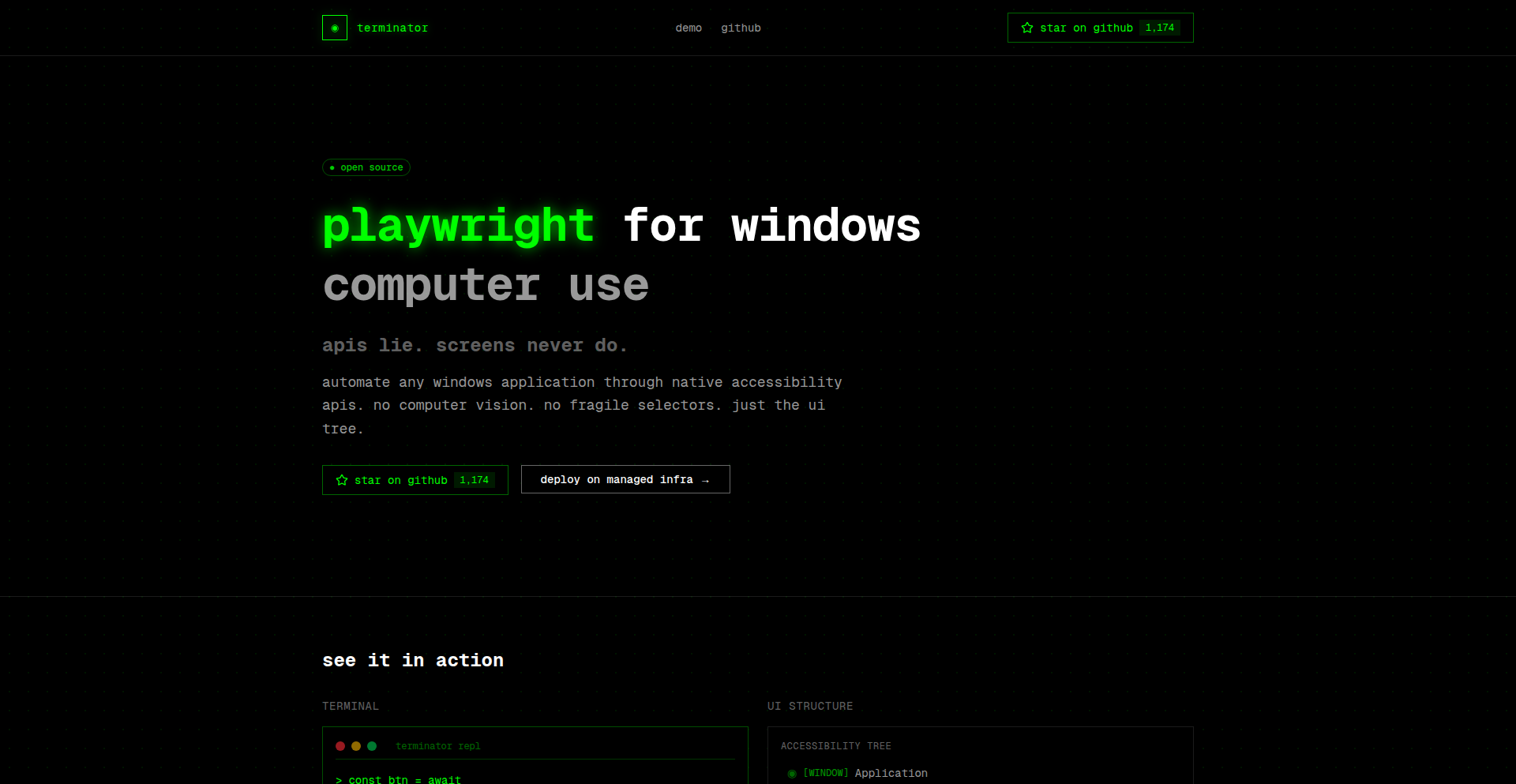
Author
louis030195
Description
This project demonstrates an experimental approach to leveraging Playwright, a popular browser automation tool, for controlling and interacting with Windows desktop applications. It explores novel ways to bridge the gap between web automation and native application control, offering a unique solution for automating tasks that traditionally required manual user interaction or complex, platform-specific scripting.
Popularity
Points 4
Comments 0
What is this product?
This project is an exploration into using Playwright, a tool typically used for automating web browsers, to automate interactions with native Windows applications. The core innovation lies in abstracting the complexity of Windows UI automation through a Playwright-like interface. Instead of writing C# or Python with specific Windows API calls, developers can potentially use familiar Playwright concepts to locate elements, trigger actions (like clicks and typing), and extract information from desktop software. This makes it accessible to developers already comfortable with web automation paradigms, offering a more unified automation strategy.
How to use it?
Developers can integrate this by treating their Windows applications as a 'browser context' within the Playwright framework. The project likely provides custom 'launch' or 'connect' methods that target a Windows application executable instead of a web browser URL. Once the application is 'loaded,' developers can use Playwright's selectors (though adapted for desktop elements) and actions to interact with buttons, input fields, menus, and other UI components. This allows for scripting end-to-end workflows that might involve both web browser interactions and desktop application operations.
Product Core Function
· Native Application Launch and Connection: Enables the automation engine to start and attach to a specified Windows application, establishing a session for interaction, making it possible to automate desktop software.
· UI Element Identification (Desktop Adapters): Provides mechanisms to locate UI elements within Windows applications, translating familiar web selectors into desktop element identifiers, simplifying the process of finding buttons, text boxes, and other controls.
· Action Triggering (Keyboard, Mouse Emulation): Allows programmatic simulation of user actions like mouse clicks, typing, scrolling, and dragging within the target Windows application, enabling automated user workflows.
· Data Extraction from Desktop UI: Facilitates the retrieval of text content, attribute values, and other information from desktop application elements, allowing for automated data gathering and validation.
· Cross-Platform Automation Paradigm: Offers a consistent API and mental model for developers familiar with Playwright, reducing the learning curve for desktop automation and enabling more unified automation strategies across web and desktop.
Product Usage Case
· Automating legacy Windows ERP systems: A developer could use this to automate data entry into an old ERP system that lacks an API, by having Playwright-Windows-Automation-Engine click through forms and input data, saving significant manual effort.
· Testing desktop installer workflows: QA engineers can script the installation and configuration of desktop software, mimicking user interactions with the installer's UI to ensure a smooth and error-free deployment process.
· Batch processing of desktop files: For tasks requiring manipulation of local files via a desktop application (e.g., a PDF editor), this tool could automate opening files, applying edits, and saving them in batch, accelerating repetitive operations.
· Integrating web and desktop workflows: Imagine a scenario where a web application triggers a desktop report generator. This project could orchestrate the entire process, from web interaction to desktop application control, creating a seamless automated workflow.
33
Nano Banana Pro MCP
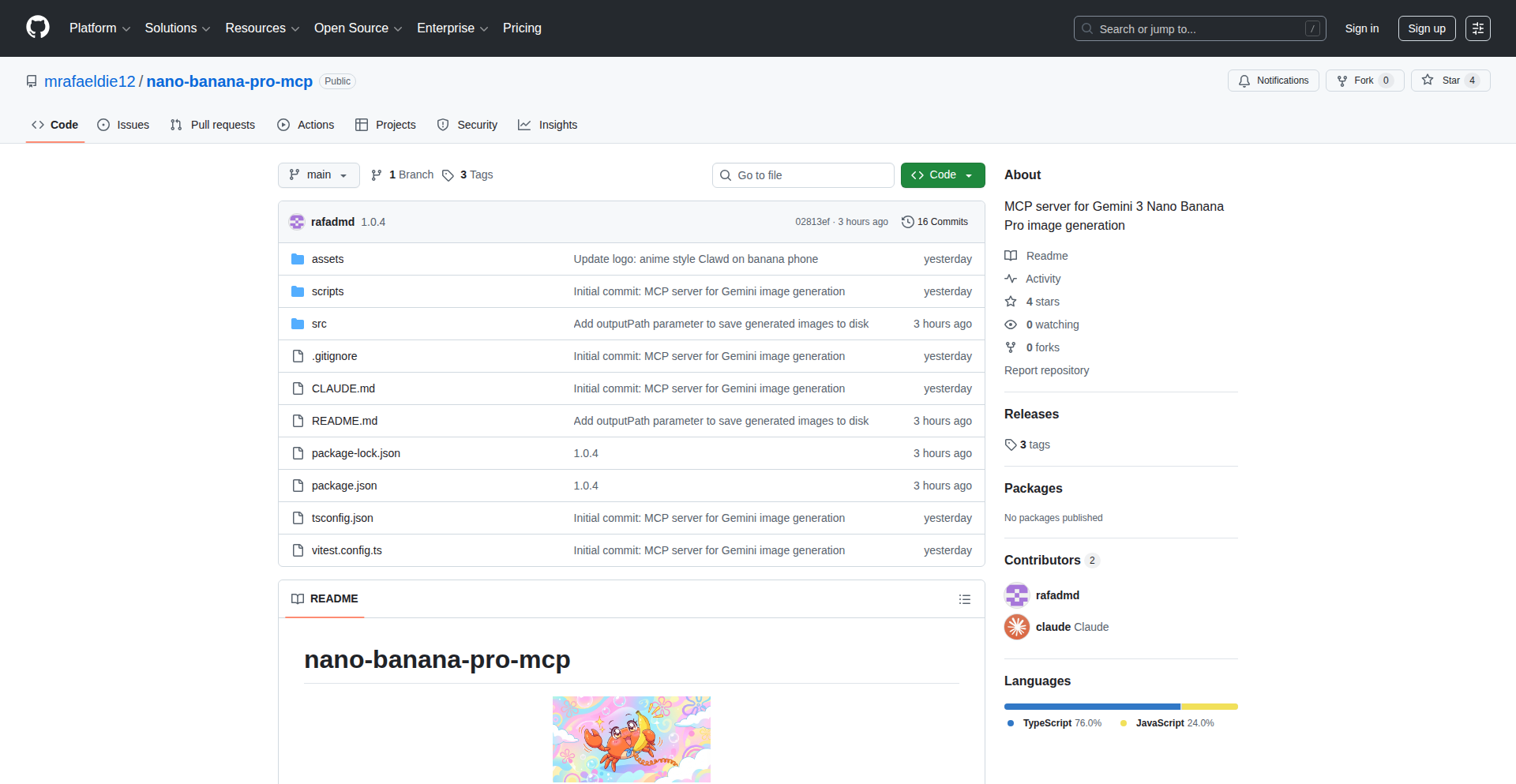
Author
ohtarnished
Description
Nano Banana Pro MCP is a developer tool that leverages cloud infrastructure to programmatically generate hero images. It was inspired by the concept of calling remote services (like Antigravity calling nanobanana) and reimagines this for image generation, offering a flexible and automated way for developers to create visual assets.
Popularity
Points 3
Comments 0
What is this product?
Nano Banana Pro MCP is a service that allows developers to generate hero images on demand using code. The core innovation lies in its API-driven approach. Instead of manually creating images in design software, developers can write scripts or integrate with their applications to call Nano Banana Pro MCP. This service then uses underlying cloud resources to process instructions and render the desired hero images. The technical insight is to treat image generation as a computational task that can be automated and scaled, similar to how other server-side operations are handled.
How to use it?
Developers can use Nano Banana Pro MCP by making API calls to its service. These calls would typically include parameters specifying the desired image dimensions, content (text, background colors, potentially even simple shapes or pre-defined templates), and any stylistic choices. Integration can be done via simple HTTP requests from any programming language or by using provided SDKs (if available). This is useful for projects that require dynamic image generation, such as personalized marketing banners, dynamically generated social media previews, or placeholder images for content management systems.
Product Core Function
· Programmatic Image Generation: Enables the creation of images through code. This is valuable because it automates a manual design process, saving time and ensuring consistency across numerous visual assets.
· API-Driven Control: Allows developers to specify image properties and content via API requests. This is valuable for integrating image generation directly into application workflows, making visuals responsive to data or user actions.
· Scalable Image Rendering: Leverages cloud infrastructure to handle image generation requests efficiently. This is valuable for applications that need to generate a large volume of images quickly and reliably without burdening the developer's local machine.
· Thematic Image Creation: Can be used to generate images based on specific themes or data. This is valuable for creating contextually relevant visuals, such as blog post headers that match the article's topic or product thumbnails that reflect item details.
Product Usage Case
· Generating personalized welcome banners for new users in a web application. The application calls Nano Banana Pro MCP with the user's name and a welcome message to create a unique banner for their profile page.
· Automating the creation of social media preview images for articles. When a new blog post is published, a script triggers Nano Banana Pro MCP to generate an image featuring the article title and a relevant thumbnail, ready to be shared on platforms like Twitter or Facebook.
· Dynamic generation of placeholder images for e-commerce product listings. If a product image is missing, Nano Banana Pro MCP can create a placeholder image with the product name and category, maintaining a consistent look for the store.
· Creating themed event invitations programmatically. Developers can use Nano Banana Pro MCP to generate unique invitations for an event, perhaps incorporating attendee names or event-specific details into the design.
34
Component Chinese Learner

Author
chunqiuyiyu
Description
A gamified application designed to help users learn Chinese characters by breaking them down into their fundamental components, transforming a typically abstract learning process into an interactive and engaging experience. The innovation lies in its component-based approach, making character etymology and recognition more intuitive.
Popularity
Points 1
Comments 2
What is this product?
This project is a learning game that teaches Chinese characters by focusing on their building blocks, called radicals or components. Instead of memorizing the whole character at once, you learn how smaller, meaningful parts combine to form more complex characters. This approach is innovative because it taps into the inherent logic and visual structure of Chinese characters, making them easier to decipher and remember. It's like learning the alphabet and then seeing how letters combine to form words, but for Chinese characters. So, what's in it for you? It makes learning Chinese characters less about rote memorization and more about understanding their underlying structure, leading to faster and deeper comprehension.
How to use it?
Developers can integrate this game into their own educational platforms or use it as a standalone tool. The core idea is to present users with interactive challenges where they identify, combine, or deduce characters based on their components. This could involve drag-and-drop interfaces for component assembly, quizzes that test component recognition, or even narrative-driven gameplay where understanding character components unlocks story progression. The technical implementation likely involves a robust database of characters and their components, along with algorithms for generating learning sequences and assessing user progress. So, how can you use this? You can build custom learning modules for your students, incorporate it into your existing language learning app to enhance engagement, or even use it for personal study to accelerate your Chinese learning journey.
Product Core Function
· Component-based character deconstruction: The system breaks down complex characters into their constituent radicals and components, illustrating their visual and semantic relationships. This offers a structured way to understand character origins, significantly aiding memorization and recognition.
· Interactive learning modules: Gamified exercises such as drag-and-drop component assembly, component matching games, and character recognition quizzes are employed to make learning fun and effective. This keeps learners engaged and reinforces their understanding through active participation.
· Progress tracking and personalized learning paths: The application monitors user performance and adapts the learning content to focus on areas needing improvement, ensuring an optimized learning experience. This means you're always working on what you need most, making your study time more efficient.
· Visual etymology explanations: Visual aids and clear explanations are provided for the historical origins and meanings of character components, offering deeper cultural and linguistic insights. This helps you not only learn the character but also understand its story and cultural context.
· Cross-platform compatibility: Designed to be accessible across various devices, allowing users to learn anytime, anywhere. This provides flexibility and ensures you can continue your learning regardless of your location or device.
Product Usage Case
· A language learning app developer could integrate this feature to offer a unique Chinese character learning module that goes beyond traditional flashcards, improving user retention and satisfaction by providing a more engaging and understandable method. This solves the problem of low engagement in traditional character learning methods.
· An educational institution developing online Chinese courses can use this as a core component to teach character etymology and structure, making their curriculum more innovative and effective for students struggling with character memorization. This addresses the challenge of teaching complex character structures effectively in a digital environment.
· Individual learners seeking to improve their Chinese reading and writing skills can use this standalone tool to accelerate their progress, particularly those who find traditional memorization methods tedious. This provides a direct solution for individuals who want a more intuitive and enjoyable way to learn Chinese characters.
35
Sonusly: The Hacker News for Music

Author
lorenzosch
Description
Sonusly is a platform that brings the Hacker News model to music discovery and discussion. It allows users to search for songs, create posts about them with titles, and engage in community voting and conversations. The core innovation lies in applying a familiar, engagement-driven social structure to the music world, fostering a unique space for music enthusiasts and creators to share, discover, and debate. Imagine the vibrant, opinionated community of Hacker News, but instead of tech, it's all about the beats, melodies, and lyrics.
Popularity
Points 3
Comments 0
What is this product?
Sonusly is a web application that mimics the functionality and community interaction of Hacker News, but is specifically tailored for music. At its heart, it's a system for sharing and discussing music. Users can find a song, create a post about it with a title, and then the community can upvote or downvote these posts using a karma system. Users start with 100 karma and earn more daily by being active. Beyond voting, users can save songs they like to a personal bookmark list, save interesting discussions for later, listen to songs directly via Spotify integration, comment to engage in conversations, and easily share posts. The technical innovation is in its adaptable social framework – taking a proven model for community engagement (like HN) and applying it to a new domain (music) to foster focused, community-driven content creation and curation. This means instead of reading about new software, you're reading about new tracks, albums, or music-related news, all filtered and prioritized by the community's collective taste and opinions.
How to use it?
Developers can use Sonusly as a music discovery engine and a platform for discussions. For example, a musician looking for inspiration could search for trending songs, see what the community is upvoting, and join conversations to understand what resonates. A music blogger or reviewer could use it to share their latest thoughts on an album, get immediate feedback through votes and comments, and track the reach of their content via shareable links. Integration is straightforward; you can embed Sonusly's discussion threads or share links to posts on your own social media or website. The core experience is akin to browsing Hacker News: you land on the site, see trending music posts, and can dive into discussions or explore specific songs. The 'listen' button integrates with Spotify, offering a seamless transition from discovery to listening, making it a practical tool for both casual listeners and active music community participants.
Product Core Function
· Song Search and Discovery: Enables users to find songs, facilitating exploration of new music and rediscovery of old favorites. The value here is in providing a focused music search that can be integrated into a broader discovery ecosystem.
· Community Voting System (Karma): Allows users to upvote or downvote posts, helping to surface popular and relevant music content. This drives a meritocratic content ranking, ensuring that engaging music and discussions rise to the top, thus providing a personalized and community-curated feed.
· Post Creation and Discussion: Provides a platform for users to share their thoughts, reviews, or links related to music, fostering a vibrant conversation. This allows for in-depth engagement beyond simple likes, enabling users to learn from each other and build community around shared musical interests.
· Personalized Song Bookmarking: Lets users save songs they like for future reference, creating a personal library of discovered music. This acts as a personalized recommendation engine, helping users keep track of music that has caught their attention.
· Integrated Music Playback (Spotify): Offers a direct 'listen' functionality via Spotify, bridging the gap between discovery and consumption. This provides immediate gratification and a seamless user experience, reducing friction in the music discovery process.
· Content Sharing: Allows users to easily share posts and discussions, extending the reach of music discoveries and conversations beyond the Sonusly platform. This helps in viral content distribution and community growth.
Product Usage Case
· A new artist wants to gauge community reaction to their latest single. They can post it on Sonusly, get immediate upvotes and comments from music enthusiasts, and use the feedback to refine their marketing or future releases. This solves the problem of getting early, unfiltered feedback in a target audience.
· A music journalist is writing an article about a niche genre. They can use Sonusly to find trending discussions and popular tracks within that genre, gather insights from the community, and even identify potential interviewees. This provides a real-time pulse on community sentiment and emerging trends.
· A casual listener discovers an interesting song through a friend's shared link on Sonusly. They click 'listen,' are taken to Spotify, and then save the song using the bookmark feature. Later, they revisit Sonusly to see what other discussions are happening around that artist or genre, enriching their listening experience. This highlights the platform's ability to convert discovery into sustained engagement and listening habits.
36
EtherealScript: A Novel Language Playground
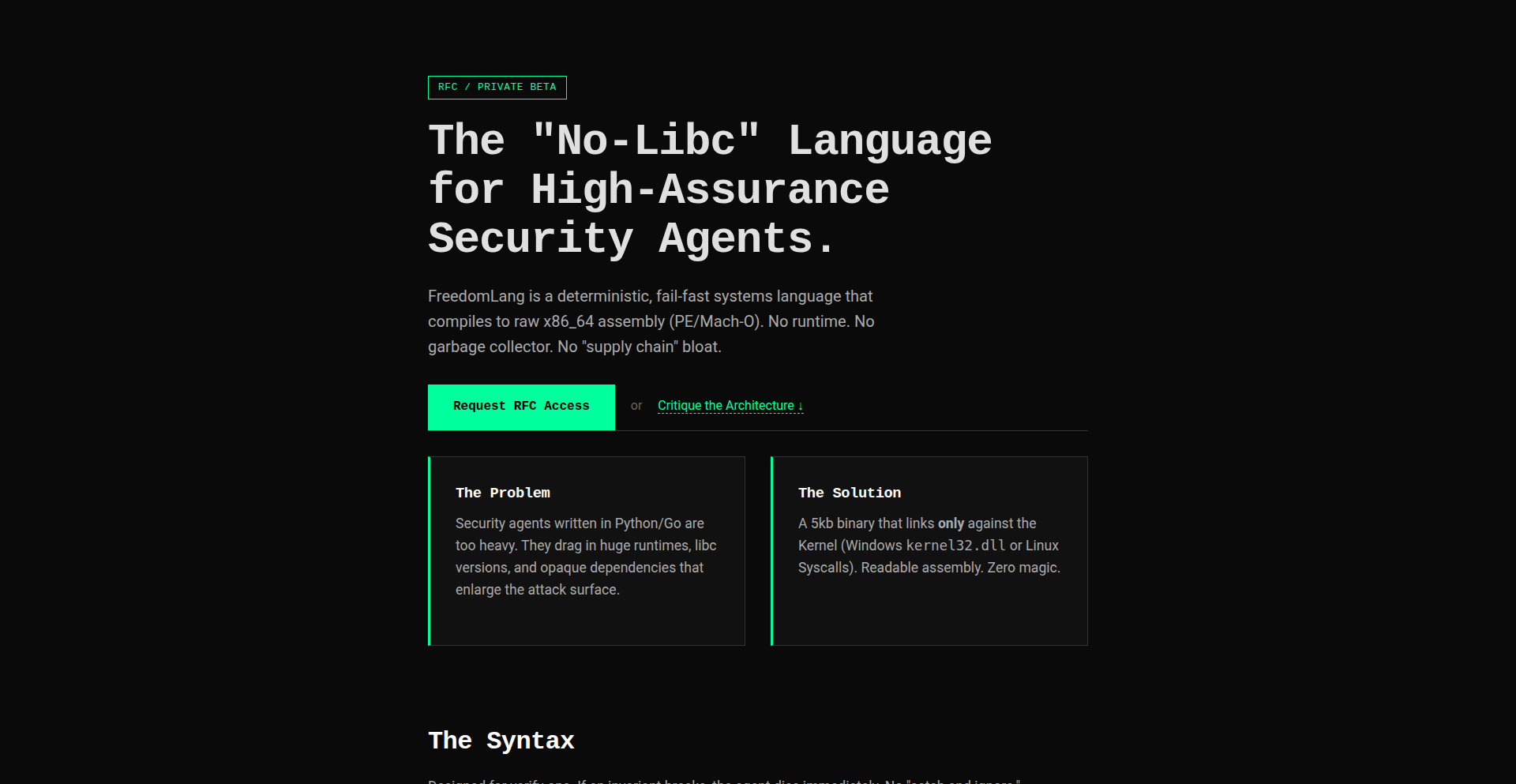
Author
keepamovin
Description
This project is a demonstration of a new programming language, showcasing experimental language design and implementation. The core innovation lies in its unique syntax and semantic approach, aiming to solve specific pain points in existing language paradigms by exploring novel ways of expressing computation and data manipulation. For developers, it offers a glimpse into alternative language philosophies and potential future directions in programming.
Popularity
Points 1
Comments 2
What is this product?
EtherealScript is an experimental programming language designed by a developer exploring new paradigms. Its innovation lies in its syntax and semantic design, which might offer more concise ways to express complex logic or handle specific data structures compared to mainstream languages. The 'value' here is in pushing the boundaries of language design, potentially influencing future language development and providing a fresh perspective on how we write code. It's like discovering a new, more intuitive way to solve a familiar puzzle.
How to use it?
As an experimental language, EtherealScript is primarily for exploration and learning. Developers can use it to experiment with its unique features, understand its underlying principles, and potentially contribute to its development. It might be integrated into custom tooling or used in niche applications where its specific strengths are beneficial. The immediate 'use' for a developer is the opportunity to broaden their understanding of language design and perhaps find inspiration for their own projects.
Product Core Function
· Novel Syntax for Expressive Code: EtherealScript introduces a new way to write code that might be more readable or concise for certain tasks. This is valuable because it can lead to faster development and fewer errors by making the intent of the code clearer. It's like having a shorthand that everyone understands.
· Experimental Type System: The language might feature an innovative type system that offers stronger guarantees or more flexibility. This is valuable for preventing bugs at compile time and ensuring data integrity, making software more robust. Think of it as a super-smart spell checker for your code.
· Unique Data Structures: EtherealScript may propose new ways to organize and access data. This is valuable for optimizing performance in specific scenarios or simplifying complex data management. It's like having a brand new, more efficient filing system for your information.
· Metaprogramming Capabilities: The language might allow code to generate or manipulate other code. This is valuable for creating reusable components, automating repetitive tasks, and building powerful frameworks. Imagine writing code that writes other code for you, saving you tons of time.
Product Usage Case
· Exploring Functional Programming Concepts: A developer could use EtherealScript to experiment with advanced functional programming patterns not easily expressed in their primary language, gaining a deeper understanding of immutability and pure functions. This helps them write cleaner, more predictable code.
· Prototyping Domain-Specific Languages (DSLs): The innovative syntax could be a strong foundation for building specialized DSLs for specific industries, making complex tasks more accessible to domain experts. This means experts can use tools tailored to their needs.
· Educational Tool for Language Design: Computer science students and researchers could use EtherealScript to learn about compiler construction, parsing techniques, and the trade-offs involved in language design. This fosters the next generation of language creators.
· Performance-Critical Micro-optimizations: If EtherealScript offers novel ways to handle memory or computation, it could be explored for performance bottlenecks in specific algorithms. This is for developers who need their code to run as fast as possible.
37
LocalFormatFusion

Author
nighwatch
Description
A privacy-first, local file converter for CSV, Excel, JSON, SQL, XML, and Markdown. It uses Web Workers for 100% client-side processing, eliminating the need for file uploads and offering no size limits beyond your device's RAM. Features smart column restoration for broken tables, making it a versatile tool for developers and data handlers.
Popularity
Points 3
Comments 0
What is this product?
LocalFormatFusion is a web application that transforms data between various common formats like CSV, Excel (.xlsx), JSON, SQL, XML, and Markdown, all directly in your browser. The core innovation lies in its use of Web Workers. Think of Web Workers as separate, invisible assistants for your browser. Instead of one main worker handling everything (which can slow things down and be limited), these assistants work in parallel, processing your data entirely on your computer. This means no files are sent to any server, ensuring your data stays private. It also supports 'smart column restoration,' which is a clever way to fix tables that get messed up when you copy and paste them, collapsing into just one column. So, for you, this means faster, more private, and more reliable data conversions.
How to use it?
Developers can integrate LocalFormatFusion into their workflows by accessing the web application through their browser. For instance, if you have a CSV file that needs to be converted to an Excel spreadsheet for reporting, you can simply drag and drop the CSV into LocalFormatFusion, select 'Excel' as the output format, and the conversion happens instantly and locally. If you're building a web application that requires users to upload and convert data, you can potentially leverage the underlying libraries (like SheetJS) that LocalFormatFusion uses, or even build a similar local processing component. For developers dealing with messy pasted data, the 'smart column restoration' can be enabled in the options to automatically fix these issues before conversion, saving manual cleanup time.
Product Core Function
· Local File Processing: All data parsing and conversion happen directly on the user's device using Web Workers. This means no sensitive data leaves the browser, providing enhanced privacy and security. For you, this translates to peace of mind that your files are not being uploaded or stored elsewhere.
· Multi-Format Support: Seamlessly convert between CSV, Excel (.xlsx), JSON, SQL, XML, and Markdown. This broad compatibility allows you to work with a wide range of data formats without needing multiple specialized tools. So, if you have data in one format and need it in another, this tool has you covered.
· No Uploads Required: By processing files locally, there are no server-side upload limitations or delays. This speeds up the conversion process significantly. For you, this means faster results, especially with large files, and no waiting for uploads to complete.
· Unlimited File Size: The tool is only limited by your device's RAM, meaning you can process very large files without hitting arbitrary server limits. This is incredibly useful for data analysis or migration tasks involving substantial datasets. So, you can tackle those massive files with confidence.
· Smart Column Restoration: Automatically detects and fixes issues where copied tables might collapse into a single column. This feature cleans up messy data before conversion, saving manual editing time. For you, this means less time spent on data cleaning and more time on actual analysis or usage.
Product Usage Case
· Scenario: A data analyst receives a large CSV file with unusual delimiters and needs to convert it to an Excel spreadsheet for further analysis. The company has strict privacy policies against uploading sensitive data. How it solves the problem: LocalFormatFusion can handle the CSV to Excel conversion locally, even with non-standard delimiters, ensuring data privacy and providing the analyst with a usable Excel file without any security concerns. This is useful for analysts who need to work with data securely and efficiently.
· Scenario: A web developer is building a feature that allows users to import data from various formats into their application. They want to avoid the complexity and security risks of server-side file processing. How it solves the problem: The developer can guide users to use LocalFormatFusion to convert their files into a standardized format (like JSON) before uploading, or they can explore building a similar client-side conversion module within their application, inspired by LocalFormatFusion's approach. This is helpful for developers looking for secure and efficient ways to handle user-uploaded data.
· Scenario: A content creator often copies tables from websites or documents and pastes them into a Markdown file for documentation, but the pasted data frequently gets jumbled into a single column. How it solves the problem: By enabling the 'Smart column restoration' feature, LocalFormatFusion can intelligently reconstruct the table structure from the jumbled pasted data before converting it to Markdown, saving significant manual reformatting effort. This is valuable for anyone who frequently works with copied and pasted tabular data for documentation or reporting.
38
Open Product Security Analytics Engine
Author
reconnecting
Description
This project is an open-source initiative to provide granular security analytics for your product. It tackles the challenge of understanding and responding to security threats in a programmatic way, moving beyond traditional black-box security tools. The innovation lies in exposing detailed security telemetry and providing a flexible framework for developers to build custom security logic and alerting.
Popularity
Points 2
Comments 1
What is this product?
This project is an open-source framework for analyzing security events within your product. Instead of relying on proprietary, opaque security systems, it exposes detailed security data (like failed login attempts, access control violations, or unusual data access patterns) that developers can then process and analyze. The core innovation is enabling programmatic access to security insights, allowing you to understand exactly what's happening from a security perspective and build tailored responses. So, what's in it for you? You get a deeper, more transparent understanding of your product's security posture, empowering you to proactively identify and mitigate risks before they become major issues.
How to use it?
Developers can integrate this engine into their existing product infrastructure by instrumenting their code to emit security-relevant events. These events are then collected and processed by the engine. The framework provides APIs and data structures to define custom rules, trigger alerts, and even automate remediation actions based on detected anomalies. Think of it as a programmable security dashboard and response system. So, how can you use it? You can connect it to your application logs, ingest data from your existing security monitoring tools, or build new security monitoring capabilities directly into your product. This allows for real-time threat detection and response, tailored to your specific product's needs.
Product Core Function
· Security Event Ingestion: The ability to collect and normalize various security-related events from different sources within your product. This means all your security information, whether it's from user authentication, API calls, or database access, can be brought into one place for analysis. The value here is a unified view of security, making it easier to spot patterns. The application scenario is consolidating disparate security logs into a single, manageable feed.
· Real-time Anomaly Detection: A sophisticated engine that can identify unusual patterns or deviations from normal behavior in your security data. This goes beyond simple rule-based alerting, spotting subtle indicators of compromise. The value is proactive threat hunting and early warning of potential breaches. The application scenario is detecting a sudden surge in failed login attempts from a specific region, which might indicate a brute-force attack.
· Customizable Rule Engine: Allows developers to define their own security rules and thresholds based on specific product risks and compliance requirements. You're not limited by pre-defined security policies; you can create your own. The value is a highly adaptable security system that aligns perfectly with your product's unique threat landscape. The application scenario is setting up a rule to alert you if a user attempts to access sensitive customer data outside of business hours.
· Automated Response Playbooks: The capability to trigger automated actions when specific security events or anomalies are detected. This means your system can react to threats automatically, reducing response time and minimizing damage. The value is enhanced security resilience and reduced manual intervention. The application scenario is automatically revoking access for a user account exhibiting suspicious activity.
Product Usage Case
· Scenario: A SaaS company wants to monitor for potential account takeovers. By integrating this engine, they can track failed login attempts, credential stuffing indicators, and anomalous session activities in real-time. If multiple failed logins from different IPs are detected for the same user, an alert is generated, and the user's session is automatically logged out. This solves the problem of delayed detection of compromised accounts.
· Scenario: An e-commerce platform needs to detect and prevent fraudulent transactions. The engine can be configured to analyze order patterns, shipping addresses, and payment methods. If an order deviates significantly from a user's typical purchasing behavior (e.g., a large order to a new, overseas address), it can be flagged for manual review or automatically declined. This addresses the challenge of mitigating financial fraud.
· Scenario: A developer wants to ensure their API is not being abused or subjected to denial-of-service attacks. They can use the engine to monitor API request rates, error rates, and origin IP addresses. If an unusual spike in requests from a single IP is detected, it can trigger an alert and potentially a temporary IP ban. This helps maintain API availability and protect against malicious traffic.
· Scenario: A company handling sensitive personal data needs to comply with strict data privacy regulations. They can use the engine to audit all access to sensitive data, creating a transparent log of who accessed what, when, and why. Any unauthorized access attempts can trigger immediate alerts and investigations. This solves the problem of demonstrating compliance and ensuring data integrity.
39
AI Site Sage

Author
antonio07c
Description
AI Site Sage is a SaaS product that allows businesses to easily create and deploy AI-powered chatbots trained on their own website content and documents. It automatically answers customer questions, captures leads, and reduces support load, effectively acting as a 24/7 digital assistant for any website.
Popularity
Points 2
Comments 1
What is this product?
AI Site Sage is an AI chatbot builder designed for businesses. It leverages your website's content and uploaded documents to create a smart chatbot that can answer visitor questions, collect contact information for leads, and even manage support tickets. The innovation lies in its ability to take unstructured website data and turn it into a structured knowledge base for the AI to learn from, without requiring complex technical setup from the business owner. This means businesses can have a sophisticated AI assistant working for them around the clock, much like having a dedicated support team.
How to use it?
Developers can integrate AI Site Sage into their clients' websites by embedding a simple JavaScript snippet. The process involves the business owner providing their website URL and uploading relevant documents (like FAQs, product manuals, or policy documents). The platform then indexes this information, trains the AI model, and generates the embeddable chatbot. For developers, it's a straightforward way to add advanced AI functionality to client projects, enhancing user experience and lead generation capabilities. It uses Supabase for backend services and AWS for infrastructure, offering a robust and scalable solution.
Product Core Function
· Website Content Ingestion: Automatically scrapes and indexes website content, transforming it into a searchable knowledge base for the AI. This means your chatbot knows about your business without manual data entry.
· Document Upload and Training: Allows users to upload PDFs, Word documents, and other files to further train the AI. This extends the chatbot's knowledge beyond the website, enabling it to answer questions about specific products or policies.
· AI Chatbot Deployment: Provides an easy-to-embed JavaScript snippet for seamless integration into any website. This allows businesses to quickly add a powerful AI assistant to their online presence.
· Lead Capture Automation: Automatically collects contact information from users who interact with the chatbot, turning website visitors into potential customers. This helps businesses grow their sales pipeline.
· Ticketing System: Manages support requests by creating tickets for complex queries that the AI cannot resolve, ensuring no customer query is missed. This streamlines customer support and improves satisfaction.
· Natural Language Understanding: Employs advanced AI to understand user questions in natural language, providing relevant and helpful responses. This makes the interaction feel human-like and intuitive.
Product Usage Case
· A small e-commerce business uses AI Site Sage to answer common product inquiries (e.g., shipping times, return policies) and capture leads from potential customers browsing their catalog. This reduces their reliance on manual customer service and increases sales opportunities.
· A B2B service company integrates the chatbot into their website to answer questions about their services and pricing. The chatbot can also qualify leads by asking relevant questions and collecting contact details before passing them to the sales team. This frees up the sales team to focus on high-value prospects.
· A real estate agent embeds the AI chatbot on their property listing website. The chatbot can answer questions about individual properties, schedule viewings, and collect contact information from interested buyers. This automates initial inquiries and helps the agent manage their time more effectively.
· A SaaS company uses the chatbot to provide instant support for common user issues, referring to their knowledge base articles and documentation. This reduces the load on their primary support team and improves user satisfaction by providing quick answers.
40
Code Weaver AI
Author
thimoteelegrand
Description
A decentralized, open-source AI coding agent that empowers developers by automating repetitive coding tasks and generating code snippets based on natural language prompts. It breaks down complex programming problems into smaller, manageable steps, leveraging advanced AI models to provide intelligent assistance, fostering a more efficient and creative development workflow.
Popularity
Points 3
Comments 0
What is this product?
Code Weaver AI is an experimental, open-source project designed to act as an intelligent assistant for developers. It uses sophisticated AI algorithms, similar to how a chatbot understands your questions, to interpret your coding requests written in plain English. The innovation lies in its ability to not just generate code, but to conceptually break down a larger coding task into smaller logical components and then generate the code for each part. This is achieved by using a combination of natural language processing (NLP) to understand the user's intent and advanced code generation models. Think of it as having a super-smart junior developer who can understand what you want and help you build it, piece by piece.
How to use it?
Developers can integrate Code Weaver AI into their existing development environments. The primary interaction is through natural language commands. For example, you might type a request like 'Create a Python function to read a CSV file and return it as a list of dictionaries.' Code Weaver AI would then process this, potentially asking clarifying questions if needed, and then output the Python code. It can be used as a standalone tool, or potentially integrated into IDEs via plugins or APIs, offering real-time coding suggestions, boilerplate code generation, and even debugging assistance. Its value is in significantly reducing the time spent on mundane coding tasks, allowing developers to focus on higher-level problem-solving and innovation.
Product Core Function
· Natural Language to Code Generation: Translates plain English descriptions into functional code snippets across various programming languages. The value here is drastically reducing the time and effort required to write common or boilerplate code, allowing developers to focus on the unique aspects of their project.
· Task Decomposition Engine: Analyzes complex coding requests and breaks them down into smaller, executable steps. This innovation provides a structured approach to tackling difficult problems, making them less daunting and more manageable for developers.
· Intelligent Code Suggestion: Offers context-aware code completions and recommendations as a developer types, improving coding speed and accuracy. This reduces the cognitive load on developers and helps prevent common errors.
· Open-Source Collaboration Platform: Provides a transparent and community-driven environment for AI model development and improvement. The value for the developer community is in fostering collective innovation, sharing best practices, and having access to cutting-edge AI tools without prohibitive costs.
Product Usage Case
· Scenario: Building a new web API endpoint. How it solves the problem: A developer can describe the API endpoint's functionality in natural language (e.g., 'Create a REST API endpoint that accepts user data and stores it in a database'). Code Weaver AI can then generate the necessary boilerplate code for routing, request parsing, and database interaction, saving hours of manual setup.
· Scenario: Implementing a data processing pipeline. How it solves the problem: A developer can outline the steps involved in processing data (e.g., 'Read data from a Kafka topic, apply a transformation, and write to a data warehouse'). The AI can generate the code for each stage, ensuring consistency and reducing the risk of integration errors between different components.
· Scenario: Quickly prototyping a new feature. How it solves the problem: Instead of spending time writing basic data structures or utility functions, a developer can prompt Code Weaver AI to generate them (e.g., 'Create a Node.js utility function to validate email addresses'). This speeds up the prototyping phase, allowing for faster iteration and testing of ideas.
· Scenario: Learning a new programming language or framework. How it solves the problem: A developer can ask Code Weaver AI to generate examples of common patterns in the new language (e.g., 'Show me how to create a simple class in Rust'). This provides practical, runnable code examples that are easier to understand than abstract documentation.
41
EarthNarrative Engine

Author
manishg2022
Description
This project transforms raw climate and environmental data into engaging, first-person 'letters' from different regions on Earth. It uses sensor data like temperature and humidity to generate evocative prose, aiming to foster empathy and connection with environmental changes by presenting data in a relatable, narrative format.
Popularity
Points 3
Comments 0
What is this product?
EarthNarrative Engine is an experimental system that translates complex environmental signals into simple, emotional narratives. It collects daily data from 103 global locations, including temperature, humidity, wind, and air clarity. These raw values are processed through a specialized 'translation layer' tailored to specific biomes (like forests or deserts). This layer then generates a 'letter' written from the perspective of that biome, describing its current state in a sensory, atmospheric, and jargon-free manner. The innovation lies in moving beyond traditional charts and statistics to create an emotional connection with environmental data, exploring the potential of 'data as empathy'. So, what's in it for you? It's a novel way to understand and feel the pulse of our planet's environment, making it accessible and engaging for everyone, not just data scientists.
How to use it?
Developers can interact with the EarthNarrative Engine through its web interface. You can select a specific location on an interactive globe to read the 'letter' for that day. The system offers filters by biome type, severity of anomalies, region, and date, allowing you to explore historical data and compare different areas. For integration, the core engine's methodology of signal processing and narrative generation could be adapted. Imagine integrating this into an educational platform to teach about climate change, or a personal journaling app where users can reflect on environmental conditions. The 'so what' for developers is the opportunity to leverage a unique data-to-narrative pipeline for creating more impactful and emotionally resonant applications related to environmental awareness.
Product Core Function
· Daily Data Ingestion: Collects real-time environmental signals (temperature, humidity, wind, air clarity, anomalies) from global locations. This is valuable because it provides the raw material for the narrative, ensuring the 'letters' are grounded in actual environmental conditions.
· Signal Normalization and Feature Vector Compression: Processes raw data into a standardized format for analysis. This is crucial for consistency and efficiency, enabling the system to handle diverse data inputs effectively and making the translation process more robust.
· Biome-Specific Emotionally Aware Translation Layer: Converts normalized data into a narrative 'mood' and voice specific to the biome. This is the core innovation, allowing for contextually relevant and emotionally resonant storytelling, making the data feel alive and understandable.
· First-Person Narrative Generation: Produces expressive, first-person prose from the perspective of a biome, avoiding jargon and statistics. This offers a powerful storytelling tool that can connect with audiences on an emotional level, making complex environmental issues more relatable.
· Interactive Globe and Data Visualization: Provides a visual interface for exploring data and narratives across different locations and time periods. This enhances user engagement and facilitates exploration, allowing users to discover and compare environmental stories from around the world.
Product Usage Case
· Educational Application: A school could use EarthNarrative Engine to create interactive lessons on climate change. Instead of just showing graphs, students could read a 'letter' from a melting glacier or a parched forest, fostering a deeper understanding and empathy for environmental impacts. This solves the problem of making complex climate data engaging and relatable for younger audiences.
· Awareness Campaign Tool: An environmental NGO could integrate this into their website for a 'Planet's Diary' feature. Users could read daily updates from different ecosystems, raising awareness about local environmental issues and inspiring action. This addresses the challenge of capturing public attention for environmental causes through compelling narratives.
· Artistic Data Exploration: Artists could use the engine's output as inspiration for poems, songs, or visual art. The system provides a unique source of creative prompts derived from real-world environmental data. This opens up new avenues for data-driven artistic expression.
· Personalized Environmental Reflection: A wellness app could offer daily 'letters' from a user's local environment, encouraging mindfulness and connection with nature. This provides a novel way for individuals to engage with their immediate surroundings and foster a sense of place.
42
TurboSanta - Stateless Secret Santa Generator

Author
philcunliffe
Description
TurboSanta is a clever, single-file web application that eliminates the need for user accounts to organize a Secret Santa gift exchange. It innovates by encoding participant names and a randomization seed directly into the URL. This makes it incredibly simple to share, ensuring privacy and a quick setup for friends.
Popularity
Points 3
Comments 0
What is this product?
TurboSanta is a web application designed to simplify the process of organizing a Secret Santa gift exchange. Its core innovation lies in its stateless nature, meaning it doesn't require any user accounts or server-side data storage. Instead, it leverages the URL itself to store all necessary information. When you input the names of participants and a randomization seed (a secret number that ensures the gifts are distributed fairly and no one gets their own name), the application generates a unique URL. This URL contains all the data needed to run the draw. When each participant clicks their personalized link (derived from this main URL), they are anonymously told who they are buying a gift for. This approach is secure because no personal data is stored on a server, and it's highly efficient due to its single-file architecture.
How to use it?
To use TurboSanta, you simply navigate to the web application (typically hosted as a single HTML file or a simple web service). You'll find an interface where you can input the names of everyone participating in the Secret Santa. After entering the names, you generate a primary URL. This URL is then shared. For each participant, a unique link is generated from this primary URL, which they will receive. When a participant clicks their unique link, they are presented with the name of the person they need to buy a gift for. This is a powerful way to run a Secret Santa without any complex setup or data management, perfect for spontaneous or casual gift exchanges among friends.
Product Core Function
· Stateless URL-based data encoding: This is the core innovation. It means all the information needed for the Secret Santa draw (names, assignments) is embedded directly in the web link. The value is in extreme privacy and zero reliance on databases or user accounts, making it incredibly accessible and secure. This is useful for any scenario where you want to run a Secret Santa without the hassle of registration.
· Randomized assignment with seed: The application uses a seed to ensure fair and random assignment of gift recipients. This means each draw is unique and prevents anyone from being assigned to buy a gift for themselves. The value here is in guaranteeing a proper, unbiased Secret Santa draw every time, making the process fun and equitable.
· Single-file web application: The entire application is contained in a single file. This makes it incredibly lightweight, easy to deploy, and very fast to load. The value is in its simplicity and efficiency – a developer can easily host it or even run it locally without any complex dependencies, making it ideal for quick, on-the-fly solutions.
· Anonymous recipient reveal: Participants are anonymously shown who they are buying a gift for when they click their unique link. The value is in maintaining privacy and surprise throughout the gift-giving process, ensuring the magic of Secret Santa remains intact.
Product Usage Case
· Organizing a last-minute Secret Santa for a group of friends who want to exchange gifts over the holidays, where the hassle of account creation on traditional platforms is a barrier. TurboSanta solves this by allowing instant setup and sharing via a simple URL.
· A small startup wanting to do a fun team-building Secret Santa without involving IT to set up a new service or manage user accounts. TurboSanta's single-file nature makes it easy for anyone to deploy and run.
· A family organizing a Secret Santa for members who may not be very tech-savvy. The simple act of sharing a URL and clicking a link is easily understood and executed, bypassing complex interfaces.
· Developers needing a quick, verifiable way to generate random assignments for a small group without building a full-fledged application. TurboSanta serves as a great example of a minimal, effective solution to a common problem, demonstrating the power of front-end JavaScript and clever URL manipulation.
43
Wan 2.6: Reference-Driven AI Video Engine

Author
lu794377
Description
Wan 2.6 is an AI video generation platform designed for creators who demand consistency and control. It tackles the common problem of chaotic, disconnected AI video clips by allowing users to use existing videos as style and motion references. This ensures a unified visual language across projects and enables the creation of complex, multi-shot narratives with smooth transitions and production-grade quality, including native audio-visual sync for professional outputs.
Popularity
Points 2
Comments 0
What is this product?
Wan 2.6 is a sophisticated AI video generation system. Unlike many tools that produce single, often inconsistent clips, Wan 2.6 focuses on creating coherent video sequences. Its core innovation lies in 'Reference Video Generation', meaning you can feed it existing videos to guide the style, motion, and overall aesthetic of your new video. This is akin to providing a director's vision or a style guide for the AI. It also excels at 'Multi-Shot Narratives', allowing for the stitching together of multiple scenes with natural transitions and dynamic camera work that tells a story effectively. The output is designed for 'Production Quality', delivering 1080p resolution at 24 frames per second with improved stability and detail, suitable for professional use. Furthermore, it boasts 'Native Audio-Visual Sync', ensuring that generated speech and music perfectly match the lip movements and timing of the on-screen characters, all generated in a single pass. So, why does this matter to you? It means you can create polished, branded, and narrative-driven videos with AI, overcoming the limitations of fragmented clips and inconsistent styles, which is crucial for marketing, educational content, or filmmaking.
How to use it?
Developers can leverage Wan 2.6 through its platform or potentially via future API integrations. The primary usage scenario involves uploading a reference video (or multiple references) to define the desired visual style and motion characteristics. Then, users input prompts and instructions to generate sequential shots that maintain this reference. For multi-shot narratives, you would define the sequence of scenes, and Wan 2.6 would ensure continuity between them, incorporating generated dialogue and syncing it precisely with the visuals. For integration, think about how a content management system could trigger video generation based on new text or data, or how an editing suite could import generated clips that are already stylistically consistent and temporally aligned. This provides a robust foundation for automated or semi-automated video production workflows, making it easier to produce high-quality, consistent video content at scale.
Product Core Function
· Reference Video Generation: Allows users to define the visual style and motion of generated videos by providing existing video samples. This ensures brand consistency and a recognizable aesthetic across all generated content, valuable for marketing campaigns and brand storytelling.
· Multi-Shot Narratives: Enables the creation of complex, sequential video scenes with smooth transitions and coherent storytelling. This is crucial for educators creating explainer videos or filmmakers developing storyboards, providing a way to build longer, more engaging video content.
· Production Quality Output: Delivers video at 1080p resolution and 24fps with enhanced stability and temporal consistency. This means the generated videos look professional and are ready for broadcast or online distribution without significant post-production editing for quality issues.
· Native Audio-Visual Sync: Automatically aligns generated audio (like voiceovers or dialogue) with precise lip-sync and timing for on-screen characters. This is a significant time-saver for content creators, eliminating the tedious manual syncing process and ensuring professional-looking dialogue in the generated videos.
· Multi-Aspect Ratio Support: Generates videos in 16:9, 9:16, and 1:1 aspect ratios. This flexibility allows creators to easily adapt content for different platforms, from YouTube to TikTok to Instagram, maximizing reach and engagement.
Product Usage Case
· A marketing team needs to create a series of product explainer videos with a consistent brand look and feel. Using Wan 2.6, they can use a previous successful campaign video as a reference to ensure the new videos match the established style and tone, saving significant time and resources on visual consistency.
· An educational content creator is developing a series of online lectures. They can use Wan 2.6 to generate talking-head segments with a consistent presenter style and background, and then link these segments together to form a cohesive lecture, complete with synchronized narration.
· A filmmaker is prototyping a new scene. They can use Wan 2.6 to generate different camera angles and shot compositions based on a mood reference video, allowing for rapid iteration and visualization of directorial intent before committing to expensive live-action shoots.
· A social media manager needs to create short, engaging video ads for different platforms. Wan 2.6's ability to generate in multiple aspect ratios and maintain stylistic coherence means they can produce a single, consistent campaign that's optimized for both YouTube and TikTok without compromising on quality or brand identity.
44
DomainSentinel Pro

url
Author
539hex
Description
DomainSentinel Pro is a domain security scanner that makes advanced security checks accessible to everyone. It automates the process of finding common vulnerabilities like open ports, outdated SSL certificates, and missing security headers, providing clear, actionable insights. This tool democratizes security auditing, previously a complex and expensive task, by offering a user-friendly interface and immediate results.
Popularity
Points 2
Comments 0
What is this product?
DomainSentinel Pro is a web-based security auditing tool designed to quickly assess the security posture of any domain. It leverages techniques like port scanning to identify open network services, checks SSL certificate validity and expiration, and analyzes email authentication protocols (SPF, DKIM, DMARC) for spoofing risks. It also evaluates crucial security headers like Content Security Policy (CSP) and HTTP Strict Transport Security (HSTS). The innovation lies in its ability to synthesize these complex technical checks into an easily understandable security grade and actionable recommendations, making professional-level security insights available without requiring deep technical expertise.
How to use it?
Developers can use DomainSentinel Pro by simply entering a domain name into the website's scanner. The tool will then perform a series of automated checks and provide a summary report. For developers building applications, this can be integrated into their CI/CD pipelines to catch security misconfigurations early. For freelance developers or agencies, it serves as a quick pre-project assessment tool to identify potential security risks for clients. The free tier offers a good overview, while paid reports provide more in-depth vulnerability detection and detailed PDF reports suitable for sharing with stakeholders.
Product Core Function
· Port Scanning with Service Detection: Identifies open network ports and the services running on them, helping to prevent unauthorized access to sensitive applications or data. This is valuable for understanding your attack surface and ensuring only necessary services are exposed.
· Subdomain Discovery: Discovers subdomains through certificate transparency logs and passive reconnaissance, expanding the scope of security analysis beyond the main domain and revealing potential hidden entry points.
· Email Security Analysis (SPF/DKIM/DMARC): Evaluates the configuration of email authentication protocols, crucial for preventing email spoofing and phishing attacks. This directly protects your brand reputation and customer trust.
· Security Headers Audit: Checks for the presence and correct configuration of important security headers, which act as built-in browser defenses against common web attacks like cross-site scripting (XSS) and clickjacking. This enhances the overall resilience of your web applications.
· SSL Certificate Check: Verifies the validity, expiration date, and issuer of SSL certificates, ensuring secure encrypted communication and preventing trust issues with users. Outdated or invalid certificates can lead to data breaches and loss of user confidence.
Product Usage Case
· A freelance web developer uses DomainSentinel Pro before taking on a new client project to quickly identify if the client's existing website has common security flaws like open database ports or expired SSL certificates. This allows them to proactively inform the client and include security remediation in their project proposal, demonstrating expertise and mitigating future risks.
· A small SaaS company integrates a DomainSentinel Pro scan into their weekly automated checks. If a new subdomain is deployed without proper security configurations, the scan flags it immediately, preventing potential security incidents before they impact customers. This proactive approach saves time and resources compared to manual audits.
· A marketing team needs to understand the security risks associated with a new campaign involving custom email communications. They use DomainSentinel Pro to check the SPF, DKIM, and DMARC records for the associated domain, ensuring their emails are authenticated and not easily spoofed, thereby protecting their brand and customer trust.
· A startup owner wants to ensure their web application is secure before launching. They run a scan with DomainSentinel Pro, which highlights missing HSTS headers. By following the tool's advice, they implement HSTS, forcing all browser connections to be over HTTPS and significantly reducing the risk of man-in-the-middle attacks.
45
PlutoSaaS: AI Image Forge

Author
4htmlgames
Description
PlutoSaaS is a comprehensive boilerplate designed to drastically accelerate the launch of AI image generation applications. It addresses the common pain points of building such services from scratch, like authentication, payment processing, and model integration. By providing a pre-built foundation with Next.js 15, Supabase for auth and storage, Stripe for payments, and out-of-the-box support for over 50 Replicate AI models, it allows developers to go from idea to a functioning app in hours, not weeks. This innovation lies in abstracting away the complex, repetitive infrastructure, enabling creators to focus on unique features and user experience.
Popularity
Points 2
Comments 0
What is this product?
PlutoSaaS is a developer toolkit, specifically a boilerplate project, that simplifies the creation of AI image generation web applications. It's built using modern technologies like Next.js 15 for the frontend and backend logic, Supabase for user authentication and data storage, and Stripe for handling payments. The core innovation is its pre-integrated pipeline for connecting to and utilizing a wide array of AI image models (over 50 from Replicate). Instead of spending weeks setting up user accounts, payment systems, and the complex process of sending prompts to AI models and retrieving images, PlutoSaaS provides all of this ready to go. This means you don't have to reinvent the wheel for common features like user logins, credit systems for image generation, or handling payment webhooks.
How to use it?
Developers can use PlutoSaaS as a starting point for their AI image SaaS. They would clone the repository, customize the branding and user interface according to their vision, and then configure specific AI models they want to offer. Integration involves setting up their Supabase and Stripe accounts and linking them to the boilerplate. The project is structured to make it easy to swap out or add new AI models supported by Replicate. Think of it as a highly engineered foundation for your AI art business, ready for you to build the unique layers on top. It's ideal for quickly prototyping an AI image generation service or launching a Minimum Viable Product (MVP) without getting bogged down in infrastructure.
Product Core Function
· User Authentication (Supabase): Securely handles user sign-ups and logins, allowing each user to have their own account and generation history. This is crucial for managing users and their credits, so you don't have to build this complex system yourself.
· Payment Integration (Stripe): Seamlessly integrates with Stripe to manage subscriptions or pay-as-you-go credit purchases for AI image generation. This means you can monetize your AI app from day one without wrestling with payment gateways and their complexities.
· AI Model Orchestration (Replicate): Connects to and manages over 50 different AI image generation models from Replicate. This provides immediate access to a vast library of AI art styles and capabilities, saving countless hours of research and integration time.
· Rate Limiting and Credit Management: Implements systems to control user usage, such as limiting the number of images a user can generate based on their subscription or purchased credits. This is essential for managing server costs and providing a fair user experience.
· Image Generation Pipeline: Handles the entire process from receiving user prompts, sending them to the chosen AI model, and delivering the generated images back to the user. This complex workflow is pre-built, so you can focus on the creative aspects rather than the technical plumbing.
Product Usage Case
· Launching a niche AI art service for illustrators: A designer wants to offer a specialized AI image generation service focused on fantasy art. Using PlutoSaaS, they can quickly set up a platform with custom branding and pre-select the best fantasy art models from Replicate, enabling them to test market demand and gather user feedback within days.
· Building a personalized AI avatar generator: A startup wants to create an app where users can upload photos and get unique AI-generated avatars. PlutoSaaS provides the user management, payment system for avatar packs, and the AI model integration to generate diverse avatar styles, significantly reducing development time for their MVP.
· Developing a tool for marketers to generate ad creatives: A marketing agency needs to quickly generate various ad images for A/B testing. By leveraging PlutoSaaS, they can build an internal tool that allows their team to easily input campaign details and generate a range of visual assets, speeding up their content creation workflow.
46
PsychoTrader AI Insights

Author
timoslav
Description
An AI-powered tool that analyzes trading psychology by processing chat logs, aiming to uncover behavioral patterns and emotional states that influence trading decisions. This project leverages natural language processing (NLP) to extract sentiment, intent, and potentially cognitive biases from textual data, offering traders a new perspective on their own and others' decision-making processes. Its core innovation lies in applying AI to a domain traditionally driven by quantitative metrics and intuition.
Popularity
Points 1
Comments 1
What is this product?
This project is an AI system designed to understand the psychology behind trading decisions. It works by analyzing text-based communications, like chat logs in trading environments. Using Natural Language Processing (NLP) techniques, it sifts through the words to identify emotions (like fear, greed, or confidence), potential cognitive biases (like overconfidence or recency bias), and overall sentiment. The innovation here is using AI to look beyond just the numbers and charts, and delve into the human element that heavily impacts financial markets. So, what's in it for you? It helps you understand the emotional undercurrents that might be driving trading behavior, potentially leading to more rational decisions.
How to use it?
Developers can integrate PsychoTrader AI Insights into their trading platforms or analysis tools. This typically involves feeding the system with relevant chat logs or textual data. The output would be a set of insights, such as a sentiment score, identification of specific psychological patterns, or summaries of emotional trends. For example, a trading bot could be programmed to adjust its strategy based on the AI's assessment of market sentiment derived from trader communications. This allows for a more nuanced, human-aware approach to automated trading or providing advisory services. So, what's in it for you? You can build smarter trading applications that account for the human factor, making them more robust and adaptable.
Product Core Function
· Sentiment Analysis: Identifies the emotional tone (positive, negative, neutral) in trading communications. This helps in gauging general market mood or individual trader sentiment. Value: Understand the collective emotional state of traders, which often precedes significant market movements.
· Cognitive Bias Detection: Aims to identify common psychological biases like overconfidence, herding behavior, or fear of missing out (FOMO) within the text. Value: Helps traders recognize and potentially mitigate their own biases, leading to more objective decision-making.
· Intent Recognition: Analyzes text to understand the underlying intentions of traders, such as information seeking, hedging, or taking aggressive positions. Value: Provides insights into potential future actions and market pressures.
· Pattern Identification: Learns recurring patterns of language and behavior associated with specific trading outcomes or market conditions. Value: Offers predictive capabilities by associating certain communication styles with subsequent market events.
· Psychological Profile Generation: Creates summaries of an individual trader's or a group's psychological tendencies based on their communication. Value: Enables personalized coaching or algorithmic adjustments tailored to specific behavioral profiles.
Product Usage Case
· A hedge fund uses PsychoTrader AI Insights to analyze internal team communication during high-volatility periods. The AI flags an increase in 'fear' sentiment and 'herding' language, prompting the risk management team to implement stricter stop-loss orders. This prevents significant losses that might have occurred if decisions were purely based on quantitative data. The value here is preventing costly mistakes by understanding the team's collective emotional state.
· A retail trading platform integrates the insights into its user dashboard, providing traders with a 'psychological health score' based on their forum posts and chat interactions. This helps individual traders become more self-aware of their emotional state and impulsivity. The value is fostering better self-management for individual traders.
· A quantitative trading firm uses the tool to monitor sentiment in public financial forums related to specific stocks. When the AI detects strong positive sentiment and 'hype' language surrounding a stock, their algorithms might be programmed to approach with caution or even consider shorting opportunities, contrary to pure technical signals. The value is in finding trading opportunities by understanding market buzz and potential irrational exuberance.
47
Smmai: AI-Powered Vibe Banner Generator
Author
alex_trfmv
Description
Smmai is a creative tool that uses artificial intelligence to generate visually appealing social media banners with a specific 'vibe' or aesthetic. It addresses the common challenge for content creators and marketers in quickly producing engaging visuals that match their brand's mood without extensive design skills or software. The core innovation lies in its AI's ability to interpret abstract concepts ('vibes') and translate them into concrete design elements like color palettes, typography, and layouts.
Popularity
Points 1
Comments 1
What is this product?
Smmai is an AI-driven platform that helps users create social media banners that convey a specific mood or 'vibe'. Instead of manually picking colors, fonts, and arranging elements, you tell Smmai the feeling you want your banner to evoke (e.g., 'calm and serene', 'energetic and bold', 'minimalist and professional'). The AI then analyzes these abstract concepts and, using machine learning models trained on design principles and vast datasets of successful visuals, generates a selection of banner designs tailored to that vibe. This is innovative because it moves beyond simple template-based generation to a more intuitive, concept-driven design process, making sophisticated visual creation accessible.
How to use it?
Developers and content creators can integrate Smmai into their workflows by interacting with its API or using its web interface. For instance, a social media management tool could integrate Smmai's API to allow users to generate campaign banners directly within the platform, simply by selecting a desired mood from a dropdown. A personal blogger could use the web interface to quickly create eye-catching thumbnails for their posts, describing the desired emotional tone. The integration focuses on simplifying the visual asset creation process, saving time and creative effort, and ensuring brand consistency by producing designs that align with a defined aesthetic.
Product Core Function
· AI-powered vibe interpretation: This function takes abstract emotional or aesthetic descriptions (e.g., 'playful', 'sophisticated') and translates them into design parameters. This is valuable because it allows users to communicate their creative intent to the AI more intuitively than with traditional design tools, making the output more relevant to their goals.
· Automated design element generation: Based on the interpreted vibe, Smmai automatically generates color palettes, typography suggestions, and layout options. This is valuable as it accelerates the design process, providing a strong starting point and reducing the need for manual selection of individual design components, thus saving significant time.
· Customizable design output: Users can further refine the AI-generated designs, tweaking specific elements or generating variations. This offers flexibility and control, ensuring that the final banner meets exact specifications while still leveraging the AI's creative suggestions. It's valuable for achieving unique brand identities.
· API integration for programmatic access: This feature allows developers to embed Smmai's banner generation capabilities into other applications or workflows. This is valuable for building custom content creation pipelines, automating social media asset production at scale, and creating tailored design experiences within existing platforms.
Product Usage Case
· A startup launching a new product could use Smmai to generate marketing banners with an 'innovative and trustworthy' vibe for their social media campaign. The AI would select clean typography, a modern color scheme, and a dynamic layout, quickly producing assets that reflect the product's core message, solving the problem of time-consuming and potentially inconsistent manual design.
· A freelance photographer looking to promote their services could use Smmai to create Instagram story graphics with a 'dreamy and artistic' vibe. The AI might suggest soft color gradients, elegant script fonts, and artistic image placements, providing visually compelling promotional material that resonates with their target audience, eliminating the need for advanced graphic design software.
· A blogger writing about travel could use Smmai to generate blog post headers with an 'adventurous and exotic' vibe. The AI could produce vibrant color combinations, adventurous font styles, and layouts that evoke wanderlust, making their content more engaging and attractive to readers without requiring the blogger to be a design expert.
48
Fanfa - Animated Mermaid Canvas
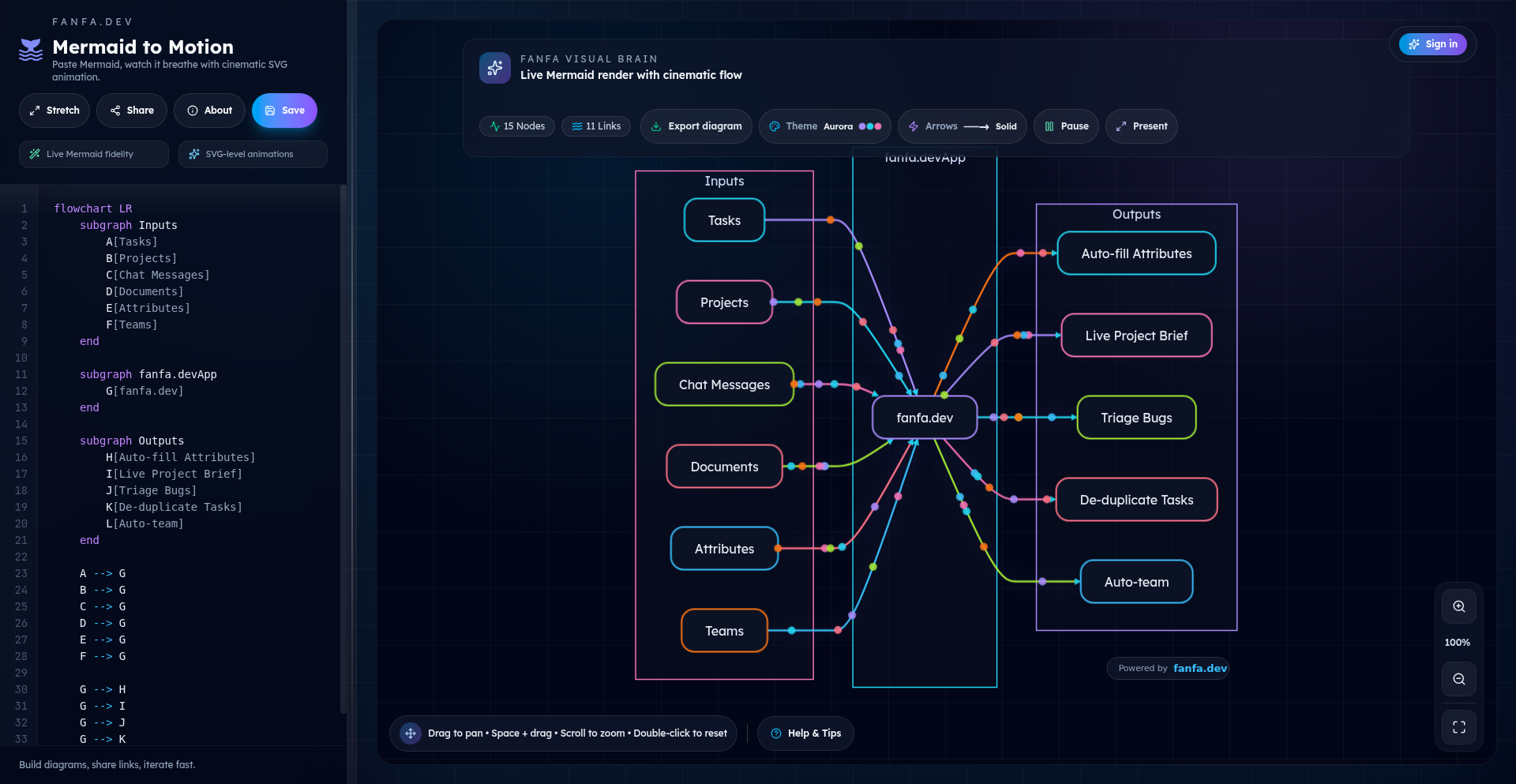
Author
bairess
Description
Fanfa is a Show HN project that brings Mermaid diagrams to life. It's a tool that takes standard Mermaid syntax, which describes diagrams in plain text, and renders them not just as static images, but as interactive and animated visualizations. This addresses the common challenge of static diagrams being hard to understand, especially for complex workflows or sequences, by allowing users to play through the diagram's steps dynamically.
Popularity
Points 2
Comments 0
What is this product?
Fanfa is a web-based application that leverages the power of text-based diagramming with Mermaid and enhances it with dynamic animations. Think of Mermaid as a way to describe a flowchart or sequence diagram using simple text commands. Fanfa takes that text, interprets it, and then generates an animation that walks you through the diagram's elements and their connections, step-by-step. The innovation lies in its ability to translate static descriptions into a living, breathing visual narrative. Instead of just seeing a diagram, you can 'play' it like a video, making it much easier to grasp the logic and flow of complex systems. This is particularly useful for explaining processes that evolve over time or have conditional paths.
How to use it?
Developers can integrate Fanfa into their documentation, presentations, or even their own web applications. You would typically write your diagram in Mermaid syntax, then feed that syntax into Fanfa. Fanfa will then provide an embeddable animated visualization that can be displayed on a webpage. For example, you could use it in a README file to illustrate a complex system architecture, or in a tutorial to demonstrate a step-by-step coding process. It makes abstract concepts concrete and easy to follow. The core idea is to enhance understanding by making diagrams interactive and illustrative.
Product Core Function
· Text-to-Animated Diagram Rendering: Translates Mermaid syntax into dynamic, playable animations. This allows users to visualize the construction and flow of diagrams, making complex logic easier to digest. The value is in making abstract diagrams understandable at a glance.
· Interactive Playback Controls: Provides standard playback controls (play, pause, seek) for navigating through the animated diagram. This empowers the user to control the pace of learning and revisit specific parts of the visualization, enhancing comprehension and reducing confusion.
· Embeddable Animations: Generates output that can be easily embedded into web pages, documentation, or presentations. This means you can seamlessly integrate dynamic visualizations into your existing content, making your explanations more engaging and effective.
· Mermaid Syntax Compatibility: Fully supports the standard Mermaid diagramming syntax. Developers can leverage their existing knowledge of Mermaid without needing to learn a new syntax for animation, maximizing efficiency and adoption.
Product Usage Case
· Explaining a complex API call sequence: A developer can create a sequence diagram using Mermaid and animate it with Fanfa to show how different services interact, step-by-step. This helps users understand the workflow without getting lost in static text descriptions, clarifying dependencies and error points.
· Visualizing a state machine in a UI component: For a developer building a UI with multiple states, Fanfa can animate a state diagram to demonstrate how the UI transitions between different states based on user actions. This makes it easier for other developers to understand the component's behavior and how to modify it.
· Illustrating a software deployment pipeline: In a technical blog post or documentation, a Fanfa animation can show the stages of a deployment pipeline, highlighting the actions at each step. This provides a clear, dynamic overview of the deployment process, making it easier for team members to grasp the overall workflow and potential bottlenecks.
49
In-Browser Avatar Weaver

Author
yong1024
Description
This project is a web-based avatar cropping tool that operates entirely within the user's browser, eliminating the need to upload sensitive images to a server. It focuses on privacy and speed by performing all image manipulation client-side. The tool can fetch images from URLs, apply filters, and even functions offline, offering a free, open-source solution without any registration requirements.
Popularity
Points 1
Comments 1
What is this product?
This is a privacy-focused avatar cropping application that runs completely in your web browser. Instead of sending your photos to a remote server for processing, all the image adjustments happen directly on your device. This means your personal images never leave your computer, offering enhanced privacy. The innovation lies in its client-side image processing capabilities, leveraging technologies like JavaScript and the Canvas API to achieve effects like cropping and filtering without requiring any server interaction. This approach is both secure and efficient, especially for handling personal images like avatars.
How to use it?
Developers can use this project by integrating its client-side JavaScript functionality into their own web applications. Imagine you're building a social media platform, a forum, or a gaming profile editor. Instead of creating a complex backend service to handle avatar uploads and cropping, you can leverage this tool to let users crop and style their avatars directly within your app. It can be integrated by including the project's JavaScript files and initializing the cropper component on an image element. Users would then be able to select an image, adjust the crop area, apply filters, and get a perfectly framed avatar ready for use, all without their data ever being sent away.
Product Core Function
· Client-side image cropping: Enables users to precisely select a portion of an image to use as their avatar, all processed locally to protect privacy.
· In-browser image fetching: Allows users to input a URL and have the image loaded directly into the cropper, simplifying the process of obtaining images without downloading them first.
· Filter application: Provides a range of visual filters that can be applied to avatars before cropping, allowing for stylistic customization without needing separate editing software.
· Offline functionality: Guarantees that the avatar cropping tool can be used even without an internet connection, offering a reliable solution for users in various environments.
· No server-side processing: Ensures maximum user privacy by performing all image manipulation directly in the user's browser, meaning sensitive photos are never uploaded or stored on external servers.
Product Usage Case
· A social media developer wants to allow users to set profile pictures directly from a provided URL, but needs to ensure the avatar is cropped to the correct aspect ratio for display. This tool can be integrated to fetch the image from the URL, present a cropping interface to the user, and then return the cropped image data for upload to their platform, all while keeping the initial image processing client-side.
· A game developer is building a character customization feature where players can upload their own avatar. To maintain user privacy and reduce server load, they can integrate this tool. Players can upload their image, use the browser-based cropper to perfectly frame their avatar, and then the cropped result is sent to the server for their game profile, avoiding the need for the game's servers to handle the raw image upload and cropping.
· A privacy-conscious online community wants to offer users a way to create avatars without them ever needing to send personal photos to the community's servers. This tool can be embedded, allowing users to select an image from their device or a URL, crop it, apply a filter for a unique look, and then generate the final avatar image that is then uploaded to the community, guaranteeing the original image never leaves the user's control.
50
Claude-Powered Adaptive Runner

Author
pless
Description
An AI-driven running trainer that dynamically adjusts your workout based on real-time weather conditions, built in 5 days. It leverages large language models to understand weather data and translate it into actionable training advice, offering a personalized and responsive fitness experience.
Popularity
Points 1
Comments 1
What is this product?
This project is an intelligent running coach that uses advanced AI, specifically a large language model like Claude, to create adaptive running plans. Instead of a static schedule, it monitors weather forecasts (e.g., temperature, rain, wind) and intelligently modifies your training session. For example, if it's unexpectedly cold or rainy, it might suggest a shorter run, an indoor alternative, or adjust the intensity. The core innovation lies in its ability to understand natural language weather descriptions and translate them into practical training recommendations, making your runs safer and more effective regardless of the elements. So, what's in it for you? It means your running plan is always relevant to your current environment, preventing overexertion or missed workouts due to unpredictable weather.
How to use it?
Developers can integrate this concept into their own fitness applications or personal tracking tools. The core idea involves using an API from a large language model (like Claude) to process weather data fetched from a weather service API. The developer would send a prompt to the LLM, describing the current weather conditions and the user's planned workout. The LLM then returns a modified workout suggestion. For instance, a developer could build a mobile app where users input their planned run, and the app automatically queries weather data and the LLM to provide an adjusted plan. This allows for seamless integration into existing fitness ecosystems. So, what's in it for you? You can build smarter fitness tools that react to the real world, offering users more value and a more personalized experience.
Product Core Function
· Weather-aware workout adaptation: Analyzes weather forecasts to dynamically adjust running plans, ensuring safety and optimal performance. The value is in providing context-aware training that prevents injury and maximizes effectiveness. This is useful for anyone who runs outdoors and wants their plan to make sense given the conditions.
· AI-powered training recommendations: Utilizes LLMs to interpret weather data and generate personalized, actionable coaching advice. The value is in delivering intelligent guidance that goes beyond simple metrics, offering a more human-like coaching experience. This is useful for users seeking more than just a list of exercises.
· Rapid prototyping of AI applications: Demonstrates the feasibility of building complex, adaptive features with LLMs in a short timeframe. The value is in showcasing how developers can quickly experiment with cutting-edge AI for practical problem-solving. This is useful for developers looking to innovate quickly and explore AI possibilities.
Product Usage Case
· A fitness app developer could use this to create a 'Rainy Day Run' feature. When a user plans an outdoor run and the forecast predicts rain, the app, powered by this concept, would automatically suggest a treadmill workout or a dynamic interval session indoors, explaining why the adjustment is beneficial. This solves the problem of users having to manually decide how to adapt their training when the weather turns bad.
· A personal trainer could build a dashboard that uses this logic to provide clients with daily weather-adjusted training prompts. If a client's outdoor run is planned but a heatwave is forecast, the system would automatically advise a shorter, less intense session or recommend hydration strategies. This solves the problem of trainers needing to constantly monitor and communicate weather-related changes to multiple clients.
· A hobbyist developer could create a personal running log enhanced with AI. Each logged run would automatically include notes on how the weather influenced the performance and any AI-generated recommendations for future runs, leading to a richer, more insightful training diary. This solves the problem of static training logs lacking contextual understanding of external factors.
51
ChronosFlow: Multi-Project Time Timeline

Author
alexii05
Description
A visual, horizontal timeline that precisely tracks hours spent across multiple clients and tasks. Its core innovation lies in offering a sortable and exportable view of your work-life allocation, solving the problem of opaque time management and enabling better project costing and personal productivity insights. This project embodies the hacker spirit by using code to bring clarity and control to the often-elusive concept of time.
Popularity
Points 1
Comments 1
What is this product?
This is a multi-project time tracking application that presents your work hours as a horizontal timeline. Instead of just logging entries, it visually maps your time allocation across different clients and specific tasks. The key technical insight is leveraging a graphical representation to make complex time distribution immediately understandable. This approach goes beyond simple list-based tracking by providing a spatial and chronological overview, allowing users to quickly spot patterns, identify time sinks, and visualize their productivity flow. So, what's the value to you? It provides an intuitive, visual dashboard that helps you understand exactly where your time is going, making it easier to manage your workload and identify areas for improvement.
How to use it?
Developers can integrate ChronosFlow into their workflow by inputting time entries associated with specific clients and tasks. The application's backend likely uses a robust data structure to store these entries, allowing for efficient retrieval and rendering onto the timeline. The 'sortable' aspect implies frontend logic that allows users to reorder the timeline based on various criteria (e.g., by client, by task, by date). The 'exportable' feature suggests a data export mechanism, possibly to CSV or JSON, for further analysis or integration with other tools. Common integration points could be via API calls to log time or by using a provided UI for manual input. So, what's the value to you? You can plug your existing time logging habits into a system that provides immediate, actionable visual feedback, and easily share detailed time breakdowns with clients or for internal reporting.
Product Core Function
· Visual Timeline Rendering: Displays time spent as segments on a horizontal axis, providing an intuitive visual overview of work distribution. Its value is in making complex time allocation easily digestible at a glance, aiding in identifying where time is being spent across various projects and clients.
· Multi-Project/Client Support: Allows for distinct categorization of time entries by client and task, enabling granular tracking and analysis. This is valuable for freelancers and agencies needing to accurately bill clients or analyze project profitability.
· Sortable Data View: Enables users to dynamically reorder the timeline or associated data based on different criteria (e.g., by project, by date, by total hours). This provides flexibility in analyzing time data and extracting specific insights, crucial for optimizing workflows and identifying areas of high activity.
· Data Export Functionality: Allows users to export their tracked time data in various formats (e.g., CSV, JSON). This is valuable for further analysis in spreadsheets, integration with accounting software, or creating detailed reports for clients, ensuring transparency and comprehensive data management.
Product Usage Case
· A freelance developer can use ChronosFlow to track hours spent on different client projects. By visualizing their week on the timeline, they can see if they are over-allocating time to one client and under-allocating to another, helping them to balance their workload and ensure fair billing. This solves the problem of losing track of billable hours and mismanaging client expectations.
· A small agency can use ChronosFlow to monitor time spent by team members on various internal and external projects. This provides insights into team productivity, identifies potential bottlenecks in project execution, and helps in more accurate project estimation for future bids. It addresses the challenge of understanding team capacity and resource allocation.
· An individual developer experimenting with side projects can use ChronosFlow to understand how much time they are dedicating to each personal endeavor. This helps in prioritizing tasks, maintaining motivation by seeing tangible progress, and deciding where to focus their limited free time. It solves the problem of scattered focus on multiple passion projects.
52
FinOps Explorer

Author
articsputnik
Description
An open-source FinOps platform for AWS and GCP cost analytics, leveraging ClickHouse for high-performance data storage and Rill for interactive dashboarding. It addresses the challenge of complex cloud cost management by providing transparent, real-time insights into spending patterns, enabling proactive optimization and waste reduction.
Popularity
Points 2
Comments 0
What is this product?
This project is an open-source FinOps (Financial Operations) platform designed to help businesses understand and manage their cloud spending on AWS and GCP. The core innovation lies in its architecture: it uses ClickHouse, a lightning-fast analytical database, to store and query massive amounts of cost data, and Rill, a tool for building real-time interactive dashboards, to visualize this data. This combination allows for rapid exploration of cost trends, anomaly detection, and cost allocation, something often difficult with traditional cloud provider tools. So, what's in it for you? It means you can see exactly where your cloud money is going, find cost savings opportunities you might have missed, and make smarter decisions about your cloud infrastructure.
How to use it?
Developers can integrate FinOps Explorer into their existing cloud infrastructure by setting up data pipelines to ingest cost and usage data from AWS Cost and Usage Reports or GCP Billing Export into the ClickHouse database. Once the data is in ClickHouse, Rill can be configured to connect to it, enabling the creation of custom dashboards. These dashboards can be embedded into internal applications or accessed directly. Typical use cases include creating reports that break down costs by service, team, project, or tag, identifying underutilized resources, and forecasting future spending. So, what's in it for you? You can build custom reports tailored to your organization's specific needs and monitor your cloud costs in a way that directly supports your business objectives.
Product Core Function
· High-performance cloud cost data ingestion and storage using ClickHouse: This allows for rapid querying and analysis of large datasets, enabling quick identification of spending trends and anomalies. So, what's in it for you? Faster insights into your cloud spend, leading to quicker cost optimization.
· Interactive cloud cost analytics dashboards powered by Rill: Provides real-time visualization of cost data, allowing for intuitive exploration of spending patterns and resource utilization. So, what's in it for you? An easy-to-understand view of your cloud costs, making it simple to spot inefficiencies.
· Cross-cloud cost visibility for AWS and GCP: Consolidates cost data from multiple cloud providers into a single pane of glass for unified reporting and analysis. So, what's in it for you? A holistic view of your cloud spending, regardless of where your resources are deployed.
· Customizable cost allocation and reporting: Enables users to define their own metrics and dimensions for breaking down costs, facilitating chargeback and showback mechanisms. So, what's in it for you? The ability to accurately assign cloud costs to specific teams or projects, improving financial accountability.
Product Usage Case
· A startup experiencing rapid growth wants to understand which services are driving their AWS bill. By connecting FinOps Explorer to their AWS cost data, they can create a dashboard showing daily spend per service, quickly identifying a spike in data transfer costs. This leads them to optimize their data routing and save 15% on their monthly bill. So, what's in it for you? You can quickly pinpoint expensive services and take action to reduce costs.
· A development team needs to track the cost impact of new features deployed on GCP. They set up FinOps Explorer to tag resources by feature and use Rill to visualize the cost delta associated with each new deployment. This helps them make data-driven decisions about feature prioritization based on their cost-effectiveness. So, what's in it for you? You can understand the financial implications of your development efforts in real-time.
· A large enterprise aims to implement chargeback for their cloud resources. FinOps Explorer allows them to ingest and tag costs according to their internal organizational structure, generating reports that accurately attribute cloud spend to different departments. This fosters greater cost ownership and accountability. So, what's in it for you? You can fairly and accurately bill back cloud costs to the departments that consume them.
53
TypMo: Wireframe-to-Prompt DSL

Author
aditgupta
Description
TypMo is a tool that bridges the gap between visual wireframing and AI prompt engineering. It translates IA-style wireframes into a lightweight Domain Specific Language (DSL), making it easier to iterate on prompt structures and generate production-ready AI prompts. This tackles the common design challenge of defining clear intent early to avoid significant rework later.
Popularity
Points 2
Comments 0
What is this product?
TypMo is an experimental tool that allows designers and developers to create structured wireframes using a markdown-like syntax, which it then translates into a custom DSL. This DSL represents the structural elements and relationships of a wireframe, making it easy to define complex prompts for AI. The core innovation lies in its ability to formalize the abstract idea of a wireframe into a machine-readable format, enabling more precise AI interactions by pre-defining the intended structure.
How to use it?
Developers can use TypMo by defining their wireframes using its markdown-like syntax. These wireframes act as blueprints for AI interactions. Once defined, TypMo converts this into its DSL, which can then be used to generate detailed and accurate prompts for AI models. This is particularly useful when you need to guide an AI to produce specific outputs that follow a certain visual or structural logic, saving time and reducing guesswork.
Product Core Function
· Wireframe definition via markdown: Allows for rapid, text-based creation and iteration of wireframe concepts, which is faster than traditional visual tools for initial ideation. This helps clarify your intent before committing to a complex prompt.
· DSL generation for structured prompts: Converts wireframe structures into a formal language, enabling precise control over AI outputs. This means you get AI-generated content that is closer to your desired structure from the start, minimizing post-generation editing.
· Prompt pre-computation and refinement: Facilitates the iterative process of refining AI prompts by first solidifying the structural requirements through wireframing. This reduces the trial-and-error involved in prompt engineering, leading to more predictable results.
Product Usage Case
· Generating structured landing page copy: A designer can use TypMo to wireframe the layout of a landing page, specifying sections like 'Hero', 'Features', and 'Call to Action'. TypMo translates this into a DSL that can guide an AI to generate compelling copy tailored to each section's purpose, ensuring the overall message flows logically.
· Building AI-powered content creation workflows: A developer can integrate TypMo into a content generation pipeline. By defining the desired structure of an article or blog post as a wireframe, TypMo generates a DSL that an AI can use to produce content with a pre-defined outline and flow, significantly speeding up content production.
· Designing AI-driven user interfaces: For applications that dynamically generate UI elements based on AI, TypMo can be used to define the intended UI structure. This DSL output can then instruct the AI on how to arrange components, thus ensuring consistency and adherence to design principles.
54
ChronoSnowViz: Interactive 3D Christmas Probability Mapper

Author
stlattack
Description
This project is a 3D visualization tool built with React and Mapbox that dynamically generates and displays a probability map for a White Christmas. It leverages real-time weather data and geographical information to predict the likelihood of snowfall in different locations, offering a unique and engaging way to understand weather patterns. The core innovation lies in the interactive 3D rendering and the sophisticated data processing pipeline that translates complex meteorological data into an intuitive visual representation.
Popularity
Points 1
Comments 1
What is this product?
This project is an interactive 3D map that visualizes the probability of experiencing a White Christmas (snowfall on Christmas Day). It uses web technologies like React for the user interface and Mapbox for the mapping and 3D rendering capabilities. The underlying technology involves fetching and processing historical weather data, current weather forecasts, and topographical information. It then applies statistical models to calculate the probability of snow reaching a certain depth at specific locations on December 25th. The innovation is in making this complex data accessible and understandable through an engaging 3D visual experience. So, what's in it for you? It offers a novel way to explore and understand weather predictions in a visually compelling manner, going beyond traditional 2D maps.
How to use it?
Developers can use this project as a foundation for building their own interactive data visualization applications. It can be integrated into weather forecasting websites, educational platforms for meteorology students, or even as a feature in a holiday-themed application. The React frontend allows for easy customization of the UI, while Mapbox provides robust tools for handling geographical data and 3D scene manipulation. You can extend it by incorporating different weather parameters, timeframes, or geographical regions. So, how can you use it? You can embed this visualization onto your own website to provide users with unique weather insights, or fork the project to experiment with advanced geospatial data rendering for your specific needs.
Product Core Function
· Interactive 3D Map Rendering: Utilizes Mapbox GL JS to display a 3D globe with customizable terrain and data layers, providing an immersive visualization experience. This allows users to explore geographical areas from any angle, enhancing spatial understanding of weather phenomena.
· Probability Calculation Engine: Implements algorithms to process weather data (historical and forecast) and generate probability scores for snowfall, offering data-driven insights. This core function translates raw data into actionable intelligence about the likelihood of specific weather events.
· Real-time Data Integration: Connects to external weather APIs to fetch up-to-date meteorological information, ensuring the accuracy and relevance of the probability maps. This ensures the visualization reflects the most current weather conditions and predictions.
· User-friendly Interface: Built with React, enabling intuitive user interactions such as zooming, panning, and querying specific locations for detailed probability information. This makes complex data easily accessible and explorable for a broad audience.
· Geographical Data Overlay: Overlays calculated probabilities onto a geographical map, visually representing areas with higher or lower chances of a White Christmas. This visual encoding makes it easy to grasp patterns and compare different regions at a glance.
Product Usage Case
· A weather news website could embed this tool to provide a captivating and informative segment on Christmas weather predictions, allowing users to see snowfall probabilities for their city or a desired holiday destination. This solves the problem of dry, text-heavy weather reports by offering a visual and engaging alternative.
· An educational platform for geography or meteorology students could use this project to demonstrate how weather data is processed and visualized, helping them understand complex concepts in a practical and interactive way. This addresses the challenge of making abstract scientific concepts tangible and relatable.
· A travel agency specializing in winter holidays could integrate this map to highlight destinations with a high probability of snow, helping customers make informed booking decisions. This solves the user's need for quick, visual information to aid in travel planning.
· A developer could fork this project and adapt it to visualize the probability of other weather events, like hurricanes or heatwaves, for different regions and timeframes, creating tailored data visualization tools for specific industries. This showcases the versatility of the underlying technology for diverse data visualization challenges.
55
Dialog AI Broker

Author
rothblatt
Description
Dialog is a novel platform that bridges the gap between AI assistants and actual investment execution. It acts as a remote 'Master Control Program' (MCP) server, allowing users to perform investment research and place orders directly within AI chat interfaces like ChatGPT and Claude. This innovation transforms complex financial tasks into simple conversational commands, making investing more accessible and efficient.
Popularity
Points 2
Comments 0
What is this product?
Dialog is a service that connects your AI assistants (like ChatGPT or Claude) to a brokerage account, enabling you to invest by simply talking to the AI. It functions as a secure intermediary, translating your spoken or typed investment instructions into real-world trades. The core innovation lies in using the conversational interface of advanced AI models as the primary user experience for managing investments, moving beyond traditional app interfaces. So, what's the value? It means you can manage your money and make investment decisions through natural language conversation, which is significantly faster and more intuitive for many people than navigating complex financial apps.
How to use it?
Developers can integrate Dialog by connecting their AI assistant accounts (which require a paid subscription for external connectors) to the Dialog platform. Once connected, users can initiate investment actions through their AI assistant by providing instructions in plain English. For instance, you can ask the AI to build a diversified portfolio based on specific criteria or to execute trades. Dialog then processes these requests and interacts with financial markets on your behalf. The platform is designed for ease of use, aiming to make sophisticated investment actions as simple as having a conversation. This means developers can leverage AI's power to streamline financial workflows for themselves or their users.
Product Core Function
· AI-driven investment research: Users can ask AI assistants to analyze market trends or specific investment opportunities, and Dialog facilitates this by accessing relevant financial data. This offers a proactive and intelligent way to gather insights for investment decisions.
· Conversational order placement: Users can instruct their AI assistant to buy or sell stocks, ETFs, or other assets using natural language, and Dialog executes these commands. This drastically simplifies the trading process, making it accessible to anyone who can chat.
· Portfolio construction via dialogue: Users can describe their desired portfolio allocation (e.g., percentage in index funds, specific sectors, or individual stocks) to the AI, and Dialog helps build and manage it. This enables personalized investment strategies without needing deep financial expertise.
· Remote MCP server for AI assistants: Dialog acts as a secure gateway, allowing AI models to interact with external financial systems. This is the foundational technology that enables the AI to perform actions, not just provide information.
· Commission-free and fee-free investing: The service aims to provide investment execution without additional brokerage fees or management charges, directly reducing the cost of investing for users. This directly translates to more of your money working for you.
Product Usage Case
· Imagine you're on your phone and want to invest $1,000 a month into a portfolio that's 70% long-term index funds, 20% in commodities like water and gold, and 10% in promising AI stocks. Instead of opening multiple apps, logging in, and manually setting up orders, you can simply tell your AI assistant, 'Help me build a portfolio for $1,000 a month with these allocations and invest it.' Dialog makes this possible by translating your request into actual trades.
· A developer could use Dialog to build a custom financial dashboard where users can manage their investments through a chatbot interface integrated into their existing application. This solves the problem of needing to develop a complex trading interface from scratch, leveraging AI for user interaction.
· For individuals who find traditional brokerage platforms intimidating, Dialog offers a user-friendly alternative. They can simply ask their AI, 'What are some good ETFs for long-term growth?' or 'How can I diversify my investments?' and receive actionable recommendations that can be executed immediately. This democratizes access to investing.
56
VoiceCal Agent

Author
Rostik312
Description
A voice-controlled agent that allows you to manage your Google Calendar entirely through spoken commands, leveraging OpenAI's Agents SDK and the Google Calendar API to read, create, edit, and delete events. It offers a more nuanced and reliable voice interaction for calendar management compared to generic assistants, focusing on direct manipulation of your schedule without attempting to auto-rearrange it.
Popularity
Points 1
Comments 1
What is this product?
VoiceCal Agent is a sophisticated voice assistant designed specifically for interacting with your Google Calendar. Unlike simpler voice commands that can misinterpret accents or require precise phrasing, this agent uses advanced natural language processing (NLP) from OpenAI's Agents SDK. This allows it to understand a wide range of calendar-related requests, from scheduling new events with specific details (like time, date, and attendees) to modifying existing ones, deleting appointments, and even querying your schedule for future events. The core innovation lies in its ability to directly interface with the Google Calendar API, giving it full read, create, edit, and delete permissions. This means it's not just understanding your words; it's actually performing actions within your calendar. It's built on the principle of providing precise control and a robust way to manage your time, especially for individuals whose accents might pose challenges for other voice assistants.
How to use it?
To use VoiceCal Agent, you first need to authenticate by signing in and granting it access to your Google Calendar. Once connected, you can start issuing voice commands. The agent is designed to understand natural spoken language for various calendar operations. For example, you can say: "Schedule a meeting with John tomorrow at 10 AM," or "Move my doctor's appointment to next Tuesday at 3 PM." You can also inquire about your schedule by asking, "What appointments do I have this afternoon?" or "Do I have anything planned for Friday?" The agent can also handle deletions, such as "Cancel my 10 AM meeting with John." A key feature is the ability to revert the last action, which is incredibly useful if a command was misunderstood or if you change your mind, simply by saying, "Revert the last change." The agent is designed for seamless integration into your daily workflow, allowing for hands-free calendar management.
Product Core Function
· Voice-based event creation: Enables users to create new calendar events by speaking details like event title, date, time, and attendees, offering a quick and intuitive way to log appointments without typing.
· Voice-based event modification: Allows users to reschedule or change details of existing events through voice commands, providing flexibility and ease of updating their schedule on the fly.
· Voice-based event deletion: Facilitates the removal of calendar events using voice commands, simplifying the process of canceling appointments or removing outdated entries.
· Voice-based schedule querying: Lets users ask about their upcoming schedule by voice, making it easy to get a quick overview of their day, week, or specific time slots without needing to open the calendar app.
· Revert last action: Provides a critical undo function for calendar changes made through the agent, offering a safety net against misinterpretations and ensuring users can easily correct any unintended actions.
Product Usage Case
· A busy professional who is often on the go can use VoiceCal Agent to quickly schedule meetings during commutes or while in transit, ensuring their calendar is up-to-date without needing to find a keyboard.
· An individual with a strong accent that other voice assistants struggle to understand can now reliably manage their Google Calendar, overcoming previous limitations and gaining independence in their scheduling.
· A user who prefers a minimalist approach and wants to avoid complex calendar apps can use VoiceCal Agent for straightforward, voice-driven calendar management, focusing on direct action rather than feature-rich interfaces.
· Someone who wants to quickly check their availability for a spontaneous meeting can ask VoiceCal Agent "What do I have free this afternoon?" and get an immediate verbal response, streamlining collaborative planning.
57
SemanticHeat

Author
saretup
Description
SemanticHeat is a game-changer in word guessing, leveraging an LLM-powered semantic distance system to provide nuanced feedback on player guesses. It tackles the challenge of imprecise word association by quantifying how 'close' a guess is to a hidden word, offering a multilingual experience and daily challenges.
Popularity
Points 2
Comments 0
What is this product?
SemanticHeat is a word-guessing game with a twist. Instead of just right or wrong, it uses a Large Language Model (LLM) to understand the meaning of words. When you guess a word, the LLM calculates a 'semantic distance' – essentially, how close your guess's meaning is to the hidden word's meaning. This isn't just about letters matching, but about conceptual similarity. The innovation lies in using the LLM's deep understanding of language to create a more intelligent and engaging feedback system, offering a score and a hint to guide players. This means you get a score based on meaning, not just a simple yes/no. So, what's the value? It offers a more sophisticated way to explore language and word relationships, making learning and practice more intuitive.
How to use it?
Developers can integrate SemanticHeat's core logic into various applications. For instance, it can power educational tools for language learning, vocabulary builders, or even creative writing assistants. The LLM-based scoring mechanism can be exposed as an API, allowing developers to pass in a target word and a guessed word, receiving back a semantic score and a hint. This could be used in chat bots for interactive quizzes, in game development for unique clue systems, or in any scenario requiring intelligent feedback on word relationships. The multilingual aspect means it can be adapted for global audiences. So, how does this benefit developers? It provides a ready-made, AI-driven solution for evaluating word similarity and generating contextually relevant hints, saving significant development time and enabling richer user experiences.
Product Core Function
· LLM-powered semantic distance scoring: Calculates a numerical score representing the meaning-based proximity between a guessed word and a target word, offering a more granular feedback than traditional methods. This is valuable for understanding nuanced word relationships and improving language comprehension.
· AI-generated hints: Provides directional clues based on the semantic analysis to guide the player towards the correct word, reducing frustration and accelerating the learning process. This is useful for making games more engaging and educational tools more effective.
· Multilingual support: Enables the game and its feedback mechanisms to function across different languages, broadening its accessibility and appeal. This is crucial for global product development and reaching diverse user bases.
· Daily word challenges: Offers a fresh set of words and targets each day, encouraging consistent engagement and habit formation. This is a common pattern for retention in many successful applications and games.
Product Usage Case
· Language learning app: A developer could use SemanticHeat to build a vocabulary practice module where users guess words. The LLM score would tell them how close their guess is in meaning, and the hint would guide them if they are far off, making learning more interactive and effective.
· Creative writing tool: Integrate SemanticHeat to help writers find synonyms or related concepts. By guessing words, users can get feedback on how semantically similar their guesses are to a target idea, aiding in word choice and idea generation.
· Interactive game development: Use SemanticHeat as the backend for a word puzzle game. The AI's ability to understand meaning can create more intelligent and challenging puzzles, moving beyond simple anagrams or letter-matching games.
· Educational quiz platform: Build a quiz where the AI judges the semantic closeness of an answer to the correct one, even if the user doesn't type the exact word. This is useful for assessing understanding rather than rote memorization.
58
LLM Capitalist

Author
rallies
Description
This project explores the novel application of Large Language Models (LLMs) in financial market investment. It's an experimental platform where LLMs are endowed with a hypothetical capital and tasked with making investment decisions, showcasing a new frontier in AI-driven financial strategies and exploring the decision-making capabilities of AI in complex, high-stakes environments.
Popularity
Points 1
Comments 1
What is this product?
LLM Capitalist is an experimental framework that allows Large Language Models to engage in simulated financial market trading with assigned capital. The core innovation lies in treating LLMs as autonomous agents capable of analyzing market data, formulating investment hypotheses, and executing trades based on their understanding and prediction capabilities. This goes beyond traditional algorithmic trading by leveraging the generative and reasoning abilities of LLMs to potentially discover novel investment strategies or identify market inefficiencies that rule-based systems might miss. The value for the tech community lies in understanding and pushing the boundaries of AI's economic reasoning and decision-making.
How to use it?
Developers can integrate LLM Capitalist into their research pipelines to test different LLM architectures, prompt engineering techniques, or fine-tuning strategies for financial applications. It can be used as a sandbox for developing and evaluating AI agents that can operate in dynamic economic systems. The usage scenario involves setting up an environment where an LLM is provided with market data feeds (e.g., stock prices, news sentiment), a trading API (simulated or real), and a defined capital. The LLM then generates buy/sell signals or strategic directives, which are executed within the simulation. This allows for iterative testing and refinement of AI-driven investment approaches.
Product Core Function
· LLM-driven Investment Strategy Generation: Enables LLMs to formulate unique investment theses and trading plans based on market analysis, offering a new paradigm for algorithmic trading by harnessing AI's creative problem-solving. This helps in discovering potentially more adaptive and nuanced investment approaches.
· Simulated Financial Market Environment: Provides a safe, controlled space for LLMs to practice trading and investment without real-world financial risk, allowing developers to test AI performance and robustness in dynamic economic scenarios. This is crucial for validating AI strategies before any real deployment.
· Capital Management and P&L Tracking: Implements mechanisms for assigning and managing hypothetical capital for the LLM, along with tracking its performance (profit and loss). This is essential for quantitatively evaluating the effectiveness and economic viability of the AI's investment decisions.
· Data Integration and Analysis Module: Facilitates the ingestion and processing of various financial data sources, enabling LLMs to perform complex data analysis and derive actionable insights for investment. This empowers AI to make more informed decisions by leveraging comprehensive market intelligence.
Product Usage Case
· A hedge fund developer could use LLM Capitalist to explore if a fine-tuned LLM can identify early trends in emerging tech stocks that traditional indicators overlook, by simulating its trading performance against historical data. This solves the problem of finding hidden alpha in nascent markets.
· A quantitative analyst might employ LLM Capitalist to test an LLM's ability to interpret geopolitical news sentiment and translate it into short-term trading signals for currency markets. This addresses the challenge of rapidly reacting to and capitalizing on news-driven volatility.
· A researcher focusing on AI ethics in finance could use LLM Capitalist to investigate the potential biases or systematic errors an LLM might develop when making investment decisions under pressure, providing insights for building more responsible AI financial tools.
· An individual investor interested in AI could use LLM Capitalist to understand how advanced AI models might approach portfolio management, by running simulations and observing the LLM's rationale and performance, demystifying AI investment strategies.
59
GOON: Enhanced Text Generation Orchestrator
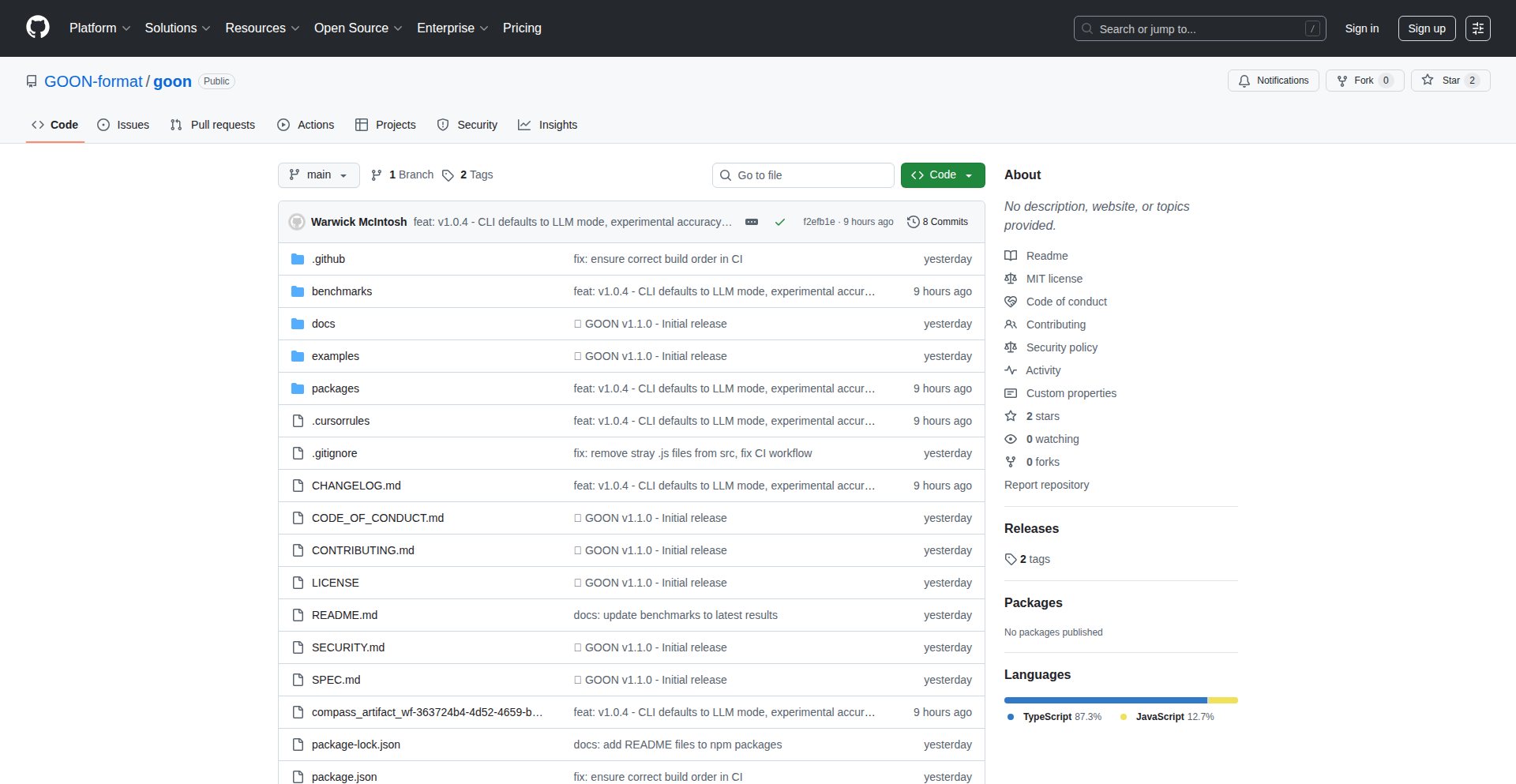
Author
productiongrad
Description
GOON is a powerful and flexible system designed to go beyond the capabilities of traditional text generation models like TOON. It addresses the limitations of single-model approaches by intelligently orchestrating multiple language models to achieve more nuanced, context-aware, and creative text outputs. The core innovation lies in its ability to dynamically select and combine different AI models based on the specific task and desired outcome, effectively creating a 'super-model' that leverages the strengths of each individual component. This offers a significant leap in handling complex generation challenges, making AI-generated text more reliable and sophisticated.
Popularity
Points 2
Comments 0
What is this product?
GOON is an advanced text generation system that acts as a conductor for various AI language models. Instead of relying on one AI to generate text, GOON can intelligently use several specialized AIs, like a symphony orchestra using different instruments to create a richer sound. For example, one AI might be great at creative writing, another at factual summarization, and a third at code generation. GOON analyzes the request and decides which AI(s) to use, and how to combine their outputs to achieve the best result. This is a significant technical innovation because it tackles the inherent weaknesses of any single AI model by creating a cooperative system that's more powerful than the sum of its parts.
How to use it?
Developers can integrate GOON into their applications to power sophisticated text generation features. This could involve building AI-powered content creation tools, advanced chatbots that can handle more complex dialogues, or systems that automatically generate reports or code snippets. GOON's flexibility means it can be adapted to a wide range of needs. For instance, a developer could use GOON to generate marketing copy by first having one model brainstorm ideas and then another model refine those ideas into compelling text. The integration typically involves making API calls to GOON, specifying the type of text needed, and potentially providing context or examples.
Product Core Function
· Intelligent Model Orchestration: GOON dynamically selects and sequences AI models based on task requirements, ensuring optimal performance and output quality. This is valuable for developers because it means they don't have to become experts in every single AI model; GOON handles the complexity of choosing the right tool for the job, leading to more robust and sophisticated AI features in their applications.
· Multi-Model Synergy: By combining the strengths of diverse language models, GOON can generate text that is more creative, accurate, and contextually relevant than single-model approaches. For developers, this translates to higher quality AI outputs, which is crucial for user-facing applications where text quality directly impacts user experience and trust.
· Task-Specific Optimization: GOON can be configured to excel at specific text generation tasks, such as creative writing, technical documentation, code generation, or summarization. This offers developers the ability to fine-tune AI capabilities for their particular use cases, maximizing efficiency and relevance, and saving development time by providing specialized AI power out-of-the-box.
· Hierarchical Generation Chains: GOON supports building complex generation pipelines where the output of one model can serve as the input for another, allowing for multi-stage refinement and complex content creation. This is beneficial for developers who need to build intricate AI workflows, enabling them to construct sophisticated content generation processes that would be difficult or impossible with simpler tools.
Product Usage Case
· A content marketing platform could use GOON to generate blog posts. First, one model might brainstorm topic ideas and outline the post, then another model could write the body content, and a third model could refine the tone and add calls to action. This solves the problem of generating varied and engaging content efficiently.
· A developer building an AI assistant for customer support could use GOON to handle complex queries. If a user asks a question that requires understanding technical jargon and providing a step-by-step solution, GOON can orchestrate models specialized in technical knowledge and instruction generation to provide a comprehensive and accurate answer, improving customer satisfaction.
· A game development studio might employ GOON to generate in-game dialogue or lore. By chaining models, one could generate character backstories, another could create dialogue based on those backstories and current game events, and a final model could ensure stylistic consistency across the narrative. This addresses the challenge of creating rich, believable game worlds at scale.
· A software development team could leverage GOON for code documentation. One model might analyze the code and generate initial descriptions of functions, while another model could translate these descriptions into different programming languages or add usage examples. This streamlines the often tedious process of writing and maintaining documentation.
60
ogBlocks: Animated UI Forge

Author
karanzkk
Description
ogBlocks is a React UI library that simplifies creating stunning, animated user interfaces. It addresses the common developer frustration with tedious CSS work by providing pre-built, premium-looking animated components. This library empowers developers, regardless of their CSS expertise, to quickly integrate sophisticated animations and achieve a high-quality user experience, making their projects stand out.
Popularity
Points 2
Comments 0
What is this product?
ogBlocks is a collection of pre-designed, animated UI components specifically for React applications. Instead of manually writing complex CSS and JavaScript to create animations like sliding menus, interactive buttons, or dynamic carousels, developers can simply import and use these components. The innovation lies in abstracting away the intricate animation logic and styling, allowing developers to focus on functionality while still achieving a polished, premium look and feel. This saves significant development time and effort, especially for those who find traditional UI development cumbersome.
How to use it?
Developers can integrate ogBlocks into their React projects by installing it via npm or yarn. Once installed, they can import specific animated components (e.g., `AnimatedNavbar`, `Modal`, `HeroSection`) directly into their React components. Each component can be customized with props to adjust its behavior, appearance, and animation speed. This allows for seamless integration into existing or new projects without requiring extensive knowledge of CSS animations or JavaScript animation libraries. It's like plugging in a professionally designed, animated feature into your application.
Product Core Function
· Pre-built Animated Navbars: Offers a variety of animated navigation bars that enhance user engagement with smooth transitions and interactive elements. This saves developers from building complex menu animations from scratch.
· Animated Modals: Provides dynamic modal windows with attractive entrance and exit animations, improving the user experience when displaying important information or forms. This avoids the need for custom modal animation logic.
· Interactive Animated Buttons: Includes buttons with hover effects, click animations, and other visual feedback that make interfaces more engaging and responsive. This adds a layer of polish that would otherwise require significant styling effort.
· Dynamic Feature Sections: Offers visually appealing sections with animations that highlight key features of a product or service, making the content more captivating. This simplifies the creation of engaging content presentation.
· Animated Carousels: Delivers smooth and animated image or content carousels for showcasing portfolios, testimonials, or product galleries. This removes the complexity of building custom carousel animations.
· Text Animations: Provides various text animation effects to draw attention to headlines or important text elements, improving content readability and visual appeal. This allows for creative text presentation without complex scripting.
Product Usage Case
· A startup launching a new web application needs to quickly build a professional-looking landing page. Instead of spending days on CSS animations for the hero section and feature highlights, they can use ogBlocks' animated components to create a visually engaging page in a matter of hours, impressing potential users with a polished and dynamic presentation.
· A freelance developer is working on a client's e-commerce site and needs to implement a sophisticated product gallery with smooth transitions. Using ogBlocks' animated carousel, they can quickly integrate a high-quality, responsive carousel without needing to write complex JavaScript or CSS, saving time and ensuring a premium user experience for online shoppers.
· A frontend engineer is tasked with adding interactive elements to a dashboard. They can utilize ogBlocks' animated buttons and modals to provide immediate visual feedback to user actions, making the dashboard feel more responsive and intuitive. This avoids the need to craft custom animation logic for every interactive element, streamlining the development process.
61
Claude-Ping: WhatsApp Code Runtime Bridge
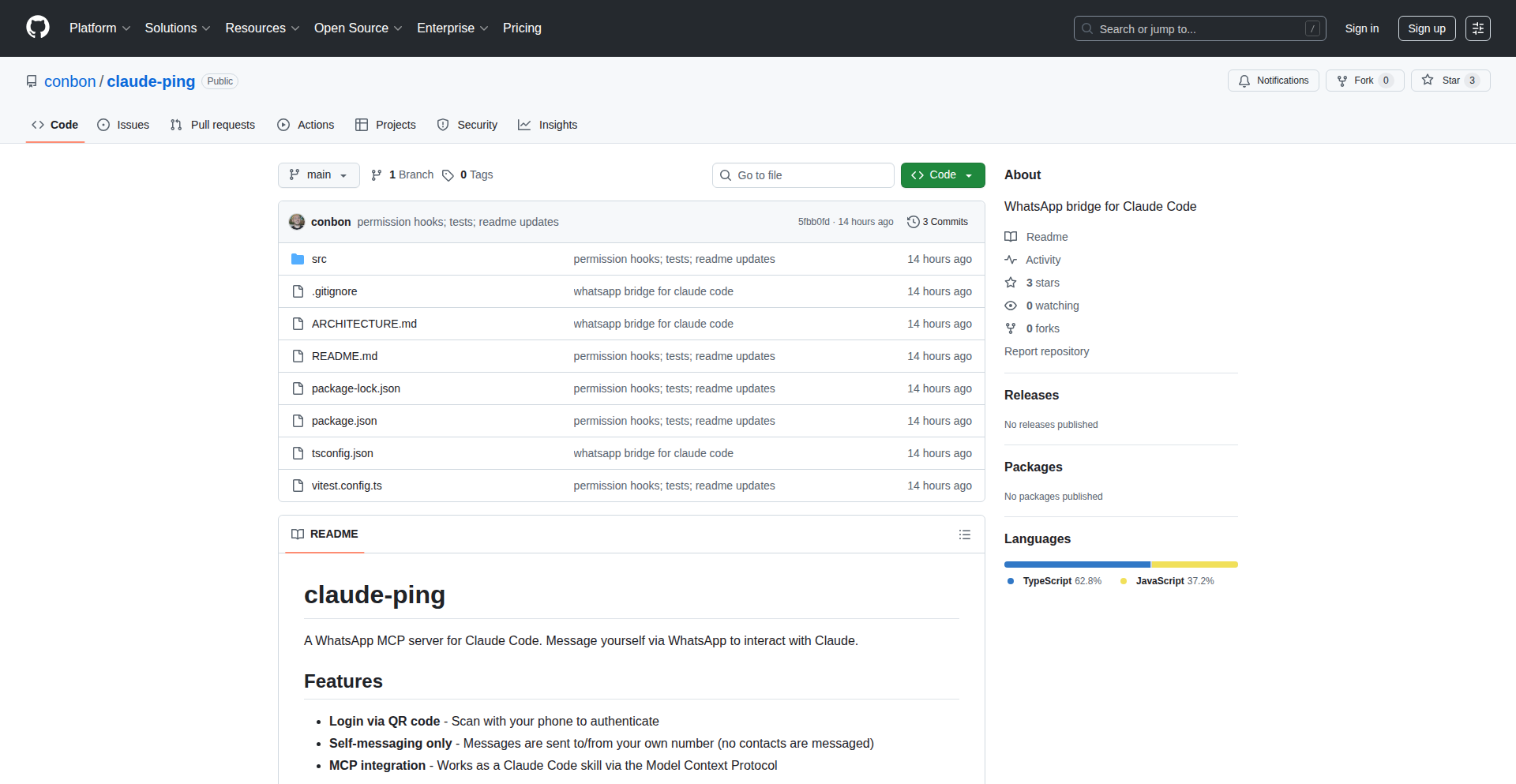
Author
conbon_
Description
Claude-Ping is an experimental WhatsApp bridge designed to monitor the execution of Claude code projects on a user's laptop. It offers an innovative permission hook that allows proxying permission requests through the WhatsApp bridge, ensuring a streamlined and secure way to track code progress and receive real-time updates. This offers a unique solution for developers who need to stay informed about their background code processes without constant direct monitoring.
Popularity
Points 2
Comments 0
What is this product?
Claude-Ping is a novel tool that acts as a communication channel between your local code execution environment (specifically for Claude code projects) and your WhatsApp. The core innovation lies in its 'permission hook,' which intelligently intercepts and forwards permission requests from your code to you via WhatsApp. This means you don't have to constantly switch contexts to approve or deny requests; the bridge handles it for you. Essentially, it's like having a silent guardian for your code that alerts you only when necessary, all through a familiar messaging app.
How to use it?
Developers can integrate Claude-Ping into their workflow by setting it up to monitor specific Claude code projects running on their laptop. Once configured, the bridge will automatically send notifications to a designated personal WhatsApp channel. This could involve running the Claude-Ping service alongside their code. When a permission request arises from the code (e.g., accessing a file or network resource), Claude-Ping intercepts it and sends a prompt via WhatsApp. The developer can then approve or deny this request directly from WhatsApp, and Claude-Ping relays the decision back to the code. This provides a non-intrusive way to manage code permissions and track execution status.
Product Core Function
· Real-time code project status updates via WhatsApp: This feature allows developers to receive instant notifications on their WhatsApp about the progress or completion of their Claude code projects. This is valuable because it enables them to stay informed without actively monitoring their development environment, freeing up mental bandwidth for more critical tasks.
· Experimental permission request proxying: This allows for the seamless forwarding of permission requests originating from the code to the developer's WhatsApp. The value here is in streamlining the development process; instead of interrupting the coding flow to handle permission prompts, developers can manage them asynchronously, significantly reducing context switching and improving productivity.
· Personalized notification channel: Messages are sent to a private WhatsApp channel, ensuring that sensitive code-related information is delivered securely and only to the intended recipient. This is crucial for maintaining privacy and control over project updates.
· Code execution monitoring: The bridge enables developers to keep track of what their code is doing in the background. This is useful for debugging, identifying potential issues early, and understanding the resource utilization of their code projects.
Product Usage Case
· A developer running a long-running data processing script locally can use Claude-Ping to get notified when the script completes or encounters an error, without needing to keep a terminal window open. This solves the problem of being unaware of background task status.
· When a Claude code project requires access to sensitive local files, Claude-Ping can intercept these permission requests and present them to the developer on WhatsApp for explicit approval. This enhances security and prevents unauthorized file access by the code.
· For developers experimenting with new libraries or frameworks that might require various system permissions, Claude-Ping provides an easy way to manage these requests in a centralized and familiar interface (WhatsApp), simplifying the trial-and-error process.
· Imagine a developer working on multiple code projects simultaneously. Claude-Ping allows them to receive distinct notifications for each project on their personal WhatsApp, helping them quickly identify which project needs their attention and what action is required, thus preventing confusion and improving multi-tasking efficiency.
62
TurboEncabulatorJS

Author
rmatteson
Description
This project is a humorous, JavaScript-based parody of the classic 'Turbo Encabulator' technical joke, reimagined for the era of Large Language Models (LLMs). It doesn't aim to be a functional LLM tool but rather a satirical demonstration of complex, jargon-filled technical explanations, specifically highlighting the often opaque and overly-hyped nature of LLM marketing and development. The innovation lies in its creative application of coding to poke fun at tech culture and illustrate the concept of 'absurdist engineering' using modern web technologies.
Popularity
Points 2
Comments 0
What is this product?
This project is a JavaScript implementation that parodies the legendary 'Turbo Encabulator' technical explanation, now adapted to poke fun at the current hype around Large Language Models (LLMs). Instead of building a real LLM, it uses JavaScript to dynamically generate and display text that mimics the style of overly complex, jargon-laden technical product descriptions often associated with LLMs. The innovation is in its use of code to create a humorous and insightful commentary on the tech industry's tendency towards obfuscation and buzzwords, making complex (and often nonsensical) technical concepts accessible through satire. So, what's the value to you? It helps you critically examine the way new technologies, especially LLMs, are presented and marketed, encouraging a more discerning view of technical claims.
How to use it?
Developers can use this project as a template or inspiration for their own parodies or for educational purposes to illustrate concepts of satire in technology. It's primarily a client-side JavaScript application, meaning it runs directly in a web browser. You can clone the repository, set up a simple local web server, and then interact with the 'TurboEncabulatorJS' through its web interface. It's not designed for integration into other LLM workflows but rather as a standalone piece of commentary. So, how can you use it? You can run it locally to understand its mechanics, adapt its code for your own satirical projects, or use it to explain to others how to approach hyped technology with a healthy dose of skepticism.
Product Core Function
· Dynamic Text Generation: The core functionality involves using JavaScript to generate and display strings of text that mimic the convoluted style of technical documentation. The value here is in demonstrating how code can be used to automate the creation of specific communication styles, making the parody feel authentic. This is useful for creating engaging content that highlights technical jargon.
· Interactive Interface: The project likely includes a simple web interface (HTML, CSS, JavaScript) that allows users to trigger the text generation and experience the 'TurboEncabulatorJS' in action. The value is in providing an immediate and engaging way for users to interact with the satirical concept, making the commentary tangible and easy to grasp. This allows for quick demonstrations and relatable experiences.
· Code-Based Satire: The fundamental innovation is using code as a medium for satire. Instead of writing an essay, the developer uses programming to create a piece of art that critiques tech culture. The value is in showcasing the power of code to express ideas beyond functional problem-solving, fostering creativity within the developer community. This inspires developers to think about code as a tool for expression and social commentary.
· Parody of LLM Hype: The specific target of the parody is the often overblown marketing and technical explanations surrounding LLMs. The value lies in providing a lighthearted yet insightful critique, helping users to better understand the distinction between genuine technological advancement and marketing fluff. This encourages critical thinking about the real capabilities and limitations of LLM technology.
Product Usage Case
· Educational Demonstration of Tech Jargon: A developer could use this project in a presentation about the dangers of technical jargon or the hype cycle of new technologies. By running the 'TurboEncabulatorJS' live, they can immediately illustrate their point with a humorous, code-generated example, making the abstract concept concrete and memorable. This solves the problem of dry theoretical explanations.
· Inspiration for Creative Coding Projects: Other developers interested in 'creative coding' or using code for artistic expression could study the source code of 'TurboEncabulatorJS' for inspiration on how to generate text-based art or commentary. It shows a novel application of JavaScript beyond typical web development tasks. This helps developers explore new creative avenues with their coding skills.
· Team Building and 'Hacker Culture' Showcase: A development team could present this project during an internal 'demo day' or hackathon to showcase their understanding of hacker culture – using code to solve problems, even if the 'problem' is to satirize industry trends. It fosters a sense of shared understanding and lighthearted critique within the team. This contributes to a positive and innovative team environment.
63
JaxCoord Axes

Author
shoyer
Description
Coordax introduces a novel approach to visualizing and manipulating coordinate axes directly within the Jax ecosystem. It empowers researchers and developers to intuitively understand and debug complex multi-dimensional data transformations by providing interactive, on-screen axis representations. This circumvents the need for external plotting libraries or tedious manual coordinate system tracking, streamlining the development workflow for machine learning and scientific computing tasks.
Popularity
Points 2
Comments 0
What is this product?
Coordax is a library designed for Jax that adds a dynamic, visual representation of coordinate axes to your computations. Think of it like having a smart ruler and protractor that understands the transformations your data is undergoing. When you're performing operations like rotations, scaling, or applying complex functions in Jax, Coordax can overlay visual axes that show you exactly how the coordinate system is changing. This helps you immediately spot issues like unexpected rotations or distortions without having to trace every mathematical step. Its innovation lies in its deep integration with Jax's automatic differentiation and just-in-time compilation, allowing these visual cues to be generated efficiently without significantly impacting performance.
How to use it?
Developers can integrate Coordax into their Jax projects with minimal friction. After installing the library, you would typically initialize Coordax and then pass your Jax arrays or transformation functions to it. Coordax will then render the corresponding coordinate axes in your visualization environment (e.g., within a Jupyter notebook or a matplotlib plot). This allows you to see the effect of your Jax operations in real-time. For example, if you're developing a 3D rendering pipeline, you can use Coordax to visualize how camera rotations affect the coordinate frames of your objects, helping you debug positioning and orientation issues directly.
Product Core Function
· Interactive Axis Visualization: Displays real-time, visual representations of coordinate axes, showing how they transform with your Jax operations. This helps you quickly understand spatial relationships and potential errors in your transformations, answering 'what is happening to my data's orientation?'
· Jax Integration: Seamlessly works with Jax arrays and functions, leveraging Jax's performance optimizations like JIT compilation and automatic differentiation to provide efficient visualization without significant overhead. This means you get visual feedback without slowing down your core computation, addressing 'can I see what's going on without sacrificing speed?'
· Debug Aid for Transformations: Acts as a powerful debugging tool for complex transformations (e.g., rotations, scaling, projections) in machine learning and scientific computing. It helps pinpoint the exact stage and nature of coordinate system changes, answering 'where exactly is my data getting messed up?'
· Reduced Boilerplate Code: Eliminates the need for extensive manual coding to track and visualize coordinate systems, saving developers time and reducing potential for human error. This provides 'how can I get this visual insight without writing a ton of extra code?'
Product Usage Case
· Debugging 3D Graphics Pipelines: In a project involving 3D transformations with Jax, developers can use Coordax to visualize how camera perspective shifts affect the coordinate axes of objects, helping to resolve rendering errors and ensuring correct object placement. This answers 'how do I fix my warped 3D models?'
· Analyzing Robotics Arm Movements: When developing control algorithms for robotic arms using Jax, Coordax can visually represent the transformation of the coordinate frames at each joint, allowing engineers to verify the intended motion and detect anomalies. This helps answer 'is my robot arm moving the way I programmed it?'
· Visualizing Data Augmentation: For machine learning tasks involving image processing, Coordax can show how geometric transformations like rotations and flips are applied to the underlying coordinate system of an image, aiding in the understanding of data augmentation strategies. This addresses 'am I rotating my images correctly for training?'
· Scientific Simulations: In simulations that involve changing reference frames or complex spatial manipulations, Coordax provides an intuitive way to track coordinate system evolution, enabling researchers to validate simulation logic and interpret results more effectively. This answers 'is my simulation's spatial representation accurate?'
64
RIMC: Alpha Drift Quant Hypothesis
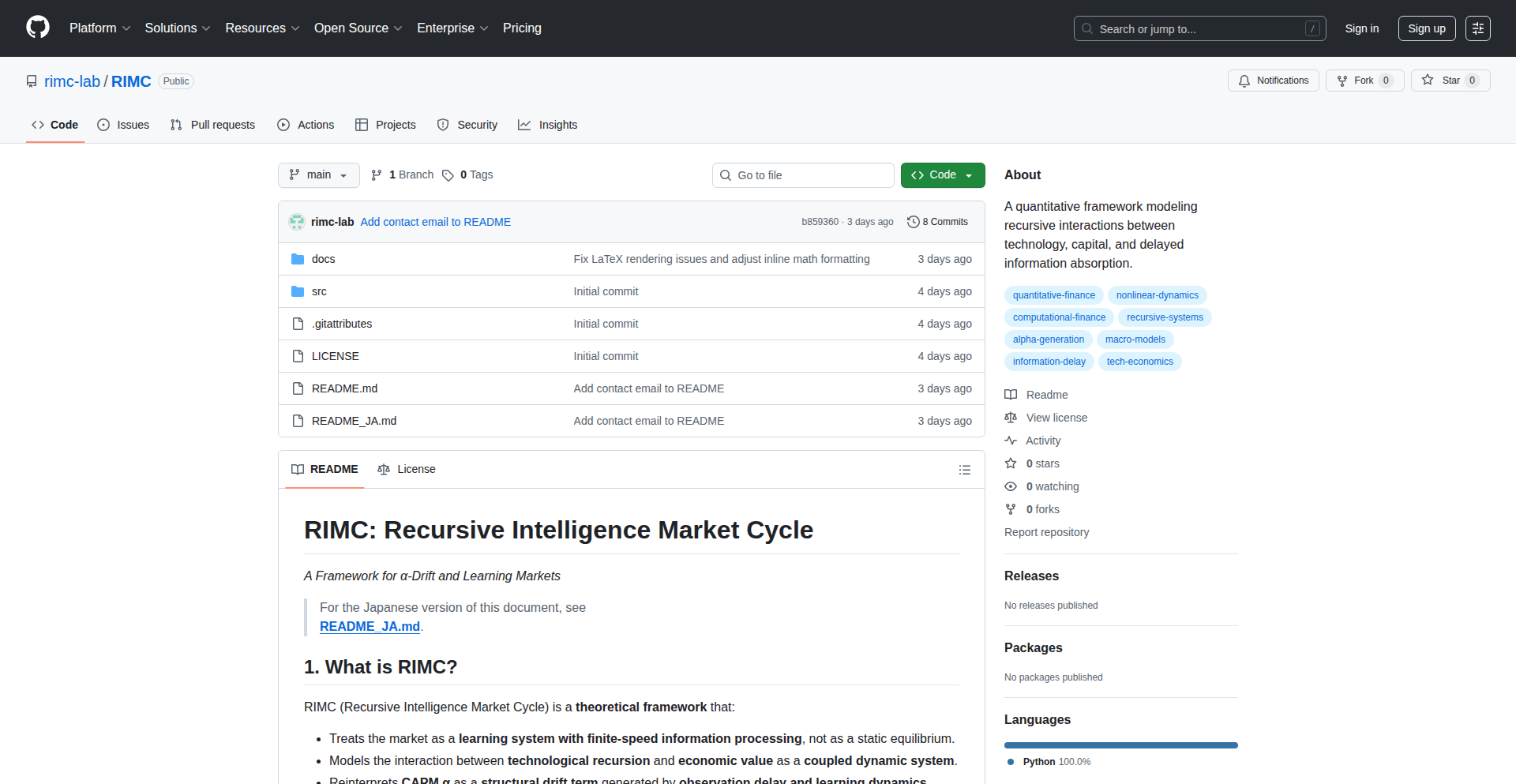
Author
sode_rimc
Description
RIMC is a theoretical framework that proposes a new way to understand market 'alpha' – the excess returns attributed to skill. Instead of viewing alpha as a random leftover, RIMC hypothesizes it's a structural drift caused by the inherent limitations of how fast learning happens and how long it takes to observe market changes. This project aims to explicitly define this structure with mathematical equations and explore its implications for quantitative finance. So, this is useful for quants looking to build more robust models that account for real-world learning and observation delays, potentially leading to better alpha generation strategies.
Popularity
Points 2
Comments 0
What is this product?
RIMC stands for Recursive Intelligence Market Cycle Hypothesis. It's a research project, not a trading bot. The core idea is to treat alpha, the part of investment returns that can't be explained by market movements alone, as a predictable drift. This drift is thought to arise because market participants learn and observe information at a finite speed. Think of it like a car trying to react to a sudden turn: there's a delay and a gradual adjustment, not an instant perfect response. RIMC tries to capture this 'lag' and 'learning' effect mathematically. So, what's the innovation? It's a shift in perspective: alpha is not just noise, but a structured phenomenon linked to how information propagates and is processed in markets. This could be valuable for quant researchers seeking to develop more sophisticated models of market behavior. So, for someone in quantitative finance, this project offers a novel lens through which to view and model market dynamics, potentially uncovering new avenues for alpha research. This project helps by providing a mathematical framework to think about market efficiency and information processing in a more realistic way, which can inform the design of new trading strategies or risk management tools.
How to use it?
This project is currently a theoretical exploration with a sample simulation. Developers working with quantitative finance models can use the RIMC hypothesis as a conceptual blueprint. They can study the provided equations to understand how finite-speed learning and observation delays can be modeled explicitly. The goal is to integrate these concepts into existing quantitative models, for example, by modifying how asset prices are predicted or how trading signals are generated. The GitHub repository contains the theoretical underpinnings and a basic simulation that demonstrates the core ideas. Developers can use this as a starting point for their own research and implementation. So, a quant developer could use the RIMC equations to adjust their existing asset pricing models, or incorporate it into a strategy that aims to exploit temporary inefficiencies caused by learning delays. This could lead to more adaptive and potentially more profitable trading algorithms.
Product Core Function
· Formalizing Alpha as Structural Drift: This means defining 'alpha' not as random luck, but as a predictable pattern of excess returns resulting from market participant's learning speeds and information observation delays. The value here is providing a more grounded theoretical basis for alpha generation strategies, moving beyond 'black box' assumptions. This allows developers to build models that explicitly account for how information is processed in the market.
· Modeling Finite-Speed Learning: This involves creating mathematical representations of how quickly market participants can process new information and adjust their behavior. The innovation is in quantifying this learning process, which is often overlooked in traditional models. This is valuable for developers because it allows them to build more realistic simulations of market dynamics and predict how markets will react to new information over time.
· Incorporating Observation Delays: This function focuses on mathematically representing the time lag between when information becomes available and when market participants can act on it. The value lies in capturing a crucial real-world friction that affects trading and pricing. This helps developers design strategies that can potentially exploit these delays or mitigate their impact on their own trading.
· Developing a Dynamical Systems Framework for Finance: This means applying principles from the study of dynamic systems to financial markets, treating them as complex, evolving entities. The benefit for developers is a more rigorous and structured way to analyze market behavior over time. This approach allows for more predictive modeling and a deeper understanding of market cycles.
Product Usage Case
· A quantitative analyst could use the RIMC hypothesis to build a new type of factor model that explicitly incorporates the impact of information diffusion speed. This would help identify assets that might be mispriced due to delayed reactions to market news, addressing the problem of finding persistent alpha in efficient markets. This is useful because it offers a novel way to discover trading opportunities.
· A high-frequency trading firm could adapt the RIMC framework to optimize their order execution algorithms. By understanding the finite learning and observation delays of other market participants, they could better time their trades to capture small price discrepancies before others react, solving the challenge of micro-optimization in fast-moving markets. This is useful for maximizing profitability in short-term trading.
· A researcher studying market microstructure could use RIMC as a theoretical foundation to investigate how the speed of algorithmic trading and data processing affects price discovery. This addresses the question of how technological advancements are changing the fundamental nature of market efficiency. This is useful for understanding the evolving landscape of financial markets.
65
Pytest-TestGuardian
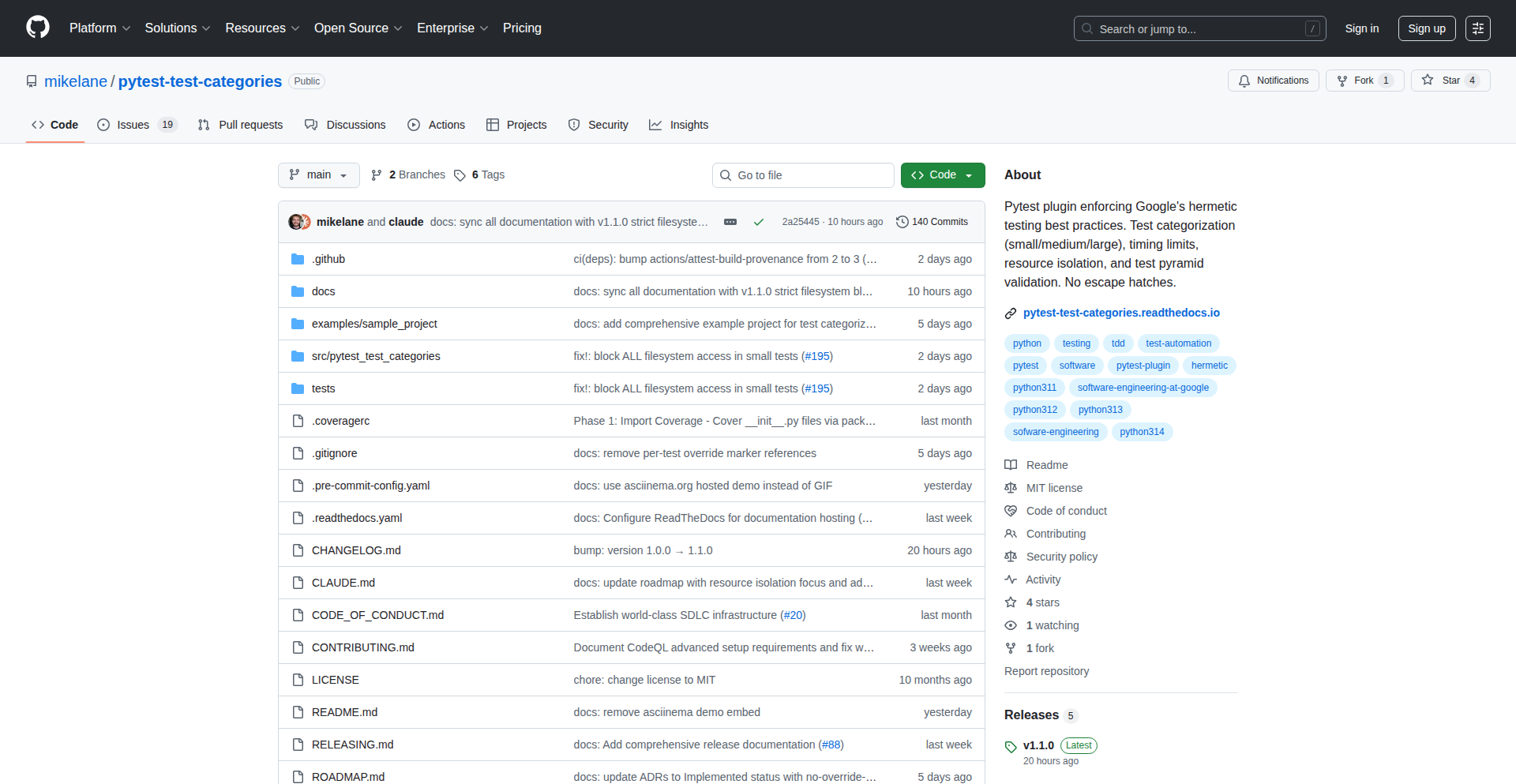
Author
lanemik
Description
A pytest plugin that enforces Google's recommended test size categories (small, medium, large, xlarge) to combat flaky tests and promote a healthy test pyramid. It achieves this by programmatically restricting access to external resources like the network or filesystem based on test size, providing actionable feedback when violations occur.
Popularity
Points 2
Comments 0
What is this product?
Pytest-TestGuardian is a smart add-on for Python's popular pytest testing framework. Inspired by Google's rigorous testing philosophy, it helps developers categorize their tests into different 'sizes' – think of them as different levels of testing effort and scope. Small tests are super fast and isolated, medium tests might interact with local resources, and larger tests can handle more complex scenarios. The core innovation is that the plugin actively enforces these boundaries. For example, a 'small' test is prevented from accessing the internet or your computer's hard drive. If a test breaks these rules, the plugin immediately stops it and tells you exactly why and how to fix it. This proactive enforcement drastically reduces unpredictable test behavior, often called 'flaky tests,' which are a major headache for software development.
How to use it?
Developers can easily integrate Pytest-TestGuardian into their existing Python projects. After installing the plugin (e.g., using pip install pytest-test-categories), they can define test categories using pytest markers like `@pytest.mark.small`, `@pytest.mark.medium`, etc. The plugin automatically enforces the predefined rules: small tests are blocked from network and filesystem access, medium tests are restricted to localhost, and all categories have associated time limits. When a test fails due to a category violation, the error message is clear and provides specific guidance on how to remediate the issue, such as suggesting mocking libraries or re-categorizing the test. This makes it straightforward to adopt and maintain high-quality testing practices within a development workflow.
Product Core Function
· Test Size Categorization: Allows developers to tag tests with size markers (small, medium, large, xlarge), providing a structured way to manage test complexity and execution time. The value is in organizing tests for better maintainability and predictable performance.
· Resource Access Enforcement: Programmatically blocks disallowed resource access (network, filesystem, databases) for specific test categories, directly addressing the root cause of many flaky tests. The value is in ensuring test isolation and reliability.
· Actionable Error Reporting: Delivers clear, context-aware error messages when test category rules are violated, including specific remediation suggestions. The value is in speeding up debugging and guiding developers towards best practices.
· Time Limit Enforcement: Assigns and enforces execution time limits for each test category, preventing excessively long-running tests from bogging down the development process. The value is in optimizing test suite execution speed.
· Mocking Library Compatibility: Seamlessly integrates with popular mocking libraries, allowing developers to mock external dependencies without triggering resource access violations. The value is in enabling effective unit testing without compromising isolation.
Product Usage Case
· Development Scenario: A team is experiencing frequent test failures in their continuous integration (CI) pipeline due to tests randomly failing when trying to access an external API. Pytest-TestGuardian can be configured to mark these API interaction tests as 'medium' or 'large' and enforce network access restrictions on 'small' tests. This prevents unexpected network issues from breaking the build and guides the developer to properly mock the API for 'small' tests or accept the network dependency for larger ones.
· Development Scenario: A developer is writing unit tests for a core piece of logic. They accidentally include a file read operation in what should be a fast, isolated 'small' test. Pytest-TestGuardian will immediately flag this as a 'Network Access Violation' (or Filesystem Access Violation), clearly indicating that the test is not hermetic and needs to be fixed by either removing the file read or re-categorizing the test.
· Development Scenario: A project has grown significantly, and the test suite now takes over an hour to run, slowing down feedback loops. By applying Pytest-TestGuardian's size categories and time limits, the team can identify and optimize slow tests, ensuring that the majority of 'small' tests execute within seconds, dramatically improving the development workflow.
· Development Scenario: A new developer joins a project and is unsure about how to write effective tests. Pytest-TestGuardian provides immediate, in-code guidance on test design by enforcing the principles of test size and isolation, helping them learn and adhere to established testing best practices from the start.
66
GitNative Release CLI
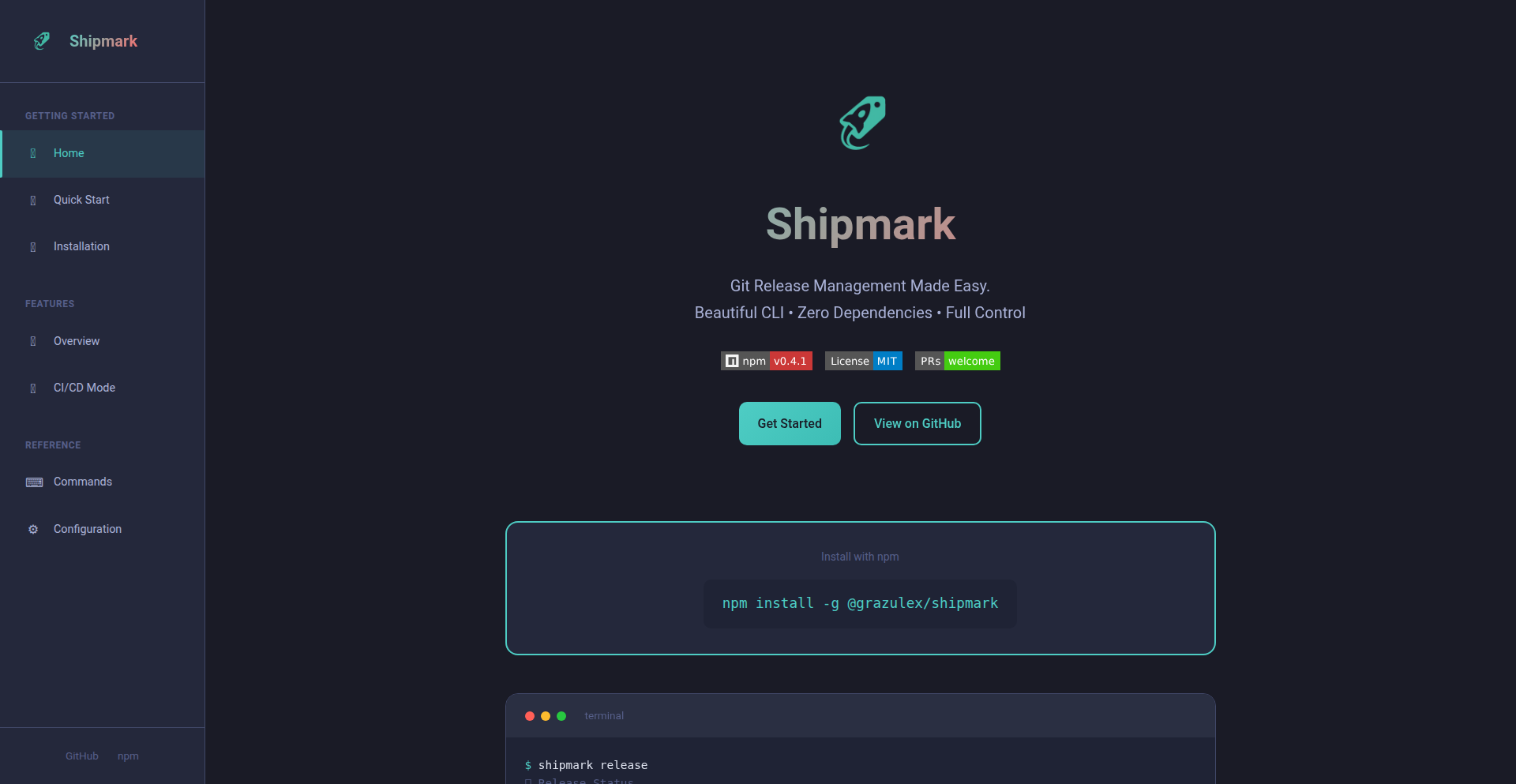
Author
grazulex
Description
Shipmark is a command-line interface (CLI) tool designed to streamline the entire software release process. Its core innovation lies in its ability to manage version bumping, changelog generation, and release tagging solely through native Git commands, eliminating the need for external tools like GitHub CLI or GitLab CLI. This significantly reduces setup complexity and improves workflow efficiency.
Popularity
Points 1
Comments 0
What is this product?
Shipmark is a command-line tool that helps developers manage their software releases without relying on heavy, external dependencies. It leverages the power of Git directly to handle tasks like deciding on a new version number (following semantic versioning rules, including pre-releases), automatically creating a changelog based on structured commit messages (Conventional Commits), and preparing for the actual release. It offers an interactive mode for manual control and a non-interactive mode perfect for automated CI/CD pipelines. The key technical insight is that most release-related actions can be performed using standard Git commands, making the tool lightweight and universally compatible with any Git repository.
How to use it?
Developers can easily install Shipmark globally using npm: `npm install -g @grazulex/shipmark`. Once installed, they can navigate to their project's root directory in the terminal and run commands like `shipmark release`. The tool will then guide them through an interactive process to bump the version, review the generated changelog (which is built from commit messages adhering to the Conventional Commits standard), and confirm the release. For automated workflows, Shipmark can be configured to run non-interactively within CI/CD pipelines, ensuring consistent and efficient releases every time.
Product Core Function
· Interactive Version Bumping (SemVer): Allows developers to interactively choose the next version number for their software, adhering to semantic versioning (e.g., patch, minor, major updates) and supporting pre-release versions. This simplifies the crucial step of version management and ensures consistency.
· Automatic Changelog Generation (Conventional Commits): Automatically builds a changelog by parsing commit messages that follow the Conventional Commits specification. This provides a structured and informative history of changes, making it easy for users and other developers to understand what's new in each release.
· Pre-release Change Preview: Before committing to a release, developers can preview all proposed changes, including version bumps and the generated changelog. This provides a crucial safety net, allowing for review and preventing unintended consequences.
· CI/CD Integration (Non-Interactive Mode): Enables seamless integration into automated build and deployment pipelines. This means releases can be triggered automatically upon code merges or other events, ensuring a consistent and efficient release process without manual intervention.
Product Usage Case
· A solo developer managing a personal open-source project can use Shipmark's interactive mode to quickly and reliably tag new releases and generate a changelog. This saves them time and ensures professional release management without needing to install multiple heavy CLIs.
· A team working on a shared library can integrate Shipmark into their GitHub Actions or GitLab CI pipeline. When a new feature branch is merged into the main branch, Shipmark can automatically bump the version, update the changelog, and create a release tag, streamlining the delivery of updates to users.
· A project maintainer who wants to enforce standardized commit messages for better changelog generation can use Shipmark to guide their team. The tool's reliance on Conventional Commits encourages better development practices, leading to more maintainable codebases and clearer release notes.
67
BackMark AI-Native Task Manager
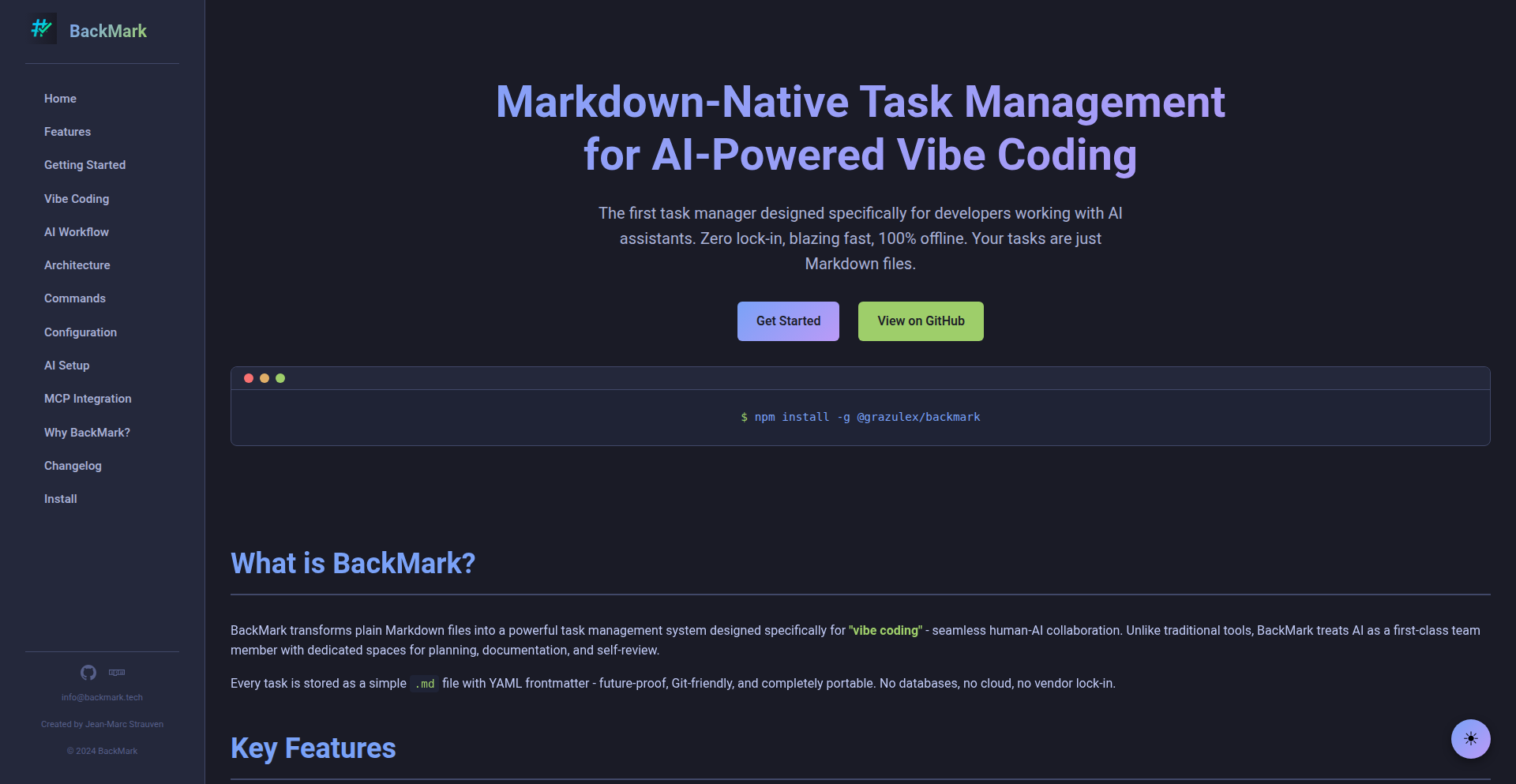
Author
grazulex
Description
BackMark is a command-line task manager designed specifically for AI-assisted coding workflows. It leverages plain Markdown files to represent tasks, with dedicated sections for AI collaboration, enabling seamless integration of AI into project management. Its innovation lies in structuring task content to facilitate AI's understanding and contribution, making AI-powered development more organized and efficient.
Popularity
Points 1
Comments 0
What is this product?
BackMark is a unique task management tool that treats each task as a plain Markdown (.md) file. This approach is revolutionary because it provides specific, predefined areas within each task file for AI collaboration. For instance, there are dedicated sections like 'ai_plan' for the AI to outline its approach, 'ai_notes' for capturing AI-discovered context, 'ai_documentation' for auto-generated documentation, and 'ai_review' for AI self-assessment. This structured format allows AI tools to better understand and interact with your tasks, making AI-assisted development more organized and less prone to errors. The use of Markdown ensures your tasks are future-proof, easily readable, and version-controllable with Git, without being locked into proprietary databases or cloud services. It also uses LokiJS for fast indexing, ensuring quick retrieval of tasks even in large projects, and operates entirely offline for privacy and security.
How to use it?
Developers can easily install BackMark globally using npm: `npm install -g @grazulex/backmark`. Once installed, you can create new tasks using the `backmark new <task_name>` command. Each task will be generated as a Markdown file. You can then open these Markdown files in any text editor or IDE. To leverage AI collaboration, you would interact with AI tools (like Claude or Cursor, as mentioned by the author) and direct them to work within the specific AI sections (e.g., `ai_plan`, `ai_notes`) of your task Markdown files. For example, you might ask an AI to 'generate a plan for this task in the `ai_plan` section' or 'summarize findings in the `ai_notes` section'. Because tasks are just Markdown files, you can integrate them into your existing Git workflow for version control and collaboration with human team members.
Product Core Function
· AI-Optimized Task Structure: Tasks are plain Markdown files with dedicated sections for AI interaction (ai_plan, ai_notes, ai_documentation, ai_review). This allows AI to understand and contribute to tasks more effectively, leading to better AI-assisted development outcomes.
· Markdown-Based Task Management: Your tasks are just text files, making them universally compatible, future-proof, and easily manageable with version control systems like Git. This means no vendor lock-in and complete control over your data.
· Offline Operation and Privacy: The entire tool runs 100% offline, meaning no data is sent to the cloud, no accounts are required, and there is no telemetry. This ensures your project data remains private and secure.
· Fast Performance with LokiJS Indexing: Even with over 1000 tasks, BackMark provides sub-10ms query times thanks to efficient indexing. This means you can quickly find and manage your tasks without frustrating delays.
· Command-Line Interface (CLI) for Efficiency: Being a CLI tool, BackMark integrates seamlessly into a developer's existing workflow, allowing for quick task creation and management without leaving the terminal.
Product Usage Case
· AI-Powered Code Generation Planning: A developer is working on a complex feature and wants AI to help break it down. They create a task in BackMark, and in the `ai_plan` section, they prompt their AI assistant to generate a step-by-step plan. The AI's output is stored directly within the task file, providing a clear roadmap for development. This solves the problem of scattered AI output and manual plan creation.
· Contextual AI for Debugging: During a debugging session, a developer encounters an unusual error. They add notes about the error and relevant code snippets to the task's `ai_notes` section and ask their AI to analyze it. The AI can then leverage this specific context to provide more accurate debugging suggestions, improving the efficiency of troubleshooting.
· Automated Documentation Generation: After completing a coding task, a developer uses BackMark's `ai_documentation` section. They prompt their AI to generate documentation based on the completed code and the task description. The generated documentation is directly appended to the task file, ensuring that documentation is always up-to-date with the task's progress and easily accessible.
· AI Self-Review for Quality Assurance: Before handing off a piece of work, a developer can use the `ai_review` section to have the AI assess its own contribution or the overall task completion against predefined criteria. This acts as an automated quality check, potentially catching issues early and improving the final output.
68
Kling Unified Audio-Video Engine

Author
lu794377
Description
Kling 2.6 is an AI model that generates video and native audio simultaneously, creating a fully synchronized and immersive experience from a single prompt. It solves the problem of disjointed audio-visual creation by co-generating frames, voices, sound effects, and ambient sound as a cohesive unit, eliminating the need for separate audio and video editing pipelines.
Popularity
Points 1
Comments 0
What is this product?
Kling 2.6 is an innovative AI system that breaks down the traditional barrier between video and audio creation. Instead of first making a video and then adding sound, it generates both visual and auditory elements at the exact same time, in one go. This means that the emotion, timing, and movement of the video are perfectly matched with the spoken words, background noises, and music. The underlying technical innovation is a unified generative model that understands the relationship between sight and sound, ensuring that character lip movements naturally sync with speech and that the overall audio-visual scene is coherent and emotionally resonant. So, what this means for you is a more realistic and engaging video experience, where sound and visuals feel like they were born together, not just put together later.
How to use it?
Developers can leverage Kling 2.6 to streamline their content creation workflows. It can be integrated into various applications and platforms through its API or an editor. Imagine building a tool that allows users to describe a scene and have a complete video with spoken dialogue, sound effects, and background music generated instantly. For example, a marketing team could use it to quickly produce explainer videos with AI-generated voiceovers that perfectly match the on-screen actions. A game developer could use it to generate animated cutscenes with integrated sound. The system is designed to produce ready-to-use outputs, meaning less manual post-production work. This translates to faster development cycles and more efficient content generation for any project requiring synchronized audio and video.
Product Core Function
· Audio-Video Co-Generation: Creates visuals and native sound simultaneously, ensuring perfect lip-sync and emotional alignment. This means your characters will talk and move in perfect harmony, making videos feel more alive and believable, which is crucial for engaging content.
· Natural, Synced Voices: Generates character speech directly from the model, maintaining consistent lip movement, personality, and expression. This eliminates the uncanny valley effect often seen with separately generated audio and video, resulting in more convincing and relatable characters.
· Complete Audio-Visual Moments: Outputs a unified package including visuals, voiceovers, ambient sound, and effects, ready for immediate use. This significantly reduces post-production time and effort, allowing creators to focus on storytelling rather than technical assembly. Your videos will be production-ready faster.
· Integrated Soundscapes: Seamlessly blends matching sound effects and layered ambient sounds to create cinematic and immersive scenes. This adds a professional polish to your content, making even short clips feel rich and engaging, enhancing the overall viewer experience.
Product Usage Case
· Marketing Videos: Quickly generate product demo videos with AI-powered narration that perfectly matches product features shown on screen. This allows businesses to create compelling marketing content rapidly, driving engagement and sales.
· Narrative Scenes: Create short film scenes or animated stories where character emotions conveyed through visuals are perfectly synchronized with their voice and the ambient sounds of the environment. This enhances storytelling and emotional impact for viewers.
· Product Explainers: Develop educational content explaining complex products or services with clear, natural-sounding narration that is perfectly timed with on-screen demonstrations. This improves understanding and retention for the audience.
· Social Media Content: Generate engaging video clips for platforms like TikTok, Instagram Reels, or YouTube Shorts that feature synchronized audio and visuals, making them stand out in a crowded feed. This helps creators produce viral-worthy content efficiently.
69
Lynkr: The Anthropic-Compatible Bridge
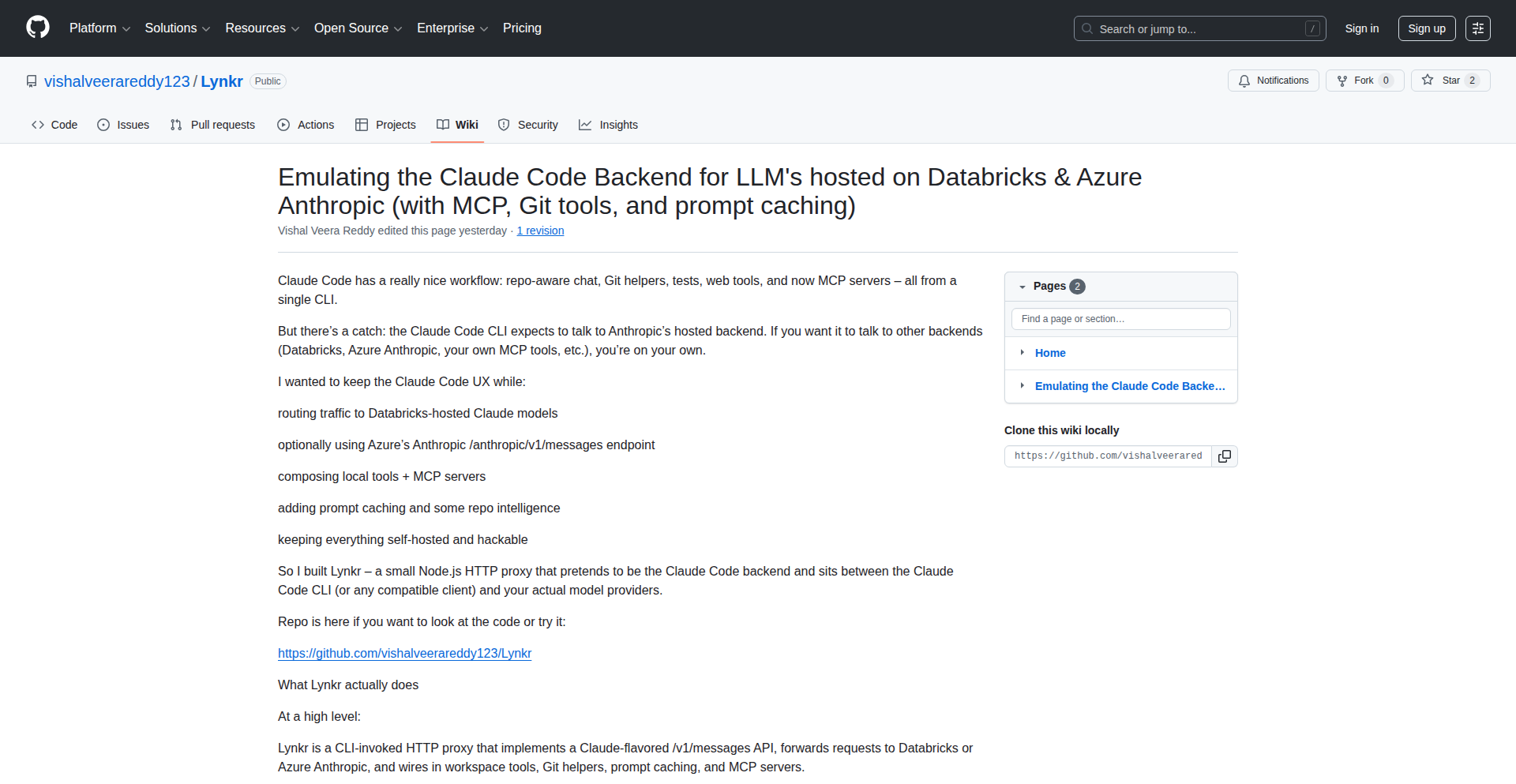
Author
vishalveera
Description
Lynkr is a clever proxy that makes Databricks and Azure OpenAI services speak the language of Anthropic's Claude models. It bridges the gap for developers who want to leverage the powerful capabilities of Claude without directly integrating with Anthropic's API. This is particularly useful for those already invested in cloud AI platforms.
Popularity
Points 1
Comments 0
What is this product?
Lynkr acts as a translator and intermediary. Instead of sending your requests directly to Anthropic's Claude, you send them to Lynkr. Lynkr then intelligently reformats these requests to be compatible with the API formats used by Databricks and Azure OpenAI. This means you can use your existing AI infrastructure to interact with Claude-like models, often by fine-tuning existing models or using techniques that mimic Claude's conversational and analytical strengths. The innovation lies in its ability to understand the subtle differences in how AI models expect to receive and process instructions, and then adapt them seamlessly.
How to use it?
Developers can integrate Lynkr by setting it up as an endpoint in their existing Databricks or Azure OpenAI environment. This typically involves configuring Lynkr as a proxy server that intercepts API calls. Your applications would then point to Lynkr instead of the direct AI service. This allows you to experiment with or deploy Claude-inspired AI functionalities without the overhead of managing separate Anthropic API keys or integrations. It's particularly useful for teams who want to standardize on a single AI platform for development while still accessing advanced model capabilities.
Product Core Function
· API Request Adaptation: Lynkr can transform incoming API requests from a Claude-compatible format into the specific formats expected by Databricks or Azure OpenAI. This is valuable because it allows you to use tools and libraries designed for one AI platform with another, saving significant development time.
· Model Behavior Emulation: By adapting requests and responses, Lynkr helps to emulate the behavior and output style of Claude models within existing cloud AI environments. This is useful for projects that need to achieve a specific tone or analytical capability without migrating to a new AI provider.
· Seamless Integration: Lynkr provides a proxy layer that simplifies the integration of advanced AI models into existing workflows. This means developers can focus on building their applications rather than complex API management and compatibility issues.
· Cost and Resource Optimization: By enabling the use of Claude-compatible models within existing cloud budgets and infrastructure, Lynkr can potentially lead to more efficient resource utilization and cost savings compared to managing multiple distinct AI service subscriptions.
Product Usage Case
· A company uses Databricks for its internal data science platform. They want to leverage the conversational AI capabilities often associated with Claude for customer support chatbots, but don't want to set up a separate Anthropic account. Lynkr allows them to proxy their Databricks AI calls through Lynkr, making it seem like they are interacting with Claude, thus building their chatbot faster and within their existing infrastructure.
· A developer is building a content generation tool that needs to produce creative and nuanced text. They have been impressed with Claude's writing style but are already heavily invested in Azure OpenAI for their project. By using Lynkr, they can configure their application to send requests to Lynkr, which then forwards and adapts them for Azure OpenAI models, aiming to achieve a similar creative output without switching AI providers.
· A team is migrating a legacy AI application that was built with specific assumptions about Anthropic's API. Instead of a complete rewrite, they use Lynkr to act as an adapter, allowing the old application to communicate with their new Databricks AI deployment seamlessly, minimizing downtime and development effort.
70
Crovia CEP.v1 Offline Verifier
Author
crovia
Description
Crovia is a groundbreaking tool that consolidates AI royalty evidence, trust bundles (compliant with the EU AI Act), royalty receipts, payout summaries, and a full hash chain into a single, compact ~8 KB file (CEP.v1). It operates entirely offline and can be verified in seconds, offering a novel approach to digital provenance and compliance for AI-generated content without relying on cloud infrastructure or blockchains. This addresses the critical need for verifiable, tamper-proof records of AI usage and attribution.
Popularity
Points 1
Comments 0
What is this product?
Crovia CEP.v1 Offline Verifier is a system for generating and verifying digital evidence related to AI-generated content. The core innovation lies in its ability to package essential metadata, including a trust bundle (making it EU AI Act ready), royalty receipts derived from FAISS (a method for finding similar items in large datasets), payout summaries with a Gini coefficient (a measure of inequality), and a complete hash chain (a secure way to link data sequentially) into a very small, approximately 8 KB file called CEP.v1. Crucially, this entire process and verification happen offline, meaning it doesn't need an internet connection or a centralized server. This is a significant technical leap because it provides a self-contained, auditable trail of AI usage and compensation without the complexities and costs associated with cloud services or traditional blockchains. So, it means you can prove the origin and usage of AI content with undeniable evidence that can be checked anywhere, anytime, by anyone, without special infrastructure.
How to use it?
Developers can integrate Crovia into their AI content generation pipelines. The `crovia-core-engine` (available on GitHub) provides the tools to generate the CEP.v1 file. This involves feeding specific data about AI model usage, training data provenance, royalty agreements, and transaction details into the engine. The output is the single CEP.v1 file. Verification is equally straightforward; any party can use the provided verification tools to quickly confirm the integrity and contents of the CEP.v1 file without needing to connect to the internet. This makes it ideal for scenarios where trust and auditability are paramount, such as in licensing agreements for AI-generated art, music, or text, or for regulatory compliance reporting. So, it means you can seamlessly build verifiable AI royalty and compliance tracking into your existing development workflows and easily share this verifiable proof with clients or auditors.
Product Core Function
· Trust Bundle Generation (EU AI Act Ready): Creates a tamper-proof record of AI system compliance, enabling adherence to regulations like the EU AI Act. This is valuable for businesses operating in regulated markets, ensuring their AI deployments meet legal requirements. It means you can confidently deploy AI systems knowing their compliance is documented and verifiable.
· FAISS Provenance Royalty Receipts: Records royalty entitlements based on the similarity of generated content to specific training data sources using FAISS. This provides a transparent and auditable way to track and distribute royalties for AI-generated assets. It means creators and rights holders can be assured of fair compensation based on the actual use of their data.
· Payout Summary with Gini Coefficient: Offers a clear overview of royalty payouts and uses the Gini coefficient to illustrate the fairness and distribution of these payouts. This is useful for understanding wealth distribution within a creative ecosystem and ensuring equitable compensation. It means you can see how royalties are distributed and if they are being shared fairly among contributors.
· Full Hash Chain: Establishes a secure, sequential chain of digital fingerprints for all generated data and transactions, ensuring data integrity and preventing tampering. This is fundamental for any system requiring high security and auditability, guaranteeing that the evidence hasn't been altered since its creation. It means you have an unbreakable guarantee that the AI royalty evidence is authentic and unaltered.
· Zero Cloud/Blockchain Dependency: Operates entirely offline, reducing infrastructure costs, simplifying deployment, and enhancing data privacy by keeping sensitive information local. This is highly beneficial for developers and organizations concerned about data security, privacy, and the ongoing costs of cloud services. It means you can maintain complete control over your data and avoid recurring cloud expenses.
Product Usage Case
· AI Art Generation Platforms: A platform generating AI art can use Crovia to embed verifiable royalty information and provenance directly into each artwork's metadata file. This proves which AI model was used, what prompts or data influenced it, and how royalties should be distributed to the model creators or data providers. This solves the problem of disputed ownership and payment for AI-generated art.
· AI Music Composition Tools: An AI music composition tool can use Crovia to create CEP.v1 files for each generated track, detailing the AI's influence, licensing terms, and performer royalties. This simplifies music licensing and royalty collection for AI-composed music, addressing the challenge of intellectual property rights in AI music.
· AI Content Licensing Agencies: An agency licensing AI-generated text or code can use Crovia to provide clients with verifiable proof of origin and usage rights. This builds trust and streamlines the licensing process, solving the problem of verifying the authenticity and legal standing of AI-generated content for commercial use.
· Regulatory Compliance for AI Startups: A startup developing AI solutions can use Crovia to generate compliance reports that are easily verifiable by auditors or regulatory bodies, specifically for adherence to regulations like the EU AI Act. This makes demonstrating compliance much simpler and more robust. It means startups can quickly and reliably prove their AI systems are meeting legal standards.
71
CroviaCEPv1: Offline AI Royalty Ledger
Author
crovia
Description
CroviaCEPv1 is a groundbreaking technology that generates a compact, ~8 KB file (CEP.v1) packed with crucial data for AI model creators and users. This file includes a trust bundle (ready for the EU AI Act), verified royalty receipts from real FAISS provenance, a summary of payouts including the Gini coefficient, a complete hashchain for integrity, and essential compliance metadata. The innovation lies in its ability to be fully offline-verifiable in seconds, without relying on cloud or blockchain infrastructure, offering a secure and transparent way to manage AI intellectual property and transactions.
Popularity
Points 1
Comments 0
What is this product?
CroviaCEPv1 is a self-contained digital evidence file for AI models. At its core, it's a highly efficient data packaging system. Instead of needing to connect to a central server or a distributed ledger like blockchain, it bundles all necessary information into a single, small file. This file uses cryptographic hashing to create a 'hashchain,' which acts like a digital fingerprint that changes with any modification, ensuring data integrity. The trust bundle aspect means it includes information that helps verify the authenticity and compliance of the AI model, especially important for regulations like the EU AI Act. The royalty receipts and payout summaries use verifiable provenance, meaning you can trust where the data comes from and how it was generated. So, for developers, it provides a secure and auditable way to manage the intellectual property and financial aspects of their AI models, all without needing complex online infrastructure.
How to use it?
Developers can integrate CroviaCEPv1 into their AI model development and deployment pipelines. The `crovia-core-engine` GitHub repository provides the tools to generate these CEP.v1 files. You can incorporate this engine into your build process to automatically create an evidence file for each AI model version. This file can then be distributed alongside the model itself. Verification is straightforward: any user with the CEP.v1 file and a compatible verifier (also part of the project) can instantly confirm the integrity of the data, trust bundle, and royalty information without an internet connection. This makes it ideal for scenarios where continuous online connectivity is not feasible or desirable, such as in highly secure environments or for offline AI applications. For instance, imagine a company developing an AI for a remote research station; they can generate and verify royalty evidence without needing constant satellite communication.
Product Core Function
· Offline Data Bundle Generation: Creates a single, compact file (~8 KB) containing all essential AI model evidence, eliminating the need for cloud storage or constant network access. This is valuable for ensuring portability and accessibility of critical IP and transaction data.
· Verifiable Trust Bundle (EU AI Act Ready): Includes metadata and attestations that help demonstrate compliance with AI regulations like the EU AI Act, reducing the burden of compliance and increasing market trust.
· Immutable Royalty Receipts (FAISS Provenance): Securely records royalty information with verifiable sources, providing a transparent and tamper-proof audit trail for creator compensation. This ensures fairness and reduces disputes over earnings.
· Payout Summary and Gini Coefficient: Offers a clear overview of financial transactions related to the AI model, including the Gini coefficient to measure distribution fairness. This transparency is crucial for financial accountability and stakeholder confidence.
· Full Hashchain for Integrity: Implements a cryptographic hashchain to guarantee the immutability and authenticity of all data within the CEP.v1 file, making any tampering immediately detectable and ensuring data trustworthiness.
· Fully Offline Verifiable: Allows for instant verification of the entire file's integrity and content using local tools, without requiring an internet connection. This is a significant advantage for secure and distributed AI deployments.
Product Usage Case
· Scenario: An AI research lab developing a proprietary image recognition model. Problem: They need to prove the origin and license compliance of their model to potential commercial partners without revealing sensitive internal data or relying on external services. Solution: CroviaCEPv1 can generate a CEP.v1 file that attests to the model's development provenance, royalty agreements with data providers, and compliance metadata, all verifiable offline by the partners, ensuring trust and speeding up business deals.
· Scenario: A developer creating an AI-powered medical diagnostic tool that must operate in remote clinics with limited internet. Problem: Royalties need to be tracked and paid to contributors, and compliance with healthcare AI regulations must be demonstrable. Solution: CroviaCEPv1 allows the developer to bundle all royalty receipts, payout summaries, and compliance attestations into a small, offline-verifiable file distributed with the software. This ensures accurate compensation and auditable regulatory adherence even in disconnected environments.
· Scenario: A startup building an AI model marketplace where creators can sell their models. Problem: Ensuring buyers receive verifiable proof of authenticity, licensing, and fair royalty distribution is critical for platform trust. Solution: Each AI model on the marketplace can be accompanied by a CEP.v1 file generated by Crovia. Buyers can instantly verify the model's integrity and royalty terms offline, fostering confidence and driving adoption of the marketplace.
72
Uatu: AI-Powered System Diagnostic Assistant

Author
mfund0
Description
Uatu is an AI assistant designed to help developers and system administrators troubleshoot complex system issues. It leverages natural language processing and a knowledge base of common system errors to analyze diagnostic data and suggest potential solutions, significantly reducing the time spent on manual debugging.
Popularity
Points 1
Comments 0
What is this product?
Uatu is an intelligent system that acts like a highly experienced troubleshooter for your software and hardware systems. Instead of manually sifting through endless log files and error messages, you describe the problem in plain English. Uatu then uses its advanced AI, specifically natural language understanding models, to interpret your description and cross-reference it with a vast dataset of known system errors, performance anomalies, and their typical resolutions. The innovation lies in its ability to understand the context of your problem and connect seemingly unrelated pieces of diagnostic information to pinpoint the root cause, offering actionable advice rather than just raw data. So, what's in it for you? It means you spend less time guessing and more time fixing, dramatically speeding up your problem-solving process.
How to use it?
Developers can integrate Uatu into their workflow in several ways. The primary method is through a conversational interface, either a dedicated web application or an integrated chat client within development environments. You'd input error messages, system logs snippets, or a description of unexpected behavior. Uatu will then ask clarifying questions to gather more context and eventually provide a prioritized list of probable causes and suggested fixes. For automated environments, Uatu can also be accessed via an API, allowing it to process diagnostic data streamed from monitoring tools or CI/CD pipelines. This means you can set up Uatu to automatically analyze alerts and proactively suggest solutions before they impact users. So, how does this help you? You can get quick, intelligent assistance right when you need it, whether you're actively debugging or want to prevent issues from arising.
Product Core Function
· Natural Language Problem Description: Allows users to describe system issues in their own words, making complex diagnostics accessible to all skill levels. This reduces the barrier to entry for troubleshooting. The value is in making powerful diagnostic tools usable by anyone, regardless of their deep technical expertise.
· AI-Powered Root Cause Analysis: Employs machine learning models to analyze symptoms and log data, identifying the most likely underlying causes of system failures. This saves significant manual effort and reduces the chance of overlooking critical clues. The value is in finding the 'why' behind the problem faster and more accurately.
· Contextual Solution Suggestion: Provides tailored recommendations for resolving identified issues, based on the specific system context and error patterns. This means you get practical steps to fix the problem, not just theoretical explanations. The value is in offering direct, actionable fixes that save time and prevent further complications.
· Knowledge Base Integration: Continuously learns from new data and user feedback, expanding its diagnostic capabilities and accuracy over time. This ensures the tool remains effective as systems and technologies evolve. The value is in having an assistant that gets smarter and more helpful with every interaction.
· API for Automation: Enables programmatic access, allowing integration with existing monitoring and CI/CD pipelines for proactive troubleshooting and automated incident response. This facilitates seamless integration into existing workflows and enables automated systems to benefit from AI diagnostics. The value is in building more robust and self-healing systems.
Product Usage Case
· A backend developer is experiencing intermittent 500 errors on their API. Instead of manually correlating timestamps across multiple microservice logs, they paste a few key error messages and their server response times into Uatu. Uatu quickly identifies a pattern related to database connection pooling exhaustion and suggests adjusting pool settings. This saves the developer hours of log analysis and allows for a swift resolution before the issue escalates.
· A DevOps engineer is alerted to a sudden spike in server CPU usage. They feed the relevant system metrics and recent deployment information into Uatu. Uatu analyzes the timing of the spike against recent code changes and identifies a newly introduced inefficient query in the application code as the probable culprit, providing the specific query and its performance impact. This allows the engineer to quickly identify and revert or fix the problematic code.
· A junior system administrator is tasked with resolving a network connectivity issue on a critical server. They describe the symptoms to Uatu, including failed ping attempts and unusual firewall logs. Uatu cross-references this with known network troubleshooting steps and suggests checking a specific router configuration parameter that was recently changed by another team, which was overlooked in manual checks. This accelerates the diagnosis and resolution of a network outage.
73
Wan 2.6: Multimodal AI Video Orchestrator
Author
lu794377
Description
Wan 2.6 is an advanced AI video generation model designed for professional creative workflows, going beyond single clips to produce complete videos with synchronized audio, motion design, and consistent character identity across multiple shots. It addresses the need for efficient and high-quality video creation in social media, marketing, filmmaking, and e-commerce.
Popularity
Points 1
Comments 0
What is this product?
Wan 2.6 is a cutting-edge multimodal AI that understands and generates video content by integrating various inputs like text, images, existing video, and audio. Its innovation lies in its ability to produce complete video sequences with synchronized lip movements, dynamic motion design, and a consistent visual style throughout, mimicking real-world production workflows. This solves the problem of creating cohesive and professional-looking videos that require sustained character appearance and synchronized audio, which is typically labor-intensive and complex.
How to use it?
Developers can integrate Wan 2.6 into their creative pipelines through its API. For instance, a social media manager could use it to generate a TikTok video by providing a text description of the scene, a voiceover, and a soundtrack. The model would then automatically handle the visual composition, character animation, motion, and aspect ratio, delivering a ready-to-post 9:16 video. Filmmakers could use it to storyboard concepts, generating visual sequences from textual prompts to explore character ideas and camera movements. E-commerce businesses can leverage it to produce large batches of product videos with a consistent brand aesthetic by providing product images and desired scene descriptions.
Product Core Function
· Multimodal input processing (text, image, video, audio) for comprehensive creative control. This means you can describe what you want, show it examples, and even provide audio, and the AI will understand and combine them to create your video.
· Complete video generation with synchronized audio and motion design. This allows for videos where characters speak realistically and scenes flow smoothly, eliminating the need for manual syncing and animation for basic movements.
· Consistent character identity across multiple shots for narrative coherence. This is crucial for storytelling in marketing or filmmaking, ensuring the same character looks and behaves the same way throughout different scenes, reducing continuity errors.
· Audio-driven video generation for visual responsiveness to sound. This enables dynamic visuals that react to music or voiceovers, making videos more engaging and immersive.
· Flexible output formats (MP4, MOV, WebM) and aspect ratios (16:9, 9:16, 1:1) for broad platform compatibility. This ensures your generated videos can be used across different social media channels and platforms without complex reformatting.
· Two model variants (5B for efficiency, 14B for maximum capacity) for tailored performance. This allows you to choose the right balance of speed and quality for your specific project needs, whether you need quick drafts or highly detailed outputs.
Product Usage Case
· A marketing team needs to create a series of product demonstration videos for their new gadget. They can feed Wan 2.6 product images, a script, and a desired cinematic style. The AI then generates high-quality videos with professional lighting and camera work, ready for their website and ad campaigns, saving significant production time and cost.
· A social media influencer wants to create engaging TikTok content quickly. By providing a script and a desired visual theme, Wan 2.6 can generate a full 9:16 video with dynamic visuals and synchronized audio in a single pass, allowing them to produce more content with less effort.
· A freelance filmmaker is exploring character-driven story ideas. They can use Wan 2.6 to generate rough storyboards and character animations from text prompts, quickly visualizing different scenes and dialogue, aiding in pre-production and creative exploration.
· An e-commerce store needs to showcase a new clothing line. They can upload product images and specify lifestyle scenes. Wan 2.6 can then generate multiple product videos in various styles and aspect ratios, maintaining brand consistency, which is essential for online retail.
74
StartupLaunchDay Aggregator
Author
aiseoscan
Description
StartupLaunchDay is a platform that automatically aggregates daily startup launches, trending startup topics, and funding opportunities from various sources like Hacker News, newsletters, Twitter, and government portals. It solves the problem of fragmented information by providing a centralized, daily updated view for founders and entrepreneurs to discover what's new, what's popular, and where funding might be available. The innovative aspect lies in its automated data collection and curated presentation, offering direct value by saving users time and effort in their market research and discovery process.
Popularity
Points 1
Comments 0
What is this product?
StartupLaunchDay is an automated information aggregator designed for entrepreneurs and startup enthusiasts. It pulls together daily startup and product launches, identifies what topics are gaining traction in the startup world (like AI, SaaS, developer tools), and curates available funding opportunities from government and other sources. The core technology likely involves web scraping and API integrations to collect data from diverse online platforms. Its innovation is in distilling this scattered information into a single, easily digestible daily digest, saving users the manual effort of checking multiple sites. So, what's in it for you? You get a daily snapshot of the startup landscape and potential funding without having to hunt for it yourself.
How to use it?
Developers can utilize StartupLaunchDay primarily as a research and inspiration tool. Founders can browse the 'Launches' section to see what other entrepreneurs are shipping, identifying potential competitors or partners. The 'Trends' section helps gauge market demand for certain technologies or product categories, informing product development or marketing strategies. The 'Grants' section provides a direct link to funding opportunities, streamlining the application process. For those looking to increase their startup's visibility, they can list their own company on the platform for a one-time fee, gaining a permanent SEO-optimized page and a dofollow backlink. This can be integrated into a founder's daily routine for staying updated on the industry. So, how does this help you? It keeps you informed, inspired, and potentially connected to funding, all within a single dashboard.
Product Core Function
· Daily Launch Feed: Aggregates new startup and product launches, allowing users to track innovation and identify market trends. This is valuable for competitive analysis and inspiration.
· Trending Topics: Identifies popular search terms related to startups (e.g., AI, SaaS, developer tools), providing insights into real market demand and emerging opportunities.
· Curated Funding Opportunities: Gathers and categorizes grants and funding programs with deadlines and links, simplifying the search for capital.
· Startup Listing Service: Offers founders a permanent, SEO-friendly listing with a dofollow backlink for a one-time fee, enhancing startup discoverability and authority.
Product Usage Case
· A SaaS founder wants to understand the current landscape of new developer tools being launched. They visit StartupLaunchDay, check the 'Launches' feed, and discover several new offerings, which helps them refine their own product roadmap and identify potential integrations.
· A solo entrepreneur is exploring opportunities in the AI space. By looking at the 'Trends' section of StartupLaunchDay, they see a surge in interest around 'AI-powered content generation tools,' confirming their market hypothesis and guiding their business focus.
· A biotech startup is seeking grant funding. Instead of sifting through numerous government websites, they use StartupLaunchDay's 'Grants' section to quickly find relevant technology grants with clear deadlines and application links, saving significant research time.
· A new mobile app startup wants to gain more visibility and backlinks. They opt for a paid listing on StartupLaunchDay, ensuring their app is discoverable by a targeted audience of entrepreneurs and investors actively seeking new solutions.
75
PyVerse
Author
ianberdin
Description
PyVerse is an online Python compiler designed for effortless execution of Python code. Its innovation lies in its highly optimized backend that minimizes latency and maximizes resource efficiency, offering a near-native execution experience directly in the browser. It addresses the common pain points of setting up local development environments or dealing with slow, resource-heavy online IDEs, making Python development accessible and immediate.
Popularity
Points 1
Comments 0
What is this product?
PyVerse is a web-based platform that allows developers to write, run, and debug Python code directly in their browser without any local installation. The core technical insight is its highly efficient backend execution engine. Instead of relying on traditional, often sluggish, server-side interpreters, PyVerse leverages a finely-tuned system that simulates a local execution environment with minimal overhead. This is achieved through techniques like advanced containerization and intelligent resource allocation, ensuring that your code runs as fast and smoothly as if it were on your own machine. So, what's the benefit for you? You get to instantly test your Python ideas without the hassle of setting up development tools, speeding up your learning and prototyping process significantly.
How to use it?
Developers can access PyVerse via their web browser. The interface presents a clean code editor where they can type or paste their Python script. A dedicated 'Run' button triggers the execution on PyVerse's backend. The output, including any print statements, errors, or exceptions, is displayed in real-time within the browser. For more advanced use, PyVerse might offer features like input handling, file simulation, or integration with external libraries via pre-configured environments, all accessible through intuitive UI elements. This means you can quickly experiment with new libraries or debug issues without leaving your browser. So, how does this help you? Imagine you're learning a new Python concept or trying out a code snippet from a tutorial; you can test it immediately in PyVerse and see the results, accelerating your understanding and practical application.
Product Core Function
· Real-time Python Code Execution: Allows developers to instantly run Python code snippets directly in the browser. This is valuable because it eliminates the need for local setup, enabling rapid prototyping and testing of ideas. The application scenario is learning new Python features or quickly verifying a piece of logic.
· Optimized Backend Execution Engine: Provides near-native performance for Python code. This is valuable as it significantly reduces the frustration of slow online compilers, making the development experience fluid and productive. The application scenario is for developers who need to run moderately complex scripts or applications without lag.
· Instant Feedback and Error Reporting: Displays code output, errors, and exceptions immediately. This is valuable for debugging, as it helps developers quickly identify and fix issues in their code without complex configurations. The application scenario is troubleshooting code during development or learning from mistakes.
· Browser-Based Accessibility: Enables coding from any device with a web browser. This is valuable for flexibility and accessibility, allowing developers to code on the go or on devices where installing development tools is not feasible. The application scenario is for developers who work across multiple devices or need to code in environments with limited software installation capabilities.
Product Usage Case
· A student learning Python syntax can use PyVerse to immediately test each new command and concept they encounter in their online course, getting instant validation and understanding of how the code behaves. This solves the problem of having to wait for a local environment to be set up for each small test.
· A developer working on a small utility script can quickly prototype and test its functionality in PyVerse before committing to a full local development setup. This saves time and effort by allowing for rapid iteration on the core logic.
· A programmer debugging a complex algorithm can paste segments of their code into PyVerse to isolate and test specific parts of the logic, using the real-time output and error reporting to pinpoint the source of the problem. This is a much faster way to debug than stepping through code in a full IDE for isolated snippets.
76
MaxRPi: Local AI Dream Weaver & Dungeon Master

Author
retrofuturism
Description
MaxRPi is a Raspberry Pi project that pushes the boundaries of local, on-device AI processing. It leverages a 2-billion parameter language model (Gemma 2:2b) to automatically generate a nightly diary entry and then uses a secondary AI model to translate that diary into a prompt for image generation (Stable Diffusion XL Turbo via ONNXStream). Furthermore, it orchestrates a self-hosted, AI-played dungeon crawler game within separate processes, demonstrating a fully self-sufficient, locally computed digital world.
Popularity
Points 1
Comments 0
What is this product?
MaxRPi is an experimental project showcasing the power of small, embedded AI. At its core, it uses a compact language model running directly on a Raspberry Pi to write a diary. This diary content then fuels another AI model that crafts descriptive prompts for image generation, essentially turning written thoughts into visual art. The innovation lies in performing these complex AI tasks (language generation and image prompt creation) entirely on local hardware, without relying on external cloud services. It further extends this by hosting and playing a game, all managed by the Raspberry Pi itself. This project is a testament to the 'hacker' spirit of making powerful technology accessible and self-contained.
How to use it?
For developers interested in replicating or extending this, the primary use case is exploring local AI inference on resource-constrained devices. You would need a Raspberry Pi (or similar single-board computer) and set up the AI models (Gemma 2:2b and Stable Diffusion XL Turbo). The project demonstrates a pipeline: diary generation -> prompt creation -> image generation. The dungeon crawler aspect highlights multi-process management and inter-process communication on the Pi. It's a hands-on way to learn about deploying LLMs and image generation models locally, and building autonomous, self-sufficient systems. Integration would involve scripting Python or similar languages to manage the model execution and data flow.
Product Core Function
· Local Diary Generation: Utilizing a compact language model to create daily text entries, demonstrating on-device natural language generation for creative writing and personal journaling.
· AI-Powered Image Prompt Generation: Transforming diary content into descriptive prompts for image synthesis models, showcasing how AI can interpret and contextualize information for visual output.
· On-Device Image Synthesis: Leveraging Stable Diffusion XL Turbo via ONNXStream for local image generation, proving that powerful visual AI can run without cloud reliance.
· Self-Hosted Dungeon Crawler: Orchestrating and playing a game entirely on the Raspberry Pi across multiple processes, highlighting local computation for entertainment and complex task management.
· Fully Local Computation: Performing all AI inference and game logic on the Raspberry Pi, demonstrating the feasibility of self-sufficient, private digital experiences without external dependencies.
Product Usage Case
· Personal AI Companion: Imagine a device that writes your thoughts into a private diary and generates unique artwork based on your mood, all within your home network for maximum privacy.
· Edge AI for Creative Expression: Developers can use this as a blueprint to build applications where AI assists in creative tasks like writing stories or generating concept art directly on user devices.
· Offline Entertainment Systems: This project serves as a proof-of-concept for creating self-contained gaming or interactive experiences that work entirely offline, ideal for remote locations or as a fallback.
· Resource-Constrained AI Deployment: Demonstrates how advanced AI models can be optimized and run on low-power hardware, opening possibilities for AI in embedded systems and IoT devices.
· Autonomous System Development: The self-sufficient nature of MaxRPi, with its AI generating content and playing games, inspires developers to build more independent and automated digital agents.
77
ChronoCraft: Customizable Stopwatch Suite
Author
rbester
Description
ChronoCraft is an advanced stopwatch application for iOS, built with a focus on deep customization and enhanced time management features. It goes beyond a basic stopwatch by allowing extensive visual theming and offering robust session tracking, saving, and export capabilities. This project showcases how even seemingly simple tools can be elevated through meticulous feature development and user-centric design, demonstrating a creative approach to problem-solving with code.
Popularity
Points 1
Comments 0
What is this product?
ChronoCraft is a highly customizable stopwatch app for iOS. The core innovation lies in its extensive theming engine, allowing users to personalize the appearance with various color schemes, fonts, and layouts. Technically, this likely involves leveraging native UI frameworks for rendering and animation, and a robust data persistence layer (like Core Data or Realm) to store session data. The 'advanced' aspect comes from features like saving timed sessions, analyzing past results, and exporting this data, turning a simple timer into a tool for personal productivity and performance tracking. So, what's the use for you? It means you get a stopwatch that looks and feels exactly how you want it, and that can help you track your time more effectively for sports, work, or any activity, providing insights into your performance over time.
How to use it?
Developers can integrate ChronoCraft's core functionalities into their own applications through its potential for modular design, or by drawing inspiration from its implementation. For end-users, it's a straightforward application to download from the App Store. You can start, stop, and reset the stopwatch as usual. The customization options are accessed through a dedicated settings menu, where you can choose themes, fonts, and colors. Timed sessions can be saved with labels, and past sessions can be reviewed, shared, or exported as CSV files. So, how can you use it? Download it, start timing your runs, study sessions, or work sprints, save your progress, and analyze your improvements. You can also export data to a spreadsheet for further analysis. So, what's the use for you? It’s ready to use for immediate time tracking and personal improvement.
Product Core Function
· Advanced visual customization: Users can deeply personalize the stopwatch's look and feel with custom themes, fonts, and color palettes. This offers a unique user experience and makes the app more engaging. So, what's the use for you? A stopwatch that perfectly matches your aesthetic preferences and is more pleasant to use.
· Session saving and management: The app allows users to save individual stopwatch sessions with custom names and notes. This enables detailed tracking of time spent on various activities over time. So, what's the use for you? The ability to meticulously record and review how you spend your time, helping you understand and optimize your schedule.
· Data export and sharing: Timed session data can be exported in formats like CSV, making it easy to integrate with other productivity tools or for further analysis. Results can also be shared directly. So, what's the use for you? You can easily analyze your time data in spreadsheets or share your achievements with others.
· Performance tracking: By saving and analyzing past sessions, users can gain insights into their time management and performance improvements. So, what's the use for you? A tool to help you become more efficient and track your progress in any time-bound activity.
Product Usage Case
· A runner wanting to track their lap times for different training sessions and analyze their progress over weeks or months. They can save each run with a specific date and name, then export the data to see their improvement trends. So, what's the use for you? Detailed personal performance metrics to help you train smarter.
· A student who needs to track their study time for different subjects to improve their time management skills. They can save each study block and later review which subjects they spend the most time on, and if their time is allocated effectively. So, what's the use for you? Better understanding and control over your study habits.
· A developer working on time-sensitive tasks who wants to log and analyze their focus periods. They can save each coding session, note the project, and export the data to see how productive their focused work blocks are. So, what's the use for you? Data-driven insights into your work productivity and focus periods.
· Someone experimenting with time-boxing techniques for productivity. They can use the stopwatch to strictly enforce time limits for tasks and save each completed block to evaluate the effectiveness of their time-boxing strategy. So, what's the use for you? A practical tool to implement and refine productivity methodologies.
78
LetterFlow: Liquid Glass Word Puzzle
Author
arimajain110205
Description
Letter Flow is a charming mini word puzzle game that showcases Apple's novel iOS 26 Liquid Glass design. The core technical innovation lies in its incredibly smooth, fluid animation for letter tiles, creating a satisfying drag-and-drop experience. It tackles the challenge of making a simple word game feel uniquely engaging through its visual presentation, offering a relaxing yet stimulating mental exercise for players.
Popularity
Points 1
Comments 0
What is this product?
Letter Flow is a word puzzle game built with a focus on visual delight, leveraging Apple's new iOS 26 Liquid Glass design principles. The innovation here is in the smooth, almost tangible animation of the letters. Instead of just snapping into place, the letters flow and react with a liquid-like motion as you drag and drop them. This is achieved through advanced animation techniques that simulate physics and fluidity, making the act of playing the game itself a pleasure. It solves the problem of making a common game genre feel fresh and exciting by prioritizing a premium, interactive visual experience.
How to use it?
For players, using Letter Flow is as simple as downloading it from the App Store. You'll experience the intuitive drag-and-drop gameplay, where you arrange letters to form words within themed categories. For developers interested in the technical aspect, the project demonstrates how to implement advanced, physics-based animations on iOS to create a highly responsive and visually appealing user interface. It serves as an inspiration for those looking to go beyond standard UI elements and craft truly immersive app experiences using the latest iOS design paradigms.
Product Core Function
· Smooth liquid-style letter motion: This core function uses sophisticated animation libraries on iOS to make letters behave like a fluid, providing a visually pleasing and responsive drag-and-drop experience. Its value is in creating a highly engaging and satisfying user interaction that sets the game apart.
· Easy drag-and-drop gameplay: The system for moving letters is designed for simplicity and responsiveness, allowing users to interact with the game intuitively. This ensures accessibility for a wide range of users and makes the core puzzle-solving loop enjoyable.
· Clean and colorful design: The visual aesthetic is crafted to be pleasant and non-distracting, enhancing the user's focus on the game. The value here is in creating a calming and visually appealing environment that complements the gameplay.
· Fun word categories: Predefined categories like fruits, animals, and places provide structured challenges and variety. This increases replayability and offers themed puzzles that cater to different interests, making the game more engaging over time.
· Helpful hints when you get stuck: An integrated hint system provides assistance without giving away the solution directly. This feature ensures that players don't get frustrated and can progress through the game, improving the overall user experience and reducing churn.
· Replay your favorite levels anytime: Players can revisit and replay previously completed levels. This adds to the game's longevity and allows users to enjoy their favorite puzzles repeatedly, offering continuous entertainment.
Product Usage Case
· Creating a premium mobile game experience: Letter Flow demonstrates how to leverage cutting-edge iOS design and animation to build a visually stunning and highly engaging game. It solves the challenge of standing out in a crowded app market by focusing on unique interactive elements.
· Implementing advanced UI animations for iOS apps: Developers can learn from Letter Flow's approach to creating fluid, physics-based animations that go beyond standard interface elements. This is applicable to any app where a more dynamic and delightful user interaction is desired, such as creative tools or educational apps.
· Designing for user engagement through visual feedback: The project highlights how exceptionally smooth visual feedback, like the liquid-style letter motion, can significantly boost user engagement and satisfaction. This principle can be applied to various applications to make interactions feel more responsive and rewarding.
79
LinkedIn TextScanner AI
url
Author
ngninja
Description
An AI-powered application designed to automate the extraction and organization of valuable information from LinkedIn profiles, eliminating the need for manual text scanning. It leverages natural language processing (NLP) and machine learning to identify key details such as skills, experience, education, and contact information, presenting them in a structured and actionable format.
Popularity
Points 1
Comments 0
What is this product?
This project is an intelligent tool that uses Artificial Intelligence, specifically Natural Language Processing (NLP) and Machine Learning (ML) algorithms, to read and understand text from LinkedIn profiles. Instead of you having to painstakingly go through each profile and copy-paste information, this app does it for you. It's like having a smart assistant that can quickly digest and organize data from unstructured text. The core innovation lies in its ability to accurately parse diverse profile layouts and extract specific data points, which is challenging for traditional parsing methods due to LinkedIn's dynamic interface and varied user input styles. So, what's the value for you? It saves you significant time and reduces the potential for human error when collecting data from multiple LinkedIn profiles for research, lead generation, or networking.
How to use it?
Developers can integrate this application into their existing workflows or build new applications around it. The typical use case would involve feeding it raw text content scraped from LinkedIn profiles (e.g., via a web scraper). The application will then process this text and return structured data, perhaps in JSON format, that can be easily consumed by other systems. For instance, you could build a CRM integration that automatically enriches contact records with LinkedIn data, or a recruitment tool that flags candidates with specific skill sets. This makes data entry and management much more efficient. The value for you is a seamless way to inject rich, accurate LinkedIn data into your data pipelines without manual intervention.
Product Core Function
· AI-driven Information Extraction: Leverages advanced NLP models to identify and pull out key data points like job titles, companies, dates, skills, and education from unstructured LinkedIn profile text. This means you get the crucial details automatically, without having to read every word. The value is in rapid data acquisition and intelligent data interpretation.
· Structured Data Output: Presents the extracted information in a clean, organized format (e.g., JSON), making it easy for other applications or databases to read and use. This transforms messy text into usable data for your projects. The value is in data accessibility and interoperability.
· Profile Similarity Analysis (Potential): While not explicitly stated, the underlying NLP capabilities could be extended to identify patterns and compare profiles, aiding in tasks like talent matching or network analysis. This would offer a deeper understanding of relationships and trends within your data. The value is in advanced analytical capabilities.
Product Usage Case
· Market Research: A sales team can use this to quickly gather information on potential clients from their LinkedIn profiles, identifying key decision-makers and their current roles. This speeds up lead qualification and targeted outreach, directly helping to identify valuable prospects.
· Recruitment Automation: A recruiter can feed a list of candidate LinkedIn profile texts into the scanner to automatically extract skills, years of experience, and education. This helps them quickly filter and rank candidates, saving hours of manual review and improving hiring efficiency. The value is in drastically reducing time spent on candidate screening.
· Networking and Relationship Management: An individual can use this to process profiles of people they meet at events, consolidating their professional background and contact information for easier follow-up and personalized engagement. This enhances their ability to build and maintain professional connections effectively.
80
AI Designer Matchmaker

Author
hendrikvandyck
Description
This project leverages AI to automate the process of matching human designers with job opportunities, essentially acting as an intelligent agent for the design industry. It tackles the problem of inefficient job sourcing for designers by using AI to understand design needs and match them with skilled individuals, thereby enhancing creative professional's career prospects.
Popularity
Points 1
Comments 0
What is this product?
This is an AI-powered platform designed to bridge the gap between human designers and their next job opportunities. At its core, it utilizes Natural Language Processing (NLP) and Machine Learning (ML) algorithms to analyze job descriptions, understand the specific skills and aesthetic requirements of design roles, and then intelligently matches these roles with designers whose portfolios and expertise align. The innovation lies in its ability to go beyond simple keyword matching, interpreting the nuances of creative briefs and designer profiles to facilitate more accurate and relevant connections. So, what's in it for you? It means less time spent sifting through irrelevant job postings and a higher chance of finding projects that truly fit your creative style and career goals.
How to use it?
Designers can integrate this system by creating detailed profiles that showcase their portfolio, skills, preferred design styles, and career aspirations. The AI then continuously scans available job listings, analyzing them for compatibility. When a potential match is found, the system can notify the designer, or even initiate an application process on their behalf, depending on the integration level. For companies or clients seeking designers, the platform can be used to post job requirements, allowing the AI to proactively suggest suitable candidates. So, how can you use this? You can sign up, build a rich profile, and let the AI do the heavy lifting of finding your dream design projects, or for businesses, it means efficiently finding the perfect creative talent for your needs.
Product Core Function
· AI-driven job matching: Uses NLP to understand job requirements and ML to match them with designer profiles, offering a more intelligent and precise job search. This is valuable for designers by significantly reducing the time spent on manual searching and increasing the relevance of opportunities, leading to better career advancement.
· Portfolio and skill analysis: Employs AI to deeply analyze designer portfolios and skill sets, going beyond surface-level information to understand their creative capabilities. This helps designers by ensuring their unique talents are recognized and matched to roles that truly leverage them, thus improving job satisfaction and skill utilization.
· Automated job sourcing: Continuously monitors job boards and industry platforms for new opportunities relevant to registered designers. This is beneficial for designers by providing a constant stream of potential work without requiring constant manual checking, ensuring they don't miss out on opportunities.
· Intelligent candidate recommendation: For employers, the AI suggests the most suitable designers based on the job's specific needs. This provides businesses with a curated list of high-quality candidates, saving them time and resources in the recruitment process and leading to better hiring outcomes.
Product Usage Case
· A freelance graphic designer specializing in minimalist branding notices a significant decrease in time spent searching for new clients. They upload their portfolio and specify their preferred project types. The AI identifies a startup looking for a logo and brand identity design that perfectly matches their style and sends them a curated job lead. This saves the designer hours of searching and leads to a high-quality project.
· A UI/UX designer looking to transition into a more senior role uses the platform. The AI analyzes their past projects and identifies roles requiring leadership and strategic thinking in product design. It then matches them with a promising senior UX designer position at a tech company, presenting a tailored opportunity that aligns with their career aspirations and qualifications.
· A small agency needs to quickly find a freelance motion graphics artist for a tight-deadline project. They use the platform to describe their needs. The AI swiftly recommends several highly qualified motion designers whose work samples are a perfect fit, allowing the agency to secure talent rapidly and meet their project timeline.
· A recent design school graduate struggling to find their first professional role. By creating a comprehensive profile detailing their academic projects and emerging skills, the AI identifies entry-level positions that value fresh perspectives and offer mentorship opportunities, helping the graduate land their first design job.
81
IdeaRoast

Author
danielkempe
Description
IdeaRoast is a platform for brutally honest feedback on product ideas. It leverages community sentiment analysis and a rating system to help founders validate or pivot their concepts quickly. The core innovation lies in its direct, no-holds-barred approach to idea testing, aiming to save developers time and resources by filtering out unviable ideas early.
Popularity
Points 1
Comments 0
What is this product?
IdeaRoast is a community-driven platform where users submit their product ideas for critique. The underlying technology uses a voting and commenting system, similar to other social platforms, but with a focus on constructive, albeit harsh, feedback. It aims to move beyond polite suggestions to a more truthful assessment of an idea's potential market fit and viability. The 'innovation' here is in the application of this direct feedback loop to the early-stage ideation process, acting as a digital gauntlet for new product concepts.
How to use it?
Developers can use IdeaRoast by submitting their new product or feature ideas. They provide a brief description and context, and the community then rates and comments on the idea. The platform's aggregated scores and feedback provide an objective (though subjective in nature) view of how the idea is perceived. This allows developers to quickly gauge market interest, identify potential flaws, and make informed decisions about whether to proceed with development, iterate, or abandon the idea, thus saving significant development time and effort on concepts that might otherwise fail.
Product Core Function
· Idea Submission: Allows developers to submit their raw product ideas to a critical audience. This enables early validation of concepts before investing heavily in development.
· Community Voting & Rating: Employs a straightforward upvote/downvote or rating system to quantify community sentiment. This provides a quick, digestible metric for idea viability.
· Brutal Feedback Mechanism: Encourages honest, direct, and sometimes harsh critiques from other users. This unfiltered feedback helps developers uncover blind spots and critical flaws they might have missed.
· Idea Roasting: The core experience where ideas are put through the 'roast' process. This aggressive validation helps to quickly surface weaknesses and potential failure points.
· Time & Resource Saving: By exposing ideas to early, critical feedback, the platform helps developers avoid building products that the market doesn't want, saving valuable development time and financial resources.
Product Usage Case
· A solo developer has an idea for a new SaaS tool but isn't sure if there's a real market need. They submit the idea to IdeaRoast. The community's overwhelmingly negative feedback and specific critiques about existing solutions highlight that the idea is not unique or compelling enough, saving the developer months of coding.
· A startup founder is considering adding a complex new feature to their existing app. They post the feature idea on IdeaRoast. The feedback points out usability issues and a lack of clear benefit to existing users, prompting the founder to scrap the feature and focus on core improvements, thus avoiding wasted engineering cycles.
· A game developer has a novel game concept but fears it might be too niche. Submitting it to IdeaRoast and receiving positive, albeit constructive, criticism confirms the potential for a dedicated player base, giving them the confidence to proceed with development.
82
InkStats - Lorcana Deck AI Battle Simulator

Author
RPeres
Description
InkStats is an AI-powered simulator for the Disney Lorcana card game. It allows players to pit two decks against each other in hundreds of simulated games, leveraging AI to provide detailed insights into matchup win rates, game length, and the impact of individual cards. This tool helps players understand deck performance and identify key strategic elements.
Popularity
Points 1
Comments 0
What is this product?
InkStats is a tool that uses artificial intelligence to simulate games between two Disney Lorcana decks. It's built on a foundation of a game rules engine combined with heuristics (smart guesswork) and a limited lookahead capability, meaning the AI plays each deck consistently, like a predictable pilot. This allows for objective, data-driven analysis of how decks perform against each other, revealing win probabilities, how long games tend to last, and which cards have the most significant impact on a deck's success. So, what's in it for you? You get a powerful way to test your deck ideas and understand your opponents' decks without playing countless real games, leading to faster learning and better strategy.
How to use it?
Developers can use InkStats by pasting the deck lists for two decks into the provided interface. The simulator then runs automated games, and the results are presented in an easy-to-understand format. This includes win rate percentages for each matchup, the average game duration, and a breakdown of how certain cards affect a deck's performance. Integration might involve using the tool's output to inform automated bot development or to analyze game balance. So, what's in it for you? You can quickly generate data to validate your deck-building hypotheses or to get a quantitative understanding of meta-game trends, saving you significant time and effort.
Product Core Function
· AI-driven deck simulation: Core functionality that runs hundreds of AI vs. AI games to generate statistically relevant data on deck performance.
· Matchup win rate analysis: Provides win percentages for each deck when facing another, including confidence intervals to indicate the reliability of the data. This helps understand which decks are favored in specific matchups.
· Game length and play-draw split: Analyzes how long games typically last and whether decks perform better when going first or second, offering insights into game pacing and strategic opening moves.
· Key card impact analysis: Identifies individual cards that significantly influence a deck's win rate, showing how performance changes when a specific card is drawn or is part of the opening hand. This highlights crucial cards for deck success.
Product Usage Case
· A deck builder wants to test a new aggressive strategy against a popular defensive deck. By using InkStats, they can simulate hundreds of games to get a clear win rate, understand if their new deck has a viable advantage, and identify which of their cards are most effective in this matchup. This saves them from extensive manual testing and provides concrete data to refine their strategy.
· A content creator wants to analyze the balance of the current meta-game for their audience. They can use InkStats to simulate all possible high-level matchups, generating data on win rates and key card performance. This allows them to create data-driven content, articles, or videos that accurately reflect the game's current state and help viewers understand which decks are strong and why.
· A competitive player is preparing for a tournament and wants to understand how their chosen deck performs against the expected top contenders. InkStats allows them to quickly simulate these matchups, identify potential weaknesses, and learn which cards are critical to draw early. This enables focused practice and strategic adjustments before the tournament.
83
GridSport.Games - PWA Trivia Engine

Author
Kovacbb
Description
GridSport.Games is a lightweight, privacy-focused Progressive Web App (PWA) that offers daily football (soccer) trivia puzzles. It leverages technologies like Alpine.js and Tailwind CSS to deliver a fast, offline-capable experience with a minimal bundle size. The core innovation lies in its unique game mechanics (Grid Game and Football Bingo) and its commitment to user privacy with zero accounts and only local storage usage, making it an excellent example of efficient, user-centric web development.
Popularity
Points 1
Comments 0
What is this product?
GridSport.Games is a web-based daily football trivia game, inspired by popular word-guessing games like Wordle and the Immaculate Grid concept. It's built as a Progressive Web App (PWA), meaning it can work offline, be installed on your device, and offers a super-fast loading experience. The key technical innovation is its focus on extreme efficiency and privacy. It uses Alpine.js for dynamic interactivity and Tailwind CSS for styling, all while aiming for a bundle size under 100KB and a near-instant load time (FCP < 1 second). It supports 12 languages and uses only localStorage for saving game progress, meaning no personal data is collected or tracked, ensuring full GDPR compliance out-of-the-box. So, what's in it for you? You get a fun, engaging trivia game that's incredibly fast and respects your privacy, available anytime, anywhere, without any hassle.
How to use it?
Developers can use GridSport.Games as a demonstration of building highly performant and privacy-conscious web applications. The project showcases effective PWA implementation for offline functionality and installability, a streamlined approach to multi-language support without complex routing or backend dependencies, and the power of Alpine.js for creating interactive UIs with minimal JavaScript. Its small footprint and fast loading times are ideal for projects targeting low-bandwidth environments or aiming for top-tier performance metrics. You can explore its codebase to learn how to integrate Alpine.js for dynamic game logic, leverage Tailwind CSS for rapid UI development, and implement PWA features like service workers for offline caching. The game's scoring algorithm and data structure for trivia questions also offer insights into designing such systems efficiently. So, how can you use this? You can study its architecture to build your own fast, offline-first web games, interactive quizzes, or any web application where performance and user privacy are paramount. It's a blueprint for creating impactful web experiences with lean technology.
Product Core Function
· Daily Trivia Puzzles: Provides a new set of football trivia challenges every day, keeping users engaged and coming back for more. This offers continuous entertainment value and a reason for repeat visits.
· Grid Game Mode: A 3x3 grid where players must find football players who satisfy both the row and column criteria, fostering strategic thinking and knowledge recall. This mode adds a layer of challenging deduction to the trivia experience.
· Football Bingo Mode: A more forgiving game with multiple guesses allowed, making it accessible to a wider audience while still testing their football knowledge. This offers a less intense but equally fun way to play.
· Progressive Web App (PWA) with Offline Support: Allows the game to be installed on devices and played even without an internet connection, ensuring accessibility and uninterrupted gameplay. This means you can play your favorite trivia game on the go, even when offline.
· Zero Account Requirement (localStorage only): Eliminates the need for user registration, respecting privacy and simplifying the user experience by storing all game data locally. This means instant play without creating accounts or worrying about data breaches.
· Multi-Language Support (12 locales): Offers the game in a wide range of languages, making it accessible to a global audience and enhancing user engagement across different regions. This ensures you can enjoy the game in your preferred language.
· Optimized Performance (<100KB bundle, <1s FCP): Achieves extremely fast loading times and a very small download size, resulting in a smooth and responsive user experience even on slower networks or less powerful devices. This means you won't be waiting long to start playing.
· Privacy by Design (No Cookies, No Tracking): Built with a strong emphasis on user privacy, collecting no personal data and adhering to GDPR compliance by default. This guarantees your gaming activity remains private and secure.
Product Usage Case
· Building a lightweight, installable quiz application for educational purposes that can be used offline in classrooms with limited internet access. This solves the problem of providing engaging learning tools in resource-constrained environments.
· Developing a daily challenge game for a sports fan community where users compete on trivia accuracy, fostering community interaction and engagement without requiring extensive backend infrastructure. This solves the need for a low-maintenance, high-engagement community feature.
· Creating a fun, interactive onboarding experience for a new web service, where users complete a short, privacy-focused trivia game to familiarize themselves with the topic before diving into the main product. This enhances user onboarding by making it enjoyable and informative.
· Implementing a browser-based game with minimal resource requirements for mobile users in regions with expensive data plans, ensuring accessibility and affordability. This addresses the challenge of providing enjoyable digital experiences to users with limited mobile data.
84
FiliGrid: Contextual Word Association Engine
Author
ikolding
Description
FiliGrid is a novel daily word association puzzle that leverages a custom-built graph database and natural language processing (NLP) techniques to create dynamic and contextually relevant word connections. It tackles the challenge of generating engaging word puzzles by moving beyond simple synonymy or antonymy, exploring deeper semantic relationships and user-defined contextual links. This offers a fresh approach to word games and has potential applications in educational tools and semantic search.
Popularity
Points 1
Comments 0
What is this product?
FiliGrid is a daily word association puzzle powered by a custom-built graph database and sophisticated natural language processing (NLP). Instead of just linking words that are direct synonyms or antonyms, it builds a complex network of semantic relationships. Think of it like a giant web where words are nodes, and the lines connecting them represent various types of associations – not just 'big' is associated with 'large', but also 'big' is associated with 'elephant' (because elephants are big) or 'big' is associated with 'decision' (a big decision). This allows for more nuanced and surprising connections in the puzzles, making them more challenging and engaging. For developers, this means a powerful engine for understanding and visualizing word relationships, going beyond traditional dictionary definitions. So, what's in it for you? It offers a unique way to explore how words connect in a meaningful way, which can be the foundation for smarter text analysis tools.
How to use it?
Developers can integrate FiliGrid into various applications by interacting with its API. The core usage involves querying the graph database to retrieve word associations based on specific criteria or contexts. For instance, you could ask FiliGrid to find words associated with 'space exploration' in a scientific context, or 'romantic comedies' in a movie context. The system can be used to power educational word games, build more intelligent search engines that understand user intent, or even assist in content generation by suggesting related concepts. Integration would typically involve making API calls to fetch association data and then rendering it within your application's user interface. So, how can you use it? Imagine building a vocabulary app that teaches word relationships beyond simple definitions, or a creative writing tool that suggests thematic connections for your story. It's about tapping into a richer understanding of language.
Product Core Function
· Custom Graph Database for Semantic Relationships: This allows for storing and querying complex, non-obvious connections between words. The value is in understanding nuanced meanings and context, going beyond simple dictionaries. It's like having a super-smart thesaurus that understands *why* words are related.
· Natural Language Processing (NLP) for Contextual Analysis: This enables the system to understand the meaning of words in different contexts. The value is in generating relevant and surprising associations tailored to specific scenarios, making puzzles more engaging and tools more intelligent. It helps the system 'get' what you mean, not just what you say.
· Dynamic Puzzle Generation Engine: This function uses the graph data and NLP to create daily, unique word association puzzles. The value is in providing an endless stream of fresh content for games and a novel way to test understanding. It means a new challenge every day, keeping users hooked.
· API for Data Retrieval and Integration: This provides developers with programmatic access to the word association data. The value is in enabling seamless integration into other applications, allowing developers to build their own tools and experiences on top of FiliGrid's intelligence. It's the key to unlocking FiliGrid's power for your own projects.
Product Usage Case
· Educational Game Development: A developer could use FiliGrid to create a mobile game that teaches students advanced vocabulary and critical thinking by presenting them with complex word association challenges. For example, a puzzle might link 'democracy' to 'voting', 'rights', and 'debate', but also to 'ancient Greece' and 'philosophy', demonstrating the historical and philosophical roots. This helps students grasp concepts more deeply than rote memorization.
· Semantic Search Enhancement: Imagine a search engine that doesn't just match keywords but understands the underlying concepts. A company could use FiliGrid to power a search function on their technical documentation website. If a user searches for 'bug fixing', FiliGrid could surface related concepts like 'debugging tools', 'code refactoring', and even 'version control', leading to more comprehensive search results. This solves the problem of users not finding what they need because they used slightly different terminology.
· Content Discovery and Recommendation Systems: A media platform could leverage FiliGrid to recommend articles or videos based on deeper semantic connections. If a user reads an article about 'space colonization', FiliGrid could recommend content about 'terraforming', 'astrobiology', or even historical explorations, based on the intricate web of associations. This goes beyond simple tag-based recommendations and offers a more serendipitous discovery experience.
85
ThesisBoard: Contextual Investment Research Hub

Author
egobrain27
Description
ThesisBoard is a specialized workspace designed to combat the fragmentation of investment research. It combines a Trello-like structured board with a community-driven catalog of financial tools and AI prompts. The innovation lies in its ability to dynamically surface relevant templates, tools, and AI assistance based on the specific stage of research within a project card, aiming to provide context and streamline the analytical workflow for portfolio managers and analysts.
Popularity
Points 1
Comments 0
What is this product?
ThesisBoard is an intelligent research environment that acts like a smart to-do list for investment analysis. Instead of juggling dozens of browser tabs, spreadsheets, and notes, you get a single, structured board. It provides pre-built workflows (templates) for common research tasks like 'Equity deep dive,' a curated directory of over 100 financial research tools (like specific data sources or analysis platforms) matched to the right part of your research process, and AI prompts that are specifically designed for financial analysis and can be run directly within your research tasks. The core idea is to give you the right information and tools exactly when you need them, making your research process more efficient and less chaotic. So, what's in it for you? It means less time searching for tools and data, and more time for insightful analysis, leading to better investment decisions.
How to use it?
Developers and financial analysts can use ThesisBoard by creating research boards for their investment theses. They can select from pre-defined templates that guide them through a structured research process, or build their own. Within each research card (representing a step like 'Valuation' or 'Market Analysis'), ThesisBoard automatically suggests relevant tools and AI prompts. For example, when working on a valuation card, it might suggest a specific discounted cash flow (DCF) template, link to a financial data API, or offer an AI prompt to analyze comparable company multiples. Integration with existing workflows is facilitated through the curated directory of specialized tools, many of which are web-based services that can be accessed via direct links or potentially through future API integrations. So, how does this help you? It means a faster start to your research, reduced manual effort in finding resources, and a more organized way to track your progress and findings.
Product Core Function
· Structured Research Boards: Provides a visual, Kanban-style board to organize investment research projects into distinct stages and tasks. This helps in tracking progress and ensuring no critical steps are missed, offering a clear overview of complex research endeavors.
· Template Workflows: Offers pre-defined, step-by-step guides for common financial research tasks, such as in-depth stock analysis or macro thematic research. These templates streamline the research process by providing a proven structure, saving time and reducing cognitive load.
· Community-Curated Tool Directory: Features a catalog of over 100 specialized financial research tools and data sources, mapped to relevant research stages. This allows users to quickly discover and access the most appropriate tools for their current analytical needs, avoiding the need for extensive manual searching.
· Contextual AI Prompts: Integrates tested AI prompts specifically designed for financial analysis that can be executed directly within research cards. This empowers users to leverage AI for tasks like data summarization or trend identification without leaving their research environment, enhancing analytical capabilities.
· Dynamic Tool and Prompt Surfacing: Automatically suggests relevant tools and AI prompts based on the specific research card or stage a user is working on. This ensures users have immediate access to the most pertinent resources, improving efficiency and focus.
· Community Contribution and Curation: Enables community members to contribute to and curate the directory of tools and prompts, fostering a collaborative environment for developing and sharing valuable research resources.
Product Usage Case
· An equity portfolio manager is researching a new stock for potential investment. They create a new board on ThesisBoard and select the 'Equity Deep Dive' template. As they fill out cards for 'Company Overview,' 'Financial Analysis,' and 'Valuation,' ThesisBoard automatically suggests tools like a financial data aggregator for historical financials, a market sentiment analysis tool, and AI prompts to calculate key valuation multiples. This saves the manager hours of searching for appropriate tools and helps them build a comprehensive investment thesis efficiently.
· A macro strategist needs to analyze the impact of rising interest rates on different sectors. They start a new research project on ThesisBoard and use a custom template. When they reach the 'Sector Impact Analysis' card, ThesisBoard surfaces a curated list of economic data providers (like FRED datasets) and specialized analytical tools that can model sector-specific responses to interest rate changes. This targeted approach ensures the strategist is using the most relevant data and analytical frameworks for their specific research question.
· A junior analyst is tasked with creating a competitive analysis for a new market entry. Using ThesisBoard, they leverage a 'Competitive Landscape' template that guides them through identifying competitors, analyzing their market share, and assessing their strengths and weaknesses. The board automatically suggests AI prompts for summarizing competitor reports and extracting key data points, accelerating the research process and helping the analyst produce a high-quality analysis more quickly.
86
Tatfi: Zig Font Engine

Author
asibahi
Description
Tatfi is a port of the popular Rust `ttf-parser` library to Zig. It enables developers to parse TrueType font files directly within Zig applications. This innovation unlocks efficient font rendering and manipulation capabilities for Zig projects, particularly those prioritizing low-level control and performance, offering a safer and more resource-conscious alternative for font processing.
Popularity
Points 1
Comments 0
What is this product?
Tatfi is a programming library written in Zig that allows your software to understand and read the data inside font files, specifically TrueType fonts (.ttf). Think of it as a translator that can take a complex font file and break it down into understandable pieces for your program. The innovation lies in its implementation using Zig, a modern systems programming language known for its performance, safety features, and low-level control. This makes font parsing incredibly efficient, uses very little memory (it's almost 'stateless' and 'allocation-free'), and is designed to prevent crashes ('panic-free'), making it a robust choice for demanding applications.
How to use it?
Developers can integrate Tatfi into their Zig projects to gain programmatic access to font metrics, glyph information, and other font-specific data. This can be done by including the Tatfi library in their build process and calling its functions to parse font files. For example, a developer building a custom text rendering engine, a game with unique UI elements, or a low-power embedded system could use Tatfi to load and interpret font data without relying on heavier, higher-level operating system font services. This is useful for situations where you need fine-grained control over how text is displayed or need to embed fonts in environments with limited resources.
Product Core Function
· Font File Parsing: Allows your Zig application to read and interpret TrueType font files. This is valuable because it lets you extract detailed information about a font, such as character shapes and sizes, directly within your program, enabling custom rendering without external dependencies.
· Glyph Data Extraction: Enables retrieval of individual character shapes (glyphs) from the font file. This is crucial for any application that needs to draw text, as it provides the raw data needed to render each letter or symbol accurately.
· Font Metric Access: Provides access to font metrics like line spacing, character width, and font style. This information is essential for precise text layout and formatting, ensuring text appears correctly and legibly within your application.
· Memory Efficiency: Designed to use minimal memory and avoid dynamic memory allocation. This is highly beneficial for performance-critical applications and embedded systems where resources are constrained, ensuring your program runs smoothly without consuming excessive memory.
· Safety Focus: Aims to be 'panic-free' by minimizing potential errors during font parsing. This enhances the stability and reliability of your application, preventing unexpected crashes when dealing with potentially malformed font files.
Product Usage Case
· Custom Text Rendering Engine: A developer building a high-performance game engine could use Tatfi to parse font files and render text directly on the GPU, bypassing traditional CPU-bound text rendering for smoother in-game text. This solves the problem of slow or inflexible text rendering in game development.
· Embedded Systems UI: For developers working on embedded devices like smartwatches or specialized industrial equipment, Tatfi can be used to load and display custom fonts on screens with limited processing power and memory. This addresses the challenge of creating visually appealing and functional user interfaces in resource-constrained environments.
· Cross-Platform Font Utilities: A developer creating a command-line tool to analyze font properties or convert font formats could leverage Tatfi to ensure consistent font parsing behavior across different platforms without relying on platform-specific font APIs. This simplifies the development of cross-platform font manipulation tools.
· Low-Level Graphics Applications: Applications requiring precise control over visual elements, such as scientific visualization tools or digital art software, could use Tatfi to incorporate custom typography with fine-tuned rendering control. This provides the flexibility needed for highly specialized visual applications.
87
TerminPlay
Author
xmorse
Description
TerminPlay is a novel library that brings the power of Playwright, a popular browser automation framework, to the terminal. It allows developers to programmatically control and interact with terminal applications, making it possible to automate complex command-line workflows, test TUI (Text User Interface) applications, and create sophisticated terminal-based tools with unprecedented ease and reliability. The core innovation lies in abstracting terminal interactions into a playwright-like API, offering robust selectors, assertions, and action capabilities.
Popularity
Points 1
Comments 0
What is this product?
TerminPlay is a tool that lets you control and automate your terminal, just like Playwright controls web browsers. Think of it as giving you a 'robot hand' for your command line. Instead of manually typing commands and watching the output, you can write code to do it for you. Its innovation is translating complex terminal interactions (like typing text, waiting for specific output, or pressing keys) into a structured and reliable API, similar to how Playwright handles web pages with elements and interactions. This makes automating terminal tasks much more predictable and less prone to errors.
How to use it?
Developers can integrate TerminPlay into their projects to automate command-line tasks. For example, you could use it in a script to set up development environments by running a series of commands, or to test if a new CLI tool behaves as expected. It works by providing a set of functions that mimic browser automation, such as 'navigate' (which would be like running a command), 'type' (to input text), 'waitFor' (to wait for specific output patterns), and 'assert' (to check if the output is correct). This allows for building complex, automated sequences of terminal operations.
Product Core Function
· Programmatic Terminal Control: Enables scripting complex command sequences and interactions within the terminal, making automation of CLI tools and workflows straightforward.
· TUI Application Testing: Provides the ability to write automated tests for Text User Interface applications, ensuring their functionality and user experience are consistent and bug-free.
· Declarative Interaction API: Offers a Playwright-like API for interacting with the terminal, simplifying the process of writing automation scripts and reducing the learning curve for developers familiar with browser automation.
· Robust Selection and Assertion: Allows developers to precisely target specific parts of terminal output and assert their expected state, leading to more reliable and maintainable automation scripts.
· Cross-Platform Compatibility: Designed to work across different operating systems where the terminal is present, offering a consistent automation experience.
Product Usage Case
· Automating the setup of a new project's backend services by running a series of Docker commands and verifying their status.
· Testing a command-line configuration tool to ensure all options are parsed correctly and default values are applied as expected.
· Building a CI/CD pipeline step that automatically deploys an application via a CLI and then verifies the deployment success by querying a status endpoint through the terminal.
· Creating interactive terminal demos for a new CLI feature, allowing users to experience its functionality without manual input.
· Developing a tool that monitors a running process in the terminal, extracts specific log messages, and triggers alerts based on their content.
88
ChronoForecast Studio
Author
ChernovAndrei
Description
A browser-based UI that allows users to run forecasts using advanced foundation time-series models, currently powered by Chronos-2. It simplifies complex time-series forecasting by providing an accessible interface for leveraging powerful AI models without deep technical expertise. This tackles the challenge of making state-of-the-art forecasting accessible to a wider audience, enabling better data-driven predictions for businesses and individuals.
Popularity
Points 1
Comments 0
What is this product?
ChronoForecast Studio is a web application that acts as a user-friendly front-end for sophisticated time-series forecasting. It leverages 'foundation time-series models,' which are pre-trained, large-scale AI models adept at understanding and predicting patterns in sequential data. The current engine behind it is Chronos-2, a powerful model known for its forecasting capabilities. The innovation lies in abstracting away the complexity of interacting with these advanced AI models, providing a simple graphical interface where users can input their data and receive forecasts. This means you don't need to be an AI expert to benefit from cutting-edge forecasting technology. So, what's in it for you? It democratizes access to powerful predictive analytics, allowing you to make more informed decisions based on future trends without needing to write complex code or manage intricate AI infrastructure.
How to use it?
Developers and data analysts can use ChronoForecast Studio by visiting the provided web link. The process involves uploading your time-series data, typically in a CSV format, and configuring basic parameters for the forecast. The UI guides users through selecting prediction horizons and other relevant settings. For integration, while primarily a standalone tool, the underlying principle of interacting with foundation models could inspire developers to build similar interfaces or integrate these models into their own applications via APIs in the future. Think of it as a template for how to make powerful AI accessible. The value for you is a quick and intuitive way to generate forecasts for your data, saving significant development time and resources.
Product Core Function
· Web-based forecasting interface: Allows users to perform time-series forecasts directly in their browser, eliminating the need for local software installation or complex setup. The value is immediate accessibility and ease of use for anyone with internet access.
· Foundation model integration (Chronos-2): Utilizes a state-of-the-art AI model for accurate and robust time-series predictions. The value is access to powerful, pre-trained forecasting capabilities that would otherwise require extensive expertise and resources to implement.
· Data input and parameter configuration: Provides a straightforward way to upload data and set forecasting parameters, making the process accessible to users with varying technical backgrounds. The value is simplifying the complex task of model tuning and data preparation.
· Visual forecast output: Presents the generated forecasts in an understandable visual format, enabling easier interpretation of predictions. The value is making the results of advanced analytics readily understandable and actionable.
Product Usage Case
· Retail sales forecasting: A retail manager can upload historical sales data and quickly generate a forecast for future demand, helping optimize inventory and staffing. This solves the problem of inaccurate stockouts or overstocking by providing data-driven future insights.
· Financial trend prediction: An analyst could use this to forecast stock prices or market trends based on historical data, informing investment decisions. This helps in identifying potential future market movements to mitigate risks and capitalize on opportunities.
· Resource planning: A utility company could forecast energy consumption based on historical patterns and weather data, enabling better resource allocation and grid management. This solves the challenge of meeting fluctuating demand efficiently and reliably.
· Website traffic prediction: A web administrator might forecast future website traffic to anticipate server load and plan infrastructure scaling. This proactively addresses potential performance issues by understanding future user activity.
89
MachineFi Earner

Author
Justbeingjustin
Description
MachineFi Earner is a platform enabling fractional investment in income-generating machines, starting with EV chargers. It taps into the growing trend of decentralized finance and the physical world, allowing individuals to earn passive revenue from the usage of real-world assets. The core innovation lies in democratizing access to machine-based income streams through fractional ownership and blockchain technology.
Popularity
Points 1
Comments 0
What is this product?
MachineFi Earner is a novel investment platform that allows anyone to invest in physical machines that generate income. It's built on the principle of 'Machine Finance' (MachineFi), where the value and revenue of machines are tokenized and made accessible to investors. Currently, the prototype focuses on Electric Vehicle (EV) chargers. When an EV owner uses a charger, that charging session generates revenue. MachineFi Earner allows investors to own a fraction of these EV chargers and receive a share of the revenue generated from each charging session. This is innovative because it bridges the gap between traditional physical assets and decentralized finance, offering a new avenue for passive income. Think of it as buying a tiny piece of a machine that actively works for you and pays you for its output.
How to use it?
Developers can integrate MachineFi Earner into their applications or platforms to create new investment opportunities for their users. For instance, a sustainability-focused app could allow users to invest in EV chargers to support green infrastructure and earn passive income. Alternatively, companies developing autonomous robots or AI-powered systems that generate revenue could use MachineFi Earner to tokenize their machines, enabling community funding and shared ownership. The platform aims to provide APIs and SDKs for seamless integration, allowing developers to embed fractional ownership and revenue-sharing mechanisms directly into their products. The core idea is to leverage machine output and turn it into investable assets, opening up new business models and revenue streams for both machine owners and investors.
Product Core Function
· Fractional Machine Ownership: Enables investors to own a share of high-value income-generating machines like EV chargers, lowering the barrier to entry for investing in physical assets. This democratizes access to income streams previously only available to large corporations.
· Automated Revenue Sharing: Automatically distributes the income generated by the machines (e.g., from EV charging fees) to the fractional owners based on their ownership stake. This provides a seamless passive income experience for investors.
· Machine Performance Tracking: Provides transparent tracking of machine usage and revenue generation, giving investors visibility into the performance of their investments. This builds trust and allows for informed investment decisions.
· Tokenized Asset Creation: Allows machine owners to tokenize their assets, creating digital representations that can be traded on secondary markets. This increases liquidity and value for the underlying physical assets.
· Decentralized Investment Infrastructure: Leverages blockchain technology to ensure secure and transparent transactions, reducing intermediaries and associated costs. This offers a more efficient and trustworthy investment environment.
Product Usage Case
· A green energy startup could use MachineFi Earner to crowdfund the installation of a new network of EV chargers in a city. Investors, through fractional ownership, would then earn a portion of the revenue generated by drivers charging their cars, while the startup secures capital for expansion. This solves the problem of high upfront costs for renewable energy infrastructure.
· A company developing a fleet of autonomous delivery robots could tokenize their robots. Investors could then buy fractions of these robots, earning revenue as the robots complete deliveries. This provides an innovative way for the company to scale its operations and for individuals to invest in the future of logistics.
· A property developer could integrate MachineFi Earner to allow residents of a new apartment complex to invest in on-site amenities like high-speed EV charging stations, turning them into income-generating assets for the community. This enhances property value and provides residents with a tangible benefit.
· A developer building AI-powered trading algorithms could offer fractional ownership in the 'trading machines'. Investors would earn a share of the profits generated by the algorithms, creating a new class of AI-managed investment portfolios. This democratizes access to sophisticated investment strategies.
90
Intrepid: Runtime Function Behavior Weaver
Author
frag
Description
Intrepid is a groundbreaking system for robotics that transforms existing code functions (from ROS, PyTorch, sensor drivers, etc.) into reusable visual building blocks for robot missions. The core innovation lies in its ability to achieve this without any code modification or complex integration ('glue code'), allowing developers to directly register live functions as visual nodes. This drastically simplifies the creation of sophisticated robot behaviors and accelerates development cycles, especially for complex robotics projects.
Popularity
Points 1
Comments 0
What is this product?
Intrepid is a visual behavior system for robotics. Imagine you have existing code pieces – like a function that controls a robot arm, another that processes sensor data, or one that executes a navigation command. Normally, to use these in a larger robot program, you'd have to write extra code to connect them all together. Intrepid lets you take those existing functions and instantly turn them into draggable 'blocks' in a visual interface. You then connect these blocks to create complex robot behaviors, much like building with LEGOs. The key technical differentiator is that it registers these functions directly at runtime – meaning it's working with your actual, running code without needing to generate new code or use special description languages. This means less boilerplate code, faster iteration, and easier integration of diverse robotics components. So, what's the benefit for you? You can build and manage complex robot behaviors much more intuitively and efficiently, saving significant development time and reducing errors.
How to use it?
Developers can integrate Intrepid into their robotics projects by using its Python SDK. You'll install the SDK, and then within your Python environment, you can 'register' your existing functions with Intrepid. Once registered, these functions appear as visual nodes in the Intrepid visual editor. You can then drag and drop these nodes, connect them logically to define sequences, parallel execution, or conditional logic, creating a 'mission' or a behavior tree. This visual mission can then be executed by the Intrepid agent, which orchestrates the underlying registered functions. For example, if you have a Python function that reads a lidar sensor, you can register it, and then in the visual editor, a 'Lidar Read' block will appear, ready to be plugged into your robot's perception pipeline. This is useful for anyone building robots that need to perform a series of actions or react to their environment based on sensor input, such as autonomous navigation, manipulation tasks, or complex mission planning.
Product Core Function
· Runtime function registration: Enables turning any existing Python function into a reusable visual behavior node without code rewrites, accelerating development by allowing immediate integration of custom logic.
· Visual behavior composition: Provides a drag-and-drop interface to connect registered function nodes, allowing complex robot behaviors to be designed intuitively and visually, making it easier for developers to manage and debug intricate systems.
· Zero glue code requirement: Eliminates the need for developers to write extensive integration code between different software components, significantly reducing development effort and the potential for errors in complex robotic systems.
· ROS/ROS2 integration support: Seamlessly allows existing ROS/ROS2 nodes and functionalities to be incorporated as visual behaviors, leveraging existing robotic infrastructure and accelerating the adoption of Intrepid within established ROS ecosystems.
· PyTorch integration capability: Facilitates the incorporation of machine learning models, such as those built with PyTorch, directly into robot behavior logic as visual nodes, enabling intelligent decision-making and advanced perception capabilities.
Product Usage Case
· Autonomous drone navigation: A developer can register existing Python functions for GPS waypoint following and obstacle avoidance into Intrepid. Then, in the visual editor, they connect these nodes to create a mission that guides the drone autonomously, demonstrating how Intrepid solves the problem of choreographing multiple navigation sub-routines without manual coding.
· Robotic arm manipulation: A team can register PyTorch-based object detection and grasp planning functions. These are then used as visual blocks in Intrepid to build a sequence where the robot first detects an object, plans a grasp, and then executes the arm movement, showcasing the value of integrating AI models into robot actions with minimal effort.
· Sensor data fusion for ground vehicles: Developers can register ROS nodes for lidar, camera, and IMU data. Intrepid allows them to visually combine and process this sensor data into a unified representation, which then feeds into a path planning behavior, illustrating how Intrepid simplifies the integration of diverse sensor inputs for more robust robot perception.
91
LLM-Infra-Lab: The Lean Inference Playground
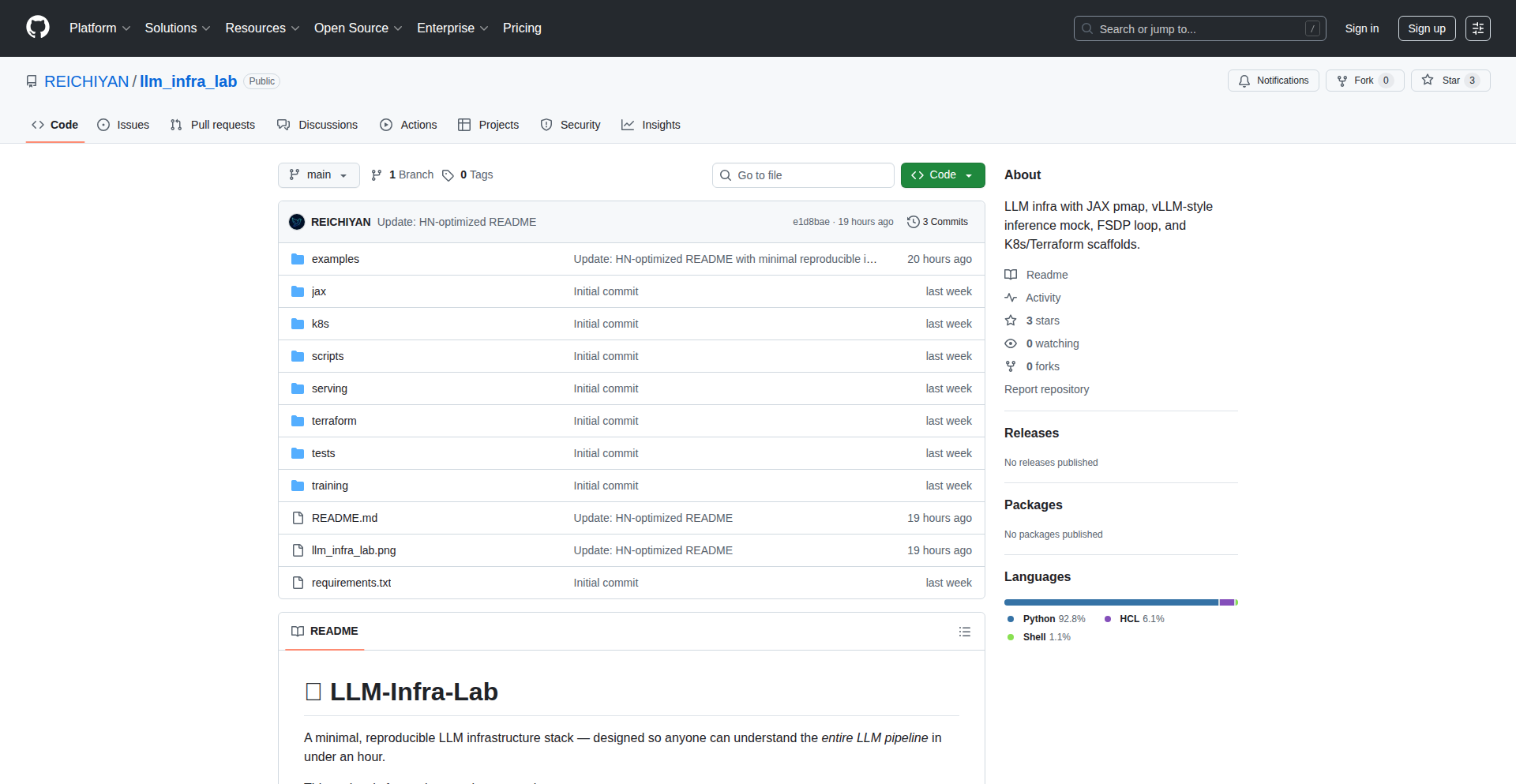
Author
Sai-HN
Description
LLM-Infra-Lab is a collection of small, readable, and reproducible demonstrations of core Large Language Model (LLM) infrastructure components. It bridges the gap between overly complex LLM frameworks and overly simplistic toy examples, offering a middle ground for developers to learn and experiment with essential concepts like KV caching, batching, routing, sharding, and scaling. The innovation lies in its minimalist approach, allowing understanding without requiring massive clusters or impenetrable codebases. This is for anyone who wants to grasp the 'how' of LLM systems without the 'why' being buried under layers of abstraction.
Popularity
Points 1
Comments 0
What is this product?
LLM-Infra-Lab is a learning and experimentation platform that breaks down the complex machinery behind Large Language Model (LLM) inference into easy-to-understand, bite-sized simulations. Instead of diving into massive, production-ready frameworks that are hard to learn from, or overly simplified examples that don't reflect real-world challenges, this project provides focused demonstrations of critical infrastructure elements. For instance, it offers a mock of the 'KV caching' mechanism (which helps LLMs remember previous parts of a conversation to speed up responses), a simulator for 'batching' (how to process multiple user requests at once efficiently), and simplified models for 'routing' and 'sharding' (how to distribute LLM workloads across different computing resources). The core innovation is its accessibility: you can run these demos on your own CPU or even in environments like Google Colab, meaning you can see and understand how real LLM systems operate without needing a supercomputer. This helps you understand the practical engineering challenges in serving LLMs efficiently.
How to use it?
Developers can use LLM-Infra-Lab as a hands-on learning tool. You can clone the repository and run the provided code examples directly on your local machine or within a cloud-based environment like Google Colab. Each module is designed to be self-contained and runnable, allowing you to experiment with individual LLM infrastructure concepts. For example, if you want to understand how batching improves throughput, you can run the batching simulator, tweak parameters, and observe the performance differences. If you're curious about how LLMs manage memory for longer contexts, you can explore the KV cache mock. This project is ideal for integrating into personal learning paths, team training sessions, or for quickly prototyping and validating understanding of specific LLM serving techniques before committing to larger, more complex frameworks.
Product Core Function
· KV Cache Mock: Demonstrates the fundamental concept of KV caching, a memory optimization technique that significantly speeds up LLM inference by reusing computed key-value pairs. This is valuable for understanding how LLMs maintain context efficiently, leading to faster and more responsive applications.
· Batching Simulator: Provides a visual and interactive way to understand batching, where multiple inference requests are grouped and processed together. This helps developers grasp how to maximize hardware utilization and improve overall throughput, crucial for handling many users simultaneously.
· Minimal Router/Workers: Simulates a basic distributed system for LLM inference, illustrating how requests can be routed to different worker processes or machines. This is important for learning about load balancing and scaling strategies in LLM deployments.
· JAX pmap Model: Shows how parallel processing (pmap - parallel map) can be applied to LLM models using JAX, a high-performance numerical computation library. This helps understand how to leverage multiple processing units for faster model execution and training.
· Reproducible Demos: Each component is designed to be easily run and understood, ensuring that developers can replicate the results and experiment freely. This fosters a deeper, practical understanding of LLM infrastructure without the overhead of complex setups.
Product Usage Case
· Learning the inner workings of LLM inference for a developer new to the field: By running the KV cache mock, they can visually see how LLMs remember past tokens, thus understanding why LLMs can generate coherent long-form text and what optimizations are possible.
· Optimizing inference speed for a web application serving AI-generated content: A developer can use the batching simulator to determine the optimal batch size for their specific hardware and traffic patterns, directly improving response times for their users.
· Designing a scalable LLM serving infrastructure: By studying the minimal router and workers simulation, a developer can gain foundational knowledge on how to distribute LLM requests across multiple servers, preventing bottlenecks and ensuring high availability.
· Experimenting with parallelizing LLM computations: A developer can use the JAX pmap model to explore how to split model computations across multiple GPUs or TPUs, leading to faster inference times for computationally intensive tasks.
92
FluentIcon Explorer
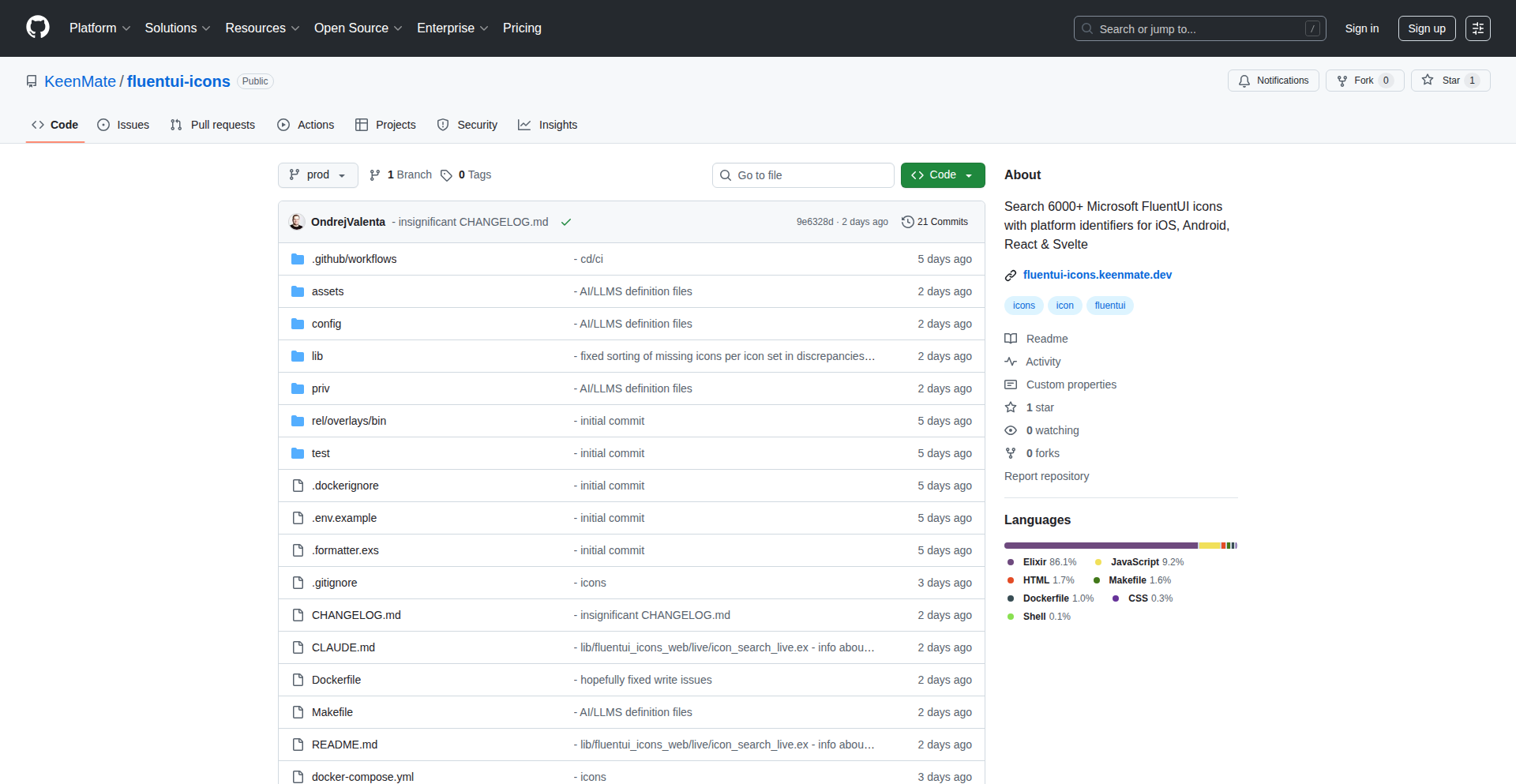
Author
OndrejValenta
Description
This project is a developer-friendly, searchable database of over 6,000 Microsoft Fluent UI system icons. It addresses the common developer frustration of struggling to find and integrate icons efficiently. The innovation lies in its MCP (Make Coding Painless) server, enabling direct icon searching from AI assistants like Claude, fuzzy search with synonyms, and platform-specific code generators for various frameworks (iOS, Android, React, Svelte), plus a custom generator for unique needs. It also offers a JSON/text API for seamless integration and automatically syncs daily with Microsoft's official repository, ensuring up-to-date icon access. So, this is useful because it dramatically speeds up the process of finding and implementing icons in your projects, saving you time and reducing development friction.
Popularity
Points 1
Comments 0
What is this product?
FluentIcon Explorer is a specialized, intelligent search engine and code generation tool for Microsoft's Fluent UI system icons. It's built on a custom 'MCP server' that allows it to understand natural language queries, even with misspellings or synonyms (fuzzy search). This means you don't need to know the exact icon name; you can describe what you're looking for, and it will find the right icon. The innovation is in making this vast library of icons easily discoverable and directly usable in your code, rather than sifting through static lists. So, this is useful because it transforms a tedious task of finding icons into a quick, intuitive experience, accelerating your design and development workflow.
How to use it?
Developers can use FluentIcon Explorer in several ways. For quick icon lookups and integration, you can leverage the live web interface at fluentui-icons.keenmate.dev. For programmatic access, the project provides a JSON/text API that can be queried to retrieve icon information. The core developer utility is the MCP server, which can be integrated with AI assistants like Claude via the command `npx @keenmate/fluentui-icons-mcp`. This allows developers to ask Claude things like 'find me an icon for a shopping cart' and get direct suggestions and code snippets. Additionally, it offers platform-specific code generators for iOS, Android, React, and Svelte, allowing you to generate the exact code needed to implement an icon in your chosen framework with a single command. So, this is useful because it provides flexible integration points, from direct web browsing to automated code generation, fitting into various development workflows.
Product Core Function
· Intelligent Icon Search: Leverages fuzzy search with synonyms and natural language processing via the MCP server to find icons based on descriptions, not just exact names. The value is in making icon discovery intuitive and fast, even for less common icons or when you forget exact naming conventions. This helps developers find the perfect visual element for their UI quickly.
· Platform-Specific Code Generators: Automatically generates code snippets for implementing icons in iOS, Android, React, and Svelte projects. The value is in reducing boilerplate code and ensuring correct integration, saving developers significant manual coding effort and reducing potential errors across different platforms.
· Custom Code Generator: Allows developers to create tailored code generation logic for specific project needs or custom icon libraries. The value is in providing flexibility and adaptability, enabling the tool to fit into niche or highly customized development environments.
· Daily Auto-Sync with Microsoft Repo: Ensures the icon database is always up-to-date with the latest Fluent UI icons from Microsoft's official source. The value is in guaranteeing access to the most current icon sets, preventing developers from using outdated or deprecated icons and maintaining design consistency with Microsoft's evolving design language.
· JSON/Text API: Provides a programmatic interface for accessing icon data and search results. The value is in enabling seamless integration with other tools, custom scripts, or backend systems, allowing for automated workflows and advanced data manipulation for icons.
Product Usage Case
· A mobile app developer needs to quickly find and implement a 'save' icon for a button in their React Native Android application. Instead of searching a static list, they use the FluentIcon Explorer's web interface, type 'save icon', and instantly get suggestions. They then use the platform-specific generator to get the correct React Native code snippet, saving them minutes of manual searching and coding.
· A web developer is building a dashboard and needs an icon representing 'analytics'. They use Claude, integrated with the FluentIcon Explorer's MCP server, and ask 'What's a good icon for data insights?'. Claude suggests a chart icon, and the Explorer provides the exact SVG or React component code needed for their Svelte application, streamlining the design and development process.
· A developer is working on a legacy project that requires a specific version of Fluent UI icons and needs a custom generator. They use the custom generator feature of FluentIcon Explorer to define how icons should be referenced in their specific project structure, ensuring compatibility and efficient icon management within a complex codebase.
93
ToolDexo: VanillaJS Utility Suite

Author
WebCreator
Description
ToolDexo is a collection of 29 free, client-side online tools built with pure vanilla JavaScript. It addresses the frustration of requiring sign-ups for simple utilities by offering instant access to calculators, converters, generators, and text manipulation tools, all without any tracking or paywalls. The core innovation lies in its commitment to privacy and immediate usability, leveraging client-side processing for a fast, offline-capable experience.
Popularity
Points 1
Comments 0
What is this product?
ToolDexo is a suite of 29 free online utilities, ranging from calculators (BMI, mortgage) and converters (currency, units) to generators (passwords, QR codes) and text tools. Its technical innovation is its reliance on pure vanilla JavaScript, meaning it uses no external frameworks. This allows all computations and processing to happen directly in your web browser (client-side). This approach results in lightning-fast performance, a perfect Lighthouse score (indicating excellent web page quality), and the ability to work offline after the initial load. The project's design philosophy is centered around user privacy and accessibility: no sign-ups, no paywalls, and no data collection. So, how is this useful? It means you can instantly access a wide array of helpful tools without any hassle or privacy concerns, right from your browser.
How to use it?
Developers can use ToolDexo directly through their web browser by visiting the website (https://tooldexo.com). For specific use cases, individual tools can be bookmarked for quick access. For example, a developer needing to frequently convert currencies can bookmark the currency converter. The tools can also serve as inspiration for building similar client-side functionalities within their own projects, particularly for web applications where minimizing server load and maximizing user experience is key. The pure JavaScript nature makes it easy to understand and potentially integrate or adapt code snippets for personal use. So, how is this useful? You can get instant results for common tasks, and learn from the efficient client-side implementation for your own development.
Product Core Function
· Instant client-side calculations: Provides immediate results for mathematical and financial computations like mortgage or tip calculations without needing to send data to a server, making it fast and private.
· Real-time currency conversion: Offers up-to-date exchange rates for 36 currencies processed locally, enabling quick financial estimations without external API calls after initial load.
· Versatile unit and timezone conversion: Allows seamless switching between different measurement units and timezones, directly in the browser for immediate utility.
· On-demand code and content generation: Creates secure passwords, QR codes, color palettes, and placeholder text (Lorem Ipsum) instantly, useful for developers and designers.
· Robust text manipulation tools: Includes word counters, case converters, and a Markdown editor that operate locally, enhancing productivity for content creators and developers.
· Developer-friendly utilities: Offers JSON formatting and Base64 encoding/decoding, essential for debugging and data handling in web development, all done without data leaving the user's machine.
Product Usage Case
· A freelance writer needs to quickly check word count for an article before submission. They use ToolDexo's word counter, which provides an instant count without requiring them to log in or upload their document.
· A web developer is building an e-commerce site and needs to generate QR codes for product links. They use ToolDexo's QR code generator to create codes directly in their browser, saving time and avoiding external service fees.
· A traveler needs to convert USD to EUR for a trip. They access ToolDexo's currency converter, get the live rate instantly, and can plan their budget without any account creation.
· A student is comparing two pieces of text for similarities or differences. They use ToolDexo's text compare tool, which highlights discrepancies locally, aiding their research process.
· A hobbyist programmer wants to encrypt a simple message using Base64. They use ToolDexo's Base64 encoder, performing the operation entirely within their browser for quick testing and learning.
94
KidReads AI

Author
pingananth
Description
KidReads AI is a unique project that uses AI to generate simplified news headlines and short stories for young children, aged 4-7. It addresses the challenge of finding age-appropriate reading material for early learners by transforming complex information into engaging, easy-to-decode content with the help of emojis. This project aims to foster a love for reading in children by making learning fun and accessible, leveraging the power of AI for personalized content creation.
Popularity
Points 1
Comments 0
What is this product?
KidReads AI is a web-based tool powered by AI, specifically Gemini 3 Pro, designed to create extremely simplified reading content for young children. The core innovation lies in its ability to take general information or news and break it down into CVC (consonant-vowel-consonant) word level text, suitable for emerging readers. It then enhances this text with carefully chosen emojis to aid comprehension and engagement. This approach transforms the daunting task of reading into an exciting activity, making it easier for children to build confidence and develop a reading habit. Think of it as a super-smart assistant that crafts personalized, bite-sized reading adventures for kids.
How to use it?
Parents or educators can use KidReads AI by inputting a topic or a piece of text (like a news article or a simple concept). The AI then processes this information, simplifies the language to a child's reading level (focusing on CVC words), and adds relevant emojis. The output is a short, engaging piece of text that a child can read independently or with minimal help. This content can be printed, displayed on a tablet, or used as a prompt for bedtime stories. For example, a parent could input 'dogs are friendly' and get a simple story like 'The dog is happy. He wags his tail. He likes to play.' with accompanying dog and wagging tail emojis. So, this helps you quickly generate reading practice material that your child will actually enjoy, eliminating the need to search for or create such content manually.
Product Core Function
· AI-powered text simplification: Transforms complex text into CVC word level content suitable for young learners, making reading accessible. So, this allows you to effortlessly create material that matches your child's current reading ability.
· Emoji integration for comprehension: Adds relevant emojis to the text to visually support understanding and increase engagement, making the reading process more intuitive. So, this helps your child decode words and concepts more easily, boosting their confidence.
· Content generation for reading habit: Creates short, engaging reading snippets that are designed to be fun and motivating, helping to build a positive association with reading. So, this makes reading a game rather than a chore, encouraging consistent practice.
· Customizable topic input: Allows users to guide the content generation by providing specific topics, ensuring relevance and interest for the child. So, this means you can tailor reading practice to your child's interests, making it more effective.
· Focus on early literacy: Specifically targets the needs of children aged 4-7, focusing on foundational reading skills like CVC word recognition. So, this ensures the generated content is perfectly aligned with the developmental stage of your young reader.
Product Usage Case
· A parent wants their 5-year-old to practice reading CVC words. They input 'a cat sat on a mat' into KidReads AI. The AI generates: 'A cat sat. The cat is on a mat. The mat is flat.' with accompanying cat and mat emojis. This helps the child practice specific word patterns in a fun, visual way, solving the problem of finding targeted practice material.
· A teacher wants to introduce a simple concept like 'sunshine' to a kindergarten class. They input 'sunshine is bright and warm'. KidReads AI creates: 'The sun is bright. It is warm. We like the sun.' with sun and warmth emojis. This allows teachers to quickly create engaging, simplified explanations for young students, addressing the challenge of making abstract concepts understandable.
· A parent is looking for a way to encourage their child's reading habit at bedtime. Instead of a long story, they use KidReads AI to generate a short, emoji-filled tale about their child's favorite animal, like a dog. This provides a quick, enjoyable reading activity that fits within a child's attention span, solving the problem of bedtime story fatigue and promoting independent reading.
95
Monorepo Forge: Svelte 5 + FastAPI Production Template
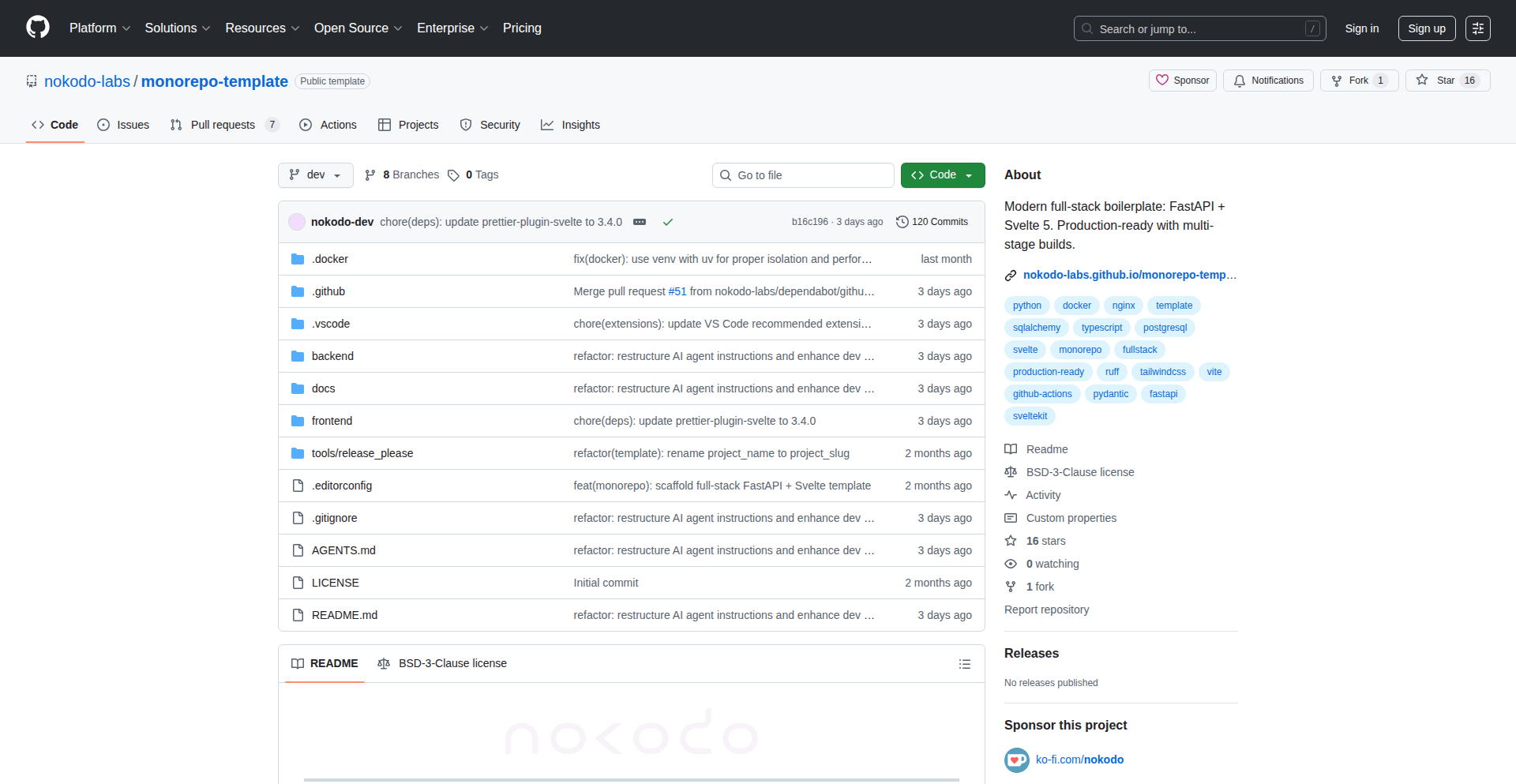
Author
nokodo
Description
This project is a production-ready fullstack monorepo template that streamlines the development of applications using Svelte 5 for the frontend and FastAPI for the backend. It tackles the common developer pain point of repeatedly setting up boilerplate infrastructure, providing a solid, opinionated foundation with built-in type safety, robust deployment configurations, and automated CI/CD pipelines. The core innovation lies in its integrated approach, minimizing setup time and maximizing developer focus on core business logic.
Popularity
Points 1
Comments 0
What is this product?
This is a pre-configured template for building modern web applications. Imagine starting a new project and having all the essential pieces already assembled and talking to each other. It uses Svelte 5, a modern JavaScript framework known for its performance and reactivity, for the user interface. For the backend, it leverages FastAPI, a fast and efficient Python web framework, perfect for building APIs. The 'monorepo' aspect means both your frontend and backend code live in the same project repository, making it easier to manage and share code. A key innovation is the automatic generation of frontend types from the backend's OpenAPI schema, ensuring that your frontend code perfectly matches your API's structure, preventing common bugs. It also includes Docker for easy deployment, GitHub Actions for continuous integration and continuous delivery (CI/CD), and even pre-made AI instructions for development assistance. Think of it as a well-oiled machine ready for your creative input, rather than a pile of unorganized parts.
How to use it?
Developers can clone this repository from GitHub and then start building their application's unique features. It provides a structured starting point, so instead of spending days or weeks setting up databases (like PostgreSQL), API routing, frontend component structures, and deployment pipelines, you can jump directly into writing the code that makes your application special. The template comes with pre-configured VSCode tasks and debugger settings, making it seamless to develop and debug locally. The CI/CD setup means that once you push your code, it's automatically tested and prepared for deployment, with a workflow for promoting changes from development to a stable production environment. For example, you can quickly set up a new API endpoint in FastAPI, and the type safety features will automatically update the Svelte code, ensuring consistency. So, for you, it means significantly faster project initialization and a more reliable development process.
Product Core Function
· Production-ready backend with FastAPI, SQLAlchemy, and PostgreSQL: This provides a robust and scalable foundation for your API, handling data storage and retrieval efficiently, saving you from building these core services from scratch.
· Reactive frontend with Svelte 5 and Tailwind CSS: Offers a modern and performant user interface framework, enabling you to build dynamic and visually appealing applications quickly and with ease.
· Automatic type generation for frontend from backend schema (OpenAPI-TypeScript): This crucial feature synchronizes your frontend and backend data structures, preventing common integration errors and significantly improving developer confidence and productivity.
· Dockerized deployment with multi-stage builds and Nginx: Simplifies the process of packaging and deploying your application consistently across different environments, ensuring it runs the same way everywhere.
· Integrated CI/CD with GitHub Actions: Automates your testing, building, and deployment processes, allowing for faster iteration cycles and reducing the risk of manual deployment errors.
· VSCode development environment setup: Provides pre-configured debugging and task execution within your IDE, streamlining the local development workflow and making it easier to get started.
· Dev/Stable promotion workflow: Enables a controlled release process, ensuring that new features are thoroughly tested before being pushed to production, leading to a more stable application.
Product Usage Case
· A startup needing to quickly launch a Minimum Viable Product (MVP) for a web application. By using this template, they can bypass the initial infrastructure setup and focus on building the core features that differentiate their product, drastically reducing time-to-market.
· A solo developer building a personal project or a complex side-hustle. This template provides the structure and tooling they'd otherwise have to spend considerable time researching and implementing, allowing them to concentrate on the creative aspects of their project.
· A team of developers working on a microservices architecture that needs a well-defined starting point for new services. This monorepo template can be adapted to serve as a blueprint for consistent service development and deployment within the larger system.
· A developer migrating from a monolithic application to a more modern fullstack architecture. This template offers a clear path and proven tooling to build the new, decoupled frontend and backend components, mitigating the risks associated with such transitions.
96
VoiceAI-Toolkit-TS
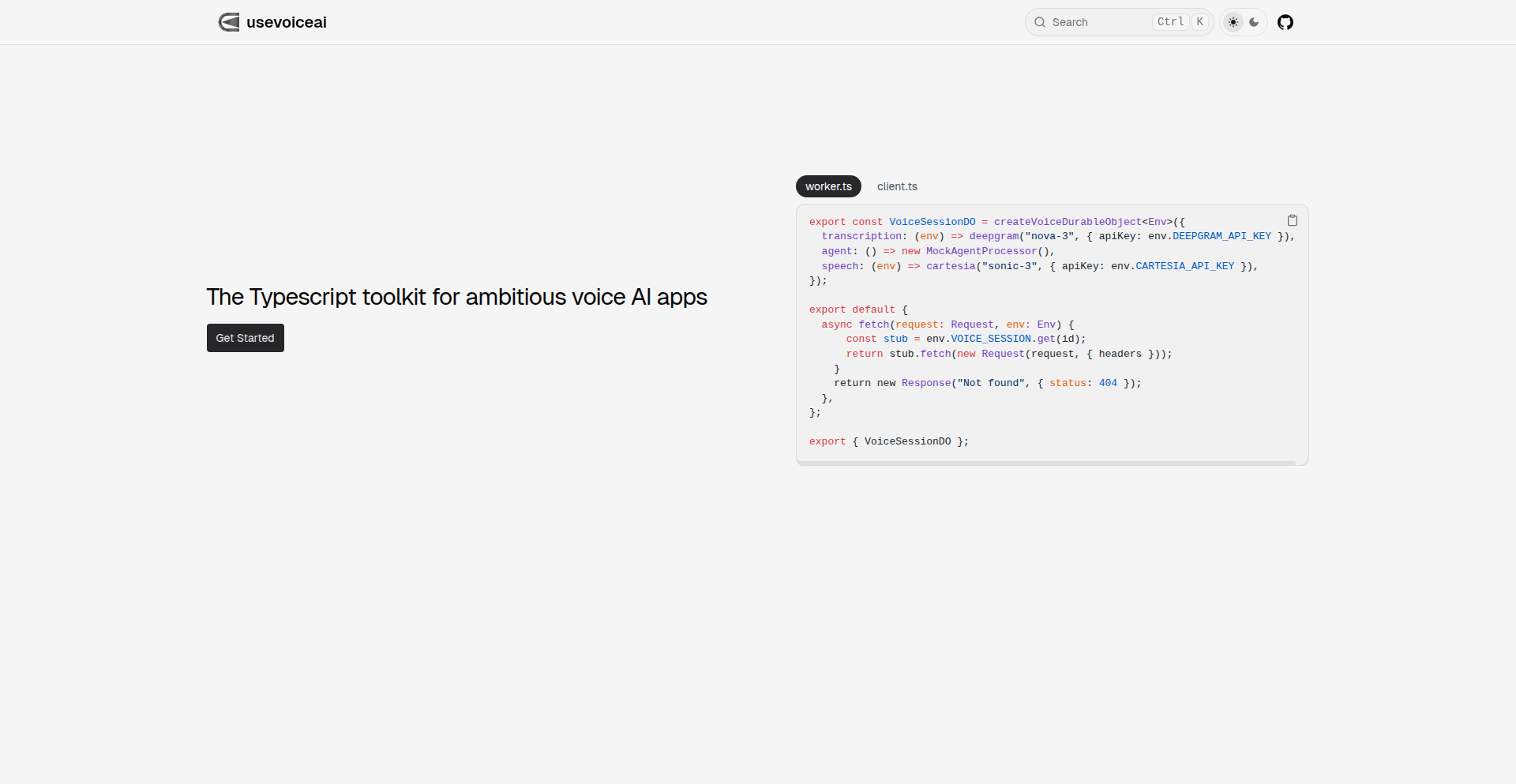
Author
nktsg
Description
This project is a TypeScript toolkit designed to empower developers in building ambitious voice AI applications. It addresses the complexity of integrating various voice processing functionalities, offering a streamlined approach to speech recognition, natural language understanding, and text-to-speech synthesis. The innovation lies in its modular design and TypeScript-first approach, making voice AI development more accessible and efficient.
Popularity
Points 1
Comments 0
What is this product?
VoiceAI-Toolkit-TS is a collection of pre-built components and utilities written in TypeScript that simplify the process of creating sophisticated voice-powered applications. It abstracts away the low-level complexities of interacting with various voice AI services, allowing developers to focus on the application's logic and user experience. The core innovation is providing a unified, type-safe interface for common voice AI tasks, which dramatically reduces development time and potential errors, especially for those new to voice AI.
How to use it?
Developers can integrate this toolkit into their existing or new TypeScript/JavaScript projects. It's designed to be used as a library. For example, you could import specific modules for speech-to-text to capture user input, then pass that text to a natural language processing module for interpretation, and finally use a text-to-speech module to generate spoken responses. This makes it easy to plug into web applications, mobile apps, or backend services that require voice interaction.
Product Core Function
· Speech-to-Text (STT) Integration: Enables applications to accurately convert spoken audio into written text. This is valuable for capturing user commands or free-form input, making applications interactive beyond typing.
· Natural Language Understanding (NLU) Module: Processes the transcribed text to understand the user's intent and extract relevant information. This is key for building conversational agents that can comprehend and respond intelligently to user requests.
· Text-to-Speech (TTS) Synthesis: Converts text into natural-sounding speech, allowing applications to communicate audibly with users. This enhances user experience by providing spoken feedback and responses, similar to interacting with a human.
· Modular Architecture: The toolkit is built with separate, interchangeable modules for each voice AI task. This allows developers to pick and choose only the functionalities they need, optimizing performance and reducing project bloat.
· TypeScript First Design: Leverages TypeScript's strong typing to provide better developer tooling, catch errors at compile time, and improve code maintainability. This means fewer bugs and a smoother development process for complex applications.
Product Usage Case
· Building a voice-controlled customer support chatbot: A company can use this toolkit to allow customers to interact with their support system using voice, making it more accessible and hands-free. The STT captures the query, NLU understands the problem, and TTS provides a spoken resolution.
· Developing a hands-free mobile application for drivers: Imagine a navigation app that can be controlled entirely by voice. The toolkit would handle voice commands for destination input, route changes, and status updates, improving safety by allowing drivers to keep their hands on the wheel.
· Creating an interactive educational tool for children: An app could use this toolkit to let children practice pronunciation or answer questions verbally. STT would assess their speech, NLU would check their answers, and TTS would provide encouraging feedback.
· Automating data entry from spoken dictation: Businesses could use this toolkit to build systems that automatically transcribe spoken reports or notes into structured data, saving significant time and reducing manual effort in data input.
97
Aliasto: Local Golink Alias Manager

Author
crigout
Description
Aliasto is a clever utility that lets you create short, memorable aliases for your frequently used development links, all managed locally on your machine. It's like having your own private URL shortener for your internal projects and resources, powered by Golinks technology. The innovation lies in its localized approach, offering speed and privacy by avoiding external services. So, this is useful for developers to quickly jump to their projects without remembering long URLs, saving time and reducing cognitive load.
Popularity
Points 1
Comments 0
What is this product?
Aliasto is a command-line tool that allows you to define custom aliases for URLs. Think of it as a personal shortcut manager for your development workflow. Instead of typing out lengthy URLs for your internal tools, code repositories, or documentation, you can just type a short alias, and Aliasto will instantly open the corresponding URL in your browser. It uses a simple configuration file to store these mappings, drawing inspiration from Golinks. The core innovation is its local-first design, meaning all your aliases and their resolutions happen on your computer, ensuring privacy and speed. So, this is useful because it streamlines your access to frequently used resources, making your development process much smoother and faster, without relying on any external servers.
How to use it?
Developers can install Aliasto via its command-line interface (CLI). Once installed, they create a configuration file (e.g., `~/.aliasto.yaml`) where they define their aliases. For example, they might map `myrepo` to `https://github.com/yourusername/your-project`. Then, in their terminal, typing `aliasto myrepo` will automatically open that GitHub repository URL in their default web browser. It can be integrated into shell profiles (like `.bashrc` or `.zshrc`) to make the command even more seamless. So, this is useful for integrating into existing workflows by providing a quick, command-line driven way to access important internal or external development resources, reducing the need to switch contexts or search for links.
Product Core Function
· Alias Creation and Management: Allows developers to define custom short aliases for any URL, providing a human-readable shortcut for complex or frequently accessed links. The value is in saving typing time and reducing the mental effort required to remember long URLs. Applicable for internal project dashboards, CI/CD pipelines, or documentation sites.
· Local URL Resolution: Resolves aliases to their corresponding URLs directly on the user's machine, eliminating the need for an internet connection or an external service to shorten or redirect links. The value is enhanced privacy, speed, and offline usability. Applicable for developers working in environments with limited connectivity or strict security policies.
· Browser Integration: Automatically opens the resolved URL in the user's default web browser when an alias is invoked. The value is seamless transition from the terminal to the web resource. Applicable for quickly navigating to project websites, issue trackers, or staging environments.
· Configuration File Based: Uses a simple and human-readable configuration file (e.g., YAML) for defining aliases, making it easy to manage and version control. The value is in providing a transparent and customizable way to organize shortcuts. Applicable for teams to share common alias configurations or for individual developers to maintain their personalized shortcuts.
Product Usage Case
· A developer needs to quickly access their company's internal wiki documentation. Instead of searching for the URL, they can set up an alias like `wiki` to point to `https://internal.company.com/wiki`. By typing `aliasto wiki` in their terminal, the wiki page opens instantly. This solves the problem of slow access to frequently needed information, boosting productivity.
· A team is working on multiple microservices, each with its own dashboard and logs. They can define aliases for each service, for example, `auth-dash` for the authentication service dashboard and `order-logs` for the order service logs. Typing these aliases allows them to jump directly to the relevant dashboards without hunting through bookmarks or typing full URLs. This solves the problem of context switching and time wasted navigating between different service interfaces.
· A developer wants to quickly push code to a specific repository. They can create an alias like `push-main` that points to their GitHub repository URL. This allows for a faster workflow when frequently interacting with version control systems. This solves the problem of repetitive URL input for version control operations.
98
Envelop: Nested P2P Messaging Protocol
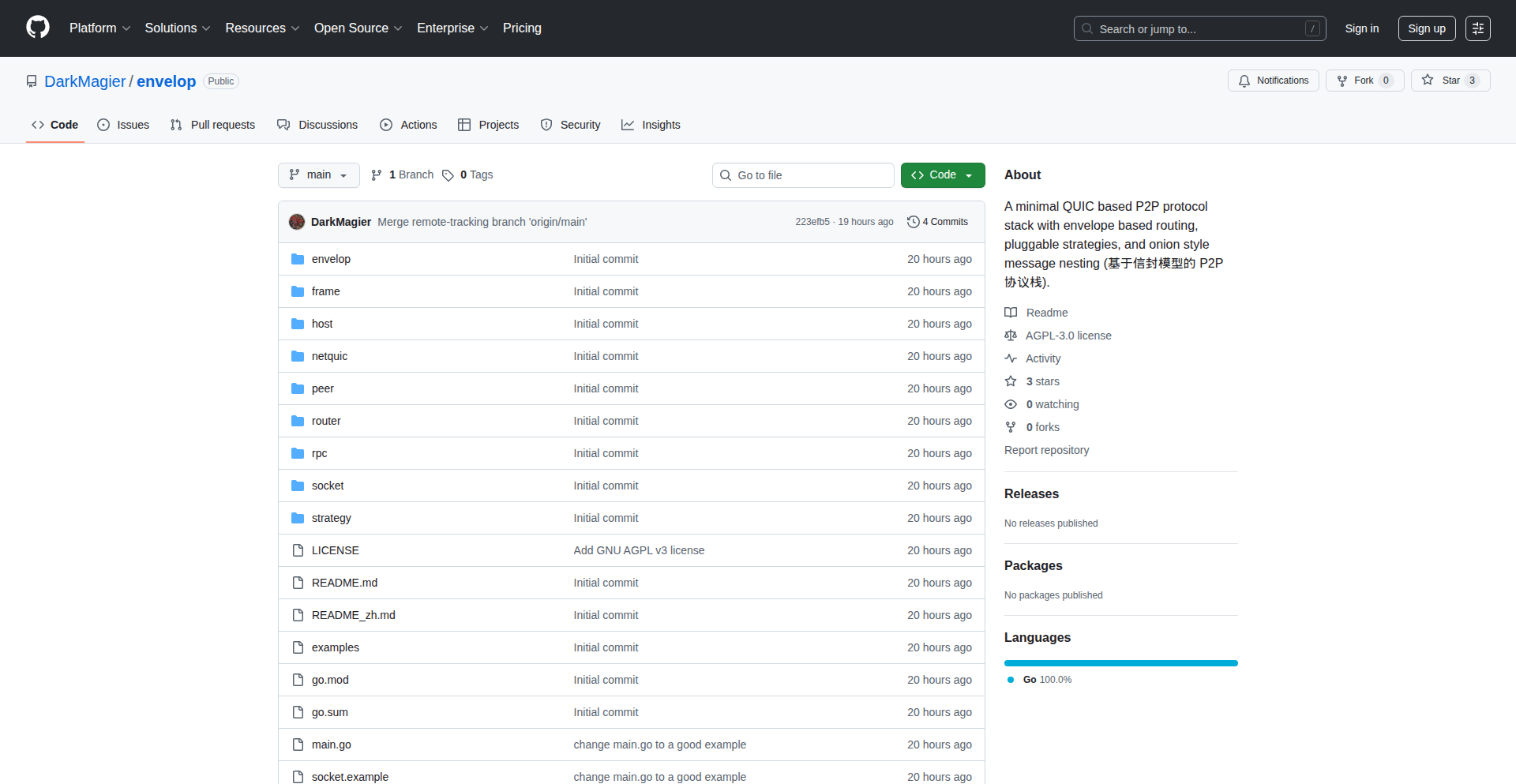
Author
DarkMagician34
Description
Envelop is an experimental P2P protocol stack built in Go that redefines message delivery. Instead of traditional connections, it treats messages as 'papers' enclosed in one or more 'envelopes'. This allows for flexible, layered routing and enhanced privacy by obscuring the final payload until it reaches its intended recipient. The core innovation lies in its 'Strategy' interface, enabling developers to implement custom routing, onion-style anonymity, or unique delivery schemes.
Popularity
Points 1
Comments 0
What is this product?
Envelop is a novel Peer-to-Peer (P2P) protocol designed for sending messages. Its fundamental concept is to wrap the actual message content (the 'paper') within one or more layers of 'envelopes'. Each envelope contains metadata like the destination peer ID, return peer ID, and time-to-live (TTL). This layered approach allows for complex routing scenarios. For example, a message can be sent from A to C via B. A only sees an envelope addressed to B, B sees an envelope addressed to C, and C receives the final message. If encryption is used, intermediate nodes like B would not be able to see the actual message content, only the metadata for their specific routing hop. This is achieved by the protocol stack: QUIC (for reliable transport) -> Frame -> Envelope -> Router -> Strategy -> Socket -> Host. The 'Strategy' component is where developers can inject their own logic for how messages are routed and handled, making it highly adaptable.
How to use it?
Developers can integrate Envelop into their P2P applications by implementing custom 'Strategy' components. This involves defining how messages are routed, potentially through multiple hops with encryption at each layer to enhance privacy. For instance, you could build an anonymous messaging service akin to I2P by creating a strategy that routes messages through several intermediate nodes, encrypting each hop. Another use case could be a private, invite-only network where delivery rules are strictly enforced. The core Envelop stack handles the message encapsulation and de-capsulation, while your custom strategy dictates the complex 'how to deliver' logic. It's designed as a flexible skeleton for experimentation with P2P communication.
Product Core Function
· Layered Message Encapsulation: Allows messages to be wrapped in multiple nested envelopes, similar to an onion. This enhances privacy by revealing only the necessary routing information at each hop. Value: Enables advanced anonymity and secure communication patterns where intermediate nodes are unaware of the final payload.
· Abstracted Routing Strategy: Provides a 'Strategy' interface that decouples the core messaging from the routing logic. Developers can plug in custom routing algorithms, privacy mechanisms, or delivery policies. Value: Offers immense flexibility for building diverse P2P applications, from anonymous networks to controlled data sharing.
· P2P Protocol Stack: Implements a layered P2P communication stack, using QUIC for reliable transport and defining custom layers for frames and envelopes. Value: Provides a foundational framework for building P2P applications with fine-grained control over message handling and routing.
· Experimental Protocol Skeleton: Designed as a learning resource and a foundation for exploring new P2P concepts. Value: Empowers developers to experiment with innovative P2P architectures and contribute to the evolution of decentralized communication.
Product Usage Case
· Developing an anonymous messaging application: A developer could use Envelop to build a messaging app where messages are routed through multiple hops, with each hop encrypting the message for the next recipient. This would make it very difficult to trace the origin or destination of messages. The core Envelop stack handles the layering, and a custom strategy defines the path and encryption keys for each hop.
· Creating a private, invite-only data sharing network: Imagine a scenario where sensitive data needs to be shared within a closed group. Envelop can be used to ensure that only authorized peers can access the data, and intermediate nodes cannot intercept or view it. A custom strategy could enforce strict peer authentication and authorization rules before delivering the message.
· Experimenting with store-and-forward messaging for unreliable networks: For scenarios where nodes might go offline temporarily, Envelop's flexible strategy interface could be used to implement a store-and-forward mechanism. Messages could be temporarily stored by intermediate peers until the intended recipient is back online. This addresses the challenge of intermittent connectivity in P2P systems.
99
AI Loft Fusion Engine

Author
songtianlun1
Description
AI Loft is an experimental creative platform that integrates several cutting-edge AI models, including Sora 2, Nano Banana 2, and Flux. This project aims to provide a unified environment for creators to explore and combine the capabilities of these advanced AI technologies, enabling novel forms of media generation and manipulation. The core innovation lies in its attempt to orchestrate diverse AI functionalities within a single interface, pushing the boundaries of what's possible with generative AI.
Popularity
Points 1
Comments 0
What is this product?
AI Loft Fusion Engine is a proof-of-concept creative platform that showcases the power of bringing together different state-of-the-art AI models in one place. Think of it as a Swiss Army knife for AI creativity. It combines the video generation prowess of Sora 2, the image manipulation capabilities of Nano Banana 2, and the motion and transformation abilities of Flux. The technical insight here is not just about having these models, but about exploring how they can interact and be controlled through a unified interface. This allows for more complex and layered creative outputs that would be difficult to achieve by using each model in isolation. For you, this means a potential shortcut to generating richer, more dynamic content by leveraging multiple AI strengths simultaneously without needing to be an expert in each individual AI model.
How to use it?
Developers can interact with AI Loft Fusion Engine through its API or a potential future user interface. The core idea is to send instructions and data to the platform, which then orchestrates the chosen AI models to produce results. For example, a developer could feed a text prompt and a target style to Sora 2 for video generation, then use Nano Banana 2 to alter specific elements within the generated video frames, and finally employ Flux to introduce dynamic motion effects to the entire sequence. This allows for sophisticated workflows where outputs from one AI model become inputs for another. This project offers a glimpse into how future creative tools might allow for deep integration and control over a suite of AI generative capabilities, simplifying complex workflows and unlocking new creative possibilities for application development.
Product Core Function
· Unified AI Model Orchestration: This function allows the platform to manage and coordinate multiple advanced AI models like Sora 2, Nano Banana 2, and Flux. The value is in simplifying complex AI workflows, enabling developers to access and combine diverse generative capabilities without deep expertise in each. This is useful for rapid prototyping of AI-powered creative applications.
· Cross-Model Input/Output Handling: This feature enables the seamless transfer of data and results between different AI models. For instance, an image generated by Nano Banana 2 could be used as a starting point for Sora 2's video generation. The value lies in creating more sophisticated and integrated AI outputs, allowing for the development of applications that leverage sequential AI processing for richer media generation.
· Experimental Feature Integration: The project actively incorporates and demonstrates emerging AI technologies. The value is in showcasing the potential of novel AI advancements, inspiring developers to experiment with and build upon these new capabilities. This is particularly useful for staying at the forefront of AI-driven creativity and application development.
· Creative Exploration Interface (Implied): While experimental, the platform inherently aims to provide a space for exploring creative possibilities. The value for developers is in discovering new ways to combine AI functionalities that might not be immediately obvious, leading to unique application ideas and user experiences in areas like digital art, content creation, and interactive media.
Product Usage Case
· Creating a short film with dynamic scene transitions: A developer could use Sora 2 to generate the base video content, then use Nano Banana 2 to stylize specific scenes with a unique artistic filter, and finally apply Flux to add smooth camera movements or object animations across the entire clip. This solves the problem of complex multi-stage video production by unifying the process.
· Developing an interactive AI art generator: Imagine an application where users can upload a photo, and then choose to transform it using stylistic elements from Nano Banana 2 and animate it with motion effects from Flux, all guided by a concept from Sora 2. This solves the challenge of creating a rich, multi-faceted AI art experience with a single, integrated tool.
· Prototyping novel game asset generation: A game developer could use this platform to quickly generate character animations by combining Sora 2's ability to understand motion from text with Flux's animation capabilities, and then use Nano Banana 2 to create variations of character textures or backgrounds. This addresses the need for rapid iteration and generation of diverse visual assets in game development.
100
IPGrabber-Clip

Author
mengchengfeng
Description
A minimalist web application that automatically copies your public-facing IP address to your clipboard upon page load. This innovative solution eliminates the manual steps of visiting a website and clicking to copy, streamlining a common developer workflow. It addresses the tediousness of repeatedly fetching one's public IP for tasks like remote server access or network configuration.
Popularity
Points 1
Comments 0
What is this product?
This is a web-based tool designed to automatically capture and copy your computer's public IP address to your clipboard the moment you visit the webpage. It utilizes JavaScript to detect your IP address and then leverages the browser's Clipboard API to perform the copy action. The first time you visit, you'll need to grant permission for the website to access your clipboard. Once granted, if the IP is successfully copied, you'll see a confirmation message instead of a button. This project is born out of a developer's frustration with manual IP fetching, demonstrating a pragmatic approach to solving a common pain point.
How to use it?
Developers can use IPGrabber-Clip by simply navigating to the provided URL in their web browser. No complex installation is required. Once the page loads and permission is granted, their public IP address will be automatically copied to their clipboard. This makes it incredibly easy to paste their IP address into applications, command-line interfaces, or configuration files where it's needed for tasks such as SSHing into a remote server, setting up VPN connections, or debugging network-related issues.
Product Core Function
· Automatic IP Detection: The system uses JavaScript to identify the user's public IP address, eliminating the need for manual input or searching.
· One-Click Clipboard Copy: Upon successful IP detection, the tool automatically copies the IP address to the system clipboard using the browser's Clipboard API, saving users time and effort.
· User Permission Handling: The application gracefully requests user permission to access the clipboard, ensuring security and respecting user privacy. This also provides a clear indication when the copying action is successful.
· Minimalist UI: The interface is designed to be straightforward and uncluttered, focusing solely on the core functionality of IP copying and providing clear feedback to the user.
Product Usage Case
· Remote Server Access: When a developer needs to connect to a remote server via SSH and their IP address changes frequently or they need to whitelist it on the server, they can open IPGrabber-Clip, and their new public IP is instantly on their clipboard, ready to be pasted into their SSH client.
· Network Configuration: For tasks like setting up port forwarding on a router or configuring firewall rules that require the user's current public IP, opening IPGrabber-Clip provides the necessary information with a single action.
· Quick IP Sharing: If a developer needs to quickly share their public IP address with a colleague for troubleshooting or to grant temporary access to a service, they can open IPGrabber-Clip and then easily paste the IP into a chat message or email.
· Testing External Service Reachability: When testing if an external service can reach a local development server, knowing the correct public IP is crucial. IPGrabber-Clip provides this information instantly, removing a potential roadblock in the testing process.
101
Giftl: The Code-Driven Gift Registry

Author
frustracean
Description
Giftl is a free, simple, and occasion-agnostic gift registry designed to solve the common holiday or birthday gift coordination problem for families. It allows users to share gift ideas without the hassle of duplicate gifts or complicated coordination, enabling a more streamlined and less stressful gifting experience.
Popularity
Points 1
Comments 0
What is this product?
Giftl is a web-based application that acts as a digital gift registry. The core technical innovation lies in its simplicity and focus on the user experience, particularly for non-technical users. It leverages a straightforward backend to manage gift items associated with an event or person. The system allows users to anonymously add desired gifts to a list, and others can anonymously 'claim' a gift to indicate they've purchased it, without revealing who purchased it to the recipient. This approach minimizes the need for complex user accounts or authentication for the basic functionality, making it accessible to a wider audience. The value is in providing a no-fuss way to manage gift giving, preventing duplicate presents and simplifying communication within a group.
How to use it?
Developers can use Giftl by creating a shared registry link for a specific occasion (like a birthday or holiday). They can then share this link with family and friends. Anyone with the link can view the gift list and anonymously mark an item as purchased. This is useful for family gatherings, office gift exchanges, or even for personal wish lists that you want to share with a group without direct management. The integration is simple: share a URL. For more technical users, the underlying simplicity of the system can serve as inspiration for building similar, lightweight coordination tools.
Product Core Function
· Anonymous Gift Listing: Allows users to add desired gift items to a registry without revealing their identity, preventing unwanted surprises and ensuring variety.
· Anonymous Gift Claiming: Enables participants to anonymously mark a gift as 'purchased,' preventing duplicates without disclosing who is buying what to the recipient.
· Occasion Agnostic Registry: Supports any type of event, from birthdays and holidays to baby showers or weddings, offering flexibility.
· Simple Sharing Mechanism: Utilizes shareable links for easy distribution to friends and family, minimizing setup friction.
· No Sign-up Required for Basic Use: Focuses on immediate usability, allowing anyone to start creating or contributing to a registry without mandatory account creation.
Product Usage Case
· Family Holiday Gift Coordination: A user creates a registry for Christmas gifts and shares the link with extended family members. Each family member can anonymously see what others might be getting, claim gifts they intend to purchase, and avoid buying the same item for a child.
· Office Secret Santa: An organizer sets up a registry for Secret Santa participants to list their desired gifts. Colleagues can anonymously claim gifts from the list, ensuring a more equitable distribution of gift ideas and preventing duplicate gifts.
· Birthday Gift Planning for a Group: Friends planning a birthday gift for a mutual friend can use Giftl to pool ideas and coordinate who is buying what, ensuring the birthday person receives a diverse set of presents.
· Collaborative Gift Ideas for a Couple: A couple can create a registry for their wedding or anniversary and share it with guests, allowing guests to anonymously pick gifts from the list, simplifying the process for both the couple and the gift-givers.
102
SIGMA Runtime ERI Benchmark

Author
teugent
Description
This project introduces an open benchmark plan for SIGMA Runtime ERI (v0.1), a compact runtime architecture designed for large language models (LLMs) that utilizes attractor-based cognition. It focuses on making key LLM runtime characteristics like token efficiency, coherence, latency, and drift control measurable and independently verifiable. The core innovation lies in providing a standardized way to evaluate how well LLMs maintain their understanding and performance over extended interactions, moving beyond simple single-turn responses.
Popularity
Points 1
Comments 0
What is this product?
This is an open benchmark plan for a new type of LLM runtime architecture called SIGMA Runtime ERI (v0.1). Think of a runtime architecture as the engine that makes an LLM work, especially when it's having a long conversation or performing complex tasks. SIGMA's key idea is 'attractor-based cognition,' which means it aims to keep the LLM 'focused' and consistent by using a central point of reference, much like a planet orbits a star. The benchmark defines specific tests to measure how efficiently it uses information (token efficiency), how well it stays on topic and remembers things (coherence stability), how fast it responds (latency), and how it prevents its understanding from degrading over time (drift control). It compares this new approach to a standard 'looping agent' to show its improvements. The innovation is in making these crucial runtime qualities objectively measurable and comparable across different LLMs and AI systems, which is essential for building more reliable and predictable AI.
How to use it?
Developers can use this benchmark plan to rigorously test and compare the performance of different LLMs and agent frameworks, particularly for applications requiring long-context understanding or autonomous operation. Instead of just looking at raw output quality, you can use these reproducible tests to quantify how well your LLM maintains context, stays coherent, and avoids 'forgetting' or going off-track during extended interactions. This is achieved by running specific tests defined in the benchmark and analyzing the results against SIGMA's metrics. For integration, the benchmark provides a methodology that can be applied to existing LLM frameworks and custom agent implementations, allowing for direct comparison of their runtime efficiency and stability. If you're building an AI that needs to 'remember' and act intelligently over many steps, this benchmark tells you how to measure and improve its long-term performance.
Product Core Function
· Token efficiency measurement: Quantifies how well the LLM utilizes its input tokens to maintain understanding and generate relevant outputs, helping developers optimize prompt design and reduce computational costs.
· Coherence stability testing: Assesses the LLM's ability to remain consistent and on-topic throughout a prolonged interaction, crucial for building conversational AI that doesn't 'lose its mind' or forget previous parts of the dialogue.
· Latency evaluation: Measures the response time of the LLM under various conditions, enabling developers to build real-time applications where speed is critical, such as interactive chatbots or live analysis tools.
· Drift control analysis: Evaluates how effectively the LLM prevents its internal state or understanding from degrading or deviating over time, ensuring predictable and reliable behavior for autonomous agents or long-running processes.
· Reproducible benchmark definitions: Provides a standardized set of tests that can be run by anyone, allowing for independent verification and direct comparison of different LLM runtime architectures and frameworks.
Product Usage Case
· An AI researcher wants to compare two different LLM frameworks for their ability to handle long customer support conversations. They can use the SIGMA benchmark to measure which framework maintains better coherence and is less prone to drift, helping them choose the more reliable solution.
· A developer is building an autonomous agent that needs to perform a series of tasks over an extended period, like managing a virtual environment. They can use the benchmark's latency and drift control tests to ensure the agent remains responsive and its decision-making doesn't degrade over time, preventing unexpected failures.
· A company providing LLM services wants to demonstrate the superior runtime performance of their models compared to competitors. They can publish their benchmark results using the SIGMA plan, offering objective, data-driven evidence of their LLM's efficiency and stability for potential clients.
· An open-source project is developing a new LLM agent that needs to be highly efficient with token usage. The benchmark's token efficiency tests can guide their development process and validate that their optimizations are effective in reducing costs and improving performance.
103
Tracksy: TimeForge

Author
miguelboka
Description
Tracksy: TimeForge is a minimalist time-tracking tool built for freelancers. It streamlines the workflow from starting a timer to logging hours, exporting invoices, and sending them to clients. Its core innovation lies in its simplicity and integrated approach, eliminating the need to juggle multiple applications. This means less friction in your daily work and faster payment cycles.
Popularity
Points 1
Comments 0
What is this product?
Tracksy: TimeForge is a single, unified application designed to simplify the freelance workflow. Instead of using separate tools for tracking time, managing projects, and creating invoices, it combines these functions into an intuitive interface. The underlying technology focuses on providing a smooth, responsive user experience, ensuring that starting a timer, logging your work, and generating professional-looking invoices is as effortless as possible. This approach leverages modern web technologies to create a fast and reliable tool that directly addresses the pain points of freelance professionals.
How to use it?
Developers can integrate Tracksy: TimeForge into their freelance operations by using it as their primary time-tracking and invoicing solution. You can start a timer for a specific project, log your working hours against that project, and then easily generate PDF invoices based on the recorded time. The tool offers customizable invoice templates, allowing you to match your brand. For those who need to see their productivity at a glance, it provides analytics on your time allocation. The responsive UI means you can use it on any device, from your desktop to your tablet, ensuring you can track and manage your work wherever you are.
Product Core Function
· Real-time time tracking: Start and stop timers for different projects, ensuring accurate logging of billable hours. This is valuable because it prevents under-billing and provides clear documentation of your work for clients.
· Automated hour logging: Once a timer is stopped, the hours are automatically recorded against the selected project. This saves manual entry time and reduces errors, leading to more efficient administrative tasks.
· Integrated PDF invoice generation: Create professional invoices directly from your tracked hours with customizable templates. This is useful for freelancers as it speeds up the invoicing process and presents a professional image to clients.
· Client management: Organize client information and link invoices to specific clients. This helps keep your billing organized and makes it easy to track payments and outstanding balances.
· Project-based analytics: Gain insights into how your time is spent across different projects. This functionality is valuable for understanding your productivity, identifying profitable projects, and improving your time management strategies.
· Responsive user interface: Access and use Tracksy: TimeForge seamlessly on any device, including desktops, tablets, and smartphones. This flexibility is crucial for freelancers who often work on the go.
· Watermark removal: Allows for clean, professional invoices without any unwanted branding. This is a practical feature for maintaining a polished and personalized client experience.
Product Usage Case
· A freelance web developer is working on a new client website. They start a timer in Tracksy: TimeForge as soon as they begin coding. Throughout the day, they switch between different tasks on the same project, pausing and restarting the timer as needed. At the end of the day, they stop the timer, and the total hours are logged. Later, when it's time to invoice, they select the client and project, choose an invoice template, and generate a PDF in seconds. This solves the problem of manually calculating hours and creating invoices, saving them significant administrative time.
· A graphic designer is juggling multiple client projects simultaneously. Using Tracksy: TimeForge, they can easily switch between timers for each project. This ensures they accurately track time spent on logo design for one client, banner ad creation for another, and social media graphics for a third. The project-based analytics help them see which types of design work are most time-consuming and potentially most profitable, allowing them to better estimate future projects. This directly addresses the challenge of accurate time allocation across diverse tasks.
· A freelance writer needs to send out monthly invoices to several recurring clients. Tracksy: TimeForge allows them to quickly access all the tracked hours for each client for the past month. They can then generate and send professional PDF invoices with their company logo, all within minutes. This streamlines the billing cycle and ensures they get paid on time, solving the common freelance problem of slow or inconsistent invoicing.
104
StructOpt: Adaptive First-Order Optimization Engine

Author
Alex1Morgan
Description
StructOpt is an innovative adaptive first-order optimization method that dynamically adjusts its learning rate and other parameters based on the structure of the problem being solved. This means it can learn faster and more efficiently, especially for complex optimization tasks where traditional methods struggle. It addresses the common challenge of hyperparameter tuning in machine learning and other iterative processes.
Popularity
Points 1
Comments 0
What is this product?
StructOpt is a novel optimization algorithm designed to be smarter about how it learns. Instead of using fixed steps (like a standard gradient descent), it analyzes the 'shape' or 'structure' of the problem and adaptively changes its learning approach. Think of it like a hiker who, instead of taking uniform steps, adjusts their stride and pace based on whether they're going uphill, downhill, or on flat ground. This adaptability is its core innovation, leading to faster convergence and better results in various machine learning and scientific computing scenarios.
How to use it?
Developers can integrate StructOpt into their machine learning models, scientific simulations, or any process that involves iterative improvement. It typically replaces existing optimizers like Adam or SGD. The usage would involve initializing StructOpt with your model's parameters and then calling its 'step' or 'update' function in each iteration, providing the gradients computed from your model. The key benefit is that you spend less time fiddling with learning rates and momentum, as StructOpt handles much of that automatically.
Product Core Function
· Adaptive Learning Rate Adjustment: Automatically modifies the step size based on the problem's landscape, leading to faster convergence and avoiding getting stuck in local minima. This means your models train quicker without manual intervention.
· Second-Order-like Behavior from First-Order: Mimics some of the benefits of more complex second-order methods (which use curvature information) by intelligently analyzing the gradient history, offering a performance boost without the computational overhead.
· Problem Structure Awareness: Learns from the patterns in the data and the optimization process itself to tailor its strategy, making it more robust to different types of problems than fixed optimizers.
· Reduced Hyperparameter Sensitivity: Requires less manual tuning of learning rates, momentum, and other hyperparameters, simplifying the development workflow and saving developers time.
· Efficient Gradient Updates: Designed for computational efficiency, making it suitable for large-scale problems where every millisecond counts.
Product Usage Case
· Training deep neural networks for image recognition: When training complex image models, StructOpt can adapt to the varying difficulty of learning different features, potentially leading to quicker and more accurate models.
· Hyperparameter optimization for reinforcement learning agents: In RL, tuning rewards and learning rates is crucial. StructOpt can help explore the parameter space more effectively, finding optimal agent behaviors faster.
· Solving complex scientific simulations: For physics or chemistry simulations that involve finding equilibrium states or optimizing parameters, StructOpt's adaptive nature can navigate the intricate solution space more efficiently than traditional methods.
· Natural Language Processing model fine-tuning: Fine-tuning large language models often requires careful learning rate scheduling. StructOpt can automate this process, making it easier to achieve state-of-the-art results.
105
Packet Meter: Bandwidth Sentinel
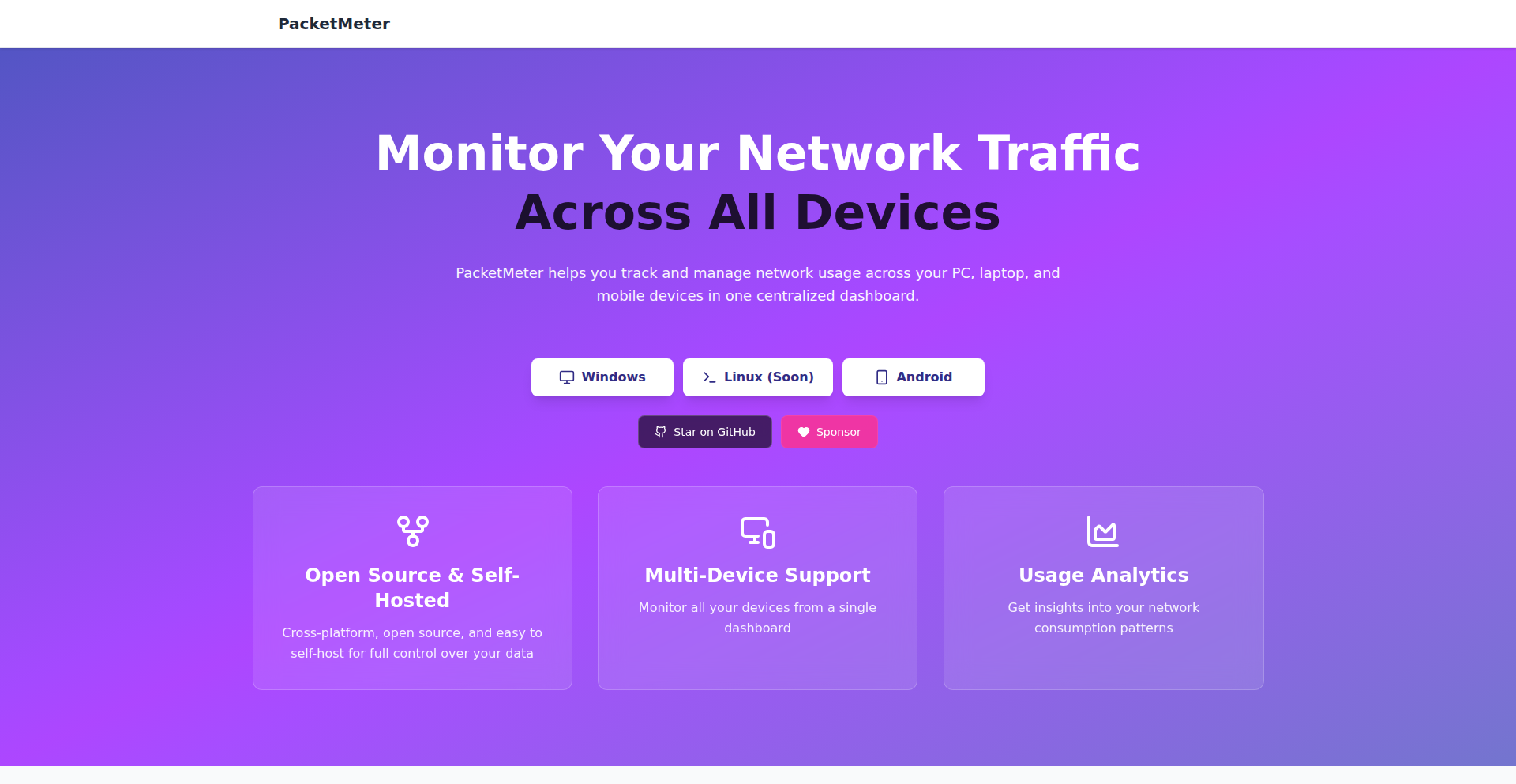
Author
mohyware
Description
Packet Meter is a cross-platform network monitoring system designed to precisely track internet bandwidth usage across all connected devices. It's built with a focus on being lightweight and easy to self-host, utilizing technologies like SQLite for data storage. The core innovation lies in its ability to provide granular insight into where your internet data is actually going, empowering users to understand and manage their bandwidth consumption, especially in environments with strict data limits. So, what's in it for you? It means you'll finally know exactly which app or device is hogging your precious internet data, saving you from unexpected overages and helping you stay within your data plan.
Popularity
Points 1
Comments 0
What is this product?
Packet Meter is a system that acts like a vigilant guard for your internet connection, meticulously recording how much data each device on your network is using. Its technical ingenuity comes from its lightweight architecture, making it simple to set up on your own hardware (like a small computer or even a Raspberry Pi) without needing complex server infrastructure. It leverages efficient data handling, for instance, using SQLite, a file-based database, to store usage logs. This means you get detailed, device-specific bandwidth reports without overwhelming your system. The core insight is that by deeply understanding network traffic at a packet level, we can unlock precise control and visibility, which is revolutionary for managing internet costs and performance. So, what's the value for you? It provides the transparency to see your internet usage in unprecedented detail, allowing for informed decisions about your online activities and helping you avoid data overage charges.
How to use it?
Developers can integrate Packet Meter into their home networks or small office environments by setting it up on a dedicated machine or a compatible device. The initial setup typically involves installing the software and configuring it to monitor network traffic. For those comfortable with command-line interfaces, it's designed for easy self-hosting. The system can then be accessed through a web interface to view detailed reports on bandwidth consumption per device. For integration into custom applications or automation scripts, Packet Meter's underlying data can be queried. Imagine setting up automated alerts when a specific device's usage crosses a threshold, or integrating this data into a smart home dashboard. So, how does this benefit you? You can easily deploy it to gain immediate control over your home internet expenses and performance, and for developers, it offers a foundational tool for building more sophisticated network management solutions.
Product Core Function
· Real-time network traffic monitoring: Tracks data flowing to and from each connected device on your network, providing live insights into internet activity. This allows you to see exactly what's happening on your network at any given moment, so you can identify unexpected data usage.
· Device-specific bandwidth usage breakdown: Generates reports detailing the exact amount of data consumed by each individual device. This granular visibility is crucial for understanding where your data budget is being spent, so you can pinpoint heavy users and make informed decisions.
· Lightweight and self-hostable architecture: Designed to be resource-efficient and easy to deploy on your own hardware, reducing reliance on external services and offering greater control over your data. This means you can run it on a low-power device, saving you money on cloud hosting and ensuring your data stays private.
· SQLite database integration: Utilizes SQLite for efficient and simple local data storage of network usage logs. This makes managing and querying historical data straightforward and robust, so you can easily access past usage patterns for analysis.
· Cross-platform compatibility: Aims to work across different operating systems, broadening its applicability for diverse user setups. This ensures you can use it regardless of the operating system your monitoring device runs on, offering flexibility.
Product Usage Case
· A user living in a region with strict internet data caps can deploy Packet Meter on a Raspberry Pi. The system will monitor their home Wi-Fi, identifying that a smart TV is streaming excessively, thereby consuming a significant portion of their monthly data allowance. This insight allows the user to adjust their streaming habits or schedule downloads for off-peak hours, preventing data overage charges and keeping them within their budget.
· A small business owner can use Packet Meter to monitor the network traffic of their office. They discover that a particular workstation is consistently using a large amount of bandwidth for unauthorized file sharing. By identifying this, the owner can implement network policies or investigate further, improving overall network performance and security for all employees.
· A developer experimenting with IoT devices can integrate Packet Meter data into a custom dashboard. They can visualize the data consumption of each IoT sensor in real-time, helping them identify potential issues with device firmware or optimize data transmission protocols to conserve bandwidth, leading to more efficient and cost-effective IoT deployments.
106
FuzzyBashComplete
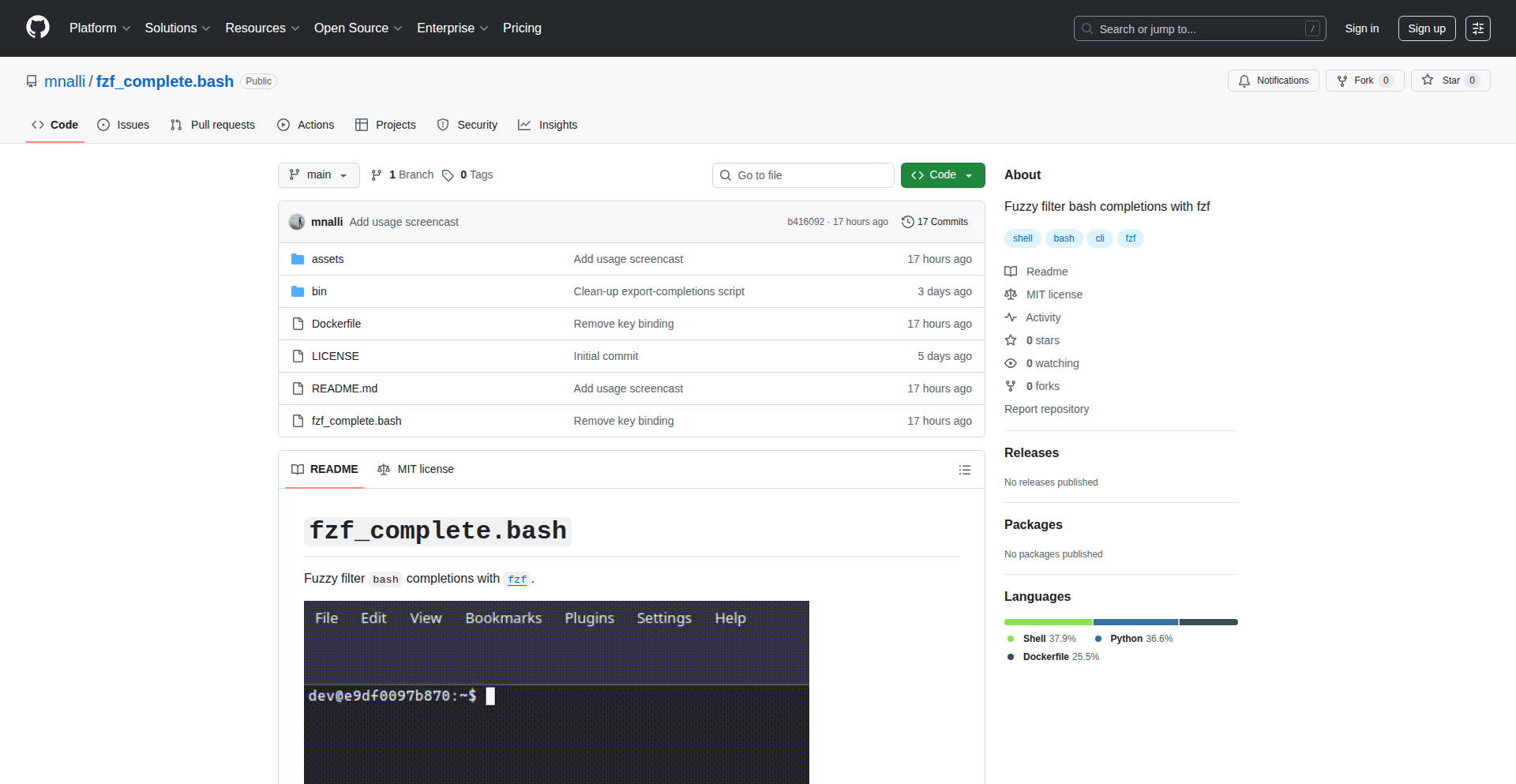
Author
mnalli
Description
This project enhances Bash shell autocompletion with fuzzy matching, allowing users to find commands and file paths more easily even with typos or incomplete input. It addresses the common frustration of remembering exact command names or file paths by intelligently suggesting relevant options, significantly speeding up command-line interactions. The core innovation lies in applying fuzzy string matching algorithms to the shell's existing completion mechanism, making command-line work more forgiving and efficient.
Popularity
Points 1
Comments 0
What is this product?
FuzzyBashComplete is a tool that supercharges your Bash shell's autocompletion. Normally, Bash requires you to type the exact start of a command or file name for autocompletion to work. If you make a typo or only remember part of it, you're out of luck. This project integrates fuzzy string matching, a technique used in many modern applications to find items even if your search query isn't perfect. Think of it like spell-check for your command line. Instead of needing 'ls -al', you could type 'la' and it would still suggest 'ls -al' or other relevant 'l' commands. This makes navigating and using the command line much faster and less error-prone. The innovation is taking this powerful matching logic and applying it directly to Bash's built-in completion system, making it feel seamless and native.
How to use it?
Developers can integrate FuzzyBashComplete by following the installation instructions provided by the author (typically involving sourcing a script in their `.bashrc` or `.bash_profile`). Once installed, the fuzzy matching will automatically enhance their Bash tab completion. For instance, when typing a command, hitting Tab will now offer suggestions based on fuzzy logic, not just prefix matching. This can be used for completing commands, file paths, directory names, and even arguments to specific commands if the underlying completion scripts support it. The practical benefit is reduced typing, fewer errors, and quicker navigation through complex directory structures or command sets. It's a drop-in enhancement for anyone who spends significant time on the command line.
Product Core Function
· Fuzzy Command Matching: Enables finding commands even with minor typos or partial input, reducing the need to remember exact spellings and speeding up command execution.
· Fuzzy File Path Completion: Allows easier navigation through directories and selection of files by not requiring precise naming, improving efficiency in file operations.
· Enhanced Autocompletion Experience: Provides a more forgiving and intelligent autocompletion system that anticipates user intent, minimizing frustration and increasing productivity on the command line.
· Seamless Integration: Works directly with existing Bash completion mechanisms, requiring minimal setup and providing a native feel without disrupting current workflows.
Product Usage Case
· Scenario: A developer needs to access a deeply nested configuration file but forgets the exact spelling of one of the intermediate directories. Instead of trying multiple variations, they can type a partial, slightly misspelled version, hit Tab, and FuzzyBashComplete will quickly suggest the correct path, saving time and reducing manual error.
· Scenario: A user needs to execute a common command like 'git checkout' but misspells it as 'git checout'. Traditional Bash completion would fail. FuzzyBashComplete, however, would intelligently suggest 'git checkout', allowing the user to complete the command with minimal effort.
· Scenario: When working with many similar commands (e.g., different variations of 'docker ps' or 'kubectl get'), a user can type a few distinctive characters and FuzzyBashComplete will surface the most likely intended command from the available options, streamlining complex command execution.
107
AQUA: Model Agnostic Agent Orchestrator

Author
eigen-vector
Description
AQUA is a lightweight command-line agent coordinator that allows you to orchestrate multiple AI models and tools without being tied to a specific model. It tackles the challenge of integrating diverse AI capabilities into a unified workflow, enabling developers to build more sophisticated applications by chaining together different AI agents for complex tasks.
Popularity
Points 1
Comments 0
What is this product?
AQUA is a command-line tool designed to manage and coordinate multiple AI agents and tools. Its core innovation lies in its model-agnostic architecture. Instead of being locked into using one specific AI model (like GPT-4 or Claude), AQUA acts as a universal translator and conductor. It defines a common interface, allowing different AI models and even custom tools to communicate and work together seamlessly. This means you can swap out different AI models or combine their strengths without rewriting your entire workflow. Think of it like a universal remote control for your AI assistants.
How to use it?
Developers can use AQUA to define complex workflows by chaining together different AI agents and tools. For example, you could create a sequence where one agent summarizes a document, another extracts key information from the summary, and a third agent uses that information to draft an email. It's integrated into your command line, allowing for scriptability and automation. You define the agents and their roles, and AQUA handles the execution, passing outputs from one agent as inputs to the next. This is particularly useful for building automated content generation pipelines, data analysis workflows, or complex decision-making systems.
Product Core Function
· Model-Agnostic Orchestration: Allows combining different AI models (e.g., OpenAI, Anthropic, local models) and custom tools in a single workflow. The value is flexibility and avoiding vendor lock-in, meaning you can leverage the best AI for each specific task and adapt as new models emerge without redeveloping your entire system.
· Agent Chaining: Enables the output of one agent to be the input of another, creating multi-step processes. This is valuable for breaking down complex problems into manageable parts, allowing for more sophisticated automation and problem-solving capabilities than a single AI agent could achieve alone.
· Lightweight Command-Line Interface: Provides a simple, scriptable way to define and run agent workflows. This is valuable for developers as it integrates easily into existing development processes, CI/CD pipelines, and automated tasks, offering efficiency and reproducibility.
· Tool Integration: Supports the integration of custom tools or scripts alongside AI agents. This expands the capabilities beyond just AI, allowing workflows to interact with external systems, databases, or perform specific computational tasks, thereby increasing the practical utility and scope of automation.
Product Usage Case
· Automated Content Generation Pipeline: A developer could use AQUA to create a workflow that first scrapes news articles from a specific source, then uses an AI agent to summarize each article, and finally uses another agent to generate social media posts based on the summaries. This solves the problem of manually processing and adapting content for different platforms, saving significant time.
· Complex Data Analysis and Reporting: Imagine needing to analyze customer feedback from multiple sources. AQUA could coordinate an agent to collect data, another to categorize sentiments, a third to identify common themes, and a fourth to generate a summary report. This addresses the challenge of synthesizing disparate data into actionable insights.
· Personalized Learning Assistant: A developer might build a system where an agent identifies learning gaps based on user performance, another agent finds relevant educational resources, and a third agent customizes explanations based on the user's preferred learning style. This solves the problem of creating truly adaptive and personalized educational experiences.
108
TinyEval LLM Framework
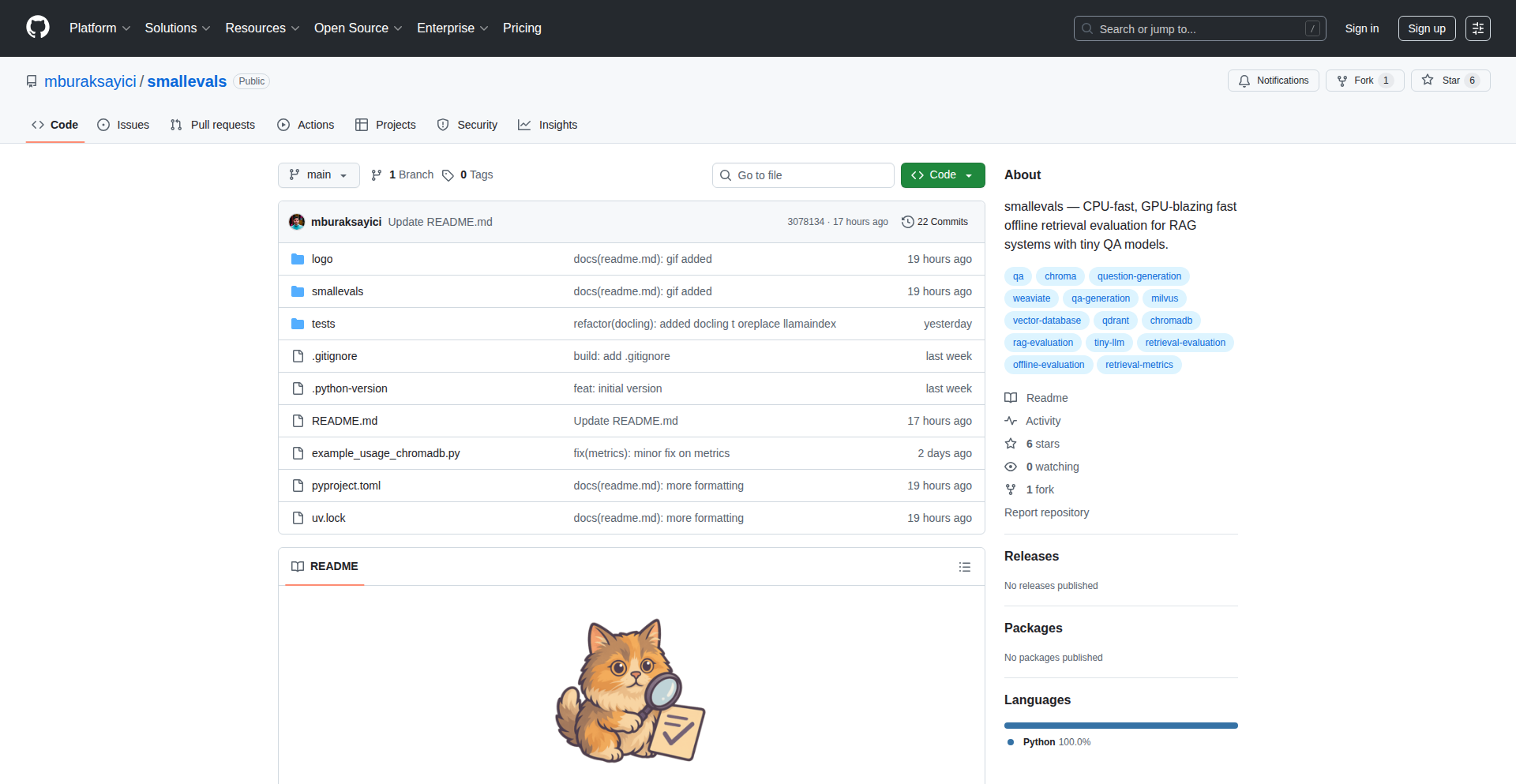
Author
mburaksayici
Description
A lightweight, local framework for evaluating Large Language Models (LLMs) using minimal 0.6 billion parameter models. It addresses the challenge of resource-intensive LLM evaluations by enabling developers to perform quick, on-device assessments without needing powerful hardware or expensive cloud services. The innovation lies in its efficient use of tiny models for meaningful evaluation, making LLM assessment accessible and democratized.
Popularity
Points 1
Comments 0
What is this product?
TinyEval is a project that allows you to test and understand how well Large Language Models (LLMs) perform without needing super powerful computers or costly cloud subscriptions. Imagine you have a new AI model you've built or are considering using. Normally, testing it thoroughly would require a lot of processing power and time. TinyEval bypasses this by using extremely small AI models (just 0.6 billion parameters, which is tiny in the LLM world) to conduct these evaluations locally on your own machine. This is innovative because it drastically lowers the barrier to entry for LLM evaluation, making it possible for more developers to experiment and get insights into model behavior quickly and affordably. So, this helps you understand AI model performance without breaking the bank or needing a server farm.
How to use it?
Developers can integrate TinyEval into their existing LLM development workflows. It's designed to be run locally, meaning you download and execute it on your laptop or desktop. You can use it to compare different small LLMs, or even to get a preliminary idea of how a larger, more complex model might behave by evaluating representative aspects with these tiny models. The framework likely provides APIs or command-line interfaces to set up evaluation tasks, input test prompts, and receive performance metrics. This means you can easily plug it into scripts or automated testing pipelines. So, this helps you test AI models directly on your computer, speeding up your development cycle and reducing costs.
Product Core Function
· Local LLM evaluation: Enables running AI model tests directly on your machine, avoiding cloud costs and latency. This allows for faster iteration and privacy for sensitive test data.
· Tiny model utilization: Leverages small, efficient 0.6B parameter models to conduct evaluations, requiring minimal computational resources. This makes sophisticated testing accessible on standard hardware.
· Framework for assessment: Provides a structured way to define, run, and analyze LLM evaluation tasks, offering insights into model capabilities. This helps developers identify strengths and weaknesses in AI models systematically.
· Cost-effective testing: Significantly reduces expenses associated with LLM evaluation by eliminating the need for powerful hardware or paid cloud services. This democratizes access to advanced AI model assessment.
· Rapid prototyping and iteration: Allows developers to quickly test hypotheses and iterate on LLM designs or configurations. This speeds up the development process and innovation in AI.
Product Usage Case
· A solo developer building a chatbot can use TinyEval to quickly assess different open-source LLMs for their chatbot's core conversational abilities on their laptop, saving on API costs and getting immediate feedback on which model might be the best starting point.
· A research team can use TinyEval to conduct preliminary studies on novel LLM architectures by performing rapid evaluations on a small dataset locally, before committing to larger-scale, more expensive training and testing.
· A student learning about LLMs can use TinyEval to experiment with model behavior and evaluation metrics without needing access to high-performance computing clusters, making AI education more accessible.
· A project manager can use TinyEval to get a quick sanity check on the performance of a proposed LLM solution by running a set of benchmark tests locally, providing a cost-effective way to validate feasibility before investing in full-scale implementation.
109
ConvertDrop: Local Browser-First File Converter

Author
BadgerSlayer
Description
ConvertDrop is a privacy-focused file converter that operates entirely within the user's web browser. Its core innovation lies in performing all conversions locally, eliminating the need to upload sensitive files to external servers. This addresses the common pain point of data privacy and security concerns associated with online conversion tools.
Popularity
Points 1
Comments 0
What is this product?
ConvertDrop is a web-based tool that lets you convert files from one format to another, directly in your browser. The revolutionary aspect is that it doesn't send your files anywhere. All the heavy lifting, the actual conversion process, happens on your computer using JavaScript. This means your documents, images, or any other files remain completely private and secure, as they never leave your device. This is achieved by leveraging modern browser capabilities and well-optimized JavaScript libraries for various file manipulation tasks.
How to use it?
Developers can use ConvertDrop by simply visiting the webpage in their browser. For integration into their own applications or workflows, they could potentially embed a similar local conversion logic using JavaScript libraries that perform these tasks. This would be ideal for applications that handle user-uploaded files and want to offer conversion features without compromising user privacy or incurring server costs for processing. Imagine a note-taking app that can convert markdown to HTML locally, or a design tool that converts image formats without requiring a cloud backend.
Product Core Function
· Local File Conversion: Enables conversion of various file types directly in the browser, ensuring data privacy and eliminating server dependency. This is valuable because it provides a secure way to transform files without worrying about data breaches or unauthorized access.
· Offline Functionality: Since all processing is client-side, ConvertDrop can function even without an active internet connection after initial loading, offering convenience and accessibility.
· Broad Format Support (Implied): While not explicitly detailed, the author's mention of 'all converters I could think of' suggests a wide range of supported input and output formats, making it a versatile tool for common conversion needs.
· Privacy by Design: The fundamental architecture prioritizes user privacy, making it suitable for handling sensitive or confidential information.
Product Usage Case
· Secure Document Transformation: A user needs to convert a confidential PDF report to a Word document. Instead of uploading it to a public online converter, they use ConvertDrop, ensuring the document's sensitive information stays on their machine, thus preventing potential leaks.
· Offline Image Editing Workflow: A graphic designer working on a project with limited internet access needs to convert a series of PNG images to JPG. ConvertDrop allows them to perform this conversion batch process entirely offline, maintaining their productivity.
· Integrating Privacy-Conscious Features into Web Apps: A developer building a project management tool wants to allow users to convert attached documents for easier sharing. By implementing similar local conversion logic, they can offer this feature securely, enhancing user trust and avoiding costly server-side processing.
· Developer Utility for Rapid Prototyping: A developer needs to quickly convert a small data file (e.g., CSV to JSON) for testing purposes. ConvertDrop provides a fast and readily available solution without needing to install any software or rely on external APIs.
110
LLM Debugger: Trace Your AI's Thought Process
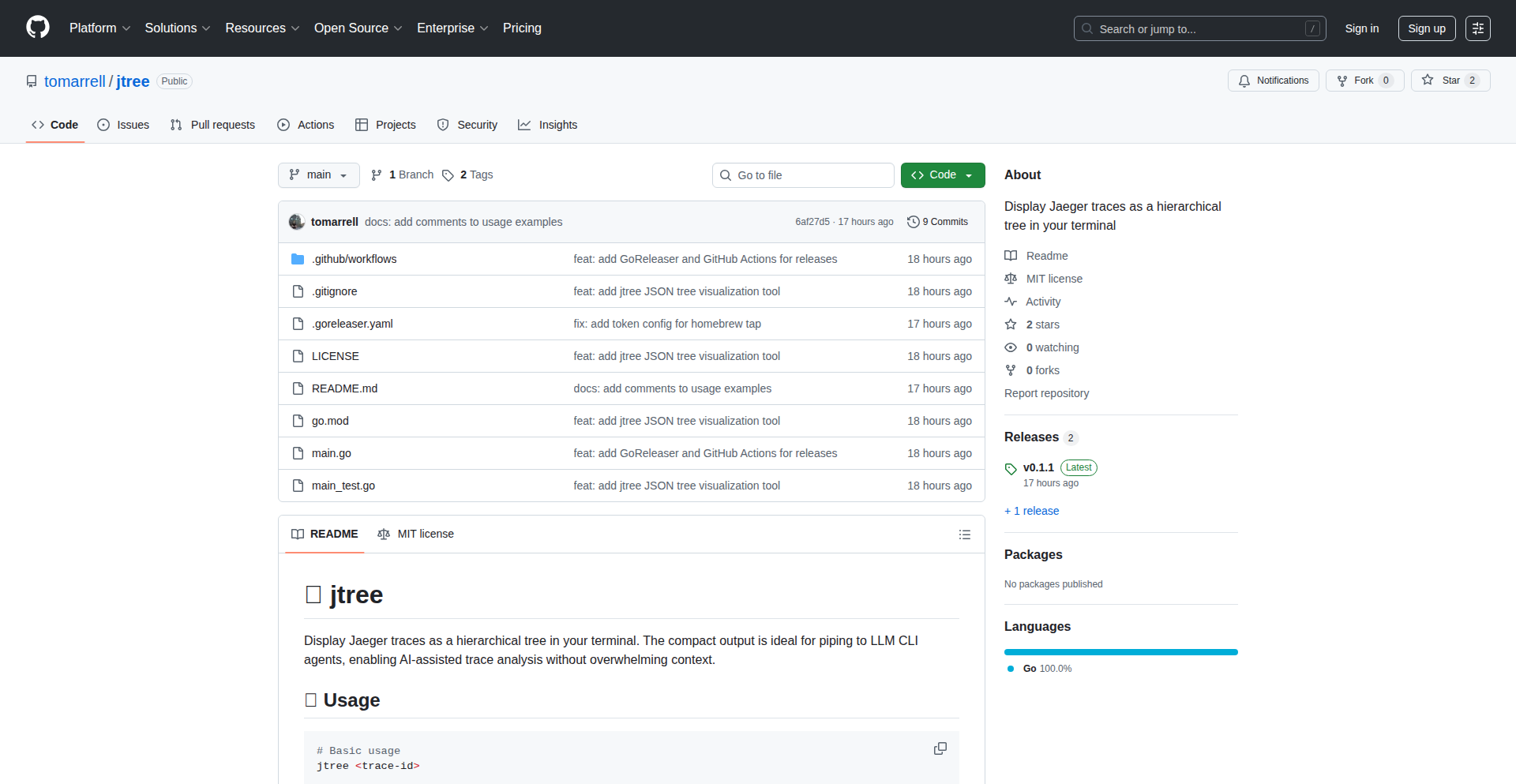
Author
slicedbrandy
Description
This project introduces a novel way to debug Large Language Models (LLMs) by visualizing their internal decision-making process, akin to stepping through code in traditional software development. It tackles the 'black box' nature of LLMs, making their outputs more predictable and understandable for developers.
Popularity
Points 1
Comments 0
What is this product?
This is a tool designed to shed light on how Large Language Models (LLMs) arrive at their answers. Think of it like a debugger for your code, but instead of seeing lines of code execute, you see the 'steps' or 'thoughts' the LLM takes to generate a response. The innovation lies in translating complex LLM internal states into a digestible, visual trace, allowing developers to pinpoint where and why an LLM might go wrong, improving its reliability and performance.
How to use it?
Developers can integrate this tool into their LLM workflows. For example, when an LLM provides an unexpected or incorrect answer, the developer can use this debugger to examine the sequence of internal computations and attention mechanisms that led to that specific output. This is typically done by feeding specific prompts or data inputs into the LLM while the debugger is active, capturing and analyzing the intermediate states. It helps identify logical flaws, biases, or reasoning errors within the LLM's architecture or training data.
Product Core Function
· Trace Generation: Captures and records the sequential internal states of an LLM during inference, enabling a step-by-step analysis of its reasoning process. This is valuable because it allows developers to see the 'why' behind an LLM's output, not just the 'what'.
· Visualization Engine: Renders the captured LLM traces into an easily understandable graphical format, making complex model behavior accessible. This is valuable because it translates intricate technical data into a human-readable format, highlighting patterns and anomalies.
· Error Pinpointing: Facilitates the identification of specific points within the LLM's execution where errors or undesirable behaviors originate, allowing for targeted improvements. This is valuable because it speeds up the debugging process and enables precise fixes, saving development time and resources.
· Prompt Optimization: By understanding how an LLM interprets and processes prompts, developers can refine their inputs to elicit more accurate and desired outputs. This is valuable because it leads to better LLM performance with less effort in prompt engineering.
Product Usage Case
· A developer building a customer support chatbot encounters instances where the bot misunderstands user queries. By using the LLM Debugger, they can trace the chatbot's thought process for specific misinterpretations, identify if it's due to faulty logic or misclassification of user intent, and then retrain or fine-tune the model accordingly. This solves the problem of unpredictable chatbot responses.
· A data scientist is developing an LLM for medical text summarization and finds that it occasionally includes irrelevant or hallucinated information. The debugger can help visualize which parts of the input text the LLM focused on and how it generated the summary, revealing potential over-reliance on certain phrases or an inability to distinguish critical details, thus improving the accuracy of medical summaries.
· A researcher is experimenting with new LLM architectures and wants to understand how their proposed changes affect the model's reasoning. The debugger provides a visual way to compare the internal workings of different model versions, helping them validate their hypotheses and accelerate the discovery of more effective AI models.
111
Odies: AI-Powered Digital Companions
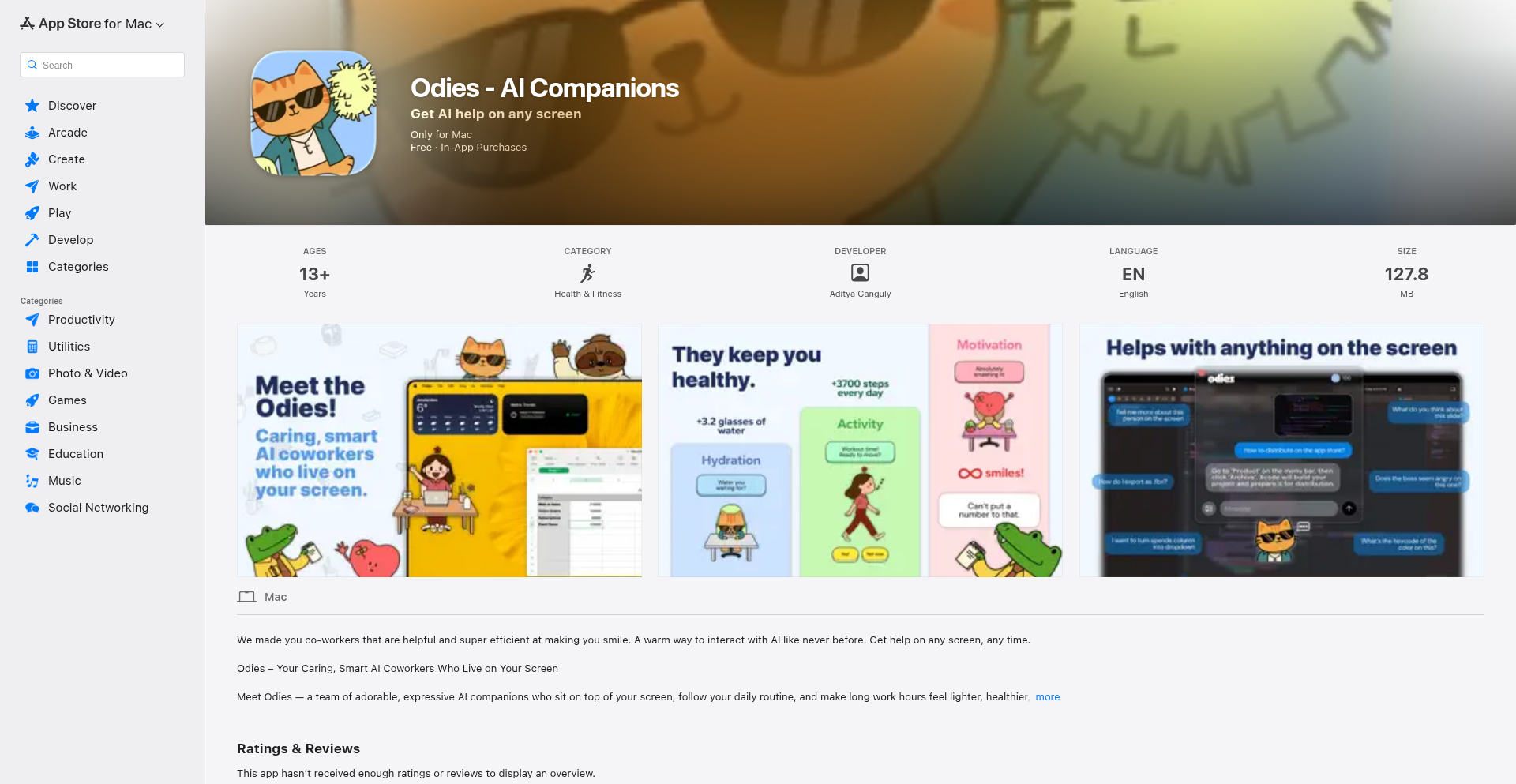
Author
omoistudio
Description
Odies are AI-powered virtual coworkers that reside on your screen, offering proactive assistance and companionship. The core innovation lies in their ability to understand context, anticipate needs, and interact in a natural, human-like way, thereby enhancing productivity and reducing feelings of isolation for remote workers.
Popularity
Points 1
Comments 0
What is this product?
Odies are intelligent digital entities designed to act as virtual colleagues. They leverage advanced Natural Language Processing (NLP) and Machine Learning (ML) to understand user input, learn user habits, and provide contextual support. Unlike static chatbots, Odies aim to create a sense of presence and collaboration by proactively offering help, summarizing information, and engaging in light conversation. This is achieved through a combination of sophisticated AI models for understanding and generation, and a real-time interaction layer that allows them to appear and act on your screen dynamically. So, what's in it for you? It's like having a helpful, always-available assistant that makes your digital workspace feel less lonely and more productive.
How to use it?
Developers can integrate Odies into their workflows by running the application on their desktop. Odies can be configured to monitor specific applications or contexts, such as code editors, communication platforms, or project management tools. Through intuitive commands or natural language queries, users can ask Odies to perform tasks like summarizing meeting notes, drafting emails, finding relevant documentation, or even offering motivational prompts. The AI learns from these interactions, becoming more attuned to individual needs and preferences over time. So, how can you use it? Imagine being able to ask your screen to 'summarize the key takeaways from that last Slack thread' or 'find me the documentation for that API endpoint I was just looking at,' and having it done instantly, freeing up your mental bandwidth. For integration, think of it as a smart overlay that observes and interacts with your existing digital environment.
Product Core Function
· Contextual Understanding: Odies analyze your current activity to provide relevant assistance, reducing the need for you to manually switch contexts or search for information. This means you get help exactly when and where you need it, saving time and effort.
· Proactive Task Assistance: The AI can anticipate your needs and offer to help with tasks like scheduling, reminders, or data retrieval, acting as an intelligent digital assistant that smooths out your workflow. This translates to fewer missed deadlines and a more organized day.
· Natural Language Interaction: Communicate with Odies using everyday language, making it easy to get things done without learning complex commands. This lowers the barrier to entry for sophisticated AI assistance, making it accessible to everyone.
· Personalized Companionship: For remote workers, Odies provide a sense of presence and interaction, helping to combat feelings of isolation. This contributes to a more positive and engaging work experience, even when working alone.
· Screen-Based Presence: Odies appear directly on your screen, creating a visual and interactive element that feels more present than a traditional chatbot. This makes the interaction feel more intuitive and less like a separate tool.
Product Usage Case
· A remote developer struggling with information overload can ask Odies to summarize lengthy email threads or documentation, allowing them to quickly grasp key points without reading through pages of text. This directly addresses the problem of information fatigue and speeds up comprehension.
· A project manager can have Odies monitor team communication channels and proactively flag urgent messages or action items, ensuring nothing falls through the cracks. This improves team coordination and accountability by providing an intelligent oversight layer.
· A writer experiencing writer's block can ask Odies for creative prompts or to generate alternative phrasing for sentences, fostering a more dynamic and less solitary writing process. This offers a creative partner to overcome hurdles and enhance output.
· A student preparing for an exam can use Odies to quiz themselves on study material or to get explanations of complex concepts in simpler terms, making the learning process more interactive and personalized. This transforms passive studying into an active, AI-assisted learning experience.
112
EventFlow OS

Author
ajl5
Description
EventFlow OS is a modern operating system designed for wedding and event planners. It tackles the complex logistical challenges of event management by providing a unified platform for client communication, task management, vendor coordination, and financial tracking. The innovation lies in its integrated approach, offering a single pane of glass to orchestrate all facets of an event, thereby streamlining workflows and reducing the potential for errors inherent in fragmented systems.
Popularity
Points 1
Comments 0
What is this product?
EventFlow OS is a cloud-based application that functions like a specialized operating system for people who plan weddings and other events. Think of it as a central hub for all your event planning needs. It's built with a modern architecture, meaning it's designed to be fast, responsive, and scalable. The core innovation is in how it brings together disparate functions – like talking to clients, managing to-do lists, keeping track of vendors, and handling money – into one cohesive system. This is a significant departure from traditional event planning methods that often involve a messy collection of spreadsheets, emails, and separate apps. The value here is in reducing the mental overhead and potential for mistakes by having everything in one place.
How to use it?
Event professionals can use EventFlow OS by signing up for an account and creating new event projects. They can then invite clients and vendors to collaborate within the platform. Specific features allow for creating custom checklists, setting deadlines, sending automated reminders, uploading and sharing documents (like contracts or mood boards), managing budgets, and tracking payments. It can be integrated with existing calendar applications and potentially email services for seamless communication. The platform is accessible via a web browser, making it convenient to use from any device.
Product Core Function
· Client Communication Hub: Integrates messaging and document sharing to centralize all client interactions, reducing missed messages and ensuring everyone is on the same page. Value: Saves time and improves client satisfaction.
· Dynamic Task Management: Allows creation of customizable checklists with dependencies and deadlines, providing a clear roadmap for event execution. Value: Prevents tasks from falling through the cracks and ensures timely completion.
· Vendor Coordination Portal: Facilitates communication and document sharing with vendors, streamlining their onboarding and ensuring all required information is readily available. Value: Improves vendor relationships and reduces logistical hiccups.
· Financial Tracking & Invoicing: Manages budgets, tracks expenses, and generates invoices, providing clear financial visibility. Value: Prevents budget overruns and simplifies payment processing.
· Resource Library: Centralized storage for event assets like floor plans, mood boards, and contracts. Value: Quick access to critical information for planners and collaborators.
Product Usage Case
· A wedding planner managing multiple upcoming weddings can use EventFlow OS to track each client's progress independently. For a specific wedding, they can create a detailed checklist for floral arrangements, assign it to the florist through the vendor portal, and attach inspiration images from the resource library. Value: Ensures the florist has all necessary details and deadlines, preventing miscommunication about the desired aesthetic.
· An event organizer planning a corporate conference can use EventFlow OS to manage attendee registration, vendor payments, and speaker confirmations all within one dashboard. They can set up automated email reminders for speakers to submit their presentations by a certain date. Value: Streamlines the complex logistics of a large-scale event, ensuring all key parties are coordinated.
· A party planner organizing a series of birthday parties can use EventFlow OS's templating features to quickly set up new events based on previous successful ones. They can then customize the guest list, entertainment bookings, and catering orders for each new party. Value: Speeds up the planning process for recurring event types by leveraging existing successful structures.
113
ChartScan-AI

Author
raunakchowdhuri
Description
A cutting-edge system for extracting structured data from charts using a hybrid approach of traditional computer vision and Large Vision Models (LVMs). It tackles the challenge of transforming visual chart information into usable digital formats, making data locked in images accessible.
Popularity
Points 1
Comments 0
What is this product?
ChartScan-AI is an advanced system that intelligently reads and interprets charts from images. It combines the precision of established computer vision techniques, like detecting shapes, lines, and text elements within charts, with the powerful understanding capabilities of Large Vision Models. LVMs can grasp the overall context and semantic meaning of the chart, understanding relationships between different data points and chart types. This fusion allows for highly accurate extraction of data, labels, titles, and even trends directly from images. So, what's in it for you? It means you can take a screenshot of a complex chart and automatically get the underlying data, saving you hours of manual entry and potential errors. This unlocks the ability to analyze visual data as if it were already in a spreadsheet or database.
How to use it?
Developers can integrate ChartScan-AI into their applications to automate data extraction from reports, presentations, or research papers containing charts. It can be used as an API endpoint, where you send an image of a chart and receive structured data (e.g., JSON, CSV) in return. For example, a financial analysis tool could use this to automatically ingest market performance charts, or a research platform could extract experimental results displayed graphically. This allows for seamless data pipelines, where visual information is automatically fed into analytical or storage systems without manual intervention. This empowers you to build applications that can 'see' and understand visual data, broadening the scope of what your software can process.
Product Core Function
· Advanced Chart Detection: Identifies and locates various chart types (bar, line, pie, scatter, etc.) within an image, leveraging traditional CV to pinpoint graphical elements. This is valuable for accurately isolating the relevant chart area for further processing, ensuring no data is missed or irrelevant background is included.
· Intelligent Data Point Extraction: Extracts numerical data points, axis labels, and legend information using a combination of pattern recognition and LVMs. This is the core value proposition, allowing you to get the raw data that powers the visual representation of information. This means you can query and analyze the data programmatically.
· Trend and Insight Identification: LVMs can interpret the relationships between data points and identify emerging trends or patterns within the chart. This goes beyond simple data extraction to providing higher-level understanding, helping you quickly grasp the story the chart is telling without needing to manually analyze every point.
· Structured Data Output: Converts the extracted information into a machine-readable format like JSON or CSV. This is crucial for downstream processing, enabling easy integration with databases, spreadsheets, or other analytical tools. You can directly feed this output into your existing data workflows.
Product Usage Case
· Automating financial report analysis: A fintech startup could use ChartScan-AI to automatically extract stock performance charts from daily reports, feeding the data into their algorithmic trading system. This solves the problem of manually inputting thousands of data points daily, significantly speeding up analysis and trading decisions.
· Digitizing scientific research data: A research institution could employ ChartScan-AI to extract experimental results displayed in graphs from published papers. This allows for the creation of a comprehensive database of scientific findings, enabling researchers to cross-reference and analyze data across studies more efficiently. This overcomes the hurdle of inaccessible data locked within image formats.
· Enhancing business intelligence dashboards: A business intelligence platform could integrate ChartScan-AI to allow users to upload screenshots of charts from any source and have the data automatically imported into their dashboards. This democratizes data access and allows for more dynamic and comprehensive reporting, solving the issue of incompatible chart formats and manual data entry.
114
InterviewCrusher

Author
Enjoyooor
Description
A SaaS platform designed to help developers conquer technical interviews. It leverages real-world use cases, flashcards, and interview simulators to provide practical preparation, aiming to significantly improve candidate performance. The core innovation lies in simulating the interview environment with realistic scenarios and providing targeted feedback.
Popularity
Points 1
Comments 0
What is this product?
InterviewCrusher is a web application that simulates the technical interview process. It's built on the idea that practicing real-world coding problems and receiving feedback is the most effective way to prepare for demanding technical assessments. The system employs a combination of curated interview questions, interactive coding challenges, and simulated interview sessions, mimicking the pressure and format of actual interviews. The underlying technology likely involves a robust backend for managing user data and interview content, and a sophisticated frontend for interactive coding and feedback delivery. This approach tackles the common developer challenge of not performing well in interviews due to lack of practice or unfamiliarity with the interview format, offering a direct path to improvement by 'learning by doing' in a controlled environment. So, what's in it for you? You get a structured and realistic way to practice, building confidence and improving your chances of landing your dream tech job.
How to use it?
Developers can access InterviewCrusher through their web browser. They can choose to practice specific technologies (e.g., JavaScript, Spring Boot, Android/iOS Native) or focus on general problem-solving skills. The platform offers various modes: flashcards for quick review of concepts, individual coding challenges based on real-world scenarios, and full mock interviews with simulated interviewer feedback. Users can track their progress, identify areas of weakness, and revisit challenging problems. Integration could involve using the platform as a supplementary learning tool alongside formal education or bootcamps. So, what's in it for you? You can tailor your practice to your specific needs and target the skills most relevant to the jobs you're applying for, making your preparation highly efficient.
Product Core Function
· Real-world coding challenges: Offers practical coding problems that mirror those encountered in actual technical interviews, helping developers build practical problem-solving skills and understand how to apply theoretical knowledge. This is valuable because it directly prepares you for the types of tasks you'll face on the job.
· Interactive interview simulation: Replicates the pressure and format of a technical interview, allowing developers to practice articulating their thought process and responding to interviewer questions in a controlled environment. This is valuable because it builds confidence and reduces interview anxiety.
· Flashcard-style concept review: Provides concise summaries of key technical concepts, data structures, algorithms, and best practices, enabling quick and efficient knowledge reinforcement. This is valuable for solidifying foundational knowledge and recalling important details under pressure.
· Technology-specific practice modules: Caters to various programming languages and frameworks (e.g., Front & Back JS, Spring Boot, Android/iOS Native), allowing developers to hone their skills in their chosen areas. This is valuable because it ensures your practice is relevant to the specific technologies employers are looking for.
· Progress tracking and analytics: Monitors performance on challenges and simulations, identifying areas of strength and weakness for targeted improvement. This is valuable because it helps you focus your study efforts where they are most needed, maximizing your learning efficiency.
Product Usage Case
· A junior developer preparing for their first software engineering role at a startup can use InterviewCrusher to practice coding challenges in React and Node.js. By simulating interviews focused on common front-end and back-end scenarios, they can refine their approach to problem-solving and explaining their code, thus increasing their confidence and technical articulation skills for the actual interview.
· An experienced developer looking to transition into a role requiring Android native development can utilize InterviewCrusher's specific modules. They can tackle real-world Android interview questions and mock interviews to ensure they are up-to-date with modern Android development practices and can effectively demonstrate their expertise in areas like UI design, background processing, and state management, thereby impressing potential employers with their specialized knowledge.
· A developer who struggles with explaining their thought process during interviews can use the simulated interview feature to practice verbalizing their problem-solving steps. By recording and reviewing their answers, they can identify areas where they are unclear or incomplete, and refine their communication strategies to better convey their technical reasoning to interviewers, ultimately improving their overall interview performance.
· A candidate preparing for a competitive interview at a large tech company can use the platform's comprehensive question bank and simulator to get a feel for the rigorous standards. By repeatedly practicing complex algorithm and data structure problems, and receiving feedback on their solutions, they can significantly boost their chances of passing the challenging coding rounds and demonstrate a strong command of fundamental computer science principles.
115
Steem.dev - WordPress Plugin Genesis Engine

Author
fasthightimess
Description
Steem.dev is a 'vibe coding' tool that automates the creation of full-featured WordPress plugins. It addresses the tediousness of manual plugin development by generating all necessary files (PHP, admin pages, JS), hooks, folder structures, and packaging them into a ZIP. It also includes built-in testing and frontend preview capabilities, aiming to improve WordPress site performance and search engine ranking.
Popularity
Points 1
Comments 0
What is this product?
Steem.dev is a revolutionary tool that simplifies and accelerates WordPress plugin development. Instead of manually writing hundreds of lines of PHP and JavaScript, developers can 'vibe code' which implies a more intuitive, perhaps visual or prompt-based approach, to define plugin features. The core innovation lies in its ability to take these high-level ideas and automatically generate a complete, production-ready WordPress plugin. This means it handles the boilerplate code, the administrative interfaces, the integration points (hooks) with WordPress, and even the frontend assets, all structured correctly and packaged for easy installation. The claim that WP sites rank better with plugins generated by this tool suggests it might be optimizing code for performance or adhering to best practices that Google favors. So, what's the benefit for you? You save immense amounts of time and effort in plugin creation, allowing you to focus on the unique functionality rather than the repetitive setup.
How to use it?
Developers can use Steem.dev by interacting with its 'vibe coding' interface, likely a streamlined editor or a prompt system, to describe the desired functionality of their WordPress plugin. Once the requirements are defined, Steem.dev generates the complete plugin package. This package includes all the necessary PHP files for backend logic, JavaScript for frontend interactivity, admin page structures for managing the plugin within WordPress, and the appropriate hooks to integrate seamlessly with the WordPress ecosystem. The output is a ZIP file ready for installation. It also offers integrated testing and a frontend preview so you can see your plugin in action before deploying. This makes it incredibly easy to iterate and get a functional plugin out quickly. So, how does this help you? You can get a custom plugin up and running in a fraction of the time it would take with traditional methods, perfect for rapid prototyping or launching new features for your WordPress site.
Product Core Function
· Automated Plugin File Generation: Generates all required PHP, JS, and other asset files, including the correct folder structure. This significantly reduces manual coding effort and prevents common structural errors. Its value is in speed and consistency.
· Admin Page Creation: Automatically builds the backend interface for managing your plugin within the WordPress dashboard. This saves you from designing and coding user-friendly admin settings. Its value lies in providing a professional and functional control panel for your plugin.
· Hook Integration: Seamlessly incorporates WordPress hooks (actions and filters) to ensure your plugin interacts correctly with the WordPress core and other plugins. This is crucial for stability and compatibility, saving developers from complex debugging. Its value is in ensuring smooth integration and preventing conflicts.
· Frontend Preview: Allows developers to see how their plugin's frontend elements will appear and function in a live environment without full deployment. This enables rapid testing and visual refinement. Its value is in faster iteration and immediate feedback on the user experience.
· Testing Framework: Includes built-in testing capabilities to ensure the plugin's code is robust and functions as expected. This helps catch bugs early in the development cycle. Its value is in improving code quality and reducing post-deployment issues.
Product Usage Case
· A freelance web developer needs to quickly build a custom contact form with advanced field validation for a client's WordPress site. Using Steem.dev, they describe the form fields and validation rules, and the tool generates a complete plugin with an admin interface for managing form submissions and frontend code for the form itself. This solves the problem of having to write complex PHP and JavaScript from scratch, saving hours of development time and allowing for faster project delivery.
· A startup wants to launch a new feature for their existing WordPress-powered e-commerce store that requires custom product filtering options beyond what's available out-of-the-box. They use Steem.dev to rapidly prototype and build a plugin that implements these specific filtering mechanisms. The ability to quickly generate and test the plugin's functionality in a staging environment ensures they can validate the feature's viability before investing extensive resources. This helps in validating business ideas with minimal upfront coding overhead.
· A small business owner with basic technical knowledge wants to add a simple testimonials slider to their WordPress website. Instead of hiring a developer or struggling with code, they can use Steem.dev to define the appearance and data input for the testimonials, and the tool generates a functional plugin. This democratizes plugin development, enabling individuals without deep coding expertise to extend their website's functionality. The value is in making advanced customization accessible to a broader audience.
116
Dinotool: Image Embedding CLI
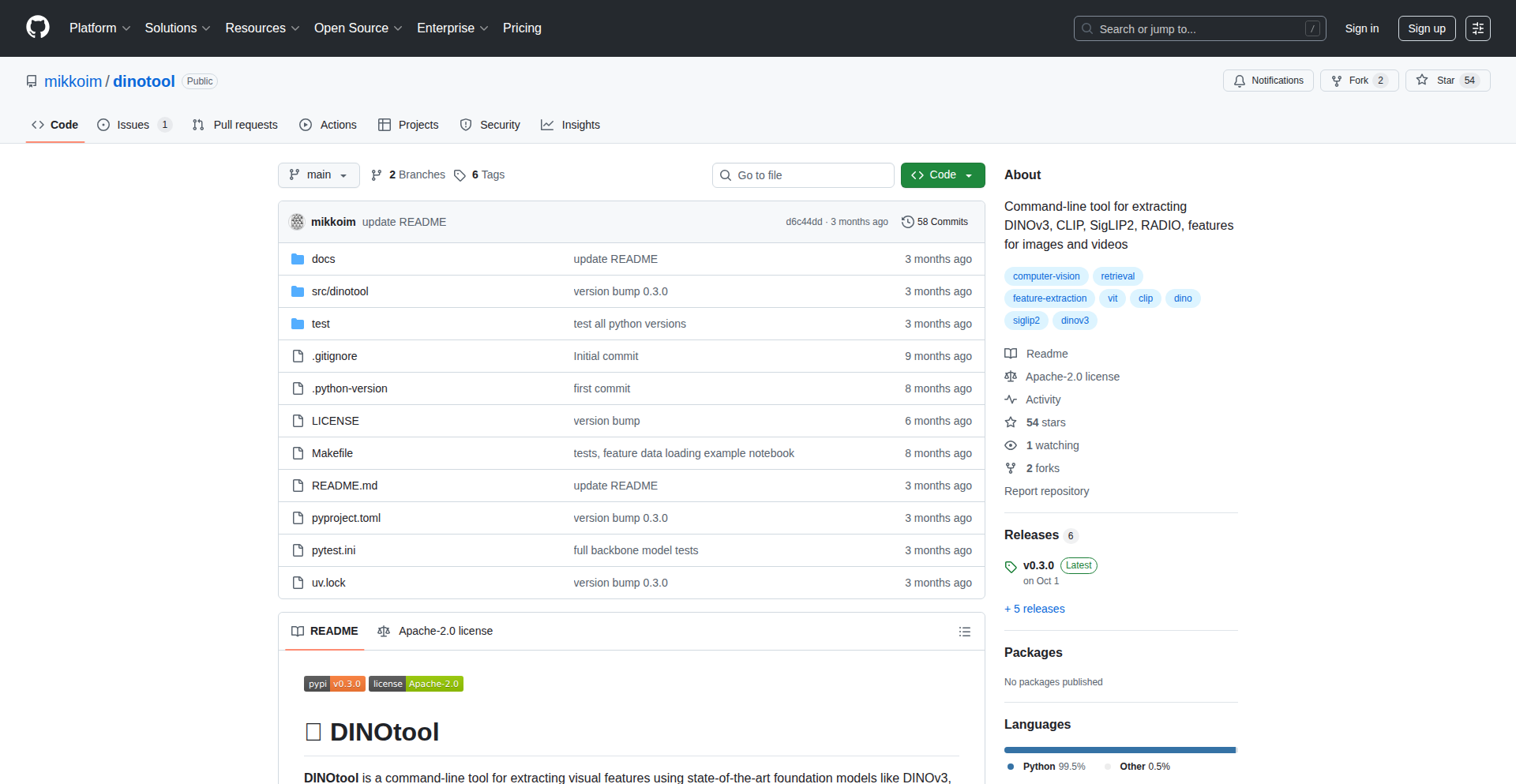
Author
mikkoim
Description
Dinotool is a command-line interface (CLI) tool that extracts visual feature vectors from images, videos, and entire folders of image data using foundation models. It's designed for users who aren't deep learning experts and want to analyze image embeddings in tools like R, without needing to write Python code. It outputs these embeddings in Parquet files for efficient processing of large datasets. This innovation democratizes access to advanced image analysis.
Popularity
Points 1
Comments 0
What is this product?
Dinotool is a command-line tool that acts as a bridge between complex deep learning models and users who want to understand visual information in images and videos. It takes an image or video file and uses powerful 'foundation models' (think of them as highly trained AI brains for vision) to create a numerical representation, called an embedding or vector. This vector captures the essence of the image's content. The innovation lies in making this process accessible via a simple command line, and outputting the data in a format (Parquet) that's easy to work with in other analysis software, like R, without requiring programming knowledge. So, if you have a bunch of images and want to find similar ones or categorize them based on their visual content, but you're not a Python wizard, this tool makes it easy for you.
How to use it?
Developers can use Dinotool directly from their terminal. After installation, they can run commands like 'dinotool extract --image path/to/image.jpg' to get an embedding for a single image, or 'dinotool extract --folder path/to/image_folder --output embeddings.parquet' to process all images in a directory and save the results as a Parquet file. This Parquet file can then be easily loaded into statistical software like R or Python for further analysis, such as clustering, similarity searches, or building recommendation systems. This means you can integrate powerful image analysis into your existing workflows without a steep learning curve. So, this allows you to quickly get numerical representations of your visual data to perform advanced analytics.
Product Core Function
· Image and video feature vector extraction: This allows you to convert visual data into numerical representations that capture its meaning, enabling tasks like similarity search and classification.
· Folder-based batch processing: This efficiently processes large collections of images or videos, saving you significant manual effort when dealing with many files.
· Parquet output format: This provides a highly efficient and widely compatible data format for storing and loading large datasets, making it easy to integrate with various analytical tools like R and Python.
· CLI-based operation: This offers a simple and accessible interface for users who prefer command-line tools or are not proficient in programming languages like Python, lowering the barrier to entry for advanced image analysis.
Product Usage Case
· Analyzing a large collection of product images to identify visually similar items for a recommendation engine. Dinotool can process thousands of images and output embeddings that can be used by a separate recommendation algorithm.
· Extracting feature vectors from frames of a video to detect specific objects or scenes. This can be useful for content moderation or automated video indexing.
· Using R to load embeddings generated by Dinotool from a folder of scanned documents to group similar documents for archival or retrieval purposes.
· Building a system to find duplicate or near-duplicate images in a large photo library without manually comparing each image. Dinotool can generate embeddings for all images, and then a similarity comparison can be performed on these numerical representations.
117
Feedvote Sync
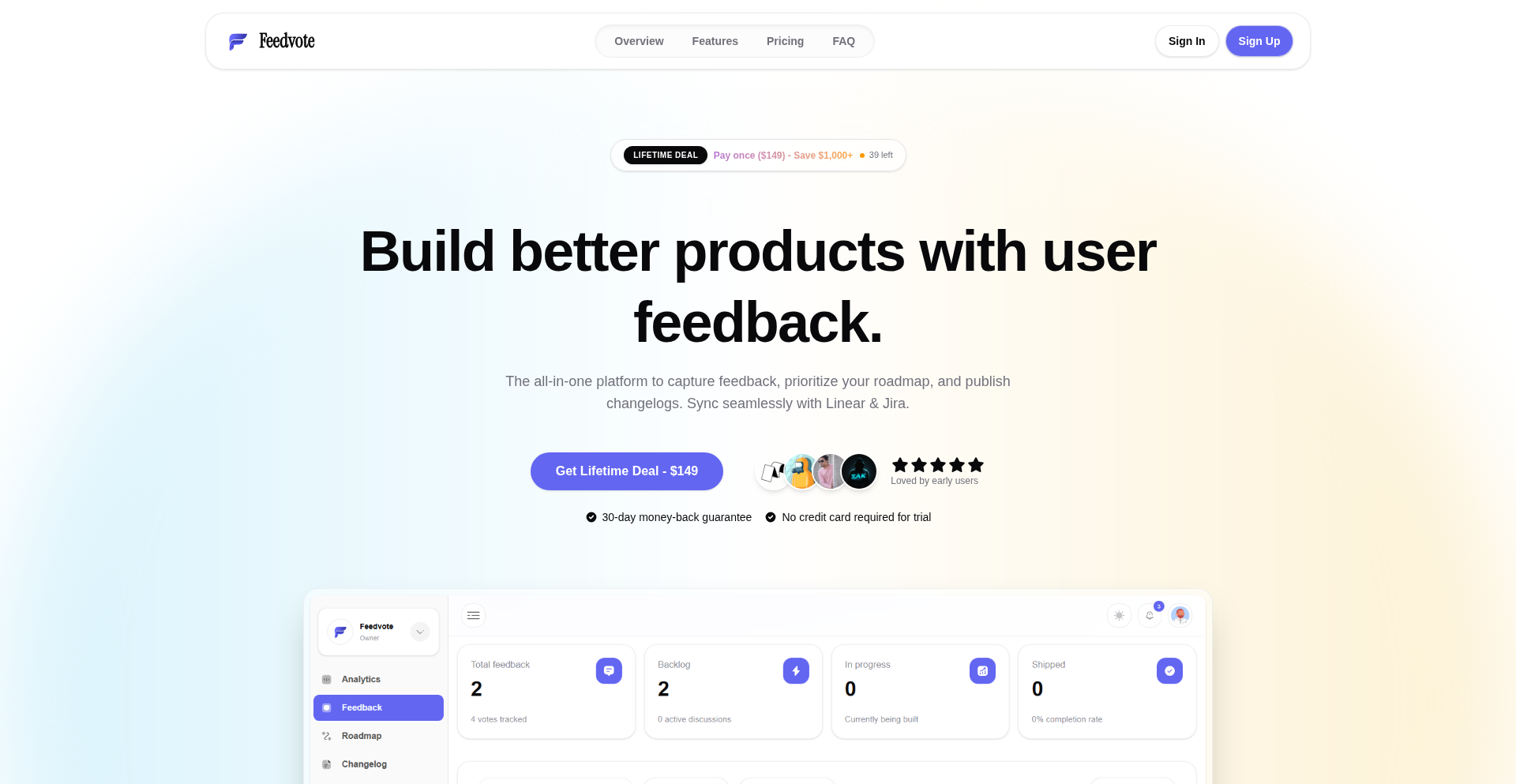
Author
dragssine
Description
Feedvote Sync is a feedback board with deep two-way synchronization capabilities for popular project management tools like Linear and Jira. It tackles the common problem of feedback getting lost or siloed by ensuring that updates in your feedback board are instantly reflected in your integrated issue tracker, and vice-versa, without the hefty price tag of enterprise solutions. The core innovation lies in its robust 'infinite loop' prevention mechanism, ensuring seamless data flow without creating duplicate or conflicting updates.
Popularity
Points 1
Comments 0
What is this product?
Feedvote Sync is a feedback management tool that goes beyond simple one-way integrations. Its technical innovation lies in its deep two-way synchronization with Linear and Jira. Instead of just pushing feedback to these tools, it actively listens for changes and updates both platforms simultaneously. This is achieved through a carefully designed 'idempotency layer' that prevents feedback loops. Imagine you update a feature request on Feedvote; this update immediately reflects in Jira or Linear. Conversely, if an engineer updates the status of that task in Jira, Feedvote receives the update and shows it on your public roadmap. This sophisticated sync avoids the common pitfall of systems constantly triggering each other, ensuring data integrity and real-time consistency. This is built using Next.js 14 with the App Router, Supabase for database and authentication, and Cloudflare for handling custom domains and SSL for users.
How to use it?
Developers can integrate Feedvote Sync with their existing Linear or Jira projects. After signing up, users connect their Linear or Jira accounts. The system then automatically sets up webhooks to monitor changes in both platforms. When a user submits feedback on Feedvote, it's sent as a new issue or task to the designated project in Linear/Jira. If an issue is updated in Linear/Jira (e.g., status change, comment added), Feedvote receives this update and reflects it on the feedback board and potentially the public roadmap. The setup is designed to be straightforward, minimizing the need for complex coding. This is particularly useful for teams that want to centralize user feedback and keep their product roadmap aligned with development progress without manual data entry or costly integrations.
Product Core Function
· Two-way synchronization with Linear/Jira: This allows feedback submitted on Feedvote to create issues in Linear/Jira, and updates in Linear/Jira to reflect back on Feedvote. This is crucial for keeping product teams and user feedback aligned, ensuring no suggestion is lost and development progress is transparent. What this means for you is that your team can work directly from their preferred tools while still keeping the public feedback visible and actionable.
· Infinite loop prevention: A sophisticated idempotency layer prevents the system from getting stuck in a loop where changes in one tool trigger changes in another, leading to duplicates or errors. This ensures that your data remains clean and consistent, preventing wasted time and confusion. For you, this translates to reliable and predictable data flow between your feedback and development tools.
· Custom domain and SSL support: Feedvote leverages Cloudflare to provide custom domains and SSL certificates for users, giving your feedback board a professional and branded appearance. This enhances user trust and provides a seamless experience for those submitting feedback. This allows you to present a branded feedback portal to your users.
· Lifetime deal offering: As a bootstrapped project, Feedvote Sync is offered as a one-time lifetime purchase instead of a recurring subscription, making advanced integration features accessible without ongoing costs. This is a significant cost-saving for developers and startups looking for powerful tools on a budget.
Product Usage Case
· A startup product manager wants to collect feature requests from users and have them directly appear as tasks in their development team's Jira board. Feedvote Sync can automatically create Jira tickets from submitted feedback and update their status as the development progresses in Jira. This solves the problem of manual ticket creation and ensures that user needs are directly linked to development work.
· A SaaS company uses Linear for task management and wants to provide a public roadmap for their users to see upcoming features and vote on them. Feedvote Sync can display feedback on a public board, and once a feature is prioritized in Linear, its status can be updated, automatically reflecting on the public roadmap shown via Feedvote. This provides transparency to users and helps prioritize development efforts based on community interest.
· A developer team finds themselves constantly copying and pasting feedback from various channels into their issue tracker, leading to errors and delays. By using Feedvote Sync, feedback submitted through the centralized board is directly pushed to their Linear project, and any updates to those tasks in Linear are immediately visible on the feedback board. This significantly reduces manual work and ensures real-time alignment between feedback and development progress.
118
Root-Dir CLI

Author
madsmadsdk
Description
Root-Dir CLI is a command-line interface (CLI) based community platform designed for developers. It tackles the challenge of fragmented developer communication and knowledge sharing by creating a centralized, text-based social network accessible directly from the terminal. The innovation lies in its pure CLI-native approach, allowing developers to engage, discuss, and share code snippets without leaving their familiar development environment.
Popularity
Points 1
Comments 0
What is this product?
Root-Dir CLI is a novel command-line community platform for developers. Instead of a web browser, you interact with discussions, share code, and connect with other developers entirely through your terminal. Its core innovation is embracing the developer's native environment – the CLI – to foster a more focused and integrated communication experience. This bypasses the context-switching often associated with web-based platforms, making it easier for developers to stay in their flow state while still engaging with the community.
How to use it?
Developers can use Root-Dir CLI by installing it as a command-line tool. Once installed, they can execute commands like `root-dir join <channel>` to enter specific discussion topics, `root-dir post <message>` to share thoughts or questions, and `root-dir snippet <language>` to share code blocks. It integrates seamlessly into a developer's workflow, acting as another powerful tool in their arsenal, much like Git or their favorite text editor.
Product Core Function
· Real-time CLI-based discussions: Engage in live conversations with other developers directly within your terminal. This provides immediate feedback and a sense of presence without leaving your coding environment, enhancing collaborative problem-solving.
· Code snippet sharing: Seamlessly share and view code snippets formatted for readability directly in the CLI. This makes it easy to showcase solutions, ask for code reviews, or share interesting code patterns without the hassle of external hosting or complex formatting.
· Topic-based channels: Organize discussions into specific channels, similar to other community platforms. This allows developers to subscribe to topics relevant to their interests or projects, ensuring they see the most valuable information and reducing noise.
· User profiles and interaction: Create a developer identity within the CLI community, allowing for networking and direct messaging. This fosters connections and builds a stronger developer ecosystem.
· Minimalist, distraction-free interface: The CLI interface inherently removes the visual clutter and potential distractions of web UIs, promoting focused interaction and deep engagement with technical topics.
Product Usage Case
· Debugging collaboration: A developer encountering a complex bug can quickly post their code snippet and error message to a relevant channel. Other developers can instantly see the issue, offer suggestions, and iterate on solutions within the same CLI session, speeding up the debugging process.
· Quick knowledge sharing: During a project, a team member might discover a clever solution or a useful library. They can immediately share this insight as a code snippet or a brief post on Root-Dir CLI, allowing other team members to benefit and learn without interrupting their workflow.
· Open-source contribution discovery: Developers interested in contributing to open-source projects can follow specific project channels on Root-Dir CLI. They can see discussions about upcoming features, bug reports, and requests for help, making it easier to find opportunities to contribute.
· Technical Q&A: Instead of sifting through numerous forums or Stack Overflow pages, developers can post specific technical questions and receive targeted answers from other experienced developers in real-time, directly within their familiar terminal environment.
119
NthLayer

Author
kyub
Description
NthLayer is a command-line tool that automates the creation of a comprehensive reliability stack for your services. Instead of manually configuring dashboards, alert rules, and incident management for each new service, you define your service once in a YAML file. NthLayer then automatically generates Grafana dashboards, Prometheus alerts, SLO definitions, and PagerDuty configurations, significantly reducing the toil associated with service onboarding and maintenance. This project embodies the hacker ethos by using code to solve a painful, repetitive operational problem.
Popularity
Points 1
Comments 0
What is this product?
NthLayer is a developer tool that intelligently generates all the necessary pieces for a service's reliability and monitoring infrastructure from a single, declarative YAML configuration file. Think of it as a 'reliability as code' generator. The core innovation lies in its ability to translate a high-level description of a service (its name, criticality, type, dependencies, and desired performance metrics like availability and latency) into concrete, ready-to-use configurations for popular tools like Grafana, Prometheus, and PagerDuty. This bypasses the often tedious and error-prone manual setup process.
How to use it?
Developers and SREs can use NthLayer by installing it via `pipx install nthlayer`. They then create a YAML file describing their service, including its name, tier (e.g., 'critical'), type (e.g., 'api'), any dependencies (like databases or caches), and Service Level Objectives (SLOs) such as target availability (e.g., 99.95%) and latency (e.g., p99 under 200ms). Running the `nthlayer` command with this file will generate the relevant configuration files for Grafana, Prometheus, and PagerDuty. For example, you can then run `nthlayer portfolio` to get an overview of the reliability health across all your managed services, highlighting potential issues at a glance.
Product Core Function
· Automated Grafana Dashboard Generation: Generates pre-configured dashboards with 18-28 panels, offering insightful views into service performance and health based on its dependencies. This saves developers significant time in setting up visualization tools.
· Extensive Prometheus Alerting Rules: Creates over 400 battle-tested Prometheus alert rules, covering a wide range of potential issues and failure modes. This ensures proactive notification of problems before they significantly impact users.
· SLO Definition and Error Budget Calculation: Automatically defines SLOs based on your input and sets up the infrastructure for tracking error budgets, providing a clear measure of service reliability against its targets.
· PagerDuty Integration for Incident Management: Configures PagerDuty services, teams, and escalation policies, streamlining the incident response process by ensuring the right people are notified for critical issues.
· Service Dependency Mapping: Understands and leverages information about service dependencies to create more accurate and context-aware monitoring and alerting. This helps in pinpointing the root cause of issues when multiple services are involved.
· Portfolio Reliability Overview: Provides a summarized view of the reliability health across all services managed by NthLayer, enabling quick assessment of the overall operational status and identification of services needing attention.
Product Usage Case
· Onboarding a new microservice: A development team needs to deploy a new payment processing API. Instead of spending 20 hours manually setting up Grafana dashboards, Prometheus alerts, and PagerDuty incidents for this service and its dependencies (like a PostgreSQL database and Redis cache), they define the service in a YAML file and run NthLayer. This instantly provides them with all the necessary monitoring and alerting infrastructure, allowing them to focus on code rather than operational setup.
· Improving reliability of existing services: An SRE team wants to systematically improve the reliability of their critical e-commerce platform. They can use NthLayer to define SLOs for each component (e.g., product catalog API, checkout service). NthLayer will then generate the alerts and dashboards needed to track adherence to these SLOs, and automatically calculate error budgets, highlighting areas where reliability investment is most needed.
· Standardizing observability across teams: A large organization with many development teams can use NthLayer to enforce a consistent standard for observability and reliability. By providing a common framework for defining services and their reliability requirements, NthLayer ensures that all services are monitored and alerted on in a uniform manner, making it easier to manage the overall system health.
120
GPU-Compute Weaver

Author
medicis123
Description
This project tackles the inefficiency of GPU usage in machine learning by separating GPU processing from the main CPU. It pools various GPUs (Nvidia and AMD) and uses a specialized 'GPU hypervisor' to intelligently schedule multiple machine learning jobs onto a single GPU. This dramatically boosts GPU utilization, making your expensive GPU hardware work harder and more efficiently for your ML development. The core innovation lies in enabling mixed-vendor GPU pooling and sophisticated multi-job scheduling, a common bottleneck in ML infrastructure.
Popularity
Points 1
Comments 0
What is this product?
GPU-Compute Weaver is a system designed to break the traditional link between a CPU and a specific GPU, especially for machine learning (ML) tasks. Think of it like a smart conductor for your GPUs. Instead of each ML job hogging its own dedicated GPU, this system creates a shared pool of all available GPUs, regardless of whether they are Nvidia or AMD. A clever piece of software, called a GPU hypervisor, then acts like a super-efficient task manager. It analyzes incoming ML jobs and packs multiple jobs onto a single GPU, ensuring the GPU is almost always busy doing useful work. This is a significant technical leap because it overcomes the limitations of single-job-per-GPU setups and allows for the seamless integration of different GPU brands, maximizing your investment in ML hardware.
How to use it?
For developers, integrating GPU-Compute Weaver means you can point your CPU-based ML training jobs to this shared GPU pool. You'd typically set up the Weaver system on your infrastructure, making the aggregated GPUs available as a resource. Your existing ML frameworks (like TensorFlow or PyTorch) can then be configured to submit jobs to this pool. The Weaver handles the rest: routing the GPU computations, managing job scheduling, and returning the results. This is particularly useful for environments with many developers or many ML experiments running concurrently, where individual GPUs might sit idle for significant periods. It essentially offers a cloud-like GPU scaling experience within your own data center or on a private cloud setup, improving your resource utilization and potentially reducing costs.
Product Core Function
· GPU Compute Disaggregation: Separates the GPU processing power from the CPU, allowing for flexible allocation of GPU resources to different ML jobs. This means your ML jobs don't need to be tied to a specific physical GPU, offering greater agility and efficient resource sharing.
· Heterogeneous GPU Pooling: Enables the pooling of GPUs from different manufacturers (Nvidia and AMD) into a single, unified resource pool. This eliminates vendor lock-in and allows you to leverage your existing diverse GPU hardware more effectively.
· GPU Hypervisor and Job Scheduling: Implements a sophisticated scheduler that packs multiple ML jobs onto a single GPU, maximizing its utilization. This intelligent scheduling prevents GPUs from being idle and significantly increases throughput for your ML workloads.
· Resource Optimization: Aims to triple GPU utilization, meaning you get more computational work done with the same hardware investment. This directly translates to faster ML model development and deployment, and potentially lower infrastructure costs.
Product Usage Case
· Scenario: A startup with a cluster of both Nvidia and AMD GPUs for ML research. Problem: Individual GPUs are underutilized as different teams work on separate projects. Solution: Implement GPU-Compute Weaver to pool all GPUs and schedule jobs efficiently across them. Result: Increased GPU utilization, faster experimentation cycles, and better return on hardware investment, allowing them to run more experiments in parallel without buying new hardware.
· Scenario: A research lab training large language models (LLMs) on a dedicated GPU server. Problem: The GPU spends a lot of time waiting for data or during non-compute-intensive parts of the training process. Solution: Use GPU-Compute Weaver to intelligently pack smaller, independent inference tasks or hyperparameter tuning jobs onto the same GPU during the LLM training downtime. Result: Reduced overall training and experimentation time, as the GPU is kept busy with useful work, leading to quicker breakthroughs.
· Scenario: A company building an ML platform where many developers submit jobs. Problem: Managing and allocating scarce GPU resources becomes a bottleneck, leading to long queues and developer frustration. Solution: Deploy GPU-Compute Weaver to provide a scalable, on-demand GPU service from a shared pool. Developers submit jobs without worrying about specific GPU availability, and the Weaver ensures efficient resource allocation. Result: Improved developer productivity, reduced waiting times for GPU access, and a more cost-effective infrastructure for ML development.
121
SimpleURL.tech - Branded Link Mastery
Author
ronakkhunt
Description
SimpleURL.tech is an innovative URL shortening service specifically designed for small businesses and marketers. It tackles the common problem of essential marketing features like custom branded domains and post-creation link editing being prohibitively expensive in enterprise-level solutions. The core innovation lies in providing these powerful, ROI-driving features at an accessible price point, combined with a no-friction 15-day Pro trial and robust backend using 301 redirects and HTTPS for speed and link equity.
Popularity
Points 1
Comments 0
What is this product?
SimpleURL.tech is a URL shortening service that empowers small businesses and marketers by offering essential branding and analytics tools at an affordable price. Unlike many services that lock crucial features behind expensive tiers, SimpleURL.tech makes custom branded domains (e.g., go.yourbrand.com) and the ability to edit link destinations after sharing readily available. The underlying technology leverages efficient 301 redirects and secure HTTPS protocols to ensure fast loading times and proper transfer of link authority, which is important for search engine optimization. The key innovation is democratizing access to professional marketing tools, allowing smaller teams to build trust and track campaign performance effectively without breaking the bank. So, this means you get the professional polish and data insights usually reserved for large corporations, at a price that fits a small business budget.
How to use it?
Developers can integrate SimpleURL.tech into their marketing workflows by signing up for an account. The process involves setting up a custom domain, which usually requires configuring DNS records with your domain registrar to point to SimpleURL.tech's servers. Once the domain is connected, users can create shortened URLs using their brand's domain. For example, a marketer could create a link like 'go.yourbrand.com/promo' that redirects to a specific landing page. The platform then provides an analytics dashboard where users can track metrics such as click-through rates, geographical location of clicks, device types, and the time of clicks. The ability to edit the destination URL of an already shared link offers flexibility for updating promotions or correcting errors without needing to regenerate and reshare all marketing materials. The 15-day Pro trial, requiring no payment information upfront, allows for easy experimentation and testing of the full feature set. This means you can test out how branded links boost your campaign engagement and analyze results without any initial financial commitment.
Product Core Function
· Custom Branded Domain Setup: Allows users to create short, memorable links using their own domain (e.g., go.yourbrand.com), enhancing brand recognition and trust, which is vital for increasing click-through rates in marketing campaigns. This provides a professional appearance to your links.
· Unlimited Link Editing: Enables users to change the destination URL of an already created short link without having to generate a new one, offering significant flexibility for campaign updates and error correction, thus saving time and effort in managing live campaigns.
· Advanced Click Analytics: Provides detailed insights into link performance, including location, device, and time of clicks, empowering marketers to understand their audience better and optimize their campaigns for maximum impact. This data helps you understand who is clicking your links and where they are coming from.
· Affordable Pricing Model: Offers essential marketing features, often found in expensive enterprise plans, at an accessible price point, making professional branding and analytics available to small businesses and startups. This ensures you get powerful tools without overspending.
· No-Friction 15-Day Pro Trial: Allows users to test all Pro features for 15 days without requiring any payment information, facilitating risk-free evaluation of the service's capabilities and benefits. You can try before you buy.
· 301 Redirects and HTTPS Security: Implements robust backend infrastructure using 301 redirects for search engine optimization and HTTPS for secure connections, ensuring fast, reliable, and trustworthy link shortening. This makes your links fast and secure.
Product Usage Case
· A small e-commerce business owner wants to promote a new product. They can use SimpleURL.tech to create a branded link like 'shop.theirbrand.com/newproduct' that directs to the product page. The analytics will show them which marketing channels (e.g., social media, email) are driving the most clicks to this product. This helps them focus their marketing efforts effectively.
· A freelance marketer is managing a campaign for a client and needs to update a landing page URL that has already been shared across multiple platforms. With SimpleURL.tech, they can simply edit the destination URL of the existing branded short link, avoiding the need to resend all communications and ensuring users are always directed to the correct page. This saves significant time and prevents confusion.
· A startup is launching a new app and wants to build initial traction. They can use SimpleURL.tech to generate links for app store downloads from their website or social media. The analytics will reveal user demographics and popular click times, allowing them to tailor their promotion strategies for maximum user acquisition. This helps them understand their early adopters.
· A content creator is sharing articles and resources via email newsletters. Using SimpleURL.tech for their links, they can track which articles are most popular based on click-through rates from different segments of their audience, helping them plan future content more effectively. This provides insights into reader interests.
122
FavMusic Canvas

Author
olivefu
Description
FavMusic Canvas is a modern, web-based album collage maker that addresses the limitations of traditional tools. It introduces creative templates, including popular heart shapes, alongside essential features like auto-save and high-resolution exports, making it easier and more enjoyable for users to curate and share their music listening journeys. The project highlights innovation in UI/UX for visual memory tools and demonstrates efficient web development practices.
Popularity
Points 1
Comments 0
What is this product?
FavMusic Canvas is a web application that allows users to create visually appealing collages of their favorite music albums. It goes beyond basic grid layouts by offering modern, artistic templates such as heart shapes, which are popular on social media platforms like TikTok. The core technology behind it utilizes Next.js 14 for a robust framework, Tailwind CSS for efficient styling, and Supabase for backend services. A key technical innovation is the use of server actions to manage collage data and DOM-to-image conversion for high-quality exports. This means your creations are saved automatically and can be downloaded in crisp detail, something older tools often lacked. So, what's the value? It offers a more engaging and visually rich way to express your music taste and create a personal music diary.
How to use it?
Developers can use FavMusic Canvas by visiting the website at favmusic.org. For users, it's a straightforward drag-and-drop interface. You can select album covers (often found by searching for them) and arrange them within various templates, including the popular heart shapes or standard grids. The 'auto-save' feature ensures your progress is maintained locally in your browser, so you can come back to your collage later without losing work. When you're done, you can export your collage as a high-resolution image. For developers interested in the underlying tech, the project showcases practical implementations of Next.js 14's server actions for data handling and client-side DOM manipulation libraries for image generation, offering a blueprint for similar visual creation tools.
Product Core Function
· Modern Template Selection: Offers diverse templates beyond simple grids, including trendy heart shapes, enabling users to create unique and personalized music collages. This provides a creative outlet for self-expression and sharing music preferences.
· Auto-Save Functionality: Persists user progress locally in the browser, allowing for incremental collage building over extended periods without data loss. This reduces user frustration and accommodates the natural pace of creative work.
· High-Resolution Export: Generates crisp, clear image files of the created collages, suitable for sharing on social media or as digital keepsakes. This ensures the visual quality of the user's artwork is maintained.
· Responsive Design: Ensures a seamless user experience across both desktop and mobile devices, catering to users who prefer creating collages on their smartphones. This broadens accessibility and convenience.
· Public Share Pages: Optionally generates a unique URL for each collage, enabling easy sharing with friends and the wider community. This fosters social interaction and discovery of music through user-generated content.
Product Usage Case
· Social Media Content Creation: A TikTok influencer can use the heart templates to create their monthly favorite album collages, mirroring popular trends and enhancing engagement with their followers. This solves the problem of limited template options in existing tools for specific viral formats.
· Personal Music Journaling: A music enthusiast can use FavMusic Canvas to document their year in music, saving collages monthly with various templates. This addresses the need for a more visually engaging way to track personal music discovery and create a lasting digital memory.
· Web Application Development Showcase: A developer learning Next.js 14 can study FavMusic Canvas's implementation of server actions and client-side rendering to understand practical application patterns for dynamic web content generation and image manipulation. This provides a real-world example for learning and inspiration.
· Portfolio Piece for UI/UX Designers: Designers can analyze the intuitive interface and visual appeal of FavMusic Canvas to gather insights for creating their own engaging visual memory tools. This offers a case study in user-centered design for creative applications.
123
WishKeeper: Silent Gift Coordinator

Author
colinmilhaupt
Description
WishKeeper is a simple, ad-free web application designed to eliminate the chaos of family gift coordination during holidays and special occasions. It uses a clever 'claim' system to ensure gift surprises remain intact, allowing users to create and share wish lists without revealing who is buying what to the recipient. It also facilitates collaborative gifting for larger items, making it easier for everyone to contribute to significant purchases. So, what's the value? It takes the stress out of gift planning and guarantees genuine surprise, making holidays more enjoyable for everyone involved.
Popularity
Points 1
Comments 0
What is this product?
WishKeeper is a web tool that helps families and friends coordinate gift-giving without spoiling surprises. The core innovation lies in its 'claim' system. When someone decides to buy an item from a wish list, they can 'claim' it. This action is visible to other gift-givers, preventing duplicate purchases, but crucially, the recipient of the wish list never sees who claimed what, or even that an item has been claimed. This maintains the element of surprise. Furthermore, it allows for group contributions to more expensive gifts, so those with tighter budgets can still participate in giving substantial presents. Essentially, it's a digital genie for gift exchanges that prioritizes secrecy and inclusivity. So, what's the value? It removes the awkwardness and potential for spoiled surprises from gift giving, making it a more pleasant and efficient process for everyone.
How to use it?
Developers can use WishKeeper by simply creating a public or private wish list through the web interface. Once a list is created, a shareable link can be generated and sent to family or friends. Those who receive the link can then browse the list and 'claim' items they intend to purchase. For group gifting, multiple users can contribute to a single item's cost, with WishKeeper tracking the total contributed. Integration into existing family communication platforms or event planning tools could be a future enhancement, but for now, it's a standalone, easy-to-use solution for managing gift lists. So, how would this be useful? You can quickly set up a wish list for your birthday or holidays, share it with loved ones, and they can pick gifts without you knowing, ensuring a truly surprising celebration.
Product Core Function
· Wish List Creation: Allows users to easily create lists of desired items with details like name, link, price, and notes. The value here is providing a centralized, organized place to document gift ideas, making it simple for others to understand what's wanted. Applicable to any gift-giving occasion.
· Secret Claim System: When a user decides to purchase an item, they can 'claim' it. This marks the item as taken for other shoppers but remains invisible to the wish list owner. The value is in preserving surprise and preventing duplicate gifts, a common frustration in group gift coordination. This is perfect for surprise parties or holidays.
· Collaborative Gifting: Enables multiple people to contribute financially towards a single, more expensive gift. The value is in making significant purchases accessible to everyone, regardless of their individual budget, fostering a sense of shared contribution. This is ideal for expensive items like electronics or furniture.
· Simple Sharing: Generates a unique link for each wish list that can be shared via email, messaging apps, or social media. The value is in frictionless sharing, allowing anyone to access and interact with the wish list without complex sign-ups or installations. This means quick and easy distribution of your gift ideas.
· Ad-Free and Privacy-Focused: Deliberately avoids social features, feeds, and advertisements, focusing solely on the core functionality of gift coordination. The value is in providing a clean, distraction-free user experience that respects user privacy and avoids intrusive marketing. This ensures a straightforward and secure way to manage your gift lists.
Product Usage Case
· Scenario: Family holiday gift exchange. Problem: Multiple family members trying to coordinate gifts for parents, leading to duplicate presents or awkward questions. Solution: Create a WishKeeper list for parents, share the link, and family members claim items they are purchasing. This ensures each parent receives unique gifts, and the surprise is maintained. So, what's the value? No more guessing, no more duplicate gifts, just pure holiday joy.
· Scenario: Birthday party for a child with a desired large toy. Problem: The toy is expensive, and individual guests might not be able to afford it, or don't know if others are buying it. Solution: Create a WishKeeper list with the expensive toy, and allow multiple guests to contribute towards its cost. The child will still be surprised by the gift. So, what's the value? Everyone can contribute to a big gift without feeling financial pressure, making the recipient's wish come true.
· Scenario: Wedding registry alternative for a couple saving for a major home appliance. Problem: Traditional registries might not accommodate large, specific purchases well, or guests may not know about the couple's specific savings goals. Solution: Create a WishKeeper list for the desired appliance, explaining the goal. Guests can then contribute funds towards it, helping the couple achieve their home goals faster. So, what's the value? It directly helps the couple achieve their financial goals for major purchases in a transparent and collaborative way.
· Scenario: College student's wish list for dorm room essentials. Problem: Students might hesitate to ask for specific, practical items, or family members might not know what's needed. Solution: Create a WishKeeper list for items like bedding, desk lamps, or storage solutions, and share it with family. Family members can claim items, ensuring the student has everything they need without having to explicitly ask for every single item. So, what's the value? Ensures a student is well-equipped for their new living situation without the awkwardness of asking for specific necessities.
124
EcoTeam Hub
Author
cladian
Description
A collaborative sustainability marketplace designed for teams, enabling them to track and reduce their collective environmental impact. The innovation lies in gamifying sustainability efforts within a team context, using a platform that aggregates individual actions and visualizes team progress, fostering a sense of shared responsibility and friendly competition.
Popularity
Points 1
Comments 0
What is this product?
EcoTeam Hub is a platform that transforms how teams engage with sustainability. Instead of individual, often disconnected efforts, it creates a shared marketplace where team members can propose, track, and contribute to sustainable actions. Think of it as a team's internal 'eco-credits' system. The core technology likely involves a robust backend to manage user actions, aggregate data, and a frontend for intuitive visualization. The innovation is in shifting sustainability from a personal chore to a team-driven initiative, making it more engaging and impactful through collective action and visible progress. So, what's in it for you? It turns potentially dry sustainability goals into a team game, making everyone feel involved and rewarded for contributing to a greener workplace.
How to use it?
Developers can integrate EcoTeam Hub into their existing team workflows or use it as a standalone tool. For instance, a team could set goals for reducing energy consumption in the office, promoting cycling to work, or minimizing digital waste. Team members would log their sustainable actions through the platform. The system then aggregates these actions, potentially converting them into 'eco-points' or tracking specific metrics like CO2 reduction. Integration might involve APIs to connect with other team communication tools (like Slack) for notifications or to pull data from environmental monitoring services. So, how can you use it? Imagine your team using it to track and reward members for taking public transport, reducing printing, or even participating in local clean-up drives, all visible on a team dashboard. This makes it easy to see collective achievements and identify areas for improvement.
Product Core Function
· Team Sustainability Goal Setting: Allows teams to define specific, measurable environmental targets (e.g., reduce paper usage by 10%). This provides a clear direction and a benchmark for success, making sustainability efforts purposeful.
· Action Logging and Tracking: Enables team members to log their individual sustainable actions (e.g., bringing a reusable coffee cup, turning off lights). This provides real-time data on contributions and ensures accountability.
· Collective Impact Visualization: Presents aggregated data in an easy-to-understand format, such as dashboards showing the team's overall carbon footprint reduction or resource savings. This highlights the power of collective action and motivates further engagement.
· Gamification and Rewards: Incorporates elements like points, leaderboards, and badges to incentivize participation and recognize achievements. This makes sustainability fun and competitive, driving consistent effort.
· Sustainability Marketplace: Facilitates the exchange or recognition of sustainable actions within the team, potentially allowing for 'eco-challenges' or the pooling of resources for eco-friendly initiatives. This creates a dynamic environment where sustainability is actively promoted and valued.
Product Usage Case
· A software development team aiming to reduce their digital carbon footprint by minimizing unnecessary data storage and promoting efficient code. They use EcoTeam Hub to track code optimization efforts and server usage reduction, visualizing their collective impact on energy consumption.
· A remote team looking to encourage more sustainable commuting habits. They set a goal to increase cycling and public transport usage. Team members log their commutes, and the platform displays the total distance traveled sustainably and the associated CO2 savings, creating a friendly competition among team members.
· An office team wanting to reduce waste. They implement a policy of reducing paper printing and using reusable containers for lunches. EcoTeam Hub tracks these actions, showing the team's progress in waste diversion and paper saving, making environmental responsibility a visible and shared team objective.
125
LLM-Android Navigator
Author
philippb
Description
This project demonstrates driving an Android application using a Large Language Model (LLM). It explores the potential of LLMs to interact with and control mobile applications, opening doors for autonomous agents and automated testing scenarios. The core innovation lies in translating natural language commands into app interactions.
Popularity
Points 1
Comments 0
What is this product?
LLM-Android Navigator is a proof-of-concept that allows a Large Language Model to control an Android app. Imagine telling your phone, 'Open my email app and reply to the latest message from John with 'I'll be there soon',' and the LLM actually makes that happen by interacting with the app's interface elements. The technical innovation here is bridging the gap between abstract language understanding and concrete, actionable steps within a mobile application. It's like teaching an AI to 'see' and 'touch' your phone's screen to perform tasks.
How to use it?
Developers can integrate LLM-Android Navigator by providing it with an LLM and defining the target Android application. The system would then act as an intermediary, taking natural language instructions from the LLM, parsing them, and generating the necessary UI interactions (like taps, scrolls, and text input) on the Android device. This could be used for automated testing, where an LLM crafts test cases and executes them, or for creating more intelligent personal assistants that can directly operate other apps.
Product Core Function
· Natural Language to UI Action Translation: This core function translates spoken or written commands into specific taps, swipes, and text inputs within an Android app. The value is enabling users and AI to control apps without manual interaction, making automation more accessible.
· LLM Integration for Command Generation: The project leverages an LLM to understand user intent and generate sequences of actions. This is valuable for creating dynamic and intelligent control flows, allowing for complex tasks to be executed based on contextual understanding.
· App State Awareness (Implied): While not explicitly detailed, a functional system would need some level of awareness of the app's current state to correctly interpret LLM commands and perform actions. This is valuable for robust and reliable automation, ensuring actions are performed in the right context.
· Agent Loop Closure: The project explores closing the 'agent loop,' where an AI agent can not only understand but also act upon information within an app and then potentially react to the outcomes. This is a significant step towards more autonomous and capable AI agents.
Product Usage Case
· Automated Bug Reporting and Fixing: An LLM could be tasked with testing an app, encountering a bug, describing it in natural language, and then even attempting to fix it by navigating through the app's settings or interfaces. This helps developers identify and resolve issues much faster.
· Intelligent Personal Assistants: Imagine an assistant that can not only set reminders but also open a specific app, find a particular item, and add it to a shopping cart, all through natural language commands processed by LLM-Android Navigator.
· Accessibility Enhancements: For users with mobility issues, this technology could offer a new level of control over their Android devices, allowing them to interact with any app through voice commands without needing to physically touch the screen.
· Complex Workflow Automation: Developers could use this to automate intricate multi-app workflows that are tedious to perform manually, such as gathering data from one app, processing it in another, and then sending a summary via email.
126
VinoLens AI
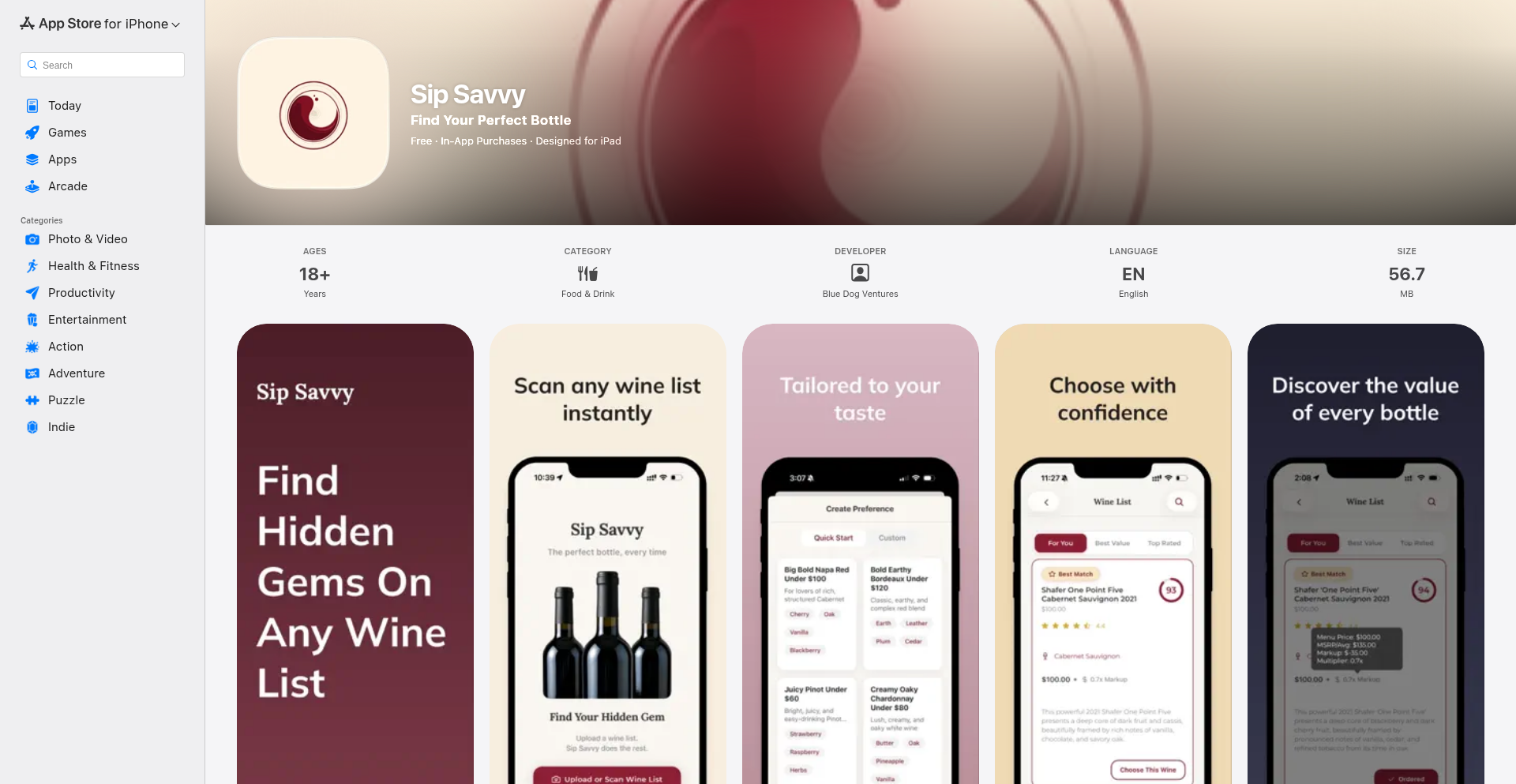
Author
zyncl19
Description
VinoLens AI is a smart wine assistant that transforms a photo of a wine list into personalized recommendations. It uses advanced AI to analyze wine characteristics, pricing, and critic scores, helping you discover the perfect bottle based on your taste preferences and budget. This tackles the common frustration of navigating complex wine menus with limited knowledge.
Popularity
Points 1
Comments 0
What is this product?
VinoLens AI is an intelligent application that deciphers restaurant wine lists. It leverages Optical Character Recognition (OCR) combined with AI image recognition to extract text and structure from wine menus. Then, it uses AI models (like Gemini 2.5 Flash Lite) to understand wine flavor profiles and compare them against your stated preferences. It also incorporates real-time data retrieval using AI-powered search engines (like Perplexity) to supplement its internal wine database and Algolia for efficient fuzzy matching of wine names. Finally, it calculates a score based on alignment with your taste, value (markup from retail), and quality (critic scores). This innovative approach ensures you get tailored suggestions, not just a generic list.
How to use it?
Developers can integrate VinoLens AI by using its API. For a typical use case, a user would upload a photo of a wine list through a mobile app (built with React Native). The app sends the image to the VinoLens AI backend (running on Google Cloud Run using FastAPI). The backend processes the image, extracts wine data, performs matching against user preferences, and returns a ranked list of wine recommendations. This can be integrated into existing restaurant apps, sommelier tools, or even personal wine discovery platforms.
Product Core Function
· Image to Structured Wine Data: Extracts text and organizational details from wine list photos using OCR and agentic image recognition, enabling precise data capture for further analysis.
· Fuzzy Wine Name Matching: Utilizes Algolia with custom ranking rules to accurately identify wines on a list, even with variations in naming conventions, ensuring comprehensive coverage.
· Real-time Wine Data Augmentation: Employs AI-powered search engines to fetch missing wine descriptions and details on demand, enriching the recommendation experience.
· Flavor Profile Matching: Leverages AI models to compare user-defined flavor preferences against wine characteristics, delivering highly personalized taste suggestions.
· Value and Quality Scoring: Calculates objective scores for wines based on retail markup and critic ratings, providing a balanced perspective for informed decision-making.
· Personalized Recommendation Ranking: Presents wine options ranked by their alignment with user preferences, perceived value, and quality, simplifying the selection process.
Product Usage Case
· A user at a restaurant with an extensive wine list takes a photo of the menu. VinoLens AI analyzes the list and suggests a medium-bodied, fruity red wine within their budget, explaining why it matches their stated preference for 'jammy' flavors and has a reasonable markup. This solves the problem of overwhelming choices and finding a wine that truly suits their palate.
· A wine enthusiast wants to explore wines outside their usual region. They input their preferred flavor notes (e.g., 'earthy,' 'spicy') and price range into a wine app powered by VinoLens AI. The app analyzes a local wine shop's inventory (via an uploaded list) and recommends specific bottles that align with their preferences, even for less familiar varietals. This aids in discovering new wines and expanding their wine knowledge.
· A sommelier at a high-end restaurant wants to quickly identify good value wines for clients. They use a VinoLens AI-powered tool to scan the wine list, which then highlights bottles with high critic scores and a low markup compared to retail prices, allowing the sommelier to efficiently suggest excellent options to patrons.
· A home user preparing a meal wants to find a wine pairing. They describe their desired wine characteristics to an AI assistant that uses VinoLens AI. The AI then searches available online wine retailers (simulated here as a 'wine list') and recommends a bottle that fits the meal's profile and the user's taste preferences, making sophisticated pairings accessible.