Show HN Today: Discover the Latest Innovative Projects from the Developer Community
 ShowHN Today
- Continue with Google
Show HN Today: Top Developer Projects Showcase for 2025-12-03
SagaSu777 2025-12-04
Explore the hottest developer projects on Show HN for 2025-12-03. Dive into innovative tech, AI applications, and exciting new inventions!
Summary of Today’s Content
Trend Insights
The current landscape of Show HN projects paints a vibrant picture of innovation, heavily leaning into the transformative power of AI and the ever-present quest for developer efficiency. We're seeing a clear surge in tools that aim to simplify complex AI interactions, whether it's enabling AI agents to access structured data safely with projects like Pylar, or providing developers with local, privacy-first alternatives to cloud-based AI assistants like PhenixCode. The focus on 'local-first' and 'privacy-preserving' is a critical theme, addressing growing concerns about data security and control. Developers are also pushing the boundaries of performance with tools like Fresh, demonstrating that even foundational software like text editors can be reimagined with modern languages and innovative architectural patterns. For aspiring creators and seasoned engineers alike, this is a call to arms: embrace the AI revolution by building bridges, not walls. Focus on abstracting complexity, democratizing access to powerful AI capabilities, and prioritizing user control and data privacy. The hacker spirit thrives in identifying pain points and leveraging technology to create elegant, impactful solutions that empower others.
Today's Hottest Product
Name
Show HN: Fresh – A new terminal editor built in Rust
Highlight
This project showcases a remarkably efficient and user-friendly terminal editor, 'Fresh', meticulously crafted in Rust. Its core innovation lies in its approach to handling massive files – it employs a lazy-loading piece tree to selectively load only necessary data, drastically reducing memory consumption and load times compared to established editors. For developers, this offers a compelling case study in performance optimization for text-heavy applications and a fresh perspective on building developer tools with modern languages like Rust. The integration of TypeScript for plugins via Deno also highlights an accessible and extensible architecture.
Popular Category
AI/ML Tools
Developer Tools
Productivity Software
Data Visualization
Open Source Software
Popular Keyword
LLM
AI agent
Rust
Open Source
CLI
Python
Vector Database
RAG
Frontend
UI
Technology Trends
AI Agent Ecosystem
Local-First AI
Performance-Optimized Developer Tools
No-Code/Low-Code AI Integration
Data Privacy and Security in AI
WebAssembly for Frontend Performance
Advanced Text Editing Techniques
Composable AI Pipelines
Project Category Distribution
AI/ML Tools (35%)
Developer Tools (25%)
Productivity Software (15%)
Data Visualization (10%)
Utilities/Services (10%)
Educational Tools (5%)
Today's Hot Product List
| Ranking | Product Name | Likes | Comments |
|---|---|---|---|
| 1 | CreditUnionRateScan | 263 | 84 |
| 2 | FreshCode-Rust | 153 | 112 |
| 3 | Microlandia: Deno-Powered Data-Driven City Builder | 87 | 17 |
| 4 | SoloInvoice Coder | 11 | 4 |
| 5 | Avolal: Contextual Flight Booker | 9 | 6 |
| 6 | TakaStackLang | 10 | 4 |
| 7 | LLM Orchestrator Hub | 10 | 3 |
| 8 | AI Photo Lumina | 6 | 6 |
| 9 | GoalBet Engine | 6 | 5 |
| 10 | SafeKey AI Input Firewall | 4 | 6 |
1
CreditUnionRateScan
Author
mhashemi
Description
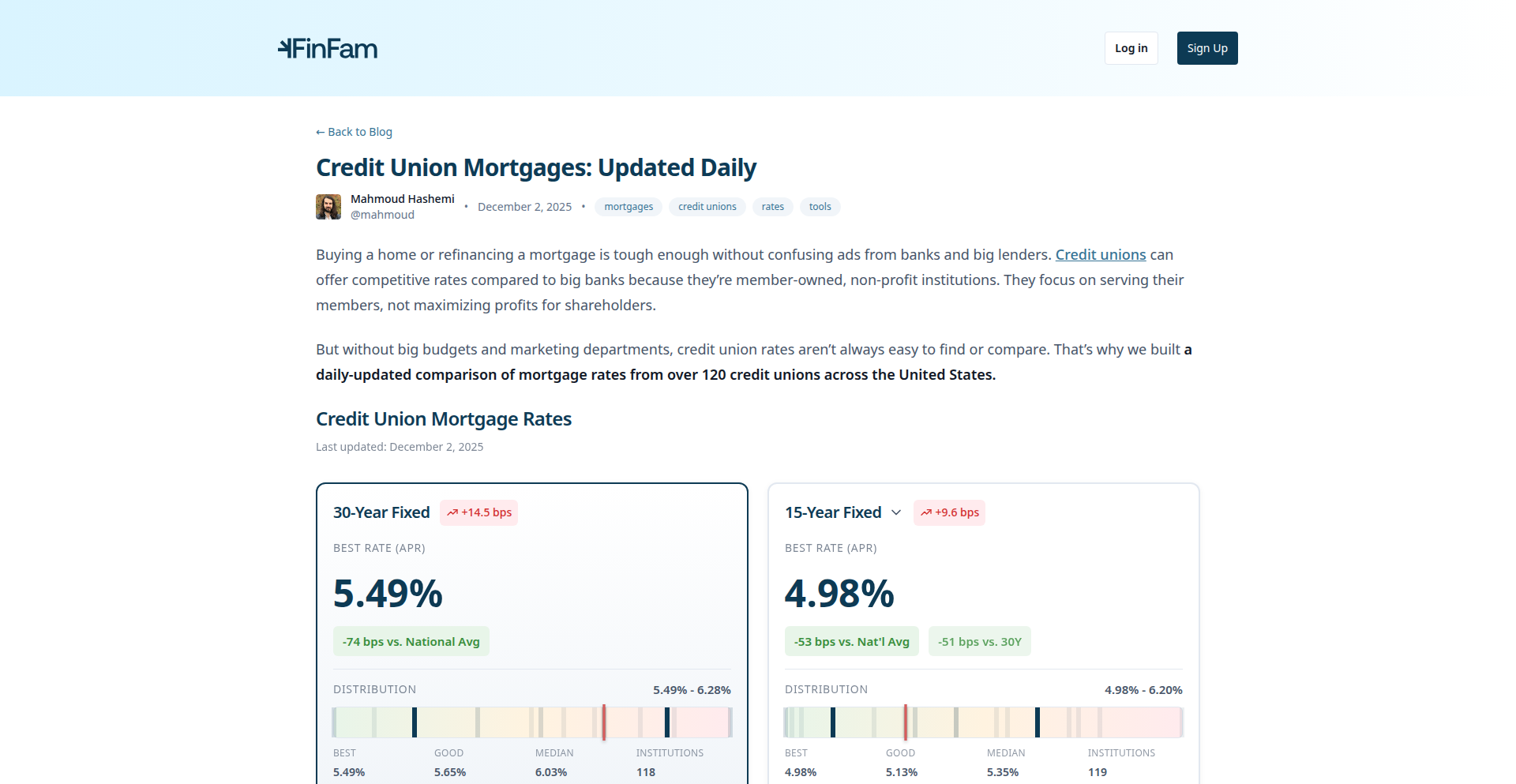
A dashboard that scrapes and compares mortgage rates from over 120 credit unions against national benchmarks. It helps users find better mortgage deals by highlighting the savings achievable by choosing credit unions over traditional big banks, often due to lower marketing costs. The project uses Python for backend data processing and Svelte/SvelteKit for a user-friendly frontend, offering a transparent and ad-free experience.
Popularity
Points 263
Comments 84
What is this product?
This is a web-based tool that collects publicly available mortgage interest rates from more than 120 credit unions. It then compares these rates to the national average benchmark (FRED data) and provides filtering options for loan type, eligibility, and rate type. The innovation lies in its ability to aggregate and present this information in a clear, actionable format, revealing significant cost savings that are often overlooked by consumers. The core idea is that credit unions, being non-profit and having smaller marketing budgets, can offer better rates on standardized financial products like mortgages, and this tool makes that advantage easily discoverable.
How to use it?
Developers can use this project as a reference for building similar data aggregation and comparison tools for other financial products or services. The backend, likely built with Python, demonstrates techniques for web scraping public data, data cleaning, and API integration (for FRED data). The frontend, using Svelte/SvelteKit, showcases how to build interactive and responsive dashboards for data visualization and user interaction. It provides a solid foundation for projects that require comparing dispersed information and presenting it clearly to end-users. The project can be a learning resource for understanding how to leverage open data for consumer benefit.
Product Core Function
· Mortgage Rate Aggregation: Gathers real-time mortgage rates from over 120 credit union websites, providing a centralized view of available options. This is valuable for developers building financial comparison platforms or for understanding data aggregation strategies.
· National Benchmark Comparison: Compares aggregated credit union rates against the official national mortgage rate benchmark, quantifying potential savings. This helps developers implement data comparison logic and highlight value propositions in their own projects.
· Advanced Filtering: Allows users to filter by loan type (e.g., 30-year, 15-year), eligibility criteria, and rate types, enabling tailored searches. This demonstrates how to build complex filtering mechanisms in a user interface for structured data.
· Payment Calculator with Refinance Mode: Includes a calculator that estimates mortgage payments and supports refinance scenarios. This is a practical feature for developers creating personal finance tools or loan simulation applications.
· Direct Link Integration: Provides direct links to each credit union's rate and eligibility pages, streamlining the user's research process. This highlights the value of clear navigation and outbound linking in user-centric applications.
Product Usage Case
· A developer building a personal finance app could integrate the rate aggregation logic to offer users real-time mortgage rate comparisons within their app. This solves the problem of users having to manually check multiple websites, saving them time and potentially money.
· A fintech startup looking to disrupt traditional lending could use the project's methodology as inspiration for building a platform that transparently surfaces the cost advantages of non-traditional lenders. This addresses the market gap of opaque pricing in the mortgage industry.
· An educational project could leverage the data and visualization techniques (like the seaborn plots mentioned) to teach about financial markets and consumer economics. This demonstrates how to use code to explain complex financial concepts in an accessible way.
· A developer experimenting with web scraping and data analysis could use this project as a case study to learn how to collect, process, and present large datasets for practical application. It provides a real-world example of solving a common consumer problem with code.
2
FreshCode-Rust
Author
_sinelaw_
Description
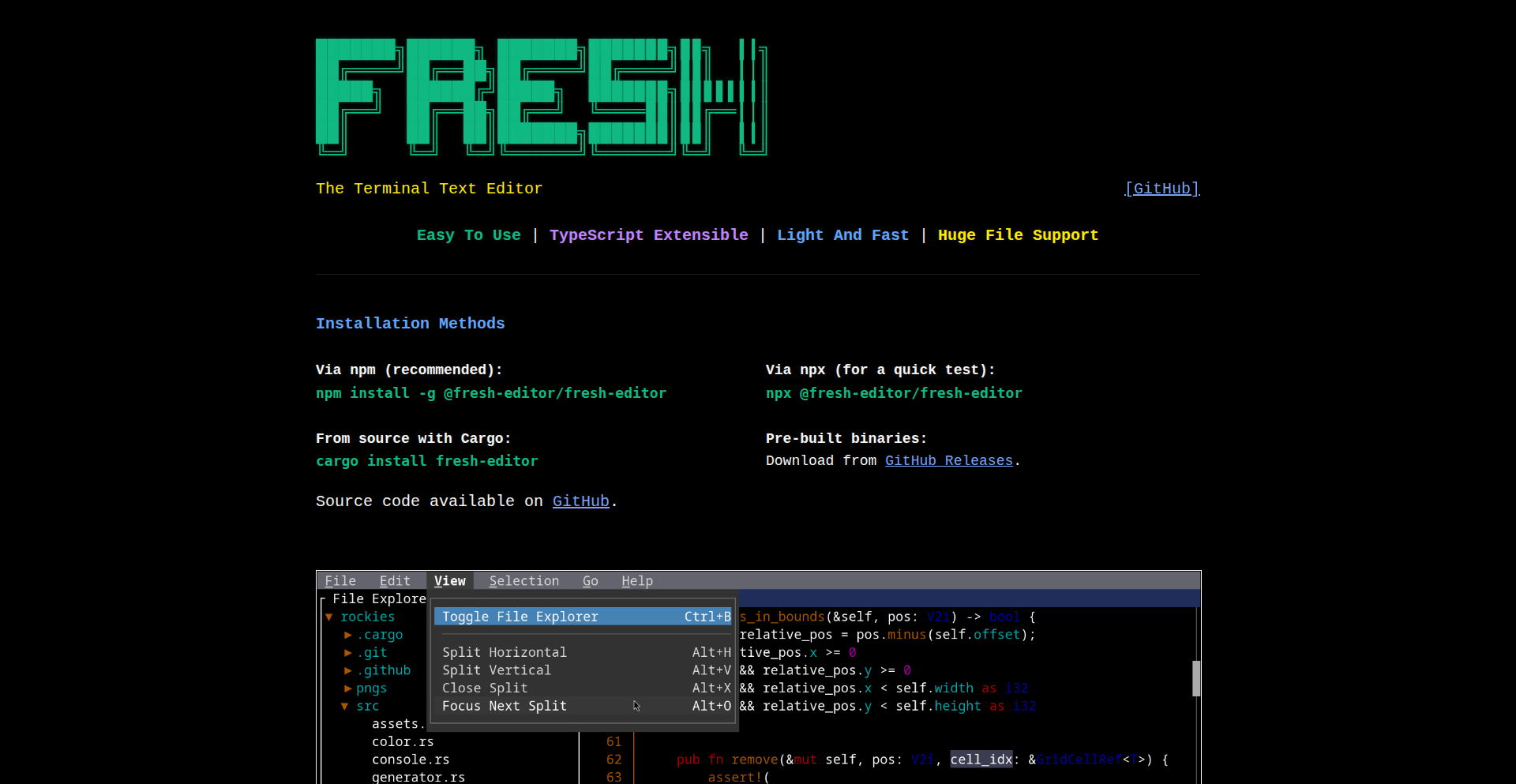
FreshCode-Rust is a blazingly fast, resource-efficient terminal-based text editor built with Rust. It aims to provide the usability and features of modern GUI editors, like command palettes and LSP integration, without the steep learning curve or heavy resource consumption. Its core innovation lies in its lazy-loading piece tree and non-modal design, making it exceptional for handling massive files swiftly and offering a smooth editing experience for developers.
Popularity
Points 153
Comments 112
What is this product?
FreshCode-Rust is a new kind of text editor that runs directly in your terminal. Unlike traditional terminal editors that can be complex to learn, FreshCode-Rust prioritizes ease of use with familiar keyboard shortcuts and a non-modal interface, meaning you don't have to switch between different modes to perform actions. Its technological marvel is its 'piece tree' data structure, which intelligently loads only the parts of a file you're actively working on. This means it can open and edit incredibly large files (gigabytes!) in seconds and use very little memory, which is a game-changer for developers working with huge log files, datasets, or codebases. It's built in Rust for peak performance and supports modern features like code completion through Language Server Protocol (LSP) and customizable plugins written in TypeScript, making it accessible to a wide range of developers.
How to use it?
Developers can use FreshCode-Rust directly in their terminal. Installation would typically involve downloading a binary or building from source. Once installed, you'd launch it from your command line, for example: `freshcode <filename>`. You can then edit files using intuitive keyboard shortcuts, similar to what you might expect from a GUI editor. For advanced features like code completion, you would need to set up a Language Server for your programming language, and FreshCode-Rust would integrate with it automatically. Plugin development is straightforward using TypeScript and Deno, allowing developers to extend its functionality to suit their specific workflows or to build custom tools within the editor.
Product Core Function
· Extremely fast file loading and editing: Implemented using a lazy-loading 'piece tree' data structure, allowing for near-instantaneous opening and manipulation of multi-gigabyte files, significantly reducing developer wait times and improving productivity.
· Low memory consumption: Designed to be highly resource-efficient, using minimal RAM even with very large files, which is crucial for systems with limited resources or when running multiple applications simultaneously.
· Intuitive non-modal editing: Prioritizes a user-friendly experience with standard keybindings and a design that avoids complex mode switching, lowering the barrier to entry for new users and making it easier for experienced users to switch from other editors.
· Modern GUI editor features in the terminal: Includes features like a command palette for quick access to commands and actions, and built-in support for Language Server Protocol (LSP) for intelligent code completion, error highlighting, and other code intelligence features, enhancing developer workflow and code quality.
· Extensible plugin system using TypeScript and Deno: Allows developers to easily create custom plugins and extensions using a widely adopted language, fostering a vibrant ecosystem and enabling tailored editor experiences.
· Rust-based performance: Leverages the speed and safety of Rust for its core implementation, ensuring a robust and performant editing environment.
Product Usage Case
· Editing massive log files: A DevOps engineer needs to analyze a 5GB log file to troubleshoot an issue. Instead of struggling with slow or crashing editors, they can open the file in FreshCode-Rust in under a second, search for specific error patterns, and view ANSI color codes for better readability, directly within their terminal.
· Working on large codebases with limited RAM: A developer on a constrained laptop is working on a large project with thousands of files. FreshCode-Rust's efficient memory usage allows them to open and navigate the entire project quickly without the system becoming unresponsive or running out of memory, unlike heavier IDEs.
· Rapid prototyping and script editing: A data scientist needs to quickly write and test a Python script. FreshCode-Rust's non-modal interface and quick startup time allow them to launch the editor, write code, and get instant feedback from the LSP for syntax checking and autocompletion, accelerating their development cycle.
· Customizing terminal workflows with plugins: A web developer wants to integrate a specific linting tool or code formatter into their terminal editing workflow. They can write a simple TypeScript plugin for FreshCode-Rust that hooks into its event system, automatically running the tool on save and providing feedback directly in the editor.
3
Microlandia: Deno-Powered Data-Driven City Builder

Author
phaser
Description
Microlandia is a city-building simulation game, inspired by SimCity Classic, that uniquely leverages Deno and its SQLite driver for its core mechanics. It incorporates real-world datasets and statistics to create a more realistic and introspective simulation, even including often-overlooked aspects like homelessness. This project showcases the power of server-side JavaScript (Deno) for game development and data-intensive applications, offering a glimpse into a developer's creative problem-solving with code.
Popularity
Points 87
Comments 17
What is this product?
Microlandia is a city-building game built using Deno, a modern JavaScript runtime, and its integrated SQLite driver. The innovation lies in using Deno's capabilities to process and integrate real-world data, such as statistics and research parameters, directly into the game's simulation engine. This means your city's development is influenced by actual data, making it a more 'brutally honest' and thought-provoking experience compared to typical games. So, what's in it for you? It offers a unique blend of entertainment and educational value, allowing you to experiment with city management while learning about the complexities of real-world urban planning and societal issues.
How to use it?
As a player, you'll interact with Microlandia through its user interface on Steam. From a developer's perspective, the underlying technology demonstrates how Deno can be effectively used for game development, particularly for projects that require significant data processing and persistence. The project utilizes Deno's built-in SQLite driver, which is a straightforward way to store and manage game state and data. This approach allows developers to build scalable and maintainable applications using familiar JavaScript syntax and a modern runtime environment. So, how can this inspire you? If you're a JavaScript developer interested in game development or data-driven applications, you can learn from Microlandia's architecture and see how Deno can be a powerful tool in your arsenal.
Product Core Function
· Data-driven simulation engine: Utilizes real-world datasets to influence game mechanics, providing a more realistic and challenging city-building experience. Value: Offers a unique, educational, and thought-provoking gameplay loop that goes beyond typical game simulations. Use case: Players looking for deeper strategic challenges and a more grounded simulation.
· Deno runtime integration: Leverages Deno for its modern JavaScript execution environment and built-in features like the SQLite driver. Value: Demonstrates efficient and modern backend development for games and applications, showcasing Deno's capabilities. Use case: Developers interested in exploring Deno for their own game or application projects.
· SQLite data persistence: Employs SQLite for storing and managing game data, ensuring save states and simulation parameters are reliably handled. Value: Provides robust and efficient data management, crucial for any complex application or game. Use case: Developers building applications that require local data storage.
· Societal aspect modeling: Includes parameters and mechanics that reflect complex societal issues like homelessness. Value: Adds depth and realism to the simulation, encouraging players to consider the broader social impact of their decisions. Use case: Players interested in a more nuanced and critical simulation experience.
Product Usage Case
· Building a city that thrives by understanding and addressing real-world economic factors: In Microlandia, you might find that high employment rates directly correlate with specific industrial policies you implement, mirroring real-world economic principles. This helps players learn about economic management in a practical, game-based environment. Problem solved: Demonstrates how data integration can create more educational and realistic gameplay.
· Developing a sustainable urban plan by considering environmental impact data: The game could simulate pollution levels based on industrial output and traffic, forcing players to balance growth with environmental concerns, similar to real-world urban planning challenges. Problem solved: Highlights the importance of environmental sustainability within a game context.
· Experimenting with social welfare policies to combat issues like homelessness: Microlandia might introduce mechanics where implementing specific social programs directly affects homelessness rates, showing the complex interplay between policy and societal well-being. Problem solved: Offers a platform to explore the impact of social policies without real-world consequences.
4
SoloInvoice Coder

Author
mightbefun
Description
A hyper-lightweight, cost-effective invoicing platform specifically designed for solo developers and freelancers. It strips away unnecessary features found in bloated enterprise solutions, offering only the essential tools to create, send, and track invoices with an emphasis on simplicity and affordability. The core innovation lies in its minimalist approach, directly addressing the pain points of cost and complexity in existing invoicing software for individual professionals.
Popularity
Points 11
Comments 4
What is this product?
SoloInvoice Coder is a software tool that helps independent professionals like software developers and freelancers easily manage their billing. Instead of offering a complex system with features you might never use, this tool focuses on the absolute essentials: creating invoices quickly, sending them out via email, and sending automatic reminders if they aren't paid. It also handles recurring bills, like for a monthly service, and gives you a straightforward way to see which invoices are paid and which are still outstanding. The innovation is in its deliberate simplicity and very low price point ($20 per year), which is a direct response to the high costs and feature overload of typical business invoicing software, making professional invoicing accessible to individuals.
How to use it?
Developers can integrate SoloInvoice Coder into their workflow by simply signing up for the service. Once registered, they can immediately start creating invoices by inputting client details, service descriptions, and pricing. Invoices can be sent directly from the platform via email to clients. For ongoing services, recurring invoice settings can be configured. A clean dashboard provides a quick overview of payment status. This tool is designed to be used standalone and doesn't require complex integration, making it a practical solution for immediate use, especially when dealing with one-off projects or retainer-based client work.
Product Core Function
· Invoice Creation: Quickly generate professional invoices with essential details, saving you time and effort from manual data entry. This is valuable because it allows you to get paid faster and spend less time on administrative tasks.
· Email Sending: Send invoices directly to your clients' inboxes from the platform, ensuring a professional and immediate delivery. This is useful for streamlining communication and providing clients with easy access to their billing information.
· Automatic Reminders: The system automatically sends follow-up emails for unpaid invoices, helping you get paid on time without constant manual follow-up. This feature is a significant time-saver and improves your cash flow.
· Recurring Invoices: Set up invoices to be automatically generated and sent on a regular schedule, perfect for subscription-based services or retainers. This automates a repetitive task, ensuring consistent billing and revenue.
· Simple Dashboard: A clear overview of your financial status, showing paid and unpaid invoices at a glance. This helps you stay organized and understand your income stream easily.
· No Bloat Features: By intentionally omitting complex features like CRM or team management, the platform remains incredibly fast and easy to use for individuals. This means you're not paying for or learning features you don't need, making it incredibly cost-effective.
Product Usage Case
· A freelance web developer needs to send an invoice for a completed project. They can use SoloInvoice Coder to quickly create a professional invoice with line items for development hours and project milestones, then email it directly to the client. This solves the problem of needing a formal billing document without the complexity of full accounting software.
· A contract software engineer working on a monthly retainer needs to ensure they are billed consistently. SoloInvoice Coder's recurring invoice feature can be set up to automatically generate and send the invoice each month, saving the engineer the task of manually creating it and ensuring prompt payment.
· A solo game developer selling their indie game needs to manage payments from publishers or distributors. They can use the platform to track outgoing invoices and receive payment confirmations, keeping their business finances organized without needing a dedicated finance team.
5
Avolal: Contextual Flight Booker

Author
midito
Description
Avolal is a flight booking tool designed to eliminate the frustrations of typical airline websites. It uses natural language processing to understand complex search queries, learns user preferences, and ranks flights based on overall value rather than airline commission. This results in a faster, more personalized, and transparent booking experience.
Popularity
Points 9
Comments 6
What is this product?
Avolal is an intelligent flight booking platform that leverages natural language processing (NLP) to interpret user requests in a conversational manner. Instead of navigating through rigid search forms, users can type queries like 'San Francisco to Seattle next weekend' and Avolal understands the implied dates (e.g., Friday to Sunday). It also learns and remembers user preferences for seats, fare types, and preferred routes, significantly speeding up the booking process. A key innovation is its 'actual value' ranking system, which considers not just the price but also travel time, airport quality, and other factors that truly matter to the traveler, moving away from commission-driven rankings. This approach aims to provide a more intuitive and user-centric way to book flights.
How to use it?
Developers can use Avolal by visiting avolal.com directly in their browser. For searching routine flights, you can simply type your destination and desired travel dates in a natural, conversational way (e.g., 'New York to London for a business meeting next Tuesday'). Avolal will then present a curated list of flights based on your input and learned preferences. To integrate Avolal's capabilities into other applications or workflows, one would typically look for an API. While not explicitly mentioned in the provided snippet, the underlying technology suggests the potential for an API that developers could use to programmatically search for flights, manage user profiles, and retrieve personalized flight recommendations, streamlining travel booking within their own services.
Product Core Function
· Natural Language Search: Understands context and colloquialisms in flight search queries (e.g., 'weekend trip,' 'meeting at 2 PM'), making it easier to find flights without precise date and time input. Value: Saves time and reduces cognitive load for users who don't want to deal with rigid search forms.
· Preference Learning and Saving: Remembers user preferences for seats, fare classes, and preferred routes, automating repetitive choices. Value: Significantly speeds up the booking process for frequent travelers and those with specific needs.
· Value-Based Flight Ranking: Ranks flights based on a comprehensive 'actual value' metric (price + time + airport quality) rather than airline commissions. Value: Empowers users with objective information to make better, more cost-effective decisions that align with their personal priorities, avoiding hidden biases.
· Ad-Free and Dark Pattern-Free Interface: Provides a clean, transparent booking experience without intrusive ads or manipulative design elements. Value: Builds trust and ensures a frustration-free user journey, focusing solely on finding the best flight option.
Product Usage Case
· Frequent Business Traveler: A user who regularly flies between New York and San Francisco for meetings can simply type 'NYC to SF for my meeting next Thursday,' and Avolal will automatically understand the need for a mid-week return and potentially prioritize flights arriving at SFO based on learned preferences for airport convenience. This solves the problem of repeatedly entering similar search criteria and saves valuable time.
· Leisure Traveler Planning a Weekend Getaway: Someone looking to book a quick trip to Miami for the weekend can type 'LA to Miami this Friday night, back Sunday evening.' Avolal will correctly interpret 'this Friday night' and 'Sunday evening' and present flights optimized for a short weekend trip, solving the issue of manually sifting through multiple date and time combinations.
· User with Specific Seat Preferences: A traveler who always prefers an aisle seat in the front of the plane can set this preference in Avolal. When searching for flights, Avolal will automatically filter and rank options that have such seats available, addressing the common frustration of not being able to secure preferred seating during booking.
6
TakaStackLang
Author
mgunyho
Description
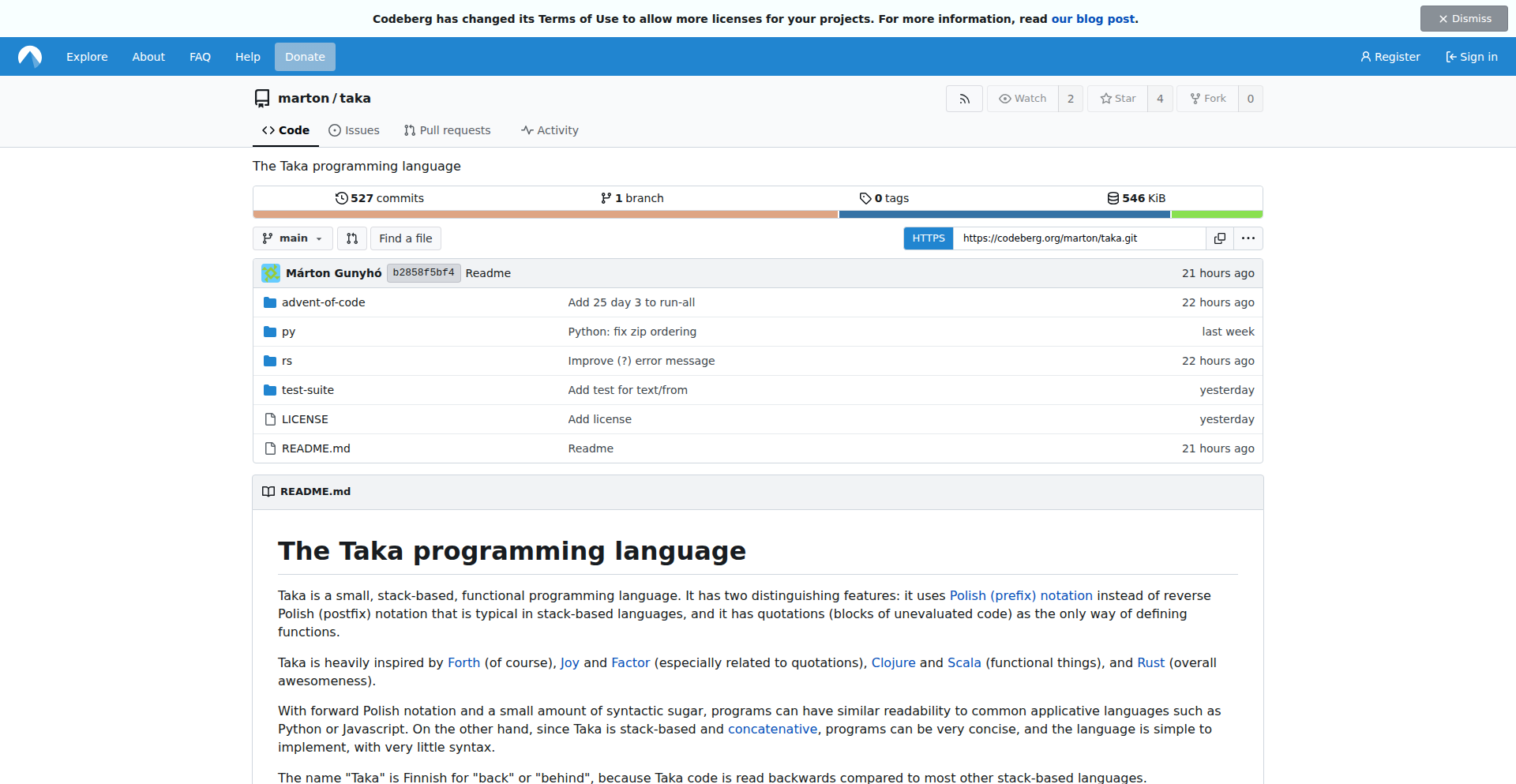
TakaStackLang is a minimalist, stack-based programming language designed for concise problem-solving, particularly for challenges like Advent of Code. Its innovation lies in its use of forward Polish notation (prefix notation) combined with a stack data structure, allowing for very expressive and compact code. This approach simplifies complex operations by breaking them down into a series of pushes and pops on a stack, making it easier to reason about program state and execute logic.
Popularity
Points 10
Comments 4
What is this product?
TakaStackLang is a novel programming language that leverages a stack data structure and forward Polish notation (also known as prefix notation) to execute code. Instead of traditional infix notation (like `2 + 3`), prefix notation writes the operator before the operands (like `+ 2 3`). When combined with a stack, operations are performed by pushing operands onto the stack and then applying operators that consume operands from the stack. This creates a highly efficient and often surprisingly readable way to express computations, especially for recursive or nested logic, as it directly mirrors how function calls and expression evaluation work internally. Its core value is providing a clean, declarative way to solve problems with minimal boilerplate.
How to use it?
Developers can use TakaStackLang by writing programs as sequences of operations and values. The language interpreter reads these sequences, pushing values onto an internal stack and executing operators when encountered. For example, to add two numbers, you might write `+ 2 3`, where `2` and `3` are pushed onto the stack, and then the `+` operator pops them, adds them, and pushes the result back. It's ideal for developers who enjoy exploring alternative programming paradigms or tackling computational puzzles where clear, step-by-step execution is beneficial. Integration might involve writing custom scripts or embedding the language interpreter within other applications to handle specific data processing or logic tasks.
Product Core Function
· Stack-based execution: Operands are pushed onto a stack, and operators pop operands from the stack to perform operations. This allows for efficient management of intermediate results and a clear view of program state, making debugging easier by tracking values as they move through the stack. Its value is in simplifying complex state management.
· Forward Polish Notation (Prefix Notation): Operators precede their operands, allowing for unambiguous expression parsing without the need for parentheses. This leads to more compact code and a more direct representation of computational flow, reducing cognitive load for understanding nested logic.
· Minimalist Instruction Set: Designed with a small set of core operations, making it easy to learn and implement. This simplicity reduces the learning curve and makes the language itself easier to extend or adapt for specific problem domains, offering a highly flexible foundation.
· Declarative Problem Solving: Encourages thinking about problems in terms of data transformation and operation sequences. This paradigm shift can lead to more elegant and maintainable solutions, especially for tasks that involve significant data manipulation or algorithmic challenges.
Product Usage Case
· Solving Advent of Code puzzles: Developers can use TakaStackLang to implement solutions for these annual programming challenges, leveraging its conciseness and clear execution flow to quickly prototype and verify algorithms. It provides a novel way to approach complex algorithmic problems.
· Implementing small, specialized scripting engines: For applications requiring custom logic execution or domain-specific languages, TakaStackLang can serve as a lightweight interpreter, allowing for flexible and extensible rule-based systems. This offers a powerful way to add dynamic behavior to applications.
· Educational tool for programming concepts: Its straightforward stack-based execution and prefix notation make it an excellent tool for teaching fundamental computer science principles like expression evaluation, recursion, and data structures. It demystifies how programs execute at a lower level.
· Prototyping algorithms with clear state transitions: When developing algorithms that involve significant state changes or complex intermediate calculations, TakaStackLang's explicit stack manipulation provides a transparent way to visualize and test the algorithm's behavior. This aids in identifying and fixing logic errors early in the development process.
7
LLM Orchestrator Hub

Author
supreetgupta
Description
This project addresses a common challenge when connecting Large Language Models (LLMs) to various external tools. As you add more tools, the way they connect to the LLM can become a tangled mess (an N×M mesh). Each tool needs its own authentication, error handling, and logging, leading to fragmentation. LLM Orchestrator Hub provides a single, centralized point to manage authentication, access control, routing of requests, and monitoring for these tool integrations, simplifying the architecture and improving manageability. What this means for you is a cleaner, more robust way to integrate LLMs with your existing services.
Popularity
Points 10
Comments 3
What is this product?
LLM Orchestrator Hub is a system designed to streamline the integration of LLMs with multiple external tools or services. Instead of each LLM agent directly connecting to every tool (which becomes complex and hard to manage), this gateway acts as a central traffic manager. It handles crucial tasks like verifying who can access which tool (authentication and authorization), directing requests to the correct tool (routing), and providing a unified view of what's happening (observability). The innovation lies in moving from a point-to-point N×M integration mess to a cleaner hub-and-spoke model. This makes it easier to add, remove, or update tools without rewriting integrations everywhere. So, for you, it means less complexity and more control when building LLM-powered applications.
How to use it?
Developers can integrate LLM Orchestrator Hub by directing their LLM agent's calls through this gateway. For example, if an LLM needs to access a database, a calendar, or an external API, these requests would first go to the Orchestrator Hub. The Hub then authenticates the request, checks if the LLM is authorized to use that specific tool, and forwards the request to the correct tool. The response is then sent back through the Hub to the LLM. The project supports standards like OAuth2 for secure authentication and offers 'Virtual MCP Servers' to group related tools. You can think of it like a smart receptionist for your LLM's conversations with the outside world. Integration typically involves configuring your LLM's tool-calling mechanism to point to the Hub's API endpoint. This allows you to easily manage access and monitor interactions without deeply modifying your LLM's core logic. So, you can add new tools or enforce security policies with minimal code changes.
Product Core Function
· Centralized Authentication and Authorization: Manages who can access which tools, ensuring security and compliance. This simplifies security management across many integrations, meaning you don't have to reinvent authentication for every new tool connection.
· Unified Request Routing: Directs LLM requests to the appropriate external tools based on the request context. This optimizes performance and ensures the LLM gets the right information, saving you the effort of building complex logic to figure out which tool to call.
· Consolidated Observability and Logging: Provides a single place to monitor all LLM-tool interactions, including performance metrics and error tracking. This makes debugging and understanding your LLM application's behavior much easier, so you can quickly spot and fix issues.
· Simplified Tool Management: Allows for easier addition, removal, or updates of external tools without disrupting existing integrations. This agility means you can evolve your LLM application faster by adding new capabilities seamlessly.
· Support for Standards (e.g., OAuth2): Leverages industry-standard security protocols for robust and secure integrations. This ensures your integrations are built on proven security foundations, giving you peace of mind.
· Virtual Tool Groups (Virtual MCP Servers): Organizes tools into logical sets, allowing for curated access and management. This helps in managing complexity by grouping related functionalities, making it easier to control access to specific feature sets.
Product Usage Case
· An LLM customer service bot needs to access user account information, place orders, and check shipping status. Instead of the bot directly integrating with the user database, order management system, and shipping API individually, all these requests go through the LLM Orchestrator Hub. The Hub authenticates the bot, routes the request to the correct backend service, and logs the interaction. This makes it simple to add a new shipping provider or update the user database schema without modifying the bot's core logic.
· A research assistant LLM needs to query multiple scientific databases and external APIs for data retrieval. The Orchestrator Hub can manage credentials for each database and API, ensure rate limits are respected, and route queries to the most appropriate source. If a new research database becomes available, it can be added to the Hub, and the LLM can start using it immediately after configuration, without complex code refactoring.
· An enterprise application uses an LLM for internal task automation. The Orchestrator Hub can enforce organizational policies on which LLM agents can access sensitive internal tools, such as HR systems or financial data. It provides a clear audit trail of all LLM-initiated actions, ensuring accountability and compliance. This means your IT department can easily manage and monitor AI-driven automation across the organization.
8
AI Photo Lumina

Author
passioner
Description
An experimental AI-powered photo enhancer that delivers surprisingly good results without any paywalls or complex interfaces. It leverages advanced image processing algorithms to automatically improve photo quality, making it a valuable tool for quick, accessible image refinement.
Popularity
Points 6
Comments 6
What is this product?
AI Photo Lumina is a free, open-source project that utilizes sophisticated artificial intelligence models to automatically enhance the visual quality of photographs. Unlike many commercial tools that hide advanced features behind subscriptions or charge per image, this project focuses on delivering robust image improvements with a straightforward, accessible approach. The core innovation lies in its ability to intelligently analyze image content and apply targeted enhancements to areas like brightness, contrast, sharpness, and noise reduction, resulting in a more pleasing and professional-looking image without manual intervention. This democratizes access to high-quality photo editing capabilities.
How to use it?
Developers can integrate AI Photo Lumina into their workflows by leveraging its underlying AI models and image processing libraries. Depending on the specific implementation, this could involve running the models locally on their machine or through an API if one is exposed. A common use case would be to build batch processing tools for large photo collections, or to add an 'enhance' button directly into content management systems or user-uploaded image pipelines. For instance, a web application could automatically process user-submitted profile pictures to ensure they look their best, improving the overall user experience.
Product Core Function
· AI-driven image quality enhancement: Automatically adjusts brightness, contrast, and color balance to make photos more vibrant and lifelike. This is useful for making dull photos pop, improving the overall aesthetic appeal of images without needing to be a professional editor.
· Intelligent noise reduction: Reduces graininess and digital artifacts in photos, especially those taken in low-light conditions. This means your low-light photos will look clearer and less pixelated, making them more presentable.
· Automatic sharpness improvement: Enhances details and textures in images, making them appear crisper and more defined. This makes your photos look sharper and more professional, bringing out fine details that might otherwise be missed.
· User-friendly interface (or API): Designed for ease of use, allowing for quick and efficient photo processing without a steep learning curve. This saves you time and effort, as you don't need to spend hours tweaking settings to get a good result.
Product Usage Case
· A freelance photographer needs to quickly process a large batch of event photos. By integrating AI Photo Lumina, they can automatically enhance dozens of images in minutes, saving significant post-processing time and delivering better-looking results to clients.
· A blogger wants to improve the visual appeal of their website's featured images. They can use AI Photo Lumina to automatically enhance these images before uploading, making their blog more engaging and professional-looking without requiring graphic design skills.
· A developer building a social media platform for amateur photographers can use AI Photo Lumina to offer an 'auto-enhance' feature. This empowers users to easily improve their photos, fostering a more positive and aesthetically pleasing community experience.
· A researcher working with historical image archives can use AI Photo Lumina to restore and enhance faded or damaged photographs, making them clearer and more interpretable for study and public display.
9
GoalBet Engine

Author
ericlmtn
Description
An experimental prediction market built for betting against personal goals. It leverages a decentralized mechanism to quantify uncertainty and allows users to speculate on the likelihood of certain outcomes. This project showcases a novel application of prediction market principles to individual achievement, offering a unique way to engage with personal aspirations through a gamified, data-driven approach. The core innovation lies in applying a robust financial market mechanism to a non-financial, personal domain, demonstrating the versatility of these systems.
Popularity
Points 6
Comments 5
What is this product?
This project is a decentralized prediction market specifically designed for individuals to bet on whether the creator (and by extension, anyone participating) will achieve their personal goals. The underlying technology is inspired by sophisticated financial market models, but simplified for a personal context. Instead of stock prices, the market's 'price' reflects the perceived probability of a goal being met. For example, if a goal is 'finish writing a book by December', the market might show a price of $0.30, meaning participants believe there's a 30% chance of it happening. This price dynamically adjusts based on how much people are willing to buy or sell 'shares' in that outcome. The innovation is in applying this community-driven probability assessment to personal objectives, making uncertainty tangible and creating a form of social accountability or motivation.
How to use it?
Developers can interact with this project primarily by understanding its underlying architecture and potentially adapting its principles. For instance, a developer might integrate a similar prediction market mechanism into a personal productivity app to encourage users to set realistic goals and provide a mechanism for community feedback or even micro-stakes betting on goal achievement. You could imagine building a plugin for a task management tool where users can create a 'goal contract' and others can 'buy in' based on their confidence. The core idea is to use the concept of a prediction market to crowdsource probability assessments for personal endeavors, which can then inform behavior or provide insights.
Product Core Function
· Decentralized Goal Prediction: Allows users to create verifiable goals and for others to speculate on their achievement, fostering a community-driven assessment of likelihood. This provides a novel way to quantify personal ambition.
· Dynamic Probability Adjustment: Uses market forces (buying and selling 'shares' of goal success) to continuously update the perceived probability of a goal being met. This offers real-time feedback on confidence levels.
· Betting Mechanism: Enables users to place 'bets' (figuratively or literally, depending on implementation) on goal outcomes, providing a gamified incentive and a form of social commitment.
· Transparent Outcome Verification: The system is designed to eventually verify goal outcomes, ensuring the integrity of the predictions and the market. This builds trust in the system's results.
Product Usage Case
· Personal Productivity Enhancement: A developer could build a feature for a habit-tracking app where users can bet on themselves to complete a certain number of workouts in a week. If they succeed, they win; if not, they might forfeit a small amount, encouraging commitment.
· Team Project Milestones: Imagine a small development team using this to predict the likelihood of completing specific features by a deadline. The market's price can highlight areas of high risk or high confidence, prompting proactive problem-solving.
· Learning Goal Assessment: A developer learning a new programming language could set a goal to complete a project using it by a certain date. Friends or colleagues could bet on this, providing encouragement and a playful accountability measure.
· Creative Project Completion: An artist or writer could set a goal for finishing a piece of work. The community's prediction can offer a unique form of external validation or motivation, translating abstract aspirations into a quantifiable market.
10
SafeKey AI Input Firewall

Author
safekeylab
Description
SafeKey is an AI input firewall designed to protect sensitive data when interacting with Large Language Models (LLMs). It acts as a protective layer between your application and the AI model, automatically identifying and redacting Personally Identifiable Information (PII) before it ever leaves your environment. This innovative solution tackles the critical challenge of data leakage in LLM applications, especially when dealing with private or confidential information.
Popularity
Points 4
Comments 6
What is this product?
SafeKey is an advanced AI security solution that acts as a gatekeeper for data sent to AI models. Its core innovation lies in its ability to accurately detect and remove sensitive personal information (like names, addresses, social security numbers, etc.) from various data types – text, images, audio, and even video – with over 99% accuracy. Beyond PII, it also offers robust protection against malicious AI prompts, known as 'prompt injection' and 'jailbreaks', ensuring AI models behave as intended. It achieves this with extremely low latency, making it practical for real-time applications. So, for you, this means being able to leverage the power of AI without the fear of accidentally exposing private patient data, customer details, or proprietary business information.
How to use it?
Developers can easily integrate SafeKey into their existing AI workflows using drop-in SDKs compatible with major LLM providers like OpenAI, Anthropic, Azure, and AWS Bedrock. SafeKey can be deployed either within your own secure network environment (VPC) or via their cloud service. The firewall sits between your application's input and the LLM API. When your application sends data to the LLM, SafeKey intercepts it, performs its redaction and security checks, and then forwards the cleaned data to the LLM. This process is incredibly fast, taking less than 30 milliseconds. This means you can integrate advanced AI features into your applications with confidence, knowing that sensitive data is protected. For example, if you're building a customer service chatbot that needs to access user history, SafeKey ensures that personally identifiable details from the user's profile are masked before being sent to the AI for processing.
Product Core Function
· PII Redaction (Text, Image, Audio, Video): Accurately identifies and removes sensitive personal information from all forms of input data, ensuring compliance and privacy. This is crucial for applications handling any kind of personal data, preventing accidental breaches.
· AI Prompt Injection & Jailbreak Defense: Prevents malicious attempts to manipulate AI models into unintended behavior or to bypass safety guidelines, safeguarding the integrity of AI outputs.
· Autonomous AI Workflow Security: Protects against vulnerabilities in complex AI agent systems, ensuring that AI-driven processes remain secure and predictable.
· RAG (Retrieval-Augmented Generation) Pipeline Security: Secures AI systems that fetch information from external sources before generating responses, preventing data leakage during the retrieval process.
· Low Latency Processing: Operates with sub-30ms latency, ensuring that security checks do not significantly slow down AI application performance, making it suitable for real-time use cases.
Product Usage Case
· Healthcare AI Applications: Protecting patient medical records and sensitive health information when using LLMs for diagnosis assistance or patient interaction, ensuring HIPAA compliance.
· Customer Service Chatbots: Masking customer names, account numbers, and other PII before sending user queries to an LLM for personalized support, enhancing customer trust.
· Financial Data Analysis: Securing confidential financial data and customer details when using AI for fraud detection or market analysis, preventing data leaks.
· Internal Business Intelligence Tools: Safeguarding proprietary company information and employee data when employing LLMs for internal report generation or data summarization.
11
Ragi: Universal RAG Orchestrator
Author
init0
Description
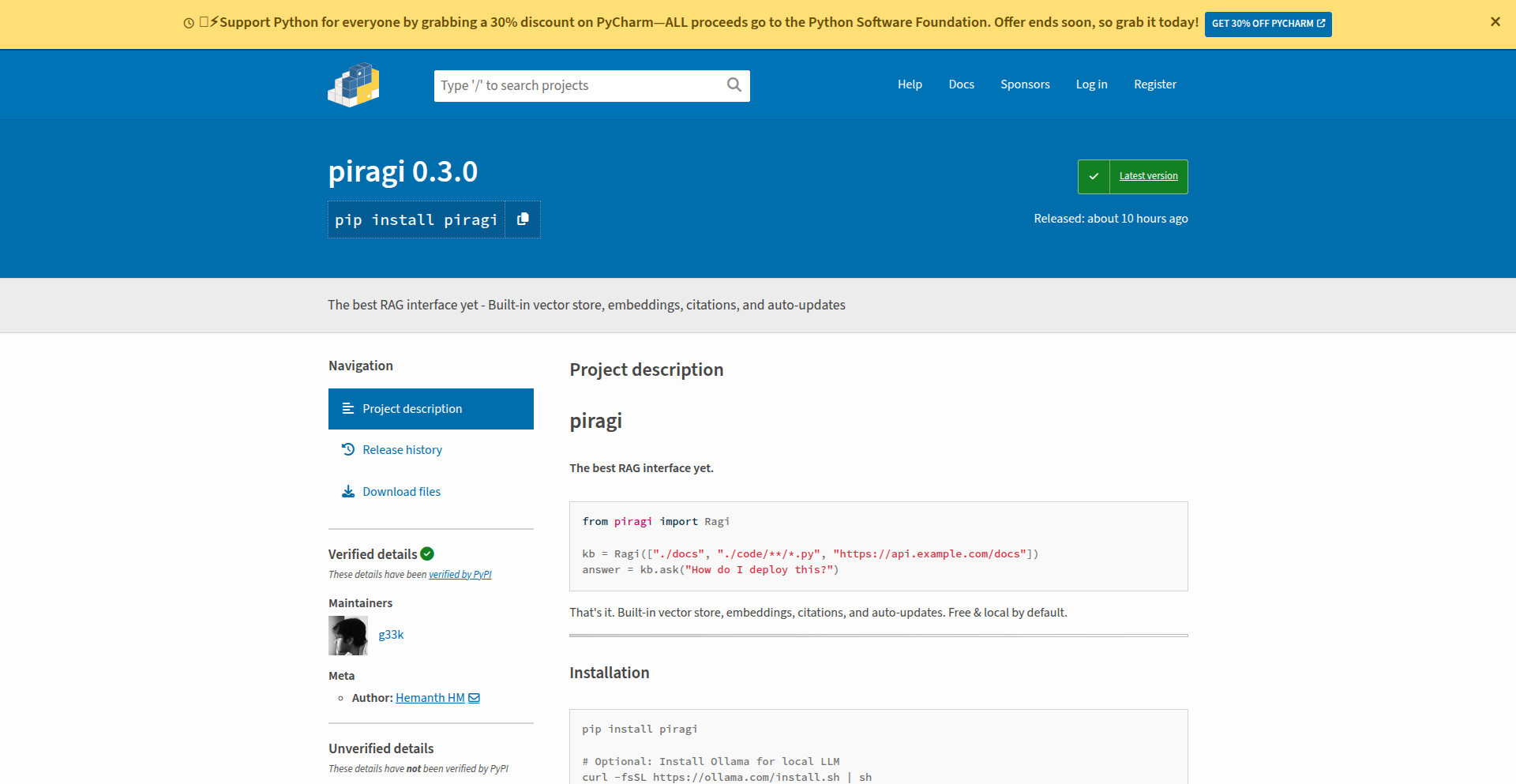
Ragi is a Python library that drastically simplifies the process of building Retrieval Augmented Generation (RAG) systems. It abstracts away the complexities of integrating various data sources, embedding models, and retrieval strategies, allowing developers to set up powerful AI search and question-answering capabilities with just a few lines of code. It addresses the common pain point of repetitive boilerplate code in RAG development.
Popularity
Points 8
Comments 2
What is this product?
Ragi is a smart wrapper for Retrieval Augmented Generation (RAG) that makes it incredibly easy to build AI systems that can answer questions based on your own documents, code, or even web pages. Instead of spending a lot of time setting up complex pipelines for handling different file types, converting them into a format AI can understand (embeddings), and figuring out the best way to search through that information, Ragi does it all for you. It can ingest almost any type of data – PDFs, Word docs, code files, URLs, images, and audio – and automatically set up a powerful search mechanism. The innovation lies in its ability to abstract away the intricate details of RAG implementation, offering a streamlined, plug-and-play solution that runs locally with open-source tools like Ollama for language models and sentence-transformers for embeddings, eliminating the need for API keys for basic usage.
How to use it?
Developers can integrate Ragi into their Python projects with a simple installation (`pip install piragi`). The core usage involves creating an instance of the `Ragi` class, specifying the data sources (local directories, file patterns, or URLs) it should index. Once initialized, you can immediately start asking questions using the `.ask()` method. Ragi handles all the background processing, including data ingestion, embedding, and retrieval. It also offers flexible configuration options to customize retrieval methods (like using HyDE, hybrid search, or cross-encoder re-ranking) or even swap in commercial LLMs like OpenAI's GPT models by providing their API keys. This makes it suitable for quick prototyping or as a robust backend for more complex applications.
Product Core Function
· Universal Data Ingestion: Supports a wide array of file formats including PDF, Word, Excel, Markdown, code (Python, etc.), web page URLs, images, and audio. This means you can build AI search on virtually any content you have without needing to write custom parsers for each type. The value is in saving significant development time and effort by having a single point of entry for diverse data.
· Automatic Background Updates: Continuously monitors specified data sources and automatically refreshes its knowledge base in the background. This ensures that the AI's answers are always up-to-date without manual intervention, providing zero query latency after the initial indexing. The value is in maintaining real-time relevance for your AI-powered features.
· Source Citations: Every answer provided by Ragi includes clear citations to the original sources of information. This is crucial for verifying the AI's responses, building trust, and allowing users to dive deeper into the referenced content. The value is in transparency and accountability of the AI's output.
· Advanced Retrieval Strategies: Implements sophisticated techniques for finding the most relevant information, including HyDE (Hypothetical Document Embeddings) for better query understanding, hybrid search (combining keyword and semantic search) for comprehensive results, and cross-encoder reranking for precise answer selection. The value is in delivering highly accurate and contextually relevant answers, significantly improving the quality of the AI's responses.
· Intelligent Chunking: Employs semantic, contextual, and hierarchical strategies for breaking down large documents into manageable pieces for the AI. This ensures that the AI can effectively process and retrieve information from complex texts. The value is in optimizing the AI's ability to understand and utilize your data, leading to better query results.
· LLM Agnosticism (OpenAI Compatible): Allows seamless switching between local LLMs (via Ollama) and commercial LLMs like OpenAI's GPT series. Developers can leverage the benefits of local processing for privacy and cost-efficiency or opt for powerful commercial models when needed. The value is in flexibility and the ability to choose the best LLM for specific use cases and budgets.
Product Usage Case
· Building a developer documentation search engine: A developer can point Ragi to their project's codebase (e.g., Python files) and Markdown documentation. When asking questions like 'How do I authenticate this API?', Ragi will retrieve relevant code snippets and documentation sections, providing accurate answers with code examples and links to specific files. This solves the problem of navigating large codebases and scattered documentation.
· Creating an internal knowledge base for a company: Ragi can ingest a variety of company documents like PDFs of policies, Word documents of procedures, and Excel spreadsheets of data. Employees can then ask questions in natural language, such as 'What is the vacation policy?' or 'What were the sales figures for Q3?', and receive precise answers with references to the original documents. This significantly speeds up information retrieval for employees.
· Developing a customer support chatbot that understands product manuals: A company can feed Ragi all their product manuals, FAQs, and support articles. The chatbot can then answer customer queries with high accuracy by retrieving relevant information from these sources, reducing the workload on human support agents. The value here is in providing instant, accurate support to customers.
· Answering questions about a collection of research papers: A researcher can feed Ragi a folder of PDF research papers. They can then ask complex questions like 'What are the latest advancements in transformer architectures for NLP?' and Ragi will synthesize information from multiple papers, providing a concise answer with citations to the specific publications. This helps researchers stay up-to-date and discover relevant work more efficiently.
12
Holesail: Peer-to-Peer Tunneling Engine

Author
supersuryaansh
Description
Holesail is a lightweight, peer-to-peer tunneling tool designed to simplify the sharing of local self-hosted services. It establishes direct, end-to-end encrypted connections between two peers without requiring port forwarding, VPNs, or central servers. This innovative approach leverages a simple connection key to create secure tunnels for various applications, making it an ideal solution for developers and hobbyists needing fast, reliable, and private connectivity for tasks like sharing development servers, enabling remote access, or integrating P2P features into applications.
Popularity
Points 1
Comments 6
What is this product?
Holesail is a peer-to-peer (P2P) tunneling tool. Instead of relying on central servers or complex network configurations like port forwarding (which opens specific doors in your router to the internet), Holesail directly connects two devices, say your laptop and your friend's laptop, using a unique 'connection key'. Think of it like having a secret handshake that allows two computers to talk directly to each other over the internet, even if they are behind different firewalls or routers. The connection is encrypted from end-to-end, meaning only the two connected devices can read the data, making it very private and secure. It supports both TCP and UDP traffic, which are the two main ways data is sent over the internet. This means it can handle almost any kind of network traffic, from simple web requests to game data. It's built to be efficient and works across a wide range of operating systems like Linux, Mac, Windows, Android, and iOS, making it very versatile. The core innovation is its ability to bypass traditional networking complexities, offering a direct, secure, and easy-to-use connection for sharing local resources.
How to use it?
Developers can use Holesail to instantly share services running on their local machine with others. For example, if you're developing a web application on your laptop and want a colleague to test it without deploying it to a public server, you can run Holesail on both machines. You'd generate a connection key, share it with your colleague, and then run Holesail with that key. This would create a secure tunnel, allowing your colleague to access your local web server as if it were publicly available, but with the added security of a direct, encrypted connection. It can be integrated into applications by leveraging its command-line interface or by using its underlying library (if available for programmatic access) to establish P2P connections for features like file sharing, real-time communication, or distributed computing. The absence of central servers means no infrastructure management is needed for basic P2P connectivity, making it a 'set it and forget it' solution for many scenarios. The value here is speed and simplicity: you can get a secure, direct connection up and running in minutes, saving significant setup time and avoiding complex network configurations.
Product Core Function
· Peer-to-peer direct connection: Enables direct communication between two devices without intermediaries. This reduces latency and removes reliance on central server infrastructure, providing faster and more reliable connections for your applications.
· End-to-end encryption: Secures all data transmitted between peers. This ensures privacy and protects sensitive information, which is crucial for sharing development environments or any private data.
· Support for TCP and UDP: Accommodates a wide range of network protocols. This means Holesail can be used for almost any type of network service, from web applications to online gaming, offering broad applicability.
· Cross-platform compatibility: Runs on Linux, Mac, Windows, Android, and iOS. This allows for seamless sharing and access across diverse devices and operating systems, making it incredibly versatile for various user needs.
· Simple connection key authentication: Facilitates easy and quick connection setup. Users only need to share a simple key to establish a secure tunnel, significantly lowering the barrier to entry for P2P networking.
Product Usage Case
· Sharing a local development web server with a remote teammate: A developer can run their web application on their laptop and use Holesail to create a tunnel. The teammate can then access the web application through the tunnel, allowing for real-time collaboration and testing without complex deployment steps. This solves the problem of inaccessible development environments.
· Enabling remote SSH access to a home server without port forwarding: A user can run Holesail on their home server and on their laptop when they are away. By connecting with a shared key, they can establish a secure SSH tunnel directly to their home server, bypassing the need to configure their home router for port forwarding, which can be a security risk and technically challenging.
· Facilitating LAN-style multiplayer gaming over the internet: Players can use Holesail to create a direct connection between their machines, allowing them to play games that normally require a local network as if they were on the same LAN. This solves the problem of games not supporting direct internet connections or requiring complex server setups.
· Allowing a mobile app to access a local development API: A mobile developer can run their API locally and use Holesail to expose it to their Android or iOS device. This is useful for testing and debugging mobile applications that interact with backend services, eliminating the need for cloud-based staging environments for every test.
13
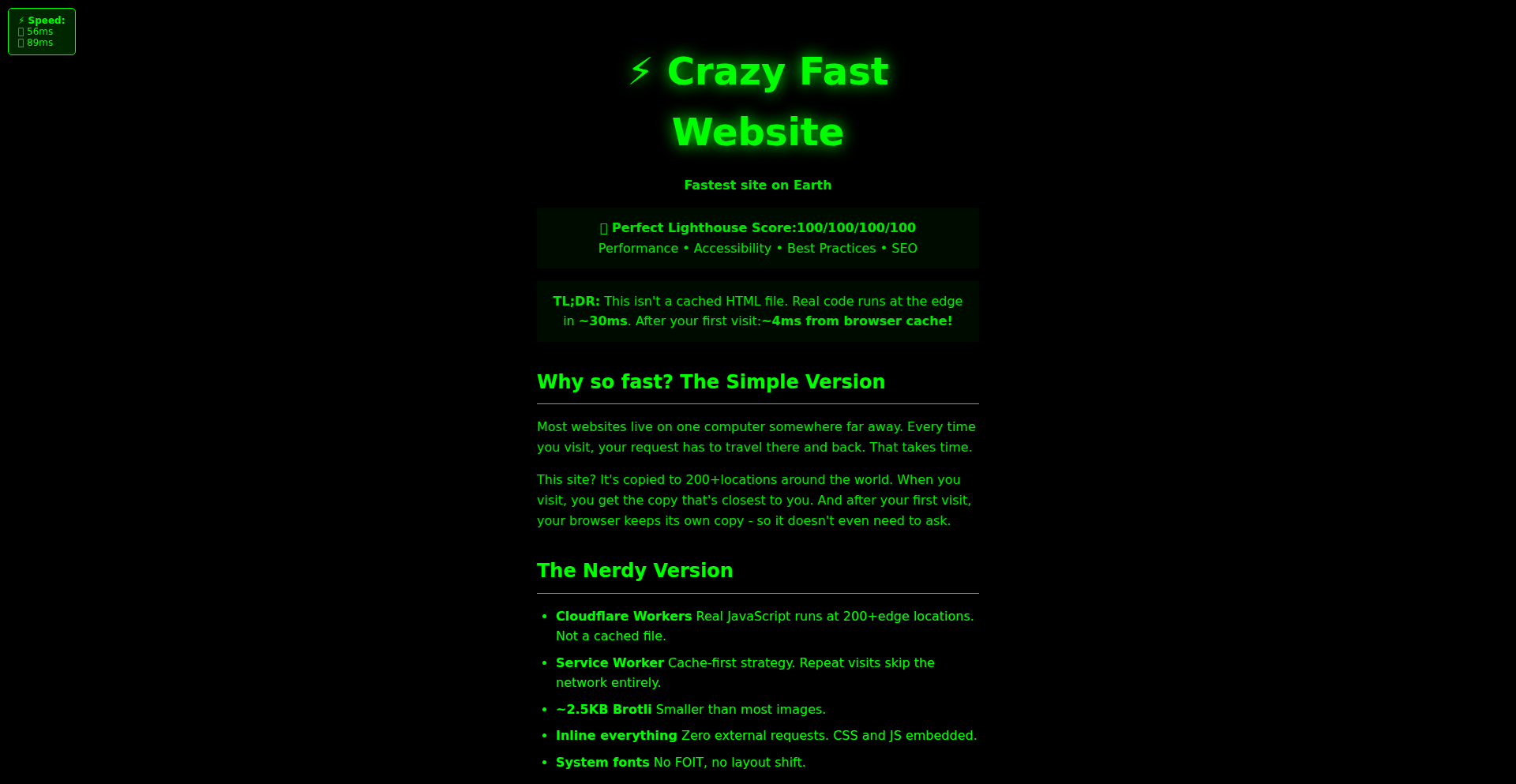
Cloudflare Workers WarpDrive
Author
kilroy123
Description
A blazing-fast website leveraging Cloudflare Workers, showcasing innovative approaches to edge computing and serverless architectures. The core innovation lies in pushing dynamic content generation and complex logic directly to Cloudflare's global network, minimizing latency and improving performance significantly for users worldwide. This project demonstrates how to build performant web applications without traditional backend servers, tackling the challenge of delivering responsive user experiences in a distributed environment.
Popularity
Points 2
Comments 5
What is this product?
This project is a website built using Cloudflare Workers, a serverless compute platform that runs code directly on Cloudflare's edge network. Instead of sending requests all the way to a central server and back, the logic for this website is executed on servers geographically closer to the end-user. This drastically reduces latency because the data and computation happen at the 'edge' of the internet. The innovation here is in architecting a dynamic website where processing happens distributedly, making it incredibly fast. Think of it like having mini-computational hubs all over the world, ready to respond instantly.
How to use it?
Developers can use this project as a blueprint for building their own high-performance web applications. The core idea is to write JavaScript or WebAssembly code that runs within Cloudflare's Workers environment. This can be used to handle API requests, serve dynamic content, implement authentication, or even run complex business logic without managing traditional servers. Integration typically involves deploying your Worker script to Cloudflare, and then configuring your domain's DNS to point to Cloudflare's network, which will then execute your Worker code for incoming requests. This approach is particularly useful for applications requiring low latency and high availability.
Product Core Function
· Edge-side dynamic content generation: Instead of a backend server generating HTML or JSON, Cloudflare Workers on the edge network do it. This means faster delivery because the processing is closer to the user, leading to a snappier website experience.
· Serverless architecture: No need to provision or manage servers. The code runs on demand when a request comes in, scaling automatically. This reduces operational overhead and costs, allowing developers to focus on features, not infrastructure.
· Global low-latency serving: By running code across Cloudflare's vast global network, users experience minimal delays, regardless of their location. This is crucial for applications where every millisecond counts, like real-time data dashboards or interactive games.
· Reduced infrastructure complexity: The entire backend logic can be encapsulated within Workers. This simplifies the overall system architecture and makes it easier to deploy and maintain applications.
· Cost-effectiveness: Pay-as-you-go model for compute execution. You only pay for the resources your code actually consumes, which can be significantly cheaper than maintaining always-on servers, especially for applications with spiky traffic.
Product Usage Case
· Building a real-time analytics dashboard: Imagine displaying live website traffic or performance metrics. By using Cloudflare Workers, the data can be fetched and processed at the edge, then updated on the dashboard with minimal delay, providing users with up-to-the-minute insights.
· Creating a global content delivery network for dynamic APIs: For applications that need to serve personalized content or API responses to users worldwide, Workers can handle the request routing and data fetching at the edge, ensuring users get the fastest possible response tailored to their region or preferences.
· Implementing rapid A/B testing and feature flagging: Developers can use Workers to dynamically serve different versions of a website or feature to specific user segments in real-time, allowing for quick experimentation and iteration without redeploying entire applications.
· Developing a scalable authentication and authorization service: Instead of a dedicated authentication server, Workers can handle user verification and access control at the edge, offloading this critical functionality and ensuring fast, secure access for users across the globe.
· Powering interactive web games: For web-based games that require low latency for player actions and game state updates, Workers can process game logic close to the players, leading to a smoother and more responsive gaming experience.
14
Hypothesis Navigator
Author
judahmeek
Description
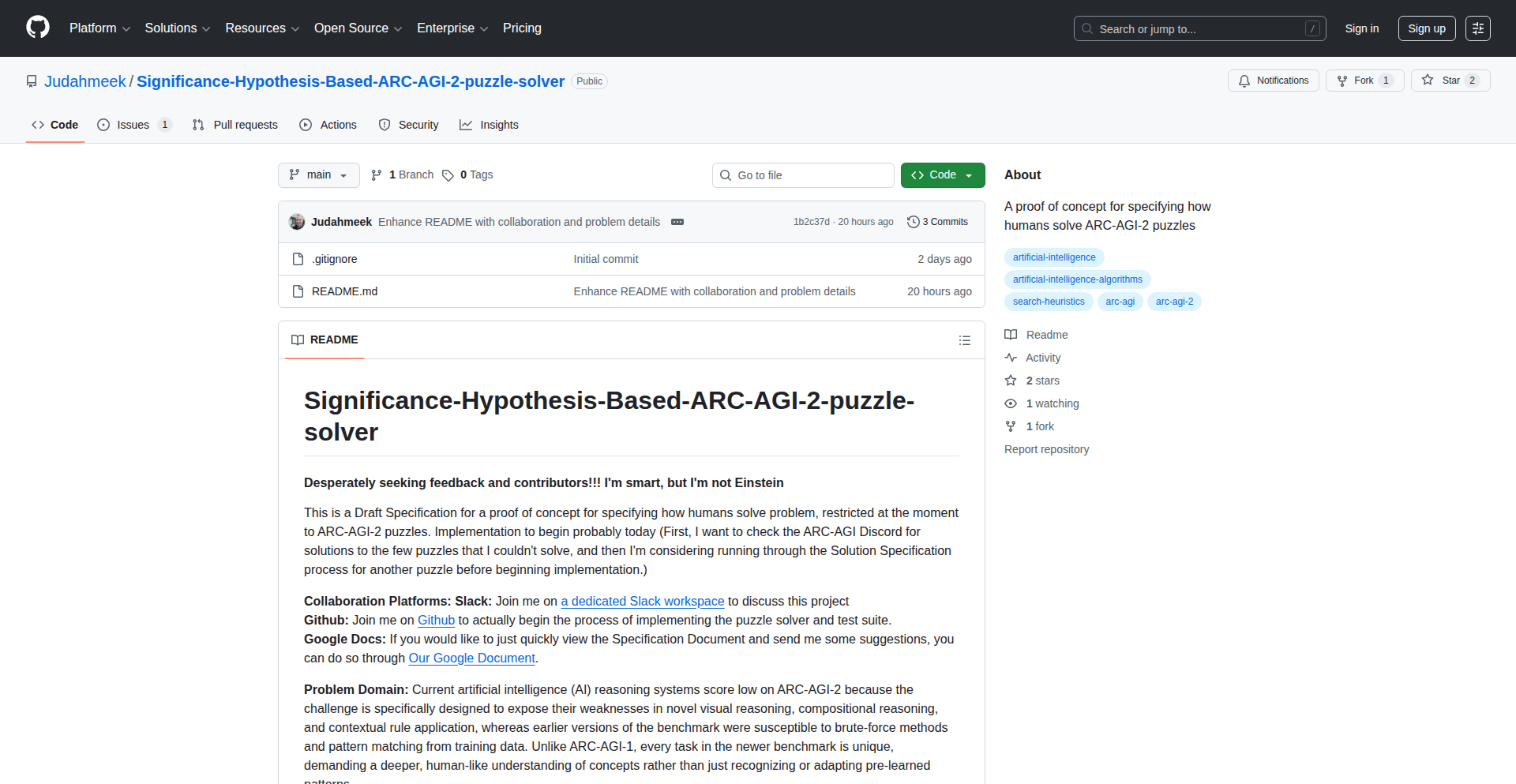
This project explores a novel approach to Artificial General Intelligence (AGI) by focusing on testing hypotheses through prediction. It aims to create systems that can not only generate ideas but also rigorously test them against reality, a critical step towards more robust and capable AI.
Popularity
Points 3
Comments 3
What is this product?
Hypothesis Navigator is a conceptual framework and early-stage proof-of-concept for developing Artificial General Intelligence (AGI). The core idea is to move beyond simply generating solutions or insights, and instead to build AI systems that can form specific, testable predictions about the world. By comparing these predictions with actual outcomes, the AI learns and refines its understanding, much like a scientist conducting experiments. This iterative process of prediction, testing, and learning is seen as a fundamental building block for achieving true AGI, where AI can adapt, reason, and solve problems across a wide range of domains. The innovation lies in structuring AI development around a scientific method, using prediction as the primary validation mechanism.
How to use it?
For developers, Hypothesis Navigator offers a new paradigm for designing AI systems. Instead of just focusing on algorithms for data processing or pattern recognition, developers can leverage this framework to build AI agents that actively engage with their environment (real or simulated). This could involve integrating the system with data streams or simulation environments where it can make predictions, observe results, and then update its internal models. It's about architecting AI that doesn't just process information, but intelligently questions and verifies its own understanding. This could be integrated into research platforms for AI development, or in applications where an AI needs to dynamically learn and adapt to changing conditions.
Product Core Function
· Hypothesis Generation: The ability of the system to formulate clear, actionable predictions based on its current knowledge and observations. This is valuable for identifying potential avenues for learning and discovery.
· Prediction-Outcome Comparison: The mechanism for comparing the AI's generated predictions against actual observed results. This core function enables learning and validation, allowing the AI to correct its errors and improve accuracy.
· Knowledge Refinement Loop: The process by which the AI updates its internal understanding and models based on the discrepancies or confirmations found during prediction-outcome comparison. This is crucial for building robust, adaptable AI.
· Domain-Specific Application Modules: The project utilizes a 'minimalistic problem domain' (like ARC-AGI-2) to demonstrate the core concepts. This means the system can be adapted and specialized for various tasks, making it a versatile foundation for AI research.
Product Usage Case
· In a scientific research setting, an AI could be tasked with predicting the outcome of a chemical reaction under specific conditions. By comparing its predictions with actual lab results, it learns the nuances of chemical interactions, accelerating discovery.
· For autonomous systems like self-driving cars, this framework could enable an AI to predict the behavior of other vehicles or pedestrians in complex traffic scenarios. If the predictions are inaccurate, the AI learns to adjust its driving strategy, enhancing safety and reliability.
· In financial modeling, an AI could predict market fluctuations based on various indicators. By testing these predictions against real market data, the AI can refine its trading algorithms and provide more accurate forecasts.
15
AI Room Stylizer

Author
passioner
Description
A free, browser-based AI tool that takes a photo of your room and instantly generates multiple redesigned versions in various popular styles like modern, minimalist, Scandinavian, and industrial. It intelligently preserves your room's layout while applying the new aesthetic, requiring no login for immediate use.
Popularity
Points 6
Comments 0
What is this product?
This is an AI-powered web application that uses advanced computer vision and generative AI models to reimagine interior design. You upload a picture of your existing room, and the AI analyzes its structure and dimensions. Then, it applies a chosen design style (e.g., modern, bohemian, industrial) by intelligently placing new furniture, changing wall colors, and adjusting lighting and textures, all while keeping the original room's layout intact. The innovation lies in its ability to perform this complex visual transformation directly in your web browser without needing to upload your data to a server or require a login, making it incredibly accessible and private.
How to use it?
Developers can use this tool by simply navigating to the website in their browser. They upload a photograph of any interior space. Then, they select from a predefined list of design styles. Within seconds, the tool presents several AI-generated concept images of their room in the chosen style. This can be used for quick design exploration, generating inspiration for personal projects, or even as a starting point for more detailed design work. For integration into other applications, one would typically use a similar backend AI model that handles image analysis and style transfer, though the current product focuses on direct browser-based user interaction.
Product Core Function
· AI-powered room style transformation: This core function allows users to upload an image of their room and have it automatically redesigned into different aesthetic styles, providing immediate visual concepts. The value is in rapid ideation and design exploration without manual effort.
· Preservation of room layout: The AI intelligently maintains the original room's dimensions and spatial arrangement while applying new styles. This ensures the redesigned rooms are realistic and practical, offering a tangible starting point for actual design changes.
· Multiple design style options: Users can choose from a variety of popular interior design aesthetics, such as modern, minimalist, Scandinavian, and industrial. This provides creative breadth and caters to diverse user preferences, enabling exploration of different design directions.
· Browser-based direct execution: The tool runs entirely within the user's web browser, meaning no software installation or server uploads are necessary. This drastically improves accessibility, speed, and user privacy, making sophisticated design tools available to anyone with a web connection.
· No login requirement: Users can access and utilize the tool instantly without creating an account. This reduces friction and encourages immediate experimentation, making it ideal for quick, spontaneous design inspiration.
Product Usage Case
· A homeowner wanting to redecorate a living room could upload a photo, select 'modern' style, and instantly see how new furniture and color palettes would look, helping them decide on a direction without hiring a designer or spending hours on mood boards.
· A real estate agent could use the tool to quickly generate aspirational images of vacant properties with different interior styles, helping potential buyers visualize the space's potential and making listings more appealing.
· An interior design student could use this to rapidly generate multiple design concepts for a single room, allowing them to explore a wider range of ideas and refine their creative process more efficiently.
· A furniture retailer could integrate a similar backend technology to allow customers to virtually 'try out' different pieces of furniture in their own room images, enhancing the online shopping experience and reducing purchase uncertainty.
16
Doubao Seedream AI Image Weaver

Author
Viaya
Description
A next-generation image generation and editing AI model, Doubao Seedream 4.5, from Volcano Engine. It significantly enhances editing consistency, portrait retouching, small text generation, and multi-image compositing. This makes it a powerful upgrade for creators building AI-powered creative tools, offering more precise, artistic, and coherent visual results.
Popularity
Points 5
Comments 0
What is this product?
Doubao Seedream 4.5 is an advanced AI model designed to create and edit images. It builds upon previous versions by offering much better consistency when you make changes to an image, ensuring details, lighting, and colors remain as intended. It also excels at making portraits look more natural and high-quality. A key innovation is its improved ability to generate clear, readable text within images, which is useful for things like signs or interface labels. Furthermore, it's now much better at combining multiple images or ideas into a single, cohesive, and visually pleasing picture. This means it can handle complex creative requests with greater accuracy and artistic flair.
How to use it?
Developers can integrate Doubao Seedream 4.5 into their applications to power AI-driven creative features. This could involve building new image generation tools, enhancing existing illustration pipelines, or streamlining concept art workflows. For example, a graphic design application could leverage its editing consistency to allow users to modify specific elements of an image without altering the overall style. A game development tool might use its multi-image compositing to quickly generate environment assets by combining various reference images. Its natural language processing capabilities mean developers can simply describe the desired output, and the model will generate it, offering a seamless way to add advanced image capabilities to software.
Product Core Function
· Enhanced Editing Consistency: Maintains fine details, lighting, and color tone during edits. This is valuable because it ensures your creative vision isn't lost when making adjustments, leading to more predictable and professional results.
· Improved Portrait Retouching: Yields more natural and high-quality human images. This is useful for applications dealing with photography or character design, as it allows for believable and aesthetically pleasing human visuals.
· Superior Small Text Generation: Creates clearer and more readable embedded text. This is important for designers and developers needing to add text overlays, labels, or signage within images, ensuring legibility and clarity.
· Robust Multi-Image Compositing: Combines multiple input images or prompts reliably for coherent results. This enables complex scene creation and asset blending, allowing for sophisticated visual storytelling and rapid prototyping.
· Advanced Inference Performance and Aesthetics: Delivers more precise and artistic visual outputs. This means users get higher quality, more refined images faster, boosting productivity and creative output.
Product Usage Case
· A creative agency building an AI-powered ad campaign generator can use Doubao Seedream 4.5 to produce consistent visual styles across multiple ad variations, ensuring brand adherence and improving efficiency.
· A game developer can utilize its multi-image compositing to quickly generate diverse background assets by feeding in different environmental elements and style prompts, accelerating the art pipeline.
· A UI/UX designer can leverage its small text generation capabilities to create realistic interface mockups with embedded labels, ensuring the visual representation is accurate and easy to understand.
· A freelance digital artist can use its enhanced portrait retouching to create professional-grade character portraits with natural-looking features, saving time on manual adjustments.
· A content creator can use its editing consistency to experiment with different styles and themes for their visuals, knowing that core elements will remain intact, facilitating rapid iteration and exploration.
17
AI Slop Journal Orchestrator

Author
popidge
Description
This project is a fully functional academic journal where every paper is co-authored by an LLM and then peer-reviewed by a panel of five different AI models. It uses advanced AI orchestration to manage the submission, review, and publishing process, with a transparent display of AI-generated content costs and potential errors as a core feature. It solves the problem of the growing opaqueness in AI-assisted academic writing by providing a clear, albeit satirical, view into the process.
Popularity
Points 5
Comments 0
What is this product?
This is a satirical yet functional academic journal that uses multiple Large Language Models (LLMs) for both paper co-authorship and peer review. The technical innovation lies in its sophisticated orchestration of diverse LLMs (like Claude, Grok, GPT-4o, Gemini, Llama) via platforms like OpenRouter. It leverages a real-time backend (Convex) and scheduled functions to manage the review process, making it cost-effective (around $0.03 per review) and fast (4-8 seconds). The system is designed to highlight and celebrate AI-generated quirks, such as parse errors, and transparently displays metrics like carbon cost and review votes. This provides a novel way to interact with and understand the capabilities and limitations of current LLMs in a structured, creative environment.
How to use it?
Developers can use this project as a blueprint for building their own AI-powered content generation and review systems. The frontend is built with React and Vite, making it easy to integrate with existing web applications. The backend, powered by Convex, offers real-time data synchronization and scheduled serverless functions, ideal for automating complex workflows. For developers looking to experiment with LLM orchestration, the use of OpenRouter is a key takeaway, allowing easy switching and management of different AI models. Developers can deploy this stack on Vercel and integrate it into their existing CI/CD pipelines. The project's modular design allows for customization, such as integrating different moderation tools (like Azure AI Content Safety) or notification systems (like Resend).
Product Core Function
· AI Co-authorship: Facilitates the creation of academic papers where human authors collaborate with LLMs. This offers a practical way for developers to explore LLM-assisted writing and content generation in a structured format, understanding how AI can contribute to creative and technical documentation.
· Multi-LLM Peer Review System: Manages submissions and distributes them to a rotating panel of five distinct AI models for review. This showcases an advanced application of AI for content evaluation and quality assurance, relevant for developers building automated feedback mechanisms or content moderation tools.
· Real-time Cost and Carbon Tracking: Monitors and displays the computational cost and estimated carbon footprint of each AI inference process (co-authoring and reviewing). This provides developers with tangible data for optimizing AI usage for efficiency and sustainability, crucial for large-scale AI deployments.
· Transparent Review Metrics: Publishes LLM review scores, vote tallies, and even celebrates 'parse errors' (unexpected outputs from AI models) as features. This innovative approach helps developers understand AI model behavior and identify areas for improvement in prompt engineering or model selection, turning potential failures into learning opportunities.
· Scheduled AI Orchestration: Utilizes scheduled functions (via Convex) to automate the convening of LLM review panels at set intervals. This demonstrates a robust pattern for building asynchronous, automated AI workflows, applicable to tasks like batch processing, scheduled reporting, or automated testing.
· Slop Scoring for Humor and Confusion: Implements unique scoring metrics like 'academic merit,' 'unintentional humor,' and 'Brenda-from-Marketing confusion' to evaluate papers. This highlights creative applications of AI for subjective content analysis and can inspire developers to build AI systems that go beyond purely objective evaluations.
Product Usage Case
· Building an AI-powered content farm that transparently labels AI-generated content and its associated costs, allowing for ethical content scaling while informing users about AI involvement. This directly addresses the need for transparency in AI-generated media.
· Developing an internal documentation system where code snippets or technical explanations are co-authored by an LLM and then reviewed by a panel of domain-specific AI models to ensure accuracy and clarity. This improves code quality and reduces developer onboarding time.
· Creating a satirical online platform that uses LLMs to generate and review absurd content, showcasing the creative potential and unexpected outcomes of AI. This provides a fun and engaging way for developers to demonstrate AI capabilities and explore emergent AI behaviors.
· Implementing an automated quality assurance process for AI-generated datasets or reports, where multiple AI models provide feedback and a consensus mechanism determines the final output. This ensures higher quality and reliability in AI-driven data processing.
· Designing a learning tool that allows users to experiment with different LLMs and observe their unique review styles and potential errors, fostering a deeper understanding of AI model diversity and limitations. This educational aspect helps developers refine their prompt engineering skills.
18
Qwen3 Cross-Layer Transcoder Dashboard

Author
epimono
Description
This project introduces novel Cross-Layer Transcoders (CLTs) specifically trained for the Qwen3 family of Large Language Models (LLMs). These CLTs act as sophisticated feature extractors, generating high-quality feature libraries from unstructured text data. The innovation lies in their ability to bridge different layers within the LLM, enabling a deeper understanding of computational circuits. The project also provides a dashboard for visualizing these extracted features, offering topological maps for exploration.
Popularity
Points 4
Comments 1
What is this product?
This is a set of specialized AI models called Cross-Layer Transcoders (CLTs) designed for the Qwen3 LLM. Imagine an LLM as a complex network processing information. CLTs are like special interpreters that can look at how information is processed at different 'levels' or 'layers' inside this network and translate that into a more understandable and useful format. This provides a richer set of 'features' or characteristics from text data than traditional methods. The innovation is in training these specific transcoders for Qwen3, addressing a gap in open-source tools for this type of analysis, and offering a visual dashboard to explore the generated features.
How to use it?
Developers can utilize these CLTs by integrating them into their LLM workflows. The trained models are available on Hugging Face, a popular platform for AI models. Developers can load these models and use them to process text data, generating detailed feature representations. The accompanying dashboard allows for interactive exploration of these features, helping developers understand the underlying structure of the information extracted by the LLM, which can be invaluable for tasks like fine-tuning, analysis, or building new AI applications. It's like getting a detailed blueprint of how the AI understands your text.
Product Core Function
· Cross-Layer Feature Extraction: The core function is to extract rich, multi-layered features from text data by analyzing internal LLM computations. This provides a deeper understanding of the data's nuances, offering more descriptive representations for downstream tasks. This is useful for tasks requiring nuanced text understanding, such as sentiment analysis, topic modeling, or content summarization, by providing more accurate input signals.
· Qwen3 Model Specialization: The transcoders are specifically trained for the Qwen3 LLM family, ensuring optimal performance and compatibility. This means developers working with Qwen3 can leverage these tools for more effective feature engineering, directly benefiting from models optimized for their chosen LLM.
· Feature Space Visualization Dashboard: A web-based dashboard is provided to visualize the extracted features, including topological maps. This allows developers to explore the relationships and structures within the feature space, aiding in model interpretation and debugging. This helps developers visually inspect the 'understanding' of the LLM, identifying patterns and potential areas for improvement in their AI models.
· Open-Source Availability: The trained models are made publicly available on Hugging Face, promoting community adoption and further research. This democratizes access to advanced feature extraction techniques, enabling more developers to experiment and build with state-of-the-art LLM insights without significant initial investment.
Product Usage Case
· A researcher wants to analyze the subtle emotional tone in customer reviews. By using the Qwen3 Cross-Layer Transcoders, they can generate more nuanced sentiment features than standard methods, leading to a more accurate sentiment classification model. This helps them understand customer feedback at a deeper level and make better business decisions.
· A developer is fine-tuning an LLM for a specific domain, like legal documents. They can use the CLTs to extract key conceptual features from legal texts, providing richer input to the fine-tuning process. This results in a more specialized and performant LLM for legal applications.
· An AI ethics team is investigating potential biases in an LLM's understanding of different demographics. The feature visualization dashboard allows them to explore how the LLM represents text related to various groups, identifying potential areas of concern. This helps them build fairer and more responsible AI systems.
· A data scientist is building a recommendation engine based on user-generated content. By employing the CLTs, they can create more informative user and content embeddings, leading to more relevant and personalized recommendations. This improves user experience by showing them content they are more likely to enjoy.
19
TabPFN Scale-Up

Author
onasta
Description
This project introduces 'Scaling Mode' for TabPFN-2.5, a tabular foundation model. It overcomes previous row limits, allowing it to process datasets with millions of rows. This is a significant innovation because it enables machine learning models to learn from vastly larger amounts of data than before, potentially leading to more accurate predictions and insights from complex datasets. The core idea is a new pipeline designed for 'large-N workloads', meaning it's built to handle a huge number of data entries efficiently. This removes the previously fixed upper limit on dataset sizes and is only constrained by your available computing power and memory. So, if you're dealing with massive spreadsheets or databases, this means your models can now learn from all that data, not just a small sample.
Popularity
Points 5
Comments 0
What is this product?
TabPFN Scale-Up is a breakthrough in processing very large datasets for machine learning. TabPFN itself is a type of 'foundation model' for tabular data, meaning it's a pre-trained model that can be adapted for various tasks. Previously, TabPFN had limits on how many rows (data entries) it could handle. 'Scaling Mode' is a new system built around TabPFN-2.5 that removes these limits. It's like upgrading a powerful engine to handle much heavier loads. The technical innovation lies in a new data processing pipeline designed specifically for these massive datasets, allowing the model to train effectively on millions of rows. This is important because historically, deep learning models struggled with the scale of tabular data compared to smaller, specialized datasets like images. This project tackles that by making a powerful tabular model truly scalable. So, what this means for you is that machine learning models can now learn from the entirety of your huge datasets, leading to potentially much better results without having to drastically reduce your data.
How to use it?
Currently, TabPFN Scale-Up is designed for businesses and researchers working with very large tabular datasets and access is by request. The intended use case is to integrate this scaling capability into your existing machine learning workflows when dealing with datasets exceeding previous model limitations (e.g., millions of rows). You would typically interact with this system by requesting access and then following their provided integration guidelines. This might involve setting up your environment to handle large data streams and configuring the TabPFN-2.5 model with the new scaling pipeline. The goal is to plug this into your data science pipelines where you would normally train a model, but now you can use a much larger dataset. This is useful for scenarios where you suspect your data holds significant hidden patterns that are only visible when considering the whole picture, and you want your models to capture those patterns.
Product Core Function
· Handles datasets with millions of rows by removing fixed row limits, allowing for comprehensive data utilization and improved model accuracy.
· Efficiently processes 'large-N workloads' through a specialized pipeline, enabling training on massive datasets without significant performance degradation.
· Enables TabPFN-2.5 performance to continue improving with more data, unlocking the full potential of extensive datasets for predictive tasks.
· Scales dramatically better than subsampling methods, ensuring that performance gains are realized from every data point, not just a representative subset.
· Maintains performance improvements with increased data on the largest tested datasets, confirming its ability to leverage vast amounts of information effectively.
Product Usage Case
· A financial institution wants to build a fraud detection model using a dataset of over 5 million customer transactions. Traditional models might require significant sampling, losing potentially crucial subtle patterns. TabPFN Scale-Up allows them to train on the full dataset, identifying more sophisticated fraud indicators.
· An e-commerce company aims to predict customer churn using a dataset of 10 million user interaction logs. By using Scaling Mode, they can incorporate the complete interaction history, leading to a more nuanced understanding of user behavior and more accurate churn predictions.
· A healthcare research team is analyzing a large-scale clinical trial dataset with millions of patient records to identify treatment efficacy. Scaling Mode enables them to train a predictive model on the entire dataset, potentially uncovering smaller but significant treatment effects that would be missed with subsampling.
20
Shuffalo: Infinite Wordplay Engine

Author
airobus
Description
Shuffalo is a word puzzle game offering an unlimited supply of word challenges, inspired by the classic New Yorker daily puzzle. It addresses the limitation of daily puzzles by providing 300 archived games with multiple difficulty levels. The core innovation lies in its accessibility and a unique 'shuffle' feature that helps players overcome creative blocks, making word discovery a constant and engaging experience.
Popularity
Points 3
Comments 2
What is this product?
Shuffalo is a web-based word puzzle game. Unlike traditional daily puzzles that lock you out after one game, Shuffalo provides a vast library of 300 pre-made puzzles. Each puzzle is a grid of letters where players form words. The game uses a Next.js framework for a smooth user experience and is deployed on Cloudflare, meaning it's fast and reliable across devices. The standout feature is the 'shuffle' option, which cleverly rearranges the available letters to offer new perspectives when you're stuck, promoting a 'hack' to solve the puzzle rather than waiting for inspiration. So, it's a continuously available source of mental stimulation, designed for effortless enjoyment.
How to use it?
Developers can experience Shuffalo directly in their web browser on any device, be it a desktop or mobile. No signup or personal information is needed, embodying the hacker ethos of immediate access and privacy. Simply navigate to the Shuffalo website, select a puzzle and difficulty level, and start forming words by spinning the letter wheel. When faced with a difficult combination, the 'shuffle' button offers a fresh arrangement of letters. The underlying technology (Next.js and Cloudflare) ensures a seamless and performant experience. For developers looking to understand how such an accessible and engaging game can be built, Shuffalo serves as a practical example of leveraging modern web technologies for user-facing applications without intrusive barriers. So, you can play it anytime, anywhere, and learn from its simple yet effective architecture.
Product Core Function
· Unlimited Puzzle Access: Provides 300 archived word puzzles, meaning you never have to wait for a new game. This is valuable because it offers continuous entertainment and a constant challenge for your vocabulary and pattern recognition skills. It’s useful for anyone looking for a quick mental break or a sustained brain workout.
· Multi-Level Difficulty: Each puzzle offers 5 levels of difficulty, ranging from 4-letter to 8-letter words. This is valuable because it caters to a wide range of player skill levels, from beginners to word puzzle enthusiasts. It allows for progressive learning and ensures the game remains challenging and engaging as your skills improve.
· Interactive Letter Wheel and Word Formation: Players spin a letter wheel and form words from the displayed letters. This core mechanic is valuable because it's intuitive and engaging, directly translating the player's interaction into gameplay. It’s useful for developing word recall and spelling abilities in a fun, game-like context.
· 'Shuffle' Feature for Stuck Players: Offers a 'shuffle' option to rearrange letters when a player is stuck. This is a crucial innovative element because it provides a programmatic solution to player frustration, a common hurdle in puzzle games. It encourages persistence and creative thinking by offering new letter combinations without penalty. This is useful for overcoming creative blocks and learning new word combinations.
· Ad-Free and Subscription-Free Experience: Shuffalo is completely free to play with no ads or subscriptions required. This is valuable because it prioritizes user experience and accessibility, aligning with the hacker community's spirit of sharing and creating without commercial barriers. It ensures you can enjoy the game without interruptions or hidden costs.
Product Usage Case
· A developer looking for a quick mental break during a long coding session can immediately open Shuffalo on their mobile device and play a few rounds. The 'shuffle' feature helps them get unstuck quickly, allowing them to return to their work with a refreshed mind, solving the problem of cognitive fatigue.
· A student studying vocabulary can use Shuffalo to actively practice forming words and recognizing letter patterns. The multiple difficulty levels allow them to tailor the challenge to their learning progress, solving the problem of rote memorization by making learning interactive and fun.
· A game developer curious about simple yet engaging web game mechanics can inspect Shuffalo's implementation. The use of Next.js and Cloudflare demonstrates a modern, performant approach to deploying accessible web applications, providing a case study for building user-friendly experiences with minimal overhead.
· Someone who enjoys word games but dislikes the daily limit of other apps can play Shuffalo to have an endless supply of puzzles. This solves the problem of limited content in daily puzzle formats, offering continuous entertainment and a vast number of words to discover.
21
RhythmSpark AI

Author
sputnikwrkshp
Description
RhythmSpark AI is a browser-based tool that uses AI to generate music, Essentia.js to automatically detect beats, and JavaScript to let developers build custom rhythm game logic. It tackles the complexity of traditional rhythm game development by offering a freeform, in-browser sandbox where music and gameplay are decoupled, allowing for instant experimentation.
Popularity
Points 5
Comments 0
What is this product?
RhythmSpark AI is an innovative web application that streamlines rhythm game creation. Instead of manual charting and dealing with proprietary software, it leverages AI services like Suno or Udio for music generation, ensuring no copyright issues. At its core, Essentia.js, a WebAssembly port, performs sophisticated audio analysis directly in the user's browser. This includes identifying musical beats, detecting the start of sounds (onset detection), measuring the energy of the music, and breaking the music into segments. The output is a 'timing-only chart', essentially a set of precise timestamps for musical events. The true innovation lies in its decoupled minigame sandbox: developers write simple JavaScript functions to define how gameplay elements behave. This means the same AI-generated music and automatically created chart can be used to power vastly different rhythm game experiences, from classic drum games to directional swipe challenges, all within a web browser, allowing for immediate previews and iteration.
How to use it?
Developers can use RhythmSpark AI by accessing the web application in their browser. They can select or generate AI music, and the tool will automatically produce a beat chart. The core usage for developers is within the 'minigame sandbox'. Here, they can write short JavaScript functions that define the rules for spawning game elements (like notes or targets), handling player input (taps, swipes), and rendering these elements on a Canvas. These JS functions are then linked to the generated chart. For integration, the output of RhythmSpark AI is a data structure representing the chart and the developer's custom game logic functions. This can be exported or used directly within a web-based game project. The goal is to enable rapid prototyping and development of unique rhythm game mechanics without the overhead of traditional development pipelines.
Product Core Function
· AI Music Generation: Provides a constant stream of royalty-free music for rhythm games, removing the barrier of sourcing or creating music. This is valuable for developers who want to focus on gameplay without music production expertise.
· Automatic Beat and Onset Detection (via Essentia.js): Accurately translates music into precise timing data for game mechanics. This saves countless hours of manual charting and ensures a responsive gameplay experience.
· Decoupled Rhythm Charting and Gameplay Logic: Separates the musical timing from the game's interaction rules, allowing for incredible flexibility. Developers can reuse the same musical chart for completely different game styles, enabling rapid iteration and unique gameplay designs.
· In-Browser Minigame Sandbox: Offers a live coding environment within the browser for defining game mechanics. This drastically speeds up the development cycle by allowing instant previews and modifications to gameplay without complex build processes.
· Client-Side Processing (WASM): Utilizes WebAssembly for performance-intensive audio analysis, ensuring a smooth and responsive experience directly in the browser without server dependency for core charting.
· Canvas Rendering Engine: Provides a performant visual layer for rendering game elements, allowing for visually appealing and dynamic rhythm game interfaces.
Product Usage Case
· Creating a drum-style rhythm game: A developer can use RhythmSpark AI to generate a beat track from AI music. Then, in the minigame sandbox, they can define spawn rules for drum pads that appear on screen in sync with the detected beats. Player taps on the screen trigger input handling functions that score hits based on timing accuracy, solving the problem of quickly prototyping a classic rhythm game experience.
· Developing a directional swipe rhythm game: For a game that requires swiping in specific directions, a developer would use the same AI-generated music and chart. In the sandbox, they would write JS functions to define directional arrows that spawn at beat times, and input handling to register successful swipes. This showcases how the same audio data can be repurposed for entirely different interaction models, solving the challenge of creating diverse gameplay from a single musical source.
· Experimenting with novel rhythm mechanics: A developer could use the tool to create a rhythm game where players have to react to color changes or visual patterns that are synchronized with the music's energy curves. The sandbox allows for custom rendering and input logic to implement these experimental ideas quickly, addressing the need for rapid prototyping of unconventional rhythm game concepts.
· Building a simple educational tool for music timing: An educator could use RhythmSpark AI to demonstrate how musical beats are perceived and how they can be mapped to interactive elements. The clear separation of music, chart, and game logic makes it easy to explain complex concepts to students, solving the problem of creating engaging and interactive learning materials for rhythm and timing.
22
PrivacyTaxBuddy

Author
tancky777
Description
A privacy-first UK tax calculator built with a focus on local processing and open-source principles. It addresses the common need for tax estimation while prioritizing user data security by avoiding cloud-based calculations or personal data transmission, offering a transparent and secure alternative for individuals to understand their UK tax liabilities.
Popularity
Points 3
Comments 1
What is this product?
PrivacyTaxBuddy is a tax calculator specifically designed for UK taxpayers. Its core innovation lies in its privacy-first approach. Instead of sending your sensitive financial information to a remote server for calculation (which could be a privacy risk), all calculations are performed directly on your own device. This means your income, deductions, and other personal tax-related data never leave your computer. The project is open-source, allowing anyone to inspect the code and verify its accuracy and security, embodying the hacker ethos of transparency and community trust.
How to use it?
Developers can use PrivacyTaxBuddy by integrating its core calculation logic into their own applications or by using it as a standalone tool. For integration, the project likely exposes an API or library that can be called from various programming languages. Developers could embed this calculator into personal finance apps, freelance platforms, or financial advisory tools, ensuring their users' tax data remains confidential. As a standalone tool, users can simply run the application on their machine to input their financial details and get an estimated tax bill without worrying about data breaches or privacy concerns.
Product Core Function
· Localized Tax Calculation: Performs all tax computations on the user's device, ensuring data privacy and security. The value is that your financial information stays with you, eliminating the risk of data leaks associated with online services.
· UK Tax Law Adherence: Accurately models UK tax regulations, including income tax bands, National Insurance contributions, and relevant allowances. This provides users with a reliable estimate of their tax obligations.
· Open-Source Transparency: The entire codebase is publicly available for review. This allows developers and users to trust the accuracy and security of the calculator, fostering community confidence and enabling contributions.
· User-Friendly Interface (Implied): While the core is technical, the goal is likely to provide an accessible way for individuals to perform complex tax calculations. The value is in making tax estimation straightforward and understandable for everyone.
· Data Minimization: By processing locally, it inherently minimizes data collection. The value is a reduced attack surface and greater peace of mind for users regarding their sensitive financial data.
Product Usage Case
· A freelance developer building a invoicing app for UK clients can integrate PrivacyTaxBuddy to offer an estimated tax deduction feature within their app. This solves the problem of needing to provide accurate tax estimates without building a complex tax engine from scratch or compromising user data.
· An individual user preparing for self-assessment can use PrivacyTaxBuddy on their computer to get a quick and private estimate of their tax liability before submitting their official return. This helps them budget and understand their financial obligations without sharing sensitive details online.
· A personal finance blogger can use the open-source nature of PrivacyTaxBuddy to explain tax calculation principles to their audience, showcasing a secure and transparent method for estimation. This leverages the project for educational purposes and community engagement.
· A small startup developing a financial planning tool can utilize PrivacyTaxBuddy's core logic to add a tax estimation module, ensuring their application adheres to the highest privacy standards for their users' financial data.
23
Plimsoll Line: Emotional Load Visualizer

Author
tunaoftheland
Description
Plimsoll Line is an iOS to-do app that revolutionizes task management by visualizing your 'emotional load' derived from your tasks. Instead of just listing what needs to be done, it assigns an impact score (positive or negative) to each task. This creates a 'water line' metaphor, where exceeding the 'Plimsoll Line' (the app's viewport) signals potential overload, prompting users to focus on mental bandwidth and well-being rather than just task completion. It directly integrates with Apple Reminders, maintaining a privacy-focused, local data approach.
Popularity
Points 2
Comments 2
What is this product?
Plimsoll Line is an iOS application that uses a novel metaphor to help users manage their to-do lists in a way that prioritizes mental well-being over sheer productivity. The core innovation lies in its 'emotional load' system. Users assign an 'impact' score, either positive or negative, to their tasks, which are synced from Apple Reminders. The app then visualizes the aggregate of these scores as a rising 'water line' within the app's interface. The 'Plimsoll Line' itself represents the maximum 'load' the user can comfortably handle. When this line is approached or exceeded, it serves as a visual cue that the user might be taking on too much and should consider balancing their workload by adding positive tasks or addressing negative ones differently, rather than just trying to 'grind through' everything. This approach tackles the common problem of productivity apps inducing anxiety by focusing on output, offering instead a gentler, more emotionally intelligent way to manage tasks. The technology behind this is native Swift and SwiftUI, leveraging Apple's EventKit framework to read and write directly to the device's built-in Reminders database. This allows for seamless integration with Siri and the native Reminders app, ensuring no data is lost or siloed. Crucially, all task and emotional impact data are stored locally on the device, ensuring 100% privacy. Only a device ID for tracking in-app tip jar purchases is sent to a backend server, keeping personal task data completely secure. So, what's the technical innovation? It's the elegant application of a simple, yet powerful, emotional metaphor visualized through a dynamic interface, solving the problem of task overload and anxiety in a privacy-conscious manner.
How to use it?
Developers can integrate Plimsoll Line into their workflow by leveraging its direct integration with Apple Reminders. The app acts as an intelligent overlay or companion to the native Reminders app. To start using it, users simply need to have tasks in their Apple Reminders. For each task, they can then open Plimsoll Line and assign an 'impact' score – a positive number for tasks that bring a sense of accomplishment or relief, and a negative number for tasks that are stressful, draining, or overwhelming. The app automatically fetches these tasks and their assigned scores. The visual representation of the 'water line' will update dynamically, showing the user their current 'emotional load.' If the water level rises close to or above the 'Plimsoll Line' (the top of the app's screen), it's a signal to re-evaluate. For developers, this means they can continue using their familiar Reminder management tools (including Siri for adding tasks) and then use Plimsoll Line to gain a new perspective on their workload's psychological impact. The integration is seamless; no complex setup is required beyond granting the app permission to access Reminders. This allows developers to experiment with new productivity paradigms that focus on sustainable output and mental health, all while their core task data remains securely stored locally. The value proposition for developers is a more intuitive and less anxiety-inducing way to approach their daily tasks, fostering a healthier relationship with their to-do lists.
Product Core Function
· Emotional Impact Scoring: Allows users to assign a numerical value (positive or negative) to each task, reflecting its emotional burden or benefit. This directly addresses the limitation of traditional to-do lists by adding a layer of subjective emotional assessment, providing value by enabling users to understand the psychological cost of their tasks.
· Dynamic Water Line Visualization: Renders a visual representation of the aggregated emotional impact of all tasks as a rising 'water line.' This innovative visualization provides an immediate, intuitive grasp of overall workload stress, helping users recognize potential overload before it becomes overwhelming and offering a clear visual cue for intervention.
· Plimsoll Line Metaphor: Utilizes a well-known maritime concept (the Plimsoll line, indicating safe load limits) to signify the user's mental bandwidth capacity. This metaphorical approach makes complex emotional states relatable and actionable, providing a tangible goal to stay within for sustainable productivity and reduced anxiety.
· Apple Reminders Integration (EventKit): Seamlessly syncs with the native iOS Reminders app, allowing users to continue using familiar tools like Siri for task input. This integration ensures data consistency and interoperability, adding value by minimizing disruption to existing workflows and leveraging existing user habits.
· Local Data Storage & Privacy: Ensures that all user task and emotional impact data are stored exclusively on the device, with no cloud synchronization of personal information. This commitment to privacy builds trust and provides peace of mind, addressing the growing concern over data security and offering a safe haven for sensitive personal productivity data.
Product Usage Case
· A freelance developer feeling overwhelmed by a long list of client projects and personal coding side-projects. By assigning negative impact scores to stressful tasks like client calls and bug fixes, and positive scores to enjoyable coding challenges, the 'water line' in Plimsoll Line visually signals when their mental bandwidth is reaching its limit. This prompts them to schedule breaks or delegate less critical tasks, preventing burnout and improving focus on high-impact work.
· A student struggling with a heavy academic workload, including difficult assignments and exams. They can use Plimsoll Line to quantify the stress of each task. If the 'water line' gets too high, the app's underlying principle encourages them to either break down large tasks into smaller, more manageable steps or focus on completing a quick, rewarding task to bring the 'water line' down, thereby building momentum and reducing procrastination.
· A project manager experiencing the common issue of 'task creep' where the cumulative effect of many small tasks leads to feeling swamped. Plimsoll Line allows them to assign a slight negative impact to each of these minor tasks. When the visualized 'water line' approaches the 'Plimsoll Line,' it serves as an immediate alert to reassess priorities, potentially deferring less urgent items or finding ways to batch similar small tasks, thus maintaining control over their workload and mental state.
· A busy parent trying to balance work responsibilities with family needs. By assigning positive impact to family time and negative impact to demanding work deadlines, Plimsoll Line helps them visually ensure they are not neglecting personal well-being for professional output. If the 'water line' rises due to work pressures, it prompts a conscious decision to allocate time for de-stressing activities or family engagement, reinforcing a healthier work-life balance.
24
DNS LOC Mapper

Author
bo0tzz
Description
This project visualizes the geographical locations of DNS LOC records, offering a unique perspective on the physical distribution of internet infrastructure. It addresses the technical challenge of interpreting and presenting this often-overlooked DNS record type, turning raw data into an accessible map, which can be useful for understanding network topology and potential latency issues.
Popularity
Points 4
Comments 0
What is this product?
This project is a web-based application that takes DNS LOC (Location) records and plots them on a world map. DNS LOC records are a way to associate a geographical location with a DNS hostname. The innovation lies in aggregating and visualizing this data, making it easy to see where different internet services are physically anchored. For developers, this means a new way to explore the physical footprint of the internet, going beyond just IP addresses.
How to use it?
Developers can use this project by pointing it to their DNS infrastructure or by leveraging the publicly available data the project has mapped. It can be integrated into network monitoring tools or used for security analysis to understand the physical proximity of critical services. The underlying technical idea is to query DNS for LOC records and then use a mapping library to display the latitude and longitude data visually. This helps answer 'where is this service *really* located on the planet?'.
Product Core Function
· LOC Record Discovery: The system automatically queries DNS for LOC records associated with hostnames. This is valuable because it automates the process of finding location data that is often buried within DNS configurations, saving developers manual lookup time.
· Geographical Visualization: Discovered LOC records are plotted on an interactive map. This provides an immediate visual understanding of the physical distribution of internet resources, helping to quickly identify clusters or isolated points of presence, useful for network planning and performance analysis.
· Data Aggregation and Analysis: The project aggregates data from multiple DNS lookups to provide a comprehensive view. This is useful for understanding trends in service placement and for identifying potential network bottlenecks based on physical location.
· API for Integration: (Potential feature) An API could expose the mapped data, allowing other applications to query for the location of specific hostnames. This would be highly valuable for developers building systems that need to consider geographical proximity for routing or performance optimization.
Product Usage Case
· Network Infrastructure Mapping: A developer managing a distributed network could use this to visualize the physical locations of their critical servers identified by LOC records, helping to understand network coverage and identify potential regional weaknesses.
· Latency Prediction: By seeing the physical distance between different services using LOC records, developers can make more informed predictions about network latency, aiding in the optimization of real-time applications.
· Educational Tool: For those learning about DNS and network topology, this project serves as an excellent visual aid to understand how geographical information can be embedded within DNS, demystifying complex network concepts.
· Security Auditing: Security professionals could use this to identify if critical services are located in unexpected or undesirable geographical areas, providing an additional layer of physical security analysis.
25
K9sight: Kubernetes TUI Navigator

Author
Arifcodes
Description
K9sight is a terminal-based User Interface designed to streamline the debugging and management of Kubernetes workloads. It addresses the common frustration of developers having to constantly switch between different `kubectl` commands by consolidating essential operations into a single, keyboard-driven interface. The core innovation lies in its efficient, vim-style keybinding approach, significantly speeding up common debugging tasks.
Popularity
Points 3
Comments 1
What is this product?
K9sight is a terminal UI (TUI) application that provides a quick and efficient way to interact with your Kubernetes clusters. Instead of typing out long `kubectl` commands for common tasks like viewing pods, checking logs, or executing commands inside a container, K9sight presents this information in a navigable, organized interface directly in your terminal. Its innovation is in how it uses vim-style keyboard shortcuts to allow rapid navigation and execution of these actions, making the debugging process much faster and less prone to errors. Think of it as a power-user dashboard for Kubernetes directly in your command line.
How to use it?
Developers can use K9sight by installing it on their local machine and then running the `k9sight` command in their terminal. Once launched, they can navigate through their Kubernetes resources (like Deployments, Pods, Services, etc.) using keyboard commands. For example, they can quickly select a pod, view its logs in real-time, or even execute a command inside that pod without leaving the K9sight interface. It's designed to be integrated into a developer's daily workflow when troubleshooting or monitoring applications running on Kubernetes.
Product Core Function
· Browse Kubernetes Workloads: Visualize and navigate through your deployments, pods, services, and other resources in a structured, hierarchical view. This helps in quickly understanding the state of your application and identifying potential issues.
· Tail Pod Logs in Real-time: Instantly view and follow the logs from any pod directly within the TUI, eliminating the need for `kubectl logs -f`. This allows for immediate observation of application behavior and errors.
· Exec into Pods: Run commands inside a running pod without needing to exit the TUI or use `kubectl exec`. This is invaluable for interactive debugging and inspection of the container's environment.
· Port-Forwarding Management: Easily set up and manage port forwarding for pods, enabling seamless access to applications or services running within the cluster for local development or debugging purposes.
· Vim-style Keyboard Navigation: Utilize familiar vim keybindings for efficient navigation and command execution. This significantly reduces the learning curve for vim users and speeds up interaction for all.
· Resource Inspection: Quickly inspect the details of Kubernetes resources, such as YAML configurations, status, and events, providing a comprehensive overview without complex command sequences.
Product Usage Case
· Debugging a failing pod: A developer notices a pod is not starting correctly. Instead of running `kubectl get pods`, `kubectl describe pod <pod-name>`, and `kubectl logs <pod-name>`, they can open K9sight, quickly find the pod, view its events and logs directly, and potentially even `exec` into it to inspect its filesystem, all within seconds.
· Monitoring application health: A developer wants to keep an eye on the logs of a production service. They can launch K9sight and continuously tail the logs of all pods belonging to that service, getting real-time feedback on application performance and errors without needing multiple terminal windows.
· Rapidly testing changes: When making small code changes, a developer might need to restart a deployment and then immediately check logs. K9sight allows them to perform these actions sequentially with keyboard shortcuts, dramatically accelerating the iterative development cycle.
· Exploring unfamiliar clusters: For developers new to a specific Kubernetes cluster, K9sight provides an intuitive way to explore the deployed resources and understand the system's architecture without needing to memorize numerous `kubectl` commands.
26
SilenceKiller.js

Author
spider853
Description
A browser-based tool that automatically detects and removes silent or near-silent segments from video and audio files. It leverages audio analysis to identify these quiet parts, saving users significant manual editing time.
Popularity
Points 3
Comments 1
What is this product?
SilenceKiller.js is a JavaScript-powered application that runs entirely within your web browser. Its core innovation lies in its ability to analyze the audio track of your video or audio file and intelligently identify sections where there is little to no sound. It then effectively 'cuts out' these silent portions, resulting in a more concise and engaging final product. Think of it as an automatic editor for the quiet bits, allowing you to focus on the important content.
How to use it?
Developers can integrate SilenceKiller.js into their existing web applications or use it as a standalone tool. You upload your video or audio file directly to the browser. The tool then processes the file, allowing you to adjust parameters like the silence threshold (how quiet a segment needs to be to be considered silent) and the duration of silence to ignore. Once processed, you can download the trimmed file. For integration, it exposes an API that allows developers to programmatically trigger the silence removal process, providing a streamlined workflow for content creators or platform administrators.
Product Core Function
· Automatic Silence Detection: Analyzes audio waveforms to pinpoint segments with minimal sound energy, offering an efficient way to skip manual editing. This saves hours of tedious work for anyone dealing with long recordings.
· Configurable Silence Threshold: Allows users to define what 'silence' means by setting a sensitivity level. This ensures the tool works effectively across different audio qualities and noise environments, making it adaptable to various content types.
· In-Browser Processing: Processes files directly in the user's web browser without needing to upload to a remote server. This enhances privacy and speeds up the process, as there's no waiting for server-side rendering, making it incredibly convenient for quick edits.
· Preset and Custom Settings: Offers pre-defined profiles for common scenarios and allows granular control over the silence removal parameters. This provides both ease of use for beginners and flexibility for advanced users, catering to a wide range of technical expertise.
· Watermark-Free Output: Delivers edited files without any intrusive branding. This is crucial for professionals and content creators who need clean, polished output for their projects.
Product Usage Case
· A YouTuber creating tutorial videos with extended intro or outro sequences that are mostly silent. SilenceKiller.js can automatically trim these segments, delivering a more dynamic video for viewers, reducing viewer drop-off.
· A podcaster who has recorded interviews with long pauses or background noise. The tool can clean up these gaps, making the podcast flow better and sound more professional, improving listener engagement.
· A filmmaker needing to quickly edit out dead air or awkward pauses from a documentary or speech recording. SilenceKiller.js provides a fast way to refine the audio without complex audio editing software, speeding up post-production.
· A developer building a video editing platform that needs to offer a feature for quick content trimming. Integrating SilenceKiller.js allows them to add this time-saving functionality to their platform seamlessly, enhancing user experience.
· Anyone who has recorded a lecture or presentation and wants to remove sections where nothing is being said. The tool makes it easy to create a concise summary of the spoken content, improving accessibility and review efficiency.
27
Colorful Math Weaver
Author
stared
Description
This project is an interactive tool that visually explains complex mathematical equations by color-coding their components. It tackles the challenge of making abstract formulas more understandable, especially for those with color vision deficiencies, by offering customizable color schemes and interactive hover-over explanations. It allows users to input equations, get them rendered with interactive elements, and export them in various formats for different educational or presentation needs.
Popularity
Points 4
Comments 0
What is this product?
Colorful Math Weaver is an online editor and interactive renderer for mathematical equations. It uses LaTeX for equation typesetting, rendered by KaTeX, and Markdown for explanatory text. The core innovation lies in its ability to assign distinct colors to different parts of a mathematical formula. This visual breakdown helps in understanding the role and relationship of each term. It addresses the limitations of static, manually color-coded equations by making the process automated, interactive, and accessible to a wider audience, including those who are colorblind. The interactivity allows users to hover over equation components to see their explanations, and the tool supports user-defined color themes, making it adaptable and inclusive. What this means for you is a more intuitive way to grasp difficult math concepts by seeing them broken down visually.
How to use it?
Developers can use Colorful Math Weaver by directly inputting their mathematical formulas using LaTeX syntax into the online editor. They can then add descriptive text in Markdown to explain the equation. The tool will render the equation with interactive color-coding. Users can customize the color palette to suit their preferences or accessibility needs. For integration into their own projects, developers can export the interactive equation as a standalone HTML file, which can be embedded into websites or web applications. Additionally, the tool supports exporting equations to static formats like LaTeX (for articles and Beamer presentations) and Typst, preserving the color scheme but losing interactivity in static formats. For Beamer presentations, it generates a slide-by-slide explanation. This provides flexibility for using the visually explained equations in various contexts, from online documentation to academic presentations.
Product Core Function
· Interactive equation rendering: This function takes a mathematical formula written in LaTeX and renders it with visually distinct colors for its various components. This helps users understand the structure and meaning of complex equations by associating colors with specific terms or operations, making abstract concepts more tangible.
· Customizable color schemes: Users can select and define their own color palettes for the equation components. This is crucial for accessibility, ensuring that individuals with color vision deficiencies can still understand the explanations, and allows for personalized visual preferences.
· Hover-over explanations: By hovering the mouse over a colored part of the equation, users can see a corresponding explanation. This provides on-demand clarification of individual terms or sub-expressions, facilitating a deeper understanding without needing to constantly refer to external notes.
· Markdown integration for descriptions: The tool allows users to write descriptive text in Markdown alongside the equations. This enables rich explanations, context setting, and pedagogical notes to be associated directly with the visual representation of the formula, making it a comprehensive learning resource.
· Multiple export formats: Users can export their visually explained equations as standalone HTML files for web embedding, static LaTeX documents (articles and Beamer presentations), and Typst files. This versatility allows the explained equations to be used across different platforms and for various purposes, from blog posts to academic slides.
Product Usage Case
· Explaining the Fourier Transform for signal processing: A developer working on audio processing or image analysis can use this tool to visually break down the Discrete Fourier Transform formula, highlighting different frequency components and their magnitudes. This makes it easier for team members, especially those new to signal processing, to grasp the core concept. The exportable HTML allows for embedding interactive explanations directly into internal documentation or educational blog posts.
· Teaching quantum mechanics concepts: An educator or student can input complex equations like the Schrödinger equation and color-code the different operators and wave function components. This visual aid can make abstract concepts in quantum mechanics more approachable for students. The ability to export to LaTeX Beamer with slide-by-slide explanations is invaluable for creating engaging lecture materials.
· Illustrating fundamental physics principles: A physicist can use the tool to explain Einstein's mass-energy equivalence (E=mc^2) or Maxwell's equations, assigning specific colors to energy, mass, speed of light, electric fields, and magnetic fields. This helps students and researchers quickly identify and understand the interplay of these fundamental quantities. The interactive nature allows for quick exploration of how changing one variable might affect the equation.
· Creating accessible mathematical content for online courses: An online course creator can utilize this tool to generate visually appealing and understandable explanations of mathematical formulas used in their curriculum. By providing color-coded, interactive equations, they can cater to a broader range of learners, including those with visual impairments, and ensure that complex mathematical ideas are conveyed effectively. The exportable HTML makes integration into learning management systems straightforward.
28
Nerve: AI Workflow Orchestrator
Author
tluthra
Description
Nerve is an AI-powered work assistant that goes beyond simple chat responses to handle complete, end-to-end business workflows. It intelligently identifies critical tasks and project updates, then autonomously gathers information, drafts documents, creates Jira tickets, sends emails, and more, all while requiring user confirmation before committing actions. The innovation lies in its ability to integrate deeply with existing business applications, acting as a central AI layer that abstracts and automates complex operational processes, thereby freeing up employees from tedious data shuffling and administrative work.
Popularity
Points 4
Comments 0
What is this product?
Nerve is a sophisticated AI system designed to act as a proactive 'Chief of Staff' for your work. Instead of just answering questions like a typical chatbot, Nerve understands your ongoing projects and daily priorities. It connects to various business tools you use (like sales platforms, project management software, and communication apps), indexes information as it changes, and then initiates actions. For example, if a sales call is recorded, Nerve can automatically identify next steps, schedule follow-up meetings, prepare relevant documents, and update your CRM. Its core technical innovation is in its ability to orchestrate multi-step processes across disparate applications, effectively automating entire workflows rather than just individual tasks. This is achieved through advanced natural language understanding, data indexing, and intelligent agent-based automation.
How to use it?
Developers can integrate Nerve into their daily operations by connecting it to their existing suite of business applications. This is typically done through API integrations, allowing Nerve to securely access and interact with tools like Salesforce, Jira, Google Workspace, Microsoft 365, and communication platforms. Once connected, users can define their key projects and priorities. Nerve then monitors these sources for relevant updates and initiates workflows. For instance, a sales team might configure Nerve to monitor call recordings for action items, which then triggers Nerve to draft follow-up emails and create Salesforce tasks. The value for developers is in streamlining their personal productivity and enabling their teams to focus on strategic work by offloading repetitive administrative and operational tasks to the AI.
Product Core Function
· Proactive Task Identification: Nerve intelligently analyzes incoming information from connected apps to identify urgent tasks and project updates, ensuring nothing critical is missed. This is valuable for individuals and teams to stay on top of their workload without manual oversight.
· End-to-End Workflow Automation: Nerve can manage entire multi-step processes, from gathering initial data to completing final actions across different applications. This significantly reduces manual effort and potential for human error in complex operational sequences.
· Intelligent Information Synthesis: By connecting to various data sources, Nerve synthesizes relevant information, providing a consolidated view for decision-making and action. This saves users time spent searching for dispersed data across multiple platforms.
· Cross-Application Integration: Nerve seamlessly interacts with a wide range of business tools, acting as a central hub that orchestrates actions. This provides a unified operational experience and eliminates the need for manual data transfer between applications.
· User Confirmable Actions: All automated actions are presented to the user for final confirmation before execution. This ensures control and accuracy, leveraging AI efficiency without sacrificing human oversight.
Product Usage Case
· Sales Workflow Automation: A sales executive uses Nerve to automatically extract action items from recorded sales calls (e.g., in Gong). Nerve then drafts follow-up emails, schedules meetings, and updates the Salesforce opportunity, saving the executive significant administrative time after each call.
· Project Management Task Generation: When a new customer onboarding requirement is identified in a support ticket, Nerve can automatically create the necessary tasks in Jira, assign them to the relevant team members, and set due dates, accelerating project kick-offs.
· Automated Reporting and Communication: Nerve can monitor project progress across different platforms, synthesize key metrics, and automatically draft status update emails for stakeholders, ensuring consistent and timely communication.
· HR Onboarding Process: For new hires, Nerve can initiate a series of automated actions such as sending welcome emails, generating IT equipment requests, and creating onboarding tasks in a project management system, streamlining the onboarding experience for both HR and the new employee.
29
Consciousness Weaver 3D

Author
mikias
Description
A project that analyzes and visualizes over 5,000 near-death and out-of-body experiences (NDEs/OBEs) by scraping public research data. It uses AI to extract structured information, generate embeddings, and then employs UMAP for 3D projection, creating an interactive 'consciousness map' where similar experiences naturally group together. This reveals fascinating patterns, such as the distinction between 'void' and 'light' experiences, correlations between high Greyson scores and encounters with entities, and unique clustering for NDEs related to cardiac arrest versus drowning. So, what's the value? It's about uncovering hidden structures and relationships within complex qualitative data using advanced AI and visualization techniques, offering novel insights into human consciousness.
Popularity
Points 4
Comments 0
What is this product?
Consciousness Weaver 3D is an innovative AI-powered visualization tool that transforms raw qualitative data from over 5,000 near-death and out-of-body experiences into an interactive 3D 'consciousness map.' It achieves this by first scraping and structuring data from public research databases. Then, it leverages AI, specifically embedding generation (likely using OpenAI's models), to convert the textual descriptions of experiences into numerical representations that capture their semantic meaning. Finally, dimensionality reduction techniques like UMAP are applied to project these high-dimensional embeddings into a 3D space, allowing similar experiences to cluster together. The innovation lies in its ability to uncover emergent patterns and relationships within a dataset that is notoriously subjective and difficult to analyze quantitatively, providing a unique visual representation of the spectrum of these profound human experiences. So, what's the value? It offers a novel way to explore and understand complex subjective phenomena that were previously only approachable through traditional, less insightful methods.
How to use it?
Developers can use Consciousness Weaver 3D as a powerful demonstration of how to apply modern AI and data visualization techniques to qualitative research. The tech stack (Next.js for the frontend, Supabase with pgvector for the database, Vercel for deployment, OpenAI API for embeddings, and Three.js for 3D rendering) provides a blueprint for building similar interactive data exploration tools. It's ideal for scenarios where you have large amounts of unstructured text data and want to identify patterns, clusters, or outliers. For instance, a researcher could adapt this pipeline to analyze patient testimonials, open-ended survey responses, or literary texts to uncover thematic connections. The project showcases a practical application of vector databases (like pgvector) for similarity search on embeddings, a core concept in many modern AI applications. So, what's the value? It provides a clear, runnable example for developers looking to integrate AI-driven data analysis and 3D visualization into their own projects, particularly those dealing with complex textual datasets.
Product Core Function
· Data Scraping and Structuring: Automatically collecting and organizing qualitative data from research sources. This provides a solid foundation for any data-driven analysis and ensures consistency, which is crucial for accurate AI processing. So, what's the value? It automates the tedious initial data preparation, saving significant time and effort for anyone working with large datasets.
· AI-Powered Embeddings Generation: Converting textual descriptions of experiences into numerical vectors that capture their semantic essence. This is the core of the AI's understanding of the data, allowing for sophisticated comparison and clustering. So, what's the value? It enables machines to 'understand' the meaning within text, unlocking possibilities for finding relationships that human analysis might miss.
· UMAP Dimensionality Reduction: Projecting high-dimensional data (embeddings) into a lower, understandable dimension (3D) for visualization. This makes complex data patterns visible and explorable. So, what's the value? It turns abstract numerical data into an intuitive visual representation, making it easier to identify clusters and relationships.
· Interactive 3D Consciousness Map: A dynamic, navigable 3D visualization where similar experiences are grouped together. Users can explore the data spatially, revealing emergent patterns and connections. So, what's the value? It offers an engaging and insightful way to explore complex data, allowing for discovery through visual interaction.
· Pattern Identification and Analysis: The underlying AI and visualization pipeline are designed to reveal specific patterns, such as the separation of 'void' vs. 'light' experiences or correlations with specific conditions. So, what's the value? It provides concrete, data-backed insights into phenomena that are otherwise difficult to quantify, offering new avenues for research and understanding.
Product Usage Case
· Analyzing qualitative feedback from user surveys to identify common pain points or feature requests by clustering similar comments. This would involve feeding survey responses into the AI pipeline and visualizing them in 3D to see where different themes naturally group. So, what's the value? Helps product teams quickly grasp user sentiment and prioritize development efforts based on aggregated feedback.
· Visualizing thematic clusters in a corpus of historical documents or literary works to identify subtle shifts in narrative or sentiment over time. The text of each document could be embedded and visualized, revealing how topics or styles evolve. So, what's the value? Provides historians and literary scholars with a novel tool for thematic analysis and trend identification.
· Exploring patient narratives in healthcare to identify commonalities in experiences of chronic illness or recovery, facilitating better understanding and potentially new treatment approaches. Each patient's description of their experience could be analyzed and visualized. So, what's the value? Enables healthcare professionals to gain deeper insights into patient experiences, leading to improved care and research directions.
· Building recommendation systems by representing user preferences or content descriptions as embeddings and then visualizing their similarity in a 3D space to suggest related items. So, what's the value? Offers a visually intuitive way to understand and build more sophisticated recommendation engines based on semantic similarity.
30
MediLocateFR

Author
toutoulliou
Description
A free, open-source health directory for France, leveraging real-time geolocation and aggregated official data to help users find healthcare facilities and practitioners. It addresses the common challenge of accessing timely and accurate medical service information by providing a comprehensive and easily searchable platform.
Popularity
Points 2
Comments 2
What is this product?
MediLocateFR is a sophisticated health directory built with Django, acting as a central hub for finding doctors and medical establishments across France. Its core innovation lies in its real-time geolocation capabilities, allowing users to instantly discover nearby healthcare options. It intelligently aggregates official data, organizing it into specific categories for both facility types (like hospitals and clinics) and practitioner specialties (from general practitioners to surgeons). This means it's not just a static list, but a dynamic tool that understands your location and needs, making the often-stressful process of finding medical care significantly simpler and more efficient. Think of it as a 'Google Maps' for healthcare in France, but specifically tailored and incredibly detailed.
How to use it?
Developers can integrate MediLocateFR's functionality into their own applications or services. For example, a health-focused mobile app could use its API to display nearby clinics or allow users to search for specialists within a specific region. Its Django backend and responsive design make it adaptable to various platforms, from web applications to mobile interfaces. Developers can leverage its existing search features, like autocomplete, and its comprehensive database of medical establishments and professionals. Integration might involve querying the API for specific services or locations, or embedding its search components directly into a user interface. The underlying technology stack (Django, likely with a robust database like PostgreSQL and mapping services for geolocation) offers a solid foundation for further development and customization.
Product Core Function
· Real-time Geolocation Search: This core feature uses your device's location to instantly pinpoint the closest healthcare providers or facilities, solving the problem of 'where is the nearest doctor when I need one now?'. Its value is in immediate access and reducing search time during urgent situations.
· Comprehensive Facility and Practitioner Categorization: The system categorizes thousands of health establishments and medical professionals into detailed types and specialties. This allows users to find very specific types of care, like 'pediatric dentists' or 'cardiology clinics', solving the challenge of finding niche medical expertise.
· Autocomplete Search Functionality: Provides instant suggestions as users type their queries, significantly speeding up the search process and reducing user frustration. This enhances user experience by making it quicker and more intuitive to find what they're looking for.
· Detailed Information Display: Offers contact details, addresses, and specialties for each entry. This ensures users have all the necessary information to make informed decisions and plan their visits, eliminating the need for multiple searches across different sources.
· Health Blog and Medical News: Aggregates and presents articles and news related to health. This adds value by providing educational content and keeping users informed about current health trends and information, going beyond just a directory.
· Responsive and Mobile-Optimized Design: Ensures the platform is easily usable on any device, from desktops to smartphones. This is crucial for accessibility, as many users will be searching for health information on the go.
Product Usage Case
· A traveler experiencing a sudden illness in a foreign city in France can use MediLocateFR on their mobile phone to instantly find the nearest hospital or urgent care clinic based on their current GPS location, solving the immediate problem of accessing emergency medical services.
· A parent looking for a specific type of specialist, such as a child psychologist or a dermatologist, can use the platform's detailed categorization and search filters to quickly identify qualified practitioners in their city, addressing the challenge of finding specialized medical expertise for their family.
· A medical student planning their future career can use MediLocateFR to explore different types of healthcare facilities and their locations across France, aiding in their decision-making process for internships or job opportunities by providing a clear overview of the healthcare landscape.
· A healthcare advocacy group could integrate MediLocateFR's data or search capabilities into their website to provide their community with a reliable tool for finding essential health services, thereby extending the platform's reach and impact in solving public health access issues.
31
ThesisBoard: Context-Aware Research Hub

Author
egobrain27
Description
ThesisBoard is a project that transforms chaotic investment research workflows into a structured and collaborative environment. It integrates a Trello-like interface with a curated directory of financial research tools and AI prompts, offering context-specific resources for each research task. The core innovation lies in its ability to automatically surface relevant tools and prompts based on the research card, significantly reducing the time analysts spend searching and enhancing the efficiency of their creative, non-linear research process. It also fosters community by allowing users to share and fork research workflows.
Popularity
Points 2
Comments 2
What is this product?
ThesisBoard is a web application designed to bring order to the often messy process of investment research. Instead of juggling dozens of browser tabs, scattered spreadsheets, and disconnected notes, it provides a unified workspace. Think of it like Trello, but specifically tailored for financial analysts. The innovation comes from its intelligent integration of specialized financial tools and AI prompts. When you're working on a specific part of your research, like 'competitive analysis,' ThesisBoard automatically suggests the exact tools and AI prompts that are most useful for that task. This eliminates the need for manual searching, allowing researchers to focus on their analytical thinking. Furthermore, it builds a community where users can share their successful research processes and templates, allowing others to learn from and build upon them.
How to use it?
Developers and financial analysts can use ThesisBoard by signing up for the platform. Once logged in, they can create 'boards' to manage different investment theses. Within each board, they can create 'cards' representing specific research tasks (e.g., 'Market Sizing,' 'Management Team Assessment,' 'Valuation Model'). As they interact with a card, ThesisBoard's system analyzes the task and presents a selection of relevant financial data tools (like access to specific market data APIs, financial statement aggregators, or competitor analysis platforms) and pre-tested AI prompts designed for financial analysis. Users can run these prompts directly within the card or use the suggested tools to gather data. For collaboration and learning, users can publish their completed boards and processes, which others can then 'fork' to adapt for their own research needs. The technical stack includes Next.js for the frontend, Prisma for the ORM, PostgreSQL for the database, and Tailwind CSS for styling, making it a modern and robust web application.
Product Core Function
· Structured research workspace: Provides a Kanban-style board for organizing research tasks, allowing analysts to visualize progress and manage their workflow efficiently, which directly helps in not losing track of research items and prioritizing tasks.
· Curated financial tool directory: Offers a searchable catalog of over 100 specialized financial research tools, mapping them to relevant stages of the research process, saving significant time spent on tool discovery and acquisition.
· Context-aware AI prompt integration: Delivers tested AI prompts for financial analysis that can be executed directly within research cards, accelerating insight generation and hypothesis testing.
· Template library for research methodologies: Features step-by-step templates for various research styles (e.g., equity deep dives, crypto analysis), providing a guided framework for complex analysis and ensuring a consistent research approach.
· Community workflow sharing and forking: Enables users to publish their research processes and templates, fostering a collaborative environment where insights and methodologies can be shared and adapted, promoting collective learning and innovation.
Product Usage Case
· An equity analyst working on a new stock idea can use ThesisBoard to create an 'Equity Deep Dive' board. The system automatically suggests tools for financial statement analysis and AI prompts for SWOT analysis, helping them quickly gather essential information and generate initial hypotheses.
· A cryptocurrency researcher can leverage a 'Crypto Protocol Analysis' template. ThesisBoard would then surface relevant tools for blockchain explorers, tokenomics calculators, and AI prompts for smart contract security analysis, streamlining the complex due diligence process for new crypto projects.
· A portfolio manager can use ThesisBoard to organize research on thematic macro trends. The platform could suggest tools for economic data visualization (like FRED data integration) and AI prompts for identifying causal relationships between macroeconomic indicators and market movements.
· An analyst who has developed a highly effective method for valuing early-stage startups can share their ThesisBoard process. Other founders or investors can then 'fork' this template to apply a proven valuation framework to their own analysis, saving them the effort of reinventing the wheel.
32
InsightMiner

Author
winchester6788
Description
InsightMiner is a tool designed to automatically track opinions and extract specific data points from online discussions, particularly on platforms like Reddit. It helps users discover relevant conversations based on keywords and analyze structured information from these posts, providing valuable insights without manual sifting. This is useful for anyone who needs to stay updated on specific topics, market trends, or public sentiment.
Popularity
Points 4
Comments 0
What is this product?
InsightMiner is a smart system that scans online posts for predefined keywords. Think of it like a digital detective that you can train to find specific types of information. You tell it what topics you're interested in (keywords) and what kind of details you want to pull out (data fields), and it does the heavy lifting. The innovation lies in its ability to not just find posts, but to understand and extract specific, structured information from them, presenting it in an easy-to-digest format like a dashboard. This means you get focused insights, not just a stream of raw data.
How to use it?
Developers can use InsightMiner to monitor discussions relevant to their projects, competitors, or industry trends. For example, you could set up a tracker for 'AI development' and specify that you want to extract mentions of specific libraries or challenges developers are facing. This can be integrated into workflows for market research, competitive analysis, or even to gauge community sentiment about a new technology. The tool provides pre-built browsing examples for topics like LLMs, databases, and app releases, showcasing how to quickly access curated insights.
Product Core Function
· Keyword-based post identification: This allows users to define specific terms to search for, ensuring that only relevant discussions are flagged. The value is in filtering out noise and focusing on topics that matter, saving significant time and effort.
· Customizable data extraction fields: Users can define the exact pieces of information they want to extract from posts, such as sentiment scores, specific feature mentions, or developer pain points. This transforms unstructured text into structured data for deeper analysis and actionable insights.
· Glanceable/Searchable dashboards: The extracted data is presented in a user-friendly dashboard format, making it easy to quickly review key information and perform searches. This provides immediate visibility into trends and opinions without needing to read every single post.
· Pre-defined topic browsing: For public access, the system offers curated topics on popular subjects like LLMs, databases, and app news. This allows anyone to explore interesting discussions and see the tool's capabilities in action, demonstrating its practical value for staying informed.
Product Usage Case
· A software developer wants to understand the common issues users are experiencing with a new open-source library. They can set up InsightMiner to monitor discussions containing the library's name and define extraction fields for 'bug reports' and 'feature requests'. This provides a clear list of problems and suggestions, guiding future development efforts.
· A product manager is researching market sentiment around a new competitor's product. They can use InsightMiner to track mentions of the competitor and extract data points like 'positive reviews', 'negative feedback', and 'comparisons to our product'. This offers direct insights into market perception and competitive positioning.
· A hobbyist investor wants to track opinions on specific stocks across financial subreddits. They can define keywords for the stocks and set up extraction fields for 'price targets', 'analyst ratings', or 'market sentiment indicators'. This allows for quick monitoring of expert and public opinions without manually browsing numerous threads.
33
ACE: Agentic Context Engineering Framework

Author
vmsn
Description
This project open-sources the Agentic Context Engineering (ACE) framework, a novel system for building AI agents with dynamically evolving contexts. It allows language models to learn and improve over time by adapting their understanding and knowledge base based on new information and interactions. This means AI can become more accurate and helpful as it's used, essentially teaching itself to be better.
Popularity
Points 3
Comments 1
What is this product?
ACE is a research framework that allows AI models, especially large language models (LLMs), to have a "memory" that actively learns and changes. Think of it like a student who doesn't just read a textbook once, but constantly revises their notes and understanding as they encounter new information. ACE has three main parts: the Generator (which creates new context), the Reflector (which evaluates and refines the context), and the Curator (which manages and organizes the context). The innovation lies in how these components work together to create a feedback loop, enabling the AI to continuously improve its performance on specific tasks, like understanding financial data or navigating virtual worlds. So, this is useful because it moves us beyond static AI to AI that gets smarter with experience.
How to use it?
Developers can use the ACE framework by downloading the code from GitHub. The project provides ready-to-run scripts and a detailed system architecture. You can use these scripts to reproduce the results from academic benchmarks or adapt them to your own specific domains. For example, if you're building a financial AI assistant, you can use ACE to make it better at understanding market trends over time. If you're developing an AI for a game, ACE can help the AI learn and adapt to player strategies. It's about integrating ACE into your AI agent's workflow to enable continuous self-improvement. This provides a powerful way to build more robust and adaptive AI systems.
Product Core Function
· Evolving Context Generation: Enables AI to create and update its knowledge base dynamically, leading to more relevant and accurate responses over time. Value: AI becomes more knowledgeable and context-aware, improving its utility.
· Self-Reflection and Refinement: Allows the AI to critically evaluate its own outputs and context, identifying areas for improvement. Value: Enhances AI's accuracy and reduces errors by enabling it to learn from its mistakes.
· Modular Component Architecture: Provides flexible building blocks (Generator, Reflector, Curator) that developers can customize and integrate into their existing AI systems. Value: Facilitates easy adoption and integration into diverse AI applications, lowering the barrier to building advanced AI.
· Benchmark Replication and Extension: Offers scripts to reproduce published results and provides a foundation for extending ACE to new problem domains. Value: Allows for validation of the framework's effectiveness and empowers researchers and developers to explore new applications.
Product Usage Case
· Financial Analysis Agent: Integrate ACE into an AI designed to analyze financial markets. As new market data emerges, ACE can update the agent's context, allowing it to identify emerging trends and provide more timely investment advice. This solves the problem of static AI models becoming outdated in rapidly changing financial environments.
· Customer Support Bot Improvement: Use ACE to enhance a customer support AI. By reflecting on past interactions and customer feedback, ACE can refine the bot's understanding of common issues and optimal solutions, leading to more efficient and satisfactory customer service. This addresses the challenge of AI bots failing to learn from real-world customer queries.
· Game AI Player Adaptation: Apply ACE to an AI character in a video game. The AI can learn from player behavior and adapt its strategies in real-time using ACE to evolve its in-game context and decision-making. This solves the problem of predictable and easily exploitable game AI by creating dynamic and challenging opponents.
34
SysInfoPanel-Lite
Author
gexos
Description
A lightweight, portable Windows utility designed for IT professionals and power users to quickly monitor essential system resources. It offers immediate insights into CPU, RAM, and disk usage, OS version, and system uptime, without requiring installation or network connectivity. Its core innovation lies in its minimalist design and rapid accessibility for on-the-spot system diagnostics.
Popularity
Points 1
Comments 2
What is this product?
SysInfoPanel-Lite is a small, self-contained Windows application that runs directly from an executable file without needing installation or making changes to your system's registry. It's built using AutoIt, a scripting language for Windows automation, allowing it to be incredibly fast to launch and use. The main innovation is its focus on providing the most critical system information at a glance in a portable, non-intrusive way. It avoids complex installations and data collection, prioritizing speed and simplicity for quick checks. It can also optionally integrate with external tools like LibreHardwareMonitor to display detailed sensor data, like temperatures, without duplicating functionality.
How to use it?
Developers can use SysInfoPanel-Lite by simply downloading the executable file and running it. Its portable nature means it can be placed on a USB drive or run from any directory. For IT technicians, it's invaluable for quickly assessing the health of a client's machine during a support visit. Developers can leverage it for quick checks during performance troubleshooting or when setting up new development environments to ensure basic resource availability. Its lightweight nature makes it ideal for inclusion in diagnostic toolkits or for remote support scenarios where installing larger applications is not feasible. You can also easily integrate it into custom scripts or batch files for automated system monitoring checks.
Product Core Function
· Instant CPU Usage Display: Shows real-time processor load, allowing users to quickly identify if a process is consuming excessive CPU resources, which is critical for performance troubleshooting and identifying potential runaway processes.
· Real-time RAM Usage Monitoring: Provides immediate visibility into memory consumption, helping diagnose memory leaks or understand if the system is running close to its capacity, essential for optimizing application performance and stability.
· Disk Usage Overview: Displays current disk activity, indicating read/write operations. This is useful for diagnosing slow storage performance and understanding I/O bottlenecks that can impact application responsiveness.
· OS Version and Build Information: Clearly shows the operating system version and build number. This is crucial for IT support, ensuring compatibility with specific software versions, and for tracking system updates and patches.
· System Uptime Tracker: Displays how long the system has been running. This is helpful for understanding system stability over time and for troubleshooting issues that may appear after prolonged uptime.
· Basic Device/System Details: Offers essential information about the hardware and system configuration. This provides a quick snapshot for identification purposes and initial troubleshooting without needing to dig through multiple system panels.
· Optional External Sensor Integration: Allows integration with tools like LibreHardwareMonitor for advanced sensor data such as component temperatures. This provides a comprehensive view of system health without the utility needing to reinvent complex sensor reading mechanisms, offering flexibility to users.
Product Usage Case
· Scenario: An IT technician is troubleshooting a slow customer computer. How it solves the problem: The technician can run SysInfoPanel-Lite from a USB drive to immediately see if the CPU is maxed out, if the RAM is full, or if the disk is constantly busy, all without installing any software. This quick overview helps them pinpoint the issue (e.g., a rogue process) much faster than manually checking Windows Task Manager or digging through system settings.
· Scenario: A developer is testing a new application on a freshly installed Windows machine. How it solves the problem: They can use SysInfoPanel-Lite to quickly verify that system resources are behaving as expected after installation and initial configuration. It confirms that CPU and RAM are within normal idle ranges and that disk activity is minimal, giving confidence in the stability of the testing environment.
· Scenario: A power user wants to discreetly check the performance of a computer without leaving obvious traces. How it solves the problem: Since SysInfoPanel-Lite is portable and doesn't write to the registry or make network calls, it can be run on a machine without leaving a digital footprint, respecting user privacy and system integrity. It provides the necessary information without intrusive side effects.
· Scenario: Remotely assisting a user who is experiencing system slowness. How it solves the problem: If the user can download and run a single executable, SysInfoPanel-Lite can be quickly shared to get essential metrics (CPU, RAM, Disk). This allows the remote support agent to get a clearer picture of the system's resource utilization without requiring a full remote desktop session or extensive troubleshooting steps beforehand.
35
SaveBeam: Swift Media Fetcher
Author
nickpcn
Description
SaveBeam is a high-performance, no-nonsense tool designed for rapidly downloading videos and images from social media platforms. Its core innovation lies in its efficient parsing and retrieval mechanisms, bypassing unnecessary complexities to deliver media assets swiftly. This project demonstrates a practical application of web scraping and network request optimization, offering developers a streamlined solution for content acquisition.
Popularity
Points 2
Comments 1
What is this product?
SaveBeam is a software application built for downloading media (videos and images) from various social media sites. Its technical ingenuity lies in its direct approach to content fetching. Instead of relying on complex APIs or browser emulation that can be slow and prone to breaking, SaveBeam likely employs intelligent URL parsing and direct HTTP requests to identify and download media files. This means it can get content faster and is less likely to be affected by minor website updates. The 'no-BS' aspect signifies its focus on core functionality: getting you the media you want with minimal fuss and maximum speed. So, for you, this means getting your social media content downloaded quickly and reliably, without dealing with clunky interfaces or broken download links.
How to use it?
Developers can integrate SaveBeam into their own applications or workflows through its command-line interface (CLI) or potentially through its underlying library if exposed. For instance, a developer building a content curation tool could use SaveBeam to programmatically download trending videos from a specific platform, or a researcher might use it to gather visual data for analysis. The usage would involve providing the URL of the social media post containing the desired media, and SaveBeam would handle the retrieval. The 'fast' aspect ensures that even large-scale downloading operations can be performed efficiently. This directly translates to saving you time and computational resources when you need to fetch content programmatically.
Product Core Function
· Direct media URL parsing: This allows SaveBeam to pinpoint the exact location of video or image files within a social media page without needing to simulate a full browser. The value is in bypassing slow and fragile methods, making downloads faster and more robust. This is useful for anyone who needs to automate content collection.
· Optimized HTTP request handling: The system is designed to make efficient network calls to retrieve media data. This means less waiting and more successful downloads, especially when dealing with multiple requests or large files. For you, this translates to quicker download times and a more reliable experience.
· Platform agnostic fetching (where possible): While social media sites vary, SaveBeam aims to be adaptable to different structures, offering a more universal downloader. The value is in its potential to work across a wider range of platforms without requiring constant updates for each. This is beneficial for developers who work with diverse content sources.
· Minimalistic interface and dependencies: The 'no-BS' approach means it focuses on essential functionality and avoids unnecessary bloat. The value is in its simplicity, making it easy to deploy, integrate, and maintain. This saves you the headache of managing complex dependencies or learning intricate UIs.
Product Usage Case
· A social media marketer needs to download a batch of promotional videos from Instagram for offline editing. They can use SaveBeam via its CLI to quickly download all the videos by providing the post URLs, saving significant manual effort and time. This solves the problem of tedious individual video downloads.
· A data scientist is building a dataset of user-generated images from Twitter for a machine learning project. They can script SaveBeam to iterate through a list of tweets and download the associated images. This enables efficient collection of visual data at scale, a task that would be extremely time-consuming and error-prone with manual methods.
· A content aggregator website wants to allow users to save videos from TikTok. They can integrate the core functionality of SaveBeam into their platform to provide a seamless downloading experience for their users, enhancing their service. This adds a valuable feature to their platform without them needing to build a complex downloading solution from scratch.
36
Flows.dev - Developer-Centric Product Adoption Engine

url
Author
VojtechVidra
Description
Flows.dev is a revolutionary product adoption tool designed specifically for developers and designers. It tackles the common pain points of existing solutions like JavaScript overlays and nightmarish customization by offering a flexible, headless approach. This allows developers to integrate custom components and achieve seamless product adoption experiences without endless redeploys, significantly reducing development time and effort.
Popularity
Points 3
Comments 0
What is this product?
Flows.dev is a product adoption platform that aims to solve the frustrations developers and designers face with existing tools. Traditional tools often rely on brittle JavaScript overlays and CSS that are difficult to customize, leading to significant development overhead and maintenance issues. Flows.dev offers a modern, developer-first solution. Its core innovation lies in its 'portal' component (<FlowsSlot/>), which allows UI elements to be rendered directly at the desired location in your application, preventing layout shifts. It also supports floating elements. A key differentiator is its headless architecture, meaning you can bring your own UI components. This means instead of being forced to use generic, hard-to-style elements, you can leverage your existing design system and components, making customization a breeze. The platform provides an SDK for React and JS, with support for other frameworks like Vue, Angular, and Svelte, and allows for changes to be made without requiring a full redeploy of your application.
How to use it?
Developers can integrate Flows.dev into their existing web applications. You'll use the Flows.dev SDK (available for React, JavaScript, and compatible with other frameworks) to define and orchestrate product adoption flows. This might involve setting up tooltips, modals, or guided tours. The crucial aspect is how you define the rendering. Instead of relying on opaque JavaScript injections, you can use the `<FlowsSlot/>` component to specify where your adoption UI should appear. For ultimate control and brand consistency, you can import your own custom React components into the Flows.dev editor. The editor then allows non-technical users (like product managers or designers) to configure these components with specific props and content for each step of the adoption flow. This eliminates the need for developers to manually code every UI element or handle every styling tweak, allowing for faster iteration and deployment of adoption campaigns.
Product Core Function
· Headless Adoption UI Rendering: Allows developers to render UI elements directly where needed in their application using a portal component. This solves the problem of inflexible JavaScript overlays and ensures UI appears logically within the existing product structure, enhancing user experience by avoiding abrupt visual disruptions.
· Custom Component Integration: Enables developers to bring their own UI components (e.g., from a design system) into the Flows.dev workflow. This addresses the nightmare of customization in existing tools, allowing for perfect brand alignment and a consistent user interface without extensive CSS rewrites or redeploys, saving valuable development time and ensuring design fidelity.
· Real-time Configuration without Redeploy: Product managers and designers can make changes to adoption flows (text, component props, flow logic) directly through the Flows.dev editor, and these changes are reflected in the application without requiring a full code redeploy. This drastically speeds up the iteration cycle for product adoption strategies, making it easier to test and refine user onboarding and feature discovery.
· Multi-Framework SDK Support: Provides an SDK for React and JavaScript, with compatibility for Vue, Angular, Svelte, and other JS frameworks. This ensures that a wide range of development teams can adopt Flows.dev, maximizing its utility across different technology stacks and enabling consistent product adoption experiences regardless of the frontend framework used.
· State Management for Onboarding: The ability to save the state of user interactions into a database (as mentioned in the backstory) allows for persistent onboarding experiences. This means users can pick up where they left off, and the product can intelligently adapt future interactions based on past engagement, leading to more personalized and effective user journeys.
Product Usage Case
· A SaaS company wants to guide new users through their core features with interactive tooltips and modals. Instead of building custom JavaScript components and managing their styling, they integrate Flows.dev. They use the SDK to define the flow steps and use their existing React tooltip component, which is rendered inline using Flows.dev's portal. Designers can then update the tooltip content and appearance through the Flows.dev editor without needing a developer to redeploy the application, drastically reducing time-to-market for new onboarding initiatives.
· An e-commerce platform needs to highlight a new promotional banner or feature announcement directly within their product listing page. Using Flows.dev, they can insert the banner as a floating element or an inline component precisely where it makes sense within the existing layout. They leverage their own custom-styled banner component and configure its content and display logic via the Flows.dev interface, ensuring brand consistency and avoiding layout shifts that could disrupt the user experience or trigger a redeploy.
· A mobile-first web application needs to collect user feedback on a new feature. Flows.dev can be used to trigger a custom feedback modal after a user has interacted with the feature for a certain amount of time. The modal is built using the application's design system components, and the trigger logic and content are managed within Flows.dev, allowing the product team to iterate on the feedback collection process quickly and efficiently without developer intervention for each change.
· A developer is building a complex data visualization tool and wants to onboard users by explaining different chart types and interaction methods. Flows.dev allows them to create guided tours with tooltips pointing to specific elements on the dashboard. By using their custom UI components for these explanations, the onboarding feels seamlessly integrated. The ability to save the user's progress in the tour (e.g., which charts they've learned about) ensures a personalized and effective learning experience.
37
AIThreads: Email Pipeline for AI Agents
Author
heyarviind2
Description
AIThreads is an email infrastructure layer designed to simplify the integration of AI agents with email. It abstracts away the complexities of email protocols (like SMTP, MIME parsing, and threading), allowing developers to focus on their AI logic. This project tackles the significant engineering overhead previously required to make AI agents handle email communication, offering instant inboxes, webhook-based email reception, API-driven sending with automatic threading, and built-in features like RAG (Retrieval-Augmented Generation) for knowledge retrieval, sentiment analysis for smart escalation, and pre-built email management tools.
Popularity
Points 3
Comments 0
What is this product?
AIThreads is essentially a sophisticated email plumbing service for AI developers. Instead of developers wrestling with the intricate details of email servers, message formats (MIME), and ensuring replies stay connected to their original conversations (threading), AIThreads handles all of that. It provides developers with an instant email address for their AI agent and automatically converts incoming emails into a structured JSON format that the AI can easily understand. When the AI wants to send a reply, it calls an API, and AIThreads ensures the email is sent correctly and keeps the conversation thread intact. It also includes smart features like embedding documents for the AI to reference (RAG), detecting customer frustration for human escalation, and providing tools to manage email workflows.
How to use it?
Developers can get started by signing up for an AIThreads account. They can instantly create a support email address (e.g., [email protected]) through an API, eliminating the need for complex DNS setup or email server configuration. When an email arrives at this address, AIThreads will parse it and send the data as a JSON payload to a developer-specified webhook URL. The AI agent, listening at this webhook, can then process the email. To send a reply, the AI agent calls the AIThreads API with the composed message. AIThreads then handles the email delivery, ensuring proper threading. Developers can also upload their documentation to the platform to enable RAG capabilities for their AI agents, allowing them to access and utilize their own data when formulating responses.
Product Core Function
· Instant Email Inboxes: Provides ready-to-use email addresses for AI agents via API without complex DNS setup, enabling quick integration and testing. This saves significant setup time for developers and allows them to immediately start receiving emails for their AI.
· Webhook-based Email Ingestion: Automatically parses incoming emails and sends them as structured JSON data to a developer-defined webhook. This allows AI agents to receive and process emails in a format they can easily understand and act upon.
· API-driven Email Sending with Automatic Threading: Enables AI agents to send replies via an API call. AIThreads handles the complexities of email delivery and ensures that replies are correctly associated with their original conversations, maintaining a coherent communication history.
· Knowledge Base (RAG) Integration: Allows developers to upload their documentation, which AIThreads then embeds for efficient retrieval. This empowers AI agents to access and use relevant information from their specific knowledge base when generating responses, leading to more informed and accurate answers.
· Smart Escalation (Sentiment Analysis & Priority Detection): Built-in features to analyze email sentiment and detect priority. This helps AI agents identify frustrated or urgent customer inquiries, automatically flagging them for human intervention and improving customer support efficiency.
· Built-in Email Management Tools: Offers pre-built functionalities to help manage email workflows. These tools streamline common tasks associated with handling customer emails, reducing the need for custom development and increasing operational efficiency.
Product Usage Case
· Customer Support Automation: An e-commerce company can use AIThreads to give their AI customer service agent an email address. When customers email [email protected], the AI can read the inquiry, check its knowledge base for answers, and send a personalized reply, automatically threading it. This handles a large volume of common queries, freeing up human agents for complex issues.
· Appointment Booking AI: A service-based business can set up an AI agent with AIThreads to handle appointment requests via email. The AI receives emails, parses the requested times, checks calendar availability (through API integration), and sends back confirmation or alternative slots, all within the same email thread. This eliminates manual scheduling and reduces booking errors.
· Lead Qualification Bot: A sales team can deploy an AI agent with AIThreads that receives emails from their website's contact form. The AI can analyze the email content, assess the lead's interest level and potential, and categorize them, even sending follow-up questions based on pre-defined logic. This ensures no potential lead is missed and sales reps receive qualified prospects.
· Internal Helpdesk Automation: A software company can integrate AIThreads with an internal IT helpdesk email. When employees email for IT support, the AI can triage the request, provide immediate solutions for common problems (like password resets), and escalate complex issues to the appropriate IT personnel, ensuring faster resolution times.
38
AI Reasoning Orchestrator
Author
ai_updates
Description
This project introduces a novel approach to improving AI model performance by focusing on how tasks are defined and structured, rather than just the AI model itself. It presents six core 'reasoning skills' – Decomposition, Constraint Stacking, Reasoning Path Control, Refinement Loops, Verification Passes, and Output Benchmarking – designed to guide AI models to produce higher quality and more reliable outputs. This is not about 'magic prompts', but about systematically teaching AI how to think and verify its own work, making AI more predictable and useful for developers.
Popularity
Points 2
Comments 1
What is this product?
AI Reasoning Orchestrator is a set of structured methodologies for interacting with AI models. The core idea is that many AI performance issues stem from vague or poorly defined tasks. This project offers a framework of six key skills: Decomposition (breaking down tasks), Constraint Stacking (defining rules and boundaries), Reasoning Path Control (guiding the AI's thought process), Refinement Loops (iterative improvement), Verification Passes (checking for errors), and Output Benchmarking (setting quality standards beforehand). These techniques help AI models reason more clearly, leading to significantly better results, even with less advanced models. So, this helps you get more reliable and accurate answers from AI, making it a more trustworthy tool for your projects.
How to use it?
Developers can integrate these reasoning workflows into their AI-powered applications by structuring their prompts and the interaction flow with the AI model according to the six outlined skills. For example, instead of a single broad request, a developer might first instruct the AI to 'decompose this task into sub-goals and assumptions.' Then, they might set 'constraints' like 'ensure the output does not contain X.' The process can involve setting up 'refinement loops' where the AI's output is critiqued by another AI or a set of rules, and then regenerated. This can be implemented programmatically by chaining API calls or by designing more sophisticated prompt templates. This empowers developers to build AI features that are more robust and align better with their specific application needs. So, you can build AI tools that are less prone to errors and better suited for complex tasks.
Product Core Function
· Task Decomposition: Enables breaking down complex, vague requests into manageable sub-tasks, constraints, and necessary context. This helps the AI focus and reduces the chance of it missing crucial details. This is valuable for applications requiring detailed planning or analysis.
· Constraint Stacking: Allows developers to define strict 'must-have' and 'must-not-have' rules for the AI's output. This is crucial for ensuring compliance, safety, and adherence to specific formats or guidelines in AI-generated content. It's useful for applications where accuracy and adherence to rules are paramount.
· Reasoning Path Control: Provides mechanisms to guide the AI's internal 'thought process,' encouraging it to explain its steps and assumptions. This makes the AI's decision-making more transparent and auditable. This is beneficial for debugging and building trust in AI-driven processes.
· Refinement Loops: Implements a generate-critique-adjust cycle, where the AI's output is reviewed and improved iteratively. This is key for achieving high-quality results by allowing the AI to self-correct and refine its work. This is excellent for creative tasks or when precision is critical.
· Verification Passes: Integrates checks to identify potential 'hallucinations' or factual inaccuracies by having the AI re-reason or cross-reference information. This significantly enhances the reliability and trustworthiness of AI outputs. This is vital for applications where factual correctness is non-negotiable.
· Output Benchmarking: Encourages defining clear evaluation criteria and metrics before AI generation begins. This ensures that the AI's output can be objectively measured against desired outcomes. This is essential for performance monitoring and ensuring the AI meets project goals.
Product Usage Case
· In a content generation platform, a developer can use Decomposition to break down a blog post request into sections and keywords, Constraint Stacking to ensure brand voice and length, and Refinement Loops to polish the draft. This results in higher quality, on-brand content with less manual editing.
· For a customer support chatbot, Reasoning Path Control can be used to make the AI explain its reasoning for a suggested solution, building user trust. Verification Passes can then check if the suggested solution is factually correct and safe before presenting it to the user. This improves customer satisfaction and reduces support errors.
· When developing an AI for code generation or review, Output Benchmarking can be used to define what constitutes 'good' code (e.g., efficiency, readability, adherence to style guides). Constraint Stacking can enforce security best practices. This helps ensure generated code is not only functional but also high-quality and secure.
· In an educational tool, Decomposition can break down complex learning topics into digestible parts. Refinement Loops can be used to adapt explanations based on user feedback, making learning more personalized and effective. This leads to better student outcomes.
39
AIStyleFusion

Author
QuLi-ops
Description
An AI-powered tool that allows users to virtually try on different hairstyles using their own photos. It addresses the common problem of not knowing how a new hairstyle will look before committing to it, offering a quick and accessible solution through advanced image processing and AI.
Popularity
Points 3
Comments 0
What is this product?
AIStyleFusion is a web application that leverages artificial intelligence to digitally overlay new hairstyles onto a user's photograph. The core technology involves sophisticated hair segmentation, which precisely identifies and isolates the user's current hair in the image. This is followed by a masked generation process where AI creates new hairstyles and intelligently blends them into the segmented area, ensuring a realistic and seamless look. A lightweight image pipeline is used to efficiently process these transformations, making the experience relatively fast. This innovative approach solves the uncertainty of hairstyle changes by providing a visual preview.
How to use it?
Developers can integrate AIStyleFusion into their own platforms or use it as a standalone service. The typical user flow involves uploading a photo, selecting a desired hairstyle from a predefined or custom library, and then viewing the AI-generated result. For developers, this could mean embedding the try-on functionality into a salon's website, a beauty e-commerce platform, or even a social media app. The technical integration would likely involve API calls to the AIStyleFusion backend to send the image and hairstyle choice, and then receive the processed image for display. The current model offers a limited number of free tries to encourage exploration before a potential paid subscription for extended use.
Product Core Function
· AI-driven hair segmentation: Accurately separates hair from the background in a user's photo, enabling precise manipulation. This provides value by ensuring that only the hair area is affected, leading to realistic results.
· Masked hairstyle generation: Creates and realistically applies new hairstyles onto the segmented hair area. This allows users to visualize different looks without physical alteration, offering significant value in decision-making for personal style.
· Lightweight image processing pipeline: Optimizes the image transformation process for speed and efficiency. This ensures a smooth user experience with quick generation of results, making it practical for real-time interaction.
· Virtual try-on experience: Provides a direct, visual preview of how a new hairstyle would appear. This directly addresses user hesitation and reduces the risk of making an unsatisfactory styling choice, adding practical value for individuals and stylists.
Product Usage Case
· A hair salon website could integrate AIStyleFusion to allow potential clients to 'try on' different cuts and colors before booking an appointment. This helps manage customer expectations and improves the consultation process.
· An e-commerce site selling wigs or hair extensions could use AIStyleFusion to let customers see how different products would look on them. This enhances the online shopping experience and can reduce return rates.
· A social media platform might offer AIStyleFusion as a feature for users to experiment with their profile pictures. This adds a fun and engaging element, increasing user interaction and content creation.
· Personal styling apps could incorporate AIStyleFusion to provide personalized hairstyle recommendations based on a user's facial features and preferences. This elevates the personalization aspect of the app and offers tailored advice.
40
RobustDesign: Interactive System Design Simulator

Author
greatjosh
Description
This project is an interactive platform designed to simplify system design learning by allowing users to simulate and test their designs. It addresses the gap in existing tools by providing a runnable environment for system architectures, akin to running code in development. The platform offers a gallery of common system design patterns and is built with a modern tech stack for a smooth user experience.
Popularity
Points 3
Comments 0
What is this product?
RobustDesign is an online platform that lets you visually build and test system designs, making the abstract concept of system architecture tangible. Instead of just reading about how systems are built, you can actively experiment with different configurations. The core innovation lies in its ability to simulate the behavior of your designed system in real-time, helping you identify potential bottlenecks or inefficiencies before you even write a line of code. Think of it as a sandbox for architects, allowing you to 'play' with your design and see how it holds up.
How to use it?
Developers can use RobustDesign by accessing the web platform. You start by selecting or creating a system design. Then, you can drag and drop components (like databases, load balancers, caches) and define their interactions and properties. The platform's simulation engine then allows you to observe how data flows and how the system performs under various simulated loads. This is particularly useful for learning, teaching, or validating a proposed system architecture in an interview setting. Integration isn't a primary concern, as it's a standalone educational and testing tool, but you could potentially use its visual representations and simulation results to inform your actual code implementation.
Product Core Function
· Interactive Design Canvas: Allows users to visually construct system diagrams by dragging and dropping various architectural components. This makes it easy to map out complex systems in an intuitive way, offering a clear visualization of how different parts connect and interact.
· System Simulation Engine: Enables users to run tests and observe the behavior of their designed systems under different load conditions. This is crucial for identifying performance issues and understanding scalability limits, providing actionable insights into system robustness.
· Predefined System Design Patterns Gallery: Offers a collection of common and well-established system architecture templates that users can explore and adapt. This serves as an educational resource, accelerating learning by showcasing proven solutions to recurring design challenges.
· Component Configuration and Properties: Lets users define specific characteristics and behaviors for each component in their design, such as latency, throughput, or storage capacity. This allows for fine-grained control and more realistic simulations, enabling detailed analysis of design trade-offs.
Product Usage Case
· Learning System Design for Interviews: A junior developer can use RobustDesign to build and simulate common interview system design problems (e.g., designing a URL shortener or a Twitter feed). By running simulations, they can understand the performance implications of different choices and articulate their reasoning more effectively during an interview.
· Prototyping and Validating New Architectures: A senior engineer can sketch out a novel system architecture on RobustDesign, configure its components, and run simulations to quickly identify potential performance bottlenecks or single points of failure before committing to extensive coding. This significantly reduces development risk and time.
· Educational Tool for Teams: A tech lead can use RobustDesign to illustrate complex system concepts to their team. By interactively building and simulating designs, the team can gain a shared understanding of the system's behavior and collectively identify areas for improvement.
· Exploring Scalability Trade-offs: A developer can design a system, simulate high traffic loads, and observe how different caching strategies or database sharding techniques impact performance. This provides a practical, hands-on way to understand the nuances of scaling.
41
Grapevine: Accountless API for Priced Data

Author
kyletut
Description
Grapevine is a revolutionary API that allows developers to access and utilize data without the need for account creation or complex authentication. Its core innovation lies in the integration of a built-in pricing mechanism, enabling seamless, pay-as-you-go access to data resources. This eliminates onboarding friction and democratizes data access.
Popularity
Points 1
Comments 2
What is this product?
Grapevine is an API service that provides access to data resources without requiring users to sign up for an account. The 'accountless' aspect means you can start using the data immediately. The groundbreaking part is the integrated pricing system. Instead of paying a flat subscription or going through a lengthy setup, you pay directly for the data you consume. This is powered by a smart contract or a similar decentralized ledger technology on the backend, which tracks data usage and processes payments in real-time. This approach leverages blockchain principles or similar secure transaction mechanisms to ensure trust and transparency without a central authority. For you, this means a dramatically simpler way to get the data you need.
How to use it?
Developers can integrate Grapevine into their applications by making standard API calls. The API endpoint will be documented, and requests will include parameters for the specific data desired. The pricing is automatically calculated based on the volume or type of data accessed. Payment can be handled through pre-funded accounts or direct cryptocurrency transactions, depending on the implementation details. For instance, if you're building a weather app and need real-time forecast data, you'd simply call Grapevine's API for that data, and the cost would be deducted from your pre-authorized payment method or wallet based on your usage. This makes acquiring data as simple as making a function call in your code.
Product Core Function
· Accountless Data Access: Eliminates user registration and login, allowing immediate data retrieval and reducing development overhead for integrating data sources. This means you can get data into your application faster.
· Integrated Pay-as-you-Go Pricing: Automatically calculates and charges for data consumption in real-time, providing cost transparency and control. You only pay for what you use, making it highly cost-effective for variable data needs.
· Decentralized or Secure Transaction Layer: Ensures secure and transparent billing and data access using robust underlying technologies, building trust without a central point of failure. This offers peace of mind that your data access is secure and billing is accurate.
· Standard API Interface: Utilizes familiar RESTful API conventions, making it easy for developers to integrate with their existing tech stacks. You can use your current programming knowledge to access new data.
Product Usage Case
· Building a real-time stock market analytics dashboard: Developers can directly query financial data APIs without complex API key management and subscription tiers, paying only for the specific historical or real-time data points needed. This saves time and money for individual traders or small financial startups.
· Developing a personalized content recommendation engine: Applications can access user behavior data or content metadata from various sources on a granular basis, paying only for the specific data required to train or run the recommendation model. This allows for more cost-efficient personalization without massive upfront data acquisition costs.
· Creating a geographical information system (GIS) application: Accessing satellite imagery, map tiles, or demographic data can be done on demand, with costs directly tied to the area and resolution of the data used. This is perfect for projects with fluctuating data needs or limited budgets.
· Integrating IoT sensor data streams: Applications can subscribe to specific sensor data feeds, paying per data point or per time interval, without managing individual device credentials or complex data ingestion pipelines. This simplifies the integration of real-time sensor information into applications.
42
Patternia: Zero-Overhead C++ Pattern Matching

Author
sentomk
Description
Patternia is a Domain Specific Language (DSL) for C++ that introduces powerful pattern matching capabilities without any runtime performance cost. It allows developers to express complex data structures and conditional logic in a concise and expressive way, leveraging C++'s template metaprogramming to achieve zero overhead. This means you get the expressiveness of pattern matching usually found in functional languages, directly integrated into your C++ code, without sacrificing performance.
Popularity
Points 3
Comments 0
What is this product?
Patternia is a set of C++ preprocessor macros and template techniques that allow you to write code that looks like it's using pattern matching, similar to what you might find in languages like Haskell or F#. The innovation lies in how it achieves this without adding any performance penalty. Instead of generating runtime code, Patternia uses C++'s compile-time capabilities (metaprogramming) to generate the most efficient, direct C++ code possible. This is achieved by translating your pattern matching logic into highly optimized conditional statements and function calls at compile time. So, for you, it means writing cleaner, more readable code that handles complex data conditions efficiently, without slowing down your application.
How to use it?
Developers can integrate Patternia into their C++ projects by including its header files. The DSL provides specific syntax for defining patterns and the actions to take when those patterns match. For example, you can define functions or code blocks that execute only when an input variable matches a certain structure, value, or range. This can be used in various scenarios, such as parsing data structures, implementing state machines, or creating elegant switch-like logic for complex scenarios. You'd typically use it by defining your data types, then using Patternia's syntax to specify how to handle different combinations or forms of that data. For you, this means a more structured and less error-prone way to handle complex data logic.
Product Core Function
· Compile-time Pattern Matching: Enables sophisticated conditional logic and data deconstruction at compile time, translating to highly optimized native C++ code for maximum performance and zero runtime overhead. This allows you to write expressive code that's as fast as hand-optimized C++.
· DSL for Expressiveness: Provides a concise and readable syntax for defining patterns and associated actions, making complex conditional logic easier to understand and maintain than traditional C++ if-else chains or switch statements. This simplifies the development process for complex decision trees.
· Zero Runtime Overhead: Achieved through C++ template metaprogramming, ensuring that the pattern matching logic does not introduce any performance penalty during application execution. You get advanced features without compromising speed, which is crucial for performance-sensitive applications.
· Data Structure Deconstruction: Allows easy extraction of components from complex data structures (like tuples, structs, or classes) within patterns, simplifying data manipulation and validation. This makes working with nested or structured data much more straightforward.
Product Usage Case
· Implementing a robust parser for a custom configuration file format. Instead of writing lengthy if-else statements to check different tokens and structures, Patternia can define patterns for valid configurations, making the parsing logic cleaner and easier to debug. This solves the problem of complex and error-prone parsing code.
· Developing a state machine for a complex UI component or a network protocol handler. Patternia can elegantly define transitions and actions based on the current state and incoming events, providing a clear and efficient way to manage state changes. This addresses the challenge of managing intricate state logic.
· Handling different message types in a message queue or event bus. You can define patterns for each message type and associate specific processing logic, avoiding messy type checks and casting. This makes handling diverse event streams more manageable.
· Creating advanced validation rules for user input or data processing pipelines. Patterns can specify expected data formats, ranges, and relationships, ensuring data integrity with a concise and declarative approach. This improves the reliability of data handling.
43
Leyzen Vault: E2EE & Dynamic Defense File Storage

Author
expyth0n
Description
Leyzen Vault is an open-source, self-hosted file storage solution that prioritizes security through client-side end-to-end encryption (using WebCrypto AES-GCM) and a novel 'moving-target defense' backend. This means your data is encrypted before it even leaves your device, and the server infrastructure is designed to change periodically, making it harder for attackers to find and exploit vulnerabilities. This approach offers a robust way to protect sensitive files in a decentralized manner, addressing the need for secure data handling with reduced reliance on third-party trust.
Popularity
Points 3
Comments 0
What is this product?
Leyzen Vault is essentially a private digital safe that you can run on your own server. The core innovation lies in its two-pronged security approach. First, 'client-side end-to-end encryption' means that your files are scrambled using strong encryption (AES-GCM via WebCrypto) directly in your web browser, on your computer, before they are sent to the server. Only you, with your unique key, can unscramble them. Second, the 'moving-target defense' is a sophisticated technique where the server's underlying structure (the 'container stack') is regularly shuffled. Think of it like moving your valuables to different rooms in your house every so often, making it much harder for a burglar to know where to look and where to set up their tools for a long-term break-in. This combination drastically reduces the chances of data compromise, even if the server itself is targeted.
How to use it?
Developers can use Leyzen Vault by setting it up on their own server infrastructure. This involves deploying the application, likely within containers, and configuring it to their specific needs. Integration into existing workflows can be achieved by leveraging its API (if developed) or by using it as a standalone secure storage for critical application data. For instance, a developer could use it to store sensitive configuration files, user-uploaded private documents, or any data requiring a high degree of confidentiality and integrity, ensuring that the encryption and dynamic defense mechanisms are actively protecting their information.
Product Core Function
· Client-side End-to-End Encryption (AES-GCM): Files are encrypted directly in the user's browser before transmission, ensuring that only the user can decrypt them. This provides a fundamental layer of privacy and security, making data unreadable to the server administrator or any potential eavesdroppers.
· Self-Hosted Deployment: Users can deploy Leyzen Vault on their own servers, giving them complete control over their data and infrastructure. This eliminates reliance on cloud providers and their associated privacy concerns, empowering users with full data sovereignty.
· Moving-Target Defense Backend: The server infrastructure (container stack) periodically rotates, reducing the static attack surface and making it significantly harder for attackers to establish persistent access or exploit known vulnerabilities. This dynamic security posture offers a proactive defense against sophisticated threats.
· Secure File Upload and Download: The system provides a secure mechanism for users to upload and download their encrypted files. This ensures that the integrity and confidentiality of data are maintained throughout the transfer process.
· Open-Source and Extensible: Being open-source, the project encourages community contributions and allows developers to inspect, modify, and extend its functionality. This fosters transparency and allows for customization to meet specific security or functional requirements.
Product Usage Case
· A freelance developer needs to store client project sensitive documents securely. By using Leyzen Vault, they can ensure that no one else, not even the hosting provider, can access the content of these files because they are encrypted client-side and the server's defenses are constantly evolving.
· A startup is developing a new application that handles highly confidential user data, such as personal health records or financial information. Leyzen Vault can be used as the backend storage solution, providing an advanced security layer that protects against data breaches and meets stringent regulatory compliance requirements.
· An individual wants to create a personal secure cloud storage solution for their important personal files like identity documents or financial statements. Leyzen Vault offers a way to achieve this without trusting a large cloud provider, giving them peace of mind knowing their data is protected by strong encryption and a constantly adapting server environment.
44
Rust-GrandiRadiant
Author
irqlevel
Description
A Rust client library for the Grandium.ai Text-to-Speech (TTS) and Speech-to-Text (STT) API. This project bridges the gap for developers wanting to integrate powerful AI voice functionalities into their Rust applications, offering a performant and type-safe way to interact with the Grandium.ai service. It showcases a pragmatic approach to API integration in a modern systems programming language, enabling low-latency voice processing capabilities.
Popularity
Points 3
Comments 0
What is this product?
This project is a Rust library designed to make it easy for developers to talk to the Grandium.ai service. Grandium.ai offers advanced Text-to-Speech (meaning it can turn written words into spoken audio) and Speech-to-Text (meaning it can turn spoken audio into written words) capabilities. Instead of dealing with complex web requests yourself, this library provides a clean and efficient way within your Rust code to send data to Grandium.ai and get back the audio or text results. The innovation lies in its implementation in Rust, a language known for its speed and memory safety, which translates to more reliable and potentially faster voice processing for your applications. It's like having a well-trained assistant that understands how to communicate with Grandium.ai, doing all the heavy lifting for you.
How to use it?
Developers can integrate this library into their Rust projects by adding it as a dependency in their `Cargo.toml` file. Once included, they can instantiate the Grandium.ai client, provide their API credentials, and then call simple functions to convert text to speech or speech to text. For example, to generate audio from text, a developer would call a function like `client.tts(text_to_speak, output_path)`. For speech-to-text, it might be `client.stt(audio_file_path, language)`. This allows for seamless embedding of voice capabilities into desktop applications, web services, or embedded systems written in Rust, without needing to write boilerplate networking code.
Product Core Function
· Text-to-Speech (TTS) Conversion: Enables converting written text into natural-sounding speech audio. This is valuable for applications requiring voice output, such as screen readers, virtual assistants, or audio content generation. The Rust implementation offers efficient data handling for potentially large audio streams.
· Speech-to-Text (STT) Transcription: Facilitates transcribing spoken audio into written text. This is crucial for voice command interfaces, meeting transcription tools, or analyzing audio data. The library provides a structured way to handle audio input and receive text output.
· API Authentication and Management: Handles secure authentication with the Grandium.ai API using provided keys. This simplifies the process of setting up communication and ensures data privacy and security, allowing developers to focus on application logic rather than security protocols.
· Error Handling and Resilience: Implements robust error handling mechanisms to gracefully manage potential API issues or network problems. This makes applications more stable and user-friendly by preventing crashes and providing informative feedback when something goes wrong.
Product Usage Case
· Building a Rust-based voice assistant: A developer can use this library to allow their Rust application to understand spoken commands and respond with synthesized speech, creating interactive voice experiences for desktop or embedded devices.
· Automating audio transcription for podcasts or meetings: Integrate this library into a Rust application that can process audio files, convert them to text, and generate written transcripts, saving time and effort in content creation and documentation.
· Creating accessibility tools in Rust: Develop applications that read text aloud for visually impaired users or convert spoken input into text for those with hearing impairments, leveraging the power of AI voice for broader accessibility.
· Developing real-time voice translation applications: Combine TTS and STT capabilities to build systems that can translate spoken language in near real-time, enabling cross-lingual communication within Rust applications.
45
CodeComplete ESLint Syntactic Guardian
Author
arye_lu
Description
This project is an ESLint plugin that infuses principles from Steve McConnell's 'Code Complete' into your JavaScript/TypeScript development workflow. It automatically checks for and enforces high module cohesion and low component coupling, leading to significantly more maintainable and scalable codebases. Essentially, it's a smart code checker that guides developers towards writing cleaner, better-structured code automatically.
Popularity
Points 3
Comments 0
What is this product?
This is an ESLint plugin, which is a tool that analyzes your code for potential problems and stylistic inconsistencies. The 'CodeComplete ESLint Syntactic Guardian' specifically targets fundamental software design principles from the renowned 'Code Complete' book. It automates the enforcement of concepts like 'high cohesion' (keeping related code together within a module) and 'low coupling' (minimizing dependencies between different parts of your code). This means it helps prevent common issues that make large projects difficult to manage, like code that's spread out too thinly or where changing one part unexpectedly breaks another. So, what's in it for you? It makes your code easier to understand, modify, and extend, especially as your project grows.
How to use it?
Developers can integrate this plugin into their existing JavaScript or TypeScript projects by installing it via npm or yarn and then configuring their ESLint configuration file (e.g., `.eslintrc.js`). Once configured, the plugin runs automatically whenever code is checked by ESLint, flagging violations of 'Code Complete' principles. This allows developers to catch design flaws early in the development cycle, before they become costly bugs or significant refactoring challenges. Think of it as an automated code review partner that lives within your development environment.
Product Core Function
· Enforce high module cohesion: This means ensuring that the code within a single module is tightly related and focused on a specific task. Value: Makes modules easier to understand, test, and reuse because their purpose is clear and contained. Application: Useful in any project where modular design is a goal, from small libraries to large enterprise applications.
· Minimize component coupling: This rule discourages excessive dependencies between different parts of your codebase. Value: Changes in one component are less likely to break others, making the system more robust and easier to refactor. Application: Crucial for building flexible and maintainable software, especially in microservices architectures or large monolithic applications.
· Promote clean code practices: By enforcing these principles, the plugin indirectly encourages developers to write more readable, organized, and efficient code. Value: Reduces bugs, improves developer productivity, and speeds up onboarding for new team members. Application: Beneficial for all software development teams aiming for higher code quality and long-term project health.
Product Usage Case
· Scenario: A team is building a large e-commerce platform. They notice that making a change to the user authentication module frequently causes unexpected issues in the product catalog module. Solution: By integrating 'CodeComplete ESLint Syntactic Guardian', the plugin identifies that the authentication module has too many dependencies on the catalog module, violating the low coupling principle. The team can then refactor to decouple these modules, making future changes safer and faster. What this means for you: Less time spent fixing broken features and more time building new ones.
· Scenario: A developer is working on a complex data processing library. They find it hard to keep track of all the different functionalities scattered across various files. Solution: The plugin enforces high cohesion, prompting the developer to consolidate related data processing logic into fewer, more focused modules. What this means for you: Code becomes more organized, leading to quicker debugging and easier feature addition.
· Scenario: A new developer joins a project with a codebase that's notoriously difficult to understand. Solution: The automated enforcement of 'Code Complete' principles by this ESLint plugin ensures that new code adheres to established standards of clarity and modularity from the outset. What this means for you: Faster ramp-up time for new team members and a more consistent development experience across the project.
46
EchoCopi: Local AI Memory Organ
Author
sparksupernova
Description
EchoCopi is a local-first, model-agnostic AI agent framework designed to overcome the challenge of LLMs forgetting context. Instead of repeatedly explaining information, EchoCopi acts as a persistent memory for your AI, storing conversation history and important details in simple, editable JSON files. This means your AI can maintain a consistent understanding and even perform tasks autonomously in the background, all while running entirely on your machine and working with any AI model you choose. So, what's in it for you? It's about building a more reliable and personalized AI assistant that doesn't require constant re-prompting and can seamlessly integrate into your workflow.
Popularity
Points 3
Comments 0
What is this product?
EchoCopi is essentially an AI's 'memory organ' and a background task executor. The core innovation lies in its local-first, model-agnostic approach to memory persistence. Unlike cloud-based solutions that might lock you into specific AI models or platforms, EchoCopi allows you to store your AI's memory in plain JSON files that you can easily read, edit, and even manage with version control (like Git). This means your AI remembers conversations and context across sessions, making it behave more like a continuous partner. The technical insight here is separating the AI's memory from the AI model itself, allowing for greater flexibility and control. For you, this means an AI that actually remembers what you've discussed and learns over time without you having to re-explain everything, leading to more efficient and natural interactions.
How to use it?
Developers can integrate EchoCopi by leveraging its Python-based core memory module. You can use it to build AI agents that need to maintain long-term context. For example, imagine building a customer support bot that remembers past interactions with a user, or a coding assistant that recalls project specifics and your preferences. The memory is stored in simple JSON files, making it easy to load, save, and manipulate the AI's knowledge base. The framework is designed to be model-agnostic, so you can connect it to various Large Language Models (LLMs) like Claude or GPT, and switch between them as needed. The upcoming 'Full Autonomy' suite will offer even deeper integration, including background worker scripts for executing tasks while you sleep and VS Code integration for a seamless coding experience. So, how does this help you? It means you can build more sophisticated AI applications that feel more intelligent and personalized, and reduce the development overhead associated with managing AI context.
Product Core Function
· Local-first memory persistence: Stores AI conversation history and context in editable JSON files, ensuring your data stays private and under your control. This empowers you to build AI applications where memory is not lost between sessions, leading to more consistent and useful AI interactions.
· Model-agnostic compatibility: Works with any Large Language Model (LLM) without being tied to a specific provider. This gives you the freedom to choose the best AI model for your needs and switch as new models emerge, ensuring your applications remain future-proof.
· Background task execution: Enables the AI agent to perform tasks autonomously even when you are not actively interacting with it. This is valuable for automating repetitive processes, gathering information, or performing maintenance tasks in the background, freeing up your time and increasing productivity.
· Version control for memory: Allows you to track changes to your AI's memory over time using standard version control systems. This is incredibly useful for debugging, reverting to previous states, or understanding how your AI's knowledge has evolved, leading to more predictable and manageable AI behavior.
Product Usage Case
· Building a personalized AI learning companion: Imagine an AI that remembers all the topics you've studied, your preferred learning methods, and areas where you need more help. EchoCopi's persistent memory allows this AI to tailor future lessons and explanations specifically for you, making your learning journey more effective and efficient.
· Developing an AI coding assistant that remembers project details: Instead of re-explaining your codebase, project requirements, and team conventions every time you start a coding session, EchoCopi enables your AI assistant to retain this context. This drastically speeds up development cycles and reduces the friction of working with AI tools, making your coding process smoother.
· Creating a proactive AI task manager: Picture an AI that monitors your calendar, emails, and to-do lists, and then automatically schedules tasks, reminds you of deadlines, or even initiates research based on upcoming events. EchoCopi's background execution and memory persistence allow this AI to act as a truly autonomous assistant, ensuring no important task is missed.
47
WindowsSetupGen CLI
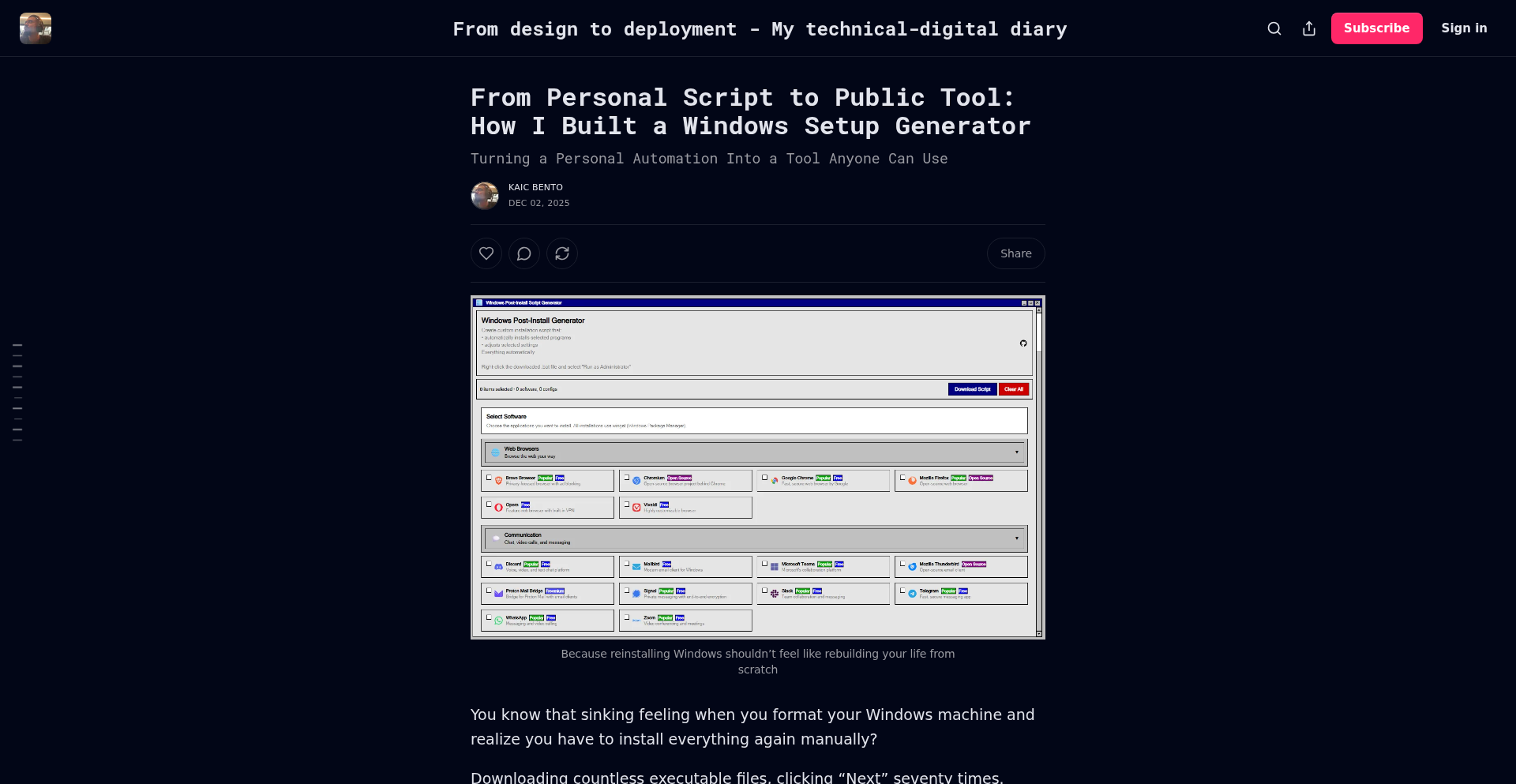
Author
kaicbento
Description
A command-line interface (CLI) tool that automates the process of setting up a new Windows environment. It transforms personal setup scripts into a shareable and reproducible tool, solving the common developer pain point of tedious manual software installation and configuration.
Popularity
Points 3
Comments 0
What is this product?
WindowsSetupGen CLI is a tool that lets you define and automate your ideal Windows setup using a simple configuration file. Think of it as a 'recipe book' for your Windows installation. Instead of manually downloading and installing every application, configuring settings, and running scripts one by one, you write down all these steps in a structured format. The tool then reads this 'recipe' and executes all the commands automatically. The innovation lies in its ability to package personal, often complex, setup workflows into a user-friendly, executable format. This makes it easy to share your personalized setup with others or to quickly replicate it on new machines, saving significant time and reducing errors. It's a prime example of the 'hacker' spirit: taking a repetitive, manual task and solving it with code.
How to use it?
Developers can use WindowsSetupGen CLI by creating a configuration file (e.g., in YAML or JSON format) that lists the desired applications to install, the commands to run, and any specific settings to apply. Once the configuration file is ready, they simply run the CLI tool from their terminal, pointing it to their configuration file. The tool will then proceed to download and install software, execute custom scripts, and configure the system according to the defined steps. This can be integrated into new machine setup workflows, development environment bootstrapping, or even for maintaining consistent development environments across a team. You can essentially 'install your entire dev environment with one command'.
Product Core Function
· Automated Application Installation: Defines and installs a list of applications from a configuration file, reducing manual download and setup time for developers.
· Custom Script Execution: Allows the execution of arbitrary scripts during the setup process, enabling complex configurations and personalization beyond simple application installs.
· Configuration Management: Applies specific system settings and configurations as defined in the setup recipe, ensuring a consistent and reproducible environment.
· Cross-Platform Compatibility (potential): While initially for Windows, the concept can inspire similar tools for other operating systems, fostering a wider community of automation enthusiasts.
· Shareable Setup Recipes: Enables developers to easily share their meticulously crafted setup configurations, fostering collaboration and knowledge sharing within development teams.
Product Usage Case
· Setting up a new developer laptop: Instead of spending hours installing IDEs, databases, and other tools, a developer can run WindowsSetupGen CLI with their pre-defined setup file and have their entire development environment ready in minutes.
· Onboarding new team members: Quickly get new hires up and running with the exact same development setup as experienced team members, ensuring consistency and reducing onboarding friction.
· Reproducing a specific development environment: For projects that require a very specific set of tools and configurations, WindowsSetupGen CLI can guarantee that the environment is set up exactly as intended, avoiding 'it works on my machine' issues.
· Experimenting with different toolchains: Developers can create multiple setup recipes for different types of development (e.g., web development, data science) and switch between them seamlessly.
48
Cass: Cross-Agent Session Synthesizer

Author
eigenvalue
Description
Cass is a high-performance Rust tool that unifies and searches across all your coding agent sessions. It addresses the frustration of losing valuable insights or solutions buried within fragmented conversations from various AI coding tools. By indexing everything from Claude Code, Codex, Cursor, Gemini, and more into a single, instantly searchable database, Cass empowers both human developers and AI agents to quickly retrieve past solutions and avoid reinventing the wheel.
Popularity
Points 2
Comments 0
What is this product?
Cass is a terminal-based search engine specifically designed for the output and conversations of AI coding agents. The core technical innovation lies in its ability to ingest data from diverse coding agent tools (like Claude Code, Codex, Cursor, Gemini, Aider, ChatGPT, etc.) and create a unified, high-speed index. It's built with Rust for maximum performance, featuring 'search as you type' functionality with near-zero latency for instant filtering and ranking. This means that even if you used a different AI agent months ago to solve a problem, Cass can find that solution in seconds, regardless of which tool generated it. Its 'robot mode' is a key differentiator, allowing AI agents themselves to access and leverage this collective knowledge base, much like a human developer searching their own emails, notes, and project management tools.
How to use it?
Developers can install Cass with a simple one-liner curl command. Once installed, it automatically discovers and indexes sessions from supported coding agents. For typical human use, you would run `cass search 'your query'` in your terminal, and it will instantly display relevant results. For integrating with AI agents, you'd add a specific blurb to your agent's configuration file (e.g., `AGENTS.md`). The agent can then be instructed to use `cass --robot --json` commands to query its own past interactions or those of other agents. For example, an agent could search for a past solution to an 'authentication error' using `cass search "authentication error" --robot --limit 5`.
Product Core Function
· Unified Cross-Agent Indexing: Indexes conversations and outputs from multiple AI coding agents into a single, searchable repository. This is valuable because it consolidates all your AI-generated code solutions and insights, preventing you from having to remember which agent you used or where the information might be. You can find solutions from one agent while working with another.
· Real-time Search and Filtering: Provides instant, type-ahead search capabilities with low latency. This is useful because it drastically reduces the time spent looking for information. You type your query, and relevant results appear immediately, allowing you to quickly retrieve what you need.
· Robot Mode for AI Agents: Enables coding agents to programmatically search their own or other agents' histories. This is a significant advancement for AI development, as it gives agents access to a shared knowledge base. They can learn from past successes and failures, leading to more efficient and intelligent code generation.
· Detailed Result Inspection: Allows users to view specific session details, expand context around relevant lines, and retrieve information in a machine-readable JSON format. This provides deep insights into how solutions were reached and enables programmatic use of the search results, valuable for debugging or understanding complex code snippets.
· Automatic Tool Discovery: Identifies and integrates with newly installed or previously unused coding agents without manual configuration. This is helpful because it ensures your search capabilities are always up-to-date and comprehensive, future-proofing your knowledge retrieval system.
Product Usage Case
· A developer encountering a complex 'database connection timeout' error during a project. They use `cass search 'database connection timeout'` to find a similar issue they or another agent resolved months ago, quickly applying the past solution instead of debugging from scratch.
· An AI coding agent tasked with implementing a new feature. Before generating code, it uses `cass --robot search 'implement user authentication flow'` to find existing patterns or best practices from previous sessions, ensuring a more robust and efficient implementation.
· A team of developers collaborating on a large codebase, using various AI tools for different tasks. Cass allows them to search across all team members' AI interactions, ensuring they don't duplicate efforts and can leverage shared learnings, even if different team members used different AI agents.
· A developer experimenting with a new framework. They use `cass search 'how to setup X framework'` to retrieve past tutorials or code examples generated by AI agents, accelerating their learning curve and setup process.
49
Beads Graph Explorer (BGE)

Author
eigenvalue
Description
This project, Beads Viewer (Bv), is a command-line interface tool designed to visualize and analyze a task management system called 'beads'. It's built in Go and offers a rich set of features for both human developers and AI agents to interact with complex project dependencies. The core innovation lies in its ability to process and display the underlying graph structure of tasks, providing insights into project flow, blockers, and execution order. This addresses the challenge of managing numerous interconnected tasks generated by AI coding agents, making them more interpretable and actionable for humans and more reliable for AI collaboration.
Popularity
Points 2
Comments 0
What is this product?
Beads Viewer (Bv) is a fast, terminal-based user interface for 'beads' projects, which are a structured way of defining tasks and their dependencies, often generated by AI coding assistants. It takes the raw task data (stored in a JSONL file) and transforms it into an interactive visual representation. Instead of just seeing a list of tasks, Bv allows you to see how tasks are connected, what needs to be done before another task can start, and even identify potential bottlenecks or circular dependencies within your project. The innovation here is transforming a flat, text-based task list into a dynamic, navigable graph that reveals hidden project structure and relationships, making it much easier to understand and manage complex workflows, especially those involving AI-generated plans.
How to use it?
Developers can install Bv using a simple one-liner curl bash installer, as detailed in the project's README. Once installed, you navigate to any project folder that uses the 'beads' task management system and simply type 'bv' in your terminal. This will launch the interactive interface. You can then use keyboard shortcuts to explore your project's tasks. For example, pressing 'g' shows a graph visualization of task dependencies, 'b' displays a Kanban board view, and '/' allows for fuzzy searching through all your tasks. This provides an immediate and intuitive way to understand the status and relationships of your tasks without leaving your development environment. For AI agents, specific commands can be integrated into their workflows to fetch structured data about task dependencies, execution plans, and even priority recommendations, making AI-human collaboration more robust.
Product Core Function
· Interactive Graph Visualization: Displays tasks and their dependencies as a navigable graph, allowing developers to visually understand project flow and identify relationships. This is valuable because it helps in quickly spotting how different parts of a project connect and where potential issues might arise, making project planning and debugging more efficient.
· Kanban Board View: Presents tasks in a familiar Kanban board format, offering a clear overview of task status (e.g., To Do, In Progress, Done). This feature is useful for project managers and developers who prefer a visual representation of workflow progression, simplifying task tracking and team coordination.
· Dependency Metrics Calculation: Leverages graph theory to compute metrics like PageRank, critical path, and cycles. This provides deeper insights into project structure, highlighting critical tasks, potential blockers, and areas prone to delays. This is incredibly valuable for optimizing project execution and identifying areas that require focused attention.
· AI Agent Integration Mode: Offers specialized commands for AI agents to retrieve structured, dependency-aware data (e.g., JSON graph metrics, execution plans, priority recommendations). This is a key innovation for AI-assisted development, enabling AI agents to interact with task structures more reliably than parsing raw files, leading to more predictable and effective AI-driven task generation and management.
· Fuzzy Task Search: Allows users to quickly find specific tasks by typing partial names in the main view. This is a practical feature that saves time when dealing with a large number of tasks, ensuring developers can locate the information they need without sifting through long lists.
Product Usage Case
· Scenario: Managing a complex AI-generated project plan with hundreds of interdependent tasks. Problem: Manually tracking task relationships and identifying the critical path is time-consuming and error-prone. Solution: Using Bv, a developer can launch the tool, press 'g' to see the entire task graph, and immediately identify the longest sequence of dependent tasks (critical path) and any tasks that are blocked or have circular dependencies, enabling faster and more accurate project adjustments.
· Scenario: An AI coding agent is tasked with generating a feature with many sub-components. Problem: The AI might produce a set of tasks that are not optimally ordered or may have missed dependencies. Solution: Bv's `--robot-plan` command can be invoked by the AI to output a JSON object detailing parallel tracks and unblocking relationships. A human developer can then review this plan, ensuring it's logical and efficient before execution, thus improving the quality of AI-generated development workflows.
· Scenario: A developer is working on a large codebase and needs to understand the impact of a specific change. Problem: Without context, it's hard to know which tasks depend on or are affected by this change. Solution: By using Bv's fuzzy search with keywords related to the change, the developer can quickly find all associated tasks and visualize their connections within the project graph, helping to assess the scope of the modification and prevent unintended consequences.
· Scenario: Debugging a stalled AI-assisted development process. Problem: It's unclear why certain AI-generated tasks are not progressing. Solution: Bv's `i` (insights) command can reveal graph metrics like PageRank and cycle detection. This might highlight tasks that are rarely executed or part of a circular dependency, pointing to the root cause of the blockage and guiding the developer on how to resolve it.
50
PyTorch Hirschberg Optimizer

Author
yu3zhou4
Description
This project implements the Hirschberg algorithm, a space-efficient dynamic programming technique, directly within PyTorch. It tackles the challenge of finding the optimal alignment between two sequences (like DNA or text) using significantly less memory than traditional methods, making it feasible to analyze much larger sequences.
Popularity
Points 2
Comments 0
What is this product?
This is a PyTorch implementation of the Hirschberg algorithm. The Hirschberg algorithm is a clever way to solve sequence alignment problems, like finding how similar two pieces of text or DNA are. Traditional methods for this often use a lot of computer memory, especially for long sequences. Hirschberg's algorithm finds the same optimal alignment but uses much, much less memory. This is achieved by breaking the problem down and only storing a fraction of the intermediate results, making it a 'divide and conquer' approach for memory optimization.
How to use it?
Developers can integrate this PyTorch module into their machine learning pipelines or custom scripts. If you are working on tasks involving sequence analysis, natural language processing (NLP), bioinformatics, or any domain where comparing and aligning sequences is crucial, you can use this to get the alignment without running into memory limitations. It can be used as a standalone tool for alignment or as a component within a larger PyTorch model for tasks like sequence generation or comparison.
Product Core Function
· Space-efficient sequence alignment: Reduces memory footprint by orders of magnitude compared to standard dynamic programming, enabling the analysis of extremely long sequences. This is useful when you have massive datasets that would otherwise crash your system due to memory constraints.
· PyTorch native integration: Seamlessly fits into existing PyTorch workflows and models, allowing easy experimentation and deployment within deep learning frameworks. This means you don't need to learn a new framework or complex setup to leverage its benefits.
· Optimized for modern hardware: Leverages PyTorch's capabilities for efficient computation, potentially offering speed benefits alongside memory savings. This ensures that even with memory optimization, you're still getting good performance.
· Flexibility in sequence types: Can be applied to various types of sequences, including genetic sequences (DNA, RNA, protein) and textual data, broadening its applicability across different scientific and computational domains. This makes it a versatile tool for a wide range of sequence-based problems.
Product Usage Case
· Bioinformatics: Aligning long DNA or protein sequences to identify evolutionary relationships or functional similarities, where traditional methods would exhaust memory. This allows researchers to analyze complete genomes or large protein families without prohibitive hardware costs.
· Natural Language Processing (NLP): Performing document similarity checks or diffing large text files efficiently. This can be used in plagiarism detection, version control systems for text, or large-scale text analysis to find similar articles quickly.
· Computational Biology: Identifying conserved regions in biological sequences that might indicate important functional sites. This helps in drug discovery and understanding biological mechanisms by pinpointing critical patterns.
· Data Compression: Developing novel data compression algorithms that rely on identifying and exploiting repeating patterns in sequences. This could lead to more efficient ways to store and transmit large datasets.
51
WhisperClip
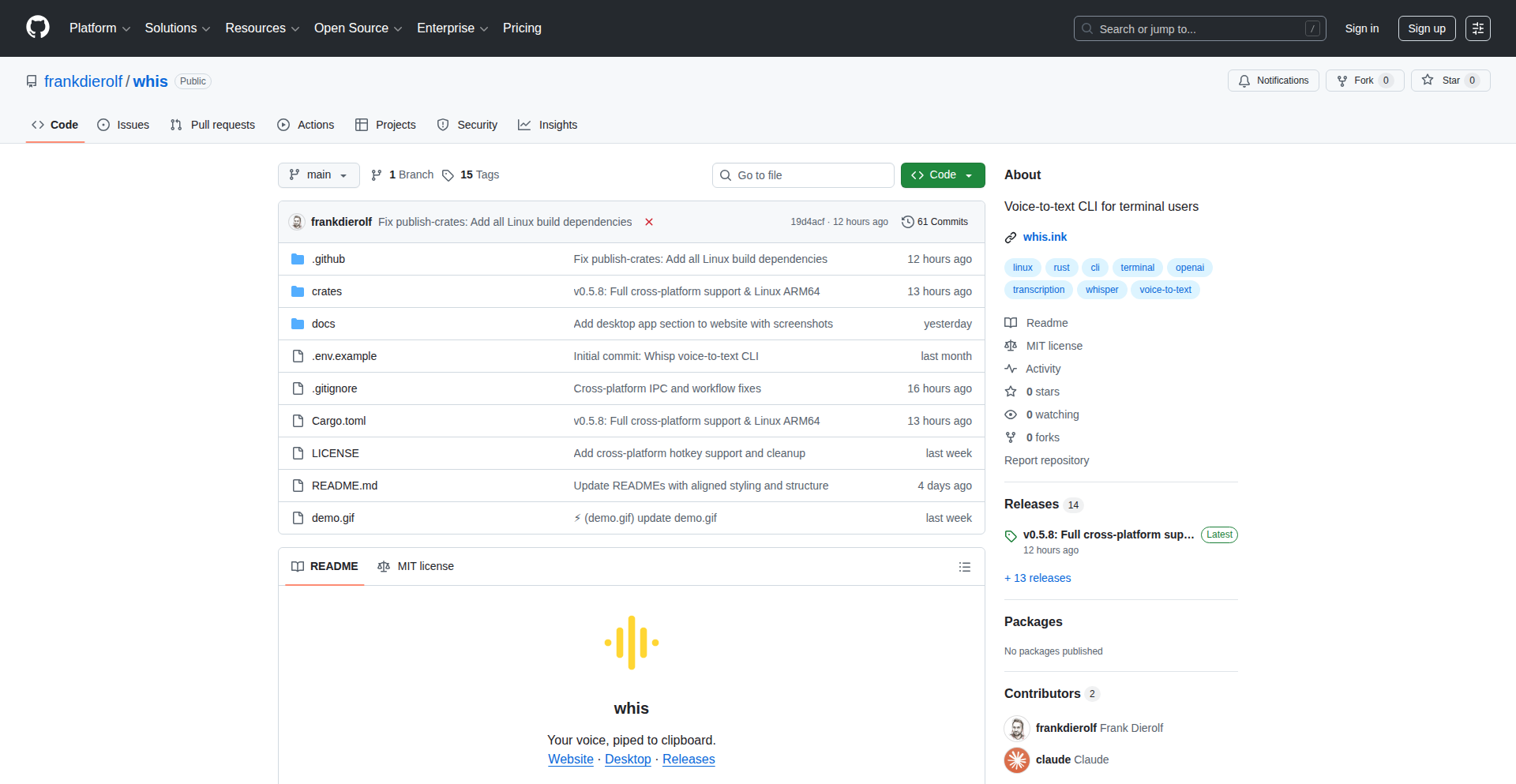
Author
FrankDierolf
Description
WhisperClip is a Linux-specific tool that revolutionizes how you interact with your clipboard by directly transcribing spoken words into text and placing it onto your clipboard. It tackles the inefficiency of manual typing or copy-pasting by leveraging real-time voice recognition to capture your thoughts or commands instantly. The innovation lies in its seamless integration and lightweight approach to a common user pain point: getting spoken information into digital text with minimal friction.
Popularity
Points 1
Comments 1
What is this product?
WhisperClip is a desktop application designed for Linux that listens to your microphone and converts your speech directly into text, automatically placing that text onto your system's clipboard. At its core, it uses a speech-to-text (STT) engine. When you activate WhisperClip, it starts capturing audio from your default microphone. This audio is then processed by the STT engine, which intelligently interprets the spoken words and generates corresponding text. The innovation here is the direct pipeline: no intermediate windows, no manual copying and pasting. It's about capturing the 'thought' as you speak and making it immediately available for any application. This is a significant departure from traditional STT tools that might require saving to a file or manually selecting text to copy.
How to use it?
Developers can use WhisperClip by first installing it on their Linux system. Once installed, they can typically activate it through a keyboard shortcut or a system tray icon. After activation, they simply speak into their microphone. For example, if a developer needs to quickly jot down a command, a code snippet they're thinking of, or a URL they just heard, they can speak it, and WhisperClip will transcribe it and put it directly into their clipboard. This means they can then immediately paste it into their terminal, code editor, or any other application without any extra steps. It's a workflow accelerator for anyone who frequently needs to transfer spoken information into text-based fields.
Product Core Function
· Real-time Voice Transcription: Captures audio from the microphone and converts it into text on the fly. This provides immediate access to transcribed speech, saving significant typing time and reducing errors.
· Direct Clipboard Integration: Automatically places the transcribed text directly onto the system clipboard. This eliminates the need for manual copy-pasting, streamlining workflows and increasing productivity.
· Linux Native Operation: Designed specifically for Linux environments, ensuring efficient resource utilization and seamless integration with the desktop. This means it runs smoothly without impacting system performance heavily.
Product Usage Case
· Quickly capturing command-line arguments: A developer might remember a complex command and simply speak it to WhisperClip, then paste it directly into the terminal, avoiding typos and the need to search for documentation.
· Dictating code snippets or notes: When a developer has a brilliant idea for a code snippet or needs to quickly note down a concept, they can speak it, and it's instantly available to paste into their IDE or a notes application.
· Transferring URLs or email addresses: Hearing a URL or an email address and needing to use it immediately becomes effortless, as speaking it directly puts it on the clipboard for quick pasting.
52
AiME-HealthAICompanion

Author
sg0pf
Description
AiME is an AI-powered medical companion, similar to ChatGPT but specifically trained for healthcare. It provides instant, personalized medical guidance by analyzing a patient's unique health history, medications, and care plan. This innovation addresses the need for accessible, on-demand health information, helping users navigate uncertainties about new medications, symptoms, or general health concerns. Its core is a sophisticated AI model fine-tuned on medical knowledge and patient data, offering a novel approach to patient empowerment and support.
Popularity
Points 2
Comments 0
What is this product?
AiME is an intelligent AI assistant designed for healthcare. Think of it like a highly knowledgeable and personalized medical advisor that you can chat with. It's built on advanced AI technology, akin to what powers tools like ChatGPT, but it's been meticulously trained on a vast amount of medical information and is designed to understand and process your personal health details (with your permission, of course). The innovation lies in its ability to integrate your specific medical history, current medications, and treatment plans to provide guidance that's not generic, but tailored precisely to you. This offers a more proactive and informed approach to managing your health.
How to use it?
Developers can integrate AiME's capabilities into various health-related applications or services. The primary interaction for end-users is through a downloadable app. For developers, it can be envisioned as a backend service or an API that your application can query. For instance, a patient portal could use AiME to answer common post-visit questions, or a telemedicine platform could leverage it for initial symptom assessment before a human clinician takes over. The integration would involve sending anonymized or permissioned patient data (e.g., current medications, symptoms described by the user) to the AiME service and receiving AI-generated guidance in return.
Product Core Function
· Personalized Medical Information Retrieval: AiME can answer health-related questions by referencing your provided medical history, medications, and care plan, offering tailored explanations that go beyond general search results. This provides immediate, relevant health insights.
· Symptom Analysis and Guidance: When users describe symptoms, AiME can offer preliminary insights into potential causes and suggest appropriate next steps, such as whether to seek immediate medical attention or if it's a common, non-urgent issue. This helps users make informed decisions about their health quickly.
· Medication Information and Advisory: AiME can explain the purpose of medications, potential side effects, and interactions based on the user's full medication list. This empowers users to understand and manage their prescriptions more effectively.
· Care Plan Clarification: Users can ask AiME to clarify aspects of their treatment plan, ensuring they understand dosages, schedules, and the rationale behind their prescribed care. This improves adherence and comprehension of medical advice.
Product Usage Case
· A patient recently prescribed a new medication for the first time can ask AiME about its purpose, common side effects, and what to expect, receiving an answer informed by their other existing medications to flag potential interactions. This solves the problem of feeling overwhelmed by new prescriptions.
· Someone experiencing an unusual but not alarming symptom at home can describe it to AiME and get an initial assessment of whether it warrants an urgent doctor's visit, a scheduled appointment, or if it's likely a benign occurrence. This addresses the anxiety and uncertainty surrounding novel symptoms.
· A user managing a chronic condition can query AiME about how their current diet or exercise routine might impact their treatment plan, receiving guidance that considers their specific medical history and prescribed therapies. This helps in proactive self-management of chronic illnesses.
53
Tentropy Core: Firecracker AI Sandbox

Author
Jalil9
Description
Tentropy Core is an open-source project designed to run AI system code within Firecracker microVMs. It addresses the challenge of safely and efficiently executing potentially untrusted AI code by leveraging the isolation capabilities of Firecracker, a lightweight virtualization technology. The innovation lies in creating a secure, performant, and isolated environment specifically tailored for AI workloads.
Popularity
Points 1
Comments 1
What is this product?
Tentropy Core is a system that allows developers to run their Artificial Intelligence (AI) code inside extremely lightweight virtual machines called Firecracker microVMs. Think of it like giving your AI code its own tiny, secure, and isolated sandbox. Firecracker VMs are super fast to start up and don't consume many resources, making them ideal for running code that might be experimental or even come from an external source you don't fully trust. The core innovation here is combining the security and isolation of virtualization with the speed and efficiency needed for modern AI tasks, ensuring your AI code can run without interfering with your main system or posing a security risk. So, what's in it for you? It means you can experiment with AI models or run AI services with confidence, knowing they are contained and won't break your system.
How to use it?
Developers can integrate Tentropy Core into their AI workflows by defining their AI models and execution logic. They would then configure Tentropy Core to spin up a Firecracker VM, load the necessary AI dependencies and code into it, and execute the AI tasks. This could be done via an API or command-line interface. The project provides the necessary tooling to package AI code and its environment, ensuring it runs seamlessly within the microVM. This is particularly useful for scenarios like running AI inference services, training models on isolated datasets, or processing user-submitted AI scripts. How does this benefit you? It provides a robust way to deploy and manage AI applications securely and efficiently, reducing the overhead and complexity typically associated with virtualized environments.
Product Core Function
· Secure AI Code Execution: Runs AI code within isolated Firecracker microVMs, preventing malicious code from affecting the host system. This value means your development and production environments remain safe, even when dealing with unknown AI code.
· Lightweight Virtualization: Utilizes Firecracker for fast boot times and minimal resource consumption. This value translates to quicker deployment cycles and lower operational costs, as you don't need powerful hardware to run isolated AI tasks.
· AI Workload Optimization: Tailored to efficiently handle the computational demands of AI systems, ensuring smooth performance. This value ensures your AI applications run at optimal speeds without performance bottlenecks.
· Containerization for AI: Packages AI models and their dependencies for consistent execution across different environments. This value ensures your AI models behave the same way wherever you deploy them, simplifying testing and deployment.
· Open-Source Flexibility: Allows customization and integration into existing MLOps pipelines. This value means you can adapt the system to your specific needs and integrate it seamlessly into your current development and deployment processes.
Product Usage Case
· Running untrusted AI models submitted by users in a web application: Instead of executing potentially harmful AI code directly on your server, Tentropy Core can run it in a Firecracker VM. This prevents any malicious script from compromising your main system, offering a secure way to provide AI features to your users.
· Developing and testing AI services in an isolated development environment: Developers can use Tentropy Core to create a sandboxed environment for their AI projects, ensuring that dependencies and configurations don't conflict with their local machine or other projects. This allows for cleaner development and faster iteration cycles.
· Deploying edge AI inference where security is paramount: For AI models that need to run on edge devices but require isolation, Tentropy Core offers a lightweight and secure solution. This is valuable for applications in sensitive environments where data privacy and code integrity are critical.
· Experimenting with new AI frameworks or libraries without system contamination: Developers can quickly spin up a Firecracker VM with Tentropy Core to test out new AI tools without worrying about installing them on their main operating system. This accelerates the evaluation of new technologies and reduces the risk of system instability.
54
Secuditor Free: Python Endpoint & Network Security Auditor

Author
mennylevinski
Description
Secuditor Free is a Python-powered diagnostic tool designed to automatically audit the security posture of Windows endpoints and networks. It simplifies complex security checks into a user-friendly experience with a graphical interface, providing actionable insights and exportable reports. The core innovation lies in its automated, comprehensive analysis of various security aspects, making sophisticated diagnostics accessible to individuals and organizations alike. It tackles the challenge of identifying potential vulnerabilities and misconfigurations that could be exploited, offering a proactive approach to security management.
Popularity
Points 1
Comments 1
What is this product?
Secuditor Free is a diagnostic security tool built with Python that runs on Windows. It performs a deep scan of your computer and network to find potential security weaknesses, like misconfigurations or signs of malicious activity. Think of it as an automated security check-up for your digital environment. Its innovation comes from combining multiple sophisticated security analysis techniques into a single, easy-to-use application. It's designed to uncover threats and vulnerabilities that might otherwise go unnoticed, providing clear, exportable reports for further action. So, it helps you understand your security risks without needing to be a cybersecurity expert yourself.
How to use it?
For developers, Secuditor Free can be integrated into CI/CD pipelines for automated security checks of development environments or deployed applications. It can also be used for rapid security assessments of new hardware or network segments. The Python foundation allows for potential scripting and customization for more advanced use cases. You can run it directly on a Windows machine to scan that machine or a connected network. The results are presented in an easily digestible format, including exportable TXT reports, which are perfect for documentation or sharing with a security team. This means you can quickly get a security overview of a system, identify issues, and take steps to fix them, saving time and effort in manual security reviews.
Product Core Function
· One-click security audit: Automates a comprehensive security assessment of a Windows endpoint or network segment, providing a broad overview of potential risks. This means you get a quick and thorough security status report with minimal effort.
· User-friendly graphical interface: Presents complex security data in an accessible visual format, making it easy for users of all technical levels to understand. This translates to understanding your security situation without getting lost in technical jargon.
· Exportable TXT reports: Generates clear and concise reports of the audit findings, which can be easily shared, documented, or used for further analysis. This allows for effective communication of security issues and tracking of remediation efforts.
· Enhanced threat detection diagnostics: Employs advanced techniques to identify indicators of compromise and potential malware presence, helping to detect hidden threats. This helps you discover and address potential security breaches early on.
· SSL/TLS interception analysis: Analyzes SSL/TLS configurations to identify potential vulnerabilities or insecure practices related to encrypted communication. This ensures your secure connections are truly secure and not susceptible to interception.
· Configuration checks: Evaluates system and network configurations against best practices to identify misconfigurations that could create security loopholes. This helps you close common security gaps caused by incorrect settings.
Product Usage Case
· A small business owner can use Secuditor Free to quickly scan their office computers and network to ensure they are protected against common cyber threats, identifying any weak passwords or outdated software. This means peace of mind knowing their business data is more secure.
· A freelance developer can run Secuditor Free on their personal workstation before starting a new project to identify any potential security flaws that could expose their client's data. This helps them build trust and deliver secure solutions.
· An IT administrator can use Secuditor Free for initial security sweeps of new employee laptops or newly deployed network devices, flagging any immediate security concerns before they become a problem. This leads to a more efficient and secure onboarding process for new equipment.
· A security-conscious individual can use Secuditor Free to periodically audit their home network and devices, ensuring their personal information is adequately protected from unauthorized access. This empowers them to take control of their online safety.
55
Soppo: Go+ compile-time safety
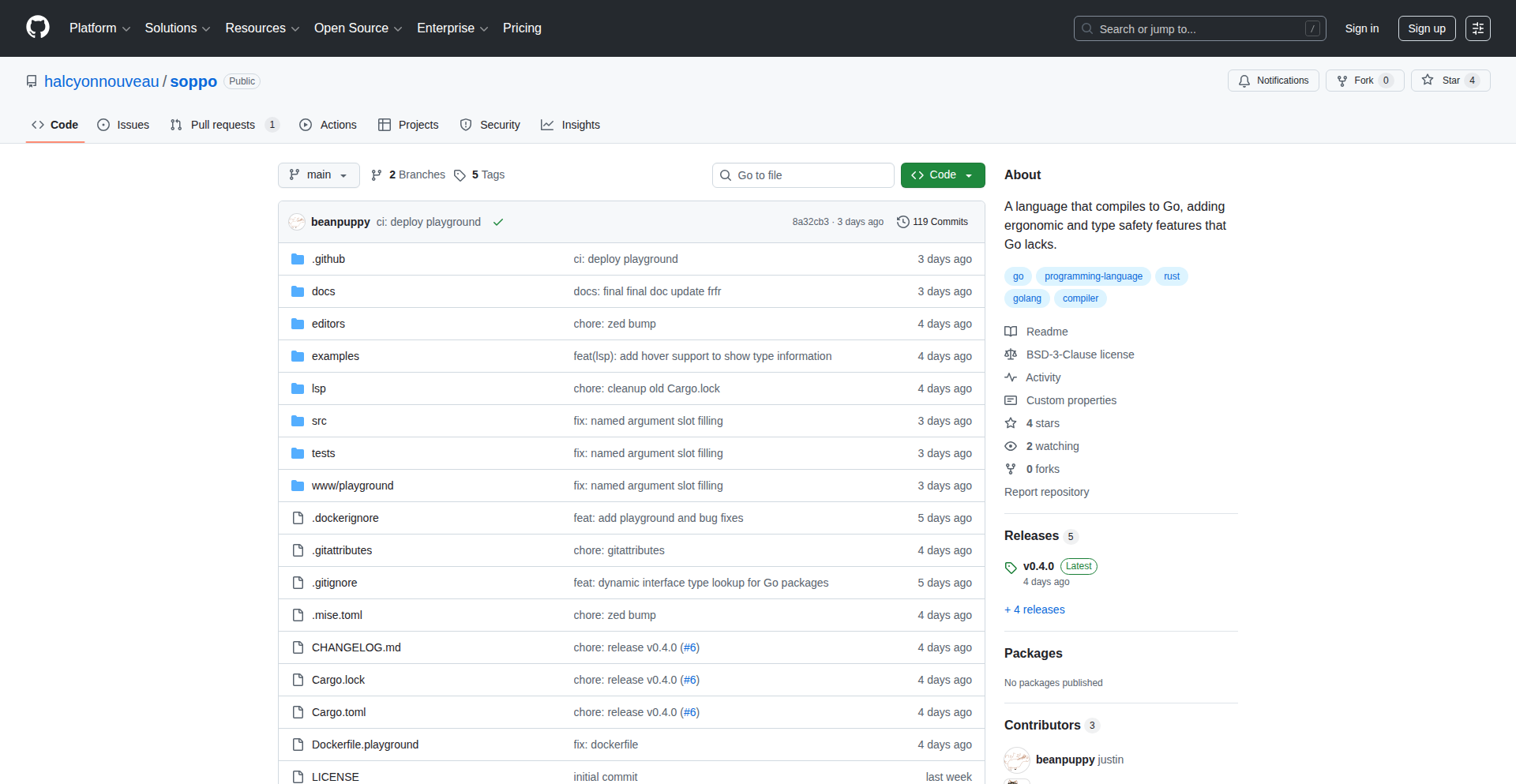
Author
beanpup_py
Description
Soppo is a programming language that compiles to Go, aiming to catch common programming errors before your code even runs. It introduces features like enums with exhaustive matching (ensuring you handle all possible cases), a `?` operator for cleaner error handling, and static analysis to prevent unexpected nil pointer errors. The goal is to make Go development more robust and less prone to runtime surprises, while still feeling familiar to Go developers and seamlessly integrating with existing Go libraries.
Popularity
Points 2
Comments 0
What is this product?
Soppo is a new programming language designed to extend Go's capabilities by adding features that enhance compile-time safety. Think of it as 'Go with superpowers' for error prevention. Its core innovation lies in shifting error detection from when your program is running (runtime) to when you are writing and building your code (compile-time). This is achieved through features like enums with exhaustive matching, which forces you to consider every possible outcome of a situation, preventing you from missing a case. It also offers a simpler way to handle errors using the `?` operator, which automatically propagates errors up the call stack, reducing boilerplate code. Additionally, Soppo incorporates static analysis to proactively identify potential nil pointer issues, akin to how tools like Uber's nilaway work, but in a simpler, integrated fashion. The ultimate benefit is writing more reliable code with fewer bugs that would otherwise only appear during execution.
How to use it?
Developers can start exploring Soppo through its online playground at play.soppolang.dev. For integration into their workflow, Soppo compiles to standard Go code, meaning you can write your application logic in Soppo and then use the Soppo compiler to generate Go code. This generated Go code can then be compiled and used like any regular Go project. This allows Soppo to leverage the vast ecosystem of Go libraries and tools. It's ideal for developers building Go applications who want to proactively reduce the likelihood of runtime errors, especially in complex logic or when dealing with external services where error handling and nil values can be tricky.
Product Core Function
· Enums with exhaustive matching: This feature allows you to define a set of named constant values (like different states of a light: On, Off, Dimmed). The 'exhaustive matching' part means when you write code to handle these enum values, the compiler will check if you've covered all possible states. If you miss one, it won't let you compile. This is valuable because it prevents bugs where your program behaves unexpectedly because it didn't account for a specific enum state, ensuring all branches of logic are considered.
· `?` for error propagation: This is a shorthand syntax for handling errors. In Go, you often have to write `if err != nil { return err }`. Soppo's `?` operator automates this. If a function call returns an error, the `?` will automatically return that error from the current function, saving you from writing repetitive error-checking code. This makes your code cleaner and easier to read, while still ensuring errors are handled and reported correctly.
· Static nil safety analysis: This feature statically analyzes your code to identify potential places where a variable might be `nil` (meaning it doesn't point to any valid data) and you might try to use it. By catching these potential `nil` dereferences at compile time, Soppo helps prevent runtime panics (crashes) caused by trying to access data from a non-existent object. This significantly improves the stability of your applications by eliminating a common source of bugs.
· Seamless Go library integration: Soppo is designed to compile into Go. This means any existing Go library you use in your project can be used directly within your Soppo code without any special wrappers or modifications. This is incredibly valuable because it allows you to adopt Soppo gradually without abandoning your current Go dependencies or having to rewrite existing Go code, providing a smooth transition and immediate access to the rich Go ecosystem.
Product Usage Case
· Building a backend API with complex state management: Imagine an e-commerce order system with various states like 'Pending', 'Processing', 'Shipped', 'Cancelled'. Using Soppo's enums with exhaustive matching, you can define these states and ensure that every part of your code that handles order updates correctly addresses all possible state transitions, preventing bugs where an order might get stuck in an undefined state.
· Developing microservices that communicate via gRPC: In distributed systems, handling network errors and remote procedure call failures is critical. Soppo's `?` operator simplifies the propagation of errors from these calls, making your service more resilient by ensuring that issues encountered during communication are promptly reported and handled upstream, reducing the chance of silent failures.
· Creating a data processing pipeline that reads from various sources: When processing data, especially from external or user-provided inputs, `nil` values are a common pitfall. Soppo's static nil safety analysis can proactively highlight where you might be attempting to use data that hasn't been properly initialized or has been explicitly set to `nil`, preventing unexpected crashes during data parsing or manipulation.
· Migrating a critical Go application to a more robust system: For existing Go projects that need enhanced reliability without a complete rewrite, Soppo offers a pathway. You can gradually introduce Soppo components into your codebase, leveraging its compile-time safety features for new modules while continuing to use existing Go libraries, thus improving overall application stability incrementally.
56
Shopify Inspector

Author
andersmyrmel
Description
A free Chrome extension that empowers Shopify store owners and marketers to perform in-depth competitor research by instantly revealing the underlying technologies and app stacks powering their rivals' online stores. It helps users understand what makes successful Shopify stores tick, offering valuable insights for their own growth strategies. The innovation lies in its ability to quickly deconstruct and present complex store configurations into easily digestible information.
Popularity
Points 2
Comments 0
What is this product?
This project is a Chrome extension designed specifically for the Shopify e-commerce platform. It acts like a digital detective, peering into any Shopify store you visit and instantly identifying the specific apps and technologies that store is using. Think of it as a 'view source' but for the functional components of a Shopify store. The core innovation is its efficient data scraping and parsing engine, which can analyze the front-end and sometimes back-end signals of a Shopify site to accurately identify installed applications like payment gateways, marketing tools, SEO enhancers, and more. This is valuable because understanding your competitors' tech stack can reveal their strategies and operational efficiencies, helping you to optimize your own store.
How to use it?
Developers and e-commerce managers can use this project by simply installing the Chrome extension. Once installed, they navigate to any Shopify store they want to analyze. Upon landing on the store's page, the extension will automatically detect it's a Shopify store and provide an overlay or a dedicated panel showcasing all identified apps and technologies. This allows for immediate, on-the-fly competitor analysis without requiring technical expertise in web scraping or coding. It can be integrated into daily workflow for competitive analysis, identifying trending apps, or discovering new tools that could benefit your own Shopify store.
Product Core Function
· Instant Shopify App Identification: Scans a Shopify store and lists all detected installed apps and technologies. This is valuable for understanding what tools competitors are leveraging for marketing, sales, or operations, enabling you to discover similar opportunities for your own store.
· Technology Stack Breakdown: Provides a clear overview of the entire technology stack used by the store, beyond just apps. This helps in understanding the overall infrastructure and potential reasons for a competitor's performance or scalability, allowing you to make informed decisions about your own technical choices.
· Competitive Intelligence Gathering: Enables rapid collection of crucial data about competitor strategies and implementations. This is useful for identifying gaps in the market or areas where competitors are excelling, directly informing your business strategy and feature development.
· User-Friendly Interface: Presents complex technical information in an easy-to-understand format directly within the browser. This democratizes access to competitive data, making it valuable for non-technical users who need to understand the e-commerce landscape and how to improve their own online presence.
Product Usage Case
· A Shopify store owner wants to know which email marketing app a successful competitor is using to drive their sales. By visiting the competitor's store and activating the extension, they can see the specific app listed, prompting them to investigate that app for their own marketing campaigns.
· An e-commerce consultant is evaluating various Shopify themes and app integrations for a new client. They can quickly use this extension to analyze the tech stacks of well-performing stores, identifying best practices and popular app combinations to recommend to their client, saving research time and reducing the risk of implementing ineffective solutions.
· A Shopify app developer is looking for underserved niches or popular functionalities. By inspecting multiple competitor stores, they can identify common pain points or desired features that are not adequately addressed by existing apps, sparking ideas for new product development that can fill these gaps in the market.
57
Synthome - TypeScript AI Media Pipeline Composer
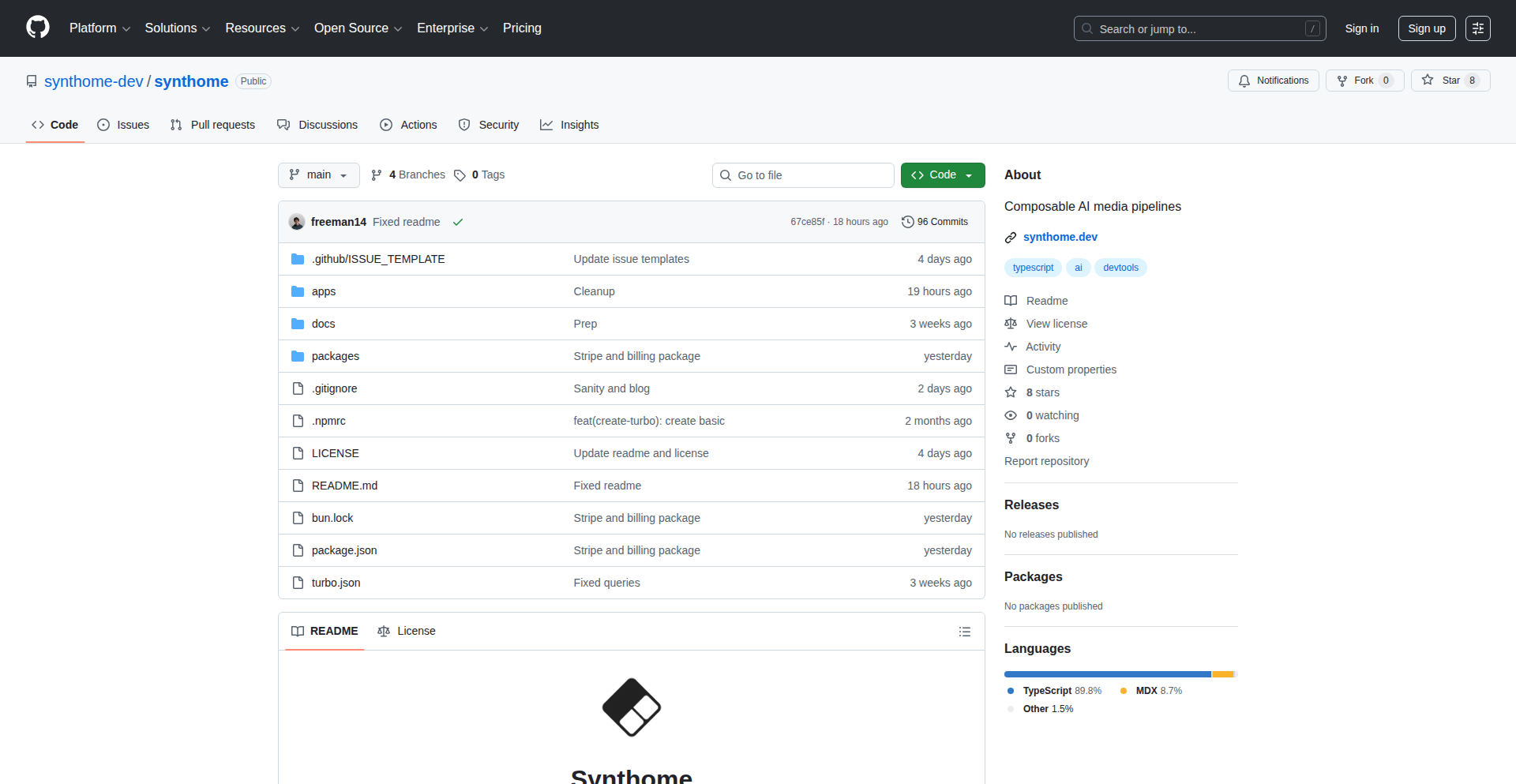
Author
dubovetzky
Description
Synthome is a TypeScript SDK that simplifies building complex, layered AI media processing workflows. It allows developers to chain together various AI models and tools, like image generation, text-to-speech, and video editing, into a single, executable pipeline. The innovation lies in its composable architecture, abstracting away the complexities of model integration and data flow, making it easier to create sophisticated AI-powered media applications.
Popularity
Points 2
Comments 0
What is this product?
Synthome is a developer toolkit (SDK) built with TypeScript. Imagine you want to create a piece of AI-generated content, say, a short video. This video might need an AI to write the script, another AI to generate images based on the script, and yet another AI to create a voiceover for those images, and finally some code to stitch it all together. Synthome provides a structured way to define and connect these different AI steps. Instead of writing complex code to manage the output of one AI feeding into the input of another, Synthome offers a clean, programmatic interface to define these 'pipelines.' Its core innovation is making these multi-step AI processes manageable and repeatable through a composable design, much like building with LEGO bricks. So, what's the value? It drastically reduces the boilerplate code and the mental overhead involved in orchestrating multiple AI services, allowing developers to focus on the creative aspect of their AI media applications.
How to use it?
Developers can integrate Synthome into their Node.js or browser-based TypeScript projects. They would install the SDK and then define their media pipeline programmatically. This involves importing different AI modules (e.g., a text-to-image module, a text-to-speech module) and linking them together using Synthome's defined structure. For example, a developer might set up a pipeline where the output of a text generation AI becomes the input for an image generation AI, which in turn feeds into a video composition step. The SDK handles the data passing and execution order. The value here is that developers can quickly prototype and deploy complex AI media generation workflows without needing to build custom integrations for every AI service they want to use. It's like having a universal adapter for AI tools in your media projects.
Product Core Function
· Composable Pipeline Definition: Allows developers to define a sequence of AI operations in a structured and readable manner, enabling complex workflows to be built from simpler, reusable components. This provides value by making intricate AI processes more manageable and less error-prone for developers.
· AI Module Integration: Provides a standardized way to connect various third-party AI models and services (e.g., image generators, text-to-speech engines) into a unified pipeline. This offers value by saving developers significant time and effort in custom API integrations.
· Data Flow Management: Automatically handles the passing of data and results between different AI steps in the pipeline, abstracting away the complexities of inter-service communication. This simplifies development by removing the need for manual data orchestration.
· Execution Orchestration: Manages the order of execution for the AI modules within the pipeline, ensuring that operations are performed correctly and efficiently. This adds value by providing a robust and reliable execution environment for AI workflows.
· Type-Safe Interfaces: Leverages TypeScript to provide strong typing for all pipeline components and data, leading to improved code quality, reduced runtime errors, and better developer experience. This is valuable for building maintainable and scalable AI applications.
Product Usage Case
· Automated Social Media Content Creation: A developer could use Synthome to build a pipeline that takes a news article, generates a summary, then creates accompanying images and a voiceover for a short video, all automatically. This solves the problem of time-consuming manual content creation for social media.
· Personalized E-learning Video Generation: Imagine a platform that needs to generate personalized educational videos. Synthome could orchestrate AI models to take student progress data, generate a script for a lesson, find or create relevant visuals, and produce an audio narration, solving the challenge of scaling personalized learning content.
· AI-Powered Game Asset Pipeline: Game developers could use Synthome to create a pipeline for generating in-game assets. For instance, a pipeline could take a textual description of an item, generate its 3D model using AI, and then create a texture map. This addresses the bottleneck of manual asset creation in game development.
· Interactive Storytelling Applications: For a narrative-driven application, Synthome could power dynamic story progression. A pipeline could take user input, generate text continuations for the story, create corresponding images or sound effects, and present them to the user, enhancing user engagement by providing a responsive and evolving narrative.
58
CogniGraph: Your Thought Network Visualizer

Author
Pr4shant
Description
CogniGraph is a novel application that takes your spoken thoughts and transforms them into an interactive visual network. It uses natural language processing (NLP) to identify key concepts like beliefs, emotions, and cognitive distortions, then constructs a force-directed graph illustrating the relationships between these elements. As you continue to express yourself, recurring themes naturally gravitate towards the center, offering a clear overview of your core thought patterns. This tool is designed for self-reflection and uncovering the underlying 'why' behind your ideas, not as a therapeutic solution.
Popularity
Points 2
Comments 0
What is this product?
CogniGraph is a self-reflection tool that converts your spoken ideas into a visual graph. It leverages Natural Language Processing (NLP) to detect abstract concepts such as beliefs, emotions, and cognitive biases within your speech. These concepts are then represented as nodes in a force-directed graph. The positioning of these nodes is dynamic: concepts that appear frequently in your speech will naturally move closer to the center of the graph, acting as anchors for your core themes. This provides a unique, visual way to understand the connections and prevalence of different ideas in your thinking. Think of it as a personal mind-mapping tool that understands the semantics of your thoughts.
How to use it?
Developers can integrate CogniGraph into applications that require understanding and visualizing user-generated textual or spoken content. For example, in journaling apps, productivity tools, or educational platforms. The core idea is to feed text or audio input into the system, which then returns structured data representing the concept network. This data can then be rendered using a force-directed graph library (like D3.js or vis.js) to create the interactive visualization. The system's ability to extract and map abstract concepts offers a powerful way to analyze user sentiment, track evolving ideas, or even identify patterns in complex discussions. This opens up possibilities for personalized user experiences and deeper insights into qualitative data.
Product Core Function
· Concept Extraction: Identifies and categorizes key concepts (beliefs, emotions, cognitive distortions, etc.) from unstructured text or speech. This is valuable for understanding the essence of user input and building structured representations of ideas.
· Relationship Mapping: Determines and visualizes the connections between extracted concepts. This allows for the exploration of how different thoughts and ideas influence each other, providing a holistic view of a thought process.
· Dynamic Graph Generation: Creates a force-directed graph where nodes (concepts) are positioned based on their relationships and frequency. This creates an intuitive and evolving visualization that highlights central themes and their interconnectedness.
· Core Theme Identification: Automatically surfaces recurring concepts by their tendency to drift towards the center of the graph. This helps users quickly identify their most prominent or foundational ideas without manual analysis.
Product Usage Case
· Journaling App Enhancement: Imagine a journaling app where users can speak their thoughts. CogniGraph can process these entries and create a visual map of their evolving emotional landscape and recurring concerns over time, helping users identify personal growth patterns or persistent mental blocks.
· Meeting Summarization and Analysis: In team collaboration tools, CogniGraph could analyze meeting transcripts to visually represent the key discussion points, areas of agreement or disagreement, and the underlying sentiment of the participants. This would help identify meeting effectiveness and core decision drivers.
· Creative Writing Aid: For writers, CogniGraph could help visualize character motivations, plot relationships, or thematic development by processing their notes or drafts. This could reveal hidden connections or suggest new narrative directions.
· Self-Improvement Platforms: In applications designed for personal development, CogniGraph can offer users a visual representation of their self-talk, helping them identify negative thought loops or cognitive distortions they might not be consciously aware of, thus facilitating self-awareness and targeted improvement.
59
RepoQuery Engine
Author
wwdmaxwell
Description
This project provides a remote, AI-powered code search and understanding service for any GitHub repository, including private ones. It allows developers to ask natural language questions about their codebase and get answers, without needing to clone the entire repository or rely solely on GitHub's built-in Copilot interface. The innovation lies in its serverless architecture using Cloudflare Workers and its ability to integrate with various AI tools, effectively bringing codebase awareness to your preferred development environment.
Popularity
Points 2
Comments 0
What is this product?
RepoQuery Engine is a system that makes your code repositories 'understandable' by AI. Think of it like giving your codebase a brain that can answer questions. Normally, tools like GitHub Copilot can help you write code, but understanding how specific parts of your *existing* code work can still be tricky. This project creates a remote server (running on Cloudflare Workers, which is a super-efficient way to run small bits of code on the internet) that indexes your GitHub code. You can then ask this server questions like 'How do I implement a paginated data fetcher using this framework?' and it will use AI to find the answer directly within your code. The innovation here is making this powerful code understanding available for any repository, including private ones, and accessible from various AI chat tools, not just a single web interface. This means you stop wasting time cloning repos just to find an example or understand a function.
How to use it?
Developers can integrate RepoQuery Engine by configuring their AI tools (like Cursor, Claude Desktop, etc.) to point to a specific 'MCP' (Message Communication Protocol) server. The provided example shows how to set up an MCP server URL and include a GitHub token for accessing repositories. Once configured, you can ask questions directly in your AI tool, such as 'Using the repo query engine, show me an example of how to test the user authentication flow in this project.' This allows for seamless exploration of codebases, discovering how to use SDKs, or understanding complex logic without leaving your primary development workflow. For those who prefer more control, instructions are also available to deploy your own instance of the server, giving you full ownership and management of your code data.
Product Core Function
· Remote Codebase Indexing: The core function is to process and index code from GitHub repositories. This allows AI models to 'read' and understand your code without you having to download it locally, saving significant time and disk space.
· Natural Language Code Querying: Enables developers to ask questions about their code in plain English, such as 'How does this function handle errors?' or 'Where is the configuration for the database connection defined?'. The system then uses AI to find the relevant code snippets and explanations.
· Private Repository Access: Securely accesses both public and private GitHub repositories using your provided GitHub token. This is crucial for understanding proprietary codebases and ensuring data privacy.
· AI Tool Integration: Acts as a bridge, allowing various AI chat and development tools to leverage the codebase's semantic understanding. This means you can get context-aware answers directly within your preferred AI assistant or code editor.
· Serverless Deployment: Utilizes Cloudflare Workers for efficient and scalable deployment. This means the service is always available and can handle queries without you needing to manage servers, making it cost-effective and low-maintenance.
· Custom Deployment Option: Provides the flexibility for developers to deploy their own instance of the service. This is valuable for organizations with strict data security requirements or those who want complete control over their data and infrastructure.
Product Usage Case
· Understanding Legacy Codebases: A developer working on an older, undocumented project can use RepoQuery Engine to ask questions like 'How is user data persisted in this system?' or 'What is the purpose of the `process_legacy_data` function?'. The engine will pinpoint relevant code sections and explain their functionality, significantly reducing the onboarding time.
· Learning New SDKs/Frameworks: When integrating a new third-party library, a developer can ask 'Show me an example of how to use the `send_email` function from the SES SDK in this project.' The engine can find and present relevant test cases or usage patterns within the codebase.
· Debugging Complex Issues: If a bug is reported in a specific feature, a developer can query the engine with questions like 'Trace the flow of data when a user clicks the submit button on the checkout page.' This helps in understanding the sequence of operations and identifying potential problem areas.
· Exploring Private Code for Examples: For a developer needing to implement a feature similar to one in a private company repository, they can ask 'How is pagination handled in the `product_list` endpoint?' without having to clone the entire repository or bother colleagues for code walkthroughs.
60
Cortex: Your AI-Powered Knowledge Synthesizer

Author
bodhigephardt
Description
Cortex is a novel application designed to accelerate learning by leveraging AI to process and condense information from diverse media sources like podcasts, YouTube videos, and web articles. Its core innovation lies in its ability to automatically generate summaries, extract key insights and quotes, and even create full transcripts. This allows users to quickly grasp the essence of lengthy content, making efficient learning accessible to everyone, even those with limited time.
Popularity
Points 2
Comments 0
What is this product?
Cortex is an intelligent system that transforms raw content into digestible learning material. It uses advanced natural language processing (NLP) techniques, similar to how a human expert might process information, to understand the context and meaning within audio, video, and text. The innovation is in its multi-modal processing capability, meaning it can handle spoken words from podcasts and videos, as well as written text from articles, and synthesize this into structured insights. This provides a significant advantage over traditional note-taking methods or simple keyword searches, as it actively extracts the most valuable information for you. So, what does this mean for you? It means you can absorb more knowledge in less time, without feeling overwhelmed by information overload.
How to use it?
Developers can integrate Cortex into their workflows by utilizing its API or leveraging its web interface. For instance, imagine a developer who wants to stay updated on the latest industry trends discussed in a weekly podcast. Instead of listening to an hour-long episode, they can feed the podcast URL into Cortex. The system will then provide a concise summary and a list of actionable insights, allowing the developer to quickly identify relevant developments and apply them to their projects. Similarly, for research purposes, Cortex can process academic papers or technical documentation, extracting key findings and methodologies. The ability to import external highlights from sources like Readwise further enhances its utility as a centralized knowledge hub. This translates to a more efficient and effective learning process, directly impacting a developer's ability to innovate and solve problems.
Product Core Function
· AI-generated summaries: Automatically condense long-form content into brief overviews, allowing you to quickly grasp the main points of any podcast, video, or article. This saves you significant time and effort in understanding new topics.
· Top insights and quotes extraction: Identifies and extracts the most crucial ideas and memorable statements from the content, highlighting the 'aha!' moments that drive understanding and innovation. This helps you pinpoint valuable takeaways for practical application.
· Full transcript generation: Provides complete textual transcripts for audio and video content, enabling detailed analysis, keyword searching, and easier referencing. This allows for a deeper dive into the source material when needed.
· Chapter list creation: Organizes content into logical segments or chapters, making it easier to navigate and revisit specific topics within a longer piece. This improves content discoverability and revisitation.
· Highlighting and review system: Allows users to manually highlight interesting parts of the generated summaries or transcripts for future reference and easy recall. This creates a personalized learning library for quick access to key information.
· External highlight import: Seamlessly integrates with other highlight tools, consolidating all your learned information into one place for comprehensive knowledge management. This ensures you don't lose valuable insights from other sources.
Product Usage Case
· A software engineer researching a new framework can use Cortex to summarize several hours of video tutorials and technical blog posts, quickly identifying the core concepts and potential pitfalls. This allows them to get up to speed on the framework much faster than traditional learning methods.
· A product manager can input a lengthy podcast discussing market trends and then use Cortex to extract the key consumer insights and competitive analysis. This enables them to make data-driven product decisions with greater confidence and efficiency.
· A student studying a complex topic can use Cortex to generate summaries and key quotes from academic lectures and research papers, helping them to better understand and retain the material for exams. This enhances their learning effectiveness and study efficiency.
· A content creator can use Cortex to transcribe interviews or podcasts and then extract compelling quotes for social media sharing, saving them significant manual transcription and editing time. This streamlines content repurposing and amplification efforts.
61
Entrig - Supabase Triggered Push Notifications

Author
ibbie
Description
Entrig is a revolutionary service designed to send push notifications for Supabase-powered applications without requiring any backend code or server setup. It cleverly utilizes Supabase/Postgres triggers to automatically initiate notifications based on database events, making push notifications a truly plug-and-play feature. This eliminates a significant friction point for developers who often resort to complex server-side logic just to implement this essential functionality.
Popularity
Points 2
Comments 0
What is this product?
Entrig is a no-code solution for integrating push notifications into your Supabase or Postgres database applications. Instead of writing complicated server code or setting up separate backend services, Entrig leverages the power of database triggers. When a specific event happens in your database (like a new record being added or an existing one being updated), Entrig can automatically send a push notification to your users. This is achieved by creating trigger functions directly within your database when you configure a notification in the Entrig dashboard. The client-side SDK then seamlessly handles managing user devices and their notification tokens. The core innovation is making push notifications event-driven directly from the database, abstracting away all the usual server-side complexities. So, what does this mean for you? It means you can implement crucial user engagement features like real-time alerts and updates without becoming a backend infrastructure expert, freeing you to focus on your app's core features.
How to use it?
Developers can integrate Entrig into their Supabase or Postgres projects by first setting up notifications via the Entrig Dashboard. This process automatically generates the necessary database trigger functions within your Supabase/Postgres instance. Next, you'll integrate the Entrig client-side SDK into your application's frontend. The SDK simplifies token management for devices, ensuring notifications reach the right users. This allows for a smooth integration where database events directly translate into push notifications. This approach is incredibly useful for developers who want to add immediate feedback mechanisms to their applications without the overhead of managing separate backend servers or complex API integrations. For example, if you're building a collaborative tool, you can instantly notify users when a document is updated.
Product Core Function
· Database Trigger Integration: Entrig automatically creates and manages Postgres/Supabase triggers. This allows your database itself to be the engine for sending notifications, meaning no external servers are needed. The value here is a drastically simplified architecture and reduced operational overhead, making it easy to set up event-driven notifications.
· No-Code Notification Configuration: Users can define notification rules and content through a user-friendly dashboard. This eliminates the need to write custom code for notification logic. The value is speed and accessibility, allowing even less technical team members to manage notification flows.
· Client-Side SDK for Token Management: A lightweight SDK handles the registration and management of user device tokens for push notifications. This ensures that notifications are reliably delivered to the correct devices. The value is robust delivery and simplified client-side implementation, meaning your app can receive push notifications without complex user device tracking code.
· Real-time Event-Driven Notifications: Notifications are sent in real-time as database events occur. This provides immediate updates to users, enhancing engagement and responsiveness. The value is creating a dynamic and interactive user experience that keeps users informed instantly.
Product Usage Case
· E-commerce application: Notify users instantly when their order status changes (e.g., shipped, delivered). Entrig allows this by triggering a notification when the 'order_status' field in the database is updated, solving the problem of delayed or manual status updates.
· Collaboration tool: Alert team members when a new comment is added to a shared document or when a task is assigned. This can be implemented by using Entrig to monitor changes in a 'comments' or 'assignments' table, providing real-time awareness and improving team productivity.
· Social media platform: Inform users when they receive a new follower or a direct message. Entrig can trigger notifications when new entries are created in 'followers' or 'messages' tables, ensuring users never miss important interactions.
· Task management application: Remind users about upcoming deadlines or task assignments. By setting up triggers on a 'tasks' table based on 'due_date' or 'assignee' fields, Entrig can proactively notify users, preventing missed deadlines and improving task completion rates.
62
Textwave: Git-Inspired Document Branching

Author
domysee
Description
Textwave is a free, local-only browser-based document editor that revolutionizes version control for your writing. Unlike traditional editors that simply append versions, Textwave adopts a Git-like branching model, allowing you to create new versions that branch off from existing ones. This means you can explore different writing paths, revert to specific points in your history without overwriting future work, and recover any piece of text you've ever written. It's designed for writers who want a lightweight, experimental approach to document history, akin to creating commits in Git, making every change recoverable and versioning feel effortless.
Popularity
Points 2
Comments 0
What is this product?
Textwave is a client-side document editor where all your data is stored locally within your browser using technologies like Local Storage and IndexedDB. Its core innovation lies in its unique versioning system, which mimics the branching capabilities of Git. Instead of a linear history, you can create new versions that branch off from any previous version. This allows for non-destructive experimentation, enabling you to go back to a specific version, make edits, and create a new branch of history without losing your original path. It also includes features like comments, suggestions, and the ability to compare changes between versions, making it a powerful tool for collaborative or individual writing projects where detailed history is crucial.
How to use it?
Developers can use Textwave as a standalone, offline document editor for writing articles, notes, code documentation, or any text-based content. Its browser-based nature means no installation is required. You can start writing directly in your browser. For more advanced use, you can export your documents in Markdown or HTML format (with inlined images) and import/export your entire document history via JSON. The Git-like branching allows developers to experiment with different drafts or feature ideas within a single document without fear of losing previous work, similar to how one might manage code branches.
Product Core Function
· Git-like document version branching: This allows you to create new versions of your document that diverge from previous ones, enabling non-destructive experimentation and exploration of different writing directions. So, if you want to try out a new paragraph or a completely different approach to a section, you can do so without losing your current draft.
· Local-only data storage: Your documents and their entire history are stored directly in your browser. This ensures privacy and allows you to work offline, as no data is sent to external servers. This is great for sensitive notes or when you're on the go without an internet connection.
· Version preview on hover: Quickly get a glimpse of what a past version looked like without having to fully load it. This speeds up the process of finding a specific point in your history. You can see if that old idea was any good without interrupting your current workflow.
· Compare versions (added/removed words): Visualize the exact changes made between two versions, highlighting what was added and what was removed. This is invaluable for understanding the evolution of your text and for identifying specific edits. You can easily see what you changed from one draft to the next.
· Comments, suggestions, and replies: Collaborate or leave notes for yourself within the document. This feature allows for detailed annotations and discussions on specific parts of the text, enhancing the review process. This is like having sticky notes or annotations directly on your document.
· Export to Markdown/HTML with inlined images: Easily share your work in common formats, with images embedded directly into the file. This makes your exported documents self-contained and ready for use in other applications or platforms. You can share your writing in a universally compatible format.
· Export/Import documents via JSON: Back up your entire document and its history, or migrate it to another instance. This provides a robust way to manage your data. You can save your entire writing project or move it to a new computer.
Product Usage Case
· A writer experimenting with different plotlines for a novel: They can create a new branch for each plot variation, allowing them to explore each narrative path independently without cluttering their main story. If one plot doesn't work out, they can easily discard that branch and return to their primary narrative.
· A developer documenting a complex API: They can create versions for different levels of detail or different target audiences (e.g., beginner vs. advanced). This ensures that documentation can be tailored and branched for specific needs without affecting the master documentation. It allows for focused documentation for different user groups.
· A student revising an essay: They can use versioning to track different revisions and track feedback from a professor or peer. By branching their work, they can easily revert to an earlier draft if a revision doesn't improve the essay. This helps manage feedback and revisions systematically.
· A blogger drafting multiple articles simultaneously: Instead of opening multiple documents, they can create branches within a single Textwave document for each blog post idea, quickly switching between and developing them. This streamlines the process of managing multiple creative projects.
· Creating a personal knowledge base: Users can meticulously track the evolution of their understanding on various topics, using branching to explore different perspectives or arguments before settling on a final version. This helps in building a comprehensive and well-researched knowledge repository.
63
GPTShirt - AI-Powered Custom Apparel Forge

Author
nliang86
Description
GPTShirt is a platform that simplifies the creation and ordering of custom t-shirts by leveraging AI for design generation and iteration. It addresses the common pain points of t-shirt design, such as complex design tools, high minimum order quantities, and lengthy fulfillment times. Users can quickly create unique designs using text prompts and reference images, and then order their t-shirts with a rapid turnaround of about a week, including shipping. This allows for easy creation of one-off shirts, small group orders, or even startup merchandise.
Popularity
Points 1
Comments 1
What is this product?
GPTShirt is a web application that allows you to design and order custom t-shirts with AI assistance. At its core, it uses a technology called Nano Banana Pro, which is an AI model. This model takes your ideas, expressed through text descriptions and example images, and helps you generate and refine t-shirt designs. The innovation lies in democratizing t-shirt design, making it accessible and fast. Instead of needing graphic design skills or large orders, you can bring your unique t-shirt ideas to life quickly and affordably. So, what this means for you is that you can easily create a t-shirt that perfectly expresses your idea, even if you're not an artist, without the hassle of traditional design processes.
How to use it?
Developers can use GPTShirt by visiting the website and interacting with the design interface. You start by providing text prompts describing the kind of t-shirt design you envision. You can also upload reference images to guide the AI. The AI, powered by Nano Banana Pro, will then generate design options. You can iterate on these designs, refining them based on the AI's suggestions or your further input. Once you are satisfied with the design, you can proceed to order the t-shirt directly through the platform. The system handles the printing and shipping, typically within a week. This means for you, it's as simple as brainstorming an idea, using the AI to visualize it on a t-shirt, and then ordering the physical product, all within a streamlined online experience.
Product Core Function
· AI-powered design generation: Utilizes Nano Banana Pro to translate text and image inputs into unique t-shirt designs, reducing the need for manual graphic design skills. This is valuable for quickly visualizing creative concepts into wearable art.
· Iterative design process: Allows users to refine and evolve designs through ongoing AI interaction and feedback, enabling exploration of multiple creative directions. This is useful for fine-tuning a concept until it perfectly matches your vision.
· Direct-to-consumer t-shirt ordering: Integrates design with immediate ordering and fulfillment, eliminating the complexities of finding printers and managing quantities. This provides a complete end-to-end solution for getting your custom t-shirt made.
· Rapid fulfillment: Guarantees a fast turnaround time of approximately one week for both production and shipping, ensuring you receive your custom apparel promptly. This is beneficial for last-minute gifts, events, or personal projects where speed is important.
Product Usage Case
· Creating a one-off t-shirt for a friend's birthday with a personalized inside joke or a funny meme: The AI can quickly generate variations based on a textual description of the joke, solving the problem of needing to find or create a specific design that might not exist.
· Ordering small batch t-shirts for a group of friends with a shared interest or a band: Users can collaboratively iterate on a design idea with the AI, ensuring everyone in the group is happy with the final product without the need for a graphic designer or large minimum order. This addresses the challenge of group ordering and design consensus.
· Designing custom startup merchandise for team events or promotional giveaways: Entrepreneurs can quickly generate professional-looking designs that reflect their brand identity, solving the problem of expensive and time-consuming design processes for small businesses. This provides a cost-effective way to create branded apparel.
· Experimenting with abstract art or complex visual concepts for personal expression: The AI can interpret and visualize abstract ideas, allowing individuals to express unique artistic visions on apparel without needing advanced artistic skills. This opens up creative possibilities for personal style.
64
Niccup: Declarative HTML from Nix Data
Author
embedding-shape
Description
Niccup is a tool that translates Nix expressions, which are a data-description language, into HTML code. It simplifies web development by allowing developers to define website structure using familiar data formats within Nix, eliminating the need to manually write complex HTML and manage its rendering separately. This offers a more integrated and reproducible approach to generating static websites and documentation.
Popularity
Points 2
Comments 0
What is this product?
Niccup is a library written in Nix that allows you to represent HTML structure as data within Nix expressions. Think of it like a special language that uses Nix's built-in way of describing things (like lists and key-value pairs) to define HTML tags, attributes, and content. For example, a Nix list like `["div#main.container" {"lang" = "en";}]` directly translates into an HTML `<div>` tag with specific attributes. The innovation lies in leveraging Nix's powerful declarative and reproducible nature to generate HTML, which is a novel approach for web content creation. This means your website structure is managed with the same reliability and predictability you expect from managing system configurations with Nix. This directly addresses the challenge of managing complex web structures in a repeatable and maintainable way.
How to use it?
Developers can use Niccup by writing Nix expressions that define their HTML content. These Nix expressions are then processed by Niccup to produce standard HTML output. This HTML can then be served directly as a static website or integrated into larger Nix-based development workflows. For instance, you could use Niccup to generate documentation pages for your software projects within your Nix build system. You can also dynamically generate parts of your website by writing Nix code that outputs HTML snippets. This offers a way to build complex websites with a consistent and version-controlled approach to defining your content.
Product Core Function
· Nix Data to HTML Translation: Converts Nix data structures, like lists and attribute sets, into corresponding HTML elements and attributes. This allows for programmatically defining your website's structure, making it easier to manage and update.
· Declarative HTML Generation: Enables developers to describe HTML in a declarative way using Nix. This means you focus on what you want your HTML to look like, rather than how to build it step-by-step, leading to cleaner and more maintainable code.
· Hiccup-Style Syntax: Adopts a syntax similar to Hiccup, a popular library for Clojure, making it familiar to developers who have experience with similar approaches to programmatic HTML generation. This lowers the learning curve for those already in the ecosystem.
· Reproducible HTML Output: By leveraging Nix, Niccup ensures that the generated HTML is reproducible. Given the same Nix input, you will always get the exact same HTML output, which is crucial for reliable web deployments and version control.
· Quine Example for Meta-Programming Demonstration: Includes a self-referential program (a quine) that generates its own source code as HTML. This showcases advanced meta-programming capabilities within Nix and demonstrates the expressive power of Niccup in generating complex and dynamic content.
Product Usage Case
· Generating Static Websites and Blogs: Developers can use Niccup to build entire static websites or blogs where the content and structure are defined in Nix. This provides a robust and reproducible way to manage website generation, especially for projects hosted and managed with Nix.
· Creating Project Documentation: Niccup can be integrated into Nix build processes to automatically generate documentation for software projects. This ensures that documentation is always up-to-date with the project's codebase and is generated reliably.
· Building Configuration-Driven Web UIs: For applications that rely heavily on configuration, Niccup can be used to generate dynamic web interfaces based on Nix configurations. This allows for creating flexible and easily customizable UIs.
· Exploring Meta-Programming and Self-Referential Code: The inclusion of a quine example demonstrates Niccup's ability to handle complex code generation scenarios, offering a playground for developers interested in exploring advanced Nix features and meta-programming concepts.
65
HCL Schema Forge

Author
avestura
Description
HCL Schema Forge allows developers to define schemas for HashiCorp Configuration Language (HCL) files directly within HCL itself. This innovation tackles the challenge of validating and standardizing complex HCL configurations, offering a meta-programming approach to configuration management. It essentially creates a 'schema of schemas,' making HCL configurations more robust and predictable.
Popularity
Points 2
Comments 0
What is this product?
This project is a meta-tool for defining the structure and rules of HCL configuration files. Instead of using separate tools or verbose validation logic, you can write your schema definitions *in HCL*. Think of it like defining the blueprint for your configuration files. If you've ever dealt with HCL configurations that become unwieldy or error-prone, this project offers a declarative and elegant solution. The core innovation is using HCL to describe HCL, enabling powerful introspection and validation capabilities directly within the configuration language itself.
How to use it?
Developers can integrate HCL Schema Forge into their CI/CD pipelines or local development workflows. You would write your HCL schema definitions using the project's syntax and then use the provided tooling to validate your actual HCL configuration files against this schema. This can be done programmatically via an API or through command-line tools. The primary use case is to ensure that all your HCL configurations adhere to a predefined structure, preventing syntax errors, missing attributes, or incorrect data types before they cause issues in your infrastructure or applications.
Product Core Function
· Schema Definition in HCL: Allows developers to write validation rules and structural definitions for HCL files using HCL itself. This means you can manage your schemas with the same familiar language, simplifying the learning curve and development process. The value is in having a unified way to define and manage your configuration's structure.
· Schema Validation Engine: The core engine that takes an HCL schema and an HCL configuration file, then checks if the configuration conforms to the schema. This directly translates to catching configuration errors early, reducing debugging time, and ensuring consistency across deployments. The value is in automated error prevention.
· Type Checking and Constraints: Supports defining data types (strings, numbers, booleans, lists, maps) and applying constraints (e.g., required fields, min/max values, specific formats). This enhances the robustness of your configurations by ensuring data integrity. The value is in guaranteeing data quality.
· Extensibility and Reusability: Schemas can be composed and extended, allowing for modular and reusable validation logic. This promotes DRY (Don't Repeat Yourself) principles in configuration management. The value is in efficient and maintainable configuration practices.
· Meta-programming Capabilities: The ability to define HCL schemas *in HCL* unlocks advanced meta-programming possibilities, enabling sophisticated configuration generation and analysis tools. The value is in enabling more intelligent and automated infrastructure management.
Product Usage Case
· Validating Terraform Provider Configurations: In projects using Terraform, ensuring that custom provider configurations or complex module inputs adhere to specific structural requirements. This prevents common errors where incorrect arguments are passed to Terraform modules, saving significant debugging time during infrastructure provisioning.
· Enforcing API Gateway Configuration Standards: For applications using HCL to define API gateway routes, authentication rules, and backend integrations, HCL Schema Forge can ensure all these configurations follow a company-wide standard. This guarantees security and operational consistency across different microservices. It helps maintain order in distributed systems.
· Custom Configuration for Internal Tools: When developing internal developer tools that rely on HCL for configuration (e.g., build systems, deployment scripts), this project helps standardize those configurations, making it easier for new team members to onboard and understand how to configure the tools correctly. This reduces training overhead and user errors.
· Generating Configuration Validation Reports: Integrating HCL Schema Forge into a CI pipeline to automatically generate reports on configuration compliance, flagging any deviations before code is merged. This provides immediate feedback to developers and ensures a high standard of configuration quality throughout the development lifecycle. It provides transparency and accountability for configuration.
66
MetaConvert: Universal File Transformer

Author
MetaConvert
Description
MetaConvert is a collection of free tools designed to efficiently convert PDF documents into various image formats and vice-versa. It addresses the common need for flexible file handling in digital workflows, enabling users to easily transform their documents and images without requiring complex software or subscriptions. The innovation lies in its straightforward yet robust conversion engine, making these often-tedious tasks accessible to everyone.
Popularity
Points 2
Comments 0
What is this product?
MetaConvert is a suite of free, web-based utilities that allow you to convert PDF files to images (like JPG, PNG) and images to PDFs. It tackles the technical challenge of accurately rendering PDF content into pixel-based images and then reassembling image data into a structured PDF document. The core innovation is its accessibility and efficiency; it provides powerful conversion capabilities without needing to install anything or pay for commercial software. Think of it as a universal translator for your documents and pictures, making them speak the same digital language.
How to use it?
Developers can integrate MetaConvert into their applications or workflows by utilizing its API endpoints. For example, if you have a web application that needs to process user-uploaded PDFs and display them as previews, you can send the PDF to MetaConvert for conversion to JPG and then display the resulting JPG. It's designed to be simple to integrate, often requiring just a few lines of code to send a file and receive the converted output. This means less development time spent on building complex file conversion logic yourself.
Product Core Function
· PDF to Image Conversion: Transforms PDF pages into standard image formats like JPG or PNG. This is valuable for creating thumbnails, web previews, or when you need to edit PDF content with image editing tools. It simplifies sharing and embedding PDF content in places that don't support PDF directly.
· Image to PDF Conversion: Compiles one or more image files into a single, structured PDF document. This is incredibly useful for digitizing scanned documents, creating reports from a series of screenshots, or archiving a collection of photos into a single, manageable file. It streamlines the organization of visual information.
· Batch Processing Capabilities: The underlying engine is designed to handle multiple files efficiently. This is crucial for developers dealing with large volumes of documents or images, saving significant time and computational resources. It allows for automated workflows where many files need conversion at once.
· Free and Open Access: Offers robust conversion functionality without any cost or restrictive licensing. This democratizes access to essential file manipulation tools, empowering individuals and small teams to achieve their goals without financial barriers. It fosters experimentation and adoption within the developer community.
Product Usage Case
· A content management system (CMS) developer needs to display PDF documents uploaded by users as image previews. Instead of building a complex PDF rendering engine, they can use MetaConvert to convert each PDF page to a JPG image, which can then be easily displayed in a web browser. This solves the problem of displaying PDF content visually and quickly.
· A mobile app developer is creating a document scanner application. They can use MetaConvert's image-to-PDF functionality to combine multiple scanned images (captured by the phone's camera) into a single, shareable PDF file. This provides a seamless user experience for creating professional-looking documents from photos.
· A data scientist needs to extract text or data from image-based PDFs for analysis. While MetaConvert itself focuses on format conversion, it can serve as a crucial preprocessing step by converting PDFs to images, which can then be fed into an Optical Character Recognition (OCR) engine. This addresses the initial hurdle of making image-based documents machine-readable.
· A personal productivity enthusiast wants to organize their digital receipts. They can use MetaConvert to convert batches of receipt images into a single PDF, making it easier to store, search, and manage their financial records. This offers a practical solution for digital organization and decluttering.
67
Hardcover TrendLines

Author
dyogenez
Description
This project is a dynamic visualization tool that tracks the popularity of books over time, presented as a 'bump chart'. It uses a novel approach to represent how book rankings change monthly, allowing users to explore trends and discover hidden gems. The core innovation lies in its ability to transform raw book sales data into an engaging and understandable visual narrative, inspired by classic data exploration platforms.
Popularity
Points 2
Comments 0
What is this product?
Hardcover TrendLines is a data visualization project that showcases the monthly ranking of books. It utilizes a 'bump chart' where the y-axis represents a book's rank for a given month, and the x-axis represents time. This allows you to see how popular a book was in any specific month and how its popularity has evolved over longer periods. The innovation comes from applying this visualization technique to book data, offering a unique perspective on literary trends. Think of it like tracking which video games were most popular each month on an old magazine cover, but for books and with the ability to go back in time and filter.
How to use it?
Developers can use Hardcover TrendLines to understand how a specific book, series, or author's popularity fluctuates month-to-month. By entering a title, series, or author's name into the search box, the system highlights the relevant book's path on the chart, revealing its historical ranking. The interactive slider allows users to adjust the timeframe to view trends over a longer period. This project can be integrated into book review platforms, literary analysis tools, or even used as a creative way to visualize data within educational contexts. The underlying technology, like Ruby on Rails for the backend and React.js with D3.js for the frontend, makes it a good example for developers interested in modern web application development and data visualization.
Product Core Function
· Monthly Book Ranking Visualization: Displays the rank of books for each month, providing a clear view of short-term popularity shifts. This is valuable for identifying trending titles and understanding immediate market reception.
· Historical Trend Analysis: Enables users to see how a book's popularity has changed over months or years, powered by a time-series slider. This is useful for authors and publishers to track long-term audience engagement and campaign effectiveness.
· Interactive Filtering: Allows users to search for specific books, series, or authors, highlighting their individual trend lines. This feature helps in isolating and analyzing the performance of specific literary works or creators.
· Data Caching for Performance: Utilizes Solid Cache in Postgres to store data, ensuring fast loading times for the visualization. This demonstrates an efficient approach to handling and serving large datasets, crucial for responsive user interfaces.
· Dynamic Visual Components: Employs D3.js for sophisticated data visualization logic and reusable components, creating an engaging and informative user experience. This showcases advanced frontend development techniques for data presentation.
Product Usage Case
· Analyzing the lifecycle of a bestselling novel: A user can input a popular novel and see how its rank changed from its release month to subsequent months, understanding its initial surge and sustained appeal. This helps in understanding book market dynamics.
· Tracking the rise of a new author: By searching for an author's debut series, one can observe the growth in their readership over time. This is useful for identifying emerging talent and understanding what resonates with audiences.
· Comparing the popularity of different book series: Users can input multiple series and visually compare their rankings side-by-side to see which is currently more dominant. This aids in content discovery and recommendation engines.
· Historical retrospective of literary trends: By using the time slider, one can go back years to see which books or genres were dominant during specific periods, offering insights into broader cultural shifts. This is valuable for literary scholars and historians.
68
AIModelArena

Author
andronov04
Description
A client-side tool for real-time, side-by-side comparison of AI model responses. It allows users to select multiple AI models (like GPT-5, Claude, Gemini) and submit a single prompt, then view their outputs in parallel. The innovation lies in its fully client-side architecture, meaning no backend server is required, which enhances privacy and accessibility.
Popularity
Points 2
Comments 0
What is this product?
AIModelArena is a web-based application that acts as a playground for AI enthusiasts and developers to directly compare the performance and output of various AI models. The core technical innovation is its client-side execution. Instead of sending your prompts to a central server that then queries multiple AI APIs and aggregates results, AIModelArena uses your browser to communicate with these AI models. This approach is technically interesting because it leverages browser capabilities to manage multiple asynchronous API calls and render responses simultaneously, all without needing a dedicated backend infrastructure. This means your prompts and the AI responses are processed directly within your own device, offering a significant privacy advantage.
How to use it?
Developers can use AIModelArena by simply navigating to the provided demo URL in their web browser. They can then select their preferred AI models from a list of supported providers, input a prompt into a single text field, and initiate the comparison. The application will then make requests to the selected AI models and display their responses side-by-side in real-time. For integration or deeper understanding, developers can explore the open-source code on GitHub. This allows them to see how the client-side orchestration of multiple AI API calls is managed, potentially inspiring them to build similar decentralized or privacy-focused AI interaction tools.
Product Core Function
· Side-by-side AI model response comparison: This core function allows users to input one prompt and receive responses from multiple AI models concurrently. The technical value is in the efficient parallel execution and rendering of these responses, providing immediate insights into model differences without repeated manual querying. This is useful for selecting the best model for a specific task or understanding nuanced model behaviors.
· Fully client-side execution: The entire application runs within the user's browser. The technical innovation here is the avoidance of a central backend server, which drastically reduces infrastructure costs and enhances user privacy by keeping data local. This means the value for developers is a blueprint for building privacy-preserving applications and a demonstration of advanced browser-based asynchronous operations.
· Support for multiple AI providers: The system is designed to interface with a wide range of AI models from different providers. The technical achievement is in abstracting the API complexities of each provider, allowing for a unified interaction experience. This provides significant value to users by offering a consolidated platform for exploring diverse AI capabilities.
· Real-time response display: As AI models generate their responses, they are displayed as soon as they are ready. This technical implementation involves efficient handling of streaming or batch responses from APIs. The value for users is an immediate understanding of model performance and a dynamic, engaging experience.
Product Usage Case
· A content writer needs to brainstorm blog post ideas. They can use AIModelArena to send a single prompt like 'Generate 10 blog post ideas about sustainable living' to GPT-4, Claude 3, and Gemini. By seeing the responses side-by-side, they can quickly identify which AI model provides the most creative and relevant ideas, saving them time and effort in evaluating multiple tools individually. This solves the problem of inefficient AI model evaluation for creative tasks.
· A developer is building a chatbot and wants to choose the best underlying language model. They can use AIModelArena to test various prompts, such as 'Explain the concept of quantum entanglement in simple terms,' across different AI models. Observing the clarity, accuracy, and tone of each response in parallel helps them make an informed decision about which AI model best suits their chatbot's persona and technical requirements. This addresses the challenge of selecting the optimal AI model for specific application functionalities.
· A researcher is analyzing how different AI models interpret and respond to sensitive or nuanced prompts. Due to privacy concerns, they cannot send these prompts to external servers. AIModelArena's client-side nature is crucial here, as it ensures that the prompts and their outputs remain within their browser environment, providing a secure way to conduct their analysis. This solves the problem of conducting sensitive AI model research without compromising data privacy.
69
JSONForge
Author
ianberdin
Description
A polished, opinionated JSON formatter designed for developers to effortlessly clean and structure their JSON data. It tackles the common pain point of messy, unreadable JSON by offering smart indentation, syntax highlighting, and a clean, intuitive user interface, making complex data immediately accessible and understandable. This project embodies the hacker spirit by creating a simple yet powerful tool to solve a ubiquitous developer problem with elegant code.
Popularity
Points 1
Comments 1
What is this product?
JSONForge is a desktop application that takes raw, often unformatted JSON data and transforms it into a beautifully structured and readable format. Its core innovation lies in its intelligent parsing and presentation logic. Instead of just basic indentation, it employs smart algorithms to understand JSON nesting and data types, allowing for clearer visualization. The syntax highlighting feature uses sophisticated regex and state management to accurately color-code different JSON elements (keys, strings, numbers, booleans, nulls), drastically improving readability and reducing cognitive load. For developers, this means spending less time deciphering tangled JSON and more time focusing on the actual data and its meaning.
How to use it?
Developers can use JSONForge by simply pasting their JSON data into the application's input field. The formatter will instantly process and display the cleaned, highlighted JSON in the output pane. It's ideal for debugging API responses, reviewing configuration files, or preparing data for further processing. For integration, developers could potentially leverage the underlying formatting logic (if exposed as a library, though the Show HN doesn't specify this) in their own applications, or use it as a standalone tool in their workflow, perhaps by piping data into it via command-line or using its copy-paste functionality. Its primary use is to quickly gain clarity on any JSON structure you encounter.
Product Core Function
· Intelligent JSON Formatting: Provides smart, human-readable indentation and structure to complex JSON, making it easy to follow data hierarchies. This saves developers time in manually correcting formatting and improves code readability for easier debugging.
· Syntax Highlighting: Visually distinguishes different JSON components (keys, strings, numbers, booleans, nulls) with distinct colors. This dramatically reduces errors caused by misinterpreting data types and speeds up visual scanning of JSON content.
· Clean User Interface: Offers a simple, uncluttered interface for inputting and viewing JSON, minimizing distractions and maximizing efficiency. This ensures a smooth user experience, allowing developers to focus on the data, not the tool's complexity.
· Error Detection and Indication: While not explicitly detailed, robust formatters often implicitly highlight or indicate syntactical errors in the JSON. This helps developers quickly pinpoint and fix malformed JSON, preventing downstream issues.
Product Usage Case
· Debugging API Responses: A developer receives a large, unformatted JSON response from a REST API. By pasting it into JSONForge, they can instantly see the structured data, easily identify the desired fields, and understand the relationships between them, significantly speeding up the debugging process.
· Reviewing Configuration Files: When working with complex configuration files (e.g., Kubernetes manifests, application settings), developers can use JSONForge to format the JSON, making it much easier to read and verify the correctness of the settings before deployment.
· Data Transformation Preparation: Before feeding JSON data into another tool or script for processing, developers can use JSONForge to ensure the data is consistently formatted, reducing potential parsing errors in subsequent steps.
· Learning and Exploration: For developers new to JSON or specific data structures, JSONForge provides a visual aid to understand how JSON is organized, helping them learn and explore data more effectively.
70
PyPlayground Live
Author
ianberdin
Description
A browser-based Python environment that offers instant execution and live feedback, simplifying Python exploration and rapid prototyping for developers.
Popularity
Points 2
Comments 0
What is this product?
PyPlayground Live is a web application that acts as a sophisticated Python interpreter running directly in your browser. Unlike traditional setups that require local installations and configuration, this project provides an immediate coding sandbox. Its core innovation lies in its real-time compilation and execution engine, which allows you to see the results of your Python code as you type, without any delays. This is achieved through a combination of WASM (WebAssembly) for running Python code in the browser and a clever state management system that preserves your code and its output between sessions. So, what's the use for you? It means you can experiment with Python snippets, test ideas, and learn new libraries instantly, making the learning curve much smoother and the prototyping process significantly faster.
How to use it?
Developers can access PyPlayground Live directly through their web browser. Simply navigate to the provided URL, and you'll find a dual-pane interface: one for writing Python code and another for viewing its output. You can start typing Python commands, functions, or scripts in the code editor. As soon as you make a change, the backend (or in this case, the WASM-powered frontend) will execute it and display the results in the output pane. It's designed for quick iteration. You can paste existing code snippets, experiment with different parameters, or build small scripts from scratch. For integration, while it's primarily a standalone tool, you can easily copy and paste code between PyPlayground Live and your local IDE or project files. The core value is the immediate feedback loop it provides, which is invaluable for debugging and understanding code execution. So, how does this benefit you? You can quickly test a Python library function, verify a small algorithm, or even draft a quick script without leaving your browser, saving you setup time and streamlining your workflow.
Product Core Function
· Instant Python Execution: Code is run as you type, providing immediate feedback. This accelerates learning and rapid prototyping by eliminating compilation or run delays. You can see if your code works or understand errors instantly, which is useful for debugging and quick idea validation.
· Browser-Based Sandbox: No local installation or configuration is needed. This makes Python accessible on any machine with a browser, perfect for quick experiments, learning environments, or when you don't have admin rights. Your ability to code in Python is no longer tied to your machine's setup.
· State Persistence: Your code and its output are saved across sessions. This allows you to pick up where you left off, useful for longer exploration or when working on a specific problem over time. You won't lose your progress, making it a reliable scratchpad for your Python thoughts.
· Live Output Pane: See the results of your code directly alongside your editor. This visual correlation helps in understanding program flow and debugging by showing exactly what your code is doing. It's like having a live debugger integrated into your writing environment.
Product Usage Case
· Learning a new Python library: A beginner wants to understand how a new library like 'requests' works. They can open PyPlayground Live, import the library, and try out various functions and parameters in real-time to see how they behave. This solves the problem of needing to set up a local environment just to try out a few lines of code, providing immediate learning and understanding.
· Debugging a tricky Python snippet: A developer has a piece of Python code that isn't behaving as expected. They can paste the snippet into PyPlayground Live, modify it incrementally, and observe the output at each step to pinpoint the exact source of the error. This addresses the challenge of slow debugging cycles by offering instant feedback on code changes, helping to isolate and fix bugs much faster.
· Rapid prototyping of small scripts: A data scientist needs to quickly test a data transformation logic before implementing it in a larger project. They can use PyPlayground Live to write and test the transformation script in minutes. This solves the problem of time-consuming setup for small, isolated tests, enabling faster exploration of different approaches and solutions.
71
Malik's Interactive Engineering Showcase

Author
malikrasaq
Description
This project is a personal portfolio website meticulously crafted by a Strategy and Product Engineer, Malik. It transcends a typical resume by dynamically showcasing his engineering projects and strategic thinking. The innovation lies in its interactive nature, allowing visitors to directly engage with Malik's work, providing a deeper understanding of his technical skills and problem-solving capabilities beyond static descriptions. It's a testament to the hacker ethos of using code to clearly communicate value and impact.
Popularity
Points 1
Comments 1
What is this product?
This is an interactive digital portfolio designed to present the technical projects and strategic insights of a Strategy and Product Engineer. Instead of just listing past experiences, it actively demonstrates them. The core technological innovation is the interactive presentation of projects. This means instead of just reading about a project, visitors can often click, explore, or even briefly interact with elements that represent the project's functionality or impact. This goes beyond a static webpage by offering a glimpse into the 'how' and 'why' of Malik's engineering solutions. It's built to answer the question: 'How can I visually and interactively understand this engineer's impact?'
How to use it?
Developers and potential collaborators can use this portfolio as a living resume and a direct line to understanding Malik's practical application of engineering principles. By navigating through the showcased projects, they can gauge his technical proficiency in specific areas, appreciate his approach to problem-solving, and understand the strategic thinking behind his work. It serves as a highly effective tool for technical recruitment, partnership exploration, or simply for learning from a peer's innovative demonstrations. Integration isn't applicable in the traditional sense, but the 'use' is in the exploration and engagement with the presented projects, offering a rich context for potential discussions and collaborations.
Product Core Function
· Interactive Project Demonstrations: Allows visitors to click, expand, or engage with project elements, providing a tangible understanding of technical implementations and outcomes. Value: Goes beyond passive reading, offering a deeper, more memorable grasp of the engineer's capabilities and the project's impact.
· Strategic Problem-Solving Visualization: Presents the thought process and solutions to specific technical challenges in a visually comprehensible manner. Value: Demonstrates not just technical execution but the critical thinking and strategic approach essential for effective product engineering.
· Curated Project Showcase: Features a selection of Malik's best work, categorized and described with a focus on technical innovation and real-world application. Value: Provides targeted examples of expertise, allowing visitors to quickly identify relevant skills and interests.
· Direct Engagement Portal: Offers clear calls to action for feedback and connection, facilitating direct communication with the engineer. Value: Streamlines the process of inquiry and collaboration, making it easy for interested parties to reach out and discuss opportunities.
Product Usage Case
· A software engineer looking to hire Malik for a role requiring expertise in a specific technology stack: By interacting with projects built using that stack, the engineer can directly assess Malik's practical skills and problem-solving approach within that context. This helps answer 'Can this candidate actually do the job?' more effectively than a traditional resume.
· A product manager seeking technical leadership for a new venture: The portfolio's emphasis on strategy and problem-solving visualization helps the product manager understand Malik's ability to translate ideas into feasible technical solutions. This addresses 'Does this candidate understand the product vision and have the technical acumen to execute it?'
· A fellow developer interested in learning new techniques: By exploring the interactive elements and detailed descriptions of Malik's projects, other developers can gain insights into innovative implementations and efficient coding practices. This provides an answer to 'How did they solve this specific technical challenge, and can I learn from it?'
72
Bttrne.ws (BetterNews) - Hacker News UI Refined

Author
denysvitali
Description
Bttrne.ws is a fresh, reimagined user interface for Hacker News, built with a focus on speed and clarity. It addresses the common frustration of navigating the sometimes cluttered and basic default Hacker News interface by offering a more streamlined and efficient browsing experience. The core innovation lies in its elegant presentation of content, improving readability and discoverability of trending and relevant discussions, making it easier for developers and enthusiasts to quickly grasp the pulse of the tech community. It's a testament to the hacker ethos of improving existing tools with code.
Popularity
Points 2
Comments 0
What is this product?
Bttrne.ws (BetterNews) is a custom-built web interface designed to offer a superior browsing experience for Hacker News. Instead of relying on the standard, often utilitarian, Hacker News website, Bttrne.ws presents stories and comments in a more visually appealing and organized manner. It leverages modern web technologies to create a faster, cleaner, and more intuitive platform. The innovation is in its thoughtful UI/UX design, prioritizing information hierarchy and reducing visual noise, which means you spend less time sifting through distractions and more time engaging with valuable content. It’s like getting a high-definition upgrade for your daily dose of tech news.
How to use it?
Developers can use Bttrne.ws by simply navigating to the website in their browser. It requires no installation or complex setup. For those looking to integrate its functionality or explore its codebase, the project is open-source, allowing developers to inspect, fork, and even contribute to its development. The project demonstrates how a familiar platform can be enhanced through frontend development, showcasing techniques in responsive design, efficient data fetching, and user-centric layout. You can use it as your primary Hacker News reader to get news faster and more pleasantly, or study its code to learn how to build better web UIs.
Product Core Function
· Streamlined Story Listing: Presents Hacker News stories with improved typography and layout for enhanced readability, making it easier to scan headlines and identify interesting articles quickly. This means less eye strain and more efficient news consumption.
· Enhanced Comment Thread Visualization: Offers a cleaner, more organized way to view and navigate comment sections, improving the understanding of discussions and making it simpler to follow conversations. This helps you get to the core of a discussion without getting lost in nested replies.
· Performance Optimization: Built with modern web practices to ensure fast loading times and a responsive user experience, even on slower connections. This translates to less waiting and more productive engagement with the content.
· Customizable Interface Elements (Potential): While the current version focuses on core improvements, the underlying architecture allows for potential future customization options, giving users more control over their browsing environment. This hints at a personalized experience tailored to individual preferences.
· Open-Source Codebase: The project's availability on platforms like GitHub allows developers to study its architecture, learn from its implementation, and contribute to its evolution. This fosters knowledge sharing and community-driven improvement within the developer ecosystem.
Product Usage Case
· A busy software engineer needs to quickly catch up on the latest tech trends during a short break. Using Bttrne.ws, they can scan through headlines and skim article summaries much faster than on the default Hacker News, allowing them to identify key discussions in minutes. This solves the problem of time constraints impacting information intake.
· A developer is researching a specific technology discussed on Hacker News and needs to understand community sentiment. Bttrne.ws's cleaner comment visualization makes it easier to follow the nuances of various opinions and technical debates, helping them gather insights more effectively. This improves the depth of understanding from community discussions.
· A student learning web development wants to see how modern frontend techniques can improve an existing application. By examining the open-source code of Bttrne.ws, they can learn about efficient component design, responsive layouts, and user experience optimization strategies. This provides a practical learning resource for aspiring developers.
· A seasoned developer is tired of the visual clutter on many websites and seeks a more minimalist reading experience for their daily tech news. Bttrne.ws provides this clean, focused interface, reducing cognitive load and allowing for more concentrated reading. This enhances the overall user experience by removing distractions.
73
Copyly-AI
Author
iedayan03
Description
Copyly-AI is an AI-powered tool designed to revolutionize e-commerce product description writing. It tackles the common challenge of creating compelling product copy that converts by analyzing competitor URLs and generating superior descriptions in seconds. This bypasses the need for expensive copywriters and significantly reduces the time spent on content creation, offering a faster and more effective solution for online businesses.
Popularity
Points 2
Comments 0
What is this product?
Copyly-AI is a sophisticated AI system that leverages natural language processing (NLP) and machine learning to generate high-converting product descriptions. The core innovation lies in its ability to analyze existing successful product descriptions from competitor websites. It identifies key selling points, persuasive language, and effective SEO strategies employed by competitors. Based on this analysis, Copyly-AI crafts multiple description variants, complete with SEO scoring, ensuring your products stand out and resonate with potential customers. It's like having a team of expert copywriters and SEO specialists working for you, but at a fraction of the cost and time.
How to use it?
Developers can integrate Copyly-AI into their e-commerce workflows in several ways. The most straightforward method is to use the provided web demo where you simply paste a competitor's product URL. The AI then analyzes this page and generates descriptions. For more advanced integration, developers can utilize the underlying API (if available or to be developed) to programmatically fetch competitor data and generate descriptions for bulk product uploads or dynamic content generation. It can also be integrated into content management systems (CMS) or directly into e-commerce platforms like Shopify or WooCommerce for seamless export, streamlining the entire product listing process.
Product Core Function
· Competitor URL Analysis: Leverages web scraping and NLP to extract critical information from competitor product pages, understanding what resonates with customers. This helps identify successful strategies to replicate and improve upon, saving you the guesswork.
· AI-Powered Description Generation: Utilizes advanced language models to craft persuasive and engaging product descriptions. This means getting copy that is not only informative but also designed to drive sales and conversions.
· SEO Scoring and Optimization: Integrates SEO best practices into the generated descriptions, providing scores and suggesting improvements. This ensures your products are discoverable on search engines, attracting more organic traffic.
· Brand Voice Consistency: Learns and maintains your brand's unique tone and style across all product descriptions. This ensures a cohesive brand experience for your customers, even when dealing with a large catalog.
· Direct Platform Export: Enables direct export of generated descriptions to popular e-commerce platforms like Shopify and WooCommerce. This significantly speeds up the product listing process and reduces manual data entry errors.
Product Usage Case
· An e-commerce store owner struggling to write unique and effective descriptions for hundreds of products. By using Copyly-AI, they can paste competitor URLs, generate multiple description options, and export them directly to their Shopify store, saving days of manual work and seeing a 31% increase in conversion rates.
· A marketing team looking to quickly refresh product listings for a new marketing campaign. They can use Copyly-AI to analyze top-performing competitor products, generate a batch of new, SEO-optimized descriptions, and deploy them rapidly to their WooCommerce site, improving search visibility and click-through rates.
· A startup launching a new product line that needs compelling descriptions to capture market attention. Instead of hiring an expensive copywriter, they use Copyly-AI to generate initial drafts that are then fine-tuned, allowing them to launch faster and more cost-effectively while ensuring their product pages are optimized for conversions from day one.
74
WinSetup Automator
Author
kaicbento
Description
A free, open-source tool that automates Windows post-installation tasks, powered by winget. It significantly reduces the manual effort required to set up a new Windows environment by scripting common software installations and configurations. So, this helps you get your Windows system ready to go with all your favorite apps and settings much faster, saving you hours of repetitive work.
Popularity
Points 1
Comments 1
What is this product?
This project is an automation script that leverages the `winget` package manager, which is built into modern Windows. The core innovation lies in using `winget`'s capabilities to programmatically install applications, apply system settings, and perform other common post-Windows-installation actions. Instead of clicking through installers one by one, you can define a list of software and configurations in a script, and the tool executes them automatically. So, this offers a streamlined and reproducible way to set up your Windows machine consistently, making fresh installs less painful and more efficient.
How to use it?
Developers can use this tool by cloning the open-source repository and customizing a configuration file (likely a script or a list of commands). This file specifies which applications to install (e.g., VS Code, Git, Docker Desktop) and potentially other setup tasks. Once customized, they run the script, and it will use `winget` in the background to download and install everything specified. This can be integrated into CI/CD pipelines for consistent development environments or used for personal machine setups. So, you can quickly get your development environment configured exactly how you like it without manual intervention, ensuring consistency across machines.
Product Core Function
· Automated Application Installation: The tool uses winget to install a predefined list of applications. This means you can script the installation of all your essential development tools, browsers, and utilities. So, you can have all your needed software ready to use immediately after a Windows install.
· Customizable Configuration: Users can modify the script to include specific settings, registry tweaks, or other system configurations beyond just application installs. This allows for a truly personalized setup. So, your Windows environment will be configured to your exact preferences automatically.
· Script-Based Workflow: The entire setup process is defined in a script, making it version-controllable and repeatable. This ensures that setting up a new machine is always the same. So, you can be confident that every new machine setup will be identical and error-free.
· Open-Source and Extensible: Being open-source means the community can contribute improvements and new features. It's built on a robust package manager, making it reliable. So, the tool can evolve with new features and integrations, benefiting from community contributions.
Product Usage Case
· Setting up a new developer workstation: A developer can use this script to install their preferred IDEs (like VS Code, JetBrains IDEs), Git, Docker, Node.js, and other essential tools in one go. This drastically reduces the time spent setting up a new machine after a fresh Windows installation or upgrade. So, a developer can start coding within minutes instead of hours.
· Reproducing a consistent development environment: For teams or individuals who need identical development environments for consistency in testing or collaboration, this tool can be used to ensure every machine has the same software and configurations. So, you eliminate 'it works on my machine' issues caused by environment differences.
· Automating virtual machine setups: When setting up multiple virtual machines for testing or demonstration purposes, this script can automate the installation of all necessary software and configurations on each VM. So, you can quickly deploy identical virtual environments without manual effort.
75
TidesDB: Temporal Data Engine

Author
alexpadula
Description
TidesDB is an open-source storage engine designed to be faster and more efficient than existing solutions like RocksDB. It tackles the challenge of handling time-series data and other data that changes frequently, offering a novel approach to data organization and retrieval. Its innovation lies in how it manages data updates and queries, aiming for a significant performance boost.
Popularity
Points 2
Comments 0
What is this product?
TidesDB is a new type of database storage system. Imagine a library where books are constantly being updated or replaced. Traditional systems might struggle to keep up. TidesDB is like a super-efficient librarian that can find and update information incredibly fast, especially when that information has a time component (like stock prices or sensor readings). Its core innovation is a data structure and management strategy that minimizes the work needed to process writes and reads for frequently changing data, leading to superior performance compared to established engines like RocksDB. So, for you, this means faster data operations and potentially handling more data with the same resources.
How to use it?
Developers can integrate TidesDB into their applications as a backend storage layer. This is typically done by using its C++ API directly, or through language-specific bindings if available. For example, if you're building a real-time analytics platform, you could use TidesDB to store and quickly query incoming data streams. It can also serve as a drop-in replacement for other key-value stores in certain scenarios where performance for temporal data is critical. So, for you, this means leveraging TidesDB's speed to build more responsive and performant applications.
Product Core Function
· Optimized temporal data handling: TidesDB's architecture is specifically designed to efficiently store and retrieve data that changes over time, reducing query latency. This is valuable for applications like time-series databases, logging systems, and financial data platforms.
· High-throughput writes: The engine is engineered to accept and process a large volume of data modifications quickly, which is crucial for applications generating constant data streams, such as IoT devices or high-frequency trading systems.
· Low-latency reads: TidesDB prioritizes fast data retrieval, ensuring that applications can access information with minimal delay. This benefits real-time dashboards, interactive analytics tools, and any application requiring immediate data access.
· Efficient storage utilization: By intelligently organizing data, TidesDB aims to minimize storage space requirements, which translates to cost savings and better resource management. This is useful for large-scale data storage and archival.
· Underlying storage engine for higher-level databases: TidesDB can serve as the foundational storage layer for other database systems, offering them enhanced performance characteristics for time-sensitive data. This allows developers of existing database products to improve their speed and efficiency.
Product Usage Case
· Building a real-time stock trading platform: Developers can use TidesDB to store tick data and execute buy/sell orders. TidesDB's ability to handle rapid writes and low-latency reads of price changes will be critical for the platform's responsiveness. This solves the problem of slow data updates and queries in traditional systems.
· Developing an IoT sensor data aggregation service: TidesDB can efficiently ingest and query massive amounts of time-stamped sensor readings from numerous devices. Its optimized temporal data handling ensures that data scientists can quickly analyze trends and anomalies. This addresses the challenge of managing and querying vast volumes of time-series data.
· Creating a high-performance logging and monitoring system: Developers can leverage TidesDB to store application logs and system events. The engine's speed will allow for near real-time searching and analysis of logs to quickly diagnose issues. This solves the problem of slow log retrieval and analysis.
· Implementing a backend for a live analytics dashboard: TidesDB can power dashboards that display constantly updating metrics and KPIs. Its efficient read operations ensure that the dashboard remains responsive even with frequent data refreshes. This addresses the need for fast and continuous data updates for user-facing applications.
76
YAML2MCP: YAML-Powered MCP Configuration Manager

Author
tha_infra_guy
Description
YAML2MCP is a Visual Studio Code extension designed to simplify the management of MCP (Managed Cloud Platform) configurations by allowing developers to write and manage them using YAML instead of the more verbose JSON format. This innovation tackles the complexity and readability issues often associated with JSON for large configuration files, offering a more developer-friendly syntax. The core idea is to bring the elegance of YAML to MCP configuration, boosting developer productivity and reducing errors. This translates to faster onboarding for new developers and a smoother experience for seasoned ones working with MCP.
Popularity
Points 1
Comments 0
What is this product?
YAML2MCP is a VS Code extension that acts as a bridge between the human-readable YAML format and the machine-readable JSON format required by MCP. Traditionally, MCP configurations are written in JSON, which can become unwieldy and difficult to parse visually for complex setups. YAML2MCP leverages YAML's cleaner syntax, indentation-based structure, and support for comments to make these configurations much easier to understand, write, and maintain. The innovation lies in its intelligent parsing and conversion logic, ensuring that valid YAML is accurately translated into the expected JSON structure for MCP, without sacrificing any functionality. This means you get the benefits of YAML's readability while still interacting with a system that fundamentally requires JSON.
How to use it?
Developers can use YAML2MCP by installing it as an extension within their Visual Studio Code environment. Once installed, they can create or edit `.yaml` files for their MCP configurations. The extension provides syntax highlighting, autocompletion, and real-time validation for YAML, making it a pleasure to write. When it's time to deploy or use the configuration, YAML2MCP can either automatically convert the YAML to JSON on the fly when MCP tools request it, or provide an explicit command to generate the JSON output. This seamless integration means you can continue using your preferred YAML workflow without disrupting the underlying MCP tooling. For instance, if you're defining network rules or service deployments for MCP, you can write them in a `.yaml` file, and the extension handles the necessary transformation.
Product Core Function
· YAML to JSON Conversion: Automatically translates human-friendly YAML configuration files into the JSON format that MCP understands. This saves significant time and reduces manual errors when dealing with complex cloud platform setups.
· Enhanced Readability and Maintainability: Utilizes YAML's natural syntax, including indentation and comments, to make MCP configurations significantly easier to read, understand, and modify. This is invaluable for collaborative development and long-term project management.
· VS Code Integration: Seamlessly integrates into the VS Code development environment, offering features like syntax highlighting, autocompletion, and error checking for YAML files. This provides a familiar and efficient development experience.
· Reduced Complexity for Developers: Abstracts away the verbosity of JSON for MCP configurations, allowing developers to focus on the logic and structure of their deployments rather than the intricacies of JSON syntax. This lowers the barrier to entry for new developers and speeds up workflows for experienced ones.
· YAML-Specific Features: Leverages YAML's capabilities like anchors and aliases for DRY (Don't Repeat Yourself) principles, making configurations more concise and less prone to inconsistencies.
Product Usage Case
· Managing Microservices Deployments: A developer is tasked with deploying multiple microservices on an MCP. Instead of writing lengthy and repetitive JSON files for each service's configuration (ports, environment variables, resource limits), they can write a single, well-structured YAML file. YAML2MCP then converts this into the necessary JSON for MCP, ensuring consistency and saving hours of manual JSON crafting.
· Defining Network Policies: A cloud engineer needs to define intricate network security policies for their MCP infrastructure. JSON can make these policies hard to visualize and debug. By using YAML2MCP, they can write the policies with clear indentation and comments, making it easier to understand the rules and troubleshoot any connectivity issues. The extension handles the translation to MCP's required JSON format.
· Onboarding New Team Members: A startup is rapidly growing its MCP usage. New developers struggle with the complex JSON configuration files. By adopting YAML2MCP, the team can provide them with simpler, more readable YAML templates, significantly reducing the learning curve and enabling them to contribute to infrastructure management faster.
77
Qwen Emotional Compass

Author
nicetomeetyu
Description
A web-based tool that allows users to influence the emotional state of the Qwen 2.5 7B large language model. It leverages interpretability research to create targeted prompts, enabling developers to explore LLM behavior and create more nuanced AI interactions.
Popularity
Points 1
Comments 0
What is this product?
This project is a web application that acts as a 'mood ring' for the Qwen 2.5 7B large language model. Instead of just giving commands, you can actively try to make the AI feel happy, sad, angry, surprised, afraid, or disgusted. It does this by cleverly crafting specific text inputs (prompts) based on recent research into how LLMs understand and process sentiment and emotional cues. The innovation lies in translating complex interpretability findings into a practical, user-friendly interface for emotionally 'steering' an LLM. So, what's in it for you? It provides a novel way to understand and interact with LLMs, moving beyond simple instruction following to exploring their potential for more human-like emotional responses, which could lead to more engaging and dynamic AI applications.
How to use it?
Developers can use this project by navigating to the website. They can then select a target emotion and input their desired context or conversation starter. The website will generate a prompt designed to elicit that emotion from the Qwen 2.5 7B model. This can be integrated into development workflows for testing conversational AI, debugging emotional responses, or creating AI characters with distinct personalities. For example, a game developer might use it to see how a non-player character (NPC) powered by Qwen 2.5 7B reacts when encountering a specific in-game event, by trying to make the NPC 'afraid' or 'happy'. This allows for fine-grained control and understanding of LLM emotional output, offering a deeper level of customization for AI-driven experiences.
Product Core Function
· Emotional prompting engine: This feature allows users to select specific emotions (happy, sad, angry, surprised, afraid, disgusted) and generates text prompts tailored to evoke those feelings in the Qwen 2.5 7B model. The value is in providing a structured way to explore LLM emotional capabilities, enabling more targeted AI behavior development and testing.
· LLM interpretability integration: This core function incorporates findings from AI interpretability research to understand how LLMs process emotional language. The value here is in making advanced research accessible to developers, allowing them to build AI systems that are not only functional but also exhibit more nuanced and potentially relatable emotional characteristics, leading to richer user experiences.
· Web-based interface for LLM interaction: A user-friendly website provides an accessible platform for interacting with the LLM’s emotional states without requiring deep technical expertise. The value is democratizing access to sophisticated LLM control, enabling a wider range of users to experiment with and leverage emotional AI for various applications.
Product Usage Case
· Scenario: A researcher is studying AI sentiment analysis. How it helps: They can use the Qwen Emotional Compass to systematically generate responses from Qwen 2.5 7B that are intentionally 'sad' or 'disgusted' to benchmark and improve their sentiment analysis algorithms. This provides a controlled dataset for validation.
· Scenario: A game developer is creating an interactive story where the player's actions affect NPC reactions. How it helps: The developer can use this tool to test how an NPC powered by Qwen 2.5 7B would emotionally respond to a player's betrayal (e.g., making it 'sad' or 'angry') or a heroic act (e.g., making it 'happy' or 'surprised'), thus crafting more believable and engaging character arcs.
· Scenario: An AI chatbot designer wants to build a more empathetic customer service bot. How it helps: They can use the tool to see how Qwen 2.5 7B responds when prompted to feel 'sad' or 'surprised' in response to simulated customer issues, allowing them to fine-tune the bot's empathetic language and response strategies for better customer interaction.
78
Kerns AI Research Environment

Author
kanodiaayush
Description
Kerns is an AI-powered platform designed to revolutionize how we interact with and understand complex information. Unlike typical chatbots limited to brief conversations, Kerns enables deep exploration and continuous research over the web and personal sources. It features a powerful chat agent for web searches and reasoning, specialized AI readers for in-depth analysis of documents with chapter summarization and contextual Q&A, and an interactive mind-mapping tool for visual knowledge organization. Its innovation lies in extending AI's utility beyond simple chat to facilitate true, deep comprehension and research processes.
Popularity
Points 1
Comments 0
What is this product?
Kerns is an AI environment built for deep understanding of sources and topics. It leverages advanced Large Language Models (LLMs) not just for quick chat responses, but to support extended research, exploration, and deep reading. The core innovation is its ability to go beyond superficial interactions by offering persistent agents that work on your behalf, sophisticated AI readers that can summarize entire chapters and answer questions directly from source material, and a visual mind-mapping interface for organizing your discoveries. This means you can treat information not just as something to ask questions about, but as a landscape to navigate and comprehend deeply. It's like having a tireless research assistant and a brilliant explainer, all integrated into one platform.
How to use it?
Developers can integrate Kerns into their research workflows by connecting it to their web searches and personal document repositories. You can initiate deep research queries, allowing background AI agents to continuously explore and gather information. When analyzing specific documents, the AI reader provides intelligent summaries and allows for contextual questioning directly within the text, so you can pinpoint exactly what you need to know without sifting through endless pages. The interactive mindmap is particularly useful for developers who want to visualize the connections between different concepts, codebases, or research papers, facilitating a more holistic understanding. This makes it ideal for tackling complex technical documentation, understanding new APIs, or exploring cutting-edge research papers.
Product Core Function
· Web and Source-based Reasoning Agent: Enables advanced AI-driven searches and analysis of information from the web and your personal documents, allowing for deeper insights and quicker discovery of relevant data. This helps you find answers and understand connections you might otherwise miss.
· AI-Powered Source Reader with Chapter Summarization: Provides intelligent summaries of documents at a chapter level and offers in-context question answering, meaning you can ask questions about a specific piece of text and get answers directly from the source. This saves time and ensures accurate comprehension of technical manuals or research papers.
· Interactive Mindmap for Visual Knowledge Organization: Allows users to build and explore interconnected webs of information, visually mapping out relationships between concepts, research findings, or code components. This aids in understanding complex systems and facilitates creative problem-solving.
· Background AI Agents for Continuous Research: These agents work autonomously on your behalf to conduct ongoing research, gather intelligence, and keep you updated on relevant developments. This ensures you stay informed without constant manual effort, crucial for rapidly evolving tech fields.
· Visual Notetaking during Chat: Seamlessly integrate visual notes and diagrams while interacting with the AI, creating a richer and more comprehensive record of your research process. This helps solidify understanding and aids in recalling information later.
Product Usage Case
· A developer researching a new open-source library can use Kerns to quickly understand its core functionalities and dependencies by feeding the library's documentation into the AI reader, asking specific questions about API usage, and generating a mindmap of its architecture. This helps them integrate the library faster and with fewer errors.
· A machine learning engineer exploring a complex research paper can utilize the AI reader to get chapter-level summaries and ask specific questions about algorithms and experimental setups. The mindmap feature can then be used to visualize the paper's contributions and its relation to existing work, accelerating their grasp of the state-of-the-art.
· A software architect designing a new system can use Kerns' web search and reasoning agent to gather information on best practices, relevant technologies, and potential challenges. The visual notetaking during chat allows them to sketch out system diagrams and link them to research findings, providing a comprehensive overview for decision-making.
· A student learning a new programming language can use Kerns to explore tutorials, documentation, and community forums. The AI can answer specific coding questions in context, and the mindmap can help them organize concepts like data structures, control flow, and common libraries, leading to a more structured learning experience.
79
SwarmSyncer
Author
syncthing4swarm
Description
SwarmSyncer automates the deployment and management of Syncthing across Docker Swarm clusters. It solves the tedious manual setup and configuration of Syncthing on individual nodes, enabling seamless, automatic device discovery and pairing. This means you can get a distributed file synchronization system up and running across your entire Swarm with a single command, eliminating the need for per-node configuration and key management.
Popularity
Points 1
Comments 0
What is this product?
SwarmSyncer is a tool designed to deploy Syncthing as a global service on Docker Swarm. At its core, it leverages Docker Swarm's capabilities to ensure Syncthing is present on every node. Its innovation lies in its automatic device discovery and pairing mechanism. Instead of manually adding each node's key and configuring connections, SwarmSyncer intelligently finds and connects Syncthing instances across the Swarm, simplifying the process of creating a distributed, resilient file sync network. Think of it as an intelligent orchestrator for your file synchronization needs within a Docker Swarm environment.
How to use it?
Developers can deploy SwarmSyncer with a simple Docker Swarm command, typically using a Docker Compose file that defines Syncthing as a global service. Once deployed, SwarmSyncer automatically handles the discovery of new Syncthing nodes joining the Swarm and initiates the pairing process without any manual intervention. This makes it ideal for scenarios where you need to quickly set up or expand a distributed file synchronization system across multiple machines managed by Docker Swarm. Integration is seamless; you just deploy it, and it works.
Product Core Function
· Automated Global Service Deployment: Deploys Syncthing to every node in the Docker Swarm cluster automatically, ensuring consistent file sync coverage across your infrastructure. The value is saving significant manual setup time and reducing the risk of human error in configuration.
· Automatic Device Discovery: Syncthing instances running via SwarmSyncer can automatically find and announce themselves to other Syncthing instances within the Swarm. This streamlines the process of building a connected network of sync nodes.
· Intelligent Device Pairing: Facilitates automatic pairing between Syncthing devices discovered within the Swarm. This eliminates the need to manually exchange API keys or IP addresses for each connection, making it much easier to establish secure synchronization links.
· Simplified Configuration Management: By automating discovery and pairing, SwarmSyncer drastically reduces the need for manual configuration of individual Syncthing instances. This means less time spent on maintenance and more time focused on core development tasks.
Product Usage Case
· Scenario: You have a Docker Swarm cluster running several web servers and databases, and you need a reliable way to keep configuration files or application data synchronized across all these nodes. How to solve: Deploy SwarmSyncer. It will automatically set up Syncthing on each node, allowing them to discover each other and sync necessary files without you having to SSH into each server and manually configure Syncthing. This ensures all your nodes have the same, up-to-date configuration, preventing deployment inconsistencies.
· Scenario: You are building a distributed application where each node needs access to a shared dataset that must remain consistent. Your current solution involves manual file copying or a complex centralized storage system. How to solve: Use SwarmSyncer to deploy Syncthing. It will create a decentralized, peer-to-peer file synchronization network across your Swarm nodes. Any changes made to the shared dataset on one node will automatically propagate to all other nodes in the Swarm, providing a highly available and robust solution for data consistency.
· Scenario: You frequently add or remove nodes from your Docker Swarm for scaling or maintenance, and manually updating your Syncthing configuration every time is a major bottleneck. How to solve: Integrate SwarmSyncer. As new nodes join the Swarm, Syncthing will be automatically deployed and configured by SwarmSyncer, ready to sync. When nodes are removed, the system adapts gracefully. This significantly improves the agility of your infrastructure by making file synchronization a background, automated process.
80
NannyCam: Peer-to-Peer Audio Monitor

url
Author
idish
Description
NannyCam is a privacy-focused baby monitor app that transforms any two smartphones into a reliable monitoring system. It prioritizes simplicity and works seamlessly online or offline, utilizing direct device-to-device connections without relying on cloud services. A key innovation is its 'loud noises only' mode, which intelligently filters out background chatter to only alert on significant sounds like crying, reducing false alarms and unnecessary disruptions. This approach offers a secure, user-friendly, and resilient solution for parents seeking peace of mind.
Popularity
Points 1
Comments 0
What is this product?
NannyCam is a mobile application designed to turn two smartphones into a dedicated baby monitor. Its core technical innovation lies in its robust peer-to-peer connectivity, allowing devices to communicate directly without an internet connection or cloud infrastructure. This is achieved through local network discovery (like Wi-Fi Direct or Bluetooth, though not explicitly detailed in the snippet, this is the typical implementation for offline connectivity). The 'loud noises only' mode employs audio processing techniques, likely involving amplitude thresholding or more sophisticated sound event detection algorithms, to differentiate significant sounds from ambient noise. This ensures that only relevant alerts are triggered, enhancing usability and battery life. The absence of accounts and logins simplifies the setup process, relying on quick QR code pairing for immediate connection. So, what's the value? It provides a secure, private, and reliable way to keep an ear on your baby without the security risks or dependency on internet connectivity associated with many commercial baby monitors.
How to use it?
Developers can integrate NannyCam into their own applications or leverage its core principles to build similar real-time communication tools. For example, it can be used to create simple communication apps between devices in remote areas, or for secure, local-only audio monitoring systems. The QR code pairing mechanism can be a model for simplifying device setup in other IoT or P2P applications. The 'loud noises only' audio filtering can be adapted for applications requiring intelligent sound event detection, such as security systems or even environmental monitoring. So, how can you use it? You can deploy it as is for your own peace of mind, or study its architecture to build your own custom communication or monitoring solutions that prioritize offline functionality and intelligent audio processing.
Product Core Function
· Peer-to-peer audio streaming: Enables real-time audio transmission directly between two devices without relying on a central server, offering enhanced privacy and offline capabilities. This is valuable for ensuring continuous monitoring even when internet access is unavailable.
· Offline connectivity: Allows devices to connect and function without an internet connection, using direct device-to-device communication methods. This is crucial for reliability in situations where Wi-Fi is unstable or absent.
· Intelligent audio filtering ('loud noises only' mode): Implements algorithms to detect and alert only on significant audio events like crying, minimizing false alarms and reducing battery drain. This provides actionable alerts without constant noise pollution.
· QR code pairing: Offers a quick and simple method for establishing a connection between two devices, eliminating complex setup procedures. This makes the product accessible and user-friendly for immediate deployment.
· No account or cloud dependency: Operates without requiring user accounts or storing data on cloud servers, prioritizing user privacy and data security. This is valuable for users concerned about data breaches and online privacy.
Product Usage Case
· As a parent, use two smartphones to monitor your baby's room. One phone acts as the camera/microphone ('baby unit') and the other as the display/speaker ('parent unit'). This provides a private and reliable monitoring solution that works even if your home internet goes down, ensuring you don't miss any important sounds.
· In a rural area with limited or no internet access, use NannyCam to set up an audio communication link between two locations for essential monitoring. This leverages the offline connectivity to bridge distances without relying on external networks.
· For developers building a simple, secure intercom system for a small office or home, NannyCam's peer-to-peer audio and quick pairing can be a foundational element. This allows for immediate, private voice communication between designated devices.
· When traveling to locations with unreliable Wi-Fi, NannyCam can provide a dependable way to monitor children or pets without needing to purchase specialized hardware or rely on potentially insecure public networks. This offers peace of mind and continuity of monitoring.
81
Msg-rs: Rust Native High-Performance Messaging

Author
mempirate
Description
Msg-rs is a pure Rust messaging library, inspired by ZeroMQ and nanomsg, designed for applications with demanding networking needs. It leverages Tokio for asynchronous operations and aims to be the go-to solution for Rust developers requiring flexible communication patterns, optimized performance profiles, and diverse transport options. Its core innovation lies in its native Rust implementation, offering memory safety and performance benefits while adopting battle-tested messaging concepts.
Popularity
Points 1
Comments 0
What is this product?
Msg-rs is a high-performance messaging library written entirely in Rust. It's built to solve the problem of efficient and reliable communication between different parts of an application or between different applications, especially when speed and low latency are critical. Think of it like a super-fast postal service for your software components. It draws inspiration from mature libraries like ZeroMQ and nanomsg, meaning it brings proven communication patterns (like request-reply, publish-subscribe) but implements them in a modern, safe, and performant way using Rust and the Tokio asynchronous runtime. This means it can handle many messages at once without getting bogged down, making it ideal for complex, distributed systems.
How to use it?
Developers can integrate Msg-rs into their Rust projects by adding it as a dependency. They can then use its API to establish communication channels between different processes or threads. For example, one part of your application could publish messages (like sensor readings or status updates), and other parts can subscribe to these messages to react in real-time. It's designed to work seamlessly with the Tokio ecosystem, meaning if you're already using Tokio for your asynchronous Rust development, Msg-rs will fit right in. You can choose different communication patterns and transports (how the messages physically travel) to best suit your specific needs, whether it's network-based communication or even local inter-process communication in the future.
Product Core Function
· Flexible Communication Patterns: Implement request-reply, publish-subscribe, and other common messaging paradigms. This allows you to structure your application's communication in ways that are most efficient for the task, reducing complexity and improving maintainability.
· High Performance: Built with Rust's performance advantages and Tokio's asynchronous capabilities, Msg-rs can handle a high volume of messages with low latency. This is crucial for real-time applications, gaming, or any system where responsiveness is paramount.
· Pure Rust Implementation: Ensures memory safety and eliminates common concurrency bugs, leading to more robust and secure applications. You get the speed benefits without sacrificing safety, a hallmark of good software engineering.
· Tokio Integration: Seamlessly works with the popular Tokio asynchronous runtime, making it easy for existing Tokio users to adopt. This means you don't have to learn a completely new ecosystem; Msg-rs complements your current development tools.
· Extensible Transport Options: While starting with network-based transports, the library is designed to support various communication mediums. This future-proofs your application, allowing you to adapt to different deployment scenarios, such as inter-process communication (IPC) via shared memory.
Product Usage Case
· Real-time Data Processing: Imagine a system that collects data from many sensors. Msg-rs can efficiently distribute this data from the sensors (publishers) to multiple data processing units (subscribers) with minimal delay, enabling immediate analysis and action.
· Distributed Microservices: In a microservices architecture, different services need to communicate. Msg-rs can act as the central nervous system, enabling services to send commands, share state, or broadcast events reliably and quickly, even if they are running on different machines.
· Game Development: For networked multiplayer games, low-latency communication is essential. Msg-rs can be used to send player actions, game state updates, and other critical data between the game server and clients, ensuring a smooth and responsive gaming experience.
· High-Frequency Trading Systems: In financial applications where every millisecond counts, Msg-rs's performance can be leveraged to transmit market data and trade orders with extreme speed and reliability, reducing the risk of missed opportunities.
82
Sprite Weaver GL

Author
kekyo
Description
Sprite Weaver GL is a MapLibre GL JS layer extension that unlocks the power to display, animate, and manipulate vast quantities of dynamic sprite images with unprecedented ease and performance. It tackles the challenge of rendering and interacting with many moving graphical elements on a map, making complex visualizations and real-time simulations feasible.
Popularity
Points 1
Comments 0
What is this product?
This project is a specialized library designed to work with MapLibre GL JS, a popular mapping framework. Its core innovation lies in its highly optimized ability to handle and animate a large number of individual sprite images (think of small, independent graphical elements like icons, markers, or animated characters) directly on a map. Traditional map libraries often struggle when you need to show thousands of these moving at once. Sprite Weaver GL overcomes this by leveraging advanced techniques like WebAssembly (WASM) for computation and shaders (graphics processing on the GPU) to achieve high performance, making even complex, dynamic map displays smooth and responsive. So, for developers, it means they can now build richer, more interactive map experiences without being bottlenecked by performance limitations when dealing with many moving objects.
How to use it?
Developers can integrate Sprite Weaver GL into their MapLibre GL JS applications. After initializing a MapLibre map, they would add this extension as a layer. The library provides an imperative API, meaning developers interact with it by calling specific functions to add, update, remove, or modify sprites. For instance, they can programmatically place a sprite at a given coordinate, change its image, adjust its size and opacity, or even animate its movement over time. This allows for direct control and dynamic updates, ideal for scenarios like tracking live vehicle positions, simulating crowd movements, or creating interactive data visualizations on a map. It's about giving developers fine-grained, code-based control over many visual elements on the map.
Product Core Function
· Place, update, and remove large numbers of sprites: This allows developers to dynamically manage many individual graphical elements on the map. The value is in creating complex scenes with numerous interactive objects, like a fleet of vehicles or many notifications, without performance degradation. The application scenario is real-time tracking and dynamic scene management.
· Move each sprite's coordinate freely: This enables smooth animation and tracking of individual sprites. Developers can easily represent moving objects like cars, planes, or even animated characters on the map, making the map feel alive and responsive. This is crucial for simulation and real-time data visualization.
· Specify per-sprite anchor positions for precise rendering: This feature ensures that sprites are positioned accurately relative to their geographic coordinates, even if the sprite itself has an offset. The value is in pixel-perfect placement and alignment, which is important for professional map applications and avoiding visual glitches. This applies to any scenario requiring precise visual representation.
· Add multiple images and text to the same sprite, adjusting rotation, offset, scale, opacity, and more: This provides rich customization for each sprite. Developers can create complex markers with additional information or visual flair. The value is in creating more informative and visually engaging map elements. Think of custom markers with labels and icons.
· Animate sprite movement, rotation, and offsets with interpolation controls: This enables smooth and sophisticated animations for sprites. Developers can create realistic movements and visual transitions, enhancing the user experience and making data easier to understand. Applications include animated paths, simulated events, and dynamic data storytelling.
· Control draw order via sub-layers and per-sprite ordering: This ensures sprites are rendered in the correct visual hierarchy, preventing overlapping issues and maintaining clarity. The value is in managing complex visual layers and ensuring that important elements are always visible. This is essential for detailed maps with many overlaid elements.
· Fully imperative APIs. Updates with high-performance and extensible: This means developers have direct, code-driven control over sprite behavior, enabling rapid iteration and integration. The high performance ensures smooth rendering even with thousands of sprites. The extensibility means developers can build upon this foundation for even more specialized needs. This offers flexibility and efficiency for building custom map applications.
· Accelerating computational processing with WASM and shaders: This is a key technical innovation that makes handling large numbers of sprites possible. WASM and shaders offload intensive calculations to the graphics card and optimize processing, resulting in dramatically faster rendering and smoother animations. The value is in enabling previously impossible-to-achieve map visualizations that are responsive and performant.
Product Usage Case
· Real-time traffic simulation: Visualize thousands of cars moving on a map, with each car being a sprite. The library's ability to handle many moving sprites and animate their movement with interpolation allows for a realistic simulation of traffic flow. The problem solved is rendering and animating a high volume of dynamic entities smoothly.
· Live asset tracking: Display and update the positions of a large fleet of delivery trucks or airplanes on a map in real-time. The imperative API for updating sprite positions and the performance optimization enable a smooth, continuous stream of location data. This addresses the challenge of updating thousands of markers frequently and efficiently.
· Interactive data visualizations with animated elements: Create maps where data points are represented by sprites that animate to show trends or changes over time. For example, showing population growth in different regions with animated sprites. This provides a more engaging and understandable way to present complex data. The problem solved is bringing dynamic and animated elements to complex data mapping.
· Gaming or simulation environments on a map: Build applications where sprites represent game characters or elements in a simulated environment laid over a map. The control over sprite attributes like rotation, scale, and animation allows for rich interactive experiences. This overcomes the limitation of traditional map tools in supporting complex game-like interactions.
83
MicroRouter.js

Author
yanis_t
Description
A hyper-lightweight, dependency-free React router alternative. It achieves a minuscule 1.8 KiB footprint by cleverly simplifying routing logic and avoiding common large dependencies. This is for developers who want fast, lean web applications and are tired of bloated routing solutions.
Popularity
Points 1
Comments 0
What is this product?
MicroRouter.js is a tiny JavaScript library that acts as a replacement for more complex routing libraries in React applications. Its core innovation lies in its extreme minimalism. Instead of bundling lots of features, it focuses on the essential task of mapping URLs to specific React components without any external dependencies. This means your application loads faster and uses less memory, which is crucial for performance-sensitive web apps, especially on mobile devices or slower networks. So, this is useful because it makes your web app snappier and more efficient without sacrificing core routing functionality.
How to use it?
Developers can integrate MicroRouter.js by installing it and then configuring it within their React application. It typically involves defining routes that map URL paths to corresponding React components. You'd import the router and then, within your main application component, set up the routing structure. This might look like providing an array of path-component pairs. It can be used in new projects where initial bundle size is a priority, or in existing projects needing to shave off kilobytes. So, this is useful because it's an easy way to swap out larger routing libraries for a significantly smaller and faster alternative, improving your app's startup time.
Product Core Function
· URL to Component Mapping: This core function allows you to associate specific web addresses (URLs) with the React components that should be displayed. The value here is that it enables dynamic content loading based on what the user navigates to, ensuring a smooth user experience without page reloads. This is applicable in virtually any single-page application (SPA) where content changes based on navigation.
· Dependency-Free Design: By not relying on any other JavaScript libraries, MicroRouter.js keeps the overall project size incredibly small. The value is a significantly reduced download size for your users, leading to faster initial load times and lower bandwidth consumption. This is especially beneficial for users on metered data plans or with slower internet connections.
· Minimalist API: The library offers a streamlined set of functions for routing, focusing on simplicity and ease of understanding. The value is reduced complexity for developers, making it quicker to learn, implement, and debug routing logic. This is useful for developers who prefer straightforward tools and want to spend less time wrestling with complex configurations.
Product Usage Case
· Building lightweight progressive web apps (PWAs): In scenarios where every kilobyte counts for PWA performance and offline capabilities, MicroRouter.js's tiny footprint ensures faster loading and better responsiveness. It solves the problem of large bundle sizes that can hinder PWA adoption.
· Optimizing performance for resource-constrained devices: For applications targeting low-power or older mobile devices, reducing JavaScript payload is critical. MicroRouter.js helps by minimizing the amount of code that needs to be downloaded and processed, improving the user experience on these devices.
· Creating reusable UI components with integrated routing: Developers building libraries or component suites can embed MicroRouter.js to provide self-contained routing within their components, avoiding the need for users to install a separate, potentially larger, routing library. This simplifies integration and reduces dependency conflicts.
84
YapYap - Focused Compose
Author
mehdigtb
Description
YapYap is a macOS menu bar application designed to help users post to X (formerly Twitter) and LinkedIn without getting distracted by their respective timelines. It achieves this by using global keyboard shortcuts to open dedicated compose windows, leveraging a webview for the native compose UI and avoiding costly API calls. This approach ensures user credentials remain private and the focus stays on content creation, making it a valuable tool for productivity-minded individuals.
Popularity
Points 1
Comments 0
What is this product?
YapYap is a macOS application that provides a streamlined way to post content to X and LinkedIn. Instead of navigating to the full platform and getting sidetracked by the endless scroll of feeds, YapYap allows you to open a dedicated composition window with a simple keyboard shortcut (e.g., Option+X for X, Option+L for LinkedIn). It uses a webview to load the familiar compose interface from the web versions of these platforms. This means it doesn't rely on official APIs, which can be expensive and restrictive. Crucially, your login information is handled securely within the app's sandboxed environment, and no data is sent to external servers, offering enhanced privacy and cost-effectiveness. The application is built using Electron and Vite, enabling it to run on macOS and handle global keyboard shortcuts efficiently, ensuring a seamless and quick posting experience.
How to use it?
To use YapYap, you first download and install the application on your macOS device. Once installed, you can set up global keyboard shortcuts. For instance, pressing Option+X will instantly bring up a compose window for X, and Option+L will do the same for LinkedIn. You can then type your message, and upon completion, use Cmd+Enter to post it. The application intelligently detects when you've finished posting and automatically closes the compose window, returning you to your previous task. This persistent session feature means you remain logged in, so subsequent shortcut activations will directly open the ready-to-use compose window. It's designed for minimal interruption and maximum efficiency, integrating into your workflow without requiring complex setup or configurations.
Product Core Function
· Dedicated Compose Windows: Opens isolated compose windows for X and LinkedIn via global keyboard shortcuts, preventing timeline distractions and improving focus on content creation.
· Global Keyboard Shortcuts: Allows users to trigger compose windows instantly from anywhere in macOS using predefined key combinations, enhancing workflow speed and accessibility.
· Webview-based UI: Utilizes webviews to load the native compose interface from X and LinkedIn web pages, bypassing expensive API integrations and maintaining a familiar user experience.
· No API Dependency: Avoids reliance on official platform APIs, circumventing potential costs and limitations associated with API access, making the product more accessible and sustainable.
· Secure Session Management: Keeps user credentials securely within the app's sandboxed environment, ensuring data privacy and preventing data leakage to external servers.
· Automatic Compose Window Closure: Intelligently closes the compose window after a successful post, streamlining the user experience and allowing for a quick return to other tasks.
· Persistent Login Sessions: Maintains user login states across sessions, so the compose window is always ready to go without requiring re-authentication.
· Electron + Vite Architecture: Leverages a modern cross-platform framework for building desktop applications, ensuring robust performance and efficient development for macOS.
· Auto-Updates: Integrates an auto-update mechanism to deliver new features and bug fixes seamlessly to users.
Product Usage Case
· A content marketer needs to frequently post updates to X and LinkedIn throughout the day but finds themselves easily drawn into reading other people's posts, significantly reducing their productivity. Using YapYap, they can now trigger a dedicated X compose window with Option+X, write their post without seeing any feed content, and hit Cmd+Enter to publish. This allows them to maintain focus and achieve their posting goals much faster, reclaiming valuable work time.
· A freelance developer wants to share quick updates or technical tips on X without disrupting their coding workflow. They can set a global shortcut in YapYap to open a compose window. A simple key press brings up the composition interface, they quickly type their message, and press Cmd+Enter to post. The compose window then automatically closes, allowing them to immediately return to their code, minimizing context switching and maintaining peak productivity.
· A social media manager needs to schedule or post content to both X and LinkedIn on a tight deadline. Instead of opening multiple browser tabs and navigating through each platform's feed, they use YapYap's distinct shortcuts for each platform. This allows them to rapidly compose and post messages to both services from a single, focused interface, significantly speeding up their content distribution process and meeting critical deadlines with less stress.
85
InsightCSV: Interactive Deep Reports from Data

Author
safoan_eth
Description
InsightCSV is a tool that transforms raw CSV and Excel files into interactive, in-depth reports in mere minutes. It automates the often tedious process of data exploration and visualization, allowing users to quickly uncover insights without extensive technical expertise. The core innovation lies in its intelligent interpretation of data, enabling rapid generation of meaningful charts and summaries.
Popularity
Points 1
Comments 0
What is this product?
This project is an automated data analysis and reporting tool. It takes your plain data files (like spreadsheets) and, using smart algorithms, automatically creates visual reports that highlight important trends and information. Think of it as a super-fast data analyst that can immediately show you what your numbers mean. The innovation is in its ability to understand different data types (numbers, text, dates) and automatically select the best ways to visualize them, saving you from manually picking chart types and writing complex code for data manipulation.
How to use it?
Developers can use InsightCSV by uploading their CSV or Excel files directly through its web interface. The tool then processes the data and presents interactive dashboards. For integration into existing applications, it offers APIs that allow programmatic access, enabling developers to embed report generation directly into their workflows or services. This means you can automate report creation for your users or internal processes without them needing to manually upload files.
Product Core Function
· Automated data profiling: Quickly understands the structure and content of your data, identifying potential issues or interesting characteristics. This helps you understand your data better upfront, so you know what you're working with.
· Intelligent chart generation: Automatically suggests and creates appropriate visualizations (like bar charts, line graphs, scatter plots) based on the data. This saves you time and effort in choosing the right visuals to tell your data's story.
· Interactive dashboards: Allows users to explore the generated reports by filtering, drilling down into data, and interacting with charts. This means you can dynamically explore your data without needing to rerun analyses, leading to quicker discoveries.
· Fast report creation: Converts raw data into insightful reports in minutes, drastically reducing the time from data acquisition to actionable insights. This is useful when you need to make quick decisions based on data.
· Support for various data formats: Handles common spreadsheet formats like CSV and Excel. This ensures compatibility with most of your existing data sources, making it easy to get started.
Product Usage Case
· A marketing analyst uploads customer purchase data and InsightCSV generates reports showing top-selling products, customer demographics, and regional sales trends, enabling faster campaign adjustments.
· A startup founder uses their user engagement data to quickly identify drop-off points in their application funnel, leading to targeted improvements for better user retention.
· A researcher imports experimental results and InsightCSV visualizes correlations and outliers, accelerating the discovery of significant findings.
· A product manager integrates InsightCSV via API into their dashboard to provide real-time performance metrics to stakeholders, without requiring them to be data experts.
86
ImposterWords

Author
bozhou
Description
ImposterWords is a free, real-time social deduction word game designed for 4-8 players. It cleverly uses a shared word concept where most players receive the same word (like 'Dog'), but one player, the impostor, gets a similar but distinct word (like 'Wolf'). The core technical innovation lies in its backend architecture that enables seamless, low-latency gameplay for a party setting, making it perfect for virtual hangouts and spontaneous game nights. It solves the technical challenge of synchronizing game states and player inputs efficiently across multiple users in a web environment without requiring any signup, offering immediate fun.
Popularity
Points 1
Comments 0
What is this product?
ImposterWords is a web-based party game where players try to identify an 'impostor' among them. The game's technical innovation is its real-time, server-authoritative architecture. When you join a game, the server distributes words to players. It uses WebSockets for immediate, two-way communication between the server and each player's browser. This means every clue, guess, and vote is sent and received instantly, without needing to refresh the page or wait for delays. The server manages the game logic, ensuring fairness and that the impostor is correctly assigned and handled. The value is a smooth, responsive online party game experience that feels like you're playing in the same room, and it's all built using modern web technologies that are easily accessible.
How to use it?
Developers can use ImposterWords as inspiration for building their own real-time multiplayer games or collaborative web applications. The core technical idea is the use of WebSockets to establish a persistent, low-latency connection between a server and multiple clients. This allows for instant updates and interactions, crucial for games where every second counts. For example, a developer could take the server-side logic for managing player states and word distribution and adapt it to a different game genre. On the client-side, the JavaScript code handles sending player actions (like describing a word) to the server and receiving updates to display them to other players. The 'no signup' aspect also highlights how to design user-friendly web experiences that prioritize immediate engagement.
Product Core Function
· Real-time word distribution and game state synchronization: This uses WebSockets to send game data like player roles and words instantly to all connected players, enabling immediate gameplay and preventing desync issues. This is valuable for any application needing instant data updates among users.
· Server-authoritative game logic: The server handles all critical game decisions, ensuring that cheating is prevented and the game rules are consistently applied. This provides a reliable and fair experience, crucial for competitive or collaborative applications.
· Low-latency communication via WebSockets: This enables instant feedback between players and the game server, making the game feel responsive and fluid. This is a key technical implementation for creating engaging interactive web experiences.
· No signup required for immediate play: This design choice prioritizes user accessibility and reduces friction, allowing players to jump directly into the game. This is valuable for applications aiming for quick user adoption and spontaneous engagement.
Product Usage Case
· Building a live trivia game where questions and answers appear instantly for all participants: The ImposterWords WebSocket architecture can be adapted to send quiz questions and receive answers in real-time, creating an engaging live event.
· Developing a collaborative drawing application where multiple users can draw on the same canvas simultaneously: The real-time synchronization mechanisms used for player inputs can be repurposed to broadcast drawing strokes across all connected users, enabling shared creativity.
· Creating a team-building exercise tool for remote teams where quick communication and deduction are key: The core mechanic of identifying an impostor through subtle clues can be applied to team problem-solving scenarios, with the underlying technology ensuring smooth communication.
· Implementing a simple online board game where players take turns and see each other's moves immediately: The game state management and event broadcasting capabilities are directly applicable to simulating turn-based game actions in a shared online environment.
87
PEWalker: Rust-Powered Windows PE Dependency Explorer

Author
donromano
Description
This project is a dependency walker for Windows Portable Executable (PE) files, written in Rust. It allows developers to visualize the dependencies of Windows executables and DLLs, offering insights into how they link to other libraries. The innovation lies in leveraging Rust's strengths for robust and performant system-level tooling, providing a modern alternative for understanding complex software structures. This helps developers troubleshoot issues, optimize loading times, and gain a deeper understanding of their applications.
Popularity
Points 1
Comments 0
What is this product?
PEWalker is a tool that inspects Windows executable files (like .exe and .dll) to show you what other files they need to run. Think of it like a map for your software, showing all the connections and prerequisites. It's built using Rust, a programming language known for its speed and safety, making it a reliable way to analyze these files. The innovative part is using Rust's advanced features to build this critical analysis tool, offering a modern, performant, and secure approach to understanding Windows software dependencies. This helps you understand how your programs are put together and what might be going wrong when they don't work as expected.
How to use it?
Developers can use PEWalker by compiling the Rust code or downloading a pre-built executable. Once run, you can point it to a Windows PE file (e.g., an .exe or .dll). It will then analyze the file and present a clear, structured view of all its imported libraries and their own dependencies. This is invaluable for debugging loading errors, identifying unused libraries for optimization, or understanding the runtime requirements of a piece of software. For integration, it can be used as a standalone utility or potentially integrated into build pipelines for automated dependency checks.
Product Core Function
· PE File Parsing: Accurately reads and interprets the structure of Windows Portable Executable files, enabling detailed analysis of their components. This is crucial for understanding the raw data within executables, providing the foundation for all other functionalities.
· Dependency Graph Generation: Visualizes the hierarchical relationships between an executable and its required libraries (DLLs). This helps developers easily see the 'family tree' of their software, making it simple to identify critical links or potential conflicts.
· Imported Function Listing: Lists all the functions that an executable imports from its linked libraries. This allows developers to pinpoint exactly which external functionalities their program relies on, aiding in targeted debugging and understanding.
· Exported Function Listing: Displays the functions that an executable or DLL makes available for other programs to use. This is useful for understanding the interfaces provided by a library and how it can be utilized by other software components.
· Error Detection for Missing Dependencies: Identifies if any required libraries are not found or accessible. This directly helps developers troubleshoot 'missing DLL' errors, a common frustration in Windows development, by clearly pointing out the problematic dependencies.
· Cross-Platform Compatibility (Potential): While focused on Windows PE files, Rust's nature allows for the core logic to be adapted or extended for analyzing different executable formats on other operating systems in the future. This signifies a forward-looking approach to tool development.
Product Usage Case
· Debugging 'DLL Hell' scenarios: A developer is encountering runtime errors where specific DLLs are not found. By running PEWalker on the problematic executable, they can quickly see which DLLs are missing and their exact names, allowing them to quickly locate and provide the correct versions.
· Optimizing application startup time: A game developer wants to reduce the loading time of their application. Using PEWalker, they can analyze the main executable and its dependencies to identify any large or unnecessary libraries that could potentially be replaced or removed, leading to a faster user experience.
· Understanding third-party library integration: A developer is integrating a new third-party SDK into their project. They can use PEWalker to examine the SDK's executables and DLLs to understand its internal dependencies and how it interacts with the system, ensuring smoother integration and fewer surprises.
· Security analysis of executables: Security researchers can use PEWalker to analyze the dependencies of suspicious executables. By understanding what libraries an unknown file relies on, they can gain clues about its potential functionality or identify known malicious components through their dependencies.
88
Vayu: AM32 ESC Configurator & Telemetry Suite
Author
shodh-varun
Description
Vayu is an open-source, web-based tool that allows drone enthusiasts and developers to easily configure AM32 Electronic Speed Controllers (ESCs) and log thrust test data. It leverages the Web Serial API to connect directly to your flight controller or ESCs, offering real-time telemetry and a dedicated UI for thrust bench measurements. This innovation simplifies complex ESC tuning and performance analysis, making it accessible even without specialized desktop software.
Popularity
Points 1
Comments 0
What is this product?
Vayu is a web application that acts as a bridge between you and your drone's ESCs, specifically the AM32 type. Instead of using clunky, hardware-specific software, Vayu uses modern web technologies like React, TypeScript, and the Web Serial API. This means you can configure your ESCs, adjust settings like motor timing or PWM frequency, and even monitor vital performance metrics like voltage, current, RPM, and temperature directly from your web browser (Chrome/Edge). The real innovation lies in its thrust test bench UI, which allows you to log data from a load cell, enabling precise performance testing and tuning of your drone's propulsion system. It's like having a professional diagnostic tool, but built with open-source spirit and accessible online.
How to use it?
Developers and drone hobbyists can use Vayu by navigating to the project's web interface (or running it locally if they clone the GitHub repository). To configure ESCs, you'll connect your flight controller or ESCs to your computer, typically via a USB port or a flight controller's passthrough connection. Vayu then uses the Web Serial API to communicate with these devices, allowing you to read current settings, modify them, and write them back. For thrust testing, you would connect a load cell to your setup and use Vayu's dedicated UI to log and analyze the thrust generated under different conditions. The ability to export data as CSV further enhances its utility for detailed analysis and sharing results within the community.
Product Core Function
· ESC Configuration: Allows users to read and write settings for AM32 ESCs, enabling customization of motor performance parameters for better flight characteristics and efficiency.
· Real-time Telemetry: Provides live monitoring of crucial ESC data such as voltage, current, RPM, and temperature, allowing for immediate detection of performance anomalies and overheating issues.
· Thrust Test Bench UI: Offers a dedicated interface for logging data from a load cell during thrust tests, crucial for quantitatively measuring and optimizing motor and propeller performance.
· Data Logging and Export: Captures telemetry and thrust test data, which can be exported in CSV format, facilitating in-depth analysis, comparison, and sharing of performance metrics.
· Web-based Accessibility: Utilizes Web Serial API for browser-based connectivity, eliminating the need for installing separate desktop applications and offering a convenient, cross-platform solution.
Product Usage Case
· Performance Tuning: A drone racer wants to fine-tune their ESC settings for maximum throttle response. Using Vayu, they can connect their ESCs, adjust parameters like motor timing and PWM frequency, and then perform a thrust test to see the quantifiable impact on performance, all within their browser.
· Troubleshooting: A developer is experiencing motor overheating issues. They can use Vayu's real-time telemetry to monitor the ESC's temperature and current draw during operation, helping them identify the root cause of the problem, such as an undersized propeller or inefficient motor settings.
· Custom Drone Builds: Someone building a custom drone for aerial photography needs to ensure their propulsion system is efficient and reliable. Vayu allows them to rigorously test different motor and ESC combinations using the thrust test bench, logging data to select the optimal setup for flight duration and stability.
· Educational Purposes: A student learning about drone electronics can use Vayu in demo mode to understand how ESCs are configured and how telemetry data provides insights into their operation, even without owning the hardware.
89
Tuvix: The Next-Gen RSS Alchemist

Author
TechSquidTV
Description
Tuvix is a modern RSS aggregator built as a Progressive Web App (PWA), designed to bring the feel of a contemporary mobile app to the world of RSS feeds. It addresses the decline of the 'old internet' by empowering users to easily consume content from personal blogs and niche websites. Key innovations include smart comment link detection, a persistent podcast player, and the ability to generate public feeds from multiple sources. Deployed on Cloudflare's generous free tier, Tuvix offers a cost-effective and accessible way to stay updated.
Popularity
Points 1
Comments 0
What is this product?
Tuvix is a cutting-edge RSS reader that reimagines the traditional feed experience. It's built as a PWA, meaning it functions like a native app on your phone or desktop but runs in your browser, requiring no installation. The core innovation lies in its modern, intuitive interface, making it as easy to use as any social media app. It goes beyond basic feed aggregation by intelligently detecting and linking to comments associated with articles, providing a seamless way to join discussions. For podcast enthusiasts, it remembers your playback progress across sessions. Furthermore, Tuvix allows you to curate your own public feeds by combining content from various sources, essentially allowing you to become a mini-content curator. This project is a testament to the hacker spirit of using readily available, cost-effective cloud infrastructure (like Cloudflare's free tier) to build powerful and useful tools.
How to use it?
Developers can integrate Tuvix into their workflows in several ways. As a user, you simply access the PWA via your web browser on any device, and add the RSS feeds you wish to follow. The app automatically fetches and displays new content in a clean, organized manner. For developers looking to leverage its capabilities, Tuvix's ability to generate public feeds from multiple sources can be used to create consolidated content hubs for internal teams or specific communities. You can think of it as a lightweight, customizable content syndication tool. The smart comment detection could also be integrated into content platforms to provide a more engaging user experience by surfacing relevant discussions.
Product Core Function
· Modern PWA Interface: Delivers a native-app-like experience for consuming RSS feeds, making it intuitive for anyone to use. This means you get a smooth, responsive interface without needing to install anything, so it's accessible from anywhere.
· Smart Comment Link Detection: Automatically identifies and links to comment sections of articles, fostering community engagement. This helps you easily find and participate in discussions related to the content you're reading, enriching your experience.
· Persistent Podcast Player: Remembers your listening progress for podcasts, allowing you to pick up exactly where you left off. No more fumbling to find your place in a long podcast episode, saving you time and frustration.
· Custom Public Feed Generation: Enables users to create their own public feeds by combining content from multiple RSS sources, acting as a personal content curator. This allows you to aggregate and share information on topics you care about in a centralized, accessible way, making you a source of curated knowledge.
· Cost-Effective Deployment: Leverages Cloudflare's generous free tier for hosting, making the service free for users and demonstrating an efficient use of resources. This ensures the project remains accessible and sustainable without relying on expensive infrastructure.
Product Usage Case
· A freelance journalist using Tuvix to aggregate news from various niche blogs and industry publications, then creating a public feed to share with their followers, effectively becoming a specialized news curator.
· A small development team using Tuvix to monitor updates from multiple open-source project repositories and relevant forums, creating an internal consolidated feed to keep everyone informed of the latest changes and discussions, improving team synchronization.
· A podcast producer using Tuvix's podcast player to manage their listening queue for research and inspiration, benefiting from the saved playback position across devices. This helps them efficiently consume content without losing track of their progress, boosting their creative workflow.
· A hobbyist creating a personal blog aggregator for their favorite authors and artists, then sharing this curated feed with a small community. This allows them to share their passion and discoveries easily with like-minded individuals.
90
Phi-Engine: Exact Rational Calculus
Author
purrplexia
Description
This project introduces Phi-Engine, a novel Python library that provides exact, function-agnostic calculus (derivatives and integrals) using rational numbers. It bypasses traditional methods like grids, step sizes, or symbolic manipulation, offering a 'frozen' operator that works universally for any analytic function. The innovation lies in its construction from factorial moment laws and golden-ratio scheduling, resulting in a 'beta-stream' operator. This operator is synthesized once and can be reused across all functions, enabling high-precision calculations with remarkable speed and reproducibility through verifiable 'phi-certificates'.
Popularity
Points 1
Comments 0
What is this product?
Phi-Engine is a groundbreaking mathematical library that allows for the exact computation of derivatives and integrals for any analytic function. Instead of relying on approximations with grids or complex symbolic manipulation, it constructs a universal operator, called a 'beta-stream', from fundamental mathematical principles like factorial moment laws and golden-ratio scheduling. This operator is 'frozen,' meaning it's independent of the specific function it's applied to. Think of it like a universal key that can unlock the calculus for any door (function) without needing a new key for each. The core innovation is achieving exact, high-precision results without the usual computational overhead or limitations of traditional methods. The system also introduces 'phi-certificates,' which are cryptographically signed records of these universal calculus operators, ensuring their integrity and reusability.
How to use it?
Developers can integrate Phi-Engine into their Python projects by installing it via pip: `pip install phi-engine`. Once installed, they can synthesize or load pre-computed beta-streams. These streams act as operators. To compute the derivative or integral of a function, you apply the synthesized beta-stream to that function. The library handles the exact rational arithmetic internally. For example, you could define a function in Python and then use Phi-Engine to find its exact derivative at a specific point or even its exact integral over a range, achieving results with thousands of digits of precision. The use of phi-certificates allows for loading pre-verified calculus rules, eliminating the need for re-synthesis and ensuring deterministic results.
Product Core Function
· Exact Derivative Computation: Enables calculating the precise derivative of any analytic function without approximations. This is valuable for scientific simulations, financial modeling, and physics engines where precision is paramount.
· Exact Integral Computation: Allows for the exact calculation of integrals for analytic functions. This is crucial for tasks like calculating areas under curves, volumes, or expected values in probabilistic models.
· Function-Agnostic Operator Synthesis: Creates a single, 'frozen' operator that can be applied to any analytic function. This dramatically improves efficiency as the core calculus mechanism doesn't need to be recomputed for each new function.
· High-Precision Arithmetic: Operates using exact rational numbers, allowing for calculations with an arbitrary number of digits, far exceeding standard floating-point precision. This is vital for applications requiring extreme accuracy.
· Phi-Certificate Generation and Loading: Facilitates the creation and verification of canonical records (phi-certificates) for calculus operators. These certificates ensure reproducibility and allow operators to be shared and reused securely across different environments.
· On-the-Fly Synthesis and Caching: Beta-streams can be generated quickly for on-demand calculations and are cached for subsequent use, reducing latency and computational load.
· Reproducibility and Verifiability: Every artifact, including proofs and operators, is hashed and signed, guaranteeing bit-for-bit reproducibility and allowing anyone to verify the integrity of the mathematical constructs.
Product Usage Case
· Scientific Research: Researchers can use Phi-Engine to perform highly precise calculations in fields like quantum mechanics or fluid dynamics, where small errors can have significant consequences. For instance, calculating the exact trajectory of a particle with a complex force field.
· Financial Modeling: Analysts can employ Phi-Engine for exact derivative pricing of complex financial instruments or for precise risk assessment, where subtle numerical inaccuracies can lead to substantial financial losses.
· Algorithm Development: Developers building numerical algorithms can leverage Phi-Engine to ensure the core mathematical operations are exact, leading to more robust and reliable software.
· Educational Tools: Educators can use Phi-Engine to demonstrate the principles of calculus with exact results, providing students with a clearer understanding of mathematical concepts without the distraction of approximation errors.
· Large-Scale Simulations: For simulations requiring extensive mathematical operations, the ability to synthesize and reuse function-agnostic operators can drastically reduce computation time and resource usage, enabling more complex and detailed simulations.
91
Kaomojihub: Expressive Text Emoji Engine

Author
adsl731898322
Description
Kaomojihub is a curated collection of kaomoji (text-based emoticons) designed to enhance digital communication. It provides an intelligent search and discovery mechanism, along with usage tips and the meaning behind each kaomoji, helping users express themselves more effectively and creatively through text.
Popularity
Points 1
Comments 0
What is this product?
Kaomojihub is a web application that acts as a comprehensive database for kaomoji. It uses a combination of natural language processing (NLP) for understanding user search queries and a structured database for storing kaomoji with their associated meanings and usage contexts. The innovation lies in its ability to not just list kaomoji, but to help users understand their nuances, making text-based communication richer and more precise. This is built on a robust backend that efficiently indexes and retrieves these unique characters, allowing for fast and relevant search results. So, this is useful because it helps you find the perfect text emoticon to convey your exact emotion or intent in a message, going beyond simple smileys.
How to use it?
Developers can integrate Kaomojihub into their applications, websites, or communication tools through its API. This allows for seamless addition of a powerful kaomoji search and suggestion feature. For example, a chatbot could use Kaomojihub to suggest appropriate kaomoji to users based on the conversation's sentiment, or a forum could allow users to easily search and insert kaomoji into their posts. The core idea is to empower any text-input interface with advanced emotional expression capabilities. So, this is useful because it allows you to add a fun and expressive feature to your own software, making it more engaging for your users.
Product Core Function
· Intelligent Kaomoji Search: Leverages keyword matching and semantic understanding to find kaomoji based on descriptive terms. This is valuable for quickly locating specific expressions without knowing the exact characters, enabling faster and more accurate communication.
· Meaning and Usage Explanations: Provides context and definitions for each kaomoji, explaining their intended emotional or situational use. This is valuable for users to learn and correctly apply kaomoji, avoiding misinterpretations and enhancing clarity in communication.
· Curated Kaomoji Database: Offers a well-organized and extensive collection of diverse kaomoji, ensuring a wide range of expressive options. This is valuable for providing users with a rich palette of text-based emotions to choose from, fostering creativity in their writing.
· API for Integration: Exposes a developer-friendly API to allow other applications to access the Kaomojihub's features. This is valuable for developers looking to quickly add advanced text expression capabilities to their own platforms without building a similar system from scratch.
Product Usage Case
· A social media platform could integrate Kaomojihub to allow users to search for kaomoji by typing descriptions like 'happy face' or 'confused look' directly in the post composer, enriching user-generated content and engagement. This solves the problem of users struggling to find the right kaomoji.
· A customer support chat application could use Kaomojihub to suggest empathetic kaomoji to agents when dealing with frustrated customers, improving the tone and perceived helpfulness of the support interaction. This helps agents express empathy more effectively in text.
· A gaming community forum could use Kaomojihub's API to enable users to easily insert game-related kaomoji into their discussions, fostering a stronger sense of community and shared expression within the gaming context. This allows gamers to communicate in a more visually expressive way about their hobby.
92
AVDevCpp Toolkit
Author
ysy63874
Description
A comprehensive C++ toolkit and resource repository for autonomous driving development. It consolidates essential learning materials, core topic explanations, datasets with loading examples, production-ready toolchain configurations, open-source project references, industry news, and interview preparation for C++ roles in the AV sector. This project addresses the fragmented nature of learning and applying advanced C++ techniques in the complex field of autonomous driving, offering a structured path from foundational knowledge to job readiness.
Popularity
Points 1
Comments 0
What is this product?
AVDevCpp Toolkit is a curated GitHub repository designed for developers diving into C++ for autonomous driving. It goes beyond a simple collection of links by providing in-depth explanations of core C++ implementation details specifically relevant to perception, localization, planning, and control systems in self-driving cars. The innovation lies in its pragmatic, developer-centric approach, filtering out the noise and presenting only what's actively used and validated by industry professionals. It's structured like a mini-curriculum, covering everything from modern C++ basics and real-time systems to specific AV algorithms and the tools used to build them, like TensorRT and CUDA. This means you get a centralized, practical guide to mastering the complex C++ ecosystem of autonomous vehicles.
How to use it?
Developers can utilize the AVDevCpp Toolkit in several ways. For learning, the 'Learning Roadmap' and 'Core Topics Explained' sections offer a structured path to understanding essential C++ concepts and their application in AV domains. Students and career changers can leverage the 'Interview Questions' and 'Job Openings' to prepare for and find C++ roles in the autonomous driving industry. For practicing engineers, the 'Datasets' section provides real-world data with C++ loading examples, enabling hands-on experimentation with algorithms. The 'Toolchain' section helps in setting up and using industry-standard libraries and frameworks like Eigen, PCL, and CUDA. Essentially, it acts as a practical knowledge base and a launchpad for anyone looking to build, contribute to, or land a job in C++ autonomous driving development.
Product Core Function
· Learning Roadmap: Provides a structured guide from modern C++ fundamentals to advanced real-time systems, offering a clear learning path and helping developers understand the progression of skills needed in AV development.
· Core Topics Explained: Delves into specific C++ implementation details for crucial AV modules like perception, localization, planning, and control, offering practical insights into how complex algorithms are coded and optimized for performance.
· Learning Resources: Curates high-quality courses, books, and seminal research papers, saving developers time and effort in finding reliable educational materials for autonomous driving.
· Datasets with C++ Loading Examples: Offers access to prominent AV datasets (KITTI, nuScenes, Waymo) and provides C++ code snippets to load and process this data, enabling practical algorithm testing and development.
· Toolchain Configuration and Usage: Lists and explains essential production tools like TensorRT, Eigen, PCL, and CUDA, providing practical guidance on how to integrate and use them in AV projects, accelerating development efficiency.
· Open-Source Project References: Highlights key C++-centric open-source AV projects (Apollo, Autoware), showcasing real-world implementations and providing examples for inspiration and learning.
· Industry News and Articles: Keeps developers updated on the latest trends, news, and in-depth analysis within the autonomous driving sector, fostering informed decision-making and strategic awareness.
· Interview Preparation: Compiles frequently asked C++ interview questions from Chinese AV companies, equipping job seekers with targeted knowledge to succeed in technical interviews.
· Job Openings: Continuously updated list of C++ autonomous driving positions globally and domestically, serving as a direct resource for career advancement.
Product Usage Case
· A junior C++ developer looking to transition into autonomous driving can use the 'Learning Roadmap' and 'Core Topics Explained' to build foundational knowledge and then practice with the 'Datasets' and their loading examples to solidify their understanding of sensor data processing.
· An experienced embedded systems engineer can leverage the 'Toolchain' section to quickly get up to speed with industry-standard libraries like PCL for point cloud processing and CUDA for GPU acceleration, enabling them to contribute to perception module development.
· A student preparing for interviews at AV companies can utilize the 'Interview Questions' to focus their study on the most relevant C++ and AV concepts, increasing their chances of success.
· A team lead can use the 'Open-Source Projects' as references for architectural patterns and algorithmic approaches when designing new AV components, fostering code quality and innovation.
· A researcher can refer to the 'Learning Resources' and 'Autonomous Driving News & Articles' to stay abreast of the latest advancements and academic breakthroughs in the field.
93
AI Model Arena

Author
yeekal
Description
A web-based platform that empowers users to simultaneously test and compare the latest AI image generation models. It addresses the challenge of navigating and evaluating the rapidly evolving landscape of AI art tools by providing a unified interface to benchmark inference speed and visual quality across leading models like Z-Image Turbo, Nano Banana Pro, and Flux.2 Pro. This simplifies the decision-making process for developers and artists seeking the best generative AI solutions.
Popularity
Points 1
Comments 0
What is this product?
AI Model Arena is a web application designed to evaluate and compare different AI image generation models. Its core innovation lies in its ability to run a single prompt across multiple advanced models concurrently, such as Z-Image Turbo, Nano Banana Pro, and Flux.2 Pro. This allows for direct, side-by-side comparison of how quickly each model produces an image (inference speed) and how good the resulting image looks (visual fidelity). The backend infrastructure is powered by Fal.ai, a platform that handles the computational heavy lifting of running these AI models. The freemium model is in place because running AI inferences incurs costs, making this a practical approach to offering access while managing resources.
How to use it?
Developers can use AI Model Arena by visiting the web interface. They input a text prompt describing the image they want to generate. The platform then sends this prompt to multiple AI models simultaneously. The results, including the generated images and metrics like inference time, are displayed for easy comparison. This is particularly useful for developers integrating AI image generation into their applications, as they can quickly identify the most efficient and visually superior model for their specific needs without manual setup and testing for each individual model. It can be used as a research tool for understanding model performance or as a practical way to select the best model for a project.
Product Core Function
· Simultaneous multi-model inference: Allows running a single prompt across Z-Image Turbo, Nano Banana Pro, Flux.2 Pro, and other AI models at the same time. This is valuable because it saves significant time compared to testing each model individually, directly showing which model performs best for a given prompt.
· Inference speed benchmarking: Measures and displays the time it takes for each AI model to generate an image. This is crucial for applications where real-time generation is important, helping developers choose models that are fast enough for their user experience.
· Visual fidelity comparison: Presents the generated images from different models side-by-side for subjective and objective quality assessment. This helps developers and artists select the model that produces the most aesthetically pleasing or contextually appropriate results.
· Freemium access model: Offers a certain level of free usage with options to upgrade for more extensive testing. This makes advanced AI model evaluation accessible to a wider audience, including hobbyists and small development teams, while supporting the operational costs of running powerful AI.
· Web-based interface: Provides an easy-to-use graphical interface accessible from any web browser. This eliminates the need for complex local installations or command-line interactions, making it user-friendly for a broad range of technical skill levels.
Product Usage Case
· A game developer needs to generate in-game assets with a specific art style. They can use AI Model Arena to test a prompt across several models, comparing the stylistic output and generation speed to select the best model for their asset pipeline, saving days of manual iteration.
· A marketing team wants to create unique visuals for a social media campaign. They can input campaign themes into the Arena, quickly see which AI models produce the most compelling images, and choose the one that aligns best with their brand and messaging, leading to more engaging content with less effort.
· A researcher studying the evolution of AI image generation can use the Arena to document and compare the performance characteristics of new models as they are released. This provides valuable data for understanding trends and advancements in the field.
· An independent artist experimenting with AI art can use the Arena to explore different generative techniques and aesthetic outcomes without needing to set up individual model deployments on their local machine. This accelerates their creative process and broadens their artistic palette.
94
VoxCSS: DOM Voxel Engine

Author
rofko
Description
VoxCSS is a novel voxel engine that leverages the Document Object Model (DOM) for rendering, offering a unique approach to 3D graphics within web environments. It tackles the complexity of traditional 3D rendering by utilizing CSS properties and DOM manipulation, making 3D voxel art accessible and performant directly in the browser without heavy external libraries or WebGL expertise.
Popularity
Points 1
Comments 0
What is this product?
VoxCSS is a browser-based 3D voxel rendering engine. Instead of relying on complex graphics APIs like WebGL, it cleverly uses standard HTML elements and CSS properties to construct and animate voxel scenes. Imagine building 3D objects out of tiny cubes, but instead of using specialized graphics hardware, we're using HTML elements as those cubes and CSS to position, color, and move them. This innovative approach democratizes 3D graphics for web developers by abstracting away low-level rendering details, allowing them to focus on creative 3D content and interactions. The core idea is to translate 3D voxel data into a structured DOM tree, where each voxel becomes a distinct DOM element, and its position, color, and visibility are controlled by CSS transformations and styles. This makes it surprisingly efficient for certain types of voxel art and games.
How to use it?
Developers can integrate VoxCSS into their web projects by including the VoxCSS library. They can then define voxel scenes using a simple API, which might involve specifying the dimensions of the voxel space, the color and position of individual voxels, or even loading voxel data from external files. The engine then generates the corresponding DOM elements and applies CSS to render the scene. This allows for interactive 3D elements on websites, custom voxel art galleries, or even simple 3D games that can be embedded directly into a webpage. For example, a developer could use VoxCSS to create a dynamic 3D product visualization or an interactive educational model that users can rotate and explore directly in their browser.
Product Core Function
· DOM-based Voxel Rendering: Leverages standard HTML elements and CSS for 3D visualization, reducing reliance on heavy graphics libraries and enabling broader browser compatibility. This means you can create 3D scenes without needing specialized graphics knowledge, and it should run on most modern browsers.
· CSS Transformation for 3D Positioning: Utilizes CSS 'transform' properties to position and orient voxels in 3D space, simplifying 3D geometry manipulation. This makes moving, rotating, and scaling your 3D objects as straightforward as styling a regular webpage element.
· Voxel Data Abstraction: Provides an API to define and manage voxel data, making it easier to construct complex 3D models programmatically. You can describe your 3D object using simple commands, and the engine takes care of rendering it.
· Animation Capabilities: Supports animating voxel scenes through CSS transitions and animations, allowing for dynamic and engaging 3D experiences. This means you can bring your 3D creations to life with smooth movements and visual effects.
· Performance Optimization for Voxel Art: Designed to efficiently render voxel structures, offering good performance for common voxel art use cases. While it might not replace high-end 3D engines for complex games, it's optimized for the specific needs of voxel-based content, making it faster for its intended purpose.
Product Usage Case
· Interactive 3D Product Showcases: A business could use VoxCSS to display their products in a rotatable 3D format on their e-commerce website, allowing customers to view products from all angles directly in the browser. This enhances customer engagement and provides a richer product exploration experience.
· Educational 3D Models: Educators could create interactive 3D models of scientific concepts (e.g., molecules, anatomical structures) for online learning platforms. Students can manipulate these models to better understand complex spatial relationships, making learning more intuitive and engaging.
· Custom Voxel Art Galleries: Artists can build dynamic online galleries to showcase their voxel art. Users can navigate through 3D scenes and explore the artwork in an immersive way, offering a unique viewing experience beyond static images.
· Simple Browser-Based 3D Games: Game developers can prototype or create small, casual 3D games that run entirely in the browser without requiring downloads or specific plugins. This lowers the barrier to entry for players and allows for quick iteration during development.
· Procedurally Generated 3D Environments: Developers can use VoxCSS to create and render procedurally generated 3D environments for web-based applications or interactive stories. This allows for dynamic and unique visual experiences that can adapt to user interaction.
95
ReddBoss: AI-Powered Reddit Lead Engine
Author
MoNagm
Description
ReddBoss is an AI-driven platform that transforms Reddit into a potent lead generation tool. It automates the arduous process of finding potential customers on Reddit by intelligently analyzing your business and identifying relevant communities and user pain points. The core innovation lies in its use of semantic matching for identifying leads, which goes beyond simple keyword searches to uncover genuine opportunities, and its AI-powered content generation for replies and viral posts. This addresses the challenge of competitors quickly jumping on early leads and the inefficiency of traditional lead discovery methods.
Popularity
Points 1
Comments 0
What is this product?
ReddBoss is a service that leverages Artificial Intelligence to scour Reddit for potential business leads. Instead of manually sifting through countless posts, ReddBoss analyzes your business's website to understand what problems you solve. It then uses AI to intelligently scan Reddit for discussions where users express those exact problems, even if they don't use your specific product keywords. Think of it like having a super-smart assistant who understands your business and can find people who desperately need your help on Reddit, and then even helps you craft the perfect response. The key innovation is the AI's ability to understand the 'meaning' behind posts (semantic matching) rather than just looking for matching words (keyword search), which is significantly more effective at finding real business opportunities.
How to use it?
Developers can integrate ReddBoss into their sales and marketing workflows by connecting it to their business. First, you input your company's website URL. ReddBoss's AI then analyzes your site to pinpoint the subreddits (Reddit communities) most relevant to your niche and the specific customer pain points your business addresses. You then gain access to a continuously updated feed of Reddit posts that indicate buying intent or problems your business can solve, ranked by relevance. The platform also offers AI-assisted features for drafting personalized replies and Direct Messages (DMs) to engage with these leads, as well as generating content ideas for viral Reddit posts based on your successful customer stories. This can be used as a standalone tool for lead generation or integrated into existing CRM systems via its API (if available and documented for such integrations).
Product Core Function
· AI-driven subreddit and pain point identification: Analyzes your business website to automatically discover relevant Reddit communities and the specific customer problems your business solves, saving you research time and ensuring you focus on the right audiences.
· Semantic lead discovery: Utilizes AI to scan Reddit for posts expressing user pain points that align with your business offerings, going beyond simple keyword matching to uncover high-intent leads you might otherwise miss, thus increasing the quality and quantity of potential customers.
· On-demand opportunity monitoring: Provides real-time alerts and a dedicated dashboard to track discussions related to your niche, ensuring you're always aware of new questions, complaints, or emerging opportunities, enabling timely engagement and competitive advantage.
· AI-assisted reply generation: Offers intelligent drafting of multiple reply variants and personalized direct messages for identified leads, significantly speeding up outreach and improving the effectiveness of your communication, reducing the manual effort of crafting individual responses.
· Viral post generation: Empowers users to create engaging Reddit content by analyzing top-performing posts in their niche and transforming customer success stories into shareable narratives, increasing brand visibility and organic reach within relevant communities.
Product Usage Case
· A SaaS startup specializing in project management tools uses ReddBoss to find teams struggling with workflow inefficiencies on subreddits like r/projectmanagement and r/startups. ReddBoss identifies posts where users complain about missed deadlines or communication breakdowns, which are semantic matches for the startup's features. The AI then helps draft replies highlighting how their tool solves these specific issues, leading to direct demo requests.
· An e-commerce business selling sustainable fashion products uses ReddBoss to monitor discussions on subreddits like r/ethicalfashion and r/sustainability. When users express concerns about fast fashion waste or seek eco-friendly alternatives, ReddBoss flags these posts. The platform's AI helps craft replies that showcase the business's sustainable practices and product benefits, driving traffic and sales.
· A freelance web developer looking for new clients uses ReddBoss to find individuals or small businesses posting about needing a website or experiencing issues with their current one on subreddits like r/webdev or local business forums. ReddBoss identifies posts indicating a need for new development or redesign services, and the AI assists in generating a compelling initial message that outlines their expertise and potential solutions.
· A digital marketing agency uses ReddBoss to identify companies in specific industries that are expressing challenges with their online advertising or social media presence. By analyzing pain points expressed in relevant niche subreddits, the agency can proactively reach out with targeted proposals for their services, demonstrating a clear understanding of the prospect's needs before even direct contact.
96
FT-Lab: TinyLlama Precision Tuner

Author
Sai-HN
Description
FT-Lab is a streamlined, reproducible environment for fine-tuning the TinyLlama model. It supports various tuning methods including Full Fine-Tuning (Full FT), Low-Rank Adaptation (LoRA), and Quantized LoRA (QLoRA). Crucially, it also allows for the evaluation of Retrieval-Augmented Generation (RAG) pipelines using popular frameworks like LlamaIndex and LangChain. This project is specifically designed for users with limited GPU resources, enabling controlled experiments and detailed analysis of model behavior.
Popularity
Points 1
Comments 0
What is this product?
FT-Lab is a specialized toolkit for developers who want to fine-tune TinyLlama, a small yet capable language model. Think of it as a controlled laboratory for experimenting with AI models. It simplifies the complex process of adjusting an AI model's knowledge and behavior to better suit specific tasks. The innovation lies in its focus on reproducibility, meaning you can get the exact same results every time you run an experiment, and its efficiency, making advanced AI tuning accessible even on standard GPUs. It also integrates with RAG, which is a way to make AI models more informed by providing them with external, up-to-date information, and FT-Lab lets you test how well this works.
How to use it?
Developers can use FT-Lab to tailor TinyLlama for their specific applications. For instance, if you need an AI assistant that understands a niche technical jargon or a chatbot that responds in a particular brand voice, you can use FT-Lab to fine-tune the model. It's designed to be integrated into your development workflow. You'd typically set up your training data, configure the fine-tuning parameters (like which method, e.g., LoRA, to use), and then run FT-Lab. It provides a structured way to perform these experiments and evaluate the results, making it easier to build more intelligent and specialized AI features into your projects.
Product Core Function
· Reproducible Fine-Tuning: Ensures that your AI model adjustments can be consistently replicated, which is vital for debugging and verifying performance improvements. This means if you find a setting that makes your AI model work great, you can easily get it to work that way again.
· Flexible Tuning Methods (Full FT, LoRA, QLoRA): Offers multiple techniques to modify the AI model, catering to different needs regarding computational resources and desired accuracy. LoRA and QLoRA are particularly useful as they require significantly less computing power and memory than full fine-tuning, making advanced AI accessible.
· RAG Pipeline Evaluation: Integrates with LlamaIndex and LangChain to test how effectively your AI model can leverage external knowledge bases. This allows you to build AI applications that are not only smart but also informed by the latest or most relevant information, avoiding 'hallucinations' or outdated answers.
· Designed for Small GPUs: Optimizes the fine-tuning process to run efficiently on hardware with limited resources. This democratizes access to advanced AI model customization, making it possible for more developers to experiment and build powerful AI solutions without needing high-end equipment.
· Controlled Experiments and Ablation Studies: Provides a framework for systematically testing the impact of different settings and components on model performance. This helps you understand exactly what makes your AI work better and allows for precise improvements.
Product Usage Case
· Building a domain-specific chatbot: A developer wants to create a chatbot that specializes in answering questions about a particular software library. They can use FT-Lab to fine-tune TinyLlama on a dataset of documentation and Q&A pairs related to that library. This will make the chatbot more knowledgeable and accurate for that specific domain, directly addressing the need for specialized AI knowledge.
· Customizing AI for niche content generation: A writer needs an AI assistant to generate content in a very specific, artistic style. FT-Lab can be used to fine-tune TinyLlama on examples of this style, enabling the AI to produce creative text that matches the desired aesthetic, solving the problem of generic AI output.
· Improving AI responses with real-time data: A company wants its customer support AI to provide up-to-date information about product availability. Using FT-Lab to evaluate RAG pipelines allows them to test how well TinyLlama can access and use a live database of inventory, ensuring customers receive accurate and timely information.
· Experimenting with lightweight AI models on limited hardware: A student wants to experiment with fine-tuning AI models for a university project but only has access to a standard laptop. FT-Lab's focus on small GPUs makes this possible, allowing them to learn and innovate in AI development without significant hardware investment.
97
PhenixCode: Local LLM Coding Companion

Author
nesall
Description
PhenixCode is an open-source, self-hosted alternative to cloud-based AI coding assistants like GitHub Copilot Chat. It empowers developers with local control over their AI models and data, offering flexibility to run free local models or integrate with custom API keys. The core is built with C++ for performance, leveraging RAG (Retrieval-Augmented Generation) with HNSWLib for efficient vector search and SQLite for metadata management. The user interface is a lightweight and customizable Svelte app embedded in a webview, ensuring cross-platform compatibility.
Popularity
Points 1
Comments 0
What is this product?
PhenixCode is a locally run, customizable AI coding assistant. It addresses the desire for an AI pair programmer that doesn't require a subscription or send your code to the cloud. The innovation lies in its self-hosted nature and the use of RAG with efficient vector search (HNSWLib) to quickly find relevant code snippets and information from your local codebase and configured models. This allows for context-aware suggestions without relying on external servers. The C++ core ensures speed, while the Svelte UI provides a user-friendly and adaptable interface. So, what's in it for you? You get an AI coding partner that respects your privacy and offers greater control over your development environment, potentially reducing costs and increasing security.
How to use it?
Developers can use PhenixCode by downloading and installing the application. Once installed, they can configure which AI models to use, choosing between freely available local models or providing API keys for commercial services. The application integrates with your development workflow by allowing you to point it to your local project directories. The RAG system will then index your code. You can interact with PhenixCode directly through its Svelte-based UI, asking coding-related questions, requesting code generation, or seeking explanations for existing code. Its hackable nature means you can customize its behavior and integration points. So, what's in it for you? You can quickly get AI-powered coding assistance directly within your preferred development setup, without complex cloud configurations.
Product Core Function
· Local AI Model Integration: Allows developers to run AI coding models directly on their own machines, offering privacy and cost savings. The value is in having full control over data and avoiding recurring subscription fees. This is useful for developers who work with sensitive code or have limited internet connectivity.
· Retrieval-Augmented Generation (RAG) with HNSWLib: This enables the AI to quickly search and retrieve relevant information from your local codebase and knowledge base using efficient vector search. The value is in providing highly contextual and accurate code suggestions. This is useful for quickly understanding complex codebases or generating code that aligns with existing patterns.
· SQLite for Metadata Management: Uses a lightweight database to store and manage metadata related to your code and AI model interactions. The value is in efficient organization and retrieval of information, which supports the RAG process. This is useful for maintaining a structured and searchable development environment.
· Customizable Svelte UI: Provides a lightweight, cross-platform user interface that can be easily modified and extended. The value is in a flexible and user-friendly experience that can be adapted to individual preferences and workflows. This is useful for developers who like to personalize their tools.
· Self-Hosted Architecture: Enables the entire system to run on a developer's own hardware, offering complete data ownership and security. The value is in enhanced privacy and independence from cloud provider policies. This is useful for individuals or teams with strict data governance requirements.
Product Usage Case
· A freelance developer working on a proprietary software project can use PhenixCode to get AI assistance without sending their confidential source code to a third-party cloud service, thus maintaining intellectual property security. This addresses the problem of privacy concerns with cloud-based AI coding tools.
· A hobbyist programmer building a personal project can leverage free, locally run AI models through PhenixCode to generate boilerplate code, refactor existing code, or understand complex library functions, saving money on subscription services and learning more effectively. This showcases the cost-saving and learning enablement aspects.
· A developer contributing to a large, legacy codebase can use PhenixCode's RAG capabilities to quickly query and understand specific code modules, identify related functions, and generate new code that is consistent with the existing style and logic, solving the challenge of onboarding onto complex projects. This highlights its utility in navigating and extending existing code.
· A team working in an environment with unreliable internet access can still benefit from AI-powered coding assistance, as PhenixCode runs entirely locally, ensuring productivity is not interrupted by connectivity issues. This demonstrates its resilience and offline usability.
98
SubtitioAI-SRT-Translator

Author
cadillac
Description
Subtitio.ai is an AI-powered service that translates SRT subtitle files into over 50 languages while meticulously preserving all timestamps and the original structure. This addresses the common frustration of subtitle search and localization, offering a robust solution for creators and developers needing to make content accessible globally without compromising the playback synchronization.
Popularity
Points 1
Comments 0
What is this product?
Subtitio.ai is an automated subtitle translation service powered by artificial intelligence. It takes an SRT (SubRip Text) subtitle file, which contains text and precise timing information for each line of dialogue, and translates that text into more than 50 different languages. The key innovation here is its absolute focus on maintaining the exact timing and sequence of the original subtitles. This means that when the translated subtitles are used with a video, the dialogue will still appear at the precise moment it's spoken, and the overall structure of the subtitle file remains intact. This is crucial for compatibility with video players, editing software, and automated content pipelines.
How to use it?
Developers can integrate Subtitio.ai into their workflows through its API. This API is designed for automation, meaning it can be easily connected to other systems or scripts. For instance, if you have a video content management system that automatically processes uploaded videos, you could build a process where a new video triggers a subtitle translation request to Subtitio.ai. The API uses standard formats like OpenAPI and ReDoc, making it straightforward for developers to understand how to send subtitle files for translation and receive the translated files back, all without manual intervention. This is ideal for batch processing of many subtitle files or embedding subtitle translation directly into an application.
Product Core Function
· Timestamp Preservation: Ensures that the translated subtitles synchronize perfectly with the video content, preventing playback issues and providing a seamless viewing experience for international audiences. This is valuable because inaccurate timing makes subtitles unusable.
· Extensive Language Support: Translates subtitles into over 50 languages, enabling content creators to reach a much wider global audience and educators to make learning materials accessible to students worldwide.
· Asynchronous Processing: Allows users to upload subtitle files and receive translated versions later. This is beneficial for handling large translation jobs without blocking the user interface, making the process efficient for busy creators.
· Parallel File Processing: Can translate multiple subtitle files simultaneously, significantly speeding up the localization process for projects with numerous videos or episodes.
· API Integration: Provides a programmatic interface (API) for developers to automate subtitle translation within their applications, content pipelines, or batch jobs, reducing manual effort and enabling scalable localization solutions.
Product Usage Case
· A video creator who produces educational content can upload their SRT file to Subtitio.ai via the API. The AI translates it into Spanish, French, and German, ensuring the translated dialogue appears at the exact same time as the original English. This allows the creator to reach a broader audience without re-timing every line manually, solving the problem of time-consuming and error-prone manual subtitle localization.
· A team developing a streaming application needs to offer subtitles in multiple languages. They can integrate Subtitio.ai's API into their backend. When a user selects a different language, the application can programmatically request a translated SRT file, which is then displayed by the video player. This solves the technical challenge of dynamically serving localized subtitles that are perfectly synchronized with the video, improving user experience.
· A company producing training videos for its international employees can use Subtitio.ai to translate all their SRT files in bulk. The parallel processing capability drastically cuts down the time required, and the API integration allows this to be part of their automated video production pipeline. This addresses the need for efficient, large-scale localization of corporate training materials.
99
Pylar: Governed AI Agent Data Fabric

Author
Hoshang07
Description
Pylar is an intelligent access layer designed to safely connect AI agents to your structured data sources. It solves the critical problems of AI agents over-querying your databases, leading to unexpected costs, and accidentally exposing sensitive information. Pylar creates secure, sandboxed views of your data, transforming them into controlled tools that agents can use without risking your valuable systems of record.
Popularity
Points 1
Comments 0
What is this product?
Pylar acts as a secure intermediary between your AI agents and your databases (like Snowflake, PostgreSQL, CRMs, etc.). Think of it as a smart bouncer for your data. Instead of giving AI agents direct access to your entire database, which is like giving them the keys to the whole building, Pylar lets you create specific 'rooms' (sandboxed SQL views) that contain only the data the agent needs for a particular task. It then turns these 'rooms' into safe, predictable 'tools' (deterministic Function Calling descriptions) that the AI agent can request. This prevents agents from running wild, asking for too much data (which costs money), or revealing sensitive customer information. The innovation lies in its ability to translate granular data access policies into the language AI agents understand, ensuring both utility and security.
How to use it?
Developers integrate Pylar by connecting their existing data sources to the Pylar platform. Within Pylar, they define specific, limited views of their data, essentially creating 'sandboxes' for different agent tasks. These sandboxed views are then converted into standardized API definitions (like OpenAPI schemas) that can be plugged into any AI agent framework or platform (e.g., LangGraph, Claude, Cursor, n8n). When an agent needs to interact with data, it calls a Pylar-provided tool, which Pylar then safely executes against the defined data view. This allows developers to grant agents access to production data without the associated risks, streamlining development for AI-powered features that rely on real-time business information.
Product Core Function
· Sandboxed Data Access: Pylar creates virtual, read-only views of your databases, ensuring AI agents can only access the specific data you allow. This prevents accidental data exposure and unauthorized access, safeguarding sensitive information and reducing the risk of breaches.
· Cost Control for AI Queries: By defining precise data views, Pylar prevents AI agents from generating excessively complex or resource-intensive queries that can unexpectedly drive up database costs. This brings predictability to AI operational expenses.
· Unified Governance Layer: Pylar centralizes access control and policy management for all your connected data sources. This eliminates the need to manage fragmented permissions across multiple systems, simplifying governance and ensuring consistent security standards.
· Agent Tool Generation: Pylar automatically translates your defined data views into 'tools' that AI agents can understand and use via function calling. This simplifies the integration of data access into AI workflows, accelerating the development of data-aware AI applications.
· Observability and Auditing: Pylar provides logs and insights into how AI agents are interacting with your data. This visibility helps in debugging, understanding agent behavior, and ensuring compliance with data usage policies.
Product Usage Case
· Building an internal analytics dashboard powered by an AI agent: Instead of giving the agent full access to the entire data warehouse, Pylar provides a secure view of only the aggregated sales metrics and customer demographics needed for reporting. This prevents the agent from accidentally querying sensitive individual customer transaction details or running ad-hoc, costly reports.
· Enabling a customer support chatbot to access order history: Pylar can create a sandboxed view for the chatbot that only allows it to retrieve specific order details based on a customer ID, without exposing other customers' information or allowing modifications to the order system.
· Developing an AI-powered code generation tool that needs to reference project schemas: Pylar can provide a secure, read-only view of database schemas and table definitions to the AI, enabling it to generate more accurate and contextually relevant SQL queries or ORM models without risking unintended data modifications.
· Integrating AI agents with CRM systems for lead qualification: Pylar can offer a controlled interface for agents to fetch lead contact information and engagement history, while preventing them from altering records or accessing sensitive internal sales strategies.
100
iOS Target Tracker
Author
_jogicodes_
Description
A browser-based tool that visualizes the adoption rates of different iOS versions and popular frameworks like SwiftUI and SwiftData. It directly addresses the common developer challenge of guessing optimal deployment targets for new iOS apps, enabling faster and more informed decisions about minimum iOS version support.
Popularity
Points 1
Comments 0
What is this product?
This project is a web application that aggregates and presents market share data for iOS versions and key Apple frameworks. Instead of developers having to guess or manually search for this information, it's presented in an easy-to-understand format. The innovation lies in consolidating disparate data points into a single, accessible dashboard, saving developers significant research time and reducing the guesswork in planning app compatibility.
How to use it?
Developers can simply visit the website and instantly see charts and figures representing the percentage of iOS devices running specific versions (e.g., iOS 18, iOS 17). They can also see the adoption rates for frameworks like SwiftUI and SwiftData. This information is directly applicable when deciding the minimum iOS version to support for a new app or feature. For example, if the data shows very low adoption for iOS 15, a developer might confidently choose to set their minimum target to iOS 16, knowing that most users will be on a newer version.
Product Core Function
· Real-time iOS Version Market Share Visualization: Provides clear graphical representation of how many users are on each iOS version. This helps developers understand the user base distribution and choose a minimum target version that maximizes reach while allowing them to leverage newer features.
· Framework Adoption Rate Tracking: Shows the popularity and usage trends of modern iOS development frameworks like SwiftUI and SwiftData. This is crucial for developers deciding whether to adopt these newer technologies, allowing them to gauge the potential audience size for apps built with them.
· Quick Decision Support for Minimum Target Version: By presenting concise data, the tool directly answers the question 'What iOS version should I target?', enabling developers to make this critical decision faster and with greater confidence.
· Browser-Based Accessibility: No installation or complex setup required. Developers can access the data from any device with a web browser, making it a convenient and readily available resource.
Product Usage Case
· A developer is starting a new iOS app and needs to decide on the minimum iOS version to support. They can use the tool to see that 90% of active devices are on iOS 16 or later. Based on this, they set their minimum target to iOS 16, ensuring their app is accessible to the vast majority of users and allowing them to use iOS 16 features.
· A team is considering migrating their existing app from UIKit to SwiftUI. They use the tool to check the current SwiftUI adoption rate. If the data indicates a significant and growing adoption, they can confidently proceed with the migration, knowing there's a substantial user base already familiar with or using SwiftUI apps.
· An indie developer is building a complex feature that heavily relies on SwiftData. Before investing significant development time, they check the SwiftData adoption chart. If the data shows a strong upward trend, they can proceed with confidence, knowing that users are increasingly adopting this framework and will likely support their new feature.
101
Latent Logbook: LLM Prompt Puzzle Playground
Author
dhavalt
Description
Latent Logbook is a web platform inspired by Advent of Code, but specifically designed for Large Language Models (LLMs). It presents users with 'prompt puzzles' – tasks that require creative problem-solving using LLMs, such as parsing messy data. The innovation lies in fostering a community where developers share and discover different LLM strategies, from powerful models to efficient, locally-run quantized ones. It's a showcase of practical LLM application and clever prompt engineering.
Popularity
Points 1
Comments 0
What is this product?
Latent Logbook is a challenge-based platform for LLM enthusiasts. Think of it as a coding competition, but instead of writing algorithms, you're crafting prompts and selecting LLMs to solve specific data manipulation or text processing tasks. The core technical innovation is creating a structured environment for experimentation and comparison of LLM 'solutions'. It leverages simple, lightweight technologies (Hapi.js, Handlebars, SQLite) to host these puzzles, making it accessible and performant. This approach allows anyone, even with limited resources, to explore and learn how different LLMs tackle real-world problems, highlighting the creativity in prompt design and model selection.
How to use it?
Developers can use Latent Logbook by visiting the website, picking an available prompt puzzle, and then using their preferred LLM (whether a large cloud-based model or a smaller, local one) to find a solution. They submit their prompt and model choice. Upon successful completion, they earn 'Latents' (points) and gain access to an archive where they can see how other users solved the same puzzle. This allows for learning and inspiration. Developers can also use their Latents to upvote clever prompts or unique model choices, contributing to the community's knowledge base. It’s a practical way to test and showcase LLM prompt engineering skills in a competitive and collaborative setting.
Product Core Function
· Prompt Puzzle Generation: Creates bite-sized, engaging tasks requiring LLM interaction. This allows developers to practice and hone their LLM prompting skills in a focused manner.
· LLM Solution Submission: Enables users to submit their prompt and chosen LLM for a given puzzle. This is the core mechanism for showcasing problem-solving techniques and allows for easy comparison of approaches.
· Solution Archiving and Sharing: Stores and displays submitted prompts, models, and solutions from the community. This provides invaluable learning resources, showing diverse strategies for the same problem.
· Trust System ('Latents'): Awards points for submitted solutions, fostering an environment of honest participation and rewarding effort. This gamified element encourages engagement and contribution.
· Community Upvoting: Allows users to vote on particularly ingenious or efficient solutions using their earned Latents. This highlights the most effective and creative prompt engineering strategies.
· Lightweight Infrastructure: Built with Hapi.js, Handlebars, and SQLite, ensuring low resource consumption and easy deployment. This demonstrates that powerful LLM experimentation platforms don't need to be overly complex or expensive.
Product Usage Case
· A developer struggling to extract structured data from unstructured customer feedback logs can use Latent Logbook to find a puzzle related to log parsing. By experimenting with different prompts and models, they might discover a highly effective prompt that others have shared, saving them significant development time in building their own log analysis tool.
· A data scientist experimenting with smaller, locally hosted LLMs can use Latent Logbook to prove the capabilities of these efficient models. They can tackle puzzles and share their solutions, demonstrating that powerful results can be achieved without relying on expensive cloud APIs, inspiring others to explore local LLM deployments.
· A prompt engineer looking to showcase their creativity can use Latent Logbook to develop novel solutions to challenging puzzles. By crafting particularly elegant or efficient prompts, they can gain community recognition through upvotes, building their reputation within the LLM development space.
· A hobbyist interested in LLMs can use Latent Logbook as an accessible entry point. The small, bite-sized puzzles and the ability to see others' solutions make it easy to learn and understand how LLMs can be practically applied without a steep learning curve or significant financial investment.
102
Chapplin: The Type-Safe ChatGPT App Orchestrator
Author
ssssota
Description
Chapplin is a developer-focused framework designed to simplify the creation of applications that leverage the ChatGPT Apps SDK. It tackles the complexity of managing build processes and ensuring type safety across the entire development lifecycle, allowing developers to focus on building innovative ChatGPT-powered features without getting bogged down in intricate setup. This means faster iteration and more robust applications.
Popularity
Points 1
Comments 0
What is this product?
Chapplin is a specialized framework that acts as a bridge between your custom application logic and the low-level primitives offered by the ChatGPT Apps SDK. The SDK provides fundamental building blocks, but creating a user interface (UI) and integrating JavaScript/CSS into a single HTML file within an MCP server environment can become a cumbersome and error-prone process. Chapplin automates and streamlines this build setup, offering a type-safe development experience from end-to-end. Think of it as a smart conductor for your ChatGPT app orchestra, ensuring all instruments play in tune and on time. The innovation lies in its ability to abstract away the painful build and type-sharing complexities, making development more efficient and less prone to common errors.
How to use it?
Developers can integrate Chapplin into their workflow by adopting its structured approach to building ChatGPT applications. It provides a command-line interface (CLI) or programmatic APIs that handle project initialization, code bundling, and type definitions. This allows developers to define their app's components, logic, and UI elements in a more organized and type-safe manner. For instance, instead of manually managing JavaScript modules and CSS dependencies within a single HTML file, Chapplin can intelligently bundle these resources. This integration significantly reduces boilerplate code and the potential for runtime errors, enabling developers to quickly deploy functional and maintainable ChatGPT apps. The primary use case is for anyone looking to build custom applications that extend ChatGPT's capabilities, especially those that require custom user interfaces and complex logic.
Product Core Function
· Automated build process: Chapplin takes care of the complex bundling of your application's code, including JavaScript and CSS, into a format compatible with the ChatGPT Apps SDK. This saves developers from manual configuration and reduces the chance of build errors.
· End-to-end type safety: By providing a type-safe setup, Chapplin ensures that data exchanged between different parts of your application and with the ChatGPT API is consistent. This catches errors during development rather than at runtime, leading to more stable applications.
· Simplified UI development: Chapplin abstracts away the intricacies of embedding UI elements and styling within the ChatGPT Apps SDK's constraints, allowing developers to focus on user experience without deep knowledge of the underlying build environment.
· Efficient development workflow: By handling repetitive setup tasks and providing clear structure, Chapplin significantly speeds up the development cycle for ChatGPT applications, allowing for faster prototyping and deployment.
· Component-based architecture support: Chapplin encourages a modular approach to building apps, making them easier to manage, test, and scale. This allows for cleaner code and better maintainability.
Product Usage Case
· Building a custom customer support chatbot interface: A developer can use Chapplin to create a rich, interactive UI for a chatbot that integrates with ChatGPT. Chapplin would handle the bundling of the frontend code (HTML, CSS, JavaScript) and ensure type safety when sending user queries to ChatGPT and receiving responses, making the development of complex conversational UIs much smoother.
· Developing a data visualization tool powered by ChatGPT: A developer can use Chapplin to build an application that takes user input, processes it with ChatGPT to generate insights, and then visualizes this data. Chapplin would manage the integration of the charting libraries, the ChatGPT API calls, and the overall application structure, ensuring a type-safe and efficient development process for this complex data interaction.
· Creating an educational application that uses ChatGPT for personalized learning: A developer might use Chapplin to build an app that adapts learning content based on student interaction with ChatGPT. Chapplin would streamline the process of building the interactive elements and managing the data flow between the learning modules and the AI, making the development of such personalized experiences more accessible.
103
EV/ICE CostBreakeven Visualizer
Author
sensecall
Description
This project is a web-based tool that visually compares the running costs of Electric Vehicles (EVs) versus Internal Combustion Engine (ICE) vehicles. It addresses the common challenge of understanding at what price points an EV becomes more financially advantageous than a traditional car. The core innovation lies in its use of a heatmap to concisely illustrate these breakeven points, making complex cost comparisons easily digestible. Its value proposition is to empower consumers and enthusiasts with clear, data-driven insights into EV economics.
Popularity
Points 1
Comments 0
What is this product?
This project is a web application that helps users understand the total cost of ownership for electric vehicles (EVs) compared to gasoline-powered cars (ICE). It works by taking various input parameters such as electricity prices, gasoline prices, vehicle efficiency, and expected mileage. The underlying technology uses data visualization techniques, specifically a heatmap, to dynamically display scenarios where EVs are cheaper or more expensive than ICE vehicles. The innovation is in presenting this multi-variable comparison in an intuitive graphical format, transforming raw data into actionable insights. This means users can quickly grasp the financial implications of choosing an EV without getting lost in complex spreadsheets.
How to use it?
Developers can use this tool by accessing the web application. They can input their local electricity rates, current gasoline prices, their estimated annual mileage, and the efficiency ratings of both an EV and an ICE car they are considering. The tool will then generate a visual heatmap. For integration purposes, the underlying logic for cost calculation and heatmap generation could potentially be adapted or used as a reference for building similar comparison tools within other platforms or applications. For example, a car dealership website could integrate this to show potential customers the long-term savings of their EV offerings.
Product Core Function
· Dynamic cost calculation: Calculates the running costs for both EV and ICE vehicles based on user-defined parameters like electricity and gas prices, allowing users to see the direct financial impact of their choices.
· Heatmap visualization: Presents the breakeven points between EV and ICE costs in an easy-to-understand graphical format, enabling quick identification of when EVs become cheaper, making complex financial comparisons instantly accessible.
· Scenario comparison: Allows users to compare different cost scenarios by adjusting variables, providing flexibility to explore various market conditions and personal driving habits.
· User-friendly interface: Offers a simple and intuitive web interface for inputting data and viewing results, making advanced cost analysis accessible even to non-technical users.
· Data-driven insights: Provides concrete financial data to support decision-making, helping users make informed choices about vehicle purchases based on long-term economic benefits.
Product Usage Case
· A prospective car buyer trying to decide between an electric SUV and a gasoline SUV: They can input their local electricity and gas prices, and their typical driving distance. The tool will show them at what mileage the EV becomes cheaper to run, helping them make a financially sound decision for their personal use.
· An automotive journalist writing an article about EV adoption: They can use the tool to generate compelling visuals and data points illustrating the economic advantages of EVs in different regions or under various fuel price fluctuations, making their report more impactful.
· A fleet manager evaluating the transition to electric vehicles for their company: They can input the expected mileage for their fleet and current fuel costs to estimate potential long-term savings, justifying the investment in EVs.
· A tech enthusiast curious about the economics of EVs: They can experiment with different electricity and gas price scenarios to understand how global energy markets impact the cost-effectiveness of electric cars, providing a deeper understanding of the EV ecosystem.
104
ThoughtFlow Compiler

Author
calebhwin
Description
This project is building a compiler for Program-of-Thought prompting. It aims to bridge the gap between complex AI reasoning processes and efficient execution by offering both Ahead-of-Time (AOT) and Just-in-Time (JIT) compilation capabilities. This innovation allows developers to translate abstract thought processes into executable code, making AI reasoning more predictable, optimizable, and performant. The core challenge it addresses is how to effectively implement and accelerate AI's internal 'thinking' steps, which are crucial for advanced AI applications.
Popularity
Points 1
Comments 0
What is this product?
ThoughtFlow Compiler is a specialized compiler designed to translate 'Program-of-Thought' (PoT) prompts into machine-executable code. PoT prompting is an advanced AI technique where the AI not only provides an answer but also outlines the intermediate reasoning steps it took to arrive at that answer. This compiler offers two main modes: Ahead-of-Time (AOT) compilation, where the thought process is compiled into efficient code before execution, leading to faster and more predictable results, and Just-in-Time (JIT) compilation, which compiles parts of the thought process as they are needed during execution, offering flexibility. The innovation lies in treating AI's reasoning chains as a form of 'program' that can be optimized and compiled, akin to how traditional software is compiled for better performance. So, for you, this means AI can 'think' faster and more reliably, enabling more sophisticated and practical AI applications.
How to use it?
Developers can integrate ThoughtFlow Compiler into their AI pipelines. For AOT compilation, they would feed their PoT prompts to the compiler, which would then output optimized code. This compiled code can be directly executed, leading to significantly faster inference times for complex reasoning tasks. For JIT compilation, it can be used dynamically within an AI application to compile and execute specific reasoning steps on demand. This is useful for scenarios where the reasoning path isn't fully known beforehand or needs to adapt. Think of it as a way to pre-bake the AI's thinking process for speed or to compile it on-the-fly for dynamic intelligence. So, for you, this means you can deploy AI applications that require intricate reasoning much more efficiently and with greater control over their execution.
Product Core Function
· Ahead-of-Time (AOT) Compilation of Thought Processes: Translates complex AI reasoning chains into highly optimized, executable code before runtime. This significantly speeds up inference and makes AI behavior more deterministic. So, for you, this means your AI applications that require deep thinking will run faster and more predictably.
· Just-in-Time (JIT) Compilation of Thought Processes: Compiles and executes parts of the AI's reasoning steps dynamically as they are needed during runtime. This offers flexibility and allows for adaptive reasoning. So, for you, this means your AI can intelligently decide what to 'think' about at any given moment, making it more responsive and adaptable.
· Intermediate Representation (IR) for Thought Processes: Creates a standardized internal format for representing AI's reasoning steps, allowing for modularity and further optimization. This is like having a universal language for AI thinking that can be understood and manipulated by the compiler. So, for you, this means a more robust and extensible framework for building advanced AI capabilities.
· Optimization Passes for Reasoning Code: Applies various code optimization techniques specifically tailored for AI reasoning patterns, reducing computational overhead. So, for you, this means the AI's 'thinking' will be more efficient, using fewer resources.
· Support for Diverse AI Models and Prompting Strategies: Designed to be flexible enough to handle different types of AI models and various Program-of-Thought prompting techniques. So, for you, this means you can leverage this technology across a wide range of your AI projects without being locked into a specific framework.
Product Usage Case
· Developing a sophisticated AI chatbot that can not only answer questions but also explain its reasoning process in a clear and concise manner, powered by AOT compiled thought processes for immediate response. This solves the problem of slow or vague AI explanations by making them as fast and understandable as pre-written text. So, for you, this means building more trustworthy and engaging AI assistants.
· Creating an AI agent for complex game playing or strategic decision-making, where the ability to quickly evaluate multiple reasoning paths is critical. JIT compilation allows the agent to adapt its strategy in real-time by compiling new reasoning branches as needed. This solves the challenge of AI needing to react instantaneously to dynamic environments. So, for you, this means building AI agents that can truly compete and strategize in complex, evolving scenarios.
· Building tools for AI safety and interpretability, where understanding the exact steps an AI took to reach a decision is paramount. The compiled IR can be used for detailed debugging and analysis of AI reasoning, making it easier to identify biases or errors. This addresses the black-box nature of many AI systems. So, for you, this means gaining deeper insights into how your AI works and ensuring its ethical deployment.
· Optimizing AI-driven code generation or complex problem-solving systems that require multiple stages of reasoning. By compiling these stages, developers can drastically reduce the time and computational cost of generating solutions. This tackles the inefficiency of iterative AI problem-solving. So, for you, this means faster and more cost-effective AI-powered development tools.
105
CodeQuery AI

Author
riktar
Description
CodeQuery AI is an open-source tool that transforms your code repositories into a powerful semantic search engine. It allows you to ask natural language questions about your code, like 'how does authentication work?', and get relevant code snippets in return. This solves the problem of manually sifting through large or multiple codebases, saving developers significant time and effort by enabling search based on intent rather than just keywords.
Popularity
Points 1
Comments 0
What is this product?
CodeQuery AI is a system that intelligently understands your codebase. It works by taking your existing code (supporting over 20 programming languages), parsing it, and then creating a special index. This index doesn't just store keywords; it understands the meaning and context of your code. This is achieved through a process called generating 'embeddings', which are numerical representations of code snippets that capture their semantic meaning. These embeddings are then stored in a 'vector database'. When you ask a question in plain English, CodeQuery AI compares the meaning of your question to the meaning of your code snippets and returns the most relevant results. This is a significant leap from traditional keyword searches because it can find code even if you don't remember the exact file names or how different parts of the code are connected. The entire system is designed for easy deployment using Docker Compose and is accessible via a simple REST API, allowing you to integrate it seamlessly into your existing development workflows.
How to use it?
Developers can use CodeQuery AI by first setting it up locally or on a server using Docker Compose. Once running, they can point CodeQuery AI to one or more of their code repositories. The tool will then clone, parse, and index the code. After the indexing is complete, developers can interact with CodeQuery AI through its REST API. They can send natural language queries, such as 'find the function responsible for user registration' or 'show me how error handling is implemented in the payment module'. The API will return relevant code snippets, potentially with links to the specific files and lines of code, directly addressing the developer's query. This can be integrated into IDEs, CI/CD pipelines, or used as a standalone tool for code exploration.
Product Core Function
· Code Repository Indexing: Parses and indexes multiple code repositories across 20+ languages, creating a structured knowledge base of your codebase for efficient retrieval. This means all your code, no matter how scattered, can be understood and searched. The value is a unified, searchable code asset.
· Semantic Code Search: Utilizes embeddings and a vector database to enable search by intent, not just keywords. This allows you to find code related to a concept, like 'how to handle user sessions,' even if you don't know the specific function names or file locations. The value is discovering relevant code that keyword searches would miss.
· Natural Language Querying: Allows developers to ask questions about their code in plain English, making code exploration intuitive and accessible. This democratizes access to code knowledge, enabling faster understanding and onboarding for new team members. The value is understanding complex code without needing to be an expert in every part of the system.
· REST API Accessibility: Provides a simple REST API for easy integration with other tools and workflows. This means you can build custom interfaces, automate code discovery, or integrate it into your IDE. The value is flexibility and extensibility, making code knowledge programmable.
· Self-Hosted Deployment: Offers easy self-hosting via Docker Compose, giving you full control over your code data and privacy. This is crucial for sensitive codebases where external services are not an option. The value is data security and autonomy.
Product Usage Case
· Scenario: Onboarding a new developer to a large, legacy project with thousands of files across multiple microservices. Problem: The new developer struggles to understand core functionalities like user authentication or data persistence due to the sheer volume and complexity of the codebase. Solution: Deploy CodeQuery AI, index all relevant repositories, and the new developer can ask 'How does user login work?' or 'Where is user data stored?' receiving precise code snippets that explain the logic. Value: Significantly reduces onboarding time and frustration, enabling the new developer to become productive much faster.
· Scenario: A developer needs to refactor a specific feature but can't recall the exact implementation details or dependencies across different services. Problem: Manually searching through numerous files and services to find all related code is time-consuming and error-prone, potentially leading to missed dependencies. Solution: Use CodeQuery AI to ask 'Show me all code related to the payment processing module' or 'What functions interact with the shipping API?'. CodeQuery AI returns a comprehensive list of relevant code, helping the developer plan and execute the refactoring accurately. Value: Prevents bugs and saves significant development hours by ensuring all relevant code is identified during the refactoring process.
· Scenario: Maintaining a large open-source project with a diverse set of contributors. Problem: Contributors may have varying levels of familiarity with different parts of the codebase, making it difficult to quickly find solutions to bugs or implement new features. Solution: Integrate CodeQuery AI's REST API into a developer portal or a bot. Contributors can then query the codebase directly through familiar interfaces, getting instant answers to 'How is the database connection handled?' or 'Find the code for the recent performance optimization'. Value: Empowers contributors by providing immediate access to code knowledge, fostering faster development cycles and a more collaborative community.
106
LocalRAG-Lite
Author
nonatofabio
Description
LocalRAG-Lite simplifies local RAG (Retrieval Augmented Generation) by offering a minimal, dependency-light server that allows Claude Desktop to query your local documents. It eliminates the need for complex Docker setups and vector database configurations, enabling semantic search over your personal notes, logs, or specifications with zero external service reliance.
Popularity
Points 1
Comments 0
What is this product?
LocalRAG-Lite is a lightweight server implementing the Model Context Protocol (MCP). It's designed to let AI models like Claude Desktop understand and retrieve information from your local files (like PDFs or text documents) without requiring you to set up complicated infrastructure. Think of it as giving your AI a smart, personal memory that understands the meaning of your text, not just keywords. It achieves this by using a model (sentence-transformers) to turn your text into numerical representations (vectors) and storing them efficiently in FAISS, a fast in-memory database, all running locally on your machine. This means no cloud costs, no API keys, and complete privacy for your data.
How to use it?
Developers can integrate LocalRAG-Lite into their personal workflows by running the provided Python server script (server.py). This script is designed to be automatically launched by Claude Desktop. Once running, it makes two 'tools' available to the LLM: `ingest_document` for adding new files to its knowledge base, and `query_rag_store` for asking questions that the LLM can answer by retrieving relevant information from those files. The entire setup runs on your local machine, using Python, FAISS (CPU version), and sentence-transformers.
Product Core Function
· Local Document Ingestion: Automatically processes documents (e.g., PDFs) into searchable text chunks, generating numerical representations (embeddings) for semantic understanding. This allows the AI to grasp the meaning of your documents, not just matching keywords, making information retrieval more accurate for personal data.
· FAISS Vector Storage: Utilizes FAISS (Facebook AI Similarity Search) on your CPU to efficiently store and retrieve these text embeddings locally. This ensures fast lookups of relevant information without needing an external database, providing a private and speedy knowledge base for your AI.
· MCP Protocol Integration: Implements the Model Context Protocol (MCP) to seamlessly communicate with AI models like Claude Desktop via standard input/output (stdio). This means the AI can directly ask questions and receive answers based on your local documents, enhancing AI agent capabilities for personal tasks.
· No External Dependencies: Operates entirely locally without requiring API keys, cloud services, or complex container setups. This guarantees data privacy and eliminates ongoing costs, making it ideal for personal documentation and sensitive information.
· CPU-based Embeddings: Leverages sentence-transformers (specifically all-MiniLM-L6-v2) on your CPU for generating text embeddings. This makes the system accessible on standard hardware without needing specialized GPUs for basic RAG functionality.
Product Usage Case
· Personal Knowledge Management: Imagine having Claude Desktop ask questions about your extensive personal notes or research papers. LocalRAG-Lite allows you to ingest these documents, and the AI can then answer your questions by retrieving the most relevant snippets from your personal archive, acting like a smart personal librarian for your thoughts.
· Local Log Analysis: For developers who maintain detailed local logs or project documentation, LocalRAG-Lite can ingest these files. This enables you to ask questions like 'what was the error message from last Tuesday' or 'what were the key decisions made during the design phase' and get precise answers directly from your logs, streamlining debugging and project recall.
· Offline AI Assistant for Specifications: If you work with project specifications or technical documents that need to remain offline, LocalRAG-Lite provides a way for an AI to understand and query them. This allows for quick fact-checking or summarization of requirements without sending sensitive project data to any external service.
107
ToolPlex Desktop: AI Agent Ecosystem Navigator
Author
entrehacker
Description
ToolPlex Desktop is a standalone application designed to enhance the discoverability and quality of MCP (Machine Cognitive Processing) tools. It addresses common criticisms of MCP, such as poor discoverability and broad attack surfaces, by offering personalized recommendations, advanced search, curated categories, and community feedback mechanisms. Its innovative 'playbooks' feature allows AI agents to build and share step-by-step workflows, improving efficiency and reusability across different AI models. The app streamlines the process of finding, using, and managing AI tools and workflows for developers.
Popularity
Points 1
Comments 0
What is this product?
ToolPlex Desktop is a desktop application that acts as a central hub for discovering, managing, and utilizing Machine Cognitive Processing (MCP) tools. It tackles the challenge of finding and using the right AI tools within the vast MCP ecosystem. The core innovation lies in its ability to provide personalized recommendations and facilitate collaborative curation, improving the quality and relevance of discovered tools. The 'playbooks' feature is a key differentiator, enabling users to construct and share reusable AI workflows that can be executed across various AI models, essentially creating a shared memory for complex AI tasks. This makes it easier to automate repetitive or multi-step AI processes.
How to use it?
Developers can use ToolPlex Desktop by first installing their preferred MCP tools within the application. Then, they can leverage the 'playbooks' feature to build custom workflows for recurring tasks, much like creating macros for complex operations. These playbooks can be shared with the community or kept private. Once tools and playbooks are set up, users can run them with a single click. The application also provides an integrated chat interface optimized for tool interaction, offering advanced features like token limits and detailed context length reporting. Users can connect their own AI provider keys (BYOK) or use the built-in AI gateway. This allows for seamless integration into existing AI development workflows.
Product Core Function
· Personalized MCP Tool Recommendations: Analyzes user behavior and preferences to suggest relevant MCP tools, saving developers time and effort in finding the right solutions.
· Advanced MCP Tool Search and Categorization: Provides robust search capabilities and organized categories for quick discovery of tools based on specific functionalities or problem domains.
· Collaborative Curation and Community Feedback: Enables users to rate, review, and report on MCP tools, fostering a community-driven approach to improving tool quality and reliability.
· Agent-Native Workflow Builder ('Playbooks'): Allows AI agents to construct step-by-step workflows that can be saved, shared, and reused across different AI models, enabling complex automation and reducing repetitive coding.
· Integrated AI Chat Interface with Tool Calling Optimization: A specialized chat environment designed for seamless interaction with AI tools, featuring advanced controls like token limits for responses and context length reporting to manage AI interactions effectively.
· Bring Your Own Key (BYOK) or Built-in AI Gateway: Offers flexibility in connecting to main AI providers, allowing users to use their existing API keys or utilize a convenient built-in gateway for accessing AI services.
Product Usage Case
· Automating repetitive data analysis tasks: A data scientist can build a playbook to preprocess, analyze, and visualize datasets using various MCP tools, then execute this playbook with a single click for new datasets, significantly speeding up their workflow.
· Developing complex AI applications: A developer building a chatbot can use ToolPlex to integrate different MCP tools for natural language understanding, sentiment analysis, and response generation, creating modular and reusable components via playbooks.
· Streamlining content generation: A content creator can design a playbook that uses MCP tools to research topics, draft articles, and perform basic edits, automating a large portion of the content creation process.
· Facilitating AI research and experimentation: Researchers can use ToolPlex to quickly test and compare the performance of different MCP tools for specific AI tasks, leveraging the discoverability features and community feedback to identify the most effective options.
· Building custom AI agents for specific domains: A developer can create a specialized AI agent by combining relevant MCP tools and custom playbooks to address a niche problem, such as analyzing financial market trends or managing smart home devices.
108
DevChat: Live IDE Messenger

Author
milowata
Description
DevChat is a VSCode extension that revives the nostalgic, real-time instant messaging experience reminiscent of AIM, but specifically for developers within their Integrated Development Environment (IDE). It addresses the lack of spontaneous, live chat among developers who spend most of their time with their coding tools open, offering a serverless, peer-to-peer communication channel directly integrated into their workflow. The innovation lies in bringing back the 'always-on' chat culture to the developer workspace, enabling seamless and immediate communication without the need to switch applications.
Popularity
Points 1
Comments 0
What is this product?
DevChat is a VSCode extension that brings back the feel of old-school instant messaging (like AIM) directly into your coding environment. The core technical innovation is its peer-to-peer, serverless architecture. This means messages are sent directly between developers' VSCode instances without ever touching a central server. This preserves privacy and minimizes latency. It uses WebRTC or a similar direct connection technology under the hood to establish these live chat sessions. The value for developers is regaining that spontaneous, 'just in time' communication that was prevalent in the early days of the internet and is missing in modern, disconnected messaging apps.
How to use it?
Developers can install DevChat as an extension from the VSCode Marketplace. Once installed, they can search for friends or colleagues who also have the extension installed and are online. You can then initiate a chat session directly from within VSCode, typing messages that appear in real-time. The extension offers customizable themes to mimic the look and feel of classic IM clients like AIM or Bloomberg Terminals, or a modern iMessage aesthetic. It's ideal for quick, in-the-moment conversations with teammates or collaborators who are also actively coding.
Product Core Function
· Live, real-time messaging: Messages are delivered instantly between connected users, enabling fluid, synchronous conversations without delays. This is valuable for quick questions or status updates during pair programming or collaborative debugging.
· Serverless, peer-to-peer communication: Messages are exchanged directly between clients, ensuring privacy and eliminating the need for a central server. This enhances security and reduces potential points of failure, allowing for communication even in restricted network environments.
· IDE integration: The chat functionality is built directly into VSCode, meaning developers don't need to switch applications to communicate. This minimizes context switching and keeps users focused on their code.
· Customizable themes: Users can personalize the chat interface to resemble classic IM clients like AIM or modern messaging apps. This provides a familiar and comfortable user experience, aiding in adoption and enjoyment.
· Friend/Contact discovery: The extension facilitates finding and connecting with other DevChat users within the VSCode ecosystem. This simplifies the process of initiating conversations with colleagues and teammates.
Product Usage Case
· During a pair programming session, one developer encounters a minor roadblock and can instantly ask their partner for a quick suggestion via DevChat without interrupting their flow to open a separate chat app.
· A lead developer needs to quickly inform their team about a minor change in requirements. Instead of sending an email or Slack message that might be missed, they can broadcast a message to DevChat-enabled teammates who are actively coding, ensuring immediate awareness.
· A remote developer working on a project with a distributed team can use DevChat to have quick, informal check-ins with colleagues also working in VSCode, fostering a sense of connection and real-time collaboration similar to being in the same office.
· For developers who miss the simple, direct communication of early instant messengers, DevChat provides a nostalgic and functional way to reconnect with that style of interaction while still being productive in their primary work environment.
109
ApiRealTest: User-Centric API Validation Engine

Author
sumanthchary
Description
ApiRealTest is a novel API testing tool that goes beyond typical technical requests by simulating actual user interactions. It addresses the critical problem where APIs function perfectly in development environments like Postman or Insomnia but fail when exposed to the unpredictable nature of real user data in production, such as emojis, large files, or malformed JSON. Its core innovation lies in providing an interactive playground that mimics how real users engage with APIs, offering modes for chat, file uploads, JSON manipulation, and form data submission, all while providing insightful analytics on performance and errors. This empowers developers to catch production-breaking issues before they impact end-users, saving time and preventing costly outages. The technology stack, including React, Tailwind, and Supabase, allowed for rapid MVP development, showcasing a developer-first approach to solving a common, yet challenging, problem.
Popularity
Points 1
Comments 0
What is this product?
ApiRealTest is a beta API testing platform that simulates how real users interact with your APIs, rather than just sending technical requests. Many APIs work fine when tested with structured, clean data, but break in the wild when users input unexpected or complex data like emojis, large files, or invalid JSON. ApiRealTest creates an interactive interface where you can test your API with these 'real-world' scenarios. It offers specialized testing modes for different types of API interactions, such as conversational bots (chat), file uploads, structured data (JSON), and form submissions. It then analyzes the results, showing you response times, error rates, and the data that was sent. This approach helps you identify and fix bugs that only appear when your API is used by actual humans, which is invaluable for ensuring your application's stability and user satisfaction. The underlying technology combines a modern frontend (React, Tailwind) with a backend-as-a-service (Supabase) for quick development and deployment.
How to use it?
Developers can use ApiRealTest through its web-based interactive playground. First, select your API platform (e.g., OpenAI, Google AI, or a custom API endpoint). Then, you'll typically need to provide your API key to authenticate. After that, you choose the appropriate testing mode based on your API's functionality: 'Chat' for conversational interfaces, 'Files' for uploading documents or images, 'JSON' for testing structured data inputs with a syntax-highlighted editor and validation, or 'Forms' for key-value pair submissions. Once configured, you can send test requests that mimic user behavior. For instance, in 'Chat' mode, you can send messages with emojis or rapid-fire sequences to see how your backend handles them. In 'Files' mode, you can upload files of varying sizes to test limits and security. The platform then provides immediate feedback on the API's responses, errors, and performance metrics. This allows for rapid iteration and debugging of edge cases that might otherwise go unnoticed until production. You can integrate this by pointing ApiRealTest to your existing API endpoints and using its interface to discover potential vulnerabilities or performance bottlenecks introduced by varied user input.
Product Core Function
· Interactive Playground for Simulated User Inputs: This core function allows developers to input data in a way that mimics how real users would, including special characters, large files, or malformed data, directly addressing the gap between controlled testing and unpredictable production environments, leading to more robust API implementations.
· Multi-Mode API Testing (Chat, Files, JSON, Forms): By offering specialized modes for different API types, ApiRealTest ensures comprehensive testing. The 'Chat' mode validates conversational flows with emojis and rapid messages. The 'Files' mode tests handling of various file types and sizes. The 'JSON' mode provides a validated, syntax-highlighted editor for structured data. The 'Forms' mode allows building key-value pair requests. This segmentation allows for targeted and effective testing of specific API functionalities, preventing issues unique to each interaction type.
· Real-time Analytics and Reporting: ApiRealTest captures crucial performance data such as response times, error rates, and payload analysis. This immediate feedback loop helps developers quickly pinpoint performance bottlenecks and identify the root cause of errors, allowing for faster debugging and optimization of API performance and reliability.
· Quick Test Workflow with API Key Integration: The platform's ability to quickly accept API keys and initiate tests within seconds, especially for popular AI platforms, significantly speeds up the development and testing cycle. This streamlined process encourages frequent testing and immediate validation of API behavior, fostering a more agile development practice.
Product Usage Case
· Testing a real-time chat application's API: A developer can use ApiRealTest's 'Chat' mode to send messages containing emojis, non-ASCII characters, or even rapid sequences of messages to ensure the backend handles them correctly without crashing or producing unexpected output, preventing user frustration due to broken chat features.
· Validating an image upload API: For an API that accepts image uploads, a developer can use the 'Files' mode to upload files of different sizes, including potentially very large ones or files with unusual naming conventions, to test upload limits, security vulnerabilities, and correct processing of diverse image formats, ensuring the application can handle various user-submitted content.
· Debugging a data submission form API: When an API expects data in JSON format, a developer can use ApiRealTest's 'JSON' mode to deliberately submit malformed JSON, missing required fields, or data in incorrect formats to verify that the API gracefully handles errors and provides informative feedback, preventing data corruption and improving user experience through clear error messages.
· Testing an API that processes form data: A developer can simulate form submissions with different key-value pairs, including edge cases or unexpected data types in form fields, using the 'Forms' mode. This helps ensure the API correctly parses and processes all submitted form data, regardless of the user's input variations, maintaining data integrity.
110
HackerZen-Lite

Author
proc0
Description
HackerZen-Lite is a minimalist Hacker News frontend built with plain JavaScript, CSS, and HTML. It tackles the common issue of slow browser performance on long Hacker News threads by locally caching fetched items using IndexedDB and loading content in batches. For write operations like replying and upvoting, it utilizes a local Node.js server, offering a performant and privacy-conscious way to experience Hacker News.
Popularity
Points 1
Comments 0
What is this product?
HackerZen-Lite is a custom-built, lightweight version of the Hacker News website. It's designed to be significantly faster and more responsive, especially for users who frequently browse lengthy discussion threads. The core innovation lies in its use of IndexedDB, a browser-based database, to store (cache) previously loaded Hacker News items locally. This means that instead of repeatedly fetching the same content from the internet every time you visit a page or navigate back, HackerZen-Lite serves it directly from your computer's storage. This dramatically reduces loading times and minimizes the strain on your browser. For actions that require interaction with Hacker News, like posting comments or upvoting, it leverages a local Node.js server to handle these operations, providing a more secure and private browsing experience.
How to use it?
Developers can use HackerZen-Lite by simply downloading the project files and opening the `index.html` file in their web browser. For read-only browsing, no additional setup is required. To enable full functionality, including replying and upvoting, you'll need to install Node.js and follow the instructions in the GitHub repository to run a local Node.js server. This setup allows you to interact with Hacker News through HackerZen-Lite while maintaining a local and controlled environment. The project's simple architecture makes it easy to understand and potentially extend for other web applications.
Product Core Function
· Local Item Caching with IndexedDB: Stores Hacker News posts and comments locally on your browser. This means faster loading times for previously viewed content, so you can browse more efficiently without waiting for the internet.
· Batched Item Loading: Instead of loading all content at once, HackerZen-Lite loads items in smaller, manageable chunks. This significantly improves browser performance and prevents your computer from slowing down, especially on long threads.
· Minimalist User Interface: A clean and uncluttered design focuses on content, reducing visual noise and making it easier to read and navigate. This ensures a smooth and focused reading experience.
· Local Node.js Server for Writes: Enables features like replying and upvoting by running a local server. This provides a more secure and private way to interact with Hacker News, as your actions are processed locally before being sent out.
· Static Read-Only Functionality: The core reading experience works entirely offline once content is cached. This allows you to access information even without a stable internet connection, making it incredibly convenient.
Product Usage Case
· A developer who frequently browses Hacker News for technical articles and discussions, experiencing browser slowdowns on long threads. By using HackerZen-Lite, they can now read and navigate these threads smoothly, improving their productivity and enjoyment.
· A user concerned about online privacy who wants to interact with Hacker News without exposing too much personal data. The local Node.js server for write operations provides a layer of control and privacy for their activities on the platform.
· A developer looking for a foundation to build their own custom web applications. HackerZen-Lite's clean architecture and use of standard web technologies (plain JS, CSS, HTML, IndexedDB) serve as an excellent example and starting point for learning and experimentation.
· Someone on a limited or unreliable internet connection who wants to browse Hacker News. HackerZen-Lite's caching mechanism allows them to access a significant amount of content even when offline or with poor connectivity.
111
Shodh-EdgeMemory

Author
shodh-varun
Description
Shodh-EdgeMemory is a 100% offline AI memory system designed to run on edge devices, offering fast retrieval with a small footprint. It solves the problem of needing cloud connectivity for AI memory, making it ideal for applications like drones operating beyond cellular range or robots in isolated environments. Its innovative multi-tier memory structure and geo-spatial querying capabilities allow devices to store and recall information locally and efficiently.
Popularity
Points 1
Comments 0
What is this product?
Shodh-EdgeMemory is a local-first AI memory system that allows your AI models to remember and recall information without needing an internet connection. It's built with a core written in Rust for speed and efficiency, and it provides Python bindings, making it easy for developers to integrate. The key innovation lies in its ability to operate entirely offline on resource-constrained devices, like robots or drones. It uses a sophisticated multi-tier memory approach (working memory for immediate tasks, session memory for ongoing interactions, and long-term memory for persistent knowledge) and supports geo-spatial queries, meaning it can find memories based on location. This is valuable because traditional AI memory solutions often rely on cloud servers, which are not always available in remote or disconnected scenarios. So, this means your AI can be smarter and more autonomous even when it's offline.
How to use it?
Developers can easily integrate Shodh-EdgeMemory into their Python projects by installing it via pip (`pip install shodh-memory`). Once installed, you can initialize a memory system by specifying a local directory for storage. You can then 'record' new memories, which are pieces of information the AI needs to remember, along with metadata like the type of experience. The system also allows for efficient 'retrieval' of this information, even using natural language queries or location-based searches. For example, a robot could record an obstacle's position and later query for all detected obstacles in a specific area. This makes it perfect for building smarter, self-sufficient autonomous systems that don't depend on constant network access. So, this helps you build more robust and intelligent AI applications that can operate reliably in any environment.
Product Core Function
· 100% Offline Operation: Enables AI models to store and retrieve memories without any internet connectivity. This is valuable for applications in remote areas or where network reliability is a concern, ensuring continuous operation. So, this means your AI can think and remember even when it's disconnected.
· Small Binary Footprint (4MB): The system is designed to be lightweight, allowing it to run on devices with limited storage and processing power. This is crucial for embedded systems like drones and robots where resources are at a premium. So, this means you can add advanced memory capabilities to small, efficient devices.
· Fast Retrieval (sub-100ms): Provides quick access to stored information, which is essential for real-time decision-making in autonomous systems. This ensures that AI can respond promptly to changing environments. So, this means your AI can react quickly to new information.
· Multi-Tier Memory System: Organizes memories into working, session, and long-term tiers, optimizing information management for different time scales and relevance. This allows for more intelligent and context-aware recall. So, this means your AI can manage its knowledge more effectively.
· Geo-Spatial Queries: Allows for retrieving memories based on geographical location, enabling applications that require spatial awareness and navigation. This is particularly useful for robots exploring an environment. So, this means your AI can remember things based on where they happened.
· Mission Tracking: Supports tracking of ongoing missions or tasks for autonomous systems, providing a historical log of activities and events. This is vital for monitoring and debugging autonomous operations. So, this means you can keep a detailed record of what your AI has done.
Product Usage Case
· Autonomous Drones in Remote Exploration: A drone exploring a remote natural reserve without cellular service can use Shodh-EdgeMemory to record observations of wildlife or terrain features. It can then retrieve this information later, even when offline, to map the area or identify patterns. This solves the problem of data loss or delayed analysis due to connectivity issues. So, this allows drones to gather and recall vital data even in the middle of nowhere.
· Warehouse Robots with Localized Navigation: Robots operating within a large warehouse that might have Wi-Fi dead zones can use Shodh-EdgeMemory to store and recall maps of the warehouse, obstacle locations, and task progress. Geo-spatial queries help robots navigate efficiently by remembering which areas have been visited or where specific items are located. This improves operational efficiency and reduces reliance on a central network. So, this helps robots navigate and work more effectively in complex indoor environments.
· Edge AI Devices for Industrial Monitoring: An industrial sensor deployed in a factory to monitor machinery can use Shodh-EdgeMemory to store historical performance data and anomaly logs. If a network outage occurs, the device can still locally analyze its recent memory to detect potential failures and trigger alerts when connectivity is restored. So, this enables continuous monitoring and faster fault detection for critical industrial equipment.
· Robotics Research and Development: Researchers developing new AI algorithms for robots can use Shodh-EdgeMemory as a readily available, lightweight memory component. Its ease of integration via Python bindings allows for rapid prototyping and testing of memory-augmented robot behaviors in simulated or physical environments. So, this accelerates the development of smarter and more capable robots.
112
WanderWorld LLM Geo-Explorer

Author
victornomad
Description
WanderWorld is an experimental interactive map that leverages Large Language Models (LLMs) to interpret natural language queries and pinpoint locations. The core innovation lies in guiding LLMs, even smaller self-hosted ones, to consistently output structured geographical data (latitude and longitude) via strict JSON schema enforcement. This allows users to search for places using abstract and imaginative requests, transforming how we interact with map-based information.
Popularity
Points 1
Comments 0
What is this product?
WanderWorld is a novel application that bridges the gap between human language and geographical data. It uses advanced AI, specifically Large Language Models (LLMs), to understand your spoken or typed requests, even if they're whimsical or abstract. The clever part is how it forces the AI to give back precise map coordinates (latitude and longitude) in a predictable format (JSON schema). This technique makes even simpler AI models surprisingly adept at understanding geography. So, what does this mean for you? It means you can explore the world by just describing what you're looking for, not by knowing exact place names or addresses. Imagine asking 'where can I find a quiet place to read' and having a map point you to a secluded park – that's the magic WanderWorld aims to bring.
How to use it?
Developers can integrate WanderWorld's core functionality into their own applications by utilizing its API. The primary method involves sending a natural language query to the LLM backend and receiving structured JSON output containing coordinates. This could be as simple as a web frontend that takes user input and displays markers on a map, or a more complex backend service that processes user requests and triggers actions based on geographical data. For instance, you could build a travel planning tool that suggests destinations based on descriptive preferences, or an augmented reality app that overlays information on specific locations identified through natural language. The key is the LLM's ability to translate fuzzy human intent into actionable map data.
Product Core Function
· Natural Language to Coordinate Translation: LLMs interpret free-form text, even abstract concepts, and convert them into precise latitude and longitude. This allows for intuitive searches beyond standard place names, making map interaction more accessible and creative. For developers, this means building applications that can understand user intent without requiring rigid input formats.
· Strict JSON Schema Output Enforcement: This technique forces the LLM to reliably output data in a predetermined structure, ensuring consistent and usable geographical coordinates. This reliability is crucial for programmatic integration, allowing developers to confidently process the AI's output for further application logic. It removes guesswork and ensures data integrity.
· Abstract Query Handling: WanderWorld excels at mapping imaginative or subjective requests like 'places that smell like candy' or 'best spots for stargazing'. This demonstrates the LLM's capacity for creative interpretation and its potential for applications requiring imaginative content generation or exploration. For businesses, this opens doors to novel user engagement strategies and personalized recommendations.
· Self-Hosted LLM Compatibility: The project highlights that even smaller, locally run LLMs can achieve strong geographical understanding with the right prompting techniques. This is a significant value proposition for developers concerned about cost, data privacy, or requiring offline capabilities. It democratizes access to sophisticated AI features.
Product Usage Case
· A travel planning app could use WanderWorld to suggest 'romantic Italian villages' or 'adventure-filled mountain trails' without users needing to know specific village names or trail designations, directly translating user desires into discoverable locations.
· A content creation tool could leverage WanderWorld to generate visual storyboards by asking for 'locations that evoke a sense of mystery' or 'vibrant cityscapes at sunset', providing developers with a unique way to source inspiration and asset locations programmatically.
· An educational platform could create interactive geography lessons where students can ask for 'where the Amazon rainforest begins' or 'ancient ruins in Greece', making learning more engaging by allowing exploration through natural language.
· A game development studio could use WanderWorld to procedurally generate in-game world maps based on descriptive themes, such as 'desolate desert landscapes' or 'enchanted forests', enabling faster prototyping and more dynamic world-building.
113
MemState: Transactional AI Agent Memory

Author
scream4ik
Description
MemState is an open-source Python library providing a Git-like version control system for AI agent's memory. It ensures memory integrity by enforcing strict data schemas using Pydantic and allows agents to revert to previous states (time travel) through transactional rollbacks, preventing data corruption. Unlike traditional vector memories, it leverages SQLite's JSON1 extension for efficient and deterministic state lookups without requiring vector embeddings. It also offers native integration for LangGraph, enabling persistent agent threads with full audit trails.
Popularity
Points 1
Comments 0
What is this product?
MemState is a specialized memory management system for AI agents, built with Python. Think of it like a highly organized notebook for your AI. Instead of just storing raw information, MemState uses strict rules (like Pydantic schemas) to ensure that whatever the AI 'writes down' is in the correct format. If an AI tries to put a date in a field meant for a number, MemState stops it before it corrupts the memory. Furthermore, it has a unique 'Time Travel' feature. Every change is recorded in a way that you can go back to a previous version, like undoing a mistake or a 'hallucination' by the AI. It achieves this using SQLite's advanced JSON capabilities, making it fast and reliable for structured data, and it can even save the entire history of an AI's thinking process, which is very useful for debugging and auditing.
How to use it?
Developers can integrate MemState into their Python AI agent projects. For instance, if you're building a complex AI assistant that needs to remember user preferences, past interactions, and maintain a consistent state across conversations, you would initialize MemState with specific Pydantic models defining the structure of your agent's memory. When the agent needs to store information, it uses MemState's API to write data, and MemState automatically validates it against the schema. If the agent makes an error or exhibits undesirable behavior, developers can use the rollback functionality to revert the agent's state to a previous point. For agents built with frameworks like LangGraph, MemState provides a direct checkpointer to save and load agent execution states, complete with their full memory history, directly into an SQLite database.
Product Core Function
· Strict Schema Enforcement using Pydantic: Ensures data integrity by validating memory content against predefined structures before it's saved, preventing common data type errors and application crashes.
· Transactional Rollbacks (Time Travel): Allows agents to revert their memory state to a previous point in time, enabling recovery from errors, hallucinations, or unintended actions, thus improving agent reliability.
· Constraint Enforcement (e.g., Singleton Facts): Supports defining rules to maintain specific data invariants, such as ensuring only one instance of a particular fact exists at any given time, leading to more consistent agent behavior.
· Vector-Free Structured Lookups with SQLite JSON1: Provides fast and deterministic querying of structured memory data without the computational overhead and non-determinism of vector databases, making state retrieval efficient.
· Native LangGraph Checkpointing: Facilitates persistent storage of AI agent execution states and their complete memory history to SQLite, enabling seamless resuming of agent tasks and detailed audit trails for debugging and analysis.
Product Usage Case
· Developing a customer support AI assistant that needs to maintain accurate user profiles and conversation history. MemState ensures that user details are correctly stored and allows the AI to 'forget' or correct mistaken information by rolling back to a previous state, leading to more consistent and helpful interactions.
· Building a complex AI-powered simulation or game where agents have evolving states. MemState's time travel feature allows for easy debugging of agent logic by replaying scenarios and observing how state changes occurred, crucial for game development and scientific simulations.
· Creating an AI agent that interacts with sensitive data and requires robust auditability. MemState's append-only transaction log and full history persistence in SQLite provide a clear, verifiable record of all memory modifications, essential for compliance and security.
114
Informiton: Bio-Signal Resonance Engine

Author
milabr
Description
Informiton is a groundbreaking project that explores the application of 'intelligent healing signals' to restore balance and enhance resilience in biological systems, including humans, animals, and agriculture. The core innovation lies in its ability to generate and deliver targeted informational signals, aiming to support natural healing processes and disease resolution.
Popularity
Points 1
Comments 0
What is this product?
Informiton is a system designed to transmit specific, information-rich signals that interact with biological entities. Think of it like sending a precisely tuned radio wave to a specific receiver, but instead of sound, the 'information' is intended to guide cellular or systemic processes towards a healthier state. The innovation here is moving beyond general energy therapies to highly specific, 'intelligent' signals that carry data relevant to restoring equilibrium. This could be applied to address imbalances at a cellular level or to bolster an organism's natural defenses against various stressors, thereby promoting healing.
How to use it?
For developers, Informiton offers a platform to experiment with novel forms of bio-feedback and targeted bio-stimulation. It can be integrated into research projects investigating the impact of informational signals on cell cultures, plant growth, or even animal physiology. The system provides APIs and frameworks that allow for the definition and generation of custom signal patterns, enabling researchers to test hypotheses about how specific informational inputs affect biological outcomes. This allows for precise control and repeatable experiments in areas like precision agriculture or personalized wellness applications.
Product Core Function
· Signal Generation Engine: Creates and transmits complex, modulated informational signals. This is the core technical engine that allows for the creation of 'smart' signals, moving beyond simple frequencies to carry specific data patterns designed for biological interaction. Its value lies in enabling precise experimental control and the exploration of novel therapeutic avenues.
· Bio-Resonance Modulator: Tunes signal parameters for optimal interaction with specific biological targets. This function is crucial for tailoring the signals to different organisms or conditions, ensuring that the information delivered is relevant and effective. Its value is in increasing the specificity and potential efficacy of the signals.
· Feedback Loop Integration (Conceptual): Allows for future integration with biological sensors to create closed-loop systems. While not fully realized in this initial concept, the potential for a feedback loop where biological responses inform signal adjustments is a key aspect of its 'intelligent' nature. Its value is in enabling adaptive and more personalized interventions.
· Information Payload Definition: Enables developers to define the 'content' or informational structure within the signals. This allows for a more sophisticated approach, where the signals carry specific instructions or data that the biological system can interpret. Its value is in facilitating targeted interventions and deeper scientific investigation.
Product Usage Case
· Agricultural Stress Mitigation: A farmer could use Informiton to generate signals aimed at helping crops better withstand drought or pest infestations, by strengthening their natural resilience. This addresses the problem of crop loss and reduces the need for chemical interventions.
· Animal Well-being Enhancement: Veterinarians or animal husbandry specialists could employ Informiton to deliver signals that support recovery from illness or injury in livestock, or to reduce stress in companion animals. This offers a non-invasive way to improve animal health and welfare.
· Human Health Research: Researchers in bio-medicine could use Informiton to investigate how specific informational signals influence cellular repair mechanisms or immune responses, paving the way for new therapeutic strategies. This opens doors for novel approaches to health and healing.
115
Anvitra Search

Author
melvinodsa
Description
Anvitra Search is a search engine designed to provide highly relevant results without demanding deep search expertise from users. It streamlines the process by automatically handling complex ranking algorithms, embeddings, synonym management, typo correction, and feedback loops. Developers can simply connect their data and define what's important, and Anvitra takes care of the rest, offering a hybrid approach combining keyword and vector search for both structured and unstructured data.
Popularity
Points 1
Comments 0
What is this product?
Anvitra Search is a revolutionary search engine that simplifies the creation of intelligent search experiences. Unlike traditional search systems that require extensive manual tuning of complex parameters like ranking formulas, vector embeddings (which represent text as numbers for similarity matching), synonym lists, and typo tolerance rules, Anvitra automates these processes. Its core innovation lies in its 'human-like' search capability, which intelligently combines keyword matching with semantic understanding through vector search. This means it can understand the intent behind a query, not just the exact words. It handles both organized data (like databases with tables and columns) and disorganized data (like plain text documents) seamlessly. The value proposition is significant: reducing the time and expertise needed to build effective search, making sophisticated search accessible to more teams.
How to use it?
Developers can integrate Anvitra Search into their applications by connecting their data sources, which can include databases, document repositories, or APIs. The system then analyzes the data and sets up an optimized search index. Users define their search priorities and what constitutes 'relevance' for their specific use case. Anvitra's API allows developers to embed search functionality directly into their websites, applications, or internal tools. This could involve a simple search bar for an e-commerce site, a knowledge base search for customer support, or an internal document discovery tool for a company. The key is that developers spend less time on search infrastructure and more time on defining business logic and user experience.
Product Core Function
· Hybrid Search (Keyword + Vector): This feature combines traditional keyword matching with semantic search (understanding meaning). Value: Delivers more accurate and contextually relevant results by leveraging both exact matches and conceptual understanding, improving user satisfaction and task completion. Application: Ideal for e-commerce product search, document retrieval, and any scenario where understanding user intent is crucial.
· Structured & Unstructured Data Support: Anvitra can index and search across various data formats, from organized tables to free-form text documents. Value: Provides a unified search experience across all of a team's data, eliminating silos and making information more accessible. Application: Useful for companies with diverse data sources, such as a customer support platform integrating tickets, FAQs, and knowledge base articles.
· No Manual Ranking Tuning Required: The system automatically optimizes search result rankings based on user-defined relevance criteria and its own learned intelligence. Value: Saves significant developer time and resources previously spent on painstakingly adjusting search algorithms, leading to faster deployment and reduced operational overhead. Application: Particularly beneficial for startups and teams with limited engineering bandwidth, allowing them to launch powerful search features quickly.
Product Usage Case
· E-commerce Website Search: A retail company wants to improve its product search to help customers find items more easily. By integrating Anvitra, they can leverage hybrid search to understand nuanced queries like 'warm jackets for winter hiking' even if specific keywords aren't perfectly matched. This leads to higher conversion rates and customer satisfaction. Anvitra's automated tuning means the search gets better over time without constant manual intervention.
· Internal Knowledge Base for Developers: A software company needs a way for its engineers to quickly find documentation, code snippets, and past project information. Anvitra can index their internal wiki, code repositories, and Slack messages. Developers can then ask natural language questions like 'how do I implement user authentication with our new API?' and get precise answers, significantly reducing development time and frustration.
· Customer Support Ticket Analysis: A support team wants to analyze past customer issues to identify common problems and resolutions. Anvitra can process unstructured ticket data, allowing support agents to search for specific issues or patterns using semantic search. This helps in faster issue resolution and proactive problem identification, improving overall customer service quality.
116
RepresentativeReach AI

Author
bitforger
Description
A web application that simplifies contacting local elected officials. It leverages an open-source dataset of US elected officials and AI to help users identify the most relevant representatives and suggest talking points. This addresses the common frustration of not knowing who to contact or what to say when engaging with local government.
Popularity
Points 1
Comments 0
What is this product?
RepresentativeReach AI is a tool designed to make civic engagement more accessible. It works by accessing a comprehensive database of US elected officials, sourced from Cicero. Then, it uses artificial intelligence (AI) to analyze your interests or concerns and match them with the appropriate representatives. The AI also generates personalized talking points, making your communication more effective. The innovation lies in combining a curated dataset with AI to streamline the process of finding and communicating with officials, bridging the gap between citizens and their government.
How to use it?
Developers can use RepresentativeReach AI by integrating its API into their own applications or websites that focus on civic tech, community organizing, or political advocacy. For example, a non-profit organization could embed this tool to empower their members to easily contact relevant lawmakers about specific issues. The open-source nature of the project allows for deep customization and integration into existing workflows. Essentially, it provides a ready-made backend for any project that needs to facilitate communication with elected officials.
Product Core Function
· Representative Identification: Uses a curated dataset to quickly find elected officials based on location and jurisdiction. This helps users quickly find the right person to contact, saving time and effort.
· AI-Powered Talking Points Generation: Leverages AI to suggest relevant topics and specific points to discuss with officials, tailored to user input. This empowers users to articulate their message clearly and effectively, increasing the impact of their communication.
· Open-Source Data Integration: Built upon an open-source dataset of US elected officials, allowing for transparency and community contributions. This ensures the data is up-to-date and fosters trust in the information provided.
· Streamlined Contact Process: Simplifies the entire process of contacting representatives, from finding them to knowing what to say. This lowers the barrier to entry for civic participation, making it easier for anyone to engage with their government.
Product Usage Case
· A community organizing platform could integrate RepresentativeReach AI to help residents easily contact their city council members about a local park renovation project. The AI would identify the correct council members and suggest arguments for improved park facilities, directly addressing the issue.
· A political advocacy group could use this tool to mobilize supporters to contact their state legislators regarding a proposed bill. The AI would pinpoint the relevant representatives and provide specific talking points to influence their vote, thereby increasing the effectiveness of advocacy efforts.
· A student project focused on promoting youth engagement in local politics could embed RepresentativeReach AI. This would allow students to quickly find their representatives and get AI-generated ideas on how to discuss issues like school funding or environmental policies, making political participation more approachable for young people.
117
MetricFlow
Author
joemasilotti
Description
MetricFlow is a personal productivity dashboard that aggregates data from various services like Stripe, GitHub, and Google Analytics into a single, unified view. It tackles the problem of fragmented data by providing a centralized place to track key metrics, enabling proactive decision-making and a clearer understanding of personal project progress. The innovation lies in its ability to connect and visualize disparate data sources, giving developers a real-time pulse on their endeavors.
Popularity
Points 1
Comments 0
What is this product?
MetricFlow is a personal dashboard that consolidates important numbers from the services you use daily, like how many sales you made (Stripe), how many people contributed to your code (GitHub), or how many visitors your website got (Google Analytics). It uses APIs (Application Programming Interfaces) – essentially digital bridges – to pull this information. The innovative part is how it presents this diverse data in a single, easy-to-understand visual format, so you don't have to log into multiple sites. This helps you quickly see the health and progress of your projects, which is incredibly useful for making informed decisions.
How to use it?
Developers can use MetricFlow by connecting their existing accounts from services like Stripe, GitHub, Google Analytics, and others. The system then automatically fetches data through these services' APIs. You can then customize your dashboard to display the specific metrics that matter most to you. This can be integrated into your daily workflow by having it open in a browser tab or even set up as a desktop application. The value is in getting an instant overview of your project's performance without manual data collection.
Product Core Function
· Unified Data Aggregation: Connects to various services (Stripe, GitHub, Google Analytics, etc.) via their APIs to pull data into one place. This saves you the time and effort of manually checking each platform, giving you a holistic view of your project's performance, so you know where your focus should be.
· Customizable Dashboard Visualization: Allows users to select and arrange the metrics they want to see on their dashboard. This means you only see the information that's relevant to you, helping you quickly identify trends and make better decisions about your work.
· Real-time Metric Tracking: Updates key performance indicators regularly to provide an up-to-date picture of your project's status. This ensures you're always working with the latest information, allowing for timely adjustments and preventing missed opportunities.
· Performance Trend Analysis: Offers insights into how your metrics are changing over time, helping you identify patterns and understand the impact of your efforts. This helps you learn what works and what doesn't, leading to more effective strategies and better outcomes.
Product Usage Case
· A freelance developer wants to track their monthly income from product sales (Stripe) and their engagement on a open-source project (GitHub). MetricFlow pulls this data together, showing them their revenue alongside contributions, helping them understand the correlation between their development efforts and financial success.
· A solo entrepreneur launching a new web application needs to monitor website traffic (Google Analytics) and sign-up conversions (Stripe). MetricFlow displays these figures side-by-side, allowing them to quickly assess the effectiveness of their marketing campaigns and identify any drop-off points in the user journey, thus optimizing their growth strategy.
· A developer working on multiple side projects wants to gauge their overall productivity and the health of each project. MetricFlow consolidates metrics like repository activity, issue resolution rates, and revenue from each project into a single dashboard, enabling them to prioritize their time and effort more effectively across their portfolio.
118
Bandwidth Sentinel
Author
mohyware
Description
Bandwidth Sentinel is a lightweight, cross-platform system designed to meticulously track and visualize network traffic usage across all connected devices on your network. It addresses the critical problem of understanding where your internet bandwidth is being consumed, especially in environments with strict data caps. The core innovation lies in its ability to provide granular, per-device insights without requiring complex server infrastructure, making self-hosting simple and efficient.
Popularity
Points 1
Comments 0
What is this product?
Bandwidth Sentinel is a self-hosted network monitoring system that provides a clear, real-time breakdown of internet data consumption for every device on your network. It achieves this by analyzing network packets (the tiny pieces of data that travel across the internet) and categorizing their usage. Unlike complex enterprise solutions, it prioritizes simplicity and low resource overhead. The innovation here is making sophisticated network traffic analysis accessible and understandable for individual users or small networks, so you can finally understand why your internet bill is so high or why your data runs out so quickly.
How to use it?
Developers can easily self-host Bandwidth Sentinel on a low-power device like a Raspberry Pi or even a spare computer. Once set up, it passively monitors network traffic. You can then access a web-based dashboard from any device on your network to see detailed reports. Its lightweight nature and reliance on simple storage like SQLite means it's incredibly easy to deploy and maintain. This allows developers to gain immediate visibility into their network's data usage, helping them identify bandwidth hogs or troubleshoot connectivity issues without needing to be network engineers.
Product Core Function
· Real-time bandwidth monitoring: Tracks data upload and download speeds for all devices connected to the network, so you can see live network activity and understand immediate data consumption patterns.
· Per-device traffic breakdown: Identifies which specific devices are using the most data, allowing you to pinpoint the source of high bandwidth consumption and make informed decisions about usage.
· Historical data logging: Stores usage data over time, enabling trend analysis and long-term understanding of network behavior, which is crucial for managing data quotas and identifying anomalies.
· Lightweight and self-hostable: Designed to run on minimal hardware with simple dependencies like SQLite, making it easy and affordable to deploy and manage your own network monitoring solution without relying on external services.
· Cross-platform compatibility: Works across different operating systems, offering flexibility in deployment and accessibility for diverse user environments.
Product Usage Case
· Scenario: A user in a country with strict monthly internet data limits. Problem: Unsure which device or application is consuming their data. Solution: Deploy Bandwidth Sentinel to see that a background update on a specific device is consuming 80% of their daily quota, enabling them to pause the update and conserve data.
· Scenario: A developer troubleshooting slow internet speeds. Problem: Suspects a specific device is hogging bandwidth. Solution: Use Bandwidth Sentinel to identify a streaming device constantly downloading large files, allowing them to address the issue by limiting that device's access or scheduling downloads for off-peak hours.
· Scenario: A small business owner wanting to monitor guest Wi-Fi usage. Problem: Needs to ensure guest usage doesn't impact critical business operations. Solution: Bandwidth Sentinel can provide insights into guest network activity, helping them set appropriate usage policies or identify potential misuse of the network.
119
PiP Showcase

Author
MaxLeiter
Description
A collection of ten web demos showcasing Picture-in-Picture (PiP) technology. This project explores innovative ways to implement and utilize the browser's native PiP API, demonstrating its potential for enhanced multitasking and media consumption. It dives deep into the technical implementation, offering practical examples for developers.
Popularity
Points 1
Comments 0
What is this product?
This project is a curated set of ten interactive web demonstrations built using modern web technologies. The core innovation lies in showcasing creative applications of the Picture-in-Picture (PiP) API, a feature that allows media to float in a small window above other applications. Instead of just a basic implementation, these demos explore advanced use cases such as synchronizing multiple PiP windows, controlling PiP content from the main window, and handling PiP in complex scenarios. This is built on browser-native PiP support, meaning it leverages existing browser capabilities without requiring heavy external libraries, focusing on elegant integration and performance. The value here is seeing how far PiP can be pushed beyond its basic function, offering a glimpse into future web-based multitasking.
How to use it?
Developers can use this project as a living sandbox to understand and experiment with the Picture-in-Picture API. By inspecting the source code of each demo, developers can learn how to initiate and manage PiP windows, handle user interactions with PiP content, and integrate PiP functionality into their own web applications. Each demo provides a concrete example that can be adapted and extended. For instance, if you're building a video conferencing tool or an educational platform where users need to multitask, you can directly learn how to implement a smooth PiP experience from these examples. Simply visit the provided links, open your browser's developer console, and explore the code.
Product Core Function
· Demonstrate native Picture-in-Picture initiation: Shows the fundamental JavaScript code to trigger the PiP mode for video or other media elements, enabling developers to easily add PiP to their own content.
· Advanced PiP window management: Illustrates techniques for controlling and synchronizing multiple PiP windows, which is valuable for complex media applications or interactive dashboards that benefit from persistent, overlaid content.
· Interactive PiP controls: Explains how to add custom controls (like play/pause, volume) within the PiP window itself or from the main browser window, offering a richer user experience and direct control over the floating media.
· Handling PiP lifecycle events: Provides examples of how to gracefully manage the PiP window opening, closing, and resizing, ensuring a smooth and robust user experience even in dynamic web environments.
· Cross-browser PiP compatibility considerations: While leveraging native APIs, the demos implicitly touch upon how different browsers handle PiP, giving developers a head start on ensuring broad compatibility for their PiP features.
Product Usage Case
· Developing a video streaming application where users can watch content in a PiP window while browsing other parts of the site or performing other tasks, enhancing engagement.
· Creating an online learning platform where students can keep video lectures playing in PiP while referencing study materials or taking notes on the main screen, improving educational efficiency.
· Building a real-time analytics dashboard that can display key performance indicators in a small, persistent PiP window, allowing users to monitor critical data without losing focus on their primary work.
· Implementing a live event or broadcast viewer where the stream remains accessible in PiP even when the user navigates to other pages, ensuring they don't miss any crucial moments.
· Designing a productivity tool that embeds a helpful tutorial video in PiP, guiding users through complex workflows without interrupting their current task.
120
SEO-Wrapped for Websites

Author
donadev
Description
This project generates a Spotify-Wrapped style summary of your website's SEO performance. It's a creative way to visualize and understand your search engine optimization data, transforming complex metrics into an engaging, shareable report. The innovation lies in repurposing a familiar and engaging consumer-facing data visualization format for a technical, often dry, domain like SEO. This makes SEO insights more accessible and actionable for website owners and marketers.
Popularity
Points 1
Comments 0
What is this product?
This project is a web-based tool that analyzes your website's SEO data and presents it in a personalized, annual summary report, much like Spotify Wrapped does for music listening habits. It leverages data from SEO tools (like Google Analytics, Search Console, or specific SEO platforms) and then applies a creative visualization engine to generate shareable infographics and statistics. The core innovation is translating technical SEO performance indicators (like keyword rankings, traffic sources, content engagement, and backlink growth) into easily digestible and aesthetically pleasing narratives. It solves the problem of SEO data being overwhelming and difficult to communicate, making it understandable and engaging for a wider audience.
How to use it?
Developers can integrate this tool into their own workflows or offer it as a feature on their marketing or web development platforms. The typical usage would involve connecting the tool to a website's SEO data sources via APIs. Once connected, the generator processes the data over a specified period (usually a year) and produces a personalized report. This report can then be embedded on a website, shared on social media, or used in client presentations. For a developer, this could mean building a dashboard feature that automatically generates these reports for their clients, or using the underlying visualization logic to create custom data dashboards for other purposes.
Product Core Function
· SEO Data Aggregation: Connects to various SEO data sources to pull relevant metrics, providing a centralized view of performance. The value here is simplifying data collection from disparate sources, saving developers time and effort in manual data extraction.
· Personalized Report Generation: Creates a unique, visually appealing summary report tailored to each website's data. This offers immense value by making complex SEO information digestible and engaging, increasing the likelihood of insights being acted upon.
· Shareable Visualizations: Outputs reports in formats suitable for social media sharing and embedding, boosting organic reach and brand visibility. The value is in turning technical achievements into easily shareable content that can drive traffic and engagement.
· Performance Trend Analysis: Highlights key improvements and areas for growth over the past year, offering actionable insights. This provides clear direction for future SEO strategies, ensuring continuous improvement and maximizing ROI.
· Customizable Themes: Allows for some level of visual customization to match brand aesthetics. This enhances brand consistency and makes the reports more professional and appealing to end-users.
Product Usage Case
· A web development agency uses this tool to automatically generate an annual SEO performance summary for each of their clients. This solves the problem of clients struggling to understand their SEO progress by providing a clear, engaging, and visually rich report that highlights successes and identifies areas for improvement, leading to better client retention and satisfaction.
· A freelance SEO consultant integrates the generator into their client dashboard. Instead of sending lengthy spreadsheets, they can now present a dynamic, 'wrapped' style report that clients find intuitive and exciting to review. This addresses the challenge of communicating technical jargon and makes the consultant's value proposition more evident.
· A small business owner running their own e-commerce site uses the tool to understand their website's SEO health over the past year. They are not deeply technical, but the visual report makes it easy for them to see which keywords are performing well and where their traffic is coming from, enabling them to make informed decisions about content creation and marketing efforts without needing an SEO expert.
121
KeyFlow Monitor

Author
jconley88
Description
KeyFlow Monitor is a Linux-based utility that helps developers and users diagnose intermittent keyboard input issues, specifically focusing on detecting stuck or repeating keys. It achieves this by continuously monitoring keyboard input events, identifying patterns of repeated key presses beyond a configurable threshold, and providing immediate notifications and logs. This project offers a powerful, scriptable solution for troubleshooting hardware problems that traditional diagnostic tools might miss, offering clarity and actionable data for developers.
Popularity
Points 1
Comments 0
What is this product?
KeyFlow Monitor is a bash script for Linux that acts as a silent watchdog for your keyboard. It taps into your system's raw input events, similar to how a spy listens in on conversations. Its core innovation lies in its ability to detect not just a single key press, but a *pattern* of a key repeating over and over again. Think of it as a hyper-vigilant security guard for your typing. When it notices a key is stuck and sending continuous signals (like a faulty switch), it alerts you. This is crucial because a stuck key can cause unexpected behavior in your system, from typing gibberish to freezing your computer, and it's often hard to pinpoint when it's happening intermittently. The project leverages `evtest`, a standard Linux tool for viewing input events, to capture this data and then applies custom logic to identify these 'repeat' events, providing a clear notification and log entry.
How to use it?
For developers and advanced users on Ubuntu or similar Linux distributions, KeyFlow Monitor can be set up as a standalone bash script or a system daemon. First, you'll need to identify your specific keyboard's input device name, a process detailed in the project's README. Once configured, you can run the script, which will then passively monitor your keyboard. When a key starts repeating excessively, you'll receive a notification, and the event will be logged. This means you can integrate it into your existing debugging workflows. For example, if you suspect a hardware issue with a new keyboard, you can enable KeyFlow Monitor to see if it flags any repeating keys. Its template-like nature also allows for customization to monitor different input types or detect other specific key behaviors like rapid double-presses, making it a versatile tool for various input-related investigations.
Product Core Function
· Continuous Input Stream Monitoring: Captures all raw keyboard events in real-time, providing a complete picture of user interaction without missing any subtle anomalies. This is valuable for understanding the exact sequence of inputs that leads to a problem.
· Repeat Event Detection: Specifically identifies keys that are repeatedly signaling an input, going beyond simple press detection. This directly addresses the problem of stuck keys that cause continuous character generation.
· Configurable Threshold: Allows users to set the minimum number of repeat events before an alert is triggered, preventing false positives and tailoring the sensitivity to their specific needs and keyboard behavior.
· Instantaneous Notification: Alerts the user immediately when a repeating key event is detected, allowing for quick diagnosis and intervention before the issue escalates to system instability or data corruption.
· Detailed Event Logging: Records the name of the detected key and the time of the event, creating a historical record that aids in identifying patterns, correlating with other system events, and pinpointing faulty hardware components over time.
Product Usage Case
· Debugging intermittent keyboard failures: A user experiences random character repetition or unexpected system behavior. By running KeyFlow Monitor, they can see precisely which key is repeating, immediately suspecting a faulty switch or connection, and avoiding the time-consuming process of swapping out unrelated components.
· Diagnosing hardware issues with mechanical keyboards: A developer testing new mechanical keyboard switches finds unexpected input glitches. KeyFlow Monitor can confirm if a specific switch is sticking and sending repeat signals, helping to isolate the problematic component and confirm if it's a switch defect or a keyboard controller issue.
· Troubleshooting input device conflicts on Linux: When multiple input devices are connected, unexpected behavior can arise. KeyFlow Monitor can help differentiate whether the issue stems from a specific keyboard sending ghost or repeat inputs, providing clear data to isolate the offending device.
· Prototyping custom input monitoring systems: A developer wants to build a system that reacts to specific input patterns, like detecting a 'power user' gesture involving rapid key presses. They can use KeyFlow Monitor's underlying logic as a template to build their own custom input analysis tools, adapting the script to their unique requirements.
122
AnimationFrame Scheduler

Author
faizanu94
Description
A tiny utility designed to consolidate multiple UI updates into a single `requestAnimationFrame` loop. This prevents the browser from performing redundant rendering cycles, thereby reducing performance 'thrashing' and significantly improving the smoothness of animations and UI interactions. The core innovation lies in its intelligent queuing and batching mechanism.
Popularity
Points 1
Comments 0
What is this product?
This project is a JavaScript utility that acts as a central manager for all UI updates that need to happen in sync with the browser's rendering cycle. Normally, if you have several parts of your webpage trying to update at the same time (like an animation, a tooltip appearing, and a data update), each might independently request a frame from the browser. This can lead to the browser doing a lot of extra work, re-calculating layouts and repainting multiple times, which we call 'thrashing'. This scheduler cleverly collects all these update requests and makes sure they are all processed together within a single, optimized browser frame. So, what this means for you is a smoother, more responsive user experience with less wasted processing power.
How to use it?
Developers can integrate this scheduler into their web applications by importing the library and then wrapping any UI update logic that would typically use `requestAnimationFrame` with the scheduler's function. For example, instead of calling `requestAnimationFrame` directly for an animation and another `requestAnimationFrame` for a dynamic chart update, you would register both with the scheduler. The scheduler will then ensure both updates are executed efficiently within one frame. This is particularly useful in complex single-page applications (SPAs) or interactive dashboards where many elements might be animated or updated dynamically. This makes your application feel snappier and more professional.
Product Core Function
· Queuing of update requests: Allows multiple independent UI update operations to be registered with the scheduler. Each operation is held until the optimal time to execute. This means you don't have to worry about the order or timing of many small updates, as the scheduler handles it for you.
· Batching into single animation frames: Groups all queued update requests and executes them within a single `requestAnimationFrame` call. This is the core performance improvement, preventing the browser from rendering the same frame multiple times and thus avoiding jank and stutter.
· Prioritization (potential future enhancement but implied in efficiency): While not explicitly stated, an efficient scheduler implies an ability to handle tasks in an order that makes sense, ensuring critical updates happen promptly. This means your most important UI changes will feel immediate, not delayed by less critical background tasks.
Product Usage Case
· A web-based data visualization tool with multiple interactive charts and animated elements: Instead of each chart's update and animation calling `requestAnimationFrame` separately, this scheduler can batch all these visual refreshes into one smooth loop, making the entire dashboard feel fluid and responsive even with heavy data loading.
· A drag-and-drop interface with real-time visual feedback: When a user drags an item, multiple DOM elements might need to update their position and appearance simultaneously. This scheduler ensures these visual updates are synchronized and don't cause the browser to lag, providing a seamless drag-and-drop experience.
· An e-commerce product page with animated image carousels and dynamic price updates: The carousel animation and the price change can be scheduled together. This prevents visual choppiness, ensuring the carousel slides smoothly while the price updates instantly, contributing to a professional and trustworthy user interface.
123
XSD-Viz

Author
shoarek
Description
XSD-Viz is a developer tool that transforms complex XML Schema Definition (XSD) files into easily understandable HTML documentation. It tackles the inherent verbosity and nested structure of XSDs, which often make it difficult for developers and stakeholders to grasp data structures quickly. By offering an in-memory, privacy-focused approach, it provides an instant, visual representation of the schema, simplifying tasks like understanding legacy integrations, presenting data structures to non-technical audiences, and mapping fields without wading through raw XML.
Popularity
Points 1
Comments 0
What is this product?
XSD-Viz is a web-based tool designed to make working with XML Schema Definition (XSD) files significantly less painful. XSDs are typically very dense, deeply nested, and hard to read at a quick glance. Tracing how different parts of the schema relate, like inheritance, sequences (ordered elements), and choices (elements that are optional or mutually exclusive), can be a tedious manual process. XSD-Viz solves this by converting these complex XSD files into a human-readable data dictionary presented as clean HTML. The core innovation lies in its ability to visualize the hierarchical structure, making it intuitive to follow sequences, choices, and attributes. It achieves this without requiring any bulky enterprise software, running entirely in memory and discarding files immediately after processing, ensuring privacy and speed. The backend is built with Go for performance, and the frontend uses React for a smooth user experience.
How to use it?
Developers can use XSD-Viz by simply dropping their XSD files into the web interface. The tool processes the schema in-memory and immediately generates an HTML document that visually represents the schema's structure. This generated HTML can then be viewed, shared, or used as a reference. It's ideal for scenarios where you need to quickly understand the data structure of an API, legacy system, or data exchange format. For integration, the generated HTML can serve as readily accessible documentation for development teams, analysts, or even project managers. Since there's no signup or login required, it offers an immediate and frictionless way to get insights from your XSDs.
Product Core Function
· Visual Hierarchy Generation: Converts dense XSDs into an easy-to-follow visual tree, showing relationships between elements, attributes, and complex types. This helps developers quickly understand data structures, reducing the time spent deciphering raw schema code, thus accelerating development and integration.
· Privacy-Focused Processing: All XSD files are processed entirely in memory and discarded immediately after use, with no data persistence. This is crucial for developers working with sensitive or proprietary data, providing peace of mind and compliance with data handling policies.
· Instant Documentation: Generates readable HTML documentation without requiring any installation or complex setup. This allows for rapid understanding of schema structures, which is invaluable when dealing with unfamiliar or legacy systems, leading to faster onboarding and reduced integration errors.
· Simplified Navigation: Clearly outlines sequences, choices, and attributes within the schema, making it easy to navigate complex data models. This empowers developers and analysts to pinpoint specific data fields and their constraints efficiently, improving data mapping accuracy.
· Frictionless Experience: Offers a simple drag-and-drop interface with no signup or login required. This removes barriers to entry, allowing any developer or stakeholder to quickly get value from their XSD files, fostering collaboration and reducing technical debt.
Product Usage Case
· Understanding Legacy SOAP Services: A developer integrating with an old SOAP-based banking API can upload the service's XSD. XSD-Viz will instantly show them the expected request and response structures, helping them build the correct payloads much faster and avoid costly integration mistakes.
· Presenting Data Models to Non-Technical Stakeholders: An architect needs to explain the structure of a data exchange format to a business analyst. Instead of showing them dense XML, they can use XSD-Viz to present a clear, visual HTML representation of the schema, making it easy for the analyst to understand and provide feedback.
· Mapping Fields for Data Migration: An analyst tasked with migrating data from one system to another needs to understand the source system's data structure defined by an XSD. XSD-Viz provides a quick and visual way to see all available fields, their types, and constraints, enabling more accurate and efficient data mapping.
· Onboarding New Team Members: When a new developer joins a project that relies on a complex XSD, they can use XSD-Viz to quickly get up to speed on the data model. The visual documentation significantly reduces the learning curve, allowing them to contribute sooner.
· Quick Schema Validation and Exploration: A developer working with an API receives an XSD. They can use XSD-Viz to quickly explore its contents, identify key elements, and understand potential data variations (like choices) before writing any code, saving debugging time later.
124
Paarvai: LLM-Infra Nexus
Author
satheesh18
Description
Paarvai is a tool designed to bridge the gap between Large Language Models (LLMs) and complex cloud infrastructure and DevOps tasks. It addresses the critical challenge of LLMs lacking reliable context in dynamic environments. By connecting to your cloud and Infrastructure as Code (IaC) in a read-only mode, Paarvai constructs a comprehensive dependency graph of your entire system. This graph provides LLMs with a complete understanding of how various components are mapped and configured, enabling them to perform advanced tasks like understanding intricate relationships, predicting the impact of changes, and generating IaC with full awareness of the existing infrastructure.
Popularity
Points 1
Comments 0
What is this product?
Paarvai is a novel platform that provides LLMs with a deep and reliable understanding of your cloud infrastructure. Instead of making ad-hoc queries, which can be unreliable in interconnected systems, Paarvai ingests your cloud and IaC configurations to build a static, interconnected dependency map. This map acts as a 'brain' for LLMs, allowing them to grasp the full picture of your infrastructure. The core innovation lies in creating this explicit, comprehensive context upfront, so that LLM agents can make informed decisions and generate accurate outputs, much like a seasoned DevOps engineer would. For you, this means LLMs can actually perform meaningful DevOps tasks without constantly getting lost in the complexity.
How to use it?
Developers can integrate Paarvai by connecting it to their cloud environment (currently supporting AWS) and their IaC repositories in a read-only fashion. Once connected, Paarvai builds the dependency graph. This enriched context can then be fed to LLM agents or tools like Cursor, Claude, or GPT. For instance, you could ask an LLM, now powered by Paarvai's context, 'What services are dependent on this specific SQS queue?' or 'If I disable this Lambda function, will it break any API routes?'. You can also prompt it to 'Write Terraform code for a new component, ensuring it fits perfectly within my existing infrastructure.' This makes your LLM interactions with your infrastructure significantly more productive and less prone to errors.
Product Core Function
· Infrastructure Dependency Mapping: Establishes a comprehensive graph of all interconnected resources and their relationships, providing a holistic view of your infrastructure for LLMs. This is crucial for understanding ripple effects of changes.
· Contextual LLM Augmentation: Feeds detailed, static infrastructure context to LLMs, enabling them to perform advanced DevOps tasks with high accuracy. This means LLMs can now understand 'why' and 'how' things are connected, not just 'what' exists.
· IaC Generation with Full Awareness: Allows LLMs to generate Infrastructure as Code (e.g., Terraform) that is fully aware of your current setup, minimizing conflicts and ensuring seamless integration. This saves significant time and reduces manual rework.
· Impact Analysis of Changes: Enables LLMs to predict the consequences of infrastructure modifications, helping to prevent unintended downtime or breakages. This is like having a proactive risk assessment tool powered by AI.
· Read-Only Cloud and IaC Integration: Connects to your cloud providers and IaC repositories without making any modifications, ensuring safety and security while gathering vital information. This provides peace of mind while leveraging powerful insights.
Product Usage Case
· Scenario: A developer wants to understand the potential impact of deleting an SQS queue. Paarvai's LLM integration allows them to ask, 'What applications or services rely on this SQS queue?' Paarvai can then analyze its graph and provide a clear list of dependencies, preventing accidental disruption.
· Scenario: A DevOps team needs to write Terraform code for a new microservice that must integrate with existing AWS Lambda functions and API Gateway endpoints. By providing Paarvai's context to an LLM, the team can prompt, 'Generate Terraform for this new service, ensuring it integrates correctly with my existing Lambda and API Gateway setup.' The LLM, informed by Paarvai, will produce code that respects current configurations, saving hours of manual integration work.
· Scenario: A security engineer is concerned about a misconfiguration in a critical AWS security group. They can use Paarvai to ask an LLM, 'Which services or instances will be affected if this security group is disabled?' Paarvai's context allows the LLM to pinpoint affected resources, enabling swift remediation and preventing security breaches.
· Scenario: A junior developer is tasked with understanding a complex, multi-cloud deployment. By connecting Paarvai to their environment, they can ask an LLM, 'Explain the connectivity flow between service X and service Y, including all intermediate components and their configurations.' Paarvai enables the LLM to provide a clear, step-by-step explanation, accelerating the learning curve and reducing reliance on senior engineers for basic understanding.
125
HortusFox

Author
foxiel
Description
HortusFox is a self-hosted, collaborative plant management application designed to simplify the tracking and care of your indoor and outdoor greenery. It leverages a PostgreSQL database and a Go backend to offer a robust and flexible solution for plant enthusiasts and gardeners alike. The innovation lies in its focus on enabling shared ownership and management of plant collections, making it ideal for households, community gardens, or even small horticultural businesses looking for a digital hub to organize their plant data, watering schedules, and growth progress.
Popularity
Points 1
Comments 0
What is this product?
HortusFox is a self-hosted application that acts as a digital journal and management system for your plants. It uses a PostgreSQL database to store all your plant information, such as species, watering needs, fertilization schedules, and growth notes. The backend is built with Go, a programming language known for its efficiency and concurrency, allowing HortusFox to handle multiple users and data efficiently. The core innovation is its collaborative nature, allowing multiple individuals to access and update plant information, fostering a shared responsibility for plant care. This means you no longer need to rely on scattered notes or memory; everything is centralized and accessible to your chosen group. So, what's in it for you? It means less confusion about who watered which plant, and better overall plant health through coordinated care.
How to use it?
Developers can use HortusFox by setting it up on their own servers or a cloud instance. This involves installing PostgreSQL and then deploying the Go application. Once running, users can access HortusFox via a web browser. The collaborative aspect comes into play when you invite other users to your HortusFox instance. You can assign different roles or simply allow shared access to plant records. For instance, a household can set it up so that all family members can see when a plant needs watering or add notes about its progress. Community gardens could use it to track communal plots and share responsibilities among members. The integration potential is high, as the Go backend and PostgreSQL database can be extended or connected to other systems for advanced analytics or automated alerts. So, what's in it for you? You gain a centralized, customizable platform for managing your plant collection and can easily involve others in its upkeep, reducing the burden on any single individual.
Product Core Function
· Centralized Plant Database: Store detailed information about each plant, including species, acquisition date, location, and custom notes. This provides a single source of truth for all your plant data, preventing loss and duplication. So, what's in it for you? You have all your plant knowledge organized and readily available.
· Automated Watering and Care Reminders: Set up custom schedules for watering, fertilizing, and other care tasks, with the system generating reminders. This ensures timely care and prevents plant neglect. So, what's in it for you? Your plants get the attention they need, right when they need it, leading to healthier growth.
· Collaborative Management Features: Invite other users to access and manage your plant collection, allowing for shared responsibility and knowledge. This is perfect for families, roommates, or garden groups. So, what's in it for you? Plant care becomes a shared effort, reducing the workload and fostering a community around your plants.
· Growth Tracking and Journaling: Log observations, add photos, and record growth milestones for each plant, creating a visual history of its development. This helps in understanding plant behavior and identifying potential issues. So, what's in it for you? You can visually track your plants' progress and learn more about their life cycles.
· Self-Hosted Flexibility: Deploy HortusFox on your own infrastructure, giving you full control over your data and application. This offers enhanced privacy and customization options compared to cloud-based solutions. So, what's in it for you? You own your data and can tailor the application to your specific needs without external restrictions.
Product Usage Case
· Household Plant Management: A family can use HortusFox to manage all their houseplants. One person can add a new plant, and everyone can see its watering schedule, ensuring no plant is over or under-watered. This solves the problem of inconsistent watering due to multiple people caring for plants without coordination. So, what's in it for you? A healthier plant collection and less stress about plant care for the whole family.
· Community Garden Coordination: A community garden group can use HortusFox to track shared garden plots. Members can log when they've performed tasks like weeding or watering, and see what needs to be done by others. This addresses the challenge of coordinating tasks and ensuring equitable contributions in a shared gardening space. So, what's in it for you? Efficient collaboration and a more productive community garden.
· Small Business Inventory and Care: A small plant nursery or flower shop could use HortusFox to manage their inventory and customer orders. They can track which plants are ready for sale, their specific care requirements, and even assign tasks to staff. This tackles the issue of managing a growing plant inventory and ensuring consistent quality. So, what's in it for you? Improved operational efficiency and better customer service through organized plant management.
126
Seedream-X
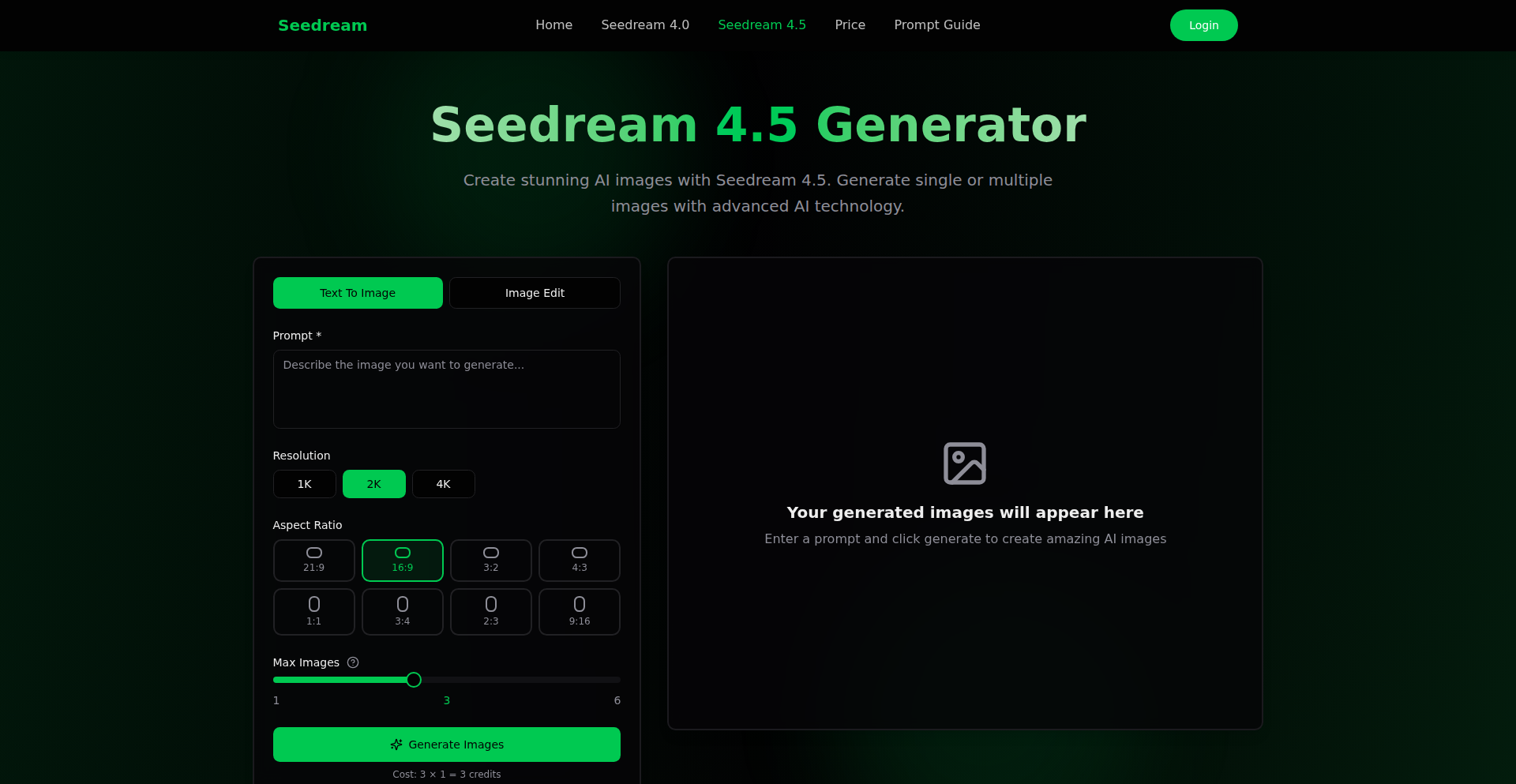
Author
lu794377
Description
Seedream 4.5 is a cutting-edge AI image generation model that excels at creating visually consistent and highly detailed images. It's built for creators, designers, and marketers who need to generate stable characters, maintain precise structural integrity, and achieve professional-grade visuals across multiple image outputs, solving the problem of one-off, unpredictable AI generations.
Popularity
Points 1
Comments 0
What is this product?
Seedream 4.5 is a sophisticated AI image generation system designed for unparalleled consistency and realism. Unlike many AI image tools that produce unique results each time, Seedream 4.5 focuses on maintaining key elements like character faces, artistic style, lighting conditions, and even scene logic across a series of generated images. This is achieved through advanced diffusion model architectures and novel conditioning techniques that allow the model to "remember" and apply specific attributes across different generations. For example, if you want a character to appear in multiple scenes with the exact same face and clothing, Seedream 4.5 can deliver that reliably. This means you get production-ready visuals that are stable and editable, rather than a lucky single shot.
How to use it?
Developers can integrate Seedream 4.5 into their workflows through its API or by using its web interface. For example, a game developer could use the API to generate consistent character assets for different in-game scenarios. A marketing team could use it to create a series of product images with a consistent brand aesthetic and model. The system supports various input methods, including text prompts, image references (to mimic a style or character), and even combining multiple image references to fuse concepts. This flexibility allows for seamless integration into existing creative pipelines, enabling faster iteration and refinement of visual content.
Product Core Function
· Multi-Image Consistency: This core function allows you to generate multiple images that share identical characteristics, such as a specific character's face, clothing, lighting, and even the underlying logic of the scene. This is incredibly valuable for projects requiring a series of related visuals, ensuring brand uniformity and narrative coherence without manual editing.
· High-Fidelity Rendering: This function focuses on delivering images with exceptional detail and realism. It enhances material textures, improves shadow accuracy, refines anatomical structures, and adds fine-grained details, resulting in visuals that are indistinguishable from professional photography or high-end 3D renders. This is crucial for applications where visual quality is paramount.
· Flexible Workflows: This feature offers a variety of generation modes, including standard text-to-image, using an existing image as a reference for style or content, blending multiple image references, applying specific artistic styles, generating images based on layout instructions, and producing high-resolution outputs. This adaptability makes Seedream 4.5 suitable for a wide range of creative tasks, from concept art to final marketing materials.
· Creator-Ready Editing: This function provides the ability to modify generated images post-creation while preserving the original identity and structure. You can change backgrounds, update clothing, alter the mood, or adjust the composition without introducing inconsistencies in the main subjects. This empowers creators to fine-tune their visuals efficiently.
· Fast Iteration: Seedream 4.5 is optimized for speed, allowing users to generate multiple variations of an image, experiment with different styles, or re-render consistent character sets in a matter of seconds. This rapid iteration cycle significantly accelerates the creative process and reduces development time.
Product Usage Case
· A fashion brand using Seedream 4.5 to generate a diverse range of models wearing the same outfit in various poses and lighting conditions, ensuring consistent product representation across their e-commerce platform. This solves the challenge of expensive photoshoots and maintains a unified brand look.
· A game developer employing Seedream 4.5 to create a suite of consistent NPC characters with unique but stable facial features and outfits for different in-game environments. This avoids the tedious process of manually modeling each character variant and ensures visual harmony within the game world.
· A marketing agency leveraging Seedream 4.5 to produce a series of advertisements for a new product, where the product itself and the main character remain identical across all visuals, while the background and supporting elements are dynamically adjusted to suit different campaign messages. This speeds up campaign creation and ensures brand recognition.
· An independent filmmaker using Seedream 4.5 to generate consistent character portraits and scene elements for storyboarding and pre-visualization. This helps in quickly exploring visual styles and maintaining character continuity before actual production begins, saving time and resources.
127
Elevate: Calm New Tab with Unobtrusive HN Feed
Author
shoarek
Description
Elevate is a privacy-focused Chrome extension that reimagines your new tab page. It offers a serene dashboard with time, local weather, and an inspiring daily quote or background, all while providing a unique, collapsible sidebar for quick access to Hacker News top stories. This avoids the distraction of traditional news feeds and the need for accounts or complex setups. Its innovation lies in combining minimalist design with essential information and a cleverly integrated, out-of-the-way Hacker News feed, built with Vanilla JS for a lightweight experience.
Popularity
Points 1
Comments 0
What is this product?
Elevate is a new tab page replacement for your Chrome browser. Instead of the usual cluttered page or a blank screen, it presents a peaceful interface featuring the current time, your local weather, and a visually pleasing daily background or quote. The core technical innovation is the 'HN Drawer' – a collapsible sidebar that fetches and displays the top stories from Hacker News. This drawer is designed to be completely hidden until you choose to reveal it, preventing information overload and maintaining a calm browsing environment. It's built using Vanilla JavaScript (ES6 modules), meaning it's very lightweight and doesn't rely on heavy frameworks, ensuring fast loading and minimal resource usage. It prioritizes your privacy by storing all personal settings (like your name and location) directly in your browser's local storage, with no external tracking or analytics.
How to use it?
To use Elevate, you simply install it as a Chrome extension. Once installed, every time you open a new tab in Chrome, you'll see the calm dashboard. To access Hacker News, you'll find a subtle handle (likely on the side of the screen) that you can click or hover over to expand the 'HN Drawer'. This drawer will then display the top Hacker News stories. You can then click on a story to open it in a new tab or close the drawer to return to your calm dashboard. The benefit is immediate: a more pleasant and focused browsing experience from the moment you open a new tab, with easy, non-intrusive access to tech news when you want it.
Product Core Function
· Calm Dashboard: Displays time, local weather, and a daily visual element (background/quote) to create a peaceful browsing start. Value: Enhances user well-being and focus by reducing immediate digital clutter. Application: For anyone who finds standard new tab pages distracting or prefers a more mindful digital entry point.
· Collapsible HN Drawer: Fetches and displays Hacker News top stories in a sidebar that is hidden by default and can be revealed on demand. Value: Provides quick access to trending tech news without being constantly visible or overwhelming. Application: Developers and tech enthusiasts who want to stay updated on industry news without getting lost in endless scrolling.
· Privacy First Design: Stores user preferences (name, location) locally in Chrome's storage and avoids analytics or tracking. Value: Ensures user data remains private and secure within the browser. Application: Users concerned about online privacy and data collection who want a reliable tool without compromising their personal information.
· Lightweight Vanilla JS Implementation: Built using plain JavaScript without heavy frameworks. Value: Results in a fast-loading, resource-efficient extension that doesn't slow down the browser. Application: Users who prefer performance and efficiency in their browser extensions and appreciate well-optimized code.
Product Usage Case
· A developer wants to quickly check the latest Hacker News headlines for industry trends during their workday without navigating away from their current task or getting distracted by social media. Elevate's HN Drawer allows them to peek at the news and then easily close it to return to their work, saving time and maintaining focus.
· A user who feels overwhelmed by the constant influx of notifications and information on the internet wants a more serene browsing experience. They install Elevate, which replaces their standard new tab page with a calming display of time, weather, and a beautiful background, making the act of opening a new tab a moment of peace.
· A privacy-conscious individual is looking for a new tab extension but is wary of extensions that collect user data. Elevate's privacy-first approach, storing data locally and having no tracking, provides them with a functional tool they can trust without compromising their personal information.
· Someone who wants a simple, fast-loading new tab page that doesn't consume excessive browser resources. Elevate's use of Vanilla JS means it's highly optimized and won't noticeably impact browser performance, offering a smooth and efficient experience.
128
CanvasMate: AI-Powered Interactive Canvas

Author
lout332
Description
CanvasMate is a novel project that merges the visual canvas manipulation capabilities of libraries like Fabric.js (or similar HTML5 Canvas implementations) with the intelligent decision-making power of AI agents. It allows for dynamic, AI-driven content generation and manipulation directly on a visual canvas, acting like a collaborative partner for designers and developers. The core innovation lies in enabling an AI to understand and interact with visual elements in real-time, moving beyond static image generation to interactive visual composition.
Popularity
Points 1
Comments 0
What is this product?
CanvasMate is a groundbreaking project that brings AI agents into direct interaction with a visual canvas, typically powered by the HTML5 Canvas API. Think of it as giving an AI a drawing board and letting it create and modify visuals based on instructions or its own reasoning. The innovative aspect is the tight integration between the AI's decision-making process and the visual output on the canvas. Instead of just generating an image file, the AI can 'see' and 'edit' elements on the canvas, making it a truly dynamic tool. This is achieved by establishing a feedback loop where the AI's actions translate into canvas manipulations, and conversely, the state of the canvas can inform the AI's next steps. This bridges the gap between abstract AI outputs and concrete, editable visual representations.
How to use it?
Developers can integrate CanvasMate into their web applications to create interactive design tools, AI-assisted content creation platforms, or dynamic visualizers. The typical usage pattern involves initializing a canvas, defining the AI agent's capabilities and goals, and then allowing the agent to interact with the canvas. For example, a developer could set up a canvas for UI design and instruct an AI agent to arrange elements, choose color schemes, or even generate placeholder content based on user input. The integration would involve using JavaScript libraries for canvas manipulation (like Fabric.js, Konva.js, or directly with the Canvas API) and a backend or frontend AI model that can process visual states and output commands for canvas modifications. This opens up possibilities for automated graphic design, interactive storytelling visuals, and unique data visualizations.
Product Core Function
· AI-driven object placement: The AI can intelligently position and arrange visual elements (shapes, text, images) on the canvas based on design principles or user prompts, adding value by automating tedious layout tasks for designers.
· Dynamic content generation: The AI can generate new visual elements or modify existing ones in real-time, offering a fresh approach to creating assets for websites, presentations, or digital art.
· Interactive canvas manipulation: The AI can react to user interactions with the canvas by making adjustments, providing an intuitive way for users to collaborate with an AI on visual projects.
· Visual state analysis for AI: The AI can 'perceive' the current state of the canvas, understanding the arrangement and properties of elements, which is crucial for its ability to make informed decisions and generate relevant outputs.
· Real-time feedback loop: Enables continuous interaction between the AI and the canvas, allowing for iterative design processes and more sophisticated AI-guided visual creation.
Product Usage Case
· Automated UI Mockup Generation: A developer could use CanvasMate to rapidly generate various UI mockups for a web application. The AI agent would take a list of desired components and a general layout description, then populate and arrange them on the canvas, solving the problem of creating many design variations quickly.
· Interactive Storytelling Visuals: Imagine a website where the story unfolds visually. CanvasMate could power the dynamic creation and animation of scenes and characters on a canvas as the user progresses through the narrative, making the storytelling more engaging and less labor-intensive for content creators.
· AI-Assisted Logo Design: A user could provide a brand name and some keywords, and the AI agent would generate multiple logo concepts directly on the canvas, offering a collaborative design experience that speeds up the initial brainstorming phase for graphic designers.
· Dynamic Data Visualization: Instead of static charts, CanvasMate could enable an AI to dynamically arrange and highlight data points on a canvas as new information comes in, providing a more intuitive and responsive way to understand complex datasets for data analysts.
129
InstaClear Video

Author
larkin_ward
Description
InstaClear Video is a web-based tool that allows users to easily remove watermarks from their video files. By uploading a video and defining the area containing the watermark, the system intelligently processes the video to erase the unwanted mark, offering a clean, watermark-free version for download. This addresses the common frustration of proprietary watermarks on downloaded or shared videos, enabling creators and users to repurpose content more freely.
Popularity
Points 1
Comments 0
What is this product?
InstaClear Video is a practical application of computer vision and video processing techniques. At its core, it leverages object detection and inpainting algorithms. When you upload a video and specify the watermark's location, the system first identifies the pixels belonging to the watermark. Then, it uses intelligent 'inpainting' to fill in the removed watermark area by analyzing the surrounding pixels and motion in the video, essentially reconstructing what the background should look like. This is innovative because it automates a process that would otherwise be highly manual and technically demanding, making advanced video editing accessible to a wider audience.
How to use it?
Developers can integrate InstaClear Video into their workflows by using its API (if available, or by building a similar backend service). For end-users, the process is straightforward: upload your video file, use a simple selection tool within the web interface to outline the watermark area, and then initiate the processing. Once done, you can download the cleaned video. This is useful for anyone who needs to use video content without distracting watermarks, such as content creators, marketers, or educators who want to use royalty-free footage or repurpose existing clips.
Product Core Function
· Video Upload and Processing: Allows users to upload video files and initiate background processing, enabling seamless integration into content pipelines.
· Watermark Area Selection: Provides an intuitive interface for users to precisely define the region of the video containing the watermark, making the removal process efficient and targeted.
· Intelligent Watermark Removal: Employs advanced image processing and computer vision algorithms to accurately detect and remove watermarks, ensuring minimal distortion and high-quality output.
· Watermark-Free Video Download: Enables users to download the processed video without any watermarks, making it ready for immediate use in various applications.
Product Usage Case
· A content creator needs to use a stock video for a marketing campaign but it has a distracting provider watermark. InstaClear Video allows them to upload the video, select the watermark area, and download a clean version for their ad, saving them from purchasing a new license or creating content from scratch.
· An educator wants to use a public domain video for teaching purposes, but it has been watermarked by a third party. Using InstaClear Video, they can remove the watermark, providing students with a clear and focused learning experience without distractions.
· A developer is building a video editing application and wants to offer watermark removal as a feature. They can use the underlying technology or principles of InstaClear Video to implement this functionality, enhancing their product's value proposition and user experience.
130
KlingO1 - Multi-Reference Visual Synthesizer

Author
lu794377
Description
Kling O1 Image is an innovative AI-powered tool that generates consistent visual outputs by extracting core features from up to 10 reference images. It addresses the challenge of maintaining character identity, style, and detail across multiple generated images, eliminating the need for extensive manual editing. This solves the problem of visual inconsistency in creative workflows, making it ideal for IP development, branding, and complex visual storytelling.
Popularity
Points 1
Comments 0
What is this product?
Kling O1 Image is an advanced generative AI model designed to synthesize images with remarkable visual coherence. Instead of relying on a single prompt, it analyzes up to ten reference images to deeply understand and retain key visual elements such as character contours, material textures, and overall tone. This allows for the generation of series of images where a character looks the same, or a specific artistic style is consistently applied, even across different scenes or poses. The core innovation lies in its ability to perform 'deep feature extraction' from multiple sources, going beyond superficial similarities to truly capture the essence of the input visuals. Think of it like an artist studying multiple sketches of a character to ensure every new drawing maintains the character's unique look and feel, but done by an AI.
How to use it?
Developers can integrate Kling O1 Image into their creative pipelines by leveraging its API or using its web interface. For instance, a game developer could upload concept art for a character, along with various in-game screenshots, to ensure the final in-game model maintains the original design's integrity and style. A filmmaker could use it to generate consistent storyboards or concept art for different scenes, ensuring a unified visual language. Users can also modify generated images using natural language prompts, such as 'add a blue scarf' or 'change the lighting to be more dramatic,' and the AI will intelligently apply these changes while preserving the overall style and character identity derived from the reference images. This offers a powerful way to iterate on designs and control visual output with unprecedented ease.
Product Core Function
· High Feature Retention: This core function extracts and preserves crucial visual information like outlines, textures, and color palettes from multiple source images. Its value lies in ensuring that character designs, brand logos, or specific artistic styles remain identical across numerous generated visuals, which is critical for maintaining brand consistency and intellectual property integrity.
· Precise Detail Modification with Natural Language: This function allows users to edit generated images by simply describing the desired changes in plain English. The AI intelligently understands and applies modifications like adding or removing objects, or altering specific attributes, while respecting the established style and lighting. The value here is in democratizing image editing, making complex adjustments accessible to users without professional graphic design skills and significantly speeding up the iteration process.
· Accurate Control of Style & Tone Reconstruction: This feature enables the AI to accurately replicate and blend the stylistic nuances of reference images, such as brushstroke patterns, color schemes, and compositional approaches. This allows for the creation of visuals that mimic specific art movements, cinematic looks, or even niche aesthetics, with seamless integration. The value is in providing creators with a powerful tool to achieve highly specific and desirable visual styles with greater control and less manual effort.
· Rich Imagination & Concept Blending: This capability allows for the seamless fusion of diverse visual concepts, doodles, and ideas into a cohesive output. It's designed to blend disparate elements without awkward transitions or visual artifacts. The value is in empowering creators to explore complex themes, design intricate scenes, and bring abstract ideas to life by combining various visual inspirations effortlessly.
Product Usage Case
· Filmmaking & Pre-production: A director can upload concept art for a character and different scene sketches, then use Kling O1 to generate a series of consistent character poses within various environments for storyboarding, ensuring visual continuity before principal photography.
· Intellectual Property (IP) Design: An animation studio can use Kling O1 to generate multiple poses and expressions for a character based on initial design sheets, ensuring the character's visual identity remains consistent throughout the entire animation series, saving significant time and resources.
· E-commerce Visuals: An online retailer can upload product photos and desired lifestyle shots, then use Kling O1 to generate consistent product images in various settings or on different models, enhancing the appeal and professionalism of their online store.
· Comic/Webtoon Scene Creation: A comic artist can provide reference images for characters and settings, then use Kling O1 to generate consistent panel backgrounds and character appearances across multiple pages, streamlining the creation of complex visual narratives.