Show HN Today: Discover the Latest Innovative Projects from the Developer Community
 ShowHN Today
- Continue with Google
Show HN Today: Top Developer Projects Showcase for 2025-12-02
SagaSu777 2025-12-03
Explore the hottest developer projects on Show HN for 2025-12-02. Dive into innovative tech, AI applications, and exciting new inventions!
Summary of Today’s Content
Trend Insights
The current wave of innovation on Show HN is a powerful testament to the hacker spirit, showcasing how developers are leveraging cutting-edge technologies like AI and advanced runtime optimizations to solve real-world problems and unlock new possibilities. We're seeing a significant trend towards creating more intelligent and autonomous systems, from agentic AI platforms that can manage complex workflows to tools that help developers tame AI code outputs and ensure reliability. The emphasis on 'local-first' and privacy-preserving solutions is also a strong theme, reflecting a desire for more control and transparency. Furthermore, the drive for efficiency is evident, whether it's through optimizing computation on heterogeneous hardware like in RunMat, or streamlining data processing and developer workflows with clever CLI tools and libraries. For aspiring developers and entrepreneurs, this landscape offers a rich ground for exploration. Focus on building tools that abstract complexity, enhance existing workflows with intelligence, or bring privacy and control back to the user. The open-source ethos continues to thrive, with many projects contributing back to the community, fostering collaboration and accelerating innovation. Embrace the mindset of solving a specific pain point with elegant technical solutions, and don't shy away from tackling ambitious problems with creative engineering.
Today's Hottest Product
Name
RunMat – Runtime with Auto CPU/GPU Routing for Dense Math
Highlight
This project introduces a novel approach to accelerating dense mathematical computations by automatically routing workloads between CPUs and GPUs without requiring explicit CUDA or kernel code. Developers can write familiar MATLAB-style code, and the runtime intelligently fuses operations, manages data placement on the GPU, and falls back to CPU JIT/BLAS for smaller tasks. This demonstrates a sophisticated compiler optimization and heterogeneous computing strategy, offering significant performance gains (e.g., ~130x faster than NumPy) by abstracting away the complexities of GPU programming. The key takeaway for developers is the power of intelligent runtime optimization and the potential for significant performance boosts by allowing code to dynamically adapt to available hardware resources.
Popular Category
AI/ML
Developer Tools
Data Processing
Productivity Tools
System Design
Popular Keyword
AI
LLM
Open Source
Developer Tools
Data
Runtime
Automation
CLI
Visualization
Agent
Technology Trends
Agentic AI Systems
Efficient Data Processing
AI-Assisted Development
No-Code/Low-Code Automation
Reproducible ML
Heterogeneous Computing
Decentralized Systems
Developer Productivity Tools
AI for Content Generation
System Design Education
Project Category Distribution
AI/ML (25%)
Developer Tools (20%)
Data Processing/Management (15%)
Productivity Tools (15%)
System Design/Infrastructure (10%)
Content Creation/Media (5%)
Utilities (5%)
Education/Learning (5%)
Today's Hot Product List
| Ranking | Product Name | Likes | Comments |
|---|---|---|---|
| 1 | Marmot: Binary Data Catalog Engine | 94 | 22 |
| 2 | Webclone.js: The Scrappy Site Archiver | 21 | 7 |
| 3 | RunMat Accelerate: Adaptive CPU/GPU Compute Runtime | 19 | 5 |
| 4 | PaperPulse AI | 12 | 6 |
| 5 | TanStack Forge | 9 | 3 |
| 6 | Roundtable AI Persona Debate | 6 | 4 |
| 7 | CoChat: Collaborative AI Team Hub | 5 | 4 |
| 8 | SwipeFood Navigator | 4 | 4 |
| 9 | Elf: Advent of Code Command Line Accelerator | 3 | 5 |
| 10 | Quash: Natural Language Android QA Agent | 4 | 4 |
1
Marmot: Binary Data Catalog Engine

Author
charlie-haley
Description
Marmot is a novel, single-binary data cataloging solution designed to simplify data indexing and retrieval without relying on heavy infrastructure like Kafka or Elasticsearch. It offers a lightweight, efficient way to organize and query structured and semi-structured data, making it ideal for developers looking for a straightforward, embeddable data management tool.
Popularity
Points 94
Comments 22
What is this product?
Marmot is a self-contained data cataloging engine. Instead of needing multiple complex services to manage your data's metadata (like message queues for data ingestion or full-text search engines for querying), Marmot packages everything into a single executable file. This means it's incredibly easy to deploy and run. Its innovation lies in its efficient indexing algorithms and a compact storage format that allows for rapid searching and retrieval directly from the binary, reducing operational overhead and complexity. So, what's in it for you? You get a powerful data management capability without the usual headache of managing distributed systems.
How to use it?
Developers can integrate Marmot into their applications by simply including the Marmot binary. It can be used as an embedded library within a larger application or run as a standalone service. Data can be ingested programmatically, and queries can be executed via a simple API. This makes it perfect for microservices, local development environments, or scenarios where a lightweight, self-sufficient data catalog is needed. For example, you can embed it in a data processing pipeline to quickly catalog intermediate results, or use it in a desktop application to manage local datasets. So, what's in it for you? Seamless integration and instant data cataloging capabilities for your projects.
Product Core Function
· Single Binary Deployment: Marmot is a self-contained executable, eliminating the need for external dependencies like databases or message queues. This drastically simplifies setup and maintenance, making it accessible even for less experienced operations teams. So, what's in it for you? Quick setup and reduced operational burden.
· Efficient Indexing and Querying: It employs specialized indexing techniques that allow for fast searching and retrieval of data records without the need for complex search engines. This means you can find your data quickly. So, what's in it for you? Faster data access and search performance.
· Compact Data Storage: Marmot uses a custom, optimized format for storing metadata, ensuring a small footprint and efficient disk usage. This is crucial for resource-constrained environments or applications dealing with large volumes of metadata. So, what's in it for you? Reduced storage costs and better performance on limited hardware.
· Programmable API: Offers a clean API for developers to programmatically add data, update metadata, and perform searches. This allows for seamless integration into existing workflows and custom applications. So, what's in it for you? Easy automation and integration with your existing code.
· Lightweight and Embeddable: Designed to be small and efficient, it can be easily embedded into other applications or services, acting as an internal data catalog without introducing significant overhead. So, what's in it for you? Add powerful data cataloging to your app without making it bloated.
Product Usage Case
· Building a local development environment for data-intensive applications: A developer needs to quickly spin up a data catalog for testing purposes without setting up Kafka or Elasticsearch. Marmot can be dropped into the project, and data can be indexed and queried locally, speeding up the development cycle. So, what's in it for you? Faster, easier development and testing of data applications.
· Creating a metadata catalog for a small-scale analytics tool: An analytics dashboard needs to track and query information about different datasets it uses. Marmot can serve as the backend for this metadata catalog, offering fast lookups without requiring a separate database server. So, what's in it for you? A simple, efficient way to manage metadata for your analytics tools.
· Implementing an embedded data management system in an IoT device: An IoT device needs to catalog sensor readings or configuration data locally. Marmot's single-binary nature and small footprint make it suitable for deployment on resource-constrained embedded systems. So, what's in it for you? Bring data cataloging capabilities to even the smallest devices.
· Developing a data pipeline that needs to quickly index and retrieve intermediate data: During complex data processing, intermediate results need to be cataloged for debugging or further processing. Marmot can be integrated into the pipeline to provide fast, local indexing and retrieval of this intermediate data. So, what's in it for you? Improved data pipeline visibility and debugging capabilities.
2
Webclone.js: The Scrappy Site Archiver
Author
jadesee
Description
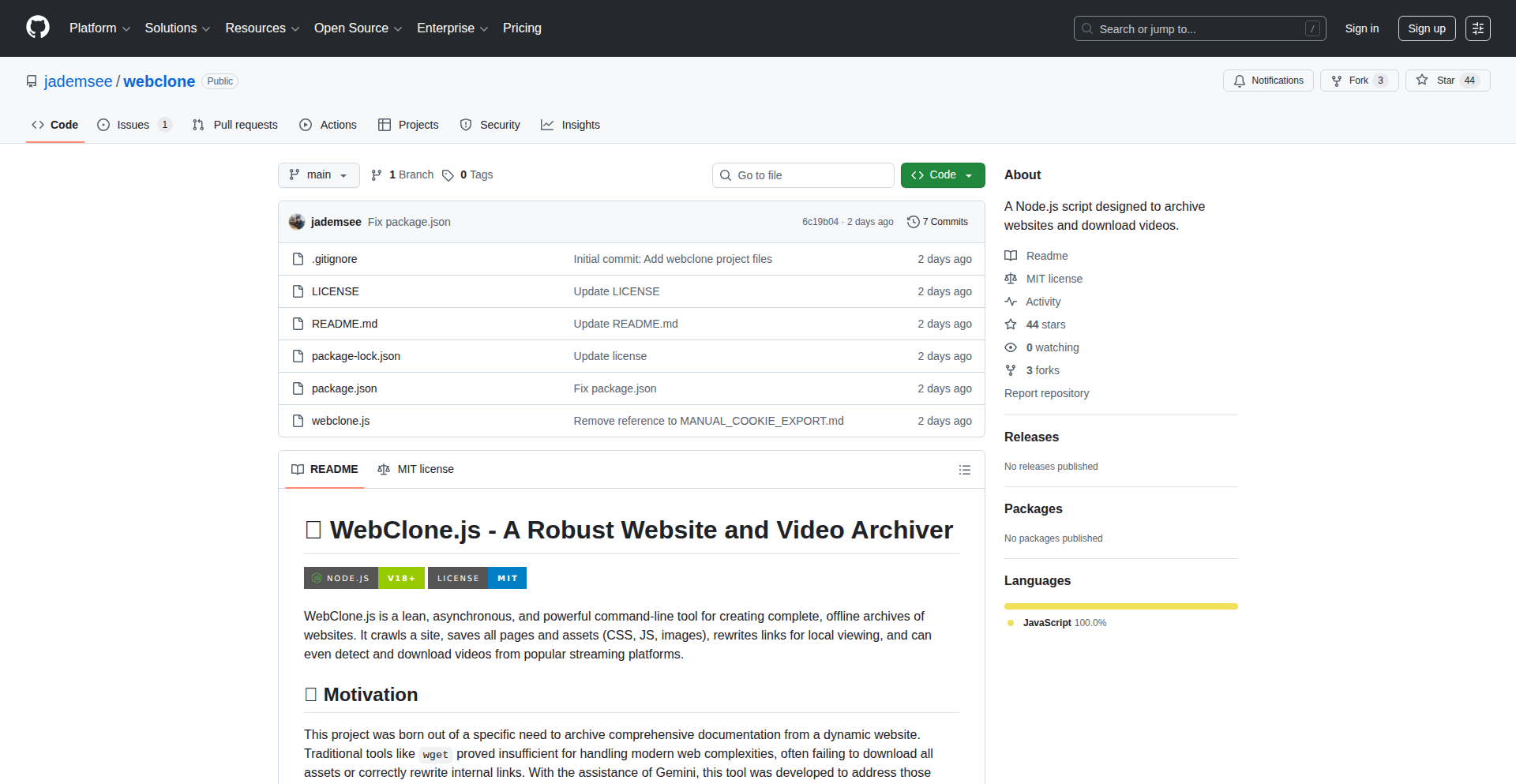
Webclone.js is a Node.js-based website archiving tool that leverages Puppeteer to overcome the limitations of traditional crawlers like `wget`. It's designed for developers needing a robust way to capture entire websites, ensuring all assets and links are preserved, even for complex, dynamically generated content. This offers a reliable solution for offline documentation, historical record-keeping, or developing offline-first web applications.
Popularity
Points 21
Comments 7
What is this product?
This project is a sophisticated website copier built with Node.js and Puppeteer. Unlike simpler tools that often miss crucial parts of a modern website (like images, CSS files, or dynamically loaded content), Webclone.js actually simulates a real browser using Puppeteer. This means it can interact with JavaScript, click buttons, and wait for content to load, just like a human user would. The innovation lies in its ability to faithfully replicate website structures and assets, addressing the common frustration of broken archives caused by dynamic web technologies. So, what's the benefit for you? You get a complete, working copy of a website that you can browse offline, ensuring you don't lose access to important information or web assets, even if the original site disappears or changes.
How to use it?
Developers can use Webclone.js as a command-line tool to specify a target URL and download the entire website. It's integrated via Node.js, meaning you can install it using npm or yarn. The core usage involves running the `webclone` command followed by the URL you want to archive. For more advanced users, the library can be integrated directly into other Node.js projects. For instance, you could script it to periodically archive critical documentation pages, or use it as a backend for a personal knowledge base. So, what's the benefit for you? You can easily automate the process of saving websites for later reference, ensuring your access to vital online resources is never interrupted.
Product Core Function
· Headless Browser Emulation: Uses Puppeteer to render websites as a real browser would, capturing dynamically loaded content and ensuring all assets are fetched. The value here is reliable archiving of modern, JavaScript-heavy websites, so you don't miss critical parts of the content.
· Comprehensive Asset Fetching: Goes beyond just HTML to download all linked resources like images, CSS, and JavaScript files, reconstructing the site's visual and functional integrity. This is valuable because a website is more than just text; this ensures your archive looks and works as intended.
· Link Resolution and Reconstruction: Accurately maps internal links within the cloned site, ensuring that navigating the archived version is seamless. This value means you can easily jump between pages within your offline copy without encountering broken links.
· Error Handling and Robustness: Designed to gracefully handle common web crawling issues, reducing the likelihood of incomplete archives. The value is a more dependable archiving process, saving you the frustration of dealing with partial or failed downloads.
· Command-Line Interface (CLI): Provides an easy-to-use interface for quick archiving tasks without requiring deep coding knowledge. This offers immediate utility for anyone needing to save a website quickly.
Product Usage Case
· Archiving critical online documentation for offline access during projects with unstable internet. Problem solved: Ensuring access to essential information regardless of network connectivity.
· Creating a historical snapshot of a website before major redesigns or decommissioning. Problem solved: Preserving digital heritage and past versions of web content for reference or analysis.
· Developing an offline-first web application by pre-fetching and storing necessary web assets. Problem solved: Enabling web application functionality in environments with limited or no internet access.
· Building a personal knowledge base by archiving relevant articles and resources from the web. Problem solved: Centralizing and making accessible a collection of important web content for future study or use.
3
RunMat Accelerate: Adaptive CPU/GPU Compute Runtime

Author
nallana
Description
RunMat Accelerate is an open-source runtime designed to significantly boost the performance of MATLAB-style array computations. It intelligently fuses operations and automatically distributes workloads between the CPU and GPU, eliminating the need for manual CUDA or kernel coding. This means you can write familiar array math code and RunMat handles the optimization for you, delivering substantial speedups for computationally intensive tasks.
Popularity
Points 19
Comments 5
What is this product?
RunMat Accelerate is a runtime environment that takes code written in a MATLAB-like syntax and executes it much faster than traditional libraries like NumPy or even PyTorch for certain operations. Its core innovation lies in its ability to analyze the sequence of array operations you write. It then builds a computation graph, intelligently combines (fuses) multiple operations into fewer, more efficient processing steps (kernels), and decides whether to run these on the CPU or the GPU for optimal speed. If the GPU is beneficial, it keeps data there; otherwise, it falls back to highly optimized CPU JIT (Just-In-Time compilation) or BLAS (Basic Linear Algebra Subprograms) routines. This adaptive approach means you get the performance benefits of specialized hardware without needing to become an expert in low-level GPU programming.
How to use it?
Developers can use RunMat Accelerate by writing their numerical computations using MATLAB-style array syntax. Instead of executing this code with a standard MATLAB interpreter or a library like NumPy, they would point it to the RunMat runtime. RunMat then intercepts these computations, applies its automatic fusion and CPU/GPU routing logic, and returns the results. This is particularly useful for scientific computing, data analysis, and machine learning tasks involving large arrays and complex mathematical operations. Integration can involve replacing existing calls to numerical libraries with RunMat, or using it for new performance-critical sections of code. The benchmarks provided show dramatic improvements in areas like Monte Carlo simulations, image preprocessing, and element-wise mathematical chains.
Product Core Function
· Automatic Operation Fusion: Combines sequences of array math operations into fewer, more optimized computational kernels. This reduces overhead and improves efficiency, leading to faster execution times for complex calculations.
· CPU/GPU Workload Routing: Intelligently determines whether to execute computations on the CPU or the GPU based on the operation and data size. This ensures that the most appropriate hardware is utilized, maximizing performance without manual intervention.
· GPU Data Management: Keeps data on the GPU when it's beneficial for performance, minimizing data transfer bottlenecks between CPU and GPU memory. This is crucial for accelerating workflows that involve repeated access to large datasets.
· Fallback to CPU JIT/BLAS: For smaller computations or when GPU acceleration is not advantageous, RunMat seamlessly falls back to highly optimized CPU JIT compilation and BLAS libraries. This ensures consistent performance across a wide range of scenarios.
· MATLAB-Style Syntax Compatibility: Allows developers to leverage their existing knowledge of MATLAB syntax for array manipulation and mathematical operations, lowering the barrier to entry for high-performance computing.
Product Usage Case
· Monte Carlo Simulations: For complex simulations requiring millions of path calculations, RunMat Accelerate can be up to 2.8x faster than PyTorch and 130x faster than NumPy. This is valuable for financial modeling, risk analysis, and scientific research where simulation speed directly impacts the feasibility of experiments.
· Image Preprocessing Pipelines: In tasks involving common image manipulations like normalization, gain/bias adjustments, and gamma correction, RunMat offers approximately 1.8x speedup over PyTorch and 10x over NumPy. This is beneficial for developers working on computer vision applications, medical imaging, or any field requiring rapid image processing.
· Large-Scale Elementwise Computations: For extremely long chains of element-wise mathematical functions applied to massive arrays (e.g., sin, exp, cos, tanh), RunMat can be up to 140x faster than PyTorch and 80x faster than NumPy. This is a significant advantage for researchers and engineers dealing with large datasets in fields like physics, signal processing, and computational biology.
4
PaperPulse AI
Author
davailan
Description
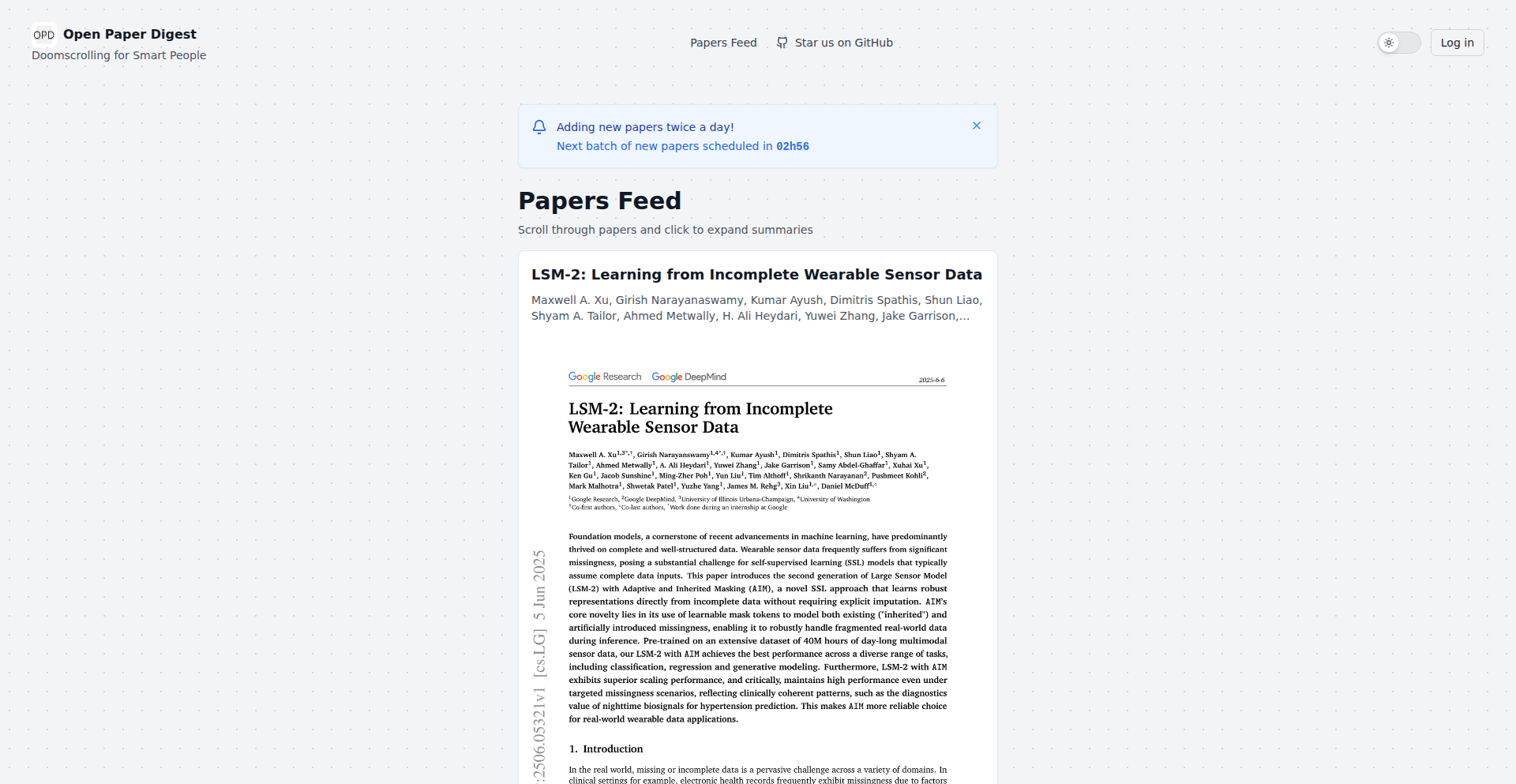
PaperPulse AI is a mobile-first feed designed to combat information overload in research. It intelligently digests recent, trending academic papers from AI and other fields into easily digestible 5-minute summaries, delivered via a 'doomscrolling' interface. This addresses the challenge of staying current with cutting-edge research without getting lost in lengthy publications or low-quality social media content. The core innovation lies in its automated pipeline: it fetches papers, uses OCR to convert PDFs to text, and then leverages advanced LLMs like Gemini 2.5 to generate concise summaries.
Popularity
Points 12
Comments 6
What is this product?
PaperPulse AI is a smart content aggregation service for researchers, academics, and anyone wanting to stay informed about the latest scientific breakthroughs. It tackles the problem of information overload by automating the process of finding, reading, and summarizing relevant research papers. The technical approach involves daily monitoring of trending papers from sources like Huggingface and major research labs. PDFs are converted into a readable format using Mistral OCR technology. This text is then fed into Gemini 2.5, a powerful AI model, to generate a brief, understandable summary, typically readable within 5 minutes. This innovative pipeline makes cutting-edge research accessible and manageable, transforming the 'doomscrolling' habit into a productive learning experience.
How to use it?
Developers can use PaperPulse AI by simply accessing its mobile-friendly web feed. The platform is designed for passive consumption, akin to social media feeds, but with high-quality, curated content. For integration, developers could potentially tap into the underlying data feeds (if an API becomes available) or use it as inspiration to build similar summarization pipelines for their specific domains. The core usage scenario is to browse the feed, discover trending papers, and quickly grasp their essence through the AI-generated summaries, saving significant time and effort compared to reading full papers. This is useful for developers who need to stay updated on AI advancements or any technical field without dedicating hours to deep dives into primary literature.
Product Core Function
· Automated Paper Discovery: Scans Huggingface Trending Papers and major research labs daily to identify relevant new publications. This saves users the manual effort of searching for new research, ensuring they see the most current and impactful work.
· PDF to Text Conversion: Utilizes Mistral OCR to accurately extract text from PDF research papers. This is a crucial step for making the content machine-readable, overcoming the challenge of unstructured PDF formats.
· AI-Powered Summarization: Employs Gemini 2.5 to generate concise 5-minute summaries of complex research papers. This allows users to quickly understand the core findings and implications of a paper without reading the entire document, maximizing learning efficiency.
· Curated 'Doomscroll' Feed: Presents summaries in a mobile-optimized feed that encourages continuous engagement. This makes staying updated with research feel less like a chore and more like an engaging activity, fitting into modern digital consumption habits.
Product Usage Case
· A machine learning engineer wanting to keep up with the latest advancements in natural language processing. Instead of sifting through hundreds of ArXiv papers, they can open PaperPulse AI and quickly scan summaries of the most talked-about NLP research from the past day or week, identifying key papers for deeper study.
· A PhD student in computer vision who needs to stay abreast of new techniques and architectures. PaperPulse AI provides a daily digest of relevant computer vision papers, allowing them to quickly assess which papers are most relevant to their research without spending hours reading abstracts and introductions.
· A tech lead in a startup trying to understand emerging AI trends that could impact their product roadmap. PaperPulse AI helps them quickly identify and understand the significance of new research in areas like generative AI or reinforcement learning, informing strategic decisions.
5
TanStack Forge

Author
ivandalmet
Description
An open-source full-stack starter template that streamlines web application development by integrating a robust backend with a modern frontend framework, simplifying common development tasks and accelerating the path from idea to deployment. It addresses the complexity of setting up full-stack environments, offering a pre-configured, opinionated foundation for developers.
Popularity
Points 9
Comments 3
What is this product?
TanStack Forge is a foundational starter project for building full-stack web applications. It combines a backend API layer with a frontend user interface framework, all pre-configured and ready for customization. The innovation lies in its 'batteries-included' approach, providing a cohesive development experience. Instead of developers piecing together separate backend and frontend tools and configuring them to talk to each other, Forge offers a unified starting point, saving significant setup time and reducing common integration headaches. This means you get a working application structure with best practices already in place, allowing you to focus on your unique features rather than boilerplate configuration.
How to use it?
Developers can clone the repository from GitHub and start building immediately. The starter project typically includes pre-defined API routes, database integration (often with a simple setup like SQLite or a cloud-based option), and a frontend component library. Integration involves modifying the provided API endpoints to match your data needs and customizing the frontend components to create your application's user interface. It's designed to be an opinionated starting point, meaning it has made certain architectural decisions for you, which can be either adopted or overridden as your project evolves. This allows for rapid prototyping and a quick start to developing dynamic applications.
Product Core Function
· Pre-configured Full-Stack Environment: Provides a ready-to-use setup for both backend and frontend, significantly reducing initial development friction. This means you don't have to spend days setting up databases, API servers, and frontend frameworks from scratch, giving you a head start on building features.
· Opinionated Architecture: Offers a structured approach to application development with sensible defaults for routing, data management, and component structure. This guides developers towards maintainable and scalable code, helping avoid common pitfalls and ensuring a consistent codebase.
· Seamless API Integration: Designed for easy communication between the backend API and the frontend. This simplifies fetching and sending data, allowing for a more responsive and dynamic user experience without complex cross-communication setup.
· Developer-Friendly Tooling: Includes common developer tools for linting, formatting, and testing, ensuring code quality and a smooth development workflow. This helps catch errors early and maintain a high standard of code, making collaboration easier.
Product Usage Case
· Rapid Prototyping for SaaS Ideas: A solo developer can quickly spin up a functional backend and frontend to test a new software-as-a-service concept. By using Forge, they can get a demo-ready application in hours instead of days, validating their idea faster.
· Building Internal Tools and Dashboards: An engineering team needs a quick way to build an internal dashboard to visualize data. Forge provides the structure to easily connect to their existing data sources (via the backend API) and build interactive visualizations on the frontend, accelerating the delivery of essential internal tools.
· Learning Modern Full-Stack Development: A junior developer looking to understand how modern full-stack applications are built can use Forge as a learning resource. By examining the pre-configured code, they can grasp best practices and common patterns in API design and frontend state management.
· Migrating Legacy Applications: A company with an older, monolithic application might use Forge as a starting point for a modern refactor. They can gradually migrate parts of their functionality into the Forge structure, leveraging its streamlined setup for new features and eventually replacing older components.
6
Roundtable AI Persona Debate

Author
andrewgm
Description
Roundtable is an AI-powered tool designed to overcome the echo chamber effect often encountered when using large language models (LLMs) for decision-making. Instead of a single AI agreeing with your ideas, Roundtable simulates a multi-persona discussion where different AI agents, each with distinct expertise and viewpoints, debate and challenge each other. This creates a more robust and unbiased evaluation of ideas, helping users uncover potential flaws or alternative perspectives they might have missed. So, what's the value? It helps you make better, more validated decisions by preventing you from getting stuck in your own biased thinking, leading to more innovative and well-rounded product development.
Popularity
Points 6
Comments 4
What is this product?
Roundtable is a novel application of LLMs that transforms the typical one-on-one AI interaction into a dynamic, multi-agent debate. The core innovation lies in its ability to assign distinct 'personas' or roles to different LLM instances within the same conversation. These personas are designed to embody specific expertise (e.g., a skeptical investor, a meticulous engineer, a market analyst) and are programmed to engage in a naturalistic debate, questioning assumptions, highlighting risks, and offering counterarguments. This 'AI rubber duck that argues with itself' approach breaks the mold of AI simply affirming user input, instead fostering critical thinking and uncovering blind spots. So, what's the value? It provides a sophisticated, simulated peer review for your ideas, revealing weaknesses and strengthening your proposals before they reach the real world.
How to use it?
Developers can integrate Roundtable into their ideation and validation workflows. Imagine you have a new product feature idea. You input the core concept into Roundtable and assign specific personas relevant to your project, such as 'Customer Empathy Persona,' 'Technical Feasibility Persona,' and 'Business Viability Persona.' The system then orchestrates a conversation between these AI agents, generating a debate that scrutinizes your idea from multiple angles. This can be done through a simple web interface or potentially integrated via an API into existing project management or brainstorming tools. The output is a transcript of the debate, highlighting points of contention and areas of agreement, which can then inform your next steps. So, how do you use it? You feed it your nascent ideas, let the AI personas hash it out, and use the resulting insights to refine your plans.
Product Core Function
· Multi-Persona AI Simulation: Enables multiple AI agents with distinct roles and expertise to interact within a single conversational thread, fostering diverse perspectives. This is valuable because it moves beyond a single AI's confirmation bias, offering a more comprehensive critique.
· Automated Idea Debate: The system automatically generates a debate among the assigned AI personas, challenging assumptions and exploring potential downsides of proposed ideas. This offers practical value by pre-emptively identifying flaws in your concepts.
· Persona Customization: Allows users to define and select specific AI personas, tailoring the debate to the unique needs and context of their project or industry. This is useful for ensuring the critique is relevant to your specific challenges.
· Insight Generation from Debate: The output of the debate serves as a rich source of actionable insights, highlighting areas of concern and potential improvements. This provides concrete takeaways to inform decision-making and product development.
· Echo Chamber Mitigation: By introducing dissenting viewpoints and critical analysis, the tool actively combats the tendency of LLMs to simply agree with users, leading to more objective evaluations. This is important because it helps you avoid making decisions based on flawed or overly optimistic assumptions.
Product Usage Case
· Scenario: A startup founder is brainstorming new app features. They input their feature ideas into Roundtable, assigning personas like 'Target User Advocate,' 'Revenue Model Analyst,' and 'Technical Debt Assessor.' The AI debate reveals that while the feature is appealing to users, it has significant technical challenges and might not align with the current monetization strategy. This helps the founder pivot to a more viable approach early on. So, what's the benefit? It saves time and resources by identifying critical issues before significant development effort is invested.
· Scenario: A product manager is evaluating market entry strategies for a new product. They use Roundtable with personas such as 'Competitive Landscape Expert,' 'Regulatory Compliance Officer,' and 'Early Adopter Advocate.' The debate uncovers potential regulatory hurdles and intense competition that were initially overlooked, leading to a revised, more robust go-to-market plan. So, what's the benefit? It provides a synthesized risk assessment from multiple expert viewpoints.
· Scenario: A freelance developer is pitching a complex software solution to a potential client. They use Roundtable to 'stress-test' their pitch by assigning personas like 'Skeptical Client,' 'Budget Controller,' and 'Technical Skeptic.' The resulting debate highlights areas where the pitch might be perceived as weak or unconvincing, allowing the developer to refine their presentation and address potential objections proactively. So, what's the benefit? It helps anticipate and counter client concerns, improving the chances of securing projects.
7
CoChat: Collaborative AI Team Hub
Author
mfolaron
Description
CoChat is an innovative extension of OpenWebUI that revolutionizes AI team collaboration. It introduces group chat functionalities, seamless model switching and side-by-side comparison, and intelligent web search. The core technical innovation lies in how it manages multi-model AI interactions within a collaborative environment, preventing AI confusion and ensuring each model acts as a distinct participant rather than an omniscient moderator. This empowers teams to leverage the strengths of various AI models for specific tasks without vendor lock-in.
Popularity
Points 5
Comments 4
What is this product?
CoChat is a specialized interface for teams working with Large Language Models (LLMs). Its technical foundation extends OpenWebUI, adding sophisticated features for collaborative AI use. The primary technical breakthrough is how it tackles the challenge of multiple AI models interacting within a single conversation. Traditionally, when you introduce a new AI model into a chat, it might not understand it's interacting with a previous response from a *different* AI. CoChat solves this by explicitly injecting 'model attribution' into the conversation context. This tells each AI exactly which model generated which part of the dialogue. This simple yet powerful technique dramatically improves the quality of cross-model analysis and collaboration because the AI can now critically evaluate, rather than defensively defend, another model's output. Another key innovation is how CoChat redefines the AI's role in group discussions. Instead of an AI trying to 'solve' every conversational thread like an overlord, CoChat frames the AI as a distinct participant that responds when prompted. This is achieved through careful prompt engineering and structuring of the AI's context, ensuring it acts as a facilitator, not a dictator, allowing human team members to drive the conversation. This means you get better control and more natural interactions when multiple people and multiple AIs are involved.
How to use it?
Developers can integrate CoChat into their existing workflows that utilize OpenWebUI. It's designed for teams who are already experimenting with or actively using AI assistants for project work, coding, research, or content creation. You can start a new group chat where multiple team members can contribute. Within the chat, you can seamlessly switch between different AI models (like GPT, Claude, Mistral, Llama) or even run them side-by-side to compare their outputs on the same prompt. CoChat intelligently activates web search only when real-time information is needed, ensuring relevant data is incorporated into the discussion. Furthermore, it supports inline generation of documents and code, acting as a powerful tool for rapid prototyping and knowledge sharing. The 'no subscription fee' model means you pay for actual token usage at list prices, making it cost-effective for teams. This provides a unified platform for collaborative AI exploration and task execution.
Product Core Function
· Group chat with AI facilitation: Enables multiple users to collaborate in the same AI conversation thread. The AI intelligently detects discussions and participant contributions, acting as a helpful assistant rather than an autocratic moderator. This provides a structured environment for team brainstorming and problem-solving with AI support.
· Model switching and side-by-side comparison: Allows users to fluidly switch between different LLMs (e.g., GPT, Claude, Mistral) or run them concurrently. This technical capability is valuable for identifying the best-performing model for specific tasks, leading to higher quality outputs and more efficient workflow.
· Intelligent context-aware web search: The AI automatically performs web searches only when contextually relevant and necessary for real-time information retrieval. This ensures that the AI's responses are up-to-date and grounded in current data, enhancing the reliability of generated content and analysis.
· Inline artifact and tool calls: Supports the direct generation of documents, code snippets, and other digital assets within the chat interface. This functionality streamlines the creation process and allows for rapid iteration on ideas, making it easier to translate AI insights into tangible work products.
· Model attribution in conversation context: A key technical innovation that explicitly marks which AI model generated each part of a conversation. This prevents AI confusion, improves critical evaluation of AI outputs, and leads to more coherent and productive cross-model interactions.
Product Usage Case
· A software development team uses CoChat to collaboratively debug code. One developer posts a code snippet and an error message. The team then uses CoChat to compare responses from GPT-4 and Claude 3 Opus side-by-side, each providing different insights and potential solutions. The explicit model attribution helps them understand which AI's suggestion is most relevant.
· A marketing team is brainstorming campaign ideas. They use CoChat's group chat feature to generate ideas, with different team members prompting various AI models (e.g., Mistral for creative slogans, Llama for market trend analysis). The AI acts as a facilitator, asking clarifying questions to the team when needed, rather than dictating the campaign direction.
· A research group is analyzing a complex scientific paper. They feed sections of the paper into CoChat and ask different LLMs to summarize or extract key findings. The ability to switch models allows them to leverage the unique strengths of each AI for nuanced interpretation and synthesis of information.
· A content creation team is developing a blog post. They use CoChat to generate outlines, draft sections, and refine wording. The inline document generation feature allows them to quickly assemble a draft, and the intelligent web search helps them fact-check and incorporate relevant statistics without leaving the chat interface.
8
SwipeFood Navigator

Author
b44rd
Description
A simple, swipe-based restaurant discovery app designed to tackle the decision fatigue of choosing a place to eat. It leverages a curated dataset and an intuitive, Tinder-like interface to quickly present users with restaurant options, focusing on efficient exploration rather than exhaustive search. The core innovation lies in its minimalist approach to a complex problem, allowing for rapid user interaction and decision-making.
Popularity
Points 4
Comments 4
What is this product?
This project is a restaurant discovery application that uses a swipe gesture, similar to dating apps, to help users decide where to eat. Instead of scrolling through long lists or complex filters, users are presented with one restaurant at a time and swipe left if they're not interested or right if they are. The underlying technology likely involves a backend that serves restaurant data, possibly with some basic ranking or filtering logic, and a frontend that handles the swipe animations and user interaction. The innovation is in simplifying the user experience for a common daily dilemma, making the process fun and fast.
How to use it?
Developers can use this as a template or inspiration for building their own decision-support applications. The core principle of intuitive swiping for selection can be applied to various domains beyond restaurants, such as discovering products, articles, or even potential collaborators. Integration would involve connecting a data source (e.g., a list of restaurants, products) to the frontend logic that renders individual items and captures swipe actions. The backend can be a simple API returning JSON data, and the frontend can be built using common mobile or web frameworks that support gesture recognition.
Product Core Function
· Intuitive Swipe Interface: Enables users to quickly express preferences by swiping left or right on restaurant cards. This offers a frictionless way to navigate options and reduces cognitive load, making decision-making faster and more engaging. Developers can adopt this for any scenario where quick pairwise selection is beneficial.
· Restaurant Data Presentation: Displays essential restaurant information (name, cuisine, perhaps a rating or image) in a visually appealing card format. This provides users with just enough information to make a decision without overwhelming them. This pattern is valuable for any application that needs to present discrete items for user evaluation.
· Decision Fatigue Reduction: By simplifying the discovery process to a series of binary choices, the app helps users overcome the paralysis of choice when faced with too many options. This is a direct benefit for users feeling overwhelmed by typical recommendation systems, and a key insight for developers designing user-centric interfaces.
· Simple Interaction Model: The core mechanic is universally understood and easy to learn. This leads to a low barrier of entry for new users and a pleasant, almost gamified, experience. This simplicity is a testament to effective UX design, applicable to any product aiming for broad adoption.
Product Usage Case
· Scenario: A user is in a new city and doesn't know where to eat. How it solves the problem: Instead of spending time researching multiple restaurants on Yelp or Google Maps, they can quickly swipe through options presented by SwipeFood Navigator, discovering potential dining spots with minimal effort.
· Scenario: A developer wants to build a quick feedback mechanism for design mockups. How it solves the problem: They can adapt the swipe interface to present design variations, allowing stakeholders to quickly indicate 'like' or 'dislike' without lengthy annotation, streamlining the review process.
· Scenario: A team is trying to decide on a project feature to prioritize. How it solves the problem: Each feature can be presented as a card, and team members can swipe right if they believe it's a high priority. This gamified approach can make decision-making more inclusive and less confrontational.
· Scenario: An e-commerce platform wants to enhance product discovery for impulse buys. How it solves the problem: Presenting products with enticing images and brief descriptions, allowing users to swipe for 'add to cart' or 'not interested,' creating a more engaging and potentially higher conversion browsing experience.
9
Elf: Advent of Code Command Line Accelerator
Author
cak
Description
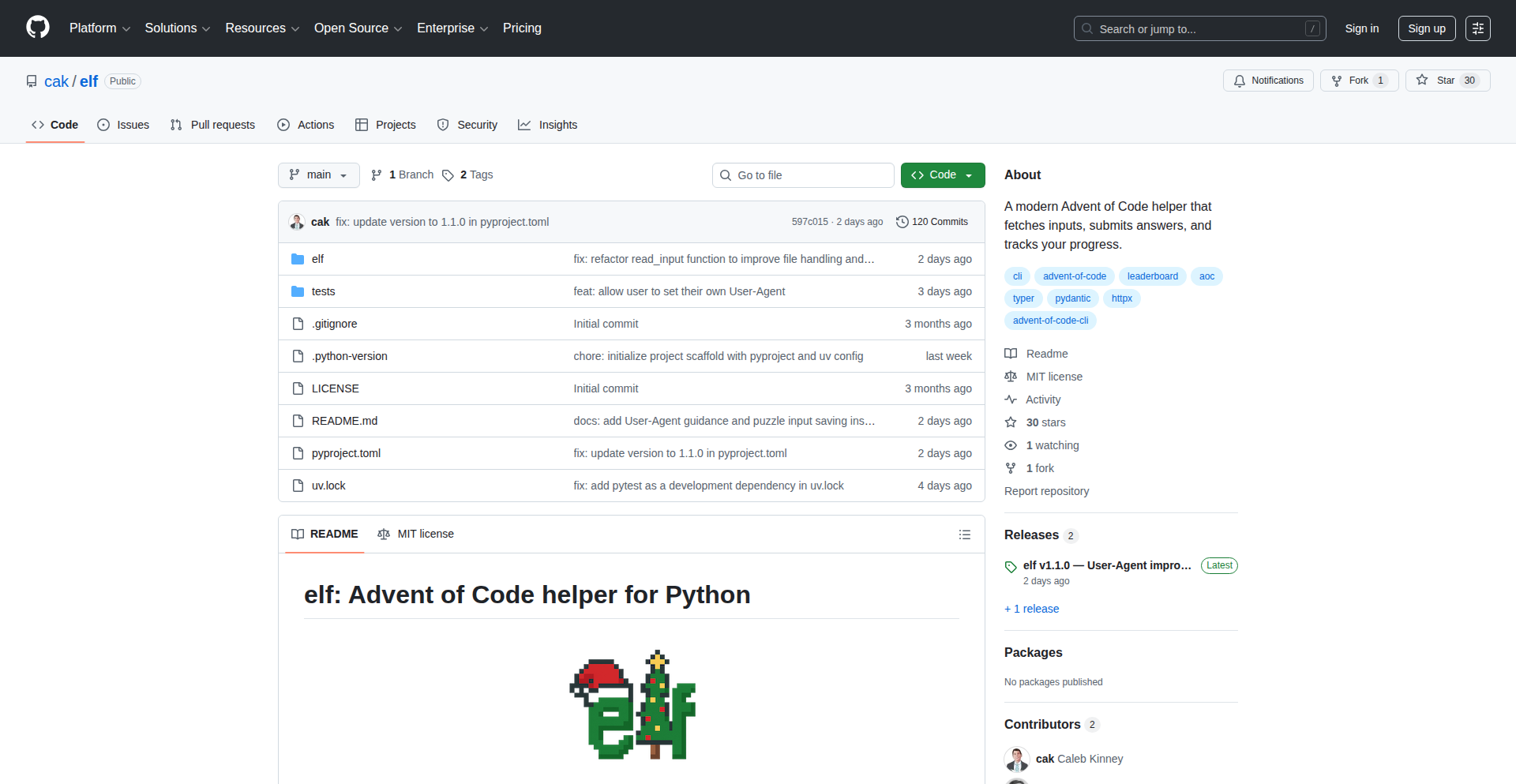
Elf is a command-line interface (CLI) tool designed to significantly speed up your Advent of Code experience. It automates tedious tasks like fetching puzzle inputs with caching for offline use, safely submitting your answers with built-in checks, and viewing your private leaderboard and progress. This tool injects a dose of hacker creativity by using code to conquer the repetitive aspects of a popular coding challenge, allowing you to focus purely on problem-solving.
Popularity
Points 3
Comments 5
What is this product?
Elf is a command-line tool built to streamline the Advent of Code (AoC) challenge. AoC involves solving daily programming puzzles, which often require fetching input data, submitting solutions, and checking leaderboards. Elf automates these steps. Its core innovation lies in intelligent input fetching with caching, meaning you download each puzzle's input only once and can access it even offline. It also implements 'guardrails' for answer submissions, preventing accidental duplicate or invalid guesses. For those participating in private leaderboards, Elf provides a convenient way to view your standing and progress. It's built using Python with modern libraries like Typer for a clean CLI experience, httpx for web requests, and Pydantic for data validation.
How to use it?
Developers can install Elf using pip, Python's package installer: `pip install elf-aoc`. Once installed, you'll typically use it within your Advent of Code project directory. For example, to fetch the input for a specific day, you might run `elf fetch 2023 1` (assuming the year is 2023 and the day is 1). To submit an answer, you'd use a command like `elf submit 2023 1 <your_answer>`, and Elf will handle the interaction with the AoC website. The tool can also be integrated into custom Python scripts using its optional API for more advanced automation needs.
Product Core Function
· Input Fetching and Caching: Automatically downloads puzzle inputs for a given year and day. Caching ensures inputs are available offline and prevents redundant downloads, saving time and bandwidth. This is useful because you don't have to manually download each input file, and you can work on puzzles even without an internet connection.
· Safe Answer Submission: Submits your solutions to the Advent of Code website. It includes safeguards to prevent submitting the same answer multiple times or invalid answers, thus protecting your progress and avoiding unintended consequences. This is valuable because it prevents accidental lockouts or re-submission issues on the AoC platform.
· Private Leaderboard Viewer: Displays your ranking and progress on private Advent of Code leaderboards in a clear, tabular format or as JSON. This allows you to easily track your performance against friends or colleagues. So, you can quickly see how you stack up without visiting the website manually.
· Status and History Tracking: Provides a calendar view of your participation and a history of your submitted guesses. This helps you keep track of which days you've completed and your past attempts. This is useful for reflecting on your problem-solving journey.
· Optional Python API: Offers a programmatic interface to its functionalities, allowing developers to integrate Elf's capabilities into their own Python scripts or automation workflows. This means you can build custom tools that leverage Elf's core features for even more advanced or personalized workflows.
Product Usage Case
· A developer wants to participate in Advent of Code and needs to solve problems quickly. They use Elf to fetch the input for Day 5 of the current year with `elf fetch 2023 5`. The input is downloaded and cached. Later, while working offline, they want to re-read the input, and Elf provides it instantly from the cache. This saves them from needing an internet connection to access the puzzle data.
· During Advent of Code, a developer solves a puzzle for Day 10 and has an answer. They use Elf to submit it: `elf submit 2023 10 12345`. Elf successfully submits the answer and displays the result. Later, they accidentally run the same submission command again. Elf detects that the answer has already been submitted for that day and prompts the user or prevents the re-submission, safeguarding their progress. This avoids potential penalties on the AoC platform.
· A team of friends is competing in a private Advent of Code leaderboard. One member wants to see how everyone is doing. They run `elf leaderboard 2023` and get a table showing each participant's rank, stars, and completion times. This allows them to easily monitor the competition without everyone individually checking the AoC website. It fosters friendly rivalry and keeps everyone updated on the team's progress.
· A developer is building a custom dashboard to track their coding challenge progress. They use the Elf Python API to fetch their Advent of Code puzzle completion status and guess history. They then integrate this data into their dashboard to visualize their personal progress over time. This allows for more in-depth personal analytics and motivation.
10
Quash: Natural Language Android QA Agent

Author
pr_khar
Description
Quash is a mobile-first QA tool that transforms plain English descriptions into automated test executions on real Android devices. Its core innovation lies in an agent that understands natural language commands, allowing developers to write test flows without complex scripting. This significantly lowers the barrier to entry for mobile QA and accelerates the testing process. The recent desktop app release (macOS) enables local testing against your own apps and devices, offering a direct and secure testing environment.
Popularity
Points 4
Comments 4
What is this product?
Quash is a desktop application (currently for macOS) that acts as an intelligent agent for mobile Quality Assurance (QA) on Android devices. Instead of writing intricate code or scripts to test your mobile app, you simply describe the desired test in plain English, like 'open the app and log in with user1 and password123'. Quash's agent then translates these instructions into actions performed on a connected Android device, be it a physical device or an emulator. The innovation here is the natural language processing (NLP) engine that interprets your English commands and the agent's ability to interact with the device's UI. This means you don't need to be a QA automation expert to create sophisticated tests. So, what's the benefit for you? It makes mobile app testing much more accessible and efficient, allowing you to catch bugs earlier with less technical overhead.
How to use it?
Developers can download the Quash desktop application for macOS. Once installed, they connect their Android device (either physically via USB or through an Android emulator). Within the Quash application, they can then write their test scenarios in natural English within a dedicated editor. Upon execution, Quash's agent will interact with the connected Android device to perform the described actions. This can be integrated into existing CI/CD pipelines by triggering Quash tests programmatically or used for ad-hoc testing. So, how does this help you? You can quickly set up automated tests for your app by simply describing what you want to test, streamlining your development workflow.
Product Core Function
· Natural Language Test Scripting: Write test flows in plain English, eliminating the need for complex coding languages. This allows for rapid test creation and easy understanding by non-technical stakeholders. The value is reduced test development time and broader team involvement.
· Android Device Agent Execution: An intelligent agent executes English test scripts directly on real Android devices (physical or emulated). This ensures tests are run in an authentic environment, providing more reliable results. The value is accurate testing and early bug detection.
· Local Device Connectivity: Connect any Android device locally to Quash for testing. This provides a secure and private testing environment, ideal for sensitive applications or when dealing with proprietary data. The value is enhanced security and control over your testing.
· Desktop Application for macOS: A downloadable desktop app for macOS (supporting Intel and Apple Silicon) provides a dedicated and robust testing platform. This offers a stable and performant environment for running your QA agent. The value is a streamlined and efficient desktop testing experience.
Product Usage Case
· Scenario: A startup developer wants to quickly test the signup flow of their new social media app on a physical Android phone before releasing it to a small group of beta testers. Problem Solved: Instead of spending hours writing an automation script, they simply describe the steps in Quash: 'Open the app, tap the signup button, enter a valid email and password, tap submit'. Quash executes this on their phone, verifying the signup works as expected. This saves significant development time and ensures a smoother beta launch.
· Scenario: A mobile game studio needs to ensure that in-game purchases function correctly across various device configurations. Problem Solved: The QA team can use Quash to write English descriptions for purchase flows, such as 'Launch the game, navigate to the shop, select the 'gems' pack, proceed to payment, and cancel the transaction'. Quash then runs these tests on different emulators, identifying any purchase-related bugs. This ensures a consistent and reliable in-app purchase experience for all players.
· Scenario: A developer is working on a banking application and needs to perform security checks on their local machine without sending sensitive data to a cloud-based testing service. Problem Solved: By connecting their Android device locally to Quash, they can write English test cases for login, transaction verification, and logout directly on their own setup. This ensures the security and privacy of their app's sensitive operations. This provides peace of mind and compliance with data security requirements.
11
SmolLaunch

Author
teemingdev
Description
SmolLaunch is a minimalist platform designed for developers to share their projects without the typical pressures of growth hacking and competitive ranking. It focuses on genuine discovery and peer feedback, offering a clean launch page and profile. The core innovation lies in its philosophy: a calm space for sharing ideas and prototypes, built with a lightweight stack including Rails and Hotwire for real-time interactions, aiming to feel more like an engineering feed than a leaderboard.
Popularity
Points 8
Comments 0
What is this product?
SmolLaunch is a project launch platform specifically built for developers who want to showcase their creations in a low-pressure, distraction-free environment. Unlike larger platforms that often emphasize marketing and competitive metrics, SmolLaunch prioritizes the craft of building. Its technical foundation is built on Rails 8, utilizing Hotwire for seamless, real-time updates and interactivity without the need for complex JavaScript. This approach allows for a fast, responsive user experience while keeping the codebase lean and manageable. The platform uses Postgres for data storage and Tailwind CSS for a clean, modern aesthetic. The overall architecture is a small, fast monolith, emphasizing simplicity and efficiency in deployment and maintenance. The key innovation is its deliberate exclusion of algorithms, gamified voting systems, and 'launch timing optimization,' fostering a more authentic community feel.
How to use it?
Developers can use SmolLaunch to quickly create a dedicated page for any project they've built, whether it's a small tool, an experiment, or a larger endeavor. The process involves posting a short description and a link to the project. Once published, the project gets a clean, minimal launch page and a developer profile. Other builders can then discover these projects, follow developers they find interesting, leave comments, and send feedback directly. This makes it easy to get constructive input from a community that values the technical aspects of software development. For integration, SmolLaunch is designed with potential future enhancements in mind, such as GitHub integration and RSS feeds, which can be considered for a more connected developer workflow.
Product Core Function
· Project Posting: Allows developers to share their creations with a brief description and a link, providing a simple way to make their work visible to the community and receive initial exposure.
· Minimal Launch Page and Profile: Offers a clean, uncluttered presentation for each project and developer, focusing attention on the work itself rather than distracting design elements, which enhances the clarity of the shared content.
· Peer Feedback and Comments: Enables other developers to interact with projects by leaving comments and providing feedback, fostering a collaborative environment for improvement and learning.
· Follower System: Allows users to follow other builders whose work they appreciate, creating a curated feed of interesting projects and encouraging ongoing engagement within the community.
· No Gamified Voting or Ranking: Eliminates competitive ranking systems, focusing on the intrinsic value of the project and encouraging sharing for the sake of contribution rather than popularity contests, promoting a healthier creator mindset.
Product Usage Case
· A solo developer building a new API wrapper and wants to share it with other developers to gather early feedback on its usability and potential improvements. SmolLaunch provides a direct channel for this, bypassing the need for extensive marketing campaigns on larger platforms.
· A team experimenting with a novel algorithm for image compression and wants to showcase their prototype to peers for technical critique. SmolLaunch's focus on 'engineering feed' allows for discussions centered on the technical merits of the solution.
· An open-source contributor who has developed a small utility tool to streamline a common development task and wishes to announce its availability to the broader developer community. The platform ensures the tool is discovered by those who appreciate such practical contributions.
· A student showcasing a personal project built for a coding bootcamp or as a learning exercise. SmolLaunch offers a low-pressure environment to share their learning journey and receive encouragement and constructive criticism from experienced developers.
12
GoMark OCR Notes

Author
peterwoodman
Description
A lightweight, web-based note-taking application built with Go and HTMX. It focuses on essential features like nested pages and templates, but its standout innovation is OCR (Optical Character Recognition) for scanned PDFs, making their content searchable within the app. This addresses the common pain point of dealing with non-searchable documents, offering a seamless experience across devices.
Popularity
Points 5
Comments 3
What is this product?
GoMark OCR Notes is a web application designed for efficient note-taking. It leverages Go for its backend, providing a fast and efficient engine, and HTMX for its frontend, which allows for dynamic updates without full page reloads, making the user experience feel more like a desktop application. The core innovation lies in its integration of OCR technology. This means you can upload scanned documents (like PDFs), and the app will process them to extract the text. This extracted text then becomes searchable, allowing you to quickly find information within your scanned notes, much like you would with a regular text document. So, it transforms static images of text into dynamic, discoverable information.
How to use it?
Developers can integrate GoMark OCR Notes into their existing workflows or use it as a standalone note-taking solution. For integration, the backend built with Go can expose APIs that allow other applications to store and retrieve notes. The HTMX frontend can be embedded or used to build custom interfaces. For standalone use, it functions as a web application accessible via a browser on any device, from desktops to mobile phones, thanks to its responsive design. You can create new notes, organize them in nested hierarchies, use predefined templates for consistency, and upload scanned PDFs to make their content searchable. The value proposition is having a unified place for all your notes, both typed and scanned, that's easily accessible and searchable.
Product Core Function
· Nested Page Structure: Enables hierarchical organization of notes, allowing users to create sub-pages within main notes. This provides a logical and organized way to manage information, useful for project documentation or research where topics have sub-topics.
· Templating System: Allows users to create and reuse predefined note structures. This ensures consistency across notes and saves time by pre-populating common fields, ideal for recurring tasks like meeting minutes or project briefs.
· Shared Spaces: Facilitates collaboration by enabling users to share notes or entire sections with others. This is valuable for team projects where multiple individuals need to contribute to or access the same information simultaneously.
· OCR for Scanned PDFs: Extracts text from scanned PDF documents, making their content searchable. This is a major advantage for anyone dealing with physical documents or archives that have been digitized as images, as it unlocks the information contained within them for quick retrieval.
Product Usage Case
· Student preparing for exams: Uploads lecture slides as scanned PDFs and then uses the OCR search to quickly find specific topics or definitions across all uploaded materials.
· Researcher organizing literature reviews: Creates nested notes for different research papers, uses templates for summarizing key findings, and uploads scanned journal articles, making them searchable by keywords.
· Project manager tracking tasks: Uses shared spaces for team project notes and task lists, uploads scanned design documents and blueprints, and leverages OCR to quickly locate specific requirements or specifications.
· Freelancer managing client work: Creates a dedicated nested space for each client, uses templates for proposals and invoices, and uploads scanned contracts or agreements to easily reference contract details.
13
Web-Mini-App Canvas
Author
dannylmathews
Description
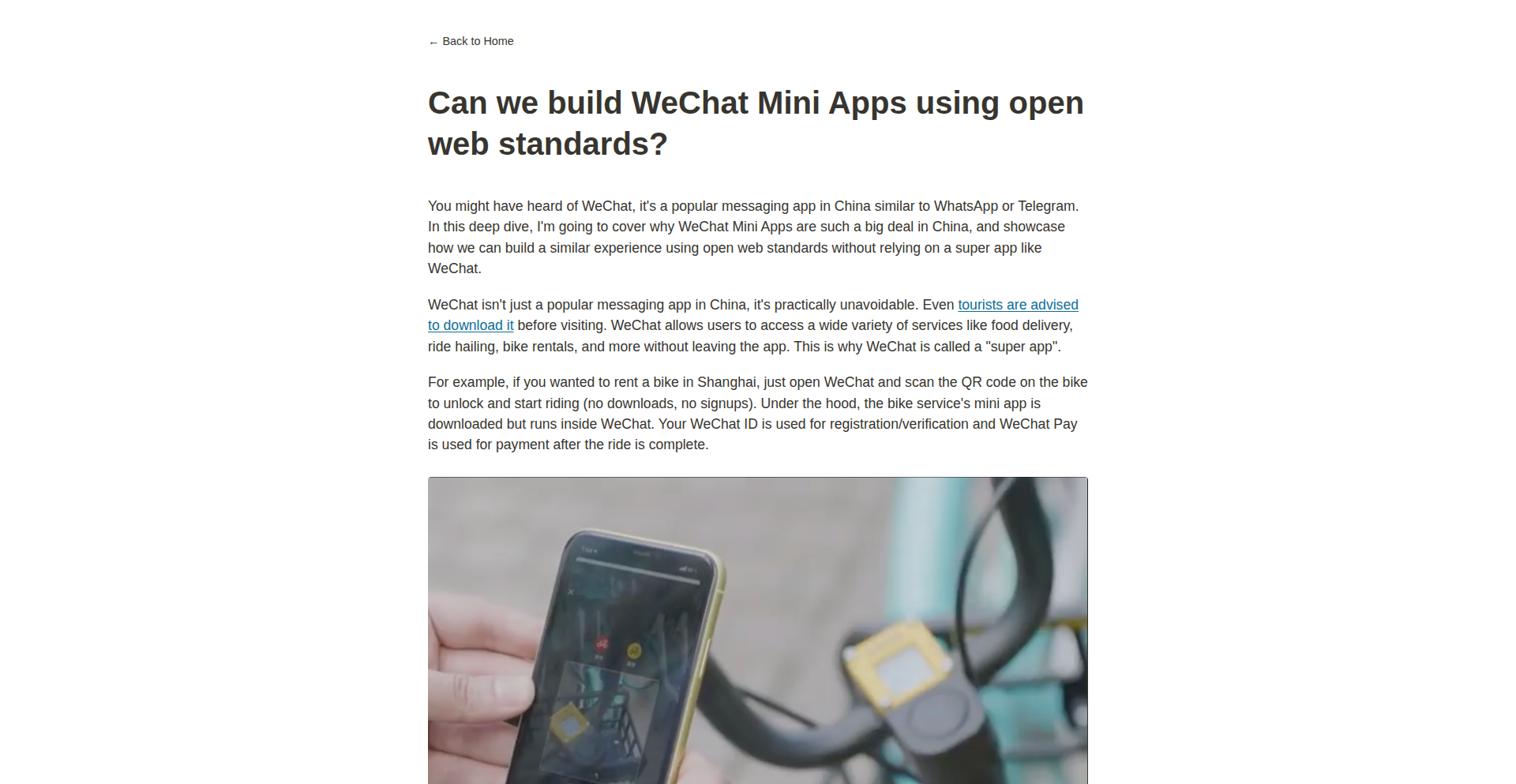
This project explores building WeChat Mini Apps using open web standards. It aims to address the challenge of proprietary mini-app ecosystems by leveraging familiar web technologies like HTML, CSS, and JavaScript. The core innovation lies in a transpilation and runtime layer that allows web code to function within the WeChat Mini App environment, offering a more accessible and portable development experience.
Popularity
Points 7
Comments 1
What is this product?
This project is a proof-of-concept that demonstrates how applications normally built for WeChat's proprietary Mini App framework can be constructed using standard web technologies. Instead of learning a new, specific set of APIs and development paradigms dictated by WeChat, developers can use the HTML, CSS, and JavaScript they already know. The project achieves this by creating a bridge – essentially, a translator and a special runner – that takes standard web code and makes it behave like a WeChat Mini App. This means you can write your app using web tools and then deploy it as a WeChat Mini App, which is a significant innovation because it opens up mini-app development to a much wider audience of web developers and promotes code reusability across different platforms.
How to use it?
Developers can use this project by writing their application logic, UI, and styling using standard HTML, CSS, and JavaScript. The project provides a build process that takes this web code and transforms it into a format compatible with the WeChat Mini App environment. This typically involves a transpilation step to convert web APIs and constructs into their WeChat Mini App equivalents, and a runtime library that mimics the behavior of the WeChat Mini App runtime. Integration would involve using the project's provided build tools as part of a standard web development workflow, and then deploying the generated output to the WeChat Mini App platform. This is useful because it lowers the barrier to entry for creating WeChat Mini Apps and allows for easier migration of existing web applications.
Product Core Function
· Web standards to Mini App transpilation: Translates standard web APIs and syntax (like DOM manipulation, event handling) into the specific API calls and structures that WeChat Mini Apps understand. The value is in allowing developers to write code once using familiar web patterns and have it work within a restricted mini-app environment.
· Mini App runtime emulation: Provides a JavaScript runtime environment that mimics the behavior and limitations of the WeChat Mini App runtime. This ensures that the web-based code executes correctly within the WeChat ecosystem, solving the problem of compatibility and offering a consistent development experience.
· Cross-platform development enablement: By using open web standards, the project inherently encourages the possibility of writing code that could potentially be adapted to other mini-app platforms or even as a standard web application, maximizing code reuse and developer efficiency. The value here is in building applications that are less locked into a single platform.
· Simplified development workflow: Developers can leverage their existing knowledge of HTML, CSS, and JavaScript, along with familiar web development tools and debugging techniques. This significantly reduces the learning curve and speeds up the development process for creating mini-apps, making it more accessible.
Product Usage Case
· Building a simple e-commerce storefront as a WeChat Mini App: A web developer could use standard React or Vue.js components written with HTML and CSS, and then use this project to compile them into a functional WeChat Mini App. This solves the problem of needing to learn the WeChat-specific framework for a common application type and allows for rapid deployment.
· Migrating an existing progressive web app (PWA) to a WeChat Mini App: If a business already has a PWA, they could potentially adapt significant portions of its codebase to function as a WeChat Mini App using this project. This saves development time and resources by not having to rewrite the entire application from scratch for the WeChat platform.
· Developing educational tools or interactive content for WeChat users: Educators or content creators familiar with web development could quickly build engaging mini-apps without deep platform-specific knowledge. The value is in democratizing mini-app creation for a broader range of creators.
14
AI Forge: Open Innovation Catalyst

Author
Archivist_Vale
Description
This project, Unpatentable.org, is an AI-driven 'innovation lab' that automatically generates novel inventions and immediately publishes them as prior art, making them freely available to everyone and preventing them from being patented by others. It addresses the risk of valuable knowledge being locked away by corporate patenting by creating a continuously growing library of open, unpatentable, AI-generated innovations across various tech domains.
Popularity
Points 1
Comments 7
What is this product?
Unpatentable.org is essentially an automated system that uses artificial intelligence to brainstorm and document new invention ideas. It's like a creative factory for concepts. The core innovation lies in its approach to sharing knowledge: once an idea is generated, it's immediately documented in a detailed format (problem, mechanism, implementation, impact) and published on the website. To ensure these ideas are truly open and cannot be claimed by anyone later, they are permanently timestamped on the Arweave blockchain and submitted to the USPTO's prior art archive. Think of it as a proactive way to democratize future technological progress, ensuring that breakthroughs benefit humanity, not just a select few.
How to use it?
For developers and innovators, Unpatentable.org offers a rich source of inspiration and a foundation for building upon. You can browse the public library of generated inventions to discover potential starting points for new projects, research, or solutions to existing problems. If you have your own invention idea that you want to ensure remains open and accessible to everyone, the 'Unpatent' tool allows you to upload your concept and have it published as prior art for a fee. This is useful for individuals or organizations wanting to contribute to the public domain and prevent future patenting of their work. Organizations can also sponsor specific innovation 'tracks' (e.g., climate tech), receiving a continuous stream of open-source solutions in that area.
Product Core Function
· AI-powered invention generation: The system uses AI to conceptualize entirely new ideas. This means it can explore novel combinations and solutions that humans might not readily conceive, providing a unique starting point for innovation.
· Detailed invention documentation: Each generated invention is accompanied by comprehensive reports (problem, mechanism, constraints, implementation guide, societal impact). This level of detail is crucial for other developers to understand, replicate, and build upon the ideas, lowering the barrier to entry for further development.
· Immutable blockchain publishing: By anchoring invention PDFs on the Arweave blockchain, the project ensures a permanent, unalterable record of the invention and its creation date. This serves as undeniable proof of existence and prevents disputes over ownership or timing, fostering trust in the open-source nature of the inventions.
· USPTO prior art submission: Submitting inventions to the USPTO prior art archive is a critical step in ensuring they cannot be patented by others in the future. This directly contributes to the goal of keeping valuable innovations accessible to the public and preventing monopolization.
· Discoverable innovation library: The website provides a searchable library of hundreds of AI-generated inventions, categorized by domain. This makes it easy for anyone to find relevant ideas and promotes cross-disciplinary inspiration, accelerating the pace of collective innovation.
· 'Unpatent' tool for human inventors: This feature allows individuals to secure their own ideas as prior art, reinforcing the project's mission of open knowledge and preventing future patent claims on their contributions.
Product Usage Case
· A robotics startup looking for novel ways to improve drone navigation could browse the 'robotics' section of Unpatentable.org. They might find an AI-generated concept for a bio-inspired sensor system that offers a unique solution to obstacle avoidance, saving them significant R&D time and providing a fresh perspective.
· An independent researcher working on renewable energy solutions could use the site to identify emerging concepts in solar energy storage. An AI-generated design for a new type of battery chemistry, detailed with an implementation guide, could provide a breakthrough insight for their research, allowing them to focus on refinement rather than initial ideation.
· A non-profit organization focused on environmental sustainability might sponsor a track on 'wildfire resilience.' The AI engine would then continuously generate and publish open-source solutions for fire detection, prevention, or response, providing valuable tools and blueprints for communities worldwide to adopt and adapt.
· An individual inventor with a groundbreaking idea for a medical device might use the 'Unpatent' tool. By paying a fee, they can ensure their invention is publicly documented and timestamped as prior art, preventing a large corporation from patenting a similar concept later and ensuring their innovation remains accessible for medical advancements.
· A developer aiming to build a decentralized application for scientific collaboration could draw inspiration from AI-generated architectural patterns for knowledge sharing and immutability, ensuring their platform is built on robust, future-proof principles.
15
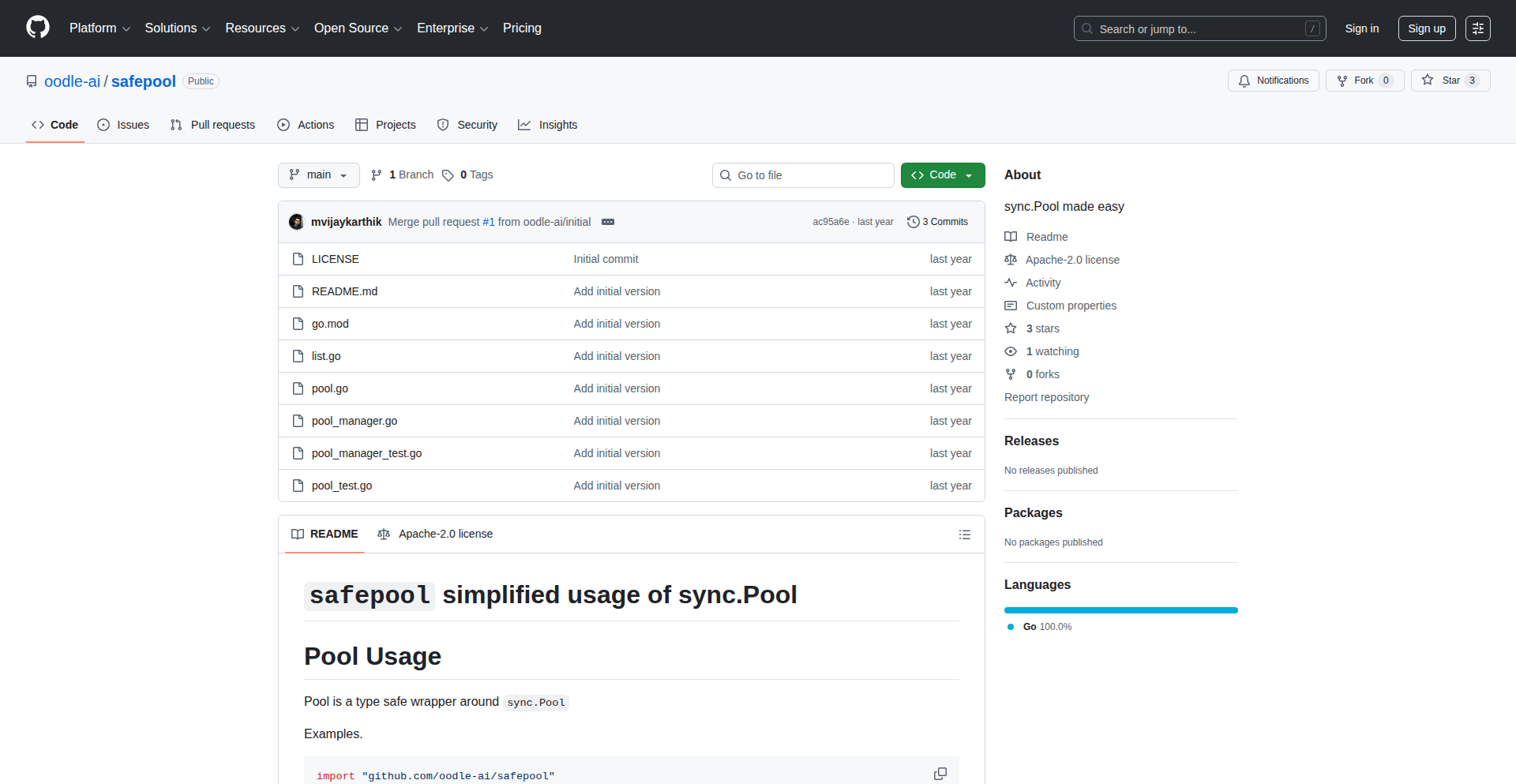
SafePool: Type-Safe Go Object Pooling
Author
mvijaykarthik
Description
SafePool is a Go library that provides type-safe object pooling using Go generics. It addresses the limitations of Go's built-in sync.Pool, which lacks type safety and can lead to bugs like double-returns or forgotten returns due to manual type assertions. SafePool ensures that only objects of the correct type can be retrieved and returned, and its PoolManager component helps prevent memory leaks by tracking and ensuring the return of all pooled objects across function boundaries.
Popularity
Points 6
Comments 1
What is this product?
SafePool is a solution for Go developers who need to manage memory efficiently by reusing objects instead of constantly creating new ones. Go's standard `sync.Pool` is a way to do this, but it's not 'type-safe.' Imagine you have a pool of different kinds of tools. `sync.Pool` is like a generic toolbox where you have to guess what tool you're pulling out and make sure you put the right tool back. This guessing and checking (called 'type assertions' in Go) is prone to errors. SafePool uses Go's modern 'generics' feature, which is like having a specialized toolbox for each type of tool. You ask for a 'hammer,' and you are guaranteed to get a hammer, not a screwdriver. This eliminates the need for risky type assertions, making your code cleaner and preventing common bugs. Additionally, SafePool introduces `PoolManager`. Think of this as a supervisor for your toolboxes. It keeps track of all the tools you've borrowed, ensuring that at the end of a process, all borrowed tools are returned. This is crucial for preventing 'memory leaks,' where unused objects clog up your program's memory and slow it down, especially when dealing with lots of data like at Oodle AI.
How to use it?
Developers can integrate SafePool into their Go projects by importing the library. You would define a pool for a specific type of object using generics. For example, `SafePool.NewPool[MyStruct]()` creates a pool specifically for `MyStruct` objects. To get an object, you use `pool.Get()`. To return it, you use `pool.Put(obj)`. The key advantage is that you cannot accidentally get or put a `DifferentStruct` into the `MyStruct` pool, as the compiler will catch this error. For scenarios where objects need to persist across different function calls or goroutines and you want to guarantee cleanup, you can use the `PoolManager`. You register objects obtained from pools with the manager, and then when the manager is no longer needed (e.g., at the end of a request), it ensures all registered objects are returned to their respective pools, preventing resource leaks.
Product Core Function
· Type-safe object retrieval: Ensures that when you get an object from a pool, it's guaranteed to be of the expected type, preventing runtime errors from incorrect type assertions. This makes your code more robust and easier to reason about.
· Type-safe object return: Guarantees that only objects of the correct type can be returned to their designated pool, preventing corruption of the pool's state and further reducing bugs.
· Generic pool creation: Allows developers to define pools for any Go type using generics, making the pooling mechanism highly reusable and adaptable to various data structures and objects.
· PoolManager for leak prevention: Tracks objects obtained from pools and ensures their return when the manager is disposed, preventing memory leaks in applications that manage complex object lifecycles across function calls or goroutines.
· Reduced boilerplate and improved readability: Eliminates the need for manual type assertions and error handling associated with `sync.Pool`, leading to cleaner, more concise, and more understandable Go code.
Product Usage Case
· High-performance data processing: In applications that handle large volumes of data, such as telemetry processing at Oodle AI, reusing objects like network buffers or data structures instead of allocating new ones for each piece of data significantly improves performance and reduces garbage collection overhead.
· Web server request handling: When a web server receives many requests, reusing objects like request contexts, database connection pools, or HTTP response writers for each request can drastically reduce memory allocation and improve the server's ability to handle concurrent traffic.
· Game development: In game engines, reusing objects like particles, bullets, or game entities that are frequently created and destroyed can prevent performance bottlenecks and ensure a smoother gaming experience.
· Microservices communication: When services exchange messages or data, reusing message buffers or serialization objects can improve the efficiency of inter-service communication, especially in high-throughput scenarios.
16
CoThou: The AI Source of Truth

Author
MartyD
Description
CoThou is a novel platform designed to combat misinformation generated by AI search and answer engines. It empowers businesses and knowledge creators to become the definitive source of truth for their own content. By reverse-engineering how AI models select information and allowing users to directly input and control their company or research profiles, CoThou ensures AI-generated answers are accurate, citable, and reflect the user's intended narrative. This is a significant innovation for building trust and authority in the age of AI.
Popularity
Points 3
Comments 4
What is this product?
CoThou is a system that allows you to directly influence the information AI search and answer engines retrieve and present about your company or your area of expertise. Instead of relying on potentially outdated or inaccurate public data (like Wikipedia), CoThou lets you create a verified profile. When an AI is asked about your company or a topic you've published on, it will prioritize and cite your CoThou profile. This is achieved by understanding how AI models choose their sources and then making your content the most attractive and authoritative option. It's like having your own dedicated, verified knowledge base that AIs will consult.
How to use it?
For businesses, you create a detailed company profile on CoThou. When people search for information about your company using AI tools, these tools will now pull information directly from your CoThou profile, ensuring accuracy. For publishers and researchers, you can publish your work on your personal profile with proper citations. When AI models encounter questions related to your research, they will cite your CoThou profile, linking back to your work and enabling citation tracking. This integration happens automatically by making your content the preferred source for AI. During the beta, usage is unlimited, and integration is straightforward by simply contributing your verified information to the platform.
Product Core Function
· Company Profile Creation: Enables businesses to establish a definitive and accurate digital identity for AI search engines, ensuring correct information is presented. This is valuable for brand reputation management and customer trust.
· Knowledge Publisher Profile: Allows individuals and organizations to publish their research, articles, or expertise with verifiable citations, making their work discoverable and citable by AI. This enhances academic and professional visibility.
· AI Source Prioritization Logic: CoThou intelligently structures data to be recognized and favored by AI answer engines, effectively becoming the 'source of truth' for specific entities or topics. This minimizes reliance on potentially flawed public data.
· Citation Tracking and Verification: Provides a mechanism for tracking how and where your content is cited by AI, offering insights into your information's reach and impact. This is crucial for academic and intellectual property management.
· Future LLM Integration: Plans for a custom Mixture of Experts (MoE) LLM that breaks down complex queries into parallel subtasks, enabling real-time agent planning and execution. This promises faster, cheaper, and more efficient AI processing for complex tasks.
Product Usage Case
· A small business owner is frustrated that AI search engines provide incorrect details about their products and services. They use CoThou to create an official company profile. Now, when customers ask AI assistants about the business, the answers are accurate and directly reflect the company's offerings, leading to increased customer confidence and reduced support queries.
· A university researcher has published groundbreaking work in a niche scientific field. They add their publications to their CoThou profile. When journalists or other researchers use AI to gather information on this topic, AI tools cite the researcher's CoThou profile, directing traffic and citations to their original work and establishing their authority.
· A startup is launching a new product and wants to ensure all online information is consistent. They create a CoThou profile detailing their product features, pricing, and company mission. This proactive approach ensures that any AI-generated content about the startup is aligned with their brand messaging, preventing confusion and building a strong initial impression.
· A content creator wants to leverage AI for research and ideation but is concerned about the accuracy of AI-generated summaries. By contributing their verified articles and research to CoThou, they can use AI to explore related topics with a higher degree of confidence, knowing the foundational information is sourced from a reliable, controlled origin.
17
Cupertino Docs Server

Author
mihaela
Description
Cupertino Docs Server is a local MCP (MobileContent Packaging) server that provides offline access to Apple's developer documentation. It tackles the common developer challenge of needing quick, reliable access to API references and guides without an internet connection, leveraging a self-hosted approach to bypass online service limitations. The innovation lies in its ability to serve these crucial resources locally, ensuring developer productivity even in environments with poor or no connectivity.
Popularity
Points 5
Comments 2
What is this product?
This project is a self-hosted server that acts as a local repository for Apple's developer documentation. Normally, you'd access these documents through Apple's online developer portal, which requires an internet connection. Cupertino Docs Server packages the documentation into an MCP format (a format Apple uses for distributing its content) and serves it from your own machine. This means you can browse all the essential guides, API references, and other developer resources without needing to be online. The technical innovation is in reverse-engineering or understanding the MCP format and building a functional HTTP server to serve this content efficiently, making development workflows more resilient.
How to use it?
Developers can download and run the Cupertino Docs Server application on their local machine. Once running, it will serve the Apple documentation over a local network interface. Developers can then configure their IDEs, build tools, or even web browsers to point to this local server for documentation lookups. This is particularly useful during flights, in remote locations, or when dealing with unreliable network infrastructure. It's like having your own private, always-available Apple documentation library, directly accessible from your development environment.
Product Core Function
· Offline Apple Documentation Access: Enables developers to access all Apple developer documentation, including API references and guides, without an internet connection. This directly addresses the need for uninterrupted development cycles in any location, improving productivity by removing external dependencies.
· Self-Hosted MCP Server: Provides the technical capability to serve Apple's MobileContent Packaging (MCP) files locally. This is innovative because it bypasses the need for external network requests to Apple's servers, offering faster and more reliable access to documentation.
· Local Network Accessibility: Makes the documentation accessible via a local network address, allowing multiple developers on the same network to utilize the server. This promotes collaboration and knowledge sharing within a team, ensuring everyone has access to the same up-to-date (at the time of packaging) documentation.
· Developer Productivity Enhancement: By eliminating network latency and the possibility of an internet outage interrupting documentation lookups, this server significantly boosts developer efficiency. Developers can quickly find the information they need to solve problems and build applications.
Product Usage Case
· On-site development in remote locations: A developer working on a project at a client site with no reliable internet can still access all necessary Apple API documentation to continue coding and troubleshooting, ensuring project deadlines are met.
· Airplane or travel development: A developer on a long flight can work on their iOS/macOS projects without needing to worry about internet access for documentation, making travel time productive.
· Network-restricted corporate environments: In some corporate networks where access to external developer sites might be limited or slow, developers can use this local server for quick and efficient documentation retrieval.
· Offline learning and experimentation: New developers learning Swift or Objective-C can use this server to explore Apple's frameworks and APIs at their own pace, without requiring a constant internet connection for every query.
18
Nakso - Desktop Excalidraw

Author
niklauslee
Description
Nakso is a desktop application that offers an alternative to Excalidraw for creating hand-drawn style diagrams and visualizations. It focuses on providing a native desktop experience with performance optimizations and offline capabilities, addressing the need for a robust, local sketching tool for developers and designers.
Popularity
Points 2
Comments 4
What is this product?
Nakso is a desktop application built using modern web technologies (likely Electron or a similar framework) that emulates the functionality of Excalidraw. Excalidraw is known for its easy-to-use, hand-drawn aesthetic for wireframes, flowcharts, and other visual aids. Nakso brings this experience to the desktop, meaning it runs as a standalone application on your computer, not just in a web browser. The core innovation lies in packaging a web-based drawing canvas into a native app. This allows for better integration with your operating system, potentially faster performance due to direct access to system resources, and the ability to work offline without an internet connection. Think of it as having a dedicated, offline drawing pad with a cool, sketchy look, built with the flexibility of web tech.
How to use it?
Developers and designers can use Nakso by downloading and installing the application on their desktop (Windows, macOS, or Linux). Once installed, they can launch Nakso like any other application. They can then start creating new drawings, importing existing Excalidraw (.excalidraw) files, and exporting their work in various formats like PNG, SVG, or JSON. It's ideal for quickly sketching out ideas, designing user interfaces, creating diagrams for documentation, or even for collaborative brainstorming sessions if the output is easily shareable. The integration with the desktop environment means you can save files directly to your local folders, use keyboard shortcuts more effectively, and potentially leverage system-level features for a smoother workflow.
Product Core Function
· Offline Drawing Canvas: Allows users to create and edit drawings without an internet connection, providing uninterrupted creativity and productivity. This is valuable because you can sketch out ideas anytime, anywhere, without worrying about connectivity.
· Hand-Drawn Style Elements: Offers a collection of pre-defined shapes, arrows, and text elements with a distinctive hand-drawn appearance, making diagrams look more organic and approachable. This is useful for making technical diagrams less sterile and more engaging for presentations or documentation.
· Import/Export Functionality: Supports importing Excalidraw files and exporting drawings in common image formats (PNG, SVG) and a structured data format (JSON). This ensures compatibility with other tools and workflows, allowing for easy sharing and integration into larger projects.
· Native Desktop Application: Provides a dedicated, standalone application experience with potential performance benefits and better OS integration compared to a web-based solution. This means a more stable and responsive tool that feels like a natural part of your computer's software ecosystem.
Product Usage Case
· A software developer needing to quickly sketch a database schema or a system architecture diagram during a design discussion. Nakso's offline capability and quick sketching tools allow them to iterate on ideas in real-time without needing to switch to a complex diagramming tool or rely on internet access, thus accelerating decision-making.
· A UX designer creating wireframes or user flow diagrams for a new mobile application. By using Nakso's hand-drawn aesthetic, they can produce low-fidelity mockups that effectively communicate the user journey and interface layout without getting bogged down in pixel-perfect details, keeping the focus on functionality and user experience.
· A technical writer building documentation for a complex software feature. Nakso can be used to generate clear, visually appealing diagrams that illustrate processes or concepts, making the documentation easier for end-users to understand and follow, ultimately reducing support queries.
19
BrowserDataFlow
Author
rafferty97
Description
BrowserDataFlow is a web-based application designed for rapid, on-the-fly data manipulation. It bridges the gap between simple spreadsheet-like interactions and the power of robust data processing libraries. The core innovation lies in its ability to provide a visual feedback loop similar to spreadsheets, but powered by the computational strength of Rust compiled to WebAssembly, all running securely within the user's browser.
Popularity
Points 4
Comments 2
What is this product?
BrowserDataFlow is a powerful, in-browser tool that lets you quickly transform and analyze data (like CSV or JSON files) without writing complex code. Imagine a spreadsheet, but with the backend muscle of a data analysis engine. It uses Rust compiled to WebAssembly for incredibly fast data processing directly on your machine. The user interface is built with Solid.JS, making it interactive and responsive. Your data stays local, stored in your browser's IndexedDB and accessed directly through the File System API, ensuring privacy and security. So, it's a visual data workbench that empowers you to experiment and clean data with ease, all without leaving your browser or sending sensitive information anywhere.
How to use it?
Developers can use BrowserDataFlow by simply navigating to the web application in their browser. You can then upload your CSV or JSON files directly from your computer. The tool provides an intuitive interface to apply a sequence of operations like filtering rows, sorting data, aggregating values, and more. Think of it as a visual pipeline for your data. For integration, you can export the processed data in various formats. This is incredibly useful for quickly exploring datasets, cleaning up messy data before importing it into other applications or databases, or even for prototyping data transformations without the overhead of setting up a full development environment. It's ideal for anyone who needs to wrangle data efficiently and visually.
Product Core Function
· Visual Data Transformation: Apply common data operations (filter, sort, group) through a user-friendly interface, providing immediate visual feedback on your data's changes. This helps you understand your data's structure and identify issues quickly, without needing to write code.
· In-Browser Data Processing (Rust/WebAssembly): Leverages high-performance Rust compiled to WebAssembly for lightning-fast data manipulation directly in your browser. This means you can process large datasets efficiently and securely, as the heavy lifting happens locally on your machine.
· Local-First Data Persistence (IndexedDB): Projects and transformations are saved directly to your browser's IndexedDB. This ensures that your work is always available and you don't need to constantly re-upload data, while also guaranteeing that your data never leaves your computer.
· Direct File System API Access: Reads files directly from your disk using the File System API, eliminating the need for uploads to external servers. This enhances security and privacy, especially for sensitive datasets, allowing you to work with local files seamlessly.
· Spreadsheet-like UX with DataFrame Power: Offers an experience akin to a spreadsheet for ease of use, but under the hood, it utilizes the power and flexibility of dataframe libraries for complex data operations. This provides the best of both worlds: an approachable interface and robust analytical capabilities.
Product Usage Case
· Cleaning messy CSV exports from an application: A developer needs to import data from a legacy system into a new database. The CSV export is full of inconsistencies, missing values, and incorrect formatting. Using BrowserDataFlow, they can visually filter out erroneous rows, impute missing values with a simple operation, and reorder columns, all before exporting a clean, ready-to-import file. This saves significant time and manual effort compared to writing custom scripts.
· Quickly exploring and aggregating JSON data for a report: A marketing analyst receives a large JSON file containing user engagement metrics. They need to quickly find the average engagement time per platform and the total number of unique users. BrowserDataFlow allows them to load the JSON, visually group the data by platform, and apply aggregation functions to calculate the required metrics, generating the insights needed for a report without needing to involve a data scientist or write Python/R code.
· Prototyping data filtering logic for a web application: A front-end developer is building a feature that requires filtering a list of products based on user-selected criteria. They can use BrowserDataFlow to quickly test different filtering combinations on sample product data, observe the results visually, and then translate that logic into their application's code. This speeds up the development cycle by allowing rapid experimentation with data manipulation strategies.
· Analyzing user activity logs locally for security audits: A security engineer needs to analyze local user activity logs to identify suspicious patterns. These logs are in CSV format. BrowserDataFlow allows them to load and filter these logs directly on their machine, searching for specific keywords or sequences of actions without uploading sensitive audit data to any cloud service, ensuring data integrity and compliance.
20
UberTribes: Engineering Growth Playbooks

Author
ten-fold
Description
This project is a collection of 7 playbooks offering raw, unfiltered advice for software engineers, distilled from 11 years of experience at Uber. It focuses on the practical, often unspoken, strategies for navigating and succeeding in a tech career, aiming to accelerate the learning curve for engineers transitioning from smaller teams to larger, more complex environments.
Popularity
Points 4
Comments 2
What is this product?
This is a curated set of engineering guidance, presented as 7 playbooks, drawing on the author's decade-long tenure as a Senior and Staff Engineer at Uber. The core innovation lies in its direct, unfiltered approach to sharing tacit knowledge – the practical wisdom and strategic insights that are crucial for technical growth but are rarely formally taught or documented. It translates complex organizational dynamics and personal career navigation into actionable advice, akin to deciphering a secret map for professional development in the tech industry.
How to use it?
Developers can utilize these playbooks as a personal mentorship resource. By reading through the provided advice, engineers can gain insights into effective strategies for problem-solving, team collaboration, technical leadership, and career progression within software engineering. The playbooks are designed to be a quick and engaging read, offering immediate takeaways that can be applied to daily work, project challenges, and long-term career planning. They serve as a guide to understanding the unwritten rules of success in engineering, helping developers make more informed decisions and accelerate their impact.
Product Core Function
· Accelerated learning curve for engineers: Provides distilled knowledge from a decade of high-impact engineering at Uber, significantly reducing the time engineers might spend figuring out complex organizational dynamics or career paths on their own.
· Unfiltered, actionable advice: Offers practical, 'raw' guidance that bypasses corporate jargon and presents real-world strategies for technical and professional growth, enabling immediate application to current challenges.
· Strategic career navigation: Equips engineers with insights into how to effectively manage their careers, influence technical decisions, and grow into leadership roles, offering a roadmap for advancement beyond basic coding skills.
· Problem-solving frameworks: Introduces methodologies and perspectives that help engineers tackle complex technical and organizational problems more effectively, drawing from lessons learned in a demanding, large-scale tech environment.
· Understanding organizational dynamics: Demystifies the 'how' and 'why' behind certain engineering practices and career progressions within large tech companies, empowering engineers to operate more strategically within their organizations.
Product Usage Case
· A junior engineer struggling with gaining visibility for their contributions can use the playbooks to understand how to effectively communicate their work and influence technical direction, leading to faster promotion opportunities.
· A mid-level engineer facing challenges in collaborating across different teams at a large company can find strategies in the playbooks to build bridges, manage interdependencies, and drive consensus, improving project outcomes and personal effectiveness.
· An aspiring technical lead can leverage the playbooks to learn about effective leadership principles, mentorship techniques, and how to guide technical discussions, enabling them to step into leadership roles with greater confidence and competence.
· An engineer looking to transition into a more strategic role within their company can find guidance on how to identify opportunities, develop relevant skills, and present their value proposition, making their career aspirations more attainable.
· A team manager can use the insights to better understand the challenges their engineers face and implement strategies that foster growth, improve team performance, and create a more supportive and effective engineering environment.
21
Floww: Code-Driven Automation Engine

Author
ToonDN
Description
Floww is a self-hostable workflow automation tool that takes a code-first approach, offering a more flexible and powerful alternative to visual builders like n8n. It enables developers to build and maintain complex automation workflows with ease using familiar programming paradigms.
Popularity
Points 6
Comments 0
What is this product?
Floww is a developer-centric tool for creating automated workflows. Instead of dragging and dropping visual blocks, you write code (like JavaScript) to define your automation steps. This code-first approach means you can leverage the full power of programming languages to handle more complex logic, conditional branching, and custom integrations that might be difficult or impossible with visual tools. It's designed for developers who want more control and expressiveness in their automation.
How to use it?
Developers can use Floww by installing it on their own servers (self-hosting). They then define their automation workflows by writing code in a language like JavaScript. The provided example shows how you can import modules for services like Discord and GitHub, and then define triggers (e.g., a GitHub push event) and actions (e.g., sending a message to Discord). This code is then executed by the Floww engine, automating tasks based on your defined logic. It's ideal for integrating different services and building custom automation pipelines.
Product Core Function
· Code-first workflow definition: Enables developers to express complex automation logic using familiar programming languages, offering greater flexibility and power than visual builders, so you can build exactly what you need without limitations.
· Service integrations (e.g., Discord, GitHub): Provides pre-built modules to connect with popular services, allowing you to trigger actions or gather data from these services in your workflows, so you can automate tasks across your favorite tools.
· Event-driven triggers: Allows workflows to be initiated by specific events from integrated services (e.g., a Git push), so your automation can react automatically to real-world occurrences.
· Action execution: Enables workflows to perform actions on integrated services (e.g., sending a message), so you can automate responses and operations.
· Self-hostable architecture: Gives users full control over their data and automation infrastructure, ensuring privacy and customization, so you don't have to rely on third-party cloud services.
Product Usage Case
· Automating notifications for code repositories: A developer could use Floww to set up a workflow that automatically sends a message to a Slack channel whenever a new commit is pushed to a specific branch on GitHub, helping the team stay updated on project progress.
· Building custom CI/CD pipelines: Floww can be used to orchestrate complex continuous integration and continuous deployment processes, triggering builds, running tests, and deploying code based on specific Git events, so you can streamline your development lifecycle.
· Integrating personal productivity tools: A user might create a workflow that automatically saves important emails to a Trello board or adds calendar events to Google Calendar based on email content, helping to organize personal tasks more efficiently.
22
CodeBake - Task Integration Synthesizer

Author
advisador
Description
CodeBake is a developer-centric tool designed to bridge the gap between product management tasks and actual development work. It aims to automate the incorporation of PM-defined tasks into a developer's workflow, reducing overhead and preventing tasks from feeling like extraneous chores. The core innovation lies in its intelligent parsing and integration of task descriptions into actionable development items, leveraging natural language processing and task management system APIs.
Popularity
Points 4
Comments 2
What is this product?
CodeBake is a smart integration layer that connects product management task descriptions with developer workflows. Instead of manually translating PM notes into tickets or code changes, CodeBake attempts to understand the intent of the task description (e.g., 'Add a new user profile field for email') and automatically suggests or creates corresponding development tasks. It uses natural language processing (NLP) to interpret task requirements, identify keywords, and map them to common development actions or code structures. The innovation is in its ability to proactively parse task inputs and offer automated integration, moving beyond simple task duplication to intelligent task generation. This means you spend less time on administrative overhead and more time coding.
How to use it?
Developers can integrate CodeBake into their existing development environments and task management systems (like Jira, Asana, or GitHub Issues). The typical workflow involves either connecting CodeBake to your PM tool to monitor incoming tasks, or pasting task descriptions directly into the CodeBake interface. CodeBake then analyzes the text and provides actionable suggestions. For example, if a PM writes 'Implement a login button with validation,' CodeBake might suggest creating a new user story, a frontend component, and backend API endpoints, potentially even generating boilerplate code or task tickets. This helps you quickly translate abstract requirements into concrete development steps, streamlining your process.
Product Core Function
· Intelligent Task Parsing: Analyzes natural language task descriptions to extract key requirements and actions, allowing developers to understand the essence of a task without manual interpretation. This saves time by immediately identifying what needs to be done.
· Automated Task Suggestion/Creation: Based on parsed tasks, CodeBake suggests or automatically creates development tickets, pull request templates, or code snippets, reducing manual setup and ensuring consistency. This directly accelerates the start of development.
· Workflow Integration: Connects with popular task management and version control systems (APIs), enabling seamless import and export of tasks and code changes. This keeps your tools in sync and prevents context switching.
· Contextual Code Snippet Generation: For certain common tasks, CodeBake can generate basic code structures or boilerplate, providing a head start on implementation. This significantly speeds up the initial coding phase.
Product Usage Case
· Scenario: A product manager adds a new feature request in Jira: 'Add a 'forgot password' functionality to the user authentication flow.' CodeBake analyzes this, identifies it as a security and user flow task, and suggests creating a new Jira issue for the backend API, a frontend ticket for the UI, and a linked task for email notification services. This prevents the developer from having to manually break down and create these related tasks, saving significant administrative effort.
· Scenario: A developer receives a task description via Slack: 'Update the user profile page to include a bio field and allow a maximum of 500 characters.' CodeBake can parse this, identify it as a UI and data validation task, and propose a pull request template for updating the frontend component and a corresponding database schema change or API update. This ensures all aspects of the change are considered from the outset and speeds up the coding process by pre-defining the scope.
· Scenario: A new feature requires several small UI tweaks. Instead of manually creating individual tickets for each, a PM writes a comprehensive note. CodeBake breaks down the note into discrete, manageable tasks (e.g., 'Change button color,' 'Add tooltip to icon,' 'Increase spacing between elements') and creates separate tickets for each in the developer's preferred task tracker. This organized approach ensures no small detail is missed and maintains clarity in the development pipeline.
23
HCB: Decentralized Nonprofit Finance

Author
garyhtou
Description
HCB is a nonprofit financial application designed to process over $6 million monthly. Its core innovation lies in its approach to financial processing for non-profits, focusing on transparency and efficiency within the nonprofit sector. The project addresses the common challenges faced by non-profits in managing funds, offering a robust yet accessible solution.
Popularity
Points 5
Comments 1
What is this product?
HCB is a financial application tailored for non-profit organizations. It leverages a combination of secure data handling and streamlined transaction processing to manage significant monthly volumes of funds. The innovation is in its specific architecture designed to meet the unique needs of non-profits, such as transparent fund allocation and simplified reporting, all while ensuring data integrity and operational efficiency. Think of it as a specialized, secure digital ledger for charities and foundations.
How to use it?
Developers can integrate HCB into their existing non-profit management systems or use it as a standalone platform. It provides APIs for programmatic access to transaction data, allowing for custom reporting and integration with donor management software. The application's modular design enables organizations to customize workflows and reporting structures to fit their specific operational requirements, making it adaptable for various types of non-profits, from small community initiatives to large international aid organizations.
Product Core Function
· Secure Transaction Processing: Handles large volumes of financial transactions reliably, ensuring that every dollar is accounted for. This is crucial for maintaining donor trust and regulatory compliance.
· Transparent Fund Tracking: Provides clear visibility into how funds are allocated and spent, allowing non-profits to demonstrate accountability to their stakeholders and donors. This transparency is key for building and maintaining credibility.
· Automated Reporting Tools: Generates comprehensive financial reports that simplify compliance and grant applications, saving valuable time and resources for non-profit staff.
· Customizable Workflows: Allows organizations to tailor the financial processing steps to their specific operational needs, increasing efficiency and reducing manual errors. This means the system adapts to the organization, not the other way around.
· Data Security and Privacy: Implements robust security measures to protect sensitive financial data, safeguarding against fraud and ensuring compliance with privacy regulations. This is fundamental for handling financial information responsibly.
Product Usage Case
· A large international aid organization can use HCB to track and report on millions of dollars in donations for disaster relief efforts, providing donors with real-time updates on fund allocation and impact. This addresses the need for immediate accountability during critical situations.
· A local community foundation can leverage HCB to manage grant disbursements, automating the approval and payment processes, and generating clear reports for their board and the public. This streamlines operations and enhances transparency for local stakeholders.
· A non-profit focused on education can integrate HCB with their donor database to automatically reconcile incoming donations with specific educational programs, allowing for more targeted fundraising campaigns and precise impact reporting. This allows for better matching of resources to specific initiatives.
24
PiReplay: Raspberry Pi Renaissance Engine
Author
observer2022
Description
This project showcases a journey of rediscovering computing through a Raspberry Pi. It highlights the unique value of accessible, low-cost hardware for hands-on learning and experimentation, demonstrating how a simple device can re-ignite passion and understanding of computer fundamentals. The core innovation lies in the philosophical and practical approach to demystifying technology, making it approachable for everyone.
Popularity
Points 4
Comments 1
What is this product?
This is a personal project and exploration centered around the Raspberry Pi, a credit-card sized computer. Its innovation is not in a novel algorithm or a complex software architecture, but in demonstrating the profound learning and creative potential unlocked by accessible hardware. It's about the 'aha!' moment of understanding how computers work by directly interacting with and building upon a physical computing platform. The value proposition is in reigniting a connection with technology through tangible, low-barrier-to-entry means.
How to use it?
Developers can use this project as inspiration to engage with their own Raspberry Pi or similar single-board computers. It encourages setting up the device, experimenting with its operating system (like Raspberry Pi OS), and exploring various programming languages (Python is very popular on the Pi) and hardware add-ons (GPIO pins for controlling electronics). The practical application is to build small projects, learn embedded systems, or simply understand the fundamental building blocks of computing in a hands-on way. It's about hands-on learning and proving that powerful computing experiences can be achieved with humble, affordable hardware.
Product Core Function
· Re-introduction to foundational computing concepts through a physical device. This allows users to move beyond abstract software and understand hardware-software interaction, providing a tangible learning experience that answers 'How do computers *really* work?'
· Exploration of accessible programming languages like Python on a dedicated hardware platform. This enables developers to learn practical coding skills in a low-risk environment, demonstrating the 'so what does this mean for me?' by enabling the creation of custom applications and automation.
· Demonstration of the versatility of low-cost hardware for experimentation and hobbyist projects. This highlights how a Raspberry Pi can be used for everything from simple media centers to robotics, answering 'What cool things can I build?' and fostering a maker mindset.
· Encouragement of a hands-on, 'learn by doing' approach to technology. This cultivates problem-solving skills and creativity, showing that complex challenges can be tackled with simple, elegant solutions, and answering 'How can I become a more effective problem-solver?'
Product Usage Case
· A developer wants to understand the basics of networking. They can set up a Raspberry Pi as a simple home server or a network monitoring tool, directly experiencing network configurations and troubleshooting, thus answering 'How can I grasp networking concepts practically?'
· A hobbyist wants to control physical devices with code. They can use the Raspberry Pi's GPIO pins to interface with LEDs, sensors, or small motors, building a custom home automation gadget, demonstrating 'How can I bridge the gap between software and the physical world?'
· A student learning programming can use the Raspberry Pi to build their first interactive project, like a simple game or a data logger, providing a concrete output for their code and solidifying their understanding, answering 'How can my code have a real-world effect?'
· A seasoned developer seeking to refresh their fundamental skills can use the Raspberry Pi to experiment with different Linux distributions, operating system internals, or embedded programming techniques, reminding them of the core principles and answering 'How can I keep my fundamental skills sharp and relevant?'
25
Nexroo: Workflow to Usable Product Accelerator
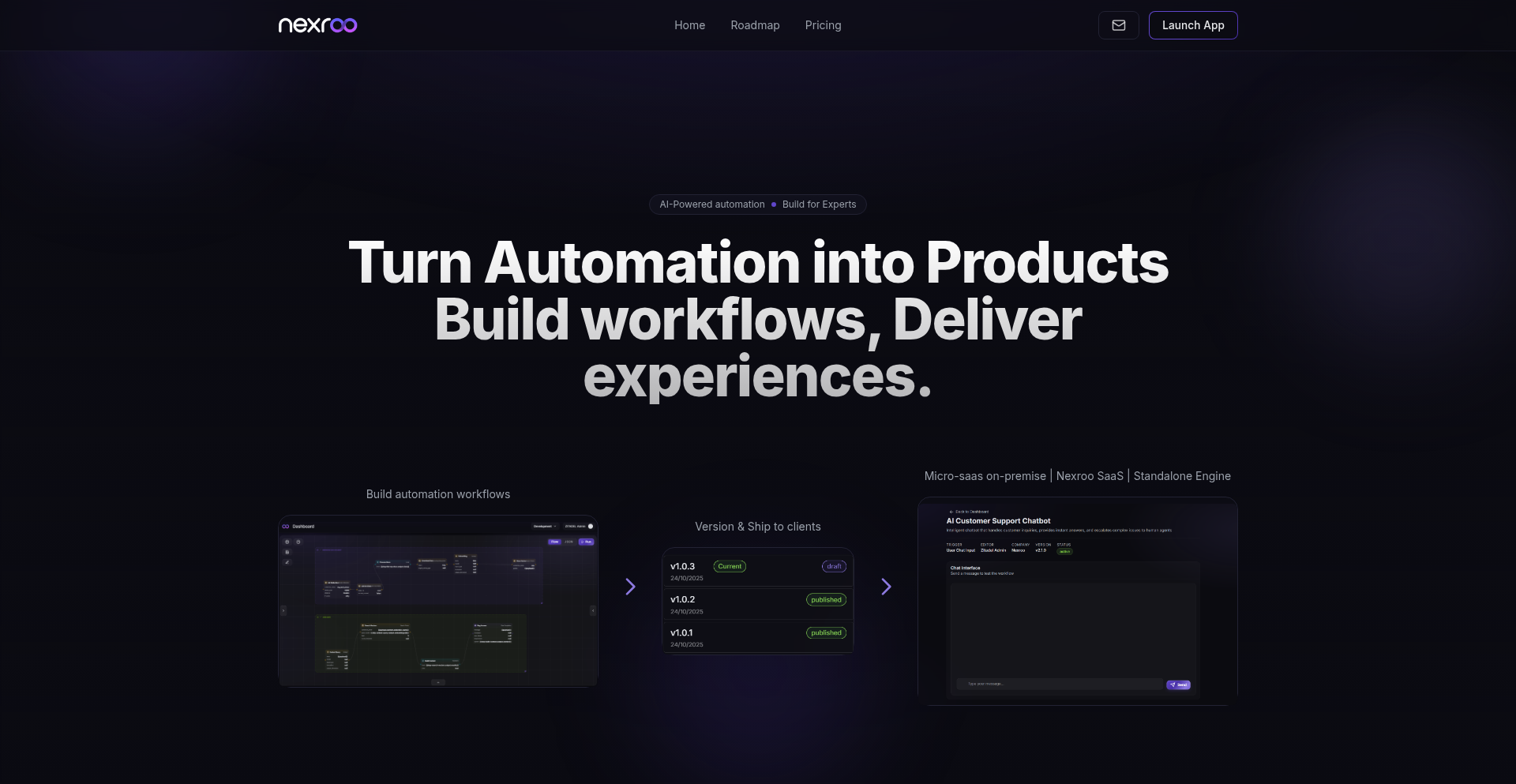
Author
adriencloud
Description
Nexroo is an automation platform that bridges the gap between building automation workflows and delivering them as polished, user-friendly products. It tackles the 'last mile problem' by simplifying the process of turning complex automations into accessible applications for end-users or clients, reducing the need for extensive custom UIs, micro-SaaS wrappers, and glue code. So, this helps you easily share your automation creations with others in a professional and functional way.
Popularity
Points 5
Comments 0
What is this product?
Nexroo is a platform designed to solve the challenge of taking automation logic, like those built with tools such as Zapier or n8n, and packaging it into a deliverable product. Instead of spending significant effort on custom interfaces, deployment, and version management, Nexroo streamlines these steps. Its core innovation lies in its ability to abstract away the complexity of turning raw automation into something that can be easily consumed and used by non-technical users or clients. So, this means your powerful automations can become ready-to-use tools without you becoming a full-stack developer for each one.
How to use it?
Developers can use Nexroo by designing their automation workflows using familiar tools. Once the workflow is built, Nexroo provides mechanisms to package, version, and deploy these automations as standalone applications or embeddable features. This can involve creating simple UIs for user interaction, managing different versions of the automation logic, and deploying them to various environments. The goal is to enable developers to ship their automations as polished products with a clean end-user experience, whether that's a web app, a set of APIs, or embedded functionality. So, you can focus on the automation itself, and Nexroo handles the packaging and delivery to make it a real product.
Product Core Function
· Workflow Packaging: Transform complex automation logic into deployable units. This allows for modularity and easier distribution of automation solutions. So, your automation logic is no longer just a script, but a distributable product.
· User Interface Generation: Provides tools or frameworks to create simple, intuitive user interfaces for end-users to interact with automations, abstracting away the underlying complexity. So, users can easily control and utilize your automations without needing to understand the technical details.
· Versioning and Deployment: Manages different versions of automation workflows and facilitates their deployment to various platforms or environments. This ensures reliability and the ability to roll back or update features seamlessly. So, you can confidently release updates and manage different iterations of your automation product.
· End-User Experience Focus: Prioritizes building automation products that are easy for non-technical users or clients to understand and use. This reduces the friction in adoption and increases the value of the delivered automation. So, the automations you build will actually be used and appreciated by your target audience.
Product Usage Case
· Building a customer onboarding automation: A developer can create a workflow that handles document collection and data validation. Nexroo can then be used to build a simple web portal where clients can upload documents and see their progress, turning the automation into a client-facing onboarding tool. So, clients get a smooth and automated onboarding experience.
· Creating a data processing micro-SaaS: A developer can build a complex data transformation workflow. Nexroo can help package this as a service with a user-friendly API or a simple input form, allowing others to submit data for processing without needing to manage the underlying infrastructure. So, you can offer a specialized data processing service without the overhead of a full SaaS product.
· Developing internal business tools: Automations for tasks like report generation or customer support ticket routing can be packaged with simple interfaces for internal teams. This makes powerful internal tools accessible to employees who might not be technically proficient. So, your colleagues can leverage powerful automations to improve their daily work.
26
OnlyRecipe 2.0 - Iterative Culinary Code

Author
AwkwardPanda
Description
This project is an evolution of a recipe management application, "OnlyRecipe 2.0". The core innovation lies in its iterative development process, where features were added over four years based on direct user feedback from the Hacker News community. This demonstrates a pragmatic, community-driven approach to software engineering, focusing on solving real user pain points in recipe organization and retrieval through refined technical solutions.
Popularity
Points 2
Comments 3
What is this product?
OnlyRecipe 2.0 is a recipe organization and management tool that has been continuously improved based on feedback from the Hacker News community over a period of four years. Its technical innovation comes from its adaptive feature set and the underlying infrastructure that allows for such sustained, community-influenced development. It's essentially a testament to building software that truly serves its users by listening and iterating, using code to solve the common problem of managing personal recipes effectively. This means the tool gets better over time because real users, like you, get to shape its development with their ideas and needs.
How to use it?
Developers can use OnlyRecipe 2.0 as a reference for building similar community-driven projects. The technical implementation likely involves a robust backend to store and manage recipe data, possibly with a user-friendly frontend for input and display. Integration could involve APIs for importing/exporting recipes or connecting with other culinary platforms, though the primary use case demonstrated is its standalone utility for personal recipe management. For you, this means you can use it to store, search, and organize all your favorite recipes in one place, making cooking simpler and more enjoyable, and knowing that future improvements will be based on what users like you actually want.
Product Core Function
· User-defined recipe categorization: Allows users to tag and group recipes using custom labels, providing a flexible way to organize their culinary collection. The technical value is in efficient data indexing and retrieval, enabling quick access to specific recipe types.
· Advanced recipe search with ingredient filtering: Enables users to search recipes not only by name but also by specific ingredients they have on hand, minimizing food waste and simplifying meal planning. This showcases powerful backend search algorithms and database query optimization.
· Recipe scaling and unit conversion: Automatically adjusts ingredient quantities for different serving sizes and converts units (e.g., metric to imperial), reducing manual calculation errors. This involves logical programming for mathematical operations and unit handling.
· Offline access and local storage: Potentially allows users to access their recipes even without an internet connection, ensuring availability during cooking. The technical implementation might involve local databases or caching mechanisms for data persistence.
· Community-driven feature prioritization: The ongoing development over four years highlights a technical commitment to integrating user-requested features, demonstrating agility and responsiveness in software architecture. This means the tool is constantly evolving to be more useful based on real-world needs.
Product Usage Case
· A home cook struggling to find recipes using leftover ingredients: They can use the ingredient filtering search to discover new dishes, solving the problem of food waste and inspiring new meal ideas. The technical solution is the smart search functionality.
· A passionate baker wanting to organize their collection of pastry recipes: They can create a 'pastry' category and tag recipes accordingly, making it easy to access specific types of recipes for any baking project. This highlights the value of custom categorization.
· Someone planning a dinner party for a different number of guests: They can use the recipe scaling feature to adjust quantities effortlessly, avoiding over or under-preparation. The underlying technology is the intelligent unit and quantity adjustment system.
· A developer looking to build a personal project management tool: OnlyRecipe 2.0 can serve as an example of how to iteratively build and improve a product based on user feedback, showcasing a valuable development methodology and potentially inspiring architectural choices.
27
Numla: The Contextual Number Notebook

Author
daviducolo
Description
Numla is a unique notepad application that goes beyond simple text entry by intelligently understanding and acting upon numerical data within your notes. Instead of just seeing numbers, Numla recognizes them as quantities, dates, currencies, or other forms of quantifiable information, offering context-aware actions and calculations. This project showcases an innovative approach to note-taking by integrating a lightweight natural language processing (NLP) engine specifically tuned for numerical interpretation.
Popularity
Points 4
Comments 1
What is this product?
Numla is a smart notepad that turns ordinary numbers in your text into actionable data. Think of it as a regular notepad, but with a brain for numbers. When you type a number, Numla analyzes it to figure out what it represents – is it a quantity of items, a date, a price, or something else? Based on this understanding, it can then offer useful actions like performing quick calculations, converting units, or reminding you of dates. The core innovation lies in its ability to infer context from numerical input without requiring explicit formatting or commands, making note-taking more intuitive and efficient.
How to use it?
Developers can use Numla in various ways. You can integrate its core numerical recognition engine into your own applications to add smart data handling to text fields. For example, if you're building a task management app, Numla could automatically parse due dates from task descriptions. For personal use, you can simply install and use Numla as a standalone note-taking app. When you write notes, Numla will automatically highlight recognized numbers and present relevant options. If you're a developer, you can explore its API to leverage its parsing capabilities for custom workflows. The goal is to make interacting with numbers in plain text as seamless as writing the text itself.
Product Core Function
· Numerical Contextualization: Numla automatically identifies numbers in your notes and determines their likely meaning (e.g., quantity, date, currency) without explicit user input. This provides immediate value by highlighting potentially important data points you might otherwise overlook.
· In-line Calculation and Conversion: Once a number is recognized, Numla can perform simple calculations or unit conversions directly within the note. This saves you from switching to a separate calculator app, offering a significant productivity boost for common tasks.
· Actionable Insights: Based on the recognized numerical context, Numla suggests relevant actions. For instance, a recognized date might prompt a calendar event creation, or a currency value could offer exchange rate information. This turns passive notes into active tools.
· Customizable Recognition Rules: For advanced users or specific domains, Numla allows for customization of how numbers are recognized, enabling it to adapt to niche data formats or industry-specific terminology, thereby increasing its applicability and accuracy for specialized needs.
· Plain Text Simplicity: Unlike complex spreadsheet software or specialized data entry forms, Numla operates on plain text. This means your notes remain highly portable, human-readable, and easily searchable, offering the best of both worlds: intelligent data handling and the simplicity of a text file.
Product Usage Case
· Personal Finance Tracking: Imagine jotting down your expenses like 'Bought coffee for $4.50 and a book for $25.99'. Numla would recognize the amounts and potentially allow you to categorize them or see a running total without manual calculation.
· Project Management Notes: When planning a project, you might write, 'Meeting scheduled for 2024-03-15, need to finalize report by EOD 3/14'. Numla could automatically create calendar entries for these dates and deadlines, ensuring nothing slips through the cracks.
· Inventory Management: For small businesses or personal collections, a note like 'Stock update: 5 widgets at $10 each, remaining 20 units' could be processed by Numla to quickly calculate total inventory value or stock levels.
· Event Planning: Writing down guest numbers and RSVPs like 'Invite 50 people, 35 confirmed' allows Numla to quickly show you the attendance count, helping with catering or seating arrangements.
· Developer Workflow Enhancement: A developer might log a performance metric like 'API response time averaged 150ms over 1000 requests'. Numla could interpret this to show the average response time and the volume of requests, useful for quick debugging or performance analysis.
28
Qwen3-Omni Live API

Author
dsiddharth
Description
This project offers direct, zero-setup access to Qwen3-Omni, an open-source speech-to-speech (S2S) model. It provides a real-time inference stack optimized for voice applications, allowing developers to experiment with advanced S2S technology without the complexity of managing infrastructure.
Popularity
Points 5
Comments 0
What is this product?
This is a live API that lets you directly interact with Qwen3-Omni, an open-source model that takes spoken audio as input and generates spoken audio as output. Unlike many other advanced S2S models which are closed-source or require extensive setup, Qwen3-Omni is accessible through a simple API call. The innovation lies in its optimized real-time inference stack, making it practical for live voice applications. This means you can send your voice, and the model will respond with synthesized speech, all happening very quickly.
How to use it?
Developers can integrate this API into their applications by making standard API requests. This could involve sending audio files or streaming audio directly to the API endpoint. The output will be the synthesized speech, which can then be played back to the user. It's designed for easy integration into projects requiring voice interaction, such as interactive voice assistants, real-time translation with voice output, or novel audio content generation tools.
Product Core Function
· Open-source Speech-to-Speech (S2S) inference: Provides access to an open-source model that understands spoken input and generates spoken output, allowing for innovative voice-based applications. This is valuable because it democratizes access to cutting-edge S2S technology.
· Real-time inference stack: Optimized for low latency voice processing, enabling smooth and responsive user interactions. This is important for applications where delays would negatively impact the user experience.
· Zero-setup playground access: Allows developers to experiment with the S2S model immediately without needing to configure complex environments or manage hardware. This significantly lowers the barrier to entry for trying out advanced voice AI.
· Multi-region deployment: Ensures reliable and fast access to the API by distributing it across various geographical locations. This translates to better performance for users worldwide, reducing frustrating delays.
Product Usage Case
· Developing a real-time multilingual voice translator: Users speak in one language, and the API instantly translates and speaks the output in another language, solving the problem of complex audio processing chains and providing a seamless experience.
· Creating interactive voice-based learning tools: A student speaks a question, and the S2S model provides an audio response, fostering a more engaging and natural learning environment than text-based interfaces.
· Building experimental audio storytelling applications: Developers can feed narrative prompts into the S2S model and receive fully spoken stories, pushing the boundaries of creative content generation with minimal technical overhead.
29
Prima Veritas: The Unshakable Analytics Engine
Author
MLoffshore
Description
Prima Veritas is a groundbreaking analytics engine designed to eliminate all forms of nondeterminism in machine learning pipelines. It ensures that every computation, from data normalization to K-Means clustering, produces the exact same result every single time, regardless of the environment. This is achieved by meticulously controlling factors like floating-point precision, random number generation, and system configurations, making your ML models truly reproducible. So, if you need your ML results to be absolutely reliable and trustworthy, Prima Veritas makes that a reality.
Popularity
Points 1
Comments 4
What is this product?
Prima Veritas is an open-source project that functions as a deterministic analytics engine. Think of it like a super-precise calculator for your machine learning tasks. Unlike typical tools that might give you slightly different answers each time due to the way computers handle numbers or introduce random elements, Prima Veritas guarantees bit-for-bit identical results. It achieves this by freezing specific versions of software, controlling how numbers are processed (no fuzzy math), and eliminating any external factors that could cause variations. This means your machine learning experiments will be perfectly repeatable, which is crucial for scientific research, regulatory compliance, and building robust applications. So, for developers and researchers, this means you can trust your findings and build upon them with confidence, knowing the foundation is solid and unwavering.
How to use it?
Developers can integrate Prima Veritas into their existing machine learning workflows. The project provides deterministic components for data ingestion and normalization, and a reproducible K-Means clustering algorithm. This means you can swap out your current data processing and clustering steps with Prima Veritas's versions to immediately gain reproducibility. For example, if you're building an ML model for a regulated industry, you can use Prima Veritas to ensure that the training data processing and model training steps can be audited and verified to produce consistent outcomes. The project also includes tools for cross-machine reproducibility tests, allowing you to confirm that your pipeline behaves identically on different computers or cloud environments. So, if you need to prove your ML process is reliable or share it with others for verification, Prima Veritas provides the tools to do just that.
Product Core Function
· Deterministic Data Ingest and Normalization: Ensures that the process of loading and cleaning your data always results in the same processed dataset, eliminating variations from system differences or software versions. This is valuable because inconsistent data preparation can lead to faulty model training and unreliable predictions, and this function provides a stable starting point for all your ML tasks.
· Deterministic K-Means Clustering: Guarantees that the K-Means clustering algorithm will produce the same cluster assignments and centroids every time it's run on the same data. This is critical for applications where consistent grouping of data is essential, such as customer segmentation or anomaly detection, ensuring that your insights are repeatable and dependable.
· Golden-Reference Hashes: Allows you to create a unique digital fingerprint (a hash) for your processed data or model outputs. If this hash ever changes, you know something has gone wrong or been altered, acting as a powerful verification mechanism. This is incredibly useful for detecting accidental changes or malicious tampering in your ML pipeline, providing a clear alert system for data integrity.
· Cross-Machine Reproducibility Tests: Provides tools and methodologies to verify that your entire analytics pipeline runs identically across different machines, operating systems, and hardware configurations. This is invaluable for team collaboration, deployment across diverse infrastructures, and ensuring that research findings can be independently verified by others, eliminating the 'it works on my machine' problem.
Product Usage Case
· A pharmaceutical company developing a drug discovery model needs to ensure its ML pipeline is auditable and compliant with regulatory standards. By using Prima Veritas for data preprocessing and model training, they can provide regulators with proof that the results are not influenced by random chance or environmental factors, increasing the trustworthiness and acceptance of their research.
· A financial institution building a fraud detection system requires absolute consistency in its real-time analytics. Using Prima Veritas ensures that the system's behavior and detection rates are predictable and repeatable, reducing the risk of false positives or negatives caused by subtle variations in the processing, leading to more reliable financial security.
· A scientific research team is conducting complex simulations and analyzing large datasets for climate modeling. Prima Veritas guarantees that their analysis and conclusions are reproducible, allowing other researchers to easily validate their findings and build upon their work, accelerating scientific progress by removing the ambiguity of experimental variability.
30
GoSpeak: Golang API Client for Gradium.ai Speech Processing
Author
irqlevel
Description
This project offers a Golang client library that simplifies interaction with Gradium.ai's Text-to-Speech (TTS) and Speech-to-Text (STT) APIs. It abstracts away the complexities of direct API calls, allowing Go developers to seamlessly integrate advanced speech synthesis and recognition into their applications. The innovation lies in providing a native, idiomatic Go interface to powerful AI-driven speech services, making it easier and faster to build voice-enabled features.
Popularity
Points 5
Comments 0
What is this product?
GoSpeak is a Golang library designed to make using Gradium.ai's speech AI super easy. Think of Gradium.ai as a service that can turn text into spoken words (TTS) and spoken words back into text (STT). This library acts like a translator or a convenient remote control for those Gradium.ai services, but specifically for Go programmers. Instead of figuring out complicated web requests, developers can just use simple Go commands. The key innovation is that it's built with Go's strengths in mind, meaning it's efficient, robust, and fits well into existing Go projects. This makes adding voice capabilities to your Go apps much more straightforward.
How to use it?
Developers can use this project by installing it as a Go module. Once integrated, they can instantiate the Gradium.ai client within their Go code and then call methods to send text for TTS conversion or audio data for STT analysis. For example, to convert text to speech, a developer would provide the text string and desired voice parameters to a function, and the library would handle sending it to Gradium.ai and returning the generated audio. For STT, they would pass audio data, and the library would return the transcribed text. This can be used in web applications, command-line tools, or any Go-based system that needs to process or generate speech.
Product Core Function
· Text-to-Speech (TTS) Integration: Provides a straightforward Go function to send text to Gradium.ai and receive synthesized speech audio (e.g., MP3, WAV). This value is enabling applications to speak, useful for voice assistants, audio content generation, or accessibility features.
· Speech-to-Text (STT) Integration: Offers a Go function to send audio files or streams to Gradium.ai for transcription. This value is enabling applications to understand spoken language, useful for transcribing meetings, voice commands, or analyzing user input.
· Error Handling and Response Management: The library handles API responses and errors from Gradium.ai gracefully, returning Go-compatible error types and structured data. This value is providing robustness and making it easier for developers to debug and manage issues in their voice processing workflows.
· Parameter Configuration: Allows developers to configure various parameters for TTS (like voice, speed, pitch) and STT (like language, model) through simple function arguments. This value is giving developers fine-grained control over speech generation and recognition to suit specific application needs.
Product Usage Case
· Building a command-line tool that reads out news headlines: A developer could use the TTS feature to have their Go CLI application read news articles aloud, making it convenient for users who are multitasking or have visual impairments. The library handles the API call, and the developer just needs to provide the text.
· Developing a voice-controlled application: Imagine a Go-based backend for a smart home system. The STT functionality can be used to listen to user voice commands (e.g., 'turn on the lights') and transcribe them into text that the application can then process to control devices. This solves the problem of converting spoken input into actionable commands.
· Creating an automated customer support bot that can respond via voice: A company could use this library to build a Go service that receives customer queries via text, uses TTS to generate a spoken response, and then plays it back to the customer. This enhances user experience by providing natural voice interaction, and the library simplifies the integration of the TTS engine.
31
Davia - AI-Powered Visual Wiki Architect

Author
ruben-davia
Description
Davia is an open-source project that empowers coding agents to automatically generate a structured, editable internal wiki for your project. It focuses on high-level documentation like onboarding context, architectural overviews, and key design decisions. Unlike traditional tools, Davia integrates diagrams on editable whiteboards and offers a Notion-like editor for text, all running locally and accessible via your IDE. The core innovation lies in its ability to have your IDE's AI write documentation, which Davia then transforms into clean pages, diagrams, and visual structures.
Popularity
Points 5
Comments 0
What is this product?
Davia is a local-first, open-source tool designed to revolutionize project documentation. Instead of manual writing and diagramming, it leverages AI coding agents to produce a visual and interactive internal wiki. The technical approach involves taking AI-generated text, processing it to identify documentation needs (like architectural explanations or decision logs), and then generating rich content. This includes editable text blocks using a familiar Notion-like interface and dynamic diagrams placed on virtual whiteboards. The innovation is in seamlessly bridging the gap between AI-generated code context and human-readable, visually structured documentation, all within a developer's local environment. This means you get documentation that's automatically generated, easy to update, and directly relevant to your project's codebase, solving the common problem of outdated or incomplete project documentation.
How to use it?
Developers can integrate Davia into their workflow by installing it locally. Once set up, they can direct their IDE's AI coding assistant (like GitHub Copilot or others that can generate structured text) to write documentation snippets or explanations for specific code modules or architectural patterns. Davia monitors these generated texts and automatically converts them into well-formatted wiki pages, complete with diagrams on interactive whiteboards. Developers can then refine this generated content directly within the Davia workspace using its built-in editor, or even modify the underlying files in their IDE. This creates a highly efficient documentation loop: AI writes, Davia visualizes, and the developer polishes, all without leaving their familiar development environment. This is useful for quickly creating and maintaining up-to-date project knowledge bases.
Product Core Function
· AI-driven documentation generation: Your coding agent writes content, and Davia automatically structures it into wiki pages, saving significant manual effort and ensuring documentation stays current with code changes.
· Visual wiki editing: Provides a Notion-like interface for text and an editable whiteboard for diagrams, allowing for intuitive content creation and modification.
· Local-first execution: Runs entirely on your machine, ensuring data privacy and seamless integration with your existing IDE and development tools. This means your sensitive project information stays with you.
· Automated diagram creation: Transforms descriptive text into visual representations on interactive whiteboards, making complex architectures and relationships easier to understand.
· IDE integration: Allows AI coding agents within your IDE to generate documentation directly, streamlining the writing process and keeping documentation contextually relevant to the code.
Product Usage Case
· Onboarding new team members: Automatically generate an architectural overview and key design decision logs for a new project, allowing new hires to quickly grasp the system's structure and rationale. This solves the problem of slow ramp-up times.
· Documenting complex microservices: Use AI to describe the communication patterns and dependencies between microservices, with Davia creating visual flowcharts and API descriptions. This addresses the challenge of understanding distributed systems.
· Capturing design decisions: When a significant architectural change is made, prompt the AI to explain the rationale and alternatives considered. Davia then generates a decision record in the wiki, preserving valuable context for future reference. This prevents loss of tribal knowledge.
· Maintaining API documentation: As API endpoints are updated, have the AI describe the changes. Davia can then update the relevant wiki pages with new request/response examples and descriptions, ensuring API documentation is always accurate.
32
PantryGPT Recipes
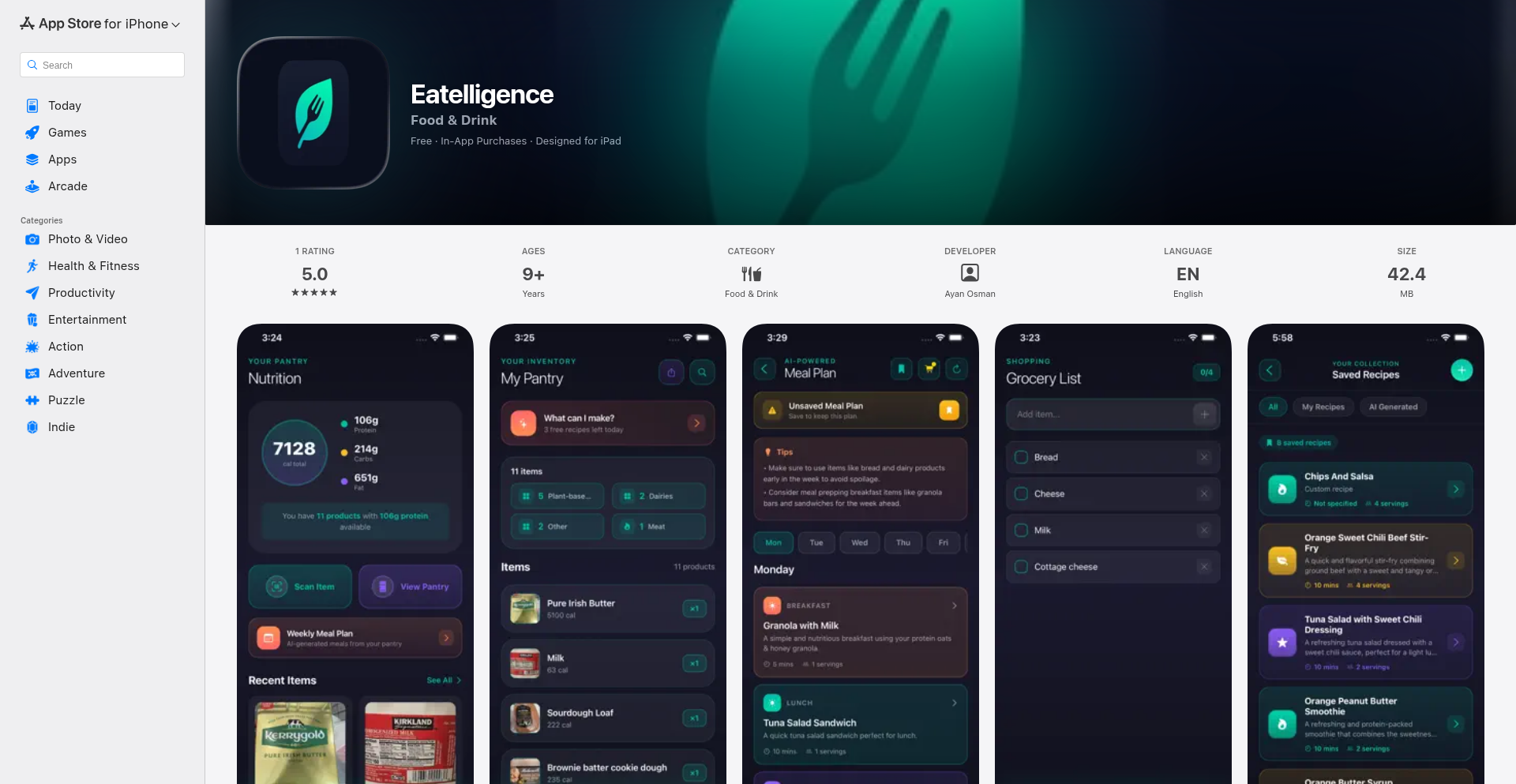
Author
xsonerx
Description
This is a mobile application that transforms your pantry's contents into delicious meals. By scanning barcodes or photos of your food items, it leverages GPT-4 to generate personalized recipe suggestions, minimizing food waste and sparking culinary creativity. The core innovation lies in bridging the gap between what you have and what you can cook using advanced AI.
Popularity
Points 2
Comments 2
What is this product?
PantryGPT Recipes is a smart kitchen assistant that uses your phone's camera to identify food items in your pantry. It then sends this list to OpenAI's GPT-4 model, which acts like a super-powered chef, analyzing your ingredients and suggesting creative, practical recipes. This is innovative because it directly tackles the 'what's for dinner?' problem with a personalized AI solution, going beyond simple ingredient listing to offer genuine culinary inspiration. So, what's in it for you? It means less food waste and more exciting meal options without needing to scour the internet for recipes that might not use what you already own.
How to use it?
Developers can use PantryGPT Recipes by integrating its core functionality into their own applications or by building on top of its conceptual framework. The app itself is used by consumers: simply open the app, scan the barcodes of your pantry items or take pictures of them. The app automatically registers these items. Once you've scanned your items, you can ask for recipe suggestions, and the AI will generate them for you. For developers, the underlying technology can be explored for inspiration in areas like inventory management, AI-driven recommendation engines, or mobile computer vision applications. The typical integration path involves using a mobile frontend (like React Native) to capture images/barcodes, a backend service (like Supabase) for data storage and user management, and the OpenAI API for the AI recipe generation.
Product Core Function
· Food Item Recognition via Camera: Allows users to scan barcodes or take photos of food. The technical value is in using computer vision libraries to interpret visual data, enabling automatic inventory logging. This is useful for users by saving them manual entry time and ensuring accuracy of their pantry list.
· AI-Powered Recipe Generation: Utilizes GPT-4 to create recipes based on identified ingredients. The innovation is in the natural language processing and creative text generation capabilities of large language models, transforming raw data into actionable culinary ideas. For users, this means personalized recipe suggestions that are often unique and tailored to their specific inventory.
· Pantry Inventory Management: Keeps a digital record of food items. The technical value comes from efficient data storage and retrieval mechanisms. Users benefit from a clear overview of their available ingredients, helping with meal planning and shopping.
· User Authentication and Data Storage: Securely manages user accounts and pantry data. This is crucial for a personalized experience and data privacy. Users can trust that their information is safe and accessible only to them.
Product Usage Case
· Reducing Food Waste: A user has a half-used jar of pickles and some leftover chicken. Instead of letting them expire, the app suggests a quick pickle chicken salad recipe, directly solving the problem of impending spoilage and providing a delicious outcome.
· Inspiring Weeknight Dinners: A family has various vegetables and some pasta but is out of ideas. The app generates a 'Creamy Vegetable Pasta Primavera' recipe, giving them a clear, step-by-step guide for a healthy and easy meal, fulfilling the 'what's for dinner' need.
· Creative Ingredient Utilization: A developer wants to use up miscellaneous ingredients like canned beans, spices, and a bit of cheese. The app can suggest an unexpected 'Spiced Bean and Cheese Casserole', demonstrating how AI can find novel ways to combine disparate items.
· Meal Planning Assistance: For users who struggle with planning, scanning their pantry at the start of the week can provide a foundation for multiple meal ideas, streamlining the planning process and making it more efficient.
33
Kling O1: Unified Multimodal Video Synthesis Engine

Author
lu794377
Description
Kling O1 is a groundbreaking unified multimodal video model that consolidates nearly all major video generation tasks into a single system. It tackles reference-to-video, text-to-video, frame manipulation, editing, transformations, restyling, and camera extensions. The core innovation lies in its ability to process diverse inputs – images, clips, characters, layouts, and text – into a single pipeline, solving the common problem of needing multiple specialized tools and ensuring consistency across generated video sequences.
Popularity
Points 2
Comments 2
What is this product?
Kling O1 is a sophisticated AI model designed to create and edit videos by understanding and integrating various forms of input. Instead of requiring separate tools for different video editing or generation needs, Kling O1 accepts images, existing video clips, character designs, scene layouts, and textual instructions all at once. Its 'multimodal understanding' means it can interpret these different inputs together, allowing it to generate accurate motion, fill in missing parts of a video, and maintain visual consistency (like character appearance or scene details) across multiple shots. This unified approach simplifies complex video workflows, making advanced video creation more accessible.
How to use it?
Developers can integrate Kling O1 into their existing workflows or build new applications on top of it. For example, a game developer could use it to generate consistent character animations for different scenes by providing character references and text prompts. A filmmaker could use it to generate establishing shots or B-roll by inputting a scene description and key visual elements. The model is designed to accept a variety of inputs, allowing for flexible integration. For practical use, imagine feeding it a product image, a model image, and a text description like 'show the product on the model walking on a beach.' Kling O1 would then generate a video of this scene, ensuring the product and model look consistent.
Product Core Function
· Unified Input Processing: Accepts images, video clips, characters, layouts, and text prompts simultaneously, simplifying workflows by eliminating the need for multiple tools and reducing complexity. This means less time spent juggling different software and more time focused on creative output.
· Multimodal Understanding for Accurate Generation: Interprets diverse inputs to generate precise motion and accurately fill in missing frames, leading to more realistic and coherent video content. This helps create videos that flow naturally and look polished without manual frame-by-frame correction.
· All-in-One Reference for Video Consistency: Preserves characters, props, and scene details across multiple shots by using input references, directly addressing the long-standing challenge of maintaining visual consistency in generated videos. This is crucial for storytelling and branding where continuity is key.
· Stacked Editing Capabilities: Allows for adding subjects, changing backgrounds, restyling, and applying element-specific controls within a single generation process, enabling complex edits and revisions in one go. This streamlines the editing process, making iterative improvements much faster and more efficient.
· Flexible Shot Length Control (3-10 Seconds): Generates short, controllable video clips suitable for storytelling, advertising, and quick content creation, allowing for fine-tuned pacing and narrative control. This is ideal for social media content or rapidly prototyping video ideas.
Product Usage Case
· Advertising: An e-commerce company can upload a product image, a model's image, and a brief text prompt like 'product being worn in a dynamic urban setting.' Kling O1 generates engaging product showcase videos quickly, reducing production costs and time-to-market.
· Fashion: A fashion brand can provide images of clothing items and models and use Kling O1 to generate diverse virtual runway videos, showcasing collections in various styles and settings without the need for physical shoots. This expands creative possibilities and reduces logistical challenges.
· Film Post-production: A film editor needs to remove unwanted elements from a scene or alter the sky. By providing the original footage and a text prompt like 'remove the people in the background' or 'make the sky a vibrant blue,' Kling O1 can perform pixel-level corrections and enhancements efficiently, saving significant manual editing effort.
· Filmmaking: A director is planning a multi-shot sequence and needs to ensure character appearances and the overall scene remain consistent. By feeding Kling O1 reference images of characters and the environment, it can generate subsequent shots that seamlessly match the established visuals, ensuring a cohesive cinematic look.
34
TechTerminal CLI Portfolio
Author
andresrl
Description
This project transforms a traditional website hero section into an interactive Command Line Interface (CLI). It leverages a Nuxt 4 framework with Vue 3 to create an engaging, tech-focused user experience, specifically designed to filter out unqualified leads for a web engineering boutique by requiring users to interact with a simulated terminal. It also incorporates a real-time latency calculator and a viability scanner, showcasing a novel 'Engineering as Marketing' approach.
Popularity
Points 4
Comments 0
What is this product?
This project is a website portfolio that replaces the standard welcoming banner with a functional, albeit simulated, command-line interface (CLI). Instead of just seeing text and images, visitors are presented with a terminal prompt. The core innovation lies in using this interactive CLI to pre-qualify potential clients. The hypothesis is that individuals who can't navigate or don't appreciate a simple terminal interface are likely not the technical decision-makers (CTOs or Founders) the business is looking for. It's built using Nuxt 4 for server-side rendering and Vue 3 for the interactive frontend components, with Tailwind CSS for styling. The real-time latency calculator is pure frontend logic, demonstrating how to visualize the impact of website speed on potential revenue loss.
How to use it?
Developers can integrate this concept into their own portfolios or marketing websites. The core idea is to embed a Vue component that mimics a CLI within the hero section. Users interact by typing commands, and the system responds. This can be used to: 1. Showcase technical prowess immediately. 2. Guide users through specific information by responding to commands like 'about', 'services', 'contact'. 3. Filter leads by assessing their ability to engage with a technical interface. For instance, a web engineering boutique could use it to weed out clients solely seeking basic WordPress maintenance, focusing instead on those seeking more advanced web solutions. The project also includes a frontend-only latency calculator that can be triggered by specific commands, providing immediate feedback on website performance implications.
Product Core Function
· Interactive Terminal Interface: Simulates a CLI experience directly in the browser, allowing users to type commands and receive responses. This provides an immediate, engaging, and technically sophisticated first impression, filtering out users who aren't interested in a tech-centric approach.
· Lead Qualification Logic: Implements a state-driven wizard and command responses that implicitly qualify users. For example, if a user struggles with basic terminal commands or doesn't understand the context, they are less likely to be a target customer for specialized web engineering services.
· Real-time Latency Calculator: A frontend JavaScript module that estimates potential revenue loss based on website load times. This educates potential clients about the critical importance of website performance in a tangible, data-driven way.
· Viability Scanner: A guided, step-by-step process that users can go through by interacting with the terminal. This helps in gathering preliminary project information and assessing its viability before a direct conversation.
· Nuxt 4 (SSR) Integration: Leverages server-side rendering for improved SEO and initial page load performance, providing a robust foundation for the application.
Product Usage Case
· A web engineering boutique uses this portfolio to attract CTOs and Founders looking for sophisticated web solutions. By replacing the standard hero with a terminal, they instantly filter out inquiries for basic, low-value services like simple WordPress maintenance, ensuring their sales efforts are focused on more qualified leads.
· A freelance developer specializing in performance optimization can showcase their skills by integrating a command like 'test-speed' into their terminal portfolio. This command would trigger the real-time latency calculator, demonstrating the impact of slow load times on potential lost revenue, directly addressing a client's pain point.
· A SaaS product company could use this approach for their landing page. A command like 'features' might present a structured overview of their product's capabilities, while 'pricing' could initiate a simplified pricing calculator within the terminal, making the information discovery process more interactive and less overwhelming.
35
GitFlow Tracker

Author
yuzong
Description
A lightweight issue tracker seamlessly integrated with your Git repository. It leverages Git's native features to manage development tasks, offering a streamlined way to track issues without requiring a separate, complex project management tool. The innovation lies in its deep integration with Git, making issue management feel like a natural extension of the coding workflow.
Popularity
Points 2
Comments 2
What is this product?
GitFlow Tracker is a novel issue tracking system designed specifically for developers working with Git. Instead of relying on external platforms, it piggybacks on Git's existing commit and branching mechanisms. When you create an issue, it might manifest as a specific branch, tag, or even metadata within commit messages. This means all your issue-related information lives alongside your code, making it incredibly easy to see the context of any task or bug fix. The core technical insight is that Git itself already has powerful ways to organize and version information, and GitFlow Tracker harnesses this to provide issue tracking with minimal overhead.
How to use it?
Developers can use GitFlow Tracker by initializing it within their Git repository. Typically, this would involve a command-line interface (CLI) tool that interacts with your local Git repository. For example, to create a new issue, you might run a command like `gitflow-tracker new 'Implement user authentication'`, which then automatically creates a dedicated branch for this task and potentially adds a special marker to its commit history. When you complete the issue, you'd close it using another command, which could automatically merge the branch back and update its status. Integration is straightforward as it operates directly on your Git repository, meaning no complex API setups or separate service subscriptions are needed. This makes it ideal for solo projects, small teams, or even for quickly jotting down ideas during development.
Product Core Function
· Issue Creation and Branching: Automatically creates a dedicated Git branch for each new issue, providing clear isolation for development tasks. This helps in organizing work and preventing conflicts, making it easier to manage multiple tasks simultaneously.
· Contextual Issue Linking: Associates issues with specific commits or branches. This means when you look at a commit, you can instantly see which issue it's related to, providing crucial context for debugging or understanding feature implementation.
· Status Tracking via Git Tags/Branches: Utilizes Git tags or branch naming conventions to reflect the status of issues (e.g., 'open', 'in-progress', 'resolved'). This offers a visual and easily queryable way to understand the progress of your project directly within Git.
· Minimal Overhead CLI: Provides a simple command-line interface for interacting with the tracker, reducing the need for extensive setup or learning curves. This aligns with the hacker ethos of using code to solve problems efficiently.
Product Usage Case
· Solo Developer Workflow: A solo developer can use GitFlow Tracker to manage personal projects. Creating an issue for a new feature, like 'Add dark mode', results in a 'feature/dark-mode' branch. All commits on this branch are implicitly linked to the 'dark mode' issue, simplifying progress tracking and future reference.
· Small Team Collaboration: For a small team working on a shared codebase, GitFlow Tracker provides a lightweight way to assign and track tasks. A bug reported as 'Fix login button alignment' could be created as an issue, assigned a branch like 'bugfix/login-alignment', and when resolved, its history clearly shows the fix within the context of the original bug.
· Rapid Prototyping: When quickly experimenting with new ideas or prototypes, developers can use GitFlow Tracker to log their experiments as issues. Each experiment can have its own branch, and the Git history itself becomes a log of the development process, making it easy to revert or revisit specific experimental paths without external tools.
36
AI File Converter Agent
Author
drdmitry
Description
An agent-based AI system that automatically creates hosted file converters. It takes your input file and a description of your desired output format, then builds a custom converter with a web interface and API, all without sending your sensitive data to the AI.
Popularity
Points 4
Comments 0
What is this product?
This project is an AI-powered system that acts like a smart assistant for creating specialized file converters. Instead of manually writing code to transform data from one format to another (like XML to JSON, or a custom log file to a standard spreadsheet), you upload your file and tell the AI what the output should look like. The AI then understands your file's structure locally – meaning your actual data stays private – and generates a functional converter. This converter can be accessed via a web page or an API, and you can even chat with the AI to make adjustments later. The core innovation is using AI to rapidly prototype and deploy data transformation workflows, bridging the gap between complex data formats and usable information.
How to use it?
Developers can use this project by visiting the AI Converter Studio website. They'll upload a sample of the file they need to convert. Next, they'll describe the desired output format, which could be a common format like JSON or CSV, or even a specific structure they need. The AI will then analyze the input file and generate a hosted converter. This converter can be immediately used through its web interface to process files, or integrated into other applications via its provided API. For example, if you have a proprietary supplier data feed in a weird XML format, you can describe how you want that data structured in a clean CSV, and the AI will build the tool for you. You can then use this tool to automate the conversion of all incoming supplier files.
Product Core Function
· File structure analysis: The system analyzes your input file's internal structure locally to understand its data organization, ensuring your data privacy while enabling accurate conversion.
· AI-driven output format generation: It uses artificial intelligence to interpret your desired output format and construct the logic for the conversion, saving you manual coding time.
· Automated converter deployment: Generates a ready-to-use hosted converter with a web interface and an API, making it easy to access and integrate into your workflows.
· Interactive AI refinement: Allows you to communicate with the AI via chat to modify conversion rules or column names, enabling quick adjustments without re-coding.
· Web interface for manual conversion: Provides a user-friendly web page to manually convert files, useful for ad-hoc tasks or for non-technical users.
· API for programmatic access: Offers an API endpoint that allows other applications or scripts to programmatically send files for conversion and receive the transformed data.
Product Usage Case
· Scenario: A company receives daily sales reports from different vendors in various proprietary XML formats. Problem: Manually converting these reports into a unified CSV format for analysis is time-consuming and error-prone. Solution: Upload a sample of each vendor's XML to the AI Converter Studio, describe the desired CSV structure (column names, data types), and get individual converters for each vendor. These converters can then be used via their APIs to automate the daily data ingestion process, saving hours of manual work and ensuring data consistency.
· Scenario: A developer is working with a legacy system that outputs data in a complex, custom text file format. Problem: Integrating this data with a modern application requires parsing this obscure format, which is difficult and requires writing custom parsing logic. Solution: Upload a sample of the legacy file, describe the desired JSON output, and the AI will generate a converter. This converter can then be used to transform the legacy data into a standard JSON format that can be easily consumed by the modern application, significantly reducing development time.
· Scenario: A data scientist needs to quickly experiment with different data transformations on a large log file before committing to a permanent solution. Problem: Setting up a local development environment and writing scripts for each experiment is inefficient. Solution: Use the AI Converter Studio to define several different output formats (e.g., filtering specific lines, extracting certain fields into a table) and generate temporary converters. This allows for rapid prototyping and testing of data wrangling ideas directly through the web interface or API without any setup overhead.
37
Soma: Rust-Native AI Orchestration Runtime

Author
solsol94
Description
Soma is an open-source AI agent and workflow runtime built in Rust, featuring a TypeScript SDK. It's designed to operate beneath existing AI frameworks like Vercel AI SDK or LangChain, providing a robust foundation for managing multiple AI agents, workflows, and SaaS integrations. Its core innovation lies in offering a developer-friendly experience (DX) for building complex AI systems, much like the self-deployable and well-supported model of Next.js, but for AI orchestration.
Popularity
Points 4
Comments 0
What is this product?
Soma is a foundational software component that allows developers to build and manage sophisticated AI systems. Instead of just writing individual AI agent code, Soma provides a reliable engine to connect and coordinate many agents and software services (like email, Slack, or business tools) so they can work together seamlessly. Think of it as a conductor for your AI orchestra, ensuring each instrument plays its part harmoniously. The technical magic involves a fault-tolerant runtime written in Rust for speed and reliability, and a way to define how different AI tools communicate and execute tasks. It generates standardized interfaces (Google A2A compliant endpoints) so your AI agents can easily talk to each other and to external services, even handling secure credential management through its MCP proxy server.
How to use it?
Developers can integrate Soma into their existing AI projects. If you're already using libraries like LangChain or the Vercel AI SDK, Soma can act as the underlying engine that runs your agent logic. You'd define your workflows and agent interactions within your code, and Soma would manage their execution, ensuring they run reliably even if individual parts fail. The TypeScript SDK allows you to define these interactions and control your AI agents programmatically. For instance, you could use Soma to orchestrate an AI agent that monitors your inbox, summarizes important emails, and then uses another agent to draft responses, all coordinated through Soma's runtime.
Product Core Function
· Fault-tolerant runtime: Ensures your AI workflows continue to run even if parts of the system encounter errors. This means your AI solutions are more dependable and less likely to crash, providing a consistent experience for users.
· Built-in chat and MCP server debugger: Simplifies troubleshooting and development by providing tools to inspect and debug the communication between your AI agents and services. Developers can quickly identify and fix issues, saving significant development time.
· Generates Google A2A-compliant endpoints: Creates standardized communication channels for your AI agents and services. This makes it easier for different AI components to discover and interact with each other, promoting interoperability within your AI ecosystem.
· MCP proxy server with credential and encryption handling: Securely manages sensitive information like API keys and passwords needed for your AI agents to access external services. This protects your data and ensures secure operation of your AI applications.
· Strongly-typed generated clients for MCP tools: Provides predictable and error-free ways for your AI agents to interact with integrated services. Developers get automatic code completion and type checking, reducing bugs and speeding up development.
· Multi-platform TS SDK: Allows developers to build and control AI agents and workflows from various environments using TypeScript. This flexibility broadens the accessibility and usability of Soma for a wider range of development stacks.
Product Usage Case
· Scenario: Building an automated customer support system that handles complex queries. Soma can orchestrate multiple AI agents: one to understand the user's intent, another to retrieve information from a knowledge base, and a third to generate a personalized response. This solves the problem of managing the sequential execution and communication between these specialized agents, ensuring a smooth and efficient customer interaction.
· Scenario: Developing an AI-powered business operations tool that integrates with accounting software (like Xero) and communication platforms (like Slack). Soma can coordinate agents that automatically process invoices, send notifications, and update records, all managed through a single interface. This addresses the challenge of making disparate SaaS applications work together under the control of AI, creating a more unified and automated back-office solution.
· Scenario: Creating long-running AI tasks, such as data analysis or report generation that might take hours. Soma's fault-tolerant runtime ensures that these tasks are not interrupted by temporary network issues or service failures. This provides reliability for critical background processes that are essential for business operations.
38
ArchSketch AI

Author
alibad
Description
ArchSketch AI is a free interactive platform designed to demystify system design, ML systems, and GenAI architectures. It consolidates learning materials, practice problems, and diagramming tools into a single, cohesive experience. The platform tackles the common developer pain point of scattered resources for interview preparation and continuous learning, offering guided plans, in-page comprehension checks, and AI-powered design generation.
Popularity
Points 3
Comments 1
What is this product?
ArchSketch AI is an all-in-one learning and practice platform for complex technical systems. It leverages AI to create personalized learning paths based on your interests, such as distributed systems or large language models. Unlike traditional methods that scatter information across blogs, videos, and separate tools, ArchSketch AI integrates guided lessons, instant quizzes, note-taking, and AI-assisted discussions directly within the learning material. Its core innovation lies in its interactive whiteboards for architecture design and a unique 'Projects' feature that allows users to create or have AI generate complete system design scenarios, complete with requirements, constraints, and calculations. So, what's in it for you? It means you can learn and practice complex system design concepts in a structured, engaging, and efficient way, all in one place, making you a more confident architect and problem-solver.
How to use it?
Developers can use ArchSketch AI by starting with a guided learning plan, which can be generated based on specific areas of interest like 'Distributed Systems' or 'Generative AI Architectures'. Within each learning module, users can read content, take built-in quizzes to test understanding, highlight key information, and jot down notes. For design practice, the interactive whiteboards allow for sketching out architectures and problem-solving, mimicking real-world design sessions or interview scenarios. The 'Projects' feature is particularly powerful: you can either define your own system design challenge or let the AI auto-generate one based on a simple description. This allows for hands-on experience with realistic problem-solving, from defining requirements to initial architectural choices. Integration isn't a primary focus as it's a standalone web platform, but the generated diagrams and learned concepts can be directly applied to your ongoing projects. So, how can you use it? You can integrate it into your daily learning routine to prepare for interviews, upskill in new technologies, or even brainstorm solutions for your current development tasks, transforming how you learn and apply system design principles.
Product Core Function
· AI-generated guided learning plans: Allows users to quickly get started with structured learning paths tailored to their goals, saving time on manual resource discovery and making learning more efficient.
· In-page interactive quizzes: Provides immediate feedback on comprehension, reinforcing learning and identifying knowledge gaps in real-time, thus improving retention and understanding.
· Integrated note-taking and AI discussion tools: Enables users to capture thoughts, ask clarifying questions, and engage in AI-driven discussions about concepts directly within the learning material, fostering deeper engagement and personalized learning.
· Interactive whiteboards for architecture design: Offers a collaborative and visual space for sketching out system designs, practicing problem-solving, and iterating on architectural ideas, crucial for effective design and interview preparation.
· AI-powered project generation and management: Creates realistic system design or ML/GenAI problems with detailed requirements, constraints, and calculations, providing practical, hands-on experience that mirrors real-world challenges and enhances skill development.
Product Usage Case
· A software engineer preparing for a system design interview can generate a learning plan focused on 'Scalable Web Architectures', use the interactive whiteboard to diagram a distributed database system, and then have AI generate a practice problem like 'Design a URL Shortener' with specific traffic constraints, simulating the interview pressure and problem-solving process.
· A machine learning practitioner wanting to understand Generative AI architectures can follow guided lessons on diffusion models, take quizzes to confirm understanding of key concepts like latent space and noise prediction, and then use the 'Projects' feature to explore the design of a text-to-image generation system.
· A team lead looking to onboard new engineers to distributed systems principles can direct them to specific learning modules on topics like CAP theorem or eventual consistency, supplemented by interactive diagramming exercises on the whiteboard to illustrate trade-offs and real-world applications.
· An individual developer exploring new technologies can use the platform to quickly build foundational knowledge in areas like LLM deployment or MLOps, leveraging AI-generated content and quizzes to accelerate their learning curve and gain practical insights for potential future projects.
39
PureBashGitAnalyzer

Author
ebod
Description
A Hacker News 'Show HN' project that presents a Git analysis tool built entirely with pure Bash scripting. It eschews common dependencies like Python or Node.js, demonstrating how complex tasks can be accomplished using just the shell. The innovation lies in its ability to parse and interpret Git log data and repository statistics using only shell commands, offering a lightweight and highly accessible solution for developers who prefer minimal toolchains.
Popularity
Points 4
Comments 0
What is this product?
This project is a Git analysis utility that functions entirely within the Bash shell environment. Its core innovation is the meticulous crafting of Bash scripts to read, parse, and process Git repository data, such as commit history, file changes, and contributor statistics, without relying on any external scripting languages or libraries. This approach is technically fascinating because it leverages the inherent power of shell utilities (like `grep`, `awk`, `sed`, `sort`, `uniq`) to perform sophisticated data manipulation and aggregation. Think of it as building a custom data analysis tool using only the basic building blocks that are already present on almost any Unix-like system. The value here is in its extreme portability and low barrier to entry – if you have Bash, you have this tool.
How to use it?
Developers can use this project by cloning the Git repository and executing the provided Bash scripts directly from their terminal. The scripts are designed to be run against any local Git repository. For instance, you might navigate to your project's root directory in the terminal and then run a script like `./git_stats.sh` to get a summary of your commit activity. The integration is straightforward: if you're already using Git and the command line, you can seamlessly incorporate this analyzer into your workflow. It's perfect for quick checks on project health or individual contributions without needing to install additional software.
Product Core Function
· Commit frequency analysis: This function parses Git commit logs to count commits over specific periods (e.g., daily, weekly), providing insights into development pace. The technical value is in understanding project velocity and identifying trends.
· Author contribution breakdown: By analyzing commit authorship, this script tallies contributions per developer, showing who is most active. Its value lies in team performance tracking and fair workload assessment.
· File change statistics: This core feature examines which files are modified most frequently or have the most lines added/deleted, helping to pinpoint areas of active development or potential refactoring needs. The technical value is in identifying hot spots within the codebase.
· Branch activity monitoring: The tool can report on the status and activity of different branches, such as commit counts per branch or the age of branches. This offers value in managing branching strategies and identifying stale branches.
· Raw log data processing: At its heart, the project excels at taking raw `git log` output and transforming it into digestible information using shell text processing utilities. This demonstrates a deep understanding of shell scripting for data transformation, providing immense value to developers who need custom Git insights.
Product Usage Case
· Scenario: A solo developer wants a quick, system-resource-light way to see their personal commit patterns over the last month. How it solves the problem: Instead of installing a complex analytics dashboard, they can simply run a Bash script from their project's root directory to get a report on their commit frequency and the files they've touched most, offering immediate actionable insights into their own productivity.
· Scenario: A small open-source project maintainer wants to get a sense of community engagement without setting up complex CI/CD pipelines. How it solves the problem: They can use the author contribution breakdown feature to quickly see which contributors are most active in the repository, fostering a sense of appreciation and encouraging further participation.
· Scenario: A team is concerned about code churn in a specific module before a major release. How it solves the problem: The file change statistics function can be used to identify the files within that module that have undergone the most modifications, allowing the team to focus their code review efforts effectively and potentially identify areas needing more robust testing or refactoring.
40
SteadyNewsDigest

Author
ericgtaylor
Description
SteadyNewsDigest is a daily news briefing designed to combat information overload and anxiety. It provides a single, finite edition of curated news summaries at a set time each day, free from manipulative engagement tactics, infinite scrolling, or editorial bias. The core innovation lies in its AI-powered summarization, which transforms sensational news into a calm, neutral 'Steady Voice,' alongside a thoughtful architecture focused on user well-being and privacy.
Popularity
Points 4
Comments 0
What is this product?
SteadyNewsDigest is a web application that delivers a single, curated daily news summary at a fixed time. It tackles the issue of news anxiety by using GPT-4.1-mini to distill top stories from reputable sources (AP, Reuters, BBC, NPR, WSJ) into calm, neutral summaries. Unlike traditional news feeds, it avoids infinite scrolling, ads, personalization, and engagement traps, offering a predictable and peaceful news consumption experience. This approach is underpinned by a robust technical stack including React/Vite for the frontend, Node/Express for the backend, and PostgreSQL for data storage, with a focus on a secure image proxy and SEO-friendly content management.
How to use it?
Developers can access SteadyNewsDigest as a pre-built service for their own projects or as an inspiration for building similar calm information platforms. The frontend is built with React and Vite, making it easy to integrate into existing JavaScript-based applications. The backend uses Node.js and Express, providing a solid foundation for API development and data handling. For developers interested in the content delivery aspect, the concept of generating finite, timed editions and using AI for tone adjustment can be directly applied to creating personalized digest services or internal company updates. The secure image proxy and SEO continuity features are also valuable technical patterns for any web application dealing with external content and search engine visibility.
Product Core Function
· AI-powered news summarization: Utilizes GPT-4.1-mini to rephrase news headlines and content into a calm and neutral tone, reducing sensationalism and anxiety. This is valuable for content creators or platforms that want to offer a less emotionally charged information stream to their users.
· Finite daily edition: Publishes a single, complete news briefing each day at a predetermined time, eliminating the addictive nature of infinite scrolling and promoting mindful consumption. This offers a predictable content delivery mechanism and reduces user overwhelm.
· Ad-free and no infinite scroll: Provides a distraction-free reading experience by removing advertisements and the engagement-driven infinite scroll, prioritizing user well-being over engagement metrics. This enhances user satisfaction and reduces screen time pressure.
· Privacy-focused analytics: Employs anonymous Plausible analytics and optionally Meta Pixel for paid acquisition testing, ensuring user privacy is paramount without relying on invasive tracking. This is crucial for developers who need to build user-friendly experiences while respecting data privacy regulations.
· Hardened image proxy: Implements a secure image proxy with SSRF-safety and a strict allowlist to protect against security vulnerabilities when serving external images. This is a key security feature for any application that embeds content from various sources.
· Slug immutability with 301 redirects: Ensures SEO continuity by maintaining stable URLs and implementing 301 redirects for old article slugs. This is vital for maintaining search engine rankings and user experience when content is updated or reorganized.
Product Usage Case
· A mental wellness app developer could integrate the AI summarization engine to provide users with balanced news updates that don't trigger anxiety, thereby enhancing the app's core value proposition.
· A corporate communications team could use the finite daily edition concept to create internal company digests, ensuring employees receive essential information at a set time without constant interruptions, improving productivity.
· A personal blog or newsletter creator could adapt the 'Steady Voice' summarization technique to generate unique, calm content summaries for their audience, differentiating themselves from other news aggregators.
· A freelance web developer building a client's website could implement the hardened image proxy and slug immutability system to ensure the site is both secure and maintains good SEO practices, offering a robust and maintainable solution.
41
Spinfinity Ring
Author
xtafnuihc
Description
This project is a sleek, 2mm-thick ring that discreetly houses a micro-bearing, allowing it to spin with remarkable smoothness and speed, akin to a high-performance fidget spinner. It's a testament to minimalist engineering, embedding complex kinetic function into a simple piece of jewelry.
Popularity
Points 4
Comments 0
What is this product?
Spinfinity Ring is a piece of wearable technology that embeds a miniature, high-precision bearing within a very thin ring. Unlike typical fidget spinners that have a noticeable bulk, this ring's bearing is designed for a near-silent, incredibly smooth spin, reaching up to 800 RPM with a simple flick. The innovation lies in miniaturizing a true bearing mechanism into a 2mm profile, offering a subtle yet captivating kinetic experience.
How to use it?
Developers can integrate the concept of precise, compact kinetic mechanisms into their own projects. While the ring itself is a finished product, its underlying technology inspires thinking about how to pack sophisticated functionality into minimal form factors. It can serve as a muse for designing novel mechanical interfaces, haptic feedback devices, or even components in miniature robotics where space is at a premium. The 'flick-to-spin' interaction can be a model for gesture-based controls in embedded systems.
Product Core Function
· High-speed micro-bearing integration: Enables a true, high-RPM spin within a minimal 2mm ring, offering a superior tactile experience compared to conventional spinners.
· Minimalist design: The ring's slim profile makes it discreet and wearable, providing a sophisticated kinetic element without being obtrusive.
· Smooth and silent operation: Utilizes precision engineering for a fluid, quiet spin, ideal for focus or stress relief without distraction.
· Durable kinetic mechanism: Designed to withstand repeated use, the embedded bearing ensures consistent performance over time.
Product Usage Case
· Creating subtle interactive jewelry: Imagine a bracelet or pendant with a similar spinning element that provides a moment of mindfulness or a unique tactile sensation.
· Developing small-scale kinetic art installations: The principle of a hidden, high-performance spinning mechanism could be scaled up or adapted for artistic expressions.
· Designing components for compact electronic devices: The idea of a precise, miniature moving part could be relevant for innovative control dials or feedback mechanisms in small gadgets.
· Exploring new forms of accessible stress-relief tools: For individuals who benefit from fidgeting, this ring offers a stylish and discreet alternative to traditional spinners.
42
SwiftDataMultiplicationMaster

Author
acgao
Description
A native Mac and iPad application built with Swift 6, SwiftUI, and SwiftData, designed to help children memorize multiplication tables up to 20x20. It evolves a childhood Excel-based learning tool into a modern, interactive app, leveraging cutting-edge Apple technologies for a more engaging and personalized learning experience.
Popularity
Points 2
Comments 2
What is this product?
This project is a modern, cross-platform (Mac and iPad) application for memorizing multiplication tables. It's built from the ground up using the latest Apple technologies: Swift 6 for the programming language, SwiftUI for the user interface, and SwiftData for data persistence. The innovation lies in translating a classic, albeit rigid, Excel-based learning method into a dynamic and kid-friendly app. Instead of just presenting tables, it creates an interactive learning environment that adapts to the child's progress, making rote memorization more engaging and effective. The use of SwiftData allows for efficient storage and retrieval of learning progress, ensuring a seamless experience.
How to use it?
Developers can use this project as a template or inspiration for building similar educational apps on Apple platforms. The core SwiftUI framework allows for rapid UI development, while SwiftData simplifies data management for user progress and learning content. For parents and educators, the app is directly usable on Mac and iPad devices. They can install it and have children engage with it daily for multiplication practice. The app's progressive nature means it supports learning from basic 1x1 tables up to challenging 20x20 tables, providing a comprehensive tool for mastering multiplication.
Product Core Function
· Interactive multiplication drills: Provides a dynamic way for users to practice multiplication facts, offering immediate feedback and a more engaging alternative to static tables. This directly helps in building fluency with mathematical operations.
· Progress tracking with SwiftData: Leverages SwiftData to store and retrieve user progress, allowing the app to adapt difficulty and focus on areas needing improvement. This ensures personalized learning and helps identify specific multiplication facts a user struggles with.
· Cross-platform native experience (Mac & iPad): Developed using SwiftUI and SwiftData, the app offers a consistent and optimized user experience across both macOS and iPadOS. This provides flexibility for users to learn on their preferred Apple device.
· Configurable learning range (up to 20x20): Supports learning multiplication tables beyond the standard 12x12, catering to more advanced learners or those aiming for complete mastery. This extends the utility of the app for a wider range of users.
· Kid-centric design and testing: The development process involved significant user testing with children to uncover usability issues and refine the learning experience based on real-world interaction. This ensures the app is intuitive and enjoyable for its target audience.
Product Usage Case
· A parent wants to help their child master multiplication facts for school. They can download and use MeteorMath on their iPad, allowing the child to practice daily in a fun, gamified way. The app tracks which facts the child gets wrong and focuses on those, making study time more efficient and less frustrating.
· A developer looking to build a simple educational app for iOS and macOS can examine the architecture of SwiftDataMultiplicationMaster. They can learn how to integrate SwiftUI for a modern UI and SwiftData for robust data storage and synchronization, accelerating their own development process.
· An educator wants to provide supplementary learning tools for their students. They can recommend SwiftDataMultiplicationMaster as a resource for students to practice multiplication at home. The app's progressive nature ensures it's suitable for a range of student abilities, from beginners to those tackling advanced tables.
· A developer experimenting with the latest Swift 6 features and Apple's modern development stack (SwiftUI, SwiftData) can study this project to see a real-world application. It demonstrates practical implementation of these technologies in creating a functional and user-friendly product.
43
Docmd LiteSearch
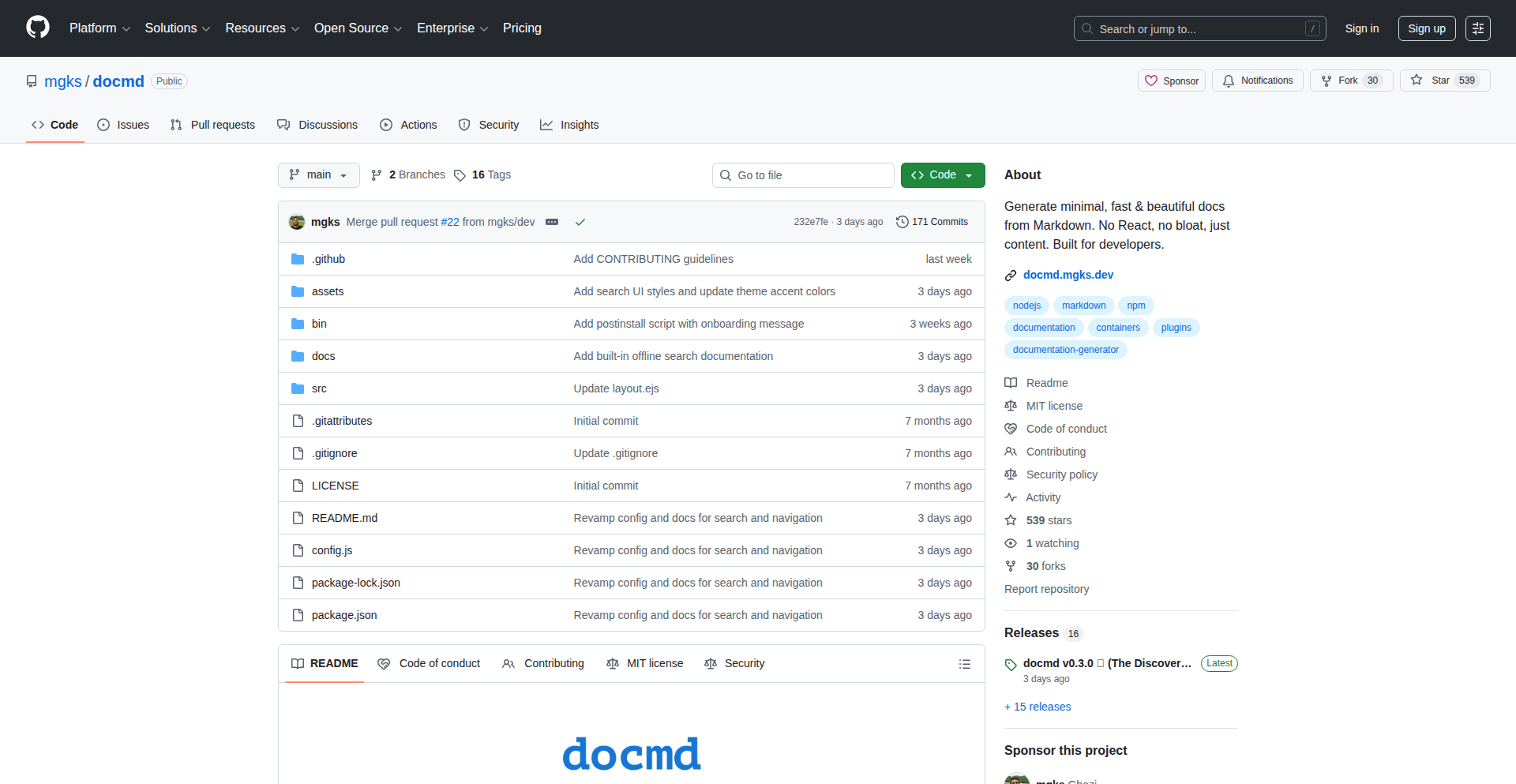
Author
enigmazi
Description
Docmd LiteSearch is a highly efficient, client-side static documentation generator that offers built-in full-text search without any external dependencies or configuration. It's designed for developers who need a lightweight and fast way to create and deploy documentation, offering a pure HTML/CSS output that's incredibly small, even when compressed.
Popularity
Points 3
Comments 1
What is this product?
Docmd LiteSearch is a static site generator for technical documentation. Its core innovation lies in its ability to perform full-text search directly within the user's browser, entirely offline and without requiring any server-side processing or complex setup. It bypasses heavy frameworks like React, opting for a lean HTML/CSS output, making it exceptionally fast and easy to integrate into any workflow. This means you can search your documentation just like you search the web, but privately and without an internet connection.
How to use it?
Developers can use Docmd LiteSearch by simply pointing it to their markdown files. It then processes these files and generates a set of static HTML, CSS, and JavaScript files. These generated files can be hosted on any static web server or even directly from a cloud storage service. The built-in search functionality is immediately available to anyone viewing the generated documentation. For integration, it can be used as a standalone tool in CI/CD pipelines, eliminating the need for specific language runtimes like Python for documentation builds, or it can be incorporated into existing static site generation workflows.
Product Core Function
· Client-side Full-Text Search: Enables instant, offline searching of documentation content directly in the user's browser, providing a fast and private search experience without server costs or latency.
· Zero-Configuration Setup: Docmd LiteSearch requires no complex configuration, making it incredibly easy for developers to get started and integrate into their existing projects or CI/CD pipelines.
· Lightweight HTML/CSS Output: Generates extremely small, gzipped output (under 15kb) that is fast to load and easy to host, ideal for performance-critical applications or environments with limited bandwidth.
· Native Diagram Support: Allows for the inclusion and rendering of diagrams directly within the documentation, enhancing clarity and understanding of technical concepts without relying on external services or heavy JavaScript libraries.
· Versioning Capabilities: Supports documentation versioning, enabling users to access different versions of the documentation, crucial for software projects with multiple release cycles.
Product Usage Case
· Project Documentation: A software project can use Docmd LiteSearch to generate its API documentation, tutorials, and guides. When a developer needs to find information about a specific function or feature, they can instantly search the documentation offline, saving time and increasing productivity. This solves the problem of slow or unavailable online documentation.
· Internal Knowledge Bases: For internal teams, Docmd LiteSearch can be used to build an offline company wiki or knowledge base. Employees can quickly find information about company policies, procedures, or technical solutions without needing access to internal servers, improving efficiency and knowledge sharing.
· Open-Source Project Documentation: Open-source projects that want to provide easily accessible and fast documentation without the overhead of complex build systems or hosting requirements can leverage Docmd LiteSearch. This lowers the barrier to entry for contributing to documentation and makes it easier for users to find help.
· Embedded Systems Documentation: In scenarios where internet connectivity is unreliable or unavailable, such as for embedded systems or field technicians, Docmd LiteSearch can generate documentation that is fully functional offline. This ensures that critical technical information is always accessible when and where it's needed most.
44
PersonaGraph AI

Author
reveriedev
Description
PersonaGraph AI is a tool that automatically generates Wikipedia-style biographical articles for individuals by aggregating their public online footprint. It tackles the complex challenge of identity disambiguation, distinguishing between people with similar names, and provides detailed, source-cited profiles, going beyond typical professional networking platforms.
Popularity
Points 2
Comments 2
What is this product?
PersonaGraph AI is an AI-powered system designed to build comprehensive profiles for individuals, much like a Wikipedia entry. It achieves this by systematically crawling the internet to find and compile information about a person's roles, projects, artistic works, publications, media mentions, and collaborations. A key innovation lies in its sophisticated identity disambiguation algorithms, which are significantly more robust than those found in general AI assistants like GPT or Perplexity, ensuring accurate attribution even for people with common names. The output is a structured article complete with timelines, summary boxes (infoboxes), and precise citations to its sources. So, what does this mean for you? It means getting a verifiable, detailed picture of someone's professional and public life, built automatically and reliably.
How to use it?
Developers can use PersonaGraph AI in several ways. For personal branding, you can generate a profile for yourself to showcase your accomplishments and online presence in a structured, authoritative format. For research or due diligence, you can generate profiles for public figures, potential collaborators, or even industry leaders to gain a quick, comprehensive understanding of their background. The platform allows for both public searching of existing profiles and the generation of new ones, which requires a login. Integration possibilities include embedding generated profiles into company websites, research databases, or even internal knowledge management systems to enrich contextual information about individuals. So, how can you leverage this? By easily accessing and presenting verified information about people for professional, research, or informational purposes.
Product Core Function
· Automated public footprint aggregation: Gathers data from across the web to build a holistic profile. This allows you to quickly understand someone's entire documented public presence without manual searching, saving significant time and effort.
· Advanced identity disambiguation: Accurately separates individuals with similar names using sophisticated algorithms. This ensures you're looking at the correct person's information, preventing confusion and misinformation that can plague simpler search tools.
· Structured biographical article generation: Creates Wikipedia-style articles with timelines, infoboxes, and detailed content. This provides a highly organized and easily digestible overview of a person's achievements and activities, making complex information readily accessible.
· Source citation and verification: Includes direct links to the sources of information within the generated profile. This adds a layer of trust and allows for deeper investigation, ensuring the credibility of the information presented.
Product Usage Case
· A startup founder looking to create a compelling 'About Us' page that automatically populates with their team's verified public achievements, enhancing credibility with investors and customers. It solves the problem of manually collecting and verifying team member bios.
· A journalist researching a public figure for an in-depth article. PersonaGraph AI can quickly provide a foundational overview, key achievements, and potential leads for further investigation, accelerating the research process.
· A researcher building a network graph of academic collaborators. By generating profiles for potential collaborators, they can quickly assess expertise and past work, streamlining the process of identifying synergistic partnerships.
· An individual wanting to manage their personal brand. They can generate a comprehensive profile that showcases their career trajectory and contributions, acting as a dynamic, automatically updated digital resume that is easily shareable.
45
InkCanvas CLI
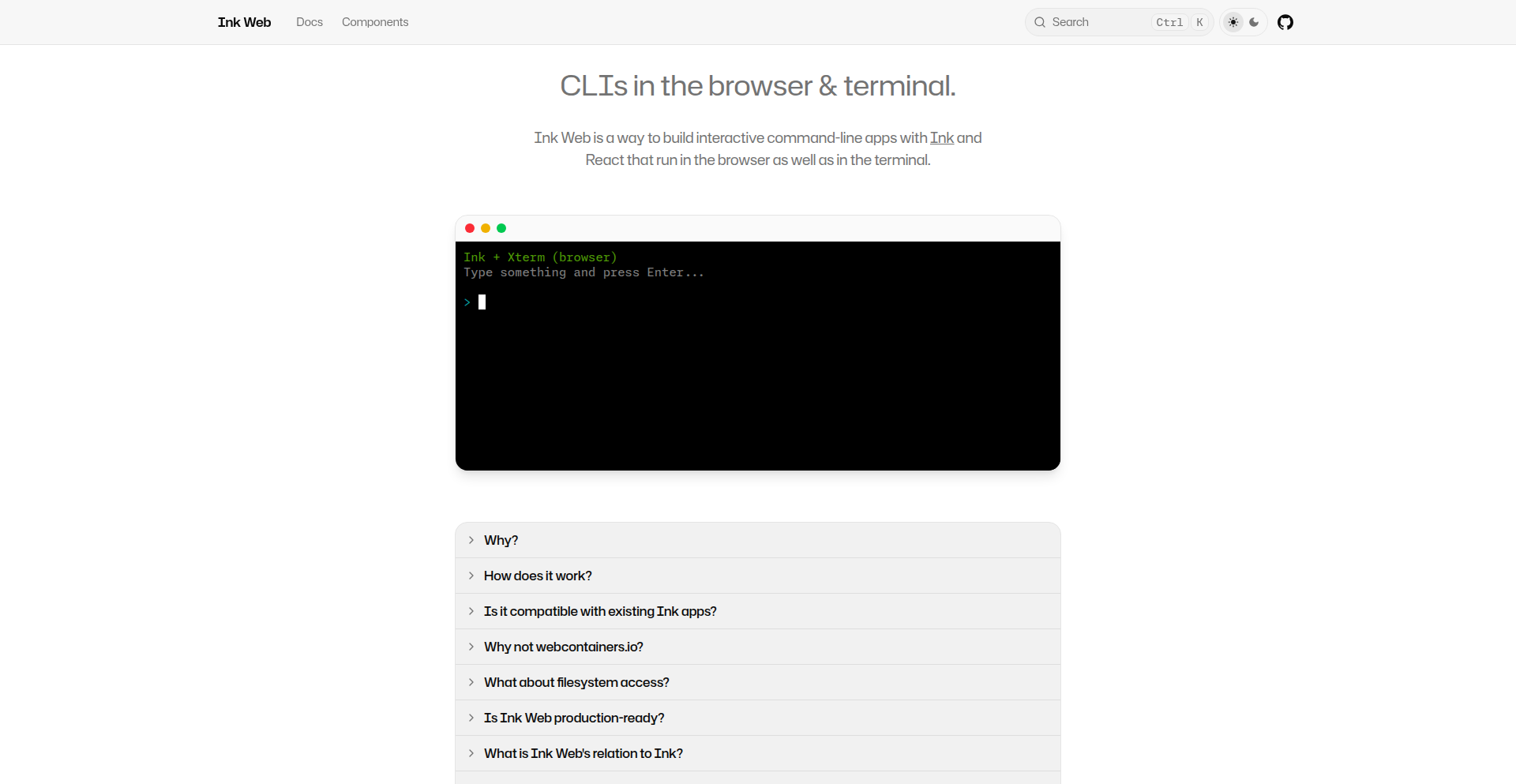
Author
thoughtfulchris
Description
InkCanvas CLI is a groundbreaking project that empowers developers to seamlessly run command-line interface (CLI) applications built with the Ink framework directly within a web browser. It tackles the challenge of cross-platform compatibility by bridging the gap between terminal-based tools and web experiences, opening up new possibilities for accessibility and user interaction. Imagine taking a powerful AI coding assistant or a complex data processing tool and making it available to anyone with a web browser, without requiring any installation.
Popularity
Points 4
Comments 0
What is this product?
InkCanvas CLI is a system that allows you to take applications you've built using Ink, a popular JavaScript library for creating beautiful command-line interfaces, and run them directly in your web browser. The core innovation lies in its ability to handle Node.js-specific functionalities that are normally exclusive to the terminal environment. It achieves this by either 'polyfilling' (providing browser-compatible alternatives for) or replacing these Node.js APIs. Think of it like giving your terminal-based applications a 'web twin' that behaves identically. This means your CLI tools can now live on the web, accessible to a broader audience and usable without any local setup.
How to use it?
Developers can leverage InkCanvas CLI by taking their existing Ink-based CLI projects and adapting them for the browser. This typically involves identifying and addressing Node.js-specific APIs used within the application. The project offers guidance on how to polyfill or replace these dependencies. Integration into web applications can be achieved by embedding the rendered CLI output, often using libraries like Xterm.js (which InkCanvas CLI currently supports) or ghostty-web for terminal emulation. This allows for interactive CLI experiences within web pages, offering a familiar and powerful way for users to interact with complex tools.
Product Core Function
· Browser-based CLI Execution: Enables running Ink CLI applications directly in the web browser, offering unparalleled accessibility and eliminating the need for local installations. This is valuable for making sophisticated tools universally available.
· Node.js API Abstraction: Provides mechanisms to handle Node.js-specific functionalities in a browser environment, through polyfills or replacements. This is crucial for enabling complex CLI logic to function seamlessly on the web.
· Cross-Platform CLI Deployment: Allows developers to build a single CLI application that can run natively in the terminal and also within a web browser. This maximizes reach and user engagement.
· Interactive Web Terminal Integration: Facilitates the embedding of interactive CLI experiences into web applications using terminal emulator libraries. This enhances user experience by providing a powerful and familiar interface for complex tasks.
· UI Component Library Integration: Supports the use of UI components from libraries like shadcn, allowing for a consistent and polished look and feel between the web interface and the CLI output. This improves the overall user experience and application aesthetics.
Product Usage Case
· AI Agent in Browser: Imagine an AI coding assistant, normally run from the terminal, now accessible through a web page. Users can interact with it, get code suggestions, and debug, all without installing anything. This solves the problem of complex software requiring extensive setup for users.
· Data Visualization Tool: A CLI tool that generates complex data visualizations might be cumbersome to run locally. With InkCanvas CLI, users can upload data via a web interface and see the generated charts directly in their browser, simplifying the process of data exploration.
· Developer Tooling Portal: A company could create a web portal where developers can access various internal CLI tools for tasks like deployment, database management, or configuration, all through their browser. This streamlines developer workflows and reduces friction.
· Educational Platform: For teaching command-line concepts, a web-based interactive environment powered by InkCanvas CLI can provide students with a hands-on experience without the hassle of setting up a local development environment.
46
EternalPresence Photo Injector

Author
jrpribs
Description
This project allows users to easily integrate images of deceased loved ones into existing photographs. It leverages a blend of AI-assisted coding and specialized tools to achieve a seamless and respectful digital tribute. The innovation lies in simplifying a complex editing process, making it accessible for anyone to create meaningful photo memories.
Popularity
Points 2
Comments 2
What is this product?
EternalPresence Photo Injector is a tool designed to digitally place images of individuals who have passed away into new photographs. It uses a combination of AI-generated code (from Claude) and a lightweight framework (Bolt.new, nano-banana-pro) to handle the image manipulation. The core idea is to make sophisticated photo editing accessible without requiring advanced graphical skills. Think of it as an AI-powered digital 'paste' for memories.
How to use it?
Developers can integrate this project into their own applications or workflows. The underlying technology, powered by AI-assisted code generation and lightweight frameworks, means it's designed for efficiency and ease of integration. You could build a service that offers this functionality, or use it as a plugin for existing photo editing software. It aims to be a simple API call or a command-line tool to achieve the desired outcome, minimizing setup complexity.
Product Core Function
· AI-assisted image overlay: The system intelligently places the deceased loved one's image into the target photo, considering lighting and perspective to create a natural blend. This means you don't have to be a Photoshop expert to get a realistic result, making it valuable for preserving cherished memories with minimal technical effort.
· Simplified workflow: The project is built with ease of use in mind, reducing the traditional technical hurdles of photo compositing. This makes it accessible to a wider audience, allowing anyone to create meaningful tributes without extensive training or complex software.
· Customizable integration: The underlying architecture is designed to be adaptable, enabling developers to embed this functionality into various applications. This provides flexibility for creating personalized memorial services or photo archiving tools, catering to specific user needs.
Product Usage Case
· Creating a family reunion photo where a departed grandparent can be virtually present. This addresses the emotional need to include everyone in significant life events, even when they can't physically be there, by providing a simple way to make it happen visually.
· Adding a fallen soldier's image to a team photo for remembrance and honor. This provides a respectful and accessible method to acknowledge and commemorate individuals in group settings, offering a practical solution for memorialization.
· Generating personalized digital greeting cards that include a posthumous family member for holidays or birthdays. This allows for a more personal and inclusive way to celebrate special occasions, bridging the gap of physical absence through digital presence.
47
ImposterGameOnline

Author
tomstig
Description
A real-time, multiplayer game designed to foster communication and deduction skills, built using web technologies. It tackles the challenge of creating engaging, interactive online experiences with low latency and robust state synchronization, demonstrating innovative approaches to networked game development.
Popularity
Points 1
Comments 2
What is this product?
This project is an online multiplayer game that puts players in roles of crewmates and imposters, similar to Among Us. The core technical innovation lies in its real-time communication architecture. It likely uses WebSockets for instant message exchange between players, allowing for immediate actions and feedback within the game. State synchronization, ensuring all players see the same game world and progress simultaneously, is achieved through efficient data serialization and network protocols. This approach allows for a fluid and responsive gaming experience directly in a web browser, avoiding the need for dedicated game clients or complex installations.
How to use it?
Developers can use this project as a foundation or inspiration for building their own real-time multiplayer web applications. The core technologies used, such as WebSockets for communication and efficient state management techniques, are transferable to many other interactive online services. It's a practical example of how to handle concurrent user interactions and synchronized game states, providing valuable insights for anyone looking to create similar dynamic web experiences, from online board games to collaborative tools.
Product Core Function
· Real-time player synchronization: Enables all players to see and react to game events simultaneously by efficiently updating player positions and actions across the network, making the game feel alive and responsive.
· Instantaneous communication: Leverages WebSockets to allow players to send messages and perform actions instantly, crucial for fast-paced deduction and coordination in the game, ensuring no player is left behind in the action.
· Server-authoritative game state: Manages the central game logic on the server to ensure fairness and prevent cheating, providing a reliable and consistent game experience for everyone involved.
· Client-side rendering and logic: Utilizes web technologies for smooth graphics and immediate player input processing, making the game accessible and playable directly from a web browser without downloads.
Product Usage Case
· Developing a collaborative whiteboard application where multiple users can draw and annotate in real-time, ensuring all changes are reflected instantly for every participant. The project's state synchronization techniques can be adapted to manage the shared drawing canvas.
· Building an online quiz or trivia game where questions and answers are displayed and submitted instantly by all players, with a live leaderboard that updates in real-time. The communication and state management patterns are directly applicable.
· Creating a real-time negotiation or bidding platform where users can place bids or make offers that are immediately visible to all other participants, fostering a dynamic and competitive environment.
· Implementing a virtual tabletop for role-playing games where players can move tokens, roll dice, and see each other's actions in real-time, offering a seamless remote gaming experience powered by robust networking.
48
Yule Secret Santa Orchestrator

Author
lingonland
Description
This project is a yule-themed, automated Secret Santa assignment system. It addresses the common challenge of manually organizing gift exchanges, especially for families or small groups. The innovation lies in its backend logic for fair and random assignment, ensuring no one draws themselves and participants can be grouped or excluded as needed, all wrapped in a festive holiday theme.
Popularity
Points 3
Comments 0
What is this product?
This project is a web-based application that automates the process of assigning Secret Santa participants. Instead of manually drawing names from a hat, you input your participants, and the system uses a randomized algorithm to assign who buys a gift for whom. The core innovation is in its robust assignment logic that prevents self-assignments and allows for flexible participant management (like excluding couples from buying for each other), all presented with a charming yule-themed interface. Essentially, it takes the organizational headache out of holiday gift exchanges.
How to use it?
Developers can use this project as a ready-made solution for organizing their own family or friend gift exchanges. It can be deployed as a standalone web application. For integration, the underlying assignment logic could be extracted and used within other community or event management platforms. The setup involves inputting participant names and any specific exclusion rules (e.g., 'Alice cannot buy for Bob'). The system then generates and displays the assignments, which can be communicated via email or direct sharing. It's a straightforward way to bring automated fairness and a bit of holiday cheer to the gifting process.
Product Core Function
· Automated and Fair Participant Assignment: The system uses a well-defined algorithm to randomly assign gift recipients, ensuring fairness and preventing self-assignments. This is valuable because it removes the bias and potential for errors inherent in manual drawing, making the process transparent and equitable for everyone involved. It solves the 'I don't want to pick myself' problem effectively.
· Customizable Exclusion Rules: Allows for defining relationships where individuals should not be assigned to buy gifts for each other (e.g., spouses, close family members). This is crucial for creating a more personalized and considerate gift exchange experience, avoiding awkward or unintended pairings and ensuring the spirit of the exchange is maintained. It solves the 'We don't want to accidentally draw each other' problem.
· Yule-Themed User Interface: The application features a festive, yule-inspired design. This adds a layer of fun and thematic relevance to the organizing process, enhancing the overall user experience during the holiday season. It's valuable for making a practical task feel more enjoyable and in line with holiday traditions.
· Participant Management: Enables easy addition, removal, and viewing of participants. This is important for managing group dynamics and ensuring the system accurately reflects the intended participants for the gift exchange. It simplifies the administrative overhead of organizing the event.
Product Usage Case
· Family Holiday Gift Exchange: A family can use this system to organize their annual Secret Santa. By inputting all family members' names and specifying any pairings that should be excluded (e.g., parents buying for each other), the system automatically generates the assignments, saving the organizer significant time and ensuring no one is left out or assigned to buy for their spouse. This directly solves the logistical challenge of manual assignment.
· Friends' Holiday Party: A group of friends planning a holiday get-together can use this tool to manage a Secret Santa. They can input everyone's names, and the system will fairly assign who is buying for whom, making the party planning smoother. This provides a fun, automated way to facilitate a group gifting activity, enhancing the social aspect of the event.
· Small Office Holiday Event: For smaller companies or departments wanting to do a Secret Santa, this system offers a quick and efficient way to organize it. The customizable exclusion rules can be useful if there are any professional boundaries to consider, ensuring the gift exchange remains appropriate. This provides a practical solution for office morale boosters, making the holiday spirit accessible without complex manual coordination.
49
ex_actor: C++ Executor Actor Framework

Author
lixin_wei
Description
This project introduces ex_actor, a novel C++ actor framework built upon `std::execution`. It transforms standard C++ classes into stateful asynchronous services with a single line of code. Method calls are automatically queued and executed sequentially, eliminating the need for manual locking within your classes. This offers a straightforward path to developing highly concurrent applications by simply writing plain C++ classes.
Popularity
Points 3
Comments 0
What is this product?
ex_actor is a C++ actor framework that leverages the `std::execution` proposal (now part of C++23, but this project uses C++20 for broader compatibility). The core innovation lies in its ability to make any C++ class behave like an actor. An actor is essentially a computational unit that processes messages (method calls) one at a time, maintaining its internal state. ex_actor achieves this by automatically queuing incoming method calls and executing them sequentially on a designated scheduler. This is a powerful technique because it inherently prevents race conditions and simplifies concurrent programming. Instead of worrying about threads, locks, and mutexes, you can focus on the logic of your class. The framework's design is non-intrusive, meaning your existing C++ classes don't need to be heavily modified. It's also pluggable, allowing you to swap out the underlying scheduling mechanism, and it seamlessly integrates with the broader `std::execution` ecosystem, which is the future of asynchronous programming in C++.
How to use it?
Developers can integrate ex_actor into their C++20 projects by including the framework's header files. To make a regular C++ class an actor, you'll typically derive it from a base class provided by ex_actor or use a simple wrapper. For instance, if you have a `MyService` class, you might instantiate it as an actor, allowing all its method calls to be managed and executed asynchronously and safely. The framework handles the threading and message passing behind the scenes. This is particularly useful for building services that need to handle many requests concurrently without blocking, such as network servers, background processing tasks, or state management in complex applications. You can then compose this actor with other components in your system that also utilize `std::execution` for a unified asynchronous programming model.
Product Core Function
· Asynchronous Method Invocation: Allows calling methods on your C++ objects without blocking the calling thread, improving responsiveness. This is valuable for building highly interactive applications.
· Automatic State Management: Ensures that methods are executed sequentially on the actor's state, preventing data corruption from concurrent access. This simplifies development by eliminating the need for manual synchronization primitives like mutexes, making your code safer and easier to reason about.
· Pluggable Schedulers: Offers the flexibility to choose different execution strategies for your actors, allowing optimization for various workloads and hardware. This means you can tailor performance to specific needs.
· std::execution Integration: Seamlessly works with the C++ `std::execution` standard, enabling interoperability with other modern C++ asynchronous libraries and patterns. This keeps your codebase aligned with future C++ standards and best practices.
· Non-Intrusive API: Enables actor-like behavior with minimal changes to existing C++ classes. This reduces the effort required to adopt the framework and allows for incremental integration into existing projects.
Product Usage Case
· Building a high-performance network server: Each incoming connection can be handled by an actor that processes requests sequentially, ensuring that the server remains responsive even under heavy load. This solves the problem of handling multiple concurrent client connections efficiently.
· Implementing a distributed caching system: Actors can manage cache entries, performing read and write operations asynchronously and safely, preventing inconsistencies. This addresses the challenge of maintaining data integrity in a concurrent environment.
· Developing a complex state machine: Encapsulating the state and transitions of a complex system within an actor allows for predictable and thread-safe state updates, simplifying the development of intricate logic. This makes managing complex system states much more manageable.
· Offloading computationally intensive tasks: Long-running computations can be delegated to dedicated actors, preventing the main application thread from being blocked and keeping the user interface responsive. This ensures a smooth user experience by not freezing the application.
· Creating microservices with shared state: Actors can be used to manage shared data between different parts of an application or between microservices, ensuring consistency and simplifying communication. This is crucial for building scalable and maintainable distributed systems.
50
PDFParseCompare

Author
2dogsanerd
Description
A tool designed to visually compare how different PDF parsing libraries extract information from your documents. It highlights discrepancies between basic text extraction and more advanced layout-aware parsing, directly addressing challenges with scanned documents, complex tables, and multi-column layouts – common pain points in building Retrieval Augmented Generation (RAG) systems. This allows developers to identify and fix parsing issues early, ensuring cleaner data for AI models.
Popularity
Points 2
Comments 1
What is this product?
PDFParseCompare is a side-by-side visual comparison tool for PDF parsers. It takes a PDF document and processes it using two different parsing methods: a 'naive' parser (like pypdf, which focuses on raw text) and a 'layout-aware' parser (like Docling, which tries to understand the structure and visual layout). By displaying the extracted text from both parsers next to each other, it makes it easy to spot differences. This is particularly useful for identifying how well a parser handles scanned documents where text might not be directly selectable, complex tables that span multiple lines, or articles with multiple columns that can confuse basic text extraction. The core innovation lies in its direct visual comparison, enabling developers to quickly assess the quality of data fed into AI systems like RAG, preventing subtle but critical errors.
How to use it?
Developers can integrate PDFParseCompare into their workflow to pre-validate PDF data for RAG pipelines. The tool allows easy swapping of parsing libraries, meaning you can test your specific documents against different parsing strategies. You'd typically feed a PDF document into the tool, select your preferred naive and layout-aware parsers, and then visually inspect the output. This helps you choose the best parser or identify specific documents that require special handling before they are processed by your RAG system. For instance, if you notice that scanned invoices are consistently missing key details when using a naive parser, you can experiment with layout-aware options or implement pre-processing steps to improve the scan quality.
Product Core Function
· Side-by-side PDF text extraction comparison: Allows developers to visually contrast the output of a basic text extractor with a more sophisticated, layout-aware parser. This helps pinpoint where subtle information loss or misinterpretation occurs, which is crucial for ensuring accurate data fed into AI models.
· Visual identification of parsing issues: Directly highlights errors in handling scanned documents, complex tables, and multi-column layouts. This solves the problem of having AI models hallucinate or fail to retrieve information due to poor PDF data quality, saving debugging time.
· Pluggable parser architecture: Enables developers to easily substitute different PDF parsing libraries. This provides flexibility to experiment with various tools and find the best fit for their specific document types and RAG pipeline requirements.
· Pre-RAG data quality assurance: Acts as a critical checkpoint before data enters an AI system. By catching parsing errors early, it prevents downstream issues in AI model performance, saving significant development and operational costs associated with inaccurate AI outputs.
Product Usage Case
· Scenario: You are building a RAG system to answer questions from a large corpus of scanned legal documents. Problem: Basic PDF parsers struggle with the dense text, footnotes, and varying column layouts, leading to incomplete or garbled text extraction. How PDFParseCompare helps: By comparing a naive parser's output with a layout-aware one, you can immediately see where footnotes are missed or columns are merged incorrectly. This allows you to select a better parser or develop targeted pre-processing steps to OCR and clean the documents before ingestion, ensuring your RAG system can accurately retrieve relevant information from these complex documents.
· Scenario: You are developing a RAG application that needs to extract structured data (like product prices and quantities) from invoices in PDF format. Problem: Invoices often have complex table structures that are difficult for simple text parsers to interpret, leading to incorrect data extraction for your AI. How PDFParseCompare helps: You can use the tool to compare how different parsers handle your invoice PDFs. If you observe that a layout-aware parser correctly identifies table rows and columns where a naive parser merges them into a single block of text, you can choose that parser for your RAG pipeline. This ensures your AI receives accurate tabular data, leading to reliable query results.
· Scenario: You are dealing with a collection of academic papers in PDF format, and your RAG system needs to understand multi-column layouts and references. Problem: Basic parsers can confuse text from adjacent columns, or incorrectly interpret citations and references, impacting the AI's comprehension and retrieval accuracy. How PDFParseCompare helps: By visually comparing parsing outputs, you can identify which parser preserves the original document structure and accurately separates text from different columns. This allows you to select a parser that maintains the integrity of the document's layout, enabling your RAG system to better understand the context and relationships within the papers.
51
Prompt2RAG-Eval
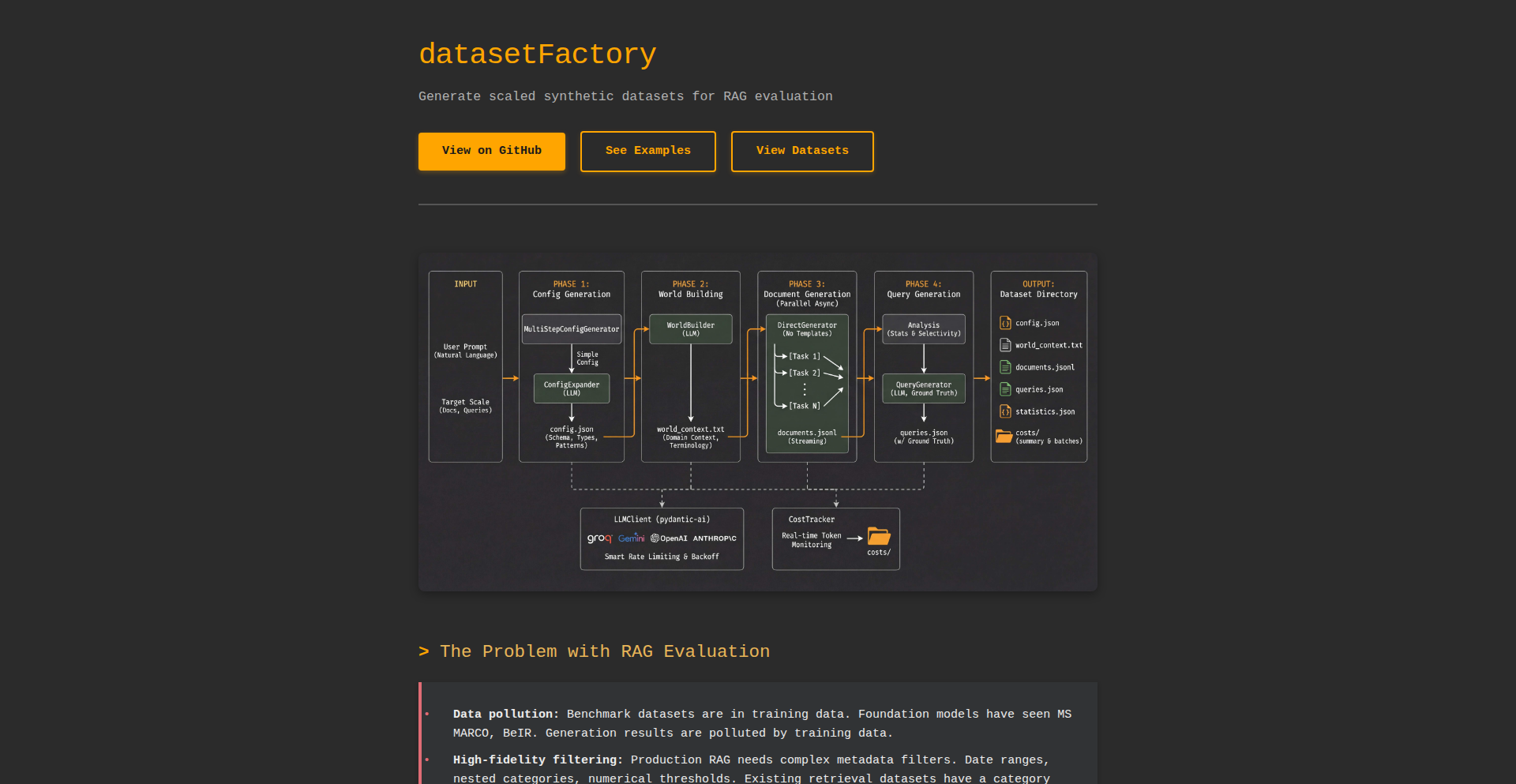
Author
tacoooooooo
Description
A novel tool that generates a 1-million-document Retrieval Augmented Generation (RAG) evaluation dataset from a single prompt. It addresses the significant challenge of creating diverse and comprehensive datasets for evaluating RAG systems, particularly for simulating real-world scenarios and edge cases, thereby accelerating RAG model development and refinement.
Popularity
Points 2
Comments 1
What is this product?
Prompt2RAG-Eval is a programmatic dataset generator designed to create extensive evaluation datasets for Retrieval Augmented Generation (RAG) systems. The core innovation lies in its ability to take a single, descriptive prompt and deterministically expand it into a large corpus of diverse documents. This process leverages prompt engineering techniques to simulate various information retrieval and generation scenarios, including factual recall, summarization, question answering, and even hypothetical or creative content. By doing so, it bypasses the manual, time-consuming, and often inconsistent process of curating large evaluation datasets, offering a scalable and reproducible method for RAG developers to test their models' robustness and accuracy across a wide range of inputs. So, what's in it for you? It drastically reduces the effort and cost of creating comprehensive RAG evaluation datasets, allowing you to thoroughly test your RAG models much faster.
How to use it?
Developers can integrate Prompt2RAG-Eval into their RAG evaluation pipelines. The primary method of interaction is through its API or a command-line interface. A developer would provide a detailed prompt that outlines the desired characteristics of the documents to be generated, such as the topic, tone, complexity, and the types of questions the RAG system should be able to answer based on these documents. The tool then processes this prompt and outputs a collection of synthesized documents, which can be used as the knowledge base for RAG evaluation. This generated dataset can be readily fed into standard RAG evaluation frameworks, allowing for systematic benchmarking of retriever and generator components. So, how can you use this? You can easily plug this into your existing RAG testing workflow to automatically create diverse test data, enabling you to identify performance bottlenecks and improve your RAG system's reliability.
Product Core Function
· Single Prompt-to-Dataset Generation: This core function transforms a single, high-level prompt into a massive dataset of up to 1 million documents. The value lies in its efficiency and scalability, allowing for rapid dataset creation without manual intervention. This is useful for quickly setting up comprehensive tests for your RAG applications.
· Deterministic Document Expansion: The system deterministically expands a prompt into varied documents, ensuring reproducibility. This means you get the same dataset every time for the same prompt, which is crucial for consistent model evaluation. This is valuable for debugging and comparing different versions of your RAG models.
· Simulated RAG Scenarios: The generation process is designed to simulate realistic RAG evaluation scenarios, including questions that require factual retrieval, summarization, and reasoning. This helps developers understand how their RAG systems perform under diverse conditions. This function is crucial for ensuring your RAG system can handle a wide range of user queries effectively.
· Customizable Document Characteristics: While starting from a single prompt, the underlying generation mechanism allows for subtle variations in document style, complexity, and content. This enables developers to tailor the evaluation dataset to specific use cases and RAG system requirements. This feature allows you to create evaluation data that closely matches the real-world data your RAG system will encounter.
Product Usage Case
· Evaluating a customer support chatbot's RAG system: A developer can use Prompt2RAG-Eval to generate a dataset of frequently asked questions and detailed product information. This allows them to test if the chatbot can accurately retrieve relevant support articles and provide helpful answers. This addresses the problem of having insufficient real customer queries for testing.
· Benchmarking RAG for legal document analysis: A team working on a RAG system to analyze legal contracts can use the tool to generate a large corpus of varied legal clauses and scenarios. This enables them to evaluate the system's ability to find specific legal precedents or identify risks. This solves the challenge of acquiring a diverse and representative set of legal documents for testing.
· Testing a research paper summarization RAG: To evaluate a RAG system designed for summarizing research papers, a developer could generate a dataset of simulated research abstracts and full papers with specific focal points. This would allow them to assess the system's summarization accuracy and its ability to extract key findings from novel research. This is useful for ensuring your research RAG can handle diverse scientific literature.
52
WikiBlockProxyDB
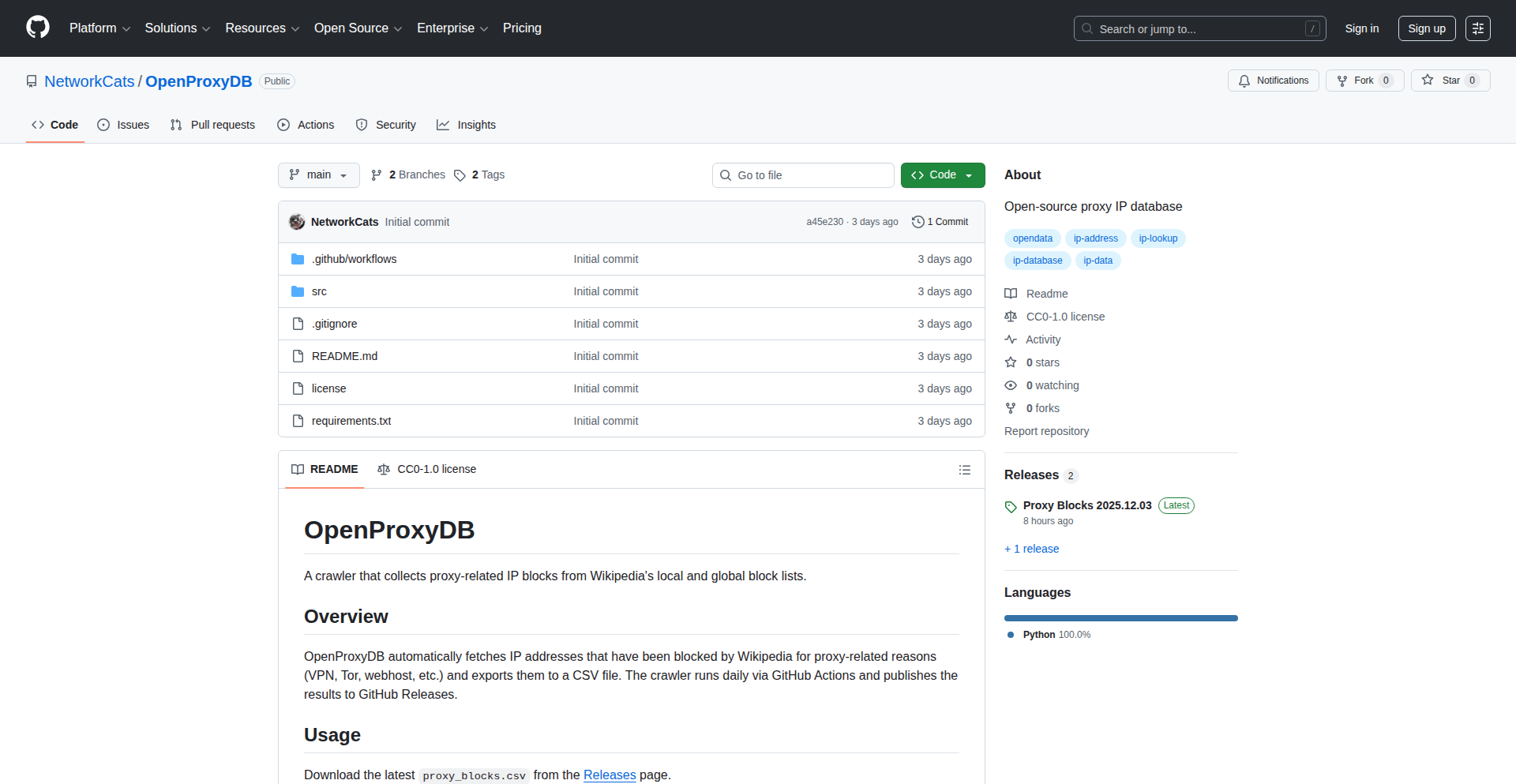
Author
networkcat
Description
This project transforms Wikipedia's IP blocklists, which are used to prevent abuse from proxies, VPNs, Tor, and other anonymizing services, into a usable database for proxy detection. The core innovation lies in automating the daily collection and export of this rich data into a CSV file, making it accessible for developers to identify and potentially block suspicious traffic.
Popularity
Points 3
Comments 0
What is this product?
WikiBlockProxyDB is an automated system that collects and curates IP addresses blocked by Wikipedia due to proxy usage. Wikipedia maintains extensive lists of IPs associated with VPNs, Tor exit nodes, web hosts, and other services that can be used for anonymity or abuse. This project's clever part is its technical approach: it uses a crawler that runs daily via GitHub Actions to scrape these blocklists. The 'innovation' here is not inventing new proxy detection methods, but rather repurposing existing, highly reliable data from a well-maintained source (Wikipedia) into a structured, easily consumable format (CSV). This offers a unique dataset for developers who need to understand or mitigate traffic originating from known anonymizing services. So, for you, it means gaining access to a curated list of IPs that are already flagged as potentially problematic by a globally trusted platform, saving you the immense effort of building and maintaining such a list yourself.
How to use it?
Developers can integrate WikiBlockProxyDB into their applications for various purposes. The primary usage is to download the daily generated CSV file from the GitHub Releases page. This CSV file contains a list of IP addresses that Wikipedia has blocked. You can then incorporate this list into your application's firewall rules, IP reputation systems, or traffic analysis tools. For example, if your web application wants to reduce automated bot traffic, you can periodically update your blocklist with IPs from WikiBlockProxyDB. The project's automation via GitHub Actions ensures that the data is fresh. So, for you, it means a simple download and integration process to enhance your application's security and traffic management capabilities.
Product Core Function
· Automated Daily Data Fetching: Leverages GitHub Actions to run a crawler every day, ensuring up-to-date proxy IP information. The value is having a consistently refreshed dataset without manual intervention, so you always have current data for your security needs.
· Wikipedia Blocklist Scraping: Directly extracts IP addresses from Wikipedia's proxy-related blocklists, a highly reliable source of anonymizing IPs. This provides you with a proven list of potentially suspicious IPs, saving you the effort of researching and compiling your own.
· CSV Data Export: Packages the collected IP addresses into a universally compatible CSV file format. This makes the data incredibly easy to import and use in any programming language or security tool, so you can seamlessly integrate it into your existing workflows.
· GitHub Releases Publishing: Publishes the generated CSV files to GitHub Releases, providing a stable and accessible distribution channel. This means you have a reliable place to download the latest data whenever you need it, ensuring easy access and version control.
Product Usage Case
· Website Bot Prevention: A website owner can download the CSV and use it to block access from IPs known to be associated with VPNs or Tor, reducing the likelihood of bot traffic and spam. This helps you keep your website cleaner and more secure.
· Application IP Reputation Service: A developer building an IP reputation service can ingest this data to enrich their existing IP lists. This allows their service to offer more accurate assessments of IP trustworthiness, so your application can make better decisions about incoming connections.
· Security Research Data: Security researchers can use this dataset to study patterns of proxy usage and its correlation with malicious activity. This provides you with raw, real-world data to investigate emerging security threats.
· Network Traffic Analysis Tool: An administrator of a network can use this list to flag or monitor traffic originating from these IPs, helping to identify potentially unauthorized or risky connections. This assists you in gaining better visibility and control over your network.
53
JesterAI News Digest
Author
dan_h
Description
Jester News is a mobile companion app for a web-based RSS/Atom reader that enhances content discovery and consumption with AI-powered features. It intelligently groups similar articles into 'Stories' for natural topic exploration and can automatically generate podcasts or videos from your subscribed feeds. This offers a streamlined, light-weight news experience on mobile.
Popularity
Points 3
Comments 0
What is this product?
Jester News is a smart RSS/Atom reader app that uses artificial intelligence to make sense of the vast amount of information available online. Instead of just showing you a long list of articles, it identifies articles that are about the same topic or event and groups them into 'Stories'. Think of it like a curated summary of related news. It can also take your favorite news feeds and automatically create audio (podcasts) or video digests, saving you time and effort in catching up on what matters to you.
How to use it?
Developers can use Jester News by subscribing to their favorite RSS or Atom feeds through the companion app or the Jester website. For mobile use, the app allows for easy consumption of generated 'Stories' and digests. For more advanced customization, like building your own content generation pipelines from specific sources, you would use the Jester website. The app is designed for a quick and efficient way to stay informed, especially when on the go.
Product Core Function
· AI-powered article clustering into 'Stories': This allows users to see all relevant articles about a specific topic or event grouped together, making it easier to understand a narrative and avoid repetitive information. The underlying technology uses similarity search to identify related content.
· Automated podcast/video generation from feeds: This feature takes your subscribed content and transforms it into audio or video summaries, providing a convenient way to consume news passively or during commutes. It leverages AI to synthesize content from multiple sources.
· Personalized content pipelines (website feature): For advanced users, the ability to define custom content generation workflows from whitelisted sources enables highly tailored news digests, offering a powerful tool for information curation.
· Traditional RSS/Atom feed management: Alongside AI features, the app provides core functionality like subscribing to, filtering, and organizing feeds, ensuring a comprehensive news reading experience.
· Light-weight mobile experience: The app is optimized for mobile, offering a streamlined interface that prioritizes the AI-generated digests and stories for quick and easy access to information.
Product Usage Case
· A journalist covering a breaking event can use Jester News to see all articles from various sources about that event automatically grouped into a single 'Story', allowing them to quickly get a comprehensive overview of the situation without manually sifting through dozens of individual articles.
· A busy professional can subscribe to their favorite tech blogs and news sites. Jester News can then automatically generate a daily podcast digest of the most important tech news, which they can listen to during their commute, staying informed without dedicating extra screen time.
· A researcher can whitelist specific academic journals and news outlets. Using the Jester website, they can build a custom pipeline to generate a weekly video digest summarizing the latest findings in their field, providing a visual and auditory overview of relevant research.
· A student wanting to follow a specific historical period can subscribe to relevant feeds and let Jester AI group articles into 'Stories' about different aspects of that period, such as key figures, major battles, or cultural developments, making research more efficient.
54
AgentFlow Weaver

Author
javid90
Description
AgentFlow Weaver is a no-code platform for building and deploying AI agents that can interact with users on platforms like WhatsApp and Telegram. Its core innovation lies in its ability to train agents on your specific data and enable them to perform real-world actions, such as booking meetings or processing orders, without requiring complex coding. This empowers businesses to automate customer interactions and workflows efficiently.
Popularity
Points 2
Comments 1
What is this product?
AgentFlow Weaver is a platform that allows anyone, regardless of technical expertise, to create and deploy intelligent AI agents. Think of it like building a smart chatbot that can not only talk but also *do* things for you. It uses your own data – like product catalogs, frequently asked questions, or customer order histories – to train these agents. The 'magic' happens by connecting your data to powerful AI models (like OpenAI or Claude) and then defining what actions these agents can take. The innovation is in the no-code interface that simplifies this complex process, making advanced AI capabilities accessible for businesses of all sizes.
How to use it?
Developers or business owners can use AgentFlow Weaver by signing up for the platform. You'll then use a visual interface to upload your data sources (e.g., CSV files of products, FAQs documents). Next, you'll define the agent's personality and capabilities, choosing from pre-built templates or customizing them. Finally, you can easily deploy these agents to popular messaging apps like WhatsApp and Telegram, or embed them on your website. The platform also allows for integration with other automation tools like n8n or Zapier, so your AI agent can trigger more complex workflows.
Product Core Function
· Data-driven agent training: Allows AI agents to learn from your specific business data (products, FAQs, orders) for highly relevant and accurate responses. The value is creating personalized and context-aware AI interactions that improve customer engagement.
· Actionable AI agents: Enables agents to perform real-world tasks like booking appointments, processing orders, or filling forms, directly from chat conversations. The value is automating repetitive tasks, freeing up human resources, and increasing operational efficiency.
· Multi-platform deployment: Supports deployment to WhatsApp, Telegram, and websites, allowing you to reach customers on their preferred communication channels. The value is expanding your reach and providing a consistent AI experience across multiple touchpoints.
· Bring Your Own Key (BYOK): Allows you to use your own API keys for AI models like OpenAI or Claude, ensuring transparency and cost control. The value is avoiding hidden markups and having full visibility into your AI spending.
· Pre-built templates: Offers ready-to-use templates for common use cases like customer support, e-commerce, and lead generation. The value is significantly speeding up the agent creation process and providing a strong starting point for various business needs.
· Integration with automation tools: Connects with workflow automation platforms like n8n and Zapier to trigger more complex business processes. The value is extending the AI agent's capabilities beyond simple chat responses, enabling sophisticated automated workflows.
Product Usage Case
· An e-commerce store can use AgentFlow Weaver to deploy an AI agent on WhatsApp that answers product questions, checks inventory, and even processes simple orders directly within the chat. This solves the problem of high customer support volume and speeds up the sales cycle.
· A marketing agency can use the lead generation template to deploy an AI agent on their website that engages visitors, qualifies leads by asking relevant questions, and schedules follow-up meetings for the sales team. This solves the problem of capturing and nurturing leads effectively.
· A service-based business can use AgentFlow Weaver to create an AI agent that handles appointment bookings via Telegram, checking availability and confirming slots with customers. This solves the problem of manual appointment scheduling and reduces no-shows.
55
Valknut: Agent Code Structure Guardian
Author
CuriouslyC
Description
Valknut is a static analysis tool designed to improve the reliability and maintainability of code generated by AI agents. It tackles the common problem where AI-generated code becomes disorganized and difficult to manage, leading to reduced agent task success. By providing structural analysis and actionable insights, Valknut helps developers efficiently identify and fix code issues, effectively putting AI-generated code 'on rails' during development and refactoring.
Popularity
Points 2
Comments 1
What is this product?
Valknut is a static analysis tool that examines the structure of code, particularly code generated by AI agents. The core innovation lies in its ability to proactively identify code structure problems that hinder AI agent performance and make the codebase a 'dumpster fire.' It achieves this by analyzing code without executing it, looking for patterns that lead to technical debt. This helps developers understand where to focus their refactoring efforts, leading to more robust and maintainable AI-powered applications. So, this helps you by making your AI's code cleaner and easier to manage, preventing those frustrating 'why isn't this working?' moments.
How to use it?
Developers can integrate Valknut into their workflow to analyze their AI-generated codebases. It generates an HTML report that highlights structural issues and potential problems. This report often includes direct links to the problematic code sections within a VS Code environment, allowing for quick navigation and remediation. By running Valknut regularly, developers can catch code structure issues early, before they escalate and impact agent performance or require extensive refactoring. So, this is useful because it gives you a clear roadmap of what code to fix and where to fix it, saving you time and effort.
Product Core Function
· Static Code Structure Analysis: Valknut analyzes code structure without running it, identifying patterns that lead to complexity and maintenance issues. The value is in preventing future bugs and making the code easier to understand and modify. This applies to any project where code organization is crucial.
· Technical Debt Identification: The tool pinpoints areas of the codebase that are accumulating technical debt due to poor structure. This helps developers prioritize refactoring efforts. The value is in proactively addressing problems before they become costly to fix.
· Agent Development Loop Optimization: By ensuring better code structure, Valknut directly improves the success rate of AI agent tasks. The value is in making AI agents more effective and reliable. This is for anyone building applications with AI agents.
· Actionable HTML Reporting: Generates user-friendly HTML reports that clearly outline identified issues. The value is in providing easy-to-understand feedback to developers. This makes it simple to grasp the state of your codebase.
· VS Code Integration (Links): Reports often include direct links to the relevant code in VS Code. The value is in drastically reducing the time spent locating issues. This speeds up the debugging and refactoring process significantly.
Product Usage Case
· Scenario: Developing an AI-powered customer support chatbot. The AI agent is generating complex and nested code for handling different user intents. Valknut is used to analyze the generated code, identifying areas where the logic is too intertwined and difficult for the agent to follow. Problem Solved: Valknut highlights the disorganized code, suggesting better modularization, which makes the chatbot more responsive and less prone to errors. So, this helps ensure your chatbot doesn't get confused and provides better customer service.
· Scenario: Building an AI agent to automate data analysis and report generation. The agent's code for data manipulation is becoming convoluted and inefficient over time. Valknut is run to scan the codebase and detect inefficient data processing structures. Problem Solved: Valknut points out verbose code blocks and suggests more concise algorithms, leading to faster data processing and more accurate reports. So, this means your data analysis is quicker and more reliable.
· Scenario: Refactoring an existing codebase that has been heavily modified by AI agents over time, resulting in significant technical debt. Valknut is employed to get a clear overview of the code's structural health and identify the most problematic areas. Problem Solved: The tool's reports guide the refactoring process, allowing developers to focus on high-impact changes and efficiently untangle the legacy code. So, this makes it easier to update and improve old code without breaking everything.
56
JustHTML
Author
EmilStenstrom
Description
JustHTML is a pure Python HTML5 parser that aims to solve the common developer frustration of dealing with malformed or complex HTML. It achieves 100% HTML5 compliance, meaning it can parse any HTML that a web browser can. Unlike other Python parsers, it's dependency-free, making installation a breeze, and offers a significant speed improvement over pure Python alternatives while maintaining a simple API for querying elements using CSS selectors. So, if you need to reliably process web content in Python, this tool makes it straightforward and dependable.
Popularity
Points 3
Comments 0
What is this product?
JustHTML is a Python library designed to parse HTML code. The core innovation lies in its perfect adherence to the HTML5 standard, meaning it understands and correctly interprets even poorly formatted or unusual HTML structures that might trip up other parsers. It's built entirely in Python with no external dependencies, which means you can easily install and use it anywhere Python runs, from your local machine to web environments like Pyodide. It's engineered to be fast enough for most common tasks, significantly outperforming libraries like html5lib while offering a much simpler way to find specific pieces of information within the HTML using CSS selectors. So, it's a robust and user-friendly tool for handling web data accurately.
How to use it?
Developers can easily integrate JustHTML into their Python projects by installing it via pip: `pip install justhtml`. Once installed, you can parse an HTML string by creating a `JustHTML` object. You can then use the `.query()` method with CSS selectors (like `div.my-class > p`) to find specific elements. The results are returned as a list of element objects, which can then be manipulated or converted back to HTML. This makes it ideal for web scraping, automated testing of web pages, or any task requiring programmatic access to the structure and content of HTML documents. So, if you're writing Python scripts to interact with web pages, JustHTML provides a reliable and straightforward way to get the data you need.
Product Core Function
· HTML5 Compliant Parsing: Reliably parses all HTML documents according to the latest web standards, ensuring accurate interpretation of complex or malformed HTML. This is valuable because it prevents unexpected errors and inconsistencies when processing web content, making your scripts more robust.
· Zero Dependencies: Installable with a simple `pip install` command, it works seamlessly across various Python environments without conflicts. This is valuable for developers as it simplifies project setup and deployment, eliminating potential dependency hell.
· CSS Selector API: Allows developers to easily select and query HTML elements using familiar CSS syntax (e.g., `div.content`, `#header p`). This is valuable because it provides an intuitive and powerful way to extract specific data from HTML, making tasks like web scraping much more efficient.
· Fast Performance: Offers competitive parsing speeds, outperforming many pure Python alternatives, making it suitable for processing larger amounts of HTML data efficiently. This is valuable for performance-critical applications where quick data processing is essential.
Product Usage Case
· Web Scraping: A developer building a tool to extract product prices from an e-commerce website can use JustHTML to reliably parse the product pages, even if the HTML is a bit messy, and then use CSS selectors to pinpoint the price elements. This solves the problem of brittle scrapers that break easily with minor website changes.
· Automated Web Testing: A QA engineer can use JustHTML to verify the presence and content of specific elements on a web page within an automated test suite. If the HTML structure changes unexpectedly, JustHTML can still correctly identify the elements, ensuring tests are more resilient. This helps catch regressions effectively.
· Content Aggregation: A developer creating an RSS feed aggregator for a specific niche could use JustHTML to parse articles from various blogs, extracting titles, summaries, and links with confidence, regardless of individual blog's HTML formatting. This provides a unified way to process diverse web content.
57
Leado-RedditReplyAI

url
Author
leado
Description
Leado is an AI agent designed for Reddit that leverages Retrieval-Augmented Generation (RAG) to draft contextually relevant replies. It analyzes a Reddit thread's discussion and uses RAG to fetch relevant information, enabling it to generate insightful and on-topic responses. This tackles the challenge of providing informed and engaging replies in busy online communities, saving users time and improving the quality of interactions.
Popularity
Points 2
Comments 1
What is this product?
Leado is an AI-powered agent that helps you write better replies on Reddit. It works by understanding the conversation you're a part of. Instead of just guessing what to say, it uses a technique called Retrieval-Augmented Generation (RAG). Think of RAG as a smart assistant that can quickly search for relevant information (like previous posts in the thread or related articles) and then use that information to craft a thoughtful and informed response. This means your replies are not only on point but also backed by actual context, making them more valuable to the community. So, what's the innovation? It's the intelligent combination of understanding conversational context with the ability to fetch and utilize external knowledge in real-time to generate a reply. This goes beyond simple keyword matching or generic AI responses.
How to use it?
Developers can integrate Leado into their Reddit workflows or build custom tools that leverage its replying capabilities. For example, a developer could create a browser extension that, when viewing a Reddit thread, offers a 'draft reply with Leado' button. Clicking this would trigger Leado to analyze the thread and present a draft response directly within the user's reply field. Another scenario is building an automated moderation tool that uses Leado to draft initial responses to common queries or flagged posts, before a human moderator steps in. The core idea is to use its API or direct integration to feed it thread context and receive a suggested reply.
Product Core Function
· Contextual Reply Generation: Leado analyzes the current Reddit thread's discussion to understand the nuances of the conversation. This allows it to generate replies that are highly relevant and directly address the points being made, enhancing user engagement and providing value by ensuring responses are 'on topic'.
· Retrieval-Augmented Generation (RAG) Integration: The core technical innovation is the use of RAG to pull in relevant external information to inform reply generation. This means replies are not just creative but also factually grounded and insightful, improving the credibility and usefulness of the response. This is valuable because it allows for more informed discussions, reducing the need for users to spend extensive time researching before replying.
· Thread Summarization and Information Extraction: As part of its analysis, Leado implicitly summarizes key points from the thread and identifies important information. This underlying capability helps it to pinpoint exactly what information is needed to craft the best reply, making the AI more efficient and its outputs more precise. This is useful as it ensures the AI focuses on the most critical aspects of the conversation for generating an effective reply.
· Draft Reply Formatting: Leado can format its generated replies in a way that is suitable for Reddit, including basic markdown support. This ensures that the generated text is ready to be posted with minimal editing, saving users time and effort in formatting their contributions.
Product Usage Case
· A content creator who wants to engage more effectively with comments on their Reddit posts can use Leado to draft personalized replies to follower questions and feedback. This helps maintain a strong community presence with less manual effort.
· A developer building a community management tool for a subreddit could integrate Leado to automatically draft responses to frequently asked questions or to help moderate discussions by suggesting informative replies to user queries, thereby improving efficiency and response times.
· An individual who participates in many technical subreddits and wants to share their expertise but lacks the time to craft detailed responses can use Leado to help draft informative replies. Leado's RAG capabilities would allow it to incorporate relevant technical details and context, making the user's contributions more valuable and insightful.
· A marketing team looking to monitor brand mentions on Reddit can use Leado to draft initial responses to customer inquiries or feedback. This allows for quicker initial engagement while human marketers can refine the responses for brand consistency, solving the problem of timely customer interaction in a high-volume environment.
58
Schema3D: Interactive SQL Schema Visualizer

Author
shane-jacobeen
Description
Schema3D is an interactive, web-based tool that visualizes SQL database schemas in a 3D environment. It addresses the common challenge of understanding complex database relationships by transforming abstract schema definitions into an intuitive, navigable 3D model. This significantly improves comprehension for developers and database administrators, making it easier to spot anomalies, optimize queries, and onboard new team members.
Popularity
Points 2
Comments 1
What is this product?
Schema3D is a web application that takes your SQL database schema (the blueprints of your tables and their connections) and renders it as an interactive 3D graph. Instead of looking at flat, often text-heavy diagrams, you can explore your database structure from any angle, zoom in on tables, and clearly see how different pieces of data relate to each other. The innovation lies in using web technologies to create a dynamic, explorable 3D representation of structured data, making it far more accessible and understandable than traditional 2D schema diagrams. This means you can grasp the overall architecture and intricate details of your database at a glance, reducing cognitive load and speeding up analysis.
How to use it?
Developers can integrate Schema3D into their workflow by providing it with their database schema definition. This can typically be done by connecting to a database and introspecting its structure, or by importing a schema definition file (like SQL DDL). The tool then processes this information and renders the 3D visualization in the browser. It's useful for quickly understanding an existing database, planning new ones, or explaining database design to others. For example, during a code review involving database changes, you could use Schema3D to visually verify that new relationships are correctly implemented. It's also a great tool for quickly getting up to speed on a new project's database by providing a visual overview that is much easier to digest than reading documentation.
Product Core Function
· 3D schema rendering: Dynamically generates and displays SQL schemas in an interactive 3D space, allowing users to rotate, pan, and zoom to explore relationships between tables. This provides a more intuitive understanding of complex data structures than traditional 2D diagrams, helping to identify potential issues and understand the overall database architecture quickly.
· Interactive exploration: Enables users to click on tables, view their columns and data types, and trace relationships with other tables in real-time. This interactive feature speeds up data comprehension and debugging by allowing direct exploration of the schema's connections and dependencies.
· Schema introspection and import: Supports connecting directly to databases to automatically fetch and visualize schemas, or allows importing schema definition files. This flexibility makes it easy to use with various database setups and workflows, reducing manual effort in schema documentation and analysis.
· Relationship highlighting: Visually emphasizes foreign key constraints and other relationships between tables. This core function immediately highlights how data is linked, which is crucial for understanding data flow, designing efficient queries, and preventing data integrity issues.
Product Usage Case
· Onboarding new developers: A new team member needs to understand a complex e-commerce database. Instead of sifting through pages of documentation or SQL scripts, they can use Schema3D to interactively explore the 3D visualization, quickly grasping the relationships between tables like 'users', 'orders', and 'products', thereby reducing ramp-up time and increasing productivity.
· Database refactoring: A team is planning to refactor a large legacy database. Before making changes, they use Schema3D to visualize the current schema, identifying potential bottlenecks or areas with complex interdependencies that require careful attention. This helps them plan the refactoring process more effectively and minimize risks.
· API development with database backends: A developer building a new API needs to understand how to fetch related data. Using Schema3D, they can easily visualize the connections between relevant tables (e.g., 'posts', 'comments', 'authors') and quickly determine the most efficient way to structure their database queries to retrieve the required information, leading to faster API development and better performance.
· Educational purposes: A database instructor wants to teach students about relational database design. They can use Schema3D to project an interactive 3D visualization of various database schemas, demonstrating concepts like normalization, primary keys, and foreign keys in a more engaging and understandable way than static diagrams.
59
Veru: AI-Powered OpenAlex Citation Auditor

Author
guaguaaaa
Description
Veru is an open-source tool that leverages AI and the OpenAlex API to audit academic citations. It helps researchers and developers identify potential issues like citation inflation, duplicated references, and missing citations, ensuring academic integrity and improving research discoverability. This project's innovation lies in its automated analysis of citation networks for quality control, a task traditionally done manually and time-consumingly.
Popularity
Points 2
Comments 1
What is this product?
Veru is an open-source project designed to automatically check the quality and accuracy of academic citations within research papers. It uses artificial intelligence to analyze citation patterns and compares them against the comprehensive OpenAlex database. The core innovation is its ability to detect anomalies that might indicate manipulation or errors in citation practices, such as an unusually high number of citations to a particular author or a paper, or instances where a cited paper doesn't actually exist in the OpenAlex index. This means it helps maintain the trustworthiness of research and makes it easier to find reliable sources. So, what's in it for you? It ensures the research you rely on is sound and prevents wasted time chasing down phantom references.
How to use it?
Developers can integrate Veru into their research workflows or applications. This can be done by directly using the Veru library in their Python projects, or by interacting with its API (if exposed in a future iteration). A common scenario would be a research platform that automatically runs Veru on submitted papers to flag potential citation issues before publication. Another use case could be integrating it into a literature review tool to provide an extra layer of validation. The process typically involves feeding Veru a list of citations or a research paper's metadata, and it returns a report highlighting any detected anomalies. So, how can you use this? You can embed it into your research tools to automatically verify citations, saving you the manual effort and catching potential errors early.
Product Core Function
· AI-driven citation anomaly detection: Utilizes machine learning models to identify patterns that deviate from normal citation behavior, such as unusual citation frequencies or unusual citation patterns. This adds a layer of automated quality assurance to research. So, what's the value? It proactively flags potentially problematic citations, saving you from manual scrutiny.
· OpenAlex API integration: Seamlessly queries the vast OpenAlex dataset to cross-reference cited works, ensuring their existence and retrieving relevant metadata. This provides a robust and up-to-date source of truth for citations. So, what's the value? It verifies the existence and details of cited works against a reliable, comprehensive database.
· Citation inflation assessment: Analyzes citation counts to identify potential instances of inflated citation activity, which can skew research impact metrics. This promotes a more accurate understanding of research influence. So, what's the value? It helps you identify research that might be artificially boosted in perceived importance.
· Duplicate citation identification: Detects multiple instances of the same citation within a document or across related documents, helping to maintain a clean and efficient bibliography. So, what's the value? It ensures your reference lists are accurate and free from redundant entries.
· Open-source architecture: Provides transparent and modifiable code, allowing for community contributions, customization, and fostering innovation within the academic tech space. So, what's the value? You can inspect, adapt, and contribute to a tool that enhances research integrity.
Product Usage Case
· A university research office could use Veru to automatically audit grant applications or manuscript submissions for citation integrity, ensuring a higher standard of published work. This addresses the problem of potential academic misconduct by providing an automated first pass. So, what's the value? It helps maintain the credibility of research outputs from the institution.
· A digital humanities scholar working with large text corpora could use Veru to validate the citations within historical documents, ensuring the accuracy of their bibliographical reconstruction and analysis. This tackles the challenge of verifying potentially obscure or poorly documented citations. So, what's the value? It enhances the accuracy and reliability of historical research.
· A developer building a scholarly search engine or a research recommender system could integrate Veru to filter out or flag research with questionable citation practices, thus improving the quality of recommendations and search results. This solves the issue of providing users with less reliable academic content. So, what's the value? It helps deliver more trustworthy and relevant research information to users.
· A journal editor could employ Veru as a pre-submission check to quickly identify potential citation issues, reducing the burden on peer reviewers and ensuring that papers adhere to basic standards of academic referencing. This streamlines the editorial process and upholds publication standards. So, what's the value? It speeds up the review process and ensures papers meet essential citation quality benchmarks.
60
HOODL.NET: Algorithmic Influence Ranker

Author
Frannky
Description
HOODL.NET is an algorithmic engine designed to solve the pain points of influencer marketing. It scrapes and indexes verified X (formerly Twitter) accounts, calculating influence scores using a PageRank-like algorithm on retweet networks. This allows users to quickly discover and vet top influencers within specific niches, eliminating guesswork and saving significant time.
Popularity
Points 3
Comments 0
What is this product?
HOODL.NET is a smart system that uses advanced algorithms to find the most influential people on X. Instead of manually searching through endless profiles, it automatically analyzes how often people retweet each other to understand who has the most genuine reach and impact. It's like having a super-powered search engine specifically for finding credible influencers, providing a ranked list based on their actual engagement within their communities. This means you get signal from the noise, not just a list of popular accounts.
How to use it?
Developers can integrate HOODL.NET into their marketing workflows via its Model Context Protocol (MCP) API. This API offers rate-limited access, ideal for bots or automated outreach tools. For those who prefer a visual interface, a hosted LibreChat UI is available. Users can query the system using natural language prompts, such as 'find top tech influencers ranked by PageRank,' and receive immediate, ranked lists of influencers complete with contact details. This allows for rapid testing of potential collaborators and data-driven decisions on who to invest in for influencer campaigns.
Product Core Function
· Algorithmic Influence Scoring: Uses PageRank on retweet networks to calculate a quantifiable influence score for X accounts. This helps identify truly impactful creators, not just those with large follower counts, by understanding their network's engagement. The value is in getting a more accurate measure of influence.
· Continuous Scraping and Indexing: Constantly updates its database of verified X accounts (5k+ followers baseline). This ensures the data is fresh and relevant, providing access to the latest influential voices. The value here is real-time access to evolving influencer landscapes.
· Natural Language Querying: Allows users to ask for influencers using simple, everyday language. This abstracts away complex search parameters, making it accessible to a wider range of users and speeding up the discovery process. The value is in ease of use and quick retrieval of information.
· Ranked Output with Contact Details: Delivers curated lists of top influencers ranked by their influence scores, along with essential contact information for outreach. This directly facilitates engagement and campaign execution. The value is in providing actionable intelligence for immediate use.
· API Access (MCP): Provides programmatic access for developers to build custom integrations and automate influencer discovery workflows. This allows for scalable and efficient influencer management. The value is in empowering developers to build sophisticated tools.
Product Usage Case
· A startup looking to launch a new product in the gaming niche needs to find authentic gaming influencers on X. Using HOODL.NET's natural language search like 'gaming influencers by PageRank,' they can quickly get a list of top-ranked creators, their engagement metrics, and contact info, allowing them to initiate outreach for sponsored content in hours instead of weeks. This solves the problem of time-consuming manual research and the risk of partnering with less effective influencers.
· A marketing agency wants to test multiple micro-influencers for a fashion brand's new collection. They use the HOODL.NET API to programmatically fetch a list of 100 fashion influencers with high influence scores. This allows them to quickly send out low-cost product samples for initial reviews, identifying high-ROI creators efficiently before committing to larger campaigns. This solves the problem of inefficiently testing many potential partners and managing budget.
· A crypto project needs to identify key opinion leaders (KOLs) in the VC space who are actively discussing relevant topics on X. They query HOODL.NET with 'crypto VCs by engagement' and receive a ranked list of influential figures. This enables them to target their communication and potential partnerships more effectively, ensuring their message reaches the right decision-makers. This solves the problem of finding niche, high-impact individuals within a very crowded and complex online space.
61
Kraa: Real-time Collaborative Markdown Canvas

Author
levmiseri
Description
Kraa is a web-based markdown editor that reimagines collaborative writing and communication. Moving beyond simple note-taking, it offers a distraction-free writing environment with deep customization and a unique real-time chat feature integrated directly within the markdown canvas. This allows for immediate discussions and collaborative ideation around content, making it suitable for everything from quick notes and blog posts to even entire communities.
Popularity
Points 2
Comments 0
What is this product?
Kraa is a web-based markdown editor focused on providing a minimal, distraction-free writing and reading experience. Its innovation lies in its integrated real-time chat functionality, which is directly embedded into the markdown editing interface. This means you can write, edit, and discuss content simultaneously with others in a seamless manner, as if you were in a shared document with a built-in messaging app. Think of it as a blend of a classic markdown editor and a live chat room, designed to foster immediate collaboration and feedback.
How to use it?
Developers can use Kraa as a highly customizable markdown editor for personal notes, drafting blog posts, or even for technical documentation. The integrated chat feature makes it excellent for small teams needing to brainstorm or provide quick feedback on written content without switching between applications. For more advanced use cases, developers can explore its API (if available or planned) to integrate its real-time collaboration capabilities into their own applications or workflows. It's accessible directly through a web browser, requiring no account for basic usage, making it incredibly easy to get started for quick collaborative sessions.
Product Core Function
· Real-time Markdown Editing: Allows multiple users to edit markdown documents simultaneously, with changes visible to all participants instantly. This means your team can co-author content without version control headaches or delays, boosting productivity.
· Integrated Real-time Chat: A chat window is built directly into the editor, enabling seamless communication and discussion around the content being edited. This eliminates the need to switch between editing and communication tools, making collaborative ideation much more efficient.
· Distraction-Free Writing Environment: Designed to minimize visual clutter and distractions, helping users focus on their writing. This is beneficial for anyone who needs to concentrate on creating content, whether it's a personal journal or a complex technical document.
· Rich Customization Options: Offers flexibility in tailoring the editor's appearance and behavior to individual preferences or project needs. This allows developers to create a writing experience that perfectly suits their workflow, increasing comfort and efficiency.
· Flexible Content Types: Supports various content formats beyond basic notes, including blog articles and longer stories, showcasing its versatility for different writing projects. This means you can use Kraa for a wide range of content creation, from short updates to extensive narratives.
Product Usage Case
· Collaborative Blog Post Drafting: A team of writers can work on a blog post simultaneously in Kraa, using the integrated chat to discuss ideas, suggest edits, and finalize the content in real-time, speeding up the publishing process.
· Live Technical Documentation Review: Developers can use Kraa to collaboratively write and review technical documentation. The chat feature allows for immediate clarification of requirements, discussion of code snippets, and quick resolution of ambiguities, leading to more accurate and up-to-date documentation.
· Community Forum or Chat Platform: The unique integration of writing and chat makes Kraa a potential foundation for building simple community platforms or forums where users can post content (markdown) and discuss it live. This offers a novel way to engage with users and foster discussion around shared content.
· Real-time Meeting Notes and Brainstorming: During a virtual meeting, participants can use Kraa to collectively take notes and brainstorm ideas. The live editing and chat ensure everyone is on the same page and can contribute their thoughts instantaneously, making meetings more productive.
62
iOS Deployment Target Navigator
Author
_jogicodes_
Description
A fast, browser-based tool that visualizes iOS version market share, helping developers quickly determine the optimal minimum deployment target for their apps. It solves the common pain point of balancing feature adoption with user reach, offering data-driven insights to inform this crucial decision.
Popularity
Points 2
Comments 0
What is this product?
This is a web application designed to provide developers with clear, up-to-date statistics on iOS version adoption. It presents market share data for different iOS versions in an easy-to-understand format. The innovation lies in its direct application to a common development dilemma: deciding which iOS version to support. By simplifying this process with readily available data, it empowers developers to make more informed choices, ensuring their apps are accessible to a wide audience while leveraging the latest platform features. Think of it as a smart dashboard for your app's potential user base.
How to use it?
Developers can access the tool via their web browser at ioscompatibility.com. Upon visiting, they will see charts and data representing the current distribution of iOS versions among active devices. This allows them to visually assess the percentage of users on older versus newer iOS versions. Based on this information, they can then confidently select a minimum deployment target that best aligns with their app's feature set and desired user reach. For example, if a developer wants to use a brand-new Swift feature, they can see how many users would be excluded if they set the minimum target too high, or conversely, how much reach they gain by supporting older versions.
Product Core Function
· iOS Version Market Share Visualization: Presents current iOS version distribution data in an easily digestible graphical format, enabling developers to understand the landscape of their potential user base. This helps answer 'how many users will be able to run my app?'
· Minimum Deployment Target Guidance: Provides insights and data points to help developers choose the lowest acceptable iOS version to support. This directly addresses the 'which iOS version should I support?' question with concrete data, optimizing for both reach and modern feature utilization.
· Browser-Based Accessibility: The tool is accessible directly through a web browser, meaning no installations or complex setups are required. Developers can quickly check this information anytime, anywhere, making it a convenient resource for immediate decision-making.
Product Usage Case
· A new indie game developer is deciding whether to support iOS 15 or only iOS 16. By using the tool, they see that iOS 16 has significant market share but there's still a substantial portion of users on iOS 15. This allows them to weigh the decision of whether to adopt iOS 16-exclusive features against maintaining compatibility with a larger user segment.
· A team building a complex enterprise app needs to determine the safest minimum deployment target to ensure all employees can access it. The tool helps them identify that supporting iOS 14 still captures a vast majority of their target audience, preventing unnecessary development costs for features that might not be critical for their user base.
· A developer is considering adding SwiftData to their app. They can use the tool to see which iOS versions support SwiftData. If a large percentage of users are on older versions that don't support it, they might decide to hold off on adopting SwiftData or implement a fallback mechanism, thus avoiding alienating a significant portion of their user base.
63
BookVer: Semantic Versioning for Literary Works

Author
control-h
Description
BookVer introduces semantic versioning, a concept typically used for software, to literary works. It aims to provide a structured way to track revisions, edits, and new editions of books, making it easier for authors, publishers, and readers to understand the evolution and significance of different versions. This project tackles the often informal and ambiguous nature of book revisions by applying a standardized, tech-inspired approach.
Popularity
Points 1
Comments 1
What is this product?
BookVer is a system that applies Semantic Versioning (SemVer) principles to books. Normally, SemVer is used for software to indicate the nature of changes in a version (e.g., MAJOR.MINOR.PATCH for breaking changes, new features, or bug fixes). BookVer adapts this by assigning version numbers like 1.2.0 to books. A 'major' version might represent a completely new edition with significant content changes or a fundamental rewrite. A 'minor' version could signify substantial edits, added chapters, or restructured content without altering the core narrative. A 'patch' version would be for minor corrections like typos, grammatical errors, or small factual updates. The innovation lies in bringing a disciplined, predictable versioning scheme from software development into the literary world, offering clarity where it was previously lacking.
How to use it?
Authors and publishers can use BookVer to meticulously track the development of their books. When a book is first published, it might be assigned version 1.0.0. Subsequent updates are then classified: a significant rewrite could lead to version 2.0.0, while adding a new epilogue or substantial revisions might result in 1.2.0. Readers can then use these version numbers to understand what they are getting. For example, knowing a book is version 1.1.0 tells them it's the original text with some minor improvements, whereas version 2.0.0 might be a 'director's cut' or a completely revised academic edition. Integration would involve clearly labeling the version number on the book's copyright page and marketing materials, potentially even in digital book metadata.
Product Core Function
· Major Version Increment (e.g., 1.0.0 -> 2.0.0): Represents a fundamental change, such as a complete rewrite, significant structural overhaul, or a new edition with drastically altered content. This is valuable because it signals to readers that the experience of reading this version will be substantially different from previous ones, justifying a higher price or different expectations. For authors, it helps categorize major creative undertakings.
· Minor Version Increment (e.g., 1.1.0 -> 1.2.0): Denotes the addition of new content or significant functional changes that are backward-compatible. For books, this could mean adding new chapters, substantial commentary, or restructuring existing sections without altering the original narrative's core. This is useful for indicating valuable additions that enhance the original work without making it entirely new, allowing for incremental updates and reader engagement.
· Patch Version Increment (e.g., 1.2.0 -> 1.2.1): Signifies backward-compatible bug fixes or minor corrections. In the context of books, this means addressing typos, grammatical errors, factual inaccuracies, or other small oversights. This is highly valuable for maintaining the quality and credibility of a published work over time, assuring readers that the text is continually being refined for accuracy and readability without altering the story.
· Version Metadata (e.g., pre-release tags, build metadata): While not explicitly detailed in the original Show HN, a future extension could allow for pre-release tags like 'alpha' or 'beta' for works-in-progress, or build metadata to track specific printing runs or digital compilation timestamps. This offers granular control and transparency for the most dedicated creators and archival purposes.
Product Usage Case
· A historical non-fiction book's author releases a new edition (version 2.0.0) after extensive new research and restructuring of chapters. This clearly communicates to buyers that it's a substantially revised and updated work, distinct from the original 1.0.0 release, potentially justifying a higher price or encouraging previous readers to repurchase for the new insights.
· A popular novel series author decides to add a prequel chapter to the first book. Instead of calling it a 'new edition,' they can release it as version 1.1.0. This tells fans that the original story remains intact, but there's a valuable new piece of content that doesn't disrupt the established narrative, appealing to existing fans without alienating them.
· A technical manual for a complex piece of software is being updated. The initial release is 1.0.0. A small error in a command-line instruction is found and corrected, leading to version 1.0.1. This assures users that the documentation is being actively maintained for accuracy, and the change is a minor fix that doesn't require them to relearn fundamental concepts.
· An academic textbook is undergoing revisions. The publisher decides to add a new chapter discussing recent developments in the field and significantly update several existing sections. This would be classified as a minor version update, perhaps from 1.0.0 to 1.2.0, indicating substantial improvements and additions without fundamentally altering the core curriculum, making it a compelling upgrade for current students.
64
AI Nexus
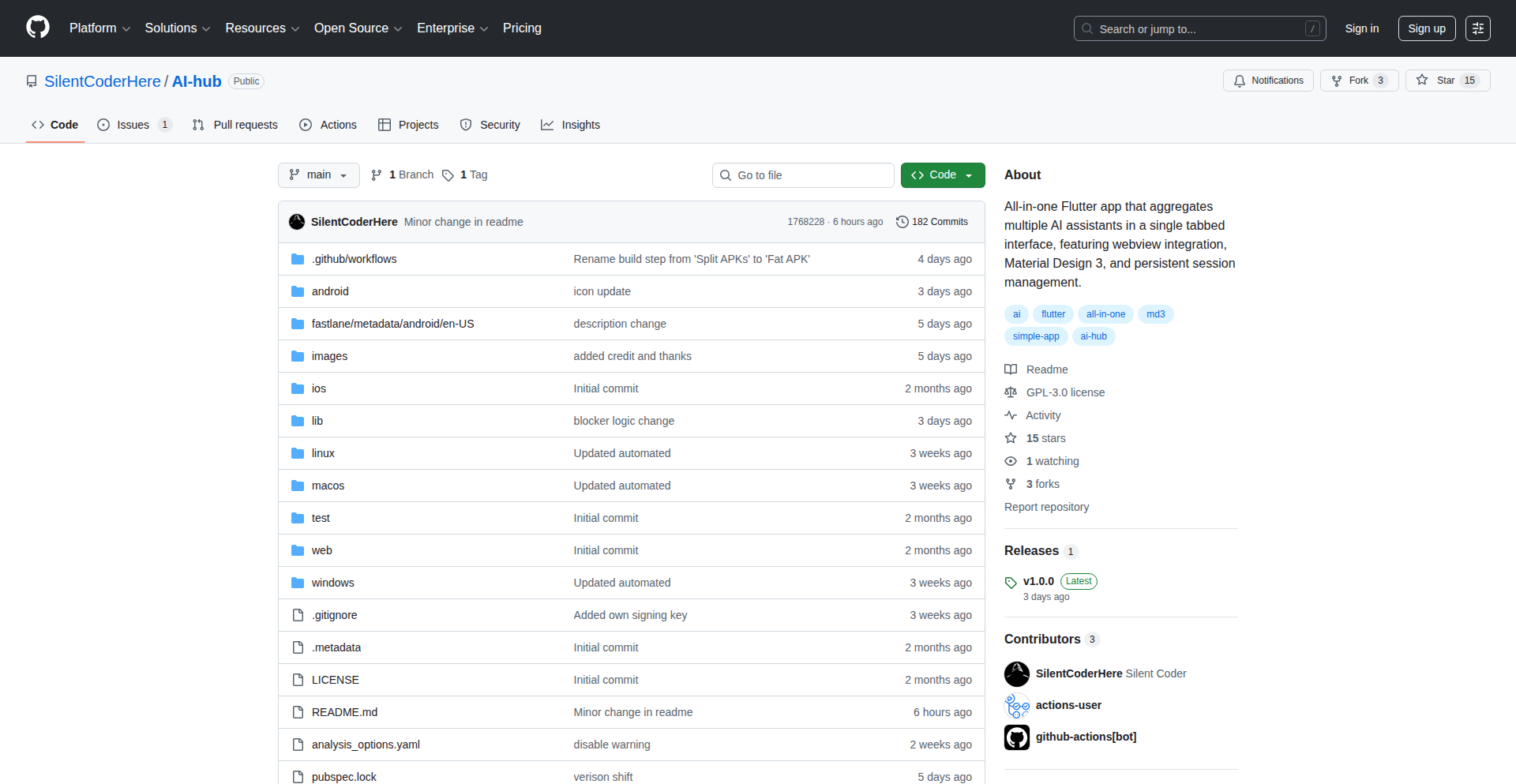
Author
SilentCoderHere
Description
AI Nexus is a desktop application that allows users to seamlessly interact with multiple Artificial Intelligence models simultaneously. It addresses the fragmentation of AI services by providing a unified interface to leverage the strengths of various AI providers, enabling users to compare outputs and discover novel insights.
Popularity
Points 2
Comments 0
What is this product?
AI Nexus is a revolutionary desktop tool that acts as a central gateway to a multitude of AI models. Instead of juggling separate interfaces for different AI services (like GPT, Claude, Llama, etc.), you can connect to them all through AI Nexus. Its core innovation lies in its ability to abstract away the complexities of individual AI APIs, offering a consistent way to send prompts and receive responses. This means you can test the same query across different AI models side-by-side, making it easier to find the best AI for a specific task or to compare their performance characteristics. So, for you, this means accessing the power of diverse AI without the hassle of managing multiple accounts and interfaces.
How to use it?
Developers can integrate AI Nexus into their workflows by installing it on their desktop. Once installed, they can configure API keys for their preferred AI services within the application. AI Nexus provides a user-friendly interface to create new prompts, select which AI models to send them to, and view the results in a consolidated manner. For more advanced use, the application may expose an internal API or allow for scripting to automate prompt submission and result processing. This could be used for tasks like automated content generation, comparative analysis of AI responses for research, or building custom AI-powered applications that leverage multiple AI backends. So, for you, this means quickly switching between and comparing AI outputs for your projects without leaving your development environment.
Product Core Function
· Simultaneous AI Model Interrogation: Enables sending a single prompt to multiple AI models at once, allowing for rapid comparison of outputs and identification of the most suitable AI for a given task. This accelerates your AI experimentation and decision-making.
· Unified API Abstraction: Hides the underlying differences in API structures of various AI providers, presenting a consistent interface for developers. This reduces the learning curve and development effort when working with different AI services. So, for you, this means less time deciphering complex API docs and more time building.
· Cross-Model Output Comparison: Displays responses from different AI models side-by-side in a clear and organized format, facilitating analysis and evaluation. This helps you understand the nuances and strengths of each AI model. So, for you, this means easily seeing which AI performed best and why.
· Configurable AI Provider Integration: Allows users to easily add and manage API keys for various AI services, offering flexibility and personalization. This ensures you can use your existing AI subscriptions within a single application. So, for you, this means all your AI tools in one place.
· Lightweight Desktop Application: Provides a native desktop experience that is often more performant and integrated than web-based solutions. This means a faster and more responsive AI interaction experience.
Product Usage Case
· A content creator uses AI Nexus to generate multiple variations of a blog post title by sending the same core idea to GPT-4, Claude 3 Opus, and Llama 3. They can then quickly select the best title without having to open three separate tabs. This solves the problem of inefficient creative brainstorming.
· A researcher compares the accuracy of different AI models in summarizing complex scientific papers. They input the same paper into AI Nexus, directing it to multiple summarization-focused AIs, and then analyze the outputs for fidelity and conciseness. This helps them identify the most reliable AI for academic research. This addresses the need for objective AI performance evaluation.
· A software developer tests different AI models for code generation by providing a natural language description of a function. AI Nexus allows them to see how each AI interprets the request and generates code, enabling them to choose the AI that produces the most efficient or accurate code for their application. This streamlines the process of finding the right AI assistant for coding tasks.
65
GeoPoster Studio

Author
halfdaft
Description
A web application that allows users to generate custom map posters of Irish townlands. It leverages dynamic data fetching and map rendering to create personalized geographic art, solving the problem of limited and generic decorative options for specific geographic areas.
Popularity
Points 1
Comments 1
What is this product?
GeoPoster Studio is a web-based tool that lets you design and order personalized map posters. The core innovation lies in its ability to precisely render maps of 'townlands' in Ireland, which are small, historical administrative divisions. It achieves this by accessing and processing geographic data to accurately represent these specific areas. This is useful because it allows people to celebrate their heritage or a place they love with a highly detailed and unique visual representation that traditional map services often overlook. Think of it as taking a very granular snapshot of a specific place and turning it into art.
How to use it?
Developers can use GeoPoster Studio by integrating its API into their own web applications or by embedding the customizer widget. For end-users, the process is straightforward: visit the website, input the desired Irish townland name, customize design elements like colors and labels, preview the map, and then order a physical poster. For developers, it provides a way to offer unique geographic personalization to their users, perhaps for real estate websites, genealogical services, or tourism platforms, without having to build complex mapping infrastructure themselves.
Product Core Function
· Dynamic Townland Data Rendering: Allows for the accurate, on-demand display of specific Irish townland boundaries. This is valuable for users wanting hyper-local geographic focus in their personalized maps, serving genealogical or historical interests.
· Customizable Map Styles: Enables users to select color palettes, label styles, and map orientations. This provides artistic control, allowing the generated map to match personal aesthetic preferences or existing decor, making it a truly bespoke decorative item.
· Interactive Preview Engine: Offers a real-time visual representation of the final poster before ordering. This is crucial for user confidence, as it ensures the generated map precisely matches their expectations and design choices, reducing potential dissatisfaction.
· High-Resolution Poster Generation: Produces print-ready artwork suitable for professional printing. This guarantees that the final physical product will be of high quality and visually appealing, maximizing the value of the personalized artwork.
Product Usage Case
· A genealogist building a family history website can embed GeoPoster Studio to allow users to generate a custom map poster of their ancestral townland, offering a unique, tangible connection to their heritage.
· A real estate agent specializing in rural Irish properties can use the tool to create personalized closing gifts for clients, featuring a map of the property's local townland, adding a thoughtful and location-specific touch.
· A tourism company focused on cultural experiences in Ireland can integrate GeoPoster Studio to let travelers commemorate their favorite vacation spots with a uniquely detailed townland map, acting as a memorable souvenir.
66
AI-Powered Economic Data Navigator

Author
rishsriv
Description
FactIQ is an AI-driven data explorer that democratizes access to over 7 million US economic data series. It tackles the challenge of navigating complex, fragmented economic data by standardizing it, enriching it with AI, and making it searchable through natural language. This means users can get quick, reliable insights and contextual analysis without being data experts.
Popularity
Points 2
Comments 0
What is this product?
FactIQ is a sophisticated platform designed to simplify and accelerate the exploration of US economic data. It ingests vast datasets from government sources like the BLS, EIA, and Census, cleans and standardizes them into a unified internal structure. Leveraging Large Language Models (LLMs), it extracts metadata, enriches the data with context, and generates embeddings. These embeddings act like digital fingerprints, allowing for efficient searching of relevant data series using natural language queries. When you ask a question, FactIQ uses these embeddings to find the right data and then employs an intelligent agent pipeline to analyze it and provide an answer, complete with source citations for transparency.
How to use it?
Developers and data analysts can use FactIQ by simply asking questions in plain English through its web interface or potentially via an API (if available). For instance, you could ask, 'Show me the trend of renewable energy sources in US electricity generation over the last decade' or 'Compare the unemployment rates in California and Texas since 2020.' FactIQ's underlying technology handles the complex task of finding the relevant data series, performing the necessary calculations, and presenting the findings. This dramatically reduces the manual effort typically required for data retrieval and analysis, making it ideal for rapid prototyping, market research, or generating reports.
Product Core Function
· Unified Data Ingestion and Standardization: FactIQ pulls data from diverse government sources and transforms it into a consistent format, making it easier to work with. This is valuable because it saves you the time and effort of dealing with multiple, inconsistently formatted datasets.
· AI-Powered Data Enrichment: Using LLMs, FactIQ adds context and metadata to the raw data, making it more understandable and discoverable. This is useful for gaining deeper insights and understanding the nuances of economic indicators.
· Embedding-Based Semantic Search: FactIQ creates searchable representations of data, allowing you to find relevant information using natural language queries instead of complex database queries. This is a game-changer for quickly locating the specific economic data you need.
· Agentic Analysis Pipeline: FactIQ doesn't just find data; it analyzes it to answer your questions intelligently. This core function provides actionable insights and reduces the need for manual data manipulation and interpretation.
· Data Traceability and Citations: Every insight provided by FactIQ is linked back to its original sources. This is crucial for building trust and verifying the accuracy of economic analysis.
Product Usage Case
· A financial analyst needs to quickly assess the impact of recent policy changes on the housing market. They can use FactIQ to ask, 'What is the correlation between interest rate changes and new housing starts in the last quarter?' FactIQ will retrieve and analyze the relevant data series, providing an answer and saving the analyst hours of manual data pulling and correlation calculations.
· A researcher is studying the global shift towards renewable energy. They can use FactIQ to ask, 'Compare the growth rate of solar energy production in the US and China over the past five years.' FactIQ will identify and compare the appropriate data points, offering a clear visualization and statistical comparison.
· A startup founder is looking for economic indicators to inform their business strategy. They can ask FactIQ, 'What are the projected trends for consumer spending on electronics in the next fiscal year?' This allows for data-driven decision-making without requiring deep expertise in economic forecasting models.
67
Ahai: Your Personal Idea Sanctuary

Author
rcanand2025
Description
Ahai is a local, private tool designed to help you discover and organize scattered ideas within your files. It addresses the common developer problem of losing track of brilliant thoughts buried in code, notes, or documents. Ahai uses intelligent indexing and search to surface these hidden gems, making your knowledge base more accessible and actionable. This innovative approach transforms your local file system into a searchable repository of your own brilliance, fostering creativity and productivity.
Popularity
Points 1
Comments 1
What is this product?
Ahai is a desktop application that acts as your personal knowledge assistant. It works by scanning your local files (documents, code, notes, etc.) and building a private, searchable index of their content. Unlike cloud-based solutions, Ahai keeps all your data and the index entirely on your machine, ensuring absolute privacy and control. Its core innovation lies in its ability to intelligently analyze and surface relevant snippets of text – your ideas – from across all your files, even when you don't remember where you put them. Think of it as a super-powered personal search engine for your own thoughts.
How to use it?
Developers can integrate Ahai into their workflow by installing the application. Once installed, Ahai will begin indexing your specified directories. You can then use its intuitive search interface to query for keywords, concepts, or even vague memories related to your ideas. For example, if you recall working on a specific feature months ago and remember a key phrase, you can search for that phrase in Ahai, and it will instantly show you all the files containing it, along with relevant snippets. It's also designed to be lightweight and run in the background, so it doesn't interrupt your coding or writing process. It’s about making your existing files work harder for you.
Product Core Function
· Intelligent File Indexing: Ahai scans your local files, from code repositories to plain text notes, creating a private, offline index. This means all your scattered thoughts are systematically cataloged without sending any data out, ensuring your ideas remain yours.
· Contextual Idea Retrieval: Beyond simple keyword matching, Ahai understands context to find related ideas and information. This helps you rediscover forgotten gems or connect seemingly disparate thoughts, sparking new insights.
· Privacy-First Architecture: All data is stored and processed locally on your machine. There are no cloud servers involved, so your intellectual property and personal ideas are completely secure and private, addressing a major concern for developers and creators.
· Seamless Integration: Designed to be a background process, Ahai doesn't interfere with your existing workflow. It quietly works to organize your knowledge base, making it readily available when you need it most, enhancing your productivity without disruption.
Product Usage Case
· A developer is working on a new feature and remembers a snippet of code or a design idea they had months ago for a similar problem. Instead of manually digging through dozens of files and Git history, they use Ahai to search for a keyword from that idea. Ahai quickly returns the relevant file and the exact line of code or note, saving hours of searching and preventing the reinvention of the wheel.
· A writer is struggling to recall the exact wording of a paragraph they wrote for a blog post about a niche technology. They vaguely remember a key term and use Ahai to search for it. Ahai finds the relevant document and highlights the paragraph, allowing the writer to seamlessly incorporate it into their current work, maintaining consistency and quality.
· A student has notes scattered across different applications and text files for a complex project. They use Ahai to search for a concept they're trying to understand better. Ahai pulls up snippets from various notes and code examples related to that concept, helping the student piece together a more comprehensive understanding and complete their project more effectively.
68
Markdown Slides CLI

Author
k1low
Description
A command-line tool that lets you write presentation slides using Markdown and then design them in Google Slides, offering a seamless workflow for developers who prefer text-based content creation and version control while still leveraging the visual power of Google Slides.
Popularity
Points 2
Comments 0
What is this product?
This project, 'deck,' is a command-line interface (CLI) tool designed to bridge the gap between simple text-based content creation and sophisticated slide design. It allows developers to write their presentation content in Markdown, a widely used plain text format that's easy to version control and edit in any text editor. The innovation lies in its ability to then take this Markdown content and apply it to a Google Slides presentation. This separation of concerns means you can focus on the substance of your talk in Markdown, and then use Google Slides' rich design features to make it visually appealing. The tool offers iterative updates with a 'deck apply --watch' command, meaning changes to your Markdown can be instantly reflected in your slides, streamlining the feedback and refinement process. It also smartly integrates with existing Google Slides templates and themes, ensuring design consistency.
How to use it?
Developers can use 'deck' by first creating their presentation content in Markdown files. They then initialize a Google Slides presentation that 'deck' will manage, potentially starting from a template. The CLI tool is run from the terminal. The core command, 'deck apply', takes the Markdown content and generates or updates the corresponding slides in the linked Google Slides presentation. The '--watch' flag enables a live-updating mode where any changes saved to the Markdown files will automatically trigger an update in Google Slides. This makes it ideal for rapid prototyping and iterative presentation building. It also supports embedding images and code blocks directly within the Markdown, which 'deck' can then process and render onto the slides.
Product Core Function
· Markdown to Slide Conversion: Transforms plain text Markdown content into structured presentation slides, allowing for efficient content creation and management. This is valuable because it lets you focus on writing without being bogged down by complex slide formatting, enabling faster content development.
· Google Slides Integration: Seamlessly syncs Markdown content with existing Google Slides presentations, leveraging the powerful design capabilities and templates of Google Slides. This is valuable as it provides a visually polished output without requiring deep knowledge of presentation design software, and allows for easy reuse of existing company branding or themes.
· Live Watch Mode: Enables automatic updating of Google Slides as Markdown files are modified, facilitating rapid iteration and real-time feedback. This is valuable for presenting to stakeholders or for quickly testing out different versions of your content, significantly speeding up the presentation refinement cycle.
· Image and Code Block Support: Allows embedding of images and code snippets directly in Markdown, which are then rendered on the slides. This is valuable for technical presentations where visuals and code examples are crucial, making it easier to incorporate these elements directly into your narrative.
Product Usage Case
· Technical Talk Preparation: A developer preparing for a conference talk can write all their presentation notes and code examples in Markdown. Using 'deck', they can then quickly generate a visually appealing set of slides in Google Slides, applying a company-approved theme. This solves the problem of spending excessive time on slide design when the focus should be on the technical content, and ensures version control of the presentation narrative.
· Internal Team Updates: A team lead can use 'deck' to quickly create an update presentation for their team. They can write bullet points and key decisions in Markdown, and then have 'deck' generate a presentation that can be easily shared and reviewed by team members. This is useful for streamlining internal communication and ensuring that presentation content is easily accessible and editable by multiple people.
· Educational Content Creation: An educator creating online course materials can use 'deck' to generate lecture slides from Markdown notes. The ability to easily update content and maintain a consistent visual style across multiple lectures is highly beneficial for creating professional and engaging educational resources.
69
SyncBridge: Bidirectional Feedback Flow for Linear & Jira
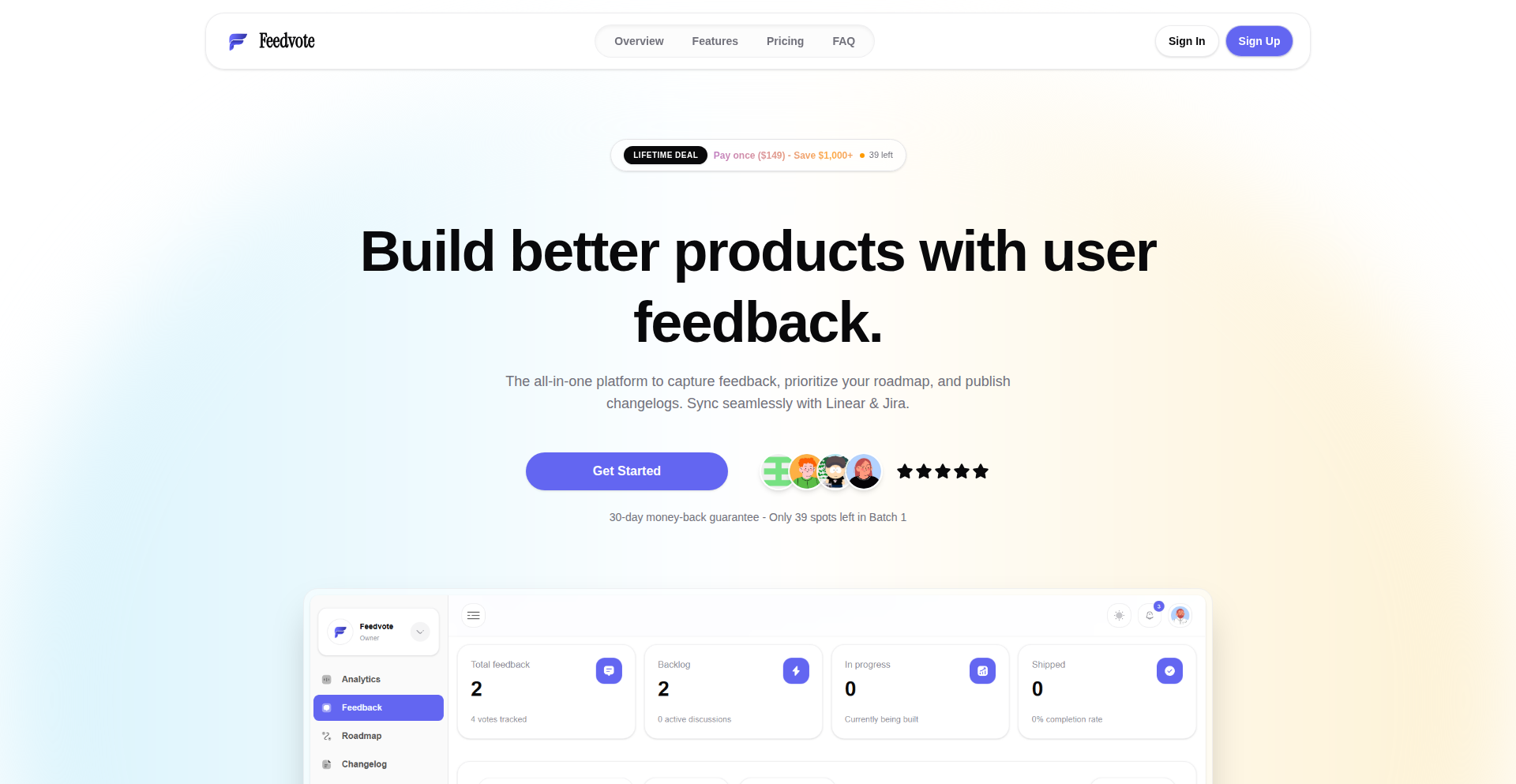
Author
youchen_
Description
This project, Feedvote, tackles the challenge of fragmented user feedback by creating a deep, two-way synchronization between Linear and Jira. It ensures that customer insights captured in one platform are seamlessly mirrored in the other, empowering development teams to have a unified view of feedback and prioritize effectively. The innovation lies in its robust synchronization engine that handles complex workflows and custom fields, bridging the gap between product feedback and development task management.
Popularity
Points 1
Comments 1
What is this product?
Feedvote is a powerful synchronization tool that intelligently connects Linear and Jira, two popular platforms for product management and issue tracking. Think of it as a smart messenger that makes sure information about customer feedback in Linear (like feature requests or bug reports) instantly appears in Jira, and vice-versa. This isn't just a simple copy-paste; it understands the structure of both platforms and keeps things updated automatically. This means if a customer provides feedback in Linear and your team discusses it and creates a Jira ticket, that ticket will reflect the original feedback, and any updates to the Jira ticket will show back up in Linear. This avoids duplicated work and ensures everyone is on the same page regarding customer needs.
How to use it?
Developers and product managers can integrate Feedvote by setting up connections between their respective Linear and Jira accounts. The project likely provides a web interface or command-line tools for configuring which projects, issue types, and fields should be synchronized. Once set up, the synchronization happens automatically in the background. This is useful for teams that use Linear for feature requests and roadmap planning, and Jira for detailed sprint planning and bug tracking. By linking them, feedback from customers logged in Linear can be directly translated into actionable tasks in Jira, and the progress on those tasks in Jira can be seen by the product team in Linear. This eliminates the manual effort of transferring information and reduces the risk of feedback falling through the cracks.
Product Core Function
· Bidirectional synchronization of feedback and issues: Automatically keeps feedback and related development tasks updated across Linear and Jira, ensuring data consistency and saving manual effort.
· Deep mapping of custom fields: Handles custom attributes within Linear and Jira, so specific details of feedback are preserved during synchronization, providing richer context for development teams.
· Intelligent conflict resolution: Manages potential data conflicts that might arise during synchronization, ensuring the integrity of information in both platforms.
· Real-time updates: Ensures that changes made in one platform are reflected in the other with minimal delay, allowing for immediate awareness of feedback status.
· Project and team configuration: Allows users to define specific projects and teams within Linear and Jira to synchronize, providing granular control over the integration.
Product Usage Case
· A startup uses Linear to collect feature requests from early adopters and Jira to manage their development sprints. Feedvote ensures that each feature request in Linear that is prioritized for development is automatically converted into a Jira ticket, with all the original feedback details carried over. This way, the development team in Jira has full context without needing to constantly check Linear.
· A SaaS company has a customer success team using Linear to log user-reported bugs and a QA team using Jira for bug tracking. Feedvote automatically creates Jira issues from Linear bug reports. When the QA team fixes the bug in Jira, the status update flows back to Linear, informing the customer success team and allowing them to notify the affected users promptly. This streamlines the bug resolution process and improves customer communication.
· A product manager is planning a new feature and has gathered initial feedback in Linear. They want to involve the engineering team in Jira early. Feedvote allows them to link the feedback in Linear to an epic or story in Jira. As the engineering team refines the Jira ticket, the product manager sees these updates reflected in Linear, helping them to manage expectations and iterate on the feature based on development insights.
70
Steer: AgentGuard SDK
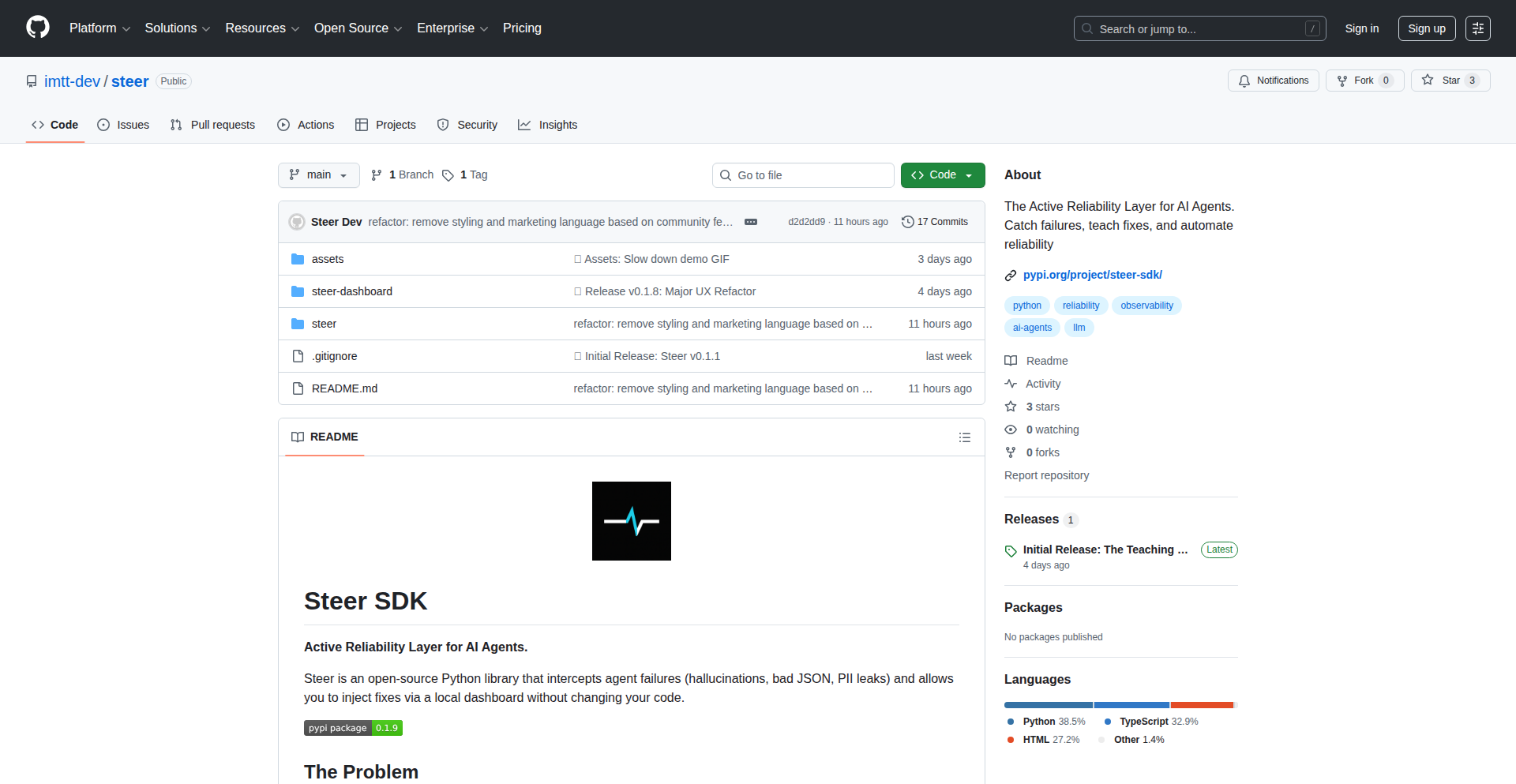
Author
steerlabs
Description
Steer is an open-source Python SDK designed to prevent AI agents from producing incorrect outputs, such as malformed JSON or fabricated information, which often lead to application crashes. It achieves this by creating a local feedback loop: it catches bad outputs, allows developers to teach it the correct way to handle them through a simple dashboard, and then automatically injects these learned rules into the agent's context for future executions. This drastically reduces debugging time and improves the reliability of AI-powered applications.
Popularity
Points 2
Comments 0
What is this product?
Steer is a smart guardian for your AI agents. Think of it like a spellchecker and grammar checker for the text that your AI generates. When AI agents try to output data, like a structured list (JSON) or specific instructions, they sometimes make mistakes. For example, they might put regular text in a place that should only have numbers, or make up information that isn't true (this is called hallucination). Existing tools just show you the mistake after it happens and your app breaks. Steer proactively stops these mistakes. It works by intercepting the AI's output, and if it looks wrong based on rules you set (or learn from your corrections), it prevents it from going through. You can then easily tell Steer how to fix it through a simple online tool, and Steer remembers this fix for next time. It's built for Python and works with any AI model you might be using, keeping your data private on your own system.
How to use it?
Developers can integrate Steer into their Python projects by installing it via pip (`pip install steer-sdk`). The core of its usage involves using a special decorator, `@capture`, around the parts of their code where they interact with AI agents. When the agent's output is captured, Steer analyzes it. If it detects an issue based on predefined rules or learned patterns, it flags it. Developers can then access a local dashboard to review these flagged outputs. They can easily click a 'Teach' button and provide the correct format or information. Steer automatically learns this correction and applies it to future agent interactions, ensuring more reliable outputs without constant manual intervention. This makes it ideal for building robust AI applications, chatbots, or data processing pipelines where output accuracy is critical.
Product Core Function
· Output Catching and Validation: Steer intelligently monitors AI agent outputs to detect common errors like incorrect data formats (e.g., text in a numeric field), structural inconsistencies in JSON, or factual inaccuracies. This stops faulty data from propagating through your application, preventing crashes and ensuring data integrity.
· Interactive Teaching Dashboard: A user-friendly local dashboard allows developers to review problematic outputs flagged by Steer. Developers can directly 'teach' Steer the correct way to handle such cases by providing the desired output or a correction rule. This makes fixing AI errors intuitive and accessible, even for complex scenarios.
· Contextual Rule Injection: Once a correction is taught, Steer automatically injects this learning into the AI agent's operating context. This means the agent will adhere to the new rule in subsequent operations, significantly reducing the recurrence of the same errors without requiring code changes.
· LLM Agnostic Integration: Steer is designed to be compatible with any Large Language Model (LLM) and frameworks like LangChain. This flexibility allows developers to easily incorporate Steer's error prevention capabilities into their existing AI infrastructure, regardless of the specific AI models they are using.
· Local Data Storage: All learned rules and feedback data are stored locally. This ensures data privacy and security, as sensitive information does not need to be sent to external services, making it suitable for applications handling confidential data.
Product Usage Case
· Building a customer support chatbot: An AI agent is responsible for extracting customer order details into a structured JSON format. Occasionally, the agent might misinterpret a product name as a quantity. Steer intercepts this malformed JSON, presents the incorrect output to the developer in the dashboard, who then teaches Steer to correctly parse the quantity. Steer learns this, and future order extractions are accurate, preventing broken order processing and ensuring timely fulfillment.
· Automated data extraction for financial reports: An AI agent scrapes financial news and extracts key figures into a predefined JSON schema for analysis. If the agent hallucinates a figure or outputs it in the wrong format (e.g., a string instead of a number for revenue), Steer catches it. The developer then teaches Steer the correct way to identify and format the revenue figure, ensuring the financial reports are consistently accurate and reliable for decision-making.
· Developing an AI-powered content generation tool: When an AI agent generates marketing copy, it might accidentally include markdown formatting in a field that is expected to be plain text. Steer detects this violation of the plain text rule and prompts the developer to confirm the correct output. By teaching Steer to strip markdown from that specific field, the generated content is consistently clean and ready for immediate use, saving content creators significant editing time.
· Creating an internal tool for code generation assistance: An AI agent helps developers write small code snippets. Sometimes, it might output invalid Python syntax or incorrect variable names. Steer can be configured to validate the generated code syntax. When an error is caught, the developer can provide the correct code snippet, and Steer will learn to generate valid code moving forward, improving developer productivity and reducing the time spent debugging AI-generated code.
71
PipereadAI

Author
sirinnes
Description
PipereadAI is a free, AI-powered web tool that acts as a personalized book librarian. It goes beyond simple genre tags to offer recommendations based on unique 'personas', providing a more tailored and insightful way to discover your next read. The core innovation lies in using AI to understand user preferences at a deeper level, making book discovery fast, simple, and cost-effective.
Popularity
Points 2
Comments 0
What is this product?
PipereadAI is an intelligent book recommendation system that uses Artificial Intelligence (AI) to suggest books. Instead of just categorizing books by genre (like 'Sci-Fi' or 'Mystery'), it creates and recommends based on specific 'personas'. Think of a persona as a descriptive profile of a reader's tastes, moods, or even desired reading experiences. For example, instead of just recommending 'Fantasy', it might recommend books for a 'Dreamer Seeking Epical Quests' persona. This AI-driven approach allows for more nuanced and relevant suggestions, moving beyond basic metadata to truly understand what a user might enjoy. The value for you is a much more personalized and surprising discovery of books you might not have found otherwise.
How to use it?
Developers can use PipereadAI as a reference for building similar recommendation engines or integrating its underlying AI principles into their own applications. For end-users, it's straightforward: visit the PipereadAI website, and the AI will guide you towards book recommendations tailored to your defined persona. You might be asked a few questions or choose from pre-defined persona archetypes. The 'so what' for developers is learning how to apply AI for personalized content discovery. For end-users, it's a free, easy-to-use service that helps you find your next great read without endless scrolling.
Product Core Function
· AI-powered persona-based book recommendations: This feature uses AI algorithms to match users with books based on sophisticated 'personas' rather than just genres. The value is significantly improved recommendation accuracy and a more engaging discovery process, leading to users finding books they genuinely connect with.
· Fast and simple user interface: The tool is designed for ease of use and speed, ensuring a frictionless experience for users looking for quick recommendations. The value is saving users time and reducing the cognitive load associated with finding new reading material.
· Cost-effective implementation: The project highlights how AI-driven services can be built and offered for free by optimizing for minimal cost. This demonstrates a practical approach to leveraging AI for community benefit, showing developers that innovative AI tools don't always require massive budgets.
Product Usage Case
· A user is looking for a book that evokes a sense of wonder and exploration, similar to their childhood fascination with space. PipereadAI, through its persona system, can identify and recommend speculative fiction that aligns with this specific 'cosmic explorer' persona, solving the problem of finding books that capture a particular emotional and thematic resonance.
· A developer wants to build a personalized content feed for a new reading app but struggles with traditional recommendation algorithms. PipereadAI's approach of using nuanced 'personas' can inspire them to explore more abstract and human-centric ways of categorizing user interests, providing a blueprint for richer user experiences.
· A book club is seeking diverse recommendations that appeal to a wide range of reading tastes within the group. PipereadAI can generate persona-based suggestions that cater to different literary preferences, helping the club discover titles that spark varied discussions and appeal to multiple members.
72
ChromaScape 3D

Author
clubers
Description
ChromaScape 3D is an interactive visualization tool that uses animated point clouds to represent and compare different color gamuts, such as sRGB, P3, and Rec.2020. It visually illustrates the boundaries of these color spaces and highlights colors that fall outside of a specific gamut by desaturating them. This helps developers understand color reproduction limitations and potential issues.
Popularity
Points 2
Comments 0
What is this product?
ChromaScape 3D is a software project that creates dynamic, three-dimensional visualizations of color gamuts. It leverages animated point clouds to map out the spectrum of visible colors and then overlays common display color spaces (like sRGB for web, P3 for cinema, and Rec.2020 for HDR). The innovation lies in its real-time, interactive nature, allowing users to explore these complex color relationships. It solves the problem of abstractly understanding color science by providing a tangible, visual representation, showing which colors a device can or cannot display accurately.
How to use it?
Developers can use ChromaScape 3D in various ways. For web and application development, it can be integrated to visually debug color pipelines, ensuring that the intended colors are displayed correctly across different devices and platforms. For game development and digital art, it's invaluable for artists and designers to understand the limitations of target displays and to choose colors that will render faithfully. The project likely provides a JavaScript API or a standalone application that can be configured to load and compare specific color profiles, helping to identify out-of-gamut colors that might appear desaturated or inaccurate on a user's screen.
Product Core Function
· Interactive 3D color gamut visualization: This allows developers to see the physical space of colors and how different device capabilities (gamuts) fit within it. The value is in understanding color limitations at a glance, which is crucial for accurate color reproduction in any visual medium.
· Animated point clouds for spectrum mapping: This core technique makes the abstract concept of the visible light spectrum concrete and explorable. It helps developers grasp the fundamental range of colors humans can perceive.
· Comparison of multiple color gamuts (sRGB, P3, Rec.2020): By overlaying different industry-standard color spaces, developers can directly compare the color reproduction capabilities of various devices and formats. This is essential for targeting specific platforms and ensuring a consistent visual experience.
· Out-of-gamut region highlighting via desaturation: This feature visually flags colors that a particular display cannot accurately reproduce. For developers, this means quickly identifying potential color clipping or inaccuracies, enabling them to adjust their designs for better fidelity.
· Real-time parameter adjustment: The interactive nature likely allows users to adjust parameters and see immediate visual feedback, speeding up the analysis and decision-making process for color-related issues.
Product Usage Case
· A web developer uses ChromaScape 3D to ensure that the vibrant colors in their new e-commerce product images are accurately displayed on most user screens. By comparing the image's color gamut against sRGB, they can identify and adjust any out-of-gamut colors to prevent them from appearing washed out, thereby improving the customer's visual experience and potentially increasing sales.
· A game artist is designing character assets for a new video game that will be released on both PC and next-generation consoles. They use ChromaScape 3D to visualize the difference between the PC monitor's color gamut and the console's HDR display gamut. This helps them select color palettes that will look appealing and consistent across both platforms, avoiding unexpected color shifts that could detract from the game's artistic vision.
· A broadcast engineer is preparing video content for HDR distribution using the Rec.2020 color space. They use ChromaScape 3D to analyze existing footage and identify any colors that fall outside the target Rec.2020 gamut. This allows them to perform color correction to ensure the final output meets broadcast standards and preserves the intended visual impact of the director's choices.
73
Genlook VTO Engine

Author
thibaultmthh
Description
Genlook VTO Engine is a Shopify app that brings virtual try-on capabilities to online stores. It leverages Google's advanced VTO (Virtual Try-On) model for the core AI, with a strong emphasis on creating a seamless and engaging user experience for shoppers. The primary technical innovation lies in its user interface (UI) and user experience (UX) design, which is meticulously crafted and A/B tested to reduce friction and boost conversion rates. The value proposition is clear: significantly increasing the likelihood of purchase for customers who engage with the virtual try-on feature.
Popularity
Points 2
Comments 0
What is this product?
Genlook VTO Engine is a sophisticated tool that allows online shoppers to virtually 'try on' products, like clothing or accessories, directly within a Shopify store's website. The 'AI' magic is powered by Google's latest VTO model, which handles the complex task of rendering how a product would look on a person. The real technical innovation from the developer's side is in how they've wrapped this AI into a user-friendly interface. They've conducted extensive A/B testing on the design and wording of the virtual try-on widget, which is crucial for ensuring shoppers have a smooth and intuitive experience. This focus on UX is vital because it directly impacts how many customers actually use the feature, and therefore, how many are more likely to buy. Think of it as a digital fitting room that's incredibly easy to use, leading to more confident purchasing decisions.
How to use it?
Shopify store owners can integrate Genlook VTO Engine as an app into their existing store. Once installed, the app enables a virtual try-on option on product pages. Shoppers will see a button or prompt to 'try on' an item. Upon clicking, the system uses their device's camera (or a pre-selected avatar) to overlay the product virtually. This allows customers to see how an item looks on them without physically trying it on, leading to a more informed purchase decision and reduced returns. The integration is designed to be straightforward for store owners, requiring minimal technical setup.
Product Core Function
· Virtual Try-On Rendering: Utilizes Google's VTO model to accurately overlay product visuals onto a user's image or camera feed, providing a realistic preview. This significantly helps shoppers visualize how items will look on them, reducing uncertainty and increasing purchase confidence.
· Frictionless User Experience Design: A meticulously designed and A/B tested user interface for the try-on widget, aiming for zero barriers to entry. This ensures shoppers can easily access and use the virtual try-on feature, leading to higher engagement and a more positive shopping journey.
· Conversion Rate Optimization: The core focus on UX aims to directly increase the likelihood of purchase for users who engage with the virtual try-on. Early data suggests a significant uplift in conversion, meaning more shoppers are likely to complete their purchase after using the feature.
· Shopify Integration: Seamlessly integrates with Shopify stores as an application, allowing easy adoption for e-commerce businesses without complex custom development.
· Data-Driven Design Iteration: Continuous A/B testing of the widget's design and copy to refine user experience based on real user behavior, not just intuition. This iterative approach ensures the product evolves to be as effective as possible in driving sales.
Product Usage Case
· An online fashion retailer selling dresses wants to reduce the uncertainty of online clothing purchases. By integrating Genlook VTO Engine, customers can virtually try on dresses using their webcam, seeing how different styles and sizes fit their body shape before buying. This directly addresses the 'fit' problem and reduces the likelihood of returns due to poor fit.
· A Shopify store specializing in eyewear wants to help customers choose the perfect pair of glasses. With Genlook VTO Engine, shoppers can upload a photo or use their camera to see how various frames look on their face. This makes the selection process more engaging and personalized, leading to increased sales for the eyewear store.
· An accessories brand selling hats wants to provide a more interactive shopping experience. Customers can use Genlook VTO Engine to virtually try on different hats, seeing how they complement their outfit or hairstyle. This interactive element enhances customer engagement and encourages impulse purchases.
· A jewelry store wants to give customers a better sense of scale and appearance for rings and necklaces. Genlook VTO Engine can overlay these items onto a user's hand or neck, providing a clear visual representation that's difficult to achieve with static product images. This helps customers make more confident purchasing decisions.
74
HackerNews Nebula

Author
legi0n
Description
HackerNews Nebula is a project that visualizes the Hacker News ecosystem, revealing the connections and trends within discussions. It tackles the challenge of information overload by presenting complex data in an accessible, interactive graphical format, making it easier for users to discover insightful content and understand community sentiment. The innovation lies in its approach to information synthesis and presentation, transforming raw data into a navigable knowledge graph.
Popularity
Points 2
Comments 0
What is this product?
HackerNews Nebula is a visualization tool that turns the rich data from Hacker News into an interactive graph. Instead of just a linear feed of articles and comments, it shows how different posts, users, and topics relate to each other. Think of it like a mind map for Hacker News discussions. The core technology behind it likely involves graph databases or libraries to model the relationships between items (posts, comments, users) and then uses visualization libraries to render these connections. This approach allows for discovering emergent themes and understanding the flow of information in a way a simple list cannot.
How to use it?
Developers can use HackerNews Nebula in several ways. Primarily, it can be integrated into custom dashboards or analytical tools to monitor trends on Hacker News, identify influential posts or users, and gain a deeper understanding of the technical and societal conversations happening within the community. It can also serve as an educational tool for understanding network analysis and data visualization techniques. The project likely exposes an API or provides data export options, allowing developers to feed this structured visualization data into other applications or use it for further analysis.
Product Core Function
· Interactive Graph Visualization: Displays posts, comments, and user interactions as nodes and edges in a graph, allowing users to explore connections and understand relationships between different pieces of content. This helps in discovering hidden gems and understanding the context of discussions, proving useful for researchers and enthusiasts alike.
· Trend Analysis and Topic Discovery: By analyzing the network structure and user engagement patterns, the tool can highlight trending topics and emerging discussions. This provides valuable insights for content creators, investors, and anyone looking to stay ahead of the curve in the tech world.
· User and Post Influence Mapping: Identifies key users and highly influential posts based on their connections and engagement within the Hacker News network. This is valuable for understanding community dynamics and identifying authoritative voices.
· Data Exploration and Filtering: Enables users to filter and search through the visualized data, allowing for targeted exploration of specific topics or user groups. This makes it easier to find relevant information quickly and efficiently.
Product Usage Case
· Scenario: A developer wants to understand the community's reaction to a new programming language release. How it helps: HackerNews Nebula can visualize all discussions related to that language, showing which posts generated the most engagement, which users were actively discussing it, and how different aspects of the language are being debated. This offers a nuanced understanding beyond simple upvote counts.
· Scenario: A content strategist is looking for emerging topics in the AI space. How it helps: By analyzing the graph, they can identify clusters of interconnected discussions around specific AI subfields that might not be immediately apparent in a chronological feed. This allows for proactive content creation targeting nascent interests.
· Scenario: A researcher is studying online community dynamics. How it helps: The project provides a concrete example of how to model and visualize complex social interactions on a platform like Hacker News, offering a blueprint for similar analyses on other forums or social networks.
75
TinyTune

Author
Jacques2Marais
Description
TinyTune is a no-code platform that allows users to fine-tune open-source AI models on their own custom data. It democratizes AI model customization, enabling individuals and small teams to build specialized AI without deep technical expertise, solving the problem of complex AI model training being inaccessible to many.
Popularity
Points 2
Comments 0
What is this product?
TinyTune is a no-code solution for customizing open-source AI models. Instead of writing complex code to train AI, users upload their own data and select an AI model. TinyTune handles the backend processes, including data preprocessing, model training, and evaluation, effectively tailoring the AI's capabilities to specific needs. The innovation lies in abstracting away the technical complexities of machine learning pipelines, making AI customization accessible to a wider audience.
How to use it?
Developers and non-technical users can leverage TinyTune by visiting the platform, selecting an open-source AI model (e.g., for text generation or image recognition), uploading their proprietary dataset, and initiating the fine-tuning process. This can be integrated into existing workflows by using the fine-tuned model as an API endpoint for custom applications or analyses. For example, a content creator could fine-tune a language model on their writing style for automated content generation.
Product Core Function
· No-code AI model fine-tuning: Enables customization of AI models without writing code, making advanced AI accessible for various applications and solving the barrier to entry for technical AI training.
· Custom data integration: Allows users to upload and utilize their own datasets to train AI models, ensuring the AI is tailored to specific domain knowledge or user preferences, thereby increasing relevance and accuracy.
· Open-source AI model support: Provides access to a range of pre-trained open-source AI models, offering flexibility and cost-effectiveness while leveraging community-developed powerful AI.
· Simplified deployment: Offers straightforward ways to use the fine-tuned models, often through API access, facilitating easy integration into existing software and workflows without requiring deep backend expertise.
Product Usage Case
· A marketing team uses TinyTune to fine-tune a language model on their brand's past campaigns and customer feedback. The resulting AI can then generate marketing copy that aligns perfectly with their brand voice and resonates with their target audience, solving the challenge of maintaining brand consistency in automated content creation.
· A researcher fine-tunes an image recognition model on a dataset of specific medical scans. This specialized AI can then assist in identifying anomalies or classifying medical images more accurately than a generic model, aiding in faster and more precise diagnostics in a specific medical field.
· A small e-commerce business fine-tunes a product recommendation engine on their sales data. This custom AI can then suggest highly relevant products to customers, increasing engagement and sales conversion rates, solving the problem of generic recommendation systems lacking personalization.
76
GoPin-Automated

Author
sr-white
Description
GoPin-Automated is a command-line tool designed to automatically manage and update version pins for Go install commands. It addresses a common pain point where automated dependency management tools like Renovate and Dependabot don't handle Go install commands, forcing developers to manually track and update tool versions. GoPin-Automated intelligently queries the Go proxy, pins `@latest` tags to specific versions, and updates outdated pinned versions, streamlining the Go development workflow.
Popularity
Points 2
Comments 0
What is this product?
GoPin-Automated is a clever utility for Go developers that tackles the often-manual task of versioning tools installed via `go install`. Think of it like a personal assistant for your Go development environment. While other tools automatically update your project's core dependencies, they often overlook the standalone tools you install directly using `go install`, like `golangci-lint` or `goimports`. GoPin-Automated fills this gap. It works by connecting to the official Go proxy (`proxy.golang.org`) to find the *actual* latest specific version of a tool. Then, it can do two things: first, it can take a version tag like `@latest` and replace it with the concrete version it found (e.g., `@latest` becomes `@v2.6.2`). Second, if you have an older specific version pinned (e.g., `@v2.5.0`), it can update it to the newest available version (e.g., `@v2.6.2`). This means you always know exactly which version of your development tools you're using, and you can easily keep them up-to-date without manual checking, reducing potential conflicts and ensuring consistency.
How to use it?
Developers can integrate GoPin-Automated into their workflow by installing it as a Go tool. Once installed, they can run it from their project's root directory. The tool operates by directly modifying your Go files (like `.bashrc`, `.zshrc`, or specific script files where `go install` commands are present). A `dry-run` option is available to preview exactly what changes will be made before committing them. The primary commands are `gopin run --dry-run` to see potential updates and `gopin run` to apply the changes. This makes it easy to incorporate into CI/CD pipelines or to run periodically as part of a development routine to keep toolchain versions current.
Product Core Function
· Pinning @latest to specific versions: This automatically replaces generic tags like `@latest` with a precise version number found on the Go proxy. This is valuable because `@latest` can be unpredictable; knowing the exact version ensures your builds are repeatable and less prone to unexpected breaks when a new version of a tool is released. This directly helps maintain build stability and predictability.
· Updating outdated pinned versions: For tools you've already pinned to a specific version, this function checks for newer releases and updates your files accordingly. This is crucial for staying current with the latest features, bug fixes, and security patches in your development tools, improving your development experience and preventing issues caused by using outdated tool versions.
· In-place file rewriting: The tool directly modifies your configuration or script files. This is valuable for automation, as it means you don't have to manually edit files after running the tool. It simplifies the update process and reduces the chance of human error when managing tool versions.
· Querying proxy.golang.org: By leveraging the official Go proxy, the tool ensures it's retrieving the most accurate and authoritative version information. This is important for trustworthiness and reliability, as it relies on the same source that Go itself uses to resolve dependencies.
Product Usage Case
· Scenario: A developer uses `go install golang.org/x/tools/cmd/goimports@latest` in their project's setup script. Every time the script runs, `goimports` might be a different version, leading to inconsistent formatting. Using GoPin-Automated, the developer runs `gopin run`, and it might update the line to `go install golang.org/x/tools/cmd/[email protected]`. This solves the problem of unpredictable tool behavior by ensuring a consistent version is always installed.
· Scenario: A team has several developers, and each might have installed `golangci-lint` at different times, resulting in different pinned versions. This can lead to CI build failures because the linter behaves differently. By running GoPin-Automated, the team can enforce a single, latest stable version of `golangci-lint` across all development environments, solving the 'it works on my machine' problem and standardizing code analysis.
· Scenario: A developer wants to update an older version of a tool they manually pinned, for instance, `go install github.com/go-delve/delve/cmd/[email protected]`. They want to upgrade to the latest stable release. Running `gopin run` will find the newest version of `dlv` and update the command to something like `go install github.com/go-delve/delve/cmd/[email protected]`, ensuring they benefit from the latest bug fixes and features without manual searching.
77
MPLP: Agentic AI Foundation Protocol
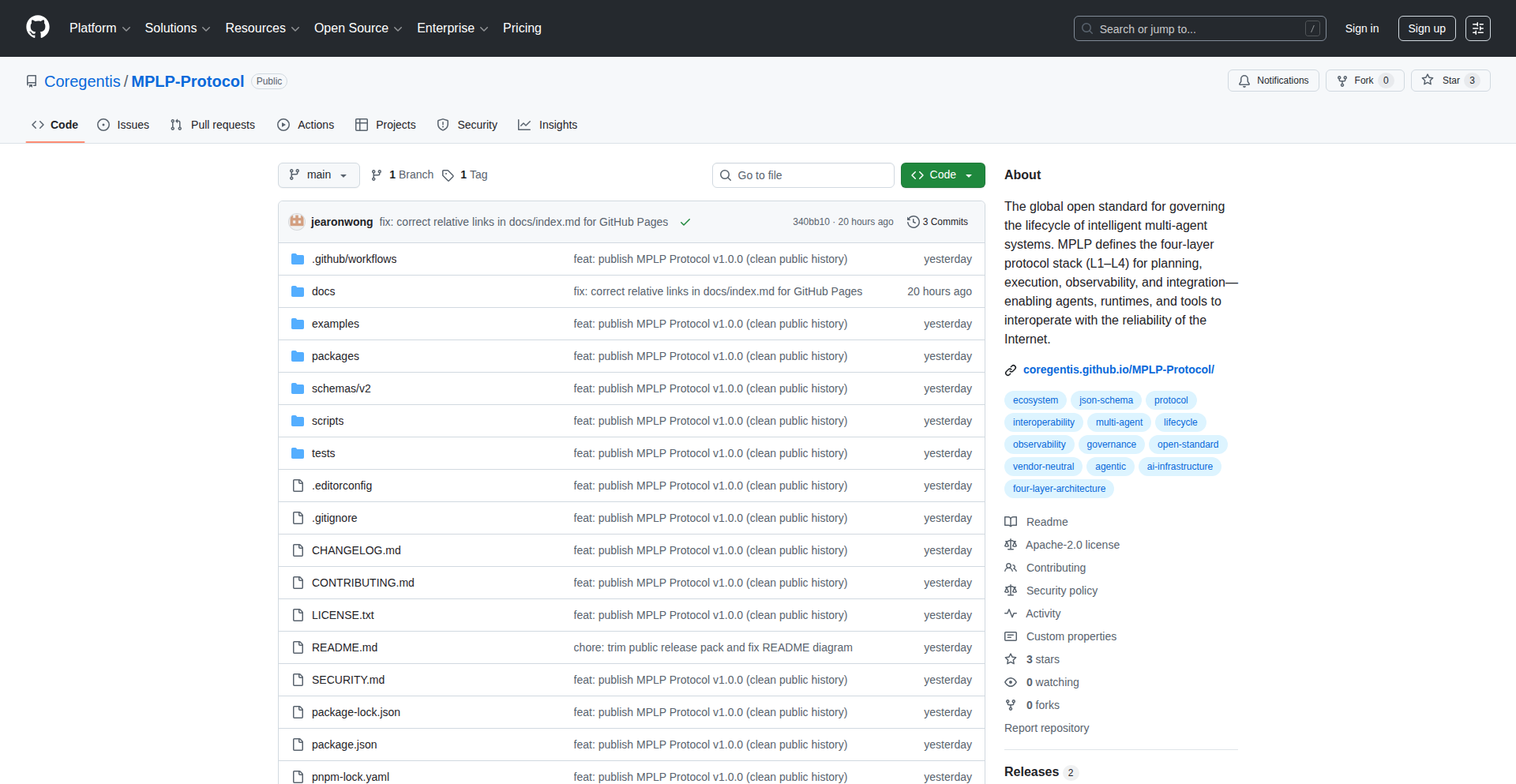
Author
CoregentisAI
Description
MPLP, the Multi-Agent Lifecycle Protocol, is a groundbreaking, open, and vendor-neutral standard for building robust multi-agent AI systems. It addresses the fundamental structural weaknesses in existing agent frameworks, such as LangGraph, AutoGen, and others, by providing a comprehensive lifecycle, state model, governance, auditability, and reproducibility. Think of it as the 'TCP/IP' for agentic AI, enabling reliable and scalable development.
Popularity
Points 1
Comments 1
What is this product?
MPLP is a foundational protocol that standardizes how multi-agent systems should operate. Unlike specific frameworks, MPLP defines essential components like context management, planning, confirmation, tracing, role definition, dialogue protocols, collaboration mechanisms, extensibility, and core execution. It introduces advanced concepts like PSG (Persistence, State, Governance), Drift Detection, Delta-Intent, AEL/VSL (Agent Execution Language/Virtual State Layer), and execution profiles. This standardization brings much-needed structure, making agent systems more predictable, debuggable, and auditable. So, what does this mean for you? It means you can build more reliable and scalable AI agent applications without being locked into a single framework, and easily integrate different agents and tools.
How to use it?
Developers can leverage MPLP by adopting its defined schemas and protocols when building their multi-agent systems. The project provides full specifications, schemas, tests, and SDKs under the Apache-2.0 license. This allows for the creation of custom agent orchestrators, inter-agent communication layers, and persistent agent states that adhere to the MPLP standard. You can integrate existing agents or build new ones that are MPLP-compliant, enabling interoperability and easier system evolution. So, how does this benefit you? You can design agent systems that are future-proof, easily extendable, and less prone to the common pitfalls of complex agent interactions.
Product Core Function
· Lifecycle Management: Defines the stages of an agent's existence, from creation to termination, ensuring predictable behavior and state transitions. This is valuable for managing complex AI workflows and understanding agent progress.
· State Modeling: Provides a structured way to represent and manage the state of individual agents and the collective system, crucial for debugging and reproducibility. This helps in tracking what agents know and have done.
· Governance and Auditability: Establps mechanisms for controlling agent actions and providing a clear audit trail of their operations, enhancing trust and accountability. This is vital for enterprise-level AI deployments.
· Reproducibility: Enables the recreation of agent system behavior, allowing for consistent testing and reliable deployment of AI applications. This means you can get the same results every time you run your agent system.
· Interoperability Protocols: Defines standard ways for agents to communicate, share context, and collaborate, fostering an ecosystem of diverse agents. This allows different AI agents, even from different developers, to work together seamlessly.
· Extensibility: Offers hooks and standards for adding new functionalities and integrating external tools or services into agent systems. This makes your AI agent systems adaptable to new requirements and technologies.
· Drift Detection: Includes features to monitor and manage deviations in agent behavior or performance over time, ensuring continued reliability. This proactively identifies and helps fix issues before they become major problems.
Product Usage Case
· Building a robust AI customer support system where multiple agents (e.g., information retrieval agent, sentiment analysis agent, resolution agent) can collaborate effectively, share customer context, and be traced for support audits. This solves the problem of siloed agent capabilities and lack of accountability.
· Developing complex AI-driven research platforms where agents can autonomously explore data, formulate hypotheses, conduct experiments, and report findings, all while maintaining a reproducible workflow. This addresses the challenge of creating scalable and verifiable scientific discovery agents.
· Creating flexible AI orchestration layers for automation tasks that can integrate with various third-party APIs and services, ensuring consistent state management and error handling across different tools. This simplifies the integration of diverse automation components.
· Designing agent-based simulations for economic or social modeling, where the protocol ensures that each agent's behavior is clearly defined, its state is trackable, and the overall simulation results are reproducible for analysis. This tackles the need for reliable and verifiable simulation environments.
78
K8s Lean Auditor

Author
rokumar510
Description
This project is a lightweight, client-side Kubernetes (K8s) auditing tool that analyzes resource waste directly from your terminal. It bypasses the lengthy installation and approval processes often associated with deploying agents, offering a swift and direct way for developers to identify cost-saving opportunities in their K8s environments. It leverages a simple bash script wrapping 'kubectl top' to calculate waste locally, providing immediate feedback without requiring complex infrastructure setup.
Popularity
Points 1
Comments 1
What is this product?
This project is a bash script that acts as a client-side Kubernetes auditor. Instead of installing complex agents or using cloud-based services that require data uploads, it directly uses the 'kubectl top' command to gather resource utilization data from your Kubernetes cluster. It then processes this data locally to calculate potential resource waste. The innovation lies in its simplicity and immediate feedback loop, empowering developers to gain insights without administrative hurdles. So, what's in it for you? You get a quick, no-fuss way to see where your Kubernetes resources might be over-provisioned and costing you money, right in your command line.
How to use it?
Developers can use this project by cloning the bash script from the provided GitHub repository. Once cloned, they can execute the script directly from their terminal, provided they have 'kubectl' configured to access their Kubernetes cluster. The script will then prompt for any necessary inputs, such as the namespace or specific resources to analyze. It directly interprets the output of 'kubectl top' and presents a report. This makes it incredibly easy to integrate into existing developer workflows or run ad-hoc checks. So, how can you use it? Imagine you're about to deploy a new service and want to ensure you're not over-allocating resources from the start, or you suspect an existing service is consuming more than it should. You can just run this script and get an instant report on potential waste.
Product Core Function
· Local Resource Waste Calculation: The script analyzes resource utilization metrics from your Kubernetes cluster locally, meaning no sensitive data leaves your environment. This provides immediate insights into potential over-provisioning without relying on external services. The value here is in quick, private cost optimization.
· Direct 'kubectl top' Integration: It leverages the existing 'kubectl top' command, a standard tool for Kubernetes users, to gather data. This minimizes dependencies and makes it familiar for most developers. This is valuable because you don't need to learn new commands or install special software to get started.
· Terminal-Based Reporting: The results are presented directly in your terminal, offering a clear and concise overview of waste without the need for complex dashboards or data uploads. This provides instant actionable information. So, this gives you actionable insights right where you're working – your terminal.
· Agent-less Deployment: It avoids the need for installing Helm charts or DaemonSets, significantly reducing setup time and bypassing lengthy security approval processes. This is a huge time saver for developers. The benefit for you is getting immediate insights without waiting for IT or security teams.
· Open Source (MIT License): The project is open-source under the MIT license, encouraging community contributions and allowing for customization. This means you can freely use, modify, and contribute to the tool. Your advantage is access to a transparent and potentially improving tool.
Product Usage Case
· Developer A suspects their new microservice is requesting too many CPU and memory resources. They run the K8s Lean Auditor script against the service's namespace. The script identifies that the service is consistently requesting 2x the actual CPU usage, highlighting an immediate opportunity to reduce resource allocation and thus costs. This directly solves the problem of speculative over-provisioning and saves money.
· A DevOps engineer wants to quickly check for idle pods or underutilized deployments across their development cluster before a scheduled cost review. Instead of waiting for the security team to approve a full-fledged monitoring agent, they run the K8s Lean Auditor. It quickly flags several pods with minimal resource consumption, allowing them to proactively right-size these deployments. This enables faster cost optimization and demonstrates immediate value to the team.
· A startup team is on a tight budget and needs to ensure every dollar spent on cloud infrastructure is justified. They use the K8s Lean Auditor regularly to scan their entire cluster for waste. This helps them maintain a lean infrastructure and avoid unnecessary expenses, ensuring their limited budget goes further. This provides continuous cost awareness and control.
79
MindsetBuilder API

Author
hackingmonkey
Description
A simple, yet powerful API that delivers curated daily success motivation quotes specifically tailored for builders and developers. It aims to combat burnout and foster a proactive mindset by providing timely, inspiring content through a straightforward RESTful interface. The innovation lies in its focused application of psychological reinforcement principles to a developer-centric audience, addressing the unique challenges of the building process.
Popularity
Points 1
Comments 1
What is this product?
MindsetBuilder API is a lightweight service that provides a daily dose of motivational quotes designed for individuals involved in creation and development, like software engineers, designers, and entrepreneurs. It leverages a curated database of inspiring messages, drawing from influential figures in technology, business, and personal development. The core technical idea is to offer a readily accessible, programmatic way to inject positive reinforcement into workflows or applications, helping users maintain focus and drive. Think of it as a 'mental coffee break' generator that you can integrate into your digital life.
How to use it?
Developers can easily integrate MindsetBuilder API into their projects using a simple HTTP GET request. For instance, a web application could fetch a quote on page load to energize its users, or a desktop tool could display a daily quote in its notification area. Mobile apps can use it to send push notifications with motivational content. The API is designed for plug-and-play functionality, requiring minimal setup. It's ideal for any scenario where a touch of inspiration can enhance user experience or personal productivity.
Product Core Function
· Daily Quote Retrieval: Fetch a unique, curated motivational quote each day via a simple API call. This provides users with fresh, relevant inspiration without manual searching, helping to maintain momentum and combat creative blocks. The value is in automated, consistent positive reinforcement.
· Categorized Quotes (Future Scope): Ability to request quotes based on specific themes like 'overcoming challenges,' 'innovation,' or 'persistence.' This allows for more targeted motivational delivery, addressing specific needs or moods of the user, enhancing the relevance and impact of the message.
· API Endpoint for Integration: A clean RESTful API endpoint allows seamless integration into any application (web, mobile, desktop) or workflow. This empowers developers to build motivational features directly into their tools, creating more engaging and supportive user experiences. The value is in easy adoption and customizability.
Product Usage Case
· In a personal productivity dashboard, display a daily motivational quote alongside tasks and calendar events to start the day with a positive mindset and increased focus. This addresses the problem of early morning demotivation and provides a gentle nudge towards productivity.
· Within a collaborative coding platform, a 'quote of the day' feature can be implemented to foster a sense of community and shared purpose among developers, especially during challenging project phases. This tackles the potential isolation in remote work and boosts team morale.
· A gamified learning application can use the API to deliver inspirational messages after users complete modules or achieve milestones, reinforcing their learning journey and encouraging continued engagement. This solves the problem of learner fatigue by adding an element of psychological reward.
80
NeurIPS-Q&A Bot

Author
ghita_
Description
A free, no-signup tool that allows users to ask natural language questions about the 2025 NeurIPS papers. It leverages advanced information retrieval models to provide sourced answers, making cutting-edge research accessible to everyone.
Popularity
Points 2
Comments 0
What is this product?
This project is a specialized chatbot designed to answer questions about the NeurIPS 2025 conference papers. It uses a hybrid search approach, combining semantic understanding (what you mean) with keyword matching (what words are in the papers). Essentially, it trains models to understand the content of research papers and then lets you query that knowledge using everyday language. The innovation lies in its ability to quickly process and retrieve specific information from a large corpus of technical documents without requiring users to read through every paper themselves. So, it helps you find answers from dense academic material with ease.
How to use it?
Developers can use this tool by simply visiting the provided URL (https://neurips.zeroentropy.dev). Type your question in plain English, and the bot will search through the 2025 NeurIPS papers to find relevant information and provide a sourced answer. For developers interested in the underlying technology, the team behind this tool offers an end-to-end hybrid search API for training their own information retrieval models, which can be integrated into other applications. This means you can use their expertise to build similar intelligent search capabilities into your own projects. This helps you quickly gain insights from technical literature without a heavy upfront investment in building the search infrastructure.
Product Core Function
· Natural Language Question Answering: Allows users to ask questions in plain English and receive answers derived from the NeurIPS 2025 papers. This is valuable because it bypasses the need to sift through lengthy academic papers to find specific information, saving significant time for researchers and developers.
· Sourced Answers: Provides citations or references to the specific papers from which the answers were extracted. This ensures accuracy and allows users to delve deeper into the original research, building trust and enabling further exploration.
· Hybrid Search Technology: Combines semantic search (understanding the meaning of queries) with keyword search (matching specific terms). This technical approach ensures more precise and relevant results, even when queries are phrased in various ways, leading to more accurate information retrieval.
· Free and No Signup Access: Makes advanced research information accessible to a broad audience without requiring registration or payment. This democratizes access to knowledge and encourages wider engagement with the latest advancements in AI research.
Product Usage Case
· A researcher preparing for the NeurIPS conference can quickly ask questions like 'What are the latest advancements in reinforcement learning for robotics?' to get an overview of relevant papers, helping them prioritize which papers to read in full. This solves the problem of information overload by providing targeted summaries.
· A software developer looking to implement a new AI technique can ask 'What are the performance benchmarks for transformer models on sequence generation tasks?' to find practical implementation details and comparative data. This directly helps them make informed technical decisions and accelerate their development process.
· An AI enthusiast curious about a specific topic, like 'Explain the concept of adversarial attacks in neural networks,' can get a clear, sourced explanation from the research papers. This makes complex AI concepts understandable and accessible to a wider audience, fostering broader technical literacy.
81
VAC Memory
Author
ViktorKuz
Description
VAC Memory is a high-accuracy, low-cost memory benchmarking tool that achieves 80.1% LoCoMo accuracy, significantly outperforming existing solutions like Mem0. It tackles the challenge of precise memory performance analysis in a resource-efficient manner, offering developers a more reliable way to understand their application's memory behavior.
Popularity
Points 2
Comments 0
What is this product?
VAC Memory is an innovative memory benchmarking tool designed for developers and researchers who need to accurately measure and understand memory performance. Unlike traditional benchmarks that might be resource-intensive or less precise, VAC Memory employs a novel approach to achieve a remarkable 80.1% accuracy in what's termed 'LoCoMo' (Locality-aware Memory Operations) measurements. This means it can better simulate real-world memory access patterns and their impact on performance. Think of it as a highly sensitive thermometer for your application's memory usage, telling you exactly how efficiently your program is interacting with RAM. This is crucial because inefficient memory usage can be a major bottleneck, slowing down your applications without you even realizing it. VAC Memory helps you pinpoint these issues with exceptional detail.
How to use it?
Developers can integrate VAC Memory into their testing workflows to analyze memory performance of their applications. It can be used as a standalone tool for quick assessments or incorporated into CI/CD pipelines for continuous performance monitoring. For example, before deploying a new feature, you can run VAC Memory to ensure it hasn't introduced memory performance regressions. It's designed to be relatively easy to set up, allowing you to quickly get insights into your code's memory footprint and access patterns. The output provides actionable data that can guide optimization efforts, such as rethinking data structures or improving cache utilization. So, what's in it for you? It means you can build faster, more responsive applications by understanding and improving their memory performance.
Product Core Function
· High Accuracy LoCoMo Measurement: Measures memory operation locality with 80.1% accuracy, providing deeper insights into cache hit/miss rates and memory access patterns that directly impact performance. This helps you understand why your program might be slow, even if it's not using a lot of CPU.
· Low Cost Benchmarking: Achieves superior accuracy with a more resource-efficient methodology compared to alternatives, making it accessible for a wider range of hardware and development environments. You get high-quality data without needing super-powerful test machines.
· Performance Anomaly Detection: Identifies potential memory bottlenecks and performance regressions early in the development cycle. Catching these issues before they reach production saves significant debugging time and resources.
· Actionable Performance Insights: Delivers detailed metrics that guide developers in optimizing memory usage, data structures, and algorithms for better application speed and efficiency. This means you get clear direction on how to make your software run better.
Product Usage Case
· Optimizing a database engine: A developer using VAC Memory might discover that their new indexing strategy, while seemingly efficient, leads to poor memory locality, causing frequent cache misses and slowing down read operations. VAC Memory's detailed output could reveal the specific access patterns causing this, guiding them to adjust the index structure for better performance.
· Benchmarking a game engine: A game developer could use VAC Memory to analyze the memory performance of their rendering pipeline. They might find that certain asset loading sequences or object management routines exhibit high memory latency, impacting frame rates. VAC Memory helps pinpoint these critical areas for optimization, leading to smoother gameplay.
· Profiling a web server: A team working on a high-traffic web server could use VAC Memory to understand how incoming requests impact memory performance. They might identify that certain request handlers lead to significant memory fragmentation or excessive paging, degrading response times. The tool provides the data to re-architect those handlers for better scalability.
82
1T-Row-HPC
Author
pancakeguy
Description
This project tackles the monumental task of processing 1 trillion rows of data, achieving this in an astonishing 76 seconds by leveraging the power of 10,000 CPUs. It showcases an innovative approach to distributed computing and parallel processing for extremely large datasets, highlighting how optimized hardware utilization can drastically reduce computation time for Big Data challenges.
Popularity
Points 2
Comments 0
What is this product?
1T-Row-HPC is a demonstration of extreme-scale data processing. It explores how to orchestrate a massive number of CPUs (10,000 in this case) to work together in parallel to crunch through an unfathomably large dataset (1 trillion rows). The core innovation lies in the system's ability to efficiently distribute the workload, manage inter-CPU communication, and aggregate results with minimal overhead, achieving a significant speedup over traditional methods. Essentially, it's about finding the most efficient way to have a vast army of processors work on a single, giant problem without getting in each other's way.
How to use it?
For developers, this project serves as a benchmark and an inspiration for tackling their own Big Data problems. While direct use might be complex due to the specialized hardware setup, the underlying principles are transferable. Developers can learn from its architecture to design more efficient distributed systems, optimize their data partitioning strategies, and explore advanced parallel processing techniques in their own applications. It guides the thinking towards 'how can I break down this massive problem into smaller, manageable pieces that many machines can solve simultaneously?'
Product Core Function
· Massive Parallel Processing: Achieves speed by dividing the 1 trillion rows into smaller chunks processed concurrently across 10,000 CPUs. This means if you have a huge data task, this approach shows how to cut it into many small pieces for many computers to handle at once, making it much faster.
· Distributed Workload Management: Efficiently assigns tasks to each CPU and collects results, preventing bottlenecks. This is like a conductor managing a huge orchestra, ensuring each musician plays their part at the right time and the overall performance is seamless. For you, it means your data processing job won't get stuck waiting for one slow part.
· High-Performance Data Handling: Demonstrates techniques for fast data ingestion and manipulation at an unprecedented scale. This is crucial for applications needing to process vast amounts of information quickly, like in scientific simulations, financial modeling, or real-time analytics. It's about making sure data can move and be worked on extremely fast, even when there's tons of it.
Product Usage Case
· Accelerating Scientific Simulations: Imagine running complex climate models or particle physics simulations that require analyzing petabytes of data. 1T-Row-HPC's principles can be applied to dramatically reduce simulation times, allowing for more iterations and faster discovery. This means scientists can get results from their experiments much quicker.
· Optimizing Financial Risk Analysis: Financial institutions often need to process massive amounts of transaction data to assess risk in real-time. This project's approach can lead to significantly faster risk calculations, enabling more agile decision-making in volatile markets. This translates to banks being able to understand financial risks almost instantly.
· Building Next-Generation Big Data Analytics Platforms: For companies dealing with extremely large datasets (e.g., social media, IoT), this project provides a blueprint for building highly scalable and performant data processing engines. This allows businesses to gain insights from their data much faster than ever before. It's like building a super-fast highway for all your data so you can find important information very quickly.
83
SMARTReportViz
Author
laCour
Description
A web-based viewer that simplifies the analysis of SMART (Self-Monitoring, Analysis and Reporting Technology) disk drive data. It tackles the complexity of raw `smartctl` outputs by providing an intuitive interface for better understanding disk health. The innovation lies in transforming technical, often cryptic, data into actionable insights, making drive diagnostics accessible to a wider audience.
Popularity
Points 2
Comments 0
What is this product?
SMARTReportViz is a web application designed to make sense of the detailed diagnostic reports generated by `smartctl`, a command-line utility for monitoring hard drive health. Traditionally, `smartctl` outputs are dense with technical attributes and numerical values, making it hard for even experienced users to quickly grasp potential drive issues. This tool takes those raw reports and presents them in a user-friendly, visual format. Its core innovation is bridging the gap between low-level hardware diagnostics and clear, understandable information. This means you can immediately see if your drive is showing early warning signs of failure without needing to be a data recovery expert.
How to use it?
Developers and system administrators can use SMARTReportViz by first generating a SMART report from their drive using `smartctl` (e.g., `smartctl -a /dev/sda > disk_report.txt`). They then upload this text file to the SMARTReportViz web interface. The tool parses the data and presents a dashboard view highlighting critical attributes, trends, and potential issues. This is incredibly useful for proactive maintenance, troubleshooting disk errors, or simply understanding the lifespan of storage devices in servers, desktops, or even development machines. It allows for quick comparisons of health over time and identifies specific parameters that deviate from normal operating ranges, enabling targeted action before data loss occurs.
Product Core Function
· Raw SMART data parsing: Safely processes the output of `smartctl` commands, extracting relevant technical details without misinterpretation. This provides a reliable foundation for all subsequent analysis, ensuring accuracy in diagnosing drive health.
· Visual attribute representation: Converts numerical SMART attributes (like Reallocated Sectors Count, Spin Retry Count) into easily understandable charts and indicators. This helps users quickly identify concerning trends or anomalies that might signify an impending drive failure, making complex hardware status readily apparent.
· Health status summarization: Provides an overall health assessment of the drive based on the analyzed SMART data. This gives an immediate, high-level overview of your drive's condition, allowing you to make informed decisions about data backup or drive replacement without deep technical knowledge.
· Trend analysis over time: Allows for the comparison of historical SMART reports to identify gradual degradation in drive performance or an increase in error counts. This proactive monitoring capability is crucial for predicting potential failures and preventing data loss, offering a glimpse into the drive's aging process.
· Highlighting critical parameters: Automatically flags SMART attributes that are known indicators of potential drive malfunction. This directs user attention to the most important diagnostic information, simplifying the troubleshooting process and reducing the risk of overlooking critical issues.
Product Usage Case
· A freelance developer experiencing intermittent file corruption on their primary workstation. By running `smartctl`, generating a report, and viewing it with SMARTReportViz, they quickly noticed a significant increase in 'Reallocated Sectors Count', indicating the drive was starting to fail. This allowed them to immediately back up their project files and replace the drive before losing any work.
· A small business owner managing a network-attached storage (NAS) device. They use SMARTReportViz to periodically check the health of the NAS drives. The tool's clear visualization helped them understand that one drive was showing an elevated 'UDMA CRC Error Count', prompting them to investigate the SATA cable and prevent potential data loss across their shared files.
· A system administrator for a small startup monitoring a fleet of servers. Instead of manually sifting through `smartctl` outputs for each server, they can now quickly upload and review the reports generated by SMARTReportViz. This significantly speeds up their diagnostic workflow, allowing them to identify and address potential drive failures across multiple machines with greater efficiency, thus improving server uptime.
84
ClaudeSessionSync
Author
tonyystef
Description
A tool that brings persistent memory to Claude code sessions, enabling users to retain context across multiple interactions. It addresses the limitation of stateless AI chat sessions by storing and retrieving conversational history and code snippets, making AI coding assistance more efficient and effective.
Popularity
Points 1
Comments 1
What is this product?
This project is essentially a way to give Claude, a large language model, a better memory for your coding sessions. Normally, when you talk to Claude, it forgets what you discussed in previous turns. This tool acts like an external notebook that remembers your code, your requests, and Claude's responses. The innovation lies in how it intercepts and stores the conversation data, transforming a temporary chat into a persistent workspace. This means you don't have to re-explain your project setup or past code changes every time you ask for help.
How to use it?
Developers can integrate ClaudeSessionSync into their workflow to maintain context during complex coding tasks. Imagine you're working on a feature, you ask Claude for help, it gives you code. Then you move on to another part, and later want to revisit the original feature. Instead of starting a new conversation and re-explaining everything, you can load the saved session. This is achieved by a mechanism that captures the input and output from the Claude interface and stores it locally, allowing it to be re-fed into the AI when a session is resumed.
Product Core Function
· Persistent Conversation Storage: The core function is to save all interactions (prompts, code, and AI responses) from a Claude session. This is valuable because it allows developers to pick up where they left off without losing any context or prior work, significantly boosting productivity.
· Session Retrieval: Users can load previously saved sessions, restoring the AI's context to a specific point in time. This is useful for complex projects where returning to an earlier state of discussion or code generation is necessary.
· Contextual Code Assistance: By maintaining memory, Claude can provide more relevant and accurate code suggestions and explanations, as it understands the ongoing project's history and requirements.
· Reduced Redundancy in AI Interactions: Developers avoid repetitive explanations and context-setting, leading to faster problem-solving and a smoother coding experience.
Product Usage Case
· Refactoring Large Codebases: A developer is refactoring a complex legacy system. They have a series of questions and code modifications for Claude over several days. Using ClaudeSessionSync, they can retain the entire history of their refactoring discussions and code snippets, allowing Claude to provide consistent guidance throughout the process, rather than treating each query as a new, isolated request.
· Debugging Complex Issues: When encountering a difficult bug, a developer might have multiple back-and-forth exchanges with Claude, testing different solutions and providing error logs. ClaudeSessionSync saves this entire debugging journey, so if the developer needs to pause and come back later, they can resume the debugging session with Claude having full knowledge of all previous steps and findings.
· Learning New Technologies: A programmer is learning a new framework and constantly asking Claude for examples and explanations. By saving sessions, they can revisit specific learning paths and code examples without having to re-initiate the conversation and re-explain their learning goals each time.
85
MeetingGuard-macOS
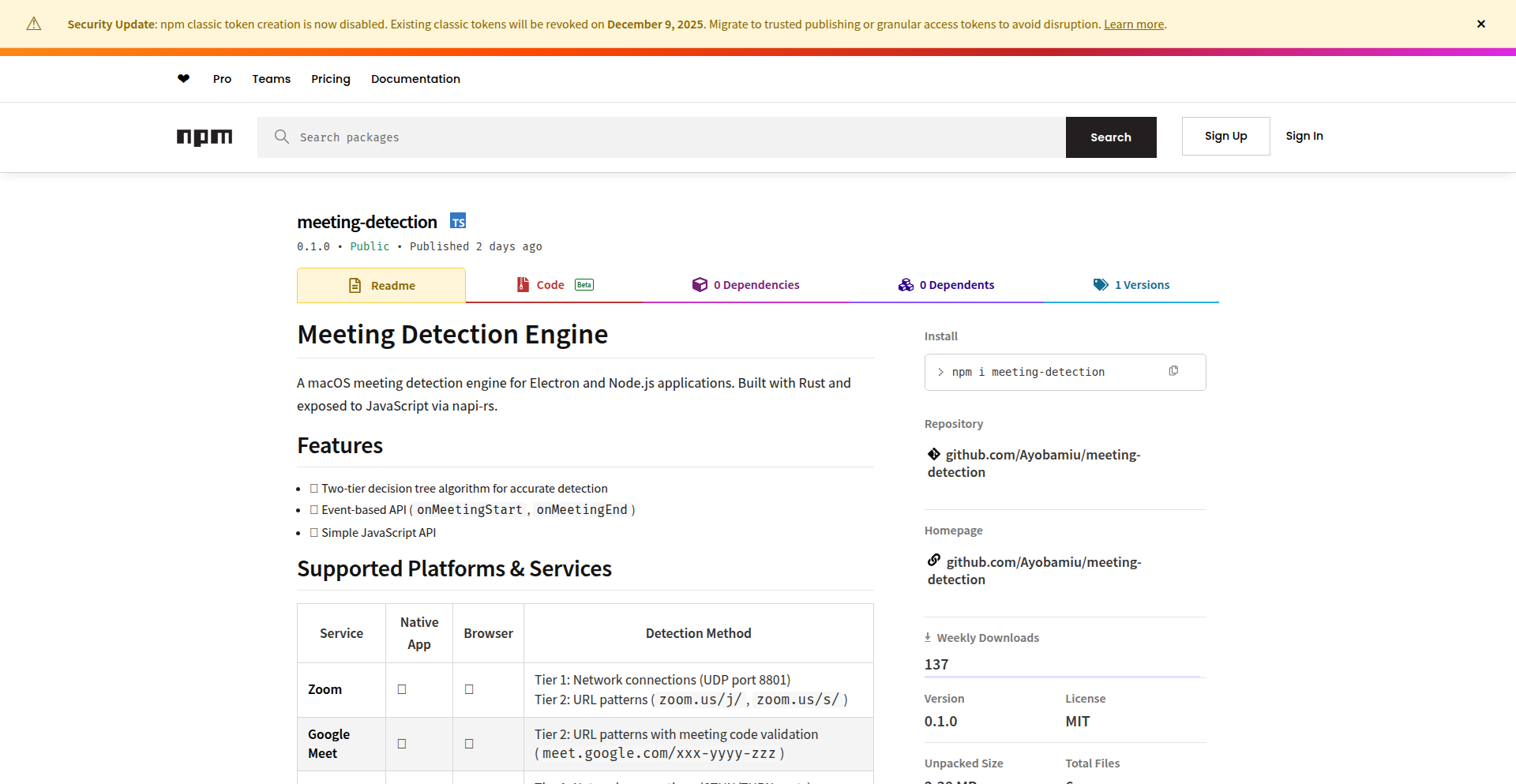
Author
Ayobamiu
Description
MeetingGuard-macOS is a lightweight, open-source engine built with Rust for macOS that accurately detects when a user is in a video conference. It solves the common problem of unreliable meeting detection in productivity and focus applications by combining native application and browser tab analysis. This provides developers with a robust tool to build smarter applications that respect user focus during meetings.
Popularity
Points 2
Comments 0
What is this product?
MeetingGuard-macOS is a background service for macOS that intelligently figures out if you're currently in a video meeting (like Zoom, Google Meet, Teams, or Webex). It achieves this by looking at running applications and open browser tabs. It's innovative because it uses a two-pronged approach: it checks for the presence of meeting-specific applications and also monitors browser activity by reading open tabs and recognizing meeting-related web addresses. This makes it much more reliable than simple process checks, offering a consistent and accurate signal for when a meeting starts and ends. So, for developers, it provides a dependable way to build features that automatically adjust based on your meeting status, ensuring your apps don't interrupt you or provide irrelevant suggestions.
How to use it?
Developers can integrate MeetingGuard-macOS into their Node.js or Electron applications using the provided JavaScript API. After initializing the engine, developers can subscribe to events like `onMeetingStart` and `onMeetingEnd` to trigger specific actions within their app. For example, a focus app could automatically silence notifications when a meeting starts, or a note-taking app could prompt to start a new meeting note. The `isMeetingActive()` function can also be used for immediate status checks. This allows for seamless integration into existing workflows, making applications context-aware without complex manual setup. The value proposition is clear: build smarter, more user-friendly applications that automatically adapt to your current work context.
Product Core Function
· Native Application Detection: Identifies if meeting applications like Zoom, Teams, or Webex are running. The value here is a direct and efficient way to know if the primary meeting software is active, reducing false positives. This is useful for any app that needs to know if the user is likely engaged in a meeting.
· Network Activity Monitoring: Analyzes network traffic associated with meeting applications. This adds a layer of verification, ensuring that the application isn't just running but actively participating in a call. This is valuable for enhancing the accuracy of meeting detection, especially in complex IT environments.
· Browser Tab Analysis: Reads open browser tabs to identify meeting URLs for services like Google Meet, Teams Web, and Zoom Web. The value is in covering web-based meetings, which are increasingly common. This allows applications to detect meetings even when a dedicated desktop app isn't used, expanding the scope of automatic context awareness.
· Cross-Browser Support: Specifically supports Chrome, Safari, and Edge browsers for web-based meeting detection. This ensures broad compatibility for users across different browsing habits. The value is in maximizing the reach of the detection engine to a wider user base.
· Simple JavaScript API: Exposes easy-to-use functions for initialization, event subscription, and status checking. This dramatically lowers the barrier to entry for developers. The value is in enabling quick integration and faster development of context-aware features.
· Real-time Meeting Status: Provides immediate notifications for meeting start and end events. This allows for dynamic adjustments in other applications. The value is in enabling responsive application behavior that reacts instantly to changes in the user's meeting status.
Product Usage Case
· Automatic Focus Mode Activation: A productivity app could detect a meeting start and automatically enable a 'Do Not Disturb' mode, silencing notifications across the system. This solves the problem of accidental interruptions during important calls and helps users maintain focus.
· Smart Meeting Recording Trigger: A meeting recording tool could use this engine to automatically start recording when a meeting begins and stop when it ends. This eliminates the manual step of starting and stopping recordings, ensuring no crucial moments are missed.
· Contextual Note-Taking: A note-taking application could prompt the user to start a new meeting-specific note when `onMeetingStart` is triggered. This provides immediate organization for meeting-related information, solving the problem of scattered notes.
· Calendar Integration with Real-time Status: A calendar application could visually indicate on its interface when a user is actively in a meeting, even if it's not a calendar event. This helps others understand user availability at a glance.
· Enhanced Resource Management: A system utility app could detect a meeting and potentially reduce background resource usage for non-essential processes, optimizing performance during calls. This addresses the need for smooth meeting experiences and efficient system operation.
86
FT-Lab: TinyLlama Micro-Tuning Suite
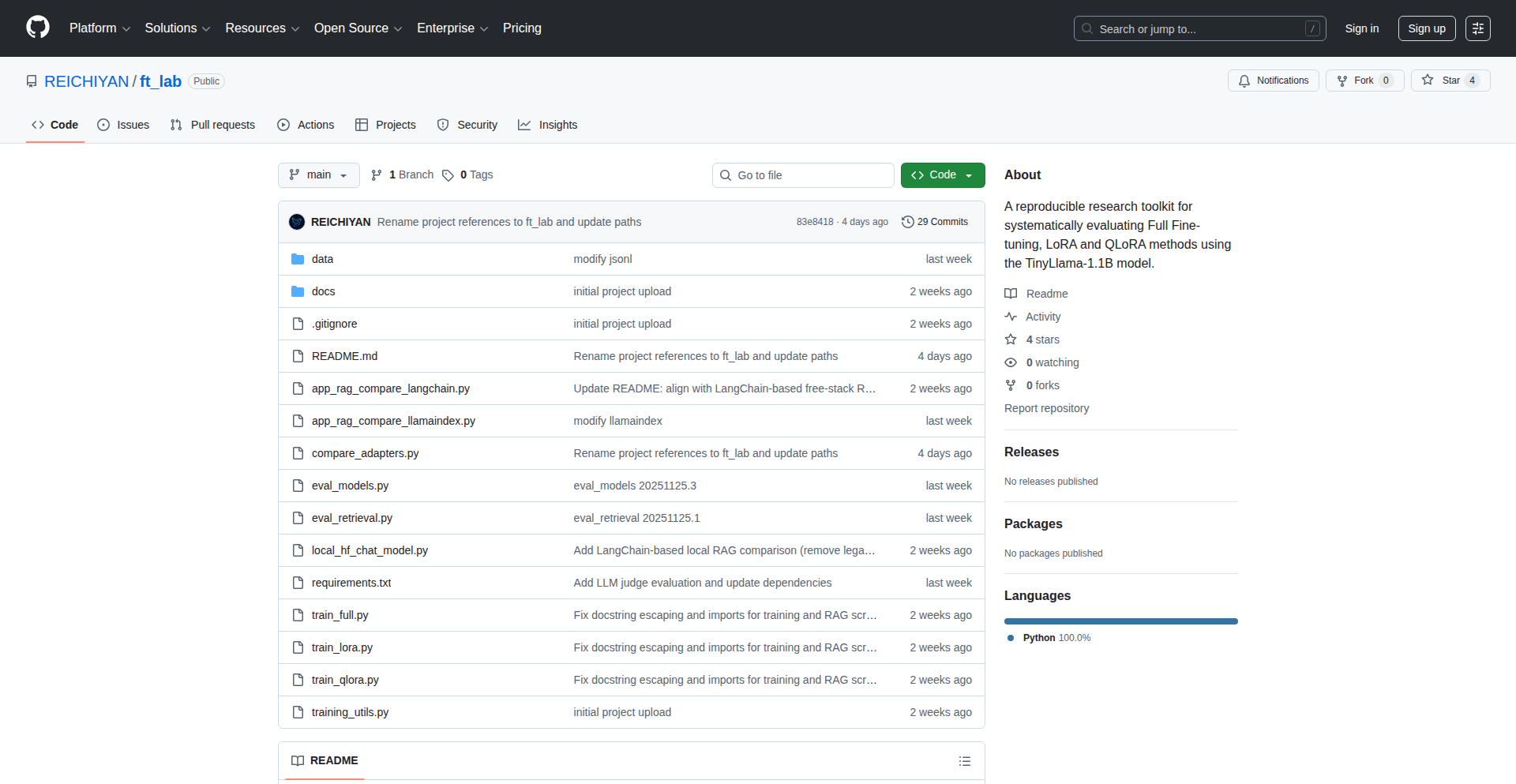
Author
Sai-HN
Description
FT-Lab is a streamlined, reproducible environment for fine-tuning the TinyLlama model. It supports various efficient fine-tuning techniques like Full Fine-Tuning (FT), LoRA, and QLoRA, and also integrates tools for evaluating Retrieval-Augmented Generation (RAG) pipelines using LlamaIndex and LangChain. Designed for resource-constrained environments (like small GPUs), it emphasizes controlled experiments and ablation studies, allowing developers to precisely understand the impact of different fine-tuning strategies. The value lies in making advanced LLM customization accessible and scientifically rigorous.
Popularity
Points 2
Comments 0
What is this product?
FT-Lab is essentially a carefully curated toolkit that helps developers easily customize and test smaller language models, specifically TinyLlama. It's like a workbench for LLMs. The core innovation is its focus on reproducibility and experimental control. Instead of just offering a generic fine-tuning script, it provides a structured way to: 1. Perform different levels of fine-tuning: 'Full FT' means retraining the entire model, which is resource-intensive but can yield the best results. 'LoRA' (Low-Rank Adaptation) and 'QLoRA' are clever techniques that only retrain a small fraction of the model's parameters, making it much faster and requiring less memory, ideal for limited hardware. 2. Evaluate RAG pipelines: RAG is a method to make LLMs more accurate by giving them access to external knowledge bases. FT-Lab allows developers to connect their fine-tuned models with popular RAG frameworks like LlamaIndex and LangChain to see how well they perform in real-world scenarios. This combination makes it easier to build and test specialized AI applications without needing massive computing power or complex setup.
How to use it?
Developers can use FT-Lab by setting up the provided environment, which typically involves cloning the repository and installing its dependencies. They then configure parameters for their chosen fine-tuning method (Full FT, LoRA, or QLoRA) and specify their dataset. For RAG evaluation, they would integrate their fine-tuned TinyLlama model with existing LlamaIndex or LangChain projects, pointing FT-Lab to their RAG setup. The key is the structured approach: define your experiment, run it, and analyze the reproducible results. This means you can confidently tweak parameters, try different datasets, or compare fine-tuning techniques and know that your results are consistent and verifiable. It's designed to be plugged into existing workflows, offering a specialized component for LLM customization and evaluation.
Product Core Function
· Fine-tuning TinyLlama with Full FT: This allows for comprehensive model retraining, offering maximum potential for adaptation to specific tasks. Its value is in achieving deep specialization for highly critical applications where performance is paramount and resources are not the primary constraint.
· LoRA and QLoRA for Efficient Fine-tuning: These techniques significantly reduce computational requirements and training time by only adjusting a small subset of model parameters. Their value is in enabling LLM customization on consumer-grade hardware, democratizing access to advanced AI model adaptation.
· Reproducible Experimental Setup: FT-Lab ensures that every experiment can be repeated with the exact same settings and data, guaranteeing reliable and verifiable results. This is crucial for scientific rigor and debugging, allowing developers to confidently iterate on their models and understand the exact impact of each change.
· Integration with LlamaIndex and LangChain for RAG Evaluation: This allows developers to test how their fine-tuned models perform when combined with external knowledge sources. The value is in building more accurate and context-aware AI applications, ensuring that LLMs provide relevant and up-to-date information.
· Designed for Small GPUs and Controlled Experiments: The focus on efficiency and granular control makes FT-Lab ideal for researchers and developers with limited hardware resources or those conducting systematic studies to understand model behavior.
Product Usage Case
· A researcher wants to fine-tune a TinyLlama model to generate highly specific legal summaries. They can use FT-Lab's Full FT option with a curated legal dataset to achieve optimal accuracy, ensuring the reproducibility of their findings for academic publication.
· A startup developer needs to build a customer support chatbot that understands niche product jargon. They can use FT-Lab's LoRA or QLoRA features on their existing TinyLlama model with a small dataset of product-specific conversations, enabling rapid deployment on limited server infrastructure without sacrificing performance.
· An AI enthusiast wants to experiment with different prompt engineering techniques for a creative writing assistant. They can use FT-Lab to quickly iterate through various fine-tuning strategies and RAG configurations, comparing their impact on the model's creative output in a controlled and repeatable manner.
· A developer is building an internal knowledge retrieval system for their company. They can fine-tune TinyLlama using FT-Lab to better understand company-specific terminology and then integrate it with LlamaIndex to retrieve relevant internal documents, solving the problem of LLMs lacking context about proprietary information.
87
IdentityGuard AI Editor

Author
Caron77
Description
This is a free AI photo editor that specifically addresses the common frustration of AI image editing tools altering a subject's face or identity when the user only intends to modify the background or clothing. It achieves this by employing advanced AI models that allow for targeted edits, ensuring the subject's core identity remains intact. The core innovation lies in its 'identity-safe' editing capabilities and its intuitive text-to-edit functionality, making complex photo manipulations accessible to everyone. So, what's the benefit for you? You can finally edit your photos without worrying about your AI assistant accidentally giving your subject a new face, allowing for precise control over your creative vision.
Popularity
Points 2
Comments 0
What is this product?
IdentityGuard AI Editor is a cutting-edge, free AI-powered photo editing tool. Its primary technical innovation is its 'identity-safe' editing capability, built upon Google's Gemini 3.0 Pro (dubbed 'Nano Banana' in this context) model. This means it can intelligently isolate and preserve the user's original face and hairstyle while allowing modifications to other elements like backgrounds, clothing, or accessories. The 'text-to-edit' feature uses natural language processing to interpret user commands, translating phrases like 'change the background to a beach' or 'swap to a red dress' into actual image edits. This differentiates it from standard AI editors that often apply broad, less controlled changes. So, what's the benefit for you? It empowers you to make specific, creative changes to your photos without the risk of unintended, identity-altering side effects, offering a level of control previously unavailable in many AI editors.
How to use it?
Developers can integrate IdentityGuard AI Editor into their applications or workflows through its API, leveraging the Vercel AI SDK for seamless integration with Next.js applications. The editor is hosted on Vercel, utilizing R2 storage for efficient data handling. Users interact with the editor via a web interface, where they can upload an image, provide text prompts describing the desired edits (e.g., 'make the sky stormy', 'add a hat'), and the AI model processes these instructions. Free credits are provided upon signup, with options to earn more daily, making it accessible without immediate financial commitment. So, how can you use this? If you're a developer building a photo application or a content creator looking for sophisticated editing tools, you can integrate this technology to offer your users advanced, identity-preserving AI editing. For end-users, it's a simple, intuitive web tool to quickly and safely enhance their photos.
Product Core Function
· Identity-safe editing: This feature uses advanced AI to lock the subject's face and hairstyle, preventing them from being altered during background or outfit changes. This offers immense value for maintaining consistency and authenticity in images, crucial for branding, portraits, or any situation where the subject's identity must remain consistent. So, what's the value to you? Your edited photos will accurately reflect your original subject, avoiding the uncanny valley effect.
· Text-to-edit: This function allows users to make complex edits using simple natural language commands. By understanding phrases like 'change background to a beach' or 'swap to a red dress', it translates conversational requests into precise image manipulations. This significantly lowers the barrier to entry for photo editing, making advanced techniques accessible to users without technical design skills. So, what's the value to you? You can describe the changes you want in plain English and see them happen, making photo editing much faster and more intuitive.
· Free credits and daily check-ins: The platform offers initial free credits and a system for earning more through daily engagement. This fosters accessibility and encourages regular use without immediate subscription costs, promoting wider adoption and experimentation. So, what's the value to you? You can try out powerful AI editing features without paying, making it a cost-effective solution for personal or small-scale projects.
· Rapid results: Edits are processed and delivered within seconds, providing an efficient and responsive user experience. This speed is crucial for iterative creative processes and for users who need quick turnaround times for their projects. So, what's the value to you? You get your edited photos back almost instantly, allowing you to continue with your work or share your creations without delay.
Product Usage Case
· A fashion blogger wants to showcase an outfit in different settings without altering their own face in the photos. Using IdentityGuard AI Editor, they can upload an image, prompt 'change background to a Parisian street', and their face and hair remain perfectly intact. This solves the problem of inconsistent facial features across multiple edited images, ensuring a professional and cohesive look. So, how does this help you? You can create professional-looking lifestyle shots effortlessly, maintaining your personal brand across different visual content.
· A marketing team needs to quickly generate product mockups with different background themes for an advertising campaign. They can upload a product image, use the 'text-to-edit' feature to request 'change background to a festive holiday scene' or 'place on a clean, minimalist studio background', and get multiple variations in seconds without needing complex photo manipulation software or hiring a designer. This resolves the challenge of rapid visual content generation for marketing materials. So, how does this help you? You can quickly generate diverse marketing visuals, saving time and resources for your campaigns.
· An individual wants to experiment with different hairstyles or clothing for a portrait without actually changing their appearance in the original photo. They can upload their portrait, type 'swap to a blue t-shirt' or 'try a short bob hairstyle', and see how different styles look while their core facial identity remains the same. This provides a safe and fun way to visualize style changes. So, how does this help you? You can explore different looks and styles virtually, helping you make informed decisions or simply have fun with your photos.
88
Glovio: App Store Localization Automator

Author
saasnap
Description
Glovio is a tool designed to streamline the process of localizing app store listings for iOS and Android. It tackles the common developer pain point of managing multiple languages across titles, descriptions, and keywords, which traditionally involves cumbersome spreadsheets and manual work. The core innovation lies in its ability to automatically extract text from marketing graphics, preventing overlooked translations and thus saving developers from user complaints. This product empowers developers to reach a global audience more efficiently, turning a tedious task into an automated workflow.
Popularity
Points 2
Comments 0
What is this product?
Glovio is a developer tool that automates the localization of app store listings. Instead of manually managing translations in spreadsheets, Glovio centralizes your app's metadata (titles, descriptions, keywords) and provides an intelligent image text extraction feature. This means it can scan your app's marketing images for any English text that needs translating, a common oversight. The technical innovation is in its ability to ingest and process diverse forms of content—textual metadata and visual elements—into a cohesive localization pipeline, significantly reducing the manual effort and potential for errors. So, for you, this means your app can be easily understood and discovered by users worldwide, without the headache of complex translation management.
How to use it?
Developers can integrate Glovio into their app store submission workflow. You would typically upload your app's metadata and marketing assets (like screenshots and promotional images) to Glovio. The platform then processes these, identifying text needing translation. You can then manage translations within Glovio or integrate it with existing translation services. The extracted text from images can be reviewed and added to your localization efforts. This is especially useful when preparing new app releases or updates for international markets. So, for you, this means a faster, more accurate way to prepare your app for global audiences, reducing the time spent on repetitive tasks and minimizing the risk of missing crucial translations.
Product Core Function
· Centralized Metadata Management: Glovio consolidates all app store text (titles, descriptions, keywords) in one place, simplifying the translation process and ensuring consistency across languages. This is valuable because it eliminates the need to juggle multiple files and reduces errors, saving you time and frustration.
· Image Text Extraction (OCR): The platform uses Optical Character Recognition (OCR) to scan marketing images for embedded English text that might otherwise be forgotten during translation. This is invaluable because it proactively identifies translatable content within visuals, preventing user confusion or complaints about untranslated text in your app's presentation.
· Automated Localization Workflow: Glovio automates many of the manual steps involved in localization, from text extraction to organizing translations. This is beneficial because it significantly speeds up your release cycle for international markets and frees up your development time for more critical tasks.
· Cross-Platform Support: It supports localization for both iOS and Android app store listings, ensuring a consistent approach regardless of the platform. This is useful because it allows you to manage your global presence efficiently across all your mobile app channels from a single tool.
Product Usage Case
· A mobile game developer preparing for a global launch can use Glovio to quickly translate their app store title, description, and keywords for 15 different languages. Glovio automatically extracts text from their visually rich promotional screenshots that would have been missed, ensuring all game-related text in the listing is localized. This solves the problem of ensuring a complete and accurate international presence, leading to better discoverability and user engagement.
· An indie app developer who previously relied on Google Sheets for localization can switch to Glovio to manage translations for their productivity app. Glovio's image text extraction identifies text in their app screenshots that needs translation, saving them from potential user confusion. This addresses the pain point of tedious manual management and missed translations, allowing for a more professional and accessible app in diverse markets.
· A developer updating their existing app for a new market can use Glovio to ensure all new marketing graphics include localized text. By uploading new promotional banners, Glovio scans them for English text that needs translating, integrating it into the overall localization effort. This prevents the common issue of outdated or untranslated visual assets in localized app store pages, enhancing the user experience and brand perception.
89
Personal AI Co-Pilot

Author
sumo86
Description
This project introduces a personal AI assistant, a programmatic co-pilot for your digital life. It focuses on leveraging readily available AI models to automate tasks and provide intelligent assistance, acting as a flexible and extensible layer over existing AI capabilities.
Popularity
Points 1
Comments 0
What is this product?
This is a personal AI assistant that aims to be a versatile co-pilot. Instead of building a monolithic AI from scratch, it intelligently orchestrates existing, powerful AI models (like large language models) to understand your requests and perform actions. The innovation lies in its modular design and its ability to interpret natural language commands to trigger specific functions, making AI more accessible and actionable for individual users. Think of it as a smart conductor for an orchestra of AI tools, rather than a single musician.
How to use it?
Developers can integrate this personal AI assistant into their workflows by defining custom commands and connecting them to specific scripts or API calls. It acts as an interpreter: you tell it what you want in plain English, and it figures out the underlying code or tool to execute. This could involve automating repetitive coding tasks, summarizing long documents, or even controlling smart home devices through custom integrations. The core idea is to abstract away the complexity of direct API interaction and provide a more intuitive, conversational interface to computational power.
Product Core Function
· Natural Language Command Interpretation: Understands user requests phrased in everyday language, translating them into actionable instructions for the AI and underlying tools. This saves developers time from writing explicit code for every single task.
· Modular AI Model Orchestration: Seamlessly integrates with various AI models (e.g., LLMs for text generation, image models for visual tasks) to leverage their strengths for different purposes. This provides flexibility and access to state-of-the-art AI without vendor lock-in.
· Customizable Task Automation: Allows users to define their own sequences of actions or 'skills' that the AI can perform. This empowers developers to build personalized workflows for specific needs, boosting productivity.
· Context-Aware Assistance: Maintains context across interactions, allowing for more natural and efficient follow-up commands. This makes the AI feel more like a genuine assistant, reducing the need to re-explain information.
· Extensible Integration Framework: Provides a framework for connecting the AI assistant to external services and local scripts, enabling it to interact with a wide range of applications and data sources. This opens up a world of possibilities for automating diverse tasks.
Product Usage Case
· Imagine a developer who needs to generate boilerplate code for a new project. They could simply tell the AI, 'Generate a Python Flask API endpoint for user authentication.' The AI, understanding the request, would invoke a code generation model and present the code, saving the developer significant manual typing.
· A content creator might use the assistant to summarize research papers. They could upload a PDF and ask, 'Summarize this document, highlighting the key findings.' The AI would process the text and provide a concise summary, accelerating the research process.
· For personal productivity, a user could set up a 'daily brief' skill. The AI could then automatically fetch news headlines, summarize emails, and check their calendar, presenting a consolidated overview at the start of the day, making it easy to get up to speed quickly.
90
VisiLens
Author
PStarH
Description
VisiLens is a project that bridges the gap between the powerful, command-line driven data analysis tool VisiData and a more accessible, mouse-friendly web interface. It tackles the common developer frustration of remembering complex command-line shortcuts by offering a graphical user interface (GUI) that maintains VisiData's impressive speed and local-first privacy. This means you get a fast, interactive data exploration experience without sending any of your sensitive information out to the cloud.
Popularity
Points 1
Comments 0
What is this product?
VisiLens is a web-based graphical interface for VisiData, designed for developers who appreciate VisiData's speed but prefer a mouse-driven experience over memorizing command-line shortcuts. It achieves this by running a local FastAPI server that acts as an intermediary to VisiData's core data processing engine. The frontend, built with React, utilizes a 'virtualized grid' technique. This means it only fetches and displays the data you're currently looking at, streaming it in small pieces via WebSockets. This intelligent data handling is key to its performance, allowing it to load millions of rows very quickly without overwhelming your browser or network. The entire process happens locally on your machine, ensuring your data remains private.
How to use it?
Developers can use VisiLens by setting it up on their local machine. The primary way to interact with it is through a web browser. Once installed and the local FastAPI server is running, you can point your browser to the provided address. You'll then see a familiar grid-like interface where you can load your data files (like CSVs, Excel, etc.) that VisiData supports. Instead of typing commands, you'll use your mouse to navigate, sort, filter, and perform various data manipulations directly within the web interface. It's designed to be an intuitive overlay for VisiData's powerful backend, making complex data analysis accessible without deep command-line expertise.
Product Core Function
· Fast data loading and rendering: Utilizes WebSockets and a virtualized grid to stream only visible data, enabling millions of rows to be loaded in seconds. This means you spend less time waiting for data to appear and more time analyzing it.
· Mouse-friendly interface: Provides a graphical, interactive way to explore and manipulate data, removing the need to memorize numerous command-line shortcuts. This makes data exploration more intuitive and less error-prone for those less familiar with CLI tools.
· Local-first privacy: Runs entirely on your local machine, with no data ever leaving your computer. This is crucial for handling sensitive or proprietary datasets, giving you peace of mind about data security.
· Seamless VisiData integration: Leverages VisiData's robust data processing engine, so you benefit from its advanced features and performance without needing to be a VisiData expert.
· Modern web technology stack: Built with Python (FastAPI) for the backend and React for the frontend, showcasing best practices for web application development and offering potential for further customization.
Product Usage Case
· Analyzing large CSV files locally: A data scientist needs to quickly explore a 10-million-row CSV file to identify trends. Instead of struggling with command-line flags in VisiData, they can load the file into VisiLens and use the mouse to filter, sort, and inspect rows and columns, getting insights in seconds.
· Prototyping data cleaning workflows: A developer is working on a new feature that requires cleaning user-uploaded data. They can use VisiLens to interactively preview the data, apply transformations via the GUI, and quickly iterate on the cleaning process before implementing it in their application code. This speeds up the feedback loop for data-related tasks.
· Visualizing sensitive financial data: A financial analyst needs to examine sensitive financial reports. VisiLens's local-first approach ensures that this confidential data never leaves their workstation, fulfilling strict security and compliance requirements while still providing a fast and responsive interface for analysis.
91
DataFrame-Expectations
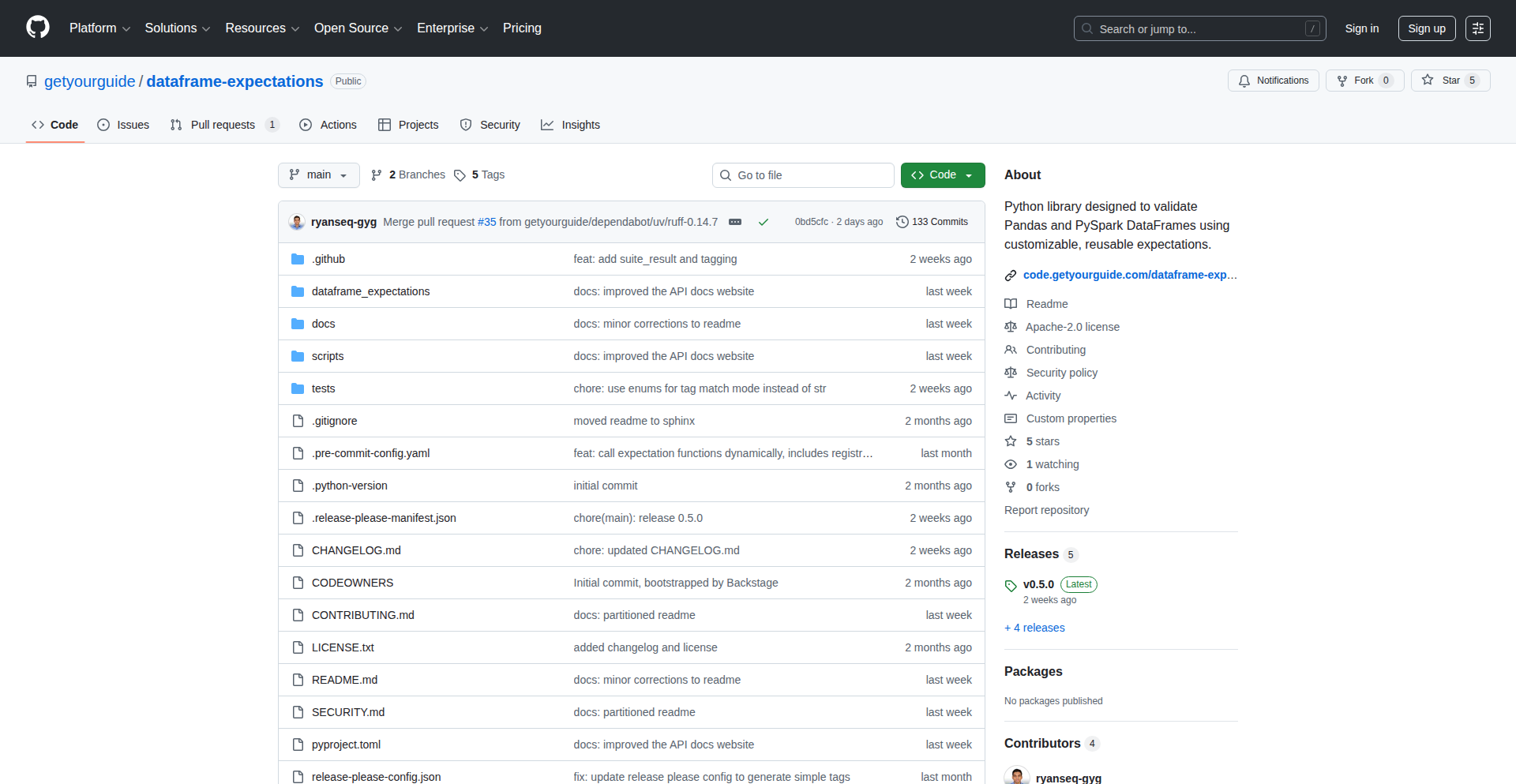
Author
ryan_seq
Description
A Python library that provides a unified API for validating Pandas and PySpark DataFrames. It solves the common problem of repetitive data validation logic and complex setup by offering a lightweight, decorator-based system for defining and running data quality checks. So, this is useful for ensuring your data is accurate and consistent without reinventing the wheel every time.
Popularity
Points 1
Comments 0
What is this product?
DataFrame-Expectations is a Python tool designed to help developers easily validate the quality of their data stored in Pandas DataFrames (commonly used in single-machine data analysis) and PySpark DataFrames (used for large-scale distributed data processing). The core innovation lies in its single, consistent API that works seamlessly across both of these popular data structures. It uses a 'declarative' approach, meaning you define what 'good' data looks like (e.g., a column should always be a number, a column should not have missing values, values in a column should be within a certain range) rather than writing imperative code to check these conditions. This greatly simplifies the process of building robust data quality checks. So, this is useful because it standardizes how you check your data, regardless of whether you're working with smaller datasets in Pandas or massive ones in PySpark.
How to use it?
Developers can integrate DataFrame-Expectations into their data pipelines and applications. For instance, you can use it to automatically check the output of a data processing function using decorators, or as part of your Continuous Integration/Continuous Deployment (CI/CD) pipeline to ensure data quality before deploying new code or accepting new data. You define your validation rules (called 'expectations') in a clear, readable format, and then run them against your DataFrames. The library is designed to be lightweight, meaning it won't add significant overhead to your projects. So, this is useful because it fits into your existing development workflow and helps catch data issues early and automatically.
Product Core Function
· Unified Validation API for Pandas and PySpark: Allows developers to write data validation logic once and apply it to both Pandas and PySpark DataFrames, reducing code duplication and maintenance effort. This is useful for teams working with diverse data processing frameworks.
· Decorator-Based Validation: Enables automatic checking of function outputs by simply decorating the function. This is useful for ensuring that data transformations produce expected results without explicit manual checks.
· Tag-Based Filtering of Expectations: Provides the ability to selectively run specific validation checks based on tags (e.g., 'production', 'staging', 'critical'). This is useful for tailoring validation to different environments or prioritizing essential checks.
· Reusable Expectation Definitions: Facilitates the creation of reusable data quality rules that can be shared across different parts of a codebase or among team members. This is useful for enforcing consistent data standards throughout an organization.
· Minimal Dependencies: Designed to be lightweight and avoid introducing unnecessary libraries, which helps in maintaining smaller Docker images and faster build times. This is useful for developers concerned about project bloat and deployment efficiency.
Product Usage Case
· In a data science project using Pandas, a developer can use DataFrame-Expectations to ensure that a loaded CSV file has the correct column types and no missing values before proceeding with analysis. This solves the problem of unexpected data formats causing errors later in the analysis.
· A data engineering team building a data pipeline with PySpark can use DataFrame-Expectations within their CI/CD pipeline to validate that transformed data meets specific business rules (e.g., user IDs are unique, revenue figures are non-negative) before the data is moved to production. This prevents bad data from impacting downstream applications.
· A developer creating a web API that processes user-uploaded data can use the decorator feature of DataFrame-Expectations to automatically validate the incoming data immediately after it's received, rejecting invalid data before it can be processed. This ensures the API only handles clean and valid input.
92
AI Image Weaver

Author
loklok5
Description
An AI-powered image editor that takes low-resolution images and transforms them into high-resolution masterpieces, with a particular focus on accurately rendering text and understanding spatial relationships. Built on top of the experimental Nano Banana Pro model, it allows for upscaling from 2K to 4K and uses multiple reference images for precise artistic control. This addresses the common frustration of AI image generators producing nonsensical text and struggling with complex compositions.
Popularity
Points 1
Comments 0
What is this product?
This is an AI image editing tool that leverages a novel AI model called Nano Banana Pro. The core innovation lies in its enhanced spatial reasoning, which means it's better at understanding how objects should be placed and related within an image compared to many other AI models. A key feature is its ability to generate high-resolution images (upscaling from 2K to 4K) and, crucially, its significantly improved text rendering capabilities, making generated text legible and natural, not gibberish. It also supports 'reference-image conditioning,' allowing you to provide up to 10 images as examples to guide the AI's creative output. So, for you, this means getting much clearer, more coherent, and higher-quality AI-generated images, especially when text is involved, and having more control over the artistic direction.
How to use it?
Developers can integrate AI Image Weaver into their workflows via its API. For example, a web application needing to generate product mockups could send a base image and text prompt to the API. The tool would then return a high-resolution, visually appealing image with correctly rendered text. It's also useful for concept artists or designers who need to quickly iterate on visual ideas. The underlying stack is React for the frontend and Node.js/TypeScript for the backend, suggesting it's built with modern web development practices in mind, making integration relatively straightforward. So, for you, this means easily embedding advanced AI image generation into your existing applications or design processes.
Product Core Function
· 2K to 4K Image Upscaling: Takes lower resolution images and generates significantly sharper and more detailed higher resolution versions, making your visuals look professional and polished. This is useful for print materials or when a crisp display is essential.
· Enhanced Spatial Reasoning: The AI understands object placement and relationships better, leading to more realistic and coherent image compositions. This means you'll get images where elements are where they should be, making them more believable and aesthetically pleasing.
· Reference-Image Conditioning (up to 10 images): Allows you to guide the AI with multiple example images, giving you fine-grained control over the style, composition, and overall look of the generated image. This is invaluable for achieving specific artistic visions or brand aesthetics.
· Accurate Text Rendering: Generates legible and contextually appropriate text within images, overcoming a common failure point in AI image generation. This is crucial for marketing materials, UI mockups, or any design where text needs to be clearly communicated.
· API Integration: Provides an interface for developers to programmatically access its features, allowing for seamless integration into existing software and workflows. This means you can automate image generation tasks or build custom AI-powered creative tools.
Product Usage Case
· Product Photography Enhancement: Imagine an e-commerce site wanting to create high-resolution product shots from basic photos. AI Image Weaver can upscale the image and even render custom text like pricing or slogans onto the product packaging accurately, improving the perceived quality and saving on professional photography costs.
· Marketing Poster Generation: A marketing team needs to create a poster for an event. They can provide a general concept image and text like the event title and date. The tool can generate a 4K poster with the text seamlessly integrated, offering a fast and effective way to produce promotional materials.
· Concept Art for Games/Movies: A game developer needs to visualize a character. They can provide a rough sketch and a description like 'my cat as a medieval knight in 4K'. The AI Image Weaver can then generate a high-fidelity concept art piece with the desired elements and style, accelerating the creative ideation process.
· User Interface Mockups: A UI/UX designer needs to show how text will appear on a button or banner. Instead of manually editing, they can use the tool to generate mockups with accurate text rendering, ensuring visual consistency and saving design iteration time.
93
CodeWhisperer: Local Code Comprehension Engine

Author
Aelune_GoDev
Description
CodeWhisperer is a novel tool designed to understand and analyze code written in multiple programming languages directly on your local machine. It tackles the challenge of code comprehension for developers working across diverse codebases, offering insights without relying on external cloud services, thus enhancing privacy and speed. The core innovation lies in its ability to parse and interpret syntax and semantics across different languages with a unified approach.
Popularity
Points 1
Comments 0
What is this product?
CodeWhisperer is a locally-run software that acts like a super-smart assistant for understanding code. Imagine you have code written in Python, JavaScript, and maybe even some older C++ project. CodeWhisperer can read all of them, even if they're in different folders or from different projects, and tell you what's going on. Its technical ingenuity comes from building a flexible parsing engine that can adapt to the unique rules (syntax) and meanings (semantics) of various programming languages. This means you get a consistent way to explore unfamiliar code, speeding up your learning curve and debugging process. The value here is immediate: you can understand code faster, with more confidence, and keep your sensitive code entirely on your own computer.
How to use it?
Developers can integrate CodeWhisperer into their workflow in several ways. For simple exploration, you can point it to a directory containing your code. It will then build an internal representation of your code structures. For more advanced use, it offers APIs that can be called by other development tools, like IDE extensions or custom build scripts. This allows for features like 'jump to definition' across different languages or automatic generation of documentation stubs based on code analysis. The primary benefit is reducing the friction when encountering new or complex codebases, allowing you to quickly grasp the essential logic and architecture without manual deep dives into every file.
Product Core Function
· Multi-language Parsing: The system is engineered to ingest and process source code from a variety of programming languages. This is valuable because it consolidates understanding across diverse technology stacks, preventing developers from needing to be experts in every language to contribute or debug.
· Abstract Syntax Tree (AST) Generation: For each language, CodeWhisperer generates an Abstract Syntax Tree. This is like creating a structured diagram of the code’s grammar, making it easier for machines (and indirectly, developers) to understand the relationships between code elements. This enables powerful code analysis and manipulation features.
· Local-first Analysis: All parsing and analysis happen on the developer's machine. This is a significant innovation for privacy-conscious developers and organizations, as sensitive intellectual property never leaves their local environment, and it ensures fast response times without network latency.
· Cross-language Symbol Resolution: The engine aims to understand how symbols (like variable names or function calls) might refer to each other, even across different language boundaries within a project. This is incredibly useful for navigating large, polyglot codebases and understanding dependencies.
· Code Structure Visualization: The output can be used to generate visual representations of code architecture. This helps developers quickly grasp the overall design and flow of complex applications, making onboarding and architectural reviews more efficient.
Product Usage Case
· Understanding a legacy codebase: A developer inherits a large project composed of Python scripts and some older JavaScript modules. By pointing CodeWhisperer at the directory, they can quickly get an overview of the key functions, data structures, and how different parts of the Python and JavaScript code interact, accelerating their ability to make changes.
· Onboarding new team members: A new developer joins a team working on a microservices architecture where each service is written in a different language (e.g., Go, Node.js, Java). CodeWhisperer can help them rapidly comprehend the core logic of each service independently, reducing the time it takes for them to become productive.
· Code refactoring across languages: A team decides to migrate a critical piece of functionality from an older language to a newer one. CodeWhisperer can be used to thoroughly understand the original implementation's behavior and dependencies, ensuring the new implementation accurately replicates its functionality and integrates seamlessly.
· Debugging across service boundaries: A bug is reported that seems to span interactions between a Python backend service and a JavaScript frontend. CodeWhisperer can help trace the data flow and function calls originating from the Python code, aiding in the identification of the root cause within the complex system.
94
Quantica: Unified Quantum-Classical Code

Author
gurukasi2006
Description
Quantica is an experimental framework designed to bridge the gap between classical and quantum programming. It allows developers to write code that seamlessly integrates operations on both classical computers and quantum processors. The innovation lies in its unified approach, abstracting away the complexities of different quantum hardware and providing a single interface for designing and executing hybrid algorithms. This is crucial for the nascent field of quantum computing, enabling faster experimentation and development of practical quantum applications.
Popularity
Points 1
Comments 0
What is this product?
Quantica is an open-source programming framework that enables developers to write programs that can run on both traditional computers (classical computing) and future quantum computers. Its core innovation is a unified programming model and execution engine. This means you don't need to learn entirely separate languages or tools for classical and quantum parts of your problem. Instead, Quantica provides a way to define quantum circuits and operations using familiar programming constructs, which can then be compiled and executed on available quantum hardware or simulated on classical machines. This is a significant step towards making quantum computing more accessible and practical by offering a more integrated development experience, akin to how developers work with modern software systems.
How to use it?
Developers can use Quantica by defining hybrid algorithms in their code. This involves specifying parts of the computation that can benefit from quantum processing, such as complex optimization problems or simulations, and integrating them with standard classical computations. Quantica provides APIs (Application Programming Interfaces) that allow you to describe quantum circuits, prepare quantum states, and apply quantum gates. These descriptions are then managed by Quantica's backend, which can either simulate the quantum computation on a classical machine for testing and debugging, or compile and execute it on actual quantum hardware provided by cloud quantum providers. It's like having a special plugin for your existing coding environment that understands and can talk to quantum computers, making it easier to build applications that leverage quantum capabilities without being bogged down by the underlying hardware differences.
Product Core Function
· Unified Programming Interface: Allows developers to write code that describes both classical and quantum computational steps within a single program, reducing the learning curve and development overhead for hybrid applications. This means you can manage your entire algorithm logic in one place, simplifying complex task orchestration.
· Quantum Circuit Abstraction: Provides a high-level way to define quantum circuits and operations, abstracting away the low-level details of specific quantum hardware, making your code more portable and easier to understand. You can express complex quantum logic without needing to know the exact pulse sequences for each qubit.
· Hybrid Execution Engine: Capable of simulating quantum computations on classical hardware for rapid prototyping and debugging, and also compiling and executing quantum tasks on real quantum processors. This flexibility allows for efficient development and testing cycles, letting you verify your logic before committing to expensive quantum hardware runs.
· Intermediate Representation (IR): Generates an abstract representation of the quantum computation that can be optimized and targeted to various quantum backends, ensuring compatibility and performance across different quantum computing platforms. This is like a universal translator for quantum instructions, allowing your code to work with different quantum machines.
· Classical-Quantum Integration: Seamlessly incorporates the results of quantum computations back into the classical part of the program, enabling the development of sophisticated algorithms where quantum processors act as accelerators for specific, computationally intensive tasks. This allows your program to get insights from quantum calculations and use them in subsequent classical steps.
Product Usage Case
· Developing a hybrid algorithm for materials science simulation where a quantum computer calculates molecular interactions and a classical computer analyzes the results to identify new material properties. Quantica simplifies defining the quantum simulation part and integrating its output into the classical analysis workflow.
· Building a quantum-enhanced machine learning model for image recognition, where quantum subroutines are used for feature extraction or pattern matching, and classical neural networks process these features. Quantica enables the smooth interplay between these classical and quantum components within the ML pipeline.
· Optimizing complex logistics or financial models by offloading specific computationally intensive parts to quantum algorithms for better solutions than classical methods can achieve, then feeding those solutions back into a classical optimization framework. Quantica makes it straightforward to implement these 'quantum accelerators' within existing classical systems.
· Experimenting with new quantum error correction codes by simulating their behavior on classical machines using Quantica before deploying them on actual quantum hardware. This allows researchers to test and refine their error correction strategies efficiently.
· Creating educational tools for quantum computing by providing a simplified environment where students can write and visualize hybrid quantum-classical programs, understanding the concepts of quantum gates and algorithms in a more intuitive way through Quantica's unified interface.
95
DecisionSpinner

Author
light001
Description
A simple, yet elegant web-based tool that uses a randomized algorithm to provide instant Yes or No answers. It addresses the common human dilemma of indecision by offering a quick, unbiased decision mechanism. The core innovation lies in its minimalist implementation and direct, no-frills approach to problem-solving, embodying the hacker spirit of using code for practical, everyday solutions.
Popularity
Points 1
Comments 0
What is this product?
DecisionSpinner is a web application that generates a random 'Yes' or 'No' outcome. At its heart, it's a demonstration of a pseudo-random number generator (PRNG) implemented in JavaScript. When you click the button, the code generates a number, and based on whether that number falls into a certain range (e.g., less than 0.5 for 'No', or 0.5 or greater for 'Yes'), it displays the corresponding answer. This showcases how even simple programming logic can be used to create interactive tools that solve a relatable problem – the frustration of not being able to make a decision.
How to use it?
Developers can use DecisionSpinner as a quick utility for making binary choices in their personal lives or even as a lightweight component in their own applications. For example, you could embed its core logic into a game to introduce random events, or use it to settle friendly debates. The code is typically straightforward, often involving a simple event listener for a button click and a call to `Math.random()` in JavaScript, followed by a conditional statement to determine the output. This makes it incredibly easy to integrate or adapt.
Product Core Function
· Random Binary Decision Generation: Utilizes `Math.random()` in JavaScript to produce a number between 0 (inclusive) and 1 (exclusive), then uses a simple if-else statement to map this to either 'Yes' or 'No'. This provides a quick and unbiased way to resolve simple choices, saving mental energy.
· Instantaneous Feedback: The decision is presented immediately upon user interaction, eliminating waiting time and providing the satisfaction of a resolved question. This is valuable for users who need a rapid answer without overthinking.
· Minimalist User Interface: Features a clean, uncluttered interface that focuses solely on the decision-making process. This ensures that the tool is accessible and easy to use for anyone, regardless of technical background, and it doesn't distract from the core purpose.
· Open-Source and Adaptable: As a typical Show HN project, the underlying code is often available for inspection and modification. This empowers developers to learn from its simplicity, fork the project, or extend its functionality for more complex decision-making scenarios.
Product Usage Case
· Settling minor everyday dilemmas: A developer can use DecisionSpinner to decide between ordering pizza or tacos for dinner. Instead of debating, they click the spinner, get an instant answer, and move on, solving the 'what to eat' problem quickly.
· Adding simple randomness to personal projects: A game developer might integrate the core logic into a simple text-based adventure game to randomly determine if the player finds an item or encounters a specific event. This adds an element of surprise and replayability without complex AI.
· Facilitating group decisions in a fun way: A group of friends trying to decide on a movie can use DecisionSpinner to break a tie. It provides a lighthearted and quick way to reach a consensus, solving the group indecision.
96
SQLiteRebuilder
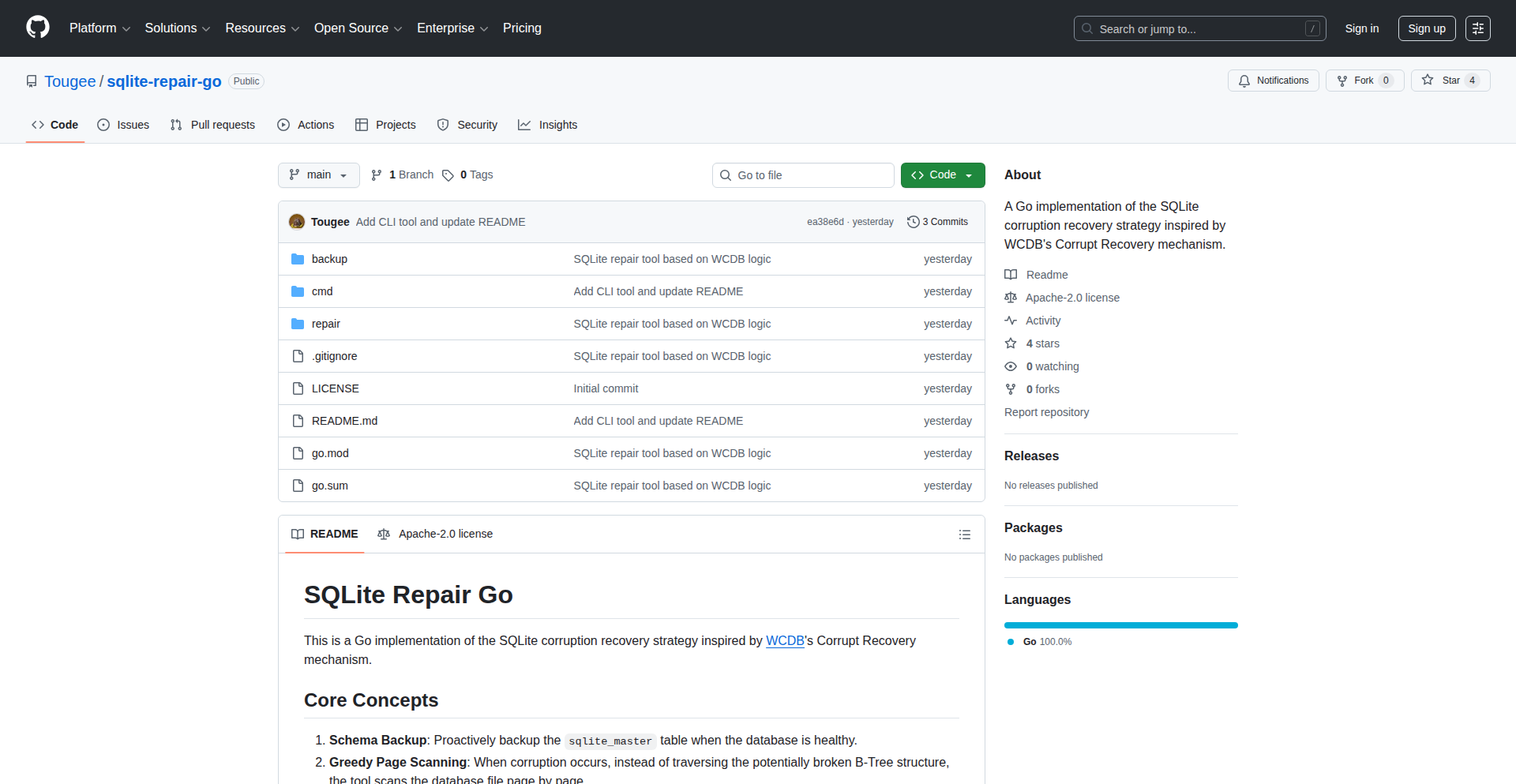
Author
touge
Description
A Go-based command-line tool designed to recover corrupted SQLite databases, employing a 'Corrupt Recovery' strategy inspired by Tencent's WCDB. It tackles scenarios where standard recovery methods fail due to corrupted file headers or the crucial sqlite_master table (often Page 1), which are essential for locating data.
Popularity
Points 1
Comments 0
What is this product?
SQLiteRebuilder is a command-line interface (CLI) utility built with the Go programming language. It's designed to salvage data from SQLite databases that have become corrupted. Traditional tools often falter when the very beginning of the database file (the header) or the fundamental table that lists all other tables (sqlite_master, usually the first page) is damaged. This tool takes a more robust approach by scanning the database file page by page, looking for recognizable SQLite structures, even if the usual pointers are broken. This is particularly useful because it doesn't solely rely on the standard, often corrupted, internal database structure to find your data.
How to use it?
Developers can use SQLiteRebuilder by downloading and compiling the Go binary from its GitHub repository. Once set up, it's run from the terminal. The basic usage involves specifying the path to the corrupted SQLite database file as an input. The tool will then attempt to scan the file, identify valid data pages, and reconstruct a new, hopefully usable, SQLite database file. This is ideal for situations where you have a critical database that's become inaccessible and standard backup recovery is not an option, or when you need to extract partial data from a severely damaged file.
Product Core Function
· Corrupted File Header Recovery: Analyzes the raw bytes of the database file to identify and potentially reconstruct a valid starting point, even if the standard header is unreadable. This means if your database file looks like garbage at the beginning, this tool can still try to make sense of it.
· Page-Level Data Scanning: Instead of relying on internal pointers, it meticulously examines each page within the database file for SQLite data structures. This allows it to find data fragments that might be missed by tools that expect a perfectly structured file.
· SQLite Master Table Reconstruction: Specifically targets the sqlite_master table (usually page 1), which is vital for understanding the database schema. It attempts to rebuild this critical table, enabling the recovered database to understand its own structure.
· AI-Assisted Development (Internal): The core logic for parsing binary data and scanning pages was significantly developed using AI, demonstrating an innovative approach to tackling complex low-level tasks. While this is an internal development story, it highlights how cutting-edge tools can accelerate the creation of sophisticated solutions.
· CLI Interface for Ease of Use: Provides a straightforward command-line interface, making it accessible for developers to integrate into their recovery workflows or scripts without needing complex GUI setups.
Product Usage Case
· Data Recovery from Accidental Deletion/Corruption: A user's application data is stored in an SQLite database. The database file becomes corrupted due to a disk error or an unexpected shutdown. Standard tools fail. SQLiteRebuilder can be used to attempt to extract as much of the user's data as possible from the corrupted file.
· Forensic Data Extraction: In a digital forensics scenario, a suspect's device contains a damaged SQLite database. Law enforcement or forensic analysts can use SQLiteRebuilder to recover critical evidence that might otherwise be lost, allowing them to reconstruct timelines or retrieve specific records.
· Automated Database Health Checks: For applications that rely heavily on SQLite, developers can integrate SQLiteRebuilder into their CI/CD pipeline or monitoring tools. If a database becomes corrupted, the tool can automatically attempt a recovery, potentially preventing application downtime or data loss.
· Salvaging Partial Data for Analysis: Even if a full recovery isn't possible, SQLiteRebuilder can often extract partial data or schema information from severely damaged databases. This allows developers or analysts to understand what data might be salvageable or to gain insights into the nature of the corruption.
97
AI Batch ImageForge

Author
qinggeng
Description
This project is a powerful AI-driven bulk image generator designed to dramatically speed up content creation workflows. It tackles the tedious manual process of generating individual images for projects like historical documentaries or video scripts by enabling users to generate hundreds of images from a list of prompts or prompt variations in a single operation. This addresses a significant bottleneck for creators who need high volumes of visual assets.
Popularity
Points 1
Comments 0
What is this product?
AI Batch ImageForge is a web application that leverages advanced AI models to generate multiple images simultaneously. Instead of manually creating and downloading each image one by one, users can provide a single prompt and specify a quantity to generate a batch of diverse image variations, or upload a CSV file containing a list of prompts to generate a complete set of images for a project. This fundamentally changes how creators source visual assets for large-scale projects, moving from a manual, sequential process to an automated, parallel one. The innovation lies in its efficient batch processing architecture, which significantly reduces the time and effort required for image generation, directly addressing the pain points of creators needing high-volume, consistent visual output.
How to use it?
Developers and content creators can use AI Batch ImageForge via its web interface at aibulkimagegenerator.com. You can either input a single descriptive text prompt (e.g., 'a medieval castle at sunset') and set the desired number of image variations (e.g., 10), and the system will generate them all for you. Alternatively, for more complex projects, you can prepare a list of prompts in a CSV file, with each prompt on a new line. Uploading this CSV file allows the tool to automatically generate an image for every prompt in the list. This is ideal for integrating into video editing pipelines or generating assets for presentations and publications where numerous distinct images are required.
Product Core Function
· Batch Generation from Single Prompt: Allows users to input one prompt and generate multiple image variations simultaneously. This saves immense time compared to repeated manual generation, enabling rapid exploration of visual styles and concepts for a given idea.
· CSV Prompt Upload for Bulk Generation: Enables users to upload a file containing numerous prompts, generating a unique image for each. This is a game-changer for projects requiring a large number of specific images, such as scripting for videos or creating illustrative content for articles, by automating the entire asset production pipeline.
· Support for Multiple AI Models: Integrates with various AI image generation models, offering flexibility and the ability to choose the best model for specific aesthetic needs. This allows users to experiment with different artistic styles and achieve desired visual outcomes efficiently.
· Streamlined Workflow for High-Volume Content Creation: Designed to eliminate manual bottlenecks in image production, making it feasible for creators to produce content that previously would have been prohibitively time-consuming and expensive.
Product Usage Case
· A historical documentary creator can upload a CSV file with prompts for each scene, such as 'Victorian street scene with gas lamps', 'World War II soldiers marching', 'Ancient Roman forum', to generate all necessary visual assets for a 30-minute video in a single batch, drastically reducing production time and cost.
· A game developer can use the 'Prompt x N' feature to quickly generate dozens of character concept art variations by inputting a base prompt like 'fantasy elf warrior with glowing sword' and setting a quantity of 50, enabling faster iteration and selection of character designs.
· A blogger preparing an article on 'future cities' can input prompts like 'futuristic cityscape with flying cars', 'eco-friendly vertical farms in urban areas', 'holographic advertisements in a metropolis' and generate a full set of accompanying images, enhancing the visual appeal and engagement of their content without the need for stock photos or individual manual generation.
98
OneUptime: Open-Source Observability Engine

Author
ndhandala
Description
OneUptime is an open-source observability platform designed to empower developers with a comprehensive suite of tools for monitoring, alerting, and incident management. Its core innovation lies in providing a unified, community-driven approach to complex operational challenges, making sophisticated observability accessible and customizable.
Popularity
Points 1
Comments 0
What is this product?
OneUptime is an open-source project that aims to solve the problem of understanding and managing the health of software systems. Think of it as a sophisticated dashboard and alarm system for your applications. It collects data (logs, metrics, traces) from your running software, analyzes it, and tells you when something is wrong, where it's wrong, and helps you fix it quickly. The innovation is in its open-source nature, allowing for deep customization and transparency, and its focus on a holistic approach to observability, combining multiple data sources into one coherent view. So, what's in it for you? You get a powerful, free tool to keep your applications running smoothly and avoid costly downtime.
How to use it?
Developers can integrate OneUptime into their existing infrastructure by deploying it as a self-hosted solution or utilizing its cloud offerings. It supports various data ingestion methods, allowing you to send logs, metrics (like CPU usage, memory consumption), and traces (which track a request's journey through your system) from your applications and servers. This can be done via APIs, agents, or direct integration with popular tools like Prometheus, Grafana, and ELK stack. The platform then provides dashboards for visualization, powerful alerting rules based on thresholds or anomalies, and tools for incident response. So, how does this help you? You can easily plug it into your current tech stack to gain immediate visibility into your application's performance and health.
Product Core Function
· Log Aggregation and Analysis: Gathers logs from various sources into a centralized location for easy searching and debugging. The value here is quickly finding the root cause of issues by having all relevant information in one place, saving you time and reducing frustration.
· Metric Collection and Visualization: Collects performance metrics from your systems (e.g., server load, request latency) and displays them visually on dashboards. This helps you understand performance trends, identify bottlenecks, and predict potential problems before they impact users. The value is proactive performance management.
· Distributed Tracing: Tracks requests as they flow through different services in a distributed system, helping to pinpoint performance bottlenecks and errors across microservices. This is crucial for understanding complex, interconnected applications. The value is deep insight into the behavior of your distributed architecture.
· Alerting Engine: Allows you to define custom rules to trigger notifications when specific conditions are met (e.g., high error rate, server down). This ensures you are immediately informed of critical issues. The value is rapid detection and response to incidents, minimizing user impact.
· Incident Management Workflows: Provides tools to manage the lifecycle of an incident, from detection to resolution, including collaboration features and runbook integration. This streamlines the process of fixing problems and restoring service. The value is efficient and organized incident resolution.
· Open-Source Flexibility and Community Support: The open-source nature allows for deep customization to fit specific needs, and the community provides ongoing development and support. The value is a highly adaptable and cost-effective solution with a collaborative ecosystem.
Product Usage Case
· A microservices company experiencing intermittent API failures can use OneUptime's distributed tracing to pinpoint which specific service is causing the slowdown or error, allowing them to address the root cause directly. This solves the problem of debugging complex, multi-service interactions.
· A web application provider can leverage OneUptime's metric collection and alerting to monitor server resource utilization. If CPU usage spikes unexpectedly, an alert can be triggered, allowing the team to scale up resources proactively before users experience slow loading times. This addresses the problem of maintaining consistent application performance under load.
· A developer building a new feature can use OneUptime's log aggregation to quickly review application logs generated during testing, identifying and fixing bugs efficiently. This simplifies the debugging process for new code deployments. The problem solved is rapid bug identification and correction.
· A DevOps team managing a large-scale cloud infrastructure can use OneUptime's incident management to establish clear protocols for responding to system outages, ensuring faster recovery times and better communication during critical events. This addresses the challenge of coordinating responses during high-pressure situations.
99
Colimabar: macOS Menubar for Colima Runtime
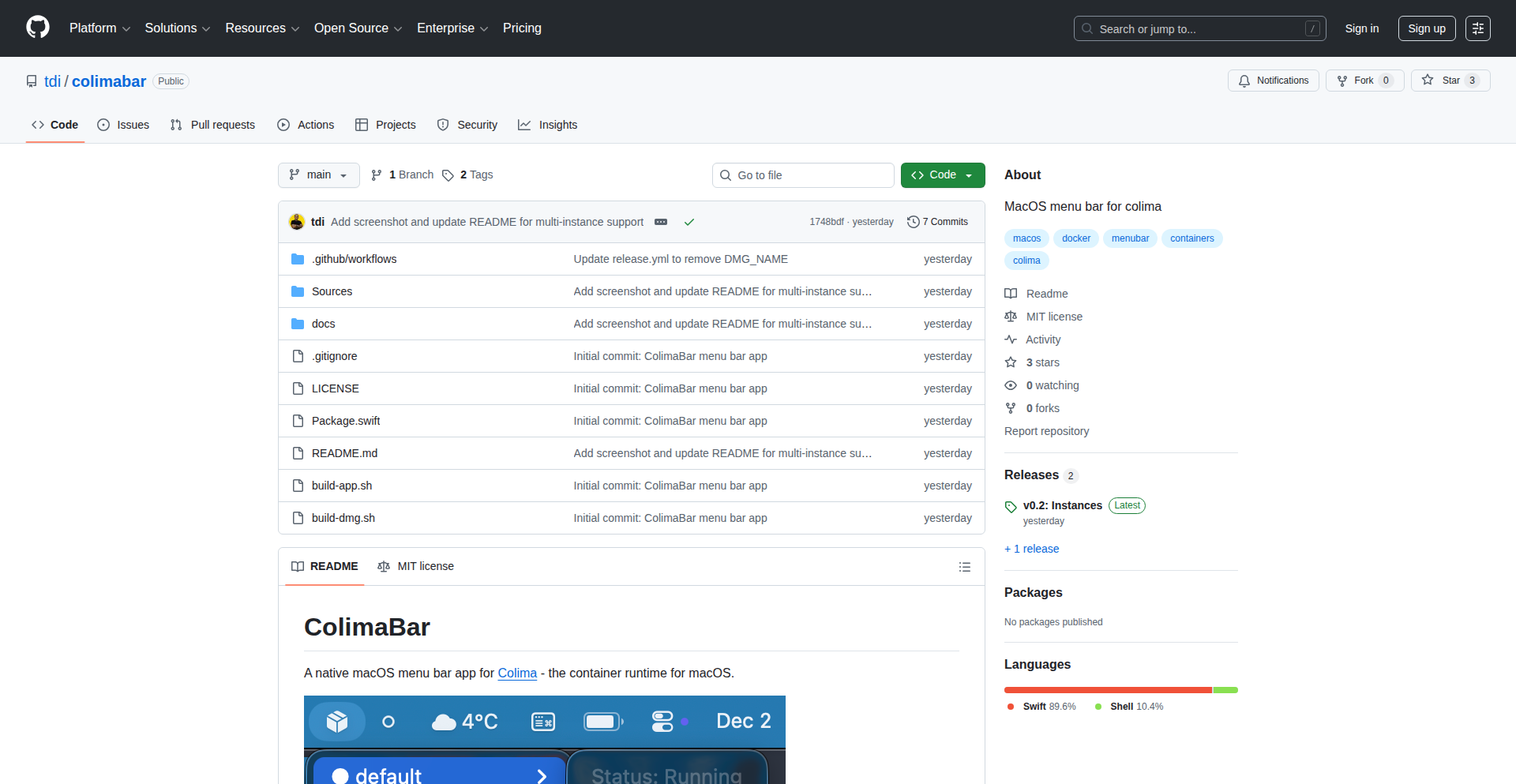
Author
tdi
Description
Colimabar is a macOS menubar application designed to replicate the convenience of OrbStack's menubar feature. It proactively reminds users to switch off Colima container runtimes when they are on a laptop, thereby helping to save battery life and system resources. The innovation lies in its simple yet effective monitoring and notification system for a specific developer tool.
Popularity
Points 1
Comments 0
What is this product?
Colimabar is a utility for macOS users who utilize Colima for managing their container environments (like Docker). It lives in your macOS menubar (the top bar of your screen) and detects when your laptop is running on battery power. If Colima runtimes are active and consuming resources, it pops up a friendly reminder to shut them down. This prevents unnecessary battery drain and frees up your laptop's processing power when you don't need your containers running. The technical insight here is recognizing a common developer workflow pain point – forgetting to manage background processes that consume power, and building a targeted solution.
How to use it?
To use Colimabar, you would download and install the application on your macOS device. Once installed, it will automatically run in the background and appear as an icon in your menubar. It connects to your Colima instance to check its status and monitor your laptop's power source (plugged in or battery). When it detects Colima running on battery, it will display a notification. You can then choose to manually stop Colima, or configure the app for specific behaviors. This integrates seamlessly into your existing development setup, acting as an ambient assistant.
Product Core Function
· Battery-Aware Colima Status Monitoring: Detects if your macOS device is running on battery power, providing real-time awareness of power consumption. The value is preventing unexpected battery depletion.
· Colima Runtime Detection: Identifies if Colima container runtimes are currently active, allowing for targeted resource management. The value is knowing which processes are impacting performance.
· Proactive Menubar Notifications: Displays a clear and concise reminder in the macOS menubar when Colima is active on battery. The value is timely intervention to conserve resources.
· User-Friendly Interaction: Offers a simple way to acknowledge or act upon the notification, empowering users to manage their environment. The value is making resource management intuitive.
Product Usage Case
· Scenario: A developer is working on their laptop away from a power outlet and has Colima running for local development. The problem solved is the potential for rapid battery drain without the developer realizing it. Colimabar pops up a reminder, allowing them to shut down Colima and extend their battery life significantly.
· Scenario: A user wants to optimize their laptop's performance for a presentation or other demanding tasks. The problem solved is background processes like Colima consuming valuable CPU and RAM. By reminding them to shut down Colima when not actively needed, Colimabar helps ensure the laptop runs smoothly.
· Scenario: A developer frequently travels with their laptop and wants to ensure they always have enough battery for their journey. The problem solved is the 'set it and forget it' nature of container runtimes, which can silently drain battery. Colimabar acts as a vigilant guardian, prompting them to manage these resources.
100
GlobalTransitRaceEngine

Author
pattle
Description
This project is a gamified simulation inspired by the TV show 'Race Across the World'. It challenges users to travel from one point on Earth to another using only public transportation, avoiding flights, and managing a budget. The core innovation lies in its procedural generation of travel routes and economic simulation, offering a unique blend of strategy and real-world geography. It solves the problem of creating engaging, educational travel simulations without relying on pre-defined paths, demonstrating a novel approach to procedural content generation and game design.
Popularity
Points 1
Comments 0
What is this product?
GlobalTransitRaceEngine is a game prototype that simulates a race across the globe. The technical innovation is in how it procedurally generates realistic travel routes using public transport options (like trains, buses, and ferries) and simulates an economy where players can earn money through in-game jobs to fund their journey. This means instead of manually creating every possible route, the system dynamically calculates viable paths and associated costs based on real-world geographical data and transport networks. This approach allows for virtually endless replayability and complex strategic decision-making.
How to use it?
Developers can use this engine as a foundation for building their own travel simulation games or educational tools. It can be integrated into existing game frameworks (like Unity or Godot) or used as a standalone simulation. The core functionality can be leveraged to create custom scenarios, add new job mechanics, or expand the geographical scope. It's designed for developers interested in procedural generation, simulation, and educational game design.
Product Core Function
· Procedural Route Generation: Creates diverse and realistic public transport routes between any two points on Earth, offering significant value for replayability and exploring unconventional travel. This is achieved by mapping geographical data with public transport networks, essentially building a dynamic travel graph.
· In-Game Economy Simulation: Manages player finances, allowing for budgeting and earning money through simulated jobs. This adds a strategic layer, forcing players to balance speed with resource management, making the game more engaging and challenging.
· Public Transport Constraint: Enforces strict adherence to public transport, excluding flights, which drives creative problem-solving and encourages exploration of less common travel methods.
· Game State Management: Tracks player progress, location, and finances, providing a robust framework for a persistent and dynamic game experience.
Product Usage Case
· Creating a virtual travel documentary game where players document their journey and the challenges they face, showcasing the engine's ability to provide rich narrative opportunities through its simulated travel.
· Developing an educational tool for geography students to learn about global transit systems, economies, and cultures by actively planning and executing simulated journeys.
· Building a browser-based idle game where players manage a fleet of simulated public transport vehicles across different continents, demonstrating the engine's scalability and potential for different game genres.
· Integrating the route generation and economic simulation into a real-time strategy game where players must establish trade routes and manage logistics under strict resource constraints.
101
PeakFinder WASM

Author
vpmadd52huq
Description
Quest is a geography challenge inspired by GeoGuessr, where players are presented with a mountain peak's name and elevation, and must pinpoint its location on a map. Its core innovation lies in using DuckDB-WASM to perform complex spatial queries directly in the user's browser, enabling a smooth experience even on less powerful hardware. This approach significantly reduces server load and allows for a free, account-optional experience.
Popularity
Points 1
Comments 0
What is this product?
Quest is a web-based geography game designed to test and improve your knowledge of mountain peaks worldwide. The technical novelty is its use of DuckDB-WASM. Normally, when you search for locations on a map, the work of figuring out what's where is done on a powerful server. With DuckDB-WASM, this heavy lifting of spatial data processing (like figuring out if a point is within a certain area) is moved to your web browser. This means the game can run very efficiently without needing a beefy server, making it accessible and cost-effective. So, if you've ever wondered how a web app can handle so much map data without slowing down your computer, this is a great example of that cutting-edge technique.
How to use it?
Developers can use this project as a blueprint for building their own location-based web applications that require efficient client-side spatial data processing. It's a great example for learning how to integrate DuckDB-WASM into a SvelteKit application. You can clone the repository, adapt the OSM (OpenStreetMap) data loading and querying logic to your specific needs, and deploy it using platforms like Hetzner. The use of Better Auth also provides a solid foundation for implementing user authentication if leaderboards or personalized features are desired. Essentially, it shows you how to build performant, data-intensive web apps that are light on server resources.
Product Core Function
· Client-side spatial querying with DuckDB-WASM: Allows for complex map data analysis (like finding locations within regions) to be performed directly in the user's browser, reducing server costs and improving responsiveness. This means your web applications can handle large datasets without making users wait.
· Interactive map interface: Provides a user-friendly way for players to guess mountain peak locations, making learning engaging and fun. This translates to creating more intuitive and enjoyable user experiences for any map-based application.
· Procedural peak generation: Randomly selects mountain peaks with their elevation for each round, ensuring replayability and a constant learning challenge. This is useful for creating games or educational tools that keep users coming back.
· Region-specific challenges: Allows users to focus their guessing on particular geographical areas, catering to different learning preferences. This allows for more targeted content delivery and personalized user journeys.
· Leaderboard integration: Enables competitive play and community engagement through user accounts and score tracking. This is key for building active communities around your application and fostering user retention.
Product Usage Case
· Developing a web-based educational tool for geography students: Instead of a traditional quiz, this tool could use Quest's engine to let students pinpoint historical landmarks or geological formations on a map, making learning interactive and memorable.
· Building a lightweight real-estate exploration app: Imagine a property search where users can draw an area on a map, and the app instantly shows available listings within that drawn region, all processed in the browser. This offers a faster and more fluid user experience than traditional server-based searches.
· Creating a wildlife tracking simulator for conservationists: Researchers could use a similar system to visualize animal migration patterns or habitat suitability across vast geographical datasets, allowing them to make faster, data-driven decisions without heavy server infrastructure.
· Designing an augmented reality (AR) city exploration game: Developers could leverage the client-side spatial capabilities to overlay historical information or virtual points of interest onto a user's real-world view, triggered by their precise location on a map without constant server communication.
102
ARC-AGI Puzzle Solver
Author
judahmeek
Description
This project presents a novel approach to solving the ARC (Abstraction and Reasoning Corpus) challenges, a benchmark designed to test abstract reasoning and generalization capabilities. It employs a significance-hypothesis-based method, attempting to discover underlying patterns and rules within the puzzles. The innovation lies in its ability to infer abstract concepts and apply them to novel scenarios, showcasing a form of artificial general intelligence (AGI) exploration.
Popularity
Points 1
Comments 0
What is this product?
This project is an experimental AGI (Artificial General Intelligence) puzzle solver. It tackles the ARC challenges, which are like incredibly difficult visual logic puzzles. Instead of brute-forcing solutions, it tries to figure out the 'rules' of each puzzle by observing a few examples. Think of it like learning a new language by seeing a few phrases and then being able to construct new sentences. The core innovation is its 'significance-hypothesis-based' approach, meaning it looks for the most important patterns (hypotheses) in the given examples to understand how the puzzle works, then uses that understanding to solve new, unseen parts of the puzzle. This is valuable because it moves towards machines that can truly understand and reason, not just follow pre-programmed instructions.
How to use it?
For developers, this project offers a foundational framework for building AI systems that can perform abstract reasoning and generalization. You can use it as a starting point to experiment with different reasoning algorithms or to integrate its pattern-discovery capabilities into your own AI projects. It can be integrated by leveraging its core inference engine to process new puzzle data and generate predictions. Think of it as a sophisticated logic engine that can learn the 'rules of the game' from limited examples, which is incredibly useful for any task that requires adaptive problem-solving.
Product Core Function
· Abstract Pattern Recognition: The system can identify abstract concepts and transformations from visual examples, enabling it to understand underlying logic rather than just pixel manipulation. This is valuable for tasks requiring understanding of relationships and structures.
· Hypothesis Generation and Testing: It forms hypotheses about the puzzle's rules and tests them against new data. This iterative learning process is key to its adaptability and is useful for building robust AI that can refine its understanding.
· Generalization to Unseen Scenarios: The solver can apply learned rules to solve entirely new instances of the puzzle, demonstrating true reasoning ability. This is critical for AI that needs to perform well in novel environments.
· Significance-Based Rule Discovery: It prioritizes discovering the most significant rules, making it more efficient and less prone to overfitting on irrelevant details. This leads to more reliable and generalizable AI solutions.
Product Usage Case
· Developing AI agents for complex strategy games where understanding game mechanics from limited play is crucial. The solver's ability to generalize can help the AI adapt to new strategies.
· Creating assistive tools for scientific research that can identify patterns in complex datasets, akin to how the solver finds patterns in visual puzzles, accelerating discovery.
· Building more intuitive and adaptive user interfaces that can learn user preferences and predict actions based on subtle interactions, reducing the need for explicit configuration.
· Designing educational software that can adapt to a student's learning style by understanding the underlying logic of exercises, providing personalized feedback and challenges.
103
WebRTC Protocol Stack Navigator

Author
gdcbe
Description
This project is an exploration of WebRTC and a specific approach to protocol design called Sans IO, as discussed in a podcast. It delves into the complexities of real-time media communication over UDP, the underlying mechanisms of peer-to-peer connections, and how a clean protocol implementation in Rust can be achieved using the Sans IO methodology. The value lies in understanding and potentially building robust WebRTC applications.
Popularity
Points 1
Comments 0
What is this product?
This 'product' is actually a deep dive into the technical concepts behind WebRTC, a technology that enables real-time communication (like video calls) directly between web browsers, and a design philosophy for building network protocols called Sans IO. It explains how devices connect directly to each other (peer-to-peer) and the intricate dance of data packets required for smooth, live media streams. The Sans IO approach, particularly in Rust, is highlighted as a way to make building these complex protocols cleaner and more manageable. So, for you, it means a clearer picture of how modern real-time web communication works and a potentially better way to build such systems if you're a developer.
How to use it?
For developers, this information serves as a foundational understanding for building or contributing to WebRTC-based applications. It's particularly relevant for those working with Rust and interested in the Sans IO design pattern for protocol implementation. You could use this knowledge to debug existing WebRTC issues, design new real-time features, or even contribute to open-source WebRTC stacks like str0m, which is mentioned. The insights into Sans IO can be applied to any network protocol development, not just WebRTC, by offering a structured way to handle data flow and state management.
Product Core Function
· Understanding WebRTC Peer-to-Peer Connections: This component demystifies how two devices establish a direct link for real-time data exchange, explaining the signaling, ICE (Interactive Connectivity Establishment), STUN, and TURN servers involved. The value is in grasping the fundamental building blocks for any real-time communication application.
· Real-time Media over UDP Complexity: This part dives into the challenges of sending live audio and video data using UDP (User Datagram Protocol), which is fast but unreliable. It explains error correction and synchronization techniques needed to ensure smooth streams. The value is in appreciating the engineering required for high-quality real-time media and how to address potential issues.
· Sans IO Protocol Design Philosophy: This focuses on a method for designing network protocols that emphasizes clarity and modularity, especially within the Rust programming language. It simplifies the process of handling complex data streams and state. The value is in providing a pattern for building more maintainable and robust network communication systems.
· Rust Implementation of WebRTC Stacks: The discussion highlights how Rust is used to build WebRTC components, showcasing the language's suitability for performance-critical networking tasks. The value is in understanding how modern, efficient real-time communication infrastructure is constructed.
Product Usage Case
· Building a custom video conferencing tool for a niche community: Developers can leverage the understanding of WebRTC peer-to-peer connections and media handling to create a specialized platform without relying on third-party services, saving costs and offering unique features.
· Developing a real-time multiplayer game with low latency: The insights into UDP and protocol design can be applied to minimize lag and ensure a smooth gaming experience for players by optimizing data transmission.
· Creating a secure and efficient IoT device communication system: The principles of Sans IO for protocol design can be used to build a robust and reliable communication channel between IoT devices and a central server, ensuring data integrity and timely updates.
· Contributing to the development of open-source WebRTC libraries: Developers can use the detailed explanation of WebRTC internals and Sans IO to identify areas for improvement or new features in existing projects, advancing the technology for the wider community.
104
CastReader: AI Novel Navigator

Author
vinxu
Description
CastReader is a groundbreaking visual AI reader that transforms the way you experience novels by generating dynamic relationship maps of characters and plot points. It leverages advanced Natural Language Processing (NLP) and AI to analyze text, identify key entities and their connections, and present this information in an intuitive, interactive visual format. This solves the common problem of losing track of complex narratives and character arcs in lengthy or intricate novels.
Popularity
Points 1
Comments 0
What is this product?
CastReader is an AI-powered application designed to help readers visualize and understand the intricate web of relationships within novels. At its core, it employs Natural Language Processing (NLP) techniques, specifically Named Entity Recognition (NER) to identify characters and important plot elements, and Relationship Extraction to determine how these entities interact. Instead of just reading words, you get a live, interactive map that shows who's connected to whom, and how their relationships evolve throughout the story. This offers a novel way to comprehend complex narratives, moving beyond linear text consumption to a more holistic understanding of the story's structure and dynamics.
How to use it?
Developers can integrate CastReader's core functionality into their own reading platforms, e-commerce sites selling e-books, or even educational tools for literary analysis. The project provides APIs that allow for custom front-end visualizations of the generated relationship maps. Imagine a scenario where an e-reader application automatically generates a character map as you progress through a book, allowing you to quickly see the connections between characters by clicking on their nodes in the map. It can be used as a backend service that processes novel texts and outputs structured data for visualization, or as a standalone tool for exploring specific books.
Product Core Function
· AI-powered character and plot entity recognition: This feature uses machine learning models to automatically identify all characters, significant locations, and key plot events within a novel's text. The value lies in its ability to systematically extract information that would otherwise require manual annotation, saving significant time and effort for analysis and understanding.
· Relationship mapping and visualization: This function takes the recognized entities and analyzes the textual context to determine their relationships (e.g., family, friends, rivals, romantic interests). It then generates an interactive graph where entities are nodes and relationships are edges, providing a visual overview of the story's social and plot structure. This is valuable for quickly grasping the dynamics of a story and identifying central characters or pivotal connections.
· Dynamic narrative exploration: Users can interact with the relationship map to drill down into specific character connections or plot threads. Clicking on a character node, for instance, might highlight all their direct and indirect relationships, or even allow the user to see the specific sentences or passages in the novel that describe these connections. This offers a powerful way to deepen comprehension and discover subtle narrative nuances that might be missed during a standard read.
· Customizable visualization engine: The underlying technology allows for flexible customization of how the relationship maps are displayed. This means developers can tailor the visual style, node types, and edge representations to fit specific application needs or user preferences, enhancing user experience and engagement.
Product Usage Case
· A literary analysis platform could use CastReader to generate detailed relationship maps for classic novels, allowing students to explore character interactions and thematic development visually. This helps them understand complex literary works more efficiently and discover deeper meanings by seeing the interconnectedness of characters and events.
· An e-book retailer might integrate CastReader into its product pages to offer a 'relationship preview' for popular or complex novels. Potential buyers could see a simplified version of the character map, helping them gauge the complexity of the story and decide if it's a good fit for their reading preferences, thus improving purchase decisions.
· A fan fiction writing tool could leverage CastReader's technology to help aspiring authors map out their own fictional worlds and character dynamics. By inputting their story ideas, they can generate initial relationship maps to ensure logical consistency and develop richer, more believable characters and plotlines, fostering creativity and structured storytelling.
· A digital library service could offer CastReader as an enhanced reading experience for its users. Readers encountering a dense or sprawling novel could use the AI-generated maps to navigate the narrative, quickly refreshing their memory about characters or plot points without having to re-read entire sections, making reading less daunting and more enjoyable.
105
Diode Collab

Author
love2cycle
Description
Diode Collab is a decentralized messaging and file-sharing application that eliminates the need for central servers. It directly connects user devices in a secure, peer-to-peer network, ensuring data privacy and control. The innovation lies in its use of Internet Computer Protocol (ICP) canisters to solve the persistent peer-to-peer availability challenge, allowing for 24/7 access without compromising security.
Popularity
Points 1
Comments 0
What is this product?
Diode Collab is a messaging and file-sharing tool that redefines privacy by being completely serverless. Instead of sending your messages and files through companies' servers, Diode creates a direct, secure connection between your devices. This means no one else, not even Diode, can access your data. The core innovation is how it tackles the common problem with direct connections: what if the other person isn't online? Diode uses special smart contracts called 'Zone canisters' on the Internet Computer (ICP) which act as a decentralized 'relay station.' These canisters are always available and keep your data secure and encrypted, so you can access your conversations and files anytime, anywhere, without relying on any single company's servers.
How to use it?
Developers can integrate Diode Collab into their workflows by leveraging its peer-to-peer communication capabilities. For applications requiring secure, private data exchange, Diode provides a robust backend-less solution. You can utilize its API for real-time messaging or file transfers between authenticated users. The decentralized nature makes it ideal for building applications where user data sovereignty is paramount, such as in collaborative projects, secure team communication, or private family sharing. It's about building applications that are inherently more resilient and trustworthy because they don't depend on a central point of failure or a company's server infrastructure.
Product Core Function
· End-to-end encrypted messaging: Your conversations are encrypted from your device to the recipient's device, ensuring that only you and the intended recipient can read them. This means your private chats stay private, even from the service provider.
· Peer-to-peer file sharing: Share documents, photos, and other files directly between your devices without uploading them to a third-party cloud. This provides a secure and efficient way to transfer data, maintaining full control.
· Decentralized availability via ICP canisters: Solves the challenge of direct peer-to-peer connections by using smart contracts on the Internet Computer to ensure your data is always accessible without a central server. This means your messages and files are available 24/7, even if your device isn't online at the exact moment someone tries to connect.
· Anonymous by design: Requires only a username for access, eliminating the need for personal information like phone numbers or email addresses. This enhances user privacy and reduces the risk of identity compromise.
Product Usage Case
· A development team working on a sensitive project can use Diode Collab for secure communication and file sharing, ensuring that project discussions and code snippets never touch corporate servers, thus preventing potential leaks or breaches. This offers peace of mind for proprietary information.
· Families can use Diode Collab to share photos and messages without worrying about a tech company logging their personal data or interactions. It provides a private digital space for family memories and communication, respecting individual privacy.
· Journalists or activists can utilize Diode Collab for secure and anonymous communication, ensuring that their sources and sensitive information are protected from surveillance and censorship, as there's no central server to subpoena or hack.
· Developers building decentralized applications can use Diode Collab as a secure communication layer for their app's users, enabling private interactions without the overhead and security risks of managing their own server infrastructure.
106
MRR-Ceiling-Insight
Author
nocodebcn
Description
This project is a practical tool that calculates the maximum potential Monthly Recurring Revenue (MRR) for a startup. It helps founders understand their growth ceiling based on various subscription tiers and customer acquisition models. The innovation lies in providing a clear, data-driven projection of what's achievable, moving beyond subjective growth estimates. This empowers founders to make more informed strategic decisions about scaling and resource allocation.
Popularity
Points 1
Comments 0
What is this product?
This project is a sophisticated calculator designed to determine a startup's absolute maximum Monthly Recurring Revenue (MRR). It works by taking into account different subscription plan pricing and the total addressable market (TAM) for each plan. The core technical insight is the modeling of potential customer adoption across these tiers to arrive at a theoretical upper limit for revenue. For founders, this means understanding the true potential of their business model and identifying if they need to pivot or expand their offerings to achieve higher growth.
How to use it?
Developers can use this project by inputting their startup's subscription plan details (price, features) and their estimated market size for each plan. The tool then processes this data to output a comprehensive MRR ceiling. It can be integrated into financial planning dashboards or used as a standalone calculation to validate business models. For developers, this means quickly building or extending financial forecasting tools with a critical growth metric.
Product Core Function
· Maximum MRR Calculation: This function uses algorithms to project the highest possible MRR by considering all available pricing tiers and potential customer distribution. Its value is in providing a definitive growth target, helping founders understand what's achievable and where to focus acquisition efforts.
· Subscription Tier Modeling: This feature allows for the input and analysis of multiple pricing plans, each with different price points and value propositions. The value here is in enabling granular financial planning and understanding the impact of pricing strategy on overall revenue potential.
· Market Size Impact Analysis: This function incorporates the total addressable market (TAM) for each subscription tier to determine how market limitations affect the MRR ceiling. Its value is in highlighting external constraints on growth and informing market expansion strategies.
· Scenario Planning: While not explicitly detailed, the underlying logic allows for 'what-if' scenarios regarding customer adoption rates and market penetration. The value is in enabling founders to explore different growth trajectories and their impact on the MRR ceiling, facilitating strategic decision-making.
Product Usage Case
· A SaaS startup founder wants to understand if their current pricing strategy will allow them to reach their Series A funding goals. By inputting their tiered pricing and target market size, the tool quickly shows their MRR ceiling, revealing they might need to introduce a higher-tier plan or focus on a larger market segment to meet their financial ambitions.
· A bootstrapped company is evaluating the scalability of a new product before committing significant development resources. They use the MRR calculator to estimate the revenue potential. If the ceiling is too low for their long-term goals, they can re-evaluate the product's core value proposition or market strategy, saving considerable development time and cost.
· A growth hacker is experimenting with different customer acquisition strategies and wants to understand how aggressive acquisition targets translate to MRR. By adjusting hypothetical customer acquisition numbers within the tool's framework, they can see the direct impact on the MRR ceiling, validating the effectiveness of their acquisition efforts and resource allocation.
107
Ship of Theseus CLI
Author
durron
Description
This project is a command-line interface (CLI) tool that allows developers to manage and analyze the evolution of their codebase over time. It tackles the challenge of understanding how a project's components change and interdependencies shift, offering insights into technical debt and refactoring opportunities. The core innovation lies in its ability to visualize these changes, making complex code evolution understandable.
Popularity
Points 1
Comments 0
What is this product?
This project is a CLI tool designed to help developers track and understand how their code changes over time, akin to the philosophical thought experiment 'Ship of Theseus' where a ship's parts are replaced one by one. It leverages static code analysis to build a historical model of the project's architecture and dependencies. By analyzing commits and code diffs, it can identify which parts of the code have been modified, replaced, or have new dependencies introduced. This provides a deep understanding of the 'identity' of the codebase and how it's evolving, highlighting areas that might be becoming overly complex or brittle. The innovation is in presenting this complex historical data in an accessible and actionable way for developers, moving beyond simple version control logs to a true architectural understanding of change.
How to use it?
Developers can integrate this CLI tool into their development workflow. After installation, they would typically run commands within their project's root directory. For example, they might use commands to initialize a new analysis for their repository, generate reports on code churn in specific modules, or visualize the dependency graph changes between different project versions. It can be used as a standalone tool for periodic review or integrated into CI/CD pipelines to flag significant architectural shifts or regressions. This provides a concrete way to answer 'what has changed fundamentally in my project?'
Product Core Function
· Code Evolution Tracking: Analyzes version control history (like Git commits) to identify specific code segments that have been added, deleted, or significantly modified. The value here is providing a granular view of how the project's constituent parts are changing, allowing developers to pinpoint areas of active development or potential neglect.
· Dependency Change Analysis: Detects how relationships between different modules or functions within the codebase shift over time. This is crucial for understanding the ripple effects of changes and identifying potential breaking changes before they occur, thus saving debugging time.
· Architectural Drift Visualization: Generates visual representations of the codebase's structure and how it evolves across different versions. This offers a high-level, intuitive understanding of architectural drift, helping teams make informed decisions about refactoring and maintainability.
· Technical Debt Identification: By highlighting areas of high churn or complex dependency changes, the tool implicitly points towards potential areas of technical debt. This allows developers to proactively address issues before they become unmanageable.
· Customizable Reporting: Allows developers to configure the depth and scope of analysis, generating reports tailored to specific concerns, such as module stability or the impact of recent feature additions. This ensures the insights are relevant to the developer's immediate needs.
Product Usage Case
· Scenario: A large project with a long history is experiencing increasing bugs. How to find the root cause? Usage: Run Ship of Theseus CLI to analyze recent commits in bug-prone modules. It might reveal a specific set of replaced components or a sudden surge in dependencies that are causing instability. Value: Pinpoints the architectural changes that likely introduced the bugs, drastically reducing debugging time.
· Scenario: A team is planning a major refactoring effort but is unsure where to start. How to prioritize? Usage: Use the CLI to generate a report showing modules with the highest code churn and the most complex evolving dependencies over the last year. Value: Identifies the most volatile and potentially problematic parts of the codebase, guiding the refactoring effort to areas that will yield the most significant improvements.
· Scenario: Onboarding a new developer to a complex legacy system. How to get them up to speed quickly on its evolution? Usage: Provide the new developer with visualizations and reports generated by the CLI that show how key components have been replaced or altered over time. Value: Offers a clear narrative of the system's history and evolution, enabling faster comprehension of its current state and potential pitfalls.
· Scenario: Ensuring a new feature integration doesn't negatively impact existing functionality. Usage: After integrating a new feature, run the CLI to analyze dependency changes and module churn. If unexpected high churn or new, complex dependencies are detected, it signals a potential conflict. Value: Acts as an early warning system, preventing unintended regressions and ensuring smoother integration of new features.
108
PoG: Provenance On-chain Guardian
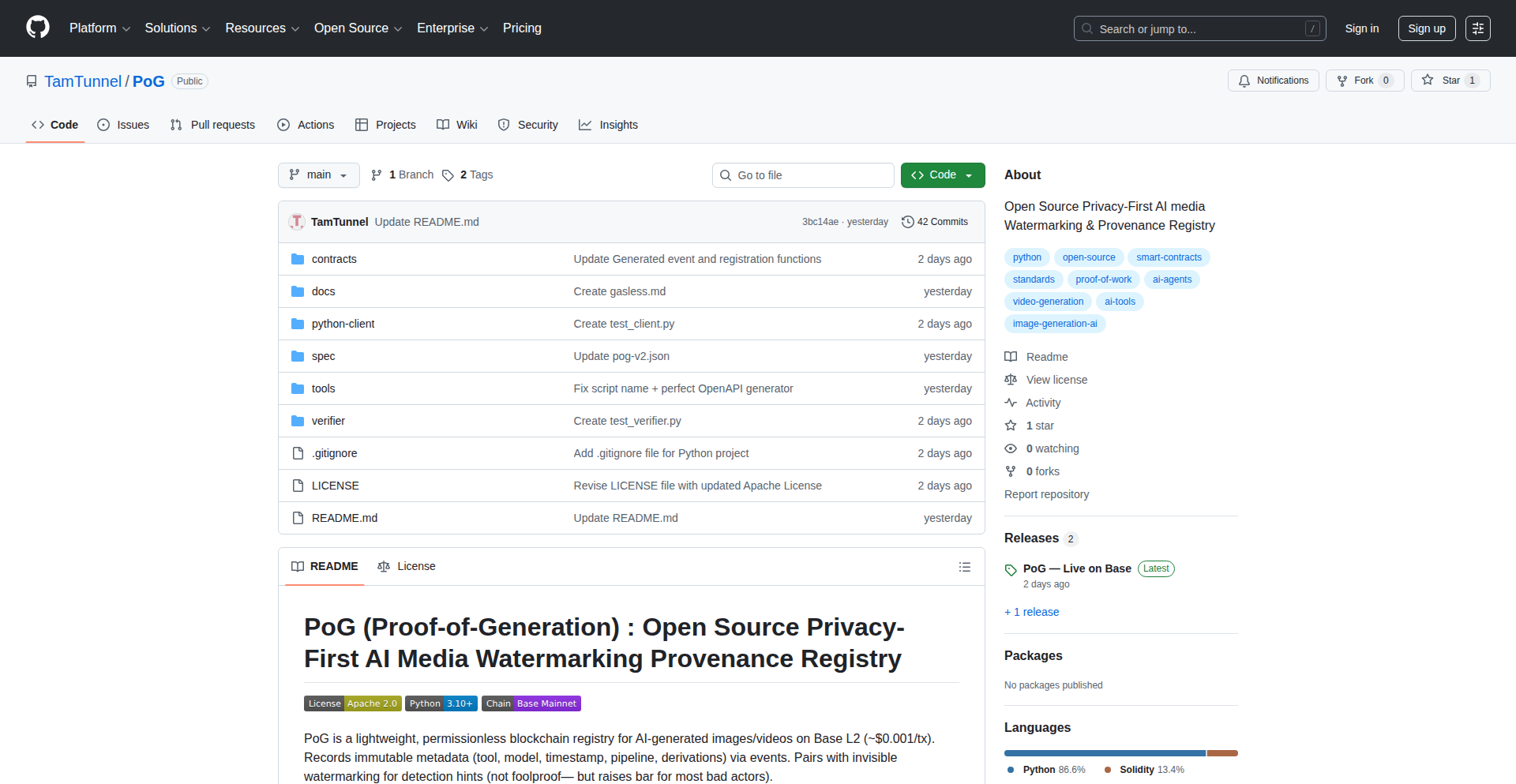
Author
pp10
Description
PoG is an open-source, privacy-first system for embedding invisible watermarks into images and recording their provenance on the blockchain. It offers a cost-effective, transparent alternative to closed-source commercial solutions, enabling creators to assert ownership and track image usage through dual hashing for resilience against edits and compression, while ensuring creator anonymity via random wallet addresses. The system supports tiered verification levels and boasts a comprehensive OpenAPI specification for easy integration.
Popularity
Points 1
Comments 0
What is this product?
PoG is an innovative system that addresses the growing need to verify the origin and authenticity of digital images, particularly in the age of AI-generated content. Its core technology involves embedding an invisible watermark into an image. This watermark isn't just a simple overlay; it's generated using dual hashing techniques. One hash ensures exact matches (meaning the image hasn't been altered at all), while a 'perceptual' hash can still identify the watermark even if the image is compressed, resized, or slightly edited. This makes it incredibly resilient. The system then records this watermark's unique identifier, along with a timestamp, onto a blockchain. This provides an immutable, tamper-proof record of the image's existence and its initial state. Crucially, PoG prioritizes creator privacy by not linking the watermark to personal identities. Instead, a randomly generated wallet address is used, maintaining anonymity. The innovation lies in making this powerful provenance system open-source, affordable (estimated at ~$0.001 per image), and readily deployable today, offering a strong contrast to expensive, proprietary alternatives. The tiered verification system (Strong/Medium/Weak/None) allows for flexible levels of trust and security depending on the use case. For developers, an OpenAPI specification means a TypeScript client can be generated automatically in one command, greatly simplifying integration.
How to use it?
Developers can integrate PoG into their workflows to protect their digital assets or verify the authenticity of images. For example, a photographer can use the Python client or an API call to watermark their uploaded images before they are published. The system can be easily integrated into web applications, content management systems, or even directly into creative tools. The OpenAPI specification allows for straightforward generation of client libraries in languages like TypeScript, making it simple to add watermarking and verification capabilities to applications. A user can then verify an image by simply uploading it to a PoG verifier tool (even a basic drag-and-drop interface), which will check for the embedded watermark and query the blockchain for its provenance record. Future developments include a gasless relayer for even cheaper transactions and browser extensions for seamless verification.
Product Core Function
· Invisible Watermarking: Embeds unique, undetectable data within an image that can be later retrieved to verify its origin.
· Dual Hashing (Exact + Perceptual): Ensures watermarks are robust enough to survive common image manipulations like compression and minor edits, while also guaranteeing exact file integrity.
· On-chain Provenance Recording: Utilizes blockchain technology to create a permanent, tamper-proof record of the image's initial watermark and timestamp, establishing its existence and origin.
· Creator Anonymity: Protects creator identity by associating watermarks with random wallet addresses instead of personal information, enhancing privacy.
· Tiered Verification System: Offers multiple levels of verification (Strong, Medium, Weak, None) to suit different application needs for trust and security.
· OpenAPI Specification & Auto-generated Clients: Provides a standardized interface for developers to easily integrate PoG functionality into their applications, with tools for generating client libraries like TypeScript.
· Low-cost Operation: Significantly reduces the cost of digital asset provenance compared to commercial solutions, making it accessible for a wider range of users.
Product Usage Case
· AI Art Generation Platforms: Artists can use PoG to watermark AI-generated images, providing a verifiable claim of origin and preventing unauthorized claims of ownership by others. This addresses the problem of AI art's contested authorship.
· Stock Photo Agencies: Agencies can watermark their images to prove authenticity and prevent unauthorized redistribution. This helps maintain the integrity of their licensing models and combat image piracy.
· Journalism and Media: News organizations can use PoG to watermark and timestamp submitted images, ensuring the integrity of visual evidence and protecting against fabricated or altered news photos.
· Digital Asset Management (DAM) Systems: Developers can integrate PoG into DAM systems to add a layer of verifiable provenance to all uploaded assets, enhancing trust and traceability within an organization.
· Individual Creators (Photographers, Designers): Artists can protect their work by embedding watermarks, providing proof of creation and a deterrent against plagiarism, especially when sharing work online.
109
httpthing: The Minimal HTTP Request Catcher
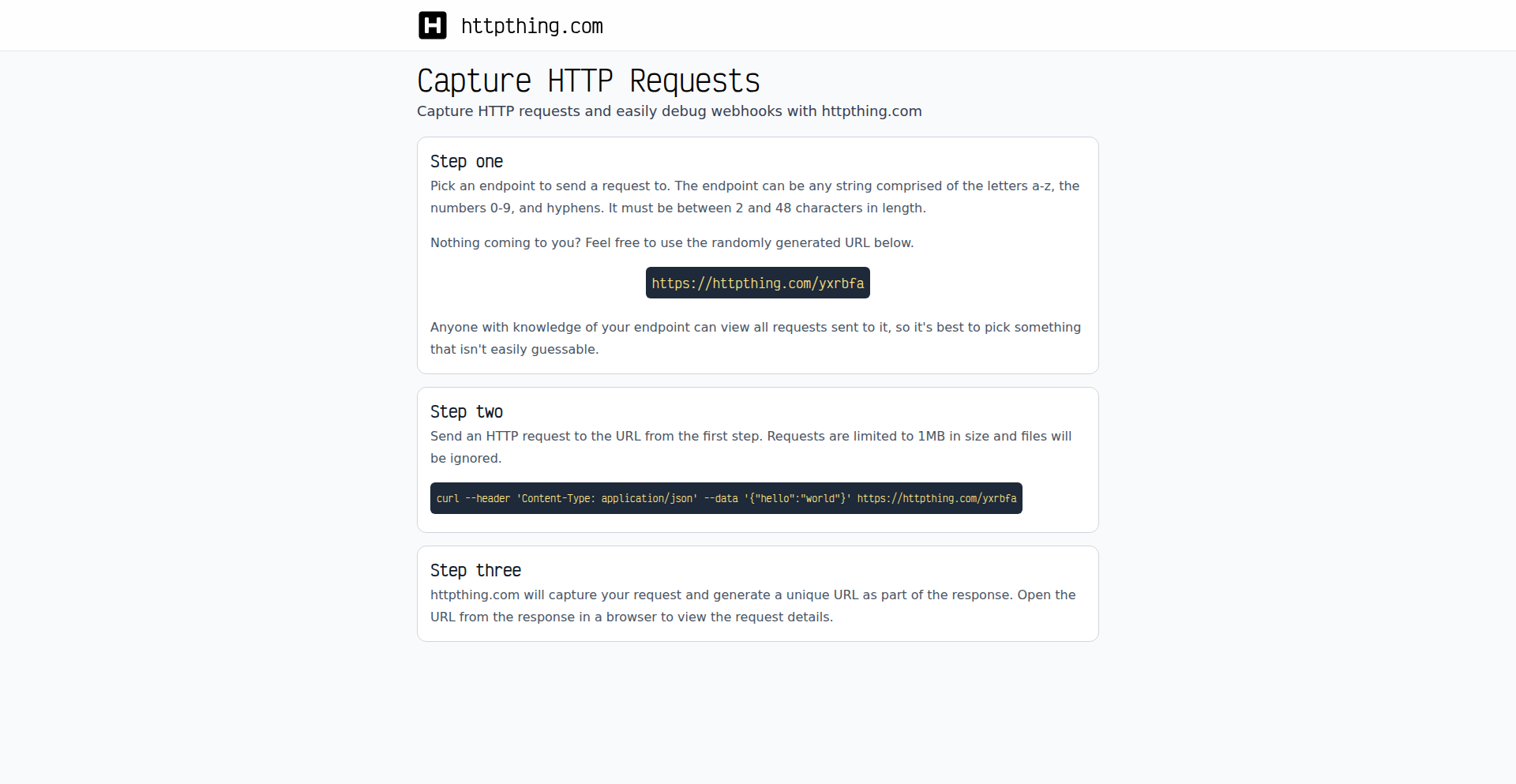
Author
leftnode
Description
httpthing is a straightforward HTTP request catcher built to address the common pain points of existing tools: slowness, intrusive ads, and difficulty in viewing past requests. It offers a simple, clean interface for developers to inspect incoming HTTP requests by providing a unique endpoint for each logging session. This means you can easily debug webhooks, test API integrations, and understand how external services interact with your applications without complex setup.
Popularity
Points 1
Comments 0
What is this product?
httpthing is a web service that acts as a personal HTTP request logging endpoint. When you send any HTTP request to a unique URL like `https://httpthing.com/{endpoint}`, the service captures and stores that request. It then provides you with a separate, easily accessible URL (e.g., `https://httpthing.com/_/{endpoint}`) where you can view a list of all the requests that have been sent to that specific endpoint. The core innovation lies in its extreme simplicity and focus on performance, eliminating the bloat and complexity often found in similar tools, allowing developers to quickly capture and inspect requests without distraction.
How to use it?
Developers can use httpthing by simply directing their HTTP requests to a custom endpoint on the httpthing.com domain. For example, if you're testing a webhook from a service that needs to send data to your application, you can configure that service to send its POST request to `https://httpthing.com/my-unique-webhook-test`. httpthing will capture this request. You can then open `https://httpthing.com/_/my-unique-webhook-test` in your browser to see the details of the request, including headers, body, and method. This is incredibly useful for understanding what data is being sent and confirming that the request is formatted correctly before it even reaches your actual application.
Product Core Function
· HTTP Request Catching: Captures incoming HTTP requests made to a specific, user-defined endpoint. This allows developers to see exactly what data and headers are being sent to their application or service, crucial for debugging API integrations and webhooks.
· Request Listing and Inspection: Provides a dedicated web interface to view a chronological list of all requests sent to a particular endpoint. Developers can click on individual requests to inspect their full details, enabling deep analysis of traffic.
· Simple and Fast Interface: Designed with minimal UI and optimized for speed, ensuring developers can quickly set up and access request logs without being bogged down by ads or complex features. This respects the developer's time and focus.
· Unique Endpoint Generation: Automatically assigns a unique endpoint for each logging session, making it easy to isolate and track specific tests or integrations. This prevents accidental viewing of unrelated requests.
Product Usage Case
· Webhook Testing: A developer needs to test if a third-party service is correctly sending data to their application's webhook endpoint. They configure the third-party service to send requests to `https://httpthing.com/my-webhook-test-123`. When the service sends data, the developer can then visit `https://httpthing.com/_/my-webhook-test-123` to see the request payload, headers, and confirm it matches expectations, significantly speeding up webhook setup and debugging.
· API Integration Debugging: A developer is building an application that needs to make requests to an external API. To verify the request structure and headers before deploying their code, they can use httpthing as a dummy endpoint. They send their crafted API request to `https://httpthing.com/api-test-xyz` and then inspect the captured request at `https://httpthing.com/_/api-test-xyz` to ensure it's correctly formatted and authenticated.
· Understanding External Service Behavior: When a service unexpectedly behaves differently, a developer can set up an httpthing endpoint to receive requests from that service (if applicable) to understand the exact nature of the incoming data or interactions. This provides a direct window into how external systems are communicating with their environment.
110
RIMC: Alpha-Drift for Recursive Markets
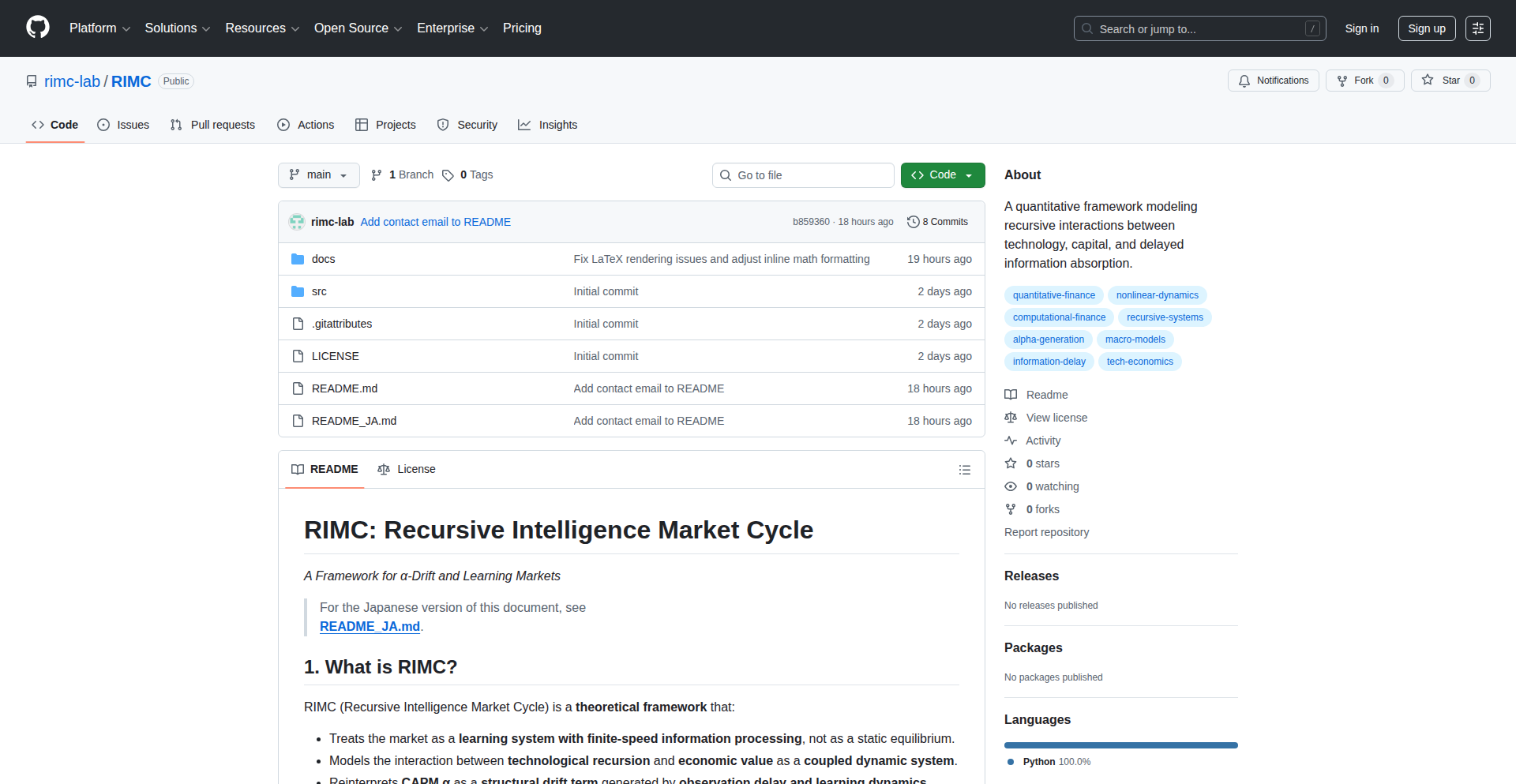
Author
sode_rimc
Description
RIMC is a theoretical framework that models financial markets not as perfectly efficient, but as learning systems with delays in processing information. It proposes that market 'alpha' (excess returns) can arise simply from the limitations of how quickly information is perceived and understood, rather than needing to discover hidden market inefficiencies. The innovation lies in framing these market dynamics using differential equations and reinterpreting traditional CAPM alpha as a 'drift' caused by observation lag and learning.
Popularity
Points 1
Comments 0
What is this product?
RIMC (Recursive Intelligence Market Cycle Hypothesis) is a conceptual model for understanding how financial markets behave. Instead of assuming markets instantly reflect all information, RIMC treats them like dynamic learning systems. It suggests that the observed 'alpha' in stock returns, often seen as a sign of a superior trading strategy, might actually be a natural consequence of how slowly and imperfectly market participants process information. The core idea is that even a perfectly rational market would show these 'drifts' in returns due to delays and finite learning speeds. It uses mathematical equations to describe how underlying value generation and market observation interact, and how these interactions create a predictable 'alpha-drift'.
How to use it?
While RIMC is a theoretical framework and not a ready-to-use trading tool, developers can leverage its concepts for various quantitative research and strategy development. For example, a quantitative analyst could use RIMC's principles to build more robust factor models by explicitly accounting for information delays. Machine learning practitioners could incorporate these dynamics into reinforcement learning agents designed for trading, making them more realistic about market response times. It provides a new lens to interpret existing trading strategies, potentially revealing why they work or fail under different market conditions characterized by varying information processing speeds.
Product Core Function
· Modeling markets as learning systems: This allows for a more realistic representation of market behavior, acknowledging that information doesn't propagate instantly. The value for developers is in building models that better reflect real-world market dynamics, leading to more accurate predictions and strategies.
· Defining coupled dynamics between technological recursion and economic value: This innovation helps understand how technological advancements (recursive elements) translate into economic value, and how this value is perceived by the market. Developers can use this to analyze the impact of innovation on asset prices and create strategies that capitalize on these relationships.
· Reinterpreting CAPM alpha as 'alpha-drift': This provides a new theoretical basis for understanding excess returns. Instead of solely attributing alpha to skilled trading, it can be explained by the natural delays and learning processes within the market. For developers, this means a potential shift in focus from finding elusive market edges to understanding and exploiting structural market behaviors.
· Generative Layer (Value Generation Engine): This component models the underlying creation of value, influenced by recursive processes or factors. Developers can use this to simulate how different value drivers affect market outcomes, aiding in scenario analysis and risk management.
· Observational Layer (Delayed Market Perception): This layer models how the market perceives value with noise and delay. This is crucial for developers to build trading strategies that are resilient to short-term market noise and account for the time it takes for information to influence prices.
· Alpha-Drift Layer (Memory of Value Gaps): This layer quantifies how past discrepancies between real value and market perception influence future returns. Developers can use this to design strategies that are sensitive to market sentiment shifts and historical performance deviations.
Product Usage Case
· Developing a more resilient quantitative trading strategy: A developer could use RIMC's alpha-drift concept to adjust their strategy's sensitivity to market signals, acknowledging that not all signals are immediately incorporated into prices. This can help avoid premature trading decisions based on delayed information, leading to potentially better risk-adjusted returns.
· Enhancing factor models for emerging technologies: By treating markets as recursive learning systems, developers can better model the impact of new technologies on asset prices. RIMC's framework can help predict how the market will gradually incorporate the value of these innovations, allowing for more accurate factor exposure in investment portfolios.
· Building more sophisticated reinforcement learning agents for trading: A developer could train an RL agent to recognize and exploit alpha-drift patterns. The agent could learn to anticipate market reactions based on the time lag in information processing, rather than just reacting to immediate price movements, potentially leading to more profitable trading signals.
· Analyzing the impact of information dissemination on market volatility: RIMC's focus on information delay and learning provides a framework to study how different rates of information spread affect market stability. Developers can use this understanding to build tools that identify periods of high or low information latency, and adapt trading strategies accordingly.
111
Openfront Commerce Nexus
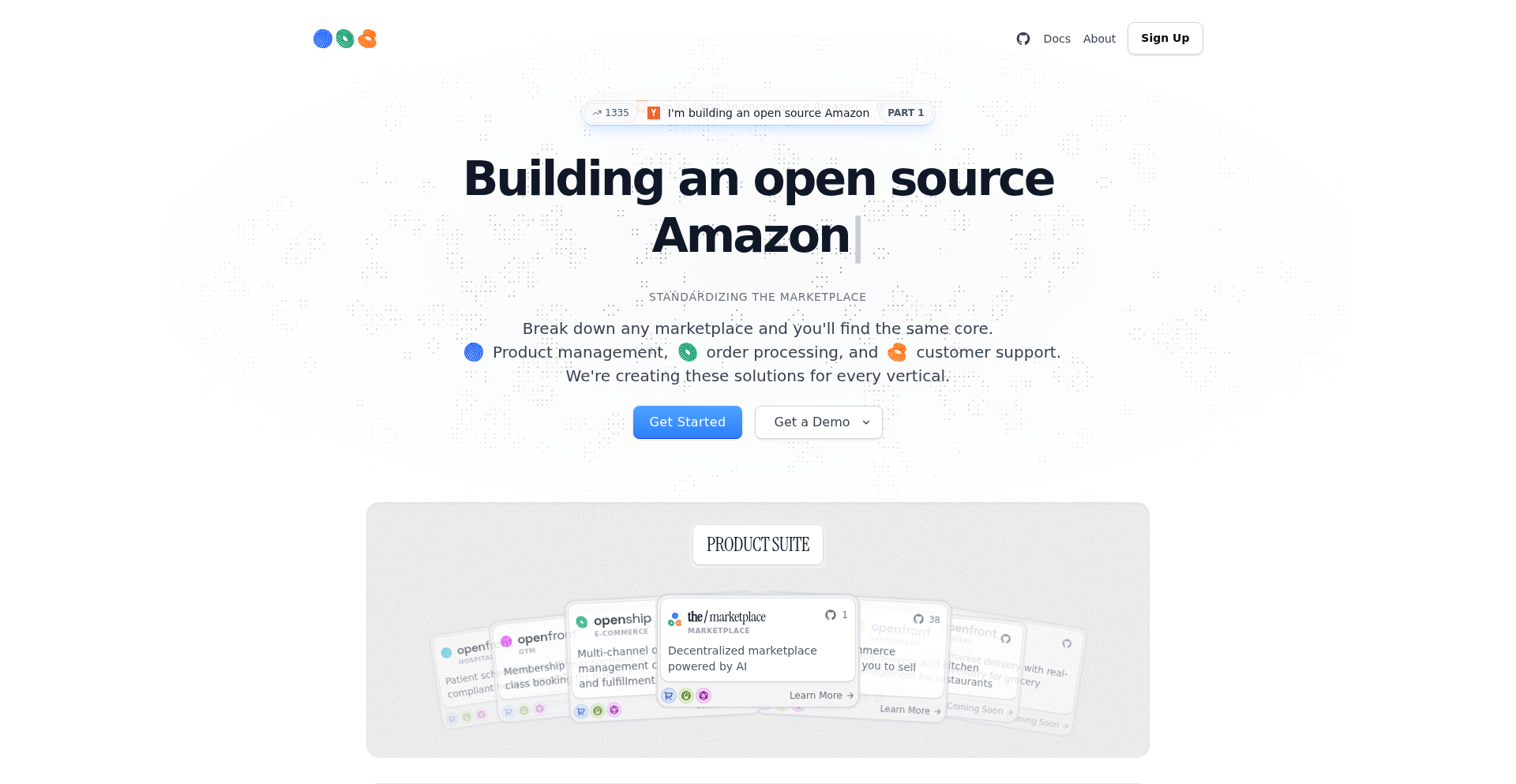
Author
theturtletalks
Description
This project presents an open-source, decentralized marketplace and e-commerce platform, aiming to be a direct alternative to giants like Amazon and Shopify. Its core innovation lies in building modular 'Openfront' systems for various industries (starting with e-commerce) that seamlessly connect to a central decentralized marketplace. This approach empowers sellers with more control and reduces reliance on traditional intermediaries. The technology tackles the challenge of fragmented digital commerce by providing a unified, community-driven infrastructure.
Popularity
Points 1
Comments 0
What is this product?
This is an open-source initiative to create a decentralized alternative to large online marketplaces and e-commerce platforms. Think of it as building your own Amazon or Shopify from scratch, but with the community's support and ownership. The technical idea is to create standardized, modular 'Openfront' platforms for different business types (like e-commerce stores, restaurants, or grocery shops). These 'Openfronts' are designed to easily connect to a shared, decentralized marketplace. This architecture allows for a more direct connection between sellers and buyers, cutting out middlemen and giving sellers more power and flexibility. The innovation is in creating a flexible, extensible system that can be adapted for various retail needs while maintaining a consistent decentralized backbone.
How to use it?
Developers can use this project in several ways. For businesses, they can leverage the 'Openfront e-commerce' as a fully customizable, open-source Shopify alternative to build and manage their online stores. This involves setting up their products, managing inventory, and processing orders. For more technically inclined users and developers, the project offers the opportunity to contribute to the open-source codebase, extending its functionality or integrating it with other systems. It can be used as a foundation for building new decentralized applications (dApps) or for creating custom marketplaces. The goal is to provide a framework that is both user-friendly for merchants and adaptable for developers wanting to build on a decentralized web.
Product Core Function
· Modular 'Openfront' E-commerce Platform: This is a customizable e-commerce backend and frontend that allows businesses to set up and manage their online storefronts. The technical value is in providing a flexible, developer-friendly framework to build diverse online shops without the limitations of proprietary systems, enabling tailored user experiences and business logic.
· Decentralized Marketplace Integration: The ability for 'Openfront' platforms to seamlessly connect to a central, decentralized marketplace. This technical innovation allows for a unified discovery and transaction layer across different types of businesses, reducing reliance on single points of failure and empowering sellers with broader reach and direct consumer engagement.
· Open-Source Foundation: The entire project is built on open-source principles, meaning the code is publicly available for inspection, modification, and contribution. The value here is transparency, community-driven development, and the ability for anyone to fork and build upon the technology, fostering innovation and reducing vendor lock-in.
· Vertical-Specific Management Systems: The vision to develop 'Openfront' systems for various industries beyond e-commerce (e.g., restaurants, groceries, gyms). This modular design is technically valuable as it promotes reusability of core marketplace and management logic across different business verticals, creating a scalable ecosystem for decentralized commerce.
· Seller Empowerment Features: By reducing reliance on traditional marketplaces, the project inherently provides features that give sellers more control over their data, pricing, and customer relationships. The technical implementation aims to abstract away complex intermediary processes, leading to more direct and profitable interactions for businesses.
Product Usage Case
· A small independent clothing brand wants to launch an online store without paying high commission fees to existing platforms. They can use 'Openfront e-commerce' to build a custom website that perfectly matches their brand identity, manage their inventory, and process payments directly, gaining full control over their business operations.
· A group of local farmers want to create a shared online platform to sell their produce directly to consumers in their city. They can utilize the 'Openfront e-commerce' for individual farm listings and integrate it with the decentralized marketplace, allowing customers to browse and purchase from multiple farms in one place, facilitating local commerce.
· A developer wants to experiment with building decentralized applications and needs a robust backend for managing listings and transactions. They can leverage the 'Openfront' architecture and its open-source nature to integrate it into their dApp, benefiting from a pre-built, scalable, and community-supported infrastructure for marketplace functionalities.
· A startup is developing a new service that requires a marketplace component, such as booking local services or renting out items. They can use 'Openfront' as a foundational technology, customizing the 'Openfront' system for their specific service vertical and connecting it to the decentralized marketplace, accelerating their development time and benefiting from a decentralized ecosystem.
112
DynamicHorizon

Author
DHDEV
Description
DynamicHorizon is a macOS application that brings the 'Dynamic Island' experience, popularized on iOS, to the desktop. It creatively uses macOS's UI capabilities to present glanceable, context-aware information and interactive elements in a non-intrusive way, effectively extending the desktop user experience.
Popularity
Points 1
Comments 0
What is this product?
DynamicHorizon is a desktop application for macOS that mimics the 'Dynamic Island' functionality found on modern iPhones. Instead of a static notch or menu bar, it uses a fluid, adaptive UI element that expands and contracts to display timely information and provide quick access to ongoing activities. The innovation lies in how it leverages macOS's advanced UI rendering and event handling to achieve this dynamic behavior, allowing developers to push notifications, media controls, or status updates into this flexible space. This offers a novel way to engage users without disrupting their primary workflow, much like how the Dynamic Island surfaces information on iOS without taking over the screen.
How to use it?
Developers can integrate DynamicHorizon into their macOS applications by utilizing its API. This typically involves defining specific events or states within their application (e.g., a file download starting, music playback, a timer running) and then signaling DynamicHorizon to display corresponding information or controls. This can be done through standard macOS inter-process communication mechanisms or a dedicated SDK. The goal is to provide a seamless way to surface app-specific context and interactions directly on the macOS desktop in a visually appealing and unobtrusive manner, improving user awareness and control over background processes.
Product Core Function
· Dynamic Information Display: Allows applications to present critical, real-time updates (like download progress, system status, or app notifications) in a compact, evolving UI element. This provides users with immediate visual feedback on background activities without needing to switch windows or check separate indicators, making it easier to stay informed.
· Interactive Control Hub: Enables applications to embed interactive controls (e.g., play/pause for media, start/stop for timers, dismiss notifications) directly within the dynamic element. This allows users to quickly manage ongoing tasks or respond to alerts with a single click or tap, streamlining workflows and improving responsiveness.
· Context-Aware Adaptation: The UI element intelligently expands, contracts, and changes its content based on the user's current activity and the information being presented. This ensures that the information is always relevant and the UI remains uncluttered, reducing cognitive load and enhancing the overall user experience by surfacing what matters most at any given moment.
· Developer Extensibility: Provides an API or framework for macOS developers to easily integrate their own dynamic content and controls into the DynamicHorizon. This empowers developers to create richer, more engaging user experiences within their applications by leveraging this novel UI paradigm, fostering innovation in desktop application design.
· Non-Intrusive Alerting: Surfaces important notifications and alerts in a manner that is noticeable but not disruptive, unlike traditional pop-up notifications. This allows users to be aware of critical events without interrupting their focus on their current task, leading to a smoother and less jarring user experience.
Product Usage Case
· Media Player Integration: A music or video player application could use DynamicHorizon to display album art, track titles, and playback controls (play, pause, skip). This allows users to control their media directly from the desktop's dynamic area, even when the player window is minimized or not in focus, providing convenient control.
· Download Manager Utility: A download manager could show the progress of ongoing file downloads in the DynamicHorizon, including download speed and estimated time remaining. Users can then easily see which downloads are active and potentially cancel or pause them without opening the download manager application, saving time and effort.
· Timer and Stopwatch Application: A productivity app with timers or stopwatches could display the elapsed time or countdown directly in the dynamic area. Users can start, stop, or reset these timers with quick interactions, making it ideal for managing breaks, study sessions, or cooking times without constant window management.
· System Status Monitoring: A system utility could present real-time CPU usage, memory consumption, or network activity in the DynamicHorizon. This provides developers and power users with glanceable insights into their system's performance, helping them identify potential issues quickly and efficiently.
· Custom Notification System: Developers could build custom notification systems where alerts from various services (e.g., new email, chat messages, calendar events) are consolidated and displayed in the DynamicHorizon with interactive options like 'Mark as read' or 'Snooze', offering a more organized and actionable notification experience.
113
HabitSec

Author
vsind
Description
HabitSec is a privacy-first iOS application designed to make cybersecurity awareness practical and engaging. It transforms complex security guidelines into simple, actionable habits, focusing on positive reinforcement and habit building rather than dry lectures. The core innovation lies in its approach to translating official security recommendations into bite-sized, daily practices, making cybersecurity accessible and memorable for everyone.
Popularity
Points 1
Comments 0
What is this product?
HabitSec is a mobile application that turns crucial cybersecurity practices into easy-to-follow daily habits. Instead of just reading about security, users actively engage with principles like Multi-Factor Authentication (MFA), phishing awareness, and software updates through a gamified experience. The technical foundation is built on clear, plain-language explanations derived from reputable sources like CISA, ENISA, and NIST. The innovation is in its human-centered design, making security education feel less like a chore and more like building a positive daily routine. This means you get practical security skills without feeling overwhelmed.
How to use it?
Developers can integrate the principles of HabitSec into their personal or organizational security training. For individuals, simply download the app and start building better security habits. For developers building their own tools, the underlying concept of breaking down complex security requirements into simple, measurable habits is a valuable lesson. You can use this app to actively improve your own digital hygiene or inspire similar approaches in your team. The app uses light gamification, like progress rings and a friendly mascot, to encourage consistent engagement, so you’ll find it easy to stick with it.
Product Core Function
· Habit-based learning: Breaks down complex security topics into simple, daily actionable tasks, making security education accessible and understandable. This helps users actively practice good security hygiene instead of just reading about it.
· Privacy-first design: No tracking, analytics, or data collection ensures user privacy is paramount. This means your personal security activities remain private and secure.
· Gamified experience: Utilizes progress rings, a friendly mascot, and small celebrations to motivate users and make habit formation enjoyable. This makes learning about security fun and rewarding.
· Expert-backed content: Based on guidance from CISA, ENISA, and NIST, providing reliable and effective security advice. This ensures the habits you build are based on proven security best practices.
· Plain language explanations: Translates technical security jargon into easy-to-understand terms for non-experts. This makes the app usable by anyone, regardless of their technical background.
Product Usage Case
· Individual security improvement: A user concerned about phishing attacks can use the app to learn and practice identifying suspicious emails daily, reducing their risk of falling victim.
· Team security awareness: A company can encourage its employees to use HabitSec to build a stronger security culture, with each employee actively contributing to the organization's overall security posture.
· Developer education: A developer can use the app to reinforce their understanding of secure coding practices, such as timely software updates and secure password management, thereby building more secure applications.
· Onboarding new hires: A startup can use HabitSec as part of its new employee onboarding process to quickly instill essential security awareness and best practices. This ensures that all new team members are security-conscious from day one.
114
CloudNativeScape
Author
rawkode
Description
CloudNativeScape is a community-driven, interactive visualization and exploration tool that offers an alternative perspective to existing Cloud Native Landscape charts. It aims to provide a more intuitive and dynamic way for developers to understand the vast and complex ecosystem of cloud-native technologies. The core innovation lies in its novel approach to data representation and user interaction, making it easier to discover, categorize, and connect different tools and projects.
Popularity
Points 1
Comments 0
What is this product?
CloudNativeScape is essentially a visual map of the cloud-native world, but it's built differently than the standard 'landscape' charts you might have seen. Instead of a static, overwhelming infographic, it's an interactive experience. Think of it like a highly detailed, explorable galaxy of cloud-native tools. The technical innovation here is in how it organizes and presents this information. It uses advanced graph visualization techniques and intelligent data aggregation to allow users to zoom in on specific areas, see relationships between tools (like which ones integrate with each other or serve similar purposes), and discover new projects in a much more fluid way. The goal is to cut through the noise and make the cloud-native ecosystem less intimidating and more accessible.
How to use it?
Developers can use CloudNativeScape to quickly get a lay of the land in the cloud-native space. If you're exploring new technologies for your microservices architecture, looking for a specific type of database, or trying to understand the tooling around Kubernetes, this project helps. You can interactively browse through categories, click on individual tools to get more information, and see how they fit within the broader ecosystem. It's designed to be a starting point for research, a learning tool for newcomers, and a reference for seasoned professionals. Integration might involve embedding parts of the visualization into other documentation sites or using its underlying data structure for internal project tracking.
Product Core Function
· Interactive Graph Visualization: Dynamically renders the cloud-native ecosystem as a navigable graph, allowing users to explore relationships and clusters of technologies. This is valuable for understanding how different tools interconnect and their respective domains.
· Categorization and Filtering: Provides intelligent grouping and filtering mechanisms for cloud-native projects, enabling users to quickly narrow down their search for specific tools or solutions. This saves time in research and decision-making.
· Detailed Tool Information: Offers concise summaries and links to detailed documentation for each project, facilitating in-depth understanding and evaluation. This empowers developers to make informed choices about technology adoption.
· Community-Driven Data: Relies on community contributions to keep the landscape up-to-date and comprehensive, ensuring the information reflects the evolving state of cloud-native technologies. This fosters a collaborative environment and provides the most current insights.
Product Usage Case
· A backend developer needs to find a suitable distributed tracing tool for their microservices. They can use CloudNativeScape to see all available tracing solutions, their features, and how they integrate with common service meshes or API gateways, helping them choose the best fit quickly.
· A DevOps engineer is onboarding a new team member unfamiliar with Kubernetes tooling. They can use CloudNativeScape to provide a visual, interactive overview of the Kubernetes ecosystem, from core components to common add-ons like monitoring, logging, and CI/CD tools, accelerating the learning curve.
· A developer exploring new database technologies for a cloud-native application can use CloudNativeScape to discover various types of databases (SQL, NoSQL, NewSQL), their deployment models (managed, self-hosted), and their compatibility with cloud platforms. This aids in selecting the right data storage solution for their needs.
· A technical writer is creating documentation for a new cloud-native project. They can leverage CloudNativeScape to understand where their project fits within the broader landscape and identify related technologies that might be relevant to their audience, ensuring comprehensive context.
115
Subscription-Free Relationship Rolodex

Author
yashesmaistry
Description
WhatDoYouDo is a clever, subscription-free approach to managing personal and professional relationships. Instead of relying on cloud services that often come with recurring fees or privacy concerns, this project leverages existing, easily accessible tools like plain text files and potentially local databases for storing contact information and interaction logs. The innovation lies in its 'no-lock-in' philosophy and focus on data ownership.
Popularity
Points 1
Comments 0
What is this product?
This project is a personal relationship management (PRM) tool, often called a rolodex, that aims to be completely free and independent of subscriptions. Instead of a fancy app with a monthly fee, it stores your contact details, notes about your interactions, and important dates (like birthdays or follow-up reminders) in a way you control, likely using simple text files (like Markdown or plain text) or a local, self-hosted database. The core innovation is enabling users to manage their network without being tied to a specific service, ensuring data portability and avoiding recurring costs. This means your valuable contact information and relationship history are always yours, and you won't suddenly lose access if a service changes its terms or shuts down.
How to use it?
Developers can use WhatDoYouDo by setting up a local storage mechanism (e.g., a folder of Markdown files, a SQLite database) and then using simple scripts or a basic web interface to add, search, and update contact information. Integration could involve building custom command-line tools for quick lookups, creating a personal dashboard to visualize upcoming events, or even syncing data with other local productivity tools. The 'subscription-free' aspect means you have full control over where your data lives and how it's accessed, making it ideal for privacy-conscious individuals or developers who prefer to build their own workflows.
Product Core Function
· Contact Information Storage: Stores names, contact details, and associated notes in a user-controlled format, offering flexibility beyond rigid database schemas and ensuring data can be easily moved or backed up.
· Interaction Logging: Allows users to record past interactions, meetings, or conversations with contacts, providing context and helping to maintain strong relationships over time.
· Event Reminders: Enables setting reminders for important dates like birthdays, anniversaries, or follow-up actions, ensuring no crucial personal or professional dates are missed.
· Data Portability: Emphasizes storing data in open, accessible formats (like plain text or common database types), making it easy to migrate, backup, or integrate with other tools without vendor lock-in.
· Self-Hosted/Local Operation: Facilitates running the tool entirely on your own hardware, providing enhanced privacy and control over sensitive personal data, unlike cloud-based CRM solutions.
Product Usage Case
· A freelance developer needs to manage outreach to potential clients. They can use WhatDoYouDo to store client contact info, notes from initial calls, and schedule follow-up reminders, all in plain text files on their laptop, avoiding a costly CRM subscription.
· A user wants to keep track of networking contacts made at conferences, including who they met, what they discussed, and when to follow up. They can use this tool to create simple entries for each contact, ensuring they can easily recall details later and maintain valuable professional connections.
· Someone wants to organize their personal contacts and never forget birthdays or important life events for friends and family. By using a local file system for storage, they can ensure their personal data remains private and accessible only to them, without relying on social media platforms or cloud services.
· A developer looking for a highly customizable solution for managing their personal knowledge base and contacts. They can leverage the project's open approach to integrate it into their existing workflow or build custom scripts for advanced querying and data visualization.
116
AI-CodeGuardian
Author
buttersmoothAI
Description
AI-CodeGuardian is a 3-step AI code output validation system designed to dramatically reduce production failures. It achieves this by employing a multi-layered approach, ensuring that AI-generated code is not only syntactically correct but also functionally robust and coherent before it reaches users. This leads to a 90% reduction in production failures with high accuracy.
Popularity
Points 1
Comments 0
What is this product?
AI-CodeGuardian is an advanced AI code validation system that acts as a safety net for AI-generated code. It employs a sophisticated three-tier validation process: 1. Pattern Validation uses an 'epistemic certainty framework' to check if the code adheres to expected logical structures and patterns, akin to a grammar checker for AI logic. 2. Adapter Validation performs integration safety checks, ensuring the AI code plays nicely with existing systems and doesn't break anything upon integration. 3. Convergence Validation verifies the overall system coherence, making sure all parts of the AI-generated solution work together harmoniously. This system has demonstrated up to 97.8% epistemic certainty, meaning it's highly confident in its validation, and has achieved zero false positives in production, catching bugs before they impact users.
How to use it?
Developers can integrate AI-CodeGuardian into their CI/CD pipelines or development workflows. The system offers implementations in TypeScript, Python, and JavaScript, with framework templates for popular stacks like React, Vue, Next.js, FastAPI, and Express. This allows for seamless integration, where AI-generated code snippets or modules are automatically passed through the validation layers before deployment. For instance, when a new AI-generated API endpoint is created, AI-CodeGuardian can automatically test its pattern adherence, integration compatibility with the backend, and its coherence with other services, providing a confidence score and flagging potential issues. This ensures that only high-quality, validated code makes it to production, saving significant debugging time and preventing user-facing errors.
Product Core Function
· Pattern Validation: Ensures AI code follows expected logical structures and patterns, reducing logical errors and improving code predictability. This is valuable because it catches AI mistakes early, preventing nonsensical or malformed code from being used.
· Adapter Validation: Checks for safe integration with existing systems, preventing conflicts and ensuring smooth deployment. This is useful for developers as it eliminates the risk of AI code breaking their existing applications.
· Convergence Validation: Verifies the overall coherence of the AI system, ensuring all components work together effectively. This is important for complex AI applications where different AI outputs need to synergize, guaranteeing a functional and unified solution.
· High-Accuracy Detection: Achieves over 97.8% epistemic certainty and zero false positives, providing reliable validation results. This is valuable as developers can trust the system's feedback, saving time on manually verifying AI outputs.
· Performance Optimization: Delivers response times between 12-29ms, making it efficient for real-time validation without significant latency. This is beneficial for developers as it doesn't slow down their development or deployment processes.
Product Usage Case
· A developer using AI to generate a new feature for a web application notices that the AI-generated JavaScript code is producing unexpected behavior. AI-CodeGuardian's pattern validation flags a logical inconsistency in the AI's algorithm, preventing the buggy code from being deployed and saving hours of debugging.
· A team integrating an AI-powered recommendation engine into their e-commerce platform uses AI-CodeGuardian to validate the AI's output. The adapter validation identifies a conflict between the AI's data format and the existing user profile service, preventing a critical integration failure.
· A data science team building a complex AI model uses AI-CodeGuardian to ensure the coherence of various AI modules responsible for different tasks (e.g., data preprocessing, model inference, result interpretation). The convergence validation catches an issue where the output of one AI module was not compatible with the input of another, leading to a more robust and accurate overall system.
· A company deploying AI-generated code for customer service chatbots uses AI-CodeGuardian to ensure the chatbot's responses are not only grammatically correct but also contextually appropriate and safe. The system's high accuracy rate of 97.8% ensures that users receive helpful and reliable interactions, minimizing customer frustration and support escalations.
117
HexMapScanner

Author
flashgordon
Description
A browser-based tool leveraging TensorFlow.js and KNN to extract tile data from screenshots of hex-based strategy games like WeeWar and Civilization. It offers a novel approach to image analysis for game data, enabling developers to interact with game maps programmatically.
Popularity
Points 1
Comments 0
What is this product?
This project is a web application that uses machine learning, specifically MobileNet for feature extraction and K-Nearest Neighbors (KNN) for classification, to analyze screenshots of hex-based games. Instead of needing a complex setup or extensive training data, it can learn to identify different map tiles (like terrain, units, or resources) from just a few examples. This is innovative because it bypasses the traditional need for large datasets and complex model training, making it accessible and efficient for recognizing visual patterns in games. So, it's a smart way to understand what's on a game map from a picture, right in your browser.
How to use it?
Developers can use this tool in several ways. For instance, they can integrate it into their own projects that require analyzing game maps. This could involve building custom game tools, bots, or even analytical dashboards for players. The core idea is that you provide the tool with an image of a game map, and it tells you what each tile represents. It runs entirely in the browser, so there's no need for server-side processing or complex installations. You can potentially feed it screenshots from games and get structured data back that you can then use for further development. So, if you're building something that needs to 'see' and understand a game map from an image, this tool offers a ready-made, browser-based solution.
Product Core Function
· Screenshot-to-Tile Data Extraction: Analyzes game screenshots to identify individual hex tiles and their content. This is valuable for developers who want to automatically process game maps for analysis or interaction, moving beyond manual input.
· In-Browser Machine Learning: Utilizes TensorFlow.js and a MobileNet model for image embeddings and KNN for classification, all running within the web browser. This is a significant technical innovation as it democratizes ML capabilities, making them accessible without heavy infrastructure, thus empowering frontend developers.
· Few-Shot Learning Capability: The KNN approach allows the model to learn and classify tiles from a small number of examples, reducing the burden of data collection and training. This is incredibly useful for rapid prototyping and for games with diverse tile types that would be time-consuming to train comprehensively.
· Cross-Game Generalization: Demonstrated ability to work with screenshots from different hex-based strategy games, showcasing the robustness of the underlying ML approach. This means developers can potentially adapt this tool to various games with minimal effort, increasing its practical application range.
Product Usage Case
· Automated Game Data Extraction: A developer building a strategy game analysis website could use this to automatically ingest map data from player screenshots, providing insights into popular strategies or map layouts without manual data entry. This solves the problem of tedious manual data collection.
· Custom Game Modding Tools: A game modder could integrate this into a tool that helps them understand existing game maps for creating new content or balance adjustments. It allows them to programmatically query map information, which is a significant improvement over visual inspection.
· Accessibility Tools for Games: For players who have difficulty visually distinguishing certain game elements, a custom application could use this scanner to provide descriptive text or highlight important areas on the map, enhancing the gaming experience.
118
Sigma Runtime ERI: Cognitive Continuity Engine
Author
teugent
Description
Sigma Runtime ERI is a compact, 800-line open-source cognitive runtime designed to enable consistent and continuous thinking for Large Language Models (LLMs). It replaces traditional agent loops and prompt chains with a novel recursive control layer, allowing any LLM (like GPT, Claude, Grok, or Mistral) to plug in and maintain context and thought processes over extended interactions. This breakthrough addresses the common issue of LLMs 'forgetting' or losing track of previous information in complex tasks, offering a more robust and reliable way to leverage AI for sophisticated applications.
Popularity
Points 1
Comments 0
What is this product?
Sigma Runtime ERI is a sophisticated yet small (800 lines of code) open-standard engine that acts as a 'brain' for AI models. Instead of simply sending prompts back and forth, it creates a layered, recursive control mechanism that allows an LLM to maintain a persistent train of thought, much like a human does. This is achieved through an 'attractor-based cognition' model, which essentially guides the AI's thinking process to stay focused and build upon previous states. This is innovative because it moves beyond simple sequential processing, allowing for more complex reasoning and problem-solving without the LLM losing its place or context. So, what does this mean for you? It means AI applications can handle more intricate tasks, remember more information throughout a conversation or task, and provide more coherent and reliable outputs, making them more useful for complex workflows.
How to use it?
Developers can integrate Sigma Runtime ERI into their LLM-powered applications by utilizing its `_generate()` function. This function acts as the interface for any compatible LLM. The runtime manages the cognitive state and decision-making process, feeding information to the LLM in a structured way and processing its responses to maintain continuity. This allows for building applications that require long-term memory, sophisticated planning, or multi-step reasoning. For example, you could build a research assistant that can sift through vast amounts of documents over days, or a creative writing partner that remembers character arcs and plot details across extensive writing sessions. So, how does this help you? It simplifies the development of advanced AI applications by providing a robust framework for managing LLM state and context, allowing you to focus on the unique aspects of your application rather than reinventing complex AI control logic.
Product Core Function
· Recursive Control Layer: Manages the flow of information and decision-making for the LLM, enabling continuous thought by creating a self-referential processing loop. This is valuable for complex problem-solving and maintaining coherence over long interactions, allowing AI to perform more intricate tasks like long-term planning or in-depth analysis.
· Attractor-Based Cognition: Guides the LLM's cognitive state towards stable points, ensuring consistent reasoning and preventing drift. This ensures the AI's responses are reliable and aligned with the ongoing task, which is crucial for applications requiring high accuracy and predictable behavior.
· LLM Agnosticism: Designed to work with any LLM via the `_generate()` interface, offering flexibility and future-proofing your AI projects. This means you can swap out different LLMs without fundamentally altering your core application logic, giving you freedom to choose the best model for your needs.
· Compact and Open-Source: A small, 800-line codebase that is transparent and modifiable, promoting community contribution and ease of understanding. This makes it accessible for developers to learn from, adapt, and extend, fostering innovation and reducing reliance on proprietary, opaque systems.
Product Usage Case
· Developing an AI research assistant that can process and synthesize information from multiple documents over extended periods, remembering key findings and connections across different sources. This solves the problem of information overload and inconsistent recall in AI-driven research.
· Building a sophisticated AI game NPC that exhibits continuous personality and memory, reacting realistically to player actions and remembering past interactions throughout a long gaming session. This enhances player immersion and creates more dynamic game worlds.
· Creating an AI-powered coding assistant that can maintain context across a large codebase, understanding project dependencies and suggesting relevant code snippets or refactoring options over multiple development iterations. This improves developer productivity and code quality.
· Designing a long-term strategic planning tool for businesses, where the AI can continuously analyze market trends, predict outcomes, and adapt strategies without losing track of initial goals or previous analyses. This provides a more powerful and reliable AI for complex business decision-making.
119
JuryViz: Interactive Competition Rating Visualizer
Author
marcindulak
Description
A client-side, in-browser tool that visualizes jury ratings for multi-stage competitions, starting with the 2025 Chopin Competition. It provides interactive timeline and heatmap views, allowing users to explore rating patterns without external data calls. This innovative approach offers a new way to understand judging dynamics and performance trends.
Popularity
Points 1
Comments 0
What is this product?
JuryViz is a web-based application designed to present complex jury ratings in an easily digestible format. It uses interactive visualizations, specifically timelines and heatmaps, to show how judges' scores evolve over different stages of a competition. The core innovation lies in its client-side rendering, meaning all data processing and visualization happen directly in your browser. This makes it fast, private, and accessible. Think of it like a super-powered spreadsheet that shows you the story behind the scores, not just the numbers themselves. This allows for deeper insights into judging consistency, outlier scores, and overall performance progression, especially useful for understanding subjective evaluations in contests.
How to use it?
Developers can use JuryViz by integrating its client-side JavaScript components into their own web projects or by leveraging it as a standalone tool for analyzing competition data. For example, if you are building a platform for managing a competition, you could embed JuryViz to provide your users (competitors, organizers, or even other judges) with a dynamic way to review past competition results. It's designed to be flexible, so you can feed it your own structured rating data (e.g., from a CSV file or an API endpoint) and it will generate the interactive views. This is particularly useful for retrospective analysis of judging decisions, identifying potential biases, or simply appreciating the nuances of performance evaluation.
Product Core Function
· Interactive Timeline View: This feature allows users to see the progression of scores for each participant over time, stage by stage. The value is in understanding how a participant's performance is perceived and rated as the competition unfolds, revealing trends that a simple list of scores wouldn't show. This is useful for competitors wanting to see their trajectory and for organizers to analyze scoring consistency.
· Heatmap Visualization: This function displays a grid where colors represent the intensity of scores given by judges to participants at different stages. Its value is in quickly identifying patterns, clusters of high or low scores, and individual judge's tendencies. This helps in spotting potential outliers or areas where judges might agree or disagree significantly, valuable for detailed post-competition analysis.
· Client-Side Rendering: The core technical innovation is that all processing happens in the user's browser without sending data to a server. This provides enhanced privacy and speed, as there's no need for backend infrastructure or API calls. The value for developers is a simpler deployment and a more responsive user experience, especially when dealing with sensitive or large datasets, ensuring data security.
· Support for Multi-Stage Competitions: The architecture is built to handle competitions with multiple rounds or phases. This means it's not limited to simple one-off scoring but can analyze complex judging processes. The value is in its adaptability to various competition formats, making it a versatile tool for analyzing anything from talent shows to academic contests.
Product Usage Case
· Analyzing the 2025 Chopin Competition: In the context of the Chopin Competition, JuryViz allows users to explore how each pianist's performance was rated across different rounds. This helps understand the subtle shifts in judging perception throughout the competition and identify standout performances or moments where scores significantly changed. It answers 'How did this pianist's journey through the competition look from a judging perspective?'
· Building a Sports Analytics Platform: A developer creating a platform for analyzing athletic competitions could use JuryViz to visualize judges' scores for gymnasts or figure skaters. This would allow users to see how scores evolve from preliminary rounds to finals, identify judges with stricter or more lenient scoring styles, and understand performance consistency. It solves the problem of presenting complex judging data in an intuitive, interactive way for sports enthusiasts and analysts.
· Developing an Educational Assessment Tool: For platforms that use peer or instructor grading for projects or essays, JuryViz could be adapted to visualize feedback and scores. This would help educators understand how consistently different assessors are rating submissions and provide a clear overview of student progress and evaluation trends. It helps answer 'How are our assessment criteria being applied across different raters and submissions?'
120
UniQalc: Dynamic Pricing Clarity Engine
Author
phil611
Description
UniQalc is a revolutionary tool that empowers businesses to offer instant, interactive pricing calculators to their customers, mirroring the sophisticated systems used by tech giants like AWS and Azure. It tackles the common problem of fragmented and inconsistent enterprise pricing by allowing businesses to build custom calculators in under a minute, without any coding or complex setup. This provides customers with transparent, real-time cost estimations, boosting trust and accelerating sales cycles. So, what's in it for you? It means you can offer a professional, enterprise-grade pricing experience to all your customers, enhancing their confidence and your sales.
Popularity
Points 1
Comments 0
What is this product?
UniQalc is a Software-as-a-Service (SaaS) platform designed to generate interactive pricing calculators. The core innovation lies in its ability to abstract the complexity of enterprise-level pricing logic into an easy-to-configure interface. Instead of developers spending weeks building custom calculators, UniQalc provides a drag-and-drop or rule-based system to define pricing tiers, discounts, usage-based costs, and custom parameters. This means businesses can offer dynamic, personalized price quotes that adapt in real-time as a customer interacts with the calculator, similar to how cloud providers estimate service costs. So, what's in it for you? You get a powerful pricing tool without needing a dedicated engineering team or incurring significant development costs.
How to use it?
Developers and product managers can use UniQalc by signing up for the platform and accessing a user-friendly interface. Here, they can define their product's pricing structure by adding various components like base prices, per-unit costs, tiered discounts, and specific features that impact cost. UniQalc then generates a unique embeddable code snippet or API endpoint. This snippet can be easily integrated into a company's website, product pages, or sales portals. For example, a SaaS company could embed a UniQalc calculator on their pricing page to let potential clients estimate their monthly subscription cost based on user count and feature selection. So, what's in it for you? You can quickly deploy a professional pricing tool on your existing platforms, enhancing customer engagement and sales without deep technical integration.
Product Core Function
· Real-time pricing calculation: The system dynamically updates prices as users adjust parameters, providing instant feedback and clarity.
· Customizable pricing models: Supports complex pricing structures including tiered pricing, volume discounts, feature-based add-ons, and custom variables.
· Embeddable calculator widgets: Generates ready-to-use code snippets for seamless integration into websites and applications.
· No-code configuration: Allows for pricing logic setup through an intuitive interface, eliminating the need for extensive coding.
· Enterprise-grade simulation: Replicates the pricing accuracy and transparency of major cloud providers, building customer trust.
· Usage-based estimation: Accurately calculates costs based on user-defined metrics like API calls, data storage, or active users.
· Free tier for getting started: Offers a risk-free way to implement advanced pricing tools and experience their benefits.
Product Usage Case
· A SaaS company wants to let potential customers estimate their monthly subscription cost based on the number of users and specific premium features they select. UniQalc allows them to define user tiers and associate costs with each premium feature, generating an interactive calculator on their pricing page that shows the final price in real-time. This improves lead qualification and reduces sales friction by providing immediate price transparency.
· An API service provider needs to offer accurate cost estimations for API usage, which varies based on request volume and data transfer. UniQalc can be configured to factor in these variables, providing developers with a clear understanding of their potential spending before they commit. This builds trust and encourages adoption by demystifying pricing.
· A consulting firm wants to offer tiered project pricing based on the scope and complexity, which can be influenced by factors like team size and engagement duration. UniQalc enables them to build a calculator that dynamically adjusts project quotes based on these inputs, offering a professional and transparent quoting process.
· An e-commerce platform selling customizable products could use UniQalc to let customers build their ideal product configuration and see the price update instantly as they add or remove options. This enhances the customer experience and can lead to increased conversion rates.
121
SimpleTrustHub

Author
cadence-
Description
A minimalist trust portal designed for small businesses to securely share security documentation like SOC 2 and penetration test reports with prospects. It offers a clean, straightforward interface, avoiding the complexity and hidden costs often found in enterprise-level trust center platforms.
Popularity
Points 1
Comments 0
What is this product?
SimpleTrustHub is a self-hosted, lightweight trust portal. The core technical idea is to provide a single, secure, and easily accessible web page where a company can host and share sensitive security documents. Instead of using generic cloud storage links or emailing large PDF files, this project offers a dedicated, branded space for these critical pieces of information. The innovation lies in its deliberate simplicity and focus on the essential needs of smaller organizations, addressing the pain point of overly complex and expensive existing solutions. It's built with the hacker ethos of solving a problem with the most direct and efficient code possible.
How to use it?
Developers can deploy SimpleTrustHub on their own infrastructure (e.g., a simple web server or cloud VM). The project likely involves setting up a web server, configuring it to serve static files (your security documents), and potentially a lightweight backend for access control or customization. Integration would typically involve pointing your domain to the deployed instance and uploading your documents through a designated interface or file structure. This is particularly useful for companies that want to present a professional security posture to potential clients without the overhead of a full-fledged trust platform.
Product Core Function
· Secure document hosting: Allows uploading and serving of security documents like SOC 2 reports, penetration test findings, and compliance certifications in a controlled manner. The value is in providing a professional and secure way to share sensitive information, preventing accidental leaks and ensuring clients have easy access.
· Customizable branding: Enables companies to add their own logo and company name to the portal, enhancing brand consistency and trust. The value is in creating a personalized and credible experience for prospects, reinforcing professionalism.
· Simple access control: Offers a basic mechanism to manage who can access the documents, preventing unauthorized downloads. The value is in maintaining the security and confidentiality of your sensitive reports while still making them readily available to legitimate parties.
· Minimalist interface: Provides a clean and uncluttered user experience for both the administrator uploading documents and the prospects viewing them. The value is in ensuring ease of use and quick access to information, without overwhelming users with unnecessary features.
· Self-hostable deployment: Can be deployed on your own servers, giving you full control over your data and security. The value is in avoiding reliance on third-party platforms and their potential data privacy concerns or escalating costs.
Product Usage Case
· A SaaS startup preparing for an enterprise sales deal needs to share its SOC 2 Type II report with a potential client. Instead of emailing a large PDF, they deploy SimpleTrustHub, upload the report, and provide a secure link to their branded portal. This solves the problem of cumbersome file sharing and presents a more professional image.
· A small cybersecurity consulting firm wants to showcase its recent penetration test findings to prospective clients without revealing the full methodology. They use SimpleTrustHub to host a redacted executive summary of their reports, allowing potential customers to see their expertise and thoroughness in a controlled environment.
· A company undergoing an audit needs to share various compliance documents with auditors. SimpleTrustHub acts as a central repository, providing auditors with a single, organized point of access to all necessary documentation, streamlining the audit process.
122
ScenarioFlow Planner
Author
riario
Description
A "what-if" scenario-first financial planner that helps users visualize future cash flow and stress-test life events. It goes beyond traditional expense tracking by allowing users to map out recurring and one-off expenses, income changes, and goals, then duplicate and modify these plans to compare outcomes side-by-side. This provides clarity and confidence in financial decision-making, especially for unpredictable life circumstances.
Popularity
Points 1
Comments 0
What is this product?
ScenarioFlow Planner is a financial planning application designed to simulate future financial scenarios. Instead of focusing on past transactions, it allows users to build a 'life plan' by inputting recurring expenses, one-off costs, income fluctuations, and savings goals. The core innovation lies in its ability to duplicate this plan with a single tap, modify specific variables (like childcare costs, mortgage rates, or new car expenses), and then compare the resulting projected cash flows for up to 60 months. This 'scenario-first' approach helps users understand how different 'what-if' events might impact their finances, moving beyond simple budgeting to provide a more dynamic and realistic financial picture. It's like having a crystal ball for your personal finances, allowing you to explore different futures and prepare for them.
How to use it?
Developers can use ScenarioFlow Planner to create detailed financial models for personal or even small business budgeting. By defining recurring expenses (e.g., monthly subscriptions, rent), one-off events (e.g., buying a car, home repairs), and income streams, users can generate projections. The key functionality is duplicating a baseline plan and tweaking variables to see the impact. For example, a developer might create a plan for their current situation, then duplicate it and adjust the mortgage interest rate to see the long-term effect on their savings buffer. Integration could involve exporting projected cash flow data for further analysis or using the planner as a front-end for more complex financial modeling tools. The app is currently available on iOS, with an Android version planned.
Product Core Function
· Scenario Duplication: Ability to create multiple financial timelines from a single base plan, allowing for easy comparison of different future possibilities. This helps users understand the ripple effect of decisions.
· Variable Tweakability: Users can adjust specific financial parameters within a duplicated scenario, such as income changes, new expenses, or interest rate shifts, to model realistic "what-if" situations. This provides actionable insights into how changes impact financial health.
· Long-Term Projections (up to 60 months): Visualizes cash flow and financial buffers over an extended period, enabling proactive planning for future needs and potential shortfalls. This helps users identify potential breaking points before they occur.
· Goal Mapping: Allows users to incorporate specific financial goals (e.g., saving for a down payment, a vacation) into their plans and see how they fit into the overall financial outlook. This ensures that future aspirations are realistically integrated into financial planning.
· Event Stress-Testing: Facilitates the modeling of significant life events like starting childcare, changing jobs, or major purchases, providing a clear understanding of their financial implications. This empowers users to prepare for and mitigate the financial impact of these events.
Product Usage Case
· A new parent wants to understand the financial impact of taking parental leave for six months. They can create a baseline plan, duplicate it, adjust their income downwards for the leave period, and add potential new childcare costs. The planner will show how their cash flow changes and if their savings buffer is sufficient to cover this period, helping them make an informed decision about their leave.
· A freelance developer wants to model the potential income fluctuations of their business. They can create a plan with their current average income, then duplicate it and introduce scenarios with lower and higher income months to see how their overall financial stability is affected. This helps them set realistic savings targets and manage cash flow during lean periods.
· Someone considering buying a new car can model the purchase by adding the car payment and associated costs (insurance, fuel) to a duplicated scenario. They can then compare this to a scenario where they delay the purchase or opt for a less expensive used car, understanding the long-term financial trade-offs before committing.
· A homeowner wants to understand the impact of rising mortgage interest rates. They can create a plan based on their current mortgage, duplicate it, and then increase the interest rate to see how their monthly payments and overall cash flow would change over the next few years. This allows them to budget for potential increases and explore refinancing options.
123
TrailWrightQA: LLM-Powered Playwright Test Generator
Author
marktl
Description
TrailWrightQA is a locally-run, open-source tool that leverages Large Language Models (LLMs) like OpenAI, Gemini, or Anthropic to generate Playwright UI tests without requiring developers to write traditional code. It focuses on keeping all test execution and data on your machine, offering a cost-effective and private alternative to cloud-based testing services. This project embodies the hacker spirit by using AI to abstract away boilerplate coding for a common developer task.
Popularity
Points 1
Comments 0
What is this product?
TrailWrightQA is a software tool that acts as a bridge between natural language descriptions of user interface interactions and executable UI tests. It uses AI models (LLMs) to understand what you want to test on a webpage and then automatically generates the corresponding code for Playwright, a popular browser automation framework. The innovation lies in its 'local-first' approach, meaning all your test code and data stay on your computer, and it uses readily available AI APIs for intelligence, making it free to run tests beyond the cost of the LLM API calls. So, it's like having an AI assistant that writes your UI tests for you, keeping your sensitive information private and saving you money on recurring subscriptions.
How to use it?
Developers, QA teams, or business analysts can use TrailWrightQA by providing descriptions of the UI actions they want to automate. This could be as simple as 'click the login button' or 'fill the username field with my email'. The tool then interfaces with a chosen LLM (via API key) to translate these instructions into Playwright test scripts. It runs locally, so you install it on your development machine. You'd typically integrate it into your existing development workflow by running it to generate test files that can then be executed by Playwright. This means you can quickly get started with automated UI testing without deep coding expertise, accelerating your development and testing cycles.
Product Core Function
· AI-powered test generation: Understands natural language prompts to create Playwright test scripts, reducing manual coding effort. This is valuable because it drastically speeds up the initial creation of UI tests, making them more accessible to a wider range of users.
· Local-first execution: All test code and data remain on the user's machine, ensuring data privacy and security. This is valuable for teams working with sensitive information or those who prefer to avoid cloud dependencies and associated recurring costs.
· LLM integration: Supports popular LLMs like OpenAI, Gemini, and Anthropic, allowing users to leverage their preferred AI provider. This offers flexibility and choice, letting developers use the AI models they are most familiar with or find most cost-effective.
· Open-source and self-hosted: Free to use beyond LLM API costs and allows for community contributions. This is valuable for developers and organizations looking for budget-friendly and customizable testing solutions, fostering a collaborative environment for improvement.
Product Usage Case
· A junior developer needs to quickly set up end-to-end tests for a new feature but has limited experience with Playwright. They can use TrailWrightQA to describe the user flow in plain English, and the tool generates the initial test code, allowing the developer to focus on refining the logic rather than writing syntax from scratch. This solves the problem of high initial learning curves for test automation frameworks.
· A QA team wants to test a critical signup flow on their web application without incurring significant costs from cloud-based automated testing platforms. They can run TrailWrightQA locally, generating tests that execute on their own machines. This solves the problem of high recurring costs and provides a more cost-effective testing solution.
· A business analyst needs to verify that a complex form submission process works correctly across different browsers but is not a programmer. They can use TrailWrightQA to describe the steps of filling out the form and submitting it, and the tool generates the Playwright tests that can then be run to automate this verification. This makes test automation accessible to non-developers, bridging the gap between business requirements and technical verification.
124
Antigravity Guest Ranker

Author
etothepii
Description
A web application built with 'antigravity' (likely a custom framework or a metaphorical representation of a rapid development approach) to help couples collaboratively manage their wedding guest list. It addresses the practical challenge of balancing guest preferences with venue capacity constraints by enabling ranking and selection.
Popularity
Points 1
Comments 0
What is this product?
This project is a web-based tool designed to streamline the wedding guest list management process. The core innovation lies in its ability to facilitate collaborative decision-making between partners, incorporating venue capacity limits into the guest selection logic. It uses a ranking system to prioritize guests, ensuring that couples can make informed choices when faced with guest count restrictions. Think of it as a smart spreadsheet that helps you decide who gets an invite when you can't invite everyone.
How to use it?
Developers can use this project as a reference for building similar collaborative decision-making tools. For end-users (couples), they would access the web application, input their guest list, assign a 'rank' or importance to each guest, and specify venue capacity. The application then helps visualize who makes the cut based on these inputs, allowing for iterative adjustments. It could be integrated into existing wedding planning platforms or used as a standalone tool.
Product Core Function
· Collaborative Guest List Input: Allows both partners to contribute and edit the guest list simultaneously, ensuring shared ownership of the decision-making process. This is useful because it prevents conflicts and ensures both perspectives are considered when building the initial list.
· Guest Ranking System: Enables users to assign a priority level to each guest, helping to differentiate between essential attendees and those who might be optional if capacity is an issue. This directly addresses the problem of 'who is more important to invite' when you have to cut people.
· Venue Capacity Constraint Integration: Automatically filters and displays guests based on the maximum capacity of the chosen venue. This is critical because it provides a real-time understanding of the impact of adding or removing guests on meeting venue requirements.
· Interactive Visualization: Presents the guest list in a clear, often graphical, format that highlights which guests are within capacity and who might be excluded. This makes complex decisions easier to understand and act upon, showing you exactly where you stand with your guest count.
· Iterative Adjustment and Suggestion: Likely offers features to suggest cuts or additions based on ranking and capacity, allowing for dynamic management of the guest list as decisions are made. This helps when you need to make a tough choice and want to see the consequences of different guest selections.
Product Usage Case
· Scenario: A couple is planning their wedding and has a strict limit of 100 guests due to their venue's capacity. They have a preliminary list of 150 people. How to use: They input all 150 names into the Wedding Guest Ranker, assigning a rank (e.g., 'must-invite', 'close-family', 'friends', 'colleagues'). The tool then shows them the top 100 ranked guests that fit within the venue's limit, clearly indicating who is in and who is out, facilitating the difficult task of making cuts.
· Scenario: Two partners have differing opinions on who should be invited from their extended families. How to use: They can use the collaborative input feature to add guests independently and then use the ranking system to express their personal priorities. The tool then helps them find a compromise by visualizing the combined ranked list against the venue capacity, providing an objective basis for discussion and agreement.
· Scenario: A couple wants to send out save-the-dates but isn't finalized on their guest list yet. How to use: They can use the ranking system to create a 'preliminary invited' list that fits within the venue capacity. This allows them to send out early notifications to a confident group of guests while still having room to make minor adjustments to the final list later.
125
AI Presentation Architect

Author
mdev23
Description
An AI-powered tool that generates presentation slides and provides real-time coaching for public speaking. It leverages natural language processing and machine learning to understand user input, create visually appealing slides, and analyze speaking patterns for improvement. The core innovation lies in combining content generation with personalized performance feedback, offering a holistic solution for presentation preparation.
Popularity
Points 1
Comments 0
What is this product?
This project is an AI-driven presentation assistant. It takes your raw ideas or a document and automatically generates a structured set of presentation slides. Beyond just creating visuals, it also acts as a virtual coach, analyzing your speaking style (e.g., pace, filler words, confidence) in real-time or from recordings to offer actionable feedback for improvement. The technology behind it involves sophisticated Natural Language Processing (NLP) to interpret your input and generate coherent content, and Machine Learning (ML) models trained on vast datasets of effective presentations and speech patterns to inform both slide creation and coaching.
How to use it?
Developers can use this tool by inputting their presentation topic, key points, or even a full document. The AI will then generate a draft of slides with relevant content and visuals. For coaching, users can record themselves practicing their presentation or deliver it live (if the interface supports it). The system analyzes the audio and provides feedback on aspects like clarity, pacing, use of filler words ('um', 'ah'), and overall delivery. This makes it incredibly useful for anyone needing to present, from students to professionals, by streamlining preparation and enhancing delivery.
Product Core Function
· AI-generated slide content: Automatically transforms your ideas into structured presentation slides, saving you hours of manual creation. This means you can focus more on your message and less on slide formatting.
· Visual slide design: Creates aesthetically pleasing slides with appropriate layouts and imagery, ensuring your presentation looks professional and engaging without needing design expertise.
· Speech analysis and coaching: Provides feedback on your speaking delivery, identifying areas for improvement like pacing, filler word reduction, and clarity. This helps you become a more confident and effective communicator.
· Content summarization and expansion: Can condense lengthy documents into presentation-ready points or expand on brief ideas to provide more substance for your slides. This ensures your core message is delivered efficiently and comprehensively.
· Personalized feedback: Tailors coaching advice based on your specific speaking habits, offering targeted recommendations rather than generic tips. This allows for more efficient skill development.
Product Usage Case
· A student preparing for a thesis defense can input their research paper and have AI generate initial slides, then use the coaching feature to practice their delivery and reduce nervousness. This solves the problem of overwhelming thesis material and public speaking anxiety.
· A startup founder pitching to investors can quickly create a compelling pitch deck and get feedback on their confidence and clarity during practice runs. This addresses the need for a polished and persuasive presentation in a high-stakes scenario.
· A software engineer presenting a new feature to their team can use the tool to ensure their technical explanation is clear and concise, and to practice delivering it without excessive jargon or filler words. This helps in effective internal communication and knowledge sharing.
· A sales representative can generate presentation materials for a new product and refine their sales pitch with AI feedback, ensuring they communicate the value proposition effectively. This enhances their ability to close deals through better presentation skills.
126
contextgit

Author
saleh_
Description
contextgit is an open-source tool designed to dramatically improve the efficiency and accuracy of Large Language Model (LLM) coding workflows. It addresses the problem of managing large, evolving project contexts by allowing LLMs to navigate requirements and code like a connected graph, ensuring they always use the most relevant and up-to-date information, thereby saving significant computational resources (tokens) and preventing errors caused by stale data.
Popularity
Points 1
Comments 0
What is this product?
contextgit is a novel system that transforms how LLMs interact with project documentation and code. Instead of a LLM processing entire files, which is token-intensive and prone to using outdated information, contextgit introduces a 'dependency-aware' context management approach. It treats project requirements, specifications, and code as nodes in a graph, with relationships clearly defined between them (e.g., a specific requirement leading to a particular piece of code). When an LLM needs information, it queries contextgit not for a whole document, but for specific, relevant 'snippets' or 'nodes' based on their IDs and relationships. contextgit also uses checksums to detect if a piece of context has become 'stale' (i.e., the original document has changed), ensuring the LLM is always fed fresh data. This sophisticated approach is a significant innovation over simply dumping raw documents into an LLM's context window.
How to use it?
Developers can integrate contextgit into their LLM-driven development workflows. The core idea is to structure your project's information (requirements, specs, design documents, code comments) in a way that contextgit can understand and manage. This might involve using specific tagging or linking conventions within your documentation. When your LLM needs to perform a task, instead of being given large files, it will ask contextgit for specific pieces of information using unique identifiers. For example, an LLM might request 'requirement SR-010' or 'code snippet related to authentication module'. contextgit then efficiently retrieves only the exact, up-to-date data needed, and provides it to the LLM. This can be integrated into CI/CD pipelines to automatically check for outdated requirements before code merges or deployments.
Product Core Function
· Efficient Context Extraction: contextgit allows LLMs to retrieve only the precise, relevant text snippets needed for a task, rather than entire documents. This dramatically reduces the number of 'tokens' consumed by the LLM, leading to substantial cost savings and faster processing.
· Traceability and Relationship Mapping: The tool establishes clear links between different project artifacts, such as business requirements, system designs, code implementations, and test cases. This creates a traceable lineage, making it easy to understand how changes in one area affect others.
· Staleness Detection via Checksums: contextgit employs checksums (a kind of digital fingerprint for data) to automatically identify when a piece of context has been modified since it was last referenced. This ensures that LLMs are never fed outdated or incorrect information, which is a common source of errors in LLM-generated code.
· Project Health Monitoring: The system can analyze the relationships within the project context to identify potential issues like 'orphaned requirements' (requirements with no corresponding code) or 'broken links', providing valuable insights into project completeness and integrity.
· JSON Output for LLM Integration: contextgit provides its extracted and analyzed context in a structured JSON format, which is easily parseable and usable by LLMs for seamless integration into their processing pipelines.
Product Usage Case
· LLM-Powered Code Generation: A developer is building a new feature and needs the LLM to write code for a specific user story. Instead of feeding the LLM the entire project documentation, contextgit provides only the relevant user story ID and its directly linked technical specifications. The LLM then generates code precisely tailored to those up-to-date requirements, saving tokens and ensuring accuracy.
· Automated Documentation Updates: When a core requirement changes, contextgit can identify all downstream code, tests, and design documents that are linked to that requirement and are now 'stale'. This allows for targeted updates, preventing a cascade of errors and ensuring consistency across the project.
· CI/CD Pipeline Integration for Code Quality: Before a developer can merge a pull request, a CI/CD job runs contextgit to check if the code changes align with the latest, authoritative requirements. If the linked requirements have changed and are stale, the CI/CD pipeline can automatically block the merge, preventing outdated code from entering the main branch.
· Debugging Complex Systems: When encountering a bug, a developer can use contextgit to quickly trace the execution path and related logic backward through the system, from the error report to the original requirements and design decisions, accelerating the debugging process by providing contextually relevant information.
127
ForgeOptimizer

Author
takennap
Description
A web-based calculator for the Roblox game 'The Forge', designed to eliminate mental math for ore combinations. It helps players determine forge odds, trait thresholds, and expected stats for weapons and armor, transforming guesswork into strategic planning.
Popularity
Points 1
Comments 0
What is this product?
ForgeOptimizer is a specialized calculator that leverages game mechanics data from 'The Forge' on Roblox. It takes player-inputted ore types and quantities and, using calculated probabilities and statistical models, displays crucial information like the likelihood of successful forging, the minimum trait levels required for certain outcomes, and the projected final stats of crafted items. The innovation lies in abstracting complex in-game calculations into an easily digestible format, providing actionable insights for players.
How to use it?
Developers can access ForgeOptimizer via a web browser. Players simply navigate to the application, input the types and amounts of ores they wish to use for crafting. The tool then dynamically calculates and presents the forge odds, trait requirements, and expected item stats. This can be integrated into player guides or communities by embedding links or sharing screenshots of the results, aiding in collaborative strategy development.
Product Core Function
· Ore Combination Analysis: Allows players to input various ore types and quantities to understand their impact on crafting outcomes, providing value by showing the optimal ore mix for desired results.
· Forge Odds Calculation: Determines the probability of successfully forging an item with specific ore inputs, offering developers a way to guide players towards higher success rates and reduce resource waste.
· Trait Threshold Visualization: Displays the minimum trait levels needed to achieve certain in-game bonuses or qualities, enabling players to focus their in-game efforts on acquiring necessary traits.
· Expected Stat Projection: Predicts the final stats of a crafted item based on ore selection and potential trait outcomes, helping players plan for endgame gear and optimize their builds.
Product Usage Case
· In-game item optimization: A player aiming to craft a legendary sword can use ForgeOptimizer to input their available ores and discover the specific combination that maximizes their chances of getting the highest possible damage and critical hit stats, solving the problem of uncertain outcomes.
· Resource management strategy: A guild leader can use ForgeOptimizer to advise members on the most efficient ore usage for crafting common gear, ensuring the community's resources are spent effectively and reducing the frustration of failed crafts.
· Player education and guide creation: Content creators can use ForgeOptimizer to generate accurate statistical information and visual aids for their 'The Forge' guides, making complex game mechanics understandable for a wider audience and addressing the challenge of explaining intricate systems.
128
ContextualStaticAnalyzerFilter
Author
allenz_cheung
Description
CodeProt is a CI pipeline enhancement that intelligently filters out noise from your existing static analysis tools. Instead of overwhelming pull requests with minor issues, it leverages the code diff and a context-aware LLM to identify and suppress false positives, allowing developers to focus on critical bugs. This translates to faster and more effective code reviews.
Popularity
Points 1
Comments 0
What is this product?
CodeProt is a clever tool that sits on top of your usual code checking processes in your CI pipeline, like GitHub Actions. Imagine you run automated checks on your code, and they often flag tiny things like extra spaces or typos, making it hard to spot the real problems. CodeProt reads the output from these checks, looks at the specific changes you made in your code (the 'diff'), and uses a smart language model (LLM) to understand the context. It then filters out the unimportant issues and only shows you the real potential bugs. This is innovative because it goes beyond simple pattern matching and understands the semantic meaning of the code changes, drastically reducing review fatigue and speeding up development.
How to use it?
Developers integrate CodeProt into their CI workflow, typically via GitHub Actions. You configure it to connect to your repository. CodeProt then automatically monitors the output of your existing static analysis tools (like linters or security scanners). When a code change is pushed, CodeProt intercepts the analysis results. It compares these results against the actual code differences introduced in that change and uses its LLM to assess the significance. Only the truly important findings are then reported, usually as comments on your pull request, saving you time and mental effort.
Product Core Function
· Context-aware filtering of static analysis results: CodeProt uses LLMs to understand the context of code changes and the findings from static analysis tools. This means it can distinguish between a trivial style issue and a genuine bug, significantly reducing the noise developers have to sift through. Its value is in making code reviews more efficient by highlighting what truly matters.
· CI pipeline integration: It seamlessly connects with popular CI platforms like GitHub Actions. This means developers don't need to overhaul their existing setup. The value is in its ease of adoption and its ability to enhance current workflows without introducing complex new infrastructure.
· Diff-based analysis: CodeProt specifically analyzes the 'diff' – the actual lines of code that have been changed. By focusing on these modifications, it ensures that reported issues are directly relevant to the current development effort. This practical approach helps developers quickly address the code they've just written, increasing productivity.
· Suppression of false positives: A major pain point in automated code analysis is the generation of false positives (issues flagged that aren't actually problems). CodeProt's LLM-powered filtering significantly reduces these, freeing up developer time and reducing frustration. The value here is in improving the reliability and trust in automated code checks.
Product Usage Case
· Scenario: A developer submits a large pull request with many changes. Traditional linters flag 50 minor formatting issues and 2 potential bugs. CodeProt analyzes the diff and LLM context, determines that 48 of the formatting issues are in unchanged code or are insignificant style preferences, and prioritizes the 2 potential bugs. Developer reviews the 2 critical issues immediately, saving hours of sifting through trivial errors.
· Scenario: A team is struggling with maintaining consistent code style across a large, legacy codebase. Existing linters generate too many warnings for minor deviations. CodeProt is configured to filter out 'noisy' style warnings that don't impact functionality, allowing the team to focus on deeper architectural issues reported by other static analysis tools. The value is in allowing the team to regain focus on critical technical debt.
· Scenario: An open-source project is facing a deluge of low-priority bug reports from automated scans, overwhelming maintainers. CodeProt is integrated into the CI to automatically filter out common false positives from security scanners and linters. This reduces the burden on maintainers, allowing them to review and address only the high-impact security vulnerabilities. The value is in improving the maintainability and security posture of open-source projects.
129
AmAttractive: AI Beauty Arena

Author
jokera
Description
AmAttractive is a novel AI-powered platform that acts as both an attractiveness tester and a beauty comparison arena. It leverages advanced computer vision and machine learning models to analyze facial features, providing users with an objective (or at least AI-driven) assessment of attractiveness. The 'PK Arena' feature introduces a competitive element, allowing users to pit two faces against each other for AI-driven comparison. The innovation lies in applying sophisticated AI for a subjective human concept like beauty and gamifying the analysis.
Popularity
Points 1
Comments 0
What is this product?
AmAttractive is a web application that uses artificial intelligence to analyze facial attractiveness. It's built on a foundation of deep learning models, likely trained on vast datasets of facial images and associated human judgments of attractiveness. The core technology involves complex algorithms for facial landmark detection, feature extraction (e.g., symmetry, proportions, skin texture), and then feeding these extracted features into a predictive model. The innovation here is not just recognizing faces, but attempting to quantify and compare an inherently subjective human trait like beauty using AI, and creating a public arena for these comparisons. So, what's in it for you? It offers a fun, albeit experimental, way to explore AI's capabilities in understanding human perception and to get a digitally-driven 'score' on perceived attractiveness.
How to use it?
Developers can interact with AmAttractive primarily through its web interface. Users upload images of faces, and the AI performs the analysis. For developers interested in integration, potential pathways could involve API access (if provided) to leverage the attractiveness scoring or comparison algorithms within their own applications. For instance, a developer could integrate this into a social media app for fun engagement, a game for character generation, or even a research project exploring perception. The 'PK Arena' aspect suggests functionalities for pairwise comparisons, which could be integrated into interactive experiences. So, how can you use it? You can upload your photos for an AI assessment, or compare different faces in a fun, competitive format. If you're a developer, you might see potential in using its core AI for your own creative projects.
Product Core Function
· AI Attractiveness Scoring: Utilizes machine learning models to analyze facial features and provide a numerical score for perceived attractiveness. This offers a novel data-driven perspective on a subjective trait.
· Facial Feature Analysis: Underlying the scoring is the AI's ability to detect and analyze specific facial landmarks and characteristics, contributing to the 'why' behind the score.
· Beauty PK Arena: A unique feature allowing users to compare two faces side-by-side, with the AI providing a comparative analysis. This adds a gamified and social element to facial comparison.
· Image Upload and Processing: The fundamental capability to ingest user-provided images and run them through the AI pipeline for analysis and comparison.
Product Usage Case
· Social Media Engagement: A developer could integrate AmAttractive's scoring into a social media platform to create viral content, allowing users to get their 'AI attractiveness score' and share it with friends. This addresses the need for novel and engaging user experiences.
· Gaming Character Generation: For game developers, the AI could be used to generate or score character aesthetics, helping to create visually appealing in-game avatars. This solves the problem of subjective aesthetic choices in character design.
· Research in Human Perception: Academics or researchers could use the platform as a tool to gather data on AI's perception of beauty compared to human perception, contributing to studies on psychology and computer vision.
· Content Creation Tools: Content creators might use it to generate interesting discussion points or interactive elements for their videos or streams, solving the challenge of keeping audiences engaged with fresh content.
130
Spacebar Speed Trainer: Reaction Latency Tuner
Author
jokera
Description
A minimalist web application designed to measure and train reaction time by focusing on the spacebar key press. It uses precise timing mechanisms to analyze input latency, offering developers and users a tool for understanding and improving their input responsiveness, particularly useful for gaming or any time-sensitive interaction.
Popularity
Points 1
Comments 0
What is this product?
This project is a web-based spacebar speed testing tool. It works by accurately measuring the time between when a user sees a visual cue and when they successfully press the spacebar. The innovation lies in its minimal design and precise client-side JavaScript timing to capture input events with high fidelity, reducing the overhead of traditional testing methods. This helps developers understand and optimize user input latency in their own applications.
How to use it?
Developers can integrate this tool into their projects or use it standalone for testing. It can be embedded within a game's training module to gauge player reaction speed, or used by designers to test the responsiveness of UI elements. The core implementation is in JavaScript, making it easily adaptable to web environments. It can be used to establish baseline reaction times or to track improvements over sessions.
Product Core Function
· Precise click timing: Measures the exact duration between stimulus presentation and spacebar activation, providing accurate data for latency analysis. This is useful for identifying bottlenecks in user interaction flows.
· Visual cue stimulus: Presents a clear visual indicator for the user to react to, allowing for controlled and repeatable testing scenarios. This ensures consistent measurement conditions.
· Minimalistic interface: Offers a distraction-free environment for testing, ensuring that user focus remains on the reaction task. This reduces external variables that could affect results.
· Reaction time scoring: Provides immediate feedback on performance, allowing users to track progress and identify areas for improvement. This empowers users with actionable insights into their responsiveness.
Product Usage Case
· Game development: A game developer could use this to test and train players' reaction times for fast-paced action games, identifying if their input lag is a contributing factor to player performance.
· UI/UX design testing: A UX designer might use it to evaluate the responsiveness of a new interface element that requires quick user interaction, ensuring it feels snappy and intuitive.
· Ergonomics research: Researchers could employ this to study how different physical setups or cognitive loads affect human reaction times, contributing to better ergonomic designs.
· Personal skill improvement: Individuals looking to improve their gaming skills or general responsiveness can use this tool regularly to monitor and enhance their reaction speed.