Show HN Today: Discover the Latest Innovative Projects from the Developer Community
 ShowHN Today
- Continue with Google
Show HN Today: Top Developer Projects Showcase for 2025-12-01
SagaSu777 2025-12-02
Explore the hottest developer projects on Show HN for 2025-12-01. Dive into innovative tech, AI applications, and exciting new inventions!
Summary of Today’s Content
Trend Insights
The sheer volume of AI-driven projects this week underscores a massive shift towards augmenting human capabilities with intelligent agents. Developers are no longer just building standalone tools; they're constructing intelligent layers that integrate deeply into existing workflows. The trend towards local execution and privacy-focused solutions is also palpable, reflecting a growing demand for control over data and models. For developers, this means mastering agent communication protocols, efficient data handling for LLMs (like RAG), and understanding how to build 'smart' components that enhance, rather than replace, human expertise. Entrepreneurs should look for unmet needs in specialized domains where AI can provide a significant, privacy-conscious advantage, or where complex tasks can be automated and made accessible.
Today's Hottest Product
Name
Superset – Run 10 parallel coding agents on your machine
Highlight
This project tackles the developer bottleneck of waiting for AI coding agents. By enabling the parallel execution of multiple agents (like Claude Code and Codex) within isolated environments for each task (Git worktree), it significantly accelerates coding workflows. The technical innovation lies in orchestrating these agents effectively, managing their isolation, and providing timely notifications, essentially building a 'superset' of AI coding tools. Developers can learn about agent orchestration, context management, and efficient parallel processing in a practical application.
Popular Category
AI & Machine Learning
Developer Tools
Productivity
Popular Keyword
AI agents
LLM
Code generation
Workflow automation
Developer productivity
Data processing
RAG
Technology Trends
AI Agent Orchestration
Efficient LLM Context Management
Local AI Model Execution
Automated Code Generation and Review
Privacy-Preserving Data Processing
Developer Workflow Augmentation
Self-Service Workflow Automation
Interactive Diagramming and Code Visualization
Project Category Distribution
AI & Machine Learning Tools (40%)
Developer Productivity & Tools (30%)
Data Management & Analysis (15%)
Utilities & Infrastructure (10%)
Creative & Niche Applications (5%)
Today's Hot Product List
| Ranking | Product Name | Likes | Comments |
|---|---|---|---|
| 1 | TinyVisionAI Native App | 15 | 23 |
| 2 | Jargon AI Zettelkasten | 29 | 7 |
| 3 | ProposalFlow | 23 | 8 |
| 4 | Superset - Parallel AI Coding Agent Orchestrator | 22 | 3 |
| 5 | CurioQuest - PWA Trivia Engine | 6 | 10 |
| 6 | Flowctl: Binary Workflow Weaver | 15 | 1 |
| 7 | Furnace: Chiptune Symphony Engine | 14 | 0 |
| 8 | GitHits Code Compass | 10 | 4 |
| 9 | NPM Traffic Insight | 11 | 0 |
| 10 | FFmpeg Artisan's Codex | 10 | 0 |
1
TinyVisionAI Native App

Author
jaramy
Description
A highly optimized 1.8MB native application leveraging custom-built UI, vision, and AI libraries. It demonstrates a novel approach to embedding complex AI functionalities within an exceptionally small footprint, making advanced computer vision accessible on resource-constrained devices.
Popularity
Points 15
Comments 23
What is this product?
This project is a compact, native application that packs AI-powered vision capabilities into a mere 1.8 megabytes. The innovation lies in its self-built UI and AI libraries, meaning the developer didn't rely on large, pre-existing frameworks. Instead, they engineered lean components specifically for this app. This allows for significant performance gains and reduced memory usage, enabling sophisticated AI tasks like image analysis or object detection to run efficiently, even on older or less powerful hardware. So, what's the benefit for you? You get powerful AI features without the bloat, making your applications lighter and faster.
How to use it?
Developers can integrate the core principles and custom libraries of TinyVisionAI into their own native applications. This might involve leveraging the lightweight UI components for a snappier user experience or integrating the specialized AI vision modules for tasks like real-time image recognition, augmented reality overlays, or data analysis from visual inputs. The project serves as a blueprint for building resource-efficient AI-driven applications, particularly useful for mobile or embedded systems where every byte counts. So, how can you use it? You can draw inspiration from its architecture to build your own efficient AI features or potentially use its core components as a foundation for your new project.
Product Core Function
· Ultra-compact native application footprint: Enables deployment on devices with limited storage and memory, enhancing accessibility. So, what's the benefit for you? Your apps can reach a wider audience on more devices without sacrificing functionality.
· Custom-built UI library: Provides a responsive and efficient user interface that is highly optimized for performance, avoiding the overhead of large UI frameworks. So, what's the benefit for you? Users experience smoother and faster interactions with your application.
· Self-developed AI vision libraries: Offers specialized algorithms for computer vision tasks, optimized for speed and low resource consumption. So, what's the benefit for you? You can embed intelligent image processing capabilities into your applications without requiring powerful server infrastructure.
· AI inference on-device: Allows complex AI models to run directly on the user's device, enhancing privacy and reducing latency. So, what's the benefit for you? Your application can provide real-time AI insights without constant internet connectivity, improving user experience and data security.
Product Usage Case
· Developing a lightweight mobile app for real-time object recognition in low-bandwidth environments. The app uses TinyVisionAI's optimized vision library to identify objects quickly and accurately, even with limited network access. So, how does this help? It allows for functional AI features in areas where connectivity is unreliable.
· Building an augmented reality experience for educational purposes that runs smoothly on older smartphones. By using the custom UI and lean AI, the AR overlays are rendered efficiently, providing an engaging learning experience without draining the device's battery or crashing. So, how does this help? It makes advanced AR experiences accessible to users with less powerful devices.
· Creating an embedded system for image analysis in an industrial setting where processing power and memory are scarce. The 1.8MB app can perform quality control checks on the production line, identifying defects without needing a dedicated, high-end computer. So, how does this help? It reduces hardware costs and simplifies deployment for specialized industrial AI solutions.
2
Jargon AI Zettelkasten

Author
schoblaska
Description
Jargon is an AI-powered Zettelkasten system that automatically reads articles, papers, and YouTube videos, extracts key ideas, and intelligently links related concepts. It uses advanced AI techniques to summarize content, create 'insight cards,' and build a semantic knowledge graph, enabling powerful retrieval and discovery of information. This solves the problem of information overload by transforming raw content into structured, interconnected knowledge.
Popularity
Points 29
Comments 7
What is this product?
Jargon is an AI-managed Zettelkasten, a method for note-taking and knowledge management. It leverages state-of-the-art AI models like Opus 4.5 to process diverse content sources (articles, PDFs, YouTube videos). The core innovation lies in its ability to not just store information, but to semantically understand it. It extracts 'insight cards' (key takeaways), embeds them for semantic search, and automatically links related concepts, forming a dynamic knowledge graph. This is like having an AI assistant that reads everything for you and organizes it into a highly interconnected and searchable brain.
How to use it?
Developers can use Jargon by pasting URLs of articles, links to PDFs, or YouTube videos directly into the system. It can also be queried with questions, and it will autonomously search the web for relevant content to answer them. The processed information is stored as 'insight cards' and embedded into a vector database (using pgvector) for fast, context-aware semantic search. You can then explore your knowledge base through a visual graph or by asking natural language questions, which trigger a Retrieval-Augmented Generation (RAG) process combining your library with fresh web results. For integration, Jargon uses Rails with Hotwire for real-time updates and Falcon for asynchronous processing, making it adaptable for custom workflows.
Product Core Function
· Automated Content Ingestion: Reads and processes articles, PDFs, and YouTube videos. Value: Saves significant manual effort in extracting information, directly turning raw content into actionable insights.
· AI-Powered Idea Extraction: Identifies and summarizes key ideas into 'insight cards'. Value: Distills complex information into digestible nuggets, making learning and knowledge retention more efficient.
· Semantic Linking and Graphing: Automatically connects related concepts and visualizes them in a knowledge graph. Value: Reveals hidden connections between disparate pieces of information, fostering deeper understanding and serendipitous discovery.
· Semantic Search: Allows searching your knowledge base using natural language queries. Value: Goes beyond keyword matching to understand the meaning of your questions, delivering more relevant and precise results.
· Research Thread Generation: Enables creating research threads that trigger web searches for related content. Value: Facilitates continuous learning and exploration by automatically expanding your knowledge base with relevant external information.
· RAG (Retrieval-Augmented Generation): Combines your stored knowledge with real-time web search results for comprehensive answers. Value: Ensures that answers are not only based on your existing notes but also incorporate the latest information available online.
Product Usage Case
· Academic Research: A student can feed research papers and lecture videos into Jargon. The AI extracts key findings and methodologies, automatically linking them to related theories. This helps the student quickly grasp complex subjects and discover potential research gaps.
· Content Curation for Developers: A developer wanting to stay updated on a specific technology can input blog posts and documentation links. Jargon summarizes them into concise insight cards and links them to related tools or concepts, creating a personalized and searchable knowledge base of best practices and new developments.
· Personal Knowledge Management: An individual can use Jargon to archive articles, podcasts, and web clippings on topics they are interested in. The system automatically organizes this information, making it easy to recall specific facts or explore how different ideas interconnect over time.
· Problem Solving with AI Assistance: A developer facing a coding challenge can ask Jargon questions. Jargon will search its own library and the live web for relevant solutions, code snippets, and explanations, augmented by its understanding of your existing knowledge base.
3
ProposalFlow
Author
tlhunter
Description
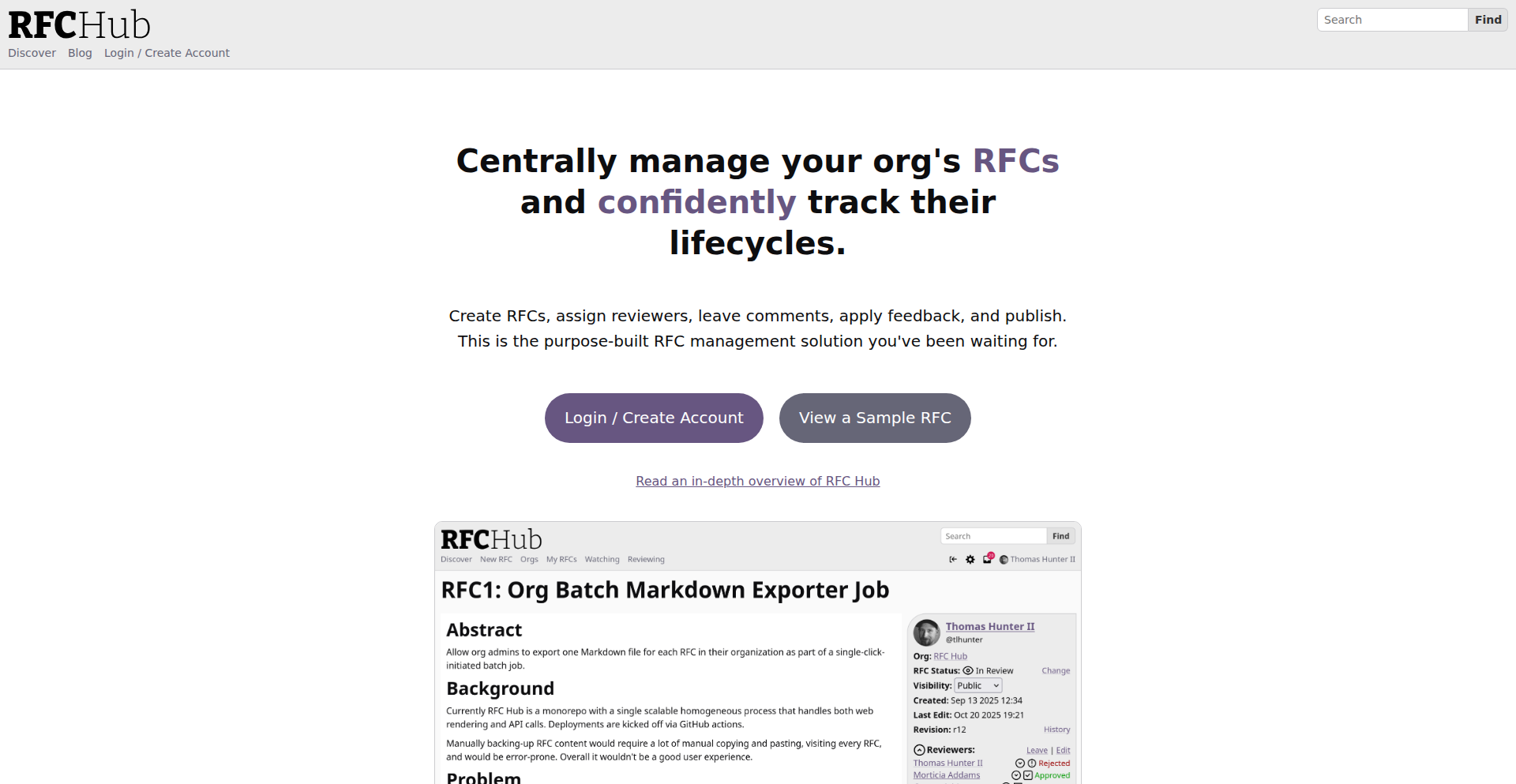
ProposalFlow is a developer-centric platform designed to streamline the lifecycle of technical proposals. It moves away from unstructured documents to a structured, metadata-driven approach, solving common pain points in technical review and consensus building. Think of it as a specialized, semantic-aware system for managing ideas before they become code.
Popularity
Points 23
Comments 8
What is this product?
ProposalFlow is a system that transforms how technical proposals are managed. Instead of burying crucial information like reviewer status, approval markers, or deadlines within free-form text documents (like in Notion or Google Docs), ProposalFlow extracts this metadata and organizes it. This allows for automated checks and clear visibility. The innovation lies in treating proposal data structurally, enabling programmatic enforcement of rules (e.g., preventing a proposal from moving forward if not all required approvals are met) and improving discoverability and notification. For developers, this means less time wasted searching for information or dealing with unclear status, and more time focusing on implementation. It’s like having an intelligent assistant for your technical decision-making process.
How to use it?
Developers can use ProposalFlow to create, submit, and track technical proposals. Imagine you have an idea for a new feature or a refactor. Instead of writing a lengthy Word document, you'd use ProposalFlow's interface to define key aspects: what the proposal is about, who should review it, what criteria need to be met for approval, and so on. The platform then facilitates the review process by showing reviewers exactly what's expected of them and tracking their progress. It can also notify relevant parties when a proposal is ready for review, has been approved, or requires action. Integration with existing workflows, like Slack notifications, is planned, making it a natural fit for engineering teams looking to formalize their ideation and decision-making stages.
Product Core Function
· Structured Proposal Management: Enables creation of technical proposals with defined fields for reviewers, status, and approval criteria. This helps teams clearly define what needs to be done and who is responsible, avoiding ambiguity and ensuring all necessary steps are considered before development begins.
· Automated Review Tracking: Provides a clear overview of the review status for any proposal, automatically updating as reviewers provide feedback or approvals. This eliminates the need to manually hunt down reviewers or sift through lengthy comment threads, accelerating the feedback loop and decision-making process.
· Semantic Metadata Extraction: Moves beyond simple text storage to capture the meaning of proposal elements, allowing for rule-based enforcement (e.g., preventing a proposal from advancing without meeting specific approval thresholds). This ensures that proposals adhere to organizational standards and that critical requirements are met, reducing the risk of technical debt or poorly planned features.
· Notification System: Keeps stakeholders informed about the progress of proposals they are involved in, such as when a review is requested or an approval is granted. This proactive communication minimizes delays and ensures everyone is on the same page, allowing developers to focus on coding rather than status updates.
· Configurable Proposal Types: Allows organizations to define custom proposal workflows beyond traditional RFCs, such as for database architecture decisions or UI specifications. This flexibility enables teams to adapt ProposalFlow to their specific needs and terminology, making it a more effective tool for various technical domains.
Product Usage Case
· Managing a new feature proposal: A developer proposes a new user-facing feature. They create a proposal in ProposalFlow, specifying the target audience, technical approach, and required reviews from backend, frontend, and product teams. ProposalFlow tracks each team's review and highlights any blocking comments or required approvals, so the developer knows exactly when the feature is greenlit to start coding.
· Refactoring a critical service: An engineer proposes a significant refactor of a core service. ProposalFlow allows them to detail the risks, benefits, and rollback strategy, and assigns specific senior engineers for approval. The platform ensures that all critical approvals are obtained before the refactor is deemed ready for implementation, providing a clear audit trail of the decision.
· Standardizing API design: A team wants to establish new API design guidelines. Using ProposalFlow, they create a 'Design Standard Proposal' and circulate it to all relevant architects. The structured format ensures that key aspects of the design are addressed, and the approval status clearly indicates when the new standards are officially adopted, informing all future development.
4
Superset - Parallel AI Coding Agent Orchestrator

Author
hoakiet98
Description
Superset is an open-source desktop application designed to streamline developer workflows by enabling the parallel execution of multiple command-line interface (CLI) coding agents on a single machine. It addresses the challenge of managing context and avoiding bottlenecks when using various AI coding assistants, such as Claude Code and Codex, by isolating them within dedicated Git worktrees. This innovation allows developers to initiate new coding tasks while others are running, receive timely notifications for agent completion or input requirements, and seamlessly switch between tasks without losing context, ultimately boosting productivity.
Popularity
Points 22
Comments 3
What is this product?
Superset is a desktop application that acts as a central hub for running multiple AI coding agents concurrently. Its core innovation lies in its ability to create isolated development environments, called Git worktrees, for each agent. Imagine each AI coding assistant, like a code generator or a refactoring tool, gets its own clean workspace. This prevents interference and conflicts between different agents, ensuring that one agent's operations don't mess up another's. It intelligently manages these isolated environments, allowing you to start a new coding task without interrupting ongoing ones. When an agent finishes its job or needs your input, Superset sends you a push notification. This means you can juggle multiple AI-assisted coding projects simultaneously, staying unblocked and maximizing your coding efficiency.
How to use it?
Developers can integrate Superset into their existing workflow by installing the application on their desktop. When starting a new coding task that involves an AI agent, Superset simplifies the process by offering a one-click Git worktree creation. This automatically sets up the necessary environment for the agent. You can then launch various CLI coding agents within these isolated worktrees. For example, you might have one worktree where Codex is generating unit tests, and another where Claude Code is refactoring a different part of your codebase. Superset will manage these parallel processes, notifying you when each agent requires attention or has completed its task. This allows for a fluid transition between different coding activities, keeping your development momentum high.
Product Core Function
· Parallel Agent Execution: Run multiple AI coding agents simultaneously on your machine, significantly reducing idle time and increasing overall productivity.
· Isolated Git Worktrees: Each agent operates in its own clean Git worktree, preventing conflicts and ensuring a stable development environment for each task.
· Automatic Environment Setup: Simplifies the setup process by automatically configuring the environment when creating new Git worktrees for agents.
· Push Notifications: Receive timely alerts when agents complete their tasks or require your input, allowing for efficient context switching and faster responses.
· Contextual Isolation: Ensures that the context of one agent's work does not interfere with another's, maintaining the integrity of each development task.
Product Usage Case
· Scenario: A developer is working on a large codebase and needs to generate end-to-end tests for a new feature while simultaneously refactoring an existing module. How it solves the problem: Superset allows the developer to launch Codex in one worktree to generate tests and Claude Code in another worktree to refactor. Both agents run in parallel, and the developer receives notifications when each task is complete, eliminating the need to wait for one to finish before starting the other.
· Scenario: A developer is experimenting with different AI coding tools for code completion and bug fixing and wants to compare their performance without manual setup each time. How it solves the problem: Superset's one-click worktree creation and agent isolation mean the developer can quickly spin up separate environments for each tool, test them side-by-side, and easily switch between them to analyze results. This avoids the tedious process of reconfiguring environments and losing context.
· Scenario: A developer is working on a project with multiple independent features, each requiring AI assistance for different aspects like writing documentation, generating API stubs, or optimizing algorithms. How it solves the problem: Superset enables the developer to dedicate a separate worktree and AI agent for each feature's specific AI-assisted task. This parallel processing capability ensures that all aspects of the project are being worked on concurrently, dramatically speeding up the overall development cycle.
5
CurioQuest - PWA Trivia Engine

Author
mfa
Description
CurioQuest is a progressive web application (PWA) designed as a simple and clean trivia and fun facts game. It showcases how to build interactive web experiences that can be 'installed' on devices, offering offline capabilities and native-app-like performance without traditional app store distribution. The innovation lies in its accessible PWA architecture and straightforward game logic, making it a great example for developers looking to create engaging, installable web content.
Popularity
Points 6
Comments 10
What is this product?
CurioQuest is a web-based trivia game built as a Progressive Web App (PWA). PWAs are essentially websites that leverage modern web technologies to provide an app-like experience. This means it can be added to your home screen, work offline, and load very quickly, much like a native mobile app, but it's built entirely with web standards (HTML, CSS, JavaScript). The innovation here is in its practical implementation of PWA features for a fun, engaging application, demonstrating how to deliver rich interactive experiences directly through the browser, making it accessible to anyone with a web connection. It's a demonstration of delivering high-quality user experiences without the friction of app store downloads.
How to use it?
Developers can use CurioQuest as a reference for building their own PWAs. Its straightforward architecture makes it easy to understand how to implement PWA features like service workers for offline caching and manifest files for 'installability.' You can clone the repository, study its code, and adapt its structure for your own web-based games, educational tools, or any application that benefits from an installable, offline-first web experience. It's about learning to leverage web technologies for more than just static content.
Product Core Function
· Progressive Web App (PWA) Implementation: Enables 'installing' the game on devices for offline access and a native app feel. This means you can play without an internet connection after the initial load, offering a seamless user experience.
· Multi-language Support (English & Portuguese): Demonstrates how to structure a web application to handle content in multiple languages, making it accessible to a broader audience. This involves managing localized text and potentially other assets.
· Categorized Trivia Content: Organizes a large number of questions (over 2600) into distinct categories and difficulty levels. This showcases a scalable approach to managing game data and presenting it to users in an organized manner.
· Responsive Design: Ensures the game plays well on various screen sizes, from desktops to mobile phones. This is crucial for web applications that are meant to be accessed from multiple devices.
· Clean and Simple User Interface: Focuses on usability and a pleasant gaming experience without unnecessary clutter. This highlights the value of good UX design in web applications.
Product Usage Case
· Building an offline trivia app for educational purposes: A teacher could use CurioQuest's structure to create a trivia game that students can download and play on their tablets in areas with limited internet access, reinforcing learning without connectivity issues.
· Developing a web-based quiz for event engagement: An event organizer could adapt CurioQuest to create a branded quiz that attendees can 'install' on their phones during a conference. This provides an interactive element and allows for engagement even with potentially spotty venue Wi-Fi.
· Creating a language learning practice tool: A developer could modify CurioQuest to focus on vocabulary or grammar drills, offering a fun, installable way for users to practice a new language on the go, even without data.
· Demonstrating PWA capabilities for portfolio projects: Aspiring web developers can use CurioQuest as a prime example in their portfolio to showcase their understanding and practical application of PWA technologies, highlighting their ability to build modern, performant web experiences.
6
Flowctl: Binary Workflow Weaver

Author
cv_h
Description
Flowctl is a novel open-source platform that simplifies access to complex operational tasks through a single, self-service binary. It empowers users to automate anything from secure SSH access to server instances, to infrastructure provisioning, and custom business process automation. Its core innovation lies in its executor paradigm, making it adaptable to any domain, and its agentless remote execution capabilities, all wrapped in an intuitive UI.
Popularity
Points 15
Comments 1
What is this product?
Flowctl is an open-source platform designed to make complex technical tasks accessible and manageable for everyone. Imagine a universal remote control for your digital operations. Instead of needing deep technical knowledge to perform tasks like granting someone access to a server, setting up new infrastructure, or running a recurring business process, you can define these actions once as a 'workflow'. Flowctl then allows authorized users to trigger these workflows through a simple interface, handling all the underlying technical complexities. The innovation is in its 'single binary' approach, meaning you can deploy and run it easily without complicated setups, and its agentless design for remote operations, reducing installation overhead. This means even non-technical users can safely and efficiently perform tasks that would normally require a sysadmin or developer.
How to use it?
Developers can integrate Flowctl into their existing infrastructure or use it as a standalone tool. For instance, a developer could define a workflow to automatically provision a new testing environment using Docker executors, which can then be triggered by a project manager via the Flowctl UI or an API. For remote server access, instead of sharing SSH keys directly, a workflow can be set up to grant temporary, audited SSH access to a specific instance, managed through Flowctl's approval system. The platform supports OIDC for Single Sign-On (SSO) and Role-Based Access Control (RBAC) to manage who can execute which workflows. You can also schedule workflows to run automatically at specific times using cron-based scheduling, or even trigger them based on external events. The encrypted credentials store ensures that sensitive information like API keys or passwords are handled securely within the platform.
Product Core Function
· Self-service workflow execution: Enables users to trigger predefined technical tasks without direct technical intervention, increasing operational efficiency and reducing errors.
· Agentless remote execution via SSH: Allows for secure interaction with remote servers without needing to install any software on those servers, simplifying deployment and security.
· SSO with OIDC and RBAC: Provides secure authentication and granular access control, ensuring only authorized users can perform specific actions, enhancing security and compliance.
· Encrypted credentials and secrets store: Securely manages sensitive information like passwords and API keys, protecting them from unauthorized access.
· Flow editor UI: Offers a user-friendly graphical interface to design and manage complex workflows, making automation accessible to a wider audience.
· Docker and Script executors: Supports running containerized applications and custom scripts as part of workflows, offering flexibility in automation tasks.
· Approvals: Introduces a human-in-the-loop mechanism for critical workflow steps, ensuring oversight and control over sensitive operations.
Product Usage Case
· A small startup can use Flowctl to allow their sales team to provision demo environments for potential clients. Instead of relying on developers, the sales team can trigger a 'Provision Demo Environment' workflow through the Flowctl UI, which automatically sets up a sandboxed environment using Docker. This speeds up the sales cycle and frees up developer time.
· A DevOps team can create a workflow to automatically grant temporary SSH access to a production server to a specific engineer for troubleshooting. This workflow would require an approval step, and the access would be automatically revoked after a set duration, all logged within Flowctl. This improves security by eliminating the need to share long-lived credentials.
· A system administrator can set up a daily workflow to back up critical databases using a custom script executor. This workflow can be scheduled using cron-based scheduling, ensuring reliable and automated backups without manual intervention.
· A remote worker can use Flowctl to manage their home lab infrastructure. They can trigger workflows to restart specific devices, deploy new applications, or check system status, all from anywhere in the world, through a secure, web-based interface.
7
Furnace: Chiptune Symphony Engine
Author
hilti
Description
Furnace is an experimental chiptune music tracker, embodying the spirit of classic game console sound creation. It leverages the ImGui library for its user interface, offering a novel approach to composing retro-style music. Its innovation lies in simplifying the complex process of chiptune synthesis and pattern sequencing, making it accessible for developers and musicians looking to create authentic 8-bit era soundtracks.
Popularity
Points 14
Comments 0
What is this product?
Furnace is a software tool designed to create chiptune music, which is the distinctive electronic sound characteristic of old video game consoles. It uses ImGui, a popular library for building graphical user interfaces (GUIs) in C++, to provide an interactive way for users to compose music. The innovation here is how it streamlines the traditionally intricate process of sound synthesis (generating sounds from basic waveforms) and pattern sequencing (arranging those sounds into melodies and rhythms) into a user-friendly environment, reminiscent of how music was made on retro hardware. So, for you, this means a more approachable way to explore the creative world of retro game music, even if you're not a seasoned audio engineer.
How to use it?
Developers can use Furnace by cloning the GitHub repository and building it using a C++ compiler that supports ImGui. The primary use case is for game developers who want to add authentic retro soundtracks to their games, or for hobbyists and musicians interested in experimenting with chiptune composition. It can be integrated into game projects by exporting the generated music data in a format compatible with game engines or custom audio playback systems. For you, this means you can easily integrate unique, nostalgic audio into your digital creations or simply have fun composing your own retro tunes without needing specialized, expensive music production hardware.
Product Core Function
· Real-time waveform synthesis: Allows users to define and manipulate basic sound waves (like square, sawtooth, triangle) to generate unique instrument sounds, mimicking the limited but iconic sound chips of old consoles. The value is in creating distinct retro instrument voices for your music.
· Pattern-based sequencing: Enables the creation of musical melodies and rhythms by arranging notes and effects within a grid-like interface, similar to how old game music was programmed. This provides a structured and intuitive way to build songs.
· Instrument editor: Offers a dedicated interface to fine-tune the characteristics of synthesized instruments, controlling parameters like pitch, envelope, and effects. The value is in crafting precisely the sonic textures needed for authentic chiptune.
Product Usage Case
· A game developer building a retro-style platformer can use Furnace to create original soundtracks that perfectly capture the feel of 8-bit era games, enhancing player immersion and nostalgia. This directly addresses the need for authentic sound design in retro-inspired projects.
· A hobbyist musician can experiment with generating unique sound effects or background music for a personal project using Furnace, without needing to invest in complex synthesizers or learn deep audio programming. This democratizes creative audio production for smaller projects.
8
GitHits Code Compass
Author
skvark
Description
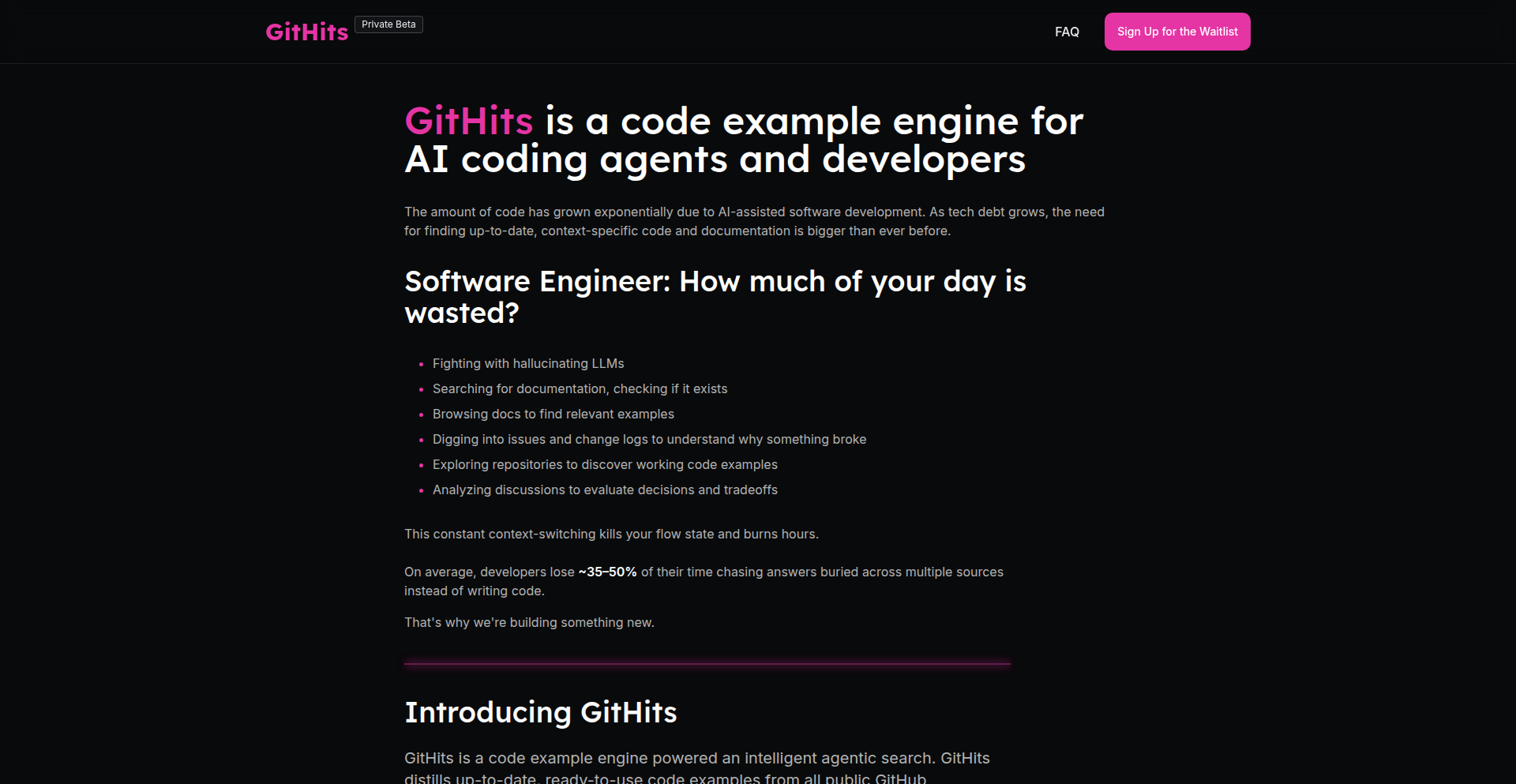
GitHits is a specialized code example engine designed to help developers and AI coding agents overcome technical blockers. It tackles the limitations of traditional search engines and LLMs by diving deep into millions of open-source repositories to find real, actionable code solutions. Unlike general search, GitHits focuses on unblocking you by surfacing relevant code snippets, issues, and documentation, then distilling them into a concise, token-efficient example. So, if you're stuck on a coding problem, GitHits helps you find how others have solved it in the wild, saving you valuable development time.
Popularity
Points 10
Comments 4
What is this product?
GitHits is a sophisticated search engine that goes beyond keyword matching to find practical code solutions within the vast open-source ecosystem. Instead of just returning links, it analyzes millions of repositories to identify code patterns, relevant issues, and discussions that directly address your programming challenge. It then synthesizes this information into a single, high-quality code example. Think of it as a super-powered detective for code, uncovering how real-world problems have been solved by other developers. This is innovative because it moves beyond simple text search or generic AI suggestions to provide contextually relevant, working code examples derived from actual project implementations, solving the problem of finding proven solutions when you're stuck.
How to use it?
Developers can use GitHits through its web UI to input their technical problem or blocker. The engine then searches across supported languages (initially Python, JS, TS, C, C++, Rust) and presents a distilled code example, along with its sources. For AI agents, GitHits offers an MCP (Machine Code Processing) interface, allowing seamless integration into IDEs or CLIs. This means your AI coding assistant can leverage GitHits to find specific code patterns and solutions directly within your workflow, rather than relying on outdated or generic information. So, you can either use the website to quickly find a solution to a pesky bug, or connect it to your AI tools to get smarter, more context-aware coding assistance.
Product Core Function
· Deep Repository Analysis: Scans millions of open-source repositories at the code level to find relevant solutions. This means it's not just looking at file names or comments, but understanding the actual code logic that solves a problem. Its value is in finding actual implementations, not just descriptions of solutions.
· Intent-Driven Search: Focuses on understanding the developer's 'blocker' or intent, rather than relying solely on keywords. This is valuable because it helps you find solutions even if you don't know the exact terminology. It gets to the root of your problem.
· Multi-Signal Ranking: Ranks potential solutions using a combination of code files, issues, and discussions to ensure higher quality and relevance. This approach provides a more comprehensive understanding of a solution's context and effectiveness, leading to more reliable results.
· Distilled Code Examples: Generates a single, token-efficient code example based on the most relevant real-world sources. This saves you time by presenting a consolidated, ready-to-use snippet, rather than requiring you to sift through multiple scattered pieces of information.
· Cross-Repository Clustering: Identifies and clusters similar code samples across different repositories, revealing common approaches and best practices used by the community. This helps you learn from a broader range of solutions and understand established patterns in software development.
Product Usage Case
· Scenario: A Python developer is struggling to implement a complex data preprocessing pipeline involving multiple libraries like Pandas and Scikit-learn. They know the general concept but are unsure about the exact API calls and integration. GitHits can analyze repositories that have similar pipelines, find working examples of how these libraries are combined, and provide a concise code snippet demonstrating the correct usage. This solves the problem of trial-and-error and speeds up development.
· Scenario: A JavaScript developer needs to implement a specific UI component with advanced animations and state management. They've tried generic LLM suggestions which were inaccurate. GitHits can search for projects with similar UI components, identify the exact libraries and patterns used, and provide a runnable example. This ensures the code is practical and leverages real-world implementations.
· Scenario: An AI coding agent is tasked with refactoring a legacy C++ codebase. It needs to understand common patterns for memory management and thread synchronization. GitHits can provide canonical examples from well-maintained C++ projects, demonstrating best practices and potential pitfalls. This helps the AI agent make more informed and accurate refactoring decisions.
· Scenario: A Rust developer is facing a tricky error related to borrow checking. They know the error type but are unsure how to restructure their code to satisfy the compiler. GitHits can find issues and code snippets from other Rust projects where similar borrow checking errors were encountered and resolved, offering practical, tested solutions. This directly addresses the specific technical hurdle and provides a path to a working solution.
9
NPM Traffic Insight
Author
o4isec
Description
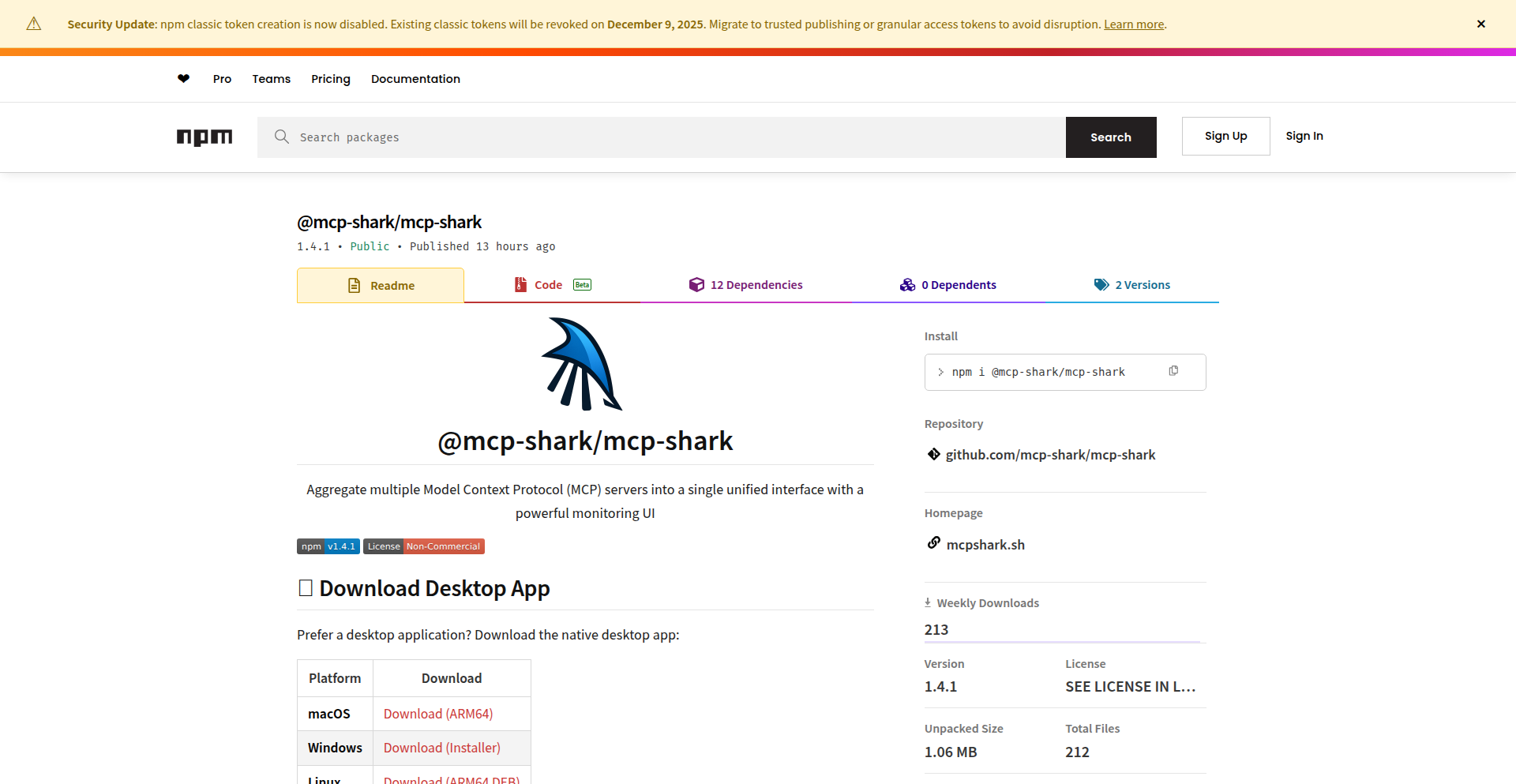
A real-time network traffic analysis tool leveraging the power of NPM (Node Package Manager) to dissect and visualize network activity. This project innovates by repurposing a common developer tool for network introspection, offering a unique approach to understanding application-level traffic patterns and identifying potential performance bottlenecks or security concerns.
Popularity
Points 11
Comments 0
What is this product?
This project is a novel network traffic analysis tool that uses NPM, a package manager for JavaScript, to gain insights into network communication. Instead of relying on traditional network monitoring tools, it taps into the underlying mechanisms often involved in package installations and updates to analyze traffic. The innovation lies in its creative application of NPM's capabilities for network diagnostics. It can reveal what data is being sent and received, which servers are being communicated with, and how much data is involved. This provides a granular view of network activity originating from or interacting with Node.js environments. So, what's in it for you? It helps you understand the hidden network communications of your Node.js applications, crucial for debugging and optimization.
How to use it?
Developers can integrate this tool into their development workflow for debugging network-related issues in Node.js applications. By running the analysis, they can observe the specific network requests and responses generated by their code, or by the NPM ecosystem itself. This is particularly useful when diagnosing slow application performance, unexpected data transfers, or security vulnerabilities related to network calls. The tool likely provides visualizations or logs that pinpoint problematic traffic. So, how can you use it? You can run it alongside your Node.js projects to gain visibility into their network behavior, helping you identify and fix network-related problems faster.
Product Core Function
· Real-time network traffic capture: Captures and logs network data packets as they occur, providing immediate visibility into network activity. The value is in seeing live data flows to understand current network status. Useful for identifying sudden spikes or unexpected connections.
· NPM package dependency analysis: Analyzes network traffic specifically related to NPM package downloads and updates, helping to understand the external resources your project relies on. The value is in understanding the network footprint of your project's dependencies. Useful for optimizing download times or identifying untrusted sources.
· Traffic visualization and reporting: Presents captured network data in an understandable format, potentially through charts or logs, making complex network patterns accessible. The value is in making network data actionable through clear presentation. Useful for quickly spotting anomalies and understanding data volume.
· Protocol breakdown: Differentiates and categorizes various network protocols (e.g., HTTP, DNS) within the captured traffic, allowing for targeted analysis. The value is in understanding the nature of the communication. Useful for diagnosing specific types of network requests.
· Anomaly detection: Potentially flags unusual or unexpected network activity, alerting developers to potential issues. The value is in proactive problem identification. Useful for catching potential security breaches or performance regressions early.
Product Usage Case
· Debugging slow application startup: A developer notices their Node.js application is slow to start. By using NPM Traffic Insight, they can see if specific NPM package downloads or external API calls are causing delays, allowing them to optimize or remove problematic dependencies. This solves the problem of 'why is my app so slow?'
· Identifying unauthorized data egress: A security-conscious developer wants to ensure their application isn't sending sensitive data to unexpected servers. NPM Traffic Insight can reveal any outbound connections and data transfers, helping to identify and prevent data leaks. This addresses the concern of 'is my data safe?'
· Optimizing package installation times: In a large project, developers might experience long wait times when installing or updating NPM packages. This tool can highlight which packages are taking the longest to download or which mirror servers are slow, enabling developers to choose faster alternatives or cache packages more effectively. This solves the issue of 'why are my package installs taking forever?'
· Understanding microservice communication: For applications built with microservices, NPM Traffic Insight can help visualize the network calls between different services, aiding in the debugging of inter-service communication issues. This helps diagnose problems in distributed systems by showing how services talk to each other.
10
FFmpeg Artisan's Codex
Author
endcycles
Description
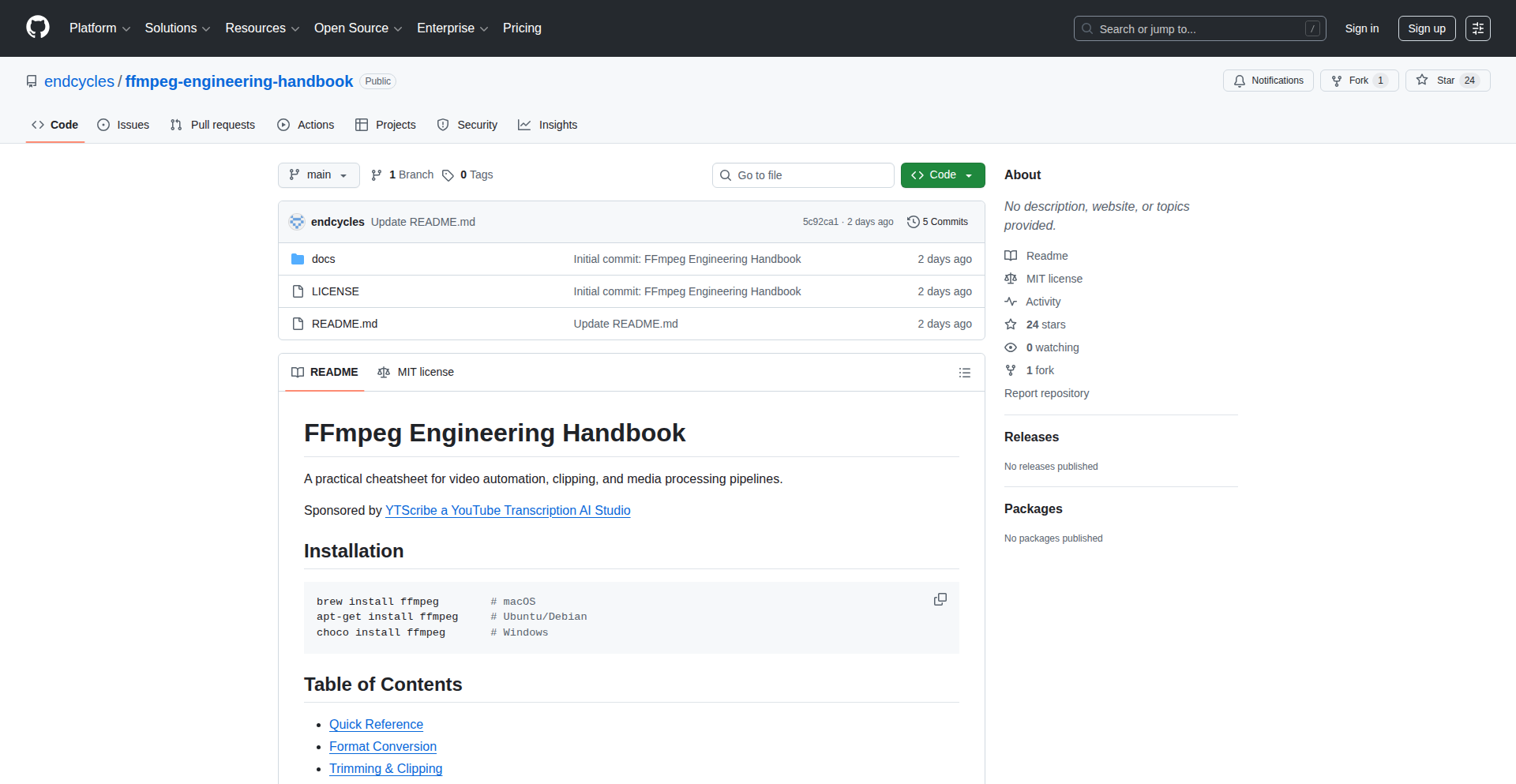
A curated compendium of FFmpeg engineering wisdom, offering deep dives into its powerful multimedia processing capabilities. This project distills complex FFmpeg techniques into accessible insights, focusing on innovative ways to solve intricate video and audio manipulation challenges.
Popularity
Points 10
Comments 0
What is this product?
This project is essentially an in-depth, practical guide to FFmpeg, presented in a way that highlights its engineering elegance and problem-solving prowess. It's not just a manual; it's a collection of insights and methodologies for leveraging FFmpeg's advanced features to tackle sophisticated multimedia tasks. The innovation lies in its structured approach to explaining complex concepts, moving beyond basic commands to illustrate powerful, often overlooked, engineering solutions within FFmpeg.
How to use it?
Developers can use this as a go-to resource for understanding and implementing advanced FFmpeg functionalities. Whether you need to optimize transcoding workflows, perform complex stream manipulation, integrate real-time video processing, or craft custom multimedia pipelines, this codex provides the foundational knowledge and practical examples. Integration typically involves understanding FFmpeg's command-line interface and its various APIs, with the codex guiding you on how to effectively utilize these for specific development goals.
Product Core Function
· Advanced transcoding strategies: Explains techniques for efficient and high-quality video and audio format conversion, optimizing for speed and resource usage in development.
· Stream manipulation and routing: Details how to precisely control and reroute media streams, enabling complex processing chains for custom broadcast or streaming solutions.
· Codec and filter deep dives: Unpacks the inner workings of various codecs and filters, allowing developers to fine-tune multimedia processing for specific application needs.
· Performance optimization techniques: Provides methods for squeezing maximum performance out of FFmpeg operations, crucial for real-time applications and large-scale processing.
· Scripting and automation patterns: Illustrates how to script FFmpeg for repetitive tasks and integrate it into larger automated workflows, saving development time and effort.
Product Usage Case
· Developing a scalable video-on-demand platform: Use the transcoding strategies to efficiently convert user-uploaded videos into multiple formats and resolutions for seamless playback across devices.
· Building a live video streaming service: Employ stream manipulation and codec deep dives to manage multiple incoming streams, apply real-time effects, and distribute them efficiently to viewers.
· Creating a mobile video editing application: Leverage filter deep dives and performance optimization to enable features like complex video effects, color correction, and smooth playback on mobile devices.
· Automating content processing for a media company: Implement scripting and automation patterns to automatically transcode, watermark, and segment large volumes of video content for distribution.
· Integrating multimedia processing into an IoT device: Utilize performance optimization and codec understanding to perform on-device video analysis or encoding with limited computational resources.
11
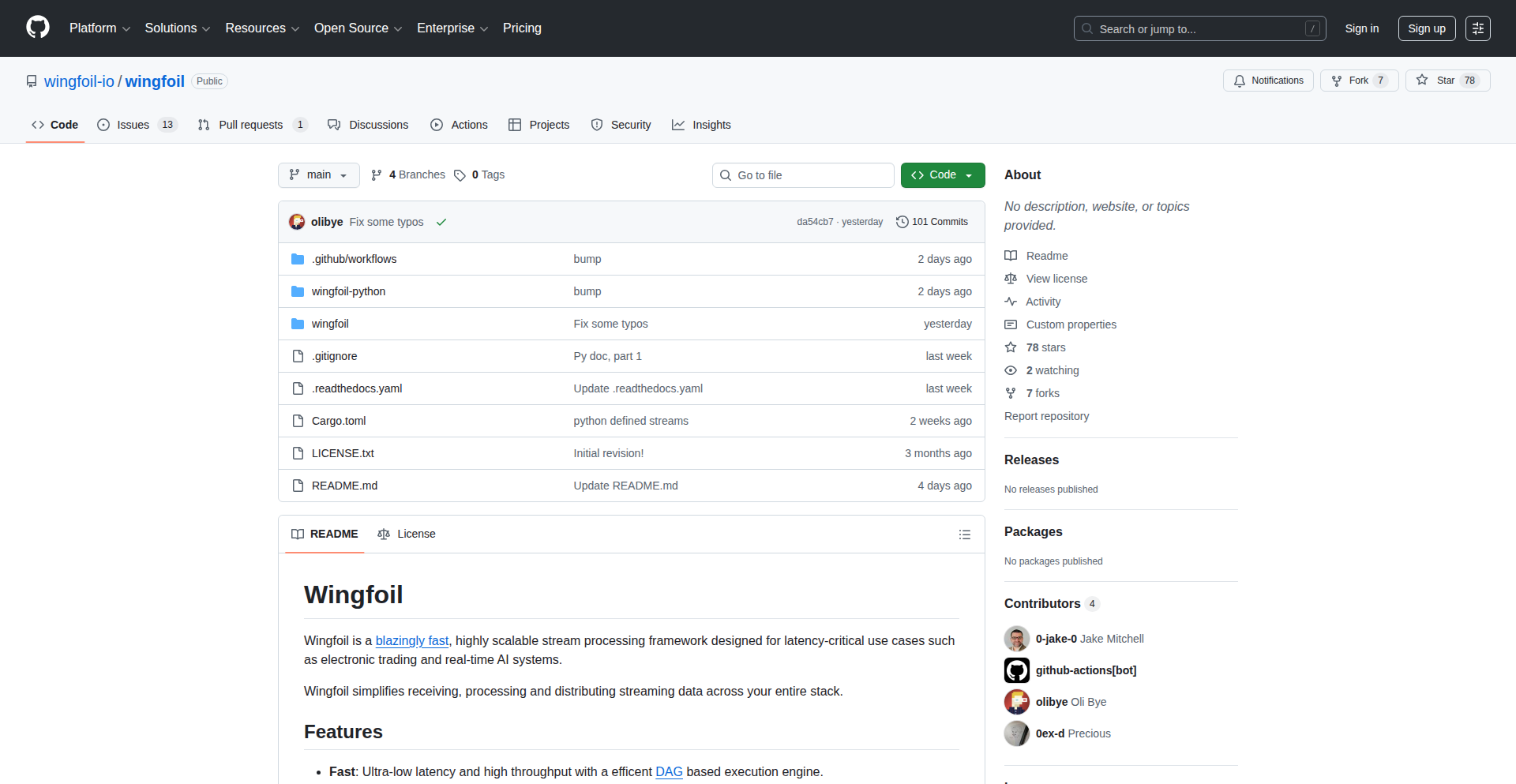
Wingfoil: Rust's Low-Latency Streaming Engine
Author
terraplanetary
Description
Wingfoil is a Rust-based framework designed for ultra-low latency data streaming. It tackles the challenge of real-time data processing by minimizing delays in data transmission and processing, making it ideal for applications where every millisecond counts. Its innovative approach lies in its efficient memory management and asynchronous programming model, built on Rust's strong safety guarantees.
Popularity
Points 6
Comments 1
What is this product?
Wingfoil is a high-performance data streaming framework built using the Rust programming language. Its core innovation is achieving extremely low latency, meaning data travels and is processed with minimal delay. This is achieved through Rust's efficient memory handling, which avoids costly garbage collection pauses, and its sophisticated asynchronous I/O capabilities that allow the system to efficiently manage many concurrent data streams without getting blocked. Think of it as a super-fast pipeline for data that needs to be delivered and acted upon almost instantly.
How to use it?
Developers can integrate Wingfoil into their applications by leveraging its Rust-based API. It's designed to be embedded within larger systems or used to build standalone streaming services. Common integration points include connecting to various data sources (like message queues, IoT devices, or other services) and feeding processed data to destinations (like databases, dashboards, or other microservices). The framework provides building blocks for defining data transformation pipelines, managing connections, and handling errors gracefully, all while maintaining its low-latency promise. This is particularly useful for backend developers building real-time analytics, trading platforms, or control systems.
Product Core Function
· Ultra-low latency data transmission: Enables data to be sent and received with minimal delay, critical for applications like high-frequency trading or real-time gaming.
· Efficient asynchronous I/O: Manages numerous data streams concurrently without blocking, maximizing throughput and responsiveness for high-demand services.
· Memory safety without garbage collection: Achieves predictable performance by preventing pauses typically caused by garbage collection, leading to more stable low-latency behavior.
· Rust's performance and safety guarantees: Leverages Rust's compile-time checks to prevent common bugs and ensure robust, secure, and fast execution of streaming logic.
· Pluggable data source and sink connectors: Allows easy integration with diverse data producers and consumers, providing flexibility in building complex data pipelines.
Product Usage Case
· Real-time analytics dashboards: Developers can use Wingfoil to ingest live data from various sources and update dashboards with near-instantaneous results, allowing for immediate insights into changing trends.
· High-frequency trading systems: For financial applications where split-second decisions are crucial, Wingfoil's low latency ensures that trading signals are processed and executed with the smallest possible delay, maximizing potential profit.
· IoT data processing: In scenarios with a vast number of connected devices sending constant data streams (e.g., sensor readings from smart cities), Wingfoil can efficiently collect, process, and react to this data in real-time, enabling immediate responses to events.
· Online gaming servers: For multiplayer games that require precise player interactions, Wingfoil can handle the rapid exchange of game state updates between players and the server, reducing lag and improving the gaming experience.
12
RadixPrime Factorator

Author
keepamovin
Description
A constraint puzzle game that challenges players to factor semiprimes (numbers that are the product of exactly two prime numbers) across any numerical base (radix). This project showcases an innovative approach to number theory problems by abstracting the factoring process beyond the standard base-10 system, offering a unique computational challenge and a fun way to explore prime factorization properties.
Popularity
Points 1
Comments 5
What is this product?
This project is a game built around the mathematical concept of prime factorization, but with a twist. Instead of just working with the numbers we use every day (base-10), it allows you to factor numbers in any numerical base, from binary (base-2) all the way up to much higher bases. The core innovation lies in how it implements and visualizes the factoring of semiprimes (numbers formed by multiplying two prime numbers) in these arbitrary bases. This requires a clever algorithmic approach to handle number representations and prime checking in non-standard systems, demonstrating a deep dive into computational number theory and abstract algebra.
How to use it?
For developers, RadixPrime Factorator serves as a fascinating example of implementing complex mathematical algorithms in code. You can learn from its approach to handling different number bases, prime generation and testing within those bases, and game logic design. It's a great resource for understanding how to abstract mathematical concepts into practical software. Potential integration scenarios include using its core factoring engine for educational tools, math puzzle generators, or even as a component in more complex computational research projects involving number theory. You could potentially port the core logic to different programming languages or use it as inspiration for building your own number theory-based applications.
Product Core Function
· Arbitrary Radix Prime Factorization: The ability to factor semiprimes in any numerical base. This is valuable because it demonstrates an efficient algorithm for handling number representation and prime decomposition in generalized bases, opening doors for computational number theory applications beyond typical base-10 constraints.
· Interactive Constraint Puzzle Interface: A user-friendly interface for playing the factoring game. This highlights the value of clear visualization and interaction design for complex mathematical problems, making abstract concepts accessible and engaging for players and developers alike.
· Prime Number Generation and Verification in Any Radix: The underlying logic to identify and verify prime numbers across different bases. This is a core technical achievement, showing how to adapt standard primality tests to non-standard number systems, a valuable technique for various cryptographic and computational mathematics fields.
· Game State Management and Logic: The system for tracking puzzle progress, scoring, and rule enforcement. This showcases robust game development principles, offering insights into building engaging and challenging puzzle mechanics that can be adapted to other interactive applications.
Product Usage Case
· Educational Software Development: Imagine building a math tutor that uses RadixPrime Factorator's engine to teach students about prime numbers and different number bases in a fun, interactive way. It solves the problem of making abstract math concepts tangible and engaging.
· Algorithmic Art and Generative Design: A creative developer could leverage the factoring engine to generate unique patterns or visuals based on prime factorizations in different radices, offering a novel approach to algorithmic art.
· Computational Research Prototyping: Researchers in fields like cryptography or theoretical computer science could use this project as a starting point to prototype algorithms that require operations on numbers in various bases, accelerating their research by providing a foundational implementation.
· Competitive Programming Practice: For aspiring competitive programmers, dissecting the algorithms behind this project offers valuable insights into handling number theory problems and optimizing code for efficiency, directly addressing the challenge of solving complex computational puzzles.
13
CodeViz Arch-AI
Author
LiamPrevelige
Description
CodeViz Arch-AI is a VS Code extension that automatically generates editable architecture diagrams like C4 and UML from your codebase. It helps teams build shared understanding, make technical decisions collaboratively, and visualize code changes.
Popularity
Points 4
Comments 2
What is this product?
CodeViz Arch-AI is a VS Code extension that intelligently reads your code and transforms it into structured, editable architecture diagrams. Instead of just showing code relationships, it uses an AI approach (inspired by gemini-cli) to understand your codebase's structure and generate diagrams that align with common architectural standards like C4 and UML. It then uses ReactFlow to let you interactively edit these diagrams, link elements directly back to the source code, and even ask an AI to visualize specific code flows. This means you get a clear, visual representation of your software architecture that's directly connected to the actual code, making it easier to understand, discuss, and maintain.
How to use it?
Install the CodeViz extension from the VS Code Marketplace. Once installed, you can open your project, and CodeViz will start analyzing your code. You can then trigger diagram generation for specific files, modules, or even your entire project. The generated diagrams appear in an editor where you can modify them, expand nodes to reveal more detail, and link elements back to their corresponding code locations. For collaborative features, you can integrate with GitHub to import pull requests, allowing teams to visualize and discuss code changes within the context of the architecture. For instance, when reviewing a PR, you can generate diagrams to understand how the proposed changes affect the overall system architecture.
Product Core Function
· Automatic Codebase Analysis: Understands your code to create meaningful architectural diagrams. This is valuable because it saves you the manual effort of deciphering complex codebases and manually drawing diagrams, providing a quick and accurate starting point for understanding your system's structure.
· Editable C4 and UML Diagrams: Generates industry-standard diagrams that you can modify. This is useful for refining your architecture, documenting specific components, and ensuring everyone on the team is on the same page about how the system is designed.
· Direct Code Linking: Connects diagram elements back to the exact source code. This is incredibly helpful for debugging and understanding the implementation details behind an architectural component, allowing you to jump directly from a high-level diagram to the relevant code.
· AI-Powered Flow Visualization: Uses AI to visualize specific code execution paths or functionalities. This feature is great for understanding how data flows through your system or how a particular feature is implemented, making complex interactions much easier to grasp.
· Pull Request Visualization: Integrates with GitHub to visualize changes introduced by pull requests. This is a game-changer for code reviews, as it helps identify the architectural impact of proposed changes, leading to more informed discussions and better code quality.
Product Usage Case
· Onboarding New Team Members: A new developer joins a project. Instead of spending weeks digging through code, they can use CodeViz to generate an architecture diagram, quickly getting an overview of the system's components and their relationships, significantly speeding up their ramp-up time.
· Architecture Review Meetings: A team is about to implement a new feature. They use CodeViz to generate a diagram of the relevant system components, discuss potential architectural impacts, and make informed decisions about the best approach, ensuring the new feature integrates smoothly without causing technical debt.
· Code Review for a Complex Change: A developer submits a large pull request that touches multiple parts of the system. Using CodeViz, the reviewer can generate diagrams before and after the change to visualize the architectural impact, ensuring no unintended consequences or regressions, leading to a more efficient and effective review process.
· Documenting Legacy Systems: An older, poorly documented system needs maintenance. CodeViz can help by generating diagrams from the existing code, providing a much-needed visual map of the system that can be edited and updated, making future maintenance and refactoring efforts much less daunting.
14
Claude-Flow

Author
mrgoonie
Description
Claude-Flow bridges the gap between Claude's code generation capabilities and production-ready software. It introduces a sophisticated orchestration layer that intelligently manages, refines, and deploys code generated by LLMs like Claude, transforming raw AI output into reliable and functional applications. The innovation lies in automating the often tedious and error-prone process of testing, debugging, and integrating AI-generated code.
Popularity
Points 5
Comments 0
What is this product?
Claude-Flow is a system designed to make code generated by Large Language Models (LLMs) like Claude more reliable and ready for real-world use. Think of Claude as a brilliant but sometimes unfocused intern. Claude-Flow acts as the experienced project manager and QA team for that intern. It takes the code Claude writes, automatically tests it for bugs, checks if it meets performance standards, and helps integrate it into your existing software projects. The core innovation is building an automated pipeline that handles the critical steps needed to turn AI's creative code snippets into robust, production-grade solutions, saving developers significant manual effort and reducing the risk of introducing AI-generated errors.
How to use it?
Developers can integrate Claude-Flow into their existing development workflows. It works by intercepting code generated by Claude (or other compatible LLMs) and initiating a series of automated checks. This can involve setting up a CI/CD pipeline where Claude-Flow is a stage. For instance, when a new code commit is generated by an LLM for a specific feature, Claude-Flow can be triggered to automatically run unit tests, integration tests, and performance benchmarks. If the code passes these checks, it can be automatically merged or flagged for human review. Developers can configure the types of tests, deployment strategies, and severity thresholds for alerts within Claude-Flow, tailoring it to their project's specific needs and risk tolerance.
Product Core Function
· Automated Code Testing: Implements a suite of automated tests (unit, integration, end-to-end) to verify the correctness and functionality of LLM-generated code, ensuring it works as intended and catches bugs early in the development cycle, reducing debugging time.
· Performance Benchmarking: Runs performance tests to ensure the generated code meets efficiency requirements, preventing slow or resource-intensive AI-generated features from impacting application performance.
· Error Triage and Debugging Assistance: Identifies and categorizes errors in AI-generated code, providing detailed reports and potentially suggesting fixes, which accelerates the debugging process for developers.
· Deployment Orchestration: Manages the process of deploying validated AI-generated code to staging or production environments, streamlining the release cycle and ensuring only tested code is deployed.
· Integration with LLM APIs: Seamlessly connects with LLM APIs like Claude's, allowing for continuous code generation and refinement within a managed pipeline, enabling iterative improvement of AI-generated code.
Product Usage Case
· A startup developing a new microservice uses Claude to generate initial boilerplate code. Claude-Flow then automatically runs a battery of unit tests against this code. If tests fail, Claude-Flow flags the problematic code for the developer. This saves the developer from manually writing and running repetitive tests for basic code structures, allowing them to focus on the unique business logic.
· A large enterprise is using an LLM to refactor legacy code. Claude-Flow is configured to monitor the refactored code, run performance tests to ensure no degradation, and then stage the changes for a controlled rollout. This ensures that the ambitious refactoring effort doesn't introduce performance bottlenecks or unexpected regressions into production systems.
· A solo developer building a web application uses Claude to generate API endpoints. Claude-Flow is set up to automatically test the endpoints with simulated user traffic. If the tests reveal any security vulnerabilities or performance issues under load, Claude-Flow alerts the developer, allowing them to address these critical issues before they are exposed to actual users.
· A research team experimenting with AI-driven game development uses Claude to generate game logic scripts. Claude-Flow automatically compiles and runs these scripts in a simulated game environment, identifying logical errors or crashes. This rapid feedback loop allows the researchers to quickly iterate on AI-generated game mechanics, accelerating the research process.
15
AI Forgery Detector Challenge

Author
amiban
Description
This project is an interactive quiz that challenges users to distinguish between human-created content and AI-generated content. It showcases the remarkable advancements in AI's ability to mimic literature, speeches, and images, highlighting the blurring lines between authentic and synthetic cultural references. The core innovation lies in leveraging these advanced AI generation capabilities to create a thought-provoking and educational experience, demonstrating how convincing AI outputs have become.
Popularity
Points 5
Comments 0
What is this product?
This project is a 'Show HN' from Hacker News, an interactive game designed to test your ability to identify AI-generated content. It presents you with examples of text (like Shakespearean verses or Martin Luther King Jr.'s speeches) and images, and you have to guess whether a human or an AI created them. The underlying technology uses cutting-edge AI models capable of producing highly realistic and stylistically accurate content. The innovation here is using these powerful AI generation tools not just to create, but to *test* our perception and highlight how sophisticated AI has become in mimicking human creativity. So, what's the point? It reveals just how convincing AI can be, making us question what's real and what's generated in our digital world.
How to use it?
Developers can use this project as a demonstration of advanced AI content generation and its perceptual challenges. It can be integrated into educational platforms to teach about AI ethics and capabilities, or as a fun, engaging tool in a developer's portfolio to showcase an understanding of current AI trends. You could hypothetically adapt the underlying principles to build tools that help identify AI-generated spam, fake news, or deepfakes in a more automated fashion. For a developer, this means seeing a practical application of AI's creative power and the challenges it poses.
Product Core Function
· AI-generated literary text mimicking famous authors like Shakespeare, demonstrating the AI's linguistic style transfer capabilities and the challenge in discerning its origin, valuable for understanding AI's creative potential.
· AI-generated speeches in the style of influential figures like Martin Luther King Jr., showcasing the AI's ability to capture rhetorical nuances and emotional tone, useful for exploring AI's capacity for persuasive communication.
· Photorealistic AI-generated images that are difficult to distinguish from real photographs, highlighting advancements in AI's visual generation models and the implications for digital media authenticity, a key area for developers interested in computer vision and generative art.
· AI-generated movie dialogue that mirrors human conversation patterns and character voice, illustrating the AI's natural language processing and generation sophistication, relevant for game development and interactive storytelling.
· Interactive quiz interface that provides immediate feedback on user guesses, allowing for learning and exploration of AI's capabilities and limitations, providing a direct user engagement mechanism.
Product Usage Case
· A developer could use this project as a case study to explain to non-technical stakeholders the current state of AI's creative abilities, making complex AI concepts accessible and demonstrating the 'wow' factor of generative AI.
· In an educational setting, this quiz can be used to spark discussions about AI ethics, the future of content creation, and the importance of critical thinking when consuming digital media, serving as a pedagogical tool.
· A developer building AI-powered content moderation tools could analyze the types of subtle errors AI makes in this quiz (like over-explanation or generic metaphors) to improve their detection algorithms, directly addressing technical challenges in content verification.
· For game developers, this project demonstrates techniques for generating realistic character dialogue or narrative elements, offering inspiration for creating more immersive and dynamic game worlds, showcasing potential for creative tooling.
16
AgentFlow Optimizer
Author
weebhek
Description
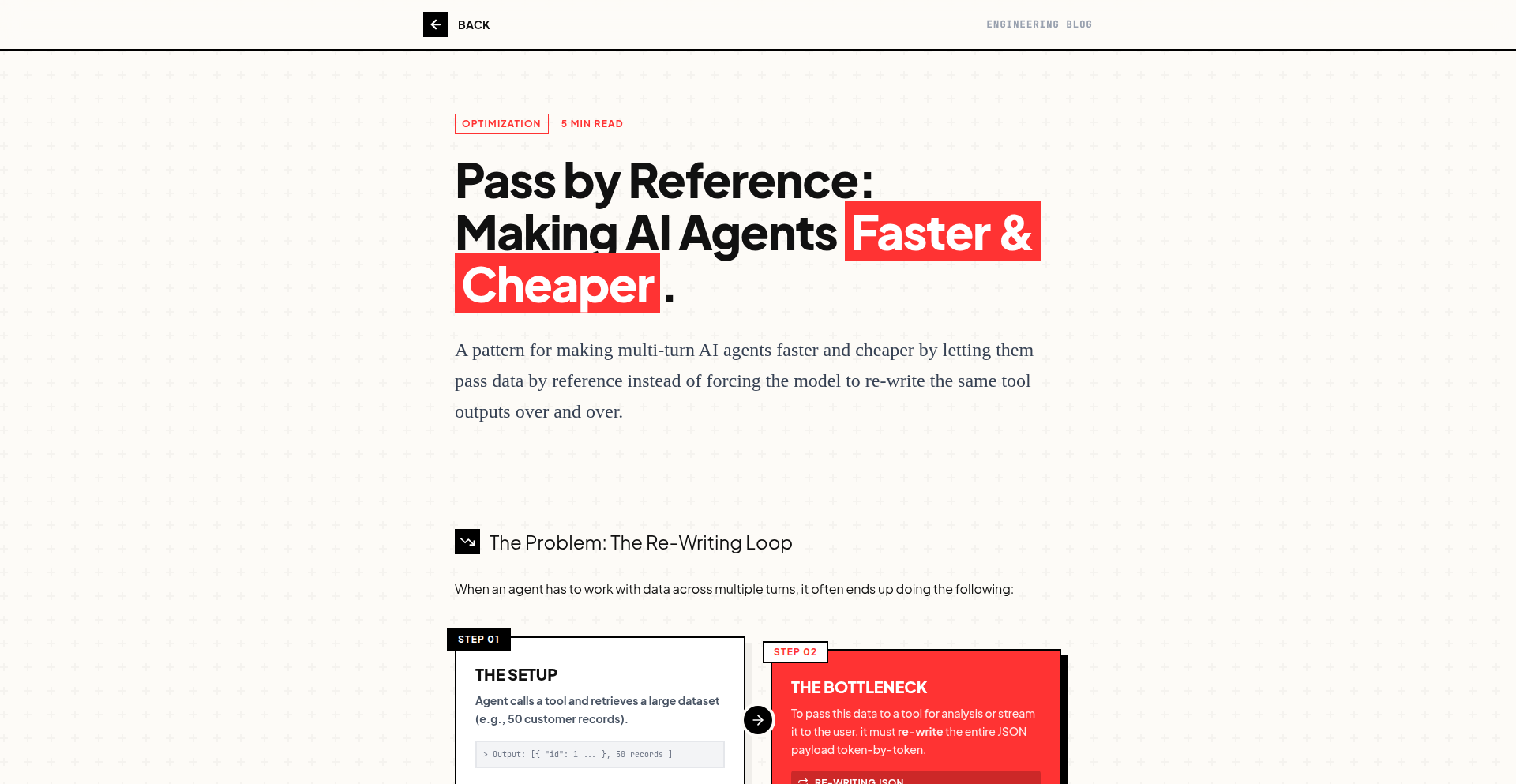
This project presents a novel technique to significantly reduce the cost and latency of multi-turn AI agent interactions, achieving savings of around 80-90%. The core innovation lies in a subtle but impactful change to how AI agent requests are structured, allowing for more efficient processing without sacrificing conversational quality. This addresses a major bottleneck in deploying complex AI agents for real-world applications.
Popularity
Points 4
Comments 1
What is this product?
AgentFlow Optimizer is a clever optimization method for multi-turn AI agent systems. Instead of sending each user turn to the AI agent as a completely independent request, it intelligently bundles or prunes conversational history. Think of it like summarizing a long conversation for someone who missed the beginning, rather than making them re-read every single message. This reduces the amount of data the AI needs to process for each turn, directly leading to lower computational costs and faster response times. The innovation is in the specific algorithm that decides what information is essential to pass along, preserving context while shedding redundancy. So, what's in it for you? You get to run more sophisticated AI conversations for much less money and get answers much faster.
How to use it?
For developers, AgentFlow Optimizer can be integrated as a middleware layer or as a pre-processing step before sending requests to your AI agent API (like OpenAI's GPT, Anthropic's Claude, or similar). You would typically pass the current user input along with the recent conversation history to the optimizer. It then returns a 'slimmed-down' prompt that still contains all necessary context for the AI to generate a relevant response. This optimized prompt is then sent to the AI model. This is particularly useful for chatbots, virtual assistants, customer support bots, or any application relying on long, back-and-forth AI interactions. So, how does it help you? You can easily plug this into your existing AI agent pipeline to immediately see cost and speed improvements without needing to fundamentally change your AI model.
Product Core Function
· Contextual prompt compression: This function intelligently analyzes the conversation history and user input to create a more concise prompt for the AI. The value is reducing redundant information, which directly translates to lower API costs and faster processing. This is useful for any application where long conversations are common, like customer service bots.
· Dynamic history summarization: Rather than always sending the full N previous turns, this feature dynamically decides which parts of the history are crucial for the next AI response. This further optimizes the prompt, ensuring the AI has the right context without being overloaded. This is valuable for maintaining coherent, long-form AI dialogues in applications such as interactive storytelling or advanced research assistants.
· Cost and latency monitoring hooks: While not explicitly detailed as a function, the core idea of optimization implies mechanisms to track these improvements. The value is in verifying the effectiveness of the optimization. This is useful for developers who need to justify AI expenditures or ensure a smooth user experience in performance-critical applications.
· Minimal context loss: The optimization is designed to retain the essential information for coherent AI responses. The value is in maintaining high-quality interactions, ensuring the AI doesn't 'forget' important details. This is critical for any AI application where accuracy and natural conversation flow are paramount, such as personal assistants or educational tools.
Product Usage Case
· Customer Support Chatbot: Imagine a chatbot handling complex technical support queries. With AgentFlow Optimizer, the chatbot can remember details from earlier in the conversation across multiple turns, reducing the need for the customer to repeat themselves. This leads to faster resolution times and lower operational costs for the support team. The problem solved is the AI 'forgetting' context in long support threads.
· Interactive AI Storytelling Game: In a game where the player's dialogue choices influence the narrative, AgentFlow Optimizer can help the AI agent keep track of all the player's past decisions and dialogue nuances over many interactions. This allows for a richer, more personalized story experience without the AI becoming prohibitively expensive to run turn by turn. The problem solved is enabling deep, evolving AI narratives on a budget.
· AI-Powered Research Assistant: A researcher using an AI assistant to sift through vast amounts of documents and answer complex questions. AgentFlow Optimizer can help the assistant maintain context across multiple follow-up questions, ensuring it remembers the specific research topic and previous findings, leading to more accurate and relevant answers. The problem solved is maintaining focus and context in complex, iterative information retrieval tasks.
17
ContrastNudge

Author
lalithaar
Description
This project addresses a common UI design challenge: ensuring text remains readable and accessible while maintaining aesthetic appeal. It's a small library that automatically adjusts text colors to meet WCAG (Web Content Accessibility Guidelines) contrast standards (AA or AAA), making subtle but crucial improvements to visual similarity. It also includes a color contrast linter for continuous integration (CI) to automatically catch accessibility issues.
Popularity
Points 5
Comments 0
What is this product?
ContrastNudge is a clever little open-source library designed to solve the frustrating problem of making sure text colors are easily readable against their backgrounds, especially for users with visual impairments. It works by intelligently 'nudging' your chosen text color slightly, just enough to pass accessibility standards like WCAG AA or AAA, without dramatically changing the original color. This means your design looks great and is also inclusive. The innovation lies in its ability to find that sweet spot between perfect contrast and aesthetic integrity. It's like having a tiny, smart assistant for your color choices. So, what's in it for you? It means less manual tweaking of colors to meet accessibility rules and more confidence that your designs are usable by everyone.
How to use it?
Developers can integrate ContrastNudge into their projects by including the library, likely through a package manager like npm or yarn. Once integrated, they can pass their desired text color and background color to the library's functions. The library will then return a slightly adjusted text color that guarantees sufficient contrast. For continuous improvement, the included linter can be set up within your CI pipeline. This means that every time you commit code, the linter will automatically check if your color choices meet accessibility standards. If not, it will flag the issue, preventing non-accessible designs from being deployed. So, what's in it for you? You get a streamlined workflow where accessibility checks are automated, saving you time and ensuring your applications are usable by a wider audience.
Product Core Function
· Automatic WCAG Contrast Adjustment: The core function intelligently modifies text colors to meet AA or AAA contrast ratios, ensuring readability without drastically altering the original color. This is valuable because it automensure your UI elements are accessible to users with visual impairments, improving user experience and expanding your audience.
· Visually Similar Color Output: The algorithm prioritizes maintaining the original aesthetic intent of the color. This is valuable because it prevents jarring color shifts, allowing designers to achieve accessibility compliance without sacrificing their creative vision.
· Color Contrast Linter for CI: A dedicated linter integrates into your continuous integration process. This is valuable because it automates accessibility checks, catching potential contrast issues early in the development cycle and preventing the deployment of inaccessible designs.
· Open Source and Free: The library is freely available under an open-source license. This is valuable because it lowers the barrier to entry for implementing accessibility best practices, allowing any developer or team to leverage these powerful tools without cost.
Product Usage Case
· A web application designer is developing a new e-commerce site. They are struggling to find a text color for product descriptions that looks good against a vibrant background while also meeting WCAG contrast requirements. Using ContrastNudge, they can input their initial text color and background color, and the library provides a slightly adjusted, accessible color that perfectly complements the design. So, what's in it for them? They save hours of manual color testing and ensure their product information is readable for all customers.
· A mobile app development team is building a new feature with custom UI elements. They want to ensure all text labels are accessible across different devices and lighting conditions. By integrating ContrastNudge into their build process, they can automatically verify that all text colors meet accessibility standards, preventing potential usability issues before the app is released to the public. So, what's in it for them? They gain confidence that their app is inclusive and user-friendly, reducing the risk of negative user feedback related to readability.
· An open-source project maintainer wants to ensure their documentation website is accessible to everyone. They integrate the ContrastNudge linter into their GitHub Actions workflow. Now, any proposed changes to styling are automatically checked for color contrast issues, ensuring that the documentation remains consistently accessible to all users. So, what's in it for them? They proactively maintain accessibility standards, fostering a more inclusive and welcoming community around their project.
18
Tera.fm: Audio Digest for Hacker News

url
Author
digi_wares
Description
Tera.fm transforms Hacker News articles into spoken-word audio. It leverages advanced Natural Language Processing (NLP) and Text-to-Speech (TTS) technologies to create an accessible way for users to consume the latest tech news and discussions from Hacker News, even when they can't read. This innovation addresses the information overload challenge by offering an auditory consumption method, making it perfect for multitasking or for visually impaired users.
Popularity
Points 3
Comments 1
What is this product?
Tera.fm is a service that reads Hacker News articles aloud. It uses sophisticated AI techniques, specifically Natural Language Processing (NLP) to understand the content and structure of each article, and Text-to-Speech (TTS) synthesis to convert that text into natural-sounding audio. The innovation lies in its ability to intelligently summarize or read the key points of complex technical discussions and news, making them easily digestible through listening. So, what's in it for you? It allows you to stay informed about the tech world while doing other things, like commuting or exercising, without needing to constantly look at a screen.
How to use it?
Developers can access Tera.fm through its web interface. You can visit Tera.fm, and it will typically present a feed of recent or popular Hacker News articles. You can then select an article, and the service will generate and play the audio version. For more advanced integration, there might be APIs available (though not explicitly stated in the HN post, it's a common pattern for such services) that allow developers to programmatically fetch audio content for specific articles or categories, which could be used in custom applications, podcasts, or even integrated into smart assistants. So, how can you use it? You can simply go to the website to listen, or if you're building something, you might be able to integrate its audio streams into your own projects to create unique news consumption experiences.
Product Core Function
· Text-to-Speech Conversion: Converts written Hacker News articles into spoken audio, providing an accessible and convenient way to consume content. This is valuable because it allows users to multitask and stay informed without requiring visual attention.
· Article Summarization (Implied): While not explicitly detailed, an effective audio digest often implies intelligent summarization of longer articles to focus on key information. This saves users time by presenting the most crucial aspects of tech news and discussions.
· Hacker News Integration: Directly pulls content from Hacker News, ensuring users are always up-to-date with the latest trends, discussions, and projects shared in the developer community. This offers direct access to high-quality, curated tech information.
· Auditory Content Delivery: Offers an alternative to reading, catering to users with visual impairments or those who prefer auditory learning, broadening the accessibility of tech information. This is useful for inclusivity and catering to diverse user needs.
· Podcast-like Experience: Provides a curated stream of tech news that can be listened to like a podcast, making it an engaging way to learn about new technologies and developments. This enhances the user experience by making learning more passive and enjoyable.
Product Usage Case
· Commuting: A developer can listen to the latest Hacker News discussions on AI advancements during their morning commute, staying informed without having to check their phone, thus making their travel time more productive.
· Fitness Activities: Someone working out at the gym can listen to summaries of new open-source projects or programming language updates from Hacker News, integrating learning into their fitness routine, making exercise more enriching.
· Visually Impaired Users: A visually impaired programmer can access and understand the latest tech news and community insights from Hacker News through audio, overcoming a significant barrier to information access and fostering digital inclusion.
· Background Learning: A project manager can listen to discussions on agile methodologies or team management trends from Hacker News while performing other administrative tasks, keeping them updated on industry best practices in a hands-off manner.
· Content Curation for Apps: A developer building a personalized tech news app could potentially integrate Tera.fm's audio generation to provide an audio option for their users, enhancing their app's feature set and user engagement by offering multiple content consumption modes.
19
Ode: The Minimalist Writer's Forge

Author
deepanshkhurana
Description
Ode is a self-hosted application designed for writers who value a focused and uncluttered writing experience. It leverages plain Markdown for content creation and offers a streamlined workflow, stripping away unnecessary features like metrics and analytics. Its core innovation lies in its build-time generation, providing exceptional speed, coupled with customizable themes, presets, and built-in features like RSS and sitemap generation, making it a powerful yet simple tool for authors.
Popularity
Points 3
Comments 1
What is this product?
Ode is a self-hosted writing application that focuses on simplicity and the craft of writing. It uses Markdown files as its content repository, meaning you write in plain text that's easy to manage and future-proof. The innovative part is its build-time generation. Instead of running all the time, Ode processes your Markdown content and generates a static, highly performant website. This means when you want to read or share your work, it's incredibly fast. It also includes features like customizable themes and presets, allowing you to tailor the look and feel of your writing output without complex coding. Think of it as a personal publishing platform built for writers, by a writer, prioritizing the writing process itself.
How to use it?
Developers can easily set up Ode using Docker Compose, which bundles all the necessary components. Once set up, you create your writing content in Markdown files within a designated repository. You can then customize Ode's appearance and behavior by editing a `config.yaml` file, allowing you to choose from 10 different presets and apply dark or light themes. The output is a fast, static website that can be hosted anywhere. This is ideal for personal blogs, author portfolios, or any project where a clean, focused writing and reading experience is paramount. It integrates seamlessly into a developer's workflow by treating writing as code that gets compiled.
Product Core Function
· Markdown-based content creation: Provides a distraction-free writing environment using plain Markdown files, making content creation simple and future-proof. The value is in focusing on the writing, not the tool.
· Build-time static site generation: Generates a blazing-fast website by processing content once, significantly improving loading speeds and reducing server load. The value is a highly performant and scalable output.
· Customizable presets and theming: Offers 10 pre-defined styles with full or partial override options, and dark/light themes for a personalized aesthetic. The value is in tailoring the visual presentation to your brand or preference without deep coding.
· Reader mode with gestures and navigation: Enhances the reading experience with intuitive controls like arrow-key navigation and custom checkpointing for bookmarks. The value is in creating an enjoyable and seamless reading journey for your audience.
· RSS and sitemap generation: Automatically creates RSS feeds and sitemaps during the build process, improving discoverability and SEO for your content. The value is in making your content more accessible and discoverable by search engines and subscribers.
· Docker Compose for easy setup: Simplifies the deployment and management of the application, making it accessible even for developers less familiar with complex server configurations. The value is in quick and easy setup, reducing time to deployment.
Product Usage Case
· A freelance writer wants to create a personal portfolio to showcase their articles. They can use Ode to write their blog posts directly in Markdown, customize the theme to match their personal branding, and quickly deploy a fast-loading website using Docker Compose. This solves the problem of needing a complex CMS and provides a professional online presence.
· A developer building a technical documentation site needs a simple way to manage and present their content. Ode's Markdown focus allows them to write documentation in a familiar format. The build-time generation ensures the documentation site is extremely fast for users. The RSS feed generation can alert subscribers to new documentation updates, addressing the need for efficient information dissemination.
· An author wants to share their short stories or serialized novels online without the noise and complexity of mainstream publishing platforms. Ode provides a beautiful reader mode with a focus on the text, allowing readers to immerse themselves in the narrative. The built-in features like bookmarking (checkpointing) enhance the reader's experience, solving the problem of creating a focused and engaging reading platform.
· A creator wants to experiment with a simple blogging platform that respects user privacy. Ode's commitment to 'no tracking, no analytics' is a key selling point. They can self-host it, control their data, and generate content quickly with minimal overhead. This addresses the need for a privacy-conscious and lightweight publishing solution.
20
ChronoSnap: Pure Chronological Photo Log

Author
amiban
Description
ChronoSnap is a minimalist photo-sharing application designed to combat the overwhelming and algorithm-driven nature of modern social media. It strips away all extraneous features like AI-generated content, video reels, and algorithmic feeds, focusing solely on presenting a chronological stream of photos posted by your friends. The core innovation lies in its deliberate rejection of engagement-maximizing features, prioritizing genuine connection through a simple, ordered visual log. This addresses the common user frustration of missing out on content from friends due to opaque algorithms and the noise of trending topics.
Popularity
Points 4
Comments 0
What is this product?
ChronoSnap is a social application built on the principle of simplicity and transparency. Instead of using complex algorithms to decide what you see, it presents a straightforward, reverse-chronological feed of photos shared by your connections. This means you'll see everything your friends post, exactly when they post it, without any AI filtering or prioritization. The technical idea is to leverage basic data storage and retrieval mechanisms to maintain a time-stamped log of images, effectively creating a digital scrapbook that grows over time. This approach is innovative because it deliberately avoids the trend of feature bloat and algorithmic manipulation, offering a refreshing alternative for users seeking genuine social interaction without the digital noise. So, what's in it for you? You get to see what your friends are actually sharing, in the order they shared it, fostering a more authentic sense of connection.
How to use it?
For developers, ChronoSnap can be envisioned as a backend service that handles image uploads, metadata storage (including timestamps and user IDs), and a simple API to retrieve posts in chronological order. Integration could involve building a companion frontend application (web, mobile) that interacts with this API. A potential integration scenario would be to use ChronoSnap as a private photo sharing tool for close-knit groups or families, offering a reliable way to archive and revisit shared memories without algorithmic interference. Think of it as a digital journal for a select group. So, how does this help you? You can build or integrate ChronoSnap into existing platforms to offer a stripped-down, user-controlled photo sharing experience, cutting through the clutter of mainstream social media.
Product Core Function
· Chronological Photo Feed: Displays all shared photos in the order they were posted, providing a clear and unfiltered view of your connections' activities. This technical implementation ensures no content is hidden or prioritized by an algorithm, offering transparency and a sense of 'what you see is what you get'. Value: Users can trust they are seeing all relevant updates from their friends, fostering a stronger sense of community and preventing FOMO caused by algorithmic gating.
· Simple Photo Upload: Allows users to upload photos directly to their personal log, with timestamps automatically recorded. The underlying technology likely involves standard image handling and database operations to store image files and their associated metadata. Value: Easy and straightforward way to contribute to the shared visual narrative, ensuring memories are captured and preserved.
· User-Centric Content Presentation: Rejects algorithmic curation in favor of a direct, user-controlled feed. This means the system prioritizes simplicity in its data retrieval and rendering logic, focusing on presenting data as is. Value: Empowers users by giving them control over their content consumption, reducing exposure to manipulative or irrelevant content and promoting a more intentional social experience.
Product Usage Case
· A small group of friends wanting to document a collaborative project: Instead of relying on fragmented group chats, they can use ChronoSnap to upload photos of their progress chronologically, creating a visual timeline of their work. This solves the problem of losing track of updates within noisy communication channels. Value: Provides a dedicated, organized space for visual project documentation.
· A family wanting to share everyday moments without the pressure of viral content: Parents and children can upload photos of daily life, activities, and milestones, creating a shared family album that is easily accessible and always in order. This bypasses the need for complex social media platforms and their associated privacy concerns. Value: Facilitates genuine family connection through shared visual memories without algorithmic distractions or performance anxieties.
· A photographer seeking a personal, unfiltered archive of their work and inspiration: A photographer could use ChronoSnap to log personal projects or visual inspirations in the order they discovered them, creating a reference tool that is free from social media's noise. This provides a straightforward way to build a personal visual journal for creative reference. Value: Offers a simple, dedicated space for visual journaling and inspiration tracking.
21
Postgres.app Extension Pack

Author
postgresapp
Description
This project enhances Postgres.app, a popular PostgreSQL installer for macOS, by introducing a straightforward mechanism for downloading and integrating additional PostgreSQL extensions. It addresses the limitation of including a fixed set of extensions, allowing users to easily expand their database's capabilities. The innovation lies in a simplified extension management system, making advanced PostgreSQL features accessible without complex manual compilation or configuration.
Popularity
Points 4
Comments 0
What is this product?
This project provides a way for users of Postgres.app on macOS to easily install extra PostgreSQL extensions beyond the default ones included. Instead of having to manually compile and configure these extensions, which can be a complex and error-prone process, this system allows users to download and enable them directly through a user-friendly interface within Postgres.app. This unlocks a wider range of specialized functionalities for PostgreSQL databases, such as advanced data types, indexing methods, or full-text search capabilities, without requiring deep technical expertise. So, what's in it for you? You get to easily add powerful new tools to your database to handle more complex tasks or improve performance, without the headache of intricate setup.
How to use it?
Developers can use this project by launching Postgres.app on their Mac and navigating to the new 'Extensions' section. From there, they can browse a curated list of available extensions and click to download and install them. Once installed, the extensions are immediately available for use within their PostgreSQL databases. This could involve enabling a new data type for better data representation, activating a specialized index for faster queries, or integrating a powerful search engine for their applications. The integration is designed to be seamless, allowing developers to quickly leverage new functionalities in their projects. So, what's in it for you? You can quickly add new database superpowers to your projects with just a few clicks, accelerating your development workflow.
Product Core Function
· Downloadable Extension Installer: Allows users to select and install new PostgreSQL extensions directly from within Postgres.app. This simplifies the process of adding functionality, eliminating the need for manual compilation and dependency management. Value: Reduces setup time and technical barriers for users wanting to leverage advanced database features. Use Case: A developer wants to add PostGIS for geospatial data to their PostgreSQL database; they can now do so with a few clicks.
· Curated Extension Marketplace: Provides a selection of commonly requested and useful PostgreSQL extensions readily available for download. This ensures users have access to valuable tools without having to hunt for compatible versions. Value: Offers a convenient and trusted source for extending PostgreSQL capabilities. Use Case: A data scientist needs specific statistical functions, and finds them directly within the extension pack.
· Seamless Extension Integration: Automatically configures the downloaded extensions, making them immediately available for use in PostgreSQL. This means users don't have to worry about modifying configuration files or restarting services manually. Value: Ensures a smooth and efficient user experience, allowing immediate use of new features. Use Case: After installing an extension for full-text search, a web developer can start implementing advanced search functionality in their application right away.
· Extension Management Interface: Offers a clear overview of installed extensions and the ability to manage them. This provides control and visibility over the database's expanded feature set. Value: Empowers users to understand and control their database environment. Use Case: A user wants to uninstall an extension they are no longer using, which can be done easily through the interface.
Product Usage Case
· A startup developing a new e-commerce platform needs robust full-text search capabilities for their product catalog. By downloading and installing a full-text search extension via the Postgres.app Extension Pack, the developers can quickly integrate advanced search features into their application without spending days on manual setup. This accelerates their time to market and improves the user experience for their customers.
· A data analyst working with geographical data requires advanced geospatial functions to perform complex spatial queries. Using the Postgres.app Extension Pack, they can easily install PostGIS, a powerful geospatial extension, and immediately begin analyzing their data with tools like spatial indexing and geometric operations, leading to faster and more insightful data analysis.
· A developer building a scientific simulation application needs specialized data types to store and process complex scientific measurements. By leveraging the Extension Pack, they can install extensions that provide these custom data types, allowing them to represent their data more accurately and efficiently, and thereby improving the performance and reliability of their simulations.
22
AI-Powered Diagram Weaver

Author
jiangdayuan
Description
An open-source tool that allows developers to generate and manipulate draw.io diagrams using Large Language Models (LLMs). Instead of just creating static images, this tool directly edits the draw.io XML format, enabling a dynamic workflow where AI can build initial architectures, developers can refine them manually on the canvas, and then the AI can further iterate.
Popularity
Points 2
Comments 2
What is this product?
This project is an AI-assisted diagramming tool. It leverages the power of LLMs to interpret natural language prompts and translate them into actual draw.io diagrams. The innovation lies in its ability to directly manipulate the draw.io XML, not just generate an image. This means the diagrams are fully editable and can be worked on collaboratively between AI and human. It supports cloud-specific icons (AWS, GCP, Azure) and even animated elements and vector sketching, making diagrams more interactive and expressive. It's model-agnostic, meaning it works with various popular AI providers.
How to use it?
Developers can use this tool by providing text descriptions of their desired diagrams to the LLM. For example, you could prompt it to "design a scalable web application architecture on AWS with a database, API gateway, and load balancer." The tool will then generate the corresponding draw.io XML, which can be loaded into the draw.io editor. Developers can then manually adjust elements, add details, or change configurations. After manual edits, they can feed the updated diagram back to the AI for further refinement or to add new components based on new requirements. This creates a powerful iterative design process.
Product Core Function
· LLM-driven diagram generation: AI understands text prompts to create structured diagrams, saving initial setup time and effort. This is useful for quickly visualizing complex systems.
· Direct draw.io XML manipulation: Enables true interactivity and editability of diagrams, allowing for seamless human-AI collaboration and precise control over diagram elements.
· Cloud-native icon support (AWS, GCP, Azure): Provides industry-standard visual representations for cloud services, making diagrams more accurate and professional for cloud architects.
· Dynamic and animated connectors: Adds visual flair and can be used to illustrate data flow or processes dynamically, making presentations and explanations more engaging.
· Vector sketching capabilities: Allows for creative drawing elements within diagrams, such as 'draw a cat', enabling more artistic and context-specific diagramming.
· Model-agnostic AI integration: Flexibility to use different LLM providers (OpenAI, Anthropic, Bedrock, Ollama) ensures adaptability to existing workflows and preferences.
Product Usage Case
· Architecture Design: A cloud architect needs to quickly draft an initial proposal for a microservices architecture. They use a prompt like "Design a basic AWS microservices architecture with API Gateway, Lambda functions, and DynamoDB." The AI generates the initial diagram, which the architect then refines and adds specific security group configurations manually. This saves significant time compared to starting from scratch.
· System Flow Visualization: A developer is explaining a complex data pipeline to a non-technical stakeholder. They use the tool to generate a diagram with animated connectors showing the data flow from ingestion to processing and storage. This visual aid makes the explanation much clearer and easier to understand, demonstrating the project's value in improving communication.
· Iterative Prototyping: A team is designing a user interface flow. The AI generates a basic wireframe based on a description. The UI/UX designer then manually adds specific button labels and user interaction details. They then ask the AI to "add a 'forgot password' flow" based on the existing diagram, demonstrating the tool's ability to support rapid, iterative design cycles.
· Educational Tool Development: An educator wants to create interactive diagrams for a course on distributed systems. They can use this tool to generate complex diagrams of consensus algorithms or distributed databases, which students can then load and modify to explore different scenarios, showcasing the educational value and fostering hands-on learning.
23
Hyvor Post & Relay: Privacy-Centric Messaging Suite
Author
supz_k
Description
This project introduces two open-source solutions designed for modern communication needs. Hyvor Post is a privacy-first newsletter platform that prioritizes user data by completely eliminating tracking. Hyvor Relay is a self-hosted email delivery service, offering an alternative to commercial solutions by providing more control and potentially lower costs for developers. The core innovation lies in building independent, robust systems that address the growing concerns around data privacy and the complexity of managing email infrastructure.
Popularity
Points 4
Comments 0
What is this product?
Hyvor Post & Relay is a duo of open-source tools from HYVOR, aiming to give users and developers more control over their digital communication. Hyvor Post is a newsletter service built from the ground up with privacy as the highest priority; it doesn't collect or track user data, making it ideal for creators who value their audience's privacy. Hyvor Relay is a self-hosted email sending service. Think of it as an engine for sending emails that you can run on your own servers, unlike services like Amazon SES or Mailgun. The key innovation in Relay is its focus on simplifying the complex task of setting up reliable email sending. It includes automated checks for crucial email authentication records like DKIM, SPF, and PTR, and even comes with its own DNS server to help you manage these settings effortlessly. This reduces the chance of your emails landing in spam folders due to misconfiguration. So, what's in it for you? You get a secure and private way to communicate with your audience (Hyvor Post) and a powerful, user-friendly tool to send emails programmatically from your applications (Hyvor Relay), all with the flexibility and transparency of open-source software.
How to use it?
Developers can integrate Hyvor Post into their workflow to create and manage newsletters without worrying about tracking user behavior. It offers a straightforward way to build an audience and communicate with them directly. For Hyvor Relay, developers can set it up on their own servers and use its API to send transactional emails (like password resets, order confirmations) or bulk marketing emails from their applications. The self-hosted nature means you can manage your email sending infrastructure, potentially reducing costs compared to cloud-based services, especially for high-volume sending. The project aims to make email sending much less error-prone by abstracting away the complexities of DNS records and email authentication, allowing developers to focus on their application's core logic. So, how does this benefit you? If you're a developer building an application that needs to send emails, Hyvor Relay provides a more controllable and potentially cost-effective backend. If you're a content creator or business looking to engage your audience without invasive tracking, Hyvor Post offers a clean and ethical newsletter solution.
Product Core Function
· Privacy-First Newsletter Creation: Hyvor Post allows users to create and distribute newsletters without any user tracking, ensuring audience privacy. This is valuable for anyone who wants to build a direct relationship with their subscribers without compromising their data.
· Self-Hosted Email Delivery: Hyvor Relay provides a robust, self-hostable SMTP server, enabling developers to manage their email sending infrastructure directly. This offers greater control, potential cost savings, and independence from third-party providers for sending emails from applications.
· Automated Email Authentication Setup: Hyvor Relay simplifies the often complex process of setting up DKIM, SPF, and PTR records. It includes built-in health checks and a DNS server to automate these configurations, reducing setup errors and improving email deliverability.
· Simplified Email Sending API: Developers can leverage Hyvor Relay's API to send emails programmatically from their applications, making it easier to integrate email functionalities into their projects without deep knowledge of SMTP protocols.
· Open-Source and AGPLv3 Licensed: Both Hyvor Post and Hyvor Relay are open-source, promoting transparency, community contribution, and the freedom to modify and deploy the software according to the AGPLv3 license. This means you can inspect the code, contribute improvements, and use it freely for your projects.
Product Usage Case
· A small e-commerce business wants to send promotional newsletters to its customers but is concerned about GDPR compliance and user privacy. They can use Hyvor Post to create and send newsletters without collecting any sensitive user data, ensuring compliance and building trust with their audience.
· A developer is building a SaaS application that requires sending thousands of transactional emails daily (e.g., user sign-ups, notifications). Instead of relying on expensive cloud providers, they can self-host Hyvor Relay to manage their email sending infrastructure, potentially reducing costs and gaining full control over delivery. This solves the problem of high recurring costs for email delivery.
· A content creator wants to launch a personal blog with a newsletter subscription feature. They can use Hyvor Post to manage their subscribers and send out new article notifications, guaranteeing their readers that their information won't be tracked or sold.
· A startup is facing issues with their current email service provider due to frequent misconfigurations leading to emails being marked as spam. By using Hyvor Relay, they can benefit from the automated setup and health checks for DKIM, SPF, and PTR, significantly improving their email deliverability and reducing the chance of their emails being filtered as spam.
24
LogiCart: Intent-Driven AI Shopping Agent

Author
ahmedm24
Description
LogiCart is an AI-powered shopping agent that understands your shopping intent, not just keywords. It leverages pgvector to create a semantic search and recommendation engine, allowing it to grasp the underlying meaning of your requests and provide more relevant product suggestions. This means less time sifting through irrelevant results and more time finding exactly what you need.
Popularity
Points 3
Comments 1
What is this product?
LogiCart is a sophisticated shopping assistant that goes beyond traditional keyword matching. It uses a technology called 'pgvector,' which is an extension for PostgreSQL databases. Think of it as giving your database the ability to understand the meaning and context of words, not just searching for exact matches. When you tell LogiCart what you're looking for, it converts your request and product descriptions into 'vector embeddings' – essentially numerical representations of their meaning. By comparing these numerical representations, LogiCart can find products that are conceptually similar to your intent, even if the exact words aren't used. This is a significant innovation because most current shopping platforms rely on simple keyword searches, which often lead to a lot of noise and missed opportunities. LogiCart's intent-based approach makes the shopping experience much more intelligent and efficient. So, for you, it means finding the right products faster and with less frustration.
How to use it?
LogiCart can be integrated into existing e-commerce platforms or used as a standalone shopping interface. Developers can leverage its API to feed product catalogs and user queries. The core functionality relies on storing product data and their corresponding vector embeddings within a PostgreSQL database with the pgvector extension. When a user expresses an intent (e.g., 'I need a durable backpack for hiking in rainy weather'), LogiCart converts this intent into a vector. It then queries the database to find product vectors that are semantically close to the user's intent vector. This can be used for personalized product recommendations, intelligent search results, and even for understanding customer feedback. So, if you're a developer looking to build smarter shopping experiences or enhance your existing e-commerce site with more intelligent search and recommendations, LogiCart offers a powerful, vector-based solution.
Product Core Function
· Intent Recognition: Utilizes vector embeddings to understand the underlying meaning and context of user search queries, enabling more accurate interpretation of shopping needs. Value: Reduces user effort and improves the relevance of search results.
· Semantic Product Search: Performs searches based on conceptual similarity rather than just keyword matching, finding products that align with the user's true intent. Value: Surfaces relevant products that might be missed by traditional keyword search.
· Personalized Recommendations: Generates product suggestions based on semantic understanding of user preferences and past interactions. Value: Enhances user experience by offering tailored product discoveries.
· Vector Database Integration: Leverages pgvector for efficient storage and querying of high-dimensional vector embeddings. Value: Provides a scalable and performant foundation for AI-driven search and recommendation systems.
Product Usage Case
· A user looking for 'comfortable shoes for long walks' might be recommended trail runners or supportive walking sneakers, even if they didn't explicitly use those terms. This solves the problem of generic search results and provides highly tailored options.
· An online clothing store can use LogiCart to power a 'shop the look' feature, understanding that certain garments visually or stylistically complement each other, leading to more effective cross-selling.
· A developer building a travel booking site could use LogiCart to recommend destinations based on a user's expressed desire for 'a relaxing beach vacation with good food,' going beyond just filtering by 'beach' and 'restaurant.' This enhances the user's ability to discover ideal travel experiences.
· A grocery delivery service could implement LogiCart to suggest ingredients for a specific cuisine or meal type based on a user's vague request like 'something for a quick Italian dinner.' This simplifies meal planning and discovery.
25
Rust-Enhanced Xv6 Kernel Modules

Author
ferryistaken
Description
This project demonstrates the feasibility of writing kernel modules in Rust for the xv6 operating system. It explores how Rust's memory safety and concurrency features can be leveraged within a traditional C-based kernel environment, offering a path towards more robust and secure kernel development. The innovation lies in bridging the gap between modern systems programming languages and legacy educational kernels, providing a practical example for exploring advanced kernel concepts.
Popularity
Points 4
Comments 0
What is this product?
This project is an experimental endeavor that showcases how to write modules for the xv6 operating system using the Rust programming language. Xv6 is a small, Unix-like teaching operating system widely used in academic settings. Traditionally, kernel modules for xv6 are written in C. This project's innovation is to integrate Rust, a language known for its strong memory safety guarantees and concurrency primitives, into this C-based kernel. This means you can now write kernel components that are less prone to common bugs like buffer overflows or data races, which are frequent issues in C-based kernels. The core idea is to leverage Rust's compile-time checks to prevent many runtime errors that would typically plague kernel code.
How to use it?
Developers can use this project as a guide and a set of foundational code to start writing their own kernel modules in Rust for xv6. This involves setting up a Rust cross-compilation toolchain for the xv6 environment and understanding how to interface Rust code with C kernel code. The project likely provides a basic framework and examples of how Rust modules can be loaded and interact with the xv6 kernel. For a developer, this means you can experiment with building more reliable and secure kernel features for educational purposes or for custom operating system research, by writing new functionalities in Rust that seamlessly integrate with the existing xv6 C codebase.
Product Core Function
· Rust module integration: Enables writing xv6 kernel extensions in Rust, providing compile-time memory safety and concurrency benefits. This means you can write safer kernel code, reducing the likelihood of crashes and security vulnerabilities that are common in C, leading to more stable educational kernel development.
· Safe interop with C: Demonstrates how to safely call C functions from Rust and vice-versa within the kernel context. This is crucial for integrating new Rust features into the existing C-based xv6 kernel without introducing compatibility issues, making it easier to adopt modern programming paradigms in an established environment.
· Experimental kernel features: Allows for the creation of new kernel functionalities using Rust's expressive and safe features. This opens up possibilities for exploring advanced kernel concepts like safer device drivers or more robust system call handlers in a controlled and educational setting, benefiting research and learning.
Product Usage Case
· Developing a secure memory allocator in Rust for xv6: In a scenario where you need to manage memory within the kernel more reliably, writing a custom allocator in Rust could prevent common C-related memory errors like double-free or use-after-free bugs, making the kernel more robust and secure for educational purposes.
· Implementing a safer file system module in Rust: If you're studying file system internals and want to experiment with new features, using Rust for a file system module can help ensure data integrity and prevent race conditions during concurrent access, leading to a more dependable learning experience.
· Creating a Rust-based process scheduler for xv6: For advanced operating system courses, building a new scheduler in Rust could demonstrate how to manage processes with improved safety guarantees, reducing the risk of deadlocks or race conditions that are often complex to debug in C, thus providing a clearer pedagogical example.
26
ViralLoop

Author
soyzamudio
Description
ReferralLoop is a waitlist platform that ingeniously incorporates viral referral mechanics. It addresses the common challenge of building an engaged audience before product launch by gamifying the waiting process. The core innovation lies in its automated system that rewards users for referring others, creating a self-sustaining growth loop. This means instead of just waiting, users actively become marketers for the product.
Popularity
Points 3
Comments 1
What is this product?
ViralLoop is a sophisticated waitlist system designed to accelerate user acquisition for new products or services. Instead of a static sign-up, it introduces a 'viral loop' where each user is given a unique referral link. When new users sign up through this link, the original referrer is rewarded, often with earlier access, exclusive features, or discounts. This leverages social psychology and network effects, turning passive waiting into active promotion. The technical backbone involves generating unique identifiers for each referral, tracking sign-ups tied to these identifiers, and triggering automated reward mechanisms.
How to use it?
Developers can integrate ViralLoop into their product's pre-launch or early access strategy. It typically involves embedding a simple script or API call into your landing page or application. Once set up, users are presented with a personalized referral link after signing up for the waitlist. You define the reward tiers and rules, and ViralLoop handles the tracking and distribution of incentives. This allows you to effortlessly build a community and generate buzz before your official release, providing valuable early adopters and feedback.
Product Core Function
· Automated Referral Tracking: Uses unique referral codes and link tracking to accurately attribute new sign-ups to existing users, ensuring fair reward distribution.
· Configurable Reward System: Allows creators to define various reward tiers (e.g., early access, discounts, exclusive content) based on the number of successful referrals, motivating user participation.
· Waitlist Management Dashboard: Provides a centralized interface to monitor waitlist growth, track referral performance, and manage user data, offering insights into campaign effectiveness.
· Pre-launch Growth Engine: Transforms a passive waiting list into an active marketing channel by incentivizing users to spread the word organically.
· Seamless Integration: Offers easy-to-implement code snippets or API endpoints for straightforward integration into existing websites and applications.
Product Usage Case
· A new SaaS product launching an MVP needs to build an initial user base. By using ViralLoop, they can offer early beta access to the first 50 referrers, encouraging sign-ups and social sharing of their landing page, resulting in a significantly larger waitlist than a traditional approach.
· A mobile game developer wants to generate hype before release. ViralLoop can be used to offer in-game currency or exclusive cosmetic items for users who refer friends. This gamified referral system can quickly lead to viral adoption and pre-registered players.
· An online course creator wants to ensure demand before investing heavily in content production. They can use ViralLoop to build a waitlist, offering a discount on the course for users who bring in a certain number of sign-ups, validating interest and pre-selling the course.
27
MarketStreamLLM

Author
_bshada
Description
This project is a real-time market data streaming server that feeds live stock market data from India's NSE/BSE exchanges (equities and futures/options) directly into Large Language Models (LLMs). It empowers LLMs to understand current market conditions, enabling them to act like a stock analyst or a trading strategy engine, generating insights and recommendations. The innovation lies in bridging the gap between raw, time-sensitive financial data and the analytical power of AI.
Popularity
Points 2
Comments 2
What is this product?
MarketStreamLLM is a custom server application designed to ingest real-time trading data from major Indian stock exchanges (NSE/BSE). It transforms this raw data into a format that Large Language Models (LLMs) can readily process. Unlike traditional data feeds that might require complex parsing and pre-processing, this server handles that initial heavy lifting. The core technical insight is to create a high-throughput, low-latency pipeline that can deliver live financial signals to an LLM, allowing the AI to make decisions or predictions based on the most up-to-date information. This is valuable because it enables AI to participate in dynamic, fast-paced financial markets.
How to use it?
Developers can integrate MarketStreamLLM into their LLM-powered trading bots, algorithmic trading platforms, or financial analysis tools. The server typically exposes a well-defined API (e.g., WebSockets or gRPC) that an LLM application can connect to. Once connected, the LLM can subscribe to specific stock symbols or data types. As new market events occur (e.g., price changes, order book updates), the server pushes this information to the LLM in real-time. This allows for immediate reaction to market movements, which is crucial for any time-sensitive trading or analysis. For example, you might configure your LLM to monitor specific stocks and trigger an alert or trade execution when certain price thresholds are met.
Product Core Function
· Real-time NSE/BSE Data Ingestion: Captures live equity and F&O data from Indian stock exchanges, providing access to the latest market movements. This is valuable for anyone needing up-to-the-minute trading information.
· LLM Data Streaming: Translates complex market data into an LLM-friendly format and streams it in real-time. This makes it easy for AI to understand and act on financial information, enabling sophisticated AI-driven analysis.
· Data Transformation and Normalization: Pre-processes raw exchange data to ensure consistency and ease of use for LLMs. This saves developers significant time on data cleaning and preparation, allowing them to focus on the AI logic.
· Low-Latency Data Delivery: Employs efficient networking protocols to ensure minimal delay between market events and LLM reception. This is critical for high-frequency trading and rapid decision-making in volatile markets.
· Customizable Data Subscriptions: Allows developers to specify which stocks or data points their LLM needs to monitor. This optimizes data flow and computational resources for the LLM, making the system more efficient.
Product Usage Case
· Developing an AI-powered stock trading bot that automatically buys or sells based on real-time market sentiment analyzed by an LLM. This solves the problem of manual trading and allows for faster, data-driven decisions.
· Building a financial news aggregator that uses an LLM to interpret live market data alongside news feeds, providing context-aware insights. This helps understand how market events are influencing news and vice-versa, offering deeper analytical capabilities.
· Creating a real-time risk management system that alerts traders to sudden market shifts based on LLM analysis of streaming data. This addresses the need for immediate identification of potential financial risks.
· Implementing a predictive trading strategy where an LLM, fed with live market data, attempts to forecast short-term price movements. This allows for proactive trading strategies instead of reactive ones.
28
ER Sim Interpreter
Author
chwmath
Description
This project is a 'Show HN' entry that demonstrates an Emergency Room (ER) simulation built within 3 hours using natural language rules. The core innovation lies in its ability to interpret and execute rules defined in plain English, allowing for rapid prototyping and flexible simulation design without extensive coding for each rule change. It addresses the challenge of quickly creating dynamic and adaptable simulation environments, particularly useful for training or scenario planning.
Popularity
Points 1
Comments 3
What is this product?
ER Sim Interpreter is a system designed to create interactive simulations, specifically for an Emergency Room setting, by translating rules written in natural language into executable logic. Instead of writing complex code for every simulation event or patient condition, developers can define these rules using everyday English. For example, a rule like 'If patient's heart rate drops below 50, then administer epinephrine' would be understood and processed by the system. The innovation here is in the parsing and interpretation engine that bridges the gap between human-readable instructions and machine-executable actions, enabling rapid customization and experimentation with simulation scenarios.
How to use it?
Developers can use ER Sim Interpreter by defining their simulation's logic and patient scenarios using a structured natural language format. This involves creating a set of rules that govern patient conditions, treatments, and outcomes. The simulator then processes these rules to generate a dynamic and interactive experience. This can be integrated into educational platforms for medical training, used for developing procedural training modules, or even for exploring complex system dynamics in a controlled environment. The ease of rule modification means that educators or scenario designers can quickly adjust parameters and test different outcomes without needing deep programming expertise.
Product Core Function
· Natural Language Rule Parsing: This function allows the simulator to understand and interpret rules written in plain English, significantly reducing the need for traditional coding to define simulation logic. Its value lies in enabling rapid scenario creation and modification, making it accessible to a wider range of users.
· Dynamic Simulation Engine: Based on the parsed rules, this function drives the simulation forward, reacting to events and patient states in real-time. Its value is in providing a responsive and unpredictable simulation environment that mirrors real-world complexity, ideal for realistic training.
· Scenario Definition Interface: While not explicitly detailed, the ability to define rules in natural language implies a straightforward way to input and manage these rules, likely through text files or a simple editor. This streamlines the setup process and makes it easier for users to build diverse scenarios.
· Outcome Generation: The system can generate various outcomes based on the defined rules and player interactions, demonstrating the consequences of decisions within the simulation. This is valuable for learning and analysis, showcasing the impact of interventions.
Product Usage Case
· Medical Training Scenarios: A medical school could use ER Sim Interpreter to create realistic patient case simulations. For instance, they could define rules for a patient presenting with chest pain, specifying symptoms like shortness of breath and arm pain. The simulator would then present these symptoms, and students could input their proposed treatments. The simulator, guided by the natural language rules, would then present the patient's evolving condition and outcome, helping students learn diagnostic and treatment protocols in a safe, simulated environment.
· Emergency Response Planning: Disaster management teams could use this to simulate how different emergency protocols would play out under various conditions. By defining rules for resource allocation, patient triage, and response times using natural language, they can quickly test the effectiveness of different plans and identify potential bottlenecks without needing extensive custom software development for each test.
· Educational Tool for Complex Systems: Beyond ER, this could be adapted for other domains. For example, teaching high school students about ecosystems by defining rules for predator-prey relationships, resource availability, and environmental changes in natural language. The simulator would then show how these factors influence population dynamics, making abstract concepts more tangible and engaging.
29
VeriSense AI

Author
flx1012
Description
VeriSense AI is a groundbreaking tool that utilizes state-of-the-art multimodal models to detect potential deception in videos. It analyzes subtle micro-expressions, vocal inflections, and contextual cues to assess truthfulness without requiring any user sign-up. This offers a novel approach to verifying information and understanding communication nuances.
Popularity
Points 2
Comments 2
What is this product?
VeriSense AI is a project built with cutting-edge artificial intelligence, specifically focusing on 'multimodal' models. This means it doesn't just look at one type of information; it simultaneously processes video (for facial expressions), audio (for voice patterns), and the surrounding context of the communication. Think of it like a super-smart detective that considers body language, tone of voice, and what's being said all at once. The innovation lies in its ability to integrate these diverse data streams to achieve a high degree of accuracy in identifying potential deception, going beyond simpler 'lie detector' apps that rely on less sophisticated methods. So, for you, this means a more objective and advanced way to analyze the authenticity of video content.
How to use it?
Developers can integrate VeriSense AI into their applications or workflows by uploading or recording video content directly to the platform. The system then processes this data and provides an assessment of truthfulness. Potential use cases include content moderation platforms needing to verify the authenticity of user-submitted videos, researchers studying communication dynamics, or even content creators looking to add a layer of verification to their material. The API-driven nature of such a tool would allow for seamless integration into existing software, enabling developers to leverage its advanced analytical capabilities without needing to build complex AI models from scratch. So, for you, this means you can add a powerful content verification feature to your own projects or services.
Product Core Function
· Micro-expression analysis: Detects subtle facial movements often indicative of emotional states and potential deception. This provides a deeper insight into the emotional undercurrents of communication. So, for you, this means understanding if someone's facial cues are inconsistent with their spoken words.
· Vocal pattern analysis: Examines nuances in speech, such as pitch, tone, and rhythm, to identify inconsistencies that may signal dishonesty. This adds an auditory layer to truthfulness assessment. So, for you, this means detecting if a person's voice sounds strained or unnatural when making certain statements.
· Contextual analysis: Considers the broader context of the video, including the topic of discussion and the overall situation, to better interpret the other signals. This ensures a more holistic and accurate assessment. So, for you, this means the AI understands the situation to make a more informed judgment, rather than just looking at isolated data points.
· Multimodal data fusion: Intelligently combines insights from facial expressions, voice, and context for a more robust and accurate truthfulness assessment. This is the core innovation, allowing for a comprehensive understanding. So, for you, this means a more reliable and trustworthy analysis of video content, as it's not relying on just one single indicator.
Product Usage Case
· A news verification platform could use VeriSense AI to quickly flag user-submitted video clips that require further scrutiny for authenticity, helping to combat misinformation. This addresses the problem of verifying rapidly spreading video content. So, for you, this means a more reliable way to consume news and identify potentially fabricated videos.
· A content moderation service for social media could employ VeriSense AI to identify videos that might violate community guidelines due to deceptive content, reducing the manual review workload for human moderators. This tackles the challenge of scaling content moderation. So, for you, this means a cleaner and safer online environment with less deceptive content.
· Researchers studying political discourse could utilize VeriSense AI to analyze the truthfulness of statements made by public figures in recorded speeches or interviews, contributing to a deeper understanding of communication strategies. This helps in academic research and public discourse analysis. So, for you, this means more objective research into how public figures communicate.
· A platform for online education could use VeriSense AI to help instructors gauge student engagement and understanding during video-based lectures by analyzing subtle reactions, potentially identifying areas where students are confused or disengaged. This improves the effectiveness of online learning. So, for you, this means a more interactive and responsive online learning experience.
30
BirdWrite AI

Author
devanimecx
Description
BirdWrite AI is an experimental AI engine designed to generate world-class content. It leverages advanced natural language processing (NLP) techniques to craft engaging and high-quality written materials. The core innovation lies in its ability to understand nuanced prompts and produce creative, coherent, and contextually relevant text, aiming to democratize content creation.
Popularity
Points 2
Comments 1
What is this product?
BirdWrite AI is a cutting-edge AI engine focused on generating sophisticated written content. At its heart, it utilizes large language models (LLMs) trained on vast datasets of text. The innovation stems from its sophisticated prompt engineering and fine-tuning capabilities, allowing it to go beyond generic text generation. Think of it as an AI that's learned the art of storytelling, persuasion, and information delivery, enabling it to produce content that feels remarkably human-written. This means you get content that's not just grammatically correct but also engaging and tailored to specific goals, solving the common problem of writer's block or the struggle to produce consistently high-quality output.
How to use it?
Developers can integrate BirdWrite AI into their applications or workflows via its API. This allows for programmatic content generation. For instance, a blogging platform could use BirdWrite to suggest article outlines or even draft initial versions of posts based on user input. A marketing team could leverage it to generate ad copy variations or social media updates. The integration typically involves sending a detailed prompt describing the desired content (topic, tone, target audience, length) to the API and receiving the generated text in response. So, for you, it means you can automate and elevate your content creation process, saving time and resources while improving the quality of your written materials.
Product Core Function
· Advanced Prompt Understanding: The engine can interpret complex and nuanced user prompts, understanding the underlying intent and requirements to generate highly relevant content. Its value lies in reducing the need for extensive prompt refinement, making content generation more efficient and less frustrating. This is useful for anyone who needs precise control over the output.
· Creative Text Generation: BirdWrite AI is capable of producing original and creative text, including narratives, explanations, and persuasive copy. The value here is in overcoming writer's block and generating fresh ideas. This is applicable to content creators, marketers, and educators who need diverse and engaging content.
· Contextual Coherence: The AI maintains a strong sense of context throughout the generated text, ensuring logical flow and consistency. This eliminates the choppy or nonsensical output sometimes seen in less advanced AI. This is crucial for producing professional-grade articles, reports, or scripts where clarity and coherence are paramount.
· Customizable Tone and Style: Users can guide the AI to adopt specific tones and writing styles, such as formal, informal, humorous, or professional. This allows for content that perfectly matches the brand voice or communication objective. This is valuable for businesses and individuals who need their content to resonate with a specific audience.
· Iterative Refinement Support: While not explicitly stated as a core function, experimental AI often allows for iterative refinement. This means you can provide feedback on generated content to guide further improvements, leading to a more polished final product. This offers a collaborative approach to content creation, ensuring the final output meets your exact standards.
Product Usage Case
· Automated Blog Post Drafting: A content marketing agency could use BirdWrite AI to generate initial drafts of blog posts based on keyword research and content briefs. This significantly speeds up the content production pipeline, allowing writers to focus on editing and optimization rather than starting from scratch.
· Personalized Email Campaigns: An e-commerce business could integrate BirdWrite AI to generate personalized email content for marketing campaigns. By feeding customer data and campaign objectives, the AI can create tailored messages that increase engagement and conversion rates.
· Creative Story Generation for Games: A game development studio could use BirdWrite AI to brainstorm and draft narrative elements, character backstories, or dialogue for their games. This helps in building richer game worlds and accelerating the creative process for narrative designers.
· Educational Content Summarization and Explanation: An online learning platform could employ BirdWrite AI to summarize complex academic texts or generate simplified explanations of difficult concepts. This makes learning more accessible and efficient for students.
· Marketing Copy Optimization: A startup could use BirdWrite AI to generate multiple variations of ad copy for A/B testing across different platforms. This allows them to quickly test and identify the most effective messaging, improving advertising ROI.
31
CVE-AI-Indexed-API
Author
cybersec_api
Description
This project is a high-performance, free API providing access to over 25 years of CVE (Common Vulnerabilities and Exposures) data. It addresses the limitations of traditional vulnerability databases, such as slow response times and rate limits, by processing and indexing a massive dataset on a lightweight SQLite backend. The API returns structured JSON, making it ideal for AI agents and security automation tools. The innovation lies in its efficient data processing and indexing for rapid retrieval, enabling developers to build faster and more responsive security applications.
Popularity
Points 1
Comments 2
What is this product?
This is a custom-built API that serves as a fast and free alternative to existing vulnerability databases. It processes 25 years of CVE data, cleans it up specifically for use with AI models, and stores it efficiently in a SQLite database. This means you get quick access to detailed vulnerability information in a format that AI systems can easily understand and use. The core technical insight is using Python, Pandas for data processing, and SQLite for efficient searching, combined with Hugging Face for data storage, to overcome the speed and access limitations of official sources. So, for you, this means getting critical security data faster and more reliably for your projects.
How to use it?
Developers can integrate this API into their security tools, research projects, or AI-driven applications. It's accessible via RapidAPI, offering a free tier for initial use. You can make HTTP requests to the API endpoints to query for CVE data based on various criteria. For example, you can retrieve all CVEs related to a specific software product or a particular vulnerability type. The API returns structured JSON data, which can be easily parsed and utilized by your application's logic. This is particularly useful for building automated security scanning tools, threat intelligence platforms, or even for training AI models that need up-to-date vulnerability information. This allows you to build more robust and responsive security solutions.
Product Core Function
· Fast CVE Data Retrieval: Indexes over 300,000 CVE records for quick access, allowing security tools to get vulnerability information almost instantaneously. This means your security applications can react faster to new threats.
· AI-Ready Structured JSON Output: Provides vulnerability data in a clean JSON format optimized for AI agents and automation. This makes it easier for machine learning models to process and understand security risks.
· Comprehensive Historical Data: Includes CVE data spanning from 1999 to 2025, offering a rich historical context for vulnerability analysis. This helps in understanding long-term security trends and potential impacts.
· Lightweight and Efficient Backend: Utilizes SQLite for efficient data storage and retrieval, ensuring high performance even with a large dataset. This translates to reliable and consistent performance for your applications.
· Free Tier Access: Offers a free tier on RapidAPI, lowering the barrier to entry for developers and researchers to experiment with and utilize the API. This provides cost-effective access to valuable security data.
Product Usage Case
· Building an automated vulnerability scanner: A developer can use this API to regularly fetch new CVEs affecting a company's software stack, enabling proactive patching and reducing attack surface. This solves the problem of slow and often rate-limited access to this critical information.
· Developing a threat intelligence dashboard: Researchers can use the API to pull historical and recent CVE data to identify trends, popular attack vectors, and high-risk vulnerabilities, feeding into a dashboard that informs security strategies. This provides a faster and more reliable data source for insightful analysis.
· Training a machine learning model for vulnerability prediction: Data scientists can leverage the structured JSON output to train AI models that predict the likelihood or impact of future vulnerabilities. This bypasses the manual effort of cleaning and structuring data from less accessible sources.
· Creating a personalized security alert system: Developers can build a system that alerts users about CVEs specifically relevant to their interests or the technologies they use. This offers a more efficient way to filter and receive timely security advisories.
32
PrivacyPolicyGPT

Author
jiaweixie
Description
A VS Code extension that leverages AI to automatically scan your app's codebase and generate a tailored privacy policy, saving developers significant time and legal overhead.
Popularity
Points 3
Comments 0
What is this product?
PrivacyPolicyGPT is an intelligent VS Code extension designed to solve the common developer pain point of creating privacy policies. Instead of manually poring over legal templates and trying to match them to your app's functionality, this tool analyzes your project's code. It identifies how your application handles user data, what services it integrates with, and other relevant aspects. Based on this analysis, it uses AI to generate a draft privacy policy that is specific to your application's needs. The innovation lies in its automated, code-aware approach, moving beyond generic templates to offer a more accurate and efficient solution.
How to use it?
Developers can integrate PrivacyPolicyGPT directly into their workflow within Visual Studio Code. After installing the extension, they can navigate to their project directory, trigger the policy generation command (typically via a command palette or context menu option), and the extension will scan the codebase. The generated privacy policy can then be reviewed, edited, and finalized. This streamlines the process from initial development to app launch and ongoing maintenance, ensuring compliance with privacy regulations.
Product Core Function
· Codebase analysis for data handling identification: This function scans your project's source code to pinpoint exactly what kind of user data is collected, how it's processed, and where it's stored. Its value is in accurately reflecting your app's actual data practices, ensuring transparency and compliance, so you don't miss crucial details.
· AI-powered policy generation: Utilizing advanced AI models, this feature translates the codebase analysis into a human-readable privacy policy. The value is in automating a complex and time-consuming legal task, providing a solid foundation for your policy quickly, so you can focus on building your app.
· Integration with VS Code workflow: The extension seamlessly fits into the developer's existing environment. The value is in minimizing context switching and reducing friction in the development process, making legal compliance an integrated part of building, not an afterthought, so it's easier to stay compliant.
· Customizable policy output: While AI generates the initial draft, developers can further refine and customize the policy. The value is in allowing for specific nuances of their business or application to be incorporated, ensuring the final policy is both legally sound and contextually relevant, so it perfectly matches your unique needs.
Product Usage Case
· A mobile app developer building a new social networking app needs to quickly generate a privacy policy before launching on app stores. PrivacyPolicyGPT scans their Swift/Kotlin code, identifies user profile data, location tracking, and third-party analytics integrations, and generates a policy covering these aspects, saving them hours of manual work and potential legal missteps, so their app can launch sooner and more compliantly.
· A web application developer for an e-commerce platform that handles customer payment information and browsing history wants to ensure their privacy policy is up-to-date with GDPR requirements. The extension analyzes their Node.js/Python backend code and frontend JavaScript, detects payment gateway interactions and cookie usage, and produces a policy that addresses these specific data flows, mitigating risk and building user trust, so their customers feel secure using their service.
· An open-source project maintainer wants to provide a clear privacy statement for users of their desktop application built with Electron. PrivacyPolicyGPT examines the project's JavaScript and HTML, flags any external API calls or data persistence mechanisms, and creates a straightforward policy, demonstrating a commitment to user privacy to their community, so contributors and users feel confident in using the software.
33
AI Security Advent Calendar 2025

Author
icepuma
Description
A daily themed challenge for 25 days, focusing on AI security vulnerabilities and defense mechanisms. Each day presents a new practical problem, encouraging hands-on learning and skill development in the rapidly evolving field of AI security.
Popularity
Points 1
Comments 2
What is this product?
This project is an 'Advent Calendar' specifically designed for AI security enthusiasts and professionals. Think of it as a daily surprise box of challenges. Each day from December 1st to December 25th, a new AI security-related problem or topic is revealed. The core innovation lies in its gamified, progressive learning approach. Instead of reading dry theory, you're presented with practical scenarios and code snippets that require you to identify, exploit, or defend against common AI security threats like data poisoning, adversarial attacks, model inversion, or prompt injection. The underlying technology is a curated collection of problem sets, often leveraging existing AI frameworks and security testing tools, presented in an accessible format. So, what's in it for you? You get a structured, engaging way to sharpen your AI security skills and stay ahead of emerging threats, all through interactive problem-solving.
How to use it?
Developers can access the challenges daily via the project's website or repository. Each day's entry will typically include a description of the vulnerability or concept, a code example (often in Python, utilizing libraries like TensorFlow or PyTorch), and a clear objective. Users will download the provided code, set up the necessary environment (often a virtual environment or Docker container), and then attempt to solve the challenge. This might involve writing code to exploit a given model, implement a defense strategy, or analyze a security scenario. The value for developers is in direct application: you'll learn by doing, applying concepts like model robustness testing or secure AI development practices to real, albeit simplified, problem instances. Integration would be straightforward, often involving cloning a Git repository and running provided scripts.
Product Core Function
· Daily AI Security Challenges: Each day introduces a unique practical problem related to AI security, such as identifying adversarial attack vectors or defending against data leakage. The value is in consistent, focused practice that builds a comprehensive understanding of AI security threats and solutions.
· Hands-on Coding Exercises: Participants engage directly with code, experimenting with attack and defense strategies. This provides invaluable practical experience, bridging the gap between theoretical knowledge and real-world application.
· Progressive Difficulty and Thematic Learning: Challenges are often structured to increase in complexity or focus on specific AI security domains over time. This systematic approach ensures a well-rounded learning experience and helps developers master specific areas of AI security.
· Community Engagement and Discussion: While not explicitly detailed in the prompt, such projects often foster community forums or channels for participants to share solutions and discuss challenges. This collaborative aspect accelerates learning and exposes developers to diverse perspectives and innovative approaches to AI security.
· Focus on Emerging Threats: The calendar is designed to cover contemporary AI security issues, keeping developers informed about the latest vulnerabilities and best practices in the field.
Product Usage Case
· A web developer wanting to secure their new AI-powered recommendation engine might use this to learn how to defend against adversarial attacks that could manipulate user preferences, thereby improving the engine's integrity and user trust.
· A machine learning engineer building a facial recognition system could use the challenges to understand and mitigate the risks of model inversion attacks, ensuring user privacy is protected and the model's internal parameters are not revealed.
· A security researcher aiming to understand prompt injection vulnerabilities in large language models (LLMs) could practice identifying and preventing such attacks through daily hands-on exercises, enhancing their ability to secure LLM deployments.
· An academic student studying AI security could leverage the calendar as a supplementary learning tool, applying theoretical concepts learned in class to practical coding problems, solidifying their understanding and building a portfolio of security skills.
34
Cloud Storage Latency Explorer
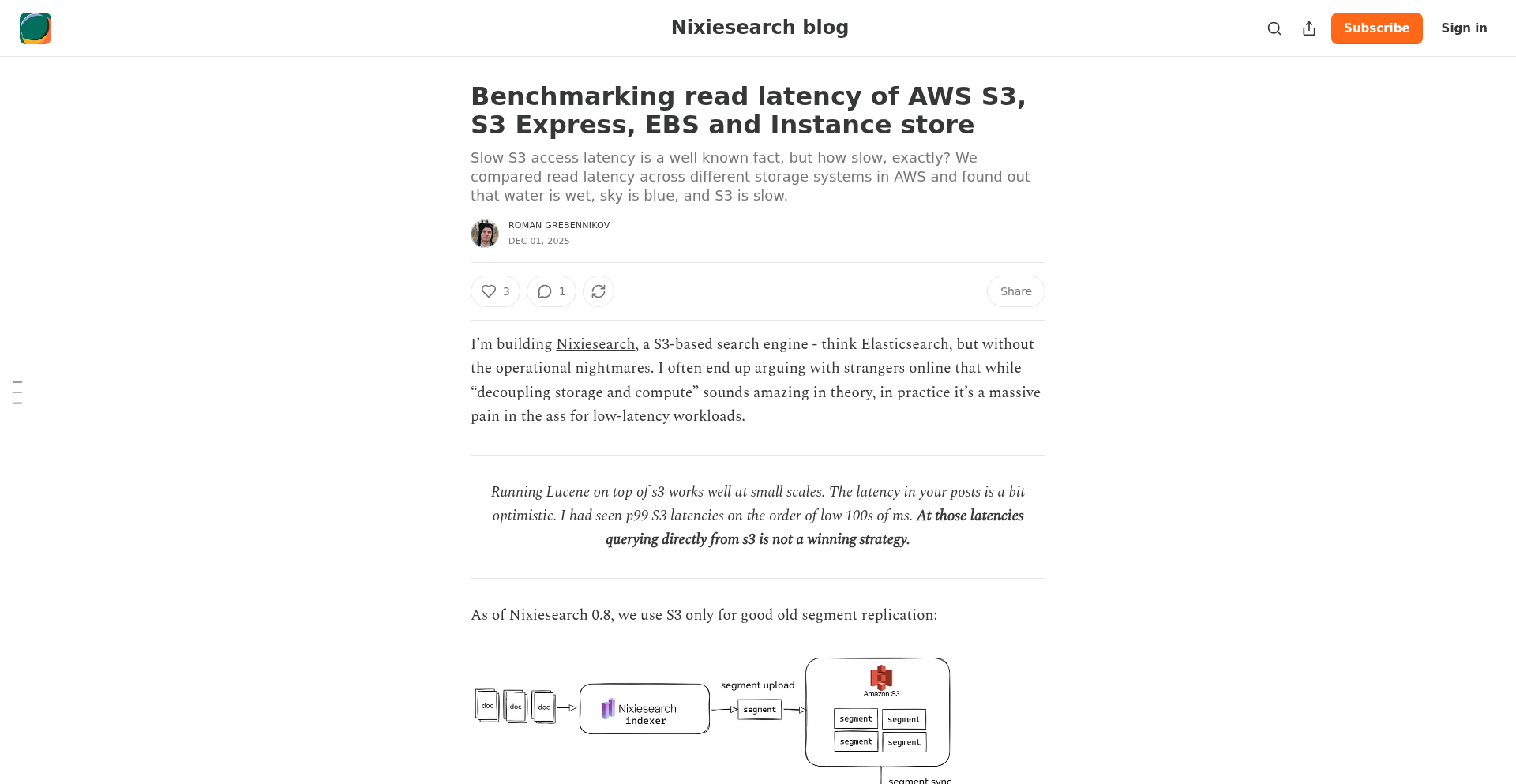
Author
shutty
Description
This project benchmarks and visualizes the read latency of various AWS storage services: S3, S3 Express One Zone, EBS (Elastic Block Store), and Instance Store. It aims to provide developers with clear, empirical data to make informed decisions about storage performance for their applications. The innovation lies in directly measuring and comparing these services under specific conditions, offering a practical, data-driven approach to optimizing I/O intensive workloads.
Popularity
Points 3
Comments 0
What is this product?
This is a benchmarking tool that directly measures and compares the speed at which data can be read from different AWS storage solutions. It's like a speed test for where you store your files and application data in the cloud. The core innovation is its direct measurement approach, providing real-world performance data that goes beyond theoretical specifications. This helps developers understand the actual performance characteristics of each storage type, particularly for read operations, which are crucial for many application architectures.
How to use it?
Developers can use this project to understand the performance implications of choosing different AWS storage options for their applications. For example, if an application frequently reads small files, this tool can show which storage service offers the fastest retrieval, directly impacting application responsiveness and user experience. It can be integrated into CI/CD pipelines to continuously monitor storage performance or used ad-hoc for project planning and architecture design. Developers can use the provided benchmarks to estimate read times and costs, leading to more efficient resource allocation.
Product Core Function
· S3 Read Latency Benchmarking: Measures how fast data can be read from Amazon S3, a widely used object storage service. This helps understand typical read performance for applications using S3 for storing large files or static assets.
· S3 Express One Zone Read Latency Benchmarking: Measures read performance for S3 Express One Zone, a high-performance storage class designed for latency-sensitive applications. This is crucial for applications needing extremely fast access to data within a single AWS Availability Zone.
· EBS Read Latency Benchmarking: Measures read speeds from Elastic Block Store (EBS) volumes, commonly used as persistent storage for EC2 instances. This is valuable for understanding how quickly applications running on EC2 can access their data.
· Instance Store Read Latency Benchmarking: Measures read performance from ephemeral instance store volumes, which are directly attached to an EC2 instance and offer very low latency. This is important for use cases requiring the fastest possible local storage.
· Comparative Analysis and Visualization: Presents the benchmark results in a clear, comparable format, allowing developers to easily see the performance differences between various storage types. This visual comparison directly answers 'which storage is fastest for my needs?'
Product Usage Case
· An e-commerce application with a high volume of product image reads can use this benchmark to determine if S3 or S3 Express One Zone provides better load times for customers, directly impacting conversion rates.
· A big data processing application that frequently reads large datasets can use the benchmarks to decide between EBS and S3 for optimal read throughput, influencing processing time and cost efficiency.
· A real-time analytics dashboard needing low-latency data retrieval can use the comparison to select between EBS and instance store, ensuring timely data presentation to users.
· A game developer building a game that heavily relies on fast asset loading can use this data to choose the most performant storage for game assets, directly improving player experience and reducing loading screens.
35
PaperSynth

Author
syntaxers
Description
PaperSynth transforms research papers, specifically for NeurIPS 2025, into unique musical compositions. It tackles the challenge of information overload in academia by offering an innovative way to consume and discover research through an auditory medium, making complex ideas more accessible and memorable. This project leverages advanced natural language processing and generative music techniques.
Popularity
Points 2
Comments 1
What is this product?
PaperSynth is a groundbreaking project that takes academic research papers, in this case from NeurIPS 2025, and converts them into musical pieces. The core innovation lies in its ability to analyze the semantic content and structure of a paper – identifying key themes, arguments, and findings – and then translating these elements into musical parameters like melody, harmony, rhythm, and instrumentation. Think of it as generating a 'soundtrack' for scientific discovery. This offers a completely novel approach to engaging with dense academic material, moving beyond traditional text-based consumption. So, how does this help you? It provides a way to absorb research in a more engaging and potentially more intuitive manner, especially for those who find auditory learning effective, or for quickly grasping the essence of many papers.
How to use it?
Developers can interact with PaperSynth through its interface to select papers and generate songs. The underlying technology involves sophisticated algorithms for text analysis (likely using techniques like topic modeling, sentiment analysis, and keyword extraction) and music generation (potentially employing AI music models or rule-based systems). For integration, one could imagine APIs that allow other applications to submit papers for synthesis or to query generated music. For instance, a research aggregator platform could integrate PaperSynth to offer a 'listen' option alongside traditional paper downloads. This makes discovering and understanding research faster and more diverse. So, how does this help you? It offers a new tool for research exploration and presentation, potentially leading to more innovative ways to share and consume academic content.
Product Core Function
· Paper to Music Synthesis: Analyzes research paper content and structurally translates key information into musical elements like melody, harmony, and rhythm, providing a novel auditory representation of academic work. Its value is in making complex information more digestible and memorable for a wider audience, and for researchers to quickly get a feel for a paper's core message. This is useful for anyone needing to quickly understand or share the essence of a research paper.
· Topic-Based Search for Music: Allows users to search for research papers based on their thematic content, with results presented as musical compositions. This offers a unique discovery mechanism, enabling users to stumble upon related research through musical exploration. Its value is in fostering serendipitous discovery and interdisciplinary connections. This is useful for researchers looking for novel inspiration or to explore tangential fields.
· Idea Discovery Through Music: Encourages users to discover research ideas by listening to the generated songs, potentially sparking new connections and insights not immediately apparent from reading the text. This taps into the associative power of music to stimulate creative thinking. Its value is in enhancing creativity and innovation by providing a non-linear path to idea generation. This is useful for anyone in a creative or problem-solving role.
· Sharing Inspiring Discoveries: Enables users to share the generated songs and the research they represent, facilitating broader dissemination of academic ideas in an engaging format. This democratizes access to research and promotes wider discussion. Its value is in making academic findings more shareable and accessible to the general public and other professionals. This is useful for educators, science communicators, and anyone who wants to share fascinating research in an engaging way.
Product Usage Case
· A researcher wanting to quickly get a sense of the main contribution of a dozen new NeurIPS papers could use PaperSynth to listen to a short musical representation of each, identifying the most relevant ones for in-depth reading. This addresses the problem of time constraints and information overload. So, how does this help you? It saves you valuable research time by helping you prioritize which papers to read thoroughly.
· A student learning about machine learning concepts could use PaperSynth to listen to songs derived from papers on reinforcement learning, potentially grasping the abstract concepts through the music's structure and mood. This addresses the challenge of understanding complex, abstract topics. So, how does this help you? It offers a more intuitive and potentially faster way to learn and understand difficult academic subjects.
· A conference organizer could use PaperSynth to create a 'hall of fame' playlist for NeurIPS, where each song represents a significant paper, allowing attendees to discover and appreciate the breadth of research through a unique auditory experience. This addresses the problem of engagement and making conferences more memorable. So, how does this help you? It provides a novel and engaging way to present and explore conference content.
36
PICA: Python Instrument Control & Automation
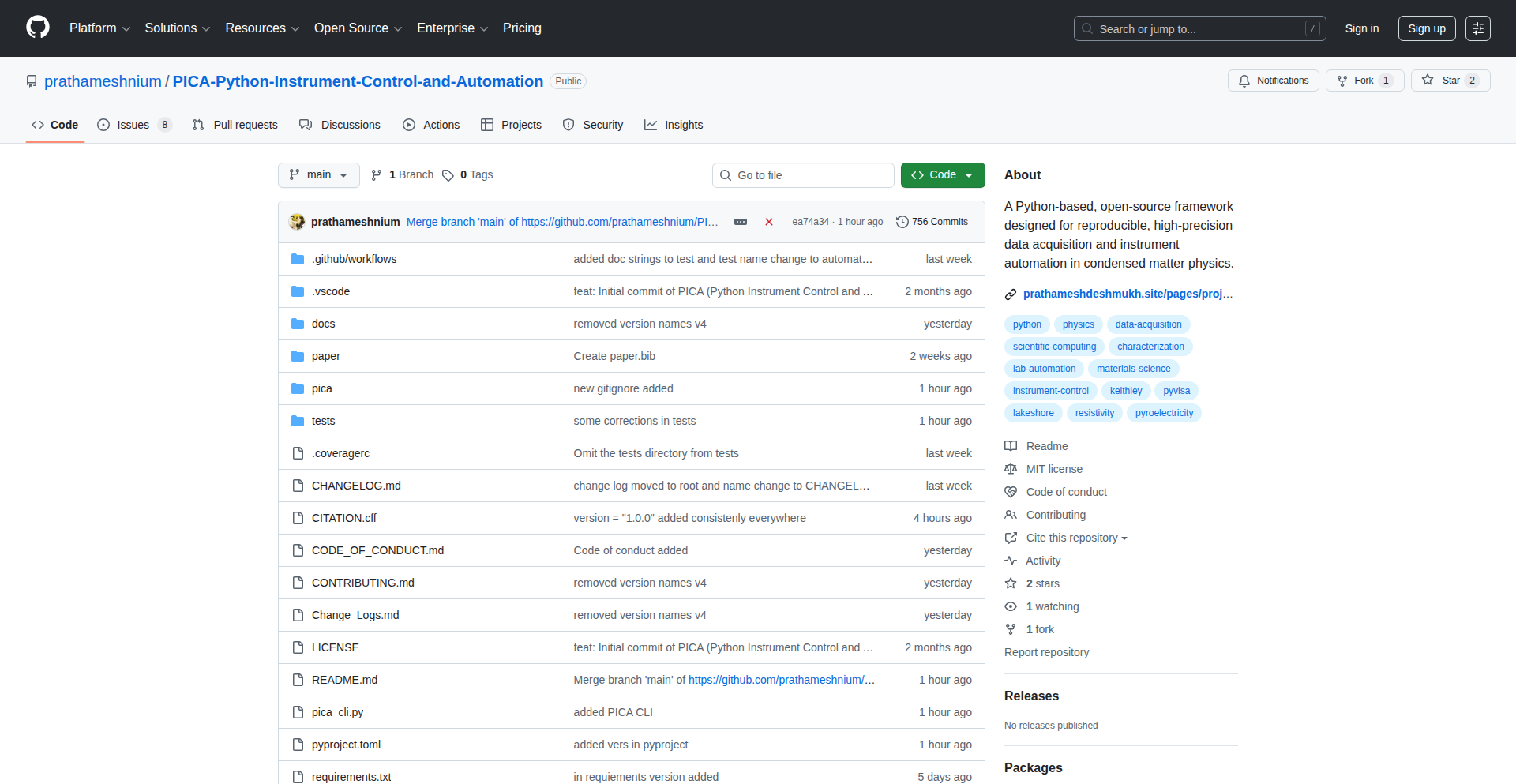
Author
prathameshnium
Description
PICA is an open-source Python software suite that automates complex lab measurement instruments and experimental workflows. It offers a user-friendly graphical interface for scientists and researchers, providing a powerful and flexible alternative to expensive proprietary software like LabVIEW, enabling precise hardware control and data acquisition for materials science research.
Popularity
Points 3
Comments 0
What is this product?
PICA is a Python-based software that acts as a central hub for controlling sophisticated laboratory instruments. Imagine you have several high-tech scientific gadgets in your lab, like devices that measure electrical current, temperature, or capacitance. Instead of manually operating each one and jotting down readings, PICA lets you design an entire experiment from your computer. It uses a clever design with 'process isolation' which means if one part of the experiment crashes (like a specific instrument driver), the whole system doesn't freeze. It also shows you the data as it comes in, live on your screen. This is a big deal because it's open-source, meaning it's free to use and modify, and it's been tested in a real research environment.
How to use it?
Developers and researchers can use PICA by installing it on their system. The project provides a graphical user interface (GUI) where you can visually set up your instruments, define measurement parameters (like voltage sweeps or temperature changes), and run automated experimental protocols. For more advanced users, the Python-based nature allows for customization and integration into larger research pipelines or custom automation scripts. It can be used to orchestrate instruments from brands like Keithley and Lakeshore, making it a versatile tool for various experimental setups.
Product Core Function
· Open Source & GUI: Provides a free, visual way to control lab equipment and run experiments without needing to write complex code, making advanced research more accessible.
· Process Isolation: Ensures the stability of your experiments by running different instrument controls in separate processes, preventing a single instrument issue from crashing the entire system.
· Live Visualization: Offers real-time plotting of measurement data, allowing researchers to monitor experiment progress and identify anomalies instantly, which can save time and resources.
· Instrument Orchestration: Seamlessly controls high-precision hardware like SourceMeters and Temperature Controllers, enabling complex multi-step scientific measurements.
· Automated Experimental Protocols: Executes predefined experimental sequences such as I-V sweeps or resistivity measurements, reducing manual effort and improving reproducibility.
Product Usage Case
· A materials scientist needs to measure the electrical properties of a new material as its temperature changes. PICA can automate the temperature control of a cryostat and simultaneously sweep voltage across the material, recording current at each step, all presented on a live graph.
· A researcher is developing a new sensor and needs to perform thousands of electrical characterization tests. PICA can be programmed to automatically connect to the sensor, run the test sequences, log the data, and then move to the next sensor, significantly speeding up the development cycle.
· A lab needs to perform Pyroelectric measurements which involve precise timing and multiple instrument interactions. PICA can manage the sequence of charging, discharging, and measuring the electric current of the material, ensuring accuracy and reducing human error.
· A university research group wants to avoid expensive licensing fees for lab automation software. PICA provides a powerful, free, and customizable alternative for their experimental setups, allowing them to allocate budget to other critical research needs.
37
OpenBotAuth: Voice-Secured Transactions
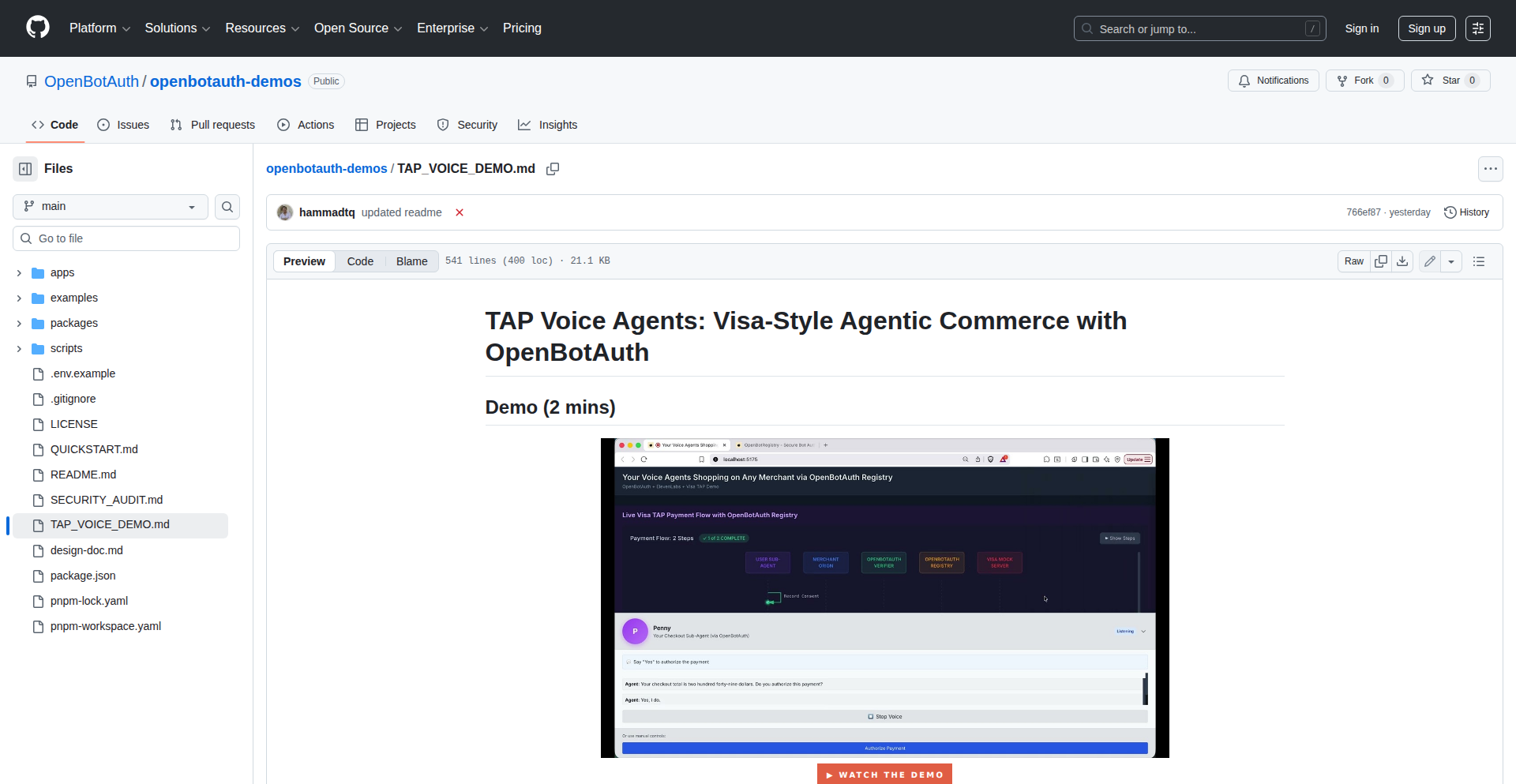
Author
gauravguitara
Description
OpenBotAuth enables voice agents to securely authorize payments on behalf of users, overcoming the limitations of manual checkout and adhering to stringent Payment Card Industry (PCI) compliance and Strong Customer Authentication (SCA) requirements. It achieves this by using HTTP Message Signatures (RFC 9421) and a decentralized registry of agent public keys, allowing merchants to verify the agent's authorization in real-time. This transforms voice commerce by making it as secure and seamless as traditional online payments.
Popularity
Points 3
Comments 0
What is this product?
OpenBotAuth is a system designed to make voice-based transactions PCI compliant and secure, especially for scenarios where a user interacts with a voice agent to make a purchase. Current voice agents often struggle with secure payment authorization. OpenBotAuth solves this by introducing a method where the voice agent, acting on the user's behalf, can cryptographically sign the checkout request. This signature is verified by the merchant using a public key obtained from a trusted registry of 'signature agents'. The core innovation lies in leveraging HTTP Message Signatures (RFC 9421), a standardized way to cryptographically sign HTTP requests, and a decentralized system for managing agent credentials (like JWKS - JSON Web Key Sets) that can be queried by merchants. This ensures that the payment authorization is verifiably coming from a legitimate agent acting on the user's instruction, satisfying SCA regulations and enhancing security for voice commerce.
How to use it?
Developers can integrate OpenBotAuth into their voice agent platforms or merchant checkout flows. For voice agents, this involves using the OpenBotAuth SDK or API to generate a signed cart or session token during the checkout process. This signed token is then passed to the merchant's payment gateway. Merchants, in turn, integrate with the OpenBotAuth registry to fetch the public key associated with the agent making the request. They then use this public key to verify the HTTP Message Signature on the incoming payment request. This allows their backend systems to confidently authorize payments initiated through voice agents, ensuring compliance and security. The demo showcases how sub-agents like 'Pete' (for shopping) and 'Penny' (for payment) can orchestrate this flow seamlessly.
Product Core Function
· Cryptographic signing of checkout requests by voice agents: This allows agents to securely prove they are authorized by the user to make a payment. The value is enabling compliant and secure transactions initiated via voice.
· HTTP Message Signatures (RFC 9421) implementation: This is a standardized and robust method for digitally signing outgoing requests, ensuring data integrity and authenticity. Its value is providing a widely recognized and secure protocol for authorization.
· Decentralized agent public key registry: Merchants can query this registry to retrieve the correct public key for verifying an agent's signature. This avoids the need for pre-shared secrets and enables a scalable and secure way to manage agent identities.
· Sub-agent orchestration: The system supports distinct agents for shopping and payment, providing a structured and user-friendly experience for voice commerce. This enhances the usability and effectiveness of voice-driven purchasing.
· Visa TAP-style mock issuer integration: While a mock, it demonstrates the capability to integrate with payment authorization systems using trusted agent protocols. The value is showing a pathway towards real-world payment authorization in a voice agent context.
Product Usage Case
· A user interacting with a voice assistant on their smart speaker to order groceries. The voice agent (Pete) adds items to the cart. At checkout, another voice agent (Penny) confirms the total and securely authorizes the payment using OpenBotAuth, which the grocery store's payment system verifies. This solves the problem of insecure and non-compliant voice payments for online shopping.
· A customer service chatbot that can also handle simple transactions. If a customer wants to purchase an add-on service over a voice call, the chatbot agent can use OpenBotAuth to sign the transaction. The backend system verifies this signature, allowing for quick and secure upsells without human intervention for payment authorization.
· A travel booking application where a user dictates their flight preferences. The application's voice agent identifies the best flights and then uses OpenBotAuth to securely authorize the booking and payment. This provides a hands-free booking experience that is also secure and compliant with financial regulations.
38
WhisperFlow OS: Community-Driven Speech-to-Text Pipeline

Author
imaka
Description
This project is an open-source initiative aiming to replicate and enhance the functionality of Whisper Flow, a sophisticated speech-to-text processing system. It focuses on building a modular and accessible pipeline for transcription, translation, and summarization of audio content, leveraging advanced AI models. The core innovation lies in democratizing access to high-performance AI-powered audio processing, making it available for developers to experiment with and integrate into their own applications.
Popularity
Points 2
Comments 1
What is this product?
This project is an open-source implementation of a powerful speech-to-text (STT) and audio processing pipeline. Think of it as an intelligent system that can listen to audio, convert it into text (transcription), translate that text into different languages, and even create concise summaries. The innovation here is in its modular design, allowing developers to pick and choose different AI models for each step (like whisper for transcription, or other LLMs for summarization), making it highly flexible and adaptable. This means you get state-of-the-art AI capabilities without needing to build everything from scratch. For you, this means access to advanced audio AI tools that are customizable and can be integrated into your projects, solving the complex problem of processing spoken information efficiently.
How to use it?
Developers can integrate WhisperFlow OS into their applications by setting up the pipeline programmatically. This involves selecting the desired AI models for transcription (e.g., using Whisper models), translation, and summarization, and then chaining them together. The system is designed to be highly configurable, allowing for fine-tuning of model parameters and processing workflows. Common use cases include building automated customer support analysis tools, generating subtitles for videos, creating meeting minutes, or powering voice-controlled interfaces. Essentially, if you have audio data that needs to be understood and processed, this provides the building blocks.
Product Core Function
· Advanced Speech-to-Text Transcription: Leverages state-of-the-art AI models to accurately convert spoken words in audio files into written text. This is valuable for automating caption generation, voice command processing, and creating searchable audio archives.
· Multilingual Audio Translation: Can translate transcribed audio content from one language to another, breaking down language barriers in communication and content consumption. This is useful for global content platforms and international collaboration tools.
· Intelligent Audio Summarization: Employs AI to generate concise summaries of lengthy audio recordings, helping users quickly grasp the key points without listening to the entire audio. This is a time-saver for researchers, students, and anyone dealing with extensive audio information.
· Modular AI Model Integration: Allows developers to easily swap and integrate different AI models for each stage of the pipeline, providing flexibility and the ability to leverage the latest advancements in AI. This means you can future-proof your applications and choose the best models for your specific needs.
· Customizable Processing Pipelines: Enables the creation of tailored audio processing workflows by chaining together different functionalities and models. This empowers developers to build highly specialized solutions for unique audio processing challenges.
Product Usage Case
· A developer building a tool for automatically transcribing and summarizing customer service calls to identify common issues and improve agent training. WhisperFlow OS handles the audio-to-text conversion and summarization, saving significant manual effort.
· A content creator developing a platform that automatically generates multilingual subtitles for their video content, reaching a wider global audience. The system's transcription and translation capabilities are crucial here.
· A research team working with large volumes of interview audio. They use WhisperFlow OS to quickly transcribe and summarize interviews, accelerating their data analysis process and extracting key insights efficiently.
· A startup creating a voice-enabled personal assistant. They integrate WhisperFlow OS to process user voice commands, enabling natural language interaction and making the assistant more intuitive and accessible.
39
RazorTerm Weaver
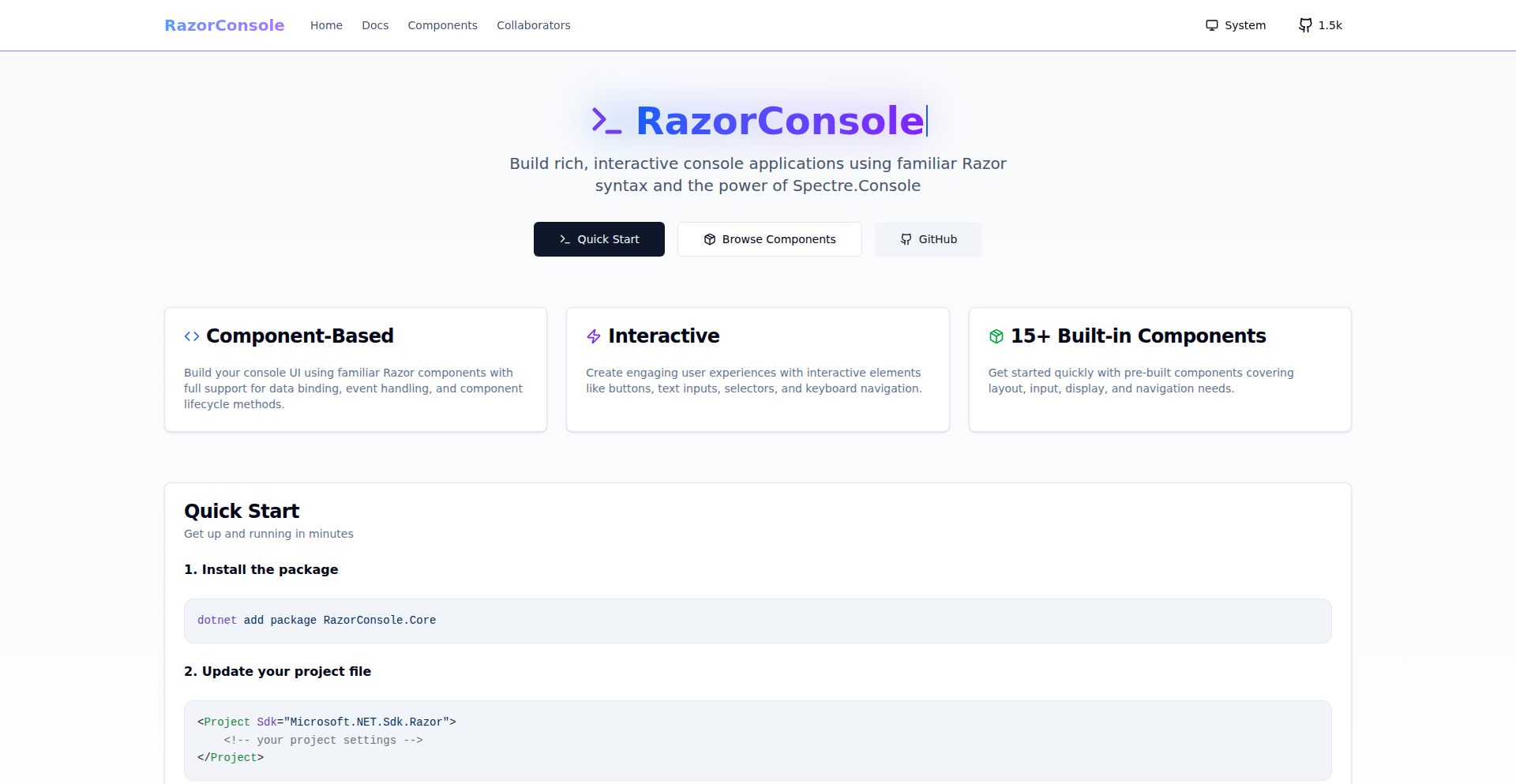
Author
BigBigMiao
Description
RazorTerm Weaver is a library that empowers developers to build interactive terminal applications using the familiar Razor component syntax. It leverages Spectre.Console for rendering, bringing a declarative and composable UI model, similar to web frameworks like Blazor and React Ink, directly to the command line. This project simplifies the creation of sophisticated terminal user interfaces (TUIs) by allowing developers to express UI logic using a well-understood pattern, separating it cleanly from core application logic. So, what's in it for you? It means you can build better, more engaging terminal experiences with less effort, using tools you already know.
Popularity
Points 3
Comments 0
What is this product?
RazorTerm Weaver is a .NET library that bridges the gap between the popular Razor component model (used in Blazor and other web technologies) and the creation of interactive terminal applications. Instead of writing complex procedural code to draw text, handle input, and manage the terminal screen, you can now define your terminal UI as a set of reusable components, much like you would build a web page. These Razor components are then rendered into a visually appealing and interactive terminal interface using the powerful Spectre.Console library. The core innovation lies in its declarative approach: you describe *what* your terminal UI should look like and how it should behave, and RazorTerm Weaver figures out the 'how' of rendering and updating it. This makes building complex TUIs as intuitive as building web UIs. So, what's in it for you? It allows you to think about your terminal application's interface in a structured, component-driven way, making development faster and more maintainable.
How to use it?
Developers can integrate RazorTerm Weaver into their .NET projects. You'll typically define your terminal UI using .razor files, just like you would for a Blazor application. These components can then be composed together to build complex interfaces. RazorTerm Weaver handles the rendering of these components into Spectre.Console renderables, which are then displayed in the terminal. This means you can easily manage state within your components and have the UI automatically update. For integration, you'd add the RazorTerm Weaver library to your project, configure it to use Spectre.Console for rendering, and then start building your interactive terminal components. Think of it as a plugin for your .NET terminal applications that brings a web UI development experience. So, what's in it for you? You can seamlessly add rich, interactive terminal interfaces to your existing .NET tools and applications without learning entirely new paradigms.
Product Core Function
· Declarative Terminal UI Authoring: Developers can define terminal interfaces using Razor syntax, enabling them to build complex UIs with a familiar, component-based approach. This brings the maintainability and reusability of web component models to the terminal, making TUIs easier to design and manage. So, what's in it for you? You can create more sophisticated and organized terminal interfaces.
· Spectre.Console Integration: Razor components are seamlessly rendered into Spectre.Console objects, allowing for rich text formatting, colors, tables, charts, and more within the terminal. This leverages a robust existing library for advanced terminal rendering, ensuring visually appealing and functional TUIs. So, what's in it for you? Your terminal applications can look professional and provide a great user experience.
· Component Composition: Similar to web frameworks, Razor components can be composed together, allowing developers to build complex UIs from smaller, reusable pieces. This promotes modularity and code reuse, making it easier to manage and extend terminal application interfaces. So, what's in it for you? You can build larger, more complex terminal applications by breaking them down into manageable parts.
· Separation of Concerns: The library encourages a clean separation between UI logic (defined in Razor components) and application logic, mirroring best practices from web development. This leads to more organized, testable, and maintainable codebases. So, what's in it for you? Your code will be cleaner and easier to work with.
· Experimental Interaction Support: Future iterations plan to include support for mouse and scroll-wheel events, paving the way for even more interactive and sophisticated terminal applications. This indicates a commitment to pushing the boundaries of what's possible in TUIs. So, what's in it for you? You can look forward to building more dynamic and user-friendly terminal experiences.
Product Usage Case
· Building a command-line configuration tool with interactive prompts and dynamic progress indicators. Developers can use Razor components to create a guided setup experience, presenting options clearly and responding to user input in real-time, solving the problem of cumbersome command-line configurations. So, what's in it for you? You can create user-friendly command-line tools that are easier to navigate and use.
· Developing a data visualization dashboard directly in the terminal, using Razor components to render tables, charts, and status updates. This allows for quick, on-the-fly data analysis without needing a full graphical interface, addressing the need for accessible data insights in server environments. So, what's in it for you? You can get quick access to important data insights directly from your terminal.
· Creating interactive text-based games or simulators where the game state and display are managed through Razor components. This allows for complex game logic to be presented in a rich, dynamic terminal environment, solving the challenge of creating engaging text adventures. So, what's in it for you? You can build fun and interactive terminal-based experiences.
· Implementing sophisticated progress reporting for long-running command-line tasks, such as file transfers or build processes, with visually appealing progress bars and status messages. This enhances the user experience by providing clear feedback on task completion. So, what's in it for you? You'll always know the status of your long-running tasks.
· Designing administrative interfaces for server applications that run directly in the terminal, allowing sysadmins to manage services, view logs, and perform actions without leaving the command line. This simplifies server management by providing a familiar and efficient interface. So, what's in it for you? You can manage your servers more efficiently and conveniently.
40
NeurIPS Poster Navigator
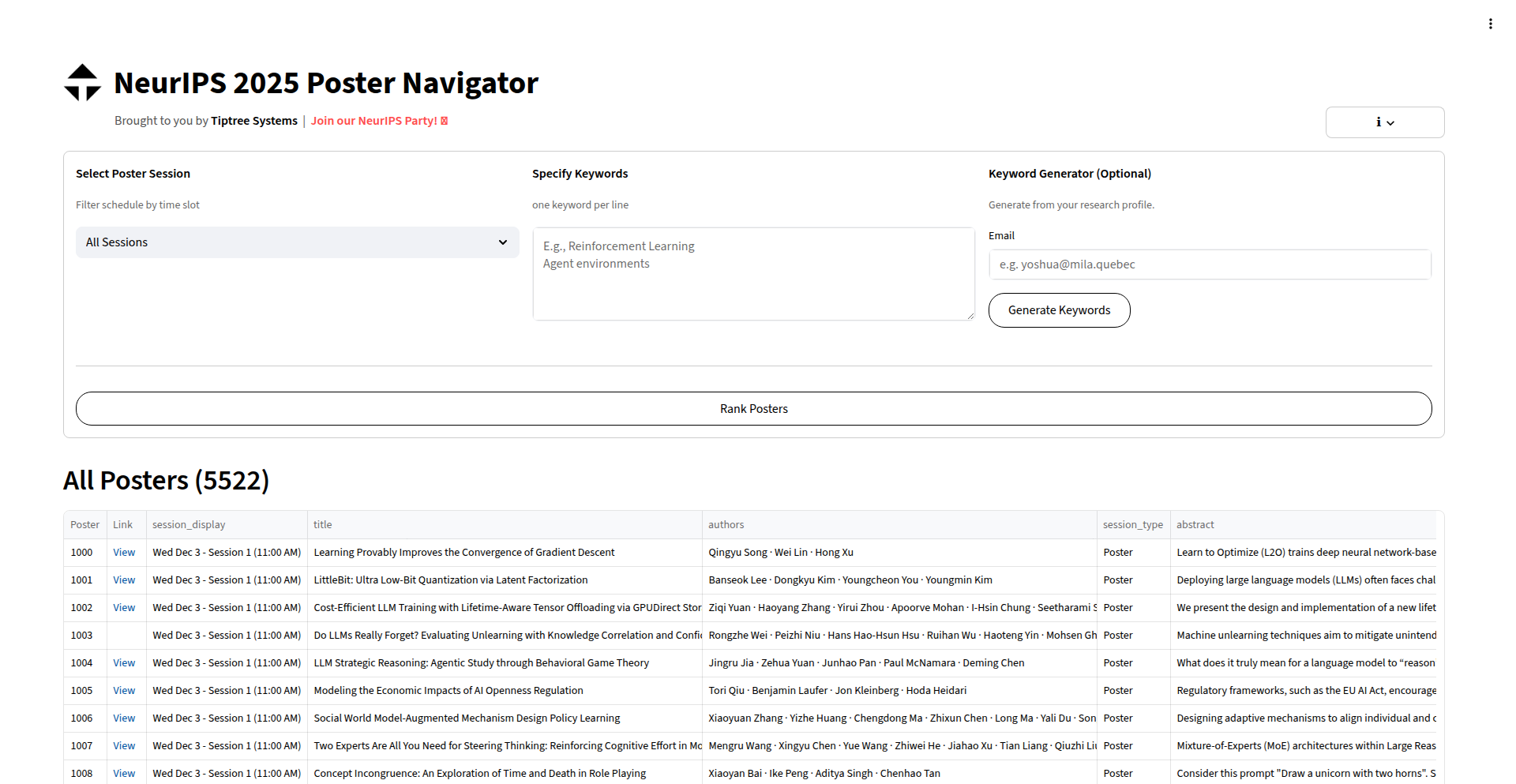
Author
martincsweiss
Description
This project is a web application designed to help researchers and attendees navigate the overwhelming number of posters at the NeurIPS conference. It tackles the problem of extremely large poster sessions with an unmanageable dropdown menu by providing intelligent filtering and searching capabilities based on research areas and keywords. The innovation lies in its rapid development using advanced AI coding assistants and the underlying concept of leveraging AI to make complex academic information more accessible.
Popularity
Points 3
Comments 0
What is this product?
This project is a web tool that addresses the challenge of sifting through thousands of research posters at large academic conferences like NeurIPS. Instead of a cumbersome dropdown, it allows users to search and filter posters using specific research topics or keywords. The core technology leverages AI code generation tools (Codex, Gemini-CLI, Claude) for rapid development, demonstrating a 'hacker' approach to building solutions quickly. Its value lies in making large datasets of information discoverable and actionable, essentially providing a smart assistant for conference attendees.
How to use it?
Developers and researchers can use this tool directly through a web interface. They can visit the application's URL and input keywords or select research areas of interest. The tool will then display a curated list of relevant posters, saving significant time and effort in finding specific research. It's a 'no-signup, free-to-use' application, meaning immediate access without any complex setup. This makes it incredibly easy to integrate into a conference attendee's workflow.
Product Core Function
· Intelligent Keyword Search: Allows users to find posters by entering specific terms, improving discoverability of relevant research. The value is in quickly pinpointing papers of interest from a vast collection.
· Research Area Filtering: Enables users to narrow down the poster list by selecting predefined research categories, making it easier to explore a specific field. This helps in structured exploration and learning.
· AI-Powered Data Navigation: Leverages AI to process and organize poster information, providing a more user-friendly interface than traditional methods. The value is in a more efficient and intuitive way to access information.
· Rapid Development: Built using AI coding assistants, showcasing the potential for quick prototyping and problem-solving in software development. This highlights the efficiency and creativity in building tools.
Product Usage Case
· A NeurIPS attendee trying to find posters related to 'reinforcement learning in natural language processing' can use the keyword search to get a precise list, avoiding manual scrolling through hundreds of entries. This saves time and prevents missing critical research.
· A researcher new to a specific conference can use the research area filter to quickly identify the key works in areas like 'computer vision' or 'generative models', providing a structured introduction to the field.
· An AI enthusiast wanting to explore cutting-edge AI research can use this tool to discover posters across various advanced topics, acting as a personalized research assistant for exploration.
· A developer who needs to understand how to quickly build a data navigation tool for a large dataset can study the approach taken here, inspired by the use of AI code generators for rapid prototyping and problem-solving.
41
JD-Matched CV Generator

Author
taurusai
Description
This project leverages AI to create a custom CV that perfectly matches a specific job description, aiming to bypass recruiter attention and Applicant Tracking System (ATS) filters. The core innovation lies in its ability to analyze both the user's profile and the target job requirements, then intelligently synthesize this information into a highly relevant and optimized CV.
Popularity
Points 2
Comments 0
What is this product?
This is an AI-powered tool that dynamically generates a Curriculum Vitae (CV) tailored to a specific job posting. Instead of using a generic CV, it analyzes the keywords, skills, and experience mentioned in the job description and then crafts a CV that highlights your qualifications in a way that's most likely to be noticed by human recruiters and pass through automated ATS screening. The innovation is in its sophisticated natural language processing (NLP) and text generation capabilities, which go beyond simple keyword stuffing to create a coherent and compelling narrative.
How to use it?
Developers can integrate this tool into their job application workflow. Imagine you find a job you're interested in. You would input your base CV information and then paste the job description into the Taurus AI platform. The tool then processes both inputs and outputs a revised CV. This can be used as a standalone web application or potentially integrated into browser extensions that automatically suggest CV optimizations when viewing job postings online. The value is in saving time and significantly increasing the chances of getting your application noticed.
Product Core Function
· JD Analysis: Automatically parses job descriptions to identify key requirements, keywords, and desired skills. This helps understand exactly what employers are looking for, so you can prioritize those aspects in your application.
· Profile Matching: Compares your existing skills and experience against the identified job requirements. This ensures that you are presenting the most relevant parts of your background effectively.
· Intelligent CV Generation: Synthesizes analyzed job requirements and your profile data into a new, optimized CV. This means your CV will speak the language of the job, making it more appealing to both machines and humans.
· ATS Optimization: Formats and structures the CV to be easily read by Applicant Tracking Systems, reducing the likelihood of your application being filtered out before a human sees it. This is crucial in today's competitive job market.
· Customization & Refinement: Allows for user input and adjustments to ensure the generated CV accurately reflects your experience and aspirations. You have the final say, ensuring authenticity and accuracy.
Product Usage Case
· A software engineer applies for a Senior Backend Developer role that emphasizes 'distributed systems' and 'cloud-native architectures'. The tool analyzes the JD, identifies these as core requirements, and then rewrites the engineer's CV to prominently feature their projects and experience related to microservices, Kubernetes, and AWS, increasing the chances of passing the initial ATS scan.
· A marketing specialist is applying for a 'Digital Marketing Manager' position that requires 'SEO', 'SEM', and 'content strategy'. The AI-generated CV will specifically highlight their campaigns and results in these areas, using the exact terminology from the job description to ensure strong alignment and appeal to recruiters.
· A recent graduate struggling to get noticed for entry-level roles can use this to tailor their CV for each application, emphasizing transferable skills and coursework that directly relate to the job requirements. This makes their less experienced profile appear more relevant and competitive.
42
WebPage2Vid

Author
markjivko
Description
This project is a small, locally-run module that transforms any web page into a video. It offers flexible encoding options (AV1 or H264), customizable frame rates and scroll speeds, and even supports device pixel ratio on macOS for high-fidelity recordings. The core innovation lies in its ability to create video content from live web pages without relying on external services, enabling efficient creation of demos, portfolio pieces, and testing recordings.
Popularity
Points 2
Comments 0
What is this product?
WebPage2Vid is a local software module that takes a web page and turns it into a video file. The technical magic behind it involves rendering the web page frame by frame, much like a browser does, and then stitching these frames together into a video. It uses advanced video codecs like AV1 and H264 for efficient compression, meaning your videos will be smaller without losing much quality. You can control how fast the page scrolls and how many frames are captured per second, allowing for smooth or fast-paced video output. For Mac users, it can even capture the screen at its native resolution (Device Pixel Ratio), resulting in incredibly sharp videos. So, why is this useful? It lets you easily create professional-looking video demonstrations of websites or applications directly on your computer, which is much faster and more private than using online screen recorders.
How to use it?
Developers can integrate WebPage2Vid into their workflows by running the module from their command line. Imagine you have a web application you want to showcase. You'd point WebPage2Vid to the URL of your web page and specify your desired video settings (like resolution, frame rate, and scroll speed). The module then processes the page and outputs a video file (e.g., MP4 or WebM) to your local machine. This can be scripted or automated for tasks like generating demo videos for each new feature release or for automated UI testing. The module itself is also editable and can be exported as a YAML file, allowing for deep customization. So, how does this help you? It streamlines the process of creating video assets for your web projects, saving you time and effort when you need to demonstrate functionality or record user interactions.
Product Core Function
· Local Web Page to Video Export: Renders any live web page into a video file directly on your machine. This saves you from uploading sensitive content to online recorders and provides faster results. So, this is useful because it gives you control over your data and speeds up your video creation process.
· Customizable Video Encoding (AV1/H264): Supports modern video compression formats for efficient file sizes and excellent quality. This means your videos will look great and be manageable in size, perfect for sharing or embedding. So, this is useful because you get high-quality videos without huge file sizes.
· Frame Rate and Scroll Speed Control: Allows precise adjustment of video playback speed and scrolling behavior. You can create smooth, slow demonstrations or quick, dynamic showcases. So, this is useful because you can tailor the video's pacing to perfectly match your message.
· High-Fidelity Recording (macOS Device Pixel Ratio): On macOS, it can capture the screen at its native resolution for incredibly sharp and detailed video output. This ensures that even intricate UI elements are clearly visible. So, this is useful because your video demonstrations will appear crystal clear, showcasing the finest details of your work.
· Editable and Exportable Configuration: The module's settings are defined in an editable YAML file, allowing for deep customization and integration into automated pipelines. This flexibility means you can fine-tune the video generation process to your exact needs. So, this is useful because you can easily adapt the tool to various project requirements and automate repetitive tasks.
Product Usage Case
· Website Demo Creation: A developer building a new feature can use WebPage2Vid to quickly generate a polished video showcasing the functionality in action, perfect for sharing with team members or clients. It solves the problem of manually recording and editing screencasts.
· Personal Portfolio Enhancement: A designer can record their interactive website portfolio, demonstrating animations and user flows, to create a more engaging online presence. This goes beyond static screenshots, offering a dynamic representation of their skills.
· Competitor Research: A marketer can record competitor websites to analyze their user experience and interactive elements in a video format for later review and strategy development. This provides a direct visual record for analysis.
· UI/Functional Testing Automation: In a continuous integration pipeline, WebPage2Vid could be used to automatically generate video recordings of key user workflows after a build, helping to quickly identify visual regressions or functional issues. This automates a critical part of the testing process.
· Marketing Campaign Material: A small business owner can create short, impactful videos of their product pages or promotional landing pages to use in social media or advertising. This provides a simple way to generate engaging video content for marketing.
43
CodeProt: AI-Powered Noise-Reduced Code Review
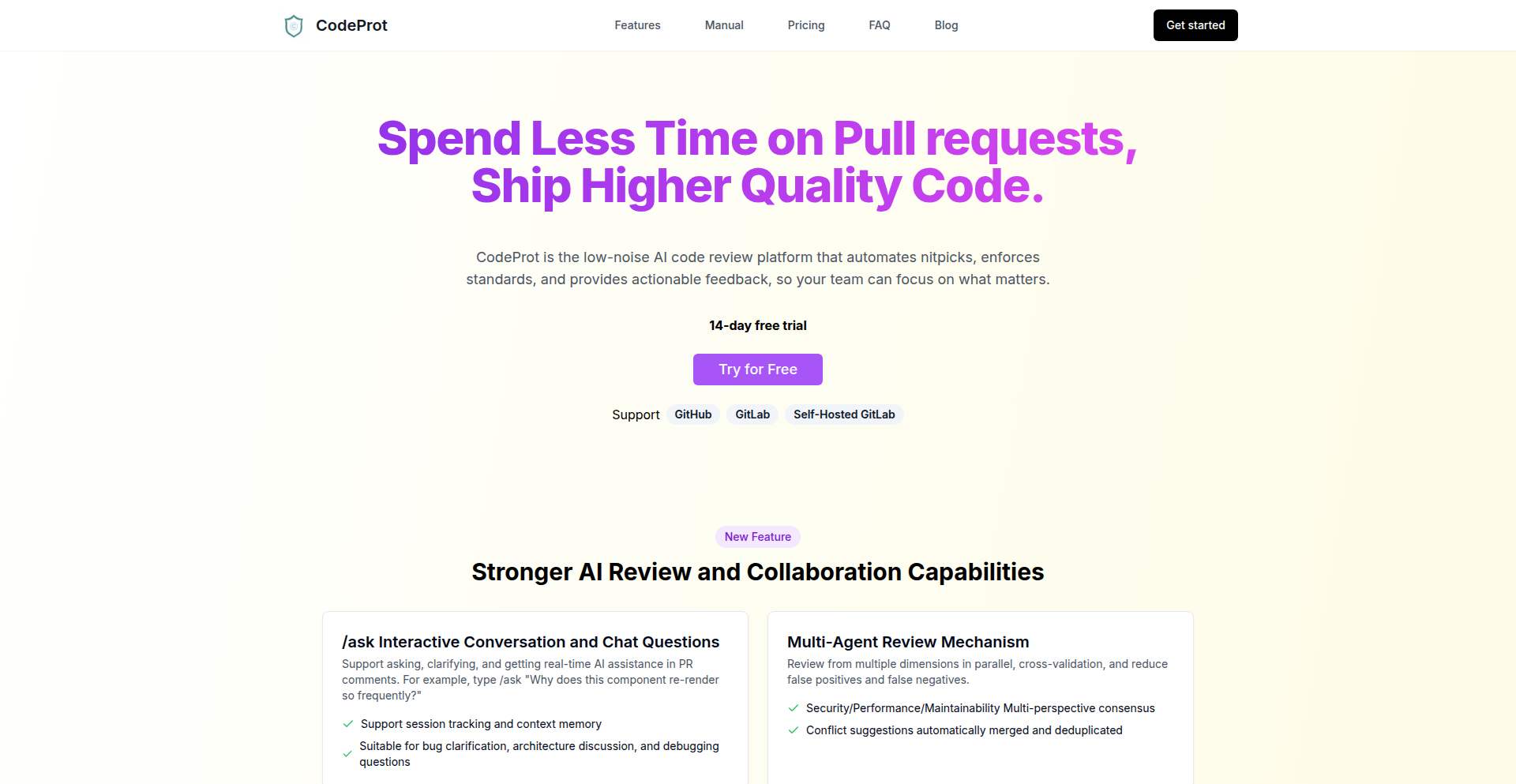
Author
allenz_cheung
Description
CodeProt is an AI-driven code review tool designed to significantly cut down on the noise in traditional code reviews. By leveraging advanced AI models, it achieves a remarkable 94% precision rate in identifying actual issues, allowing developers to focus on meaningful feedback rather than sifting through false positives. This innovation streamlines the development workflow, making code reviews more efficient and effective.
Popularity
Points 1
Comments 1
What is this product?
CodeProt is a sophisticated AI system that acts as a smart assistant for code reviews. Instead of a human developer manually checking every line of code for potential bugs or style violations, CodeProt uses machine learning algorithms trained on vast amounts of code data. Its core innovation lies in its ability to understand the context of code changes and intelligently distinguish between critical issues and minor suggestions, thereby drastically reducing the irrelevant alerts (noise) that often plague automated or less intelligent review tools. This means you get alerted to the most important problems with very high accuracy. The 'so what does this do for me' is that you spend less time being annoyed by pointless notifications and more time fixing real problems, leading to faster and higher quality software development.
How to use it?
Developers can integrate CodeProt into their existing development pipelines, typically through Git hooks or CI/CD (Continuous Integration/Continuous Deployment) workflows. When code is committed or a pull request is created, CodeProt automatically analyzes the changes. It can be configured to comment directly on the pull request, post in team communication channels (like Slack or Microsoft Teams), or generate reports. The key is to set it up so that it automatically scans your code before it gets merged or deployed. The 'so what does this do for me' is that code quality checks happen automatically without you having to remember to run them, ensuring that problematic code is flagged early and consistently.
Product Core Function
· AI-driven issue detection: Utilizes machine learning to identify potential bugs, security vulnerabilities, and style inconsistencies in code with high accuracy. The value is in finding critical problems reliably. This helps by preventing bugs from reaching production.
· Noise reduction mechanism: Employs advanced algorithms to filter out false positives and low-priority suggestions, focusing reviewer attention on significant findings. The value is saving developer time and reducing frustration. This helps by making code reviews more productive.
· Context-aware analysis: Understands the semantic meaning and intent behind code, leading to more relevant and precise feedback compared to simple pattern matching. The value is in providing insightful and actionable suggestions. This helps by improving the quality of code suggestions.
· Integration with Git workflows: Seamlessly integrates with popular version control systems like Git, enabling automated checks on commits and pull requests. The value is in automating the review process. This helps by fitting into established development practices.
Product Usage Case
· A startup using CodeProt to automate pre-merge checks on their rapidly evolving codebase. By filtering out 90% of minor linting warnings, their developers now only see critical issues in pull requests, significantly speeding up their release cycles and reducing the burden on senior developers to catch every small mistake. This solved the problem of slow reviews and developer burnout.
· A large enterprise adopting CodeProt to enforce security best practices across multiple teams. The high precision of the AI ensures that security-related vulnerabilities are flagged immediately, reducing the risk of breaches without overwhelming security auditors with a flood of minor alerts. This solved the problem of maintaining consistent security standards and managing review workload.
· An open-source project maintainer employing CodeProt to manage contributions. The tool helps new contributors by providing clear, accurate feedback on their code, allowing the maintainer to focus on architectural discussions rather than nitpicking minor syntax errors. This solved the problem of managing community contributions efficiently and providing helpful guidance to newcomers.
44
CSuite.Now AI Executive On-Demand

Author
intabli
Description
CSuite.Now offers instant access to a roster of AI-driven C-suite advisors, solving the problem of expensive and time-consuming executive hiring. It leverages advanced AI to simulate the expertise and decision-making capabilities of specialized executives, providing on-demand strategic guidance and operational support. The innovation lies in democratizing access to high-level strategic thinking, allowing businesses of all sizes to tap into executive-level insights without the traditional overhead and delay.
Popularity
Points 2
Comments 0
What is this product?
CSuite.Now is an AI platform that acts as a virtual C-suite. Instead of hiring a full-time Chief Financial Officer (CFO) or Chief Marketing Officer (CMO), you can access an AI advisor with their specific expertise. The core technology is built on sophisticated large language models (LLMs) and specialized AI agents trained on vast datasets of business strategy, financial analysis, marketing principles, and executive decision-making. This allows the AI to understand complex business challenges and provide actionable advice, mimicking the experience of a human executive but at a fraction of the cost and with immediate availability. So, what's in it for you? It means getting expert business advice without the hefty salaries, recruitment fees, and long waiting periods typically associated with hiring senior leadership.
How to use it?
Developers can integrate CSuite.Now into their workflow through an API or a user-friendly web interface. For instance, a startup founder could consult the AI CFO on financial projections or funding strategies, or a marketing team could get instant feedback on campaign ideas from the AI CMO. The platform can also be used for scenario planning, risk assessment, and strategic brainstorming. The AI advisors can process business data, analyze market trends, and generate reports, freeing up human teams to focus on execution. So, how do you use it? You simply connect your business data or describe your challenges to the AI, and it provides tailored insights and recommendations, accelerating your decision-making process.
Product Core Function
· AI-driven financial strategy advisory: The AI CFO can analyze financial statements, forecast cash flow, and suggest optimal financing strategies, helping businesses make informed financial decisions. This provides immediate expert financial guidance to avoid costly mistakes.
· AI-powered marketing strategy generation: The AI CMO can help craft marketing campaigns, analyze target audiences, and suggest go-to-market strategies, enabling businesses to reach their customers more effectively. This unlocks creative marketing solutions quickly.
· On-demand strategic consulting: Users can prompt the AI with specific business challenges, and it will provide strategic recommendations and action plans, offering instant access to high-level strategic thinking. This is like having a seasoned strategist available 24/7.
· Real-time market analysis: The platform can process market data and trends to provide insights into competitive landscapes and emerging opportunities, helping businesses stay ahead of the curve. This gives you an edge by understanding market shifts instantly.
· Executive decision simulation: The AI can help simulate the outcomes of various business decisions, allowing leaders to test hypotheses and assess potential risks before committing resources. This mitigates risk by allowing for virtual testing of strategies.
Product Usage Case
· A small e-commerce startup facing cash flow issues can use the AI CFO to analyze their spending, forecast revenue, and identify cost-saving measures, enabling them to optimize their financial health without hiring an expensive finance executive.
· A SaaS company launching a new feature can leverage the AI CMO to brainstorm promotional strategies, refine messaging, and identify key marketing channels, accelerating their product adoption and market penetration.
· A non-profit organization seeking to expand its donor base can consult the AI advisor for insights into fundraising best practices and donor engagement techniques, improving their outreach and impact.
· A tech company in a rapidly evolving market can use the AI strategy advisor to analyze competitive landscapes and identify potential disruptors, helping them pivot their business strategy proactively to maintain a competitive advantage.
· An early-stage startup needs to quickly assess the viability of a new product idea. They can feed the product concept and target market information into CSuite.Now's AI strategy advisor to get a rapid assessment of market fit and potential challenges, saving them time and resources on unpromising ventures.
45
BrowserAI-Coder

Author
ianberdin
Description
BrowserAI-Coder is a revolutionary in-browser AI coding agent that allows anyone to instantly start coding and automating tasks without any downloads or setup. It integrates with multiple AI models, enabling real-time code generation, multi-file editing, and seamless sharing, making it perfect for rapid prototyping, business automation, and learning.
Popularity
Points 1
Comments 1
What is this product?
This project is a browser-based AI coding agent, built on top of a mature JavaScript sandbox that has accumulated over 11 million users. The core innovation lies in its ability to leverage the power of advanced AI models (like Claude, GPT, Grok, Gemini) directly within your web browser. This means you can start coding, generating code snippets, automating repetitive tasks, or even building entire applications instantly, without needing to install any software or configure API keys. It streams AI responses in real-time and supports editing multiple files, offering a fluid and efficient coding experience.
How to use it?
Developers can use BrowserAI-Coder by simply navigating to the provided URL (playcode.io). There's no installation required. You can paste your existing code, describe the functionality you need, or ask the AI to generate code from scratch. It's ideal for quickly testing out ideas, building prototypes for web applications, generating boilerplate code, automating business processes, or even practicing for coding interviews. You can also share your entire coding environment with a single link, making collaboration and demonstration effortless.
Product Core Function
· Instant AI Coding Agent: Leverages multiple advanced AI models to generate, complete, and refactor code in real-time, allowing developers to quickly bring ideas to life without setup, reducing time to market for new features or projects.
· Browser-Native Experience: Runs entirely in the web browser, eliminating the need for downloads or installations, making it accessible on any device with an internet connection and simplifying onboarding for new users or projects.
· Multi-File Editing: Supports editing and managing multiple code files simultaneously, enabling the development of more complex projects and applications within the browser environment, mirroring the functionality of desktop IDEs.
· Real-time Streaming Responses: AI code suggestions and generations appear instantly as you type or request them, creating a highly interactive and responsive coding workflow, boosting productivity and reducing waiting times.
· Seamless Sharing: Allows users to share their entire coding workspace, including code and AI interactions, with a single URL, facilitating collaboration, code reviews, and demonstrations of work to colleagues or clients.
· Pay-as-you-go Model: Users are charged only for the AI resources they consume, making it a cost-effective solution for developers and businesses, especially for experimental projects or intermittent use.
Product Usage Case
· A freelance developer needs to quickly prototype a landing page. They can use BrowserAI-Coder to describe the desired layout and content, and the AI will generate the HTML, CSS, and JavaScript, saving hours of manual coding and allowing for rapid iteration based on client feedback.
· A small business owner wants to automate a recurring task, like sending out personalized email reports. They can use BrowserAI-Coder to write a script by describing the input data and the desired output format, receiving a working script instantly without needing to hire a developer or learn complex scripting languages.
· A student preparing for a job interview needs to practice solving coding challenges. They can use BrowserAI-Coder to generate problem statements and then solve them directly in the browser, receiving immediate feedback and code suggestions from the AI to improve their approach and learn best practices.
· A startup team is building a proof-of-concept for a new web application. They can use BrowserAI-Coder to quickly generate boilerplate code for different components, set up API integrations, and test features collaboratively, accelerating their initial development cycle and validating their ideas faster.
46
Secure Large File Transfer Gateway

Author
gray_wolf_99
Description
This project addresses the challenge of securely transferring large files, a common pain point for developers and organizations. It leverages innovative encryption and transfer protocols to ensure data integrity and confidentiality during transmission, offering a robust alternative to less secure or inefficient methods. So, this is useful because it allows you to move big files without worrying about them being stolen or corrupted.
Popularity
Points 1
Comments 1
What is this product?
This is a secure gateway designed for sending large files over the internet. The core innovation lies in its use of advanced end-to-end encryption combined with efficient chunking and resumable transfer mechanisms. Instead of sending a whole file at once, it breaks it into smaller pieces, encrypts each piece individually, and then sends them. If the transfer is interrupted, it can resume from where it left off without resending everything. This is built on secure protocols and potentially utilizes techniques like AES encryption for strong confidentiality and a custom transfer logic for reliability. So, this is useful because it makes sure your big files are protected and arrive completely, even if your internet connection is spotty.
How to use it?
Developers can integrate this gateway into their applications or workflows. It likely exposes an API (Application Programming Interface) that allows other programs to interact with it. This means you could build custom file-sharing tools, integrate it into backup solutions, or use it within CI/CD pipelines for deploying large artifacts. The usage would involve authenticating with the gateway, specifying the recipient and the file(s) to send, and then letting the gateway handle the secure transmission. So, this is useful because you can easily add secure, large file transfer capabilities to your own software projects.
Product Core Function
· End-to-end encryption: Files are encrypted on the sender's machine and only decrypted on the recipient's machine, ensuring only authorized parties can access the data. This is valuable for maintaining data privacy and complying with security regulations. So, this is useful because it protects your sensitive information.
· File chunking and resumable transfers: Large files are broken into smaller manageable pieces, allowing for more efficient transfers and the ability to resume interrupted downloads or uploads without starting over. This is valuable for improving transfer speed and reliability, especially over unstable networks. So, this is useful because it saves you time and frustration when sending or receiving large files.
· Secure transfer protocols: Utilizes robust network protocols to ensure the data transmitted is not tampered with and arrives as intended. This is valuable for maintaining data integrity and preventing man-in-the-middle attacks. So, this is useful because it guarantees the file you send is the file they receive.
· Access control and authentication: Likely includes mechanisms to verify the identity of users and control who can send or receive files, adding an extra layer of security. This is valuable for preventing unauthorized access to sensitive files. So, this is useful because it ensures only the right people can get to your important documents.
Product Usage Case
· A video production company needs to send terabytes of raw footage to a remote editing team. Using this gateway, they can securely transfer the massive files with confidence that the data will arrive intact and uncompromised. So, this is useful because it allows creative teams to collaborate effectively regardless of location.
· A software development team needs to deploy large executable files or datasets to multiple servers for testing. This gateway provides a reliable and secure way to push these large assets without worrying about transfer errors or security breaches. So, this is useful because it streamlines the deployment process for large software components.
· A research institution needs to share large scientific datasets with collaborators worldwide, often over varying internet connections. This secure transfer solution ensures that the integrity of the crucial research data is maintained throughout the sharing process. So, this is useful because it facilitates scientific collaboration and the advancement of knowledge.
47
RenderizeAI Video Weaver

Author
clementjanssens
Description
An AI-powered video editor that streamlines the creation of AI-generated videos by allowing direct editing of generated assets. It tackles the complex, multi-step process of prompt engineering, image generation, and video synthesis into a unified, faster workflow.
Popularity
Points 2
Comments 0
What is this product?
This is an AI video editor designed to simplify the process of creating videos using the latest AI generation models. Instead of a fragmented workflow of prompting, generating individual elements, and then stitching them together, this tool integrates these steps. It allows users to directly edit the AI-generated video content, significantly reducing the time and technical expertise required. The innovation lies in bridging the gap between raw AI generation and polished video output within a single, intuitive platform.
How to use it?
Developers can integrate RenderizeAI Video Weaver into their existing AI video pipelines. After generating initial video clips using models like Sora 2 or Veo 3, users can import these clips into the editor. The tool provides an interface to manipulate these AI-generated assets, allowing for adjustments like scene sequencing, adding effects, and fine-tuning transitions, all without needing to re-prompt or re-generate entire segments. For those with their own API keys for AI models, the platform supports integration, enabling a more personalized and controlled generation and editing experience.
Product Core Function
· AI Video Synthesis Integration: Seamlessly connects with leading AI video generation models, allowing for direct use of generated content. Value: Eliminates the need for manual transfer and re-formatting of AI outputs, saving time and reducing errors.
· Direct AI Asset Editing: Enables in-platform editing of AI-generated video clips, images, and scenes. Value: Allows for rapid iteration and refinement of video content without complex re-generation cycles.
· Streamlined Workflow: Consolidates the typically fragmented process of AI video creation into a single editor. Value: Reduces the learning curve and technical overhead for creating AI-driven video content.
· API Key Integration: Supports users bringing their own API keys for various AI generation services. Value: Provides flexibility and control over the AI models used, enabling custom generation parameters.
· Rapid Prototyping: Facilitates quick creation and modification of video concepts. Value: Ideal for testing ideas and exploring creative directions in AI video production with minimal friction.
Product Usage Case
· A marketing team wants to quickly produce several short promotional videos using AI. With RenderizeAI, they can generate base clips, then rapidly edit them together, add text overlays, and export polished videos for social media, all within hours instead of days.
· An independent filmmaker is experimenting with AI-generated narratives. They can generate different scene variations and then use the editor to easily select the best takes, arrange them chronologically, and adjust pacing to craft their story without deep video editing expertise.
· A game developer needs to create placeholder cinematics for a new project. They can use AI to generate visual elements and short clips, then use RenderizeAI to assemble these into a rough cut, allowing them to visualize the cinematic flow and make quick edits before committing to final asset creation.
· A content creator wants to repurpose existing AI-generated footage into new video formats. RenderizeAI allows them to import these clips and re-edit them into different sequences or styles, extending the utility of their AI-generated assets without extensive manual re-work.
48
SmartSort AI: Local-First OCR File Organizer

Author
Akhil34
Description
SmartSort AI is an open-source, local-first file organizer that leverages Optical Character Recognition (OCR) and AI to intelligently sort your documents. It processes files directly on your machine, ensuring privacy and speed, and uses AI to understand the content within documents, enabling smarter organization than traditional keyword-based sorting. This tackles the common problem of digital clutter and makes finding information effortless.
Popularity
Points 2
Comments 0
What is this product?
SmartSort AI is a desktop application that automatically organizes your digital files by reading the text within them using OCR and then applying AI to understand and categorize that content. Unlike cloud-based solutions, it works entirely on your computer, meaning your sensitive documents stay private and the sorting process is fast. The innovation lies in its 'local-first' approach combined with AI-powered content analysis, moving beyond simple file name or folder structures to truly understand what's inside your documents. This means you can find what you need, even if you don't remember the file name, because the AI knows what the document is about.
How to use it?
Developers can integrate SmartSort AI into their workflows by installing it on their local machine. It can be configured to watch specific folders and automatically process new files as they are added. For developers who need to build custom automation, SmartSort AI offers an open-source foundation, allowing for extensions or modifications to its sorting logic. You can imagine using it to automatically sort research papers, invoices, or project documentation by their content, saving you manual effort and ensuring consistency. It's like having a personal librarian for your digital files.
Product Core Function
· Local-first file processing: Ensures data privacy and fast performance by keeping all operations on your device. This is useful for anyone concerned about sensitive information being uploaded to the cloud, and it means organization happens instantly without internet delays.
· OCR-powered content extraction: Reads text from images and PDFs, even scanned documents, making all your files searchable. This unlocks the value in scanned documents you might have previously considered 'unusable' for searching.
· AI-driven content analysis and categorization: Understands the meaning and context of document content to assign relevant tags and categories. This is powerful because it goes beyond simple keywords, allowing for more nuanced and accurate organization, leading to much easier retrieval of information.
· Customizable sorting rules: Allows users to define their own criteria for how files should be organized based on extracted content. This means you can tailor the system to your specific needs, whether you're organizing code snippets, legal documents, or personal photos.
· Open-source flexibility: Provides access to the source code for developers to customize, extend, or integrate into other applications. This empowers the technical community to build upon the project, leading to even more innovative uses and features in the future.
Product Usage Case
· A researcher uses SmartSort AI to automatically categorize and tag newly downloaded academic papers based on their abstract and keywords, making it easy to find relevant studies for their current project. The AI understands the subject matter, so even if the file name is generic, the paper is correctly filed and discoverable.
· A small business owner uses SmartSort AI to process scanned invoices. The OCR extracts key details like invoice number and vendor, and the AI categorizes them by month and vendor, making accounting and retrieval significantly simpler. This saves hours of manual data entry and searching through disorganized folders.
· A software developer uses SmartSort AI to organize their personal code snippets and documentation. The AI can identify programming languages and project types from comments and file content, automatically sorting them into relevant project folders, making it easier to recall and reuse code.
· An individual dealing with a large backlog of scanned personal documents (e.g., old letters, certificates) uses SmartSort AI to make them searchable. The OCR makes the text readable, and the AI can assign general tags like 'personal' or 'historical', improving accessibility to their personal archive.
49
aipatch: LLM-Powered Code Patching Orchestrator
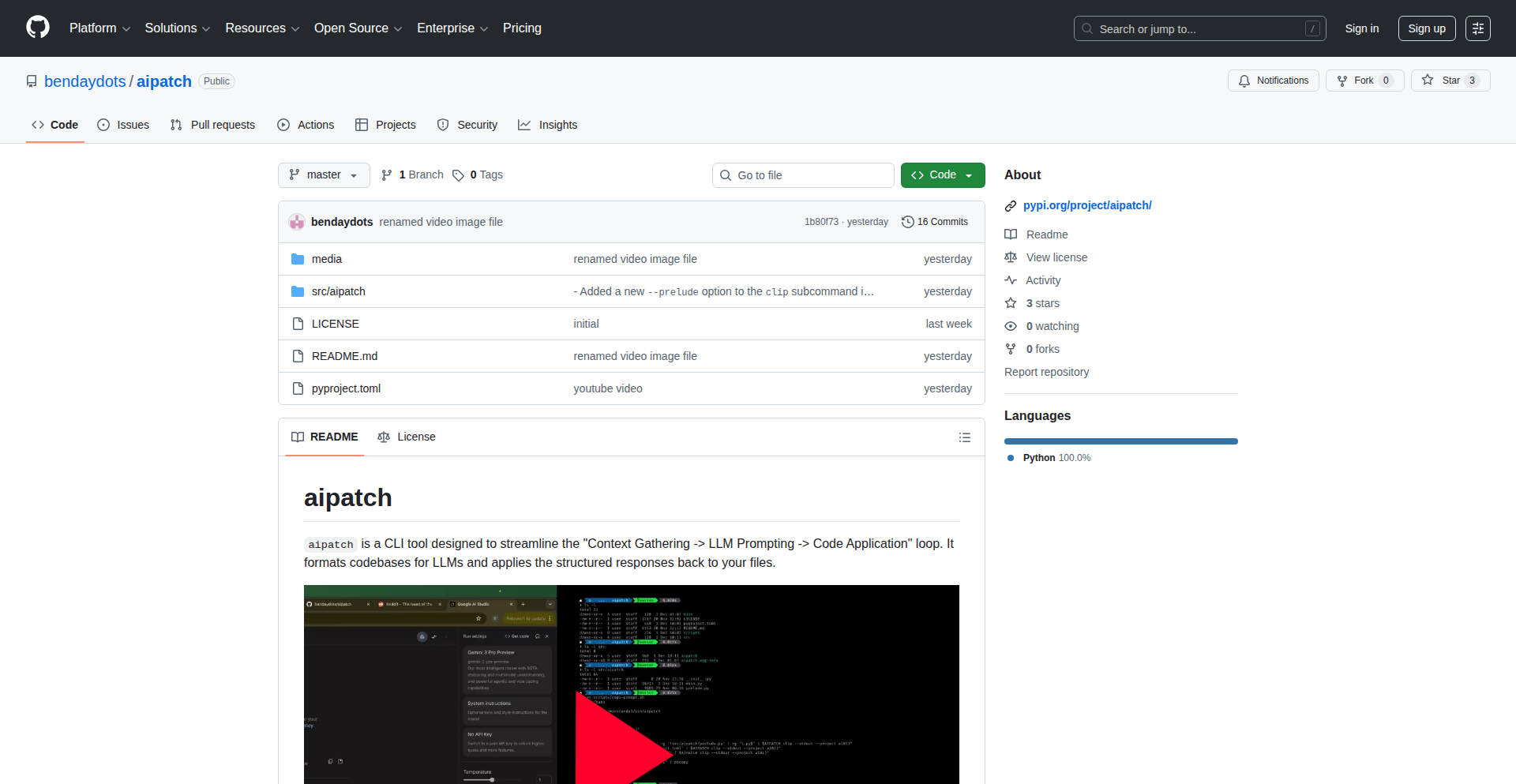
Author
benday
Description
aipatch is a command-line interface (CLI) tool designed to make AI-assisted code modifications more reliable and controllable, especially across multiple projects. It addresses the common issue where AI coding tools generate incorrect or inconsistent patches by allowing developers to precisely define the context for the AI, process structured outputs, and apply them deterministically. Its core innovation lies in its ability to handle multi-project prompting and leverage existing codebases as explicit examples for the AI, leading to more accurate and actionable code changes.
Popularity
Points 2
Comments 0
What is this product?
aipatch is a Python-based CLI tool that bridges the gap between Large Language Models (LLMs) and your codebase. Unlike many AI coding assistants that can be unpredictable, aipatch provides a structured way to interact with any LLM. You give it the specific parts of your code you want it to work with (the context), it sends this to an LLM of your choice, and the LLM responds with precise instructions on what to search for and what to replace – like a precise recipe for code changes. aipatch then automatically applies these changes to your project and keeps a log. The innovative part is its ability to manage code changes across multiple independent projects simultaneously, treating them as a single, coherent task, and its capability to use an existing project as a clear example for the AI to follow, making the AI's output much more predictable and useful.
How to use it?
Developers can use aipatch by installing it as a Python package. You would then navigate to your project directory in the terminal. The tool allows you to specify which files or directories constitute the context for the AI. Crucially, for multi-project workflows, you can assign unique IDs to different repositories and include them in a single prompt. For instance, if you need to update both a backend API and its corresponding frontend UI, you can tell aipatch to consider both codebases. You can also point aipatch to a reference project (another codebase that already demonstrates the desired behavior) as a direct example for the LLM. Once the AI generates the structured search/replace blocks, aipatch automatically applies these patches to your codebase, simplifying complex refactoring or feature porting tasks.
Product Core Function
· Multi-project context management: Allows developers to define code context from multiple repositories within a single AI prompt, enabling coordinated updates across different parts of a software system, which is invaluable for microservices or applications with distinct front-end and back-end components.
· Deterministic LLM output processing: Ensures that AI-generated code changes are returned as structured search-and-replace operations, making them predictable and automatable, thereby reducing the risk of unexpected behavior or incorrect code modifications.
· Codebase as LLM example: Enables the inclusion of existing codebases as direct examples for the LLM, providing clear, actionable patterns that the AI can emulate, leading to more accurate and contextually relevant code suggestions.
· Automated patch application: Applies the AI-generated patches directly to the developer's codebase, streamlining the integration of AI-suggested changes and reducing manual effort.
· Comprehensive logging: Records all AI interactions and patch applications, providing an audit trail and facilitating debugging and rollback if necessary, crucial for maintaining code integrity and understanding AI behavior.
Product Usage Case
· Updating a backend API and its corresponding frontend interface simultaneously: A developer needs to introduce a new feature that requires changes in both the Python backend and the React frontend. By using aipatch, they can provide both codebases as context and instruct the LLM to generate compatible patches for both, ensuring consistency and saving significant integration time.
· Porting a feature from a small prototype to a larger production repository: A developer has successfully implemented a new feature in a minimal prototype. They can use aipatch to include the prototype's relevant code as an example alongside the production repository. The LLM can then analyze the working example and generate accurate patches to integrate the feature into the larger project, avoiding manual code translation and potential errors.
· Refactoring common components across multiple microservices: A team decides to refactor a shared authentication module used across several microservices. aipatch can be used to provide the module's current state and the desired refactored state from one service, then apply the generated patches to all other services, ensuring a consistent update and minimizing divergence.
· Comparing and synchronizing code between two Git commits: A developer can provide two different Git commits as context to aipatch, asking the LLM to identify and generate patches for the differences, which is useful for understanding code evolution or manually merging changes when automatic Git merging fails.
50
Aidlp-LLMGuard

Author
fab_space
Description
Aidlp-LLMGuard is a clever HTTP/HTTPS proxy that acts as a gatekeeper for your sensitive data when you interact with public Large Language Model (LLM) endpoints. It automatically scans and cleanses information, ensuring confidential details never make it to the LLM, all through a simple, installable proxy.
Popularity
Points 2
Comments 0
What is this product?
Aidlp-LLMGuard is a Data Loss Prevention (DLP) proxy specifically built to safeguard sensitive information before it's sent to external LLM services. Think of it as a smart filter. When your application or you send data to a public LLM (like ChatGPT or others), the request first passes through Aidlp-LLMGuard. This proxy is configured to identify and remove or mask sensitive patterns like credit card numbers, personal identification details, or proprietary code snippets. The core innovation lies in its proxy architecture, allowing it to intercept and modify traffic transparently without requiring changes to your existing applications. It's built on the idea that preventing data leakage at the source is more effective than trying to audit LLM responses.
How to use it?
Developers can use Aidlp-LLMGuard by installing it as a local proxy on their machine or as part of their application's network infrastructure. Once installed, you configure your applications or system to route their HTTP/HTTPS traffic destined for public LLM APIs through Aidlp-LLMGuard. This is typically done by setting environment variables like `HTTP_PROXY` or `HTTPS_PROXY` to point to the Aidlp-LLMGuard instance. For instance, if Aidlp-LLMGuard is running on your local machine at port 3000, you would set `export HTTP_PROXY=http://localhost:3000` and `export HTTPS_PROXY=http://localhost:3000`. This allows any application that respects these proxy settings to automatically benefit from its data sanitization capabilities.
Product Core Function
· Intelligent Data Pattern Detection: Employs regular expressions and potentially more advanced pattern matching to identify sensitive data types such as credit card numbers, social security numbers, email addresses, and API keys. This technical approach prevents the exposure of private or confidential information.
· Transparent Proxying: Acts as an intermediary for HTTP/HTTPS requests, meaning applications do not need to be rewritten to use it. This simplifies integration and adoption, offering immediate value without significant development overhead.
· Configurable Sanitization Rules: Allows users to define custom rules for what constitutes sensitive data and how it should be handled (e.g., masking, deletion). This technical flexibility ensures that Aidlp-LLMGuard can be tailored to specific organizational security policies and data privacy requirements.
· LLM Endpoint Specific Filtering: Designed to specifically target and protect data sent to public LLM endpoints, addressing a growing concern in the AI era. This focused technical application makes it highly relevant for modern development workflows involving AI services.
Product Usage Case
· Scenario: A developer is using a public LLM API to summarize internal company documents that contain project codenames and internal server IP addresses. Aidlp-LLMGuard is configured to mask or remove these specific patterns. Problem Solved: Prevents accidental leakage of internal project details to the LLM provider, maintaining confidentiality and security.
· Scenario: A web application uses a third-party LLM for customer support chatbots, and user inputs might contain personally identifiable information (PII) like names or addresses. Aidlp-LLMGuard is deployed as a proxy for the LLM API calls. Problem Solved: Automatically sanitizes user inputs before they reach the LLM, protecting customer privacy and complying with data protection regulations.
· Scenario: A data scientist is experimenting with a new LLM service for sentiment analysis on customer feedback, but some feedback includes sensitive financial information. Aidlp-LLMGuard is set up to remove credit card numbers and account details from the feedback before sending it for analysis. Problem Solved: Enables experimentation with LLMs on sensitive data without compromising the security and privacy of that data.
51
LLM-Powered Dataset Forge

Author
anothrNick
Description
This project offers a novel workspace for creating and enhancing datasets using your own Large Language Model (LLM) keys. It tackles the challenge of data preparation for AI by allowing developers to programmatically enrich existing data or generate new synthetic data with custom LLM logic, thus significantly improving the quality and relevance of training datasets.
Popularity
Points 1
Comments 1
What is this product?
This is a developer-centric platform designed to streamline the process of building and refining datasets for machine learning models. At its core, it leverages your personal LLM API keys (like OpenAI, Anthropic, etc.) to perform intelligent data augmentation and generation. Instead of manually labeling or creating data, you can write code or define rules that instruct the LLM to perform tasks such as summarizing text, classifying entries, extracting specific information, or even generating entirely new, realistic data points that mimic your real-world data distribution. The innovation lies in providing a structured environment that bridges the gap between raw data and ready-to-train datasets, making data enrichment an automated and customizable process powered by cutting-edge LLM capabilities. This means you can tailor your dataset creation to very specific needs, ensuring higher model performance.
How to use it?
Developers can integrate this workspace into their existing data pipelines. The primary usage involves connecting your LLM API keys to the platform. You then define data processing jobs, specifying your input dataset and the desired transformations or generations. This can be done through a programmatic interface (API) or potentially a user-friendly configuration system. For instance, you might feed a CSV file of customer reviews and instruct the LLM to extract sentiment and key topics for each review. The output would be an enriched CSV with these new fields. It's designed to be a flexible tool that can be incorporated into CI/CD pipelines for continuous dataset improvement or used for ad-hoc data generation tasks.
Product Core Function
· LLM-driven data enrichment: Automates the process of adding valuable information to existing data points using LLMs, significantly reducing manual effort and improving data depth. This is useful for adding features like sentiment analysis, entity extraction, or categorization to your raw data.
· Custom synthetic data generation: Enables the creation of artificial yet realistic data that mirrors your actual data characteristics, allowing for robust model training even with limited real-world data. This is invaluable for testing edge cases or bootstrapping new projects where data is scarce.
· Personalized LLM integration: Supports the use of your own LLM API keys, giving you full control over the model used, privacy, and cost, while leveraging the specific strengths of different LLMs. This ensures your data processing aligns with your security and performance requirements.
· Configurable data transformation pipelines: Allows developers to define custom logic and workflows for data manipulation, offering flexibility in how data is processed and prepared for machine learning. This empowers you to create highly specific data preparation steps tailored to your model's needs.
Product Usage Case
· A startup building a chatbot needs more diverse conversational data. Using this tool, they can input existing customer support logs and instruct an LLM to generate a variety of follow-up questions and user responses, creating a richer training dataset that improves chatbot fluency. This solves the problem of insufficient training data for nuanced conversations.
· A data scientist working on a fraud detection model has a dataset with limited examples of fraudulent transactions. They can use this workspace to prompt an LLM to generate synthetic fraudulent transaction data that exhibits similar patterns to real fraud, helping to train a more accurate detection model. This addresses the challenge of imbalanced datasets.
· A researcher wants to analyze scientific papers for specific molecular structures. By feeding the papers into this system and using an LLM fine-tuned for chemical entity recognition, they can automatically extract and tabulate all mentioned molecular structures, saving hundreds of hours of manual reading and annotation. This solves the problem of laborious information extraction from large text corpora.
52
WardAI: AI-Powered Scam Shield

Author
greenbeans12
Description
Ward is a modern AI-powered antivirus designed to protect less tech-savvy web users from online scams. It leverages advanced AI techniques to detect and block malicious websites and phishing attempts in real-time, offering a more intelligent and proactive defense than traditional security software.
Popularity
Points 1
Comments 1
What is this product?
WardAI is an AI-driven antivirus solution that acts as a smart guardian for your web browsing. Unlike conventional antivirus that relies on known virus signatures, WardAI uses machine learning models to analyze website behavior, content, and network patterns to identify and neutralize new and evolving scam threats – even those never seen before. This means it can protect you from novel phishing attacks and malicious sites that might slip past older security systems. So, it's like having a constantly learning cybersecurity expert watching over your online activity, making it significantly harder for scammers to trick you.
How to use it?
WardAI is designed for ease of use, aiming to be accessible even to users who aren't deeply technical. It can be integrated as a browser extension for major web browsers like Chrome, Firefox, and Edge. Once installed, it works in the background, automatically scanning URLs as you browse. If a website is flagged as potentially malicious or a scam, WardAI will alert you with a clear warning and prevent you from accessing the dangerous page. This seamless integration means you don't need to be a tech wizard to stay safe online; WardAI handles the complex detection for you, providing peace of mind without requiring manual intervention.
Product Core Function
· Real-time Threat Detection: Uses AI to analyze website reputation and content on the fly, blocking access to known and emerging scam sites instantly. This protects you from clicking on dangerous links that could steal your information or infect your device.
· Behavioral Analysis: AI models learn to identify suspicious patterns in website design, user interaction prompts, and data requests, which are common in phishing attempts. This helps catch scams that look legitimate but are designed to deceive. So, even if a scam website looks convincing, WardAI's smart analysis can spot the underlying malicious intent.
· Zero-Day Scam Protection: By not relying solely on signature databases, WardAI can identify and block entirely new types of scams before they become widespread. This means you're protected against the latest tricks scammers are using, offering a more future-proof security solution.
· User-Friendly Interface and Alerts: Provides clear, easy-to-understand warnings when a threat is detected, allowing users to make informed decisions about proceeding. This ensures that even non-savvy users know when something is wrong and what to do, preventing accidental engagement with scams.
Product Usage Case
· Protecting elderly users who are often targeted by sophisticated phishing scams via email or social media. WardAI can block the malicious links embedded in these messages before they can lead to financial loss or identity theft. This means your loved ones are less likely to fall victim to online fraud.
· Securing casual internet users who may not have extensive cybersecurity knowledge. WardAI acts as an invisible shield, preventing accidental visits to fake banking websites, fraudulent online stores, or malware-distributing sites. This offers a proactive layer of security for everyday browsing activities.
· Safeguarding individuals who frequently encounter online advertisements, many of which can lead to malicious redirects or 'adware' scams. WardAI can identify and block these deceptive ads and their associated landing pages, leading to a cleaner and safer browsing experience.
53
LLM Chat Navigator

Author
askerkurtelli
Description
A small Chrome extension that tackles the common problem of losing track of ideas within long conversations with Large Language Models (LLMs). It provides a 'table of contents' for your LLM chats, making it significantly easier to navigate between different turns and prompts. This addresses a key usability gap in current LLM interfaces, offering a simple yet powerful solution for enhanced productivity and idea management.
Popularity
Points 1
Comments 1
What is this product?
This is a lightweight Chrome extension that acts like a smart bookmarking system for your LLM conversations. Instead of endlessly scrolling through lengthy chat histories, it intelligently extracts and presents the key prompts and responses, creating a navigable outline. The innovation lies in its simplicity and direct approach to solving a user experience issue that many encounter when interacting with advanced AI chatbots. It's built on the idea that better navigation leads to better utilization of AI capabilities.
How to use it?
Developers can easily install this Chrome extension from the Chrome Web Store. Once installed, it automatically enhances any web-based LLM chat interface. When you're in a conversation, the extension will present a subtle, accessible navigation panel (often a sidebar or a collapsible menu) that lists your prompts and the corresponding LLM responses. You can then click on any item in this list to instantly jump to that specific point in the conversation, much like clicking a link in a document's table of contents. This is particularly useful for complex problem-solving sessions, research, or creative brainstorming where you need to revisit specific parts of the dialogue.
Product Core Function
· Intelligent prompt/response summarization: The extension analyzes the conversation flow to identify distinct turns and prompts, creating concise summaries for easy identification. This saves you time by not having to re-read entire messages to recall their context.
· Quick navigation panel: A user-friendly interface is provided, allowing users to see all summarized prompts and responses at a glance. This visual overview significantly speeds up finding specific parts of a conversation.
· Instant jump-to-section: Clicking on any summarized prompt or response in the navigation panel instantly scrolls the chat window to that exact point in the conversation. This eliminates manual scrolling and frustration when dealing with long dialogues.
· Seamless integration with web-based LLMs: The extension is designed to work with most popular web-based LLM interfaces without requiring complex setup. This means immediate usability for many developers and users.
Product Usage Case
· A developer is debugging a complex piece of code with an LLM, iterating through several prompt-response cycles to pinpoint an error. The LLM Chat Navigator allows them to quickly jump back to a previous prompt where a particular hypothesis was tested, saving significant time compared to manual scrolling through dozens of messages.
· A researcher is using an LLM to brainstorm ideas for a new project. They have a long conversation covering multiple angles and suggestions. The Navigator provides an outline of each brainstorming session, enabling them to easily revisit promising ideas or compare different approaches without losing their place.
· A writer is using an LLM for creative writing assistance, exploring different plot points and character developments. The Navigator helps them quickly jump between scenes or dialogue segments they want to refine or expand upon, streamlining the creative process.
54
Walrus

Author
janicerk
Description
Walrus is a Kafka alternative built in Rust. It aims to provide a high-performance, reliable, and memory-efficient message streaming platform, addressing some of the operational complexities and resource demands often associated with traditional distributed messaging systems.
Popularity
Points 2
Comments 0
What is this product?
Walrus is a distributed message streaming platform, similar to Apache Kafka. What makes it innovative is its foundation in Rust. Rust offers memory safety without garbage collection, leading to predictable performance and reduced overhead. This means Walrus can handle a high volume of messages with lower latency and more efficient resource utilization compared to systems written in languages with garbage collectors. It's built from the ground up to offer a modern, robust, and developer-friendly experience for real-time data pipelines.
How to use it?
Developers can integrate Walrus into their applications as a robust message broker for decoupling services, building real-time data processing pipelines, or handling event-driven architectures. It can be used as a central hub for distributing data between microservices, ingesting logs and metrics, or powering live updates in web applications. Integration typically involves connecting to the Walrus cluster from client applications (producers and consumers) using its provided APIs, which are designed to be straightforward and efficient, leveraging Rust's performance advantages.
Product Core Function
· High-throughput message publishing and consumption: Enables applications to send and receive large volumes of data quickly and efficiently, essential for real-time analytics and event processing.
· Distributed and fault-tolerant architecture: Ensures data availability and reliability even if some nodes in the cluster fail, crucial for mission-critical applications.
· Data persistence and replayability: Stores messages durably, allowing consumers to re-read past messages for debugging, recovery, or reprocessing.
· Topic-based message organization: Organizes messages into logical streams (topics), simplifying data management and routing for various applications.
· Low-latency message delivery: Minimizes the time it takes for a message to travel from producer to consumer, vital for applications requiring immediate responses.
Product Usage Case
· Building a real-time analytics dashboard: Producers send user interaction events to Walrus topics, and consumers process these events in real-time to update dashboards, providing immediate insights into user behavior.
· Decoupling microservices: Instead of direct API calls, services communicate asynchronously by publishing and subscribing to events via Walrus, making the system more resilient and scalable.
· Log aggregation and processing: Applications send logs to Walrus, and a separate processing service consumes these logs to perform analysis, alerting, or archiving, simplifying log management.
· Event-driven e-commerce platforms: Order placement events are published to Walrus, triggering downstream services for inventory management, shipping, and notifications, creating a responsive and efficient order fulfillment process.
55
Lost.js: Local & Shareable App Framework

Author
growt
Description
Lost.js is a novel, zero-dependency JavaScript framework designed for building applications that run locally on a user's machine and are easily shareable. It tackles the challenge of distributing and running personalized applications without complex server infrastructure, offering a unique approach to local-first development.
Popularity
Points 1
Comments 1
What is this product?
Lost.js is a lightweight, dependency-free JavaScript framework that empowers developers to create applications that can be run directly on a user's computer and shared seamlessly. Its core innovation lies in its ability to simplify the distribution and execution of interactive applications without requiring users to install them through traditional app stores or manage complex server setups. This is achieved through clever use of web technologies to package and run applications in a self-contained manner, making them accessible even offline and easy to share peer-to-peer.
How to use it?
Developers can leverage Lost.js by incorporating its minimal JavaScript library into their project. They can then define application logic, user interfaces, and data structures using standard web technologies (HTML, CSS, JavaScript). The framework handles the complexities of packaging these components into a distributable format that can be run locally. Sharing is as simple as sending the packaged application file or a link to it, allowing users to open and interact with the application directly in their browser or a compatible local environment.
Product Core Function
· Zero-dependency JavaScript core: Enables easy integration and avoids versioning conflicts, meaning your application is more reliable and less prone to breaking changes from external libraries. Its value is in simplicity and portability.
· Local-first application architecture: Allows applications to run entirely on the user's device, enhancing privacy and performance, especially for offline use. This means your app works even without an internet connection, and user data stays with the user.
· Seamless application sharing: Simplifies the distribution of applications, making it as easy as sharing a file, fostering a collaborative and experimental development culture. Developers can get their creations into the hands of others instantly, promoting feedback and rapid iteration.
· Built-in mechanism for inter-app communication (future potential): While not fully detailed, the concept implies a way for locally running applications to interact, opening doors for powerful, interconnected local software ecosystems. This could lead to new forms of modular and extensible local software.
· Minimalistic runtime environment: Reduces the overhead for users, ensuring applications are fast to load and consume fewer resources. This means users can run more applications without slowing down their devices.
Product Usage Case
· Creating a personal, offline-capable note-taking application: A developer could build a robust note-taking tool with Lost.js, and then share the application file with friends. The friends can run it instantly on their computers without installation, and all their notes are stored locally, offering privacy and offline access.
· Developing a simple game or interactive demo: Instead of requiring a complex web server or build process, a game developer could package a playable demo using Lost.js and distribute it as a single file. This lowers the barrier to entry for players and makes it incredibly easy to share and test.
· Building configuration tools for specific hardware or software: For users who need to configure local devices or software, a Lost.js application could provide a user-friendly interface that runs directly on their machine, eliminating the need for complex installations or remote server access. This streamlines the setup process for technical users.
· Facilitating collaborative, local data analysis tools: Imagine a small team needing to analyze a dataset together. With Lost.js, they could create a shared application where each team member runs a local instance, and the framework facilitates (potentially) synchronized views or data sharing, enabling collaboration without a central server.
56
AI Subtitle Weaver

Author
dohyeondk
Description
AI-powered subtitle generation that leverages WhisperX and Gemini to create accurate and context-aware subtitles for videos. It aims to simplify the process of video accessibility and content creation by automating a traditionally labor-intensive task.
Popularity
Points 1
Comments 1
What is this product?
AI Subtitle Weaver is a tool that automates the creation of subtitles for videos. It uses advanced AI models: WhisperX, a highly accurate speech-to-text engine, to transcribe spoken words into text, and Gemini, a large language model, to understand the context and refine the generated subtitles. This combination ensures not only correct transcription but also provides more natural-sounding and grammatically sound subtitles, making video content accessible to a wider audience and improving searchability. This is useful because it saves countless hours of manual transcription and editing, making your video content more inclusive and discoverable.
How to use it?
Developers can integrate AI Subtitle Weaver into their video processing workflows. The tool likely takes a video file or audio stream as input. Using the WhisperX model, it performs the initial speech-to-text conversion. The generated transcript is then fed into the Gemini model for contextual analysis and refinement, correcting errors, improving sentence structure, and potentially adding speaker identification or timestamp accuracy. The output is a subtitle file (e.g., SRT, VTT format) that can be embedded into videos or used independently. This is useful for developers building video platforms, content management systems, or any application dealing with video that needs subtitle support.
Product Core Function
· AI-driven transcription using WhisperX: Accurately converts spoken words in audio to text, forming the basis of subtitles. This is useful for ensuring the raw text of your subtitles is precise.
· Contextual subtitle refinement with Gemini: Analyzes the transcribed text to improve grammar, sentence flow, and accuracy based on the video's context. This is useful for creating subtitles that read naturally and professionally.
· Automated subtitle file generation: Produces standard subtitle formats (like SRT or VTT) directly from the AI processing. This is useful for seamless integration with video players and editing software.
· Potential for timestamp accuracy enhancement: The AI's understanding of speech patterns and context can lead to more precise timing of subtitle appearance. This is useful for ensuring subtitles synchronize perfectly with the spoken dialogue.
Product Usage Case
· A video content creator looking to add subtitles to their YouTube videos for international audiences. By using AI Subtitle Weaver, they can quickly generate accurate subtitles, increasing their video's reach and engagement without manual transcription. This solves the problem of tedious manual subtitle creation and makes their content accessible globally.
· A developer building an e-learning platform needs to provide accurate captions for educational videos. Integrating AI Subtitle Weaver allows them to automate subtitle generation for a large library of courses, improving the learning experience for students with hearing impairments or those who prefer reading along. This solves the challenge of scaling subtitle creation for numerous educational resources.
· A news organization wants to make their video reports more searchable and accessible. AI Subtitle Weaver can generate transcripts that are indexed by search engines, making their video content discoverable and providing essential accessibility features for all viewers. This addresses the need for better video discoverability and inclusivity in news reporting.
57
ScreenBreak - Frictionful App Access
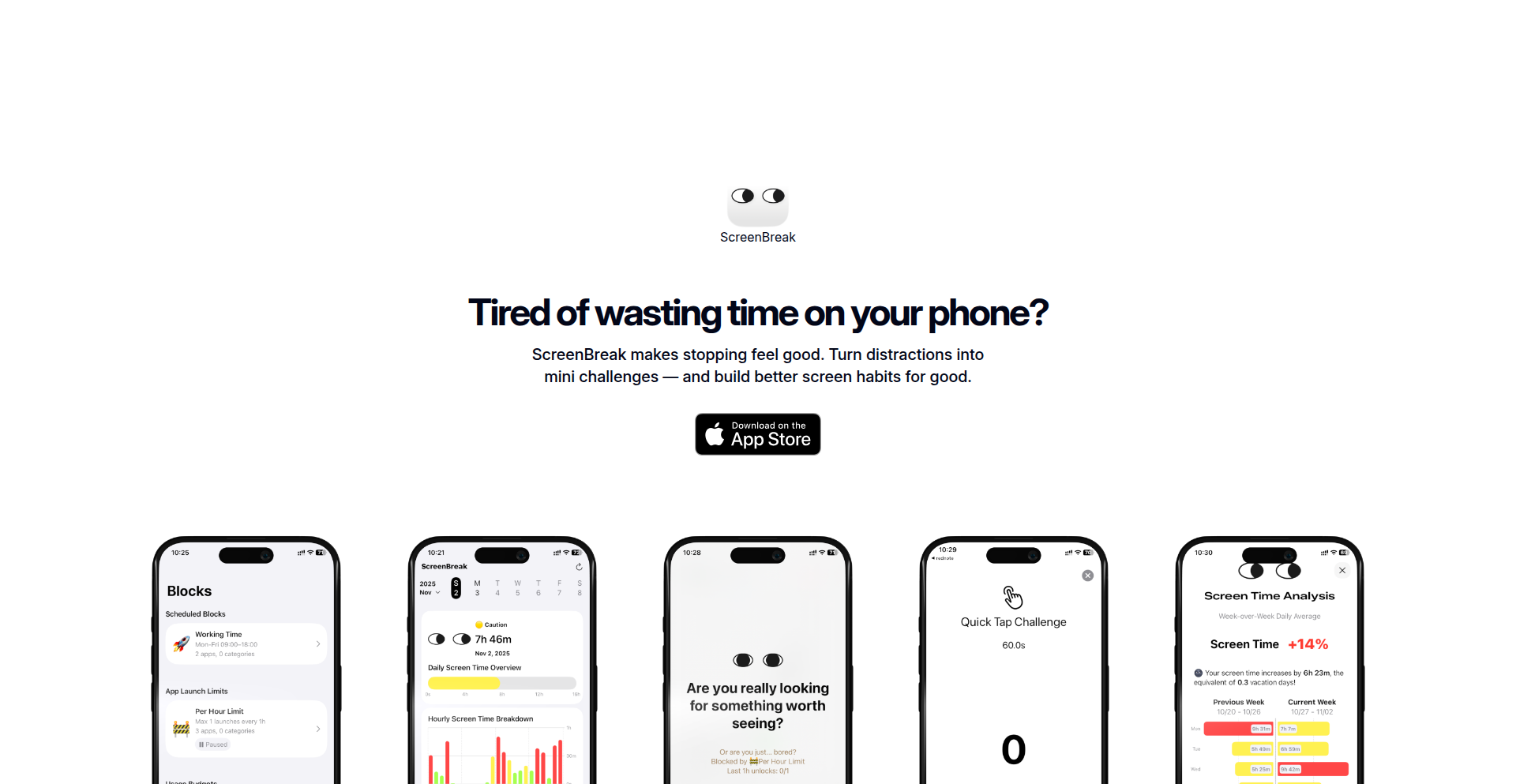
Author
gregzeng95
Description
ScreenBreak is a novel approach to app blocking that tackles the failure of rigid blockers. Instead of completely locking you out, it introduces a "soft block" mechanism. When you try to open a restricted app, you must complete a small, quick physical challenge on your device. Succeed, and you get a brief window to use the app for a specific task. Fail, and the impulse to scroll often fades, helping you regain focus. It's designed to interrupt impulsive, unconscious usage without completely disabling access when you genuinely need to use an app. This helps manage attention by adding just enough friction at the moment of temptation.
Popularity
Points 2
Comments 0
What is this product?
ScreenBreak is a mobile application designed to combat excessive app usage and improve focus. Unlike traditional app blockers that simply lock you out, ScreenBreak employs a "soft blocking" strategy coupled with "effort-based unlocks." The core technical innovation lies in requiring users to perform a simple, yet immediate, physical action on their device – like rapidly tapping the screen or shaking the phone – to gain temporary access to a blocked application. This introduces friction precisely at the point of impulsive urge, aiming to break the cycle of unconscious scrolling. This approach is more adaptable to real-world usage scenarios where users might need to briefly check an app for a specific purpose, rather than wanting to completely disable it.
How to use it?
Developers can integrate ScreenBreak by leveraging its flexible block rules. For instance, the "Schedule Block" feature allows apps to be restricted during specific work or sleep hours. The "App Launch Limit" prevents excessive opening of addictive apps by blocking access after a predefined number of launches per day. The "Usage Budget Limit" stops access once a daily or hourly time quota for an app is exhausted. When a block is triggered, users interact with their device to complete a challenge (e.g., tapping a specific area a certain number of times within a short period). Successful completion grants a short, predefined access window. This offers a programmable way to inject mindful pauses into daily digital routines, enhancing personal productivity and digital well-being.
Product Core Function
· Schedule Block: Enables timed restrictions on app access, providing value by ensuring dedicated focus periods or uninterrupted rest by automatically blocking distracting apps during set hours. This helps users create a healthier work-life balance.
· App Launch Limit: Restricts the number of times an app can be opened daily, offering value by discouraging habitual, impulse-driven app openings. This addresses the problem of unconscious scrolling and helps users break addictive usage patterns.
· Usage Budget Limit: Enforces time limits for app usage, providing value by preventing overspending of digital time on specific applications. This helps users stay within their intended usage goals and reclaim time for other activities.
· Effort-Based Unlocks: Introduces a physical challenge to gain temporary access to blocked apps, offering value by making the act of accessing an app more deliberate and less automatic. This friction interrupts impulsive urges and encourages mindful engagement with digital tools.
· Flexible Block Rules: Allows users to customize blocking behavior based on their needs, providing value by adapting to individual usage patterns and goals. This ensures the tool is practical and supportive rather than overly rigid and frustrating.
Product Usage Case
· A student using ScreenBreak to block social media apps during study hours. The "Schedule Block" feature ensures that Instagram and TikTok are inaccessible between 9 AM and 5 PM, allowing for focused learning and eliminating the temptation of random scrolling during academic tasks.
· A professional experiencing "doomscrolling" in the evenings. They configure "App Launch Limit" for news apps to a maximum of 5 launches per day. If they find themselves repeatedly opening these apps, ScreenBreak intervenes after the limit is reached, prompting a brief physical challenge to reconsider their usage and break the cycle.
· An individual trying to reduce overall screen time. They set a "Usage Budget Limit" for entertainment apps like YouTube, allowing only 30 minutes per day. Once this quota is met, they must complete a tapping challenge to get an extra 5 minutes, making them more conscious of how they spend their digital time and encouraging more deliberate choices.
· A developer who needs to quickly check a reference app but wants to avoid getting lost in it. They use "soft blocking" with a short access window after a quick shake gesture. This allows for efficient information retrieval without falling back into passive consumption.
58
Pythagorean Explorer

Author
keepamovin
Description
A visual proof engine for the Pythagorean Theorem. This project tackles the abstract nature of geometric theorems by providing an interactive, visual representation. Instead of just stating a² + b² = c², it dynamically demonstrates why it's true. This offers a unique way to understand and teach a fundamental mathematical concept, making it accessible to a broader audience.
Popularity
Points 2
Comments 0
What is this product?
This project is a web-based application that visually demonstrates the Pythagorean Theorem (a² + b² = c²). It goes beyond a static diagram by using code to create an interactive, animated proof. The core innovation lies in its ability to dynamically generate and manipulate geometric shapes (squares on the sides of a right-angled triangle) to visually confirm the theorem. This is achieved through front-end technologies that allow for real-time rendering and manipulation of visual elements, making abstract math tangible and intuitive. So, what's in it for you? It transforms a dry mathematical formula into an engaging visual experience, helping you grasp the concept deeply.
How to use it?
Developers can use this project as a pedagogical tool or as inspiration for building similar interactive educational visualizations. It can be integrated into web-based learning platforms, math tutoring websites, or even standalone educational apps. The underlying code can be forked and adapted to visualize other mathematical theorems or geometric principles. For example, you could integrate its visualization techniques into a physics simulator to show conservation of energy or momentum visually. So, how can you use it? You can embed its interactive proofs on your educational website, modify its rendering engine for your own visual math projects, or simply use it to better understand the theorem yourself.
Product Core Function
· Dynamic geometric shape generation: Allows for the creation and manipulation of squares based on triangle side lengths, providing a tangible representation of a², b², and c². This offers a deeper understanding of the theorem by showing the relationship between areas visually. It's useful for educators and students wanting a clear, visual explanation.
· Interactive animation of the proof: The project animates the process of rearranging the areas of the squares on the legs (a² and b²) to perfectly fit the area of the square on the hypotenuse (c²), solidifying the theorem's truth. This makes learning engaging and memorable, ideal for anyone struggling with abstract math concepts.
· Responsive web interface: Built with modern web technologies, the proof is accessible across various devices and screen sizes, ensuring a consistent learning experience. This means you can learn or teach from anywhere, on any device, making education more flexible.
· Underlying mathematical logic implementation: The code accurately reflects the mathematical principles of the Pythagorean Theorem, ensuring the visual proof is not just aesthetic but also mathematically sound. This provides a reliable and accurate demonstration of a fundamental mathematical truth, building confidence in its application.
Product Usage Case
· A middle school math teacher uses Pythagorean Explorer to demonstrate the Pythagorean Theorem in class. Instead of relying on static textbook diagrams, the teacher uses the interactive visualization to show how the areas of the squares on the two shorter sides of a right triangle always add up to the area of the square on the longest side. This helps students grasp the concept much faster and remember it longer. The problem solved is making abstract geometry understandable and engaging for young learners.
· A developer building an online math tutoring platform incorporates Pythagorean Explorer as a core feature. Students struggling with geometry can access this interactive proof to gain an intuitive understanding of the theorem before attempting practice problems. This enhances the platform's educational value and effectiveness. The problem solved is bridging the gap between theoretical knowledge and practical understanding for online learners.
· A curious programmer explores the codebase of Pythagorean Explorer to learn how to implement dynamic geometric visualizations in JavaScript. They might adapt the principles to create interactive demonstrations of other geometric concepts, like the area of a circle or properties of triangles. This fosters a deeper understanding of both mathematics and web development. The problem solved is providing a clear, code-based example for learning advanced front-end visualization techniques.
59
NetSnap
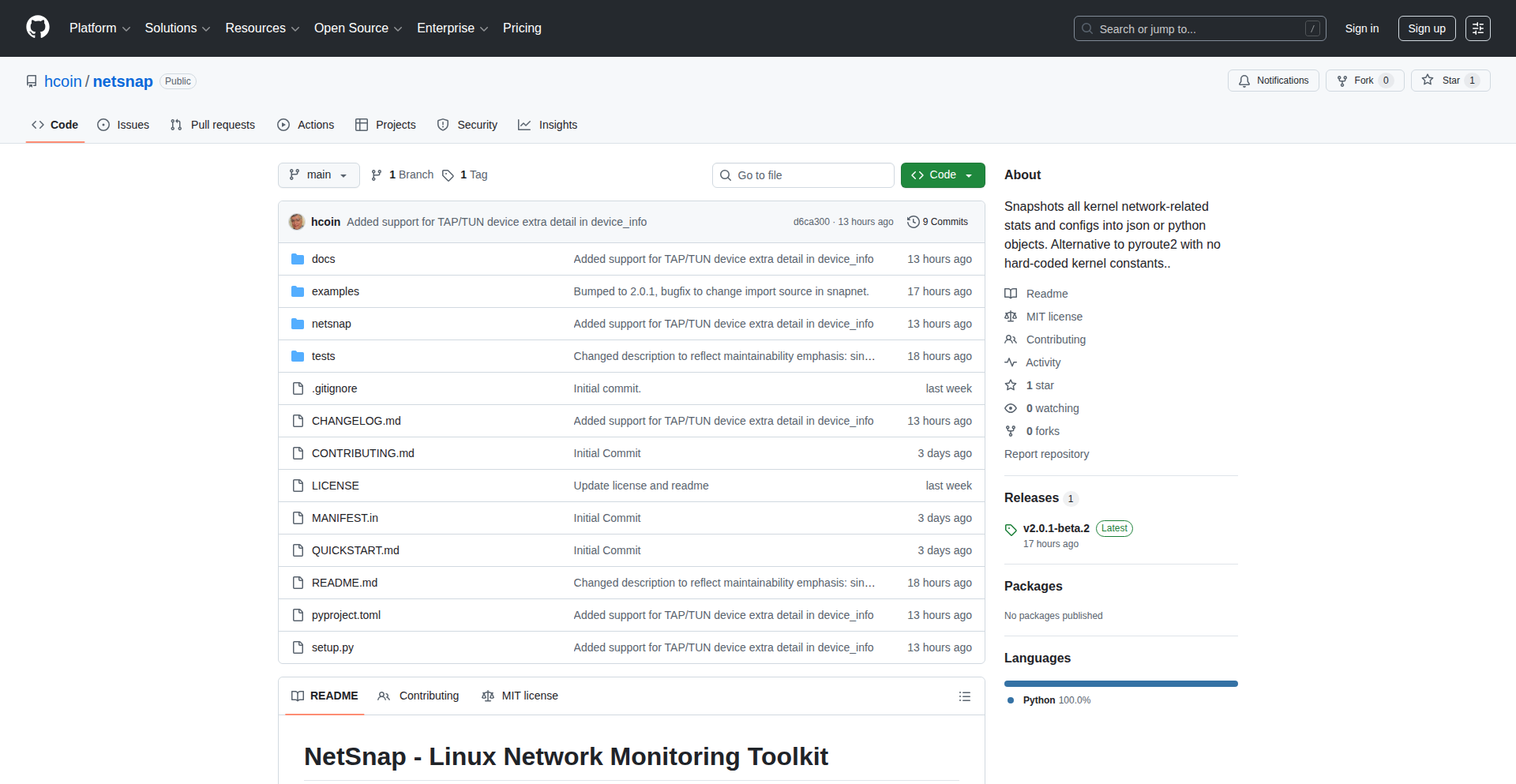
Author
harrygc
Description
NetSnap is a Python-based tool that captures detailed Linux networking information, presenting it as easily usable JSON or Python objects. It leverages the fastest kernel APIs (RTNetlink and Generic Netlink) to provide deep insights into network interfaces, routing tables, and more. This innovative approach offers a more maintainable and portable solution compared to traditional methods by directly querying the kernel for network configuration, avoiding hardcoded values.
Popularity
Points 2
Comments 0
What is this product?
NetSnap is a utility designed to extract comprehensive networking state from Linux systems. Instead of relying on parsing text output from commands like `ip` or `netstat` which can be inconsistent and change between kernel versions, NetSnap directly communicates with the Linux kernel using low-level APIs called RTNetlink and Generic Netlink. Think of it like talking directly to the operating system's networking brain. This allows it to get accurate, real-time information about everything from your network card's status to how data is routed. The innovation lies in its direct kernel interaction and its design principle of using the kernel itself as the 'single source of truth' for network definitions, making it highly adaptable and less prone to breaking with system updates. It outputs this data in either a structured JSON format, perfect for automation and analysis, or as convenient Python objects.
How to use it?
Developers can integrate NetSnap into their workflows in several ways. For quick network state snapshots, you can run NetSnap from the command line to generate JSON output, which can then be piped to other tools or saved to a file for later analysis. For more dynamic applications, you can import NetSnap into your Python 3.8+ scripts. This allows you to programmatically access detailed network configuration and statistics, enabling you to build custom monitoring tools, automated network management scripts, or even network troubleshooting applications. For instance, you could write a script that continuously monitors for changes in routing tables and triggers an alert if an unexpected route appears.
Product Core Function
· Kernel-level network data acquisition: NetSnap bypasses less efficient command-line parsing by using direct kernel communication APIs, ensuring faster and more accurate data retrieval. This is valuable because it provides a reliable foundation for any network analysis or automation.
· Comprehensive network state visibility: It gathers information on network interfaces (IP addresses, MAC addresses, link status), routing tables (how data packets are directed), neighbor tables (ARP cache), multicast databases, and routing rules. This depth of information is crucial for understanding complex network behavior and diagnosing issues.
· JSON and Python object output: The flexibility to output data as JSON makes it easy to integrate with web services, APIs, and other scripting languages for automation and data processing. The Python object output allows for seamless integration into existing Python applications for in-depth manipulation and analysis.
· High maintainability and portability: By relying on the kernel as the source of truth for network definitions, NetSnap avoids hardcoded values that would need constant updating across different Linux distributions and kernel versions. This makes it more robust and easier to maintain over time, saving developers maintenance headaches.
· Real-time change tracking (potential): While the primary use case is snapshots, the underlying technology of NetSnap is designed for fast kernel communication, which can be extended to track network changes in near real-time, providing immediate insights into dynamic network environments.
Product Usage Case
· Automated network auditing: A DevOps team can use NetSnap to periodically scan their servers' network configurations and generate reports in JSON format. This helps them quickly identify any unauthorized changes or misconfigurations, ensuring compliance and security.
· Custom network monitoring dashboards: A network engineer can build a Python application using NetSnap to collect live network statistics from multiple servers. This data can then be visualized on a dashboard to monitor network health, traffic patterns, and potential bottlenecks, helping to proactively resolve issues.
· Troubleshooting complex network issues: When a network connectivity problem arises, a system administrator can run NetSnap to get a detailed, structured snapshot of the affected system's network state. This raw, accurate data can be invaluable for pinpointing the root cause, whether it's a routing misconfiguration, an incorrect IP address, or an issue with neighbor discovery.
· Network configuration validation: Before deploying new network configurations, a developer can use NetSnap to capture the 'before' state. After applying the changes, they can capture the 'after' state and compare the two using NetSnap's output to verify that the configuration was applied correctly and as expected, preventing unintended consequences.
60
Sunpeak: LLM App Accelerator

Author
abewheeler
Description
Sunpeak is an open-source SDK designed to streamline the development of applications powered by Large Language Models (LLMs) like ChatGPT. It abstracts away repetitive platform and testing boilerplate code, allowing developers to focus on the core logic of their LLM-powered applications. This significantly reduces development time and complexity, enabling quicker iteration and deployment of AI features.
Popularity
Points 2
Comments 0
What is this product?
Sunpeak is a Software Development Kit (SDK) that acts as a middleware layer for building applications that interact with various Large Language Models (LLMs) such as OpenAI's ChatGPT, Google's Gemini, and Anthropic's Claude. The innovation lies in its architecture that pre-emptively handles common development challenges. Instead of developers manually setting up connections, managing API keys, and writing extensive unit tests for basic LLM interactions, Sunpeak provides pre-built components and standardized interfaces. This means you don't have to reinvent the wheel for every new AI project; Sunpeak offers a robust, tested foundation. So, for you, this means faster development and less frustration when integrating AI capabilities into your products.
How to use it?
Developers can integrate Sunpeak into their existing or new projects by following its installation guidelines, typically involving package manager installation (e.g., npm, pip). Once integrated, developers interact with Sunpeak's abstracted API to send prompts to LLMs and receive responses. This involves defining application-specific prompts and handling the LLM output within their application logic. Sunpeak provides utility functions for common tasks like managing conversation history, handling model configurations, and setting up mock environments for testing. This makes it easy to integrate into various application frameworks, from web applications built with React or Vue, to backend services in Python or Node.js. So, for you, this means a smoother path to building sophisticated AI features without getting bogged down in the underlying infrastructure.
Product Core Function
· LLM Abstraction Layer: Provides a unified interface to interact with different LLM providers (OpenAI, Gemini, Claude, etc.). This eliminates the need to learn and maintain separate SDKs for each provider, saving significant development effort. So, for you, this means flexibility and future-proofing your AI integrations.
· Boilerplate Code Reduction: Automates the setup of common LLM application components, such as API clients, error handling, and basic prompt templating. This allows developers to focus on unique application features rather than repetitive setup tasks. So, for you, this means getting your product to market faster.
· Testing Utilities: Includes built-in tools and patterns for easily testing LLM interactions, such as mocking LLM responses and verifying application logic. This ensures reliability and robust AI integration. So, for you, this means building more dependable AI-powered products.
· Configuration Management: Offers a structured way to manage LLM configurations, API keys, and other settings, making it easier to deploy and manage applications across different environments. So, for you, this means easier deployment and management of your AI applications.
Product Usage Case
· Building a customer support chatbot that leverages ChatGPT to understand user queries and provide instant responses. Sunpeak would handle the communication with the OpenAI API, allowing the developer to focus on crafting the chatbot's persona and specific knowledge base. So, for you, this means a faster way to deploy an intelligent customer service solution.
· Developing a content generation tool that uses Gemini to create marketing copy or blog post drafts. Sunpeak would simplify the integration with the Gemini API, enabling the developer to build features for prompt refinement and output editing. So, for you, this means accelerating the creation of marketing content.
· Creating a personalized recommendation engine that uses Claude to generate tailored suggestions based on user preferences. Sunpeak would abstract away the complexities of interacting with the Claude API, allowing the developer to concentrate on the recommendation algorithms and user experience. So, for you, this means building more engaging and personalized user experiences.
61
Amazon Order Wrapped

Author
justinsainton
Description
A project that provides a personalized, visually engaging summary of your Amazon purchase history, akin to Spotify Wrapped. It leverages data visualization techniques to transform raw order data into insightful trends and statistics, offering a novel way to understand your online shopping habits.
Popularity
Points 1
Comments 1
What is this product?
This project is a web application that analyzes your Amazon order history to generate a personalized year-in-review, much like Spotify's 'Wrapped' feature. It's built using web scraping to gather order data and then employs data processing and visualization libraries to present findings such as top spending categories, most frequent purchases, and delivery patterns. The innovation lies in applying a familiar and engaging consumer insight model to a typically utilitarian data source, revealing hidden patterns in everyday online shopping.
How to use it?
Developers can integrate this project by connecting it to their Amazon account (though this specific implementation might be a demonstration and require manual data input or API access if available). Once the data is fed into the system, it generates interactive charts and summaries. Potential use cases include personal finance tracking, understanding consumption habits, or even as a template for creating similar data visualization tools for other services.
Product Core Function
· Order Data Aggregation: Gathers all past Amazon order details. The value is to consolidate scattered purchase information into a single, manageable dataset for analysis, allowing users to see their entire shopping footprint.
· Spending Category Analysis: Identifies and quantifies spending across different product categories. This offers insight into where money is being spent, helping users identify areas for potential savings or understand their consumption priorities.
· Purchase Frequency Tracking: Highlights how often specific items or types of items are bought. This can reveal habitual buying patterns and inform decisions about bulk purchases or subscription services.
· Delivery Pattern Visualization: Maps out delivery timelines and locations. Understanding delivery trends can help users manage expectations and perhaps optimize future delivery choices.
· Personalized Summary Generation: Compiles all analyzed data into a visually appealing, shareable report. This makes complex data accessible and engaging, transforming dry statistics into an interesting personal narrative.
Product Usage Case
· Personal Finance Management: A user wants to understand their spending habits better. They use 'Amazon Order Wrapped' to see they spend 30% of their budget on electronics. This realization prompts them to cut back on impulse gadget purchases, saving them money.
· Understanding Consumption Habits: A content creator wants to see what kind of products they buy most frequently for their projects. The tool reveals they buy craft supplies every two weeks, informing them about their ongoing project needs and inventory management.
· Data Visualization Exploration: A developer is curious about how to best present e-commerce data. They study the source code of 'Amazon Order Wrapped' to learn techniques for data aggregation and interactive chart creation, inspiring their own data dashboard projects.
· Gift Planning: A user wants to ensure they don't buy duplicate gifts for friends. By reviewing their past Amazon gift orders from the tool, they can easily recall what they've previously purchased for individuals.
62
Sigma Cognitive Runtime

Author
teugent
Description
Sigma Runtime is an experimental open-source project that aims to provide a stable and structured way for Large Language Models (LLMs) to perform complex, long-horizon reasoning. It treats LLMs as the 'hardware' and offers a 'Linux-style' runtime environment for cognitive processes, enabling frameworks like LangChain to act as 'drivers' for more advanced AI capabilities. The core innovation lies in its approach to integrating symbolic density, drift regulation, and recursive coherence into a unified cognitive layer, tackling the challenge of maintaining focus and consistency in LLM outputs over extended tasks.
Popularity
Points 1
Comments 1
What is this product?
Sigma Runtime is a novel execution environment designed to enhance the long-term reasoning abilities of Large Language Models (LLMs). Think of it like an operating system for AI brains. Traditional LLMs can sometimes lose track or 'drift' when dealing with complex, multi-step tasks. Sigma Runtime introduces a framework that manages these processes more effectively by integrating concepts like 'symbolic density' (keeping related information tightly coupled), 'drift regulation' (preventing the AI from straying off-topic), and 'recursive coherence' (ensuring logical consistency throughout the process). This allows LLMs to maintain focus and produce more reliable results for extended and intricate operations, similar to how a stable operating system manages computational resources.
How to use it?
Developers can integrate Sigma Runtime into their LLM-powered applications to build more robust and capable AI systems. It acts as an intermediary layer. You would typically configure Sigma Runtime to define the cognitive architecture for your LLM. Frameworks like LangChain, which are commonly used for orchestrating LLM workflows, can then be used to interact with Sigma Runtime. This means instead of directly calling an LLM for every step of a complex task, you would use LangChain to interact with Sigma Runtime, which in turn manages the LLM's reasoning process. This approach is particularly useful for building AI agents that need to perform long-term planning, complex problem-solving, or maintain context over extended interactions.
Product Core Function
· Attractor-based Cognition Execution Model: Provides a structured way for LLMs to process information and make decisions, ensuring a more directed and less random cognitive flow, which leads to more predictable outcomes for developers.
· Symbolic Density Integration: Helps the LLM maintain strong connections between related pieces of information, crucial for tasks requiring deep understanding and context, making the AI's responses more relevant and coherent.
· Drift Regulation Mechanism: Actively works to prevent the LLM from going off-topic or losing focus during long reasoning chains, directly addressing a common failure mode and improving the reliability of AI agents.
· Recursive Coherence Layer: Ensures that the AI's thought process and outputs remain logically sound and consistent throughout complex operations, vital for applications where accuracy and logical progression are paramount.
· LLM as Hardware Abstraction: Allows developers to treat different LLMs as interchangeable processing units, enabling flexibility and easier experimentation with various models within a stable cognitive framework.
Product Usage Case
· Building an AI research assistant that can sift through vast amounts of scientific literature, identify key trends, and synthesize findings over extended periods without losing focus. Sigma Runtime ensures the assistant stays on track and maintains logical connections between research papers.
· Developing advanced AI agents for complex strategic games or simulations that require long-term planning and adaptation. The drift regulation and recursive coherence features of Sigma Runtime help the AI maintain a consistent strategy and avoid nonsensical moves.
· Creating sophisticated chatbots that can handle multi-turn conversations requiring deep context retention and understanding. Sigma Runtime helps the chatbot remember previous interactions and build upon them logically, providing a more natural and intelligent user experience.
· Implementing AI-powered code generation tools that can understand and maintain context across large codebases for refactoring or complex feature development. Sigma Runtime enables the AI to reason about the entire project structure, not just isolated code snippets.
63
Customizable Forerunner Watchface Engine
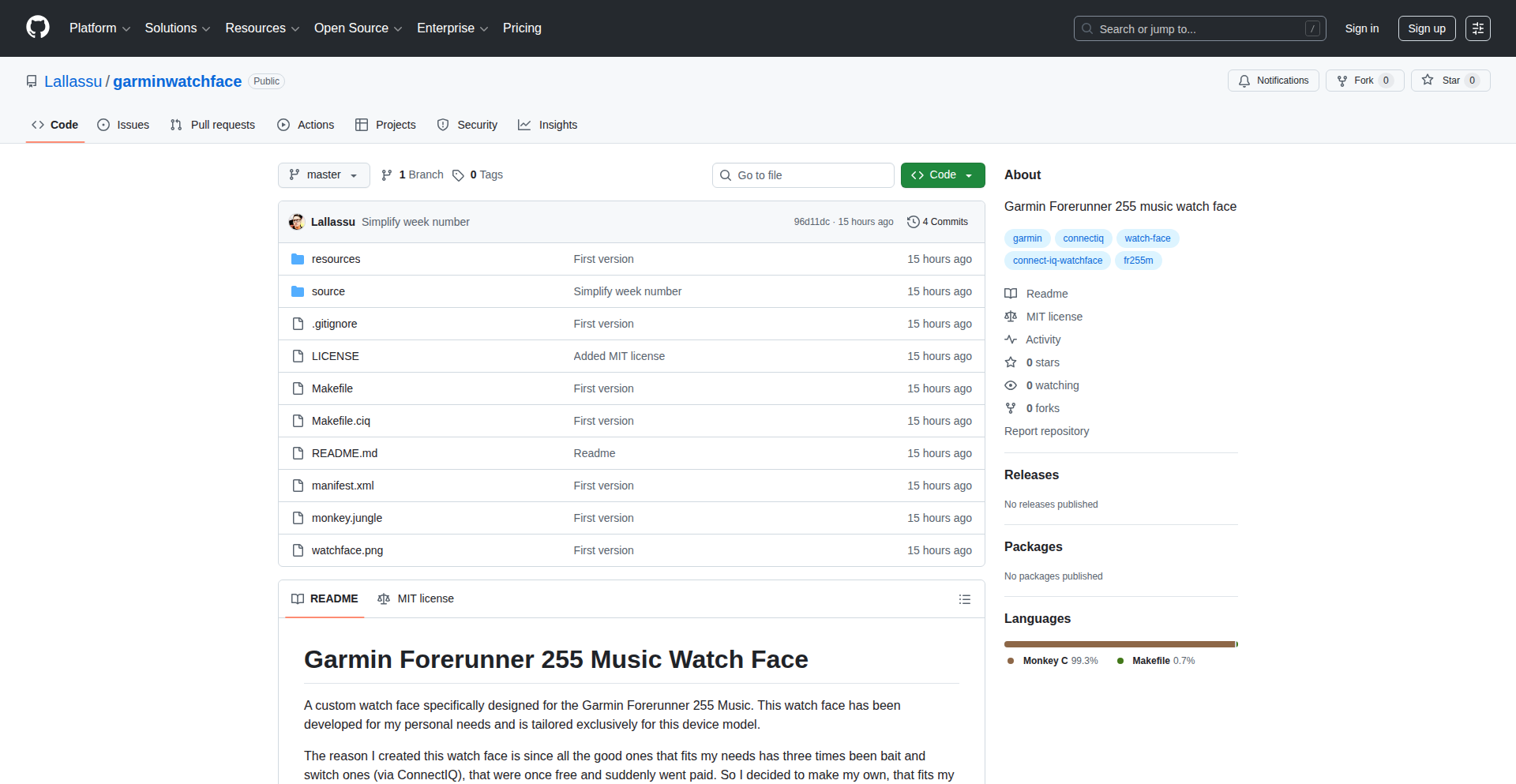
Author
nergal
Description
This project is a highly customizable watch face for Garmin Forerunner music watches, built using Monkey C. It tackles the common developer need for a personalized and functional watch face that goes beyond the default options, offering a flexible framework for creating unique interfaces tailored to individual user requirements and preferences. The core innovation lies in its modular design and the ability for developers to easily adapt and extend its functionality.
Popularity
Points 2
Comments 0
What is this product?
This is a demonstration of a customizable watch face developed for Garmin Forerunner music watches using the Monkey C programming language. The key innovation is its flexible architecture, allowing developers to easily modify and extend the watch face's features. Instead of a static design, it provides a template and the underlying code that can be tweaked to display different data points (like battery life, step count, heart rate), change visual styles, and even integrate simple interactive elements. This allows for a highly personalized user experience that the default Garmin watch faces might not offer. So, what's in it for you? It means you're not stuck with boring watch faces; you can have one that truly reflects your style and shows you exactly the information you need at a glance.
How to use it?
Developers can use this project as a starting point to build their own unique Garmin watch faces. By understanding the Monkey C code and the project's structure, they can modify existing features, add new data displays, or change the visual theme to suit their personal needs or the needs of their users. This involves cloning the repository, making modifications to the Monkey C source files, and then compiling and deploying the new watch face to a compatible Garmin device using the Garmin Connect IQ SDK. This offers a direct path to creating a personalized wearable experience. So, what's in it for you? You get to build a watch face that perfectly matches your workflow, whether you're a runner who needs specific performance metrics or just someone who wants a cleaner, more informative display on their wrist.
Product Core Function
· Modular UI Design: Allows for easy rearrangement and addition of display elements like time, date, steps, battery, and heart rate. The value is in offering a flexible canvas for personalized data presentation. This is useful for developers who want to prioritize specific information on their watch screen.
· Customizable Data Fields: Enables the display of various metrics from the watch sensors and system. The value is in providing relevant real-time information to the user. This is useful for athletes tracking performance or anyone wanting to monitor their health stats.
· Themable Aesthetics: Offers the ability to change colors, fonts, and layouts. The value is in creating a visually appealing and personalized experience. This is useful for users who want their watch to match their personal style.
· Monkey C Codebase: Provides a foundational example for developing watch faces on the Garmin platform. The value is in lowering the barrier to entry for new developers and offering a robust starting point. This is useful for anyone interested in creating applications for Garmin devices.
Product Usage Case
· A runner wants to see their current pace, heart rate zones, and remaining battery life all on the main screen during a workout. This project allows for that by enabling the display of these specific metrics. This solves the problem of having to swipe through multiple screens to get crucial information during exercise.
· A user prefers a minimalist watch face with just the time, date, and a simple step count visualization. This project's customizable nature makes it easy to strip down the display to only show essential information, reducing visual clutter.
· A developer wants to create a watch face that subtly changes color based on the time of day or their current activity level. This project's modular design and access to sensor data provide the foundation for such dynamic visual feedback.
· A user is tired of the default watch faces and wants something that matches their professional attire. This project enables them to design a more sophisticated and elegant watch face by adjusting colors and fonts.
64
DebriefAI

Author
baetylus
Description
DebriefAI is an AI-powered tool that automatically aggregates and summarizes discussions from your work communication channels like Slack and Gmail. It solves the problem of information overload by providing concise daily briefs on specific topics you choose, saving you valuable time and ensuring you don't miss critical updates. So, this is useful for you because it drastically reduces the time spent catching up on conversations and helps you stay focused on what matters most.
Popularity
Points 2
Comments 0
What is this product?
DebriefAI is an intelligent system that acts as your personal work news aggregator. It uses natural language processing (NLP) and machine learning (ML) to understand the context of your conversations across different platforms. The core innovation lies in its ability to identify and track specific keywords or topics (like a 'project name' or 'feature request') across multiple communication streams. It then synthesizes this information into short, easily digestible 1-minute daily summaries for each tracked topic. This is valuable because it transforms scattered information into actionable insights, preventing you from getting lost in endless threads and emails.
How to use it?
Developers can use DebriefAI by connecting their work accounts (e.g., Slack, Gmail, Google Docs). Once connected, they can define specific topics they want to track. For example, you could set up a topic called 'New Feature Development' and the system will monitor all mentions and discussions related to this topic across your connected tools. Each day, you'll receive a brief summary of what's new or important regarding that topic. This is useful for you as it automates the process of information gathering, allowing you to quickly grasp the status of projects or discussions without manually sifting through every message.
Product Core Function
· Topic Tracking: AI identifies and follows discussions related to user-defined keywords or phrases across integrated applications. This is valuable for ensuring you don't miss updates on critical projects or areas of interest, keeping you informed without manual effort.
· Cross-Platform Aggregation: Gathers information from various work tools like Slack, Gmail, and documents into a single view. This is valuable because it centralizes information, eliminating the need to jump between multiple applications to get a complete picture.
· Daily AI-Generated Briefs: Creates concise, 1-minute summaries of tracked topics, highlighting key developments and discussions. This is valuable for saving significant time and mental energy by providing a quick overview of what's important, enabling faster decision-making.
· Encrypted Data Handling: Ensures all user data is encrypted, with ongoing efforts towards security certifications like SOC II. This is valuable for peace of mind, knowing your sensitive work-related conversations are protected and handled with high security standards.
Product Usage Case
· A developer working on a new feature might track 'bug fixes for feature X'. DebriefAI would then collect all Slack messages, emails, and even comments in shared documents mentioning 'bug fixes for feature X' and provide a daily summary of new issues reported or progress made. This solves the problem of missing critical bug reports buried in lengthy conversation threads.
· A project manager could track 'Q4 Product Launch'. DebriefAI would then aggregate updates from various team members across Slack and email regarding marketing, development, and sales activities related to the launch. This helps the PM stay on top of the overall progress and identify any potential roadblocks across different departments.
· A remote team member might use DebriefAI to track 'team sync updates'. The AI would collect summaries or key decisions from daily stand-ups or asynchronous communication channels, ensuring the team member is up-to-date even if they missed a live meeting. This solves the challenge of staying aligned with team progress when not actively participating in every discussion.
65
OpusSim: AI-Assisted Python Terminal Life Sim
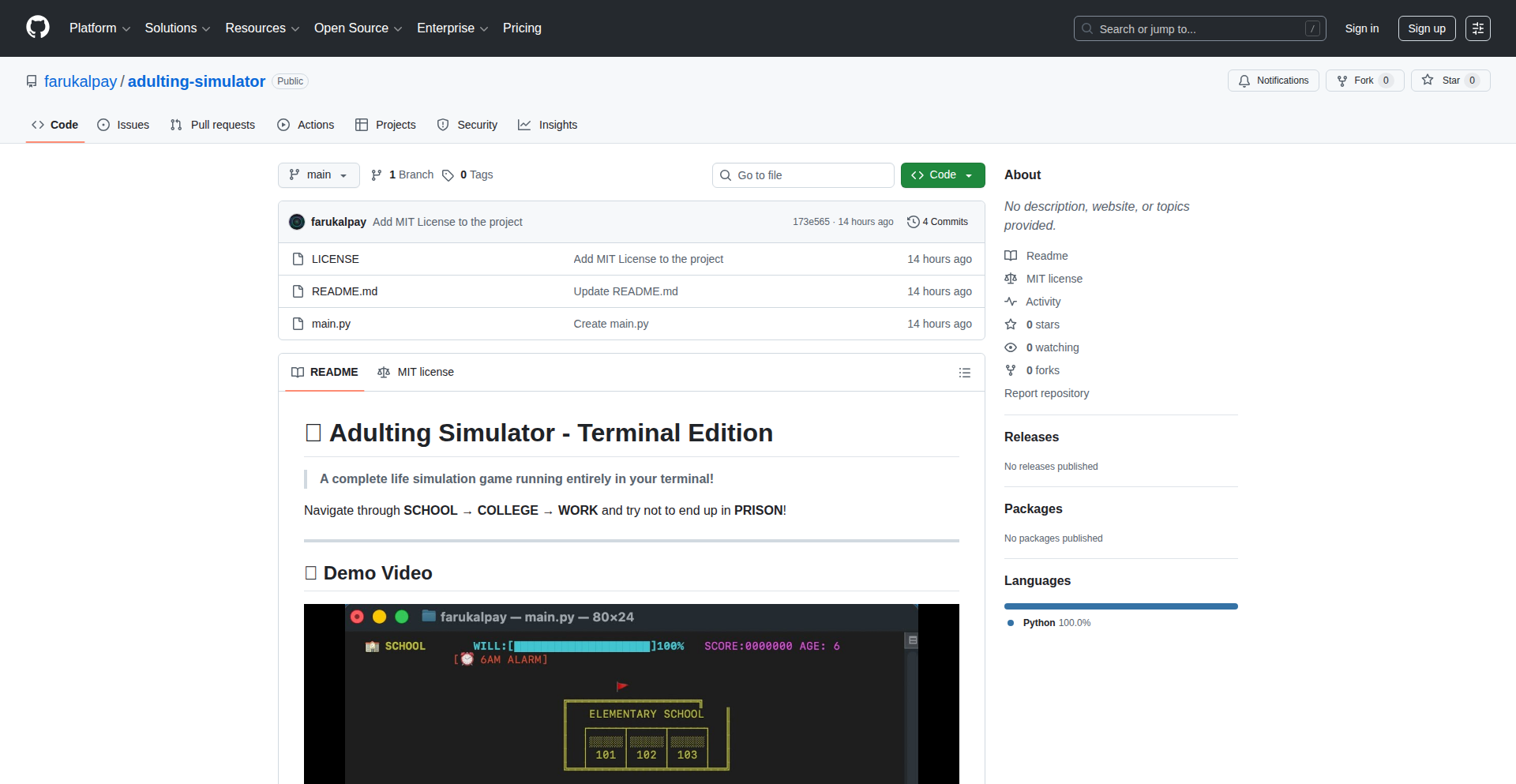
Author
GeldiBey
Description
This project is a terminal-based life simulator game built in Python, collaboratively developed with Claude Opus 4.5. The innovation lies in using an advanced AI model as a pair-programming partner to rapidly prototype and build a complex game logic, demonstrating a new paradigm for developer productivity and creative exploration in game development.
Popularity
Points 2
Comments 0
What is this product?
This project is a life simulation game that runs directly in your computer's command line, creating an interactive experience using text characters (ASCII art). The core technological innovation is the use of an AI, specifically Claude Opus 4.5, as a co-developer. Instead of a human programmer writing all the code, the AI contributed significantly to the development process. This showcases how AI can be a powerful tool for accelerating software development, especially for creative projects like games, by suggesting code, debugging, and even architecting game mechanics. Essentially, it's about 'human-AI collaborative coding'.
How to use it?
Developers can use this project as a demonstration of AI-assisted development. They can fork the Python code from the repository and experiment with modifying game features, adding new events, or even changing the AI's role in the development process. For those interested in game development, it provides a blueprint for building text-based games. Furthermore, it serves as a practical example for learning how to integrate AI models into development workflows, potentially by using AI APIs to generate code snippets or game logic, thus speeding up their own projects.
Product Core Function
· AI-assisted game logic generation: The AI helped in designing and implementing the core rules and behaviors of the simulation, significantly reducing development time. This means faster creation of game mechanics.
· Terminal-based ASCII interface: The game uses text characters to represent the game world and actions, allowing it to run on any system with a terminal, without requiring graphical assets. This makes it accessible and easy to run.
· Life simulation mechanics: Implements basic needs, relationships, and events that a simulated character experiences over time. This provides a foundation for engaging gameplay and exploring emergent narratives.
· Python implementation: Built using Python, a versatile and widely-used programming language, making it easy for other developers to understand, modify, and extend. This ensures broad compatibility and ease of contribution.
Product Usage Case
· Rapid prototyping of game ideas: A developer can quickly bring a concept for a text-based game to life by leveraging AI to handle much of the boilerplate code and initial design. This drastically cuts down the time from idea to playable prototype.
· Learning AI-assisted development techniques: Students or junior developers can study this project to understand how to effectively collaborate with AI tools like Claude Opus 4.5 for coding tasks. It's a practical lesson in modern software engineering practices.
· Creating educational tools: The simulator could be adapted to teach concepts related to decision-making, resource management, or even AI collaboration in an interactive, engaging format. This turns a game into a learning experience.
66
MemoryGate: Contextual Recall Engine
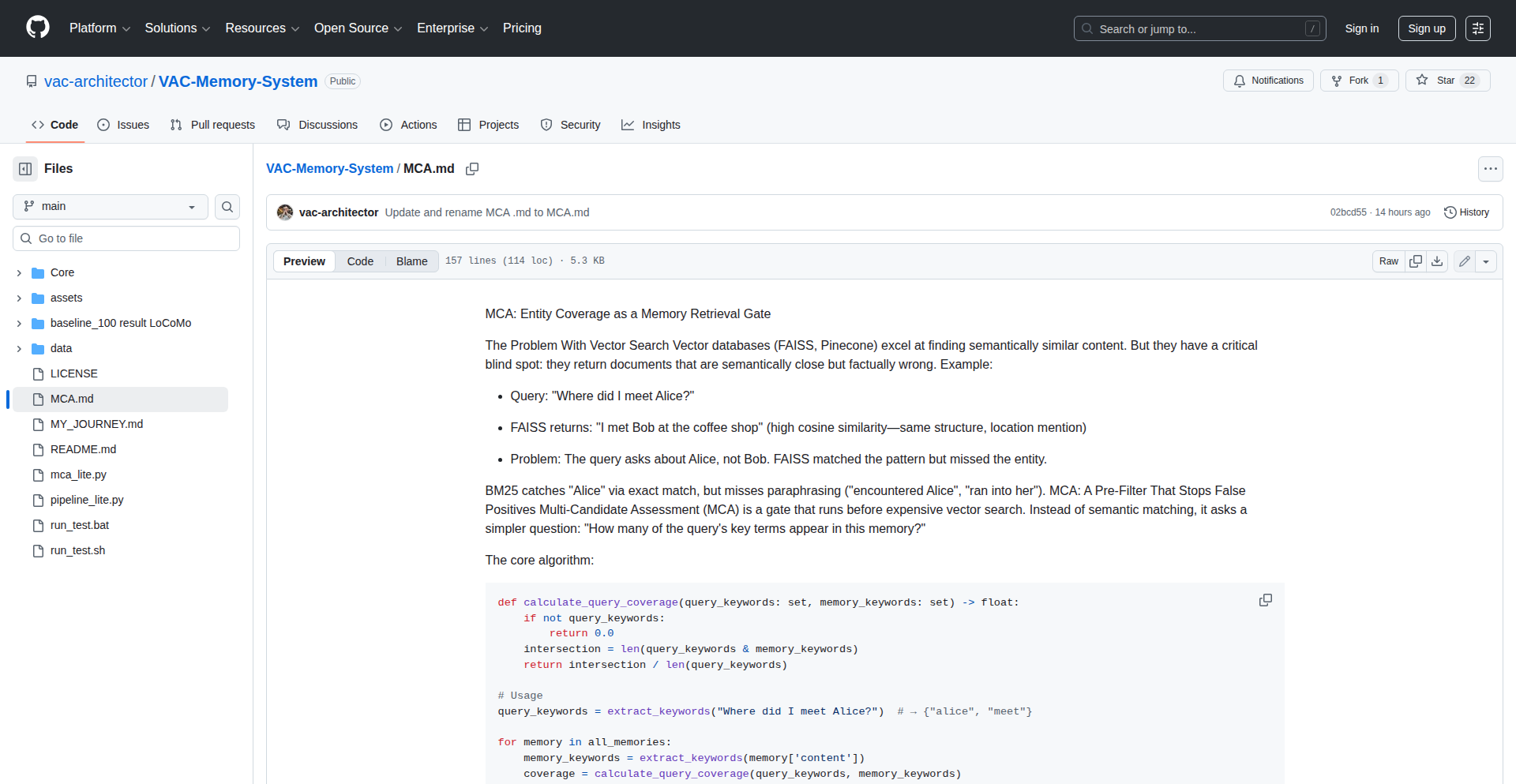
Author
ViktorKuz
Description
MemoryGate is a novel system that uses a technique called MCA (Memory Context Association) to act as a sophisticated gatekeeper for retrieving information from memory. Instead of just searching for keywords, it understands the context of your query and prioritizes information that's most relevant, mimicking how human memory recall works when you're trying to remember something specific. This significantly enhances the efficiency and accuracy of information retrieval, especially in large and complex datasets.
Popularity
Points 1
Comments 1
What is this product?
MemoryGate is a system designed to improve how we access and retrieve information from digital memory stores. It employs a method called MCA (Memory Context Association), which is a way of mapping the relationships between pieces of information based on their surrounding context. Think of it like this: when you try to remember something, your brain doesn't just pull up a single fact; it pulls up related memories, feelings, and situations. MemoryGate aims to replicate this by understanding the 'context' of your search query. This means it can find information that's not just a direct match to your keywords, but also information that is conceptually related or relevant in the specific situation you're inquiring about. The innovation lies in moving beyond simple keyword matching to a more intelligent, context-aware retrieval process, reducing noise and increasing precision in finding what you need.
How to use it?
Developers can integrate MemoryGate into applications that require intelligent data retrieval, such as personal knowledge management tools, research platforms, or even intelligent chatbots. Instead of building traditional search indexes, developers can use MemoryGate's MCA algorithm to 'learn' the relationships within their data. This can be done by feeding structured or unstructured data into the system. The output is a more refined retrieval mechanism. For example, if you have a vast collection of research papers, MemoryGate can help you find papers related to a specific experimental setup, even if the exact wording isn't in your query. It can be integrated via APIs, allowing it to be a backend service for various front-end applications.
Product Core Function
· Contextual Relevance Scoring: This function uses the MCA algorithm to assign a relevance score to data items based on the query's context, rather than just keyword frequency. This means more pertinent results are prioritized, saving users time and effort in sifting through irrelevant information.
· Relationship Mapping: The system automatically maps associative relationships between data points based on their context. This allows for the discovery of indirect connections and deeper insights within datasets that might otherwise be missed.
· Semantic Search Enhancement: By understanding the meaning and context behind a query, MemoryGate significantly improves the accuracy of semantic search. This leads to finding information that 'feels' right, even if the exact terminology isn't used.
· Personalized Memory Retrieval: For applications like personal knowledge bases, MemoryGate can learn user-specific context and preferences to tailor retrieval, making it feel like a truly personalized memory assistant.
· Efficient Data Navigation: By providing a contextually aware retrieval gate, MemoryGate helps users navigate large and complex datasets more efficiently, quickly zeroing in on the most valuable information.
Product Usage Case
· A research assistant application for scientists: Imagine a scientist needing to find all experiments related to a specific gene in a database of thousands of studies. Traditional search might return many irrelevant results. MemoryGate could identify studies that discuss the gene's function in a similar biological pathway, even if the specific experiment details differ, thus accelerating research.
· A digital archive for historical documents: A historian could use MemoryGate to find documents related to a particular event, not just by searching for keywords of the event, but also by providing context like the involved individuals or the geographical location. MemoryGate would then surface related correspondence, official decrees, or personal accounts that provide a richer understanding of the event.
· A personal knowledge management tool: A user might want to recall a note they took about a project months ago. Instead of searching for keywords from the note, they could ask MemoryGate, 'What did I write about that meeting with client X last quarter?' MemoryGate would leverage the context of the meeting and client to retrieve the relevant notes, even if the user doesn't remember the exact phrasing.
· A customer support knowledge base: Support agents could use MemoryGate to quickly find solutions to customer issues. Instead of searching for exact error codes, they could describe the symptoms in natural language. MemoryGate would then surface relevant troubleshooting guides and past resolved cases based on the described context, improving resolution times.
67
PlateGuard ANPR Reminder

Author
keooodev
Description
A practical application designed to prevent Automatic Number Plate Recognition (ANPR) parking fines by sending timely push notifications. It addresses the common oversight of forgetting to register a vehicle's license plate in free ANPR car parks, a problem particularly affecting elderly individuals and those with children. The core innovation lies in its proactive reminder system, built with the intent of future monetization through premium features.
Popularity
Points 2
Comments 0
What is this product?
PlateGuard ANPR Reminder is a mobile application that acts as a personal assistant for drivers in the UK who use free ANPR car parks. The technology leverages location services to detect when a user enters a designated ANPR car park. Upon detection, it triggers a push notification to remind the user to register their license plate. This directly tackles the technical challenge of human forgetfulness in automated systems. The innovation is in its user-centric approach to mitigating the punitive consequences of ANPR systems, turning a potential fine into a user-friendly reminder. This means you don't have to worry about unexpected fines when you've parked in a free ANPR spot.
How to use it?
Developers can use this project as a foundation for building similar location-aware reminder applications. For end-users, the app would be installed on their smartphone. The user would then input the locations of ANPR car parks they frequently use (or the app could auto-detect them based on the developer's initial setup). When the user's phone detects they have entered one of these designated car parks, the app will send a push notification directly to their device, prompting them to enter their license plate number into the car park's system. This integration is seamless and happens in the background. So, this means for you, it's a simple install and forget, but always remembered when it matters most.
Product Core Function
· Location-based ANPR car park detection: The system uses GPS or cell tower triangulation to identify when a user enters a pre-defined ANPR car park. This is valuable because it automates the trigger for the reminder, eliminating manual checks. This is useful for preventing fines.
· Push notification reminder system: Upon detecting car park entry, the app sends an immediate notification to the user's device. This is valuable as it provides a timely and unavoidable prompt. This is useful for ensuring you don't forget to log your plate.
· User-defined car park list: Allows users to manually add and manage ANPR car park locations they frequent. This is valuable for customization and ensures coverage for specific user needs. This is useful for tailoring the app to your personal parking habits.
· Background operation: The application runs in the background, actively monitoring location without requiring constant user interaction. This is valuable for a non-intrusive user experience. This is useful because you don't have to actively keep the app open.
Product Usage Case
· A parent with young children quickly exiting the car to attend to their kids might forget to register their license plate. The PlateGuard app, upon detecting entry into the local supermarket's ANPR car park, sends a prompt to their phone, preventing a potential £70 fine. This addresses the problem of distraction leading to oversights.
· An elderly driver, less familiar with technology or prone to forgetfulness, parks in a free car park. The app provides a clear, unmissable notification, reminding them to complete the necessary registration process, thus avoiding a significant financial penalty. This solves the problem of technology adoption challenges for vulnerable user groups.
· A commuter who regularly uses multiple free ANPR car parks throughout their day can program all these locations into the app. The app then intelligently reminds them at each new location, ensuring compliance and avoiding a cumulative financial burden. This handles the complexity of managing multiple parking locations.
68
Locu DeepWork Engine

url
Author
drankou
Description
Locu is a desktop application designed for engineers to achieve consistent, focused work. It integrates with task management tools like Linear and Jira, blocks distractions, and leverages ultradian rhythms for deep work sessions. Its local-first architecture enhances data privacy and offline usability. This offers a structured approach to productivity, moving beyond simple timers to a comprehensive work system.
Popularity
Points 2
Comments 0
What is this product?
Locu is a desktop application built for engineers to facilitate deep, uninterrupted work. It works by allowing you to import tasks from project management tools (like Linear and Jira), break them down into smaller, manageable parts, and add private notes. The core innovation lies in its focus mode, which actively blocks distracting applications and websites, and its adherence to ultradian cycles (approximately 90-minute work blocks) inspired by productivity research. This approach is designed to be more effective for sustained coding and engineering tasks than traditional methods like Pomodoro. It also includes automatic time tracking, calendar, and Slack integrations, as well as a personal knowledge base. The 'local-first' aspect, powered by Replicache, means your data is primarily stored on your device, reducing reliance on constant internet connectivity and external services, especially beneficial for Jira users seeking a more streamlined workflow.
How to use it?
Developers can use Locu by first connecting it to their existing task management platforms, such as Linear or Jira, to import their current tasks. They can then further refine these tasks within Locu, adding details or private notes. Each morning, users select their priorities for the day and initiate a 'focus mode' session for a specific task. During this mode, Locu actively blocks configured distracting applications and websites, creating an environment for deep work. The application automatically tracks the time spent on each task. Integrations with Google Calendar allow for seamless viewing of scheduled meetings and capturing notes, while Slack integration enables turning messages into tasks and managing Do Not Disturb status. The rich text editor can be used to build a personal knowledge base for code snippets or documentation. For teams, the local-first architecture means less dependence on cloud synchronization for core functionality, improving speed and reliability.
Product Core Function
· Task Import and Management: Imports tasks from Linear/Jira, allowing breakdown and private notes. This provides a centralized and organized view of work, reducing context switching and ensuring no task detail is lost, leading to more efficient task execution.
· Distraction Blocking Focus Mode: Blocks selected applications and websites during work sessions. This creates a dedicated, distraction-free environment, significantly improving concentration and productivity for complex engineering tasks.
· Ultradian Rhythm Work Sessions: Implements 90-minute focus blocks, aligning with natural human cognitive cycles for sustained attention. This structured approach is designed to be more effective for deep work and coding than shorter, more frequent breaks.
· Automatic Time Tracking: Records time spent on tasks automatically. This provides valuable insights into how time is being spent, crucial for contractors, freelancers, or anyone looking to understand their productivity patterns and optimize their workflow.
· Google Calendar Integration: Displays daily meetings and allows for capturing meeting notes. This ensures awareness of scheduled commitments and provides a convenient place to record important information from discussions, preventing missed opportunities or miscommunications.
· Slack Integration: Converts messages into tasks and syncs Do Not Disturb status. This streamlines communication by turning urgent messages into actionable items and automatically signals availability to colleagues, reducing interruptions.
· Local-First Data Storage (Replicache): Prioritizes local data storage with synchronization capabilities. This enhances data privacy, improves offline usability, and offers a faster, more reliable experience, especially for large project management datasets.
· Personal Knowledge Base: Features a rich text editor for storing code snippets, documentation, and personal notes. This acts as a readily accessible internal wiki, saving time spent searching for information and facilitating knowledge retention.
Product Usage Case
· Scenario: A software engineer needs to implement a complex feature requiring deep concentration. How it solves the problem: Locu's focus mode blocks all social media and communication apps, while the ultradian work sessions guide the engineer through the task in focused 90-minute blocks, preventing premature task switching and boosting output.
· Scenario: A freelance developer needs to accurately bill clients for time spent on different projects. How it solves the problem: Locu's automatic time tracking provides precise logs of hours spent on each imported task, generating accurate reports for client invoicing and ensuring fair compensation.
· Scenario: A developer working with Jira finds the web interface slow and clunky for day-to-day task management. How it solves the problem: Locu's local-first architecture and direct task import/management capabilities from Jira significantly reduce the need to interact with the Jira website, offering a faster, more native, and responsive workflow.
· Scenario: A team member is struggling to stay organized and remember important notes from various meetings and discussions. How it solves the problem: Locu's integration with Google Calendar to capture meeting notes and its rich text editor for personal knowledge base allows the developer to store all relevant information in one accessible place, improving recall and task completion accuracy.
69
SupportInfo-X

Author
launchaddict
Description
SupportInfo-X is a pragmatic, developer-centric tool designed to streamline user support by automatically gathering and presenting essential technical information. It addresses the common challenge of user-reported issues lacking crucial context, significantly reducing guesswork for developers and support teams. A key innovation is its ability to capture screenshots directly within the workflow, providing visual evidence of the problem.
Popularity
Points 1
Comments 1
What is this product?
SupportInfo-X is a lightweight application built to solve the frustrating problem of vague user support requests. Instead of relying on users to describe their issues comprehensively, which often leads to back-and-forth questioning, this tool proactively collects vital technical details about the user's environment and the specific problem they are encountering. This includes system specifications, browser information, and importantly, a captured screenshot of the issue in action. The core innovation lies in its direct approach to gathering this data at the source, minimizing ambiguity and accelerating the debugging process for developers.
How to use it?
Developers can integrate SupportInfo-X into their applications or workflows. When a user encounters an issue, they can trigger the SupportInfo-X tool (e.g., via a button in the app or a browser extension). The tool then automatically collects relevant system and application data and prompts the user to attach a screenshot. This consolidated information can then be easily forwarded to the development or support team. This makes troubleshooting much faster because developers immediately have the technical context they need to understand and fix the problem, rather than asking the user a series of clarifying questions.
Product Core Function
· Automated Information Gathering: Collects essential technical details like browser version, operating system, screen resolution, and application-specific data, reducing manual input and potential errors. This is valuable because it provides a baseline of technical context for any reported issue.
· Screenshot Capture Utility: Enables users to easily take and attach a screenshot of the problem they are experiencing directly within the support flow. This is invaluable for visualizing the exact issue, which is often the fastest way to understand complex visual bugs.
· Contextual Data Association: Links collected technical information and screenshots directly to the user's report, creating a comprehensive issue package. This ensures all relevant data is together, preventing information silos and speeding up analysis.
· Streamlined Support Workflow: Designed to be integrated into existing support channels, making it easy for users to report problems without requiring them to be technically savvy. This helps improve the overall efficiency of the support process and user satisfaction.
Product Usage Case
· Debugging Web Application Bugs: When a user reports a visual glitch or an unexpected behavior in a web application, they can use SupportInfo-X to capture the exact state of the page with a screenshot, along with browser and OS details, allowing developers to quickly reproduce and fix the bug.
· Troubleshooting Mobile App Issues: For mobile applications, SupportInfo-X can gather device model, OS version, and application-specific logs along with a screenshot of the problematic screen. This empowers developers to diagnose issues on specific device configurations.
· Improving User Onboarding: During user onboarding, if a user struggles with a particular step, SupportInfo-X can be used to capture their progress and the specific UI element causing confusion, helping to refine the onboarding flow and provide targeted assistance.
· Gathering Feedback on New Features: When rolling out new features, developers can use SupportInfo-X to collect detailed technical information alongside user feedback, enabling them to quickly identify and address any compatibility or performance issues specific to certain user environments.
70
WizWhisp: Offline AI Transcription Engine

Author
logicflux
Description
WizWhisp is a Windows desktop application that brings the power of OpenAI's Whisper speech-to-text model directly to your machine, enabling fast and private transcription of audio and video files without needing an internet connection. It's built for developers and power users who need local control and robust performance, leveraging whisper.cpp for efficient inference and C# with WinUI3 for a native user experience.
Popularity
Points 2
Comments 0
What is this product?
WizWhisp is a local Windows application designed to transcribe audio and video files into text formats like TXT, SRT, and VTT. Its core innovation lies in running OpenAI's advanced Whisper model entirely offline on your computer. This means your sensitive audio data never leaves your device, offering enhanced privacy and security. For performance, it intelligently utilizes your Nvidia GPU (via CUDA) if available, or falls back to your CPU for processing, ensuring a good experience regardless of your hardware. It's engineered to handle long recordings seamlessly, making it ideal for extensive audio content. The underlying technology uses whisper.cpp, a highly optimized C++ implementation of the Whisper model, for speed and efficiency, wrapped in a modern C# and WinUI3 interface for a clean, native Windows look and feel.
How to use it?
Developers can use WizWhisp by simply dragging and dropping audio or video files directly into the application window. For basic transcription, it's free to use. The application automatically detects and utilizes CUDA for GPU acceleration if an Nvidia graphics card is present, significantly speeding up the transcription process. If no compatible GPU is found, it seamlessly switches to CPU processing. For more advanced needs, such as transcribing very long files with the highest accuracy 'Large' model or processing multiple files in bulk, a one-time Pro upgrade is available. This Pro version unlocks batch processing capabilities and removes length limitations for the 'Large' model. It's designed for easy integration into workflows where offline, private, and fast transcription is a requirement, such as local development of voice-controlled applications, content creation requiring quick transcripts, or researchers handling sensitive audio data.
Product Core Function
· Offline Speech-to-Text Transcription: Enables conversion of audio and video into text formats (TXT, SRT, VTT) without an internet connection, providing privacy and independence from cloud services. Useful for developers working with voice data who need to process it locally.
· GPU Acceleration (CUDA) and CPU Fallback: Automatically leverages Nvidia GPUs for faster processing via CUDA, and gracefully switches to CPU if a compatible GPU is not available, ensuring broad hardware compatibility and optimal performance. This speeds up development cycles and reduces waiting times for transcriptions.
· Long Audio/Video File Handling: Designed to manage and transcribe extended recordings without issues, suitable for podcasts, lectures, or lengthy interviews. This is crucial for projects involving extensive audio documentation.
· Batch Processing (Pro Feature): Allows users to transcribe multiple files simultaneously, significantly boosting productivity for users who handle a large volume of audio content. Essential for streamlining content creation and data processing pipelines.
· Length Limit Removal for Large Model (Pro Feature): Eliminates restrictions on file length when using the highest accuracy 'Large' Whisper model, enabling high-fidelity transcription of even the longest audio sources. Valuable for researchers and creators demanding the best transcription quality.
· Native Windows User Interface (WinUI3): Provides a modern, intuitive, and responsive user experience on Windows, making the powerful AI technology easily accessible and manageable. Enhances usability for developers and end-users alike.
Product Usage Case
· A developer building a local voice command interface for a Windows application can use WizWhisp to transcribe spoken commands into text, which their application can then parse. This solves the problem of needing a cloud-based speech-to-text service, ensuring the voice command system works even without internet access.
· A content creator working on a documentary or a series of interviews can use WizWhisp to quickly generate SRT subtitles for their video projects. By dragging and dropping video files, they get accurate transcripts that can be exported as subtitle files, saving significant time and effort compared to manual subtitling.
· A researcher dealing with sensitive interview data can leverage WizWhisp to transcribe recordings securely on their local machine. The offline nature of the application guarantees that the private information in the audio files is never exposed to external servers, addressing critical data privacy concerns.
· A journalist transcribing multiple news broadcasts or podcast episodes can utilize the Pro version's batch processing feature to efficiently convert all their audio sources into text, allowing them to quickly extract quotes and information for their articles.
· A student or educator who needs to transcribe long lectures or presentations can use WizWhisp to get accurate text versions of the audio content, aiding in study and review without reliance on cloud storage or subscription services.
71
CodeNarrate
Author
ben8888
Description
CodeNarrate is a VS Code extension that transforms your code comments into rich Markdown documentation. It offers a live side-by-side preview of your code and its accompanying narrative, simplifying the creation of professional documentation directly within your development environment. This tackles the problem of scattered or outdated documentation by keeping it intimately linked with the codebase, similar to having a dedicated documentation tool like Overleaf, but integrated seamlessly into your code editor.
Popularity
Points 2
Comments 0
What is this product?
CodeNarrate is a VS Code extension that allows you to write Markdown directly within your code's multiline comments. The innovation lies in its real-time, side-by-side preview feature, which renders both your code and the Markdown documentation simultaneously. This means as you write your documentation within the comments, you see exactly how it will look, ensuring clarity and accuracy. It supports a wide range of programming languages, making it a versatile tool for any developer. The documentation is inherently tied to the code, updating automatically as your code evolves, which is a significant improvement over traditional, separate documentation processes.
How to use it?
Developers can use CodeNarrate by simply installing the extension from the VS Code Marketplace. Once installed, you can start writing your documentation by creating multiline comments in your code and using standard Markdown syntax within them. For example, in JavaScript, you might use `/*
# My Function
This function does XYZ.
*/`. The extension will automatically detect these comments and display a live preview in a separate pane, allowing you to see your rendered documentation alongside your code. This integration makes it easy to document complex logic, API endpoints, or architectural decisions directly where they are implemented. You can also export your documentation to standalone Markdown or HTML files for external sharing or publication.
Product Core Function
· Write Markdown within multiline code comments: This allows for contextual documentation that is always accessible and directly related to the code it describes, reducing the chance of outdated information. This is useful for explaining intricate logic or the purpose of a specific code block.
· Live preview of code and Markdown: Provides an immediate visual representation of your documentation as you write it, ensuring accuracy and facilitating better communication of ideas. This helps catch errors or unclear explanations before they become a problem.
· Support for multiple programming languages: Ensures that developers can use this documentation method across various projects and stacks without needing different tools. This broad compatibility makes it a universally valuable asset for development teams.
· Export documentation to Markdown or HTML: Enables easy sharing and integration of your code-derived documentation into broader documentation websites or reports. This is perfect for generating README files or project overviews.
· Docs live in the code and update automatically with Git: This innovative feature ties your documentation directly to version control, meaning your documentation history is preserved and updated alongside your code. This is extremely valuable for collaborative projects, ensuring everyone is working with the latest documented versions.
Product Usage Case
· Documenting a complex algorithm in Python: A developer can write detailed explanations, including mathematical formulas and step-by-step breakdowns, directly in the multiline comments surrounding the algorithm. The live preview ensures the complex Markdown is rendered correctly, making it understandable for other team members or future maintainers.
· Creating API documentation for a Node.js backend: Each endpoint can be documented within its route handler using Markdown, describing request parameters, response structures, and example usage. This keeps the API documentation perfectly synchronized with the actual implementation, reducing the common issue of API docs drifting from reality.
· Generating academic research code documentation: Researchers can use CodeNarrate to document their experimental code, including theoretical background, methodology, and expected results, directly within the code. This ensures that the code is reproducible and the accompanying scientific context is easily accessible, similar to a digital lab notebook.
· Building maintainable open-source projects: By embedding clear and comprehensive documentation within the source code, open-source contributors can easily understand the purpose and usage of different code modules. This lowers the barrier to entry for new contributors and improves the overall quality of the project's documentation.
· Onboarding new team members to a legacy codebase: Instead of relying on separate, potentially outdated documents, new developers can navigate the codebase with inline, up-to-date explanations of key components. This significantly speeds up the learning curve and reduces confusion.
72
Case-IQ: AI-Powered UK Legal Case Generator

Author
shouldabought
Description
Case-IQ is a novel AI-driven tool designed to generate synthetic UK case law examples. It addresses the challenge of learning and understanding complex legal precedents by providing practical, illustrative scenarios. The innovation lies in its use of natural language processing (NLP) and generative AI models to create realistic, albeit fictional, legal disputes and their resolutions, making abstract legal concepts tangible for students and enthusiasts.
Popularity
Points 1
Comments 0
What is this product?
Case-IQ is an AI application that generates mock legal cases specific to UK law. At its core, it leverages advanced natural language generation (NLG) techniques, similar to those powering large language models. The system is trained on patterns and structures found in real UK case law, enabling it to construct new, plausible scenarios involving specific legal principles, parties, and outcomes. This approach bypasses the need for students to sift through dense, real-world judgments, offering instead concise, focused examples that highlight key legal arguments and decisions. The innovation here is moving from passive consumption of legal texts to active generation of learning material, democratizing access to practical legal understanding.
How to use it?
Developers and legal educators can integrate Case-IQ into their learning platforms or use it as a standalone resource. For educational purposes, it can be queried with specific legal areas or principles (e.g., 'contract law breach of warranty,' 'tort of negligence duty of care'). The tool will then output a generated case summary, including facts, legal arguments, and the judge's decision. This can be used for quizzes, case study analysis, or as a starting point for deeper legal research. For developers, the underlying AI model could potentially be fine-tuned or integrated into larger legal tech solutions for tasks like legal drafting assistance or risk assessment simulation.
Product Core Function
· AI-powered legal case generation: This function uses sophisticated AI models to create entirely new, yet realistic, UK legal case scenarios. Its value lies in providing an endless supply of practice material for understanding legal principles without relying on limited or dated real-world examples, making learning more dynamic and accessible.
· Customizable legal parameters: Users can specify areas of law, legal issues, or even desired outcomes to guide the generation process. This feature adds significant value by allowing targeted learning and practice, ensuring that generated cases directly address specific educational needs or research interests, thus optimizing study time.
· Synthetic case summaries: The output is a structured summary of a generated case, including factual background, arguments presented, and judicial reasoning. This provides a digestible and focused learning experience, helping users grasp the essence of legal decision-making in a clear and concise manner, reducing cognitive load.
· Educational aid for legal studies: Case-IQ serves as a powerful tool to help students of law and legal professionals familiarize themselves with the intricacies of UK case law. It bridges the gap between theoretical knowledge and practical application, enhancing comprehension and retention of legal precedents.
Product Usage Case
· A law student struggling to grasp the nuances of 'vicarious liability' in tort law. By using Case-IQ to generate several hypothetical scenarios involving employer-employee negligence, the student can see the principle applied in different contexts, leading to a clearer understanding of its boundaries and application. This directly addresses the problem of abstract legal concepts being difficult to visualize.
· A legal education platform wanting to create interactive learning modules. They can integrate Case-IQ to dynamically generate unique case studies for quizzes and assignments, providing a fresh set of problems for each student. This enhances engagement and prevents rote memorization of pre-set answers, offering a more personalized and effective learning experience.
· A legal tech startup exploring AI applications in legal practice. They might use Case-IQ as a proof-of-concept to demonstrate the feasibility of AI-generated legal documentation or to build a dataset for training their own specialized legal AI models. This showcases the potential for AI to automate repetitive tasks and provide foundational data for further innovation.
· An aspiring legal professional seeking to expand their knowledge of specific UK legal areas beyond their curriculum. Case-IQ allows them to explore various case types and outcomes in a low-stakes environment, fostering self-directed learning and building confidence in their understanding of the legal landscape.
73
ChromaLegacy

Author
sonny177
Description
ChromaLegacy is a web application that breathes life into old black and white photographs by automatically colorizing them using AI. It tackles the challenge of preserving and revitalizing cherished memories by leveraging existing AI models and a streamlined web pipeline, making historical images accessible and emotionally resonant for a new generation.
Popularity
Points 1
Comments 0
What is this product?
ChromaLegacy is a tool that uses artificial intelligence to add color to old black and white photos. It works by taking a grayscale image and applying a deep learning model trained on vast amounts of color photograph data. This model learns to predict plausible colors for different objects and textures based on context, lighting, and common associations. The innovation lies in making this complex AI process accessible through a user-friendly web interface, transforming digitized historical artifacts into vibrant visual narratives.
How to use it?
Developers can integrate ChromaLegacy into their own projects or workflows by accessing its API. For instance, a genealogy website could use it to automatically colorize user-uploaded historical photos, enhancing the user experience and the emotional connection to their family history. Photographers or archivists could use it to quickly process batches of old images, saving significant manual editing time. The core technology involves sending an image to the backend service, where the AI model performs the colorization, and the resulting color image is returned.
Product Core Function
· AI-powered colorization of grayscale images: This allows users to transform vintage photos into full-color visuals, enhancing their appeal and allowing for a new appreciation of historical moments.
· Fast image processing pipeline: The system is designed for speed, meaning users can get their colorized photos back quickly, making it practical for both individual use and batch processing.
· SaaS model with user accounts and credit system: This provides a sustainable way to offer the service, allowing users to manage their colorization credits and track their usage, ensuring a smooth and reliable experience.
· Backend infrastructure using Firebase and Stripe: This ensures a robust and scalable platform for handling user data, authentication, and payments, providing developers with a reliable and managed service.
Product Usage Case
· A user wanting to colorize old family portraits to share with younger relatives. By uploading a black and white photo, they can instantly see a vibrant, colorized version that feels more alive and relatable.
· A historical society or museum looking to digitize and enhance their collection of old photographs. ChromaLegacy can rapidly colorize thousands of images, making historical documents more engaging and informative for online exhibits.
· A developer building a personal journaling app who wants to allow users to add color to their scanned old photos. They can integrate ChromaLegacy's API to provide this feature seamlessly within their application.
74
BashMCP-Forge

Author
yanivgolan-lool
Description
A lightweight Bash implementation of the Model Context Protocol (MCP). It empowers developers to transform existing shell scripts and command-line interface (CLI) tools into MCP-compatible servers. This enables seamless integration with AI agents without the need for Python, Node.js, or other complex runtimes, making it ideal for rapid AI experimentation and prototyping in minimal environments.
Popularity
Points 1
Comments 0
What is this product?
BashMCP-Forge is a framework that lets you take your existing shell scripts and command-line tools and make them talk to AI agents using a standard protocol called MCP. Think of it as a translator that allows your simple text-based tools to understand and respond to the more complex requests from AI models. The innovation here is that it achieves this using only Bash, a ubiquitous shell scripting language found on almost all operating systems (Linux, macOS, and even Windows via Git Bash/WSL). This means you don't need to install or learn new programming languages like Python or Node.js, drastically reducing the barrier to entry for integrating your command-line utilities with AI.
How to use it?
Developers can use BashMCP-Forge by placing their existing shell scripts or CLI executables in a designated directory within the framework. The framework automatically discovers these tools and exposes them as MCP-compatible endpoints. An AI agent, which also understands the MCP protocol, can then interact with these tools by sending requests and receiving structured responses. For example, you could have a shell script that processes images using `ffmpeg`. By integrating it with BashMCP-Forge, an AI agent could be instructed to perform specific video editing tasks (like trimming or adding effects) by sending commands to your `ffmpeg` script through the framework. This allows for easy setup and integration, accelerating the process of building AI-powered applications that leverage existing command-line functionalities.
Product Core Function
· Tool/Resource/Prompt Handling: Allows AI agents to discover and invoke your shell scripts as tools, send them data (prompts), and manage the resources they interact with, enabling complex workflows. This is valuable because it abstracts away the complexity of how AI models find and use your scripts.
· Schema Validation: Ensures that the data sent to and from your scripts adheres to a defined structure, preventing errors and making integrations more robust. This is helpful for maintaining data integrity and predictable interactions between AI and your tools.
· Progress Streaming: Enables scripts to send real-time updates back to the AI agent during long-running operations, providing user feedback and better control. This is useful for long tasks, giving you visibility into what's happening without having to wait for completion.
· Cancellation: Allows an AI agent to stop a script's execution if it's no longer needed or if the request has changed. This is important for efficient resource management and preventing unnecessary computation.
· Pagination: Facilitates the handling of large datasets by returning results in smaller, manageable chunks. This is crucial for performance when dealing with extensive information or logs.
· Zero Dependencies: Runs natively on macOS, Linux, and Windows (via Git Bash/WSL), eliminating the need for additional software installations and making deployment simpler and more accessible. This means you can start using it immediately on most systems.
· Auto-discovery of Scripts: Automatically finds and makes your scripts available as services, simplifying the setup process. This saves you manual configuration time and effort.
· Scaffolding Generators: Provides templates to quickly create new MCP-compatible scripts. This helps developers start new projects faster and follow best practices from the beginning.
Product Usage Case
· AI-powered video editing assistant: Use a shell script that leverages ffmpeg for video manipulation. Integrate it with BashMCP-Forge, allowing an AI agent to understand natural language commands like 'trim this video to 10 seconds' or 'add a fade-in effect'. The AI sends these commands to your script via MCP, and your script performs the video editing, returning the results. This solves the problem of building a complex video editing interface by using an AI's conversational abilities to control existing CLI tools.
· Automated data processing pipeline: Developers can create shell scripts for tasks like data cleaning, transformation, or analysis using common command-line tools. BashMCP-Forge enables an AI agent to orchestrate these scripts, passing data between them and responding to AI-driven analytical requests. This is useful for building intelligent data workflows without writing extensive custom code in other languages.
· Rapid prototyping for AI agents: Quickly create simple command-line tools for specific tasks (e.g., a script that checks website uptime, a script that converts file formats). Integrate these with BashMCP-Forge to immediately test how an AI agent can utilize them for more complex operations. This accelerates the experimentation phase of AI development by providing instant access to functional components.
75
Lx-LLMContextCLI

Author
monom
Description
Lx is a command-line interface tool designed to transform local files into repeatable, structured context for Large Language Models (LLMs). It tackles the challenge of efficiently feeding relevant information to LLMs by offering a way to generate consistent context, ensuring better and more predictable LLM responses. Its innovation lies in its ability to parse various file formats and organize their content into a format that LLMs can readily understand and utilize, saving developers significant time and effort in preparing data for LLM interactions.
Popularity
Points 1
Comments 0
What is this product?
Lx-LLMContextCLI is a developer tool that acts as a bridge between your local files and Large Language Models (LLMs). Think of it like this: when you want an LLM to understand a specific topic or a set of documents, you need to provide it with context. Manually copying and pasting or formatting this context can be tedious and inconsistent. Lx automates this process. It can read different types of files (like text documents, code snippets, or even structured data), extract the essential information, and package it into a standardized format that LLMs can easily digest. This means you get more reliable and focused LLM outputs because the model is working with well-defined and consistent information every time. The core technical insight is in how it intelligently parses and structures file content, making it 'LLM-ready' without manual intervention.
How to use it?
Developers can use Lx-LLMContextCLI directly from their terminal. You would typically point Lx to a directory or specific files you want to use as context for your LLM. For example, you might have a project's documentation, code examples, or research papers. Lx will then process these files and generate a contextual output, which you can then pass to your LLM API call. This integration is seamless; instead of crafting prompts from scratch, you can leverage Lx to build rich, file-driven prompts. It's designed for scripting and automation, making it ideal for integrating into existing development workflows, CI/CD pipelines, or custom LLM-powered applications.
Product Core Function
· File parsing and content extraction: Lx intelligently reads various file types, extracting relevant text and data, which simplifies the process of preparing information for LLMs.
· Contextual data structuring: It organizes extracted content into a consistent format, ensuring LLMs receive predictable inputs, leading to more stable and accurate responses.
· Repeatable context generation: By processing files, Lx enables the creation of reproducible LLM contexts, crucial for testing, debugging, and maintaining consistent LLM behavior across different runs.
· Command-line interface simplicity: Its CLI nature allows for easy integration into existing development workflows and automation scripts, offering a developer-friendly way to manage LLM context.
· Customizable output formats: While not explicitly detailed, the implication is that it can output in formats suitable for various LLM APIs, offering flexibility.
Product Usage Case
· When developing a chatbot that needs to answer questions based on a company's internal documentation, Lx can process all the documentation files and provide the relevant sections as context to the LLM, ensuring accurate and up-to-date answers without the developer manually searching and inputting information.
· For code generation or analysis tasks, Lx can take code snippets or entire project files and feed them as context to an LLM, allowing the model to understand the code's structure and functionality for tasks like refactoring, bug detection, or generating unit tests.
· Researchers can use Lx to feed large datasets or research papers into an LLM for summarization or thematic analysis. Lx ensures that the LLM receives a consistent representation of the data, improving the reliability of the analysis.
· Developers building agents that need to interact with specific tools or APIs can use Lx to pre-process the tool's documentation and examples, providing the LLM with the necessary information to correctly understand and utilize the tools.
76
Optim-RAG: Incremental RAG Data Manager

Author
FineTuner42
Description
Optim-RAG is a lightweight tool designed to significantly speed up the process of updating data in Retrieval Augmented Generation (RAG) systems. Instead of re-indexing your entire dataset for every minor document change, Optim-RAG intelligently identifies and reprocesses only the affected parts, dramatically reducing update times and development friction.
Popularity
Points 1
Comments 0
What is this product?
Optim-RAG is a smart system that manages the data used in RAG applications. RAG systems typically work by retrieving relevant information from a large collection of documents to help an AI model answer questions or generate text more accurately. The usual workflow involves taking your documents, breaking them into smaller pieces (chunks), and then indexing these chunks so they can be quickly searched. The problem is, whenever you change, add, or delete even a small piece of your original documents, you often have to re-do the entire indexing process, which can be very time-consuming. Optim-RAG solves this by allowing you to directly edit, delete, or add chunks of data. When you make these changes and commit them, it figures out exactly which chunks were affected and only reprocesses those specific ones. This is like editing a document and only having to recompile the specific page that changed, instead of the entire book. The innovation lies in its intelligent change tracking and selective reprocessing, making RAG data management much more efficient.
How to use it?
Developers can integrate Optim-RAG into their RAG workflows to manage their document data. Typically, after setting up a RAG pipeline that uses a vector database (like Qdrant, which Optim-RAG currently supports), developers can use Optim-RAG to load their data. When they need to update the knowledge base, they can use Optim-RAG's interface to make changes (e.g., modify a paragraph in a document, add a new research paper, or remove outdated information). Once changes are made, Optim-RAG handles the background process of updating the index with only the modified or new data. This can be used as a standalone data management layer before feeding data into a RAG retrieval component, or potentially integrated more deeply into existing RAG frameworks.
Product Core Function
· Incremental Data Updates: Allows users to edit, delete, or add data chunks and only reprocesses the changed sections, saving significant time compared to full re-indexing.
· Direct Data Manipulation: Provides an interface to directly interact with and modify the underlying data chunks used for RAG, offering fine-grained control.
· Reduced RAG Pipeline Overhead: Minimizes the computational cost and time associated with updating the knowledge base for RAG systems, accelerating the development cycle.
· Change Tracking Mechanism: Implements a system to detect and isolate modifications within the data, ensuring only relevant parts are processed.
Product Usage Case
· A researcher updating a large corpus of scientific papers. With Optim-RAG, instead of re-indexing thousands of papers for a small factual correction in one document, only the affected chunk is reprocessed, cutting update time from hours to minutes.
· A developer building a customer support chatbot. When new product information or FAQs are generated, Optim-RAG allows quick updates to the chatbot's knowledge base without requiring a full re-index, ensuring the chatbot stays current with minimal effort.
· A team managing internal company documentation. If a policy document is revised, Optim-RAG facilitates the rapid update of the indexed knowledge, so employees always have access to the most accurate information when querying internal systems.
77
PeerHTTPSProxy

Author
xrmagnum
Description
TunnelBuddy is an Electron application that enables a trusted friend to share their internet connection through a peer-to-peer HTTPS proxy built with WebRTC. It eliminates the need for accounts or signups, offering a direct, secure connection between two individuals using a one-time code for access. This offers a familiar feel to old-school remote assistance tools.
Popularity
Points 1
Comments 0
What is this product?
This project is a peer-to-peer (P2P) HTTPS proxy solution. Instead of relying on complex server infrastructure or account registrations, it leverages WebRTC's data channels to create a direct, secure connection between two trusted users. One user shares their internet connection, and the other can access it as if it were their own. The core innovation lies in using Electron and Node.js to run a local HTTPS proxy on one machine and establishing a WebRTC connection to tunnel traffic through it to a trusted peer. This bypasses traditional networking hurdles and provides a direct link without central servers, offering a privacy-focused approach.
How to use it?
Developers can use TunnelBuddy by installing the Electron application. One user, the 'sharer', generates a one-time connection code within the app. This code is then shared with the 'receiver'. The receiver inputs this code into their own TunnelBuddy instance. Once connected, the receiver's internet traffic will be proxied through the sharer's connection. This can be useful for various technical scenarios like testing an application from a different network location, providing remote technical assistance to a friend, or securely accessing resources that are only available on a specific local network.
Product Core Function
· Peer-to-Peer HTTPS Proxy: Enables direct internet connection sharing between two trusted individuals without relying on central servers, offering enhanced privacy and reducing latency.
· WebRTC Data Channel Integration: Utilizes WebRTC for robust and real-time data transmission between peers, ensuring efficient and secure tunneling of traffic.
· Electron and Node.js Backend: Provides a stable and cross-platform application environment for running the local proxy and managing the P2P connection.
· One-Time Code Authentication: Simplifies connection setup with a temporary code, eliminating the need for user accounts or complex configurations for trusted connections.
· Local HTTPS Proxy: Creates a secure HTTPS proxy on the user's machine, allowing for encrypted traffic flow and seamless integration with existing network protocols.
Product Usage Case
· Remote Debugging: A developer can use TunnelBuddy to allow a colleague to access their local development server as if they were on the same network, simplifying debugging of web applications or APIs from different environments.
· Secure Internet Sharing for a Friend: If a trusted friend is in a location with poor internet access or needs to access geo-restricted content, you can share your connection securely with them using TunnelBuddy, allowing them to browse as if they were physically present.
· Testing Network Configurations: Developers can simulate being on different network conditions by using TunnelBuddy to proxy their traffic through a friend's network, aiding in the testing of network-dependent applications.
· Troubleshooting Network Issues: For a less technical friend experiencing internet problems, a more technically inclined individual can use TunnelBuddy to temporarily access and diagnose their network setup remotely and securely.
· Bypassing Local Network Restrictions: In certain scenarios where direct access to external services is blocked by a local network, TunnelBuddy can be used to tunnel traffic through a peer's connection that has unrestricted internet access.
78
CodeModeTOON: TypeScript MCP Orchestrator
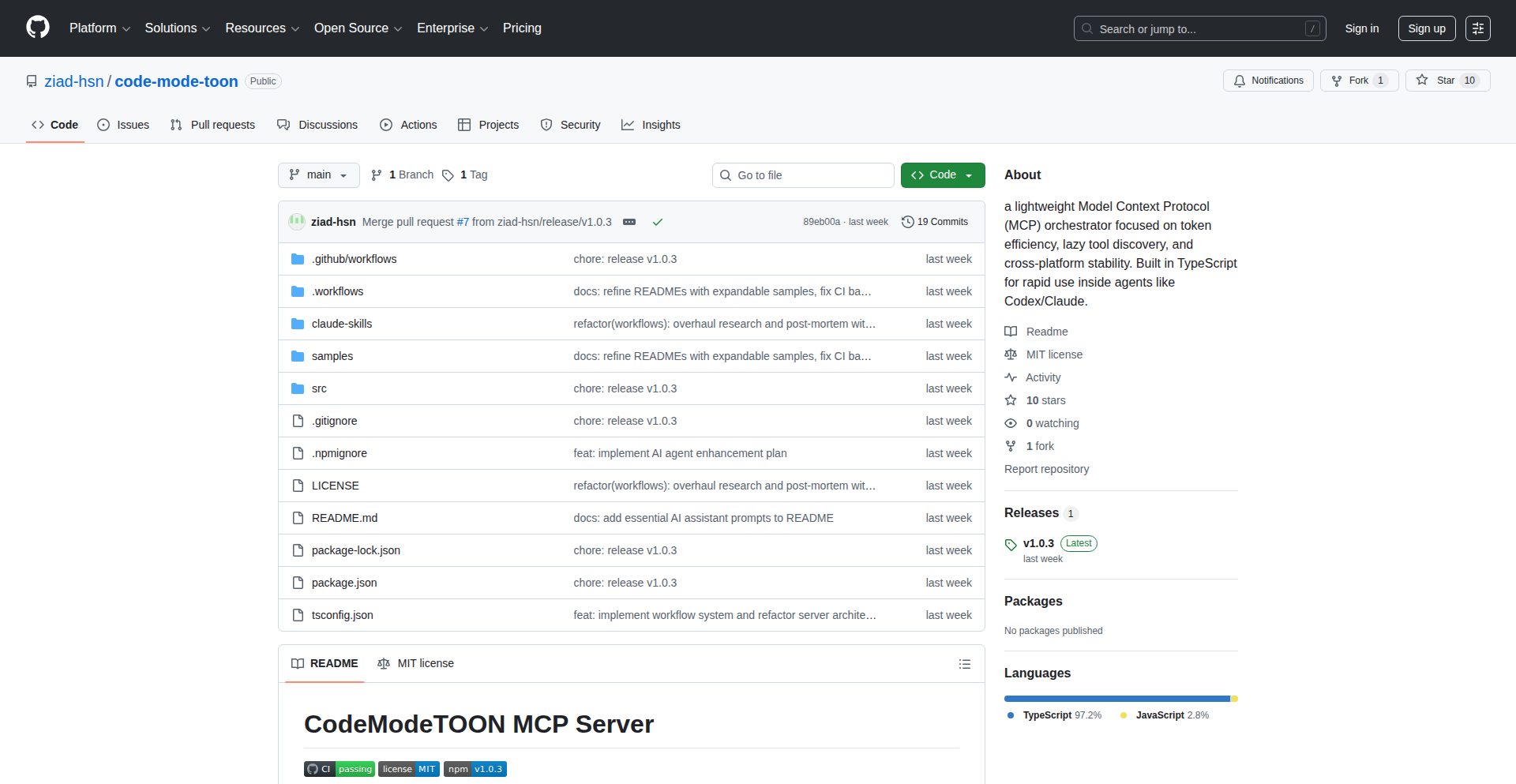
Author
ziad-hsn
Description
CodeModeTOON is a workflow orchestrator built in TypeScript, inspired by advancements in AI agents and code execution. It tackles the common problem of context bloat and inefficient execution by employing two key innovations: TOON compression for structured data and lazy loading of micro-processing components (MCPs). This results in significant data savings and improved resource utilization for workflows involving structured data like Kubernetes manifests, logs, and API responses. So, this helps you process and manage large amounts of structured data more efficiently, saving you time and resources.
Popularity
Points 1
Comments 0
What is this product?
CodeModeTOON is a system designed to make AI agents and other code-driven workflows more efficient, especially when dealing with large amounts of structured data. The core technical idea is 'TOON compression', which is a clever way to shrink structured data like JSON files by extracting the 'schema' (the blueprint of the data) and then compressing the actual values based on that schema. Think of it like creating a template for your data and then only storing the unique parts, making the overall file much smaller. It also uses 'lazy loading' for its micro-processing components, meaning these parts of the system only activate when they are actually needed, preventing unnecessary resource usage. This is innovative because it directly addresses the problem of context bloat, a common issue where AI agents struggle with too much information, and improves execution efficiency. So, this helps you manage and process data more intelligently, leading to faster and cheaper operations.
How to use it?
Developers can integrate CodeModeTOON into their existing workflows by leveraging its TypeScript codebase. The project provides pre-built workflows for tasks like research, Kubernetes auditing, and incident analysis, which can be customized or used as templates. For example, you can feed structured API responses or log data into CodeModeTOON to compress it before sending it to an AI agent for analysis, or use its MCP orchestration for automated Kubernetes audits. The system is MIT licensed, allowing for flexible integration and modification. So, this offers developers a ready-made solution to enhance their data handling and workflow automation with a focus on efficiency.
Product Core Function
· TOON compression: Extracts schema from structured JSON and compresses values, achieving 30-90% data savings on structured data. This means you can store and transmit large datasets more cost-effectively and process them faster. Applied to Kubernetes manifests, logs, or API responses, this significantly reduces resource overhead.
· Lazy loading of MCPs: Micro-processing components (MCPs) are only activated when required, optimizing resource usage. This prevents wasted computational power, leading to more efficient and potentially cheaper operations, especially in dynamic environments where tasks vary.
· Pre-built workflows: Includes ready-to-use workflows for research, Kubernetes auditing, and incident analysis. This provides developers with a starting point for common complex tasks, saving them development time and effort in building these foundational components themselves.
· TypeScript implementation: Built with TypeScript, offering strong typing and modern JavaScript features for robust and maintainable code. This leads to fewer bugs and easier collaboration for development teams, ensuring the reliability of the workflow automation.
Product Usage Case
· Reducing the cost of storing and processing large volumes of Kubernetes logs by compressing them with TOON compression before analysis. This addresses the challenge of ever-growing log data by making it more manageable and cost-effective to handle.
· Improving the efficiency of AI-powered incident analysis by pre-processing incident reports and system logs into a compressed format, allowing AI agents to process critical information faster without being overwhelmed by context. This directly tackles the problem of AI agents struggling with large amounts of input data.
· Automating Kubernetes security audits by using the pre-built audit workflow, which leverages TOON compression and MCP orchestration to efficiently gather and analyze configuration data. This solves the problem of manual and time-consuming security checks, making audits more frequent and thorough.
· Streamlining data pipelines for API responses by compressing them before further processing or transmission, reducing network bandwidth and storage requirements. This is useful for applications that handle a high volume of real-time data, optimizing performance and reducing operational costs.
79
S.P.A.R.K.Y - Sovereign AI for Private Intelligence

Author
sparkydev
Description
S.P.A.R.K.Y is a groundbreaking Sovereign AI, meaning it operates entirely on your private data without external internet access or data leakage. It's designed to be your personalized knowledge companion, trained exclusively on the documents, datasets, and verified sources you provide. This innovative approach ensures your sensitive information remains secure while empowering you with intelligent insights tailored to your specific needs. Think of it as a super-smart assistant that only knows what you tell it, and uses that knowledge to help you solve problems and understand your data better, all within your own secure environment.
Popularity
Points 1
Comments 0
What is this product?
S.P.A.R.K.Y is a first-of-its-kind Artificial Intelligence (AI) system that functions as a 'sovereign' knowledge companion. 'Sovereign' in this context means it's completely independent and isolated, operating only on the data you feed it – your personal documents, your company's internal data, or any verified information you trust. It doesn't connect to the public internet for training or information retrieval, thus safeguarding your privacy and intellectual property. The core innovation lies in its ability to ingest and process your private data to generate intelligent responses and insights, effectively creating a personalized AI assistant that understands your world without exposing your sensitive information. The underlying technology likely involves advanced natural language processing (NLP) and machine learning models that are fine-tuned on user-provided datasets, allowing for deep contextual understanding without compromising data security.
How to use it?
Developers can integrate S.P.A.R.K.Y into their applications or workflows to leverage its private intelligence capabilities. This could involve building custom dashboards that analyze internal company reports, creating chatbots that answer questions based on proprietary documentation, or developing research tools that summarize findings from private datasets. The usage would typically involve an API that allows you to upload data, query the AI with specific questions or tasks, and receive structured or natural language responses. For example, a developer could use S.P.A.R.K.Y to power an internal knowledge base search engine that retrieves information from company wikis and policy documents, ensuring that sensitive details remain within the company's control. Integration might also involve setting up secure data pipelines to feed relevant information into S.P.A.R.K.Y for processing, making its intelligence readily available for automated tasks.
Product Core Function
· Secure Data Ingestion: Allows users to upload and store their private documents and datasets, ensuring that sensitive information is kept confidential and isolated from external networks. The value here is enabling AI to work with your proprietary data without risk of exposure, which is crucial for businesses and individuals dealing with confidential information.
· Private Knowledge Generation: S.P.A.R.K.Y processes uploaded data to create a unique, private knowledge base. This means the AI learns from *your* specific information, enabling it to provide insights and answers relevant to your context, unlike generic AI models. The value is having an AI that truly understands your specific domain.
· Contextual Question Answering: Enables users to ask questions in natural language and receive answers derived solely from their uploaded data. This is valuable for quickly extracting information from large document sets or complex datasets, saving time and effort in research or information retrieval.
· Custom AI Training: The AI is trained and fine-tuned based on the user's provided sources, allowing for highly specialized and accurate responses. The value is in creating an AI that's tailored to your exact needs and terminology, leading to more effective problem-solving.
· Sovereign Operation: Operates entirely offline or within a private network, guaranteeing that no data is shared or leaked to the internet or third parties. This is the core value proposition for privacy-conscious users and organizations, offering peace of mind and regulatory compliance.
Product Usage Case
· A legal team using S.P.A.R.K.Y to analyze internal case files and discover relevant precedents without exposing confidential client information to the cloud. This solves the problem of securely researching past legal strategies using internal archives.
· A research scientist employing S.P.A.R.K.Y to sift through years of private experimental data and identify potential correlations or anomalies that might have been overlooked. This addresses the challenge of extracting hidden insights from large volumes of scientific data.
· A financial analyst utilizing S.P.A.R.K.Y to consolidate and analyze internal company financial reports and market research, generating tailored investment insights without sharing sensitive financial data externally. This tackles the need for secure, proprietary financial analysis.
· A government agency using S.P.A.R.K.Y to process and query classified documents, ensuring that sensitive intelligence remains within a secure, air-gapped environment. This solves the critical requirement for handling highly sensitive national security information.
80
ZKMesh: Edge Bot Mitigation via Federated ZK Proofs

Author
throwawayaway45
Description
ZKMesh is an innovative protocol designed to defend against Layer-7 bots and DDoS attacks by leveraging hardware-rooted Zero-Knowledge (ZK) proofs within a permissionless mesh network. It offers a decentralized, privacy-preserving solution without relying on central authorities, tokens, or personal identifiable information (PII). The core innovation lies in turning attack traffic into a resource that scales validator performance.
Popularity
Points 1
Comments 0
What is this product?
ZKMesh is a federated network protocol that uses advanced cryptography, specifically Zero-Knowledge proofs, to verify the legitimacy of network traffic at the edge (closer to the user or data source). Instead of relying on a central server or authority to identify bots, ZKMesh allows participating devices (validators) to collaboratively prove that traffic is genuine without revealing sensitive data about the traffic itself or the user. The 'hardware-rooted' aspect means that the ZK proofs are generated or verified using specialized hardware, making them more secure and efficient. The 'permissionless mesh' part signifies that anyone can join the network and contribute to its security, forming a distributed, resilient system. The key breakthrough is that the more bot traffic the network encounters, the more resources (processing power) become available to the validators, essentially making the network stronger as it's attacked. So, this protects your services from being overwhelmed by fake traffic, and makes your defense stronger as attacks increase.
How to use it?
Developers can integrate ZKMesh by deploying ZKMesh validators on their edge infrastructure or within their server environments. These validators will participate in the permissionless mesh, contributing computational resources to verify incoming traffic. The protocol provides mechanisms for these validators to collectively generate and verify ZK proofs for traffic. For example, if you're running a web service, you can deploy ZKMesh validators to sit in front of your application servers. These validators will silently filter out bot traffic before it reaches your application, ensuring that only legitimate user requests get processed. This integration is designed to be non-intrusive, enhancing your existing security posture without requiring significant application changes or compromising user privacy. So, you can enhance your application's security and reliability by offloading bot detection to a decentralized, cryptographically secure network.
Product Core Function
· Hardware-rooted ZK Proof Generation: Securely and efficiently proves the authenticity of network traffic using specialized hardware and Zero-Knowledge cryptography, ensuring data privacy and integrity. This means your traffic is verified without revealing its contents, making it a highly secure and private method of validation.
· Permissionless Mesh Network: Allows any edge device or server to join and contribute to bot mitigation efforts, creating a decentralized and resilient defense system. This removes reliance on single points of failure and enhances overall network robustness.
· Federated Bot Mitigation: Collaboratively identifies and filters out bot traffic across a distributed network of validators, preventing Layer-7 attacks like DDoS. This spreads the defense workload across many participants, making it harder for attackers to overwhelm the system.
· Attack Traffic Scaling: Transforms attack traffic into computational resources that enhance the performance of participating validators, making the network stronger and more capable as it faces more threats. This turns a negative into a positive, where attacks actually boost your defense capabilities.
Product Usage Case
· Protecting a popular online gaming platform from DDoS attacks and bot-driven account takeovers by deploying ZKMesh validators at the network edge. This ensures fair gameplay and uninterrupted service for legitimate players by filtering out malicious bot traffic.
· Enhancing the security of a decentralized finance (DeFi) application by using ZKMesh to prevent bot-driven front-running and transaction spam, maintaining the integrity and efficiency of the blockchain network. This safeguards user assets and the overall stability of the DeFi ecosystem.
· Securing an e-commerce website against fake traffic and scraping bots that could overload servers or skew analytics by integrating ZKMesh. This ensures that only real customer traffic is processed, leading to accurate data and a better user experience.
81
Soppo: Enhanced Go with Enums, Pattern Matching, and Nil Safety
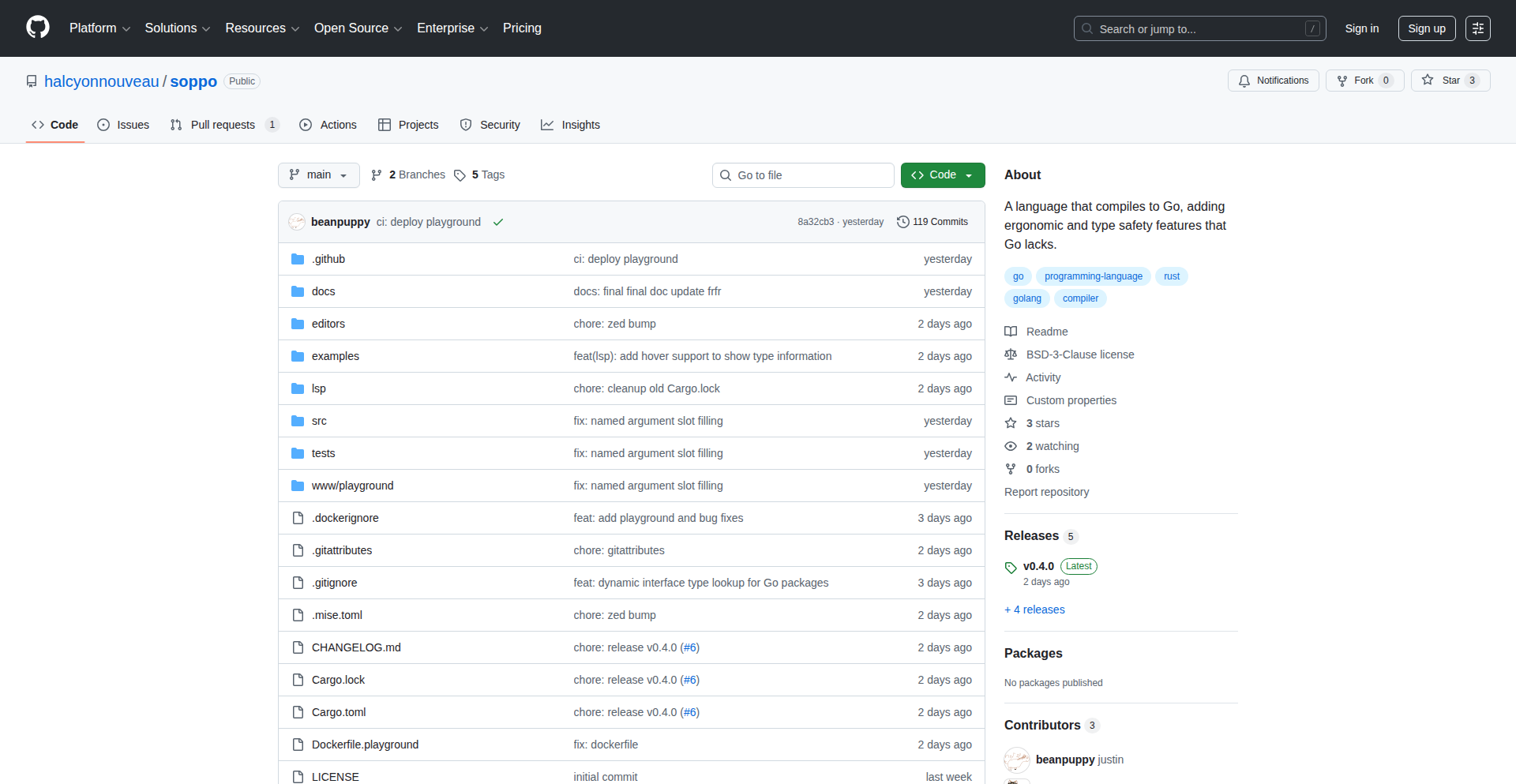
Author
beanpup_py
Description
Soppo is a Golang superset that introduces powerful features like enums, pattern matching, and built-in nil safety. It aims to make Go code more expressive, less error-prone, and easier to reason about, particularly for complex conditional logic and data handling. The innovation lies in its pre-compilation step, which translates these advanced constructs into standard Go code, ensuring seamless integration and no runtime overhead. Soppo addresses the common pain points of verbose error handling and the potential for unexpected null pointer exceptions in Go.
Popularity
Points 1
Comments 0
What is this product?
Soppo is a language enhancement for Go. It's not a completely new language, but rather a superset that adds features commonly found in languages like Rust or Scala. The core innovation is its translation engine. Before your Go code can be compiled, Soppo processes it, converting its advanced syntax (like `enum` definitions and `match` statements) into equivalent, idiomatic Go code. This means you get the benefits of more expressive language features without sacrificing Go's performance or ecosystem compatibility. Think of it as a smart pre-processor that makes your Go code safer and more readable. So, what does this mean for you? It means writing cleaner code, catching potential bugs earlier, and spending less time debugging those tricky nil pointer errors.
How to use it?
Developers can integrate Soppo into their existing Go development workflow. The typical usage involves installing the Soppo compiler. You would then write your Go code with Soppo's extended syntax. Before running the standard Go compiler (`go build`), you'd use the Soppo compiler to transpile your Soppo-enhanced code into standard Go. This transpiled code can then be compiled and run like any other Go program. This makes it easy to adopt for new projects or gradually introduce into existing ones without a full rewrite. So, how does this help you? You can start leveraging these powerful features immediately for new modules or services, making your development process smoother and your codebase more robust.
Product Core Function
· Enum support: Provides strongly-typed enumerations, reducing the need for magic strings or integer constants and preventing typos. This means your code is less likely to have errors from misremembering or mistyping status codes or option values.
· Pattern matching: Enables concise and expressive conditional logic, allowing you to destructure data and handle different cases elegantly. This makes complex `if/else if` chains much cleaner and easier to understand, saving you time when dealing with various data structures.
· Nil safety: Introduces mechanisms to prevent null pointer dereferences at compile time, a common source of bugs in many languages. This directly translates to fewer runtime crashes and more stable applications, meaning you'll spend less time chasing down elusive bugs.
· Customizable transpilation: Allows for fine-grained control over how Soppo constructs are translated into standard Go, offering flexibility for specific project needs. This gives you control over the generated Go code, ensuring it fits well within your existing codebase and tooling.
Product Usage Case
· Handling complex state transitions: Instead of a long series of if/else statements checking an integer state variable, use enums and pattern matching to define states and their associated transitions. This makes the state machine logic much clearer and less prone to errors, improving the maintainability of your application's core logic.
· Processing structured data with multiple variations: When dealing with messages or events that can have different payloads, pattern matching can elegantly destructure the incoming data and handle each variant specifically. This simplifies data parsing and validation, making your code more readable and less verbose.
· Implementing safer API clients: For services that might return null or optional values, Soppo's nil safety features can help ensure that you always handle these cases explicitly, preventing runtime errors when interacting with external APIs. This leads to more reliable integrations and fewer unexpected failures in your services.
82
LLM Word Guessing Engine

Author
saretup
Description
Heat Cue is an AI-powered word guessing game that leverages Large Language Models (LLMs) to provide real-time feedback on your proximity to a hidden noun. It addresses the inaccuracy of previous word proximity games by using advanced AI to understand semantic relationships between words across diverse topics. This offers a novel and engaging way to explore language and word associations.
Popularity
Points 1
Comments 0
What is this product?
This project is an AI-driven word guessing game. At its core, it uses a Large Language Model (LLM), a type of AI that's been trained on vast amounts of text and can understand the relationships and meanings of words. When you guess a word, the LLM analyzes how semantically close your guess is to the hidden target word. It then tells you if you're 'Hot' (close) or 'Cold' (far away). The innovation lies in using LLMs for highly accurate and contextually relevant proximity scoring, going beyond simple keyword matching to understand deeper meanings. This means for you, it's a fun and smart game that accurately reflects how close your guesses are, making it more challenging and rewarding than older versions.
How to use it?
Developers can integrate this LLM-powered engine into their own applications or games. It can be used as a backend service where you send a user's guess and the target word, and it returns a 'hotness' score. For example, you could build a new word game, an educational tool for language learning, or even a creative writing assistant that helps users find related concepts. The core idea is to leverage the LLM's understanding of word relationships to power interactive experiences. For you, this means you can embed this intelligent word-guessing capability into your own projects, creating more engaging and sophisticated interactive content.
Product Core Function
· LLM-based semantic proximity scoring: This function uses advanced AI to understand the meaning and relationship between words, providing a nuanced 'hot' or 'cold' score that's highly accurate. This is valuable because it makes the game's feedback truly insightful, helping you learn about word associations in a more sophisticated way.
· Real-time feedback mechanism: The system provides instant 'hot' or 'cold' indicators after each guess, enabling immediate learning and adjustment. This is useful for you as it keeps the game flowing and engaging, allowing you to quickly iterate on your guesses and strategies.
· Adaptable to diverse domains: The underlying LLM is trained on a wide range of data, allowing it to accurately assess word proximity across various subjects and topics. This means for you, the game remains relevant and challenging no matter what kind of hidden noun it is, from everyday objects to abstract concepts.
Product Usage Case
· Building an educational app for vocabulary expansion: A language learning platform could use this engine to create interactive exercises where students guess hidden words and receive precise feedback on their word choices, helping them learn new vocabulary more effectively. This is useful for you because it provides a more intelligent way to learn and reinforce language skills.
· Developing a creative writing tool: Writers could use this to discover related concepts or synonyms in real-time, overcoming writer's block by getting 'hot' suggestions for their next word or idea. This is valuable for you as it acts as a smart assistant for creative exploration.
· Creating a multiplayer word game: Imagine a web-based game where players compete to guess a hidden word, with the LLM providing fair and accurate 'hot/cold' clues to all players, fostering a competitive yet educational environment. This is useful for you as it offers a foundation for building engaging and intelligent multiplayer experiences.
83
BrowserLLM Playground

Author
vvin
Description
This project is a browser-based playground for training and visualizing Large Language Models (LLMs). It leverages WebAssembly (WASM) to bring powerful LLM training and inference capabilities directly into the user's web browser, making complex AI accessible without requiring significant server-side infrastructure. The innovation lies in democratizing LLM experimentation, allowing developers to explore model behavior, test hyperparameters, and visualize results locally.
Popularity
Points 1
Comments 0
What is this product?
This project is an in-browser environment designed to let you play with and train Large Language Models (LLMs). Think of it as a sandbox for AI language models that runs directly in your web browser. The core technical innovation is the use of WebAssembly (WASM). WASM is a technology that allows code written in languages like C++ or Rust to run incredibly fast in a web browser, almost as if it were native code. This means you can perform complex computations, like training or running an LLM, directly on your own computer, without needing a powerful server. This is groundbreaking because it makes LLM experimentation much more accessible and affordable, as you don't need to rent expensive cloud computing resources. You can understand how these models learn and behave by seeing their processes visualized in real-time.
How to use it?
Developers can use this project by simply navigating to the provided web URL. Once there, they can upload their own datasets, configure LLM parameters (like the model architecture, learning rate, and batch size), and start training or running inference. The playground provides interactive visualizations of the training progress, loss curves, and even sample outputs, allowing for immediate feedback. It's designed for integration into existing web development workflows where developers might want to quickly prototype or test LLM ideas before committing to larger-scale deployments. This means you can easily test out new AI features for your website or application without complex setup.
Product Core Function
· In-browser LLM Training: Enables users to train LLMs directly within their browser using WASM. This reduces the need for expensive cloud infrastructure and allows for rapid experimentation with different model configurations. For you, this means you can train AI models for your projects without breaking the bank on server costs.
· Interactive LLM Visualization: Provides real-time visualizations of training progress, model performance metrics (like loss and accuracy), and sample model outputs. This helps developers understand the inner workings of LLMs and debug issues effectively. For you, this means you can see exactly how the AI is learning and performing, making it easier to fine-tune it for your specific needs.
· Parameter Configuration: Allows users to easily adjust various LLM hyperparameters, such as learning rates, batch sizes, and model architectures. This facilitates hyperparameter tuning and optimization for better model performance. For you, this means you have fine-grained control over the AI's learning process to achieve the best results for your application.
· Dataset Upload and Management: Supports uploading and managing custom datasets for training LLMs. This enables users to train models on their specific data relevant to their use cases. For you, this means you can train AI models using your own unique data, making the AI more relevant and effective for your business or project.
· Local Inference: Allows for running trained LLMs locally in the browser for inference, enabling rapid prototyping of AI-powered features without server calls. For you, this means you can quickly test out AI-powered features in your application by running them directly on the user's device, leading to faster response times and a smoother user experience.
Product Usage Case
· A web developer wants to quickly test a new text generation feature for their blog. They can use BrowserLLM Playground to train a small language model on a sample of their blog content directly in their browser, visualize its output, and iterate on the model's parameters without setting up any server-side ML infrastructure. This allows them to validate the concept and user experience rapidly.
· A data scientist is exploring a new LLM architecture and wants to experiment with its training behavior on a small, private dataset. They can use this playground to run quick training experiments and visualize the convergence curves and sample outputs locally, gaining immediate insights without incurring cloud computing costs or exposing sensitive data.
· An educational platform wants to provide students with hands-on experience in understanding how LLMs learn. They can embed or link to this playground, allowing students to train and interact with LLMs directly, fostering a deeper understanding of AI concepts in a controlled and accessible environment.
84
PhenixCode: Local-First AI Coder

Author
nesall
Description
PhenixCode is an open-source, self-hosted AI code assistant, designed as a privacy-focused alternative to tools like GitHub Copilot Chat. It empowers developers to leverage powerful code generation and understanding capabilities directly on their own hardware, offering full control over models and data without cloud dependency. Its innovation lies in its local-first architecture, utilizing Retrieval Augmented Generation (RAG) with efficient vector search (HNSWLib) and metadata management (SQLite) to provide context-aware AI assistance for coding tasks.
Popularity
Points 1
Comments 0
What is this product?
PhenixCode is a desktop application that brings the power of AI-driven code assistance, similar to GitHub Copilot Chat, directly to your local machine. Instead of sending your code to a cloud server, PhenixCode processes it on your computer. It employs a clever technique called Retrieval Augmented Generation (RAG). Think of RAG as giving the AI a super-powered memory and search engine for your code. It uses HNSWLib, a super-fast way to find similar pieces of code (vector search), and SQLite to keep track of important code details (metadata). This allows it to understand your project's context deeply and provide highly relevant suggestions and answers, all while keeping your code private. The innovation is in making advanced AI coding tools accessible and controllable locally, offering freedom from subscriptions and cloud data concerns.
How to use it?
Developers can download and install PhenixCode on their Windows, macOS, or Linux machines. Once installed, they can either configure it to use open-source AI models that run entirely on their hardware (making it free to use) or connect it to their preferred cloud-based AI model APIs by providing their API keys. The application integrates with code editors through a lightweight UI, allowing developers to ask questions about their codebase, get code suggestions, refactor code, and debug issues directly within their development environment. It acts as a smart assistant that understands the context of the files you're currently working on and related parts of your project.
Product Core Function
· Local AI Model Support: Run powerful AI code assistants on your own hardware without internet connectivity, ensuring complete data privacy and zero subscription costs for model usage. This means your sensitive code never leaves your machine.
· RAG Architecture for Contextual Understanding: Utilizes advanced Retrieval Augmented Generation to deeply understand your project's codebase, enabling highly accurate and relevant code suggestions, explanations, and problem-solving. This ensures the AI assistant knows what you're working on.
· Vector Search with HNSWLib: Employs an efficient HNSWLib library for rapid vector search, allowing the AI to quickly find similar code snippets or relevant information across your entire project, speeding up code discovery and analysis.
· Metadata Management with SQLite: Leverages SQLite for robust metadata storage, enabling the AI to effectively track and reference important code elements, function definitions, and project structure for more intelligent assistance.
· Cross-Platform Compatibility: Built with C++ and a Svelte UI, PhenixCode is designed to be lightweight and run seamlessly on Windows, macOS, and Linux, providing a consistent AI coding experience across different operating systems.
· Flexible API Integration: Allows developers to connect to their chosen AI model APIs (cloud-based or self-hosted), offering flexibility in model selection and cost management. You can choose the AI brain that best suits your needs.
Product Usage Case
· Refactoring Legacy Code: A developer working with a large, aging codebase can use PhenixCode to understand complex functions and receive suggestions on how to modernize or refactor them safely, without needing to upload the proprietary code to a third-party service. The AI can explain what a function does and propose cleaner alternatives.
· Debugging Complex Issues: When faced with a tricky bug, a developer can ask PhenixCode specific questions about error messages or unexpected behavior. The AI, with its deep understanding of the project's context, can point to potential causes or relevant code sections to investigate, saving hours of manual debugging.
· Learning a New Framework: A developer new to a specific programming framework can use PhenixCode to ask 'how-to' questions about implementing certain features. The AI can provide code examples and explanations tailored to the project's existing patterns, accelerating the learning curve.
· Generating Boilerplate Code: For repetitive tasks, such as setting up new components or API endpoints, PhenixCode can generate boilerplate code based on the project's established conventions. This frees up developer time for more creative and challenging problem-solving.
· Code Review Assistance: A team lead can use PhenixCode to get a quick summary or explanation of unfamiliar code sections during a review, helping them to understand the logic and identify potential issues more efficiently, even if they are not deeply familiar with that specific part of the project.
85
AI-Powered Rust Full-Stack Weaver
Author
jvcor13
Description
This project is an experiment demonstrating the capability of AI, specifically Claude Opus 4.5, to generate a complete, functional full-stack Rust web application from a single, detailed prompt. It leverages the Axum web framework and SQLx for the backend, coupled with a vanilla HTML/CSS/JavaScript frontend, and is deployed using Shuttle. The innovation lies in AI's ability to handle complex workflows including database migrations, API endpoint generation, and frontend asset bundling, significantly reducing manual boilerplate for developers. This offers a glimpse into a future where AI can rapidly prototype and deploy sophisticated applications, addressing tedious aspects of software development.
Popularity
Points 1
Comments 0
What is this product?
This project showcases an AI's ability to act as a full-stack developer. By providing a comprehensive prompt detailing requirements for a personal finance tracker (backend in Rust with Axum and SQLx for database operations, and a responsive HTML/CSS/JS frontend with data visualizations), the AI model successfully generated a working application. The innovation is in its end-to-end comprehension and execution of complex coding tasks, including setting up database migrations with compile-time checked queries via SQLx, creating RESTful APIs, generating frontend UI, and configuring deployment to Shuttle. This demonstrates AI's potential to tackle non-trivial software engineering challenges, going beyond simple code snippets.
How to use it?
Developers can use this project as inspiration and a proof of concept for AI-assisted development. The core idea is to experiment with detailed prompting to generate significant portions of application code. For practical use, developers would define their application requirements in a similar, structured prompt. They would then integrate the generated code into their workflow, potentially using Shuttle for streamlined deployment of Rust applications. The value lies in offloading repetitive tasks like setting up database schemas, writing basic API routes, or scaffolding frontend components to the AI, allowing developers to focus on higher-level logic and unique features. It's about using AI as a co-pilot to accelerate development cycles.
Product Core Function
· AI-driven backend API generation: The AI creates robust RESTful APIs for managing financial transactions, categories, and budgets. This means developers get pre-built endpoints for common CRUD operations, saving significant time on boilerplate API development.
· Automated database migration and management: The system uses SQLx with compile-time checked query macros and automatic migration generation. This ensures data integrity and reduces the risk of runtime errors related to database schema changes, simplifying database management.
· AI-generated responsive frontend UI: The project includes a clean, modern, and responsive user interface built with vanilla HTML, CSS, and JavaScript, complete with data visualizations like charts. Developers can use this as a starting point for their frontend, getting a visually appealing and functional interface without extensive manual UI coding.
· Seamless deployment to Shuttle: The application is configured for easy deployment to Shuttle, a platform designed to simplify Rust application deployment. This allows developers to quickly get their applications online, streamlining the path from code to production.
· Full-stack code generation from a single prompt: The core innovation is the ability to generate an entire full-stack application from a single, detailed textual prompt. This significantly speeds up initial project setup and prototyping, allowing for rapid iteration on ideas.
Product Usage Case
· Rapid prototyping of new web applications: A developer can define a new application idea, describe its features and data models in a prompt, and have a functional full-stack prototype generated within minutes. This drastically reduces the time spent on initial setup and allows for quick validation of product-market fit.
· Accelerating boilerplate code reduction in Rust projects: For developers working on standard Rust web applications, the AI can handle tasks like setting up Axum routing, defining SQLx models and queries, and generating basic frontend components. This frees up developers to focus on complex business logic and unique features.
· Exploring novel AI-assisted development workflows: This project serves as a practical example for developers curious about integrating advanced AI models into their daily coding tasks. It provides insights into what AI can currently achieve in complex software development scenarios, encouraging experimentation with AI as a development tool.
· Building personal projects with reduced effort: Individuals with ideas for personal finance trackers, task management tools, or simple content management systems can leverage this approach to quickly build and deploy their projects without requiring extensive backend or frontend expertise, making software creation more accessible.
86
LogCost Inspector

Author
random_round
Description
LogCost Inspector is a Python library and CLI tool designed to pinpoint which specific log statements in your code are driving up your cloud logging costs. It works by wrapping your existing logging module, tracking the volume and estimated size of logs generated by each call site, and then applying cloud provider pricing to estimate the cost. This allows developers to identify and optimize expensive log lines that might otherwise be buried in massive log files.
Popularity
Points 1
Comments 0
What is this product?
LogCost Inspector is a developer tool that tackles the common problem of unexpected cloud logging bills. Instead of just telling you that a log group is expensive, it dives deep into your code to show you exactly which lines are costing you the most. It achieves this by intercepting log calls, recording details like the file, line number, log level, and message template, and estimating the data volume. It then uses cloud pricing models to translate this into a monetary cost. This is a creative application of code instrumentation to solve a practical financial problem for developers and operations teams.
How to use it?
Developers can integrate LogCost Inspector into their Python applications by installing it as a library. The tool can wrap standard Python logging or even the `print` function. Once integrated, you run your application under typical load, and LogCost Inspector collects metrics. A command-line interface (CLI) tool then analyzes the collected data, providing reports that highlight the top-cost contributors. This can be done as a snapshot for a current deployment, allowing you to make targeted optimizations to your logging statements before redeploying. It can also send alerts to Slack about high-cost log lines.
Product Core Function
· Per-call-site log tracking: This feature records metrics such as the source file, line number, log level, and the message template for every log statement. The value here is detailed visibility into where logs are originating within your codebase.
· Message size estimation: It calculates the approximate size of each log message, which is crucial for accurate cost calculation, as cloud providers often charge based on data volume. This provides a concrete basis for cost attribution.
· Cloud provider pricing application: By incorporating pricing models for services like AWS CloudWatch or Google Cloud Logging, LogCost Inspector translates data volume into estimated monetary costs. This is directly valuable for budget management and cost optimization.
· Aggregated stats export: The tool only exports summarized statistics, not raw log payloads, ensuring privacy and reducing the overhead of data transfer. This maintains a balance between detailed analysis and efficient operation.
· Top cost driver reporting: A CLI generates reports that clearly show which specific log lines are the most expensive, often with direct links to the code. This actionable insight allows developers to quickly address the root cause of high logging expenses.
· Slack notifications: Configurable alerts can be sent to Slack, notifying teams about the most expensive log lines in near real-time. This proactive notification enables rapid response to cost escalations.
Product Usage Case
· A FastAPI application experiences a sudden spike in its cloud logging bill. By running LogCost Inspector, the development team discovers that a DEBUG log statement inside a frequently called loop, which was dumping verbose request/response data, was responsible for 70% of their logging cost. They then refactor the log statement to be more concise, significantly reducing the bill.
· A Django project has a performance issue suspected to be related to logging. LogCost Inspector reveals that a seemingly innocuous INFO log statement for every user request, templated with a user ID, is generating an unexpectedly large volume of data due to user ID formatting. The team optimizes this by changing the log level or sampling this specific line.
· In a Kubernetes environment, a microservice's logs are accumulating significant costs. A sidecar deployment of LogCost Inspector helps identify that verbose HTTP tracing within a specific module is the culprit. The team can then tune the tracing level or message content for that module, controlling costs without disabling all tracing.
· A developer is debugging a 'mysterious' high logging cost. They deploy LogCost Inspector in a staging environment under simulated load. The tool pinpoints a forgotten `print` statement in a utility function that's executed millions of times, highlighting the need to use the proper logging module and consider its cost implications.
87
Vect AI - Resonance Engine

Author
asaws
Description
Vect AI is a revolutionary platform that moves beyond simple text editing for marketing. It leverages real-time market research and autonomous agent execution to eliminate guesswork in marketing strategy. By simulating audience reactions and auditing copy against proven conversion frameworks, Vect AI identifies content gaps and optimizes messaging for maximum impact.
Popularity
Points 1
Comments 0
What is this product?
Vect AI is an AI-powered marketing strategist. It's not just a writing tool; it's a research and execution platform. It uses a 'Market Signal Analyzer' to pinpoint emerging topics and unmet market needs, so you're not wasting time on outdated ideas. Its 'Conversion Killer Detector' actively finds problematic language in your marketing copy, like confusing sentences or weak calls to action, which are actively harming your sales. Furthermore, its 'Viral Video Blueprint' generates compelling script hooks based on current short-form video trends and algorithms, ensuring your content is designed to perform in today's digital landscape. Essentially, it distills the expertise of a high-performing marketing team into an accessible interface, providing actionable insights backed by data, not just intuition. So, what's in it for you? You get to create marketing content that is data-driven, resonates with your target audience, and demonstrably improves conversion rates, saving you time and resources while boosting your marketing ROI.
How to use it?
Developers can integrate Vect AI's insights into their marketing workflows. For instance, a content marketer could use the 'Market Signal Analyzer' to discover trending topics and generate blog post ideas that have a higher chance of engagement. A copywriter could feed their draft ad copy into the 'Conversion Killer Detector' to receive immediate feedback on language that might be hindering sales, allowing for rapid iteration and improvement. Video creators can leverage the 'Viral Video Blueprint' to brainstorm and refine script ideas for platforms like TikTok or Reels, ensuring their content is optimized for virality. The platform offers an interface where you can input your marketing copy or ideas and receive detailed analysis and suggestions. The core value proposition for developers lies in its ability to automate complex market analysis and message optimization, freeing up creative energy for strategic tasks and ensuring marketing efforts are grounded in empirical data. This means you can build better marketing campaigns faster and with greater confidence, directly impacting your project's success.
Product Core Function
· Market Signal Analyzer: Identifies emerging content opportunities and untapped market niches by analyzing real-time data. This helps you focus your efforts on topics that have high audience interest and low competition, leading to more effective content creation and a better understanding of your audience's evolving needs.
· Conversion Killer Detector: Pinpoints specific linguistic elements in your marketing copy that reduce effectiveness and hinder sales, such as jargon, passive voice, or unclear calls to action. This function provides actionable feedback to refine your messaging, making it more persuasive and directly contributing to improved conversion rates and sales performance.
· Viral Video Blueprint: Generates data-backed script hooks and content ideas for short-form video platforms by analyzing current algorithm trends and successful viral content patterns. This feature ensures your video content is strategically designed for maximum reach and engagement on platforms like TikTok and Instagram Reels, driving higher viewership and audience interaction.
· Autonomous Agent Execution: Simulates audience reactions and audits your copy against proven conversion frameworks. This innovative feature allows for a predictive understanding of how your marketing messages will perform before they are deployed, reducing risk and optimizing campaign effectiveness by identifying potential issues early in the development process.
Product Usage Case
· A startup launching a new product can use the Market Signal Analyzer to identify underserved market segments and tailor their initial messaging to resonate with those specific audiences, increasing their chances of early adoption.
· An e-commerce business experiencing a plateau in sales can input their product descriptions and ad copy into the Conversion Killer Detector to identify and fix language that is confusing or off-putting to potential customers, thereby boosting sales.
· A social media manager aiming to increase engagement on short-form video content can utilize the Viral Video Blueprint to generate compelling hooks for their next campaign, leading to increased views and shares.
· A marketing team can use Vect AI to test different versions of a landing page headline and body copy, with the AI simulating audience responses and identifying the most effective messaging before investing in live A/B testing, saving time and resources while maximizing conversion potential.
88
Daffodil AI Schema Weaver

Author
damienwebdev
Description
This project introduces an open-source AI-powered CMS editor designed to revolutionize content creation within e-commerce platforms like Magento. It leverages AI to generate structured content schemas and provides an intuitive chat-like interface for editing, allowing users to focus solely on text content while the system handles the underlying structure. This approach simplifies content management and enables the reuse of existing frontend components, bridging the gap between AI-generated content and functional user interfaces.
Popularity
Points 1
Comments 0
What is this product?
Daffodil AI Schema Weaver is a two-part system designed to streamline content creation for e-commerce platforms. The core innovation lies in its AI-driven approach to generating content structures. It uses a chat-style interface where users interact with an AI to define content. The AI then translates these interactions into a structured schema, which can be used to render dynamic frontend applications. A key technical insight is the shift from generating entire schemas with each AI interaction to a more efficient 'patch generation' method. This involves the AI intelligently updating only the necessary parts of the schema, significantly improving performance and reducing unintended changes. The system also allows for the easy integration of existing frontend components, ensuring consistency and leveraging existing development efforts. So, what does this mean for you? It means a faster, more intuitive way to create and manage website content, with AI assisting in the heavy lifting of structure and rendering, while still giving you control over the final text.
How to use it?
For developers, Daffodil AI Schema Weaver offers two main integration points. First, the Angular Editor/Renderer components can be integrated into any Angular application. You feed these components a content schema, and they render the corresponding UI, allowing for in-place text editing. This is useful for building custom content editing experiences or integrating with headless architectures. Second, for Magento/Adobe Commerce users, a dedicated plugin is available. This plugin embeds the AI editor directly into the Magento admin panel. It communicates with an AI service (like OpenAI) to generate content schemas based on prompts and exposes these schemas via GraphQL. This enables a seamless workflow where content is generated and managed within Magento, and then rendered on the storefront. Integration involves installing the Magento module via Composer and potentially connecting it to your chosen AI service. For Angular projects, you would import the Daffodil editor and renderer packages. So, how can you use this? Developers can integrate these tools to build custom AI-assisted content management systems, integrate AI-generated content into their existing Angular frontends, or enhance their Magento store's content creation capabilities with an AI-powered editor. This offers a path to faster content deployment and more dynamic content experiences.
Product Core Function
· AI-driven Schema Generation: The system uses AI to interpret user input and generate a structured content schema, eliminating manual effort in defining page layouts and content elements. This accelerates content creation by automating the structural aspect.
· Chat-style Content Editing Interface: Provides an intuitive, conversational interface for editing only the text content of the generated schema, making content updates simple and accessible even for non-technical users. This simplifies content refinement and reduces the learning curve.
· Version History and Rollback: Allows users to navigate through different versions of the content schema at various points in the chat history, enabling easy correction of errors or exploration of past content states. This provides a safety net and enhances creative flexibility.
· Angular Component Integration: Enables the use of existing Angular components to render the generated UI, promoting code reuse and ensuring consistency with existing frontend architectures. This allows for faster implementation of AI-generated content into existing projects.
· Patch Generation for Schema Updates: Optimizes schema updates by intelligently modifying only the necessary parts, significantly improving performance and preventing unintended changes across the entire schema. This leads to a smoother editing experience and more reliable content updates.
· Magento CMS Plugin: Seamlessly embeds the AI editor into the Magento admin panel, enabling direct content generation and management within an e-commerce context and exposing it via GraphQL for headless storefronts. This provides a ready-to-use solution for Magento users to leverage AI for content.
Product Usage Case
· A marketing team at an e-commerce company uses the Magento plugin to quickly generate product description pages. They provide a few keywords and product features to the AI editor, which then generates a complete page schema. The team then refines the text content through the chat interface, saving hours of manual page building. This solves the problem of slow content creation for product listings.
· A web developer building a headless e-commerce application using Angular integrates the Daffodil editor and renderer. They use the editor to create dynamic landing pages by describing the desired layout and content to the AI. The generated schema is then consumed by their Angular frontend, which utilizes their existing component library to render the page. This addresses the challenge of quickly prototyping and deploying new content-driven pages without extensive manual coding.
· A content manager for a large online publication uses the system to create blog post drafts. By describing the topic and key points, the AI generates an initial content structure. The manager then iterates on the text within the chat interface, leveraging the version history to experiment with different phrasing and layouts. This solves the problem of writer's block and speeds up the initial drafting process for articles.
89
YCStartupAI

Author
red93
Description
YCStartupAI is an AI-powered agent trained on over 600 minutes of content from the official Y Combinator Startup School YouTube channel. It provides instant, summarized answers to specific questions about startup advice, acting as a fast-track to invaluable founder and expert knowledge without sifting through hours of videos. The innovation lies in its focused AI training on a curated dataset, enabling highly relevant and context-aware information retrieval for early-stage founders.
Popularity
Points 1
Comments 0
What is this product?
YCStartupAI is an experimental AI agent that distills the vast knowledge contained within the Y Combinator Startup School YouTube channel. Instead of watching many hours of videos, you can ask the AI specific questions like 'What is Paul Graham's advice on finding a co-founder?' or 'Explain product-market fit metrics.' The AI then searches its training data, which consists solely of the Startup School transcripts, and provides a concise, direct answer. The core innovation is using AI to create a searchable, intelligent knowledge base from a rich but unstructured video archive, making complex startup advice readily accessible and actionable.
How to use it?
Developers can use YCStartupAI by visiting its interface (typically a web application) and typing their specific questions into the provided query box. The AI processes the query and returns a summarized answer derived from the YC Startup School content. For developers looking to integrate similar knowledge retrieval capabilities into their own applications, the underlying technology demonstrates a practical application of fine-tuning large language models on domain-specific data for efficient information extraction. This can be applied to any field with a wealth of online documentation or video content.
Product Core Function
· Question Answering: Provides instant, accurate answers to specific questions about startup strategies, founder advice, and business metrics, leveraging AI's ability to understand context and extract relevant information from a large corpus of data. This saves users significant time and effort in finding critical advice.
· Content Summarization: Distills complex topics and lengthy discussions from the Startup School videos into easily digestible summaries, making advanced startup concepts accessible to a wider audience, including those new to entrepreneurship.
· Knowledge Retrieval: Acts as a highly efficient search engine for startup knowledge, allowing users to pinpoint precise advice on specific challenges without manual video review. This is crucial for founders facing urgent decisions.
· AI Agent Training: Demonstrates a practical approach to training an AI agent on a specialized dataset, enabling it to provide expert-level insights within a defined domain. This showcases the power of targeted AI development for practical problem-solving.
Product Usage Case
· A founder struggling with team dynamics can ask 'What are common co-founder conflicts and how to resolve them?' and get immediate, actionable advice based on YC's experience, rather than spending hours searching through videos.
· A product manager can query 'How to measure product-market fit early on?' and receive a summarized explanation of key metrics and their application, directly from YC experts, to guide their product strategy.
· A solo entrepreneur building a new feature can ask about 'Best practices for initial user onboarding' and get concise guidance, accelerating their development and user acquisition efforts.
· Developers interested in building similar AI-powered knowledge assistants can study YCStartupAI's approach to fine-tuning an AI model on specific educational content to create a specialized information retrieval tool for their own niche.
90
HypeShield

Author
martin_schenk
Description
HypeShield is a satirical SaaS product that parodies the exaggerated promises often found in startup culture. Its core innovation lies in its deliberate lack of functionality, providing a humorous commentary on overhyped products. The technical implementation cleverly uses Node.js and Stripe to create a facade of a service that 'transforms your life' through humorous loading messages and subscription tiers that offer no actual benefit, highlighting the value of honest communication in product development.
Popularity
Points 1
Comments 0
What is this product?
HypeShield is a tongue-in-cheek software-as-a-service that presents itself as life-changing but fundamentally does nothing. Its technical principle is to leverage common web development tools like Node.js for the backend and Stripe for payment processing to build a convincing, yet hollow, user experience. The innovation is in its deliberate inversion of the typical value proposition, exposing the absurdity of products that make grand claims without substance. It's built to be functionally empty, showcasing that sometimes, the most honest approach is to deliver exactly what is promised – which in this case, is nothing.
How to use it?
Developers can use HypeShield as a case study in building seemingly functional applications with minimal effort and maximum satire. It demonstrates how to integrate common web technologies (Node.js, Stripe) to create a user interface and payment flow, even for a product with no functional output. It can be used to illustrate to teams the importance of genuine value delivery versus marketing hype, or as a starting point for building ironic or commentary-driven applications. The technical setup involves deploying the Node.js application and configuring Stripe webhooks for subscription management.
Product Core Function
· Humorous Loading Screen Animations: Provides a visually engaging experience with messages like 'Installing good vibes...' and 'Calibrating happiness...' showing the technical capability to create dynamic UI elements for user engagement, even without core functionality.
· Premium Reality Adjustment Service ($2.99): This tier offers no actual service beyond the free version, demonstrating how to implement one-time purchase options in a payment gateway (Stripe) and deliver a consistent, albeit non-functional, user experience.
· Automatic Everything OK Subscription ($4.99/month): This recurring subscription, set to activate every Friday at 1 pm, showcases the technical implementation of scheduled events and recurring billing through Stripe, highlighting the infrastructure for delivering promised (or in this case, unfulfilled) recurring services.
· Multi-language Support: Built with the capability to be available in 5 languages, indicating the use of internationalization (i18n) techniques in web development for broader reach and demonstrating a foundational aspect of scalable application design.
· Node.js Backend: Utilizes Node.js for server-side logic, illustrating a common and efficient framework for building web applications, and showing how to manage API requests and responses in a typical web development stack.
Product Usage Case
· Demonstrating Satire in SaaS: A developer could use HypeShield to show potential clients or team members how to build an application that critiques startup culture, using its Node.js backend and Stripe integration as a foundation for a commentary on hype versus substance in software.
· Mock Subscription Service for Training: As a practical example, HypeShield can be used in developer training to illustrate the end-to-end process of setting up a subscription service with Stripe, from UI to payment confirmation, highlighting the technical flow without the complexity of actual feature development.
· Illustrating honest Product Design: In a product management workshop, HypeShield can be presented as an example of 'honest' product development. Its clear communication of (lack of) value, enabled by its simple technical architecture, serves as a pedagogical tool for discussing user expectations and transparent marketing.
· Building a Portfolio Piece for Irony: A developer looking to showcase creativity might deploy HypeShield as a portfolio project. Its technical implementation using Node.js and Stripe, combined with its satirical concept, demonstrates a unique problem-solving approach and a grasp of both technical and cultural trends.
91
CommentStream

Author
itsfseven
Description
CommentStream is a novel newsfeed prioritizing user comments, offering a unique perspective on content discovery. It tackles the information overload challenge by surfacing discussions and insights directly, rather than solely relying on trending articles.
Popularity
Points 1
Comments 0
What is this product?
CommentStream is a curated newsfeed that places user comments at the forefront of content discovery. Instead of just showing popular articles, it highlights discussions and the most insightful replies. The innovation lies in its 'comments-first' algorithm, which analyzes comment sentiment, engagement depth, and user interaction patterns to surface relevant and engaging content. This approach aims to cut through the noise and reveal the 'why' and 'how' behind popular topics, offering a richer understanding than a simple headline can provide. So, what's in it for you? It means discovering content based on what people are actually talking about and engaging with, leading to more meaningful interactions and less superficial browsing.
How to use it?
Developers can integrate CommentStream into their own platforms or applications to create a more engaging content experience. It can be used as a backend service that fetches and ranks content based on comment activity, or as a frontend component to display this unique newsfeed. Imagine embedding it on a niche forum, a content aggregation site, or even a personal blog to foster community discussion. The core API would allow developers to query for top commented articles, trending discussions, or even specific comment threads, providing a flexible way to enhance user engagement. So, how can you use it? You can leverage its API to build custom content discovery experiences that resonate with your audience's conversations, leading to increased user retention and deeper community involvement.
Product Core Function
· Comment-centric Ranking Algorithm: Analyzes comment volume, sentiment, and engagement to surface the most discussed and insightful content, providing a more nuanced view of trending topics. Value: Helps users discover content that is truly sparking conversation and critical thinking. Use Case: Ideal for platforms where community discussion is a primary driver of engagement.
· Discussion Thread Visualization: Presents comment threads in a clear and navigable format, making it easy to follow the flow of conversation and identify key points. Value: Improves comprehension of complex topics by showing the evolution of thought. Use Case: Useful for educational platforms, research forums, or any site with in-depth discussions.
· Sentiment Analysis of Comments: Gauges the overall mood and opinions expressed in comments to provide context for the content. Value: Helps users quickly understand the general reception and diverse viewpoints surrounding a topic. Use Case: Applicable to news aggregators or review sites where understanding public opinion is crucial.
· User Engagement Pattern Analysis: Identifies how users interact with comments (e.g., replies, upvotes, shares) to refine content ranking. Value: Ensures that the most valuable and engaging discussions rise to the top, not just the loudest ones. Use Case: Enhances content discovery on social platforms or community-driven websites.
Product Usage Case
· On a tech news aggregation platform, CommentStream can be used to highlight articles that have generated a significant and diverse range of technical opinions and debates, rather than just those with the most upvotes. This helps developers discover niche technical discussions and learn from peer feedback. How it solves the problem: It moves beyond clickbait headlines to surface content that truly represents the community's technical dialogue.
· For an online learning community, CommentStream can surface course materials or forum posts that have sparked the most insightful questions and answers among students and instructors. This directs learners to the most valuable learning resources based on real interaction. How it solves the problem: It identifies educational content that is actively helping users understand complex topics through community interaction.
· On a product review site, CommentStream could prioritize reviews that are not only highly rated but also have extensive discussion threads, allowing potential customers to see common concerns, praises, and detailed user experiences. This provides a more holistic understanding of a product. How it solves the problem: It offers a deeper dive into product feedback by showcasing the conversations surrounding user experiences.
92
SecuriNote: Ephemeral Encrypted Notebook

Author
bilekas
Description
SecuriNote is a web application that allows users to create shared, ephemeral notebooks with client-side encryption. This means sensitive notes can be shared securely without the server ever seeing the unencrypted content, and the notes automatically disappear after a set period, offering enhanced privacy for temporary information sharing.
Popularity
Points 1
Comments 0
What is this product?
SecuriNote is a browser-based tool designed for creating and sharing temporary, encrypted digital notebooks. The core innovation lies in its client-side encryption, which uses JavaScript in your browser to scramble your notes before they are sent to the server. This ensures that only the intended recipients, armed with the shared key, can decrypt and read the content. The 'ephemeral' aspect means these notebooks are set to self-destruct after a configurable time, making them ideal for highly sensitive or short-lived information.
How to use it?
Developers can use SecuriNote by visiting the web application. They can create a new notebook, input their notes, set an expiration time, and generate a unique shareable link. This link, along with a pre-agreed password (the encryption key), can be shared with collaborators. Anyone with the link and the correct password can access and read the notebook until it expires. It's perfect for sharing temporary credentials, sensitive meeting minutes, or any information that shouldn't persist online indefinitely.
Product Core Function
· Client-side Encryption: Notes are encrypted directly in the user's browser using JavaScript, meaning the server never has access to the unencrypted content. This significantly reduces the risk of data breaches from the server side, offering peace of mind for sensitive data. What this means for you is your secrets stay secret.
· Ephemeral Notes: Notebooks can be set to automatically delete themselves after a specified duration (e.g., 1 hour, 24 hours). This prevents lingering sensitive information on servers or in browser histories, enhancing security and privacy. For you, this means no accidentally leaving important data lying around.
· Shared Notebooks: Users can generate a unique URL for a notebook and share it with others. When combined with the encryption password, collaborators can access the same secure, temporary notes. This allows for secure collaboration on time-sensitive information. So, you can securely share temporary information with your team or colleagues.
· No Server-Side Storage of Unencrypted Data: The application's architecture is designed to avoid storing sensitive data in an unencrypted format on the server. This minimizes the attack surface and builds trust in the platform's security. This is valuable to you because it means the platform itself is less likely to be a point of compromise.
Product Usage Case
· Sharing temporary API keys or database credentials with a developer on another team. The notes will encrypt, be accessible via a link, and then self-destruct after the task is completed, preventing credentials from being exposed long-term. This solves the problem of securely sharing sensitive, short-lived access information.
· Collaborating on highly sensitive meeting minutes that should only be accessible for a short period after the meeting. The shared notebook can be set to expire within a day, ensuring that confidential discussions are not retained unnecessarily. This helps manage confidential information effectively.
· Quickly sharing a temporary password for a shared account that will be changed shortly after. SecuriNote provides a secure channel for this, and the ephemeral nature means the password won't be stored permanently. This offers a safe way to handle urgent password sharing needs.
93
Yardstick: SQL-Native Metric Layer
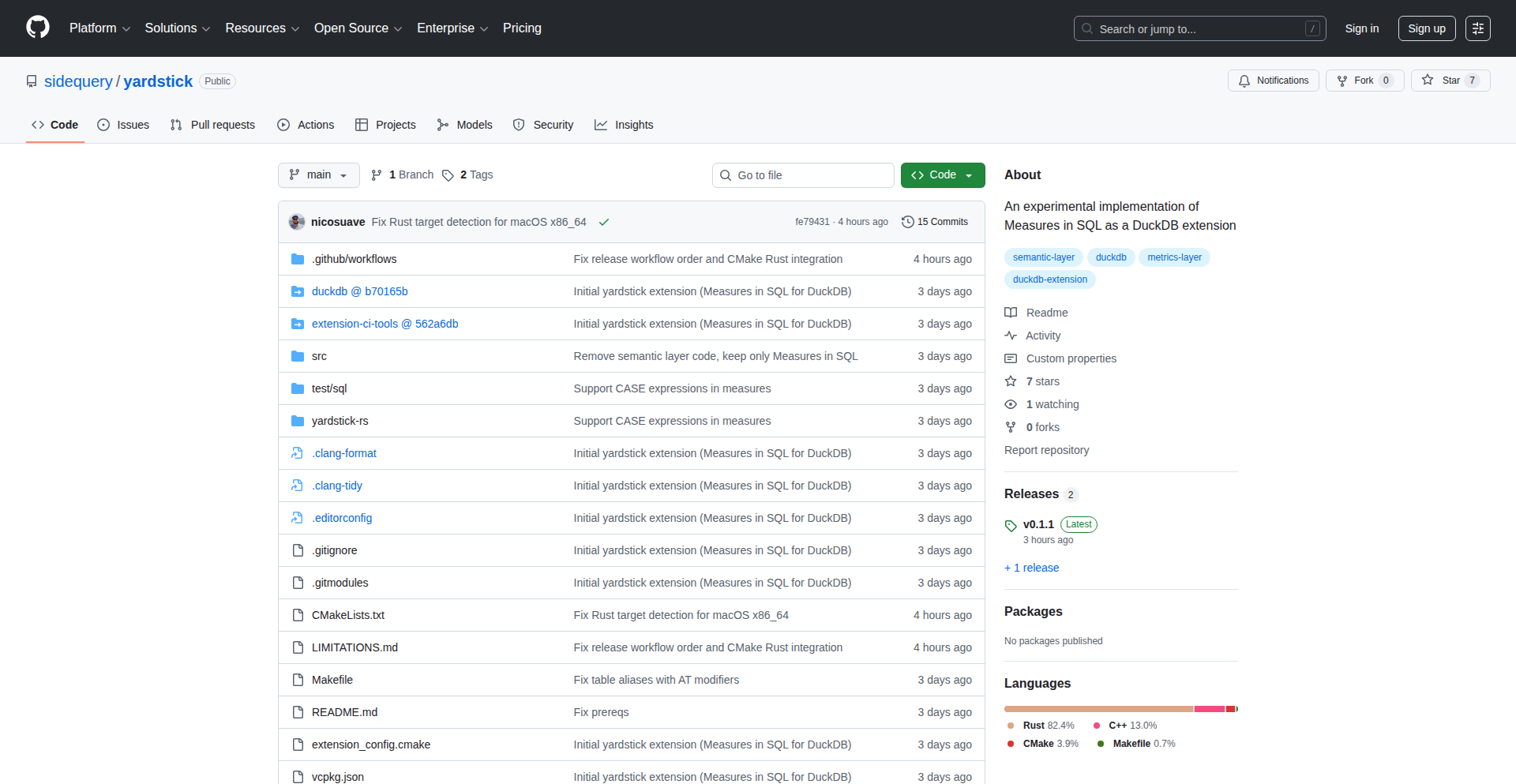
Author
nicoritschel
Description
Yardstick is a DuckDB extension that allows you to define and measure data metrics directly in SQL. It tackles the challenge of ensuring consistent and reliable calculations, especially when dealing with complex data and the rise of large language models (LLMs). This innovation makes data metrics more accessible and verifiable for developers and analysts.
Popularity
Points 1
Comments 0
What is this product?
Yardstick is a tool that lets you write your data definitions (like 'average sales' or 'customer churn rate') in SQL, and then use them as reusable components within your database. Think of it like creating custom functions for your data. The core innovation is its implementation as a DuckDB extension, meaning it's tightly integrated into a fast, in-process analytical database. This approach allows for highly efficient processing of these metric definitions directly where your data resides, bypassing the need for separate, potentially complex, and error-prone metric calculation systems. It's inspired by academic research and brings a robust, code-based approach to data metrics, making them more transparent and easier to manage.
How to use it?
Developers can use Yardstick by installing it as an extension within DuckDB. Once installed, they can define their metrics using a clear SQL syntax. For example, you could define a 'total_revenue' metric. After definition, this metric can be queried like any other table or column within DuckDB. This allows for seamless integration into existing SQL workflows, data pipelines, and BI tools that connect to DuckDB. It's particularly useful for building robust data models and ensuring that everyone in an organization is using the same, validated calculations for key business indicators.
Product Core Function
· SQL-based metric definition: Allows developers to express complex data measures using familiar SQL syntax, promoting clarity and reducing ambiguity. The value is in making data calculations transparent and version-controllable.
· DuckDB extension integration: Leverages DuckDB's in-process analytical capabilities for high-performance metric computation directly on the data. This offers speed and efficiency, crucial for real-time analytics and large datasets.
· Reusable metric components: Enables the creation of standardized metrics that can be used across multiple queries and projects, ensuring consistency and reducing redundant work. This saves developer time and improves data reliability.
· Consistency and reliability: Addresses the challenges of maintaining consistent data calculations, especially in dynamic environments with LLMs, by providing a codified and verifiable approach. This leads to more trustworthy data insights.
· Simplified data modeling: Offers a streamlined way to build analytical data models by abstracting complex calculations into manageable SQL definitions. This makes it easier for analysts and data scientists to work with data.
Product Usage Case
· Building a self-service analytics platform: A team can use Yardstick to define core business metrics (e.g., active users, conversion rates) as SQL extensions in DuckDB. Analysts can then query these metrics directly without needing to understand the underlying complex SQL logic, speeding up report generation and empowering business users.
· Ensuring LLM data consistency: When using LLMs for data analysis or report generation, Yardstick can be used to pre-define and validate the metrics that the LLM will consume or output. This prevents the LLM from hallucinating or misinterpreting key figures, ensuring reliable AI-driven insights.
· Developing a data validation layer: Developers can use Yardstick to create programmatic checks for data quality. For instance, defining a metric that calculates the percentage of missing values in a critical column. This metric can then be monitored to ensure data integrity.
· Creating a semantic layer for data warehousing: Yardstick can serve as a lightweight semantic layer by defining business-friendly terms and their corresponding SQL calculations. This helps bridge the gap between raw data and business understanding, making data more accessible across an organization.
94
Journiv: Self-Hosted Memory Vault

Author
swalabtech
Description
Journiv is a self-hosted, privacy-first journaling application designed to give users full ownership of their personal memories. It offers a distraction-free writing experience, mood tracking, daily prompts, and insightful analytics. The innovation lies in its commitment to data privacy through self-hosting, providing a modern alternative to cloud-based journaling services and ensuring memories remain personal and secure.
Popularity
Points 1
Comments 0
What is this product?
Journiv is a personal journaling application that you host on your own servers. Unlike services that store your data on their cloud, Journiv keeps everything on your hardware. This means your thoughts, memories, and mood data are completely private and under your control. The technology behind it involves a web application stack (likely a backend framework like Python/Django or Node.js/Express, and a frontend framework like React or Vue) designed for simplicity and security, with a database to store your journal entries. The innovation is in prioritizing user data ownership and privacy through a self-hosted model, addressing the growing concern over data breaches and corporate surveillance in cloud-based apps.
How to use it?
Developers can use Journiv by deploying it on their own infrastructure, such as a personal server, a Raspberry Pi, or a virtual private server (VPS). The project is Docker-hostable, meaning you can easily set it up using Docker containers, which simplifies installation and management. Once deployed, you access Journiv through your web browser. For integration, developers can leverage its potential API (if available or planned) to connect with other personal productivity tools or data analysis scripts. The primary use case is for individuals who want a secure, private space for daily reflections, mood logging, and capturing life's moments without relying on third-party cloud providers.
Product Core Function
· Self-hosted deployment: Value is in complete data ownership and privacy, ensuring your memories are not rented out to a cloud provider. This is ideal for users who are concerned about data security and want to avoid vendor lock-in.
· Privacy-first design: Value is in protecting sensitive personal information from potential breaches or unauthorized access. This provides peace of mind for users journaling about personal experiences, health, or financial matters.
· Mood tracking: Value is in understanding emotional patterns over time. Developers can use this data for personal insights into well-being or integrate it into personal health dashboards.
· Daily prompts: Value is in encouraging regular reflection and structured journaling. This helps users overcome writer's block and explore different aspects of their lives more deeply.
· Meaningful insights: Value is in providing data-driven summaries of journaling patterns. This allows users to identify trends in their mood, activities, or thoughts, leading to self-discovery and personal growth.
Product Usage Case
· A privacy-conscious individual hosts Journiv on a home server to securely document personal life events, thoughts, and feelings, ensuring their private life remains private and off the cloud.
· A parent uses Journiv to create a digital time capsule for their children, storing precious family memories and milestones with the guarantee that the data will remain accessible and secure for generations, unaffected by cloud service discontinuations.
· A developer integrates Journiv's data export (if available) into a personal analytics dashboard to visualize mood trends alongside other life metrics, gaining deeper self-understanding without compromising data privacy.
· Someone seeking an alternative to popular but data-hungry journaling apps self-hosts Journiv to maintain control over their personal narrative and data, enjoying a modern interface without privacy concerns.
95
Fallom: LLM Performance Navigator
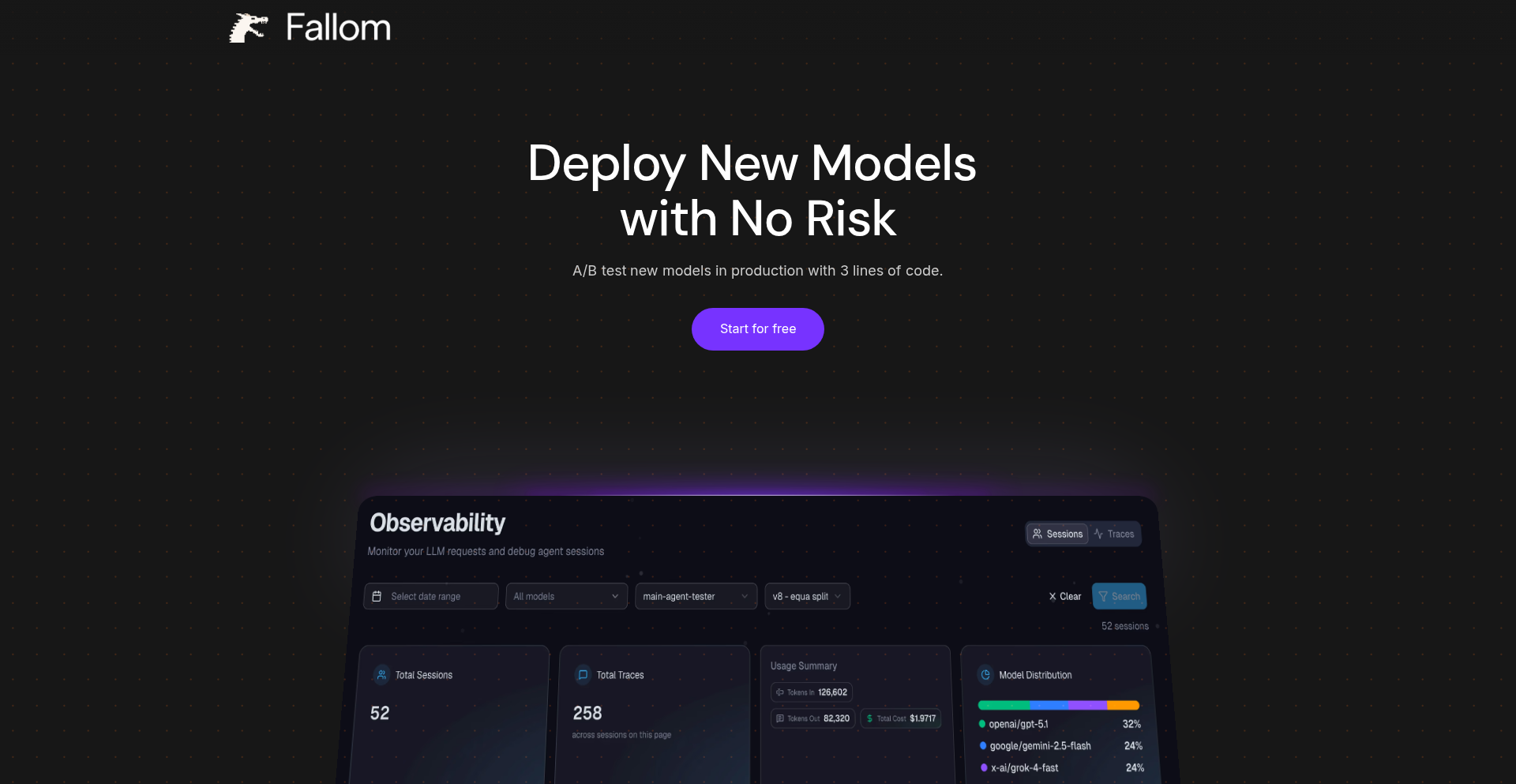
Author
sistillisteph
Description
Fallom is a platform designed to help developers and businesses A/B test and compare the performance of different Large Language Models (LLMs) in production environments. It tackles the challenge of choosing the most cost-effective and performant LLM for specific tasks by providing clear insights into model behavior with real-world data.
Popularity
Points 1
Comments 0
What is this product?
Fallom is a sophisticated LLM evaluation and comparison platform. At its core, it allows you to run the same set of prompts or tasks across multiple LLMs simultaneously. It then collects and presents the results, focusing on key metrics like output quality, latency, and cost. The innovation lies in its ability to move beyond theoretical benchmarks and provide concrete, data-driven comparisons based on your actual use cases and data, enabling informed decisions about which LLM is best suited for your needs. This is achieved through a streamlined interface for setting up tests, uploading data, and visualizing results, making complex LLM performance analysis accessible.
How to use it?
Developers can integrate Fallom into their existing workflows by pointing it to their production data or custom evaluation datasets. The platform allows for easy configuration of which LLMs to compare and what metrics to track. You can then submit your prompts or data through the Fallom API or its web interface. The system handles the parallel execution of these tasks across the selected LLMs, collects the responses, and provides you with a dashboard to visualize the differences in cost, speed, and the quality of the output for each model. This allows you to quickly identify if a new, potentially cheaper or faster LLM, performs comparably or better than your current choice, thereby optimizing your LLM infrastructure.
Product Core Function
· LLM Performance Benchmarking: Enables comparison of multiple LLMs on custom datasets, providing insights into their strengths and weaknesses for specific tasks.
· Cost Analysis Module: Tracks and displays the cost associated with using each LLM for a given workload, helping to identify cost-saving opportunities.
· Latency Measurement: Records and presents the time it takes for each LLM to generate a response, crucial for real-time applications.
· Output Quality Evaluation: Facilitates the assessment of the quality of responses generated by different LLMs, allowing for subjective or objective scoring.
· Production A/B Testing: Supports the direct A/B testing of LLMs in live production environments, reducing risk and validating model choices with real user traffic.
· Data-Driven Decision Making: Provides a clear, visual interface to compare LLMs based on concrete performance and cost data, empowering informed choices.
· Customizable Evaluation Pipelines: Allows users to define their own evaluation criteria and metrics for a tailored LLM assessment process.
Product Usage Case
· A startup wants to switch from a more expensive LLM to a cheaper alternative but is concerned about maintaining output quality. Fallom can be used to run their current prompts against both LLMs using their actual user query data. The platform will highlight any significant drop in response quality or increase in error rates for the new LLM, informing their decision.
· A company building a customer support chatbot is experiencing slow response times with their current LLM. They can use Fallom to test several faster LLMs with their typical customer interaction scenarios. The latency measurements will clearly show which LLM offers the best speed-performance trade-off, leading to a better user experience.
· A researcher needs to determine the best LLM for summarizing legal documents. Fallom allows them to upload a dataset of legal texts and compare the summarization capabilities of various LLMs, using specific quality metrics they define. This helps them select the most accurate and efficient model for their research.
· A developer is integrating LLM capabilities into an e-commerce platform for product description generation. They can use Fallom to test different LLMs with their product data. The platform helps them identify an LLM that generates compelling descriptions at a lower cost and with acceptable speed, directly impacting their operational budget and marketing effectiveness.
96
PostOwl: AI Style Doppelgänger

Author
rocksalad
Description
PostOwl tackles the common issue of AI-generated text sounding generic and unnatural. It analyzes your past writing to create a personalized style profile, then uses this profile to guide Large Language Models (LLMs) to produce content that mimics your unique voice, vocabulary, and sentence structure. This means less time editing AI drafts and more time publishing content that genuinely sounds like you.
Popularity
Points 1
Comments 0
What is this product?
PostOwl is an AI-powered tool designed to solve the 'style alignment' problem in LLM-generated text. Instead of relying on generic AI responses, PostOwl learns your individual writing style by analyzing your previous posts and communications. It then injects this personalized style profile into the LLM's context window during content generation. This is achieved through a combination of Retrieval Augmented Generation (RAG) to fetch relevant stylistic examples and few-shot prompting to guide the model. The core innovation is creating a 'Doppelgänger-as-a-Service' for your writing, ensuring AI outputs match your specific vocabulary, sentence length, and tone. The main technical challenge is balancing the speed of generating text with the accuracy of mimicking your style.
How to use it?
Developers can use PostOwl by integrating it into their content creation workflows. If you're using LLMs to draft emails, social media posts, or any form of written communication, you can feed your existing writings into PostOwl. It will then process this data to build your style profile. When you need to generate new content, you'll instruct PostOwl to use your profile. This might involve an API call where you pass your prompt and specify your style profile, or it could be through a dedicated interface. The generated text will then reflect your writing nuances, making it appear as if you wrote it yourself, thus saving significant editing time and ensuring brand consistency.
Product Core Function
· Personalized Style Profiling: Analyzes your historical writing data to extract unique linguistic patterns, vocabulary, and tone. This is valuable because it moves beyond generic AI writing to capture your authentic voice.
· Dynamic Style Injection: Integrates your learned style profile into the LLM's generation process, guiding the model to adopt your specific syntax. This ensures the output feels natural and consistent with your personal brand, reducing the need for manual edits.
· RAG and Few-Shot Prompting: Leverages advanced LLM techniques to effectively teach the model your style, ensuring higher accuracy in mimicking your writing. This means the AI is not just guessing, but actively applying learned principles of your writing.
· Style Alignment Output: Generates text that closely resembles your own writing, solving the problem of robotic or generic AI responses. This saves creators significant time and effort in post-generation editing.
Product Usage Case
· A social media manager using PostOwl to draft replies to comments that perfectly match the company's established brand voice, ensuring consistent communication across all interactions.
· A freelance writer using PostOwl to maintain their unique authorial voice across various client projects, making their AI-assisted writing indistinguishable from their manually written content.
· A blogger using PostOwl to generate drafts for new articles, ensuring the AI-generated text maintains their signature informal and engaging tone, speeding up their content production pipeline.
· A customer support team lead using PostOwl to ensure all AI-generated responses to customer inquiries adhere to the company's empathetic and professional communication guidelines, improving customer satisfaction.
97
AuraSynth
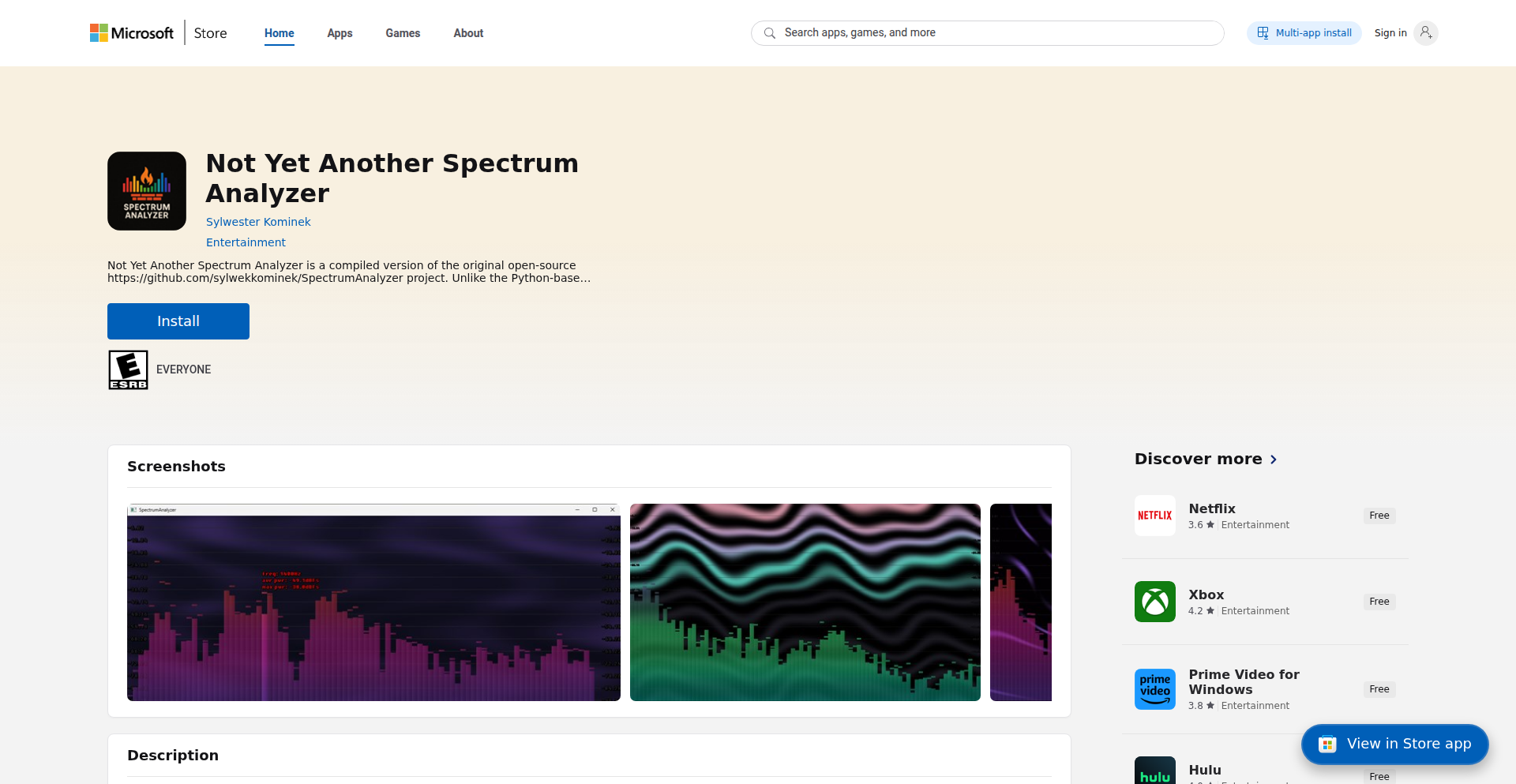
Author
sylwekkominek
Description
AuraSynth is an open-source real-time music visualizer that transforms natural language descriptions into dynamic, animated color themes. Leveraging ChatGPT, it interprets user prompts to generate unique visual styles, offering deep customization powered by Digital Signal Processing (DSP) and GPU shaders. This means you can literally tell the software how you want your music to look and it will create it for you.
Popularity
Points 1
Comments 0
What is this product?
AuraSynth is a sophisticated music visualization tool that breaks down the complexity of creating visual themes. Instead of fiddling with complex graphical settings, users can simply type in what they imagine their music should look like, for example, 'a pulsing neon wave in shades of electric blue and deep purple'. ChatGPT then acts as an intelligent translator, converting this descriptive text into the specific parameters needed to control the visualizer. This process is underpinned by powerful DSP algorithms that analyze the music's audio frequencies and dynamics, and GPU shaders that render the visuals in real-time. The innovation lies in bridging the gap between abstract creative ideas and technical implementation, making advanced visual theming accessible to a wider audience.
How to use it?
Developers can integrate AuraSynth into their projects by utilizing its configuration file system. The application generates configuration files in a dedicated folder (e.g., `C:\Users<YourUser>\Documents\NotYetAnotherSpectrumAnalyzer\config`). Users can then open these files, which contain the current visual theme's settings. They can copy these settings into ChatGPT along with a new natural language prompt describing their desired changes. For instance, they could prompt, 'Make the pulsing slower and add subtle yellow highlights to the peaks.' ChatGPT will generate updated configuration parameters based on this input. These new parameters can be pasted back into the configuration file, and AuraSynth will immediately render the new, customized visual theme in real-time, synchronized with their music. This allows for rapid iteration and experimentation with visual styles.
Product Core Function
· Natural Language Prompt to Visual Theme Conversion: Allows users to describe desired visual aesthetics in plain English, which ChatGPT translates into actionable configuration parameters. This democratizes visual design, making it accessible without requiring deep graphical programming knowledge.
· Real-time Music Synchronization: Analyzes audio input (DSP) to dynamically adjust visual elements like color, intensity, and movement in sync with the music's rhythm and frequency. This provides an immersive audio-visual experience.
· GPU-accelerated Rendering: Utilizes the graphics processing unit (GPU) for efficient and high-fidelity rendering of complex animations and visual effects. This ensures smooth and visually stunning output even with intricate designs.
· Customizable Configuration Files: Generates and accepts configuration files that store and load visual theme settings. This enables easy sharing, modification, and programmatic control of visual styles.
· Animated Color Theme Generation: Creates vibrant and dynamic color palettes that evolve over time based on music and user prompts. This offers a visually engaging and artistic presentation of audio.
Product Usage Case
· Live music performance enhancement: A DJ or live band can use AuraSynth to dynamically alter the stage visuals in real-time based on their music, creating a more engaging atmosphere for the audience. The visualizer can react to the beat, melody, and overall energy of the performance.
· Interactive art installations: Artists can integrate AuraSynth into interactive exhibits where the visuals respond to ambient sound or user-generated audio, creating responsive and evolving art pieces.
· Personalized media playback experience: Users can tailor the visualizer to match their mood or the genre of music they are listening to on their computer, transforming a passive listening experience into an active visual journey.
· Game development prototyping: Game developers can use AuraSynth's prompt-based approach to quickly prototype and iterate on visual effects for in-game music or ambient soundscapes, saving significant development time.
· Content creation for social media: Streamers or video creators can use AuraSynth to generate unique and eye-catching visualizers for their music-related content, making their videos more dynamic and shareable.
98
PayPerBill: Invoice Sender, No Monthly Fees

Author
blampack
Description
PayPerBill is a novel invoicing solution that liberates users from recurring subscription costs. Instead of a monthly fee, you pay only for each invoice you send. This innovative approach leverages a smart billing model to provide cost-effective invoicing, especially for users who send invoices sporadically.
Popularity
Points 1
Comments 0
What is this product?
PayPerBill is a service designed to send invoices without requiring a monthly subscription. The core technical innovation lies in its pay-per-invoice model. Instead of a fixed recurring charge, users are billed a small amount for each individual invoice they successfully send out. This is achieved through a backend system that tracks invoice generation and transmission events, coupled with a transparent and straightforward payment processing integration that charges the user's chosen payment method on a transactional basis. This fundamentally changes the cost structure of invoicing software from a subscription to a utility-like consumption model, making it more accessible and economical for a wider range of users, particularly small businesses or freelancers with fluctuating invoicing needs.
How to use it?
Developers can integrate PayPerBill into their existing workflows or build new applications on top of it. The primary usage scenario involves sending invoices to clients. For instance, a freelance developer could use PayPerBill to send an invoice to a client after completing a project, incurring a charge only for that specific invoice. Integration would typically involve interacting with a well-defined API (Application Programming Interface). Developers would send invoice details (recipient information, line items, amounts, due dates, etc.) to the PayPerBill API, which then handles the actual sending of the invoice (e.g., via email) and records the transaction for billing. This allows for seamless automation of invoicing processes within existing business management tools or custom-built platforms.
Product Core Function
· Pay-per-invoice billing: Users are charged a minimal fee only when an invoice is sent. This is technically implemented by tracking successful invoice transmission events in the backend and processing payments transactionally, eliminating the need for monthly overhead and making it cost-effective for low-volume users.
· Invoice generation and sending: The system allows users to define invoice details such as client information, itemized services or products, quantities, prices, and due dates. Technically, this involves a user interface for data input and a robust backend to construct and dispatch invoices, likely via email or a downloadable link.
· Automated payment tracking: Once an invoice is sent, the system can track its status, including whether it has been viewed or paid (though this might require further integration). The core value here is providing a flexible billing model rather than complex payment processing itself, focusing on the economical sending of invoices.
· Subscription-free model: The entire architecture is built around avoiding recurring monthly costs for the user. This is a core design principle that influences every technical decision, prioritizing transactional efficiency and minimal overhead.
Product Usage Case
· A freelance graphic designer who sends out 5 invoices per month can use PayPerBill. Instead of paying a monthly fee for invoicing software, they only pay for the 5 invoices sent, which is significantly cheaper. The developer integrates PayPerBill's API into their personal project management tool to automate invoice creation after project completion.
· A small consulting firm with irregular client work can leverage PayPerBill. They might only need to send invoices once every few months. The pay-per-invoice model means they don't waste money on a subscription during quiet periods, solving the problem of paying for unused service.
· A startup building a marketplace where users can offer services. They can integrate PayPerBill to handle the invoicing of services rendered between buyers and sellers on their platform. This allows them to offer invoicing as a feature without the upfront cost of managing a complex subscription-based invoicing system.
99
AmenityReveal

Author
hommus
Description
AmenityReveal is a web tool that allows users to search for Airbnb listings with specific, uncommon amenities like pianos or saunas. It works by taking a standard Airbnb search URL, allowing users to select desired amenities, and then generating a new URL with those filters applied. This addresses the limitation of Airbnb's native search functionality for these niche preferences.
Popularity
Points 1
Comments 0
What is this product?
AmenityReveal is a clever hack built to overcome a common frustration: Airbnb's limited filtering options for less frequent amenities. The core technology involves intercepting a user's existing Airbnb search URL. Instead of manually browsing through numerous listings or hoping for the best, AmenityReveal dynamically modifies this URL based on user-selected amenities. It essentially translates your desire for a 'piano' or 'sauna' into a specific set of parameters that Airbnb's backend can understand, creating a more targeted search. The innovation lies in its clever manipulation of existing web structures to unlock hidden search capabilities, demonstrating the power of understanding how websites are built and how to playfully extend their functionality.
How to use it?
Developers can use AmenityReveal by starting a typical Airbnb search on the Airbnb website, specifying their desired location, dates, and number of guests. Once they have this initial search URL, they navigate to the AmenityReveal website. Here, they paste their Airbnb URL and then select the specific amenities they are looking for from a provided list (e.g., piano, sauna, hot tub). Upon selection, AmenityReveal generates a new, modified Airbnb URL. This new URL can then be used to conduct a more precise search on Airbnb, directly showing listings that meet these specific, often overlooked, criteria. This integration is straightforward, requiring only copy-pasting and selection, making it accessible even for users less familiar with technical details.
Product Core Function
· Custom amenity filtering: Enables users to specify and search for unique amenities not readily available in standard Airbnb filters, solving the problem of finding specialized accommodations and adding significant value for users with specific needs.
· URL manipulation: Dynamically reconstructs Airbnb search URLs by embedding selected amenity parameters, showcasing a technical approach to extending existing web platform capabilities and demonstrating clever web scraping and URL engineering.
· User-friendly interface: Provides a simple and intuitive web-based interface for selecting amenities and generating new search URLs, ensuring ease of use and broad accessibility for all users regardless of technical expertise.
Product Usage Case
· A musician traveling for a performance needs to find an Airbnb with a functioning piano to practice. They use AmenityReveal with their general search criteria, select 'piano,' and get a list of Airbnbs that explicitly meet this requirement, saving them from hours of manual searching and potential disappointment.
· Someone planning a wellness retreat wants to ensure their accommodation has a private sauna. They input their desired city and dates into Airbnb, copy the URL, and then use AmenityReveal to filter for 'sauna.' This immediately presents them with suitable options, streamlining their accommodation search and ensuring their relaxation goals are met.
· A developer interested in unique travel experiences wants to find Airbnbs with uncommon features like a home theater or a wood-burning fireplace. By using AmenityReveal, they can discover listings that offer these specific amenities, enhancing their travel options and showcasing the tool's ability to uncover hidden gems.
100
S3-Egress Accelerator

Author
Xlab
Description
This project, built with Go, introduces a clever way to serve content from S3-compatible private buckets without incurring high egress costs. It acts as a smart proxy, fetching objects, generating secure, temporary download links (pre-signed URLs), and then redirecting users directly to the content. This offers a cost-effective and geographically distributed CDN solution, especially for services that provide free ingress but charge for data leaving their platform.
Popularity
Points 1
Comments 0
What is this product?
This is a Go-based service designed to make content stored in S3-compatible private buckets easily accessible and cost-efficient. Instead of paying for expensive data transfer out of cloud providers or dedicated CDN services, this tool intercepts content requests. It then securely fetches the requested object from your private bucket, generates a time-limited, secure download link (a pre-signed URL), and finally tells your browser or application to go directly to that link to download the content. This essentially provides a free egress CDN by leveraging the initial storage and avoiding direct egress charges for the content itself.
How to use it?
Developers can deploy this Go application, likely on a platform that offers free ingress. They configure it to point to their S3-compatible bucket. When a user requests a piece of content (like an image or a file), the request first goes to this accelerator. The accelerator then handles the secure retrieval and redirection. It can be integrated into existing web applications or static site generators to serve assets, effectively turning a private, potentially costly storage into a publicly accessible, cheap CDN.
Product Core Function
· Request Interception and Routing: This function intercepts incoming content requests, allowing the developer to control how content is served and potentially adding custom logic before fetching. The value is in centralizing content access for better management and cost control.
· S3-Compatible Bucket Integration: The service can connect to various S3-compatible storage solutions, offering flexibility beyond a single cloud provider. This provides the value of not being locked into one vendor and leveraging existing infrastructure.
· Pre-signed URL Generation: This is a core security and efficiency feature. By generating temporary, secure links, it allows direct downloads without exposing the bucket credentials to the end-user and ensures that content access is controlled and time-bound. The value is in secure, efficient content delivery.
· Client Redirection: After generating the pre-signed URL, the service redirects the client directly to the content source. This offloads the actual data transfer from the Go application, reducing its resource usage and enabling high throughput. The value is in a scalable and performant CDN-like experience.
Product Usage Case
· Serving user-uploaded images for a web application hosted on Railway: Users upload images to a private S3-compatible bucket on Railway, which offers free ingress. This accelerator fetches the images, generates pre-signed URLs, and serves them to website visitors without incurring extra egress fees from Railway. This solves the problem of expensive content delivery for user-generated media.
· Distributing static assets for a personal blog hosted on a cheap cloud provider: A developer stores their blog's images, CSS, and JavaScript in a private S3-compatible bucket. The accelerator then serves these assets to blog readers globally via pre-signed URLs, acting as a distributed CDN at minimal cost. This addresses the need for fast, global content delivery without the overhead of traditional CDN services.
· Providing access to private datasets for research or internal tools: Researchers or internal teams can access large data files stored in a private S3 bucket through this accelerator. It generates secure, temporary access links for specific files, ensuring controlled and cost-effective data sharing. This solves the problem of securely distributing large files from private storage.
101
PublishRelay: WordPress-to-Medium Content Orchestrator

Author
StealthyStart
Description
PublishRelay is an automated content synchronization tool that bridges WordPress and Medium. It addresses the common pain point of manually cross-posting blog content, ensuring content consistency and SEO integrity. The core innovation lies in its intelligent use of Medium's API to publish new WordPress posts, preserving essential formatting and critically, setting the canonical URL back to the original WordPress source, thus preventing duplicate content issues and safeguarding SEO authority. So, this means you can write your content once in WordPress and have it automatically appear on Medium without the hassle, keeping your original content as the main reference point for search engines.
Popularity
Points 1
Comments 0
What is this product?
PublishRelay is a service that automatically copies new blog posts from your WordPress website to your Medium account. It uses the official Medium API to achieve this, meaning it's a robust and well-integrated solution. The key technical innovation is its smart handling of canonical URLs. When a post is synced, PublishRelay tells search engines (like Google) that the original WordPress post is the definitive, primary version. This is crucial because search engines penalize duplicate content. By always pointing back to your WordPress site, PublishRelay ensures that your SEO efforts in WordPress aren't diluted. It also faithfully transfers basic formatting such as headings, images, lists, and code blocks, so your Medium posts look good without manual editing. So, this means your content is published across platforms seamlessly while protecting your search engine rankings.
How to use it?
To use PublishRelay, developers can integrate it by installing a WordPress plugin and authorizing their Medium account through the PublishRelay platform. Once connected, any new post published on WordPress will automatically be synced to Medium. This is a no-code integration for the end-user, making it accessible to bloggers and content creators of all technical levels. The platform offers a free tier for trying out the service. So, this means you can set it up in minutes and let it handle the content distribution for you, freeing up your time to focus on writing.
Product Core Function
· Automatic Post Synchronization: Seamlessly replicates new WordPress posts to Medium, saving manual effort. This is valuable for content creators who want to expand their reach without redundant work.
· Canonical URL Management: Sets the original WordPress post as the canonical URL, preventing duplicate content penalties from search engines and protecting SEO authority. This is essential for maintaining your website's search ranking.
· Basic Formatting Preservation: Retains essential formatting like headings, images, lists, and code blocks from WordPress to Medium, ensuring a consistent and professional look across platforms. This means your content remains readable and visually appealing.
· Medium API Integration: Leverages the official Medium API for reliable and efficient content publishing. This ensures a stable and supported connection between the two platforms.
· Free Tier Availability: Offers a no-cost option for users to try out the service, reducing the barrier to entry for content creators. This allows you to test its utility without financial commitment.
Product Usage Case
· A freelance blogger wants to syndicate their articles from their personal WordPress blog to their Medium profile to gain a wider audience. PublishRelay automatically posts new articles to Medium, saving them hours of copy-pasting and ensuring their WordPress blog remains the primary source for SEO. This solves the problem of time-consuming manual syndication and potential SEO penalties.
· A small business owner uses WordPress for their company blog and Medium for thought leadership content. PublishRelay ensures that new product announcements or industry insights posted on WordPress are immediately mirrored on Medium, maintaining consistent communication across both platforms without the risk of duplicate content issues. This solves the problem of maintaining brand presence on multiple platforms efficiently.
· A technical writer publishes documentation updates on their WordPress site and also shares them on Medium for broader accessibility. PublishRelay handles the syncing, preserving code blocks and formatting, so readers on Medium can easily consume the technical content, while the WordPress site remains the authoritative source. This solves the problem of technical content rendering correctly on different platforms and maintaining its original source authority.
102
ICT: Information-Consciousness-Time Unification Framework

Author
DmitriiBaturoIC
Description
ICT (Information-Consciousness-Time) is a theoretical model that redefines matter, consciousness, and time through the lens of information. It proposes that matter is fixed information, consciousness is the rate at which information changes, and reality arises from the interaction between stable and flowing information. This novel perspective offers a new framework for understanding fundamental aspects of reality and includes concrete experimental proposals to validate its hypotheses. It's an exploration of how information might be the most fundamental building block of the universe.
Popularity
Points 1
Comments 0
What is this product?
ICT is a conceptual model that posits information as the foundational element of reality. It proposes that 'matter' is essentially information that is fixed or stable. 'Consciousness' is viewed as the dynamic process of informational change, specifically the rate at which information is processed or updated. 'Time' is understood as the structured progression of this informational change, transforming potential information into experienced reality. The innovative aspect is treating information not just as something we process, but as the very fabric of existence. This offers a fresh perspective on long-standing questions in physics and philosophy, potentially bridging concepts like Landauer's principle (the minimum energy required to erase a bit of information) and integrated information theory.
How to use it?
For developers and researchers, ICT serves as a novel theoretical framework for designing experiments and for conceptualizing future technological advancements. While not a direct software tool, it provides a new lens through which to view and potentially build systems that interact with or mimic consciousness and the passage of time. For instance, one could use this model to guide the design of advanced AI systems that aim to replicate more nuanced aspects of consciousness, or to explore new paradigms in computational physics. The experimental roadmap provided offers clear, testable hypotheses that could inspire new research directions and the development of specialized measurement tools or simulation environments.
Product Core Function
· Matter as Fixed Information: This core tenet suggests that physical objects are manifestations of stable informational structures. Its value lies in offering a new way to think about the physical world, potentially leading to novel material science or data storage technologies that leverage this 'information fixation' principle.
· Consciousness as Rate of Informational Change: This proposes that consciousness is directly proportional to how fast information is changing or being processed. This has immense value for AI research, suggesting that increasing the speed and complexity of information processing in AI could be a pathway to developing more sophisticated forms of artificial consciousness.
· Reality as Interaction of Stable and Flowing Information: This defines reality as a dynamic interplay between unchanging informational elements and those that are constantly evolving. This concept can inspire new approaches to simulation, virtual reality, and understanding complex systems where both stability and change are crucial.
· Time as Informational Process: By defining time as the structuring of informational change, ICT provides a computational and informational perspective on time. This could lead to new algorithms for temporal modeling in simulations or novel ways to represent and manipulate time-dependent data.
Product Usage Case
· Designing Artificial General Intelligence (AGI): Developers could use the ICT model to build AI architectures that explicitly prioritize the rate of information processing and structuring. This might lead to AGI systems that exhibit more emergent, consciousness-like properties than current models.
· Developing Novel Computing Paradigms: Researchers in quantum computing or neuromorphic computing could explore how to implement the ICT principles, potentially leading to hardware that more efficiently represents or manipulates information in a way that aligns with the model's predictions about matter and consciousness.
· Conducting Neuroscience Experiments: The model's experimental roadmap, particularly the 'Neuroenergetic test of consciousness speed', provides a clear blueprint for neuroscientists and bioengineers. It guides the design of experiments to measure brain activity and metabolic markers in response to controlled informational stimuli, aiming to validate the link between informational change rate and energetic cost.
· Creating Advanced Simulation Environments: Game developers or simulation engineers could leverage the 'Structure without energy' concept to create more efficient and perceptually rich simulated worlds. By focusing on the informational structure of stimuli rather than just raw energy, they could achieve more with less computational power.
103
Artful Scribe AI

Author
lcmchris
Description
Advent of Art and Writing is a novel approach to creative challenges, leveraging AI to generate unique prompts for both artistic expression and written narratives. It aims to break creative blocks by offering unexpected combinations of themes, styles, and mediums, fostering a daily practice of creativity. The core innovation lies in its dynamic prompt generation engine, moving beyond static lists to provide contextually relevant and inspiring ideas.
Popularity
Points 1
Comments 0
What is this product?
Artful Scribe AI is a digital advent calendar that provides daily, AI-generated prompts for creative endeavors, encompassing both visual art and writing. Unlike traditional advent calendars with pre-set themes, this project uses a sophisticated AI model to generate a fresh, often unconventional, prompt each day. This means you're not just getting 'draw a snowman,' but potentially something like 'illustrate the feeling of cold on a Mars colony using only warm colors' or 'write a short story from the perspective of a forgotten idea that finally gets realized.' The innovation is in the AI's ability to understand and combine diverse concepts, leading to more stimulating and unpredictable creative exercises.
How to use it?
Developers can integrate Artful Scribe AI into their personal creative workflows, artistic platforms, or even as a feature within larger creative community applications. The project likely involves an API that developers can query to receive a daily prompt. For instance, a web application focused on daily drawing challenges could call this API each morning to fetch a new art prompt for its users. Similarly, a writing community platform could use it to seed daily writing sprints. The integration would be straightforward, typically involving a simple HTTP request to the API endpoint and parsing the JSON response containing the prompt.
Product Core Function
· AI-powered prompt generation: Provides unique, contextually aware prompts for art and writing, breaking creative ruts and encouraging experimentation with diverse themes and styles. This is valuable because it consistently offers fresh inspiration, preventing creative stagnation.
· Daily creative challenge: Structures a daily practice for artists and writers, fostering consistency and skill development through regular engagement. This helps users build a habit of creativity.
· Cross-disciplinary inspiration: Blends artistic and writing themes, encouraging creators to explore connections between different forms of expression. This broadens creative horizons and can lead to innovative hybrid creations.
· Experimental prompt combinations: Utilizes AI to create unexpected pairings of concepts, pushing users beyond their comfort zones and sparking novel ideas. This is useful for those who feel stuck in repetitive creative patterns.
Product Usage Case
· A digital art platform could use Artful Scribe AI to provide its users with daily drawing challenges, leading to a more engaged community and a wider variety of user-submitted artwork.
· A creative writing workshop could incorporate the AI's prompts into their daily exercises, helping participants overcome writer's block and explore new narrative territories.
· An individual artist or writer looking to establish a consistent creative routine could use the AI to generate daily prompts for personal practice, fostering discipline and skill refinement.
· A game development team working on narrative elements could use the AI to brainstorm unique plot twists or character backstories, leveraging its ability to generate unexpected creative concepts.
104
ScreenFlow Mobile

Author
admtal
Description
ScreenFlow Mobile is a handy app that allows you to easily record or stream your mobile website's user experience, complete with your face on screen and visual indicators for every tap. It simplifies the process of showcasing mobile demos or live streaming from your phone, bypassing complex desktop setups.
Popularity
Points 1
Comments 0
What is this product?
ScreenFlow Mobile is an application designed to capture and share your mobile website interactions. Its core innovation lies in its integrated approach: it overlays your camera feed and touch gestures directly onto your mobile web content recording or stream. This means instead of a separate recording setup, you get a ready-to-share demo that clearly shows user interaction, making it incredibly useful for product demonstrations, usability testing, or mobile game streaming.
How to use it?
Developers can use ScreenFlow Mobile by simply loading their mobile website within the app. Once the site is ready, they can initiate a recording or start a live stream directly to platforms like Twitch or YouTube. The app handles the rest, capturing the screen, your face, and touch inputs automatically. This is perfect for quickly creating video tutorials, bug reports that include user interaction, or live gameplay streams from mobile browsers.
Product Core Function
· Mobile Website Recording: Capture high-quality video of your mobile website in action, allowing you to showcase features and user flows. This helps you create polished product demos that clearly illustrate how your website works.
· Facecam Overlay: Integrate your live camera feed into the recording, adding a personal touch and making your demos more engaging. This is great for building connection with your audience during presentations.
· Touch Indicator Visualization: Automatically display visual cues for every tap and gesture on screen, providing clear feedback to viewers about user interactions. This is invaluable for usability analysis and tutorials, as it leaves no guesswork about where a user tapped.
· Live Streaming Capability: Stream your mobile website directly to popular platforms like Twitch and YouTube, enabling real-time engagement with your audience. This opens up possibilities for live Q&A sessions or interactive product showcases.
· Simplified Workflow: Eliminates the need for complex desktop recording software and hardware setups, allowing for quick and efficient content creation from your mobile device. This saves significant time and technical hassle.
Product Usage Case
· Creating a product demo for a new mobile-first web application: Developers can record a walkthrough of their app's features, showing users exactly how to navigate and interact with it, with their face and taps clearly visible. This makes the demo more personal and informative.
· Conducting remote usability testing: Researchers can record sessions where participants interact with a mobile website, capturing both the screen activity and the participant's reactions, along with tap indicators. This provides rich qualitative data for improving user experience.
· Live streaming mobile browser games: Gamers can stream their gameplay directly from their mobile device to platforms like Twitch, with their commentary and facecam included, making for a more immersive streaming experience. This bypasses the need for a capture card and desktop streaming setup.
· Generating quick bug report videos: When a bug occurs on a mobile website, developers can quickly record a demonstration of the issue, including their taps, to share with the development team. This visual evidence greatly speeds up the debugging process.
105
Simweb: Web Process Discrete-Event Simulator
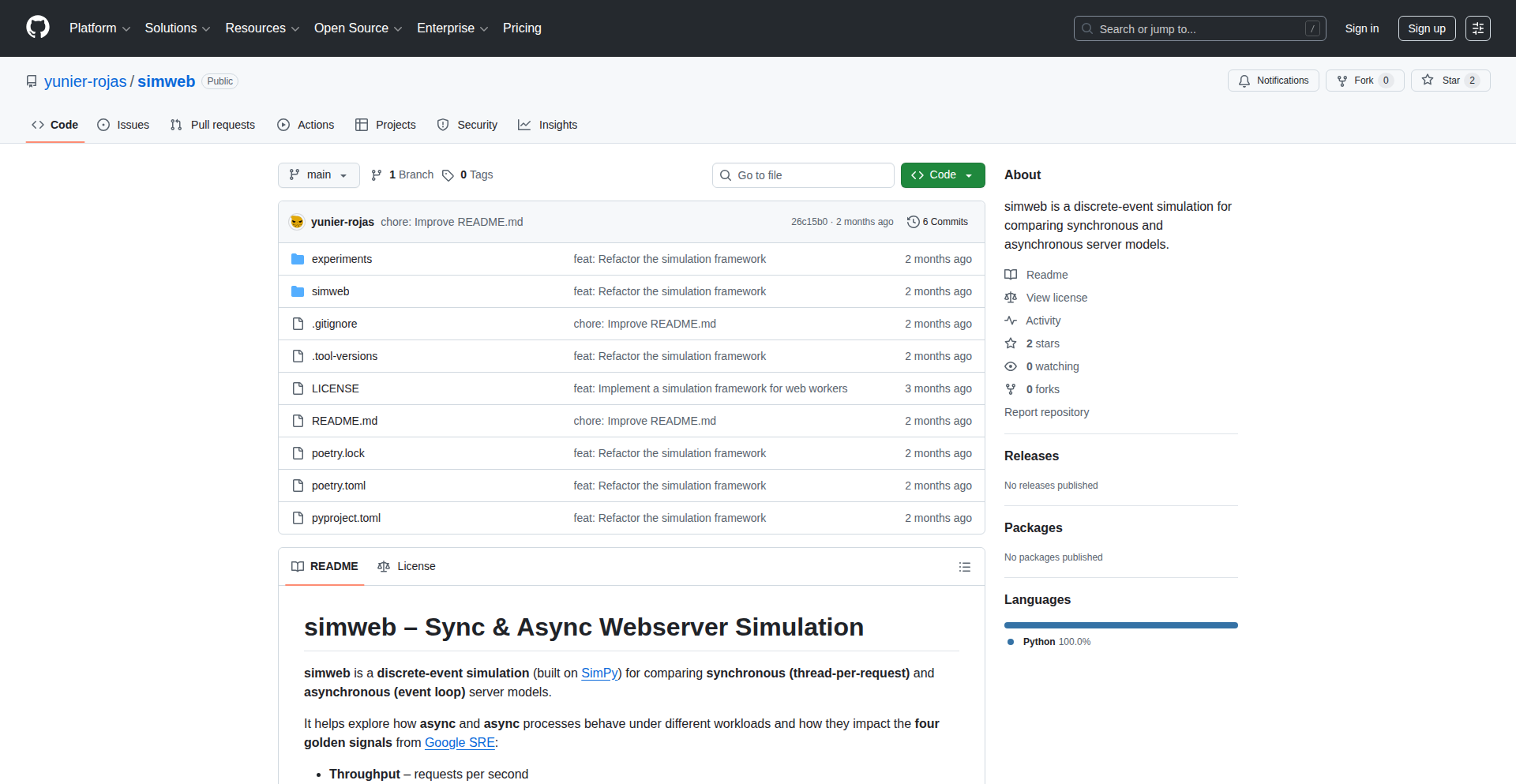
Author
yunier-rojas
Description
Simweb is a groundbreaking discrete-event simulation framework specifically designed for modeling and analyzing web processes. It tackles the complexity of web traffic and user interactions by breaking them down into discrete events. This allows developers and researchers to understand performance bottlenecks, test new features under simulated load, and optimize web application behavior before deploying to production. The innovation lies in its ability to abstract complex web interactions into a manageable simulation environment, providing actionable insights that are difficult to obtain through traditional testing methods.
Popularity
Points 1
Comments 0
What is this product?
Simweb is a specialized tool that lets you create virtual models of how users interact with a website or web application. Think of it like a flight simulator, but for your web services. Instead of flying a plane, you're simulating user requests, server responses, and how these events unfold over time. The core innovation is its 'discrete-event simulation' approach. This means it focuses on specific points in time when something significant happens (an event), like a user clicking a button, a server sending data, or a database query completing. By simulating these individual moments and their consequences, Simweb can accurately predict how a system will perform under various conditions, identifying potential slowdowns or failures. So, why is this useful? It helps you understand the inner workings of your web system without risking your live users, allowing for proactive problem-solving and feature validation.
How to use it?
Developers can leverage Simweb by defining the components of their web system and the types of user interactions they want to simulate. This involves scripting the flow of events, such as user arrival rates, request patterns (e.g., page loads, API calls), server processing times, and database lookup delays. Simweb then runs these scripts, generating statistics on metrics like response times, throughput, and resource utilization. It can be integrated into a CI/CD pipeline to automatically test the performance impact of code changes or new deployments. For example, you could simulate 10,000 users simultaneously accessing your e-commerce site during a flash sale to see if your servers can handle the load. The practical value is the ability to quantitatively assess system performance and resilience, making informed decisions about scaling, optimization, and architectural changes.
Product Core Function
· Event definition and scheduling: Allows users to define custom events (e.g., user request, server response) and specify when they occur, forming the backbone of the simulation. The value here is precise control over the simulation's timeline, enabling granular analysis of system behavior.
· Process modeling: Enables the creation of models representing web processes, such as user sessions, API request lifecycles, and background tasks. This provides a structured way to represent complex web interactions, making it easier to understand system flow and identify bottlenecks.
· Resource management simulation: Simulates the consumption and contention of resources like CPU, memory, and network bandwidth. This is crucial for understanding how resource limitations impact performance under load, directly aiding in capacity planning and optimization.
· Statistical analysis and reporting: Gathers and analyzes simulation data to provide insights into key performance indicators like response time, throughput, and error rates. This translates raw simulation output into actionable intelligence for improving system design and performance.
· Customizable simulation scenarios: Offers flexibility to define various user behaviors, traffic patterns, and system configurations to test different hypotheses and edge cases. This empowers developers to rigorously test their systems under a wide range of conditions, uncovering potential weaknesses.
Product Usage Case
· Simulating a sudden surge in traffic to an e-commerce website during a holiday sale to identify potential server overload points and optimize resource allocation before the actual event. This helps prevent costly downtime and lost revenue.
· Modeling the impact of adding a new feature that requires frequent database queries on user response times. Developers can predict performance degradation and tune the feature or database schema accordingly, ensuring a smooth user experience.
· Analyzing the efficiency of a microservices architecture by simulating inter-service communication latency and request queuing. This helps in identifying inefficient communication patterns or service bottlenecks that could be resolved through architectural adjustments.
· Testing the resilience of a web application to network disruptions by simulating packet loss and latency. This allows for the implementation of robust error handling and retry mechanisms, improving application stability in real-world conditions.
· Evaluating the performance benefits of caching strategies by simulating cache hit rates and their effect on response times for frequently accessed data. This provides data-driven insights into the effectiveness of caching implementations.
106
Roampal: Outcome-Driven AI Memory

Author
roampal
Description
Roampal is a local AI memory layer that goes beyond simple relevance by learning from the actual outcomes of your interactions. Unlike traditional AI memory systems that prioritize semantic matching, Roampal's core innovation lies in its outcome-based learning mechanism. It dynamically adjusts the importance of information based on whether it led to success or failure, making your AI assistant progressively more effective and reliable over time. This addresses the critical problem of AI providing generic or even incorrect advice by ensuring it learns from real-world results, leading to highly personalized and accurate assistance.
Popularity
Points 1
Comments 0
What is this product?
Roampal is a local, privacy-focused AI memory system designed to enhance the performance of AI models. Its unique technical insight is an outcome-based learning mechanism. Instead of just remembering what's semantically similar, Roampal assigns value to information based on the success or failure of an AI's response. When an AI provides advice or information, Roampal can mark its outcome (e.g., +0.2 for success, -0.3 for failure). This outcome score is then integrated with the embedding score of new memories. Initially, relevance (embedding) plays a larger role, but as information is used more and its outcomes become clearer (proven memories with 5+ uses), the outcome score gains significantly more weight (60%). This means Roampal prioritizes what 'actually worked' over what 'sounds right,' creating a highly personalized and adaptive AI memory that gets smarter with every successful interaction and learns from every mistake. This is a significant departure from systems that only update based on relevance or consistency.
How to use it?
Developers can integrate Roampal into their local AI workflows by running it offline using tools like Ollama, LM Studio, or Claude Desktop. This allows for complete data privacy as everything runs locally with no telemetry or signup required. The core technical usage involves setting up the Roampal memory layer alongside your chosen LLM. As you interact with your AI, Roampal captures the conversation, learns from the outcomes (either explicitly marked or auto-detected), and refines its memory. This means that over time, the AI you interact with will naturally become more adept at providing solutions that are proven to work for your specific context, whether it's in finance, coding, or personal learning. It's like having an AI assistant that is constantly getting better through direct experience.
Product Core Function
· Outcome-Based Memory Weighting: This function allows the AI memory to dynamically adjust the importance of information based on real-world success or failure. This directly translates to more reliable and accurate AI responses tailored to your specific needs.
· Adaptive Learning Mechanism: The system learns and improves over time by prioritizing information that has led to positive outcomes. This means your AI assistant becomes more effective and less prone to errors as it gains more experience.
· Local and Offline Operation: This function ensures complete data privacy and security by running entirely on the user's machine. This is crucial for sensitive data and for users who prefer not to rely on cloud-based services.
· Reduced Token Usage for Retrieval: By retrieving outcome-verified results more efficiently, Roampal uses fewer tokens compared to traditional retrieval methods. This translates to faster response times and potentially lower operational costs for developers.
· Personalized AI Assistance: The outcome-based learning creates a highly personalized AI experience that adapts to individual user needs and past interactions, leading to more relevant and actionable advice.
Product Usage Case
· Financial Advice Scenarios: Imagine an AI providing investment advice. Instead of just suggesting popular stocks, Roampal would learn from actual market outcomes, prioritizing strategies that have historically led to gains for the user. This significantly improves the accuracy and trustworthiness of financial recommendations.
· Coding Assistance and Debugging: When a developer asks for code solutions or debugging help, Roampal can learn which code snippets or debugging approaches were successful in resolving issues. This means the AI will progressively offer more effective and tested code, speeding up the development process and reducing frustration.
· Personalized Learning Paths: For educational purposes, Roampal can track which learning methods or resources were most effective for a user in understanding a concept. The AI can then tailor future learning suggestions based on this proven effectiveness, accelerating the learning curve.
· Complex Problem Solving: In scenarios requiring multi-step solutions, Roampal can learn which sequences of actions or advice led to a successful resolution. This allows the AI to build a history of successful problem-solving strategies specific to the user's context.
107
PVAC-FHE: Hypergraph Homomorphic Encryption
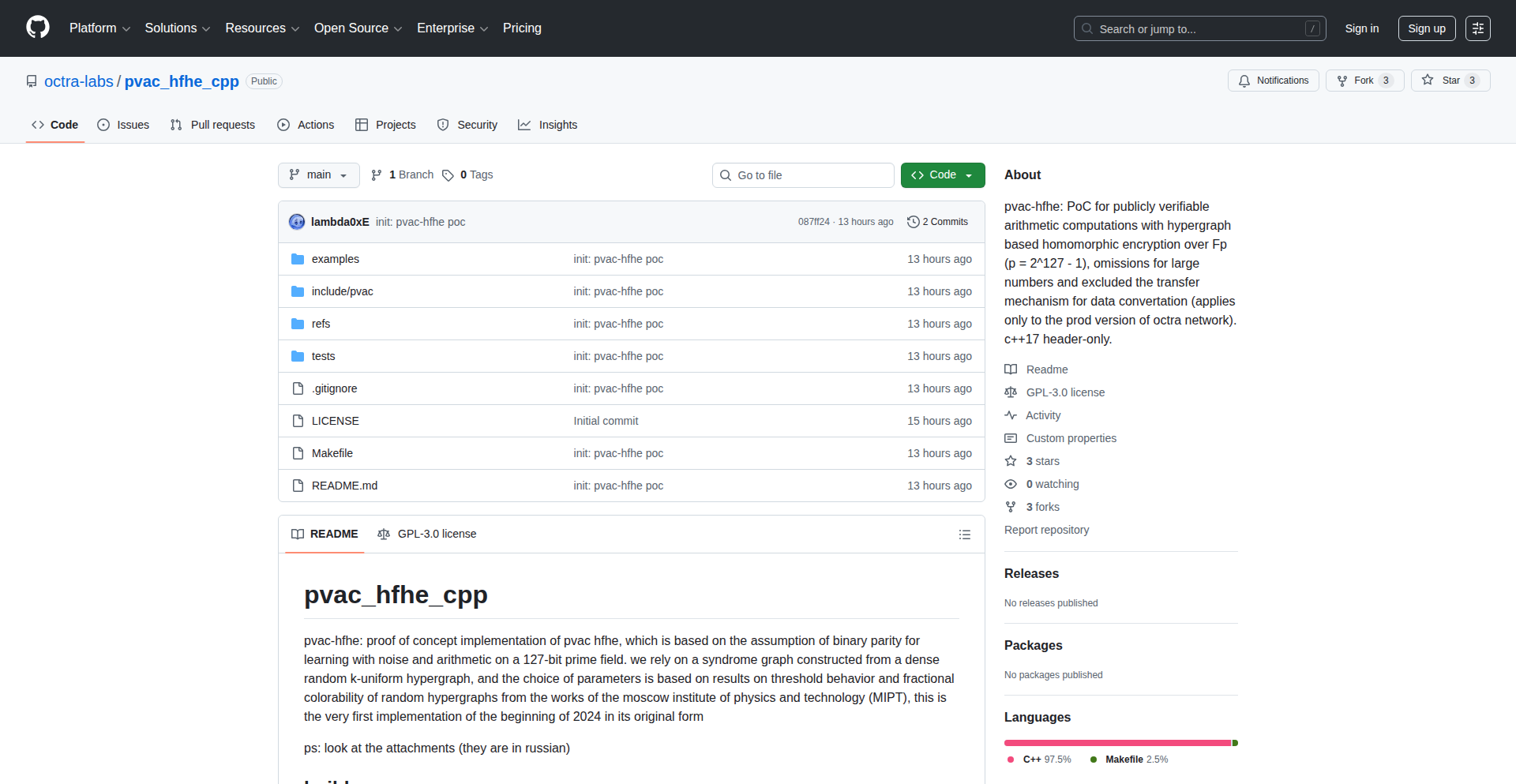
Author
0x0ffh_local
Description
This project introduces PVAC-FHE, a novel approach to Fully Homomorphic Encryption (FHE) applied to hypergraphs. It leverages LPN (Learning Parity with Noise) security assumptions to enable computations on encrypted data, specifically designed for the complex relationships found in hypergraphs. This bypasses the need to decrypt data for analysis, offering a secure way to process intricate, multi-way relationships.
Popularity
Points 1
Comments 0
What is this product?
PVAC-FHE is a groundbreaking implementation of Fully Homomorphic Encryption (FHE) tailored for hypergraphs. Traditional encryption requires decryption before any computation can be performed, leaving data vulnerable during processing. FHE, on the other hand, allows computations directly on ciphertext. This project's innovation lies in its application of FHE to hypergraphs, which are mathematical structures capable of representing relationships involving more than two entities at a time (unlike standard graphs where edges connect only two nodes). By using LPN security, a well-studied cryptographic assumption, PVAC-FHE provides a robust and secure method for analyzing and processing encrypted hypergraph data without ever exposing the plaintext. This means you can run complex analyses or queries on sensitive, encrypted relational data, and the results will be correct and secure.
How to use it?
Developers can integrate PVAC-FHE into applications where sensitive, multi-faceted data relationships need to be analyzed without decryption. This might involve secure multi-party computation for collaborative research on encrypted datasets, privacy-preserving analytics for networked user behavior, or secure querying of encrypted knowledge graphs. The core idea is to encrypt your hypergraph data using PVAC-FHE's library, perform computations (like traversals, aggregations, or custom functions) on the encrypted data, and then decrypt only the final result. This preserves data privacy throughout the entire processing lifecycle, offering a powerful tool for privacy-conscious application development.
Product Core Function
· Homomorphic Encryption Engine: Enables computations on encrypted data, meaning you can process information without ever decrypting it, thus maintaining complete privacy. This is valuable for any scenario involving sensitive data analysis.
· Hypergraph Data Structures: Provides specialized structures to efficiently represent and manipulate hypergraphs, which are essential for modeling complex relationships involving multiple entities. This is crucial for applications dealing with sophisticated data interdependencies.
· LPN-based Security Primitives: Implements cryptographic building blocks based on the Learning Parity with Noise problem, offering a strong and well-researched foundation for the security of the encryption scheme. This ensures the system is resistant to known cryptanalytic attacks.
· Secure Computation Operations: Offers a suite of homomorphic operations (e.g., additions, multiplications, logical operations) that can be applied directly to encrypted hypergraph data, allowing for sophisticated data processing on sensitive information.
· Data Encryption and Decryption Modules: Handles the secure encryption of plaintext hypergraph data and the decryption of the computed ciphertext results, providing a complete end-to-end privacy solution.
Product Usage Case
· Privacy-Preserving Network Analysis: Imagine analyzing encrypted user interaction data on a social platform where users can form groups of any size (hypergraphs). PVAC-FHE allows calculating influence scores or community structures without ever seeing individual user data, enhancing user privacy while still deriving valuable insights.
· Secure Collaborative Research: Researchers from different institutions can pool encrypted sensitive datasets that represent complex collaborations (e.g., medical research with patient groups, multi-party drug discovery). PVAC-FHE enables them to run joint analyses on this combined encrypted data to find patterns or correlations, without any party needing to reveal their raw data.
· Encrypted Knowledge Graph Querying: A company might have an internal knowledge graph containing proprietary information. PVAC-FHE allows authorized users to query this graph securely. They can ask questions and receive answers derived from the encrypted data, ensuring that the underlying sensitive facts remain confidential.
· Secure Multi-Party Supply Chain Optimization: In a complex supply chain involving multiple vendors, manufacturers, and logistics providers, each entity can encrypt their contribution data. PVAC-FHE enables running optimization algorithms on this combined encrypted data to find the most efficient routes or resource allocations, without any single entity seeing the proprietary details of others.
108
ResumeScan AI

url
Author
ngninja
Description
A Chrome extension leveraging natural language processing (NLP) and custom keyword matching to automatically highlight relevant skills and experience on LinkedIn candidate profiles, enabling recruiters to screen candidates five times faster. This tool addresses the time-consuming manual process of sifting through resumes by intelligently identifying key qualifications.
Popularity
Points 1
Comments 0
What is this product?
ResumeScan AI is a browser extension that acts as an intelligent assistant for recruiters and hiring managers. It uses advanced text analysis techniques, similar to how search engines understand your queries, to read through LinkedIn profiles. The core innovation lies in its ability to understand the context of the text and match it against predefined or user-supplied criteria for specific job roles. Instead of you manually reading every word, it intelligently scans the profile and visually highlights the most important pieces of information that align with what you're looking for. This means you spend less time reading and more time evaluating qualified candidates.
How to use it?
Developers and hiring managers can install ResumeScan AI as a Chrome extension. Once installed, when viewing a candidate's LinkedIn profile, the extension automatically activates. Users can configure a set of keywords or desired skills relevant to the job opening. The extension then processes the profile content in real-time, highlighting matching phrases and sections directly on the page. It integrates seamlessly into the existing LinkedIn browsing workflow, requiring no complex setup or external tools. This allows for immediate efficiency gains during the candidate sourcing and initial screening phases.
Product Core Function
· Automated Skill and Experience Highlighting: Utilizes NLP to intelligently identify and mark keywords, skills, and experience phrases within a LinkedIn profile that match predefined search criteria. This provides immediate visual cues to recruiters about a candidate's suitability, saving significant reading time.
· Customizable Keyword Matching: Allows users to input their own specific keywords, technologies, or experience requirements relevant to a job description. This ensures that the highlighting is tailored to the exact needs of the role, making the screening process more precise and effective.
· Real-time Analysis on LinkedIn Profiles: Processes candidate information directly on the LinkedIn website without requiring data export or manual input. This offers an immediate and integrated screening experience, fitting perfectly into a recruiter's daily workflow.
· Performance Improvement for Screening: Designed to accelerate the initial candidate review process by up to five times. By quickly pointing out relevant information, it helps recruiters make faster decisions on whether to proceed with a candidate, optimizing the hiring funnel.
Product Usage Case
· A tech recruiter is looking to hire a Python developer with experience in Django and AWS. They install ResumeScan AI and input 'Python', 'Django', and 'AWS' as keywords. When viewing a candidate's profile, the extension instantly highlights mentions of these technologies and related phrases, allowing the recruiter to quickly confirm relevant experience without reading the entire profile, thus saving time on initial screening.
· A hiring manager for a marketing role needs to find candidates with experience in SEO, content marketing, and social media analytics. They configure ResumeScan AI with these terms. The extension then highlights relevant sections on candidate profiles, making it easy to identify individuals who possess the required skills and experience, thereby speeding up the identification of qualified applicants.
· A startup is rapidly scaling its engineering team and needs to quickly sift through a large volume of applications on LinkedIn. ResumeScan AI helps their small recruiting team by automating the tedious task of resume review, allowing them to identify top talent much faster and dedicate more time to engaging with promising candidates.
109
Xpptx-AutoSlideGen

Author
jsxyzb
Description
Xpptx automates the creation of professional PowerPoint presentations. It tackles the time-consuming and often tedious process of slide design and content structuring by leveraging AI to generate presentations from simple inputs. This innovative approach aims to democratize professional presentation creation, making it accessible to everyone regardless of design skills.
Popularity
Points 1
Comments 0
What is this product?
Xpptx is an AI-powered tool that simplifies and accelerates the creation of PowerPoint presentations. Its core innovation lies in its ability to understand user intent from minimal input, such as text prompts or existing documents, and then automatically generate a well-structured, visually appealing presentation. This is achieved through natural language processing (NLP) to interpret the user's needs and generative AI models to create slide content, layouts, and even suggest relevant imagery. Essentially, it acts as an intelligent assistant that turns raw ideas into polished presentations with a single click. So, what's in it for you? It dramatically reduces the hours spent manually designing slides, freeing you up for more strategic tasks.
How to use it?
Developers can integrate Xpptx into their workflows or applications via an API. This allows for programmatic generation of presentations based on data, reports, or user-generated content. For example, a reporting tool could automatically generate a monthly performance review presentation, or a content management system could create a summary presentation from a blog post. The API would likely accept structured data or natural language descriptions, and return a presentation file (e.g., .pptx). This means you can build automated reporting pipelines or interactive presentation tools. So, how does this help you? It enables you to automate tedious presentation generation tasks, ensuring consistency and saving significant development and user time.
Product Core Function
· AI-powered slide generation from text prompts: Leverages NLP to understand narrative and generate relevant slide content, titles, and bullet points. Value: Saves time and effort in drafting initial slide content.
· Automated layout and design selection: Employs generative AI to choose appropriate slide layouts and visual themes based on content. Value: Ensures professional and consistent visual appeal without manual design effort.
· Content structuring and organization: Intelligently organizes information into logical sections and slides. Value: Improves presentation clarity and flow.
· Image and media suggestion: Can suggest or automatically insert relevant images and media. Value: Enhances visual engagement and understanding.
· API for programmatic access: Enables integration into other applications and workflows for automated presentation creation. Value: Facilitates automation and custom solutions for presentation needs.
Product Usage Case
· A sales team can use Xpptx to quickly generate a product pitch deck from a short description of their offering. This saves them hours of design and writing, allowing them to focus on refining their sales strategy. So, what's the benefit? Faster proposal generation and improved sales efficiency.
· A researcher can input their findings from a paper into Xpptx to create a conference presentation. The tool will structure the data into logical slides, saving them the laborious task of manually reformatting complex information for a visual medium. So, what's the advantage? Efficient dissemination of research findings.
· A startup founder can generate an investor pitch deck in minutes from a business plan outline. This allows them to quickly iterate on their pitch and focus on securing funding. So, what does this mean for you? Accelerated fundraising efforts and quicker market entry.
110
Dotgh-AIConfig

Author
openjny
Description
Dotgh-AIConfig is a command-line interface (CLI) tool designed to streamline the management of AI coding assistant configuration files. It allows developers to save and reuse custom instruction and prompt templates across multiple projects, reducing repetitive setup and ensuring consistency in AI-assisted development workflows. This innovation addresses the common pain point of recreating similar AI configurations for different codebases.
Popularity
Points 1
Comments 0
What is this product?
Dotgh-AIConfig is a lightweight, cross-platform CLI tool written in Go that acts as a template manager for AI coding assistant configuration files. Many AI assistants like GitHub Copilot or Cursor require specific markdown files (e.g., `copilot-instructions.md`, `AGENTS.md`) or JSON files to guide their behavior within a project. Manually creating or copying these files for each new project can be tedious and error-prone. Dotgh-AIConfig solves this by enabling you to store these configurations as reusable templates. You can 'push' your current project's AI configurations to a named template, and then 'pull' that template to apply it to any new project with a simple command. This leverages the concept of configuration-as-code, making AI assistant setup more efficient and consistent.
How to use it?
Developers can use Dotgh-AIConfig by installing the single binary executable on their system (Linux, macOS, Windows). Once installed, they can navigate to a project directory where they have set up their AI assistant configurations. To save these configurations as a template, they would run `dotgh push <template-name>`. For instance, `dotgh push my-golang-template` would save the current project's relevant AI config files under the name 'my-golang-template'. When starting a new project, after initializing it, the developer can apply a saved template by running `dotgh pull <template-name>`, like `dotgh pull my-golang-template`. This command will automatically copy the template's files into the new project's directory, ready for use. The tool is also customizable, allowing users to specify which file types and paths are managed through a configuration file, offering flexibility beyond its default set of managed files.
Product Core Function
· Template Creation (push): Saves the current project's AI assistant configuration files (like instruction files and prompt definitions) as a named template. This saves developers from manually copying these files each time they start a new project, ensuring consistent AI assistant behavior across different codebases and speeding up project setup.
· Template Application (pull): Applies a previously saved template to a new or existing project by copying the configuration files. This is the core mechanism for quickly onboarding projects with pre-defined AI assistant setups, significantly reducing repetitive manual work.
· Cross-Platform Compatibility: Written in Go and distributed as a single binary, making it easy to install and use on Linux, macOS, and Windows without any external dependencies. This broad compatibility ensures that developers can leverage its benefits regardless of their operating system.
· Configurable File Management: Allows users to customize which files and directories are managed by the tool. This offers flexibility to adapt Dotgh-AIConfig to a wider range of AI assistants and project structures beyond the default set, catering to specific developer needs.
· Version Control Integration Potential: While not an explicit feature, the managed configuration files can be version controlled within the project's repository. This allows for tracking changes to AI assistant configurations over time, enabling rollbacks and collaboration on AI prompt engineering.
· Reducing Cognitive Load: By automating the setup of AI assistant configurations, Dotgh-AIConfig helps reduce the mental overhead for developers. They can focus more on coding and problem-solving rather than repetitive setup tasks.
Product Usage Case
· Scenario: A developer frequently works on multiple Python web projects using GitHub Copilot. Each project benefits from specific instructions for generating API endpoints and database models. Without Dotgh-AIConfig, the developer would manually copy and paste instruction files into each new project's `.github/copilot-instructions.md` file. With Dotgh-AIConfig, they can save a 'python-api-template' once and then use `dotgh pull python-api-template` to instantly apply these instructions to any new Python project, saving significant setup time and ensuring consistency.
· Scenario: A team is developing a complex game using AI coding assistants to generate game logic and assets. They need consistent prompt templates for defining character behaviors and level designs. Dotgh-AIConfig allows them to create a shared 'game-dev-prompts' template. When a new team member joins or a new project branch is created, they can quickly pull this template to ensure everyone is using the same prompt structures, leading to more coherent AI-generated code and assets.
· Scenario: A developer is experimenting with different AI coding assistants and their respective configuration styles (e.g., Cursor, Copilot). They find that each assistant requires unique prompt file structures. Dotgh-AIConfig enables them to create separate templates for each assistant, such as 'copilot-dev-setup' and 'cursor-agent-config'. This makes it effortless to switch between or manage configurations for multiple AI tools within their development environment.
· Scenario: A developer is working on an open-source project and wants to provide default AI assistant guidance for contributors. They can create a template containing helpful `AGENTS.md` files and specific Copilot instructions and make this template public or shareable. Contributors can then easily pull this template into their local forks to get started with AI assistance that aligns with the project's goals.
111
PolyRepo Tracker

Author
anduril22
Description
A command-line utility designed to streamline workflow for developers managing multiple Git repositories for a single project. It provides a unified view of commit status, last commit times, and repository health across disparate codebases, simplifying tracking and deployment coordination.
Popularity
Points 1
Comments 0
What is this product?
PolyRepo Tracker is a command-line tool that helps developers manage projects composed of many independent Git repositories (often referred to as a 'multi-repo' setup). Instead of dealing with each repository separately, this tool aggregates key information like the last commit time, Git status (Ready, Ahead, Gone), and allows quick checks of commit logs for all your project's repositories in one place. It's built to solve the overhead of tracking changes and deployments when you're not using a single, massive repository (monorepo). So, what's the innovation? It brings a simple, unified dashboard for your distributed code, inspired by the hacker ethos of building tools to solve your own development pain points. This means you spend less time figuring out what's changed where, and more time coding. The core idea is to offer a pragmatic solution for a common multi-repo challenge, making it easier to understand the state of your entire project at a glance.
How to use it?
Developers can integrate PolyRepo Tracker into their daily workflow by installing it and then running commands from their project's root directory, where all the individual Git repository subfolders are located. The tool scans these subfolders, identifying all Git repositories. You can then execute commands like 'polyrepo status' to see a summary of each repo's state (e.g., up-to-date, has new commits, or behind). You can also check the last commit time for each repo, or dive into the git log for a specific repo. This provides a clear, actionable overview, allowing developers to quickly identify which services need updating or which haven't been touched in a while. This can be particularly useful for coordinating deployments across microservices.
Product Core Function
· Unified Git Status Indicator: Provides a quick R/A/G (Ready, Ahead, Gone) status for each repository, helping developers immediately see which repos have uncommitted changes, are ahead of the remote, or are potentially disconnected. This reduces the time spent manually checking each repo.
· Last Commit Time Tracking: Displays the timestamp of the last commit for every repository, giving developers insights into recent activity and helping to identify stagnant parts of the project. This is useful for understanding the pace of development across different services.
· Quick Git Log Access: Allows developers to swiftly view the git log for any specific repository directly from the multi-repo overview. This streamlines debugging and understanding the history of changes without navigating into each directory.
· Repository Health Overview: Aggregates information from multiple repositories into a single view, offering a holistic understanding of the project's state. This helps in making informed decisions about deployments and project management.
· Customizable Repository Discovery: The tool is designed to automatically discover Git repositories within a specified directory, making it easy to set up and adapt to different project structures. This reduces manual configuration effort.
Product Usage Case
· Scenario: A developer is working on a microservices architecture with 10+ independent Git repositories. They need to deploy updates but are unsure which services have recent commits and which are ready to be deployed. PolyRepo Tracker can scan all repositories, showing that 3 services have new commits (Ahead status), 5 are up-to-date (Ready status), and 2 haven't been touched in weeks (potential Gone status). This immediately tells the developer which services need attention and can be deployed, saving hours of manual checking.
· Scenario: A solo developer is managing a complex project with multiple languages and Git repos. They want to quickly see if any part of their project has stalled or if there are unpushed commits before taking a break. Running PolyRepo Tracker's status command provides a clear overview, highlighting any 'Ahead' statuses that indicate pending commits, or 'Gone' statuses that might signal a disconnected repository. This gives peace of mind and prevents forgotten work.
· Scenario: A team is coordinating a release of several components managed as separate Git repositories. Before the release, they need to ensure all components are in a stable, committed state. PolyRepo Tracker can be used to quickly verify the last commit times and Git statuses of all relevant repositories, ensuring that no last-minute, uncoordinated changes are made and that all components are ready for the release.
112
PKC LLM & Diffuser Benchmark
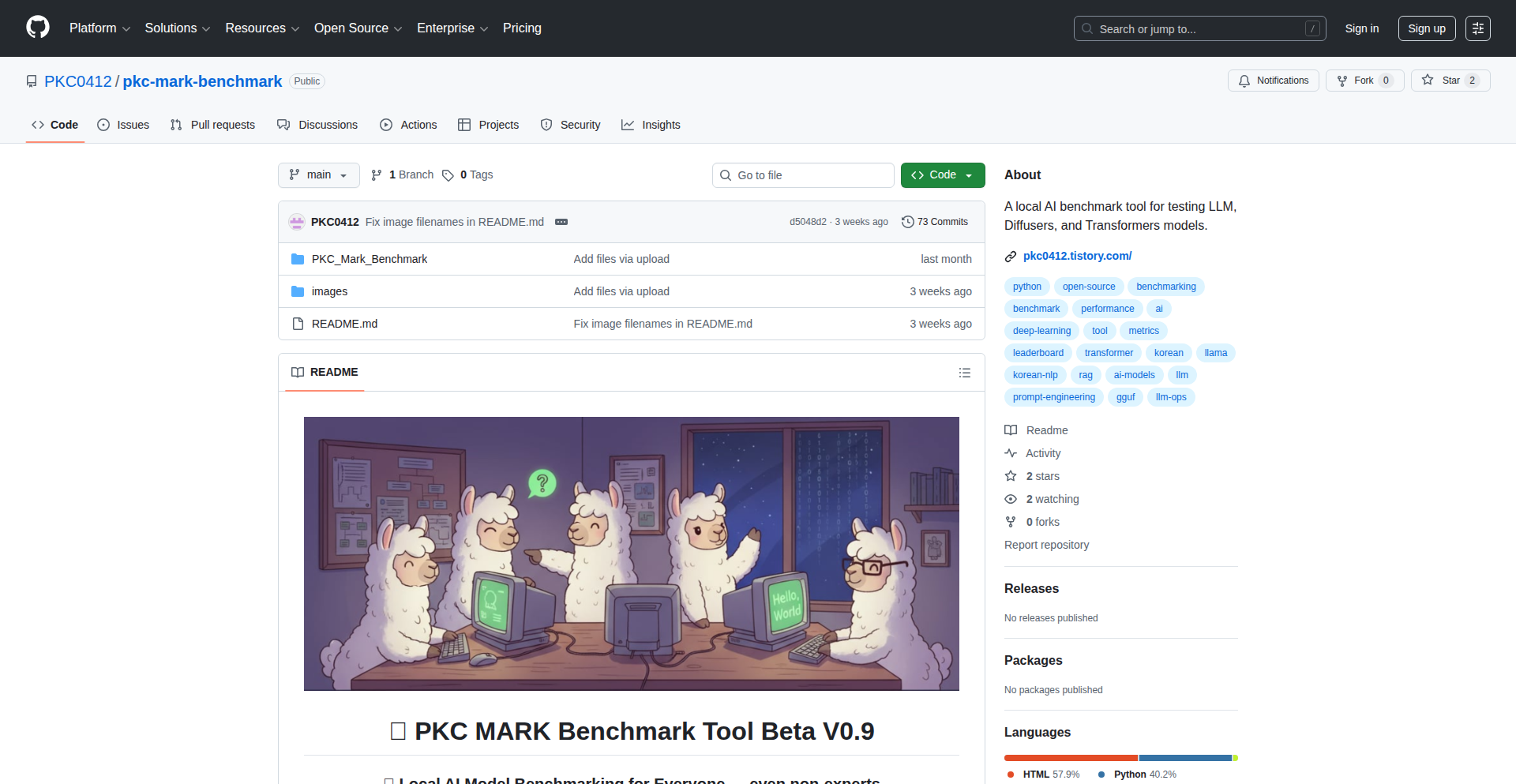
Author
parkkichoel
Description
An open-source, local benchmarking tool designed to evaluate the performance of Large Language Models (LLMs) and Diffusion Models directly on your own hardware. It addresses the challenge of understanding how these powerful AI models perform in real-world, resource-constrained environments, providing developers with crucial insights into model efficiency and speed for integration into their applications.
Popularity
Points 1
Comments 0
What is this product?
This project is an open-source software that lets you run performance tests on Large Language Models (LLMs) and Diffusion Models (like those used for image generation) right on your computer. The innovation lies in its ability to provide localized, reproducible benchmarks without needing cloud resources. It measures things like how fast a model can generate text or images, and how much processing power it uses. This helps developers understand the practical capabilities and limitations of AI models before committing to them in a project.
How to use it?
Developers can download and run this tool locally. It typically involves configuring the tool to point to the specific LLM or Diffusion Model they want to test, and then initiating a series of predefined performance tests. This could involve setting up different input prompts, varying batch sizes, or adjusting hardware configurations. The output will be detailed performance metrics and insights, helping them choose the right model for their specific application, whether it's a chatbot, an image generation service, or another AI-powered feature. It's like giving your AI models a physical fitness test on your own gym equipment, rather than just reading their stats in a magazine.
Product Core Function
· LLM inference speed benchmarking: Measures how quickly an LLM can process input and generate output, crucial for real-time applications like chatbots or content creation tools. This tells you how responsive your AI will be for users.
· Diffusion model generation speed benchmarking: Assesses the time taken for diffusion models to create images from text prompts, important for applications requiring rapid visual content generation. This indicates how fast you can produce visuals for your project.
· Resource utilization monitoring: Tracks CPU, GPU, and memory consumption during model execution, helping developers optimize hardware choices and predict operational costs. This informs you about the hardware needed and the potential running costs.
· Reproducible benchmark generation: Provides a consistent framework for testing, ensuring that results are comparable across different hardware or software configurations, fostering trust and reliability in performance data. This means you can trust the numbers you get and compare them fairly.
· Model efficiency scoring: Offers an aggregated score or metrics that summarize a model's performance relative to its resource usage, aiding in the selection of the most cost-effective and performant models. This helps you find the 'best bang for your buck' in terms of AI model performance.
Product Usage Case
· A developer building a customer support chatbot needs to know if a particular LLM can handle real-time conversations without lag. They would use PKC Mark to benchmark the LLM's inference speed on their development machine, ensuring it meets the required responsiveness. This helps them avoid a chatbot that feels slow and frustrating to users.
· A graphic designer creating a tool for generating unique art pieces needs to select a diffusion model that can produce images quickly enough for their workflow. They would benchmark several models using PKC Mark to compare generation times and choose the fastest, most efficient one. This ensures they can generate art without long waiting periods.
· A startup integrating AI into a mobile application needs to understand the computational footprint of potential LLMs to ensure it fits within device limitations and battery life. PKC Mark's resource utilization monitoring helps them assess which models are feasible for mobile deployment. This prevents them from choosing an AI model that drains the user's phone battery or crashes the app.
· A research team comparing different open-source LLMs for a scientific text analysis project needs reliable performance data. PKC Mark's reproducible benchmarks allow them to conduct standardized tests across various models and configurations, leading to objective comparisons. This ensures their research is based on solid performance data, not just marketing claims.