Show HN Today: Discover the Latest Innovative Projects from the Developer Community
 ShowHN Today
- Continue with Google
Show HN Today: Top Developer Projects Showcase for 2025-11-29
SagaSu777 2025-11-30
Explore the hottest developer projects on Show HN for 2025-11-29. Dive into innovative tech, AI applications, and exciting new inventions!
Summary of Today’s Content
Trend Insights
The landscape of Show HN today reveals a powerful surge in AI's practical application, moving beyond theoretical exploration into tangible tools that solve everyday problems. We're seeing a clear trend towards making complex tasks accessible through intuitive interfaces, whether it's editing PDFs with plain English prompts via Nano PDF, automating video editing workflows with Magiclip, or generating entire Minecraft mods with AI. This democratizes creation and efficiency. For developers and entrepreneurs, this signals a massive opportunity to leverage AI not just as a feature, but as the core engine for new products and services. The emphasis on 'local-first' and 'self-hosted' solutions also points to a growing demand for privacy and control, a significant pivot from purely cloud-dependent models. Innovators should focus on building solutions that offer this balance of AI power and user sovereignty, enabling more people to become creators and problem-solvers with fewer technical barriers.
Today's Hottest Product
Name
Nano PDF
Highlight
This project cleverly utilizes Gemini's advanced image generation capabilities to edit PDF documents. Instead of traditional text-based PDF manipulation, it converts pages to images, uses natural language prompts to instruct the AI on desired edits (like updating charts or adding slides), and then reconstructs the PDF. This approach bypasses complex PDF parsing and rendering, offering a novel way to interact with documents. Developers can learn about integrating multimodal AI models for practical, visual document editing and explore creative problem-solving by re-imagining existing workflows through AI.
Popular Category
AI/ML
Developer Tools
Productivity
Content Creation
Data Management
Popular Keyword
AI
LLM
Python
CLI
Automation
Self-hosted
Rust
JavaScript
Technology Trends
Multimodal AI Integration
AI-powered Automation
Local-First & Self-hosted Solutions
Enhanced Developer Tooling
Creative AI Applications
Privacy-Focused Tools
Low-Code/No-Code AI Interfaces
Project Category Distribution
AI/ML & Data Science (20%)
Developer Tools & Utilities (25%)
Productivity & Workflow Automation (20%)
Content Creation & Media (10%)
System & Infrastructure Tools (10%)
Niche Applications & Experiments (15%)
Today's Hot Product List
| Ranking | Product Name | Likes | Comments |
|---|---|---|---|
| 1 | Boing: Real-time Object Tracker for the Web | 376 | 74 |
| 2 | Nano-PDF: English-Driven PDF Editor | 129 | 29 |
| 3 | Magiclip AI Studio | 40 | 18 |
| 4 | CodeEnvLiberator | 13 | 12 |
| 5 | Photonic Lattice Language Model | 12 | 5 |
| 6 | SyncBright | 6 | 2 |
| 7 | BlindClicker | 2 | 5 |
| 8 | SunlightPal: Wearable Sunlight Exposure Tracker | 1 | 6 |
| 9 | InfiniteNameGenius | 2 | 5 |
| 10 | Browser-Based Log Anonymizer | 3 | 4 |
1
Boing: Real-time Object Tracker for the Web

Author
gregsadetsky
Description
Boing is a novel JavaScript library that enables real-time object tracking directly in the browser. It leverages sophisticated computer vision techniques, specifically Siamese networks, to track the position and bounding box of a designated object across video frames. This opens up new possibilities for interactive web experiences and data analysis without requiring server-side processing for basic tracking tasks.
Popularity
Points 376
Comments 74
What is this product?
Boing is a JavaScript library that uses advanced computer vision, similar to how a security camera might identify a person, but it runs entirely within your web browser. Its core innovation lies in its use of Siamese networks. Think of Siamese networks as a way for the computer to learn to recognize a specific object by comparing it to itself across different images. You show Boing the object you want to track in the first frame of a video, and it then figures out where that same object is in all the subsequent frames. This means you can track things like a specific moving element in a video, a person's face, or even a particular product in a live stream, all without sending the video data to a server. This is valuable because it's faster, more private, and can work offline.
How to use it?
Developers can integrate Boing into their web applications by including the JavaScript library and then initializing it with a video source (like a webcam feed or a video file) and the initial bounding box of the object to be tracked. The library provides an API to get the current position and size of the tracked object in real-time. This can be used to build interactive games, augmented reality experiences where digital overlays follow real-world objects, or even for simple real-time data visualization based on movement. For example, you could use it to trigger an event when a specific object enters a certain area of the video feed.
Product Core Function
· Real-time Object Tracking: Boing can continuously monitor and report the location of a specified object within a video stream. This is valuable for creating dynamic and responsive web applications that react to visual cues, enabling features like interactive games where objects are tracked for gameplay.
· Client-side Processing: All tracking computations happen directly in the user's browser, eliminating the need for data to be sent to a server. This is crucial for user privacy and for reducing server load and latency, making applications faster and more accessible, especially in low-bandwidth environments.
· Siamese Network Implementation: Boing employs Siamese networks, a cutting-edge deep learning architecture for similarity learning. This technical approach allows for robust and accurate tracking of objects even under challenging conditions like changes in lighting or slight occlusions, providing a more reliable tracking solution for developers.
· Bounding Box Estimation: The library outputs the precise bounding box coordinates for the tracked object in each frame. This detailed positional information is invaluable for overlaying graphics, triggering actions based on object presence, or analyzing object movement patterns within a video.
Product Usage Case
· Interactive Educational Videos: Imagine a biology lesson where a user can click on a specific cell in a video, and Boing tracks its movement as the video plays, highlighting its behavior. This enhances engagement and understanding for learners.
· Augmented Reality on the Web: A developer could use Boing to track a user's hand in a webcam feed and then overlay virtual objects that stick to the hand. This allows for creative AR experiences directly in a web browser without needing a dedicated app.
· Real-time Performance Analysis for Athletes: For sports training applications, Boing could track a specific piece of equipment, like a ball or a racket, to analyze its trajectory and speed. This provides objective data for performance improvement.
· Web-based Games with Visual Input: Developers can create games where the game's logic is driven by tracking objects on the screen, such as a user moving a physical object in front of their webcam that then corresponds to movement in the game. This offers a novel input method for web games.
2
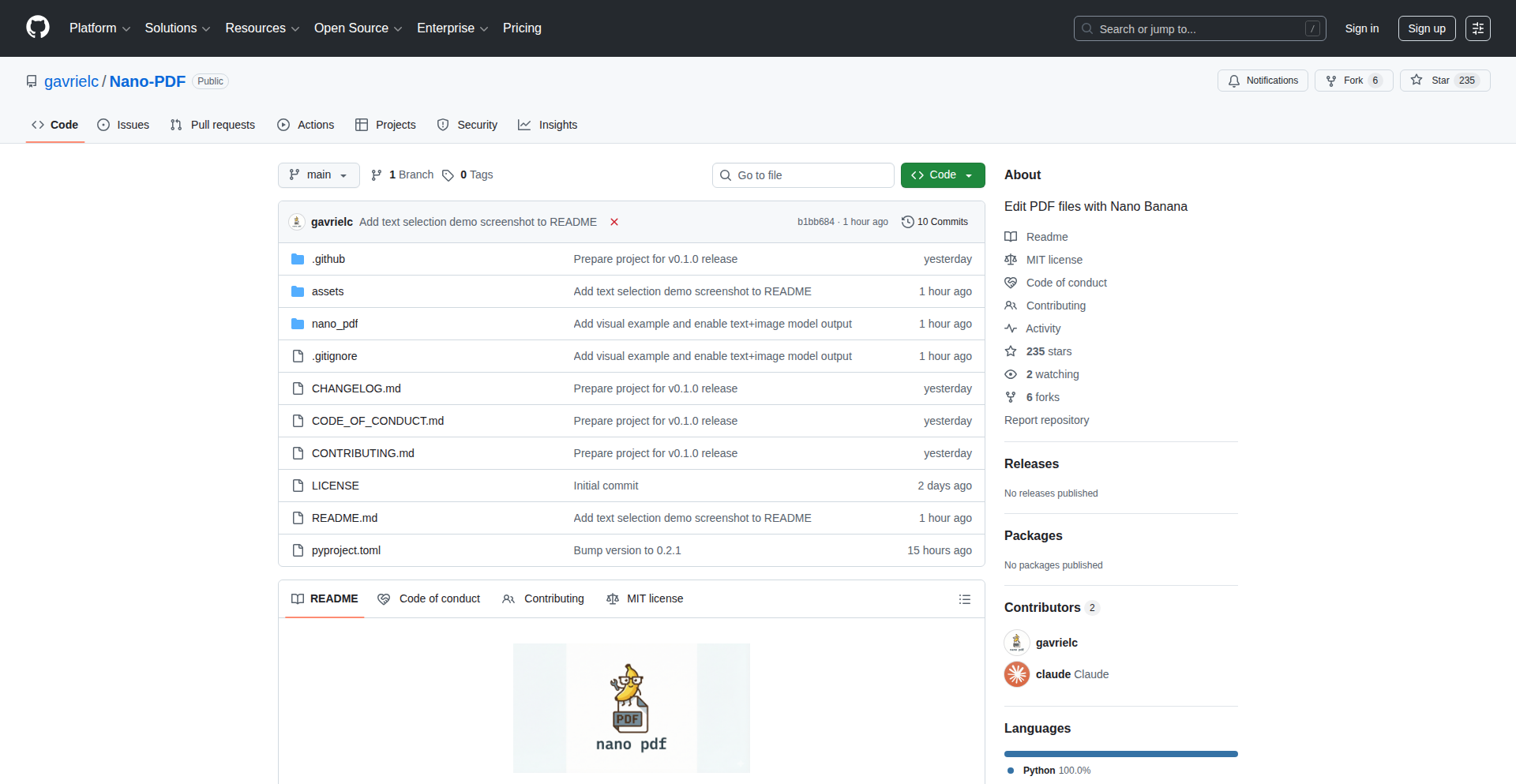
Nano-PDF: English-Driven PDF Editor
Author
GavCo
Description
Nano-PDF is a command-line interface (CLI) tool that leverages the Gemini 3 Pro Image model (nicknamed 'Nano Banana') to enable editing PDF presentations using plain English commands. It intelligently converts PDF pages into images, sends them to the AI model with user prompts for edits, and then reconstructs the PDF with the updated images while preserving the original text layer. This offers a novel, accessible way to modify presentations without complex design software.
Popularity
Points 129
Comments 29
What is this product?
Nano-PDF is a desktop application that acts as a smart editor for PDF presentations. Its core innovation lies in using advanced AI image generation capabilities to let you edit visual content within your PDFs simply by describing the changes you want in plain English. For instance, you can tell it to 'Update the chart to show higher sales' or 'Add a new slide with key takeaways'. The tool works by taking a specific page of your PDF, turning it into an image, sending that image and your English instructions to the Gemini AI model. The AI then generates a new, edited image based on your prompt. Finally, Nano-PDF replaces the original page image with this newly generated one, effectively editing your PDF visually through AI. Crucially, it preserves the original text layer, meaning you can still copy and paste text or search within the document, making it a practical tool for quick edits.
How to use it?
Developers can use Nano-PDF via their terminal or command prompt. After installing the tool, they can execute commands like `nano-pdf edit presentation.pdf 5 'Increase the font size of the title on page 5'` or `nano-pdf add presentation.pdf 10 'Insert a new slide after page 10 summarizing the main points'`. The tool allows for parallel editing of multiple pages and can even generate entirely new slides that blend seamlessly with the existing presentation's style. It's designed for quick, iterative modifications of presentations, making it ideal for situations where minor adjustments are needed without opening heavy design software. Integration is straightforward as it's a CLI tool, meaning it can be called from scripts or other automated workflows.
Product Core Function
· Edit existing PDF pages using natural language prompts: This allows users to modify visual elements on specific pages by simply describing what needs to be changed, making complex design edits accessible to anyone, not just designers. The AI handles the visual transformation.
· Add new slides to a PDF presentation matching the existing style: This feature enables users to expand their presentations by instructing the AI to create new content. The AI's ability to maintain stylistic consistency ensures new slides integrate seamlessly, enhancing the overall presentation quality.
· Process multiple pages in parallel for faster editing: By enabling simultaneous editing of different pages, this function significantly speeds up the modification process for longer presentations, saving valuable time for busy professionals.
· Leverage Google Search for up-to-date information: The tool's integration with Google Search allows the AI to access current data when generating or editing content, ensuring that presentations are informed and relevant, especially for data-driven slides.
· Preserve text layer for copy/paste and searchability: This vital function ensures that while visual edits are made, the underlying text remains selectable and searchable. This maintains the document's utility for informational purposes and allows for easy content extraction.
Product Usage Case
· Scenario: A marketing manager needs to quickly update a sales deck with the latest quarterly figures before a client meeting. Problem: Opening the PDF in traditional design software is time-consuming and requires design expertise. Solution: Using Nano-PDF, they can issue a command like `nano-pdf edit sales_deck.pdf 7 'Update the Q3 revenue chart to show $1.2M'` to instantly revise the chart on page 7. The AI generates the updated visual, and the text layer remains intact for further use.
· Scenario: A presenter wants to add an executive summary slide to the beginning of their presentation without knowing design software. Problem: Creating a new slide that matches the presentation's aesthetic is challenging. Solution: The presenter can use `nano-pdf add intro_presentation.pdf 1 'Create an executive summary slide with 3 key points about the project'`. The AI will generate a new slide with appropriate content and style, seamlessly integrating it at the start of the document.
· Scenario: A researcher needs to update several charts across a lengthy research paper PDF with new data points. Problem: Manually editing each chart in a PDF editor is tedious and error-prone. Solution: Nano-PDF can process multiple pages concurrently. The researcher can issue commands to update specific charts on different pages, saving significant time and ensuring consistency in the data presentation across the document.
3
Magiclip AI Studio

Author
kokau
Description
Magiclip.io is an AI-powered video editing studio that automates tedious and repetitive tasks in the video creation workflow. It consolidates multiple functionalities like auto-subtitling, silence removal, AI voice-overs, audio enhancement, image upscaling, clip extraction, and format conversion into a single, user-friendly interface. The core innovation lies in its ability to significantly reduce editing time by offloading common, time-consuming operations to AI, allowing creators to go from upload to download in seconds, not hours.
Popularity
Points 40
Comments 18
What is this product?
Magiclip.io is a unified AI studio designed to streamline video editing. Instead of juggling numerous specialized tools for tasks like generating subtitles, cleaning up audio, removing silences, enhancing images, or converting video formats, Magiclip handles them all through a single interface. Its technological foundation leverages advanced AI models for each specific task. For instance, it uses sophisticated Natural Language Processing (NLP) for accurate auto-subtitling and speech recognition for silence detection. For audio enhancement and voice-over, it employs AI audio processing and synthesis techniques. Image upscaling benefits from generative AI for detail restoration. The key innovation is the orchestration of these diverse AI capabilities into a seamless, automated pipeline. This means creators can bypass the complexity of traditional editing software and focus on the creative aspects, as Magiclip handles the technical heavy lifting. So, this is a tool that transforms the often frustrating, multi-step process of video post-production into a fast, automated experience.
How to use it?
Developers and content creators can use Magiclip.io by uploading their raw video files directly to the platform. Once uploaded, they can select the desired automated features, such as generating subtitles, removing background noise, adding an AI-generated voice-over, or resizing the video for social media platforms like TikTok and Reels. After processing, the enhanced video can be downloaded. For integration into existing workflows or custom applications, Magiclip aims to offer an API (as hinted in the feedback section). This would allow developers to programmatically access its features, enabling them to build automated video processing pipelines within their own software or services. For example, a content management system could automatically generate captions for all newly uploaded videos using Magiclip's API. This makes it incredibly versatile for anyone looking to automate repetitive video tasks, from individual creators to larger media organizations.
Product Core Function
· Auto-subtitling: Utilizes advanced speech-to-text AI to generate accurate subtitles for videos quickly, saving significant manual transcription time and improving accessibility for viewers.
· Silence removal: Employs AI to identify and automatically remove silent portions of a video, making the content more concise and engaging for the audience.
· AI voice-over: Enables creators to generate synthetic voice-overs using AI, useful for narration, dubbing, or adding voice content without needing to record audio themselves.
· Audio enhancement: Applies AI-driven audio processing to improve sound quality, reduce noise, and enhance clarity, resulting in a more professional-sounding final product.
· Image upscaling: Uses AI to increase the resolution and detail of images within videos or for thumbnails, improving visual quality without pixelation.
· Clip extraction: Automates the process of extracting specific segments from longer videos, ideal for creating highlight reels or social media snippets.
· Thumbnail generation: Leverages AI to automatically suggest or create engaging video thumbnails, increasing click-through rates for uploaded content.
· Format conversion: Facilitates quick conversion of videos into popular social media formats like TikTok or Reels, optimizing them for vertical viewing and platform requirements.
Product Usage Case
· A freelance video editor working on multiple client projects can use Magiclip to auto-generate subtitles for all their videos in a fraction of the time it would take manually, allowing them to take on more clients.
· A small business owner producing marketing videos can use Magiclip to quickly remove awkward silences and enhance audio quality, making their promotional content sound more professional and impactful without hiring an audio engineer.
· A social media manager creating daily content for platforms like TikTok can use Magiclip's format conversion and clip extraction features to repurpose longer videos into short, engaging clips tailored for each platform, significantly speeding up their content production cycle.
· A YouTuber who frequently uploads tutorial videos can use Magiclip's AI voice-over feature to add narration or explanations to screen recordings, simplifying the process of creating voice-guided tutorials.
· An educational content creator can use Magiclip's auto-subtitling and AI audio enhancement to make their online courses more accessible and engaging for a wider audience, regardless of their listening environment.
4
CodeEnvLiberator
Author
rohan2003
Description
This project is a significant step towards eliminating the tedious process of setting up development environments for any codebase. It allows developers to run any code on their machine without complex configuration, addressing a common pain point in software development and accelerating the onboarding process for new projects.
Popularity
Points 13
Comments 12
What is this product?
CodeEnvLiberator is a system designed to abstract away the complexities of setting up development environments. Instead of manually installing dependencies, configuring libraries, or managing versions, this tool intelligently analyzes a codebase and automatically provisions the necessary environment. The core innovation lies in its ability to understand the requirements of diverse projects (e.g., different programming languages, frameworks, and system dependencies) and dynamically create a functional workspace, often leveraging containerization technologies like Docker under the hood. This means you don't need to be an expert in every technology stack to get started with a new project. So, what's in it for you? It drastically reduces the time and frustration spent on setup, allowing you to focus on writing code from the moment you encounter a new project. Imagine cloning a repository and instantly being able to run it without reading through pages of setup instructions – that's the value.
How to use it?
Developers can integrate CodeEnvLiberator into their workflow by pointing it to a codebase repository. The tool will then analyze the project's structure, manifest files (like package.json for Node.js, requirements.txt for Python, Gemfile for Ruby), and common configurations. It can provision a local development environment, potentially using Docker containers, virtual machines, or even cloud-based solutions. The goal is to provide a seamless transition from cloning a repo to having a runnable application. This can be used for quickly exploring new open-source projects, contributing to existing ones, or onboarding new team members onto a project. So, how does this help you? You get to run and test code with minimal effort, enabling faster iteration and collaboration, which means you can contribute or experiment more effectively.
Product Core Function
· Automatic Environment Detection: The system analyzes project files to identify necessary dependencies, runtimes, and tools. This means it figures out what your code needs to run without you having to tell it explicitly, saving you the effort of manual research and installation. The value is in saving time and preventing setup errors.
· Dynamic Environment Provisioning: It intelligently sets up the required environment, whether it's installing specific language versions, libraries, or system packages. This ensures a consistent and reproducible environment, reducing the 'it works on my machine' problem. The value is in ensuring your code runs reliably and predictably.
· Cross-Language and Framework Support: Designed to handle a wide variety of programming languages and frameworks, making it versatile for diverse projects. This broad compatibility means you can use it for almost any codebase, making it a universal solution for setup woes. The value is in its adaptability and ability to be a one-stop shop for development environments.
· On-Demand Environment Creation: Environments are created as needed, minimizing resource consumption when not actively working on a project. This is efficient and keeps your system clean. The value is in resource optimization and a clutter-free development setup.
Product Usage Case
· Quickly contribute to an open-source project: You discover an interesting project on GitHub, clone it, and use CodeEnvLiberator. Within minutes, you have a working environment ready to make your first code changes or bug fixes, significantly speeding up your contribution. This solves the problem of spending hours figuring out project dependencies before you can even start coding.
· Onboard new team members efficiently: A new developer joins your team and is assigned a project with a complex setup. Instead of a lengthy onboarding session explaining installation steps, they can use CodeEnvLiberator to get their environment ready in minutes, becoming productive much faster. This tackles the issue of slow team ramp-up times.
· Experiment with new technologies: You want to try out a new framework or library but are hesitant due to the setup overhead. CodeEnvLiberator allows you to spin up an environment for experimentation without commitment, lowering the barrier to entry for learning and exploring new tech. This addresses the fear of complexity when adopting new tools.
5
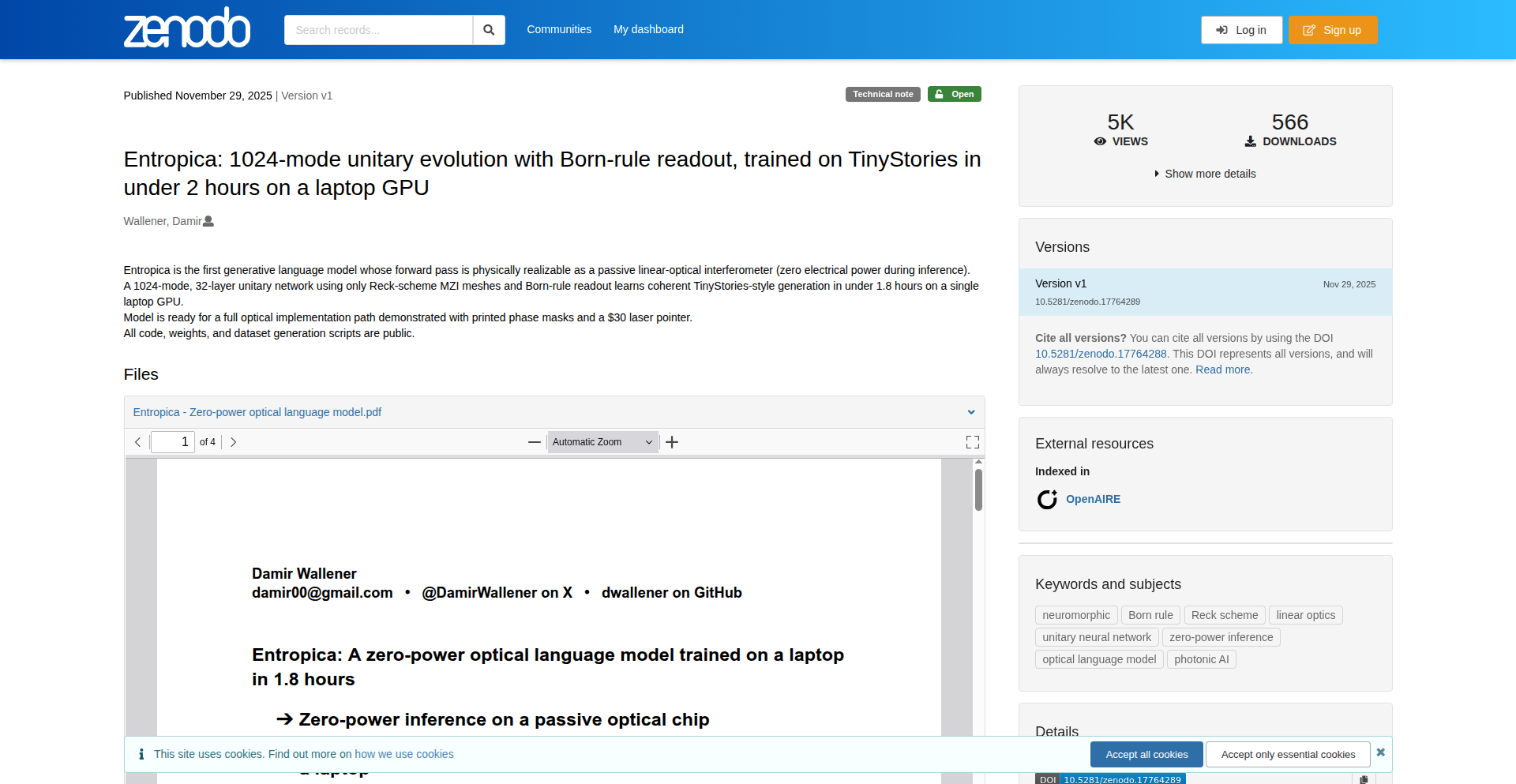
Photonic Lattice Language Model
Author
damir00
Description
This project presents a groundbreaking approach to language modeling by leveraging the principles of quantum optics, specifically using programmable Mach-Zehnder meshes to encode and process information. Unlike traditional neural networks that rely on energy-intensive computations, this photonic model utilizes light and optical interference to derive token probabilities, achieving coherent text generation with minimal energy consumption. The core innovation lies in its physical implementation, showcasing a path towards ultra-low-power AI. It addresses the significant energy footprint of current AI models by exploring a fundamentally different computational paradigm.
Popularity
Points 12
Comments 5
What is this product?
This project is a 'zero-power' photonic language model. Instead of using silicon chips and electricity to perform calculations like typical AI models, it uses light passing through precisely controlled optical components (programmable Mach-Zehnder meshes, which are like reconfigurable optical circuits) to represent and process language. The 'magic' happens when light waves interfere with each other inside these meshes, and the outcome of this interference directly determines the likelihood of the next word in a generated text. The innovation is in using the wave-like properties of light and a specific optical architecture (Reck architecture) to perform the complex computations needed for language generation, all without consuming significant electrical power during inference. It's essentially a physical computation machine for language, inspired by quantum mechanics principles.
How to use it?
For developers, this project offers a glimpse into a future of extremely energy-efficient AI. While the current stage is an experimental demonstration, the underlying concept can inspire the development of hardware accelerators for AI that are orders of magnitude more power-efficient. Imagine deploying AI models on devices with very limited power budgets, or drastically reducing the environmental impact of large-scale AI deployments. The technical 'how-to' involves understanding optical physics, photonic integrated circuits, and how to map computational tasks like language modeling onto these physical systems. It's a paradigm shift from software-centric AI to hardware-centric AI design.
Product Core Function
· Direct token probability derivation via Born rule: This means the model directly calculates the chances of each word appearing next based on how light waves interact, mirroring a core principle in quantum mechanics. The value is achieving this calculation with physical light manipulation, offering a novel pathway beyond traditional digital computation.
· Programmable Mach-Zehnder meshes (Reck architecture): These are reconfigurable optical circuits that act like the 'neurons' and 'weights' of a traditional neural network. By precisely controlling the properties of these optical meshes, the model can learn and adapt. The value is in creating a physical, reconfigurable computing substrate for AI.
· Unitary operations for computation: The model relies solely on operations that preserve information, which is a fundamental property in physics. This avoids common pitfalls in traditional AI like information loss during computation. The value is in building more robust and potentially more efficient AI by adhering to physical laws.
· Coherent TinyStories generation: The model can produce coherent and meaningful text, demonstrating its capability as a functional language model, despite its unconventional architecture. The value is proving that this optical approach can indeed perform complex AI tasks.
· Ultra-low-power inference: The core promise is generating text with virtually zero energy consumption during operation. The value is a radical reduction in the environmental and operational costs associated with running AI models.
Product Usage Case
· Developing embedded AI systems for low-power devices: Imagine smart sensors or IoT devices that can perform sophisticated natural language understanding or generation without needing frequent battery changes or significant power sources. This model's principles could lead to such hardware.
· Architecting next-generation AI hardware accelerators: For large-scale AI deployments in data centers, power consumption is a major concern. This project opens doors to designing optical hardware that could significantly reduce the energy bill and environmental impact of AI computations.
· Researching novel AI computational paradigms: For researchers exploring alternatives to current deep learning architectures, this project provides a concrete example of how physical phenomena can be harnessed for AI, potentially inspiring new breakthroughs in areas like neuromorphic computing or analog computing.
· Creating AI applications for space or remote environments: In scenarios where power is extremely scarce, like deep space missions or remote scientific outposts, this type of zero-power AI could enable advanced data processing and communication capabilities.
6
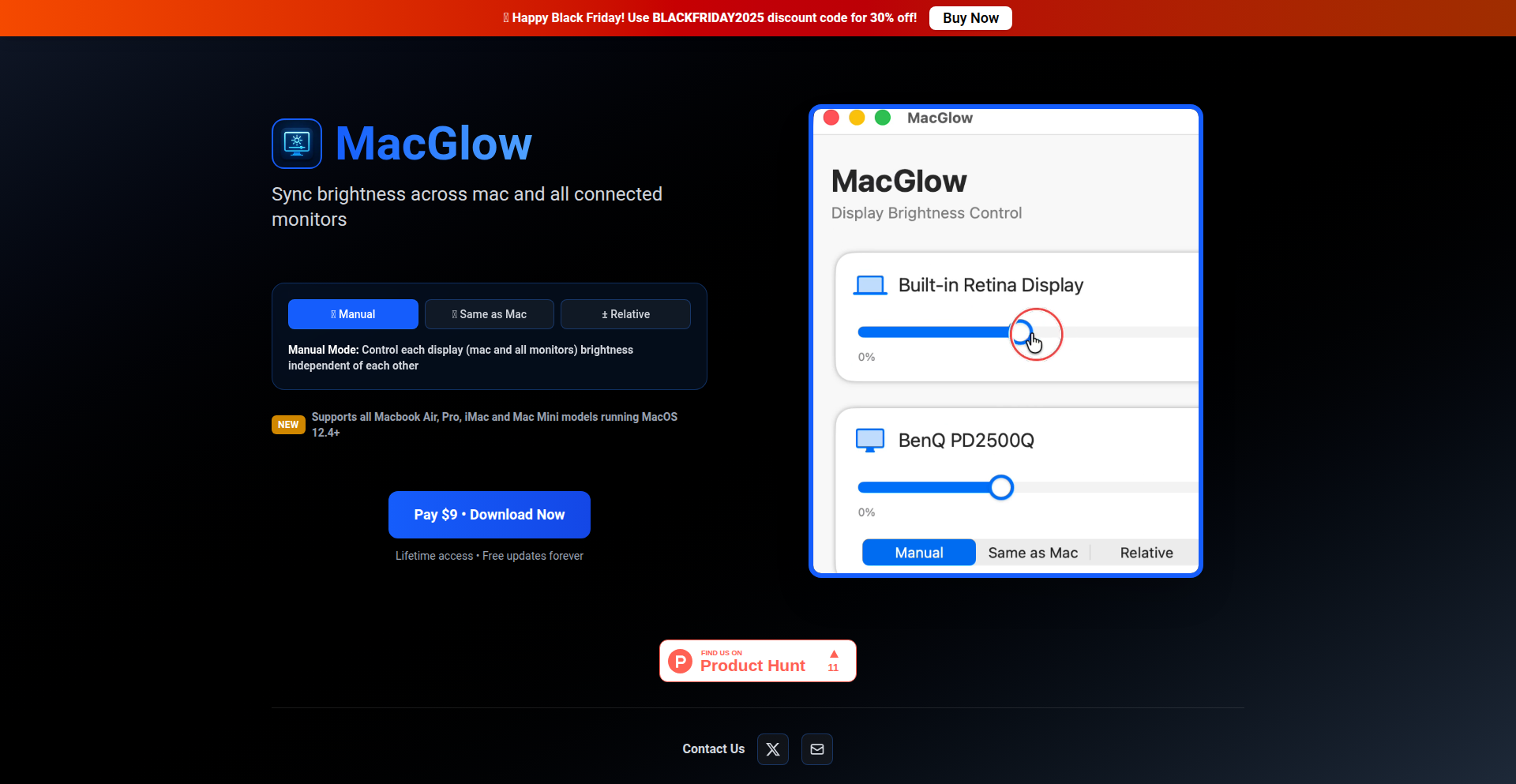
SyncBright
Author
lovish888
Description
MacGlow, now SyncBright, is a macOS application designed to unify the brightness control of your Mac's internal display and all connected external monitors. It intelligently synchronizes brightness levels, offering a seamless visual experience for users with multi-monitor setups. This solves the common frustration of manually adjusting each screen's brightness individually.
Popularity
Points 6
Comments 2
What is this product?
SyncBright is a macOS native application that tackles the common user pain point of mismatched brightness levels across multiple displays. Technically, it achieves this by leveraging macOS's display management APIs. It identifies all connected monitors, including the Mac's built-in screen (like MacBook Air, Pro, iMac, Mac Mini), and allows you to set a single brightness level that is then applied uniformly to all. The innovation lies in its ability to abstract away the complexities of individual display drivers and protocols, presenting a single, intuitive control point for a cohesive visual environment. It supports macOS 12.4 and above.
How to use it?
Developers can use SyncBright to create a more comfortable and productive visual workspace. For instance, if you're a graphic designer working with color-critical tasks, inconsistent screen brightness can lead to inaccurate perception. SyncBright ensures a uniform viewing experience, reducing eye strain and improving color fidelity. Integration is straightforward: download and install the application. Once running, it automatically detects your displays. You can then use its simple interface to adjust the master brightness, and SyncBright handles the rest, sending the appropriate commands to each display. For advanced users, potential future integrations could involve scripting brightness adjustments based on time of day or ambient light, though the current core functionality is a standalone app.
Product Core Function
· Unified brightness control: Synchronizes brightness across all connected Mac and external displays, providing a consistent visual experience and reducing eye strain. This means you only need to adjust one slider, and all your screens adapt, saving you time and effort.
· Automatic display detection: Seamlessly identifies all compatible Mac and external monitors connected to your system, eliminating the need for manual configuration. This 'plug-and-play' functionality ensures it works out-of-the-box with your existing setup.
· Wide macOS compatibility: Supports a broad range of MacBook Air, Pro, iMac, and Mac Mini models running macOS 12.4 and above. This broad compatibility ensures that a significant portion of the Mac user base can benefit from its features without needing to upgrade their operating system.
· Simple user interface: Offers an intuitive and easy-to-use interface for adjusting brightness levels, making advanced display management accessible to all users. You don't need to be a tech expert to benefit from a better visual setup.
Product Usage Case
· A content creator working on a video project with a MacBook Pro and an external monitor. Previously, they had to constantly adjust the brightness of each screen to match, which was time-consuming and distracting. With SyncBright, they set the brightness once, and both screens remain perfectly matched, allowing them to focus on their editing rather than fiddling with settings.
· A software developer who uses an iMac and two external displays for coding. The difference in brightness between the screens caused eye strain and made it difficult to compare code across different monitors. SyncBright ensures a uniform illumination, making long coding sessions more comfortable and reducing visual fatigue.
· A remote worker who frequently moves between their home office and a co-working space, both with different monitor setups. SyncBright allows them to quickly re-establish a comfortable and consistent display brightness environment in each location, improving their productivity and reducing adaptation time.
7
BlindClicker
Author
SEMIPREMIUM
Description
A battery-powered, low-level Bluetooth HID remote designed for precise, blind interaction with mobile app interfaces. It solves the problem of accidentally activating screens and disrupting sleep by allowing users to perform actions like skipping ads or podcast segments without looking, utilizing a unique pointer anchoring and UI macroing technique.
Popularity
Points 2
Comments 5
What is this product?
BlindClicker is a specialized hardware device that acts as a remote control for your smartphone. Instead of relying on standard media controls, it uses a low-level approach with relative mouse movements and button clicks. The core innovation is 'pointer anchoring,' where you initially guide the device to a specific spot on your screen (like a skip button) and the device remembers that precise location. Each button press then sends a command to 'click' at that exact spot, effectively automating actions without you needing to see or touch your phone. This bypasses the limitations of typical remotes and even prevents the on-screen keyboard from appearing unexpectedly, which can ruin sleep.
How to use it?
Developers can integrate BlindClicker into scenarios where hands-free, precise mobile interaction is crucial, especially in low-light or distraction-sensitive environments. For example, it can be used for automated testing of mobile apps where specific UI elements need to be clicked repeatedly. It can also be integrated into accessibility solutions or even used for custom smart home controls where a physical button press triggers a complex sequence of actions on a phone. The device connects via Bluetooth and, after an initial setup phase to anchor key UI elements, it operates by sending HID (Human Interface Device) reports to simulate mouse movements and clicks.
Product Core Function
· Pointer Anchoring: Allows users to designate specific on-screen locations for precise, repeatable clicks. This is valuable for automating repetitive tasks on mobile apps without manual intervention, such as consistently clicking a 'skip ad' button.
· UI Macroing: Enables the device to execute a sequence of actions (simulated clicks at anchored locations) with a single button press. This is useful for streamlining complex workflows or creating shortcuts for frequently used app functions.
· Low-Level HID Reports: Utilizes basic relative mouse movement and left mouse button reports, ensuring broad compatibility across iOS and Android devices. This fundamental technical choice makes it a reliable tool for interacting with the operating system at a deep level.
· On-Screen Keyboard Preservation: Designed to avoid triggering the on-screen keyboard on iOS by not registering a keyboard report ID. This is crucial for use cases where maintaining screen darkness and avoiding accidental input is paramount, such as during sleep.
· Customizable Button Mapping: Users can assign different UI elements or actions to each physical button on the remote, offering a personalized and efficient user experience.
· Low-Power, Battery-Operated Design: Built for long-term use without constant recharging, making it ideal for discreet, always-ready operation in environments where power outlets may be inconvenient.
Product Usage Case
· Sleep hygiene: A user trying to fall asleep can skip ads or sponsor reads in podcasts or videos without needing to turn on their phone screen, thus preserving melatonin production and improving sleep quality. The device directly addresses the problem of disruptive screen light.
· Mobile app testing: QA engineers can use BlindClicker to automate the clicking of specific UI elements within an app, such as buttons, links, or form fields, during automated test runs. This improves the efficiency and repeatability of testing.
· Accessibility: Individuals with mobility challenges can use BlindClicker to control their mobile devices without needing to touch the screen. By anchoring common actions, they can navigate apps and perform tasks with greater ease and independence.
· Content consumption: Users can control media playback, like fast-forwarding or skipping segments in videos or podcasts, without disrupting their focus or needing to look at their phone. This enhances the passive consumption experience.
· Custom device control: Developers can create custom hardware interfaces for smart home devices or other IoT projects that interact with mobile applications. For instance, a physical button could trigger a complex sequence of app actions on a phone.
8
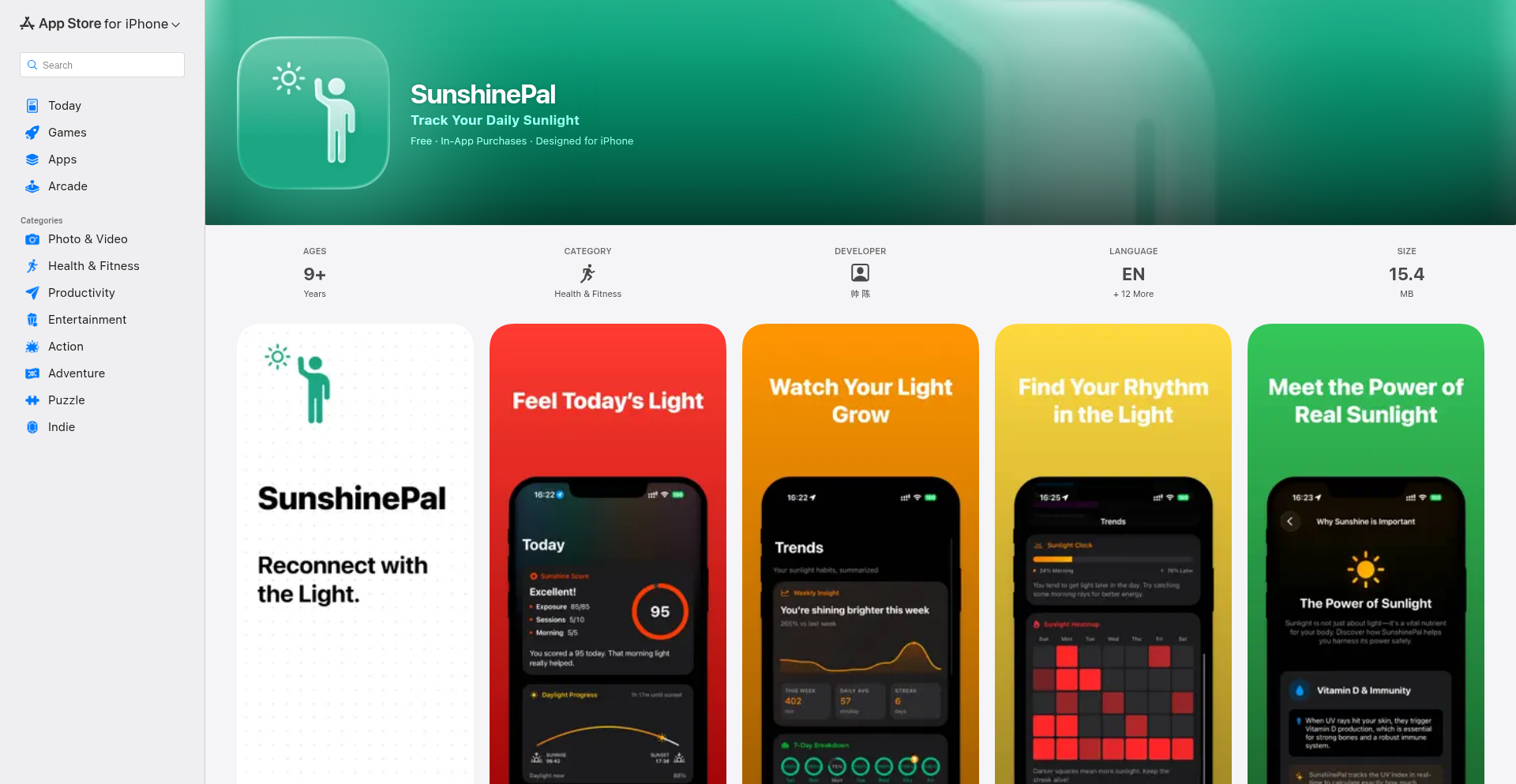
SunlightPal: Wearable Sunlight Exposure Tracker
Author
elevenapril
Description
SunshinePal is a novel application that leverages the Apple Watch's sensor capabilities to track your actual sunlight exposure. It addresses the common challenge of accurately quantifying UV dosage, moving beyond generic weather data to provide personalized insights. The innovation lies in using the watch's hardware and sophisticated algorithms to offer a more precise and actionable understanding of your sun exposure, helping users manage their health and well-being more effectively.
Popularity
Points 1
Comments 6
What is this product?
SunshinePal is a mobile application designed to record and analyze the amount of direct sunlight you are exposed to throughout the day, specifically using your Apple Watch. Instead of relying on theoretical UV index forecasts, it utilizes the accelerometer and gyroscope data from your Apple Watch, combined with ambient light sensing and user-defined activity profiles (like walking, running, or sitting outdoors), to estimate your actual UV dosage. This provides a much more personalized and accurate measure of sun exposure, which is crucial for understanding Vitamin D synthesis and the risks of sun damage. The core innovation is translating raw sensor data into a meaningful health metric.
How to use it?
Developers can integrate SunshinePal's functionality into their own health and fitness applications or use it as a standalone tool. The primary use case involves syncing the app with an Apple Watch. Once connected, SunshinePal passively collects data throughout the day. Users can then view their accumulated sunlight exposure, receive nudges to seek shade or apply sunscreen, and track trends over time. For developers looking to enhance their apps, SunshinePal offers a valuable feature to provide users with a deeper understanding of their environmental interaction, particularly concerning sun safety and natural light exposure. This could be integrated into meditation apps for outdoor sessions, fitness trackers to understand outdoor workout impact, or general wellness apps.
Product Core Function
· Real-time Sunlight Exposure Tracking: Utilizes Apple Watch sensors (accelerometer, gyroscope, ambient light) to detect and quantify periods of direct sunlight exposure. This provides value by offering an objective measure of your interaction with the sun, moving beyond simple time outdoors.
· Personalized UV Dosage Estimation: Employs algorithms to translate raw sensor data into an estimated UV dosage, accounting for activity levels and orientation. This is valuable for understanding individual risk factors for sun damage and for optimizing Vitamin D production.
· Activity Profile Integration: Allows users to define and tag different activities (e.g., walking, sitting, exercising outdoors), enabling more precise exposure calculations based on movement patterns. This adds value by refining the accuracy of the tracking to match your actual behavior.
· Exposure History and Trend Analysis: Provides a visual log of daily, weekly, and monthly sunlight exposure, allowing users to identify patterns and understand long-term trends. This offers value by helping you make informed decisions about sun protection and outdoor activity over time.
· Health Goal Integration (Potential): Future integration with health platforms to correlate sunlight exposure with Vitamin D levels or skin health. This would offer significant value by providing a holistic view of your health and environmental factors.
Product Usage Case
· A runner using SunshinePal to understand how much direct sun exposure they receive during their morning runs, helping them schedule sunscreen application effectively and prevent sunburn. This solves the problem of not knowing when and how much protection is needed.
· A remote worker who spends time on their balcony during the day can use SunshinePal to track their incidental sun exposure, contributing to their daily Vitamin D intake without dedicated sunbathing. This provides value by optimizing health benefits from everyday activities.
· A photographer who works outdoors frequently can use SunshinePal to monitor their cumulative sun exposure over long shooting days, ensuring they take adequate breaks and use protective gear. This addresses the need for proactive health management in demanding outdoor professions.
· A parent wanting to track their child's time in the sun to ensure sufficient Vitamin D while minimizing the risk of sunburn. SunshinePal offers a precise way to monitor this, providing peace of mind and contributing to the child's health. This solves the challenge of balancing sun exposure for health with the risks of overexposure.
9
InfiniteNameGenius

Author
Abod
Description
This project is a free, infinite name generator and domain finder specifically designed for side projects. It leverages a combination of sophisticated algorithms and a vast dictionary to suggest unique and available names, along with their corresponding domain availability, saving developers time and creative energy when launching new ventures.
Popularity
Points 2
Comments 5
What is this product?
InfiniteNameGenius is a web-based tool that generates endless combinations of creative and relevant names for your side projects. It goes beyond simple keyword stuffing by employing natural language processing (NLP) techniques to understand semantic relationships and create more meaningful suggestions. The innovation lies in its ability to not only brainstorm names but also to instantly check domain name availability across multiple TLDs (Top-Level Domains). This means you get creative ideas and practical verification in one go. So, what's the benefit for you? You'll spend less time struggling to find a catchy name and more time building, knowing your chosen name likely has a web presence.
How to use it?
Developers can use InfiniteNameGenius directly through its web interface. They input keywords, themes, or a brief description of their project. The tool then processes this input and presents a list of generated names, each with an immediate domain availability status. For integration, the underlying name generation logic could potentially be exposed via an API, allowing developers to build custom naming workflows or integrate it into their project scaffolding tools. This allows you to seamlessly incorporate creative naming and domain checking into your development process. So, how does this help you? You can quickly iterate on naming ideas and secure your online identity without manual checking.
Product Core Function
· Infinite Name Generation: Utilizes sophisticated algorithms and a large linguistic database to produce a virtually endless supply of unique and creative project names based on user input. This provides a rich source of inspiration when you're stuck. So, what's the value to you? You get more options and better quality name suggestions than traditional generators.
· Real-time Domain Availability Check: Instantly verifies if the generated names are available as domain names across common TLDs (.com, .org, .net, etc.). This saves you from having to repeatedly check registrars. So, what's the benefit to you? You can quickly identify names that are both creative and practically usable online.
· Keyword and Theme Analysis: Employs NLP to understand the context and meaning behind user-provided keywords and themes, leading to more relevant and targeted name suggestions. This ensures the generated names align with your project's essence. So, what's the value to you? You receive names that are more fitting and meaningful for your specific project.
· Project Type Customization: Allows users to specify the type of project (e.g., app, blog, SaaS) to tailor the name suggestions for optimal relevance and appeal. This refines the output to be more appropriate for your needs. So, what's the benefit to you? You get suggestions that are better suited to the nature of your project.
Product Usage Case
· A solo developer building a new productivity app needs a memorable and available domain name. They use InfiniteNameGenius with keywords like 'focus', 'task', 'organize'. The tool suggests 'TaskFlowPro.com' as available, saving them hours of manual searching and brainstorming. This helps them secure their online presence swiftly.
· A team working on a community-driven open-source project needs a catchy name that reflects collaboration. They input 'community', 'share', 'open source' and get suggestions like 'CollabSphere.org', which is available. This accelerates their branding efforts and community engagement.
· A content creator starting a new niche blog on sustainable living enters keywords like 'eco', 'green', 'future'. InfiniteNameGenius suggests 'EcoVistaBlog.net', which is available, allowing them to quickly establish their online identity and start publishing content. This helps them launch their blog with a fitting name.
10
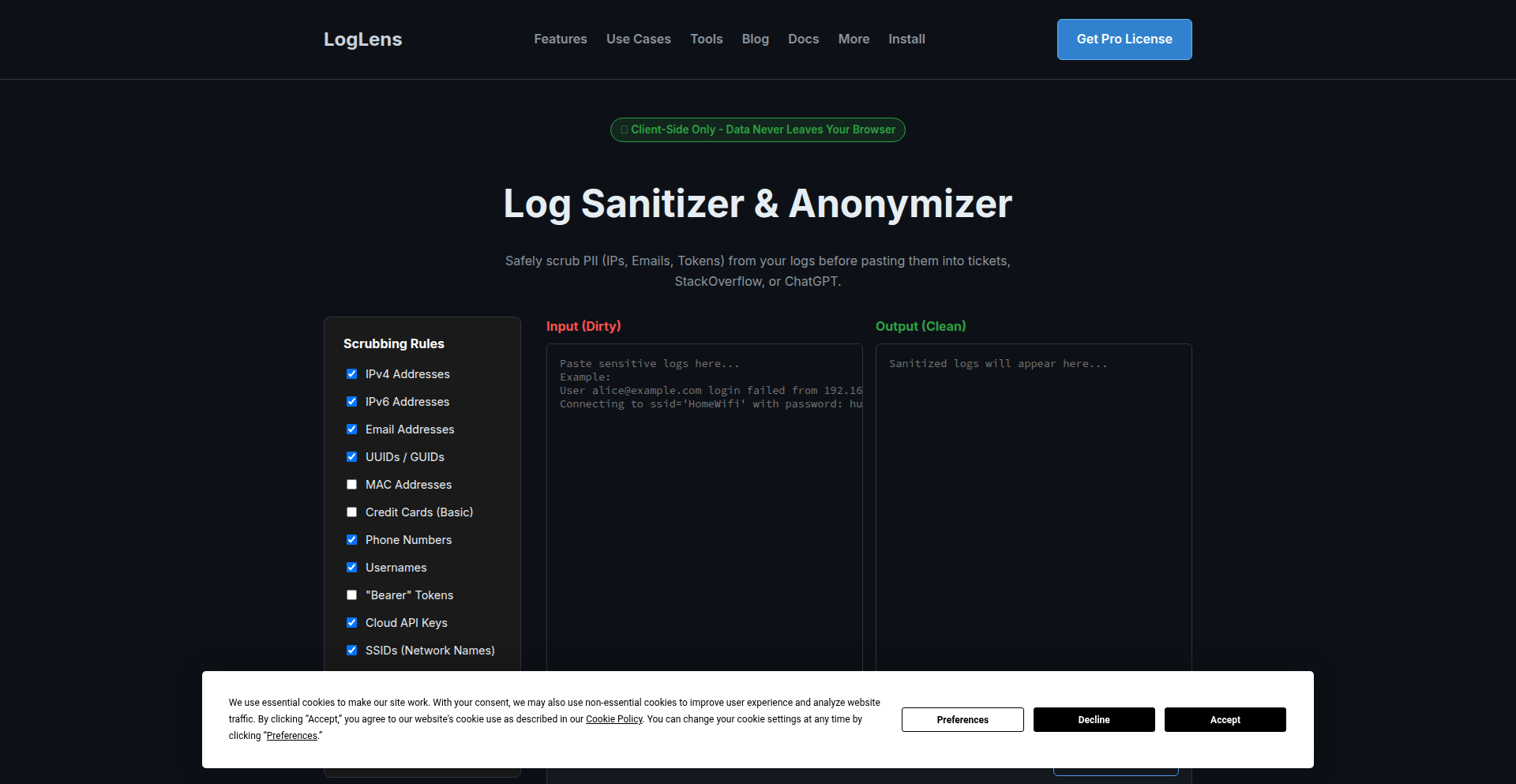
Browser-Based Log Anonymizer
Author
wazzaaaa
Description
This project is a free tool that anonymizes log data directly within the user's web browser, meaning sensitive information is never sent to a server. Its core innovation lies in performing complex data processing client-side, offering a privacy-first solution for log analysis.
Popularity
Points 3
Comments 4
What is this product?
This is a web-based application designed to clean sensitive information from log files before they are processed or shared. Instead of uploading your logs to a remote server for anonymization, which poses privacy risks, this tool runs entirely in your browser using JavaScript. This means your log data stays on your computer. The innovation is in its client-side processing capability, leveraging the browser's power to handle potentially large datasets and apply anonymization rules without exposing the original data. This is valuable because it allows developers and researchers to analyze logs, identify patterns, or debug issues without worrying about accidentally leaking personally identifiable information (PII) like IP addresses, usernames, or sensitive identifiers. So, it helps you analyze your data safely and privately.
How to use it?
Developers can use this tool by visiting its web page. They would typically copy and paste their log data directly into a provided text area or upload a log file. They can then configure anonymization rules, specifying what patterns to look for and how to replace them (e.g., replace IP addresses with 'REDACTED_IP'). Once configured, they click a button to process the logs. The anonymized output can then be copied or downloaded. It can be integrated into workflows by being a standalone tool for quick checks or could potentially be adapted for programmatic use via its client-side JavaScript library if made available. So, you can paste your logs in, tell it what to hide, and get clean logs back, all on your own machine.
Product Core Function
· Client-side data processing: Performs all anonymization logic within the user's browser using JavaScript. This ensures data privacy as logs are not transmitted to any external server. Its value is in maintaining strict data confidentiality.
· Configurable anonymization rules: Allows users to define specific patterns (like regular expressions) to identify and mask sensitive information. This provides flexibility to handle various types of log formats and sensitive data. Its value is in tailoring the anonymization to your specific needs.
· Real-time feedback: Processes logs instantly as they are entered or uploaded, providing immediate anonymized output. This allows for rapid iteration and debugging of anonymization rules. Its value is in speeding up your workflow.
· No server-side dependency: Operates entirely in the browser, requiring no backend infrastructure. This makes it accessible, free to use, and easy to deploy without server costs or management. Its value is in simplicity and cost-effectiveness.
Product Usage Case
· A developer needs to share a snippet of an error log with a colleague to troubleshoot an issue. They paste the log into the anonymizer, which automatically masks all IP addresses and user IDs. They then share the cleaned log snippet, ensuring no sensitive user information is revealed. This solves the problem of accidental data leakage when collaborating on technical issues.
· A security researcher is analyzing web server logs for suspicious activity but needs to ensure they don't expose any user IP addresses when sharing aggregated findings. They use the anonymizer to process the raw logs before feeding them into their analysis tools. This allows for secure analysis and reporting of security trends without compromising user privacy.
· A student is learning about log analysis for a project and wants to experiment with different patterns to identify and mask information, but they are concerned about privacy with free online tools. They can use this browser-based anonymizer locally to practice and understand the process without any privacy concerns or needing to set up their own server. This provides a safe and accessible learning environment.
11
CodeCraft AI

Author
madebywelch
Description
An AI-driven system that autonomously generates Minecraft mods and plugins from end-to-end. It leverages an agentic workflow to write code, compile it, and handle common errors, making custom Minecraft content creation accessible and rapid. This innovation democratizes game development by lowering the barrier to entry for creating unique in-game experiences.
Popularity
Points 4
Comments 2
What is this product?
CodeCraft AI is an intelligent system designed to create Minecraft modifications (mods) and server plugins. Instead of requiring developers to write complex Java code and navigate intricate modding tools themselves, this AI takes a user's idea and automatically generates the functional code. The core innovation lies in its 'agentic workflow' which mimics a developer's process: it writes code, then tests and fixes it using the standard compilation tools, repeating this cycle until a working mod or plugin is produced. This ensures a high success rate (97% compile and run on first try) across different modding platforms like Spigot, Fabric, and NeoForge, and even for specific mod extensions like Cobblemon.
How to use it?
Developers can use CodeCraft AI by describing their desired mod or plugin to the AI, often through conversational refinement. For example, a user might say, 'Create a mod that adds a new type of enchanted sword with a special lightning strike ability.' The AI then interprets this request, writes the necessary code for Minecraft, compiles it, and handles any errors. This generated code can then be directly integrated into their Minecraft server or client. It's designed for rapid prototyping and for users who want to add custom features without becoming full-time mod developers.
Product Core Function
· AI-powered code generation for Minecraft mods and plugins: Automates the creation of game-altering features, saving significant development time and effort for users.
· Agentic workflow for robust code production: Employs an iterative process of writing, compiling, and error correction, similar to human developers, leading to highly reliable outputs.
· Multi-ecosystem and version support: Generates compatible mods and plugins for various Minecraft modding frameworks (Spigot, Fabric, NeoForge) and versions, maximizing usability across different player setups.
· Conversational refinement of AI-generated content: Allows users to iterate on their initial ideas with the AI, fine-tuning the generated mods through dialogue, enabling more precise customization.
· End-to-end generation pipeline: Handles the entire process from idea conception to a runnable piece of code, abstracting away complex technical details for the user.
Product Usage Case
· A server owner wants to add a unique economy system to their Minecraft server. Instead of hiring an expensive developer, they use CodeCraft AI to describe the desired features. The AI generates a functional Spigot plugin that integrates smoothly, enhancing player engagement without substantial cost or delay.
· A content creator wants to experiment with a new in-game mechanic for their YouTube series but lacks deep Java programming knowledge. They use CodeCraft AI to quickly prototype a Fabric mod that introduces a novel item with special abilities. This allows them to rapidly test and showcase their ideas to their audience.
· A group of friends wants to play Minecraft with a specific set of custom rules and items tailored to their group. They use CodeCraft AI to generate a set of interconnected mods that implement their unique vision, allowing them to create a personalized Minecraft experience without needing to learn complex modding tools.
· A modding enthusiast wants to create a new type of monster for their Cobblemon modpack. They use CodeCraft AI to describe the monster's appearance, behavior, and abilities. The AI generates a functional Cobblemon mod that adds this new creature to the game, expanding the gameplay possibilities.
12
Lifetime Black Friday Mega-List Navigator

Author
bfdd
Description
This project is a curated, user-contributed list of lifetime deals, specifically focusing on Black Friday promotions. The innovation lies in its community-driven compilation and organization of these often hard-to-find, time-limited offers, simplifying the discovery process for developers and consumers looking for long-term software and service investments. It tackles the problem of information overload and scattered deal locations.
Popularity
Points 6
Comments 0
What is this product?
This is a community-powered, aggregated list of lifetime deals, with a special emphasis on Black Friday sales. The technical ingenuity comes from a combination of collaborative data collection and presentation. Think of it as a highly specialized, community-curated database designed to surface valuable, long-term software subscriptions and service packages that are often offered at a significant discount during the Black Friday period. The core idea is to pool knowledge from users who discover these deals and present them in an easily browsable format, cutting through the noise of general deal sites. For you, this means a centralized place to find valuable, permanent software subscriptions without endless searching.
How to use it?
Developers can use this project in several ways. Primarily, it serves as a resource to discover software and services that offer lifetime licenses, which can significantly reduce long-term operational costs for startups or individual projects. Users can browse the list, filter by category (e.g., productivity tools, development software, hosting services), and click through to the respective deal pages. The 'community-driven' aspect implies that users can also contribute new deals they find, enriching the database for everyone. This is useful because instead of constantly searching for deals, you have a constantly updated, community-vetted resource that saves you time and money on essential tools.
Product Core Function
· Community-driven deal aggregation: Users contribute and curate lifetime deals, ensuring a diverse and up-to-date list. Value: Provides access to a broader range of deals than a single curator could manage, and a higher chance of finding niche software. Use Case: Discovering specialized development tools or services you might not find otherwise.
· Black Friday focus: Special emphasis on Black Friday promotions, a period known for significant discounts on software and services. Value: Helps users capitalize on the best discount opportunities of the year. Use Case: Securing essential software licenses at a fraction of their usual cost during the peak sales season.
· Categorization and filtering: Deals are organized by category (e.g., SaaS, development tools, design software) for easier navigation. Value: Allows users to quickly find relevant offers without sifting through irrelevant ones. Use Case: Quickly finding new cloud hosting solutions or project management software during Black Friday.
· Direct deal linking: Provides direct links to the offers, streamlining the path from discovery to purchase. Value: Minimizes friction in the user journey, making it easy to act on a discovered deal. Use Case: Immediately jumping to a deal page for a lifetime access to a graphic design tool.
Product Usage Case
· A freelance developer needs a reliable project management tool for their growing client base. They use the Mega-List Navigator during Black Friday, filter by 'Productivity Tools', and find a lifetime deal for a robust platform that would normally cost them hundreds of dollars annually. This saves them significant operational costs, allowing them to invest more in client work. Solves the problem of high recurring software expenses.
· A startup is looking for affordable cloud infrastructure. They browse the Mega-List Navigator under 'Hosting', discover a lifetime deal for a VPS provider that offers excellent performance and support. This provides them with a stable, cost-effective hosting solution for their initial growth phase, avoiding expensive monthly bills. Solves the problem of securing scalable and affordable infrastructure.
· A designer wants to expand their software toolkit with premium design assets and tools. They navigate to the 'Design' section of the list and find lifetime deals on image editors, font libraries, and UI kits. This allows them to acquire professional-grade tools without a recurring subscription, enhancing their creative output. Solves the problem of acquiring professional creative tools on a budget.
13
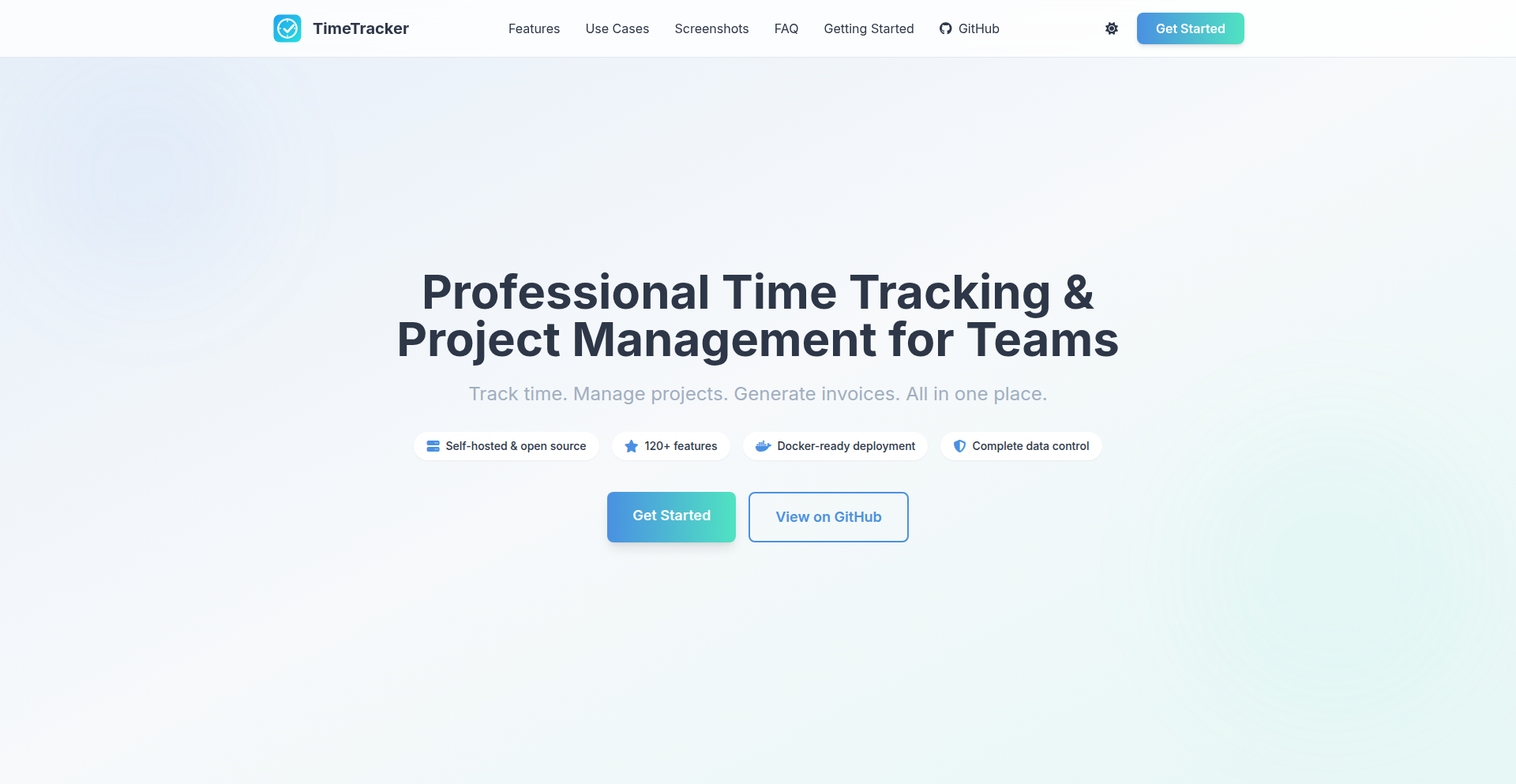
TimeMaster Pro
Author
DRYTRIX
Description
TimeMaster Pro is a self-hosted, comprehensive time tracking, project management, and invoicing platform. It empowers individuals and small teams to regain control over their work hours and client billing, solving the common pain points of expensive, data-locked SaaS solutions by offering a robust, feature-rich alternative that can be deployed on personal servers or even a Raspberry Pi.
Popularity
Points 4
Comments 1
What is this product?
TimeMaster Pro is a powerful, self-hosted application designed to help you meticulously track your time, manage projects and tasks, and generate professional invoices. It utilizes a Python/Flask backend with PostgreSQL and Redis for data storage and management, ensuring reliable performance. The core innovation lies in its self-hosted nature, providing complete data ownership and eliminating recurring subscription fees common in similar cloud-based services. It's built for developers and professionals who value control and customization. The persistent server-side timers ensure accurate time capture, and the extensive feature set, documented across over 120 functionalities, caters to sophisticated workflow needs. So, what's in it for you? You get a fully customizable, cost-effective solution for managing your billable hours and client relationships, with your data always under your control, unlike those expensive cloud platforms.
How to use it?
Developers can easily deploy TimeMaster Pro using a single docker-compose command. This makes it accessible on any server, from powerful cloud instances to lightweight options like a Raspberry Pi. Once deployed, you can integrate it into your workflow by accessing its REST API for programmatic data manipulation or by using the intuitive web interface for manual time entry, project setup, and invoice generation. Its modular design also allows for future customization and integration with other development tools. So, how can you use it? Imagine setting up automated time tracking for your coding projects, generating invoices directly from your completed tasks, and managing all your client details in one secure place, all without relying on third-party services. This means seamless integration into your existing development ecosystem and complete autonomy over your business operations.
Product Core Function
· Persistent Server-Side Timers: Accurately records time spent on tasks without manual intervention, ensuring precise billing and project analysis. Value: Eliminates forgotten time entries and provides a reliable audit trail for billing, helping you get paid for every minute worked.
· Professional PDF Invoice Generation: Creates customizable, branded invoices directly from tracked time and project data. Value: Streamlines the billing process, enhances professionalism, and reduces manual effort in creating financial documents for clients.
· Project & Task Management: Organizes work into projects and sub-tasks, allowing for granular tracking and assignment. Value: Improves team collaboration and individual productivity by providing a clear overview of project status and responsibilities.
· Client CRM: Manages client contact information, project history, and billing details in a centralized database. Value: Offers a unified view of client interactions and simplifies client management, leading to stronger relationships and more efficient communication.
· Expense Tracking: Allows for the recording and categorization of project-related expenses. Value: Provides a comprehensive financial picture of projects, enabling better cost control and profitability analysis.
· Advanced Reporting & Analytics: Generates insightful reports on time allocation, project profitability, and client revenue. Value: Empowers data-driven decision-making by revealing trends and patterns in your work, helping you optimize resource allocation and identify growth opportunities.
· Role-Based Permissions: Controls user access and functionality based on defined roles within a team. Value: Enhances security and operational efficiency by ensuring that users only have access to the information and features relevant to their responsibilities.
· REST API: Enables programmatic interaction with TimeMaster Pro for custom integrations and automation. Value: Allows developers to extend the platform's functionality, integrate it with other tools, and automate complex workflows, unlocking new levels of efficiency and customization.
Product Usage Case
· A freelance developer needs to accurately track billable hours across multiple client projects. TimeMaster Pro's persistent server-side timers ensure every minute spent coding is captured. The ability to generate professional PDF invoices directly from tracked time simplifies their billing process, saving them hours of manual work each month and ensuring they get paid accurately for their services. This is useful for ensuring consistent revenue and maintaining client trust through transparent billing.
· A small software development team is struggling with project management and client communication. TimeMaster Pro's integrated project and task management, along with its client CRM, provides a central hub for all project-related information. This allows for better task delegation, progress tracking, and client updates, leading to improved team efficiency and client satisfaction. This solves the problem of scattered information and miscommunication, leading to smoother project execution and happier clients.
· A remote worker wants to avoid expensive SaaS subscriptions for time tracking and invoicing while maintaining control over their data. By deploying TimeMaster Pro on a personal server or Raspberry Pi, they eliminate monthly fees and ensure their sensitive business data is not stored on third-party cloud servers. The REST API also allows them to build custom integrations with their existing workflow tools. This is beneficial for cost savings and data privacy, offering peace of mind and a tailored working environment.
14
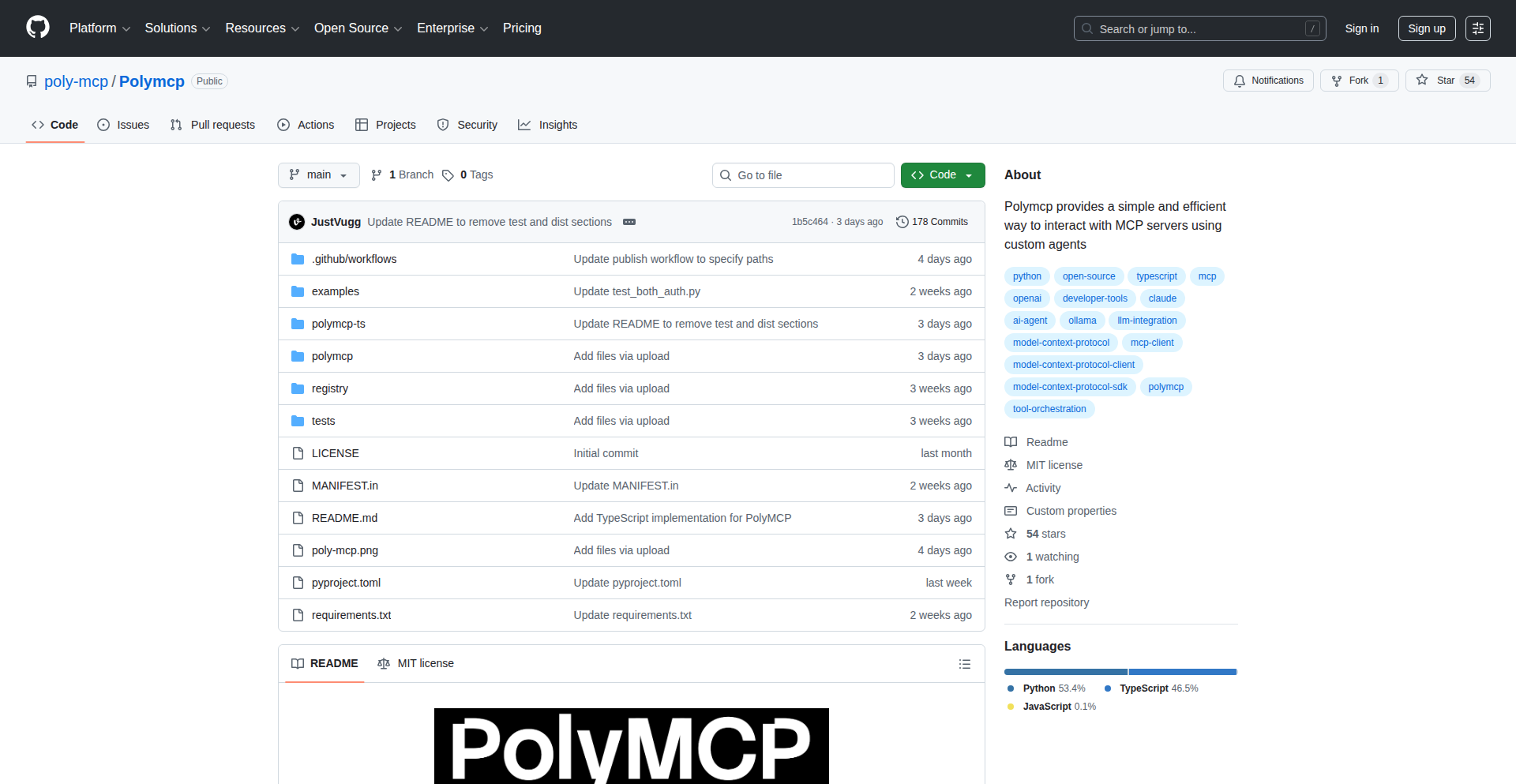
PolyMCP: Effortless MCP Server & Agent Orchestration
Author
justvugg
Description
PolyMCP is a powerful toolkit for easily creating and managing Minecraft Companion (MCP) servers and their associated agents. It leverages the flexibility of Python and TypeScript to streamline the complex setup process, allowing developers to quickly deploy and customize their MCP environments. The core innovation lies in abstracting away the intricate configuration details of MCP, offering a developer-friendly interface for rapid prototyping and deployment.
Popularity
Points 2
Comments 3
What is this product?
PolyMCP is a developer tool designed to simplify the creation and management of Minecraft Companion (MCP) servers and their agents. MCP is a framework often used for modifying or extending Minecraft's functionality. Traditionally, setting up MCP servers and agents can be a tedious and error-prone process involving manual configuration of various files and dependencies. PolyMCP tackles this by providing a programmatic interface, built using Python for the backend and TypeScript for potential frontend interactions or agent logic, to automate these setup steps. Its innovation lies in its abstraction layer, which allows developers to define their server and agent configurations declaratively rather than imperatively, significantly reducing the time and effort required. This means you can define what you want your MCP environment to look like, and PolyMCP handles the intricate details of making it happen. So, for you, this means dramatically faster development cycles and less frustration when working with MCP.
How to use it?
Developers can integrate PolyMCP into their workflow through its Python API or by utilizing its command-line interface (CLI). For instance, a developer might write a Python script that uses PolyMCP to automatically provision a new MCP server instance with specific mod configurations and then deploy agent instances that connect to this server. The integration could also involve using PolyMCP's generated configurations as part of a larger CI/CD pipeline, ensuring consistent and repeatable deployments of MCP environments. Think of it as a blueprint for your Minecraft server setup, and PolyMCP is the builder that follows that blueprint automatically. This is useful because it allows you to consistently spin up identical server environments for testing, development, or even for distributing to others, eliminating the guesswork and manual errors.
Product Core Function
· Automated MCP Server Provisioning: Automatically sets up new MCP server instances based on user-defined configurations, handling dependency installation and initial setup. This saves developers from manually performing repetitive setup tasks, allowing them to focus on server logic and customization.
· Agent Deployment and Management: Facilitates the creation and connection of MCP agents to the provisioned server, enabling distributed or agent-based functionalities. This is crucial for building complex game logic or extending server capabilities across multiple processes or even machines.
· Declarative Configuration System: Allows developers to define server and agent characteristics using simple configuration files or code, rather than complex scripting. This makes the setup process more understandable and maintainable, reducing the learning curve for new users.
· Cross-Platform Compatibility: Designed to work across different operating systems where Python and Node.js (for TypeScript) are supported, ensuring broader accessibility for developers. This means you can use it regardless of your preferred operating system, making your development workflow more flexible.
· Extensible Architecture: Built with a modular design, allowing for easy extension and integration with other tools or custom logic. This provides developers with the flexibility to adapt PolyMCP to their specific project needs and incorporate it into existing development ecosystems.
Product Usage Case
· Rapid Prototyping of Minecraft Mods: A developer wants to quickly test a new mod idea. They can use PolyMCP to spin up a dedicated MCP server instance with their mod files pre-loaded in minutes, rather than hours of manual configuration. This drastically speeds up the iteration cycle for mod development.
· Creating Distributed Game Logic: A team is building a complex multiplayer game experience within Minecraft that requires specialized agents for AI or data processing. PolyMCP can be used to orchestrate the deployment of these agents and ensure they reliably connect to the central MCP server. This is essential for building sophisticated game mechanics that go beyond standard Minecraft gameplay.
· Automated Testing Environments: A modpack creator needs to ensure their modpack is stable across different Minecraft versions. PolyMCP can automate the setup of multiple MCP server instances, each configured with a specific version of the modpack, allowing for comprehensive automated testing. This ensures a high level of quality and reduces the risk of bugs in the released modpack.
· Setting up Development and Staging Servers: A small game studio developing a custom Minecraft server application can use PolyMCP to easily create and manage separate development, staging, and production environments. This ensures consistency across different stages of the development lifecycle and simplifies deployment processes.
15
Xlerb: Forth-Inspired BEAM Stack Language
Author
shawa_a_a
Description
Xlerb is a novel programming language designed for the BEAM (Erlang Virtual Machine), drawing inspiration from the stack-based Forth language. It translates Forth-like syntax, enhanced with pattern matching for a more natural feel, into standard BEAM modules. This allows developers to leverage the robustness and concurrency of the BEAM while exploring a different programming paradigm, enabling seamless interoperability with Elixir and Erlang. The core innovation lies in bridging the gap between a classic, minimalist language like Forth and the powerful, distributed capabilities of the BEAM.
Popularity
Points 5
Comments 0
What is this product?
Xlerb is a programming language that lets you write code using a stack-based approach, similar to the classic Forth language, but compiles it to run on the BEAM (the virtual machine powering Erlang and Elixir). Imagine telling your computer instructions by pushing values onto a temporary workspace (the stack) and then applying operations to them. Xlerb takes this concept and adds modern features like pattern matching, which makes it easier to handle different input conditions gracefully. The magic is that it translates this stack-oriented code into regular BEAM modules, which are highly efficient and great for building reliable, concurrent systems. So, what's the innovation? It's combining the simplicity and directness of Forth with the immense power and ecosystem of the BEAM, making it possible to write highly concurrent and fault-tolerant applications with a unique programming style. This is for you if you want to experiment with a different way of thinking about programming and tap into the BEAM's strengths.
How to use it?
Developers can use Xlerb by writing code in its Forth-inspired syntax. You can then use the provided compiler to transform your Xlerb code into BEAM modules. These modules can be seamlessly integrated into existing Elixir or Erlang projects, allowing you to call Xlerb functions from your Elixir/Erlang code or vice-versa. It's particularly useful for scenarios where you might want to experiment with a different paradigm for specific parts of your application, or if you're keen on exploring the BEAM's capabilities through a different lens. Think of it as a specialized tool that adds a unique flavor to your BEAM development toolkit, offering a new way to solve problems and build resilient systems.
Product Core Function
· Stack-based computation: Allows for direct manipulation of data through a stack, offering a minimalist and efficient way to perform calculations. This is valuable for developers who want to understand low-level operations or build systems where explicit data flow is crucial.
· Forth-like syntax with pattern matching: Combines the simplicity of Forth with modern pattern matching, making code more expressive and easier to reason about. This benefits developers by simplifying conditional logic and making code more readable, especially when dealing with structured data.
· Compilation to BEAM modules: Generates native BEAM code, ensuring high performance and seamless integration with the Elixir and Erlang ecosystems. This provides developers with the advantage of leveraging the BEAM's robust concurrency, fault tolerance, and extensive libraries within their projects.
· Interoperability with Elixir/Erlang: Enables calling Xlerb functions from Elixir/Erlang and vice-versa, fostering a hybrid development approach. This is useful for developers who want to experiment with a new language or paradigm for specific tasks while maintaining compatibility with their existing projects.
Product Usage Case
· Building concurrent data processing pipelines: A developer could use Xlerb to write a highly efficient data processing component that leverages the BEAM's concurrency model. By using Xlerb's stack-based approach and BEAM's message passing, they could create a system that handles large volumes of data in parallel, solving the problem of slow processing in traditional single-threaded applications.
· Developing microservices with a unique paradigm: Imagine a developer building a set of microservices for a web application. They could use Xlerb for certain services where a stack-oriented logic might simplify the implementation of specific algorithms or state management, providing a novel way to tackle distributed system challenges.
· Experimenting with functional and stack-based programming on the BEAM: For educational purposes or personal exploration, a developer could use Xlerb to learn about both Forth-like programming and the intricacies of the BEAM. This helps them understand different programming paradigms and how they can be applied to solve real-world problems in a powerful environment.
· Creating embedded systems or low-level logic for BEAM applications: A developer working on systems where performance is critical might find Xlerb's directness and compilation to efficient BEAM code advantageous for implementing specific, performance-sensitive logic that can be integrated into a larger Elixir or Erlang application.
16
ChikkaDB

Author
athkishore
Description
ChikkaDB is a server application that acts as a translator, allowing you to use SQLite, a lightweight file-based database, as if it were a MongoDB-compatible JSON database. It leverages SQLite's advanced JSON and JSONB functionalities to provide a familiar MongoDB-like interface for developers working with JSON data. This project explores the full potential of SQLite's JSON capabilities, offering a creative solution for developers seeking the flexibility of NoSQL document databases with the simplicity and reliability of SQLite.
Popularity
Points 4
Comments 0
What is this product?
ChikkaDB is essentially a smart intermediary. Think of it like a universal adapter for your data. Normally, if you want to work with data in a document-like way (like storing and querying flexible JSON objects), you'd typically use databases like MongoDB. However, SQLite is a very common and easy-to-use database. ChikkaDB takes your commands that are meant for MongoDB (like 'find documents with this property') and translates them into commands that SQLite understands, which can then operate on data stored within SQLite's JSON or JSONB (binary JSON) columns. The innovation lies in how it maps these concepts, allowing developers to access the power of document databases without needing to set up and manage a separate, complex database system.
How to use it?
Developers can integrate ChikkaDB into their applications by running it as a server. Your application then sends MongoDB-compatible API requests to ChikkaDB. ChikkaDB receives these requests, translates them into appropriate SQLite queries, executes them against an SQLite database file, and then sends the results back to your application in a format that resembles MongoDB responses. This is particularly useful for backend services, small to medium-sized projects, or scenarios where you want the benefits of JSON document handling with the low overhead of SQLite.
Product Core Function
· MongoDB-compatible API endpoint: Provides a familiar interface for developers accustomed to MongoDB's way of interacting with data, meaning you can use existing tools and knowledge. This allows for quick adoption and reduces the learning curve.
· JSON/JSONB query translation: Transforms incoming JSON-based queries into efficient SQLite SQL queries that leverage SQLite's native JSON functions, ensuring performance and accurate data retrieval. This means your data is queried effectively within SQLite.
· Data mapping between JSON documents and SQLite tables: Intelligently maps the structure of JSON documents to how they are stored and queried within SQLite's JSON columns, providing a seamless experience for developers. This makes managing flexible data structures straightforward.
· Lightweight and embedded deployment: Runs as a server that can easily be deployed alongside your application, leveraging SQLite's file-based nature for simple setup and management, ideal for projects that need a database without complex infrastructure.
Product Usage Case
· A developer building a personal blog application needs to store blog posts as flexible JSON objects with varying metadata. Instead of setting up MongoDB, they can use ChikkaDB to manage this data within a single SQLite file, simplifying deployment and maintenance for their small project.
· A backend service for a mobile app requires a database for user profiles that can evolve over time with new fields. Using ChikkaDB allows them to treat user data as JSON documents in SQLite, accommodating schema changes easily without complex database migrations typically associated with relational databases.
· A prototyping project where rapid iteration is key. A developer can quickly spin up a ChikkaDB instance to store and query data in a document-like fashion using familiar MongoDB query patterns, accelerating the development cycle without the overhead of a full-fledged NoSQL database.
17
Arvo: The Dynamic AI Workout Coach

Author
danielepelleri
Description
Arvo is an AI-powered personal trainer that goes beyond static plans or manual logging. It leverages 19 specialized AI agents to dynamically adapt your workout in real-time, after every single set. This addresses the frustration with existing fitness apps by offering intelligent, session-by-session adjustments based on your performance and feedback, making your training more effective and personalized.
Popularity
Points 2
Comments 2
What is this product?
Arvo is a sophisticated AI fitness coach built using a unique multi-agent system. Instead of relying on a single AI model, Arvo employs 19 distinct agents, each responsible for a specific aspect of workout optimization. For example, the 'Exercise Architect' agent selects appropriate exercises based on your available equipment and goals, while the 'Load Navigator' agent intelligently adjusts the weight you lift after each set by analyzing your 'Reps in Reserve' (RIR) feedback. The 'Volume Manager' tracks training volume thresholds to prevent overtraining, and the 'Pattern Scout' analyzes your written notes to extract valuable training insights. These agents communicate and make decisions in under 500 milliseconds, creating a highly responsive and personalized training experience. This approach ensures that your workout adapts dynamically to how you're feeling and performing in that very moment, unlike traditional apps that offer pre-set plans or require tedious manual input without intelligent adaptation.
How to use it?
Developers can integrate Arvo into their fitness applications or use it as a standalone coaching tool. The system's core functionality can be accessed via an API. For example, after completing a set of an exercise, you can feed Arvo your RIR score and any relevant notes. Arvo's agents will then process this information and provide immediate recommendations for the next set, such as increasing the weight, adjusting the repetitions, or suggesting an optimal rest period. It can also be used to generate workout plans from scratch, considering user goals and available equipment. The modular design of the 19 agents allows for easy customization and expansion of its capabilities, making it a powerful backend for any fitness-related technology.
Product Core Function
· Dynamic Exercise Selection: The 'Exercise Architect' agent intelligently chooses exercises based on user-defined goals and available equipment, ensuring workouts are always relevant and achievable. This saves users time and effort in planning and guarantees they are performing exercises suited to their current needs.
· Real-time Load Adjustment: The 'Load Navigator' agent uses RIR feedback to fine-tune lifting weights after each set, preventing plateaus and minimizing the risk of injury. This ensures users are always training at an appropriate intensity for maximum progress.
· Intelligent Volume Management: The 'Volume Manager' tracks and manages training volume per muscle group based on established principles like MEV (Minimum Effective Volume), MAV (Maximum Adaptive Volume), and MRV (Maximum Recoverable Volume), preventing overtraining and optimizing recovery. This helps users build muscle and strength more effectively by avoiding burnout.
· Natural Language Insights: The 'Pattern Scout' agent analyzes free-text notes to identify trends, common issues, or positive feedback from the user's training history. This provides deeper, qualitative insights into a user's progress that numerical data alone cannot capture.
· Biomechanical Exercise Conversion: The 'Movement Adapter' agent can intelligently convert exercise recommendations when a user needs to swap an exercise due to equipment limitations or preferences, maintaining the intended biomechanical stimulus. This offers flexibility without compromising the training stimulus.
· Rapid Decision Making: The coordinated action of 19 specialized agents allows for sub-500ms decision-making, providing immediate and relevant feedback to the user during their workout. This creates a highly responsive and engaging training experience.
· Personalized Workout Adaptation: The overall system dynamically adapts the workout plan after every set, creating a truly personalized training experience that evolves with the user's performance and feedback. This makes training significantly more effective than static plans.
Product Usage Case
· A powerlifter using Arvo logs their second set of squats as 'RIR 2' (meaning they felt they had two good reps left in the tank). Arvo's Load Navigator immediately suggests increasing the weight by 5kg for the next set to push them closer to failure and stimulate further strength gains. This helps the lifter maximize their strength development in each session.
· A user who only has access to resistance bands at home uses Arvo. The Exercise Architect agent selects band-based exercises that target the user's goal of hypertrophy, and the system adapts the band tension and repetitions accordingly throughout the workout. This allows users to get an effective workout regardless of their equipment access.
· During a workout, a user notes 'felt a slight twinge in my left shoulder' after a bench press. The Pattern Scout agent flags this note, and Arvo's system might adjust the subsequent chest exercises to reduce direct shoulder stress or suggest specific mobility drills. This proactive injury prevention ensures continued training without setbacks.
· A developer building a smart gym equipment app can integrate Arvo's API. When a user completes a set on a connected machine, the machine's data (weight, reps) and the user's RIR feedback can be sent to Arvo, which then provides real-time adjustments for the user's next set or exercise, enhancing the equipment's intelligence.
· A fitness influencer could use Arvo to generate dynamic workout plans for their followers. By defining the overall goals and available equipment for a campaign, Arvo can create personalized, adaptive workouts that cater to individual progress within the group, leading to better adherence and results for the followers.
18
CodeProphet RAG

Author
2dogsanerd
Description
A self-hosted, production-ready Retrieval Augmented Generation (RAG) system powered by Docker. It intelligently distinguishes between code and natural language text, allowing you to ingest your codebase and documentation, and query them with complete privacy and zero configuration. This addresses the challenge of effectively querying and understanding complex codebases and their associated documentation without relying on external, potentially privacy-compromising services.
Popularity
Points 3
Comments 1
What is this product?
CodeProphet RAG is a self-hosted system that uses advanced AI techniques to understand your code and documents. Think of it like a super-smart search engine for your own projects. It's built using Docker, making it easy to set up and run anywhere. The core innovation lies in its ability to differentiate between programming code and regular text. This means when you ask it a question, it knows whether to look for an answer in your code's logic or in your written documentation. It uses a technique called RAG (Retrieval Augmented Generation), which means it first finds the most relevant pieces of information (retrieval) from your ingested data, and then uses that information to generate a coherent and accurate answer (generation). This is useful because traditional search often struggles to connect code functionality with its explanatory text, leading to fragmented understanding.
How to use it?
Developers can use CodeProphet RAG by first setting it up using Docker. This involves pulling the Docker image and running a container. Once running, you can point the system to your codebase and documentation files. The system will then process and index this information. You can then interact with it via an API (built with FastAPI) by sending queries. For example, you could ask 'How is the user authentication handled in the backend?' or 'What is the purpose of the `process_data` function in `utils.py`?'. The system will then retrieve relevant code snippets or documentation paragraphs and generate an answer. This is ideal for onboarding new team members, quickly finding specific functionalities within a large project, or understanding the interplay between different parts of your software.
Product Core Function
· Intelligent Code and Prose Separation: Technologically, this is achieved by using specialized embedding models and potentially text classification techniques that are trained on diverse code and natural language datasets. The value is in providing more accurate and contextually relevant search results when querying technical documentation, as the system won't mistakenly treat code syntax as searchable keywords for prose, and vice-versa. This leads to more precise answers and reduces noise in search results.
· Docker-powered Deployment: The system is containerized using Docker. This simplifies installation and ensures consistency across different development environments. The value is that developers can get a complex RAG system up and running with minimal effort and dependencies, reducing setup time and avoiding 'it works on my machine' issues. This allows for quick experimentation and easy integration into existing CI/CD pipelines.
· Production-ready RAG System: Built with robustness and scalability in mind, using FastAPI for the API and ChromaDB for efficient vector storage and retrieval. The value is that developers can use this not just for experimentation, but for real-world applications where reliable and performant querying of their knowledge base is critical. This means it's built to handle real-world workloads and integrate smoothly into production environments.
· Zero Configuration Ingestion: The system is designed to ingest data with minimal user intervention. By pointing it to directories, it automatically identifies and processes relevant files. The value is a drastically reduced barrier to entry. Developers don't need to spend time configuring data sources or parsing rules; they can immediately start benefiting from the RAG capabilities, making it highly efficient for quickly gaining insights into new or existing projects.
Product Usage Case
· Onboarding new developers: A new developer joins a large, legacy codebase. Instead of spending days reading through thousands of lines of code and scattered documents, they can use CodeProphet RAG to ask questions like 'How do I add a new user role?' or 'Where is the database connection established?'. The system provides precise answers by retrieving relevant code snippets and documentation, accelerating their ramp-up time and making them productive much faster.
· Debugging complex issues: A developer encounters a bug in a feature that spans multiple services. They can query CodeProphet RAG with questions like 'What are the error handling mechanisms for the payment gateway?' or 'Which modules are responsible for user session management?'. The system helps pinpoint the exact code sections or configuration files that might be causing the issue, saving significant debugging time.
· Understanding undocumented features: A project has a feature that was built long ago and lacks comprehensive documentation. A developer can query CodeProphet RAG about its functionality, e.g., 'What are the inputs and outputs of the recommendation engine?'. The system analyzes the code and existing related text to infer and explain the feature's behavior, bridging knowledge gaps.
· Cross-referencing code and documentation: A developer is working on a new API endpoint. They can ask CodeProphet RAG, 'Show me the code that validates this API parameter and the corresponding documentation explaining the validation rules.' This direct linkage between implementation and explanation is invaluable for maintaining consistency and accuracy.
19
Cylindrical Chess Engine

Author
deanalvero
Description
A unique chess variant that transforms the traditional board into a horizontal cylinder. This implementation uses Compose Multiplatform for cross-platform compatibility (Android, iOS, Web, Desktop) and introduces an innovative 'cylinder' mechanic to chess. The core innovation lies in how it redefines board boundaries and pawn movement to create a novel strategic experience.
Popularity
Points 4
Comments 0
What is this product?
This project is an experimental implementation of a new chess variant where the standard rectangular board is wrapped into a horizontal cylinder. Imagine the left and right edges of the chessboard are connected. This changes how pieces move and interact. For example, a rook moving to the rightmost column can 'wrap around' and appear on the leftmost column, effectively extending its reach. It's built with Compose Multiplatform, a modern UI toolkit that allows a single codebase to run on various operating systems like Android, iOS, web browsers, and desktop applications. The primary technical innovation is the logic for handling these toroidal (cylinder-like) board interactions in a chess game, combined with the efficient cross-platform UI development.
How to use it?
Developers interested in game development, particularly strategy games, can use this project as a reference. It demonstrates how to implement complex game logic (chess rules) with custom board geometries using a modern, declarative UI framework like Compose Multiplatform. You can clone the GitHub repository, explore the source code to understand the board representation and move validation logic for a cylindrical board. This can serve as a foundation for building other board games with non-standard board shapes or for learning how to leverage Compose Multiplatform for interactive applications across different platforms. It offers a practical example of how to adapt existing game mechanics to new spatial configurations.
Product Core Function
· Cylindrical Board Logic: Implements the rules of chess on a board where the left and right edges are connected, creating a continuous loop. This allows pieces to 'wrap around' the board, fundamentally changing strategic possibilities and requiring a new approach to offense and defense. The value here is in providing a novel game mechanic and a blueprint for implementing similar toroidal geometries in other grid-based games.
· Compose Multiplatform UI: Develops a visually appealing and interactive chess interface that runs seamlessly on Android, iOS, web, and desktop. This showcases the power of a single codebase for multi-platform application development, reducing development time and effort for cross-platform projects. The value is in demonstrating efficient and modern UI development for a wide range of devices.
· Chess Move Validation Engine: Adapts standard chess move validation algorithms to account for the cylindrical board. This involves intricate logic to determine valid moves, captures, and special moves like castling within the new board constraints. The value is in providing a robust game logic engine for this specific variant, which can be studied and extended for similar complex game implementations.
· Cross-Platform Game State Management: Manages the game's state (piece positions, turn, etc.) in a way that is consistent across all supported platforms. This ensures a smooth and reliable gaming experience regardless of the device being used. The value is in demonstrating effective state management in a multi-platform context.
Product Usage Case
· Developing a novel chess variant for a competitive gaming platform: A game developer could adapt the cylindrical board logic and move validation to create a unique chess experience for a new online gaming service, differentiating it from traditional chess.
· Experimenting with grid-based AI algorithms: Researchers or developers building AI for games could use this project to test how AI strategies adapt to different board topologies, specifically the continuous nature of a cylindrical board, leading to insights into AI robustness.
· Creating interactive educational tools for spatial reasoning: Educators could use the Compose Multiplatform UI to build an engaging web or desktop application that visually demonstrates how geometry affects movement and strategy, helping students understand concepts like toroidal spaces in a fun, game-like context.
· Building a custom board game with non-standard board shapes: A hobbyist game developer could take inspiration from the cylindrical board implementation to design and code their own board game that features unique board layouts, such as a spherical or even more complex, non-Euclidean surfaces, by adapting the underlying geometric logic.
20
AI Narrated Video Synthesizer

Author
arbayi
Description
This project is a local, open-source tool that transforms plain text into engaging MP4 videos featuring AI-generated narration and images. It addresses the limitations of existing services by offering greater customization, superior voice quality via ElevenLabs, and the ability to integrate custom music and sound effects. The innovation lies in its modular design, allowing for diverse visual styles and multilingual support, empowering creators to automate educational content generation.
Popularity
Points 4
Comments 0
What is this product?
This is a powerful AI-driven video creation tool that takes your text input and automatically generates a complete MP4 video. The core innovation is its ability to synthesize a human-like voice using advanced AI (ElevenLabs) and create accompanying visuals using AI image generation (Nano Banana Pro). This means you can turn articles, scripts, or any textual content into dynamic, narrated videos without needing professional video editing skills or expensive software. It supports 25 different visual styles and 16 languages, making it incredibly versatile for creating content for a global audience.
How to use it?
Developers can use this project by cloning the GitHub repository and setting it up on their local machine. The project utilizes Python and various AI APIs. You would typically provide the text content, select a desired voice from ElevenLabs, choose one of the 25 visual styles, and specify the target language. The tool then orchestrates the AI image generation, text-to-speech synthesis, and video assembly using `ffmpeg`. Integration possibilities include building custom content pipelines for educational platforms, social media automation, or personalized explainer videos. The open-source nature allows for further customization and embedding into larger applications.
Product Core Function
· Text-to-Image Generation: Utilizes AI models to create relevant images based on the input text, providing visual context and enhancing engagement for the viewer.
· AI Text-to-Speech Narration: Employs high-quality AI voices (e.g., ElevenLabs) to generate natural-sounding narration for the video content, making it accessible and engaging.
· Multi-Style Visual Synthesis: Offers 25 distinct visual styles (e.g., watercolor, anime, retro) to match the tone and theme of the content, allowing for creative expression.
· Multilingual Support: Generates videos in 16 different languages, expanding the reach and accessibility of the content to a global audience.
· Video Assembly with FFmpeg: Integrates audio and visual elements into a final MP4 video file, ensuring a polished and professional output.
· Local Execution for Privacy and Control: Runs entirely on the user's machine, offering greater control over data and the creative process, unlike cloud-based services.
· Customizable Parameters: Allows for experimentation with different visual styles and voice options to achieve the desired aesthetic and auditory experience.
Product Usage Case
· Automating educational video production: A user can input a chapter from a textbook, and the tool can generate a narrated video with relevant images to help students understand the material better. This is useful for educators or e-learning platforms wanting to create content quickly.
· Creating social media explainer content: A marketer can take a blog post about a product or service and turn it into a short, engaging video for platforms like TikTok or Instagram. This simplifies content creation for social media managers.
· Personalized news summaries: A user interested in a specific topic can feed news articles into the tool and receive a narrated video summary, offering a convenient way to stay informed without reading lengthy texts.
· Developing a 'Science Anime Hub' channel: As envisioned by the author, this tool can automate the creation of animated educational videos by taking scientific concepts and generating visuals and narration in an anime style, making science more accessible and appealing to a younger audience.
· Prototyping video content ideas: Developers can quickly test out video concepts by generating rough cuts with AI narration and visuals, speeding up the ideation and prototyping phase for multimedia projects.
21
Rhubarb: Zero-Dependency C89 Latin Libraries

Author
water_badger
Description
Rhubarb is a collection of C89 libraries meticulously crafted for absolute zero dependencies, meaning they can be compiled and used without relying on any external code. The innovative twist? These libraries are programmed in Latin, a nod to the roots of computing and a playful exploration of language in code. This project tackles the challenge of creating highly portable and self-contained software components, enabling developers to build applications that are robust against dependency hell and easy to integrate across diverse environments. The value lies in its commitment to purity and the unique approach to code readability and maintainability through a classic language.
Popularity
Points 2
Comments 2
What is this product?
Rhubarb is a set of programming libraries written in the C89 standard, which is a very old and stable version of the C programming language. The 'zero dependency' aspect means these libraries don't need any other software to work; they are completely standalone. The truly novel and intriguing part is that the code is written using Latin words and syntax. This isn't just a novelty; it's a deliberate choice to explore the fundamental principles of programming in a language with a rich historical and structural foundation, aiming to create code that is inherently understandable and resilient. So, what's the use? It provides developers with ultra-reliable building blocks for software that can be trusted to run anywhere, without worrying about what other software it needs.
How to use it?
Developers can integrate Rhubarb libraries into their C89 projects by simply including the library source files. Because they are zero-dependency, there's no complex build process or linking required for external libraries. You just compile your code along with Rhubarb's files. The Latin syntax, while unconventional, is designed to be decipherable for those familiar with programming logic. This makes it suitable for embedded systems, critical infrastructure, or any scenario where absolute control over dependencies and runtime environment is paramount. So, how can you use it? Imagine needing to write code for a tiny, resource-constrained device, or for a system where security and predictability are critical – Rhubarb offers a way to build that foundational code from scratch with minimal risk.
Product Core Function
· Zero-dependency C89 libraries: Provides fundamental programming building blocks that are completely self-contained, eliminating risks associated with external library updates or incompatibilities. This means your code is more stable and predictable.
· Latin programming syntax: Explores a unique approach to code structure and readability by using Latin. This can lead to a different perspective on algorithmic thinking and potentially more universally understood code structures, regardless of modern language trends.
· High portability: Due to the lack of dependencies and adherence to the C89 standard, these libraries can be easily compiled and run on a vast array of operating systems and hardware architectures with minimal or no modification.
· Educational value: Offers a fascinating way for developers to revisit core programming concepts and understand how programming languages evolved, all while appreciating the elegance of a classic language.
Product Usage Case
· Building a critical firmware for an embedded device: A developer needs to create reliable firmware for a sensor that must operate for years without failure. By using Rhubarb's zero-dependency libraries, they can ensure the firmware is not susceptible to issues caused by outdated or conflicting system libraries, providing long-term stability.
· Developing a highly secure authentication module: For an application requiring extreme security, minimizing the attack surface is crucial. Using Rhubarb libraries means the authentication code relies only on the most basic, well-understood C features, reducing potential vulnerabilities introduced by complex external dependencies.
· Creating a cross-platform utility tool: A developer wants to build a simple command-line utility that works on Windows, macOS, and Linux without requiring users to install anything beyond the executable. Rhubarb's portability makes this achievable, as the core logic can be compiled independently for each platform.
· Academic research into programming language design: A computer science student or researcher could use Rhubarb to study the impact of linguistic structure on code comprehension and the fundamental challenges of creating abstract programming concepts, using Latin as a unique experimental variable.
22
PerpetualGuard
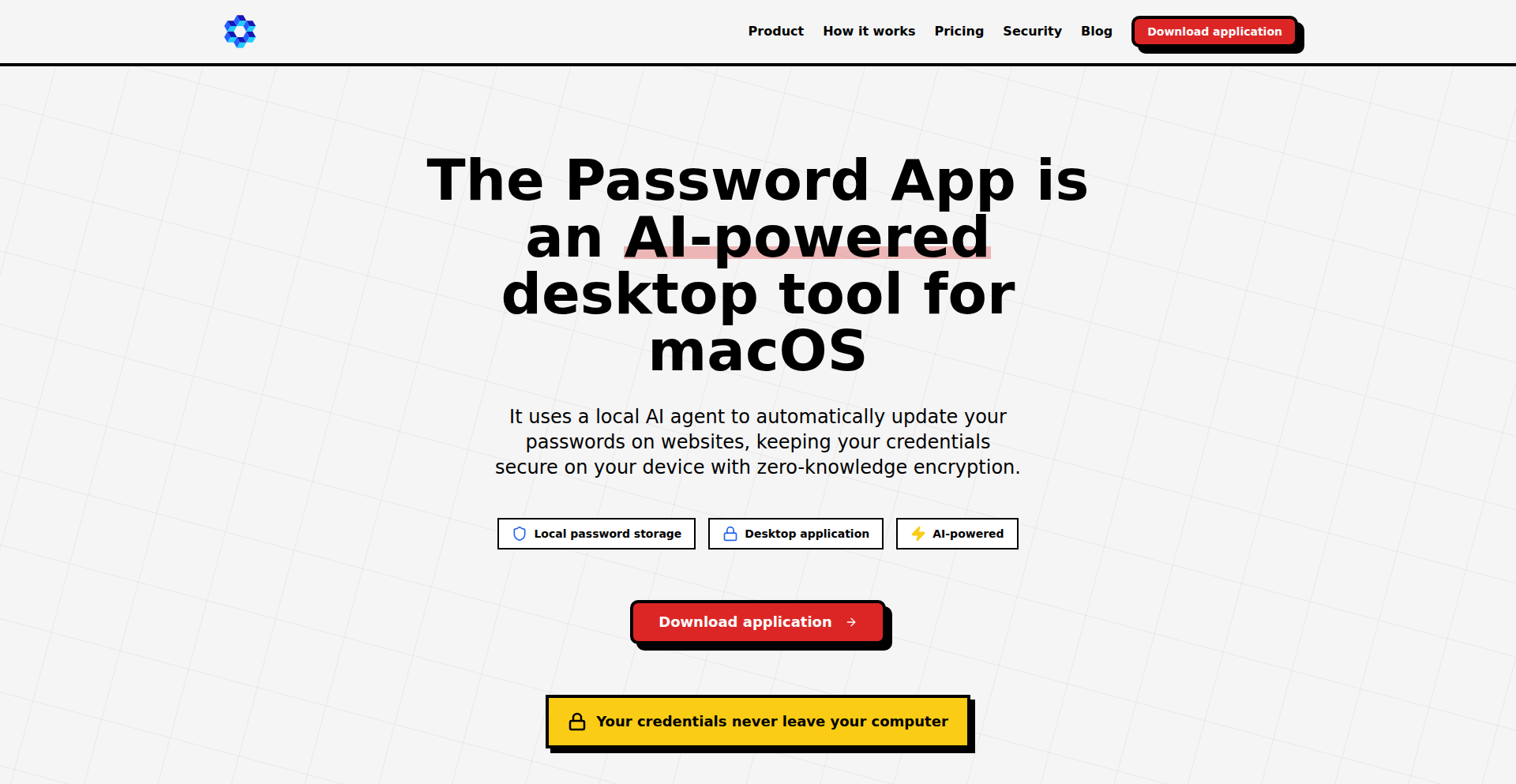
Author
thepasswordapp
Description
PerpetualGuard is an AI-powered agent designed to automatically rotate your passwords across various online accounts. It focuses on a zero-knowledge architecture, meaning your sensitive password data is never exposed to the service itself, ensuring enhanced security. This addresses the common user struggle of remembering and regularly updating strong, unique passwords for every service.
Popularity
Points 3
Comments 1
What is this product?
PerpetualGuard is a privacy-focused AI agent that automates the process of changing your passwords. At its core, it uses advanced algorithms to generate strong, unique passwords for each of your online accounts. The 'zero-knowledge' aspect is crucial; it means that when the agent interacts with a website to update your password, it does so in a way that the actual password content is never revealed to PerpetualGuard itself or any intermediary. This is achieved through clever cryptographic techniques that allow the agent to facilitate the password change without ever seeing the password in plain text. So, it's like having a trusted butler who can change your locks without ever seeing the key.
How to use it?
Developers can integrate PerpetualGuard into their workflows or applications that require managing user credentials securely. For individual users, it would likely function as a browser extension or a standalone application that securely stores encrypted master credentials. When a password needs rotation, the agent, leveraging its AI capabilities, intelligently identifies the relevant input fields on a webpage or within an API call, generates a new, strong password, and then interacts with the target service to perform the update. The process is designed to be seamless, requiring minimal user intervention after initial setup. Think of it as a super-smart password manager that doesn't just store your passwords, but actively maintains their strength and uniqueness for you. This is useful for anyone who wants to significantly improve their online security posture with minimal effort.
Product Core Function
· Automated Password Generation: AI-driven generation of strong, complex, and unique passwords, ensuring optimal security. This is valuable because it eliminates the human tendency to create weak or easily guessable passwords, directly improving account security.
· Zero-Knowledge Password Rotation: Securely updates passwords without ever exposing them to the service or intermediary, safeguarding sensitive data. This is valuable because it dramatically reduces the risk of data breaches where even service providers might be compromised.
· Intelligent Field Identification: AI that can accurately locate password fields on websites and within applications, enabling seamless integration and automation. This is valuable because it means the system can work across a wide range of online platforms without manual configuration for each one.
· Scheduled and Event-Driven Rotations: Ability to set up regular password updates or trigger them based on specific events, enhancing proactive security. This is valuable because it ensures that even if a vulnerability is discovered, your accounts have already been protected with fresh credentials.
· Secure Credential Management: Encrypted storage and management of master credentials, ensuring that even if the system is accessed, the core secrets remain protected. This is valuable because it provides a robust defense against unauthorized access to your primary security keys.
Product Usage Case
· A developer working on a SaaS platform could use PerpetualGuard to offer their users an optional, enhanced security feature where their account passwords are automatically rotated every 90 days. This solves the technical problem of complex credential management for users, allowing the developer to differentiate their product with superior security. This is useful for the developer because it strengthens their platform's security and for the end-user because their account becomes significantly harder to breach.
· A cybersecurity consultant could recommend PerpetualGuard to clients who are struggling with maintaining strong password hygiene across their organizations. The agent can be deployed to automatically rotate administrative credentials for critical systems. This solves the problem of human error and negligence in password management, offering a consistent and automated security solution. This is useful for the consultant because it provides a practical tool for clients and for the clients because their critical infrastructure is better protected.
· An individual user concerned about online security could utilize PerpetualGuard as a browser extension to automatically rotate passwords for their social media, banking, and email accounts. This solves the personal challenge of remembering dozens of complex, unique passwords and the risk associated with reusing passwords. This is useful for the individual because it significantly reduces their attack surface and simplifies their digital security life.
23
PixelPerfector

Author
zhou594660747
Description
PixelPerfector is a minimalist, ad-free web-based tool for detecting dead pixels on your screens. It leverages vanilla JavaScript to achieve high performance, including support for 144Hz refresh rate detection and offline functionality. This addresses the frustration of cluttered, ad-ridden online screen testing sites, offering a clean and efficient way to verify display integrity.
Popularity
Points 3
Comments 0
What is this product?
PixelPerfector is a web application designed to help users quickly and accurately check for dead or stuck pixels on their displays. Its core innovation lies in its simplicity and performance. It uses plain JavaScript (vanilla JS) for maximum speed and minimal overhead, avoiding the need for complex frameworks or libraries. Crucially, it supports high refresh rate displays (up to 144Hz), meaning it can accurately test the responsiveness of modern monitors. Furthermore, its offline capability means you can use it without an internet connection, making it convenient for any testing scenario. The absence of ads and clutter ensures a focused and frustration-free user experience. So, what's in it for you? You get a fast, reliable, and unobtrusive way to ensure your screen is in perfect condition, helping you make informed purchasing decisions or troubleshoot display issues.
How to use it?
Developers can access PixelPerfector directly through their web browser by visiting the provided URL. No installation is required. For integration into other applications or workflows, developers can leverage the core JavaScript logic. This could involve embedding the script into a local application or using it as a standalone module. The tool's offline capability can be particularly useful for deployment on devices with limited connectivity. For example, a QA engineer could use this to quickly test displays on newly manufactured devices on the factory floor without relying on a network connection. So, what's in it for you? You can easily test your screens, and if you're a developer, you can integrate this efficient pixel testing logic into your own projects for added value.
Product Core Function
· Dead Pixel Detection: The core functionality uses precisely timed color-cycling patterns to reveal dead or stuck pixels. This helps identify display defects that might not be visible under normal usage. The value is in ensuring visual fidelity and identifying potential hardware faults.
· High Refresh Rate Support (144Hz): The JavaScript is optimized to work seamlessly with high refresh rate displays, ensuring accurate detection even on fast-scrolling screens. This is valuable for gamers and professionals who rely on smooth visuals and want to test their high-performance monitors thoroughly.
· Offline Functionality: The tool is designed to work entirely without an internet connection, meaning it's always accessible. This is valuable for testing in environments with unreliable or no internet access, offering consistent usability.
· Ad-Free Minimalist Interface: The clean, dark-mode interface eliminates distractions and clutter, focusing solely on the testing process. This provides a superior user experience, making it easier and faster to spot issues.
· Vanilla JavaScript Implementation: Built with plain JavaScript, it offers exceptional performance and broad compatibility without requiring heavy frameworks. This means faster loading times and less resource consumption, which is valuable for users and developers alike.
Product Usage Case
· A gamer wants to ensure their new high-refresh-rate monitor has no dead pixels before returning it. They visit PixelPerfector in their browser, run through the color cycles, and quickly confirm a flawless display. The value here is saving time and avoiding potential hassle with returns.
· A software developer is building a custom kiosk application that will run on a dedicated display. They need to ensure the display is perfect before deployment. They can embed PixelPerfector's JavaScript logic into their application to perform a diagnostic check upon startup, ensuring a high-quality user experience. The value is in proactive quality assurance for their product.
· A user is troubleshooting a laptop display issue and suspects dead pixels. They can use PixelPerfector offline on their laptop to diagnose the problem without needing to rely on a stable internet connection. The value is in having a reliable troubleshooting tool available anytime, anywhere.
· A web designer is preparing to launch a new website and wants to ensure their portfolio images display correctly on various screens. They use PixelPerfector to test their own monitor for dead pixels, guaranteeing that their visual work will be seen as intended. The value is in ensuring the integrity of their creative output.
24
Stateless ISO20022 Compliance API

Author
ADCXLAB
Description
This project offers a stateless API for ensuring financial compliance with the ISO20022 standard, designed to be compatible with both traditional banking systems and blockchain technologies. The core innovation lies in its stateless design, which simplifies integration and enhances scalability by avoiding server-side session management.
Popularity
Points 1
Comments 2
What is this product?
This is a developer-friendly API that helps financial institutions and fintech companies adhere to the ISO20022 standard for financial messaging without requiring them to maintain complex server-side states. ISO20022 is a global standard for electronic data interchange between financial institutions. Traditional compliance often involves stateful systems which can be cumbersome and hard to scale. This API tackles this by processing each request independently. The innovation is its stateless architecture, meaning each API call contains all the necessary information to be processed, making it highly resilient and easy to scale horizontally. So, what's in it for you? It significantly reduces the overhead and complexity of implementing and managing ISO20022 compliance, allowing for faster integration and deployment of financial services.
How to use it?
Developers can integrate this API into their existing financial applications, payment gateways, or blockchain platforms. It can be consumed via standard HTTP requests, sending ISO20022 message data in a defined format (e.g., JSON) and receiving validated or transformed messages in return. Common integration scenarios include embedding it within payment processing workflows, connecting legacy banking systems to modern financial networks, or building smart contracts that interact with ISO20022 compliant data. So, what's in it for you? You can quickly add robust ISO20022 compliance to your applications without deep dives into the intricacies of the standard or managing persistent server states, speeding up your development cycle.
Product Core Function
· ISO20022 Message Validation: Validates incoming financial messages against the ISO20022 standard. This is valuable for ensuring data integrity and preventing erroneous transactions. Used in any scenario where data accuracy is paramount.
· Stateless Processing Engine: Processes compliance checks and message transformations without relying on server-side session data. This is key for high-throughput and scalable systems, essential for payment processors and large financial institutions.
· Cross-System Compatibility: Designed to work seamlessly with both traditional banking infrastructure and modern blockchain networks. This is important for bridging the gap between old and new financial technologies, enabling hybrid financial solutions.
· Flexible Data Transformation: Offers capabilities to transform financial data between different ISO20022 message formats or to/from other common data structures. This simplifies data interoperability and reduces the need for custom data mapping logic in your applications.
· API-First Design: Exposes compliance functionality through a simple, well-defined API. This makes it easy for developers to integrate compliance features into their applications with minimal effort, accelerating time to market for compliant products.
Product Usage Case
· A fintech startup building a cross-border payment platform can use this API to ensure all transaction messages comply with ISO20022 before initiating a payment, preventing costly errors and rejections. This solves the problem of ensuring global financial communication standards are met from day one.
· A bank looking to upgrade its legacy payment processing system can integrate this stateless API to validate incoming payment instructions in real-time, enhancing security and reducing manual reconciliation efforts. This addresses the challenge of modernizing compliance in an established financial system.
· A blockchain project focused on decentralized finance (DeFi) can leverage this API to ensure that financial data interacting with the blockchain adheres to industry-standard formats, facilitating easier integration with traditional financial markets. This solves the problem of making blockchain-based finance more accessible to mainstream financial services.
25
Agentic Reflex Layer
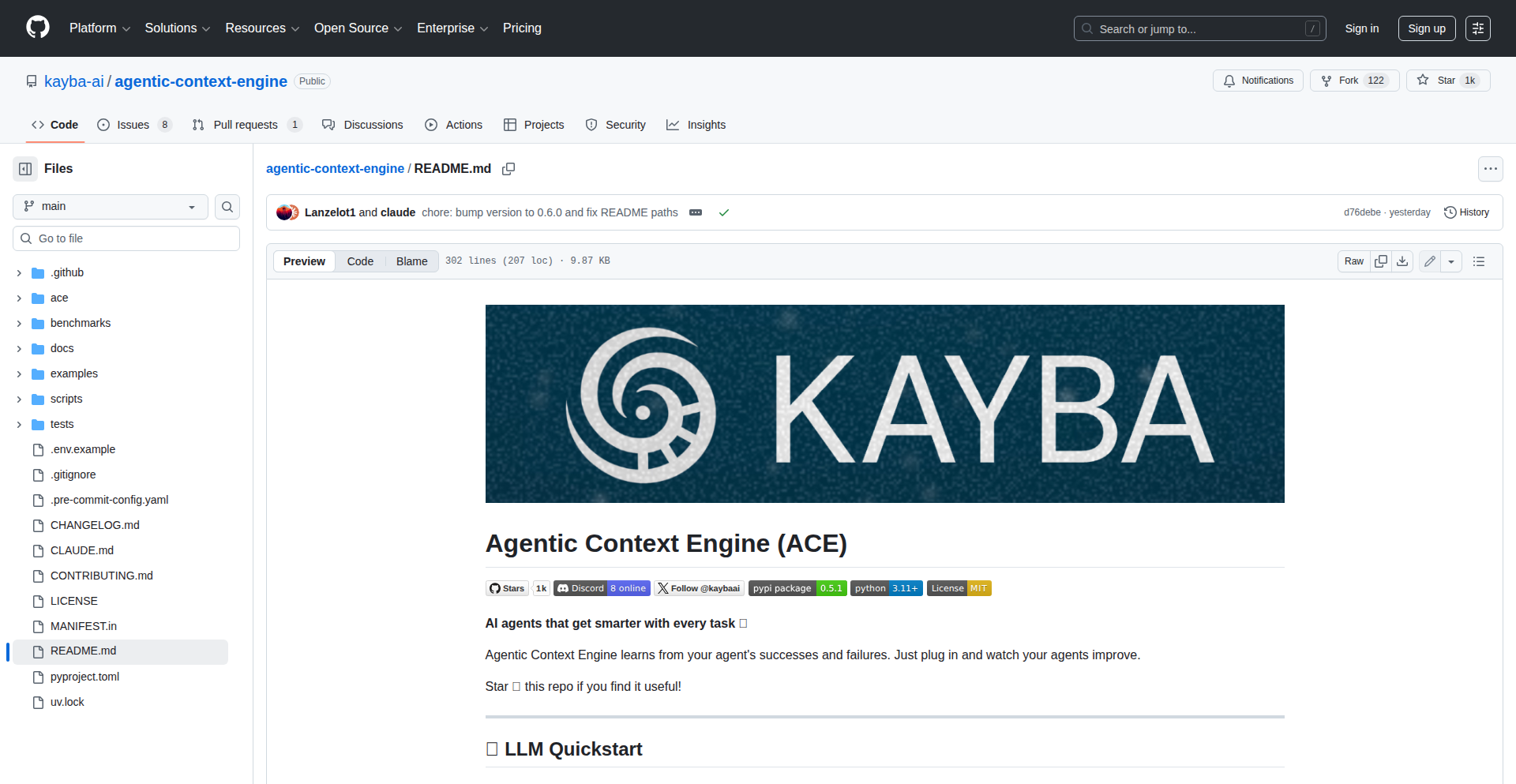
Author
kayba
Description
This project is an open-source implementation of a Stanford research paper on Agentic Context Engineering. It enables AI agents to learn and improve autonomously by reflecting on their past actions and outcomes, creating a dynamic 'playbook' of effective strategies. This approach bypasses the need for traditional model fine-tuning or large training datasets, leading to significant performance gains in tasks like browser automation, with substantial improvements in success rates and efficiency.
Popularity
Points 3
Comments 0
What is this product?
Agentic Reflex Layer is an AI agent enhancement system. Instead of retraining a whole AI model, it focuses on what the agent did and how well it performed. Think of it like a student reviewing their homework to understand what mistakes they made and how to do better next time. The system automatically analyzes the agent's execution trace (its step-by-step actions), identifies patterns of success and failure, and then distills these insights into a set of 'rules' or 'strategies'. These strategies are then fed back into the agent for its subsequent tasks, allowing it to learn and adapt without needing new data or complex retraining. The core innovation lies in its ability to achieve significant performance improvements through self-reflection, a concept inspired by human learning processes, and it works even with smaller, local AI models, helping them compete with larger, proprietary ones.
How to use it?
Developers can integrate this layer into their existing AI agent frameworks. For instance, if you have an agent designed to browse websites and perform actions, you would set up this reflex layer to monitor its performance. When the agent completes a task, the reflex layer analyzes the log of its actions. It identifies what steps were successful, what led to errors, and what shortcuts might have been missed. This analysis generates an updated 'playbook' of refined strategies. On the next run, the agent consults this playbook, guiding it to perform tasks more effectively and efficiently. This is particularly useful for complex, multi-step tasks where initial attempts might be inefficient or prone to errors. It allows for iterative improvement without constant manual intervention or costly retraining cycles, making it a practical tool for boosting the reliability and performance of AI agents in various applications.
Product Core Function
· Self-Reflection and Analysis: The system analyzes agent execution traces to identify successful strategies and points of failure, enabling the agent to learn from its own history. This helps developers understand why an agent succeeded or failed and how to improve its logic without manual debugging.
· Strategy Curations: It automatically distills insights from reflections into a concise set of actionable strategies, forming a 'playbook'. This means developers get a dynamically updated set of best practices for their agent, leading to more robust performance.
· Dynamic Playbook Injection: The curated strategies are injected back into the agent's operational context for future tasks, leading to immediate performance improvements. This ensures that the agent becomes progressively better at its tasks with each iteration.
· Performance Enhancement without Fine-tuning: The layer significantly improves success rates and reduces operational costs (like token usage) without requiring expensive model retraining or large datasets. This makes advanced AI capabilities more accessible and cost-effective for developers.
· Local Model Empowerment: It allows smaller, locally runnable AI models to achieve performance comparable to larger, closed-source models by augmenting their capabilities with learned strategies. This democratizes access to powerful AI functionalities.
Product Usage Case
· Improving Web Automation Agents: Imagine an agent tasked with booking flights online. Initially, it might struggle with complex forms or unexpected website changes, leading to failures. With the Agentic Reflex Layer, it learns from each booking attempt, identifying efficient navigation paths and correct data entry sequences, ultimately achieving a 100% success rate and using fewer steps, saving time and computational resources.
· Enhancing Chatbot Responsiveness: A customer service chatbot might initially provide generic answers. This layer can analyze user interactions to identify common issues and more effective resolution paths, allowing the chatbot to learn to provide more specific and helpful responses, improving user satisfaction and reducing escalations.
· Streamlining Data Extraction: An agent designed to extract specific information from various documents might initially be inefficient. By reflecting on its extraction process, it can learn to identify key patterns and avoid unnecessary parsing steps, leading to faster and more accurate data extraction.
· Accelerating Development of Complex AI Tasks: For developers building agents for tasks like code generation or complex problem-solving, this layer provides a mechanism for iterative improvement without the constant need to manually tweak prompts or retrain models, significantly speeding up the development cycle.
26
FolderPipe

Author
gray_wolf_99
Description
A tool for sending entire folders over the internet without the need for compression (like zipping). It addresses the common pain point of sharing large directory structures, especially when compression is cumbersome or creates compatibility issues. The innovation lies in its direct, efficient transfer mechanism, bypassing traditional compression steps.
Popularity
Points 3
Comments 0
What is this product?
FolderPipe is a novel application designed to facilitate the transfer of entire folders of files directly over a network or the internet. Instead of forcing users to first compress their folders into a single archive file (like a .zip or .tar.gz), which can be time-consuming and sometimes lead to compatibility problems, FolderPipe employs a more direct method. Its core technical insight is to stream or efficiently transfer the directory structure and its contents in a way that maintains the original organization. This bypasses the intermediate compression step, making the process faster and simpler for users who frequently need to share complete project directories, datasets, or collections of related files. The value is in simplifying a common, often frustrating, file-sharing workflow.
How to use it?
Developers can use FolderPipe as a command-line utility or integrate its underlying logic into their existing applications. For basic usage, a user would typically install FolderPipe and then execute a command like `folderpipe send <source_folder> <destination_address>`. The `source_folder` is the directory they want to share, and `destination_address` could be another machine's IP address, a cloud storage endpoint, or a dedicated FolderPipe receiver. The tool handles the breakdown and reassembly of the folder structure and its contents on the receiving end. This makes it incredibly useful for sharing development projects, transferring build artifacts, or distributing assets without the overhead of manual zipping and unzipping.
Product Core Function
· Direct Folder Streaming: Allows for the transfer of entire directory structures without prior compression. The value here is significantly reduced time and effort compared to manual zipping, making it ideal for large or numerous files, and for workflows where immediate sharing is critical.
· Preservation of Directory Structure: Ensures that the exact hierarchy and file organization of the source folder are maintained on the destination. This is crucial for software projects, configuration files, and any data where the order and location of files matter, preventing integration issues.
· Efficient Data Transfer: Optimizes the transfer process by intelligently handling file chunks and metadata, potentially reducing bandwidth usage and speeding up delivery compared to less optimized transfer methods. This benefits anyone needing to send large amounts of data reliably and quickly.
· Cross-Platform Compatibility (Implied): While not explicitly stated, tools like this often aim for cross-platform compatibility. The value is enabling seamless sharing between different operating systems (Windows, macOS, Linux) without file encoding or path format issues often encountered with compressed archives.
· Command-Line Interface (CLI): Provides a scriptable and automatable way to send folders. This is invaluable for build pipelines, CI/CD processes, and automated deployments, allowing developers to integrate folder sharing directly into their automated workflows.
Product Usage Case
· Sharing a complex software project: A developer has a project with many subdirectories and files. Instead of zipping it (which might take a long time for large projects), they can use FolderPipe to send the entire project to a colleague or a remote server for collaboration or deployment. This solves the problem of time spent on compression and decompression.
· Distributing game assets: A game development team needs to send updated art assets, models, and sound files organized in specific folders to other team members. FolderPipe allows them to send the entire asset directory directly, preserving the internal folder structure that the game engine relies on, thus avoiding potential errors from incorrect organization.
· Backup and transfer of configurations: Users need to back up or transfer complex application configurations that are spread across multiple files and directories. FolderPipe can efficiently transfer these entire configuration sets, ensuring all components are sent together and correctly organized on the destination.
· Sending large datasets for analysis: A data scientist has a large dataset organized into various folders for different types of data or experiments. They can use FolderPipe to share this entire organized dataset with collaborators without needing to compress it, allowing for immediate access and analysis.
27
AI Agent Credential Orchestrator

Author
hkpatel
Description
This project introduces an 'Auth Agent' designed to enable AI agents to log into applications and services without requiring human-provided credentials. The innovation lies in its ability to automate credential handling for AI, addressing the growing need for autonomous agents to interact with web services securely and efficiently. It tackles the technical challenge of bridging the gap between AI's operational needs and traditional human-centric authentication methods.
Popularity
Points 3
Comments 0
What is this product?
This project is an 'Auth Agent', a system that acts as a secure intermediary for AI agents to authenticate themselves to various online platforms and applications. Instead of humans needing to manually enter usernames and passwords or manage API keys for each AI task, the Auth Agent can programmatically handle these credentials. The core innovation is using AI itself to manage authentication, potentially through secure credential storage, dynamic token generation, or sophisticated reCAPTCHA solving capabilities, allowing AI agents to operate independently in environments that normally require human login. This means AI can perform tasks like data scraping, automated testing, or content posting without human intervention for authentication.
How to use it?
Developers can integrate the Auth Agent into their AI agent workflows. When an AI agent needs to access a resource that requires authentication, it can communicate with the Auth Agent. The Auth Agent then takes over the login process, potentially by securely storing and retrieving credentials, interacting with authentication forms, or generating and managing session tokens. This can be achieved through an API exposed by the Auth Agent, allowing AI agents written in various programming languages to delegate authentication tasks. For example, a Python AI agent could call an Auth Agent API endpoint to log into a website, and the Auth Agent would return a valid session or token that the AI agent can then use for further interactions.
Product Core Function
· Automated Web Authentication: The agent can programmatically interact with web forms to submit usernames and passwords, enabling AI agents to log into websites without human input. This is valuable for AI that needs to access personalized content or perform actions on user accounts.
· Credential Management: Securely stores and manages sensitive credentials like API keys or tokens, abstracting away the complexity for AI agents. This improves security by reducing the exposure of credentials directly within AI code.
· Session Management: Can handle the lifecycle of authentication sessions, including renewing tokens or re-authenticating when necessary. This ensures AI agents can maintain access over extended periods without interruption.
· AI-Driven CAPTCHA Solving: Potentially incorporates advanced AI techniques to solve CAPTCHAs or other human verification challenges, a significant hurdle for autonomous web interaction. This unlocks access to websites that previously blocked automated access.
· API Integration: Provides an API for AI agents to easily request authentication and obtain necessary tokens or session information. This allows seamless integration into existing AI agent frameworks.
Product Usage Case
· Automated Web Scraping: An AI agent tasked with scraping data from a news website that requires login can use the Auth Agent to log in. The Auth Agent handles the credentials and session, allowing the AI to access and extract the desired articles without manual intervention, saving time and effort for the data analyst.
· AI-Powered Test Automation: In software development, an AI agent performing end-to-end testing on a web application that has a login portal can leverage the Auth Agent to authenticate. This ensures the AI can test user-specific features and workflows thoroughly, leading to more robust software quality assurance.
· Content Management Bots: An AI agent designed to post updates to a social media platform that requires login can use the Auth Agent to authenticate. This allows the AI to schedule and publish content automatically, increasing efficiency for marketing teams.
· Personalized AI Assistants: An AI assistant that needs to access user-specific cloud services (e.g., email, calendar) can use the Auth Agent to manage its access credentials. This enables the AI to provide personalized services and retrieve relevant user data securely.
· Robotic Process Automation (RPA) Enhancement: For complex RPA tasks involving web applications, the Auth Agent can be used to handle authentication steps, making the RPA bots more resilient and capable of handling dynamic login requirements.
28
LLM Response Feel Simulator

Author
hertzdog
Description
This project simulates the user experience of Large Language Model (LLM) response speeds, focusing on Time To First Token (TTFT) and tokens per second. Instead of just looking at numbers, developers and users can directly feel the difference in speed by adjusting key parameters like initial response delay, token generation rate, and output length. It precisely mimics how an LLM streams its output, providing a tangible understanding of performance for various hardware configurations, even hypothetical future ones. This helps in making informed decisions about hardware investments for running LLMs locally.
Popularity
Points 1
Comments 2
What is this product?
This is a simulation tool designed to let you experience the responsiveness of Large Language Models (LLMs) without actually running a full-blown AI model. It focuses on two critical aspects of user experience: TTFT (Time To First Token), which is how long you wait before seeing the very first piece of the LLM's response, and tokens/second, which is how quickly the rest of the response is generated. The innovation lies in its ability to let you interactively adjust these parameters and 'feel' the difference in speed, much like you would experience with a real LLM. This helps you understand the impact of different hardware capabilities on perceived performance, even for very advanced or imaginary hardware.
How to use it?
Developers can use this simulator by visiting the GitHub repository to run the code locally or interact with a live demo if available. You can adjust sliders or input values for TTFT (e.g., 0.1 seconds to 5 seconds) and token generation rate (e.g., 10 tokens/sec to 500 tokens/sec). By changing these settings, you can immediately observe how the simulated response streams, giving you a direct sense of whether the LLM experience would feel sluggish or snappy on a given configuration. This is invaluable for evaluating hardware before committing to a purchase or for setting realistic user expectations for applications powered by LLMs.
Product Core Function
· Simulate Time To First Token (TTFT): Provides a tangible sense of initial delay before any output appears, helping users understand the impact of slow initial processing on user experience.
· Simulate tokens/second generation rate: Allows users to feel the speed at which subsequent content is generated, demonstrating how quickly the LLM can produce output once it starts.
· Interactive parameter adjustment: Enables users to dynamically change TTFT and tokens/second to explore a wide range of performance scenarios, fostering a deeper understanding of LLM responsiveness.
· Realistic token streaming: Mimics the actual behavior of LLMs by streaming generated tokens, providing an authentic feel of LLM output delivery for developers and end-users.
· Hardware configuration benchmarking visualization: Offers a way to 'feel' the performance implications of different hardware specifications (RAM, bandwidth) on LLM responsiveness, aiding in hardware investment decisions.
Product Usage Case
· A developer considering purchasing a new Mac for local LLM development can use this simulator to 'feel' how a higher TTFT might impact their workflow, preventing buyer's remorse on hardware that doesn't meet their perceived speed needs.
· An application designer building a chatbot interface can use this tool to set realistic expectations for their users regarding response times. By simulating different LLM speeds, they can communicate clearly about potential delays and optimize the user interface to manage these waits effectively.
· A researcher exploring the performance bottlenecks of LLMs can leverage this simulator to quickly test the impact of theoretical hardware improvements, such as significantly increased bandwidth or RAM, on perceived response speed, guiding their future research directions.
· A hobbyist curious about running LLMs on their existing hardware can use this simulator to get a preview of the experience. They can input their estimated hardware capabilities into the simulator to gauge if the performance would be acceptable before investing time and effort into setting up a full LLM environment.
29
Longhorn Aurora Canvas

Author
AntonioEritas
Description
This project meticulously recreates the 'Aurora' visual effect from the unreleased Windows Longhorn Build 4074 (2004) using modern HTML5 Canvas. It's a faithful port of the original XAML and logic, bringing a piece of computing history to life in the browser. The innovation lies in reverse-engineering and reimplementing a complex, procedural graphical effect from a bygone era into a universally accessible web technology, showcasing the enduring appeal of 'liquid glass' aesthetics and offering a nostalgic experience for developers and users alike.
Popularity
Points 3
Comments 0
What is this product?
Longhorn Aurora Canvas is a web-based recreation of the 'Aurora' animation, a signature visual effect intended for Microsoft's Windows Longhorn operating system (a precursor to Vista). The original effect was based on the Avalon engine (which evolved into WPF) and was designed to be rendered efficiently without heavily taxing the CPU. This project's core innovation is taking the original XAML (Extensible Application Markup Language) definitions and animation logic, which were never fully functional in the leaked build, and porting them one-to-one to HTML5 Canvas. This means it uses standard web technologies to draw and animate complex graphical elements directly in your browser, offering a modern, accessible rendition of this historical UI element. So, what's in it for you? It's a fascinating glimpse into the UI design philosophies of the past, brought to life with contemporary web tech, and a testament to the creative problem-solving of its creator.
How to use it?
Developers can experience the recreated Aurora effect directly via a live demo hosted online. For integration, the project's open-source nature allows developers to explore the codebase on GitHub. They can download and examine the XAML-to-Canvas translation logic to understand how complex graphical animations are achieved using basic Canvas API calls. This can be integrated into personal projects, web applications, or educational tools that aim to showcase historical UI elements or demonstrate advanced Canvas animation techniques. By leveraging the provided code, developers can learn from the process of deconstructing and reimplementing a complex visual effect, gaining insights into procedural generation and animation. So, how can you use it? You can marvel at the demo, or dive into the code to learn how to build similar advanced web animations for your own projects.
Product Core Function
· Procedural Animation Rendering: Recreates the dynamic, flowing visual style of the original Aurora effect using a series of programmatic drawing and animation steps on the HTML5 Canvas. This provides a unique, generated visual experience rather than a pre-rendered video. The value is in creating visually engaging, non-repeating animations efficiently within the browser.
· XAML Logic Translation: Ports the intricate logic and definitions originally written in XAML (a markup language for defining user interfaces and graphics) to JavaScript that manipulates the HTML5 Canvas. This demonstrates a sophisticated translation process, showing how declarative UI descriptions can be converted into imperative drawing commands. The value is in understanding how to bridge different UI paradigms and implement complex logic in a web context.
· Cross-Browser Compatibility: Ensures the Aurora effect runs smoothly across modern web browsers thanks to the use of standard HTML5 Canvas. This means the nostalgic visual can be enjoyed by a wide audience without requiring specific plugins or operating system features. The value is in creating accessible and broadly consumable web experiences.
· Interactive Controls: Includes user-friendly toggles that allow experimentation with different aspects of the animation, such as speed or color variations. This enhances user engagement and provides a hands-on way to explore the effect's parameters. The value is in making the technical demonstration more interactive and educational for the end-user.
· Open-Source Codebase: Makes the entire project's source code publicly available on GitHub. This fosters learning and collaboration within the developer community, allowing others to study, adapt, and build upon the implementation. The value is in promoting knowledge sharing and enabling further innovation based on this work.
Product Usage Case
· A web developer wants to add a unique, dynamic background animation to a personal portfolio website to showcase their technical creativity and interest in UI history. They can integrate the Longhorn Aurora Canvas code to provide a visually captivating and retro-futuristic element that stands out. This solves the problem of creating a non-trivial, high-performance web animation without needing extensive custom graphics programming.
· An educator teaching web development or graphics programming can use this project as a case study to illustrate how to reverse-engineer complex graphical effects and port them to modern web technologies. By analyzing the code, students can learn about the HTML5 Canvas API, animation principles, and the process of translating declarative UI definitions. This provides a concrete example of practical application of these concepts.
· A game developer working on a retro-themed game or a UI designer exploring unique interface elements might use this project as inspiration or a starting point. They could adapt the procedural animation techniques to create custom in-game effects or novel UI components that evoke a similar aesthetic. This helps them solve the challenge of generating visually rich and performant effects within their development environment.
· A technologist interested in the history of computing and operating systems can use the live demo as a way to experience a piece of unreleased software history. This provides a tangible connection to past UI design trends and the evolution of graphical interfaces. This solves the problem of experiencing historical digital artifacts that are otherwise inaccessible.
30
Sovereign Photo Vault Blueprint

Author
devmicrosystems
Description
This project is a detailed architectural blueprint and field manual for building a completely private, self-hosted photo and media cloud. It addresses the common frustrations of subscription fatigue and privacy concerns associated with commercial cloud services like Google Photos and iCloud. The core innovation lies in its focus on reliability, automation, and a battle-tested protocol that allows users to 'set-and-forget' their private cloud infrastructure, offering robust data protection through ZFS snapshots and secure remote access via WireGuard/Tailscale.
Popularity
Points 3
Comments 0
What is this product?
This is a comprehensive guide and architectural plan for creating your own personal cloud storage solution, specifically designed for photos and media. It's not just a collection of software; it's a strategy for building a reliable and secure system. The technical innovation comes from combining proven technologies like ZFS for data integrity and ransomware protection (through snapshots), Immich for advanced AI features (like facial recognition and organization), PhotoSync for seamless mobile uploads, Syncthing for cross-device synchronization, and WireGuard/Tailscale for secure, effortless remote access. This approach bypasses recurring subscription fees and keeps your personal data entirely under your control.
How to use it?
Developers can use this blueprint to set up their own private cloud by following the detailed instructions. It outlines the necessary components, configuration steps, and automation scripts. This includes setting up ZFS storage pools with robust snapshot policies for data backup and recovery, automating the ingestion of photos from mobile devices using tools like PhotoSync and custom scripts, deploying Immich for smart photo management and AI-driven features, and establishing secure network access for remote viewing and management through WireGuard or Tailscale. The goal is a system that requires minimal ongoing maintenance once set up.
Product Core Function
· ZFS Storage & Snapshot Management: Implements advanced storage features like data integrity checking and automatic point-in-time snapshots. This means your data is protected against corruption and ransomware attacks, providing peace of mind and a reliable backup strategy without complex manual processes.
· Automated Mobile Photo Ingestion: Provides scripts and guidance to automatically upload photos and videos from mobile devices to your private cloud. This eliminates the manual hassle of transferring files, ensuring your memories are safely backed up as soon as they are captured.
· AI-Powered Media Organization (Immich): Integrates Immich to leverage AI for features like facial recognition, object detection, and smart album creation. This makes finding and organizing your photos intuitive and effortless, much like commercial services but with your data staying private.
· Secure Remote Access (WireGuard/Tailscale): Configures secure, encrypted tunnels for accessing your private cloud from anywhere in the world. This ensures your data is protected while in transit and provides a seamless experience for viewing and managing your media remotely without exposing your network directly to the internet.
· Cross-Device Synchronization (Syncthing): Enables seamless synchronization of your media library across multiple devices. This ensures consistency and availability of your photos and videos on your computer, tablet, and other devices, all while maintaining data privacy.
Product Usage Case
· A user concerned about Google Photos increasing storage costs and privacy policies uses the blueprint to set up a ZFS-backed NAS with Immich. They automate mobile uploads and use WireGuard to access their photos securely from their laptop while traveling, avoiding any further subscription fees and ensuring their personal memories are not shared.
· A developer who values data ownership and control follows the manual to build a private media server. They leverage ZFS snapshots to create daily backups, preventing data loss from accidental deletion or hardware failure. The automation scripts ensure that new photos are consistently added and organized, solving the problem of managing a growing digital photo collection.
· A photographer looking for a robust solution to store and access their professional work privately uses the blueprint to configure a Synology NAS with ZFS and Immich. They can securely access their portfolio from client meetings via Tailscale, knowing their RAW files are protected by ZFS's data integrity features and automated backups, solving the challenge of secure and accessible storage for large media files.
· Someone experiencing 'subscription fatigue' with multiple cloud services uses this guide to consolidate their photo storage into a single, self-hosted system. By following the provided architecture, they replace their Google Photos subscription, gain full control over their data, and benefit from the AI features for organizing their family albums, solving the pain point of paying for multiple services.
31
VidBee: RSS-Powered AutoDownloader

Author
nexmoe
Description
VidBee is a cross-platform application (macOS, Windows, Linux) that automates video downloads. Instead of manually copying and pasting links, it leverages RSS feeds to monitor your favorite channels or playlists. When new videos are published, VidBee automatically downloads them in the background, keeping your library organized and up-to-date.
Popularity
Points 2
Comments 0
What is this product?
VidBee is an intelligent video downloader that brings true automation to your workflow. At its core, it uses RSS feeds, which are like personalized news tickers for online content. You subscribe to a channel's RSS feed, and VidBee constantly checks it for new video updates. When a new video appears, VidBee automatically triggers a download using the powerful yt-dlp engine. This means you set it up once and forget about it – new videos land in your chosen location without any manual intervention. The innovation lies in shifting from a manual 'copy-paste-download' paradigm to a passive, 'subscribe-and-receive' model, saving you significant time and effort.
How to use it?
Developers can use VidBee by installing the application on their macOS, Windows, or Linux machine. The primary method of interaction is through adding RSS feed URLs of the video channels or playlists they want to monitor. VidBee then handles the rest. For integration, it's designed to be a standalone tool, but its automated nature means it can be part of a larger content ingestion pipeline. For example, you could have VidBee download tutorial videos, and then use other scripts to process them. The core value for developers is freeing up mental bandwidth from repetitive download tasks, allowing them to focus on more complex projects.
Product Core Function
· Automated Downloads via RSS Feeds: This core function continuously monitors specified RSS feeds for new video content. The technical value is in eliminating manual checking and downloading, ensuring you never miss new uploads. This is applicable for anyone who follows content creators and wants a hands-off experience.
· Background Downloading: VidBee performs downloads discreetly in the background, meaning you can continue using your computer without interruption. The technical value is in providing a seamless user experience and efficient resource utilization.
· yt-dlp Integration for Robust Downloads: Utilizes the advanced yt-dlp library, which supports a vast array of video platforms and formats, ensuring reliable and versatile downloading capabilities. The technical value is in leveraging a battle-tested, feature-rich downloader for maximum compatibility and quality.
· Auto-Renaming and Folder Rules: Automatically names downloaded files and organizes them into designated folders based on user-defined rules. This technical value is in creating a structured and easily manageable video library, reducing the need for manual file organization.
· Cross-Platform Compatibility: Available for macOS, Windows, and Linux, allowing developers to use it regardless of their operating system. The technical value is in broad accessibility and catering to diverse developer environments.
· Minimal and Fast UI: Designed with a clean, unobtrusive interface that starts up quickly. The technical value is in providing an efficient and pleasant user experience, minimizing overhead and startup delays.
Product Usage Case
· A researcher wanting to keep up with the latest lectures from a specific academic YouTube channel can subscribe to its RSS feed. VidBee will automatically download every new lecture as it's published, making it easy to review the material later without manually searching and downloading each video.
· A content creator who wants to archive all their uploaded videos for backup purposes can add their own channel's RSS feed to VidBee. This ensures a continuous, automated backup process, addressing the technical problem of manual archiving and potential data loss.
· A hobbyist interested in a particular topic on a video platform that offers RSS feeds can subscribe to several related channels. VidBee will then download new videos from all these sources in the background, organizing them into thematic folders, solving the challenge of manually managing content from multiple sources.
· A developer learning a new technology might follow several tutorial series. VidBee can automate the download of all new tutorial videos, ensuring the developer has a readily available offline learning resource. This addresses the problem of interrupting a learning flow to download individual videos.
32
Hh.ht: JSON-Native Scripting Engine
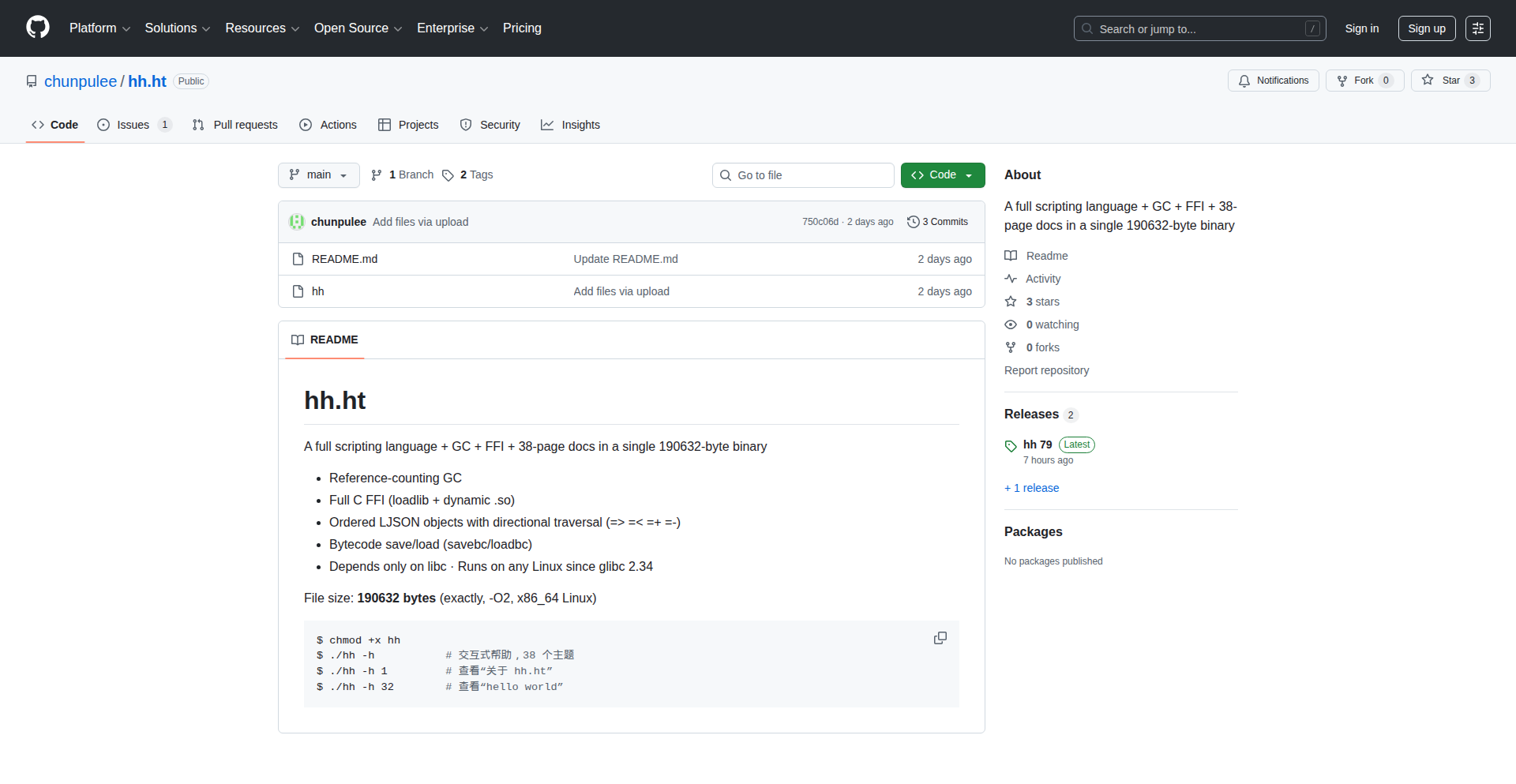
Author
chunpulee
Description
Hh.ht is a novel scripting language that seamlessly embeds C-like code blocks directly within JSON. This allows for dynamic manipulation of JSON data using a lightweight, custom interpreter. It tackles the challenge of data transformation and logic application within structured data formats, offering a unique approach to data processing.
Popularity
Points 2
Comments 0
What is this product?
Hh.ht is a scripting language that merges the familiar structure of JSON with the power of embedded C-like code. Think of it as taking your configuration files or data structures (JSON) and giving them the ability to perform actions and transformations directly. The innovation lies in combining data and executable logic in a single, compact file. The C-like code blocks are executed by a small, custom interpreter (under 200KB), which can directly access and modify the JSON part using 'this'. It also offers features like iterating through JSON data in specific orders and treating JSON objects as executable functions. So, what does this mean for you? It means you can write code that directly interacts with your data without needing separate scripting or programming languages for simple transformations. This makes managing and manipulating data-driven configurations or small applications much more streamlined.
How to use it?
Developers can use Hh.ht by writing files that contain both JSON data and executable code within curly braces `{...}`. The `hh.ht` interpreter can then execute this combined script. For example, you could define a JSON configuration for a web server, and then embed Hh.ht code to dynamically adjust port numbers or enable/disable features based on the environment. Integration can involve running the `hh.ht` interpreter as a standalone tool or embedding its lightweight C library into larger applications. This allows for extending existing software with dynamic data processing capabilities. So, how can you use this? You can replace complex scripting logic for data processing or configuration management with a single, self-contained Hh.ht file, making your projects cleaner and more efficient.
Product Core Function
· JSON data combined with C-like code blocks: This allows you to define your data structures and the logic to manipulate them in a single file, simplifying development and deployment. The value is in reducing the complexity of managing separate data and code components, leading to more cohesive and manageable projects.
· Direct JSON manipulation via `this` keyword: Code can directly reference and modify the JSON data it's associated with, enabling fluid and intuitive data transformations. This is valuable because it allows for immediate and context-aware changes to your data without complex data parsing or serialization steps.
· Lightweight interpreter (186 KB): The small footprint of the interpreter means it can be easily embedded into applications or run on resource-constrained environments without significant overhead. This is beneficial for applications where size and performance are critical.
· Weak typing and minimal syntax: This reduces the learning curve and makes it quick to write and understand the code. The value here is in rapid prototyping and ease of use, allowing developers to focus on solving the problem rather than wrestling with complex language features.
· JSON iteration in defined orders: The ability to iterate through JSON data in specific orders (e.g., ascending, descending) streamlines data processing for sorting and analysis. This is a practical advantage for tasks that require ordered data manipulation, making data reporting and analysis more efficient.
· JSON objects executable as functions: This enables a novel way to structure and execute logic, treating data as programmable entities. This innovation allows for more dynamic and flexible application design, where data can actively drive behavior.
· C Foreign Function Interface (FFI): This allows Hh.ht code to call functions written in C and load shared libraries (.so files). This is extremely valuable as it lets you leverage existing C codebases or high-performance libraries, extending the capabilities of Hh.ht without reinventing the wheel.
Product Usage Case
· Configuration management for microservices: Imagine a set of microservices each needing slightly different configurations. Instead of managing multiple YAML or JSON files and a separate script to customize them, you can use Hh.ht. Each service could have a base JSON config with embedded Hh.ht code that dynamically sets environment-specific parameters (like database URLs or API keys) based on context. This solves the problem of configuration drift and simplifies deployment.
· Dynamic content generation for static site generators: For a static site generator, you might have JSON data defining blog posts or product information. Hh.ht could be used to embed logic within the JSON to automatically categorize posts, calculate prices based on attributes, or generate summaries. This allows for more dynamic content creation directly from structured data, improving efficiency.
· Data transformation pipelines for ETL processes: In Extract, Transform, Load (ETL) scenarios, you often need to clean and reshape data. Hh.ht can act as a lightweight transformation engine. You can feed raw data in JSON format and use Hh.ht scripts to filter, map, and reformat the data on the fly, directly within the pipeline. This simplifies the transformation step and can be faster than using separate scripting tools for simple transformations.
· Command-line tools with dynamic behavior: Developers can create command-line tools where the arguments and options are defined in JSON, and the Hh.ht code interprets these to perform actions. This allows for highly customizable and scriptable CLI tools where the behavior can be altered by modifying the JSON configuration file, offering a flexible way to build utilities.
33
RustAegis

Author
kunzz
Description
RustAegis is a sophisticated code obfuscation engine and virtual machine built entirely in Rust, with a key innovation: achieving robust protection without relying on 'unsafe' code. It safeguards your functions by translating them into a custom bytecode, encrypting this bytecode using AES-GCM, and then executing it within an embedded virtual machine. To further complicate analysis, it employs randomized opcode tables, which change with every build, and MBA transformations. This approach makes it significantly harder for attackers to understand, modify, or reverse-engineer your software, while also serving as a deep exploration of creating interpreters using safe Rust practices.
Popularity
Points 2
Comments 0
What is this product?
RustAegis is a tool that makes your software code harder to read and understand for potential attackers, without using risky 'unsafe' programming practices. It works by taking your existing code functions, turning them into a secret code (bytecode), encrypting that secret code, and then running it inside a special mini-computer (virtual machine) that only it understands. Think of it like scrambling a message, locking it in a special box, and then having a unique, secure way to read that box. The 'randomized opcode tables' are like changing the secret alphabet and grammar rules every time you send a message, making it even more confusing for anyone trying to intercept and decipher it. The 'MBA transformations' are advanced techniques to further rearrange the secret code. So, what's the innovation here? It's building this powerful security system in Rust, a programming language known for safety, and proving it can be done without compromising that safety through 'unsafe' operations. This is valuable because it offers strong protection for your intellectual property and sensitive logic, enhancing software security and integrity.
How to use it?
Developers can integrate RustAegis into their projects to protect specific functions or critical parts of their application. The process involves feeding your original code functions into the RustAegis engine, which then compiles them into its custom, encrypted bytecode. This bytecode can then be executed by the embedded virtual machine within your application. For instance, if you have sensitive algorithms or proprietary logic that you want to shield from reverse engineering, you would use RustAegis to obfuscate those particular functions. The output is essentially protected code that can be seamlessly incorporated into your existing Rust codebase, allowing your application to run normally while the protected sections are executed securely by the VM. This offers a practical way to harden your software against unauthorized access and analysis.
Product Core Function
· Custom Bytecode Compilation: Transforms regular code functions into a unique, intermediate format that is not directly human-readable. The value is in creating a proprietary instruction set specific to the VM, making analysis more challenging.
· AES-GCM Encryption: Secures the compiled bytecode using a strong, industry-standard encryption algorithm. This ensures that even if the bytecode is intercepted, it cannot be deciphered without the correct decryption key, significantly increasing the barrier for attackers.
· Embedded Virtual Machine (VM): Provides a runtime environment to execute the encrypted bytecode. The VM is custom-built and designed to interpret the specific bytecode, meaning attackers need to understand both the bytecode format and the VM's execution logic to analyze the protected code.
· Randomized Opcode Tables: Dynamically changes the meaning of instructions (opcodes) with each build. This means that even if an attacker analyzes one version of your software, the next version will have completely different instruction mappings, making their prior analysis obsolete and requiring them to start from scratch.
· MBA Transformations: Implements advanced obfuscation techniques to further scramble the code logic, making it much harder to follow the program flow and identify specific operations, thereby increasing the difficulty of reverse engineering.
· Safe Rust Implementation: Achieves robust obfuscation and VM execution without resorting to 'unsafe' Rust code. This is a significant technical achievement, as it maintains Rust's memory safety guarantees while delivering powerful security features, offering peace of mind and reducing the risk of introducing new vulnerabilities.
Product Usage Case
· Protecting proprietary algorithms in commercial software: A software vendor can use RustAegis to obfuscate their core business logic, such as a unique financial calculation engine or a specialized image processing algorithm. This prevents competitors from easily copying or understanding the intricacies of their technology, preserving their competitive advantage.
· Securing intellectual property in game development: Game studios can employ RustAegis to protect their game's cheat detection logic, inventory management systems, or unique gameplay mechanics. This makes it much harder for players to develop cheats or exploit game systems, ensuring a fairer and more enjoyable experience for all.
· Enhancing security for embedded systems: Developers working on critical embedded systems, such as those in automotive or industrial control, can use RustAegis to protect sensitive firmware or control logic from tampering. This is crucial for preventing malicious modifications that could compromise safety or operational integrity.
· Building anti-tamper mechanisms for software licensing: Software companies can integrate RustAegis to obfuscate their license verification code. This makes it more difficult for attackers to bypass license checks and distribute pirated copies of their software, thus protecting revenue streams.
· Safeguarding sensitive data processing routines: If an application handles sensitive user data or performs complex, confidential processing, RustAegis can be used to obfuscate these specific routines. This adds an extra layer of defense, ensuring that even if the codebase is accessed, the sensitive processing steps remain inscrutable.
34
GPU-Accelerated Contextual Code Search

Author
YashBudhia
Description
This project offers an ultra-fast code retrieval system that leverages GPU acceleration and fine-tuned models for efficient workspace indexing and searching. It aims to provide a 'windsurf fast context' experience for coding agents, prioritizing cost and token efficiency without compromising accuracy and speed, thereby eliminating the need for traditional Retrieval-Augmented Generation (RAG) pipelines.
Popularity
Points 2
Comments 0
What is this product?
This is a groundbreaking code retrieval system designed to work with any coding agent. Instead of relying on slow, conventional indexing methods for your entire workspace, it utilizes the power of GPUs to perform incredibly fast searches. It employs fine-tuned models that understand code context, similar to how a fast search engine works, but specifically for code. The core innovation lies in its ability to find relevant code snippets and information rapidly, making your coding agent much more responsive and intelligent, all while being very economical with computational resources and token usage, which are key for AI applications. So, this means your AI coding assistant can find the exact piece of code it needs in a fraction of the time, leading to faster development and fewer wasted hours.
How to use it?
Developers can integrate this system as a backend service for their coding agents or AI development tools. It acts as an intelligent search engine for code. When a coding agent needs to understand existing code, generate new code based on context, or debug, it can query this system. The system, powered by GPUs, will quickly scan the codebase and return the most relevant code segments. For integration, imagine it as a highly optimized library or API call that your agent makes. It's designed to be plug-and-play, meaning you don't need to set up complex RAG pipelines. So, you can seamlessly connect it to your existing AI coding workflows to boost performance and reduce operational costs.
Product Core Function
· GPU accelerated ultra-fast grep: This function allows for extremely rapid searching through large codebases using the processing power of GPUs, significantly outperforming traditional CPU-based search methods. Its value lies in drastically reducing the time it takes to find specific code, enabling quicker iteration and debugging cycles.
· Fine-tuned model for contextual understanding: Unlike simple keyword searches, this system uses sophisticated models trained on code to understand the meaning and relationships between code snippets. This means it can find code that is contextually relevant, even if it doesn't use the exact same words. The value is in providing more accurate and intelligent search results, leading to better code generation and problem-solving by AI agents.
· Cost and token efficiency: The system is engineered to minimize computational resources and the number of 'tokens' (pieces of data processed by AI models) used during searches. This makes it highly practical and affordable for frequent use in AI applications. The value is in making advanced code retrieval accessible without incurring prohibitive costs, allowing for wider adoption and continuous operation of AI coding tools.
· RAG-free operation: This system achieves high performance without needing the complex setup and computational overhead of Retrieval-Augmented Generation (RAG) systems. The value is in simplifying the technical architecture and reducing the development effort, making it easier to deploy and maintain intelligent coding solutions.
Product Usage Case
· Accelerating AI code generation: An AI coding assistant can use this system to quickly find relevant examples of code patterns or functions within a large existing project, allowing it to generate new code that is consistent with the project's style and architecture, significantly speeding up the development process.
· Enhancing AI-powered refactoring tools: When an AI needs to refactor a piece of code, it can use this system to quickly identify all instances of a particular pattern or function across the entire codebase, ensuring a thorough and accurate refactoring effort, which is crucial for maintaining code quality.
· Improving AI debugging assistance: For complex bugs, an AI can leverage this fast retrieval system to locate similar bug scenarios or relevant diagnostic code snippets from past issues or documentation, helping it to pinpoint the root cause of the current problem more efficiently.
· Enabling faster knowledge retrieval for developers: Developers working with large or unfamiliar codebases can use this system to quickly find specific functions, configurations, or logic without having to manually sift through files, saving them valuable time and reducing frustration.
35
Python PerfTracker
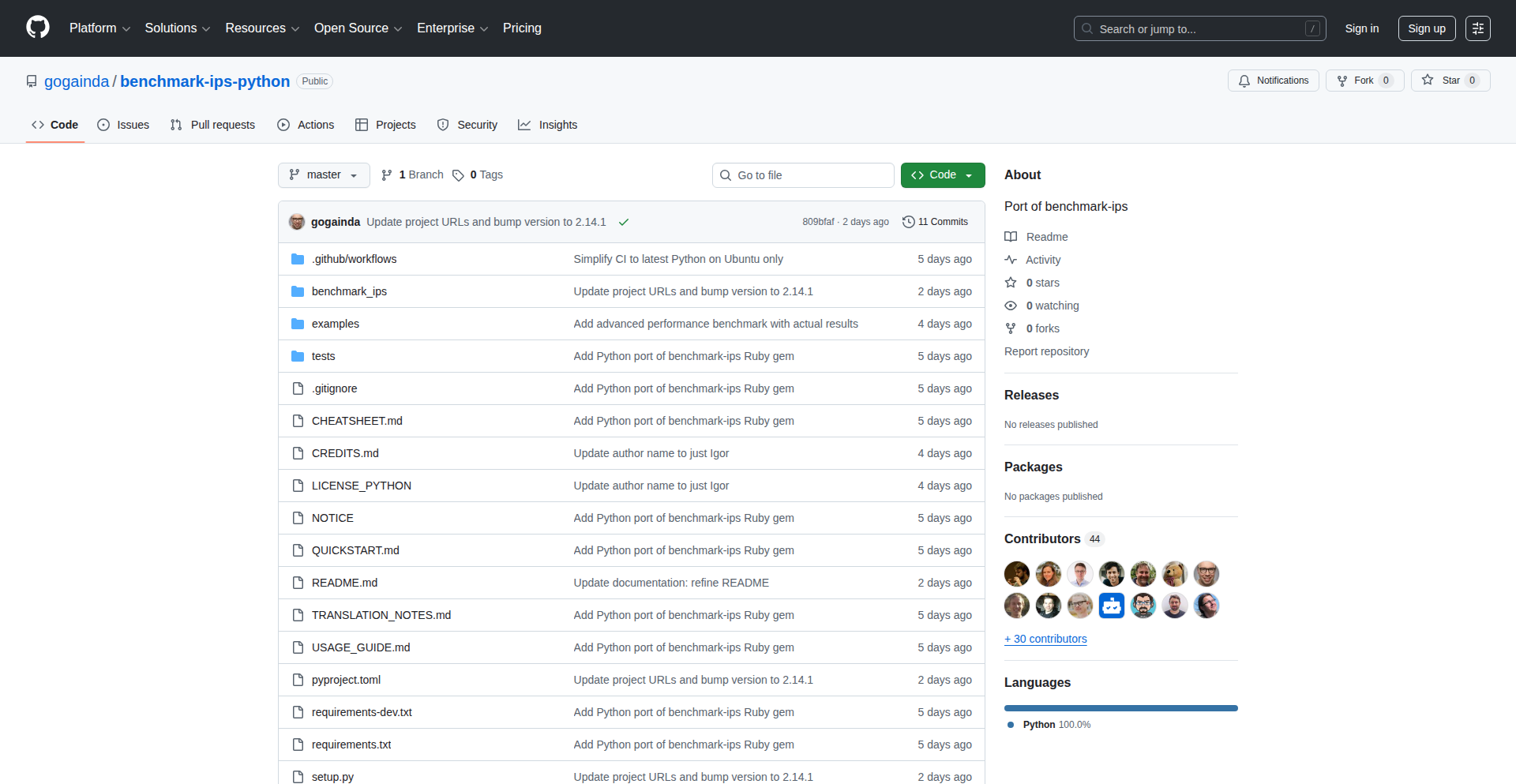
Author
Igor_Wiwi
Description
Benchmark-ips-Python is a Python library designed to precisely measure the performance of code snippets. It addresses the common need for developers to understand and optimize the speed of their Python code, especially in performance-critical applications. Its innovation lies in its ability to provide granular, statistically sound performance metrics, allowing developers to identify bottlenecks and validate optimizations effectively.
Popularity
Points 2
Comments 0
What is this product?
Python PerfTracker is a specialized tool that helps Python developers understand how fast their code runs. It's like a stopwatch for your code, but instead of just telling you the total time, it gives you detailed reports on how many times a piece of code can execute within a certain period. The core innovation is its use of statistical methods, specifically 'ips' (iterations per second), to provide reliable benchmarks. This means it doesn't just run your code once, but many times and averages the results, giving you a much more accurate picture of performance. So, this is useful because it helps you know if your code is as fast as it can be, which can be crucial for applications that need to be very responsive or handle a lot of data.
How to use it?
Developers can integrate Python PerfTracker into their projects by installing it via pip. They then use it to wrap around specific functions or code blocks they want to benchmark. The library handles running these code snippets multiple times and presents a report with key metrics like iterations per second (ips) and confidence intervals. This allows for direct comparison of different approaches to solving the same problem. A common use case is comparing two different algorithms to see which one is faster in practice. So, this is useful because you can easily plug it into your existing code to test and improve performance, ensuring your application runs smoothly and efficiently.
Product Core Function
· Accurate Benchmarking: Measures how many times a piece of code can run in one second, providing a clear performance indicator. This is useful for understanding the raw speed of your operations.
· Statistical Confidence: Employs statistical methods to ensure benchmark results are reliable and repeatable, reducing guesswork. This is useful for making data-driven decisions about code optimization.
· Granular Performance Metrics: Reports detailed statistics beyond just total execution time, offering deeper insights into performance characteristics. This is useful for identifying subtle performance issues.
· Code Optimization Validation: Allows developers to quantitatively prove whether their code optimizations have actually improved performance. This is useful for confirming your efforts to make code faster are successful.
Product Usage Case
· Comparing two different sorting algorithms to determine which one performs better for a specific dataset size in a data processing pipeline. This solves the problem of choosing the most efficient algorithm for a critical task.
· Profiling a web server's request handling function to identify if it's a performance bottleneck under heavy load. This helps pinpoint where to focus optimization efforts to improve user experience.
· Benchmarking the performance difference between string concatenation methods in Python (e.g., using '+' versus '.join()') to make informed decisions for string manipulation. This solves the problem of choosing the most performant way to build strings.
36
FISE: Dynamic Data Obfuscator

Author
anbkit
Description
FISE is an open-source, rule-based system that adds a lightweight layer of obfuscation to web and API data. It's designed to make it harder and more expensive for automated scrapers to extract client-visible data, without employing complex cryptography or requiring persistent decryption keys on the client side. The innovation lies in its 'rules-as-code' approach and temporal polymorphism, allowing for dynamic rule changes that make decoded data pipelines quickly obsolete.
Popularity
Points 2
Comments 0
What is this product?
FISE is a 'semantic envelope' for data, meaning it wraps your data in a way that's easily understandable by your application but intentionally confusing for automated scripts trying to steal it. It's not about hiding secrets like passwords (that's what TLS and AES are for). Instead, it focuses on making bulk data harvesting and reverse-engineering more difficult. The core idea is to define transformation rules (like how data is offset, encoded, or salted) as code. These rules can change frequently, even per session or per time period. This 'temporal and distribution polymorphism' means that any method a scraper devises to decode data today might not work tomorrow, or even in the next hour. The cleverness comes from simple, local operations (like byte transformations) that, when combined with dynamic rules, create emergent complexity that's hard to generalize and automate at scale. It's designed to be fast and parallelizable, working for both JSON and media segments.
How to use it?
Developers can integrate FISE into their web servers or APIs. Instead of sending raw data directly, they would use FISE's rule engine to 'envelope' the data before sending it. The client-side application, which knows the current set of rules, can then quickly 'unenvelope' the data. For integration, you'd typically set up FISE as a middleware layer. You define your 'rules-as-code' in a declarative format. These rules specify how to encode, transform, and arrange the data bytes. The system can then dynamically rotate these rules based on time, session, or other criteria. This means your API can serve data that looks different to different users or at different times, significantly raising the barrier for scrapers who need to reverse-engineer the decoding logic every time it changes.
Product Core Function
· Rule-based data encoding: Allows defining custom rules for how data is transformed and structured, making it difficult for generic scrapers to understand. This provides a practical way to deter automated data extraction.
· Keyless obfuscation: Eliminates the need for long-lived decryption keys on the client side, simplifying integration and reducing security risks associated with key management.
· Temporal rule rotation: Enables rules to change dynamically over time, ensuring that any decoding method developed by an attacker quickly becomes outdated, thus increasing the cost and effort of scraping.
· Per-session/per-route rule variations: Allows for different decoding rules to be applied based on the user session or API route, further complicating attempts to generalize scraping strategies.
· Linear-time and parallelizable processing: Ensures that the obfuscation and de-obfuscation processes are efficient and can handle high traffic loads without becoming a bottleneck.
· Support for JSON and media segments: Provides flexibility to protect various types of web data, from structured JSON payloads to video streams.
Product Usage Case
· Protecting public but curated datasets from bulk harvesting: Imagine a website offering free, valuable research data. FISE can be applied to make it computationally expensive for bots to download the entire dataset, encouraging legitimate users or requiring more sophisticated (and costly) scraping techniques.
· Raising the cost of API scraping for competitive intelligence: If your API exposes product pricing, availability, or user-generated content, FISE can make it harder for competitors to build automated tools to constantly pull this information, giving you a competitive edge.
· Securing real-time data feeds for sports or financial information: For applications where data needs to be delivered quickly and efficiently, but also needs some protection against rapid, automated aggregation, FISE offers a lightweight solution that doesn't compromise performance.
· Preventing unauthorized data mirroring or cloning: For services that rely on unique content or curated lists, FISE can deter casual attempts to mirror the entire service by making the data extraction process more challenging and less predictable.
37
uvKCP: LibUV Accelerated KCP

Author
sequoiar68
Description
uvKCP is an innovative project that integrates the Kernel Network Transmission Protocol (KCP) as a native extension within the LibUV asynchronous I/O library. This allows developers to leverage KCP's reliable UDP transmission capabilities directly within their high-performance, event-driven applications built on LibUV, significantly improving network stability and performance for demanding use cases.
Popularity
Points 2
Comments 0
What is this product?
uvKCP is essentially a specialized plugin for LibUV, a popular cross-platform asynchronous I/O library often used for building fast network servers and applications. The core innovation here is seamlessly embedding KCP, a protocol designed to make UDP (User Datagram Protocol) more reliable and efficient, directly into LibUV. Imagine UDP as a fast but sometimes unreliable delivery service; KCP adds tracking, error checking, and retransmission mechanisms to make it as dependable as a registered mail service, but still retaining much of UDP's speed. By making KCP a LibUV extension, developers can now use this improved networking layer without needing to manage KCP separately, leading to cleaner code and potentially better performance.
How to use it?
Developers familiar with LibUV can integrate uvKCP by linking it as a module or extension within their C/C++ projects. This involves initializing LibUV and then setting up uvKCP to handle network connections. Instead of directly using LibUV's raw UDP sockets, developers would configure their LibUV applications to use uvKCP for data transmission. This would typically involve creating uvKCP-based connection objects and passing data through them, allowing KCP to manage reliability and performance aspects automatically. It's a way to boost the networking foundation of your existing LibUV application with minimal code changes, primarily focused on the networking layer.
Product Core Function
· KCP Protocol Integration: Implements the KCP protocol as a direct extension of LibUV, providing reliable UDP transmission and enhanced network performance for event-driven applications.
· Asynchronous I/O Synergy: Leverages LibUV's non-blocking I/O model to efficiently handle network traffic, ensuring that the application remains responsive even under heavy network load.
· Simplified Network Reliability: Offers developers a straightforward way to achieve reliable data transfer over UDP without needing to implement complex retransmission and error correction logic from scratch.
· Performance Optimization: Aims to provide a more stable and performant network layer compared to raw UDP, especially in environments with packet loss or network congestion, benefiting applications requiring consistent data delivery.
· Cross-Platform Compatibility: Inherits LibUV's cross-platform nature, allowing applications to benefit from KCP's reliability across different operating systems without significant platform-specific code adjustments.
Product Usage Case
· Building high-performance game servers: In real-time multiplayer games, consistent and low-latency data delivery is crucial. uvKCP can help ensure that game state updates reach all players reliably, even if some network packets are lost or arrive out of order, preventing lag and improving the player experience.
· Developing robust streaming applications: For applications that stream video or audio, packet loss can lead to choppy playback. uvKCP can provide a more stable stream by retransmitting lost packets, resulting in a smoother and higher-quality viewing or listening experience for the end-user.
· Creating reliable IoT communication modules: In Internet of Things (IoT) scenarios, devices often communicate over unreliable networks. uvKCP can enhance the reliability of data sent from sensors or to actuators, ensuring that critical commands or data are not lost, even in challenging network conditions.
· Implementing custom network protocols on top of UDP: Developers building specialized network applications that require more control and reliability than standard TCP but want to avoid the complexities of managing UDP reliability can use uvKCP as a solid foundation to build their custom solutions.
38
AIWorkflowCmd

Author
markekvall
Description
AIWorkflowCmd is a proof-of-concept that allows developers to trigger collaborative AI workflows directly within their IDE using slash commands, specifically integrating with Cursor and Claude. It tackles the challenge of seamlessly incorporating AI assistance into the development loop, enabling faster iteration and more efficient problem-solving by making AI tools feel like native extensions.
Popularity
Points 1
Comments 1
What is this product?
AIWorkflowCmd is a technical experiment that bridges the gap between AI models (like Claude) and code editors (like Cursor) through a simple, intuitive slash command interface. Instead of context-switching to a separate AI application, developers can type commands like `/ask-claude about this function` or `/refactor with cursor` directly in their code. The innovation lies in how it parses these commands, extracts relevant code context, sends it to the appropriate AI, and then injects the AI's response back into the development environment. This effectively turns your IDE into an AI-powered co-pilot for specific, actionable tasks, offering a more fluid and integrated experience than traditional copy-pasting.
How to use it?
Developers can integrate AIWorkflowCmd by setting it up as an extension or plugin within their IDE, specifically targeting editors that support custom command palettes like Cursor. Once installed, they would configure API keys for the AI services they wish to use (e.g., Claude). Then, within any file, they can type a forward slash '/' followed by a predefined command (e.g., `/summarize`, `/debug`, `/generate-tests`). The system intercepts these commands, identifies the intended AI action, gathers the surrounding code as context, sends the request to the AI, and presents the AI's output within the IDE, often as a suggestion, a new file, or inline comments, depending on the command's design. This allows for rapid experimentation and adoption of AI for coding tasks without leaving the primary development workspace.
Product Core Function
· Slash command parsing: The system intelligently interprets developer-typed slash commands to understand the desired AI action and associated parameters. This allows for a natural, conversational way to interact with AI tools, directly improving development speed by reducing manual input.
· Contextual code extraction: It automatically identifies and gathers relevant code snippets or entire files around the command's location to provide the AI with the necessary information to perform its task accurately. This ensures AI responses are tailored to the specific problem at hand, leading to more relevant and useful outputs.
· AI model integration: The project demonstrates seamless integration with specific AI models like Claude, allowing developers to leverage their advanced capabilities for code analysis, generation, and refactoring. This unlocks powerful AI assistance directly within the coding environment, enhancing developer productivity.
· IDE response injection: The AI's generated output is designed to be seamlessly integrated back into the IDE, whether as code suggestions, explanations, or automatically generated boilerplate. This drastically speeds up the development cycle by minimizing context switching and providing immediate, actionable results.
Product Usage Case
· Debugging a complex function: A developer encounters a bug in a lengthy function. Instead of painstakingly stepping through each line or trying to explain it to an external AI, they can simply type `/debug this function with claude` in their IDE. AIWorkflowCmd extracts the function's code, sends it to Claude for analysis, and Claude might respond with the most likely cause of the bug or suggest a fix, presented directly in the IDE. This saves significant debugging time and reduces frustration.
· Generating unit tests: After writing a new module, a developer wants to ensure it's well-tested. They can use a command like `/generate unit tests for this class with cursor`. The system will then use Cursor's AI capabilities to analyze the class and automatically generate a suite of unit tests, which can be reviewed and added to the project, improving code quality and coverage with minimal manual effort.
· Refactoring code for clarity: A developer has a piece of code that works but is hard to read. They can invoke `/refactor this code for readability using claude`. AIWorkflowCmd sends the code to Claude, which might return a refactored version that's more concise and easier to understand. This helps maintain code quality and makes collaboration smoother by improving code maintainability.
39
Zenodoro
Author
berkaycit
Description
Zenodoro is a minimalist Pomodoro timer for macOS, designed to run efficiently in the menu bar. It was developed to address the frustration of paid applications requiring frequent license re-verification, offering a reliable, lightweight alternative for focused work sessions. The core innovation lies in its simplicity and resource efficiency, ensuring it won't slow down your Mac.
Popularity
Points 2
Comments 0
What is this product?
Zenodoro is a macOS application that lives in your menu bar, providing a distraction-free Pomodoro timer. The Pomodoro Technique is a time management method that breaks down work into intervals, traditionally 25 minutes in length, separated by short breaks. Zenodoro implements this with a focus on minimal resource usage, meaning it's very light on your Mac's performance and can run for extended periods without being noticeable. The innovation here is taking a proven productivity method and building a highly efficient, native macOS experience that avoids the annoyances sometimes found in feature-heavy or subscription-based apps.
How to use it?
Developers can download and run Zenodoro directly from its GitHub repository. It's designed to be simple to use: once launched, it appears as an icon in your macOS menu bar. Clicking the icon reveals the timer controls, allowing you to start, pause, and reset your Pomodoro sessions. You can configure the work interval and break durations. This is ideal for developers who want to integrate focused work sprints into their coding sessions without adding bloat to their system. It can be easily integrated into a daily workflow by simply starting it when you begin your work day.
Product Core Function
· Minimalist Menu Bar Interface: Provides a clean, unobtrusive timer accessible directly from the macOS menu bar, so you can manage your focus sessions without leaving your current application. This means no extra windows cluttering your workspace, keeping you in the zone.
· Efficient Resource Usage: Built to be extremely lightweight, ensuring it runs for long hours without impacting your Mac's performance. This is crucial for developers who need every bit of processing power for their coding tasks, meaning your Mac stays snappy and responsive.
· Configurable Pomodoro Intervals: Allows customization of work and break durations to fit your personal workflow. This gives you the flexibility to adapt the Pomodoro Technique to your specific needs, making your productivity hacks more effective.
· Simple Start/Stop/Reset Controls: Offers straightforward controls to manage your timer sessions. This ensures ease of use, so you can quickly start or stop a session without fiddling with complicated settings, maximizing your productive time.
Product Usage Case
· A developer working on a complex algorithm can use Zenodoro to break down their coding time into focused 25-minute sprints, followed by short breaks to prevent burnout and maintain concentration. This helps them tackle challenging problems more systematically and avoid getting bogged down.
· A team member collaborating on a project can utilize Zenodoro to ensure consistent focus during shared work sessions, helping to keep everyone on track and contributing effectively. This promotes synchronized productivity within the team.
· A freelance developer managing multiple client projects can use Zenodoro to allocate dedicated time blocks for each project, ensuring they meet deadlines and deliver quality work without feeling overwhelmed. This improves time management and client satisfaction.
· Someone experiencing notification fatigue from other productivity apps can switch to Zenodoro for its simplicity, enjoying a focused work environment without constant interruptions or unnecessary feature bloat. This leads to a calmer, more productive work experience.
40
OEIS Terminal Explorer
Author
wesleyhill
Description
OEIS Terminal Explorer is a command-line and terminal-based interface for the On-Line Encyclopedia of Integer Sequences (OEIS). It allows developers to efficiently search, browse, and interact with a vast collection of mathematical sequences directly from their terminal, bringing powerful numerical exploration to their coding workflow. The innovation lies in making a rich online resource accessible and functional in a lightweight, developer-centric environment.
Popularity
Points 2
Comments 0
What is this product?
OEIS Terminal Explorer is a tool that brings the functionality of the On-Line Encyclopedia of Integer Sequences (OEIS) into your terminal. The OEIS is a massive database of number sequences. Traditionally, you'd visit a website to search for sequences. This project creates a text-based user interface (TUI) and command-line interface (CLI) that allows you to perform these searches and view sequence details without leaving your terminal. The innovation is in packaging this extensive online knowledge base into a convenient, scriptable, and highly integrated tool for developers, offering features like graph visualization and data export directly within the command line environment.
How to use it?
Developers can install OEIS Terminal Explorer using Cargo, Rust's package manager, by running `cargo install oeis-tui`. Once installed, you can use it from your terminal to search for sequences by typing keywords or known sequence terms (e.g., `oeis-tui prime numbers`). You can also input a partial sequence and let the tool find matching entries. The tool supports various commands to view sequence properties, display graphs, preview data, and export results, making it easy to integrate into scripts or workflows for data analysis, algorithm research, or debugging mathematical logic.
Product Core Function
· Sequence Searching: Enables users to find integer sequences based on keywords or partial sequence inputs, providing a quick lookup for mathematical patterns relevant to their development tasks.
· TUI Navigation: Offers an interactive text-based interface for browsing sequence details, including definitions, formulas, and related sequences, allowing for in-depth exploration without context switching.
· Graph Visualization: Renders sequence data as graphs directly within the terminal, helping developers visualize trends and relationships in numerical data for better understanding and decision-making.
· Data Exporting: Allows users to export sequence data in various formats, facilitating its use in other programming languages or analysis tools for further processing.
· Preview Pane: Provides a dedicated area to view detailed information about selected sequences, streamlining the review process and enabling quick comparisons between different entries.
· Bookmark Management: Lets users save frequently accessed sequences for quick retrieval, optimizing workflows for recurring research or debugging scenarios.
Product Usage Case
· During algorithm development, a programmer encounters a peculiar pattern in their data. Instead of leaving their IDE, they open a terminal, run 'oeis-tui' with a snippet of their data, and quickly identify it as the Fibonacci sequence, confirming their understanding and guiding their next steps.
· A data scientist is analyzing a dataset and notices a repeating numerical trend. They can use OEIS Terminal Explorer to input this trend and discover if it corresponds to known mathematical constants or sequences, potentially revealing underlying principles or accelerating their analysis.
· A student learning about number theory can use the tool to explore sequences mentioned in lectures or textbooks directly from their command line, reinforcing their learning with interactive exploration and visualization.
· A researcher is debugging a complex simulation that generates a series of numbers. They can feed these numbers into OEIS Terminal Explorer to see if the output matches any known theoretical sequences, helping them pinpoint errors or validate their model's behavior.
41
AgentPack: Standardized AI Agent Packaging

Author
jinnks1881
Description
AgentPack is a novel, standardized package format designed for AI agents, built with Claude. It addresses the fragmentation in how AI agents are developed and deployed by providing a consistent way to bundle agent code, configurations, and dependencies. This innovation simplifies agent management, promotes interoperability, and accelerates the adoption of AI agents across various applications.
Popularity
Points 1
Comments 1
What is this product?
AgentPack is a specification and a set of tools for creating, distributing, and running AI agents in a uniform manner. Think of it like how `.deb` or `.rpm` files standardize software packages for Linux, or how `npm` packages standardize JavaScript libraries. It tackles the problem that currently, each AI agent might have its own unique way of being structured and deployed, making it hard to reuse them or integrate them into different systems. AgentPack defines a clear structure for an AI agent, including its core logic (potentially built using models like Claude), its configuration parameters, and any necessary external libraries or data. This standardization drastically reduces the 'friction' when you want to move an agent from one environment to another, or when you want to compose multiple agents together.
How to use it?
Developers can use AgentPack by leveraging the provided tooling (which might include CLIs or libraries). They would define their AI agent's functionality, its specific prompts or instructions for models like Claude, its operational parameters, and any dependencies. This information is then bundled into the AgentPack format. Other developers or systems can then easily consume these AgentPack files. This could involve installing an agent package directly into their application framework, or using a runtime environment that understands AgentPack to execute the agent. For example, a developer could be building a customer support bot and want to integrate a pre-built sentiment analysis agent. If that agent is packaged as an AgentPack, the developer can simply 'install' it, and the runtime will handle loading the agent's logic and making it available for use, without needing to understand the agent's internal implementation details.
Product Core Function
· Standardized Agent Definition: Provides a clear and consistent structure for defining AI agents, ensuring all essential components like code, configuration, and dependencies are accounted for. This makes AI agents more predictable and manageable, like plug-and-play modules.
· Cross-Platform Compatibility: Enables AI agents to be developed once and run in various environments without modification, fostering wider adoption and reducing development overhead. Imagine an agent working seamlessly on your local machine and then in a cloud deployment.
· Dependency Management: Integrates dependency management within the package format, ensuring all required libraries and models are bundled or referenced correctly, preventing 'it works on my machine' issues. This means fewer headaches when deploying agents.
· Interoperability: Facilitates seamless integration and composition of different AI agents, allowing developers to build complex AI systems by combining specialized agents. You can now easily chain together agents for tasks like data extraction, analysis, and response generation.
· Version Control and Distribution: Supports versioning and straightforward distribution of AI agents, making it easier to manage updates and share reusable agent components within a team or community. This is crucial for collaborative AI development.
Product Usage Case
· Developing a reusable AI agent for data extraction: A team can build a sophisticated agent to extract specific information from unstructured text using Claude, package it as AgentPack, and then share it with other teams who need this capability for their projects. This saves each team from reinventing the wheel.
· Building a modular AI assistant: Imagine an AI assistant that can handle customer inquiries. Different specialized agents (e.g., a product lookup agent, a troubleshooting agent, a sentiment analysis agent) can be developed and packaged separately, then combined and managed easily using AgentPack for the overall assistant. This allows for flexible and expandable AI solutions.
· Accelerating AI experimentation: Researchers and developers can quickly prototype and test new AI agent ideas by leveraging existing AgentPack components or creating their own. The standardization allows for rapid iteration and reduces the time spent on boilerplate setup.
· Deploying AI agents in diverse environments: An AI agent designed for a cloud-based service can be easily packaged to run on an edge device or within a local application without significant code changes, thanks to the standardized format. This opens up new possibilities for where AI can be deployed.
42
Subtitle Weaver

Author
innovatorved
Description
An open-source tool for generating subtitles on-the-fly, enabling seamless translation of video content. It leverages cutting-edge speech-to-text and machine translation models to automatically transcribe audio and translate it into subtitles, breaking down language barriers for content creators and viewers.
Popularity
Points 2
Comments 0
What is this product?
Subtitle Weaver is an experimental, open-source project designed to automatically generate subtitles for videos. At its core, it uses advanced AI models. First, it employs a sophisticated speech-to-text (STT) engine to accurately convert spoken words in a video's audio track into written text. Think of it like a super-fast and precise transcriptionist. Then, it feeds this transcribed text into a machine translation (MT) system, which translates the content into a chosen target language. The innovation lies in the seamless integration of these powerful AI capabilities into a developer-friendly package, offering a more accessible and adaptable solution than existing proprietary services. This means you get accurate, translated subtitles without relying on expensive or locked-down platforms.
How to use it?
Developers can integrate Subtitle Weaver into their video processing pipelines or content management systems. It's designed to be flexible, allowing for programmatic control over subtitle generation and translation. You can feed it video files or direct audio streams, specify the source and target languages, and receive the generated subtitle files (e.g., in SRT or VTT format) in return. It can be used as a backend service, a standalone tool for batch processing, or even integrated into live streaming applications for real-time translation. This gives developers the power to add multilingual subtitle support to their applications with minimal effort.
Product Core Function
· Automatic Speech-to-Text Transcription: Converts spoken audio into accurate text, forming the basis for subtitles. This is valuable because it automates a tedious manual process, saving significant time and resources for content creators.
· On-the-Fly Machine Translation: Translates transcribed text into multiple languages in real-time or near-real-time. This is useful for globalizing content, allowing viewers from different linguistic backgrounds to understand videos.
· Subtitle File Generation (SRT/VTT): Outputs standard subtitle formats compatible with most video players and platforms. This ensures broad usability and easy integration into existing workflows.
· Customizable Language Support: Allows developers to specify source and target languages, offering flexibility for diverse content and audiences. This means you can cater to specific regional markets or user preferences.
· Open-Source Flexibility: Provides the source code for developers to modify, extend, and deploy as needed, fostering innovation and community collaboration. This is invaluable for developers who need highly tailored solutions or want to contribute to the advancement of the technology.
Product Usage Case
· A YouTube creator wants to reach a global audience but doesn't have the budget for professional translation. They can use Subtitle Weaver to automatically generate English subtitles for their videos, then translate those into Spanish, reaching millions more viewers.
· An e-learning platform needs to provide accessibility for non-native English speakers. They can integrate Subtitle Weaver into their video player to offer real-time subtitles in various languages, improving the learning experience for a wider range of students.
· A software company developing a video conferencing tool wants to add live translation features. Subtitle Weaver can be used as a backend service to process audio streams and generate translated subtitles during live calls, fostering better cross-cultural communication.
· A documentary filmmaker wants to archive their footage with accurate transcripts and translations for future research. They can batch process their video library using Subtitle Weaver, creating comprehensive multilingual subtitle files for long-term accessibility.
43
Claude Artifact: Decentralized Coin Toss

Author
guiltyf
Description
Claude Artifact is a novel P2P coin toss application leveraging a hashed commitment scheme and cryptographic principles. It allows two parties to fairly determine a random outcome without relying on a trusted third party, demonstrating a practical application of blockchain-inspired cryptography for everyday scenarios. The innovation lies in its decentralized nature and secure, verifiable randomness.
Popularity
Points 2
Comments 0
What is this product?
Claude Artifact is a peer-to-peer (P2P) application that enables two users to conduct a fair coin toss digitally. Instead of a physical coin, it uses a cryptographic technique called a 'hashed commitment scheme'. Here's how it works in simple terms: One person 'commits' to their choice (heads or tails) by generating a secret value and a 'hash' of that secret value. They send the hash to the other person. The other person can then make their choice. Once both have chosen, the first person reveals their secret value. By rehashing this secret value, everyone can verify that it matches the original hash, ensuring the first person didn't change their mind after seeing the second person's choice. This provides a provably fair and transparent way to get a random outcome without needing a referee.
How to use it?
Developers can integrate Claude Artifact into applications requiring verifiable random outcomes, such as in-game events, decentralized lotteries, or simple A/B testing scenarios where fairness is paramount. The core technical concept involves implementing the hashing and commitment protocol. This could be done through a shared communication channel (like a WebSocket or even a simple direct message system) where the commitment hash and the revealed secret are exchanged. The verification step, where the revealed secret is re-hashed and compared to the original commitment, is crucial for ensuring integrity. For instance, a game developer could use this to decide which player goes first in a turn-based game, ensuring it's truly random and not biased.
Product Core Function
· Hashed Commitment Generation: The ability to securely generate a secret value and its corresponding cryptographic hash to commit to a choice without revealing it prematurely. This ensures that a user cannot change their mind after the other party has made their decision, providing a foundational layer of fairness.
· Secret Reveal and Verification: The function to reveal the original secret value and for the other party (or a third observer) to re-hash it and compare it against the initially shared commitment hash. This step is critical for publicly validating the integrity of the coin toss and proving that no manipulation occurred.
· Decentralized Randomness: The core value proposition is achieving a random outcome purely through P2P interaction and cryptography, eliminating the need for a central server or trusted authority. This is groundbreaking for applications where trust is a concern and allows for truly peer-to-peer decision-making.
Product Usage Case
· Peer-to-peer gaming decision: Imagine a simple P2P card game where players need to decide who gets the first turn. Using Claude Artifact, they can cryptographically toss a 'coin' to decide without any external interference, ensuring fairness for both players.
· Decentralized voting outcome: In a small decentralized community where a vote needs a tie-breaker or a random selection from a subset of participants, this P2P coin toss can provide a transparent and verifiable mechanism for such decisions, enhancing community trust.
· Fair resource allocation in a microservice environment: If two microservices need to randomly decide which one handles a specific task with limited capacity, Claude Artifact can be used to ensure a truly random and unbiased assignment, preventing one service from being perpetually overloaded.
44
CaptureAssist: Visual Support Recorder
Author
squiggy22
Description
CaptureAssist is a novel solution designed to streamline technical support by enabling users to easily record their exact browsing experience. It solves the common problem of vague customer feedback by capturing precise interactions, browser details, and error occurrences without requiring any technical expertise or downloads from the end-user. This drastically improves the efficiency of support teams by providing actionable, visual data.
Popularity
Points 1
Comments 1
What is this product?
CaptureAssist is a web-based tool that allows visitors to record a video of their interaction with a website, including screenshots, and immediately share it with the support team. The core innovation lies in its user-friendliness and the ability to capture detailed browser and session information automatically. It works by injecting a lightweight JavaScript snippet into the target website. When a user initiates a recording, this script monitors DOM changes, user events (like clicks and scrolls), and captures the screen in real-time. Crucially, it also logs browser version, operating system, screen resolution, and any JavaScript errors that occur during the session, all bundled into a shareable link. This bypasses the need for customers to describe technical issues or install any software, making the feedback loop incredibly efficient.
How to use it?
Developers can integrate CaptureAssist into their websites by adding a small piece of JavaScript code to their site's frontend. Once integrated, a user can be prompted to start a recording through a simple button click or automatically triggered by specific user actions or errors. The recorded session is then uploaded to CaptureAssist's platform, and a unique, shareable link is generated. This link can be sent directly to the support team or embedded in a support ticket. For example, a customer experiencing a bug on an e-commerce site can click a 'Report Bug' button, which starts CaptureAssist. They can then perform the actions that lead to the bug, and upon completion, a link is provided. The support engineer receives this link, clicks it, and sees an exact replay of what the customer saw, along with technical details, enabling rapid problem diagnosis and resolution.
Product Core Function
· Real-time Screen Recording: Captures user interactions on a website as a video, allowing support teams to visually understand the user's journey and pinpoint issues. The value is in seeing exactly what the user experienced, eliminating guesswork.
· Automatic Browser & Session Data Capture: Logs essential technical details like browser type, version, OS, and screen resolution alongside the recording. This provides critical context for debugging without requiring users to report it, saving significant time.
· JavaScript Error Logging: Automatically records any JavaScript errors that occur during the user's session. This directly highlights potential technical flaws in the website's code, enabling developers to fix bugs more efficiently.
· One-Click Shareability: Generates a unique, shareable link for each recorded session. This simplifies the process of sending feedback to support, making it as easy as sharing a URL.
· No User Downloads or Installation Required: Designed to work directly within the browser, eliminating friction for the end-user. This ensures a high adoption rate for reporting issues, as no technical hurdles are placed on the customer.
Product Usage Case
· E-commerce Bug Reporting: A customer encountering a checkout error can use CaptureAssist to record the process, providing the support team with a visual playback of the failed transaction and any accompanying console errors. This allows for rapid identification and fixing of checkout bugs.
· SaaS User Experience Feedback: A user experiencing a confusing workflow in a web application can record their session. The support team can then review the recording to understand where users get stuck and improve the user interface or provide better in-app guidance.
· Technical Support for Complex Web Apps: When a user faces an issue with a feature in a complex web application, they can record the interaction. The technical support team receives a clear, visual demonstration of the problem, including specific inputs and error messages, enabling faster troubleshooting than text-based descriptions.
· Pre-launch Website Testing: Developers can use CaptureAssist during beta testing to gather detailed feedback from early users. By observing real user interactions and any encountered issues, they can identify and resolve bugs before a wider release.
45
Rust-to-JS Engine
Author
StellaMary
Description
This project demonstrates writing JavaScript code in Rust and achieving an impressive 200k requests per second. It tackles the challenge of high-performance JavaScript execution by leveraging Rust's speed and memory safety, offering a potential alternative for performance-critical web applications and backend services.
Popularity
Points 2
Comments 0
What is this product?
This is a proof-of-concept project that enables you to write and execute JavaScript code within a Rust environment, achieving significantly higher performance than traditional JavaScript runtimes. The core innovation lies in using Rust's robust capabilities, like its control over memory and its efficient compilation, to run JavaScript. Think of it as building a super-fast engine for your JavaScript. The value here is unlocking JavaScript's potential in scenarios where raw speed is paramount, something typically reserved for compiled languages. So, what's in it for you? You get to harness the flexibility of JavaScript while benefiting from the raw speed of Rust, making your applications dramatically faster.
How to use it?
Developers can integrate this project by using Rust to compile and execute JavaScript snippets. This could involve embedding a JavaScript interpreter written in Rust into a larger Rust application or using it to power web servers or other high-throughput services. The typical use case would be to identify performance bottlenecks in JavaScript-heavy applications and rewrite those critical parts in Rust, then execute them via this engine. This allows for seamless integration of high-performance code without completely abandoning the JavaScript ecosystem. So, how can you use it? You can leverage it to speed up specific, performance-demanding parts of your applications, allowing you to build faster and more efficient software.
Product Core Function
· High-performance JavaScript execution: Enables running JavaScript code at speeds up to 200k requests per second, offering a significant performance boost over standard JavaScript engines. This means your applications can handle much more load with the same hardware, saving costs and improving user experience.
· Rust-based JavaScript interpreter: Implements a JavaScript interpreter using Rust, benefiting from Rust's memory safety and concurrency features. This provides a more stable and reliable execution environment for your JavaScript code, reducing the risk of crashes and security vulnerabilities.
· Cross-language development capability: Allows developers to write parts of their application logic in JavaScript and execute it within a Rust application. This offers a hybrid approach, letting you choose the best language for each task, combining development speed with execution performance.
· Benchmarking and performance analysis: The project likely includes benchmarks to showcase its performance capabilities. This helps developers understand the potential gains and identify where this technology can be most impactful in their own projects, guiding optimization efforts.
Product Usage Case
· Building high-throughput web APIs: Imagine a backend service that needs to handle thousands of concurrent requests. By running the request handling logic written in JavaScript through this Rust engine, you can achieve a massive increase in capacity, serving more users with fewer servers. This solves the problem of scaling web applications effectively.
· Accelerating computationally intensive tasks in web applications: For tasks like complex data processing or real-time simulations within a web browser or backend, traditional JavaScript can be too slow. This project allows those intensive JavaScript computations to be executed at near-native speeds, making previously unfeasible real-time interactions possible.
· Creating fast, embedded JavaScript engines: Developers building systems that require a lightweight yet powerful scripting engine, perhaps for IoT devices or game development, could use this to embed JavaScript capabilities with exceptional performance. This addresses the need for efficient scripting in resource-constrained or performance-critical environments.
46
Notedown: The Minimalist Markdown Note-Taker

Author
5inGularity
Description
Notedown is a super-lightweight, yet feature-rich note-taking application that brings the simplicity of Windows Notepad to the modern world of Markdown and image support. It solves the problem of overly complex or bloated note-taking tools by offering instant opening, Markdown rendering, image embedding, cross-device syncing, and powerful in-browser semantic search, all within a tiny footprint (<200 KB). This means you can focus on your ideas without being bogged down by the app itself.
Popularity
Points 2
Comments 0
What is this product?
Notedown is a note-taking application designed for speed and simplicity, inspired by the directness of Windows Notepad but enhanced with modern features. Its core innovation lies in its minimal design philosophy combined with powerful capabilities. It achieves its small size and speed by being a single, self-contained HTML file, utilizing efficient JavaScript for its features. Unlike heavy alternatives like Notion or Obsidian, Notedown prioritizes immediate access and a distraction-free writing experience. It leverages client-side processing for Markdown rendering and semantic search, meaning your notes stay private and the application is incredibly fast and responsive. So, what does this mean for you? You get the instant-on experience of a basic text editor, but with the added power to structure your thoughts with Markdown and include visuals, all without waiting for a large application to load or managing complex setups. It’s the best of both worlds: simplicity and functionality.
How to use it?
Developers can use Notedown by simply downloading the single HTML file from its website (notedown.xyz) and opening it in any web browser. For integration, the application is designed to be highly portable. You can host it on your own web server for private use, sync the HTML file across devices using cloud storage services (like Dropbox, Google Drive, or iCloud), or even run it locally without an internet connection once downloaded. Its simplicity makes it easy to embed into other web projects as a lightweight note-taking component or to build custom workflows around. So, how can this benefit you? You can have a consistent note-taking experience across all your devices, sync your notes seamlessly, and even integrate its functionality into your existing developer tools or personal dashboards without significant effort or dependencies. It’s ready to use out-of-the-box and highly adaptable to your specific workflow.
Product Core Function
· Instant Markdown Rendering: Your Markdown syntax is converted to formatted text in real-time as you type, allowing you to see exactly how your notes will look. This offers immediate visual feedback on your document structure and significantly improves the writing and editing process.
· Image Embedding: Easily insert images directly into your notes using simple Markdown syntax. This allows for richer content creation and makes your notes more informative by allowing visual aids to be directly associated with your text.
· Semantic Search in Browser: Notedown offers a powerful search capability that understands the meaning and context of your queries, not just keywords, directly within your browser. This means you can find specific information within your notes quickly and efficiently, even in large collections, without sending your data to a remote server.
· Tiny Footprint (<200 KB): The entire application is extremely small, ensuring it loads almost instantaneously and consumes minimal system resources. This provides an unparalleled fast and responsive user experience, making it ideal for users who value speed and efficiency.
· Cross-Device Syncing: By treating notes as simple files, Notedown enables seamless syncing across all your devices through standard cloud storage solutions. This ensures your notes are always up-to-date and accessible wherever you are, without requiring specialized sync mechanisms.
· Minimalist Interface: The user interface is intentionally uncluttered and straightforward, mirroring the simplicity of classic text editors. This design choice minimizes distractions and allows you to concentrate entirely on capturing and organizing your thoughts.
Product Usage Case
· A developer needs to quickly jot down code snippets, configuration details, or technical documentation while working on a project. Notedown’s instant Markdown rendering allows them to format code blocks correctly, and its speed ensures they don't lose their flow. It solves the problem of needing a robust editor for technical notes without the overhead of a full IDE.
· A student is taking lecture notes and wants to include diagrams or screenshots to illustrate complex concepts. Notedown’s image embedding feature allows them to easily incorporate these visuals directly into their notes, making their study materials more comprehensive and easier to understand.
· A writer or blogger is drafting content and needs a fast way to structure their articles with headings, lists, and emphasis. Notedown provides a distraction-free environment with immediate Markdown preview, helping them focus on content creation rather than fighting with formatting tools.
· A user wants to manage personal notes, to-do lists, or journaling entries across their laptop, tablet, and phone. By syncing the Notedown HTML file via a cloud service, they can access and update their notes on any device, ensuring continuity and eliminating the need for multiple, disparate note-taking apps.
· A researcher needs to find specific information within a large collection of research notes, experimental results, or literature reviews. Notedown’s semantic search helps them locate relevant data points quickly by understanding the meaning behind their search queries, saving significant time and effort compared to simple keyword searches.
47
AstroStaticAI-Site

Author
chiengineer
Description
An experimental AI-generated static website powered by Astro and Tailwind CSS, deployable on GitHub Pages. It showcases a novel approach to website creation by leveraging AI for content generation and structuring, then using Astro for efficient static site building and Tailwind for styling.
Popularity
Points 1
Comments 1
What is this product?
This project is an experimental AI-coded static website. The core innovation lies in using AI to generate the website's content and structure, which is then processed by Astro, a modern static site builder known for its performance and developer experience. Tailwind CSS is used for rapid and consistent styling. The 'so what does this mean for me?' is that it offers a glimpse into automated, yet customizable, website creation, potentially reducing development time and democratizing web presence for individuals and small projects.
How to use it?
Developers can use this project as a template or inspiration for building their own AI-assisted static websites. It involves setting up an Astro project, integrating an AI model (details of which would be further elaborated in the project's codebase) to generate content (like text, potentially even basic layouts), and then configuring Astro to build and deploy the site to platforms like GitHub Pages. The 'so what does this mean for me?' is that you can explore building websites with less manual coding, focusing more on the creative direction and content, and quickly deploy them for free.
Product Core Function
· AI Content Generation: Leverages AI models to produce website text and potentially structural elements. The value is in automating content creation, saving significant time for developers and content creators. This is useful for quickly populating landing pages, blogs, or documentation.
· Astro Static Site Generation: Utilizes Astro's islands architecture for performance and efficient building of static assets. The value is in creating fast-loading websites that are SEO-friendly and easily hostable. This is useful for delivering a superior user experience and ensuring search engines can find your content.
· Tailwind CSS Styling: Employs Tailwind CSS for utility-first styling, enabling rapid and consistent design. The value is in streamlined UI development, allowing for quick customization and maintaining a cohesive look and feel across the site. This is useful for creating beautiful and responsive designs without writing extensive custom CSS.
Product Usage Case
· Quickly generating a personal portfolio website by having an AI draft content about your skills and projects, then using Astro and Tailwind to style and deploy it on GitHub Pages. This solves the problem of a blank page and initial content creation hurdle.
· Building a simple informational landing page for a new open-source project. An AI can generate a basic description and feature list, while Astro and Tailwind ensure it's fast and visually appealing, making it easy to share with the community. This addresses the need for rapid deployment of project information.
· Creating a basic blog structure where AI assists in generating initial post drafts or topic ideas, which are then assembled into a performant static site by Astro and styled by Tailwind. This offers a path to content creation and site management for writers and hobbyists.
48
ImageForge Optimizer

Author
vladoh
Description
A web-based tool for exploring the trade-offs between image file size and visual quality across various formats and compression levels. It's a practical playground for developers and designers to understand how image optimization impacts performance and aesthetics, directly addressing the common challenge of delivering high-quality visuals efficiently.
Popularity
Points 1
Comments 1
What is this product?
ImageForge Optimizer is a web application that allows users to upload an image and experiment with different image formats (like JPEG, WebP, PNG) and compression settings. The innovation lies in its interactive exploration of the compression landscape. Instead of just providing a single optimized output, it lets you visualize and compare how changing parameters affects file size and perceived quality. This helps demystify image compression, making complex algorithms understandable through hands-on experimentation, ultimately aiding in making informed decisions for web development and asset management.
How to use it?
Developers can use ImageForge Optimizer by simply navigating to the website, uploading their image, and then adjusting sliders or dropdown menus for format and compression. The tool will immediately show the resulting file size and a preview of the image. This is useful for pre-optimizing images for websites, mobile apps, or any application where bandwidth and storage are considerations. It can be integrated into workflows by providing a quick, visual way to select the best optimization settings before committing them to a production pipeline.
Product Core Function
· Interactive Format Selection: Allows users to choose between common image formats (JPEG, WebP, PNG) to understand their inherent compression characteristics and suitability for different use cases, adding value by enabling the selection of the most efficient format for a given asset.
· Adjustable Compression Levels: Enables granular control over compression algorithms within each format, providing immediate visual feedback on quality degradation versus file size reduction, so you can find the perfect balance for your needs.
· Side-by-Side Quality Comparison: Offers a visual comparison of original versus optimized images, highlighting the impact of compression on detail and artifacts, helping you make informed decisions about acceptable quality loss.
· Real-time File Size Reporting: Displays the resulting file size for each optimization setting, allowing for direct assessment of storage and bandwidth savings, which directly translates to cost reduction and performance improvements.
· User-Friendly Interface: Presents complex image processing in an accessible, graphical environment, making advanced optimization techniques understandable and actionable for users of all technical backgrounds.
Product Usage Case
· Optimizing product images for an e-commerce website: A developer can upload a high-resolution product photo, experiment with WebP format and various compression levels to find settings that significantly reduce the image file size without noticeably affecting visual clarity. This directly leads to faster page load times for customers and reduced server costs.
· Preparing assets for a mobile application: A designer or developer can use the tool to test how different JPEG compression levels impact the size of image thumbnails and icons. By finding the sweet spot, they can ensure the app remains lightweight and consumes less data for users, improving user experience and reducing download times.
· Reducing image sizes for a blog or content website: A content creator can upload images used in articles and use the tool to find optimal PNG or JPEG settings. This reduces the overall page weight, leading to better SEO rankings and a more enjoyable reading experience for visitors, especially on slower internet connections.
49
GenesisValidator-Rust

Author
hireclay
Description
A Rust CLI tool designed to rigorously validate scientific datasets for the DOE's Genesis Mission. It leverages Rust's strong type system and performance to ensure data integrity, accuracy, and adherence to complex scientific specifications, directly addressing the critical need for trustworthy data in high-stakes research projects.
Popularity
Points 2
Comments 0
What is this product?
This project is a command-line interface (CLI) application built with Rust. Its primary purpose is to validate scientific datasets, meaning it checks if the data conforms to predefined rules and standards. For the DOE's Genesis Mission, this involves ensuring that experimental results, observations, or simulation outputs meet specific scientific criteria and formatting requirements. The innovation lies in using Rust, a language known for its speed and memory safety, to create a highly reliable and performant validator. This is crucial because errors in scientific data can lead to flawed research conclusions or misinterpretations of critical mission parameters. Therefore, GenesisValidator-Rust acts as a digital guardian for the data's integrity, preventing bad data from corrupting valuable research.
How to use it?
Developers can use GenesisValidator-Rust by installing it as a command-line tool on their system. They would then execute it with specific arguments pointing to the scientific dataset they need to validate and a configuration file detailing the validation rules. For instance, a researcher might run a command like `genesisvalidator validate --data data.csv --rules rules.toml`. The tool will then process the data and report any discrepancies or violations of the rules. This can be easily integrated into existing data pipelines or automated testing frameworks, providing an automated check before data is used in further analysis or shared with other teams. This means you can automatically ensure your data is clean and correct, saving you from manual, error-prone checks and potential rework.
Product Core Function
· Data Schema Validation: Ensures that datasets conform to the expected structure and data types for each field. Value: Prevents 'shape' errors in data, making sure columns and rows are as expected, which is foundational for any analysis. Use Case: Detecting missing columns or incorrectly formatted date fields in experimental logs.
· Value Range and Constraint Checking: Verifies that individual data points fall within scientifically acceptable ranges or meet specific business logic constraints. Value: Catches outliers or impossible values that could skew results or indicate measurement errors. Use Case: Confirming that temperature readings from a sensor are within the operational limits of the equipment.
· Cross-Field Consistency Checks: Validates relationships and logical consistency between different fields within the same record or across multiple records. Value: Ensures that related data points make sense together, preventing paradoxical or contradictory information. Use Case: Verifying that a 'start_time' is always before an 'end_time' in a time-series dataset.
· Custom Rule Engine: Allows for the definition of complex, mission-specific validation logic through a flexible rule definition format. Value: Provides the adaptability to handle the unique and evolving requirements of advanced scientific missions. Use Case: Implementing rules specific to the physics being studied in the Genesis Mission, such as ensuring energy conservation principles are met by the data.
· Detailed Reporting: Generates clear, actionable reports highlighting validation failures, including the specific rule violated and the location of the erroneous data. Value: Speeds up debugging and data correction by providing precise feedback on what needs to be fixed. Use Case: A report clearly stating 'Row 15, Column 'Pressure' violates the 'must be positive' rule', allowing immediate pinpointing of the issue.
Product Usage Case
· In the context of the DOE's Genesis Mission, a scientist might be working with simulation output files. Before submitting these critical simulation results for peer review or further analysis, they can use GenesisValidator-Rust to automatically check if the simulation adhered to fundamental physical laws or mission-specific parameters. This prevents the propagation of potentially flawed simulation data, ensuring the integrity of the scientific findings.
· A data engineer responsible for ingesting telemetry data from spacecraft sensors can integrate GenesisValidator-Rust into their data ingestion pipeline. As raw data arrives, the tool would instantly validate it against expected sensor readings and data formats. If a validation fails, it can trigger an alert or halt the ingestion process, preventing corrupted or erroneous sensor data from entering the main scientific database, thereby safeguarding the quality of incoming data.
· For researchers collaborating on a large, multi-institutional dataset, GenesisValidator-Rust can serve as a universal standard. Each research team can use the tool to ensure their contributions meet the agreed-upon data quality standards before merging their work. This fosters trust and simplifies data aggregation, making it easier for disparate datasets to be combined and analyzed coherently, accelerating scientific discovery.
50
BrowserSoftBody

Author
cowboy_henk
Description
A real-time, browser-based softbody physics engine that allows developers to simulate deformable objects directly in the web browser. It addresses the challenge of bringing complex, dynamic physics simulations to the web without requiring heavy server-side computation or complex installations, enabling interactive and visually rich web experiences.
Popularity
Points 2
Comments 0
What is this product?
BrowserSoftBody is a JavaScript library that enables real-time simulation of softbody physics directly within a web browser. Unlike traditional rigid body physics, softbodies can bend, stretch, and deform. This project leverages advanced numerical integration techniques and optimized collision detection algorithms to achieve realistic and performant simulations client-side. The innovation lies in making computationally intensive softbody physics accessible and performant in a web environment, opening up possibilities for interactive simulations that were previously limited to desktop applications.
How to use it?
Developers can integrate BrowserSoftBody into their web projects by including the JavaScript library and then instantiating the physics engine. They can define various softbody properties such as mass, damping, and spring constants for different parts of the deformable object. Interactions can be triggered by user input (e.g., mouse clicks, drags) or by other dynamic elements within the web page. This allows for the creation of interactive demos, games, educational tools, and visualizers where objects behave organically and realistically.
Product Core Function
· Real-time softbody simulation: Enables dynamic deformation and motion of virtual objects in the browser, offering visually engaging and responsive user experiences.
· Client-side computation: Offloads physics processing to the user's browser, reducing server load and enabling faster, more interactive applications for a wider audience.
· Configurable physics properties: Allows developers to fine-tune parameters like mass, elasticity, and damping to achieve desired object behaviors, providing flexibility for various use cases.
· Event-driven interaction: Supports integration with user input or other web events to trigger physics changes, making it easy to build interactive experiences.
· Cross-browser compatibility: Designed to run in modern web browsers, ensuring broad accessibility and reach for web applications.
Product Usage Case
· Interactive educational tools: Simulate how different materials stretch and deform when pulled or pushed, helping students understand physical properties in a tangible way within a browser-based learning module.
· Web-based games: Create game mechanics where characters or objects can deform, adding a unique layer of realism and gameplay to a web game.
· Product visualization: Allow potential customers to interactively deform 3D models of products, such as fabric or foam, to better understand their material properties before purchasing.
· Artistic installations: Develop interactive web art where users can manipulate virtual objects that behave like jelly or cloth, creating dynamic and responsive visual experiences.
51
ClearHearAI

Author
justinos
Description
ClearHearAI is an on-device transcription app designed to assist hearing-impaired and deaf individuals by providing real-time context indicators within conversations. It innovatively processes all audio locally, ensuring user privacy, and highlights key conversational elements like questions, urgent keywords, and active discussions, making communication more accessible and understandable.
Popularity
Points 2
Comments 0
What is this product?
ClearHearAI is a cutting-edge transcription application that leverages advanced speech-to-text technology. Its core innovation lies in its ability to process audio entirely on your device, eliminating the need for cloud servers and thus guaranteeing complete user privacy. Unlike typical transcription apps, ClearHearAI doesn't just transcribe words; it analyzes the audio stream to identify and visually signal contextual cues such as when a question is being asked, when important keywords are spoken, or when multiple people are actively engaged in a conversation. This provides a richer understanding of the spoken dialogue for individuals with hearing impairments. The technology behind this involves sophisticated audio processing algorithms and machine learning models that run locally, recognizing patterns and semantic meaning in spoken language without sending any data externally. This means your conversations and personal data remain secure and private on your own device.
How to use it?
Developers can integrate ClearHearAI into their applications or workflows to enhance accessibility features. For instance, if you are building a video conferencing tool, a lecture recording app, or even a personal assistant, ClearHearAI can be added as a module to provide real-time transcriptions with added context. The app processes audio input directly from your microphone or an audio stream. The output is a text transcript enriched with markers indicating specific conversational events. This can be achieved by using ClearHearAI's API to capture audio, process it locally, and then display the enriched transcript within your application's user interface. The local processing ensures that sensitive audio data doesn't leave the user's environment, which is crucial for applications dealing with personal or confidential conversations. This makes it an ideal solution for creating more inclusive and user-friendly digital experiences.
Product Core Function
· On-device audio processing for enhanced privacy and security. Value: Ensures that sensitive audio data never leaves the user's device, offering peace of mind and compliance with data protection regulations. Application: Ideal for personal communication tools, sensitive business meetings, or healthcare applications where privacy is paramount.
· Real-time speech-to-text transcription. Value: Provides immediate textual representation of spoken words, enabling users to follow conversations even if they cannot hear them clearly. Application: Essential for deaf and hard-of-hearing individuals in any spoken communication scenario, from casual chats to formal presentations.
· Contextual indicators for conversational cues. Value: Goes beyond simple transcription by identifying and signaling important elements like questions, urgent keywords, and active conversation flow. Application: Helps users understand the nuance and structure of a conversation, crucial for comprehension and engagement, especially in complex discussions or when identifying critical information.
· Local storage of transcripts. Value: Allows users to review past conversations and transcriptions without relying on remote cloud storage, further enhancing privacy and offline accessibility. Application: Useful for reviewing lecture notes, important meeting minutes, or personal dialogue records.
Product Usage Case
· Enhancing accessibility in online learning platforms. Scenario: A deaf student attending a live online lecture. ClearHearAI provides real-time transcription with markers for when the professor asks a question or emphasizes a key term, allowing the student to actively participate and understand the lecture content more deeply, solving the problem of missing nuances in spoken communication.
· Improving communication in remote work environments. Scenario: A hearing-impaired individual participating in a team video conference. ClearHearAI transcribes the discussion and indicates when someone is about to speak or when an urgent action item is mentioned, ensuring they don't miss critical information and can contribute effectively, addressing the challenge of keeping up with fast-paced verbal exchanges.
· Assisting individuals in everyday conversations. Scenario: A person with hearing loss engaged in a group discussion at a cafe. ClearHearAI offers a real-time transcript with visual cues, such as highlighting when a question is posed to them, making it easier to follow and respond appropriately, solving the problem of social isolation due to communication barriers.
52
HaskTodoist-CLI

Author
samahri_hn
Description
This project is an unofficial Haskell client for the Todoist REST API. It offers type-safe and user-friendly functions for managing Todoist's core entities like projects, tasks, comments, sections, and labels, bringing a robust functional programming approach to task management.
Popularity
Points 2
Comments 0
What is this product?
This project is a library built with Haskell that allows developers to interact with Todoist's task management service programmatically. Instead of manually clicking through the Todoist web or app interface, you can use Haskell code to create, update, delete, and query your tasks, projects, and other items. The innovation lies in its 'type-safe' nature. In programming, 'types' are like labels that tell the computer what kind of data something is (e.g., text, a number, a true/false value). 'Type-safe' means the Haskell code rigorously checks these labels to prevent errors before your code even runs. This significantly reduces bugs. It also provides 'ergonomic' functions, meaning the code is designed to be easy and natural to write and read, making it a pleasure for Haskell developers to use. So, if you love Haskell and want to automate your to-do list, this provides a secure and elegant way to do it.
How to use it?
Developers can integrate this Haskell library into their own Haskell applications or use it directly in command-line scripts. For example, a developer could write a script to automatically create daily tasks based on a recurring pattern, or a script to quickly add tasks from a different application's output. The library exposes functions that map directly to Todoist API operations, ensuring that when you call a function like `createTask`, it's done in a way that guarantees the data you send is correct according to Todoist's requirements. This means you can build sophisticated task management workflows directly within your Haskell projects. The value is in automating repetitive tasks, integrating Todoist with other systems, and leveraging the power and safety of Haskell for personal productivity.
Product Core Function
· Type-safe Project Management: Allows programmatic creation, retrieval, and modification of Todoist projects with compile-time error checking, ensuring data integrity. Useful for building custom project workflows or bulk operations.
· Ergonomic Task Handling: Provides easy-to-use Haskell functions for managing tasks, including adding new tasks, marking them complete, setting due dates, and assigning them to projects. This simplifies automated task creation and updates.
· Section and Label Integration: Enables seamless management of task sections and labels within projects, allowing for sophisticated organization and categorization of tasks. This is valuable for complex task structures and automated tagging.
· Comment and Activity Logging: Supports adding comments to tasks and retrieving activity logs, facilitating detailed tracking and collaboration within a task management system. This aids in building richer productivity tools.
· REST API Abstraction: Wraps the Todoist REST API with Haskell functions, abstracting away the complexities of HTTP requests and JSON parsing, offering a clean and declarative interface. This makes interacting with Todoist much simpler and less error-prone for Haskell developers.
Product Usage Case
· Automated Task Generation: A developer could write a Haskell script to automatically create a set of recurring tasks at the beginning of each week, based on predefined criteria, saving manual effort and ensuring consistency. This solves the problem of repetitive task entry.
· Cross-Application Integration: Imagine a scenario where a bug report is generated in another system. A Haskell program could use this library to automatically create a corresponding task in Todoist with all the relevant details. This bridges the gap between different tools.
· Custom Productivity Dashboards: A developer might build a custom dashboard application in Haskell that pulls data from Todoist (projects, tasks, deadlines) and presents it in a unique, visually appealing way. This allows for personalized productivity insights.
· Batch Operations: For users managing a large number of tasks, this library enables scripting for bulk operations like reassigning multiple tasks, updating due dates for a group of tasks, or archiving completed projects efficiently. This dramatically speeds up management of extensive task lists.
53
DotVeil: Zero-Knowledge .env Sync

Author
klayser
Description
DotVeil is an open-source tool designed to securely synchronize your .env files across multiple development environments without exposing your sensitive credentials. It employs a zero-knowledge proof mechanism, meaning neither the service nor any intermediary ever sees your actual secrets, only verifies their existence and correctness. This solves the critical problem of managing environment variables safely in distributed development workflows, ensuring developer productivity while maintaining robust security.
Popularity
Points 1
Comments 1
What is this product?
DotVeil is an open-source project that tackles the common developer challenge of managing sensitive configuration variables (like API keys and database passwords) stored in .env files across different machines or team members. Its core innovation lies in using 'zero-knowledge proofs'. Think of it like this: instead of showing someone your secret key to prove you have it, you can prove you have the *correct* secret key without revealing the key itself. DotVeil uses this cryptographic technique to allow developers to sync their .env files reliably. The sync process verifies that the .env files are identical across specified locations without the sync service or anyone else ever seeing the actual content of those files. This drastically reduces the risk of accidental credential leaks compared to traditional cloud storage or direct sharing methods. So, what's the value? It means you can seamlessly switch between your laptop and desktop, or share configurations with your team, with the peace of mind that your most critical secrets are never exposed.
How to use it?
Developers can integrate DotVeil into their workflow by installing the DotVeil CLI tool. Once installed, they can initialize DotVeil in their project directory. They'll then specify the locations of their .env files that need to be synchronized. DotVeil will establish a secure channel for verification and synchronization. For example, a developer working on a web application can ensure their local development environment on their laptop has the same database credentials as their staging environment setup on a separate server, all without manually copying and pasting sensitive information or risking its exposure. Integration can be as simple as running a `dotveil sync` command before starting a development session or as part of a CI/CD pipeline for ensuring consistent configurations across different deployment stages. This means you can have confidence that your code will run consistently regardless of the machine, and your secrets remain your own.
Product Core Function
· Zero-Knowledge Proof for .env Synchronization: Enables verification of .env file integrity across devices without revealing the actual secret values. This provides unparalleled security for sensitive credentials, meaning your API keys and passwords stay private, even from the synchronization service.
· Decentralized Sync Mechanism: Facilitates secure sharing and synchronization of .env files among authorized developers or across multiple personal machines. This drastically simplifies managing configurations for teams and individual developers working across various setups, preventing inconsistencies and reducing manual error.
· CLI-based Automation: Offers a command-line interface for easy integration into existing development workflows and CI/CD pipelines. This allows for automated synchronization checks and updates, ensuring your environments are always up-to-date and secure with minimal manual intervention.
· Open-Source and Auditable: Provides transparency and community trust through its open-source nature. Developers can inspect the code, ensuring there are no hidden backdoors and that the zero-knowledge principles are correctly implemented, giving you confidence in the security of your sensitive data.
Product Usage Case
· A remote developer team working on a complex project can use DotVeil to ensure all members are using the exact same set of API keys for third-party services and database credentials. Instead of emailing or pasting secrets, they can securely sync their .env files. This solves the problem of mismatched configurations causing bugs and saves significant debugging time.
· An individual developer who frequently switches between a powerful desktop and a portable laptop can use DotVeil to keep their .env files perfectly synchronized. This means their local development server, test environments, and application configurations are always identical, preventing 'it works on my machine' issues related to environment variables.
· A developer deploying a new feature to a staging server can use DotVeil to ensure the staging environment's .env file is correctly configured before deployment. This mitigates the risk of deploying with incorrect credentials, which could lead to downtime or security vulnerabilities, by verifying the file's integrity cryptographically.
· A developer building a project that requires multiple .env files for different environments (development, testing, production) can leverage DotVeil to manage these distinct configurations securely. This ensures that the correct set of secrets is applied to each environment without the risk of cross-contamination or accidental exposure of production secrets in a development context.
54
AI Chat Comparator

Author
ozgurozkan
Description
This project is an AI chatbot comparison tool that allows users to test prompts across different AI models. It's designed to help identify which models will accept and respond to specific prompts, akin to a 'GitHub Gist' for AI conversations, facilitating deeper exploration of AI capabilities and limitations.
Popularity
Points 1
Comments 1
What is this product?
This is a tool designed to compare how different AI models respond to the same prompts. It leverages a jailbroken AI model with a 10,000-token context window to test prompts against various AI systems. The core innovation lies in its ability to systematically explore prompt compatibility and generate insights into model behavior, effectively acting as a benchmark for AI conversational agents. So, what's in it for you? It helps you understand which AI will best handle your specific requests and why.
How to use it?
Developers can use this project to upload prompts and have them run against multiple AI models simultaneously. The tool saves and shares these comparison results, allowing for easy review and collaboration. It's ideal for scenarios where a developer needs to select the most suitable AI for a particular task or understand the nuanced differences in AI responses. You can integrate it by feeding it your desired prompts and observing the comparative output. So, what's in it for you? You can quickly find the optimal AI for your application without extensive trial and error.
Product Core Function
· Prompt testing across multiple AI models: Allows users to submit a single prompt and receive responses from various AI systems, highlighting performance differences. This is valuable for understanding AI behavior and selecting the right model for specific tasks.
· AI model comparison reporting: Generates clear reports detailing how each AI model responded to a given prompt, including any rejections or variations in answers. This provides actionable data for AI selection and development.
· Saving and sharing AI chat Gists: Enables users to save their prompt comparison results and share them with others, fostering collaboration and knowledge sharing within the AI development community. This accelerates learning and collective problem-solving.
· Exploration of AI prompt acceptance: Specifically designed to uncover which prompts are accepted and answered by different AI models, especially useful for identifying edge cases and pushing the boundaries of AI capabilities. This helps uncover unique AI functionalities and limitations.
Product Usage Case
· A developer needs to build a customer support chatbot and wants to know which LLM is best at understanding nuanced user queries. They can use this tool to test their complex customer service prompts against several LLMs and see which one provides the most accurate and relevant responses, saving significant development time and improving user satisfaction.
· An AI researcher is investigating the phenomenon of AI 'jailbreaking' and prompt injection. They can use this tool to systematically test a wide range of potentially problematic prompts against different AI models to discover which ones are vulnerable or resistant, contributing to the understanding and security of AI systems.
· A content creator is exploring AI-generated storytelling and wants to find an AI that can handle creative and abstract prompts. By using this comparator, they can discover which AI is most adept at generating imaginative narratives based on their unique ideas, leading to richer and more engaging content.
55
LegacyAppBridge

Author
txthinking
Description
This project allows users to download and run older versions of iOS applications that are no longer available on the App Store. It tackles the technical challenge of bypassing Apple's version control and distribution mechanisms, offering a way to access apps that might be crucial for specific workflows or nostalgia.
Popularity
Points 2
Comments 0
What is this product?
LegacyAppBridge is a tool designed to help users retrieve and install older versions of iOS applications. Technically, it leverages a combination of certificate manipulation and a private repository system to bypass the standard App Store download process. The innovation lies in its ability to circumvent Apple's usual restrictions on app versioning, providing a pathway to access software that has been deprecated or removed from the official store. This is useful because it allows users to recover functionality from apps they depend on or to re-experience software for personal reasons, bridging the gap between current iOS versions and older app compatibility.
How to use it?
Developers can integrate LegacyAppBridge into their workflows by setting up a private server to host the older app binaries and their associated metadata. The tool then interacts with this server to facilitate the download and installation process on target iOS devices. The technical use case involves managing application lifecycles where backward compatibility is a critical requirement, such as in enterprise environments or for users who have specific dependencies on legacy software. It provides a controlled method for version management outside of the conventional App Store.
Product Core Function
· Retroactive App Retrieval: Enables downloading of past app versions, valuable for users who need specific features lost in updates or for developers testing compatibility.
· Private App Repository: Facilitates the creation of a secure, personal archive for older applications, ensuring availability and control over app versions.
· Version Rollback Capability: Allows users to revert to previous app versions, solving issues caused by buggy new releases or changed functionality.
· Cross-Device Compatibility Management: Helps maintain access to essential older apps across multiple devices, supporting diverse user needs and workflows.
· Archival and Preservation: Serves as a digital archive for important legacy applications, preserving access to software that might otherwise be lost to time.
Product Usage Case
· An enterprise developer needing to test a new feature against a specific, older version of their company's internal app. LegacyAppBridge allows them to reliably fetch and deploy that version for testing, ensuring accurate results and preventing regressions.
· A user who relies on a niche productivity app that was removed from the App Store due to compatibility issues with newer iOS versions. This tool enables them to continue using the app they depend on for their daily tasks, maintaining their workflow without interruption.
· A hobbyist archivist wanting to preserve classic mobile games or utility apps for historical or personal enjoyment. LegacyAppBridge provides a method to download and store these digital artifacts, ensuring they remain accessible for future reference or play.
· A freelance designer who needs a specific version of a creative tool that had a crucial feature removed in a later update. Using this tool, they can access the older version and continue their work without compromise, maintaining their creative output.
56
RobloxVideoCrafter

Author
Onekiran
Description
A free tool designed to automate the creation of Roblox gameplay videos, addressing the manual effort involved in generating content like voiceovers and scene compilation. Its core innovation lies in streamlining the video production pipeline for creators.
Popularity
Points 1
Comments 0
What is this product?
RobloxVideoCrafter is a free software tool that helps creators produce videos of their Roblox gameplay. Instead of manually recording, editing, and generating voiceovers, this tool automates many of these tedious tasks. It leverages programming to intelligently capture gameplay, generate synthetic speech for narration, and assemble these elements into a cohesive video, significantly reducing the time and technical skill needed.
How to use it?
Developers and content creators can use RobloxVideoCrafter by integrating it into their existing workflow. Typically, this would involve running the tool alongside their Roblox gameplay sessions. The tool can be configured to automatically detect and record specific in-game events, capture gameplay footage, and then process this footage along with user-provided scripts or prompts to generate synchronized voiceovers. The output is a ready-to-publish video file, making the process highly efficient for social media or streaming platforms.
Product Core Function
· Automated Gameplay Recording: The tool intelligently captures video footage of Roblox gameplay, saving creators from manual screen recording. This means you can focus on playing, and the tool handles the recording aspect, ensuring you don't miss key moments.
· Synthetic Voiceover Generation: Creators can input text scripts, and the tool will generate natural-sounding voiceovers. This eliminates the need for recording your own voice or hiring voice actors, making content creation more accessible and faster.
· Scene Compilation and Editing: The tool can automatically assemble recorded footage and voiceovers into a video sequence. This significantly cuts down on the manual editing time, allowing for quicker video turnaround.
· Content Streamlining: By automating repetitive tasks, the tool allows creators to focus on the creative aspects of video production, such as storytelling and engagement, leading to more polished and consistent content.
Product Usage Case
· A Roblox streamer wants to create highlight reels of their best gameplay moments for YouTube. Instead of spending hours editing, they use RobloxVideoCrafter to automatically capture exciting gameplay segments and add a pre-written narration, producing a polished video in a fraction of the time.
· A Roblox game developer wants to create promotional videos for their new game. They use the tool to record gameplay showcasing key features and then generate voiceover explanations. This allows them to quickly produce marketing material to attract players without extensive video production expertise.
· A content creator focused on 'brainrot' style videos for platforms like TikTok wants to accelerate their production. RobloxVideoCrafter automates the laborious process of recording game actions and generating meme-like voiceovers, enabling them to produce a higher volume of content efficiently.
57
GenesisEngine: Structural Emergence from Ø₀

Author
jengbeng
Description
Structural Genesis is a conceptual framework and a highly experimental implementation that explores the idea of structure arising from a foundational 'nothingness' (Ø₀). It proposes a deterministic gradient, moving from this null state through various levels of distinction and complexity, ultimately looping back. The innovation lies in its theoretical model of how distinctions, subjectivity, and coherence limits might originate and dissolve, offering a novel perspective on the very nature of information and organization. For developers, this project offers a unique lens for thinking about system design and information flow, even if its direct application is more philosophical at this stage.
Popularity
Points 1
Comments 0
What is this product?
GenesisEngine is a theoretical framework with a nascent implementation aiming to model how structure and information can emerge from a fundamental state of 'nullity' or 'indistinguishability' (represented as Ø₀). The core idea is that by introducing the concept of distinguishability, a deterministic process unfolds, leading to increasingly complex structures. Think of it like starting with a perfectly blank canvas and defining the first 'mark' that allows differentiation, and from that, all subsequent 'forms' can be derived. The innovation is in proposing a formal, almost mathematical, way to think about the origin of order from chaos, which could inspire new ways to think about data organization and system design.
How to use it?
Currently, GenesisEngine is more of a conceptual exploration than a ready-to-use tool. Developers can engage with it by studying the proposed gradient (Ø₀ → θ₁–θ₈ → Δ₀ → S₀ → Sₙ → X → Ø₀) and its underlying logic. The project's code, though experimental, can serve as a basis for further development or as a thought experiment. You could imagine integrating its principles into systems where the origin and evolution of relationships between data points are crucial, or in simulating emergent behaviors in complex systems. It's about adopting its philosophical approach to problem-solving.
Product Core Function
· Ø₀ Distinction Engine: The foundational concept where the introduction of a single distinction allows for the differentiation of elements, enabling the emergence of structure. This is valuable for understanding how even the simplest rule can lead to complex outcomes.
· Deterministic Gradient Modeling: The project outlines a specific sequence (Ø₀ → θ₁–θ₈ → Δ₀ → S₀ → Sₙ → X → Ø₀) that describes the flow of structure emergence. Understanding this gradient can help in designing systems where relationships and dependencies evolve in a predictable manner.
· Coherence Limit Formalization: The framework attempts to define how limits of coherence arise and collapse within a system. This has implications for understanding system stability, error propagation, and the boundaries of complex structures.
· Subjectivity and Ensemble Dynamics: It explores how subjective distinctions contribute to the formation of ensembles and how these ensembles behave. This can be relevant for designing systems that model group dynamics or collective intelligence.
Product Usage Case
· In developing a new data categorization system, GenesisEngine's principles could inspire a design where categories emerge organically based on the introduction of specific distinguishing features, rather than pre-defined hierarchies. This solves the problem of rigid, inflexible categorization.
· When building simulations of biological or social systems, understanding the deterministic gradient of structure emergence can help in modeling how complex behaviors and organizations arise from simple initial conditions, addressing the challenge of simulating emergent phenomena realistically.
· For abstract art or generative design algorithms, the concept of structure arising from nothingness can be a powerful source of inspiration, leading to novel aesthetic outcomes by exploring the fundamental principles of form creation.
· In the realm of theoretical computer science, this framework could offer a fresh perspective on formalizing computational processes and understanding the fundamental limits of information processing, tackling the deep question of computability.
58
DocuViz Weaver

Author
rokontech
Description
DocuViz Weaver is a novel tool that transforms plain text documents into visually engaging and informative graphics. It leverages AI-powered natural language processing (NLP) to understand the core concepts and relationships within a document, then intelligently maps these insights onto various visual formats like mind maps, flowcharts, or knowledge graphs. This solves the problem of information overload and makes complex data more accessible and digestible for a wider audience, offering a creative way to represent document content.
Popularity
Points 1
Comments 0
What is this product?
DocuViz Weaver is an AI-driven application that automatically generates meaningful visualizations from text documents. Instead of just reading words, it uses advanced Natural Language Processing (NLP) techniques to identify key entities, their connections, and the overall structure of the information. Imagine it like an intelligent assistant that reads your report and then automatically draws a picture that explains it. The innovation lies in its ability to go beyond simple keyword extraction and truly grasp the semantic meaning and relationships, allowing for richer and more accurate visual representations.
How to use it?
Developers can integrate DocuViz Weaver into their workflows by providing text documents (like reports, articles, or even code documentation) as input. The tool then offers a selection of visualization types (e.g., mind maps for hierarchical data, flowcharts for processes, knowledge graphs for complex relationships). The output can be exported in various formats (like SVG, PNG, or JSON) for further use in presentations, websites, or documentation platforms. This means you can quickly turn a lengthy text into a shareable visual asset without manual design effort.
Product Core Function
· AI-powered document analysis: Understands the meaning and relationships within text using NLP, leading to more relevant and accurate visualizations, so you can quickly grasp the essence of any document.
· Automated visualization generation: Creates diverse visual formats (mind maps, flowcharts, knowledge graphs) from text, saving significant manual design time and effort, allowing you to communicate complex ideas easily.
· Customizable visualization output: Allows users to choose visualization types and export in various formats, ensuring the visuals fit your specific needs and can be used across different platforms, making your data presentation flexible.
· Relationship mapping: Identifies and visually represents connections between concepts in a document, providing a deeper understanding of how different pieces of information relate, helping you uncover hidden insights.
Product Usage Case
· A content creator has a long blog post about a complex scientific topic. They can use DocuViz Weaver to generate a mind map summarizing the key concepts and their connections, making the post more accessible to readers who prefer visual learning, and improving engagement.
· A software development team needs to document a new API. They can feed the API documentation into DocuViz Weaver to generate a flowchart illustrating the API calls and their dependencies, providing a clear and concise visual guide for developers, simplifying onboarding and integration.
· A researcher has a large corpus of academic papers. They can use DocuViz Weaver to create a knowledge graph of research topics and their interconnections, helping them identify trends, potential collaborations, and gaps in existing research, accelerating their discovery process.
59
GeoExplorer Pro

Author
FreeGuessr
Description
GeoExplorer Pro is an interactive web and mobile application that revolutionizes how we perceive geographical sizes by visualizing and comparing the actual dimensions of countries and over 140,000 regions worldwide. It addresses the distortion inherent in traditional map projections like Mercator by presenting an unadulterated view of real-world scale. New features include expanded regional data, mobile apps, and an engaging size-guessing game.
Popularity
Points 1
Comments 0
What is this product?
GeoExplorer Pro is a sophisticated geographical visualization tool. Instead of relying on common, distorted world maps (like Mercator projections which stretch areas near the poles), it uses an algorithm to accurately display the relative sizes of countries and even detailed sub-national regions (like states, provinces, etc.) on a flat map or a globe. This means when you see Russia next to Brazil, you truly see how much larger Russia is, not just how wide it appears on a stretched map. The innovation lies in its precise geometric calculations and its ability to handle an immense dataset of over 140,000 geographical entities, providing a more truthful representation of our planet's geography. So, for you, this means a clearer, more accurate understanding of global sizes, dispelling common misconceptions.
How to use it?
Developers can integrate GeoExplorer Pro's capabilities into their own projects or use it as a standalone educational and research tool. For web developers, the core functionality can be accessed through its interactive map interface, allowing users to drag and drop countries to compare sizes directly. The mobile apps for iOS and Android offer a similar, convenient experience. For those interested in deeper integration, the project's underlying principles can inspire the creation of custom mapping or data visualization tools. Imagine embedding a 'true size' comparison feature into a travel planning app or a geopolitical analysis platform. So, for you, this means the potential to build more informative and accurate geographic features into your own applications or to simply explore the world with a corrected perspective.
Product Core Function
· Accurate Geographical Size Comparison: Utilizes advanced projection techniques to show the real-world area of countries and regions, unlike standard maps. This helps users understand the vastness of territories like Russia or Canada in true proportion. So this is useful for educational purposes and correcting common size misconceptions.
· Extensive Regional Data: Includes population, area, and descriptions for over 140,000 regions globally, offering a rich dataset for comparative analysis. This is valuable for researchers, students, and anyone wanting detailed geographical insights. So this helps you access and compare detailed data about places.
· Interactive Map and Globe Visualization: Provides a dynamic interface where users can manipulate and compare geographical entities on both flat maps and globes. This visual interaction makes understanding spatial relationships intuitive. So this makes learning about geography engaging and easy.
· Mobile Application Support: Offers dedicated iOS and Android apps for on-the-go access to geographical comparisons and information. This provides flexibility and convenience for users who are not at a desktop. So this allows you to explore geographical data anytime, anywhere.
· Size Guessing Mini-Game: Features an engaging game that challenges users to identify regions based on their relative sizes, promoting learning through play. This gamified approach makes geographical education fun and memorable. So this is a fun way to test and improve your knowledge of world geography.
Product Usage Case
· A geography teacher using the tool to demonstrate the true scale of countries like Australia compared to mainland Europe in a classroom setting, helping students grasp relative sizes more effectively. This addresses the challenge of students misunderstanding country sizes from distorted maps. So this helps students learn geography more accurately.
· A travel blogger comparing the size of vacation destinations like New Zealand to familiar regions in their home country to give followers a better sense of the travel distances involved. This solves the problem of readers not intuitively understanding the vastness of certain travel locations. So this helps travelers plan better and understand trip scope.
· A data analyst visualizing population density across different regions by comparing their actual areas, correcting for the visual bias that might arise from a standard Mercator map. This ensures that population density calculations are based on true geographical areas, not distorted ones. So this allows for more accurate data analysis and insights.
· A student working on a project about global resource distribution needing to understand the actual land area available in different continents or countries for comparison. This provides the precise area data needed for accurate comparative studies. So this helps in academic research and understanding global comparisons.
60
WebCanvas Cursor Engine

Author
ianberdin
Description
A browser-based, solo-dev-built alternative to Cursor, focusing on real-time collaborative code editing with intelligent cursor tracking and integrated AI assistance. It tackles the challenge of creating a seamless and efficient collaborative coding environment directly within the web browser, leveraging advanced frontend technologies.
Popularity
Points 1
Comments 0
What is this product?
This project is a web-based editor designed to offer features similar to dedicated code editors like Cursor, but accessible directly through a browser. Its core innovation lies in its ability to handle real-time multi-user code synchronization and provide AI-powered code suggestions and analysis without requiring local installations. It's built using modern web technologies like WebSockets for instant communication and a robust frontend framework to manage complex UI interactions and code rendering. The 'intelligent cursor tracking' means it not only shows where collaborators are typing but also anticipates their next moves or highlights areas of interest, improving communication and reducing conflicts. The AI integration allows for on-the-fly code completion, error detection, and even refactoring suggestions, making coding faster and more efficient. So, what's the value? It democratizes access to advanced coding tools, enabling teams to collaborate from anywhere with just a web browser, boosting productivity and reducing setup friction.
How to use it?
Developers can use this project by simply navigating to the web application's URL. They can then create or join collaborative coding sessions. Each session allows multiple users to edit the same codebase simultaneously. The integrated AI can be invoked through specific commands or automatically as code is being typed. Integration with existing workflows might involve leveraging its API for custom IDE extensions or embedding it within other web applications requiring code editing capabilities. The developer experience is enhanced by its speed, responsiveness, and the contextual AI help. So, how does this help you? It means you can start a high-powered coding session with your team instantly, without downloads or complex configurations, and get smart code assistance right where you need it.
Product Core Function
· Real-time collaborative code editing: Enables multiple users to edit code in sync within a browser, using WebSockets for low-latency communication. This allows teams to work on the same project simultaneously, improving development speed and reducing merge conflicts. This is valuable for distributed teams or pair programming.
· AI-powered code completion and suggestions: Integrates AI models to provide intelligent autocompletion, error checking, and code refactoring hints directly within the editor. This accelerates the coding process and helps catch bugs early. This saves time and improves code quality.
· Intelligent cursor tracking and presence indicators: Visually shows where other collaborators are in the codebase, highlighting their cursors and selections. This enhances team awareness and makes it easier to follow along during discussions. This reduces confusion and improves communication.
· Browser-native accessibility: Runs entirely in the web browser, eliminating the need for software installation. This lowers the barrier to entry for new team members and allows for quick access on any device. This makes collaboration more convenient and inclusive.
· Customizable editor experience: Offers options for customizing the appearance and behavior of the code editor to suit individual preferences and project needs. This allows developers to work in an environment that best suits their workflow. This enhances developer comfort and productivity.
Product Usage Case
· A remote team collaborating on a frontend project: Multiple developers can work on the same HTML, CSS, and JavaScript files simultaneously, seeing each other's changes in real-time, with AI suggesting improvements to their CSS. This speeds up iteration cycles and ensures everyone is on the same page, solving the problem of asynchronous development.
· A solo developer learning a new framework: The AI assistance can help the developer understand syntax, discover new APIs, and refactor their code as they go, acting as an always-available mentor. This accelerates the learning curve and helps build better code from the start.
· A startup onboarding new engineers: New team members can immediately start contributing by simply accessing a shared link, without lengthy setup. The collaborative features and AI help them get up to speed quickly. This reduces onboarding time and friction.
· A university course on web development: Students can collaborate on coding assignments within the browser, and instructors can monitor their progress and provide real-time feedback through shared sessions. This facilitates interactive learning and personalized guidance.
61
Cuenv-CUEEnvManager

Author
rawkode
Description
Cuenv is a powerful environment manager for developers, leveraging the CUE configuration language. It intelligently loads environment variables and project tasks based on your current project directory, ensuring the right setup is always active. It automates variable interpolation, integrates with secret managers like 1Password and GCP, supports custom shell hooks, and provides secure execution through sandboxing. Cuenv's design makes it naturally compatible with monorepos and integrates seamlessly with tools like Nix and devenv, simplifying complex development workflows.
Popularity
Points 1
Comments 0
What is this product?
Cuenv is a development environment management tool that uses CUE (Configure, Unify, Execute) files to define your project's environment. Think of it as a smarter, more organized way to handle all the settings and commands your project needs to run. When you navigate into a project folder, Cuenv automatically reads the CUE configuration file for that project and sets up all the necessary environment variables and tasks. When you leave the folder, it cleans everything up, preventing conflicts. Its innovation lies in using CUE, a declarative configuration language, to bring structure and predictability to environment setup, which often becomes messy with traditional methods. This means less manual configuration and fewer errors related to mismatched settings across projects.
How to use it?
Developers can use Cuenv by creating a `.cue` file in their project's root directory. This file will define environment variables, script aliases (like shortcuts for common commands), and hook scripts that run at specific points (e.g., when you enter or exit the project directory). For instance, you can specify that a certain database connection string should be set as an environment variable, or define a shortcut command to start your project's development server. Cuenv then watches for directory changes. When you `cd` into a project with a `.cue` file, Cuenv automatically loads those configurations. It can be integrated into your shell by following the setup instructions in its GitHub repository, making the environment loading and unloading seamless as you move between projects.
Product Core Function
· Automatic environment loading based on project directory: This allows developers to have different, project-specific environment variables and settings loaded automatically when they enter a project, saving time and reducing the risk of using incorrect configurations. The value is in ensuring the correct context for development tasks.
· Variable interpolation and secret management: Cuenv can dynamically insert values into environment variables and securely fetch secrets from external providers like 1Password or GCP Secrets Manager. This enhances security by avoiding hardcoding sensitive information and simplifies complex configuration setups. The value is in more secure and flexible configuration management.
· Per-shell hooks: Developers can define custom scripts that run when entering or exiting a project directory. This is valuable for tasks like starting/stopping background services, activating virtual environments, or performing cleanup operations, ensuring a consistent and automated development workflow. The value is in automating setup and teardown processes for each project.
· Secure sandboxed execution via `cuenv run`: This feature allows running commands within a controlled environment, preventing unintended side effects on the host system or other projects. It's crucial for isolated testing or running potentially risky scripts. The value is in providing a safer and more predictable way to execute project-specific commands.
· Monorepo native support: Due to CUE's inherent structure, Cuenv handles monorepos gracefully, allowing developers to manage configurations for multiple projects within a single repository efficiently. The value is in simplifying the management of complex, multi-project codebases.
Product Usage Case
· A developer working on a web application that requires a specific API key and a database connection string can define these as environment variables in a `.cue` file. When they `cd` into the project, Cuenv automatically sets these variables. If they then `cd` out, Cuenv cleans them up, preventing these sensitive variables from leaking into other projects. This solves the problem of manual configuration and potential security risks.
· A team collaborating on a project that uses Nix for reproducible builds can integrate Cuenv with Nix. When a developer enters the project directory, Cuenv can trigger Nix commands to ensure the correct development environment is active, making sure everyone on the team is working with the exact same dependencies and tools. This addresses the 'it works on my machine' problem by ensuring consistency.
· When developing microservices, each service might have its own set of configuration files and dependencies. Cuenv can be used to automatically activate the correct Python virtual environment and load the relevant environment variables for each microservice when a developer navigates into its directory. This simplifies switching between developing different services within a monorepo. The problem solved is the complexity of managing and switching between multiple service environments.
62
CrossBrowser Bookmark Hub
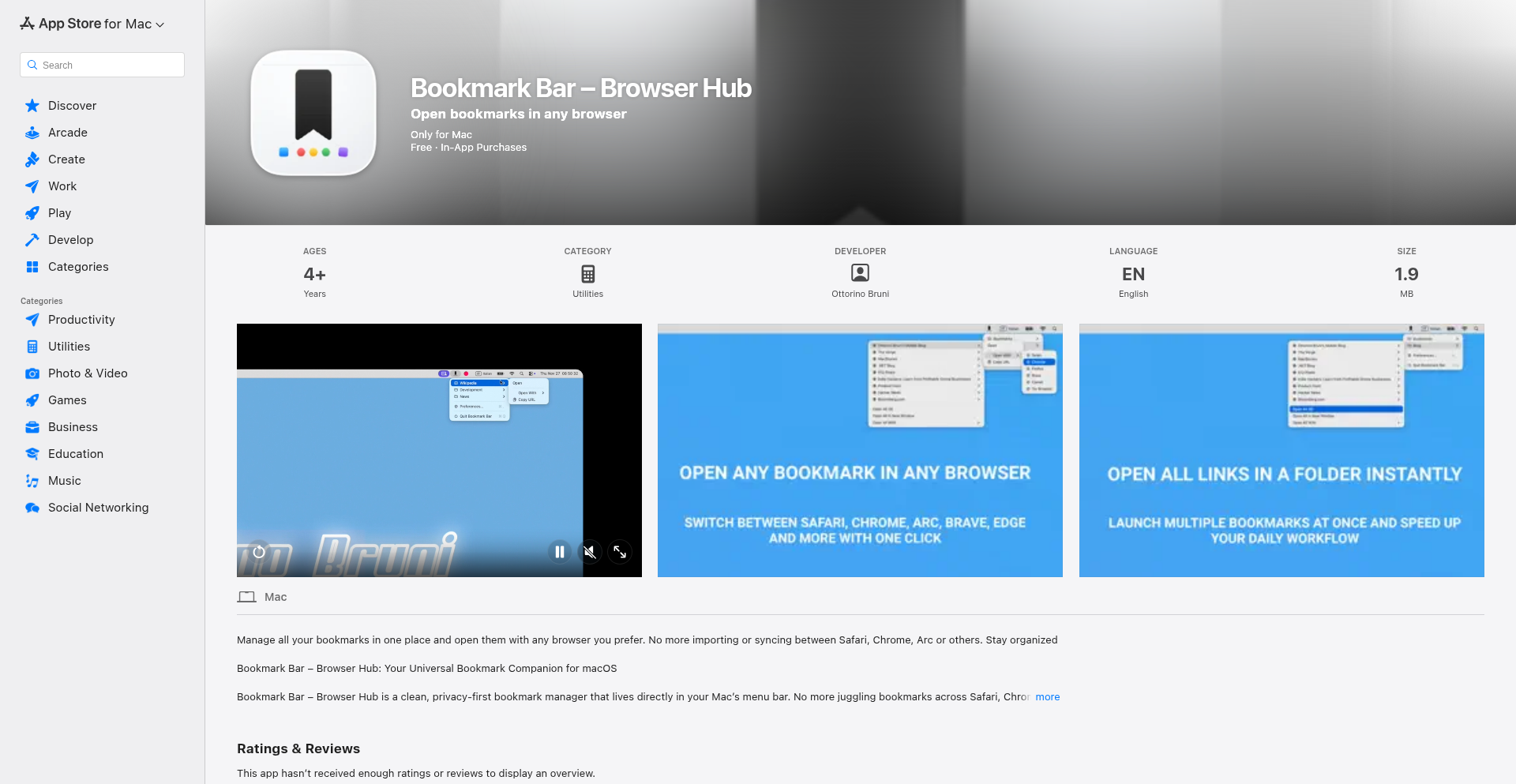
Author
8mobile
Description
This project is a macOS menu bar utility designed to solve the frustration of bookmark fragmentation across different web browsers. It provides a centralized, easily accessible layer for all your bookmarks, allowing you to open any saved link in any browser you have installed. The core innovation lies in its ability to abstract bookmarks away from individual browser silos, offering a unified bookmark experience for developers who frequently switch browsers for testing, debugging, or workflow isolation.
Popularity
Points 1
Comments 0
What is this product?
CrossBrowser Bookmark Hub is a macOS application that lives in your menu bar, offering a unified way to manage and access your bookmarks regardless of which web browser you are currently using. Traditionally, bookmarks are locked within each browser (like Safari, Chrome, Firefox, etc.), leading to duplication, lost organization, and cumbersome syncing. This app creates a single point of access for all your important links. It's built using SwiftUI and SwiftData, leveraging macOS system APIs to open URLs directly in your chosen browser. The key technical insight is to use a menu bar application as a browser-agnostic layer, bypassing the complexities and unreliability of cross-browser bookmark syncing. It stores all your bookmark data locally, ensuring privacy and eliminating the need for cloud accounts or network connectivity. So, what's the value? It means you stop wasting time juggling browser tabs, searching for duplicated bookmarks, or dealing with broken syncs. You have quick access to everything you need, no matter your current browser.
How to use it?
Developers can use CrossBrowser Bookmark Hub by installing the application on their macOS device. Once installed, a small icon will appear in the menu bar. Clicking this icon reveals a dropdown menu showcasing all your saved bookmarks, organized perhaps by folders. You can then select a bookmark, and the application will intelligently open that URL in your preferred or currently active browser. It's designed for seamless integration into a multi-browser workflow. For instance, if you're testing a website in Chrome and need to quickly access a reference link that you normally keep in Safari's bookmarks, you can simply open the Hub, find the link, and open it directly in Safari without switching applications or manually copying URLs. This makes it incredibly useful for debugging, cross-browser testing, and maintaining focused workflows. The integration is straightforward: install, add bookmarks through the app's interface, and start accessing them universally.
Product Core Function
· Centralized bookmark management: Allows users to consolidate bookmarks from multiple browsers into a single, accessible interface, reducing cognitive load and preventing duplication. The value is having all your essential links in one place, easily searchable and sortable.
· Cross-browser URL launching: Enables opening any bookmark in any installed web browser, abstracting away the browser-specific bookmark systems. This is valuable for developers needing to test or view links in specific browser environments quickly.
· Local data storage: Ensures all bookmark data is kept on the user's device, enhancing privacy and security by not relying on cloud services. The value is peace of mind knowing your browsing data is private and not exposed online.
· macOS menu bar integration: Provides quick and unobtrusive access to bookmarks without needing to open a full browser window, streamlining workflows and saving time. The value is instant access to your links from anywhere on your Mac.
· SwiftUI and SwiftData implementation: Utilizes modern Apple development frameworks for a native, responsive, and efficient user experience. The value for developers is a well-built, performant application that feels at home on macOS.
Product Usage Case
· A web developer testing a new feature across Safari, Chrome, and Firefox can use Bookmark Hub to quickly open the same test URL in each browser from a single, unified list, saving significant time compared to manually copying and pasting URLs or managing separate bookmark collections.
· A QA engineer who needs to isolate workflows by using different browsers for different tasks (e.g., Chrome for development, Brave for privacy-sensitive testing) can store all relevant testing links in Bookmark Hub and open them directly in the appropriate browser with a single click, ensuring consistency and efficiency in their testing setup.
· A user who frequently encounters useful articles or resources while browsing in one browser but wants to save them for later viewing in another (e.g., saving an article in Chrome to read later in Arc) can add it to Bookmark Hub and then open it in their desired reading browser without the hassle of browser syncing or manual import/export processes.
· Someone who has experienced data loss due to browser syncing issues or wants to avoid cloud-based bookmark solutions can rely on Bookmark Hub's local storage to keep their bookmarks safe and accessible, offering a more reliable and private alternative.
63
StartupTycoonGame
Author
sauravt
Description
This project is a gamified simulation of building and managing a startup, focusing on the realities of traffic, funding, and the entrepreneurial journey. It offers a unique perspective on business strategy by translating complex startup dynamics into an interactive game, showcasing innovative use of simulation modeling and potentially data visualization to represent key performance indicators.
Popularity
Points 1
Comments 0
What is this product?
This project is a simulation game designed to model the lifecycle of a startup. It uses game mechanics to represent real-world challenges faced by entrepreneurs, such as attracting users (traffic), securing investment (funding rounds), and the day-to-day operational grind (chai). The innovation lies in its approach to abstracting complex business processes into relatable game loops, providing an educational and entertaining way to understand startup economics and strategy.
How to use it?
Developers can use this project as a learning tool to understand startup dynamics without real-world risk. It can be integrated into educational platforms or used as a basis for further game development. For those interested in entrepreneurship, it offers a sandbox to experiment with different strategies and see their potential outcomes, making the abstract concepts of business strategy tangible and actionable.
Product Core Function
· User acquisition simulation: Replicates how startups gain users through marketing and product development, demonstrating the impact of different strategies on growth. This is valuable for understanding customer acquisition costs and growth hacking techniques.
· Funding round mechanics: Simulates the process of seeking and securing venture capital, illustrating the challenges and rewards of fundraising. This helps users grasp the financial aspects of scaling a business.
· Resource management: Allows players to allocate limited resources like time and money to various operational tasks, highlighting the importance of efficient allocation in a lean startup environment. This teaches practical project management and prioritization skills.
· Market dynamics representation: Introduces external factors like competition and market trends that influence startup success. This provides insight into strategic decision-making in dynamic environments.
· Player-driven narrative: The game adapts based on player choices, creating a unique story for each startup. This showcases interactive storytelling and the consequences of entrepreneurial decisions.
Product Usage Case
· Educational institutions can use StartupTycoonGame to teach business and entrepreneurship students about the realities of running a startup in an engaging way. It allows students to experiment with different business models and funding strategies in a risk-free environment.
· Aspiring entrepreneurs can use this game to test hypothetical business ideas and strategies before committing significant real-world resources. They can learn about cash flow management, marketing effectiveness, and investor relations through gameplay.
· Tech enthusiasts can explore the underlying simulation logic to understand how complex systems like startup ecosystems can be modeled. This could inspire further development in simulation software or data-driven business analytics tools.
· Game developers can analyze the mechanics for inspiration on how to gamify complex real-world processes, potentially leading to more educational and engaging simulation games in other domains.
64
PseudoRun - AI-Powered Interactive Pseudocode Playground

Author
crypt0phage
Description
PseudoRun is an interactive pseudocode runner designed to simplify learning and experimentation with programming logic. It solves the common frustrations of educational tools by offering a clean, ad-free environment where users can write pseudocode and see its execution results instantly. The core innovation lies in its custom pseudocode interpreter built with the help of AI, allowing for immediate feedback on logic and syntax, making it an effective tool for both beginners and experienced developers looking to quickly prototype ideas.
Popularity
Points 1
Comments 0
What is this product?
PseudoRun is a web-based tool that allows you to write and execute pseudocode in real-time. Pseudocode is a way to describe programming logic in plain English, making it easier to understand before writing actual code. The innovation here is how it was built: the developer used AI to help create a custom interpreter that understands a specific pseudocode syntax they designed. This means you get a highly responsive and error-free experience, without the distractions of ads or complex setup, enabling you to focus purely on the logic you are building. So, this helps you understand programming concepts faster and more intuitively, even if you're new to coding, by providing immediate visual feedback on your logical steps.
How to use it?
Developers can use PseudoRun by navigating to the project's web interface. You simply type your pseudocode into the provided text area, for example, a loop like 'FOR i = 1 TO 5 PRINT i'. As you type, PseudoRun's custom interpreter, powered by AI, will process your pseudocode. If there are any syntax errors or logic flaws, you'll see an immediate error message. If the pseudocode is correct, you'll see the output of your code in a designated results area. This is perfect for quickly sketching out algorithms, explaining concepts to others, or even testing out small logical pieces before committing them to a specific programming language. You can integrate this by using it as a teaching aid in courses or as a quick prototyping tool for personal projects, helping to bridge the gap between ideas and actual code.
Product Core Function
· Live pseudocode execution: Type pseudocode and see immediate results, allowing you to understand how your logic flows in real-time. This is valuable because it helps you debug your thinking process instantly, making learning more efficient.
· Custom pseudocode interpreter: A unique engine built by the developer understands a specific pseudocode syntax, ensuring consistency and reliability. This means you get a predictable and accurate execution of your logic, removing the ambiguity found in more generic tools.
· Distraction-free environment: No ads or unnecessary clutter, providing a clean canvas for focused learning and experimentation. This is useful because it minimizes cognitive load, allowing you to concentrate solely on grasping programming concepts.
· Instant feedback on errors: Mistakes in syntax or logic are highlighted immediately, guiding you towards correction. This is crucial for beginners as it provides immediate learning opportunities, helping to build good coding habits from the start.
Product Usage Case
· Teaching introductory programming concepts: An educator can use PseudoRun to demonstrate concepts like loops, conditionals, and variables to students without them needing to install complex development environments. This helps students grasp fundamental logic before diving into syntax.
· Rapid algorithm prototyping: A developer can quickly sketch out a potential algorithm or data structure logic in pseudocode to verify its feasibility before writing it in Python, JavaScript, or another language. This saves time by identifying potential issues early in the design phase.
· Explaining complex logic to non-technical stakeholders: You can use PseudoRun to visually explain the step-by-step logic of a feature or process to colleagues who may not have a technical background. This improves communication and understanding across teams.
· Personal learning and skill refinement: An individual can use PseudoRun to practice their problem-solving skills by tackling logic puzzles or re-implementing common algorithms in pseudocode to reinforce their understanding of computational thinking.
65
BrowserDNSLeakGuard

Author
myip_casa
Description
A lightweight, ad-free, and privacy-focused web tool that runs entirely in your browser to quickly test for DNS leaks. It helps users, especially VPN and privacy-conscious individuals, verify that their DNS requests are not inadvertently revealing their real IP address or location, ensuring a more secure and private online experience.
Popularity
Points 1
Comments 0
What is this product?
BrowserDNSLeakGuard is a simple yet powerful web application designed to detect if your Domain Name System (DNS) requests are leaking information outside your intended network setup, such as a Virtual Private Network (VPN) or a secure proxy. It works by sending DNS queries from your browser and analyzing the responses to see if they originate from your actual Internet Service Provider (ISP) or reveal your true location, rather than from your VPN's servers. The innovation lies in its 100% browser-based execution, meaning no software installation is needed, and it avoids intrusive ads, pop-ups, or user tracking, making DNS leak testing fast, accessible, and understandable for everyone.
How to use it?
Developers and users can access BrowserDNSLeakGuard directly through their web browser by visiting the provided URL (https://myip.casa/dns-leak-test). No downloads or complex configurations are necessary. Simply navigate to the page, and the tool will automatically begin testing your DNS setup. It's ideal for scenarios where you've just connected to a VPN or proxy and want immediate confirmation of its effectiveness, or when troubleshooting network privacy concerns. For developers, it serves as a readily available tool to quickly integrate into their own privacy checks or to demonstrate the importance of secure DNS practices to their users.
Product Core Function
· DNS Resolver Detection: Identifies the specific DNS servers your system is currently using, providing technical insight into your network's resolution path. This is valuable for understanding how your requests are being processed and if they align with your security expectations.
· Real Location/ISP Exposure Check: Analyzes DNS query results to determine if your actual geographic location or Internet Service Provider (ISP) is being inadvertently exposed, which is critical for maintaining privacy while using VPNs or proxies.
· VPN/Proxy Compatibility: Engineered to function correctly regardless of the specific VPN or proxy service you are using, ensuring a universal testing solution for various privacy setups.
· 100% Browser-Based Operation: Eliminates the need for any local software installation, making it instantly accessible from any internet-connected device with a modern web browser. This offers immediate utility and zero friction for users.
· Lightweight and Fast Performance: Built with minimal code and no external libraries, ensuring rapid loading times and efficient execution. This provides a quick and seamless user experience, allowing for rapid testing and verification.
Product Usage Case
· A VPN user connects to a server in another country but wants to ensure their DNS requests aren't showing their real IP address. Running BrowserDNSLeakGuard confirms that DNS queries are coming from the VPN's servers, not their ISP, thus protecting their anonymity. This helps users trust their VPN's effectiveness.
· A privacy-conscious individual setting up a new secure network configuration wants to verify that all their internet traffic, including DNS, is routed through their intended private channels. BrowserDNSLeakGuard provides a quick, browser-based check to confirm no DNS leaks are occurring, ensuring their privacy setup is robust.
· A developer building a privacy-focused application or a VPN client needs a simple, reliable way to test DNS leak protection. They can use BrowserDNSLeakGuard as a reference tool or even integrate similar logic into their own testing suites, providing a clear, understandable method for validation.
· Someone troubleshooting network issues or experiencing unexpected behavior online can use this tool as a diagnostic step to rule out DNS leaks as a potential cause, offering a quick and easy way to identify potential privacy vulnerabilities in their network setup.
66
Donut Chess AI

Author
mannymakes
Description
This project presents a functional implementation of chess played on a torus (donut shape), enhanced with AI capabilities. It tackles the unconventional geometry of a toroidal board, transforming standard chess rules to accommodate the wrap-around nature of the board, and provides an AI opponent for engaging gameplay. The innovation lies in re-imagining a classic game within a non-Euclidean geometry, demonstrating a creative application of game theory and AI in a novel context.
Popularity
Points 1
Comments 0
What is this product?
This is an experimental chess game played on a torus, which is like a donut shape. Imagine the chess board wrapping around so that the right edge connects to the left edge, and the top edge connects to the bottom edge. This changes how pieces move and interact. The project also includes an AI player that can compete against you. The core innovation is adapting the complex rules and strategies of chess to this unusual, continuous surface, and then building an intelligent opponent for it. So, what's the use for you? It offers a unique challenge for chess enthusiasts, pushing the boundaries of traditional gameplay and AI, and provides a fascinating case study in computational geometry applied to games.
How to use it?
Developers can experience the Donut Chess game by visiting mchess.io/donut. The website allows players to set up games, including challenging the built-in AI or even playing against other people online. For developers interested in the underlying technology, the project serves as a demonstration of how to implement custom game logic for non-standard board topologies and integrate AI agents. It can be a valuable resource for learning about game development on unconventional grids and exploring AI strategies. So, what's the use for you? You can immediately play a novel chess variant, and if you're a developer, you can learn from its implementation for your own game projects or AI research.
Product Core Function
· Torus-based Chess Engine: Implements the rules of chess adapted for a toroidal board. This involves re-calculating valid moves for all pieces, considering the wrap-around effect of the board. The value here is demonstrating a robust game engine capable of handling non-standard board geometries, applicable to other board games or simulations. The application scenario is playing a unique chess variant.
· AI Opponent Integration: Provides an AI that can play chess on the donut board. This showcases the integration of AI decision-making within the custom game environment. The value is offering a challenging and engaging opponent, and for developers, it's a practical example of applying AI to custom game logic. The application scenario is playing against a computer opponent in this novel chess game.
· Online Multiplayer Functionality: Enables two human players to compete against each other over the internet. This demonstrates networking capabilities for real-time multiplayer games. The value is facilitating social interaction and competition within the game. The application scenario is playing chess against friends or other players online.
Product Usage Case
· Playing chess with altered strategic considerations due to the toroidal board, where pawns might appear on the opposite side of the board, or a queen's attack can span across the entire board in a straight line. This addresses the problem of how to create engaging gameplay on a continuous surface and offers a new strategic depth for chess players. So, what's the use for you? You get to experience a chess game with entirely new tactical possibilities.
· Developing a personalized AI opponent for custom board games or puzzle applications by studying the AI's implementation on the donut board. This demonstrates how to adapt AI algorithms like minimax or Monte Carlo Tree Search to non-standard game states. So, what's the use for you? It provides insights into building AI for unconventional gaming environments, potentially for your own creative projects.
· Creating a framework for experimenting with other games on toroidal or similarly wrapped-around grids, such as Go or even custom abstract strategy games. This project showcases the foundational logic for handling such unconventional game spaces. So, what's the use for you? It offers a reusable technical blueprint for designing and implementing games on unusual geometric structures.
67
LLM Thermal Governor

Author
nate_rw
Description
This project is a proof-of-concept that demonstrates how to push local Large Language Models (LLMs) to their maximum processing speed without causing them to overheat and throttle. It focuses on intelligently managing CPU and GPU utilization to achieve peak performance while maintaining stable operating temperatures. This offers a way for developers to get more out of their local hardware for LLM inference.
Popularity
Points 1
Comments 0
What is this product?
LLM Thermal Governor is a system designed to fine-tune the performance of Large Language Models running on local machines. It achieves this by dynamically adjusting the workload allocated to the CPU and GPU. When the system detects that temperatures are rising to a critical level, it intelligently reduces the processing demands, preventing thermal throttling. Conversely, when temperatures are stable, it allows the LLM to run at its highest possible speed. The core innovation lies in its predictive and adaptive control mechanism, which balances raw computational power with hardware longevity. So, what's in it for you? It means you can run complex AI models faster on your own computer, getting quicker results without the risk of damaging your hardware.
How to use it?
Developers can integrate this project by running it as a background service that monitors hardware temperatures and LLM inference activity. It can be configured to work with various local LLM inference engines (like llama.cpp, MLC LLM, etc.). The system would typically hook into the LLM execution process, monitoring performance metrics and temperature readings. When a new inference task starts, the governor assesses current hardware conditions and determines an optimal load distribution. For instance, if you're running a chat application powered by a local LLM, this governor ensures a smooth and consistently fast response rate, even during extended conversations, by preventing performance dips caused by overheating. So, how can you use it? You'd set it up alongside your LLM application to guarantee a smoother, faster AI experience.
Product Core Function
· Dynamic Thermal Monitoring: Continuously measures CPU and GPU temperatures to preemptively identify potential overheating issues. This provides real-time insights into hardware stress, allowing for timely adjustments. The value here is preventing hardware damage and performance degradation. It's useful for any intensive task where overheating is a concern.
· Adaptive Load Balancing: Intelligently distributes LLM processing tasks between CPU and GPU based on real-time thermal data and performance targets. This ensures that the system utilizes hardware resources most efficiently without exceeding safe operating limits. The value is maximizing computational throughput while maintaining stability. This is great for demanding AI workloads on consumer-grade hardware.
· Predictive Throttling Prevention: Implements algorithms to anticipate thermal spikes and proactively reduce load *before* thermal throttling occurs. This maintains a higher average performance level compared to reactive cooling methods. The value is a more consistent and higher overall speed for your LLM. This is crucial for applications requiring low latency.
· Performance Optimization Profiles: Allows users to define custom performance profiles, balancing speed with energy consumption or noise levels. This offers flexibility to tailor LLM performance to specific user needs and hardware configurations. The value is personalized control over your AI's performance. This is beneficial for users with diverse hardware setups or specific operational requirements.
Product Usage Case
· Scenario: A researcher running computationally intensive LLM fine-tuning on their personal workstation. Problem: The fine-tuning process frequently causes the GPU to overheat, leading to frequent interruptions and significantly extended training times. Solution: Deploying LLM Thermal Governor allows the fine-tuning to run at a consistently higher speed for longer durations, reducing overall training time by an estimated 20% and preventing hardware stress. This means faster research cycles and less worry about damaging your expensive hardware.
· Scenario: A game developer experimenting with real-time AI-driven NPC behavior in their game engine. Problem: The AI logic, powered by a local LLM, causes frame rate drops and stuttering when the CPU and GPU are under heavy load. Solution: LLM Thermal Governor optimizes the LLM's resource allocation, ensuring smoother NPC interactions and a more stable frame rate. This leads to a better player experience by avoiding jarring performance issues. This translates to a more polished and enjoyable game.
· Scenario: A hobbyist running a local AI assistant that frequently processes voice commands and generates text responses. Problem: The assistant sometimes becomes sluggish and unresponsive during periods of high usage, likely due to thermal throttling. Solution: Implementing LLM Thermal Governor ensures that the AI assistant remains responsive and quick, even when handling multiple requests simultaneously, providing a seamless user experience. This means your AI assistant is always ready and fast, no matter how much you use it.
68
WebFlow Navigator

Author
NickeaTea
Description
WebFlow Navigator is a Chrome extension designed to streamline routine web browsing. It allows users to organize frequently visited websites into custom lists and systematically cycle through them, remembering progress. This solves the problem of manually navigating and tracking visited pages, enhancing browsing efficiency for tasks like checking news, dashboards, or webcomics.
Popularity
Points 1
Comments 0
What is this product?
WebFlow Navigator is a Chrome browser extension that acts as an intelligent web page cycler. At its core, it leverages the browser's extension API to manage lists of URLs provided by the user. When activated, it opens these URLs sequentially in new tabs, allowing the user to progress through their predefined browsing workflow. A key innovation is its state persistence; it remembers which pages in a list have been viewed and where the user left off, so they don't have to restart their browsing session if interrupted. This is built on a simple yet effective client-side logic, making it fast and privacy-friendly as data stays within the browser.
How to use it?
Developers can install WebFlow Navigator directly from the Chrome Web Store. Once installed, they can access its interface via the extension icon. To use it, they create a 'list' by entering a name for the browsing sequence (e.g., 'Daily Dashboard Check') and then add the URLs they want to visit in order. When ready, they activate the list, and the extension will open each URL in a new tab. Developers can integrate this into their workflow for tasks like monitoring multiple dashboards, quickly reviewing project status pages, or systematically consuming content from various news feeds, significantly reducing manual clicking and tab management.
Product Core Function
· URL list management: Organize a set of websites into named lists for structured browsing, allowing users to group related sites for specific tasks and thus saving time searching for bookmarks.
· Sequential tab opening: Automatically open all URLs within a selected list in new browser tabs, providing a hands-free way to navigate through a predefined set of web pages and ensuring a systematic review.
· Progress tracking: Remembers which websites have been visited within a list and where the user stopped, enabling users to resume their browsing session later without re-checking already viewed pages, which is crucial for long browsing sessions.
· Customizable browsing flows: Allows users to define their own ordered lists of websites, catering to diverse individual or team workflows for daily checks, research, or content consumption, empowering personalized efficiency.
Product Usage Case
· For a developer monitoring multiple cloud dashboards, setting up a 'Monitoring' list with the URLs of AWS, GCP, Azure, and Datadog consoles allows for a single click to open all and a systematic review of system health.
· A content creator managing social media can create a 'Social Media Check' list containing links to Twitter, Reddit, and Facebook, enabling a quick and organized daily content review and engagement session.
· A researcher needing to check various academic journals or news feeds can compile a 'Research Update' list, ensuring no new articles are missed by systematically cycling through the pages.
· For a QA tester performing routine checks on staging environments, a list of application URLs can be created, allowing for rapid and consistent testing across different features or modules.
69
ChangelogFlow

Author
rokbenko
Description
ChangelogFlow is an MVP SDK changelog tracker that automates daily updates. It addresses the challenge of staying current with software development kit (SDK) changes, providing developers with a simple way to monitor and be notified of updates, thereby saving time and reducing the risk of using outdated or incompatible versions. The core innovation lies in its automated daily update mechanism for changelogs.
Popularity
Points 1
Comments 0
What is this product?
ChangelogFlow is a project that aims to automatically track SDK changelogs. The core technical idea is to periodically fetch changelog information from various SDK sources and present it in a digestible format. It leverages web scraping or API integrations to gather this data. The innovation here is in the automation; instead of manually checking each SDK's release notes daily, ChangelogFlow does the heavy lifting, offering a streamlined and efficient way for developers to keep track of what's new in the tools they rely on.
How to use it?
Developers can integrate ChangelogFlow into their workflow to monitor specific SDKs they are using. This could involve subscribing to notifications for particular libraries or frameworks. Technically, it might offer an API for integration into CI/CD pipelines, a dashboard for manual review, or email/Slack notifications. The goal is to provide timely alerts about SDK updates so developers can plan their integration or migration efforts effectively, ensuring their projects remain up-to-date and secure.
Product Core Function
· Automated Changelog Fetching: This function's technical value is in its ability to repeatedly gather the latest changelog data from multiple SDK sources, saving developers significant manual effort and ensuring they always have the most current information. This is useful for anyone managing multiple dependencies in their projects.
· Daily Update Notifications: The value here is in providing proactive alerts about new SDK releases or changes. Technically, this could be implemented via email, Slack integrations, or a dedicated dashboard. This helps developers quickly identify relevant updates without constant manual checking, improving project maintenance efficiency.
· Markdown Rendering Improvements (Planned): While an MVP, planned improvements to rendering changelogs in Markdown mean that developers will receive clear, well-formatted release notes. This technical enhancement makes it easier to read and understand the changes, aiding in faster decision-making about updates.
Product Usage Case
· A backend developer working with several microservices, each relying on different SDKs for communication and data handling, can use ChangelogFlow to get daily notifications about updates to their core communication SDKs. This prevents them from accidentally introducing breaking changes into their services by using older, incompatible versions.
· A mobile app developer using various third-party SDKs for analytics, advertising, and UI components can leverage ChangelogFlow to monitor updates. This helps them stay informed about security patches or performance improvements in these crucial SDKs, ensuring their app remains stable and performant.
· A game developer integrating multiple game engine plugins and asset store SDKs can use ChangelogFlow to track changes. This allows them to quickly see if any plugin updates might affect their existing game logic or require re-testing, streamlining the development and update cycle.
70
TeslaWazeUI

Author
ryanvogel
Description
A community-driven, Next.js 16 powered web application that provides a more aesthetically pleasing and functional Waze-like navigation experience tailored for Tesla vehicles. It aggregates data from various sources to offer a superior navigation solution for long drives.
Popularity
Points 1
Comments 0
What is this product?
This project is a sophisticated web-based navigation interface, built using the modern Next.js 16 framework, designed to offer an enhanced Waze experience specifically for Tesla owners. Unlike the standard in-car navigation, TeslaWazeUI intelligently pulls data from multiple external sources, allowing it to provide richer, more up-to-date traffic information, road hazards, and route suggestions. The innovation lies in its ability to blend Waze's crowd-sourced intelligence with a more refined, Tesla-aligned user interface, making long drives more predictable and less stressful. So, what's in it for you? It means getting better driving directions and real-time updates that help you avoid traffic jams and arrive at your destination more efficiently.
How to use it?
TeslaWazeUI is designed to be accessed through a web browser on your Tesla's infotainment screen. Developers can integrate this experience by bookmarking the TeslaWazeUI URL within their Tesla's browser. For users, it's as simple as navigating to the provided web address. The application is built to run smoothly, even during extended journeys. So, how can you use it? Simply open your Tesla's web browser, navigate to the TeslaWazeUI URL, and you'll have access to a smarter navigation system for your drives.
Product Core Function
· Real-time Multi-Source Data Aggregation: Gathers and processes live data from diverse navigation and traffic APIs. Value: Provides a comprehensive and up-to-the-minute view of road conditions, enabling smarter route planning and avoidance of unexpected delays. Use Case: Crucial for drivers who need accurate, real-time information to navigate efficiently, especially during peak traffic hours or on unfamiliar routes.
· Enhanced UI/UX for Tesla: A meticulously crafted user interface that matches the aesthetic and functional expectations of Tesla vehicle owners. Value: Offers a more intuitive and visually appealing navigation experience compared to generic web interfaces or standard car navigation systems. Use Case: Improves driver focus and reduces cognitive load by presenting information clearly and attractively on the car's display.
· Optimized for Long Drives: The architecture and data handling are specifically engineered to perform reliably and efficiently over extended periods. Value: Ensures uninterrupted and accurate navigation even on lengthy road trips, preventing performance degradation or data loss. Use Case: Ideal for cross-country travel or long commutes where consistent and dependable navigation is paramount.
· Next.js 16 Framework: Leverages the latest features of Next.js for a performant and modern web application. Value: Guarantees a fast, responsive, and SEO-friendly user experience, benefiting from the robust features of a cutting-edge JavaScript framework. Use Case: Developers looking to build performant web applications can draw inspiration from its modern architecture and efficient rendering strategies.
Product Usage Case
· Planning a long road trip: A Tesla owner planning a cross-country drive can use TeslaWazeUI to get a highly reliable navigation system that continuously updates with traffic and hazard information, ensuring a smoother journey and helping to avoid costly delays. This directly addresses the need for dependable navigation over extended distances.
· Navigating through complex city traffic: Drivers frequently encountering heavy urban traffic can benefit from TeslaWazeUI's aggregated data to find the fastest routes, even when standard GPS might lag behind real-time conditions. This solves the problem of getting stuck in unexpected traffic jams by providing more proactive route adjustments.
· Developers seeking inspiration for a better car UI: A developer interested in creating user-friendly interfaces for automotive applications can study TeslaWazeUI's design principles and data integration techniques to understand how to build more engaging and functional in-car experiences. This provides a practical example of how to solve the challenge of creating effective automotive interfaces.
71
PHPEnvSwitcher
Author
sewyed
Description
A macOS-native command-line utility that simplifies managing and switching between multiple PHP versions. It automates the complex process of updating your system's PATH variable, ensuring that the correct PHP interpreter is always active, and seamlessly integrates with popular local development environments like Laravel Valet. This solves the common frustration of manually reconfiguring your environment every time you need to work with a different PHP version.
Popularity
Points 1
Comments 0
What is this product?
PHPEnvSwitcher is a tool designed for macOS developers who frequently juggle different PHP versions for various projects. Instead of manually editing environment variables or running complex commands, this tool provides a straightforward way to select and activate a specific PHP version with a single command. Its innovation lies in its safe PATH updating mechanism, ensuring your system's configuration remains stable, and its out-of-the-box compatibility with Valet, a common tool for local Laravel development. This means you can switch PHP versions without breaking your local web server setup.
How to use it?
Developers on macOS can install PHPEnvSwitcher via common package managers (like Homebrew, though the specific installation method would depend on the project's setup). Once installed, they can use simple commands like `phpswitcher use 7.4` to activate PHP version 7.4, or `phpswitcher list` to see all installed and available versions. It's designed to be a quick, one-liner solution that instantly updates your shell's active PHP version. For integration with Valet, it intelligently detects and adjusts configurations, so if you switch to PHP 8.1, your Valet-powered sites will automatically start using PHP 8.1.
Product Core Function
· Automated PHP Version Switching: Allows developers to instantly switch their active PHP version with a single command, saving time and reducing manual errors. This is useful when different projects require different PHP versions for compatibility.
· Safe PATH Variable Management: Intelligently updates the system's PATH variable without risking broken configurations. This ensures that when you type `php -v`, you get the expected output for the selected version, and your system remains stable.
· Seamless Valet Integration: Works harmoniously with Laravel Valet, a local development tool. This means you don't need to reconfigure Valet after switching PHP versions, ensuring your local development environment stays operational.
· Version Listing and Discovery: Provides a command to list all installed PHP versions, helping developers keep track of their available environments. This is valuable for auditing and understanding the current setup.
Product Usage Case
· Scenario: A developer is working on an older project that requires PHP 7.4 and a new project that needs PHP 8.2. Instead of spending 10 minutes manually updating the PATH or reconfiguring a local server, they can use `phpswitcher use 7.4` for the old project and `phpswitcher use 8.2` for the new one, with the switch taking seconds. This directly addresses the pain of context switching in development.
· Scenario: A developer is experiencing unexpected behavior with a PHP library on a specific version. They can quickly switch to a different version using PHPEnvSwitcher to test if the issue is version-specific, streamlining the debugging process. This allows for rapid iteration during troubleshooting.
· Scenario: A team collaborates on a project that has strict PHP version requirements. PHPEnvSwitcher ensures that every developer on the team can easily set up and maintain the correct PHP environment on their macOS machines, promoting consistency and reducing 'it works on my machine' issues.
72
OpenForge: Neuro-Symbolic Hardware Synthesizer
Author
knightbat2004
Description
OpenForge is an experimental manufacturing engine that leverages the advanced reasoning capabilities of Gemini 3.0 to transform user intent into flight-ready hardware designs and physics-based simulations. It tackles the critical problem of translating abstract ideas into tangible, validated engineering solutions, drastically reducing development time by combining AI's semantic understanding with deterministic engineering principles.
Popularity
Points 1
Comments 0
What is this product?
OpenForge is a novel system that bridges the gap between a user's high-level idea for a piece of hardware, like a drone for a specific task, and a fully designed, simulated, and validated physical product. Its core innovation lies in its 'neuro-symbolic' architecture. Think of it like having a junior engineer (the AI, Gemini 3.0) who understands the 'what' and 'why' of your request, coupled with a seasoned, rule-following senior engineer (Python scripts and simulation tools) who ensures everything is physically possible and mathematically sound. The AI handles understanding vague requests and selecting potential parts, while the Python layer rigorously checks for compatibility, physical constraints, and performance, preventing common engineering errors. This hybrid approach significantly reduces the risk of 'hallucinations' – where an AI might suggest impossible or flawed designs – in critical hardware development.
How to use it?
Developers can integrate OpenForge into their workflow to rapidly prototype and validate hardware concepts. You start by providing a natural language description of your desired hardware, such as 'design a small, agile drone for aerial photography in tight urban spaces.' OpenForge's AI component then interprets this, identifies necessary functionalities, and searches for compatible off-the-shelf components (motors, flight controllers, frames). This is followed by a deterministic validation phase where Python scripts check for electrical compatibility (e.g., ensuring power requirements match), physical fit (preventing parts from crashing into each other), and aerodynamic stability. The final output includes a Bill of Materials, CAD models for 3D printing or manufacturing, and a physics-based simulation to test the design's performance under various conditions. This allows for rapid iteration and reduces the need for costly physical prototypes in the early stages.
Product Core Function
· Natural Language Intent Translation: Leverages AI to understand user requests expressed in plain English, converting them into actionable engineering specifications and component selection criteria. This is valuable for quickly defining project scope without getting bogged down in technical jargon initially.
· Automated Component Scraping and Database Creation: Scrapes e-commerce sites for real-world hardware components, reading specifications from datasheets (even images). This provides a dynamic and up-to-date catalog of available parts, enabling more realistic and cost-effective designs.
· Neuro-Symbolic Design Synthesis: Combines AI's semantic reasoning with deterministic symbolic logic. This ensures that designs are not only functional but also adhere to strict physics and engineering constraints, preventing impossible or dangerous designs and offering a high degree of reliability.
· Bill of Materials (BOM) Generation: Automatically creates a comprehensive list of all components required for the designed hardware, including quantities and potential suppliers. This streamlines the procurement process and provides clarity on project costs.
· Geometry and Physics-Based Simulation: Generates 3D models and runs simulations to test the physical integrity, collision detection, and flight performance of the designed hardware. This allows for early identification and correction of design flaws before any physical prototyping, saving time and resources.
· Deterministic Constraint Validation: Utilizes Python scripts and libraries like trimesh and rigid math to mathematically verify critical aspects such as thrust-to-weight ratios, voltage compatibility, and physical clearances. This acts as a crucial safety net against AI errors and ensures engineering soundness.
Product Usage Case
· Designing a custom drone for agricultural surveying: A user could specify 'a drone with extended flight time and high-resolution camera for inspecting large crop fields.' OpenForge would then identify suitable high-capacity batteries, efficient motors, and compatible camera modules, and simulate flight paths to ensure optimal coverage and endurance, solving the problem of manually selecting and integrating components for a specialized task.
· Prototyping a robotic arm for automated assembly: A developer might describe 'a lightweight, precise robotic arm capable of picking and placing small electronic components.' OpenForge would select appropriate servos, joint designs, and frame materials, then run simulations to verify reach, speed, and payload capacity, addressing the challenge of balancing performance with the cost and complexity of custom robotic hardware.
· Validating a new drone concept for emergency response: If the intent is 'a durable drone that can navigate complex urban environments and deliver small medical supplies,' OpenForge would generate a design focusing on robust frame construction and agile maneuverability, simulating its performance in simulated wind conditions and obstacle-rich scenarios. This helps in quickly assessing the feasibility of such a device before investing in expensive physical builds.
73
ChronicleTube

Author
zurbaran
Description
ChronicleTube is a vanilla JavaScript, single-page web application that provides a chronological YouTube channel player. It addresses the loss of chronological sorting on YouTube by allowing users to play videos from any channel from oldest to newest, or vice-versa. Key innovations include smart playback management like remembering your position per channel and skipping watched videos, a 'favourites' view, and an experimental 'Bingeworthy' ranking system based on aggregated watch time. The backend leverages Firebase for authentication, data storage, and server-side logic to minimize YouTube API calls, improving efficiency and user experience for those who prefer controlled content discovery over algorithmic recommendations.
Popularity
Points 1
Comments 0
What is this product?
ChronicleTube is a web application that lets you watch YouTube channels in the order you prefer, specifically chronologically from oldest to newest or newest to oldest. It solves the problem of YouTube's algorithm-driven recommendations by giving you, the user, full control. The innovation lies in its backend architecture which uses Firebase Cloud Functions and Firestore to cache channel data and manage playback progress. This means it makes fewer direct calls to the YouTube API, making it faster and more reliable. It also keeps track of which videos you've watched, so you can pick up where you left off or jump to the next unwatchd video seamlessly. It's built with plain HTML, CSS, and JavaScript, meaning it's lightweight and doesn't rely on heavy frameworks, making it accessible for many users.
How to use it?
Developers can use ChronicleTube by visiting the web application. You can log in using your Google account or email/password. Once logged in, you can search for any YouTube channel and add it to your viewing list. The application will automatically sort the videos chronologically. You can then start playing videos. The player remembers your progress for each channel, so if you stop watching a video, you can come back later and it will resume from where you left off or automatically play the next unwatchd video. For developers interested in integration, the frontend is built with vanilla JavaScript and uses the YouTube iframe API for playback. This means it could potentially be integrated into other web projects that need embedded YouTube playback with custom sorting and progress tracking. The backend relies on Firebase SDKs, which are well-documented and can be integrated into various applications.
Product Core Function
· Chronological Channel Playback: Allows users to watch YouTube videos from a channel in either oldest-to-newest or newest-to-oldest order, giving users control over content discovery instead of relying on algorithms. The value is providing a predictable and organized way to consume channel content.
· Playback Progress Memory: Remembers the user's watch progress for each individual channel and video, enabling seamless continuation of viewing. The value is saving users time and frustration by not having to re-watch already seen content.
· Automatic Watched Video Skipping: Automatically skips videos that have already been watched by the user, ensuring a smooth progression through the channel's backlog. The value is an uninterrupted viewing experience.
· Favourites View: Provides a dedicated section to bookmark and easily access frequently watched channels. The value is quick access to preferred content sources.
· Bingeworthy Ranking (Experimental): Ranks channels based on aggregated watch time and user count, offering a community-driven insight into popular content. The value is discovering trending or highly engaging channels based on collective user behavior.
Product Usage Case
· A user who discovers a documentary channel and wants to watch the entire series from the beginning in the original order. ChronicleTube allows them to set the channel to oldest-to-newest playback and ensures they don't miss any episodes, providing a complete viewing experience.
· A content creator who wants to review their own video backlog in chronological order to identify patterns or track their evolution. ChronicleTube can be used to easily navigate and analyze their past uploads.
· A researcher or student who needs to watch a series of lectures or tutorials from a specific instructor in the order they were presented to understand a complex topic progressively. ChronicleTube ensures the information is consumed in the intended learning sequence.
· A user who has a limited internet bandwidth and wants to efficiently watch all videos from a favorite creator without re-watching already seen content. ChronicleTube's automatic skipping of watched videos maximizes their viewing time and data usage.
74
Raytha-VisualCMS

Author
apexdodge
Description
Raytha v1.5 is an open-source .NET Content Management System (CMS) that introduces a visual drag-and-drop page builder. It addresses the common developer pain point of needing to dive into complex code for every small content change, by allowing themes and layouts to be modified directly through an intuitive interface. This significantly speeds up iteration and makes content management more accessible.
Popularity
Points 1
Comments 0
What is this product?
Raytha v1.5 is a .NET-based CMS that helps you manage your website's content and structure. The key innovation in v1.5 is its visual page builder. Instead of writing code to arrange elements on a page, you can now drag and drop pre-built widgets (like text boxes, images, or custom components) onto a canvas to design your pages. It builds upon a robust templating system (Liquid) and offers features like custom content types, role-based access control (RBAC), a headless REST API for data access, and support for various storage solutions (S3, Azure, local). Essentially, it's a developer-friendly CMS that also empowers non-developers to build and modify web pages visually, reducing the need for constant developer intervention for content updates.
How to use it?
Developers can deploy Raytha as a single Docker container, alongside a PostgreSQL database and an SMTP server for email functionality. For even faster setup, there's a one-click deployment option on platforms like Railway. Once deployed, developers can define custom content types and then leverage the visual page builder to design page layouts using these content types and pre-built widgets. Content editors can then use this visual interface to create and modify pages without touching any code. Integrations can be achieved through the headless REST API, allowing other applications to consume or update content managed by Raytha. This means you can build your backend content management system and then use its API to power your front-end application, or use the built-in theming for a complete solution.
Product Core Function
· Visual Page Builder: Enables drag-and-drop widget placement for intuitive page design and modification, reducing the need for code changes for content updates.
· Custom Content Types: Allows developers to define unique data structures for different types of content, providing flexibility in how information is organized and displayed.
· Liquid Templating System: Offers a powerful and familiar templating engine for creating dynamic web pages, ensuring control over presentation logic.
· Headless REST API: Provides programmatic access to content, enabling integration with other applications and front-end frameworks, allowing for modern decoupled architectures.
· Role-Based Access Control (RBAC): Manages user permissions to control who can access and modify different parts of the CMS, enhancing security and workflow.
· Revision History: Tracks changes made to content, allowing for easy rollback to previous versions, which is crucial for error recovery and auditability.
· Multiple Storage Support: Offers flexibility by supporting cloud storage (S3, Azure) and local storage, catering to diverse deployment needs and cost considerations.
Product Usage Case
· A marketing team needs to quickly update landing pages with new promotional content and imagery. Using Raytha's visual page builder, they can drag and drop new image widgets and text blocks without needing a developer, significantly speeding up campaign launches.
· A startup is building a new web application that requires a flexible content management backend. They can use Raytha's headless REST API to fetch and display blog posts, product descriptions, or user-generated content within their custom-built front-end, allowing for rapid development of dynamic content features.
· A small business owner wants to manage their website's content without hiring a full-time developer. Raytha's visual interface allows them to add new services, update contact information, and even rearrange page sections easily, making website maintenance accessible and cost-effective.
· A development agency is working on a project that requires frequent content updates and theme adjustments. Raytha's approach of "deploy once, theme fast" allows them to iterate on the visual design and content structure quickly, delivering projects faster and with greater client satisfaction.
75
Crypto++ Modernized: BLAKE3 & Argon2 Powerhouse
Author
CoraleDev
Description
This project is a fork of the well-respected Crypto++ library, aiming to bring modern cryptographic algorithms like BLAKE3 and Argon2 to developers who are already familiar with Crypto++. It maintains a high degree of compatibility with existing Crypto++ code while updating the build system to modern standards (CMake) and ensuring a more active release cycle. The core innovation lies in its ability to provide cutting-edge security features without requiring a complete overhaul of existing projects that rely on Crypto++.
Popularity
Points 1
Comments 0
What is this product?
This is a modernized fork of the Crypto++ cryptographic library. Think of it as an upgrade that adds newer, more powerful tools to a trusted toolkit. Crypto++ is a C++ library that helps developers build secure applications by providing ready-to-use cryptographic functions. This fork takes the solid foundation of Crypto++ and injects support for BLAKE3 (a very fast and secure hashing algorithm) and Argon2 (a highly robust password hashing algorithm, recommended by security experts). The 'modernized' aspect also means its build system has been updated to use CMake, a popular tool for managing software compilation, making it easier to integrate into newer C++ projects. The goal is to provide these modern enhancements in a way that's mostly compatible with existing Crypto++ projects, minimizing the effort needed to upgrade.
How to use it?
Developers who are already using the Crypto++ library in their C++ projects can switch to Crypto++ Modernized with minimal effort. After integrating the new library into their build process (likely using CMake), they can start using the new BLAKE3 and Argon2 algorithms alongside the existing ones. For example, if you were previously using SHA-256 for hashing, you could now easily switch to BLAKE3 for faster performance or use Argon2 for more secure password storage. The project provides documentation with examples and migration notes to guide users through the process, ensuring that existing code can be updated smoothly to leverage these advanced security features.
Product Core Function
· BLAKE3 Hashing: Provides a fast and cryptographically secure hashing algorithm that's ideal for data integrity checks and digital signatures. This is useful for ensuring that data hasn't been tampered with and for verifying the authenticity of digital information.
· Argon2 Password Hashing: Implements Argon2, the winner of the Password Hashing Competition, which is designed to be highly resistant to brute-force attacks. This is critical for securing user passwords in applications, making it much harder for attackers to guess or crack them.
· Modern CMake Build System: Offers an updated and standardized build process using CMake. This makes it easier for developers to integrate the library into their projects, manage dependencies, and build on various operating systems, streamlining the development workflow.
· Compatibility with Existing Crypto++ Code: Designed to be a drop-in replacement for many existing Crypto++ uses. This means developers can upgrade to gain access to new algorithms without having to rewrite large portions of their existing secure code, saving significant development time and effort.
· Active Release Cycle and Maintenance: Ensures that the library is actively maintained and updated with new features and security patches. This provides developers with confidence that they are using a library that is kept current with the latest cryptographic best practices and security advancements.
Product Usage Case
· Securing user passwords in a web application: A developer can replace their current password hashing method (e.g., MD5 or SHA-1, which are now considered weak) with Argon2 from Crypto++ Modernized. This dramatically increases the security of user accounts against potential data breaches, protecting users from identity theft.
· Improving performance for file integrity checks: For applications that need to verify the integrity of large files quickly, such as software distribution platforms or cloud storage services, BLAKE3 offers a significant speed advantage over older hashing algorithms. Developers can integrate BLAKE3 to speed up these operations without compromising security.
· Modernizing an existing C++ security library: A company that has built its security infrastructure around an older version of Crypto++ can migrate to Crypto++ Modernized. This allows them to adopt newer cryptographic standards and benefit from an improved build system, future-proofing their applications and reducing technical debt.
· Developing new secure communication protocols: Researchers or developers creating new cryptographic protocols can leverage the modern primitives offered by Crypto++ Modernized, such as BLAKE3 for message authentication codes (MACs), enabling them to build more robust and efficient secure communication systems.
76
Rust Async Syncer

Author
tison
Description
This project introduces an asynchronous version for Rust's standard synchronization primitives like Mutex and RwLock, alongside other concurrent utilities. It aims to bring the benefits of asynchronous programming to shared state management in Rust, enabling more efficient and responsive concurrent applications without blocking threads.
Popularity
Points 1
Comments 0
What is this product?
This project provides asynchronous equivalents for Rust's traditional synchronous synchronization tools. Instead of a thread waiting idly for a lock to be released (blocking the thread), these async versions allow the thread to yield control back to the async runtime, enabling it to work on other tasks. This is achieved by leveraging Rust's `async`/`await` syntax and futures, allowing synchronization operations to be non-blocking and integrated seamlessly into async codebases. The core innovation lies in transforming blocking I/O and resource contention into cooperative yielding mechanisms within an async environment.
How to use it?
Developers can integrate this project into their Rust async applications by depending on the crate. Instead of using `std::sync::Mutex` or `std::sync::RwLock`, they would use the async counterparts provided by this library (e.g., `async_sync::Mutex`). This allows for acquiring locks without blocking the current task, making it ideal for scenarios with high concurrency and I/O-bound operations. It integrates directly with async runtimes like Tokio or async-std.
Product Core Function
· Async Mutex: Allows multiple asynchronous tasks to safely share mutable data. Instead of a task waiting and occupying a thread while holding a lock, it yields control, allowing other tasks to run, leading to better resource utilization and responsiveness.
· Async RwLock: Enables multiple readers or a single writer to access shared data asynchronously. This is crucial for performance in read-heavy scenarios where many tasks need access to data without blocking each other.
· Async Condition Variables: Provides a way for asynchronous tasks to wait for certain conditions to be met. Tasks can signal and wait for notifications without blocking threads, enhancing the efficiency of event-driven programming.
· Async Barrier: Allows a set of asynchronous tasks to wait for each other to reach a certain point in their execution. This synchronizes progress across multiple concurrent operations in a non-blocking manner.
Product Usage Case
· Building highly concurrent web servers: In a web server, many requests arrive simultaneously. Using async synchronization prevents each request handler from blocking a thread while waiting for resources, leading to a server that can handle more connections with fewer resources.
· Developing real-time data processing pipelines: When processing streams of data asynchronously, tasks might need to coordinate access to shared buffers or processing queues. Async synchronization ensures that tasks don't halt the entire pipeline while waiting for a lock.
· Creating responsive GUI applications: In desktop or web applications with a graphical user interface, blocking the main thread can cause the UI to freeze. Async synchronization allows background operations that require shared state to complete without impacting the responsiveness of the user interface.
· Implementing distributed systems with shared state: When multiple nodes or processes need to access and modify shared state in a distributed system asynchronously, this library provides the tools to do so efficiently and without introducing deadlocks or performance bottlenecks.
77
ScenarioFin

Author
drisw
Description
ScenarioFin is a novel financial planning tool that prioritizes actionable complexity and data sovereignty. Instead of abstract probability models like Monte Carlo simulations, it focuses on deterministic scenario modeling. This means you can explore specific, high-impact events and 'what-if' situations, like a market crash or sudden inflation surge, to build robust contingency plans and gain confidence in your financial future. Crucially, all your sensitive financial data stays entirely on your device, never leaving your browser, ensuring complete privacy and security.
Popularity
Points 1
Comments 0
What is this product?
ScenarioFin is a personal financial planning application that revolutionizes how you think about your future by focusing on concrete 'what-if' scenarios rather than abstract probabilities. Its core innovation lies in its deterministic engine. Instead of relying on complex statistical simulations that can feel detached from reality, ScenarioFin allows you to input specific potential future events, such as a significant market downturn or unexpected inflation, and see their precise impact on your financial plan. This approach makes financial planning more intuitive and actionable. Furthermore, it operates on a 'local-first' principle, meaning all your sensitive financial data is processed and stored entirely on your own computer, within your browser, ensuring maximum privacy and security. So, what does this mean for you? It means you can explore potential financial futures with confidence, knowing your personal information is safe and the insights you gain are directly tied to realistic possibilities, empowering you to make better, more informed decisions.
How to use it?
Developers can integrate ScenarioFin into their own applications or use it as a standalone tool for personal financial forecasting. The 'local-first' architecture means integration typically involves leveraging its client-side JavaScript engine. You can envision scenarios by defining specific event parameters and their timing within the application's interface. For instance, a developer building a personal finance dashboard could embed ScenarioFin to offer users a 'stress-test' feature for their investment portfolios. The user would input their current financial state and then define a catastrophic event, like a prolonged recession. ScenarioFin's engine would then calculate the downstream effects on their savings, retirement plans, and other financial goals. This provides a tangible understanding of risk and the importance of diversification and contingency planning. So, how can you use this? You can either use it directly to model your own financial future with realistic 'what-if' situations, or if you're a developer, you can integrate its powerful, privacy-focused scenario engine into your own projects to offer users unparalleled insights into financial resilience.
Product Core Function
· Deterministic Scenario Modeling: Allows users to define and simulate specific future events (e.g., market crash, job loss, inflation spike) to understand their precise financial impact. This provides actionable insights into potential risks and preparedness. So, what's in it for you? You can proactively identify vulnerabilities in your financial plan and create targeted strategies to mitigate them, leading to more secure financial outcomes.
· Actionable Complexity: Translates complex financial planning into understandable and actionable steps by focusing on concrete scenarios rather than abstract probabilities. This empowers users to make confident decisions based on realistic potential futures. So, what's in it for you? You get clarity and confidence in your financial choices, moving beyond guesswork to strategic planning.
· 100% Local-First Data Processing: All financial data is processed and stored entirely client-side within the user's browser, ensuring complete privacy and data sovereignty. This eliminates the risk of data breaches or unauthorized access. So, what's in it for you? Your most sensitive financial information remains yours alone, offering peace of mind and absolute control over your personal data.
· What-If Analysis Engine: Provides a robust engine for exploring various financial outcomes based on user-defined assumptions and events, fostering a proactive approach to financial management. So, what's in it for you? You can continuously adapt your financial plan as circumstances change, staying ahead of potential challenges and opportunities.
Product Usage Case
· A young professional uses ScenarioFin to model the impact of a prolonged job loss on their student loan payments and emergency fund, prompting them to build a more robust emergency savings buffer and prioritize debt repayment strategies. This helps them avoid financial distress during unexpected career breaks.
· A retiree uses ScenarioFin to simulate a scenario where market returns are significantly lower than expected for a decade, and inflation is higher. By seeing the direct impact on their retirement income, they adjust their investment allocation and spending strategy to ensure long-term financial security. This allows them to maintain their lifestyle with greater confidence.
· A freelance developer incorporates ScenarioFin's engine into their personal finance dashboard. Users can input their income, expenses, and savings goals, then use the tool to simulate the effects of fluctuating project income and unexpected business expenses, helping them manage cash flow more effectively. This provides freelancers with a powerful tool to navigate income volatility.
· An investor uses ScenarioFin to stress-test their portfolio against specific historical downturns (e.g., the 2008 financial crisis) with current market conditions and inflation rates factored in. This informs their risk tolerance and diversification strategy for future investments. This helps them make more informed investment decisions based on historical precedents and current realities.
78
ParallelCode Agents
Author
jaha25
Description
This project introduces a novel approach to software development by orchestrating multiple, specialized coding agents that work in parallel. The core innovation lies in breaking down complex coding tasks into smaller, manageable units, assigning each to an agent optimized for specific roles (e.g., frontend, backend, testing). This contrasts with single-agent systems, aiming to significantly accelerate development cycles and improve code quality through concurrent, focused effort. The value proposition is in tackling larger, more intricate projects with greater efficiency and robustness.
Popularity
Points 1
Comments 0
What is this product?
This project is a framework for building and managing a team of independent AI coding agents that collaborate to complete software development tasks. Instead of relying on a single AI to handle everything, it distributes responsibilities among multiple agents. Each agent can be fine-tuned for particular domains, such as generating UI components, writing API endpoints, or crafting comprehensive test suites. This parallel processing and specialization aim to overcome the limitations of single-agent AI, leading to faster iteration and more sophisticated problem-solving. The technical insight is that distributed intelligence, much like in human teams, can achieve more than individual efforts. So, what's in it for you? You get faster development and potentially higher quality code for your projects by leveraging a more efficient and specialized AI workforce.
How to use it?
Developers can integrate ParallelCode Agents into their existing development workflows. The framework allows for defining task pipelines where specific coding modules are assigned to different agents. For instance, a developer might configure the system to have one agent handle the backend API logic, another simultaneously build the frontend interface, and a third generate unit tests for both. Integration can occur via APIs, scripting, or even directly within IDE plugins. The system is designed to be modular, allowing developers to swap out or customize agent functionalities. This empowers you to automate complex development processes, freeing up your time for higher-level architectural decisions and creative problem-solving.
Product Core Function
· Task Decomposition and Distribution: The system intelligently breaks down a large coding request into smaller tasks and assigns them to the most suitable agent, maximizing efficiency. This means complex projects are handled systematically. Your benefit: Faster completion of large and intricate software modules.
· Specialized Agent Roles: Each agent is designed or configured for specific coding functions (e.g., frontend, backend, testing, documentation), enhancing expertise and output quality. This ensures that each part of your project is handled by an AI with relevant skills. Your benefit: Improved code quality and specialized expertise applied to each task.
· Parallel Execution and Coordination: Multiple agents work concurrently on their assigned tasks, significantly reducing overall development time. The framework manages their coordination to ensure seamless integration of their outputs. Your benefit: Dramatically shortened development cycles for your software.
· Configurable Agent Workflows: Developers can define custom sequences and dependencies for agent execution, tailoring the development process to specific project needs. This provides flexibility in how your AI team operates. Your benefit: Adaptable automation that fits your unique project requirements.
· Iterative Improvement Loop: The framework can facilitate feedback loops between agents, allowing for refinements and corrections based on the output of other agents, leading to more robust solutions. This self-correction mechanism improves final results. Your benefit: More reliable and polished final code through an automated review process.
Product Usage Case
· Building a full-stack web application: One agent might focus on database schema design and API endpoint creation, while another simultaneously develops the React frontend components, and a third writes integration tests. This parallel effort drastically cuts down the time to a working prototype. Your problem solved: Rapid development of complex web applications.
· Developing microservices architecture: Different agents can be assigned to build individual microservices, each handling its specific business logic and API contracts, with a central coordination agent ensuring compatibility and inter-service communication setup. Your problem solved: Efficient creation and management of distributed systems.
· Automating testing and QA for a large codebase: One agent could generate unit tests based on code changes, another might develop end-to-end test scenarios, and a third could analyze test results for trends and anomalies. Your problem solved: Enhanced code reliability and faster QA cycles.
· Rapid prototyping of AI-driven features: An agent could focus on data preprocessing and model training, while another builds the user-facing interface to interact with the AI model, enabling quick deployment and user feedback. Your problem solved: Accelerated innovation and feature deployment.
79
Budget Pro 3000: Retro Financial Navigator

Author
adrianvxyz
Description
Budget Pro 3000 is a re-imagining of a personal budgeting tool with a deliberate Web 1.0 aesthetic and user experience. It focuses on core financial tracking and planning, intentionally stripping away modern complexities to offer a focused and potentially less distracting approach to managing money. The innovation lies in its deliberate embrace of older web design principles and user interaction patterns, offering a unique perspective on digital productivity and financial self-management.
Popularity
Points 1
Comments 0
What is this product?
Budget Pro 3000 is a personal budgeting application designed with a retro, Web 1.0 look and feel. Instead of the sleek, feature-rich interfaces common today, it adopts a simpler, more direct style. Technically, it likely uses fundamental web technologies like HTML, CSS, and JavaScript to recreate this aesthetic. The innovation is in the conceptual design: by intentionally simplifying the user experience and visual presentation, it aims to reduce information overload and encourage a more mindful approach to budgeting, focusing on the essential task of tracking and planning finances. This is useful because it offers an alternative to overwhelming modern apps, potentially helping users concentrate on their financial goals.
How to use it?
Developers can use Budget Pro 3000 as a reference for building web applications with a distinct retro aesthetic. Its use case is for individuals who prefer a straightforward, uncluttered interface for managing their personal finances. Integration might involve embedding it into a personal website or using its underlying principles to build custom budgeting solutions. Its value for a developer is in understanding how to achieve a specific user experience through deliberate design choices, and for an end-user, it provides a simple, accessible way to get started with budgeting without the distraction of complex features. So, for you, it offers a unique way to manage money or learn about designing simpler web experiences.
Product Core Function
· Core Budget Tracking: Allows users to log income and expenses, categorizing transactions. This is valuable for understanding where money is going. The retro design makes this process less overwhelming. Use case: Daily expense logging.
· Financial Planning Features: Enables users to set financial goals and create budgets for different categories. This is crucial for long-term financial health. The simple interface ensures the planning process is clear and actionable. Use case: Monthly budget creation.
· Data Visualization (Retro Style): Presents financial data through basic charts and tables, reminiscent of early web graphics. This helps users quickly grasp their financial standing without complex dashboards. Use case: Reviewing monthly spending patterns.
· Offline or Local-First Capabilities (Potential): While not explicitly stated, a Web 1.0 ethos often implies simpler client-side processing or even offline functionality. This would be valuable for privacy and accessibility. Use case: Budgeting without constant internet access.
Product Usage Case
· A freelance developer who wants to manage project finances and personal expenses using a tool that doesn't pull them into a complex ecosystem of modern productivity apps. Budget Pro 3000's simplicity helps them focus on the numbers. It solves the problem of distraction by providing a dedicated, no-frills budgeting experience.
· A student who is new to managing their own money and finds modern finance apps intimidating. They can use Budget Pro 3000 to learn the basics of budgeting in an approachable and visually less demanding way. It solves the problem of initial learning curve and intimidation for beginners.
· A designer or developer interested in the aesthetic and functional principles of Web 1.0, using Budget Pro 3000 as a case study for how to create effective user experiences with limited technological constraints. It demonstrates how to achieve clarity and utility through restraint. It solves the problem of understanding historical web design paradigms by offering a working example.