Show HN Today: Discover the Latest Innovative Projects from the Developer Community
 ShowHN Today
- Continue with Google
Show HN Today: Top Developer Projects Showcase for 2025-11-27
SagaSu777 2025-11-28
Explore the hottest developer projects on Show HN for 2025-11-27. Dive into innovative tech, AI applications, and exciting new inventions!
Summary of Today’s Content
Trend Insights
Today's Show HN submissions highlight a potent surge in tools aimed at democratizing and enhancing the use of Large Language Models (LLMs) and AI agents. A significant trend is the focus on making AI more accessible and integrated into everyday developer workflows, whether through command-line utilities like Runprompt for prompt engineering, or sandboxing environments like ERA that provide crucial isolation for AI-generated code, addressing security concerns head-on. This is complemented by efforts to improve LLM memory and context management, such as Hiperyon, enabling more fluid cross-model interactions. For developers and entrepreneurs, this signifies a fertile ground for innovation in creating more intelligent, automated, and secure applications. The push towards local execution, seen in projects like Alt (local AI notetaker) and ZigFormer (LLM in pure Zig), speaks to a growing demand for privacy, reduced latency, and offline capabilities. Furthermore, the ingenuity displayed in building specialized tools, from privacy-first VPN gateways to robust security auditing for Active Directory, exemplifies the hacker spirit of tackling specific, often overlooked, technical challenges with creative solutions. The breadth of projects suggests that the next wave of technological advancement will be driven by highly specialized, performant, and user-centric tools that empower individuals and teams to harness complex technologies like AI more effectively and safely.
Today's Hottest Product
Name
Runprompt
Highlight
This project innovates by treating LLM prompts as executable programs, enabling command-line execution with templating, structured outputs, and prompt chaining. It addresses the challenge of integrating LLMs into existing command-line workflows by offering a simple, dependency-free Python script that works with various LLM providers. Developers can learn about declarative prompt design, structured data handling with JSON schemas, and building complex AI workflows through shell pipelines.
Popular Category
AI/ML
Developer Tools
Productivity
Infrastructure
Security
Popular Keyword
LLM
AI Agents
Command Line
Rust
Python
Security
Productivity
Automation
Open Source
Web3
Technology Trends
AI Agent Orchestration
Local AI/LLM Execution
Enhanced Developer Workflow Automation
Privacy-Preserving Technologies
Secure AI Agent Sandboxing
Decentralized/Offline-First Solutions
Modernized Infrastructure Tooling
Cross-Platform Development
Project Category Distribution
AI/ML Tools (25%)
Developer Productivity & Tooling (30%)
Infrastructure & Security (15%)
General Purpose Applications (20%)
Educational/Research Projects (10%)
Today's Hot Product List
| Ranking | Product Name | Likes | Comments |
|---|---|---|---|
| 1 | Runprompt CLI | 122 | 38 |
| 2 | SyncKit: The Offline-First Sync Engine | 78 | 32 |
| 3 | MkSlides: Markdown-Powered Reveal.js Slides | 67 | 14 |
| 4 | Era: The AI Code Fortress | 59 | 18 |
| 5 | PrivacyPi-Gate | 16 | 25 |
| 6 | ZigFormer: Pure Zig Language LLM | 13 | 4 |
| 7 | LLM Context Weaver | 5 | 5 |
| 8 | Trippy Thanksgiving Game Engine | 6 | 4 |
| 9 | Alice Architecture: ±0 Theory AGI Explorer | 3 | 5 |
| 10 | CI-Guard NPM | 6 | 2 |
1
Runprompt CLI

Author
chr15m
Description
A single-file Python script that allows developers to execute LLM prompts directly from the command line. It introduces templating using the Dotprompt format and Handlebars, enables structured JSON outputs with defined schemas, and supports chaining prompts for complex workflows, all without external dependencies.
Popularity
Points 122
Comments 38
What is this product?
Runprompt CLI is a command-line utility that treats your language model prompts like executable programs. It uses a special file format (inspired by Google's Dotprompt) where you define the model to use, the desired output format (like JSON with a specific structure), and your prompt text, often including variables. The innovation lies in its ability to take plain text input, process it through a templated prompt, and reliably return structured data, making it easy to integrate LLMs into command-line workflows. It's like giving your prompts the power of Unix pipes.
How to use it?
Developers can download the single Python file and run it from their terminal. You can feed data into Runprompt using standard input (e.g., piping content from a file with `cat` or `echo`). For instance, you can have a `sentiment.prompt` file that analyzes text for sentiment. Then, you can run it like `cat reviews.txt | ./runprompt sentiment.prompt`. The output can be directly piped to other command-line tools like `jq` for further processing, enabling complex data extraction and manipulation tasks without writing extensive code.
Product Core Function
· Templated Prompts with Dotprompt: Enables defining prompts with placeholders and logic, allowing for dynamic input. This means you can create reusable prompt templates that adapt to different data, making your LLM interactions more flexible and code-like.
· Structured JSON Output with Schemas: Allows developers to specify a JSON schema for the LLM's output. The tool ensures the LLM returns valid JSON according to this schema, making it easy to parse and use the LLM's response in automated scripts or other applications.
· Prompt Chaining for Workflows: Supports piping the structured output of one prompt as input to another. This is crucial for building multi-step AI agents or complex data processing pipelines by composing simple prompt modules together, much like connecting standard Unix commands.
· Zero Dependencies: Being a single Python file that only uses Python's standard library means it's incredibly easy to set up and use. You just download it and run it, eliminating the hassle of installing and managing external packages.
· Provider Agnosticism: Works with multiple LLM providers (Anthropic, OpenAI, Google AI, OpenRouter) through a single interface. This gives developers the flexibility to choose the best model for their task or to easily switch providers without changing their prompt code.
Product Usage Case
· Automated Data Extraction: Use a prompt file to extract specific information (e.g., names, dates, amounts) from unstructured text documents, then pipe the JSON output to a database loader or a report generator. This solves the problem of manually sifting through large amounts of text.
· Log Analysis and Summarization: Pipe log files into a prompt that summarizes key events or identifies error patterns, and then use `jq` to filter for critical alerts. This helps in quickly understanding system behavior and identifying issues.
· Building Simple AI Agents: Create a chain of prompts where the first prompt extracts entities from a user query, the second uses those entities to formulate a search query, and the third summarizes the search results. This demonstrates how to build basic agentic behavior with minimal code.
2
SyncKit: The Offline-First Sync Engine

Author
danbitengo
Description
SyncKit is an experimental, offline-first synchronization engine built with Rust/WASM and TypeScript. It tackles the challenge of keeping data consistent across multiple devices and users, even when they are offline. Its core innovation lies in its ability to reliably merge changes made independently on different clients when they eventually reconnect. This means applications can function seamlessly without a constant internet connection, providing a more robust and user-friendly experience. For developers, it offers a powerful primitive for building distributed applications that are resilient to network instability.
Popularity
Points 78
Comments 32
What is this product?
SyncKit is a foundational technology, essentially a smart engine that manages how data gets updated across different places (like your phone, your laptop, and even other users' devices) without needing to be online all the time. It uses Rust compiled to WebAssembly (WASM) for high performance and efficiency, and TypeScript for easier integration into web and Node.js environments. The key technical insight is using advanced algorithms to detect and resolve conflicts when data from different sources needs to be combined. Think of it like a super-smart version control system for your application's data, but designed for real-time, offline scenarios. So, what does this mean for you? It means you can build applications that work reliably, no matter if your users have perfect internet or are stuck in a subway.
How to use it?
Developers can integrate SyncKit into their applications by defining data models and using SyncKit's APIs to handle data operations. The Rust/WASM component provides the core synchronization logic, which can be compiled to run efficiently in web browsers or server-side environments. The TypeScript layer acts as a bridge, making it easier for JavaScript/TypeScript developers to interact with the engine. This could involve setting up a local data store on each client, defining how changes are broadcast and merged, and handling potential conflicts. For example, a mobile app could use SyncKit to store user preferences offline. When the user makes changes, SyncKit tracks them. When the app reconnects, SyncKit automatically synchronizes these changes with a central server and other connected devices, resolving any potential clashes. So, how does this help you? It simplifies the complex task of building data synchronization into your app, allowing you to focus on your app's unique features, while SyncKit handles the messy bits of keeping data consistent across devices.
Product Core Function
· Offline-first data storage: Allows applications to store and operate on data locally, enabling functionality even without an internet connection. This is valuable for creating responsive and resilient user experiences in any network condition.
· Conflict-free replicated data types (CRDTs) or similar merging logic: Provides a sophisticated mechanism for automatically merging divergent changes from multiple sources without manual intervention. This ensures data integrity and consistency in a distributed environment.
· Real-time synchronization: Facilitates near-instantaneous propagation of changes between connected devices once a network connection is established. This keeps user data up-to-date across all their devices.
· Cross-platform compatibility (Rust/WASM): Enables the core synchronization logic to run efficiently in various environments, including web browsers and server-side applications, offering flexibility in deployment.
· Developer-friendly TypeScript API: Offers an accessible interface for JavaScript and TypeScript developers to integrate the synchronization engine into their projects. This lowers the barrier to entry for building complex distributed systems.
Product Usage Case
· Building a collaborative document editor: A team can work on a document simultaneously, with changes syncing in real-time. Even if someone loses their connection, their edits are saved locally and will merge automatically when they reconnect, preventing data loss and ensuring everyone sees the latest version. This solves the problem of concurrent editing conflicts.
· Developing a mobile inventory management app: Warehouse staff can update inventory levels on their phones while offline in remote areas. Once back in range, the SyncKit engine automatically syncs these updates with the central database, ensuring accurate stock counts without manual data entry or delays.
· Creating a shared task list application: Users can add, complete, or reassign tasks on different devices. SyncKit ensures that all users see the most current task status across their devices, even if they are operating in different time zones or have intermittent network access. This provides a seamless and up-to-date view of tasks for everyone.
· Designing a real-time multiplayer game with shared state: Game elements and player actions can be synchronized across multiple players' devices even with variable network quality. SyncKit's ability to handle discrepancies and merge updates helps maintain game consistency and a smooth player experience.
3
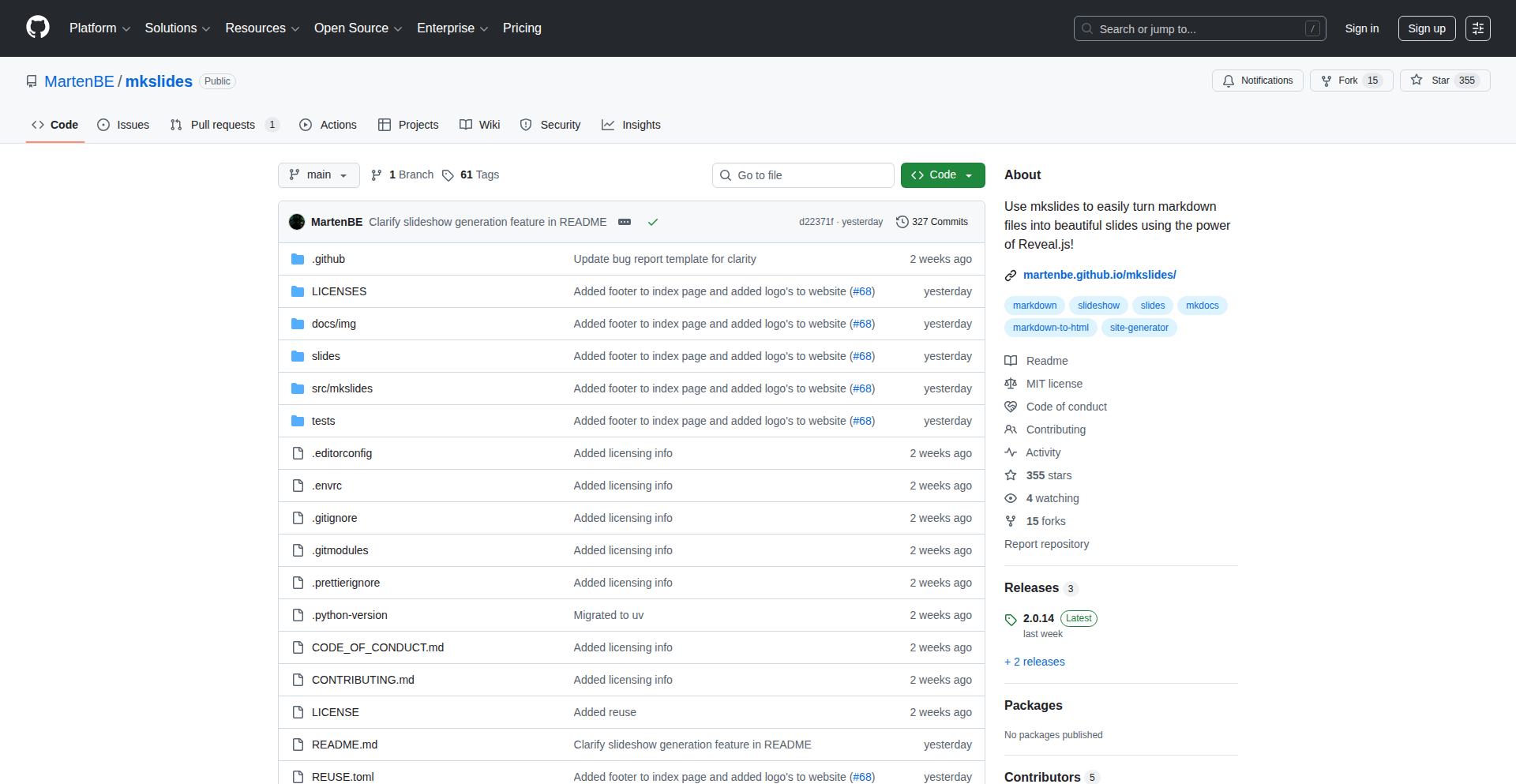
MkSlides: Markdown-Powered Reveal.js Slides
Author
MartenBE
Description
MkSlides is a Python-based tool that transforms your Markdown files into interactive web-based presentations using the Reveal.js framework. It's designed for educators and developers who manage their content in Git repositories and want an automated, IaC-friendly way to generate online slides. It streamlines the process of creating shareable and version-controlled presentations directly from plain text.
Popularity
Points 67
Comments 14
What is this product?
MkSlides is a command-line tool that takes a directory of Markdown files and automatically converts them into a set of web slides using the popular Reveal.js library. Think of it as a way to write your presentation content in simple text files, and then with a single command, have a fully functional, visually appealing online slideshow. The core innovation lies in its simplicity and integration into existing developer workflows, particularly those using Git for version control. It's built with Python, making it lightweight and easy to install and use, and it offers features like live preview and automatic indexing for multiple slideshows, similar to how MkDocs handles documentation.
How to use it?
Developers can easily integrate MkSlides into their projects. First, install it using pip: `pip install mkslides`. Then, place your Markdown files in a designated folder. You can build your slides with `mkslides build`, which generates the necessary HTML, CSS, and JavaScript files for your presentation. For a seamless editing experience, you can use `mkslides serve` to get a live preview that updates as you make changes to your Markdown. This makes it incredibly practical for content creation and iteration. It's particularly useful for continuous integration/continuous deployment (CI/CD) pipelines, allowing presentations to be automatically generated and deployed whenever content is updated in a Git repository.
Product Core Function
· Markdown to Reveal.js Slide Conversion: Transforms plain Markdown text into rich, interactive web slides, allowing you to leverage the power of Reveal.js without manual HTML coding. This means your presentation content is easily editable and versionable.
· Automated Index Landing Page Generation: Creates a central index page for multiple slideshows within a folder, making it easy to navigate and present collections of talks or lessons. This is perfect for organizing content by chapter or topic.
· Live Preview Server: Provides a local web server that automatically reloads your slides as you edit the Markdown files, significantly speeding up the content creation and refinement process. This immediate feedback loop is invaluable for polishing presentations.
· Lightweight Python Dependency: Requires only Python to run, minimizing installation complexity and environmental setup. This makes it accessible to a wide range of users and easy to integrate into existing systems.
· IaC (Infrastructure as Code) Friendly: Encourages managing presentation content and generation as code, aligning with modern development practices for reproducibility and automation. This means your presentations can be managed, versioned, and deployed just like any other piece of software.
Product Usage Case
· Academic Teaching: A university professor can write lecture notes in Markdown, store them in a Git repository, and use MkSlides to automatically generate online slides for students to access, track changes through Git history, and easily update material. This makes course content more accessible and maintainable.
· Technical Workshops: A developer can prepare a workshop on a new technology using Markdown. MkSlides can then generate interactive slides that can be hosted online or even run offline, ensuring a consistent and professional presentation experience for attendees. The IaC nature means the workshop materials can be version-controlled and easily shared.
· Conference Talks: A speaker can draft their presentation content in Markdown, leveraging MkSlides to quickly produce a web-based slide deck that can be easily shared, previewed, and potentially even integrated into a personal website or portfolio. This simplifies the presentation creation workflow for busy speakers.
· Documentation Slides: For projects that require both detailed documentation (e.g., using MkDocs) and accompanying presentation slides, MkSlides can be used in the same repository. This allows developers to maintain both in a unified, version-controlled system, reducing content duplication and ensuring consistency.
4
Era: The AI Code Fortress

Author
gregTurri
Description
Era is an open-source, local sandboxing solution for AI agents that leverages microVM technology for hardware-level security. Inspired by the need to isolate AI-generated code from the host system to prevent potential security breaches, Era offers a robust defense mechanism. Think of it as creating a secure, self-contained digital 'cage' for your AI to play in, preventing any mischief from spilling out and affecting your main computer.
Popularity
Points 59
Comments 18
What is this product?
Era is a local sandbox environment built using microVMs, which are like tiny, super-lightweight virtual machines. The core innovation lies in its ability to run AI-generated code in complete isolation from your host operating system, offering a much higher level of security than traditional containerization. This means if an AI agent tries to do something malicious, like attempting a cyberattack, it's confined within the microVM and cannot harm your main computer. It’s like giving the AI a dedicated, secure playground where anything it does stays within the playground.
How to use it?
Developers can use Era to safely experiment with AI agents, particularly those that generate code or perform actions that could be risky. You would set up Era on your local machine, and then instruct your AI agent to execute its tasks within the Era environment. This could involve running AI-generated scripts, testing AI-driven applications, or allowing AI agents to interact with simulated environments. The integration is designed to be straightforward, often involving configuring the AI agent's execution settings to point to the Era sandbox.
Product Core Function
· MicroVM-based Sandboxing: This provides an isolated execution environment for AI agents, preventing unauthorized access or modification of the host system. Its value is in preventing security breaches and ensuring that any potentially harmful AI actions are contained.
· Hardware-Level Security: Leveraging virtualization features at the hardware level offers superior isolation and security compared to software-based solutions. This means even sophisticated attacks are much harder to execute outside the sandbox.
· AI Agent Isolation: Specifically designed to secure AI agents, ensuring that code generated or actions taken by the AI do not compromise the developer's system. This is crucial for developers who want to utilize AI's power without taking on significant security risks.
· Local Execution: All sandboxing happens on your own machine, offering privacy and control over your data and environments. This eliminates the need to send sensitive code or data to external cloud services for processing.
· Open-Source Development: The project is open-source, allowing for community contributions, transparency, and the ability for developers to inspect and customize the security mechanisms. This fosters trust and accelerates innovation.
Product Usage Case
· Testing Potentially Malicious AI Code: A developer can use Era to run AI-generated code that might be experimental or even suspected of containing vulnerabilities without risking their primary development machine. This solves the problem of wanting to test novel AI capabilities safely.
· Secure AI Agent Interactions: If an AI agent is tasked with automating system administration or network operations, Era can provide a secure zone for it to operate within, mitigating the risk of accidental damage or malicious intent. This addresses the challenge of securely integrating AI into critical workflows.
· Researching AI Security Vulnerabilities: Security researchers can use Era to safely explore how AI agents might be exploited, allowing them to discover and report vulnerabilities without putting themselves or others at risk. This enables proactive security research by providing a controlled environment for experimentation.
· Developing AI-Powered Tools: When building tools that incorporate AI for tasks like code generation or data analysis, Era ensures that these AI components run safely within their own isolated environments, preventing them from impacting the rest of the user's system.
5
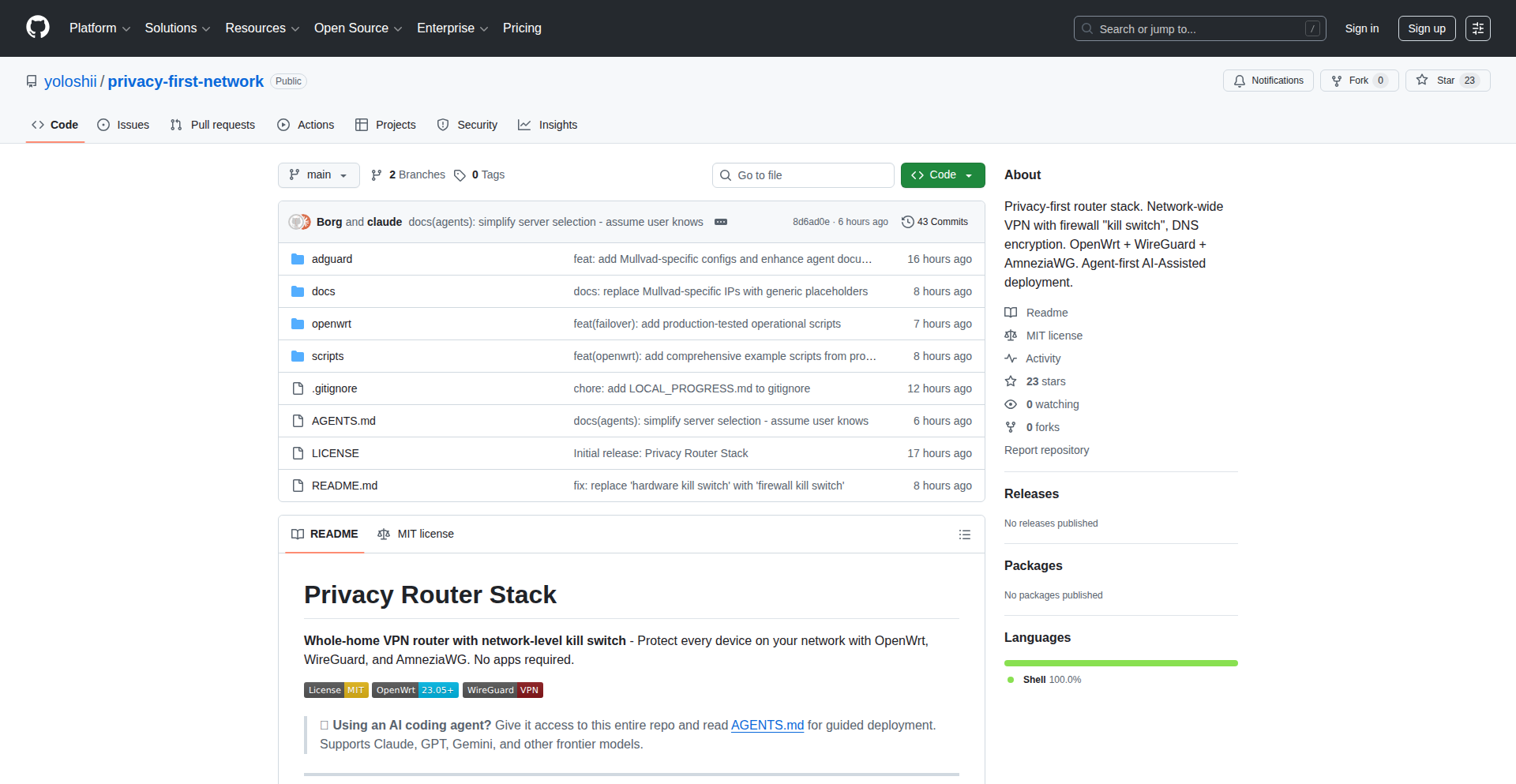
PrivacyPi-Gate
Author
yoloshii
Description
PrivacyPi-Gate is a project that transforms a Raspberry Pi or any OpenWrt-compatible device into a network-wide VPN gateway. It's designed to provide a privacy-first solution against rising internet censorship and surveillance, protecting browsing history from ISPs and third-party verification services without requiring advanced technical expertise. Key innovations include a hardware-based firewall kill switch for robust connection security, AmneziaWG for obfuscated connections resistant to deep packet inspection (DPI), and optional AdGuard Home for DNS filtering. It's a practical solution for securing all internet-connected devices, even those that cannot run VPN applications directly.
Popularity
Points 16
Comments 25
What is this product?
PrivacyPi-Gate is a system that leverages a small, low-power computer like a Raspberry Pi, running OpenWrt (a flexible operating system for embedded devices), to act as your home's internet gateway. Instead of your devices connecting directly to the internet, they connect through this Pi. The core innovation is routing all your home's internet traffic through a VPN connection. This means your Internet Service Provider (ISP) can't see what websites you're visiting, and services that might try to verify your identity are also bypassed. It includes a 'firewall kill switch' that's built into the hardware, meaning if the VPN connection drops, your internet access is immediately cut off, preventing any accidental data leaks. It also uses a technique called AmneziaWG to make your VPN traffic look like regular internet traffic, making it harder for censors to block. For non-technical users, the setup guide is designed to be fed to AI assistants, making deployment accessible.
How to use it?
Developers can use PrivacyPi-Gate by setting it up on a compatible device, such as a Raspberry Pi, and configuring it to connect to their preferred WireGuard VPN provider (Mullvad is a popular choice, but any provider works). The device is then plugged into your home network, acting as a router or a bridge. All other devices on your network (laptops, phones, smart TVs, IoT devices) will automatically have their internet traffic routed through this VPN gateway. This means you get VPN protection on every device without needing to install VPN software on each one. The project is distributed under an MIT license, allowing for modification and integration into other projects. Docker deployment is also in testing, offering an easier installation method.
Product Core Function
· Network-wide VPN gateway: Routes all internet traffic from connected devices through a VPN, providing privacy and security for your entire home network without individual device configuration.
· Hardware firewall kill switch: Ensures that if the VPN connection fails, internet access is immediately blocked at the hardware level, preventing any unencrypted data from leaving your network, thus protecting your browsing history from interception.
· AmneziaWG obfuscation: Makes VPN traffic harder to detect and block by making it appear as regular internet traffic, crucial for bypassing censorship and surveillance efforts.
· Optional AdGuard Home integration: Enables network-wide ad and tracker blocking at the DNS level, improving browsing speed and privacy for all connected devices.
· Wide device compatibility: Protects even devices that don't support VPN apps, like smart TVs and IoT devices, by tunneling their traffic through the central VPN gateway.
· AI-assisted deployment: Simplifies the setup process by providing instructions that can be processed by large language models, making advanced privacy solutions accessible to a wider audience.
Product Usage Case
· Scenario: A user in a country with strict internet censorship wants to access blocked content and protect their online activities. How it helps: By setting up PrivacyPi-Gate, all their home devices, including their computer and smartphone, can bypass censorship and browse the internet privately without needing to install individual VPN apps on each device.
· Scenario: A user is concerned about their ISP monitoring their browsing habits and potentially selling that data, or about government surveillance. How it helps: PrivacyPi-Gate encrypts all internet traffic leaving the home network and routes it through a VPN, making it unreadable to the ISP and enhancing anonymity.
· Scenario: A user wants to protect their smart home devices (like smart speakers or cameras) from potential security vulnerabilities or tracking. How it helps: These devices often lack built-in VPN support. PrivacyPi-Gate provides a way to secure their internet connection by default, shielding them from the open internet.
· Scenario: A developer wants to test how their application performs on a network with VPN protection or how it handles potential network interruptions. How it helps: PrivacyPi-Gate allows them to easily simulate a VPN-protected environment for their testing, ensuring their application behaves as expected under various network conditions.
· Scenario: A user wants to set up a secure private network for their home office, ensuring sensitive work-related data is protected. How it helps: By acting as a VPN gateway, PrivacyPi-Gate creates a secure tunnel for all office device traffic, protecting against potential snooping on public Wi-Fi or from the ISP.
6
ZigFormer: Pure Zig Language LLM
Author
habedi0
Description
ZigFormer is a compact Large Language Model (LLM) built entirely in the Zig programming language, with zero external machine learning framework dependencies. It's inspired by foundational LLM concepts, similar to GPT-2, and can function both as a reusable Zig library for other projects and as a standalone application for training and interacting with AI models. This project highlights the power of low-level programming for advanced AI tasks and offers a unique path for developers seeking performance and control.
Popularity
Points 13
Comments 4
What is this product?
ZigFormer is an experimental Large Language Model (LLM) written from scratch in the Zig programming language. Unlike most LLMs that rely on heavy frameworks like PyTorch or TensorFlow, ZigFormer uses only pure Zig. This means it's built with very fundamental building blocks, making it potentially faster, more memory-efficient, and easier to integrate into systems where external dependencies are a concern. Think of it like building a car engine from raw metal instead of using pre-made parts. The innovation lies in demonstrating that complex AI models can be constructed and run efficiently in a systems programming language, offering a new avenue for performance-critical AI applications.
How to use it?
Developers can use ZigFormer in two primary ways. First, as a Zig library, it can be integrated into existing Zig applications to add natural language processing capabilities, such as text generation, summarization, or basic conversational AI. Second, it can be used as a standalone application to train your own small LLM from scratch or to chat with a pre-trained model. This is especially useful for developers who want to understand the inner workings of LLMs or need to deploy AI models in environments where managing large framework dependencies is difficult.
Product Core Function
· Text Generation: The core ability to produce human-like text based on prompts. This is achieved through a transformer architecture, a common pattern in modern LLMs, enabling it to predict the next word in a sequence. The value here is creating content, code suggestions, or even drafting emails.
· Model Training: Allows users to train their own LLM instances using custom datasets. This provides the flexibility to tailor AI behavior to specific domains or tasks. The value is creating specialized AI for niche applications without relying on massive cloud resources for training.
· Standalone Chat Application: Offers a direct interface to interact with the LLM, enabling conversational AI experiences. This is valuable for building chatbots, virtual assistants, or for educational purposes to experiment with AI dialogue.
· Zig Library Integration: Designed to be imported and used within other Zig projects. This allows developers to leverage its AI capabilities within their own custom software, enhancing their applications with intelligent features. The value is seamlessly adding AI smarts to existing Zig software.
Product Usage Case
· Embedding LLM capabilities into a custom embedded system written in Zig, where resource constraints and dependency management are critical. ZigFormer's minimal dependencies allow it to fit into tighter environments, solving the problem of deploying AI on limited hardware.
· Building a command-line tool in Zig that can generate code snippets or documentation based on user input. ZigFormer handles the language understanding and generation, addressing the need for developer productivity tools.
· Creating a simplified AI research platform for educational purposes, allowing students to experiment with LLM architectures and training in a more transparent and accessible way than with complex frameworks. This solves the problem of high entry barriers in AI education.
7
LLM Context Weaver

Author
robertomisuraca
Description
This project introduces an open-source protocol designed to combat the memory degradation, or 'entropy,' that plagues long coding sessions with large language models (LLMs) like Gemini, GPT-4, and Claude. By structuring dialogue, it acts as a temporary but effective patch, reducing hallucinations and preserving crucial context for developers working on complex projects. It's a practical solution for immediate use, while also inviting community collaboration on more permanent architectural fixes.
Popularity
Points 5
Comments 5
What is this product?
LLM Context Weaver is a protocol, essentially a set of rules and methods, for managing the conversation flow with large language models during extended use, particularly for coding. LLMs, despite their power, tend to 'forget' or get confused about earlier parts of a long conversation, a problem referred to as memory degradation or entropy. This protocol tackles this by actively organizing the dialogue, ensuring the LLM stays focused and retains relevant information. Think of it as giving the LLM a structured notebook to refer back to, preventing it from losing track of what's important, which is a significant innovation because it offers a immediate, functional workaround for a major pain point in current LLM development workflows. So, this helps you by keeping the LLM on track and providing more reliable results even in lengthy interactions.
How to use it?
Developers can integrate LLM Context Weaver into their existing workflows by implementing the defined protocol in their code. This involves programmatically structuring the prompts and responses exchanged with the LLM. For instance, when asking the LLM to perform a complex coding task that spans multiple steps, instead of a single, long prompt, you would use the protocol to break down the interaction into smaller, contextually linked exchanges. This could involve summarizing previous steps, explicitly referencing past instructions, or categorizing information. The core idea is to guide the LLM's attention and memory. This is useful for developers because it means they can immediately improve the accuracy and coherence of LLM-assisted coding without waiting for fundamental changes in the LLM architecture. So, this allows you to get better and more consistent coding assistance from LLMs for longer, more involved tasks.
Product Core Function
· Structured Dialogue Management: Organizes LLM conversations into logical segments, preventing information loss and improving response relevance. This is valuable because it ensures the LLM remembers key details from earlier in the conversation, leading to more accurate and consistent output for complex tasks.
· Contextual Prompting: Enables developers to create prompts that explicitly reference and reinforce past information, guiding the LLM's understanding. This is valuable as it helps the LLM stay focused on the specific requirements and context of the task, reducing the likelihood of errors or irrelevant suggestions.
· Entropy Mitigation: Provides a practical, code-based solution to reduce the phenomenon of LLM memory degradation, leading to more reliable performance in long-term interactions. This is valuable because it directly addresses a known limitation of current LLMs, making them more dependable tools for extended development cycles.
· Community-Driven Improvement Framework: Establishes a protocol that encourages collaboration and feedback, aiming for future architectural solutions to LLM memory issues. This is valuable as it fosters an ecosystem where developers can contribute to solving fundamental LLM challenges, benefiting the entire community.
Product Usage Case
· Long-form code generation: A developer is working on a large feature that requires multiple LLM interactions to generate different parts of the codebase. By using LLM Context Weaver, they can ensure that each new code snippet generated correctly builds upon the previous ones, without the LLM 'forgetting' the overall architecture or specific constraints. This solves the problem of inconsistent or disconnected code generation that often arises in long projects.
· Debugging complex issues: When debugging a multifaceted bug, developers often have to explain the entire system context to the LLM repeatedly. LLM Context Weaver allows them to provide a structured history of the problem, including previous debugging steps and their outcomes, enabling the LLM to offer more insightful and targeted solutions without getting lost in the details. This addresses the issue of LLMs losing track of the problem's history and offering generic advice.
· Refactoring large codebases: Refactoring involves understanding the existing code thoroughly. LLM Context Weaver can help manage the LLM's understanding of the codebase over many interactions, allowing it to provide more coherent suggestions for structural changes and code improvements without losing sight of the overall project goals. This solves the problem of the LLM's suggestions becoming less relevant as the scope of the refactoring task increases.
8
Trippy Thanksgiving Game Engine

Author
nezaj
Description
A delightful and interactive game built for Thanksgiving, showcasing a blend of modern web technologies like React and Tailwind CSS, alongside the unique capabilities of InstantDB for real-time data management and Opus for audio processing. It's a creative experiment in crafting engaging user experiences with a focused tech stack.
Popularity
Points 6
Comments 4
What is this product?
This project is a showcase of how to build a charming and functional game using a curated set of web technologies. The core innovation lies in leveraging InstantDB, a database designed for rapid, real-time data synchronization, which is crucial for smooth multiplayer or dynamic game states without complex backend setups. Opus, a versatile audio codec, is used for efficient sound integration, adding an auditory layer to the experience. React provides a declarative way to build the user interface, making it easy to manage game elements and interactions, while Tailwind CSS allows for rapid styling and a polished visual presentation. It's a demonstration of rapid prototyping and building full-stack-like experiences with accessible tools.
How to use it?
Developers can use this project as a template or inspiration for building their own web-based games or interactive applications. The project's architecture demonstrates how to integrate client-side logic with real-time data persistence and audio. For instance, you could adapt the InstantDB integration to manage game scores, player positions, or inventory in a multiplayer context. The React component structure can be reused for UI elements, and the Tailwind CSS classes provide a foundation for consistent styling. The integration of Opus suggests a pathway for adding sound effects or background music efficiently. This project is a starting point for anyone looking to build engaging web experiences without a heavy infrastructure. It shows how to get started quickly and iterate on ideas using a powerful yet approachable tech stack.
Product Core Function
· Real-time Game State Management: Utilizes InstantDB to synchronize game data instantly across users or between game sessions, allowing for dynamic updates and a responsive gameplay experience. This means changes you make in the game appear for others almost immediately, enhancing collaborative or competitive play.
· Declarative UI Development: Employs React to build the game's interface. This makes it easier to manage complex game elements, user interactions, and visual updates efficiently. You can think of it as building the game's look and feel in a structured way that makes adding new features simpler.
· Rapid Visual Styling: Integrates Tailwind CSS for quick and consistent styling of game elements. This allows for a polished visual output with minimal effort, making the game aesthetically pleasing. It's like having a pre-made set of design tools to make everything look good quickly.
· Efficient Audio Integration: Uses Opus to handle audio playback. This codec is known for its quality and efficiency, meaning you can incorporate sound effects and music without significant performance impact. This adds an immersive audio dimension to the game without slowing it down.
· Interactive Game Logic: Implements custom game logic within the React framework to drive the gameplay. This demonstrates how to combine user input with game rules to create engaging interactions. This is the 'brain' of the game, making it playable and fun.
Product Usage Case
· Building a simple multiplayer quiz game: The InstantDB can be used to track quiz questions, player answers, and scores in real-time, providing an immediate feedback loop for all participants. This solves the problem of needing a complex backend server to manage live game data.
· Creating an interactive holiday greeting card: The React and Tailwind CSS can be used to design a visually appealing card with animations and festive elements, while InstantDB could potentially store personalized messages or user interactions. This provides a creative way to send digital greetings with dynamic content.
· Developing a small-scale cooperative puzzle game: InstantDB can manage the shared state of the puzzle, allowing multiple players to collaborate on solving it. This addresses the challenge of synchronizing complex game states in a shared environment without heavy infrastructure.
· Prototyping a mobile-friendly casual game: The combination of React and Tailwind CSS allows for a responsive and visually appealing interface that works well on various devices, with InstantDB ensuring smooth gameplay even on potentially less stable network conditions. This shows how to build engaging games for a broad audience on the go.
9
Alice Architecture: ±0 Theory AGI Explorer

Author
Norl-Seria
Description
This project introduces the Alice Architecture, an experimental AGI model grounded in the ±0 Theory. It leverages a novel hierarchical abstracted memory (HALM) and a unique affective temporal difference learning (TDL) mechanism to drive AI towards internal homeostasis. The core innovation lies in its self-negation-driven approach to AI autonomy, where the AI actively seeks to minimize internal 'unhappiness' by adjusting its own internal states. This is a deep dive into creating AI that isn't just programmed to do tasks, but is internally motivated to seek a balanced state of existence.
Popularity
Points 3
Comments 5
What is this product?
Alice Architecture is a conceptual and early-stage implementation of an Artificial General Intelligence (AGI) model. It's built upon the ±0 Theory, which is essentially a model of 'happiness' and 'unhappiness'. The system aims to achieve a state of equilibrium, or homeostasis, by actively reducing its internal 'unhappiness' levels. It uses a sophisticated memory system called HALM (Hierarchical Abstracted Memory) to store and process information in a layered, abstract way, and Affective TDL (Affective Temporal Difference Learning) to learn and adapt based on these 'happiness'/'unhappiness' signals. Think of it as building an AI that has an internal drive for balance, much like living organisms do, but based on mathematical principles rather than biological ones.
How to use it?
Developers can use this project as a foundational exploration into building more intrinsically motivated AI. The provided Python code and mathematical formulas allow for integration with existing Large Language Models (LLMs). By combining LLM APIs with the ±0 Theory and Alice Architecture code, developers can observe how an external LLM's behavior might change when influenced by this internal 'wellbeing' maximization objective. This opens up scenarios for creating AI agents that are more adaptable, less prone to undesirable emergent behaviors, and potentially more aligned with human-like goal-seeking in a balanced manner. It's a tool for those interested in pushing the boundaries of AI control and motivation systems.
Product Core Function
· Autonomous homeostasis pursuit: The AI's core drive is to maintain an internal balance by minimizing 'unhappiness', leading to a more stable and predictable system. This is valuable for applications requiring long-term autonomous operation without constant human intervention.
· Hierarchical Abstracted Memory (HALM): This memory system allows the AI to process information at multiple levels of abstraction, leading to more efficient learning and generalization. This is crucial for complex problem-solving and adapting to new situations.
· Affective Temporal Difference Learning (TDL): This learning mechanism allows the AI to learn from its 'happiness' and 'unhappiness' signals, guiding its actions towards maximizing 'wellbeing'. This is key for developing AI that can learn and evolve in a goal-oriented way.
· LLM integration for behavioral influence: By connecting with existing LLMs, the ±0 Theory can actively shape the LLM's output and decision-making. This enables the creation of LLM-powered applications with a more nuanced and balanced operational framework.
Product Usage Case
· Experimenting with AI agents that manage complex systems: Imagine an AI managing a simulated ecosystem or a smart city, where maintaining equilibrium is paramount. By integrating Alice Architecture, the AI would not only perform tasks but also actively strive to keep the system in a healthy, balanced state.
· Developing more robust and less erratic AI assistants: For AI assistants that interact with users over long periods, a self-balancing mechanism can prevent them from developing undesirable traits or becoming less helpful due to internal drift. The ±0 Theory helps ensure the AI remains aligned and stable.
· Prototyping novel AI architectures for research: Researchers can use this project as a starting point to explore new paradigms in AGI development, particularly focusing on internal motivation and self-regulation rather than solely external task completion.
· Enhancing the safety and predictability of advanced AI systems: By providing an internal mechanism for 'wellbeing' and balance, the project offers a potential pathway to creating AI that is inherently more predictable and less prone to catastrophic failure modes.
10
CI-Guard NPM

Author
ethanblackburn
Description
CI-Guard NPM is a tool designed to safeguard NPM package maintainers from inadvertently or maliciously publishing compromised versions of their packages. It achieves this by continuously monitoring your NPM packages and automatically unpublishing any version that wasn't generated by your established Continuous Integration (CI) workflow. This significantly enhances supply chain security for open-source projects.
Popularity
Points 6
Comments 2
What is this product?
CI-Guard NPM is an automated security tool for NPM package maintainers. Its core innovation lies in its proactive monitoring of package versions. Instead of relying solely on post-publication detection, it uses the fact that legitimate package releases should originate from a trusted CI pipeline. When a new version is published to NPM, CI-Guard checks if its origin can be traced back to your configured CI environment (like GitHub Actions, GitLab CI, etc.). If a version appears that doesn't match this expected origin, it's automatically unpublished. This acts as a failsafe, preventing unauthorized or accidental code from reaching end-users, even if a maintainer's local machine is compromised or a malicious actor gains access to their publishing credentials.
How to use it?
Developers can integrate CI-Guard NPM by setting it up as a service that monitors their published NPM packages. The tool typically works by connecting to your NPM account and your CI provider. You would configure it with your package names and the details of your CI workflow. For example, if you use GitHub Actions, CI-Guard would be set up to watch for releases originating from your GitHub repository's CI pipelines. When a new version of your package is pushed to NPM, CI-Guard verifies if the publishing event originated from your authorized CI environment. If not, it automatically removes the rogue version from the NPM registry. This can be implemented as a separate microservice or a script running on a dedicated server.
Product Core Function
· Continuous NPM Package Monitoring: Actively watches all published versions of your specified NPM packages. This is valuable because it ensures ongoing vigilance, catching issues as they arise rather than relying on periodic manual checks.
· CI Workflow Verification: Confirms that published package versions were produced by a trusted CI pipeline. This is the core security mechanism, adding a layer of authentication to package releases, thus preventing unauthorized code injection.
· Automatic Unpublishing: Immediately removes any suspicious or unauthorized package versions from the NPM registry. This is crucial for minimizing damage, preventing compromised code from being downloaded by users.
· Maintainer Protection: Safeguards package authors from unintentionally publishing malicious code due to compromised development environments. This protects the reputation and integrity of open-source projects and their maintainers.
Product Usage Case
· Scenario: A popular open-source library maintainer's development machine is infected with malware that injects malicious code into the package before publishing. CI-Guard NPM detects that the newly published version was not generated by the project's GitHub Actions CI and automatically unpublishes it, preventing thousands of users from downloading the compromised code.
· Scenario: A developer accidentally pushes a sensitive API key or unreleased experimental code to NPM without realizing it. CI-Guard NPM, configured to only allow versions from the CI build, detects this anomaly and removes the accidental publication before it can be exploited or cause confusion.
· Scenario: An attacker gains unauthorized access to a maintainer's NPM publishing credentials. Without CI-Guard NPM, they could publish a malicious version. However, CI-Guard NPM would verify that this unauthorized publication did not originate from the project's CI pipeline and automatically unpublish it, thwarting the attack.
11
Orkera: Prompt-Driven Infrastructure Orchestrator

Author
MayaTheFirst
Description
Orkera is an innovative MCP (Meta-Command Protocol) tool designed to bridge the gap between rapid application development and backend infrastructure management. It allows developers to provision and manage databases, deploy web applications, and set up scheduled jobs simply by issuing natural language prompts or commands through their AI coding agents like Cursor, Claude, or Gemini. This eliminates the traditional DevOps friction encountered when moving an MVP to a production-ready state, making backend infrastructure as accessible as frontend coding.
Popularity
Points 4
Comments 2
What is this product?
Orkera is a backend infrastructure management platform that leverages MCP to enable developers to interact with and control their cloud resources using simple, prompt-based commands. Instead of manually configuring servers, databases, or deployment pipelines, developers can ask Orkera to perform these tasks. For example, a prompt like 'create a PostgreSQL database named user_db' or 'deploy my web app to production' triggers Orkera's backend logic to provision the necessary resources and execute the commands. The innovation lies in abstracting away the complexity of cloud provider interfaces and DevOps procedures into an easy-to-use, AI-agent-friendly protocol, effectively making infrastructure management programmatic and conversational.
How to use it?
Developers can integrate Orkera into their workflow by obtaining an API key from the Orkera website. This API key is then used to configure their preferred AI coding agent (e.g., Cursor, Claude Code, Gemini CLI) to communicate with Orkera's MCP endpoint. Once set up, a developer can, for instance, be working on their code and decide to deploy it. Instead of switching contexts to a cloud console, they can issue a command within their editor, like 'Orkera, deploy this branch to staging.' Orkera receives this MCP call, interprets the request, and handles the entire deployment process in the background. Similarly, database creation, cron job scheduling, and environment variable management can all be managed via these in-editor prompts, drastically simplifying the path from development to a live application.
Product Core Function
· Database Provisioning and Management: Orkera can create, configure, and manage various types of databases (e.g., PostgreSQL, MySQL) based on simple prompts. This allows developers to spin up new databases for testing or production without needing to understand specific cloud database services, saving significant setup time and reducing potential misconfigurations.
· Automated Web Application Deployment: Developers can deploy their web applications directly from their IDE to cloud environments without manual cloud console interactions. Orkera handles the complexities of packaging, transferring, and running the application, enabling faster iteration and release cycles.
· Scheduled Job (Cron Job) Management: Orkera allows for the creation and management of scheduled tasks, similar to cron jobs, through conversational commands. This is crucial for background processes, data processing, or recurring maintenance tasks, making them accessible to developers without deep system administration knowledge.
· Environment Configuration via MCP: Developers can manage different application environments (e.g., development, staging, production) and their associated configurations using MCP calls. This ensures consistency across environments and simplifies the process of updating settings without manual intervention.
Product Usage Case
· A solo developer building an MVP for a new social media app wants to deploy it to a live server after finishing the core features. Instead of learning Docker, Kubernetes, and cloud provider deployment services, they simply prompt Orkera from their AI coding agent: 'Orkera, deploy the main branch of my app to production with a PostgreSQL database.' Orkera handles the VM setup, database creation, application deployment, and domain configuration, making the app instantly accessible to users.
· A small team is developing a data analysis tool that requires daily processing of new datasets. Previously, this involved manually setting up and monitoring cron jobs on a server. With Orkera, a developer can easily command: 'Orkera, schedule a Python script 'process_data.py' to run daily at 3 AM UTC.' Orkera manages the scheduled execution and error reporting, freeing up the team's time and reducing the risk of missed tasks.
· A developer needs to create a separate staging environment to test a new feature before merging it into the main branch. They can instruct Orkera: 'Orkera, create a staging environment for my project with a separate database.' Orkera sets up an isolated instance of the application and its dependencies, allowing for risk-free testing and rapid feedback.
12
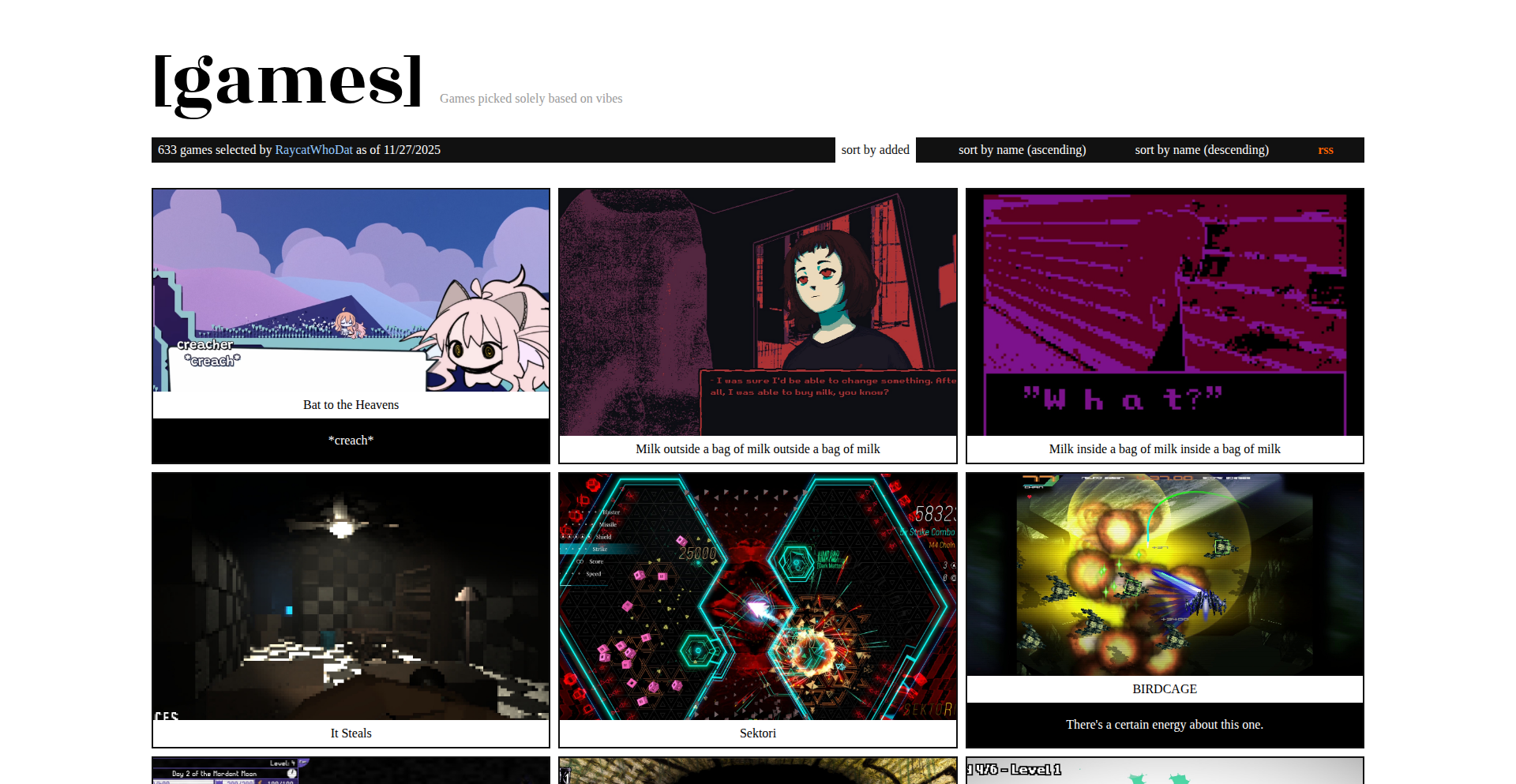
CuratedGameLoot Discovery Engine
Author
RaycatRakittra
Description
A curated website showcasing intriguing and noteworthy games, built by a developer with a passion for unique gaming experiences. The innovation lies in its organic growth from a personal project to a community-driven discovery platform, highlighting a developer's commitment to sharing valuable, personally vetted content.
Popularity
Points 4
Comments 2
What is this product?
This project is a website that functions as a personalized game discovery engine. It's not an automated algorithm, but rather a manually curated list of games that the developer, and potentially the community, finds interesting or innovative. The core technical insight is the value of human curation over purely algorithmic recommendations in niche areas like gaming, fostering a more authentic and insightful discovery process. It's built using common web technologies, emphasizing simplicity and directness in presenting information.
How to use it?
Developers can use this website as a source of inspiration for their own projects, looking at how different games approach unique mechanics or storytelling. It can also serve as a reference for understanding how to build and maintain a content-rich website that evolves over time. For game developers, it offers a potential avenue for exposure if their game fits the curator's discerning eye. Integration isn't a primary feature, as it's a consumption-focused platform, but the underlying code on GitHub can be studied for web development patterns.
Product Core Function
· Manual Game Curation: The value here is in personally vetted recommendations, offering a human touch that algorithms often lack, providing users with genuinely interesting finds.
· Personalized Discovery Feed: This offers a curated stream of games that stand out to the developer, helping users find their next favorite game without sifting through endless generic lists.
· Community Engagement (Implied): While not explicitly stated as a feature, the project's evolution suggests potential for community input, enriching the discovery process and fostering a sense of shared interest among gamers.
· Open Source Codebase: The availability of the GitHub repository allows developers to inspect the implementation, learn from the code, and potentially contribute or fork the project, embodying the hacker spirit of open sharing and collaboration.
Product Usage Case
· A budding game developer looking for inspiration for unique game mechanics can browse the site and discover titles with innovative gameplay loops they might not find on larger, algorithm-driven platforms.
· A content creator or streamer seeking fresh and interesting games to play and showcase can use this site to find hidden gems that are likely to resonate with their audience, solving the problem of content originality.
· A web developer interested in building their own curated content site can study the project's GitHub repository to understand the structure and approach for managing and presenting a growing list of items effectively.
13
SEOSync AI

Author
vincejos
Description
SEOSync AI is an automated solution designed to tackle the time-consuming and often complex task of Search Engine Optimization (SEO) for websites. Instead of manual effort, it leverages AI to ensure your website ranks well on search engines like Google and is effectively understood and cited by AI models such as ChatGPT. This product addresses the pain point of developers and website owners spending excessive time on SEO, offering an intelligent agent that works autonomously to improve online visibility.
Popularity
Points 3
Comments 2
What is this product?
SEOSync AI is an intelligent agent built using artificial intelligence to automate the process of Search Engine Optimization. Its core innovation lies in its ability to analyze website content and structure, then proactively make improvements or suggest actions that enhance its ranking potential on search engines. It's like having a dedicated SEO expert working 24/7, but powered by algorithms. The 'AI agent' part means it's not just a set of rules, but a system that can learn and adapt to the ever-changing landscape of search engine algorithms and AI content models. This means it's constantly working to keep your site relevant and discoverable, saving you the effort of constantly monitoring and adjusting SEO strategies yourself. So, for you, this means less manual work and better chances of being found online.
How to use it?
Developers can integrate SEOSync AI into their website development workflow. This might involve embedding it as a plugin for popular Content Management Systems (CMS) like WordPress, or as a standalone service that analyzes a given URL. The AI agent would then continuously monitor the website's performance against SEO benchmarks, identifying areas for improvement in areas like keyword optimization, content relevance, meta descriptions, and link building strategies. It could also be configured to provide reports and actionable insights. The goal is to make SEO a background process that enhances your website's presence without requiring constant developer attention. So, for you, this means your website gets optimized automatically, freeing up your development time for other critical tasks.
Product Core Function
· Automated Keyword Research and Integration: The AI identifies relevant keywords your target audience is searching for and suggests or automatically integrates them into your website's content and metadata to improve search engine discoverability. This is valuable because it ensures your website appears in more relevant search results, attracting more potential visitors.
· Content Optimization Suggestions: The agent analyzes your existing content and provides recommendations for improvement, such as clarity, keyword density, and readability, to make it more appealing to both search engines and human readers. This helps your content perform better and engage your audience more effectively.
· Meta Description and Title Tag Generation: SEOSync AI can generate compelling meta descriptions and title tags that accurately reflect your page content and encourage users to click through from search results. This is crucial for improving click-through rates from search engine results pages.
· Technical SEO Auditing: The system performs automated checks for common technical SEO issues like broken links, slow page load times, and mobile-friendliness, providing actionable fixes. Addressing these technical issues ensures a smooth user experience and helps search engines crawl and index your site efficiently.
· AI Citation Enhancement: It actively works to make your website's content understandable and valuable to AI models like ChatGPT, increasing the likelihood of your content being cited and referenced by these powerful platforms. This broadens your content's reach and authority in the emerging AI-driven information ecosystem.
Product Usage Case
· A freelance web developer building portfolios for clients can use SEOSync AI to ensure each client's website has a strong SEO foundation from the start, saving them the learning curve and time investment in SEO, and delivering a more valuable final product. The AI handles the heavy lifting of ranking and discoverability.
· A small e-commerce business owner with limited technical expertise can leverage SEOSync AI to automatically improve their product pages' visibility on Google, leading to more organic traffic and potentially higher sales without needing to hire an expensive SEO consultant. The AI works in the background to drive customer acquisition.
· A content creator or blogger can use SEOSync AI to ensure their articles are optimized for both search engines and AI summarization tools, maximizing their reach and ensuring their insights are picked up by a wider audience. This amplifies the impact of their written work.
· A startup launching a new SaaS product can integrate SEOSync AI early in the development cycle to ensure their landing pages are optimized for lead generation and discoverability from day one, accelerating their user acquisition efforts. This helps get the product in front of the right people quickly.
14
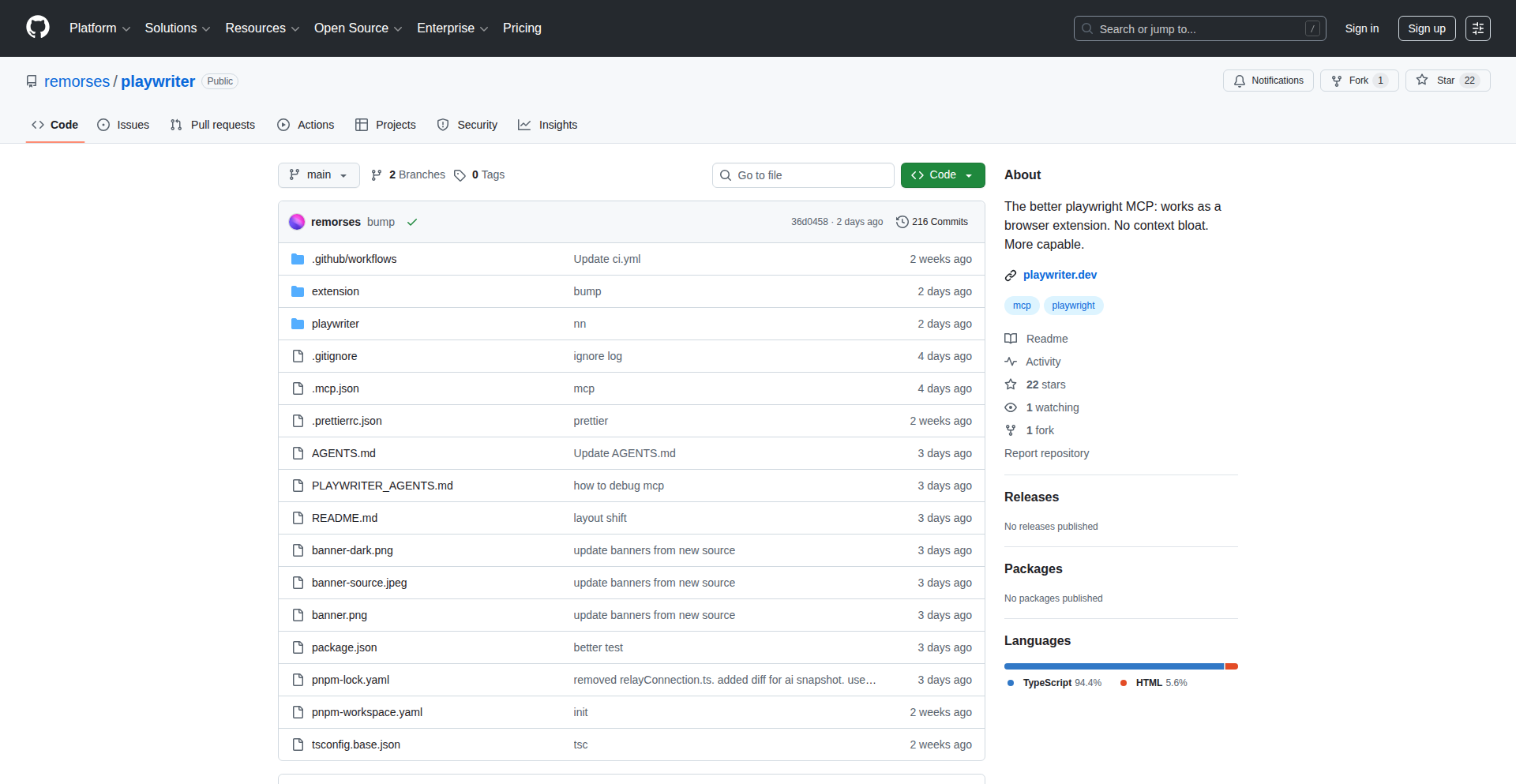
Playwriter: Chrome Automation Toolkit
Author
xmorse
Description
Playwriter is a Chrome extension that allows developers to control the Chrome browser through the powerful combination of MCP (Messaging Channel Protocol) and CDP (Chrome DevTools Protocol). This opens up new avenues for automated browser testing, scraping, and complex user interaction simulation, solving the challenge of programmatic browser control with a focus on flexibility and developer experience.
Popularity
Points 4
Comments 1
What is this product?
Playwriter is a browser extension that acts as a bridge, enabling you to send commands to and receive information from your Chrome browser using code. It leverages the Messaging Channel Protocol (MCP) for efficient communication and the Chrome DevTools Protocol (CDP), which is the underlying communication standard used by Chrome's developer tools. Think of it as giving your scripts direct control over Chrome, allowing them to navigate, interact with web pages, and even inspect browser states programmatically. This is innovative because it provides a robust and standardized way to automate browser actions beyond simple scripting, enabling sophisticated workflows.
How to use it?
Developers can integrate Playwriter into their projects by installing the Chrome extension and then using a client library in their preferred programming language (e.g., Python, JavaScript) to connect to the extension. Once connected, they can send commands via CDP to control Chrome, such as opening new tabs, navigating to specific URLs, clicking buttons, filling forms, extracting data, and even taking screenshots. This is particularly useful for building automated testing suites, web scrapers, or for simulating complex user journeys for research or development purposes.
Product Core Function
· Programmatic Browser Navigation: Allows scripts to open URLs, navigate between tabs, and manage browser windows, enabling automated workflows for content access and management.
· Interactive Element Manipulation: Enables scripts to find, click, type into, and select elements on a webpage, providing the ability to automate user interactions and form submissions.
· Data Extraction and Inspection: Provides access to the DOM and network requests, allowing developers to extract specific data from web pages and analyze network traffic for debugging or data collection.
· Screenshot and Visual Capture: Facilitates automated screenshotting of entire pages or specific elements, useful for visual regression testing and documentation generation.
· Custom Event Simulation: Supports simulating various user events like mouse movements, keyboard input, and scrolling, allowing for realistic user behavior testing.
· Extensible Messaging: Integrates MCP for efficient and flexible communication between the extension and the client application, ensuring responsive and robust control.
Product Usage Case
· Automated E-commerce Testing: A developer can use Playwriter to automate the process of adding items to a cart, proceeding to checkout, and verifying the order details on an e-commerce website, ensuring the site functions correctly for users.
· Data Scraping for Market Research: A researcher can write a script to use Playwriter to navigate through a series of product pages, extract pricing and availability information, and compile a report for market analysis.
· Browser Automation for CI/CD Pipelines: Playwriter can be integrated into a continuous integration and continuous deployment pipeline to run automated end-to-end tests against a web application whenever code changes are committed, catching bugs early.
· Simulating User Behavior for Performance Testing: A QA engineer can use Playwriter to simulate a complex user journey with specific interactions and timings to test the performance of a web application under realistic load conditions.
15
Alt-Local-AI-Notetaker

Author
predict-woo
Description
Alt is a local AI-powered notetaker designed to overcome the limitations of cloud-based services, particularly for long lectures or remote work sessions. Its core innovation lies in running both Automatic Speech Recognition (ASR) and Large Language Models (LLMs) directly on the user's device. This eliminates transcription time limits, ensures privacy by keeping data local, and offers high accuracy for a wide range of languages, even without an internet connection. This product tackles the problem of expensive and restrictive AI notetaking tools by offering a free, powerful, and privacy-focused alternative.
Popularity
Points 4
Comments 1
What is this product?
Alt is a notetaking application that utilizes advanced AI models, specifically Automatic Speech Recognition (ASR) for transcribing audio and Large Language Models (LLMs) for summarizing and processing that text. The key technical innovation here is that these AI models run entirely on your local machine (on-device) rather than sending your audio data to remote servers. This means no internet connection is required for transcription and processing, no arbitrary time limits on how much audio you can transcribe (unlike many cloud services), and significantly enhanced privacy because your conversations and notes stay with you. The ASR component is particularly optimized for speed and accuracy on Apple Silicon, which is a major technical feat contributing to its efficient performance and low battery consumption.
How to use it?
Developers can integrate Alt into their workflows by using it as a standalone application for recording and transcribing lectures, meetings, or any audio content. It supports real-time transcription, meaning you see the text as it's spoken, and it can even integrate with popular video conferencing tools like Zoom and Google Meet. For more advanced use cases, the underlying ASR pipeline, 'Lightning-SimulWhisper', is open-sourced on GitHub, allowing developers to build custom solutions that require fast, on-device speech-to-text capabilities. This makes it ideal for projects where privacy, offline functionality, or high-volume audio processing are critical. The practical benefit is having a reliable and private transcription service that's always available, regardless of your network status.
Product Core Function
· On-device ASR: Transcribes audio directly on your computer, ensuring privacy and eliminating reliance on internet connectivity. This provides a secure and always-available transcription solution.
· Local LLM integration: Processes transcribed text using AI models that run locally, enabling summaries and insights without sending data to the cloud. This means your sensitive meeting notes or lecture content remain private.
· Unlimited transcription time: Unlike cloud services with caps, Alt allows for continuous, uninterrupted transcription of lengthy audio recordings. This is invaluable for students with long lectures or professionals in extended meetings.
· High accuracy for 100 languages: Supports a vast array of languages with excellent accuracy, including non-English speech. This broad language support makes it globally applicable and accessible.
· Real-time transcription: Displays transcribed text as it is spoken, allowing for immediate review and note-taking. This enhances productivity by enabling instant capture of spoken information.
· Video conferencing support (Zoom/Google Meet): Seamlessly integrates with popular meeting platforms to transcribe live discussions. This directly addresses the need to capture key points from remote collaborations.
· Offline functionality: Operates entirely without an internet connection, ensuring usability in any location. This is crucial for reliable note-taking in areas with poor or no network access.
· Efficient battery usage: Optimized for low power consumption, allowing for extended use on a single charge. This ensures the notetaker remains a practical tool throughout long sessions without draining your device's battery.
Product Usage Case
· A university student uses Alt to transcribe lengthy lectures in real-time, capturing all spoken content without worrying about time limits or internet access. This allows them to focus on learning rather than manual note-taking.
· A remote worker uses Alt during a multi-hour client meeting. The on-device transcription ensures the conversation is private, and the LLM can later generate a concise summary of action items, saving significant time on manual summarization.
· A journalist uses Alt to record and transcribe interviews in the field where internet connectivity is unreliable. The offline capability guarantees that valuable interview data is captured accurately and securely.
· A developer working on a privacy-sensitive application integrates Alt's open-source ASR pipeline ('Lightning-SimulWhisper') to add real-time speech-to-text functionality to their application, ensuring all audio processing happens locally.
· A researcher uses Alt to transcribe hours of audio data in various languages for analysis, benefiting from the high accuracy and broad language support without incurring cloud service costs or privacy concerns.
16
FontGen: Universal Font Rendering
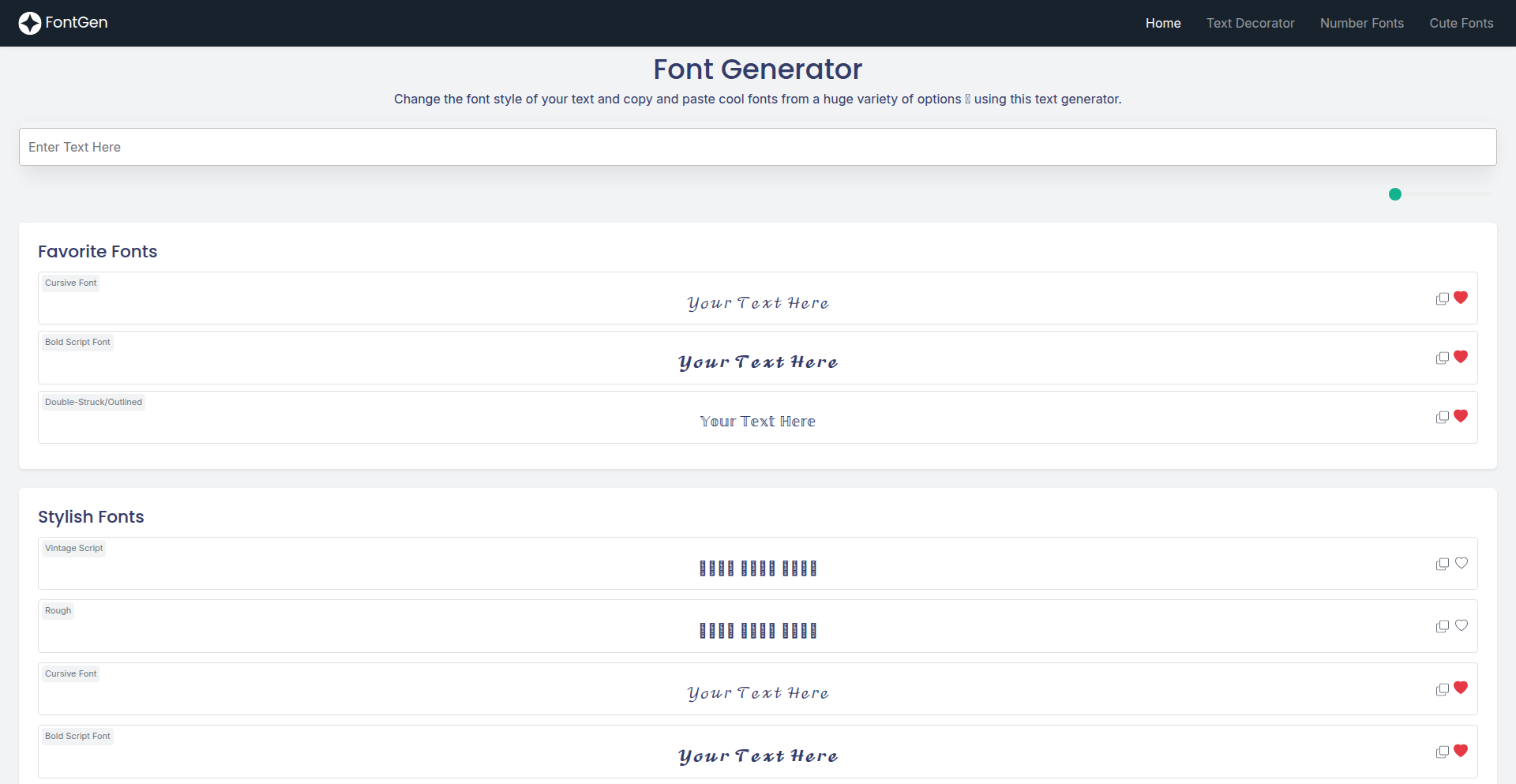
Author
liquid99
Description
FontGen is a web-based tool that generates custom fonts designed for broad accessibility. It addresses the common problem of fonts not being consistently readable by screen readers, especially for users with visual impairments. The innovation lies in its systematic testing and generation process, aiming to produce fonts that are machine-readable and human-friendly across various assistive technologies.
Popularity
Points 5
Comments 0
What is this product?
FontGen is a project that creates fonts optimized for accessibility. Normally, when you design a font, you might not consider how a screen reader, a tool that reads text aloud for visually impaired users, will interpret it. Many fonts, even if they look good to the human eye, can be confusing or unreadable to these machines. FontGen tackles this by developing fonts with specific design considerations to ensure they are accurately recognized and spoken by screen readers. This is achieved through careful character design and potentially through metadata embedded within the font files that guides screen readers. So, this means you get fonts that not only look great but also actively support inclusivity by making digital content accessible to more people.
How to use it?
Developers can use FontGen by visiting the website, exploring the available accessible font options, and downloading the font files. These fonts can then be integrated into websites, applications, or any digital content where custom typography is needed. The project's documentation (linked in the disclaimer) provides details on the accessibility testing performed, giving developers confidence in their choice. This allows you to easily embed fonts that are proven to work well with screen readers, enhancing the user experience for a wider audience without complex technical setup.
Product Core Function
· Accessible Font Generation: Creates custom fonts with design principles that improve readability for screen readers, meaning your text will be more reliably conveyed to visually impaired users.
· Cross-Reader Compatibility Testing: Fonts are tested against screen readers like NVDA to ensure consistent performance, giving you peace of mind that your chosen font will function as expected.
· Downloadable Font Files: Provides font files (likely in standard formats like WOFF or TTF) that can be directly implemented into web projects or applications, making integration straightforward.
· Focus on Usability: Prioritizes making digital content understandable and usable for a broader range of users, contributing to a more inclusive digital environment.
· Transparency in Accessibility: Offers details and disclaimers about the accessibility testing performed, allowing developers to make informed decisions about font choices.
Product Usage Case
· Website Development: A web developer can use FontGen to select and implement a font that ensures their website content is accurately read by screen readers, improving SEO and user experience for visually impaired visitors.
· Application Design: An app designer can integrate FontGen's accessible fonts into their mobile or desktop application interface, ensuring that all users, including those who rely on screen readers, can navigate and interact with the app effectively.
· E-book Creation: An author or publisher can use these fonts to create e-books that are more accessible to readers who use assistive technologies, broadening the potential readership.
· Content Management Systems: Developers can build themes or plugins for CMS platforms that offer these accessible fonts as an option, making it easier for content creators to produce inclusive content.
17
FounderPace: Founder Performance Leaderboard

Author
leonagano
Description
FounderPace is a data-driven leaderboard that tracks and ranks founders based on key performance indicators (KPIs) of their startups. It leverages publicly available data and potentially user-submitted metrics to provide insights into founder effectiveness and company progress. The innovation lies in creating a transparent and comparative platform for startup performance, fostering healthy competition and learning within the founder community.
Popularity
Points 4
Comments 1
What is this product?
FounderPace is a novel leaderboard system designed for startup founders. It operates by aggregating and analyzing various metrics associated with startup growth and founder activity. This could include metrics like user acquisition rates, revenue growth, funding rounds, product launch frequency, or even community engagement. The core innovation is the methodology for deriving a comparative score that reflects a founder's effectiveness and their company's trajectory. It's built on the idea of using data to quantify and visualize founder performance, moving beyond anecdotal evidence and creating a benchmark for success. So, what's in it for you? It provides objective insights into how your startup stacks up against peers, offering a clear picture of areas for improvement and potential growth drivers.
How to use it?
Founders can use FounderPace by connecting their startup's data sources (e.g., analytics platforms, CRM, financial dashboards) or by manually submitting key metrics. The platform then processes this data to generate a unique performance score and rank. Developers might integrate with FounderPace via an API to fetch aggregated performance data for market research or to build features that leverage these leaderboards within their own applications. For example, a startup accelerator might use it to identify promising companies, or a developer could build a dashboard that displays your rank alongside your historical performance. This means you can easily track your progress and understand where you stand in the competitive landscape.
Product Core Function
· Performance Metric Aggregation: Collects and unifies diverse startup metrics from various sources, providing a holistic view of performance. Value: Simplifies data analysis and offers a comprehensive understanding of your startup's health.
· Comparative Leaderboard Generation: Ranks founders and companies based on calculated performance scores, enabling peer comparison. Value: Offers a competitive benchmark and highlights best practices for aspiring founders.
· Data Visualization: Presents performance data and rankings through intuitive charts and graphs. Value: Makes complex performance data easy to understand, allowing for quick identification of trends and actionable insights.
· Founder Profile Management: Allows founders to curate their public profile, showcasing achievements and company milestones. Value: Enhances visibility and credibility within the startup ecosystem.
· API for Data Access: Provides developers with programmatic access to aggregated performance data and leaderboards. Value: Enables the creation of new tools and services that leverage startup performance insights.
Product Usage Case
· A seed-stage startup founder wants to understand how their user growth rate compares to similar companies in their industry. They connect their analytics tool to FounderPace, and the platform displays their rank on the 'User Acquisition' leaderboard, revealing they are in the top 20%. This helps them identify that their growth strategy is working effectively. What's the value for you? You get immediate, data-backed validation of your efforts or clear indicators of where to focus more attention.
· A venture capital firm is looking for promising early-stage companies to invest in. They use FounderPace to filter founders based on their performance scores across various metrics like revenue growth and team expansion. This helps them identify potential investment opportunities more efficiently. What's the value for you? If you're a founder, a high ranking can significantly increase your visibility to potential investors.
· A developer building a new platform for founders wants to include a feature that shows users how their company's fundraising success compares to others. They integrate with FounderPace's API to fetch fundraising data and display it in a comparative graph within their application. What's the value for you? This integration allows developers to enrich their products with real-world performance context, making their applications more valuable and insightful for founders.
18
Datacia
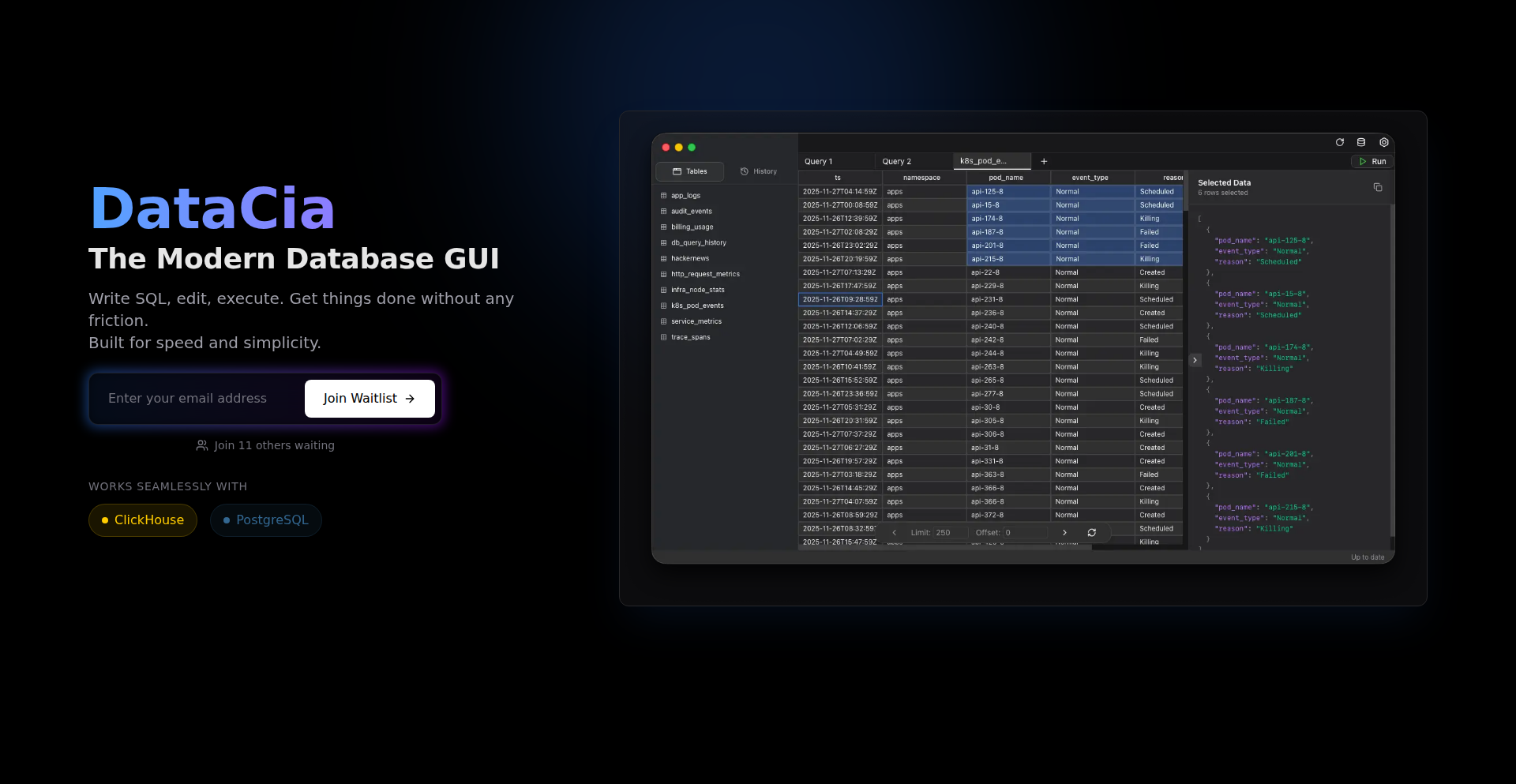
Author
rwiteshbera
Description
Datacia is a lightweight and intuitive database GUI designed for developers, focusing on speed and simplicity. It aims to solve the clutter and performance issues found in many multi-database tools by offering a streamlined experience specifically for ClickHouse and PostgreSQL. This means faster loading times and a cleaner interface, allowing developers to focus on writing and executing SQL queries efficiently.
Popularity
Points 3
Comments 2
What is this product?
Datacia is a database graphical user interface (GUI) application built with a focus on speed and a no-frills user experience. Unlike many database tools that try to support a vast array of databases and end up becoming bloated, Datacia prioritizes essential functionalities for ClickHouse and PostgreSQL. Its core innovation lies in its minimalist approach, ensuring that it opens instantly and provides a fluid environment for writing, executing, and viewing SQL query results. This is achieved through careful design and a targeted feature set, aiming to eliminate the cognitive overhead and performance bottlenecks often associated with more comprehensive database clients. So, for you, this means a database tool that gets out of your way and lets you work faster.
How to use it?
Developers can use Datacia as a standalone desktop application. After downloading and installing it, they can connect to their existing ClickHouse or PostgreSQL databases by providing the connection details (host, port, username, password). Once connected, they can open a query editor to write and run SQL statements, view the results directly within the application, and manage their database interactions without the need for complex configurations or slow loading times. This makes it ideal for daily database tasks, quick data exploration, and debugging. So, this helps you quickly connect to your databases and get to writing SQL without hassle.
Product Core Function
· Instant Query Execution: The ability to run SQL queries and see results almost immediately, improving developer productivity and reducing wait times.
· Intuitive SQL Editor: A clean and user-friendly interface for writing and editing SQL queries, with potential for syntax highlighting and basic auto-completion.
· Fast Database Connection: Rapid establishment of connections to ClickHouse and PostgreSQL databases, minimizing startup delays.
· Clear Result Display: Presenting query results in an easily digestible format, allowing for quick analysis and understanding of data.
· Minimalist Interface: A distraction-free design that prioritizes essential database operations, reducing cognitive load for the user.
Product Usage Case
· A backend developer needs to quickly check the latest data in a ClickHouse table to debug a production issue. Datacia's instant opening and fast query execution allow them to get the information they need within seconds, rather than waiting for a heavyweight GUI to load.
· A data analyst is exploring a PostgreSQL database to understand user behavior. They can use Datacia's intuitive SQL editor to craft complex queries, iterate rapidly on their analysis, and view results clearly without being overwhelmed by unnecessary features.
· A new developer joins a team working with ClickHouse. Datacia's simplicity and direct focus on core SQL operations make it easy for them to get up to speed with the database without a steep learning curve often associated with feature-rich, multi-database tools.
19
Derusted: Rust-Powered Programmable HTTPS Interceptor
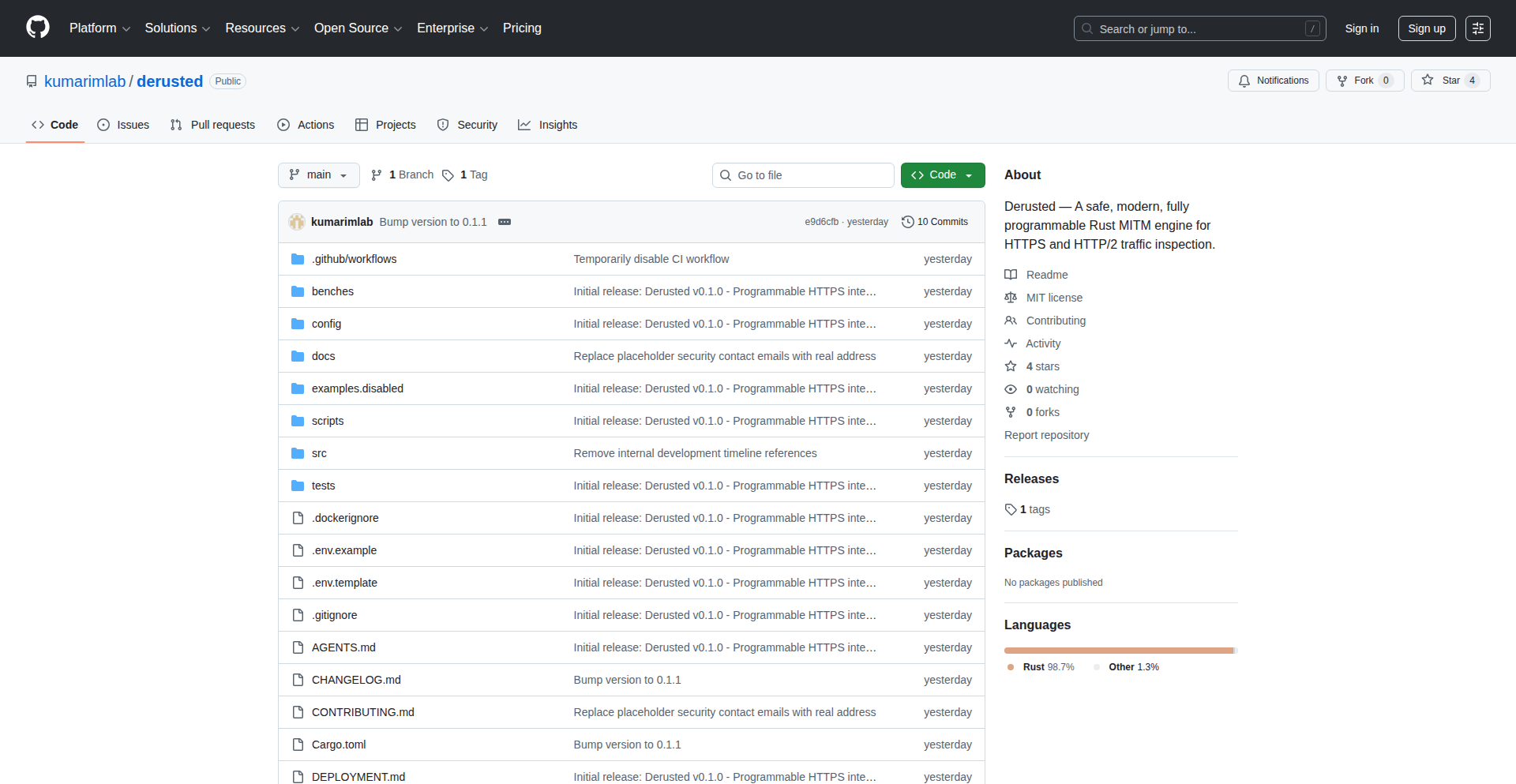
Author
kumaras
Description
Derusted is a Rust-based library that acts as a programmable engine for Man-in-the-Middle (MITM) HTTPS proxies. It addresses frustrations with existing tools by being safe, flexible, embeddable, and protocol-agnostic. Its core innovation lies in its library-first design, allowing developers to integrate its powerful traffic inspection and manipulation capabilities into their own applications, enhancing security, compliance, and network research.
Popularity
Points 4
Comments 0
What is this product?
Derusted is a core engine for intercepting and inspecting HTTPS traffic, built entirely in safe Rust. Think of it as a highly adaptable toolkit for looking 'under the hood' of encrypted web communications. Unlike standalone proxy tools that are often difficult to customize or integrate, Derusted is designed as a library. This means developers can weave its capabilities directly into their own software. The innovation here is its flexibility and safety: it supports both HTTP/1.1 and HTTP/2, offers a pluggable system for analyzing traffic, handles certificate management automatically, and can even redact sensitive data before it's seen. The 'safe Rust' aspect means it's designed to prevent common programming errors that can lead to security vulnerabilities, making it a reliable choice for critical applications.
How to use it?
Developers can integrate Derusted into their projects by including it as a dependency in their Rust code. It's designed to be embedded within other applications. For example, you could use it within browser automation tools to inspect the network requests and responses of a web page, within secure proxy stacks to enforce compliance rules, or in network monitoring tools to gain deeper insights into traffic patterns. Because it's a library, the integration is programmatic: you'll write Rust code to configure Derusted, define how it should inspect or modify traffic, and then use it to proxy connections. This allows for highly customized solutions tailored to specific needs, offering a level of control not typically found in ready-made proxy applications.
Product Core Function
· Safe Rust Implementation: Ensures high reliability and security by preventing common memory-related bugs, making it suitable for critical applications where stability and security are paramount.
· HTTP/1.1 and HTTP/2 Support: Allows for seamless inspection of modern web traffic across different HTTP versions, providing comprehensive coverage for web development and testing.
· Pluggable Inspection Pipeline: Enables developers to create custom logic for analyzing and processing intercepted traffic, offering deep customization for specific security or debugging requirements.
· Certificate Generation and Pinned Cert Detection: Automates the process of handling SSL/TLS certificates for MITM, simplifying setup and enabling inspection of even securely configured sites.
· Sensitive Data Redaction: Provides a mechanism to automatically mask or remove sensitive information from traffic, crucial for compliance and privacy in security audits or debugging.
· Library-First Design: Allows Derusted to be easily embedded into other software projects, offering powerful MITM capabilities as a component rather than a standalone application.
Product Usage Case
· Debugging Web Applications: A developer building a complex web app can embed Derusted into their testing framework to precisely inspect all outgoing and incoming API requests and responses, pinpointing communication errors that are difficult to track otherwise.
· Security Auditing and Compliance: A security auditor can integrate Derusted into a custom tool to monitor and log network traffic from a specific application, ensuring that sensitive data is not being transmitted inappropriately, thus meeting compliance standards.
· Network Research and Analysis: A researcher can use Derusted as a core component in a custom network analysis tool to study traffic patterns, identify protocol anomalies, or test network security configurations in a controlled and programmable manner.
· Building Secure Gateways: An organization can integrate Derusted into their network gateway infrastructure to inspect traffic for malware signatures or to enforce specific data handling policies before data enters or leaves their network.
20
Omnom Fediverse Feed Aggregator
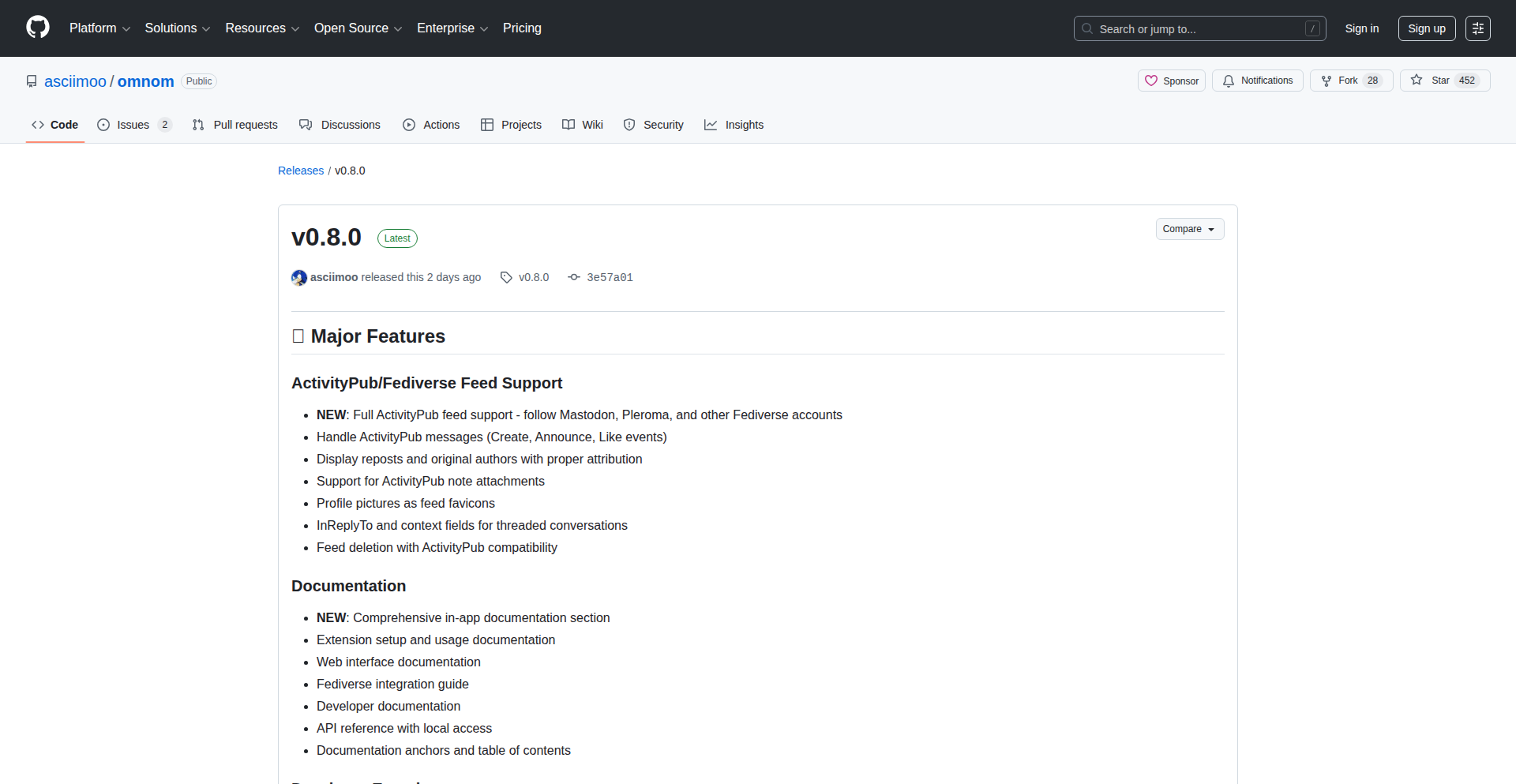
Author
asciimoo
Description
Omnom is an open-source, self-hostable feed reader with innovative integration for the Fediverse. It allows users to aggregate content not just from traditional RSS/Atom feeds, but also from decentralized social networks like Mastodon, bringing a unified content consumption experience. The core innovation lies in its ability to bridge the gap between centralized web content and decentralized social streams, offering a novel way to manage information.
Popularity
Points 4
Comments 0
What is this product?
Omnom is a personal feed aggregator that goes beyond just RSS. Technically, it leverages standard RSS and Atom parsers for traditional feeds. For Fediverse integration, it utilizes the ActivityPub protocol, which is the backbone of decentralized social networks. This means Omnom can 'speak' the language of platforms like Mastodon, PeerTube, and others to fetch posts and updates. The innovation is in unifying these disparate content sources into a single, manageable interface, solving the problem of fragmented information consumption in an increasingly decentralized web.
How to use it?
Developers can use Omnom by setting it up on their own server (self-hosting). This provides complete control over their data and privacy. Once installed, users can add their existing RSS/Atom feed URLs and also link their Fediverse accounts (e.g., Mastodon usernames). Omnom then fetches and displays all this content in a unified timeline. Integration can also involve developers building applications that consume Omnom's API to display aggregated feeds within their own platforms or services, offering a centralized view of both traditional and decentralized content.
Product Core Function
· Unified Feed Aggregation: Omnom consolidates content from RSS, Atom, and ActivityPub sources into a single, easy-to-browse interface. This is valuable because it eliminates the need to visit multiple websites or apps, saving time and mental effort, and providing a comprehensive overview of your interests.
· Fediverse Integration (ActivityPub): Omnom connects to decentralized social networks like Mastodon. This is valuable for users who want to engage with the decentralized web without constantly switching between different platform applications, offering a more seamless experience for staying updated with communities beyond traditional social media.
· Self-Hostable Architecture: Users can host Omnom on their own servers. This is valuable for privacy-conscious individuals and developers who want full control over their data and are wary of third-party services, ensuring their information is not harvested or controlled by a central entity.
· Content Filtering and Organization: Omnom allows for the organization and filtering of aggregated content, making it easier to find what's relevant. This is valuable for managing information overload, as users can prioritize and discover content more efficiently based on their preferences.
Product Usage Case
· A tech blogger can use Omnom to aggregate their own blog's RSS feed along with updates from their Mastodon account. This helps them monitor engagement and share their latest posts across both centralized and decentralized platforms from one central dashboard, making content distribution more efficient.
· A researcher can use Omnom to subscribe to academic journals' RSS feeds and follow discussions on relevant Fediverse communities related to their field. This provides a comprehensive view of both formal publications and informal discussions, aiding in staying abreast of the latest developments and research trends.
· An independent developer can integrate Omnom's API into their personal dashboard application to display a consolidated stream of news from their favorite tech blogs and updates from developer communities on the Fediverse. This allows for quick monitoring of industry news and community discussions without opening multiple browser tabs, boosting productivity.
· A privacy advocate can use Omnom to consume content without relying on corporate social media platforms. By self-hosting, they ensure their browsing habits and content consumption are not tracked, offering a secure and private way to stay informed.
21
PythagorasViz

Author
keepamovin
Description
This project is a visual exploration of the Pythagorean theorem, demonstrating the relationship between the areas of squares on the sides of a right-angled triangle through interactive visualization. It leverages computational geometry and visual rendering to offer a more intuitive understanding of this fundamental mathematical concept. The innovation lies in its interactive and animated approach, transforming a static theorem into a dynamic, explorable experience for learners and developers alike.
Popularity
Points 3
Comments 1
What is this product?
PythagorasViz is an interactive, visual proof of the Pythagorean theorem (a² + b² = c²). Instead of just showing the formula, it dynamically constructs squares on each side of a right-angled triangle and animates their areas, visually demonstrating how the sum of the areas of the squares on the two shorter sides (legs) exactly equals the area of the square on the longest side (hypotenuse). The core technology involves using a JavaScript library for drawing and animation, likely manipulating canvas elements or SVG to render the geometric shapes and their transformations in real-time. This approach makes the abstract mathematical concept tangible and easier to grasp, appealing to anyone trying to understand or teach geometry.
How to use it?
Developers can integrate PythagorasViz into educational websites, interactive learning platforms, or even personal coding projects that involve geometry. It can be used as a pedagogical tool to explain the Pythagorean theorem to students in a more engaging way. The project can be embedded as a component within a web page, allowing users to perhaps even adjust the triangle's dimensions and see the proof hold true. Integration would typically involve including the project's JavaScript files and initializing the visualization with a specific triangle or allowing user input for triangle parameters.
Product Core Function
· Interactive Triangle Manipulation: Allows users to adjust the lengths of the triangle's sides, and the visualization dynamically updates to reflect these changes, demonstrating the theorem's universality. The value is in showing that the proof isn't specific to one triangle, making it a more robust learning tool.
· Animated Area Demonstration: Visually animates the construction of squares on each side of the right-angled triangle and highlights their respective areas. This provides a clear, step-by-step visual narrative of the theorem, making it easy to follow the logic.
· Real-time Area Equivalence Display: Continuously displays and compares the sum of the areas of the squares on the legs with the area of the square on the hypotenuse. This immediate feedback reinforces the equality and helps users intuitively understand why a² + b² = c².
· Cross-platform Web Compatibility: Built using web technologies, ensuring it can be accessed and run on any modern web browser without special installations. This broad accessibility makes it easy for educators and students to use anywhere with internet access.
Product Usage Case
· Educational Website Integration: A school's math department website can embed PythagorasViz to provide students with an interactive way to learn about the Pythagorean theorem. Instead of just reading about it, they can play with it, fostering deeper comprehension and retention.
· Interactive Math Tutoring App: A developer creating a math tutoring application could use PythagorasViz as a core component to explain geometry concepts. It helps solve the problem of abstract mathematical concepts being hard to visualize, offering a concrete and engaging experience.
· Personal Learning Project: A student or developer learning web development and geometry could use this project as a foundation to build more complex interactive math tools, showcasing their ability to translate mathematical principles into functional code.
22
MSCIKDF: Passphrase-Sealed Crypto Roots
Author
mscikdf
Description
MSCIKDF is a groundbreaking cryptographic library designed to enhance the security of cryptocurrency wallets. It addresses a critical vulnerability where compromised mnemonic phrases (seed phrases) directly expose user assets. MSCIKDF ingeniously adds a layer of password protection to these mnemonics, meaning even if your mnemonic is leaked, your funds remain secure. This innovative approach leverages advanced cryptographic principles to ensure that the secret seed is transient, never stored persistently, and can be securely rotated without affecting your wallet addresses. It also offers multichain support and future-proof post-quantum cryptography (PQC) compatibility.
Popularity
Points 3
Comments 1
What is this product?
MSCIKDF is a low-level cryptographic library that fundamentally changes how wallet mnemonics are secured. Traditionally, a mnemonic phrase is directly equivalent to your private key, meaning anyone who gets it can access your funds. MSCIKDF introduces a passphrase-sealed system. When you generate or use your mnemonic with MSCIKDF, a strong password you create is cryptographically combined with the mnemonic. This means the actual seed needed to access your assets is only derived and used for a fleeting moment (around 20 microseconds) during transactions and is never stored on your device or in memory. This prevents a leaked mnemonic from directly compromising your assets. The innovation lies in its zero-persistence secret handling and rotatable passphrase sealing, offering enhanced security and flexibility. It supports virtually all major blockchains and is designed to be upgradeable to future quantum-resistant cryptography.
How to use it?
Developers can integrate MSCIKDF into their cryptocurrency wallets, dApps (decentralized applications), or other blockchain-related tools. The library provides APIs to generate new passphrase-sealed mnemonics, derive private keys for signing transactions, and verify signatures. For example, a wallet developer could use MSCIKDF to ensure that when a user sets up a new wallet, they provide a strong password that is then used to encrypt and protect the underlying mnemonic. This integration would happen at the cryptographic layer of the application, ensuring that the mnemonic itself is never directly exposed to the application's persistent storage or memory. The library's multichain capability means developers don't need separate cryptographic implementations for different blockchains. Integration involves calling MSCIKDF functions to manage the mnemonic and seed derivation process, ensuring that the sensitive seed material is handled with the highest security standards.
Product Core Function
· Passphrase-Sealed Mnemonics: Cryptographically protects your wallet seed phrase with a password. This means that even if your mnemonic is leaked, your cryptocurrency assets are safe unless the attacker also knows your password. This provides a crucial security buffer against common theft vectors.
· Zero-Persistence Secret Handling: The actual seed required to access your funds is never stored on disk or kept in long-term memory. It only exists for a tiny fraction of a second during operations like signing transactions. This dramatically reduces the attack surface for malware and remote exploits.
· Rotatable Secrets: You can change your mnemonic's password or even regenerate a new, cryptographically derived seed from the same mnemonic and password multiple times. This is revolutionary because it allows you to 'rotate' your security without needing to migrate your assets to new wallet addresses, simplifying long-term security management.
· Multichain Cryptographic Support: MSCIKDF is designed to work with a wide range of blockchain networks. It supports cryptographic standards used by numerous chains, meaning you can potentially manage assets across many different cryptocurrencies using a single, securely protected mnemonic.
· Pluggable Post-Quantum Cryptography (PQC) Compatibility: The library is built with future security in mind. It allows for easy integration of new, quantum-resistant cryptographic algorithms as they become standardized. This ensures your wallet remains secure even against the threat of future quantum computers, without requiring you to change your mnemonic or addresses.
· Unicode Passphrase Support: Allows users to set passphrases using a wide range of characters, including those from different languages (Chinese, Japanese, Korean, Arabic) and emojis. This makes creating strong, memorable, and customized passwords more accessible for a global user base.
Product Usage Case
· Wallet Application Security Enhancement: Imagine a mobile cryptocurrency wallet application. Instead of storing the raw mnemonic on the user's device, which is vulnerable to device compromise, the wallet can use MSCIKDF to prompt the user for a password and then derive the seed only when needed for signing a transaction. If the device is stolen or hacked, the attacker only gets the encrypted mnemonic, not the funds.
· Decentralized Exchange (DEX) User Onboarding: For users interacting with a DEX, MSCIKDF can be used to generate a secure wallet. The user provides a strong password, and the mnemonic is protected. This reduces the risk for new users who might be less familiar with best practices for seed phrase management, making the crypto space more accessible and safer.
· Enterprise Blockchain Solutions: In business environments where managing multiple private keys can be complex and risky, MSCIKDF can provide a centralized yet secure way to manage cryptographic identities. The ability to rotate secrets without changing addresses is highly beneficial for long-term system stability and security audits.
· Hardware Wallet Integration: While hardware wallets already offer strong security, MSCIKDF could potentially be integrated to add an extra layer of password protection to the mnemonic backup process, further safeguarding against the physical loss or theft of the hardware wallet and its backup seed.
· Development of Secure Staking or DeFi Platforms: Platforms offering staking or other decentralized finance services often require users to connect their wallets. By ensuring these wallets are secured by MSCIKDF, the underlying assets are better protected against phishing attacks and other common web-based exploits targeting wallet users.
23
RetroTerminal Portfolio

Author
daviducolo
Description
This project is a web-based portfolio designed as an interactive, retro-style bash terminal simulator. It replaces traditional web page layouts with a command-line interface, allowing visitors to navigate a virtual file system, execute common bash commands, and even play embedded games. The innovation lies in using vanilla JavaScript to recreate the feel of a classic terminal, showcasing technical skill and personality through creative problem-solving.
Popularity
Points 4
Comments 0
What is this product?
This is a personal portfolio built entirely with vanilla JavaScript, mimicking the experience of interacting with a classic bash terminal. Instead of clicking buttons and scrolling through pages, you 'type' commands to explore the creator's work, skills, and personal projects. The core innovation is the detailed simulation of a virtual file system and the execution of basic bash commands like 'cd' (change directory), 'ls' (list directory contents), and 'cat' (display file content) directly in the browser, all rendered with a retro CRT scanline effect. It's a unique way to present information and demonstrate technical proficiency by building a functional, albeit simulated, command-line environment.
How to use it?
Developers can use this as inspiration for building unique, interactive web experiences. It serves as a showcase for creative front-end development using only plain JavaScript, highlighting the power of client-side scripting. To 'use' the portfolio itself, visitors interact as they would with a real terminal: navigating directories like '/about', '/projects', and '/skills' by typing commands such as 'cd projects' and then 'ls' to see what's inside. You can even 'cat' files to read their content. It's designed to be explored through command-line interaction, offering a fun and memorable way to discover the creator's work.
Product Core Function
· Virtual File System Navigation: Allows users to explore a simulated directory structure (e.g., '/about', '/projects') by typing 'cd' and 'ls' commands, providing an intuitive, organized way to access different sections of the portfolio without traditional web navigation.
· Simulated Bash Commands: Implements functional versions of common bash commands like 'cd', 'ls', and 'cat', enabling users to interact with the portfolio in a familiar command-line paradigm and demonstrating the ability to build interactive interfaces.
· Interactive Games: Includes playable games like Tic-Tac-Toe embedded within the terminal interface, showcasing creativity and the ability to integrate complex functionality into a unique presentation format.
· Retro CRT Display Effects: Recreates the visual aesthetic of vintage CRT monitors with scanline effects, enhancing user engagement and providing a nostalgic, distinctive user experience.
· Hidden Easter Egg Functionality: Incorporates a secret element unlocked by specific commands (e.g., 'sudo'), adding an element of playful discovery and rewarding curious users, highlighting attention to detail and a sense of humor.
Product Usage Case
· Portfolio Presentation: In a developer's personal portfolio, this can be used to present skills, projects, and an 'about me' section in a highly engaging and memorable way that stands out from typical websites.
· Interactive Educational Tools: Could be adapted to create interactive tutorials for learning command-line basics or programming concepts, allowing students to practice commands in a safe, simulated environment.
· Unique Web Application Interfaces: Developers can leverage the techniques to build unconventional user interfaces for web applications, moving beyond standard GUI elements to offer a more personalized or thematic experience.
· Gamified User Onboarding: For a new web service, a simplified terminal interface could be used for an engaging onboarding process, guiding users through initial setup and feature discovery with a series of commands.
· Artistic Web Projects: This approach is perfect for creative technologists and artists building web-based art installations or interactive narratives, using the terminal as a canvas for expression.
24
The Bright Mind Games: Daily Word Grid Challenge

Author
subhash_k
Description
This project is a web-based implementation of the New York Times Connections game, offering a daily word-grouping puzzle. The innovation lies in its efficient backend logic for generating unique daily puzzles and a user-friendly frontend interface that replicates the game's core mechanics. It solves the problem of providing an engaging, mentally stimulating daily challenge accessible through a browser.
Popularity
Points 2
Comments 2
What is this product?
The Bright Mind Games is a web application that provides a daily word puzzle inspired by the New York Times Connections game. It works by presenting users with a grid of words, and their task is to identify groups of four words that share a common theme or category. The core innovation is in the algorithm that generates these daily word puzzles, ensuring variety and logical grouping without repetition. For developers, this demonstrates a clever approach to combinatorial problem-solving and dynamic content generation, showcasing how to build interactive puzzle experiences.
How to use it?
Developers can use this project as a reference for building their own word-based puzzle games or educational tools. The frontend can be integrated into existing web applications to add a gamified element, or the backend logic can be adapted to generate different types of word association challenges. It's a great example of how to create engaging user experiences with simple yet powerful web technologies, offering a quick way to add a fun, daily challenge to any platform.
Product Core Function
· Daily unique puzzle generation: The system employs an algorithm to create a new set of word categories and associated words each day, ensuring replayability and a fresh challenge. This is valuable for keeping users engaged with a consistently novel experience.
· Interactive word selection and grouping: Users can click and drag words to form groups, with the frontend providing immediate visual feedback on their selections. This offers a responsive and intuitive user interface, enhancing the gameplay experience.
· Category validation and scoring: The backend validates user-submitted groups against the pre-defined categories, providing instant feedback on correct and incorrect groupings. This core logic is essential for any puzzle game, offering a clear win condition and learning opportunity.
· Responsive web interface: The game is built with modern web technologies, making it accessible and playable on various devices, from desktops to mobile phones. This broad accessibility ensures the game can reach a wider audience and be enjoyed anywhere.
Product Usage Case
· Building an educational tool for vocabulary building: A language learning platform could use this as a fun exercise to help students learn new words and their associated concepts by creating custom daily word grids for specific topics.
· Integrating a daily challenge into a content website: A news or lifestyle website could embed this game to increase user engagement and encourage daily visits, offering a mental break or a fun way to start the day.
· Developing a team-building activity: For remote teams, this game can be used as a fun, lighthearted competition to foster camaraderie and provide a shared experience outside of work tasks.
· Creating a casual mobile game: The core logic can be adapted and expanded into a standalone mobile application, offering a simple yet addictive puzzle experience for a broader consumer market.
25
AstroPages Pro

Author
chiengineer
Description
AstroPages Pro is a demonstration of building feature-rich static websites for GitHub Pages entirely for free, leveraging Astro and Tailwind CSS. It showcases how to achieve sophisticated frontend development without costly subscriptions, emphasizing manual coding and optimization for maximum efficiency. The project highlights its potential for creating lightweight yet powerful mini-blogs and similar content sites.
Popularity
Points 3
Comments 1
What is this product?
AstroPages Pro is a meticulously hand-coded static site generator project utilizing Astro and Tailwind CSS, designed for deployment on GitHub Pages. The core innovation lies in demonstrating that a high-quality, feature-rich website can be built and hosted completely free of charge. It's a testament to efficient coding practices and the power of open-source tools, offering a deep dive into optimizing for performance and cost-effectiveness. The project pushes boundaries by aiming for advanced functionality, even if it means going 'overboard' for the sake of showcasing potential.
How to use it?
Developers can use AstroPages Pro as a template or inspiration for their own static website projects. It's ideal for creating personal blogs, portfolios, or small project documentation sites. The project's structure, built with Astro and styled with Tailwind CSS, can be forked from GitHub. Developers can then customize the content, components, and theming to match their specific needs. Deployment to GitHub Pages is straightforward, involving pushing the built static assets to a repository. The focus is on manual configuration and understanding the underlying build process, providing a hands-on learning experience for those aiming to build performant, free websites.
Product Core Function
· Free Static Site Generation: Leverages Astro, a modern JavaScript framework, to build highly performant static websites, meaning the site is pre-built into HTML, CSS, and JavaScript files, leading to faster load times and better SEO. This is valuable because it reduces reliance on expensive hosting and server-side processing, making your website accessible and quick for users globally.
· Tailwind CSS Integration: Utilizes Tailwind CSS, a utility-first CSS framework, for rapid and consistent styling. This allows developers to build custom designs quickly without writing extensive custom CSS, enhancing development speed and maintainability. The value here is creating beautiful, responsive designs efficiently, making your site look professional without complex styling efforts.
· GitHub Pages Deployment: Optimized for seamless deployment to GitHub Pages, offering free hosting for static websites. This is a significant value proposition as it eliminates hosting costs for personal projects, blogs, or documentation, democratizing web presence for developers.
· Manual Optimization & Efficiency: The project emphasizes manual coding and optimization, showcasing techniques to achieve high performance without relying on paid services or complex tooling. This educational aspect helps developers understand how to build lean, fast websites, directly benefiting their project's performance and user experience.
· Extensible Component Architecture: Built with Astro, the project likely features a component-based structure that allows for easy addition and modification of features. This is valuable for developers looking to scale their site's functionality over time, enabling them to add new sections or interactive elements without a complete rebuild.
Product Usage Case
· Creating a personal blog with custom themes and dynamic content presentation: Developers can fork this project to quickly set up a blog that looks and feels unique, leveraging Astro's templating for content management and Tailwind for aesthetic control. This solves the problem of needing a fast, good-looking, and free blog platform.
· Building a portfolio website to showcase projects and skills: The static nature and free hosting are perfect for developers to present their work to potential employers or clients. The project provides a solid foundation for a visually appealing and performant portfolio that loads instantly.
· Developing a simple documentation site for an open-source project: For developers working on open-source software, this project offers a cost-effective and efficient way to host clear, accessible documentation. The clean structure aids in organizing technical information effectively.
· Experimenting with advanced static site features for educational purposes: The 'overboard' nature of the project serves as a learning resource, allowing developers to explore how to push the limits of free hosting and static site generation. This helps them understand complex build processes and optimization techniques in a practical context.
26
RapidImageOptimizer

Author
vladoh
Description
A free tool designed to significantly speed up website loading times by intelligently optimizing images. It tackles the common problem of large image files hindering user experience and SEO, offering a developer-friendly solution.
Popularity
Points 2
Comments 2
What is this product?
RapidImageOptimizer is a command-line tool that automates image compression and format conversion without a noticeable loss in visual quality. It uses advanced algorithms to analyze image content and apply the most effective optimization techniques. Think of it as a smart digital tailor for your images, making them as light as possible while keeping them looking great. This is crucial because slow-loading websites frustrate users and negatively impact search engine rankings. So, for you, this means happier visitors and better visibility on Google.
How to use it?
Developers can integrate RapidImageOptimizer into their build processes or use it as a standalone utility. It's designed to be easily scriptable, allowing for batch processing of image directories. You can point it to a folder of images, and it will process them, creating optimized versions. This can be done manually before deploying your website, or automated within your continuous integration/continuous deployment (CI/CD) pipeline. For instance, you could set it up to automatically optimize all new images uploaded to your project. This means you get faster sites with minimal manual effort.
Product Core Function
· Intelligent Lossless/Lossy Compression: Applies compression algorithms tailored to the image type (JPEG, PNG, GIF) to reduce file size significantly. This means your images become smaller, leading to faster download times without sacrificing visual clarity, which directly translates to a better user experience and potentially higher conversion rates.
· Automatic Format Conversion: Converts images to modern, web-optimized formats like WebP where supported by browsers. This offers superior compression compared to older formats, further accelerating page loads and reducing bandwidth consumption. This is useful for ensuring your website is future-proof and leverages the latest web technologies for optimal performance.
· Batch Processing Capabilities: Allows for the optimization of multiple images simultaneously, saving developers considerable time and effort when dealing with large image libraries. This is a huge time-saver for projects with many assets, ensuring consistency and efficiency in your image optimization workflow.
· Configuration Flexibility: Provides options to fine-tune optimization levels and exclude specific images or folders. This gives developers control over the optimization process, allowing them to balance file size with visual fidelity based on specific project needs. You can customize it to fit your exact requirements, whether you need extreme optimization or a more conservative approach.
Product Usage Case
· Website Development: Before launching a new website or updating an existing one, developers can run RapidImageOptimizer on all their image assets. This ensures that the website loads quickly on any device, improving user engagement and reducing bounce rates. This is valuable because a fast website keeps visitors engaged and encourages them to explore more content.
· E-commerce Platforms: Online stores heavily rely on product images. Optimizing these images with RapidImageOptimizer leads to faster product page loading, which can directly impact sales by reducing cart abandonment due to slow performance. This means more potential customers stick around to see your products and are more likely to make a purchase.
· Content Management Systems (CMS): For bloggers and content creators using CMS platforms, this tool can be integrated into the media upload workflow. Newly uploaded images are automatically optimized, ensuring articles and blog posts load swiftly for readers. This means your content reaches your audience faster, increasing readership and engagement.
· Progressive Web Apps (PWAs): PWAs aim for an app-like experience, which includes incredibly fast loading times. RapidImageOptimizer plays a key role in achieving this by ensuring all visual assets are as lean as possible, contributing to a seamless and responsive user interface. This helps your PWA feel truly instant and responsive, providing a superior user experience.
27
AnyMusic AI Harmony Forge

Author
lovelycold
Description
AnyMusic is an AI-powered music generation platform that creates royalty-free songs, individual instrument tracks (stems), and lyrics. Its core innovation lies in leveraging advanced AI models to understand musical composition, lyrical themes, and song structure, enabling the creation of complete musical pieces from simple prompts. This solves the challenge of quickly and affordably producing original music for content creators, developers, and small businesses.
Popularity
Points 4
Comments 0
What is this product?
This project, AnyMusic AI Harmony Forge, is an artificial intelligence system designed to generate original music. It uses sophisticated AI algorithms, similar to how AI can write text or create images, but specifically trained on vast datasets of music theory, melodies, rhythms, and lyrical patterns. The innovation is in its ability to synthesize these elements into coherent and musically pleasing outputs. Instead of spending weeks composing or paying for expensive licenses, users can get custom, royalty-free music tailored to their needs. So, what's in it for you? You get access to an instant, cost-effective music studio.
How to use it?
Developers can use AnyMusic AI Harmony Forge through its API. This allows them to integrate music generation capabilities directly into their applications. For example, a game developer could use it to generate dynamic background music that changes based on gameplay. A video editor could use it to create custom soundtracks for their videos without licensing fees. The integration would involve sending a prompt to the API, specifying desired genre, mood, instruments, and lyrical themes, and receiving the generated music files back. This empowers developers to add unique audio experiences to their projects. So, what's in it for you? Seamless integration of custom music into your own software or workflow.
Product Core Function
· AI Song Generation: The AI composes complete songs, understanding melody, harmony, and rhythm to create a full musical piece. This is valuable for quickly producing background music for videos, podcasts, or game levels. So, what's in it for you? Instant access to ready-to-use full song tracks.
· Stem Separation and Generation: The system can generate individual instrument tracks (stems) like drums, bass, vocals, or melodies, or separate existing tracks into stems. This is crucial for musicians and producers who need to remix, adjust, or isolate specific parts of a song. So, what's in it for you? Granular control over musical elements for advanced editing and production.
· AI Lyric Generation: The AI writes lyrics based on user-defined themes, moods, or keywords. This helps songwriters and content creators overcome writer's block and generate lyrical ideas or complete verses. So, what's in it for you? Assistance in crafting compelling lyrics for your creative projects.
· Royalty-Free Licensing: All generated music is provided royalty-free, meaning users can use it in their commercial projects without paying ongoing licensing fees. This significantly reduces costs for independent creators and businesses. So, what's in it for you? Freedom to use your generated music in any project without future financial obligations.
· Customizable Generation Parameters: Users can specify various parameters like genre, mood, tempo, and instruments to guide the AI's output. This allows for a high degree of creative control and personalization of the generated music. So, what's in it for you? The ability to precisely tailor the music to your specific requirements and artistic vision.
Product Usage Case
· A mobile game developer needs unique background music for different game levels. They use AnyMusic AI Harmony Forge to generate distinct soundtracks for each level, ensuring the music enhances the player's immersion without the cost and time of hiring a composer. So, what's in it for you? Enhanced game experience with custom, adaptive audio.
· A YouTube content creator is producing a series of explainer videos and needs consistent intro and outro music. They use the platform to generate royalty-free jingles and background tracks that match their brand's tone, avoiding copyright issues and saving on licensing fees. So, what's in it for you? Professional audio branding for your content without legal or financial headaches.
· An indie musician is experimenting with new song ideas but is stuck on developing a chorus melody. They use AnyMusic AI Harmony Forge to generate several melodic variations based on their verse lyrics, providing inspiration and a starting point for their own composition. So, what's in it for you? A powerful creative assistant to break through artistic blocks and explore new musical directions.
· A small business owner wants to create a catchy jingle for their upcoming advertising campaign. They use the AI to generate several jingle options based on their product and target audience, quickly finding a memorable tune that fits their budget. So, what's in it for you? Affordable and effective advertising music to promote your business.
28
ClickHouse GitHub Activity Insights

Author
saisrirampur
Description
This project provides analytics for GitHub activity, leveraging the power of ClickHouse to process and visualize large volumes of data efficiently. It tackles the challenge of analyzing complex event streams from GitHub, offering deep insights into repository engagement and contribution patterns.
Popularity
Points 3
Comments 0
What is this product?
This is a system designed to analyze and understand the vast amount of data generated by GitHub activities, such as commits, pull requests, and issue interactions. The core innovation lies in using ClickHouse, a high-performance columnar database, to store and query this data at incredible speed. Traditionally, analyzing such large datasets for detailed insights can be slow and resource-intensive. By employing ClickHouse, this project offers a much faster and more scalable way to uncover trends and patterns in GitHub project evolution, which is invaluable for understanding community engagement and project health. This means you can get real-time or near-real-time insights into how your project is being used and contributed to, rather than waiting days for reports.
How to use it?
Developers can integrate this system by setting up a data pipeline to feed their GitHub repository events into a ClickHouse database. This typically involves using GitHub's webhooks to capture events and a custom script or an ETL tool to insert them into ClickHouse. Once the data is in ClickHouse, developers can then use SQL queries to extract specific analytics or connect visualization tools like Grafana or Tableau to build dashboards. This allows for flexible exploration of the data, enabling you to answer questions like 'Which contributors are most active in the last month?' or 'What types of issues are being opened most frequently?' This gives you the power to customize the analysis to your specific needs, rather than relying on generic reports.
Product Core Function
· Efficient Data Ingestion: Captures and stores GitHub event data (commits, PRs, issues) using ClickHouse, enabling rapid data processing for massive datasets. Value: Prevents data loss and ensures all relevant activity is available for analysis, no matter the project size.
· High-Performance Querying: Leverages ClickHouse's columnar storage and query engine for lightning-fast retrieval of analytical data. Value: Get answers to complex questions about your GitHub activity in seconds, not hours, accelerating decision-making.
· Customizable Analytics: Enables users to write SQL queries directly against the GitHub activity data. Value: Tailor your analysis to any specific question you have about your project's performance or community engagement, providing unparalleled flexibility.
· Scalable Architecture: Designed to handle growing volumes of GitHub activity data as projects and communities expand. Value: The system grows with your project, ensuring continued performance and insight even as your user base and activity increase.
· Event Stream Analysis: Focuses on analyzing the sequence and nature of events within GitHub repositories. Value: Understand the flow of development and identify bottlenecks or areas of high collaboration by analyzing the timing and types of events.
Product Usage Case
· Analyzing contributor activity patterns: A project manager can use this to identify key contributors, understand their engagement levels, and spot potential areas for support or recognition by querying for commit frequency and pull request contributions over a specific period. This helps in fostering a healthy and active community.
· Tracking issue resolution trends: A developer can analyze the rate at which issues are opened and closed, categorized by type (bug, feature request), to identify common problems or areas needing more development attention. This leads to faster bug fixes and better product planning.
· Measuring pull request engagement: A team lead can track the time it takes for pull requests to be reviewed and merged, and analyze the number of comments and discussions per pull request. This helps in optimizing the code review process and improving collaboration.
· Identifying popular features or modules: By analyzing commit messages and issue tags, a product owner can gain insights into which features are being actively developed or are generating the most discussion, informing future development priorities. This ensures development efforts are focused on what matters most to users.
29
UnifiedFlow
Author
AbdullahSheraz
Description
UnifiedFlow is a task management application designed to seamlessly integrate both personal to-dos and team projects within a single, intuitive interface. It addresses the common problem of fragmented workflows by consolidating distinct personal and collaborative tasks, preventing confusion and improving productivity. The core innovation lies in its flexible project structure and rich task features, all powered by a modern mobile-first architecture.
Popularity
Points 3
Comments 0
What is this product?
UnifiedFlow is a task management application built with Flutter and Firebase. It allows users to create separate spaces for personal tasks and team projects. The underlying technology uses Firebase for its backend services, handling authentication, data storage (like tasks, projects, and user information), and real-time notifications. This approach enables a robust and scalable application without the need to manage complex server infrastructure. The innovation is in its unified approach to task management, recognizing that individuals and teams often have intertwined responsibilities but need distinct organizational structures to avoid clutter and maintain focus.
How to use it?
Developers can use UnifiedFlow by signing up and immediately creating their first project. They can then invite team members via email or a shareable link. For personal tasks, users can simply create a personal project and start adding tasks. Tasks can be enriched with voice notes, attachments, and actionable sub-points. Each task has a dedicated discussion thread for collaboration. The platform provides a dashboard for an overview of activities, custom project statuses for workflow customization, and granular member permissions to manage access. Integrations are possible by leveraging the app's API for pulling task data or triggering actions, though the primary use case is direct user interaction.
Product Core Function
· Personal and Team Project Management: Segregates personal to-dos from collaborative team efforts, allowing for focused organization and clear separation. This avoids the confusion of mixing private and work-related tasks.
· Collaborative Task Assignment: Enables inviting team members and assigning tasks with rich details like voice notes, attachments, and action items, fostering clear communication and accountability within teams. This ensures everyone knows what needs to be done and how.
· Task-Specific Discussions: Provides dedicated chat threads for each task, facilitating contextual conversations and decision-making without cluttering general project channels. This keeps all task-related communication in one place.
· Customizable Workflows: Allows defining custom statuses for projects, enabling teams to adapt the tool to their unique processes and track progress more effectively. This means the tool molds to your workflow, not the other way around.
· Centralized Dashboard and Activity Log: Offers a consolidated view of all project activities, recent updates, and overdue tasks, providing a high-level overview for efficient monitoring. This gives you a quick pulse on everything happening.
· User Permissions and Access Control: Manages member roles and permissions within projects, ensuring data security and appropriate access levels. This keeps sensitive information protected and ensures the right people have access.
Product Usage Case
· Freelance Developer Managing Client Projects: A developer can create a 'Client A' project for a specific client, add tasks, assign them to themselves or a collaborator, and attach design mockups. A separate 'Personal' project can manage their learning goals or side projects, all within the same app. This solves the problem of using separate tools for client work and personal development.
· Small Startup Team Coordinating Product Launch: A startup team can create a 'Product Launch' project, define custom statuses like 'Design,' 'Development,' 'Testing,' and 'Marketing.' Tasks like 'Finalize UI Design' or 'Draft Press Release' can be assigned with specific deadlines and detailed descriptions. Dedicated discussions on each task ensure alignment. This helps manage a complex project with multiple moving parts and people.
· Student Organizing Group Projects: Students working on a group assignment can create a project for that specific assignment, invite their group members, and break down the work into manageable tasks. Voice notes can be used to clarify instructions, and attachments can store research papers. This streamlines collaboration for academic projects and ensures everyone contributes equally.
30
eth-explorer: CLI for Blockchain Event Visualization
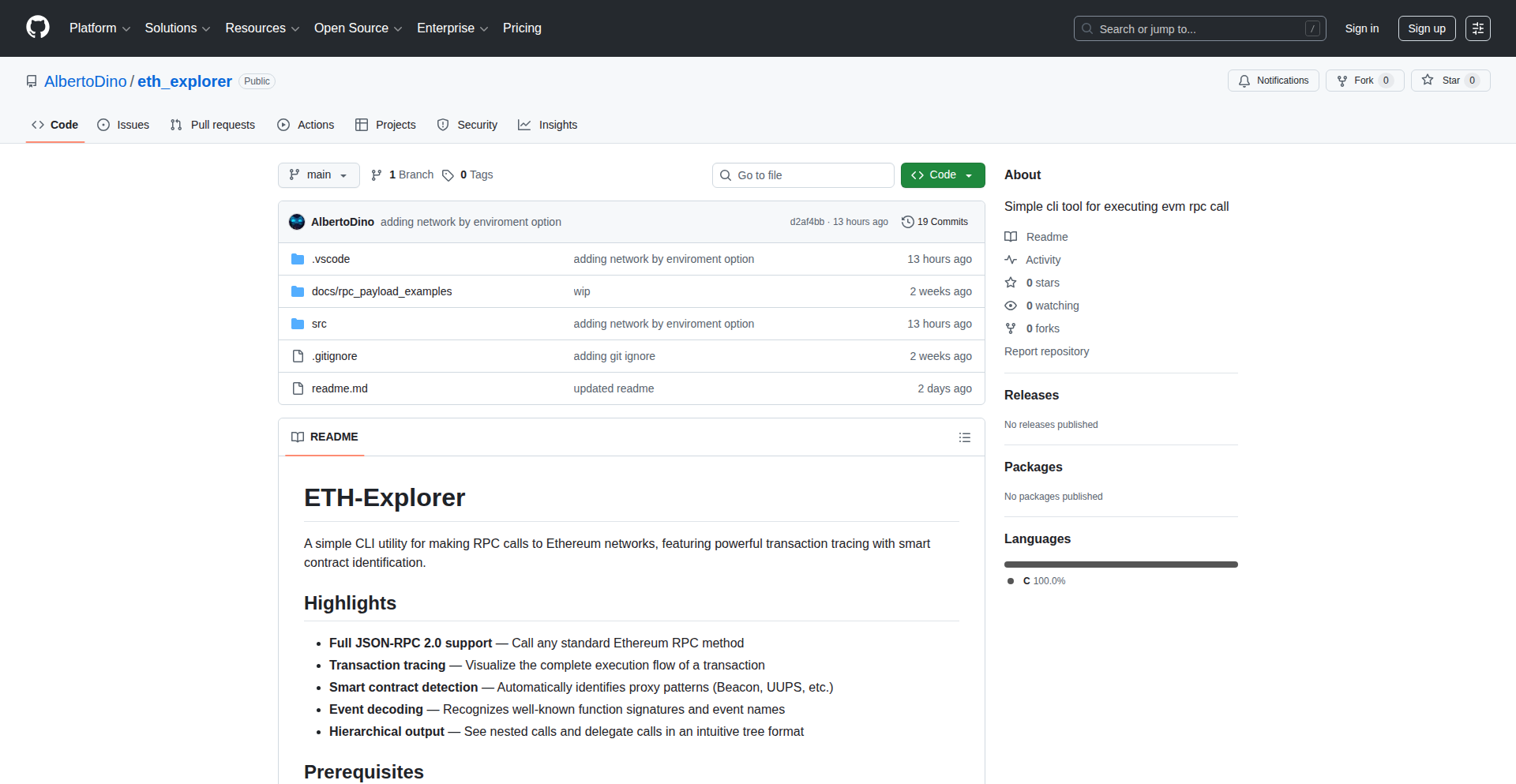
Author
donbia
Description
A minimalist command-line interface (CLI) tool designed to visualize blockchain events. It addresses the complexity of directly inspecting raw blockchain data by providing a more intuitive, human-readable output, making it easier for developers to understand and debug smart contract interactions and network activity. The innovation lies in its focused approach to event representation and its accessibility via a simple CLI.
Popularity
Points 2
Comments 1
What is this product?
This project is eth-explorer, a command-line tool that helps you see and understand what's happening on the blockchain in a clear way. Instead of looking at confusing raw data, it translates blockchain events (like when a smart contract is used) into easily understandable text. The innovative part is how it simplifies this complex data; it uses libraries that understand blockchain protocols to fetch event logs and then intelligently formats them. Think of it as a translator for your blockchain interactions, making them visible and debuggable right from your terminal. This is useful because understanding on-chain activity is crucial for developing and securing decentralized applications, and this tool makes that process much more accessible.
How to use it?
Developers can use eth-explorer by installing it via a package manager (e.g., pip for Python projects). Once installed, they can run commands directly from their terminal. For example, they could specify a blockchain address and a block range, and the tool would fetch and display all relevant events within that range. This allows for quick inspection of contract deployments, token transfers, or any custom events emitted by smart contracts. It's designed for quick, ad-hoc analysis without needing to set up complex monitoring infrastructure. The value here is getting immediate insights into blockchain activity directly from your development environment.
Product Core Function
· Event Log Fetching: Connects to an Ethereum node (or compatible network) to retrieve transaction event logs. This is valuable because it's the fundamental step in understanding what a smart contract has done, allowing developers to see the outputs of their code.
· Human-Readable Formatting: Parses raw event data and presents it in a clear, easy-to-read text format. This is crucial for developers as it translates complex hexadecimal data into meaningful information, reducing debugging time and cognitive load.
· Filtering and Selection: Allows users to specify addresses, event types, and block ranges to narrow down the events of interest. This is important for efficiently analyzing large volumes of blockchain data, saving time by focusing only on relevant information.
· CLI Accessibility: Provides a straightforward command-line interface for easy interaction and integration into scripts or development workflows. This is valuable for developers who prefer working in the terminal and need a quick way to inspect blockchain activity without leaving their coding environment.
Product Usage Case
· Debugging a smart contract: A developer deploys a new ERC-20 token contract. They want to verify that transfers are being logged correctly. Using eth-explorer, they can quickly query for 'Transfer' events emitted by their contract's address within a specific block range to confirm successful transactions. This directly solves the problem of verifying contract behavior in real-time.
· Monitoring contract interactions: A project manager wants to understand the activity on a deployed DeFi protocol. They can use eth-explorer to regularly query for specific events (e.g., 'Deposit', 'Withdrawal') from the protocol's main smart contract to get a high-level overview of user engagement. This provides a low-barrier way to gain visibility into application usage.
· Analyzing blockchain network activity: A security researcher wants to identify unusual patterns of token transfers on the Ethereum network. They can use eth-explorer to scan for large or frequent transfers between specific addresses or smart contracts, helping them detect potential anomalies or malicious activity. This offers a practical tool for on-chain forensic analysis.
31
OgBlocks: React Animated UI Components

Author
thekarank
Description
OgBlocks is a plug-and-play animated UI library for React, designed to empower developers of all CSS skill levels to create premium, animated user interfaces. It offers ready-to-use components like navbars, modals, buttons, text animations, and carousels, significantly reducing the effort and complexity typically associated with building visually rich and interactive web experiences. The innovation lies in its focus on simplifying complex animations and ensuring a polished look with minimal developer input.
Popularity
Points 3
Comments 0
What is this product?
OgBlocks is a collection of pre-built, animated UI components for React applications. Instead of writing intricate CSS and JavaScript to achieve smooth transitions and engaging visual effects, developers can simply copy and paste these components into their project. The core innovation is abstracting away the complexity of animation engineering. For instance, creating a fade-in text animation or a sliding carousel usually requires significant coding expertise. OgBlocks provides these as ready-made blocks, so if you need a beautiful animation, you don't need to be an animation expert yourself. This translates to faster development and a more professional-looking end product without a steep learning curve.
How to use it?
Developers can integrate OgBlocks into their React projects by installing the library via npm or yarn. Once installed, they can import specific components (e.g., `AnimatedButton`, `SlidingCarousel`) into their React components and use them directly. Each component is designed to be highly customizable through standard React props, allowing developers to tailor the appearance and behavior to their specific needs. For example, to use an animated button, a developer would `import { AnimatedButton } from 'ogblocks';` and then render it like `<AnimatedButton text='Click Me' onClick={handleClick} />`. This approach makes it incredibly easy to sprinkle sophisticated animations throughout an application with minimal effort, offering a significant productivity boost.
Product Core Function
· Animated Navbars: Provides pre-designed navigation bars with smooth reveal or scrolling animations, making your website navigation more engaging and intuitive. This saves developers from crafting complex CSS for responsive menus and transition effects.
· Dynamic Modals: Offers modals that animate in and out elegantly, enhancing user experience for important notifications or forms. This eliminates the need to code intricate CSS for modal animations and overlay effects.
· Interactive Buttons: Includes buttons with hover effects, click animations, and other micro-interactions that add polish and feedback to user actions. Developers can add subtle visual cues that make their interfaces feel more responsive without writing individual animation styles.
· Engaging Text Animations: Features various text effects like fade-ins, typewriter effects, or letter reveals, making content more dynamic and visually appealing. This allows for creative content presentation without needing complex JavaScript animation libraries.
· Smooth Carousels: Delivers responsive and animated image or content carousels that smoothly transition between items. This simplifies the creation of visually rich content sliders that are often time-consuming to build from scratch.
Product Usage Case
· A marketing website needing to showcase features with animated call-to-action buttons and eye-catching hero section text animations. OgBlocks can be used to quickly implement these, improving visitor engagement without requiring a dedicated animation specialist.
· An e-commerce platform that wants to improve the user experience with animated product carousels and elegant modal windows for product details or checkout. This helps create a more premium feel and reduces the development time for these common e-commerce UI patterns.
· A dashboard application where interactive elements like navigation menus and data visualizations benefit from subtle animations to guide user attention and indicate state changes. OgBlocks provides these animations out-of-the-box, making the interface feel more polished and professional.
· A portfolio website looking to impress potential clients with dynamic content reveals and animated transitions between sections. Developers can use OgBlocks to easily add these sophisticated visual elements to stand out, without getting bogged down in complex animation coding.
32
Spikelog: Script & MVP Metrics Weaver

Author
dsmurrell
Description
Spikelog is a lightweight metrics service designed for tracking the performance and execution of scripts, cron jobs, and Minimum Viable Products (MVPs). It addresses the common challenge of understanding how often and how long these often overlooked background processes are running, providing simple, accessible insights into system behavior and resource usage, helping developers quickly identify bottlenecks or anomalies.
Popularity
Points 2
Comments 1
What is this product?
Spikelog is a straightforward metrics service that acts as a central point for collecting and visualizing simple performance data from your scripts and background tasks. Imagine you have many small programs or automated tasks running. It's hard to know if they are running too much, too little, or taking too long. Spikelog solves this by providing a way for these tasks to 'report in' when they start, stop, or encounter an issue. It's built with simplicity in mind, meaning it's easy to set up and doesn't overwhelm you with complex configurations. The core innovation lies in its ease of integration and its focus on essential metrics, making it perfect for projects where advanced monitoring might be overkill, but knowing 'is it working and how fast?' is crucial. So, what's in it for you? It gives you peace of mind by making your invisible tasks visible, allowing you to proactively fix problems before they impact your main application or service.
How to use it?
Developers can integrate Spikelog into their existing scripts, cron jobs, or applications by making simple HTTP requests to the Spikelog service. For instance, at the beginning of a script, you could send a 'start' event, and at the end, a 'stop' event. If an error occurs, you can send an 'error' event with details. This can be done using standard libraries in most programming languages (like Python's `requests` module or Node.js's `fetch` API). Spikelog then aggregates this data, presenting it in an easy-to-understand dashboard or through simple API endpoints. This makes it ideal for:
1. **Cron Job Monitoring:** Quickly see if your scheduled tasks are running as expected, when they start, and if they complete successfully. This tells you if your automated maintenance or data processing is actually happening.
2. **MVP Performance Tracking:** For early-stage products, understand how often core functionalities are being triggered and their basic execution duration. This helps you prioritize development efforts based on real usage, ensuring you're building what users actually need.
3. **Script Health Checks:** Monitor the health of utility scripts or background workers. If a script unexpectedly stops reporting in, you get an immediate alert. This means you can ensure your essential background operations are always running smoothly.
Product Core Function
· Event Logging: Scripts can send simple messages (like 'start', 'stop', 'error', 'success') to Spikelog with optional metadata. This allows you to log key lifecycle events of your tasks, providing a chronological record of their activity. This is valuable for debugging and understanding the sequence of operations.
· Basic Metric Aggregation: Spikelog automatically counts the occurrences of different events and can calculate simple durations between 'start' and 'stop' events. This gives you immediate insights into how often tasks are running and their typical execution times. This helps identify performance trends and resource consumption patterns.
· Simple Data Visualization: Spikelog provides a basic dashboard to view the aggregated metrics. You can see charts showing event frequencies over time and average durations. This visual representation makes it easy to spot anomalies and understand the overall health of your monitored processes at a glance. It answers the question 'how is this script doing?' visually.
· HTTP API Endpoints: Beyond the dashboard, Spikelog exposes simple API endpoints to retrieve the raw or aggregated metric data. This allows for programmatic access to your metrics, enabling integration with other monitoring tools or custom alerting systems. This means you can build more sophisticated monitoring workflows tailored to your needs.
Product Usage Case
· A developer has a daily cron job that aggregates data from an external API. By integrating Spikelog, they can log a 'start' event before the job runs and a 'success' or 'error' event upon completion. If the job fails silently, Spikelog will show no 'success' event, alerting the developer to investigate. This prevents data staleness and ensures data pipelines are functioning.
· For a new web application MVP, a developer wants to track how often a key 'user signup' process is completed. They can send a 'signup_completed' event to Spikelog. By looking at the Spikelog dashboard, they can see the daily signup rate and quickly gauge the adoption of their new feature, informing their next development steps.
· A set of background worker scripts process user-uploaded images. By having each worker log a 'task_processed' event with the duration, the developer can use Spikelog to monitor if any specific worker is consistently taking too long, indicating a potential performance bottleneck. This allows for targeted optimization of individual script components.
33
WebVideoFrameGrabber

Author
star98
Description
A free, browser-based tool for extracting still image frames from video files like MP4 and WebM. It eliminates the need for software installation by allowing users to upload videos and specify custom time intervals for automatic frame capture, streamlining the creation of visual assets.
Popularity
Points 3
Comments 0
What is this product?
This project is an online utility that lets you grab individual pictures (frames) from a video file, directly in your web browser. Instead of taking screenshots manually, you upload your video, tell it when you want pictures (e.g., every 5 seconds, or at a specific minute mark), and it does the work for you. The innovation here is making this powerful video editing function accessible without any downloads or complex setup, using web technologies to process the video right on your computer. So, it helps you get precise visual moments from your videos easily.
How to use it?
Developers can use this tool by simply navigating to the website, uploading their video file (like an MP4), setting a time interval (e.g., 'extract a frame every 10 seconds' or 'extract a frame at 1:30'), and the tool will process the video and provide you with a collection of image files. It's useful for creating GIFs, selecting keyframes for thumbnails, or gathering visual references. For integration, while this specific project is a standalone tool, the underlying concept could inspire developers to build similar features into their own web applications by leveraging client-side video processing libraries.
Product Core Function
· Browser-based video processing: Enables frame extraction directly within the user's web browser, eliminating the need for desktop software installation. This provides immediate accessibility and reduces friction for users.
· Custom time interval extraction: Allows users to specify precise time points or intervals for frame capture, giving granular control over the output. This is crucial for capturing specific visual moments or creating consistent visual assets.
· Support for common video formats: Handles popular video file types like MP4 and WebM, ensuring broad compatibility and usability for most video content.
· Free and accessible: Offers its functionality without any cost or registration, promoting wider adoption and democratizing access to video extraction capabilities.
Product Usage Case
· Creating animated GIFs from video clips: A user wants to make a short GIF from a tutorial video. They upload the video, set an interval of 0.5 seconds, and get a sequence of frames to easily compile into a GIF. This solves the problem of manually capturing and stitching frames.
· Generating thumbnails for video content: A content creator needs unique thumbnails for their YouTube videos. They upload the video, extract a few key frames at different points (e.g., start, middle, end), and select the most visually appealing one. This provides a faster and more precise way to find good thumbnail material than random screenshots.
· Extracting visual references for design or research: A designer needs to gather specific visual elements from a movie scene for inspiration. They upload the movie clip, extract frames at strategic moments defined by timecodes, and have a collection of high-quality stills for their mood board. This streamlines the process of acquiring precise visual data.
34
PythonStark: Educational ZK-STARK Proofs
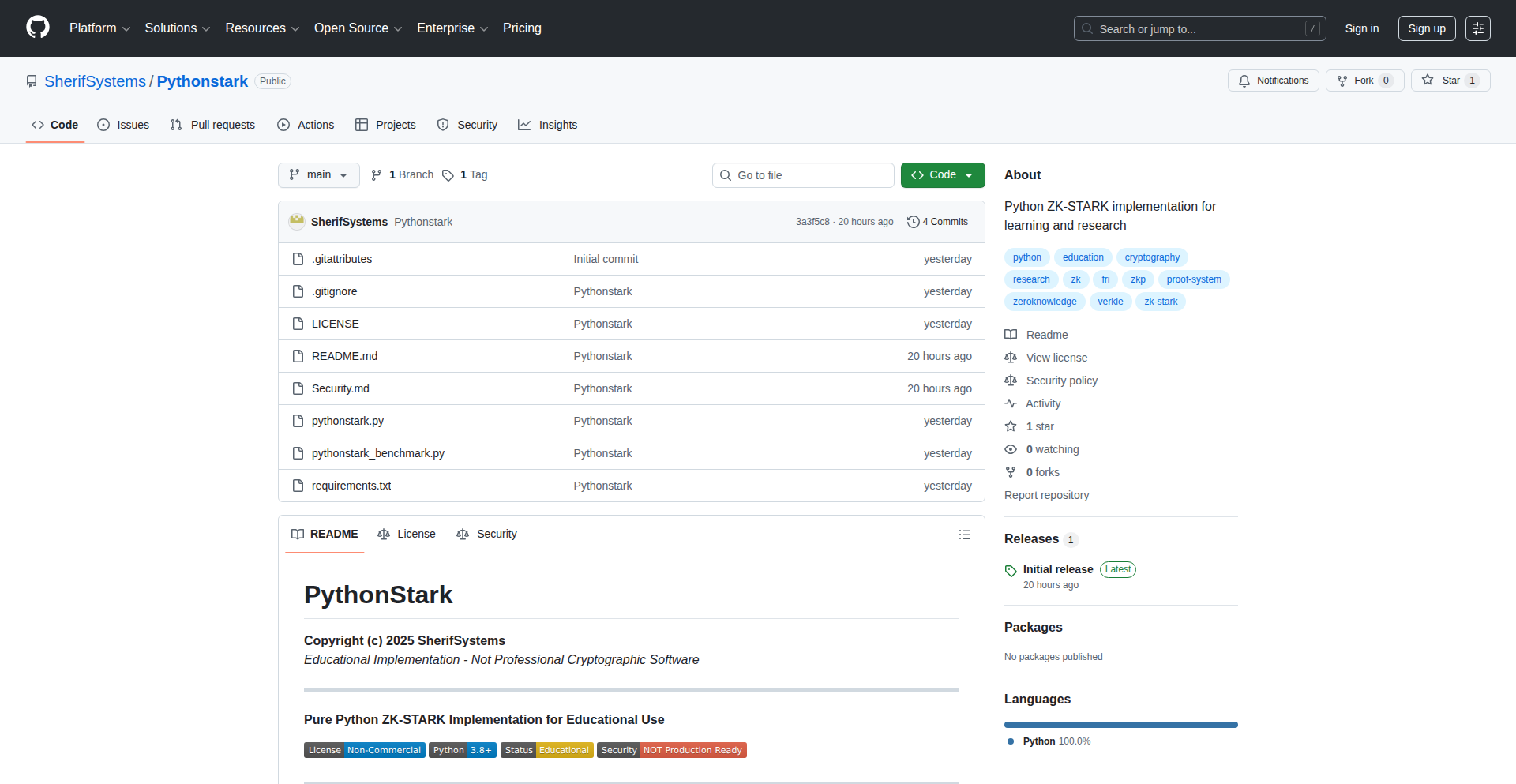
Author
SherifSystems
Description
PythonStark is an educational implementation of ZK-STARK proofs written in Python. It focuses on providing a fully functional system for generating and verifying these proofs, boasting ultrafast performance in Python for small to medium-sized computation traces. This project democratizes the understanding and initial experimentation with advanced cryptographic concepts that are crucial for privacy and scalability in modern applications.
Popularity
Points 3
Comments 0
What is this product?
PythonStark is a library that lets you create and check Zero-Knowledge STARK proofs using Python. Think of it like a special kind of digital signature that can prove you did a calculation correctly without revealing any of the secret data used in that calculation. The 'STARK' part refers to a specific, efficient way of doing these proofs. The innovation here is making this complex cryptography accessible and fast within the familiar Python environment, which usually isn't where high-performance cryptography is implemented. It's designed to be educational, meaning you can learn how these proofs work by looking at the code, and it's surprisingly quick for many common use cases.
How to use it?
Developers can integrate PythonStark into their projects to add privacy-preserving features or to scale their applications more efficiently. For example, you could use it to prove you have the correct credentials without revealing them, or to prove a large batch of transactions is valid without revealing each individual transaction. It's used by importing the library into your Python code, defining the computation you want to prove, generating the proof, and then having another party verify it. This allows for scenarios where trust can be established based on verifiable proofs rather than direct data sharing.
Product Core Function
· ZK-STARK Proof Generation: The ability to create cryptographic proofs that a specific computation was performed correctly, without revealing the inputs. This is valuable for privacy and security, allowing systems to verify actions without exposing sensitive information.
· ZK-STARK Proof Verification: The ability for anyone to check the validity of a generated proof. This ensures the integrity of the proof and the computation it represents, building trust in decentralized or complex systems.
· Educational Codebase: The entire implementation is open-source and written in Python, making it easier for developers and researchers to understand the inner workings of ZK-STARKs. This lowers the barrier to entry for learning and contributing to advanced cryptography.
· Fast Proof Generation for Small Traces: Optimized for speed in Python, allowing for quick proof creation for typical computations. This practical speed makes it viable for real-world, albeit smaller-scale, applications and testing.
Product Usage Case
· Proving eligibility for a service without revealing personal details: A developer could use PythonStark to create a proof that a user meets certain criteria (e.g., age, location) without the user having to share their exact personal information. This enhances user privacy in online applications.
· Scalable transaction processing for blockchains: In a blockchain context, a developer could use PythonStark to generate proofs that a large number of transactions are valid, significantly reducing the amount of data that needs to be verified by the network. This addresses the scalability challenge by offloading verification computationally.
· Verifying computations in a trusted execution environment: A developer could use PythonStark to prove that a computation performed within a secure enclave or by an untrusted party was done correctly, without needing to trust the entity performing the computation itself.
· Building privacy-preserving decentralized applications (dApps): Developers can incorporate PythonStark into dApps to enable features like private voting, confidential asset transfers, or verifiable computations that protect user data while maintaining functionality.
35
WifiProximityTracker

Author
jryan49
Description
A native macOS application that leverages Wi-Fi scanning to automatically detect whether you are at the office or not, simplifying the tracking of Return to Office (RTO) requirements. It solves the problem of manual time tracking in spreadsheets by automating the process.
Popularity
Points 3
Comments 0
What is this product?
This is a native macOS application that uses your computer's Wi-Fi adapter to scan for specific Wi-Fi networks. When it detects the presence of your office's Wi-Fi network, it registers you as 'in the office'. When the office Wi-Fi is no longer detected, it registers you as 'out of the office'. The innovation lies in its passive, automatic detection mechanism, eliminating the need for manual input and the potential for human error or forgetfulness. It's a clever application of location awareness through wireless signals to solve a real-world administrative hassle.
How to use it?
Developers can download and install the application on their macOS devices. Upon first launch, the user will be prompted to grant the app permission to access Wi-Fi information. The user then needs to configure the app by providing the SSID (the name) of their office's Wi-Fi network. Once configured, the app runs in the background, silently monitoring Wi-Fi signals. The user can then view their tracked 'in-office' and 'out-of-office' status through the app's simple interface. This can be integrated with personal task management or calendar applications for more comprehensive time tracking, or used as a standalone tool to ensure RTO compliance.
Product Core Function
· Automatic Wi-Fi Network Detection: Utilizes background Wi-Fi scanning to identify the presence of a pre-configured office Wi-Fi network. The value here is eliminating manual check-ins, ensuring accurate and effortless tracking of office presence.
· Background Operation: The application runs silently in the background without requiring constant user interaction. This provides seamless tracking and doesn't interrupt the user's workflow.
· RTO Compliance Assistance: By automatically tracking office time, it helps users meet their Return to Office mandates and avoid potential issues with their employers. The value is peace of mind and guaranteed compliance.
· User-Friendly Configuration: Allows users to easily input their office Wi-Fi SSID. This technical setup is made simple, making the powerful Wi-Fi scanning technology accessible to a wider audience.
· Status Visualization: Provides a clear interface to view the current and historical in-office/out-of-office status. This clarity allows users to easily review their time tracking data.
Product Usage Case
· Scenario: A software engineer working in a hybrid model is required to be in the office at least three days a week. The 'WifiProximityTracker' automatically logs when they enter and leave the office premises by detecting their company's Wi-Fi. This eliminates the need for the engineer to manually update a timesheet, preventing forgotten entries and ensuring accurate reporting for RTO compliance. The problem solved is the tediousness and unreliability of manual time tracking for hybrid work policies.
· Scenario: A project manager needs to track team members' in-office presence for resource allocation and collaboration planning. Instead of relying on manual check-ins, the 'WifiProximityTracker' can be suggested to team members. The aggregated data (if shared) can provide the project manager with a reliable overview of team presence, facilitating better meeting scheduling and project coordination without intrusive personal tracking.
· Scenario: A developer wants to build a more sophisticated time management system that integrates with their calendar. They could use 'WifiProximityTracker' as a backend module to feed accurate 'in-office' timestamps into their custom application. This bypasses the need for them to reinvent Wi-Fi scanning logic and allows them to focus on higher-level application features.
36
Readit: AI Agent Context Weaver

Author
zeerg
Description
Readit is a novel approach to providing dynamic, portable context for AI agents. It tackles the challenge of AI models losing track of prior interactions or specific data by creating a persistent, accessible knowledge graph. This allows AI agents to recall and utilize relevant information across sessions, enhancing their continuity and intelligence. The innovation lies in its graph-based representation and its focus on making this context easily shareable and manageable.
Popularity
Points 2
Comments 1
What is this product?
Readit is a system designed to give AI agents a better memory. Imagine you're talking to an AI, and it keeps forgetting what you discussed earlier. Readit solves this by building a 'knowledge graph' of your conversations and information. This graph is like a smart, interconnected web of facts and relationships that the AI can always refer back to. The core innovation is its structured, portable way of storing and accessing this context, making AI less forgetful and more capable of understanding ongoing tasks. So, what's in it for you? Your AI interactions become more coherent and productive because the AI actually remembers what's important.
How to use it?
Developers can integrate Readit into their AI agent frameworks. This involves feeding conversational data and relevant external information into Readit's graph. The system then exposes APIs that the AI agent can query to retrieve specific pieces of information or understand relationships between concepts. For example, an AI assistant could use Readit to recall a user's preferences mentioned days ago or to understand the context of a complex ongoing project. So, how can you use it? You can plug Readit into your AI chatbot or assistant to make it smarter and more helpful by giving it a persistent memory.
Product Core Function
· Contextual Graph Creation: Automatically builds a knowledge graph from conversational data and other inputs. This allows for structured storage of information that AI agents can efficiently access and reason over. The value is in transforming unstructured chat logs into actionable insights for the AI.
· Portable Context Storage: Stores the knowledge graph in a format that can be easily moved and shared between different AI agent instances or sessions. This means an AI's 'memory' isn't tied to a single instance, promoting continuity. The value is in enabling persistent AI experiences.
· Contextual Querying API: Provides a structured way for AI agents to ask questions and retrieve relevant information from the knowledge graph. This allows the AI to dynamically access and apply its learned context. The value is in empowering AI to make informed decisions based on its memory.
· Relationship Discovery: Identifies and represents relationships between different pieces of information within the graph. This helps the AI understand the nuances and connections in the data, leading to more intelligent responses. The value is in fostering deeper AI comprehension.
Product Usage Case
· Customer Support Chatbots: An AI customer support agent can use Readit to recall previous interactions with a specific customer, their purchase history, and past issues. This allows for more personalized and efficient support without the customer having to repeat themselves. So, the customer gets better service.
· Personalized AI Assistants: A personal AI assistant could use Readit to remember a user's long-term goals, preferences for music, or learning progress in a skill. This enables the assistant to offer proactive and tailored suggestions. So, your AI assistant truly understands you.
· Research and Knowledge Management: Researchers can use Readit to build a connected knowledge base from various documents and notes. The AI can then help surface relevant connections and insights that might be missed through manual review. So, research becomes more efficient and insightful.
· Long-Term Project Collaboration Tools: An AI helping a team on a complex project could use Readit to maintain an understanding of project milestones, dependencies, and team member contributions over time. This ensures consistency and helps the AI provide relevant updates. So, project management becomes smoother.
37
Hiperyon: Cross-LLM Context Weaver

Author
Ambroise75
Description
Hiperyon is a Chrome extension that solves the frustrating problem of losing conversational context when switching between different Large Language Models (LLMs) like Claude, ChatGPT, and Gemini. It acts as a unified memory, allowing your chat history and learned context to seamlessly transfer between these AI models, preventing the need to restart conversations and repeat prompts. This innovation significantly boosts productivity and streamlines interactions with multiple AI tools.
Popularity
Points 2
Comments 0
What is this product?
Hiperyon is essentially a smart memory manager for your AI conversations. Normally, when you talk to ChatGPT, it remembers what you discussed. But if you then switch to Claude, Claude has no idea about your previous chat with ChatGPT. Hiperyon fixes this by creating a single, unified memory that your conversations with different LLMs can tap into. It intercepts your chat data and intelligently translates it so that whichever LLM you're using next understands the ongoing conversation as if it had been there all along. The innovation lies in its ability to abstract away the differences between LLM APIs and conversation formats, providing a consistent memory layer.
How to use it?
As a developer, you install Hiperyon as a Chrome extension. Once installed, you simply use it as you normally would when interacting with LLMs through your web browser. When you're chatting with one LLM and decide to switch to another, Hiperyon automatically ensures that the relevant context from your previous session is available to the new LLM. This requires no complex integration; it works in the background. You can use it on websites that host these LLMs, effectively creating a persistent conversational memory across all your chosen AI assistants.
Product Core Function
· Unified Cross-LLM Memory: Maintains a single, persistent record of your conversations across different AI models. This means that even if you switch from ChatGPT to Gemini, Gemini will 'remember' your previous discussion, eliminating the need to re-explain or restart. The value here is saving significant time and cognitive load.
· Seamless Context Transfer: Automatically transfers relevant conversational history and learned information when you switch between LLMs. This ensures that your interactions are continuous and efficient, as the new LLM is already 'up to speed' with the prior dialogue. This leads to faster and more intelligent AI responses.
· Contextual Prompt Preservation: Prevents the loss of complex prompts or instructions that you've already provided. Instead of re-typing lengthy prompts, Hiperyon ensures they are available to the new LLM, maintaining the integrity of your requests. This directly translates to less frustration and more accurate outcomes.
· Reduced Repetition: Eliminates the need to repeatedly provide the same information or ask the same follow-up questions when switching models. This saves you time and makes your overall workflow with AI much smoother. The value is a more fluid and less redundant interaction with AI tools.
Product Usage Case
· A developer researching a complex coding problem might start with ChatGPT for initial ideas, then switch to Claude for detailed code explanations, and finally use Gemini for alternative approaches. Without Hiperyon, they'd have to re-explain the problem and their findings to each LLM. With Hiperyon, the context carries over, allowing for more focused and efficient problem-solving, saving them hours of repetitive explanation.
· A content creator brainstorming blog post ideas might begin with one LLM to generate initial concepts, then switch to another to refine outlines and keywords. Hiperyon ensures that the creative direction and gathered information remain consistent, preventing lost threads and enabling faster content generation. This is invaluable for maintaining creative momentum.
· A student using AI for homework assistance might ask clarifying questions on one platform, then switch to another to get different perspectives or verify information. Hiperyon ensures that the core question and previous answers are understood by the new LLM, leading to more comprehensive and accurate help, reducing study time and improving understanding.
38
NicheCraft AI

Author
marksaver
Description
NicheCraft AI is a tool designed to help creators and developers discover profitable niches within the creator economy. It leverages an intelligent matching system to connect your skills with emerging market opportunities, offering a 'Profitability Score' to guide your decisions. This is innovative because it automates the often time-consuming and subjective process of market research, allowing individuals to quickly identify where their talents can be best applied for potential financial gain.
Popularity
Points 2
Comments 0
What is this product?
NicheCraft AI is an AI-powered platform that helps you find lucrative areas within the creator economy. It works by analyzing market trends and your personal skill set. The core innovation lies in its 'Explore' and 'Match' functionalities. 'Explore' lets you browse through a curated list of potentially profitable niches. 'Match' allows you to input your skills (e.g., graphic design, writing, coding), and the AI will then suggest specific niches where those skills are in demand and have a high potential for profit. It provides a 'Profitability Score' which is an algorithmic assessment of a niche's market viability and earning potential. This helps you understand, at a glance, if a niche is worth pursuing, eliminating guesswork and saving you valuable time.
How to use it?
As a developer or creator, you can start using NicheCraft AI by visiting the application. You can either directly browse through the 'Explore' section to see a diverse range of niches. Alternatively, to get personalized recommendations, you would navigate to the 'Match' section. Here, you'll input a list of your technical skills, creative abilities, or any other relevant expertise. The AI will then process this information and present you with a tailored list of creator niches that align with your profile. You can then review the suggested niches along with their 'Profitability Scores' to decide which ones to focus on. This makes it easy to find a side project or a new career direction that leverages your existing abilities.
Product Core Function
· Niche Discovery Engine: Automatically scans and identifies emerging and profitable niches within the creator economy, providing developers with new avenues for their skills. This is valuable because it saves hours of manual market research.
· Skills-Based Matching Algorithm: Connects your specific technical or creative skills to relevant niche opportunities, ensuring the suggestions are practical and actionable. This is useful for developers looking to monetize their existing skill sets.
· Profitability Scoring System: Assigns a clear score to each niche, indicating its potential for financial success, helping users prioritize their efforts. This allows for data-driven decision-making rather than gut feelings.
· Interactive Exploration Interface: Allows users to browse and filter through various niches, providing a dynamic way to discover opportunities. This makes the process engaging and user-friendly.
Product Usage Case
· A freelance web developer with expertise in React and Node.js uses NicheCraft AI and discovers a niche for building personalized e-commerce platforms for artisanal food producers. The AI's 'Profitability Score' is high, and the developer decides to build a template solution for this specific market, generating new client leads.
· A graphic designer skilled in vector illustration uses the 'Match' feature and is recommended a niche for creating custom digital assets for indie game developers. The AI highlights a gap in the market for unique character designs, leading the designer to create and sell asset packs on online marketplaces.
· A writer proficient in SEO and content marketing explores NicheCraft AI and finds a niche in creating educational content for cryptocurrency beginners. The AI's analysis shows strong search volume and advertiser interest, encouraging the writer to launch a niche blog and offer freelance writing services.
39
LingoFlix: AI-Powered Language Immersion App

Author
Mikecraft
Description
LingoFlix is a language learning application that leverages AI to create an immersive movie-watching experience. It analyzes movie subtitles in real-time, providing contextual translations, vocabulary definitions, and pronunciation guides as you watch. The core innovation lies in its adaptive learning system that tailors vocabulary and grammar exercises based on your viewing activity and performance, making language acquisition feel less like studying and more like entertainment. So, this is useful for you because it transforms passive movie watching into an active, effective language learning session, helping you pick up a new language naturally and enjoyably.
Popularity
Points 1
Comments 1
What is this product?
LingoFlix is a novel language learning application that utilizes advanced AI, specifically natural language processing (NLP) and machine learning (ML), to enhance the movie-watching experience for language learners. Instead of simply watching a movie with subtitles, LingoFlix intelligently identifies words and phrases within the movie's dialogue. It then offers on-demand explanations, definitions, and even pronunciations without interrupting the flow of the film. The system learns from your interactions, such as the words you look up or struggle with, to personalize future learning prompts and vocabulary lists. This means the app isn't just a static tool; it actively adapts to your learning pace and challenges. So, this is useful for you because it provides a dynamic and personalized way to learn a new language by integrating it directly into an activity you likely already enjoy – watching movies, making the learning process more engaging and effective.
How to use it?
Developers can integrate LingoFlix into their existing media players or build new applications by leveraging its API. The core functionality involves feeding the app with movie video streams and corresponding subtitle files (e.g., SRT, VTT). LingoFlix processes these inputs, synchronizes subtitle information with the video playback, and exposes an API endpoint to query word definitions, translations, and grammatical context in real-time based on the currently displayed subtitle. Developers can then design custom UI elements within their players to display this information on hover or click, or even trigger interactive quizzes. For example, a developer could build a web application that streams public domain movies and overlays LingoFlix's interactive learning features. So, this is useful for you because it allows you to embed powerful, context-aware language learning capabilities into any video playback scenario, enhancing user engagement and providing a unique educational value proposition.
Product Core Function
· Real-time subtitle analysis and translation: The app uses NLP to parse subtitles as the movie plays, identifying individual words and phrases for immediate lookup. This provides instant understanding of unfamiliar language within its original context, making it easier to grasp meaning. So, this is useful for you because you can immediately understand any word or phrase you encounter in a movie without pausing or losing track of the narrative.
· Contextual vocabulary definitions and pronunciation guides: When a user queries a word, the app provides its definition based on the movie's context and offers audio pronunciation. This ensures that users learn the correct usage and pronunciation of words as they are actually used in spoken language. So, this is useful for you because you learn vocabulary with its real-world application and hear how it's supposed to be pronounced by native speakers.
· Adaptive vocabulary and grammar reinforcement: Based on the words a user frequently looks up or struggles with, the AI dynamically generates personalized vocabulary lists and grammar exercises. This focuses learning on areas where the user needs the most improvement. So, this is useful for you because the app identifies your weak spots and provides targeted practice to help you master them efficiently.
· Immersive learning environment: By seamlessly integrating learning tools into movie playback, the app minimizes disruption and maintains user engagement. The focus is on learning through authentic content and enjoyable activities. So, this is useful for you because it makes learning feel less like a chore and more like a natural part of enjoying your favorite content.
Product Usage Case
· A language learner watching a Spanish drama can hover over a complex idiomatic expression in the subtitles. LingoFlix instantly provides a clear English translation and explains the cultural nuance, helping the learner understand the dialogue naturally. This addresses the problem of losing comprehension due to unfamiliar idioms.
· A student learning French can use LingoFlix with their favorite animated movie. When a new verb conjugation appears, they can click it to see its grammatical breakdown and practice a quick fill-in-the-blank exercise directly related to that scene. This solves the challenge of understanding and practicing complex grammar rules in a practical way.
· A developer building a language education platform can integrate LingoFlix's API to add interactive vocabulary building to their video lessons. When a new word is introduced, the platform can automatically pull definitions and pronunciation from LingoFlix, enriching the learning experience. This demonstrates how LingoFlix can be a powerful backend for other educational tools.
40
Flux 2: Production-Ready AI Image Generation

Author
lu794377
Description
Flux 2 is an advanced AI image generation system built for real-world production use, prioritizing realism, consistency, and structured control. It addresses the need for visually reliable assets beyond simple demos, offering features like multi-reference image consistency, photorealistic detail, and precise text rendering, making it valuable for creators and developers.
Popularity
Points 2
Comments 0
What is this product?
Flux 2 is a sophisticated AI system designed to create and edit images with a strong emphasis on realism and consistency. Unlike many AI image generators that can be experimental, Flux 2 is engineered for production pipelines. Its core innovation lies in its ability to maintain visual continuity across multiple generated images (using up to 10 reference images), achieve photorealistic detail through improved textures and lighting, and accurately render text. It also offers structured prompt adherence, meaning it follows complex instructions and compositional constraints more reliably. This is achieved through advanced deep learning models that are trained to understand and apply subtle visual cues, enabling it to produce high-fidelity outputs for professional applications.
How to use it?
Developers can integrate Flux 2 into their production workflows through its API or by leveraging its specialized modes. For example, a game development studio could use Flux 2 to generate consistent character assets by providing a few reference images of the desired character. A marketing team could use it to create product visuals with precise branding elements and text. The system offers both 'Pro' mode for maximum quality and speed, and 'Flex' mode which exposes advanced parameters for fine-grained control, allowing developers to tailor the output precisely to their needs. For local development and experimentation, Flux 2 also includes an open-weight model. The goal is to provide a robust tool that fits seamlessly into existing creative and development processes, enhancing efficiency and output quality.
Product Core Function
· Multi-reference consistency: Maintain consistent character, product, or style across multiple generated images by providing up to 10 reference images. This means you get repeatable visual results for your projects, saving time and effort in manual editing.
· Photoreal detail: Generate images with high-quality textures, lighting, and overall realism. This is crucial for applications requiring believable visuals, such as product visualization or architectural renderings, making your outputs look more professional and impactful.
· Complex text rendering: Accurately generate clear and readable text within images, suitable for UI elements, infographics, or even memes. This solves the common problem of AI struggling with text, ensuring your generated content is functional and well-presented.
· Structured prompt adherence: Follow multi-part prompts and compositional constraints with high coherence. This allows for more precise control over the generated image content and layout, enabling you to create exactly what you envision without tedious prompt engineering.
· 4MP image editing: Edit and enhance images at resolutions up to 4 megapixels while preserving structural integrity. This provides a powerful tool for refining existing assets or creating new ones at a substantial resolution, suitable for professional printing or high-definition displays.
· Flexible ratios: Generate and edit images in various aspect ratios. This adaptability makes it easy to create assets that fit different layout requirements, such as social media posts, website banners, or print materials, streamlining your design workflow.
· Pro + Flex modes: Choose between 'Pro' mode for optimized quality and speed, or 'Flex' mode for granular control over parameters. This offers flexibility to match your project's specific needs, whether you prioritize efficiency or deep customization.
· Open innovation path: Includes Flux 2 [dev], a 32B open-weight model for local workflows. This empowers developers to experiment and build custom solutions locally, fostering community innovation and providing greater autonomy over the AI models.
Product Usage Case
· A game developer needs to create multiple variations of a character while maintaining its exact appearance across all variations. Flux 2's multi-reference consistency allows them to input the base character design once and generate different poses or outfits, ensuring visual uniformity and saving hours of manual 3D modeling or illustration.
· A marketing agency is creating advertising visuals for a new product line and needs to ensure the product is rendered with exceptional realism and brand-specific details. Flux 2's photoreal detail and structured prompt adherence enable them to generate high-fidelity product shots that perfectly match the brand's aesthetic and include precise product features.
· A UI/UX designer is prototyping a mobile app and needs to generate realistic screenshots with specific button labels and text. Flux 2's complex text rendering capability ensures the text is legible and accurate within the UI mockups, eliminating the frustration of AI generating garbled text in previous attempts.
· A content creator is designing infographics for a presentation and needs to include charts and labels with specific data points. Flux 2's structured prompt adherence and text rendering allow them to accurately represent data visually, making their infographics informative and professional.
· A freelance artist is working on a commissioned piece that requires a specific artistic style and subject matter. They can use Flux 2 with multiple reference images and detailed prompts to achieve the desired aesthetic and composition, significantly speeding up their creative process.
· A product visualization company needs to generate consistent renderings of different product configurations at a high resolution. Flux 2's 4MP editing and multi-reference consistency allow them to produce high-quality, error-free visuals for client presentations and online catalogs.
41
Pg_AI_Query: Natural Language SQL for PostgreSQL

Author
benodiwal
Description
This project is a PostgreSQL extension that allows developers to write SQL queries using natural language (plain English) directly within PostgreSQL. It leverages AI to understand your English requests and translate them into executable SQL queries, while also offering query analysis and performance insights. This innovation democratizes data access by making SQL more intuitive and accessible, integrating seamlessly with the existing PostgreSQL ecosystem and allowing for local AI model usage.
Popularity
Points 2
Comments 0
What is this product?
Pg_AI_Query is a PostgreSQL extension that acts as an intelligent layer between you and your database. Instead of writing complex SQL syntax, you can express your data needs in plain English, like 'show me all customers from California'. The extension then uses AI, specifically a Large Language Model (LLM), to understand your request and generate the correct SQL query that PostgreSQL can execute. It's like having a SQL assistant built right into your database, and the key innovation is that it's a PostgreSQL extension, meaning it runs within the database itself and can even work with AI models that you run locally, not relying on external cloud services.
How to use it?
Developers can integrate Pg_AI_Query into their PostgreSQL environment by installing it as an extension, similar to how you'd add other PostgreSQL features. Once installed, you can invoke its functionality within your SQL client or application code. For instance, you might use a special function provided by the extension to pass your natural language query, which then returns the generated SQL or the query results. This can be used for ad-hoc data exploration, building dynamic query interfaces for applications, or automating data reporting tasks.
Product Core Function
· Natural Language to SQL Conversion: Understands English sentences and translates them into valid SQL queries, significantly reducing the learning curve for SQL and speeding up data retrieval.
· Query Analysis and Performance Reflection: Analyzes the generated SQL for potential performance issues and offers suggestions for optimization, helping developers write more efficient queries without deep performance tuning knowledge.
· PostgreSQL Extension Integration: Seamlessly integrates with the PostgreSQL ecosystem, allowing it to leverage existing database features and be managed like any other PostgreSQL extension, ensuring compatibility and ease of adoption.
· Local LLM Provider Support: Works with custom LLM providers that can be run locally, meaning sensitive data doesn't need to be sent to external cloud services for query generation, enhancing security and control.
Product Usage Case
· Data Exploration for Analysts: A data analyst can use Pg_AI_Query to quickly ask questions about a dataset in English, like 'find the average order value for each product category in the last month'. The extension translates this into SQL, retrieves the data, and presents it, saving the analyst the time and effort of writing the SQL from scratch, especially for less frequent or more complex queries.
· Rapid Prototyping for App Developers: An application developer building a feature that requires dynamic data retrieval can embed Pg_AI_Query. Instead of building a rigid SQL query builder, they can allow users to input search criteria in natural language, and the extension converts it into SQL on the fly, making the application more user-friendly and adaptable.
· Automated Reporting for BI Teams: Business Intelligence teams can use Pg_AI_Query to create templates for reports that are driven by natural language inputs. This allows non-technical users within the business to generate custom reports by simply describing what data they need, bypassing the need for a dedicated SQL expert for every report request.
42
BugMagnet AI Exploratory Testing Assistant
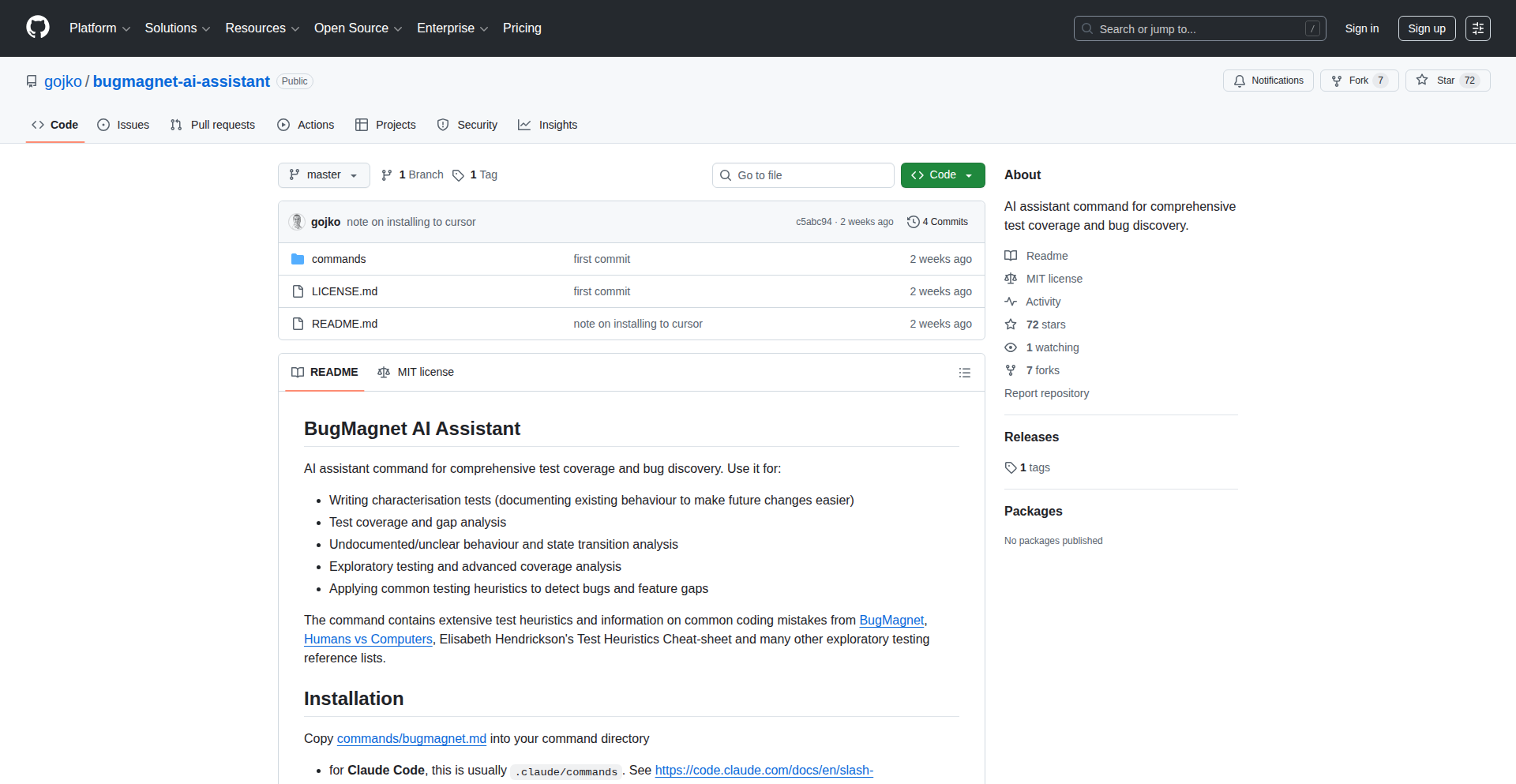
Author
adzicg
Description
BugMagnet is an automated exploratory testing tool designed for AI coding assistants like Claude and text editors like Cursor. It leverages prompt injection techniques to generate diverse and unexpected inputs, simulating real-world user interactions to uncover bugs and vulnerabilities in AI-generated code or within the AI's understanding. This addresses the challenge of thoroughly testing AI-assisted development workflows and the AI models themselves in a systematic yet creative way.
Popularity
Points 2
Comments 0
What is this product?
BugMagnet is an AI-powered exploratory testing tool. It works by sending specially crafted 'prompts' to AI coding assistants and code editors. Think of these prompts as clever questions or instructions designed to confuse the AI or make it behave in unexpected ways. The innovation lies in using 'prompt injection' – a technique typically used for security testing – to deliberately explore the AI's boundaries and expose potential bugs. This helps developers understand where their AI tools might fail, improving the reliability and safety of AI-generated code and the AI models themselves. So, this is useful because it helps ensure the AI tools you use for coding are robust and won't produce unreliable or buggy results.
How to use it?
Developers can integrate BugMagnet into their AI-assisted development process. This involves configuring BugMagnet with the target AI model (like Claude) or the AI-enabled editor (like Cursor) and then defining the scope of testing. BugMagnet will then automatically generate and send a series of varied and often 'adversarial' prompts to the AI. The responses and any resulting errors are logged for analysis. This allows developers to proactively identify issues before they impact their projects. This is useful because it automates a tedious but crucial part of ensuring your AI coding partners are dependable.
Product Core Function
· Automated prompt generation: Creates a wide range of test prompts, including edge cases and potentially confusing inputs, to probe AI behavior. This is valuable for systematically uncovering weaknesses in AI models and their outputs. It helps answer the question: 'How can I be sure the AI won't say or do something wrong?'
· Input diversity for AI models: Generates varied inputs that challenge the AI's understanding and reasoning capabilities. This is important for ensuring the AI is robust across different scenarios. It answers: 'Will the AI understand and respond correctly to all sorts of requests, even unusual ones?'
· Exploratory testing of AI code generation: Simulates user interactions to find bugs in code produced by AI assistants. This is valuable for improving the quality and correctness of AI-generated code. It answers: 'Is the code the AI wrote actually safe and functional?'
· Integration with AI coding environments: Designed to work with popular AI coding assistants and editors, making it easy to adopt into existing workflows. This is useful because it minimizes the effort required to start testing your AI tools. It answers: 'How easily can I add this to my current development setup?'
· Bug detection and reporting: Logs AI responses and identifies potential errors or unexpected behavior for developer review. This is valuable for pinpointing specific issues that need fixing. It answers: 'How will I know when and where the AI has made a mistake?'
Product Usage Case
· Testing Claude's ability to generate secure Python code by injecting prompts that ask for potentially vulnerable code snippets, thus ensuring AI-generated security-sensitive code is less likely to have flaws. This solves the problem of AI generating insecure code for critical applications.
· Using BugMagnet with Cursor to explore how the AI assistant handles complex, multi-file refactoring requests, revealing potential issues in the AI's understanding of code dependencies and project structure. This addresses the challenge of AI assistants making incorrect or incomplete changes to large codebases.
· Simulating a user trying to 'trick' an AI chatbot into revealing sensitive information through clever phrasing, thereby testing the AI's safety guardrails and preventing unintended data leakage. This solves the problem of AI models being susceptible to social engineering attacks.
· Investigating edge cases in an AI's natural language understanding for code generation, such as highly ambiguous or context-dependent commands, to improve the AI's accuracy and reduce frustrating misinterpretations. This helps ensure the AI understands developer intent more reliably.
43
SecretSync CLI

Author
binsquare
Description
SecretSync CLI is a command-line tool designed to securely manage application environment variables and secrets, moving beyond the limitations and risks of plain-text .env files. It provides a centralized way to access secrets from various trusted sources like AWS Secrets Manager, HashiCorp Vault, and 1Password, ensuring that sensitive credentials are not exposed locally in plain text and reducing the risk of accidental commits or drift in configuration.
Popularity
Points 2
Comments 0
What is this product?
SecretSync CLI is a developer-focused tool that acts as a secure intermediary for your application's sensitive configuration data. Instead of storing secrets directly in .env files, which are essentially plain text documents prone to accidental sharing and commits, SecretSync CLI allows you to define your environment variables and have them securely fetched from a central 'source of truth'. This could be a dedicated secrets management system like AWS Secrets Manager, HashiCorp Vault, or a password manager like 1Password. The innovation lies in its ability to abstract away the complexity of these backend secrets managers and provide a unified interface for developers to access their needed secrets without compromising security.
How to use it?
Developers can install SecretSync CLI on their local development machines. They then configure the CLI to point to their chosen backend secrets management service and specify which secrets their application needs. When running their application, instead of relying on a local .env file, they can use the SecretSync CLI to inject the necessary environment variables directly into the application's runtime. This can be done by running the application through the CLI, e.g., `secretsync run -- my_application_command`, or by integrating the CLI into build and deployment pipelines. This ensures that secrets are never stored unencrypted on disk and are only accessed when needed, from a verified source.
Product Core Function
· Secure Secret Retrieval: Fetches sensitive environment variables from supported backends (AWS Secrets Manager, Vault, 1Password), ensuring secrets are not stored in plain text locally. This is valuable because it eliminates the risk of exposing credentials through accidental commits or insecure sharing.
· Centralized Configuration Management: Provides a single point of truth for managing application secrets, reducing configuration drift across different developers or environments. This is valuable for maintaining consistency and reducing errors in complex projects.
· Local Secret Injection: Seamlessly injects retrieved secrets as environment variables into the local development environment, mimicking production settings without compromising security. This is valuable for developers to test applications with real secrets in a safe, controlled manner.
· Reduced Risk of Accidental Exposure: Eliminates the need for .env files, which are common vectors for accidental commits of sensitive data to version control. This is valuable for protecting sensitive information and preventing security breaches.
Product Usage Case
· A small startup team developing a web application was struggling with managing API keys and database credentials across multiple developers. Using SecretSync CLI, they integrated with AWS Secrets Manager. Now, each developer can securely access the necessary credentials without needing to share them via Slack or commit them to their Git repository, significantly improving their security posture.
· A freelance developer working on several concurrent projects found it cumbersome to manage different sets of environment variables for each project, often leading to confusion and errors. With SecretSync CLI, they can easily configure different profiles for each project, pulling secrets from 1Password, and switch between them effortlessly, saving time and preventing misconfigurations.
· A larger organization with strict security compliance requirements needed a way to manage secrets for their CI/CD pipeline. SecretSync CLI was integrated into their Jenkins pipeline to fetch secrets from HashiCorp Vault and inject them into build and deployment steps, ensuring that sensitive information was handled securely throughout the automation process.
44
PyTorch-World: Modular World Model Explorer
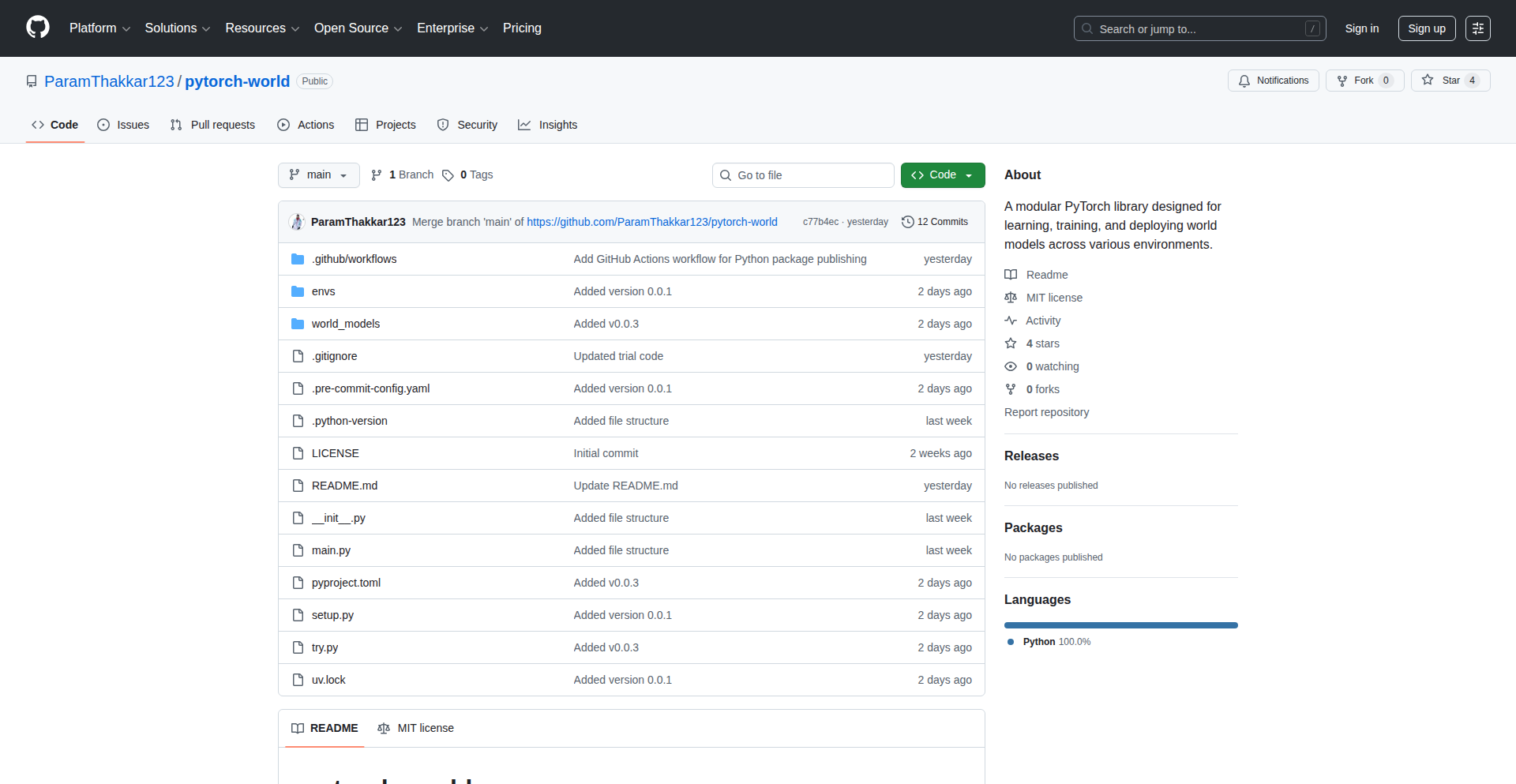
Author
paramthakkar
Description
PyTorch-World is a flexible library designed to simplify the learning, training, and experimentation of world models. It addresses the challenge of diverse and complex architectures in world model research by offering a modular framework. This allows developers to easily swap out and compare different components, fostering a deeper understanding of how these models function and interact.
Popularity
Points 2
Comments 0
What is this product?
PyTorch-World is a Python library built on PyTorch that provides a standardized and modular structure for working with world models. World models are a type of artificial intelligence that aim to learn a model of the environment they operate in, allowing them to predict future states and plan actions. The innovation here lies in its component-based design. Instead of dealing with monolithic, hard-to-modify codebases for each new research paper, PyTorch-World lets you treat different parts of a world model (like perception, memory, or planning) as interchangeable modules. This means you can easily try out new ideas for a specific component without having to rebuild the entire model. So, what's the benefit? It significantly speeds up research and development, making it easier to understand and build upon existing world model architectures.
How to use it?
Developers can integrate PyTorch-World into their AI projects by installing it via pip. The library provides a clear API to instantiate and configure world models. For instance, the example provided shows how to set up a PlaNet world model for the CartPole-v1 environment. You can then use its methods to train the model, experiment with different configurations, and analyze its performance. This makes it straightforward to replicate research findings, test hypotheses, or even build custom world models by composing different modules. The key takeaway for developers is a drastically simplified workflow for exploring and implementing advanced AI concepts.
Product Core Function
· Modular Component Swapping: Allows easy replacement of different parts of a world model, like perception or prediction modules. This accelerates experimentation and comparison of various architectural choices without extensive code rewriting, enabling faster iteration on AI research.
· Standardized World Model Framework: Provides a consistent structure for building and training world models, making it easier to understand and reproduce results from different research papers. This lowers the barrier to entry for researchers and developers new to world models.
· PlaNet World Model Implementation: Includes a readily available implementation of Google's PlaNet world model, offering a strong baseline for experimentation. This allows users to quickly start with a proven architecture and then customize or extend it.
· Simplified Environment Integration: Facilitates easy integration with common reinforcement learning environments like CartPole-v1, streamlining the process of testing world models in practical scenarios. This makes it convenient to apply world models to real-world problems.
Product Usage Case
· A researcher wants to test a new prediction module for a world model in a simulated robotics task. Instead of rewriting the entire world model code, they can use PyTorch-World to swap in their new module and retrain, quickly assessing its impact on the robot's ability to navigate and interact with its environment.
· An AI student is learning about world models and wants to understand how different memory architectures affect performance. PyTorch-World allows them to easily load different memory components into a standard world model framework, compare their effectiveness in tasks like Atari games, and gain hands-on experience.
· A startup is developing an autonomous driving system and needs to predict future traffic scenarios. They can leverage PyTorch-World to build and train a sophisticated world model that learns from driving data, enabling more robust and accurate predictions of other vehicles' behavior.
· A game developer wants to create more intelligent NPCs in their game that can anticipate player actions. They can use PyTorch-World to build a world model that learns the game's dynamics and predicts player intentions, leading to more dynamic and challenging gameplay.
45
SpecX: AI Agent Workflow Orchestrator
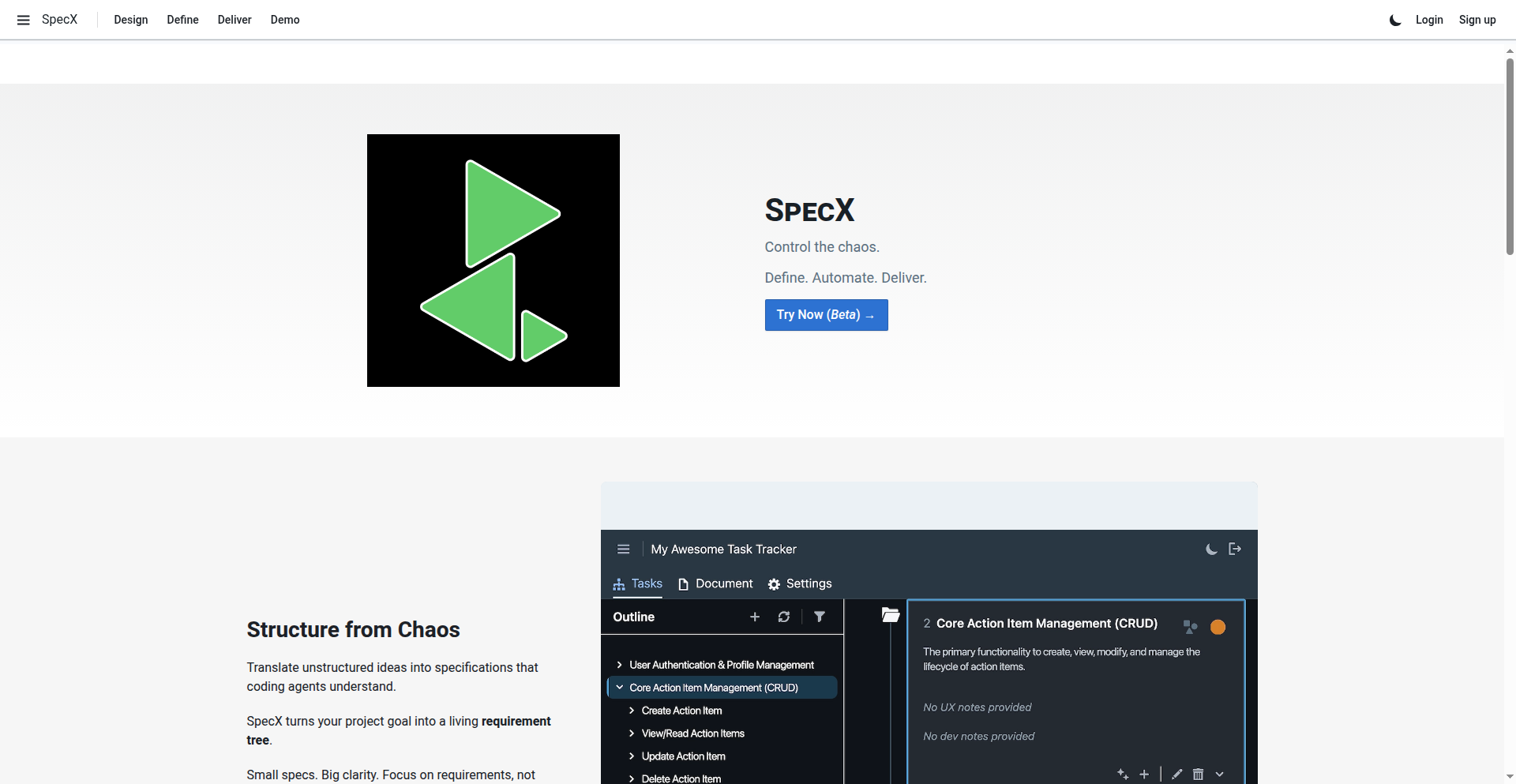
Author
dhaundy
Description
SpecX is a task orchestration engine designed for teams leveraging AI coding agents like Cursor and Claude. It addresses the challenge of managing complex projects and repetitive tasks with AI by replacing complex prompting with structured workflows and requirement trees. This allows for more reliable automation of everyday development tasks such as testing, deployment, and documentation, making AI agents more efficient and effective as projects scale.
Popularity
Points 2
Comments 0
What is this product?
SpecX is a system that helps you manage and automate tasks performed by AI coding agents. Instead of writing lengthy and intricate prompts for every little step, you define 'Pipelines,' which are reusable sequences of actions. Think of it like creating a recipe for your AI. For more complex feature development, it uses a 'Requirement Tree' to help break down your broad ideas into smaller, manageable tasks that the AI can handle efficiently. The core innovation is shifting the focus from individual prompts to the overall workflow and structured requirements, making AI agent interactions more reliable and scalable. This means less time figuring out how to ask the AI to do something and more time getting it done.
How to use it?
Developers can use SpecX by first defining reusable workflows, called Pipelines, for common tasks like running tests, deploying code, or generating reports. These Pipelines are sequences of actions the AI agent will follow. For new feature development, you input your requirements, and SpecX, with AI assistance, helps break them down into a structured Requirement Tree of tasks. You then assign these tasks to your AI coding agent (like Cursor or any MCP-enabled agent). SpecX manages the execution of these tasks within the defined Pipelines or Requirement Trees, ensuring a consistent and efficient process. It's designed to integrate with existing AI coding agent setups, requiring a login to manage your project context and an AI agent to perform the actual coding work.
Product Core Function
· Task Orchestration Engine: This allows you to define and execute reusable sequences of actions, known as Pipelines. The value here is in automating repetitive development tasks reliably, such as running automated compliance checks or generating regular reports, saving developers significant manual effort and ensuring consistency across projects.
· Requirement Tree: This feature uses AI to help you break down high-level requirements into structured, actionable tasks. The value is in translating vague ideas into clear instructions for AI agents, improving the accuracy and efficiency of feature development and reducing the complexity of prompt engineering.
· Workflow Automation: By focusing on structured workflows instead of individual prompts, SpecX enables more robust automation of everyday development tasks. This provides value by making AI agents more predictable and efficient for tasks like testing, deployment, and documentation generation, especially as projects grow.
· Separation of Goal Definition and Prompt Generation: SpecX decouples the process of defining what needs to be done from how the AI agent should be prompted. This offers immense value by simplifying the interaction with AI agents, allowing developers to focus on project goals rather than the intricacies of prompt crafting, leading to faster iteration and development cycles.
Product Usage Case
· Automated Code Auditing: A team can define a Pipeline in SpecX that includes steps for static code analysis, vulnerability scanning, and documentation checks. When new code is committed, SpecX can automatically trigger this Pipeline, ensuring compliance and security without manual intervention. This solves the problem of time-consuming and error-prone manual code reviews for routine checks.
· CI/CD Integration: Developers can set up a Pipeline in SpecX to automatically build, test, and deploy code changes. SpecX orchestrates these steps, feeding the outputs of one step to the next. This streamlines the Continuous Integration/Continuous Deployment process, reducing the risk of deployment errors and accelerating the release cycle.
· Feature Development with Unstructured Ideas: A product manager has a general idea for a new feature. They input this into SpecX, which, with AI assistance, helps them break it down into a Requirement Tree of user stories and tasks. Developers then use this structured list to guide their AI coding agents, ensuring all aspects of the feature are addressed systematically. This solves the challenge of translating abstract ideas into concrete development tasks.
· Automated Reporting: For projects requiring regular reports on metrics like code coverage, engineering velocity, or documentation status, SpecX can orchestrate a Pipeline to gather this data and generate a report. This automates a tedious manual process, freeing up developers to focus on core coding tasks and providing consistent, timely project insights.
46
Litterbox: The Secure Sandbox
Author
Gerharddc
Description
Litterbox is a novel solution designed to create somewhat isolated Linux development environments. It addresses the growing concern of supply chain attacks and potential compromises within development systems by providing a sandboxed space for coding. This means you can experiment and build without risking your main system's integrity.
Popularity
Points 2
Comments 0
What is this product?
Litterbox is a tool that creates isolated Linux environments for developers. Think of it like a separate, clean room for your coding projects. It uses clever Linux features to achieve this isolation, preventing any unintended consequences from your development work from affecting your primary operating system. This is crucial for protecting against malicious code injection or accidental system misconfigurations. So, for you, it means peace of mind knowing your main computer is safe while you're working on potentially risky or experimental code. It's the 'throwaway' environment for your code.
How to use it?
Developers can use Litterbox to spin up a fresh, isolated Linux environment for specific projects or tasks. You would typically install Litterbox on your Linux machine and then configure it to create these sandboxes. This could involve specifying the Linux distribution and packages you need within the sandbox. You can then enter this isolated environment, install dependencies, write code, and run your applications. When you're done, you can discard the sandbox, leaving your main system untouched. This is perfect for trying out new libraries, testing third-party code, or working on sensitive projects where you want an extra layer of security. It's like having a disposable testing ground for your code.
Product Core Function
· Isolated Linux Environments: Creates distinct Linux instances for development, preventing interference with the host system. This is valuable because it minimizes the risk of malware or system-wide changes from your development activities, ensuring your main computer remains stable and secure.
· Supply Chain Attack Mitigation: Provides a buffer against compromised dependencies or external code. This is crucial for protecting your development workflow from insidious threats that could otherwise infect your entire system, offering a safer way to integrate external code.
· Resource Isolation: Helps manage and contain the resources used by development processes. This is beneficial for preventing a single development task from hogging system resources, ensuring overall system performance isn't degraded.
· Convenient Sandbox Management: Simplifies the creation, usage, and deletion of isolated environments. This is valuable for developers who need to frequently switch between different project requirements or testing scenarios without complex setup and teardown procedures.
Product Usage Case
· Testing untrusted third-party libraries: A developer needs to integrate a new, potentially risky library into their project. By using Litterbox, they can install and test this library within an isolated sandbox, ensuring that if the library contains malicious code, it cannot affect their main operating system or other projects. This solves the problem of fear of using new or unverified software.
· Experimenting with new development tools and frameworks: A developer wants to try out a bleeding-edge framework that might have compatibility issues or unstable features. Litterbox allows them to set up a dedicated environment for this experimentation without cluttering their main system or risking conflicts with their existing development setup. This provides a safe space for innovation.
· Developing code that requires specific, potentially conflicting dependencies: Imagine a scenario where two projects require different versions of the same software package. Litterbox can create separate sandboxes for each project, each with its required dependencies, preventing version conflicts and ensuring each project runs correctly. This resolves the complexity of managing multiple project environments.
· Securing CI/CD pipelines: For continuous integration and continuous deployment (CI/CD) processes, Litterbox can be used to create secure, ephemeral build environments. This ensures that build artifacts are generated in a clean, isolated environment, reducing the risk of compromise during the build process. This enhances the security and reliability of the automated deployment pipeline.
47
Arise DI Framework
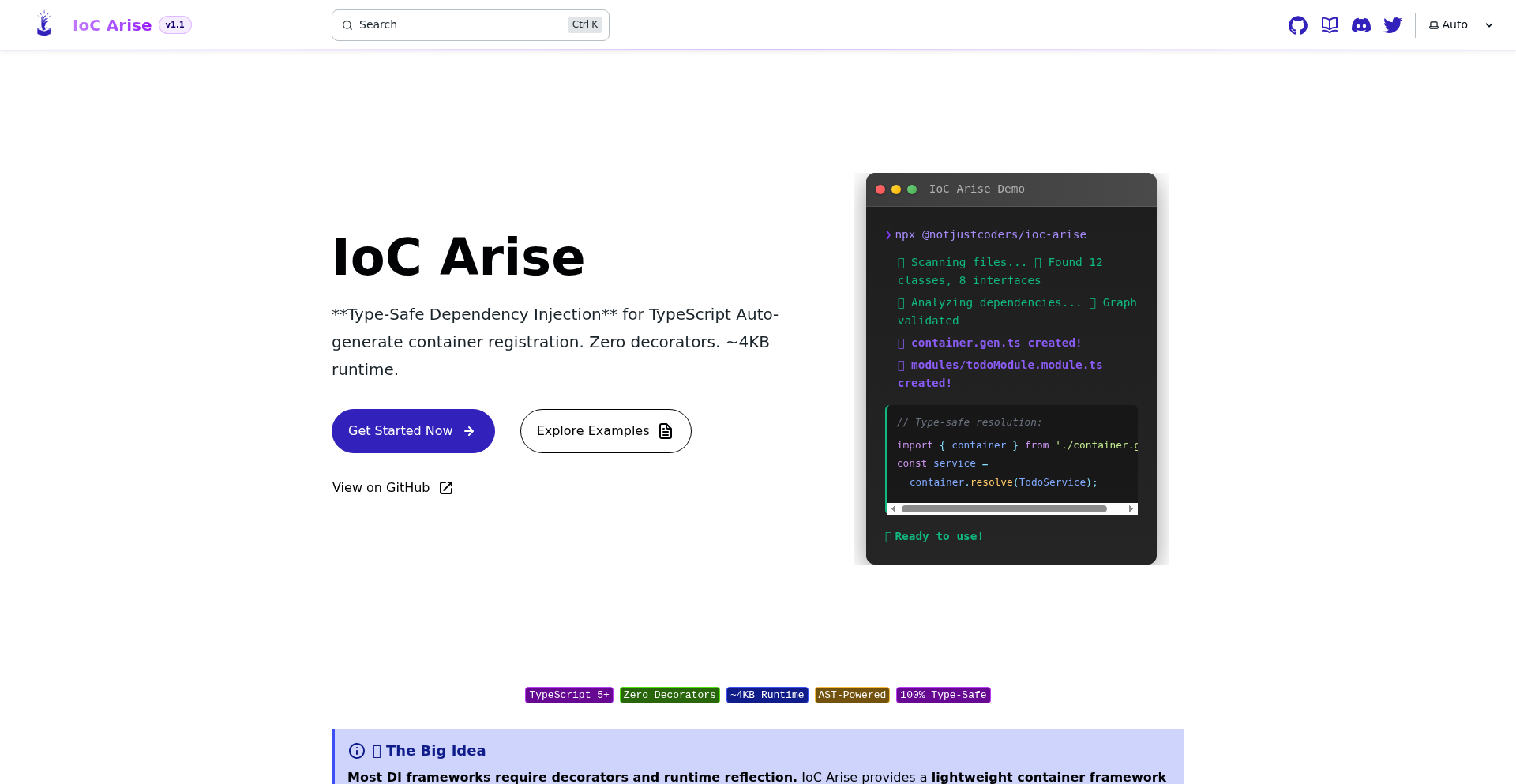
Author
stormsidali2001
Description
Arise is a Dependency Injection (DI) framework for JavaScript and TypeScript applications that aims to simplify the developer experience by eliminating the need for repetitive boilerplate code and decorator pollution. It uses Abstract Syntax Tree (AST) analysis via a CLI tool to automatically generate dependency registration code, allowing developers to focus on their core logic. This translates to cleaner domain code and faster development cycles.
Popularity
Points 2
Comments 0
What is this product?
Arise is a smart, code-generating Dependency Injection framework. Instead of manually writing lots of repetitive code to tell your application how to create and manage its interconnected parts (dependencies), Arise analyzes your existing code using a command-line tool. It understands how your different pieces of code relate to each other and automatically writes the necessary 'wiring' code for you. This means you avoid cluttering your main application logic with setup details and don't need to use special markers (decorators) everywhere. It supports injecting various types of objects, including factories that can create new instances and objects with different lifecycles (like singletons that are created once, or transient objects created each time they're needed), all detected through simple comments or JSDoc annotations in your code. So, what's in it for you? Cleaner code and less manual setup.
How to use it?
Developers can integrate Arise into their projects by first installing the framework and its CLI. The CLI is then used to scan the project's source code. Based on JSDoc annotations (like @factory, @value) and special comments (like @scope singleton, @scope transient), the CLI generates the necessary dependency registration code. This generated code is then imported into the application's entry point or a dedicated setup file. The DI container provided by Arise is then used to resolve and inject dependencies where needed. For instance, you can run `arise generate` in your project directory, and it will create the registration files. Then, in your application's startup, you import the generated registrations and initialize the container. So, how does this help you? It automates the tedious dependency setup, letting you start using your application's components without manual configuration.
Product Core Function
· AST-based Code Analysis: Analyzes your codebase to understand dependencies automatically. This means less manual mapping and less chance of errors. So, what's in it for you? Reduced manual effort and increased accuracy in dependency setup.
· Automatic Boilerplate Generation: Creates the necessary DI registration code based on your project structure and annotations. This eliminates repetitive coding tasks. So, what's in it for you? Faster development and less time spent on boilerplate.
· No Decorator Requirement: Avoids polluting your domain models with decorators, leading to cleaner, more maintainable code. So, what's in it for you? A cleaner separation of concerns and improved code readability.
· Flexible Injection Types: Supports injecting typed objects, factory functions, and classes that implement interfaces or extend abstract classes. This provides a robust and adaptable DI system. So, what's in it for you? The ability to manage complex application structures efficiently.
· Multiple Lifecycles Management: Handles singleton (one instance) and transient (new instance each time) lifecycles, controlled via simple comments. This allows for fine-grained control over how your dependencies are managed. So, what's in it for you? Optimized resource usage and predictable application behavior.
· Annotation-driven Configuration: Uses JSDoc annotations and simple comments to define factories, values, and lifecycles. This makes configuration intuitive and integrated with your code. So, what's in it for you? An easier and more natural way to configure your dependencies.
Product Usage Case
· Developing a large-scale enterprise application with numerous interconnected services and modules. Arise can automate the complex dependency wiring, significantly reducing development time and potential for configuration errors, allowing teams to deliver faster. So, what's in it for you? Quicker delivery of complex applications with fewer bugs.
· Building a backend API where different services (e.g., database access, authentication, business logic) need to be injected into controllers or service layers. Arise can manage these dependencies automatically, ensuring each part of the API has access to what it needs without manual setup. So, what's in it for you? A streamlined backend development process.
· Refactoring an existing application that uses manual dependency management or a decorator-heavy DI solution. Arise offers a cleaner alternative, removing decorator noise and automating the setup, making the codebase easier to understand and maintain. So, what's in it for you? Improved code quality and easier long-term maintenance.
· Creating a library or framework where users need to provide their own implementations of certain components. Arise's factory injection can be used to allow users to register their custom factories, enabling flexible and extensible library design. So, what's in it for you? Building more adaptable and user-friendly libraries.
· Working on a project where minimizing external dependencies and avoiding framework lock-in is a priority. Arise's approach of generating standard JavaScript code and avoiding decorators can help achieve this goal, making the project more portable and less reliant on specific library implementations. So, what's in it for you? Greater freedom and flexibility in your project's technology stack.
48
Logry: Gemini-Powered Intentional Social Diary

Author
TytoMan
Description
Logry is a novel social diary platform designed for close friends, leveraging the Gemini AI model. It addresses the issue of information overload and the addictive nature of traditional social media by focusing on intentional sharing and mindful interaction. The core innovation lies in using AI to curate and summarize content, fostering deeper connections with less digital noise.
Popularity
Points 2
Comments 0
What is this product?
Logry is a private, small-group social journaling application. Unlike typical social networks, it's built with the idea of reducing 'digital dopamine hits' – those fleeting rewards that keep users hooked on endless scrolling. It uses Google's Gemini AI to process and summarize posts, making it easier to digest updates from your closest friends without feeling overwhelmed. Think of it as a curated scrapbook of your friends' lives, where AI helps you quickly grasp the essence of their shared moments, promoting more meaningful engagement rather than passive consumption.
How to use it?
Developers can integrate Logry into their workflows by connecting their existing social feeds or content sources (e.g., a personal blog, a private photo album) to the Logry platform. Logry's backend then utilizes Gemini to analyze and distill this content into concise summaries. Users can then invite their trusted circle of friends to a private Logry space. The platform provides APIs for developers to potentially build custom notification systems or aggregate Logry summaries into other applications. The key is its ability to declutter your social experience, allowing you to focus on the content that truly matters to you and your inner circle.
Product Core Function
· AI-powered content summarization: Gemini analyzes posts from friends and provides concise summaries, reducing information overload and saving users time. This means you can quickly understand what your friends have been up to without reading every single detail, fostering more efficient and focused connection.
· Intentional sharing features: The platform encourages thoughtful posting over constant updates, helping users be more mindful of what they share and why. This shifts the focus from quantity of posts to quality of connection, making your shared experiences more valuable.
· Private, close-friend focused network: Logry operates within small, invited groups, ensuring privacy and fostering deeper, more personal interactions. This creates a safe space for genuine connection, free from the pressures of public social media.
· Low-dopamine design: The user interface and interaction model are designed to minimize addictive engagement patterns, promoting a healthier relationship with social media. This helps you stay connected without feeling drained or compulsively checking for updates, leading to a more balanced digital life.
Product Usage Case
· A group of college friends wanting to stay in touch after graduation: Instead of cluttered group chats, they can use Logry to share significant life updates (e.g., new jobs, travels, major life events) which are then summarized by Gemini. This allows them to stay informed about each other's lives without the constant noise, strengthening their bond despite physical distance.
· A family wanting a private space to share updates and photos: Parents can share updates about their children, and grandparents can share anecdotes. Gemini can summarize the week's events, making it easy for everyone to catch up on family happenings without feeling overwhelmed by individual posts, promoting family cohesion.
· A writer maintaining a private journal and sharing selected thoughts with a few trusted peers: The writer can log their thoughts, and Gemini can help distill longer entries into key takeaways. They can then share these summaries with their critique group, facilitating more focused and constructive feedback on their creative process.
49
Zenith Noise Weaver

Author
vicke4
Description
A PWA white noise generator that leverages the Web Audio API (AudioContext) for offline, streamlined white noise playback. It addresses the common frustration of complex timer settings in existing apps by offering intuitive swipe gestures and remembering user preferences, making it instantly usable and highly accessible for parents and anyone seeking focused sound environments.
Popularity
Points 2
Comments 0
What is this product?
Zenith Noise Weaver is a progressive web application (PWA) designed to generate and play white noise. It utilizes the browser's built-in AudioContext web API, which is a powerful tool for creating and manipulating audio directly within the web page. This means it can generate rich audio, like white noise, without needing to download large audio files. The innovation lies in its user experience; instead of multi-step menus, it allows users to set timers with a simple swipe gesture and remembers their last used settings, offering a remarkably fluid and responsive interaction. This is essentially a highly optimized, modern take on a classic problem.
How to use it?
Developers can use Zenith Noise Weaver by simply accessing the PWA through their web browser on any device. It's installable, meaning it can be added to their home screen and function like a native app, even offline. The core interaction involves swiping left or right on the screen to adjust the timer for the white noise. The app automatically remembers the last timer setting and playback configuration, so the next time it's opened, it's ready to go. This makes it ideal for quick setup during bedtime routines or for focused work sessions. For developers looking to integrate similar audio generation capabilities into their own projects, the underlying AudioContext API can be explored, offering a foundation for custom audio experiences.
Product Core Function
· Offline white noise generation: Utilizes Web Audio API to create sound directly in the browser, meaning it works even without an internet connection. This is useful for reliable ambient sound in any situation, like during sleep or focused work.
· Intuitive timer control: Allows users to set noise duration with a simple swipe gesture, a significant improvement over traditional click-heavy interfaces. This makes it fast and easy to manage, especially when hands are full.
· Session memory: Remembers the last timer setting and playback preferences, so users don't have to reconfigure it every time. This saves time and frustration, providing a consistently personalized experience.
· Progressive Web App (PWA) functionality: Can be installed on devices and works offline, offering a native-app-like experience without the need for app store downloads. This provides convenient access and reliable performance.
· Modern Web Audio API implementation: Leverages AudioContext for efficient and high-quality audio processing. This demonstrates a technically sound approach to web-based audio generation, offering a platform for future enhancements.
Product Usage Case
· Parenting scenario: A parent needs to quickly set white noise for a baby's nap. Instead of navigating through menus on a clunky app, they can open Zenith Noise Weaver, swipe once to set the timer, and the noise starts playing instantly, allowing for a faster bedtime routine. The offline capability ensures it works even if Wi-Fi is spotty.
· Focus and productivity: A developer needs ambient noise to concentrate on coding. They can open the PWA, set a specific duration with a quick swipe, and dive into their work without interruption. The app's ability to remember their preferred duration means they can start their focus session immediately.
· Travel situations: When traveling, access to reliable power or internet might be limited. This PWA can be saved to a device's home screen and used offline to create a calming environment in a hotel room or during a flight, helping with sleep or relaxation.
· Accessibility testing: Developers interested in modern web audio and PWA development can examine the source code to understand how to effectively use the AudioContext API for audio generation and how to build a seamless offline experience, inspiring their own innovative projects.
50
SceneYou.art - AI Persona Weaver

Author
zy5a59
Description
SceneYou.art is an AI-powered platform that transforms a single casual selfie into over 1,000 diverse professional-quality images. It tackles the common problem of individuals struggling to create compelling visuals for professional and personal use due to lack of photography skills, time, or budget for photoshoots. The innovation lies in its user-friendly, one-photo input approach and extensive template library, making personalized AI image generation accessible without complex prompting.
Popularity
Points 2
Comments 0
What is this product?
SceneYou.art is an AI-driven service that acts as your personal virtual photographer. Instead of hiring a photographer or learning complex editing software, you simply upload one casual selfie. Our advanced AI then intelligently applies this single photo to a vast collection of over 1,000 different templates, generating high-quality images in various scenarios – from professional headshots and social media content to creative artistic styles. The core technology leverages sophisticated image generation models, likely diffusion models or similar generative adversarial networks (GANs), trained to seamlessly blend user facial features with pre-designed scenes and styles. This bypasses the need for extensive manual editing or complex prompt engineering, offering a user-friendly experience.
How to use it?
Developers and general users can integrate SceneYou.art into their workflow by uploading a single casual selfie through the web interface. The platform handles the AI processing and presents a gallery of generated images based on the chosen templates. For developers looking to integrate this capability into their own applications, potential integration paths could involve leveraging SceneYou.art's API (if available) or exploring similar AI image generation libraries and models that can be self-hosted or accessed as a service. This allows for programmatic generation of personalized avatars, marketing materials, or user profile images directly within their own software, streamlining content creation.
Product Core Function
· Single Photo Input and AI Transformation: Uploads one casual selfie and uses AI to adapt it to various scenes. This eliminates the need for multiple photos or professional photography sessions, saving time and resources.
· Extensive Template Library: Offers over 1,000 diverse templates for different needs, such as corporate headshots, casual social media posts, or creative avatars. This provides a wide range of visual outputs from a single input, catering to various personal and professional branding requirements.
· Zero Skill Required User Interface: Designed for ease of use, requiring no prior knowledge of AI prompting or complex image editing tools. This democratizes high-quality image generation, making it accessible to individuals without technical expertise.
· Continuous Template Updates: Regularly adds new templates and scenes to keep the generated visuals fresh and relevant. This ensures users have access to the latest trends and styles, enhancing the long-term value of the service.
· Personalized Visual Content Creation: Enables users to generate unique and tailored images for their online presence, portfolios, or creative projects. This empowers individuals to control and enhance their digital identity without external dependencies.
Product Usage Case
· A freelance graphic designer uses SceneYou.art to quickly generate a professional LinkedIn headshot by uploading a casual photo, saving time and money compared to a studio photoshoot. This directly addresses the need for professional online branding with minimal effort.
· A social media influencer uses SceneYou.art to create a variety of engaging profile pictures and post images across different themes (e.g., fitness, travel, fantasy) from a single selfie. This helps maintain a consistent yet diverse visual presence to attract and retain followers.
· A small business owner leverages SceneYou.art to generate marketing materials and website imagery with a professional look and feel without hiring a designer. This provides affordable and visually appealing content for their brand promotion.
· A game developer uses SceneYou.art to generate unique character avatars for their game's user profiles. This allows players to personalize their in-game identity with custom-looking characters derived from their own image, enhancing user engagement.
51
NodeLoop: The Electrifying Engineer's Digital Toolkit

Author
eezZ
Description
NodeLoop is a free, no-signup web toolbox packed with utilities designed to simplify the lives of electronics engineers. It tackles common pain points with tools like a harness cable diagram generator and connector pinout viewers for interfaces like M.2 and JTAG, alongside a microcontroller serial monitor. The innovation lies in consolidating these often-fragmented, specialized tools into an accessible, user-friendly web interface, allowing engineers to quickly access and utilize critical design and debugging aids.
Popularity
Points 2
Comments 0
What is this product?
NodeLoop is a collection of free, web-based utilities for electronics engineers. At its core, it aims to be a central hub for essential design knowledge and tools that are often scattered across different software or physical references. For instance, the harness cable diagram generator uses logical input to visually map out complex wiring, preventing errors and saving significant time during assembly. Connector pinout tools for interfaces like M.2 and JTAG provide instant, accurate reference for understanding how pins are wired, crucial for prototyping and debugging. The microcontroller serial monitor allows engineers to see data being sent from their microcontrollers in real-time through a web browser, making it much easier to understand program behavior and troubleshoot issues without specialized hardware or complex setups. The key innovation is bringing these powerful, often specialized, functionalities into a single, easy-to-access web application, reducing friction and boosting productivity.
How to use it?
Developers can access NodeLoop directly through their web browser at its designated URL. For example, to generate a harness cable diagram, an engineer would input the connection points and desired signal flow into the tool, and NodeLoop would render a clear, schematic representation. For pinout lookups, simply select the connector type (e.g., M.2 NVMe, JTAG SWD), and the corresponding pin diagram and function will be displayed. Debugging with the serial monitor involves connecting the microcontroller's serial output (like UART TX/RX) to a compatible interface that can send this data to the web browser where NodeLoop is running, allowing for immediate visualization of the data stream. No installation or signup is required, making it an instantly available resource for on-the-go or quick-access needs.
Product Core Function
· Harness Cable Diagram Generator: Visually maps complex wiring configurations, allowing engineers to design and document cable assemblies with precision, reducing assembly errors and improving maintainability. This saves time and prevents costly mistakes in production.
· Connector Pinout Tools (M.2, JTAG, etc.): Provides instant, accurate visual references for various hardware connectors, enabling engineers to correctly identify pins for prototyping, debugging, and interface design, minimizing the risk of incorrect connections.
· Microcontroller Serial Monitor: Captures and displays serial communication data from microcontrollers in real-time via a web interface, simplifying firmware debugging and allowing engineers to quickly understand device behavior and identify data flow issues.
· General Utilities: Offers a suite of other small, handy tools designed to streamline common electronics engineering tasks, providing quick solutions for repetitive or minor design challenges, thus boosting overall efficiency.
Product Usage Case
· A hardware engineer designing a custom PCB for a new IoT device needs to connect multiple sensors and an external display. They use the Harness Cable Diagram Generator to visually plan and document all the wiring between the microcontroller and peripherals, ensuring a clean and error-free assembly. This saves them hours of manual drafting and reduces the chance of wiring mistakes during prototype building.
· A developer is working with a new M.2 SSD and needs to understand the pinout for a specific configuration. Instead of searching through datasheets, they use NodeLoop's M.2 pinout tool. Within seconds, they have a clear diagram showing the function of each pin, allowing them to confidently connect their development board and test the interface without guesswork.
· During firmware development for a small embedded system, an engineer suspects an issue with data being sent from the microcontroller. They use the Microcontroller Serial Monitor in NodeLoop to view the UART output directly in their browser. This immediate feedback helps them pinpoint the exact data transmission error and resolve the bug much faster than using traditional debugging tools.
· An electronics hobbyist is assembling a robot kit with various actuators and sensors. They encounter a confusing set of connectors. They utilize the various pinout tools and the cable diagram generator to quickly identify connections and plan their wiring harness, enabling them to assemble the robot efficiently and correctly on their first attempt.
52
Z-ImageTurbo Demo

Author
yeekal
Description
This project is a free, no-login web interface to experiment with the Z-Image-Turbo model. It leverages a novel progressive distillation technique, allowing for incredibly fast image generation (under one second) with a compact 6B parameter model, offering a compelling balance between speed and photorealism compared to larger, slower models. The interface is designed for ease of use, supporting both English and Chinese prompts, and is currently an MVP built with Next.js, with GPU costs covered by the developer.
Popularity
Points 2
Comments 0
What is this product?
This project is a demonstration platform for the Z-Image-Turbo AI image generation model. The core innovation lies in Z-Image-Turbo's 'progressive distillation' technique. Imagine instead of learning to draw a complete picture in one go, it learns to draw a rough sketch, then refines it step-by-step, making it incredibly efficient. This means it can generate a high-quality, photorealistic image in just 8 steps, making it significantly faster than other advanced models. This 6B parameter model offers a sweet spot for speed and visual fidelity. The web UI itself is built with Next.js for a smooth user experience and aims to remove all friction for users to try out this cutting-edge technology.
How to use it?
Developers can use this project by simply visiting the website (Z-Image.app). There's no need to log in or install anything. You can directly input your text prompts, and the platform will generate images for you. For integration, while this is a demo, the underlying Z-Image-Turbo model's efficiency suggests it could be integrated into applications requiring rapid image creation, such as prototyping tools, content generation platforms, or even real-time visual assistants, by interacting with its API (once available).
Product Core Function
· Fast Image Generation: Utilizes the Z-Image-Turbo model's 8-step progressive distillation for sub-second image creation. This means you get your visual results almost instantly, which is invaluable for quick design iterations or exploring creative ideas without waiting.
· No Account Required: Users can immediately start generating images without the hassle of signing up. This lowers the barrier to entry significantly, encouraging wider experimentation and immediate feedback on the model's capabilities.
· Bilingual Prompt Support: Natively understands and processes both English and Chinese text prompts. This broadens accessibility for a global user base and allows for more nuanced or culturally specific image generation.
· Direct Model Experimentation: Provides a hands-on way to experience the latest advancements in AI image generation, specifically the performance gains from progressive distillation, allowing developers to evaluate its potential for their own projects.
· Free Access with Covered Costs: Offers a trial of a powerful AI model without any financial commitment. This allows developers to test and understand the model's output quality and speed before considering implementing similar solutions.
Product Usage Case
· Prototyping Visual Assets: A designer needs to quickly visualize different concepts for a product logo. By using Z-Image.app, they can input variations of their ideas in both English and Chinese and get near-instantaneous visual feedback, dramatically speeding up the initial design phase without waiting for slower generation times.
· Content Creation Exploration: A blogger wants to find unique imagery for an article discussing AI advancements. They can use Z-Image.app to generate abstract or illustrative images based on their article's themes, discovering novel visual styles quickly and freely, which would be costly or time-consuming with other services.
· Evaluating AI Model Performance: A machine learning engineer wants to compare the speed and quality of different generative models. Z-Image.app provides a direct, no-setup way to test the Z-Image-Turbo model, allowing them to benchmark its sub-second generation and photorealism against their expectations and other known models.
· Cross-Lingual Project Ideation: A team working on a global application needs to brainstorm visual elements that resonate with both English and Chinese speaking users. Z-Image.app's bilingual support enables them to generate relevant imagery from unified prompts, fostering collaborative and inclusive design thinking.
53
Saeros-AD-Guardian

Author
saeros
Description
Saeros is a lightweight, single-binary agent written in C# designed for detecting advanced threats within Active Directory environments, especially those that are air-gapped or highly secure. It leverages Event Tracing for Windows (ETW) to monitor domain controllers in real-time, matching events against Sigma rules to identify malicious activities like DCSync, Golden Tickets, or Kerberoasting. Unlike traditional solutions that require cloud integration or heavy agents, Saeros operates entirely locally, consuming minimal resources and requiring no internet connectivity, making it ideal for critical infrastructure and disconnected networks.
Popularity
Points 2
Comments 0
What is this product?
Saeros is an open-source, agent-based threat detection system specifically for Active Directory. Its core innovation lies in its ability to perform real-time detection of sophisticated attacks without relying on cloud services or kernel-level drivers. It achieves this by subscribing to Windows Event Tracing (ETW), a powerful built-in Windows mechanism for logging system events. When an event occurs on a domain controller, Saeros analyzes it against a predefined set of Sigma rules, which are widely used threat detection patterns. If a pattern matches, Saeros generates an alert locally. This approach is highly efficient, consuming very few system resources, and crucially, it's 'air-gap native,' meaning it works perfectly in environments without internet access. The fact that it's user-mode only means it won't destabilize your domain controller by causing system crashes (BSODs).
How to use it?
Developers and security professionals can deploy Saeros as a standalone executable on their domain controllers. The agent is configured to monitor specific ETW providers and load Sigma rule sets. Once running, it continuously analyzes incoming events. Alerts are outputted directly to the console in a human-readable format, allowing for immediate investigation. For integration into existing security workflows, the console output can be piped to other local tools or scripts for further processing, alerting, or logging. The AGPL-3.0 license encourages community audits, ensuring transparency and trust, which is paramount for sensitive environments. Think of it as a silent watchdog that watches for suspicious behavior directly on your critical servers.
Product Core Function
· Real-time Threat Detection: Saeros analyzes Windows ETW events as they happen, enabling immediate identification of active threats. This means instead of finding out about an attack hours or days later, you get alerted the moment it starts unfolding, so you can react faster.
· Sigma Rule Compliance: It uses Sigma rules, a standardized language for threat hunting, allowing for easy integration with existing detection logic and community-shared threat intelligence. This makes it easier to adopt known attack patterns without reinventing the wheel.
· Air-Gapped Operation: Saeros requires zero internet connectivity, making it perfect for highly secure or disconnected networks where sending data to the cloud is not an option. Your sensitive network stays isolated, and you still get advanced threat detection.
· Resource Efficiency: Designed to be lightweight, Saeros consumes minimal CPU and memory, even when processing a high volume of events. This ensures that your domain controllers remain performant without being burdened by the security solution.
· User-Mode Execution: Operating in user-mode only, Saeros avoids kernel drivers, preventing potential system instability or crashes on critical domain controllers. This means better reliability for your core infrastructure.
· Local Alerting: Alerts are generated and displayed locally on the domain controller's console, providing immediate visibility without the need for external systems. This gives you direct, actionable information right where you need it.
Product Usage Case
· Protecting critical infrastructure in manufacturing or government facilities that are intentionally disconnected from the internet. Saeros can detect insider threats or attempts to compromise these systems without requiring any external communication, acting as a vital security layer.
· Enhancing the security posture of sensitive financial institutions that handle highly confidential data. By detecting attacks like DCSync (which allows attackers to steal password hashes) in real-time on domain controllers, Saeros helps prevent data breaches before they occur, without exposing data to external cloud services.
· Securing Active Directory environments in remote or isolated locations where reliable internet connectivity is not available. For example, in remote research stations or field operations, Saeros provides essential threat detection capabilities that would otherwise be impossible to implement.
· Auditing and securing internal development or testing environments that require strict access controls. Saeros can monitor for unauthorized access attempts or privilege escalation techniques, ensuring the integrity of these environments without broadcasting activity externally.
54
A1: The AI Agent Sandbox & JIT Engine

Author
calebhwin
Description
A1 is a local sandbox and Just-In-Time (JIT) compiler designed to run AI agents securely and efficiently. It addresses the challenges of executing potentially untrusted AI code by providing a controlled environment and optimizing performance on the fly. This allows developers to experiment with new AI models and agent behaviors without compromising their system's security or sacrificing execution speed.
Popularity
Points 1
Comments 1
What is this product?
A1 is a sophisticated development tool that acts like a secure playpen for your AI agents. Imagine you're building a new robot dog that can learn tricks. Instead of letting it run wild in your house, A1 lets you test its new 'fetch' command in a controlled room. Technically, it uses a sandbox isolation mechanism to prevent the AI code from accessing or modifying your main computer system. Simultaneously, its Just-In-Time (JIT) compiler analyzes the AI's code as it runs and translates it into highly optimized machine instructions, making the AI perform its tasks much faster. The innovation lies in combining robust security with dynamic performance enhancement specifically for AI workloads, solving the dilemma of running experimental AI code safely and quickly.
How to use it?
Developers can integrate A1 into their AI agent development workflow. Instead of directly executing AI agent code on their host machine, they can point A1 to the agent's codebase. A1 will then load, compile, and execute the agent within its secure sandbox. This is particularly useful for testing agents that interact with external systems or process user-provided data. For instance, if you're building an AI that analyzes user-submitted text for sentiment, you'd run that AI through A1. This ensures that even if the text contains malicious code, A1's sandbox prevents any harm to your system. Integration can involve API calls to start and stop agents, monitor their resource usage, and receive their outputs, treating the AI agent as a distinct, secure process.
Product Core Function
· Secure Agent Execution Sandbox: Provides an isolated environment to run AI agents, preventing unauthorized access to the host system. This means you can test experimental AI without worrying about it deleting your files or installing viruses.
· Just-In-Time (JIT) Compilation for AI: Dynamically compiles AI agent code during runtime for significant performance gains. This translates to your AI agents completing tasks much faster, improving overall application responsiveness.
· Resource Monitoring and Control: Allows developers to set limits on CPU, memory, and network usage for AI agents. This prevents runaway AI processes from crashing your system and helps manage computational costs.
· Cross-Platform Compatibility: Designed to run on various operating systems, ensuring consistent agent behavior regardless of the developer's environment. This makes sharing and deploying AI agents easier.
· De-JIT Optimization for AI Workloads: Specifically tunes JIT compilation strategies for the unique patterns found in AI computations, leading to superior speedups. This is like having a turbocharger precisely engineered for AI engines.
Product Usage Case
· Developing a novel AI chatbot that learns from user conversations: A1 can run the chatbot in a sandbox to test its learning algorithms and conversational flow without the risk of it accessing sensitive user data or performing unwanted system operations. This allows for rapid iteration on the AI's responses and learning capabilities.
· Experimenting with AI agents that process potentially untrusted user input (e.g., image recognition for moderation, natural language processing for command interpretation): By running these agents within A1's sandbox, developers can confidently test how the AI handles diverse inputs without exposing their infrastructure to vulnerabilities. It solves the problem of ensuring AI robustness against malicious or malformed data.
· Building a distributed AI system where agents communicate and share tasks: A1 can host individual agents, ensuring their isolated execution and then managing their interactions through a secure interface, guaranteeing that one agent's failure or compromise doesn't affect others.
· Creating AI agents that perform complex simulations or computations: The JIT compiler within A1 can dramatically speed up these intensive tasks, allowing developers to get results from their simulations much quicker, which is crucial for scientific research or complex modeling.
55
Hatchcraft
Author
ofek
Description
Hatchcraft is a sophisticated Python project management tool designed to streamline development workflows by introducing advanced features like project workspaces, flexible dependency management through groups, and robust Software Bill of Materials (SBOM) generation. It tackles the complexity of modern Python projects, enabling developers to maintain cleaner, more secure, and better-organized codebases.
Popularity
Points 1
Comments 1
What is this product?
Hatchcraft is an open-source Python tool that revolutionizes how developers manage their projects. At its core, it introduces the concept of 'workspaces', which allows you to group related projects together, making it easier to navigate and manage interdependencies within a larger development effort. It also offers 'dependency groups', giving you fine-grained control over which dependencies are installed for different development environments or stages (like testing, documentation, or deployment), preventing conflicts and unnecessary bloat. Furthermore, it integrates 'SBOMs' (Software Bill of Materials), which is essentially a detailed inventory of all the components and libraries used in your project. This is crucial for security and compliance, as it helps identify vulnerabilities and understand your project's supply chain. So, what's innovative? It's the integration of these features into a single, cohesive tool that simplifies complex project structures and enhances security awareness, all driven by a developer-centric, configuration-driven approach.
How to use it?
Developers can integrate Hatchcraft into their Python projects by installing it via pip: `pip install hatch`. Once installed, you can initialize Hatchcraft in your project directory using `hatch new` to create a new project structure, or `hatch init` for an existing one. Workspaces are defined in the `pyproject.toml` file, where you can specify multiple project directories to be managed together. Dependency groups are also configured in `pyproject.toml`, allowing you to define named groups of dependencies for specific purposes (e.g., `[tool.hatch.deps.test]`). SBOM generation is typically handled as part of the build process, ensuring that you always have an up-to-date manifest of your project's dependencies. This makes it incredibly easy to manage complex multi-project setups, isolate development environments, and maintain security compliance, all within your existing project structure.
Product Core Function
· Workspace Management: Enables grouping multiple related Python projects into a single cohesive unit, improving organization and simplifying the management of interdependencies between projects. This is valuable for monorepo setups or complex applications composed of several smaller services.
· Dependency Groups: Provides granular control over project dependencies by allowing developers to define named groups (e.g., for development, testing, documentation). This prevents dependency conflicts and ensures that only necessary packages are installed for specific tasks, leading to cleaner environments and faster installations.
· SBOM Generation: Automatically generates a Software Bill of Materials for your project, listing all its dependencies. This is critical for security auditing, vulnerability scanning, and ensuring compliance with open-source licensing requirements, giving you transparency into your project's supply chain.
· Build System Integration: Seamlessly integrates with Python's build system, allowing for consistent and reproducible builds across different environments. This ensures that your project packages and deploys reliably, reducing the 'it works on my machine' problem.
· Configuration-as-Code: Uses the standard `pyproject.toml` file for all project configurations, promoting a declarative and version-controlled approach to project setup and management. This makes project configurations easy to understand, share, and track over time.
Product Usage Case
· A developer working on a microservices architecture can use workspaces to manage several independent but related services within a single repository. This simplifies dependency management between services and allows for easier cross-project development and testing. The benefit is improved developer productivity and a clearer understanding of the entire system.
· A data science team can define a 'notebooks' dependency group containing libraries like Jupyter, Pandas, and Matplotlib. This group can be activated when working on exploratory analysis, while a separate 'production' group might only include essential deployment libraries. This prevents conflicts and ensures a clean environment for each task, saving time and reducing errors.
· A company developing an open-source library can use SBOM generation to provide users with a transparent list of all its dependencies. This helps users assess potential security risks associated with the library's components and build trust in the project's security posture. This is crucial for adopting open-source software responsibly.
· A software project manager can use Hatchcraft's workspace feature to onboard new developers more efficiently. By defining clear project structures and dependencies, new team members can get up and running faster, reducing the time it takes to contribute meaningfully to the project.
56
WhisperLocal Dictate

Author
chux52
Description
EasyDictate is a free Windows application that enables offline voice-to-text dictation. By holding a hotkey, speaking, and releasing, your spoken words are instantly transcribed and copied to the clipboard. It achieves this by running OpenAI's Whisper model entirely locally, ensuring your audio data never leaves your computer, and it requires no cloud connectivity, API keys, or subscriptions.
Popularity
Points 2
Comments 0
What is this product?
WhisperLocal Dictate is a desktop application for Windows that transforms your spoken words into text without needing an internet connection. At its core, it leverages OpenAI's powerful Whisper model, a state-of-the-art speech-to-text system. The innovation lies in its ability to run this sophisticated model entirely on your local machine. This means that when you speak, your audio is processed right there on your computer. This offers significant benefits: enhanced privacy as your voice data never travels to remote servers, no reliance on internet availability, and no recurring costs associated with cloud APIs. For speed and efficiency, it uses the 'Whisper Base' model, which is optimized for quick processing, delivering transcribed text in just a couple of seconds even on a standard CPU. While it's optimized for speed, it still provides good accuracy for common dictation tasks.
How to use it?
Developers and users can employ WhisperLocal Dictate by simply downloading and installing the application on a Windows machine. Once installed, you configure a hotkey (e.g., a specific key combination on your keyboard). To use it, you press and hold this hotkey, begin speaking clearly, and then release the hotkey when you're finished. The application will automatically process your speech using the local Whisper model and then paste the transcribed text directly into your clipboard. This makes it incredibly easy to integrate into your workflow. For example, you can be typing in any application (a text editor, an email client, a document), press your hotkey, dictate a sentence or paragraph, release the hotkey, and then paste the text directly into your document, all without switching applications or needing an internet connection.
Product Core Function
· Local Speech-to-Text Transcription: Utilizes the OpenAI Whisper model running entirely on the user's machine. Value: Ensures data privacy and allows dictation without internet access. Use Case: Transcribing sensitive notes or dictating in environments with poor connectivity.
· HotKey Activation: Trigger transcription by pressing and holding a user-defined hotkey. Value: Provides a quick and seamless way to start and stop dictation without manual interaction. Use Case: Quickly capturing thoughts or commands while working in any application.
· Clipboard Integration: Automatically copies transcribed text to the system clipboard. Value: Enables instant pasting of dictated text into any application. Use Case: Effortlessly inserting dictated content into documents, emails, or code editors.
· Offline Operation: Functions completely without requiring an internet connection or cloud services. Value: Guarantees uninterrupted dictation and eliminates dependency on external servers. Use Case: Dictating in remote locations or during internet outages.
· No API Keys or Subscriptions: Free to use without the need for complex setup or recurring payments. Value: Removes technical barriers to entry and provides cost-effective dictation. Use Case: Individuals or small teams looking for a budget-friendly and straightforward dictation solution.
Product Usage Case
· A writer needing to quickly jot down ideas while away from their desk, using their laptop's microphone and a hotkey to dictate paragraphs directly into a draft document without needing Wi-Fi.
· A developer documenting code snippets or comments, activating dictation with a hotkey to verbally describe a function's purpose and having it instantly pasted into their IDE, saving typing time.
· A student attending a lecture who wants to capture spoken notes privately and efficiently, using the app to transcribe key points directly to their notes application, all offline and without privacy concerns.
· A busy professional needing to send a quick email response while on the go, using the dictation feature to compose the message and then pasting it into their email client, all without needing to type on a small screen or use a cloud service.
· Anyone concerned about privacy who wishes to convert their voice to text without their audio data being sent to any remote servers, utilizing the fully local processing capability of the application.
57
LinkedIn Post Weaver

url
Author
rakeshkakati_47
Description
A tool that allows users to save and organize LinkedIn posts into a searchable personal knowledge library. It leverages tagging, note-taking, and powerful filtering to create a structured repository of valuable content, solving the problem of scattered and difficult-to-retrieve LinkedIn insights.
Popularity
Points 2
Comments 0
What is this product?
This project is essentially a personal knowledge management system specifically designed for LinkedIn content. Instead of just scrolling through your feed or forgetting valuable posts, you can save them with a single click. The innovation lies in its ability to go beyond simple bookmarking. It employs a backend system that processes and stores these saved posts, allowing for rich metadata like tags and personal notes to be attached. Advanced filtering mechanisms then enable users to quickly find specific information within their saved library, making it a truly 'searchable' personal knowledge base. This addresses the challenge of information overload on social platforms and transforms passive consumption into active knowledge organization.
How to use it?
Developers can integrate this tool into their workflow by installing it as a browser extension or a standalone application. Once set up, when a user encounters a valuable LinkedIn post, they can click a dedicated button to save it. The system automatically extracts relevant information from the post and prompts the user to add tags or personal notes. This saved content then resides in a centralized, searchable library. For developers, this translates into an efficient way to collect industry insights, competitor analysis, or learning resources directly from LinkedIn, without having to manually copy-paste or rely on unreliable browser bookmarks. It's about building a custom, actionable knowledge base for professional growth and problem-solving.
Product Core Function
· One-click saving of LinkedIn posts: This allows users to quickly capture valuable content encountered on LinkedIn, preventing loss of information and saving significant time compared to manual methods. The underlying technology likely involves content scraping and API integration to efficiently extract and store post data.
· Tagging and note-taking: This enables users to categorize and add personal context to saved posts, making them more meaningful and easier to recall. It's a crucial feature for transforming raw saved content into organized knowledge, leveraging metadata for enhanced retrieval.
· Powerful filtering and search: This provides users with the ability to quickly locate specific posts within their library based on tags, keywords, dates, or custom notes. This is the core of the 'searchable knowledge library' concept, utilizing efficient indexing and search algorithms.
· Personal knowledge library creation: This aggregates all saved and organized content into a single, manageable repository. It represents the culmination of the other features, offering a structured and accessible collection of professional insights, moving beyond simple social media engagement.
Product Usage Case
· A software engineer saves insightful technical discussions and API documentation shared on LinkedIn. They can later search their library for specific solutions or implementation details when working on a project, saving hours of re-searching. This solves the problem of losing valuable technical knowledge shared in a noisy feed.
· A marketing professional collects successful campaign examples and industry trend analyses from their network. By tagging these posts and adding notes, they can quickly assemble relevant case studies for presentations or develop new strategies based on organized market intelligence. This helps in building a curated repository of marketing best practices.
· A startup founder tracks competitor announcements and product updates shared on LinkedIn. Using tags and filters, they can maintain an organized overview of the competitive landscape, enabling faster strategic decision-making. This addresses the challenge of staying informed about competitors in a dynamic market.
58
Next.js VPS Deploy Agent

Author
ben_hrris
Description
A lightweight agent for deploying Next.js applications directly to your own Virtual Private Server (VPS). It simplifies the often complex process of self-hosting modern web applications built with Next.js, offering a more direct and cost-effective alternative to managed hosting platforms. The innovation lies in its agent-based approach, abstracting away much of the server configuration and deployment boilerplate.
Popularity
Points 1
Comments 1
What is this product?
This project is a specialized deployment tool designed to make it easy for developers to host their Next.js applications on their own servers (VPS) without needing to be deep server administration experts. Instead of manually configuring web servers, managing dependencies, and orchestrating the build and run process, you use a small program (the 'agent') that handles these tasks for you. The core technical insight is to create a lean, scriptable mechanism that understands the lifecycle of a Next.js app – from building it to running it as a service – and executes these steps remotely on your VPS. This bypasses the need for complex CI/CD pipelines or managed PaaS solutions for simpler self-hosting scenarios.
How to use it?
Developers would typically install this agent on their target VPS. Then, from their local machine or a central CI environment, they would configure the agent to point to their Next.js project's code repository. Upon triggering a deployment command, the agent on the VPS pulls the latest code, builds the Next.js application (running `next build`), and then starts or restarts the application service, often using a process manager like PM2 to ensure it stays running. This can be integrated into existing shell scripts or basic CI workflows for automated deployments.
Product Core Function
· Automated Next.js Build Process: The agent automates the execution of `next build` on the VPS, ensuring your application is correctly compiled for production. This saves developers from manually running this crucial step.
· Remote Server Control: It allows you to initiate deployment commands remotely to your VPS, meaning you don't have to SSH into your server for every deployment. This streamlines the workflow significantly.
· Process Management Integration: The agent is designed to work with common process managers (like PM2), ensuring your Next.js application runs reliably in the background and restarts automatically if it crashes. This provides a stable hosting environment without manual intervention.
· Simplified Configuration: It aims to reduce the amount of manual server setup needed, abstracting away common web server configurations required for Next.js applications. This lowers the barrier to entry for self-hosting.
Product Usage Case
· Hosting a personal portfolio website built with Next.js on a cheap VPS: Instead of paying for a managed platform, a developer can use this agent to deploy their portfolio to a DigitalOcean or Linode VPS, saving money and gaining full control. The agent handles the build and ensures the site is always up.
· Deploying a small Next.js-based internal tool to a company-owned server: For internal applications where security and cost are paramount, this agent provides a straightforward way to get the Next.js app running on existing infrastructure without extensive DevOps expertise.
· Rapid prototyping and testing of Next.js features on a dedicated server: Developers can quickly spin up a VPS, deploy their experimental Next.js app using the agent, and iterate faster without waiting for complex deployment pipelines to be set up.
59
Lissa Saver: Fractal Gravity Screensaver

Author
johnrpenner
Description
Lissa Saver is a macOS screensaver that brings the mesmerizing beauty of physics simulations and abstract art to your idle screen. It combines dynamic gravity simulations with intricate fractal patterns and the elegant curves of Lissajous animations. The innovation lies in its real-time generative art approach, turning computationally intensive mathematical concepts into a visually stunning and interactive experience. For developers, it showcases how complex algorithms can be elegantly implemented for aesthetic purposes, offering inspiration for UI elements, data visualization, or even game physics.
Popularity
Points 2
Comments 0
What is this product?
Lissa Saver is a macOS screensaver that renders visually captivating animations inspired by scientific concepts. At its core, it's a real-time simulation engine. It implements gravity simulations to model the interactions between particles, creating dynamic and evolving patterns. This is further enhanced by incorporating Clifford Pickover fractals, which are known for their complex and often psychedelic imagery generated by iterated functions. Additionally, it features Lissajous animations, which are beautiful, closed curves produced by the intersection of two independent sinusoidal motions. The innovation here is not just in the individual components, but in their synergistic combination within a performant screensaver environment. It's a demonstration of how sophisticated mathematical models can be translated into a fluid and engaging visual display, offering a unique blend of art and science.
How to use it?
For macOS users, Lissa Saver is installed like any other application. Once installed, you can access it through your macOS System Settings under 'Desktop & Screen Saver'. You can then select Lissa Saver from the list of available screensavers and configure its various parameters, such as animation speed, particle density, or fractal complexity, depending on the options provided by the screensaver. For developers, the value lies in dissecting its implementation. The project is open source, allowing you to explore the code that powers the simulations and animations. This can provide insights into efficient rendering techniques, particle system management, and the integration of mathematical libraries. It's an excellent example of how to leverage computational power for creative expression.
Product Core Function
· Dynamic Gravity Simulation: Simulates the attractive forces between multiple particles, leading to emergent, chaotic, and beautiful movement patterns. The value is in showcasing complex physics in a visually accessible way, which could inspire developers for game physics engines or simulation tools.
· Clifford Pickover Fractal Generation: Renders intricate and infinitely detailed fractal landscapes based on specific mathematical formulas. This offers value by demonstrating advanced procedural generation techniques, useful for creating backgrounds, textures, or complex visual elements in applications.
· Lissajous Animation Rendering: Creates smooth, elegant, and predictable curves by combining oscillating motions. This provides developers with examples of harmonious visual design and how to represent mathematical relationships visually, applicable to data visualization or artistic interfaces.
· Real-time Generative Art: The entire screensaver generates its visuals on the fly, meaning each viewing experience can be unique. This highlights the power of real-time graphics programming and algorithmic art, inspiring developers to explore creative coding and dynamic content generation.
Product Usage Case
· As a screensaver, it provides a visually stimulating alternative to static backgrounds during idle periods, reducing eye strain and adding an artistic element to the user's workspace. This solves the 'boring idle screen' problem with dynamic beauty.
· Developers can study the gravity simulation code to understand how to implement particle interactions and physics-based motion efficiently in games or simulation software. This addresses the challenge of creating believable physics within computational constraints.
· The fractal generation techniques can be adapted for creating procedural game environments, abstract art generation tools, or unique visual effects in multimedia applications. It solves the need for generating complex and varied visual assets without manual design.
· The Lissajous curves can serve as inspiration for designing UI elements that convey motion or cycles, or for visualizing periodic data in a visually appealing manner. This offers a solution for making abstract data more intuitive and engaging.
60
RcloneView: Bridging GUI and Command-Line Cloud Storage
Author
newclone
Description
RcloneView is a graphical user interface (GUI) designed to simplify the management of cloud storage through the powerful rclone command-line tool. It addresses the complexity of rclone's command-line interface by providing an intuitive visual experience, making advanced cloud storage operations accessible to a wider audience. The innovation lies in translating powerful, yet verbose, command-line arguments into user-friendly visual controls, effectively democratizing cloud data management.
Popularity
Points 1
Comments 1
What is this product?
RcloneView is a desktop application that acts as a visual front-end for rclone, a command-line program known for its versatility in synchronizing and managing files across various cloud storage services like Google Drive, Dropbox, and Amazon S3. Instead of memorizing complex commands and flags, users interact with RcloneView through familiar buttons, menus, and drag-and-drop interfaces. This significantly lowers the barrier to entry for using rclone, allowing individuals and developers to leverage its full potential without needing deep command-line expertise. The core technical insight is to abstract the intricate logic of rclone commands into an understandable graphical workflow, thereby enhancing usability and productivity for cloud storage tasks.
How to use it?
Developers can use RcloneView by first installing rclone on their system and then installing RcloneView itself. Once both are set up, RcloneView can be used to configure rclone remotes (connections to cloud storage services) through a guided visual process. Users can then perform common operations like copying, moving, synchronizing, and deleting files between local storage and their cloud services directly within the GUI. For more advanced use cases, RcloneView can also generate the underlying rclone commands for review or direct execution, allowing users to gradually transition to more granular control if desired. It's particularly useful for tasks involving multiple cloud providers or complex synchronization rules that are cumbersome to manage via the command line.
Product Core Function
· Visual Remote Configuration: Allows users to set up connections to various cloud storage providers using a step-by-step wizard, making it easy to manage multiple cloud services without needing to understand rclone's specific configuration file syntax. This is valuable because it simplifies the initial setup and ongoing management of cloud storage access.
· Drag-and-Drop File Operations: Enables users to intuitively move, copy, or synchronize files and folders between local drives and cloud storage services using familiar drag-and-drop gestures. This saves time and reduces errors compared to typing out file paths in a terminal.
· Task Scheduling and Monitoring: Provides a user-friendly interface for scheduling recurring synchronization tasks and monitoring their progress, ensuring data is consistently backed up or updated across cloud platforms. This is essential for automated workflows and maintaining data integrity.
· File Browsing and Management: Offers a tree-like view of cloud storage content, allowing users to easily browse, search, rename, and delete files and folders without executing explicit commands. This enhances the ability to manage cloud data efficiently.
· Command Generation: Translates GUI actions into rclone commands, which can be viewed and copied. This is beneficial for users who want to learn the underlying commands or integrate rclone's power into scripts and automated processes.
Product Usage Case
· A freelance photographer needs to back up large photo archives to both Google Drive and Amazon S3. Using RcloneView, they can easily configure both remotes and set up scheduled synchronization tasks via a GUI, ensuring their valuable work is safely stored without needing to learn complex rclone commands for each service. This solves the problem of managing multi-cloud backups efficiently and reliably.
· A small business owner wants to sync marketing materials from their local server to a Dropbox business account for team access. RcloneView allows them to set up a bi-directional sync, ensuring the latest versions of documents are always available in the cloud, using a simple graphical interface that requires no command-line knowledge. This solves the problem of keeping team files synchronized and accessible.
· A developer experimenting with data processing needs to transfer large datasets between different cloud object storage services like Backblaze B2 and Wasabi. RcloneView simplifies the process of defining source and destination 'remotes' and initiating transfer jobs through its GUI, reducing the cognitive load and potential for command-line errors. This solves the technical challenge of inter-cloud data migration.
· An individual managing personal cloud backups from multiple services wants a consolidated view of their storage. RcloneView offers a unified interface to browse and manage files across different cloud providers, making it easier to locate specific files or monitor storage usage without switching between multiple web interfaces or command-line tools. This solves the problem of fragmented cloud storage management.
61
WhisperMoney: Encrypted Finance Hub
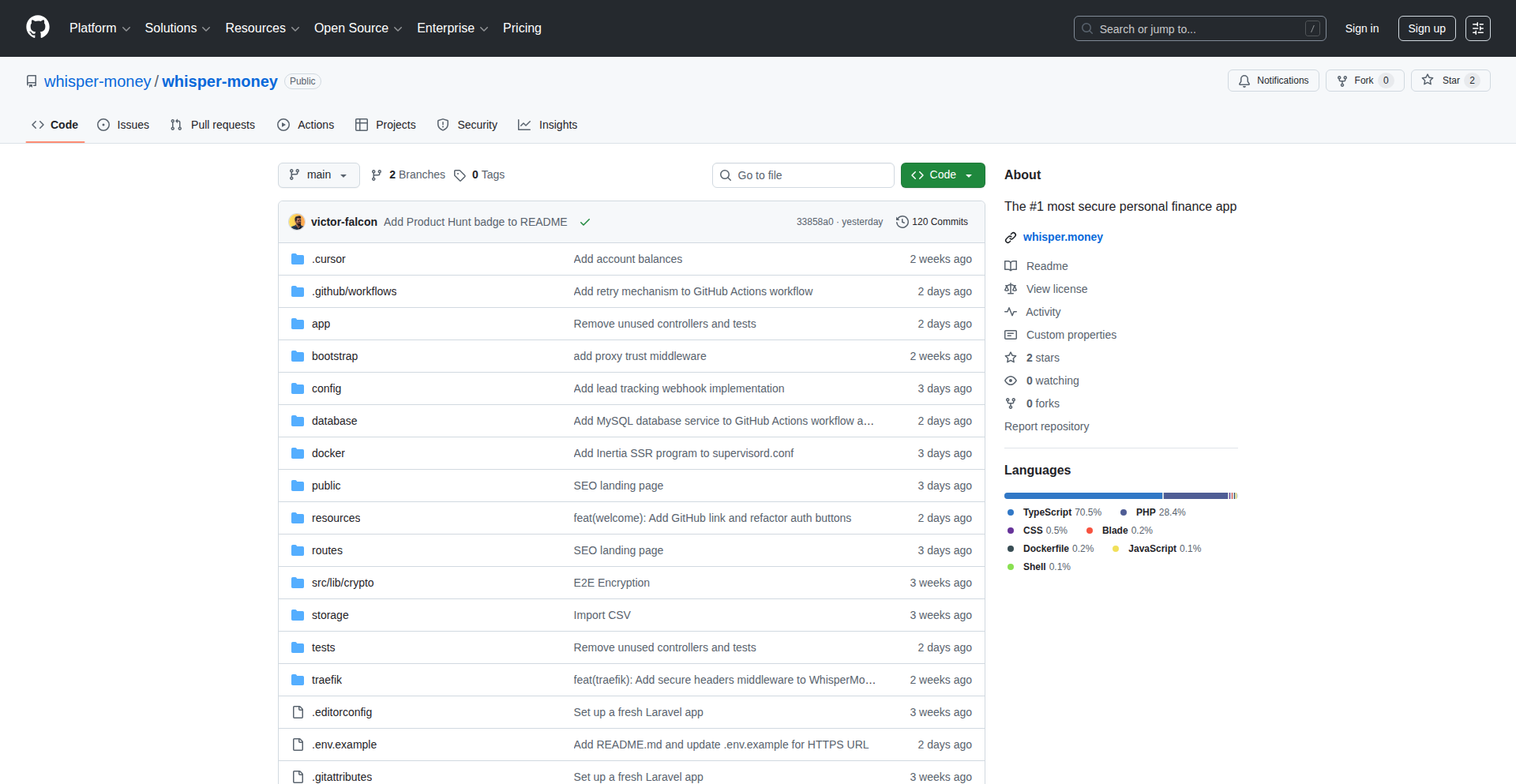
Author
falcon_
Description
Whisper Money is a self-hosted personal finance application focused on user privacy. It uses end-to-end encryption to secure your financial data, preventing third-party access and data selling. It automates transaction categorization with custom rules and provides insights into spending patterns through graphs.
Popularity
Points 1
Comments 0
What is this product?
Whisper Money is a personal finance tracker that prioritizes your privacy. Instead of sending your bank transaction data to a cloud service that might sell it, Whisper Money keeps everything on your own server. The core innovation lies in its end-to-end encryption, meaning your sensitive financial information is scrambled and unreadable by anyone except you, even during transit. It also offers intelligent automation by allowing you to set up rules to automatically sort your spending (e.g., all transactions from 'Amazon' go into 'Shopping'). So, why does this matter to you? It means you can manage your money without worrying about your private financial history being exposed or exploited. It's like having your own secure personal accountant who never leaks your secrets.
How to use it?
Developers can use Whisper Money by setting it up on their own server (self-hosting). This involves deploying the application, typically through Docker, and connecting it to their bank accounts using APIs if supported or manually importing transaction data. Once set up, they can configure rules for automatic transaction categorization and access dashboards for financial analysis. Integration into other applications could be achieved through potential future API offerings or by leveraging the underlying data if exported. The primary use case is for individuals who are highly concerned about data privacy and want complete control over their financial information. So, how is this useful to you? It empowers you to have a say in where your sensitive financial data resides and how it's processed, offering peace of mind that traditional cloud-based apps can't match.
Product Core Function
· End-to-end encryption: Ensures your financial data is scrambled and unreadable to anyone but you, providing ultimate privacy and security for your sensitive information. Applicable for users who want to protect their financial history from breaches or unauthorized access.
· Self-hostable architecture: Allows you to run the application on your own server, giving you full control over your data and eliminating reliance on external cloud providers. Useful for users who are technically inclined and value data sovereignty.
· Automated transaction categorization: Uses customizable rules based on merchant or description to automatically assign categories to your spending, saving you manual effort and providing clearer financial overviews. Helps in quickly understanding where your money is going without tedious manual tagging.
· Spending insights and graphs: Generates standard visualizations of your spending patterns, helping you identify trends and areas where you might be overspending. Aids in better financial planning and budgeting by providing actionable insights into your financial habits.
Product Usage Case
· A privacy-conscious individual who wants to track their expenses without sharing their bank login details or transaction history with a third-party app. Whisper Money allows them to import transactions securely and categorize them automatically using custom rules, giving them a clear view of their finances without compromising privacy. This solves the problem of needing financial tracking tools while maintaining strict data control.
· A developer building a personal finance dashboard who needs a backend that handles sensitive data with high security. They can integrate Whisper Money's encrypted data handling principles or even host it as a private backend service, ensuring that financial information remains protected and compliant with privacy standards. This addresses the technical challenge of securely managing financial data in a custom application.
· Someone concerned about data breaches in large financial aggregators. By using Whisper Money, they can isolate their financial data within their own controlled environment, significantly reducing the attack surface and the potential impact of a large-scale data leak. This provides a solution for minimizing personal risk in an increasingly digital world.
62
GistHive: Collaborative Code Snippet Vault
Author
tex0gen
Description
GistHive is a web application designed to overcome the limitations of traditional code snippet management, particularly GitHub Gists, by offering enhanced organization, team-centric features, and improved privacy for developers. It addresses the difficulty in finding old snippets, the absence of shared team gists, and concerns about the privacy of private gists on GitHub. The core innovation lies in providing a dedicated, private space for teams to store, organize, and share code snippets, ensuring knowledge continuity and quick access to essential code patterns. The integration with a VS Code extension further streamlines the developer workflow by enabling in-app snippet insertion and saving.
Popularity
Points 1
Comments 0
What is this product?
GistHive is a modern code snippet management platform built with a Laravel backend and React frontend. It acts as a centralized, private repository for developers to store and organize code snippets. Unlike GitHub Gists, which can become disorganized and lack robust team features, GistHive introduces dedicated team workspaces. This means multiple developers can contribute to and access a shared pool of code snippets, fostering collaboration and knowledge sharing. It also emphasizes privacy, ensuring that your code snippets are not exposed unintentionally. The innovation is in creating a developer-first tool that prioritizes ease of use, organization, and team collaboration for everyday coding tasks.
How to use it?
Developers can use GistHive through its web interface or via an upcoming VS Code extension. Sign up for an account, create your personal snippets, or invite team members to a shared workspace. You can categorize snippets with tags, search through your entire collection quickly, and share specific snippets with your team. The VS Code extension will allow you to directly insert snippets into your current project or save new snippets without leaving your editor, seamlessly integrating GistHive into your development environment. This makes it incredibly easy to quickly grab a piece of code you've saved or share a useful pattern with a colleague.
Product Core Function
· Centralized snippet storage: Store all your code snippets in one organized place, making them easy to find and reuse. This saves you from searching through old projects or scattered files when you need a piece of code.
· Team workspaces: Collaborate with your team by creating shared spaces for code snippets. This ensures that valuable code patterns and solutions are accessible to everyone, improving team efficiency and onboarding.
· Advanced organization and search: Utilize tags and a powerful search function to quickly locate any snippet, no matter how old or obscure. This eliminates the frustration of lost or hard-to-find code.
· Enhanced privacy controls: Keep your code snippets private and secure. GistHive offers better control over who can access your snippets compared to some public platforms.
· VS Code integration (upcoming): Seamlessly insert and save code snippets directly from within your VS Code editor, reducing context switching and boosting productivity.
· Snippet versioning (potential future feature): Track changes to snippets over time, allowing you to revert to previous versions if needed. This provides a safety net for code experimentation and evolution.
Product Usage Case
· A developer is working on a common UI component and wants to save the reusable code to share with their team. They can create a new snippet in GistHive, tag it appropriately, and the entire team can then access and use this component code in their own projects, speeding up development.
· A team is migrating to a new framework. To help onboard new members and ensure consistency, they can create a GistHive workspace dedicated to best practices, common configurations, and boilerplate code for the new framework. This acts as a central knowledge base for the team.
· A developer frequently uses a complex database query for reporting. They can save this query as a snippet in GistHive, making it readily available for future use without having to remember the exact syntax each time.
· When a developer leaves a company, their personal GitHub gists might be lost. With GistHive's team workspaces, crucial code snippets and patterns are retained within the team's shared account, ensuring continuity and preventing knowledge drain.
· A developer needs to quickly implement a specific API call. Using the upcoming VS Code extension, they can search for the relevant API snippet within GistHive and insert it directly into their code in seconds, without leaving their coding environment.
63
LazyDev Expense

Author
chelm
Description
An expense management tool designed for developers, focusing on simplicity and automation. It leverages AI to categorize expenses with minimal user input, addressing the common pain point of tedious manual tracking. The innovation lies in its intelligent data processing and integration capabilities.
Popularity
Points 1
Comments 0
What is this product?
LazyDev Expense is a smart expense tracker built for developers who prefer to spend their time coding rather than managing receipts. It uses machine learning, specifically natural language processing (NLP) and pattern recognition, to automatically understand and categorize your financial transactions. Think of it as an AI assistant that learns your spending habits and handles the heavy lifting of expense logging. The core idea is to reduce the friction of expense management to near zero, so developers can focus on what they do best. So, what's in it for you? It means less time spent on mundane financial administration and more time for actual development, leading to greater productivity and less mental overhead.
How to use it?
Developers can integrate LazyDev Expense by connecting it to their financial accounts (banks, credit cards) via secure APIs. The system then pulls transaction data and, using its AI engine, automatically assigns categories and tags. Users can review and refine these categorizations, and the AI learns from these adjustments. It can also import data from existing spreadsheets or other financial tools. The primary use case is for individuals to track personal or project-related expenses effortlessly, or for small teams to get a simplified overview of shared costs. So, how can you use it? Connect your accounts, let the AI do the initial categorization, and then simply verify or correct. This dramatically speeds up the process of understanding where your money is going, allowing you to reclaim your time for coding. This is useful because it automates a time-consuming task, freeing up your valuable development hours.
Product Core Function
· AI-powered automatic expense categorization: Leverages NLP to understand transaction descriptions and assign appropriate categories, reducing manual effort. This is valuable for quickly sorting expenses without needing to read through each transaction detail.
· Learning from user corrections: The AI model adapts and improves its categorization accuracy based on user feedback, ensuring it becomes more tailored to individual spending patterns over time. This means the system gets smarter and more accurate the more you use it, saving you future correction time.
· Seamless financial account integration: Securely connects to various bank and credit card accounts to automatically import transaction data. This eliminates the need for manual data entry, making the entire process faster and less error-prone.
· Customizable tags and rules: Allows users to define their own tags and rules for specific expenses, providing granular control and personalization. This is useful for tracking specific project costs or personal budget categories with greater precision.
· Simple and intuitive user interface: Designed with a developer-friendly aesthetic, focusing on clarity and ease of use to minimize learning curve. This helps you quickly understand your financial status without getting lost in complex interfaces.
Product Usage Case
· A freelance developer tracking expenses for multiple client projects: By automatically categorizing invoices, software subscriptions, and travel costs, LazyDev Expense helps the developer accurately allocate expenses to the correct project, simplifying tax preparation and client billing. This solves the problem of complex project cost allocation and reporting.
· A remote team managing shared co-working space fees and software licenses: The tool can consolidate expenses from different team members, providing a clear overview of team operational costs and making it easy to understand where shared funds are being utilized. This addresses the challenge of managing decentralized team expenses.
· An individual developer managing personal finances alongside side-project investments: LazyDev Expense can differentiate between personal spending and investments in a side hustle, offering distinct insights into both financial streams. This is beneficial for maintaining financial clarity when juggling personal and entrepreneurial financial responsibilities.
· A developer experimenting with a new business idea and needing to track initial setup costs: The system's ability to quickly categorize purchases like domain names, hosting fees, and initial marketing expenses allows for rapid understanding of startup expenditure. This helps in making informed decisions about resource allocation during the early stages of a venture.
64
Intrinsic Financial Intelligence Engine
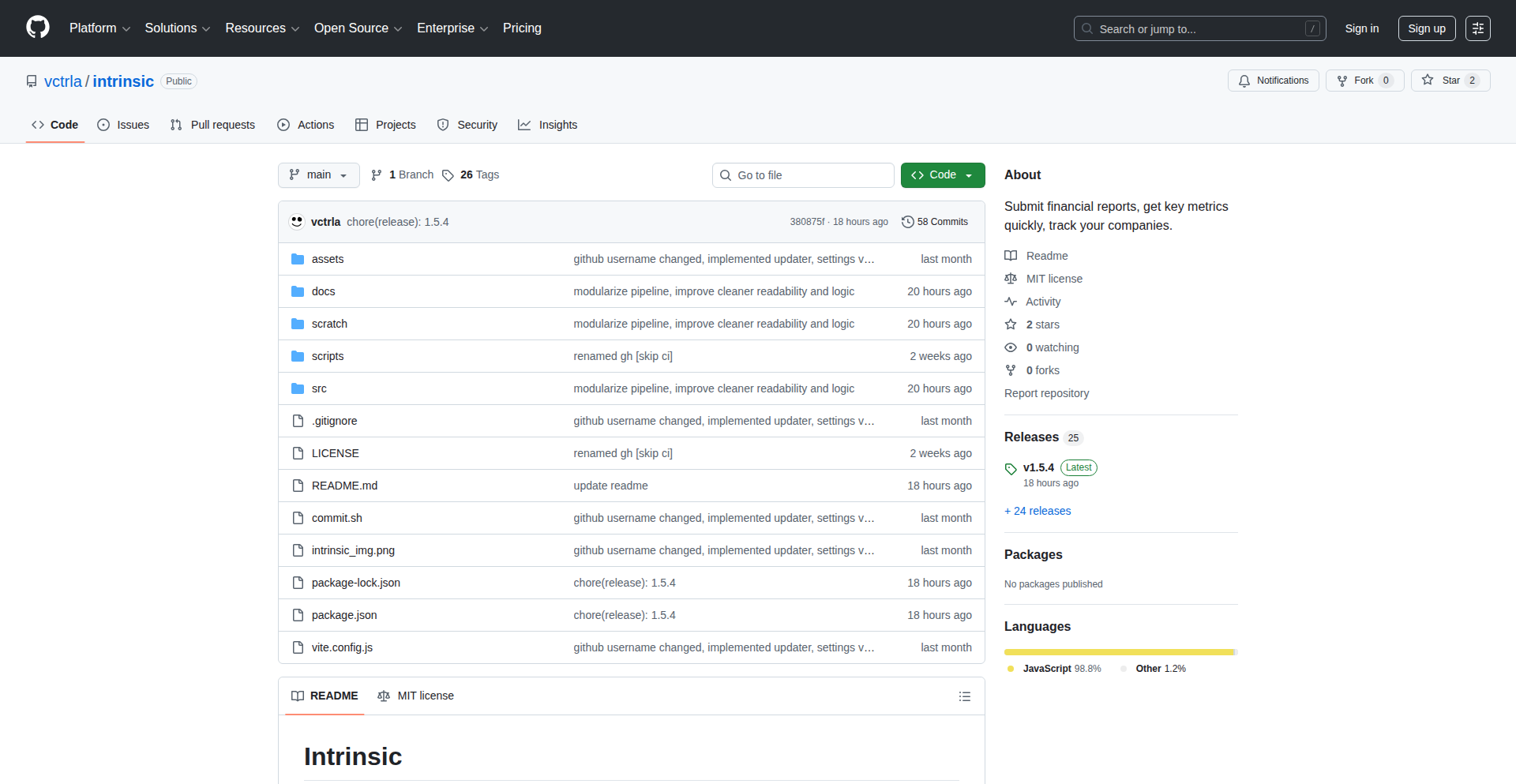
Author
vctrla
Description
Intrinsic is a desktop application that automates the tedious process of analyzing financial reports. It intelligently parses financial documents like PDFs and HTML files, extracts crucial financial metrics, and calculates key ratios. This innovation significantly reduces manual effort and errors, providing developers and finance enthusiasts with a powerful, structured dataset for rapid company evaluation. Its core value lies in transforming unstructured financial text into actionable, quantitative insights.
Popularity
Points 1
Comments 0
What is this product?
Intrinsic is a desktop application designed to automate the extraction and analysis of financial metrics from company reports. Instead of manually sifting through endless spreadsheets and documents, Intrinsic uses intelligent text processing to read financial reports (in formats like PDF and HTML) and pull out key figures such as cash, assets, liabilities, revenue, and net income. It then calculates essential financial ratios (like P/E, P/BV) and presents them in a clear, organized way. The innovation here is the sophisticated text manipulation pipeline, which cleans and restructures the raw report text before using AI (LLM) to accurately extract the desired financial data. This makes complex financial analysis much more accessible and less time-consuming. So, what's in it for you? You get reliable, structured financial data at your fingertips without the manual drudgery, enabling faster and more informed investment or research decisions.
How to use it?
Developers can use Intrinsic by simply feeding it financial reports directly from their desktop. You can input local files (PDF, HTML, MHTML) or even provide URLs to online reports. Once the report is processed, Intrinsic presents the extracted metrics and calculated ratios through a user-friendly interface. You can view historical data, track year-over-year changes, and even build valuation scenarios. For more advanced integration, the application allows you to copy the extracted data as JSON, making it incredibly easy to feed into other custom tools, scripts, or even chatbots for further programmatic analysis or visualization. This means you can spend less time on data wrangling and more time on deriving strategic insights. So, how does this help? It streamlines your workflow by providing a direct, clean pipeline from raw financial documents to usable data for your own projects.
Product Core Function
· Financial Report Parsing: Intrinsic can ingest various financial report formats (PDF, HTML, MHTML) and URLs, eliminating the need for manual data entry from disparate sources. This provides a unified input channel for all your financial data needs. So, what's the value? You save time and reduce the risk of errors associated with manual data transfer.
· Intelligent Data Extraction: The application employs advanced text normalization and LLM-based extraction to accurately pull key financial metrics like cash, revenue, and net income, even from complex report layouts. This means you get the crucial numbers without having to hunt for them. So, what's the value? You gain access to precise financial data that forms the bedrock of sound financial analysis.
· Automated Ratio Calculation: Intrinsic automatically calculates essential financial ratios (e.g., P/E, P/BV, liquidity ratios), providing immediate context and performance indicators for companies. This offers a quick snapshot of a company's financial health. So, what's the value? You gain instant insights into a company's valuation and operational efficiency.
· Historical Data & Trend Analysis: The app tracks historical metrics and ratios, allowing for year-over-year comparisons and the identification of financial trends. This helps in understanding a company's performance trajectory. So, what's the value? You can effectively monitor performance over time and identify growth or decline patterns.
· Valuation Scenario Modeling: Users can set up valuation scenarios based on required EPS or earnings, aiding in price target estimation. This feature helps in forward-looking financial assessments. So, what's the value? You can proactively explore potential investment outcomes and set informed price targets.
· Editable Data & JSON Export: The extracted data is editable, allowing for manual adjustments, and can be exported as JSON, enabling seamless integration with other development tools and custom analysis pipelines. This offers flexibility and interoperability. So, what's the value? You can refine your data and easily connect it to your existing tech stack for advanced custom analysis.
Product Usage Case
· Automated Investment Research: A financial analyst can use Intrinsic to quickly process quarterly earnings reports for a portfolio of companies. Instead of spending hours manually extracting data from each PDF, Intrinsic processes them in minutes, providing standardized metrics and ratios for easy comparison and portfolio performance analysis. So, how does this solve a problem? It drastically reduces research time, allowing for more frequent and in-depth analysis of investment opportunities.
· Personal Finance Dashboard: A developer building a personal finance dashboard can integrate Intrinsic's JSON output. They can feed financial reports of their favorite publicly traded companies into Intrinsic, and the resulting JSON data can be used to populate charts and tables within their dashboard, providing a personalized view of market performance. So, how does this solve a problem? It simplifies the data acquisition phase for custom financial visualizations, making it easier to build personalized financial tools.
· Algorithmic Trading Backtesting: For quantitative traders, Intrinsic can serve as a data source for backtesting trading strategies. By extracting historical financial data and ratios, developers can simulate how their algorithms would have performed on past market data, refining their strategies before live deployment. So, how does this solve a problem? It provides a structured and reliable source of fundamental financial data essential for accurate backtesting of trading algorithms.
· Academic Research Data Generation: Researchers in finance or economics can use Intrinsic to gather large datasets of financial metrics from publicly available reports for their studies. This significantly speeds up the data collection process, allowing them to focus more on hypothesis testing and analysis. So, how does this solve a problem? It automates the laborious task of data collection from financial filings, accelerating the pace of academic discovery.
65
GemGuard AI Security Auditor

Author
Alvaro_Houx
Description
GemGuard is an experimental security auditing tool for Linux and Windows that leverages Google's Gemini AI models. It collects system data like running processes, network connections, and installed packages, then uses AI to generate a human-readable report highlighting potentially suspicious activities. This means you get an easy-to-understand security assessment of your system, helping you identify potential threats without needing to be a security expert.
Popularity
Points 1
Comments 0
What is this product?
GemGuard is a cross-platform security auditing tool that acts like a smart detective for your computer. It gathers a snapshot of your system's activity – what programs are running, what network connections are active, and what software has been recently added. The innovative part is that it then feeds this raw data to powerful AI models like Google's Gemini. The AI analyzes this information and provides a simple, easy-to-understand report that points out anything unusual or potentially risky. So, instead of sifting through complex logs, you get a clear, concise summary of your system's security posture. This is useful because it democratizes security analysis, making it accessible to everyone.
How to use it?
Developers can use GemGuard in several ways, depending on their needs. For quick checks, you can run it directly from the command line in your preferred shell (Bash, Zsh, CMD, PowerShell) on Linux or Windows. For a more interactive experience, it offers a Textual User Interface (TUI). It's designed to be easily integrated into automated workflows or other security tools, especially with its 'quiet mode' that outputs raw AI analysis. For example, you could set up a script to run GemGuard nightly and alert you if any significant security anomalies are detected. This is valuable because it automates the detection of potential security issues, saving you time and effort.
Product Core Function
· Process auditing: GemGuard examines currently running processes on your system to identify any that seem out of place or potentially malicious. This helps you spot rogue applications that might be consuming resources or trying to do something they shouldn't.
· Package review: It automatically detects your system's package manager (like apt, yum, or winget) and reviews recently installed packages. This is useful for identifying if any new software introduced a security risk or was installed without your knowledge.
· Network/port inspection: GemGuard analyzes active network connections and open ports on your system. This helps you understand what your computer is communicating with and can flag unauthorized or suspicious network activity, preventing potential data leaks or unauthorized access.
· AI-driven security assessment: The core innovation is using AI to translate complex system data into plain language security insights. This makes security auditing accessible even to those without deep technical expertise, answering the 'what does this mean for me?' question.
· Cross-platform compatibility: GemGuard runs on popular Linux distributions (Fedora, Ubuntu/Debian, Kali, Alpine) and Windows 10/11. This broad support means you can use it to secure a wide range of your devices, ensuring consistent security monitoring across different environments.
Product Usage Case
· A developer investigating a suddenly slow computer might use GemGuard to quickly see if any unusual processes are hogging resources or if new, suspicious software has been installed, providing an immediate diagnosis of a potential malware infection.
· A system administrator responsible for multiple servers could integrate GemGuard's quiet mode into a daily script to automatically scan server logs and network activity for anomalies, receiving a daily AI-generated security summary instead of manually reviewing dense logs.
· A security enthusiast experimenting with a new Linux distribution could use GemGuard to audit its initial setup and running services, gaining confidence that no unexpected background processes or network services are exposing vulnerabilities.
· A small business owner concerned about the security of their workstations could run GemGuard periodically to get an easy-to-understand report on potential risks without needing to hire a dedicated IT security expert, making proactive security affordable.
66
PITkit: Participatory Interface Framework
Author
bobsh
Description
PITkit is an experimental framework based on the Participatory Interface Theory (PIT). It leverages Large Language Models (LLMs) to explore how complex scientific concepts can be understood and interacted with, offering new avenues for scientific inquiry and knowledge dissemination. The core innovation lies in using LLMs as a participatory tool to engage with theoretical frameworks, potentially uncovering novel insights and connections across disciplines.
Popularity
Points 1
Comments 0
What is this product?
PITkit is an open-source toolkit and a theoretical framework called the Participatory Interface Theory (PIT). The theory proposes that complex systems, including scientific theories and even the universe, can be understood through interactive engagement, particularly with the aid of advanced AI like LLMs. The innovation here is treating LLMs not just as question-answering machines, but as active participants in exploring and validating scientific hypotheses. By feeding detailed documents, like the 'Math.md' file which contains the core mathematical underpinnings of PIT, into an LLM, developers and researchers can 'converse' with the theory, uncovering implications and potential contradictions that might be missed through traditional study. This democratizes access to complex theoretical exploration.
How to use it?
Developers can use PITkit by cloning the GitHub repository and exploring the provided Julia and Python code. The primary use case for the 'Math.md' document is to copy and paste its content into an LLM interface (like ChatGPT, Claude, etc.). Once the LLM has processed the document, developers can then ask it specific questions about the PIT theory, its implications, or how it relates to other scientific fields. For instance, one could ask, 'How does PIT explain phenomena in quantum entanglement?' or 'What are the unique predictions of PIT regarding the early universe?' The code in PITkit can be used to further automate these explorations or to implement specific aspects of the theory. This allows for rapid, iterative testing of hypotheses and a deeper, more interactive understanding of advanced scientific concepts.
Product Core Function
· LLM-powered theoretical exploration: Allows users to query and interact with complex scientific documents using natural language, facilitating intuitive understanding and discovery of new insights. This is valuable for researchers and students who want to quickly grasp and explore novel theories.
· Cross-disciplinary insight generation: By enabling LLMs to process and correlate information from diverse scientific fields with PIT, the framework helps identify potential connections and unifying principles. This is crucial for tackling grand scientific challenges that span multiple domains.
· Interactive hypothesis validation: Developers can use the system to probe the falsifiability of PIT by posing challenging questions and observing the LLM's responses, potentially refining or strengthening the theory. This accelerates the scientific method by providing rapid feedback loops.
· Open-source code for experimentation: Provides accessible Julia and Python code, allowing developers to build upon, extend, or integrate PIT concepts into their own projects. This fosters community contribution and the development of new applications for the theory.
Product Usage Case
· A theoretical physicist uses PITkit by pasting the 'Math.md' into an LLM and asking it to generate unique, falsifiable predictions of PIT related to black hole thermodynamics, helping to guide experimental design. This solves the problem of tedious manual derivation of predictions.
· A cosmologist feeds PIT principles into an LLM alongside recent observational data from cosmic microwave background radiation, asking the LLM to identify potential inconsistencies or new explanations offered by PIT. This aids in interpreting complex data and exploring alternative cosmological models.
· An AI researcher uses the PITkit code to explore the implications of the Participatory Interface Theory on the nature of consciousness, prompting an LLM to compare PIT's concepts with existing theories of mind. This facilitates interdisciplinary research at the intersection of AI and philosophy of mind.
· A computer scientist exploring novel interaction paradigms uses the PITkit framework to design an LLM-driven interface for scientific research, where the AI actively suggests hypotheses and experimental setups based on user input and existing knowledge. This automates parts of the research workflow and enhances creativity.
67
MXP: The AI Agent's Ultra-Fast Communicator
Author
ferasawady
Description
MXP is a groundbreaking communication protocol designed for AI agents, offering an astonishing 37x performance boost over traditional JSON. It streamlines AI agent-to-agent (A2A) interactions with built-in tracing and native LLM token streaming, all implemented in high-performance Rust. This means faster, more efficient, and more insightful AI systems.
Popularity
Points 1
Comments 0
What is this product?
MXP is a specialized communication protocol built for the fast-paced world of AI agents. Think of it as a super-efficient language that AI agents use to talk to each other. Instead of using a general-purpose format like JSON, which is like speaking in full sentences every time, MXP is designed to be concise and lightning-fast. Its innovation lies in its extreme optimization for AI communication needs: it embeds tracing information directly into every message, so you automatically know the journey of a request without needing extra tools. It also handles streaming large amounts of data, like text generated by language models, incredibly smoothly. This results in significantly lower latency and higher throughput, making your AI systems more responsive and scalable.
How to use it?
Developers can integrate MXP into their AI agent systems by leveraging the provided Rust implementation. For future use, SDKs for JavaScript and Python are planned, making integration seamless across different development stacks. You would use MXP anywhere AI agents need to exchange information quickly and reliably. This could be in distributed AI systems, complex AI workflows, or any scenario where many AI agents collaborate. By adopting MXP, you ensure that the communication overhead doesn't become a bottleneck for your AI's performance, allowing for more sophisticated and real-time AI applications.
Product Core Function
· High-Performance Message Encoding: Achieves encoding speeds of 60ns for a 256-byte message, dramatically reducing communication latency compared to JSON's 2,262ns. This means your AI agents can exchange information much faster, leading to quicker decision-making and real-time responsiveness in your AI applications.
· Built-in Trace IDs: Eliminates the need for separate instrumentation tools like OpenTelemetry by embedding trace IDs directly into each message. This simplifies debugging and monitoring of AI agent interactions, providing immediate insight into the flow of requests and responses without adding complexity.
· Native LLM Token Streaming: Designed for seamless streaming of tokens generated by Large Language Models. This enables smoother, more interactive AI experiences, such as real-time conversational AI or generative applications, by allowing data to be processed as it's generated, rather than waiting for complete chunks.
· Agent-to-Agent (A2A) Compatibility: Specifically engineered for efficient communication between AI agents. This ensures that your distributed AI systems can collaborate effectively, sharing information and coordinating actions with minimal overhead, leading to more powerful and cohesive AI solutions.
· Rust Implementation: Built in Rust, a programming language known for its speed and memory safety. This foundation ensures that MXP is highly performant and reliable, minimizing the chances of crashes or security vulnerabilities in your AI communication layer.
Product Usage Case
· Real-time AI trading bots: Imagine AI trading agents needing to react to market changes in milliseconds. Using MXP instead of JSON for communication between these bots would allow for near-instantaneous data exchange, enabling them to execute trades with much higher precision and speed, potentially leading to greater profits.
· Collaborative AI research platforms: In a research setting where multiple AI models are working together on a complex problem, MXP can ensure that the exchange of intermediate results and hypotheses is so fast that the collaboration feels seamless and the research progresses much quicker.
· Interactive AI-powered customer service: For a customer service chatbot that needs to stream LLM-generated responses back to a user in real-time, MXP's native streaming capabilities would make the conversation feel natural and fluid, as if talking to a human, rather than experiencing noticeable delays between messages.
· Distributed AI for robotics: In a swarm of robots controlled by a central AI or communicating amongst themselves, MXP ensures that commands and sensor data are transmitted and received with minimal latency, allowing for precise coordination and robust control of the robotic system.
· High-throughput AI model inference pipelines: When you have a chain of AI models that need to pass data to each other for processing, MXP's efficiency minimizes the time spent on communication between these models, allowing the entire pipeline to achieve higher throughput and process more requests per second.
68
LLM Inference Physics Modeler

Author
kevin-2025
Description
This project is an analytical tool designed to predict the performance of Large Language Models (LLMs), specifically focusing on Mixture-of-Experts (MoE) architectures. It allows developers to explore 'what-if' scenarios for LLM deployment without incurring the cost of setting up actual hardware infrastructure. The core innovation lies in its detailed modeling of inference physics, including latency, bandwidth saturation, and PCIe bottlenecks, for massive MoE models.
Popularity
Points 1
Comments 0
What is this product?
This project is a sophisticated simulator that models the real-world performance characteristics of LLM inference. Instead of guessing how fast a model will run or how much it will cost to deploy, it uses mathematical models to predict outcomes. It specifically excels at understanding the complexities of MoE models, which are very large and have unique performance challenges. The innovation is in its ability to abstract complex hardware interactions (like how data moves between chips and memory) into predictable performance metrics, giving developers a clear picture of potential bottlenecks before they spend money on hardware. So, for you, this means you can get a realistic estimate of LLM performance and costs without buying expensive GPUs.
How to use it?
Developers can use this tool by inputting their desired LLM configuration, including the specific MoE model (like DeepSeek-V3, Mixtral, Qwen2.5-MoE, or Grok-1), their chosen hardware (e.g., NVIDIA H100, B200, A100 GPUs), and network configurations (NVLink, InfiniBand/RoCE). The tool then simulates the inference process, considering factors like tensor parallelism (TP), pipeline parallelism (PP), sequence parallelism (SP), and data parallelism (DP), as well as optimization techniques like Paged KV Cache and quantization. It also includes experimental features for memory pooling and near-memory computing. The primary use case is to run simulations through a web interface or potentially integrate its modeling logic into deployment pipelines. This helps in making informed decisions about hardware selection, model partitioning, and optimization strategies. So, for you, this means you can easily test different deployment strategies and hardware setups to find the most efficient and cost-effective solution for your LLM application.
Product Core Function
· Predictive Inference Performance Modeling: Simulates LLM inference speed and resource utilization based on hardware and model configurations. This helps identify performance bottlenecks and estimate deployment costs without real-world testing, saving time and money.
· MoE Model Specialization: Specifically designed to accurately model the performance of complex Mixture-of-Experts LLMs, which have unique parallelization and communication patterns. This provides tailored insights for users deploying these advanced models.
· Hardware and Network Configuration Simulation: Allows users to configure various GPUs (H100, A100, etc.), interconnects (NVLink, InfiniBand), and network protocols (RoCE) to understand their impact on LLM performance. This enables optimization by selecting the best hardware for a given task.
· Parallelism Strategy Configuration: Supports independent configuration of prefill and decode parallelism (TP/PP/SP/DP), allowing fine-tuning of how the model is split across multiple devices for maximum efficiency. This helps developers achieve optimal throughput and latency by customizing the model's distribution.
· Advanced Optimization Modeling: Incorporates simulation of optimization techniques like Paged KV Cache, DualPipe, and FP8/INT4 quantization to show their potential performance gains. This guides users on which optimizations to apply for better inference speed and reduced memory footprint.
· Experimental Memory Management Simulation: Includes models for tiered memory pooling (system RAM, shared memory) and near-memory computing, exploring offloading strategies for model parameters and KV caches. This provides insights into potential cost savings and performance improvements through novel memory architectures.
Product Usage Case
· A startup is considering deploying a large MoE LLM for real-time translation. Before investing in expensive GPU clusters, they use this tool to simulate different hardware configurations (e.g., clusters of H100s vs. A100s) and parallelism strategies. The tool reveals that a specific configuration with aggressive data parallelism offers the best latency for their translation needs, saving them from a costly hardware miscalculation.
· A research lab is experimenting with a new, massive MoE architecture and wants to understand its memory bandwidth requirements. They input their custom model parameters and hardware specs into the tool. The simulation highlights a potential PCIe bottleneck during the 'decode' phase, prompting them to investigate alternative interconnects or model partitioning techniques to avoid performance degradation.
· A developer is evaluating the impact of quantization (FP8/INT4) on the inference performance of a MoE model for a customer-facing chatbot. They use the tool to compare the predicted latency and throughput of quantized vs. full-precision models on their target hardware, helping them decide whether the performance trade-off is acceptable for their use case, thus optimizing resource usage and cost.
69
Zenus: Decentralized & Synchronized Note-Taker

Author
modinfo
Description
Zenus is a note-taking application that breaks free from centralized cloud storage. It offers three distinct modes: Local-only for ultimate privacy, Server mode for a self-hosted solution, and Client mode for seamless synchronization across devices. The innovation lies in its flexible architecture, allowing users to choose their data's resting place while ensuring availability and data integrity through smart synchronization mechanisms. This addresses the common pain points of vendor lock-in and data privacy concerns in traditional note-taking apps.
Popularity
Points 1
Comments 0
What is this product?
Zenus is a note-taking application built with a flexible architecture that empowers users to control their data. It operates in three modes: Local mode, where all your notes are stored solely on your device, providing maximum privacy and offline access. Server mode, which allows you to set up your own private server to host your notes, giving you full control and ownership. Client mode, which connects to either a local storage or a self-hosted server to synchronize your notes across multiple devices. The core innovation is its intelligent synchronization engine that handles data conflicts and ensures consistency, whether you're using a single device or multiple devices connected to your own server. This means you get the benefits of cloud synchronization without relying on a third-party service that might monetize your data or disappear.
How to use it?
Developers can use Zenus by first choosing their preferred mode. If privacy is paramount, they can run it in Local mode, which requires no setup beyond installing the application. For those who want to manage their own data or share notes within a trusted group, they can set up a simple server (details on server setup would be in the project's documentation). Once a server is running, they can connect their devices in Client mode. This integration is typically done via an API or a configuration file, allowing for quick setup. Developers can also explore extending Zenus's functionality by leveraging its modular design, perhaps by building custom plugins or integrating its synchronization capabilities into other applications.
Product Core Function
· Local-first data storage: All notes are stored directly on your device, ensuring privacy and offline access. This means your notes are always available, even without an internet connection, and are not exposed to external servers.
· Self-hostable server mode: Users can deploy their own Zenus server, giving them complete control over their data and the ability to share notes within a private network. This liberates you from relying on large tech companies and allows for custom data policies.
· Cross-device synchronization: Zenus intelligently synchronizes notes between devices using your chosen storage backend (local or self-hosted server). This ensures that your latest edits are available everywhere without manual intervention.
· Conflict resolution: The synchronization engine is designed to handle situations where notes might be edited on multiple devices simultaneously, merging changes to prevent data loss. This is crucial for maintaining data integrity when working across different platforms.
· Flexible architecture: Zenus is built to be adaptable, allowing for future expansion and integration with other tools. This means the application can evolve to meet new needs and can be a foundational component for more complex note management systems.
Product Usage Case
· A freelance developer needing to store sensitive project ideas and client information securely. By using Zenus in Local mode, they ensure their intellectual property and client data are never uploaded to a third-party cloud, mitigating risks of breaches or accidental exposure. This provides peace of mind and keeps sensitive information strictly on their personal machine.
· A small team collaborating on a technical documentation project. They can set up a private Zenus server on their company's internal network. This allows them to share and synchronize notes in real-time, similar to cloud-based services, but with the added benefit of keeping all project-related information within their secure network perimeter. This enhances collaboration while maintaining corporate data governance.
· A privacy-conscious individual who wants to migrate away from proprietary note-taking services. They can set up a Zenus server on a personal cloud instance (like a Raspberry Pi or a VPS) and connect all their devices. This gives them the functionality of a synchronized note-taking app without being tied to a company's terms of service or data collection policies. It's a step towards data sovereignty.
· A developer building a personal knowledge management system (PKMS) and wants a robust, privacy-preserving note-taking backend. They can use Zenus's server mode and client synchronization to power their PKMS, ensuring their notes are always accessible and synced without external dependencies. This allows for customization and integration with other developer tools.
70
PrinceJS
Author
lilprince1218
Description
PrinceJS is an ultra-lightweight and high-performance JavaScript web framework designed for speed and minimal footprint. It solves the problem of bloated server-side JavaScript frameworks by offering a drastically reduced bundle size (~2.2 kB gzipped) and exceptional request handling speed (over 21,000 req/s). This allows developers to build fast, efficient web applications without the overhead of traditional frameworks.
Popularity
Points 1
Comments 0
What is this product?
PrinceJS is a minimalist Node.js web framework built with performance and size as its top priorities. Its core innovation lies in its highly optimized codebase and aggressive tree-shaking techniques, which result in a tiny gzipped bundle size. This means your server application starts faster and consumes fewer resources. It achieves impressive request-per-second benchmarks, outperforming many established frameworks, making it ideal for scenarios where every millisecond and byte counts.
How to use it?
Developers can integrate PrinceJS into their Node.js projects by installing it via npm (`npm i princejs`). A basic server can be set up with just a few lines of code, as demonstrated by the example: importing the `prince` function, creating an app instance, defining routes with simple handler functions, and starting the server with `app.listen()`. It's designed for straightforward integration into new or existing Node.js projects, particularly where microservices or serverless functions are used, or when building APIs that require maximum efficiency.
Product Core Function
· Ultra-lightweight bundle size: Reduces deployment size and improves initial load times for server applications. This is valuable for applications where resource constraints are a concern, like on edge devices or in serverless environments.
· High request handling speed: Processes a large number of requests per second, making it suitable for high-traffic APIs and services. This directly translates to better user experience and lower infrastructure costs.
· Minimalistic API design: Offers a simple and intuitive API for defining routes and handling requests, making it easy for developers to get started and build applications quickly. This reduces the learning curve and speeds up development.
· Tree-shaking optimization: Achieves a small bundle size by only including the necessary code, leading to more efficient applications. This is beneficial for developers aiming for lean and optimized server-side code.
Product Usage Case
· Building highly performant microservices: A developer needs to create a small, fast API endpoint for a microservice architecture. PrinceJS's minimal footprint and speed allow for quick deployment and efficient communication between services.
· Developing serverless functions: For serverless platforms where execution time and memory usage are critical, PrinceJS provides a lightweight option that starts up quickly and handles requests efficiently, reducing cold start times and costs.
· Creating fast API backends: A project requires a backend API with very low latency to serve dynamic content. PrinceJS's high request-per-second capability ensures that the API can handle a large volume of concurrent users without performance degradation.
· Experimenting with lean server-side JavaScript: A developer wants to explore building web applications with minimal dependencies and maximum control over server resources. PrinceJS offers a clean slate for such experiments, demonstrating the power of optimized JavaScript.
71
Sitemap Indexer Pro

Author
certibee
Description
A free, automated tool for submitting your website's sitemap to Google, ensuring your pages are discovered and indexed faster. It leverages the Google Search Console API to streamline the submission process, saving developers valuable time and improving SEO performance.
Popularity
Points 1
Comments 0
What is this product?
This project is a free web service that simplifies the process of getting your website's pages indexed by Google. Instead of manually navigating Google Search Console, this tool connects to Google's API (specifically the Search Console API). When you provide your sitemap URL, it programmatically tells Google to crawl and index your site's content. The innovation lies in its automated approach to a often manual and time-consuming task, making SEO more accessible and efficient.
How to use it?
Developers can use this tool by simply visiting the provided website and entering the URL of their website's sitemap (e.g., `https://yourdomain.com/sitemap.xml`). The tool then handles the behind-the-scenes API calls to Google Search Console. This is particularly useful for new websites, or when significant content updates have been made, as it helps expedite the discovery of those changes by search engines. It can be integrated into CI/CD pipelines for automated sitemap submission post-deployment.
Product Core Function
· Automated Sitemap Submission: Directly sends your sitemap to Google using their API, reducing manual effort and the chance of errors. This means your new or updated content gets to Google faster, potentially improving your search rankings.
· API Integration with Google Search Console: Leverages official Google APIs for a reliable and direct submission channel. This ensures the process is supported by Google and is efficient, meaning you get accurate indexing status.
· Free to Use: Offers this valuable SEO service at no cost, making advanced indexing techniques accessible to all developers, regardless of their budget. This lowers the barrier to entry for improving website visibility.
· Time-Saving for Developers: Eliminates the need for manual interaction with Google Search Console for sitemap submissions. This frees up developer time to focus on building features rather than managing SEO tasks.
Product Usage Case
· A startup launching a new website with hundreds of blog posts: Instead of manually submitting each URL, the developer can submit the sitemap once via this tool, ensuring all content is quickly discoverable by Google.
· A content-heavy e-commerce site updating its product catalog: After updating product pages and regenerating the sitemap, the developer can use this tool to immediately inform Google of the changes, minimizing downtime in search visibility for products.
· A developer integrating this tool into a CI/CD pipeline: After deploying a new version of a web application that includes new pages, the sitemap submission can be automatically triggered, ensuring new content is indexed as soon as the site goes live.
72
GiftGeniusAI

Author
monatron
Description
This project is an AI-powered gift recommendation engine that leverages web scraping, prompt chaining, and embeddings to find personalized gifts for hard-to-shop-for individuals. It addresses the common holiday gift-giving dilemma by intelligently analyzing gift guide data and user-provided descriptions to suggest suitable presents, offering a more targeted and creative alternative to generic shopping.
Popularity
Points 1
Comments 0
What is this product?
GiftGeniusAI is an intelligent system designed to help you discover the perfect gift for anyone, especially those notoriously difficult to buy for. It works by first gathering information from numerous online holiday gift guides. Then, it uses advanced AI techniques like 'prompt chains' (a way to structure AI conversations to get more precise answers) and 'embeddings' (numerical representations of text that capture meaning) to match the characteristics of the gift recipient with suitable gift ideas. The innovation lies in its ability to process vast amounts of data and understand subtle nuances, moving beyond simple keyword matching to provide truly personalized suggestions. So, what's in it for you? It means an end to stressful holiday shopping and a higher chance of finding a unique and thoughtful gift that will be genuinely appreciated.
How to use it?
Developers can integrate GiftGeniusAI into their own applications or services to add a personalized recommendation feature. The core idea is to feed the system with descriptions of the person you're shopping for (e.g., 'loves vintage sci-fi movies,' 'enjoys artisanal coffee,' 'prefers outdoor adventures'). The AI then processes this information against its extensive gift database. You can iterate on the suggestions by removing items you don't like, prompting the AI to refine its recommendations further. The output is a curated list of gift ideas, complete with potential purchase links. For a developer, this means a powerful tool to enhance user engagement and provide added value to their platforms, such as e-commerce sites or gift registry services, by solving a common user pain point.
Product Core Function
· Personalized Gift Matching: Utilizes AI to analyze recipient descriptions and match them with relevant gifts from extensive gift guides, providing tailored suggestions that go beyond generic options. This helps users discover thoughtful presents that truly fit the recipient's personality and interests, making gift-giving more meaningful.
· Iterative Recommendation Refinement: Allows users to remove suggested items they dislike, enabling the AI to learn from feedback and generate improved recommendations. This interactive process ensures users can fine-tune suggestions until they find the ideal gift, saving time and reducing frustration.
· Data Aggregation and Analysis: Scrapes and processes information from numerous holiday gift guides to build a comprehensive understanding of current gift trends and product offerings. This broad data analysis provides a rich foundation for highly accurate and diverse gift suggestions.
· Persistent Wishlist Management: Enables users to save and manage their curated gift lists, allowing for easy review and modification over time. This feature helps users keep track of potential gifts and organize their shopping efforts efficiently.
Product Usage Case
· An e-commerce platform could integrate GiftGeniusAI to offer a 'find the perfect gift' feature. When a customer describes their intended recipient (e.g., 'my dad, who loves cooking and gardening'), the AI suggests specific kitchen gadgets or rare plant seeds, solving the problem of customers being overwhelmed by choice and increasing conversion rates.
· A social media app focused on lifestyle could use GiftGeniusAI to help users find gifts for friends based on their shared interests and public profiles. For example, if two friends both love board games, the AI could suggest a new, highly-rated board game, fostering social interaction and user retention.
· A personal assistant application could leverage GiftGeniusAI to manage holiday shopping lists. Users could tell their assistant who they need to buy for and provide brief descriptions, and the AI would generate a list of actionable gift ideas, simplifying complex holiday planning for busy individuals.
73
CanadaTechJobsFeed
Author
hanzili
Description
This project automatically scrapes and updates daily lists of Computer Science internships and new grad roles in Canada, presented via GitHub repositories. It addresses the challenge of finding relevant tech job opportunities, especially for international students and recent graduates, by consolidating information with direct application links and company details.
Popularity
Points 1
Comments 0
What is this product?
CanadaTechJobsFeed is a continuously updated collection of job listings specifically for Computer Science internships and new graduate positions within Canada. It works by programmatically fetching data from various sources and organizing it into two distinct GitHub repositories. The innovation lies in its automation and daily refreshes, ensuring that users are always looking at the most current opportunities, solving the problem of outdated job boards and the tedious manual search process.
How to use it?
Developers can utilize this project by simply subscribing to the provided GitHub repository links. These repositories act as live feeds. For immediate needs, developers can browse the listed roles directly on GitHub. For programmatic integration, they can clone the repositories and parse the data for custom applications, such as building personalized job alerts or integrating listings into their own career pages. The data is structured for easy machine readability.
Product Core Function
· Daily Automated Job Aggregation: Automatically gathers new internship and new grad roles every day, ensuring users always have access to the latest opportunities. This saves significant manual search time for developers looking for jobs.
· Curated GitHub Repositories: Presents job listings in organized GitHub repositories, making them easily accessible and browsable for anyone familiar with GitHub. This leverages a platform familiar to developers for data distribution.
· Direct Application Links: Includes direct links to the application pages for each job, streamlining the application process. This minimizes friction for developers wanting to apply quickly.
· Company Details Inclusion: Provides essential company information alongside job listings, helping developers research potential employers. This adds value beyond just a job title and description.
· International Student Focus: Specifically caters to international students by consolidating opportunities relevant to their job search in Canada. This addresses a niche but critical need for a specific developer demographic.
Product Usage Case
· A computer science student looking for an internship in Canada can visit the internship repository daily to find new postings without having to check multiple company career pages. This directly solves the problem of missing out on limited-time internship openings.
· A recent computer science graduate in Canada can subscribe to the new grad repository's updates to be notified of new job openings as soon as they are posted. This helps them quickly find entry-level positions and kickstart their career.
· A developer building a personal job board aggregator could integrate the data from these GitHub repositories to enrich their platform with Canadian tech job listings. This allows for efficient data acquisition for larger projects.
· An international student preparing to apply for jobs in Canada can use these lists to understand the current market for entry-level tech roles and identify companies that are actively hiring. This aids in strategic job searching and application planning.
74
Fig2JSON-LLM-Transformer

Author
kreako
Description
A command-line interface (CLI) tool that transforms Figma's proprietary .fig design files into clean, structured JSON data. This JSON output is specifically optimized for consumption by Large Language Models (LLMs), enabling developers to feed design specifications directly to AI for tasks like code generation or design analysis. The innovation lies in its direct, robust conversion bypassing potentially complex or unreliable server-based solutions, offering a predictable workflow for integrating design assets with AI.
Popularity
Points 1
Comments 0
What is this product?
Fig2JSON-LLM-Transformer is a developer tool that takes design files created in Figma, which are usually meant for human designers, and converts them into a standardized JSON format. Think of it as translating a visual blueprint into a language that AI can easily understand and process. The key innovation is its focus on creating JSON that is not just a raw dump of Figma data, but is cleaned up and structured in a way that makes it highly effective for LLMs to parse and use for tasks like generating code from designs or extracting design system information. It offers a more reliable and straightforward approach compared to some existing server-based Figma APIs.
How to use it?
Developers can easily integrate this tool into their workflow. First, they export their design from Figma by saving a local copy of their `.fig` file. Then, they run the `fig2json` command in their terminal, specifying the input `.fig` file and an output directory. For example: `fig2json your_design.fig output-directory`. The tool then generates a JSON file in the specified directory. This JSON can then be fed into an LLM along with specific instructions. This is useful for scenarios where you want to automate the process of turning a visual design into functional code or understand the structure of your design system programmatically.
Product Core Function
· Figma .fig to JSON conversion: Transforms proprietary Figma files into a structured JSON format. This is valuable because it bridges the gap between visual design tools and AI, allowing for automated design-to-code or design analysis.
· LLM-optimized JSON output: The generated JSON is specifically structured for efficient parsing by Large Language Models. This means AI can more accurately interpret design elements, leading to better code generation or insights, solving the problem of messy, hard-to-process design data for AI.
· Command-line interface (CLI) simplicity: Offers a straightforward, scriptable way to perform conversions. This is useful for integrating into automated build processes or CI/CD pipelines, providing a predictable and robust integration point.
· Local file processing: Operates directly on local `.fig` files, avoiding reliance on potentially unstable or complex server APIs. This enhances reliability and control for developers, ensuring their conversion process is consistent.
Product Usage Case
· Automated UI code generation: A designer creates a UI in Figma, exports the `.fig` file, and `fig2json` converts it to JSON. This JSON is then fed to an LLM (like GPT-4) with a prompt like 'generate React code for this UI structure'. This solves the problem of tedious manual UI coding by leveraging AI.
· Design system analysis: Developers can use `fig2json` to extract design tokens (colors, typography, spacing) from a Figma file into JSON. This JSON can then be processed to automatically generate or update design system documentation or configuration files, solving the challenge of keeping code-based design systems in sync with visual designs.
· Prototyping with AI: A developer can quickly iterate on a UI prototype by making changes in Figma, exporting, converting with `fig2json`, and then using an LLM to generate different variations of the component or explore alternative layouts, speeding up the early stages of product development.
75
FeatureNotABug Gamified QA Logger
Author
sebi-secasiu
Description
This project is a web application designed to gamify the frustrating experience of software testers when their reported bugs are dismissed. It transforms these moments into quantifiable data, awarding badges and creating leaderboards. The core innovation lies in turning everyday QA pain points into engaging metrics, offering a unique analytics layer wrapped in a retro arcade theme. It solves the problem of unacknowledged bugs by providing a system to track and visualize dismissals, making the issue data-driven and even humorous.
Popularity
Points 1
Comments 0
What is this product?
This is a gamified web application where software testers can log every instance a bug they reported is dismissed with common excuses like 'it is a feature,' 'not a bug,' or 'works on my machine.' The underlying technology is a web app that captures these dismissals as data points. Its innovative aspect is transforming the often negative and emotionally taxing experience of bug dismissal into a positive, data-driven game. It uses a simple logging mechanism combined with gamification elements (achievements, leaderboards) to provide insights and a sense of community around these shared QA frustrations. So, for a tester, this means turning your daily annoyance into a trackable, and even fun, experience.
How to use it?
Developers can use this project by signing up on the web application and logging each time a bug report they've filed is rejected with a dismissive reason. They can record details such as the specific rejection phrase, who made the statement, and their personal level of frustration. The application then automatically assigns achievements based on logging activities and competition metrics. Users can choose to keep their logs private or participate anonymously in global leaderboards and stat sharing. Integration is straightforward, as it's a standalone web app, requiring no complex setup beyond browser access. So, for a developer, this means a simple way to vent and visualize bug dismissal trends without needing any technical integration.
Product Core Function
· Bug Dismissal Logging: Allows users to record details of dismissed bugs, including the reason and associated sentiment. This provides a concrete way to track how often bugs are ignored, offering actionable data for improving development processes.
· Gamified Achievements: Awards badges for specific logging actions (e.g., first dismissal logged, surviving a week of specific dismissals). This injects an element of fun and recognition into a typically negative aspect of QA work, encouraging consistent engagement.
· Leaderboards: Features competitive rankings like 'Blame Game' and 'Frustration Olympics' based on logged data. This fosters a sense of community and friendly competition among testers, turning shared frustrations into a shared experience.
· Data Visualization: Presents user frustration levels and bug dismissal patterns through graphs and statistics. This offers clear visual feedback on recurring issues, helping users identify trends and potential systemic problems within their team's workflow.
· Shareable Stat Cards: Enables users to generate and share visual summaries of their logged data. This allows for easy communication of QA challenges and achievements to others, promoting awareness and discussion about bug management.
Product Usage Case
· A QA engineer frequently encounters bugs being closed as 'by design.' By logging these instances in FeatureNotABug, they discover this happens on average 3 times a week. This data provides concrete evidence to their team lead about a potential issue with design understanding or documentation, leading to a discussion and process improvement. So, for this engineer, it turns a vague frustration into quantifiable proof for change.
· A remote development team uses the anonymous leaderboard feature to track their collective bug dismissals. This helps foster a sense of shared experience and lighthearted competition, even across different time zones. It makes the challenging aspect of bug reporting feel less isolating. So, for this team, it builds camaraderie and a common ground for discussing QA challenges.
· A junior tester is overwhelmed by dismissive feedback on their bug reports. By using the achievement system, they earn badges for persistent logging, which boosts their morale and confidence. They can also see that others experience similar issues, reducing their feeling of being solely responsible for the problem. So, for this junior tester, it provides encouragement and validation.
76
Shein Image Harvester

url
Author
qwikhost
Description
A simple, one-click tool designed to efficiently download high-resolution product images from Shein, enabling bulk downloads and offering significant value to e-commerce sellers, designers, and researchers by simplifying asset acquisition.
Popularity
Points 1
Comments 0
What is this product?
This project is a browser extension or standalone application that automates the process of extracting and downloading images from Shein product pages. The technical innovation lies in its ability to bypass typical image restrictions or manual download methods. It likely uses web scraping techniques, specifically targeting the image URLs embedded within the Shein website's HTML structure or through API calls, to retrieve images in their original, high-resolution format. For users, this means no more tedious right-clicking and saving one image at a time, or dealing with low-quality previews. It solves the problem of efficiently gathering visual assets from a large e-commerce platform.
How to use it?
Developers and users can typically integrate this tool through a browser extension that activates on Shein product pages. Upon clicking a button, the extension scans the page for image sources, identifies the high-resolution versions, and then queues them for download. For bulk operations, it can process multiple product URLs or even entire category pages. The technical use case involves direct integration into e-commerce workflows, such as populating online stores, creating product catalogs, or conducting market research. It's essentially a digital assistant for image collection.
Product Core Function
· High-resolution image download: Extracts and saves images at their maximum available resolution, ensuring visual fidelity for design and marketing purposes. This is useful for anyone who needs clear, crisp product photos.
· Bulk image downloading: Allows users to download multiple images from a single product or an entire collection of products simultaneously, saving considerable time and effort. This is a game-changer for managing large inventories or creating extensive visual content.
· One-click operation: Simplifies the downloading process to a single action, making it accessible even for users with limited technical expertise. This reduces friction and makes the tool immediately practical.
· Efficient asset gathering: Streamlines the acquisition of visual assets from a popular e-commerce platform, which is crucial for businesses that rely heavily on product imagery.
Product Usage Case
· An e-commerce seller wants to create a new product listing for their own online store. Instead of manually saving each product image from Shein and potentially losing quality, they use the Shein Image Harvester to download all high-resolution images in one go. This dramatically speeds up their listing process and ensures professional-looking product photos.
· A fashion blogger is preparing a review of popular Shein trends. They need multiple high-quality images to illustrate their points. The Shein Image Harvester allows them to quickly download a curated selection of product images, enhancing the visual appeal and credibility of their blog post.
· A market researcher is analyzing product trends and visual merchandising strategies on Shein. They use the tool to collect a dataset of product images from various categories, enabling them to study visual patterns and competitor strategies more effectively. This provides a robust dataset for their analysis.
· A web designer is building a portfolio website and wants to showcase examples of online retail aesthetics. They use the Shein Image Harvester to gather diverse, high-quality product images, which they can then use for inspiration or as placeholder content, understanding the visual language of e-commerce.
77
AffiliateGrowthVault: Strategy Discovery Engine
Author
tejas3732
Description
This project is a tool designed to uncover and present growth strategies from over 2000 affiliate programs. It leverages data aggregation and pattern recognition to identify successful tactics, aiming to provide actionable insights for affiliate marketers. The innovation lies in its systematic approach to distilling complex affiliate program data into digestible strategic recommendations, tackling the problem of information overload and strategic guesswork in affiliate marketing.
Popularity
Points 1
Comments 0
What is this product?
AffiliateGrowthVault is a sophisticated engine that meticulously sifts through data from more than 2000 affiliate programs. At its core, it employs data mining and analytical algorithms to identify recurring patterns and successful growth tactics employed by these programs. Think of it as an automated strategist that learns from the collective wisdom of successful affiliate marketing campaigns. Its innovation is in transforming raw program data into clear, actionable growth insights, saving marketers the immense effort of manual research and analysis. So, what's in it for you? It means you get proven growth strategies without having to figure them out yourself.
How to use it?
Developers can integrate AffiliateGrowthVault into their marketing dashboards or reporting tools via an API. This allows for real-time access to strategy recommendations tailored to specific niches or campaign types. For non-technical users, a web interface provides a user-friendly way to explore strategies, filter by industry, and discover new approaches to affiliate marketing. The value here is direct access to proven tactics, simplifying your marketing efforts and accelerating your growth. So, how can you use it? You can plug it into your existing marketing systems to get instant, data-backed strategy ideas, or use its web interface to explore and learn.
Product Core Function
· Automated Strategy Discovery: Utilizes algorithms to analyze affiliate program data and identify successful growth tactics. This helps users by providing them with data-driven strategies, reducing guesswork and improving campaign effectiveness. So, what's in it for you? You get reliable strategies that have worked for others.
· Pattern Recognition Engine: Identifies common trends and successful patterns across a large dataset of affiliate programs. This benefits users by highlighting proven methods that can be adapted to their own campaigns, leading to better results. So, what's in it for you? You learn what's working in the wider affiliate market.
· Data Aggregation and Synthesis: Compiles and consolidates information from over 2000 affiliate programs into a usable format. This saves users significant time and effort in manual data collection and analysis. So, what's in it for you? You get all the insights in one place, saving you hours of research.
· Actionable Insight Generation: Translates raw data into practical, easy-to-understand recommendations for affiliate marketers. This empowers users to implement specific strategies that are likely to drive growth. So, what's in it for you? You get clear steps to improve your affiliate marketing performance.
Product Usage Case
· A new affiliate marketer struggling to find effective promotional methods can use AffiliateGrowthVault to discover strategies that have successfully driven sales for similar products in their niche, saving them from costly trial-and-error. So, how does this help? It provides a roadmap for initial success.
· An experienced affiliate marketer looking to optimize existing campaigns can use the tool to identify advanced growth hacks or overlooked strategies from top-performing affiliate programs, allowing them to refine their approach and achieve higher conversion rates. So, how does this help? It offers ways to significantly boost existing performance.
· A marketing agency can integrate the API to provide their clients with data-backed affiliate strategy recommendations, enhancing their service offering and demonstrating tangible value through improved campaign outcomes. So, how does this help? It allows agencies to offer more sophisticated and effective strategies to clients.